


If the custom venues system from The Sims 4 Adventure Awaits didn’t scratch the itch for owning and running a true hotel, Lot 51 has created an extensively detailed mod called The Sims 4 Suite Life, letting you build, manage, and visit custom hotels! If you’re looking for something without mods, something that’s already in the game itself, or you are a console player who cannot have mods, make sure to look at our Sims 4 Adventure Awaits hotels guide!
The Sims 4 Suite Life mod by Lot 51 has a wide array of features, primarily focused on allowing you to customize every inch of your hotel, your hotel’s perks, activities, and staff.
Table of Contents
Mod Installation Guide
We always recommend when you’re a beginner to the installing mods for The Sims 4 that you read our Beginner Guide to Mods & CC. This article entails where and how to get mods, debunks some myths, provides tips for organization, and general troubleshooting practices. However, the basic steps for installation and some general rules of thumb includes…
Using your operating system’s file explorer, find the location of your Sims 4 Mods folder. Folder paths for Windows and MacOS are provided below.
To add the items to your game on Windows, follow this folder path:
C:\Users\[USERNAME]\Documents\Electronic Arts\The Sims 4\Mods
To add the items to your game on MacOS, follow this folder path:
Macintosh HD/Users/User/Documents/Electronic Arts/The Sims 4/Mods
Since the mods comes as a compressed zip file, you need to ensure that you have an extraction program installed. You can use 7Zip, Winrar, Winzip, etc., and both Windows and MacOS have an unzipping function native to their system. Right click on the zipped file and choose to Extract Here/Files or Extract to… to extract directly to a folder.
With script mods, it is heavily recommended that they are kept no deeper than 1 folder in your mods folder, and that they are organized and separated from other items; These other items could include custom content, other script mods, non-script mods, etc. Since script mods change internal workings of the game add new features, they are often one of the first things to break upon updates, and should always be removed prior to an update until the creator confirms the status of the mod or updates it accordingly.
Sims 4 Suite Life by Lot 51 Installation
Requirements

Lot 51 Core Library
Lot 51’s Core Library is a REQUIRED mod for the installation of The Sims 4 Suite Life, but also for many other script mods. For players, this mod does not do anything without accompanying mods by Lot 51 and other creators. Per Lot 51’s page:
Core Library is a dependency for many mods to add gameplay functionality without overriding each other. It helps reduce conflicts and the need for redundant scripts.
*THE SIMS 4 SUITE LIFE REQUIRES ZERBU’S VENUE CHANGES OR BASEMENTAL’S UNIVERSAL VENUE LIST.*
*YOU CANNOT HAVE BOTH.*
*IF YOU WANT TO MAKE A HOTEL IN A VACATION WORLD, YOU MUST USE ZERBU’S VENUE CHANGES*
Basemental’s Universal Venue List
**NOT COMPATIBLE WITH ZERBU’S VENUE CHANGES**
Basemental’s Universal Venue List is a .package file that overrides the game’s list of possible venues, allowing modders to add custom supported venue types. Per Basemental’s page:
A Venue List is a file that contains information for every region (or world) in the game, such as what kind of lot types should be available to place there. Due to the way the game is coded, it’s unfortunately not possible to add to these lists with a script file. Using a modded Venue List such as this one is necessary in order to enable custom lot types created by mod authors.
Be sure to follow the provided instructions on the download page!
Zerbu’s Venue Changes
**NOT COMPATIBLE WITH BASEMENTAL’S VENUE LIST**
Zerbu’s Venue Changes is a .package file, similar to Basemental’s Universal Venues List, that unlocks venue types. Per Zerbu’s page:
Venue Changes does not currently alter where Sims will be sent for active careers, it just unlocks the venue types. If you set a custom venue to “Hospital”, Sims in the Doctor career will still be sent to the default Hospital.
Disclaimers & Warnings
While the mod does include gameplay for Hotel Ownership Features, as of November 6th 2025, this feature is still a work in progress, meaning that there may be some gameplay features missing, bugs expected, etc. It also specifically noted on Lot 51’s page for the mod that Hotels are only simulated while on the lot, so they cannot be simulated like Base Game & DLC businesses that can run without active gameplay.
A file generated in your folder with this mod is the lot51_hotels.dat file, which is generic data file that stores information for your hotel’s Kitchen Menu Presets. Lot 51 recommends that you keep track of this file, back it up, and keep it between updates to avoid losing your saved kitchen menu presets.
If you decide to remove Suite Life, please note that Hotel lots will be cleared. If you’re trying to fix an issue with your mods, make sure to back up your save and remove it from your game until you can add Suite Life back in.
The Sims 4 Suite Life Mod Guide
Set Up
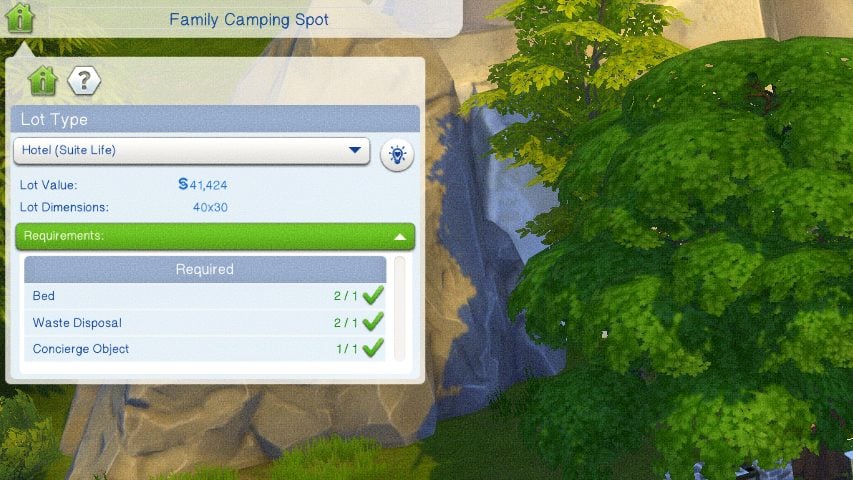
To start, you need to choose a world and what lot you would like the hotel to be on. Once you’ve selected the lot, you can go to the top left corner on the Venue Info Panel and change the lot type to a Hotel. This will provide the list of objects required for the lot type to be functional, similar to other base game and DLC lot types.
Build Requirements
Doors
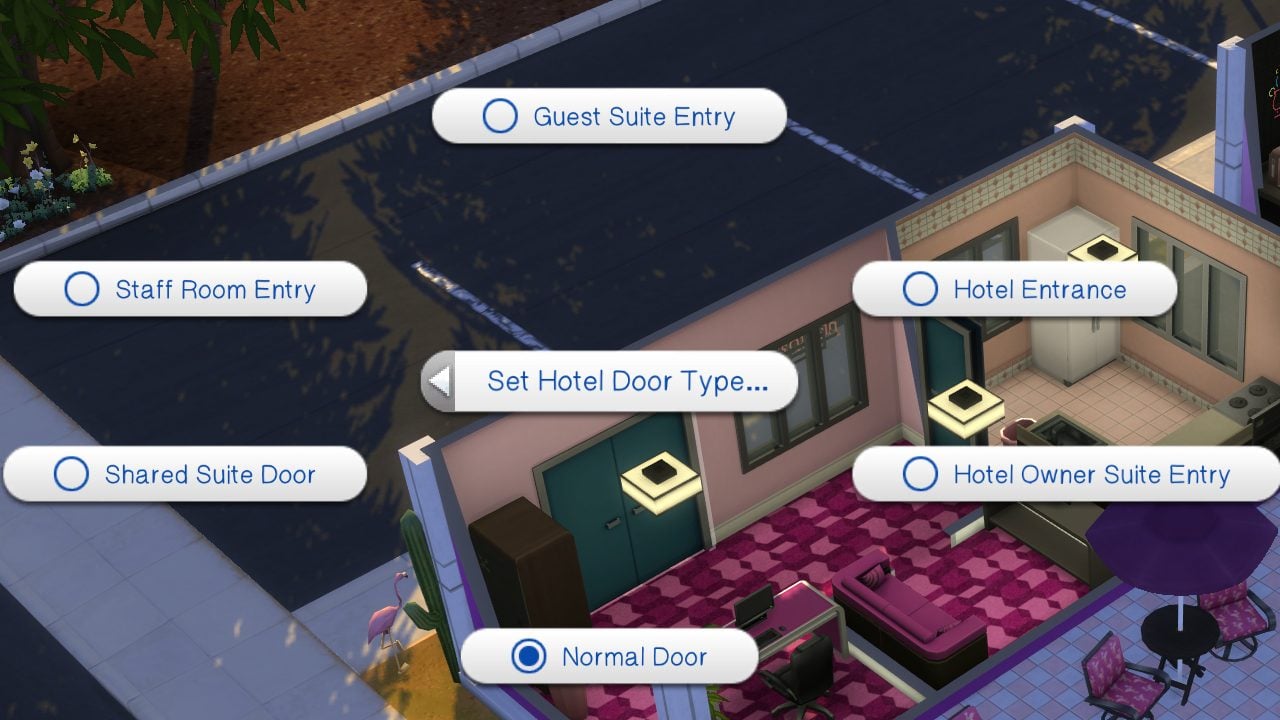
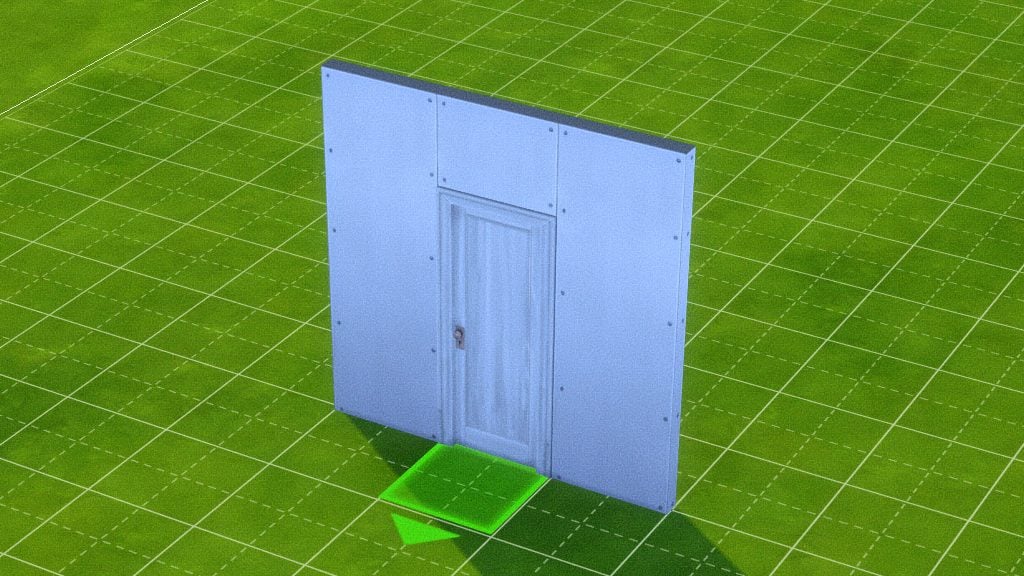
Doors are not restricted by type, height, or other features, but they need to be oriented properly. To connect rooms properly or to create individual hotel rooms, the handle must be on the left side with the placement arrow pointing outward. It is also noted that if you are using sliding doors, that the same is true and they must be reversed.
Doors can be assigned to multiple types in live mode under the Hotel Management category. These include Guest Room Entry, Staff Room Entry, and Hotel/Lobby Entrance. Other interior doors, like a guest’s attached bathroom, should not be edited.
Concierge Bell
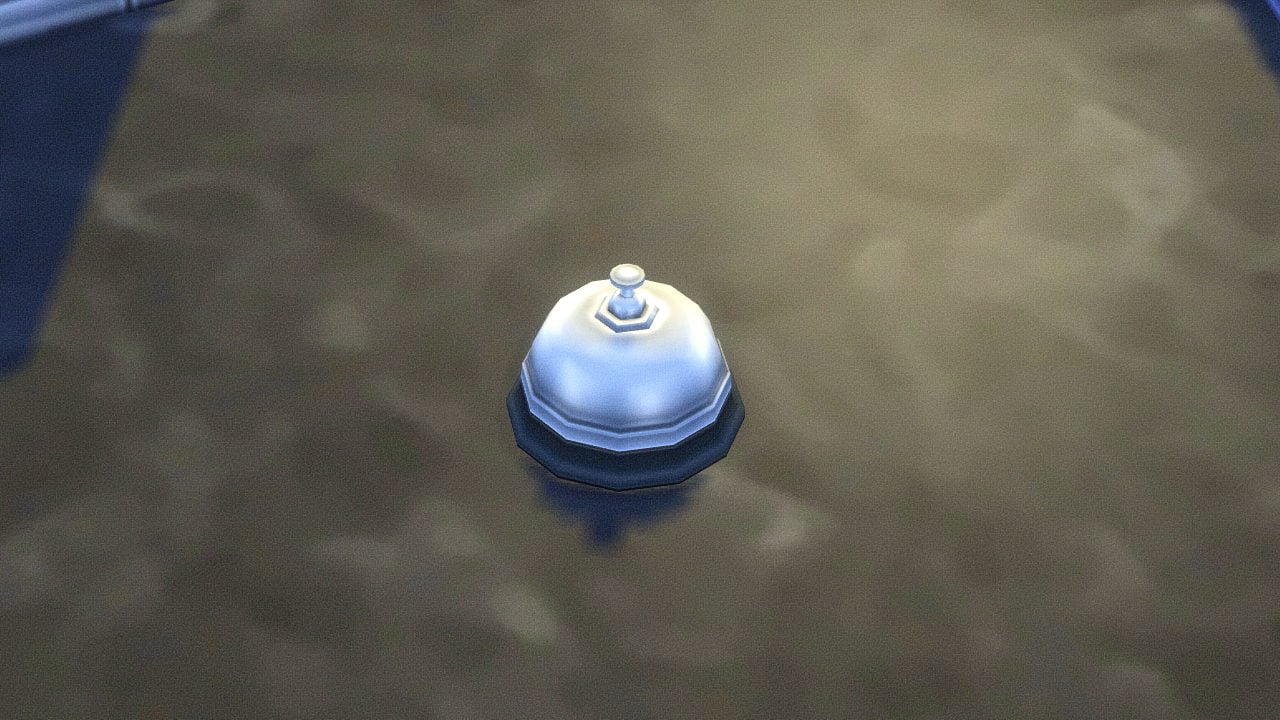
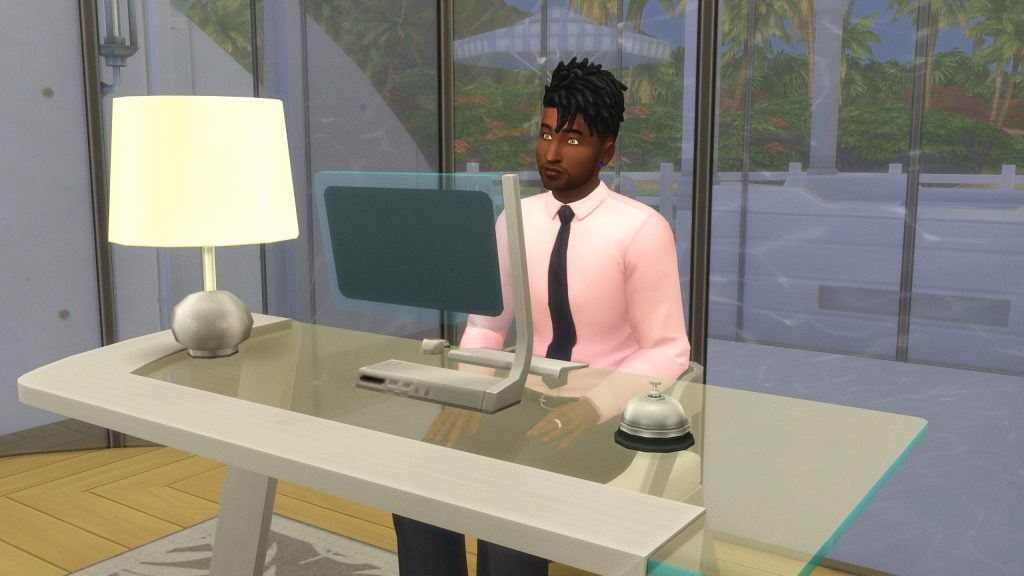
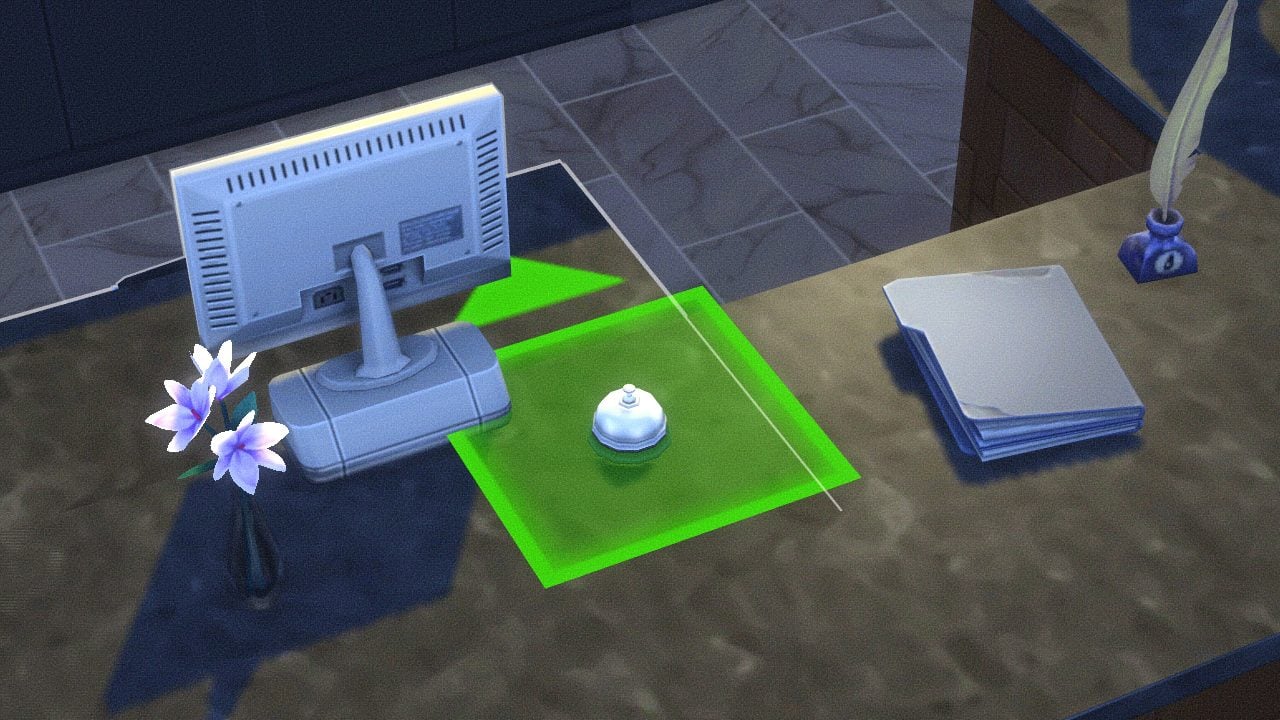
Another creator, SurelySims, created custom items for this mod, including the Concierge Bell. Place this item on a counter or desk and hire a receptionist. The placement arrow should be facing the direction you would like the staff to stand or sit.
Guest Rooms
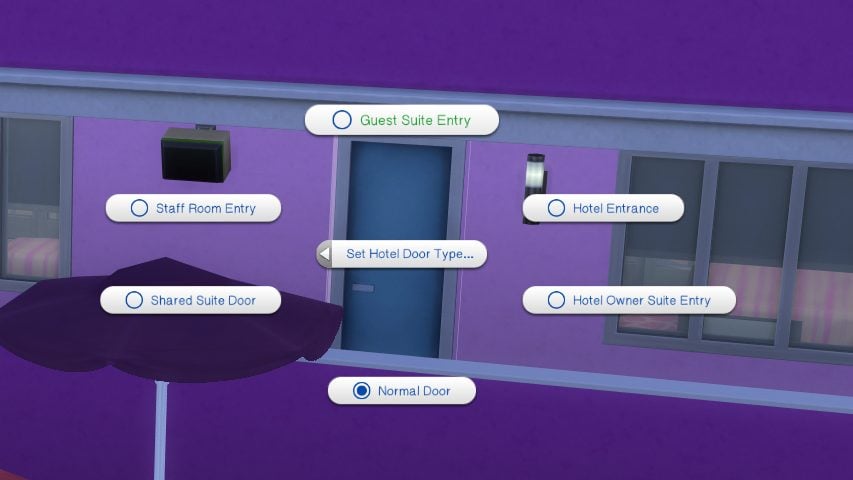
Guest rooms must only have one exterior door to keep the gameplay running smoothly, as this will section off other interior doors (not including patios/balconies) as the guest’s area. Guest Suites may have a Shared Door to connect them, but Lot 51 asks that you do not connect more than two suites together as it may cause problems with the sims’ autonomous routing behavior.
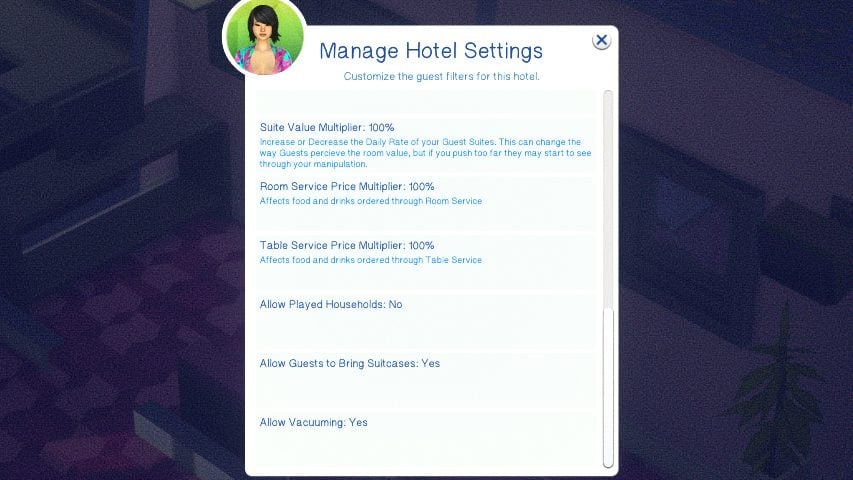
Guest rooms must have at least one bed, but can have more to allow for additional guests of all ages, as well as pets. These also have to align with the guest filters selected.
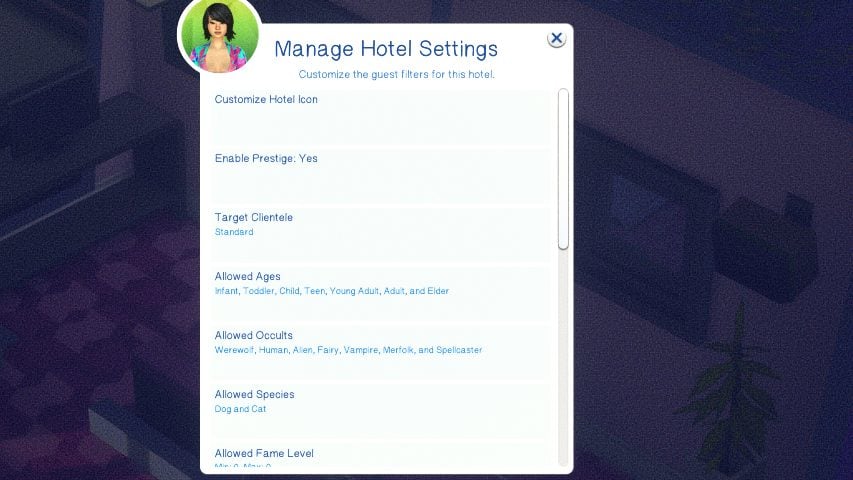
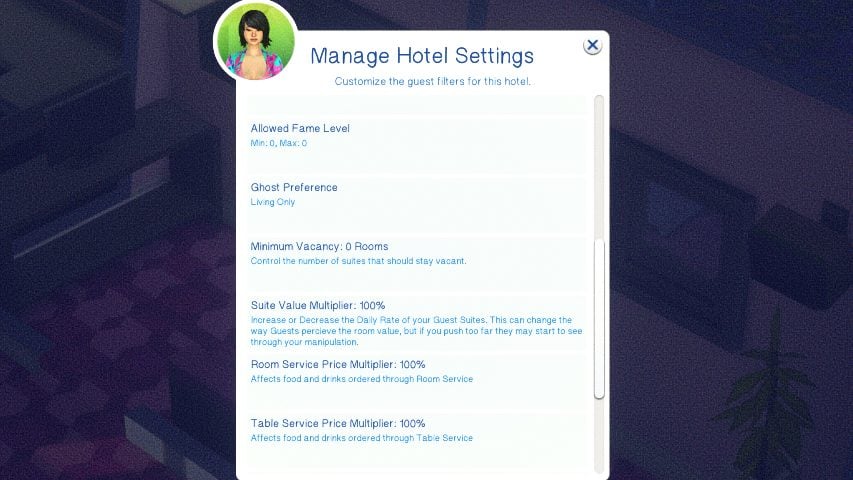
- To allow for infants, infants must be selected in the guest filters and the room must have a crib.
- To allow for toddlers, toddlers must be selected in the guest filters and the room must have a toddler bed.
- To allow for cats or dogs, cats and dogs must be selected in the guest filters and a food bowl must be placed.
- To allow for horses, horses must be selected in the guest filters and a horse stable item must be placed within the room.
- If you have Room Service Available, you must have at least one counter space for food delivery.
- If you do not have Room Service Available, you must place a fridge and a microwave for guests to make their own food.
- Guests must have bathroom access – This can include bathrooms attached to their rooms, or shared bathrooms outside of their rooms.
Gameplay & Limitations
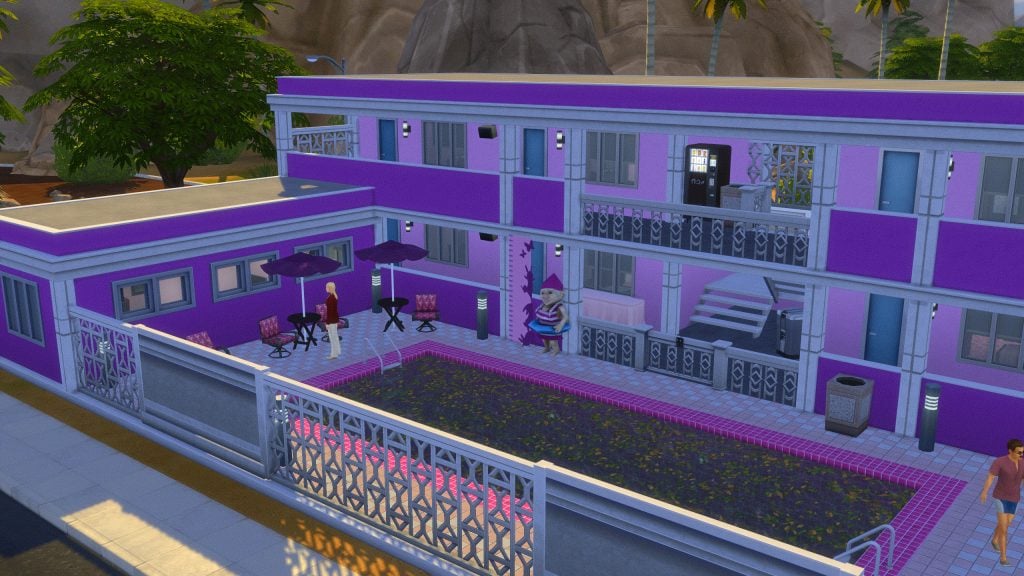
Due to limitations with the Sims 4 engine and how it reacts to copious amounts of sims, Lot 51 recommends that 3-4 guest rooms exist per lot, but it is not currently limited. This can be controlled by the Hotel’s NPC Auto Booking Setting, and the limit on the amount of sims allowed on a lot is increased for hotels to avoid missing guests or staff members when spawning.
Lot 51 recommends not skipping time, or using speed 3, to avoid lag and errors during your stay or time on the lot. However, it is also noted that it is safe to use when all guests are sleeping.
Staff Kitchen
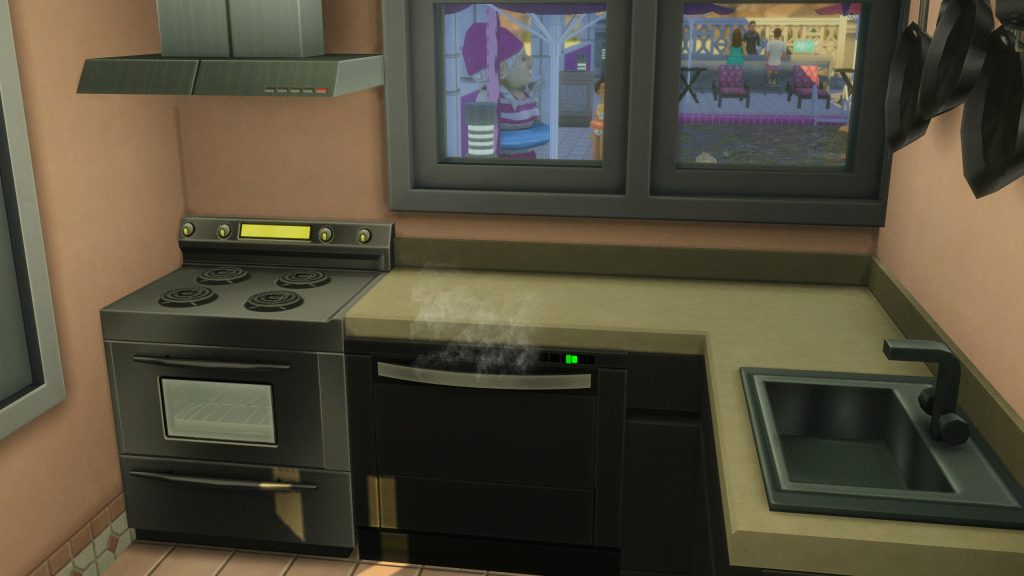
If you decide to offer Room Service, Table Service, or Continental Breakfast, the staff kitchen requires multiple objects.
- A fridge.
- A stove & oven or a chef station (1 per chef).
- A sink and/or a dishwasher.
- Two or more empty counter spaces.
- A trash can.
- A connected door labelled as Staff Room Entry.
Auxiliary/Exterior
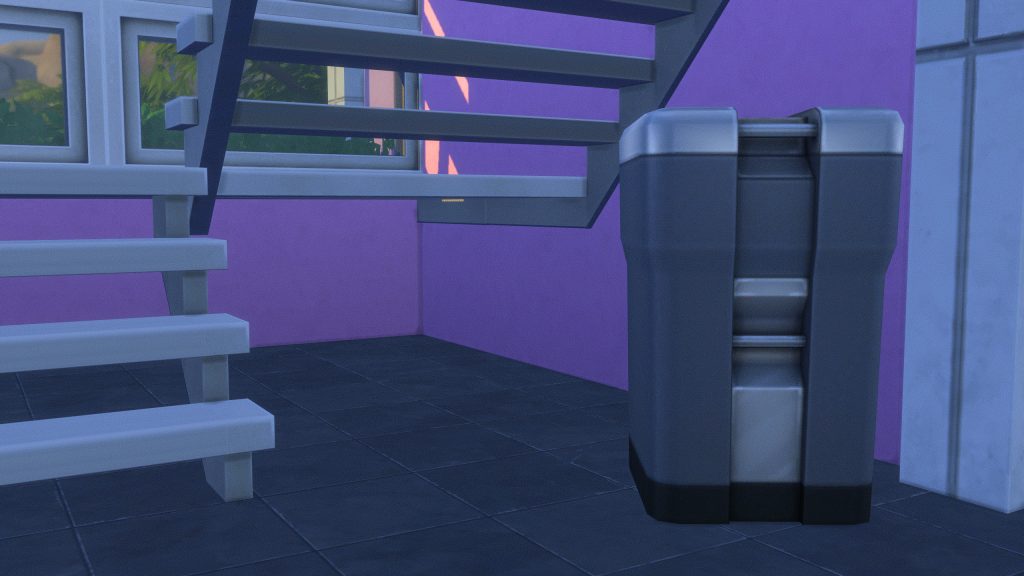
For housekeeping services, you must have an outdoor garbage can, dumpster, or garbage chute.
Gallery Hotels
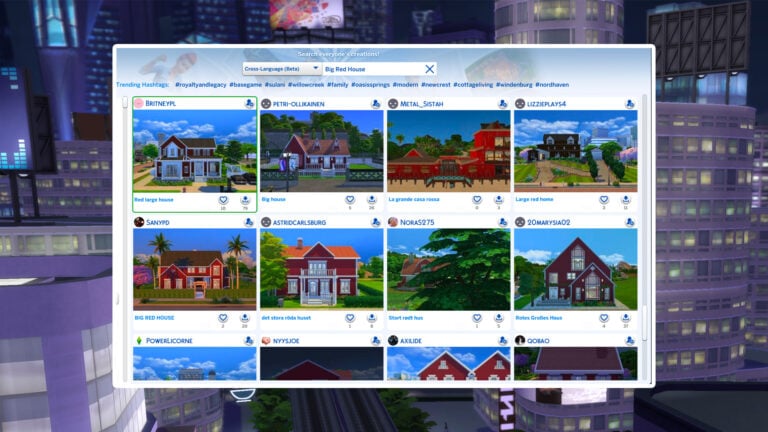
Hotels built with this mod in mind are tagged with the hashtag #lot51hotels. While they are tagged as this with the intention that the gallery user followed directions and intended for their build to work properly with the mod, Lot 51 does not and cannot review these builds. Read the comments of other players and look for easy fixes by referencing the guide for building hotels to function properly.
Two hotel builds stuck out to me as being unique, as well as being well-built with the mod in mind.
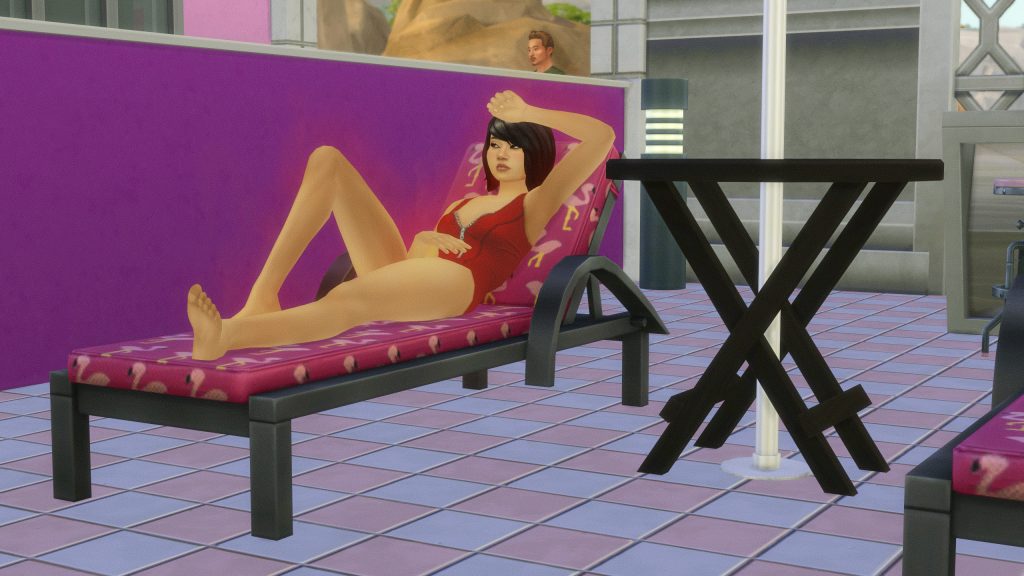
Pink Flamingo Motel by fancypants28
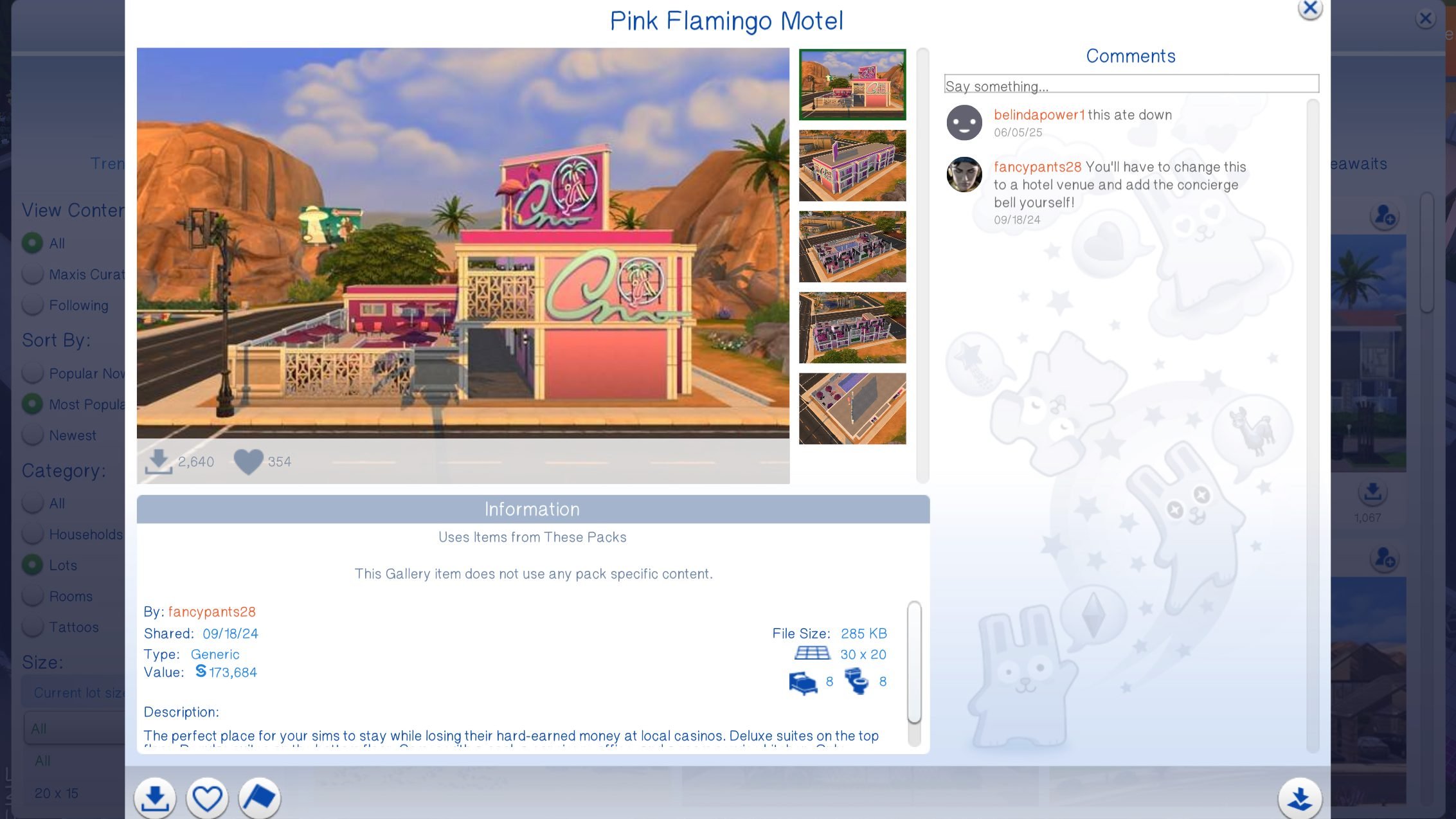

The perfect place for your sims to stay while losing their hard-earned money at local casinos. Deluxe suites on the top floor. Regular suites on the bottom floor. Comes with a pool, a concierge office, and a room service kitchen. Only requires #basegame Have fun!
– fancypants28’s Description for the Pink Flamingo Motel
SOS BG Yacht/Cruise Ship by dhahna
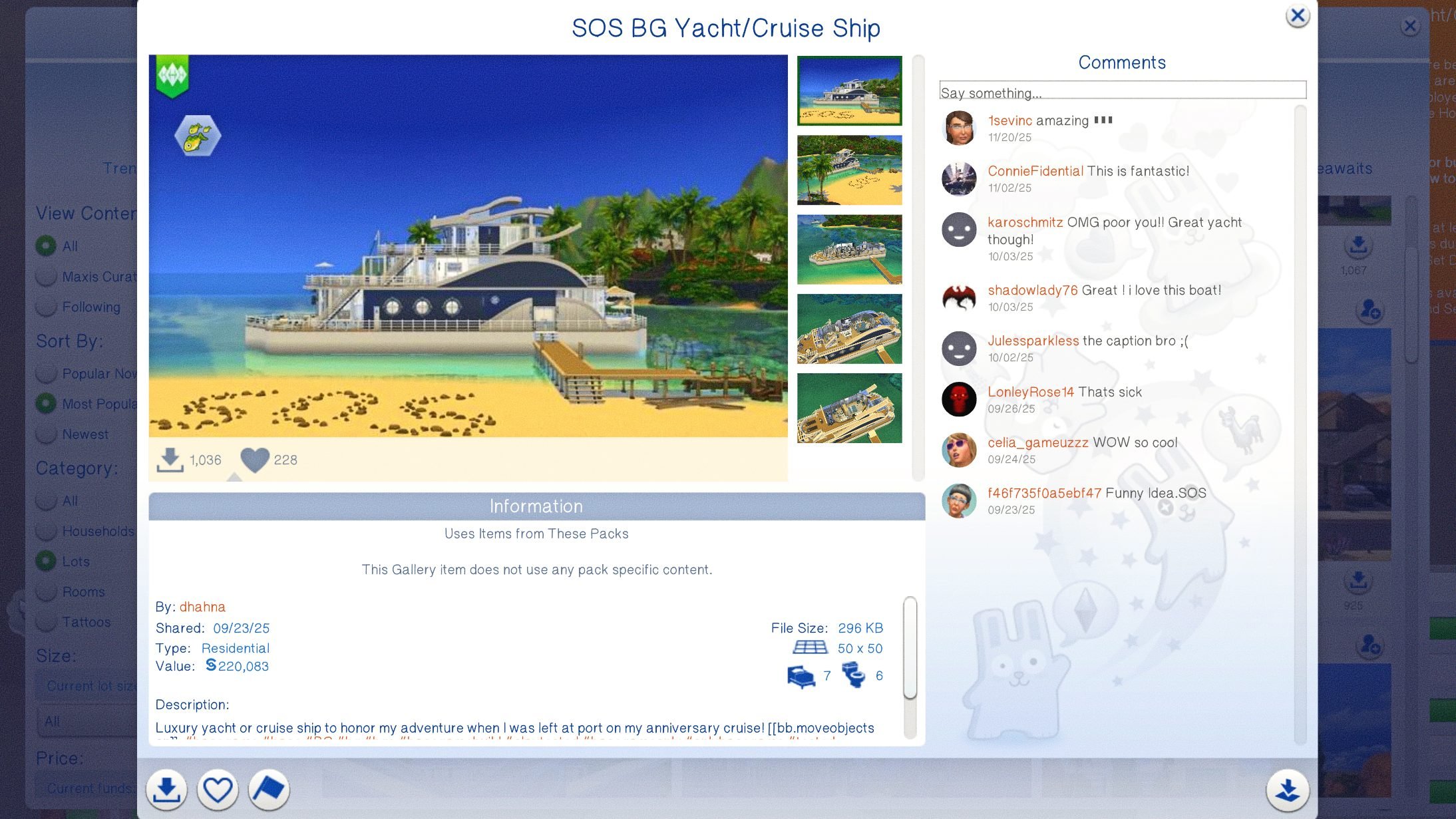
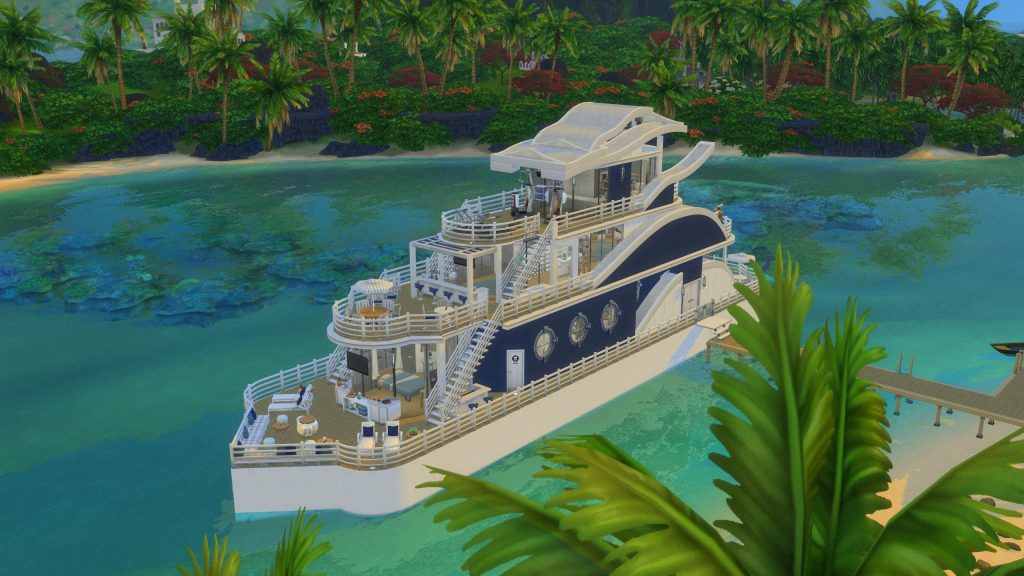
Luxury yacht or cruise ship to honor my adventure when I was left at port on my anniversary cruise!
– dhahna’s Description for the SOS BG Yacht/Cruise Ship
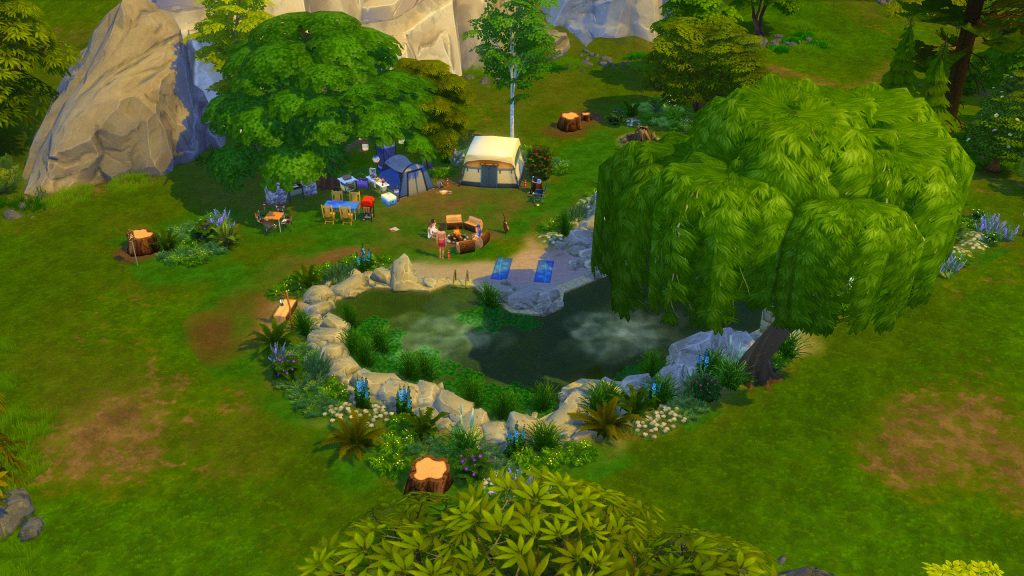
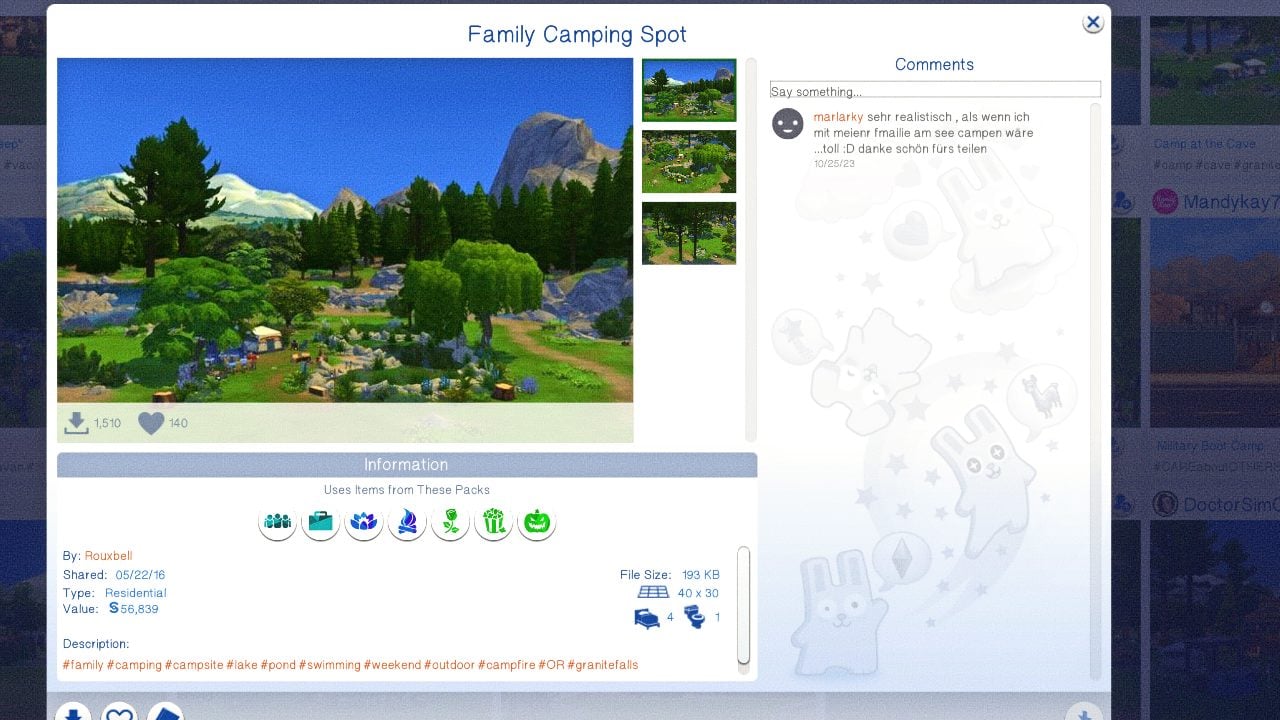
Family Camping Spot by Rouxbell
Playing a Guest

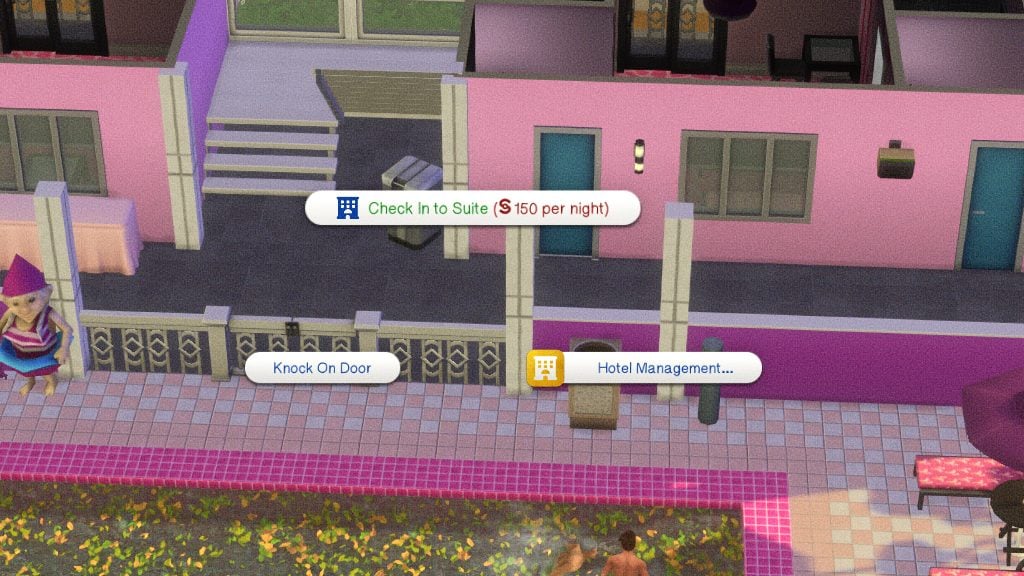
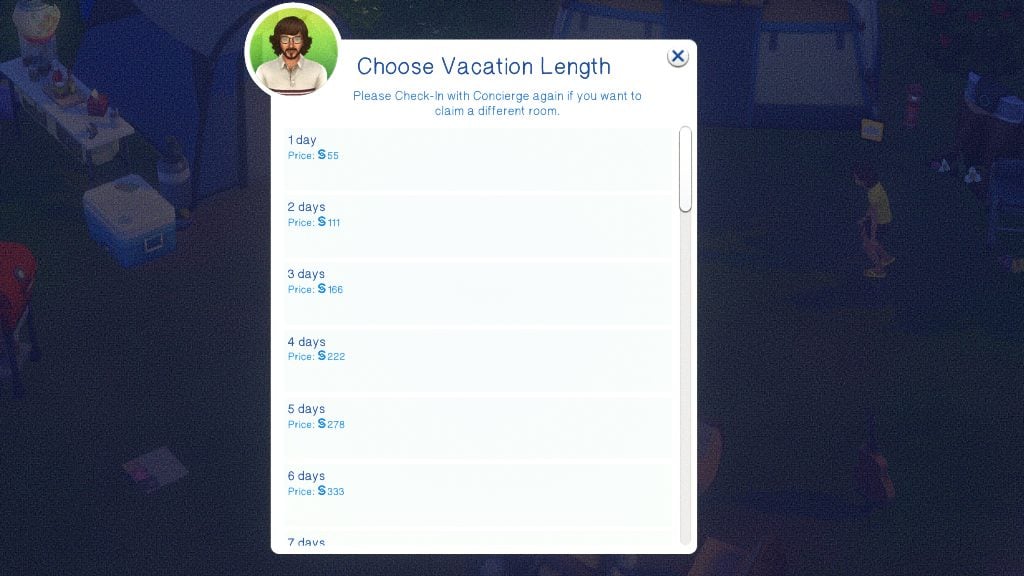
Guest rooms are charged fully up front. Their price can be viewed by clicking on the door of a suite, and their price is calculated based on the value of the items in the room. You can choose how many days you will be staying, as well.
How To Visit a Hotel

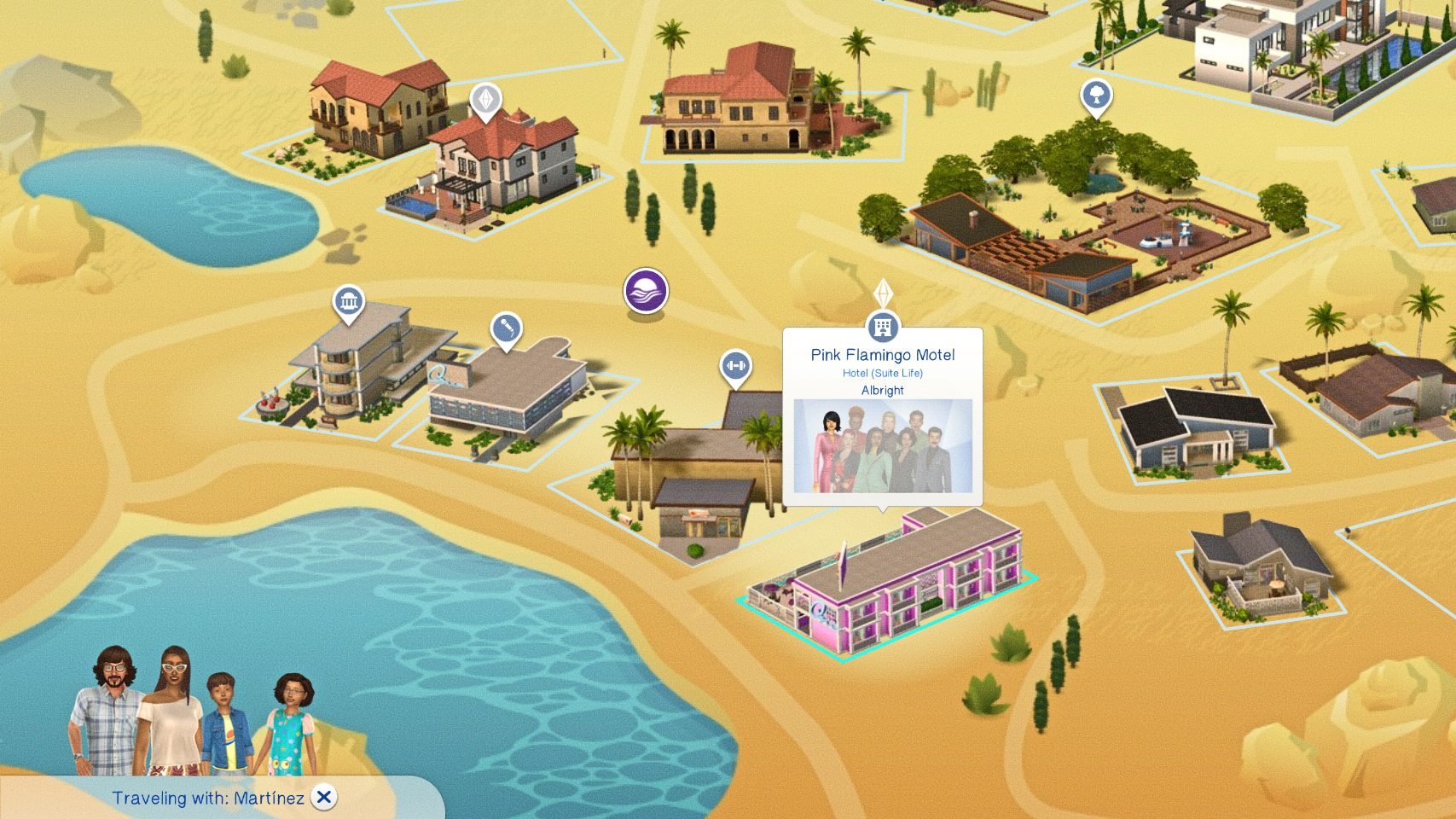
Since the base game vacation systems rely on vacation rental, campground, and other lot types, you must Travel directly to the hotel, as opposed to starting a vacation. Use the phone or go to the map screen to travel to the hotel that has been placed and made functional.
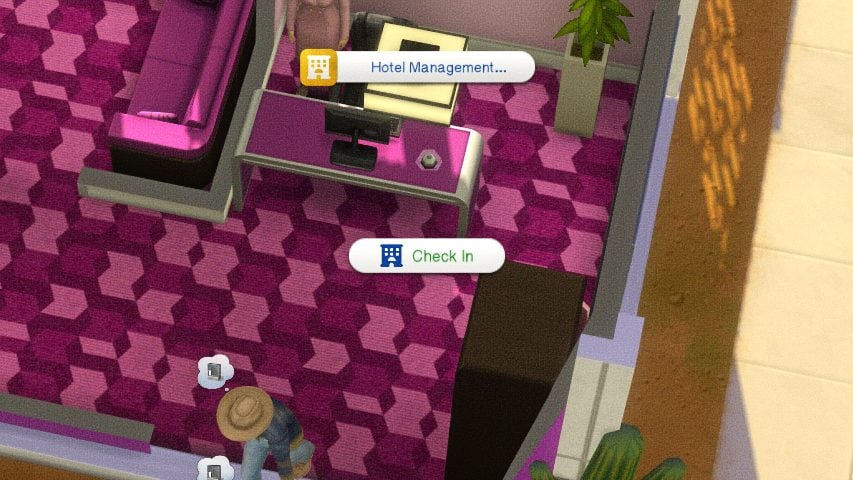
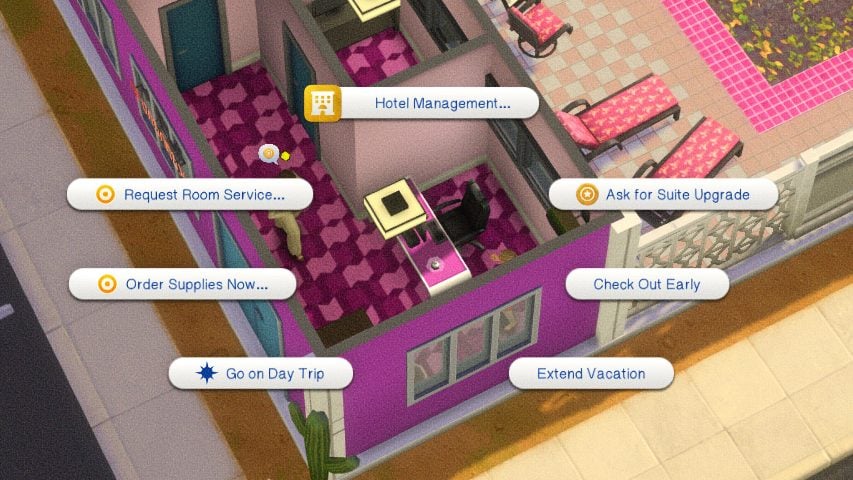
Once you’ve arrived, find the Concierge Bell and select Check In. Wait for the concierge and your sim will speak to them, opening up the ability to click on the doors of any suites you would like to rent. This is also where you can ask for upgrades and other guest-specific amenities.
Paradiso Rewards Program
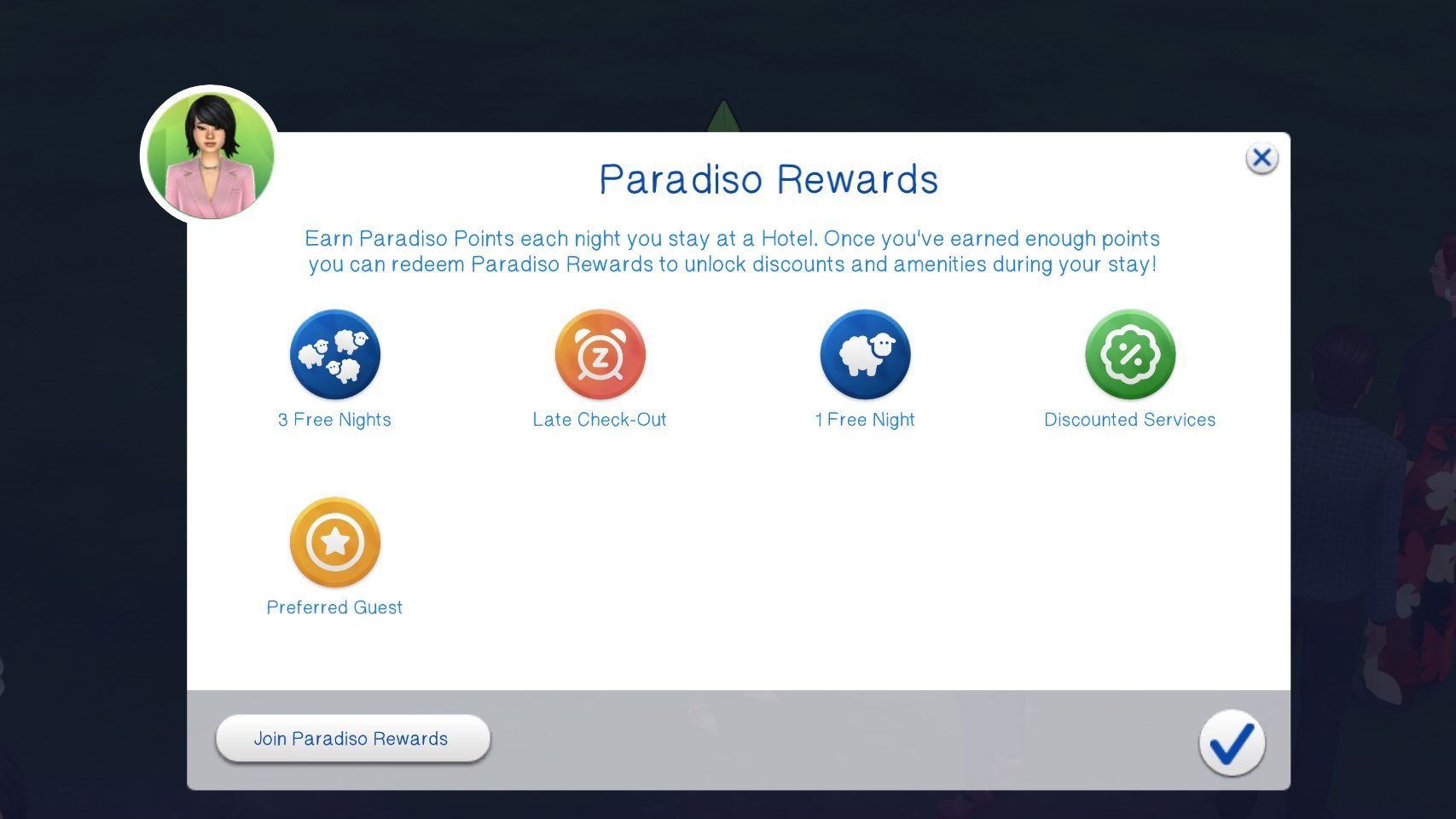
After joining the Paradiso Rewards program from your cellphone or computer, every night your sim stays in a Suite Life hotel venue, points will be earned based on the cost of your room. Lot 51 says this is approximately 2 points per §10. Only adult sims can use and redeem rewards.
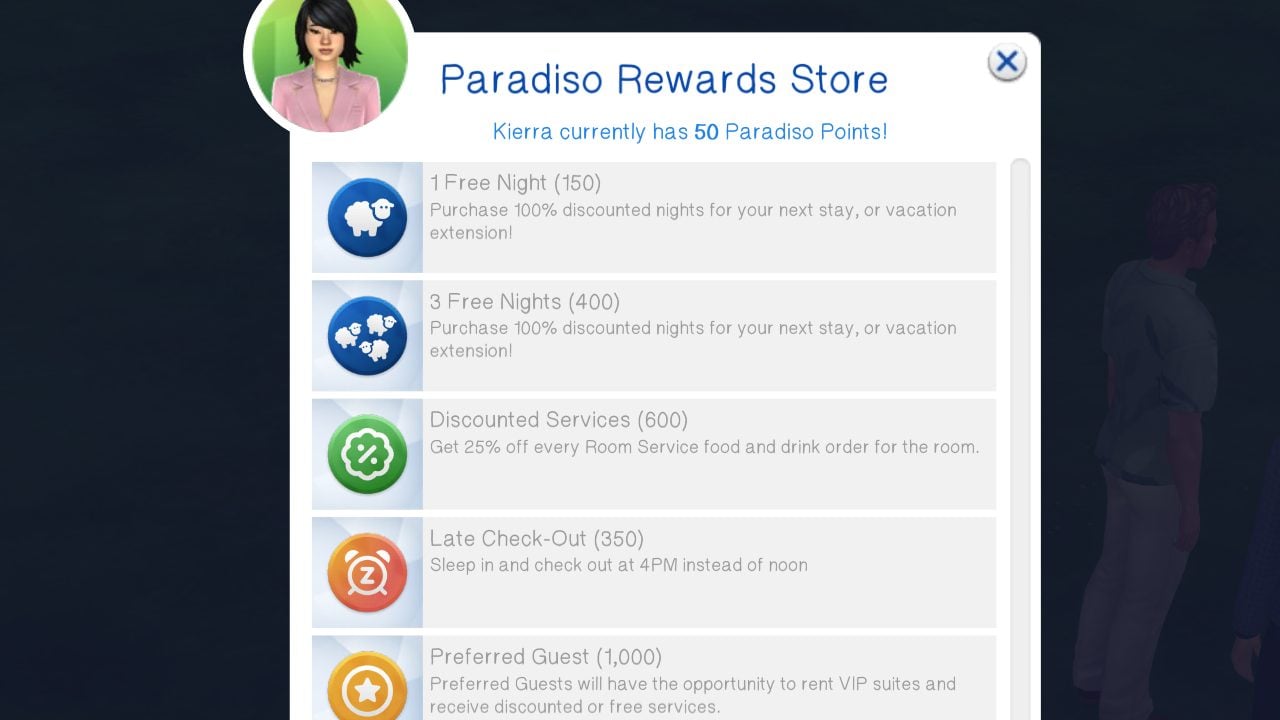
The available rewards currently include…
- 1 Free Night – This is 150 points and can be used on the current or a following stay.
- 3 Free Nights – This is a bulk purchase and 400 points and can be used on the current or a following stay.
- Late Check Out – This is 350 points and allows your sim to check out as late as 3PM.
- Discounted Services – This is 600 points and available if your hotel has room service. It reduces the cost of room service and table service orders by 25%.
- Preferred Guest – Access to VIP rooms and the ability to upgrade to any room at any time during your stay. Room Service & Table Service are served on gold platters.
VIP Rooms & Access
Rooms can also be marked as VIP Rooms, which can allow you to limit them to Celebrities (if you have Sims 4 Get Famous) and/or Preferred Guests (Paradiso Rewards Members).
Day Trips
Day Trips are rabbit hole activities you can send groups of guests to. You cannot send guests in a single group to different day trips, limit who goes on the day trip, etc. The cost is calculated per sim and listed in the menu. Every destination does different activities, boosts different needs or skills, and can lead to different effects depending on what they are. Day Trips can be manually visited by clicking on the Concierge Bell.
If the sims are in a good mood, all day trips boost their fun need.
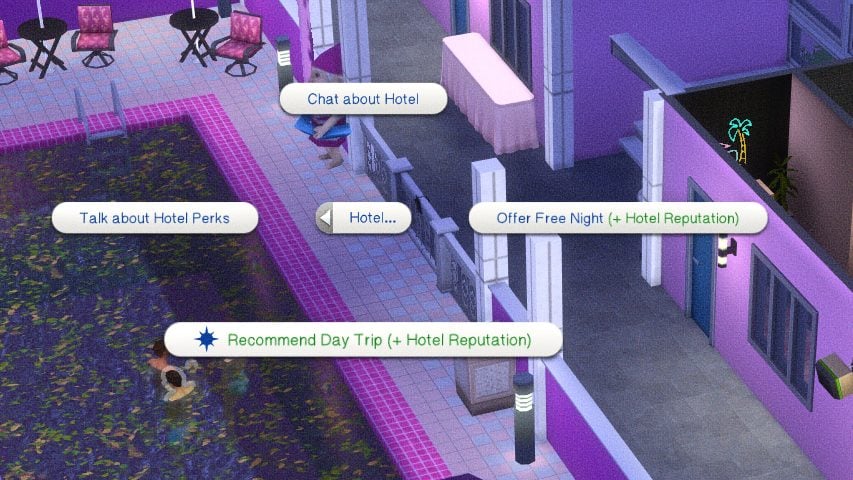
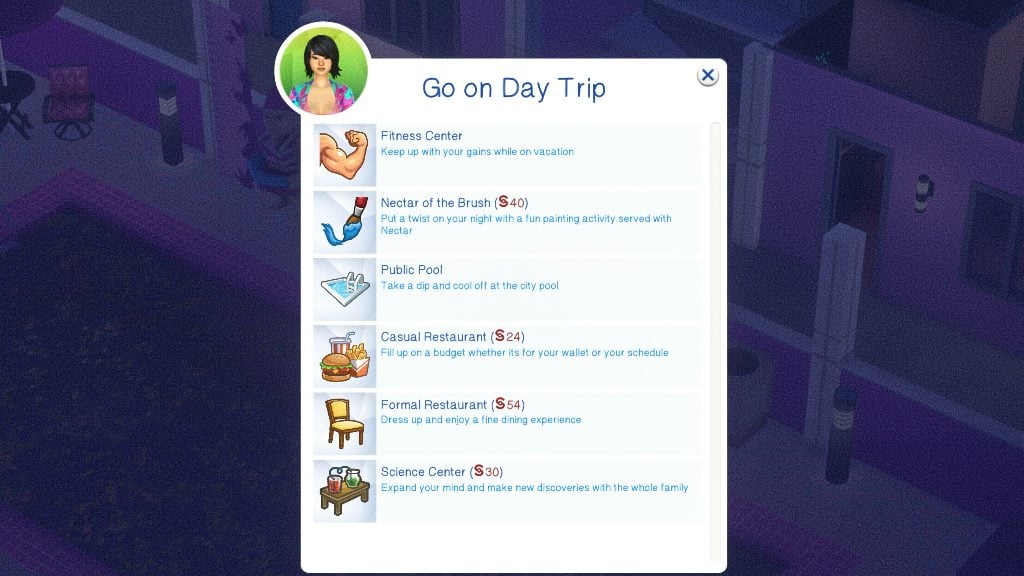
Sims, NPC or controlled, will not autonomously go on day trips, but this is planned to change in future updates. However, you can recommend day trips to them as an owner that they can go on.
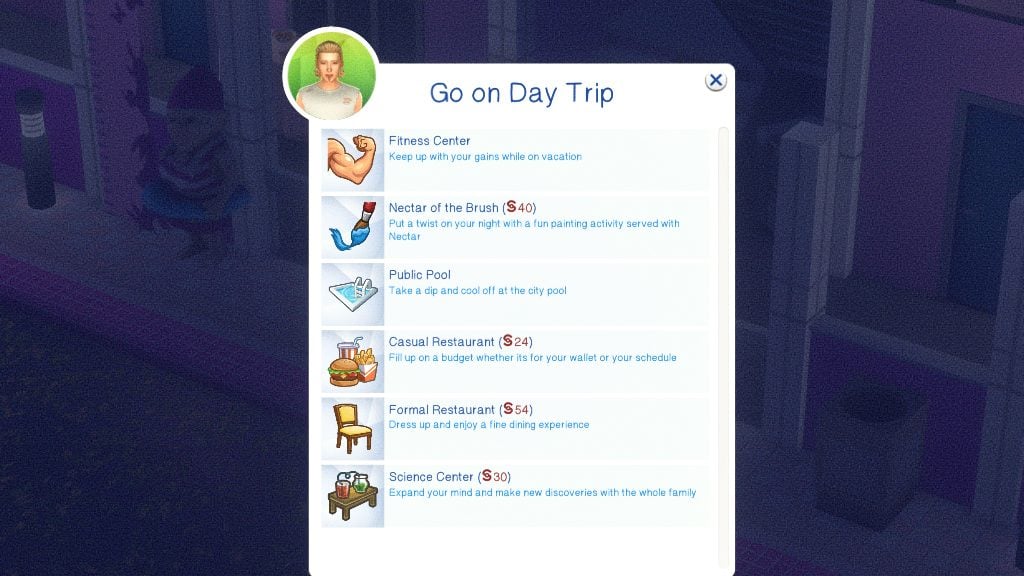
- Beach – Only appears for certain worlds based on what would have a beach nearby. Can cause sunburns or tanning if you have The Sims 4 Island Living.
- Fitness Center – Increases the fitness skill and counts as a workout.
- Nectar of the Brush – Painting with a twist, specifically with drinking nectar. Sims return with a souvenir of the class and an increase to the painting skill.FACT CHECK
- Public Pool – Can cause sunburns or tanning if you have The Sims 4 Island Living.
- Casual Restaurant – Maxes the hunger need.
- Formal Restaurant – Maxes the hunger need.
- Science Center – Builds Logic & Handiness for adults, but increases almost all skills for children.
- MORE
The day trips are ALL Base Game compatible, but some effects or buffs may not appear or be limited if you are missing the required pack.
Pools & Hot Tubs

If your hotel has a pool or hot tub, the default hours are 6AM to 10PM. Sims with a medium Mischief Skill level (3+) can sneak in, but may be kicked out or reprimanded if caught. The hours can be changed using the Hotel Perks menu. This includes adding a 24-Hour Pool & Hot Tub perk, allowing them to stay open day or night!
Employee Behavior
Housekeeping

Housekeeping will visit rooms every morning for clean up. If you would like to avoid housekeeping arriving for your room, you can select Do Not Disturb on your door. You can also use the guest room door to request cleaning at any time.
Maintenance
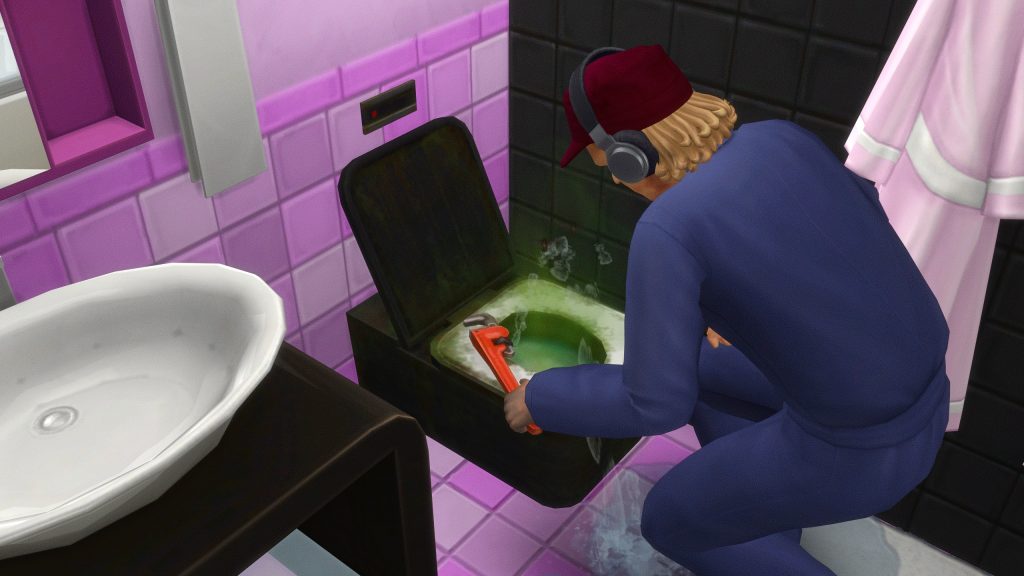
If an object breaks on the lot, whether it is in a guest room or in a shared area, click your guest room door to call maintenance who are on-call 24 hours a day.
Concierge
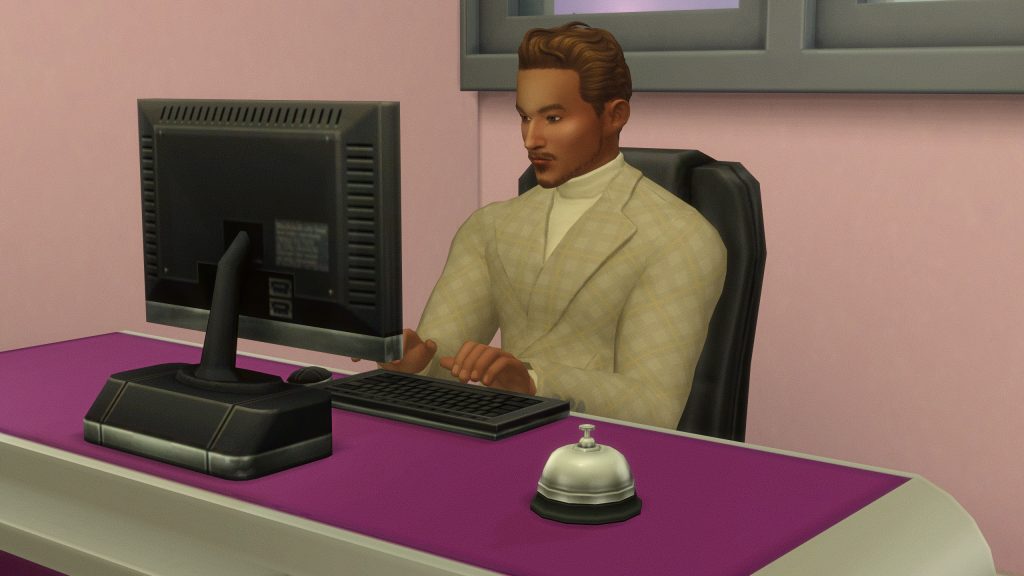
Concierge sims will stand by or sit at the desk with the Concierge Bell placed on it, as long as it is placed correctly. They will greet and direct sims to their rooms, provide customer service, and more.
Bartender
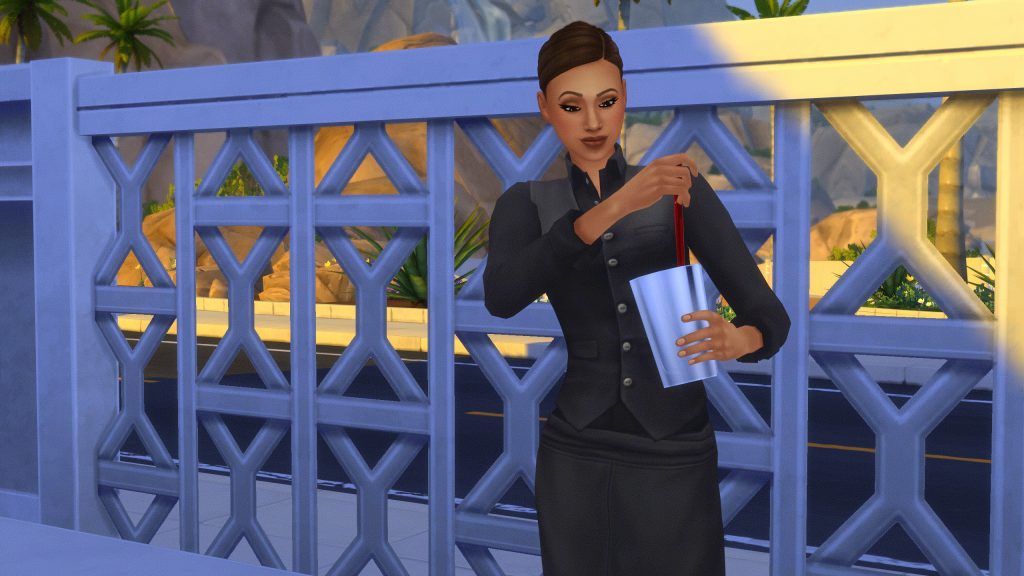
Bartenders function the same as bartenders hired via the base game systems (By clicking on a bar and hiring a bartender), except they now stay for longer, make an hourly rate, and can be swapped out for different shifts.
Cooks & Chefs
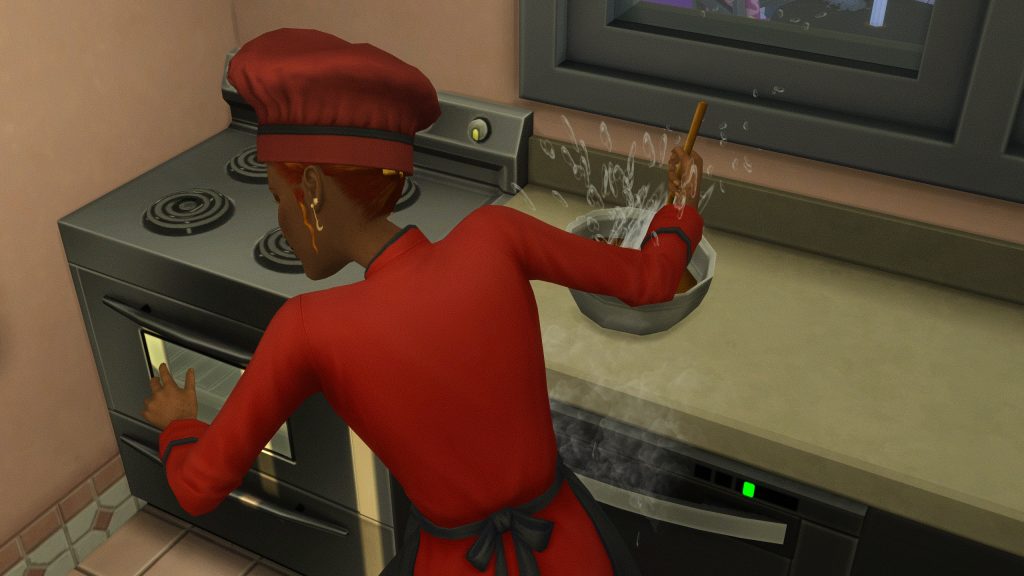
Cooks & Chefs will autonomously function and cook meals during dining hours, including delivering food items to rooms, serving guests with table service, or stocking buffets. They are not required if you do not add room service, table service, or continental breakfast as an amenity. If you do not, guests must have fridges, microwaves/stoves, and counters in their rooms to be able to feed themselves.
Porter

Porter’s will typically greet and assist guests with carrying in their luggage and putting it away.
Friends & Family
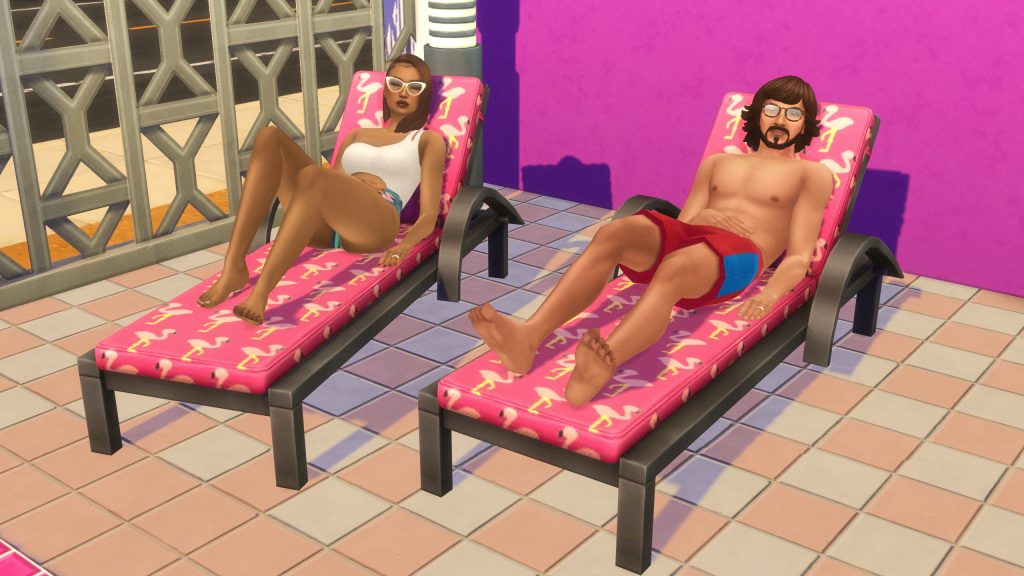
If you meet a new friend or see someone familiar while visiting a hotel, you can offer them access to your suite by clicking Give Room Key on the Actions menu. If they’ve overstayed their welcome or you need some more privacy, the same menu will also have an Ask To Leave option to revoke suite access.
Any empty rooms can be clicked to invite known sims, including their friends and family depending on the guest filters and the room capacity. Some sims in their household may not appear if the room invited to does not have capacity, including enough beds, cribs, toddler beds, pet items, etc.
If you’re traveling with a larger group or just need more privacy, you can pay for multiple suites and guest rooms to accommodate. You can use the guest room to assign guests per room, give everyone free reign and access to all rooms, etc.
NPC Behavior
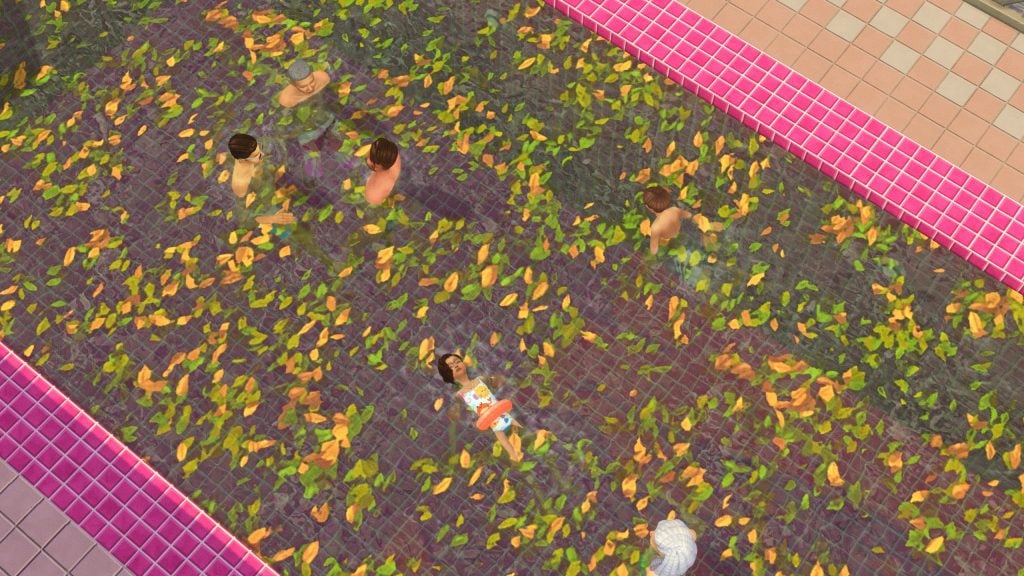
NPCs have autonomous behavior to avoid hotels seeming empty or lifeless, including things like suntanning if you have DLC that allows for it. If you have the Sims 4 For Rent, you can eavesdrop at guest doors and snoop in guest suites.
Playing a Hotel Owner
This feature is a work-in-progress, per Lot 51. You may experience unexpected bugs, issues with features, etc.
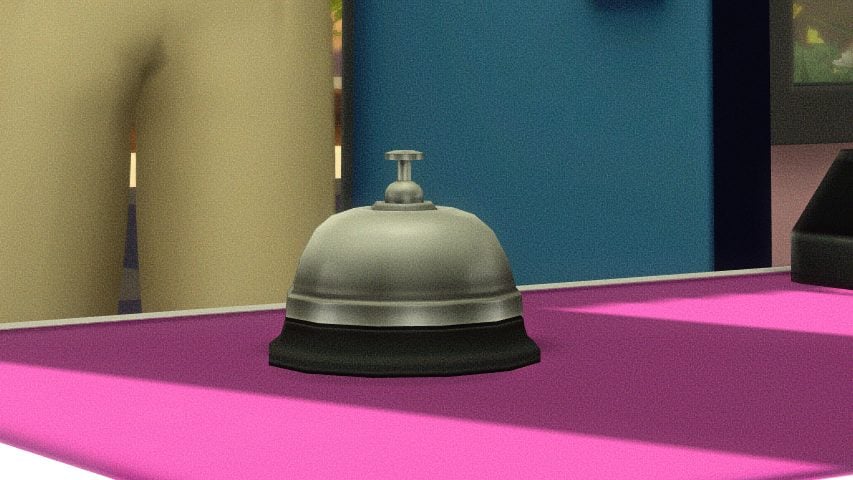
Since modded or custom businesses cannot appear on the business UI panel, all features of this mod are controlled via the cellphone, concierge bell, and signs.
To buy or sell a hotel, find the Pillow: Hotel Realty option under your sims’ phones’ Hotel app. Prices vary based on Market Rates, from -12% to +12%.
When owning a hotel, your hotel will generate a financial report each morning to calculate all of the expenses, wages, and revenue for the previous day. All profit will be sent to the business account and can be accessed by clicking the simoleon button on the Total Funds area, lower left on the UI. An overall financial report can also be generated using Manage Hotels picker on your phone, evenw hen not on the lot.
Hotel Perks System
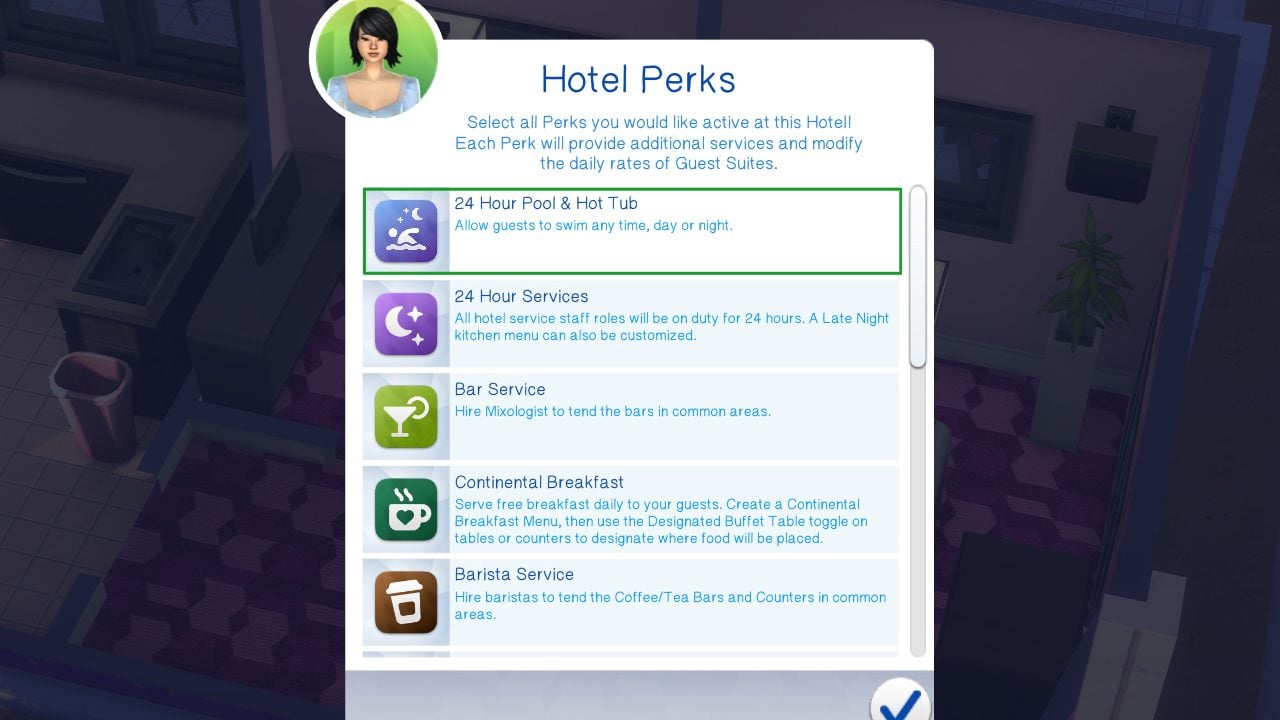
Each hotel built can be given unique amenities through the perks system on the Concierge Bell.
These services come with three standard shifts; Morning (5AM – 11AM), Afternoon (11AM – 5PM), and Evening (5PM – 11PM). With the 24-Hour Services perk, you can also select a Late Night Shift (11PM – 5AM). Staff will rotate through the shifts.
Housekeeping
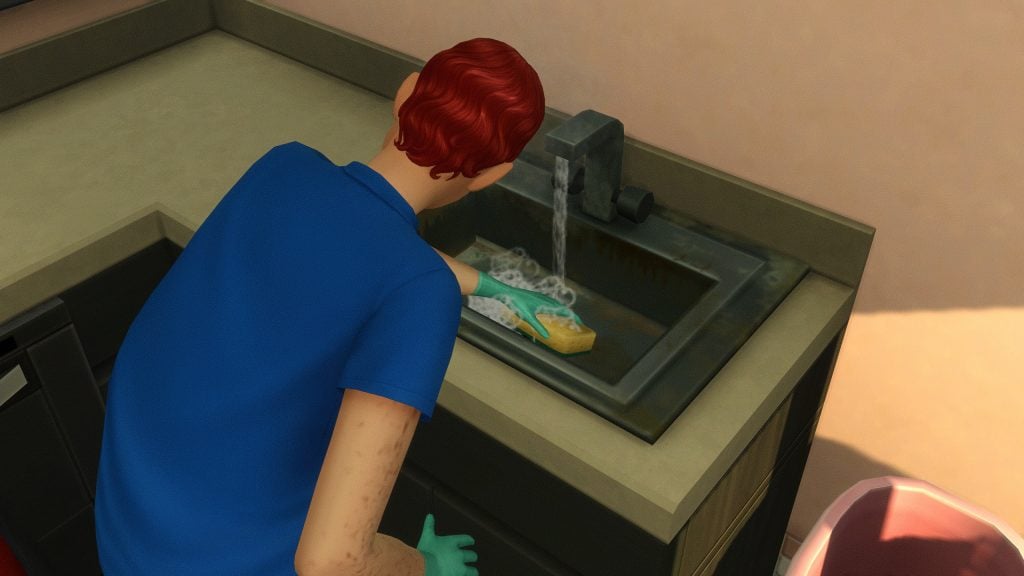
This allows you to hire dedicated custodial staff that will rotate through rooms daily and clean anything required.
Bar Service

Bars placed in common areas (Areas accessible to all guests) will receive hired mixologists. “Hire Staff to Tend Object” is supported.
On-Demand Catering
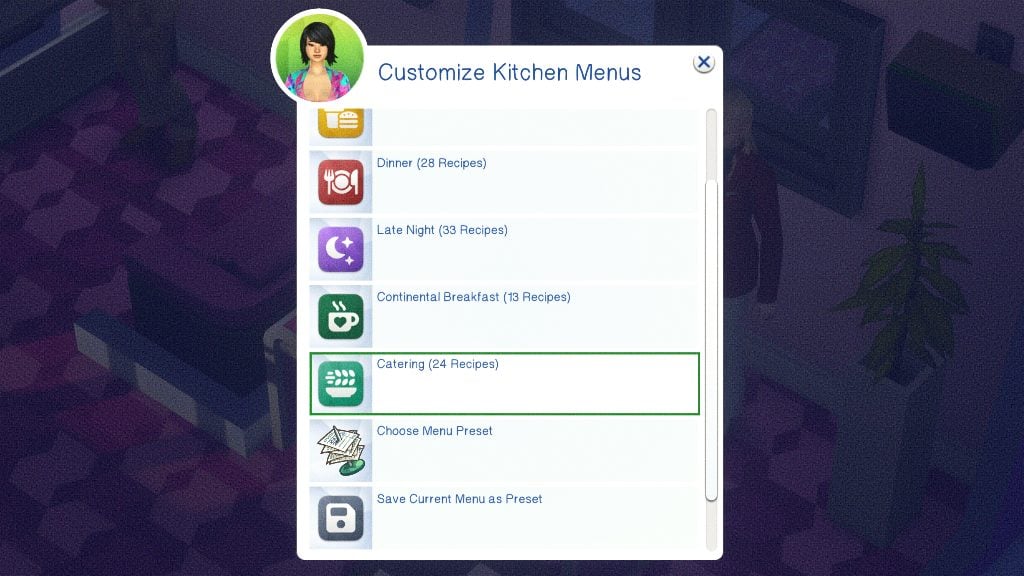
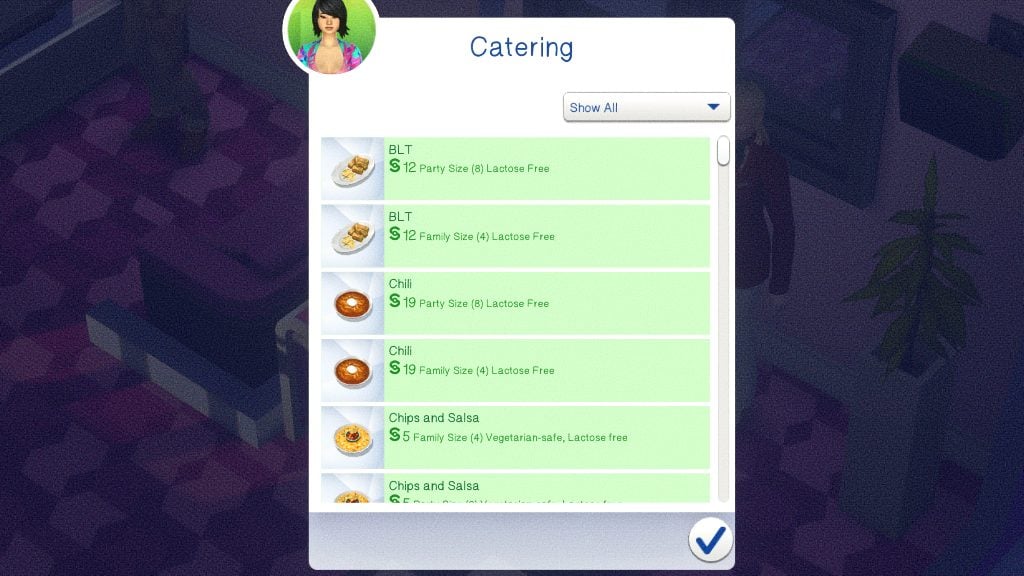

With the customizable menus available, you can also choose Catering as a category. This will allow you to place any family or party-sized platters to be served buffet style on common-area tables.
Barista Service

Hire a barista to tend espresso bars (get together), Bubble Tea Counters (High School Years), or Coffee Counters (Businesses & Hobbies)
Continental Breakfast
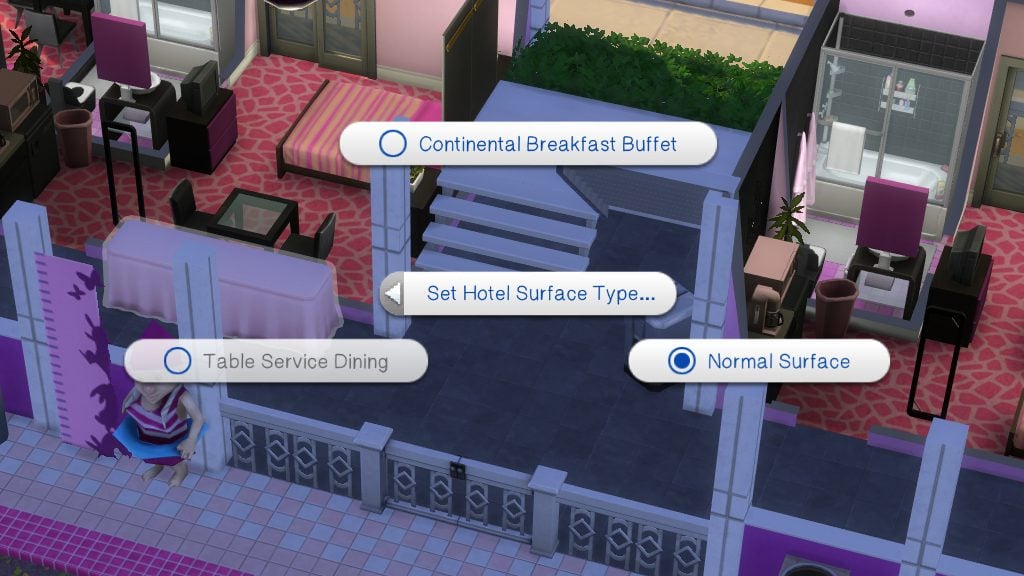
Designate a table in the common area as a Buffet Table and create a custom menu of items to be cooked each morning, supplied to your guests for free, as a continental breakfast perk.
Haunted Hotel
Have ghosts walk the halls of your hotel, startle guests, and perform sceances and exorcisms.
Quiet Hours
During Quiet Hours, typically late night hours, all sound-emitting objects will be turned off automatically (Televisions & Stereos), staff will be quiet, elevators will go silent, and laundry will be closed and unavailable.
Room Service
Guests can order food & drinks from the kitchen to be directly delivered to their room. NPC guests autonomously order when they get hungry. With the 24-Hour Services perk, you can also elect for a special Late Night menu.
Spa Services
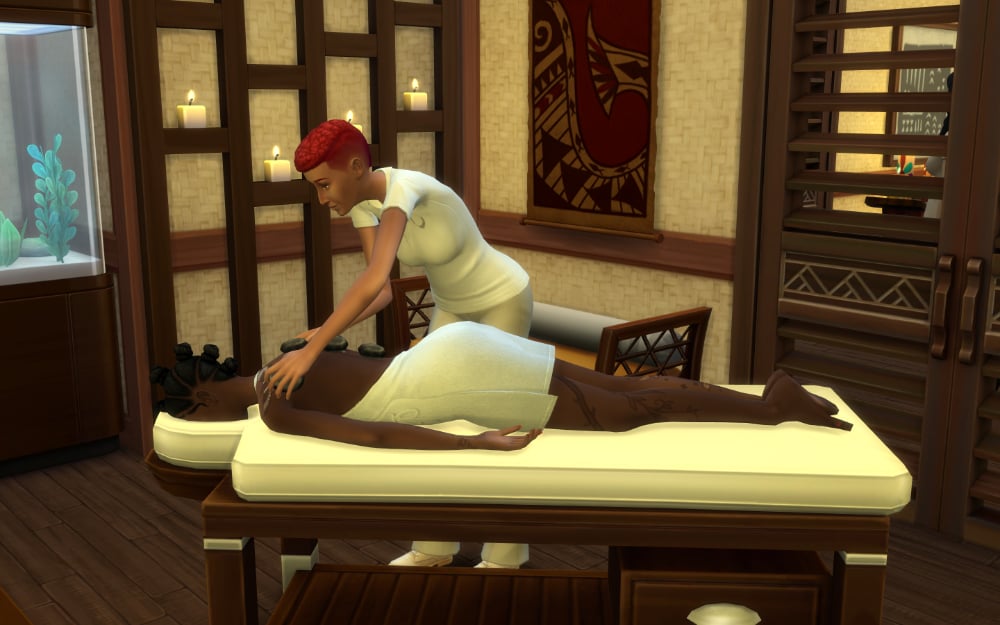
Hire massage specialists and spa attendants to work at Massage Chairs and Massage Tables. Spa Services can also be requested through Room Service.
Table Service
Clicking any table with seating in a common area will allow you to set it to a “Table Service” surface type. When the kitchen is open, you can seat your sims and order food. If you have a pack with a Podium/Lectern (Packs), you can toggle to hire a host who will seat guests.
Yoga
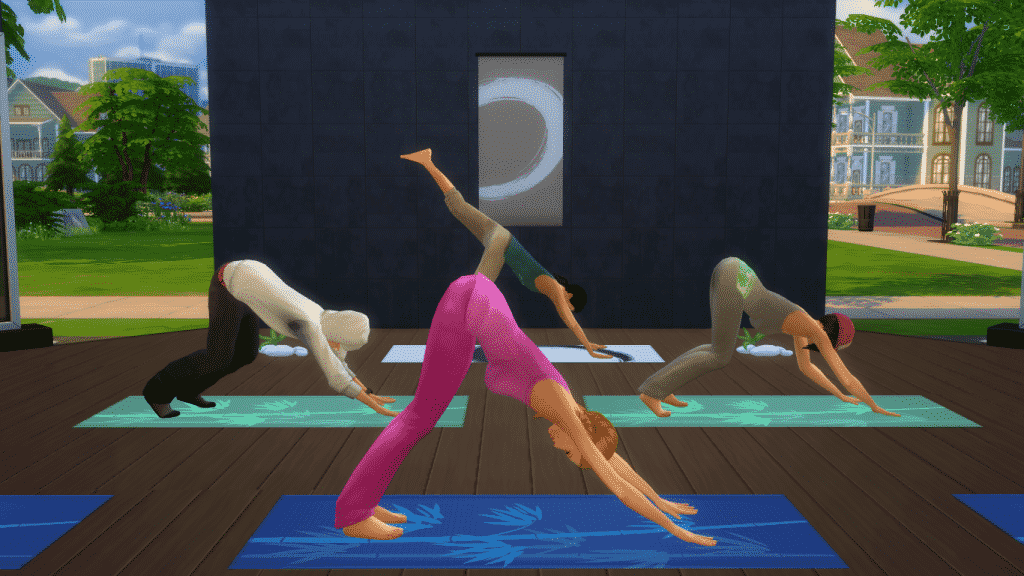
Placing down an Instructor’s Yoga Mat with this perk available with allow you to hire a yoga instructor who will offer three complimentary yoga classes for guests each day; In the morning, afternoon, or evening.
24-Hour Services
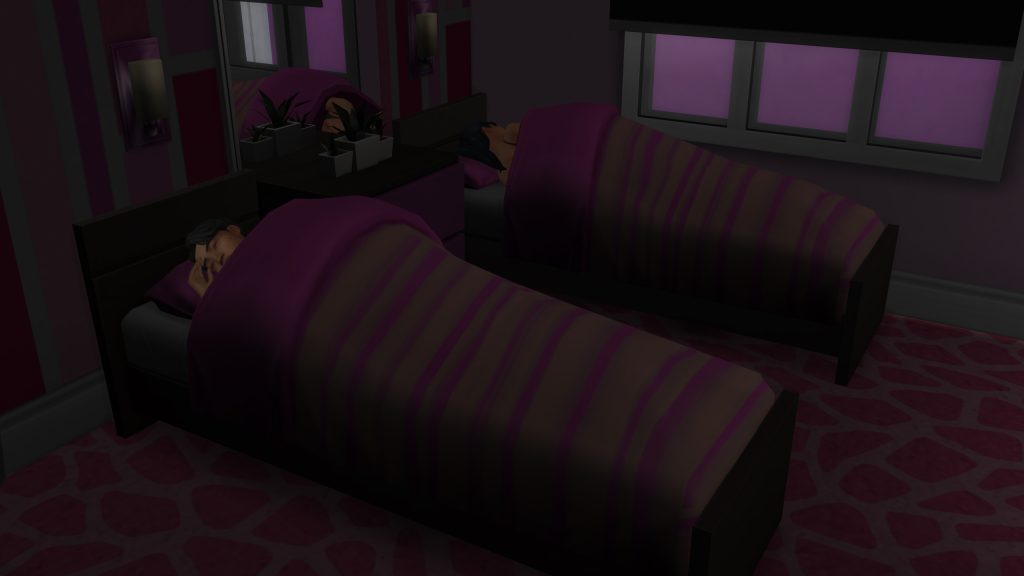
Allows you to have Room & Bar service open all day & night, and also offers a custom Late Night menu between Dinner & Breakfast
24-Hour Pool & Hot Tub
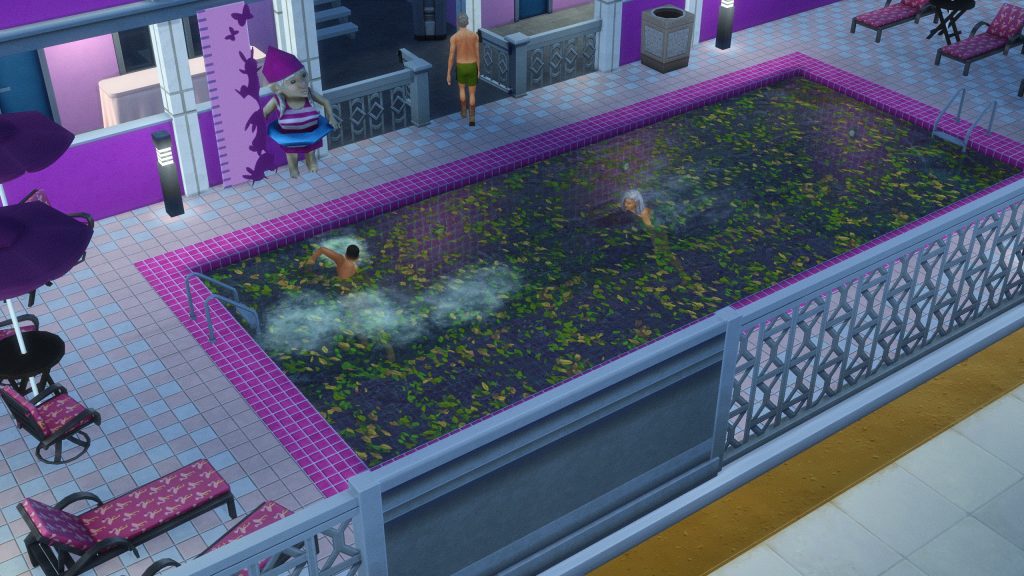
Allows sims to enter the pool area and swim any time they want! You CAN sneak into the pool areas, but your whole party may get kicked out if caught.
Employees
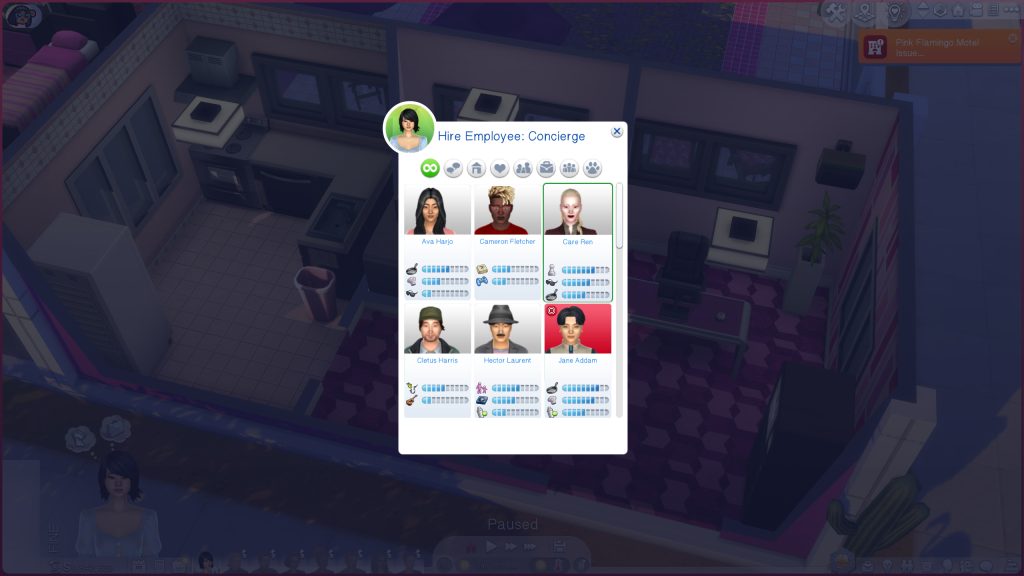
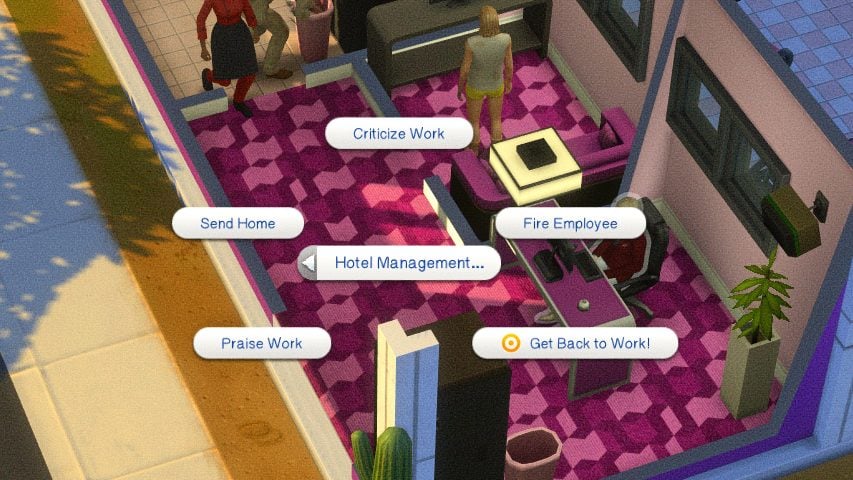
Employees can be managed, meaning hired, fired, called in, etc. from the concierge bell. It will provide a list of eligible NPCs in the world, particularly those that have skills pertaining to the specific role you’re hiring for. Once an employee is working, they can be praised or criticized for their work, fired, told to go home, and more.
Kitchen Menus
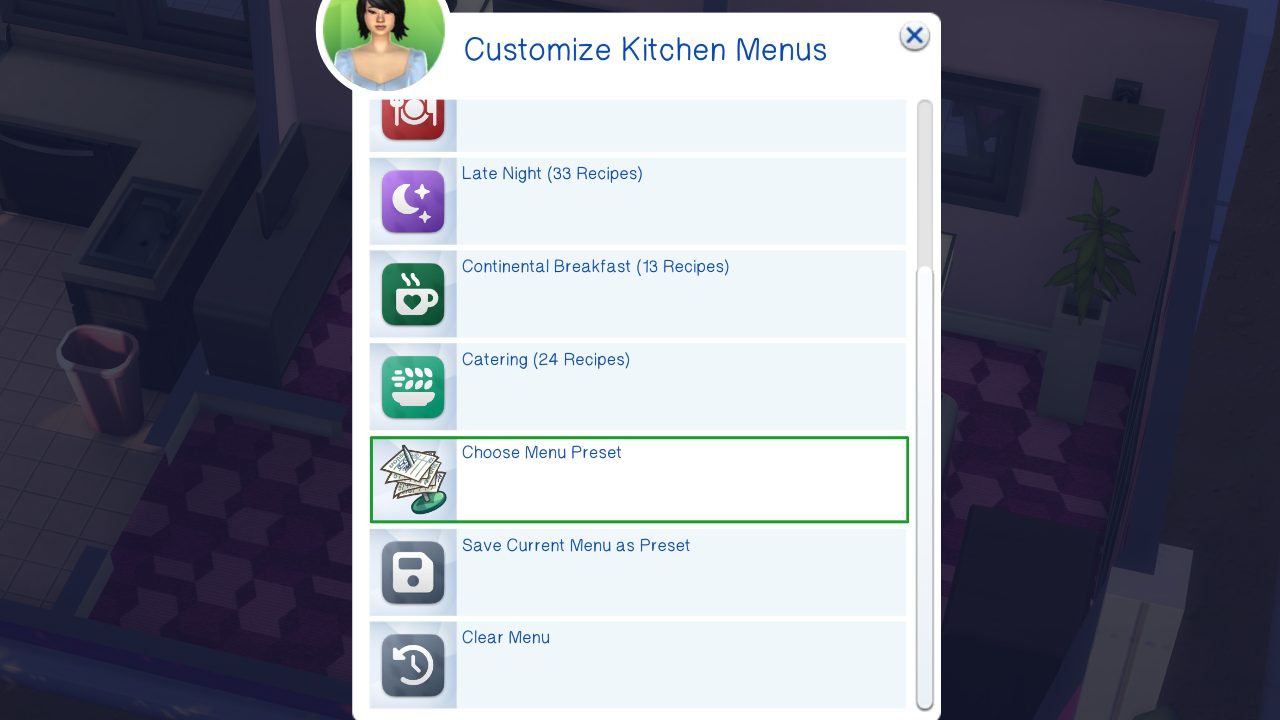
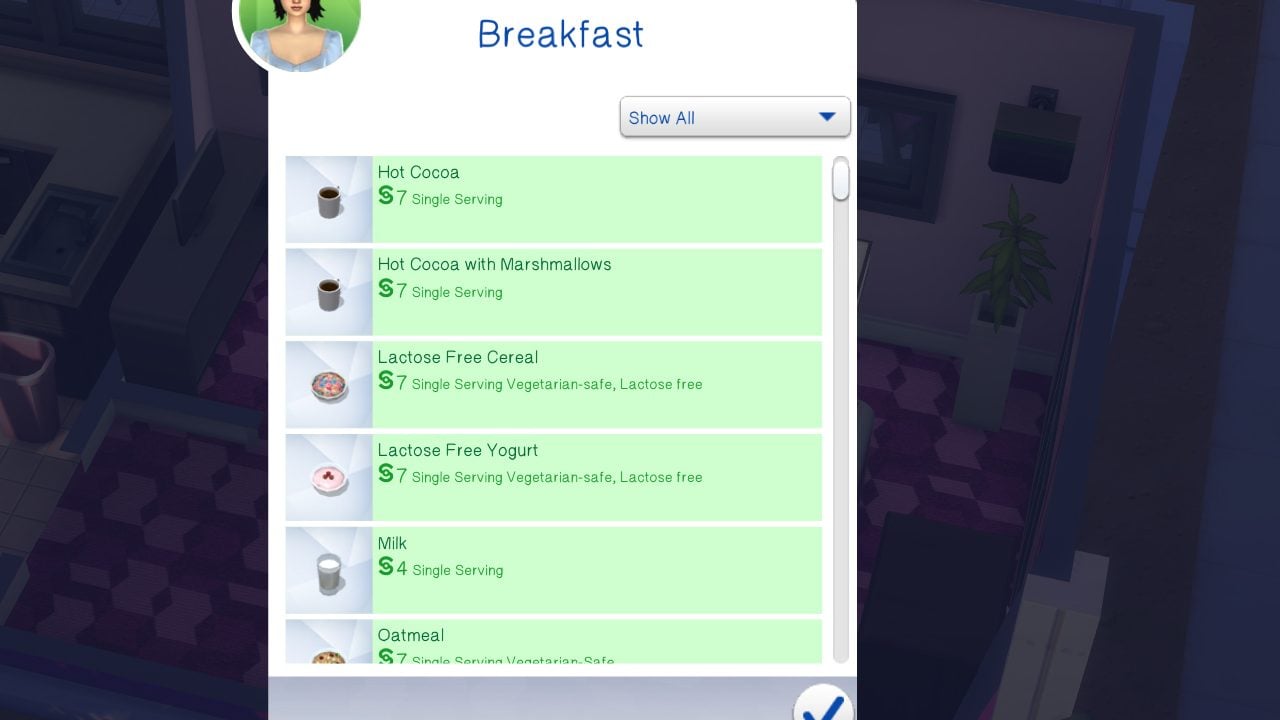
Kitchen menus can be customized based on shift or type of menu. This includes morning, afternoon, evening, and late night, as well as continental breakfast and catering. Menu presets also exist, which can be custom made or are included in the mod.
Hotel Owner Suite
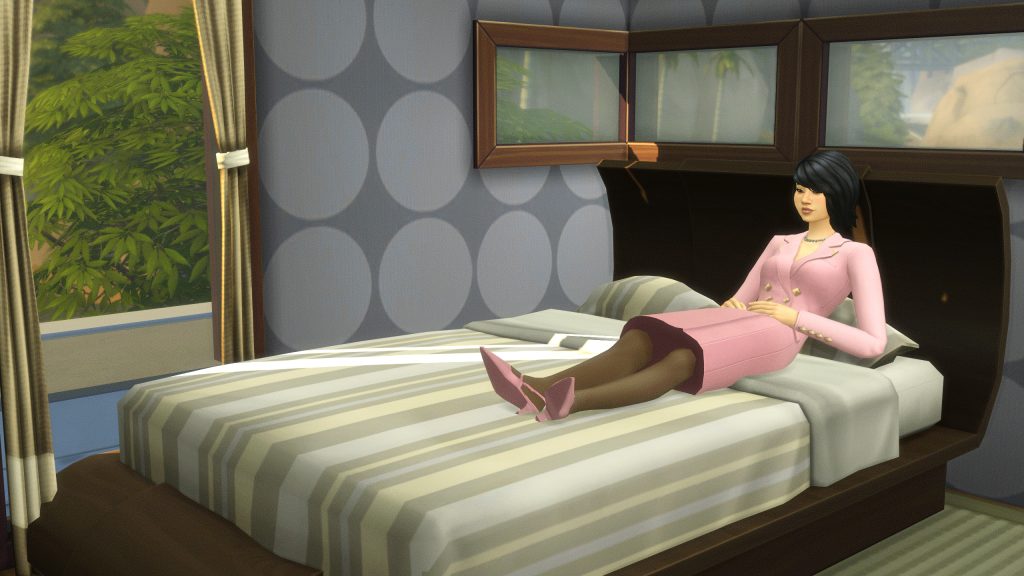
This option will block off a specific area for your hotel owner(s) to rest, relax, and live in general while managing their hotel. These are separate from staff areas, guest areas, etc.
Earning Money
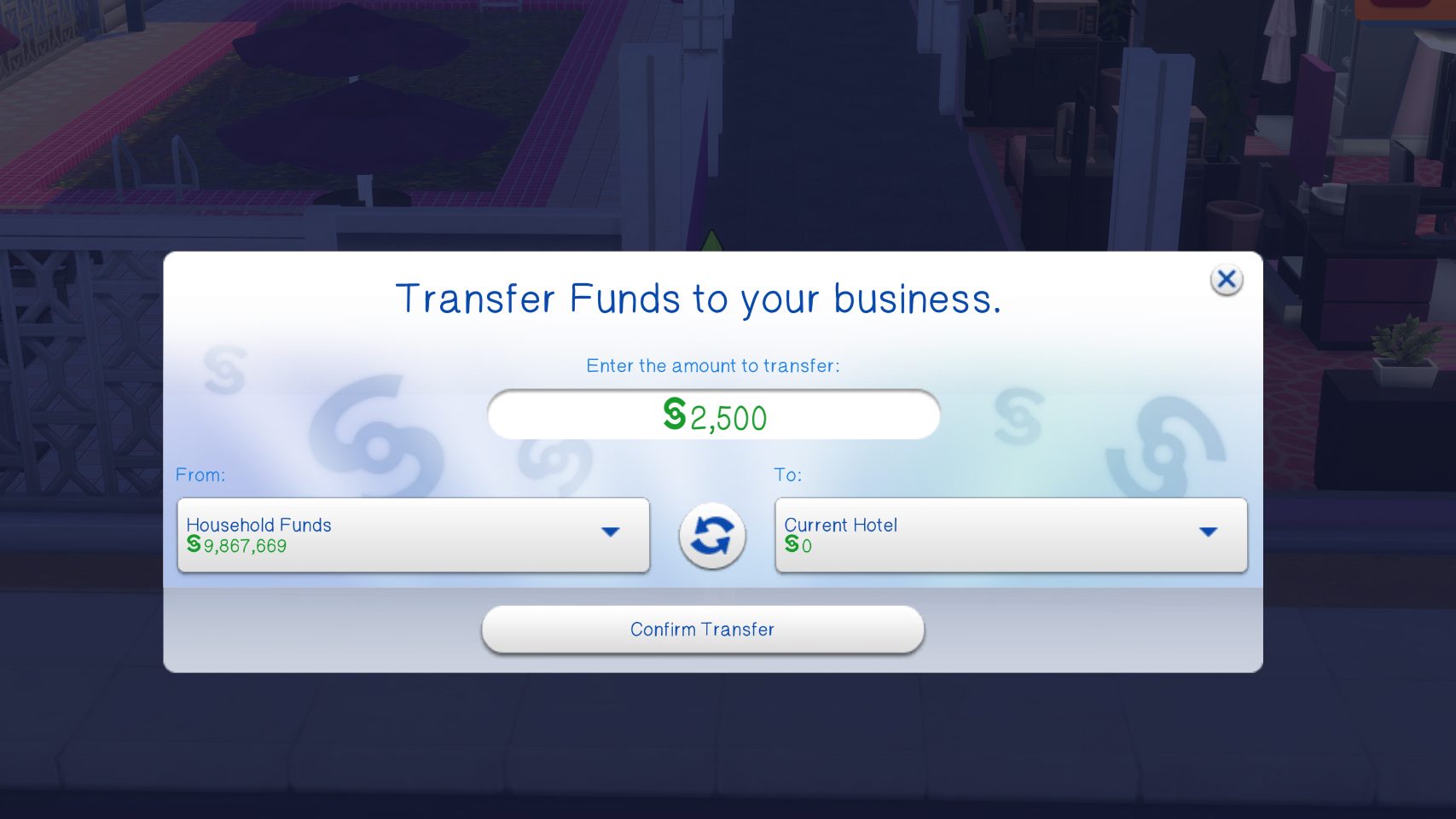
Money is earned as guests check in, and based on the length of their stay and the quality and value of the suite(s) they choose to check into. You have to pay money to earn money, though, and you will have to have a starting fund provided to the hotel to be able to set it up.
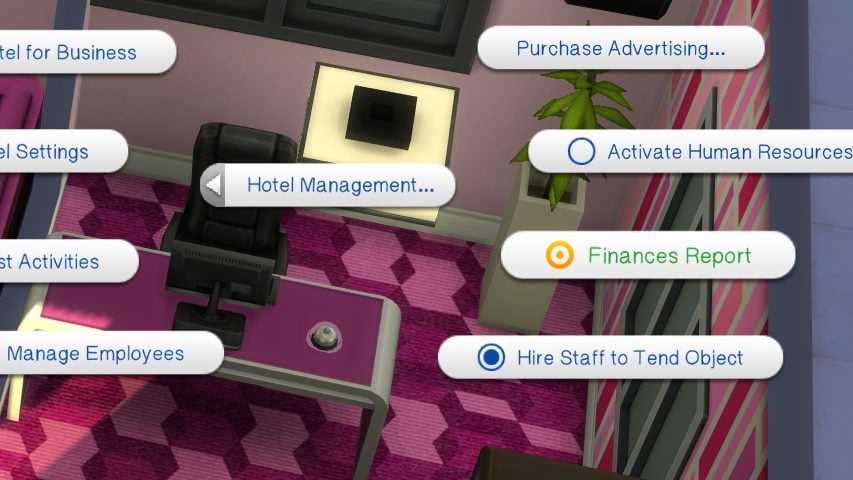
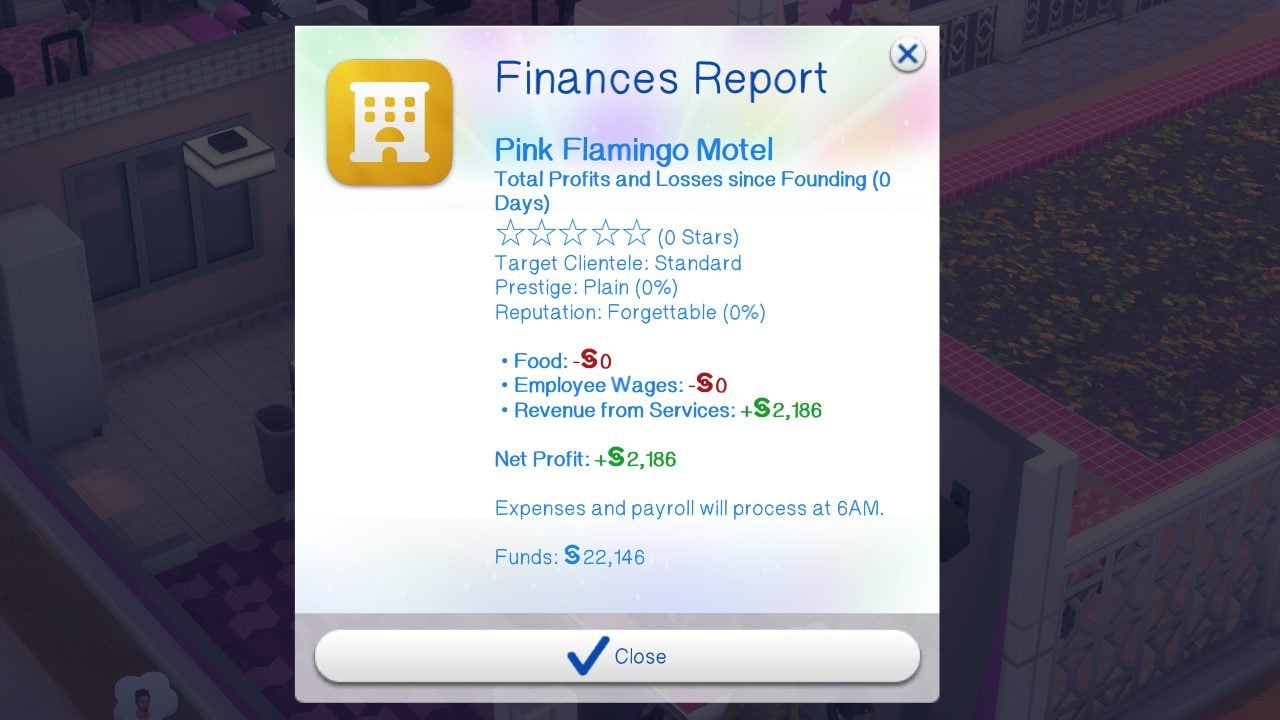
If you’re feeling overwhelmed, unsure how much money you’re actually raking in, or unsure if you need to change anything, you can view the Hotel’s Financial Report via the Concierge Bell.
Prestige & Reputation System
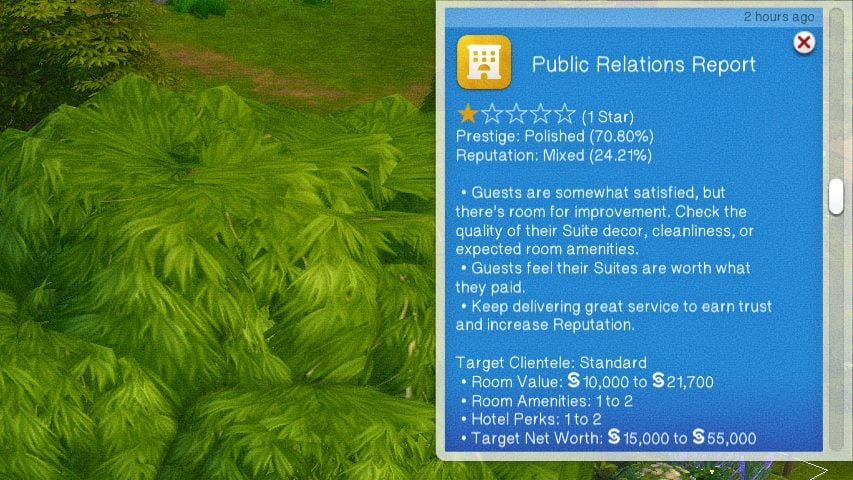
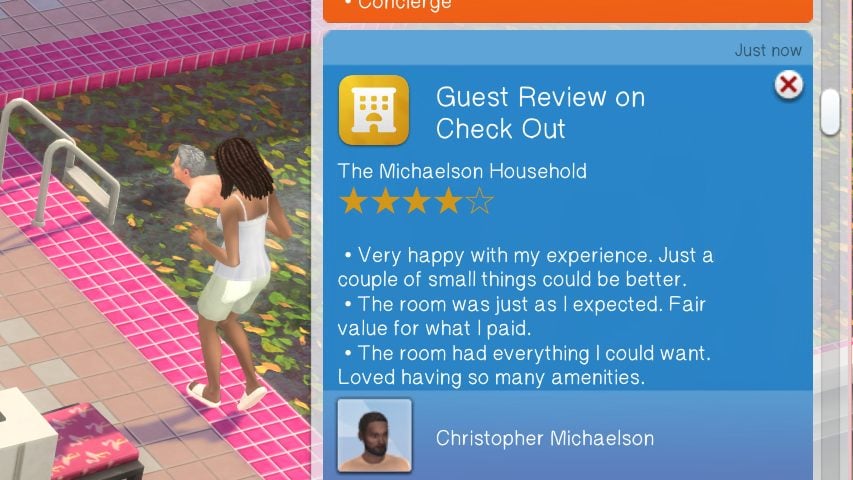
The reputation system is based on interactions directly with guests, as well as their overall review once they leave. Interactions with guests can include providing them with Day Trip recommendations, welcoming them to the hotel, providing free amenities or upgrades, and chatting about the hotel in general. When a guest or group of guests check out from their stay, they will leave a review of up to five stars, as well as providing an overall review of their stay with tips for things they liked and didn’t like.
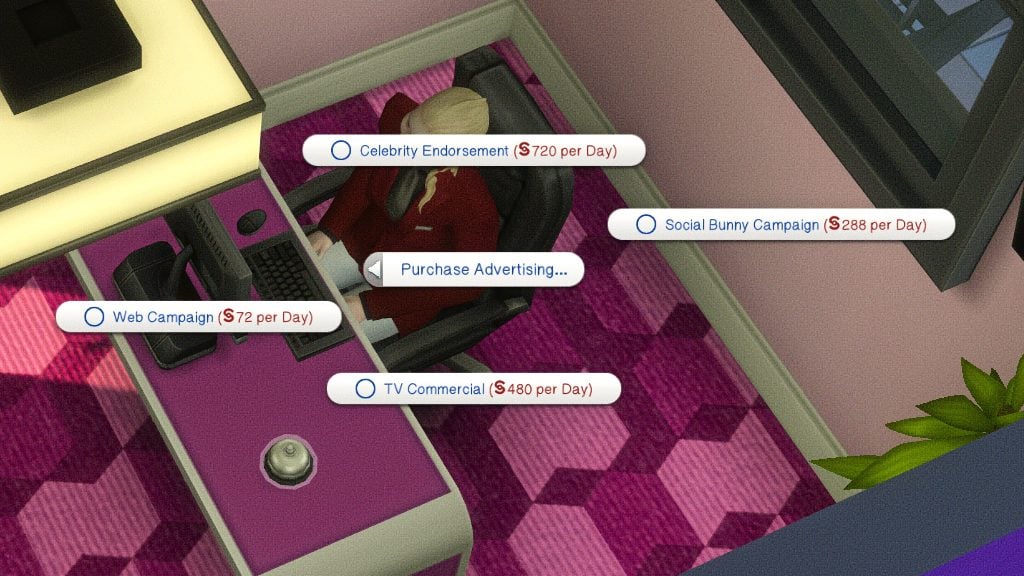
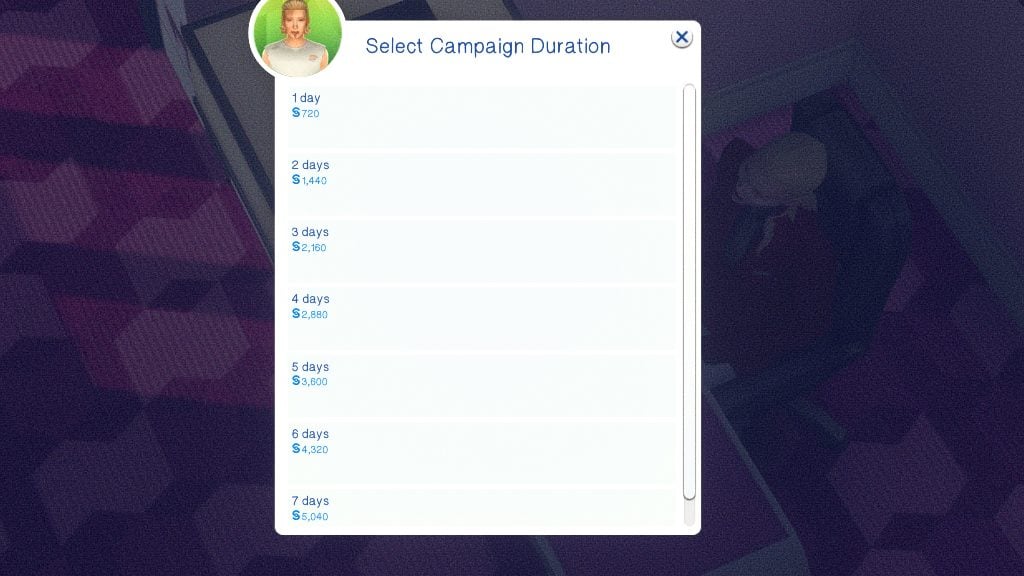
You can also increase your prestige, popularity, and amount of guests using advertising. This is available via the concierge bell. You have multiple options, varying in pricing and effectiveness, and can select how long you would like your advertising campaign to run.
Cross-Pack Compatibility
Expansion Packs

Cats & Dogs
- Pets can tag along on trips! Sims can bring as many pets as food bowls within their suite.
- You can change what animal species are allowed in hotel settings.

City Living
- Elevators are added to allow your sims to travel throughout the hotel. Since they are custom but based off of the City Living elevators, they must be stacked directly on top of each other for sims to properly use them.
- These elevators can be placed on any lot, but the lots that are considered Penthouses will require an EA elevator.
- When “Quiet Hours” are not active, a “ding” noise will come from the elevators when used.
- Elevators can also be used to go to the specific floors or to gather near specific elevators.

Get Famous
- Hotels can use the fame limitation system, including disallowing guests below a certain level or creating VIP rooms for celebrities.
- Paparazzi will not show up to avoid lag issues from the game spawning too many sims, allowing it to prioritize spawning guests, employees, etc.
- The security at these hotels are very good.

Growing Together
- NPCs will arrive with the “Stay Over” suitcases in hand, and will leave them in their suite.
Game Packs
Dine Out
- There is NO classic restaurant functionality, but Chefs can use the Chef Station to prepare food for room service, and Porters can use the waiter station for washing dishes.
Stuff Packs

Home Chef Hustle
- Chefs can use the ChowBella Portable Pizza Oven and the ChowBella Heart Waffle Maker to make… pizzas and waffles from the pack!

Laundry Day
- If you place hampers and laundry equipment, guests will generate dirty clothes and must “claim” washers, dryers, and any other laundry equipment* to be able to do their own laundry.
- *This includes washtubs and clothing lines!

Luxury Party
- Use the banquet tables to create a “Designated Buffet Table” for Continental Breakfast!
Paranormal Stuff
- When unlocking perks, you can unlock a Haunted Hotel perk to generate paranormal activity, similar to the Haunted House lot challenge.
- Séance tables can be used on hotel lots.
- Paranormal Investigators cannot select hotel lots for gigs.
Kits

Bust the Dust
- Unless the feature is turned off in game settings, dust will build up and housekeeping will automatically vacuum daily.
- If you offer “Quiet Hours” at the hotel, they will avoid vacuuming during those hours.
Miscellaneous
Camp Sites
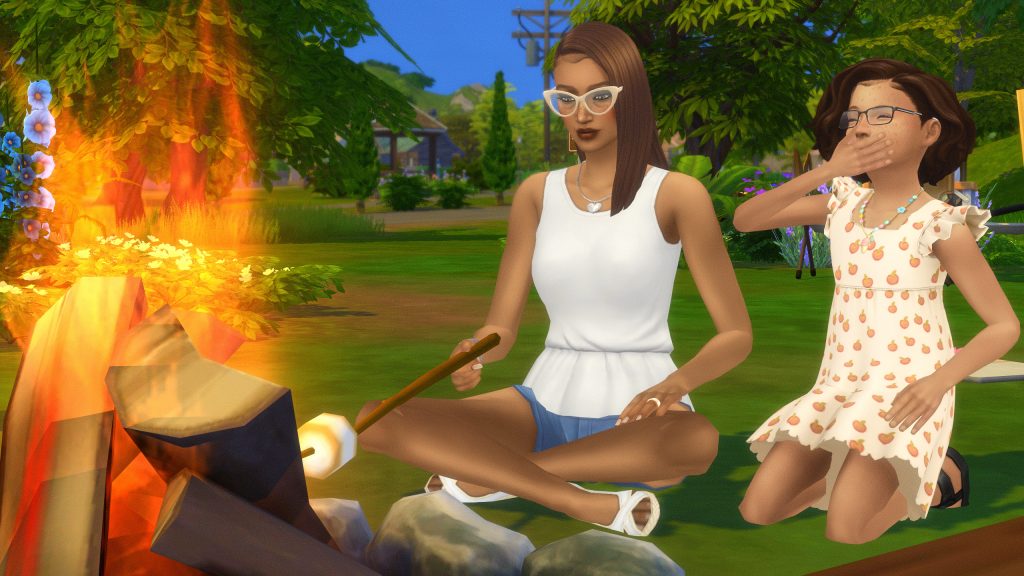
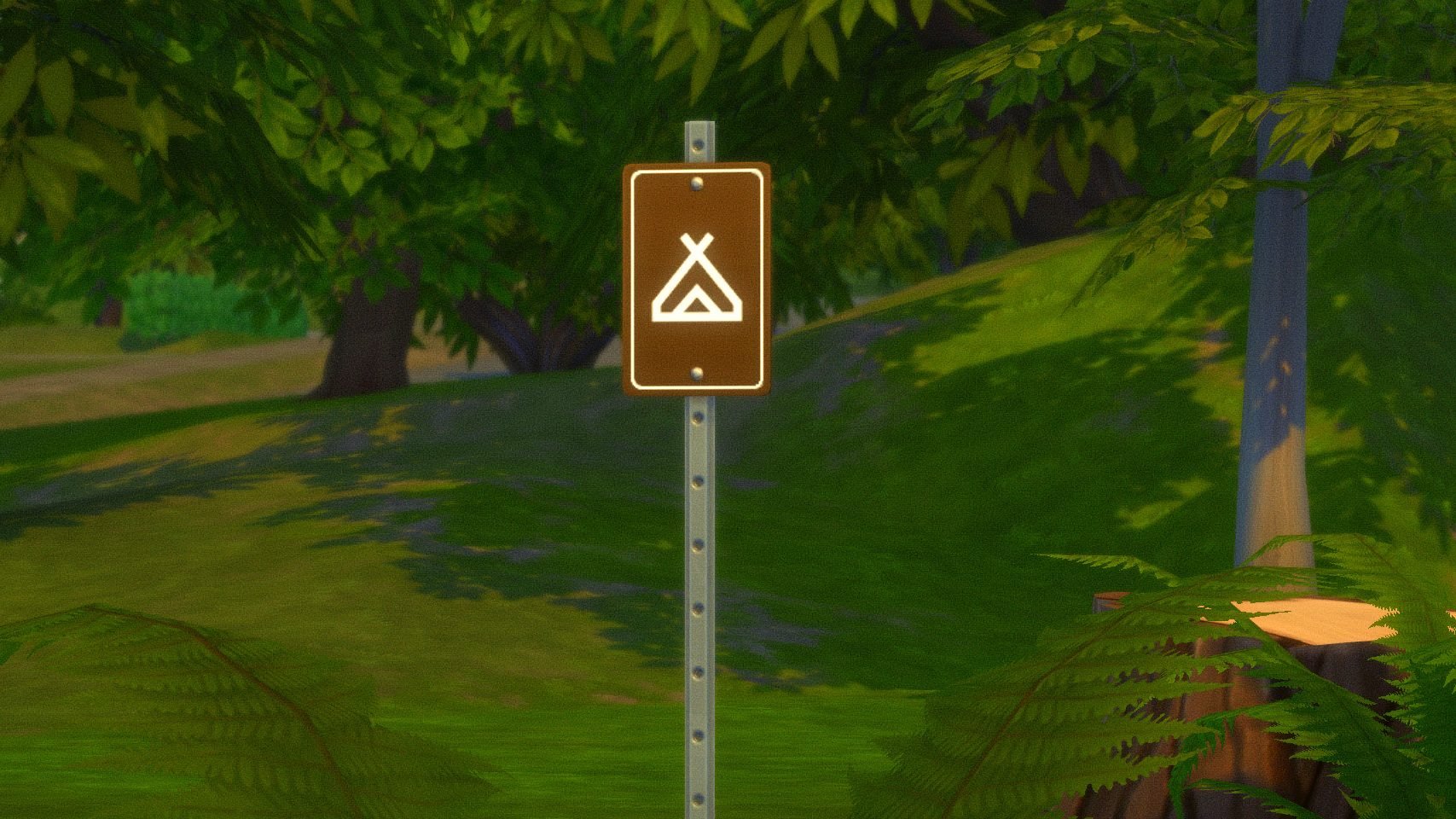
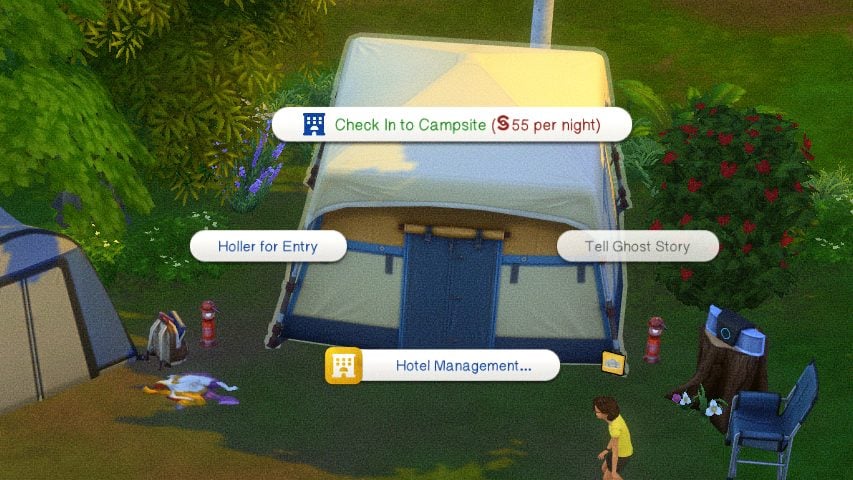
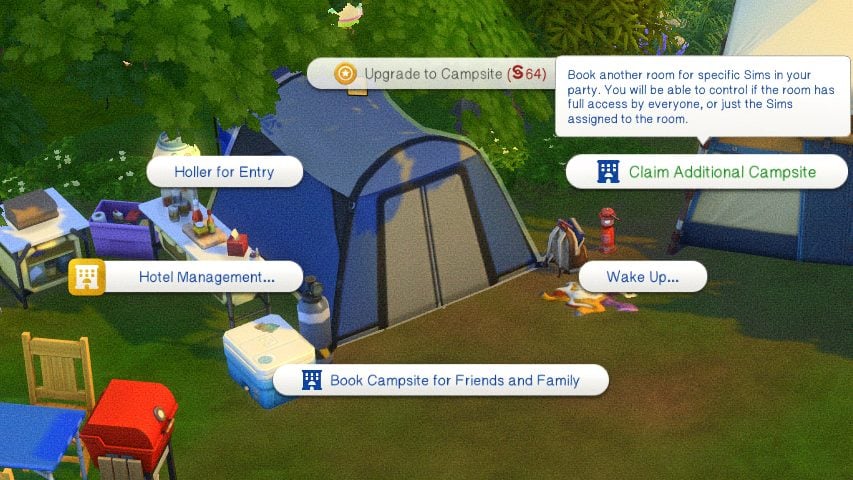
If you’re looking for something with a more rustic feel, you can also purchase camp sites as hotels, and opt for a more outdoorsy living situation! Camp sites and be a mix of both standard suites and tents, and all tents provided through DLC can be used as rentable rooms for guests. Since desks, concierges, and bells don’t really give “Camp Site” vibes, Lot 51 and SurelySims also provided a sign for guests to check in at.
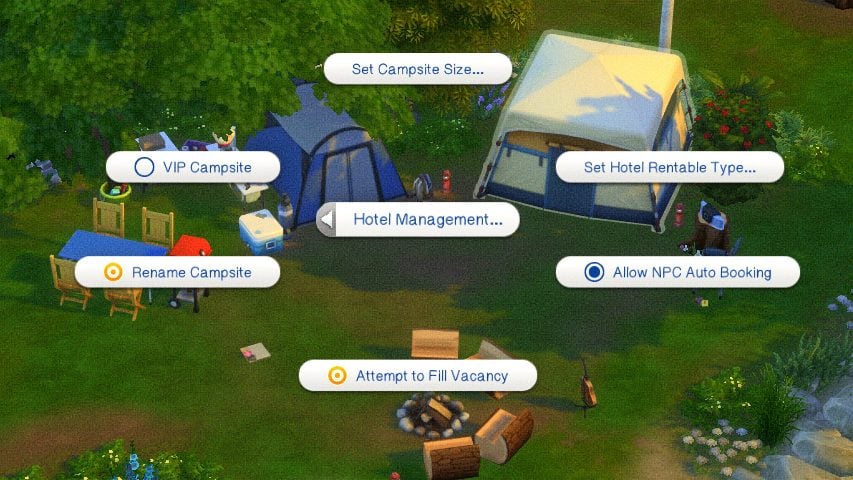
To create a camp site, place the required items and use the settings to mark individual tents as rentable campsites. You can select the type of rentable tent, limit access to certain groups of Sims, and adjust the size surrounding the tent that is considered that guest’s camp site.
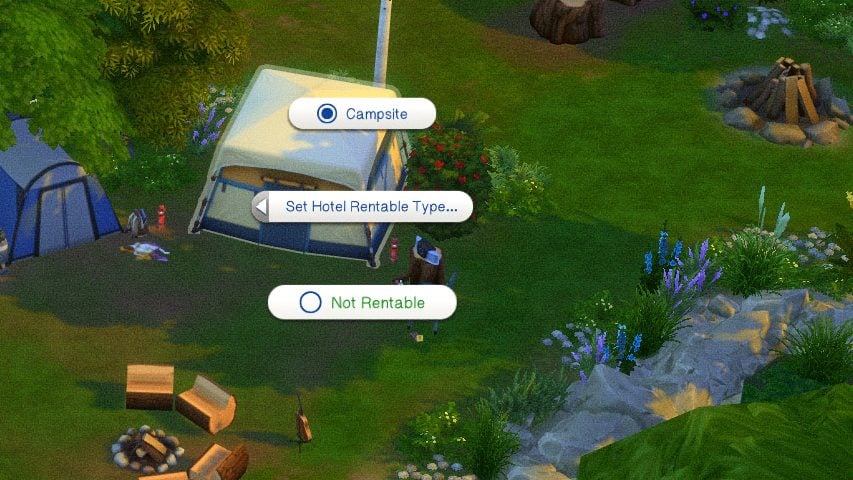
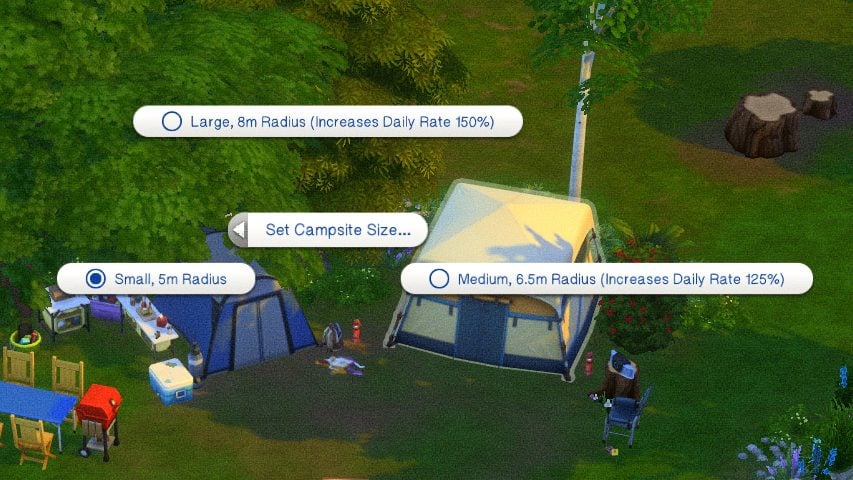
Once Sims arrive at a campsite, get started by clicking on the concierge sign pictured above, and then select as many tents as you and your sims need. Sims can invite friends and family and book tents for them in advance, as well as book additional tents if needed to support their whole group.
Hotel Debug Visualizer
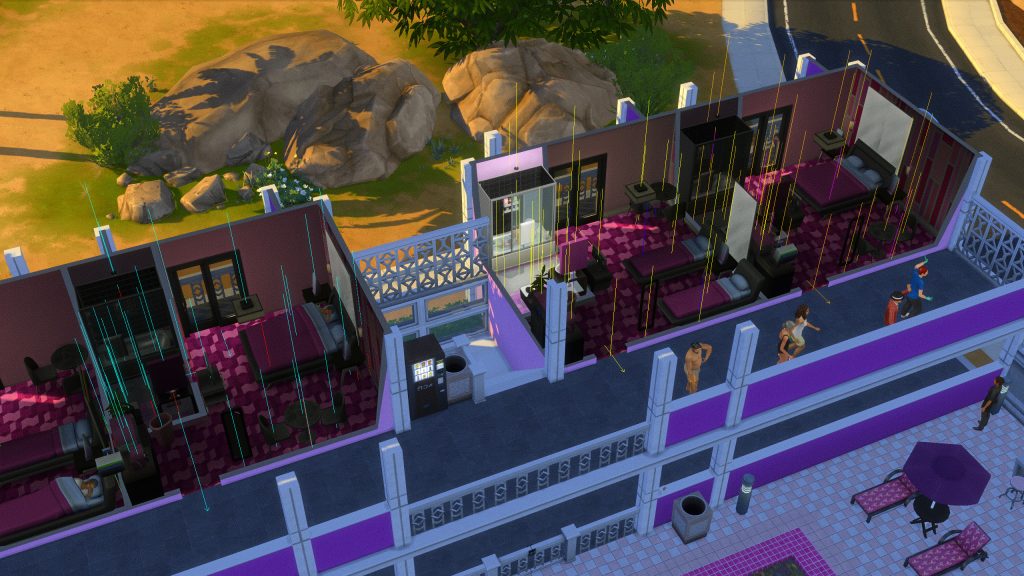
Per Lot 51’s instruction manual to the mod and its Hotel Debug Visualizer, you can use this cheat feature to see how your hotel is laid out, what items are attributed to what rooms, and any overlap that may need to be fixed.
Lot 51’s Hotel Debug Visualizer
Shift click the ground and expand Hotel Management then click Toggle Debug Visualizations to start the visualization:
Once you are done, shift click the ground and Toggle Debug Visualizations again.
Objects that are associated to a Guest Suite will have a colored line segment shooting up, with each color representing a different Suite. (This only supports up to 6 Suites)
Staff Room objects will use a white line segment.
Connected Doors will have arrows pointing in the direction to match the green build mode arrows. All arrows should flow OUT of the room (except Sliding Doors).
If you see that objects in common areas are highlighting, it should help indicate whether suite or staff room is causing the issue.
Any doors that are totally broken will have a red circle around them.
You can keep the visualization on while building, however they will not update until you exit build mode.
– Lot 51’s Sims 4 Suite Life Mod Page
Download The Sims 4 Suite Life Mod
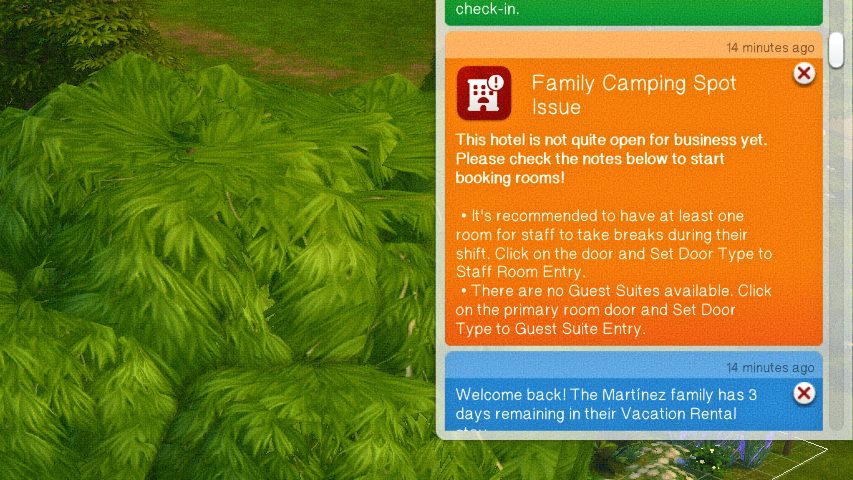
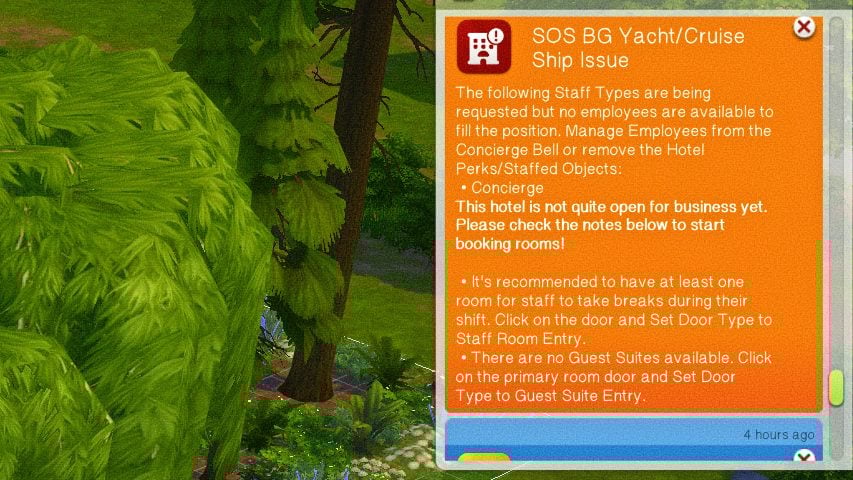
Although substantial mods like this can be a bit intimidating in the beginning, especially with such long guides and tons of features, this is overall very user-friendly, and often provides warnings and notifications if anything is not functioning properly or if a feature has not been appropriately set.
Have you played with this mod, or are you planning to? Are there any features you’d like to see, or maybe would like to see improved or changed? Feel free to comment and let us know! Make sure to follow The Sims Community for more mod overviews, tutorials, and other showcases!










Thanks for this detailed review.I will be installing again. My impatience due to an issue I didn’t want to look into caused me to uninstall, but the debug visualizer should help.