

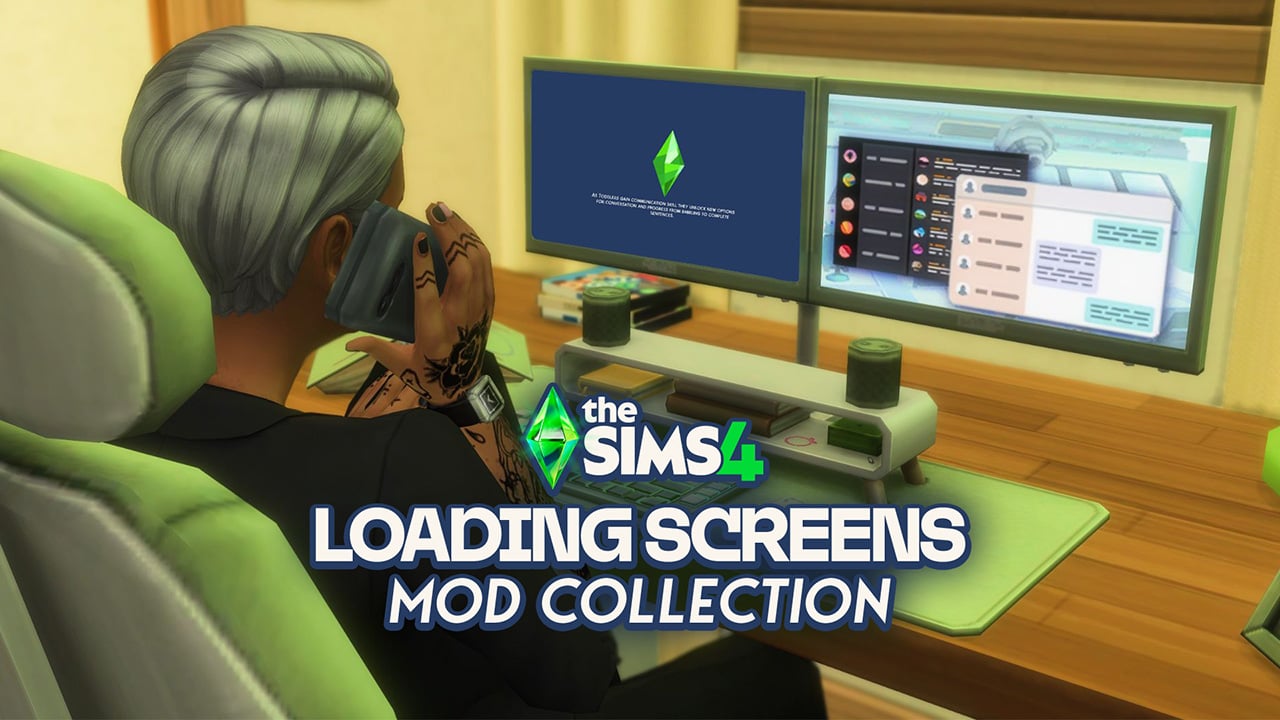
Are you tired of staring at the same old loading screen while you wait for your sim to commute to their active shift at the Science Lab, or while you're just trying to load up an old save? Sims 4 Loading Screen Mods will change your life! Tons of custom content creators and modders have created a wide array of Sims 4 Loading Screen Mods, truly allowing you to customize your experience playing The Sims 4 to a T.
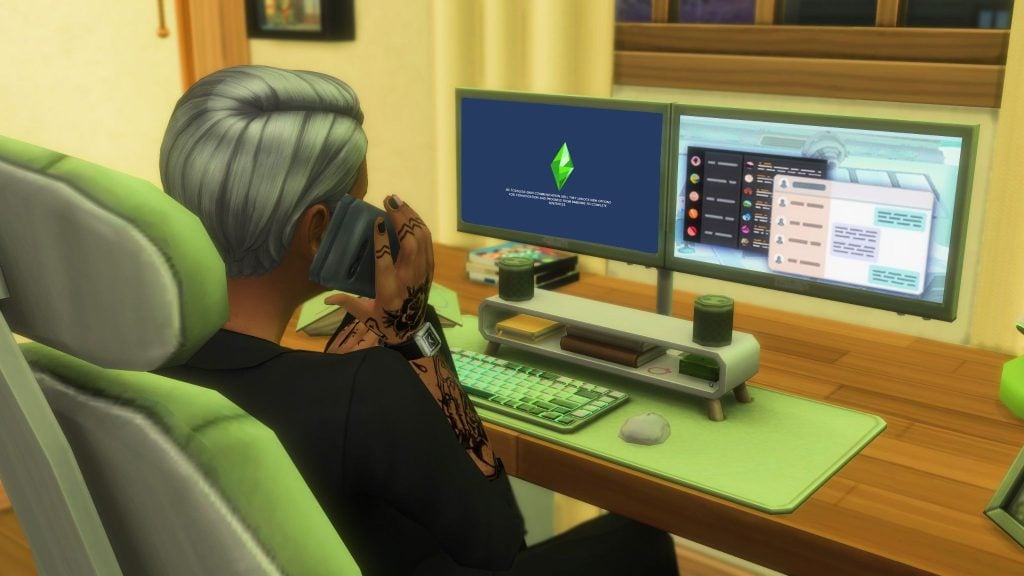
Whether the loading screens are a part of a themed set, are a simple recolor, or a complete overhaul with new animations (and no Plumbob!), we have gathered many beautiful options for your new loading screens, made by a wide variety of creators from all corners of the Sims community!
Table of Contents
Sims 4 Loading Screen Mods

Sims 4 Loading Screen Mods are considered Overrides or Default Replacements. Overrides and Default Replacements are mods and custom content that replace an existing in-game item. Just about anything seen in the game can overridden and replaced! This includes Create-A-Sim backgrounds, the entire user interface (UI), cursors, food, props, and so much more! These mods and custom content options let you completely change your Sims 4 experience, creating your own aesthetic or replacing little details you aren't a huge fan of.
Installation Instructions

While we do recommend you review our Mods & CC Installation and Maintenance Guide if you're new to modding, but we will provide a quick rundown so you can get started!
To add the items to your game on Windows, follow this folder path:
C:Users[USERNAME]DocumentsElectronic ArtsThe Sims 4Mods
To add the items to your game on MacOS, follow this folder path:
Macintosh HD/Users/User/Documents/Electronic Arts/The Sims 4/Mods
Once you’ve downloaded the files, make sure you have an extraction program installed. These can include 7Zip, Winrar, etc. After that, highlight one or multiple zipped/compressed files and select “Extract Here”. Drag the extracted contents to your Mods folder. You can also sort them into their own folders within your Mods folder, but it is recommended to not nest them too many levels deep as it can cause longer loading times, and some CC items stop working when too deep within folders.
We recommend separating default replacement or override mods into their own folder. They are less likely to break during updates, unless the update changes that specific item or asset in the game, but it is helpful to separate them avoid conflicts! You cannot have multiple overrides for the same item or asset in the game, as this causes errors and conflicts.
Sims 4 Loading Screen Mods by Creator

20th Century Plumbob
Hello Simmers and welcome to my Patreon page! I can't believe I'm doing this. Okay. This is 20th Century Plumbob, most of you all know me from my videos on YouTube. I'm mainly a storyteller, but recently I've dabbled into the art of making custom content for The Sims 4! It started with a few recolors here and there, then I got to do a map replacement. So excited to see what else I can do!
- 20th Century Plumbob's Patreon Bio
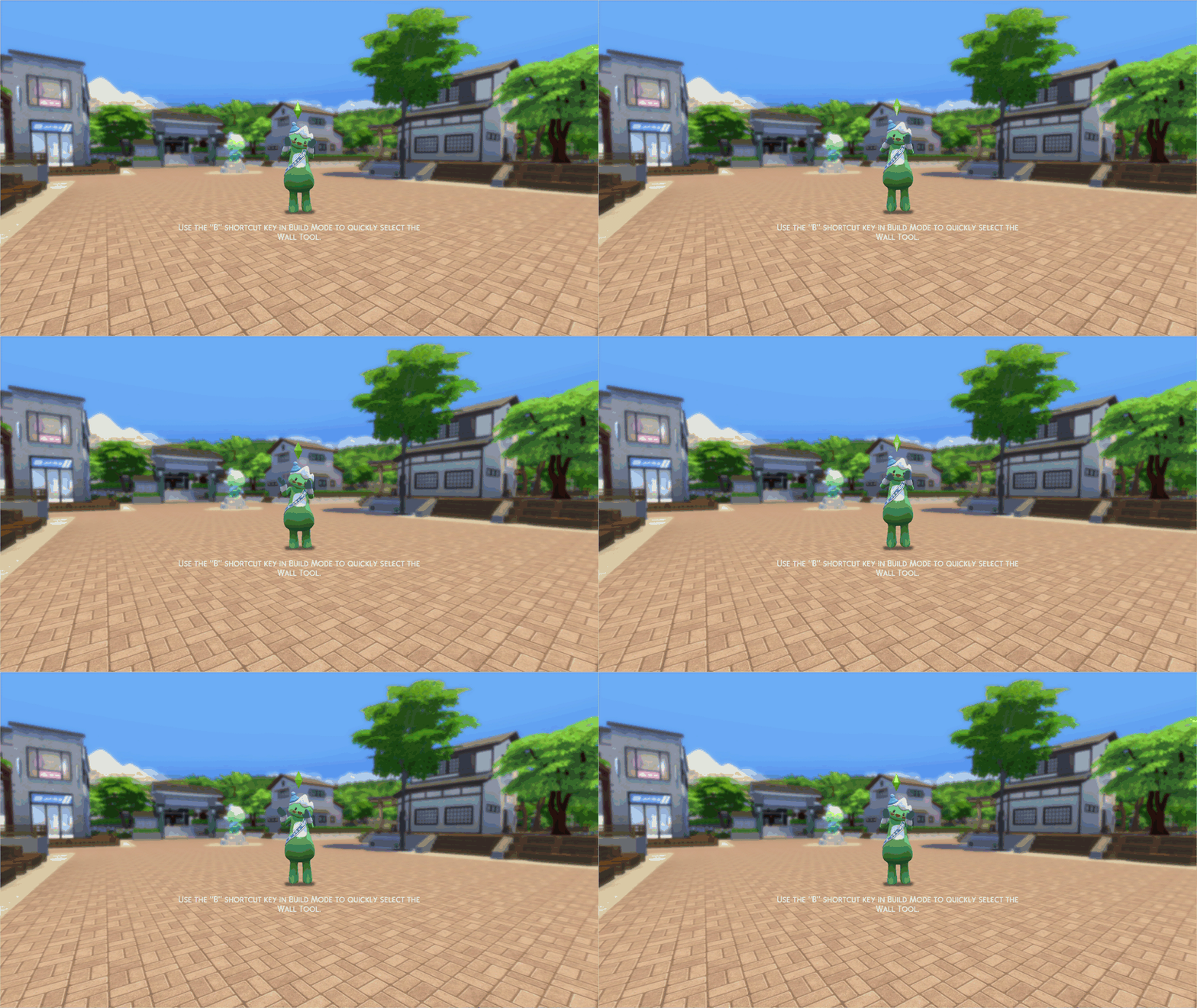
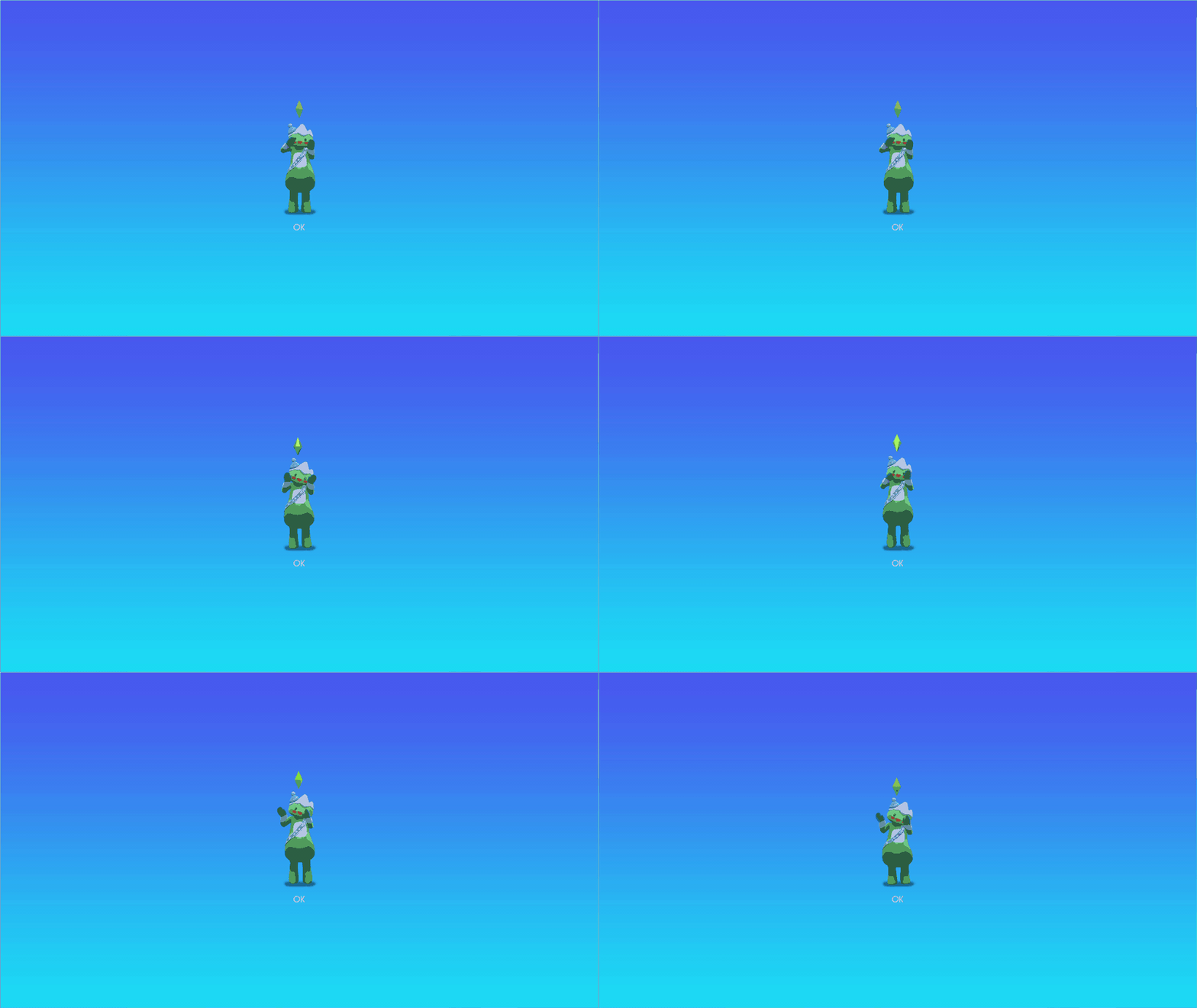
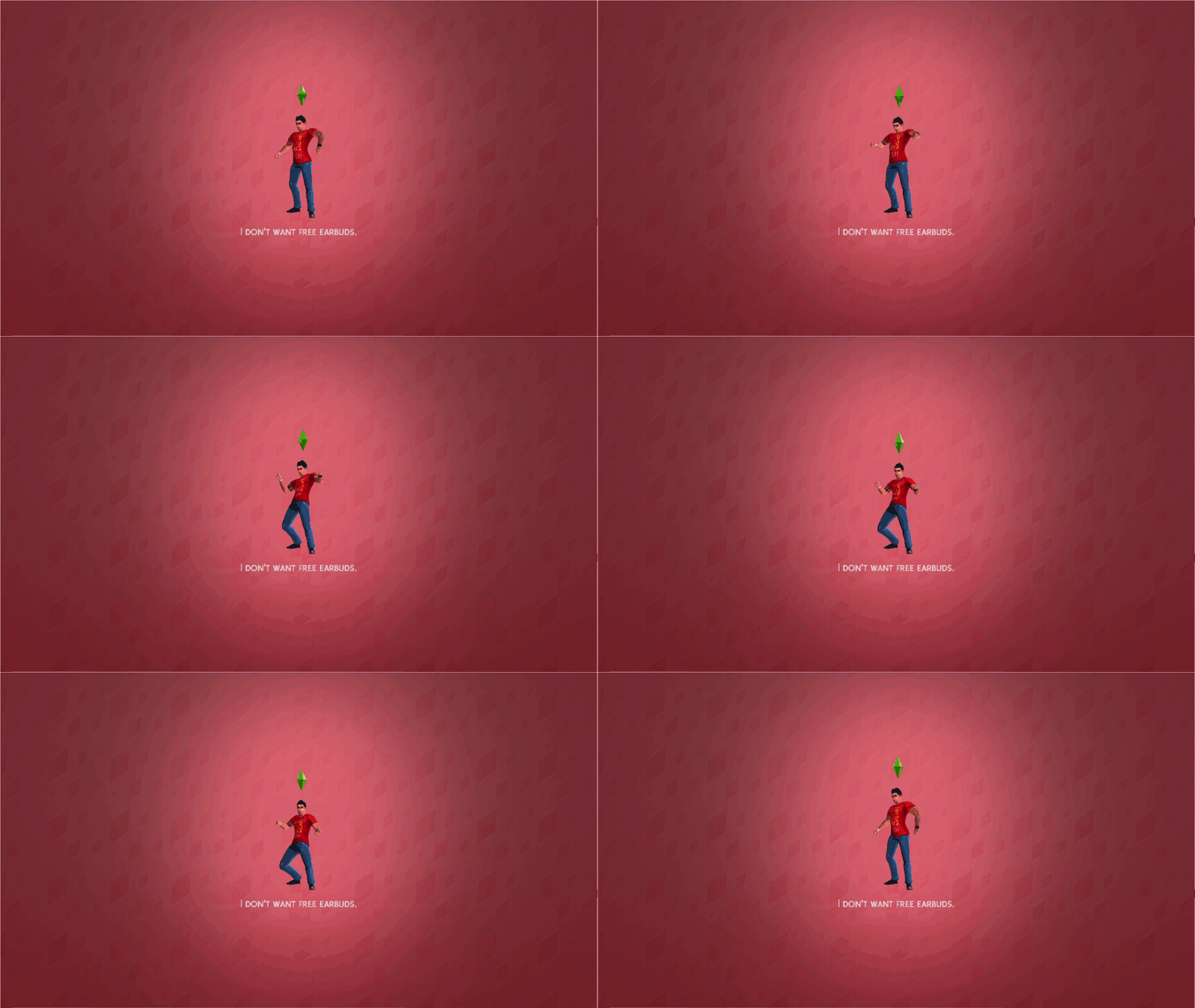
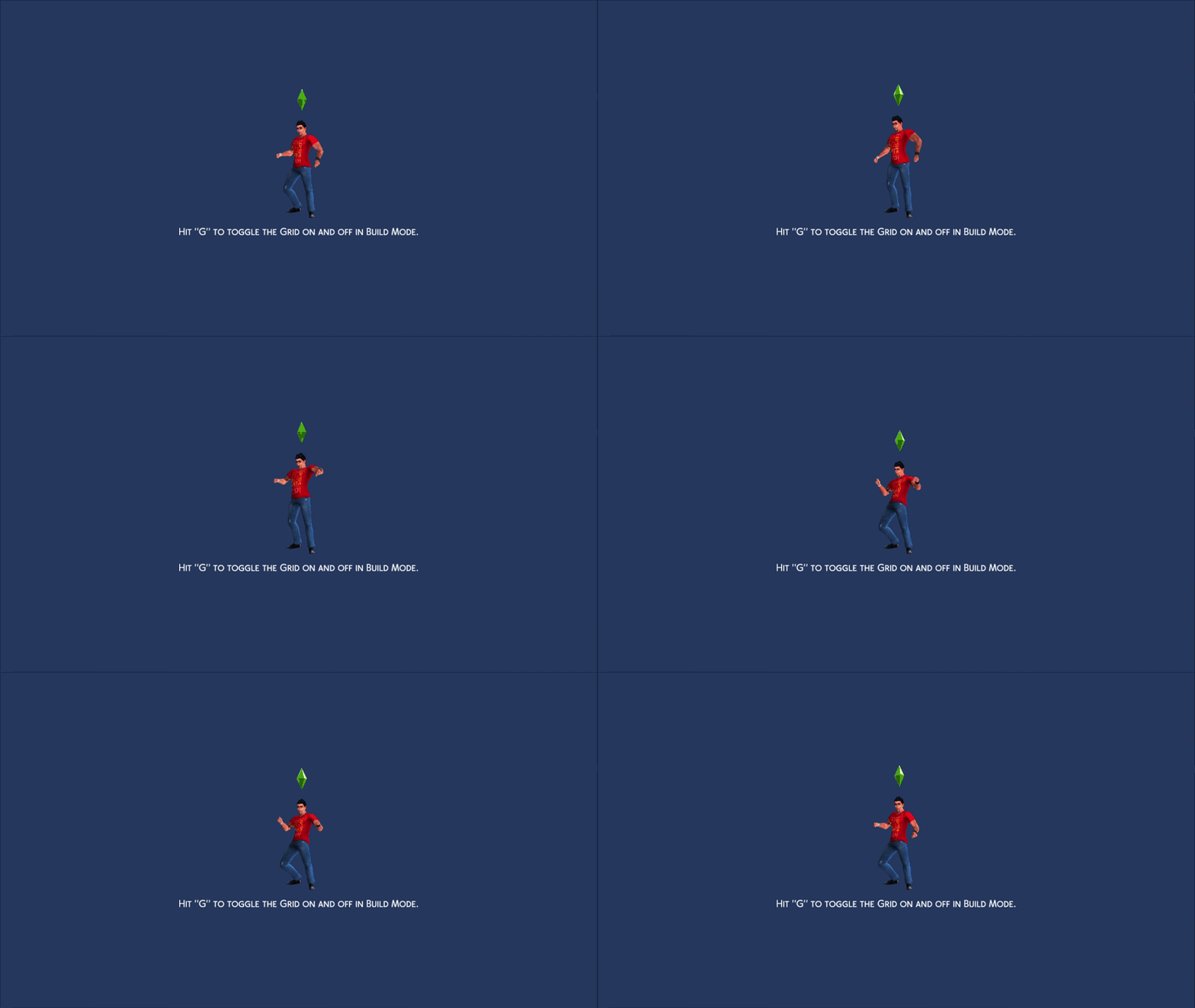
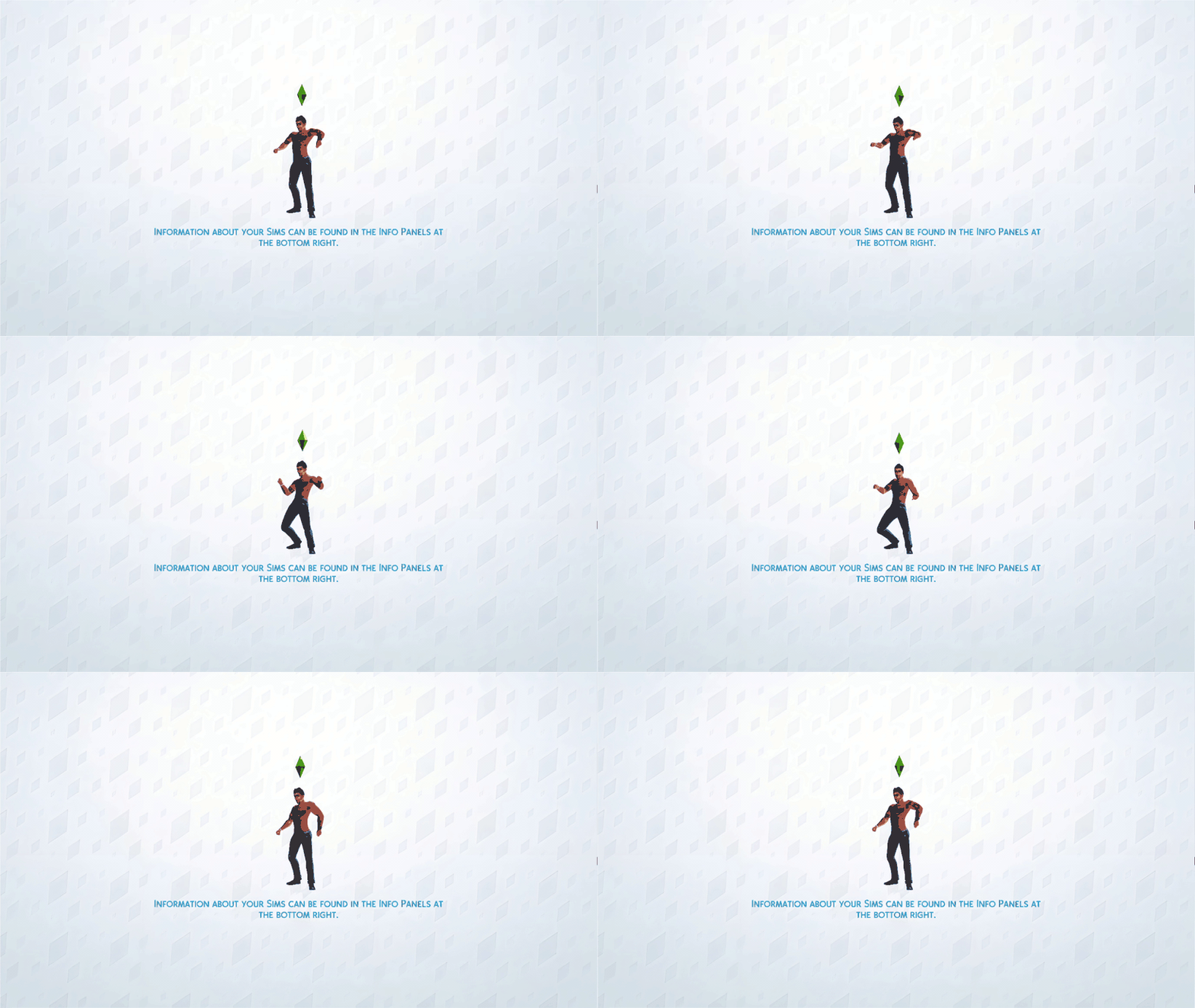
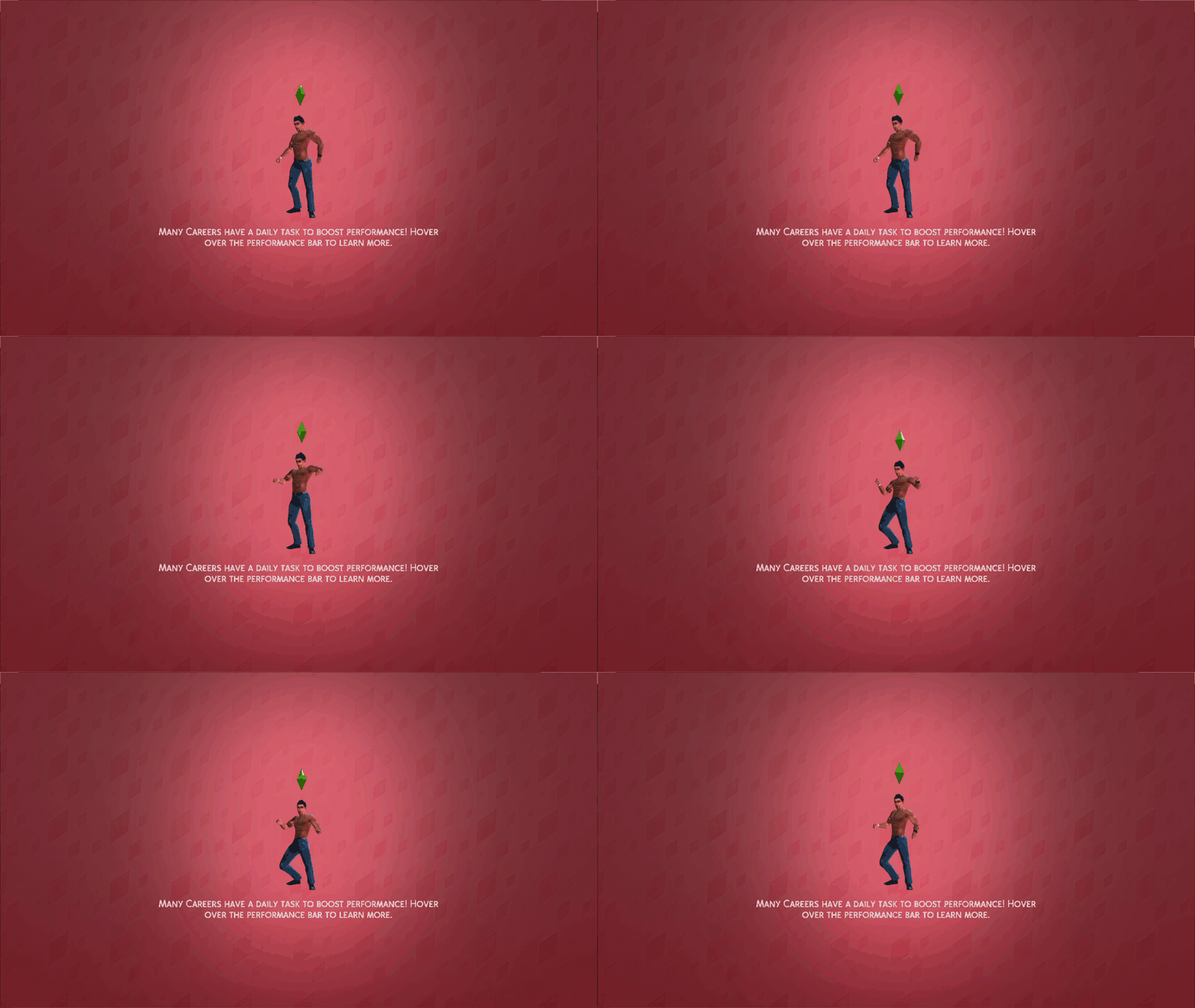
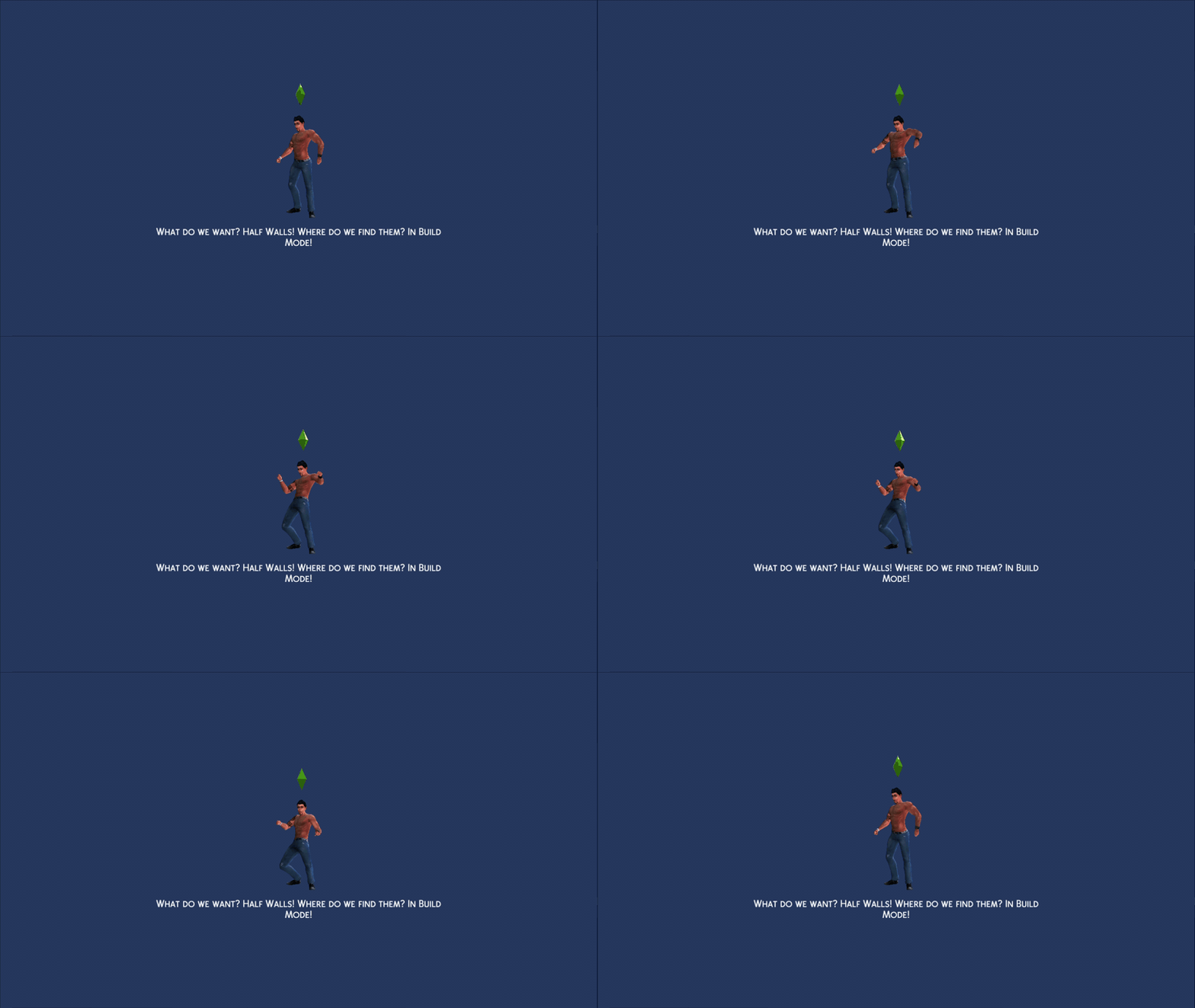
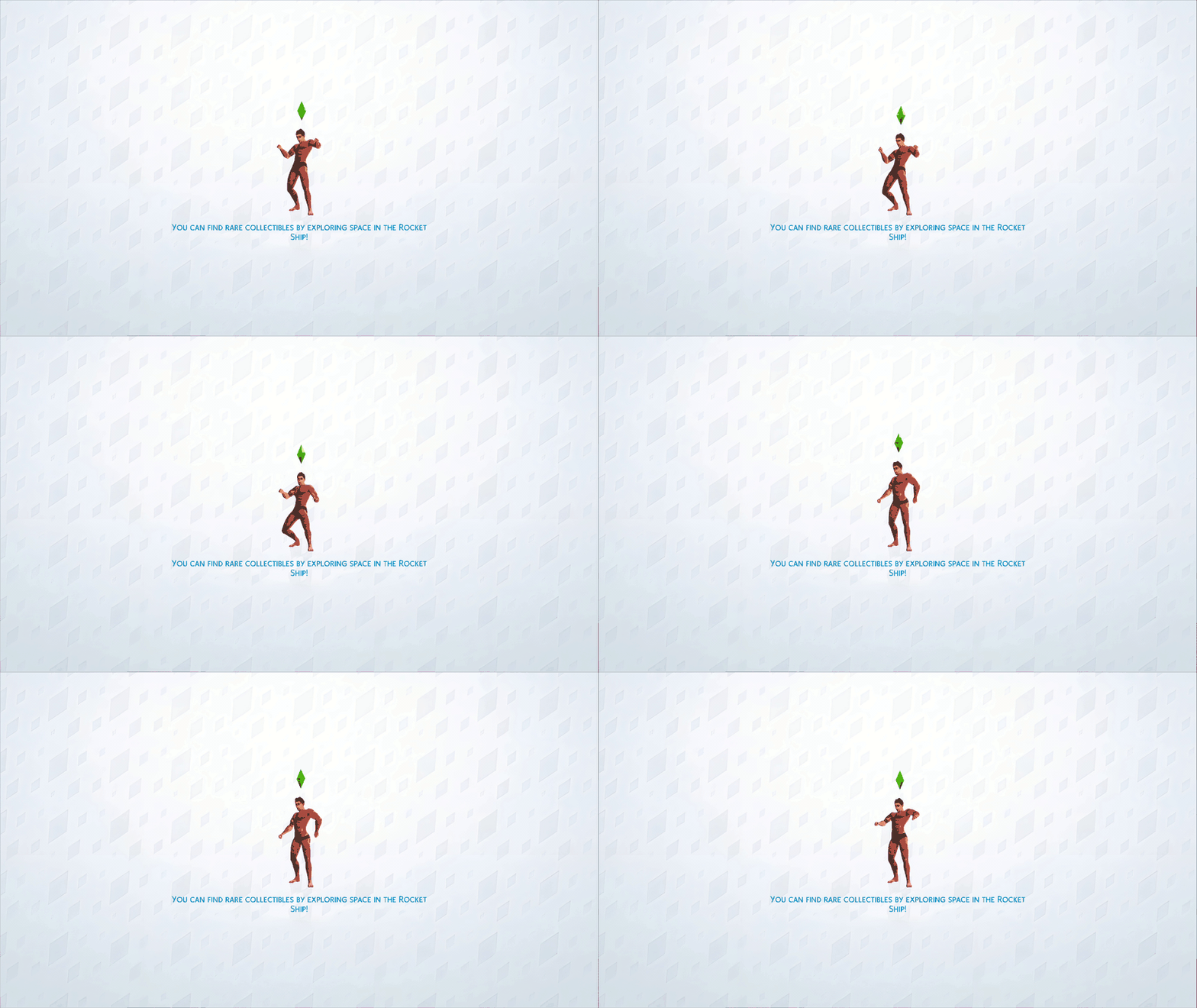
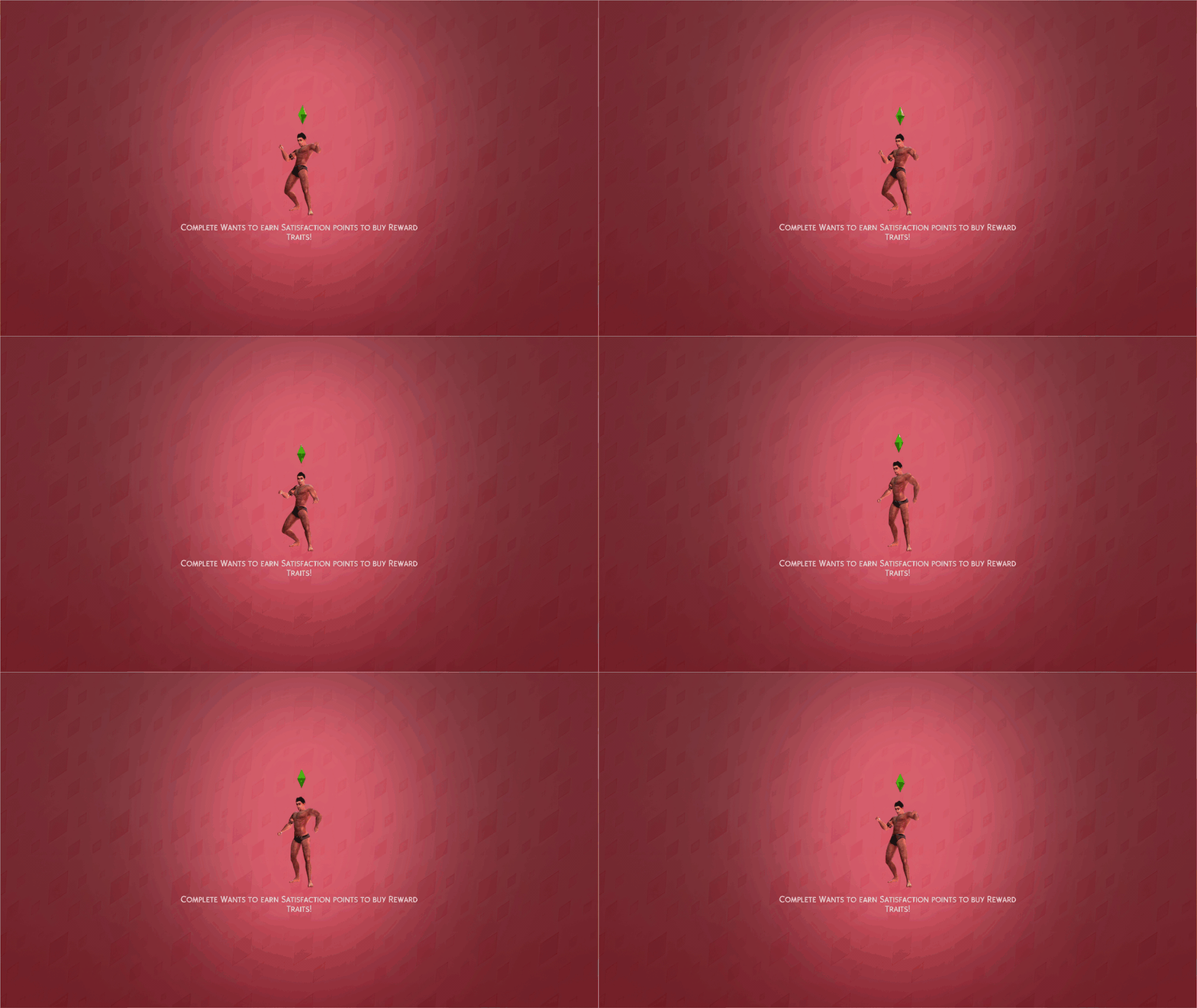
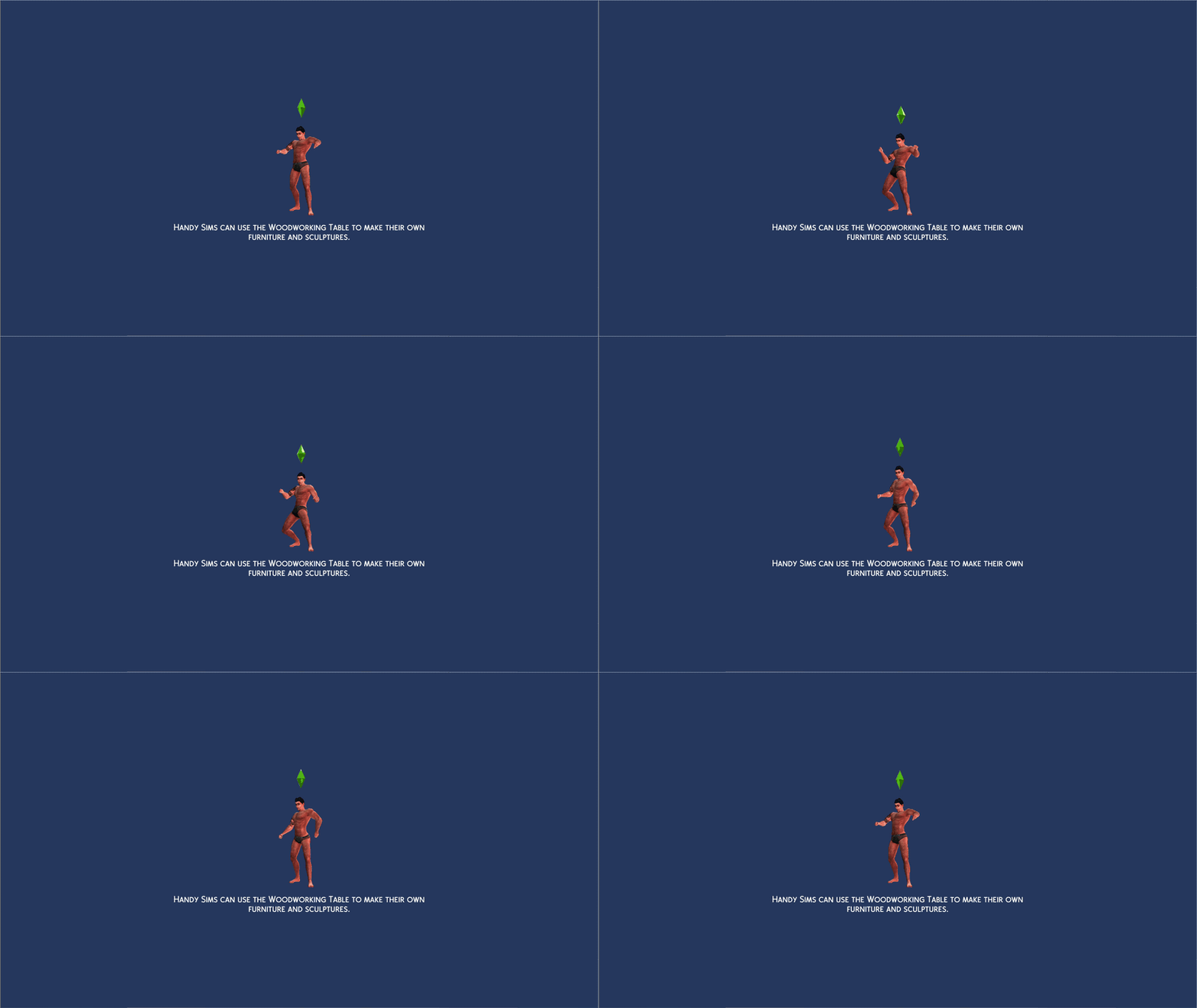
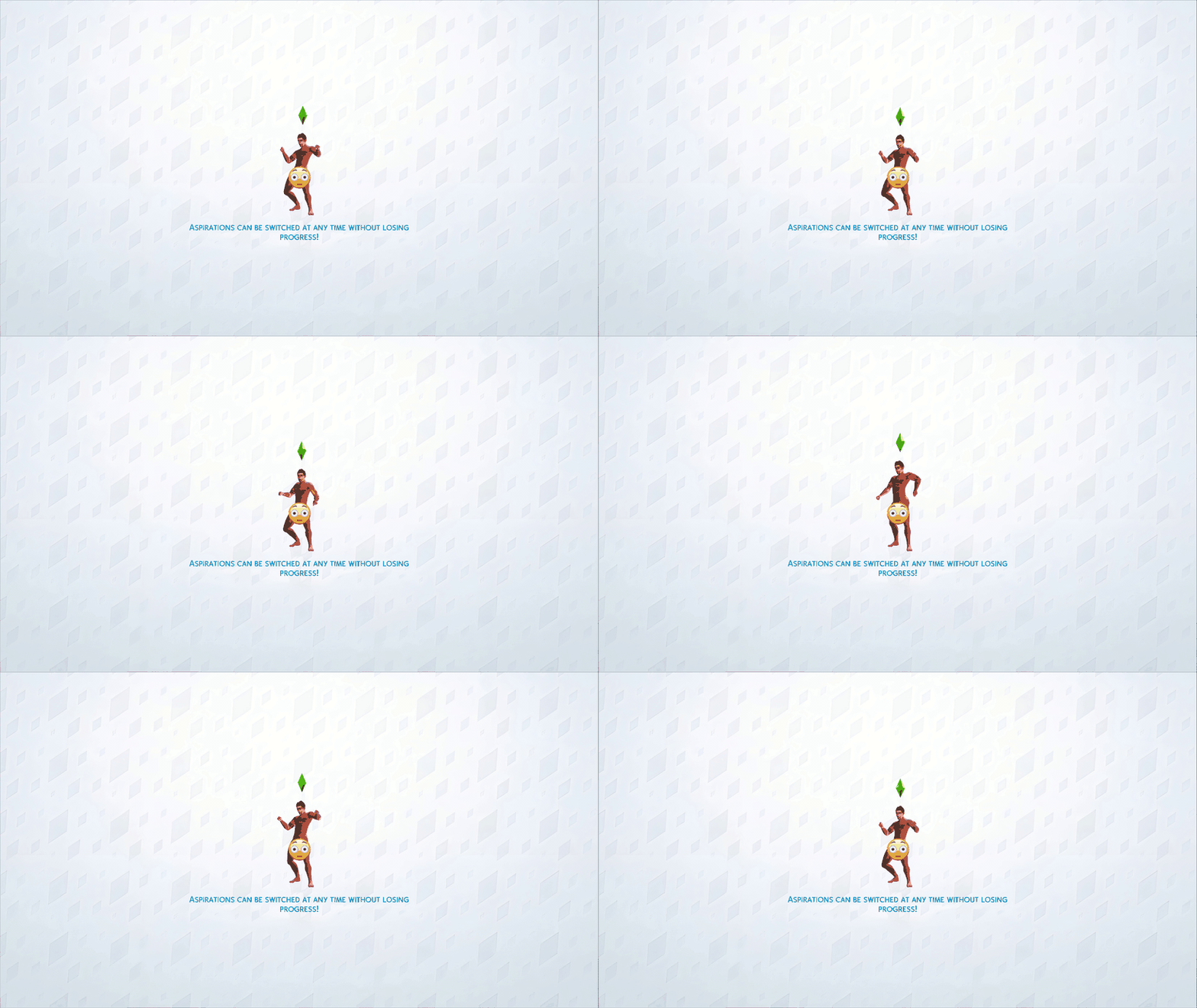
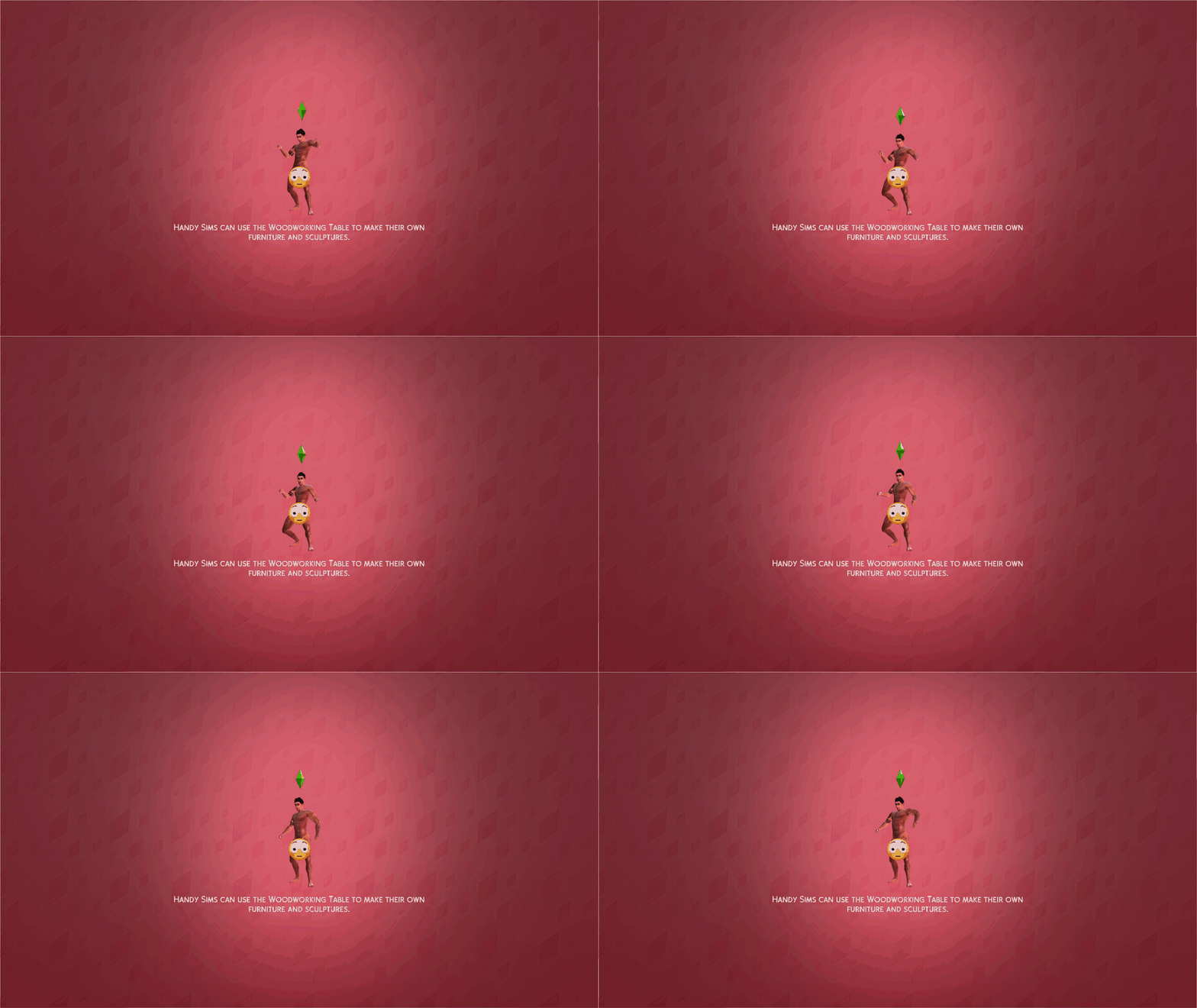
Whether you want to spend your load time staring at the warm gaze of the Tomarang tiger plushie from the Sulea Tiger Sanctuary or play a game of strip poker with The Sims most notorious playboy, 20th Century Plumbob has created a massive collection of unique and high-quality loading screens for you to browse and swap in and out of your game!
Tomarang Tiger Plushie Loading Screen
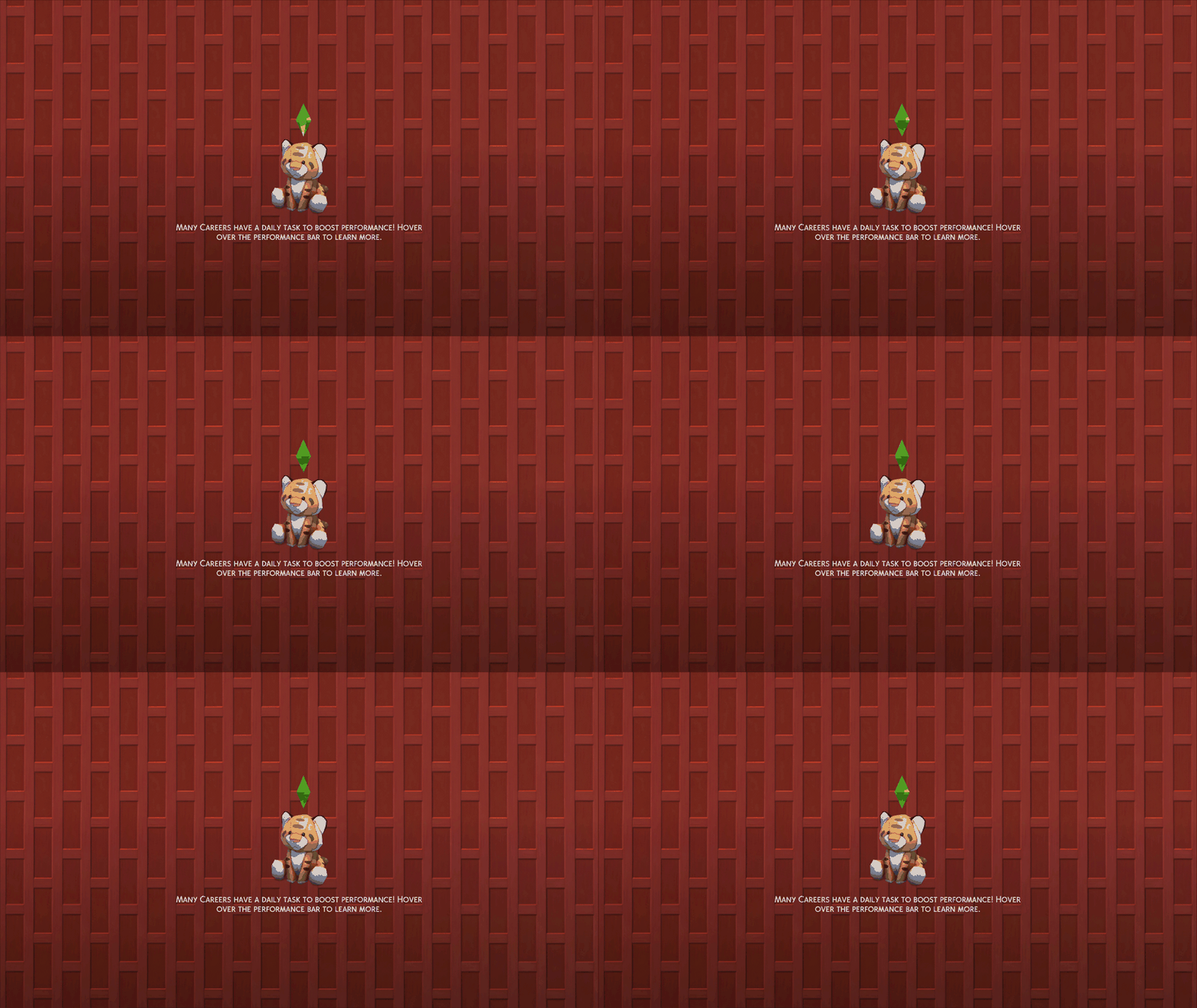
Yamachan Loading Screen Series

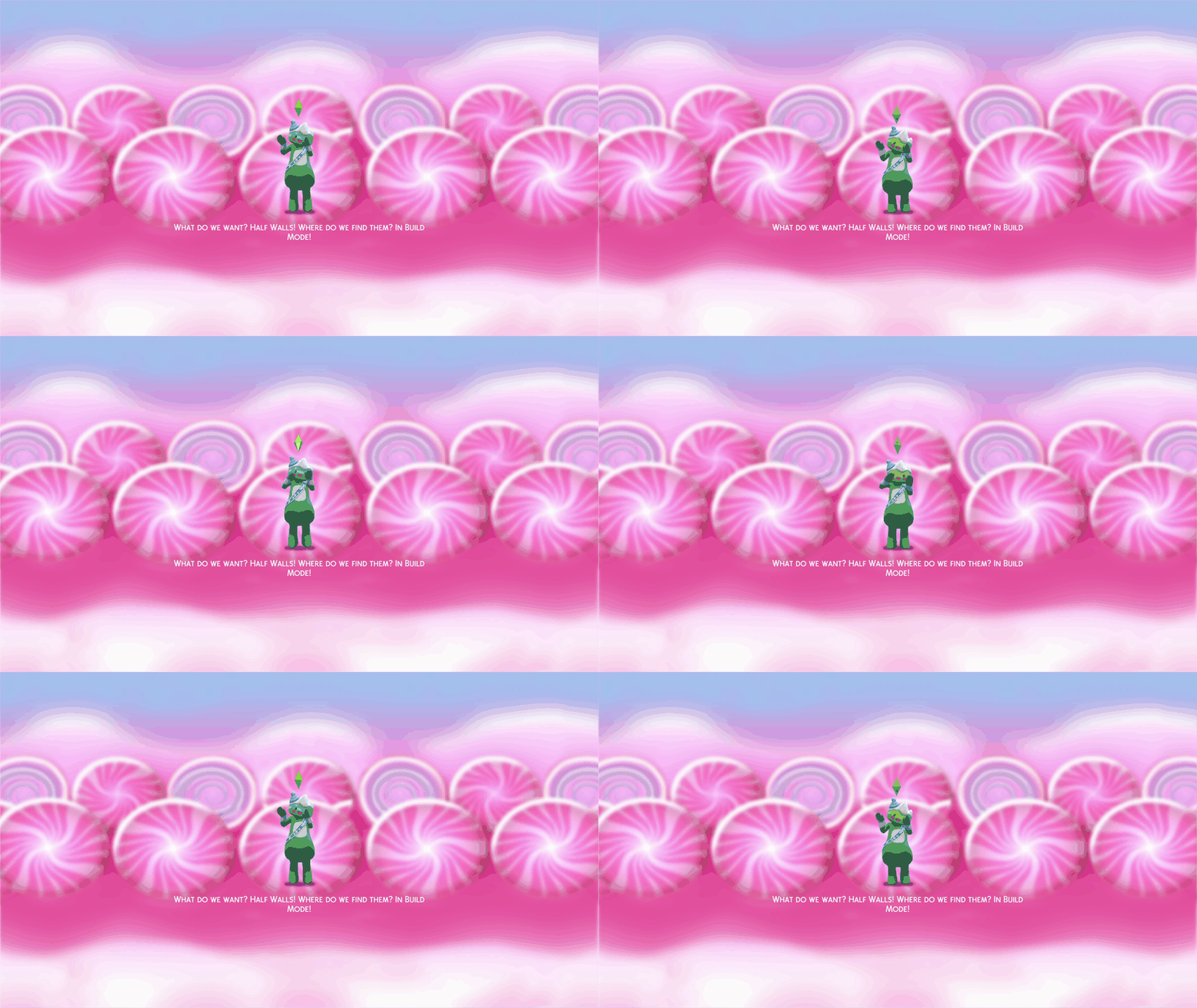
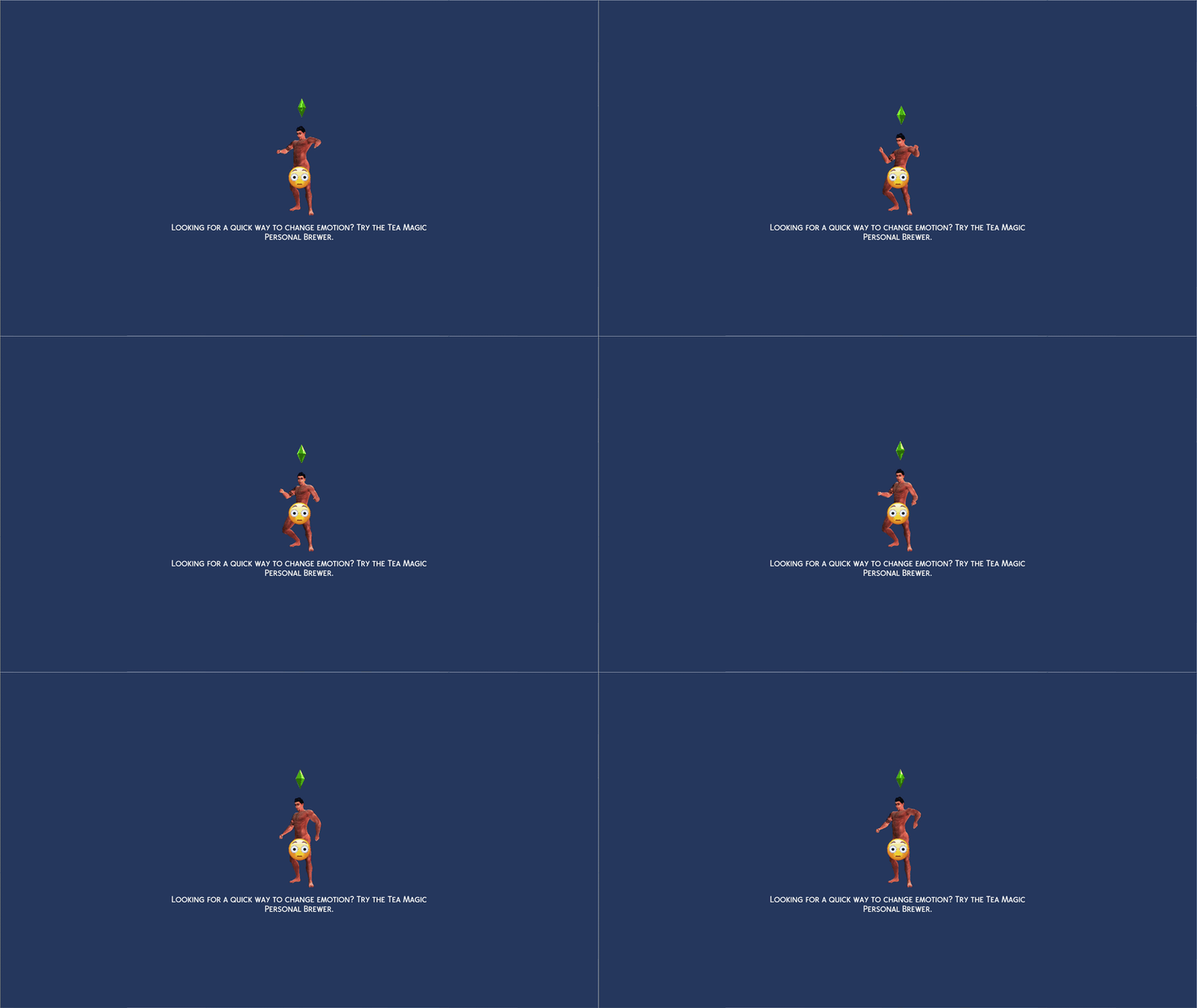
Dancing Don Lothario Loading Screen Series (NSFW Warning!)
Normal

Shirtless
Simtimates
NSFW
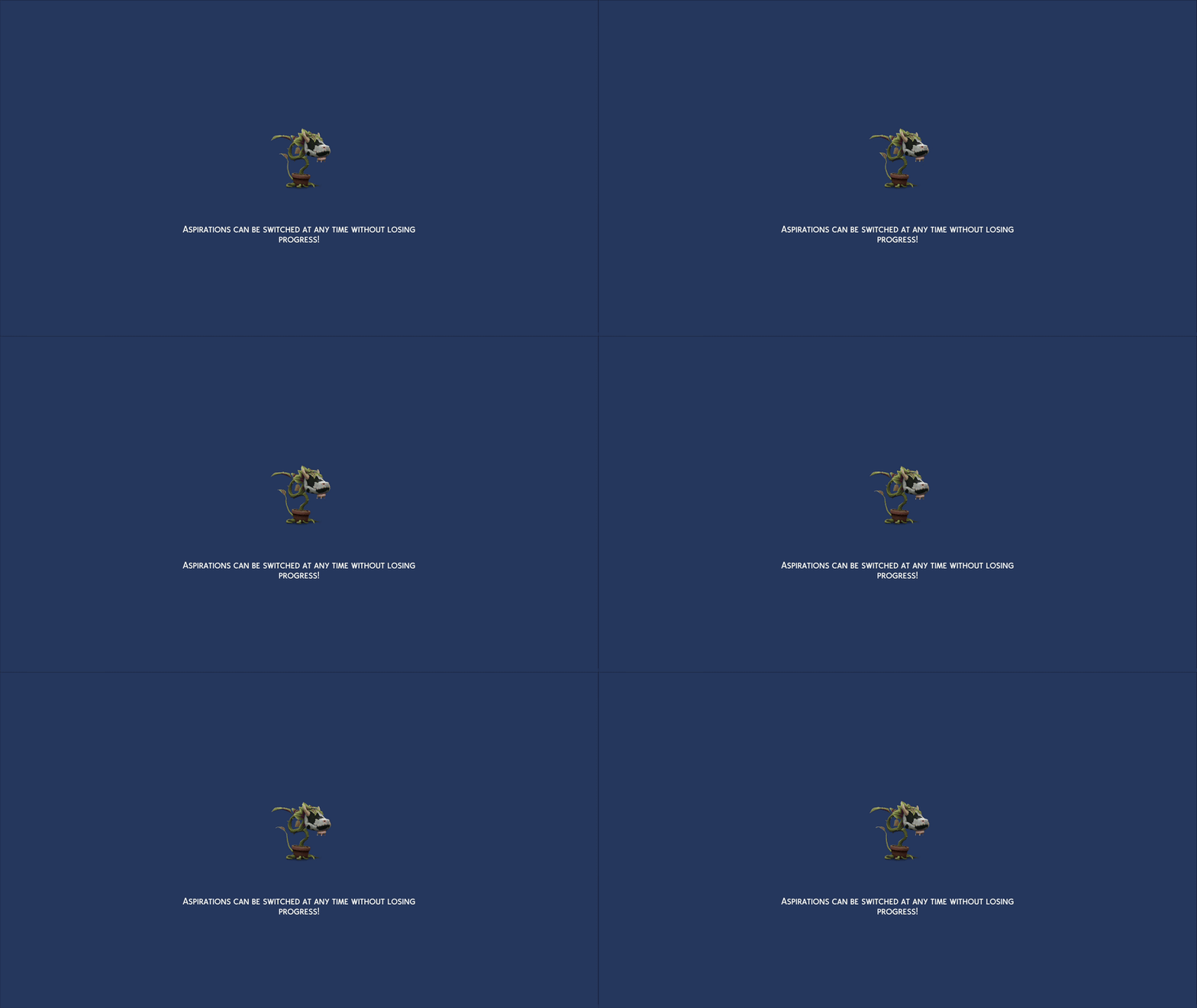
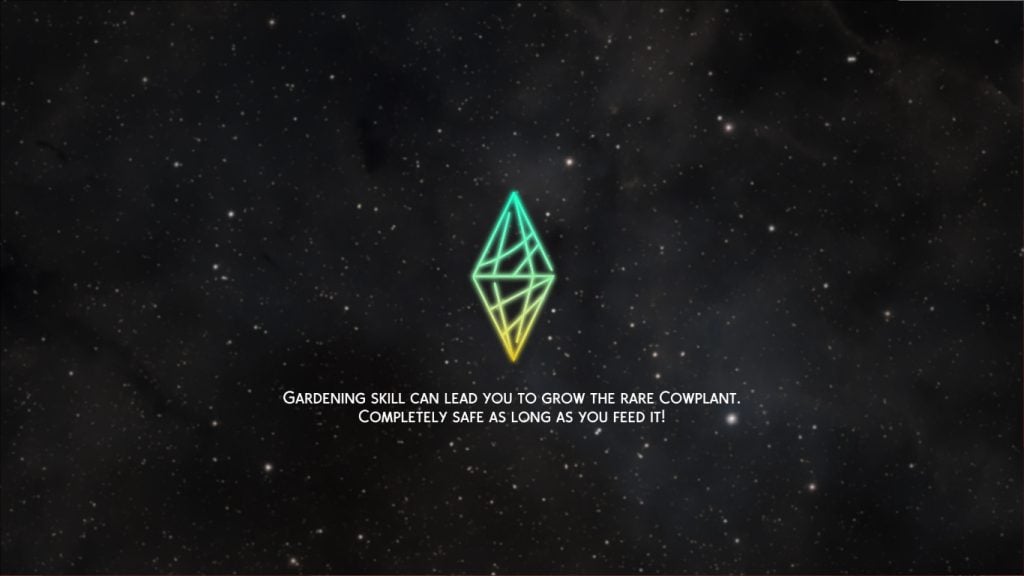
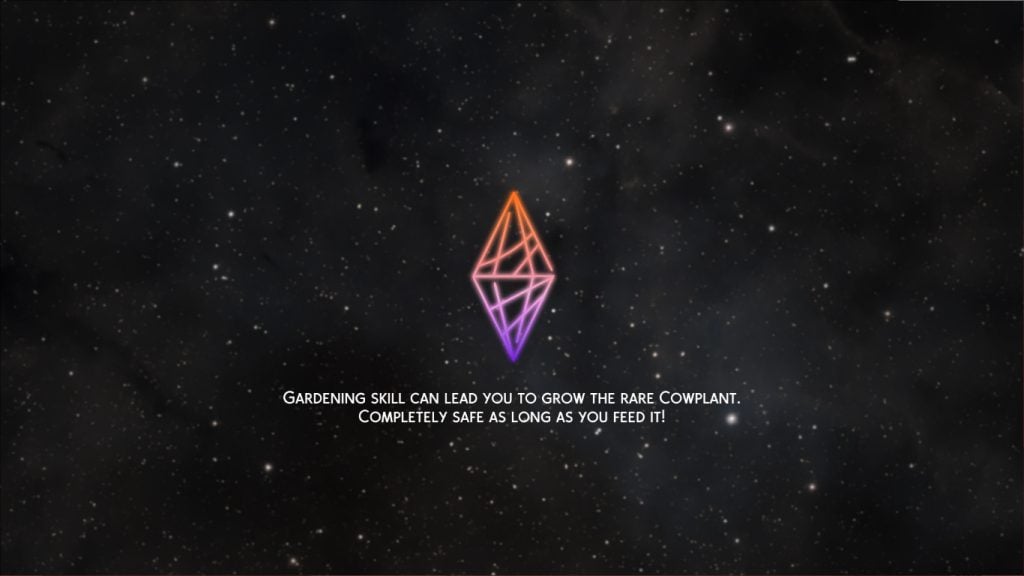
Cowplant Loading Screen Series
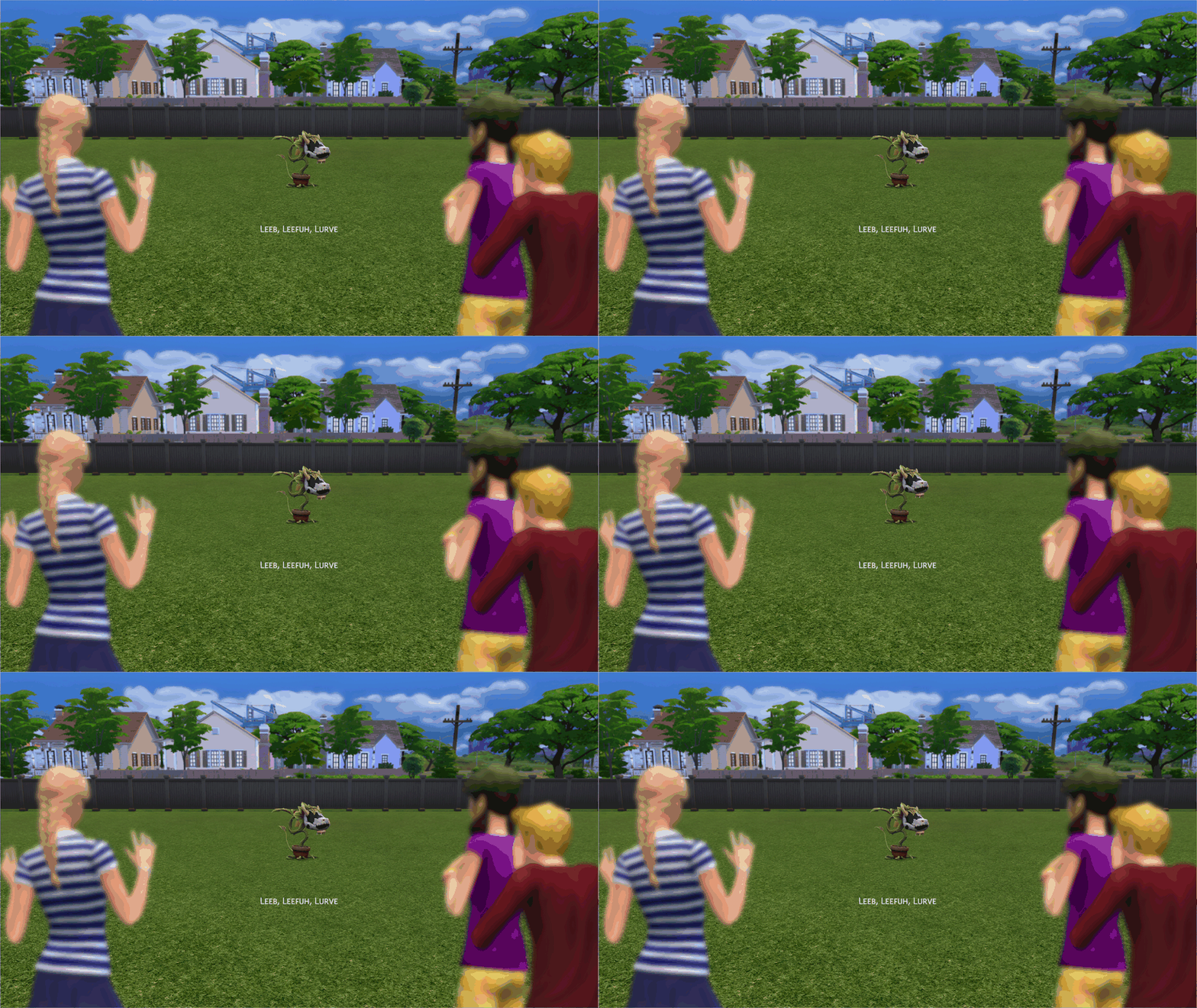
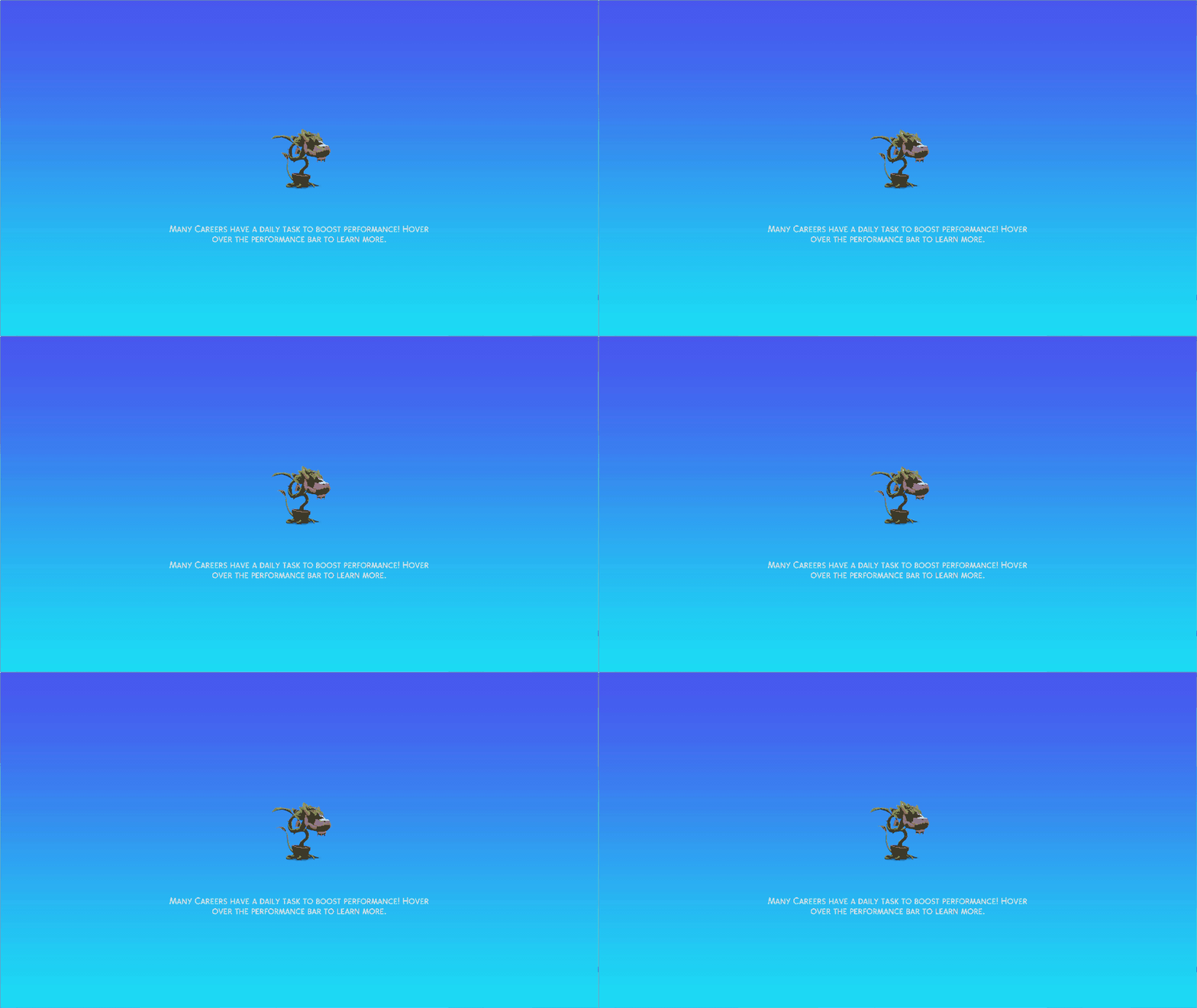
Strangerville Loading Screen Series
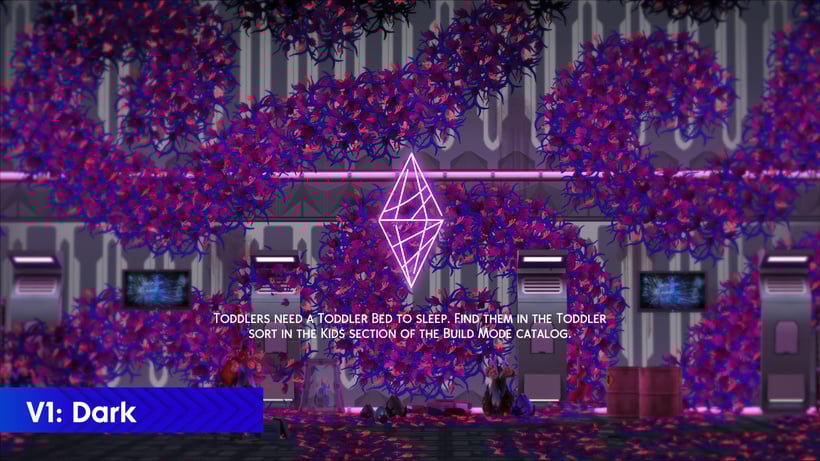
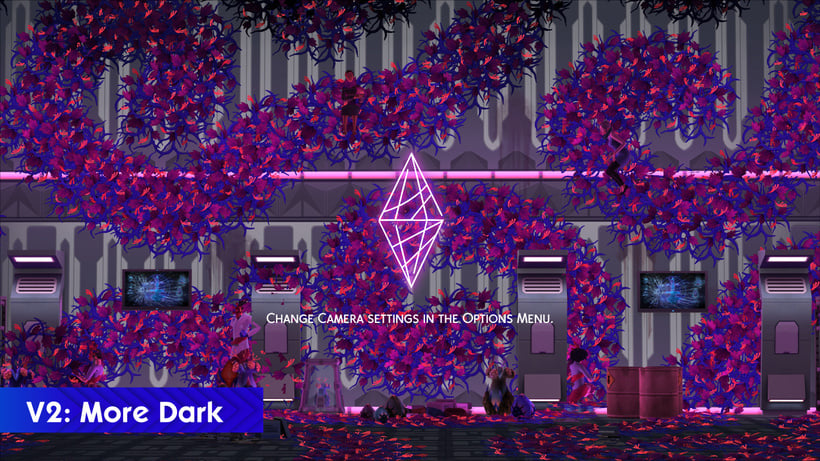
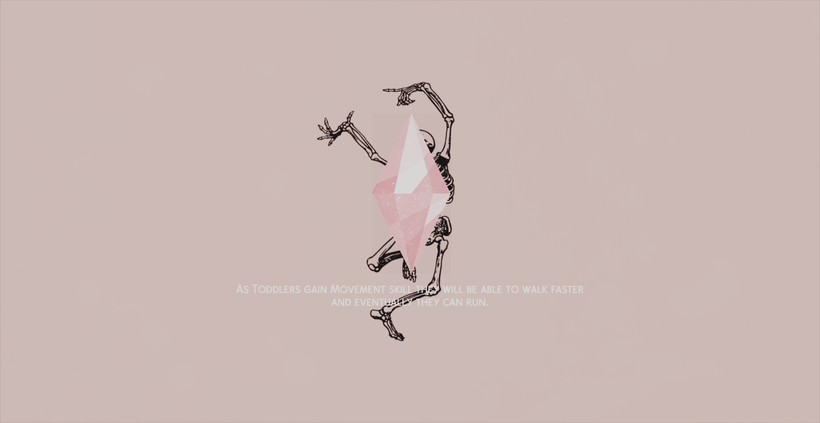
Dancing Bonehilda Loading Screen Series

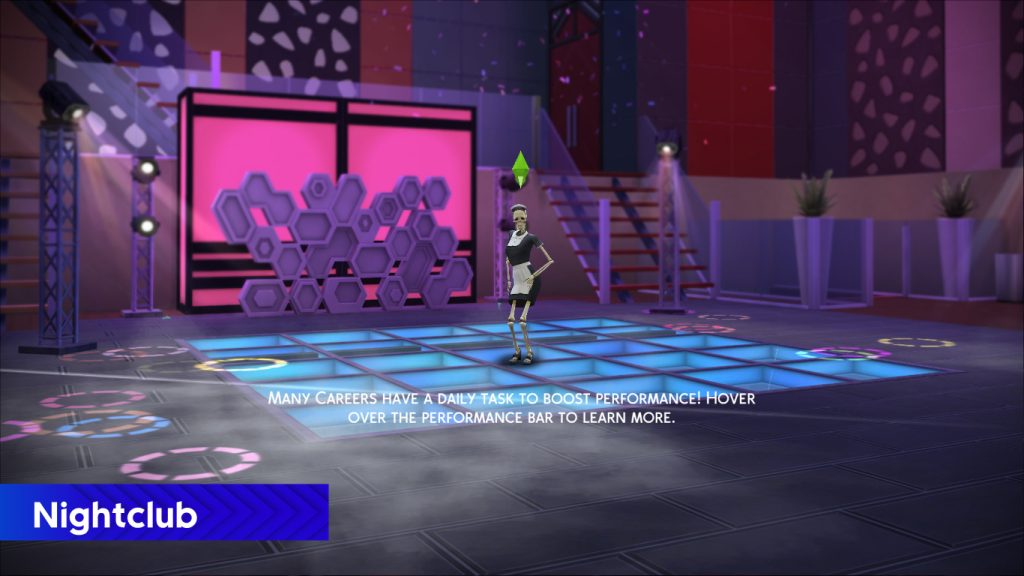
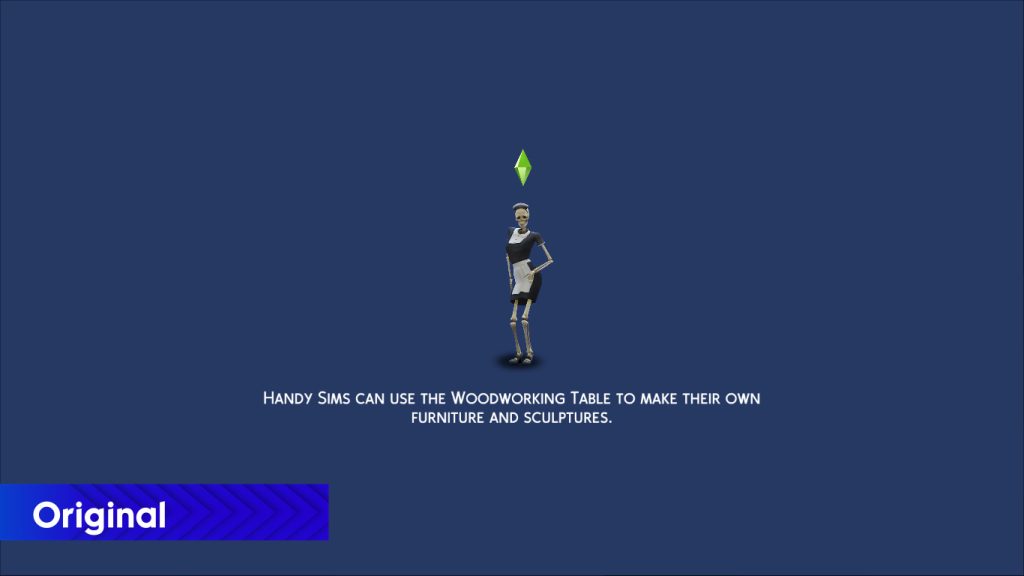
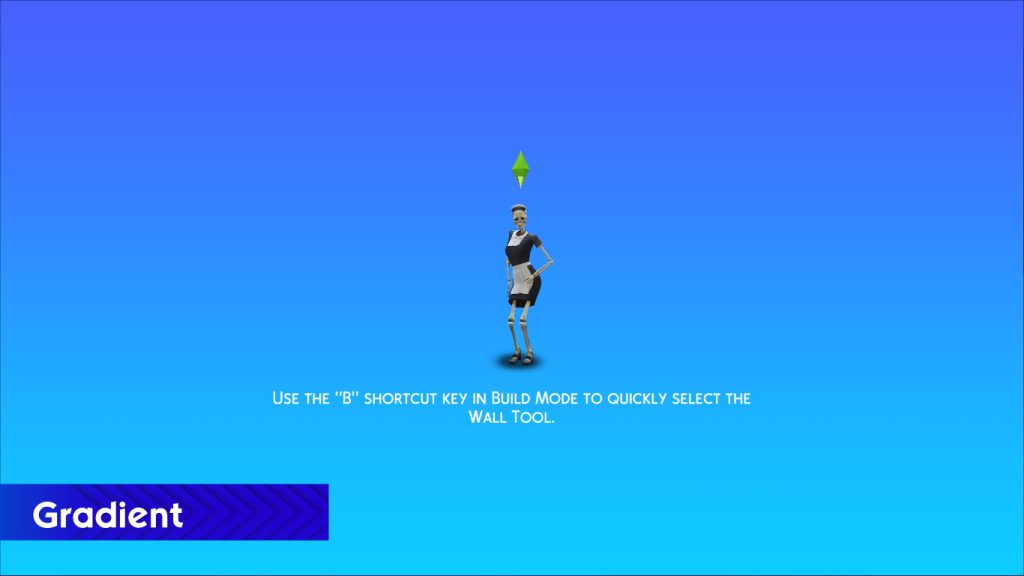
Lights Out Loading Screen Series (Lights Out x Pride, Lights Out x Werewolves, Lights Out)


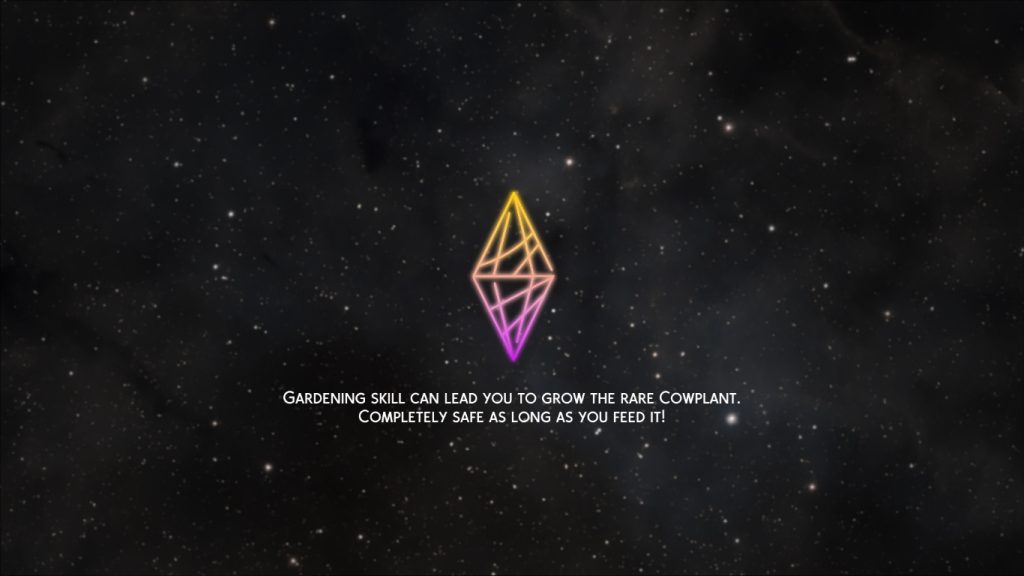

Apricot Rush
I'm a UK Sims 4 CC creator, I've played the Sims for as long as I can remember and recently have gotten into making my own custom content. I mostly focus on content that revolves around cooking/homesteading, my current goal is make the food in the Sims 4 to be more appetizing (if you've noticed the food in game is very dull and grey). I just want to make the game colourful, bright and pink!
- Apricot Rush's Patreon Bio
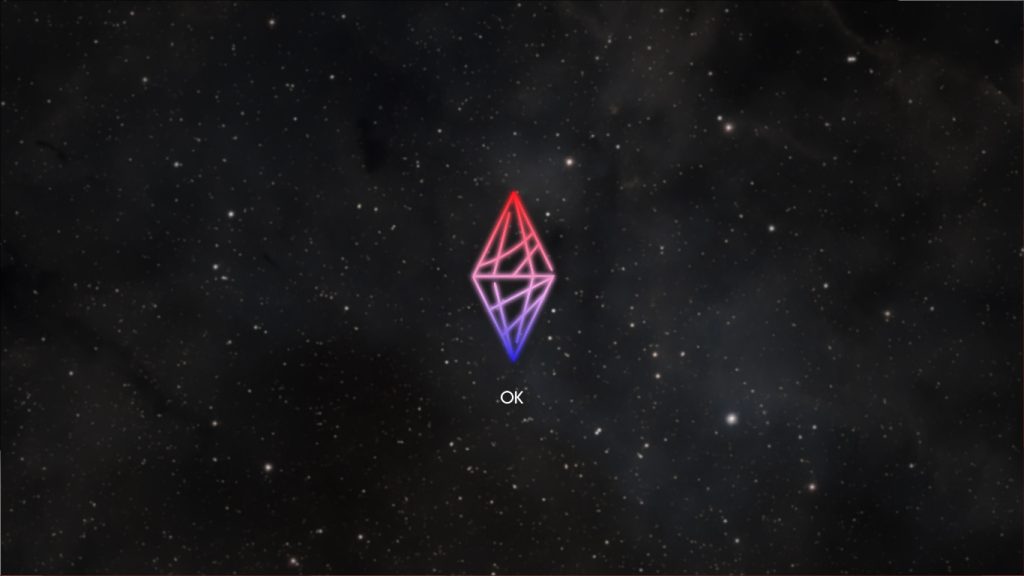
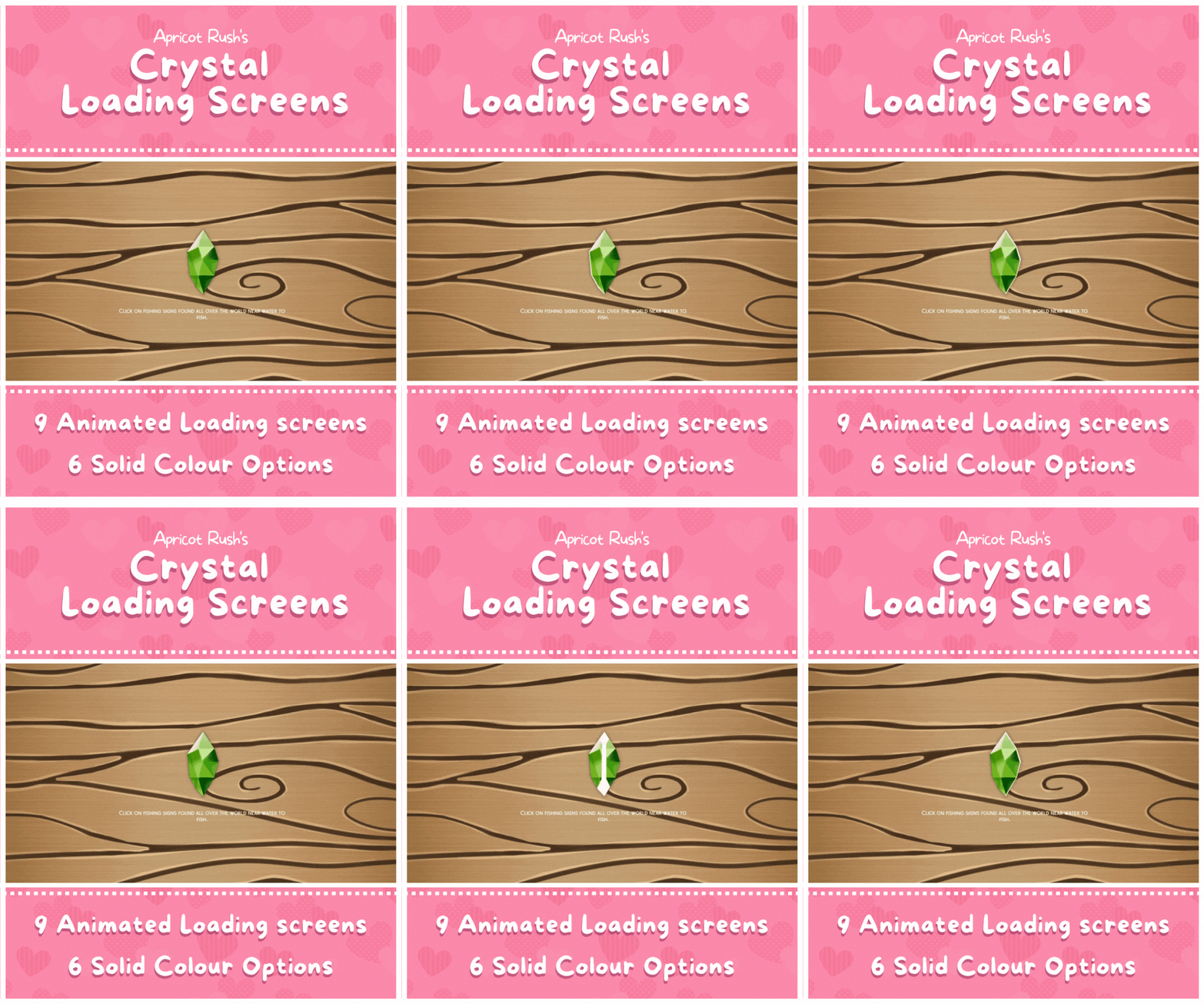
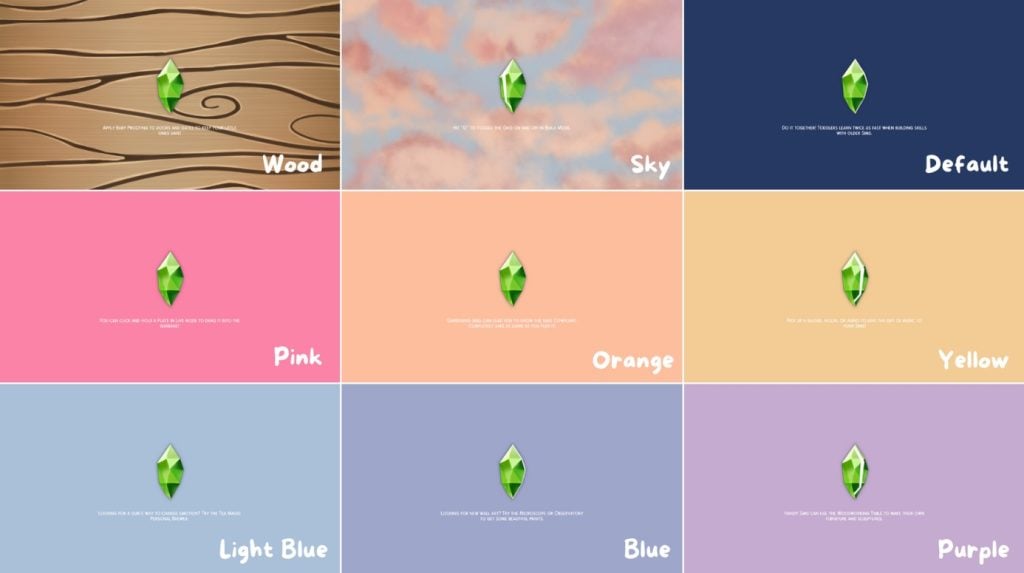
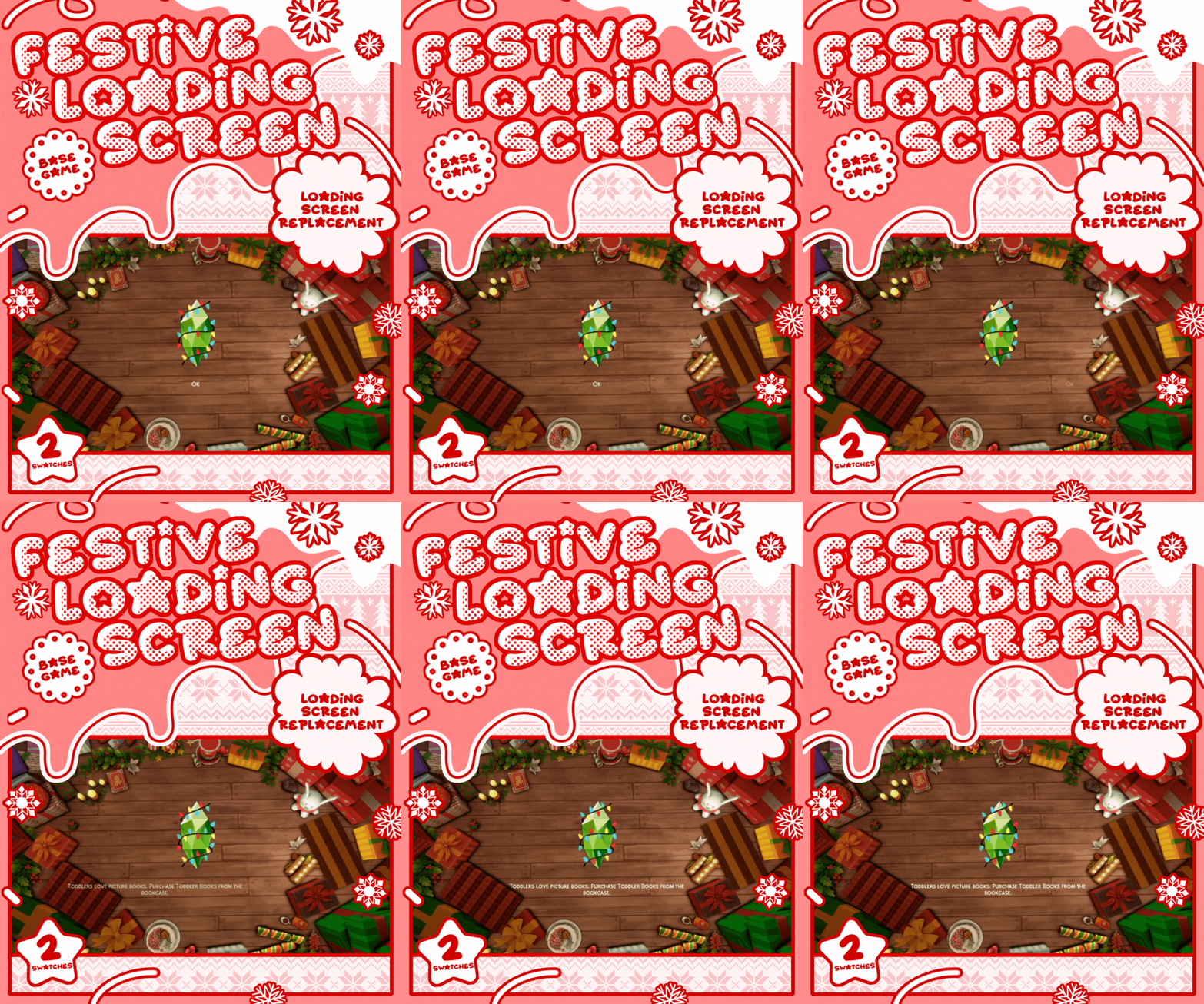
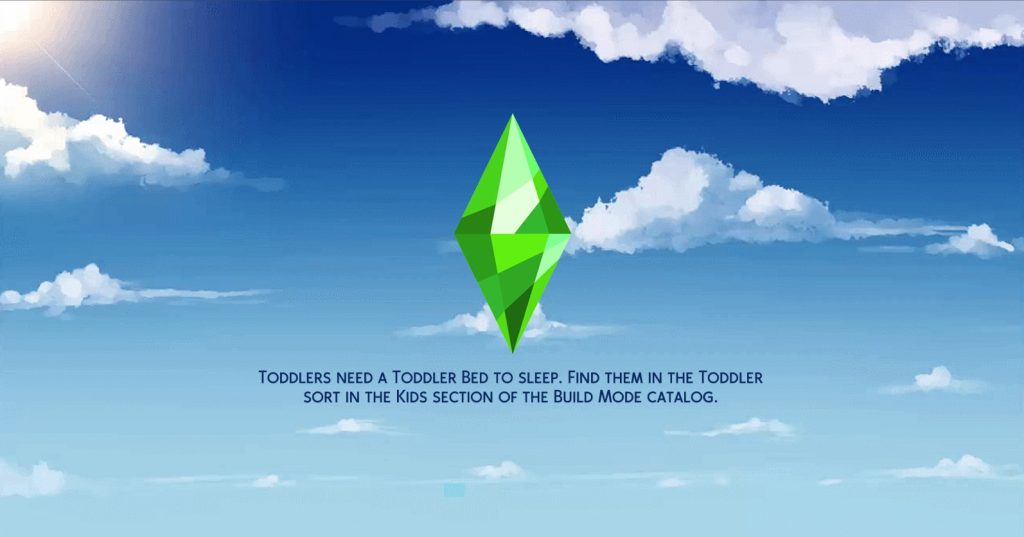
Fitting right in with Apricot Rush's bright and vibrant style, their loading screens come with a special crystal style plumbob to really change things up! The background can be a simple and beautiful color palette, a lovely soft cloudy sky, or a deep wood-grain to ring in the festive time of the year!
Crystal Loading Screens
Festive Loading Screen

Debbiepearl
Content Creator just trying to find her way!
- Debbiepearl's Mod The Sims Bio
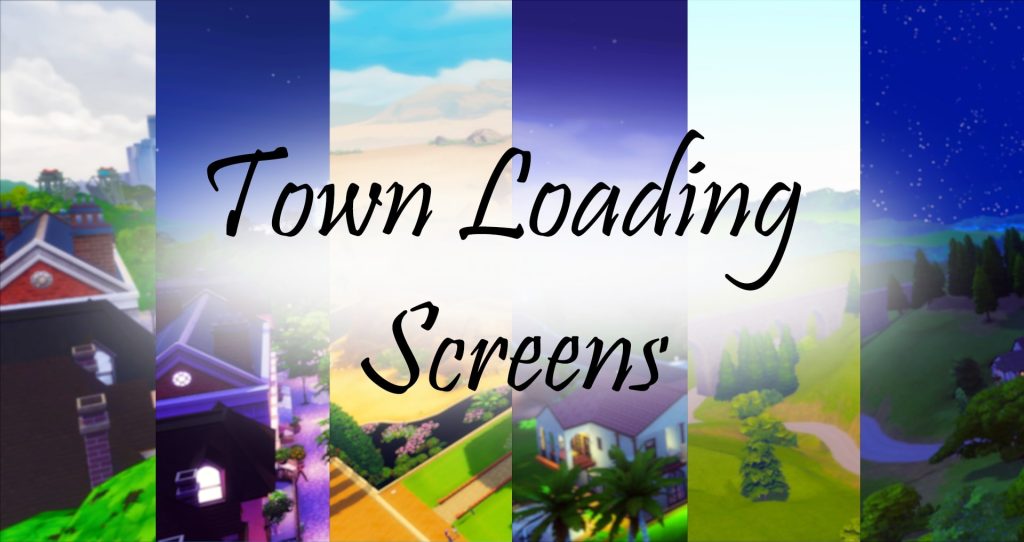
Town Loading Screens
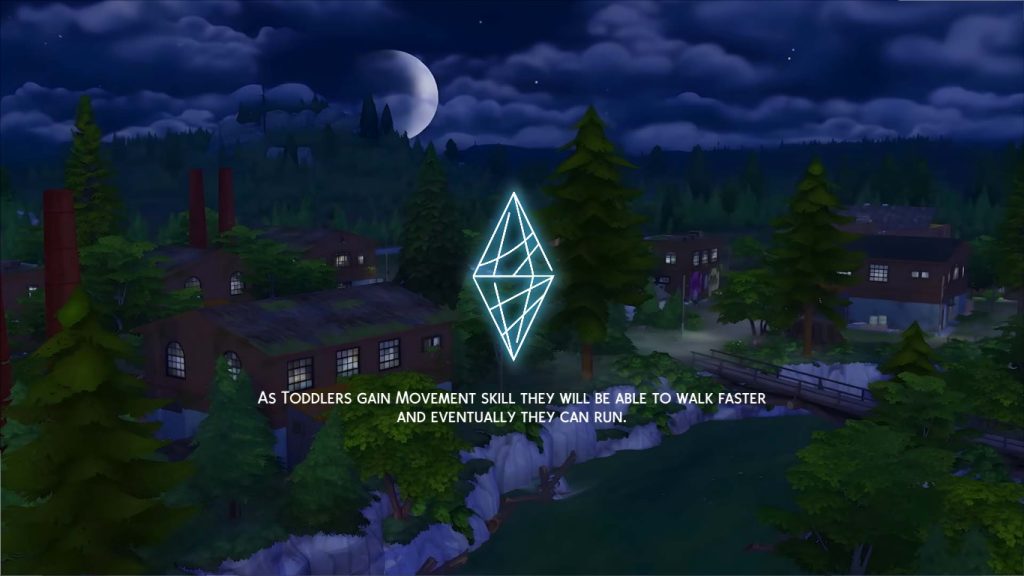
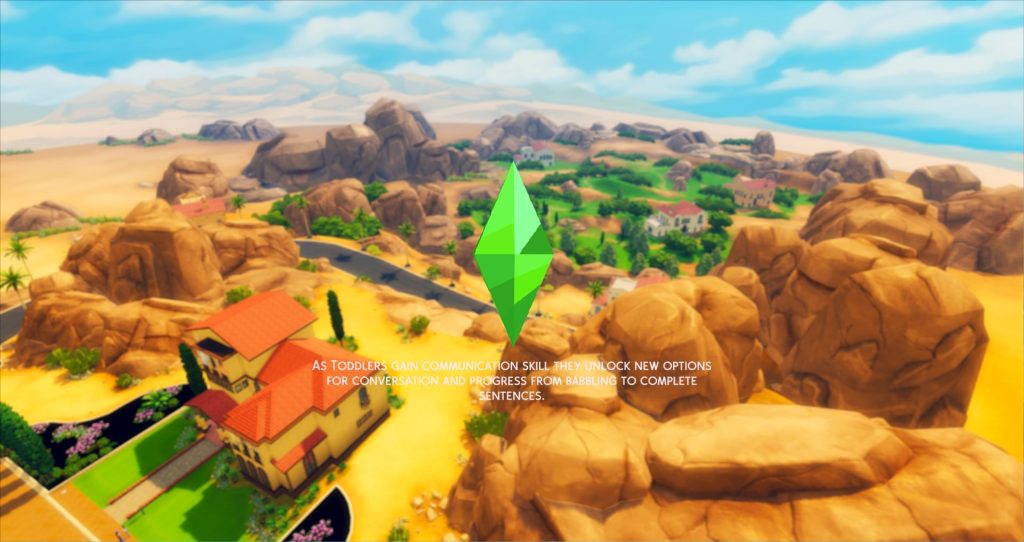
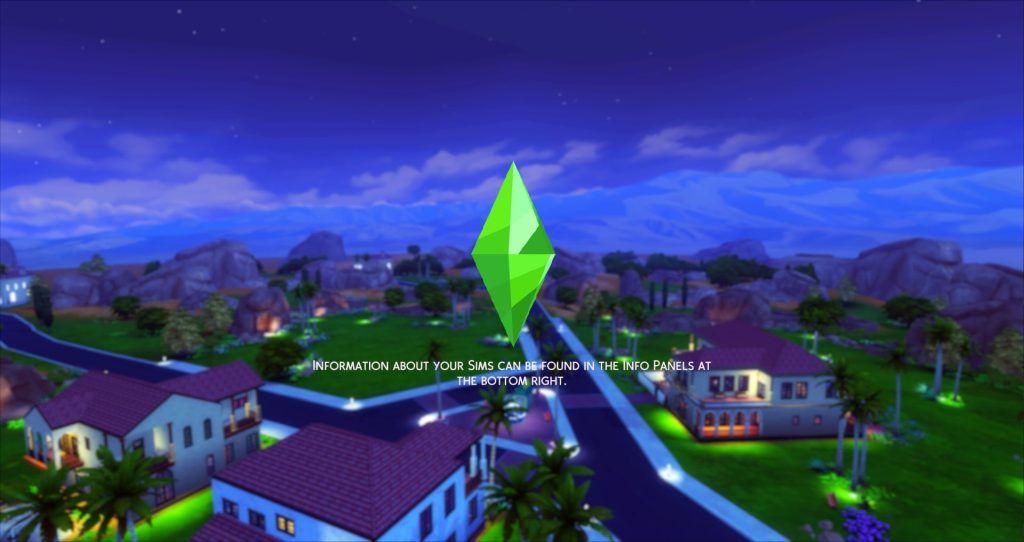
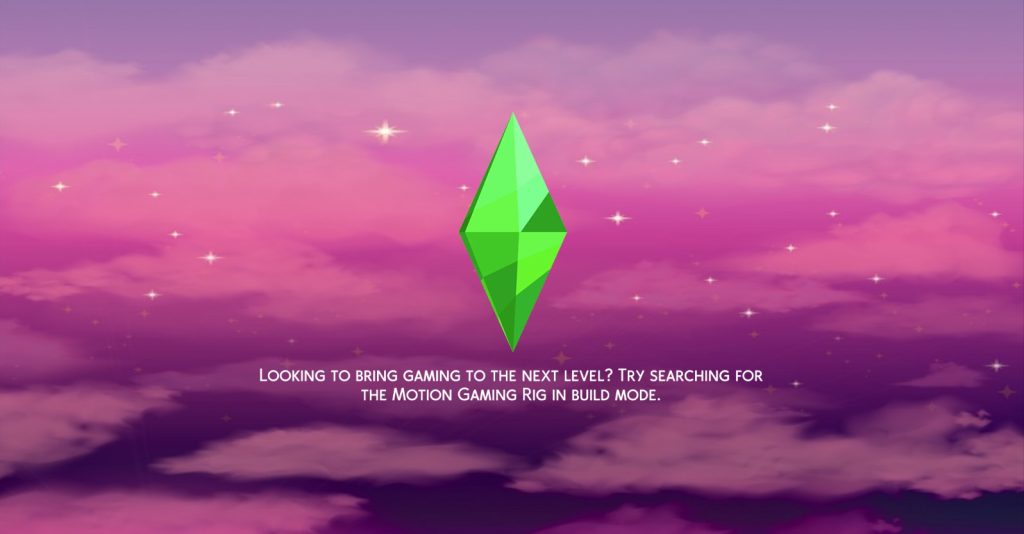
If you're playing a save in a specific world, or just have a favorite one in mind, choosing one of Debbiepearl's multitude of scenic images from worlds throughout the Sims 4 series can really set the mood for your gameplay. Not feeling a specific world, or do you happen to travel a lot in-game? They also have created a beautiful series of sky loading screens, some leaning on the cartoony and stylized side while others are fittingly realistic.
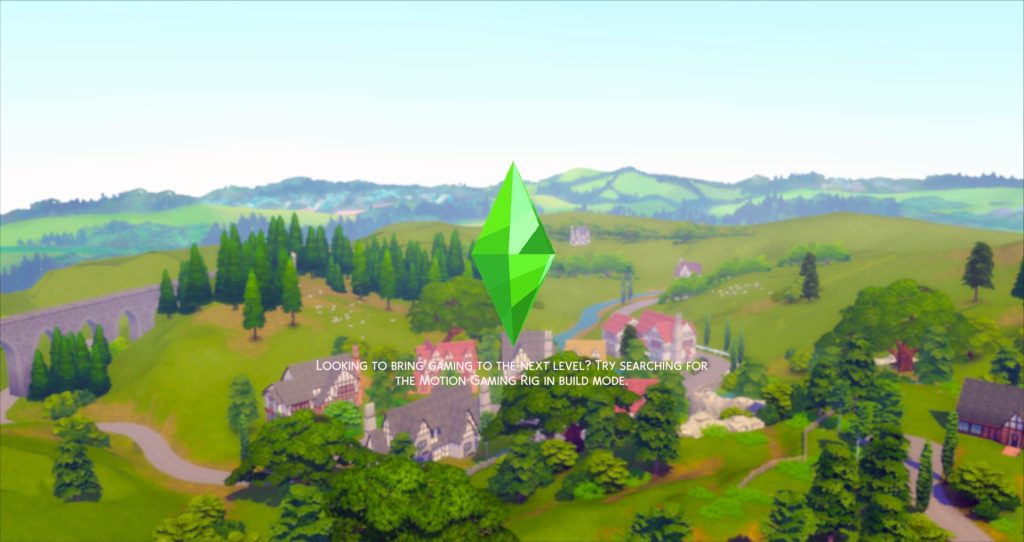
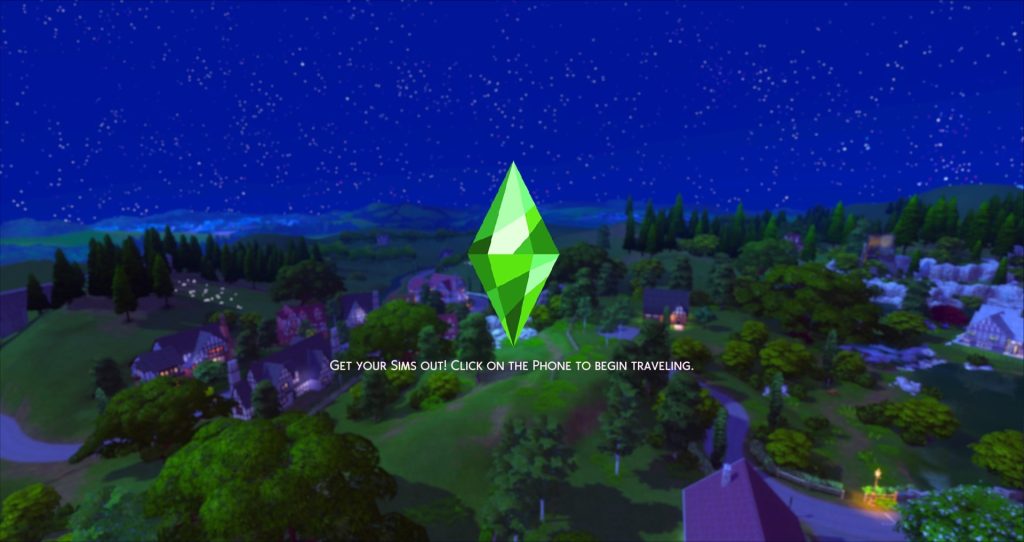
More Town Loading Screens
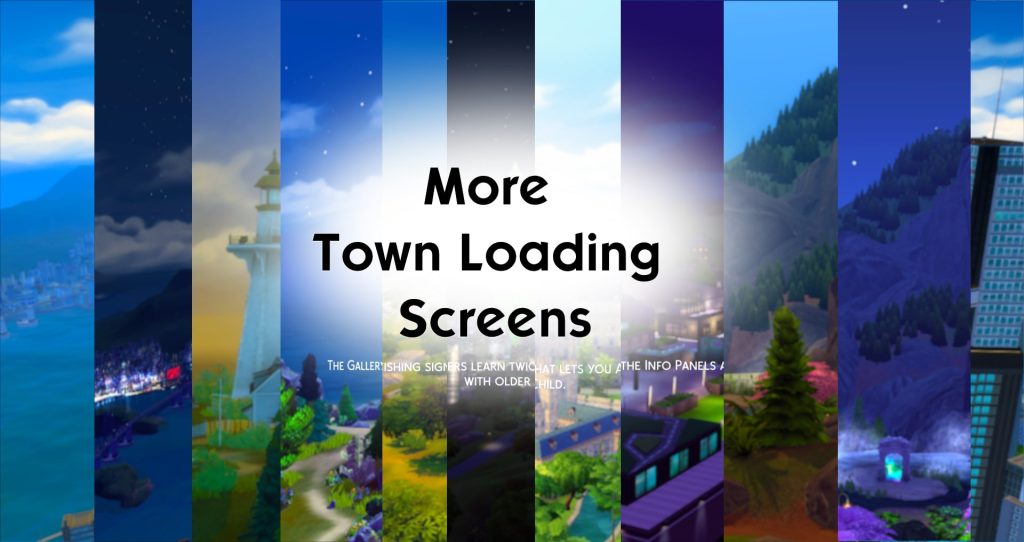
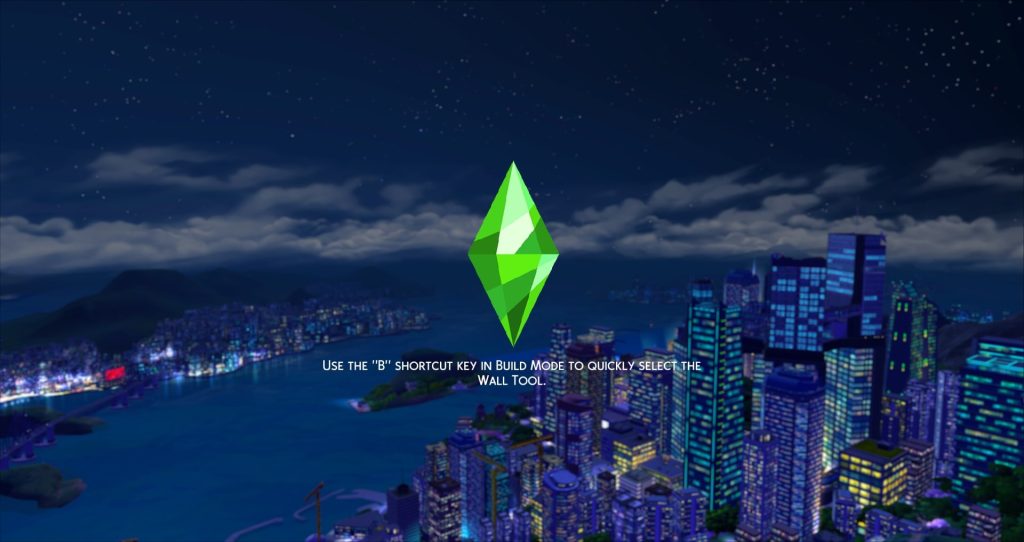
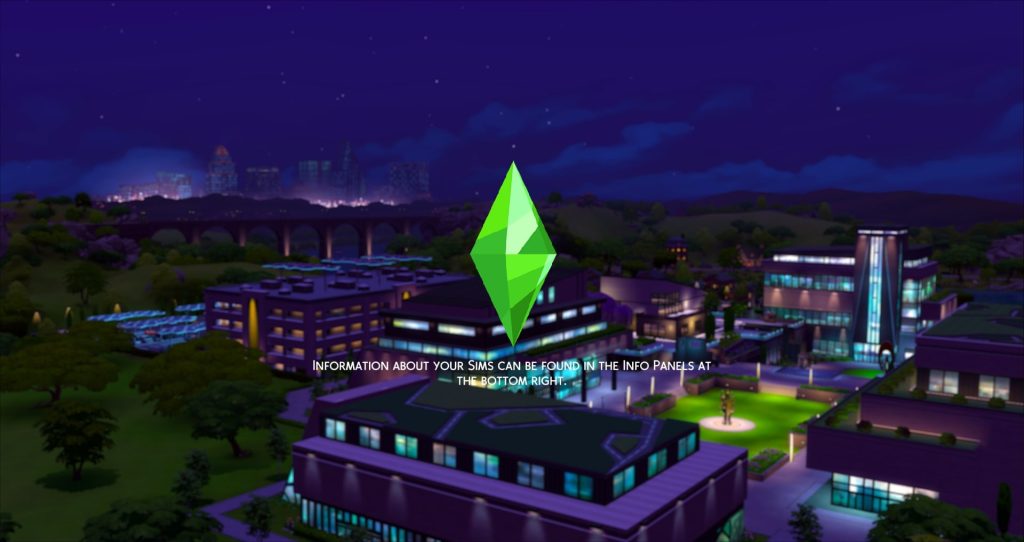
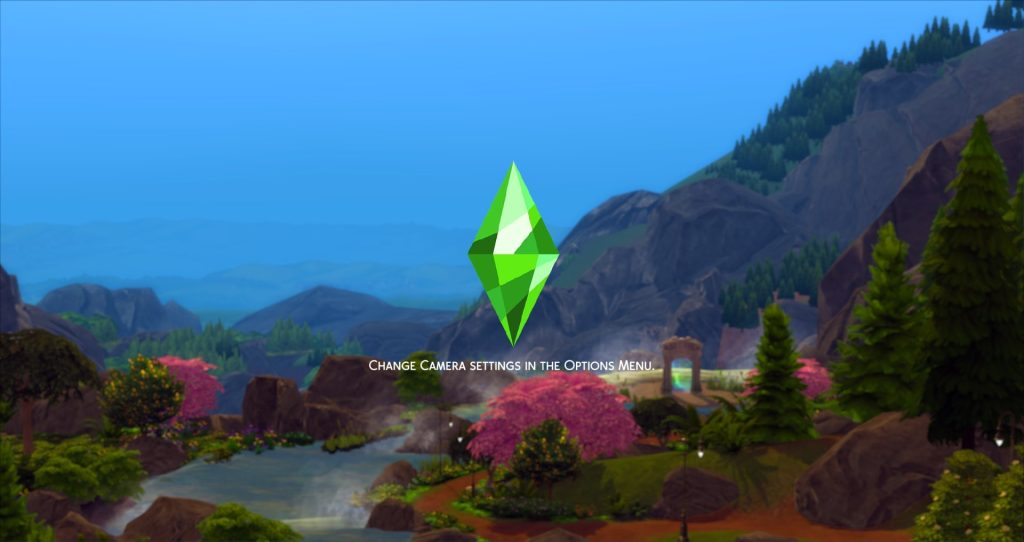
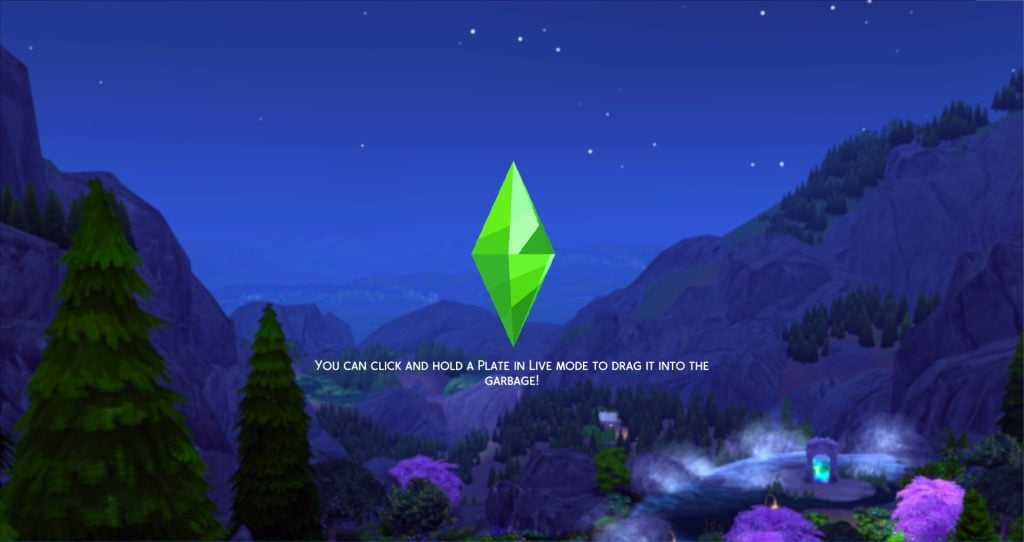
Sky Loading Screens




Ellesimsworld
Hi, I'm Elle! I create mods and content for the Sims 4.
- Ellesimsworld's Patreon Bio
Ellesimsworld is best known for her very aesthetically pleasing overrides, as well as mods to immerse you deeper into your gameplay. Her Sims 4 Loading Screen Mods are simple yet aesthetically pleasing, either using classical art, mesmerizing patterned backgrounds, or cutesy seasonal doodles.
Bright Start Overhaul Loading Screens (Sparkle & Plumbob Versions)
Sparkle Plumbob Replacement

Standard Plumbob

Main Menu to Loading Screen Conversions


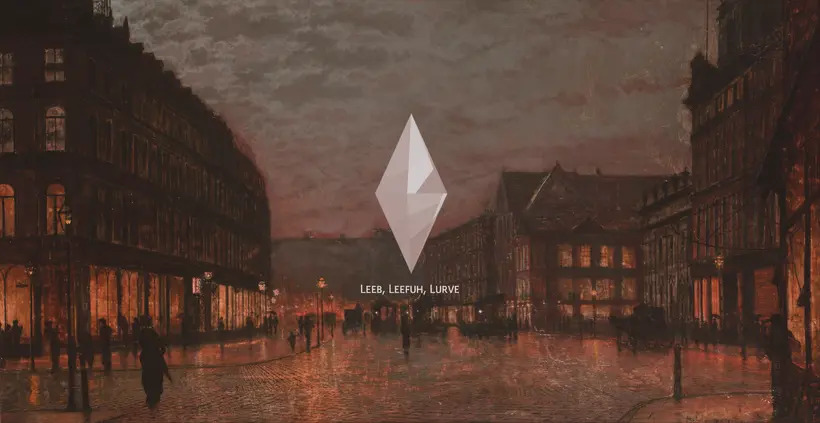

20k Patrons Loading Screens

Spooky & Spice Mini Mod Pack

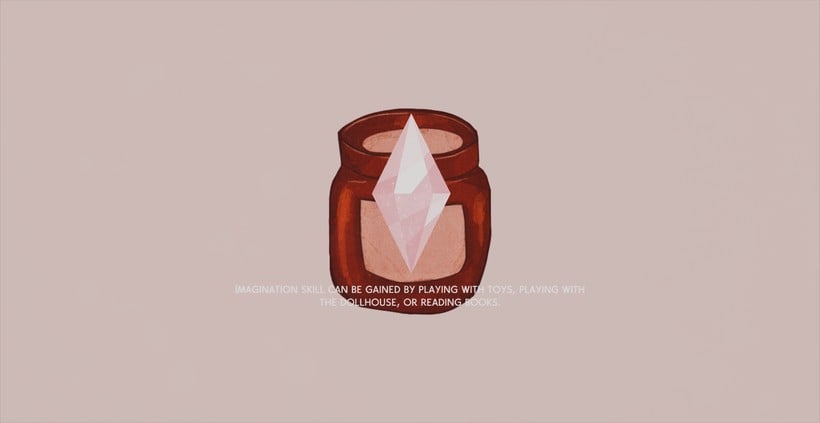


SimMattically
Hi! 👋🏻 I’m Matt, a Sims enthusiast and creator. Here you’ll find my latest mods and custom content, plus ways to support my work. Thanks for being here, and happy Simming!
- SimMattically's Patreon Bio
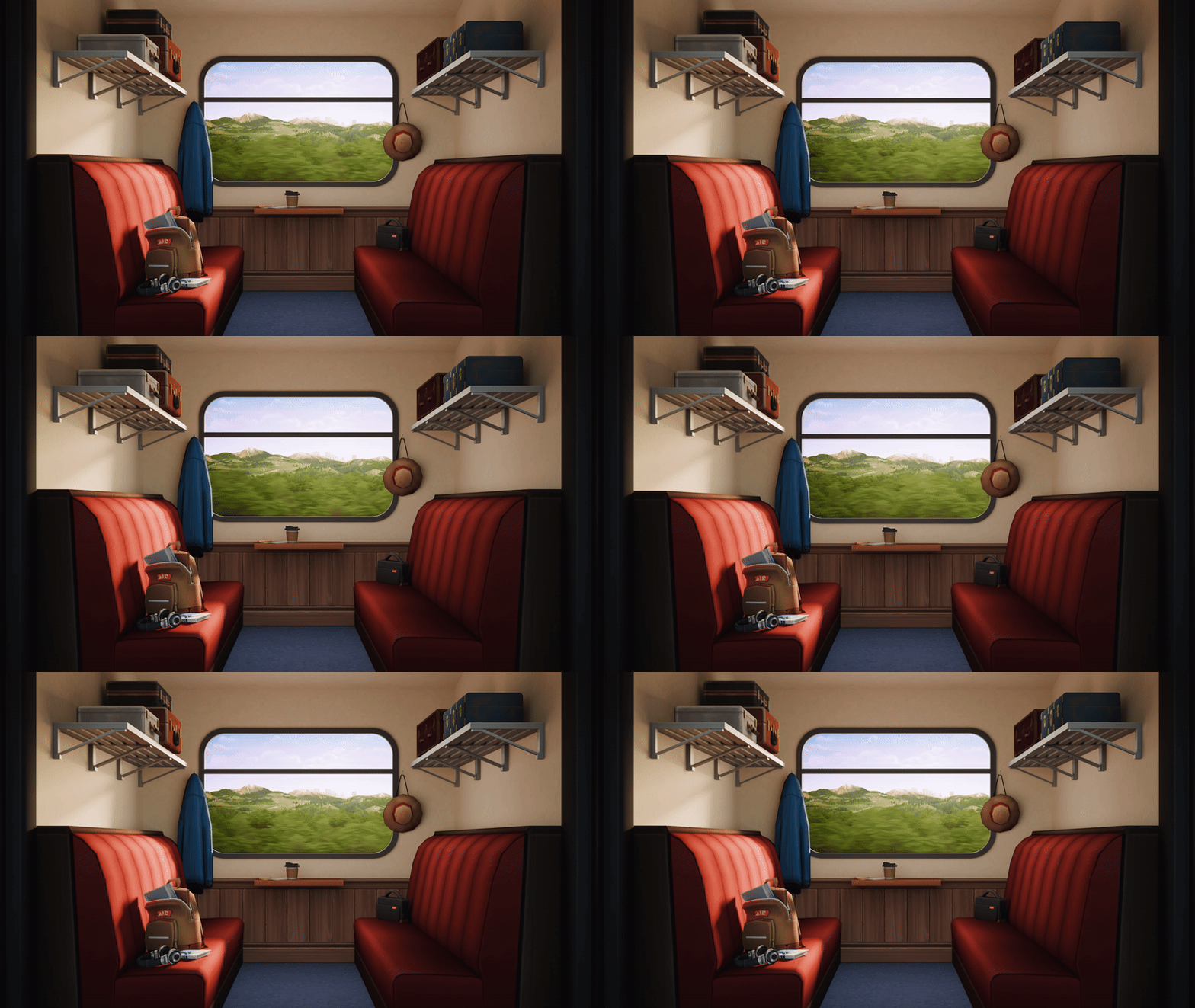
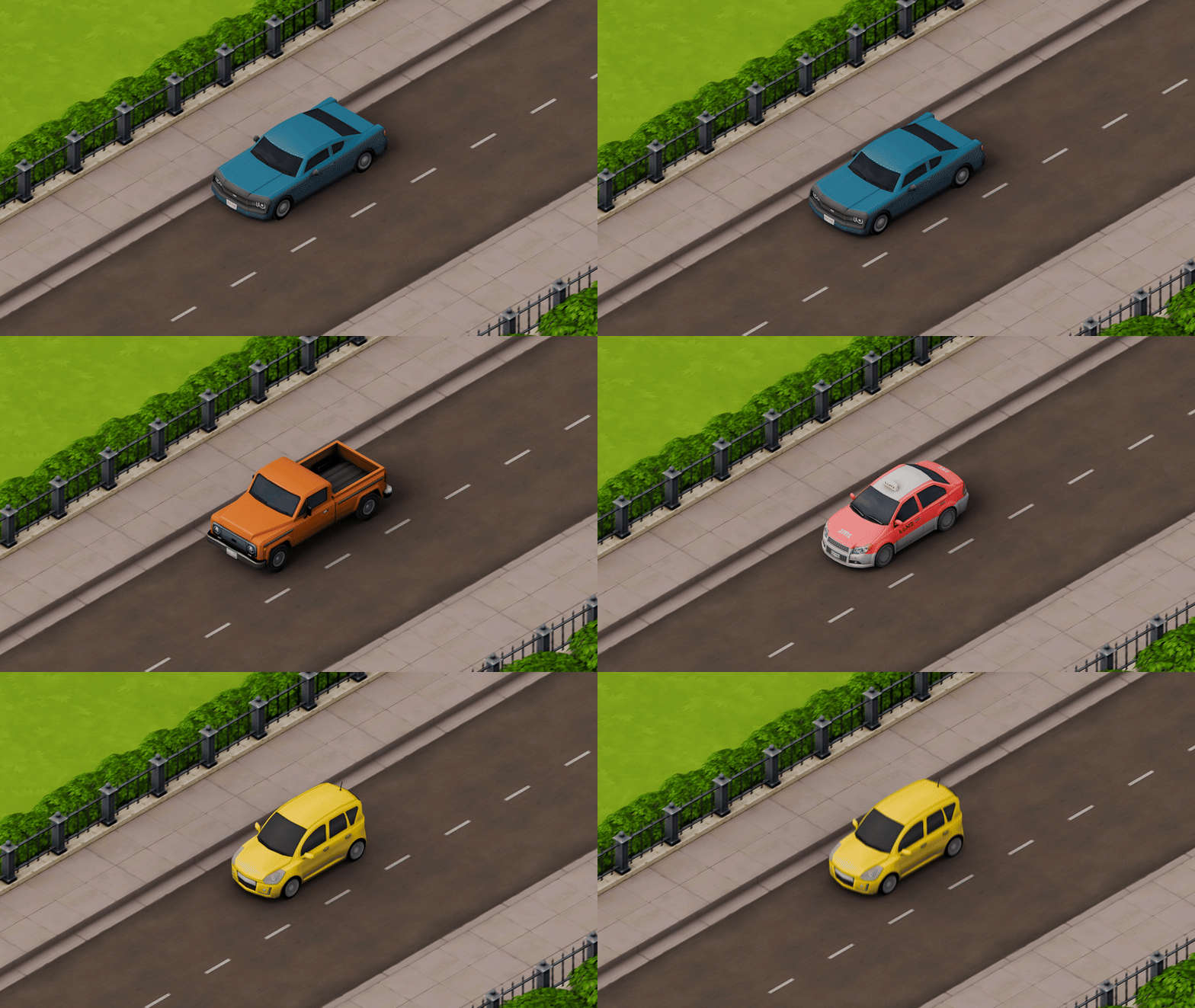
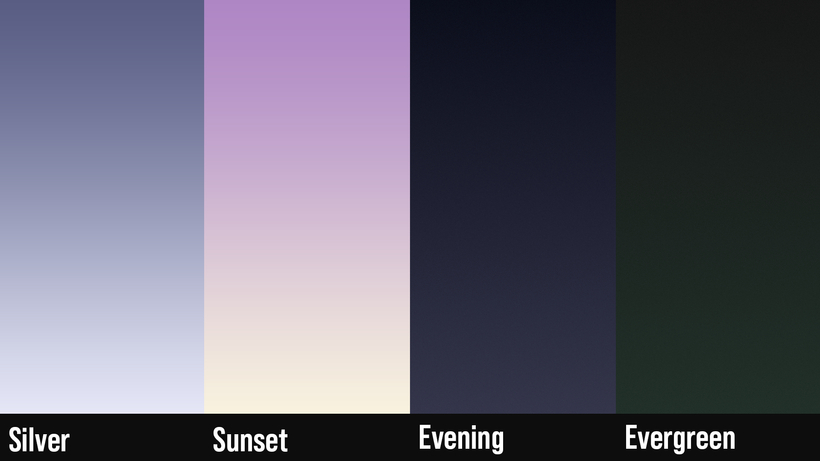
SimMattically, aka Matt, is well-known for thinking outside of the box and revolutionizing the Sims 4 with his user interface override mods. A lot of these are Sims 4 Loading Screen Mods that play on the transportation theme as you load in between lots, or can get you into the Winterfest spirit with a warm and cozy glowing fire. His work is often animated, heavily customizable, and overall dynamic!
New Refreshed Loading Screen
Make sure to read SimMattically's Post for the New Refreshed Loading Screen Mod, as it has additional instructions.

Train Window Animated Loading Screen
Cars Animated Loading Screen
*different options
Dynamic Clouds Loading Screen

Christmas Lights Animated Loading Screen

Falling Snow Animated Loading Screen


Simsiboy
Welcome!
I'm Simsiboy, I make content for The Sims 4, as well as making music in my free time!
- Simsiboy's Patreon Bio
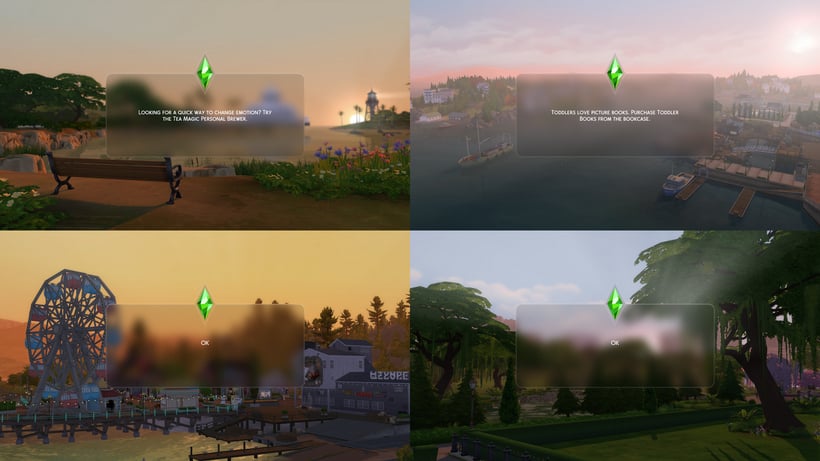
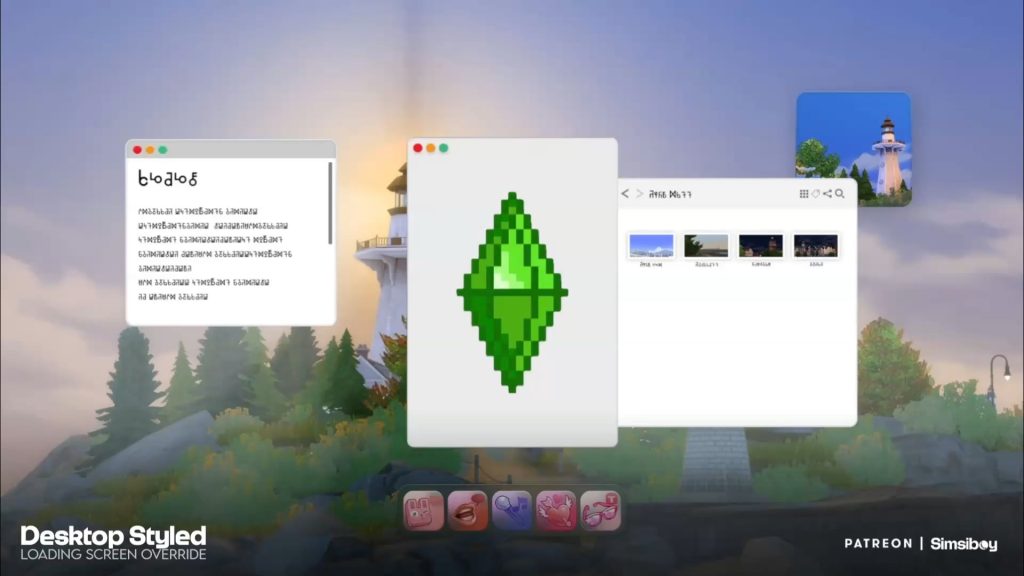
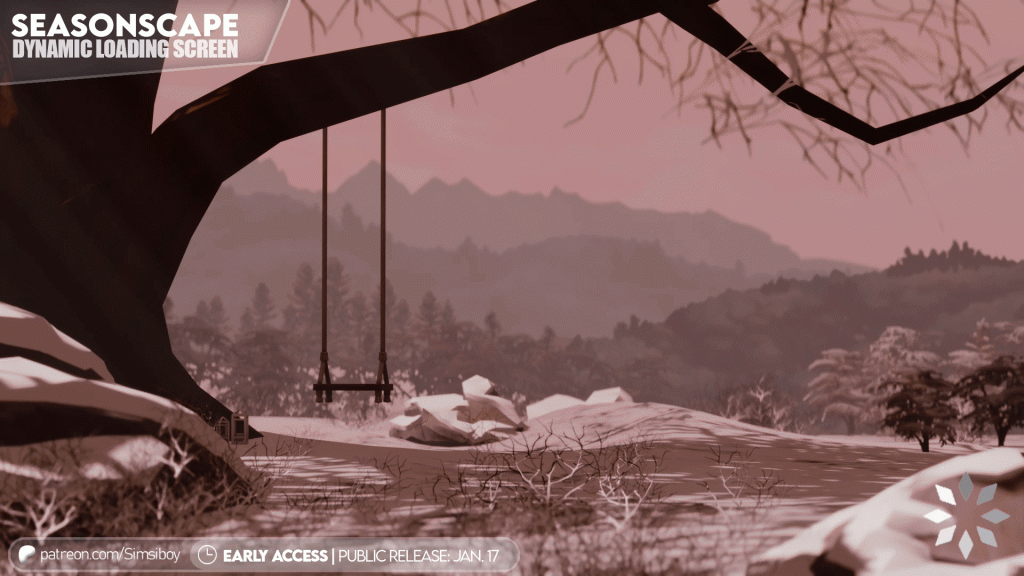
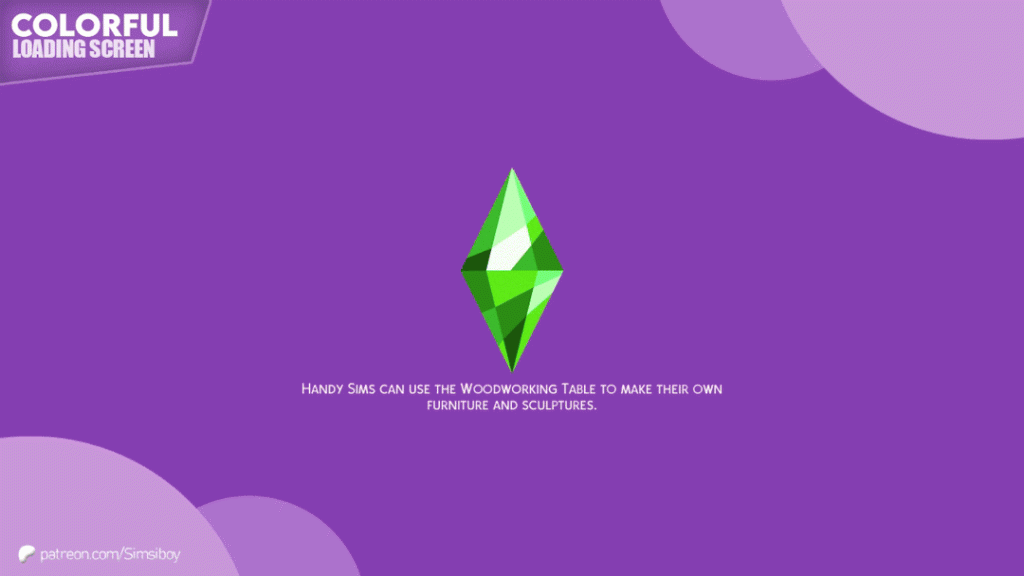
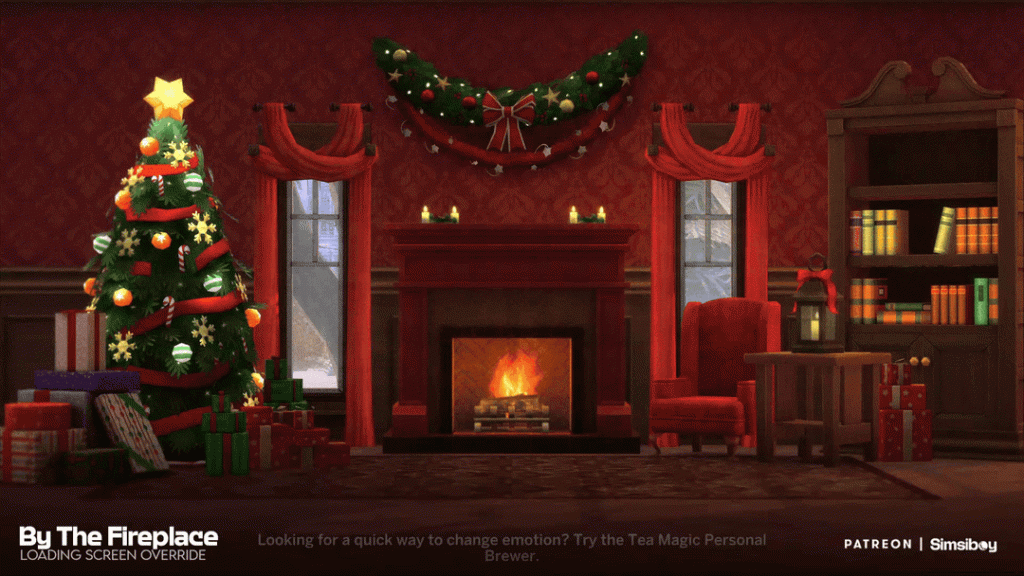
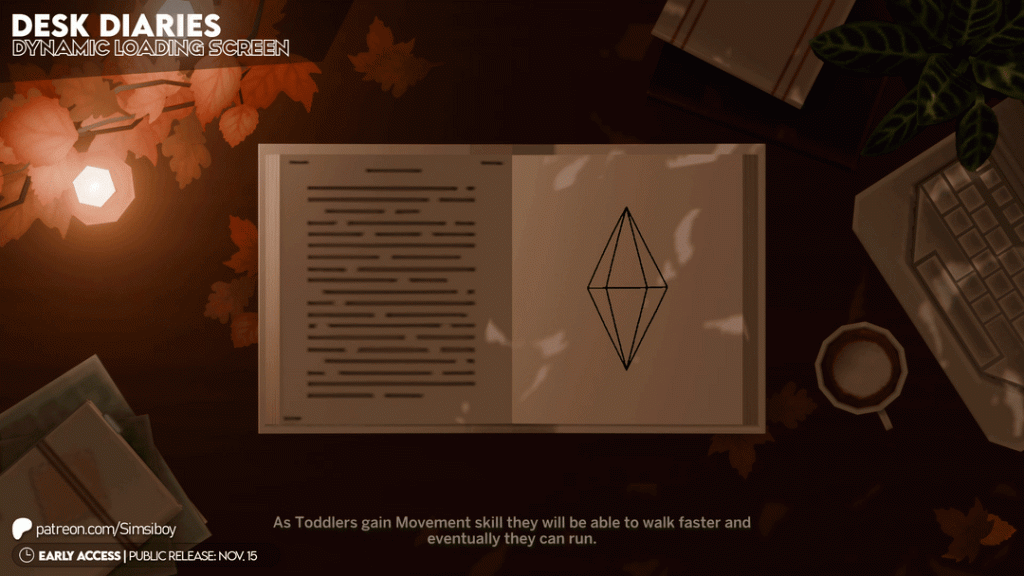
Simsiboy's Sims 4 Loading Screen Mods are often heavily themed, either calling back to The Sims 3's style of loading screen, adding a progress bar and beautiful in-game landscape shots with the Simorphic Loading Screens, or by even adding interactive and real-world features found in the Desktop Styled Loading Screen and the Seasonscape Loading Screen!
Simorphic Randomized Loading Screens
Travels Loading Screen

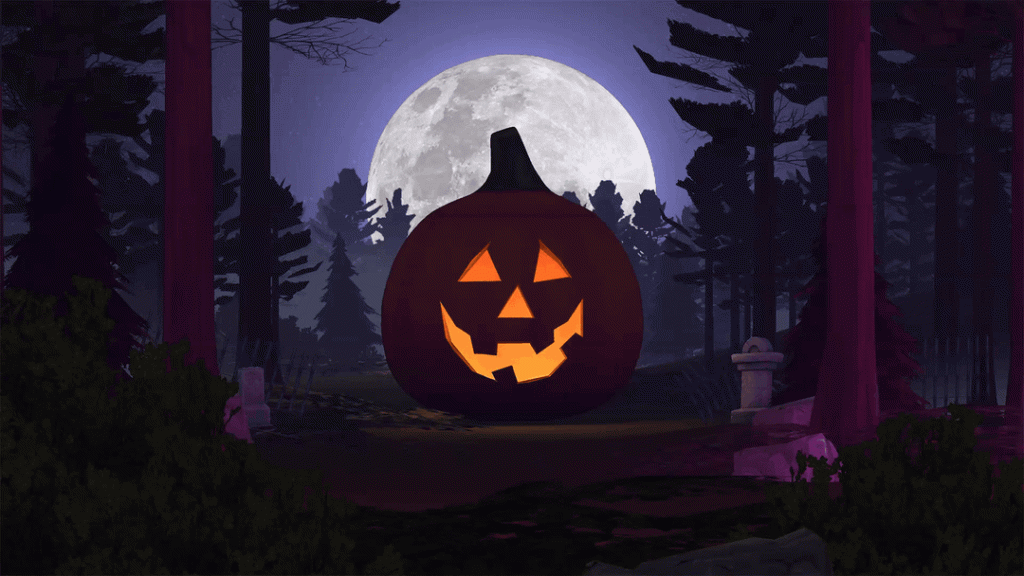
In The Woods Loading Screen
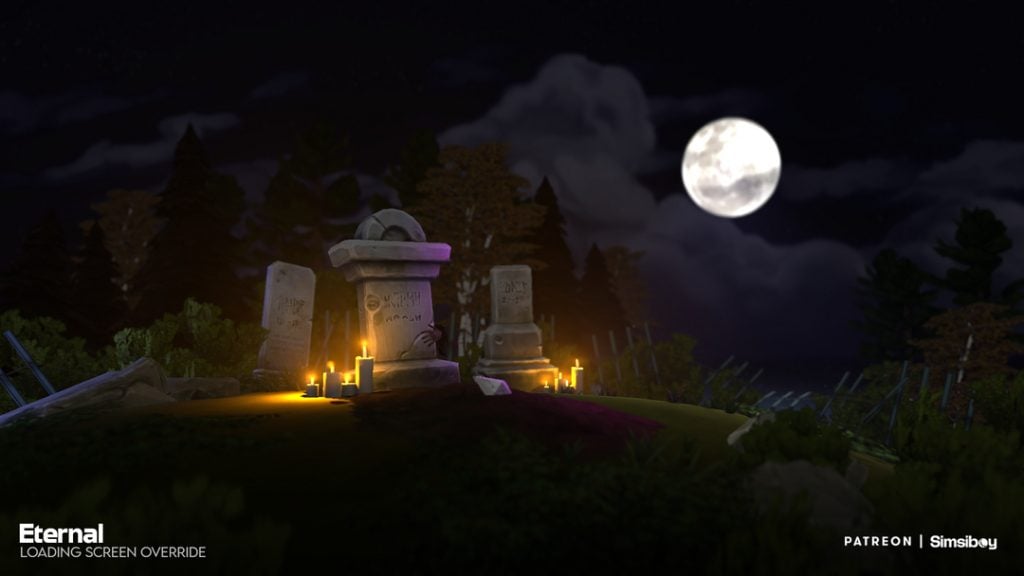
Eternal Loading Screen
Desktop Styled Loading Screen Override
Simplicity 2 Loading Screens

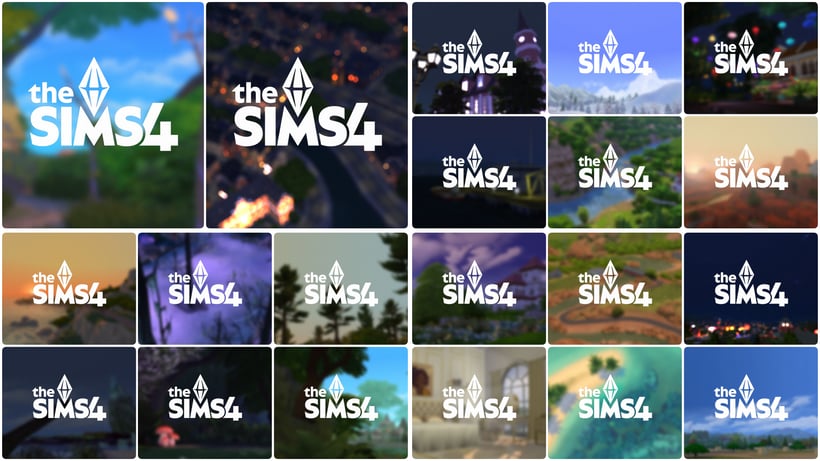
Seasonscape Loading Screens
Colorful Loading Screens
By The Fireplace Loading Screen
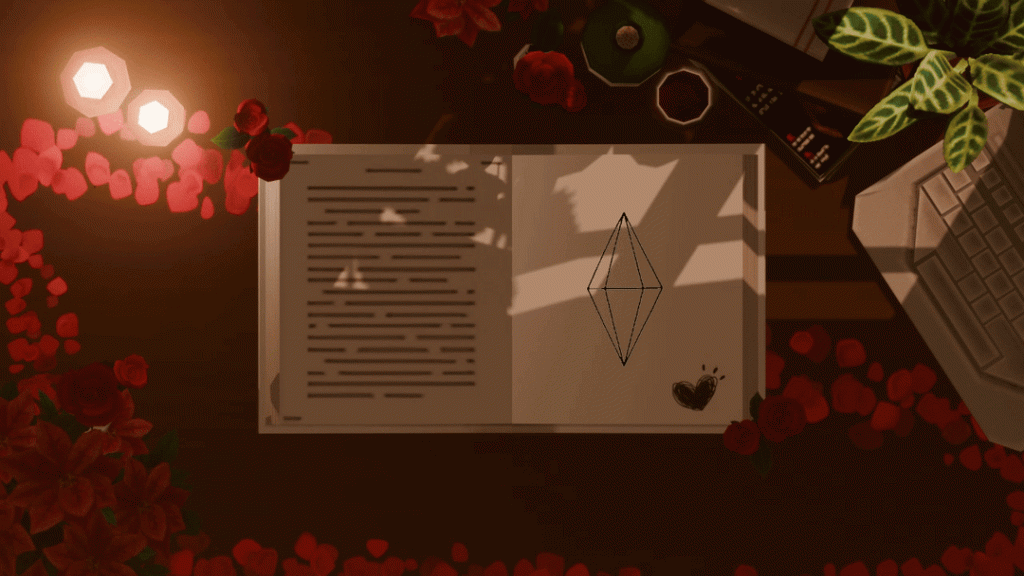
Desk Diaries & Desk Diaries Love Day Loading Screens

Vyxated
Hey there!
I'm vyxated and I create & share whatever it is I'm inspired by :-)
- Vyxated's Patreon Bio
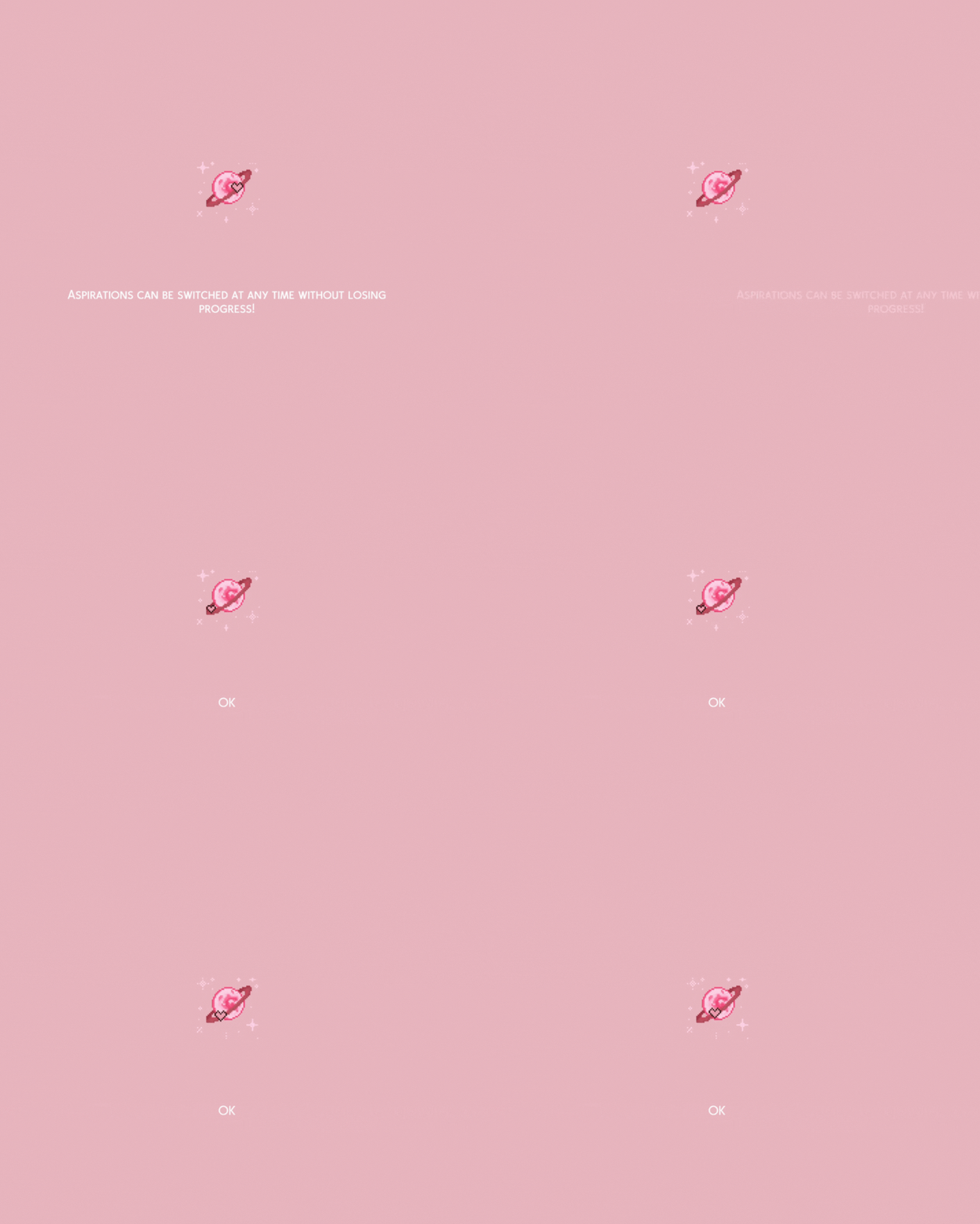
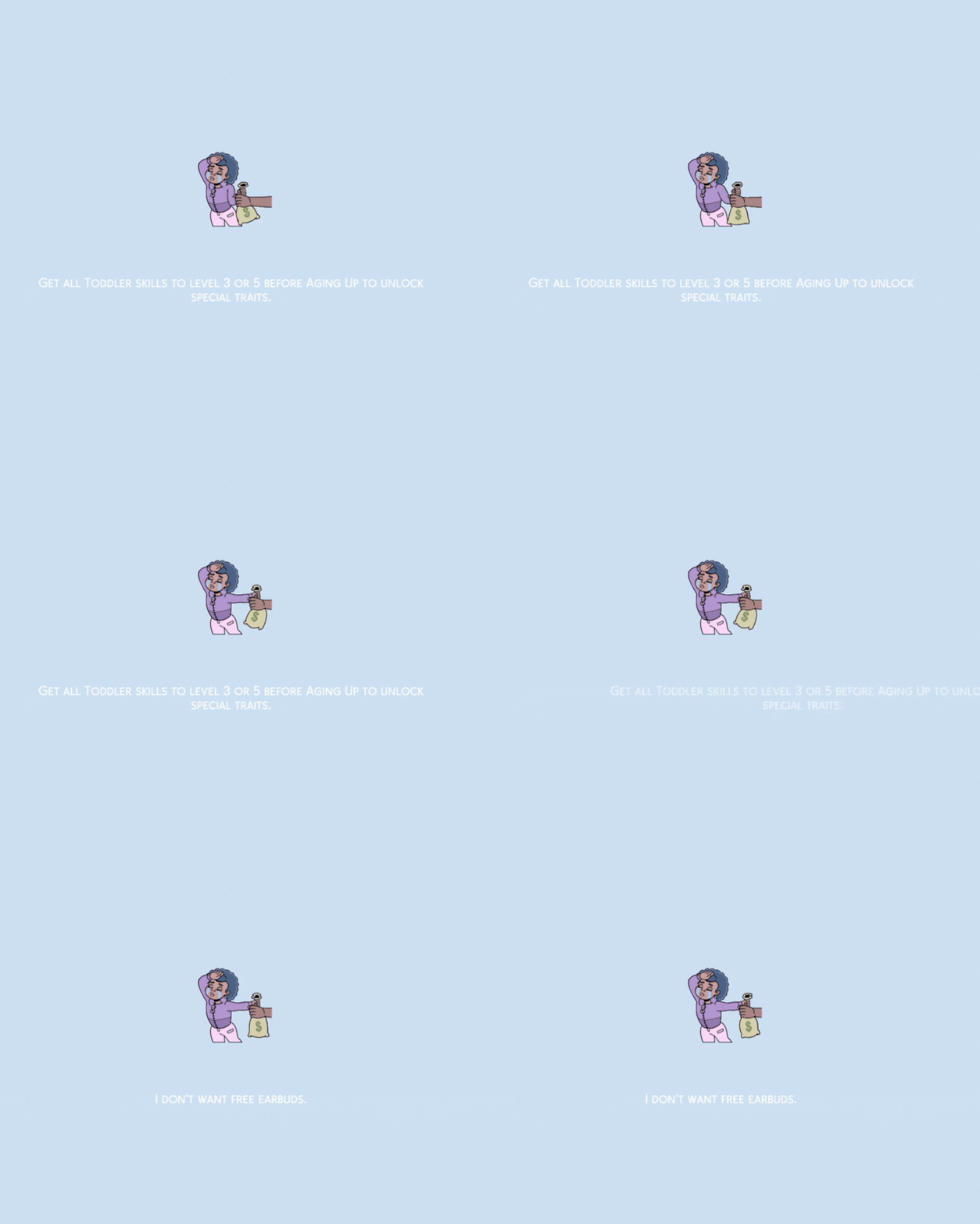
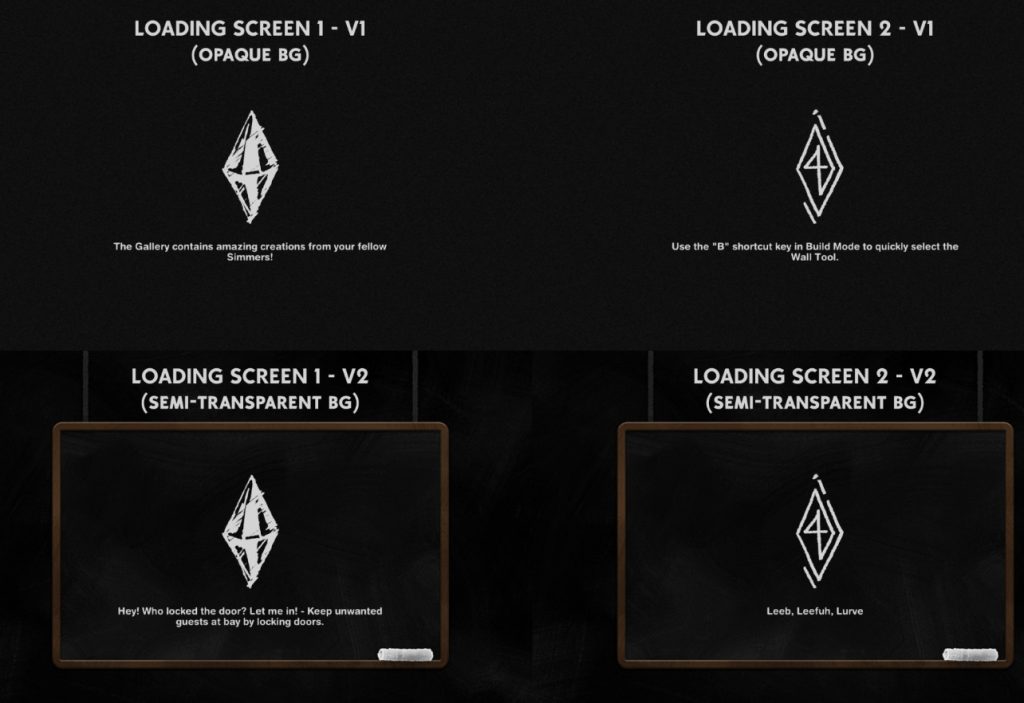
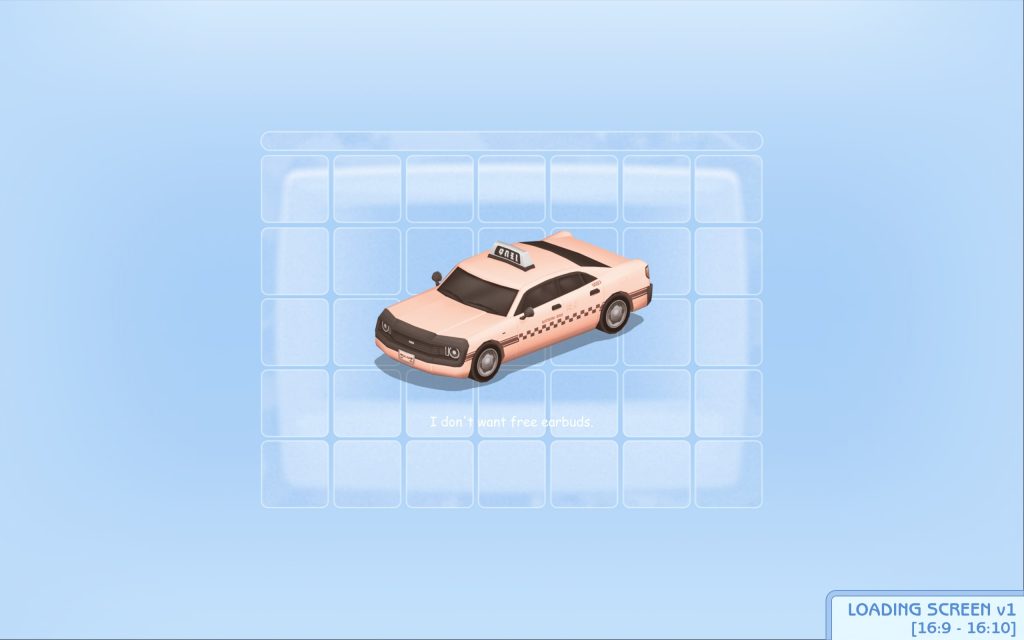
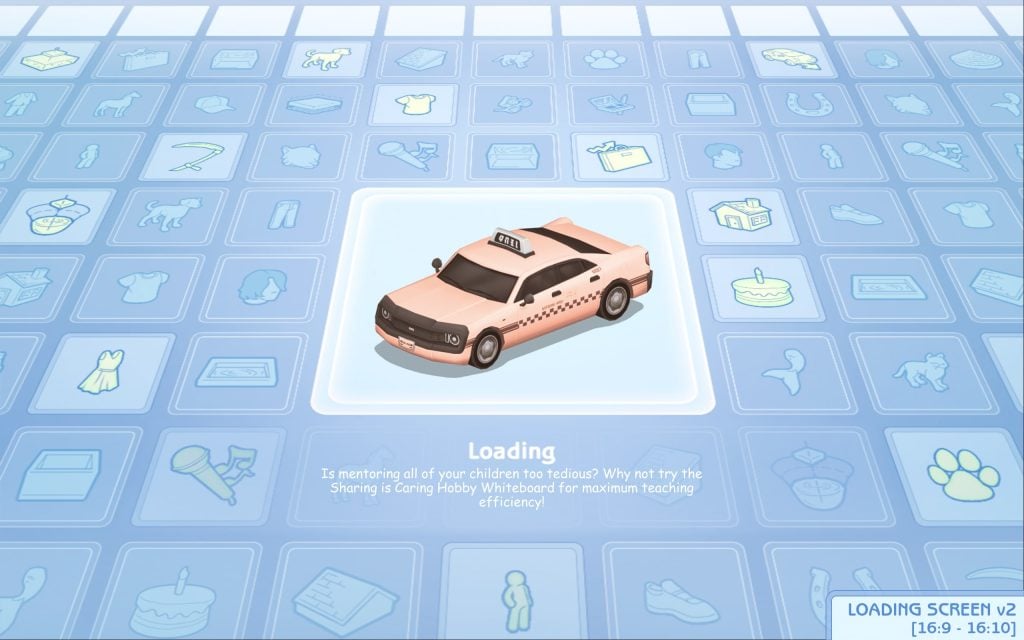
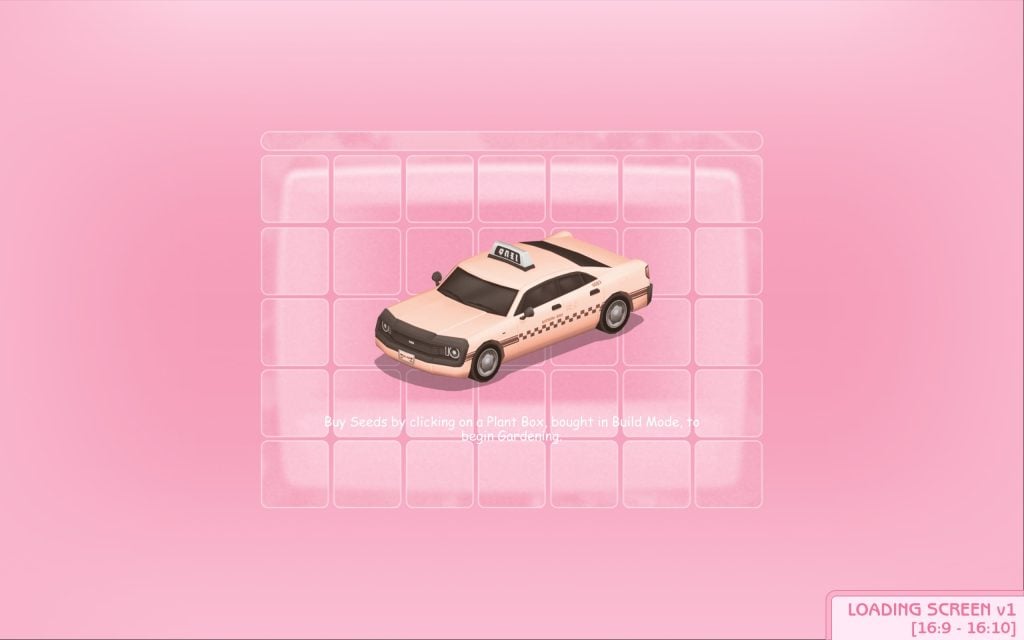
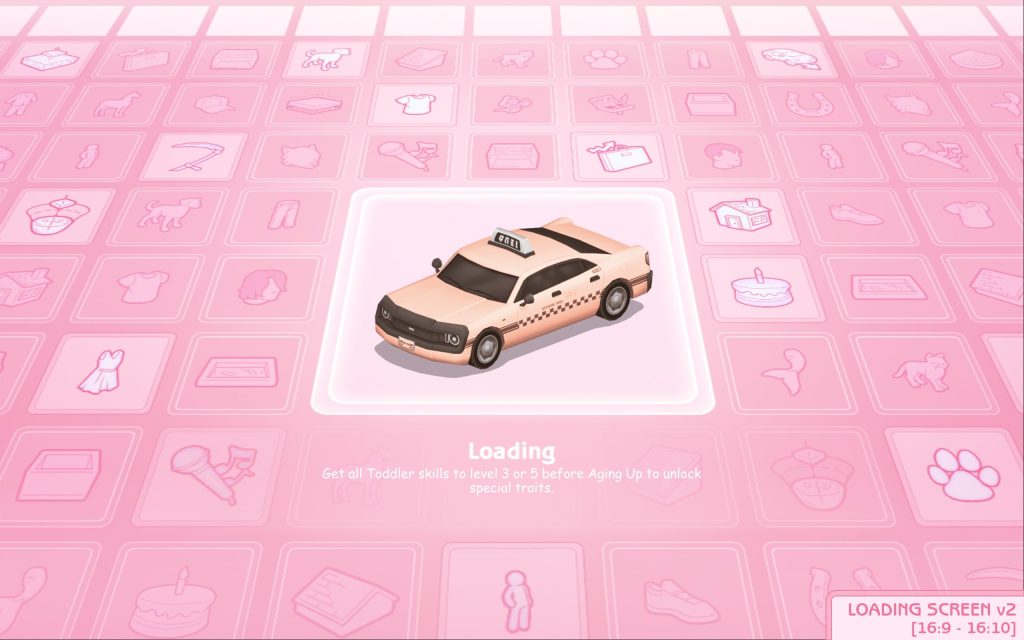
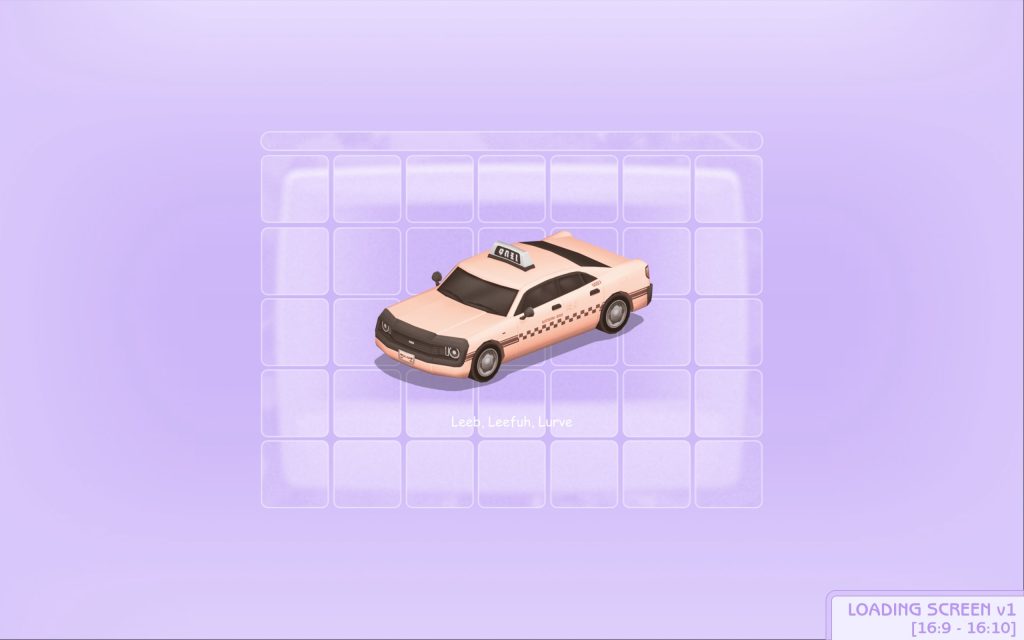
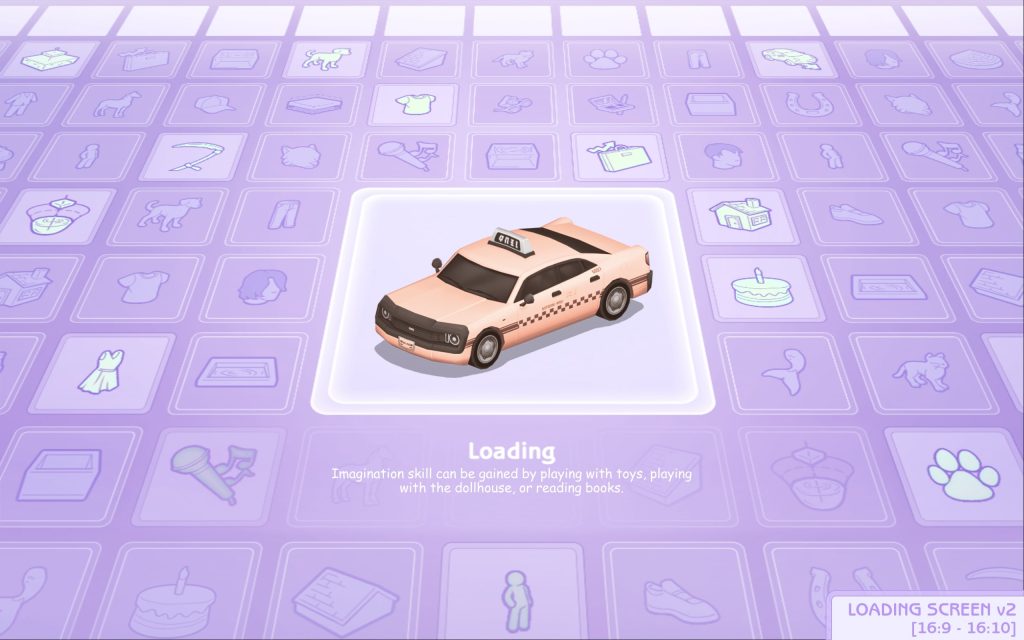
Vyxated's best work lies in their UI overhaul mods, allowing you to fully customize your game's interface and make it your favorite color with any of the pastel UI series, a dark mode like experience with the Chalk'd UI series, or incredibly nostalgic with the Sims 1 & 2 UI series. Use these Sims 4 Loading Screen mods standalone, get an entire set and change up your UI, or mix and match to your preferred tastes!
Chalk'd UI Loading Screens
Pastel Blue UI Loading Screens
Pastel Pink UI Loading Screens
Pastel Purple UI Loading Screens
Beige UI Loading Screens
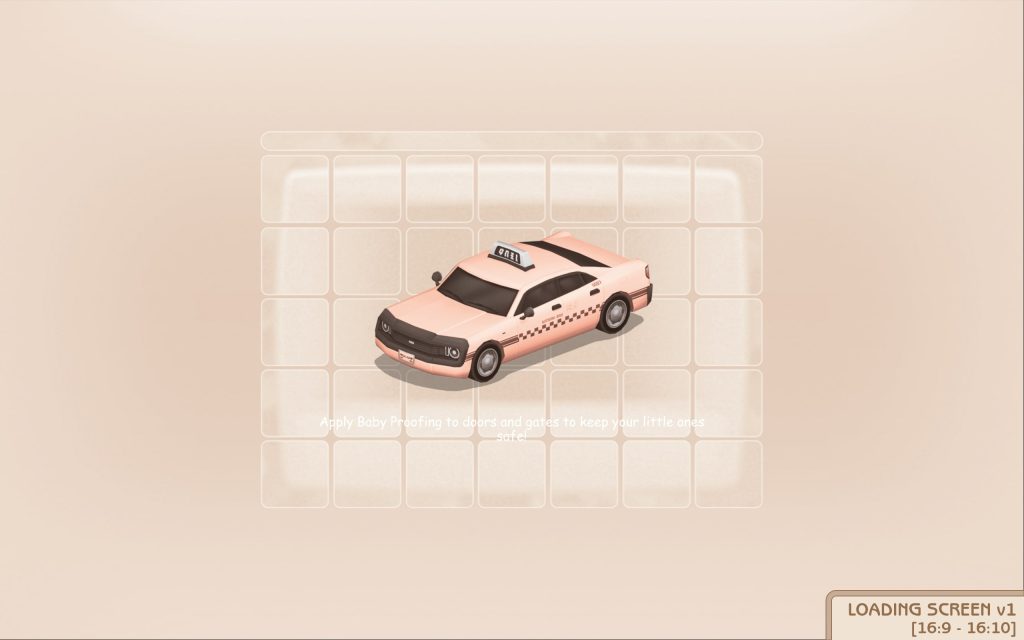
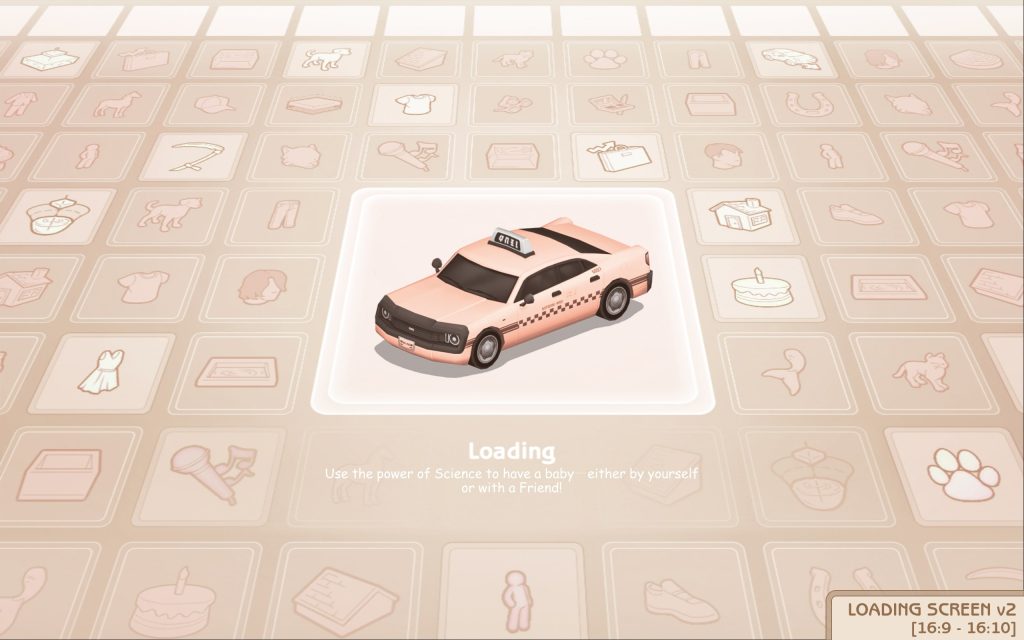
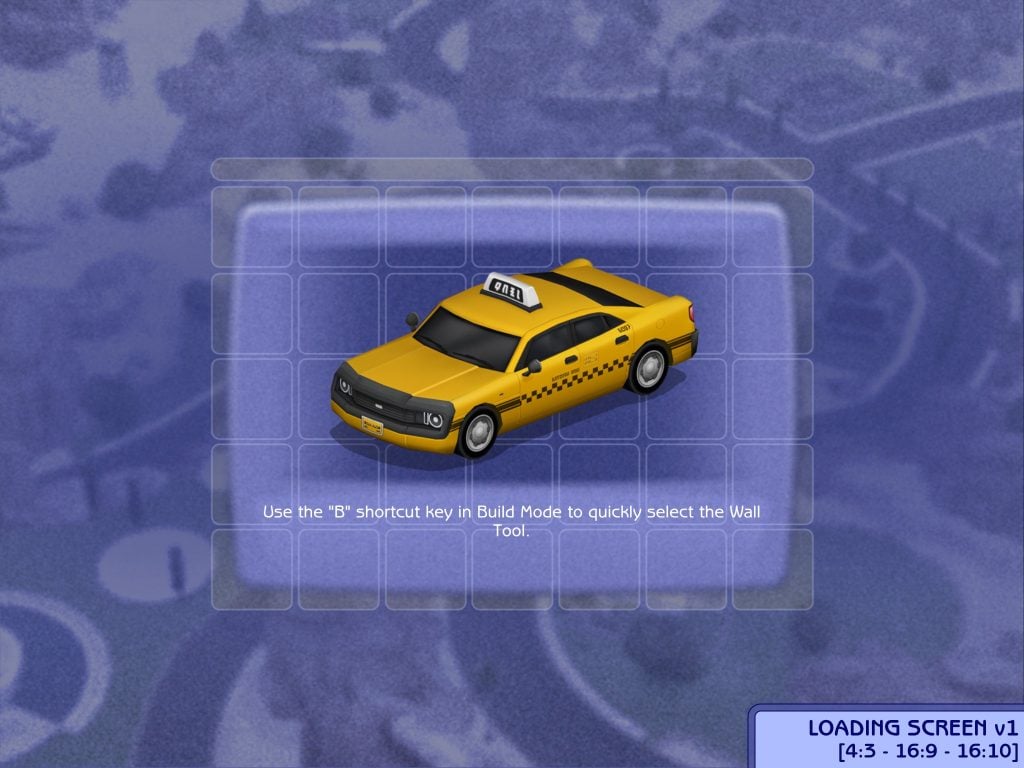
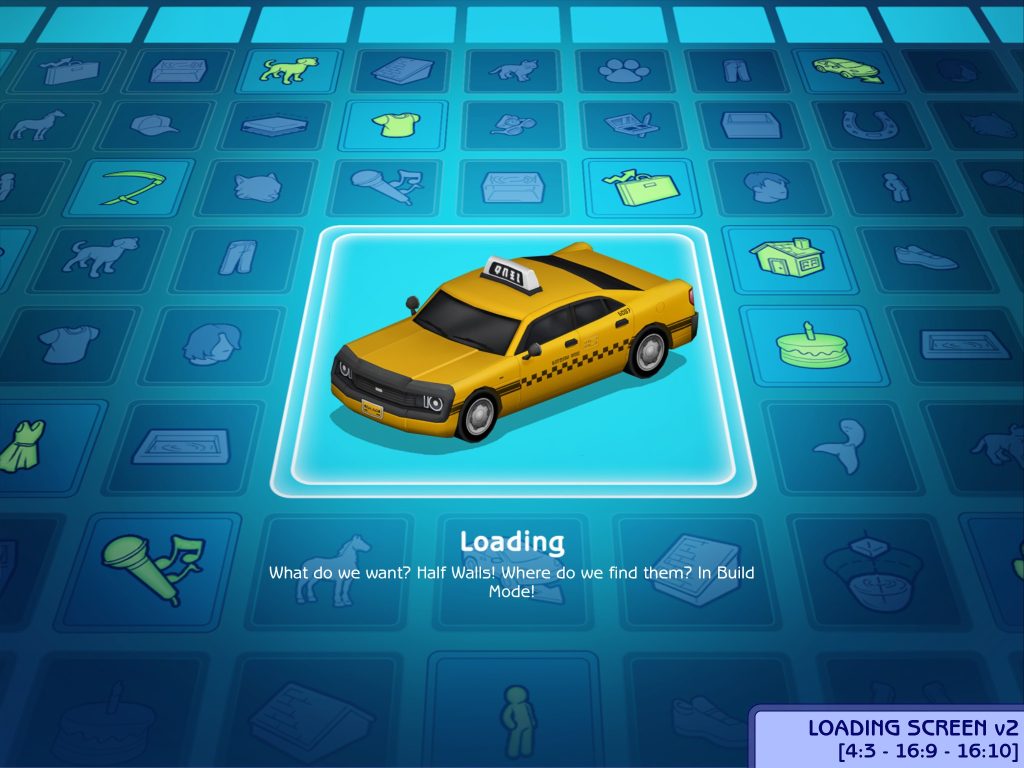
Sims 1 UI Loading Screens
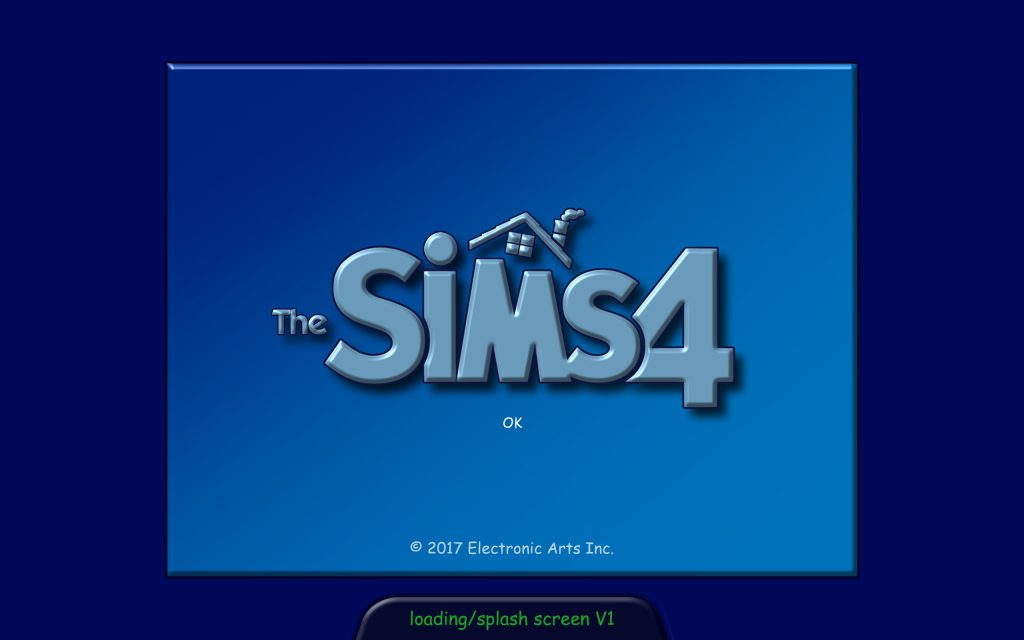
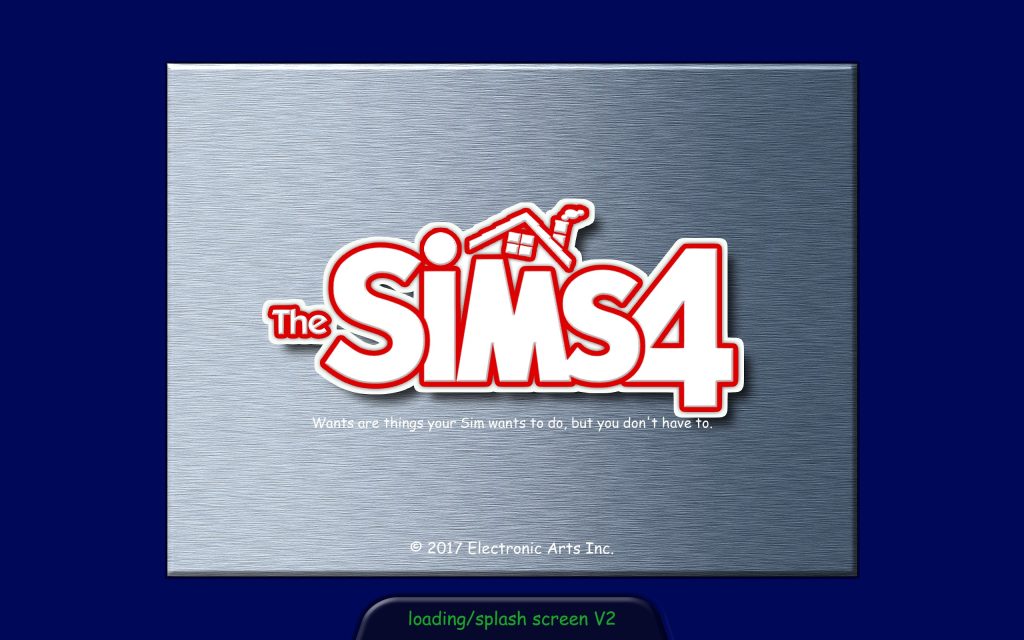
Sims 2 UI Loading Screens
Do you have a favorite Sims 4 Loading Screen Mod, either featured here or not? Any other recommendations? Let us know! Be sure to follow The Sims Community for more mod spotlights and overviews, with recommendations from Simmers like you!



0 Comments
Be the first to comment.
Welcome to Sims Community!
Our community is about connecting people through open and thoughtful conversations. We want our readers to share their views and exchange ideas in a safe space.
In order to do so, we've created a simple set of rules that will improve your experience. Simply put, keep it civil.
Your post will/might be rejected if it contains:
User accounts will/might be blocked if we notice:
So, how can you be a power user?
Thanks for reading our community guidelines. Please note that we're aware of certain issues with Sign In / Log In and Create Account / Email Confirmation issues. We're working behind-the-scenes on a new Account Creation process. Thank you for your patience and remember - freedom of speech is not freedom of reach