


The Sims Team left a small camera feature which can really change your point of view in The Sims 4.
You’re probably familiar with the isometric camera in The Sims 1:
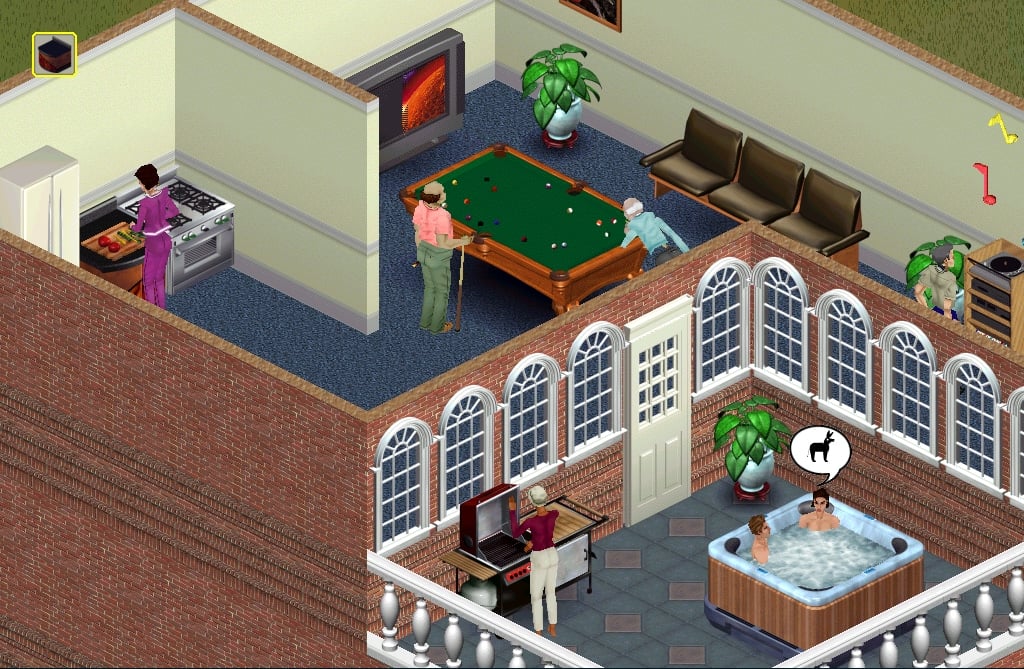
The same camera can be enabled with one small modification in The Sims 4 game files.
To turn on the isometric camera in The Sims 4, open a folder where Origin installed the game and then Electronic Arts > The Sims 4 > Game > Bin > res and in that folder you’ll find the Camera.ini file. Open it using notepad and find the OrtographicFOV part. The unmodified version will say OrtographicFOV = 0. To turn on the isometric camera, change the number 0 to 45. Save the .ini file and close it.
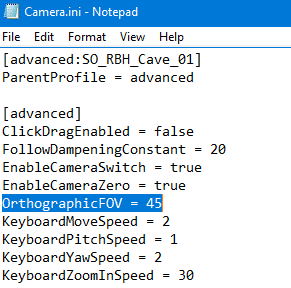
The results in-game are simply beautiful. The camera moves with ease and you won’t have any issues with clicking certain items. If an object is in your way you’re not locked to move your camera and view the game from a different angle.
Here are some of the screens I took using the isometric camera:


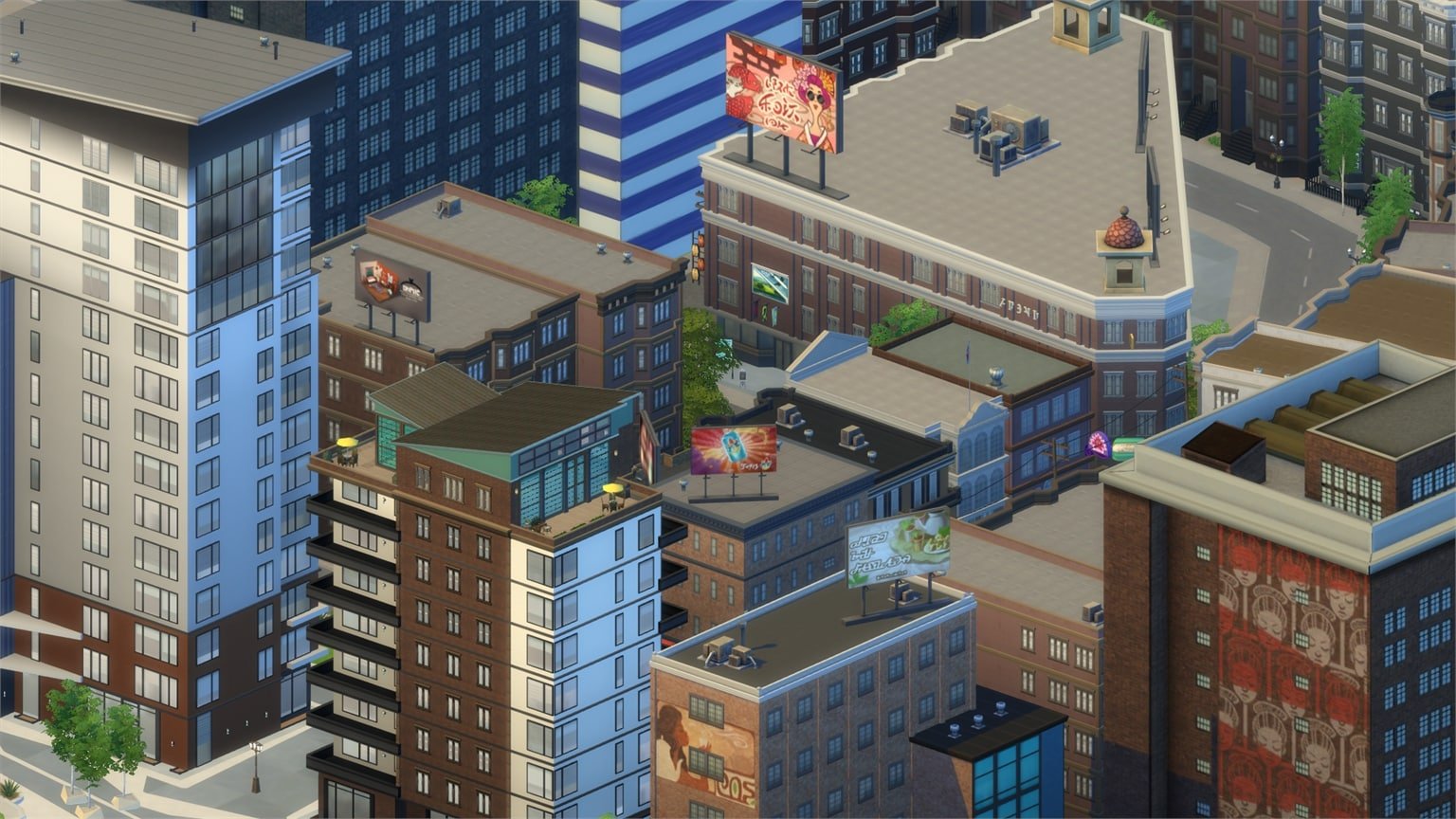


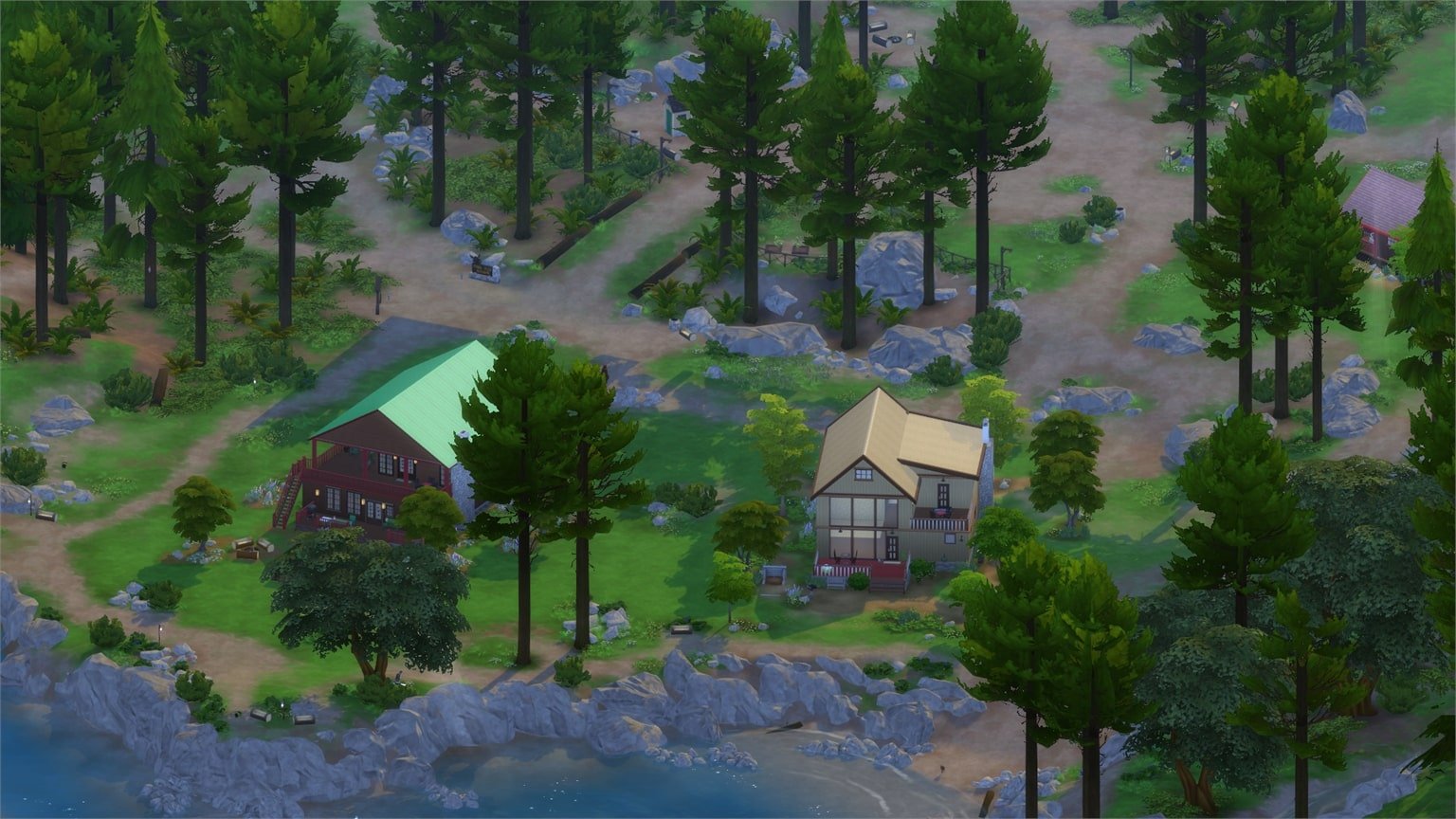

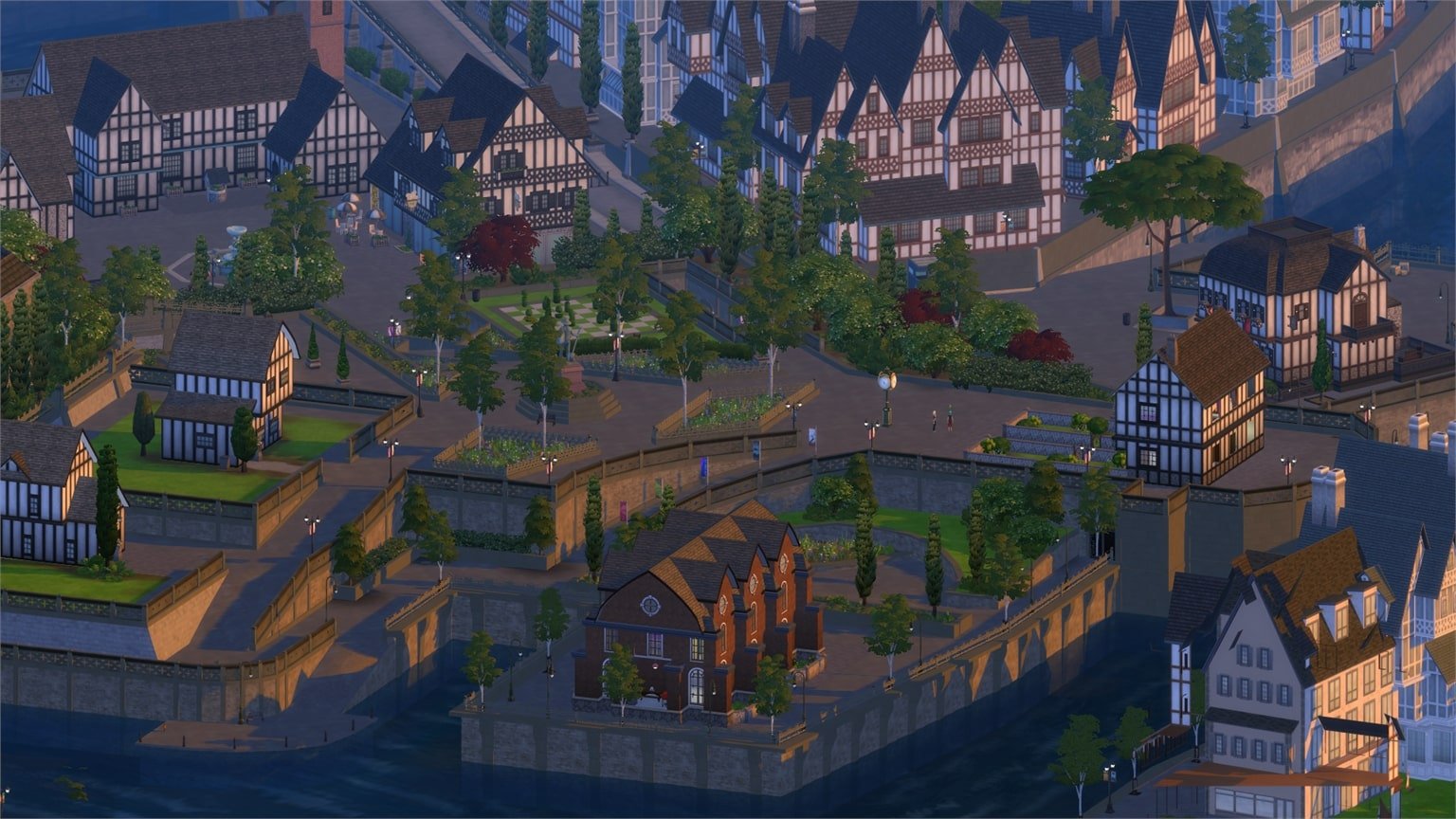
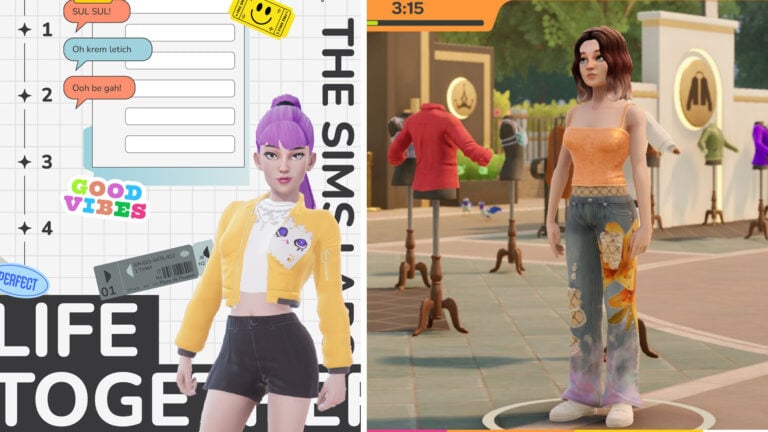
The isometric camera is only good when you use it in Live Mode. You’ll come across placing issues in Build Mode and a very zoomed-in camera in Create A Sim.
If you’re a modder and find it possible to simply turn-off isometric camera settings in Build and CAS modes, check out this thread!
















how are there no comments on this , I love this camera mode , I just wish cas didn’t look weird with it.
I love this camera mode, but it causing issues in CAS and build mode. Is there a way to fix that withowt turning off OrtographicFOV part?
I love this camera mode, but it causing issues in CAS and build mode. Is there a way to fix that withowt turning off OrtographicFOV part?
how are there no comments on this , I love this camera mode , I just wish cas didn’t look weird with it.