


As an extension of the nursing school update (read our guide here!) added earlier this year to Pandasama’s Sims 4 Realistic Childbirth mod, a recent update added the ability for your sims to pursue a career in midwifery. Separate from the Doctor career in The Sims 4 Get To Work, although Get To Work is still required for functionality, the Midwifery career is a 5-Level career available to those who have a Nursing School degree. While it uses the same lot as the hospital career, your patients will be almost entirely pregnant sims and sometimes their newborns.
The Sims 4 Realistic Childbirth Mod: Midwifery Career
Table of Contents
Mod Installation Guide
As this is a script mod with lots of gameplay-enhancing and gameplay-changing mechanics, it is important to follow installation instructions. Make sure to take a peek at our Beginner guide to Mods & CC, but a short run down is…
To add the items to your game on Windows, follow this folder path:
C:\Users\[USERNAME]\Documents\Electronic Arts\The Sims 4\Mods
To add the items to your game on MacOS, follow this folder path:
Macintosh HD/Users/User/Documents/Electronic Arts/The Sims 4/Mods
Once you’ve downloaded the files, make sure you have an extraction program installed. These can include 7Zip, Winrar, etc. After that, highlight one or multiple zipped/compressed files and select “Extract Here”. Drag the extracted contents to your Mods folder. You can also sort them into their own folders within your Mods folder, but it is recommended to not nest them too many levels deep as it can cause longer loading times, and some CC items stop working when too deep within folders.
Since Pandasama’s Sims 4 Realistic Childbirth mod is a .ts4script/script mod, it can be separated into its own folder but it should not be placed more than one folder deep, as it may cause issues with the game’s ability to read the files properly. Keeping it in a separate folder also helps with organization, and also makes removal easy as script mods tend to break with updates! While they will not break every update, they may break during updates so removing them from the game and waiting to hear from the creator is the best practice to keep your game intact!
Tip: While many creators provide additional files, like .txt/ReadMe, .jpg/.png files, and more possible file types for previews or instructions, it is best practice to not put those into your Mods folder as they can also lead to longer load times and excessive clutter. Creators will often specify any files that need to be put into the folder, along with where, so primarily focus on .package and .ts4script files!
Optional Package: Death Enabler
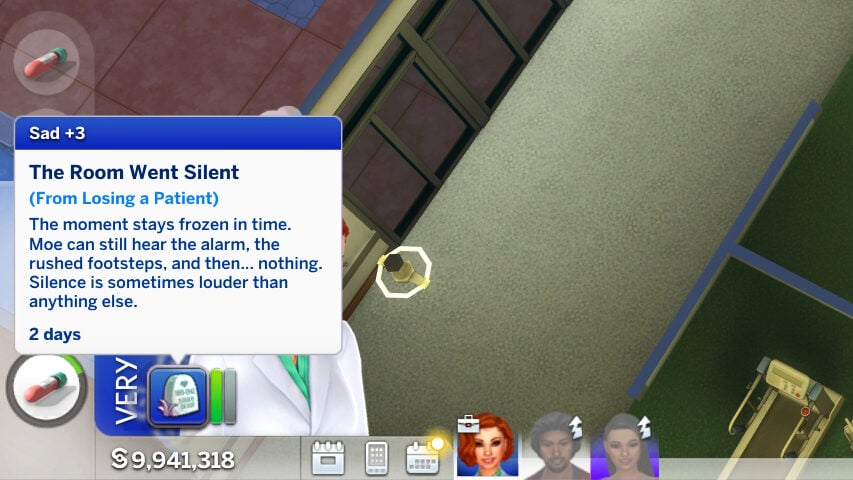
An additional file that is available when you download Pandasama’s Sims 4 Realistic Childbirth mod is the Pandasama_Childbirth_mod_PATIENT_death_enabler.package. When your sims’ patients have high blood pressure or symptoms of preeclampsia, there is a chance they will collapse without treatment. If they do collapse, there is a 50% chance that they will die if you have this package in the folder. This will also negatively impact your sims’ performance at work, as well as their mood.
Setting Up
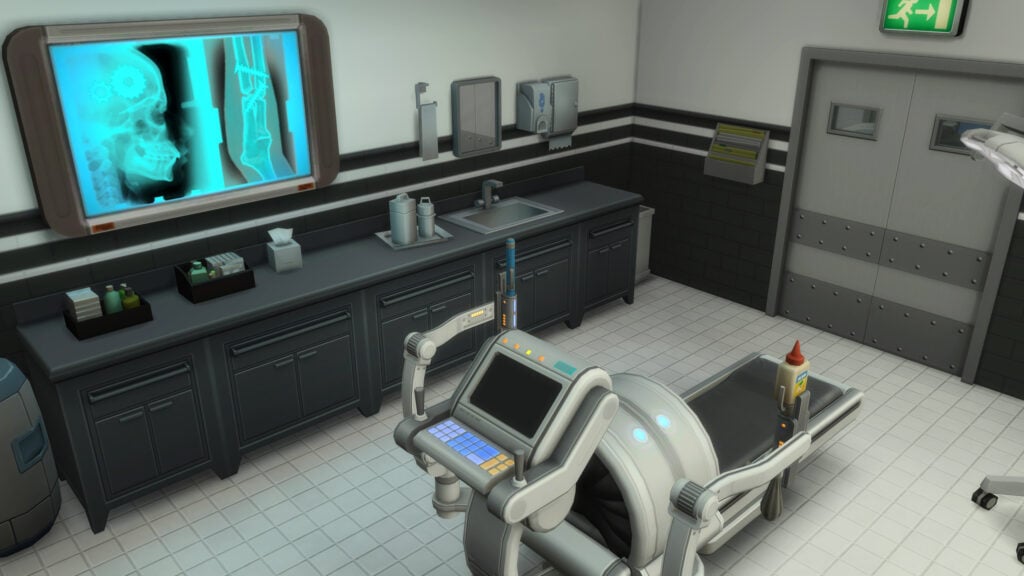
While the Get to Work Hospital can be perfectly functional for earlier levels of the Midwifery career, since the mod alters existing items to fit the new animations (like the surgical machine turning into a birthing bed or surgical table, depending on the birth style), some actions and patient interactions later on will require the placing of objects provided in the mod. These include specific hospital beds, yoga balls, birthing pillows, birthing pools, bassinets or NICU incubators, etc.
If you’d like to edit the hospital or rebuild it on your own, turn on testingcheats true and use the following cheat, bb.enablefreebuild, when you are on the hospital lot for an active work day. This cheat allows you to use build mode as normal, including completely rebuilding the structure, adding furniture, or downloading builds from the gallery.
Use the hashtag #Pandasama to find hospitals other players have edited to work with the mod. Make sure to tick the checkbox to allow custom content, as any builds with the custom objects will be marked as having such, and not visible by default!
While browsing the gallery for this article, I found a few great options created by players just like you to get you started! Since some of them were built prior to recent updates, certain items may still need to be placed for full functionality! Items for this mod can be found by searching Pandasama in Build & Buy Mode.
Gallery Recommendations
The New Hospital V1 by EliiaTV
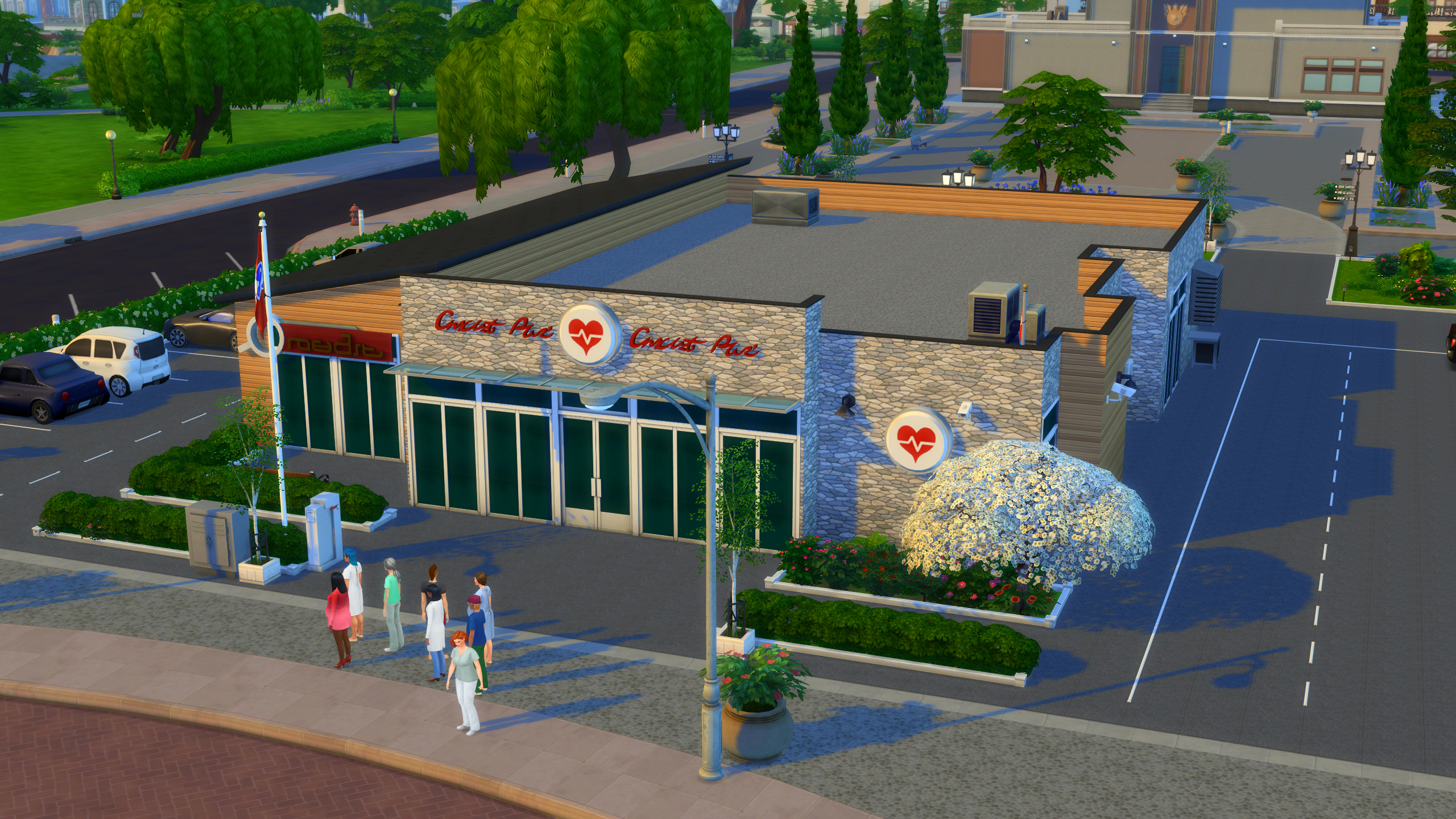
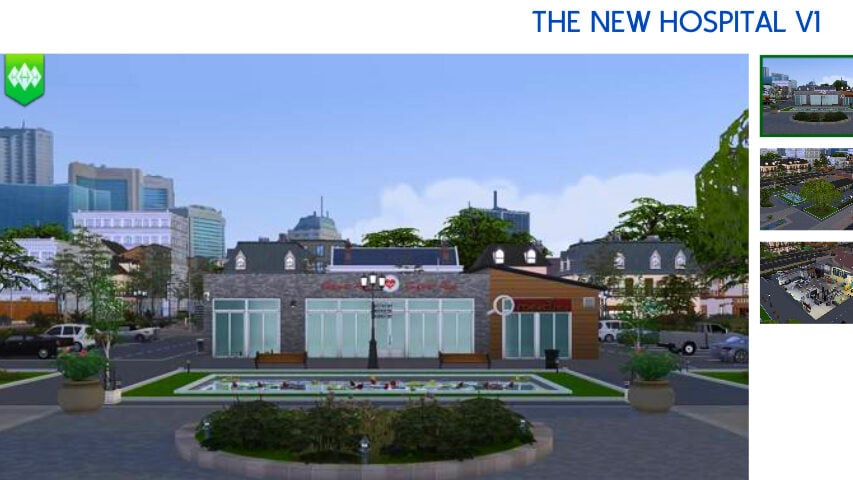
Yellow Stone Hospital by AnaTheRebel


Nursing School Short Guide

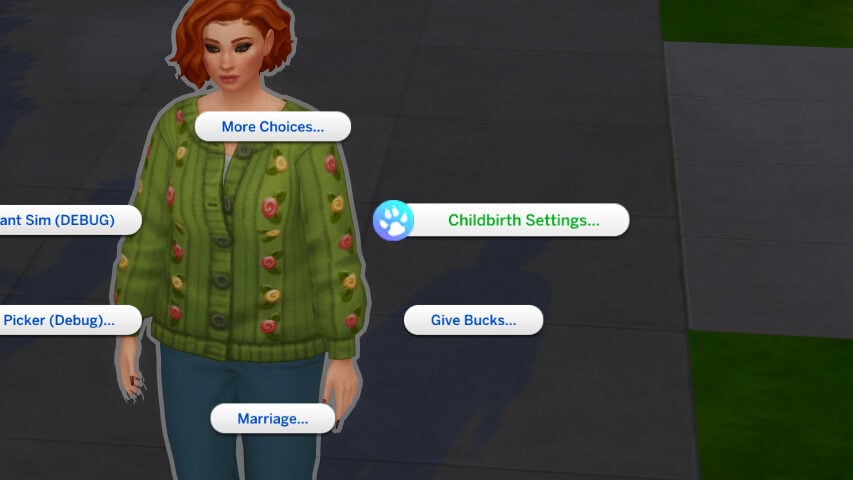
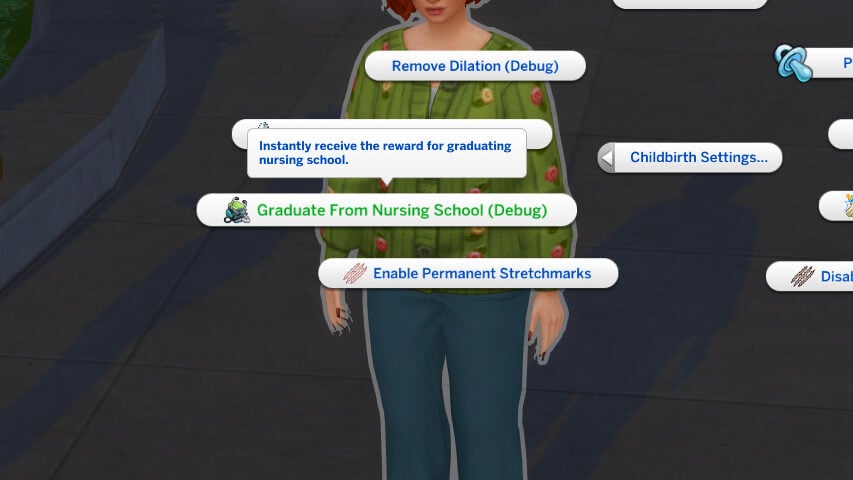
To join Nursing School, which is a pre-requisite to joining the Midwifery career, sims must use the “Business” app on their phone and click the “Join Nursing School” option, which costs §30,000. You can also shift-click on your sim with testingcheats enabled, and under Childbirth Settings, automatically graduate them from Nursing School.
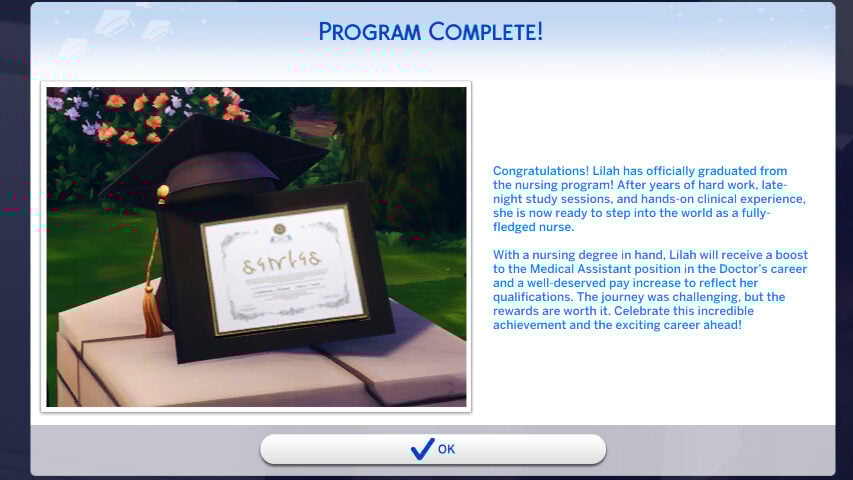
Nursing School is also an active career with multiple levels, and includes studying at-home to be able to pass your nursing exam. Sims can retake the nursing exam if they fail it. The active career includes day-to-day activities like checking on patients, practicing suturing, cleaning, etc. For a more in-depth look and guide to this section of the mod, we have a Nursing School, NICU, and Llamaze Guide available here!
Day-To-Day Activities
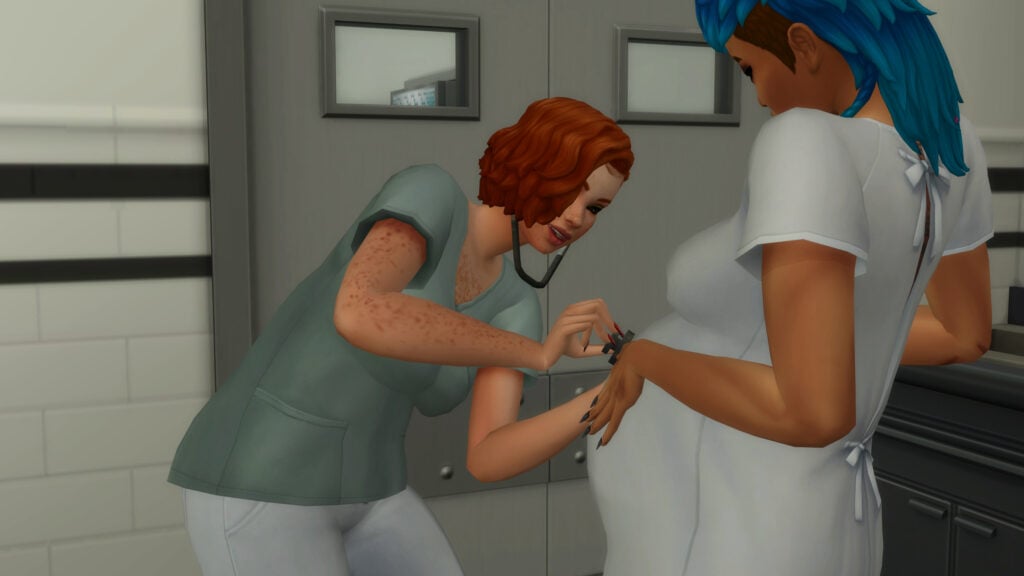
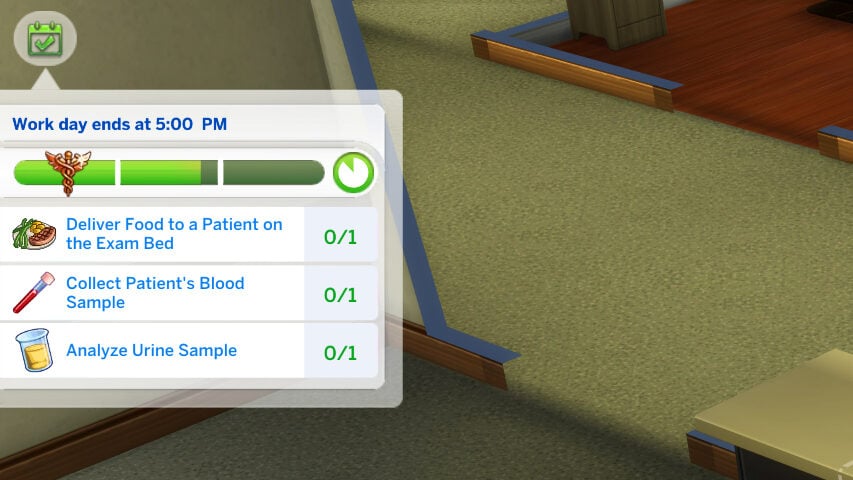
The day-to-day of the Midwifery career, at all levels, functions similarly to the Get to Work Doctor career. Sims primarily work directly with patients to check on their health and diagnose any existing conditions, interact with their coworkers, perform surgeries and other procedures, perform administrative and janitorial work, etc. As your sim rises in levels, their job will be less about urine and blood tests and more about guiding sims during their home birth and working with sims with preeclampsia and other pregnancy-related conditions. This also includes caring for newborns, both full-term and NICU patients that require extra care.

Determining Course of Treatment
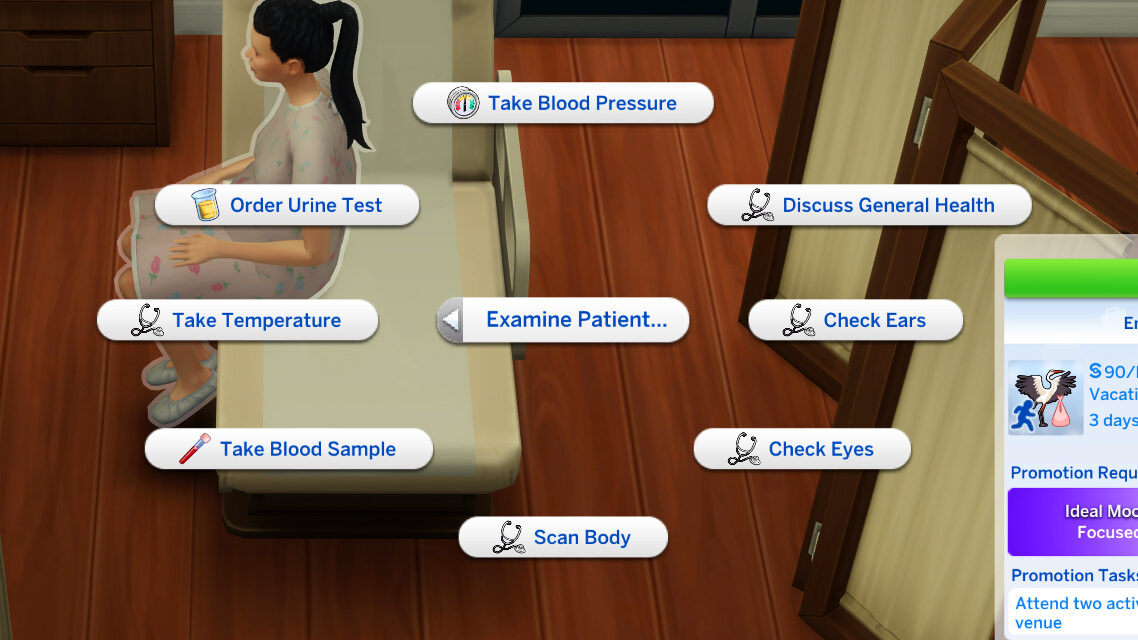
Sims will have access to most Get to Work Doctor examination options, such as Discuss General Health, Check Ears, Scan Body, etc. With the midwifery career, they will also have access to three new examination options to properly diagnose their patients; Take Blood Pressure, Order Urine Test, and Take Blood Sample.
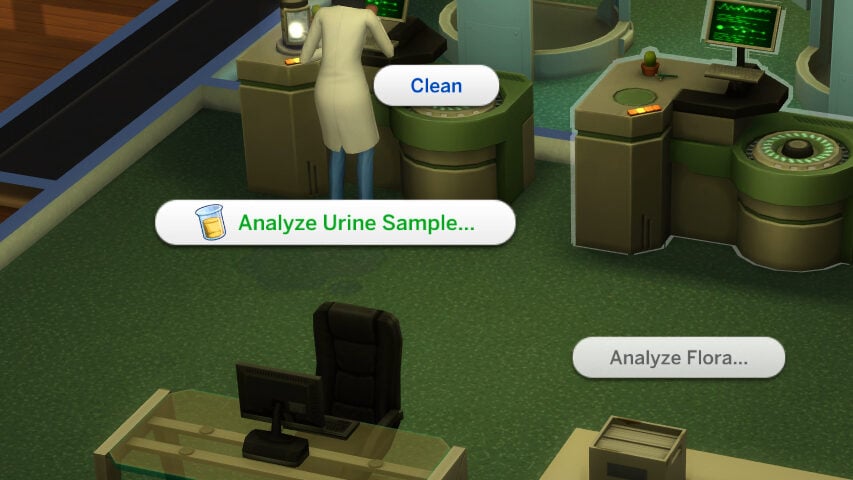

When you request a Urine Test from your patient, they will exit their room and find the nearest toilet. After going to the bathroom, a small urine sample cup will appear next to them. Placing it into your sims inventory will allow them to be analyzed at the Chemical Analyzer and will inform you of the protein content of the urine if the sim possibly has preeclampsia, and will also alert to other health conditions if present.

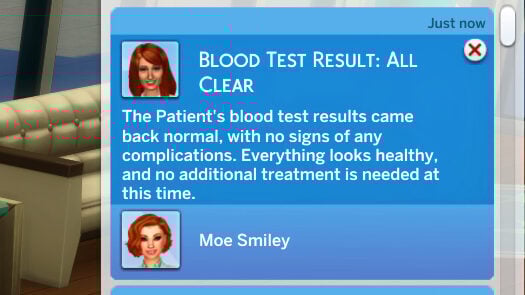
When you request a Blood Test from your patient, your sim will bring out a tray and syringe. After sanitizing the arm of the patient, they will extract blood and the blood sample will appear in your sims inventory. Similarly to the urine test, use the Chemical Analyzer to check for any abnormalities that would indicate a condition requiring treatment or an emergency C-Section.
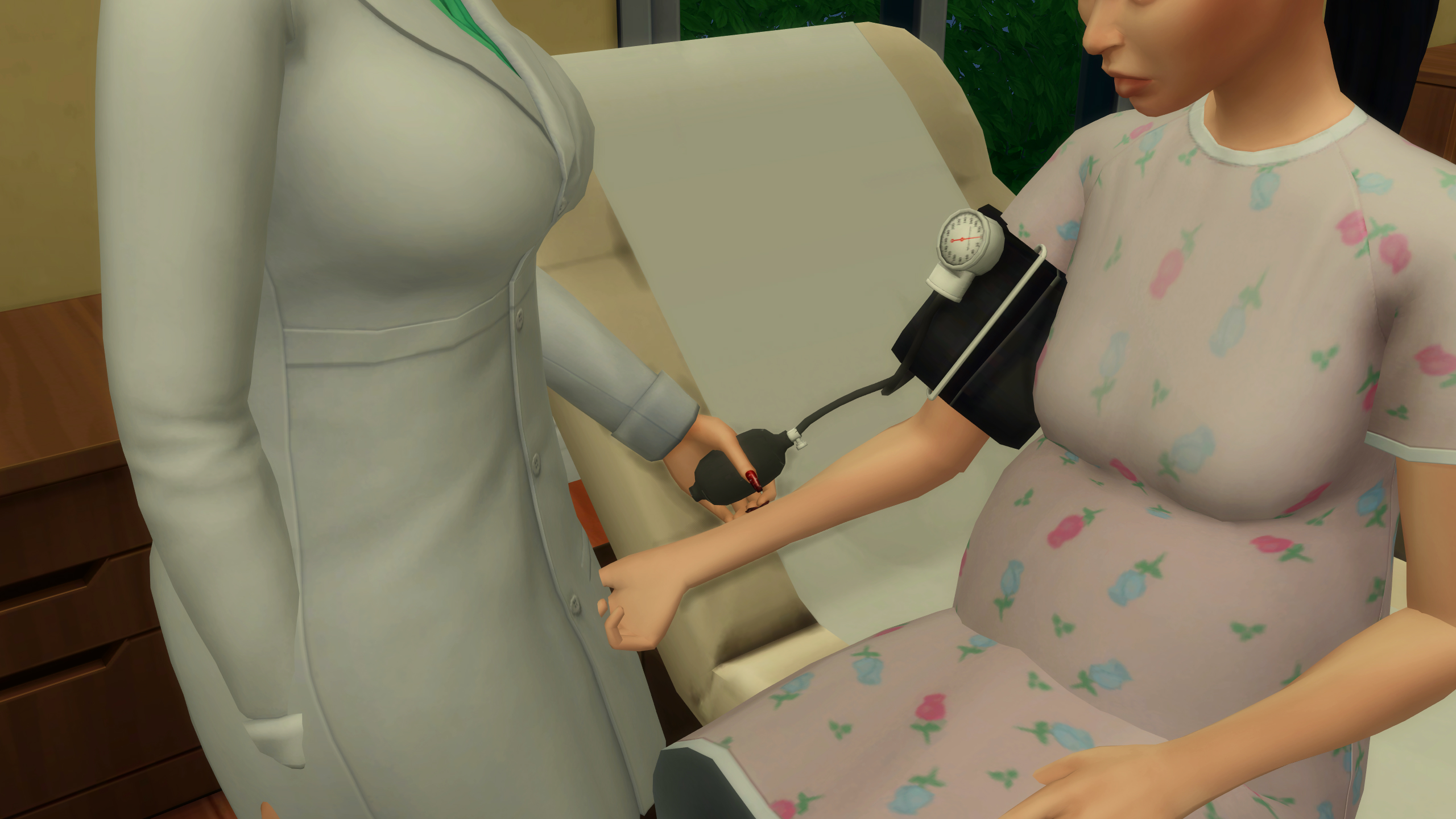
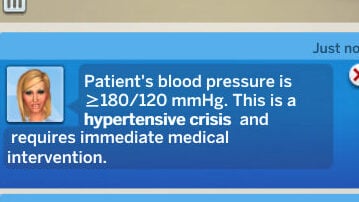
Lastly, your sim can Take the Blood Pressure of a patient, as high blood pressure is incredibly dangerous for pregnant people and is often the largest red flag for preeclampsia and other fatal conditions. Your sim will use a blood pressure cuff to check the patient’s blood pressure. While it will give a specific reading, the notification will also alert you if the sim’s blood pressure is slightly or extremely elevated, guiding you to the best treatment choice.
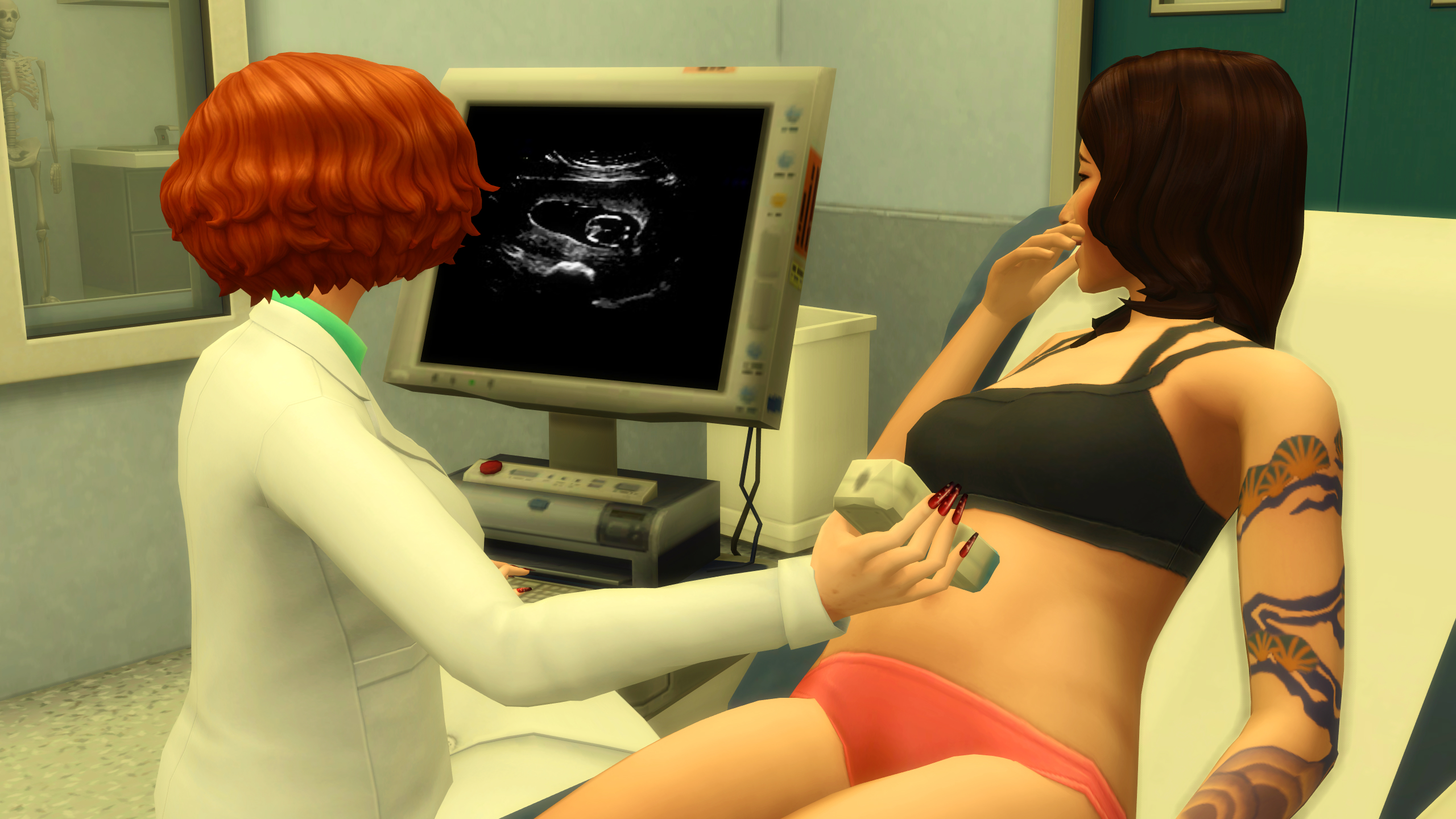
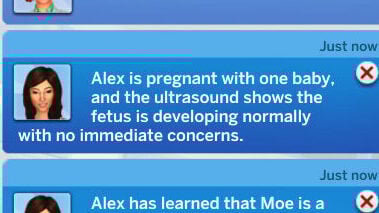
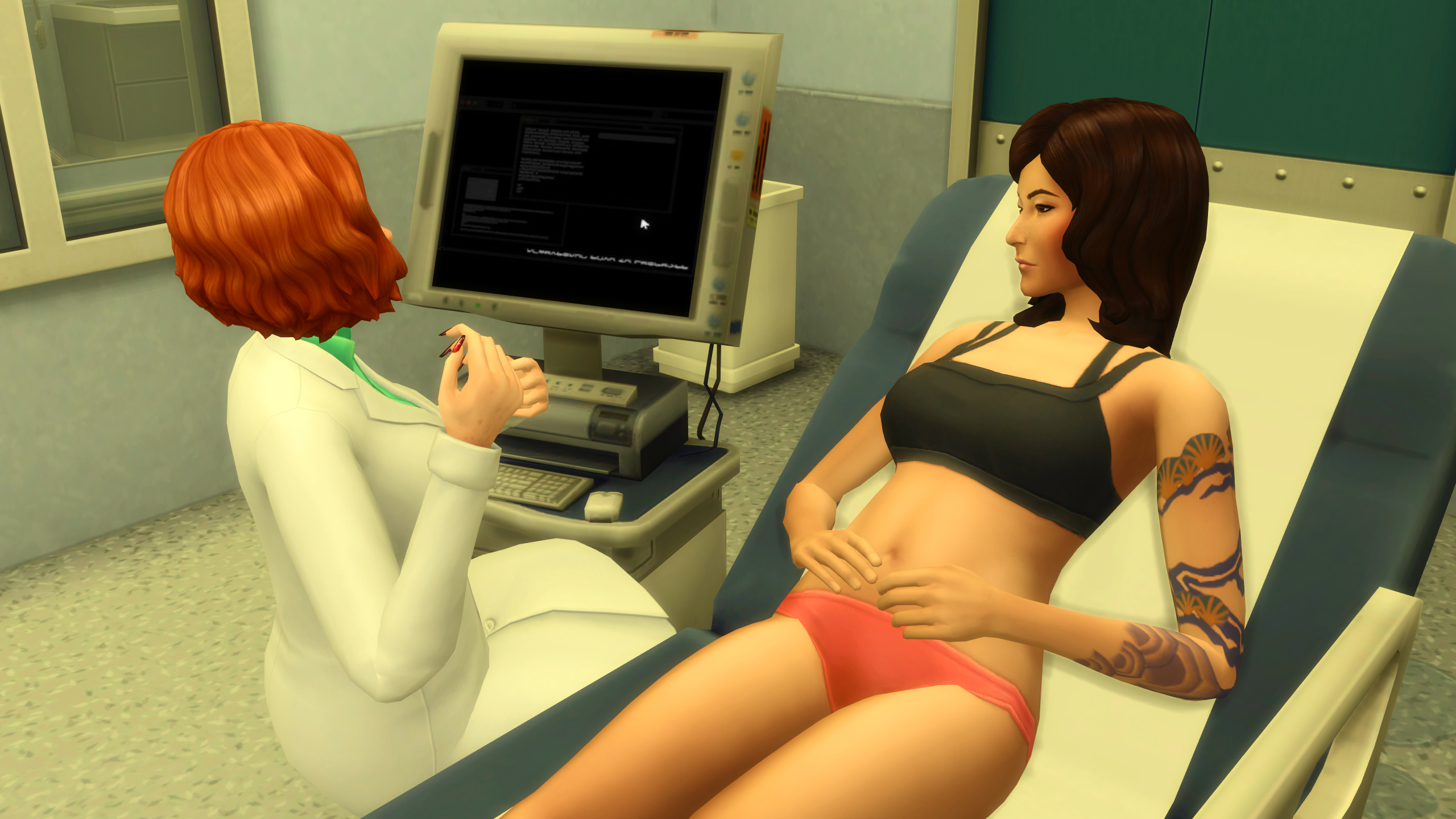
You can also choose to Perform Ultrasounds on patients at any stage of their pregnancy to monitor fetal development, discover the amount of babies being carried, and more. You’ll get updates on the pregnancy, how it is progressing generally, and the sims’ and their baby’s well-being.

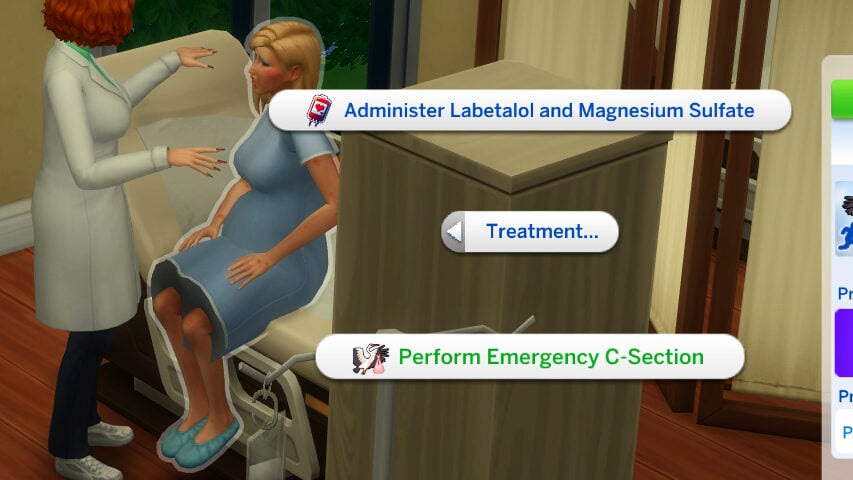
Any health conditions can be treated in various ways, usually with the us of an IV, through the Treatment… menu when clicking on a patient. Treatment can also include waiting and evaluating other tests, dismissing patients who are deemed in good health and not in active labor, or by performing an emergency cesarean section.
Active Labor Activities

When a sim is in active labor, your sim has the ability to suggest certain activities to help progress their labor or aid in their comfort during that painful experience. This can include asking them to Take a Walk, Use a Yoga Ball, Receive an Epidural, and multiple other options to assist patients who are actively giving birth. Sims will progress through labor over time, with increased progression due to certain interactions, and their progress can be checked by Checking their Dilation and Checking on the Baby.
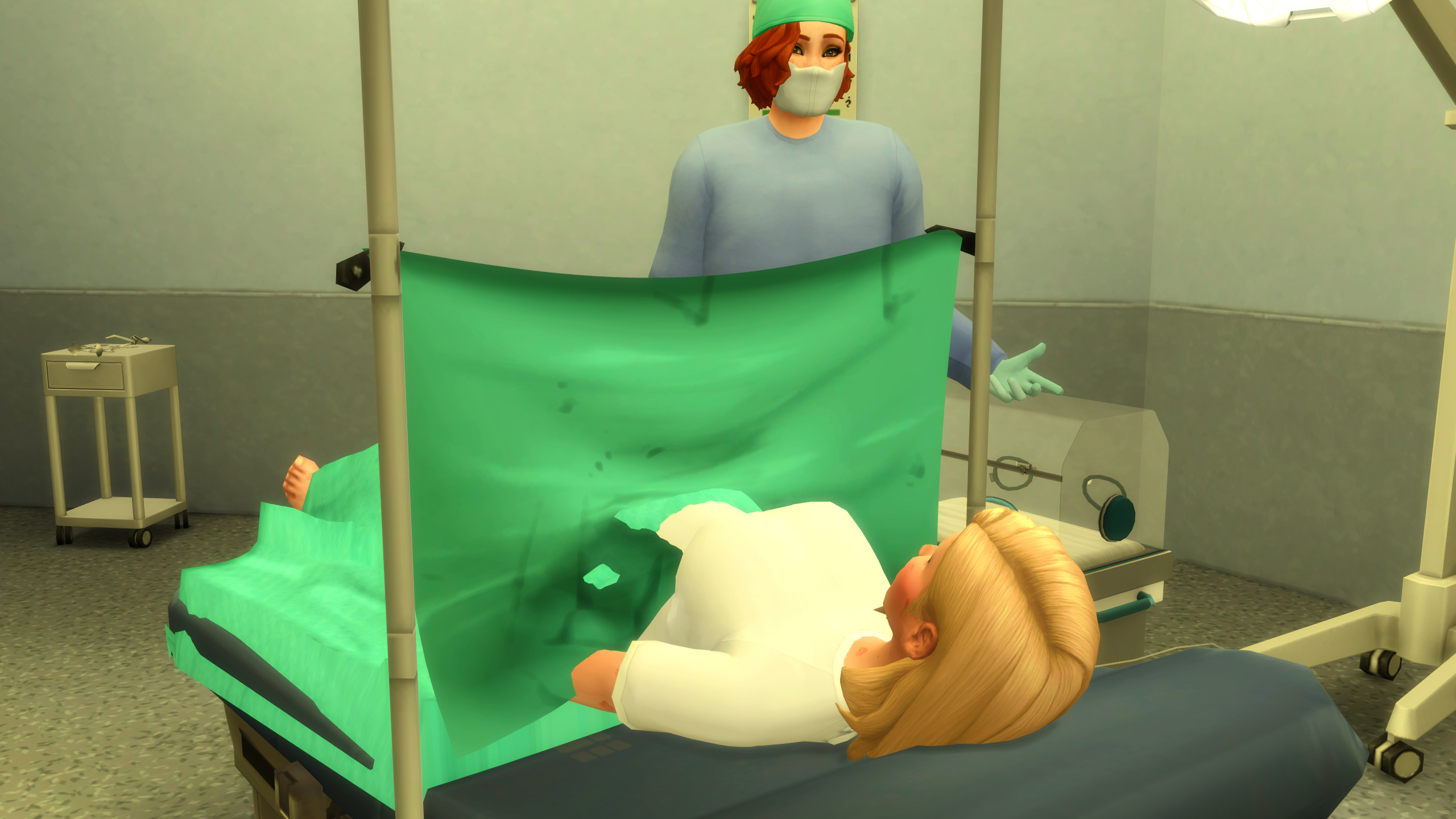

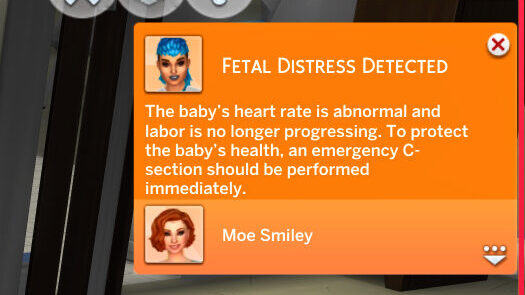
Dilation progresses from 1cm, which is the beginning of labor, to 10cm, which is when the pregnant sim is ready to give birth. Checking on the baby allows your sim to listen with a stethoscope, and will allow them to detect any fetal distress or irregularities that would require the use of Pitocin (an IV drug to progress labor and kickstart contractions) or an Emergency Cesarean Section.
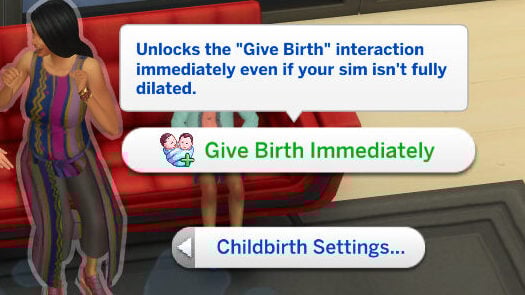
Under the Childbirth Settings cheat menu, when you shift-click on a sim, you can also choose for the sim to Give Birth Immediately, unlocking all birth forms. This can be used with any pregnant sim in active labor, whether at the hospital or on a House Call.
House Calls
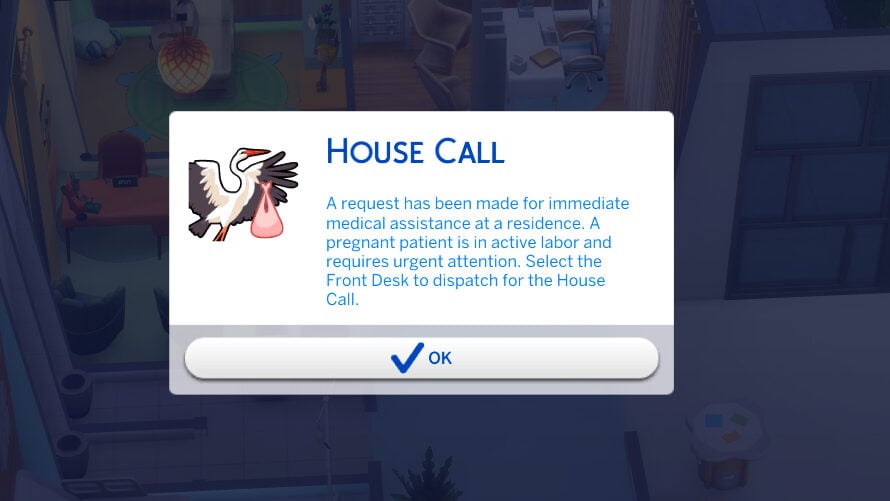
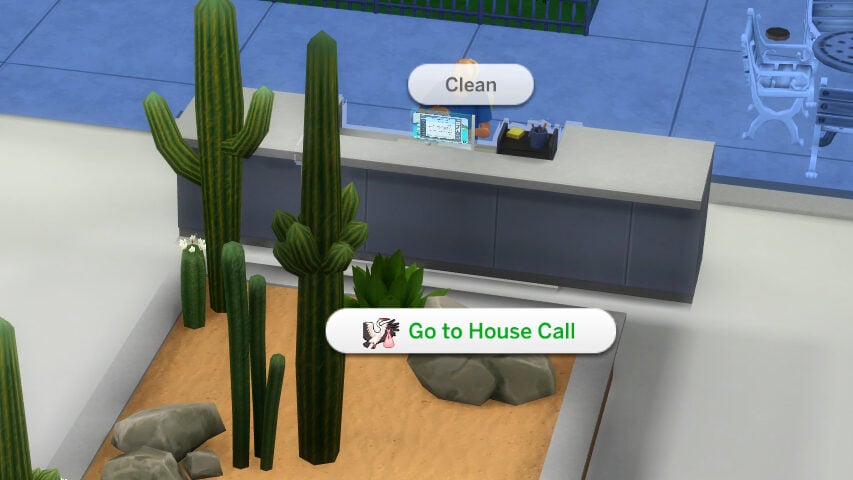
Once your sim has been promoted to the highest level in the career, which is Level 5: Independent Birth Specialist, they will get have a chance to get House Call events during their active shift. They will receive a pop-up for these events, and must click on the check-in desk to travel to the required lot. These are home births, where your sim will be required to travel to a residential lot and assist a sim in active labor. Using a menu available when clicking on the ground, you can create Birth Pillows, Birthing Pools, Yoga Balls, and more to assist with the labor and progression.
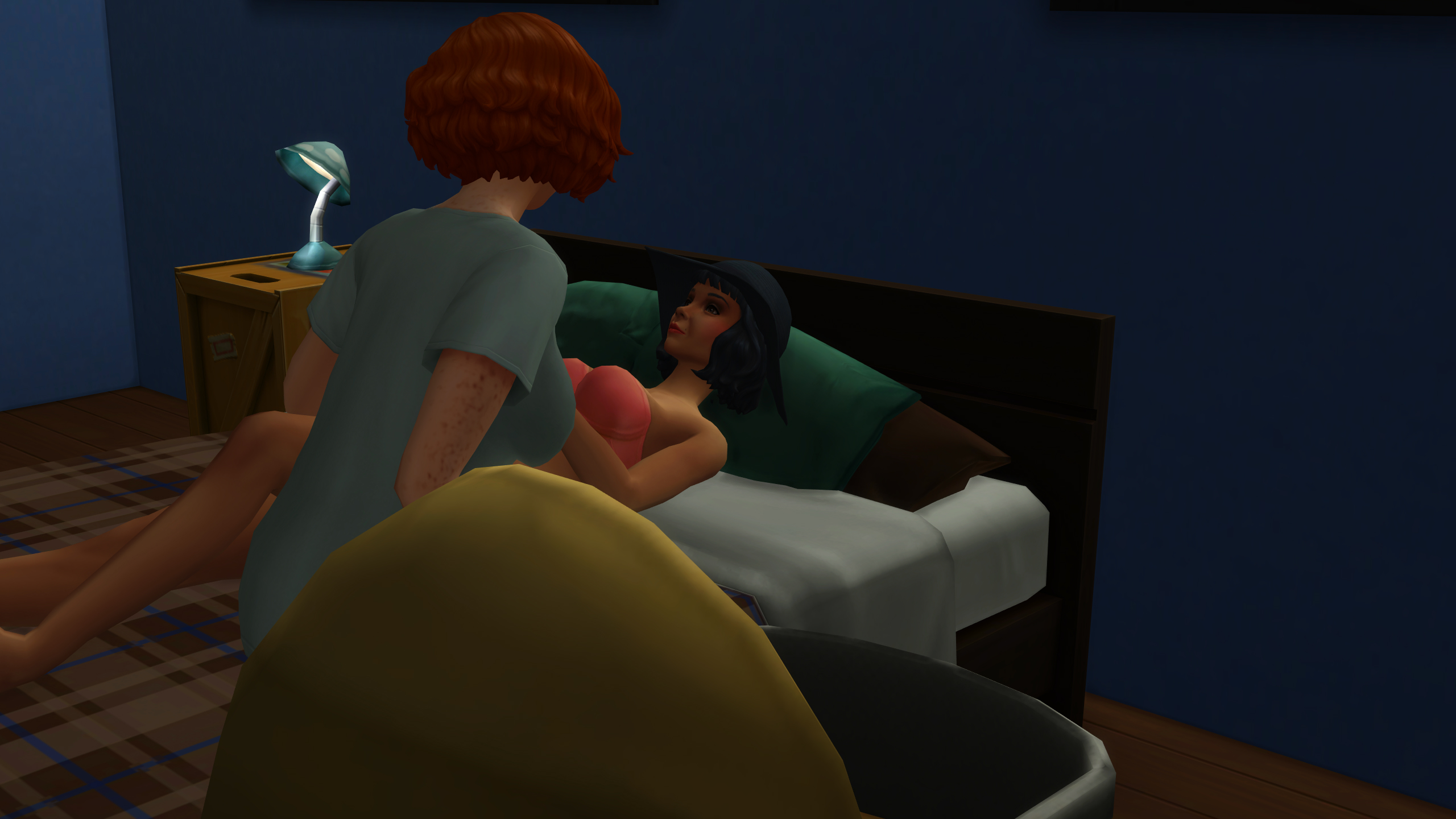
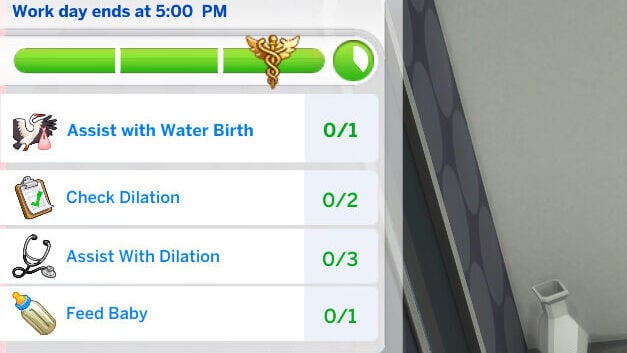
These home births have tasks similar to special events in the standard active careers, and have an overall goal indicating the type of birth the sim prefers. These can be Water or Natural births, and will indicate which type of object the sim would like to use during their labor. Your sim will have access to all the standard directed actions, though the actions available will be more hands-off than patients your sim meets in the hospital.
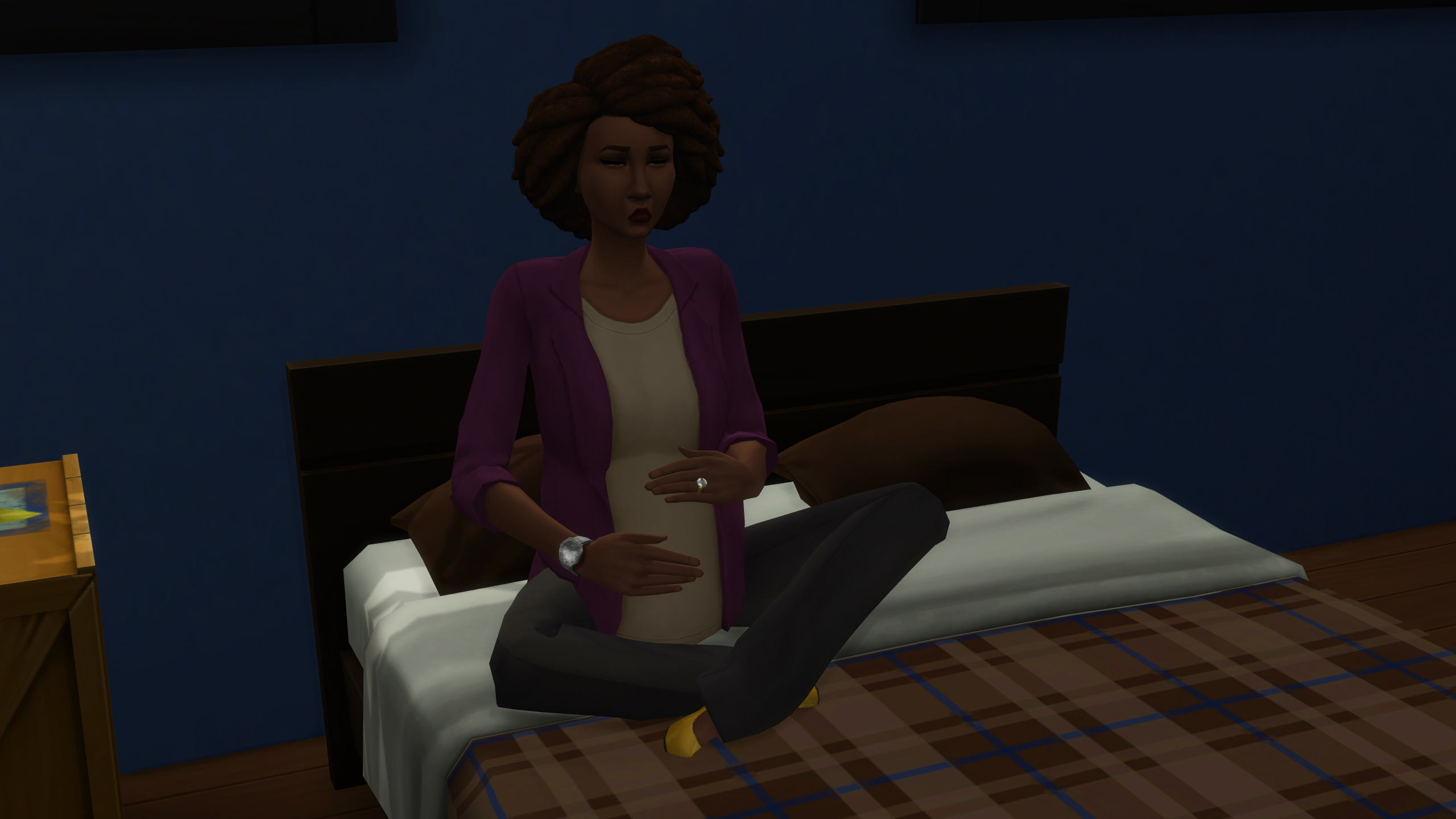
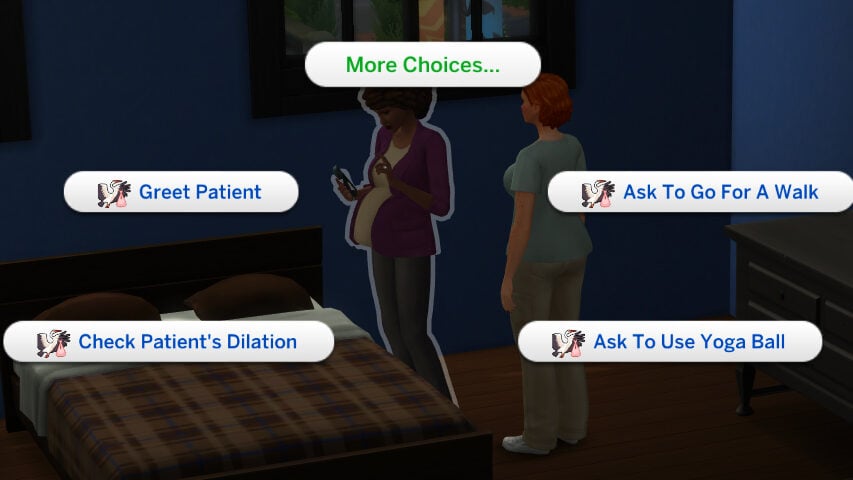
Your sim can Check the Dilation, Ask to take a walk, Ask to exercise on the yoga ball, check on the baby, and more to indicate the current progression of labor. You can also speak with the sim directly about how they’re feeling, their loved ones present on the lot, and more. When the sim is ready to give birth, click on the birthing pillows or the birthing pool and select the action to deliver the baby. The sim will go through custom animations based on the action chosen, with your sim guiding them through their delivery and handing them their baby.


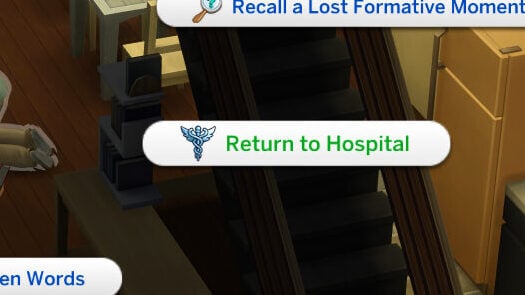
Once a baby is born, your sim can assist the new parent with basic care of their infant, clean up, and provide other assistance until you are ready to leave. You can either wait until the end of the work day, or choose to Return to Hospital by clicking on your sim.
Collapsing Patients

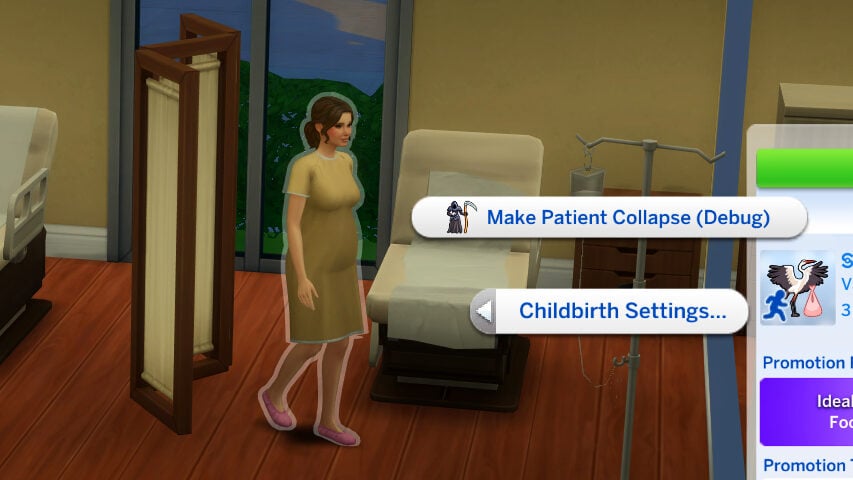
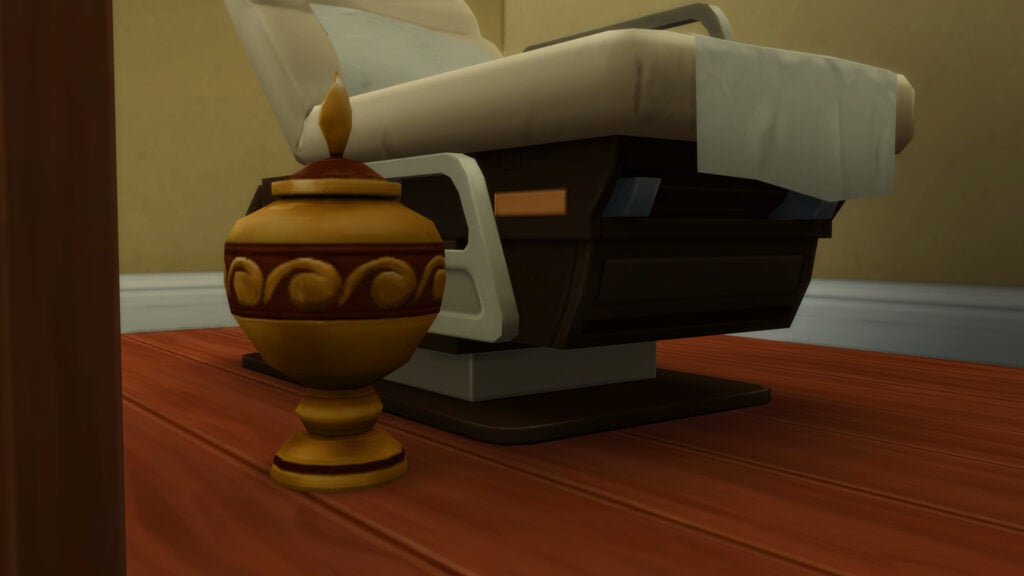
With an untreated severe health condition like preeclampsia, there is a chance sims will collapse. If you have the earlier mentioned patient death enabler package file, there is a 50% chance the sim will die upon their collapse. These events can be avoided with proper treatment, and can also be triggered in the cheats menu. If you have the enabler file in your game and a sim passes, the sim will receive a sad moodlet and it will lower their work performance.
Getting Promoted & The Career Levels
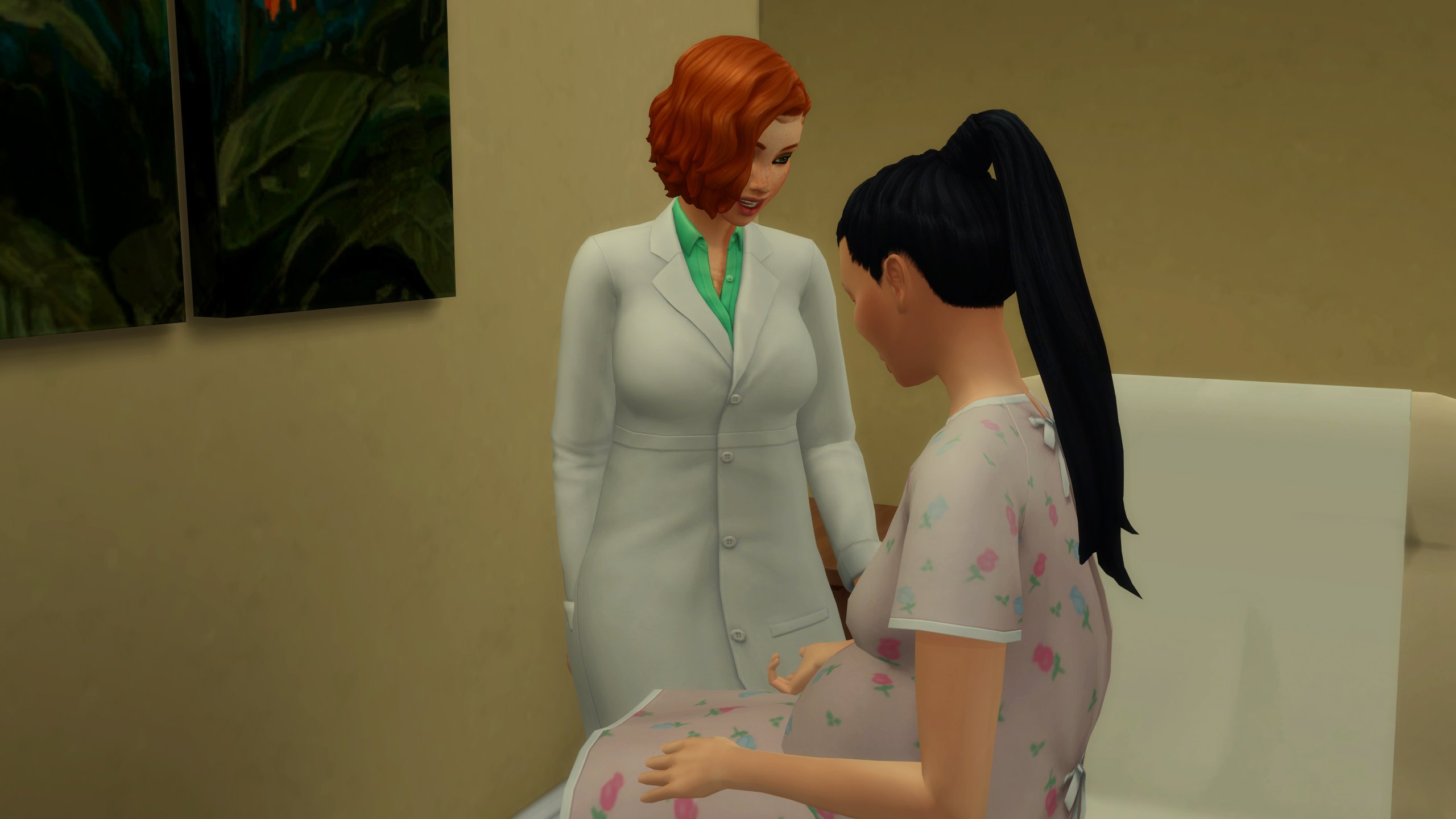
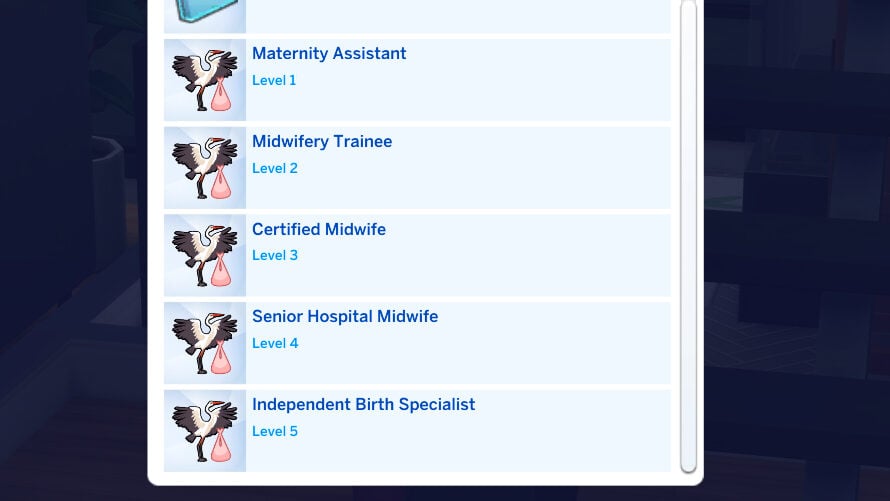
This career has 5 levels, acting as a secondary half of the Nursing School career and one of the options to continue career progression once a sim has graduated. Each level has its own individual promotion requirement, without daily activities that need to be repeated (similar to most Active careers), and the pay continuously scales up. Other aspects stay the same; Particularly the days per week, and the hours the shift is active. All levels are 9AM-5PM Monday-Friday.
Level 1: Maternity Assistant
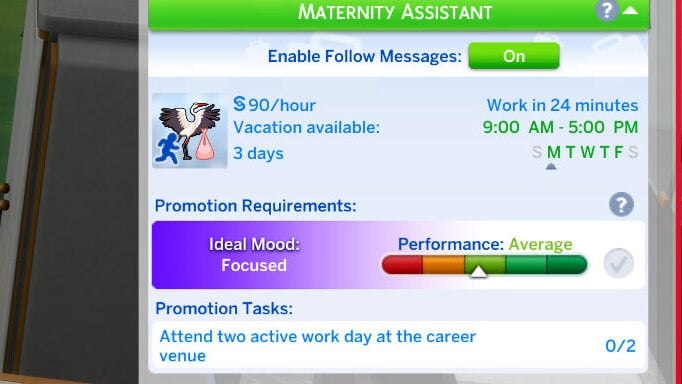
Rate per hour: §90
In-Game Description: You’re the first friendly face patients see. You check vitals, draw blood, and perform basic screenings. It’s all about learning the ropes and gaining trust.
Hours: 9:00AM – 5:00PM
Days Per Week: Monday through Friday
Promotion Requirement: Attend two active work days at the career venue.
Level 2: Midwifery Trainee
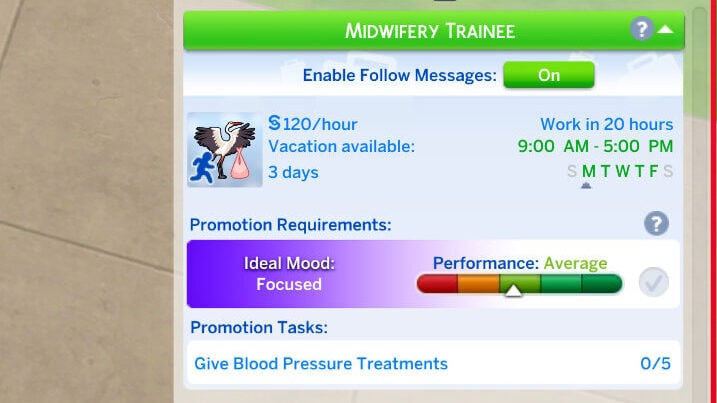
Rate per hour: §120
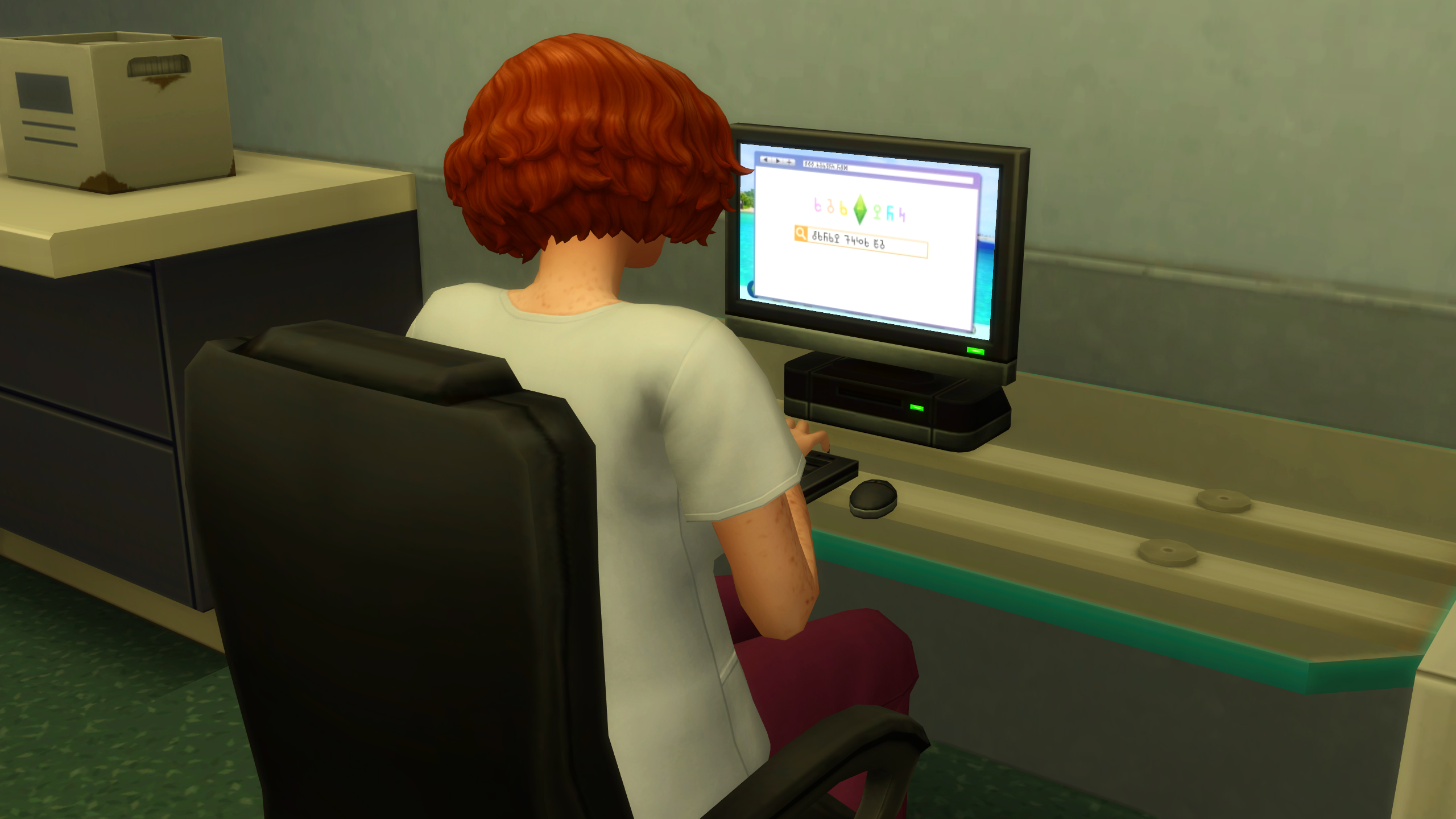
In-Game Description: You’ve stepped up from the basics. You now assist in prenatal checkups and learn to spot early pregnancy complications.
Hours: 9:00AM – 5:00PM
Days Per Week: Monday through Friday
Promotion Requirement: Give five blood pressure treatments.
Level 3: Certified Midwife
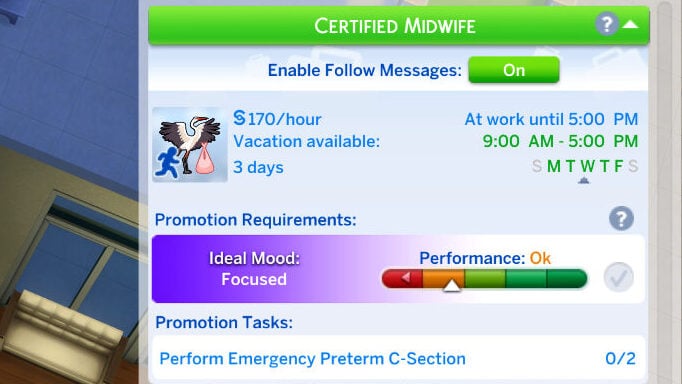
Rate per hour: §170
In-Game Description: You’re now trusted to manage standard prenatal care. Patients rely on your experience to guide them through a healthy pregnancy.
Hours: 9:00AM to 5:00PM
Days Per Week: Monday through Friday
Promotion Requirement: Perform two emergency pre-term c-sections
Level 4: Senior Hospital Midwife

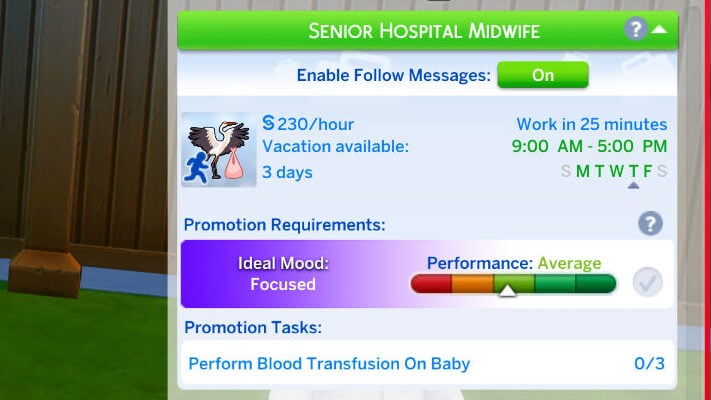
Rate per hour: §230
In-Game Description: You take the lead during labor. From labor management to emergency decisions, you’ve got it covered when the stakes are high.
Hours: 9:00AM – 5:00PM
Days Per Week: Monday through Friday
Promotion Requirement: Perform three blood transfusions on babies.
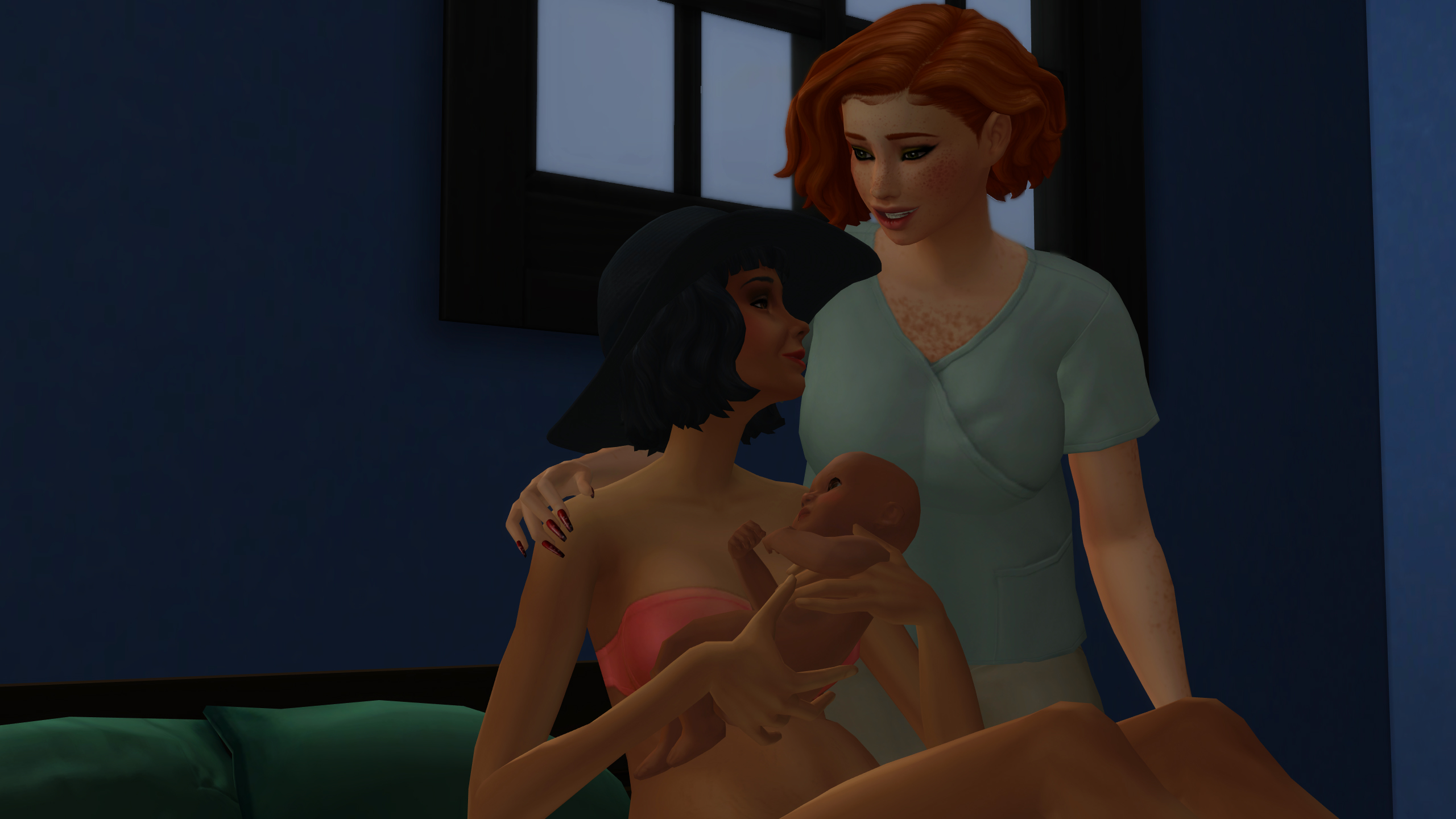
Level 5: Independent Birth Specialist
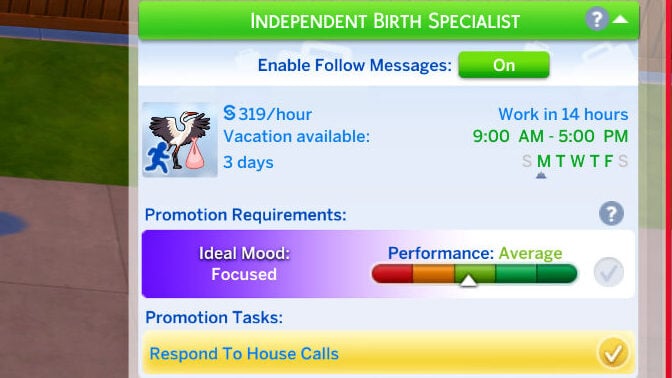
Rate per hour: §300
In-Game Description: You’ve earned the trust to go beyond the hospital. You respond to home births, assess emergencies on the spot, and deliver babies in any setting.
Hours: 9:00AM – 5:00PM
Days Per Week: Monday through Friday
Promotion Requirement: Respond to House Calls
Although Level 5 is the last official promotion in the Midwifery career, continuous progress and good performance will lead to incremental raises, creating an incentive for players to continue playing it as an active career.
Do you play with Pandasama’s Sims 4 Realistic Childbirth Mod, or are you planning to now? Make sure to follow The Sims Community as we discuss all things The Sims and Life Simulation games!


Where is the link to download this mod?