

The Sims 4 has introduced many helpful service NPCs over the years, from butlers and nannies to ranch hands and inheritance lawyers. Now, with The Sims 4 Royalty & Legacy expansion pack, players get not one, but three exciting new service options to elevate gameplay with any household, not just the royals ones. An Upgrade Technician, a One-Time Tutor, and a Scheduled After-School Tutor are the new services you can expect! In this guide, we will walk you through exactly how to hire each one, what they do in your game, and why they're game-changers for making your Sims' lives run smoother than ever.
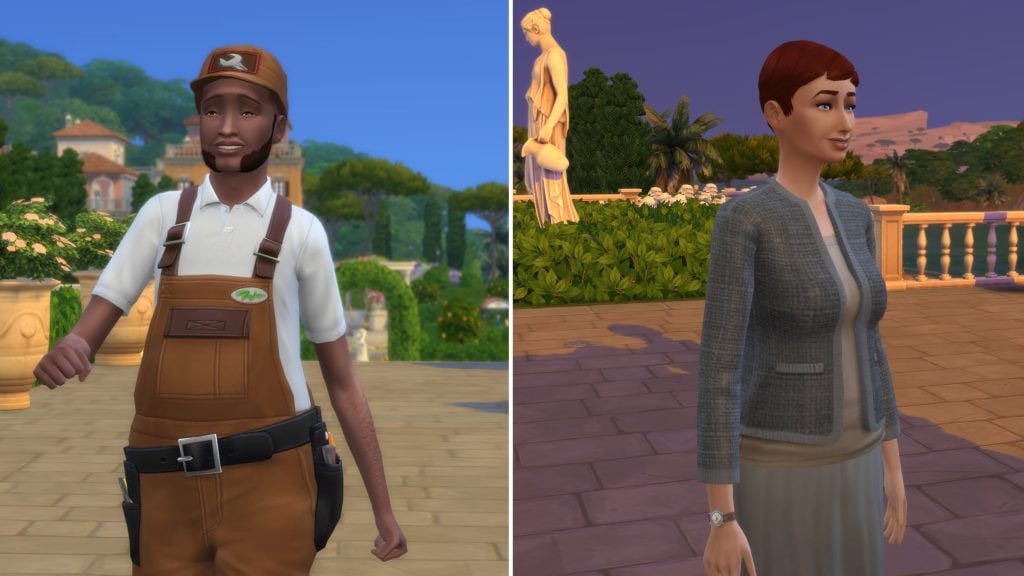
The new Service NPCs from The Sims 4 Royalty & Legacy
A new Upgrade Technician
What is an Upgrade Technician
Tired of forcing your Sims to grind their Handiness skill at a woodworking table just to upgrade household objects? Imagine them focusing on what really matters instead: climbing the career ladder, unwinding with friends, or heading out on that perfect date. Enter the long-awaited Upgrade Technician, the newest service NPC from Royalty & Legacy that's here to handle those tedious upgrades so you never have to touch a Handiness book or woodworking table (unless you want to for the fun of it!).
Don't confuse this service with the base game's Repair Service, which your Sims call when appliances break down. The Upgrade Technician has one clear mission, right there in the name: improving the quality of appliances, plumbing, electronics and furniture, freeing up your Sims' time for bigger ambitions in any household.
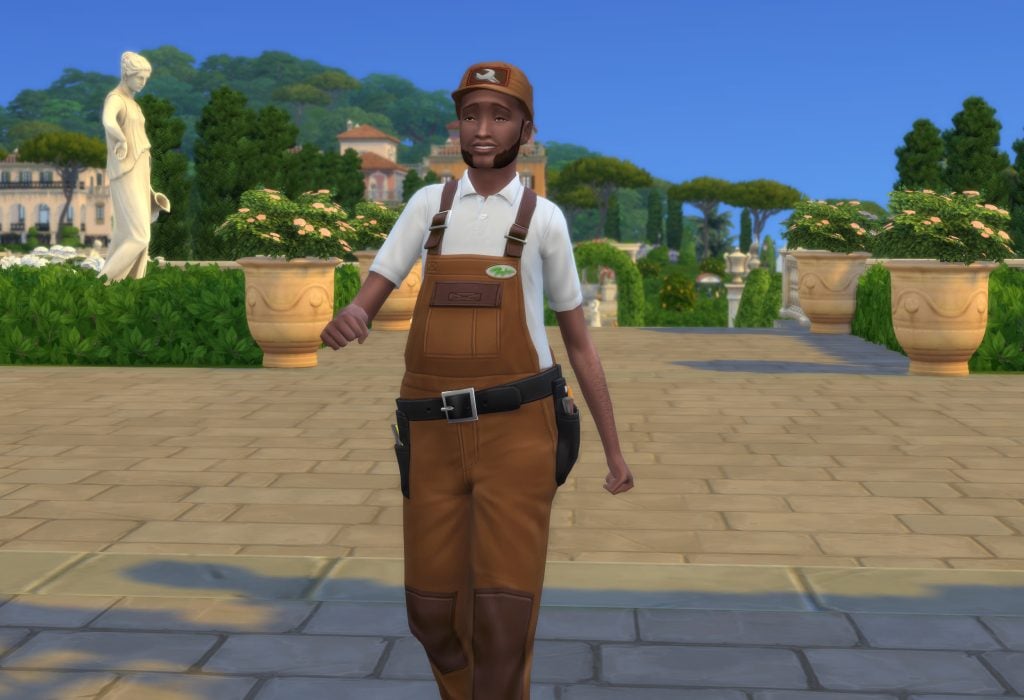
How to hire an Upgrade Technician
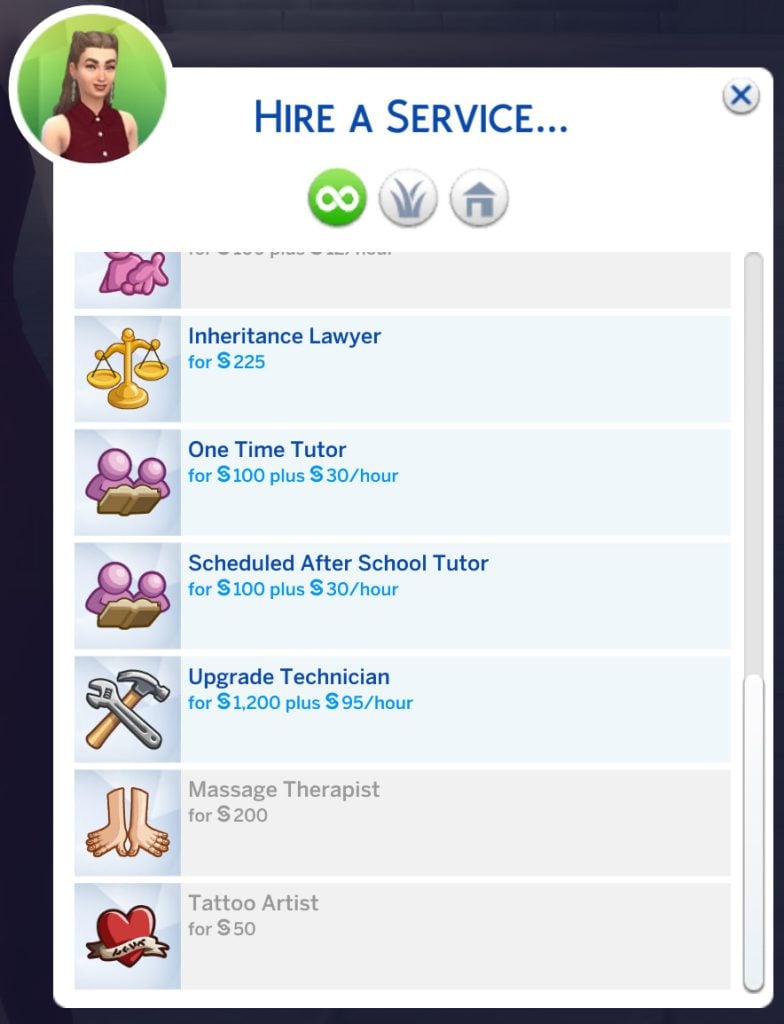
The great news? This service isn not exclusive to dynasties or nobles, any Sim from any world can hire the Upgrade Technician! Just like other services, access it easily from your Sim's computer (via the Household menu) or phone (in the Home app). Any teen Sim and up can make the call, no need for an adult to handle it.
Word of caution: Time is money here, and this is the priciest service NPC yet, at §1,200 upfront + §95 per hour. Make sure your Sims have deep pockets (or a hefty household fund) before calling in the pro!
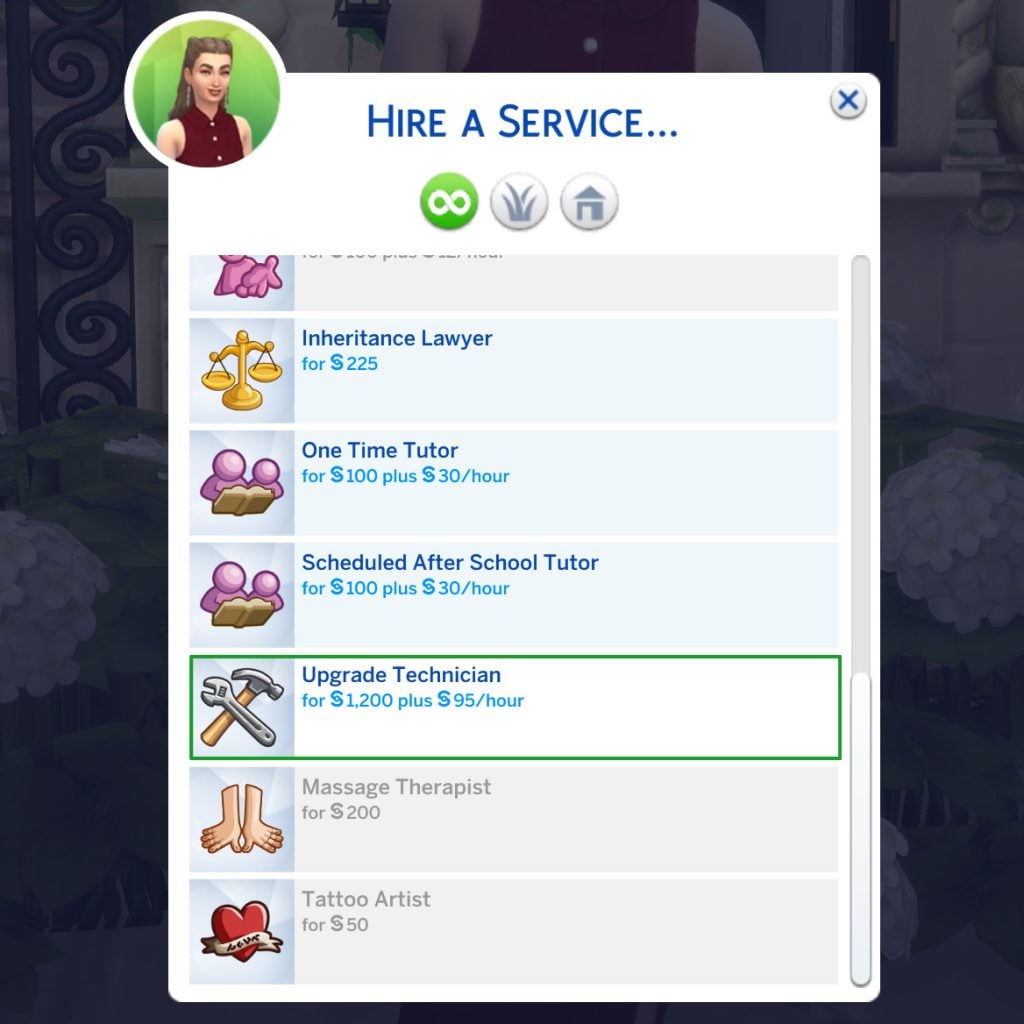
You can call and ask for an Upgrade Technician at any time in the game, though it is worth noting that if you call starting 9:00 PM, the Upgrade Technician will not come before 7:05 AM the next day. If you call during the day, expect him to arrive in the next 15 minutes.
Important:
- you cannot hire more than one Upgrade Technician at a time.
- you cannot hire another Upgrade technician as long as the other one is still working. As soon as you get the pop-up telling you they are done, you are good to call again, even if the technician is still on your lot.
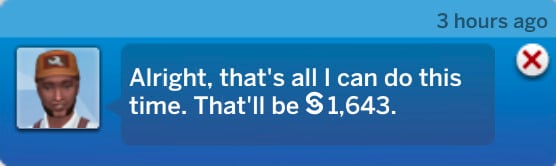
What happens when the Upgrade Technician comes
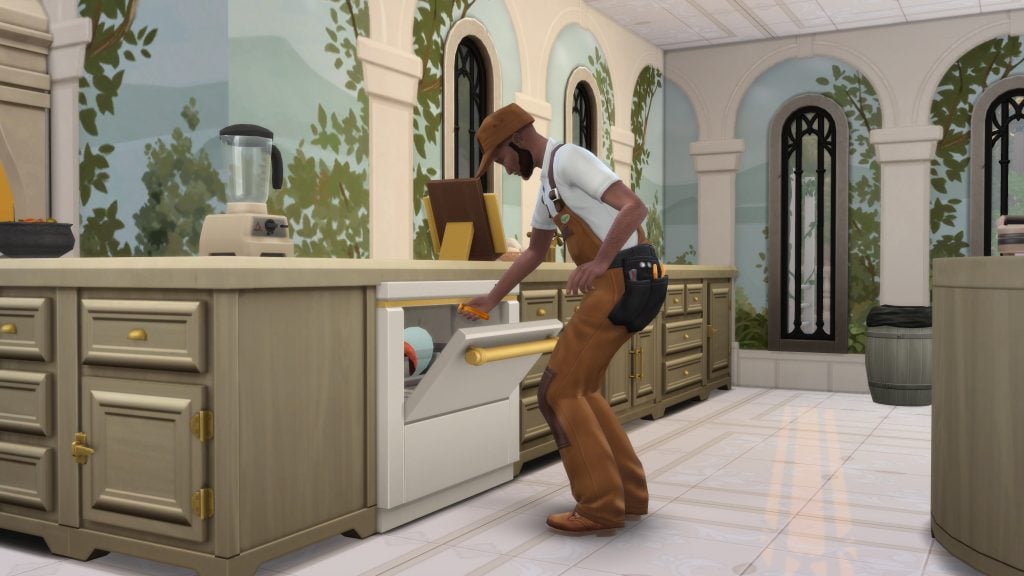
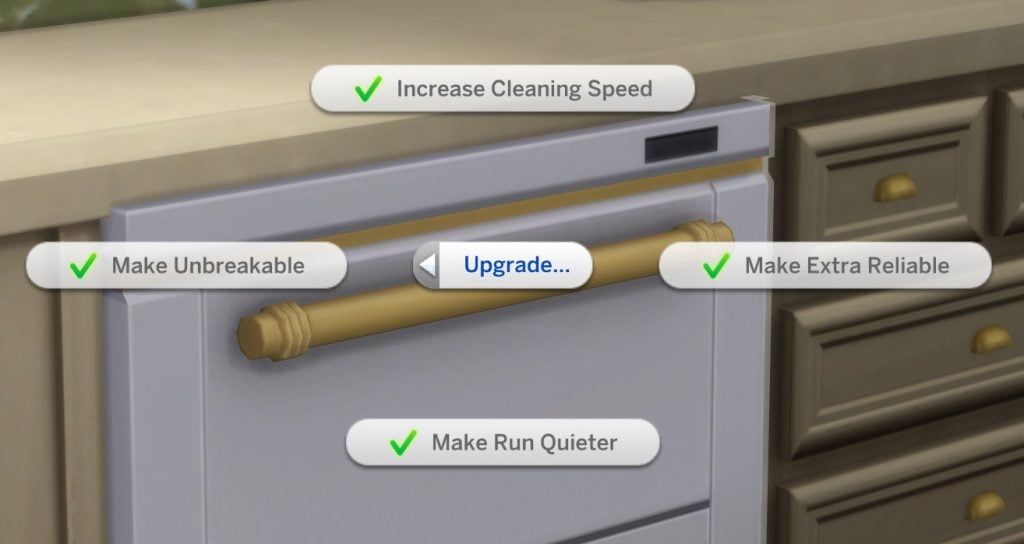
As mentioned above, the Upgrade Technician's main job is to boost the quality and reliability of your Sims' household objects so they break less often (or never), stay cleaner longer, or provide extra moodlets and perks (just like manual Handiness upgrades, but without the skill grind!). Once the Upgrade Technician arrives on your lot, a prominent pop-up appears asking you to select a preferred upgrade category. Your options include:
- Electronics
- Furniture
- Kitchen
- Plumbing
- No preference (the Upgrade Technician will randomly start upgrading any available object).
If you pick one of the first four categories, they will prioritise objects in that group at first. However, you cannot specify an exact item to start with, they will choose what needs upgrading within the category.
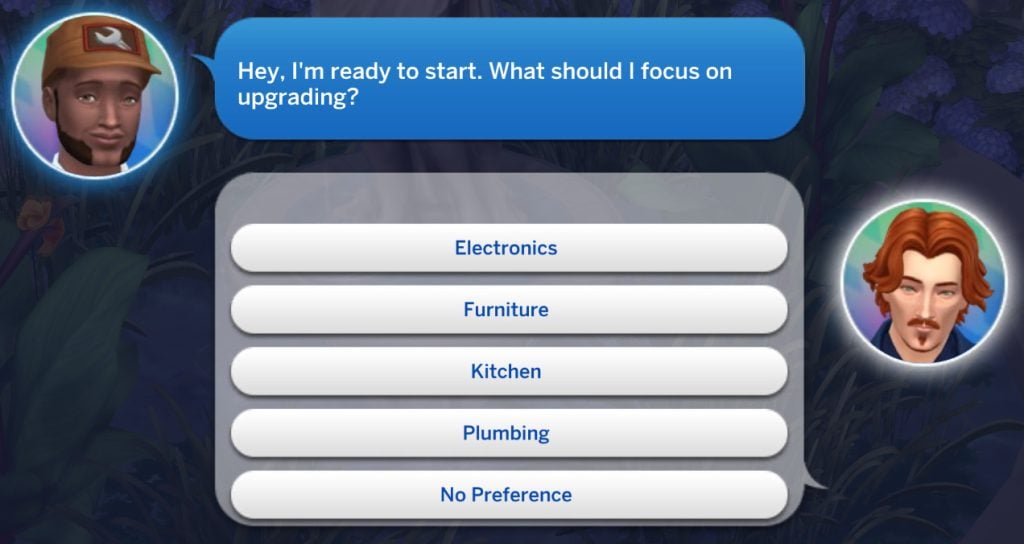
A few handy notes on how it works in practice:
- If your chosen category has no eligible objects left (e.g., everything's already maxed out) or none exist on the lot, the Upgrade Technician will move on to other available objects.
- Even if there aren't enough items in your selected category to fill their time, they will happily upgrade other types if present, so you get the most value from their visit!
- Not happy with them branching out? You can dismiss or fire them at any moment to stop the process (handy for controlling costs or preferences).
- Like other service NPCs, you can also give them a §100 tip for great service.
- If your lot is packed with eligible objects (especially in a royal estate or big legacy home), don't expect the Upgrade Technician to upgrade everything in a single visit. They typically stay for 3–4 hours (depending on how much there is to do), focusing on as many items as time allows within your chosen category (or randomly if "No preference" is selected). Once their time is up and they leave, you will need to hire the service again if you want them to continue upgrading the remaining objects. This makes it a premium, ongoing investment, perfect for phased improvements, but it does mean budgeting for multiple calls on larger lots.
- Once the Upgrade Technician has upgraded an equipment, all eligible upgrades will be applied at once.
- Pro tip: Prioritise high-impact categories first (like Kitchen or Plumbing for daily use) to get the biggest bang for your simoleons early on. And remember, you can always dismiss them mid-visit if costs start adding up or priorities change!
Complete list of eligible upgrades by Technicians
Here is a complete list of all eligible objects divided by category.
- Electronics:
- Burglar Alarm
- Computers
- Dew collectors (Eco Lifestyle)
- Dr. June's Weather Control Device (Seasons)
- Drones (Get Famous)
- Dryers (Laundry Day)
- Fireplaces
- Gaming consoles
- Gaming mats
- Heaters (Snowy Escape)
- Karaoke machines (City Living)
- Radiators (For Rent, Vampires)
- Radios & Speakers
- Robot Vacuums (Cats & Dogs); both the base and the robot get upgraded, except for The Mold -Buster Dehumidifier upgrade.
- Solar panels (Eco Lifestyle)
- Tablets
- Televisions
- Trash chutes (Discover University and Lovestruck)
- Vacuums (Bust The Dust)
- Video stations (Get Famous)
- Washers (Laundry Day)
- Water generators (Eco Lifestyle)
- Wind turbines (Eco Lifestyle)
- Furniture:
- Beds
- Fire lamps (Dine Out and Adventure Awaits)
- Treadmills
- Vertical gardens (Eco Lifestyle)
- Kitchen:
- Coffee machines
- Espresso machine (Get Together)
- Grills
- Microwaves
- Pizza ovens (Home Chef Hustle)
- Refrigerators
- Stand mixers (Home Chef Hustle)
- Stoves
- Waffle makers (Home Chef Hustle)
- Plumbing:
- Bathtubs
- Hottubs
- Saunas (Spa Day)
- Sinks
- Showers
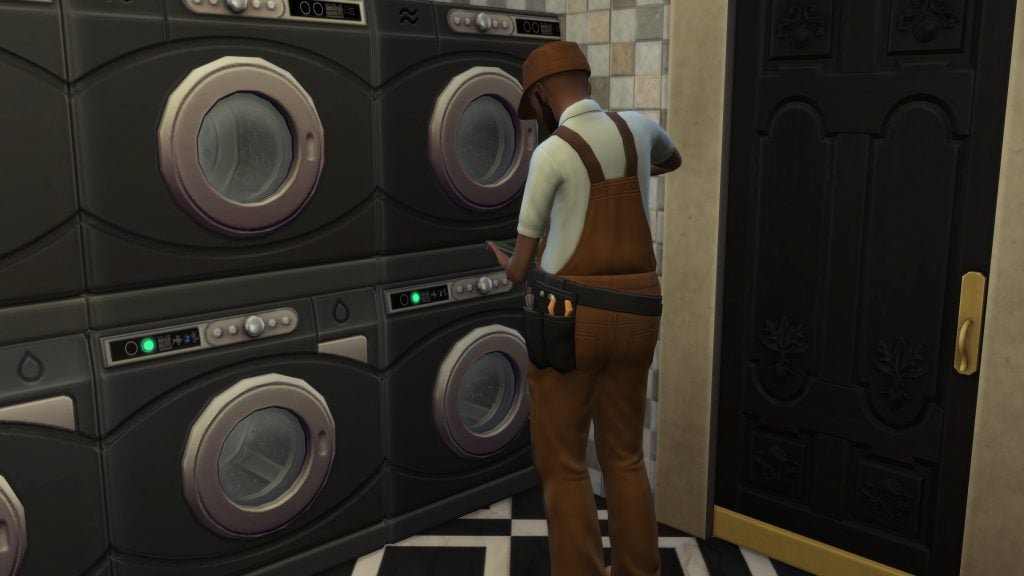
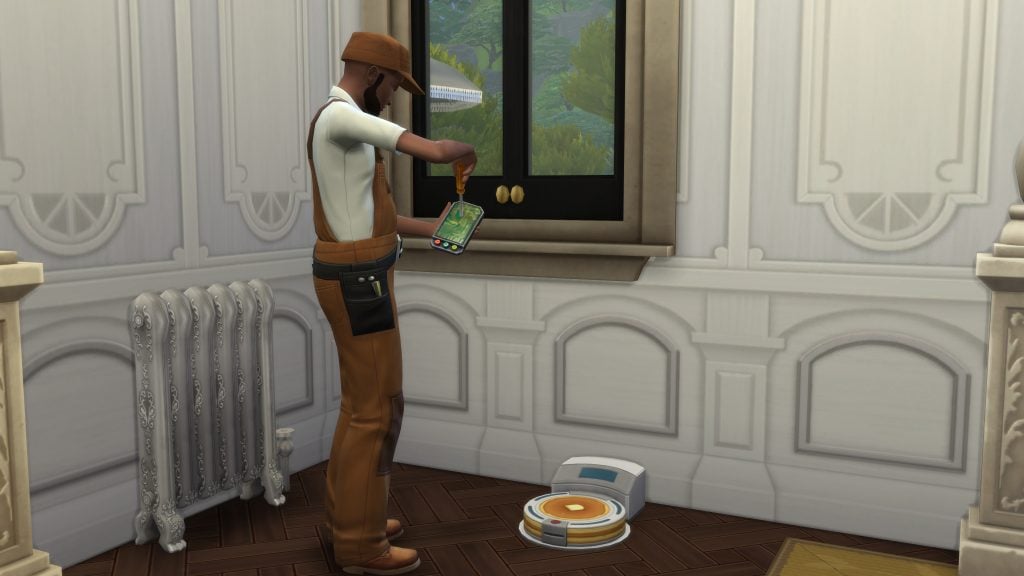
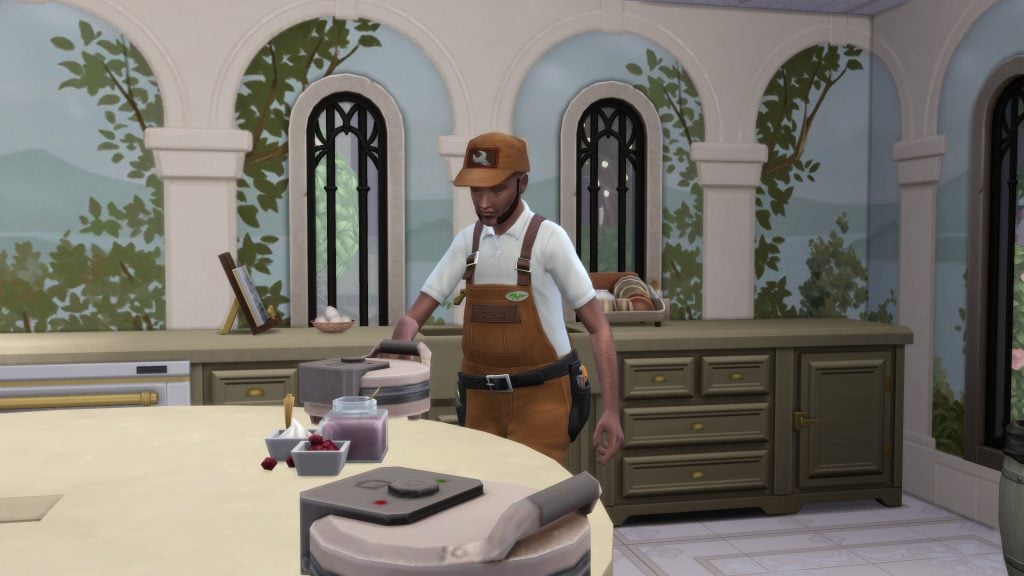
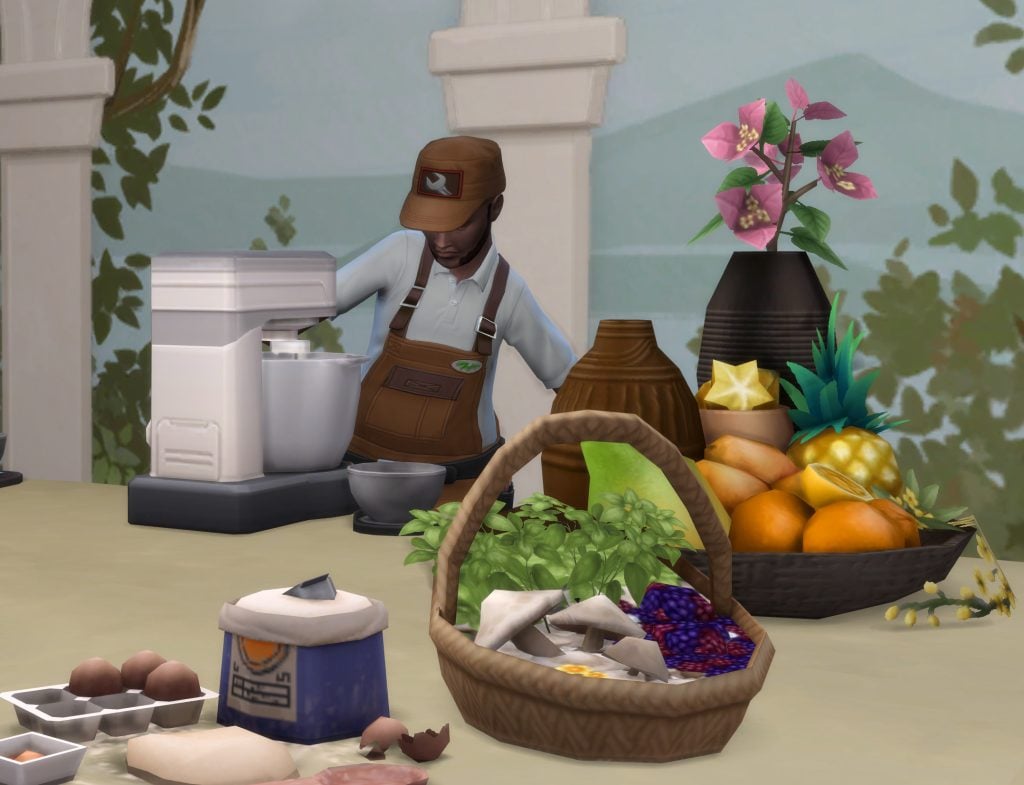
Oddly enough, it seems that most of the functional items from For Rent and some other packs are not upgradable by Upgrade Technicians, although the items themselves are upgradable.
The list includes:
- Blenders (Adventure Awaits)
- Bowling alleys (Bowling Night)
- Fuze boxes (For Rent and Restoration Workshop)
- Kettles (Adventure Awaits and For Rent)
- Pressure cooker (For Rent)
- Water heaters (For Rent and Restoration Workshop)
Another key limitation we have noticed: the Upgrade Technician will not apply eco-upgrades that come with The Sims 4 Eco Lifestyle. Those still require manual Handiness work.
Despite this (and a few other non-upgradable items), this NPC is a total lifesaver for all play-styles, especially no-cheat players! Upgrading can eat up hours of your Sims' day, but now they can hire a specialist to handle most of it. For the rare items the Upgrade Technician skips, a quick manual upgrade does the trick. Overall, we were thrilled with their efficiency and your household will thank you!
Two new dynasty-exclusive Tutors
Unlike the universally available Upgrade Technician, the two new Tutor services are exclusive to Dynasty members and unlocked via a specific Dynasty Perk (typically starting at Level 2 Prestige). The two types of Tutors are:
- One time tutors.
- Scheduled After-School tutors.
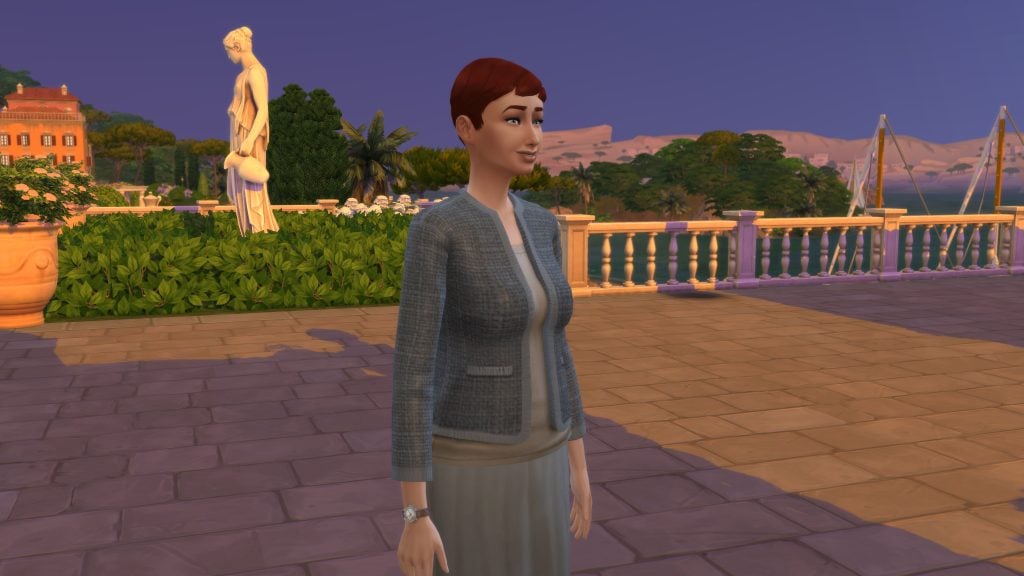
Their have identical roles: once hired, the NPC simply appears with a Tutor role with no visual distinction. These multi-talented pros teach skills to Sims of all ages (from kids to elders) and provide targeted homework help for children and teens. Perfect for busy parent Sims juggling home and work tasks, or even adults needing a quick boost in career-critical skills like Charisma, Handiness, Logic, Cooking, Painting, and more (covering a good amount of in-game skills with exceptions will cover later). Whether it is acing school reports or maxing out that promotion requirement, Tutors bring expert mentoring straight to your lot, no rabbit holes required!
So what's the difference? They both teach skills and help with homework, the only difference is the time at which they will visit your Sims' lot, that's it.
One Time Tutors:
- Come every day of the week, weekends included.
- If you call between 9:00 AM and 8:59 PM, your Tutor will come in the next 15 minutes.
- If you call after 9:00 PM, you will have to wait until 9:05AM of the next day for your Tutor to come.
Scheduled After-School Tutors:
- Come from on business days, so from Monday to Friday starting 3:35PM.
- If you call on weekdays between 3:30PM and 8:59PM, the Scheduled After-School Tutor will come in the next 15 minutes.
- If you call on weekdays after 9:00 PM, you will have to wait until 3:35 PM of the next business day for your Scheduled After-School Tutor to come.
- If you call during the weekend, you will have to wait until Monday 3:35 PM until the Scheduled After-School Tutor comes.
How to hire the dynasty-exclusive Tutors
As mentioned earlier, this service is exclusive to dynasty members.
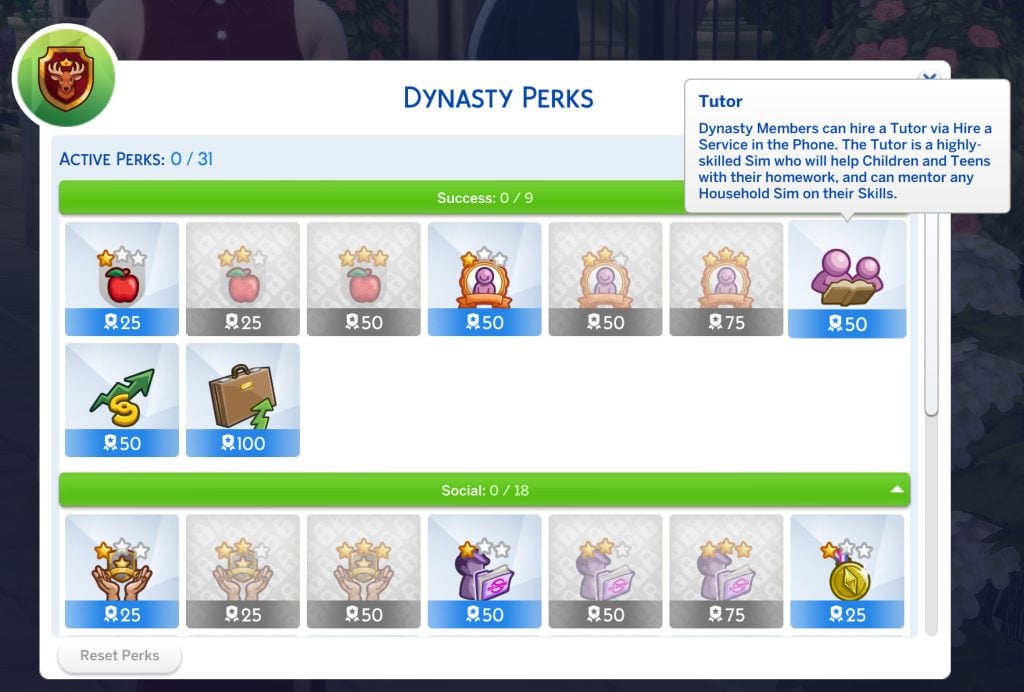
Quick Dynasty refresher: Every time your Dynasty hits a new Prestige Level, the Head receives Dynasty Perk Points to spend. Access the perks via the Dynasty menu (under Social or Household tabs). The Tutor Perk costs 50 Perk Points and unlocks both hire options. Here's the official description:
"Dynasty Members can hire a Tutor via Hire a Service in the Phone. The Tutor is a highly-skilled Sim who will help Children and Teens with their homework, and can mentor any Household Sim on their Skills."
Without this perk, Tutors won't appear on phones or computers. Resetting perks also removes them from the available services list.
Key notes:
- Only teens and up can hire Tutors.
- Dynasty outcasts cannot hire Tutors.
- Like other services, you can hire Tutors via computers as well (Household menu).
- If you hire a One time Tutor, you can hire an After-School Tutor as well, but if you hire an After-School Tutor first, you cannot hire a One time Tutor.
- Keep in mind that you cannot have both Tutors at the same time on your lot, as the game considers them as one type of NPC.
- Both kinds of Tutors cost §100 upfront + §30 per hour, which is much more affordable than Upgrade Technicians.
- At any point before the Tutor comes, you can cancel your tutor service via the phone. Depending on how much time there is left before the NPC comes, you might still be billed §100 even when canceling.
What happens when the Tutor comes
Once the Tutor arrives on your lot, they will automatically seek out Sims engaging in mentorable activities, like children and teens tackling homework, or any Sim practicing skills (e.g., rehearsing a speech for Charisma, cooking in the kitchen, playing chess for Logic, and more).
Want to direct them to a specific Sim? Click the relevant skill object (e.g., a mirror), select Mentor > Ask for [Skill] Mentoring (like Charisma), then choose the Tutor from the pie menu. Tutors will generally stay a couple of hours but never all day long.
Key notes for homework:
- For faster help, have your young Sim sit or stand right next to the Tutor, or use "Come Here" to bring them over. Speed up those straight-A's in your dynasty!
- Children and teens cannot actively ask the Tutor for help, but once they start their assignment, the Tutor will autonomously swoop in to assist.
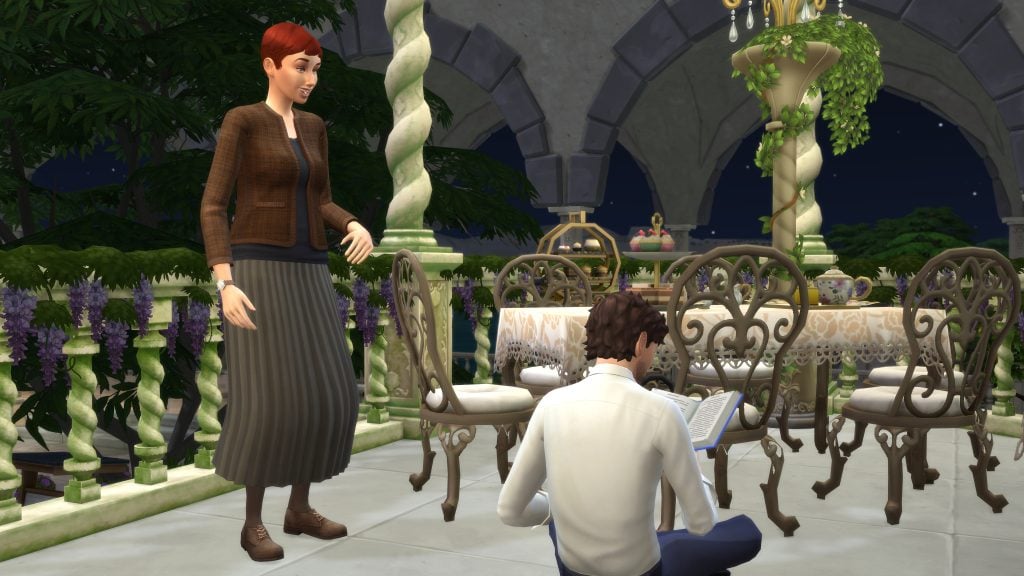
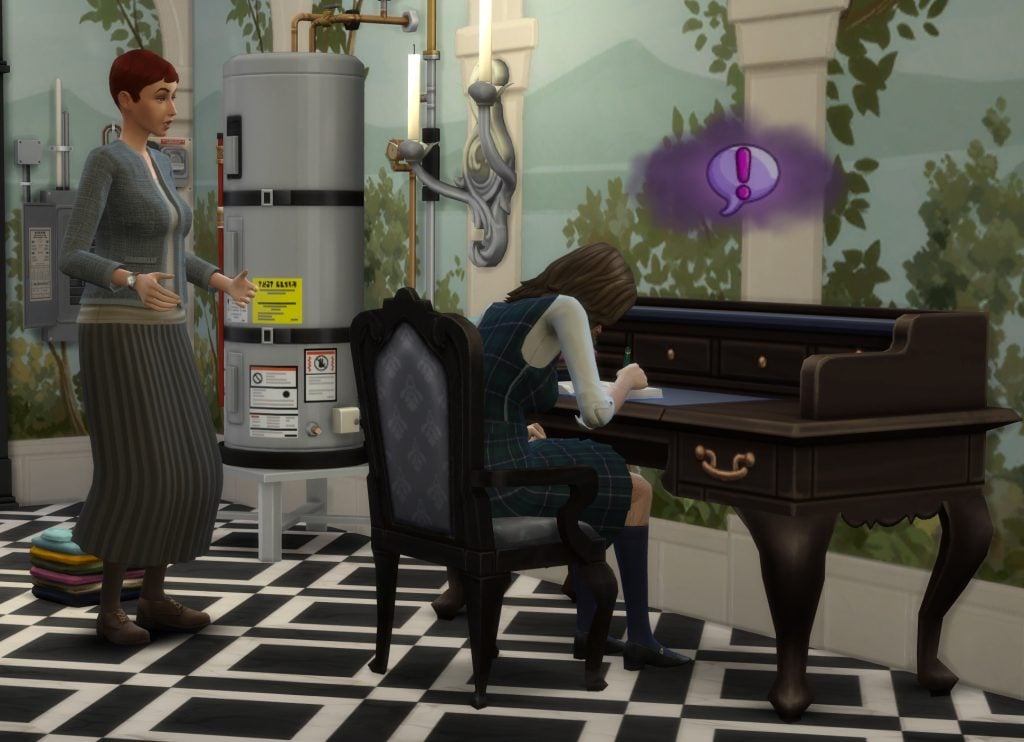
Like any other Service NPC, at any point you can:
- You can dismiss or fire Tutors to stop the process (handy for controlling costs or preferences).
- Like other service NPCs, you can also give them a §100 tip for great service.
What can Tutors really do
To confirm these Tutors are the real deal (and not just for show), we cheated one into our household for a closer look. We are pleased to report they come packed with high-level skills, many maxed out at level 10! While exact levels vary slightly between Tutors, the core skill set remains consistent, ensuring reliable mentoring every time. Skills Tutors can cover include:
- Charisma
- Comedy
- Cooking
- Fitness
- Gourmet cooking
- Guitar
- Logic
- Mixology
- Painting
- Piano
- Programming
- Research & Debate (Discover University)
- Singing (City Living)
- Swordsmanship (Royalty & Legacy)
- Violin
- Writing
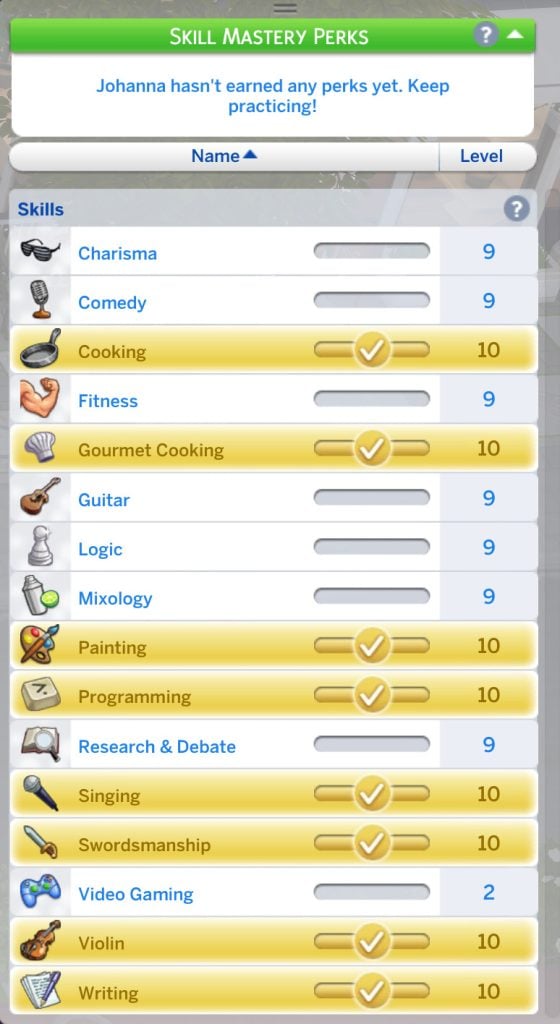
Tutors appear to be modelled after real-life private tutors, emphasising skills typically taught in structured lessons or academic settings, so practical, hands-on "craft" skills like Handiness, Flower Arranging, or Gemmology seem to be intentionally left out. Your Sims will still need to level those up the old-fashioned way: practicing manually, reading skill books, or, if you have The Sims 4 Businesses & Hobbies installed, attending Lectures for a more guided boost.
Even with these limitations, the service proves incredibly useful in tons of scenarios, whether it's speeding up homework for the kids, pushing adults toward career promotions, or giving your dynasty heirs that extra edge. It's exciting to see more specialised NPCs added to The Sims 4, even if this one's got a touch of elitist exclusivity reserved for Dynasty members only!
What are your thoughts on these new NPCs with The Sims 4 Royalty & Legacy? Are you excited to hire them? Have you already done so? What are your thoughts? Share with us in the comments down below.





4 Comments
I am very glad eco upgrades from eco lifestyle are not available. I avoid the compost upgrade for toilets at any cost because those catch on fire. I literally wouldn’t hire the upgrade npc if they can add eco upgrades.
Reply to Atreya
That’s exactly what I scrolled down to say XD
Reply to Atreya
Exactly what I wanted to say! I don’t want flaming toilets! It’s why I don’t even let my own sim ghosts instantly upgrade toilets.
These are great but could we PLEASE be able to hire photographers?!
Welcome to Sims Community!
Our community is about connecting people through open and thoughtful conversations. We want our readers to share their views and exchange ideas in a safe space.
In order to do so, we've created a simple set of rules that will improve your experience. Simply put, keep it civil.
Your post will/might be rejected if it contains:
User accounts will/might be blocked if we notice:
So, how can you be a power user?
Thanks for reading our community guidelines. Please note that we're aware of certain issues with Sign In / Log In and Create Account / Email Confirmation issues. We're working behind-the-scenes on a new Account Creation process. Thank you for your patience and remember - freedom of speech is not freedom of reach