


Watch the Replay of this Live Broadcast down below!
The Sims 4 Outdoor Retreat: Granite Falls Overview

The Sims 4: Outdoor Retreat Game Pack brings a whole new world for your Sims to explore – Granite Falls. Granite Falls is a little different from Willow Creek and Oasis Springs: it is a travel world, designed for Sims to take a break from everyday life.

To travel to Granite Falls, click the Phone icon in the UI, navigate to the “Travel” tab and click “Vacation” or “Vacation With”. You will then be taken to the travel screen, with Granite Falls loaded by default. Granite Falls is divided into two areas: one containing rental properties, and a forest. Granite Falls, like all worlds, can be customized in Manage Worlds, so you may customize, delete or replace lots as you see fit. By default, there are five rental properties: four lodges of varying prices, and a campground. The area around the properties is vibrant with plenty of public space. There is also a community resting spot in the forest area of the world.


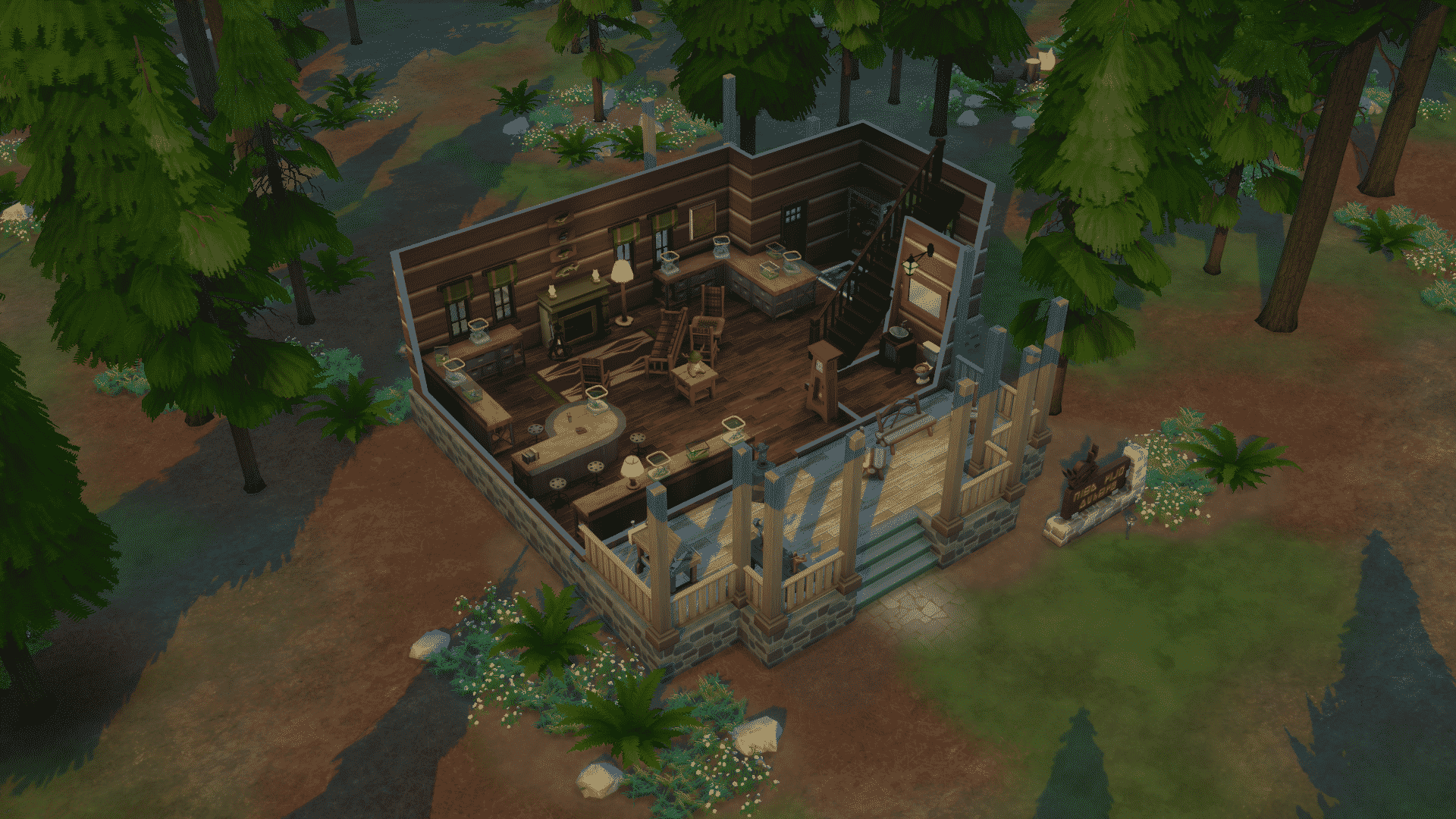


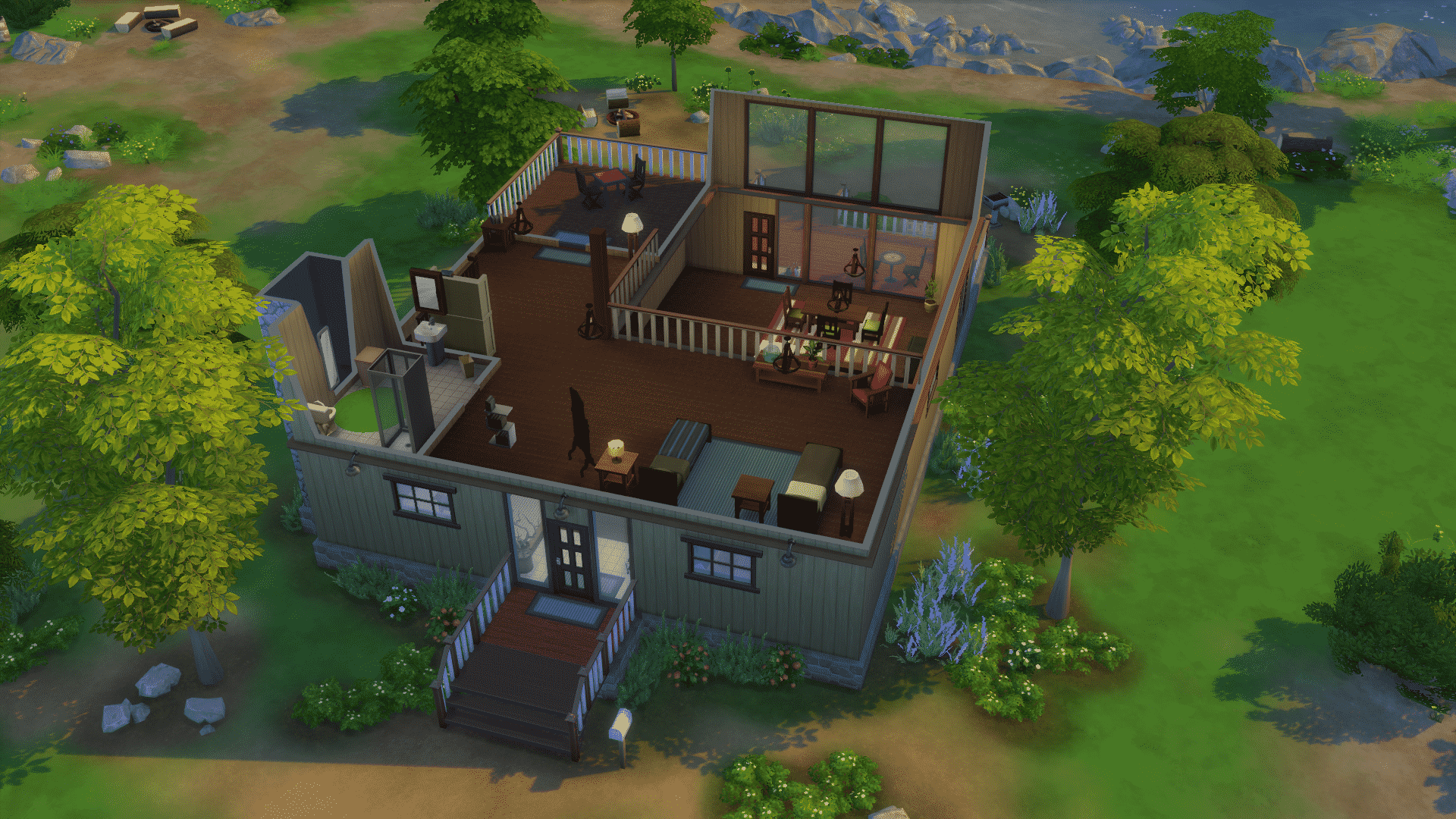


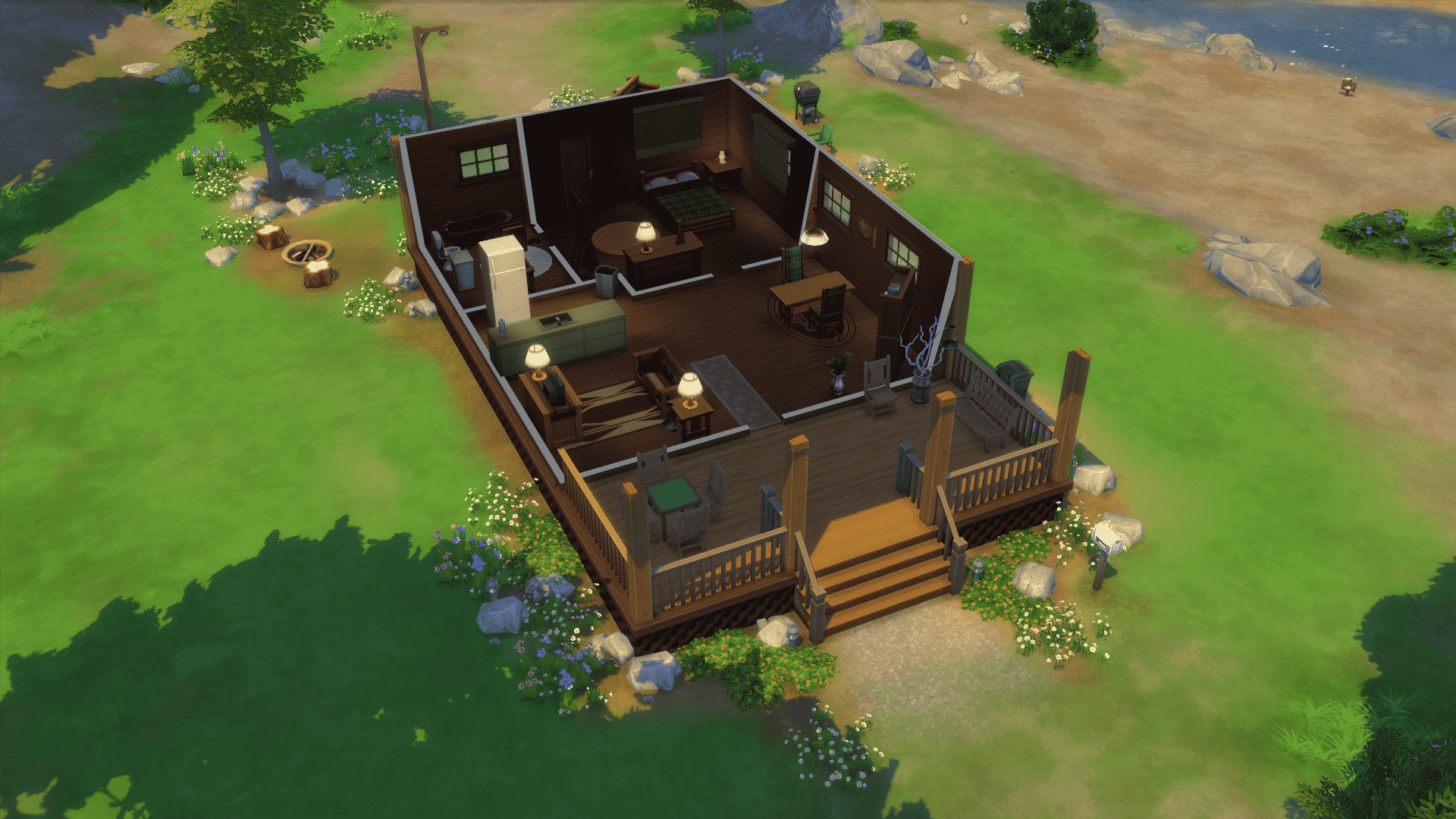


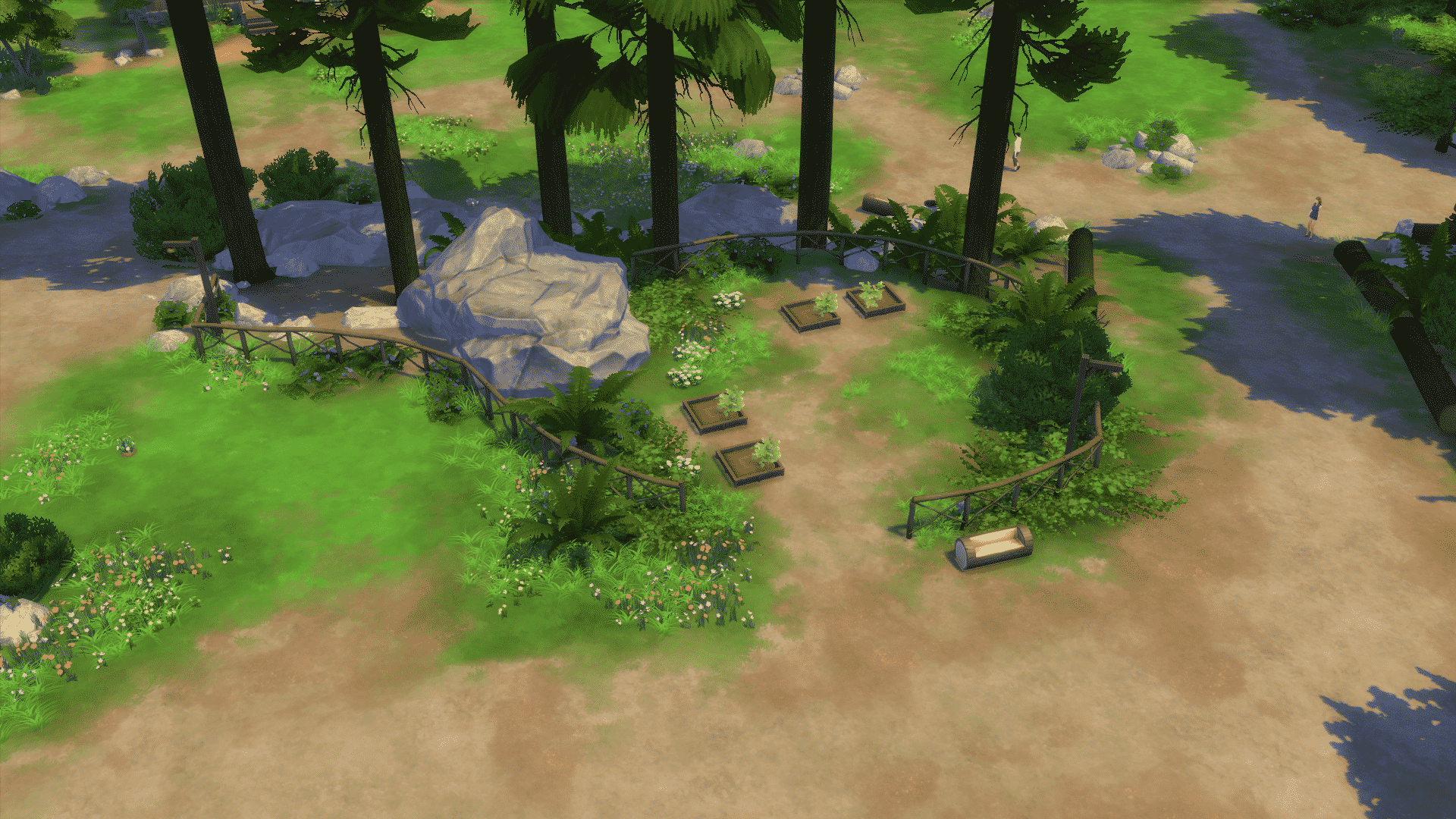

The Sims 4 Outdoor Retreat Now Available on Origin!

The Sims 4 Outdoor Retreat Game Pack has just been released for all Simmers worldwide for $19,99!
Click on the picture below to purchase Outdoor Retreat Game Pack via Origin!
The Sims Blog: Top 6 Things You Need to Know About Outdoor Retreat

The Sims 4 Outdoor Retreat is here, complete with a new destination filled with new gameplay possibilities, new objects, activities and a whole new skill. No matter how you play the game, this game pack will have something exciting for you!
Here are the top six things you need to know:
1. Wander into an All-New Destination: Your Sims can now make an escape from their everyday lives into the pine-filled air of Granite Falls. They can venture deep into the woods to discover new surprises, including dangerous and wondrous herbs, and new species of insects. Let’s just hope that your Sims aren’t squeamish about creepy crawlers.
2. Set Up The Perfect Camp: No camping trip is complete without the proper supplies. Your Sims will be able to purchase a tent and outfit themselves in new hiking gear. For the less adventurous Sims, they can still camp out in the comfort of their backyard.
3. Enjoy Unique Outdoor Activities: Lay back for a night of stargazing and let your Sims’ imagination run wild! Join a game of horseshoes and take a hike in the national park or try to find the hermit rumored to live in the deepest parts of the forest.
4. Gather around the Campfire: Treat your Sims to some roasted marshmallows and tell fireside stories of adventure, wonder and fright for the whole gang. Kick back and enjoy a quick refreshment from the all-new cooler!
5. Create Exotic Remedies as an Herbalist: Build your Sim’s herbalism skill to create a variety of useful remedies, from insect repellent to a concoction that can help soothe a tense Sim. This new skill will be useful to help Sims identify which wild plants are edible or poisonous.
6. Bear Costumes: The Sims 4 Outdoor Retreat experience wouldn’t be complete without Bear costumes. That’s right, big, furry, sneak up on your campsite at night because you left food out kind of bears. Just imagine what kind of fun your Sim will have wandering around the campsite in that outfit. In fact, you can even take the costume home and see what sorts of mischief your Sim can get into!
So get your Sims out in the fresh air and give them the outdoor retreat of a lifetime. We’re really excited about this game pack and can’t wait to see what kind of stories you create!
Stay in the conversation: Follow us on Twitter, Like us on Facebook and Subscribe to our YouTube channel.
* Requires The Sims 4 game to play (sold separately) and internet connection for installation.
The Sims 4 is releasing for Mac in February!

EA emailed us with some information about The Sims 4’s arrival on Mac Computers!
In other news, we’re also very excited to confirm that The Sims 4 will be coming to Mac in February and will be dual-entitled with the PC version. We don’t have the exact date yet but it will be in February.
Are you excited as we are? 😀

The Sims 4: Outdoor Retreat is releasing in 20 minutes!

EA just informed us that The Sims 4 Game Pack is releasing in 20 minutes (17:00 GMT +01:00).
The Sims 4: New Patch! (13/01/14)

Open your Origin and right click on The Sims 4 to check for updates in case the updating process hadn’t started automatically.
Patch Notes
Happy New Year Simmers!
It’s January, a new year has begun. There’s still a sun and moon in the sky, the rain falls, steam rises, and Plumbobs rotate – there must be a patch!
We had a few important fixes ready to roll to address some big community concerns, primarily the inability to load into a lot from a pre-existing save game, as well as a performance issue with large My Library trays that could cause the game to fail to load, and we wanted to get these fixes out to you! In addition to few others that we have at the ready.
Thank you again for all your feedback and help, we are humbled by your commitment and diligence.
Crash / Performance
- Fixed an issue that resulted in our players being unable to load their household after installing the 12/16 patch, and instead being bounced back to the neighborhood map. The community was very helpful in identifying this issue (providing feedback and save files), thank you!
- Fixed an issue where the game would become unresponsive on load if the player had a large number of households, rooms, and lots in their My Library sort.
Tuning
- Sim fertility levels had reached an all-time high recently, and twins were popping out all over! Our specialists have examined the issue, and administered a correction to the abundant babies. Sims should no longer find they are having twins (or triplets) at an alarming rate.
- Fixed an issue that prevented career progress from properly tracking the Sims skill progression towards career goals.
- Working out on workout equipment will no longer count towards the play chess daily goal for the Astronaut career.
- We fixed an issue that was a result of this: let’s say you had a Sim, we’ll call him Joe, and he lived in a household, say the Smiths, and you uploaded Joe, also known as Joe Smith, to the Gallery, and then you decided to add Joe to the Jones’ household by downloading him from the Gallery, thus now creating Joe Jones, and then you edited Joe Jones in Create a Sim, this would also modify Joe Smith.
- The “In Need of a Break” buff is no longer in need of a break, and now correctly displays its information in the hover tip.
- Zest Johnny will henceforth be known as… Johnny Zest!
- Fixed an issue that could result in “bad things” when attempting to merge a Sim from the gallery into a household that already has a copy of that Sim in it.
- Fixed an issue that could result in “bad things” when attempting to merge a household from the gallery into a household that already has a copy of that household in it.
- We however failed to fix the repetitive nature of some of our release notes.
- The Venue Wall Speaker: Spooky has made a return to the catalog after spending some time on the ‘other side’ to re-spookify itself.
- Lots placed from the gallery that have used the move objects cheat will no longer delete their moo’d objects when the lot is placed.
- The National Park venue now has tuning associated with it… so Sims who show up will know they can leave, rather than lingering around indefinitely, wandering aimlessly with no apparent purpose, direction, or desire (they could have at least played music…).
- Fixed an issue that was preventing the user from uploading multiple rooms to the gallery if the rooms were uploaded consecutively.
UI / Text
-
Fixed an interface focus issue where the eyedropper tooltip was preventing the eyedropper from properly functioning.
-
Fixed an issue that occurred when opening a modal window on top of an open inventory stack, which would cause the stack to fail to correctly display.
- Modal window is a piece of UI that requires input before the player can return to normal gameplay.
- UI is an abbreviation for User Interface.
- User is another name for the player, the individual for whom the software was intended.
- Software, as opposed to hardware, is the set of instructions that direct a computer to perform specific operations.
- User is another name for the player, the individual for whom the software was intended.
- UI is an abbreviation for User Interface.
- Modal window is a piece of UI that requires input before the player can return to normal gameplay.
-
Text will no longer overlap itself in the phone menu if the text string is too long.
-
You can once again add a description to your Rooms and Lots that you upload to the gallery, rather than using the comment field… which was ingenious!
-
You will no longer be told twice that you can take Family Leave if there is more than one eligible Sim.

The Sims 4 Gallery Spotlight: Rooms (12/01/15)


Living Room (Download Here)
By MeekaDenimore
A very simple and elegant Living Room with a focus on the giant TV!
#cool #modern #contemporary #sims4 #cute#fun #tsm0202 #family #malena0202#lifesimmer #natalisgamejogirl #room #brown#wood #nocc #funny #nice #sims #bedroom#sexy #livingroom
Value: §18,497
Size: 8×6
Room Type: Living Room


Neon Teen Bedroom (Download Here)
By Christelps
Beautiful Room for inviting your friends over!
#neon #room #bedroom #starter #house #teenage #teen #nice #cool #sexy #cozy #family #boy #girl #danishdesign #design #cute #denmark #christelps #beautiful #sims #sims4
Value: §27,445
Size: 6×9
Room Type: Bedroom


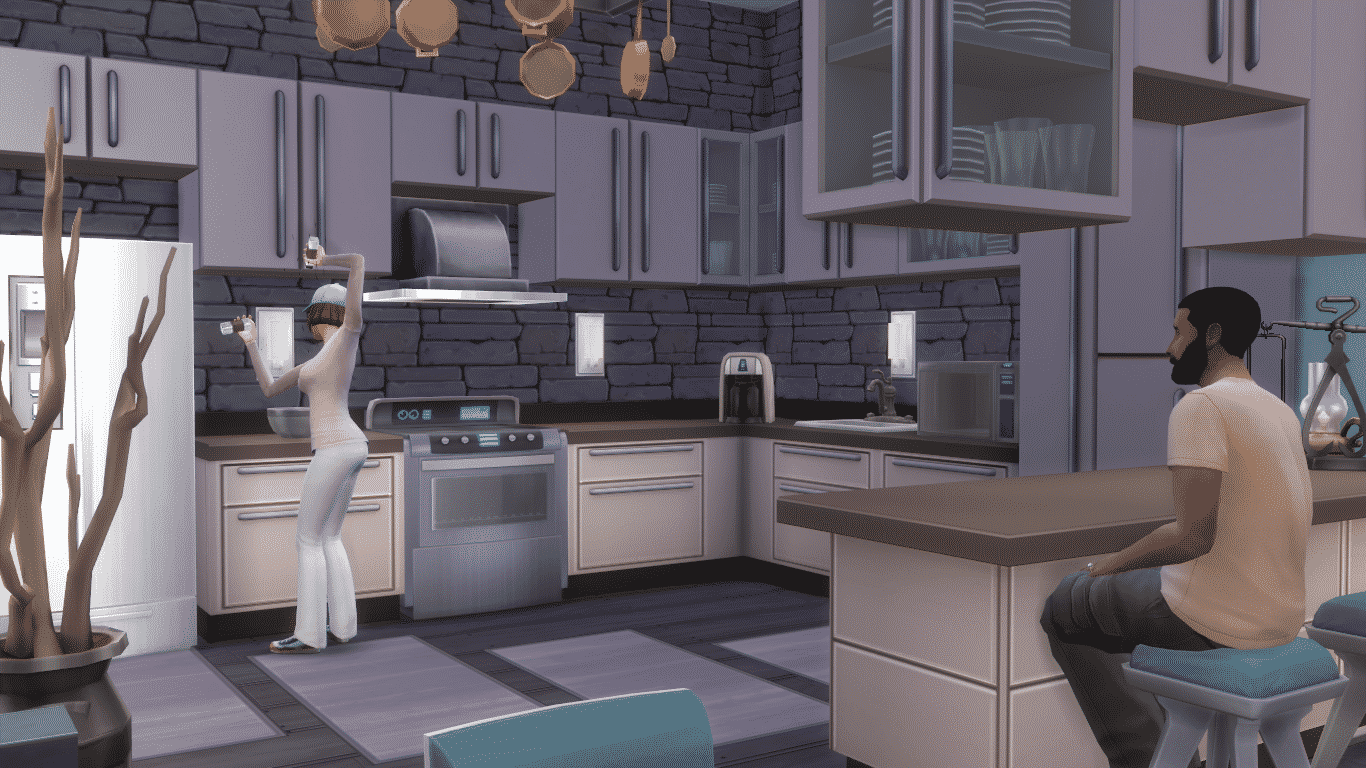
Creme&Mint Kitchen (Download Here)
By Sunny545
Making Breakfast in this Kitchen is absolute delight!
Value: §42,192
Size: 6×8
Room Type: Kitchen


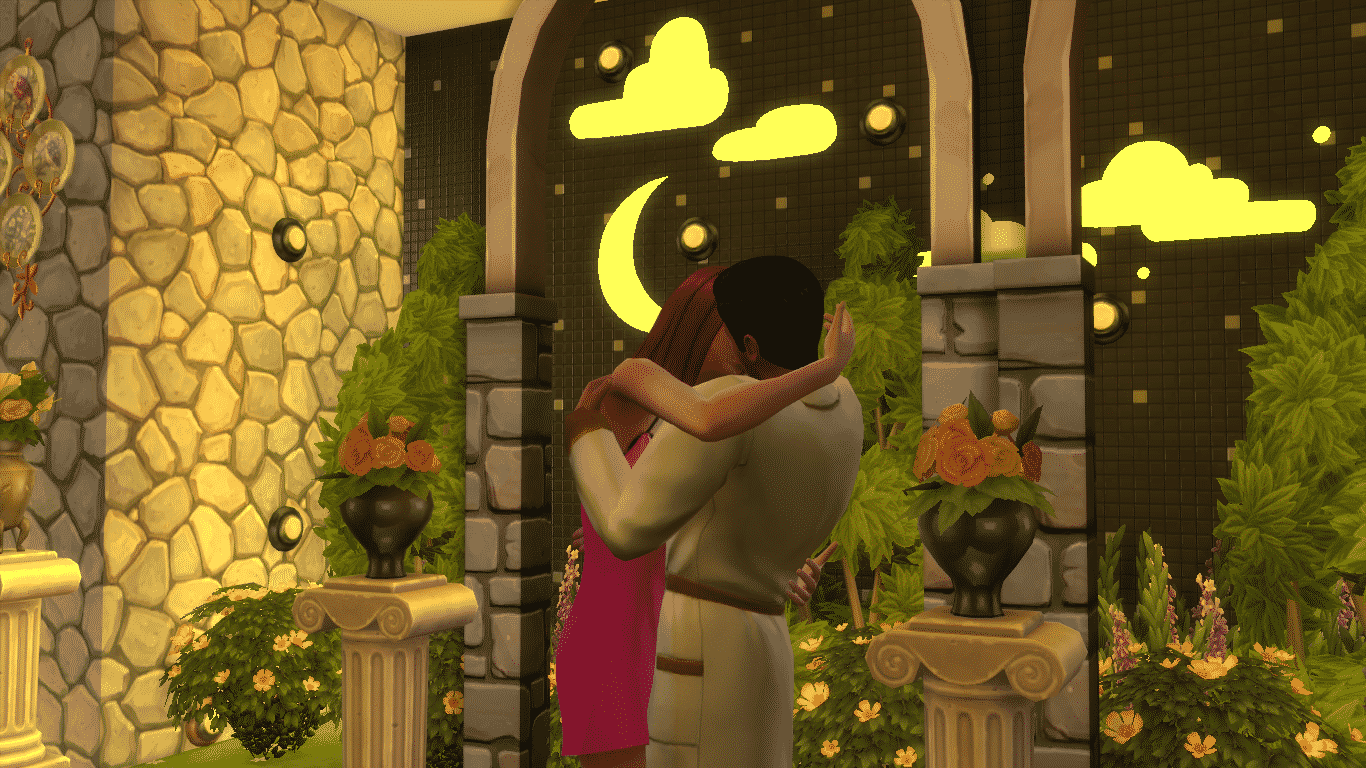
Princess Persia (Download Here)
By findjoo
Begin the most beautiful fairy tale right in this bedroom!
Value: §45,730
Size: 9×10
Room Type: Bedroom

The Sims 4 Custom Content: Short Bangs for Men by Rope

This Hairstyle has been brought to you by Rope!
Finally, it’s over. I began to work on this conversion yesterday, and It was not that easy ! I won’t say the result is perfect, but it look good in game, i hope you will like it !
This haircut is available for teen to elder men, with the 18 base colors .
Click on the picture below to download this Set!
Click Here for more information on how to install Custom Content!
The Sims 4 Custom Content: Nightlife Sexy CAS Set

This Set has been brought to you by The Sims Resource member – monopolistic!
Glittery, Shiny, Sexy, Wild, Star, Glow …. name it whatever u want … all describe ur sim wearing this set 😉
The Nightlife Set Includes:
1- From Picture Number 1: – The Fresco CropTop and The Galaxy Glow Shorts
2- From Picture Number 2: – The Angled Strokes CropT and The Break The Internet Shorts
3- From Picture Number 3: – The Paint Dubs CropTop
4- From Picture Number 4: – The Pastelle CropTop
Click on the picture below to download this CAS Set!
Click Here for more information on how to install Custom Content!
The Sims 4 Outdoor Retreat: More Info about the World!

The Sims 4 Outdoor Retreat developer Sarah Holding has revealed some more information about the world we’re getting with this Game Pack called Granite Falls!

The Sims 4 Custom Content: Ponytail Dreads for Men and Women

This Hairstyle has been brought to you by Mod The Sims member – Esmeralda!
Here’s a conversion of the TS4 base game female children’s ‘Braided Ponytail’ mesh, rescaled and reshaped to fit adult heads. They are for both genders, from Teen to Elder.
I’ve packaged them with the default natural EA/Maxis colours that came with the child version, plus seven additional colours of my own making. In the pic below, first we have the Maxis colours auburn, brown, golden blonde, black, orange, dark brown, red, platinum blonde, and dirty blond, followed by my additions of grey, white, and green.
Click on the picture below to download this Set! (Requires MTS Registration)

Click Here for more information on how to install Custom Content!
The Sims 4 Custom Content: Kid Rainboots for Adults

This CAS piece has been brought to you by Pickypikachu!
I don’t know I just really like rainboots, so I converted these kid rainboots for adults. They are for T-E M/F. They work best with the tuckable pants and leggings. They will clip with the pants that go over boots. One pair of ladies pants does something weird, I can’t figure it out so yeah.
Click on the picture below to download this Set!
Click Here for more information on how to install Custom Content!
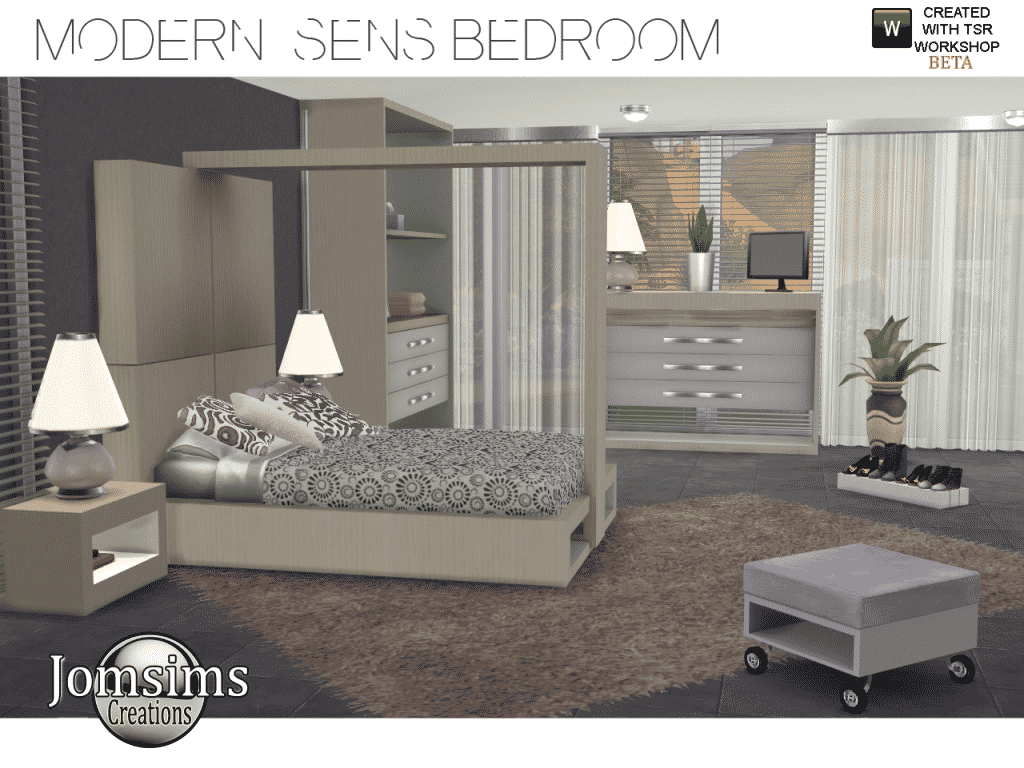
The Sims 4 Custom Content: Modern Sens Bedroom
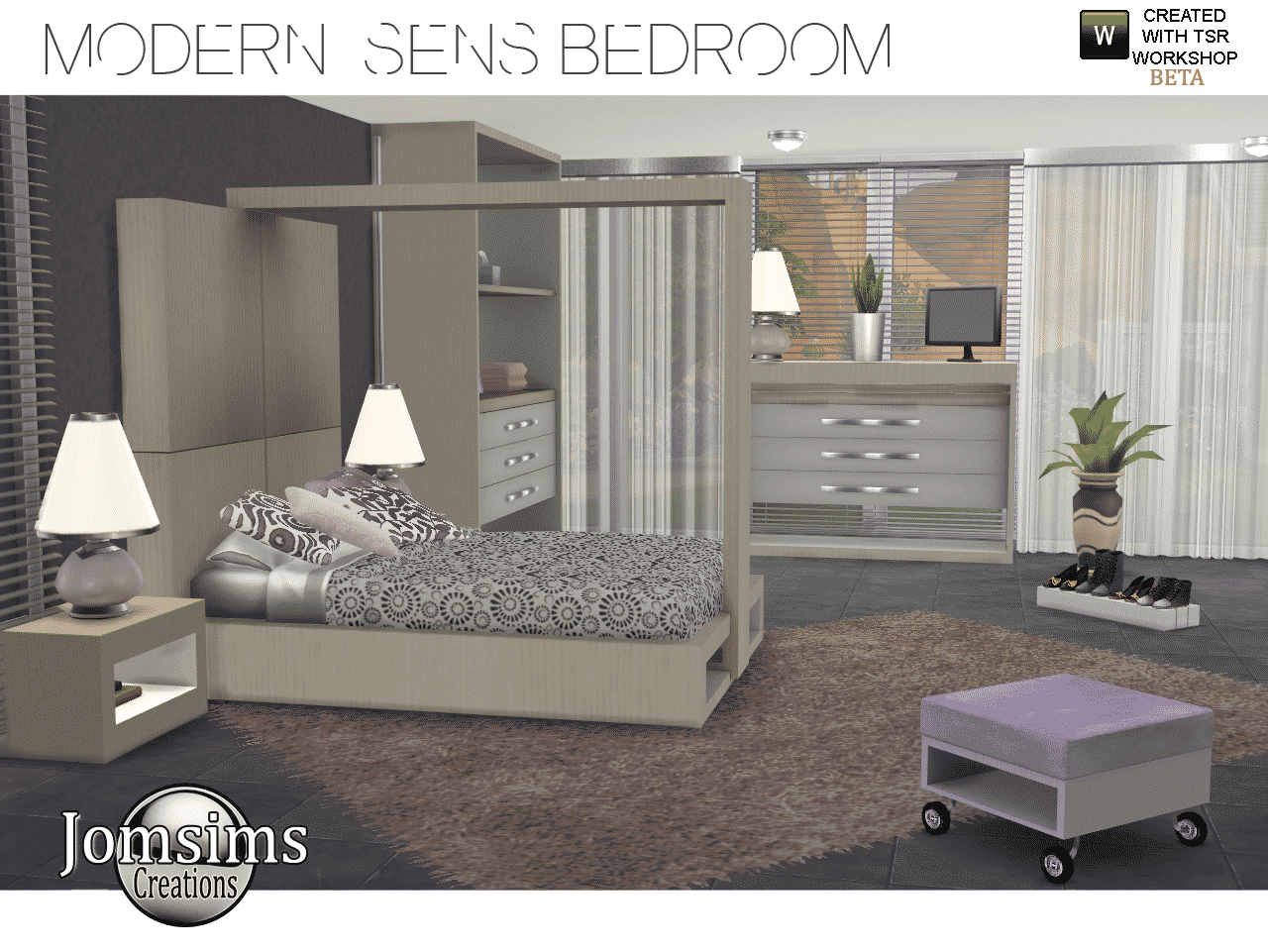
This Set has been brought to you by jomsims!
Click on the picture below to download this Set!
Click Here for more information on how to install Custom Content!