


Want to Resume right where you left off and skip through an additional Loading Screen? Now you can!
The Sims 4 had a brand new update yesterday for PC and Mac. The Main focus of this update was to breathe in some new life into the game’s Main Menu.
As you can see in the preview below, the Main Menu now features promotional graphics and text that open up through a hover dropdown. However, the important change done with this update was on the right side of the Main Menu.
It features all of the same elements as the game did before including New / Load Game, Scenarios, The Gallery and Options.
The novelty in this update lies within the “Resume” button:

See the Katy Perry Sim on the top? Well, that’s my last played Household – and the last Sim I interacted with before I opened up my game!
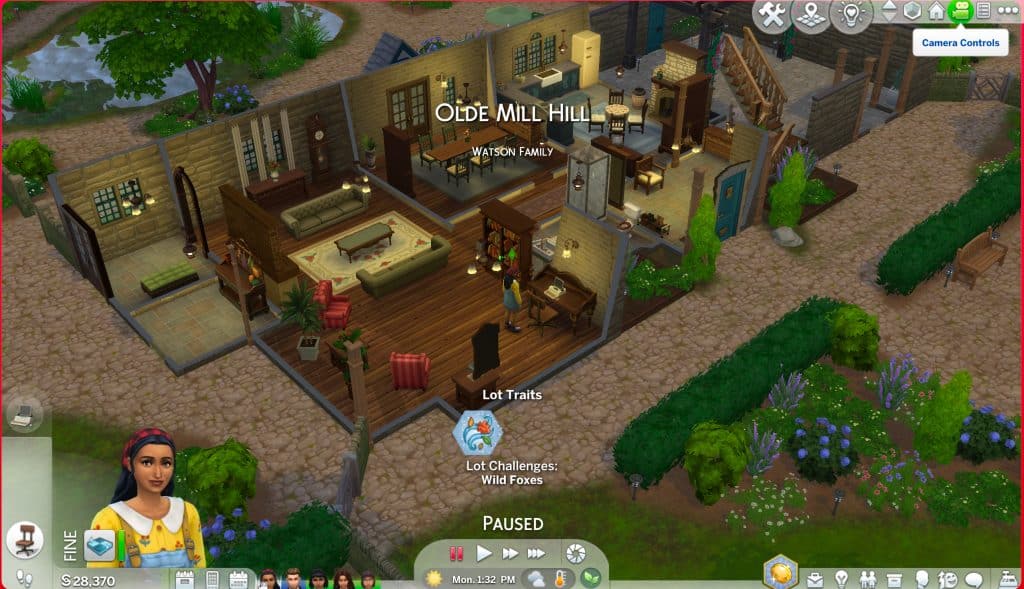
In the preview from the Featured Image I played with a different Household – the Watson Family from Henford-on-Bagley. After last playing with Rahmi Watson I saved the game and went back to the Main Menu. The Sim that was last showing on the Resume button was Rahmi.
After clicking the Resume button you’ll now be immediately loaded into the last Sim you played during your last play Session you saved. This will trigger a loading screen…

…Which will then immediately take you to the Sim you last played!
The Resume button lets you jump straight into your last session. This cuts down the extra loading step you get from Loading a Game that loads up Manage Worlds, makes you select your last Household you played and then load up the game again until you’re in Live Mode.
The functionality that takes you to Manage Worlds first remains the same when choosing “Load Game”. The Resume button is a new functionality that lets you jump straight into Live Mode. Which is really useful for both PC, and especially Console players.


This is very handy indeed!
Finally, finally, finally! It only took them seven and a half years, but finally they did id and saved us one annoying step and one annoying loading screen. Thank goodness for that.
this game gets uglier with every update…
I’ve never been a big fan of change but this new menu screen makes me upset. Just my personal opinion, maybe I’ll grow to liking it.
i like but i hate it like maybe add a option to go to map anyway i person doesnt play the same sim dont atm only showing one sim but i also jsut go to plain area to just build houses and i wish button for to go to map why ilike it before but maybe add a map button on the menu aswell not just have to go to a sim then map annoying i think ive check everywhere i dont seem to find it on menu click on everything so is one or not if not there maybe hsould put one in it be nice cause the ntechnically having to load twice anyway then its just whats the point?
I only have one question: How do I disable it and go back to loading the neighborhood? I rarely play the same family twice in a row and this adds extra steps to play my various families.
Also add a directly to manage worlds on current savefile function? All this does for people who don’t want to start in-game immediately is increase the amount of clicks (AND loading screens) until I’m in Manage World x2 lol, we loathe an update that doubles the amount of work you need to do before you can play the actual game