

Lots of speculation is circling around the Sims 4 and its future right now, particularly centering around the idea of The Sims 4 Royalty & Legacy being the final expansion pack in the series. While not confirmed, this has brought some disappointment among fans who were looking for new features that have long been requested outside of The Sims 4 Royalty & Legacy’s features, primarily the ability to create a band in-game and expansions on music and musicians in-game. The Sims 4 possibly getting bands has been rumored for some time, so it is not shocking at all that a modder has taken the pleas that have seemingly fallen deaf on EA’s ears and create a mod to expand the gameplay options for PC players.
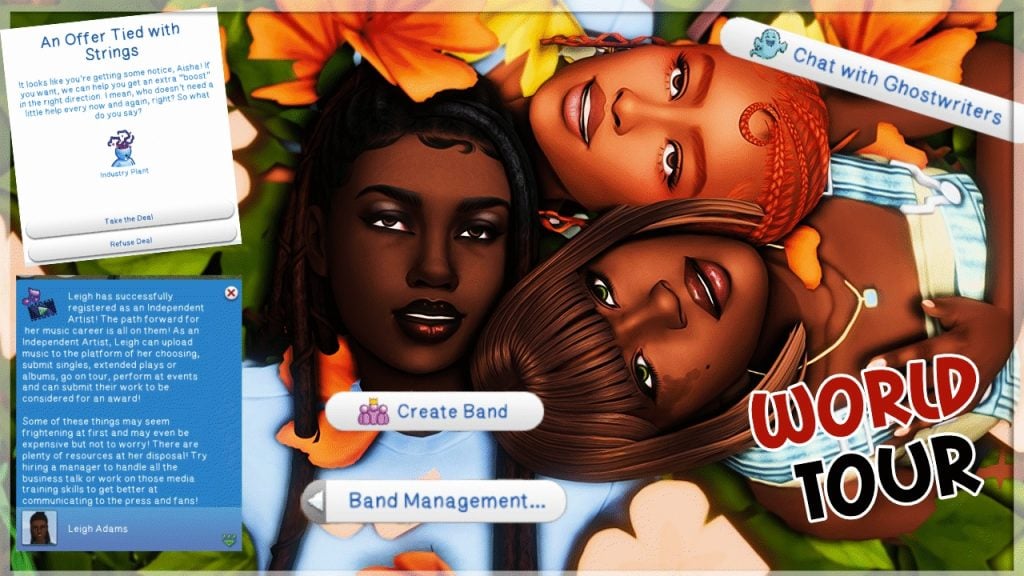
The Sims 4 World Tour mod is a core mod with an additional band-centered module by modder Thatssojordy, well-known for other gameplay mods centered around storytelling and expanding opportunities for your sims, that allows your sim to pursue a true-to-life career as a musician, independent or signed. They can also create functional bands with new storytelling features to create a long-lasting career, gain some fame along the way, and make their mark in the world.
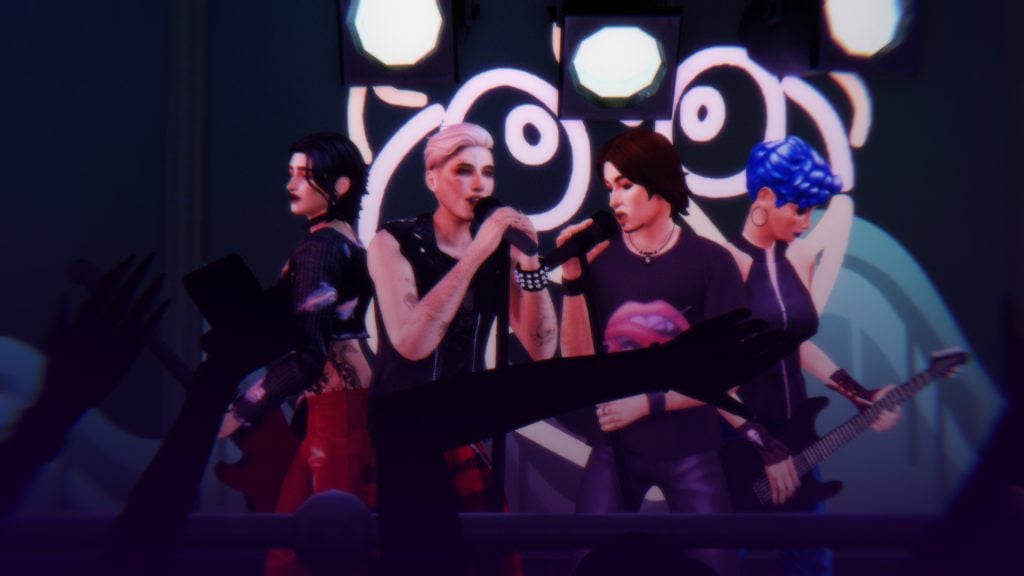
The Sims 4 World Tour Mod Guide: Main Features and Bands Module
The Sims 4 World Tour Mod & Bands Module by Thatssojordy
Meet the Creator: Thatssojordy
Thatssojordy, also known as Jordy, is a Sims 4 Modder who focuses on expanding gameplay in The Sims 4, especially focused on storytelling, your sims’ aspirations and passions, and their interpersonal relationships. Some other examples of mods created by Jordy include a mod called “Growing Pains” that adds more familial interactions and gameplay features inbetween Sims, and “Digital Romance”, which expands on features through the cellphone and social media pertaining to your Sims romantic relationships, adding more options for breaking up, hooking up, and making up!
Jordy also creates mods to add smaller features, like an “Ask to Relocate” mod to move your sims after getting a new promotion, or “Twice Bitten” which adds new moodlets between vampiric sims and the sims they choose to drink from.
Install Instructions

Please review our Mods & CC Installation & Maintenance guide. For those with a bit more experience who may need a reminder, a simplified version is…
To add the items to your game on Windows, follow this folder path:
C:\Users\[USERNAME]\Documents\Electronic Arts\The Sims 4\Mods
To add the items to your game on MacOS, follow this folder path:
Macintosh HD/Users/User/Documents/Electronic Arts/The Sims 4/Mods
Once you’ve downloaded the files, make sure you have an extraction program installed. These can include 7Zip, Winrar, etc. After that, highlight one or multiple zipped/compressed files and select “Extract Here”. Drag the extracted contents to your Mods folder. You can also sort them into their own folders within your Mods folder, but it is recommended to not nest them too many levels deep as it can cause longer loading times, and some CC items and mods stop working when too deep within folders. Specifically, most .ts4script files will not work if nested more than one subfolder deep.
Tip: While many creators provide additional files, like .txt/ReadMe, .jpg/.png files, and more possible file types for previews or instructions, it is best practice to not put those into your Mods folder as they can also lead to longer load times and excessive clutter. Creators will often specify any files that need to be put into the folder, along with where, so primarily focus on .package and .ts4script files!
Mod Requirements

Lot 51 Core Library
Lot 51’s Core Library is a REQUIRED mod for the installation of The Sims 4 World Tour Mod, but also for many other script mods. For players, this mod does not do anything without accompanying mods by Lot 51 and other creators. Per Lot 51’s page:
Core Library is a dependency for many mods to add gameplay functionality without overriding each other. It helps reduce conflicts and the need for redundant scripts.
Pack Requirements
REQUIRED: The Sims 4 Get Famous
OPTIONAL: The Sims 4 High School Years
OPTIONAL: The Sims 4 Discover University
World Tour Mod v2: Core
This is the structure and bones of the entire World Tour mod, with the module “I’m With The Band” being additional features that are not inherently required. However, this does mean that this core part of the mod is required to be able to use the features added with the module “I’m With The Band”.
This section of the mod has a particular focus on the experience of a rising solo artist, with v2 introducing the ability to be an independent or indie artist, without strings attached to a record label or long-term contracts. You have multiple avenues for performances, gaining fame, and spreading your music to the world, as well as multiple pieces of storytelling features to make the player feel more connected to their Sim. You can select the genre of music your artist creates, if they’re in a new era of their career, if they’re favored or disliked by the industry, and many other unique gameplay features added to make the story detailed and generally in-depth.
Getting Started As a Solo Artist
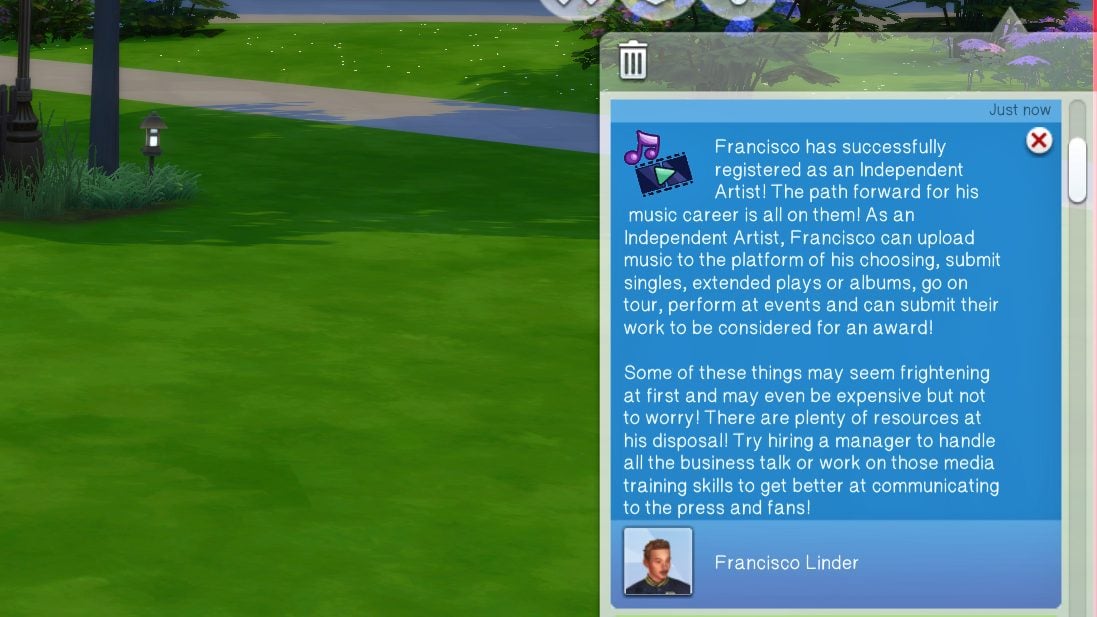
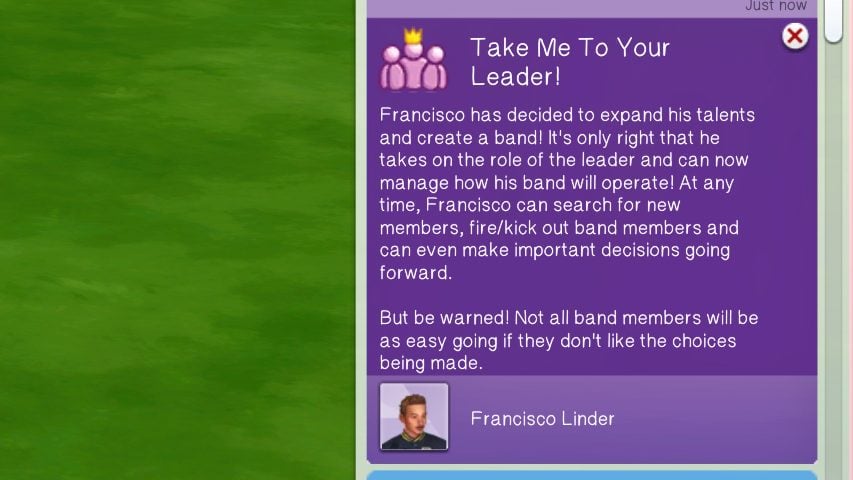
Whether you plan to start a band and gather a group of fellow musicians, or strike out on your own, you need to start in the same place; Registering as an artist! Solo artists can register as independent, focus on becoming a songwriter, or get signed to a record label, with pros and cons for all three options. After that, you can pursue a solo career and keep yourself front & center, or work with others around you to create a unique sound and form a band, long-lasting or not.
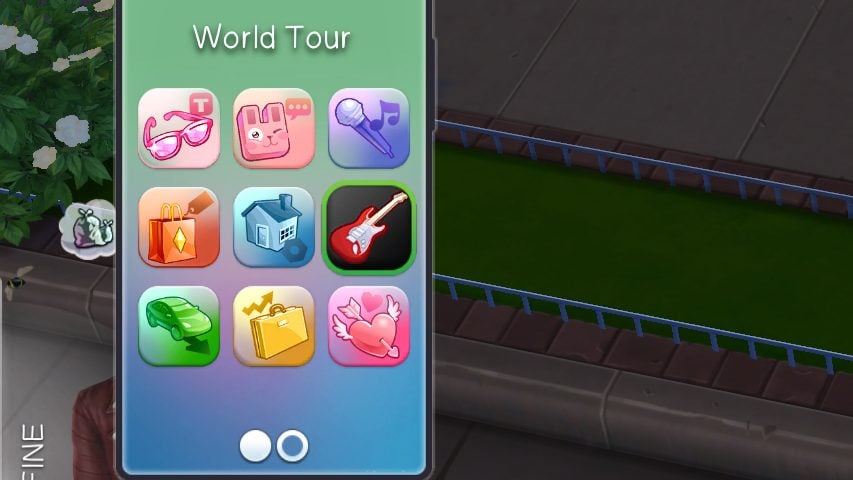
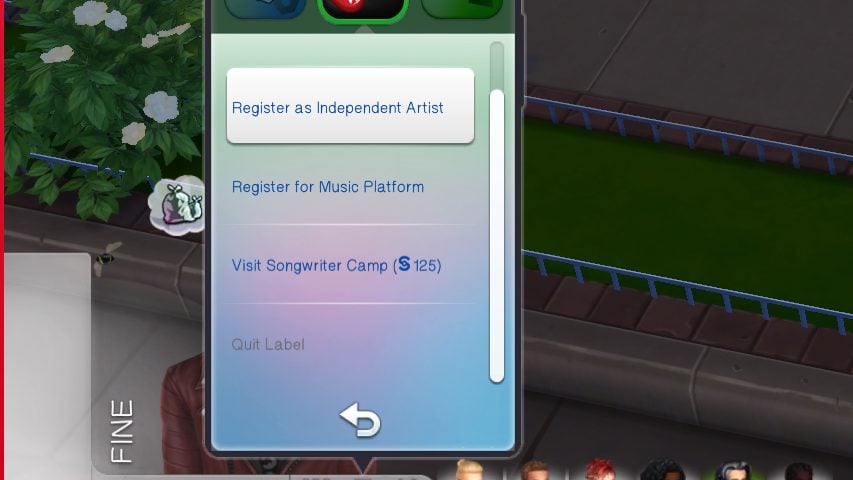
To start as a solo artist, use the “World Tour” app on your sim’s cellphone (The icon is a guitar), and register as an independent artist. You can also register under a record label and sign a contract, but that typically requires and offer and more work than starting out as an indie artist, though they both have their perks and drawbacks!
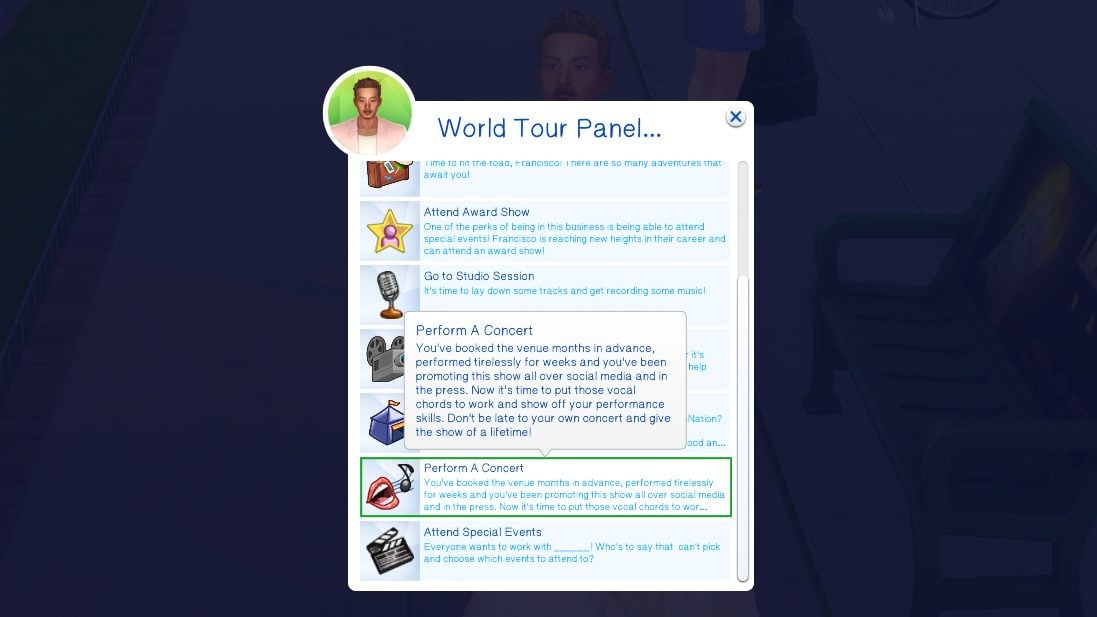
Once registered, the new “World Tour” panel gives your artist all the opportunities to pursue their dreams; Planning huge concerts, recording new music and building their discography, going on tour, etc. However, the question of funding and who is planning to fork over those simoleons is still on the table…
Independent or Record Label?
Whether you want to stick it to “the man” and make it big without the help of a contract and corporate connections, or you’re hoping to get in front of the right person and get a leg up, there’s multiple avenues for pursuing a career as a singer, songwriter, and musician.
If you choose to be an independent artist, your Sim will begin from humble beginnings, particularly in the financial department. Your sim will have to grind and work hard, signing up for music services and uploading their own music there. They can still attend all the fun events, but a lot of the larger activities will require them to fork over their own money, and many will be unavailable until they reach a certain level of fame.
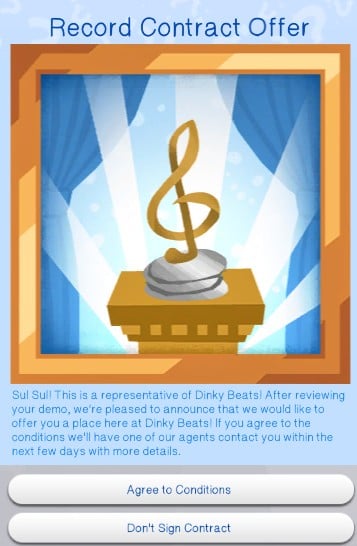
On the other hand, a record label standing behind you to help you make connections can be incredibly helpful; You have more opportunities and typically gain more fame in the beginning. However, it is very easy to accidentally anger your record label for a multitude of reasons, possibly leading to being put on probation or losing the deal altogether. You also have to wait for decisions on behalf of record label executives, instead of being able to push the button and move everything forward yourself.
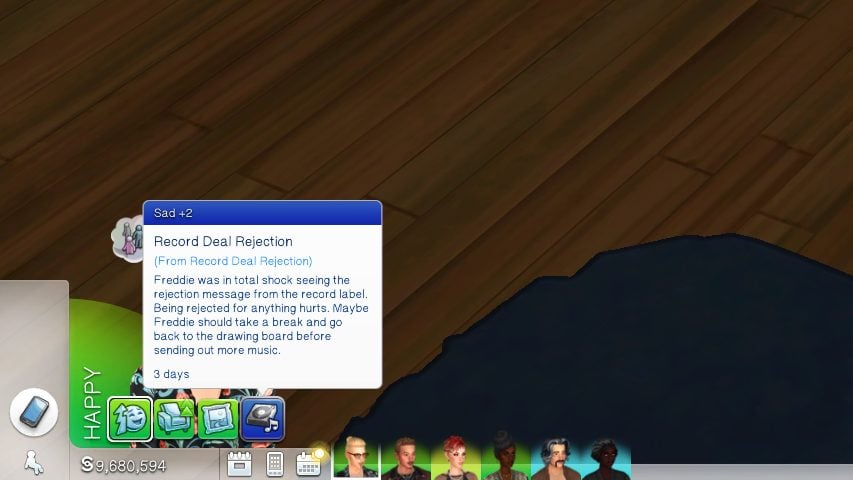
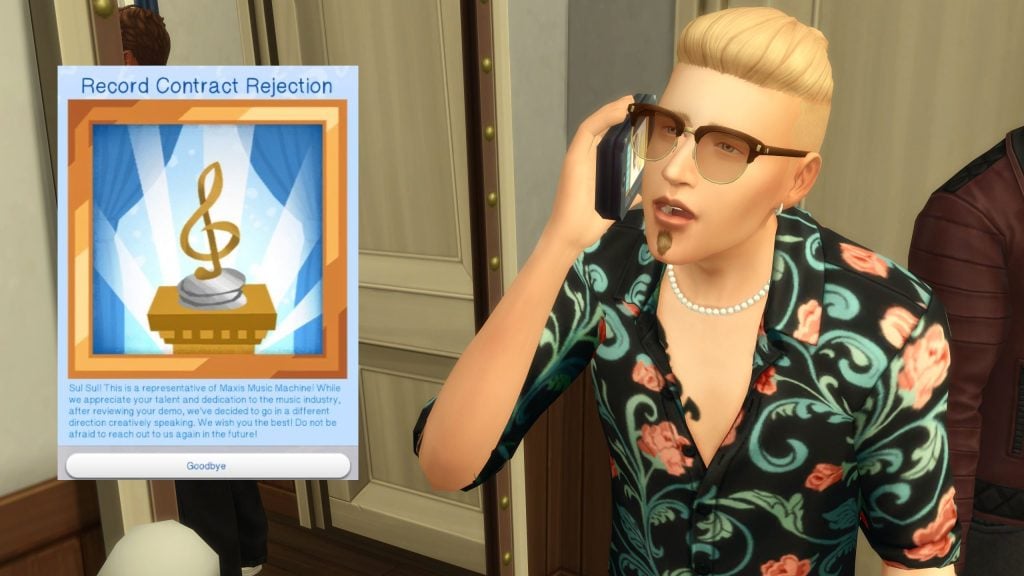
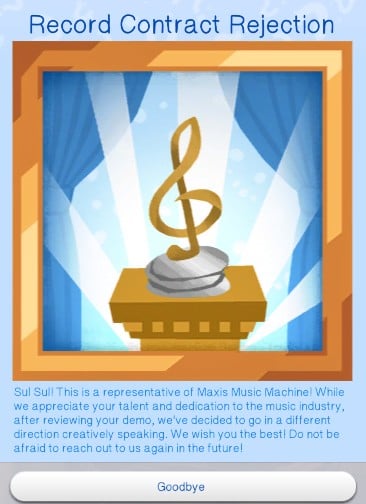
Since record labels have connections, they also often require that you have a semblance of talent or fame before you’re offered a deal. After submitting some demo music to a record label of your choosing, Sims will receive an offer or rejection letter. A sim’s fame, songwriting or instrumental skill level, singing level, etc., will all dictate how these go. If your sim is rejected from their deal, they’ll have a sad buff for a few days and will be unable to submit more demos until they move on.
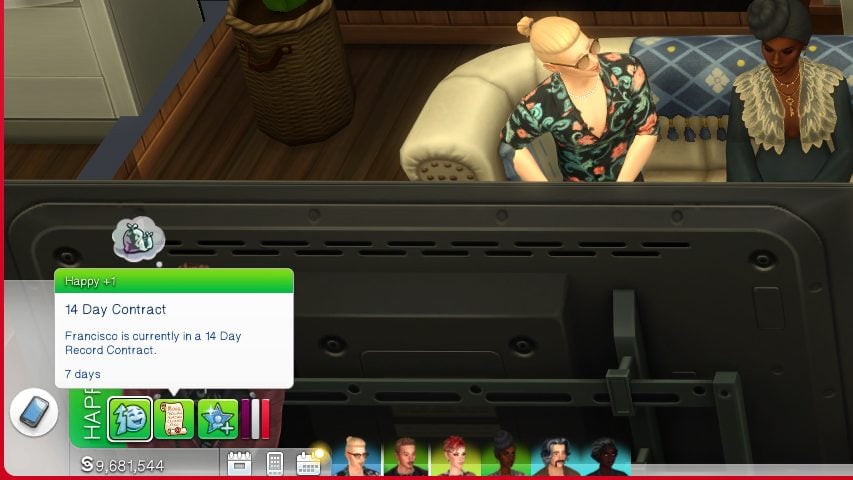
Once you receive a record label deal, you can choose to accept or turn it down, as well as how long your contract will be. Your sim will have a small happy buff that will count down to your contract ending, as well as reminders for when you need to attempt to renew said contract. Contracts can be 14 days, 21 days, or 28 days. Just be careful; It can be hard to leave your own contract without paying a hefty sum of §5,000, or you can get dropped by your label and your contract ended early.
Industry Plant or Industry Darling?
Two new traits, can be added in CAS or in-game. Evil & Mean Sims cannot be Industry Darlings, Good sims cannot be Industry Plants. Sims can also get opportunities to become either, and they can also remove the traits using aspiration rewards if they should decide to.
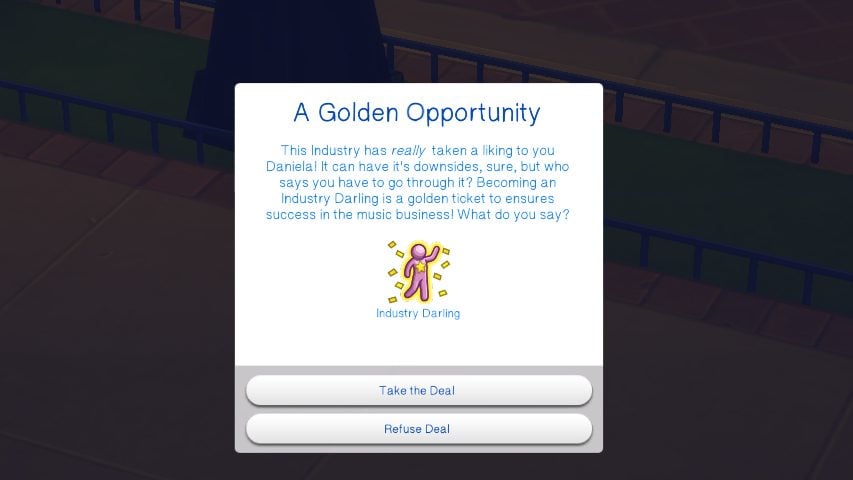
These Sims are beloved by fans and general audience alike! Their music captivates anyone who listens and their success is from hard work and determination! Sims just love these Industry Darlings and want to show genuine love and support anyway they can! – The In-Game Description for the Industry Darling Trait
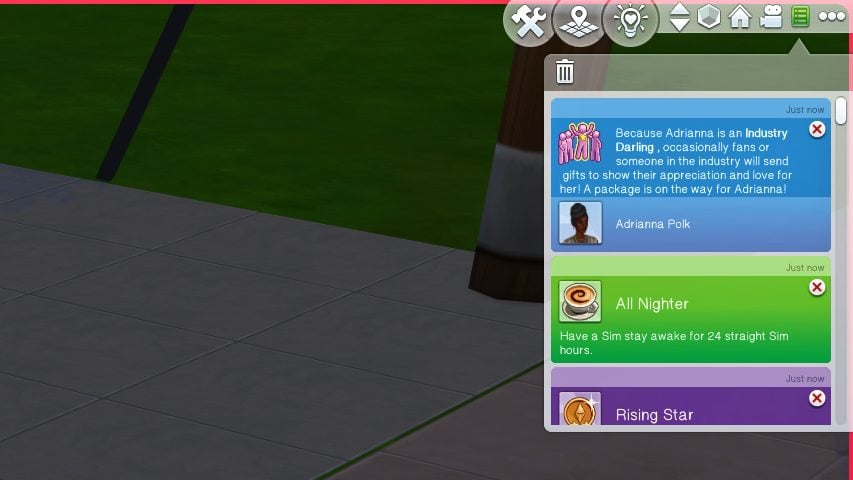
Industry Darlings can become famous quickly, and gain adoration of loving fans just as fast. They can receive gifts in the mail from their fanbase and are truly the star of their show, with their shining personality and charisma at the heart of their fame.
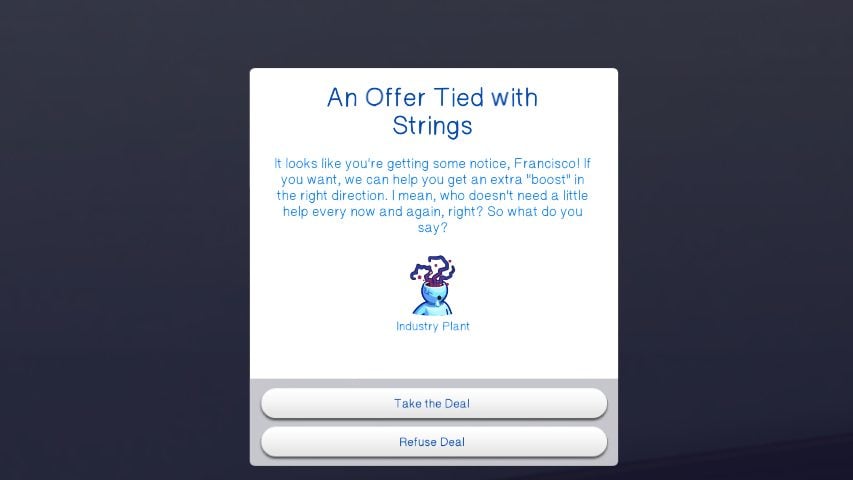
Industry Plant Sims have an incredible boost in popularity and overall success in the music business. So much success, there are rumors that these sims careers are being designed and influence by major record labels (secretly) but those are just silly tabloid rumors, right? – The In-Game Description for the Industry Plant Trait
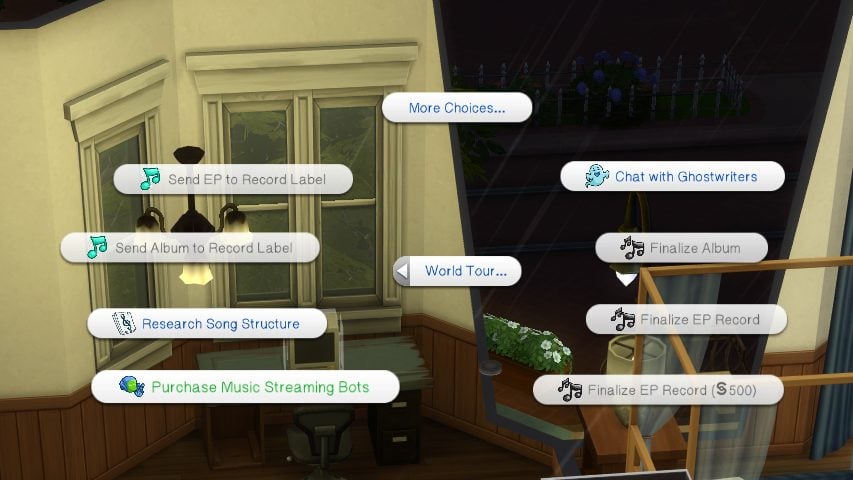
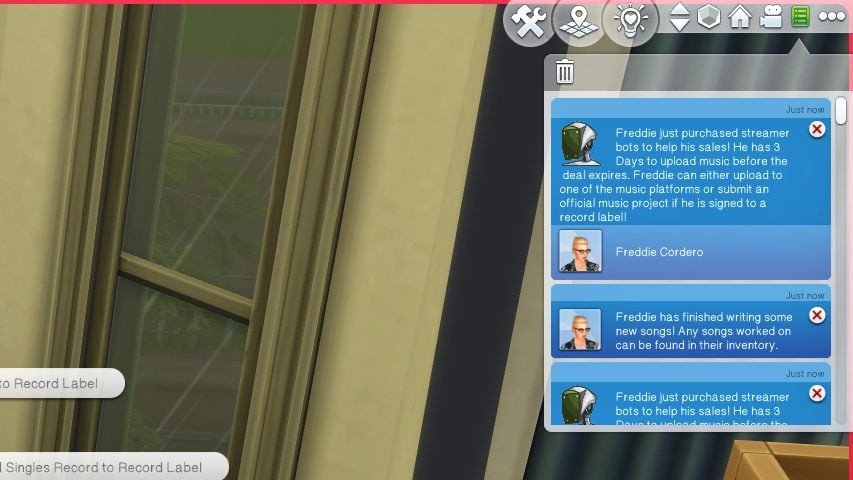
Industry Plants, on the other hand, are here for the fame and success, no matter how they get there. Leaking private information to online blogs, purchasing streaming bots, and other scandalous things just to get one step ahead of everyone else. These sims feel little to no shame for their misdeeds, and typically only reflect on them with heavy backlash or extreme fan loss.
You don’t have to pick these traits at the start for your Sims to become them either; During the course of their career, different opportunities will pop up to allow your sims to become Industry Plants or Industry Darlings, typically with a small explanation as to why or how. Your sims can pursue these avenues, or reject them outright.
The Music
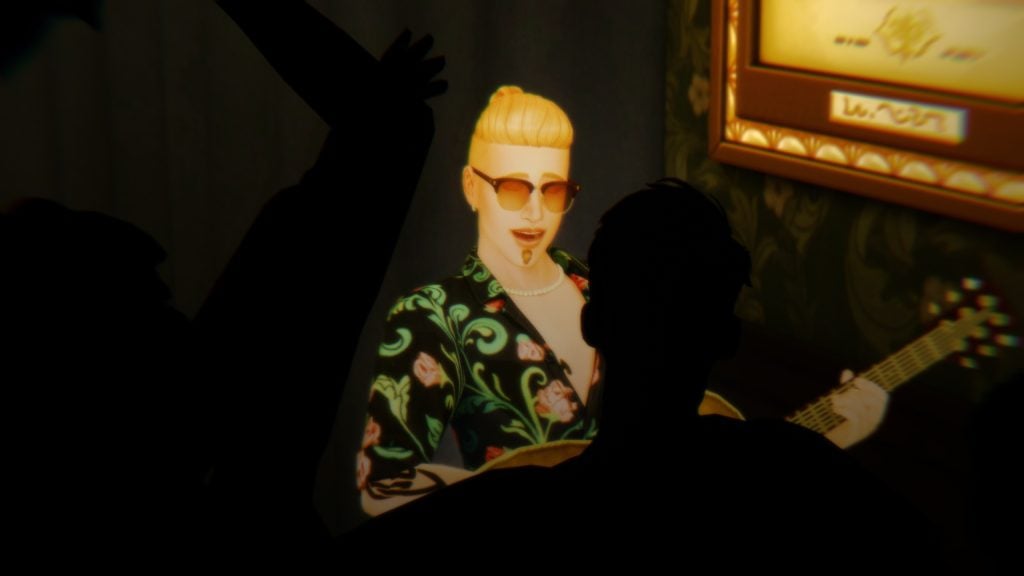
And this is typically why most Sims (and real world people!) pursue a career in music, whether as an artist or songwriter; A love for music. Whether your Sim has the Music Lover trait, a creative passion, a high skill in a certain instrument, or you really just want them to pursue it, music is at the core of this mod. Sims can now develop a skill for writing songs instead of relying on individual instrument skill levels to be able to write songs.
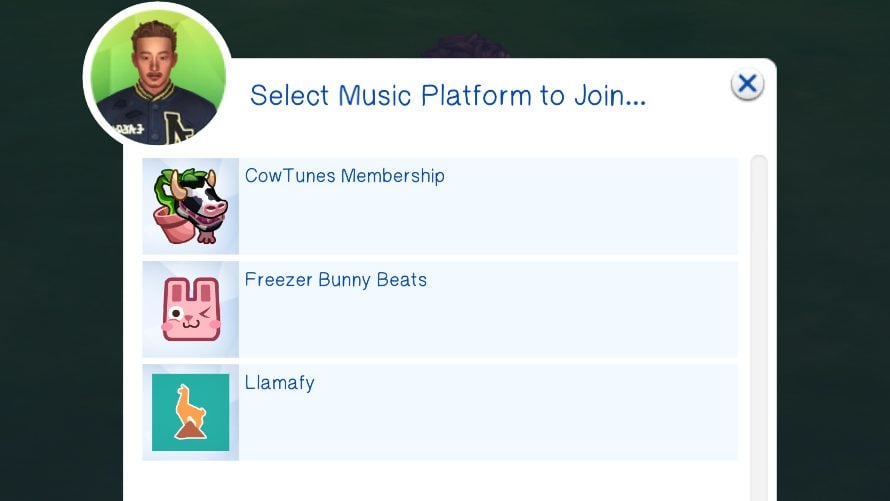
They can now sign up for specific music platforms to stream their music under. They can change the perception of their music and discography using the new “Music Eras” feature, and they can show up and show out by planning shows for rabbithole concert venues and music festivals, creating a hopefully amazing experience for their adoring fans!
Although, just like real life, not everything turns out the exact way you want it to!
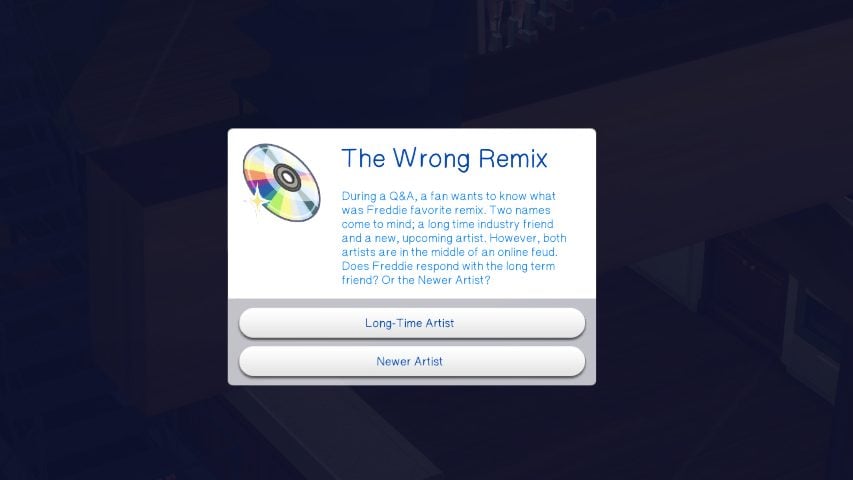
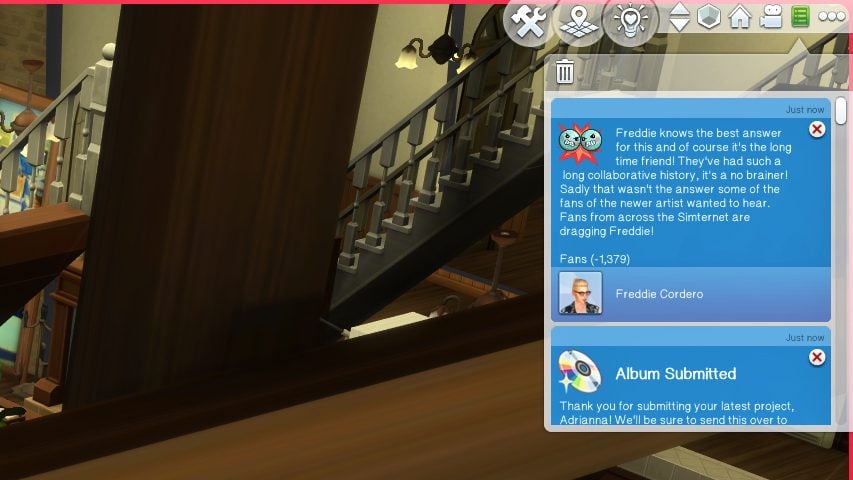
You will receive chance cards while your sim attends events, whether they are at a small rehearsal or they’re the headliner for LlamaPalooza. One wrong choice, like calling out your music Rival or snubbing an adoring yet annoying fan, and you can lose thousands of fans in a split second. On the flip side, you can also gain thousands of fans if they happen to like what you’re doing. They can be very fickle!
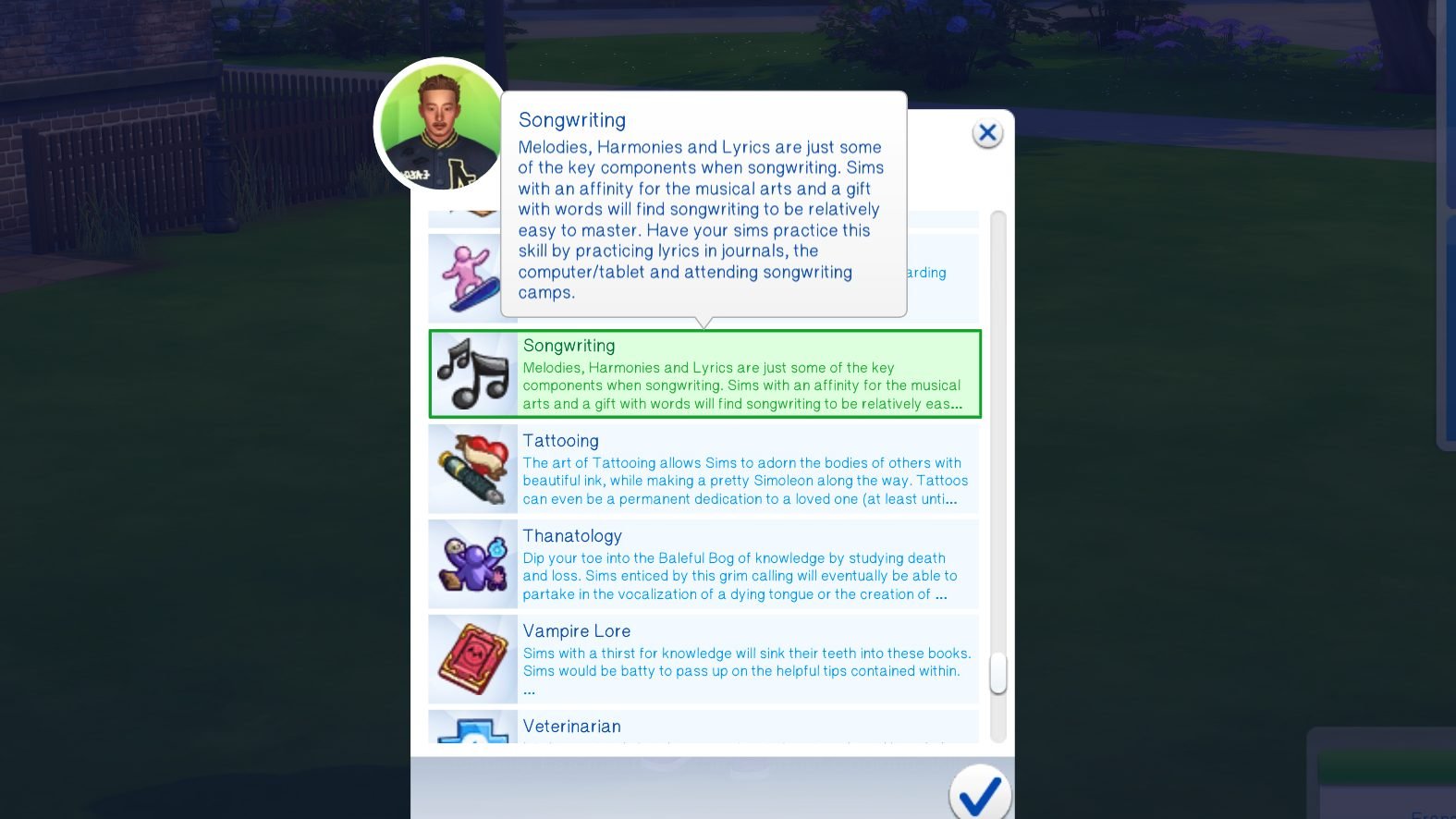
The New Songwriting Skill
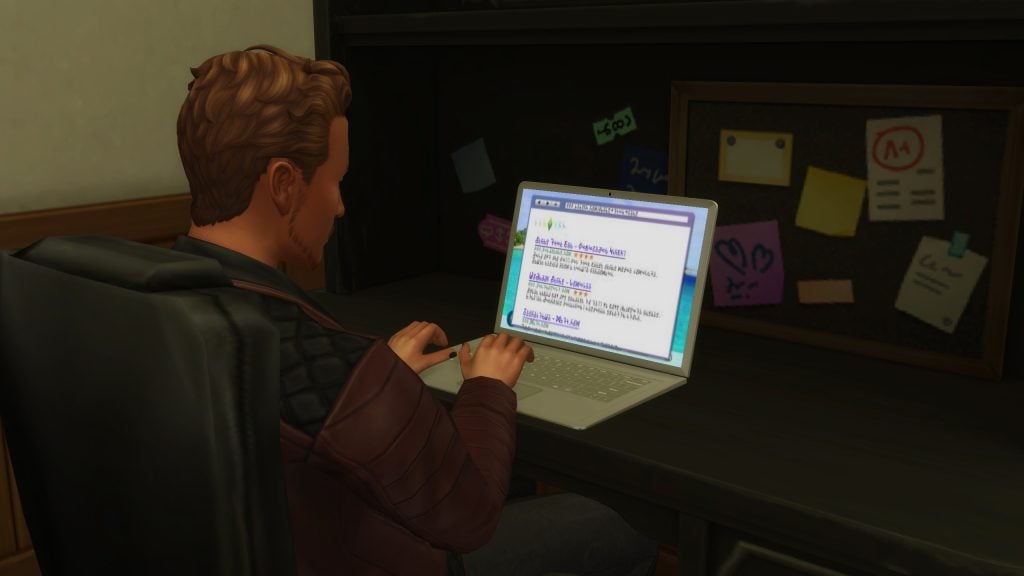
The new songwriting skill is five levels and easy to break into. Sims can attend Songwriting Camps for a fee of §125 and practice writing music on the computer under the World Tour menu. They can also actually write music, producing tracks every session that can be compiled into an Album or EP Record.
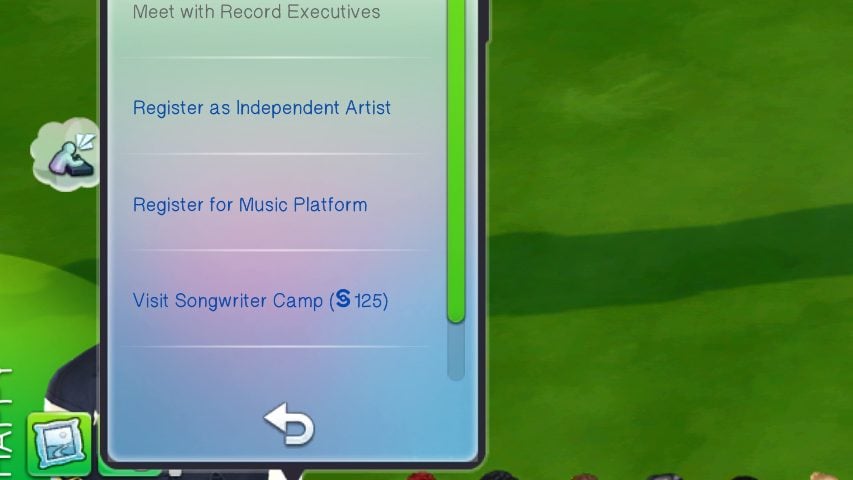
The higher the songwriting skill, the more recognition and fame your sim is likely to receive when releasing new music, and they also gain more options for practicing the songwriting skill. They’re also more likely to receive exclusive promotional offers, record deals, award nominations, and event invites.
Music Platforms
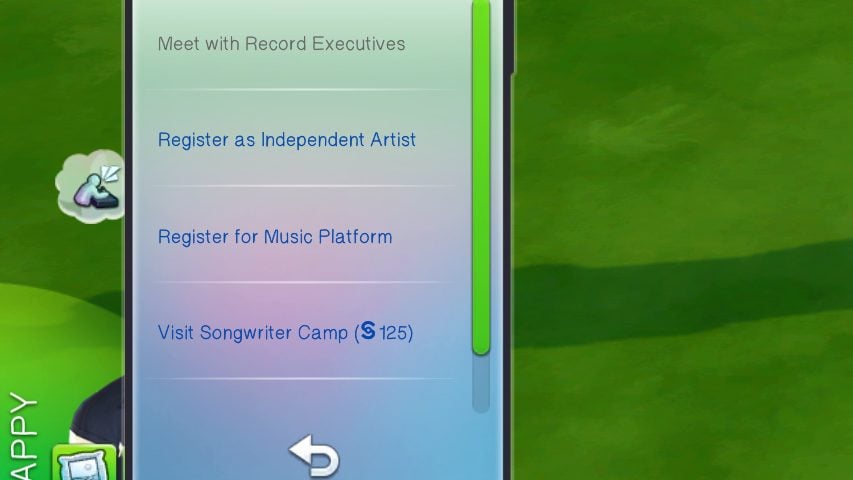
Sims using music platforms can use them to connect with their fans through a fan page, allowing them to livestream, update their fans on new work or their life, and make exclusive things to share with their fanbase. They can also use this to upload music when acting as an independent artist.
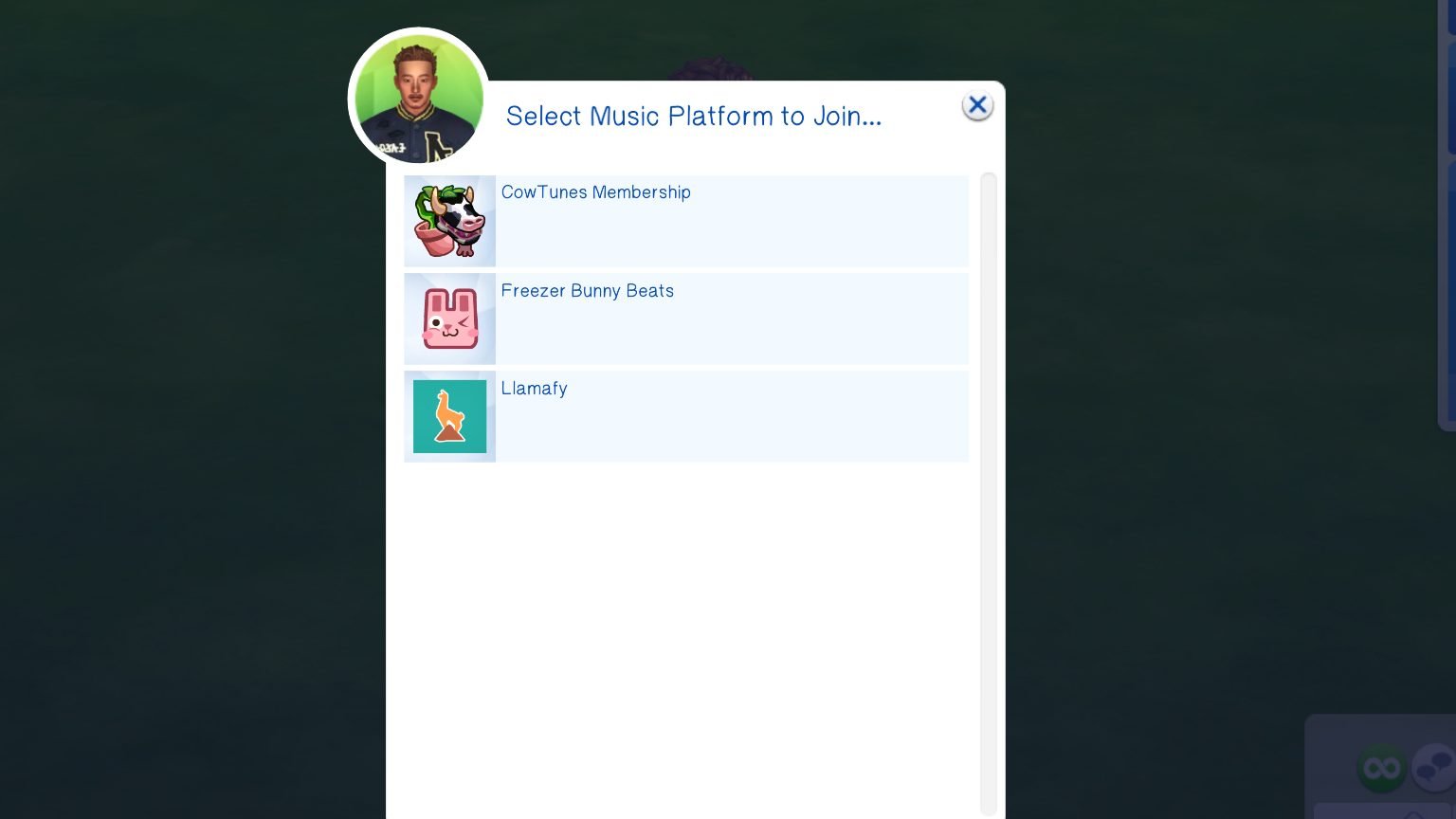
CowTunes Membership
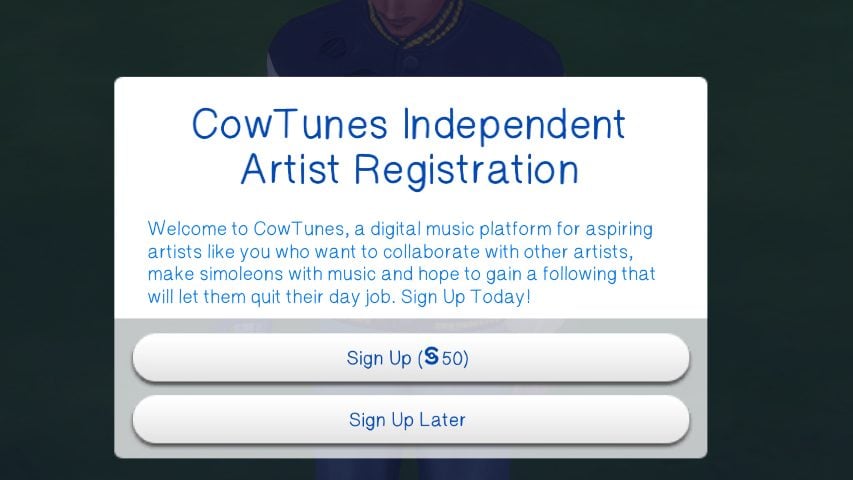
CowTunes is a music streaming platform designed for artists getting their foot in the door. It has a low sign-up fee of §50 and you can gain small amounts of fame, fans, and money from uploading music and making a fan page.
Freezer Bunny Beats
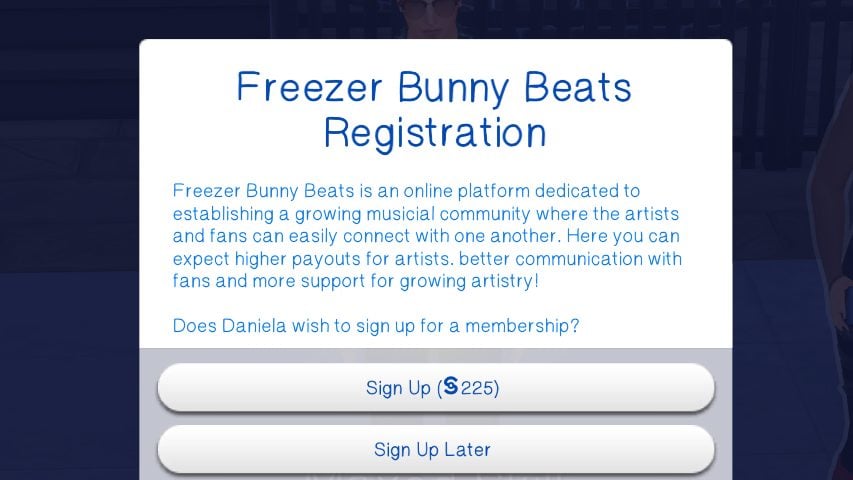
Freezer Bunny Beats is the next step up, with a large focus on the community and getting better connections and opportunities for the artists hosted on their service. The fee for joining Freezer Bunny Beats is a considerable §225 in comparison.
Llamafy
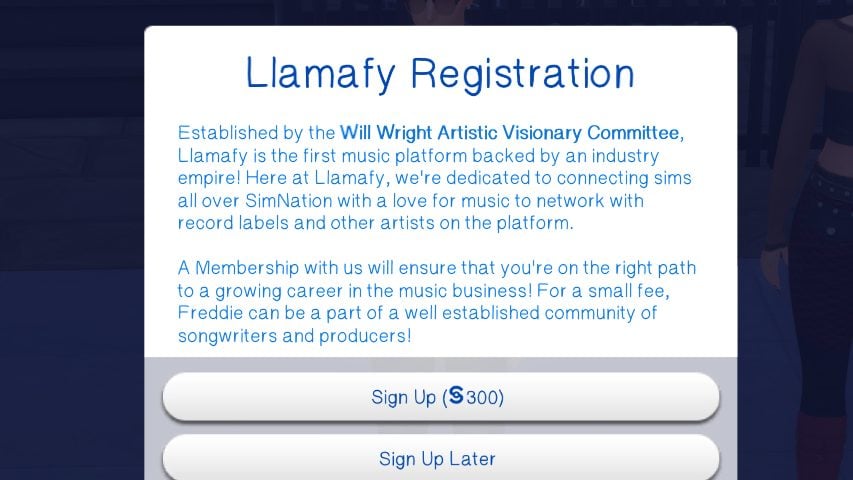
Llamafy is the most popular music platform, with lots of money, power, and executive decisions behind it. It has a focus on bringing artists deals with record labels and ensuring they get famous fast. Because of this advantage, Llamafy also has a §300 sign up fee, and artists signed to Llamafy can choose to purchase streaming bots to artificially boost their numbers.
Making Tracks & Albums
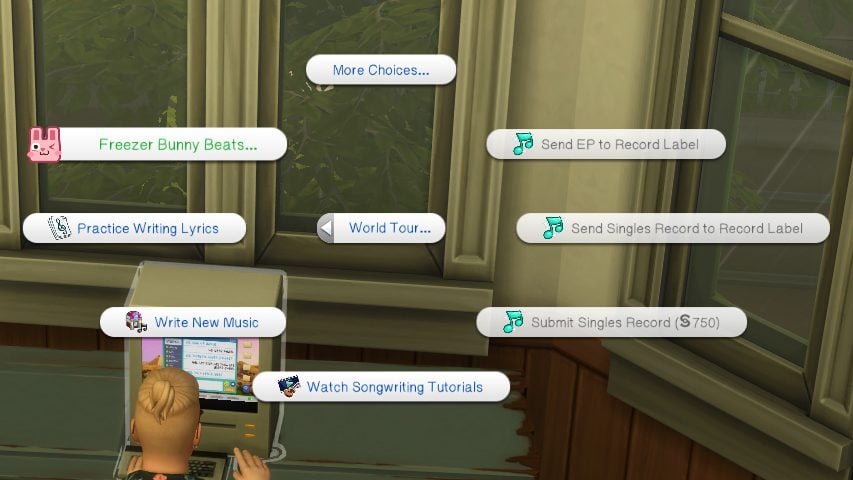
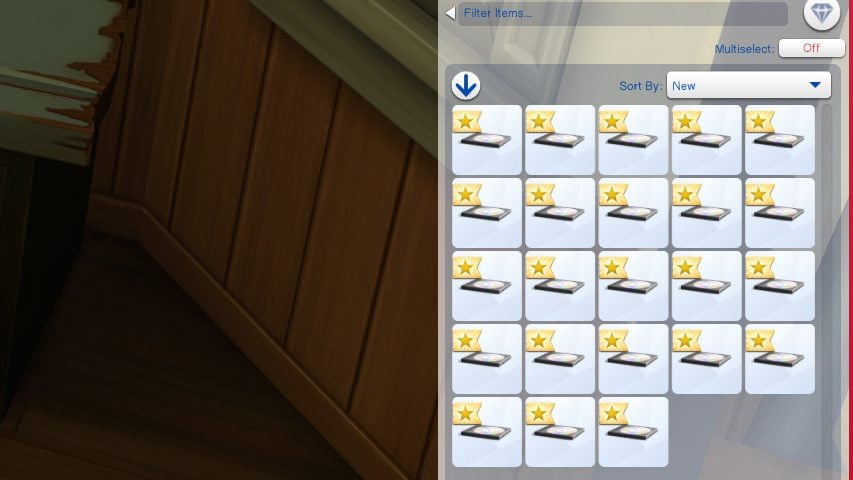
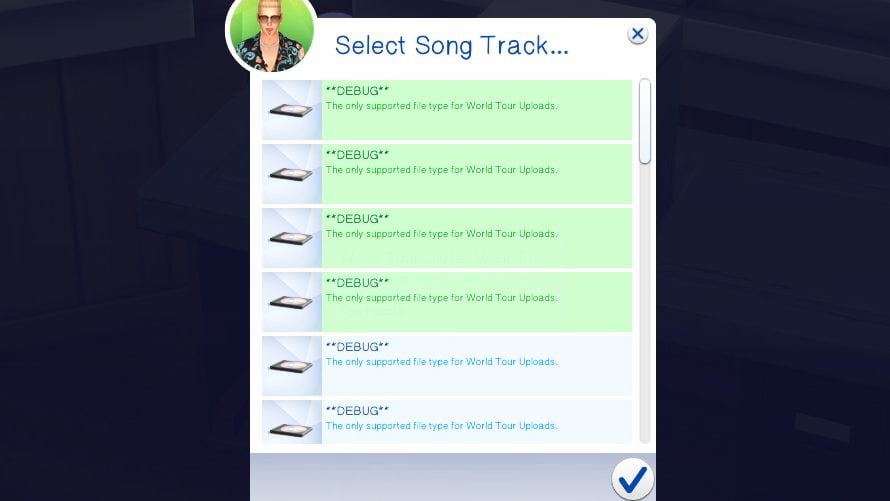
Using the computer, your sim can begin to write music. They can practice doing so, research song structures and other important aspects, or just get straight to writing. As they write, every action of writing new music you complete will give your sim blank demo discs in their inventory. Once you have 12 tracks, you can choose to Finalize Album. When it is finalized, you can choose to name it, add a description or tracklist, and upload it to a streaming service or send it directly to your label. Depending on the reception, your label will take 24-48 hours to review the album and reject or accept it. If rejected, you go back to the drawing board. If accepted, your sim will soon receive payment, and increase in streams and fame, and possibly extra rewards depending on their level and traits.
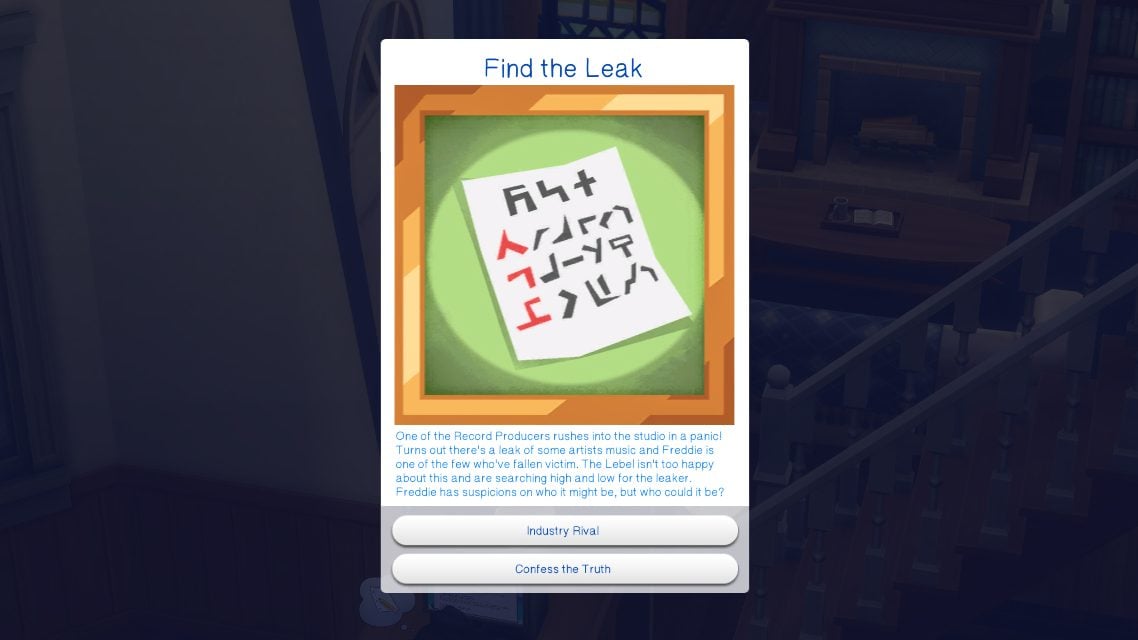
Not everything is sunshine and rainbows. For independent artists and signed artists, there’s a chance that during the waiting period or prior to submission, they can get a music leak. This can lead to a decrease in reward or fans, causes negative emotions in the sim, and can make the album feel very lackluster once released. Although it isn’t for sure, independent artists have a higher chance of their music getting leaked.
If a sim is an Industry Plant, they can also choose to Leak Private Information to publications, and while this can work well for them, it can also work out very poorly. They may be confronted by their record label if the music leaks, and while they can attempt to accuse their rival, there’s a high chance they’ll be found out and end up on Probation.
Music Eras
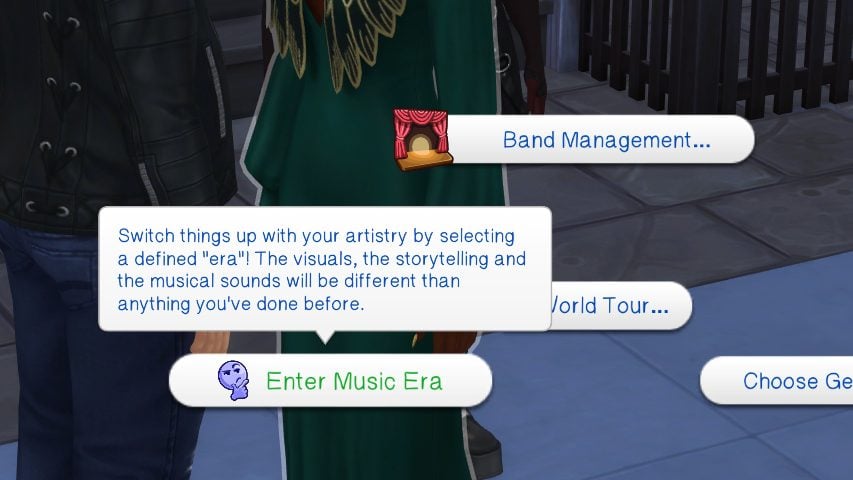
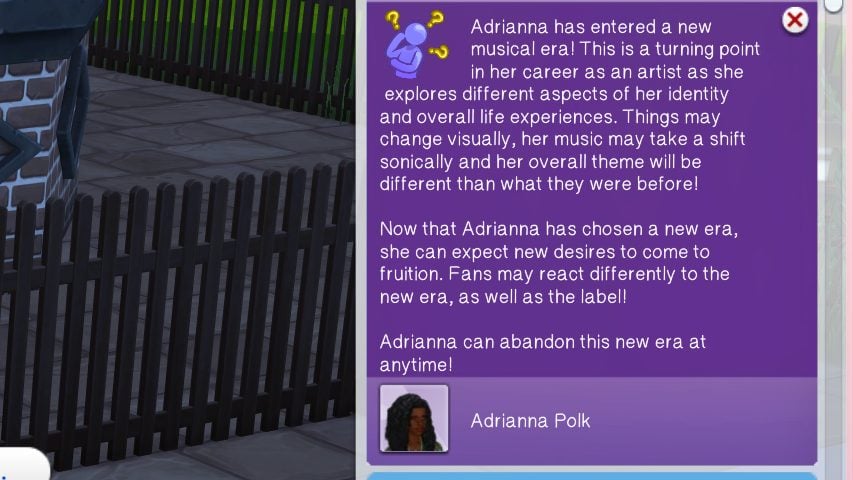
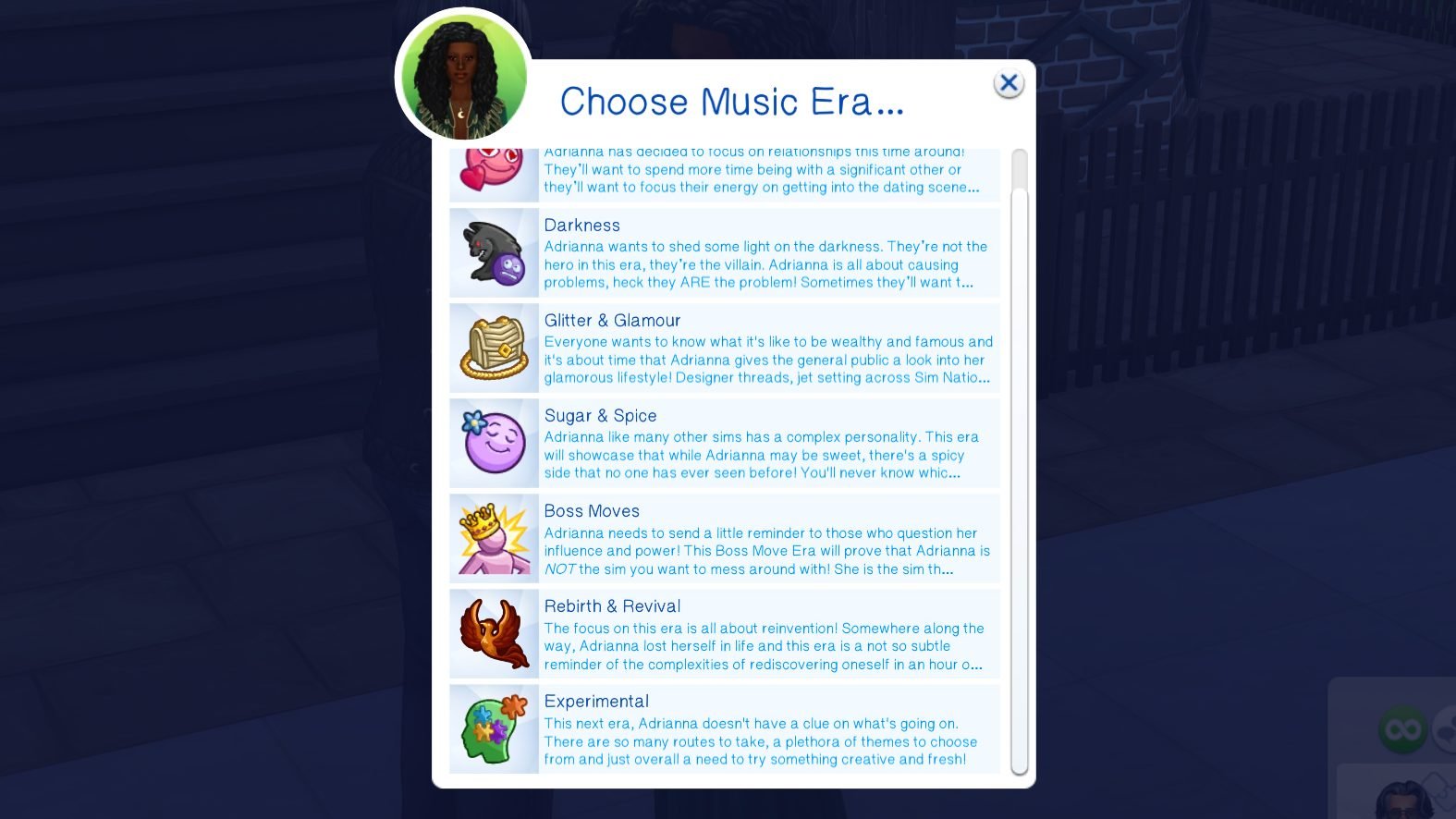
Eras of music in long-term artist discographies are huge in the last decade or two, recognizing different eras of an artist’s career to show their transformation and the passage of time over their career, often becoming more extensive or stark as artists grow older and mature. Use these eras over your Sim’s career to help guide your storytelling, either keeping your artist fairly the same over their career or switching it up based on the events of their personal life! However, eras can sway the events of your career!

Lover Sim Era
[Sim] has decided to focus on relationships this time around! They’ll want to spend more time with being a significant other, or they’ll want to focus their energy on getting into the dating scene. Or they might just want to Woo Hoo around and just have fun!

Darkness Era
[Sim] wants to shed some light on the darkness. They’re not the hero in this era, they’re the villain. [Sim] is all about causing problems, heck they ARE the problem! Sometimes they’ll want to be mean to other sims, and sometimes they’ll just be plain problematic in person or online.

Glitter & Glamour Era
Everyone wants to know what it’s like to be wealthy and famous and it’s about time that [Sim] gives the general public a look into their glamorous lifestyle. Designer threads, jet setting across Sim Nation andf buying something just because are all part of the image and [Sim] is ready to show that this life, is just as fun as it seems!

Sugar & Spice Era
[Sim] like many other sims has a complex personality. This era will showcase that while [Sim] may be sweet, there’s a spicy side that no one has ever seen before! You’ll never know which version of [Sim] you’ll get so always play your cards right!

Boss Moves Era
[Sim] needs to send a little reminder to those who question [Sim] influence and power! This Boss Move Era will prove that [Sim] is NOT the sim you want to mess around with! [Sim] is the sim that other artists look up to! Not the sim that’s looked over!

Rebirth & Revival Era
The focus on this era is all about reinvention! Somewhere along the way, [Sim] lost themselves and this era is a not so subtle reminder of the complexities of rediscovering oneself in an hour of uncertainty! Adrianna might want to get back to being who they are and it could lead to new things!

Experimental Era
This next era, [Sim] doesn’t have a clue what’s going on. There are so many routes to take, a plethora of themes to choose from and just overall a need to try something creative and fresh!
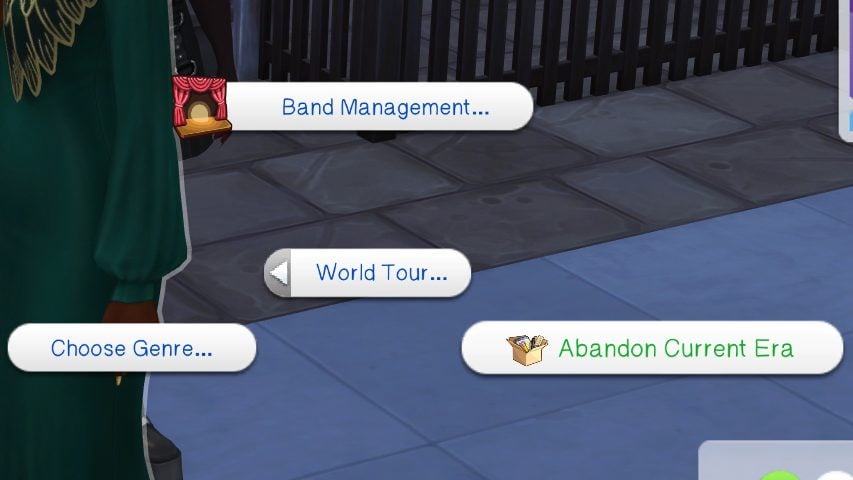
If you don’t want to “be in an era” anymore or want to change your Sim’s era, it is as simple as using the same section of the pie menu to abandon the era. While eras are mainly for storytelling, they can change your career and social standing in both good and bad ways. If your sim announces their new era online (through the phone or computer), both positive AND negative changes can influence their fan count, fame, reputation, their signed record label, and more!
Another thing to note is that while it is not a current feature, Jordy does plan to add custom wants for each era in the future!
Concert Venues and Music Festivals
Over your Sim’s career, new opportunities will open up for their exposure and for new events and venues to perform at! Instead of just hosting a concert, you can now choose from different venues and festivals to perform at, with certain ones only being unlocked by fame level.
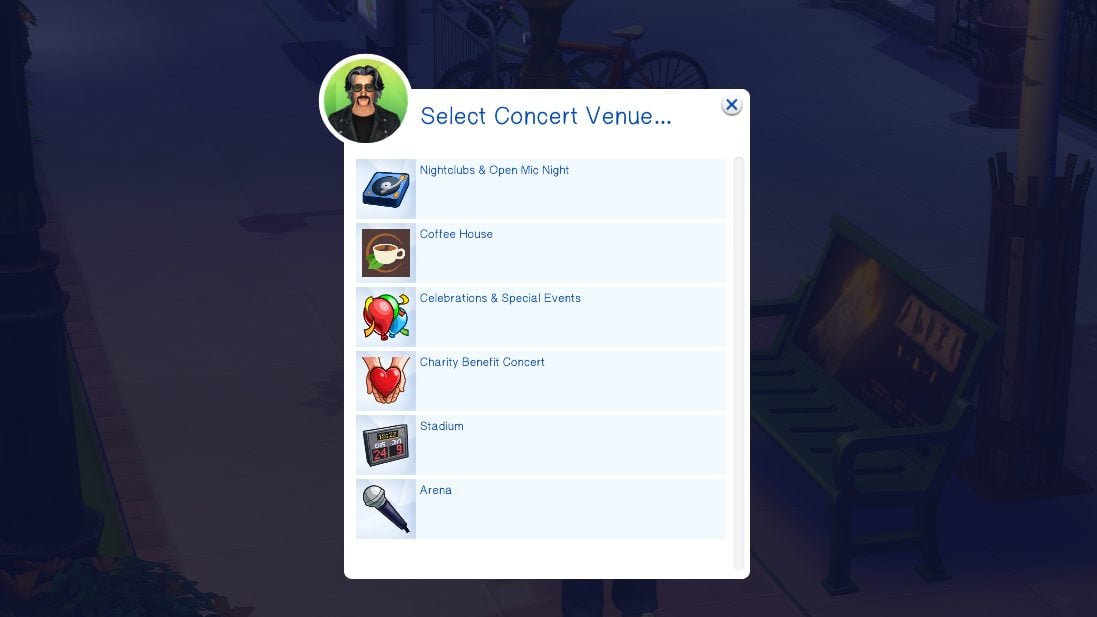
When your sim first starts out, they will have access to concert venues and festivals to attend a perform at to grow their fame and fanbase, but they will be fairly limited. For concert venues, Sims typically start with Coffee House concerts and Celebrations & Special Events, think birthdays and weddings. As they grow, they’ll be able to schedule and sell out Stadiums, Arenas, and begin a residency somewhere so long as they are signed to a label!
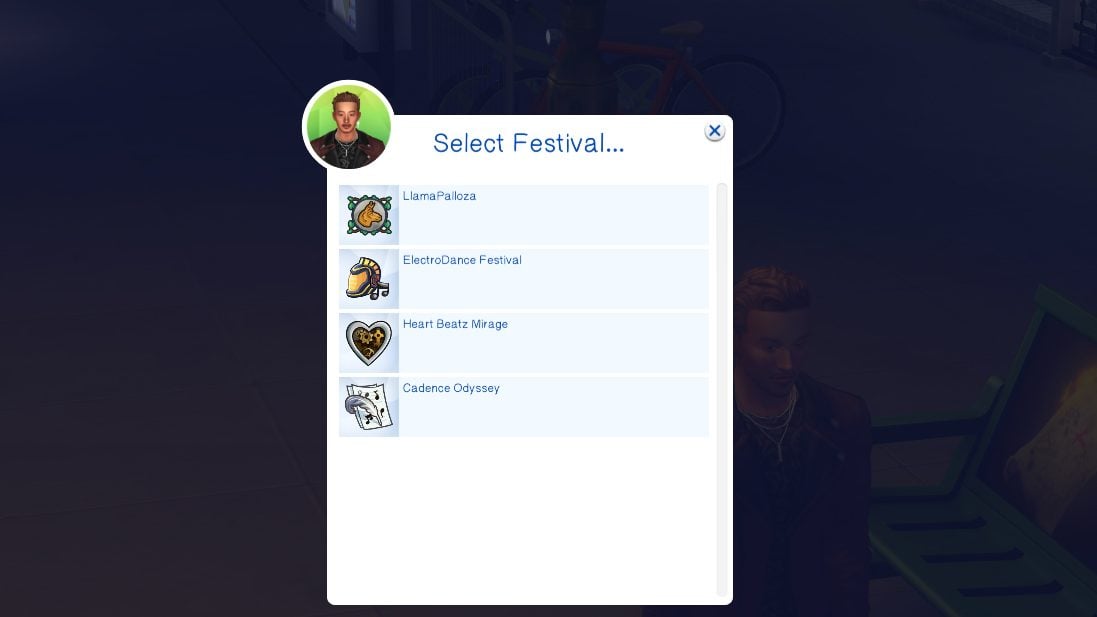
For festivals, Sims can attend a variety with larger, more expansive, and well-known options appearing with higher fame and skill levels. LlamaPallooza and ElectroDance Festival will show first, but Sims can progress and be able to access Cadence Odyssey, Heart Beatz Mirage, and even Simchella!
World Tour Mod v2 Module 1: I’m With The Band
Creating a Band
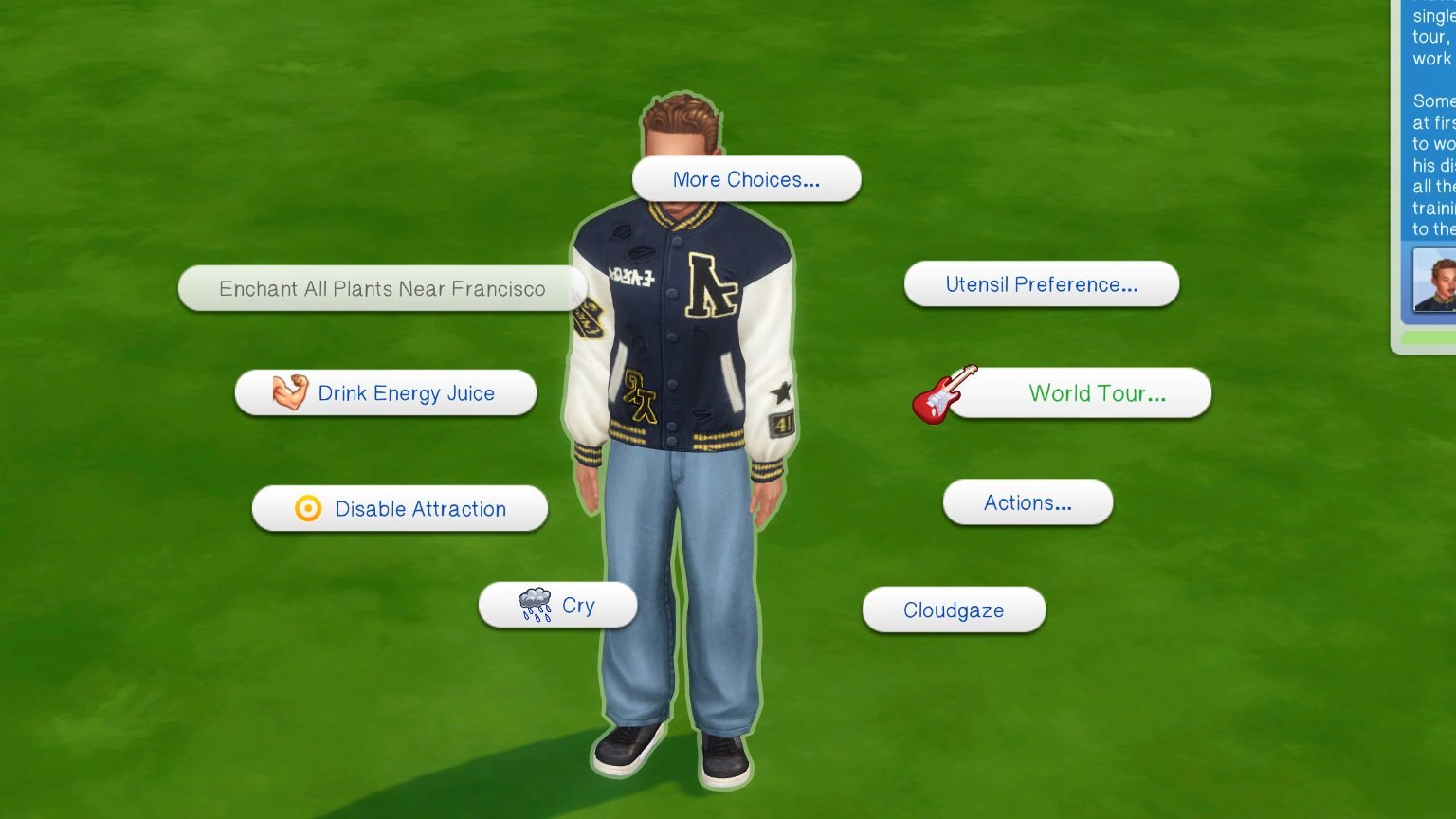
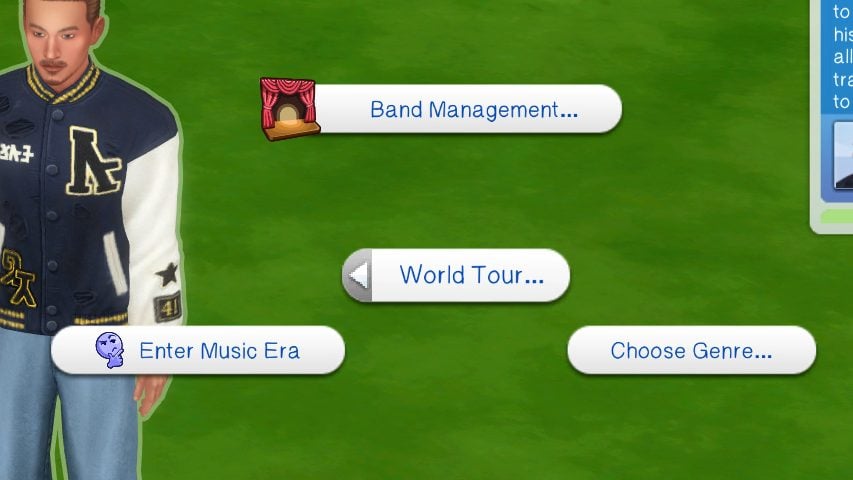
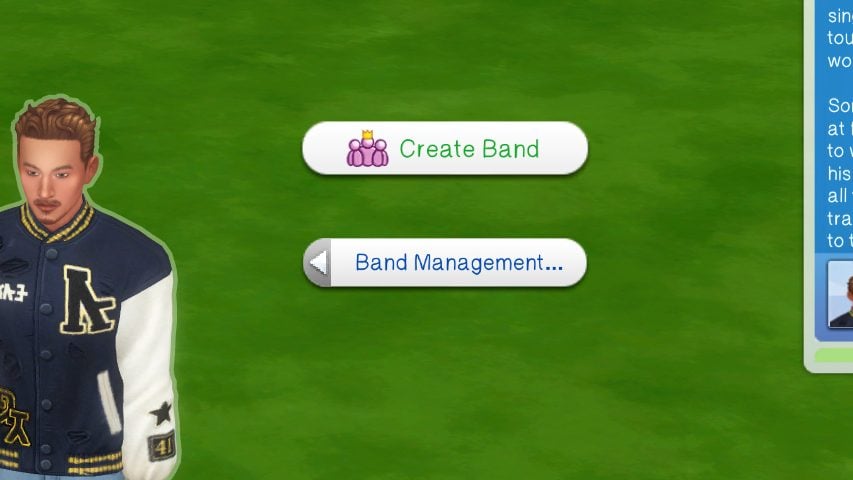
Flying solo not working out, or do you feel you do your best work on group projects? Try forming a band! You can invite artists you already know to join your band, or you can put out feelers and invite existing artists directly, and from there, it is up to you to lead as the de facto leader of the band!
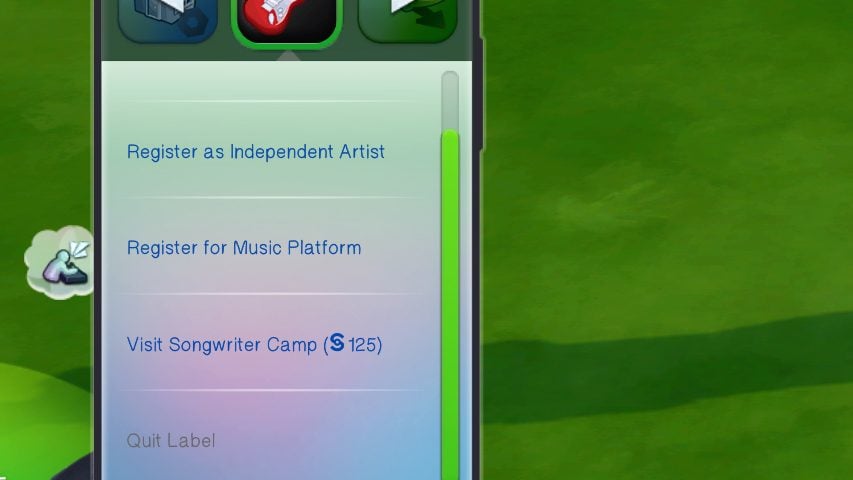
To even start a band in the first place, you must register your sim as an artist. They can either be an Indie/Independent artist, which is very easy to get started with, or they can be a signed artist under a Record Label.
Band Management
Getting Members
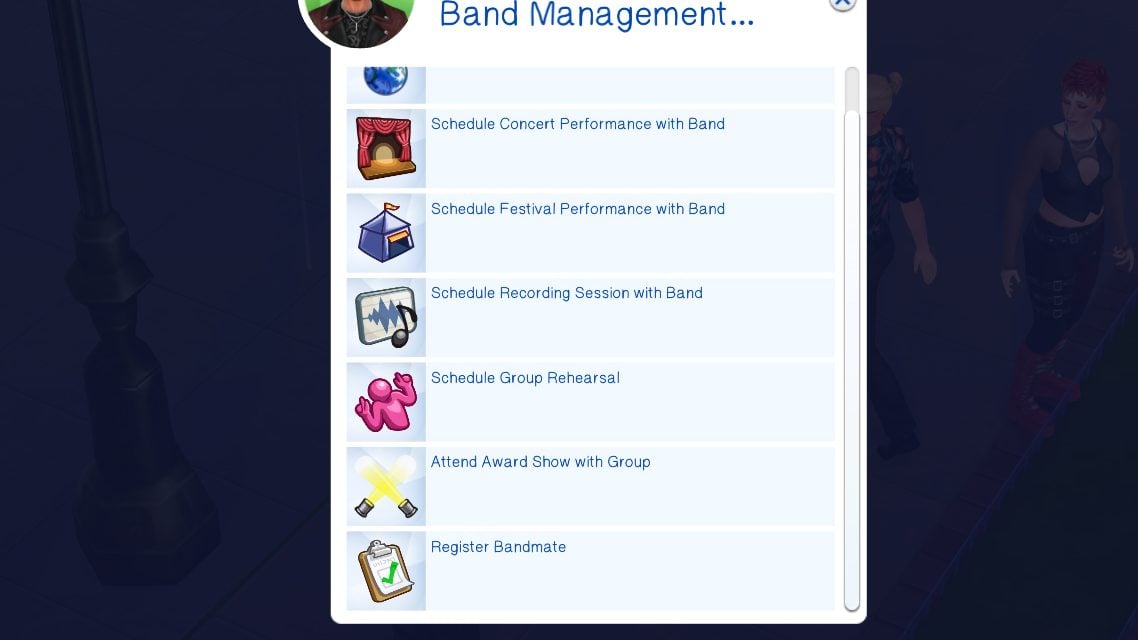
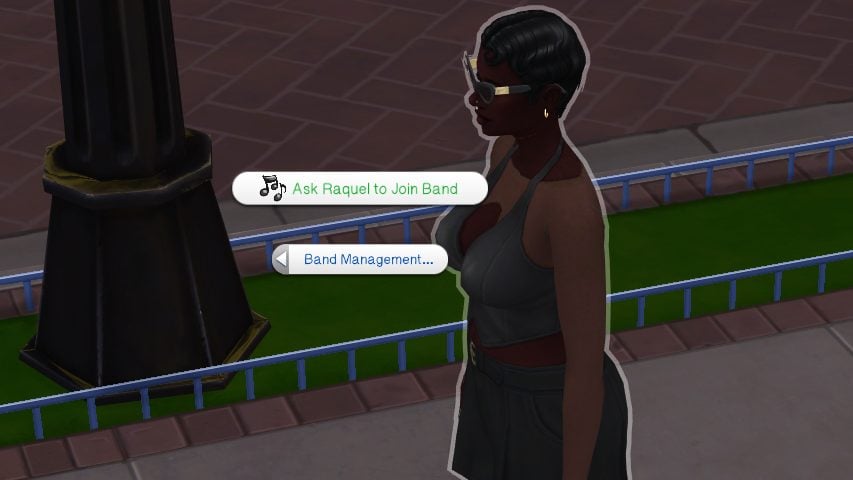
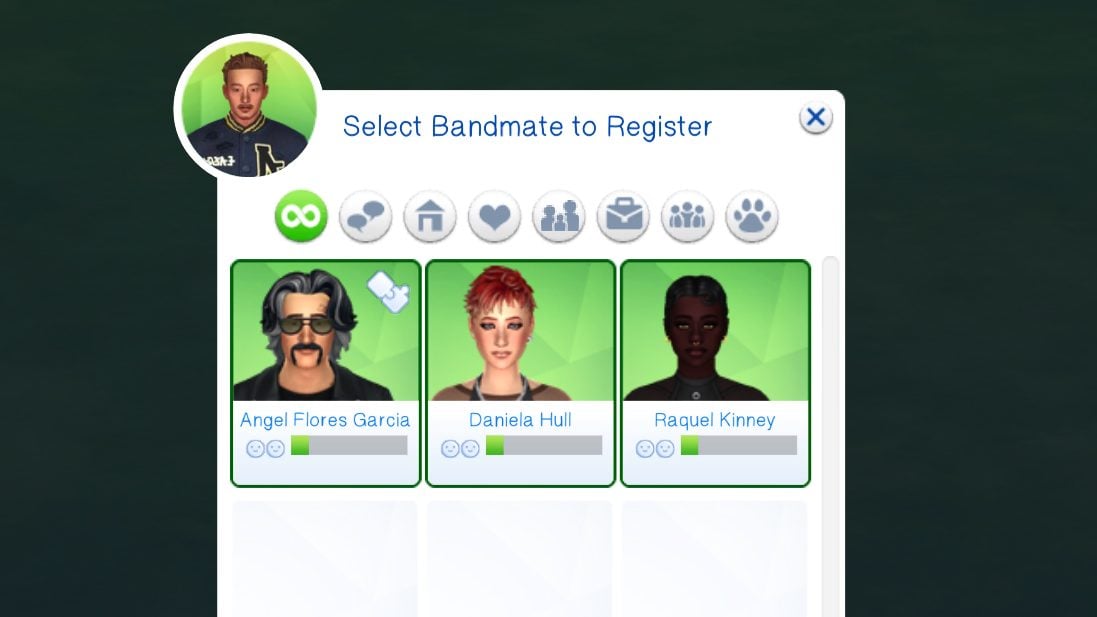
When inviting members from the “World Tour . . . Band Management” pie menu, you can select any members you would like. If they are not already artists, you can right click on your sim, click the “World Tour . . . Band Management” pie menu again, and click to “Register Band Mates”. Select which band mates to register (don’t worry about if you’re unsure if they’re already an artist or not), and they will all receive the “Artist” trait to register them as musicians under the mod!
Assigning Roles
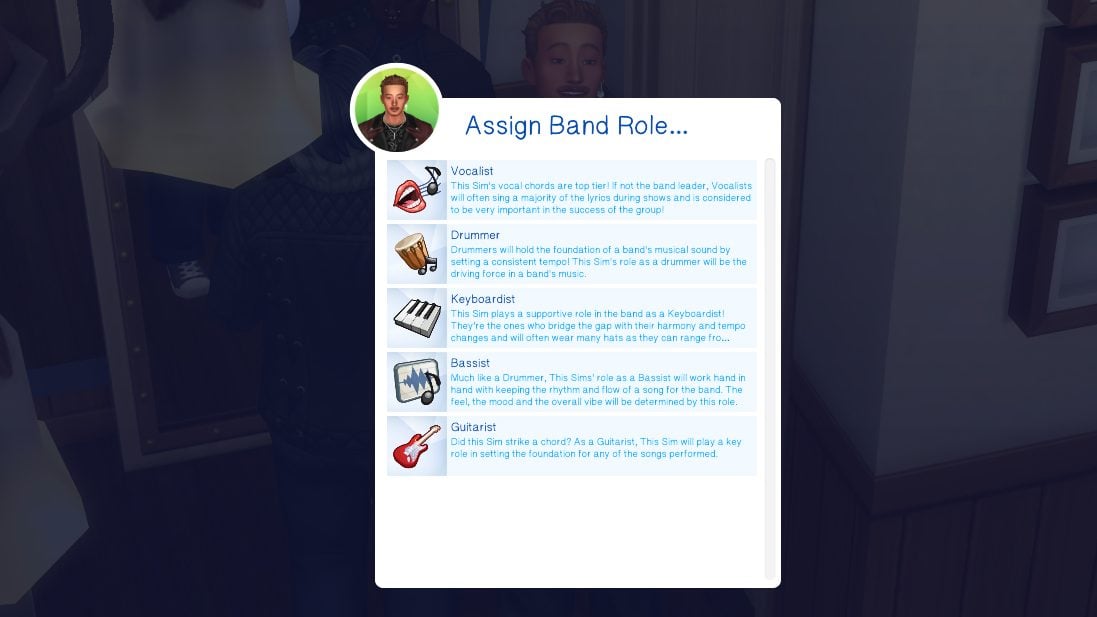
When clicking on a band member and clicking on the Band Management menu, you can also assign individual roles to members. This is primarily for storytelling and your own organization, and is not in any way required for the mod and bands to function properly. The roles include Vocalist, Drummer, Keyboardist, Bassist, and Guitarist. This feature is currently limited to your own storytelling and organization, and can only be assigned by sims who are leaders of their band.
Scheduling Activities & Events For Your Band
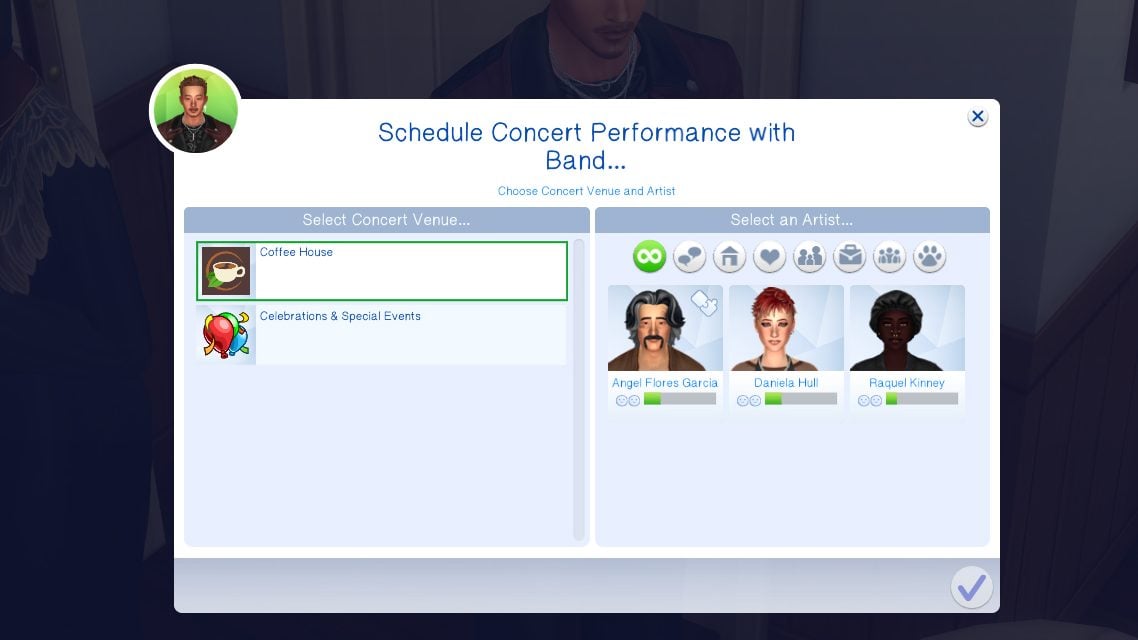
Through the World Tour Panel on your sim’s phone, you can assign events for all or some of the members of a band to attend and perform or practice at. These are all the same options as a standard independent artist, and sims within bands can also function as independent artists while staying in the band.
Group Dynamics & Group Appeal
Being in a band doesn’t necessarily mean everyone is all friends, and it especially doesn’t mean that everyone is on the same page. Depending on their interactions and personalities, Sims can develop unique dynamics with each of their bandmates. These currently include a Secret Rivalry, Creative Collaborators, and Just Business.
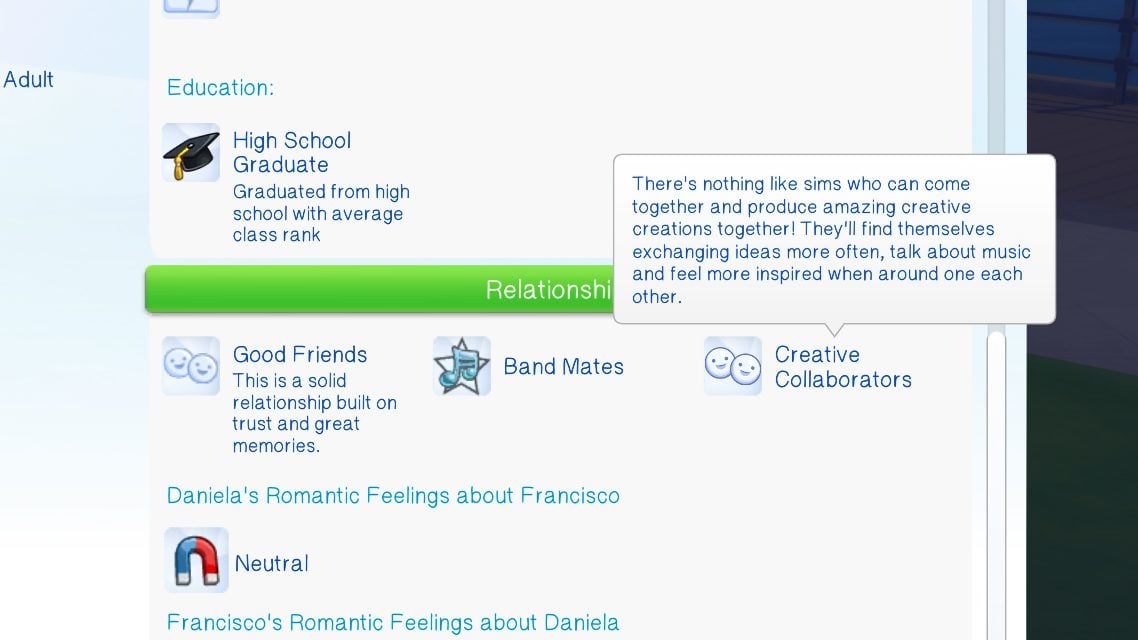
Creative Collaborators typically appear when your sims are very friendly and communicative, while Just Business will typically appear when sims are friendly but not close. Lastly, Secret Rivalries will crop up with Sims with overall negative relationships as well as mean or negative interactions.
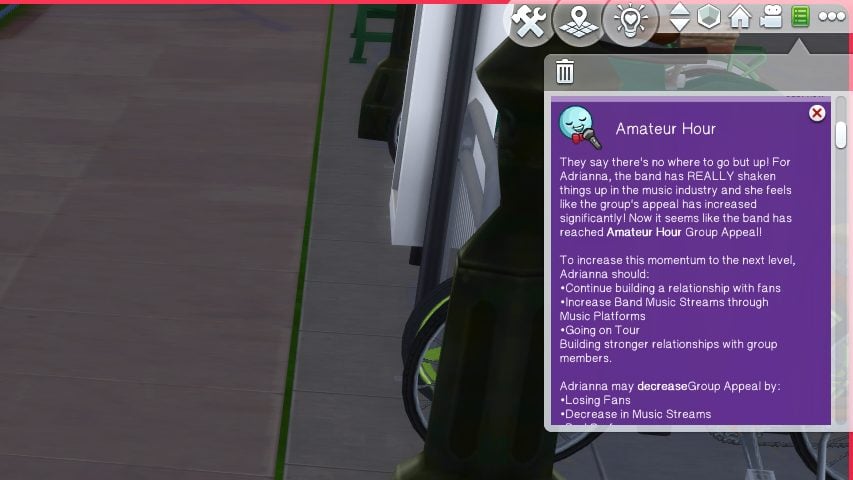
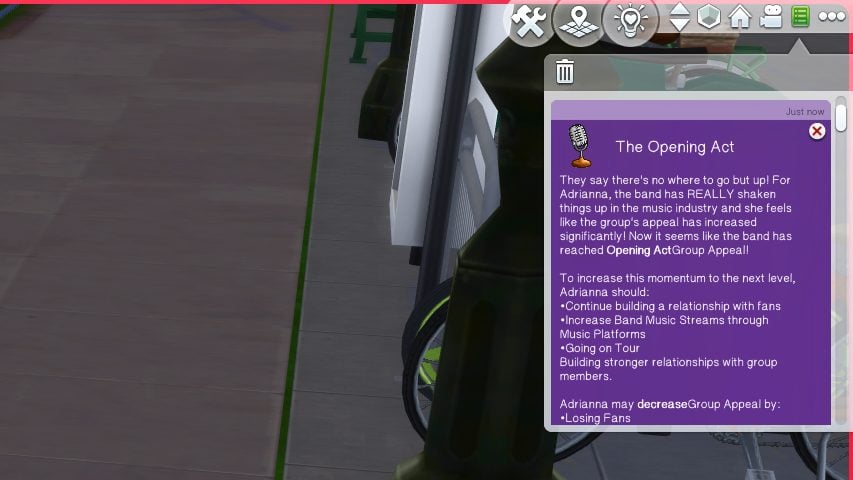
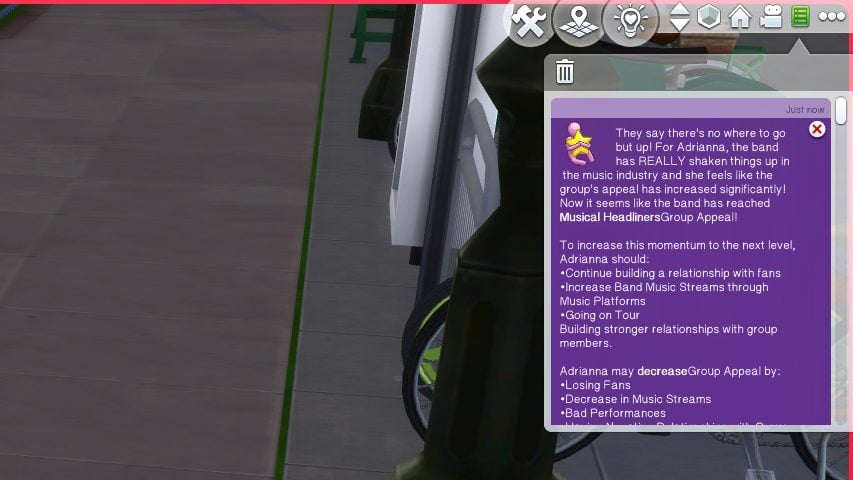
As a group, a band will also have a Group Appeal. This changes over the course of their careers, and different members may have different ideas of their band appeal. These group appeals include Garage Band, One Hit Wonder, Amateur Hour, Opening Act, and Headliner. These often pop up after your band goes on a longer tour together or performs at a new venue. Individual members can influence these by their opinions and actions during public events.
Changing it up, For Better or For Worse
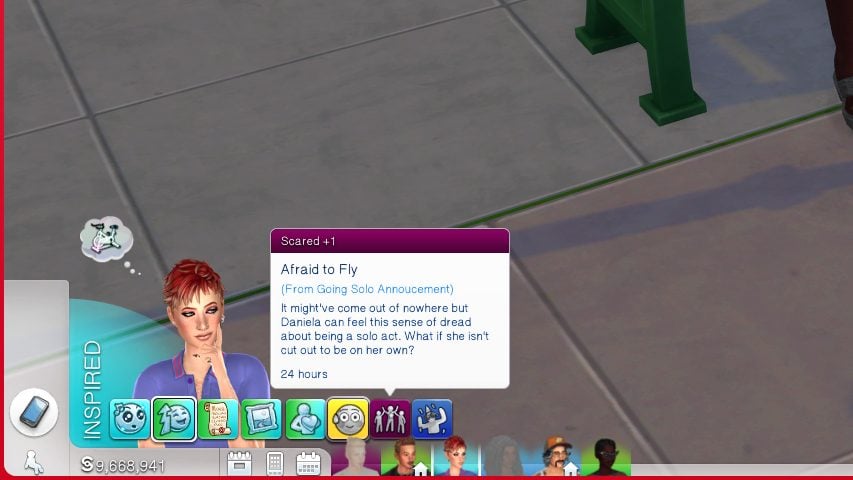
Bands, both in real life and in the Sims 4 World Tour mod, are rarely the same throughout their career. Sims can choose to leave on a whim with special chance cards, just quit music altogether, or come together to remove band mates that aren’t pulling their own weight or that aren’t a good fit. All changes to bands will come with an impact to your sims individual and group fame, appeal, reputations, music streams, and even the benefits they can see from the gigs they get, especially if you make the wrong choice on a chance card while performing.
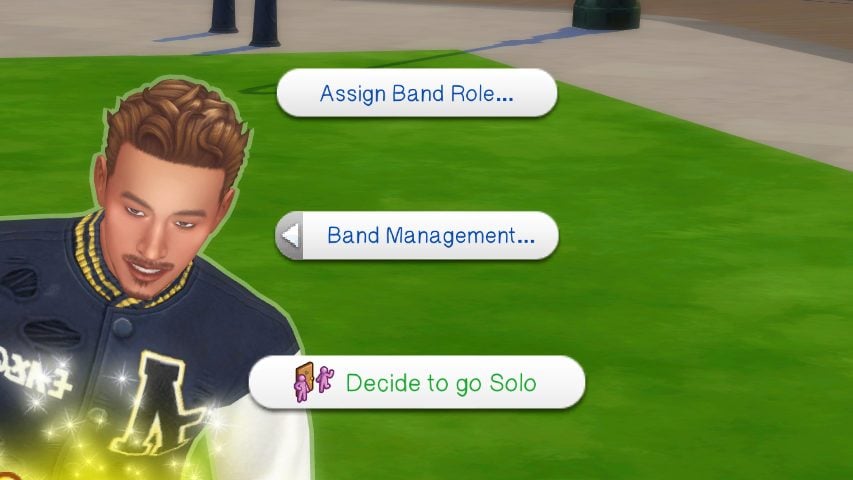
Sims can leave the band and go solo in a few ways; You can click on their World Tour panel on the sim themselves, and choose to Leave and Go Solo. Your Sim can also announce a Solo Career on their phone, basically posting it to their social media for their fans and possibly their record label management to see.
Extra Features
Who doesn’t love an expansive mod? Outside of the specifics of playing as a solo artist or a band, there’s also a multitude of extra features available for both solo artists and bands, often appearing in your gameplay with whichever route you go down. There is tons of gameplay features for all forms of musicians, both bands and solo artists, as well as those with good or bad public reputations, or industry darlings or plants. There’s a little bit of something for everyone, and Thatssojordy plans to continue expanding on this mod in the future!
What’s Your Genre?
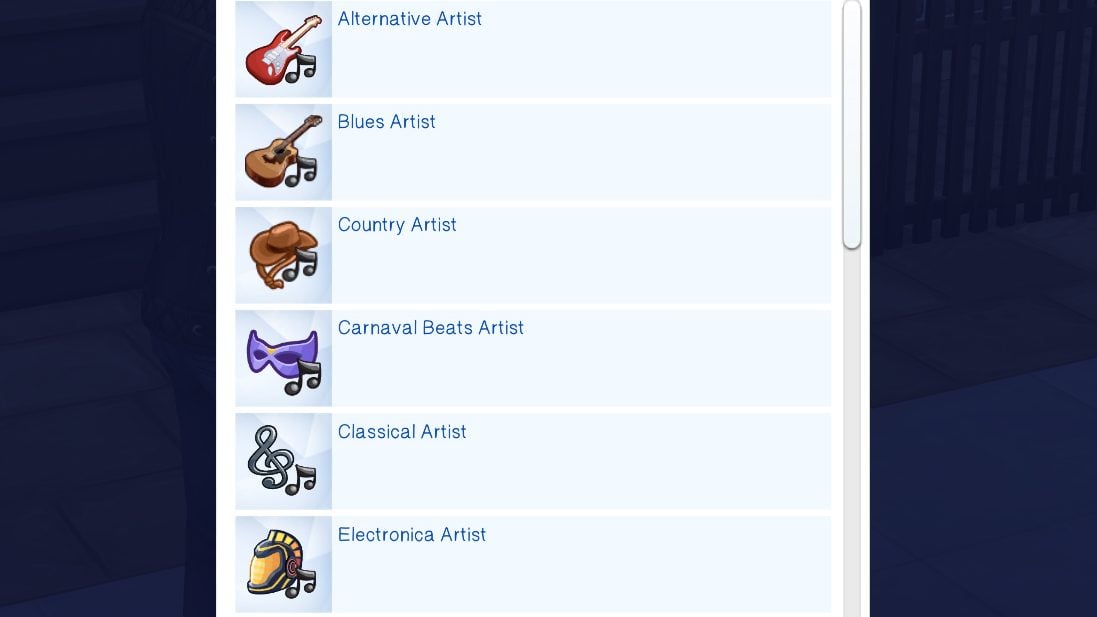
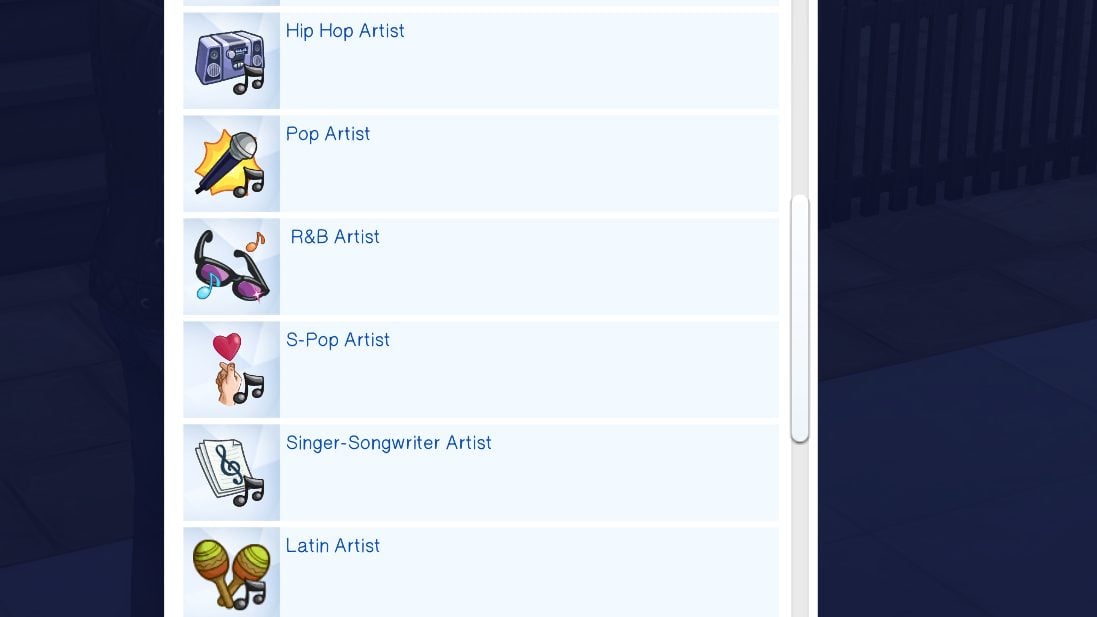
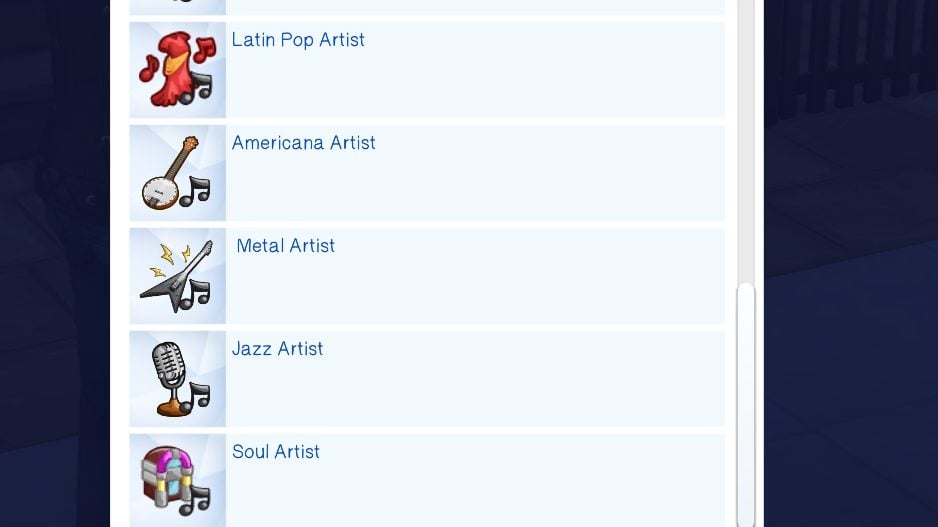
Sims will be able to choose their individual or band genre through the World Tour panel when clicking on the sim, with many options available that can impact their fame and fans, especially if they choose to change genre in the middle of their career. These genres include Alternative, Blues, Country, Carnaval Beats, Classical, Electronica, Hip Hop, Pop, R&B, S-Pop, Singer-Songwriter, Latin, Latin Pop, Americana, Metal, Jazz, and Soul.
Probation
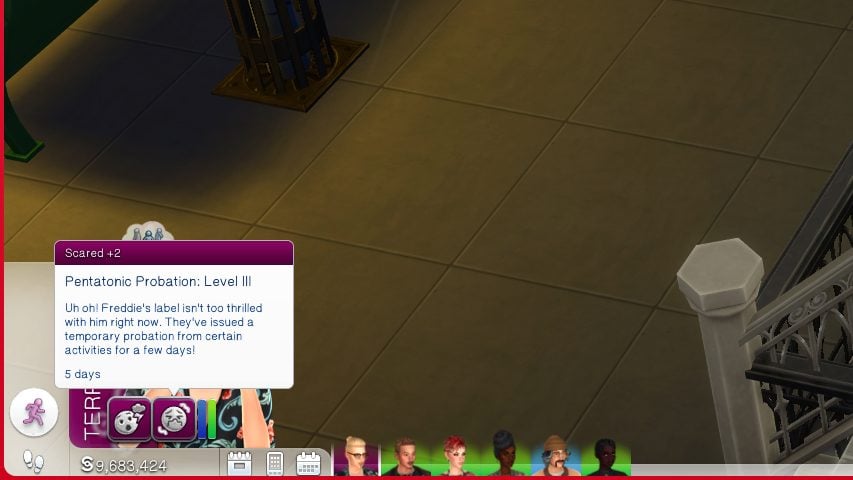
Did you maybe say something you shouldn’t have in front of a large audience, or leak something to social media or a publication without checking in with your record label? You may be hit with a probationary period. Probation occurs in three levels, and can severely limit your Sims growth in their career during that time period. Sims can meet with record executives to try and calm them, and possibly lower the level of their probation, but only if they’re already at Levels 2 or 3.
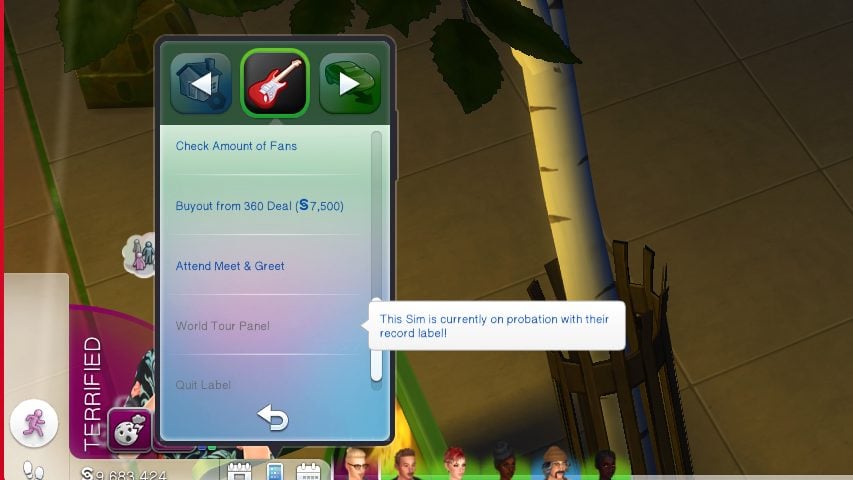
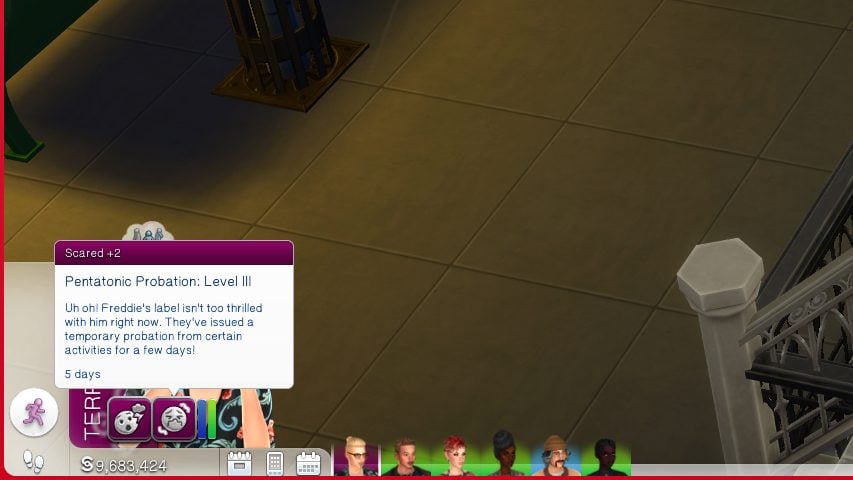
Sims typically get a scared moodlet with probation, as it represents their career somewhat hanging in the balance. Probation level 1 is typically a record label keeping a sim on a slightly shorter leash, with a limitation on their access to shows, promotional events, and other activities that put them in the public eye. Level 2 bans them entirely from the world tour panel for 48 hours, but they can still attend Meet & Greets with fans. However, they are completely unable to submit new music to their label. Lastly, Level 3 is the most severe with a 5 day ban from the world tour panel, and a large chance your sim will be let go from their label and contract.
Music Reviews
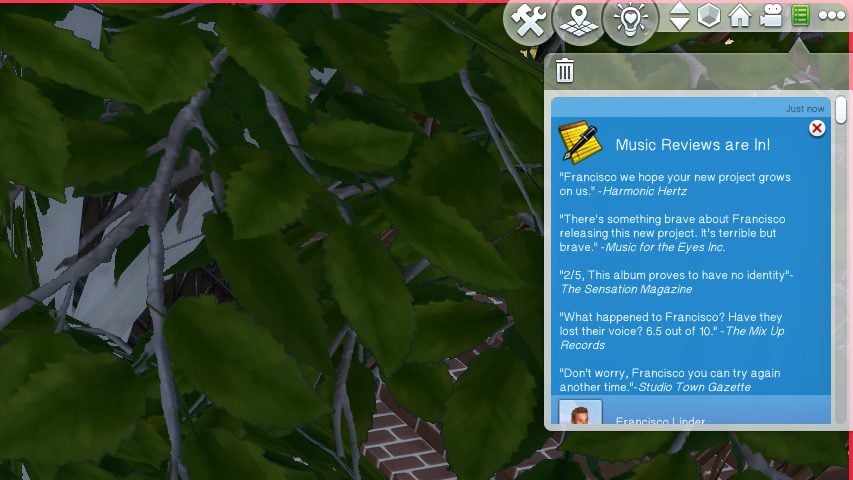
When your sims release new music through their record label or by uploading directly to a music streaming service, they’ll receive feedback in the form of music reviews. These appear as notifications with a group of quotes from music critics, with some being good, some being bad, and some being unsure. With a majority of reviews being positives, sims will be excited and will receive more fame and reward from their release, but they can flop and lose fans if they get too much poor feedback.
Tours & Tour Lengths
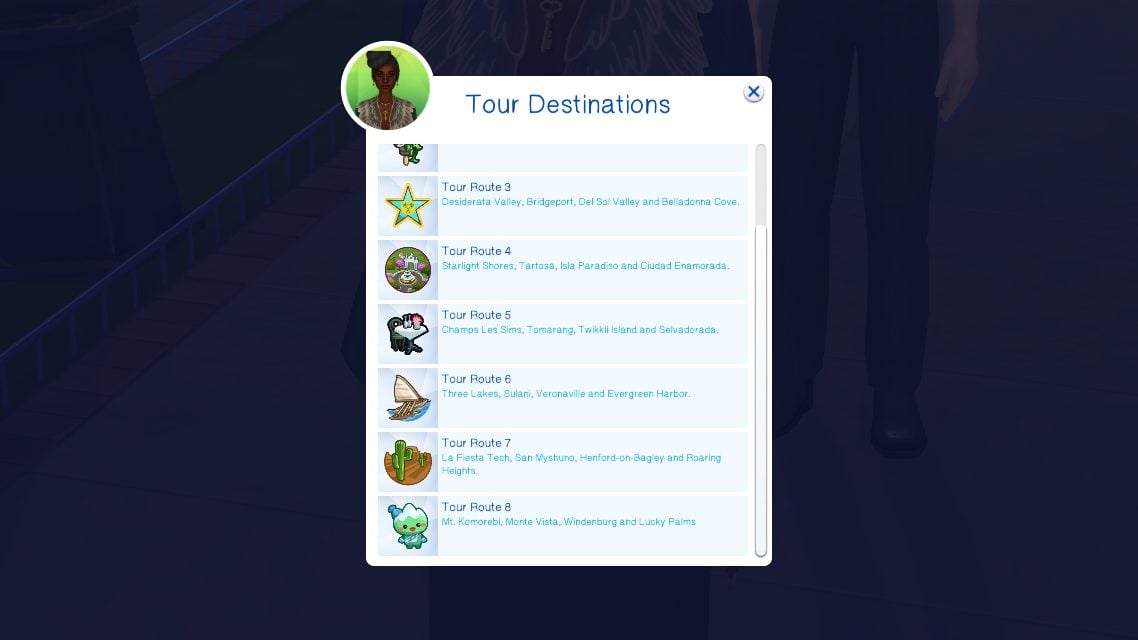
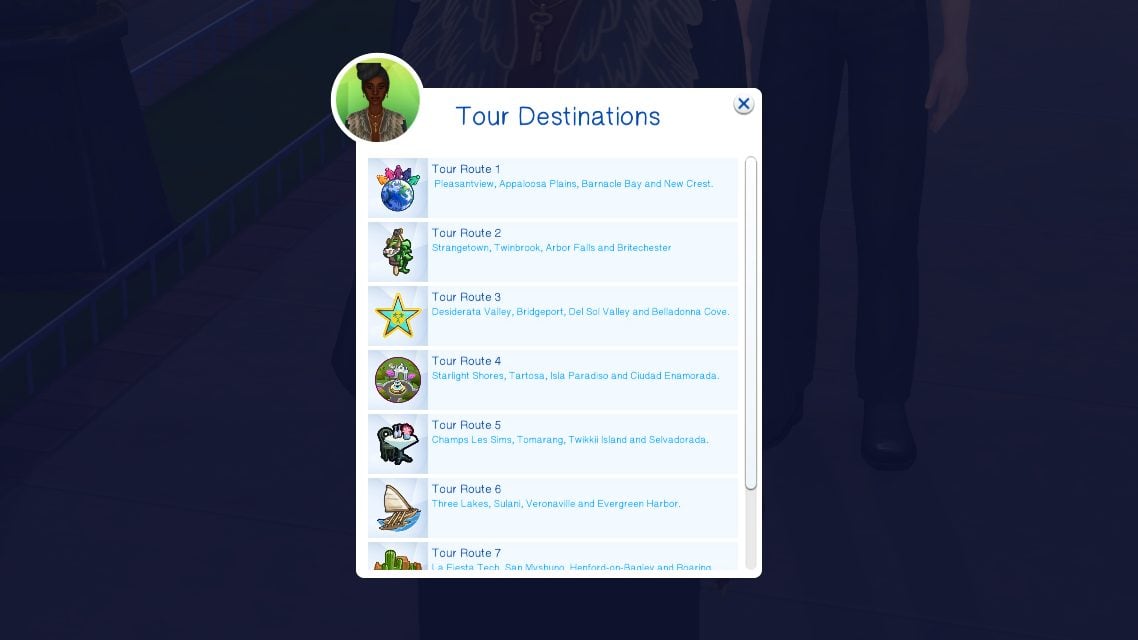
Both bands and individual artists can go on tours, choosing which members, which events, and which cities or worlds to visit! For bands, using the Band Management and World Tour Panel, you can schedule 3 or more day tours with all or some members of the band. For individual Sims and using the same panel, you can schedule 3 or more day tours and pick which cities your sim will perform in. Your sim will go into a rabbithole for the period of the tour, and when they return, they will be dazed and have a cooldown moodlet stopping them from going on tour immediately again.
Special Events & Other Features
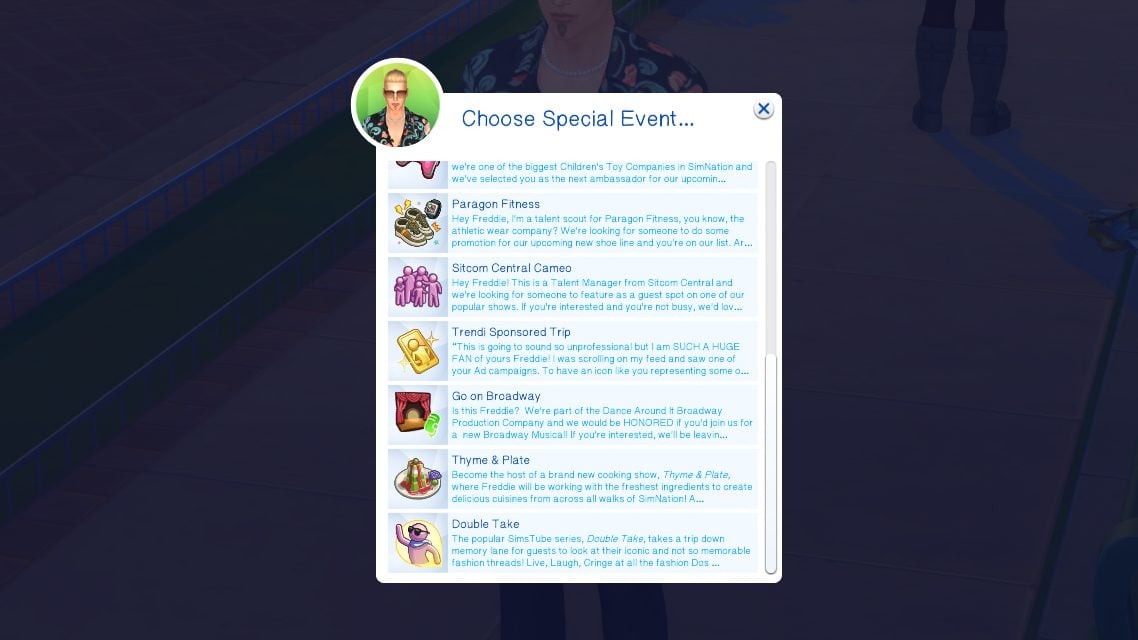
This mod is heavily detailed between both the core mod and the bands module, and there are so many features that this guide cannot cover all of them, and it is much more fun if you experiment and figure them out yourselves.
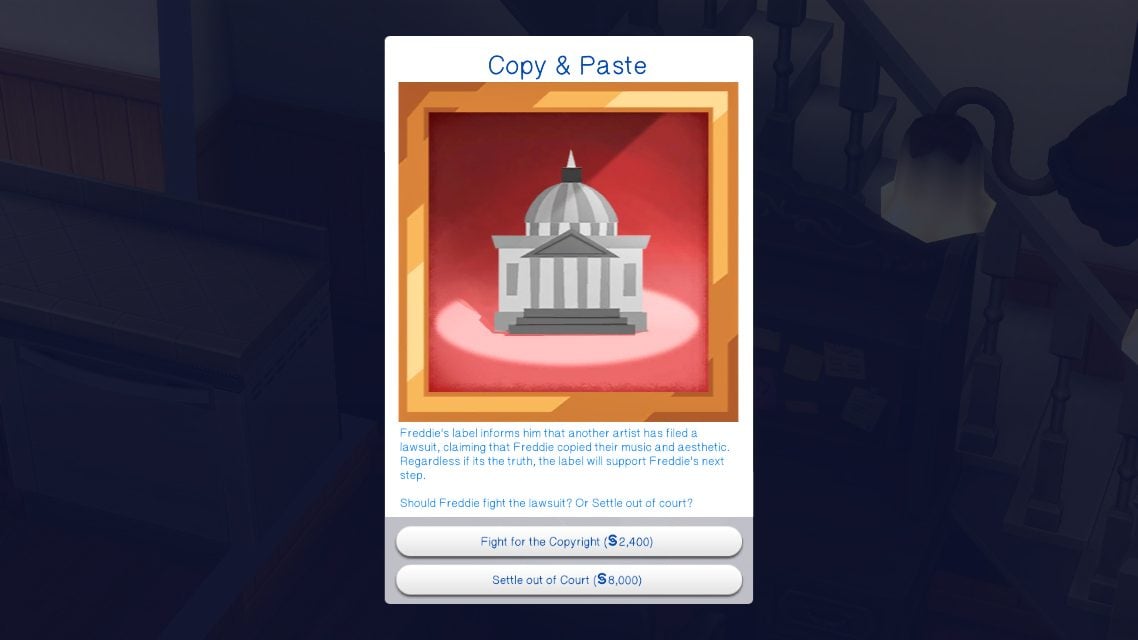
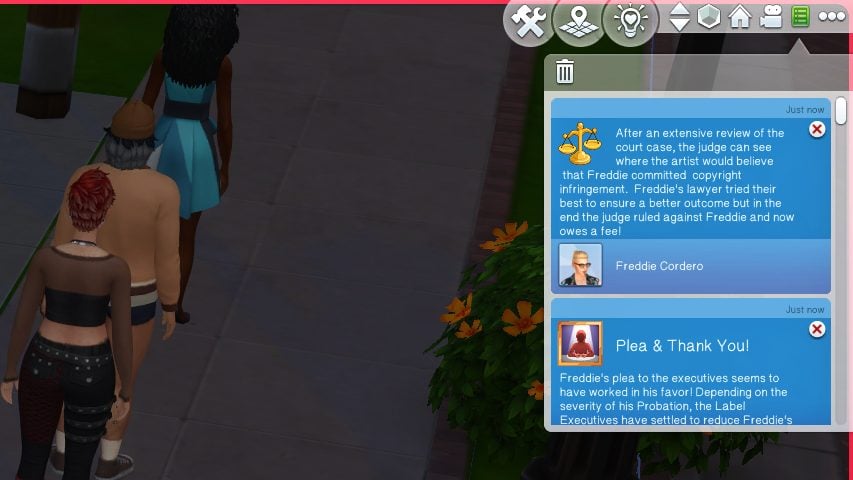
If your sim is tired of their record label but still has a certain amount of time left on their contract, you can buy them out of it for §5,000 and attend a court hearing. If your sim is trapped in a 360 deal and feels they’re getting played by their label, they can also pursue a court case to make their contract invalid. Court isn’t just for the benefit of your sim; Sims can get random pop up events for court cases, like copyright claims by other artists, and whether your sim wins or loses these cases is up to chance and can lead to fees, losing fans, probation, etc.
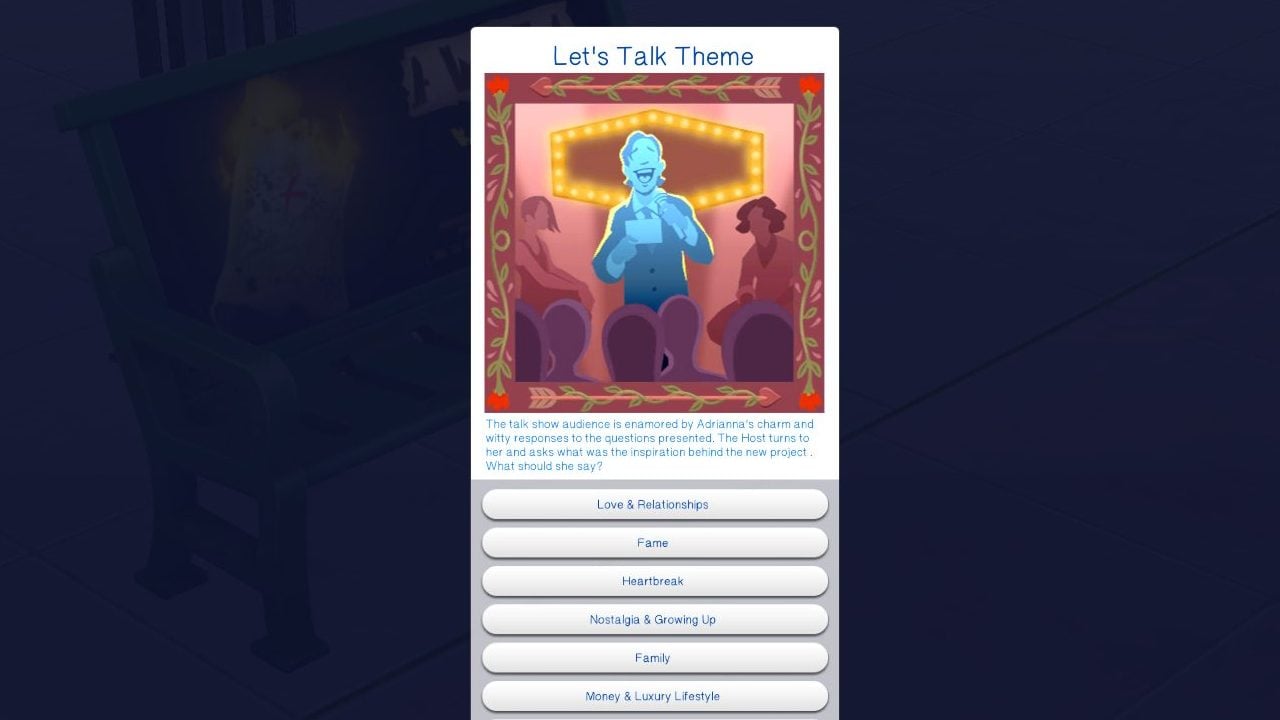
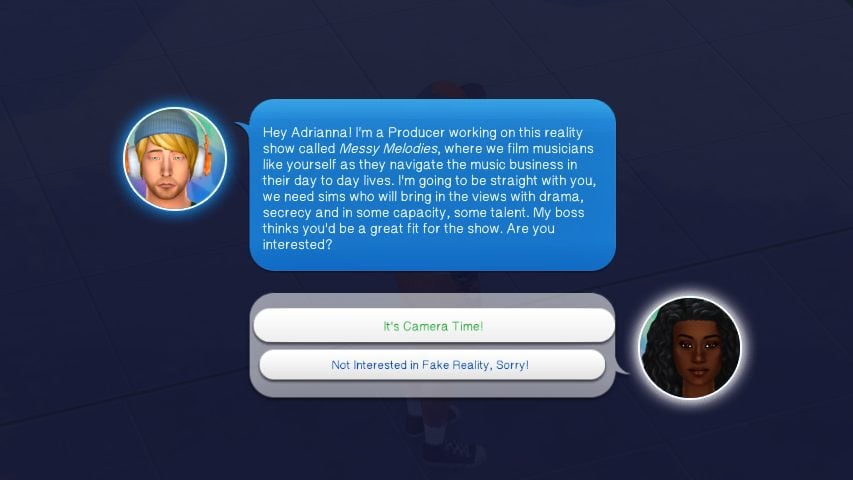
Sims can get silly special events too to promote their careers; They can get an invite to Messy Melodies, an overdramatic reality show that sends them to a rabbit hole and can lead to massive increase or decrease in their fame or fans. They can receive invites for their music to be used in the next big children’s movie surrounding Voidcritters, or sponsored events to promote beverages, clothing brands, or companies.
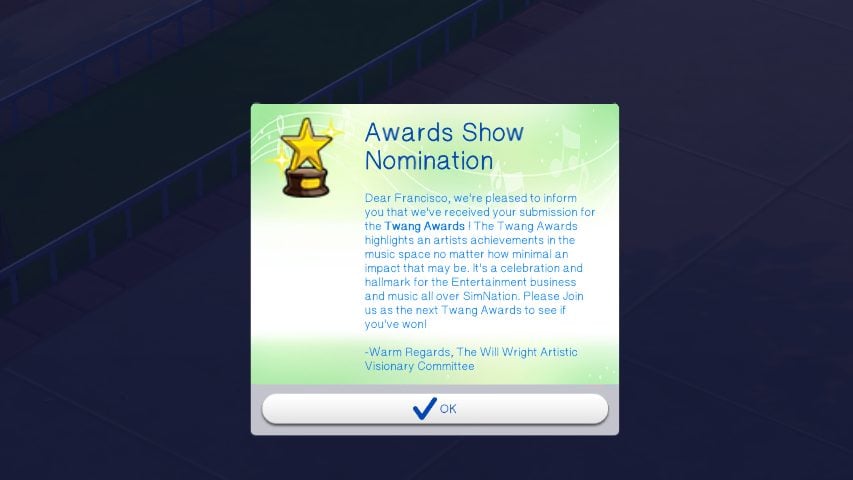
If you happen to really make it in the industry, your sim will even get invited to Award Shows and possibly be inducted into the Hall of Fame! These are rarer events but can still be achievable in a standard playthrough of this mod, with high quality songwriters getting nominated for newly released album awards quite often! Make sure to go through the World Tour Panel and attend the awards show on the day the specific one airs!
Blackballed

A sim can be blackballed for a number of reasons, typically due to ruining their deals with their record labels or snubbing others, but the most important aspect is that it is permanent until you actively choose to remove it. This pretty much ruins their possibilities of working professionally and with a label in the industry, and can only be removed using a 10,000 aspiration point reward that makes the industry forget them completely, called a Clean Slate.
Cheats
While writing this guide, I consulted with Thatssojordy to get some background info and some assistance with certain features. While the mod does not currently have a built-in cheat system, you can easily add features and buffs from this mod to sims using the Sim Info Manager mod by Lumpinou. This mod is a cheat menu sort of mod that lets you edit or add info to just about any sim personally, or edit or add info between two sims. Be sure to read Lumpinou’s installation instructions!
Thatssojordy’s Sims 4 World Tour Mod & The “I’m With The Band” module are both Early Access until February 6th, which they will then be publicly available for download. Make sure follow Thatssojordy’s Patreon and socials for updates, and The Sims Community for new mod news and guides!
Also, thank you to CC makers Chérisi for their concert fan deco sims, and to lazysimmies for their rock band deco sims used throughout this article!


How do you get every band member to go to the same event cause it keeps popping up like one would go to stadium while everyone else went to coffee house. But I want all of them to go to the same place together.