

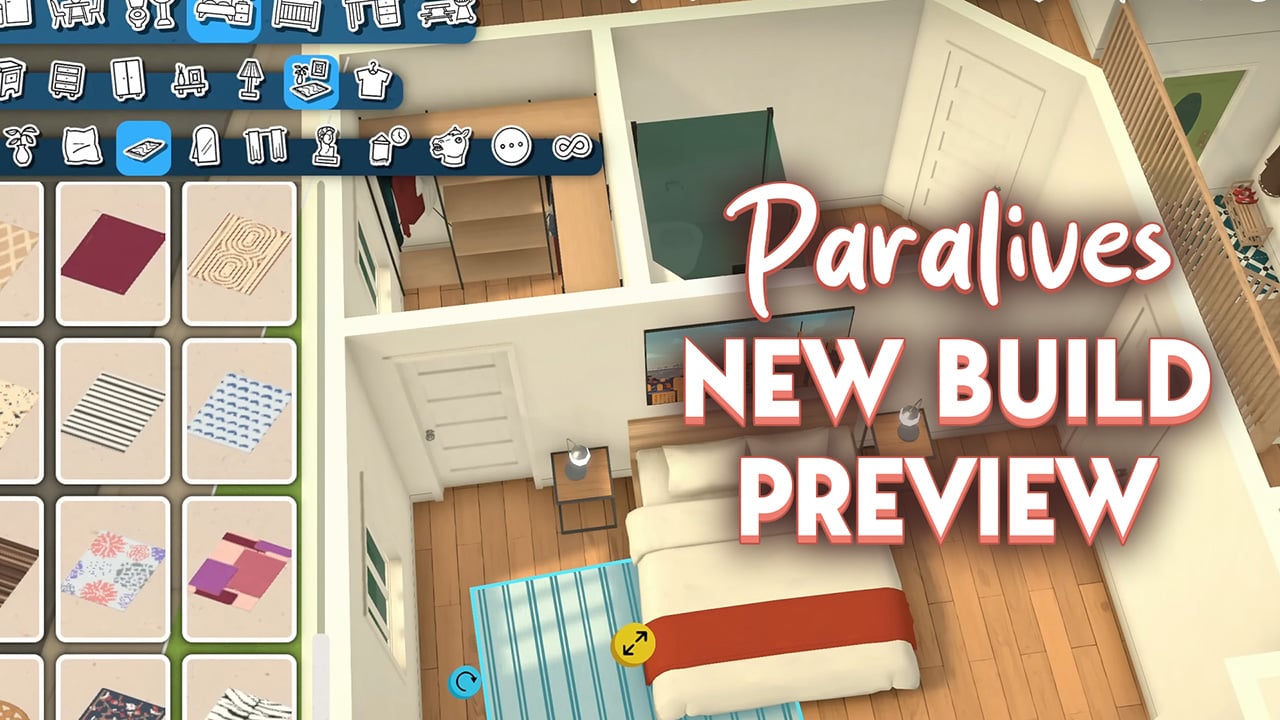
The most recent Paralives build trailer released by the team shows off a lot of little details that players can expect in the game upon release.
Here is a list of everything we noticed.
Everything we noticed in the Paralives build trailer
Lots of these features will be coming in day 1 of release, with more being released as early access continues. Read more about what to expect on day 1 here.
Paralives build mode hotkeys
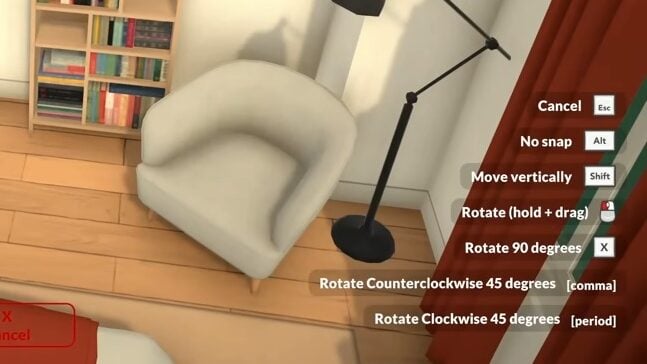
During the demonstration of how build mode is going to work, we can also see that in the bottom right corner of the screen that there is a series of hotkeys for easy and quick building.
Lots of us who build already in The Sims will be used to using keyboard commands – like using the bracket keys to change the size of objects – so it won’t be long before Paralives builders also have these keys committed to memory.
Pre-made swatches as well as custom colour selection
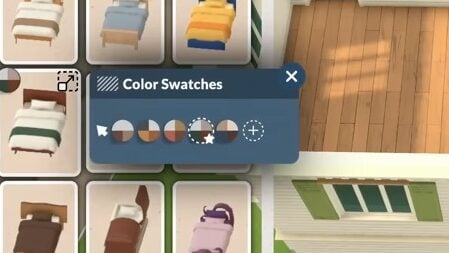
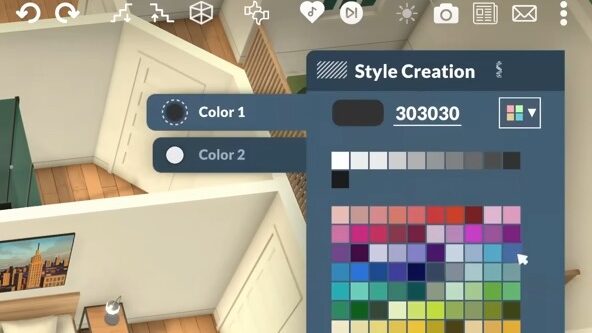
As well as having pre-made swatches for items, you will also be able to customise items using their style creation feature.
This is going to mean that objects that might have only suited a certain build or aesthetic with pre-made swatches can be customised to fit any home or build, making every object so much more usable.
As well as just picking two individual colours for your items, we also saw that you can customise the colours of different parts – like picking the bed frame colour and the sheets separately. It definitely is reminiscent of the Sims 2 in that way, and gives players many more customisable options to make their Para’s homes feel unique.

Object size customisation
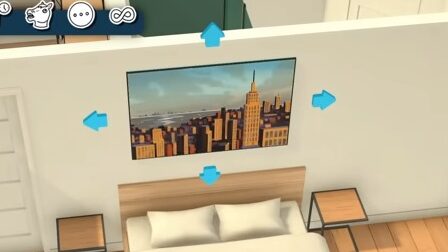

Once you select an object to place, you will notice that ones that can be customised in size will have either the blue arrows on each side (as in the left image) or a yellow sliding arrow (in the right image).
This doesn’t appear on all the items – the lamps, for example, cannot be increased/decreased in size, but other items like rugs, photos, and clutter items can.
Whilst in games like The Sims you can resize items, in Paralives’ build mode, you are not restricted to increasing only by 2x or 3x as it looks to be a sliding scale.
Object length customisation
Using the Paralvies build tools, we’re going to be able to customise the size and length of so many different items. This is something that caught the eye of any player who can spend hours in build mode and unlocks tons of customisable options.
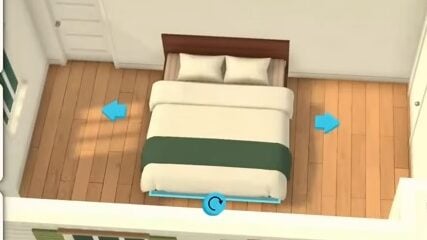
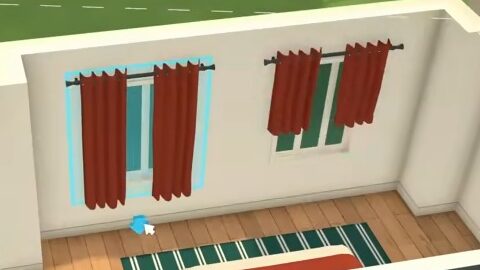
Simple customisations like being able to change the length of a curtain or turn a single bed into a double bed give us so much more freedom to make homes unique and grow with our Paras.
Sometimes something as simple as being able to make curtains longer or shorter is enough to make people excited – who among us has had their perfect Sims build scorned by a curtain that doesn’t fit the windows? It looks like with Paralives that will be a worry of the past!
Grid-free placements
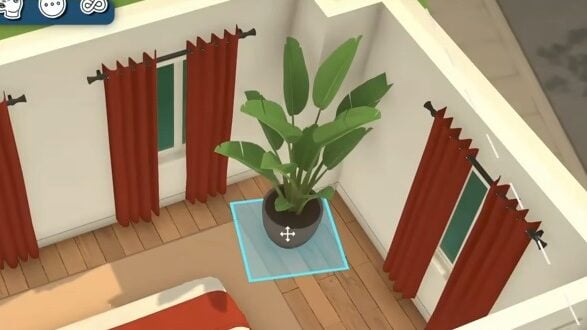

One thing that caught my eye when watching the teasing of build mode for Paralives was the absence of grid placements. We saw that there was effortless placement of objects like plants and bookshelves, without the need to alt-place or use something like the bb.moveobjects cheat, which many of us are used to.
Also, as mentioned in a recent post covering everything we know about Paralives so far, for anyone who does prefer to use a grid there will be an optional one you can use.
360° rotation


No longer will building mean objects can only rotate 45 degrees! Paralives’ build mode will let us rotate objects freely.
Community reactions to the Paralives build trailer
Reading the comments on the video, many people share our enthusiasm for all of these features.






Radio stations
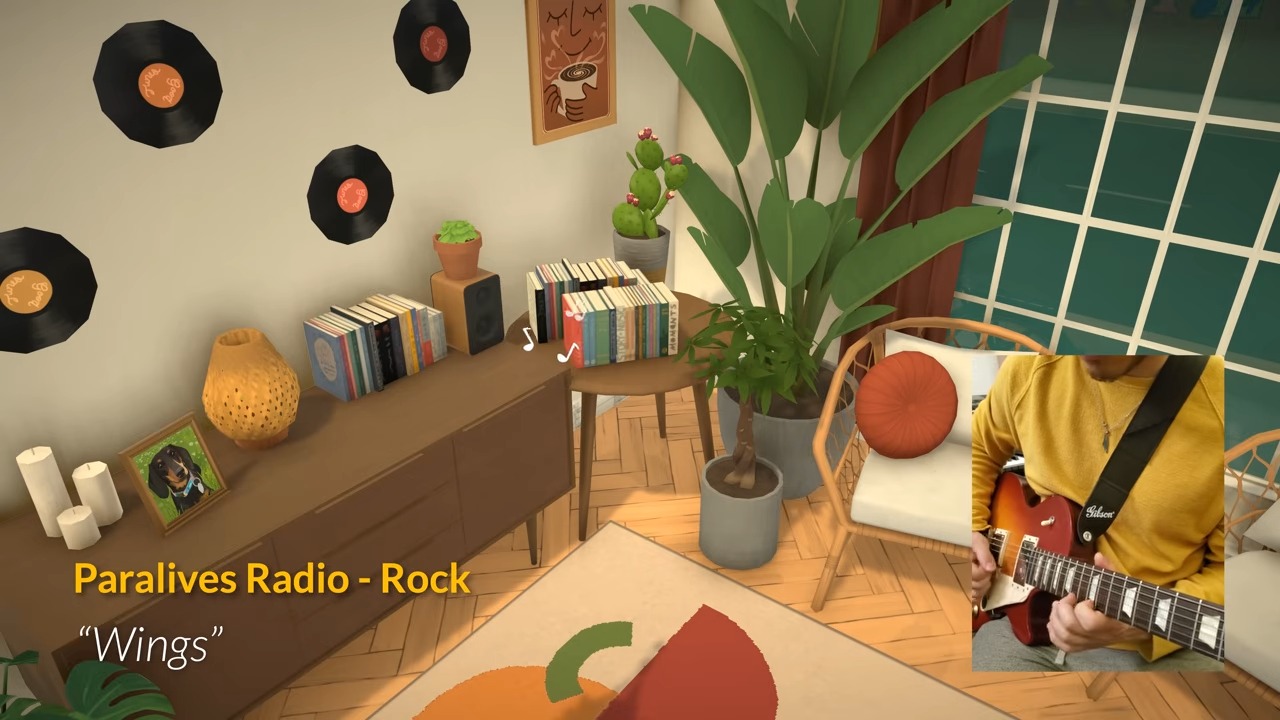
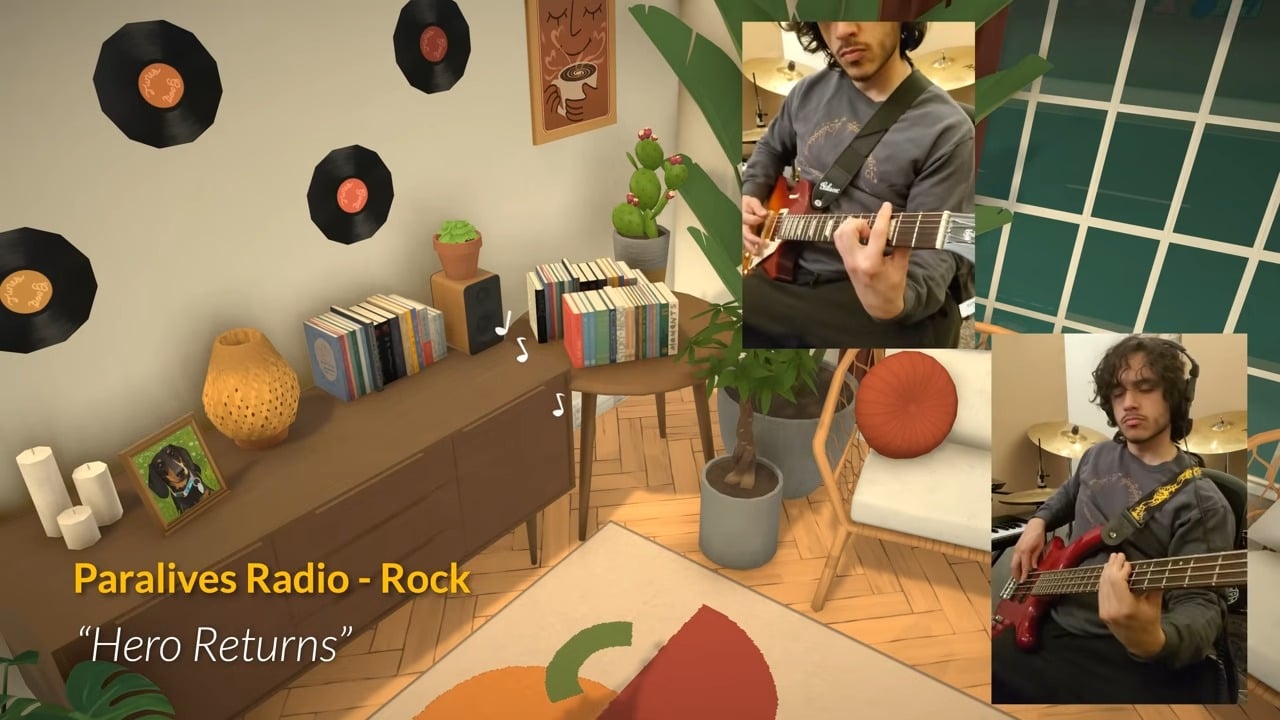
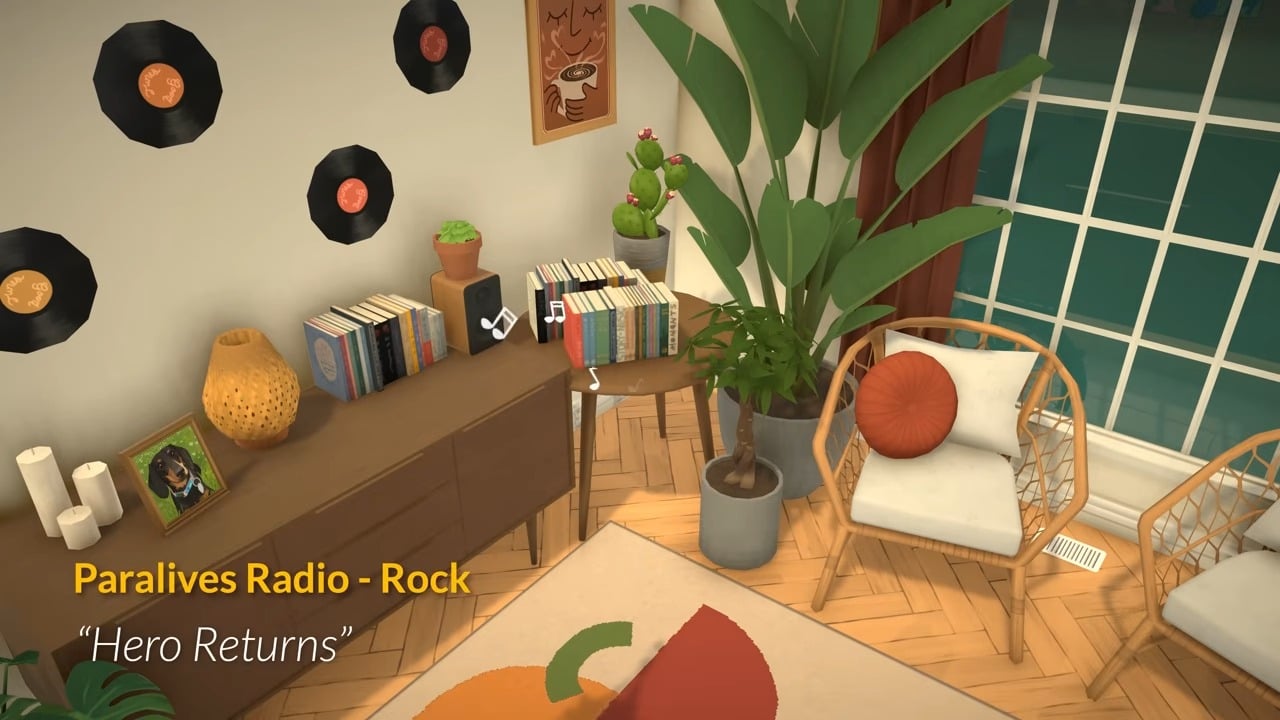
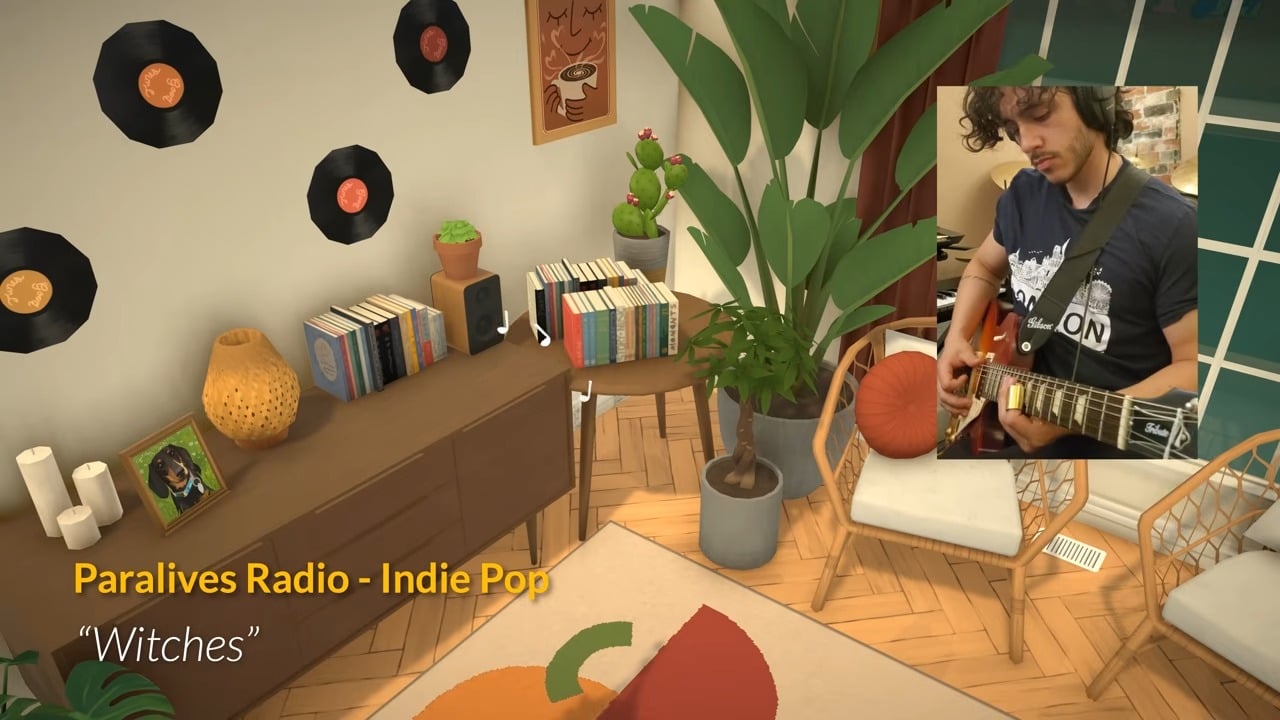
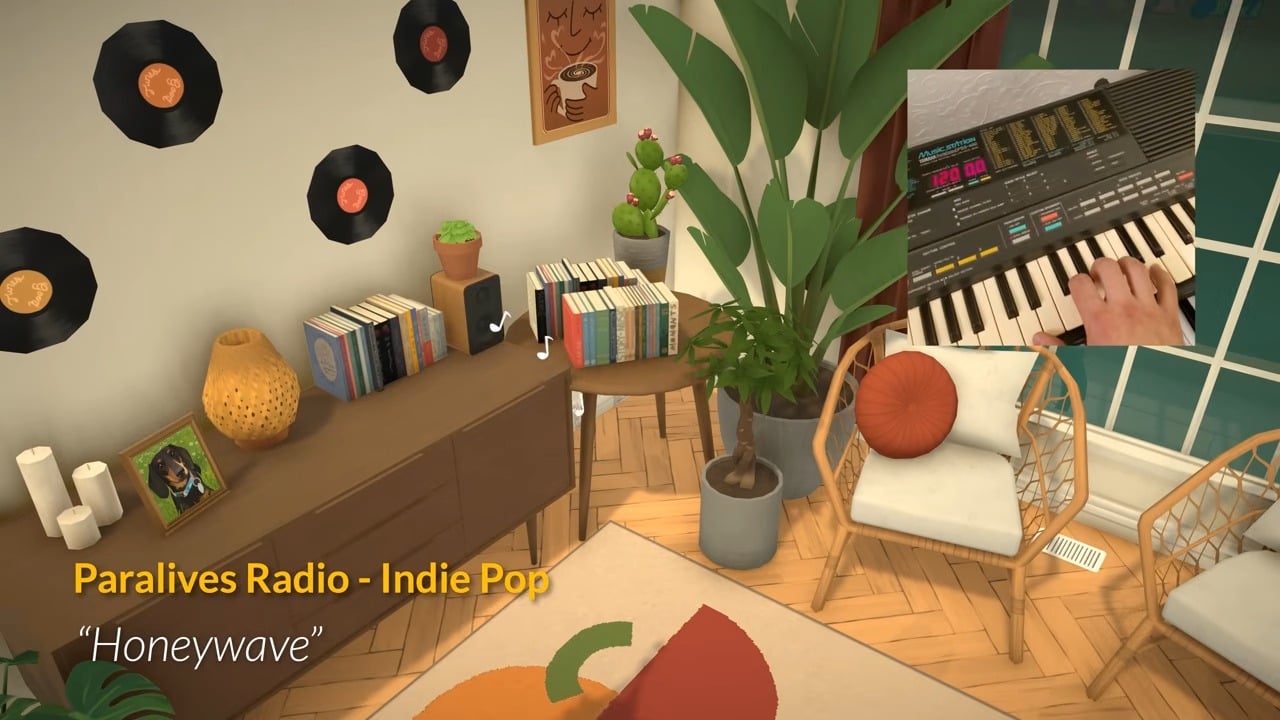
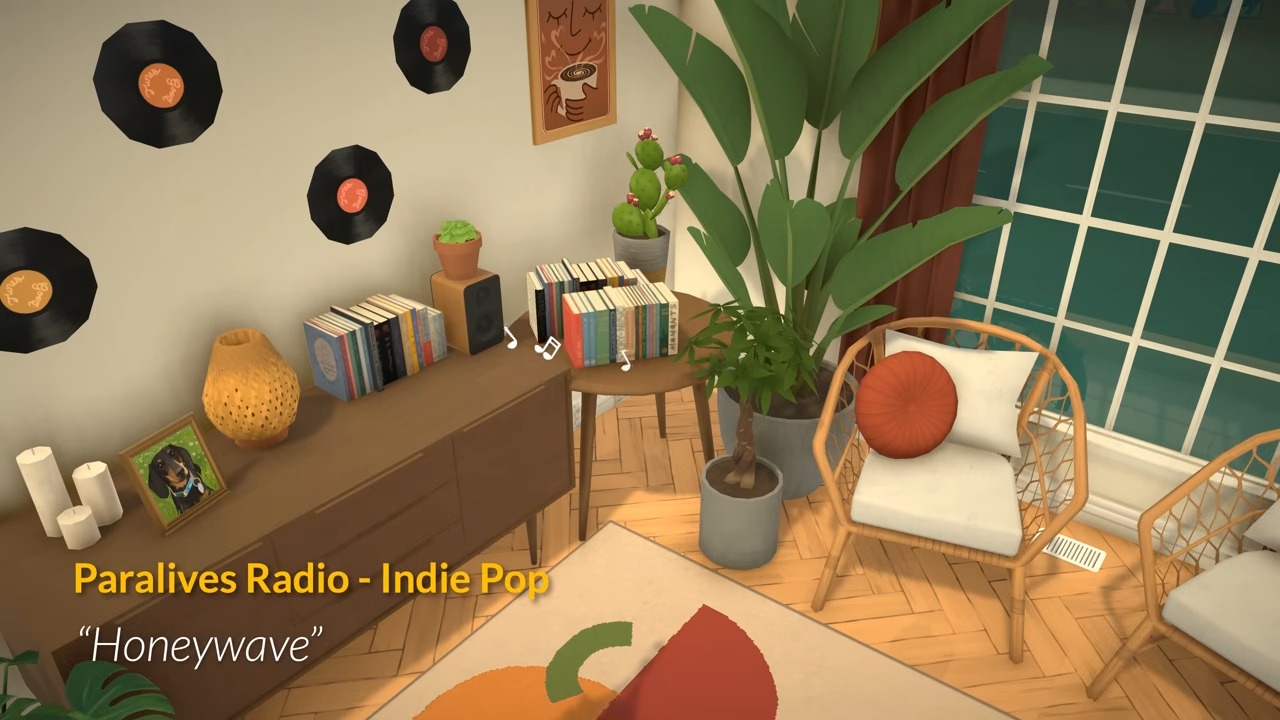
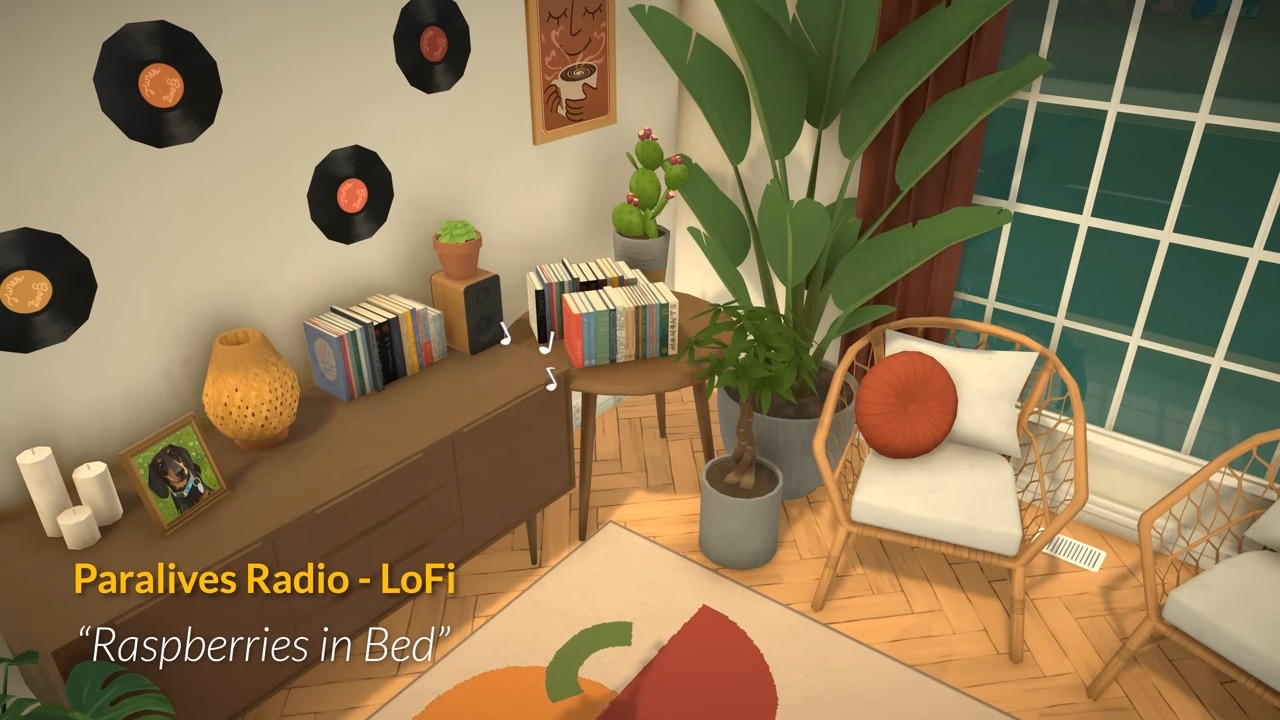
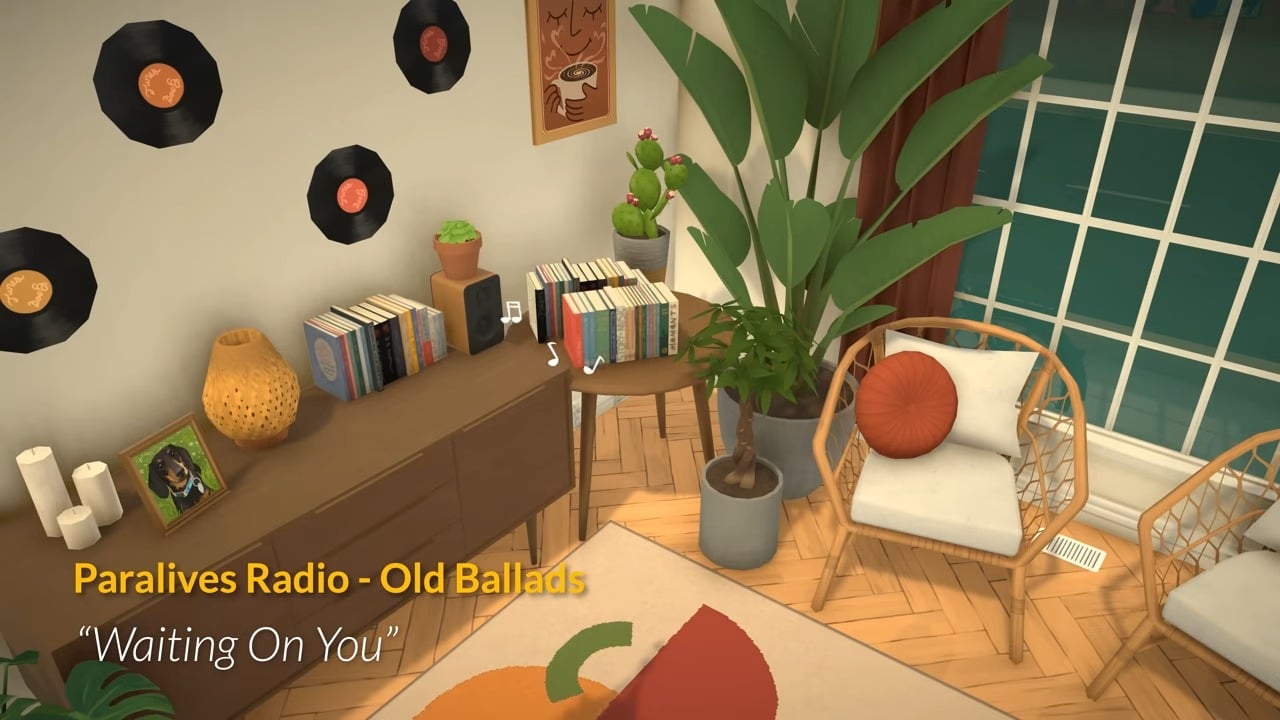
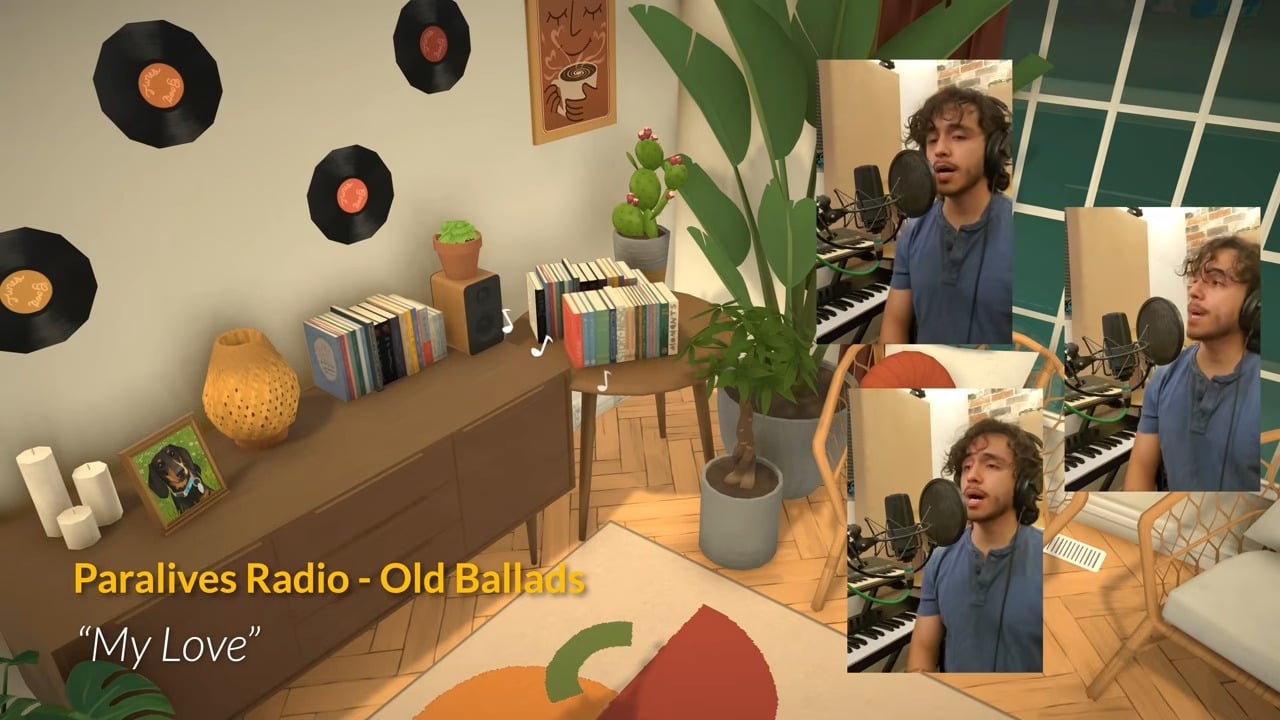
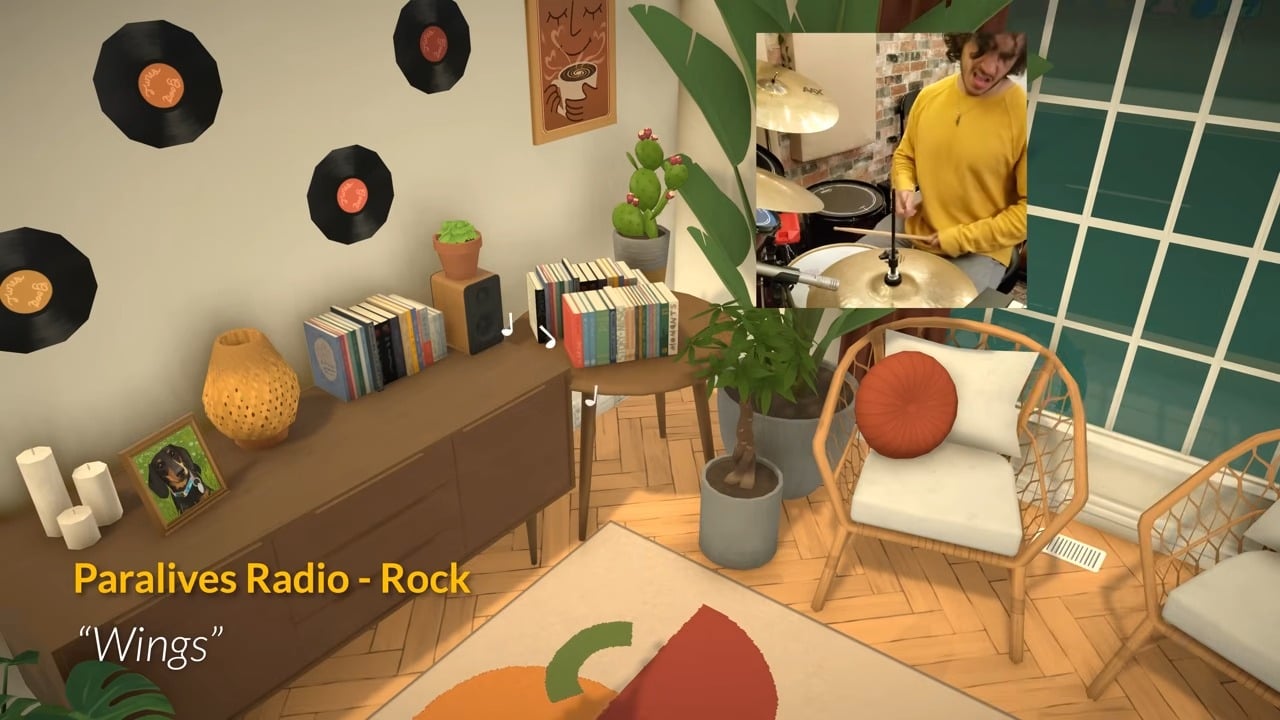
The Paralives team also released a new post about the in-game radio stations.
There will be four stations available to listen to on release: LoFi, Indie Pop, Rock, and Old Ballads.
The development team are clearly very musical, as the video showing off these new radio stations featured footage of them recording the music they used to create the songs!


What do you think of the updates revealed to Paralives build mode and the new look at the in-game radio stations? Let us know!










Looks cool! Can’t wait to try it!
More pleasing to the eye and seems more intuitive than Inzoi.
Agreed!
I definitely prefer Inzoi’s graphics but yes, you’re right about the build mode, it is way more intuitive and better made.
Paralives doesn’t seem to have proper indoor lighting. It looks like it’s all outdoors, like there’s walls but no ceiling/roof overhead; light comes in from the top.