

Click below to start savin’! Offer ends on 19th of December. (Source)


Click below to start savin’! Offer ends on 19th of December. (Source)

Our member Zerbu has found a way how to set Club Gatherings and Hangouts that are introduced with The Sims 4 Get Together in Granite Falls, a vacation world that came with The Sims 4 Outdoor Retreat.
It was mentioned by at least one guru in interviews (I heard it in more than one interview, but I don’t remember if it was the same guru) that you couldn’t have club gatherings in Granite Falls. Since the team is big, it’s possible that the entire team wasn’t aware of everything, because it turns out you actually can, and it’s not even buggy.
You can’t have club gatherings at Rental or National Park lots, but if you change any lot in Granite Falls to another type (Gym, Bar, Spa, or whatever else you want), you can not only have a club gathering, but also set it as a hangout.
It doesn’t appear to be a mistake, because the game is properly set up for it. If you set your club hangout to a lot in Granite Falls and attempt to start a gathering in a normal world, you won’t receive the option to travel for free. The same is true if you have a club hangout in a normal world and attempt to start a club gathering in Granite Falls. You will receive the option if you are in Granite Falls and have your hangout there.
So, looks like your camping groups are perfectly possible to create.

With the release of The Sims 4: Get Together, we got a lovely new beard that’s full and adds a ton of personality to our Sims. Unfortunately, the colours of the beard aren’t exactly Maxis-match, even when Maxis made it themselves. KiwiSims4 on Tumblr took the initiative and changed the colours, making them match the other beards. This is a default replacement, which means it replaces the textures of the original beard, and you MUST have Get Together for this to work. You can download the beard for your handsome male sims here.


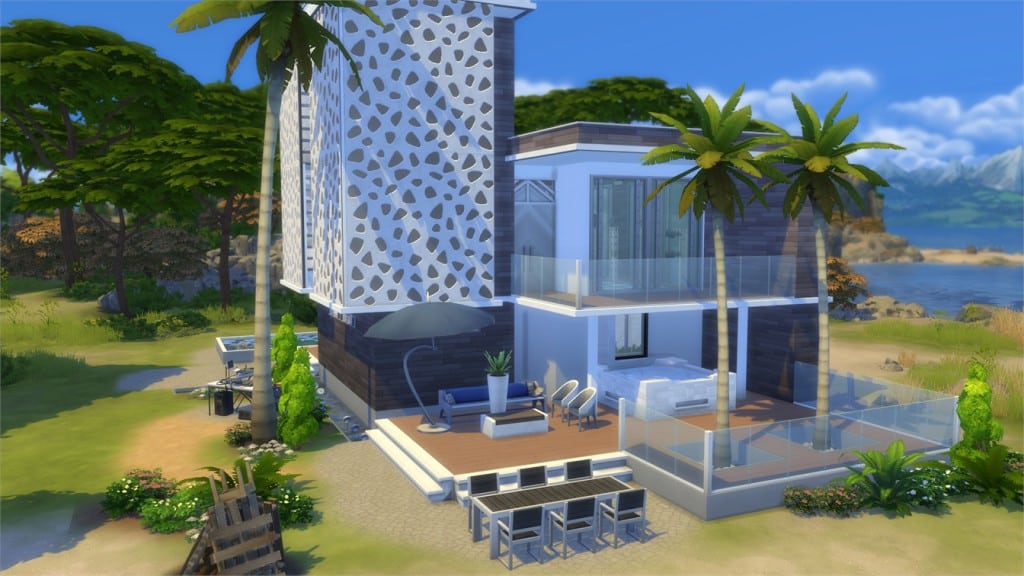
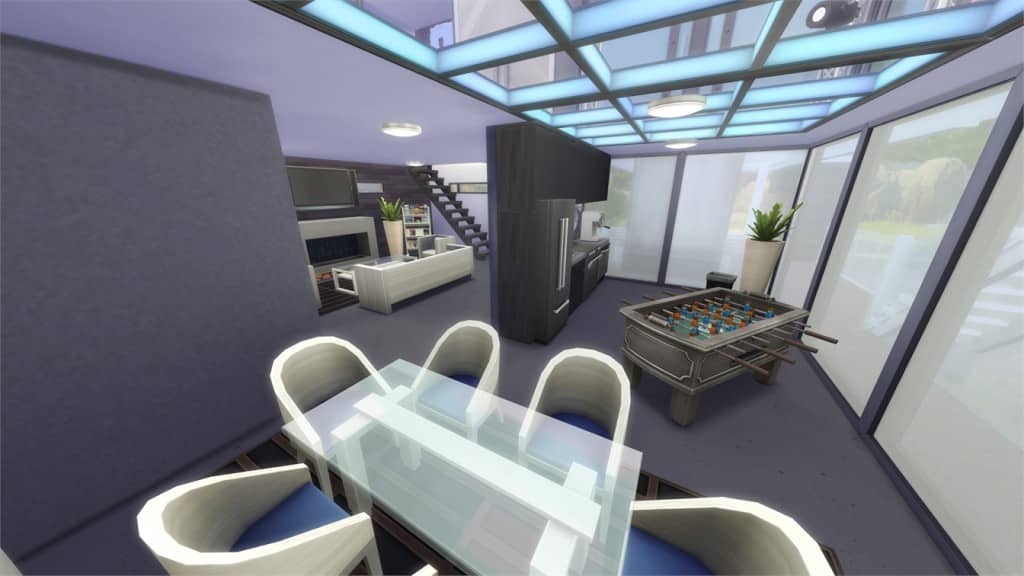
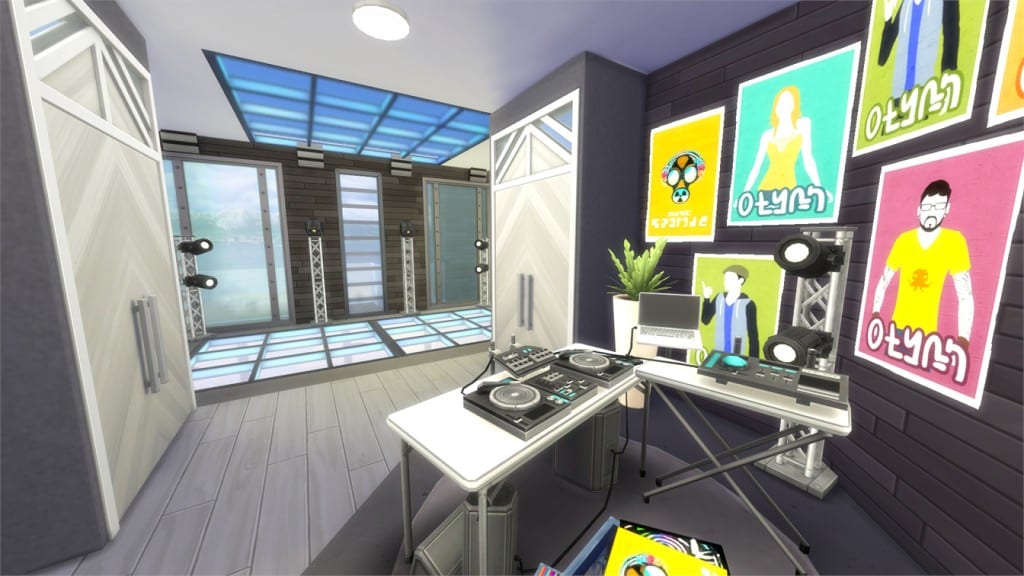
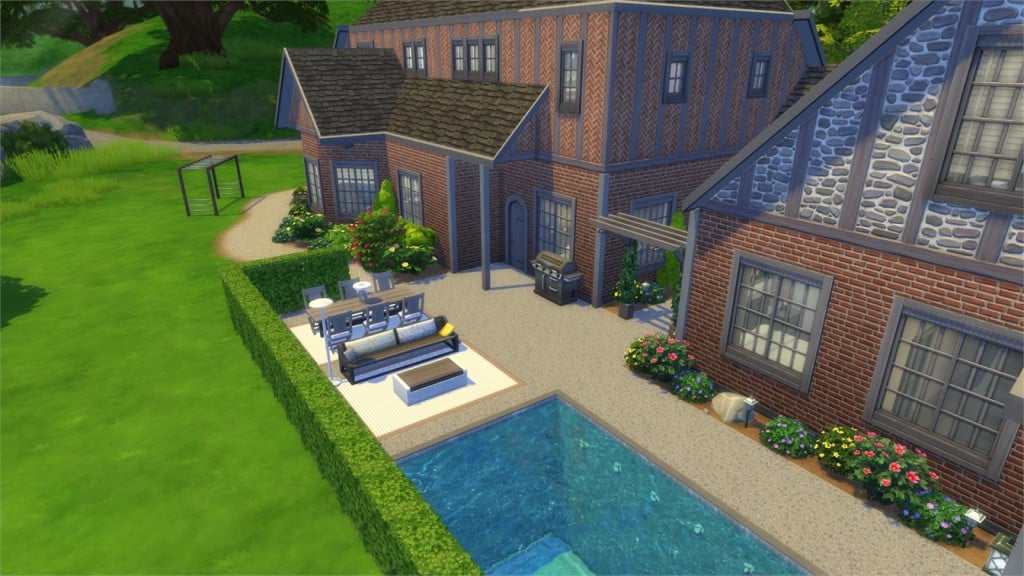
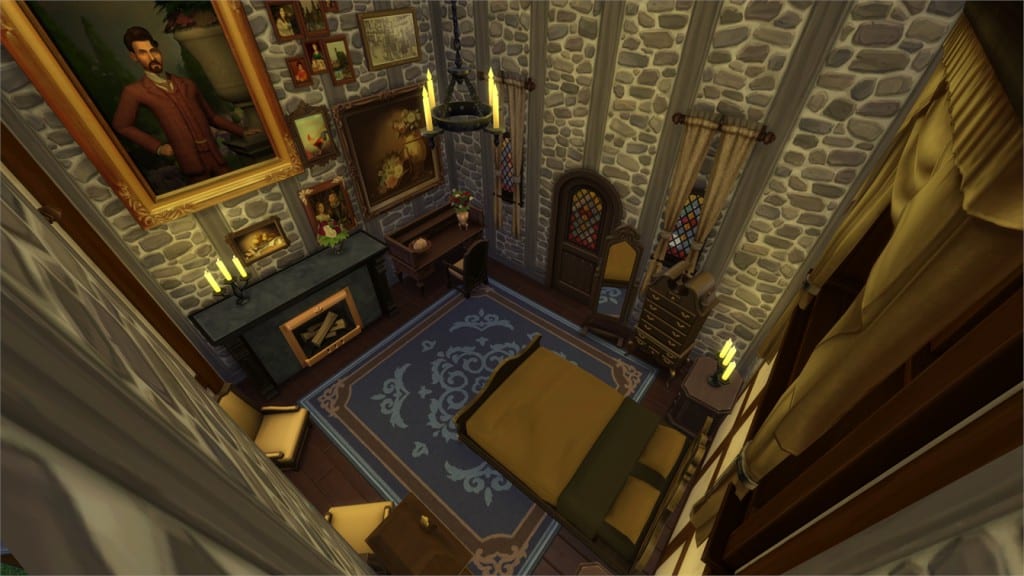
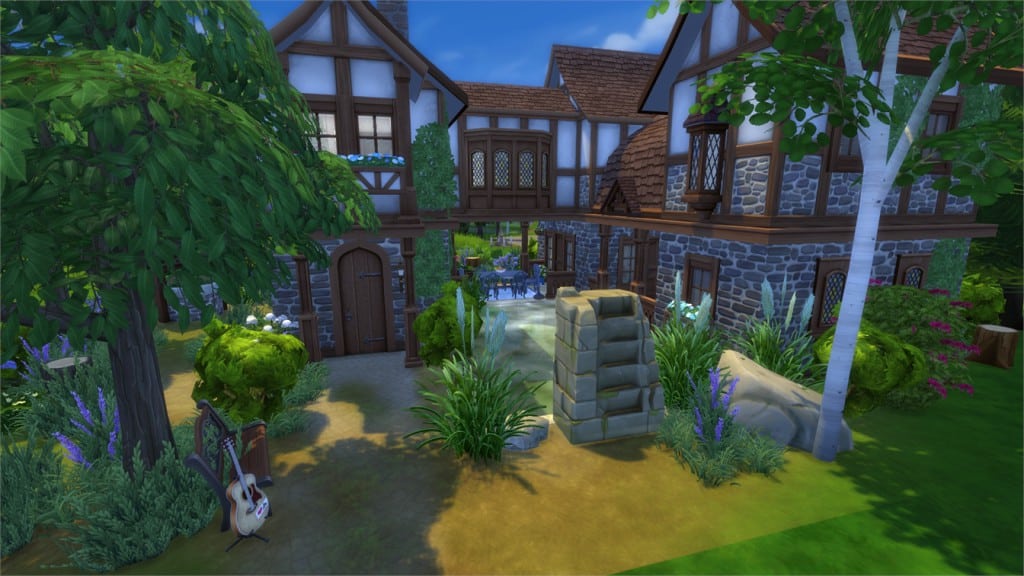
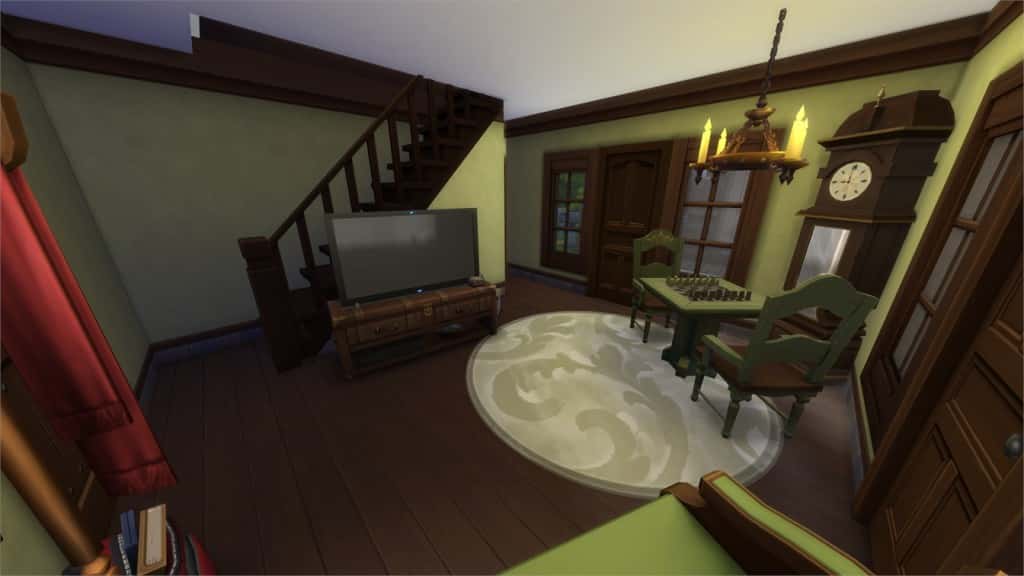
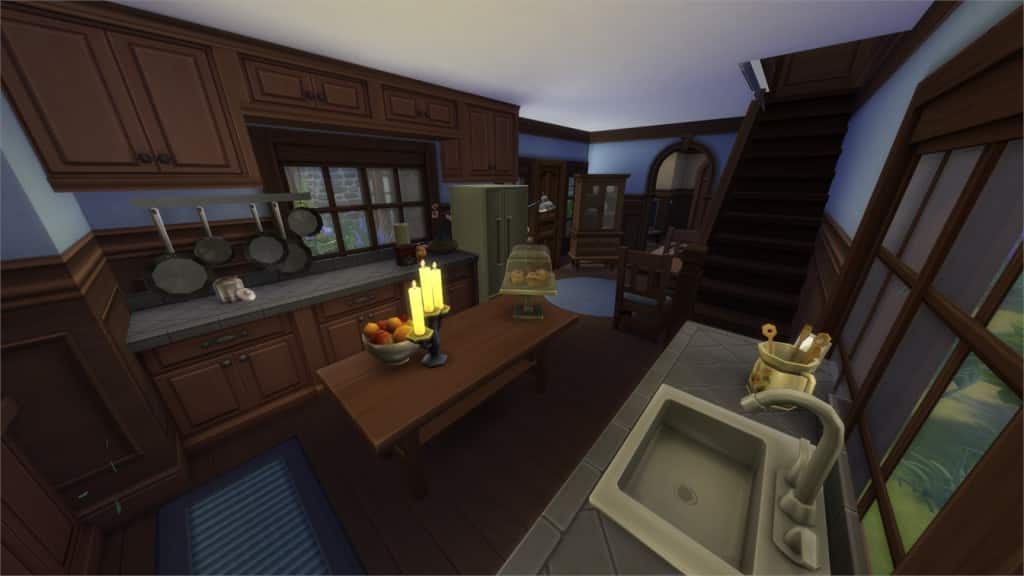
Happy The Sims 4 Get Together release week! In this Spotlight we’re, once again, featuring some of the most beautiful Houses and Starter Homes created by Simmers for Get Together in the last few days.
Hover over the pulsing plumbobs to see screenshots of marked areas. Pulsing plumbob that’s on the left bottom corner contains all the info (and download link) of the lot.
To see more of our previous Gallery Spotlights, CLICK HERE! Make sure you check out our first part HERE!
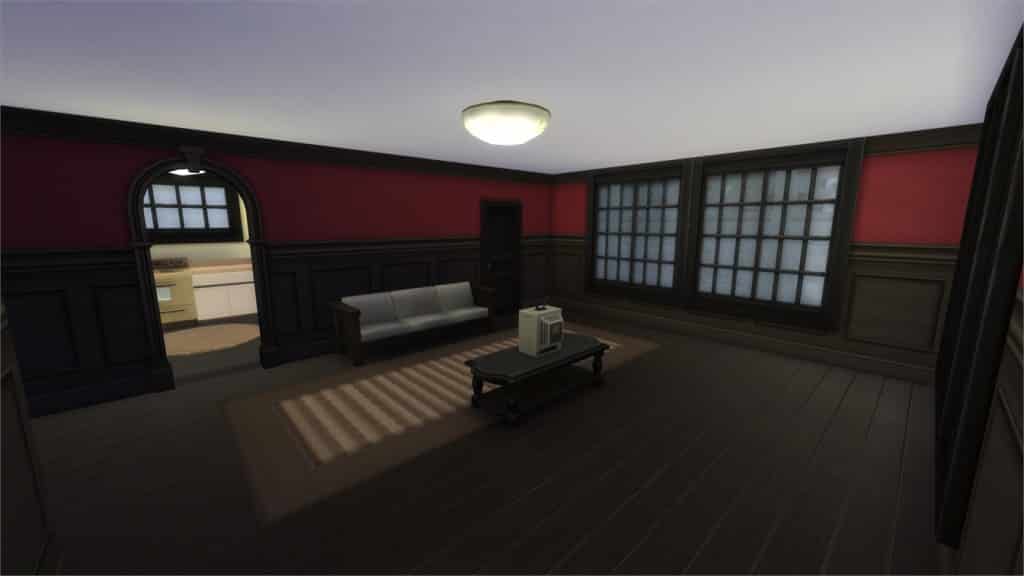
[/ult_hotspot_items][ult_hotspot_items icon_type=”custom” icon_img=”37721|https://simscommunity.info/wp-content/uploads/2015/08/plumhotspot.png” img_width=”26″ tooltip_custom_color=”#1e73be” tooltip_custom_bg_color=”#ffffff” tooltip_width=”500″ enable_bubble_arrow=”off” tooltip_continuous_animation=”on” hotspot_position=”49.81277233115469,54.610906862745104″ tooltip_custom_border_size=”border-style:solid;|border-width:2px;border-radius:5px;|border-color:#81d742;”]
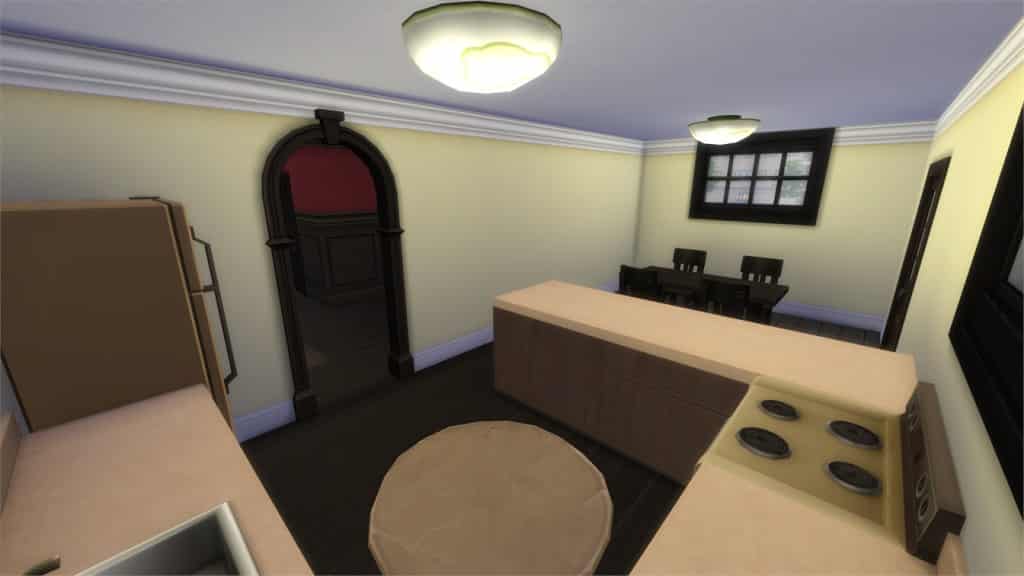
[/ult_hotspot_items][ult_hotspot_items icon_type=”custom” icon_img=”37721|https://simscommunity.info/wp-content/uploads/2015/08/plumhotspot.png” img_width=”36″ tooltip_custom_color=”#1e73be” tooltip_custom_bg_color=”#ffffff” tooltip_width=”500″ enable_bubble_arrow=”off” tooltip_font_size=”14″ tooltip_continuous_animation=”on” hotspot_position=”86.58058681672026,3.25497287522604″ tooltip_custom_border_size=”border-style:solid;|border-width:2px;border-radius:5px;|border-color:#81d742;”]
by Serabee
Value: §18,224
Size: 20×20
Lot Type: Residental Lot
Required Packs: Get Together[/ult_hotspot_items][/ult_hotspot]
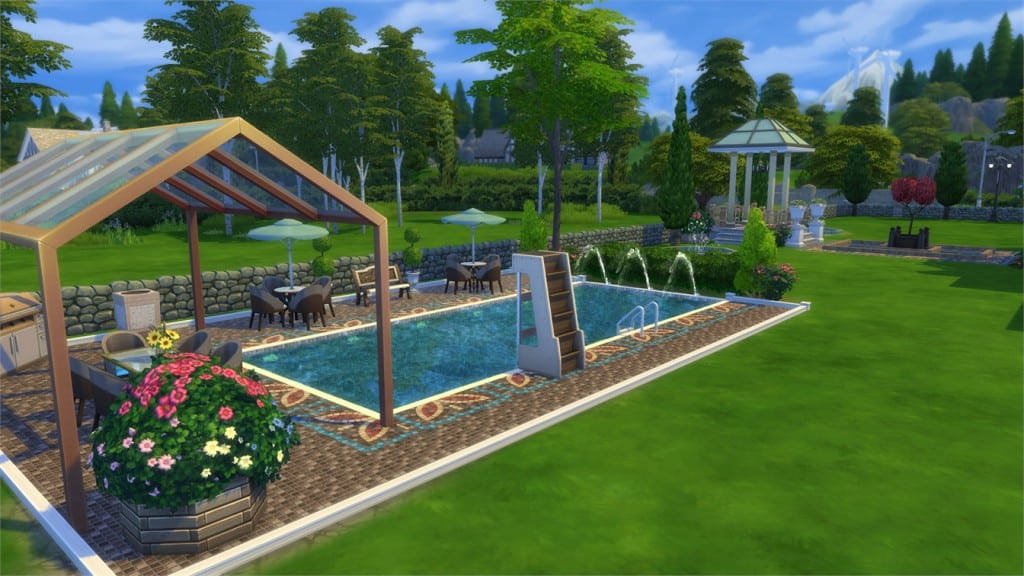
[/ult_hotspot_items][ult_hotspot_items icon_type=”custom” icon_img=”37721|https://simscommunity.info/wp-content/uploads/2015/08/plumhotspot.png” img_width=”26″ tooltip_custom_color=”#1e73be” tooltip_custom_bg_color=”#ffffff” tooltip_width=”500″ enable_bubble_arrow=”off” tooltip_continuous_animation=”on” hotspot_position=”21.46990740740741,24.84298406862745″ tooltip_custom_border_size=”border-style:solid;|border-width:2px;border-radius:5px;|border-color:#81d742;”]
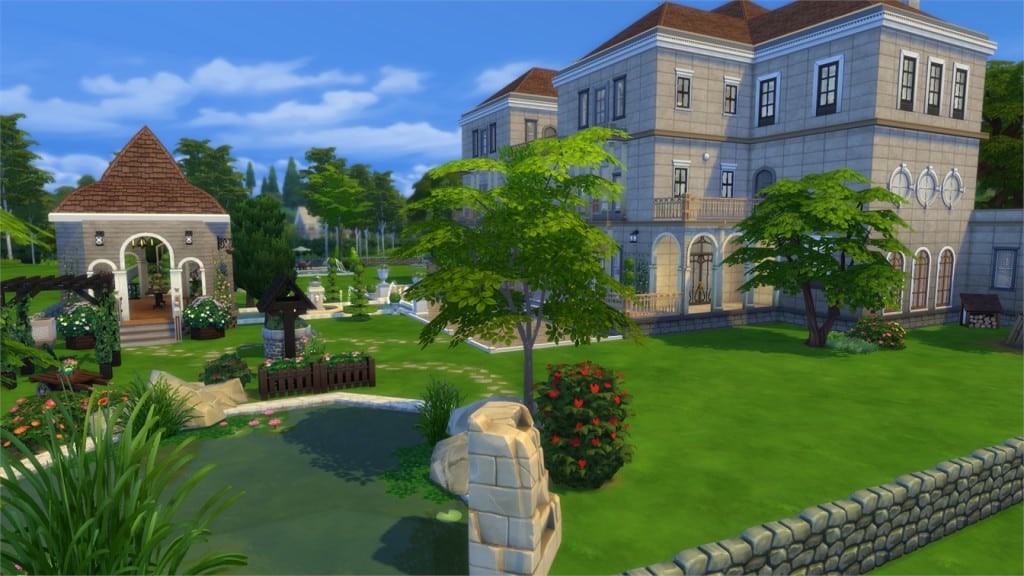
[/ult_hotspot_items][ult_hotspot_items icon_type=”custom” icon_img=”37721|https://simscommunity.info/wp-content/uploads/2015/08/plumhotspot.png” img_width=”26″ tooltip_custom_color=”#1e73be” tooltip_custom_bg_color=”#ffffff” tooltip_width=”500″ enable_bubble_arrow=”off” tooltip_continuous_animation=”on” hotspot_position=”58.207380174291934,36.19983149509804″ tooltip_custom_border_size=”border-style:solid;|border-width:2px;border-radius:5px;|border-color:#81d742;”]
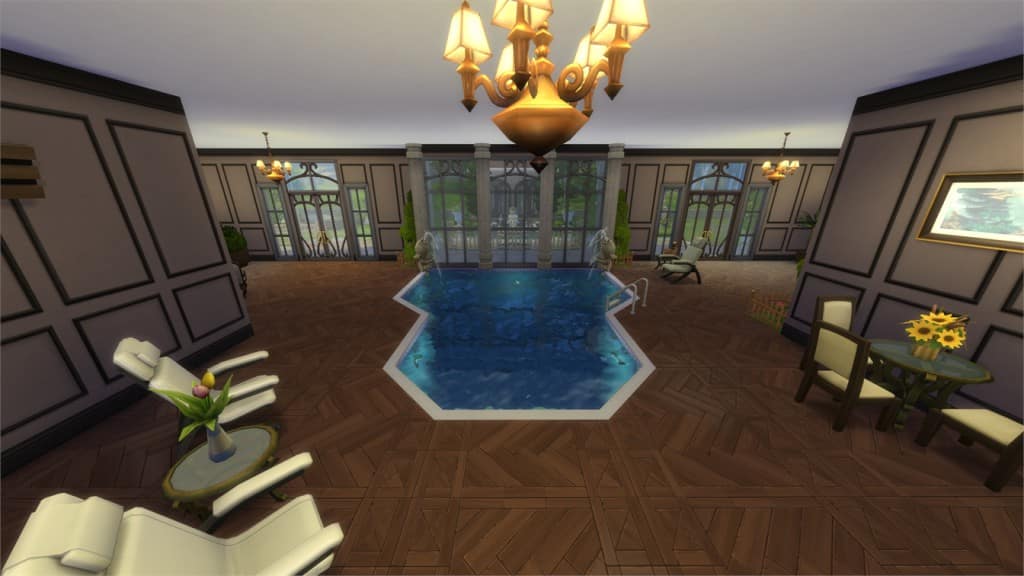
[/ult_hotspot_items][ult_hotspot_items icon_type=”custom” icon_img=”37721|https://simscommunity.info/wp-content/uploads/2015/08/plumhotspot.png” img_width=”36″ tooltip_custom_color=”#1e73be” tooltip_custom_bg_color=”#ffffff” tooltip_width=”500″ enable_bubble_arrow=”off” tooltip_font_size=”14″ tooltip_continuous_animation=”on” hotspot_position=”86.58058681672026,3.25497287522604″ tooltip_custom_border_size=”border-style:solid;|border-width:2px;border-radius:5px;|border-color:#81d742;”]
by lucasheitor4
Value: §846,029
Size: 64×64
Lot Type: Residental Lot
Required Packs: Outdoor Retreat, Get to Work, Perfect Patio, Spa Day, Cool Kitchen, Get Together, Holiday Celebration[/ult_hotspot_items][/ult_hotspot]
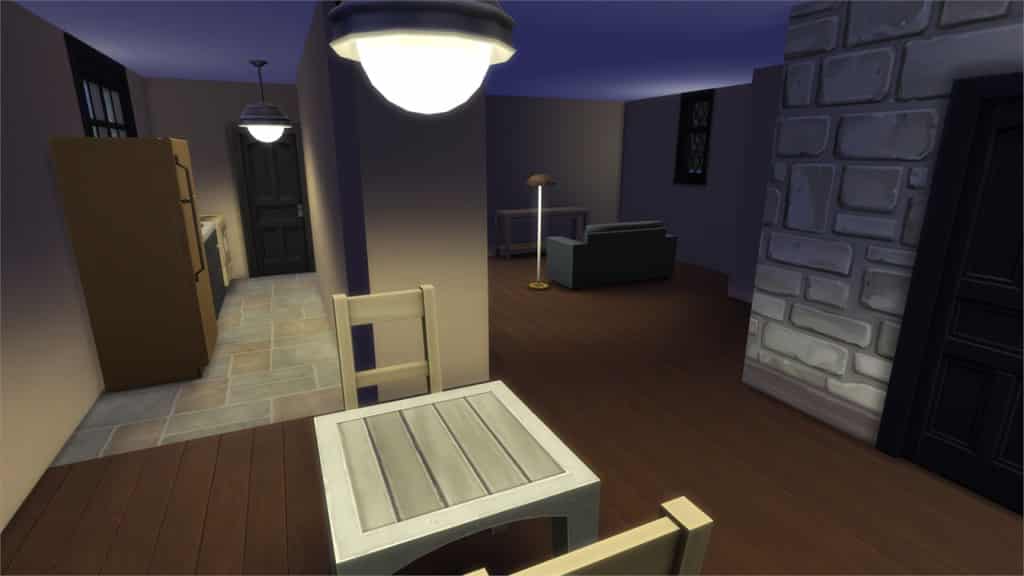
[/ult_hotspot_items][ult_hotspot_items icon_type=”custom” icon_img=”37721|https://simscommunity.info/wp-content/uploads/2015/08/plumhotspot.png” img_width=”36″ tooltip_custom_color=”#1e73be” tooltip_custom_bg_color=”#ffffff” tooltip_width=”500″ enable_bubble_arrow=”off” tooltip_font_size=”14″ tooltip_continuous_animation=”on” hotspot_position=”86.58058681672026,3.25497287522604″ tooltip_custom_border_size=”border-style:solid;|border-width:2px;border-radius:5px;|border-color:#81d742;”]
Value: §16,277
Size: 30×20
Lot Type: Residental Lot
Required Packs: Get Together[/ult_hotspot_items][/ult_hotspot]
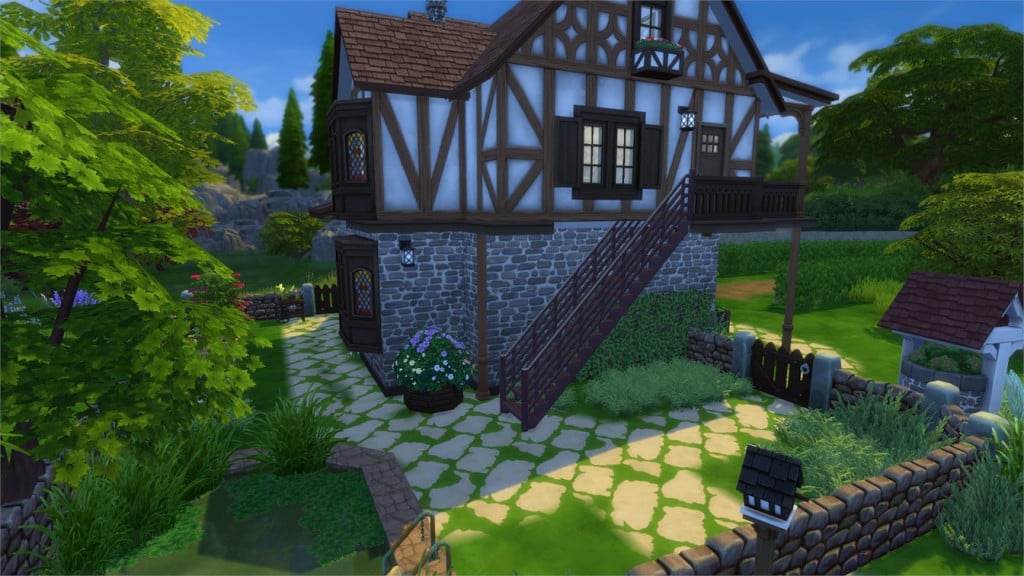
[/ult_hotspot_items][ult_hotspot_items icon_type=”custom” icon_img=”37721|https://simscommunity.info/wp-content/uploads/2015/08/plumhotspot.png” img_width=”26″ tooltip_custom_color=”#1e73be” tooltip_custom_bg_color=”#ffffff” tooltip_width=”500″ enable_bubble_arrow=”off” tooltip_continuous_animation=”on” hotspot_position=”59.46010348583878,57.48314950980392″ tooltip_custom_border_size=”border-style:solid;|border-width:2px;border-radius:5px;|border-color:#81d742;”]
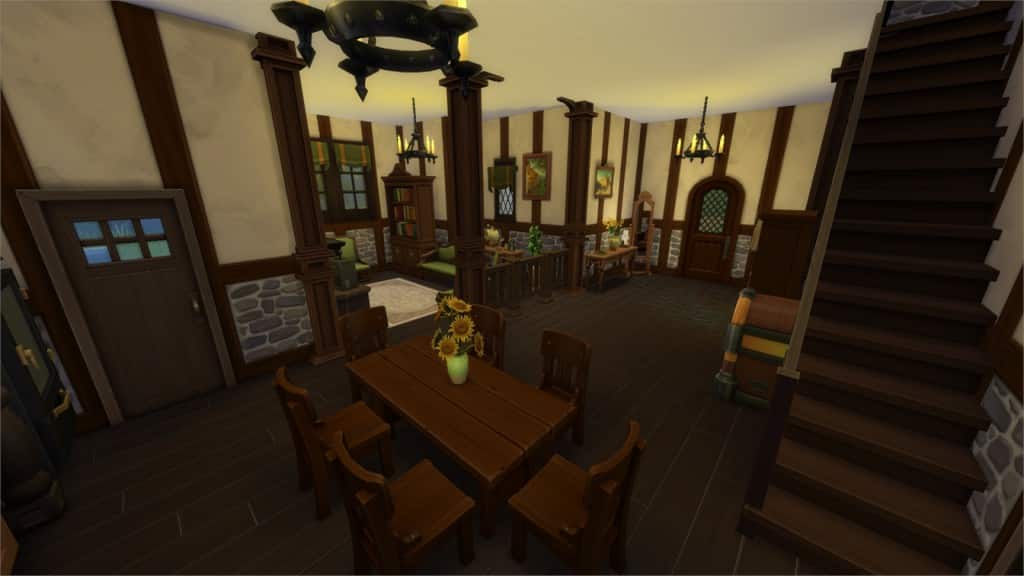
[/ult_hotspot_items][ult_hotspot_items icon_type=”custom” icon_img=”37721|https://simscommunity.info/wp-content/uploads/2015/08/plumhotspot.png” img_width=”36″ tooltip_custom_color=”#1e73be” tooltip_custom_bg_color=”#ffffff” tooltip_width=”500″ enable_bubble_arrow=”off” tooltip_font_size=”14″ tooltip_continuous_animation=”on” hotspot_position=”86.58058681672026,3.25497287522604″ tooltip_custom_border_size=”border-style:solid;|border-width:2px;border-radius:5px;|border-color:#81d742;”]
by babylo5
Value: §111,548
Size: 20×20
Lot Type: Residental Lot
Required Packs: Get to Work, Get Together[/ult_hotspot_items][/ult_hotspot]
[/ult_hotspot_items][ult_hotspot_items icon_type=”custom” icon_img=”37721|https://simscommunity.info/wp-content/uploads/2015/08/plumhotspot.png” img_width=”26″ tooltip_custom_color=”#1e73be” tooltip_custom_bg_color=”#ffffff” tooltip_width=”500″ enable_bubble_arrow=”off” tooltip_continuous_animation=”on” hotspot_position=”54.942810457516345,64.62162990196079″ tooltip_custom_border_size=”border-style:solid;|border-width:2px;border-radius:5px;|border-color:#81d742;”]
[/ult_hotspot_items][ult_hotspot_items icon_type=”custom” icon_img=”37721|https://simscommunity.info/wp-content/uploads/2015/08/plumhotspot.png” img_width=”26″ tooltip_custom_color=”#1e73be” tooltip_custom_bg_color=”#ffffff” tooltip_width=”500″ enable_bubble_arrow=”off” tooltip_continuous_animation=”on” hotspot_position=”44.74400871459695,61.31280637254902″ tooltip_custom_border_size=”border-style:solid;|border-width:2px;border-radius:5px;|border-color:#81d742;”]
[/ult_hotspot_items][ult_hotspot_items icon_type=”custom” icon_img=”37721|https://simscommunity.info/wp-content/uploads/2015/08/plumhotspot.png” img_width=”36″ tooltip_custom_color=”#1e73be” tooltip_custom_bg_color=”#ffffff” tooltip_width=”500″ enable_bubble_arrow=”off” tooltip_font_size=”14″ tooltip_continuous_animation=”on” hotspot_position=”86.58058681672026,3.25497287522604″ tooltip_custom_border_size=”border-style:solid;|border-width:2px;border-radius:5px;|border-color:#81d742;”]
Value: §107,470
Size: 30×20
Lot Type: Residental Lot
Required Packs: Outdoor Retreat, Get to Work, Luxury Party, Perfect Patio, Spa Day, Cool Kitchen, Get Together[/ult_hotspot_items][/ult_hotspot]
[/ult_hotspot_items][ult_hotspot_items icon_type=”custom” icon_img=”37721|https://simscommunity.info/wp-content/uploads/2015/08/plumhotspot.png” img_width=”26″ tooltip_custom_color=”#1e73be” tooltip_custom_bg_color=”#ffffff” tooltip_width=”500″ enable_bubble_arrow=”off” tooltip_continuous_animation=”on” hotspot_position=”65.79520697167756,72.73475796568627″ tooltip_custom_border_size=”border-style:solid;|border-width:2px;border-radius:5px;|border-color:#81d742;”]
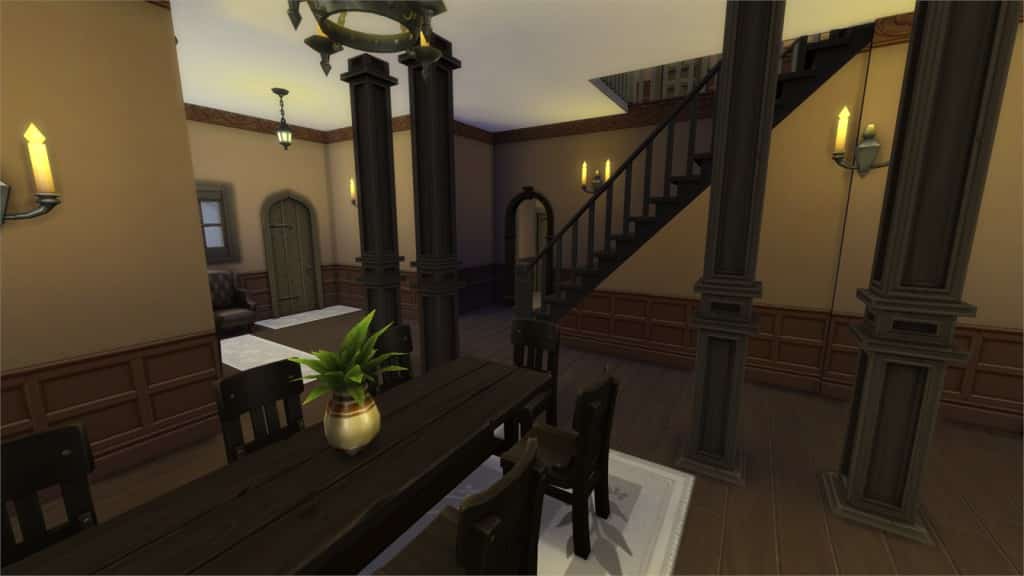
[/ult_hotspot_items][ult_hotspot_items icon_type=”custom” icon_img=”37721|https://simscommunity.info/wp-content/uploads/2015/08/plumhotspot.png” img_width=”26″ tooltip_custom_color=”#1e73be” tooltip_custom_bg_color=”#ffffff” tooltip_width=”500″ enable_bubble_arrow=”off” tooltip_continuous_animation=”on” hotspot_position=”63.970588235294116,64.2788756127451″ tooltip_custom_border_size=”border-style:solid;|border-width:2px;border-radius:5px;|border-color:#81d742;”]
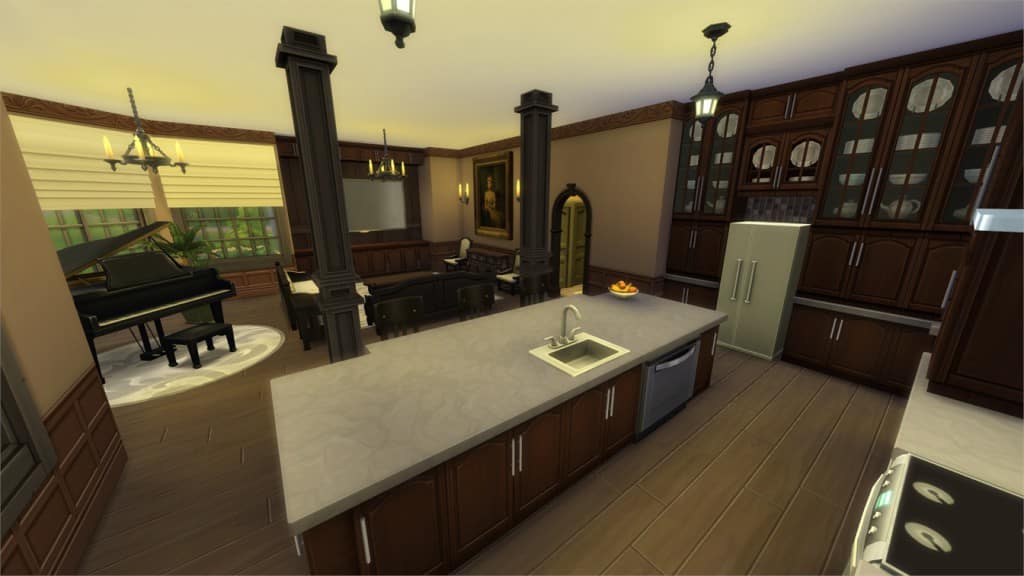
[/ult_hotspot_items][ult_hotspot_items icon_type=”custom” icon_img=”37721|https://simscommunity.info/wp-content/uploads/2015/08/plumhotspot.png” img_width=”36″ tooltip_custom_color=”#1e73be” tooltip_custom_bg_color=”#ffffff” tooltip_width=”500″ enable_bubble_arrow=”off” tooltip_font_size=”14″ tooltip_continuous_animation=”on” hotspot_position=”86.58058681672026,3.25497287522604″ tooltip_custom_border_size=”border-style:solid;|border-width:2px;border-radius:5px;|border-color:#81d742;”]
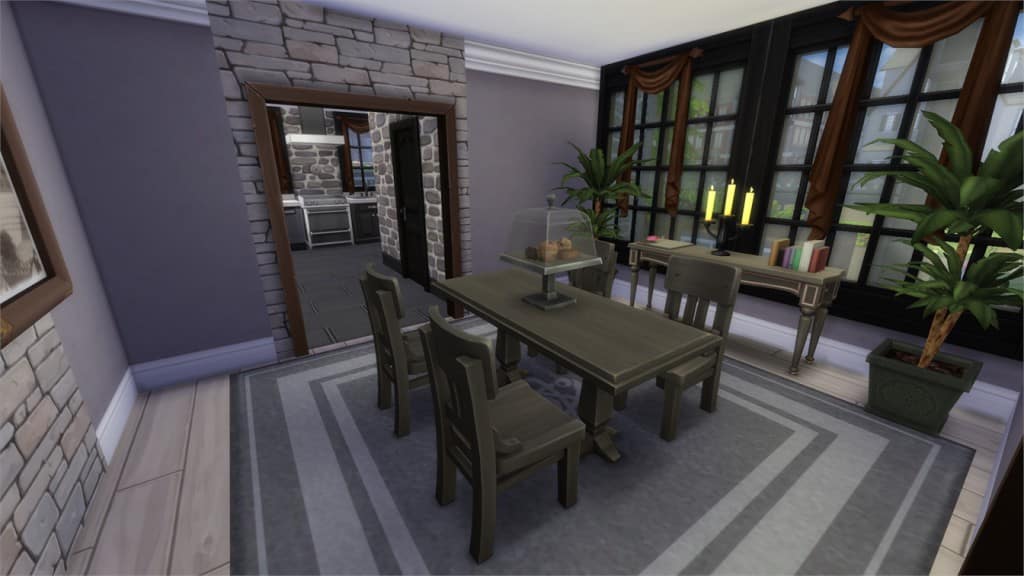
by gizky
Value: §278,054
Size: 40×30
Lot Type: Residental Lot
Required Packs: Get Together[/ult_hotspot_items][/ult_hotspot]
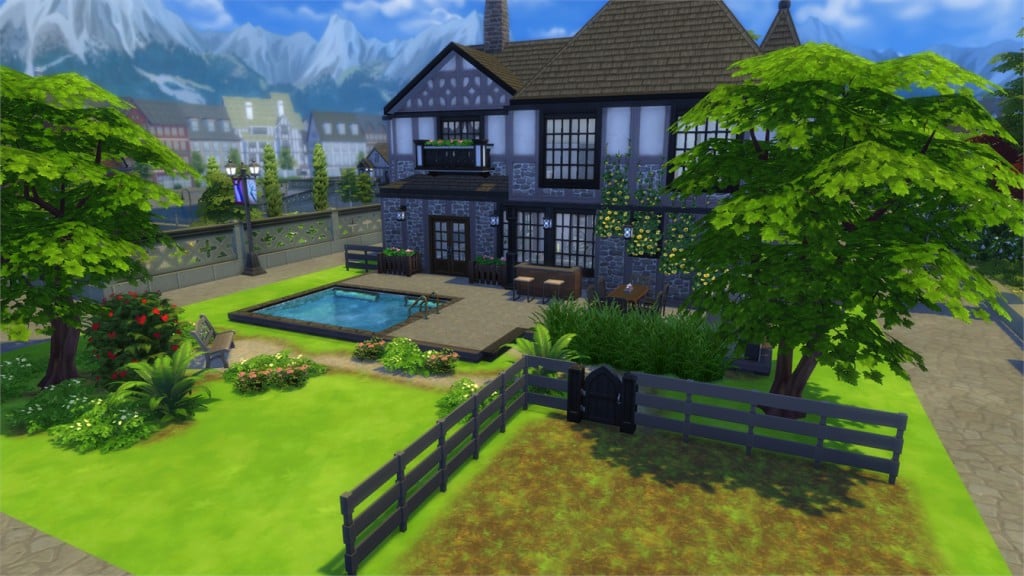
[/ult_hotspot_items][ult_hotspot_items icon_type=”custom” icon_img=”37721|https://simscommunity.info/wp-content/uploads/2015/08/plumhotspot.png” img_width=”26″ tooltip_custom_color=”#1e73be” tooltip_custom_bg_color=”#ffffff” tooltip_width=”500″ enable_bubble_arrow=”off” tooltip_continuous_animation=”on” hotspot_position=”64.15100762527233,57.53102022058824″ tooltip_custom_border_size=”border-style:solid;|border-width:2px;border-radius:5px;|border-color:#81d742;”]
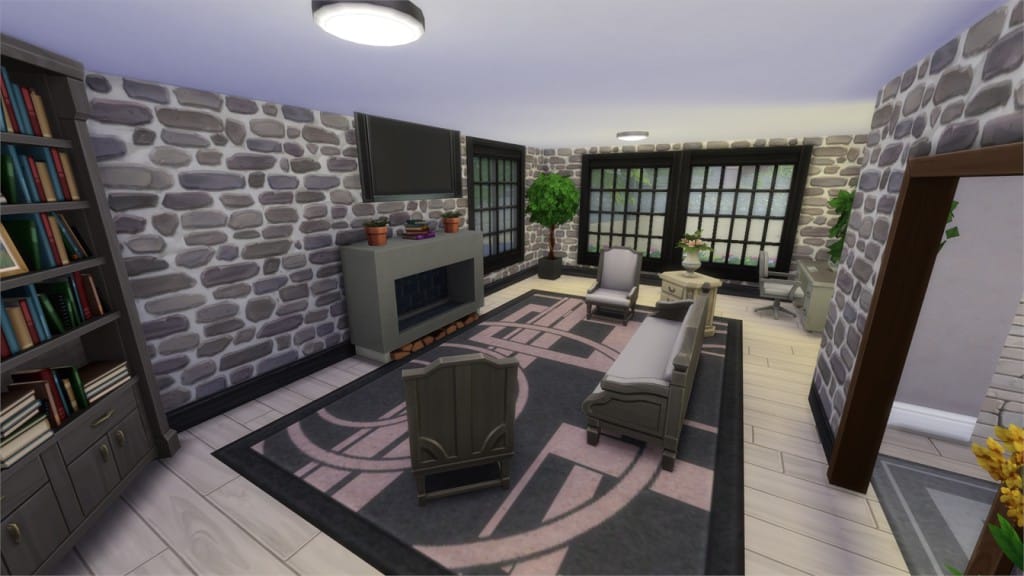
[/ult_hotspot_items][ult_hotspot_items icon_type=”custom” icon_img=”37721|https://simscommunity.info/wp-content/uploads/2015/08/plumhotspot.png” img_width=”26″ tooltip_custom_color=”#1e73be” tooltip_custom_bg_color=”#ffffff” tooltip_width=”500″ enable_bubble_arrow=”off” tooltip_continuous_animation=”on” hotspot_position=”60.066040305010894,33.73544730392157″ tooltip_custom_border_size=”border-style:solid;|border-width:2px;border-radius:5px;|border-color:#81d742;”]
[/ult_hotspot_items][ult_hotspot_items icon_type=”custom” icon_img=”37721|https://simscommunity.info/wp-content/uploads/2015/08/plumhotspot.png” img_width=”36″ tooltip_custom_color=”#1e73be” tooltip_custom_bg_color=”#ffffff” tooltip_width=”500″ enable_bubble_arrow=”off” tooltip_font_size=”14″ tooltip_continuous_animation=”on” hotspot_position=”86.58058681672026,3.25497287522604″ tooltip_custom_border_size=”border-style:solid;|border-width:2px;border-radius:5px;|border-color:#81d742;”]
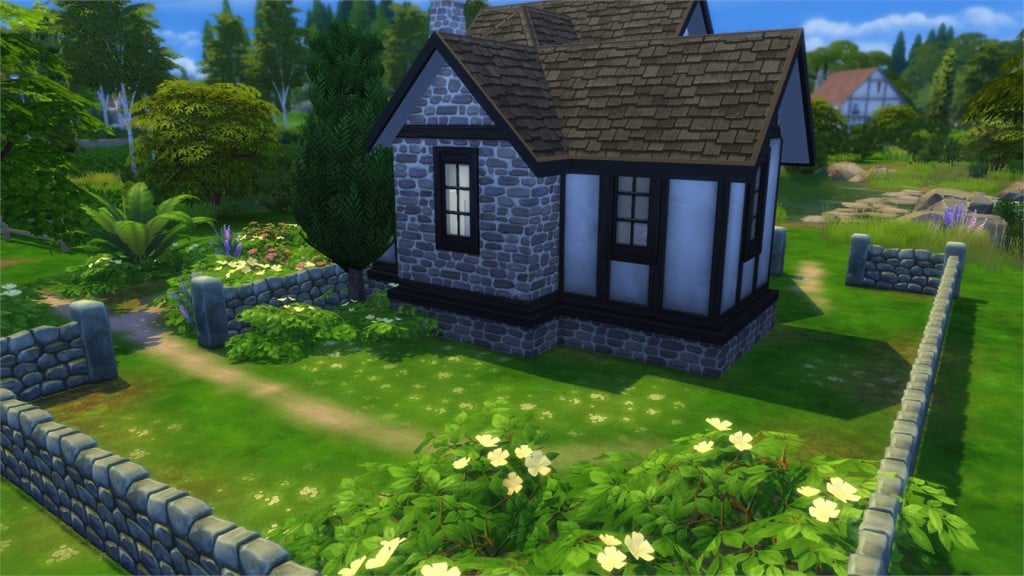
by dzidziak86
Value: §113,061
Size: 30×20
Lot Type: Residental Lot
Required Packs: Get to Work, Luxury Party, Perfect Patio, Spa Day, Get Together[/ult_hotspot_items][/ult_hotspot]
[/ult_hotspot_items][ult_hotspot_items icon_type=”custom” icon_img=”37721|https://simscommunity.info/wp-content/uploads/2015/08/plumhotspot.png” img_width=”26″ tooltip_custom_color=”#1e73be” tooltip_custom_bg_color=”#ffffff” tooltip_width=”500″ enable_bubble_arrow=”off” tooltip_continuous_animation=”on” hotspot_position=”49.85702614379085,30.520450367647058″ tooltip_custom_border_size=”border-style:solid;|border-width:2px;border-radius:5px;|border-color:#81d742;”]
[/ult_hotspot_items][ult_hotspot_items icon_type=”custom” icon_img=”37721|https://simscommunity.info/wp-content/uploads/2015/08/plumhotspot.png” img_width=”36″ tooltip_custom_color=”#1e73be” tooltip_custom_bg_color=”#ffffff” tooltip_width=”500″ enable_bubble_arrow=”off” tooltip_font_size=”14″ tooltip_continuous_animation=”on” hotspot_position=”86.58058681672026,3.25497287522604″ tooltip_custom_border_size=”border-style:solid;|border-width:2px;border-radius:5px;|border-color:#81d742;”]
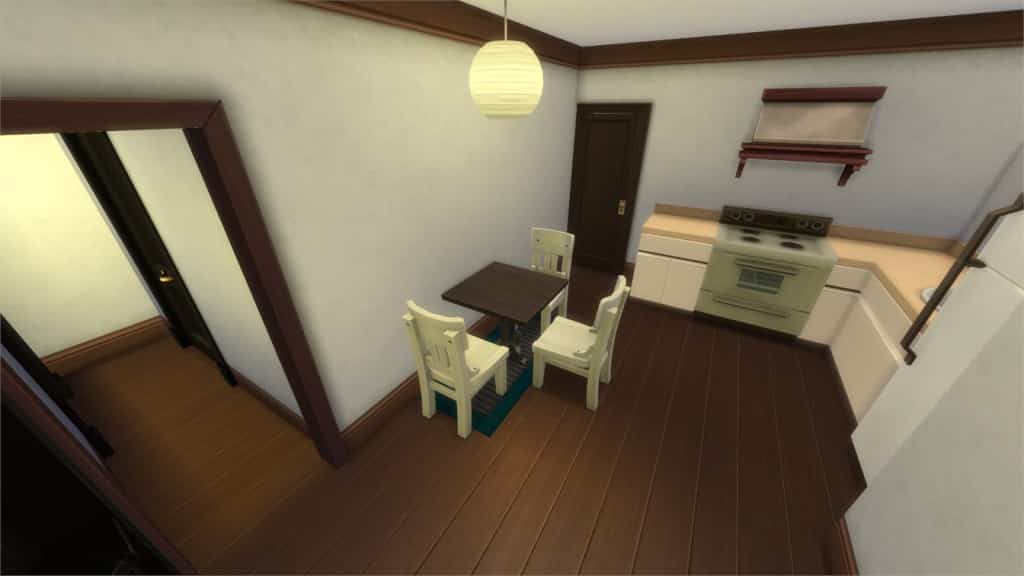
by snorkas
Value: §16,464
Size: 20×20
Lot Type: Residental Lot
Required Packs: Get Together[/ult_hotspot_items][/ult_hotspot]
[/ult_hotspot_items][ult_hotspot_items icon_type=”custom” icon_img=”37721|https://simscommunity.info/wp-content/uploads/2015/08/plumhotspot.png” img_width=”26″ tooltip_custom_color=”#1e73be” tooltip_custom_bg_color=”#ffffff” tooltip_width=”500″ enable_bubble_arrow=”off” tooltip_continuous_animation=”on” hotspot_position=”36.128131808278866,41.67241115196079″ tooltip_custom_border_size=”border-style:solid;|border-width:2px;border-radius:5px;|border-color:#81d742;”]
[/ult_hotspot_items][ult_hotspot_items icon_type=”custom” icon_img=”37721|https://simscommunity.info/wp-content/uploads/2015/08/plumhotspot.png” img_width=”36″ tooltip_custom_color=”#1e73be” tooltip_custom_bg_color=”#ffffff” tooltip_width=”500″ enable_bubble_arrow=”off” tooltip_font_size=”14″ tooltip_continuous_animation=”on” hotspot_position=”86.58058681672026,3.25497287522604″ tooltip_custom_border_size=”border-style:solid;|border-width:2px;border-radius:5px;|border-color:#81d742;”]
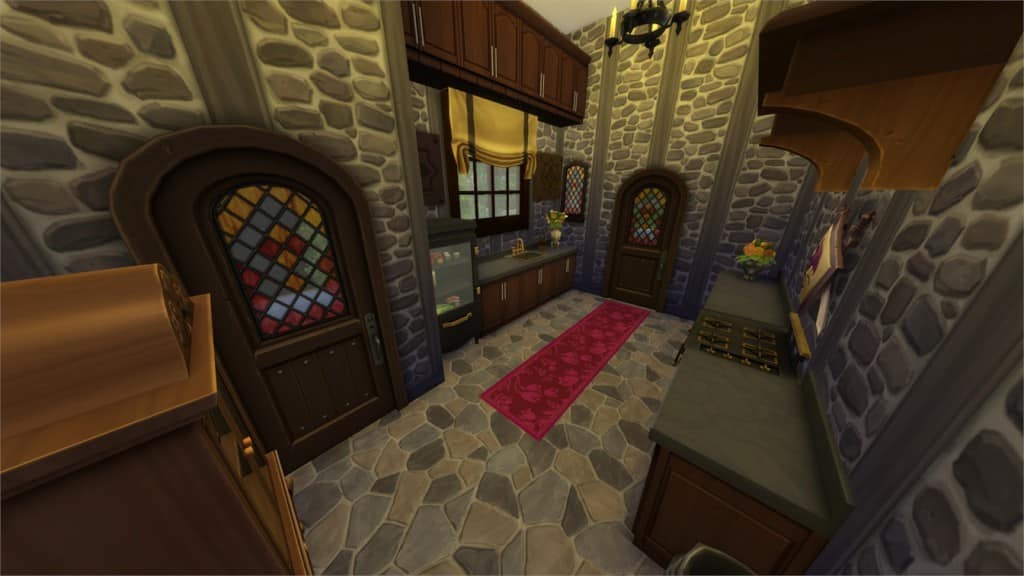
by SpecterCody
Value: §230,081
Size: 20×20
Lot Type: Residental Lot
Required Packs: Outdoor Retreat, Get Together[/ult_hotspot_items][/ult_hotspot]
[/ult_hotspot_items][ult_hotspot_items icon_type=”custom” icon_img=”37721|https://simscommunity.info/wp-content/uploads/2015/08/plumhotspot.png” img_width=”26″ tooltip_custom_color=”#1e73be” tooltip_custom_bg_color=”#ffffff” tooltip_width=”500″ enable_bubble_arrow=”off” tooltip_continuous_animation=”on” hotspot_position=”64.76375272331155,39.22143075980392″ tooltip_custom_border_size=”border-style:solid;|border-width:2px;border-radius:5px;|border-color:#81d742;”]
[/ult_hotspot_items][ult_hotspot_items icon_type=”custom” icon_img=”37721|https://simscommunity.info/wp-content/uploads/2015/08/plumhotspot.png” img_width=”26″ tooltip_custom_color=”#1e73be” tooltip_custom_bg_color=”#ffffff” tooltip_width=”500″ enable_bubble_arrow=”off” tooltip_continuous_animation=”on” hotspot_position=”60.532407407407405,71.20672487745098″ tooltip_custom_border_size=”border-style:solid;|border-width:2px;border-radius:5px;|border-color:#81d742;”]
[/ult_hotspot_items][ult_hotspot_items icon_type=”custom” icon_img=”37721|https://simscommunity.info/wp-content/uploads/2015/08/plumhotspot.png” img_width=”36″ tooltip_custom_color=”#1e73be” tooltip_custom_bg_color=”#ffffff” tooltip_width=”500″ enable_bubble_arrow=”off” tooltip_font_size=”14″ tooltip_continuous_animation=”on” hotspot_position=”86.58058681672026,3.25497287522604″ tooltip_custom_border_size=”border-style:solid;|border-width:2px;border-radius:5px;|border-color:#81d742;”]
Value: §176,699
Size: 30×20
Lot Type: Residental Lot
Required Packs: Outdoor Retreat, Get to Work, Spa Day, Get Together[/ult_hotspot_items][/ult_hotspot]
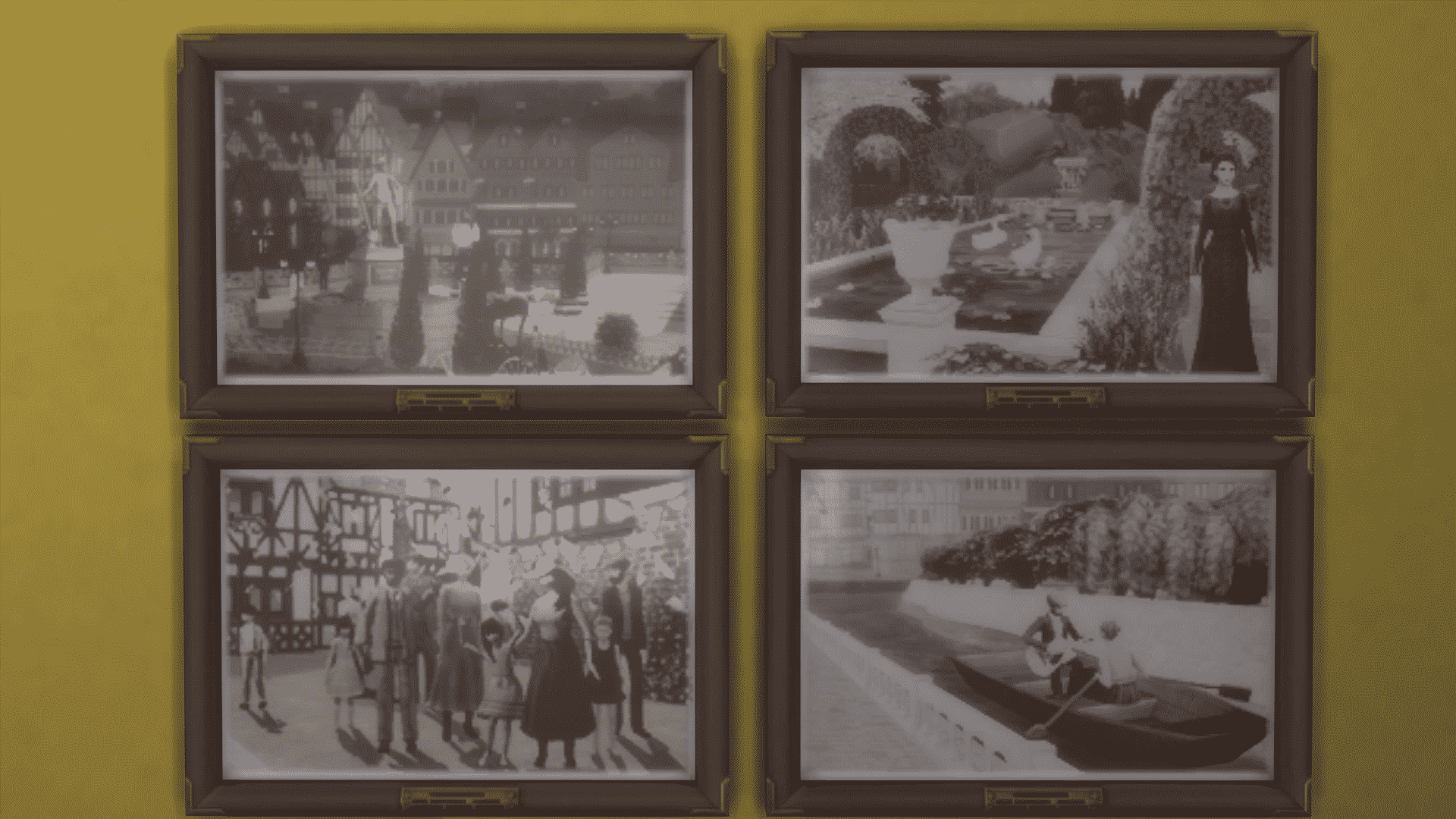
While roaming through the new objects that were added with The Sims 4 Get Together, I noticed a particular object (framed picture to be exact) called Antiqued History.

This framed picture comes with 4 different styles. Each has the same frame, but a different picture showcasing, what it appears to be, Windenburg in the early days of development. I’ve come to that conclusion because in one of the concept arts that The Sims Team officially published, you can clearly see a Gondola boat.

The Sims 4 Get Together introduces one of the most complex features in the history of The Sims – Clubs! Clubs allow you to create a Group of Sims that likes and dislikes doing certain things. For example, you can make a Garden Club that likes Gardening and dislikes watching TV, using the Computer and so on.
Your Club adventure begins by clicking the Clubs icon on the bottom right corner.
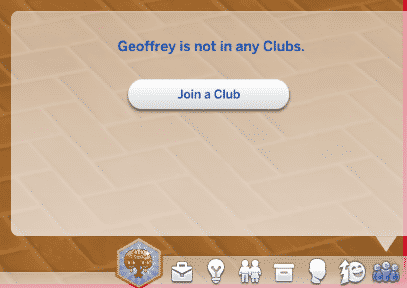
After clicking the Join a Club button, you’ll be greeted with an interface that showcases all Clubs created in all Worlds. As this is an Article about creating a Club, select Create a Club option on the bottom.

To best explain each feature in the Clubs User Interface, I’ve put together an interactive overview.
[ult_hotspot main_img=”44152|https://simscommunity.info/wp-content/uploads/2015/12/clubsUI2.png” main_img_size=”main_img_custom” main_img_width=”818″][ult_hotspot_items icon_type=”custom” icon_img=”39525|https://simscommunity.info/wp-content/uploads/2015/09/plumbob2.png” img_width=”32″ tooltip_custom_bg_color=”#ffffff” enable_bubble_arrow=”off” tooltip_continuous_animation=”on” hotspot_position=”19.855595667870034,2.3227383863080684″ tooltip_custom_border_size=”border-style:solid;|border-width:2px;border-radius:3px;|border-color:#1e73be;”]The Icon of your Club. These Icons will appear during Club gatherings.

[/ult_hotspot_items][ult_hotspot_items icon_type=”custom” icon_img=”39525|https://simscommunity.info/wp-content/uploads/2015/09/plumbob2.png” img_width=”32″ tooltip_custom_bg_color=”#ffffff” enable_bubble_arrow=”off” tooltip_continuous_animation=”on” hotspot_position=”6.819720216606498,37.89731051344744″ tooltip_custom_border_size=”border-style:solid;|border-width:2px;border-radius:3px;|border-color:#1e73be;”]Name of your Club. Be creative![/ult_hotspot_items][ult_hotspot_items icon_type=”custom” icon_img=”39525|https://simscommunity.info/wp-content/uploads/2015/09/plumbob2.png” img_width=”32″ tooltip_custom_bg_color=”#ffffff” enable_bubble_arrow=”off” tooltip_continuous_animation=”on” hotspot_position=”15.89293772563177,31.05134474327628″ tooltip_custom_border_size=”border-style:solid;|border-width:2px;border-radius:3px;|border-color:#1e73be;”]Description of your Club. Be creative![/ult_hotspot_items][ult_hotspot_items icon_type=”custom” icon_img=”39525|https://simscommunity.info/wp-content/uploads/2015/09/plumbob2.png” img_width=”32″ tooltip_custom_bg_color=”#ffffff” enable_bubble_arrow=”off” tooltip_continuous_animation=”on” hotspot_position=”27.919111010830328,36.3080684596577″ tooltip_custom_border_size=”border-style:solid;|border-width:2px;border-radius:3px;|border-color:#1e73be;”]Choose between making your Club open for Invitations (when Sims can ask you to join your Club) and making your Club Invite only (when only you choose who can join).[/ult_hotspot_items][ult_hotspot_items icon_type=”custom” icon_img=”39525|https://simscommunity.info/wp-content/uploads/2015/09/plumbob2.png” img_width=”32″ tooltip_custom_bg_color=”#ffffff” enable_bubble_arrow=”off” tooltip_continuous_animation=”on” hotspot_position=”43.82333032490975,25.794621026894866″ tooltip_custom_border_size=”border-style:solid;|border-width:2px;border-radius:3px;|border-color:#1e73be;”]Sim(s) who are currently in your Club. You can kick out any Sim by hovering over their avatar and pressing the X button.[/ult_hotspot_items][ult_hotspot_items icon_type=”custom” icon_img=”39525|https://simscommunity.info/wp-content/uploads/2015/09/plumbob2.png” img_width=”32″ tooltip_custom_bg_color=”#ffffff” enable_bubble_arrow=”off” tooltip_continuous_animation=”on” hotspot_position=”79.33777075812274,31.41809290953545″ tooltip_custom_border_size=”border-style:solid;|border-width:2px;border-radius:3px;|border-color:#1e73be;”]The 7th Slot that can be unlocked by purchasing the ”Capacity Upgrade 1” perk for 250 Points.[/ult_hotspot_items][ult_hotspot_items icon_type=”custom” icon_img=”39525|https://simscommunity.info/wp-content/uploads/2015/09/plumbob2.png” img_width=”32″ tooltip_custom_bg_color=”#ffffff” enable_bubble_arrow=”off” tooltip_continuous_animation=”on” hotspot_position=”79.7298059566787,44.132029339853304″ tooltip_custom_border_size=”border-style:solid;|border-width:2px;border-radius:3px;|border-color:#1e73be;”]The 8th Slot that can be unlocked by purchasing the ”Capacity Upgrade 2” perk for 500 Points.[/ult_hotspot_items][ult_hotspot_items icon_type=”custom” icon_img=”39525|https://simscommunity.info/wp-content/uploads/2015/09/plumbob2.png” img_width=”32″ tooltip_custom_bg_color=”#ffffff” enable_bubble_arrow=”off” tooltip_continuous_animation=”on” hotspot_position=”30.84668321299639,46.0880195599022″ tooltip_custom_border_size=”border-style:solid;|border-width:2px;border-radius:3px;|border-color:#1e73be;”]The Club Hangout option lets you choose a Lot where your Sims like to hang out.
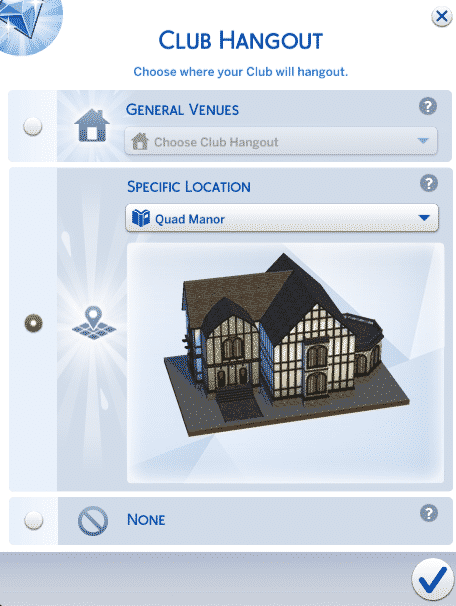
[/ult_hotspot_items][ult_hotspot_items icon_type=”custom” icon_img=”39525|https://simscommunity.info/wp-content/uploads/2015/09/plumbob2.png” img_width=”32″ tooltip_custom_bg_color=”#ffffff” enable_bubble_arrow=”off” tooltip_continuous_animation=”on” hotspot_position=”43.52154783393502,64.91442542787286″ tooltip_custom_border_size=”border-style:solid;|border-width:2px;border-radius:3px;|border-color:#1e73be;”]These are the Club Requirements. Sims need to fulfill each requirement in order to join a certain Club. There are Age, Career, Marital Status, Financial Status, Trait and Skill Level 2+ Requirements.
[/ult_hotspot_items][ult_hotspot_items icon_type=”custom” icon_img=”39525|https://simscommunity.info/wp-content/uploads/2015/09/plumbob2.png” img_width=”32″ tooltip_custom_bg_color=”#ffffff” tooltip_width=”400″ enable_bubble_arrow=”off” tooltip_continuous_animation=”on” hotspot_position=”64.77324007220217,86.06356968215158″ tooltip_custom_border_size=”border-style:solid;|border-width:2px;border-radius:3px;|border-color:#1e73be;”]These are the Club Activities that will encourage your Club to do certain things more autonomously. As you own more Sims 4 Packs you’ll unlock more Activities that are tied in with those Packs.
Club Activity Categories:
[/ult_hotspot_items][ult_hotspot_items icon_type=”custom” icon_img=”39525|https://simscommunity.info/wp-content/uploads/2015/09/plumbob2.png” img_width=”32″ tooltip_custom_bg_color=”#ffffff” tooltip_width=”400″ enable_bubble_arrow=”off” tooltip_continuous_animation=”on” hotspot_position=”76.97145758122743,86.18581907090464″ tooltip_custom_border_size=”border-style:solid;|border-width:2px;border-radius:3px;|border-color:#1e73be;”]These are banned Club Activities that will discourage your Sims to do various things. Some Sims in the Club still may autonomously do a certain banned activity, but you’re allowed to scold them. If you do banned activities regularly, you may get kicked out of the Club by a Club leader!
The list of banned Activities is the same as the list of encouraged Club Activities.[/ult_hotspot_items][ult_hotspot_items icon_type=”custom” icon_img=”39525|https://simscommunity.info/wp-content/uploads/2015/09/plumbob2.png” img_width=”32″ tooltip_custom_bg_color=”#ffffff” tooltip_width=”400″ enable_bubble_arrow=”off” tooltip_continuous_animation=”on” hotspot_position=”93.95306859205776,12.102689486552567″ tooltip_custom_border_size=”border-style:solid;|border-width:2px;border-radius:3px;|border-color:#1e73be;”]These are Club Points that you can earn by having Club Gatherings and doing encouraged Activities while at Club Gatherings.[/ult_hotspot_items][ult_hotspot_items icon_type=”custom” icon_img=”39525|https://simscommunity.info/wp-content/uploads/2015/09/plumbob2.png” img_width=”32″ tooltip_custom_bg_color=”#ffffff” tooltip_width=”400″ enable_bubble_arrow=”off” tooltip_continuous_animation=”on” hotspot_position=”88.4927797833935,2.689486552567237″ tooltip_custom_border_size=”border-style:solid;|border-width:2px;border-radius:3px;|border-color:#1e73be;”]This is the Club Perks option where you can purchase various Rewards and Bonuses for your Club. Most of them take effect only when you’re at Club Gatherings.[/ult_hotspot_items][ult_hotspot_items icon_type=”custom” icon_img=”39525|https://simscommunity.info/wp-content/uploads/2015/09/plumbob2.png” img_width=”32″ tooltip_custom_bg_color=”#ffffff” tooltip_width=”300″ enable_bubble_arrow=”off” tooltip_continuous_animation=”on” hotspot_position=”91.47675992779783,91.68704156479217″ tooltip_custom_border_size=”border-style:solid;|border-width:2px;border-radius:3px;|border-color:#1e73be;”]Create a Club![/ult_hotspot_items][/ult_hotspot]
After oh-so-many awesome articles published by our staff, I thought it was time to showcase their articles in a proper way so that they don’t fade away with time, and so I’m happy to introduce our brand new page on the site – The Sims 4 Library!
This page has a collection of all the important Articles, Tutorials and Guides that have been published so far. We’ll keep updating the page as new posts get released.
Below the Article slider, you’ll find icons of 8 Packs for The Sims 4. After clicked, each Pack section will showcase important posts that will come in handy for any Simmer.
And even more down below you’ll find 6 sections: Building, CC/Mods, Gameplay, Skills, Tech Stuff and The Community. These sections cover the most important articles, tips and tutorials that will for sure help you with your The Sims 4 Gameplay experience.
Click below to be directed to The Sims 4 Library!

Willow Shields, who played a role as Primrose Everdeen in The Hunger Games, has posted a cute promo image for The Sims 4. Check it out!
Check it out. I got made into a Sim in #TheSims4… Have you made yours?

The Sims Team will be playing The Sims 4 Get Together live on Twitch, as well as answer some of your questions that you can submit on the official forums / Reddit.
The broadcast begins at 8PM CET / 11AM PT. You can watch it live down below and in case you miss the broadcast, we’ll update this post with a replay after the broadcast is over.
The broadcast is now over. Watch the replay down below (seperated into 2 videos due to technical difficulties).
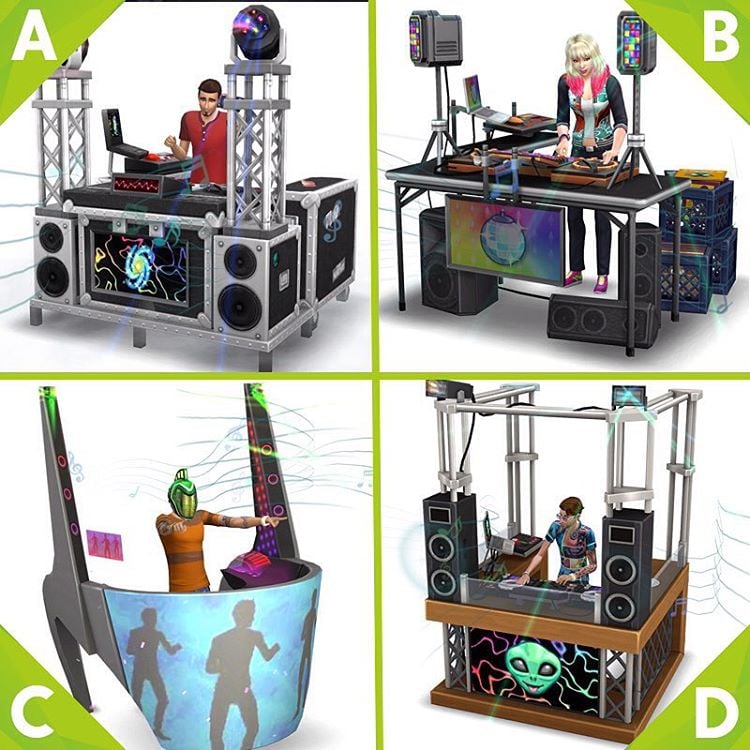
The Sims Team has shared 3 new Render Images from The Sims 4 Get Together on their Instagram and Facebook accounts. Check ’em out!
Which set of armor will your Club wear in The Sims 4 Get Together?
Which DJ booth would your Sim rock the party with?
Amazing dress, amazing colours. Which one would your Sim pick?

Are you tired of the existing EA colours that come with all of your hairs? Well, fret not, because we are here to show you how you can recolour these hairs yourself!
Firstly, go into Sims4Studio and select “Add CAS Part Swatch” and then click the CAS button in the main menu. This is so that it will add you colour to the already existing swatches that came with the hair. Then select the hair that you would like to recolour in Sims4Studio by choosing the . For the purpose of this tutorial I have chosen the Medium Tucked hair from the Get Together EP. Make sure you save the package file as something memorable. For example: YourName_GetTogetherRecolour.package


After you’ve exported the dds file in Sims4Studio, open it in Photoshop. From there you’re going to want to open the Actions tab, and select the action you want to load. I am going to select one of Nyren’s Kosmic Pastels in the colour Supergiant for my hair, but any colour is fine. Once you have this colour selected, press the play button at the bottom of your screen to run the action.

Your hair should now be in the colour that you have chosen. Now simply save and import back into Sims4Studio. You may like to do this for other colours as well.


Save your package file and place it into your Mods folder, and then you’re done! Enjoy your newly coloured hair!

Want to add more color to your Pool rather than just making it purple? Now you can! With the latest mod for The Sims 4 by plasticbox, you can add 3 more pool water colors: yellow, green and murky!
Click below to download this mod! (Requires MTS Registration)

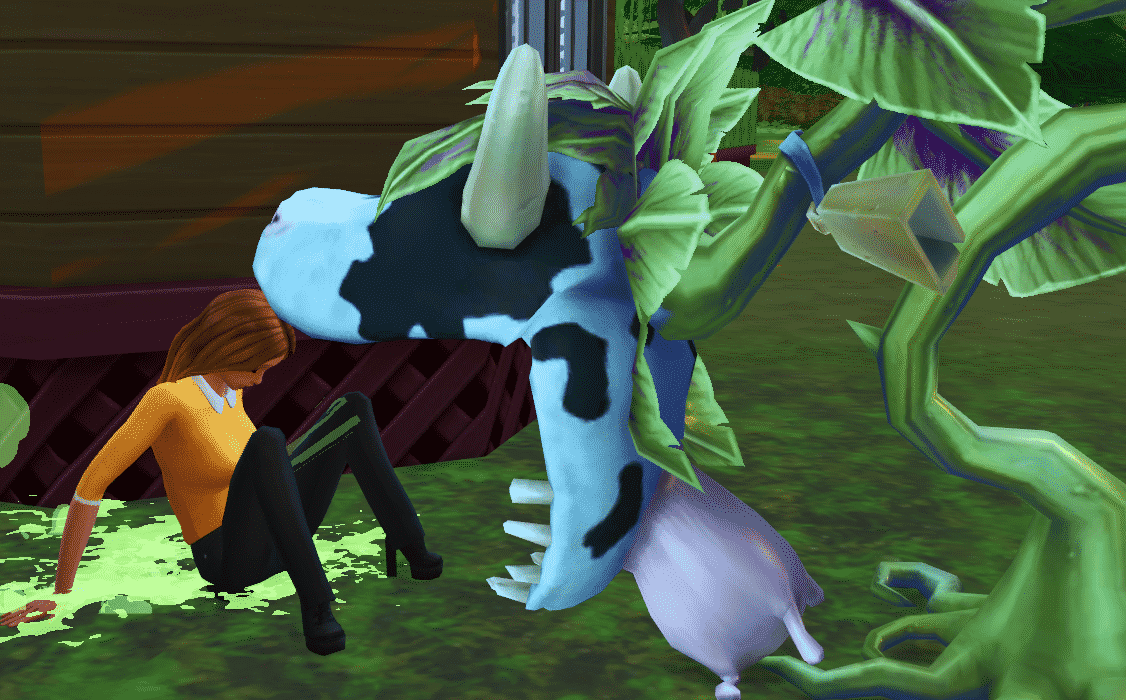
The Cowplant is possibly one of the hardest plants to find and grow in your game, but luckily we’re here to teach you how to find and care for this elusive beast. There are multiple ways to get the Cowplant in your game, but first you must locate a Cowplant Berry. This can be found through fishing, space exploration, digging for treasure, or harvesting if you’ve graft a dragonfruit with a snapdragon. Once you have found the berry, all you need to do is to plant it exactly the same way as you would any other plant in the game.

The Cowplant has three growth stages, Horn, Stem, and then the Full Grown plant. It can be grown at any gardening level, although it is recommended that you have some skill first. Once your Cowplant has fully matured, you will be able to have special, unique interactions with it, such as Feed, Play, Eat Cake, Collect Sample, Milk and Pet. Keep in mind that child sims will only ever have the Play interaction for the Cowplant.
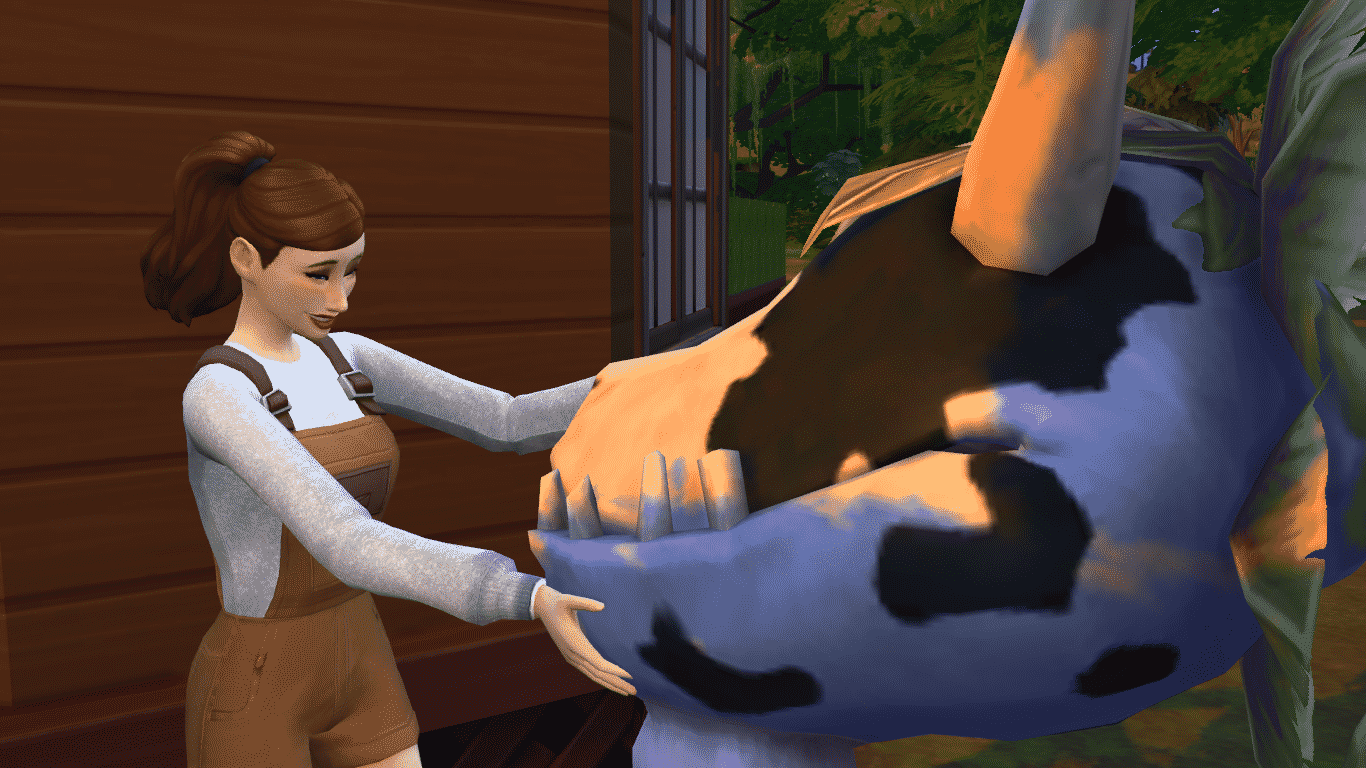
You must be careful when taking care of your new Cowplant, as they need to be fed every 12 hours. If you don’t, you’ll find that the Cowplant has stuck out a cake-shaped tongue in the hope of luring it’s next meal, your Sims! There will be two options to either Feed the Cowplant, or Eat the Cake. If your Sim decides to eat the cake, there’s a chance that the Cowplant will either spit out or devour your Sim, the latter resulting in a visit from the Grim Reaper. Sims that have been spat out by the Cowplant will leave an essence of whatever mood they were in at the time inside of the Cowplant udder, which can be milked and drunk by any Sim to instantly get that mood. If a Sim has been killed by the Cowplant, it will leave the Essence of Life, which adds a few days to the life of the Sim who drinks it.
Make sure that you take good care of your Cowplant, as if it is not fed after an additional 12 hours after sticking out the cake, it will die and will not be able to be revived, leaving a husk in it’s place. This can make a wonderful decoration on a ranch style lot, however. Happy Simming!

Like my previous guide on a simple modern house, this is a step-by-step guide on how to make a Victorian style house! They come in many shapes, sizes and colours, but they all have one thing in common: They’re adorable!
The thing I find important (and fun!) with this type of architecture, is the attention to detail on the outside. Fences, balconies, windows, friezes, wall trims, you can place them all! Less is more? -I think not!
You can make it however you like, but what’s typical for these houses, is that they are two-stories tall. I like to make mine “small and crammed”, because then the detail work is shown very well, and the inside becomes cozy and intimate. I start off building a square, but rounding the edges like so:
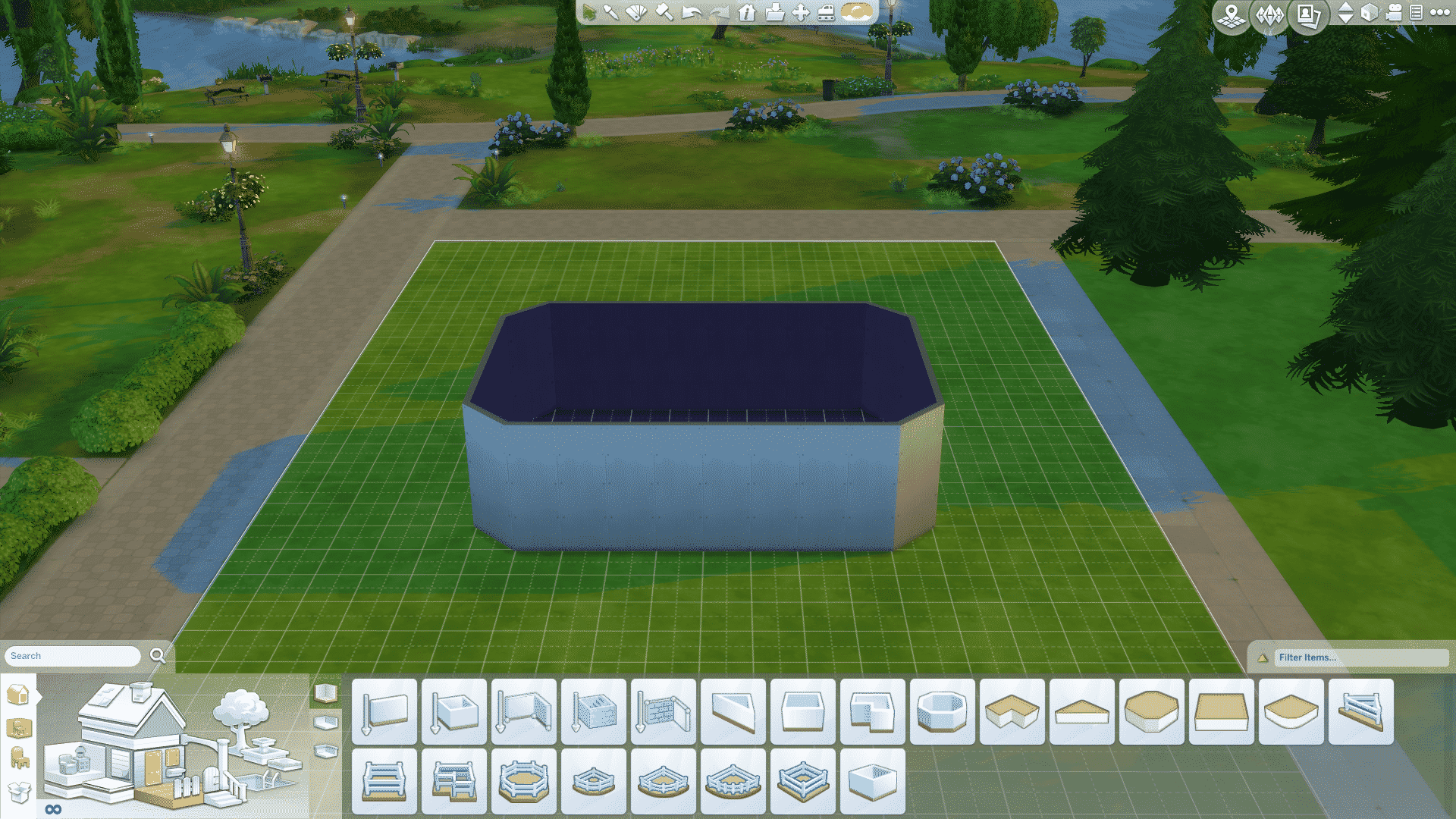
I then make a 2×3 room in the far left corner:
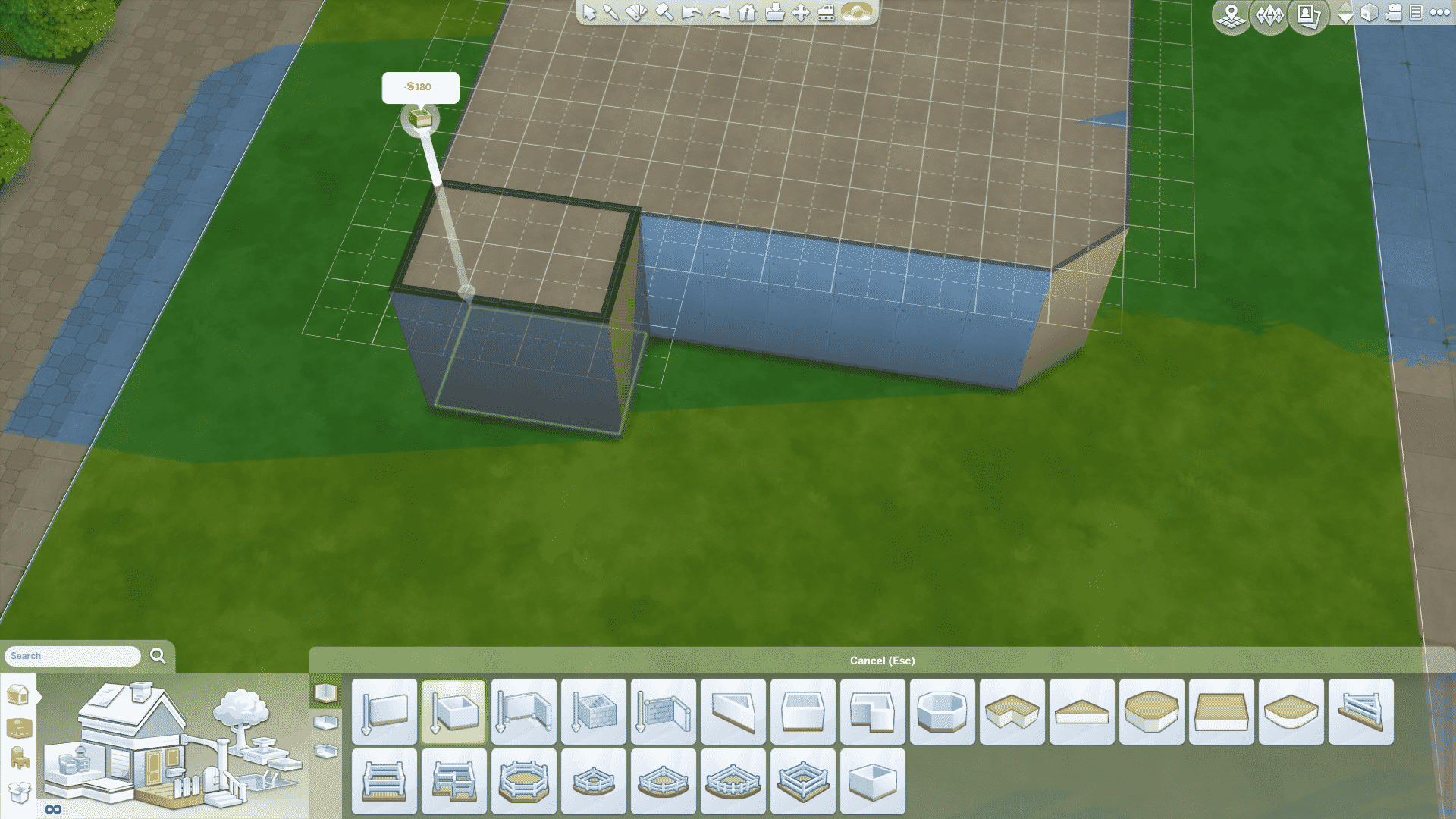
Then I add another square on top of the other one, but in the front i drag it one tile back, and I only round of the far right corners, like so:
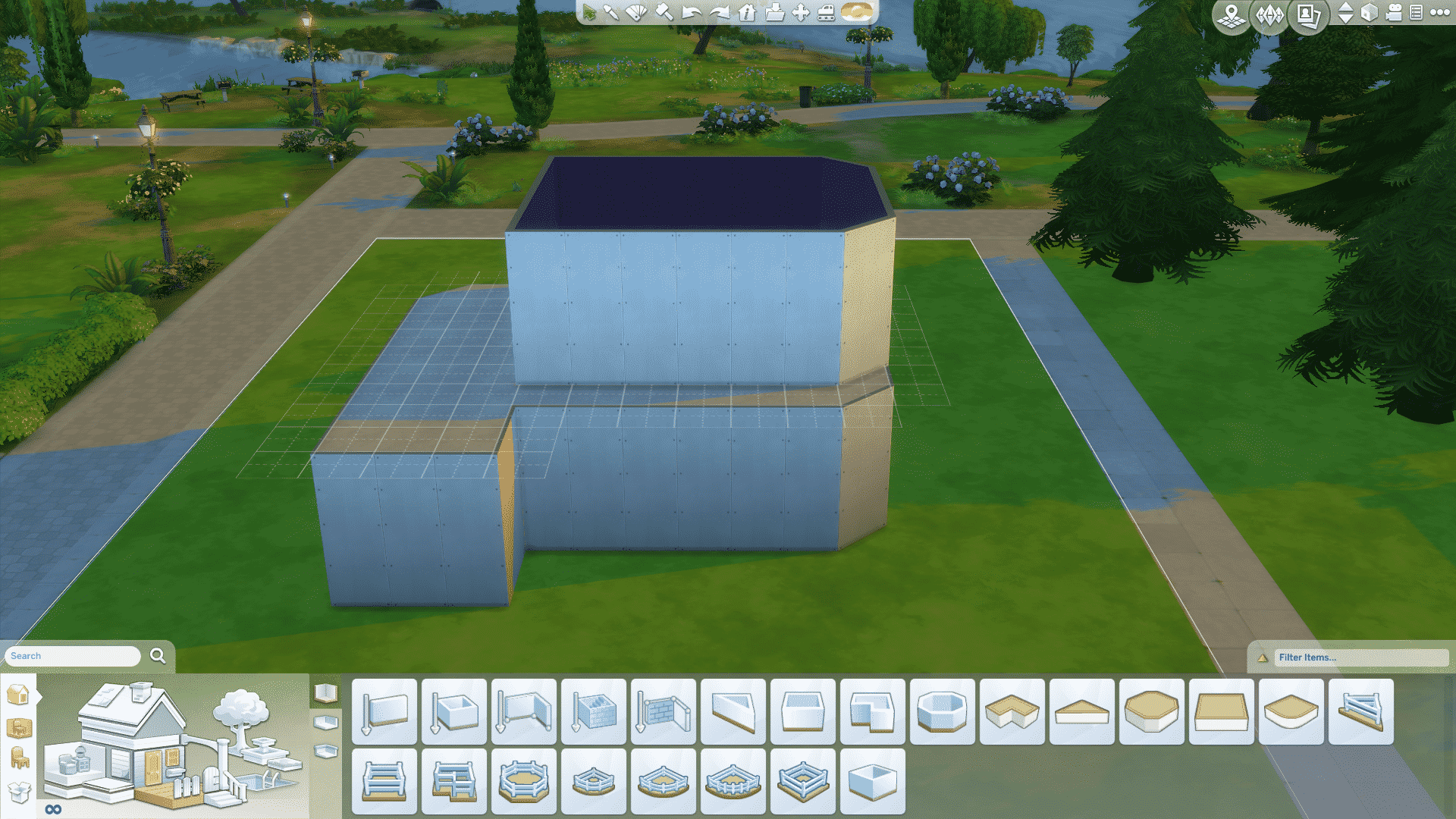
I then add a 4×3 square room next to that, and with the small rooms I don’t round any of the corners because the blend of round and straight gives off a “soft and hard”-look that I think is cool!
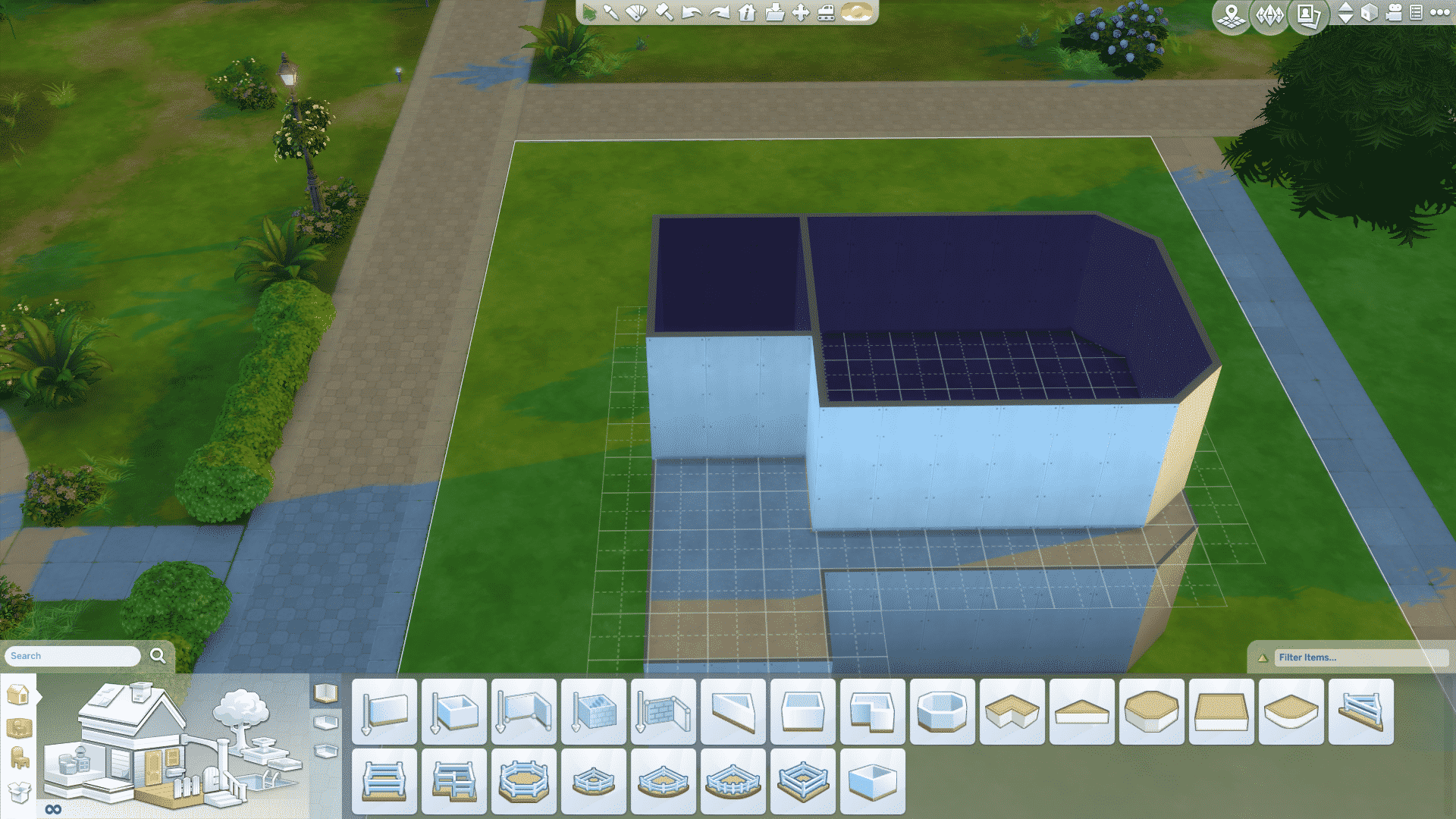
I find myself the wonderful octagonal room tool, and make the base of my tower (yes, we are totally going to have a tower!) in the left corner of my second square, like so:
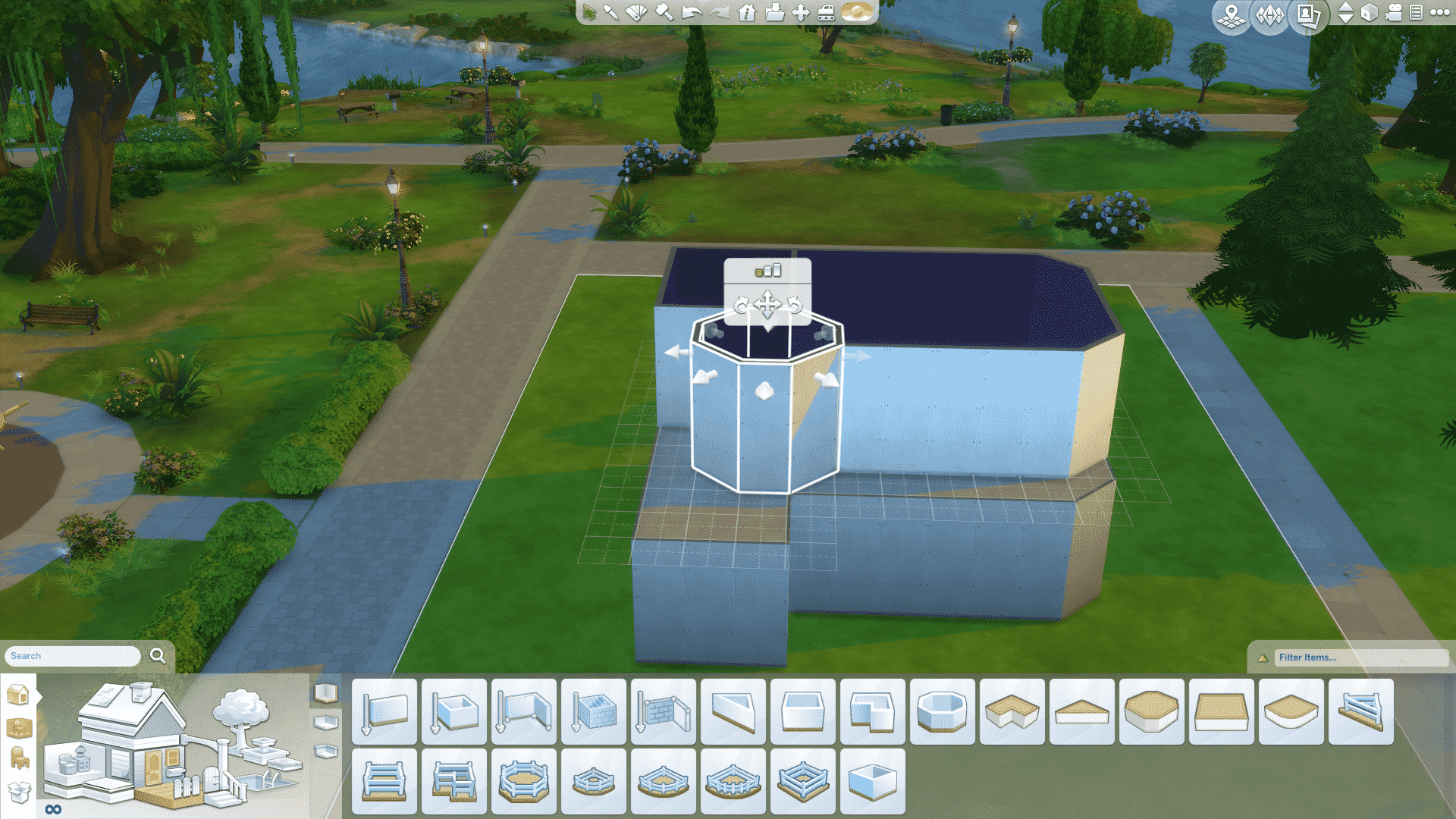
And one on top of that:

And now, it’s roof time! I start with a gabled roof on the 4×3 room:

Continue with a hipped roof on the bigger room which I’ve pulled out a bit so it becomes a tad more round:
Then I adjust the first roof, so it slides in to the second:

A gabled roof which I lower a bit on the little front room:

And then the crown on it all, a gabled roof that i pulled up a bit on my “even-if-small-still-super-cool-because-it-is-a-tower” tower:
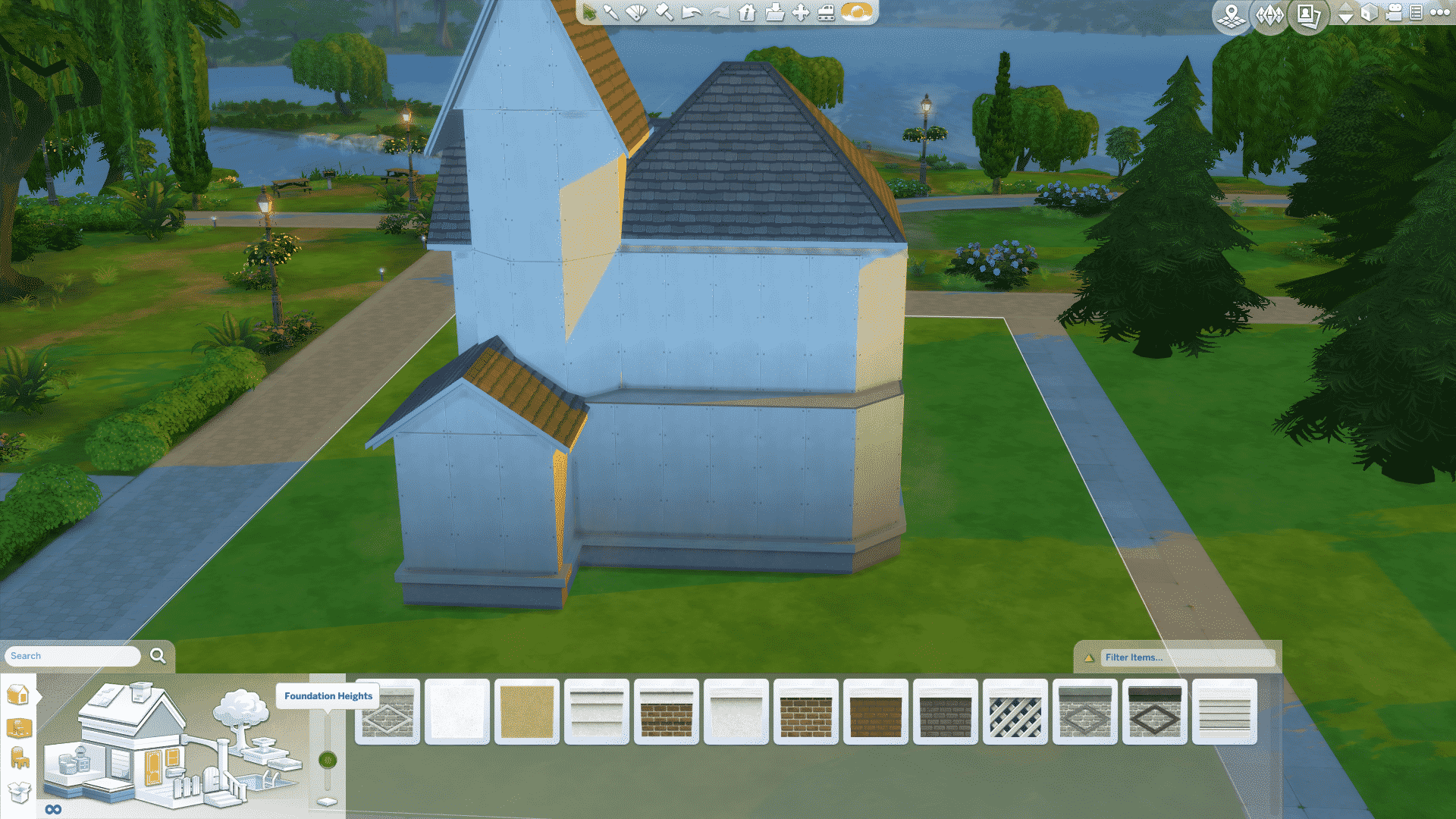
But wait, there is more! I lift the foundation up:
Add pillars to each corner:
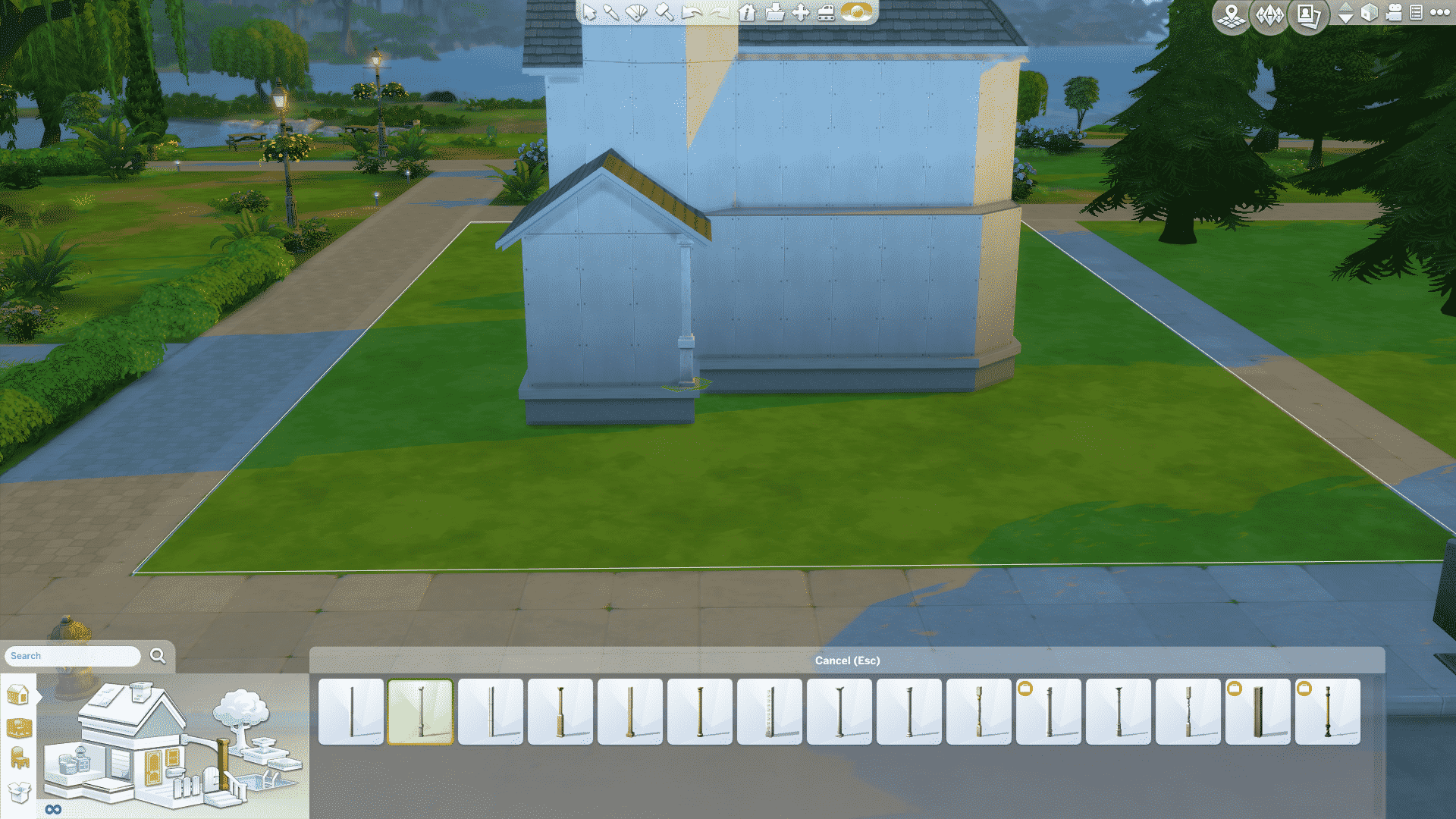
I raise both wall heights to medium. I do this so I’m able to use the cool friezes:

Did you think that front room was for the door? -No no, we have cuter plans for that! I place the door in the left corner of the first room:

Windows! All of the windows! I like to mix it up with tall windows, short windows, big windows, small windows, really, just any window!

I then replace the wall on the little room in front with a geometric spandrel

And move the wall forward a bit so it’s one tile from the edge of the foundation:

I add a fence I like on the edge of the foundation
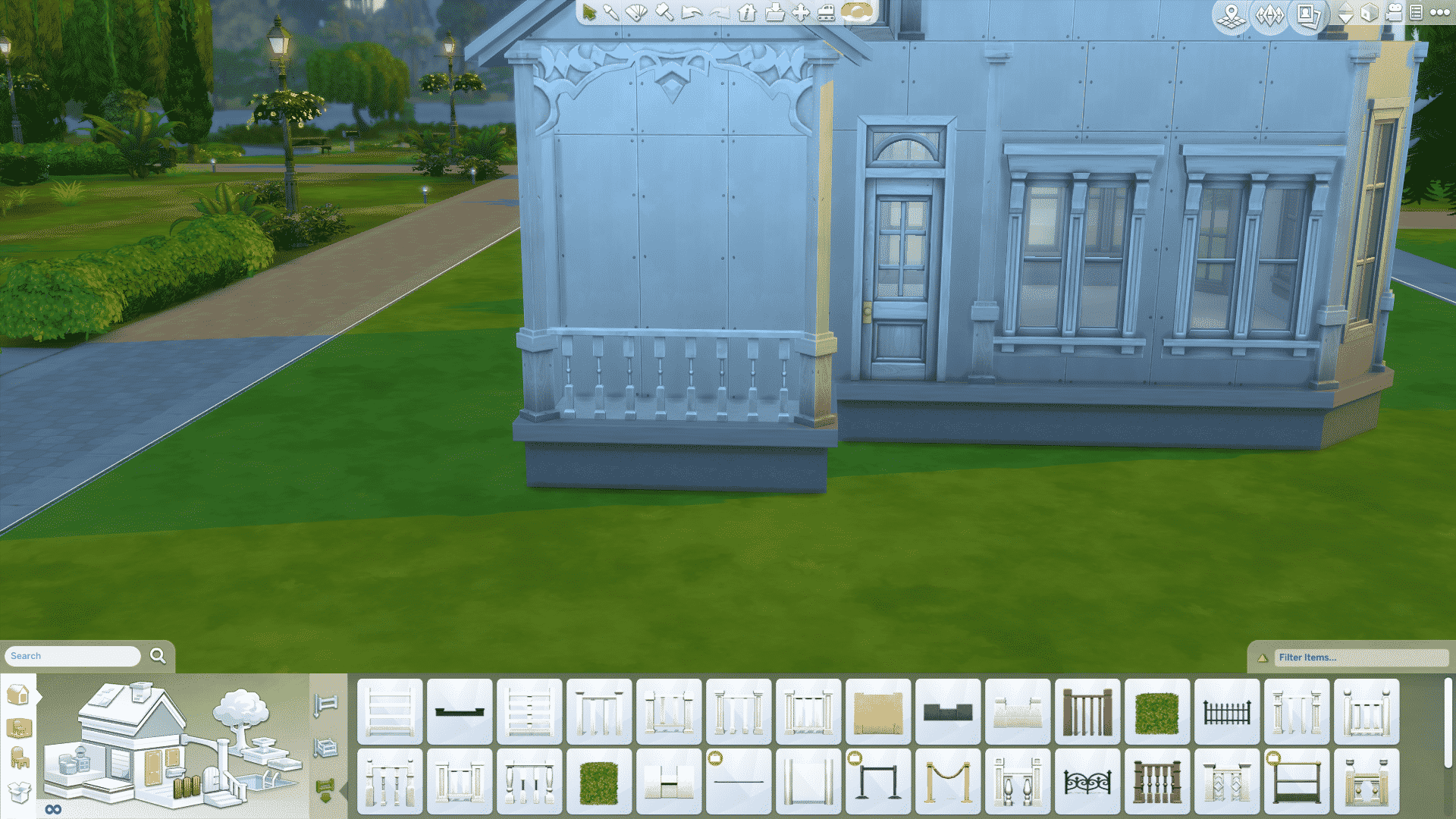
And a big, eye-catching window

Then I add a big and grand frieze on top of each of the walls on both floors, like so:
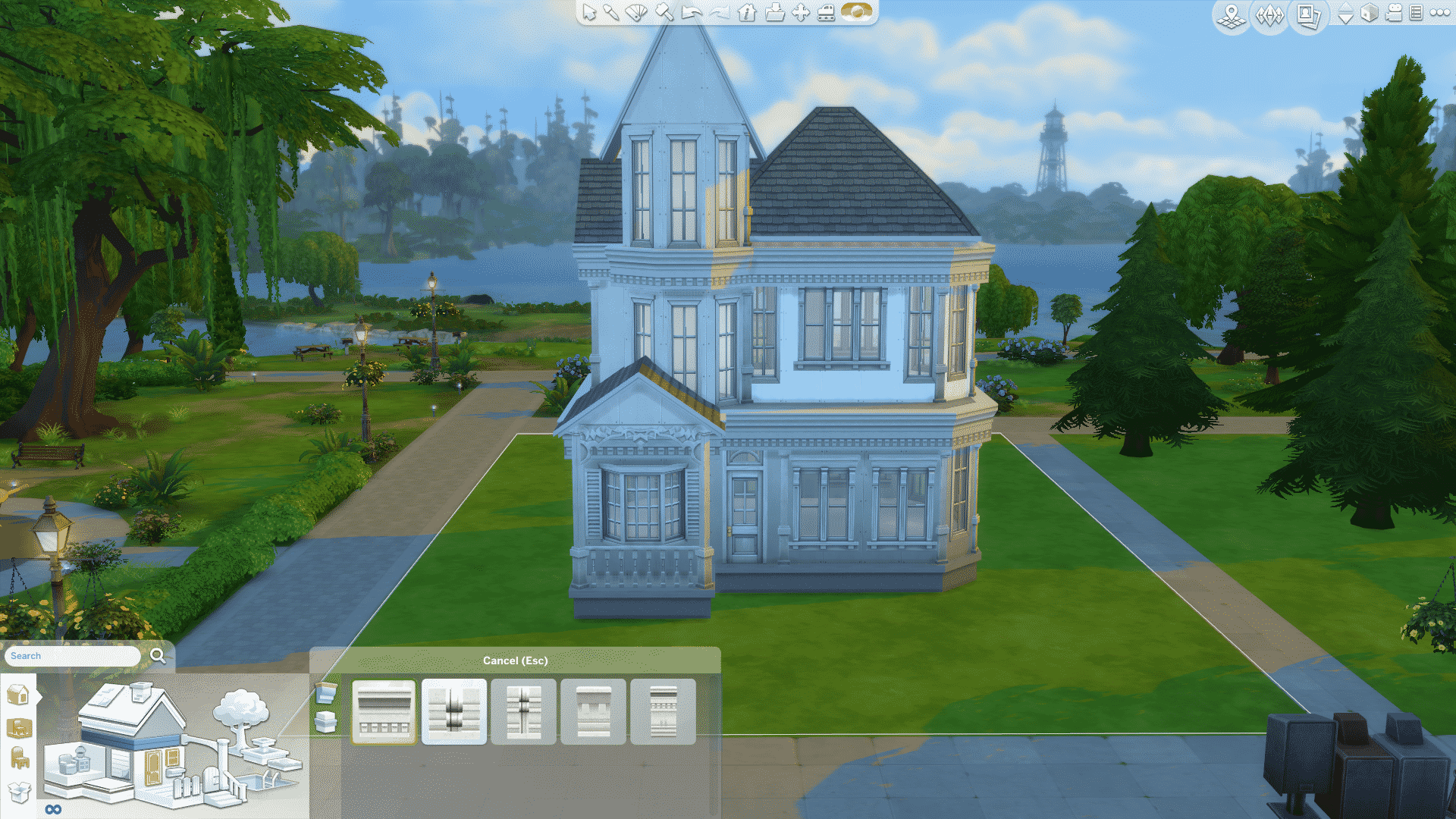
And a slim roof trim around all of the roofs

I continue with the fence around all the areas that I’ve left open

I also think it’s fun to put around some of the roof, like so:

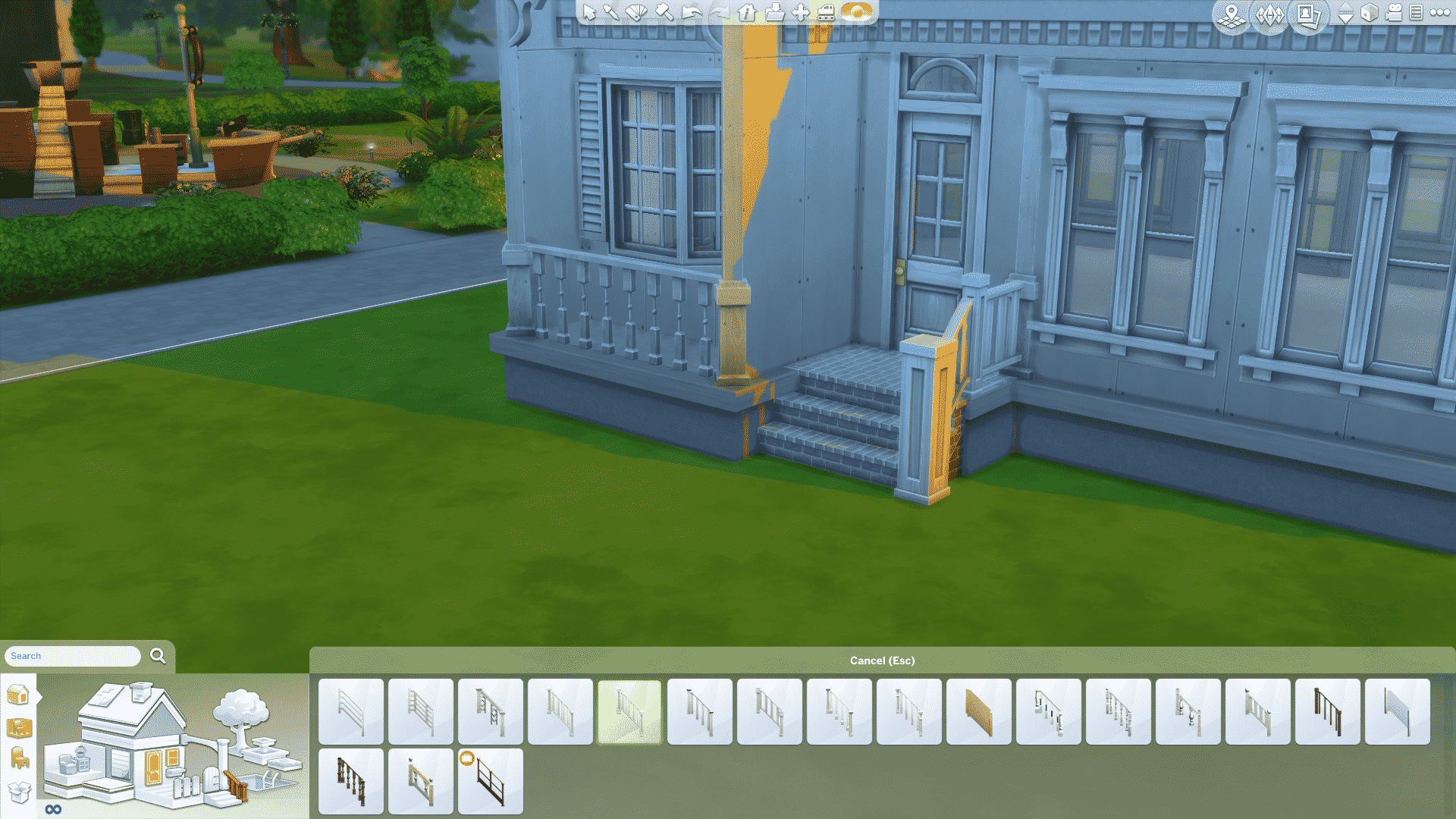
Some nice stone stairs, rails and a bit of fence:
And tada, I have a Victorian structure:
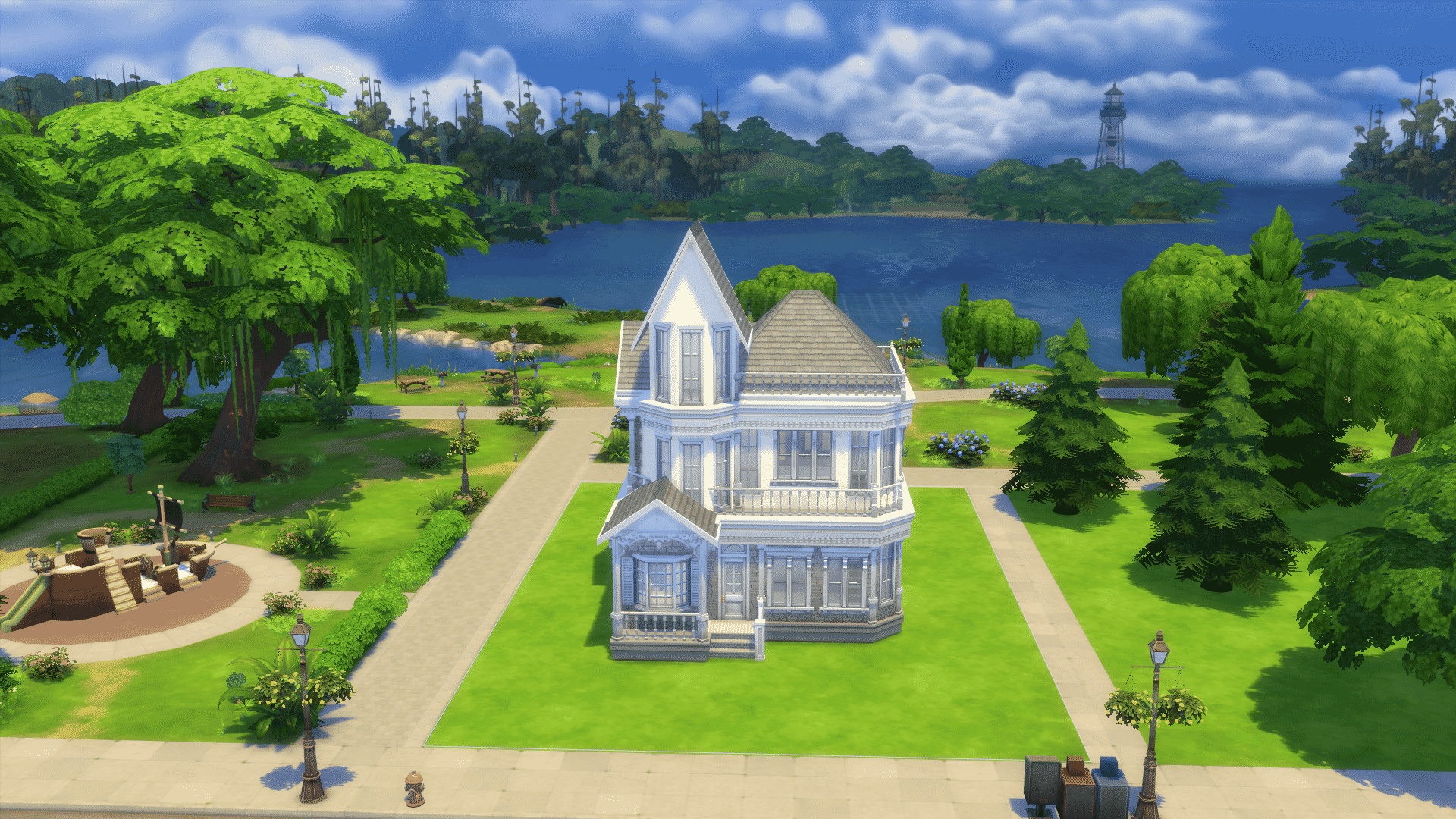
In this particular house I’ve gone for the antique white and classic look. Old fashion, but exclusive. Brown, black and grey are also very nice colors to use in Victorian houses, but I personally prefer it light and cozy. The kitchen I’ve done fairly simple, with little clutter. A wallpaper in a nice, calming yellow, some wall decorations and a table for two:

The living room is in a romantic and classic style. With blues and pinks to compliment the white walls and floors. I’ve not put a TV in for the sake of this picture, but of course you can add a TV!

In every corner and empty space of the house I fill with seating areas and flowers. Here you see a nice calming place to read or just to sit and stare at people walking past.

Lots of decorations all over the house! I like candles, statues and flowers!

A little office space in the upstairs hall:

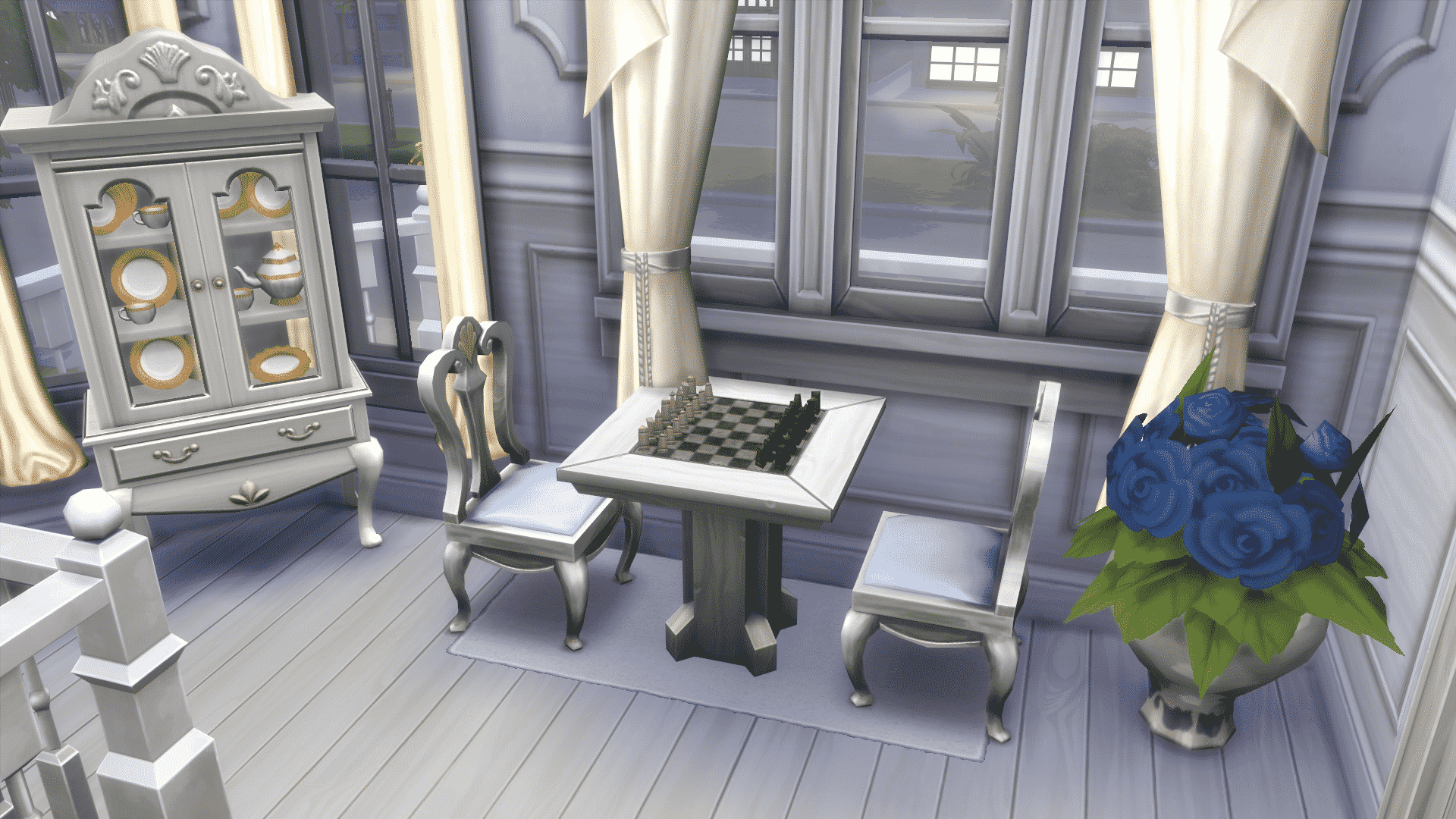
In the very same hall is a chessboard, a cabinet with grandma’s old china, and a nice bouquet of flowers:
In the bedroom I’ve followed the theme of the rest of the house with vague blues, floral and white. Some wall decorations like a clock and a mirror really makes it pop:

Yes. You are correct. This is, in fact, a tower bathroom! I’ve made sure to add curtains, so the neighbors can’t see my sim taking a bath, and because it gives a nice effect to the room!
(There is a toilet in this room, it’s just behind the camera)

Needless to say, a nice house has a nice garden! So I’ll just show real quick how I’ve done it.
I start by making a path with the paint brush up to my house. And if you’ve seen any of my buildings before, you’ll know I’m addicted to curvy paths, like this:

I make a fence from the rail of the stairs and follow the wall shape until it meets the wall. I paint the ground with the dirt colour, for that realistic effect
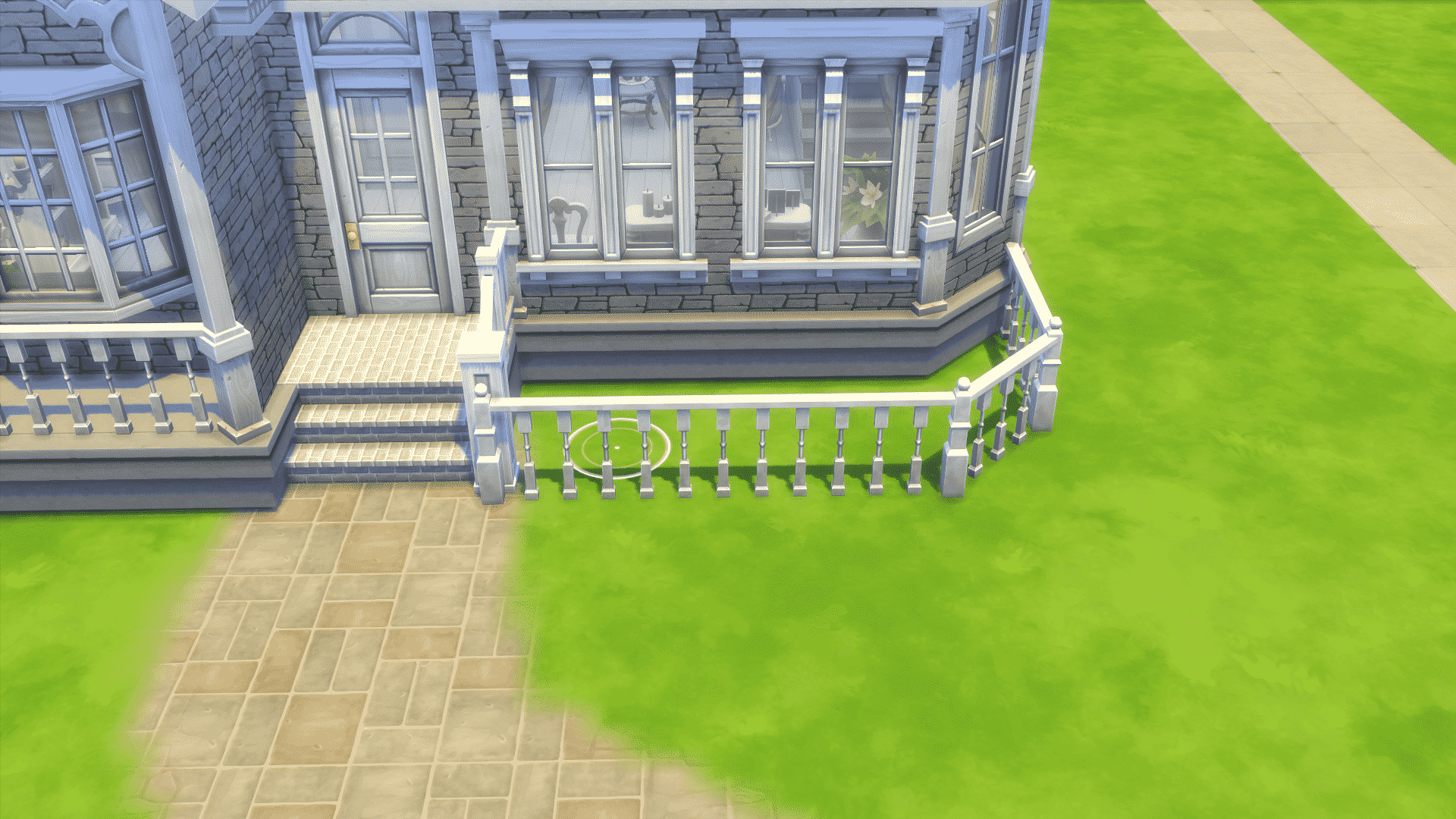
I add some various flowers and bushes:
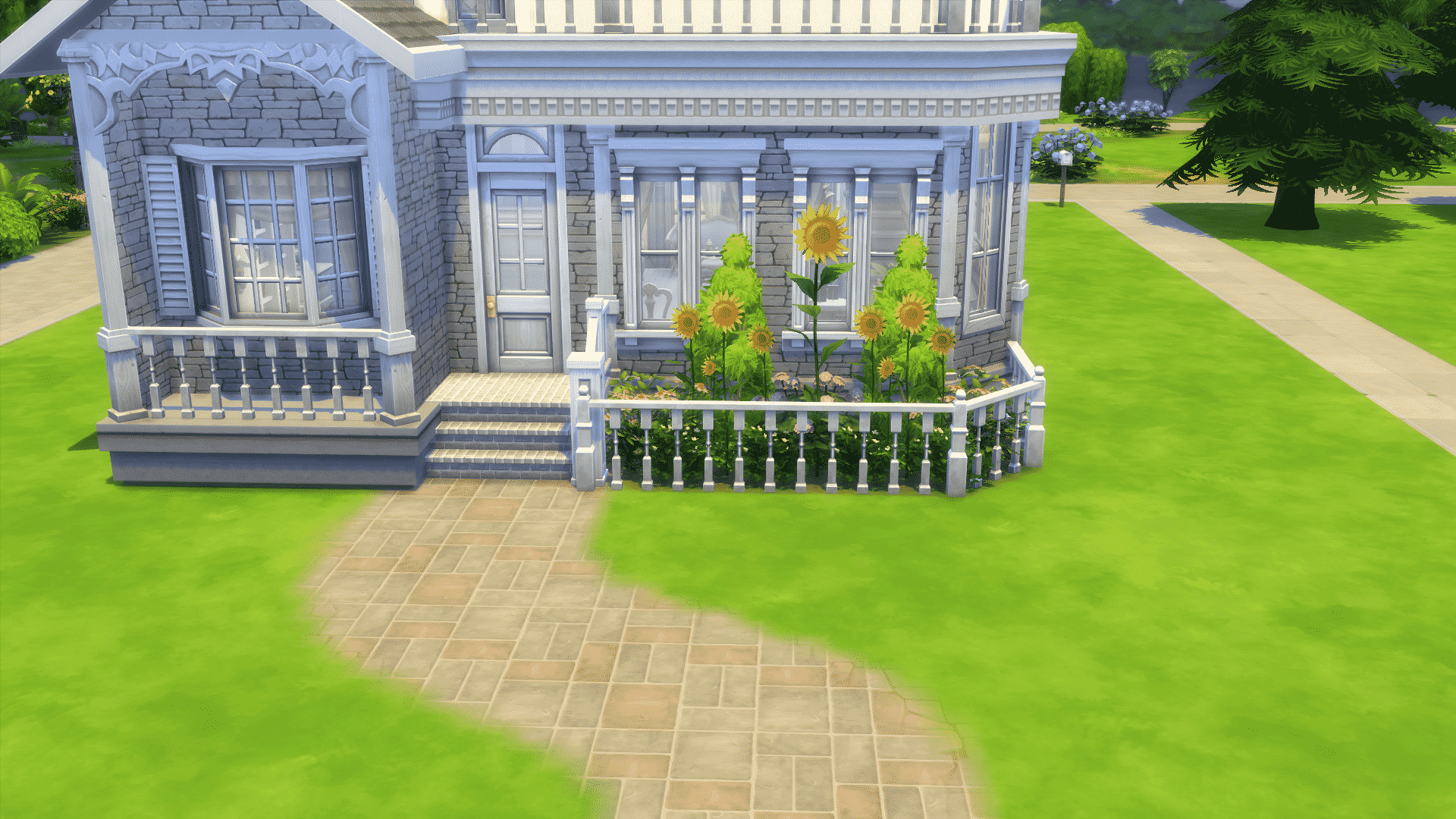
I always make sure to see what trees are in the scenario around my lot, and pick the same or similar trees to have on mine. Just so it’ll fit in. And all over the lot I add little “bush-circles” as I call them. I place bushes in a half circle while holding the ALT-key and put various flowers in the middle, like so:


The Sims 4 Get Together comes with 3 new Traits (one of them being a reward trait) and a new Aspiration.
 Dance Machine Trait – These Sims can’t wait to get down, boogie, and party all night! When at venues like Bars, Nightclubs and Lounges, these Sims can get a burst of energy with the Party Time interaction.


Dance Machines also receive a happy Moodlet when arriving at social venues.

Sims with the Dance Machine Trait level up in the Dancing skill faster than Sims without this Trait!

 Insider – These Sims love being in Clubs, and tend to be happiest when surrounded by their friends.

 Natural Leader (Leader of the Pack Aspiration Reward) – Sims that are Natural Leaders will earn Club points much faster, and they will be able to overthrow other leaders with ease.
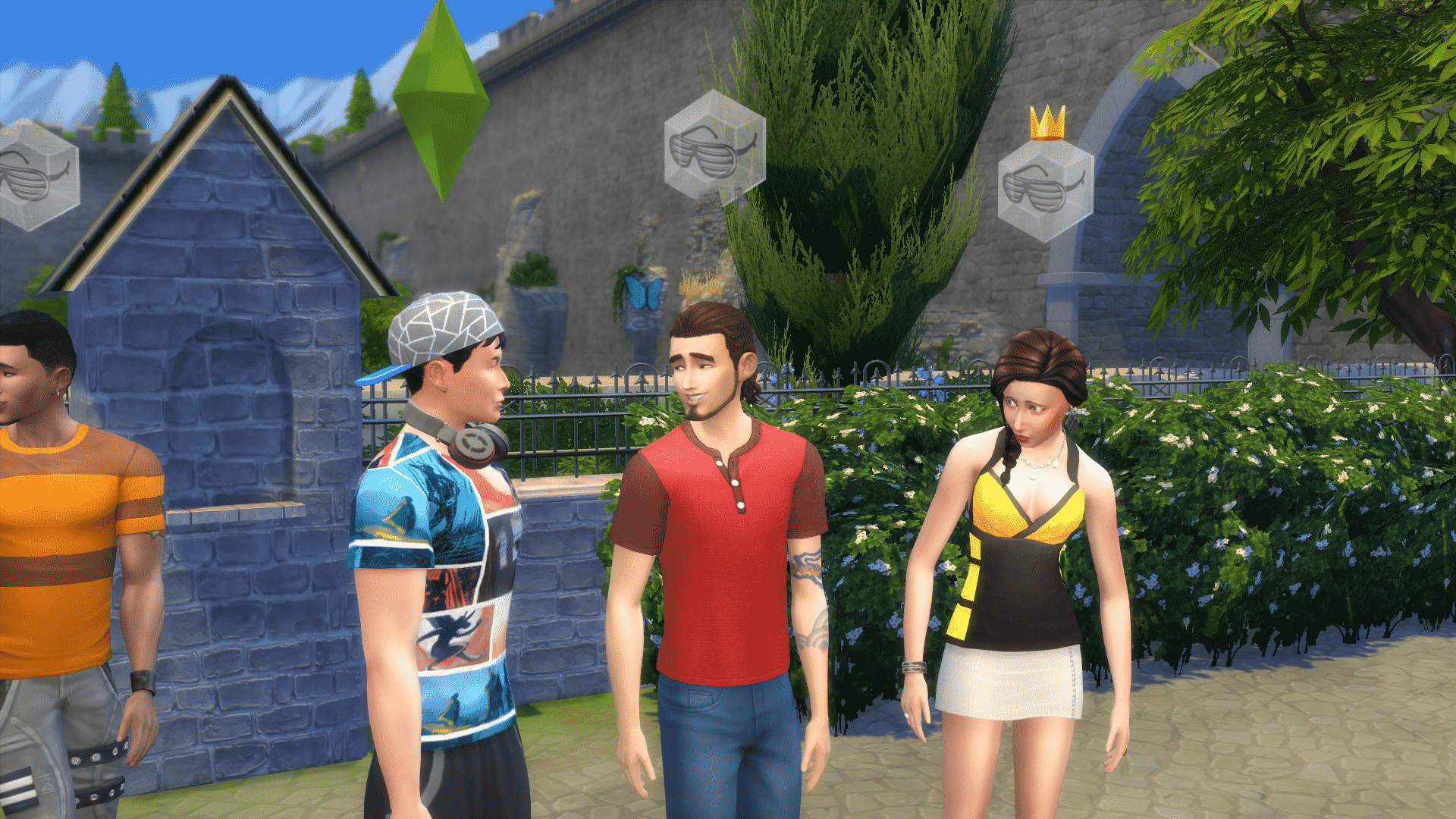

Click the Clubs button (located right next to the Needs button) and select Join a Club to see a list of Clubs that your Simc an be part of. You can also create a Club by clicking on the Create a Club button.
Click on the Buy Club Perks button on the Clubs panel. When available, you can choose from a variety of Active Club Perks to complement your Club.
Club Gatherings can be also Club bonding exercises. Start a Club Gathering and have it last for at least 12 Hours. Keep your Sims in good spirits and entertained so that your fellow members have a great time!
Performing Club Activities earns your Sim Club Points to spend on Club Perks. You will see these points being earned on the lower right part of the screen. The more Club Points your Sim earns, the more Club Perks your Sim can purchase, which can lead to better Club experience.
A good leader has many attributes, one of them is having enough Charimsa to motivate the masses. To learn and improve your Sim’s Charisma Skill, click on a Mirror and select Practice Speech.
A good leader is always in the know, especially about other Clubs in town (even his/her own). Click on a Sim member of your Club, select Talk about…from the Clubs sub-menu and choose a Club listed for that Sim.
Sims can earn Club Points by being part of Club Gatherings, have your fellow members get to know each other. To start Club Gatherings, click on the Start Gathering button on the Club Panel window. Be sure to have your Sim perform all requirements during the Club Gathering so your Sim earns a lot of Club Points!
This is the moment your Sim has been waiting for! Become a Club Leader by starting your own or overthrowing another Club Leader. If your Club does not have enough members, try recruiting other Sims as members. The more the merrier!

