

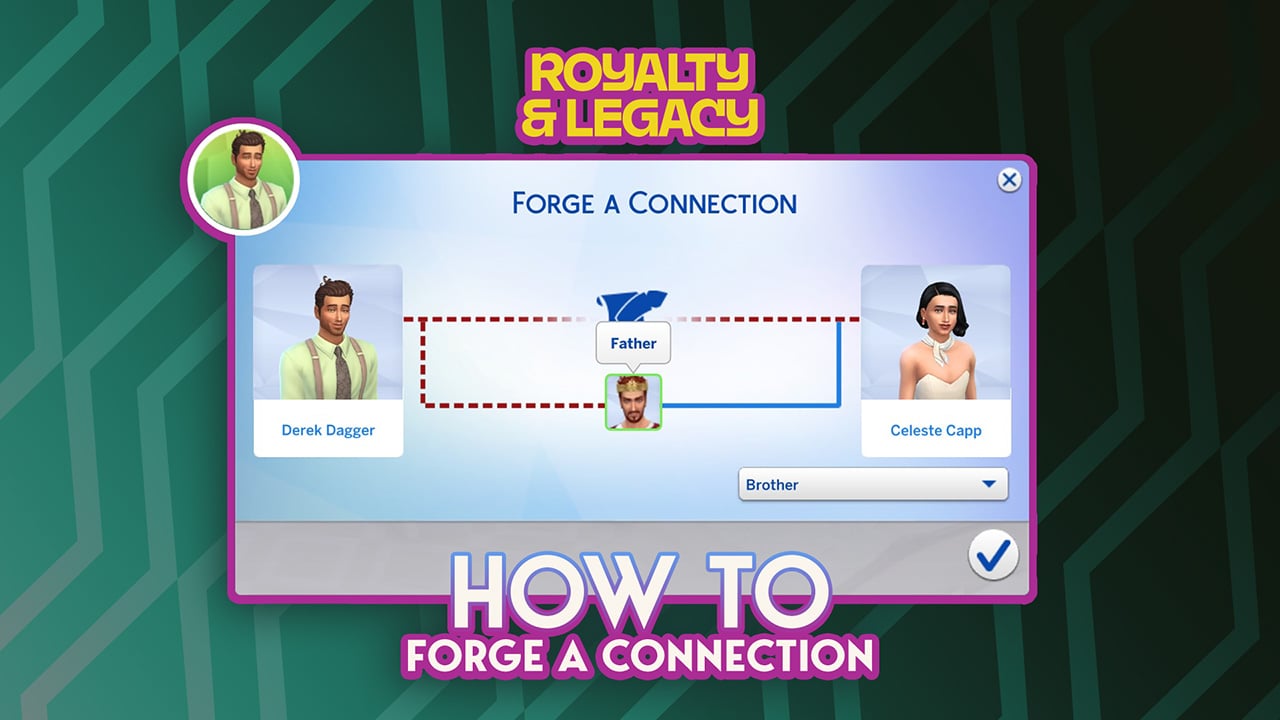
In The Sims 4: Royalty & Legacy Expansion Pack, new gameplay features directly impact how family dynamics work. Players can now create forged connections between Sims who are not biologically related, adding a new layer of intrigue to genealogical storytelling. This Forge A Connection feature opens the door to drama, manipulation, and unconventional family structures, reshaping how family trees can evolve within the franchise. In this guide, we’ll explain how Forge A Connection works and explore the different possibilities it brings to your gameplay.

How to Forge A Connection
Beyond the new drama scenarios you can create, this feature also opens the door to starting a Noble career in a not-so-legitimate way. It introduces an alternative path to power, one built on manipulation rather than heritage.
How to start Forging a Connection
The Forge A Connection feature may seem confusing at first, especially since there are a few key details to understand before trying it out. In this guide, we’ll break down everything you need to know to start creating family trees full of drama and unlock new storytelling possibilities.
First of all, you’ll need the new Family Tree Tapestry introduced in The Sims 4: Royalty & Legacy. This object gives you access to several options, including View Own Family Tree, Create a Dynasty, and Forge A Connection.
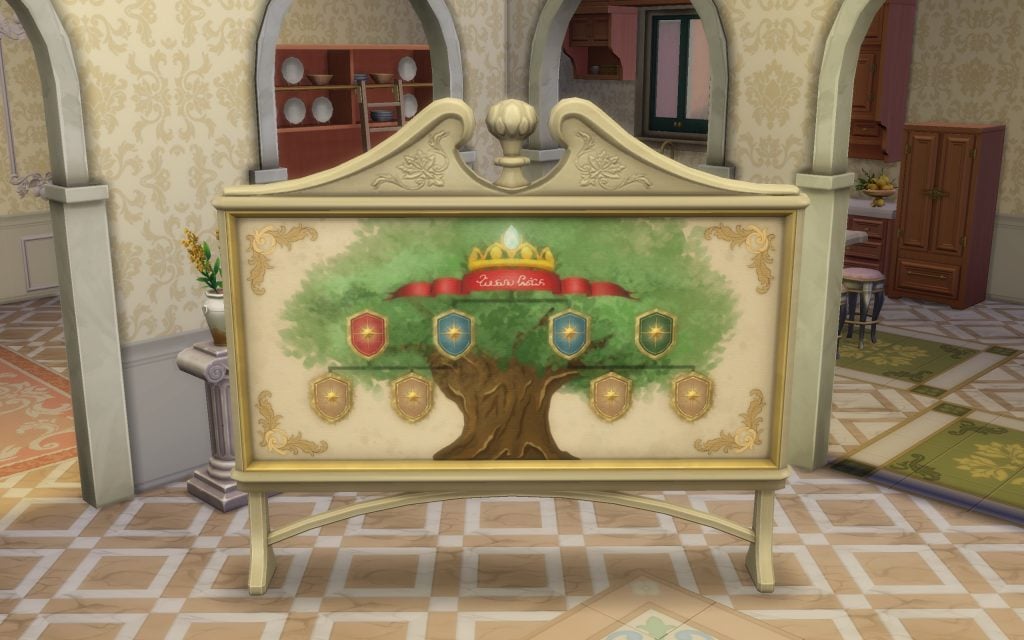
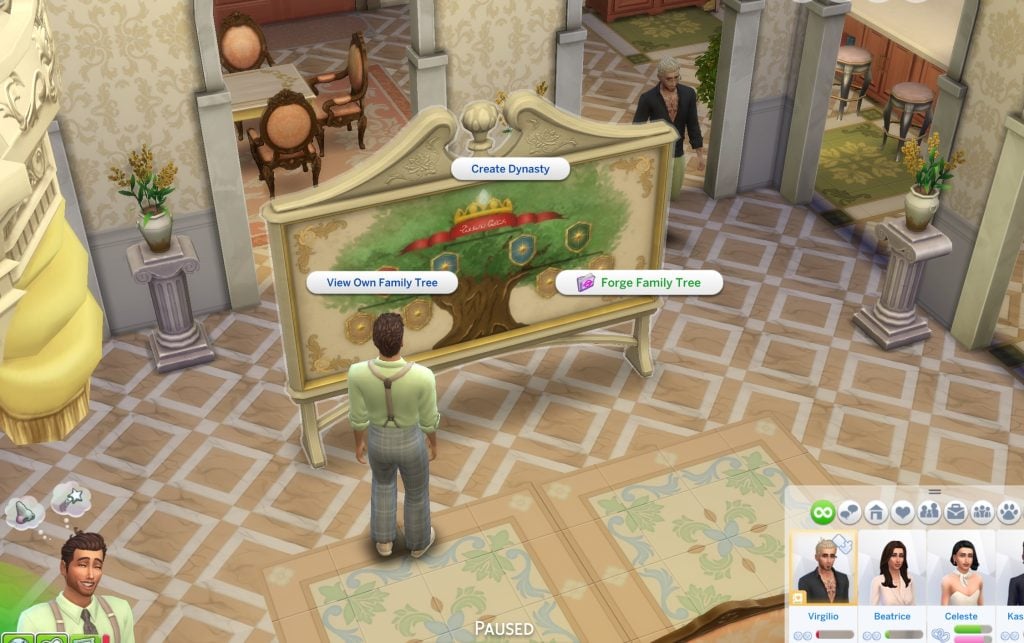
Now that we have the only object that allows you to do this, the next step is relationships (of course). Forging a connection works differently depending on whether the Sims involved are part of the nobility or not, so we’ll break down both scenarios.
Warning! Before using Forge A Connection, make sure the Sim you are trying to connect does not have a romantic relationship with any member of the family you want to link them to. Keep in mind that certain forged relationships require an intermediate relative to work properly. If you want to create a fake grandparent–grandchild connection, for example, you’ll first need to establish a parent between them.
Forge A Connection with No-Nobility Families
This is the simplest way to use the feature, as forging a connection with a regular Sim can trigger scandals and unwanted attention. It’s a much more accessible and controlled way to experiment with the system.
The first thing to keep in mind is that you need to meet the Sim you want to become related to.

It’s also recommended to meet the other members of their close family beforehand. Once that’s done, interact with the new tapestry object and select the Forge a Connection option. A new panel will appear, displaying two portraits: one for your active Sim and one for the Sim you’re attempting to connect with.
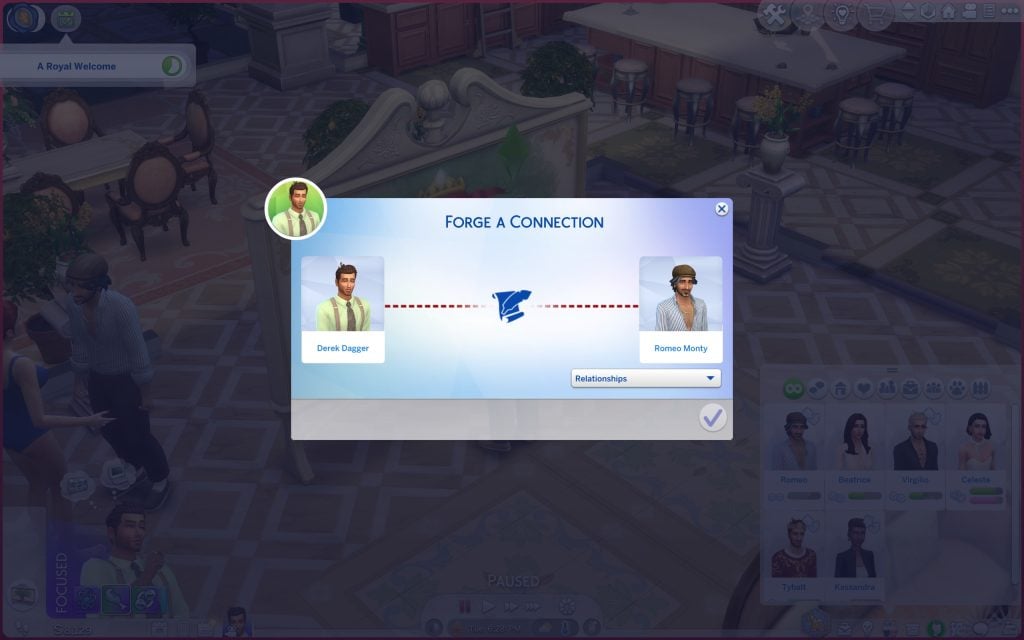
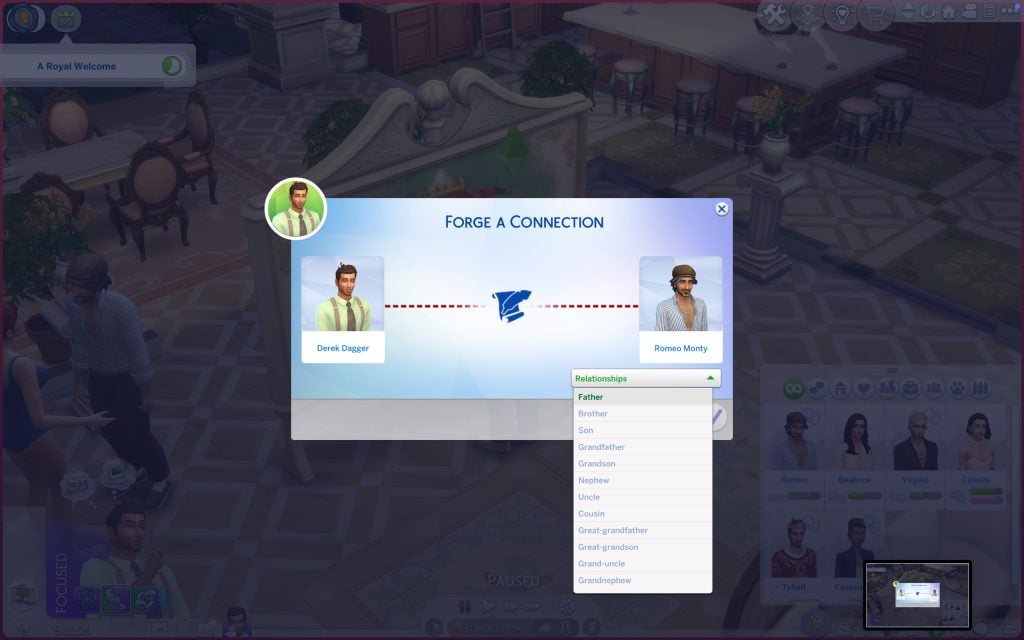
Choose the relationship you want to create, but keep in mind that some options may be restricted depending on the Sims’ ages. In this case, my Sim Derek can only be assigned as the son of Romeo Monty. Once you confirm the selection, the game will display the updated Family Tree, showing your Sim as part of their new (and entirely fabricated) lineage.
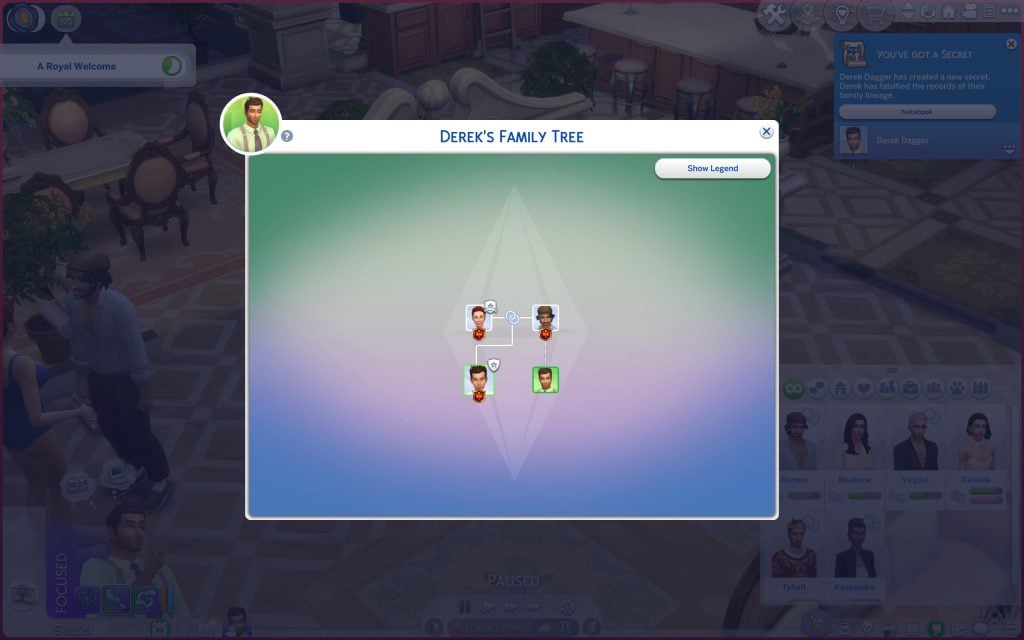
Yay! You’ve just committed a potential scandal. Your Sim has now forged fake relationships with every member of the target Sim’s family tree.

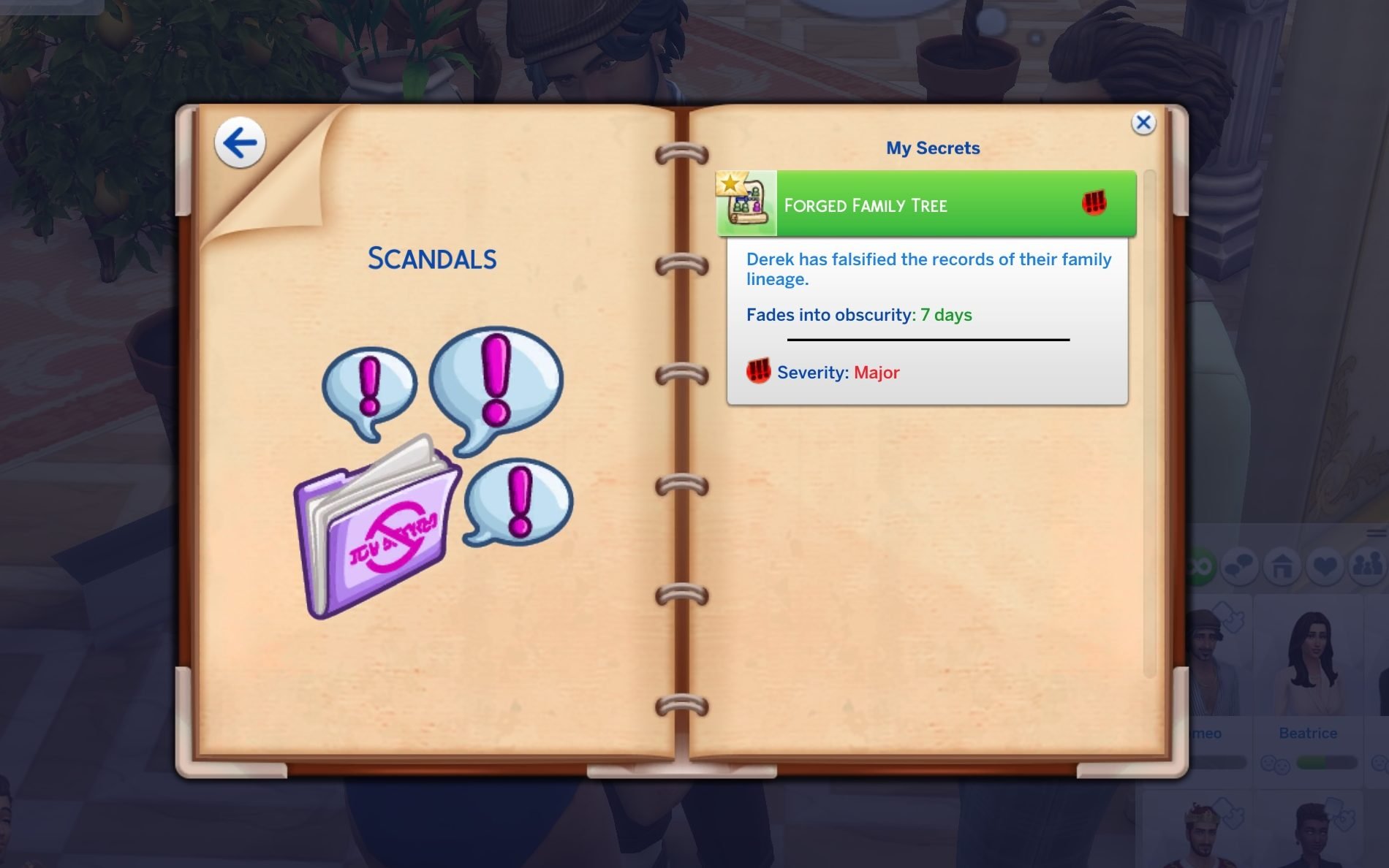
Beyond avoiding scandals, forging a connection with a non-noble Sim can actually be used strategically. For example, players who own The Sims 4: Life & Death could use it to fabricate a family tie and potentially secure an inheritance. Likewise, in The Sims 4: Get Famous, creating a connection with a prestigious or well-known family could help a Sim climb the celebrity ladder faster, leveraging their “new” lineage to boost their public image and social opportunities.
Enter the noble dynasty by using the Forge A Connection feature
This part is a bit trickier. While the procedure itself remains the same, becoming related to the patriarch or matriarch (or King / Queen) without being their direct child requires a bit more strategy. You’ll also need to avoid creating any romantic relationships with them or their children, as that can block certain forged connection options. It’s an entirely different approach to entering the royal family.
In this case, my Sim wanted to forge a fake relationship with Tybalt Capp by becoming the brother of one of his children. Since you need to meet the parent before creating the connection, you must first introduce yourself to the patriarch. This can take several attempts, as he behaves similarly to a celebrity and isn’t always immediately accessible. If you own The Sims 4: Get Famous, the process can be even more challenging due to the fame system restrictions.
To increase his chances, my Sim Derek also introduced himself to Tybalt’s daughter, Celeste, making it easier to establish the necessary family links before attempting the forged connection.


Then, when I succeeded in improving Derek’s relationship with Tybalt, I could Forge A Connection as usual.
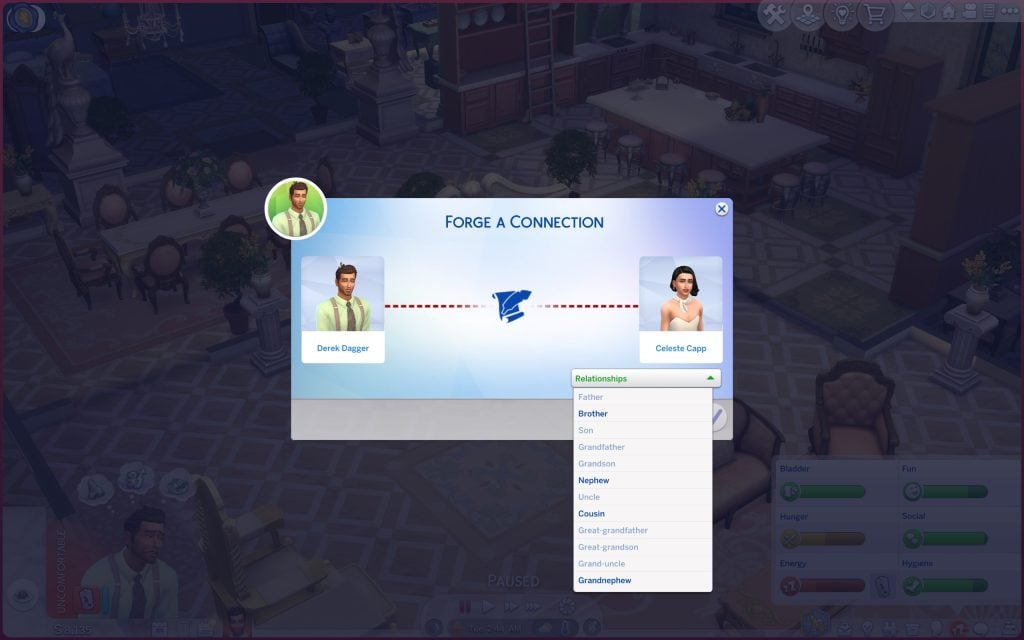
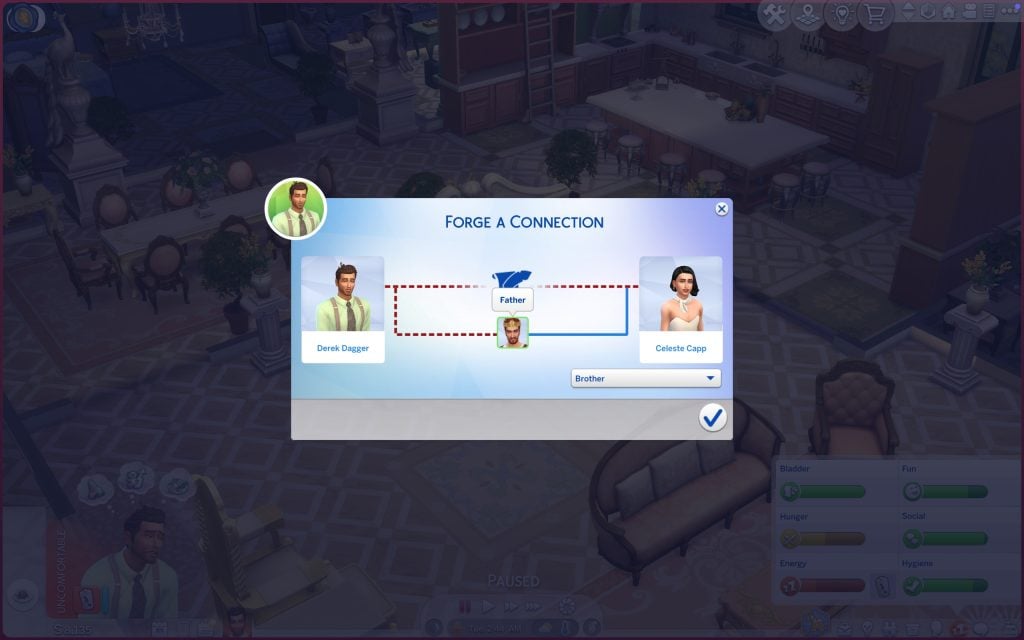
As you can see, the panel will ask you to choose the type of relationship between the two Sims. Once you confirm your selection — congratulations!
If the household belongs to an established dynasty, you can then ask the patriarch or matriarch to join it. However, acceptance isn’t guaranteed, as your chances will depend on your relationship level and overall standing with the family.
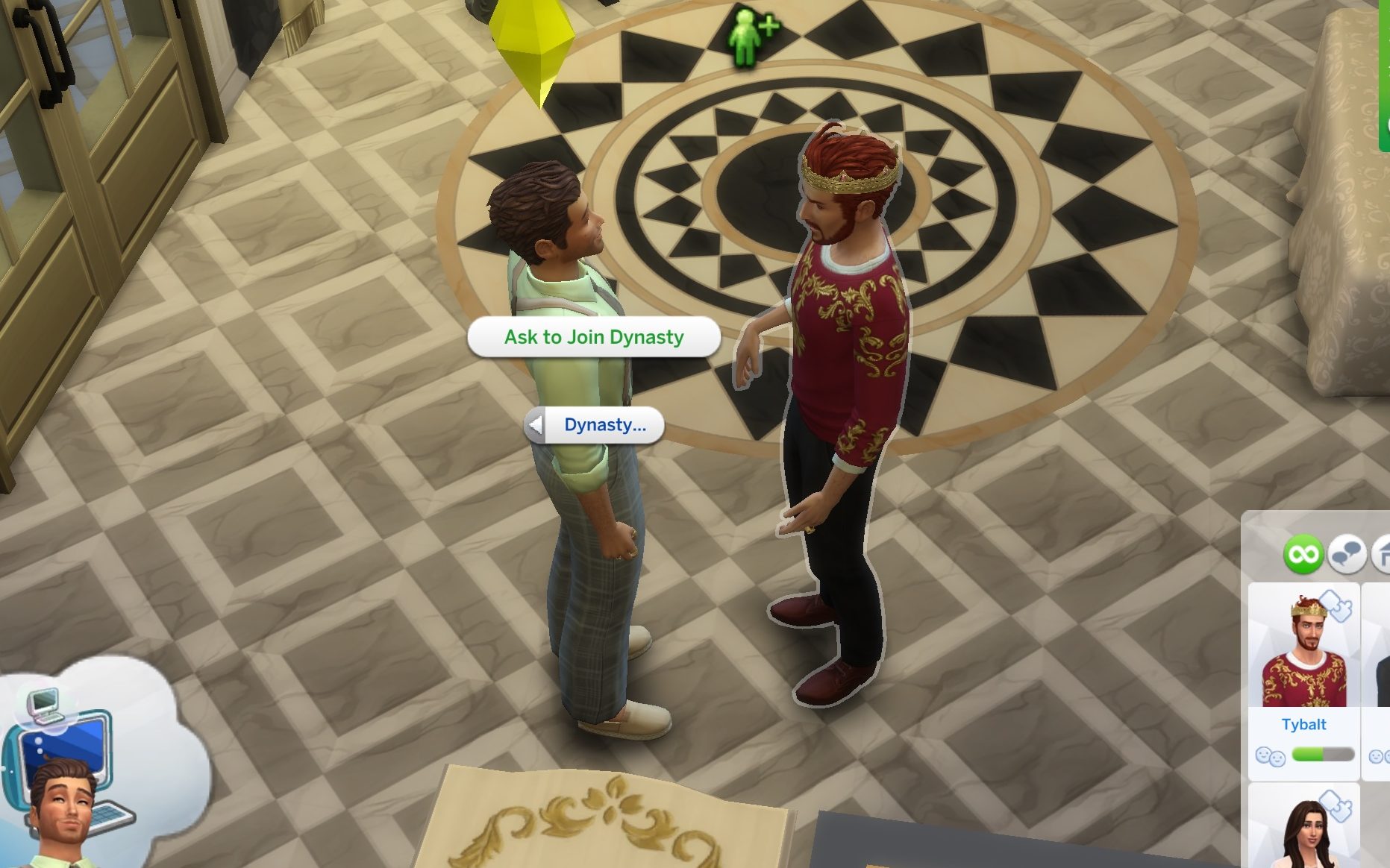
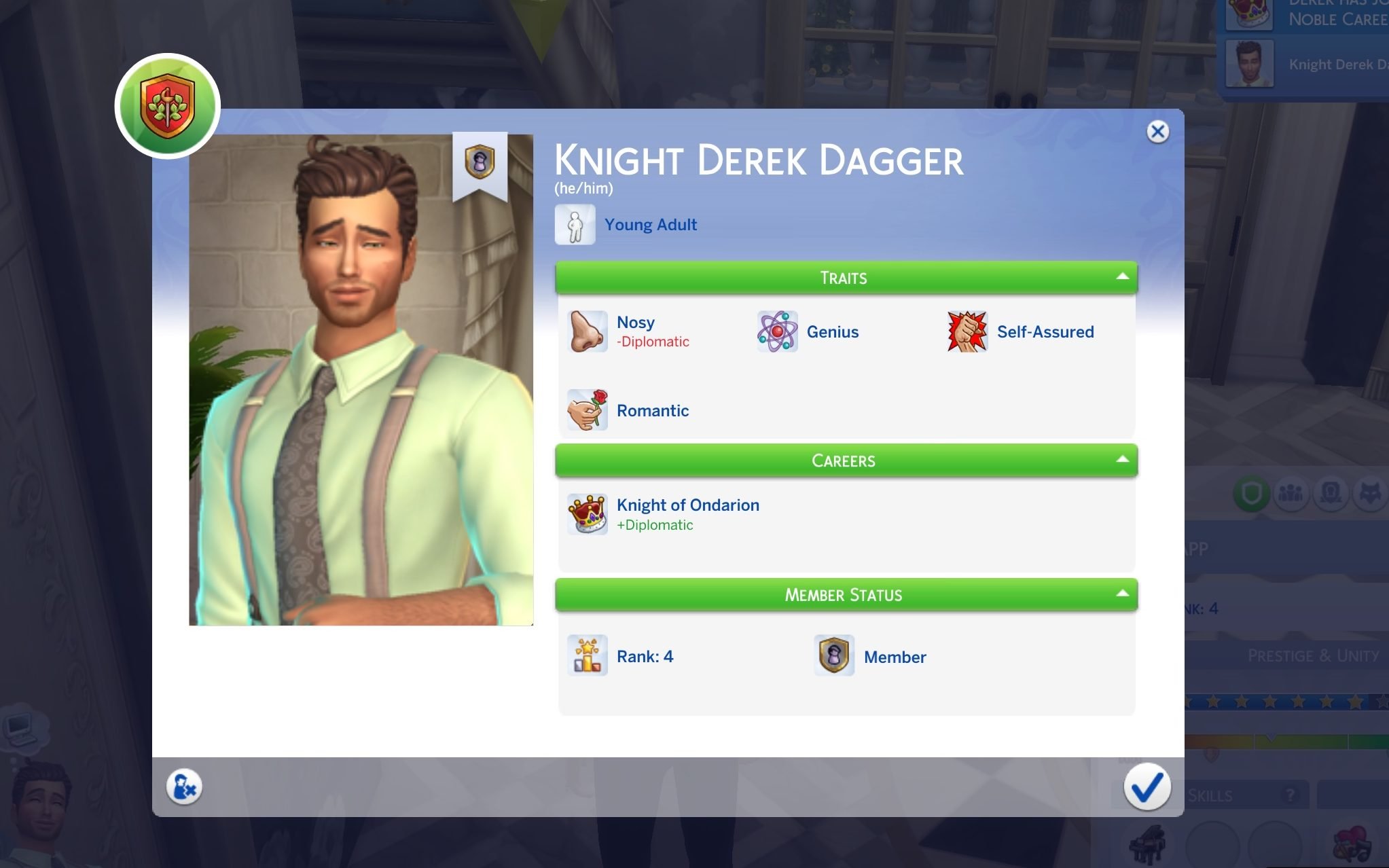
You can also gain access to the Noble career path by forging a connection as the monarch’s fake child.

And just like that, your Sim can create fake relationships with almost anyone and completely reshape the family tree to their advantage. Whether you’re looking to spark drama, secure an inheritance, or climb the Noble ranks through less-than-honest means, Forge A Connection opens up new storytelling possibilities that go far beyond traditional genealogy.
Now it’s your turn. How would you use this feature? Would you create secret heirs, fabricate royal bloodlines, or build the ultimate scandal-filled dynasty? Let us know in the comments and stay tuned for more Royalty & Legacy Guides!

