

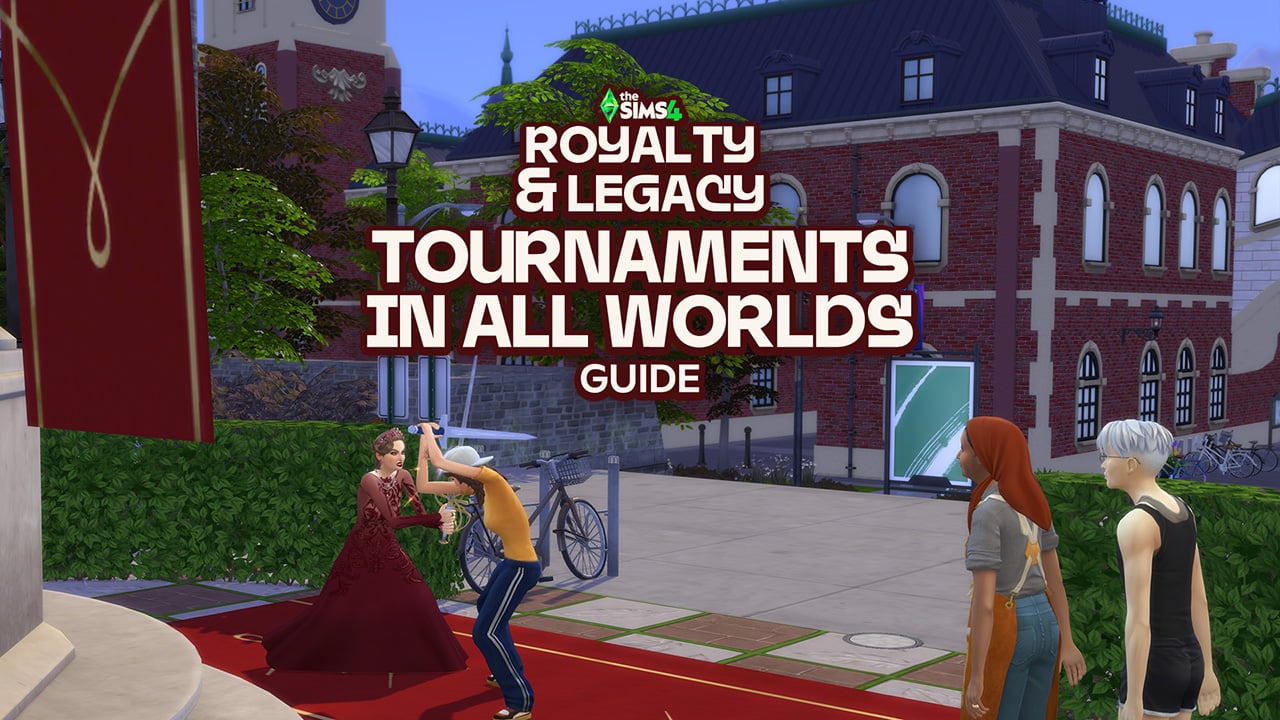
The 21st Sims 4 Expansion pack brings an exciting new swordsmanship 10-level skill for your Sims. While you can challenge any Sim to a duel wherever you please, official tournaments are locked to the gazebos in Ondarion‘s three neighbourhoods: Dambele, Verdemar, and Bellacorde. But don’t sheath your sword yet – there’s a clever vanilla workaround to host them on any lot in any world! Here’s your full step-by-step guide.
The Sims 4 Royalty & Legacy Guide: Swordsmanship Tournaments in All Worlds
Swordsmanship tournaments in Ondarion
The Sims 4: Royalty & Legacy introduces three distinct Swordsmanship tournament types, live events where your Sims battle it out to prove they’re the ultimate blade master. These live competitions spawn opponent Sims for duels, building tension round by round as your Sim climbs the ranks. Different amount of simoleons are given as a reward to a Sim who finishes up 1st, 2nd or 3rd place.
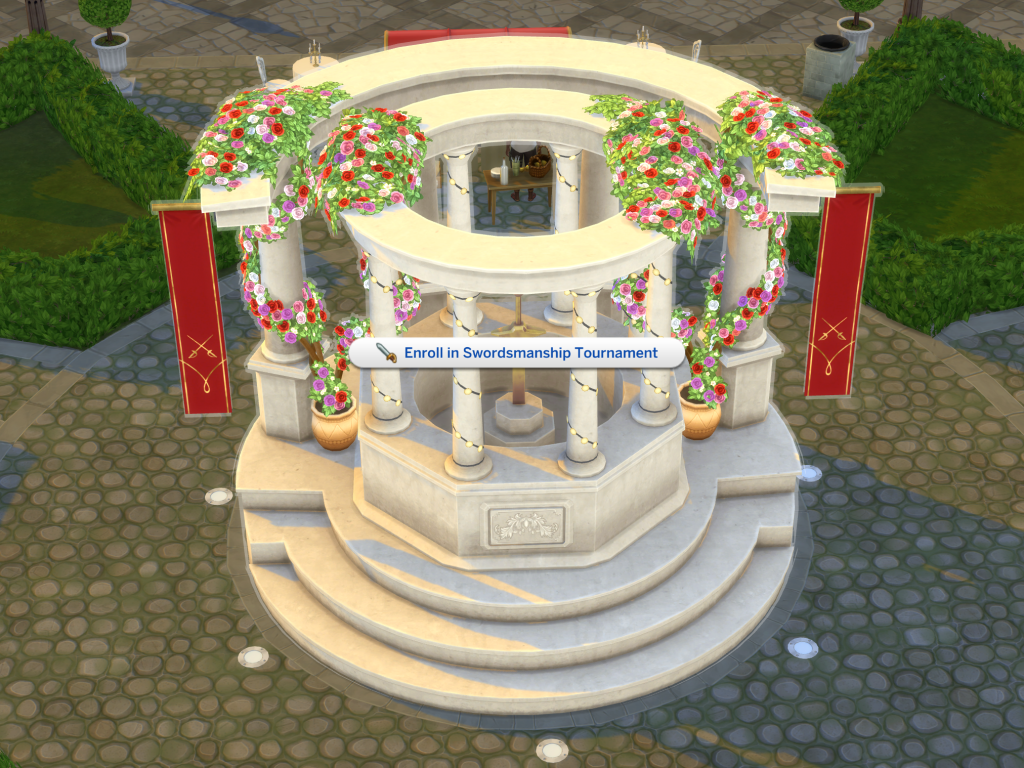
You can launch a tournament anytime during Sim time (no waiting for schedules!). Just interact with one of the two special objects:
- Gazebos (found in each of Ondarion’s three neighborhoods: Dambele, Verdemar, and Bellacorde).
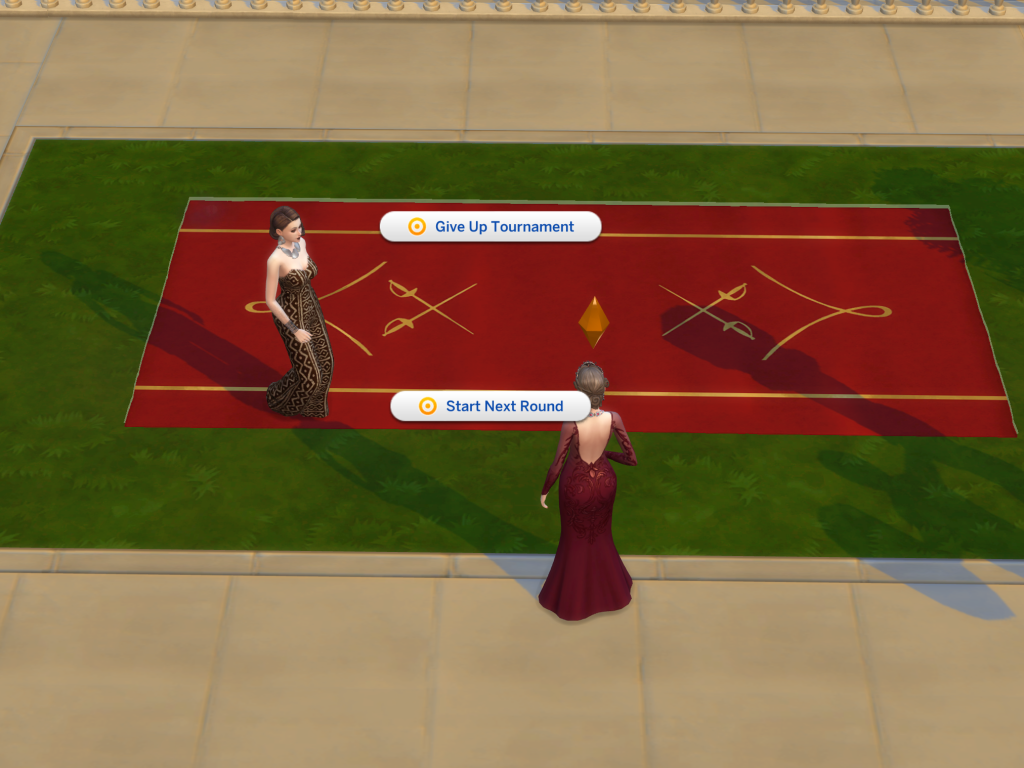
- Duel carpets (also scattered in those same spots for dramatic showdowns).
These objects can be used to enroll, start the next round, duel an opponent, or forfeit if things get too heated for your Sim. Both objects can be used for these interactions, but the duel carpet is where the duel will happen, so its presence is mandatory.
What The Sims team forgot to do
Like most gameplay objects in The Sims 4 worlds, I fully expected the gazebos and duel carpets from Royalty & Legacy to appear in the pack’s debug catalogue, the hidden build/buy catalogue full of collectibles, books, nature decorations, functional items and more.
To access the debug catalogue (on PC/Mac or console), open the cheat console:
- PC/Mac: Ctrl + Shift + C
- Console: Press all four back triggers at once
Then enter these cheats one by one:
- testingcheats true
- bb.showhiddenobjects
- bb.showliveeditobjects
To my surprise, several gazebo variants appeared – but only one is actually functional for starting tournaments (just like in Ondarion). The duel carpet? Completely absent from the list.
Worse still: even with the functional gazebo placed, Sims simply stand frozen during a duel attempt – no swords clashing, no action whatsoever – because the interaction depends on the duel carpet being present.
A quick look at the objects’ code revealed that the duel carpet had been flagged differently (likely an oversight in categorisation or visibility), so it remained locked away. This isn’t the first time we’ve seen something similar. Remember The Sims 4: High School Years? The iconic ice cream stall in Copperdale appears as a decorative façade in debug, but the functional vendor side (where the vendor actually serves) is still hidden to this day – requiring similar tricks to unlock properly.
Fortunately, a simple vanilla workaround exists to get tournaments working anywhere (no mods or CC required) — and that’s precisely what this guide covers next!
Host Swordsmanship Tournaments outside Ondarion
The steps for hosting a swordsmanship tournament on any lot in any worlds are quite simple, and 100% vanilla, so this works on consoles as well.
Keep in mind that you do not need the gazebo to host tournaments, only the duel carpet is essential. Here’s what to do:
- Select the lot where you want to host tournaments and go to build mode.
- Go to the gallery and search for my profile: Plumbocat.
- You’ll find the following room I have uploaded, which includes the duel carpet inside it.
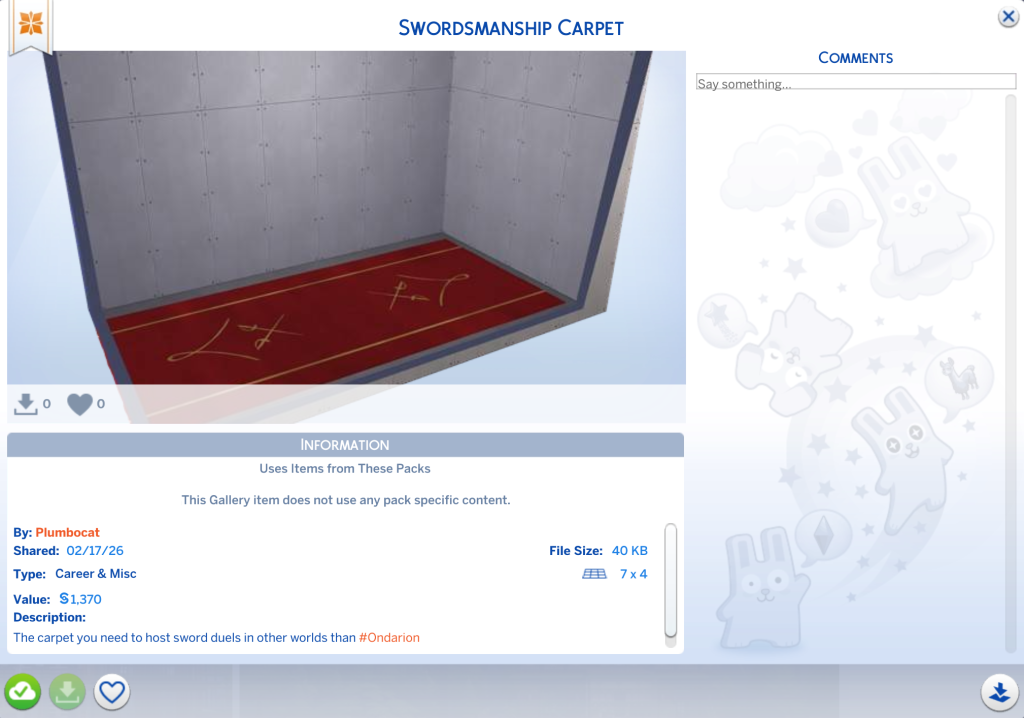
- I recommend saving the room to your library (second button on the bottom left) in case you need the object in the future without needing to access the gallery.
- Click on the install room button (on the bottom right) then place the room anywhere you want on your lot.
- Select the carpet and place it where you need it.
- You can safely delete the entire room, you don’t need it anymore.
It is worth noting that:
- Since this is a debug item, you will not be able to use the eyedropper to copy the object.
- You can place more than one duel carpet on your lot if you wish (handy for larger tournament setups or aesthetics), but bear in mind: only one tournament can run at a time. No simultaneous duels or overlapping events – your Sims will use one single carpet at a time.
- This works on any residential or community lot type in your game.
- You will not be able to host a tournament while another event is already taking place on your lot.
If you want to install the gazebo as well, simply use the debug cheats from the previous paragraph.
Once you click on the carpet or the gazebo and start the tournament, the regular goals for this event will show up as they would in Ondarion.
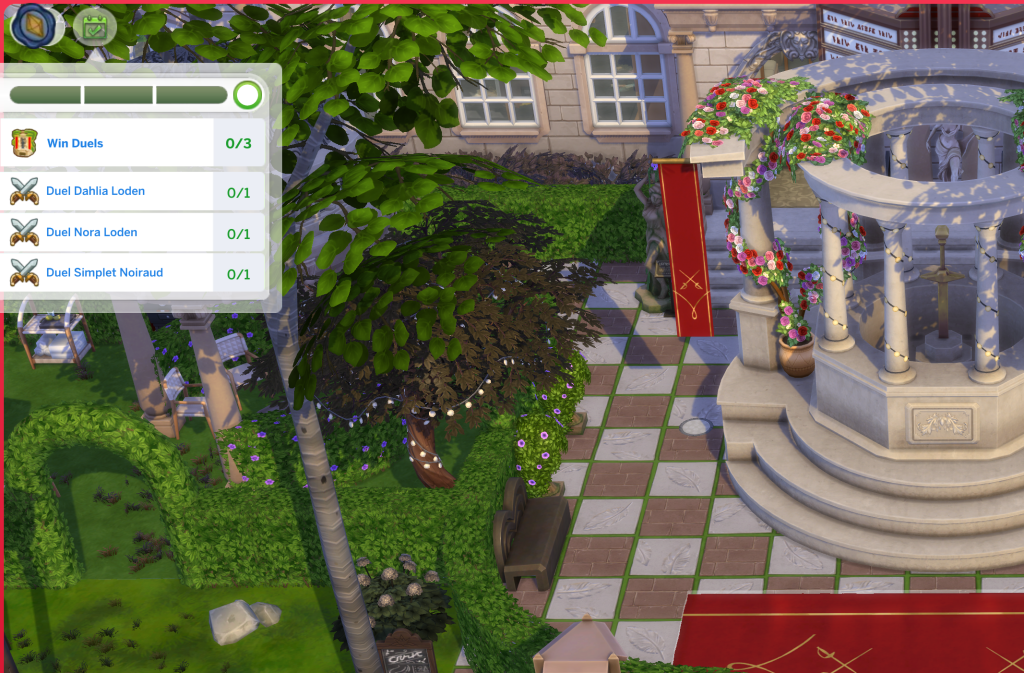
And now, your Sims can duel in any world you want, like mine is doing right now in Nordhaven (from The Sims 4 Businesses & Hobbies).
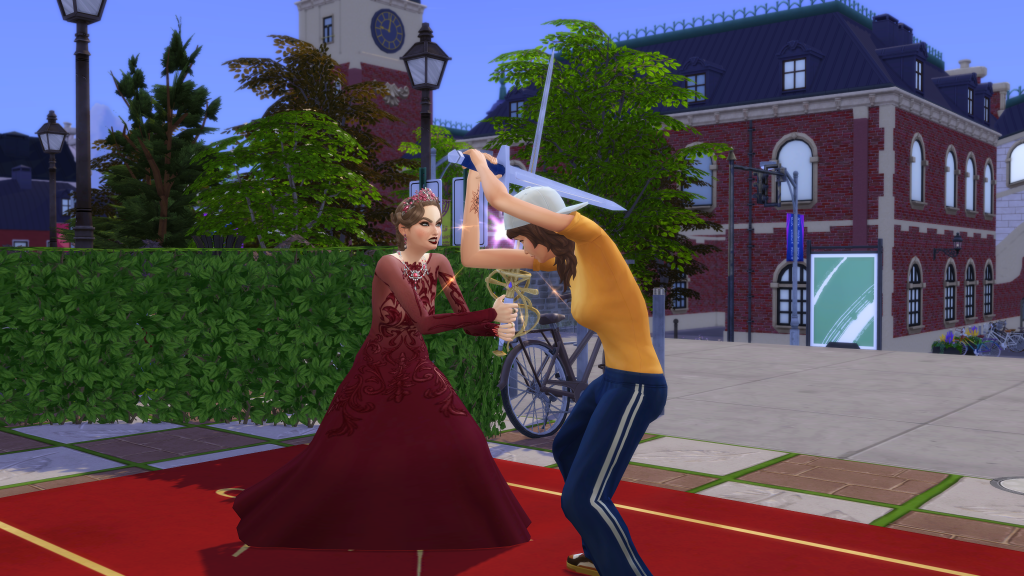
Hopefully, the Sims team will flag the duel carpet correctly in a future update so it appears properly in the pack’s debug catalogue, just like the functional gazebo variants.
What are your thoughts on hosting swordsmanship tournaments in other worlds? Will you be using this workaround to set up epic duels in worlds like Willow Creek, Sulani, or even Forgotten Hollow? Or are you sticking to Ondarion for that authentic renaissance feel?
Tell us in the comments below and stay tuned for more Royalty & Legacy Guides.


Félicitations
Nice work around. Can the same be done for the climbing rocks in snowy escape?
Thanks for the tips !