

A Complete Guide for The Sims 3 Cheats
Gameplay hacks for one of our all time favourite games, The Sims 3. In this guide you’ll find a complete organized guide for all The Sims 3 Cheats you need to know about. Whether it’s for storytelling, building, making your Sim super rich, or hear a goofy joke. The choice is yours.
Complete Guide to The Sims 3 Cheats
How Do I Type in a Cheat Code in The Sims 3?
By pressing Ctrl/Cmd + Shift + C you open a small cheat window at the top of your screen. To be able to even have the cheat codes working you have to first type in testingCheatsEnabled and press enter. By doing this all the cheat codes are on. Close the cheat console by pressing Esc or Ctrl/Cmd + Shift + C.
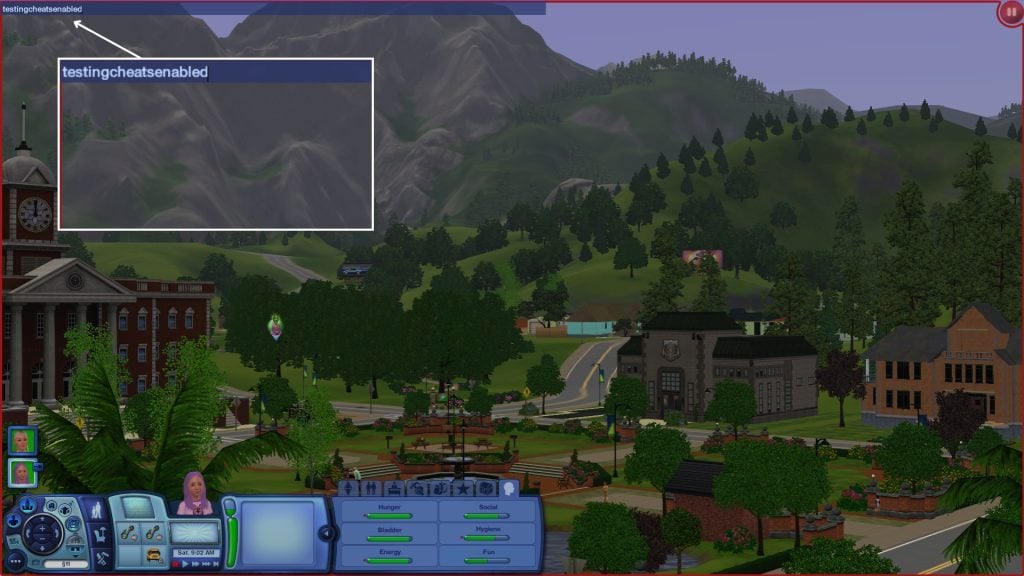
Testing Cheats (Advanced Mode)
To unlock even more cheats that are more advanced you have to type in testingcheatsenabled true. Turn off: testingcheatsenabled false. Many cheats use 1/on/true to enable and 0/off/false to disable. These all mean the same thing — you can use whichever version you prefer. The cheats mentioned in this article needs to be activated with this cheat code to work.
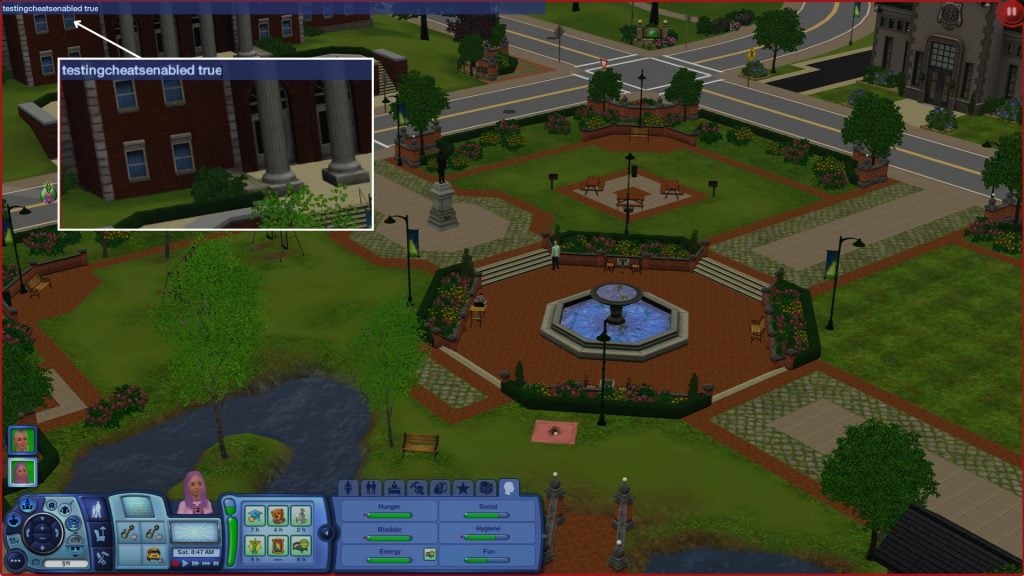
Click and Drag
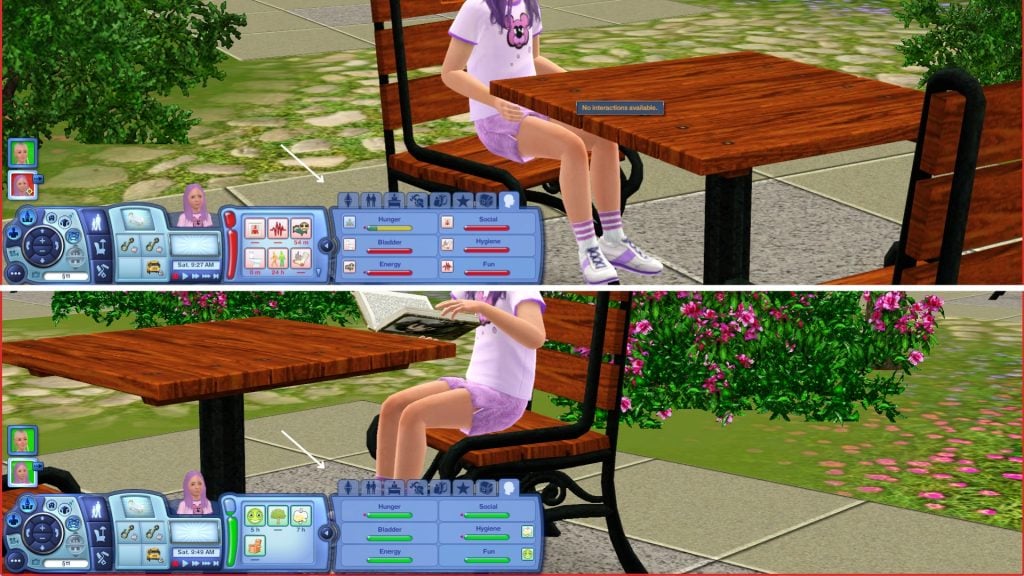
You can now Click and Drag your Sims need bars and their relationships. You can also manage their profession progress (if you have The Sims 3: Ambitions).
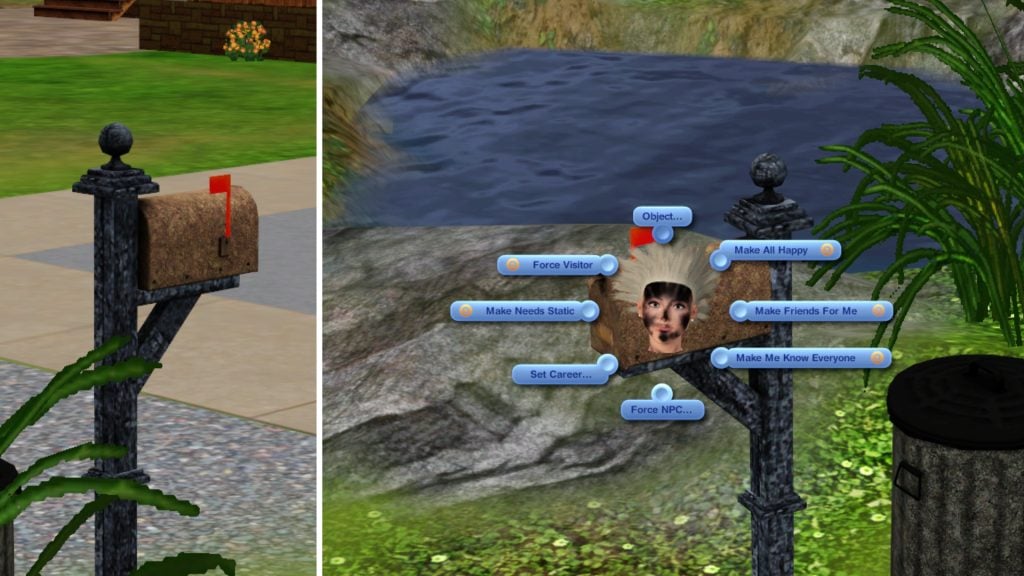
Shift + Click on Mailbox
If you Shift + Click on the mailbox a special debug pie menu will show. This menu lets you manage needs, relationships, careers and NPCs.
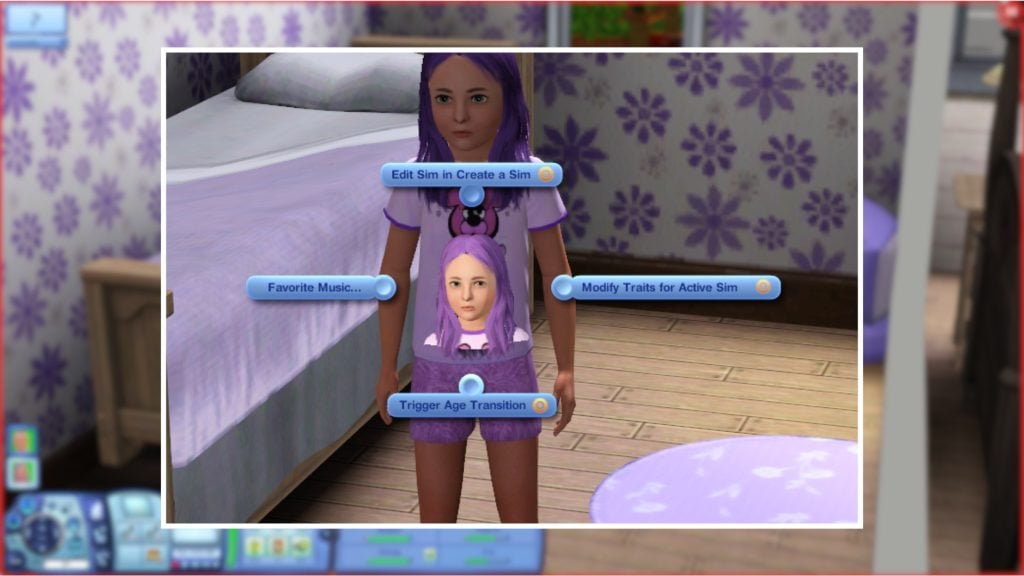
Shift + Click on a Sim
If you Shift + Click on a Sim you can trigger their aging, add other Sims to your household, pick a favorite music, and edit that Sim in CAS. If you Shift + Click on your active Sim you can change and modify your traits.
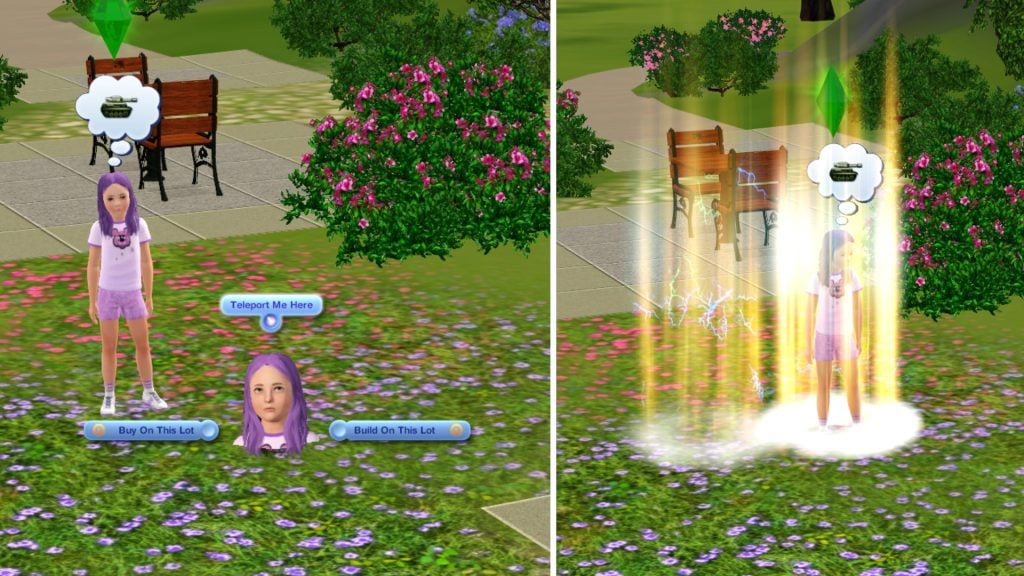
Shift + Click Floor/Ground
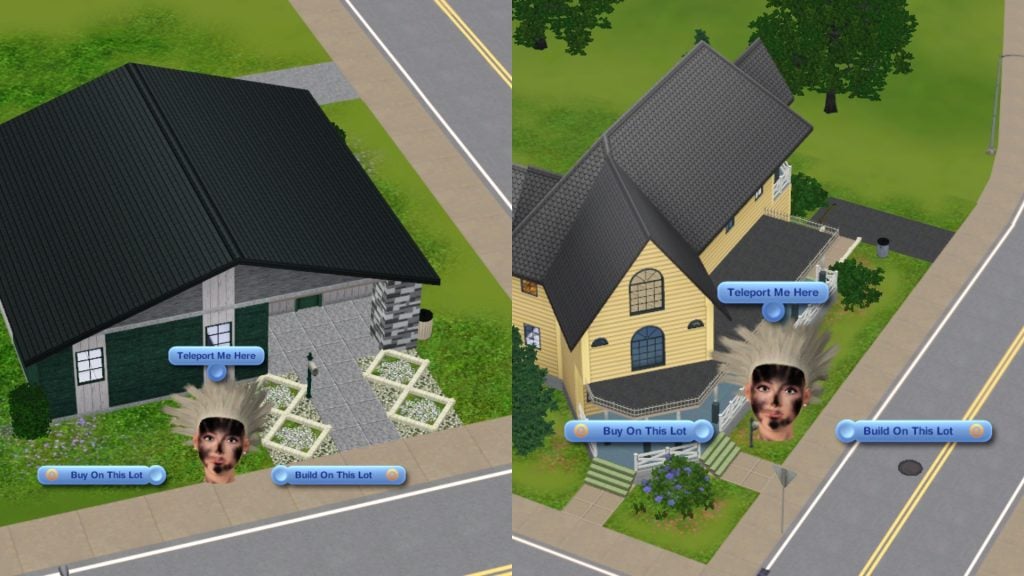
If you Shift + Click on the floor/ground you can teleport your Sim, and open the Build/Buy mode on the lot you are clicking on.
As for the objects, if you Shift + Click on them you can delete them
Shift + Click on a Workplace Rabbit Hole
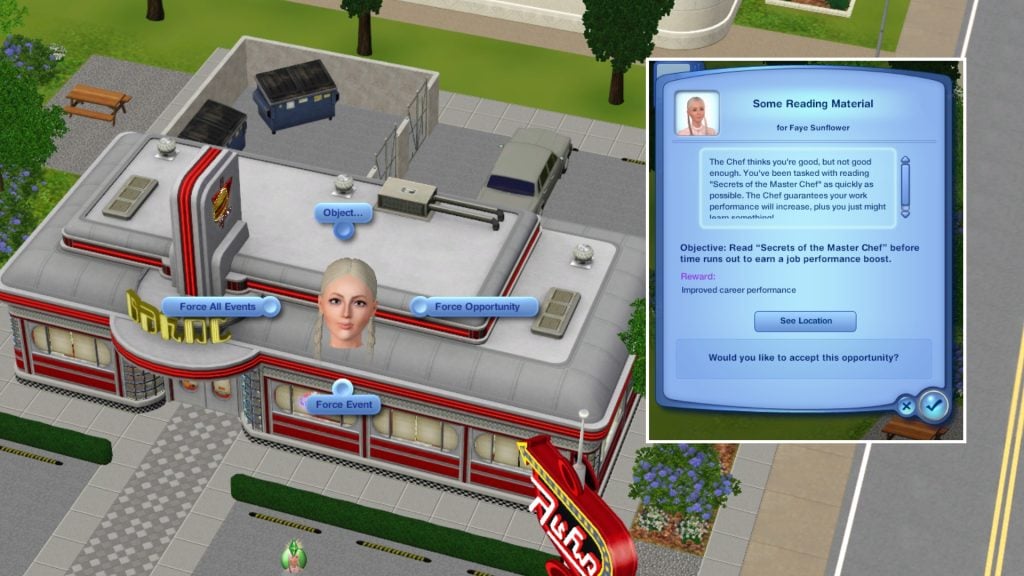
Shift + Click on a workplace rabbit hole gives you three options. Force Opportunity, Force Event, and Force all events. This option is only available at the workplace where your Sim is currently employed.
Ctrl + Shift Click in Build/Buy Mode
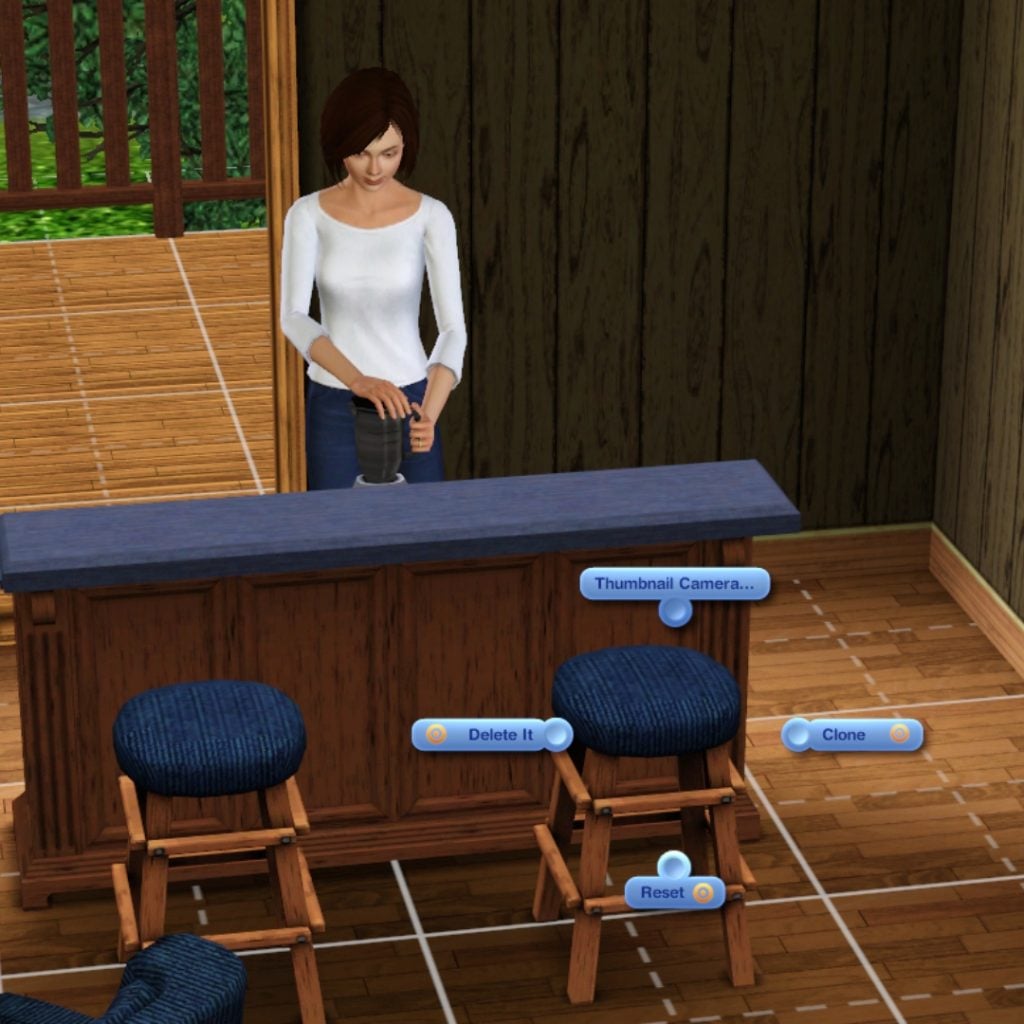
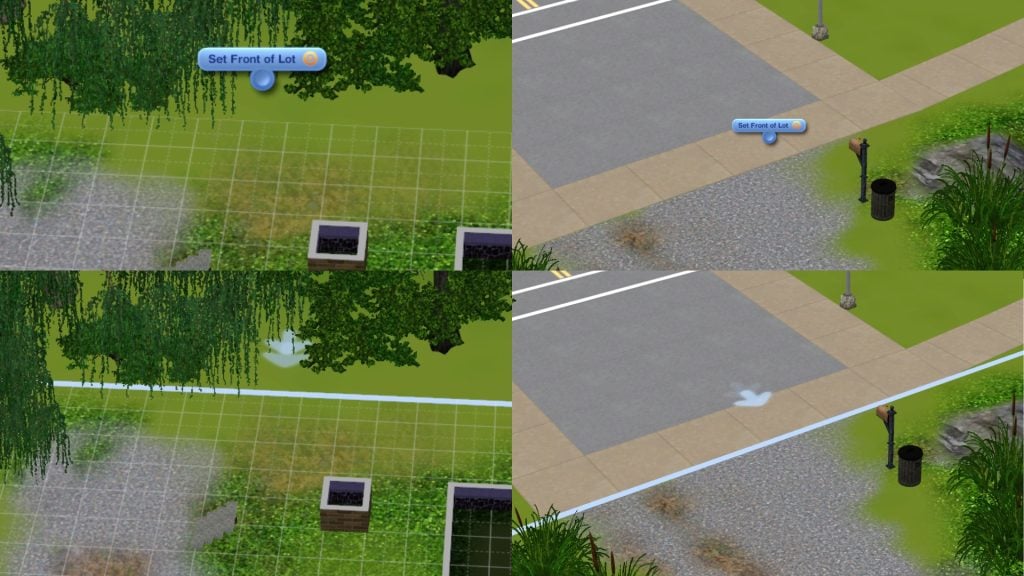
Ctrl + Shift Click on any object enables you to delete, clone or reset it.Ctrl + Shift Click on the lot which enables you to Set Front of Lot/Unsent Front of Lot. Meaning you decide where you want the front of the lot to be, and then Sims who arrive at the lot will do it from where the arrows on the lot are pointing at. It’s similar to when you mark a door as your front door.
Ctrl + Click
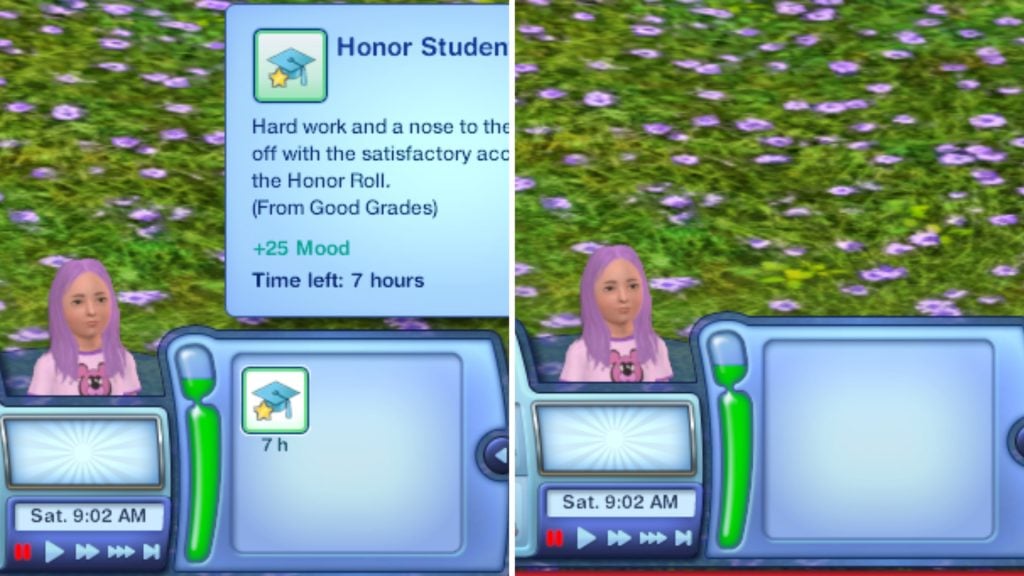
Ctrl + Click on your Sims moodlet to immediately delete it
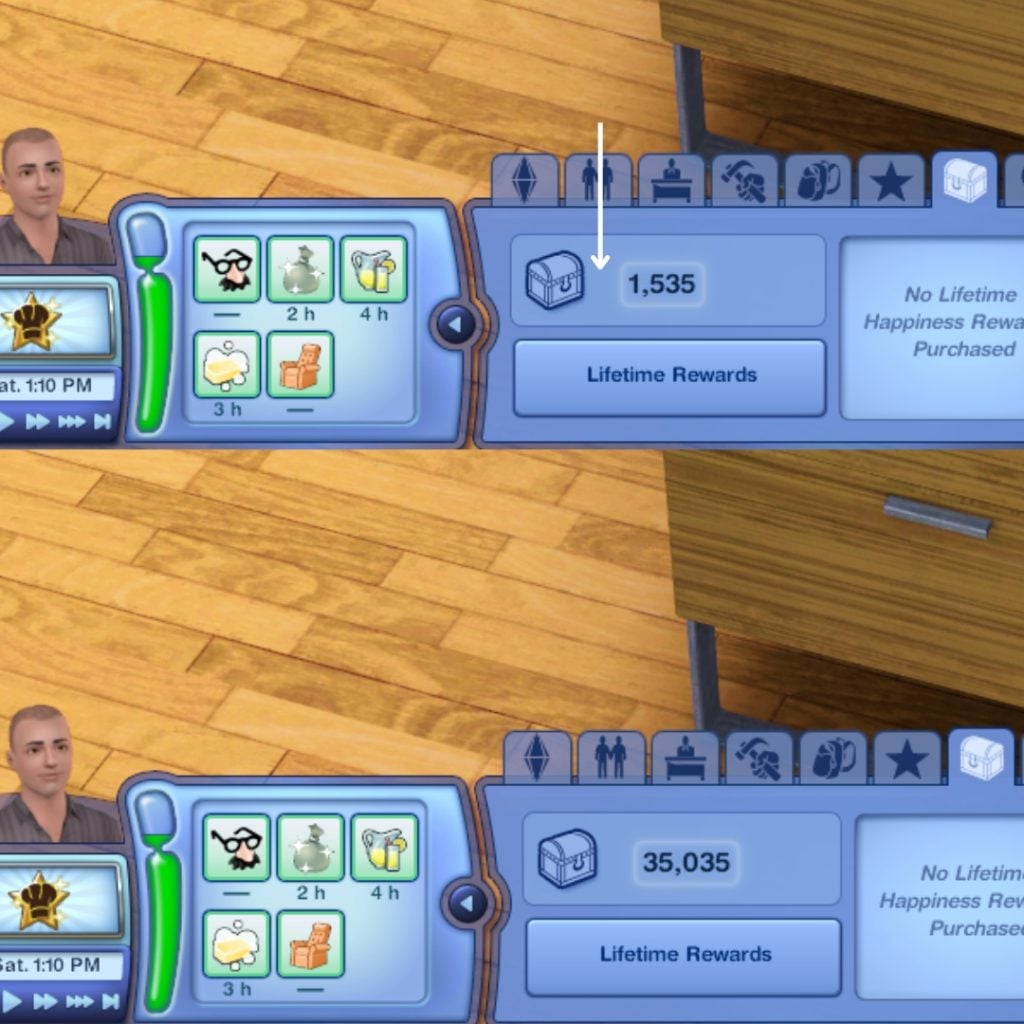
You can manage your lifetime happiness by Ctrl + Click between the chest and the points
Money Cheats
The cheat codes we all wish we could use in real life.kaching – 1000 Simoleons are added to your householdmotherlode – 50, 000 Simoleons are added to your householdfamilyfunds [Household] [Amount] – You set the total amount of funds for your family to have in their household
Gameplay Cheats
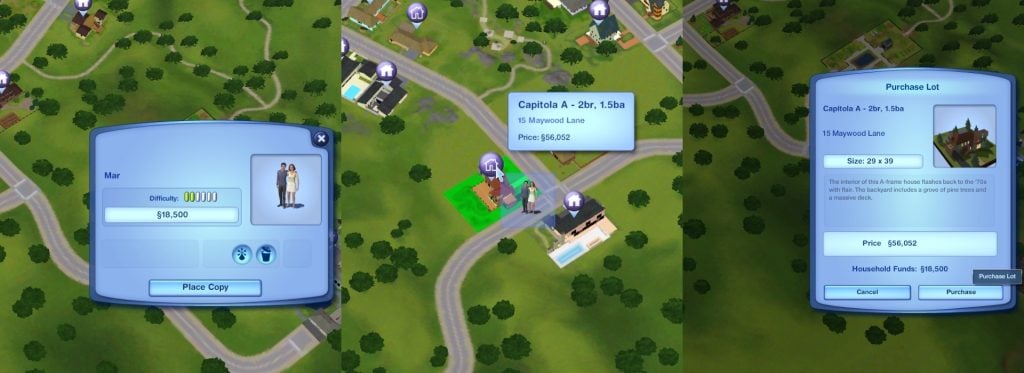
freerealestate – Your Sim can now buy lots for FREE.
Sims Cheats
resetSim [FirstnameLastname] – Reset and teleports your Sim back homeageuptonpc – When your toddler ages up to a child it will become an NPC in your household
CAS Cheats
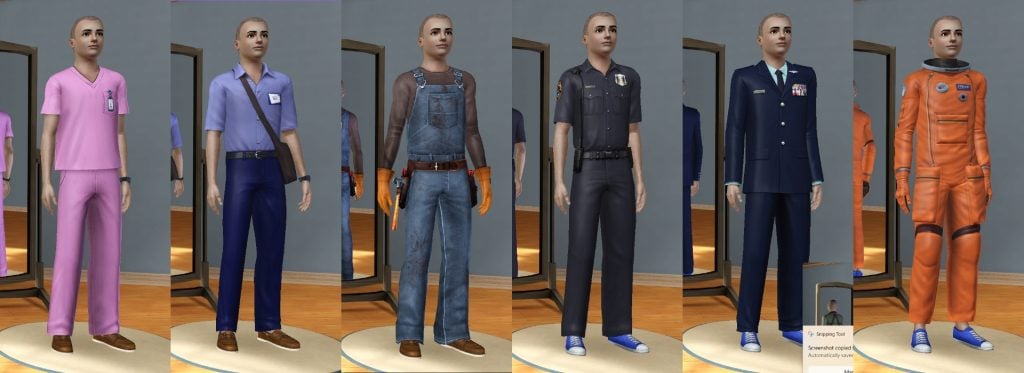
unlockOutfits on/off – Unlocks Career and NPC outfits. Enter before you go into CAS.
Build/Buy Mode Cheats
moveObjects on/off – Removes any limitation for your object, and it lets you place the object off centerdisableSnappingToSlotsOnAlt on/off – Object will not snap while pressing alt key
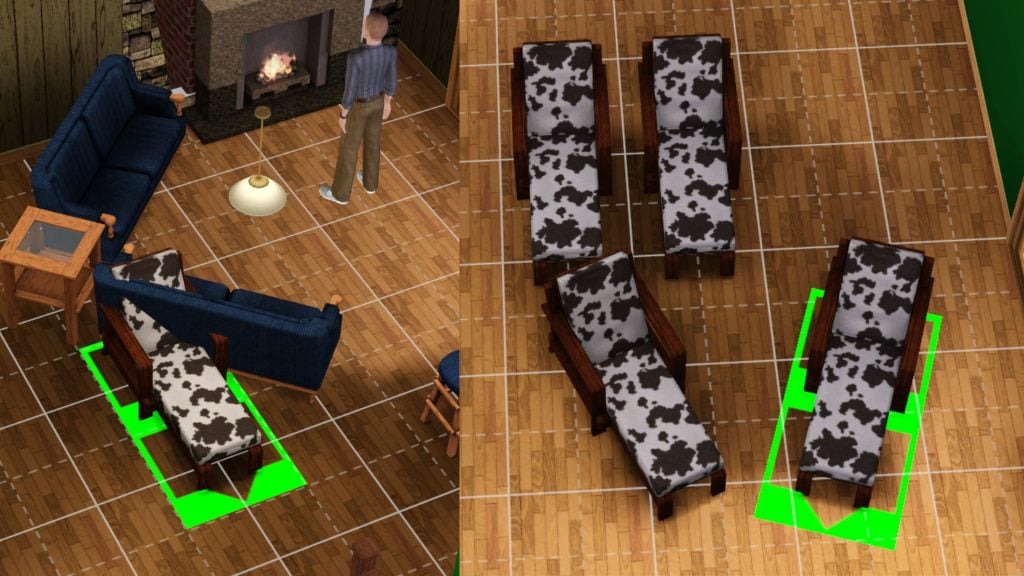
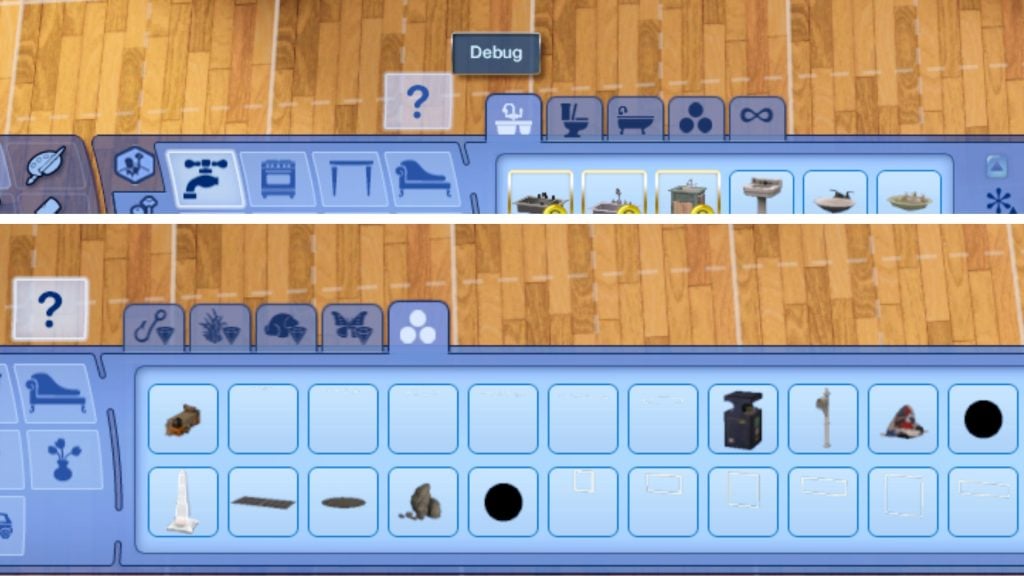
buydebug on/off – Unlocks a bunch of debug objects
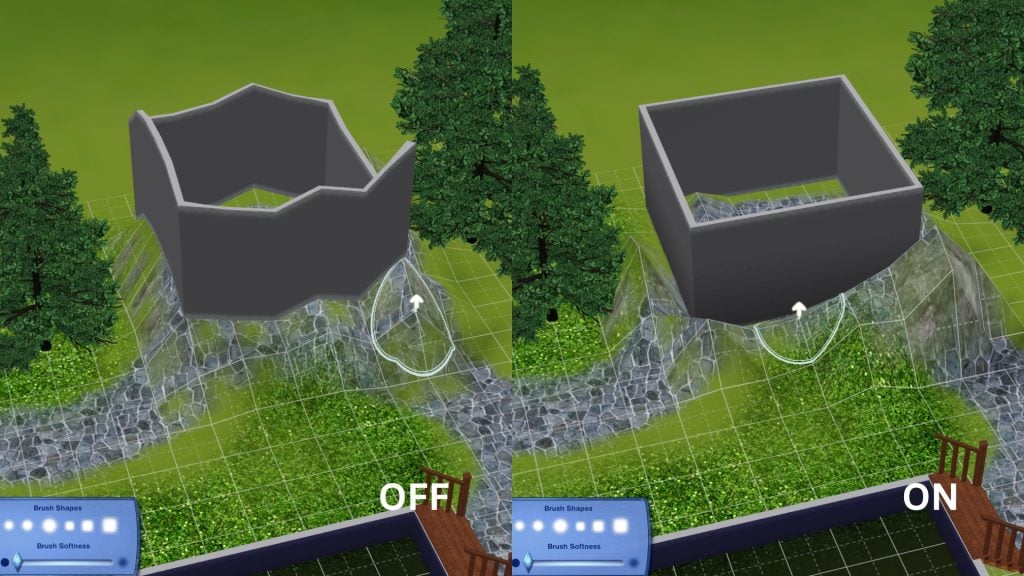
constrainFloorElevationon/off – Free terrain editing
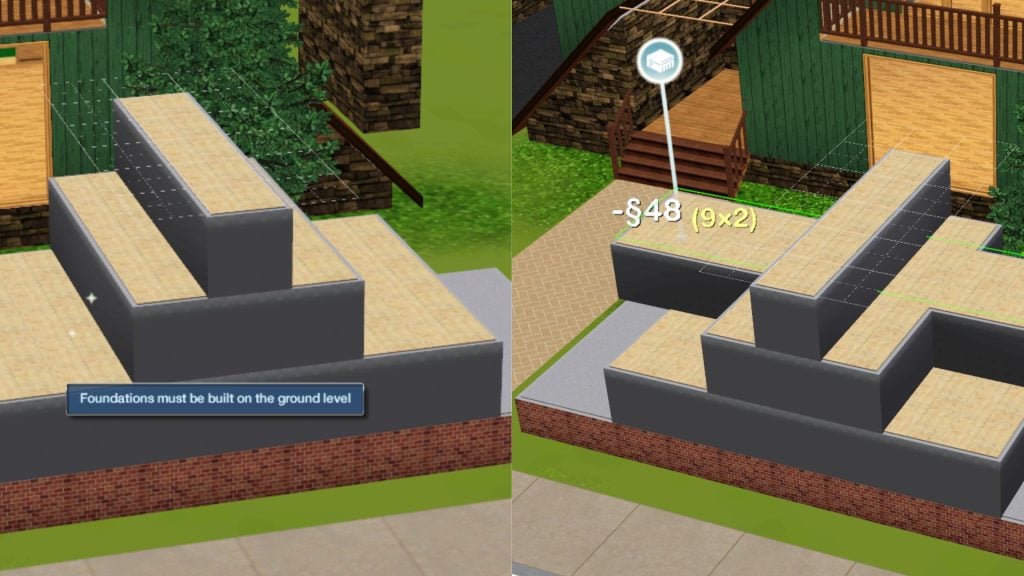
placeFriezes on/off — Enables you to build a foundation freely, and not only on ground level
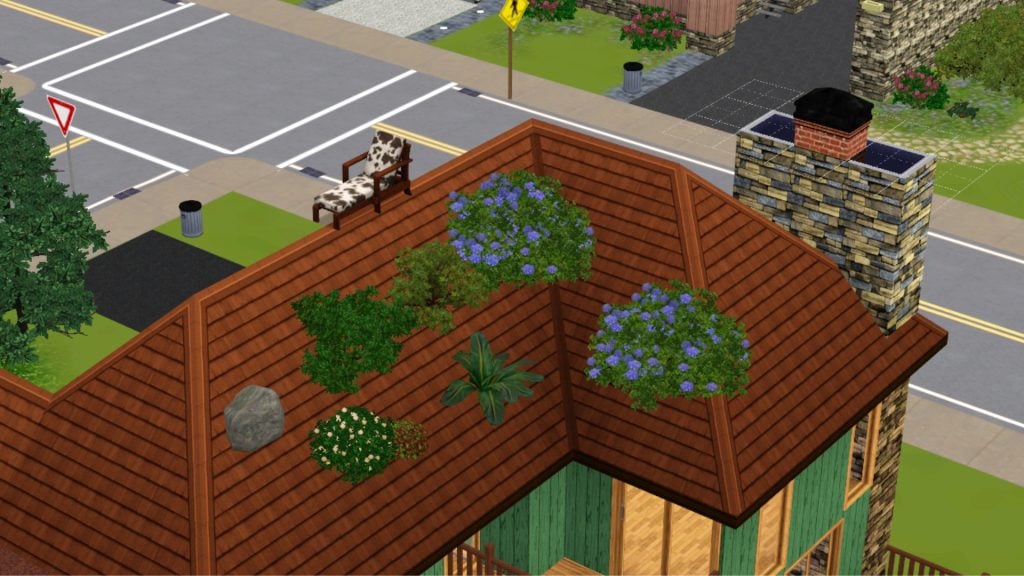
RestrictBuildBuyInBuildings on/off – Edit and build on public lots enableLotLocking on/off – Lock/unlock lots for editing AlwaysAllowBuildBuy on/off – Enter Buy/Build anytime. Even if a Sim is dying or during a fire.allowObjectsOnRoofs on/off – Allow object placement on roofs
Goofy Cheats
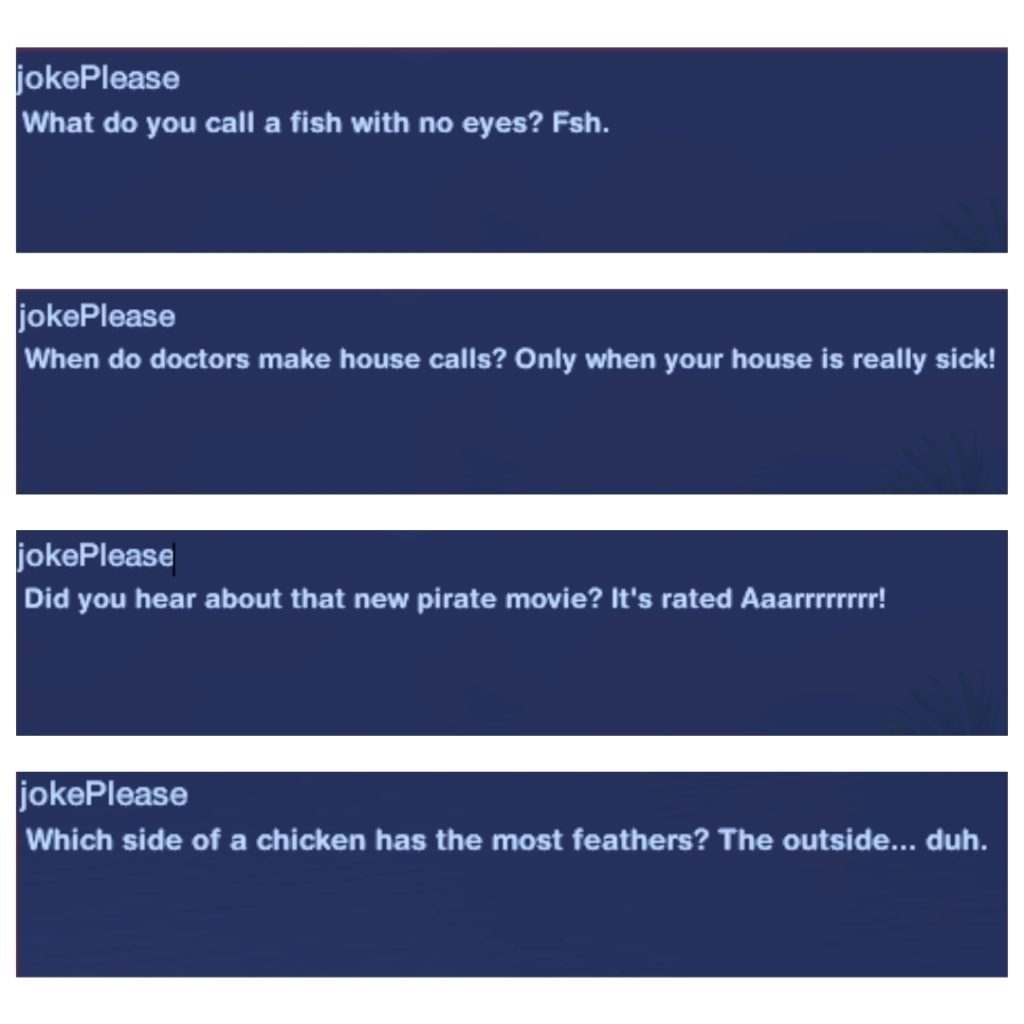
jokePlease – A random joke pops up in the console. Doesn’t affect your gameplay.
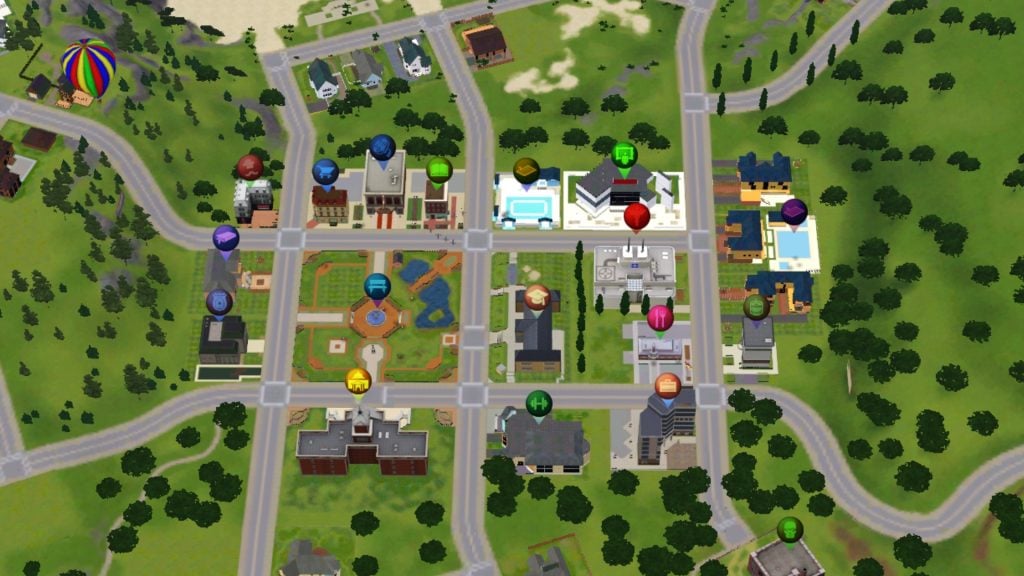
discotags on/off – The maptags will blink and change color
Expansion Pack Cheats
discoverAllUnchartedIslands – Unlocks all the hidden islands – The Sims 3: Island ParadiseCtrl + Shift Click on any bars you can hire a new bartender and manage their working shifts – The Sims 3: Island ParadiseOnTogglePerformanceMeter – Shows a performance bar above your playable Sim while they’re performing on stage – The Sims 3: ShowtimeShift + Click on Community lots and NPC neighborhood houses to Spawn a job. – The Sims 3: AmbitionsShift + Click on mailbox to manage the supernatural life states in game – The Sims 3: SupernaturalShift + Click on floor lets you control the weather – The Sims 3: Seasons
Visual & Filming Cheats
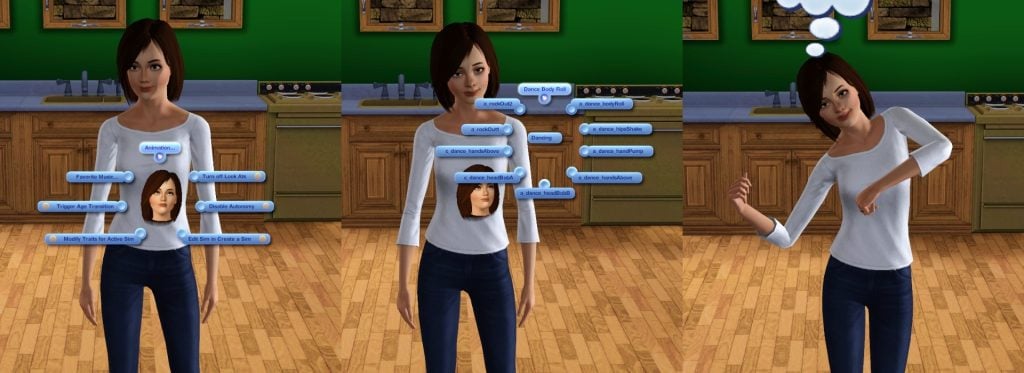
hideHeadlinesEffects – Hides the plumbob and talking bubblesMoviemakercheatsenabled – Lets you pose your Sims by Shift + Clicking on your Sim
recordvideo small/medium/large low/moderate/high/max – You will start recordning a video with a specific quality and sizemaptags on/off – Hide or show your map tagsenableLlamason/off – Turn llama notifications on/off that appears in your top right corner. Doesn’t affect your gameplay.
Technical Cheats
quit – You exit the gamefullscreen on/off – You are able to switch between windowed or fullscreen modefps – Show/hide the frame rate counter in the top right cornerfadeObjects on/off – Toggles how an object fade depending on how close the camera is, does not affect your Sim.playsounds on/off – Turn on or off all the audio features.slowMotionViz [0-8] – Enables you to change the game speed from normal 0 to 8 which is the slowest.
Help Cheats
help – Displays a list of the cheatshelp [CHEATNAME] – Show details for a specific cheat
Cheats can make building easier, storytelling smoother, or gameplay just a little more exciting. But every player has that one cheat they always come back to. So tell us — which The Sims 3 cheat can you not live without? Let us know in the comments below. Check out more The Sims 3 news and guides here.


Sul Sul! I don’t know if this is the right place to write this, since this concerns the sims 4. But i have an idea, or rather a wish.
Highschool!
many times i have created households with teens, but i don’t think i have ever managed to get the sims households to go to the same school. There are always random teens that goes to school togther, which is also alright of course. But it would be awsome if every household you create in the game, end up at the same school, along with random students. Many times i have created more households, and hoped that the teens would go to the same school.
So if the sims creators could make this happen it would be really cool 🙂
And if anyone as any tricks how to make this happen, it would also be alright i guess (no mods, please)
The developers will no longer be handling the game; from now on, we’ll only have kits, and the game isn’t designed for that. This is a fan site, not the EA forum.
Personally, I managed to do it. Not all the characters disappear, but some do. You need to create as many households with teenagers as possible. I create all the families in the game myself. Identify the ones that already exist but that you haven’t created, find their households, and delete the teenagers. Also, look at the NPCs that aren’t in the worlds, in the “Household Management” section, and delete the teenagers one by one. The game only generated them for high school; they will be replaced either by an NPC from the game or by one of your teenagers. You need to delete as many NPCs as possible so that the teenagers you created in high school replace NPCs. I also did this for the police career at the precinct. I create households, place them in the police career (about fifteen), and delete the police NPCs. They are replaced by my Sims. Have fun!