Unlocking the jungle and hidden areas in The Sims 4 Jungle Adventure.
Ready to explore the wilds of Selvadorada? Join our Sim Helen Lemons and unlock the mysteries in the jungle in The Sims 4 Jungle Adventure. From secret pathways to treasure-filled chests, this jungle is full of surprises, literally. Watch out for scorpions, jaguars, and other jungle dangers lurking around!
The Sims 4 Jungle Adventure Guide: Unlocking The Jungle
Book a Vacation to Selvadorada and Visit the Local Marketplace
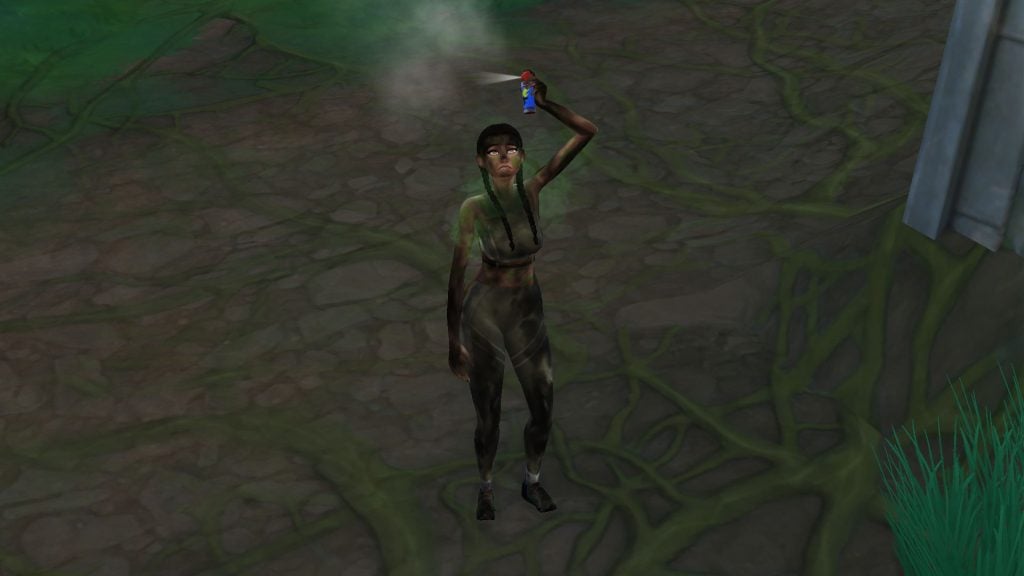
First things first, before heading into the jungle some adventure gear is needed. Like tents, insect repellent, food, and other useful supplies can be found at the local market in the neighbourhood called Puerto Llamante Marketplace.
Entering the Jungle
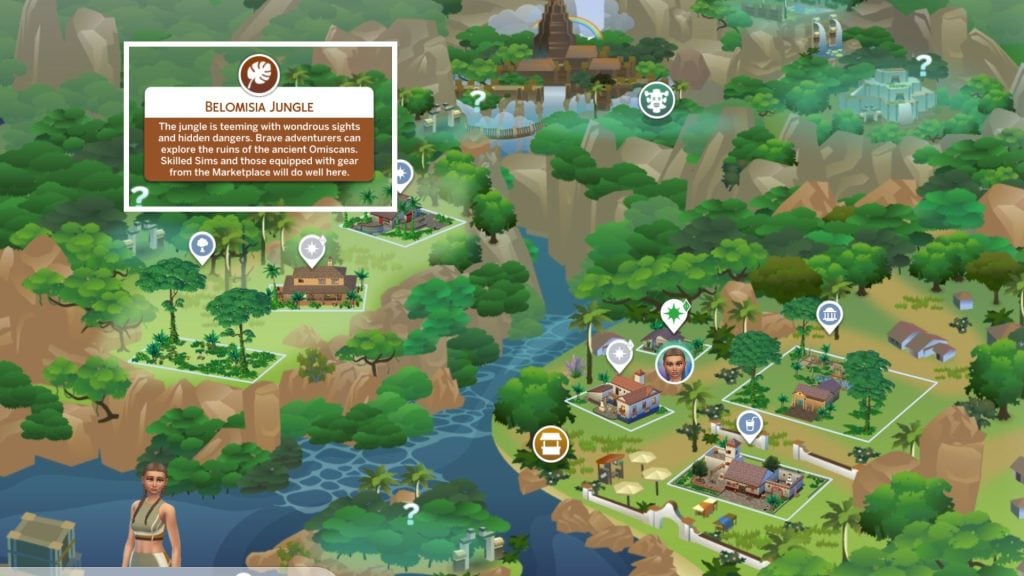
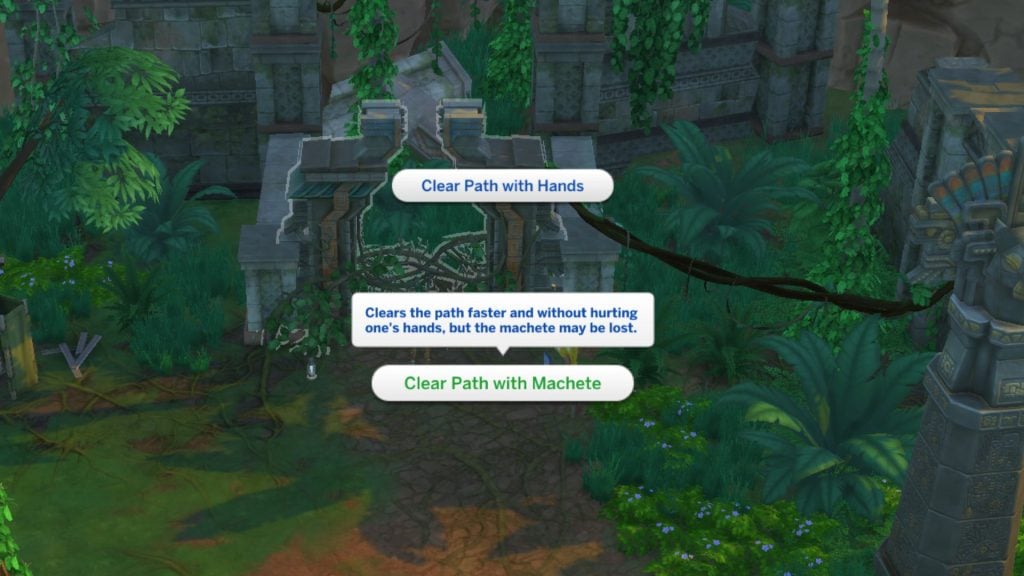
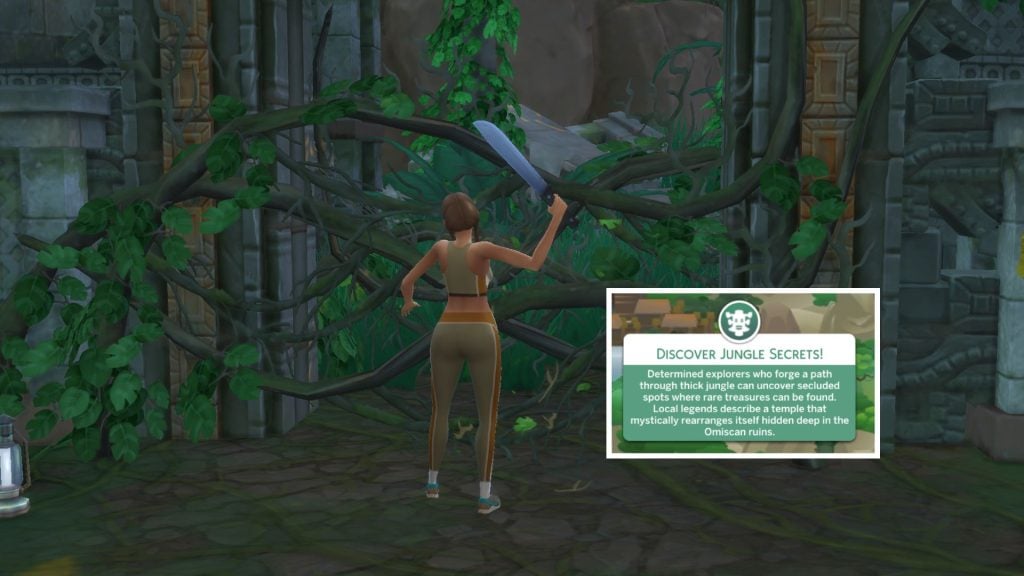
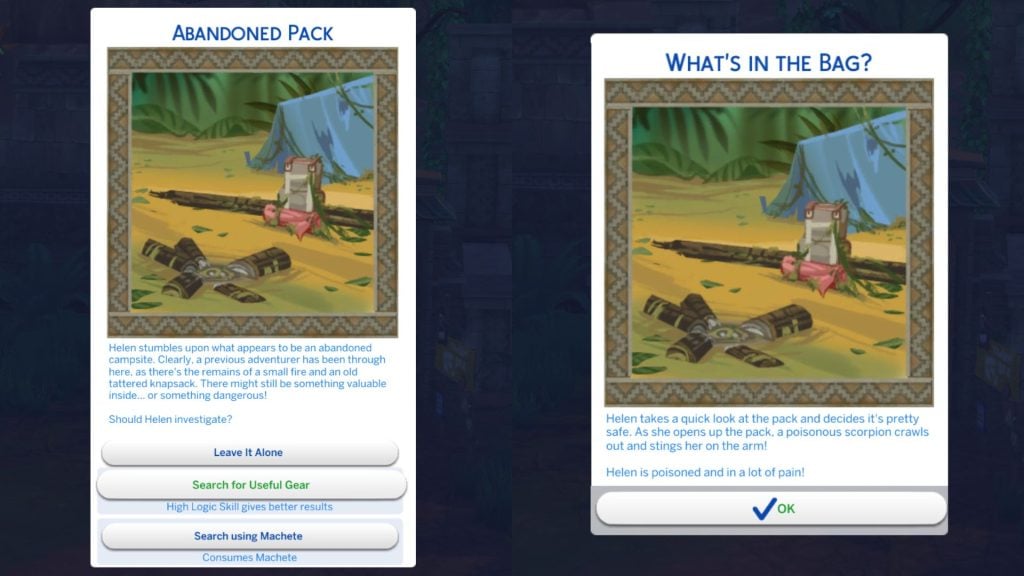
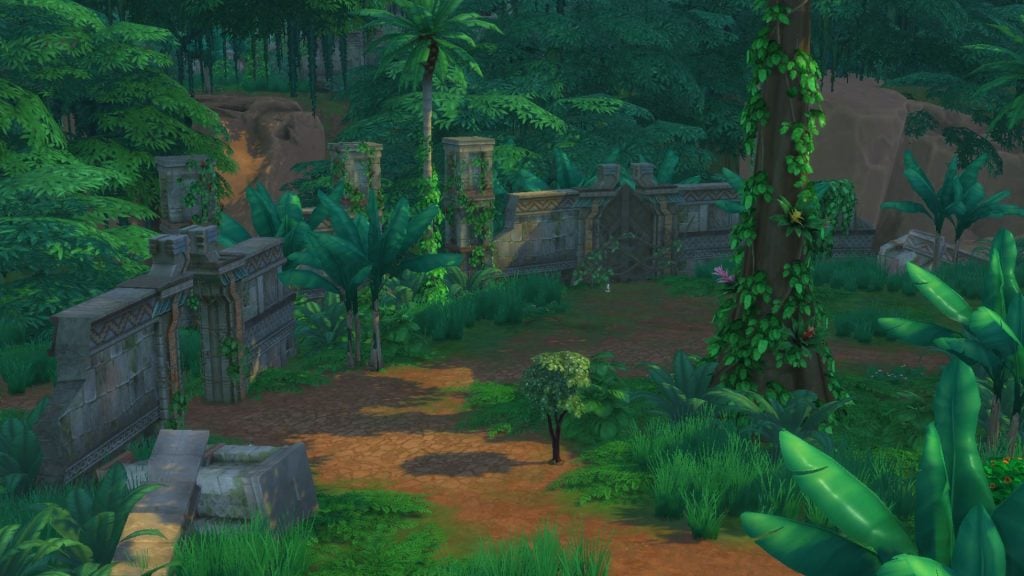
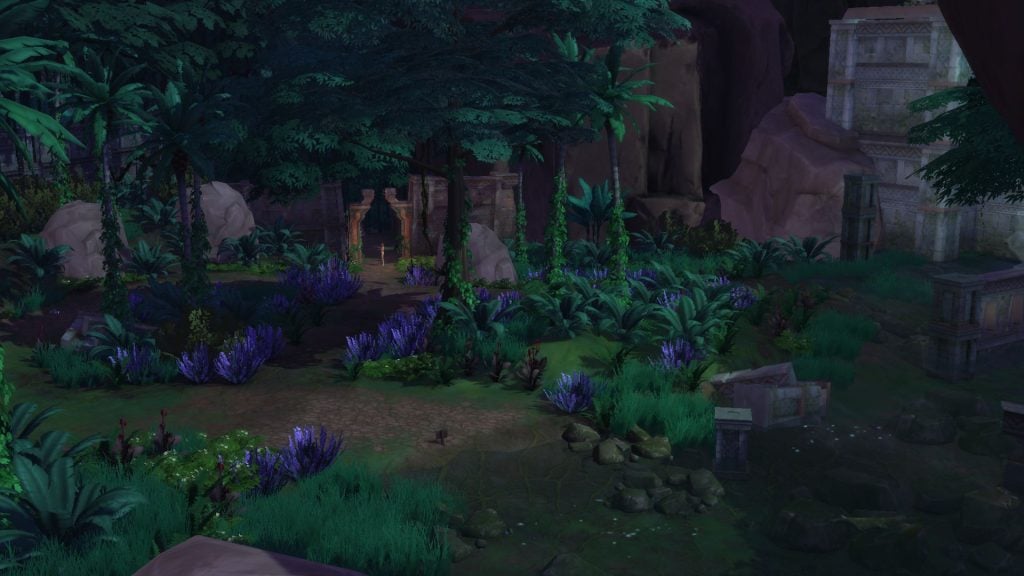
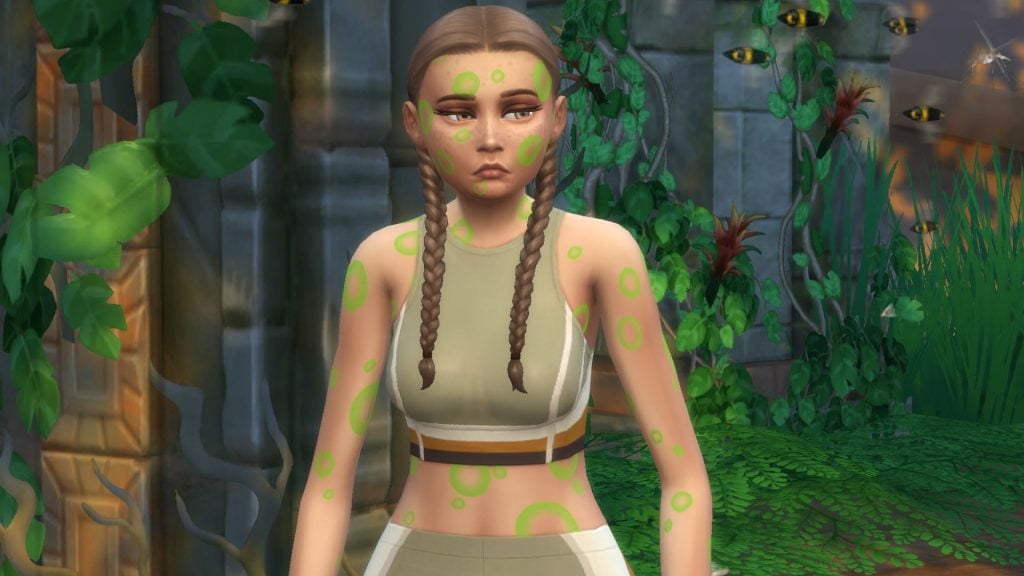
Our first stop is in the neighbourhood to the left, called Belomisia Jungle. The Logic skill would’ve been helpful when entering the first gateway… if we had any. Instead Helen ended up getting poisoned by a scorpion. Every time you pass through a gateway, different quests like these are popping up, making every exploration a little unpredictable.
Unlocking the Jungle: First Area
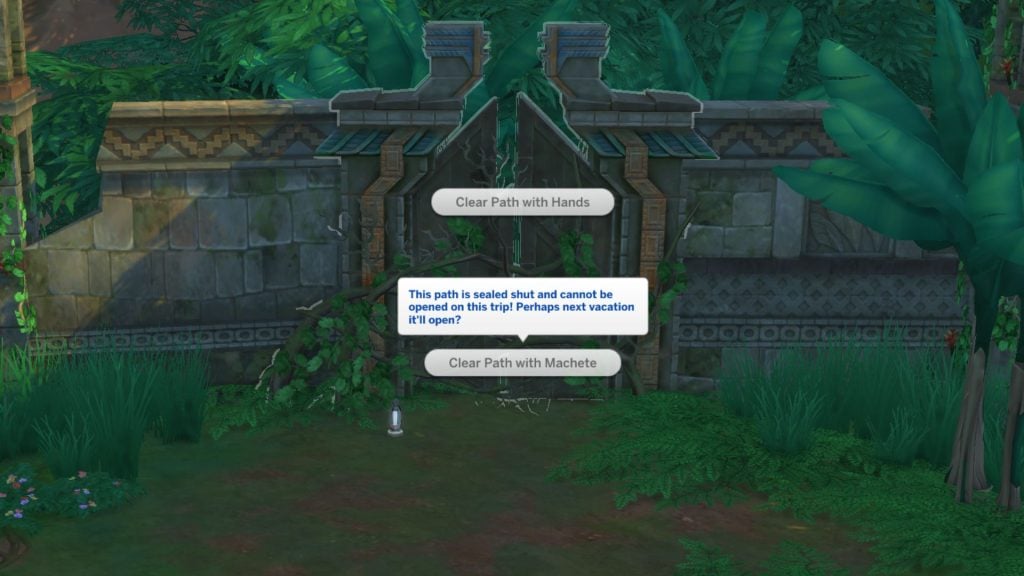
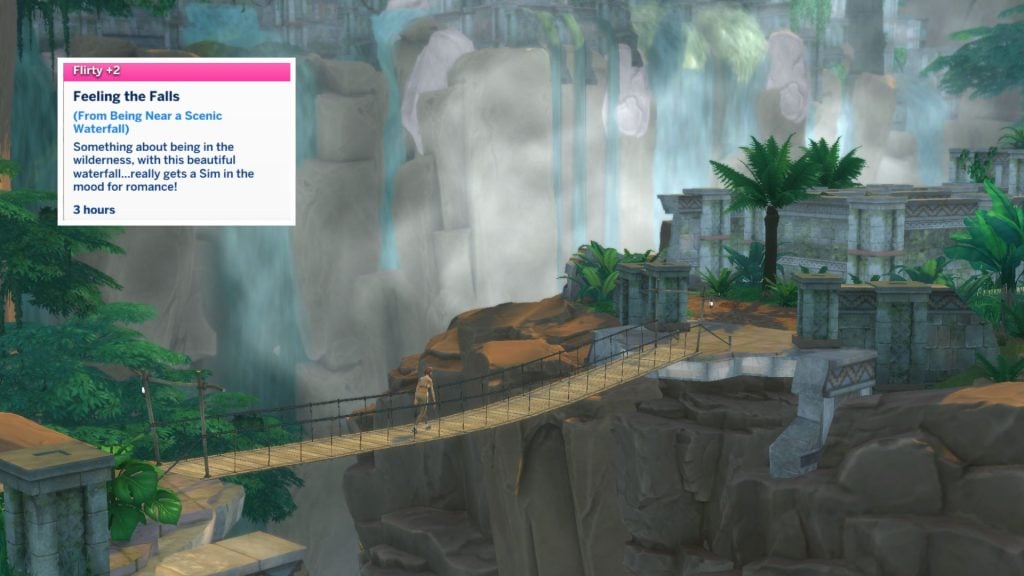
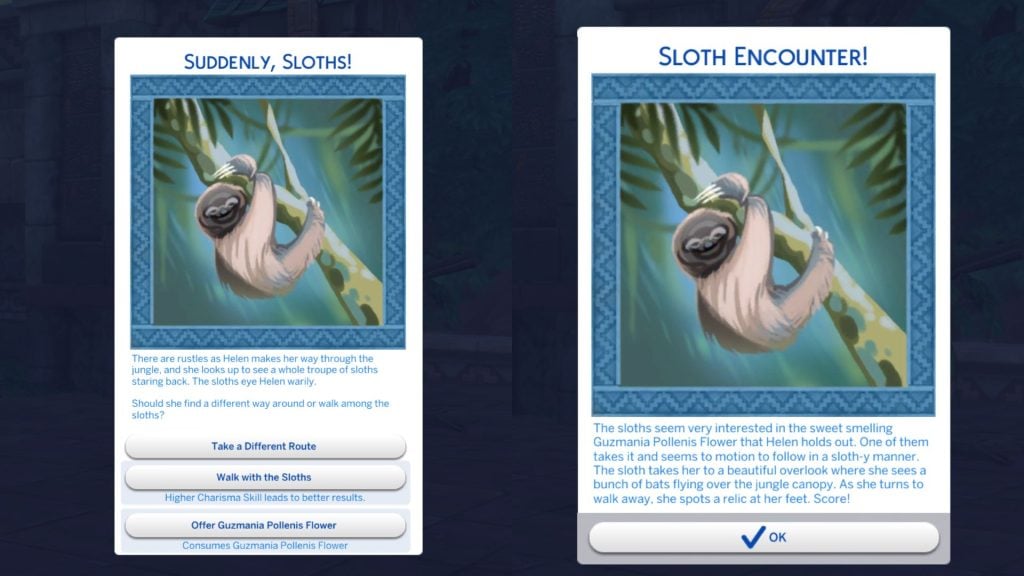
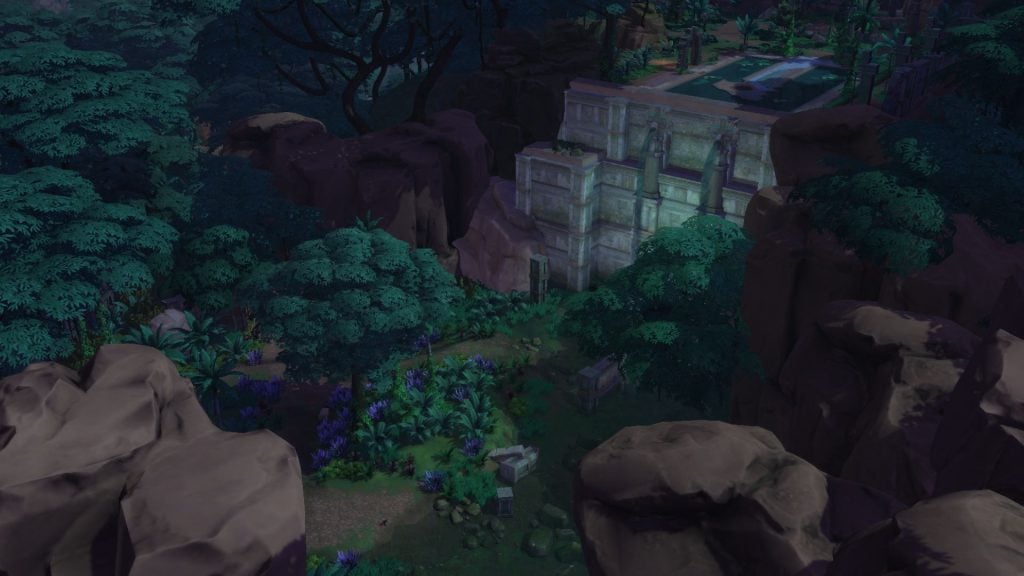
On the other side two new gateways appear, one that is locked, and another one that is located on the other side of the canyon. The locked gateway may be open on our next vacation to Selvadorada, hopefully. Our Sim Helen crosses the bridge toward the ruin area and enters the gateway. This time Charisma skill could’ve have helped in this situation, but there was also an option to offer a Guzmania Pollenis Flower that Helen bought at the stall market earlier, which helped to pass trough the sloths safely.
Locked Gate
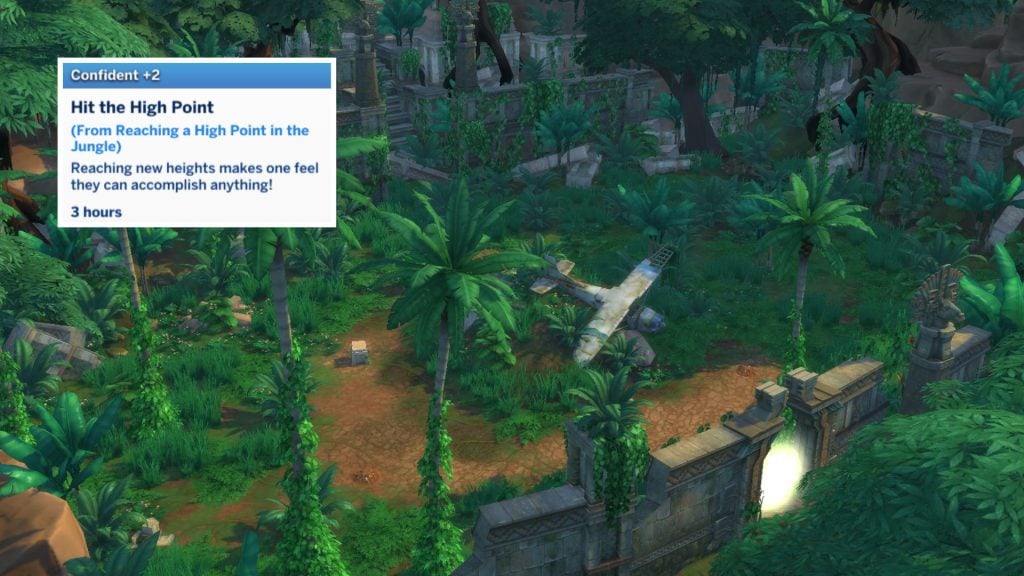
Unlocking the jungle isn’t as easy as it seems. During Helen’s fifth trip to Selvadorada, the second gateway finally unlocks. You enter a new hidden area where you’ll find an old plane that has crashed. Helen also got the moodlet “Hit the High Point” when entering this hidden area.
Unlocking the Jungle: Second Area
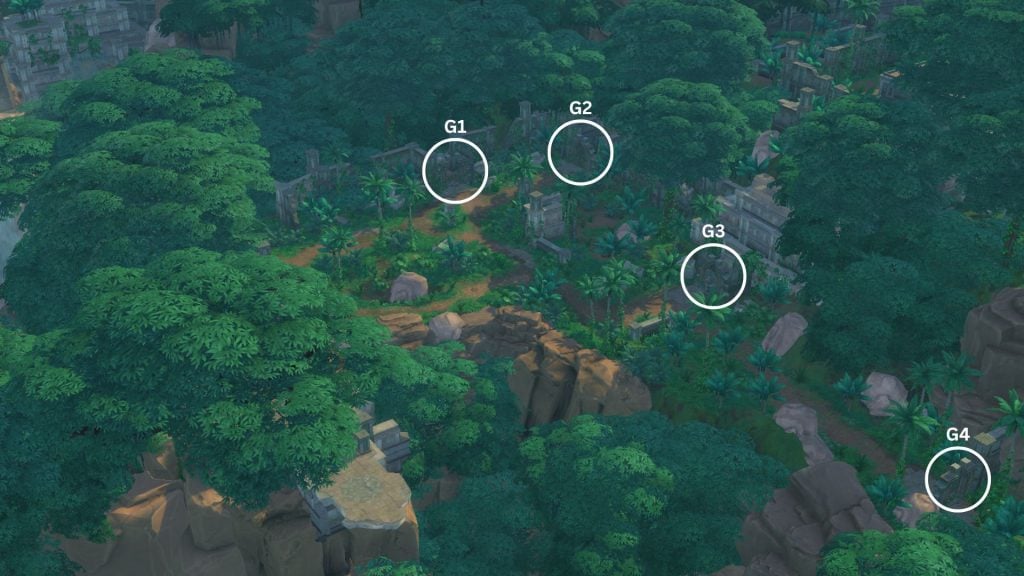
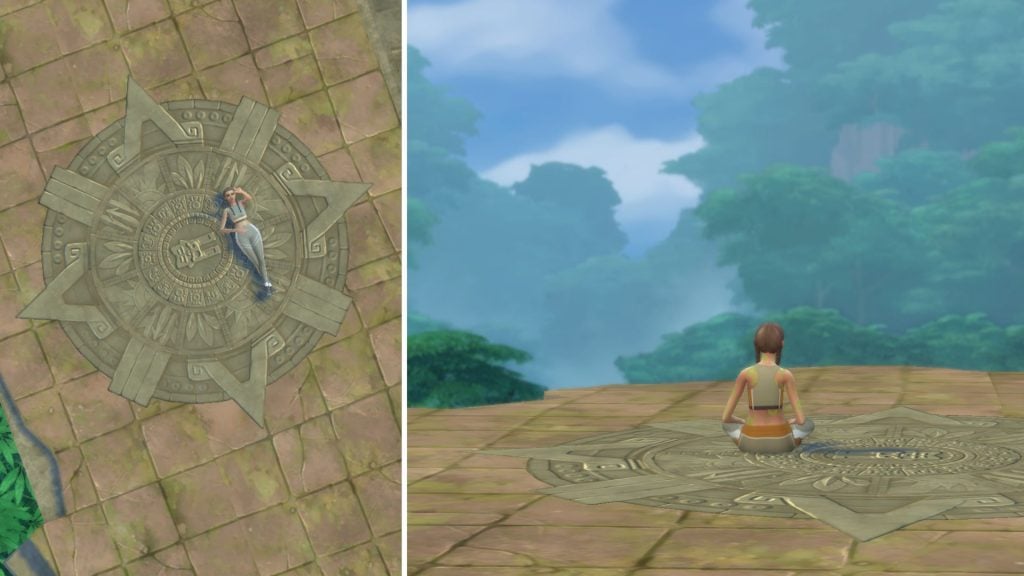
In the second area in the jungle you’ll find four different new gateways, and one beautiful viewpoint.
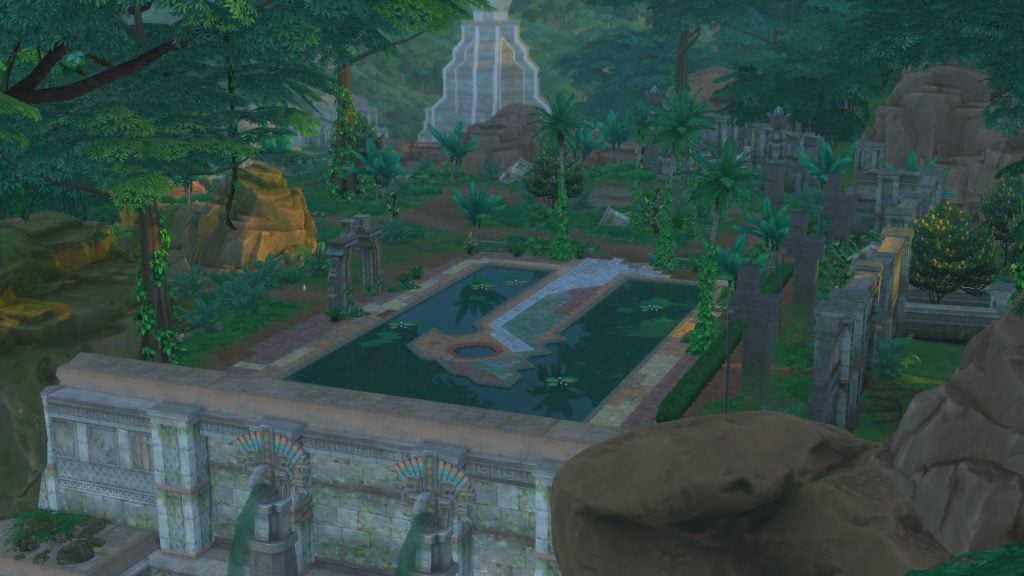
Gate 1 Omiscan Royal Baths
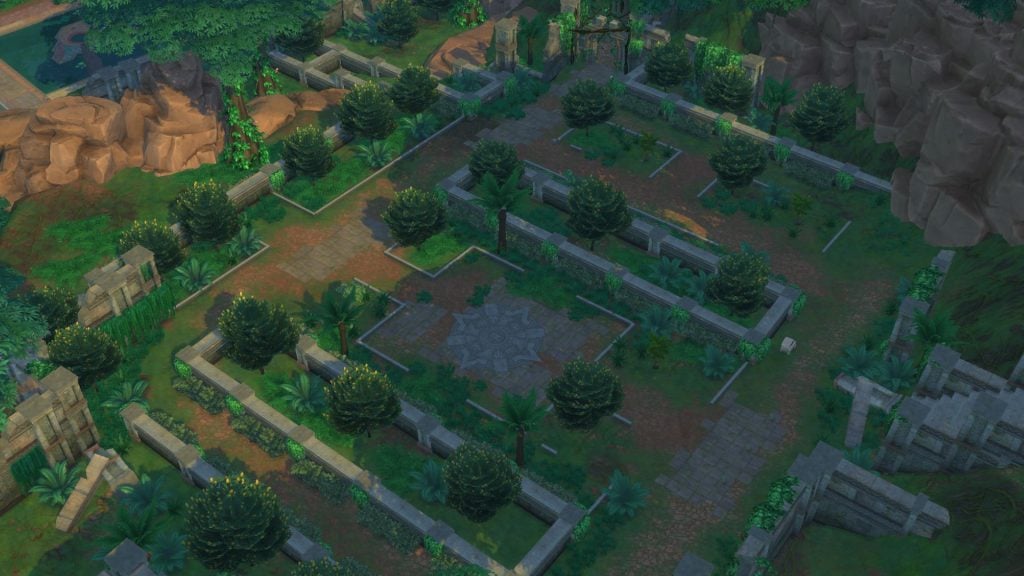
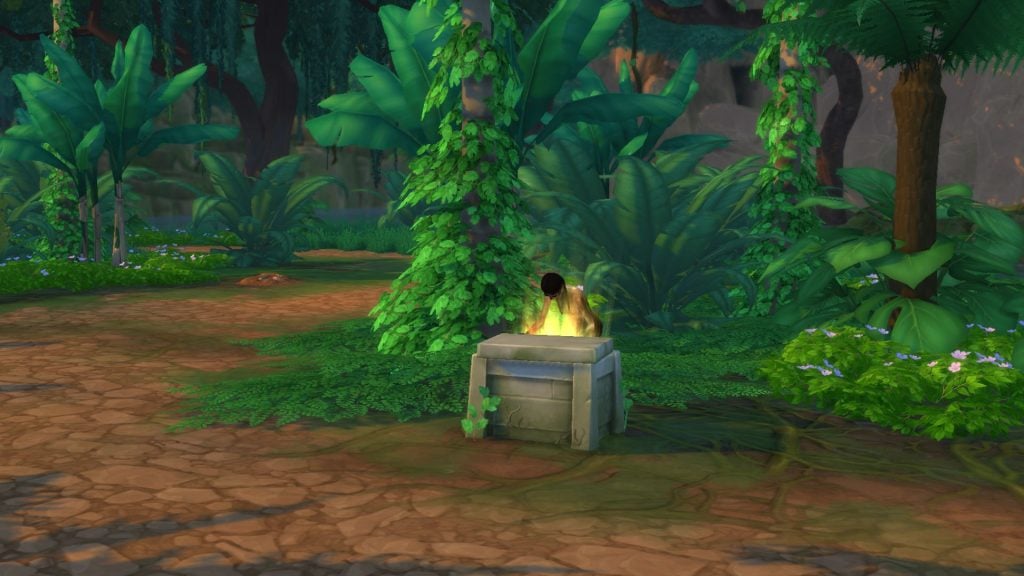
At the first gate another quest appears. Helen finds a mysterious pedestal with an option to take it, but decides not to. Despite leaving it alone, a totem becomes upset and tries to burn Helen. After this you can travel to Omiscan Royal Baths. From there, you can also travel from another gateway to a hidden area called Omiscan Gardens where you’ll find a treasure chest that holds relics, adventure gears, and artifacts.
Gate 2 Lagoon
Gateway two is sometimes locked as well, so you have to travel back an forth to Selvadorada until it is accessible. At this lagoon you’ll can find a fishing spot, treasure chest, and a dig site.
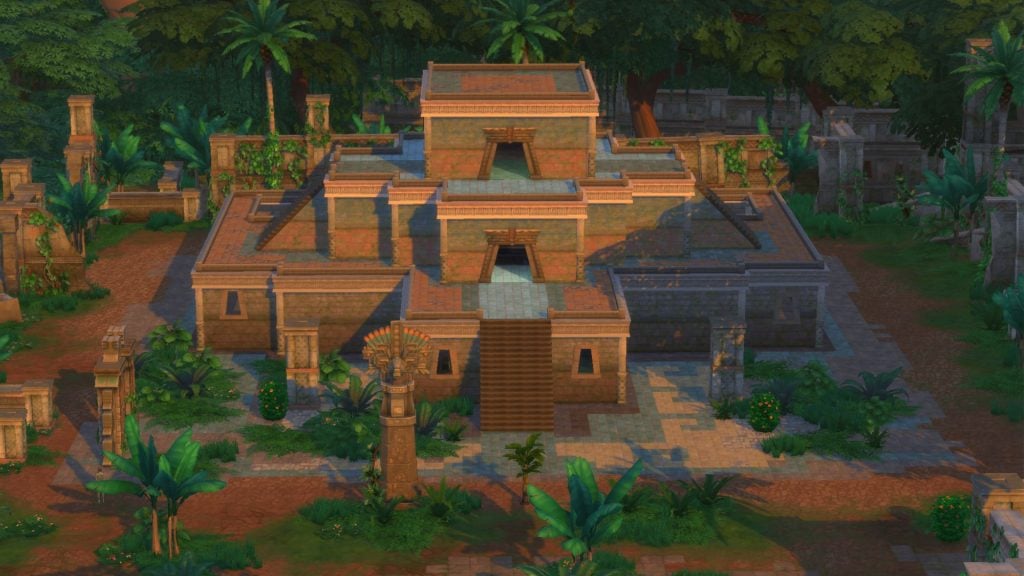
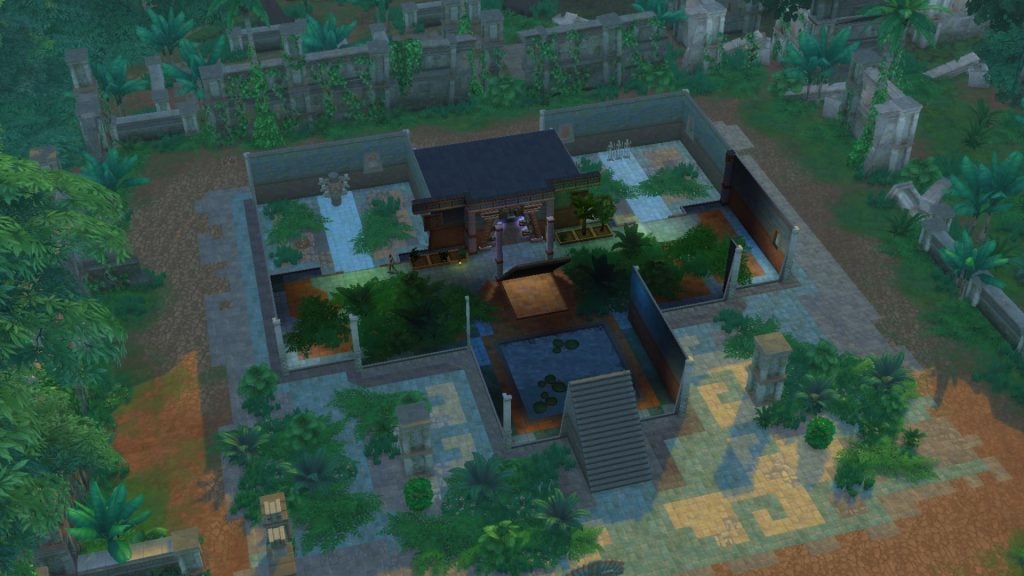
Gate 3 Omiscan Temple
Gateway three takes you to the temple.
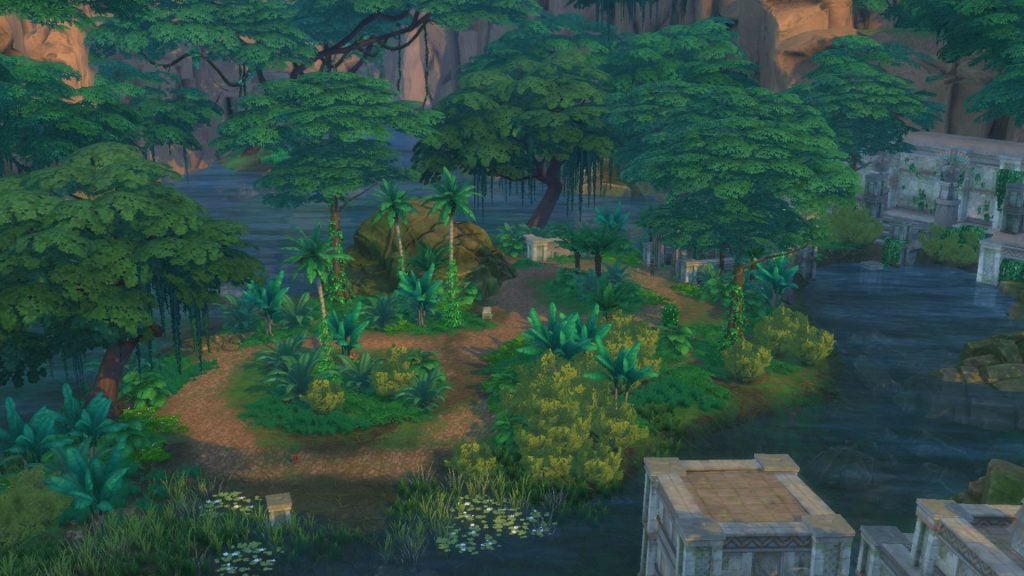
Gate 4 Small Island
At the last gateway Helen stumbled on a jaguar and got terrified. At least we got through to the other side to a small island, and found a treasure chest which had an artifact and a few adventure gears in it. There is also a fishing spot where you can find unique fishes that can only be found here in Selvadorada.
The Omiscan Temple
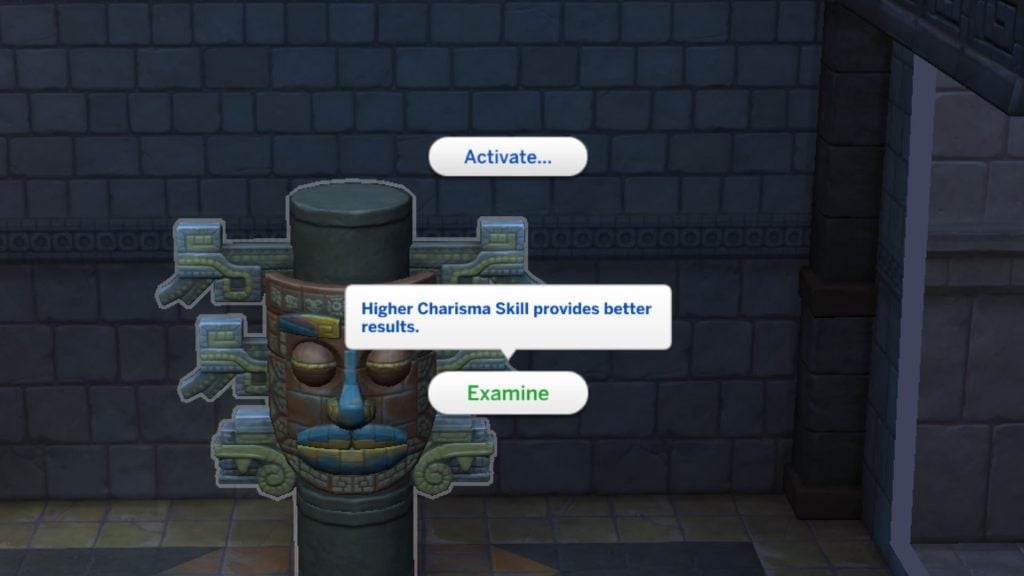
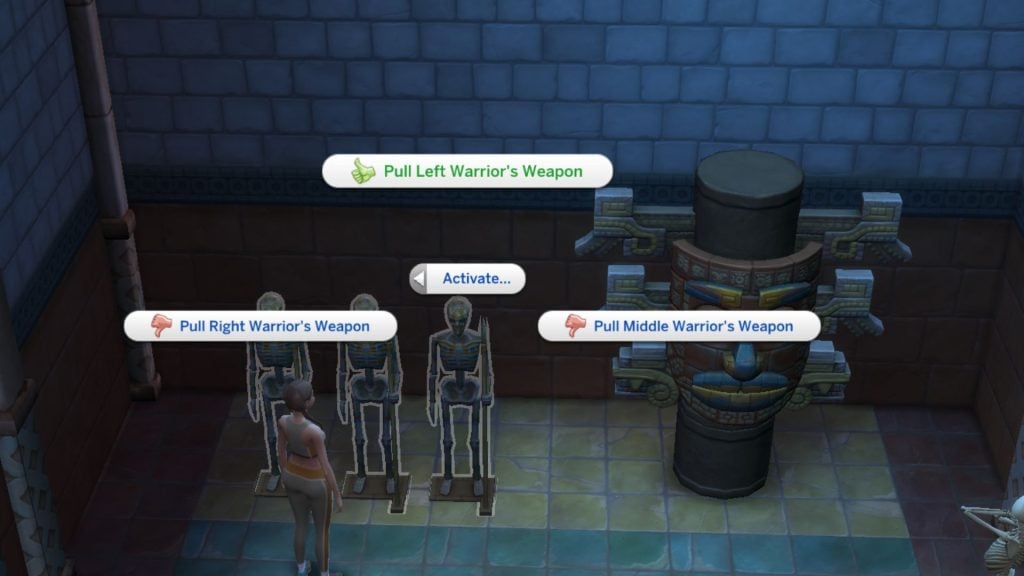
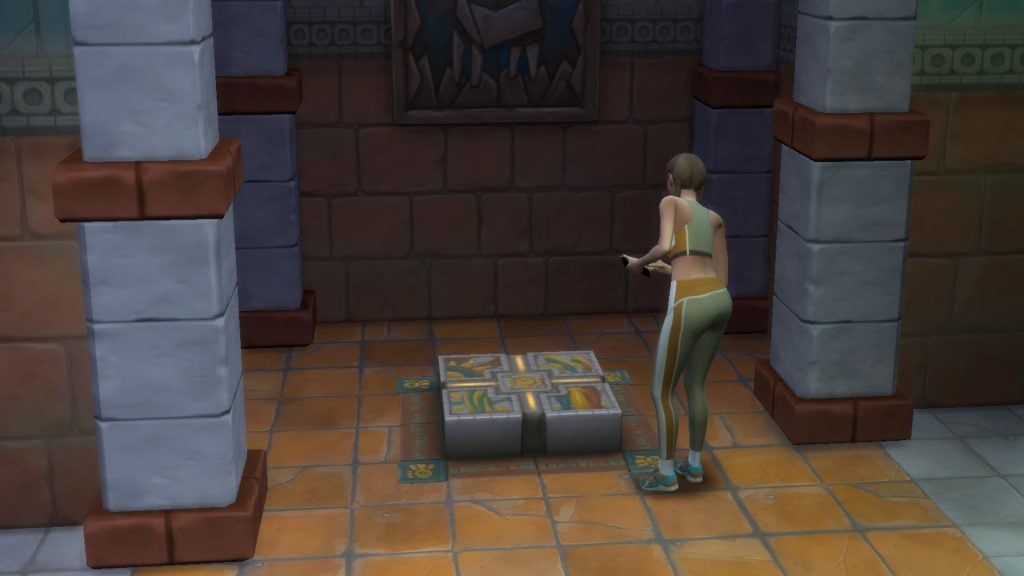
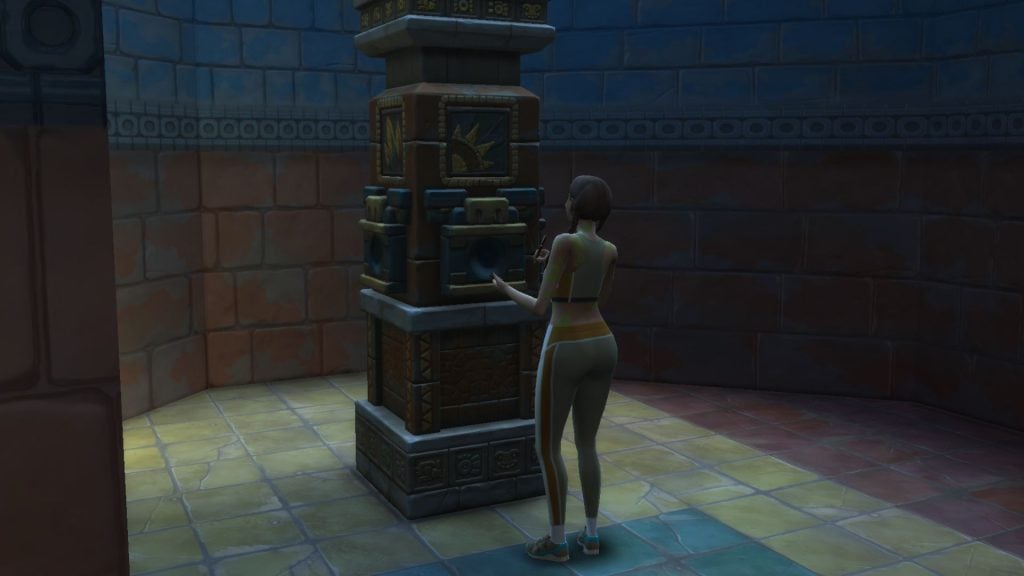
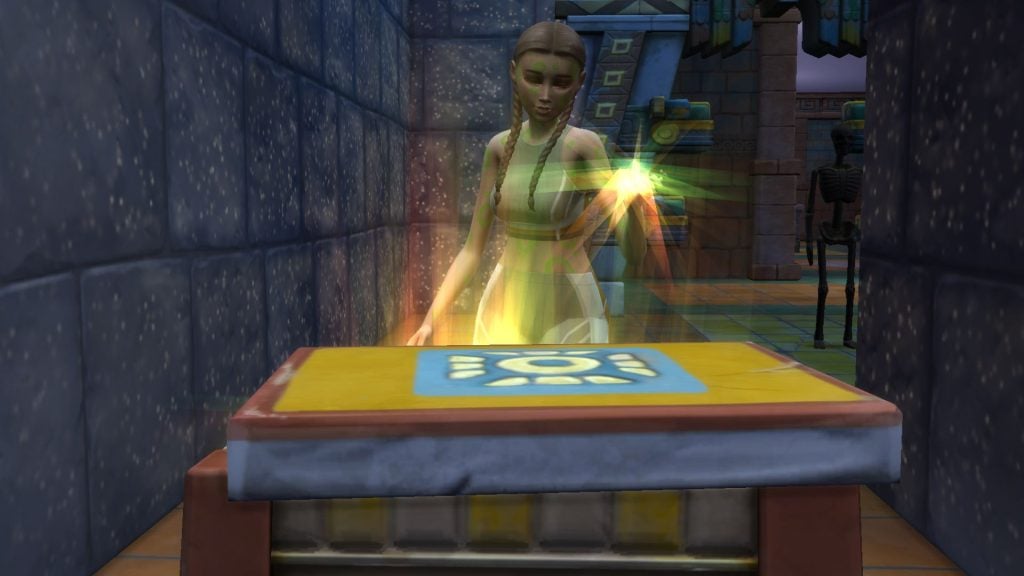
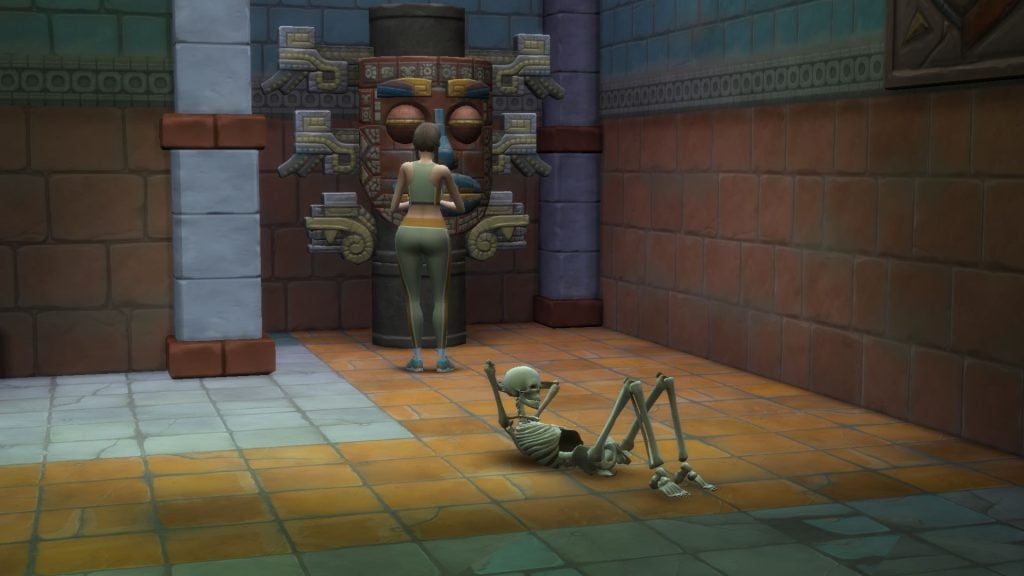
Inside the Omiscan Temple, there are statues that you can activate to open hidden paths and gates. A high Charisma, Archaeology skill, or even emotional berries helps identify the correct trigger to activate them. If you succeed with the examination the clues become clearer. The thumbs down options you should avoid clicking, while thumbs up shows the correct trigger. Other objects than statues can be examined in the temple, like skeletons and mechanisms on floor.
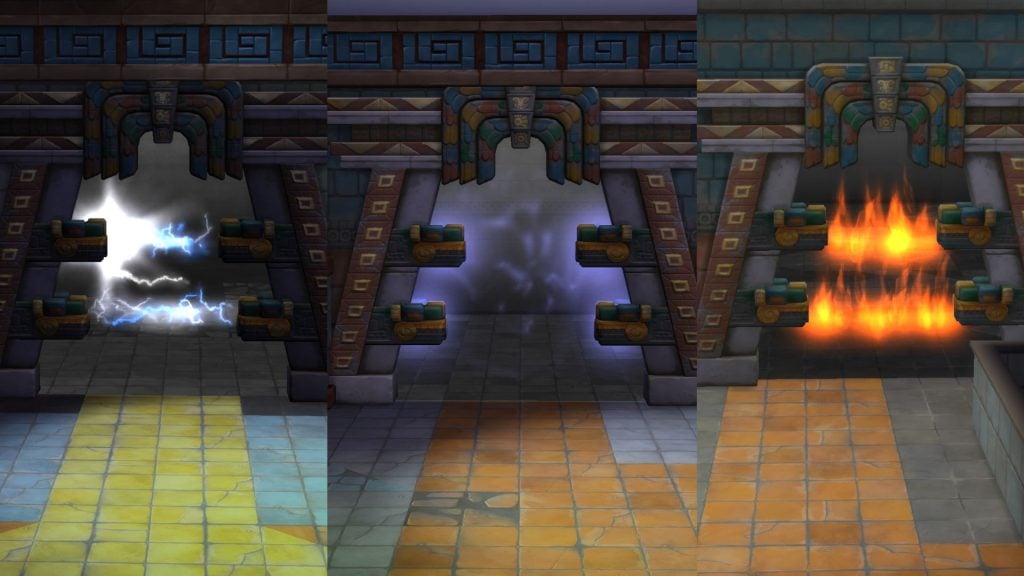
The gates are blocked with different elements, fire, poison, and electricity. You must active the statues to be able to unlock them and walk through. Don’t try to walk through as it can hurt your Sim, or even kill them.
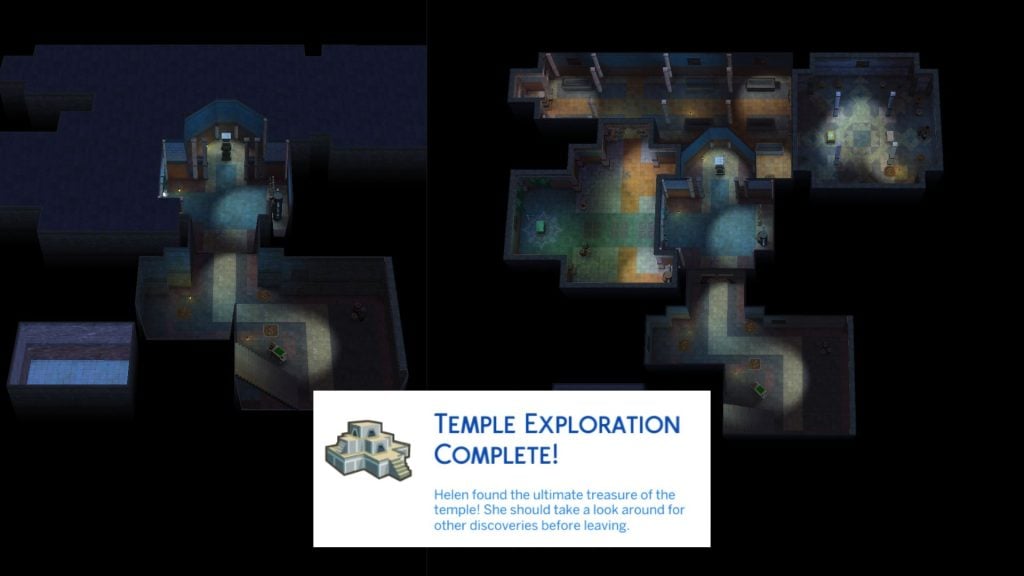
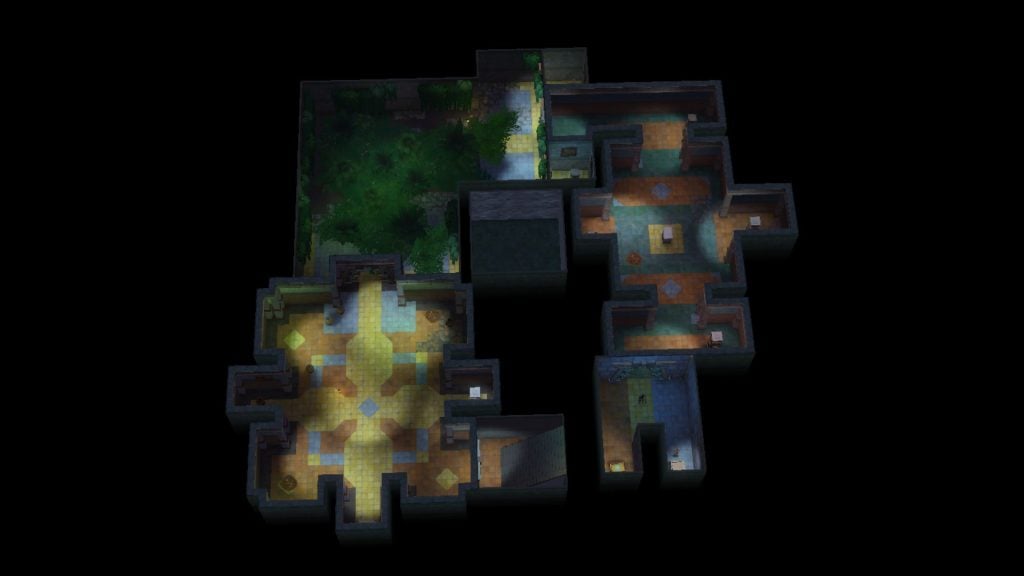
When you reach the end of the temple’s underground labyrinth you enter a room with two treasure chests. A message then pops up that the temple exploration is complete.
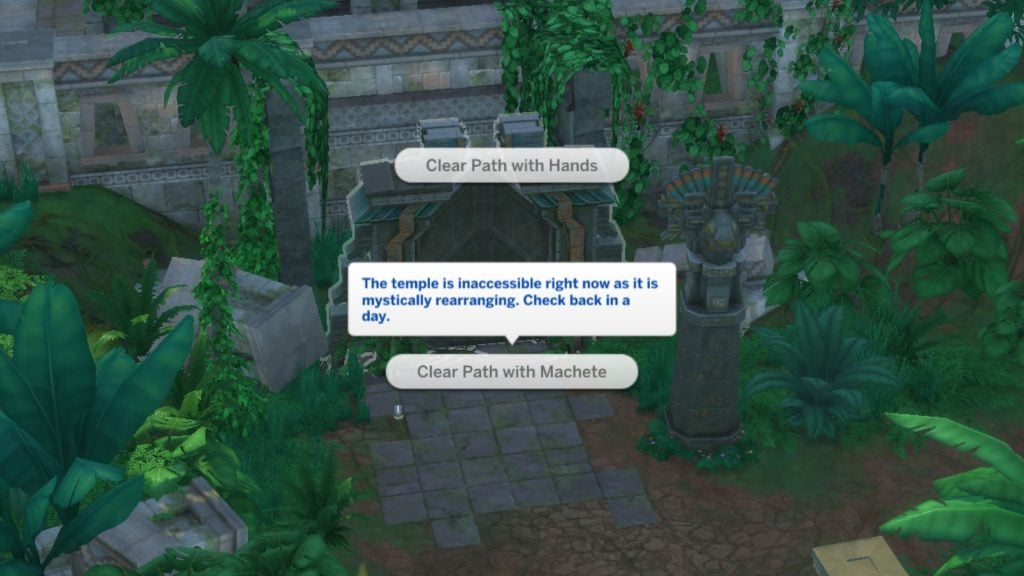
Something mysterious surrounds the temple. If Helen returns the next day, the ruins appear overgrown with plants and reveal new hidden gates to unlock and explore. Same as the other version, the underground temple leads to a final treasure chest which completes the exploration. There are five different temple versions you can explore. Read more about conquering the temple in the jungle.
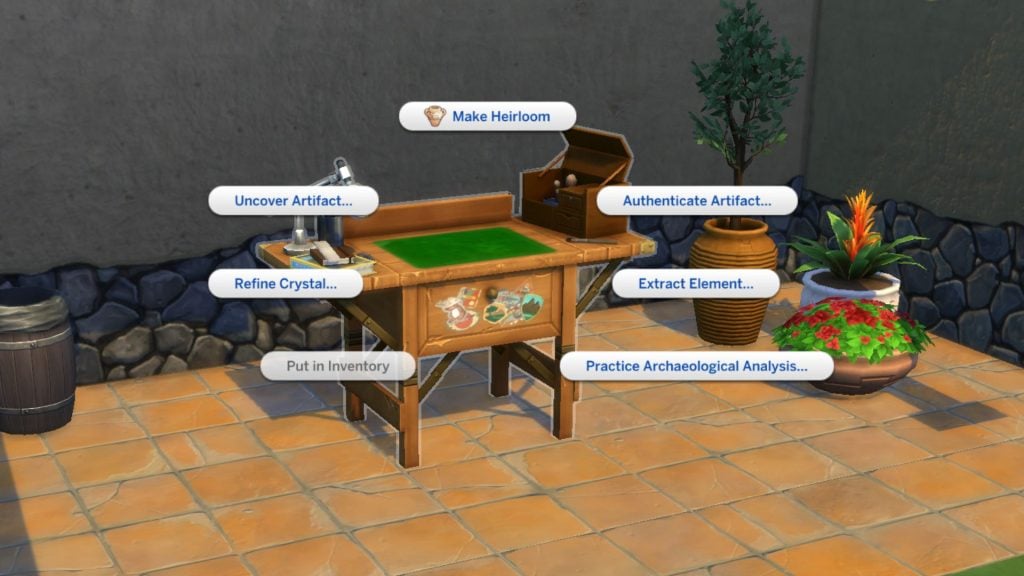
You can find artifacts and relics in chests or dig piles. If you use an archaeology table you can examine the artifacts and uncover rare relics.
Helen has faced plenty of challenges on these trips to Selvadorada while unlocking the jungle. From scorpion stings and swarming flies to angry totems trying to burn you into ashes… How did the jungle exploration go for your Sim? Any fun, or not so fun memories? Share your memories in the comments down below.
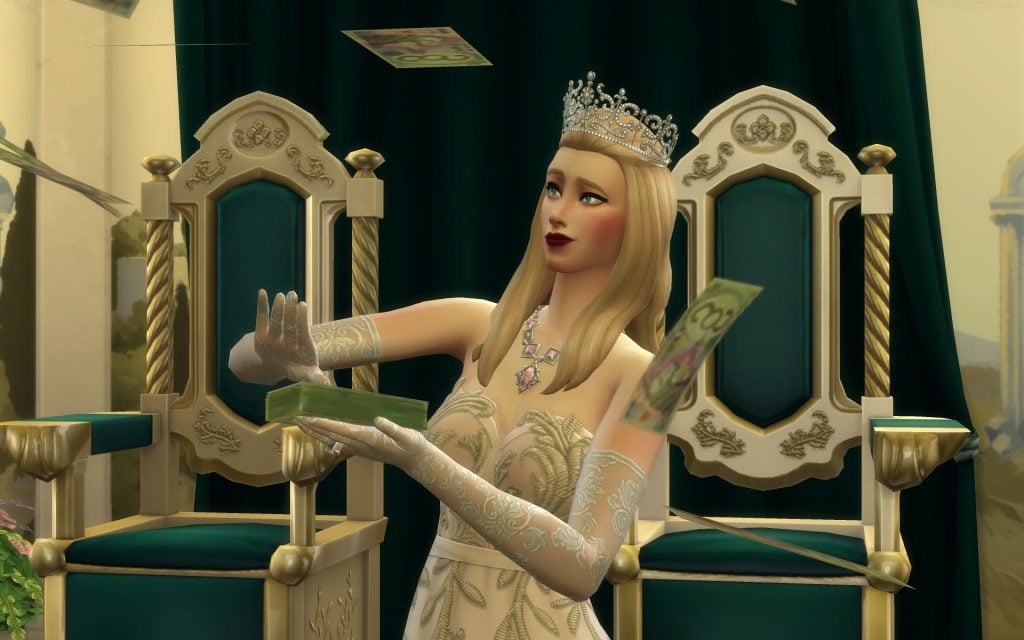
It has been over a month since The Sims 4 Royalty & Legacy expansion pack was released, and many players have already spent hours exploring its new systems and storytelling possibilities. If you’ve been playing a lot and feel like adding something fresh to your game, these Sims 4 Royalty & Legacy Mods might be exactly what you need to enhance your gameplay and expand the experience even further.
From large gameplay overhauls to smaller tweaks, the Sims 4 Royalty & Legacy Mods featured in this list expand many aspects of the new expansion. Some of them completely rethink how power works in the game, introducing new government systems ranging from monarchies to presidencies and even dictatorships. Others focus on the social life of the aristocracy, recreating the etiquette and high-society drama of the Regency era, complete with new aspirations, careers, traits, and storytelling possibilities inspired by historical settings and series like Bridgerton.
You will also find smaller mods that refine specific features of the pack, such as noble careers, swordsmanship skills, family trees, and several objects included in the expansion.
List of Mods
Sims 4 Royalty & Legacy Mods You Can’t Miss
Royalty Mod
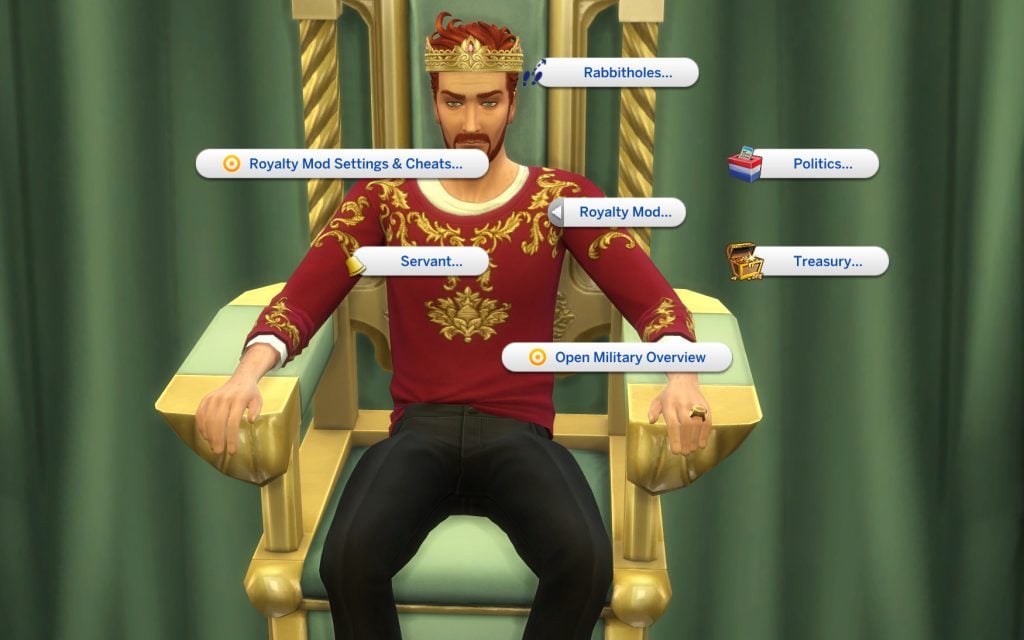
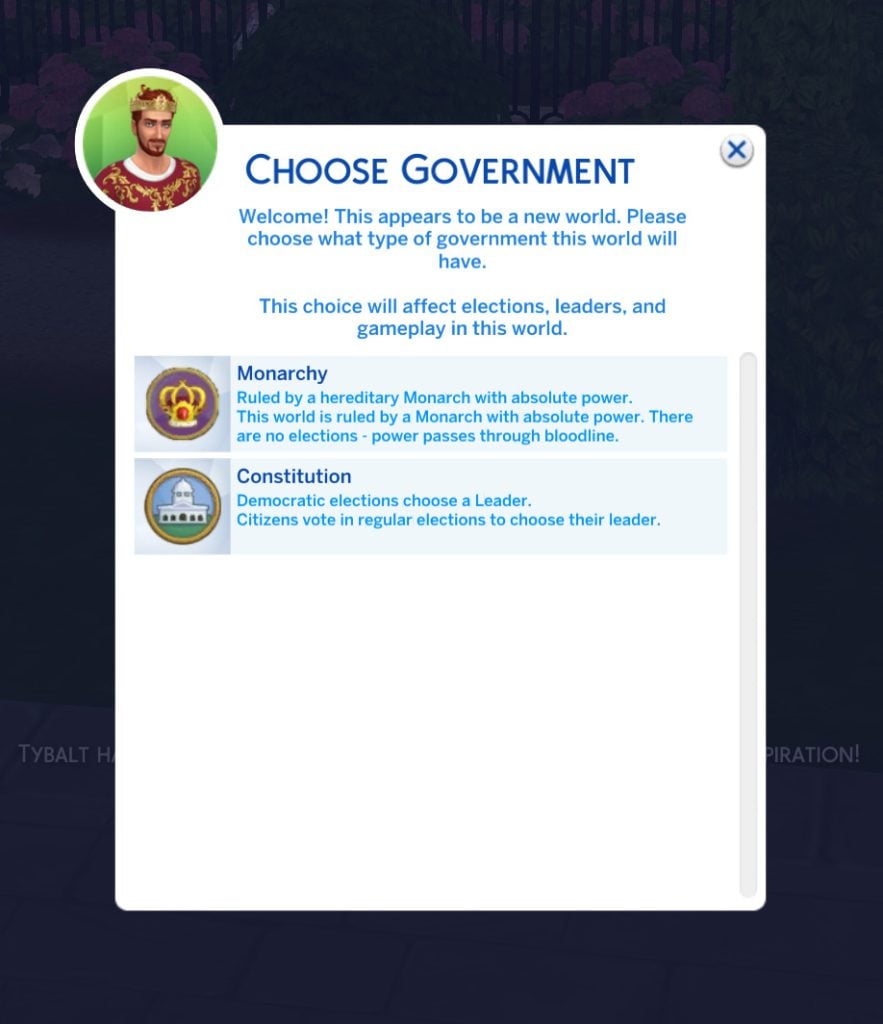
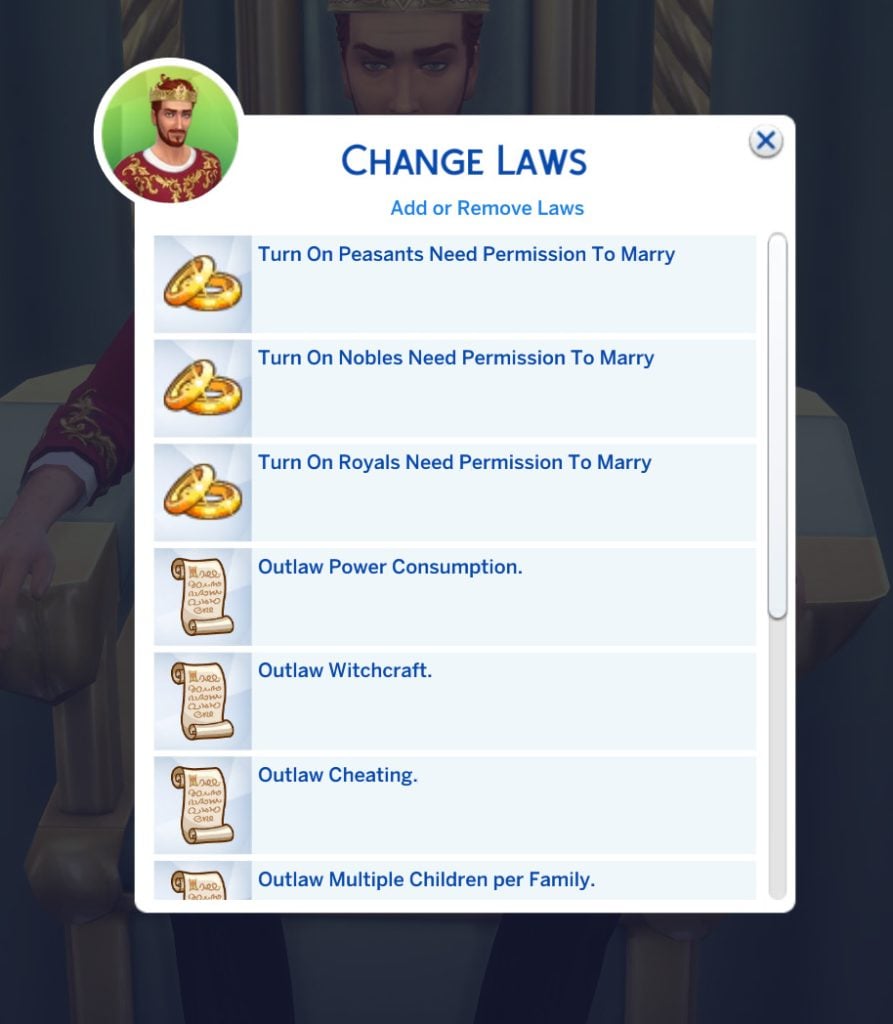
One of the most ambitious Sims 4 Royalty & Legacy Mods available right now is the Royalty Mod, a massive gameplay overhaul that introduces fully functional political systems into The Sims 4. With this mod installed, your Sims’ world can be ruled by different types of governments, from traditional monarchies to constitutional leadership — and even full dictatorships if a Sim manages to seize power. Players can organize elections, campaign for office, change laws through referendums, and manage their kingdom’s treasury while keeping order among their citizens.
Beyond politics, the mod also expands the royal fantasy that many players look for when playing Royalty & Legacy. Sims can hold noble titles such as Kings, Queens, Dukes, and Barons, build dynasties, appoint servants, knights, or advisors to their court, and host events like coronations, duels, royal weddings, or grand banquets. The system even includes public favor mechanics, meaning your actions as a ruler can influence how your citizens perceive your reign. Military service also plays an important role. Your Monarch can fund the creation of a new army, finance its training, and sponsor expeditions to strengthen the protection and influence of your kingdom.
From a gameplay perspective, this opens up many storytelling possibilities. You could run a stable constitutional kingdom where laws are voted every few weeks, create a dramatic royal family full of intrigue and succession struggles, or even roleplay a ruthless dictator controlling the population through surveillance and strict laws.
Important note: while the Royalty Mod works alongside The Sims 4: Royalty & Legacy, full integration with the expansion’s new dynasty systems is still in development. The creator has confirmed that a dedicated compatibility update will arrive after the pack’s systems are fully implemented.
If you want to lean fully into the Bridgerton-style storytelling that Royalty & Legacy hints at, the Regency Romance Mod is one of the most immersive Sims 4 Royalty & Legacy Mods you can add to your game. Inspired by the social drama of the Regency era, this mod introduces a whole new layer of aristocratic life where reputation, etiquette, and scandal shape your Sims’ social standing.
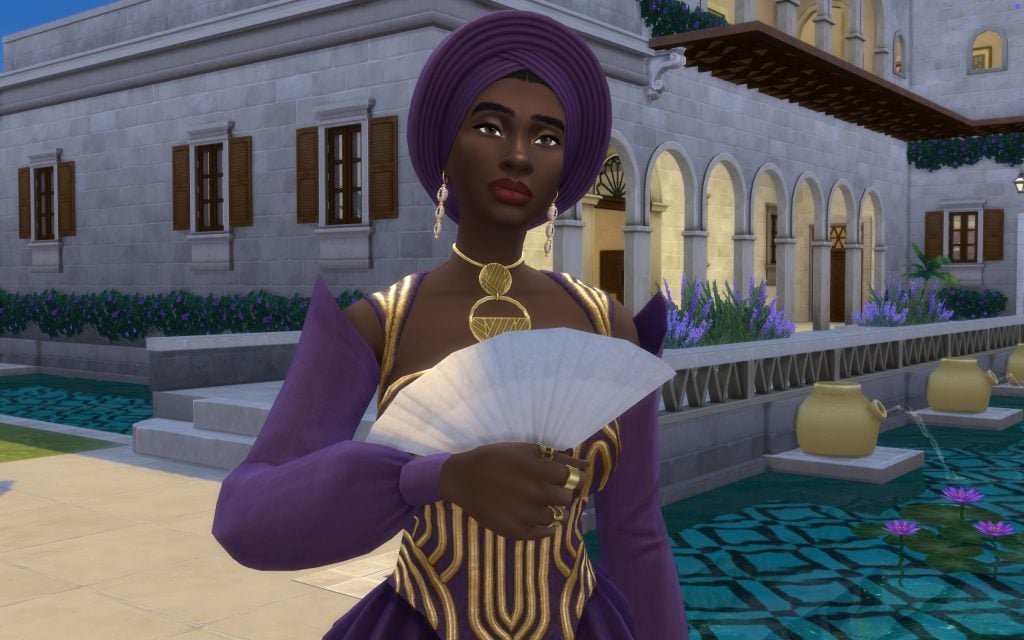
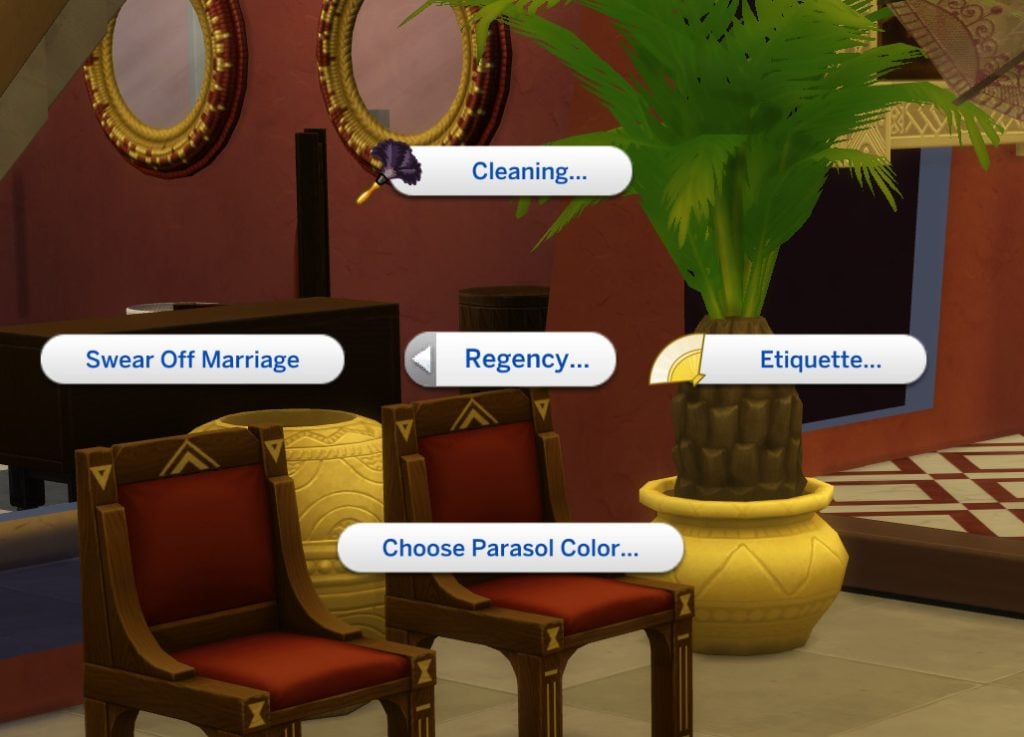
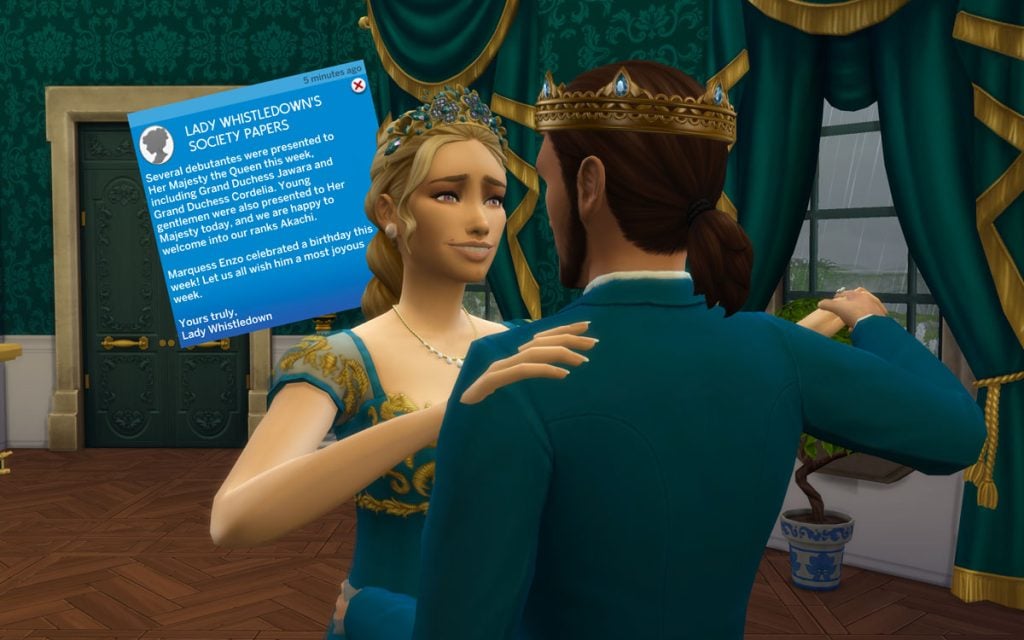
With this mod installed, your Sims can learn a new Etiquette skill, host lavish balls, inherit or purchase grand estates, and navigate the strict social hierarchy of Regency society. Wealth and lineage determine your place in the world, allowing Sims to rise from the middle class to the aristocracy through land ownership and influence. Your Sims might even find themselves mentioned in Lady Whistledown’s gossip papers, which regularly report on scandals, romances, and other dramatic events happening across your save.
This smaller mod expands the secret and scandal system introduced in Royalty & Legacy. It adds new situations that can generate secrets—such as provoking fights, extorting other Sims, or trash-talking rivals—making the court drama feel more dynamic. These scandals can affect reputation, career performance, and dynasty prestige, while other Sims may react differently depending on their personality. It’s a simple tweak, but it makes the social politics of noble life much more interesting.
This small tweak fixes one of the odd oversights in Royalty & Legacy. While the expansion allows Sims to write and publish Scandal Exposés, the game doesn’t actually reward any royalties for them. This mod simply corrects that, allowing your Sims to earn income from the gossip they publish. Once installed, newly written exposés will generate royalties just like other written works, making the whole scandal-writing mechanic feel much more rewarding.
If you felt that the noble career in Royalty & Legacy didn’t quite reflect the lifestyle of royalty, this mod offers a simple fix. The Higher Noble Salariesmod increase the daily income for every level of the noble career, with a much larger boost for the Kingdom Leader position. It’s a small change, but it makes ruling a kingdom feel a bit more… financially appropriate.
The More Noble Fame mod expands how the Fame system interacts with the noble life introduced in Royalty & Legacy. Instead of only gaining fame from a handful of major actions, this mod adds fame rewards to many more noble activities, tying them directly to your Noble Favor, career rank, and dynasty prestige. As your Sim climbs the noble hierarchy or leads a powerful dynasty, their public actions—whether political speeches, duels, or public displays of loyalty—will gradually contribute to their growing reputation.
The system also reacts to your political alignment. Sims who consistently support commoners or the royal elite can gain additional fame depending on their standing, while those who betray their previous alliances may see their reputation suffer. Over time, this makes fame feel much more connected to your Sim’s political influence and family legacy, reinforcing the fantasy of playing a well-known noble whose actions are constantly watched by the public.
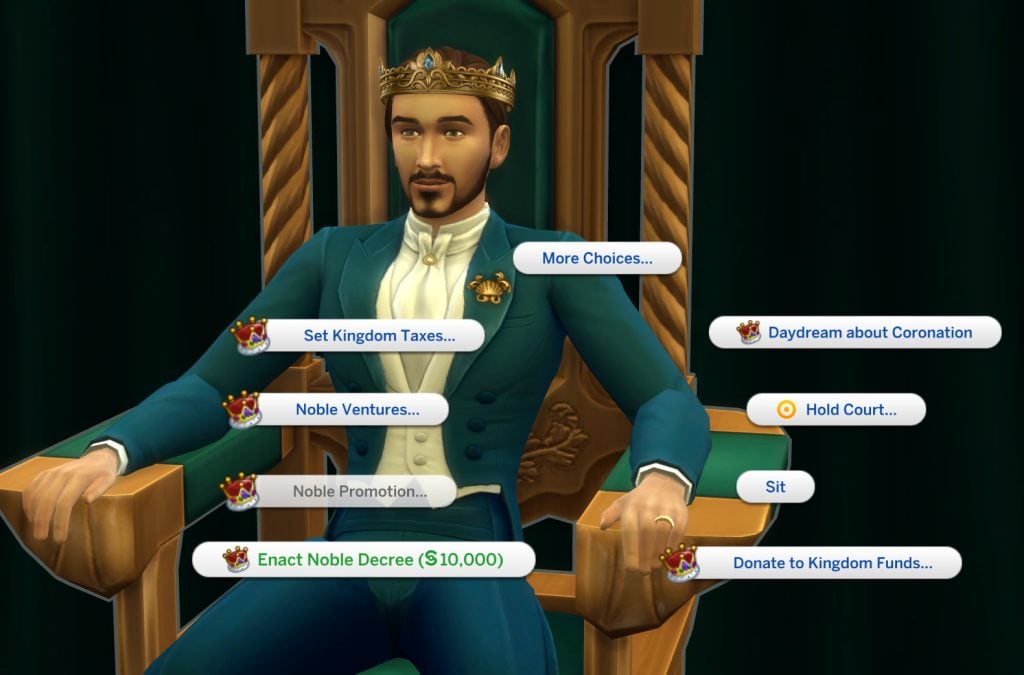
This small balancing mod makes the Noble Decree system feel more meaningful in Royalty & Legacy. Normally, players can swap decrees very frequently, which makes political decisions feel a bit too easy to change. Enact Noble Decree Tweaks adds a financial cost to the interaction—around §10,000—and increases the cooldown to 48 hours, encouraging players to think more carefully before changing laws in their kingdom.
The price is also influenced by your political alignment. Sims with higher Royal Favor will pay less to enact decrees, while those who side more with the commoners may find the process slightly more expensive. Certain reward traits can also reduce the cost, adding another layer of strategy when managing your kingdom’s policies.
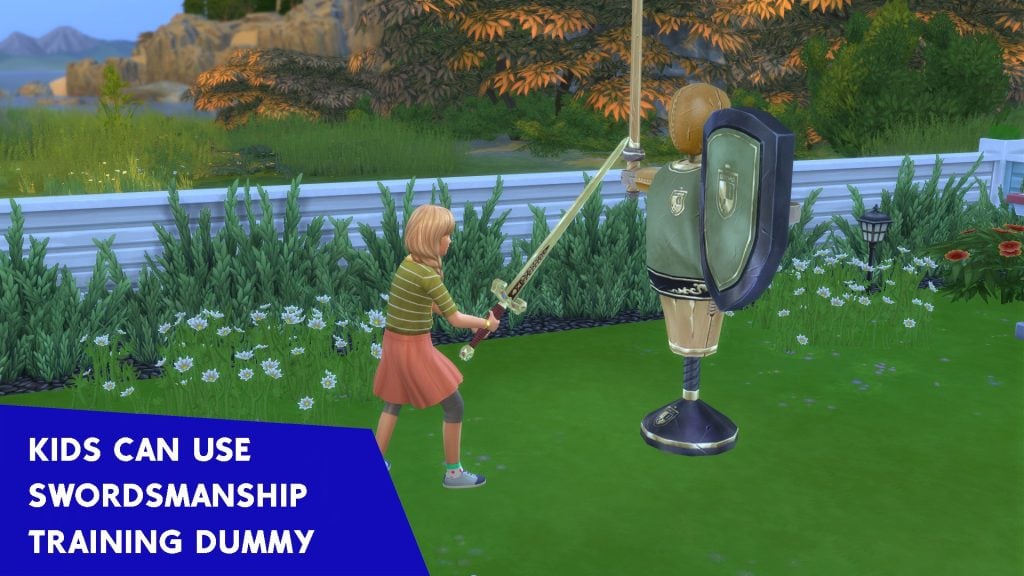
This simple mod expands the swordsmanship system introduced in Royalty & Legacy by allowing child Sims to train with the swordsmanship training dummy. Kids can now practice and gradually build their swordsmanship skill just like older Sims, making it easier to start shaping your dynasty’s future knights and warriors from a young age. It’s a small addition, but it fits perfectly for players who enjoy long generational storytelling.
If you often travel with one Sim while leaving the rest of the household at home, this small mod can make things much more convenient. This Royalty & Legacy module for the Away Actions mod allows Sims who stay at home to continue learning the Swordsmanship skill while you’re controlling another Sim on a different lot. Instead of wasting time waiting for everyone to return home, your Sims can keep progressing with their training in the background, making skill-building much smoother for large households or dynasty-style gameplay.
Note: This is an optional module and requires the Away Actions base mod to function properly.
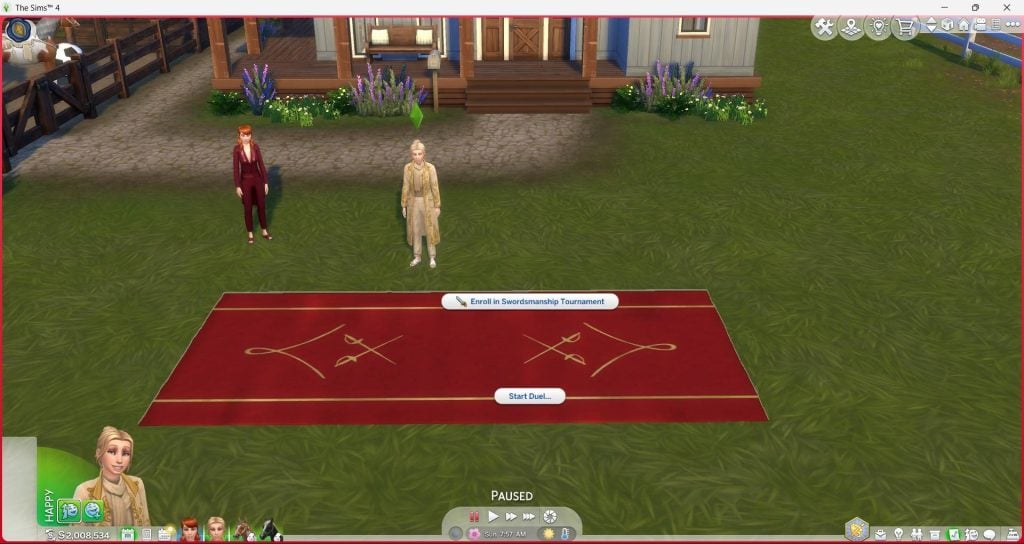
This mod makes the Swordsmanship Tournament Field from Royalty & Legacy available in Buy Mode, allowing you to place it on any lot instead of only using the one found in the Ondarion world. The field works exactly like the original, letting your Sims organize tournaments and challenge other duelists in proper swordsmanship competitions.
In addition to being buyable, the mod also adds 13 new swatches and a convenient option to directly ask known Sims for a duel.
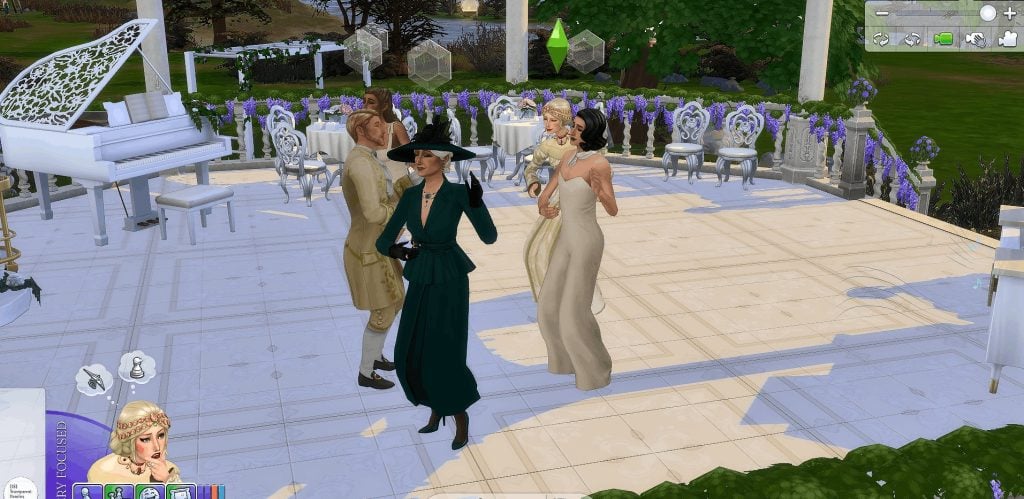
If you want more flexibility when designing ballrooms, this simple mod adds transparent versions of the Waltz Dance Floors introduced in Royalty & Legacy. The creator has made invisible versions for all three sizes—Small, Medium, and Grand—allowing you to hide the dance floor while keeping the functionality intact.
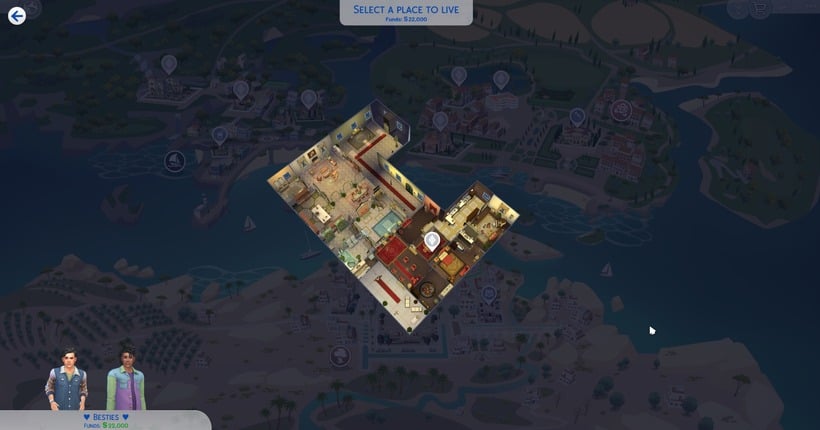
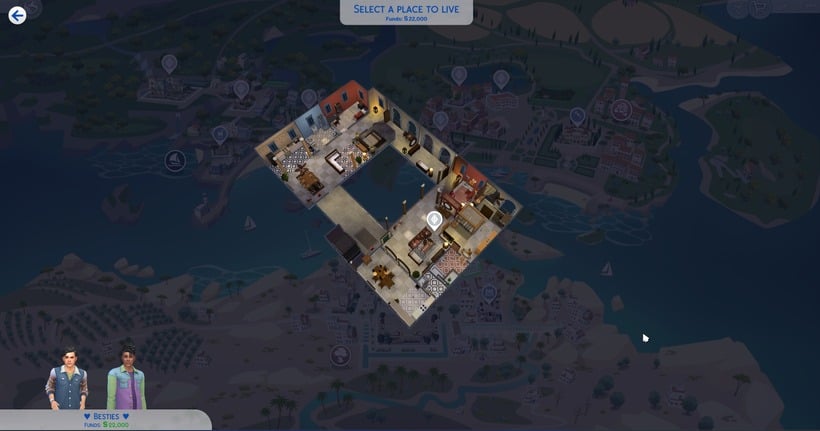
This small quality-of-life mod improves the camera view for the new apartments introduced in Royalty & Legacy. By adjusting the default camera position, it becomes much easier to see the layout and interior of each apartment when switching between them. It’s a simple tweak, but it makes exploring and decorating these new living spaces far more comfortable.
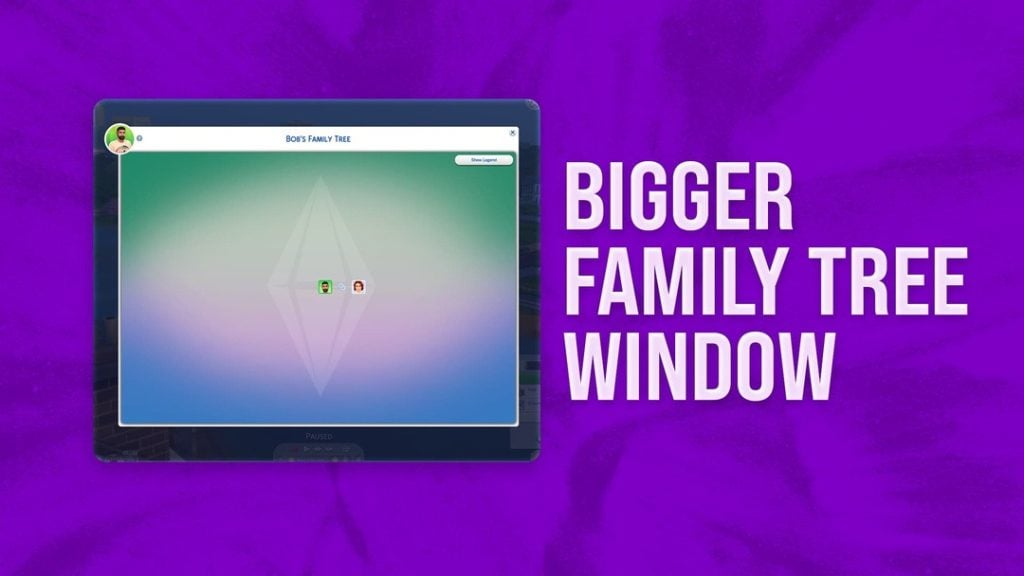
This simple mod enlarges the Family Tree window, allowing you to see more relatives and connections at once. It’s especially useful for players who enjoy long generational gameplay, making it much easier to keep track of large dynasties and noble bloodlines.
As you can see, the modding community has already started expanding the possibilities of the expansion in many different ways. From massive gameplay overhauls that introduce new political systems or Regency-era storytelling, to smaller tweaks that improve skills, careers, and quality-of-life features, these Sims 4 Royalty & Legacy Mods can completely reshape how you experience the pack.
Which of these Sims 4 Royalty & Legacy Mods are you planning to try first in your game? Let us know!
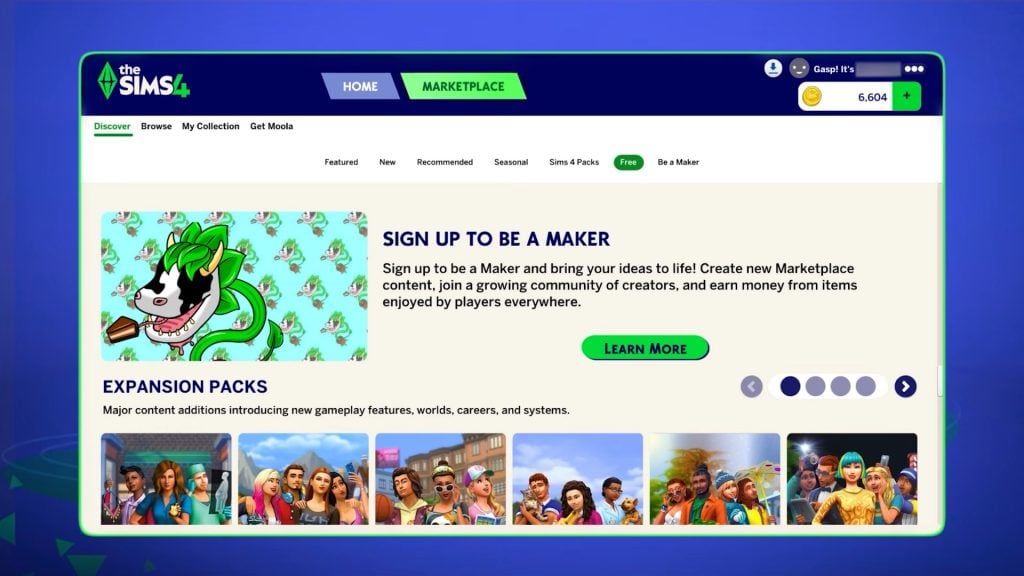
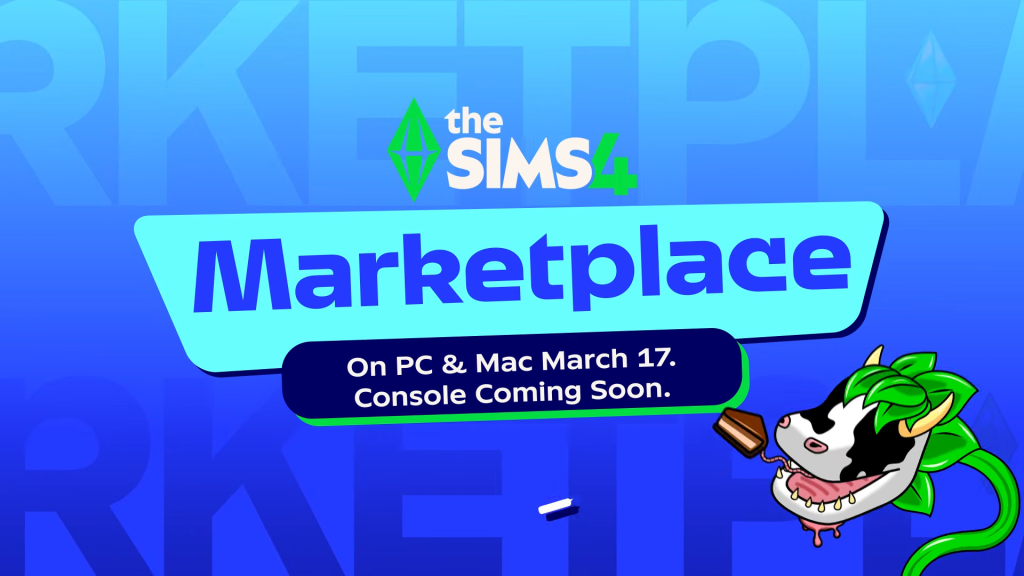
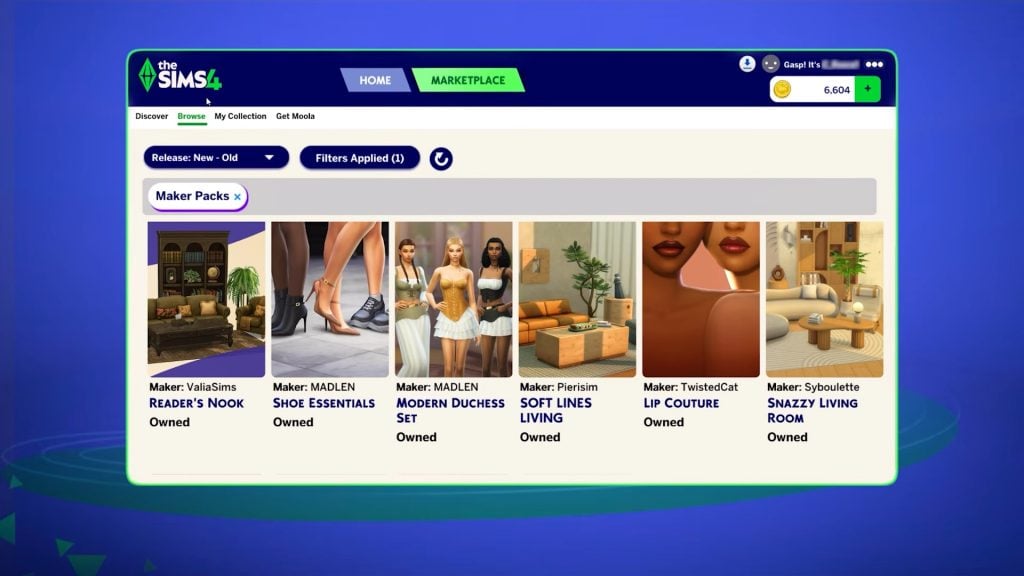
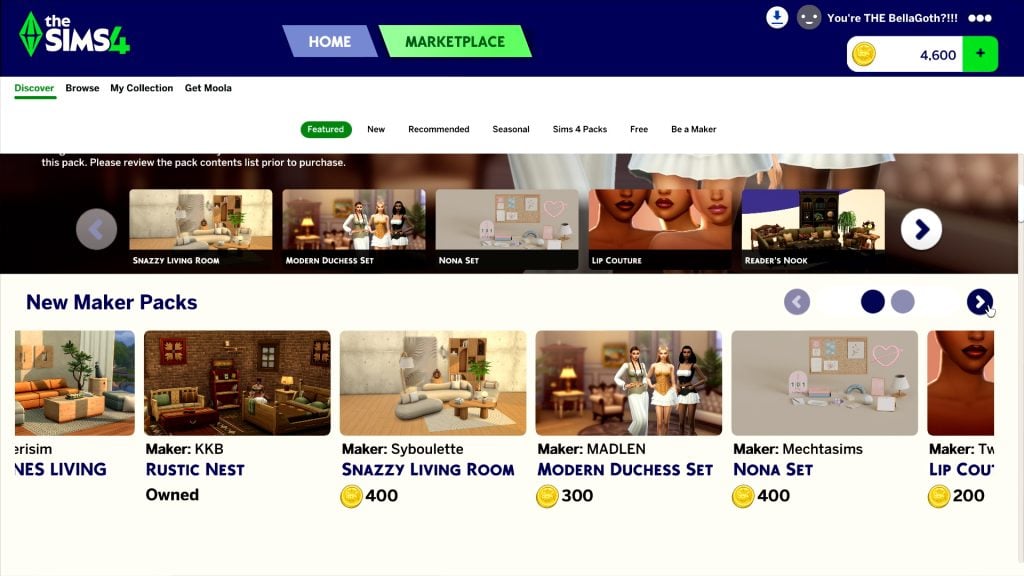
Ahead of the release of the new Marketplace, we’re getting a big update to the Sims 4. This will be available for PC/Mac on March 17th, with console updates coming in the next few months. Here, we will break down how to prepare for the update and what to expect.
You can also find more information about the Sims 4 Marketplace on our dedicated webpage. Keep an eye here for updates on the Sims 4 Marketplace, as we will share them as they happen, including when console players can expect the Marketplace to be added to their games.
Table of Contents
What’s Coming In The Sims 4 Update?
Game Fixes
Looking at the latest Sims 4 Laundry List announced on social media and their website, we can see that the main repairs they are focusing on are those with the most community upvotes.
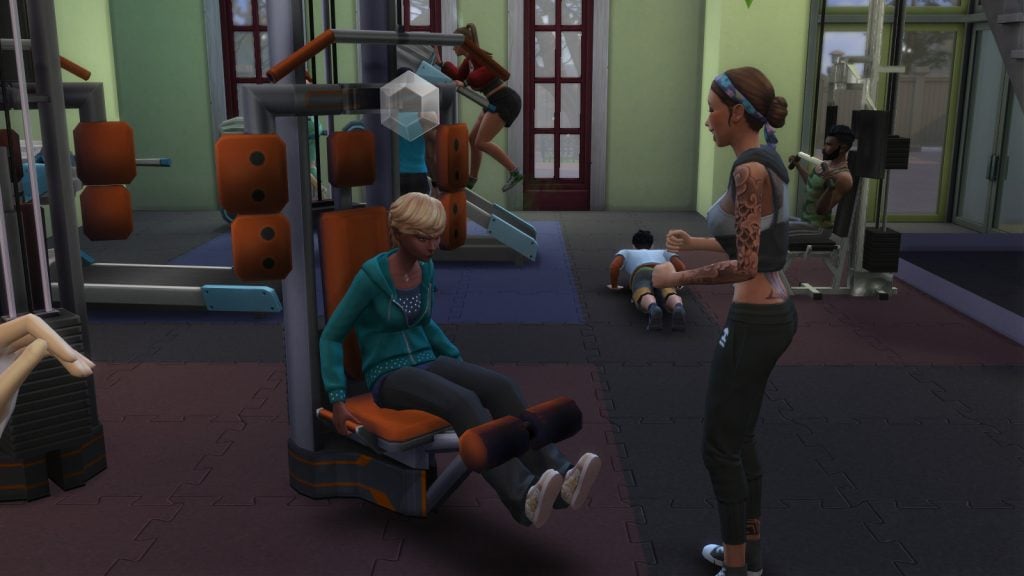
For this update, the main problems being addressed are with Sims’ autonomy, including inappropriate flirting with other Sims and excessive use of certain objects. The infamous autonomous push-ups and sit-ups have also been fine-tuned.
Have a look at the full list of updates coming in our recent laundry list update.
Marketplace Preparations
The introduction of the new Marketplace means a hefty update to our games, so the team can be sure that, at launch, it will work smoothly.
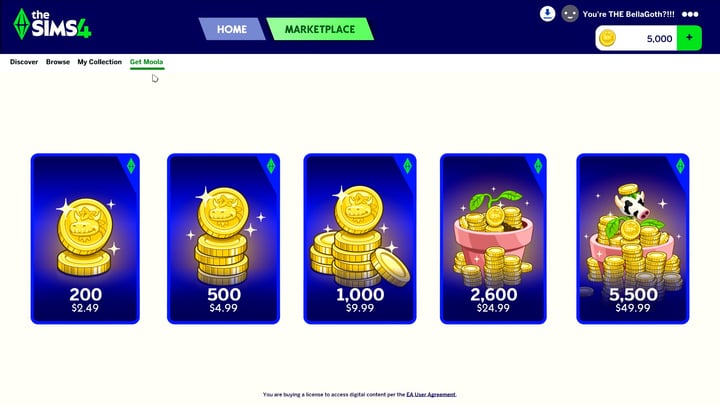
One of the selling points of the marketplace is that, unlike with traditional third-party custom content platforms, content is installed automatically, so you don’t have to save and reload your game to start using it. This is a major change and will impact how we access official content going forward, so a lot will need to be done behind the scenes to ensure that when we’re buying content on this marketplace, it installs correctly.
Because this is a brand new feature, we can’t be sure exactly what the update to make way for the marketplace will entail. However, for a feature this large and that impacts every player, it’s more important than ever to back up your saves and properly prepare for this update.
How To Prepare For A Sims 4 Update
Following these tips will mean you no longer have to worry about updating your game.
Back Up Your Save Files
This is probably the most important thing you can do ahead of a large update.
Regular backups are crucial to prevent data loss due to system crashes, hardware failures, or issues with mods or custom content, so it’s always important to ensure you back up your save files before any significant changes to your game. That includes base game updates.
To back up your Sims 4 save files, follow these steps:
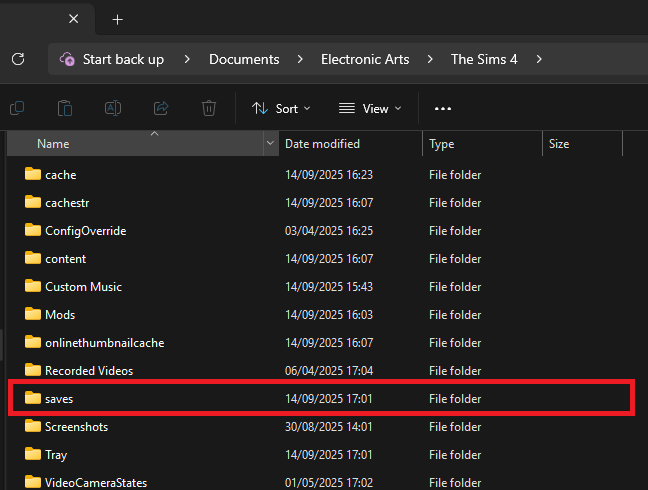
Navigate to the save files location. If you are on a Windows PC, the file path should be: Documents/Electronic Arts/The Sims 4/Saves.
Copy the save files you want to back up. The save file names are all numbers, but the most recent ones you’ve created should be the highest numbers. If you’re worried about not backing up the ones you need, copy all of your saves.
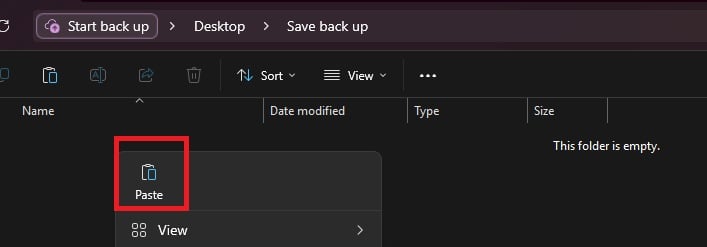
Paste the copied files into a new and secure location, such as an external hard drive or USB stick. It’s also a good idea to name the backup folder with the backup date for easy identification.
If you need to restore a save, move the copied save files back into the Sims 4 saves folder and replace the existing files.
Checking and Testing Mods
Broken mods are an unfortunate consequence of a big update to any game, but there are things you can do to make it less stressful.
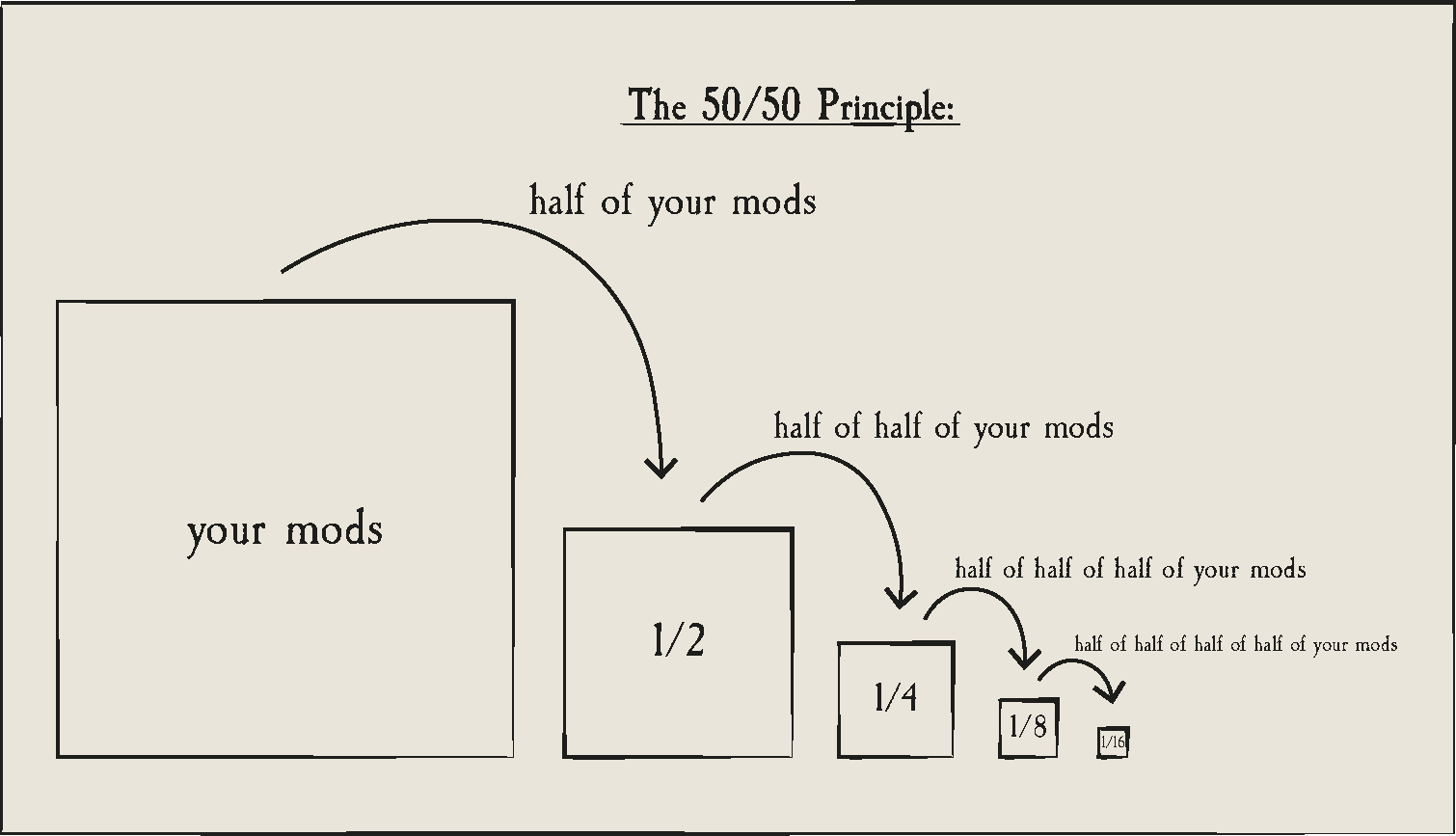
In a folder packed with mods and CC it is sometimes only one or two broken items that are causing problems, and finding it in your files can be a nuisance. Using the 50/50 rule is a good way to set up your mods folder for success and make it much easier to find broken content. If you are having game errors and think custom content/mods are to blame, sometimes the only way to find out what’s causing it is by doing a 50/50 manual sort.
Essentially, the 50/50 method involves testing half your mods folder – then half again, and again, and again – until you weed out all the broken content that needs updating. You can also read ThatSimsLady’s explanation of this method here.
Make three new folders outside your mod folder called ‘Tested clear’, ‘Tested broken’ and ‘untested’
Move all your mods to the untested folder
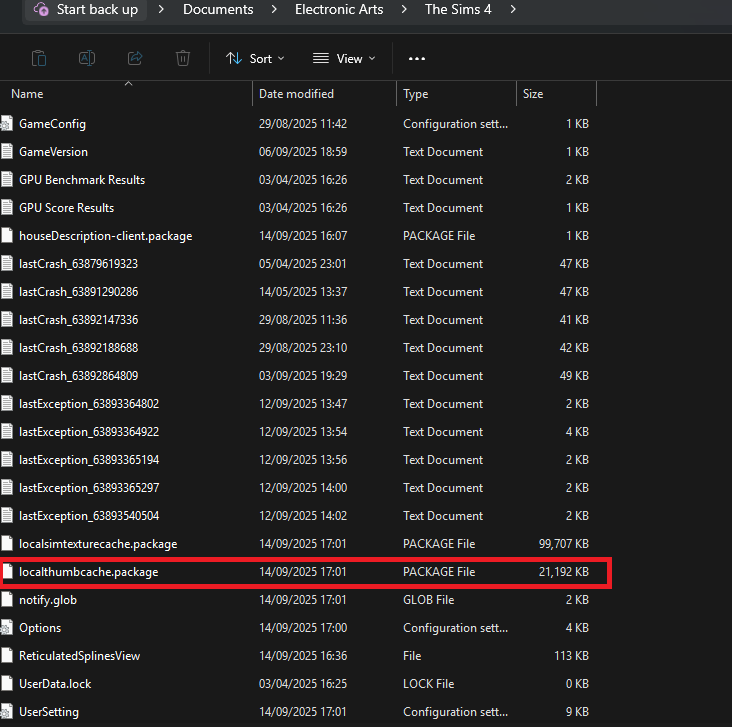
Delete your thumcache file – a package file located in your Sims 4 documents folder. You’ll need to do this each time you run a new test for your mods/cc.
Move half of your untested mods back to the mods folder, and open the game. If you use MC Command Centre, then this is a good one to test straight away, as it will alert you to any broken content/exceptions. If an error is found, test each new mod/cc you’ve added until you find the broken one, then add it to the ‘tested broken’ folder.
Keep going with this method until you’ve found all the content that needs updating.
You should ideally also test your mods in a new save and not save your game while testing them.
If you are using the 50/50 method to check your mods, make sure that you:
Never separate mod files from the same mod. That might seem obvious, but if you separate mod files and then, in testing, they show as broken, it’s more than likely going to give you a false positive.
Take note of any mods that rely on each other. If you, for example, use lots of mods that rely on an XML injector, and then separate these from it, this might be the reason they don’t work, rather than a patch update.
Countdown to The Sims 4 Update And Marketplace Release
The upcoming Sims 4 Update is set to release on March 17th 2026, at 10AM PST / 6PM CET / 5PM GBT . We’ve also made it easier to get ready for the update release with a simple countdown below.
Find out when the next Sims 4 Update release is in your area and brace your save files and Mod folders for impact:
00
Days
:
00
Hours
:
00
Min
:
00
Sec
Countdown to next The Sims 4 Update release
Are you feeling more excited or apprehensive about this update? Let us know below and on social media and stay tuned for Patch Notes when the update comes out.
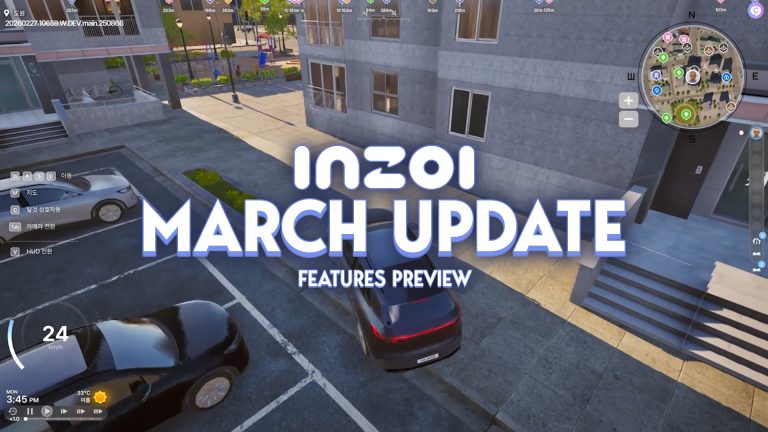
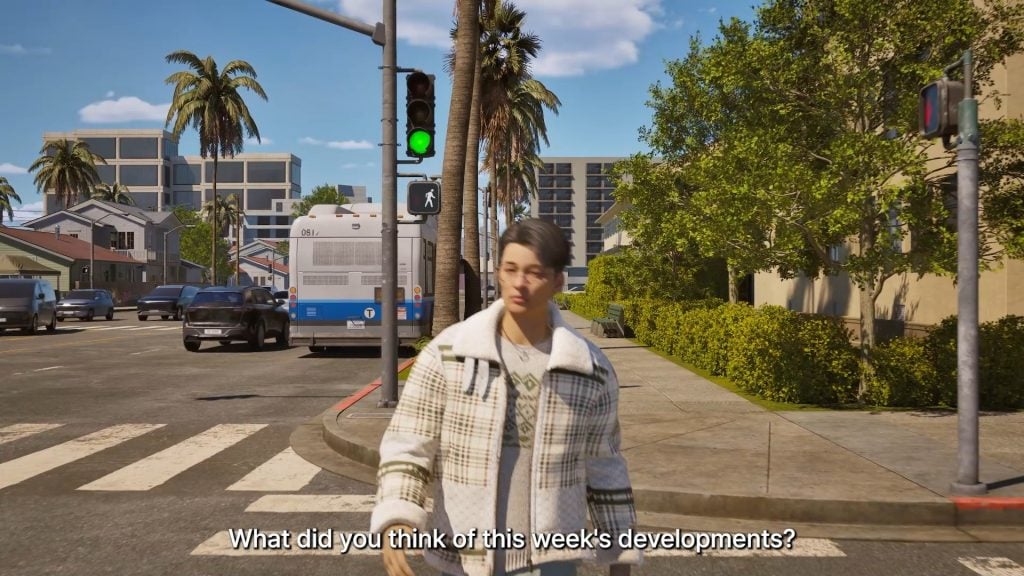
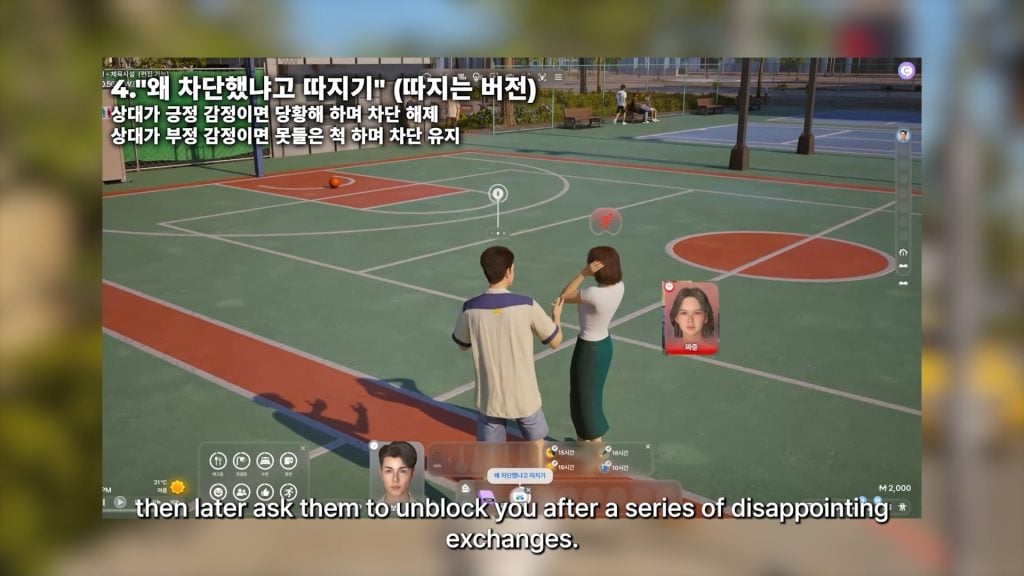
Another week, another InZOI Developer Diary from Krafton’s very own InZOI Director and Producer, kjun! After last week’s announcement of a specific date for InZOI’s next large update, Kjun asked for more feedback from players about what they were looking for and what they were excited for that had been mentioned previously.
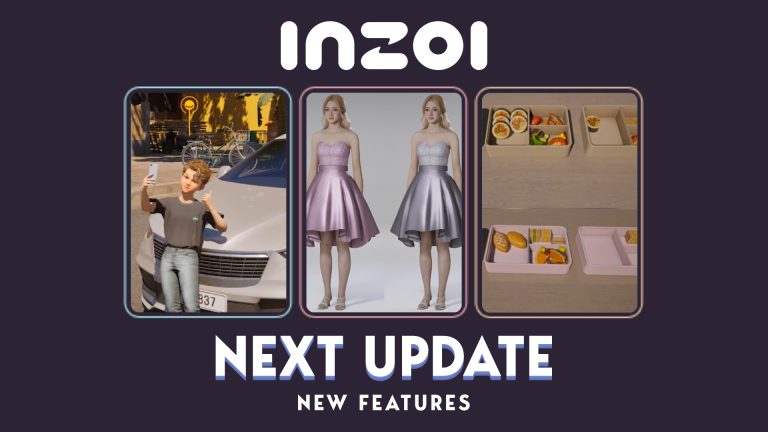
This week, the update was a little bit of everything. More opportunities and expansion to the crime system, changing certain systems to be less tedious, and a silly little tricycle are just some of the points touched on this week! It was reiterated to expect many new systems and parts introduced last week, like more multitasking, new family gameplay actions and items, news, and more!
Currently, the next InZOI update is planned for Thursday, March 26th, 2026. This is expected to include just about everything mentioned going as far back as developer diaries from around the February update, as well as possibly some more features not touched on. We’ll be sure to keep you in the loop with the specific patch notes once they drop!
InZOI Update: Graphics Optimization, New Crime Opportunities, and Movies!
Early in Development & Upcoming Features
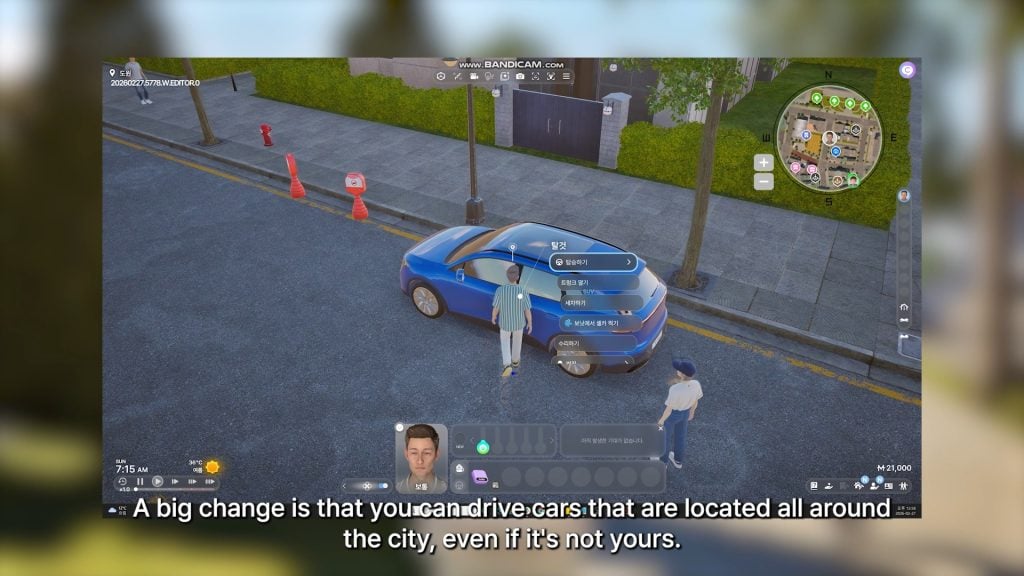
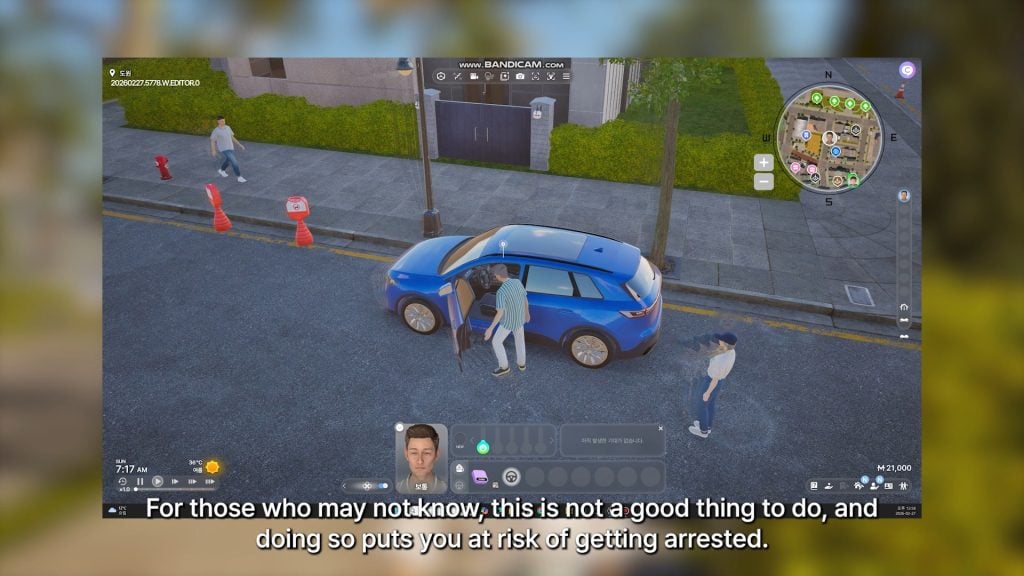
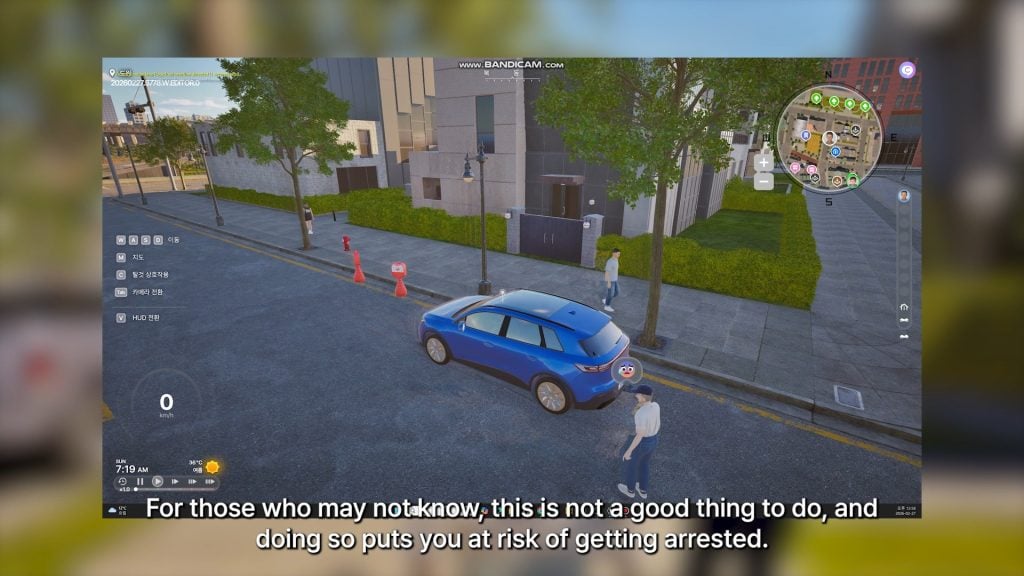
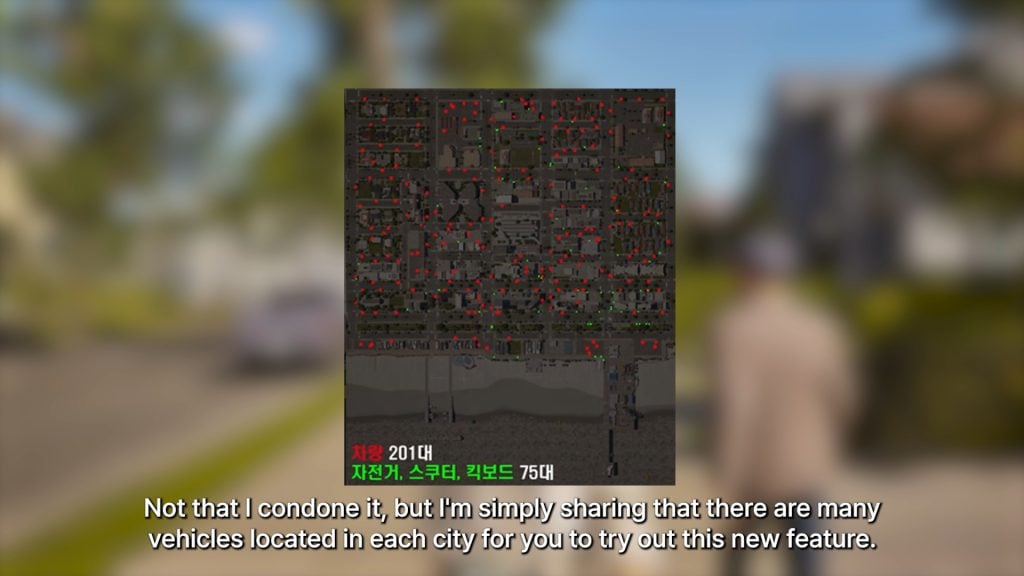
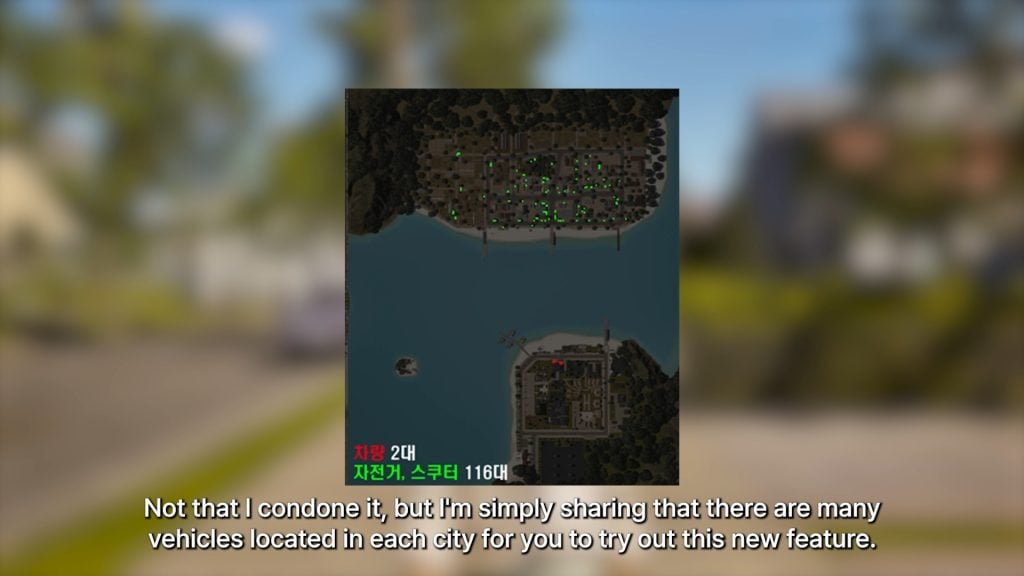
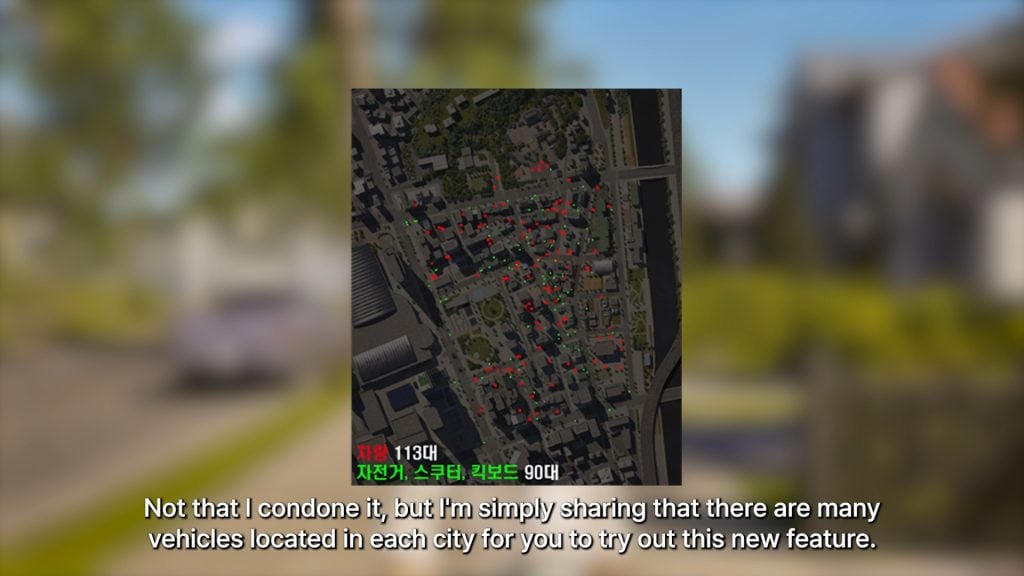
○ You can now drive any car around the city… but this is still theft, and puts your Zoi at risk of getting arrested.
Bliss BayCahayaDowon
○ Since this feature is new, the developers also added a map showing red dots to indicate every vehicle in each city.
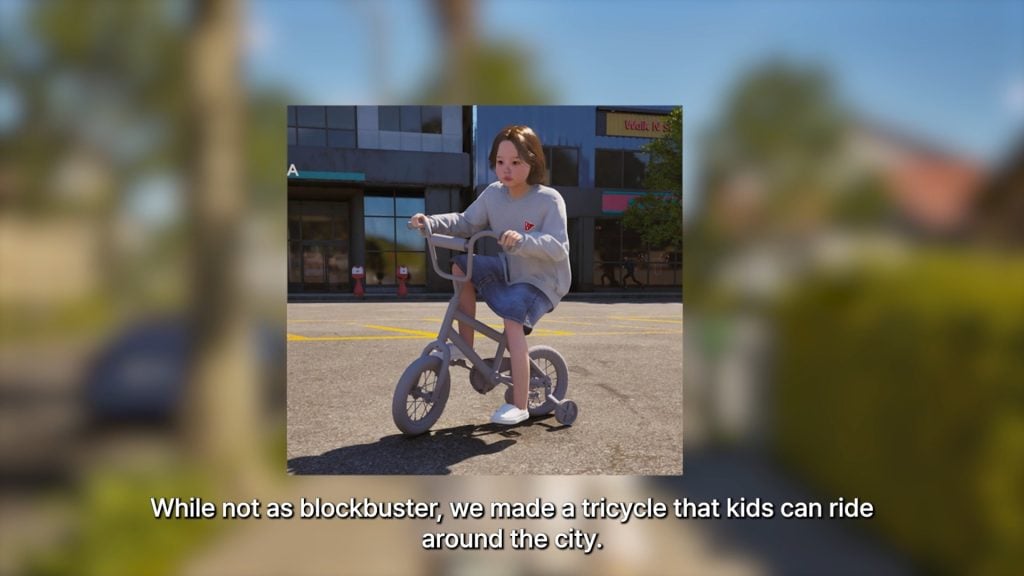
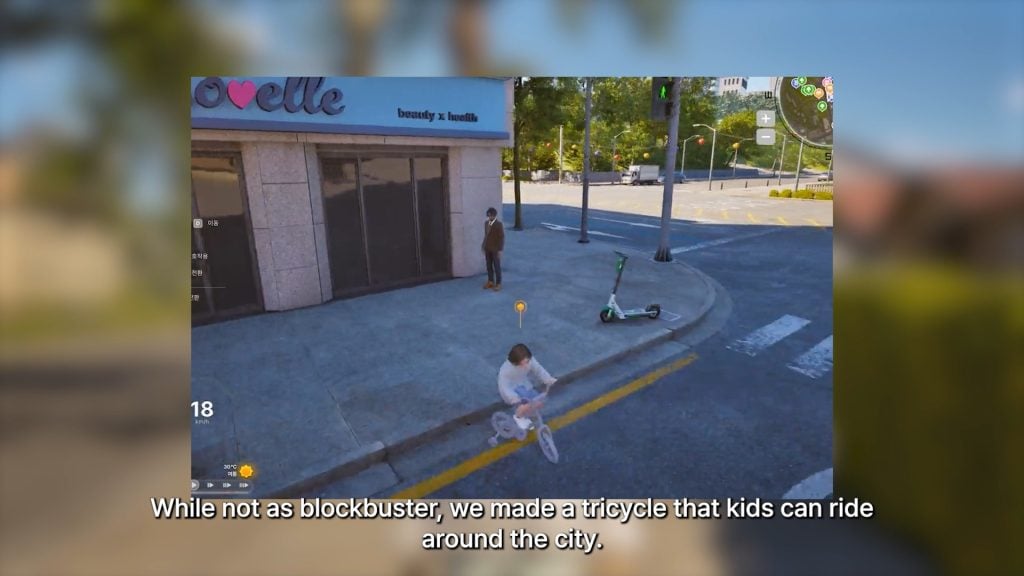
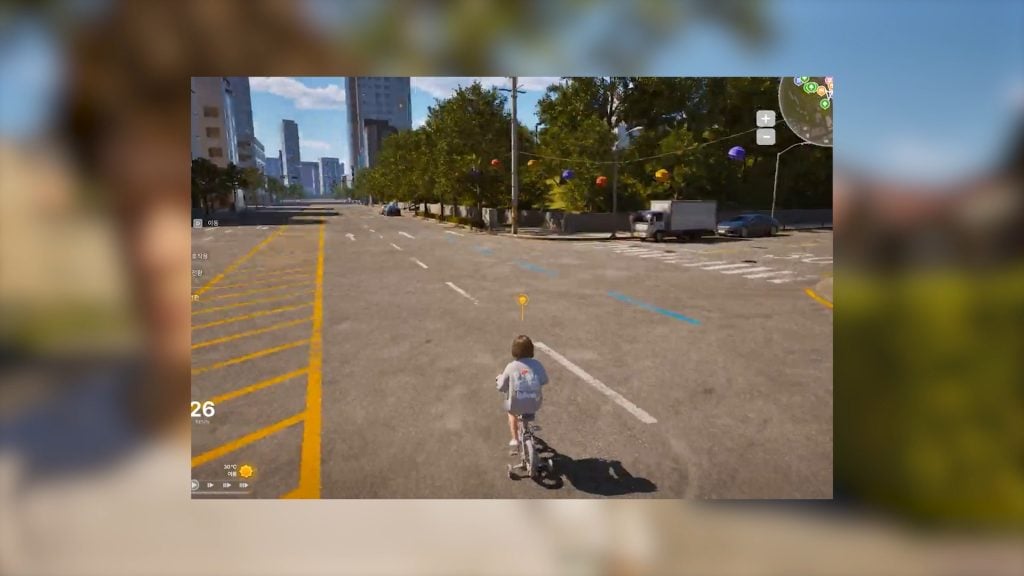
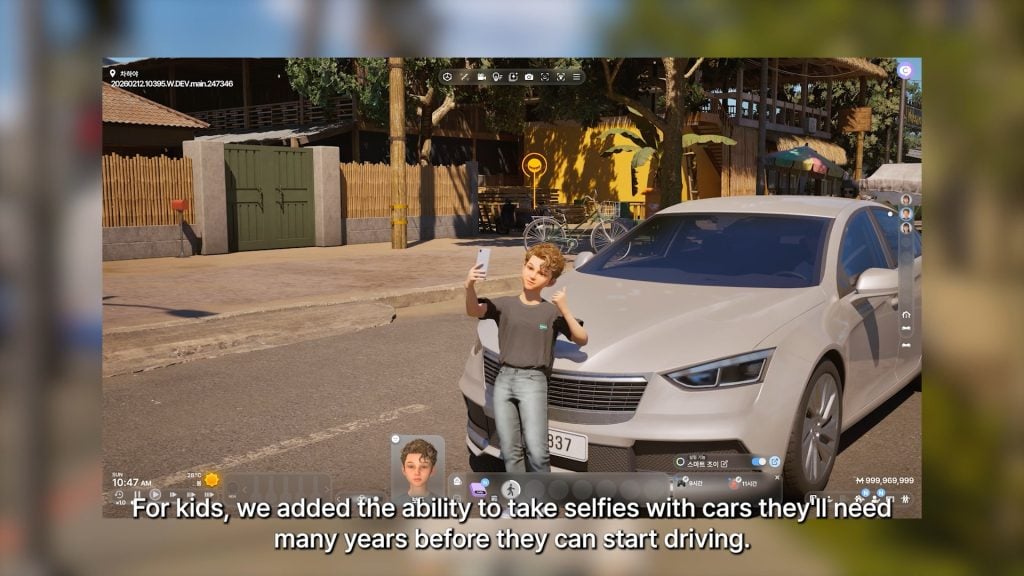
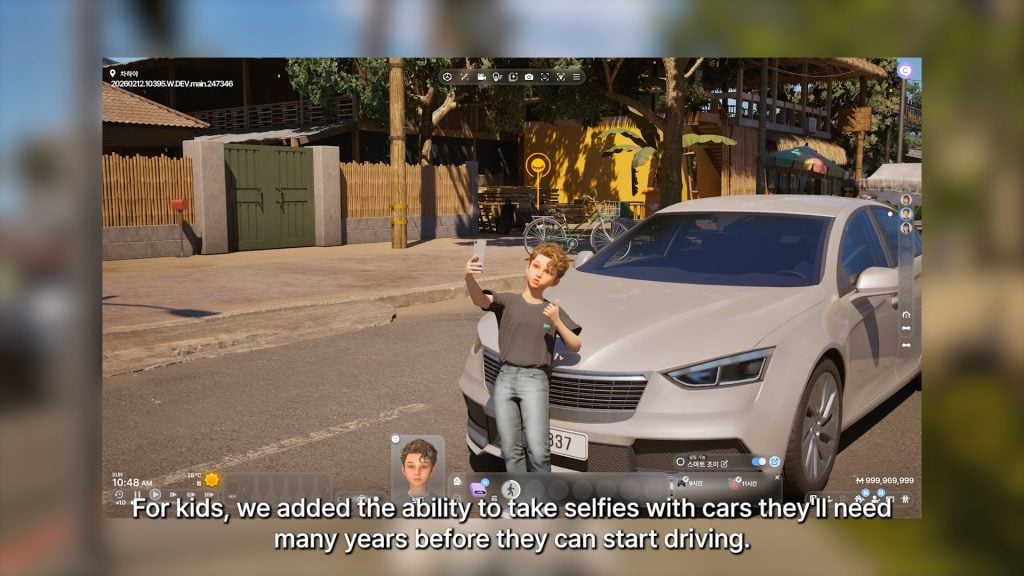
○ Kids now have a tricycle that they can ride around their home, or even traverse into the city with!
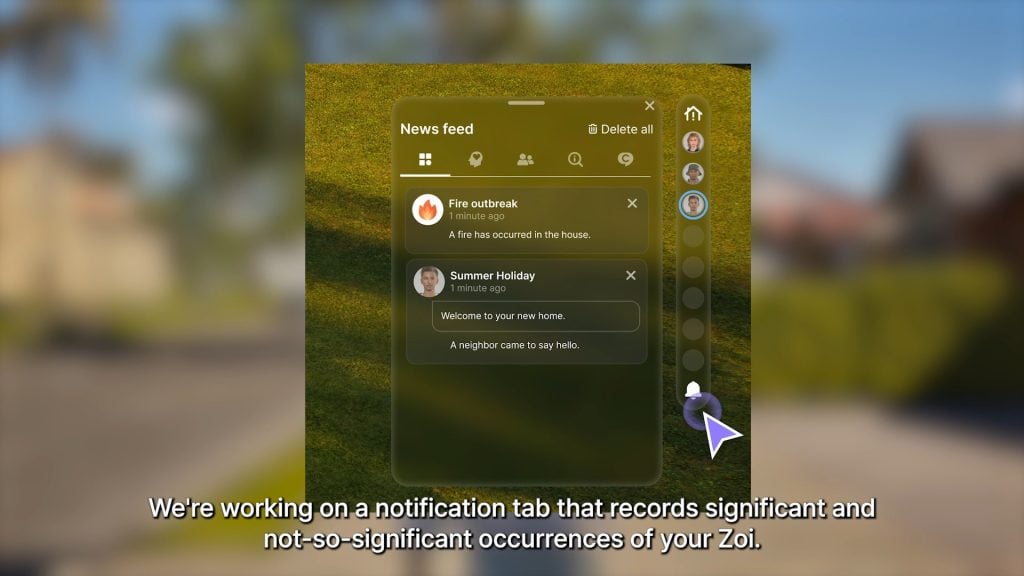
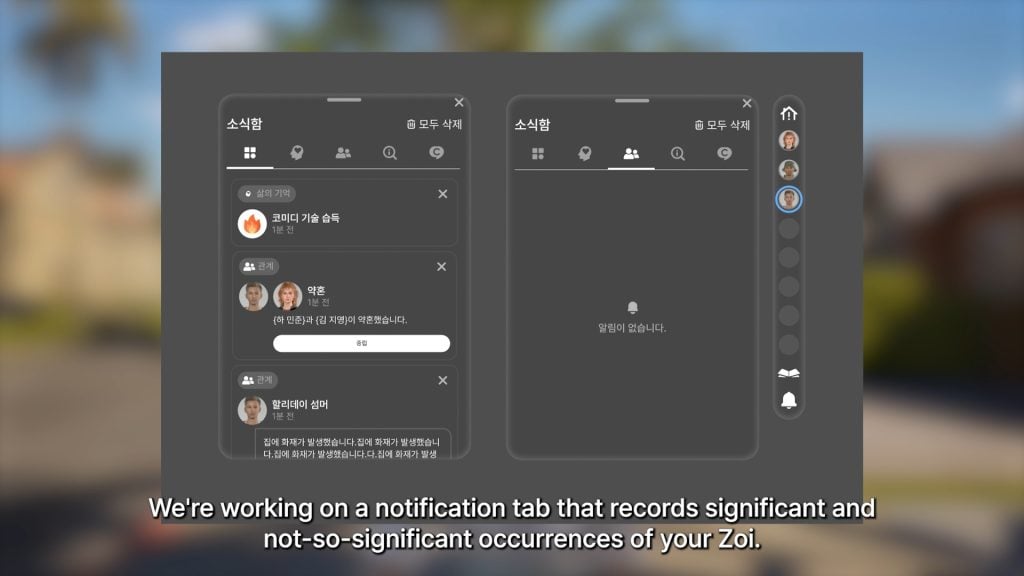
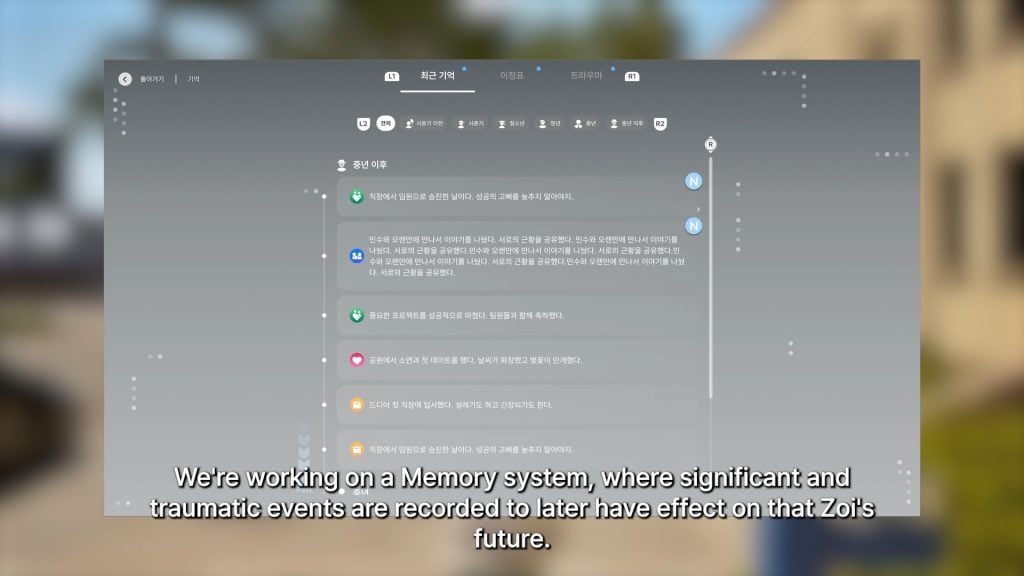
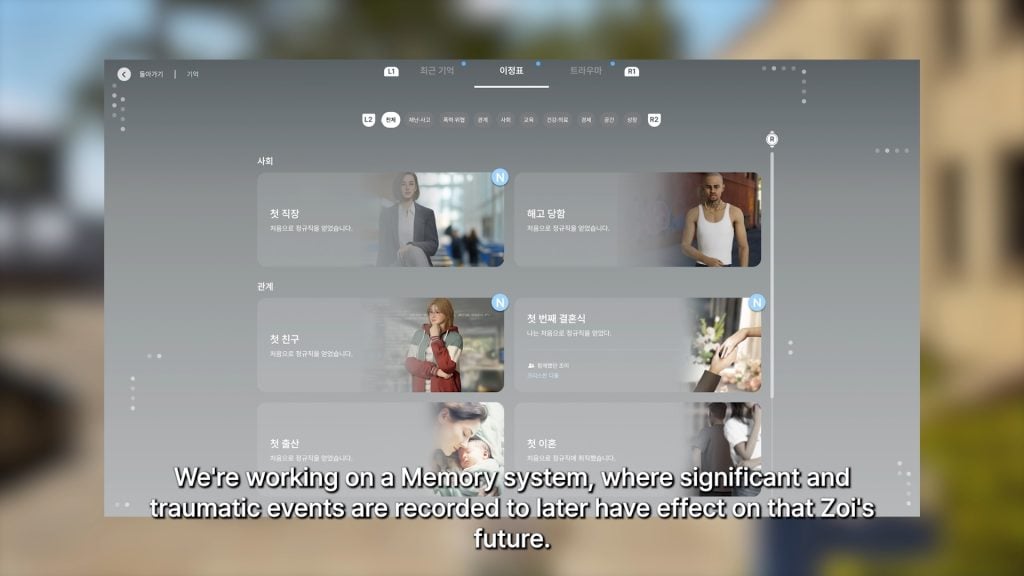
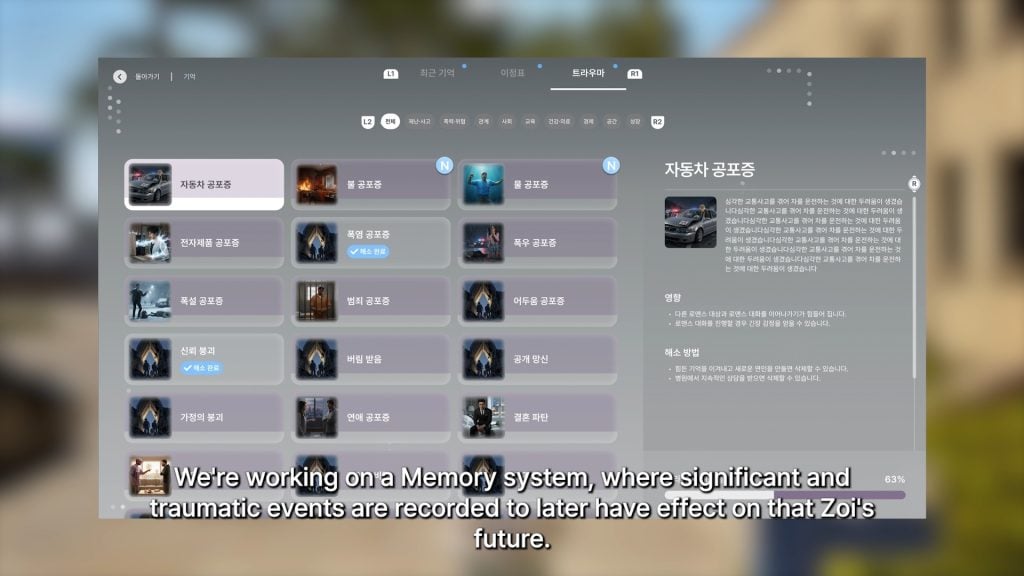
○ More progress on a notifications system that will keep a log of experiences your Zoi has, both significant and not.
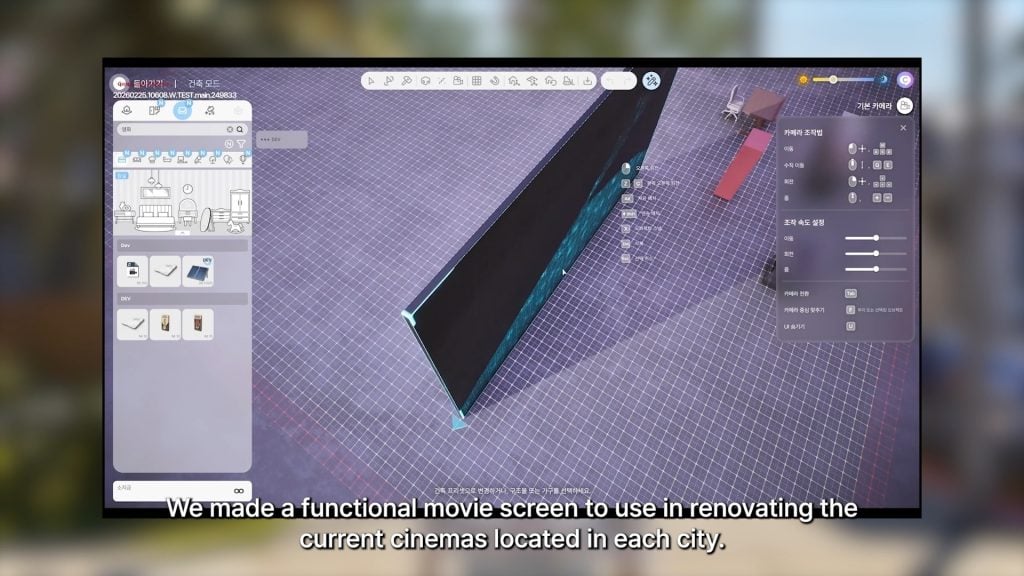
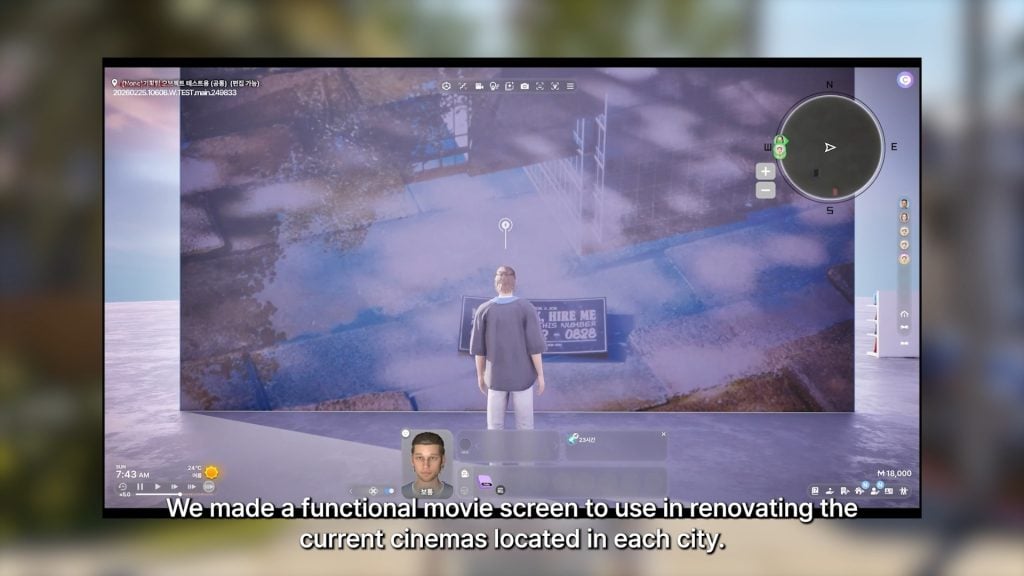
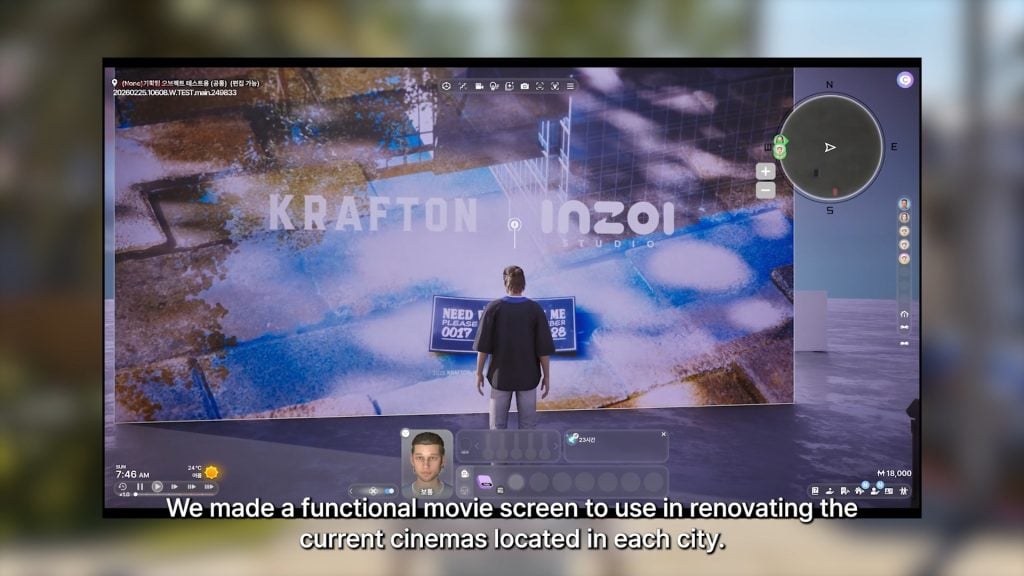
○ A functional movie screen has been made to assist with renovating existing cinemas/movie theaters around the cities.
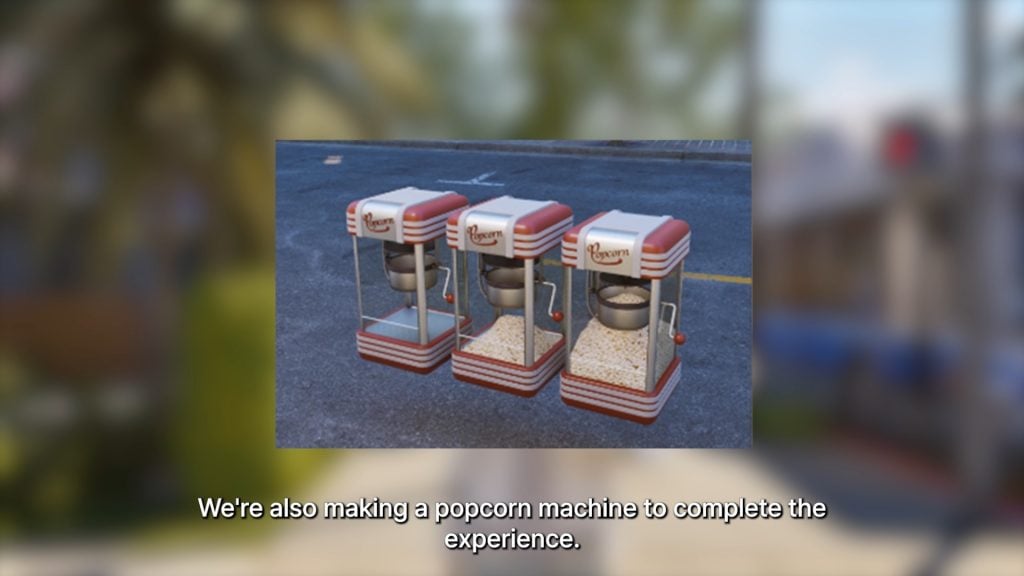
○ A popcorn machine is also being added!
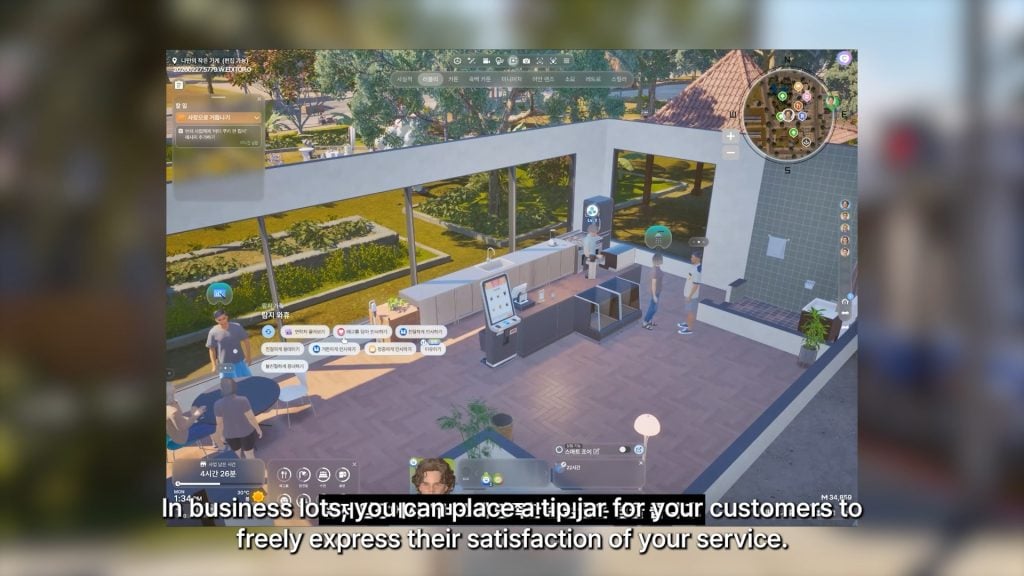
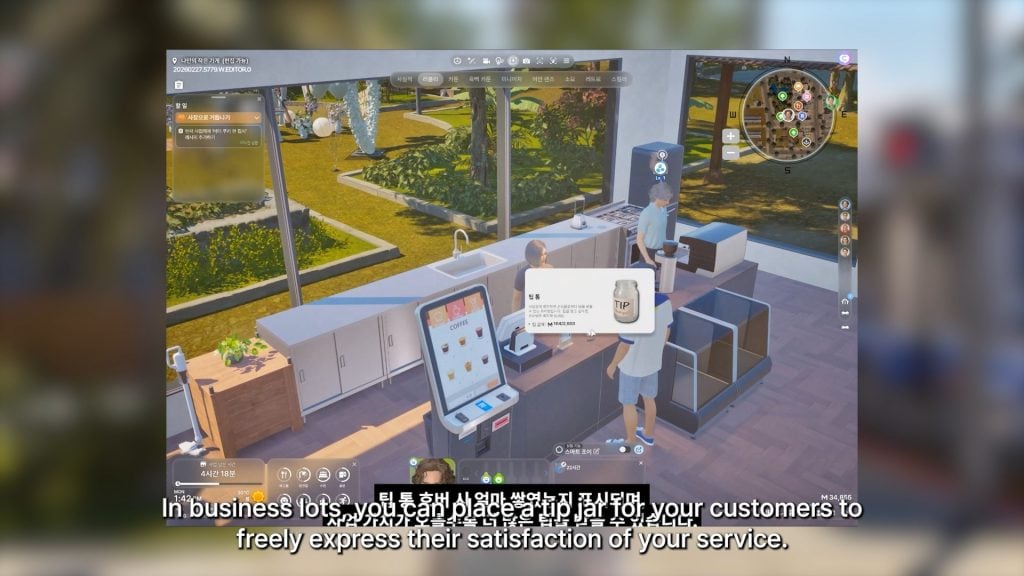
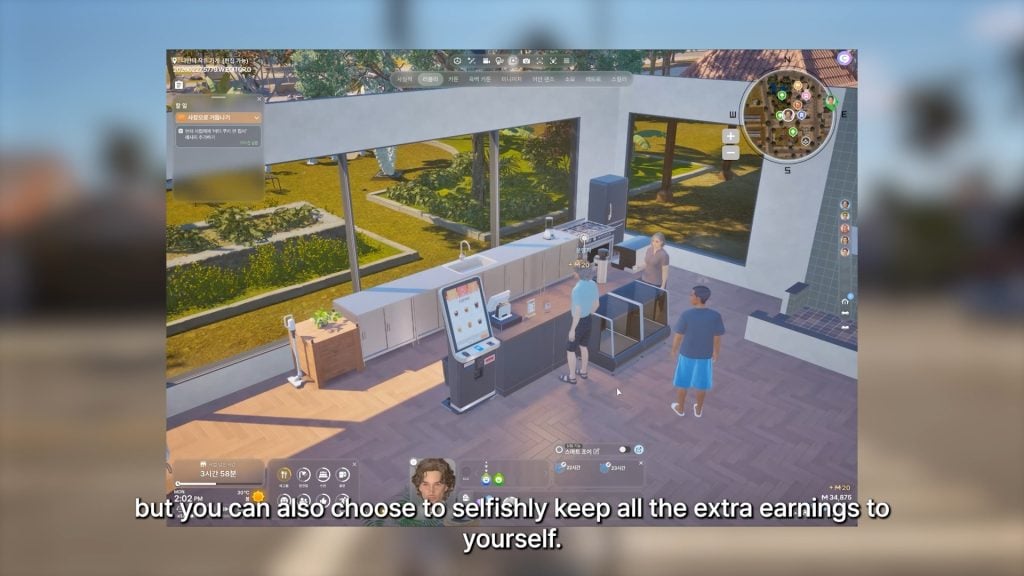
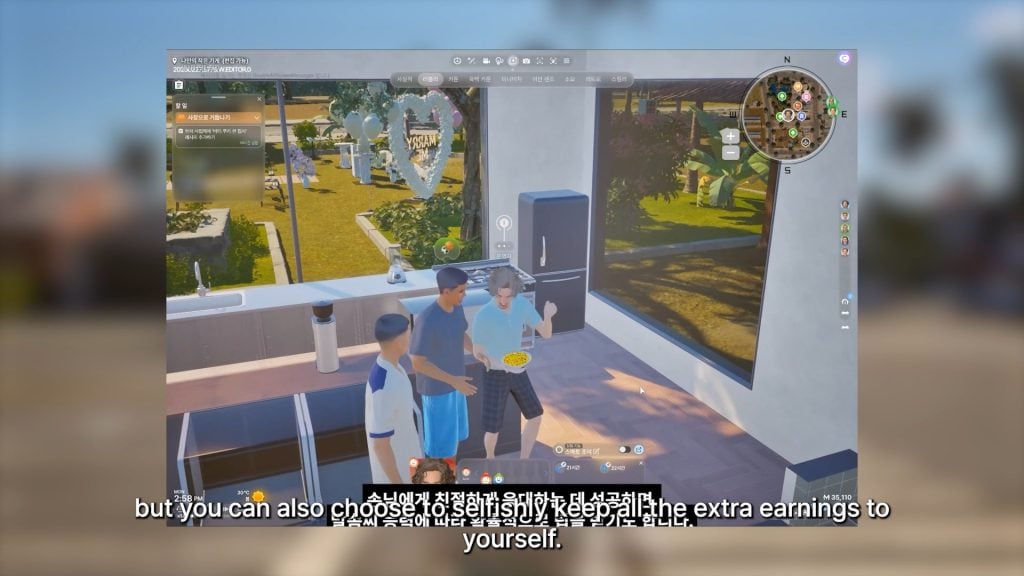
○ At your small business, you can now place tip jars so your customers can tip based on their satisfaction with the service.
○ You can choose to divide the tips among your employees or keep the tips for yourself.
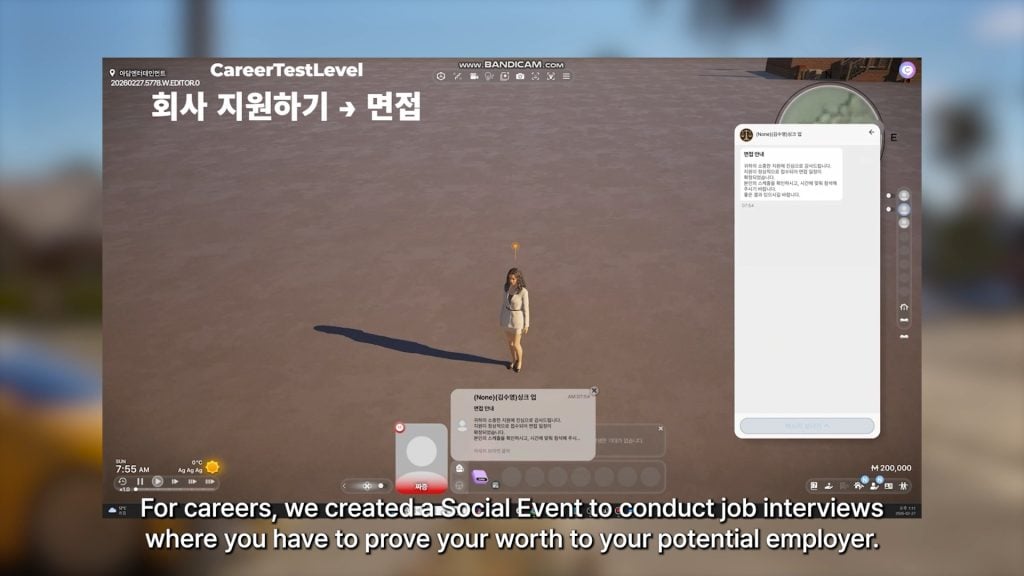
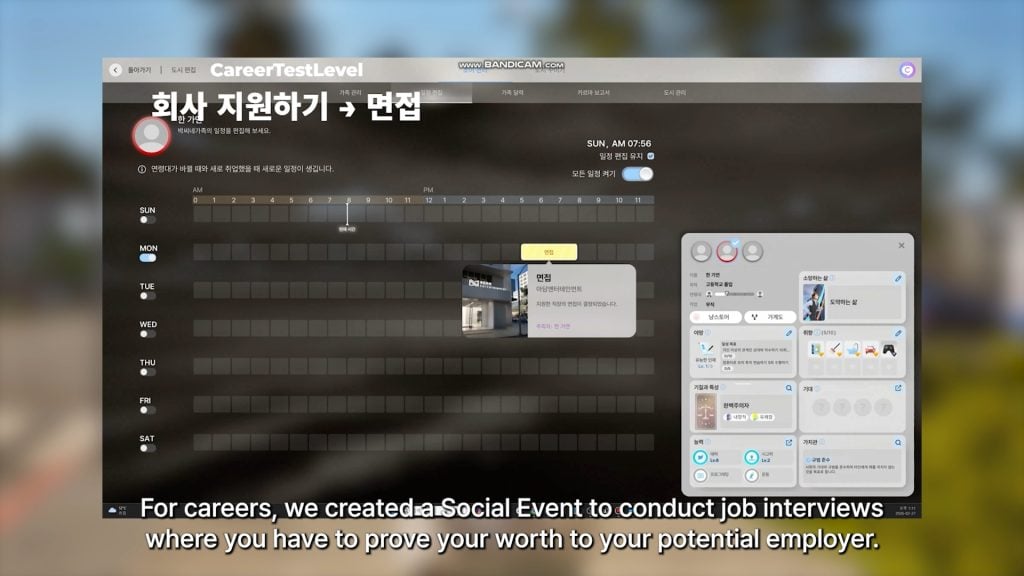
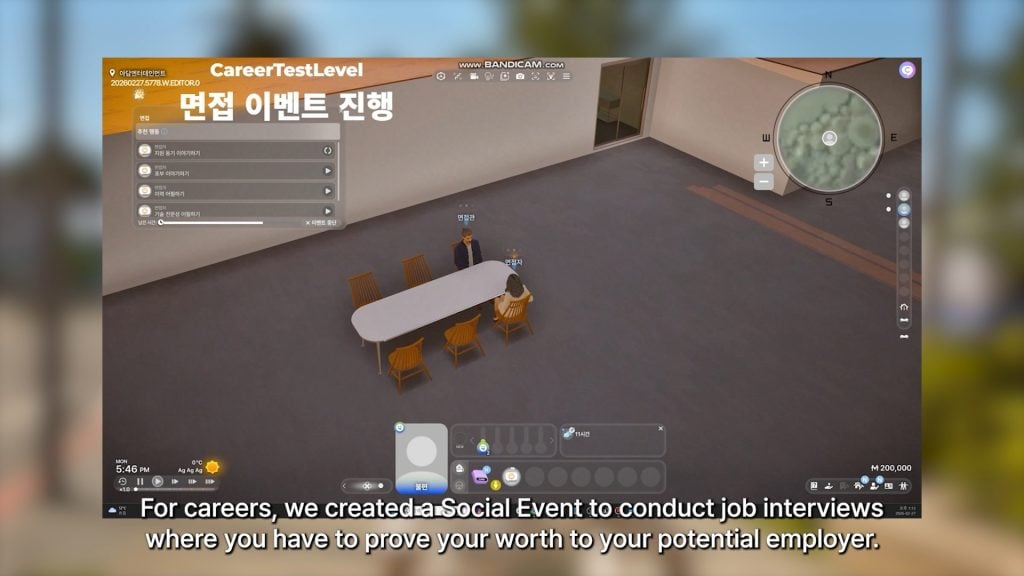
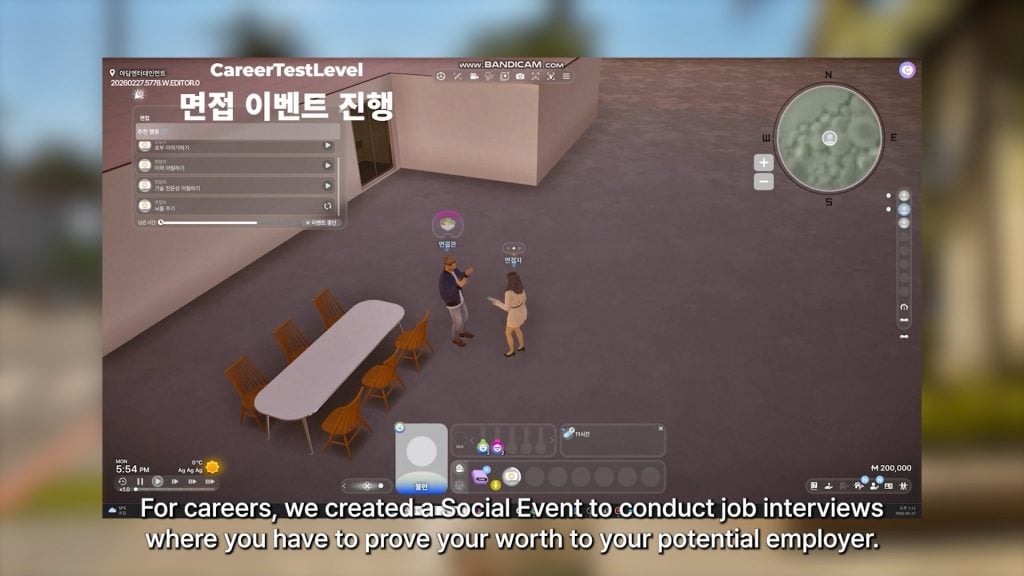
○ A social event has been created where you can attend a job interview with your Zoi, with the goals and actions focused on proving yourself a worthy fit for the role.
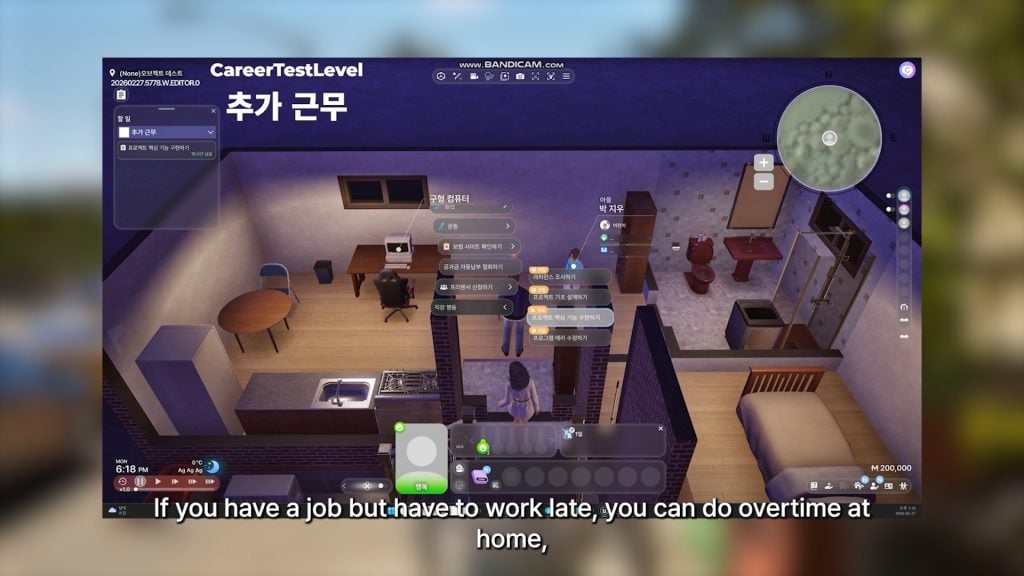
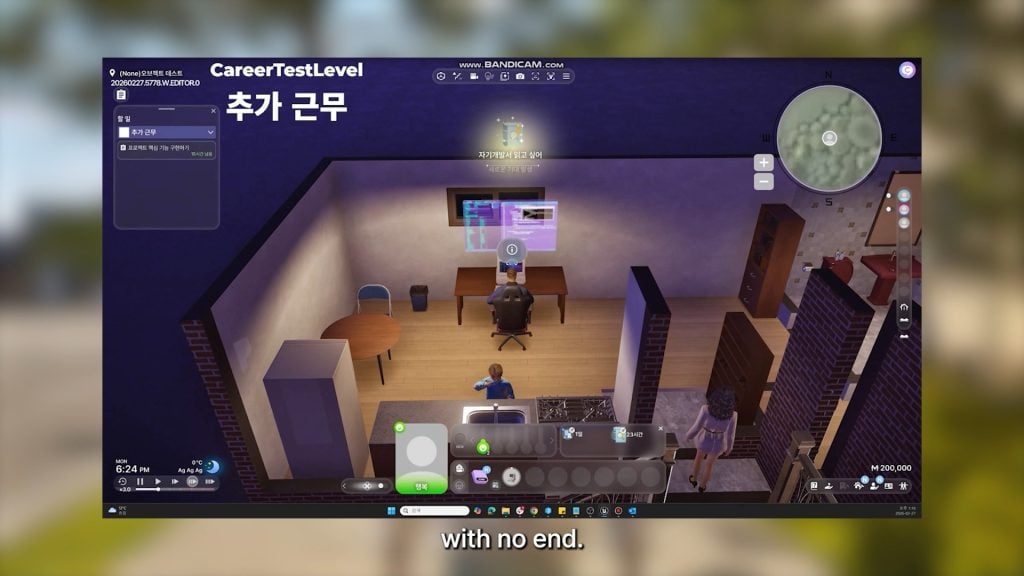
○ If you work late, you can now choose to do overtime from home without a specific end time.
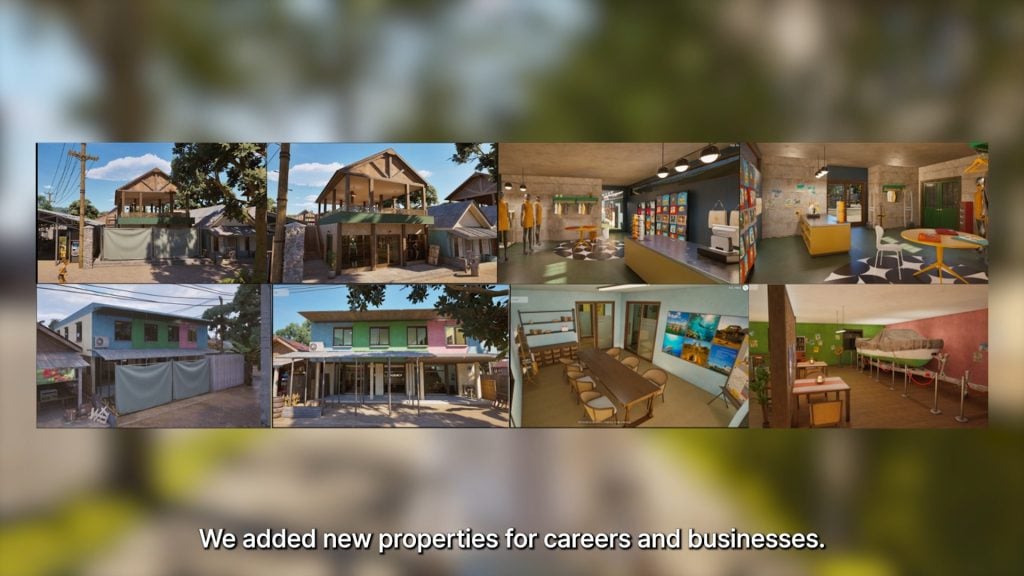
○ New properties for businesses and jobs have been added.
○ Some small new activities and general additions have been added including…
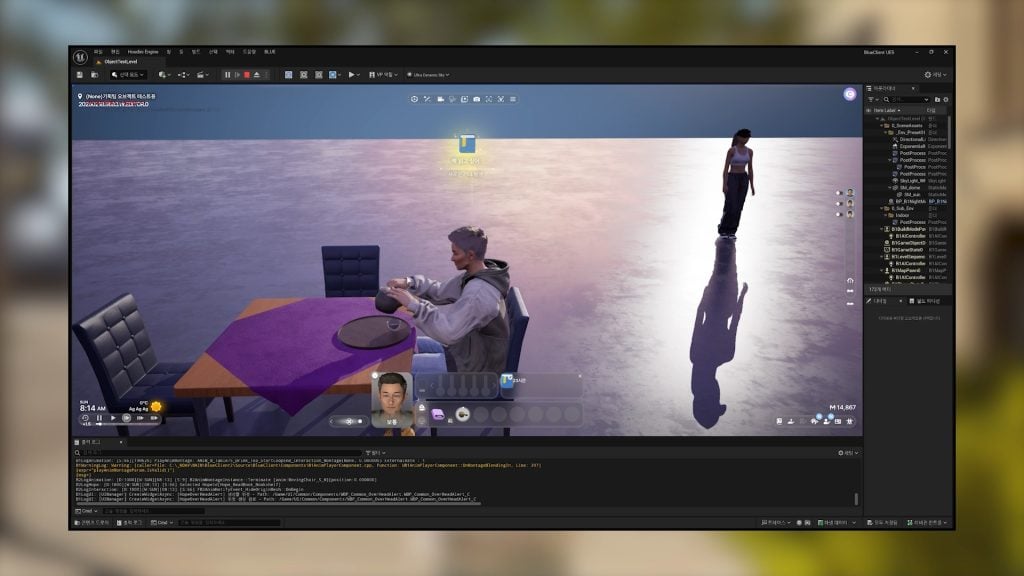
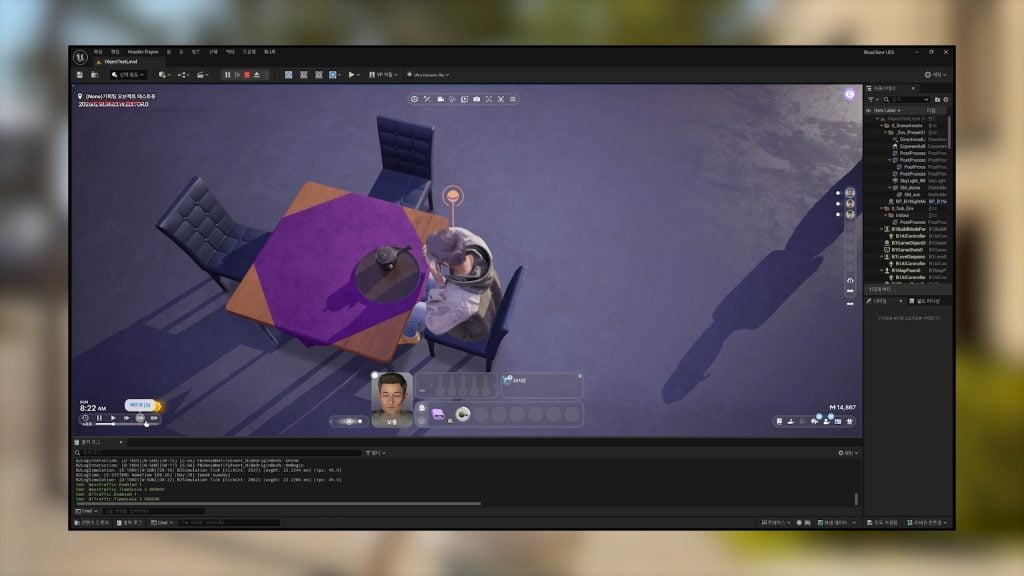
○ Drinking Tea!
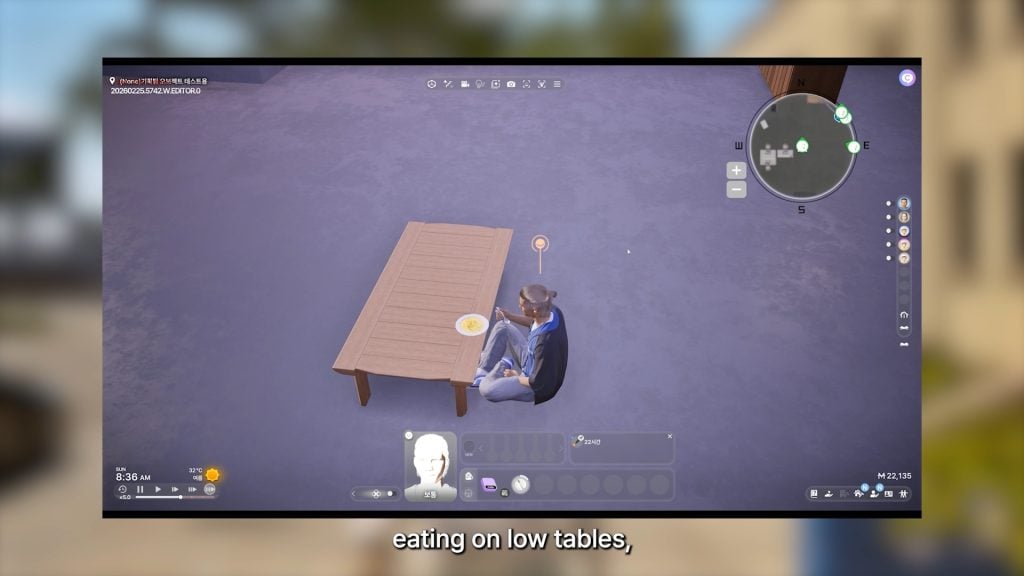
○ Eating on low tables, like coffee tables!
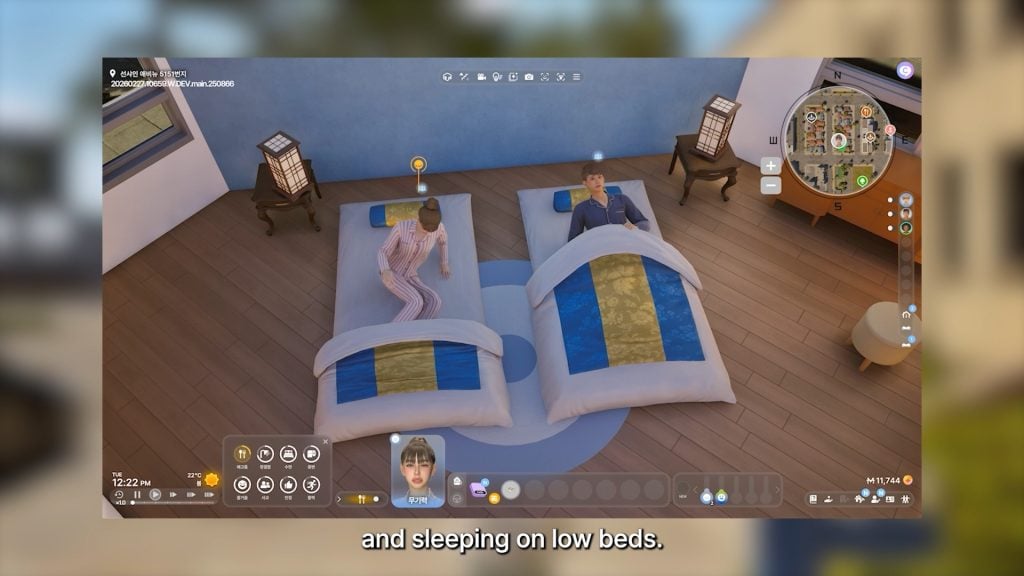
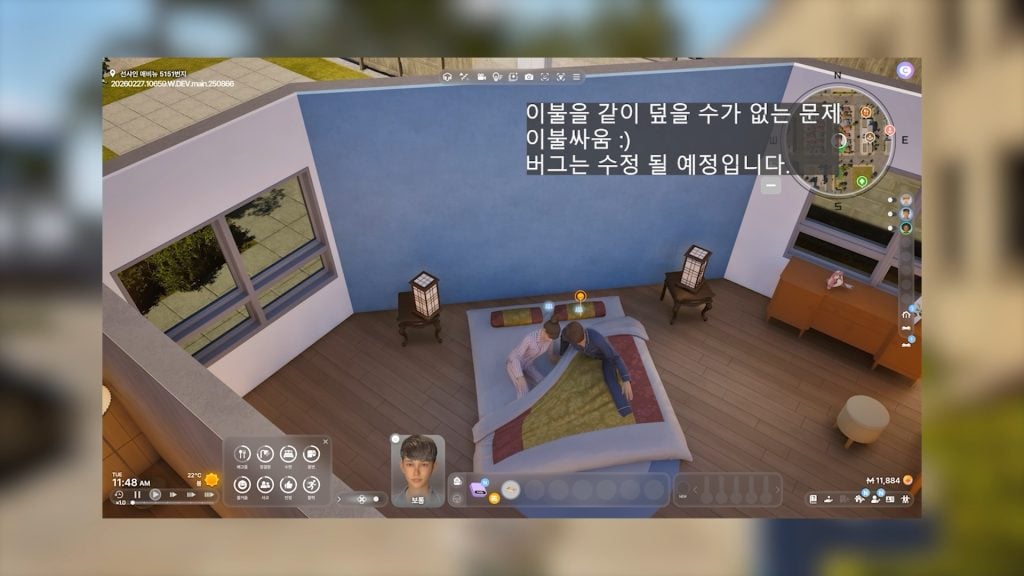
○ Sleeping on floor beds, both single and double!
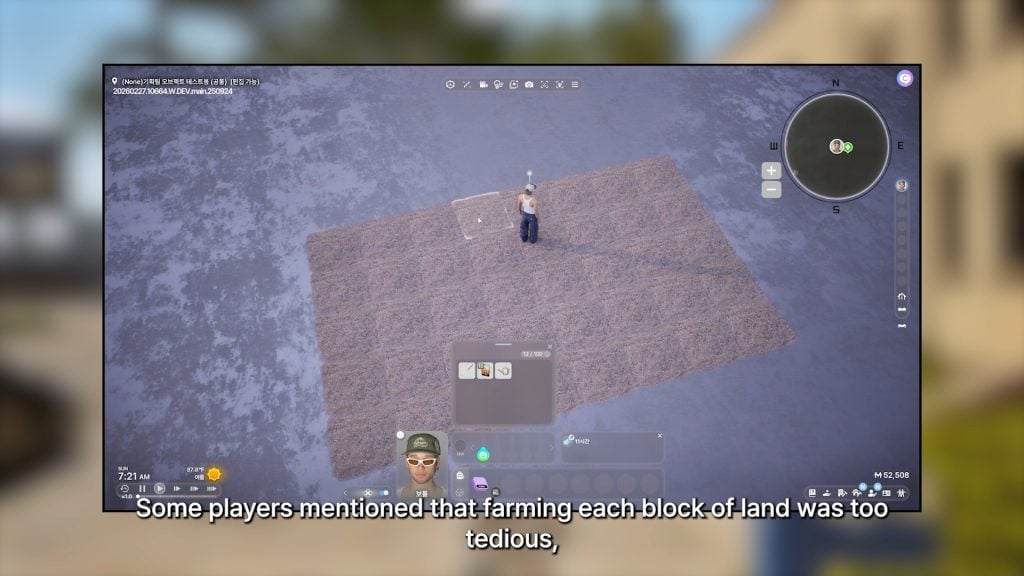
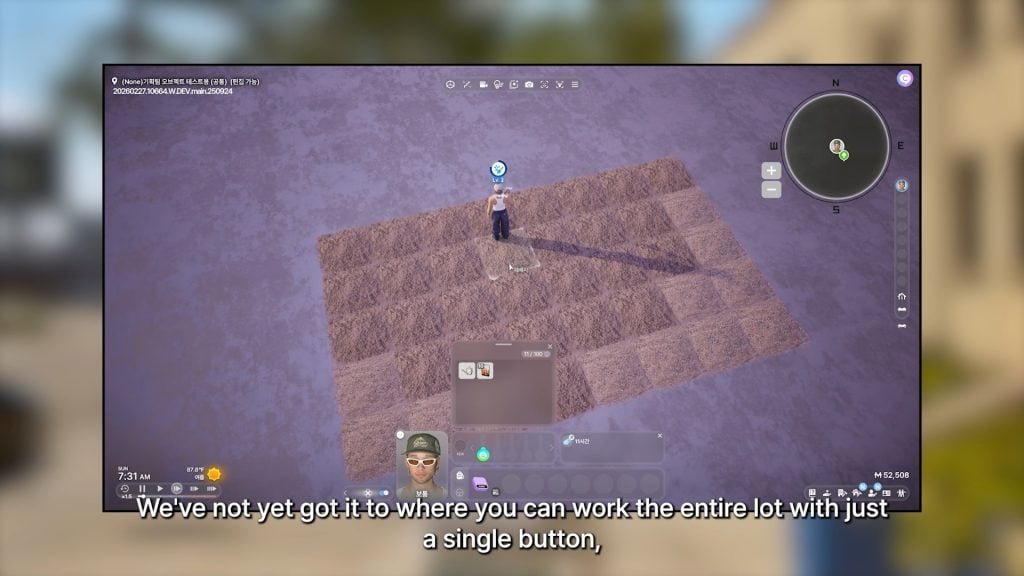
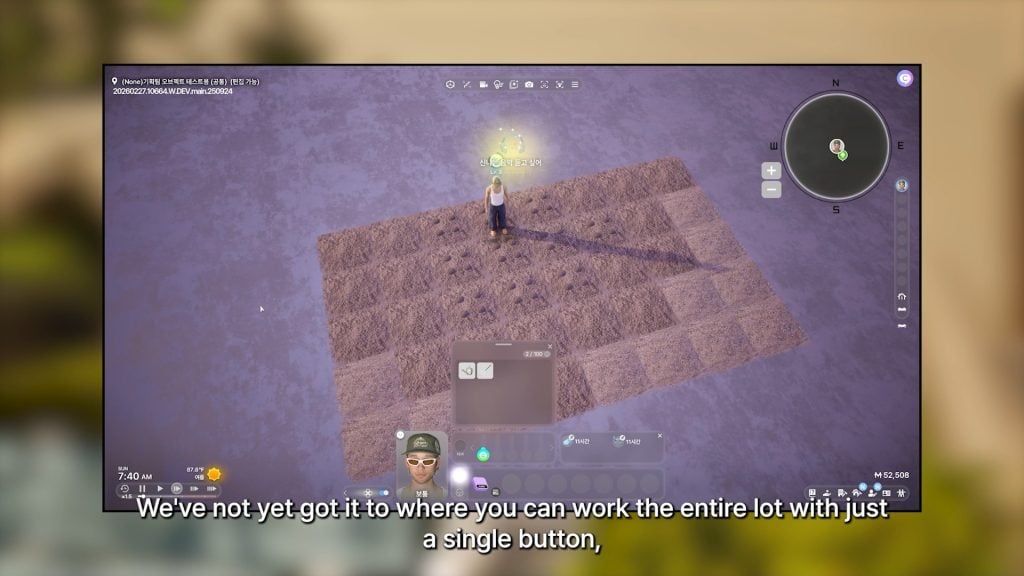
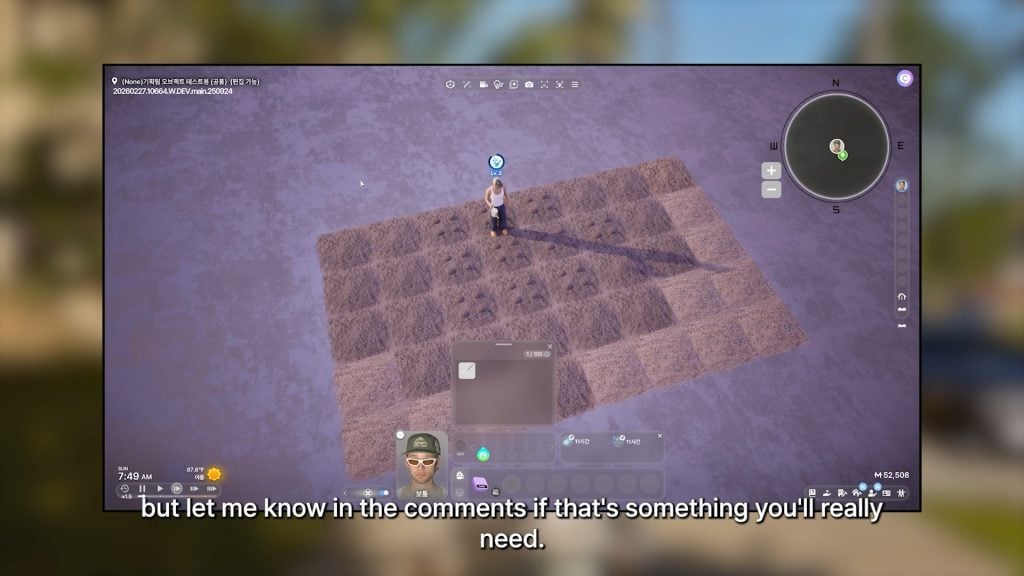
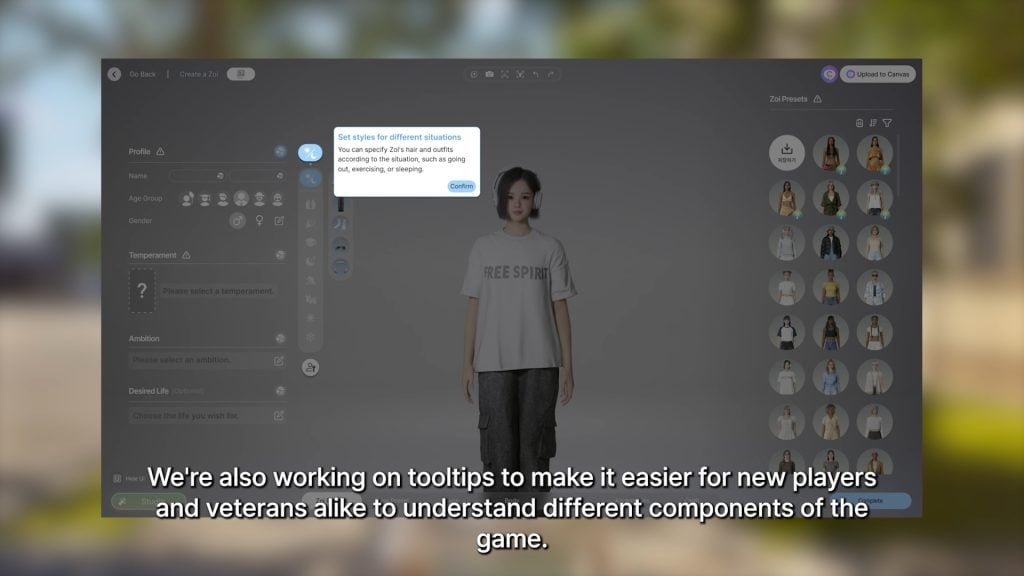
○ Due to player feedback that individually tending each plot of land when farming was tedious, a feature allowing your zoi to water many plots with a single plot is being worked on. Although, it was noted that having your zoi care for every plot with a single click has not been successfully done yet. The developers did ask for feedback on how much players actually wanted this feature.
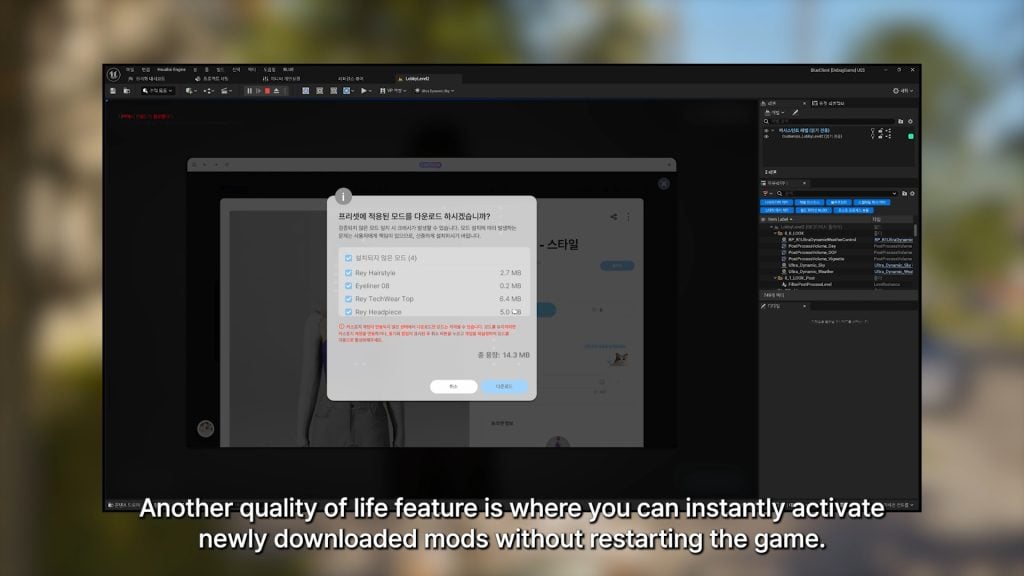
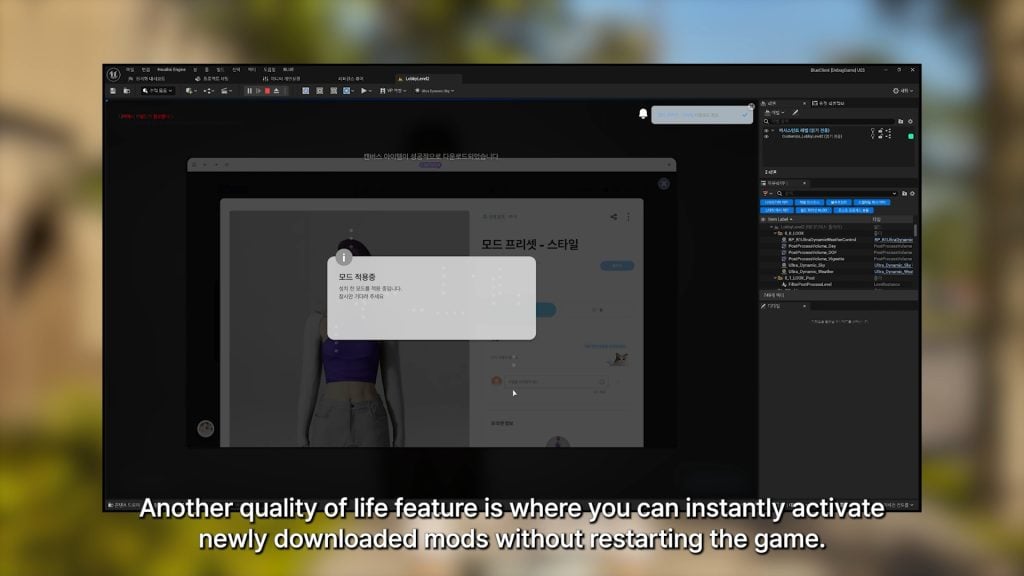
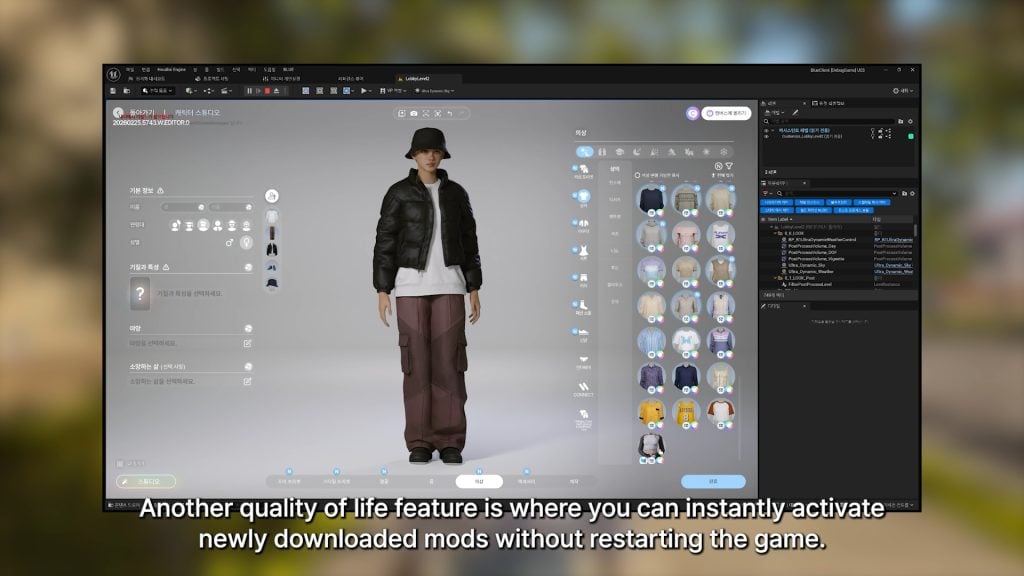
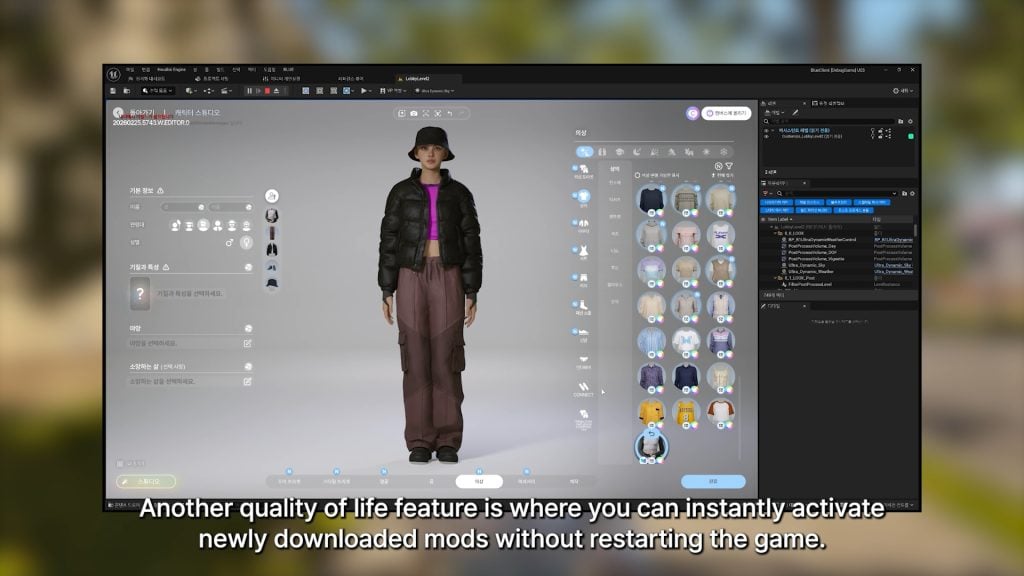
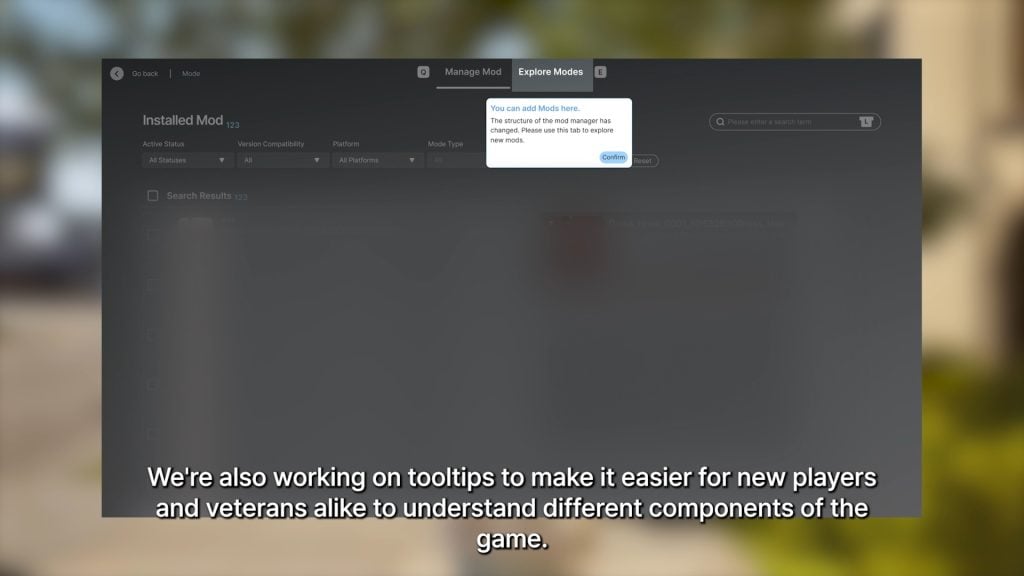
○ To make the player experience easier, you can now easily activate any newly installed mods without restarting.
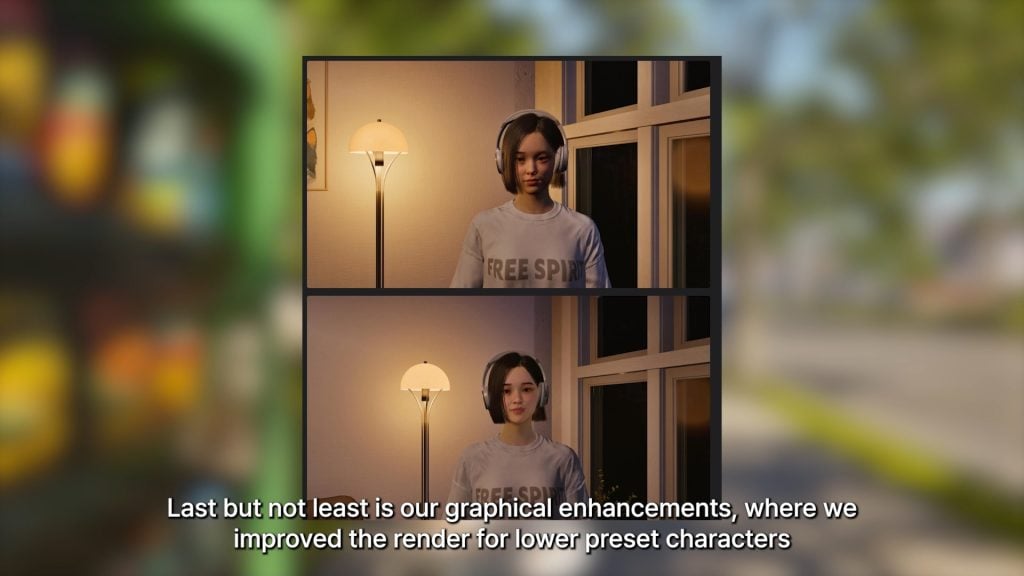
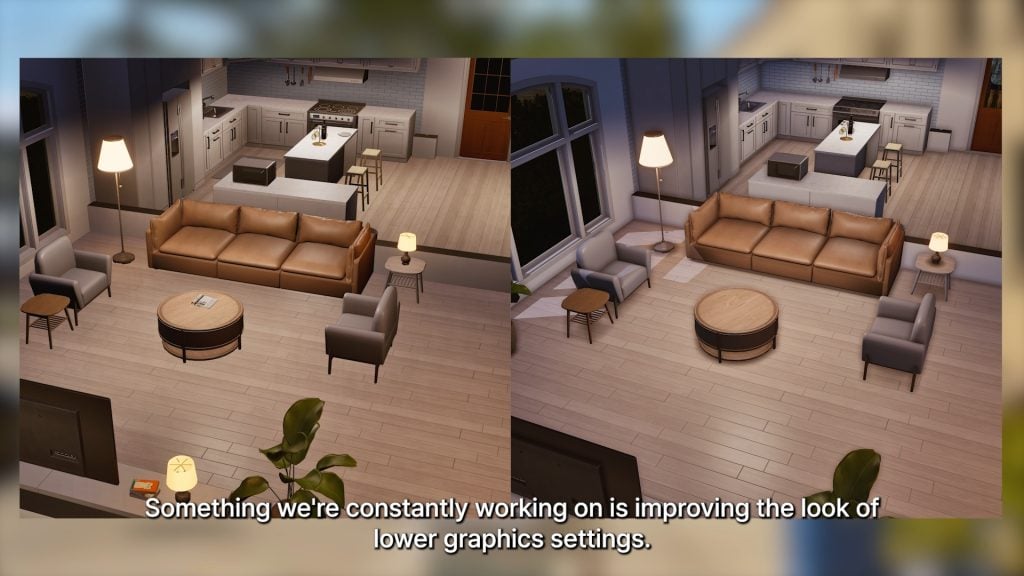
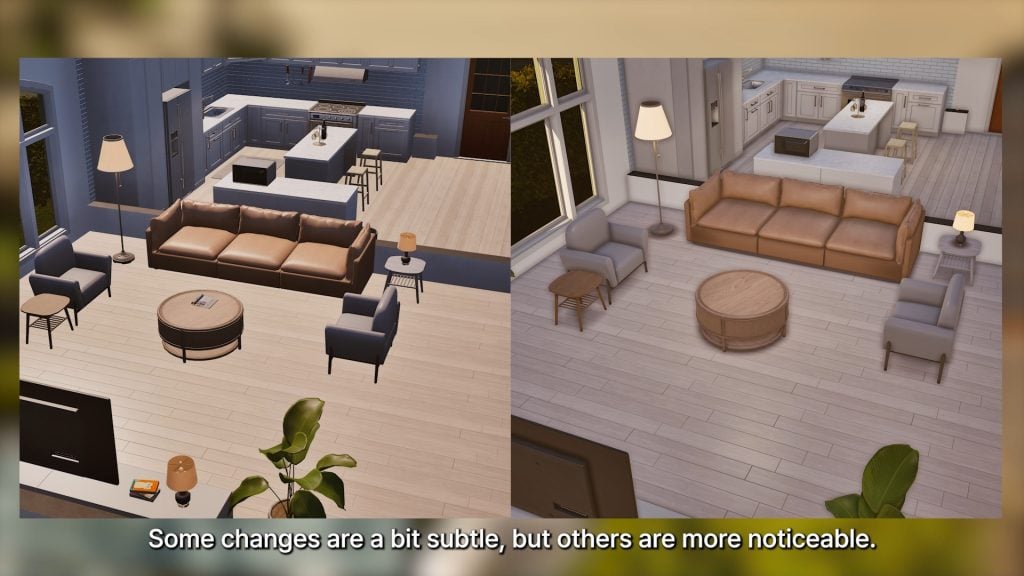
○ More progress has been made on both optimizing and improving the appearance of lower presets…
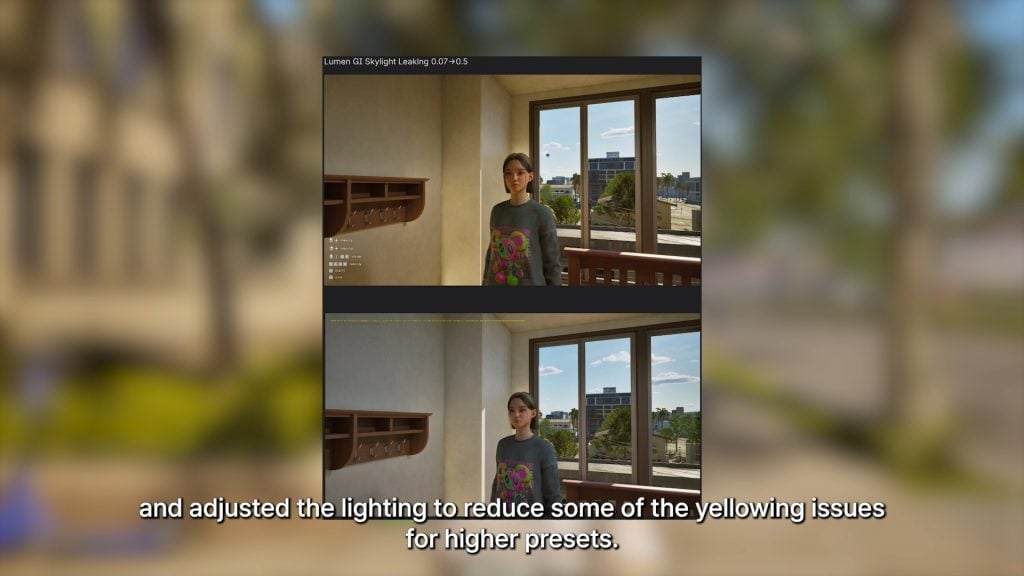
○ … And addressing issues with lighting changes, specifically yellowing of color tones, on higher graphical presets.
InZOI Developer Update, March 13th 2026 – Marching Closer to the March Update
Hello. Happy Friday!
This week as well, we’re bringing you a variety of updates about inZOI.
The video released today includes several updates planned for the March update. We had originally prepared an engine update, but unfortunately we won’t be able to release it in March. Instead, the engine will be updated to Unreal Engine 5.6 in the April update.
It’s a bit disappointing. There are still some stabilization tasks remaining, which is why we couldn’t move forward with the update sooner.
Also, the UI improvements we showed recently will unfortunately not be included in the March update. We’re preparing to present them in an improved form with the May update instead. We’ll work hard to get them ready. ^^; . . .
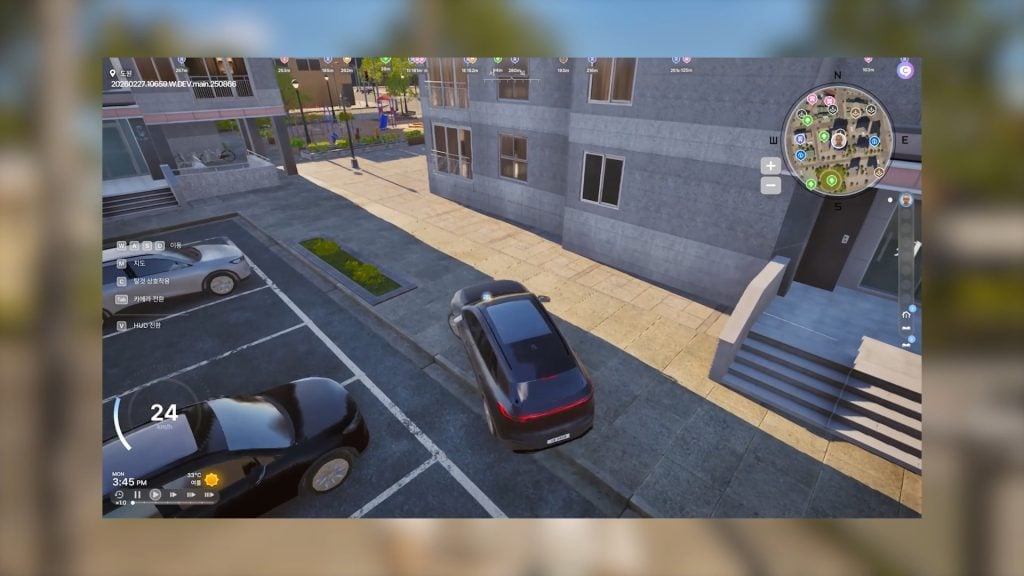
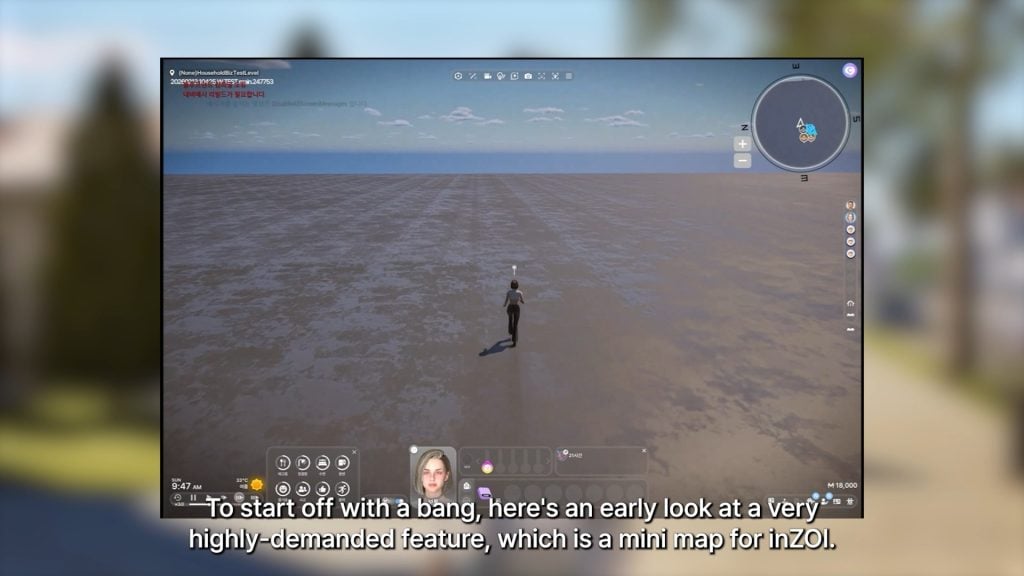
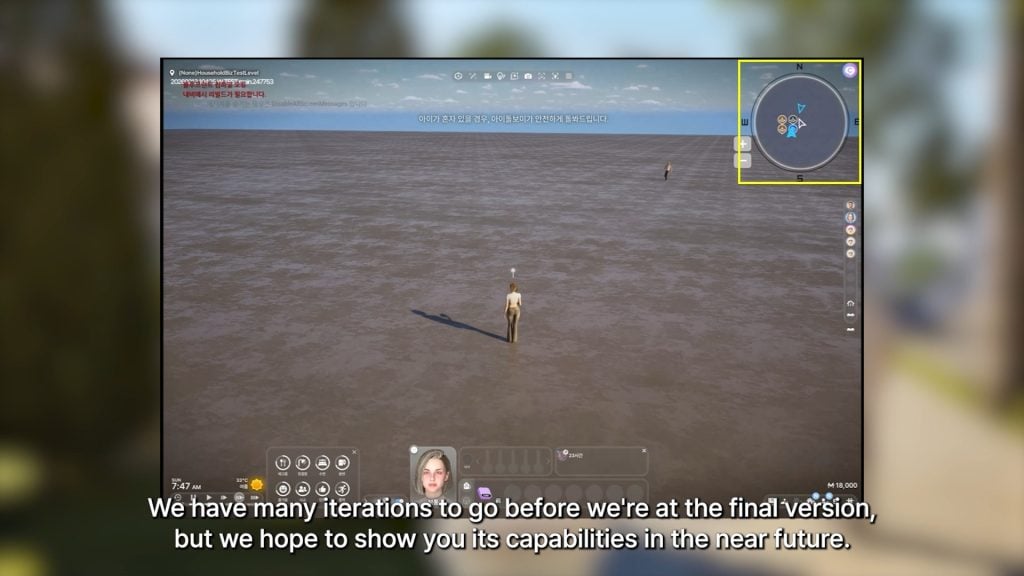
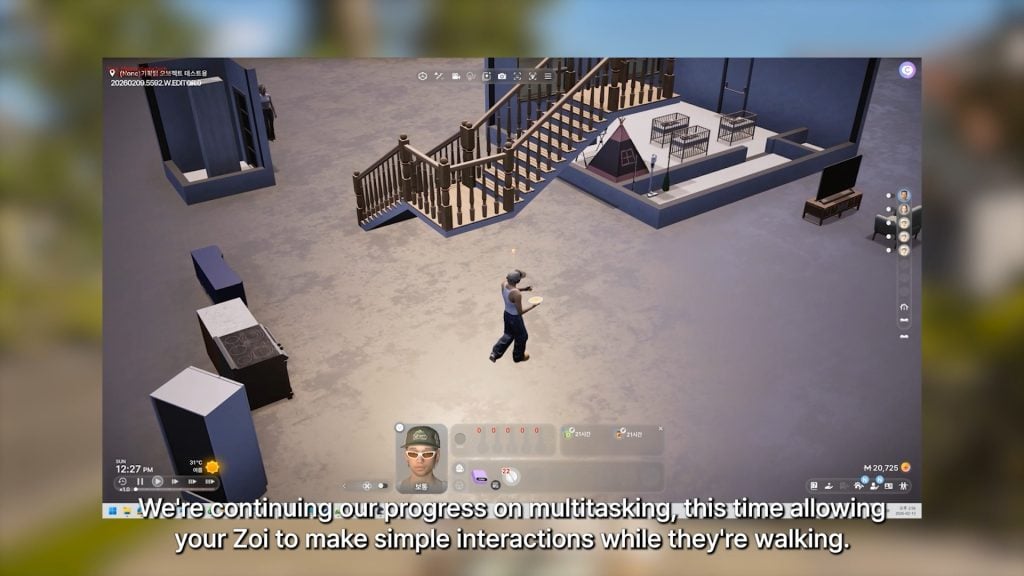
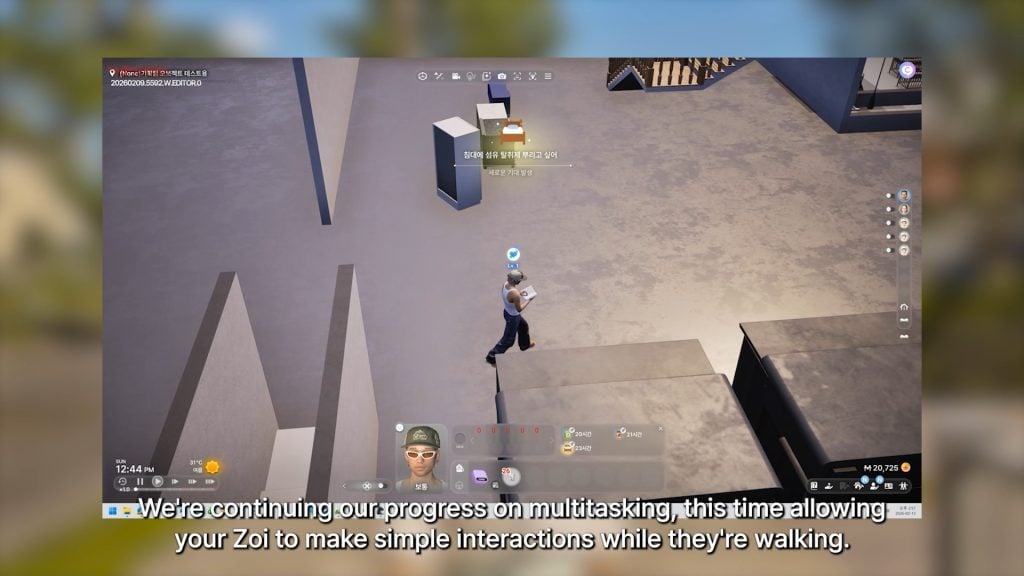
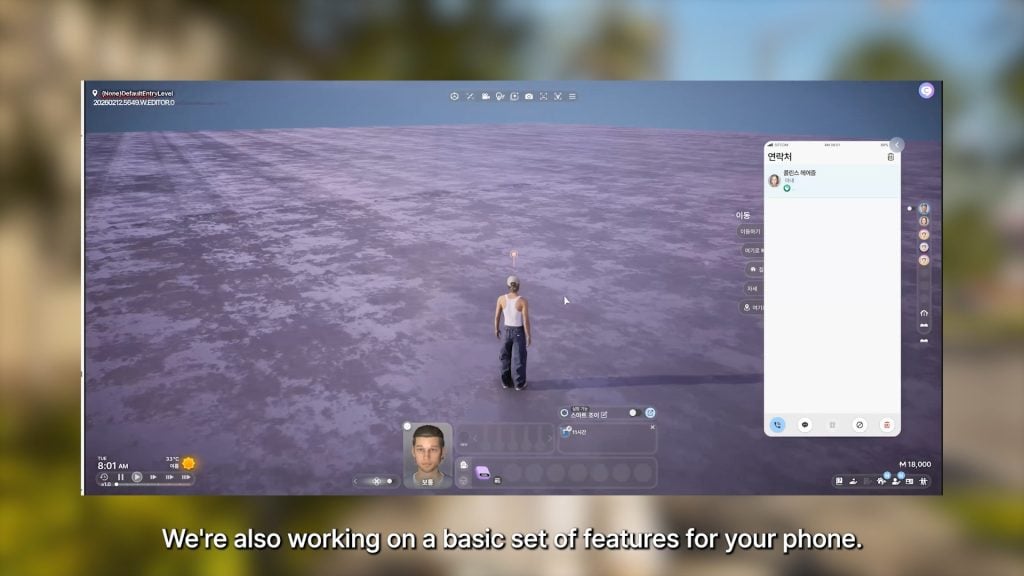
. . . However, the March update still includes many new additions, such as street parking lots, a minimap, eating while walking, dual-hand usage, baby-related interactions and outfit customization, memories, milestones, birthdays, a news feed, and much more.
We hope you enjoy today’s video, and as always, thank you for your continued support and love for inZOI.
— Kjun
What do you think of the InZOI team and Krafton’s efforts to optimize the game better for players, both existing and future?
Make sure to follow The Sims Community to keep up to date on everything in the Life Simulation genre! You can also review roadmaps and current InZOI features on their official website!
This spin-off smartphone title has been shut down by EA.
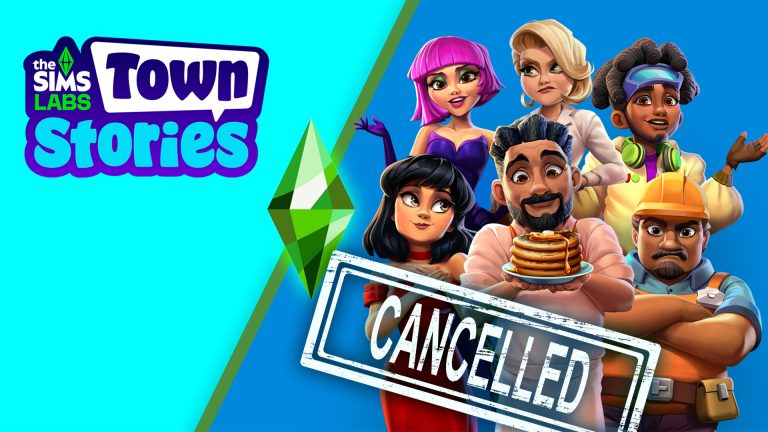
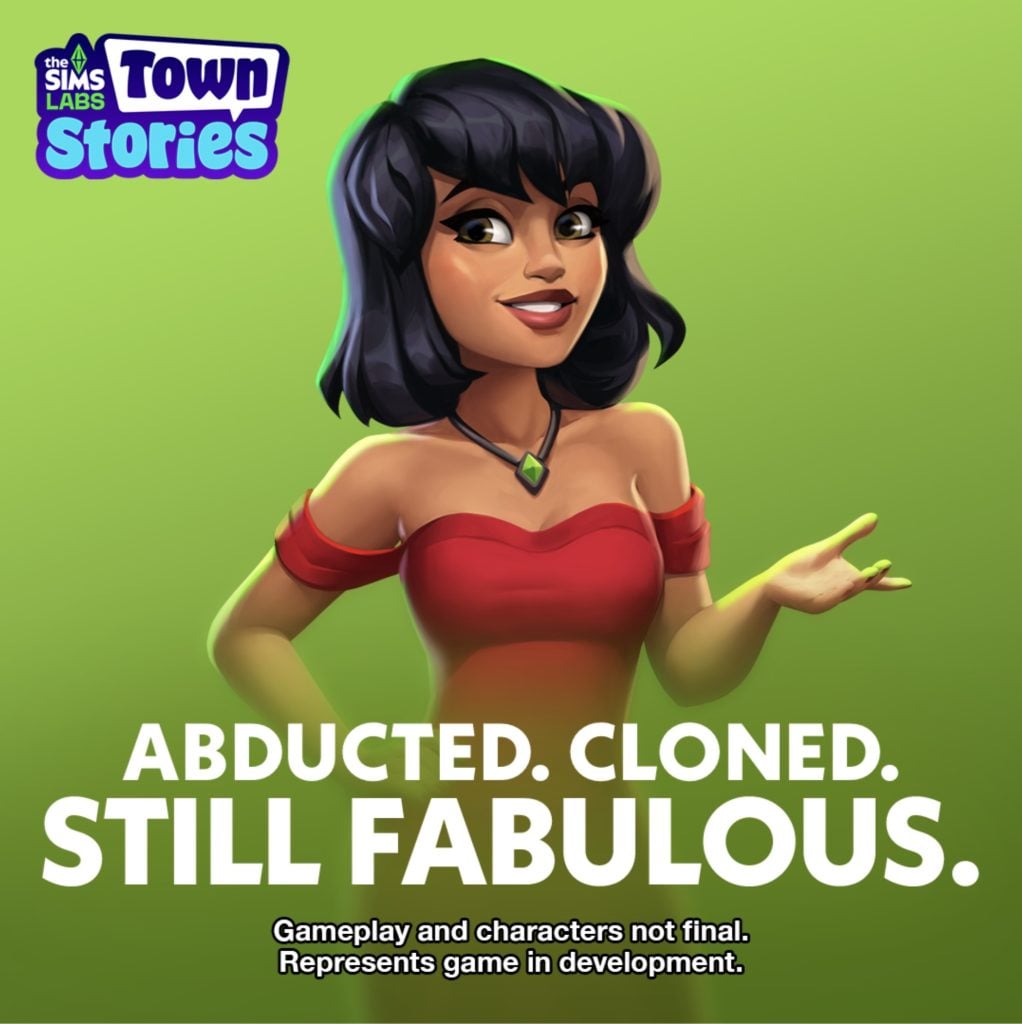
In a shocking reveal we’ve discovered that The Sims Town Stories has been cancelled. The news comes from a now former employee from EA that this spin-off smartphone title is shutting down its development.
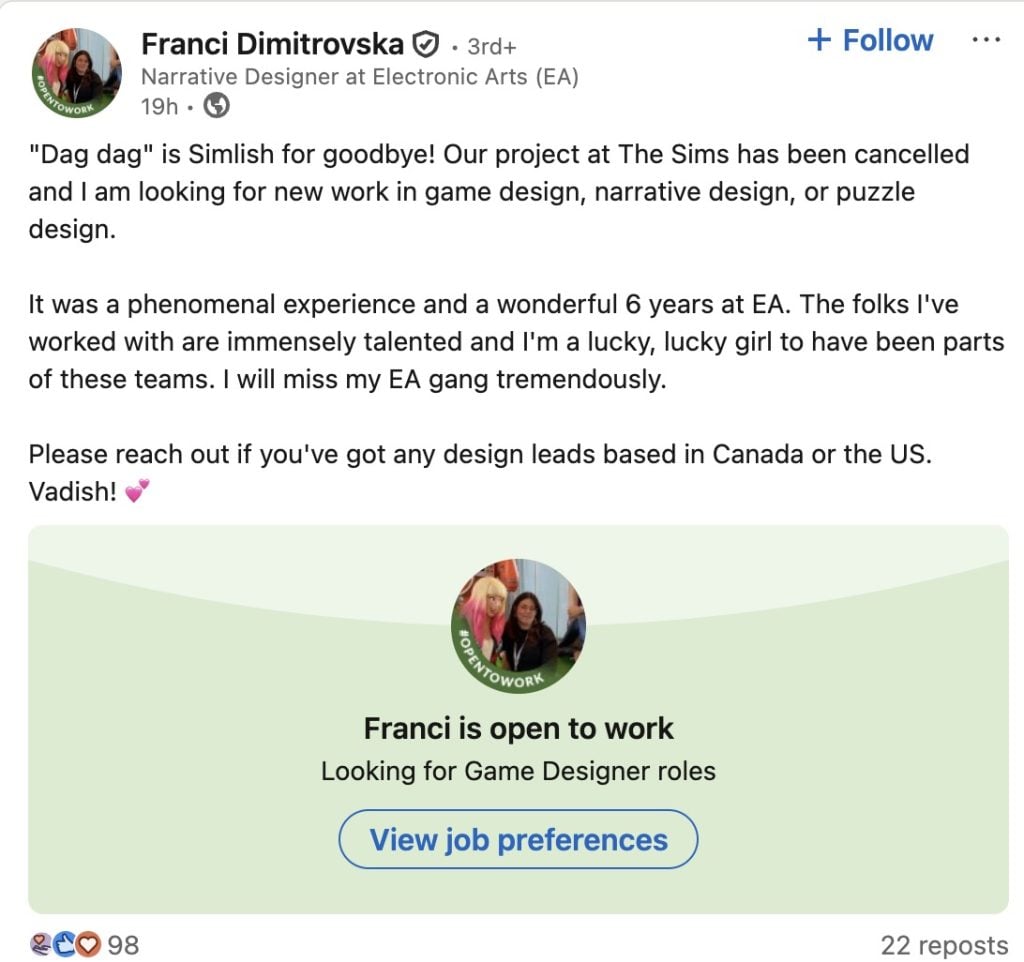
The Narrative Designer that made this announcement previously worked on other smartphone projects before moving onto The Sims Town Stories. Read the full announcement from this designer below:
“Dag dag” is Simlish for goodbye! Our project at The Sims has been cancelled and I am looking for new work in game design, narrative design, or puzzle design.
It was a phenomenal experience and a wonderful 6 years at EA. The folks I’ve worked with are immensely talented and I’m a lucky, lucky girl to have been parts of these teams. I will miss my EA gang tremendously.
The Narrative Designer confirmed through their portfolio that they worked on this project for more than two and a half years. Before the imminent cancellation that’s been revealed yesterday.
The Sims Town Stories was first announced as “Project Stories” during the EA Investor Day presentation in 2024. Obviously, a lot of plans have changed since then but The Sims Team was always persistent about introducing it as an individual project.
There were a couple of public playtests, where The Sims Town Stories would get listed on a smartphone store in a select country for a limited time to test out new game mechanisms.
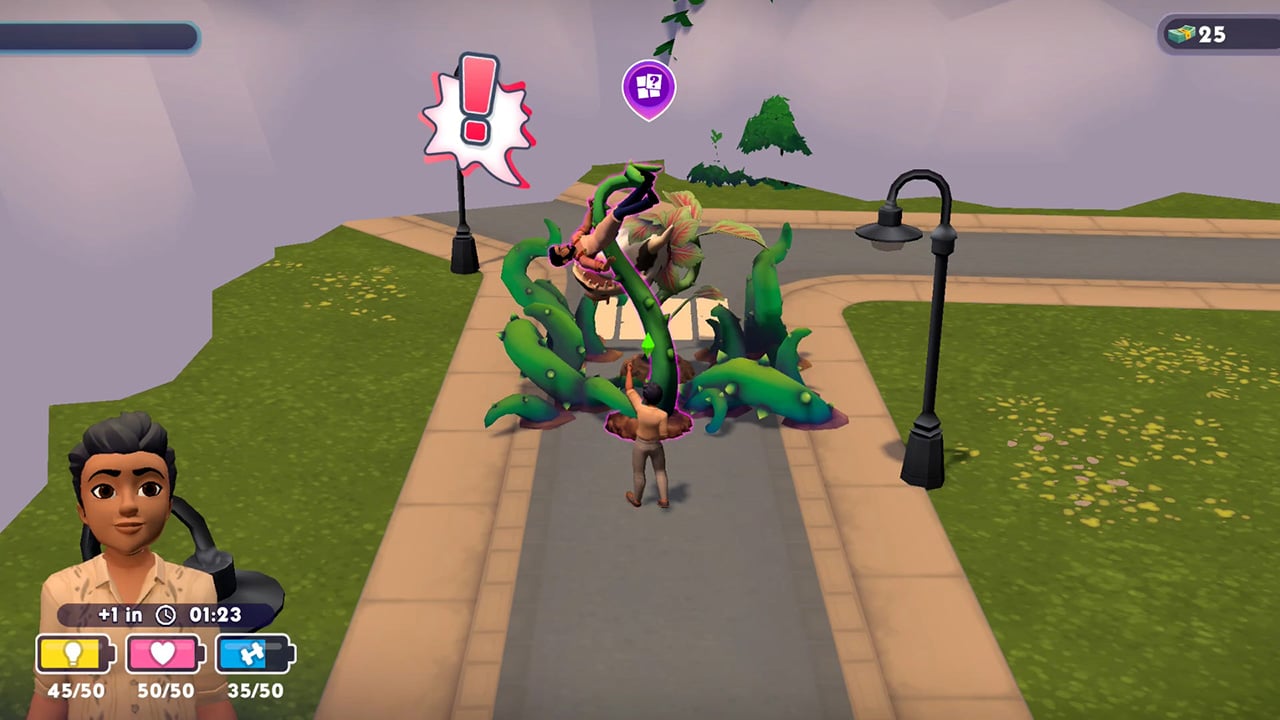
The game worked like a Gardenscape version of The Sims. Where you would play mini-games, match 3 objects, learn lore about the new smartphone town and unlock places to build houses. On top of other Sims Mobile-esque features that you would expect from another cancelled Sims mobile game.
What happened?
An internal EA 2026 Survey leaked online in January. Where Electronic Arts allowed players to pick between two mobile titles for The Sims. One being The Sims Town Stories and another being an “unnanounced mobile game”.
The Sims Town Stories
A new Sims narrative driven, town-builder mobile game where you explore the story-rich town of Plumbrook, befriend memorable characters, and unlock quests and new areas as you play. Uncover mysteries, experience meaningful moments, and discover the stories that shape the town.
Untitled Sims Mobile Game
A Sims mobile game where you begin with one household and expand into a thriving Sim Town of your own design. Build and decorate homes, customize quirky Sims, progress through careers & hobbies, and express your creativity through generations of stories.
Was another Sims game for Mobile picked in favor of already-developed The Sims Town Stories? We know that The Sims Project Rene has shifted into Mobile-only focus with the official 2026 Roadmap announcement, so all of the development might be shifted into one singular product. However, all of that is just speculation at this point. And one of the main factors that could’ve resulted in the cancellation of this project is the EA buyout and / or the general community reception of this game.
People who used to work at Electronic Arts for this project specifically have been let go from the looks of the first statement. There is currently no information or official statements from EA / Maxis regarding the game cancellation. Only Rumors & Speculation about cutting costs and a restructured internal framework within Maxis that’s been imposed by EA.
The Sims FreePlay is currently spearheading the smartphone / tablet area with consistent updates that expand both graphics and gameplay possibilities.
What are your thoughts on the cancellation of The Sims Town Stories? Let us know in the comments below!
A new feedback session for existing Sims 4 features has been opened by the EA Community Manager!
It’s time for another EA Feedback session, this time all about The Sims 4 autonomy & sim behavior. Just two weeks ago we’ve had an open discussion feedback started by EA on The Sims 4 Infants and Toddlers, and today there’s a brand new one directed more towards general adult Sim behavior!
EA Community Manager “Mindy” shared a new discussion over on the official Sims Discord and Reddit to gather feedback on out of place autonomous behaviors and preferred animations.
Hi! I’m back to gather more feedback from you all, this time to inform future updates and improvements to Sim behavior and autonomy.
Before you jump in, check out the Laundry List to see what’s already on the roadmap to be fixed and no need to share anything about infant/toddler autonomy suggestions, as we got so much great input on that last time!
Here’s what we’d love to hear from you:
What Sim or game behavior pulls you out of the experience, storytelling, or roleplaying the most?
What Sim behavior is the most frustrating to you?
What tasks do you want your Sims to complete that they fail at most often (because of bugs or autonomy)?
Is there any silly or wacky autonomy behavior that doesn’t make sense, but you’d hate to see fixed because you enjoy it? (We want to make sure we aren’t removing quirks the community loves.)
Is there an interaction that isn’t currently autonomous that you’d like to see become autonomous? If so, in what situations would you want it to happen?
Thanks for sharing your thoughts!
You can send your feedback to The Sims Team through the linked Reddit and Discord discussions above. For The Sims Discord Discussion you can find the dedicated feedback channel in #feedback-forum > Autonomy & Sim Behavior discussion.
Changes to Sim autonomy are already taking place with the next Sims 4 Update set for March 17th. Including resolution of excessive flirting, sims socializing with strangers and using certain objects obsessively. Keep in mind these notes when sending your feedback to The Sims Team!
“Sim autonomy” is one of our key focus areas based on community feedback, and this update delivers on 3 of our top autonomy issues : Sims socializing with strangers, excessive flirting, and Sims using certain objects obsessively.
[EA Forums] We’ve implemented a notable change to how Sims determine who they speak with on a lot. Now, Sims will generally prefer speaking with familiar Sims they already have a good rapport with, and Sims are less likely to engage with strangers spontaneously.
[EA Forums] We’ve addressed the issue where Sims were excessively flirting with each other.
[EA Forums] We’ve heard your feedback and wanted to address Sims using Computers and Phones too often. We’ve added a few new preferences to the Base Game including: Likes Phones, Likes Computers, Dislikes Phones, and Dislikes Computers. If you don’t want your Sims to autonomously use these objects, please give them the “Dislikes Phones” or “Dislikes Computers” Preferences. If you want them to be obsessed… you know what to do.
[EA Forums] If a Sim autonomously uses the Computer, they will receive a cooldown on wanting to do this autonomously again for half of a Sim day. This cooldown does not exist for non-active Household Sims, for Sims who are Geeks, Sims who Like Computers, or when it is a preferred interaction for Getaways, Clubs, Small Businesses, or Dynasties. Sims who Dislike Computers (a new Preference we added) will never use them autonomously anymore.
What do you plan to send to The Sims Team for General Autonomy & Sim Behavior improvements for The Sims 4? Let us know in the comments down below and stay tuned for the latest Sims 4 News and feedback sessions!
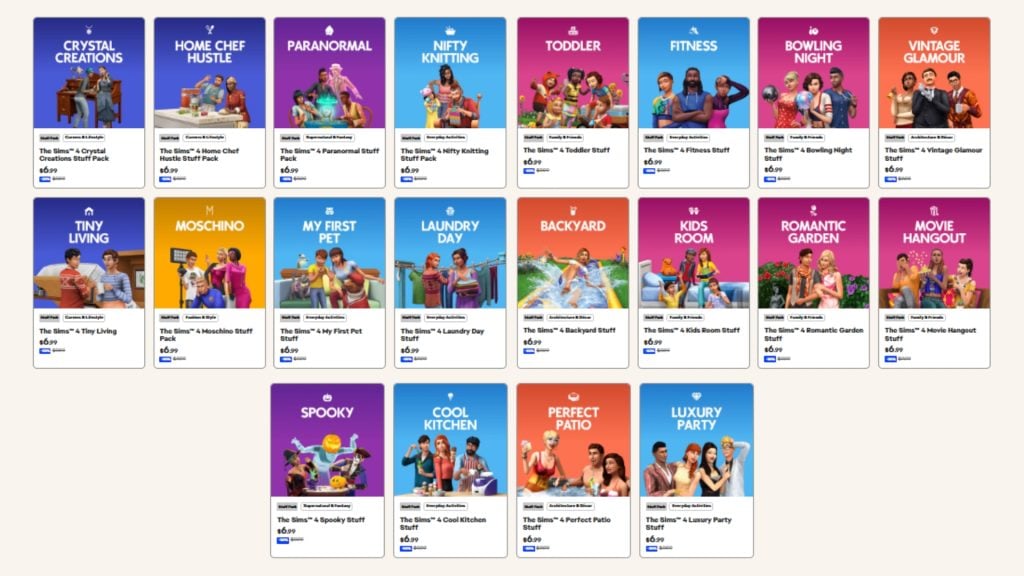
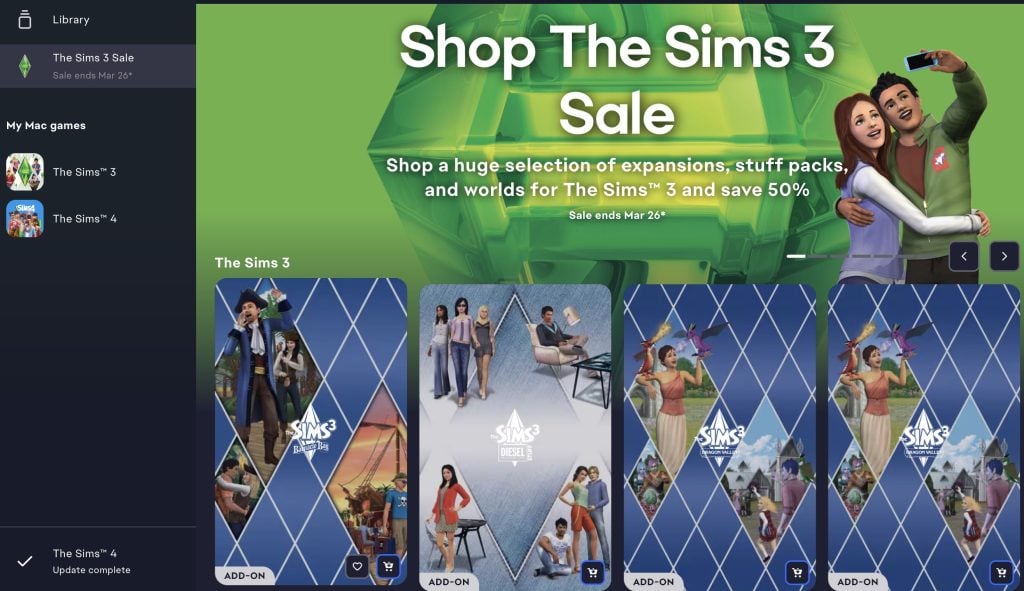
Roses are red violets are blue, flowers are blooming, and so are the deals in The Sims 4 Spring Sale for you. Not only did we already get the ongoing exclusive sale on The Sims 3. Another new sale have arrived on the EA app today. The Spring Sale offers up to 60% discount on The Sims 4 packs until March 26th, 2026.
Table of Contents
The Sims 4 Spring Sale Information
The Sims 4
Expansion Pack
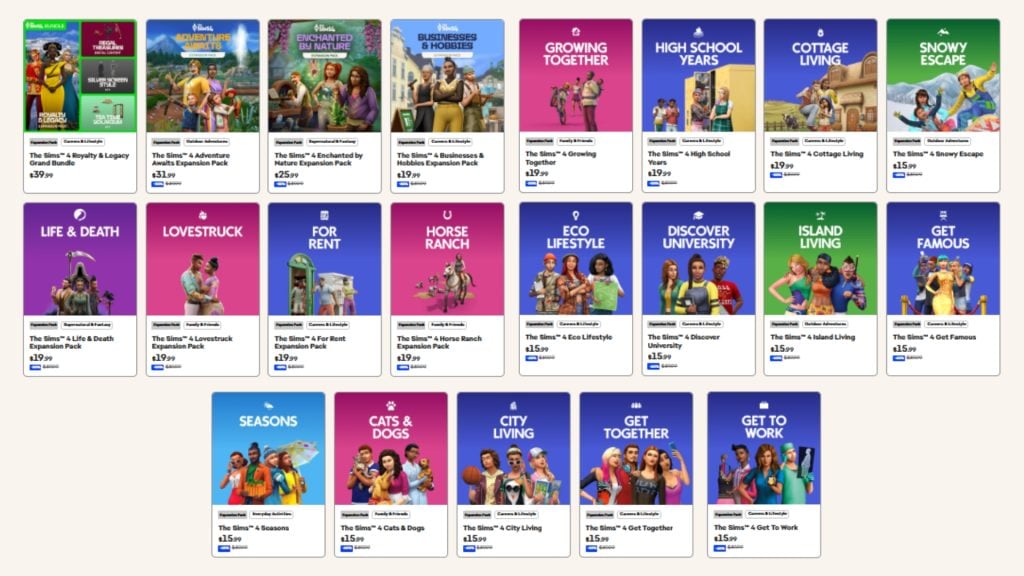
The Sims 4: Royalty & Legacy is still at its full price. With the Grand Bundle that includes three kits, Regal Treasures, Silver Screen Style, Tea Time Solarium. The bundle will be available until March 15th. This time The Sims 4: Adventure Awaits is on sale, with a 20%discount. The Sims 4: Enchanted by Nature is 35% off, The Sims 4: Business & Hobbies, Life and Death, Lovestruck, For Rent, Horse Ranch, Growing Together, High School Years, and Cottage Living is 50% off, and the rest of the expansion packs is 60% off.
Game Pack
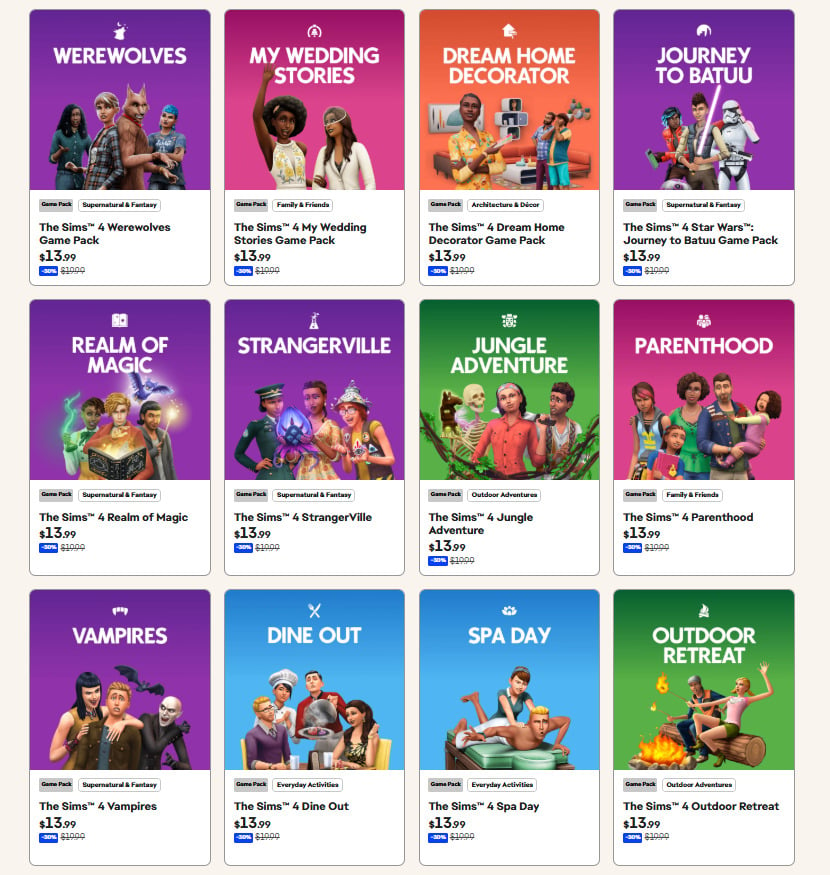
As for the Game Packs, all of them can be bought for a 30% discount during this Spring Sale.
Stuff Pack
All the Stuff Packs can be purchased for a 30% discount as well.
Bundles
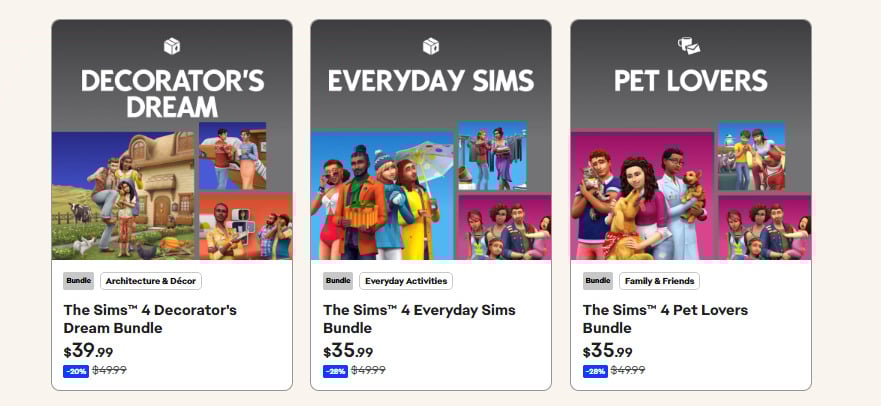
There are three bundles available for this Spring sale. Decorator’s Dream Bundle with a 20% discount, Everyday Sims Bundle, and Pet Lovers Bundle with a 28% discount.
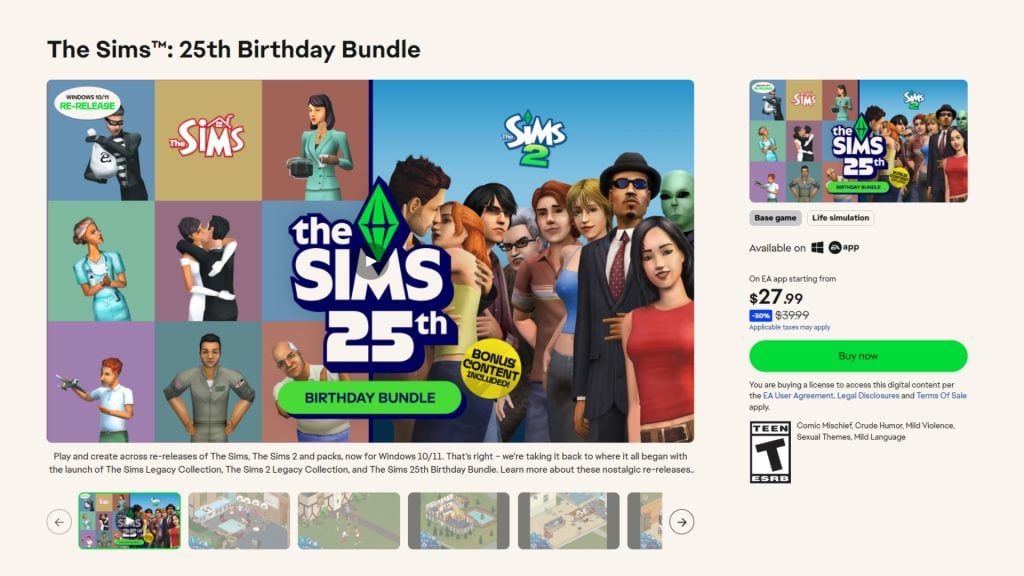
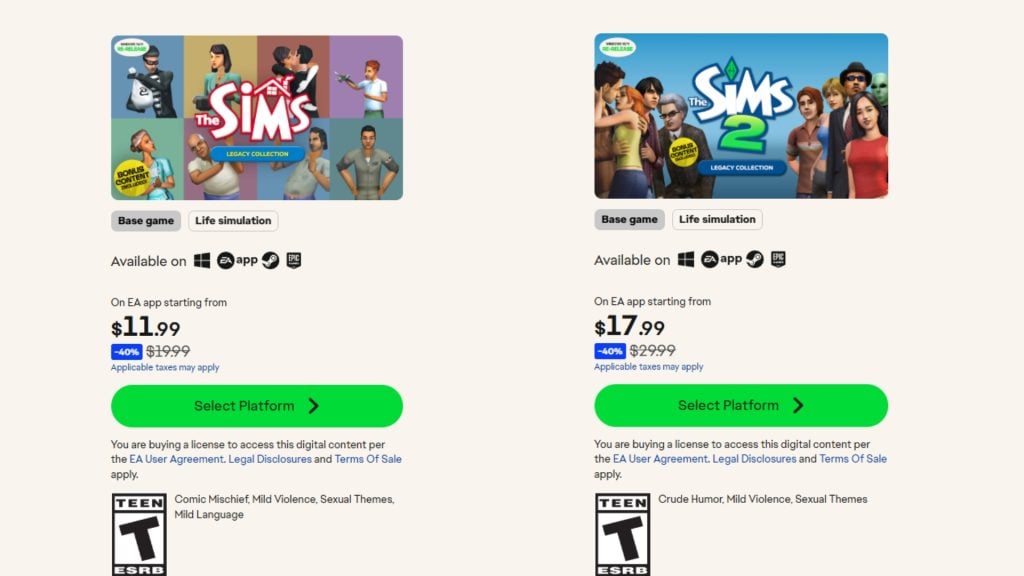
The Sims Birthday Bundle comes with a 30% discount. If you buy them separately The Sims Legacy Collection, and The Sims 2 Legacy Collection is 40% off. Which makes you save 2$ if you purchase the birthday bundle.
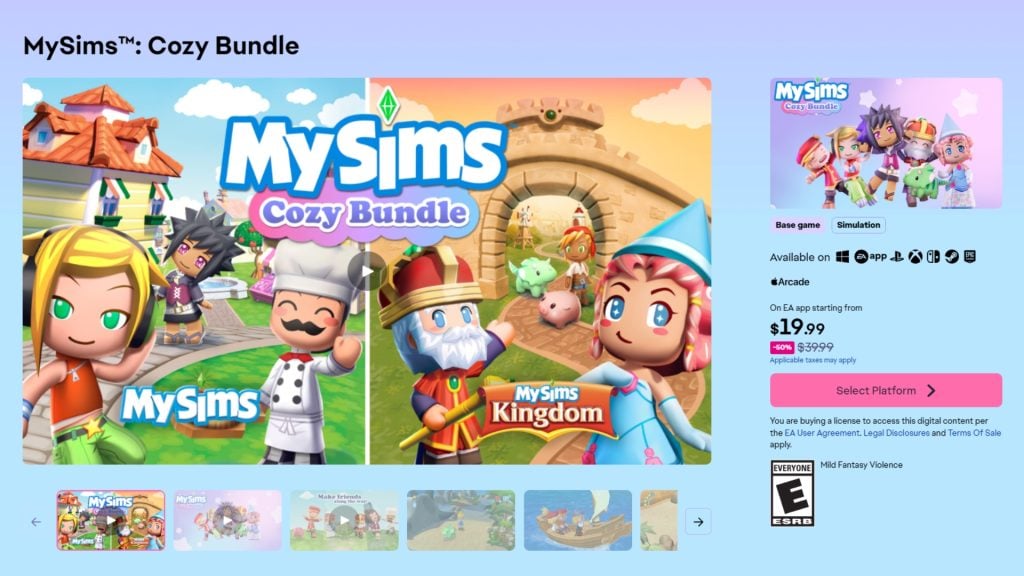
MySims Cozy Bundle
MySims: Cozy Bundle is on 50% discount.
How Long is the Spring Sale?
The Spring Sale will be available until March 26th, 2026. It is currently live on the EA app and Steam for PC and Mac Platforms. Are there any packs you are thinking about picking up? Or will you wait for the next sale? Comment down below which pack is your favorite of all time! Follow The Sims Community for more news.
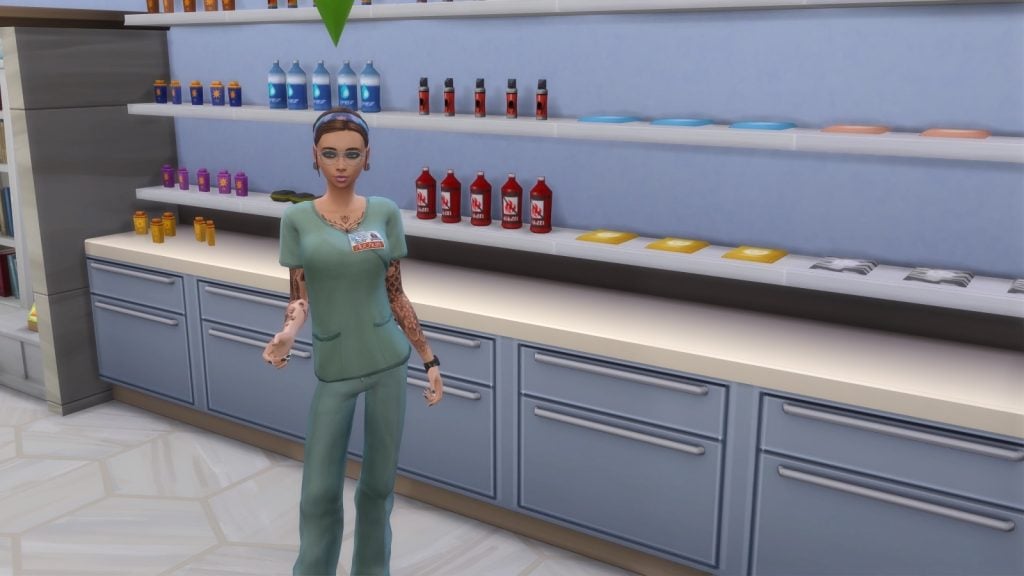
Finding active and hybrid career mods for The Sims 4 can become quite frustrating with the constant game patches and expansion updates. Many popular mods can become outdated – leaving players stuck with error messages instead of fun new career opportunities.
If you are looking for Sims 4 active career mods, you are in the right place! In this article, I will be highlighting some working mods from some amazing Sims 4 creators. You will notice in this article that there are 2 creators who are mentioned much more than the rest, KiaraSims4Mods & midnitetech. Both of these amazing creators have stayed on top of their mods, with updates and fixes, while still bringing more new jobs to light!
Whether you are looking for realistic professions, inventive side hustles, or a completely unique job path, these active Sims 4 career mods will be sure to expand your gameplay!
Best Active & Hybrid Career Mods For The Sims 4
Mods by KiaraSims4Mods
All of these mods were created by KiaraSims4Mods. They have even provided a Careers Update download, which will keep your careers working through updates. If you are loving these mods, be sure to check out the rest of their amazing creations!
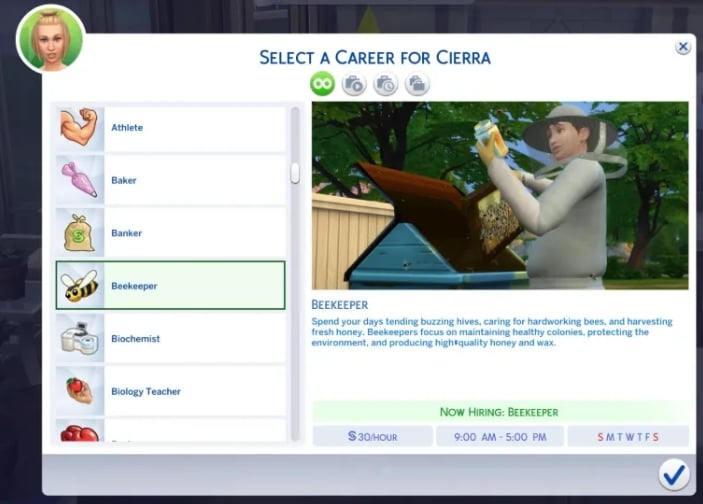
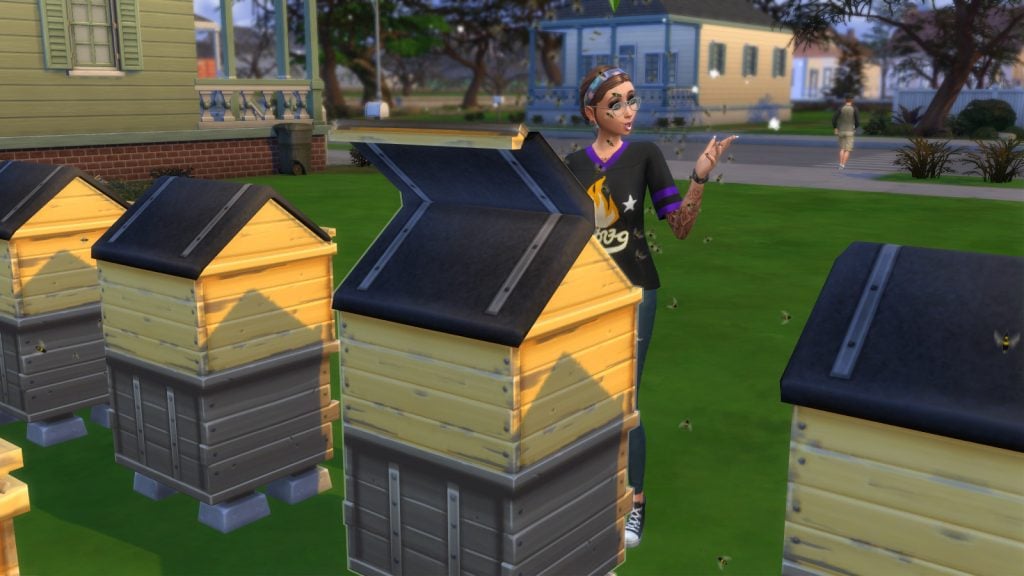
Beekeeper (Seasons Required)
Buzz Buzz! This simple, no promotion career only comes with one level, Beekeeper. The only thing a beekeeper is interested in is collecting and selling honey from their hives! With the help of this mod, you can turn your Sims’ hobby into a career.
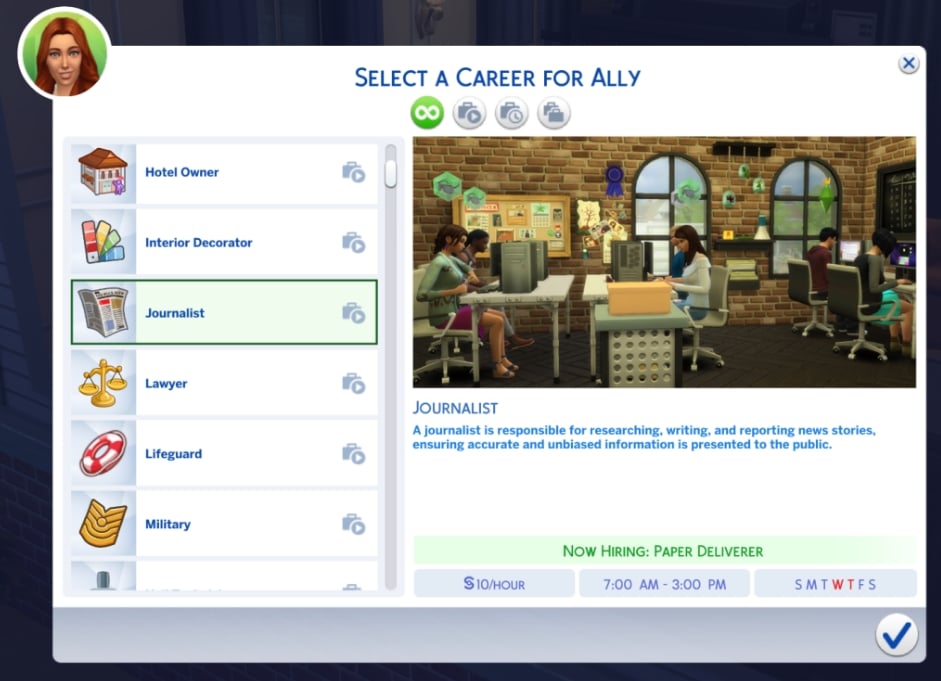
Extra, extra! Read all about it! From paper deliverer to CEO of The Sims Journal, there are a total of 10 levels in this career. If your Sim has a degree in communications University, they will start on level 4, “Anonymous Source Handler.” There are even new social interactions, phone interactions, and computer interactions. Writing will need to be in your Sims’ portfolios, and if they continue to do well with their work, they will receive incentives on levels 6 – 10!
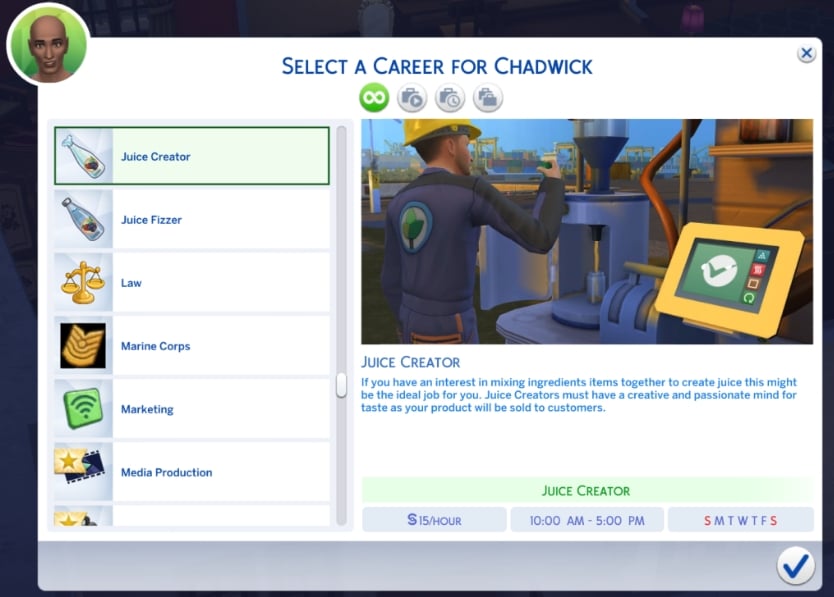
Have you come up with some amazing juice creations but not making enough simoleons selling it yourself? Turning a hobby into a career, Juice Creator only has one level, so you can focus on what’s truly important: juice!
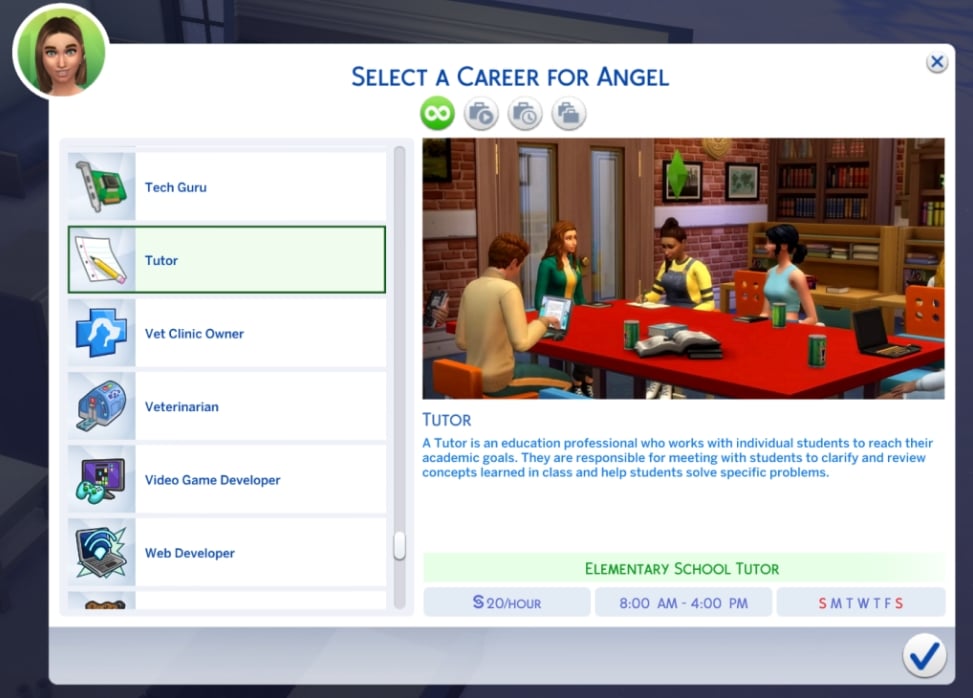
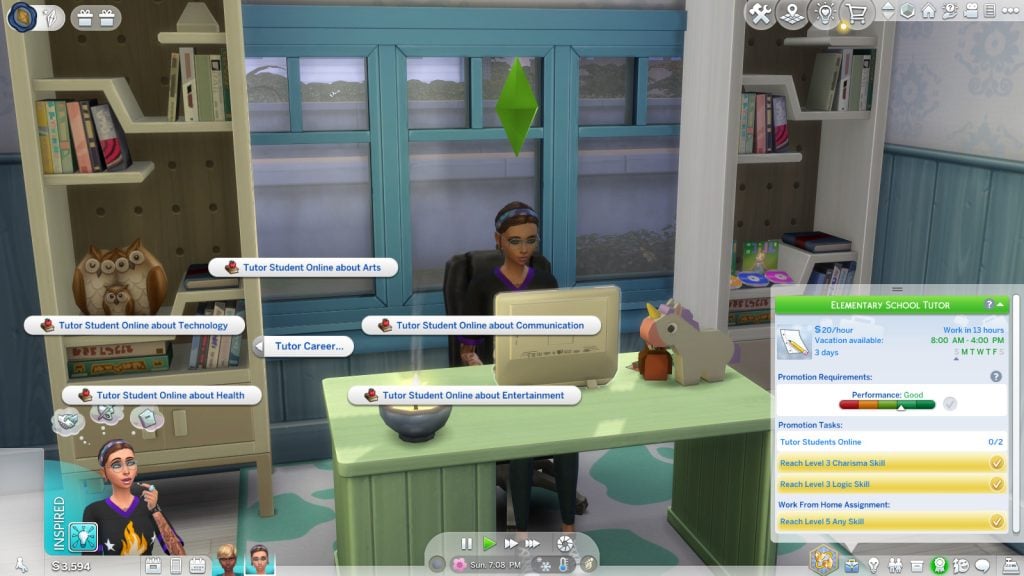
Tutors can be some of the most helpful people, and with the help of this mod, your Sim can now be one too! This is a work-from-home job; your Sim will be able to “tutor” using their computer in any location. There are a total of 5 levels in this career: Elementary School Tutor, High School Tutor, Test Prep Tutor, Higher Education Tutor, and Director of Tutoring. A few different work-from-home and promotional tasks will be available, as well as getting a degree at University which will be a quick way to jump-start your promotions!
Discovery University DLC is required, as well as the XML Injector Mod.
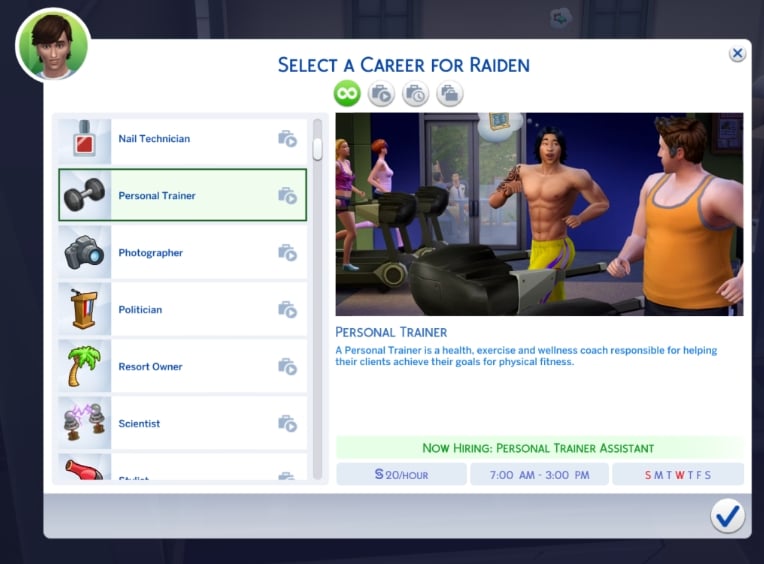
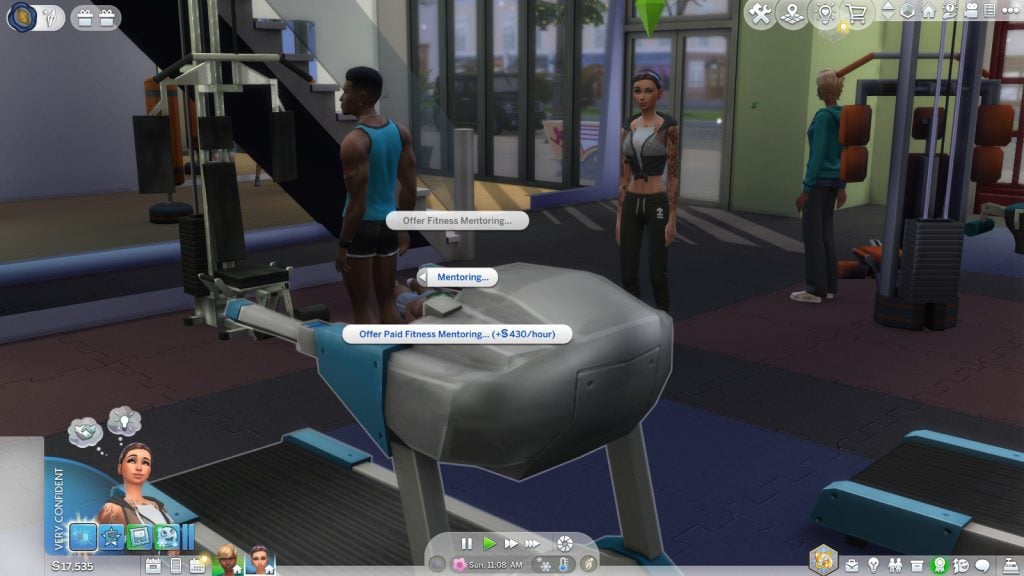
Does your Sim love fitness and helping others at the same time? Personal Trainer has 2 different career levels: Personal Trainer Assistant and Personal Trainer. There are new computer and social interactions that all have to deal with a client’s goals or inspiring others about fitness!
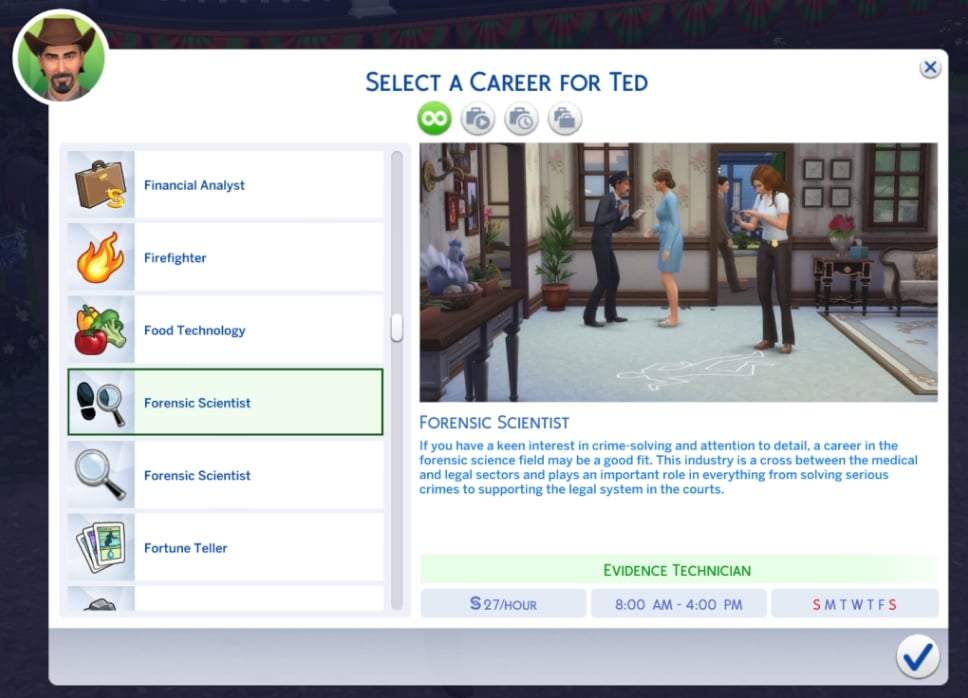
Who are you? Who, who, who, who, my Sim really wants to know! For any fan of CSI, this Forensic Scientist career will be perfect to add to your game! There are 10 levels in this career, including Evidence Technician, Autopsy Technician, Forensic Engineer, and more. Your Sim will need to perfect their logic and photography skills, as well as juggling different work-from-home and promotional tasks.
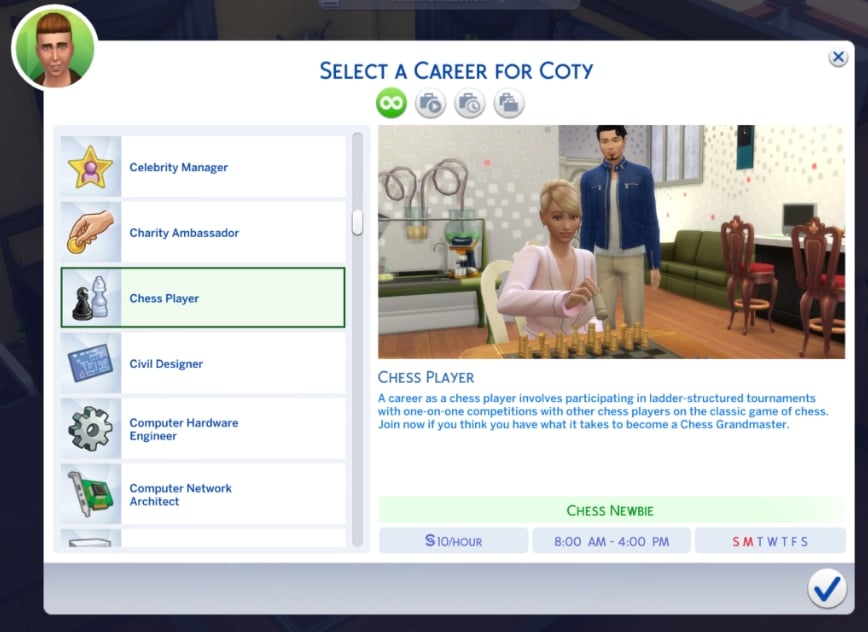
Checkmate! This Chess Player career is perfect for any Sim that wants to expand their knowledge and love of the game into a full-time career. There are a total of 5 different career levels, including Chess Newbie, Regional Competitor, National Competitor, Global Competitor, and Chess Grandmaster. While gaining logic, your Sim should also be completing a total of 5 promotion tasks and 3 work-from-home tasks.
These were all created by the amazing midnitetech! I absolutely love the amount of work they put into all of their mods, and they are constantly updating to provide us with new content! Make sure you check out the rest of their mods and career content!
Literacy Publicist Career
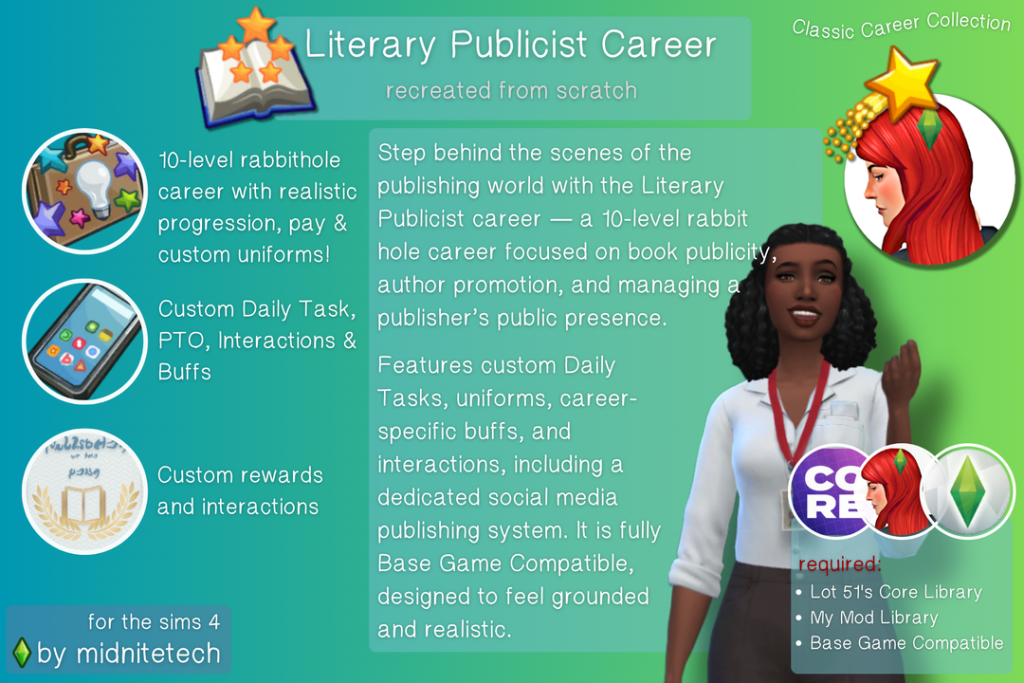
For the book-loving Sims, the Literacy Publicist Career is a 10-level career, which consists of its own uniforms, objectives, and custom rewards, including exclusive books published by Slate & Proof Publishing House. This is base game compatible, but with the help of the expansion Get Famous, you can have fame moments built in.
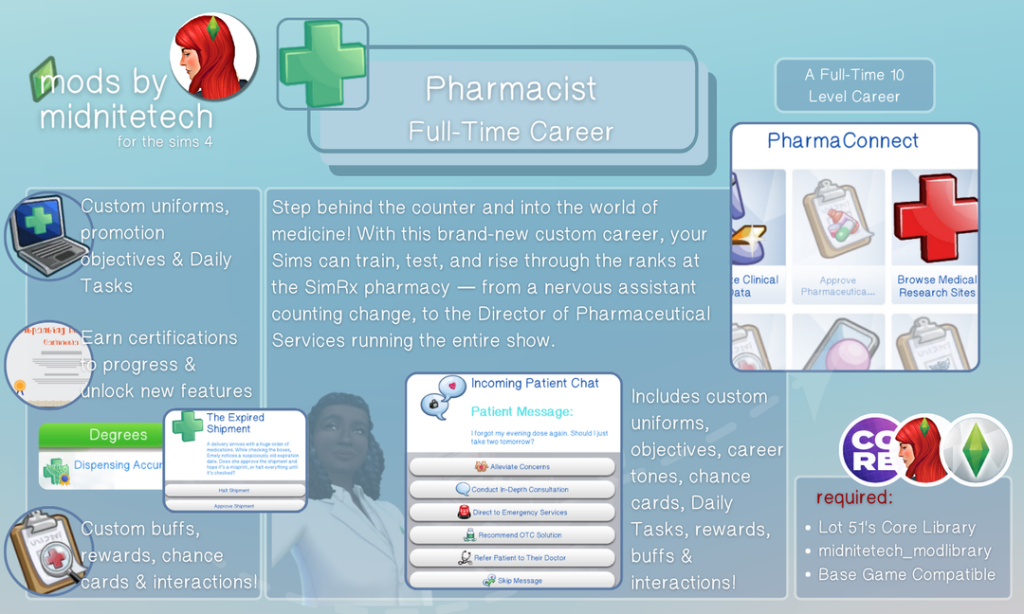
From Pharmacy Assistant to Director of Pharmaceutical Services, this 10-level career has so much to offer! Among them are custom uniforms, custom interactions, daily tasks, and chance cards. Perfect for any Sim interested in the medical field and wanting to help others with advice and research.
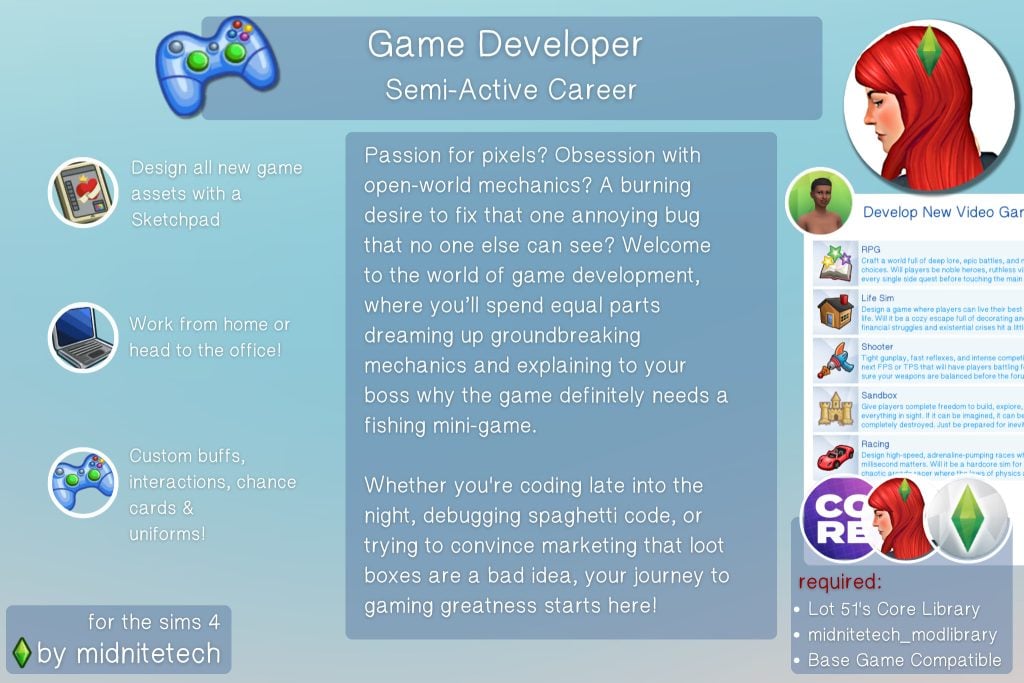
Your Sim will start off as a tester, then work their way up the ladder to higher paychecks and unlock new interactions in the Game Developer Career mod. This is 100% base compatible, and the work can be done by going to the office or by staying at home and working on your own computer. midnitetech even included original The Sims 4 Concept Art so that everything your Sim sketches on their digital pad is actual designs from the game’s history! From cozy games to the next hit action game, your Sim could be behind it all.
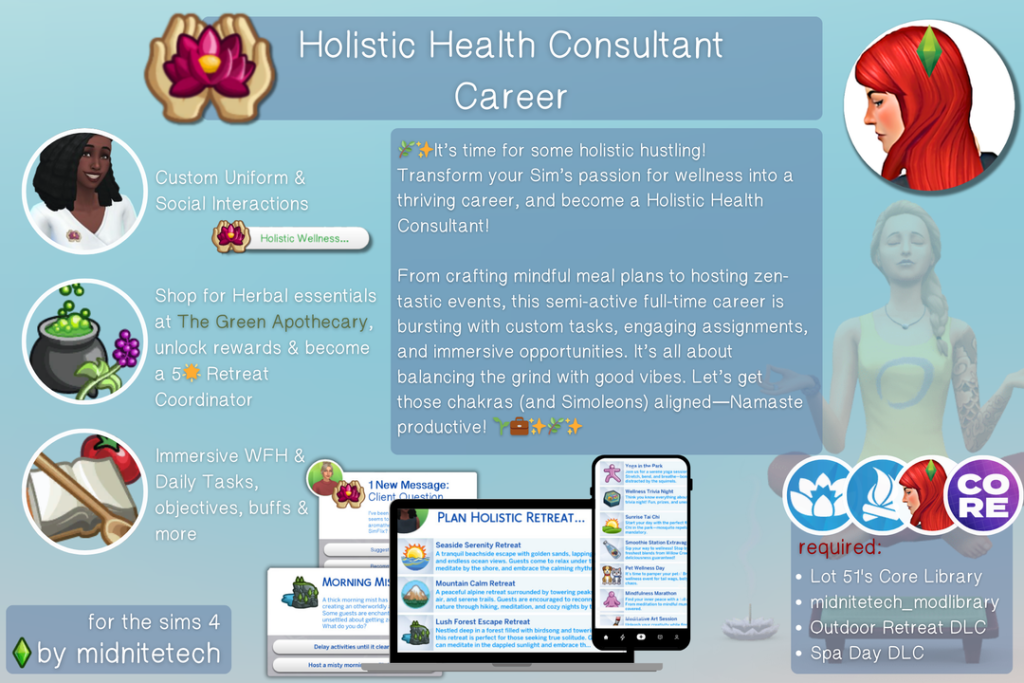
Get your zen on with the Holistic Health Consultant Career, consisting of 10 amazing levels, each with its own daily tasks and assignments. Your Sims will be doing everything from planning meals and events to creating their own herbal remedies. Now you can stop by The Green Apothecary for your ingredients instead of walking around Granite Falls, all of which in your custom uniform. This semi-active career is all about helping align other Sims’ chakras and energies while making some Simoleons.
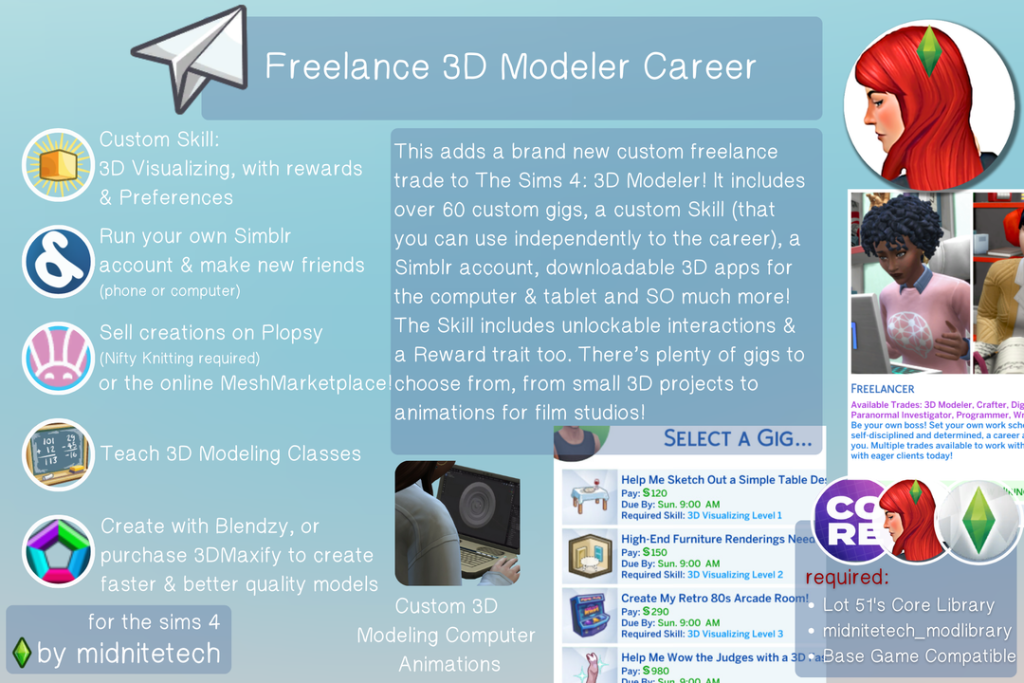
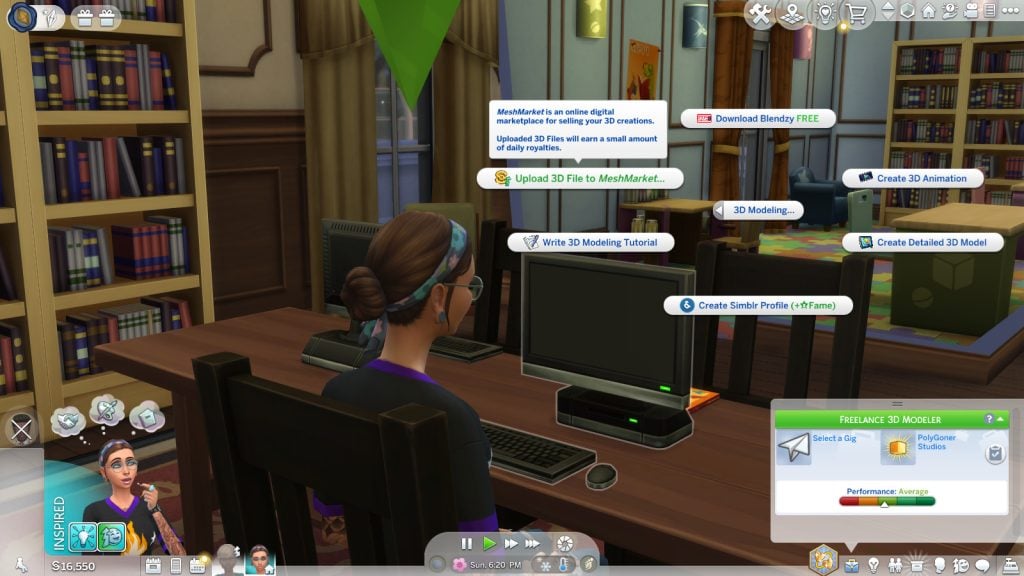
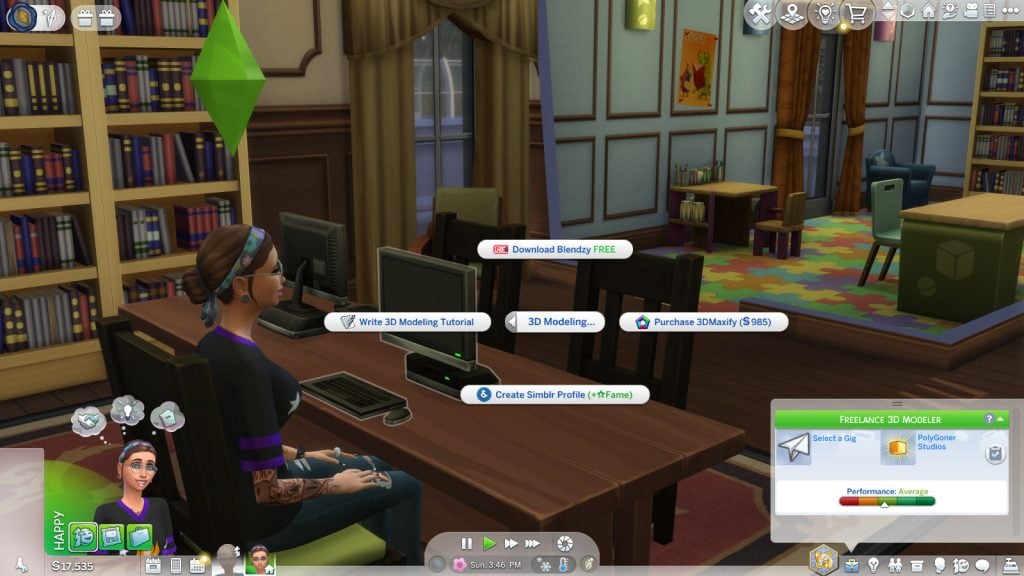
A new skill and a new freelance career!? 3D Modeler Career has over 60 gigs, ranging from small jobs to animations for film studios. The new skill “3D Visualizing” is not just locked to this career, and by progressing through it, you will unlock new interactions and the ability to create 3D models from a computer or Digitalistic Sketchpad. With this mod, you can also manage your own Simblr account and teach classes at your local university. I can see this career being a lot of fun, there is plenty to keep your Sim busy while still racking in those Simoleons!
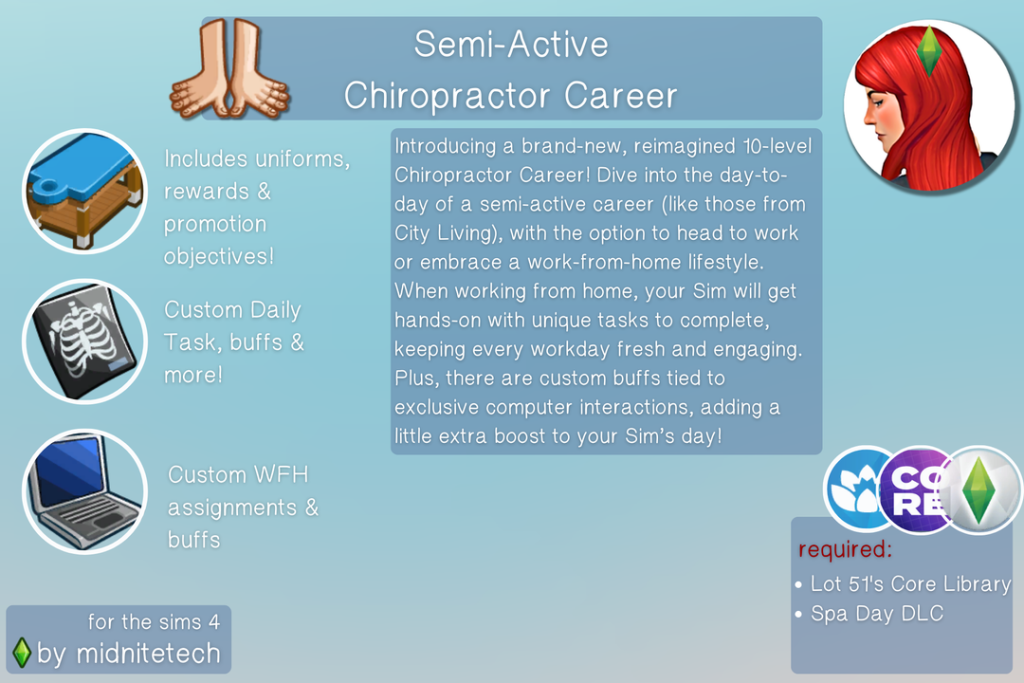
Snap, crackle, pop! Do your Sims need back relief as I do? This 10-level career can either be a work-from-home or head-to-the-office career with unique tasks, and custom buffs tied to computer interactions. As you progress through your career, you will be rewarded with custom objects and an ever-increasing paycheck!
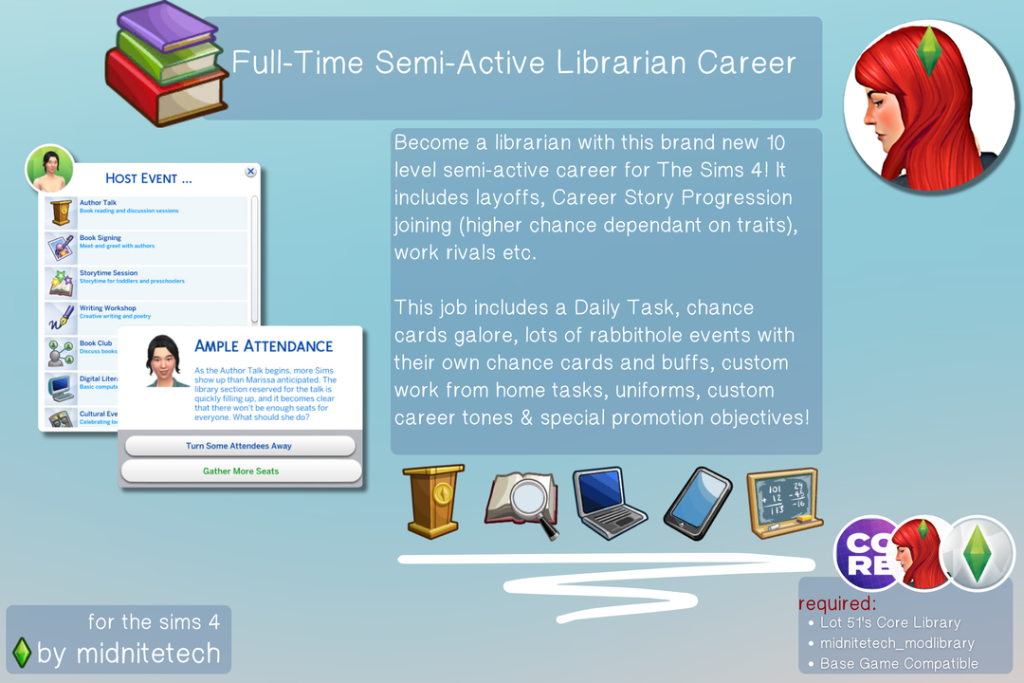
Go on an adventure to the library every day with this 10-level career that even has classic elements such as layoffs, work rivals, and NPC’s joining you on your journey. You will encounter daily tasks, rabbithole events, chance cards, work-from-home tasks, and different ways to get promoted! There are even custom buffs and uniforms for your new job!
Lot 51’s Core Library and midnitetech_modlibrary are required.
This small handful of mods was created by other creators and are all working at the time of writing this article. Whether you are looking for a quirky new job or something a bit more practical, these creators might have just what you’re looking for!
Donut Career Bundle by BeautifulLache
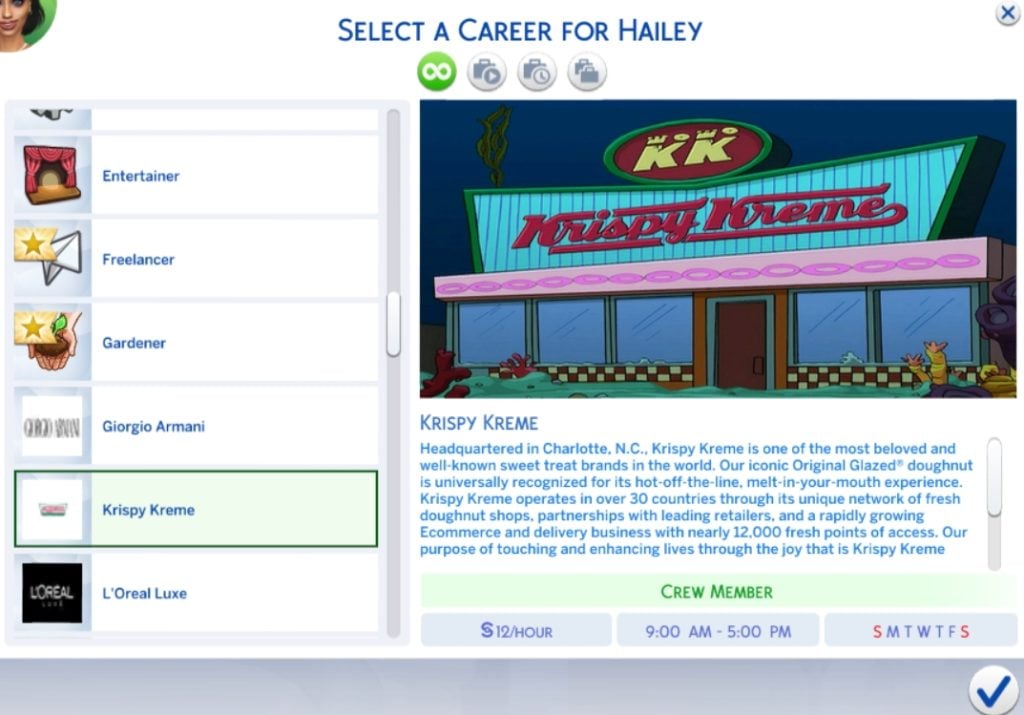
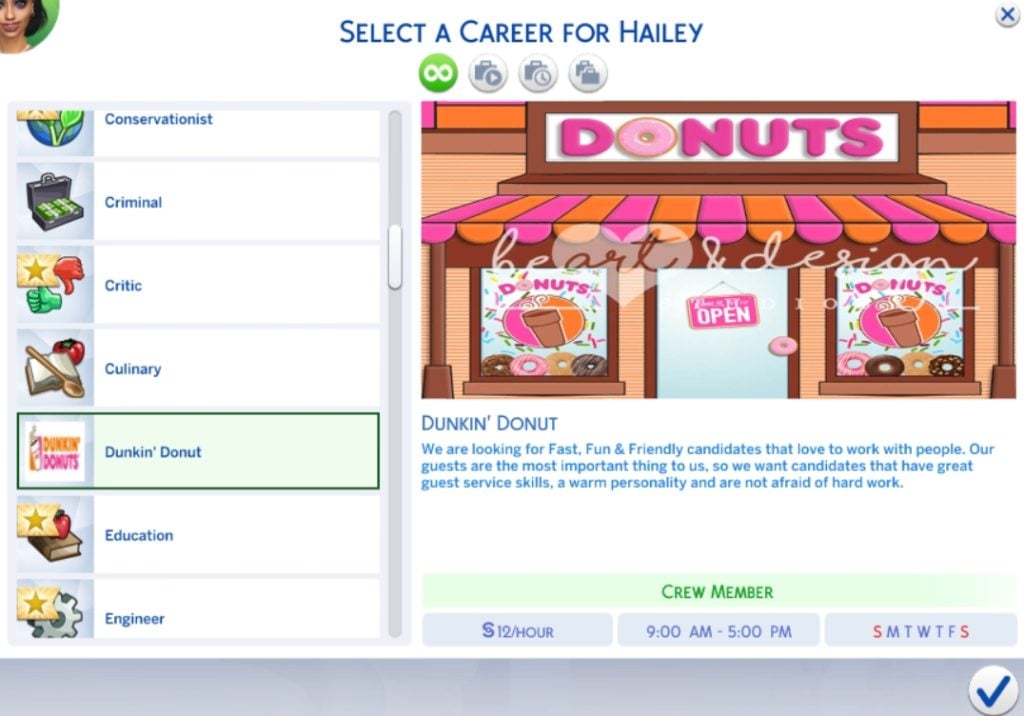
Do you absolutely love donuts? This mod by BeautifulLache will let your Sim work at two popular chains: Krispy Kreme and Dunkin’ Donuts! Each position has 4 different career levels, and will allow teens through elders to work. If you love this mod, be sure to check out this creator’s other downloads, including careers at iconic locations such as McDonald’s, Waffle House, Domino’s Pizza, and more!
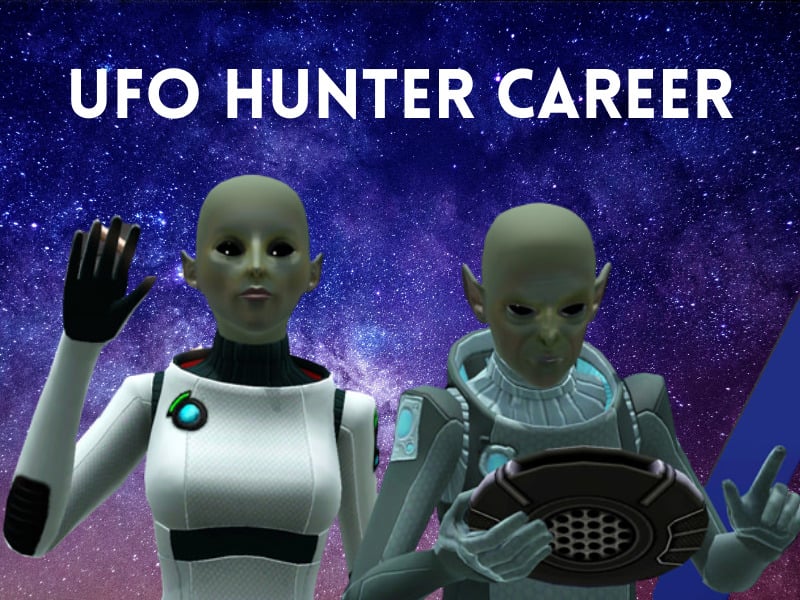
The aliens can be some of the most elusive beings in The Sims 4. One minute you’re just using your Sims telescope at night, the next minute they’re being beamed up into a spaceship and carried off to who knows where! Using your Sims logic skill, they can become a UFO Hunter in this mod by anoukspieg99.
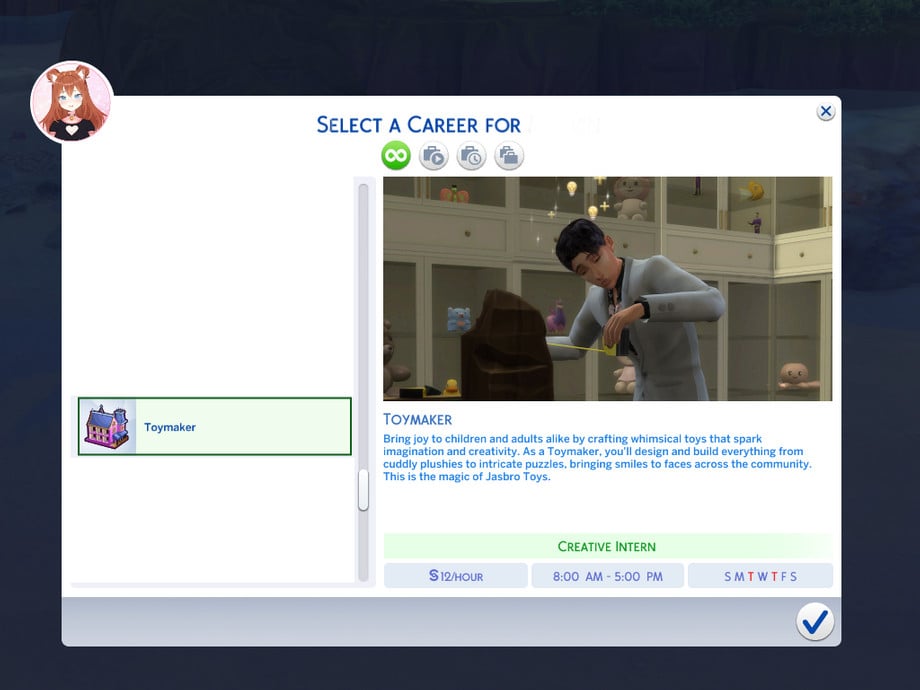
Toymaker Career by RojaCat would be the perfect job for any Sim that is heavily skilled in robotics, handiness, and programming! If your Sim loves putting smiles on younger Sims’ faces, this 8-level career will be a breeze for them. The promotions and money increase after level 2 might also be a good motivator.
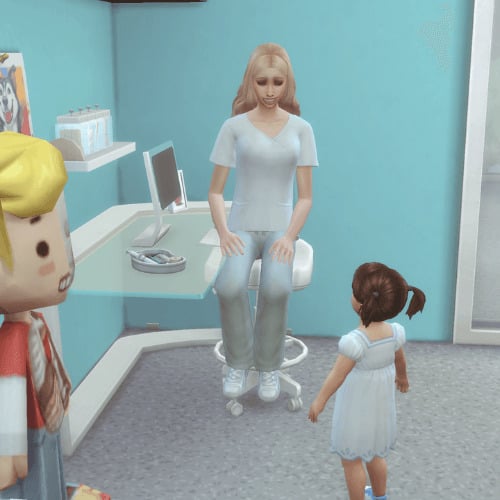
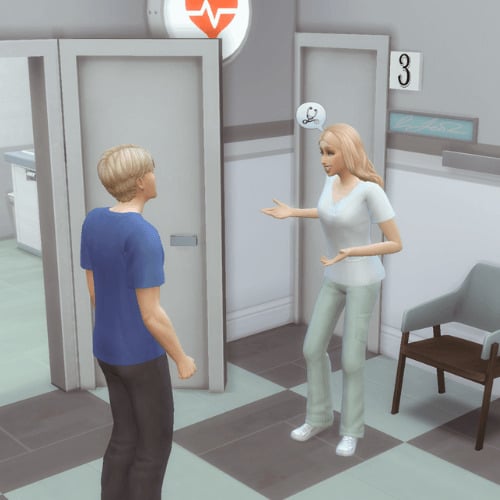
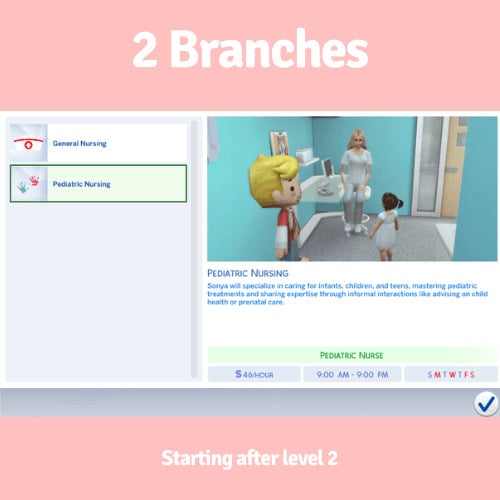
Doctors might be in The Sims 4, but they skimped out on nurses. Not anymore with the Nurse Career mod by Delimaci! This very well thought-out mod contains 10 different levels, with 2 different branches available once the second promotion hits (General Nursing or Pediatric Nursing). There are objectives for every level of the career, and if you have Get to Work installed, your Sim will even be wearing a professional uniform when they go off to work!
If you’re ready to make your gameplay more immersive, these active and hybrid career mods are some of the best additions you can download for The Sims 4. They add realism, creativity, and hours of fresh gameplay to your saves! Which career are you excited to try first!? Also, if you love these, take a look at some of our other highlights!
The reliable Sims insider is back with new talks on Sims 4 Marketplace, Project X and the franchise future.
We’ve been closely reporting about informational Sims insider reports – which so far talked about The Sims 4 Marketplace Rumors a month ahead, Project X and general internal management with EA and Maxis during the course of EA Buyout.
The latest information roundup from this same insider includes information both posted last week and today. Including talks about plans for Project X neighborhoods, why Cars never happened for The Sims 4 and revealed that The Sims 4 Base Game was originally intended to be remastered. As first reported in November 2025 Rumor summary article. However, the $55 billion buyout deal that EA accepted was a driving factor for EA to order in the development of this game.
The insider also reports that the reason why The Sims 4 Marketplace is not releasing right away on Console is due to an internal investigation from Sony against EA due to The Sims 4’s general instability. Which might also be one of the driving factors why we’re getting a Quality of Life Roadmap for 2026 and Maxis actually getting a go-ahead to finally resolve game’s highly reported bugs.
Recap on new The Sims Insider Information
Project X Neighborhoods
Question: Earlier you mentioned the possibility of having just one world in Project X. That sounds like a pretty big limitation… Has there been any information about tools for creating custom worlds or neighborhoods? Or at least about editing existing towns?
Sims Insider: The last I heard they are looking into it. That you may be able to move lots around with some other tools as well. But it will be like Sims 4 neighbourhoods still. There would likely just be less asset work to allow you more places to move lots.
I do not think a Create A World tool would be on the cards though.
All of this is still being worked on but that’s the last I heard as to what they’re potentially exploring. They want enough shiny features to have people make the switch and know there’s already Create A World type mods for the Sims 4 that are likely to explode before X launches now that big shifts in the game are going to phase out.
What happened to Sims 4 Cars and Project X Wildcard
Question: Do you know if there’s any chance they port Project Rene’s buy mode to Project X? I saw a video of a leaked build a few years ago and it looked amazing
Sims Insider: I think a lot of the assets that were shown in the first preview of Project Rene were generic Unreal Engine assets.
I do not believe X will continue down that route. I am also not aware of them considering a Color Wheel for the game at this stage. Cars also I’ve been told are very unlikely to be in the game.
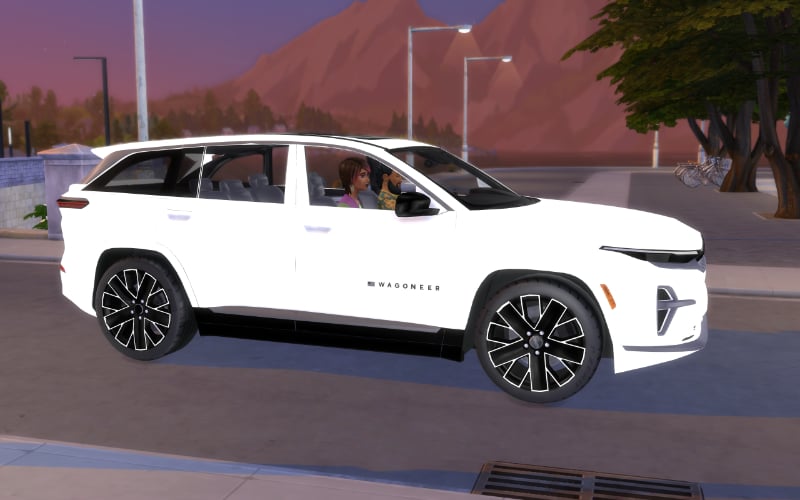
But they’re keeping the door open if sales end up being awful and they need wildcard features to save it. Whereas in the Sims 4, EA told them early on that Cars were a no simply because there was a lack of people who used them in the Sims 3 outside the default Taxi, and while sales for the Sims 4 were slow in the first launch month, it picked up incredibly once the Pool update launched and EA were satisfied with the sales moving forward from then which made their decision easier that Cars weren’t going to make a difference to sales.
A color wheel was decided pre launch however, as EA was determined to have The Sims 4 run on laptops and avoid heavy tasks such as Create A Style that were designed for desktop machines.
We’re in an interesting time where Desktop Gaming is cool again and laptop gaming which was where PC gaming was heading in the early 2010’s isn’t as popular. So they’re able to keep the door open on that one unlike before.
Either way, if you start seeing all these flashy features coming out for X after it launches, it’s a good sign it’s not doing well.
How The Sims 4 Remaster turned into Project X
Question: Yeah, it actually was a refresh up to about 6 months ago (more or less), when they decided to finally move the idea into a standalone release. This was probably to fully cut off content they don’t want to support and to put a solid price tag on it, rather than releasing it as a free update.
Sims Insider: Originally there was going to be a phased approach where they just updated aspects of the game like we had seen before (The lighting update or the main menu update).
Then it was decided to do one larger update that would create another legacy edition, which is why they removed the original legacy edition as to not confuse players.
Then once the acquisition was pretty much confirmed, EA ordered it be a new game entirely to sell separately and planned for Adventure Awaits to be the final Expansion before deciding they could one last Expansion to test a new idea of how they could minimise new gameplay, increase the amount of assets by bundling extra DLCs, and seeing whether they would sell just as well. This was so they could use that information in order to asses how they could sell packs moving forward in Project X.
This was a big shift as prior to the acquisition, they’d started giving more budget to Maxis with Adventure Awaits. The last few months of that Expansion were affected by changes but the majority of the work had been completed.
Overall, it had been planned to come to the Sims 4 originally as staggered free updates and the main menu and rebuilt homes in the base game were the first stages of that rollout. Maxis just had to make sure Engagement didn’t slip during this gradual rollout or the opportunity may be taken from them, which created the idea for Events. But now it’s all been pulled from them and now a seperate game being built very quickly and with the Sims 4 as being its source.
Question: if Project X is being available only online, does that mean they can shut down the game any time and people who purchased the game alongside all of the DLCs will be lost forever?
Sims Insider: They may move to an offline solution like they did with SimCity 2013 but they also may not as well. It’s a very what if situation at the moment
On how EA deals with The Sims 4 Marketplace and Sony Pause
Sims Insider: I thought this was another case that I knew was being handled, but this seems to be someone different.
Doesn’t shock me at all. EA wanted to rush this out in time for the acquisition. Ironically, they’ve had to delay it on console because of an investigation by Sony about the stability of the game and that was the platform they were mostly targeting with this storefront. So rushing creators and getting them to start making content before they fully understood the idea of what they were doing seems like perfect Karma.
The Future of Franchise is Hanging on Marketplace, Project X and Project Rene
Question: They better not shut down Sims 4 tho, image meltdowns when all those DLCs people bought vanish into oblivion. This is why we need offline mode and physical copies back.
Sims Insider: The Sims 4 can be played offline already, it’s just the EA App that requires online validation.
EA still earns millions from each year from Outdoor Retreat and Get To Work alone from the first financial year of the Sims 4 (which technically starts from April 2014 but you get what I mean).
EA don’t have a history of selling IPs but this whole new world will be a different ball game.
If this Marketplace system fails, that’s one step that may effect things and reduced interest may have EA reconsider certain things. But if Project X and Rene etc. fail too they may consider letting go of Maxis and the IP but keeping the publication rights of the previously released games. Simply because selling Maxis as a studio without the Sims brand would be pointless and it may get to a stage that EA need an instant financial resolve.
20 billion is a lot of debt and on top of that, it’s not factoring in future operating costs.
I’m sure EA absolutely know the worth of the Sims brand and that other companies would go into a form of debt themselves just to take it on.
But long story short, old EA I couldn’t see them selling the IP in a pink fit, but new EA, I don’t think even they know what they will do if their aggressive monetisation fails. They know Maxis already operate on less staff than they probably need, and how much has to be outsourced as a result.
General EA Talks and Sims 4 Game Packs
Question: I will never understand how they managed to fumble and kill such a massive, beloved franchise. That truly took special skill
Sims Insider: It’s a fumble for the consumer and for the brand, but at this stage EA don’t care about either.
They need money fast, and if there’s a risk they’ll kill beloved franchises in the process, they absolutely will if there’s a chance it could make them money.
EA also are the kind of company that will launch something like the Marketplace and know there’s millions of players who will absolutely fold. Players not folding would be an absolute wake up call to EA who look at previous things like Sims Mobile’s paid perks or Freeplay’s points and the like and assume Sims players will pay for just about anything.
You’d be surprised how quickly EA will change things up the moment they face rejection.
Game Packs were invented simply because they were worried about player engagement of the Sims 4 as a whole, even if half of them barely broke even profitwise. It was a good-will product despite them only being slightly less to develop than an Expansion.
That’s all the information we currently have from this mysterious (and usually right) ATRL insider. Still, it’s up to you to take this information as speculation until proven otherwise.
What are your thoughts on the latest Sims insider report? Let us know in the comments below and stay tuned for more Speculation & Rumor reports on Sims Community!
A Sims Game (not specified which one) is getting a snazzy motion intro from BUCK creative company.
A new announcement from Creative Company called BUCK was released yesterday, revealing all the creative input this agency has done for The Sims Motion and Design rebrand. Including some new motion graphics you might’ve seen in Laundry List, Game Tip Videos and general Video Promo footage on The Sims official channels.
This Motion Design work goes in hand with the visual rebrand done by company Collins. Putting visual new assets to life in motion graphics and After Effects work.
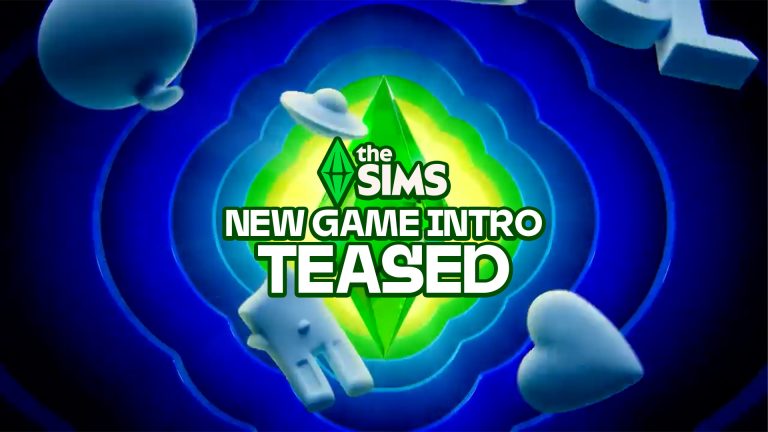
The company included a surprising announcement at the end, saying they’ve worked on a unique “brand mnemonic” – “the intro animation that plays every time a Sims player loads the game, that will be seen by millions for years to come.“
Read what the company has to say in their public Linkedin post:
Sul sul! We worked closely with The Sims team to bring The Sims design system to life through a vibrant motion system.
Leaning into The Sims’ tone of voice, we developed motion principles that result in a playful and wide-reaching motion toolkit that spans across logo animations, transitions, social assets, and much, much more.
Our work also includes the brand mnemonic, the intro animation that plays every time a Sims player loads the game, that will be seen by millions for years to come.
The current game intro for The Sims 4 is the old animation style from 2014. The only games that could have the new intro animation are maybe the MySims Re-Releases, but that wouldn’t fall into the “millions of players” category they’ve specified above.
UPDATE: A 4K version of the new The Sims Intro has surfaced online. Check it out below! (Thanks to @_etozheden for the tip)
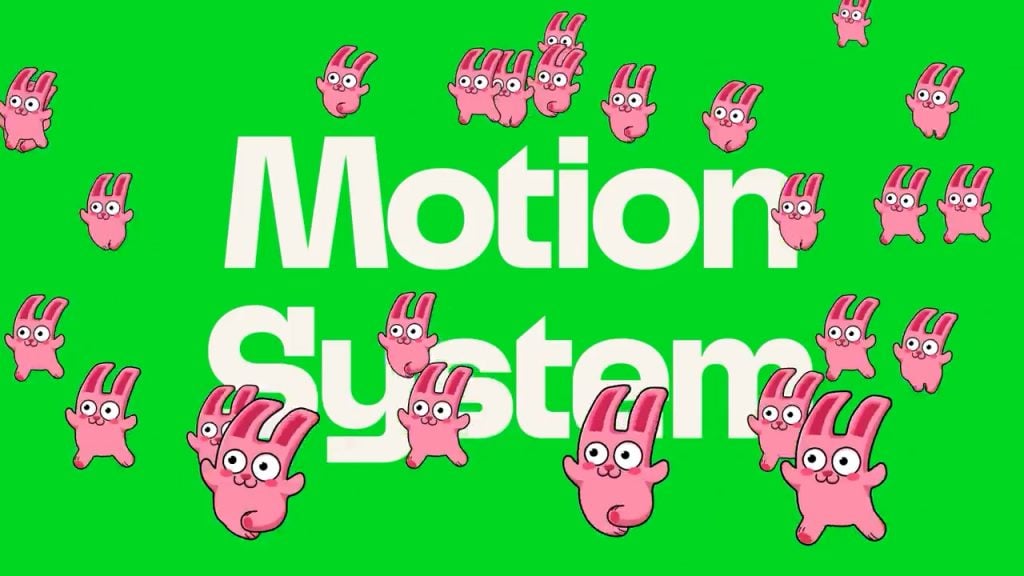
The example shown above could just be a general intro animation example taken from their motion Brand identity portfolio for The Sims . Throughout which they also showed a lot other examples such as the animated Cowplant and running Freezer Bunnies, Simoleons, hand-drawn Plumbobs and more.
You can also check out the full motion video example they’ve used along with their full LinkedIn post below:
It’s currently not known for which Sims game has the company BUCK created the motion work for the game intro. Is it for The Sims 4, Project X, Project Rene or all 3? We’re just speculating at this point!
Let us know what you think of the new motion design work for The Sims from BUCK in the comments down below. Stay tuned to Sims Community for all the latest game news and updates!
Apple’s MacBook Neo is the cheapest Apple Laptop available, and it might just be the best budget option for The Sims 4!
Apple’s MacBook Neo just launched on March 11th 2026, and the question that comes to the front of a Simmer’s mind is ‘can it run The Sims 4?’ At $599, the MacBook Neo is the cheapest laptop Apple has ever released, and one of the most affordable ways to get into the Mac ecosystem. Powered by an A18 Pro chip (the same silicon found in the iPhone 16 Pro) rather than the usual M-series, it’s a genuinely new kind of Mac. But cheap doesn’t have to mean underpowered, and for Sims 4 players, the early footage looks promising. Let’s take a look at the community’s reaction and some gameplay demos on Apple’s latest MacBook!
Table of Contents
What Is The MacBook Neo?
The Neo is Apple’s most affordable Macbook to date, starting at $599. It’s a 13-inch fanless machine that runs in complete silence, and it marks the first time Apple has used an A-series chip in a Mac. The A18 Pro includes a 6-core CPU and a 5-core GPU. It’s not a gaming laptop by any normal definition, but The Sims 4 isn’t a traditional gaming benchmark either. For Simmers, what matters is: does it run smoothly, does it stay cool, and does it hold up when playing with every piece of DLC? Let’s get into it.
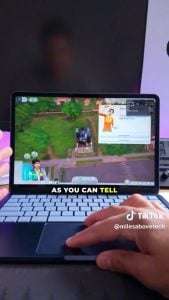
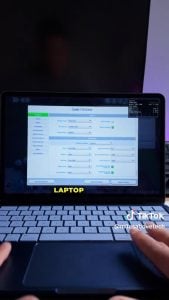
For context, most players consider anything above 60FPS to be smooth and comfortable gameplay. Hitting 90FPS on one of the cheapest laptops in Apple’s lineup is impressive. Over on TikTok, @Milesabovetech has posted a video, showcasing the game running at a smooth 90FPS, even when zoomed all the way out with no noticeable dips in gameplay. Take a look at his benchmark test!
For players who only run The Sims 4 base game, the MacBook Neo looks like a legitimately strong option. It’s quiet, it’s smooth, and at $599, it undercuts most comparable machines considerably.
Performance With All DLC
Base game performance is one thing. But the Sims community knows that most of us aren’t playing only the Base Game. Between Expansion Packs, Game Packs, Stuff Packs, and Kits, a fully loaded install of The Sims 4 looks very different. This is where the MacBook Neo faces its real challenge.
On X, @jackofallgames7 shared a TikTok by @juliakcrist showcasing exactly how the MacBook Neo performs with every pack installed. While they didn’t run an FPS test, it seems to run incredibly smoothly, with no noticeable frame drop. They do note, however, that the area above the keyboard can get hot, so it’s best not to play on your lap or blanket, and make sure to give it enough room to cool effectively.
Of course, not all players play vanilla; some play with mods and CC too! Depending on how much of a CC shopaholic you are, your game may slow down considerably with large amounts of unoptimized CC. As there are infinite combinations of CC and Mods, this would be impossible to benchmark; however, it is always best to err on the side of caution and play with CC responsibly.
MacBook Neo VS. The Sims 4 Recommended Specs
Take a look at the recommended specs for The Sims 4 compared to the specs of the MacBook Neo:
Graphics Card: (Nvidia)Support for Metal. Intel HD 4000 (Integrated Graphics) or better.
Hard Drive Space: At least 25 GB of free space with at least 1 GB additional space for custom content and saved games.
Recommended Mac System Requirements for The Sims 4
OS: macOS 10.15 (Catalina) or later.
Processor: (Intel)Intel Core i5 (4 cores) or better.
Memory: 8 GB.
Graphics Card: (Nvidia)Intel HD and Iris Graphics from the HD 4000 series or newer.
Hard Drive Space: At least 50 GB of free space with at least 1 GB additional space for custom content and saved games.
MacBook Neo Specs
Processor: Apple A18 Pro chip
Memory: 8 GB (Unified)
Storage: 256 GB SSD
Graphics Card: 5‑core GPU (Integrated with the CPU)
Have you got, or do you intend on getting, a MacBook Neo? Let us know your experience below, and stay tuned to Sims Community for all the latest on The Sims 4!
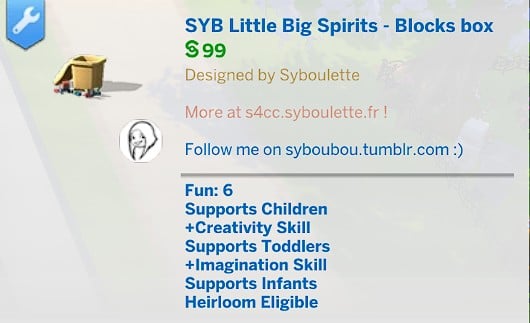
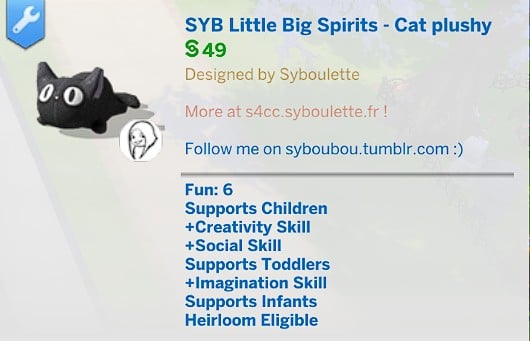
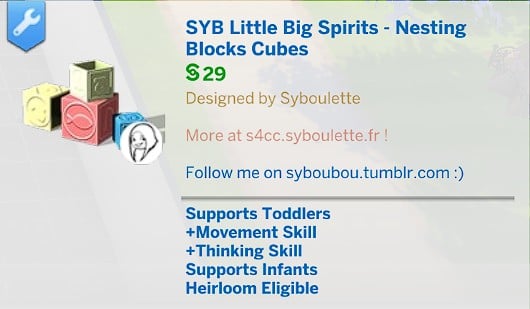
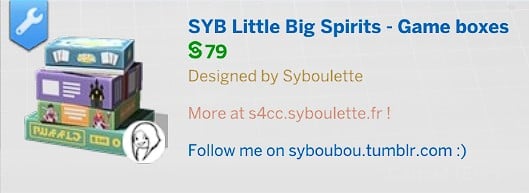
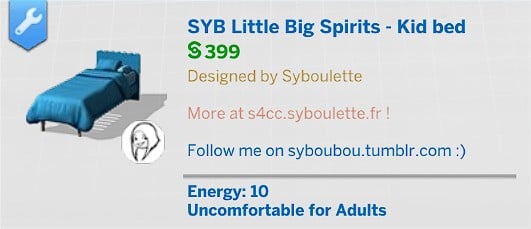
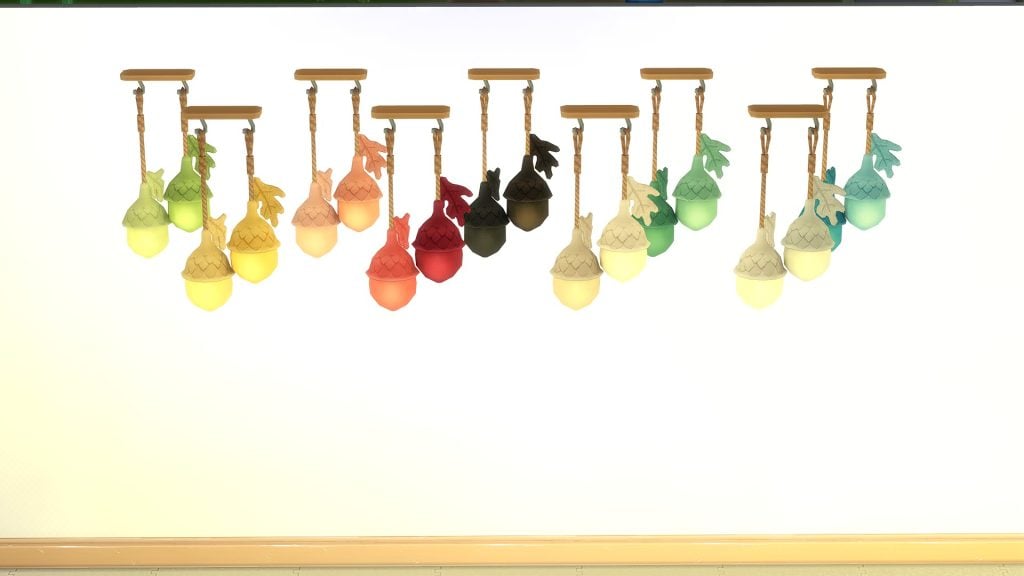
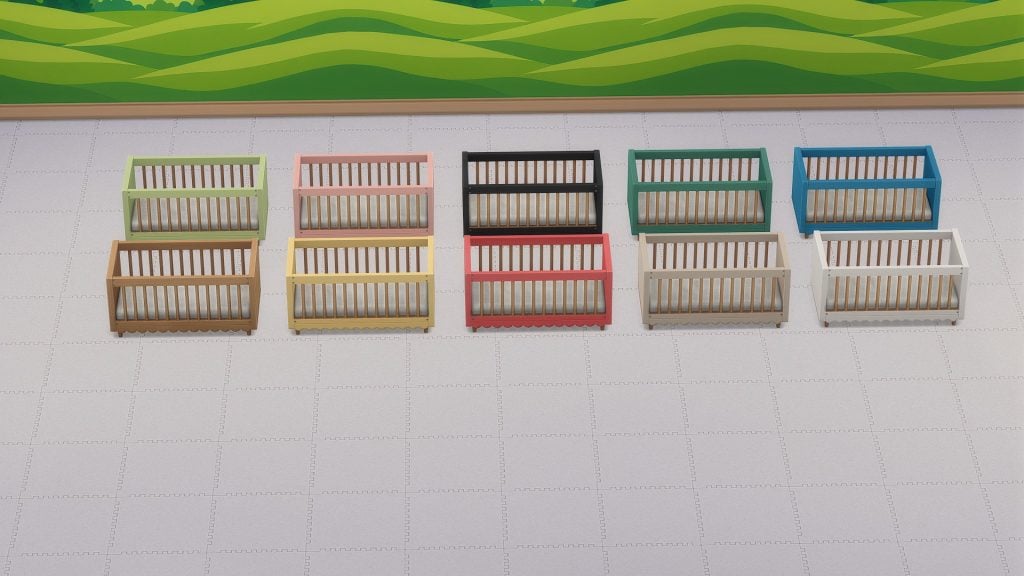
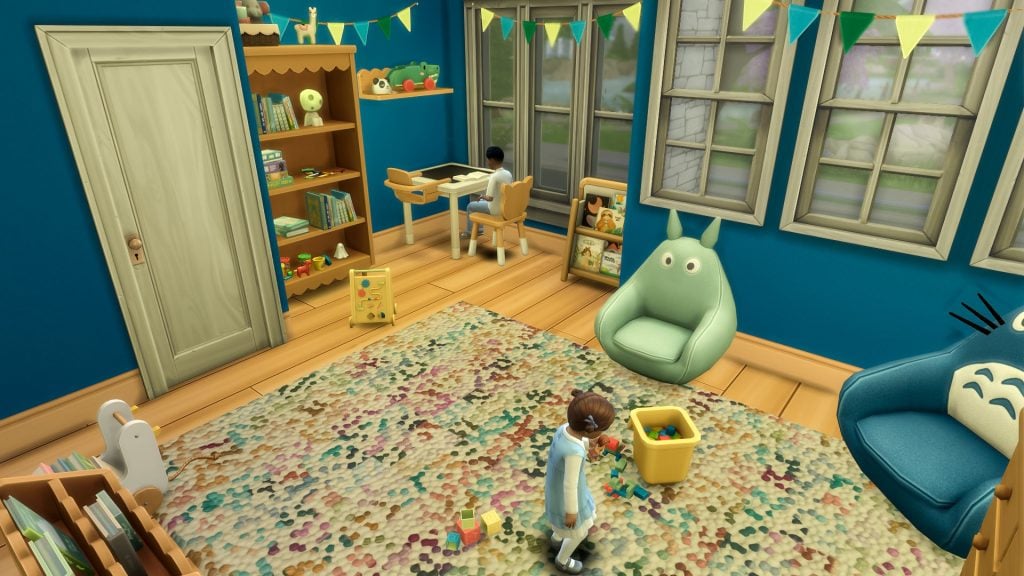
Watching a household grow is one of the most rewarding parts of storytelling in The Sims 4, which is why family gameplay remains so popular among players building evolving, multi‑generation homes. With The Sims Team highlighting upcoming Infant and Toddler improvements in the Quality of Life Roadmap, family‑focused Custom Content feels more relevant than ever. A great example of this is creator Syboulette’s cozy and imaginative Sims 4 Little Big Spirits CC collection, recently made completely free for infants, toddlers, and children.
Table of Contents
A Cozy Collection Inspired by Childhood Imagination
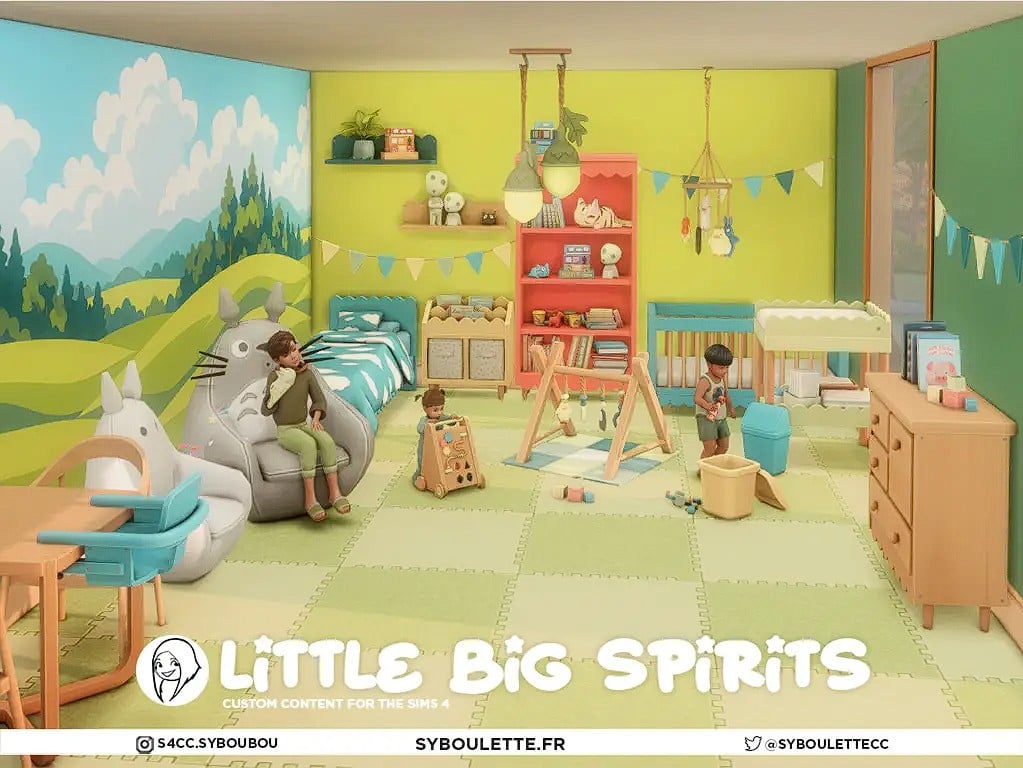
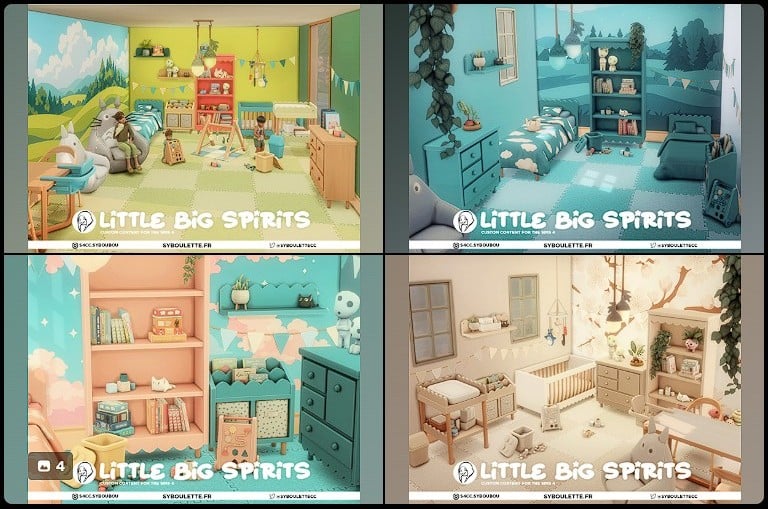
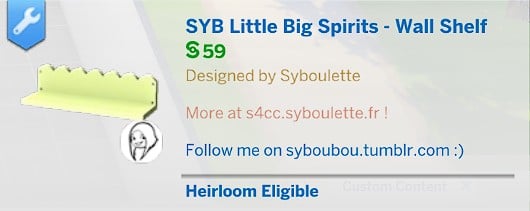
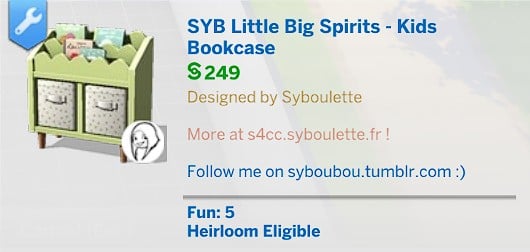
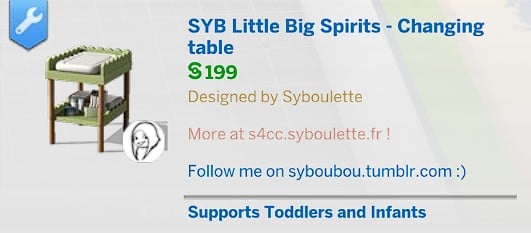
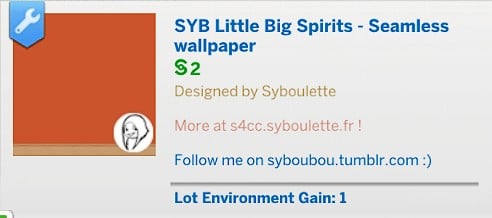
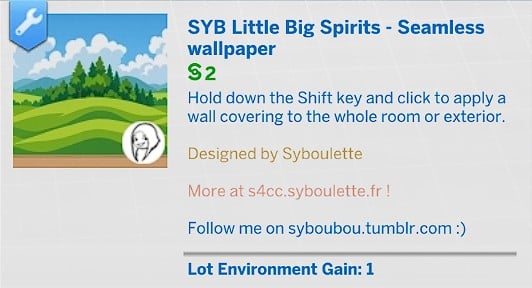
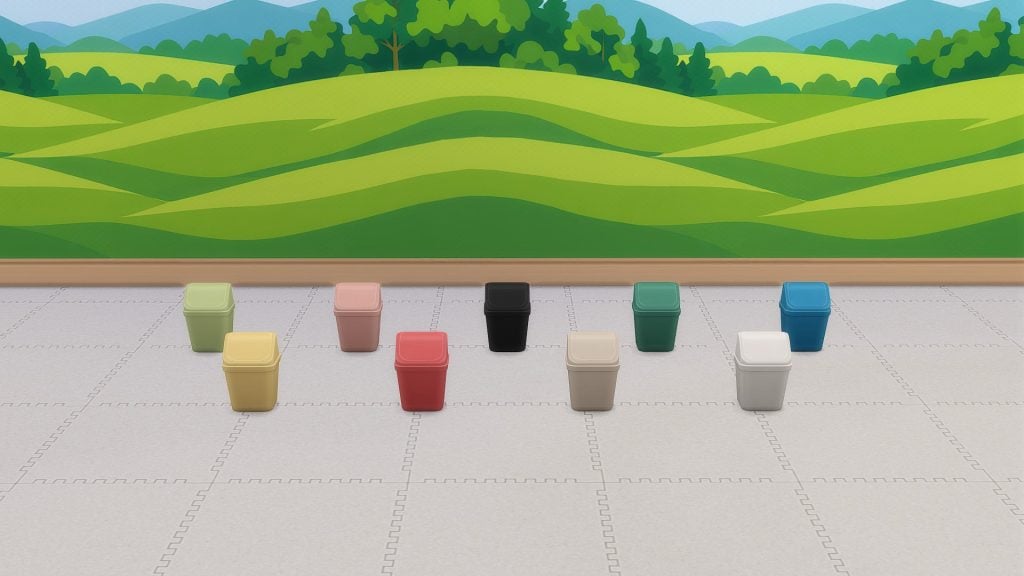
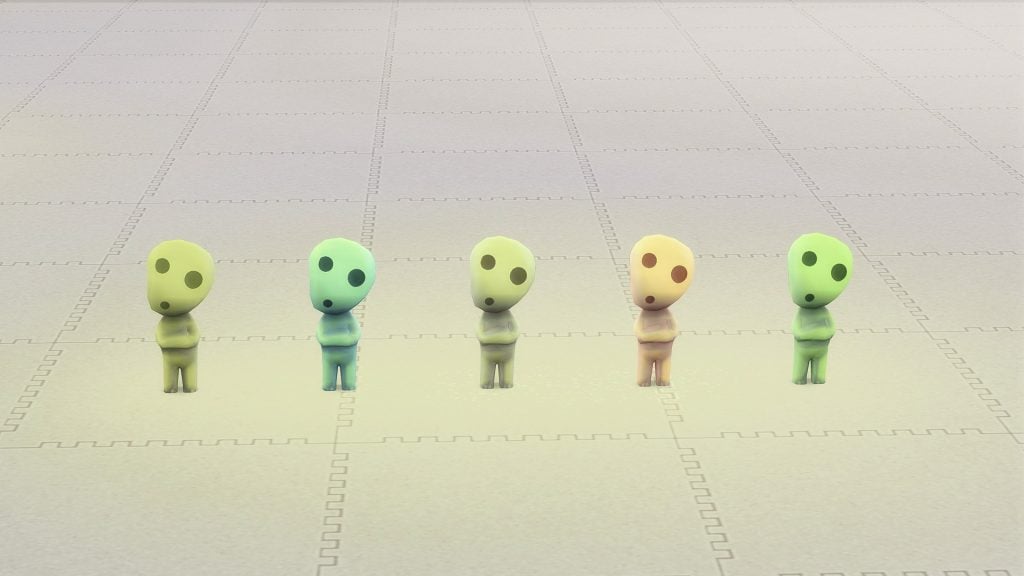
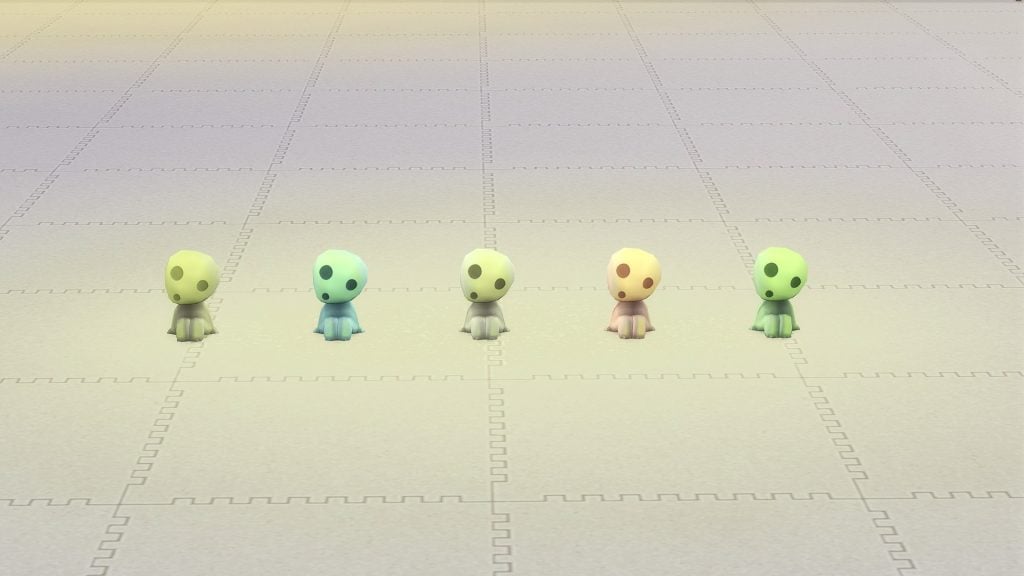
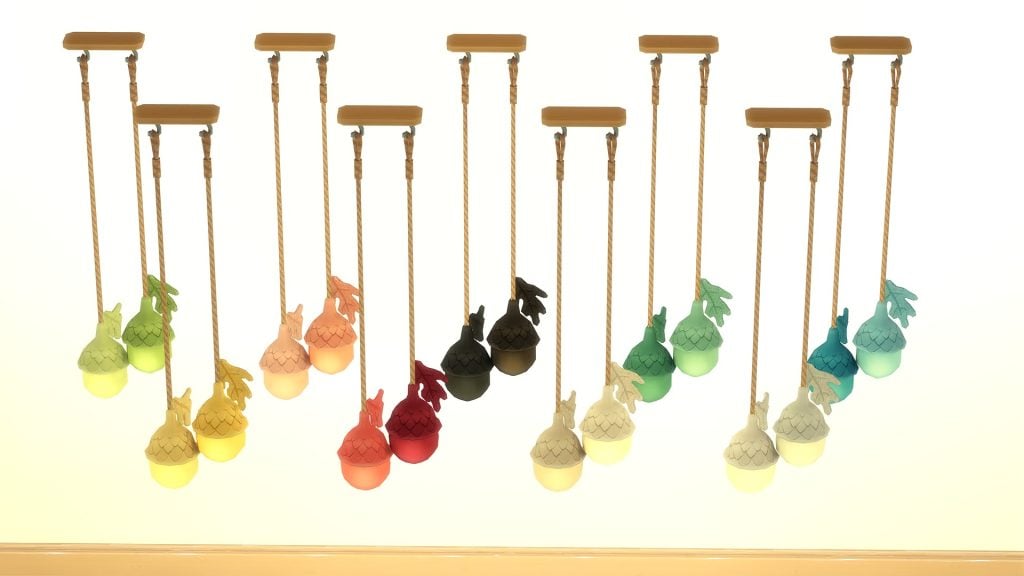
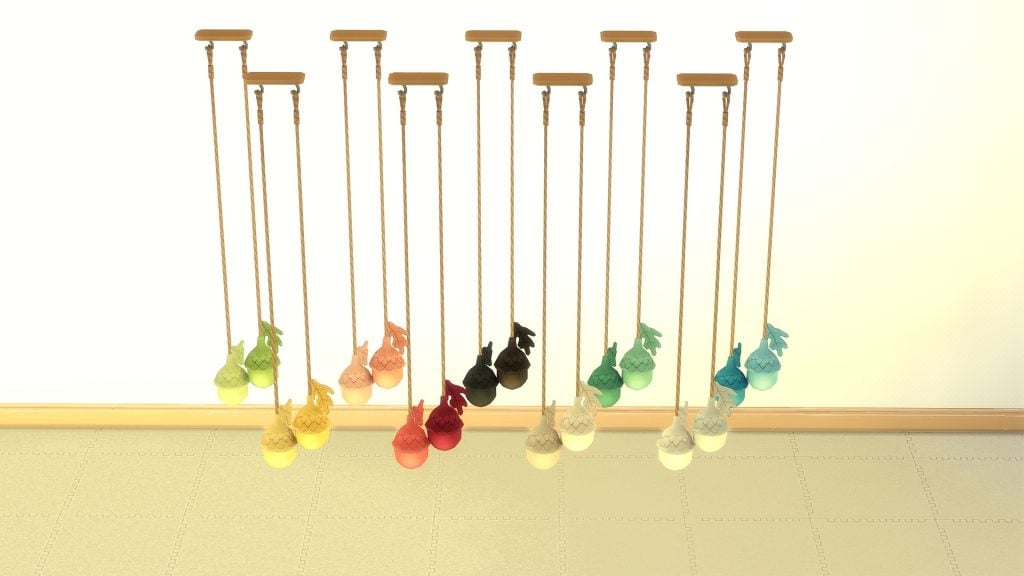
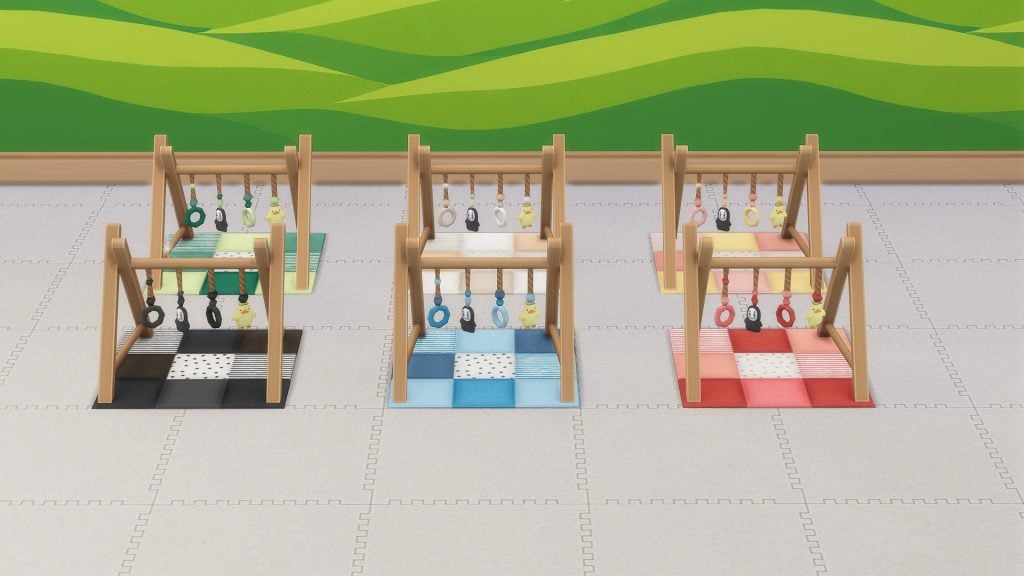
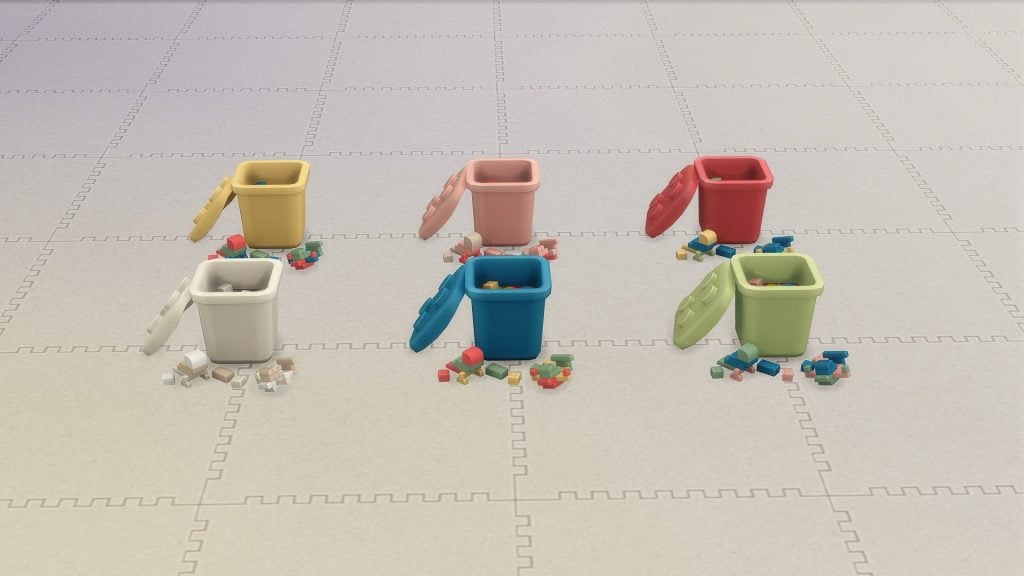
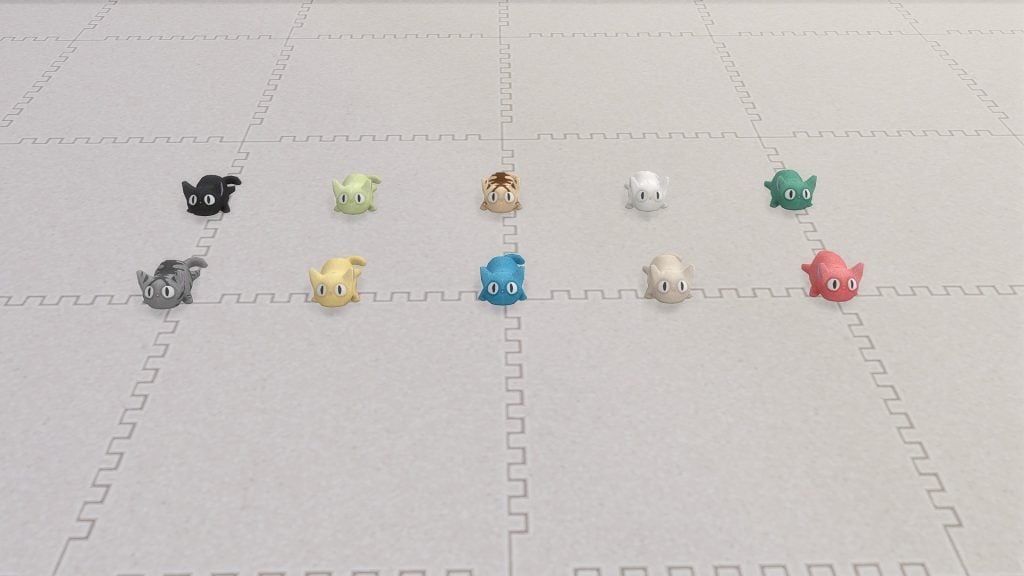
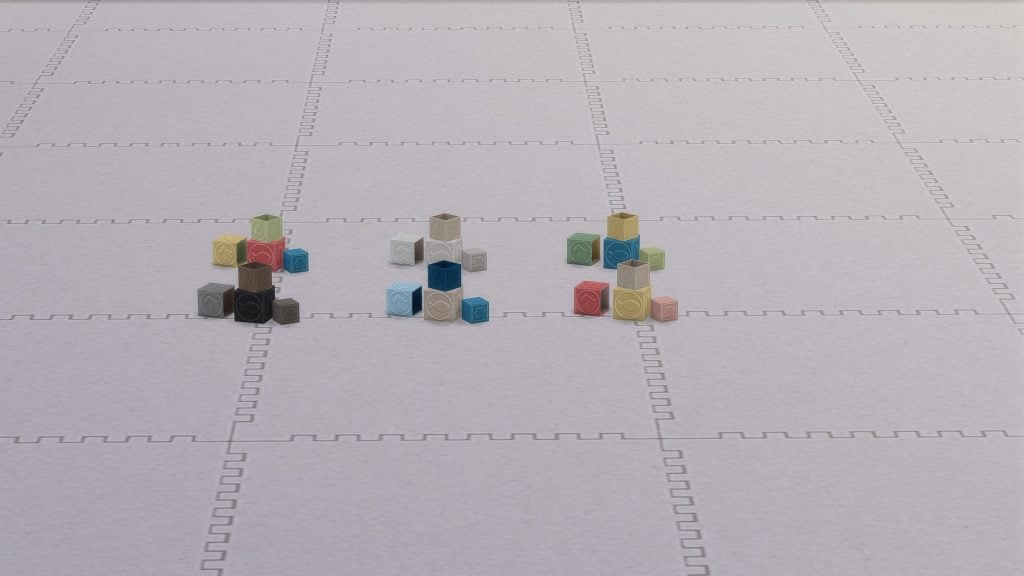
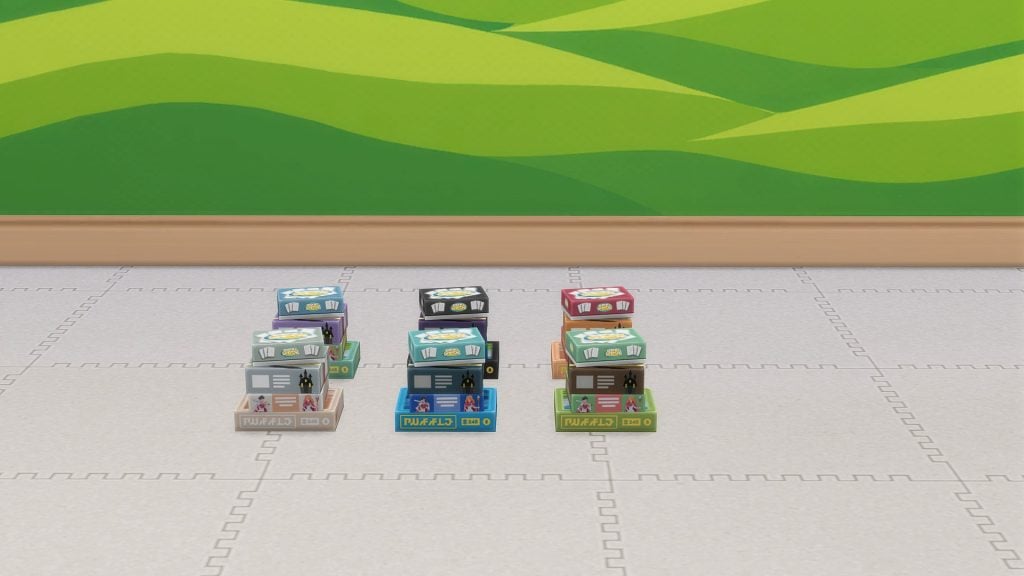
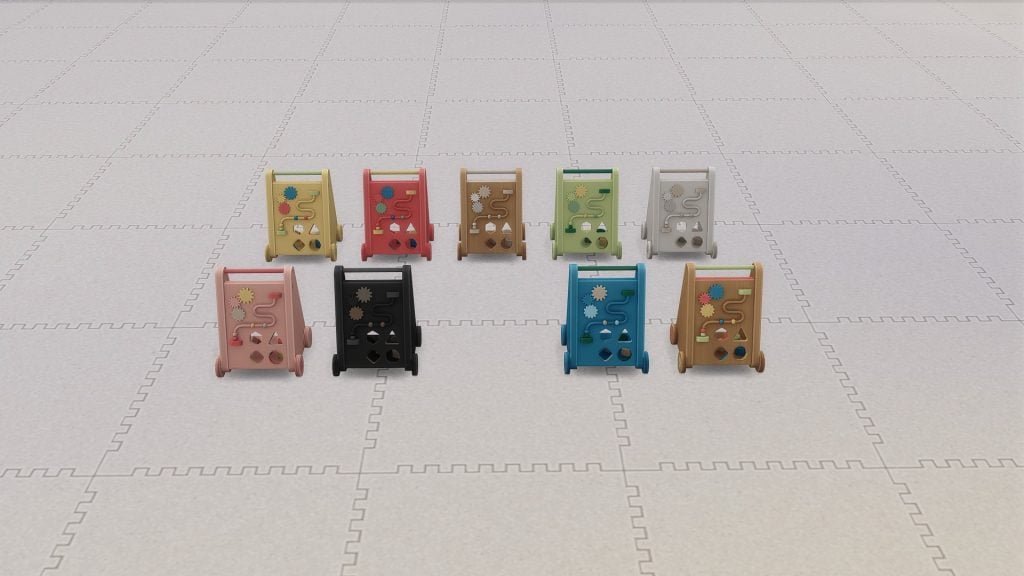
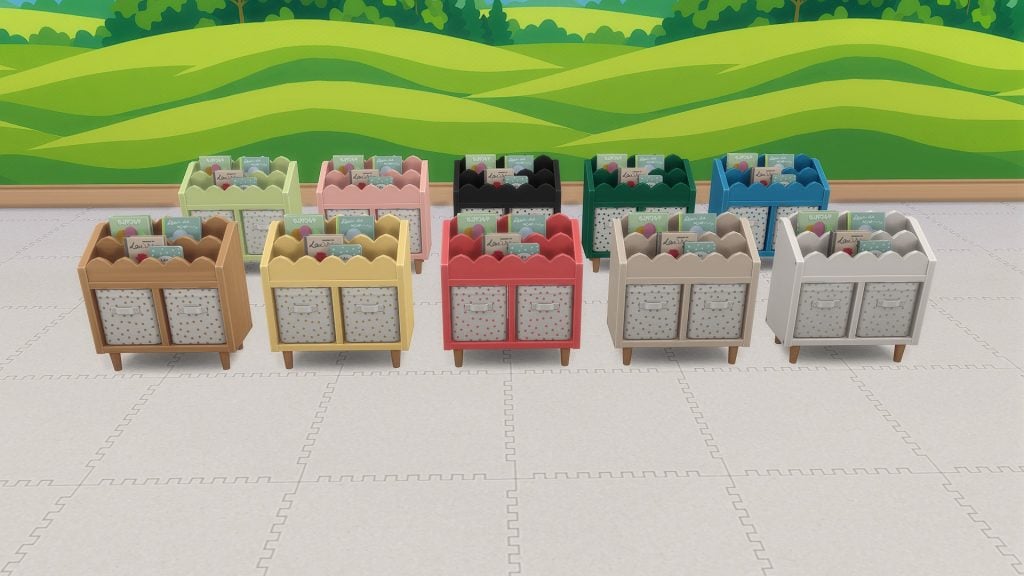
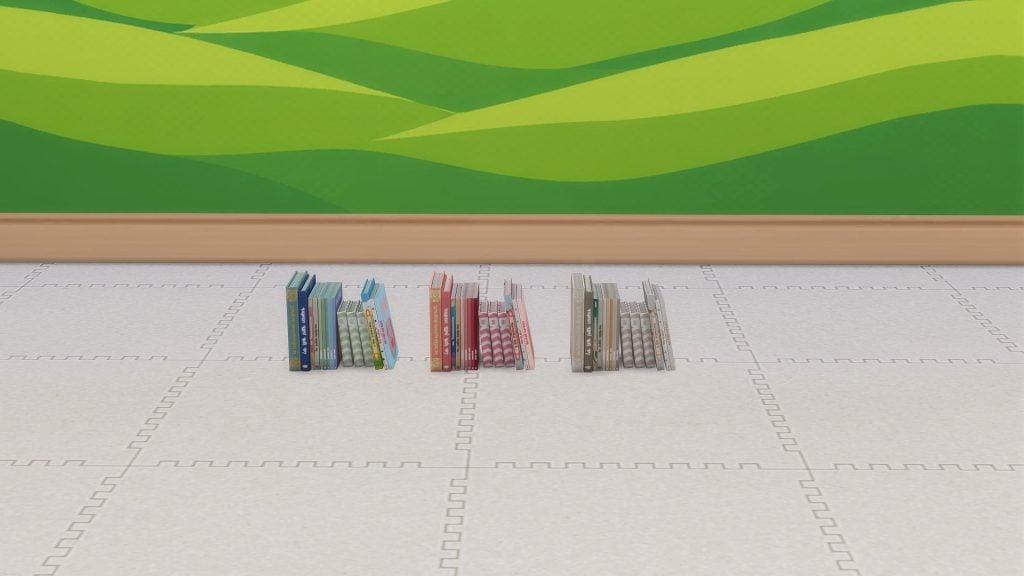
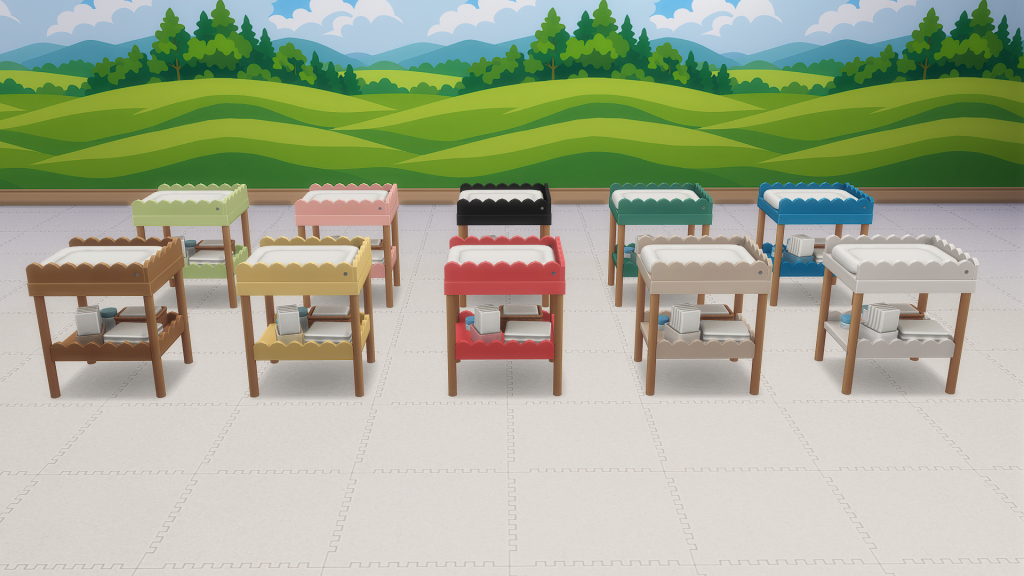
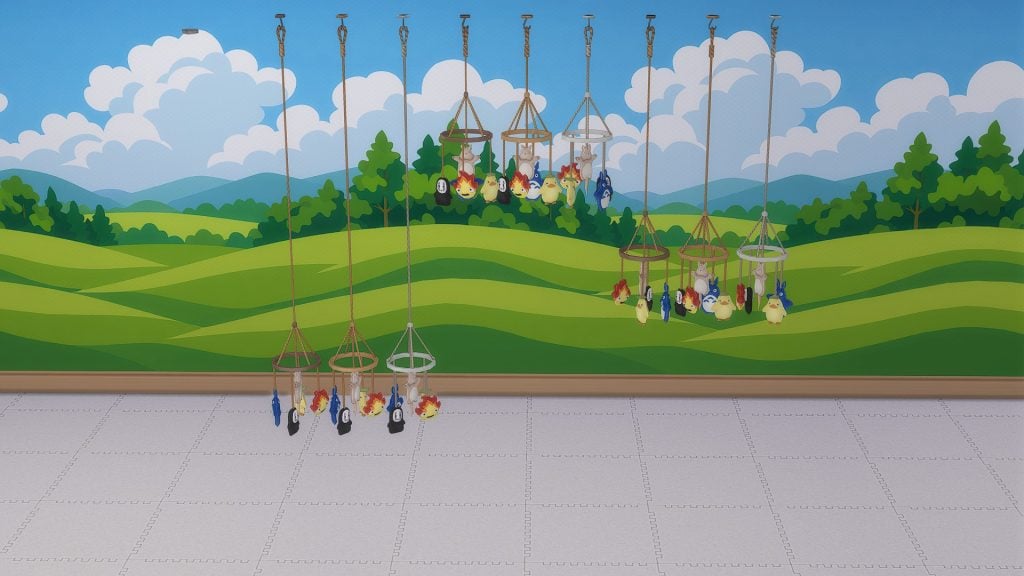
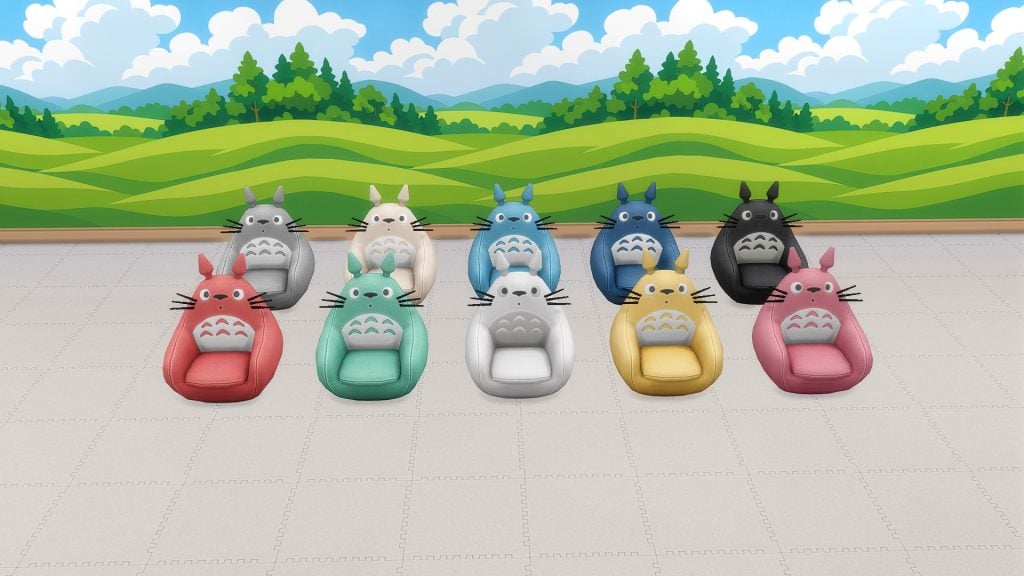
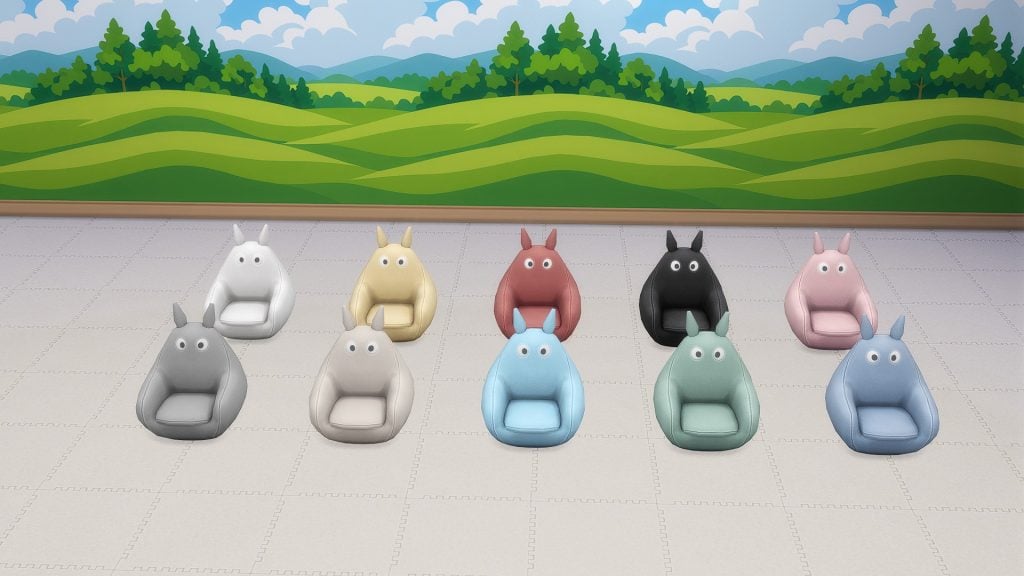
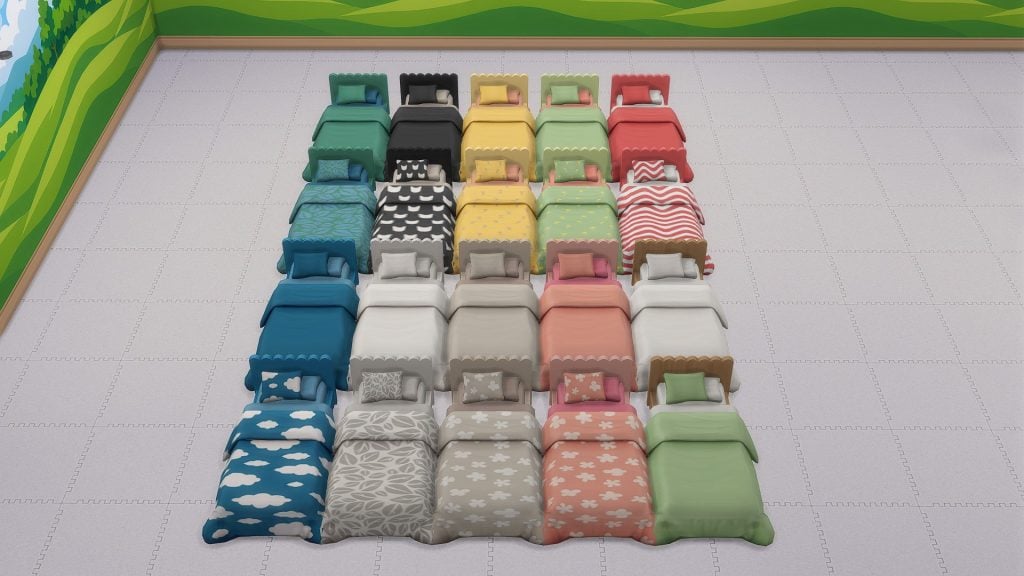
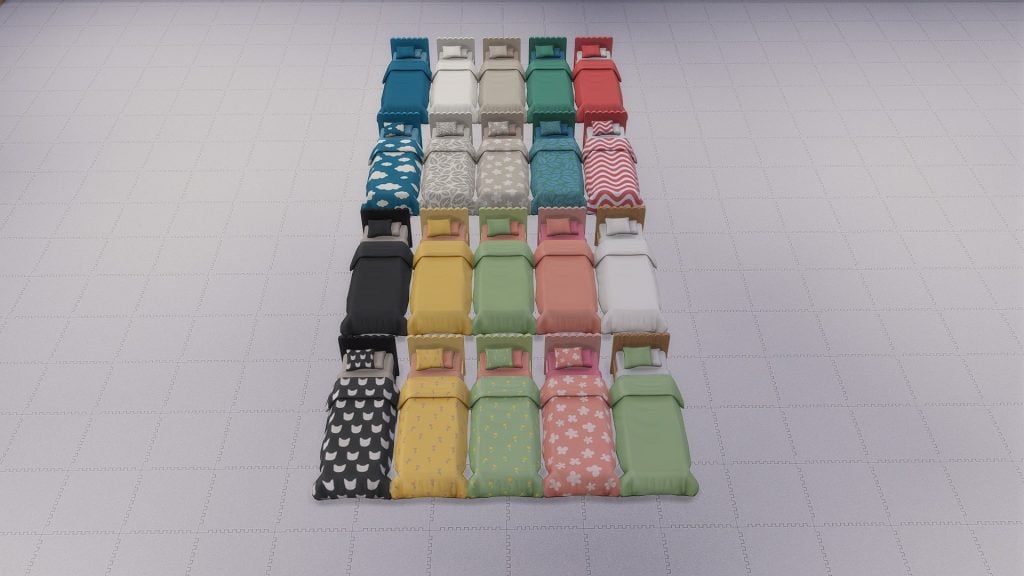
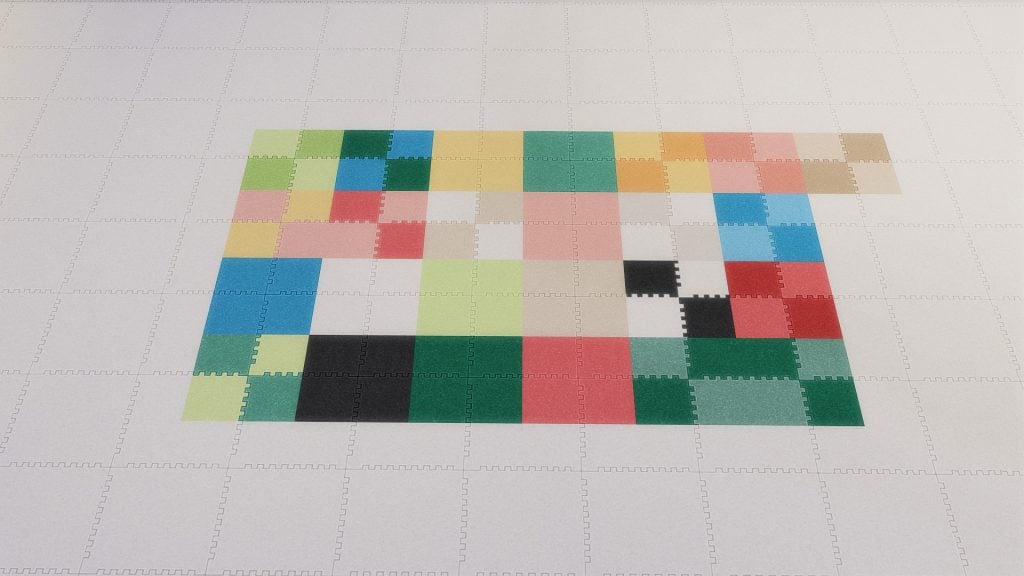
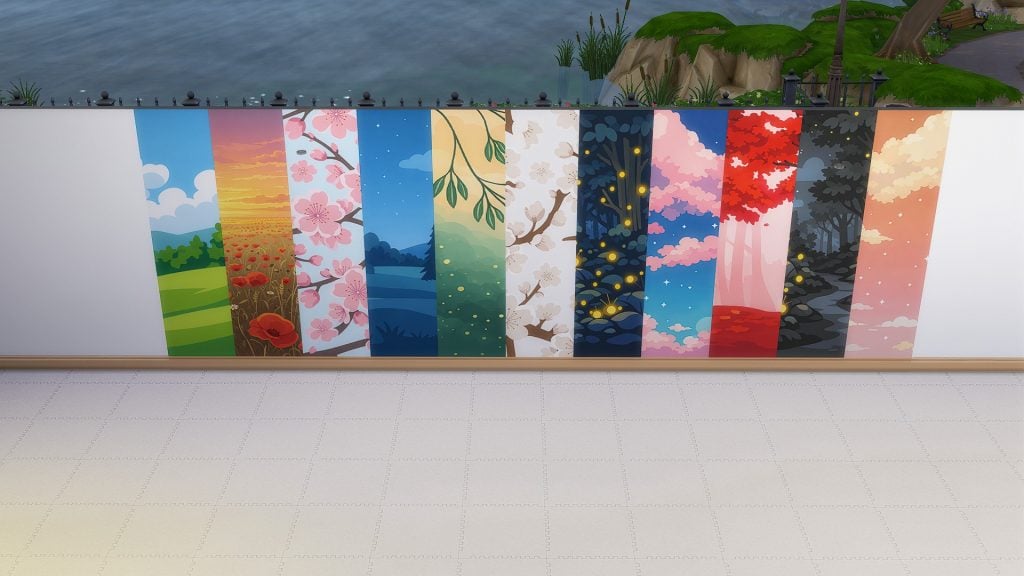
Inspired by soft fantasy aesthetics and the gentle wonder associated with Ghibli-inspired worlds, The Sims 4 Little Big Spirits CC embraces warmth, comfort, and playful creativity while supporting multiple childhood life stages in one thoughtful collection. Pastel color palettes, scalloped furniture edges, and beautifully decorative details help create welcoming bedrooms that feel lived-in and magical without overwhelming spaces with clutter. Designed to grow alongside Sims, the set includes infant cribs, toddler and child beds, a Base Game compatible changing table, storage furniture, playmats, toys, and decorative accents that share matching swatches and design style. This allows players to transition naturally from nursery spaces into toddler and kids’ rooms without needing a full redesign, making the collection especially well-suited for long-term gameplay, multi-generation households, and legacy saves where rooms evolve alongside Sims over time.
Build & Buy Catalog Preview
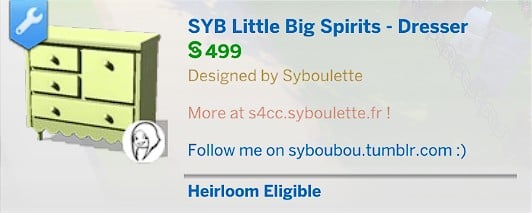
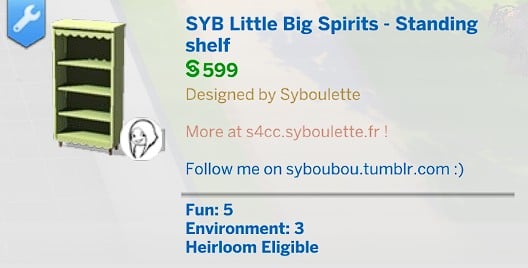
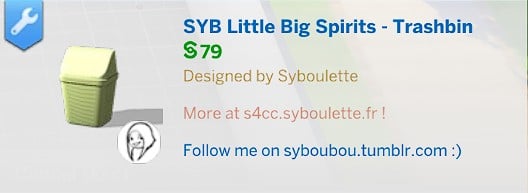
Below is a complete catalog of every item included in The Sims 4 Little Big Spirits CC Pack, along with detailed preview images for each piece.
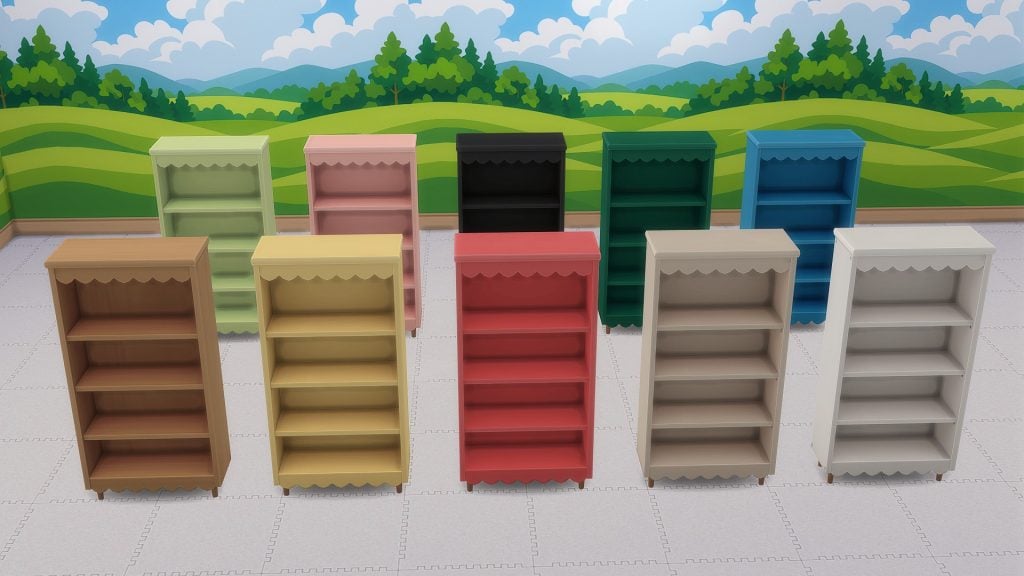
Swatch Previews
Take a closer look at every object in the set, showcasing all available color variations and design options.
Functional Details That Stand Out
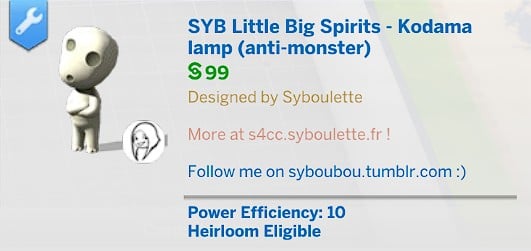
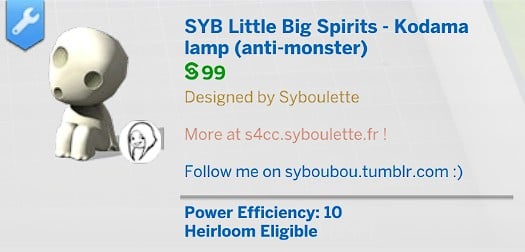
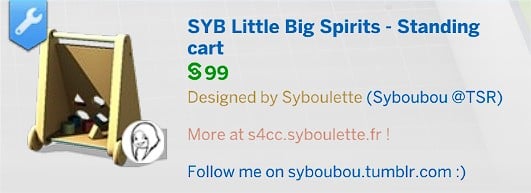
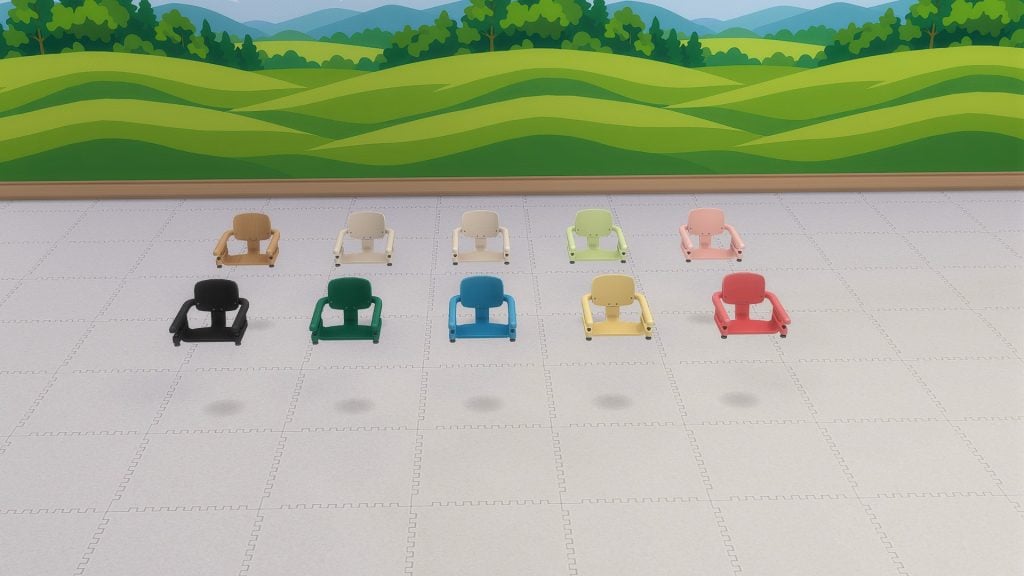
Beyond its charming visual style, several objects in The Sims 4 Little Big Spirits CC Pack also introduce thoughtful gameplay functionality that enhances everyday family moments, similar to features highlighted in our The Sims 4 Baby on the Way CC Pack: Complete Overview. A Kodama-inspired nightlight doubles as an anti-monster lamp to help children sleep peacefully, while functional toys and activity objects encourage interactive play. Infants can even use a standing cart to pull themselves up after reaching milestones (TheSims 4Growing Together Expansion Pack is needed for this feature), adding a subtle sense of progression to early gameplay. The collection also features a cleverly designed high chair that slots directly onto tables, allowing younger Sims to feel included during shared family meals. These small but meaningful details help rooms feel interactive and lived-in rather than purely decorative.
How to Download Little Big Spirits
The Sims 4 Little Big Spirits CC collection is now available as a free download on Syboulette’s website, giving players an easy and free way to create whimsical bedrooms filled with warmth, imagination, and personality. You can find more Sims Community Custom Content news here.
Will you be adding this charming kids room set to your family homes? Let us know in the comments down below and stay tuned to Sims Community for all thelatest Sims 4 News!
EA publishes a new The Sims 4 Laundry List for game improvements coming March 17th.
Electronic Arts has revealed a brand new Sims 4 Laundry List for an upcoming Game Update coming March 17th, 2026. Beside the new Update that introduces the Marketplace to the Main Menu, the team also revealed some additional bug fixes and game improvements that you should expect along with the patch.
The Sims Team also revealed that this Patch is coming for PC and Mac. With Xbox and Playstation updates set for a later date.
Learn about the improvements and features in the official Laundry List below:
Table of Contents
The Sims 4 Laundry List: March 10th, 2026
Hi Simmers!
Welcome to the Laundry List, where we share the top community concerns that we’re currently investigating and hope to resolve.
Please note; this Base Game update will launch on PC and Mac on March 17th, with PlayStation and Xbox coming later. During this time, console players may experience a temporary version mismatch when using the Gallery.
The Sims Team
Here’s the list of the top community concerns you can expect to see resolved in our next update:
Top 5 Most Voted Fixes:
[EA Forums][EA Forums] Extensive updates to ensure that Sims’ eye blinking will now show fully closed eyes for most interactions, see the blog post for more information on these changes.
[EA Forums] Prom will once again appear on Calendars and Sims will be able to attend, this fix will ensure it is working for both new and old saves. Alongside this fix, we fixed another issue where Prom goals weren’t able to be completed. (High School Years)
[EA Forums] We fixed an issue where Pet and Horse data was being lost in Premade Households. This will no longer occur in fresh saves. However, if this occurred in an old Save, it will still be occurring in that instance. (Cats & Dogs, Horse Ranch)
[EA Forums] We’ve implemented a notable change to how Sims determine who they speak with on a lot. Now, Sims will generally prefer speaking with familiar Sims they already have a good rapport with, and Sims are less likely to engage with strangers spontaneously.
[EA Forums] Animals can be assigned to an Animal Shed after moving the Household to a new lot. They no longer become stuck in Household or Sim Inventory. This is also fixed for saves where the animals were already stuck. (Cottage Living)
Sims Autonomy Improvements
“Sim autonomy” is one of our key focus areas based on community feedback, and this update delivers on 3 of our top autonomy issues : Sims socializing with strangers, excessive flirting, and Sims using certain objects obsessively.
Base Game
[EA Forums] We’ve addressed the issue where Sims were excessively flirting with each other.
[EA Forums] We’ve heard your feedback and wanted to address Sims using Computers and Phones too often. We’ve added a few new preferences to the Base Game including: Likes Phones, Likes Computers, Dislikes Phones, and Dislikes Computers. If you don’t want your Sims to autonomously use these objects, please give them the “Dislikes Phones” or “Dislikes Computers” Preferences. If you want them to be obsessed… you know what to do.
Screenshot
[EA Forums] If a Sim autonomously uses the Computer, they will receive a cooldown on wanting to do this autonomously again for half of a Sim day. This cooldown does not exist for non-active Household Sims, for Sims who are Geeks, Sims who Like Computers, or when it is a preferred interaction for Getaways, Clubs, Small Businesses, or Dynasties. Sims who Dislike Computers (a new Preference we added) will never use them autonomously anymore.
[EA Forums] The “Troll teh Forums” Computer Interaction has been added to the same cooldown that is used for other Computer interactions. Sims will also now need Mischief Skill of 6 or higher to consider this action autonomously unless they have the following Sims Traits: Evil, Childish, Geek, Hot-Headed, Erratic, or Mean (who always have it available). (Base Game)
[EA Forums] If a Sim autonomously destroys a Doll House, it will receive a cooldown on wanting to do this autonomously again for some time. We also made a change so that only Sims with certain Traits (Evil, Hates Children, Mean Hot-Headed) will ever autonomously decide to destroy a Doll House while Angry. Before this update, this autonomous behaviour could occur for any Sim who was feeling Angry or Dazed.
[EA Forums] If a Sim autonomously mixes a drink, they will receive a cooldown on wanting to do this autonomously again for a Sim day for non-NPCs. Previously this would occur frequently for Sims who were Inspired, or Sims with the Bro or Foodie Trait.
[EA Forums] If a Sim autonomously Swims, they will receive a cooldown on wanting to do this autonomously again for some time. This cooldown does not exist for non-active Household Sims, on Pool Venues, during Pool Party or Birthday Party events, when Swimming is a preferred interaction for Getaways, Clubs, or Small Businesses, or if the Sim is a Mermaid or Plant Sim.
[EA Forums] If a Sim autonomously plays the Violin, they will receive a cooldown on wanting to do this autonomously again for a Sim day. This cooldown does not exist for non-active Household Sims, for Sims who are Music Lovers, Sims who Like Violins, or when it is a preferred interaction for Getaways, Clubs, Small Businesses, or Dynasties.
[EA Forums] If a Sim autonomously plays the Guitar, they will receive a cooldown on wanting to do this autonomously again for a Sim day. This cooldown does not exist for non-active Household Sims, for Sims who are Music Lovers, Sims who Like Guitars, or when it is a preferred interaction for Getaways, Clubs, Small Businesses, or Dynasties.
[EA Forums] If a Sim autonomously plays Chess, they will receive a cooldown on wanting to do this autonomously again for a Sim day. This is for non NPCs only, and not applicable during clubs or getaways revolving around chess.
[EA Forums] We’ve added a cooldown for Sims dancing while on a lot that the Sim owns. Sims who Like Dancing, Dance Machine Trait Sims, and certain situations will not receive this cooldown. This cooldown is not for Non-Active Household Sims. This cooldown will disappear when Sims move lots in case they are going to a lot where they want to dance.
[EA Forums]We’re reducing how often a Sim considers turning on the radio. Sims with the Music Lover trait will consider listening to music more often than other Sims.
[EA Forums] Though practically a staple of Sim culture (I’m being cheeky), we’ve added a cooldown for autonomous Push-Ups, Sit-Ups, and Stretches. Now, only Sims who are Energized at the Gym Venue or Sims with the Active trait will consider doing this autonomously.
[EA Forums] We’ve added a cooldown for Foodie Sims watching Culinary Training Videos on the television where they won’t do this autonomously for two days after doing it.
[EA Forums] If a Child Sim autonomously uses the Space Ship playground, they will receive a cooldown on wanting to do this autonomously again for a Sim day. This cooldown does not exist for non-active Household Sims or when it is a preferred interaction for Getaways, Clubs, or Small Businesses. Leaving the current lot also removes the cooldown.
[EA Forums] If a Sim autonomously plays with the Lump of Clay, they will receive a cooldown on wanting to do this autonomously again for a while. This cooldown does not occur for Creative Sims or Sims who Like Pottery.
Discover University
[EA Forums] If a Sim autonomously plays with the Soccer Ball they will receive a cooldown on wanting to do this autonomously again for a while. This cooldown does not occur for Sims who Like Fitness or non-Household Sims.
Cottage Living
[EA Forums] If a Sim autonomously does Cross-Stitch, they will receive a cooldown on wanting to do this autonomously again for some time. This cooldown does not exist for Sims who Like Cross-Stitching or when it is a preferred interaction for a Club.
Lovestruck
[EA Forums] Sims will no longer consider playing Thumbs Up or the WooHoo Card Game while in the middle of writing a book on the computer.
Adventure Awaits
[EA Forums] If a Sim autonomously plays with the Paper Airplane, they will receive a cooldown on wanting to do this autonomously again for a while. This cooldown does not occur for Sims who Like Papercrafting.
Spa Day
[EA Forums] If a Sim autonomously uses the Yoga Mat, they will receive a cooldown on wanting to do this autonomously again right away. This cooldown does not exist for High Maintenance Sims or Sims who Like Wellness. (Sims must be Level 2 to Autonomously use a Yogo mat – previously and still.) The cooldown is removed when leaving the lot, and when it’s the preferred interaction for Getaways, Clubs or Small Businesses.
Movie Hangout Stuff
[EA Forums] A cooldown has been added to the Popcorn Popper so that after it has been used by a Sim that Sim will not want to immediately use it again for some time.
Pet & Animal Fixes
With two of our Top Community Issues being around animals and pets, we fixed a few other bugs also in this category to provide a better overall experience with these systems.
[EA Forums] Animals in the Animal Shed, Chicken Coop, Mini Goats, and Sheep will no longer be multiplied. This was happening when these animals were placed into a Sim inventory, then back in the world, and after that the Sims moved their Household. (Cottage Living, Horse Ranch)
General Bug Fixes
We addressed a handful of other important issues that were quickly rising, particularly problematic, or easy fixes to get in.
Base Game
Sims with the Unflirty trait will no longer get the ick when hugged.
Placing a painting on the wall and then returning it to the Sim’s inventory will no longer result in a Simulation error.
Seasons
[EA Forums] Flowers will no longer get stuck midair while crafting a Flower Arrangement.
For Rent
[EA Forums] The “Do Inspection and Maintenance” interaction is now available on broken objects in a Tenant Household for Landlord Sims.
Life & Death
We’ve adjusted design elements on some of our swatches for the Ornate Mystery Run which were concerning to some players.
Royalty & Legacy
[EA Forums] There was an issue where the updated Family Tree could cause wrong connections and overlapping which has now been fixed.
[EA Forums] We fixed a crash that could occur when resuming the game after deleting the Capp Household in Ondarion.
[EA Forums] Ondarion’s Verdemar lot is no longer reversed.
Parenthood
Child and Teen Sims who grew up in the same Household but weren’t related could get the Super Sibling relationship, despite not being related and then could later romance each other. Because we didn’t want to prevent stories where children could have possibly been in the same Household at one point while not related and end up in a relationship, we decided to fix this by renaming the relationships to Childhood Besties and Childhood Frenemy.
StrangerVille
There should no longer be a Script Call Fail error when the Plant Containment Cell is on the lot and the player tries to place other objects.
CAS & Build Mode Tagging Updates
We had the opportunity to address a large swath of simpler tagging bugs, making CAS and Build Mode sorting more accurate overall. Here are related issues we fixed:
Base Game
All Makeup that was in the Everyday Category has been added to both Hot and Cold Weather Outfit Category as a sorting option.
We’ve sorted 43 existing items under the Kids Decoration category.
Various lights (that were previously considered wall lights) have been sorted into the Lighting > Outdoor Lights Build Mode Category.
“Cute Critter Basket” is now sorting under Objects by Function > Kids > Decorations.
Updated the swatch color for (yfMakeupLipstick_EF28GlossyLips_RedRuby) to appear more accurate.
(yfBottom_SDX040CCHSkirtPleated) will no longer appear for masculine frame Sims.
The Pencil Holder object has been additionally sorted into the Clutter Category in Build Mode.
The “Wicker-Work Diaper Storage” object is now sorting under Objects by Function > Kids > Kids Furniture.
The “Bow, Bow, Bow!” object is now sorting under Objects by Function > Activities & Skills > Life Events.
The “Martian Soil” wall pattern is now categorized under the Misc category rather than the Paneling Build Mode Category.
The (wall_V_Clapboard02SGBrick_NT_PeachWhiteBrick) and (wall_V_Clapboard02SGBrick_NT_BlueRedBrick) wall patterns are now sorting into Masonry and Siding.
The Sycee of the Prosperous Moon, Right Side Up Gnome, and Bob the Butler Fancy Sculpture have been removed from their previous sorting category and are now sorted under Function > Decorations > Sculptures.
Multiple
We updated a large amount of love seats and benches to properly be identified as “Benches” for lot requirements when placed.
Lovestruck
We’ve adjusted the Lovestruck Beard swatches to display in the correct order.
(ymBottom_EP16Jeans) will now appear as a Masculine Fashion Choice in CAS filters. (Lovestruck)
Life & Death
“Perilous Paneling” and “Patterned and Perilous Paneling” now sort into the Paneling category, and “Lunar Reverie” sorts into the Wallpaper category.
Enchanted by Nature
“Wild Uncanny Cane” plant is now sorted in both Roof Sculptures and Outdoor Plants.
Backyard Stuff
(yfTop_SP08TeeBoatNeck_GradientPink) no longer sorts as Yellow in CAS filters. (Backyard Stuff)
Moschino
The “Libearian” bookshelf and the “I’m So Shiny!” surface have been removed from the Sculptures category.
Free Holiday Stuff
The “Kinara” and “Menorah” light objects are now sorting under Lighting > Table Lamp.
“Holiday Snowman” and “Pre-Strung Tree of Lights” are now sorting under Lighting > Outdoor Lighting.
Kitchen Clutter
All clutter items from the Kitchen Clutter pack are now visible when sorting by the pack filter and looking under the Misc Decorations category in Build Mod’s room view.
The Forever Friends Event
(ymTop_EV0641TankTwistBack_SolidBlackCyan) will no longer appear for masculine frame Sims.
The Nature’s Calling Event
The Cove Stone – Round, Cove Stone – Flat, and Cove Stone Cluster objects are now sorted in the Outdoor Plants > Rocks category in Build Mode.
Updates on Top Community Voted Issues
As part of our investigation into Save Corruption, we began gradually relocating Scratch files from the Documents folder to AppData on PC back in January. This change was designed to help prevent conflicts with cloud backup services, and we rolled it out in phases so we could carefully monitor the impact. The transition is now complete for all PC players.
Since the roll out has completed, we have observed improvements in Infinite Load occurrences just shy of what we’d classify as a “statistically significant” shift, which is a great step in the right direction and observed improvements thus far are encouraging.
Our team continues to investigate other community concerns for future fixes. Please note that some topics can be complicated to replicate and require an extended investigation on our end, so even though we are actively reviewing, it’s not a guarantee that we’ll have an immediate fix for it in the upcoming patch. This includes the following top voted issues:
We’ve been working on some “Player Redundancy Solutions” which would add more long term saves in our “Recover Save” feature. We are currently testing these solutions and plan to be providing more information in the future.
[EA Forums] We’ve been investigating adding safeguards in the game to check against inappropriate sibling relationships with spouses or fiances. Despite a heavy focus to reproduce the issue, we’re still struggling to reproduce this naturally through gameplay, and the saves we’ve received have the issue already occurring in code (even if it hasn’t been updated to UI yet where players can see). This has made it particularly difficult to nail down a preventative fix. These safeguards would fix it after it occurs, rather than preventing it, so we’re being extra careful with our approach for this and need more time and thought to get it right.
[EA Forums] [EA Forums][EA Forums][EA Forums][EA Forums] We’ve been investigating a handful of Black Photo/Texture issues that were recently reported after the February Patch. We’ve been able to verify that none appear to be newly introduced issues, with most going back years. This means, most of our recent fixes have made progress towards cutting down on the number of black photo issues that exist in the game. This is important to clarify so we know if we’re breaking things with our fixes or making progress towards fully eliminating all instances. Thankfully, it’s the latter! Each issue has a very unique set of steps to reproduce and as equally unique a fix required. At this time, fixing the remaining Black Photo issues is one of our highest prioritized areas of focus.
[EA Forums] [EA Forums][EA Forums][EA Forums][EA Forums][EA Forums][EA Forums][EA Forums][EA Forums][+ More] We know that “Infants” and the experiences you have playing with them are one of the top areas of community concern. We’re currently investigating a bunch of different infant bugs, including: Sims picking up infants from the cribs and putting them down on the ground, “Check Infant” interactions happening too frequently, and more. These are particularly difficult bugs to address, so we’re hoping to be able to make progress and update you on them soon.
[EA Forums] Another important community issue is a situation where Build Mode items can become unplaceable, new objects disappear immediately, and existing objects cannot be moved or deleted. We believe we have a fix, but it will still need testing to verify, so stay tuned!
[EA Forums] [EA Forums] We’ve also noticed there are an array of comments and posts concerning various, different sleeping issues that are very highly rated with the community. As simulation remains a top area of focus for us, we’re planning to try to address these concerns holistically with another set of fixes pertaining to “Sims sleeping.”
Eyes Animation Updates
A seperate Sims Blog post was published revealing additional updates to Eye Animations in The Sims 4. See all affected animations and changes below:
Sul Sul, Simmers,
After receiving community feedback, we’re excited to be releasing some significant improvements to eyelid functionality in The Sims 4 with the free Base Game update on March 17th. This wasn’t a single fix, and it required many teams across QV, Tech Art, Animation, and Create a Sim working together to trace the issue across assets, systems, and workflows. This type of work is normally hidden to the average player, so we wanted to share a breakdown of the work that went into making this improvement possible.
We hope you find it interesting, and for mod authors, useful!
Eye See What You Did There Before any work could get started, the QA team first looked into player reports, verified what was happening in the game, and created detailed replication steps. This included where blinking was being limited, where it was being exaggerated, and how eye shape variations complicated both. That information was then passed on to the Tech Art team.
Good Eyedea to Adjust Animation in Maya Files A Tech Art script scanned all Maya files in The Sims 4 Base Game and DLCs to identify upper eyelid rotation animations. It targeted those within a specific range: enough to detect eyelids not fully closing but not detect intentional poses like squinting. The script then adjusted these animations, either increasing or decreasing the eyelid rotation to match the value required for eyes to fully close. If the rotation already exceeded the closed-eye threshold, the script reduced it appropriately. This process fixed a great number of eye blinking issues where the eyelid rotation either too high or too low in the default Sim mesh animators use in Maya.
What remains: While a great deal of eye blinking issues in Maya has now fixed, this does not automatically resolve all Sims character blinking in the Create a Sim system. Each eye shape archetype in Create a Sim requires a different rotation amount to fully shut the eyelids. Previously, rotation was dampened globally to avoid eyelash clashing, especially after the addition of new lower eyelash assets in The Sims 4: Lovestruck.
These Are Getting Cornea Each eye shape preset in Create a Sim has unique joint values, shaping the eyes into various archetypes. To ensure eyes close correctly for every eye shape, a specific rotation multiplier is applied to each preset. Earlier, eyelid rotation was globally dampened to prevent over-blinking due to lower eyelash geometry. However, this sometimes led to under-blinking. The new approach finds an ideal balance, further reducing under-blinking without causing excessive over-blinking.
Iris There Was More For interactions highlighted by players as problematic, the Animation team manually refined over 280 animation files (list below) to ensure eyes fully close without any eyelash clashing. The “half-blink” in Create a Sim, originally an intentional animation style, was changed to a complete blink to avoid confusion with actual under-blinking. Mood-based sleep loop animations were also improved for smoother transitions. Facial overlays were removed to prevent double-layered facial expressions during these loops. A Create a Sim artist has reskinned the lower eyelashes, allowing them to move more accurately with the lower eyelid.
Eye’ve Heard Enough, Let’s Put a Lid on This In rare cases, some unique eye shapes may still display slight over-blinking. This was considered preferable to widespread under-blinking. Player-created poses and animations were not individually adjusted but will still benefit from the global Tech Art script and modifier updates. Player-created Sims will see improvements from these global fixes, though some unique eye shapes may still show minor blinking inconsistencies.
As with any systemic fix, we’ll be closely monitoring for additional issues after release.
As announced in the Laundry List, expect The Sims 4 Console to have a mismatching Gallery version until the console version of The Sims 4 gets an update too. Learn more below:
Simmers,
We want to share an important update for PlayStation and Xbox Simmers regarding The Gallery following the upcoming PC and Mac Base Game update on March 17.
Consoles will receive this Base Game update at a later date, and therefore will temporarily experience a different version of The Gallery. During this time, players will see a “Version Mismatch” error when attempting to download some content.
We want to make sure this update delivers the best experience possible for console Simmers. By launching on PC and Mac first, we’ll be able to validate performance, stability, and overall quality before bringing the update to Xbox and PlayStation. Taking this extra time helps ensure everything works exactly as intended on consoles.
To help make this transition as smooth as possible for everyone, our team will roll out Marketplace updates for Xbox and PlayStation Simmers as soon as we’re able, with a focus on supporting a great experience for all players. We’ll share more details on console timing as soon as they’re confirmed.
In the meantime, you can still download content that was made and uploaded by PC and Mac players prior to the March 17th update. You can also avoid mismatch errors while browsing The Gallery on console by using the platform-specific filters to view only console compatible content. The Most Popular and Maxis Curated filters should work as well, but there may be some exceptions. There will be no impact to previously downloaded content you have in My Library.
Thanks for your patience and understanding,
EA Team
What are your thoughts on upcoming fixes coming to the game with the latest Sims 4 Laundry List? Let us know your thoughts in the comments below and stay tuned on Sims Community to be the first to know when the new patch drops!
Some Of The Most Common Questions About The Sims 4 Marketplace Have Been Answered In The Latest FAQ
The Sims 4 Marketplace was announced last Tuesday, March 3rd, and with it came many questions from the community about the future of Kits, how Moola can be purchased, and how the Maker Program functions. Thankfully, the team over on the official Sims Discord have answers for all of that and more in their latest FAQ! Let’s take a look at every question posed and find out exactly how the Sims 4 Marketplace will function.
Table of Contents
The Sims 4 Marketplace Official FAQ
Take a look at the full Sims 4 Marketplace FAQ below!
The Sims 4 Marketplace Introduction
Sul Sul, Simmers! Welcome to The Sims 4 Marketplace FAQ Channel:
This channel is your hub for understanding The Sims 4 Marketplace. What it is, how it works, and how it impacts your gameplay. Here, we’ll answer your most frequently asked questions on new features like Maker Packs, Moola, and more.
We know you may have additional questions or need clarity on specific topics. That’s why this FAQ channel will be updated regularly as new questions arise, so you’ll always have the latest information. Our goal is to keep you, our community, fully informed!
The Sims 4 Marketplace is where you can browse and purchase Kits, Maker Packs, Expansion Packs, Game Packs, and Stuff Packs. It’s designed to make downloading content faster, easier, and more flexible. This guide explains how the Marketplace works, how Moola is used, where to find the Marketplace in-game, and what changes mean for your existing content and Mods.
What is the Marketplace in The Sims 4?
The Sims 4 in-game Store has been upgraded with the launch of The Sims 4 Marketplace. For now, The Sims 4 Marketplace is available on PC only, with console launching in the coming months. In the Marketplace, players can buy Maker Packs, Kits, Expansion Packs, Game Packs, and Stuff Packs.
Maker Packs are community created content Packs available only on The Sims 4 Marketplace. They vary in size from three to fifty Items and are made up of either Build/Buy or Create a Sim content. Made by Makers (official Sims community content creators), these Packs are quality approved by The Sims team, so the content is malware-free and 100% safe to download.
With the Marketplace launch comes The Sims 4’s virtual currency, Moola.
Maker Packs and Kits can only be purchased with Moola.
From March 17, 2026, for all PC players, Kits will be available to buy only through The Sims 4 Marketplace with Moola. Console players can purchase Kits on store platforms until the Marketplace launches in the coming months.
Expansion Packs, Game Packs, and Stuff Packs can be purchased on the Marketplace or on your preferred platform’s digital storefront, but only with real-world currency.
Where can I find the Marketplace?
The Sims 4 Marketplace is an in-game feature. Select the Marketplace button at the top of the Main Menu. It can also be opened at any point in-game by selecting the shopping cart icon at the top-right of the screen.
Improved storage options
With the introduction of the Marketplace and Maker Packs, players will have more options for downloading this content. Maker Packs and Kits can be downloaded on demand, without the need for players to restart the game to begin using it.
Marketplace restrictions
To use The Sims 4 Marketplace, you must be online. You can still play The Sims 4 offline, but the only part of the Marketplace available offline is your Collection. For Teen players and younger, you’ll need parental spending permissions on your EA Account to buy Moola. Check out our guide for more info.
Will current kits stop being redeemable by code after the Marketplace launches, or will code redemption still be available for them?
Kits that currently exist will still be redeemable by code (and can have new codes generated) beyond the Marketplace launch, and there will be no end-date to this. Only future Kits that will be released on the Marketplace will not have code redemption.
What happens if a Maker leaves the program?
Players that have made purchases do not lose their entitlement to the content. For Makers that have left the program, their content will be delisted to prevent new players from purchasing as they would no longer be able to collect their revenue share.
Will lots/sims with Marketplace items still be filtered out if we search without the cc box checked?
There is a different filter system. Anything that is a Maker Pack has its own filter in BB/CAS and on the gallery. CC and Maker Packs are sorted differently.
Is generative AI content allowed in Marketplace submissions?
No use of AI is allowed. Makers are required to create original content.
Questions about Moola and Kits on Amazon:
Will you be able to buy Moola on Amazon?
Moola will be available to purchase on Amazon in the US, Germany, UK, France, Italy and Spain. It will be available shortly after launch.
Will codes purchased from third party stores like Amazon still work in EA app after Kits are delisted?
Codes purchased from third-party retailers (such as Amazon) prior to March 17 will continue to work in the EA App, even after Kits are delisted. Please note that some codes may have expiration dates set by the retailer or code issuer. Because expiration timelines can vary and are not determined by Marketplace, we recommend redeeming codes as soon as possible to avoid any issues.
We’ll continue updating this page as we have more to share, so keep an eye out for updates. Thank you
Thats all for now on the official Sims 4 Marketplace FAQ, there may be more important questions answered in the future, so make sure to check back for any updates. If your questions weren’t answered here, check out our roundup on the official Q&A on The Sims 4 Marketplace.
The Sims 4 Marketplace launches for players on PC & Mac on March 17th, with a whole host of new sets from some of your favourite CC creators.
What are your thoughts on The Sims 4 Marketplace and Moola? Let us know in the comments below and stay tuned to Sims Community for all the latest on The Sims 4 Marketplace!
It’s official! At the tail end of this month, InZOI will hit its one-year anniversary! While the game is still in early-access, the developers at Krafton have seemingly put tons of work over the past year into listening to players and changing how InZOI plays to make sure those players keep coming back. New features, systems, and assets have been added to keep things fresh, and an active community, online presence, and open communication between developers and players have led to the game changing drastically over this period of time. The new update will launch on PC on Thursday, March 26th!
InZOI was released on March 28th, 2025, and was a huge shift in the Life Simulation genre and gaming industry, as most games with a focus on a full life simulation experience and sandbox gameplay that we had seen in the past often never released, and sometimes never even got to early access in the first place.
Another thing to note is that the developers at Krafton who work on InZOI have been, as far as we can tell, extremely open and receptive to criticism and guidance from their audience, and have made sudden shifts to development based on what players have asked for. We can see this in these diaries existing at all; A weekly developer update that connects with players and brings them along for the ride of developing a game, from early access to full release.
InZOI Developer Update: NEXT InZOI Update Coming March 26th 2026!
Early In Development & Upcoming Features
○ A highly requested item shown that is in early development is a mini-map, making navigating Dowon, Bliss Bay, and Cahaya easier than ever!
○ Multitasking is still receiving early development work, with developers currently focused on your Zois being able to do simple activities and walk around freely at the same time. The previewed actions shown were a Zoi walking and eating a plate of food, and a Zoi walking and reading a book.
○ A new freelance career! Zois will be able to take orders from clients and make deliveries around the world.
○ A cheat has been added to remove all special effects, titled “hidefx [true/false]”, allowing you to clear up your shot for the perfect photo.
○ Automatic interruptions have been added to create a better “flow” of the gameplay, pushing Zois to cut off animations and interactions early if they have an urgent need to take care of.
○ More progress has been made on the Florist career. This week, the update showed Zois purchasing seeds, planting them on fertile soil plots, and making baskets of flowers as gifts.
○ A piñata is being created that Zois can whack at parties to receive candies!
○ You can now set different holidays to recur on specific dates, allowing these holidays to disappear and reappear as your save file progresses.
○ New assets being shared, vaguely hinted at as being for “upcoming content”.
○ Bento boxes!
○ Car seats or booster seats for children!
○ New properties under construction!
○ The color customization of many formal dresses has been expanded, specifically to allow for more “casual” wearing.
○ Male swim trunks can now be worn with other outfits, allowing for wider customizability.
○ Tooltips are being added to make game features more understandable.
○ A memory system is in development, which will record significant and traumatic memories to influence the future of that Zoi.
○ Improvements are being made to the appearance of items when graphics are lowered.
○ New set of features coming to your Zoi’s phone!
○ Zois will be able to add or delete numbers and contacts.
○ Zois will be able to initiate friendly conversations with strangers by asking for their contact number.
If you have multiple negative interactions, Zois may block you. You can ask them to unblock you in-person.
○ Kids can now take selfies with cars, even though they cannot drive them.
InZOI Developer Update – March 6th, 2026
Hello, and happy Friday.
I’d like to share the schedule for our March update.
The update is scheduled for Thursday, March 26, at 06:00 UTC.
As I was preparing for this March update, I took a moment to look back and realized that we’ve accomplished most of the key points from the “Fundamentals First” direction and roadmap that I shared earlier this year. We set out with the goal of delivering what we had planned, but looking back now, I think we may have actually developed a little more than expected.
With the deadline getting closer, there’s been quite a lot I’ve been able to show you every Friday lately.
As many of you probably already know, once the deadline has passed, it may become a bit harder for me to share things this often and in this much detail like I do now.
When that time comes, I’d really appreciate your kind understanding.
For the March update, we’ve been working on improvements to the flower shop content. New features are planned, including bouquet making, flower farming, adding fragrance to flowers, and gifting bouquets.
Some of these elements are also included in the video released today, so I think you’ll be able to get a small preview of them there.
As I was writing this post, the view beside my desk in the development room suddenly came to mind.
So I decided to share a photo as well, with that feeling in mind.
(It’s a small dried bouquet.)
To everyone who has waited so patiently for inZOI despite its many shortcomings, and who continues to follow and support us, I want to sincerely thank you. It makes me wish I could personally hand each of you one of these bouquets. Thank you as always for enjoying this week’s update. I hope you all have a relaxing and happy weekend ahead. Thank you.
kjun
What features are you most excited for that are planned for the InZOI Update, coming March 26th, 2026? What features are you hoping to see brought up in future updates?
Make sure to follow The Sims Community to keep up to date on everything in the Life Simulation genre! You can also review roadmaps and current InZOI features on their official website!