

Note: use these Tutorial steps at your own risk. The safest way to uninstall a Pack is to uninstall The Sims 4 entirely and then install it again.
It seems like after you download and install a Pack for The Sims 4 in Origin that you just can’t remove it at all since the ”Uninstall” button has not been provided for Packs.
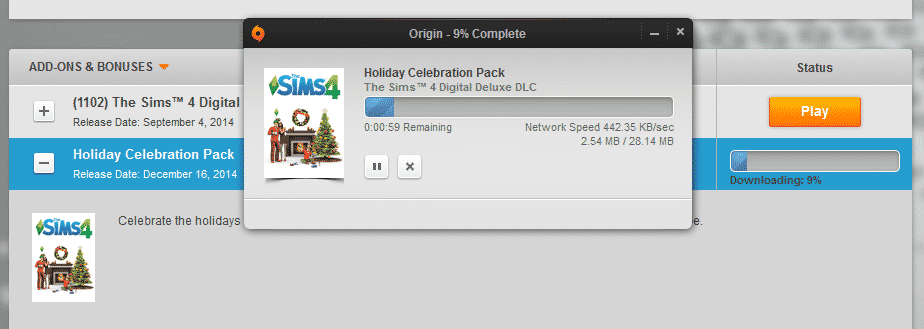
There is an easy solution for this though!
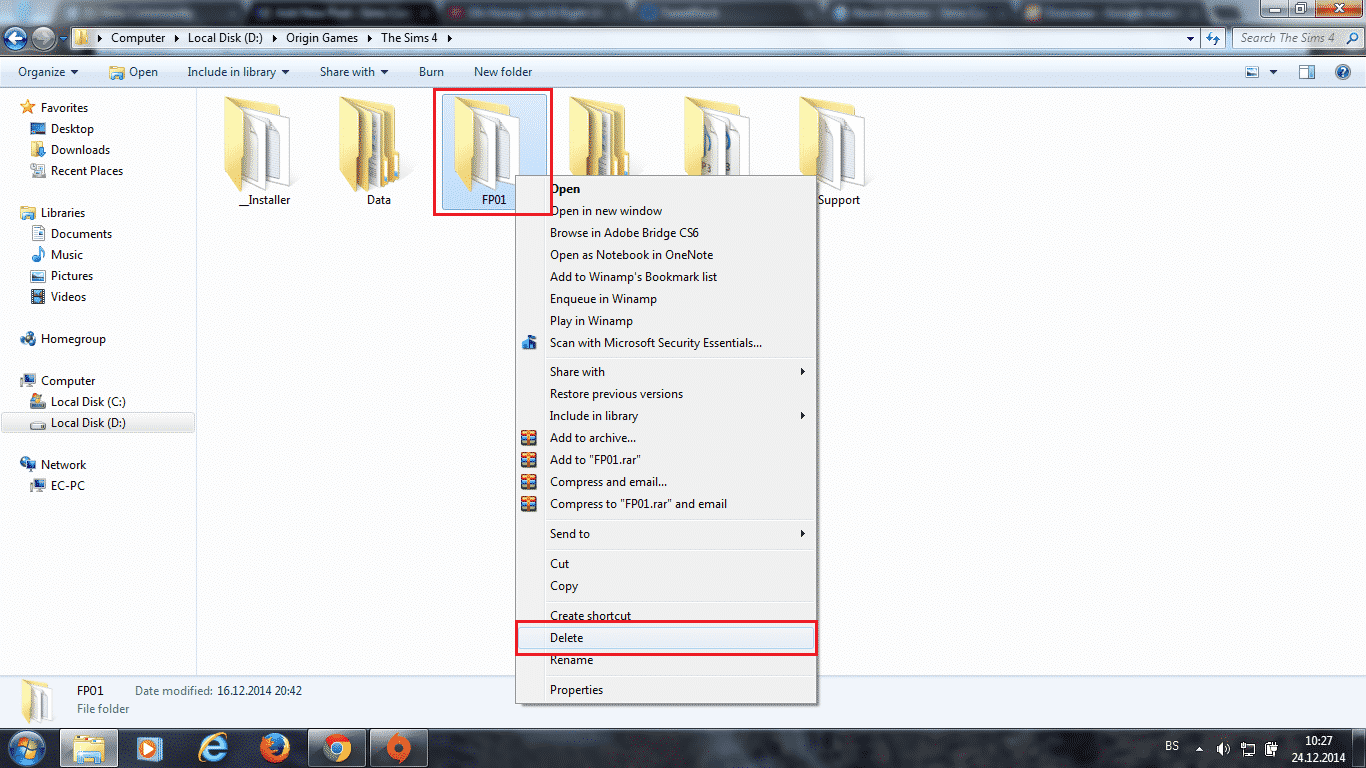
To Uninstall a Pack, just find a folder where all your Origin Games are installed, open The Sims 4 folder and delete a Pack folder of your choice.
Pack Folders: (will be updated as new Packs release)
- FP01 – Holiday Celebration Pack (Download For Free)
- GP01 – Outdoor Retreat Game Pack (Purchase Here)
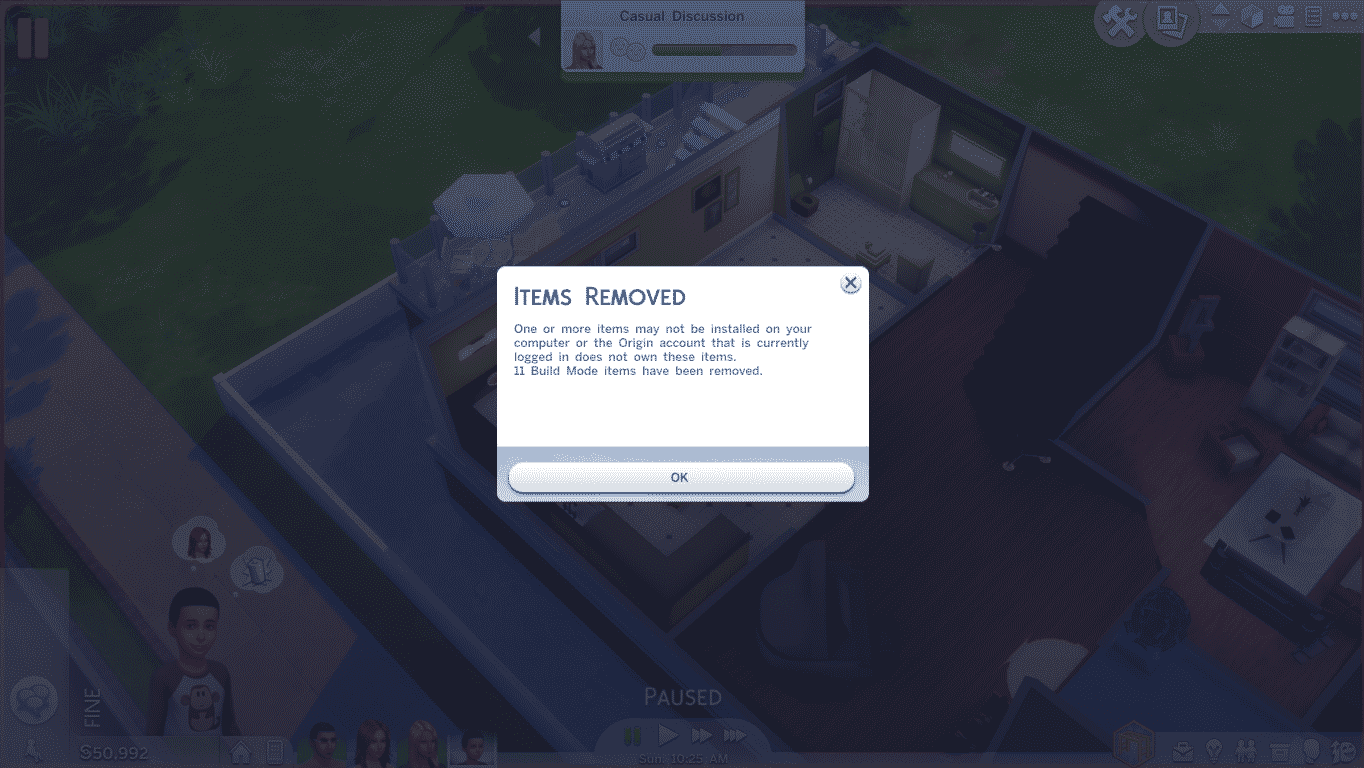
I’ve opened The Sims 4 after deleting a Pack just to see if things are running smooth without any errors or crashes – and it did!
Note: Save Games that contain uninstalled content will have their stuff from Sims and Houses removed.


hiya, i recently downloaded the christmas holidays pack and ever since, i have been unable to open sims 4 as it says that origin isn’t running but it is! anyway i have tried to remove the package but i can’t find the files anywhere on my computer? please try and help as i only got this game in the summer, thanks.
I know this is veryyyy late, but go to boot, search for Origin Games and you will see it 🙂
hi please rely quickly but where do i type in boot i have a Hp computer
Just for the information :
EP0x = Expansion pack number 1-3 (1:Get to work 2:get together 3:city living)
GP0x = Game pack number 1-4 (1:outdoor retreat 2:Spa day 3:Dine out 4:Vampire)
SP0x = Stuff pack number 1-9 (1:Luxury party 2:Perfect patio 3:Cool kitchen stuff 4:Spooky stuff 5:Movie hangout 6:Romantic garden 7:Kids room 8:Backyard stuff 9:Vintage glamour)
i cant find it in the files im trying to uninstall dine out and vampires
how about toddlers stuff and parenthood? i want to delete it :’)
I would like the numbers for all packs now please
thanks!
do you know what number seasons comes under
hi pls help idownloaded sims 4 without having to install origin. Now i dont know how to uninstall sims 4 without origin…
go to the local files for the sims 4 and delete the folders, as well as the folders in the documents section of the file explorer under Electronics arts, the actual game files are under the C: drive program file the sims 4
I have the Sims 4 and the vampires game pack for PS4… Is there anyway to remove the vampires add-on from that? All I see is how to do it for computers
What is the pack folder for legacy edition?
I can’t find where the packs are in my folders