Home Blog Page 12

The Sims 4 Hotfix Update Expected For February 12th

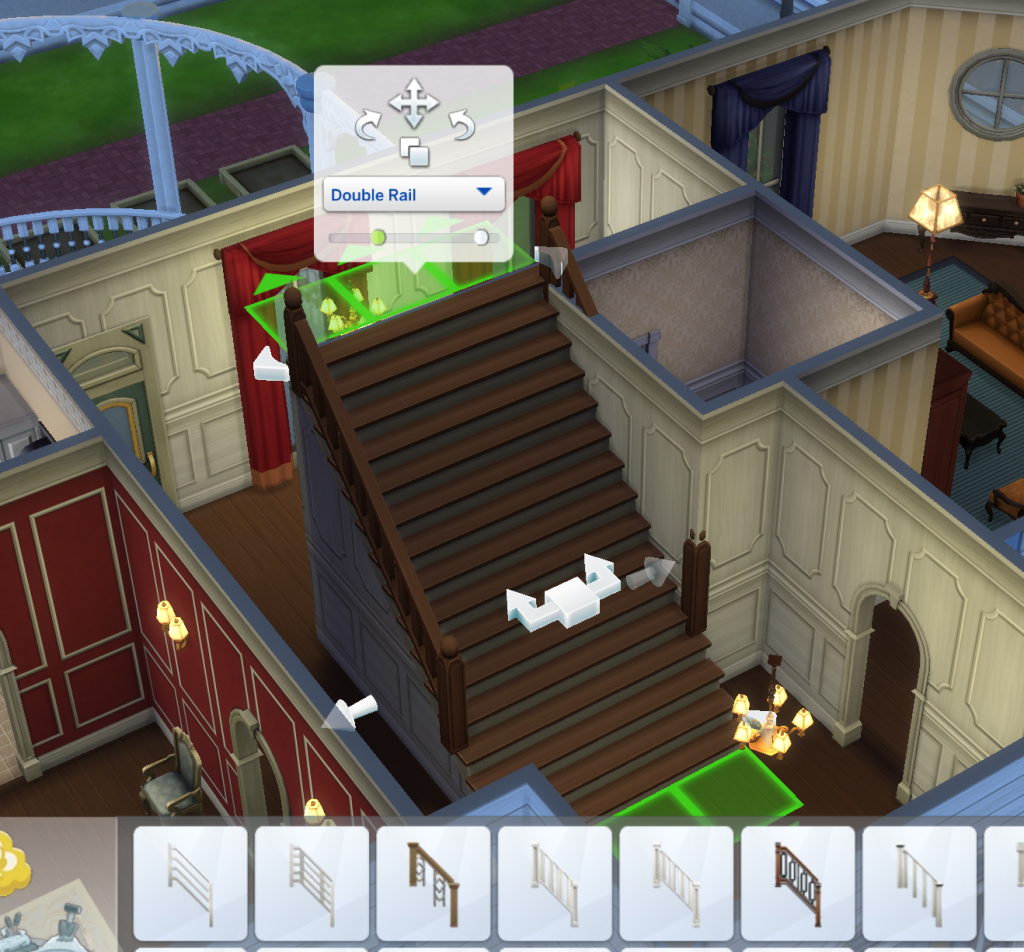
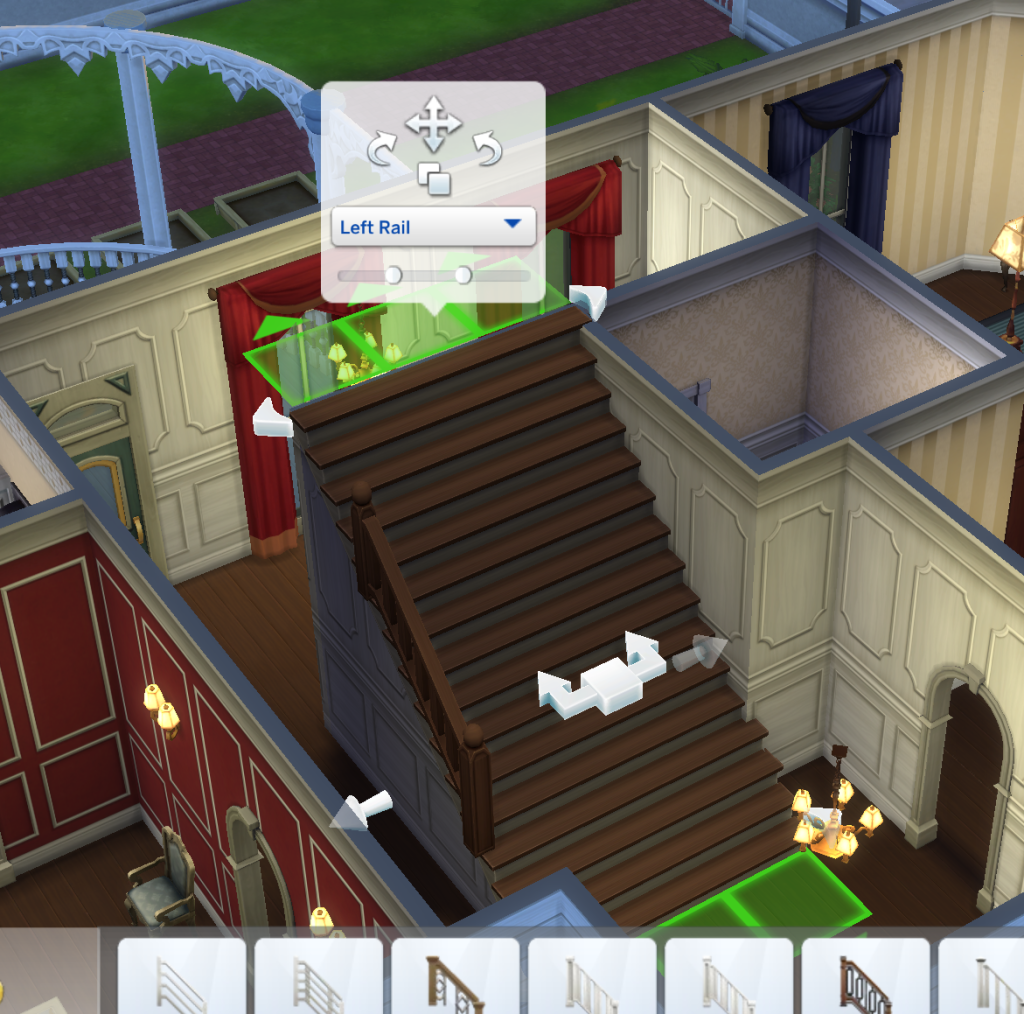
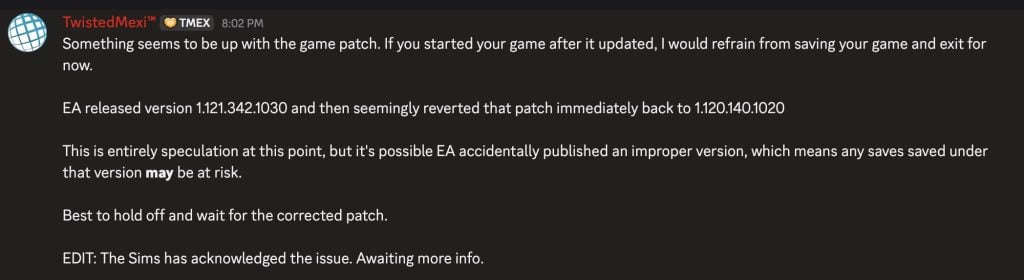
The Sims Team is wrapping up final testing for a retroactive missing rails fix.

It just wouldn’t be an eventful new Sims 4 feature release without that feature breaking everything on day 1. EA has just announced today a new Sims 4 Hotfix update, aimed for a February 12th, 2026 release.

The team has acknowledged the missing stair railings in save game builds. What would be a celebration of the new Stair Tools release turned into players fixing all of the lots in their worlds. But worry not, the upcoming patch is expected to fix that for you! As the team states, “if everything checks out” the patch solution should be delivered to your game launcher on February 12th.

the sims 4 base game update features 15

Read the full statement from The Sims Direct Team about the upcoming Sims 4 Hotfix Update:

Simmers, we’re wrapping up final testing on a retroactive fix for the missing railing issue. If everything checks out, it should ship in a small update on Feb 12, we’ll confirm once it’s locked in.


There’s more Sims 4 bugs that came with the recent game patch than just missing stair rails. Players have also reported the black photos issue returning in their games, issues with family trees and more that we covered in our latest Sims 4 Bug Report.

Stay tuned on Sims Community for latest coverage about the upcoming Sims 4 Hotfix Update release!

The Sims 4 Kits Items Preview: Tea Time Solarium and Silver Screen

2

We now know the full contents of the extra two Kits coming February 12th!

In case you’ve been out of the loop, The Sims Team is releasing two new The Sims 4 Kits titled Silver Screen and Tea Time Solarium on February 12th, 2026. These two Kits will be available for purchase individually on release day for 5USD each, or bundled together for free with the upcoming Sims 4 Royalty & Legacy Grand Bundle release for 40USD.

Thanks to Sims modder @lunar_britney on X we have a full preview of all new Sims 4 Kits items coming to digital shelves next Thursday. Let’s take a deep dive!

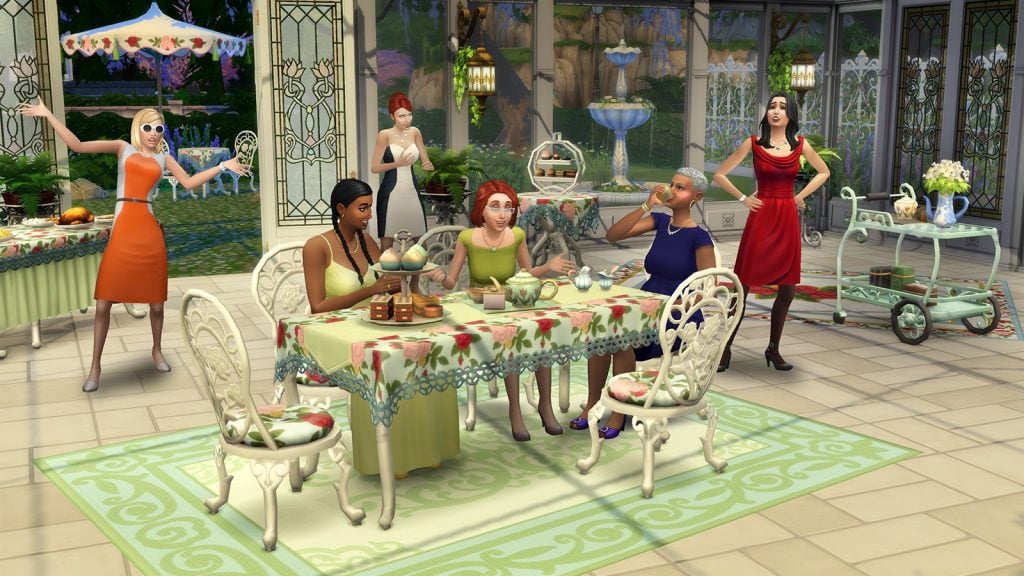
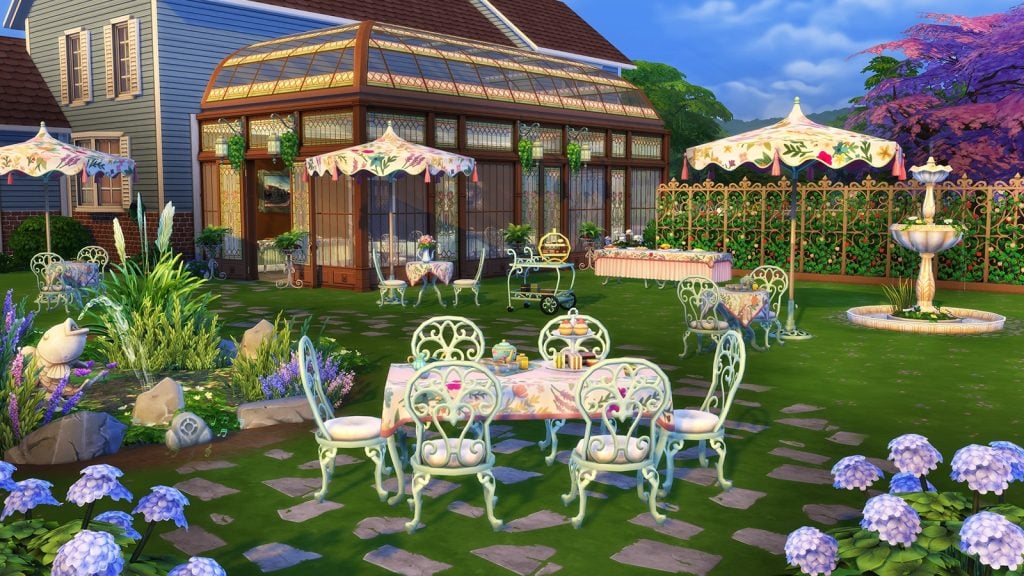
The Sims 4 Tea Time Solarium Kit

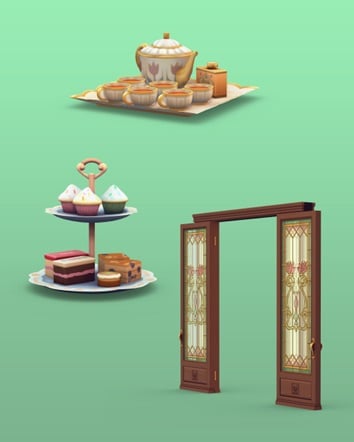
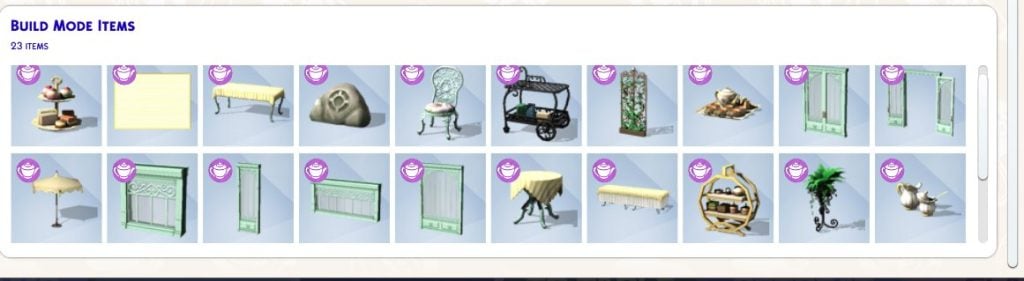
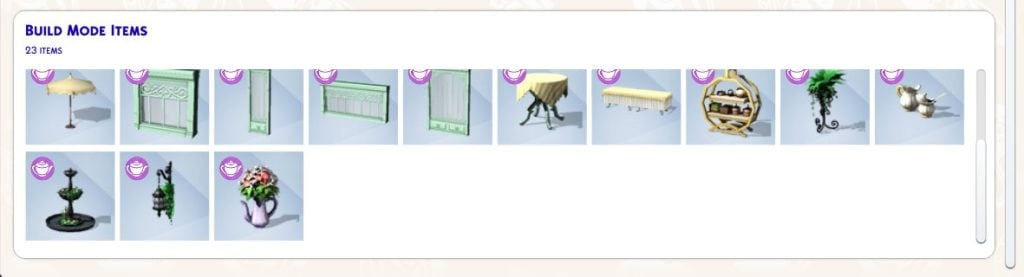
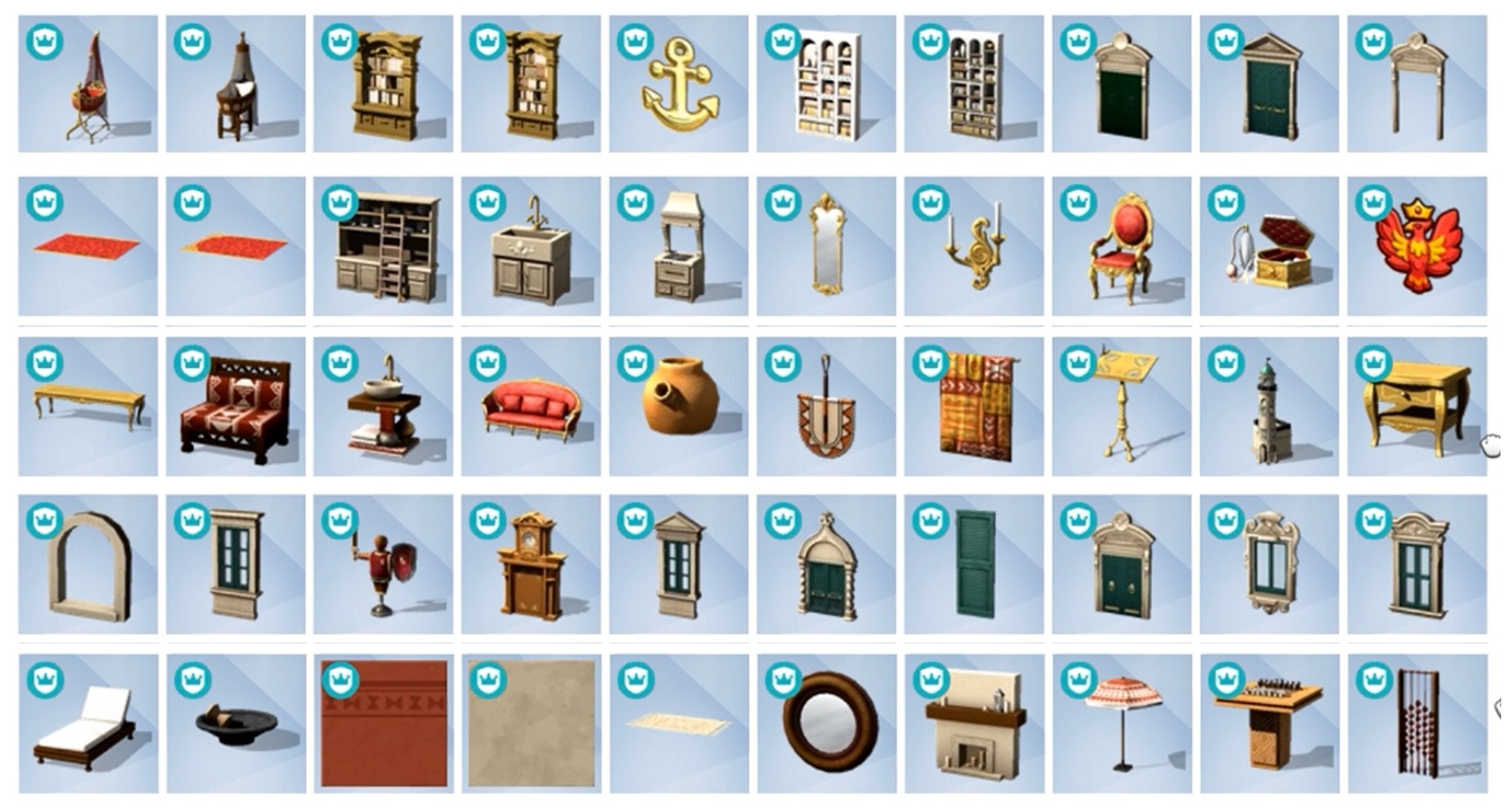
The Sims 4 Tea Time Solarium comes with 23 new build objects in total. There’s new outdoor seating furniture, a tea set and tray, set of new windoows and entrances, along with some decorative fauna.

See all the Tea Time Solarium items below:

See what these Kit items look like in the official screen gallery below:

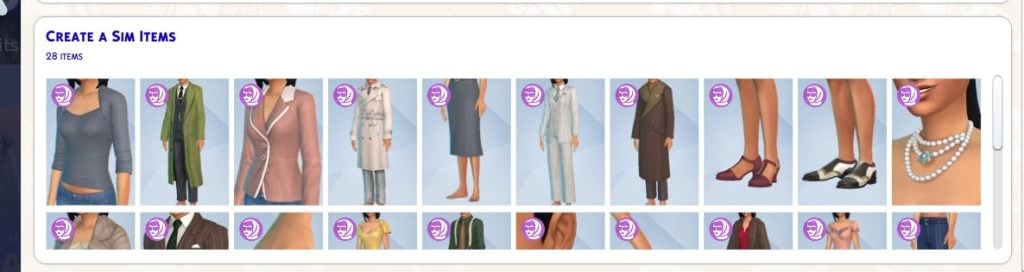
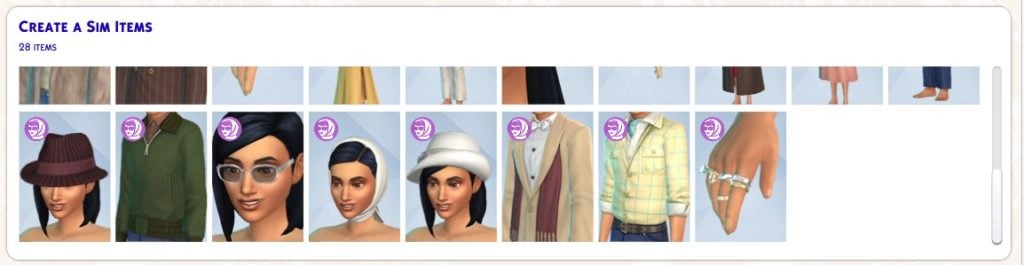
The Sims 4 Silver Screen Kit

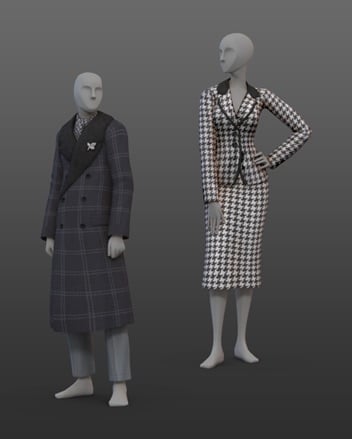
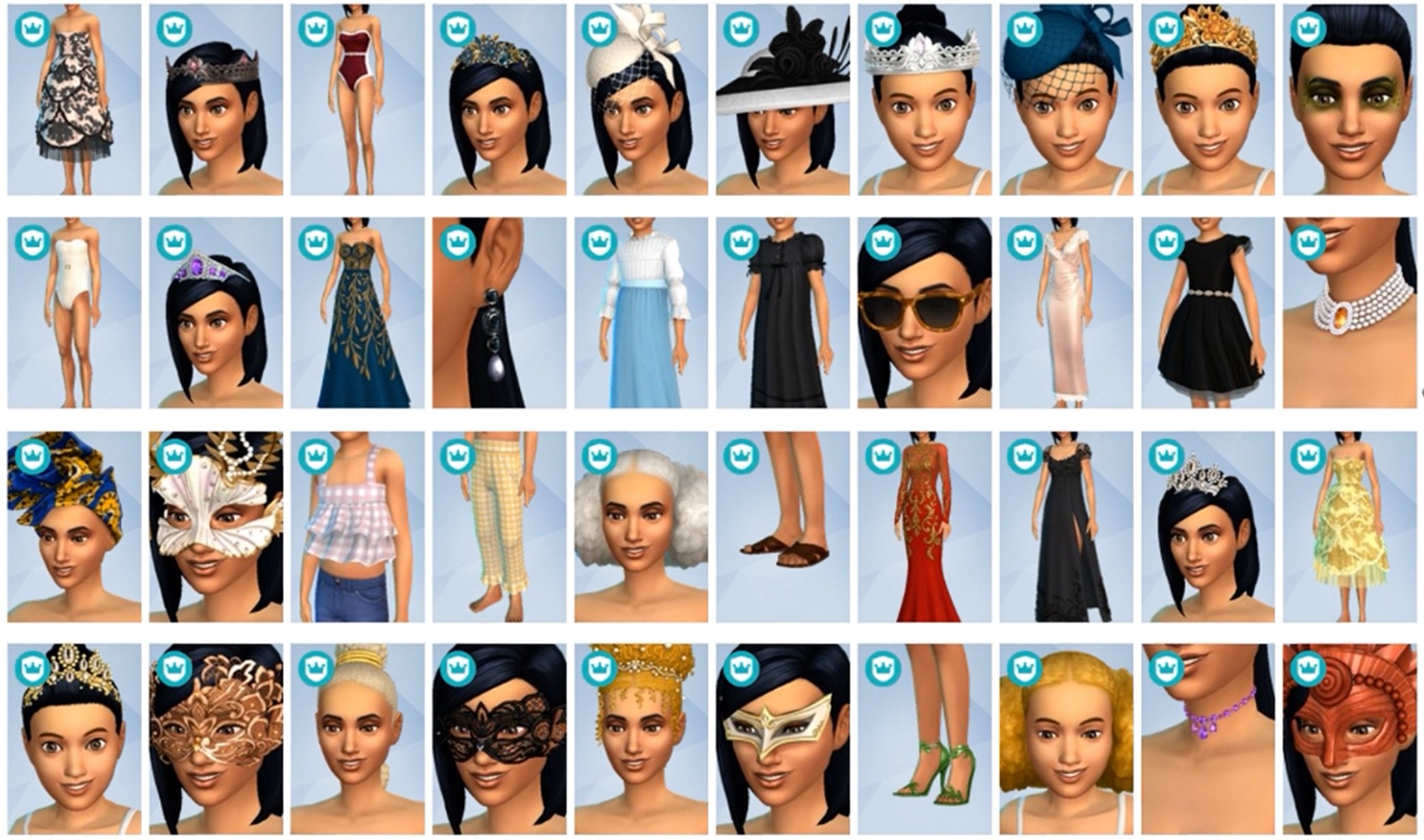
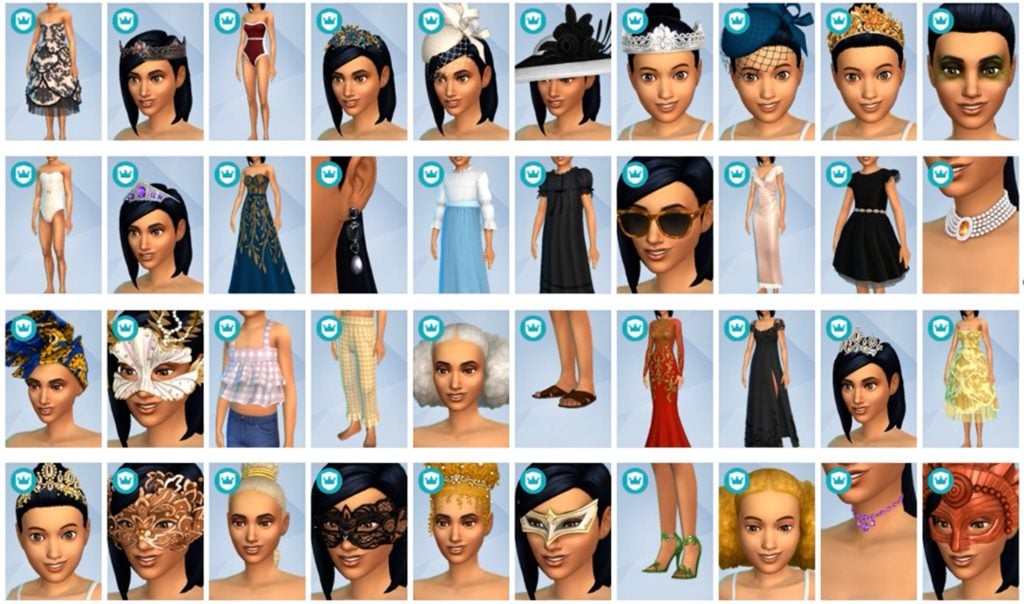
The Sims 4 Silver Screen Kit comes with 28 Create A Sim items. Including some new shoes, jewelry, head accessories and glamorous outfits. See the items preview below:

Take a look at what the Silver Screen fits look like in the official gallery preview:


Community Poll

We want to know what you think about The Sims 4 Kits items for Silver Screen and Tea Time Solarium. Are you satisfied with the Kit catalogue offer for these two, do you have a preference or are they both not up your alley? Let us know in this unofficial community poll:

[totalpoll id=”190222″]


Want to know what CAS and Build items are included in Royalty & Legacy Expansion Pack? We have a full preview!

Let us know what you think of the new Sims 4 Kits items in the comments down below and stay tuned on Sims Community for the latest Sims 4 Kit Reviews!

Countdown to The Sims 4 Royalty & Legacy Release

Find out when the latest Sims 4 Royalty & Legacy Grand Bundle drops in your area!

We’re only a few days away until The Sims 4 Royalty & Legacy release across PC, Mac, Xbox and Playstation supported platforms. The latest Sims 4 Expansion Pack is set to release on February 12th, 2026 along with a special “Grand Bundle”. Which includes two free Kits and a limited Digital Content Package. Just like previous Expansion Pack releases, this one is retailed at $39.99USD, or a price equivalent to your local currency. That counts for the Grand Bundle as well!

the sims 4 royalty legacy grand bundle banner

There’s a lot of information to cover about the upcoming Expansion release – let’s get started!

Countdown to The Sims 4 Royalty & Legacy Release

The Sims 4 Royalty & Legacy Expansion Pack is set to release across Computers and Consoles on the same date at the same time. Set for a February 12th, 2026 release at 10AM PT / 7PM CET / 6PM BT, we’ve decided to keep you informed about when the Pack precisely unlocks in your area.

sims 4 royalty legacy screens7

Down below is a countdown timer that counts to the exact moment of The Sims 4 Royalty & Legacy Grand Bundle getting unlocked for download. As soon as the timer turns to zero you should be able to get the latest EP release!

00
Days
:
00
Hours
:
00
Min
:
00
Sec
Countdown to The Sims 4 Royalty & Legacy Grand Bundle Release

All Releases for February 12th, 2026

The Sims 4 Royalty & Legacy release isn’t the only new Sims 4 DLC that’s being brought to storefronts on February 12th. There are going to be two additional Kits titled Tea Time Solarium (Build) and Silver Screen (CAS) Kits, along with the limited Digital Content bonus for Royalty & Legacy titled Regal Treasures. Let’s take a look at all the extra DLC coming on the same day before we dive into Royalty & Legacy’s main features!

The Sims 4 Tea Time Solarium Build Kit

The Sims 4 Tea time Solarium Kit is a new Maxis Build Kit releasing on February 12th, 2026. You’ll be available to get this Kit release for individual purchase for 5USD, or bundled together with the Grand Bundle for 40USD. See the official Kit features below:

the sims 4 update patch images 5

Sip tea in sunlight while surrounded by elegant décor and close friends with The Sims 4 Tea Time Solarium Kit. Host tasteful, elevated gatherings with tea sets, treat trays, and ample natural light streaming in through large, beautiful windows as well as glass doors and roofs.

Kit Features:

  • Gatherings in Glass – Design a social space that is not quite outside, and yet still separate from the daily bustle of your main house. With windowed walls, a flowering trellis, a discrete speaker shaped like a rock, and furniture fit for a garden or sitting room, you’ll craft the perfect spot to spill the tea with friends.
  • Tasteful & Tasty – An elegant tea party requires a beautiful space, good conversation, and – of course – tea, as well as other refreshments. This collection features a delicate tea set and treat tray that are both functional and lovely to look at, as well as a new banquet table.

Kit Screens:

The Sims 4 Silver Screen Kit

The Sims 4 Silver Screen Kit is a new Create A Sim Kit, featuring vintage clothing and accessories for Sims. Just like with the Tea Time Solarium Kit, you’ll be available to get this Kit release for individual purchase for 5USD, or bundled together with the Grand Bundle for 40USD. Here are the official Kit features and assets:

the sims 4 update patch images 4

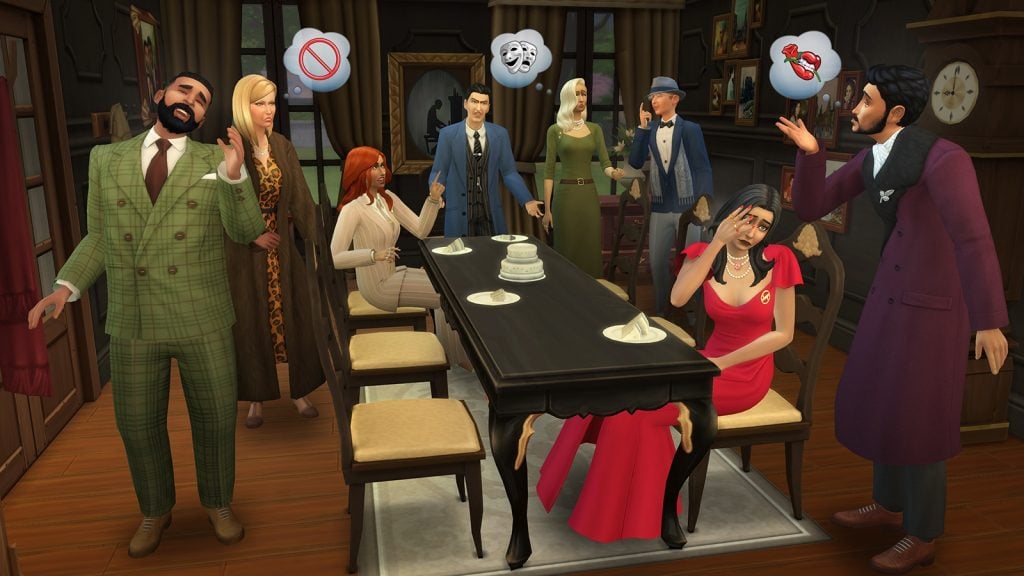
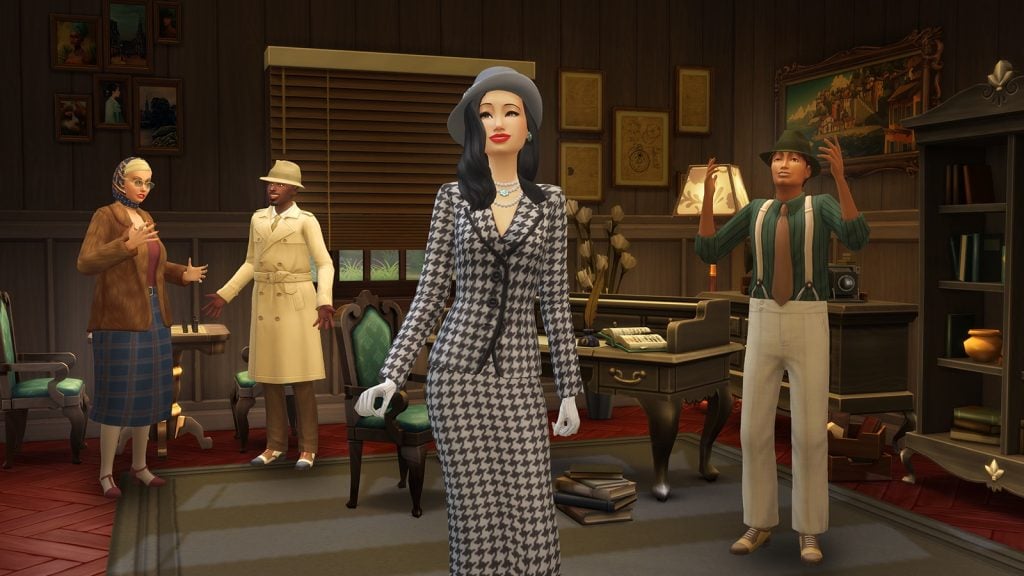
Cut a bold figure in striking styles inspired by the mystique of a classic era with The Sims 4 Silver Screen Style Kit. Exude graceful power as head of the family by pairing a dramatic gown with bold accessories, or go for the iconic, intriguing look of a trench coat and hat, to hide your eyes while you search for secrets. This kit is about stepping into the roles of larger than life characters.

Kit Features:

  • Bold, Beautiful, and Dangerous – Look confident and capable in sparkling jewelry, a faux fur-trimmed coat, and sleek shoes in addition to gowns and suits that create classic silhouettes.
  • Look the Part – Embody an unstoppable persona. Dress for the moment you discover a scandal, reveal your secret plot, or get away with your prize. These are dramatic looks for when you want to feel iconic.

Kit Screens:

Both The Sims 4 Silver Screen and Tea Time Solarium Kits are available for free with the purchase of Royalty & Legacy Grand Bundle for 40USD. You can also get the Kits individually following the full release on February 12th, 2026.

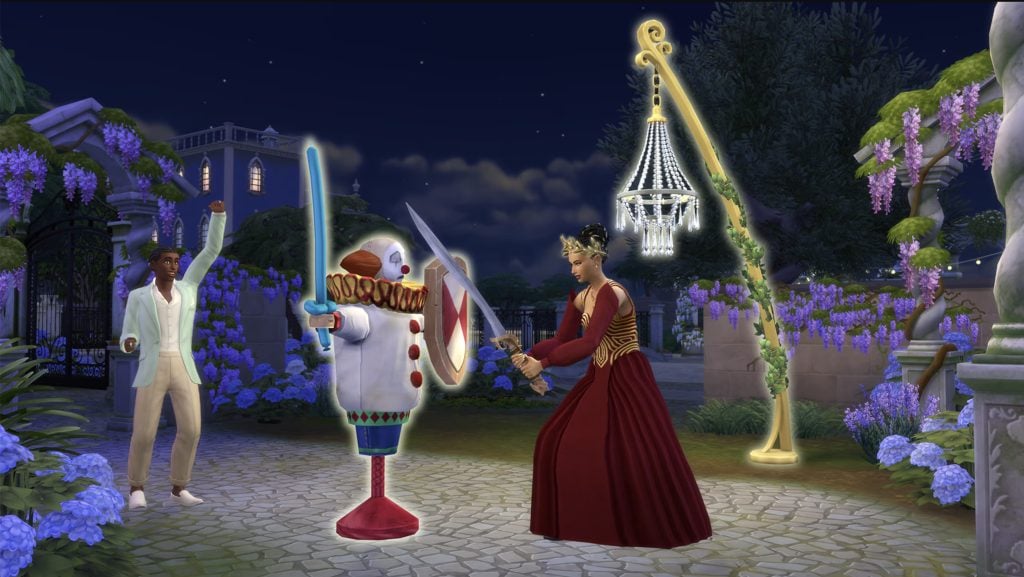
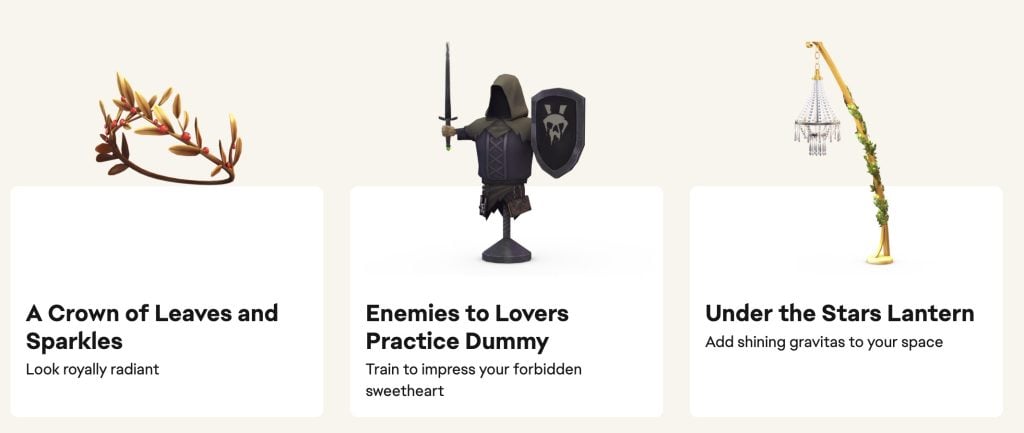
The Sims 4 Regal Treasures Digital Content

Unlike the last two Kits mentioned above, The Sims 4 Regal Treasures Digital Content is a limited-time release. Featuring 3 objects, you’ll be able to get this exclusive digital set from now until March 15th, 2026.

sims 4 regal treasures

The set includes these following items:

  • A Crown of Leaves and Sparkles
  • Enemies to Lovers Practice Dummy
  • Under the Stars Lantern
Screenshot 2026 01 15 at 17.20.51

What’s Included in The Sims 4 Royalty & Legacy

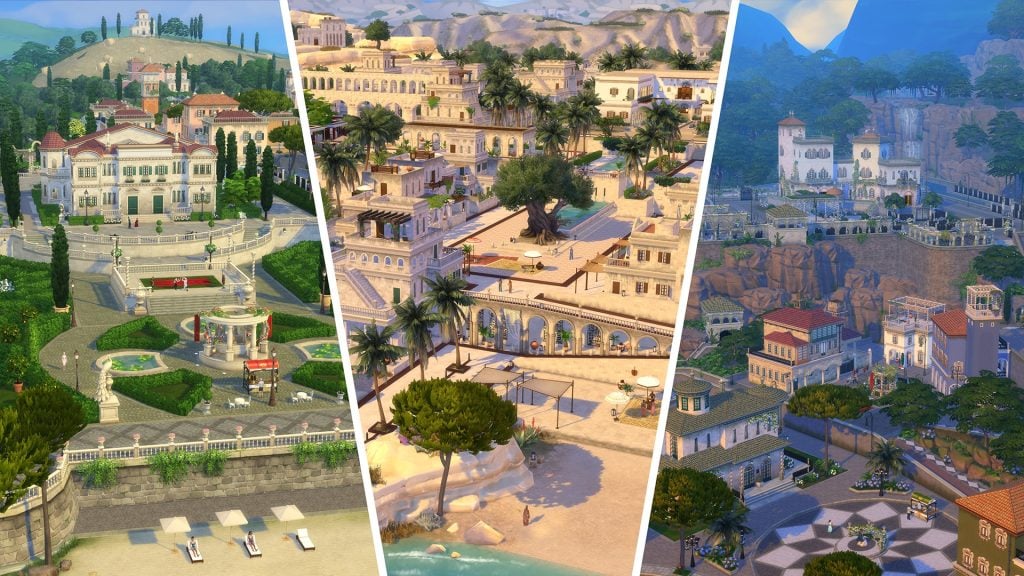
The Sims 4 Royalty & Legacy release is the main star of this bundle! The 21st Expansion Pack for The Sims 4 series introduces a new world called Ondarion, filled with 3 Neighborhoods: Verdemar, Bellacorde and Dambele. With 16 Lots (and 18 Lots if you count new Apartments), you can enjoy building a long lasting Dynasty, or choose to pursue the Nobility Active career.

There’s also a new system with Values and Prestige, perks and quirks of being a Noble Sim and a new Swordsmanship Skill to acquire. The feature that’s also been a talk of the town are Scandals, where numerous rumors can tarnish your prestige and rank. It’s best that your Sims avoid having any secret children!

EA provided an extended description of all the features that you should expect in this Expansion Pack. Take a look at the features rundown below:

sims 4 royalty legacy features cover Large

The Sims 4 Royalty & Legacy: Extended Description and Key Features

Dynasty

Dynasty Head

Lead your family to greatness – Any Sim (Young Adult or older) can start a Dynasty, and as Head they are the only ones who can set the Dynasty’s Values, purchase Perks, choose their Heir, or designate Outcasts. They also decide which family members can be a part of the Dynasty, and they can expel members. If a Sim is in a Dynasty and breaks away to start their own, they’ll inherit some Prestige from the original Dynasty. When you start a Dynasty, you’ll be able to name it & customize the crest and motto.

The Sims 4 Royalty Legacy Nobility Gameplay Trailer 3 58 screenshot 1

Values & Prestige

Rise to prominence – A Dynasty’s Values are set when the Head chooses up to 3 Ideals and 3 skills that are important to them. Ideals reflect how Dynasty members are expected to behave and are tied to different activi-ties, careers, and actions. When members live up to their Values – by working on the right skills or choosing an aligned career, for example – the Dynasty gains Prestige. There are 10 levels of Prestige, and the higher the level the more Perks – like Private Tutors & inheritable traits – can be unlocked.

The Sims 4 Royalty Legacy Official Dynasty Gameplay Trailer 1 9 screenshot

Roles & Unity

Rally together – There are two more Dynasty roles to keep in mind: Heirs and Outcasts. Heirs inherit the Headship, and their actions affect Prestige dramatically. Outcasts barely affect it at all. Members may be declared Outcasts because their actions do not align with the Values and are dragging Prestige down. Dynasty Unity is the average relationship between members. Having Unity Stability means more positive events, like alliance proposals, will occur while a Unity Crisis spells trouble and division.

The Sims 4 Royalty Legacy Official Reveal Trailer 2 42 screenshot

Nobility

Duties & Favor

Rule your realm – Nobility is an active 10 level career, and it’s also a way of life. Daily tasks may include Holding Court using a Throne, holding Press Conferences using Podiums, reading and replying to Noble Mail, donating to the Kingdom Fund, adjusting Kingdom Taxes, granting Noble titles, enacting Decrees, and more. As you perform your daily tasks, you’ll have chances to court either Commoner Favor or Royal Favor. What kind of Favor you gain shapes your rule, unlock interactions & even win you Noble Gifts.

The Sims 4 Royalty Legacy Official Reveal Trailer 0 36 screenshot

Rivalries

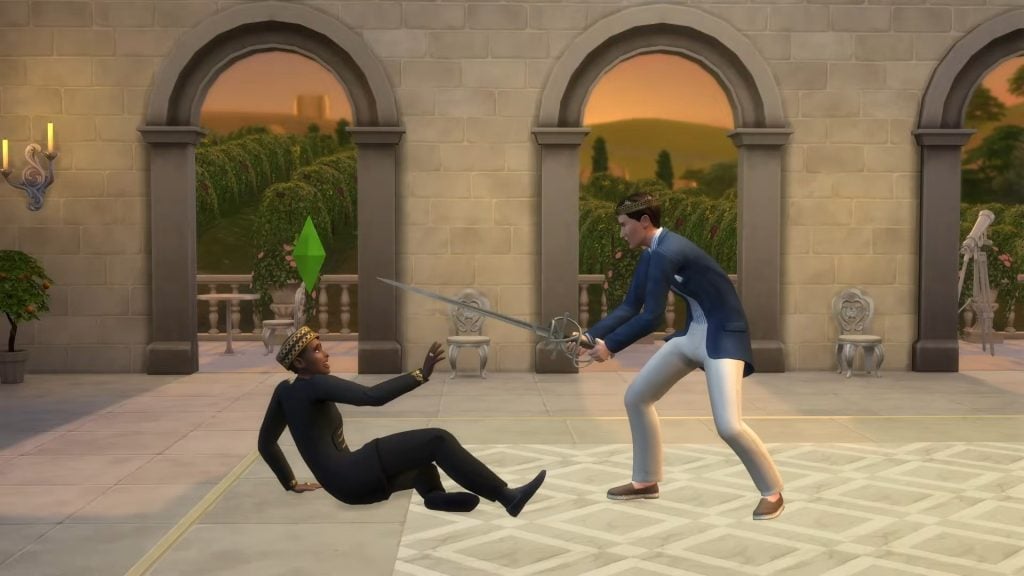
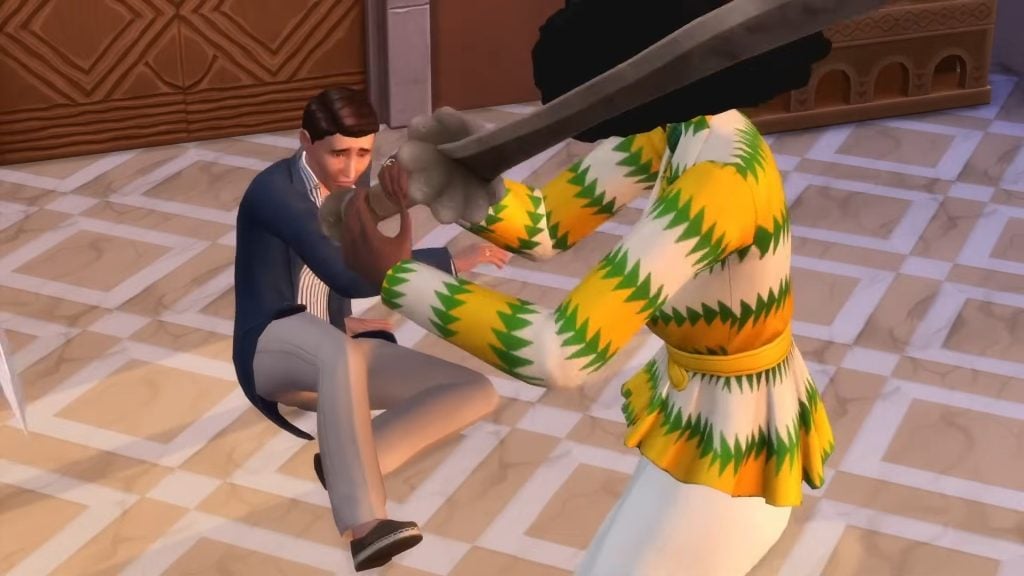
Best your rivals – Rising through the noble ranks isn’t only about performing your duties. There may already be Sims holding the titles you want to advance to – these are your Noble Rivals. There are three ways to get around them: diplomacy, scheming, and Duels. Diplomacy will involve encouraging (or pressuring) your Rival to abdicate, scheming involves learning about your Rival’s scandal and extorting them, and Dueling them means challenging them to a contest of Swordsmanship.

sims 4 royalty legacy cas trailer screen 71

Powershifts

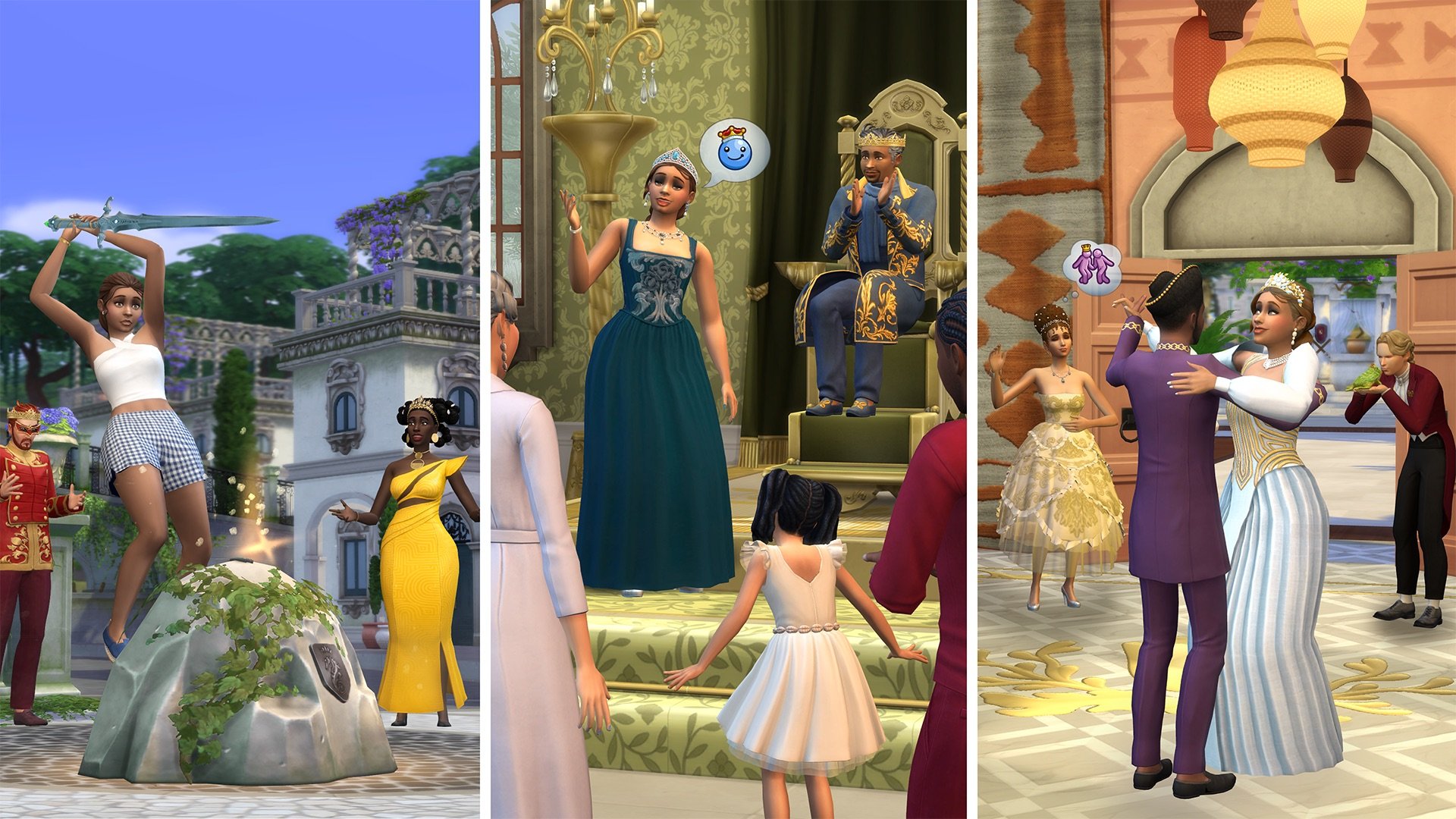
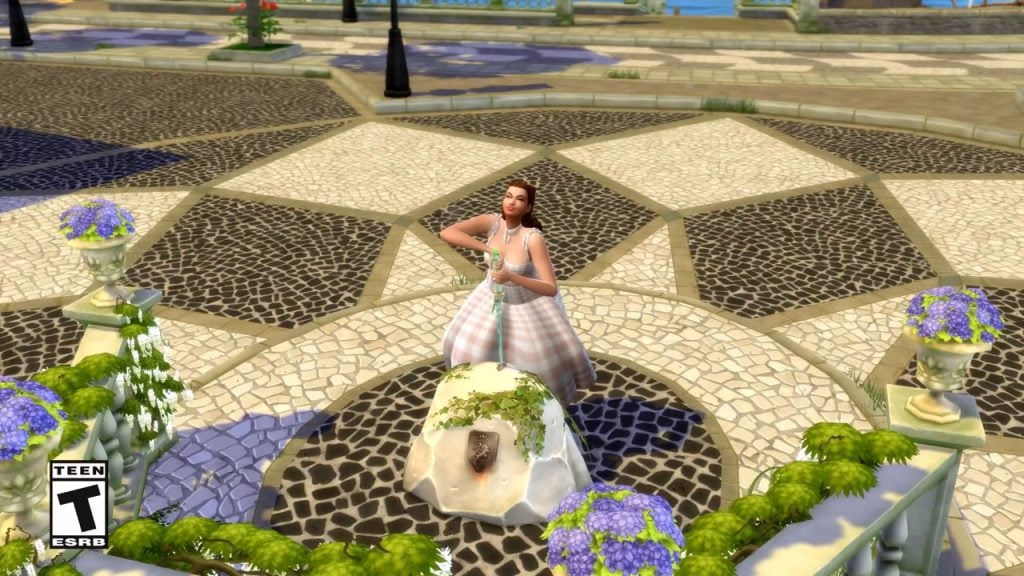
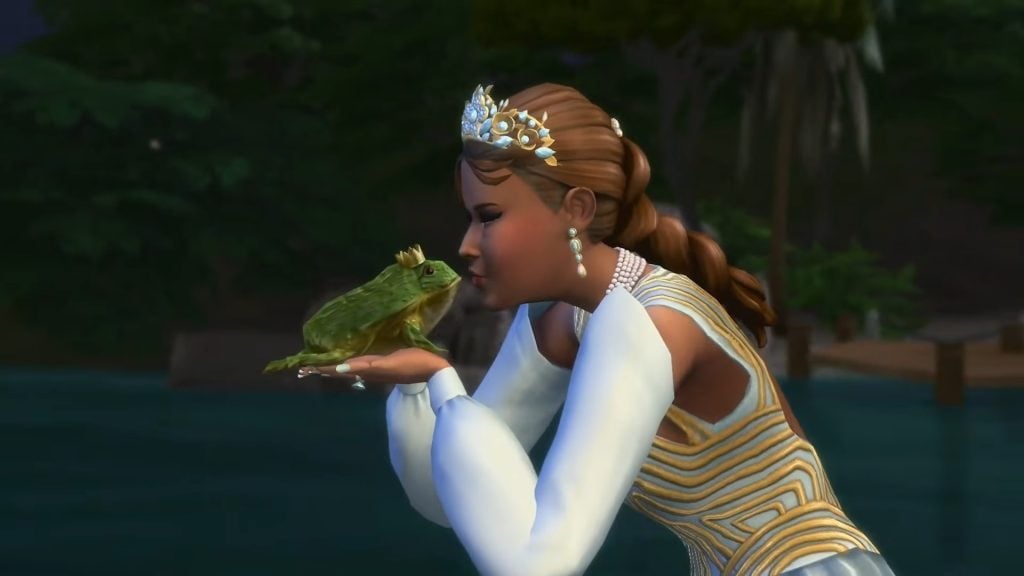
Experience storybook moments – There are 5 Powershifts that can affect a Noble’s rank or Favor. Sims can seek out a mystical sword in a stone and – if the sword deems them worthy – become the Kingdom Leader. They can also kiss frogs – maybe they’ll find a Noble Frog! – or experience a special Ballroom Dance in crystal shoes. Both of these can lead to an upgrade in title, as well as love! Sims can also take on Anansi’s Trials, or find the Enchanted Mirror and take their chances – it may reward or punish them.

The Sims 4 Royalty Legacy Nobility Gameplay Trailer 4 22 screenshot 1 1

Scandal

Breaking Scandals

Thicken the plot – Is your Sim being watched? If they do something scandalous, like have a secret child, it won’t be a scandal right away. If they can keep it to themselves, things might blow over. Or, rumors might swirl. Other Sims might witness the deed or discover the secret by hacking, rummaging through trash, or asking around. They may choose to extort the Sim and expose the Scandal if they don’t comply, or they could just expose it. The Notebook will update automatically to track Scandals & potential Scandals.

sims 4 royalty legacy screens5

Managing Scandals

Face the music – When a Scandal breaks, the Sim at the center will be affected. Depending on the Scandal they could face judgement from other Sims and lose romantic relationships, friendships, career progress, or even Swordfighting Duels. If the Sim is in a Dynasty, their Prestige will suffer. Nobles can lose titles. To manage these situa-tions, Sims can post apologies or denials using a computer. Nobles can hold Press Conferences. Sims can also profit from their scandals by uploading videos or writing books.

The Sims 4 Royalty Legacy Official Reveal Trailer 4 3 screenshot 1

Extortion

Plot and scheme – If a Sim learns a secret, they can threaten to expose it to create a Scandal. Depending on who they are extorting, an active Sim may ask for Simoleons, abdication, Dynasty Heirship or Headship, approval of a relationship, Favor, for an Alliance to be broken, a truce called, or for someone to be declared an Outcast.

The Sims 4 Royalty Legacy Official Dynasty Gameplay Trailer 4 47 screenshot 1

The World

Ondarion

Experience opulence and culture – Verdemar is a great place to hone your Swordsmanship skill or collect secrets. The bar is a popular hangout for Sims who like to gossip. Dambele is a warm, artistic neighborhood where you can browse a bustling market or recite writings under the Zanbira Tree. Bellacorde has a history of chivalry and drama – it is home to the returning Capp and Monty families, and their feud. Ondarion has a number of Secret Passageways that let you move between lots, and Treasure Chests with rare finds.

sims 4 royalty legacy screens4

Swords & Swordsmanship

Prepare to Duel – Honing your Swordsmanship skill can have a variety of benefits. Sims can Duel for fun, Simoleons, promotions, and even to resolve a love triangle. There are Tournaments in every neighborhood, and 11 different swords that can be added to your Collection. Purchase them from Verdemar’s Blacksmith or the Community Market in Dambele, or find them in chests. Simcalibur is a one of a kind sword lodged in a stone. It can only be claimed by a Sim it deems worthy and instantly makes that Sim Kingdom Leader.

The Sims 4 Royalty Legacy Official Dynasty Gameplay Trailer 5 8 screenshot 1

Families & Family Trees

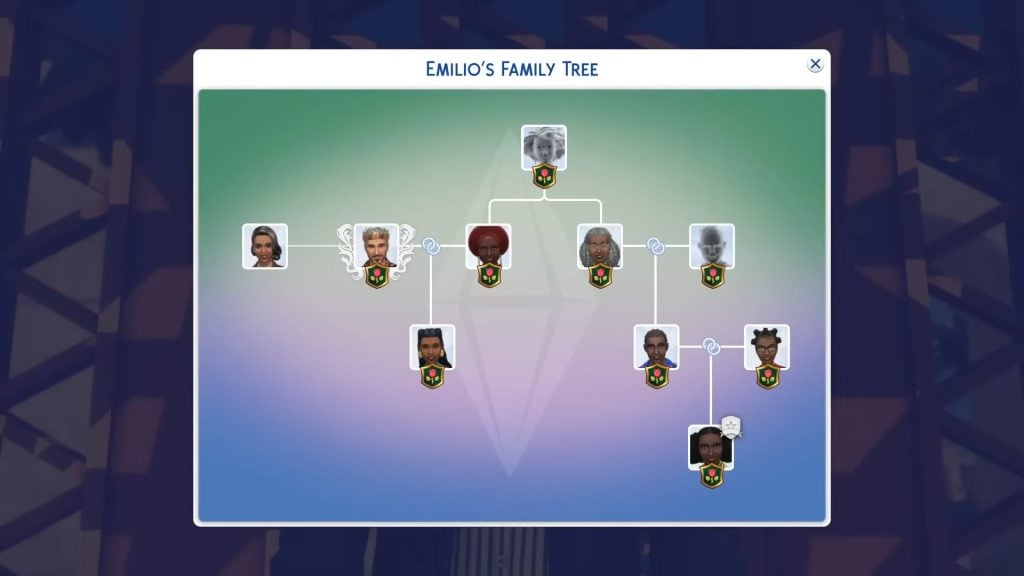
Know your neighbors – All 3 of Ondarion’s neighborhoods have Dynasties and Nobles with their own lore to uncover. Verdemar has the adventurous Grand Duchess Cordelia V. Dambele’s Dynasty comes from a long line of artists and is known for being philanthropic. Bellacorde’s Capps and Montys have a longstanding rivalry. There are many contenders for the crown. Families can get complicated, and you can check the expanded Family Trees to track these relationships. You can view Family Trees in the new Tapestry or Compedium.

The Sims 4 Royalty Legacy Official Dynasty Gameplay Trailer 4 26 screenshot 1

If you’re wondering what’s new with Create A Sim and Build Mode in this Expansion Pack release, we got you covered right here!

Where to Get

You can get The Sims 4 Royalty & Legacy with the Grand Bundle in the official links provided below. The Sims 4 Royalty & Legacy Grand Bundle will turn into a regular Sims 4 Royalty & Legacy Expansion Pack offer after March 15th, 2026 at 10AM PT.


Release Poll

We want to know what you think about the upcoming Sims 4 Royalty & Legacy release, which is why we’ve conducted a fun, unofficial community poll down below. Are you excited about this era of The Sims 4, do you like the Grand Bundle offers and is the Pack even something you plan on getting? Let us know down below:

[totalpoll id=”190169″]


That’s everything you need to know about the upcoming Sims 4 Royalty & Legacy release on February 12th, 2026, along with the Grand Bundle. Let us know your thoughts about the experience with getting the game and downloading it on release day in the comments section down below.

Stay tuned on Sims Community for all the upcoming coverage, reviews and guides coming for The Sims 4 Royalty & Legacy and the new extra content!

BUG REPORT: Newest The Sims 4 Update Brings Some Royal Bugs and Issues

As usual, new updates for The Sims 4 bring a mix of fixes and unexpected issues. This latest patch prepares the game for the release of The Sims 4: Royalty and Legacy Expansion Pack on February 12 and introduces several exciting, long-awaited features.

bugsissuesfeatured

The Sims 4 patch released on February 3 is version 1.121.342.1030 on PC, 1.121.342.1230 on Mac, and version 2.28 on consoles. While the update addresses several long-standing issues, including a fix for cases where entering or exiting Build Mode during Scenarios could cause the UI to disappear or the game to become unresponsive, reports suggest that the photo-related bug introduced in previous patches may persist for some players. The update also introduces several new features, such as the new curved stairs tool, expanded stair rail customization, and an update to Family Trees.

Railings are missing on lots created before the Patch

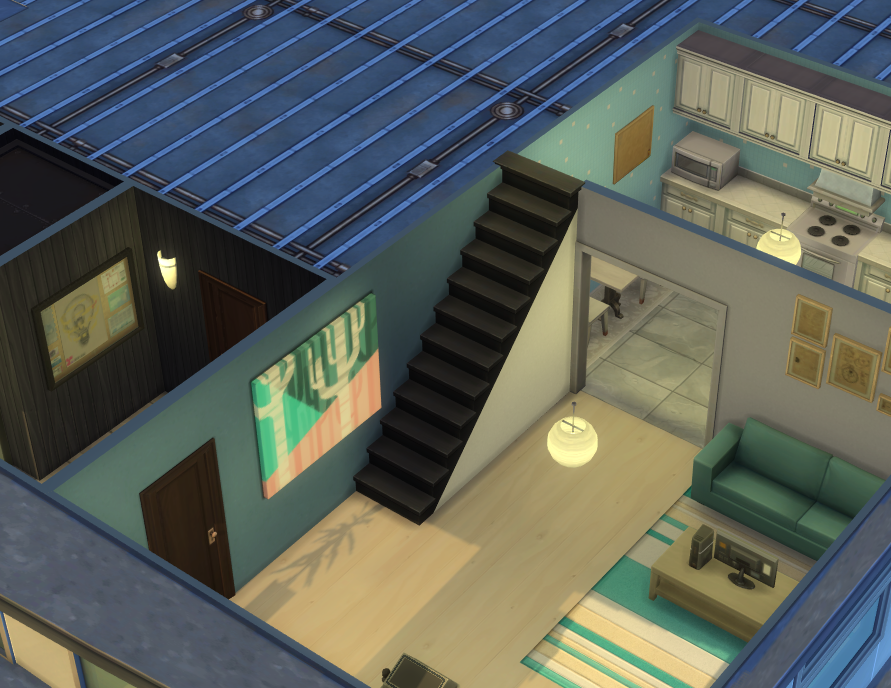
Stair railings are missing on any lot created before the February 3 patch after updating the game. This affects all premade lots, Gallery lots, and existing player saves. Any staircase that previously had railings now appears without them once the lot is loaded in the neighborhood view.

The issue is retroactive, meaning it also impacts existing saves when older lots are opened after the update. Lots created after the patch do not appear to be affected.

Railings missing on lots created before Patch 1.121.342

Any lot created before the February 3rd patch that had stairs with railings, no longer have them after updating. This includes all premade lots, gallery lots and lots in saves. Any lot created by a player or Maxis before the update no longer has railings. This is also retroactive in exisiting saves when a lot is loaded in the neighborhood.

I would have expected any lot created before the patch to automatically have double railings applied.

forum user – Kalliker

Photo by Kalliker

Forum user karaiarai indicates that the issue does not affect lots built after the update, nor lots that were modified and saved once the patch was installed. Additionally, lots saved to the Gallery after the update retain their stair railings correctly when placed. The problem appears to be strictly limited to stair railings created before the patch, suggesting an issue with how legacy stair data is handled under the new system.

Additional note:
This issue does not occur in lots that were built after the update, nor in lots that were modified and saved after the update.
Lots that were saved to the Gallery after the update also do not experience railing disappearance when placed.
This issue is strictly limited to stair railings that were created before the update.

Hold Lecture Doesn’t Work Autonomously on Custom Venue

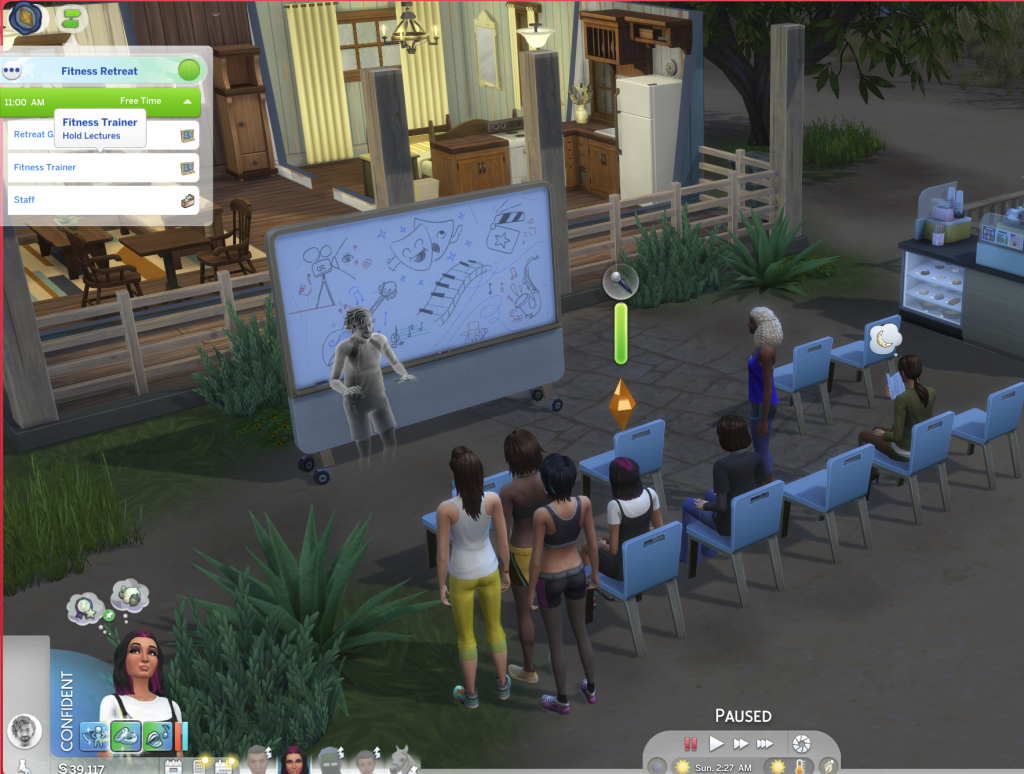
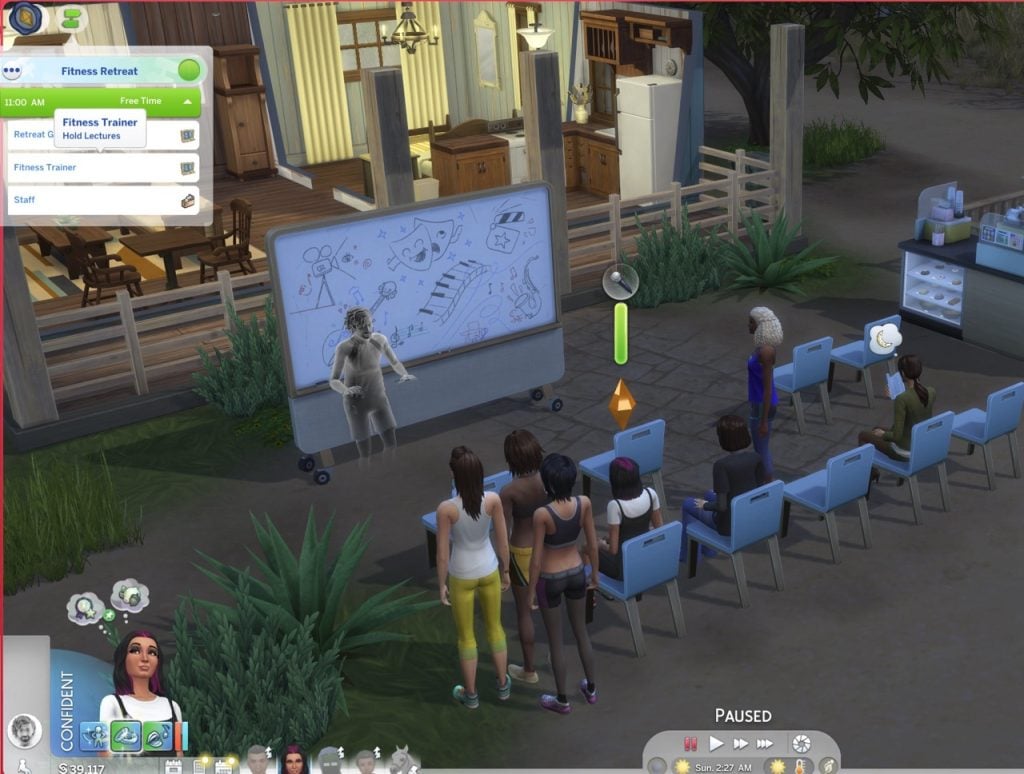
Another issue reported by players affects the “Hold Lecture” interaction introduced in the new update. While the feature was added for Getaways, it currently only works autonomously when a getaway event is active. Sims assigned to this role do not function correctly on Custom Venues, and players are unable to select which lectures can be performed from the lecture board.

[AA] [BH] Hold Lecture Doesn’t Work Autonomously on Custom Venues

The new 1.121.340 patch added Hold Lecture for getaways, but the issue is that they only work autonomously if there’s a getaway. Custom Venues alone don’t function on sims with that role. You can’t pick what lectures they can do on the board either (make the existing locker available on any lot as a fix)

Forum User – sunshinestation1

image 7 1
Photo by sunshinestation1

Family Trees Collapsing or not appearing correctly

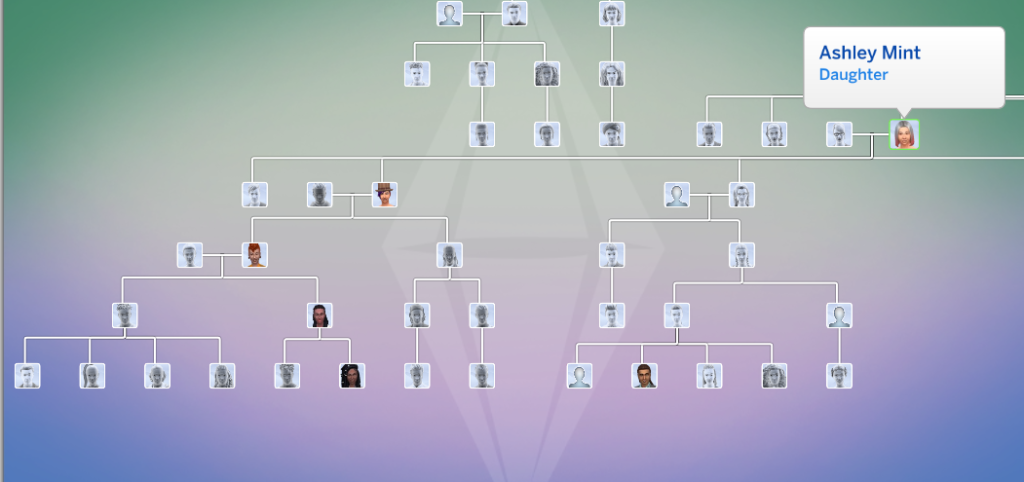
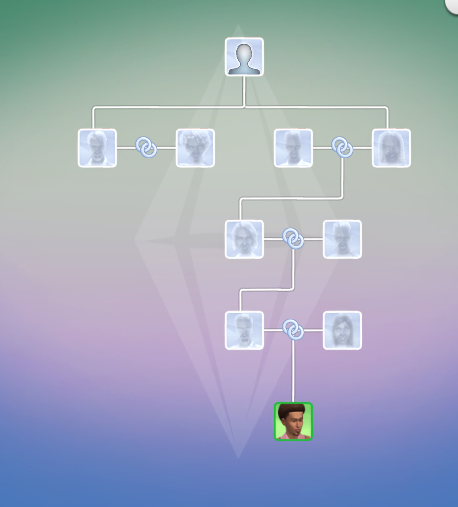
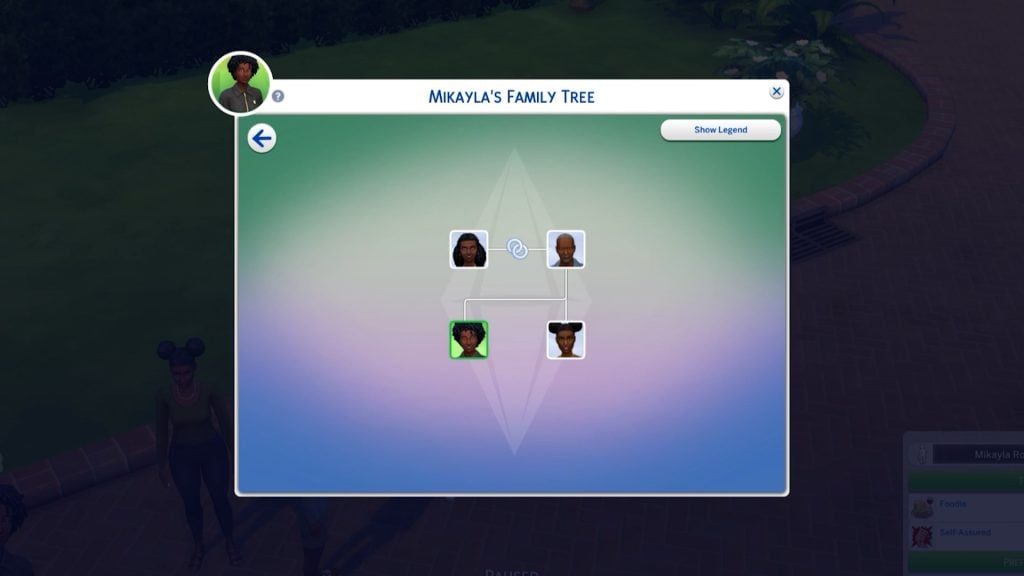
Players have also reported issues with legacy Family Trees following the update, particularly in long-running saves spanning multiple generations. When opening older files, selecting certain Sims can cause the Family Tree to partially collapse or overlap, with entire branches temporarily disappearing from view.

While the issue does not affect all Sims, it appears to occur inconsistently across specific family members within the same lineage. In affected cases, hovering over portraits still displays the correct relationships, but key Sims may be missing entirely from the tree until another relative is selected. Notably, other branches of the family (including earlier and later generations) often remain unaffected, suggesting a selective visualization issue rather than missing genealogy data.

I opened up an older file that I played thru 11 generations just to test out the new family tree. It doesn’t happen for all sims but sometimes I will select a sim and they disappear and the whole tree collapses. 

image 13

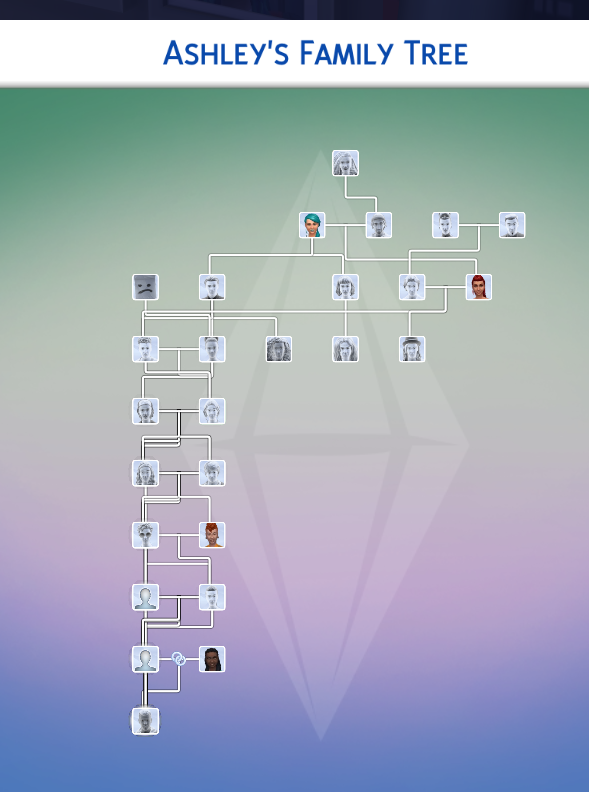
So this is the way the tree looks like when i have ashley’s father selected (he’s off to the right out of frame). If i click on her portrait it looks like this 

image 5 1

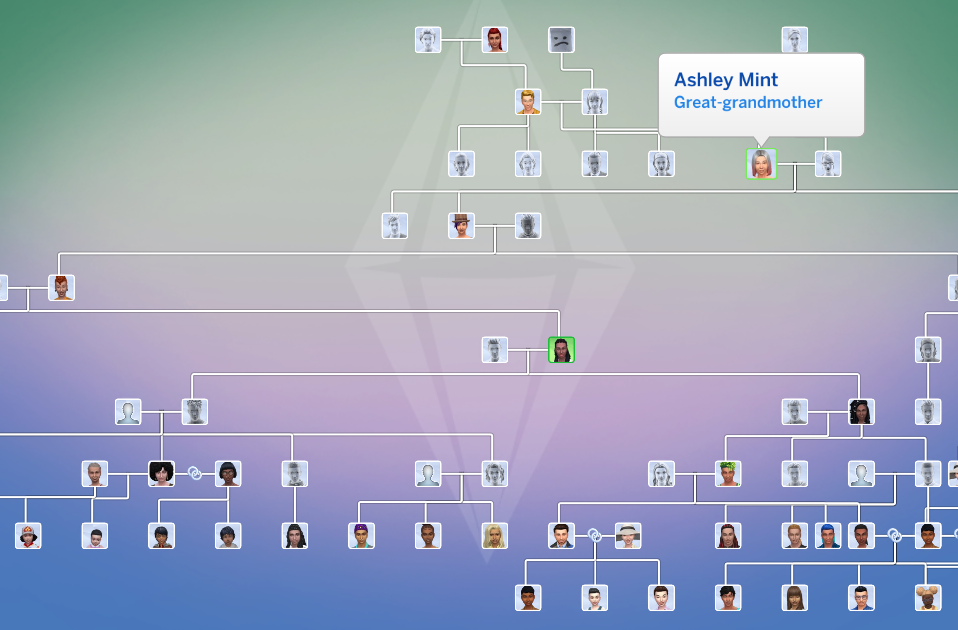
So some of the relatives are still there but plenty are missing. This is the whole tree that shows, quite collapsed. Hovering over the portraits does display the correct relation to Ashley but as you can see, she isn’t there at all. If i select her great-granddaughter it comes back

image 6 1

This is happening with Ashley and all four of her children. Her sister and her sister’s children show up normally. Every generation before and after appear to be fine, but i have not clicked every portrait. 
Forum User – meamouse926

In addition to the visual issues affecting legacy Family Trees, players have also noticed inconsistencies in how certain canonical relationships are represented. Agatha Crumplebottom and Agnes Crumplebottom are canonically cousins, yet Agatha does not appear in the Family Tree at all.

While Agnes Crumplebottom is now correctly listed as Mortimer Goth’s aunt following the update, Agatha remains absent from the genealogy panel.

Canonically, Agatha Crumplebottom and Agnes Crumplebottom are cousins. Looking at her family tree, Agatha is the on Sim in her family tree. Agnes is now correctly noted as Mortimer’s aunt, but there’s no sign of Agatha. Can this be rectified in a future patch?

Forum User – LyxaOmaris

Screenshot 2026 02 03 141819
Photo by HollownessDevour

Also, player HollownessDevour reports that Nyon doesn’t have Grim Reaper as his father either

Vatore Family alive

Forum user HillyPlays reports that the ancestors of the Vatore siblings appear to still be alive, despite canonically being deceased or otherwise unaccounted for.

[V] Vatore Family Tree anchesters showing alive

Are the sims in the Vatore family tree supposed to be dead, or are they also vampires?

Forum user – HillyPlays

Photo Cataclism

Despite previous attempts to address the issue, players continue to report problems with in-game photos turning black after being placed on lots. Photos taken with either phones or cameras appear to function normally while stored in a Sim’s inventory, but once framed and placed in a home, they may permanently turn black after exiting and reloading the game.

Photos turning black/Paintings turning white (Patch 1.121.342)

When I place photos taken with phones or cameras in my Sims’ house, they turn black when I exit the game and come back to play!!!!

Every time I take a photo with my Sims, the picture works normally while it is in my inventory. However, whenever I place it in my Sims’ house with a frame—for example, hanging it on the wall—once I exit the game and load it again, the photo turns completely black and there is no way to recover it. This is extremely frustrating, as I am losing all the important memories of my Sims.

Forum user GiuliaValerio19

Issues with Lost Legacy Event Quests

The “Visit the Willow Creek Archive Library” objective in the First Week of the Lost Legacy Event Quest does not complete when using an edited version of the library.

[LLQE] Issues with tasks

Visit the Willow Creek Archive Library: Not fulfilling with edited library

Forum user – crinrict

Photobooth and graduation photos are turning black (too)

According to players, photos stored in saves made prior to the January update remain intact and can be safely preserved by saving them inside a room and uploading them to the Library. However, when that room is placed into a newer save after the February patch, certain images, specifically graduation portraits from High School Years and Discover University, as well as photo booth pictures still turn black while other photos display correctly.

After the February 3rd update I was able to retrieve photos taken with the sims camera from a previous save to put into my new one via the library however the portraits generated from High school years and University turn black. Also any photos taken with the photo booth turn black. 

Forum user LyssSimpatico

Have you encountered any new or ongoing bugs since the February 3 update, or noticed issues that may have carried over from previous patches? If so, be sure to perform standard troubleshooting steps — such as removing mods or custom content — before reporting them on the official bug report forums. Doing so helps administrators and developers identify widespread issues, prioritize fixes based on their impact on gameplay, and assess how many players are affected.

Make sure to follow The Sims Community for the latest updates on new patches, fixes, and ongoing issues in The Sims 4.

The Sims 4 World Modding Guide: How To Add New Objects To Your Worlds

Create a World is Back (Kinda): Add New Objects or Overide Existing Ones With Our Sims 4 World Modding Guide!

Believe it or not, world modding in The Sims 4 is possible! Tutorials on how exactly world modding works are few and far between, spread across forums and Discord channels. Well, I’m here to save the day with a simple starter world modding on, covering how to replace existing objects in your Sims worlds, and how to override existing ones. Let’s jump in and take a look!

plumdon1

How Do Custom World Mods Work?

If you are active on various Sims-based communities online, you may be familiar with the concept of ‘custom saves’. These are usually created with the assistance of the T.O.O.L mod by TwistedMexi, and can be downloaded straight into your game, ready to play.
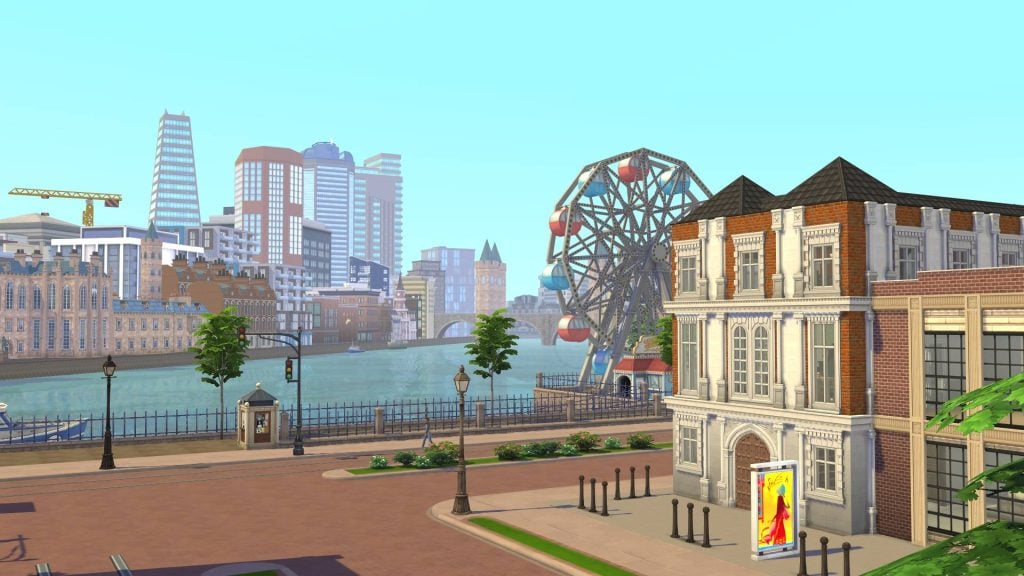
World mods, on the other hand, allow you to play with new custom worlds in any past and future save! Creators such as NANDO have created worlds based on the African Savanna, the Fjords of Scandinavia, and the Greek islands.

Even I get up to world modding from time-to-time! You may know me online as CBXSims, and I’ve been creating world mods for the Sims 4 for almost two years now. My first project was based on London, transforming Magnolia Promenade into a busy city centre. My latest world mod transforms Innisgreen into a Caribbean city inspired by Santo Domingo, the capital of the Dominican Republic.

But how exactly do we make these worlds? Let’s take a look at everything you need to get started with world modding!

Getting Started

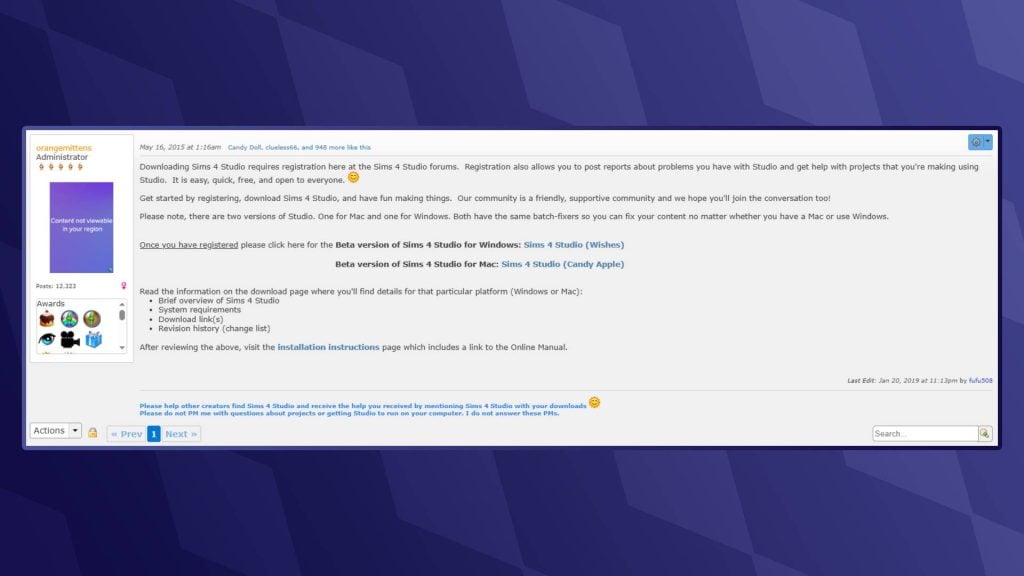
Unlike The Sims 3, The Sims 4 doesn’t have an official world modding tool. This is where the folks at Sims 4 Studio come to the rescue. Sims 4 Studio is a modding tool that allows us players and modders to directly edit ‘.package’, ‘.script’, and ‘.save’ files.

  • If you are a Windows user, download the version labelled ‘Wishes’
  • If you are using a Mac, then choose the ‘Candy Apple’ version
Sims4studiodownload1

Setting Up Sims 4 Studio

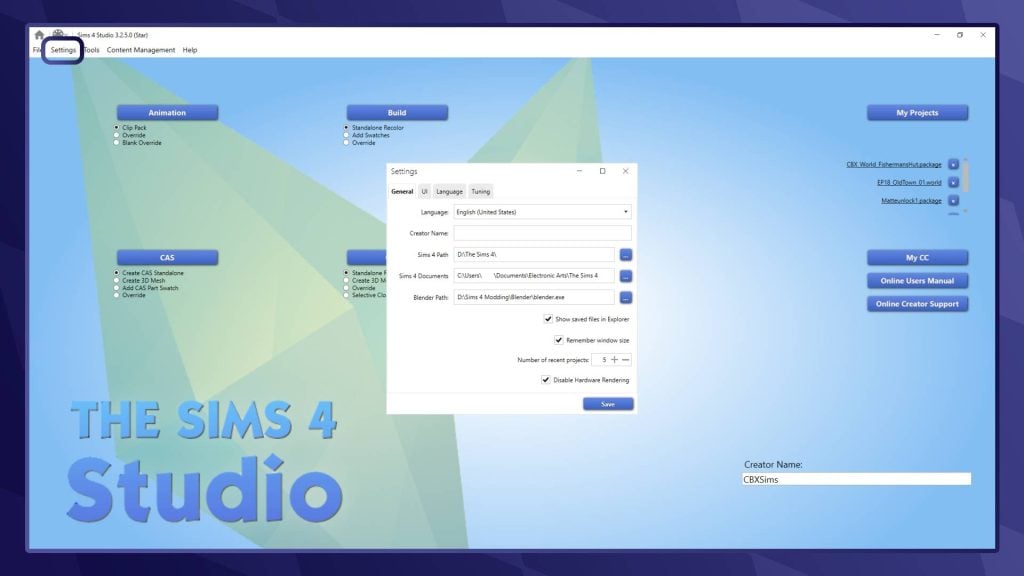
Launch Sims 4 Studio and head to the ‘Settings’ tab in the top-left corner of your screen. Here, you will need to set up a few things. You can choose your language, input your creator name, locate your Sims 4 folder (usually under ‘Documents/Electronic Arts/The Sims 4’), and finally, your Blender path. If you don’t intend to use Sims 4 Studio to create custom CAS or Build/Buy objects, you can leave that blank.

studiosetup

Locating the World Files

When editing worlds in The Sims 4, we will be directly editing the ‘.world’ files. These are the files that the game stores all information about the individual neighbourhoods in-game, including objects, lot sizes, weather, lighting, and more!

Base Game Worlds

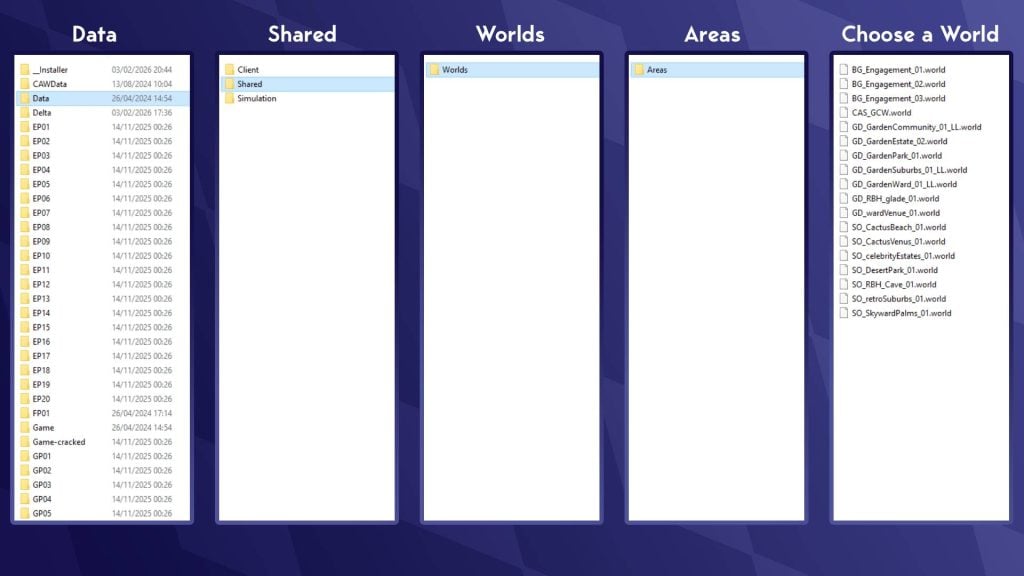
To find Base Game world files, head to your Sims 4 install location (NOTE: This is separate from your Sims 4 documents folder). This is usually located under the hard drive or SSD that you installed The Sims 4 on. To find base game files, head to:

The Sims 4/Data/Shared/Worlds/Areas

Take a look at the visualisation below for assistance:

Findingworldfiles 1

These world names can look a little confusing at first. ‘.world’ Files in The Sims 4 represent what we would likely call neighbourhoods. The in-game world of Willow Creek is made up of 7 .world files, one for each neighbourhood, including the hidden area of Sylvan Glade. Take a look at the table below to get a sense of which world is which:

WorldNeighbourhoodFile Name
Willow CreekPendula ViewGD_GardenCommunity_01_LL.world
Sage EstatesGD_GardenEstate_02.world
Magnolia Blossom ParkGD_GardenPark_01.world
Courtyard LaneGD_GardenSuburbs_01_LL.world
Foundry CoveGD_GardenWard_01_LL.world
Crawdad QuarterGD_wardVenue_01.world
Sylvan Glade (Hidden)GD_RBH_glade_01.world
Oasis SpringsBedrock StraitSO_CactusBeach_01.world
Mirage CanyonSO_CactusVenus_01.world
Acquisition ButteSO_celebrityEstates_01.world
Desert Bloom ParkSO_DesertPark_01.world
Parched ProspectSO_retroSuburbs_01.world
Skyward PalmsSO_SkywardPalms.world
Forgotten Grotto (Hidden)SO_RBH_Cave_01.world
NewcrestRidgeline DriveBG_Engagement_01.world
Llama LagoonBG_Engagement_02.world
BridgeviewBG_Engagement_03.world
Create-A-Sim Create-A-Sims (Hidden)CAS_GCW.world

Expansion / Game Pack Worlds

World files that belong to worlds from both Expansion and Stuff packs are located in a different folder. Go back to your install location for The Sims 4 and go to the following path:

The Sims 4/Delta/[Pack Number]/Worlds/Areas

PackNeighbourhoodFile Name
Get To Work (EP01)Magnolia PromenadeEP01_Retails_01.world
Science Lab (Hidden)EP01_ScienceLab.world
Police Station (Hidden)EP01_CivicCenter_01.world
Hospital (Hidden)EP01_CivicCenter_02.world
Sixam (Hidden)EP01_AlienWorld_01.world
Get Together (EP02)Lykke CentreEP02_Business_01.world
Von Haunt EstateEP02_ChaletGarden_01.world
The Crumbling IsleEP02_Island_01.world
Olde PlatzEP02_OldTown_01.world
WindslarEP02_Rural_01.world
Ancient RuinsEP02_OldTownRuins_01.world
The BluffsEP02_IslandBluff_01.world
City Living (EP03)Arts QuarterEP03_ArtsQuarter_01.world
Spice MarketEP03_Docklands_01.world
Fashion DistrictEP03_fashionDistrict_01.world
UptownEP03_Uptown_01.world
Myshuno MeadowEP03_CentralPark_01.world
Cats & Dogs (EP04)Cavalier CoveEP04_Coastal_01.world
Whiskerman’s WharfEP04_Harbor_01.world
Sable SquareEP04_TownSquare_01.world
Deadgrass IsleEP04_Island_01.world
Get famous (EP06)Mirage ParkEP06_EastHollywood_01.world
The PinnaclesEP06_HollywoodHills_01.world
Starlight BoulevardEP06_StarsBlvd_01.world
Plumbob PicturesEP06_Studio_01.world
Island Living (EP07)Ohan’ali TownEP07_LocalIsland_01.world
Lani St. TazEP07_ResortIsland.world
Mua Pel’amEP07_Natural_Island_01.world
Discover University (EP08)Gibbs HillEP08_CollegeTown_01.world
University of BritechesterEP08_ArtsCampus_01.world
Foxbury InstituteEP08_STEMCampus_01.world
Eco Lifestyle (EP09)Port PromiseEP09_Industrial_01.world
Conifer StationEP09_InnerCity_01.world
Grims QuarryEP09_Suburbs_01.world
Snowy Escape (EP10)WakabaEP10_TouristTown_01.world
YukimatsuEP10_SummitTown_01.world
SenbamachiEP10_MountainTown_01.world
Mt. Komorebi Base Camp (Hidden)EP10_BaseCamp_01.world
The Croft Icefall (Hidden)EP10_BaseCamp_02.world
Mt. Komorebi Peak (Hidden)EP10_BaseCamp_03.world
Cottage Living (EP11)The BramblewoodEP11_Forest_01.world
FinchwickEP11_Village_01.world
Old New HenfordEP11_Rural_01.world
High School Years (EP12)Prescott SquareEP12_TownSquare_01.world
Plumbite CoveEP12_Pier_01.world
Rockridge Heights (School)EP12_HighSchool_01.world
Growing Together (EP13)Hopewell HillsEP13_AcrossTheBay_01.world
Gilbert GardensEP13_ThePark_01.world
Anchorpoint WharfEP13_WaterFront_01.world
Horse Ranch (EP14)Galloping GulchEP14_Park_01.world
New AppaloosaEP14_Town_01.world
Riders’ GlenEP14_Ranches_01.world
For Rent (EP15)Koh SahpaEP15_RiverDelta_01.world
MorensongEP15_Urban_01.world
Lovestruck (EP16)Plaza MariposaEP16_CentralSquare_01.world
Vista HermosaEP16_Suburban_01.world
Nuevo CorazónEP16_Downtown_01.world
Life & Death (EP17)MourningvaleEP17_Afterlife_01.world
Whispering GlenEP17_Countryside_01.world
Crow’s CrossingEP17_Village_01.world
Netherworld Department (Hidden)EP17_Grim_01.world
Businesses & Hobbies (EP18)IverstadEP18_NewTown_01.world
GammelvikEP18_OldTown_01.world
Enchanted by Nature (EP19)Coast of AdhmorEP19_Coastal_01.world
EverdewEP19_Forest_01.world
Sprucederry GroveEP19_Grove_01.world
Adventure Awaits (EP20)Crystal ValleyEP20_GoldenRetreat_01.world
Wanderwood WildsEP20_Wilderness_01.world
Jellyfish JunctionEP20_SeabreezeSpa_01.world
Outdoor Retreat (GP02)CampgroundGP01_Campground_01.world
Granite Falls ForestGP01_Forest_01.world
Hermit’s House (Hidden)GP01_HermitDwelling_01.world
Vampires (GP04)Forgotten HollowGP04_VampireWorld_01.world
Jungle Adventure (GP06)Puerto Llamante MarketplaceGP06_Marketplace_01.world
Belomisia JungleGP06_Jungle_01.world
Strangerville (GP07)StrangerVille PlazaGP07_Downtown_01.world
Shady AcresGP07_Outskirts_01.world
The ____ LabGP07_CraterBase_01.world
Realm of Magic (GP08)Glimmerbrook VillageGP08_Village_01.world
The Magic Realm (Hidden)GP08_MagicRealm_01.world
Journey to Batuu (GP09)Black Spire OutpostGP09_SMG_01.world
Resistance EncampmentGP09_RES_01.world
First Order DistrictGP09_FOO_01.world
My Wedding Stories (GP11)Porto LuminosoGP11_Coastal_01.world
Terra AmorosaGP11_Inland_01.world
Werewolves (GP12)Moonwood MillGP12_Town_01.world
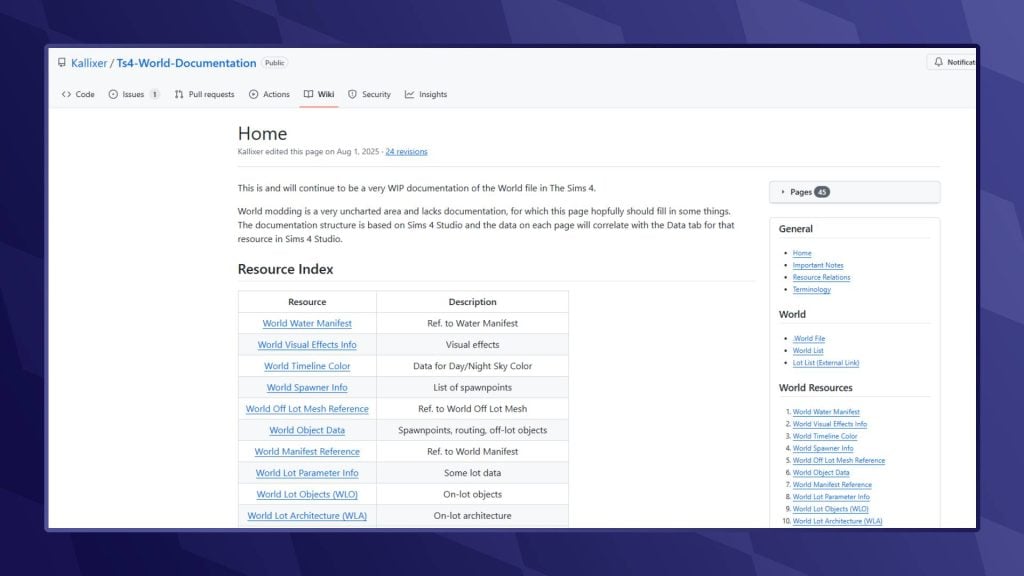
You can find more details on the world files in the World Modding Documentation

Opening and Navigating the .World File

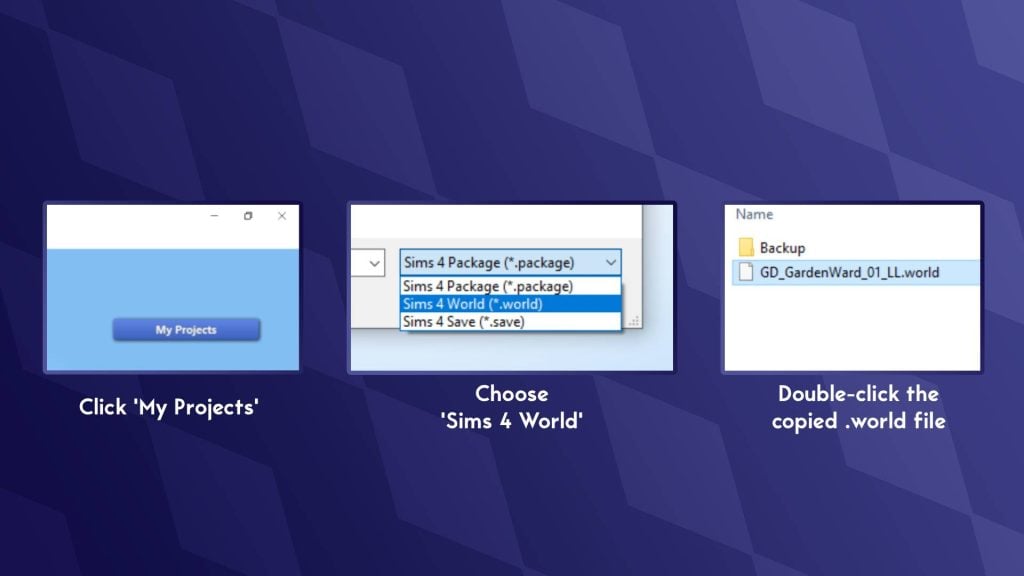
  • Now that you’ve chosen the world you wish to edit, right-click, copy, and paste into a separate folder (The desktop is the best place for this!). For this tutorial, I will be editing Foundry Cove in Willow Creek (GD_GardenWard_01_LL.world). Make sure to save a backup of this .world file so you can revert any changes later.
  • On the Sims 4 Studio home page, click ‘My Projects’ to bring up the file explorer. Now navigate to where you copied the world file.
  • In the bottom right-hand corner, click the drop-down that reads ‘Sims 4 Package’ and select ‘Sims 4 World’.
  • Double-click the .world file you copied earlier to open it.
openingworld

Locating World (Off-Lot) Objects

Now that you have the .world file open, it’s time to find a list of all objects in the world:

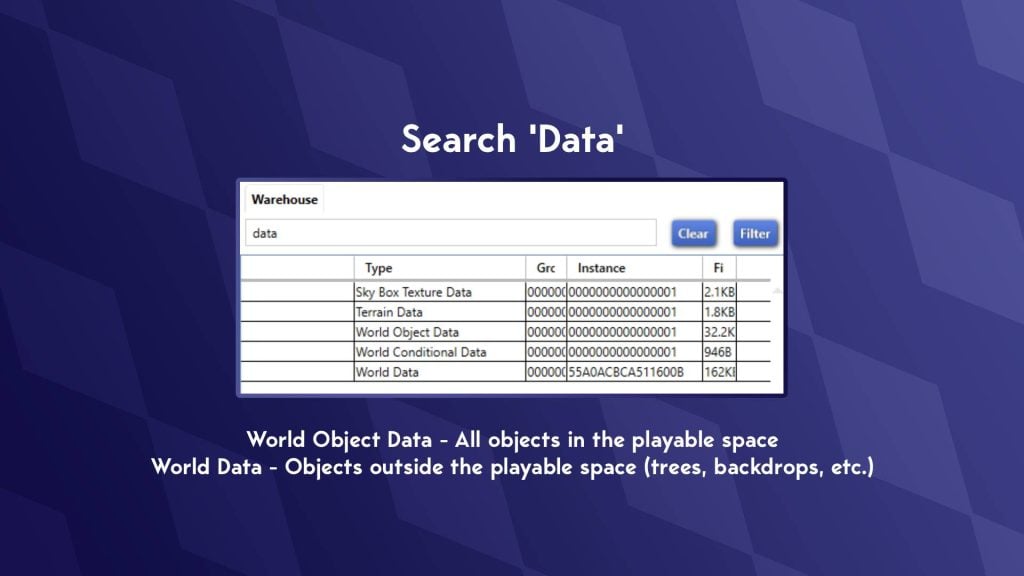
  • In the search bar in the top-left, search for ‘Data’
  • This will bring up 5 files that all contain the word ‘Data’
  • There are two sections we will be looking at: ‘World Data’ and ‘World Object Data’.
  • Explanation of what these are:

World Object Data – All objects within the playable space
World Data – All objects outside the playable space

datafiles

REQUIRED MOD: T.O.O.L

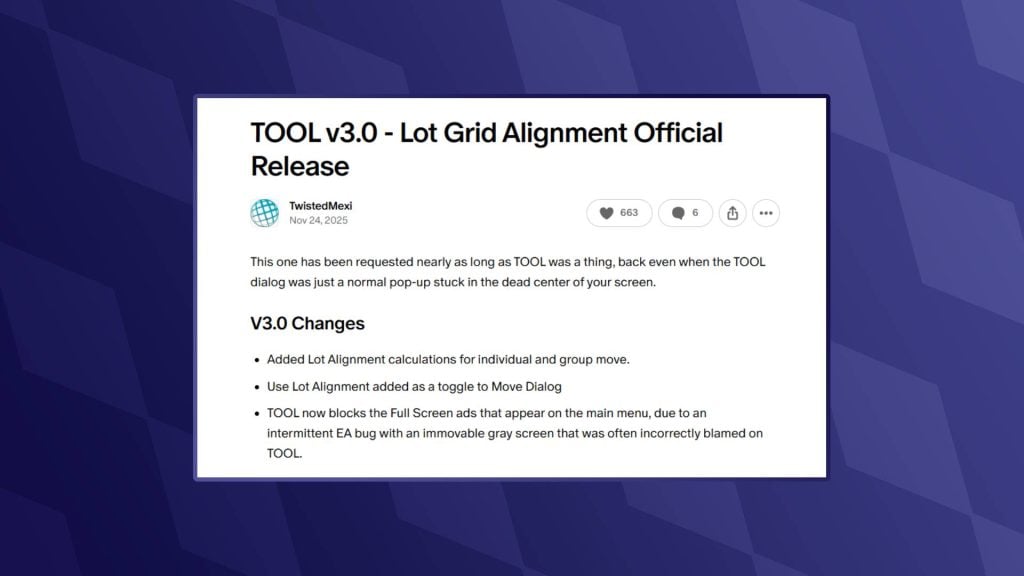
Now it’s time to open up our game and start placing objects. Before we do this, there is one mod we will require to place objects off-lot. That being, of course, the fan favourite T.O.O.L mod by TwistedMexi. You can find the download for this below:

toolmod

REQUIRED MOD: Better Cheat Console

The second mod we need, also by TwistedMexi, will allow us to copy the object’s coordinates from the cheat console so we can add the position correctly.

Placing New Objects In-Game

Once installed, open up the Sims 4.
I would recommend starting a new save, as we don’t want to run the risk of breaking any older saves!

  • Head into Build/Buy Mode on a lot in the world you intend on editing.
  • Place any object (Can be either a gameplay or deco object)
  • Go into Live Mode
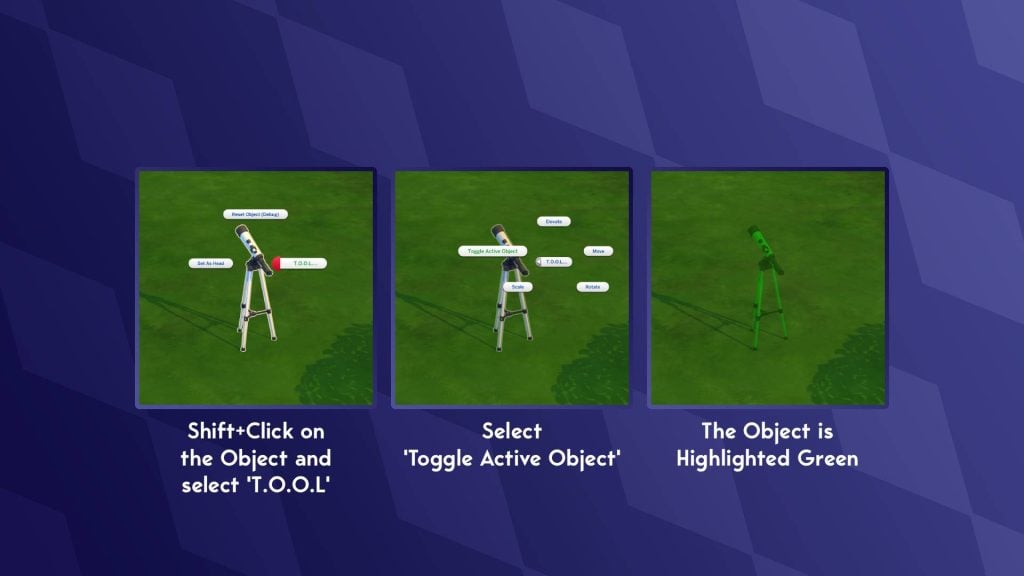
  • Shift+ click on the object
  • Select ‘T.O.O.L’
  • Select ‘Toggle Active Object’
  • The object will now be highlighted green
moving objs
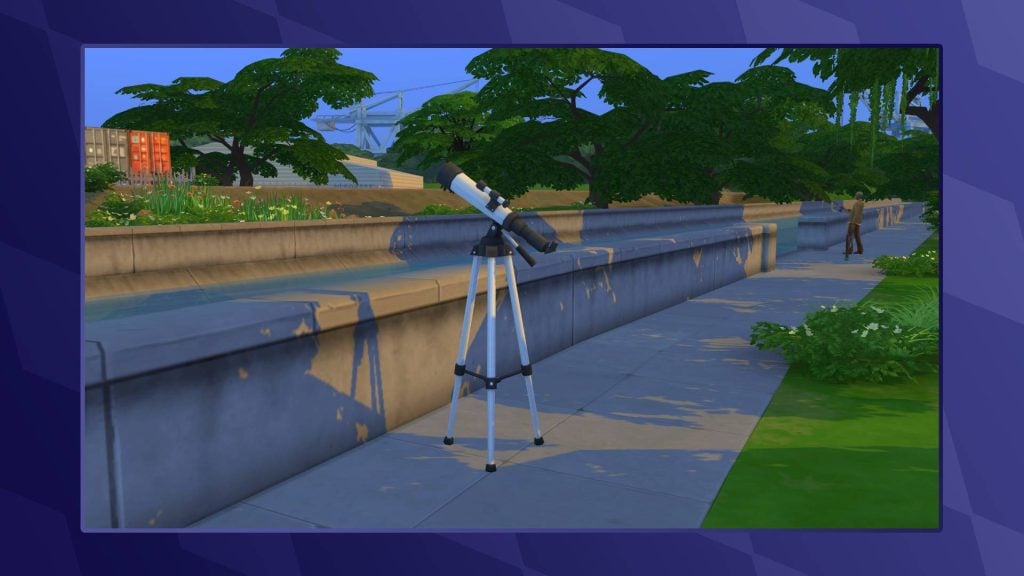
  • Navigate to the area of the world you wish for this object to be in
  • Click on the ground to move the highlighted object into position
  • Click on the object again to un-toggle it
Object placed

Finding an Object’s Position

Now that we have an object in-position, it’s time to find the object’s position coordinates and add it to our world file.

  • Open the cheat console with Ctrl + Shift + C (Command + Shift + C on Mac)
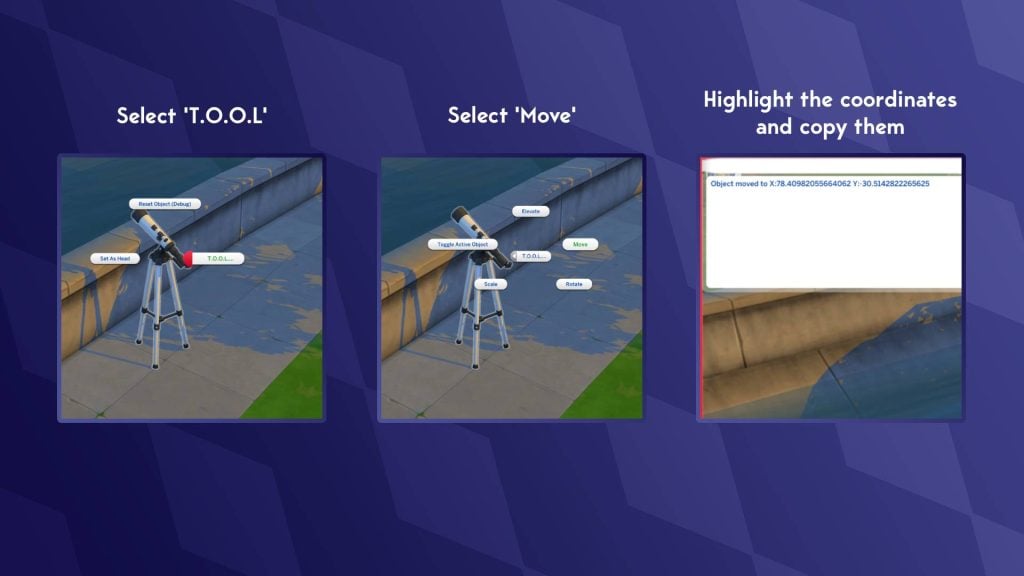
  • Shift+click on the object
  • Select ‘T.O.O.L’
  • Select ‘Move’
  • Do not input any coordinates, and click ‘Cancel’
  • The cheat console should now have “Object moved to X: number Y: number”
  • Copy these and paste them into your notes
Tool1

Adding Our New Object

We’re almost done collecting everything we need, but there is one last vital step to make sure our object appears correctly in the world.

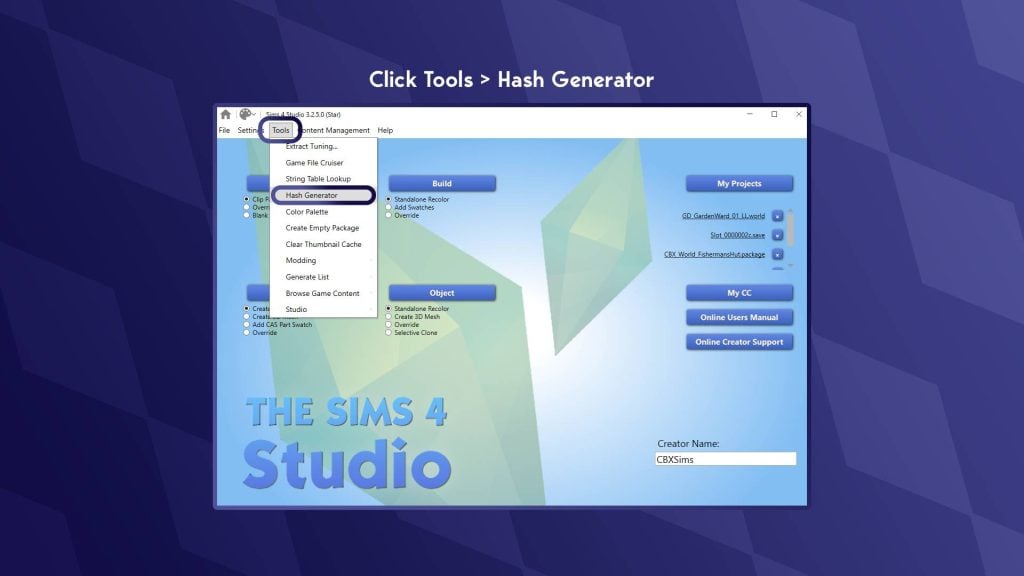
  • Return to the home screen of Sims 4 Studio (Click the house icon in the top-left)
  • In the options at the top, click ‘Tools’
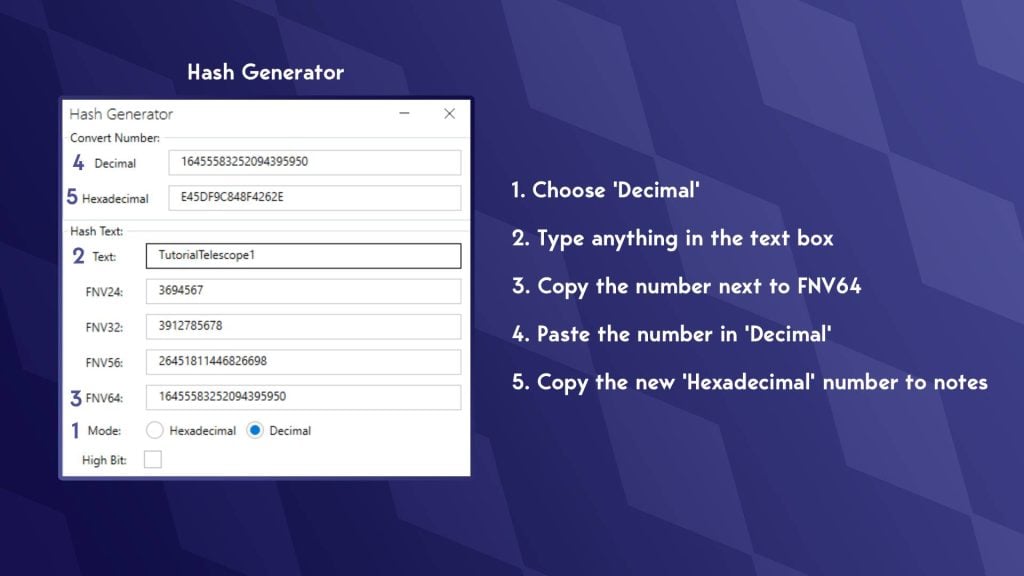
  • In the drop-down, click ‘Hash Generator’
hashgen1
  • The Hash Generator window should now open
  • At the bottom, next to ‘Mode:’ select ‘decimal’
  • In the text box, type whatever you want; you don’t have to remember what you typed
  • Copy the number next to ‘FNV64’
  • In the box at the top labelled ‘Decimal’, paste the FNV64 number there
  • Now copy the new string of letters and numbers you have just generated from the ‘Hexadecimal’ box.
  • Paste this number in your notes
hash gen 2

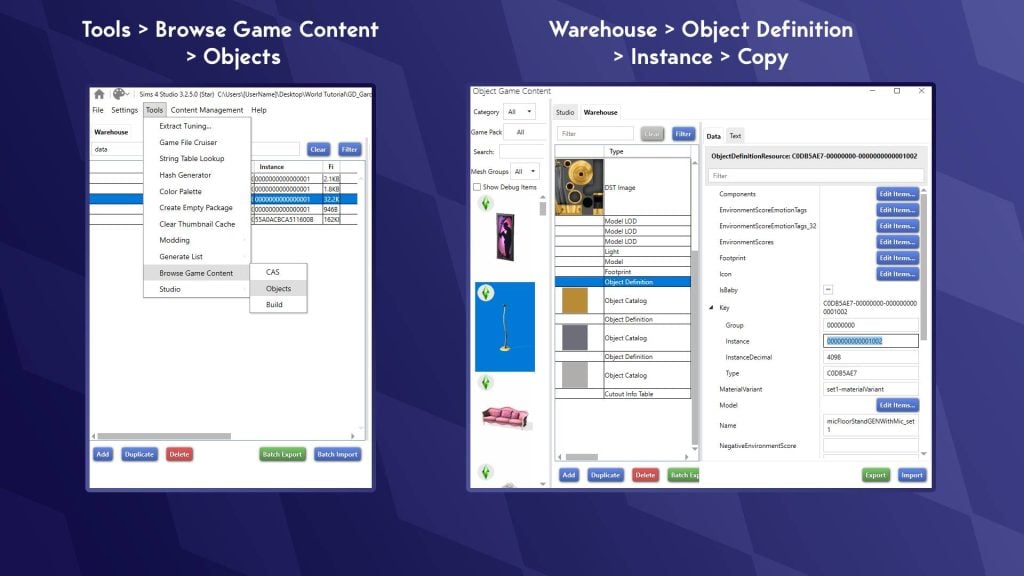
We need to find what is known as the ‘footprint’. This determines how big the area around the object is and how close your Sims can get. We also need to find the objects ‘Definition’. This is a string of numbers that the game uses to identify which object is there.

  • Go to ‘Tools’
  • Hover over ‘Browse Game Content’
  • Select ‘Objects’
  • Search for the object you moved with T.O.O.L. (You can use filters and search to narrow it down)
  • Select the object
  • In the window on the right, click ‘Warehouse’
  • Go to ‘Object Definition’
  • Copy the number next to ‘Instance’ to your notes.
warehouse1
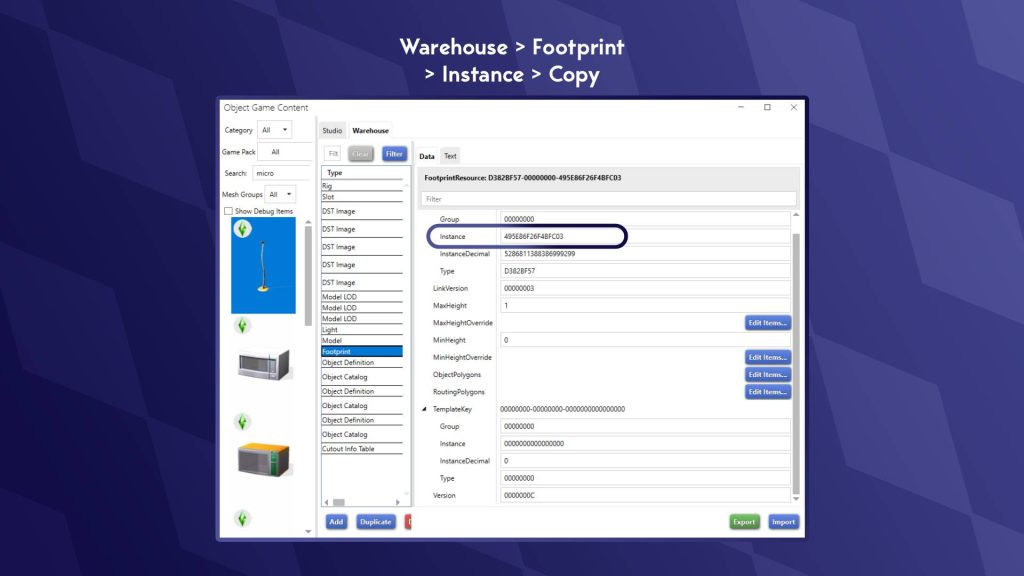
  • Still in the Warehouse tab, go to ‘Footprint’
  • Copy the number after ‘Instance’ to your notes
foot1 2

Now we can add all this info to our .world file!

  • Open up your .world file, the same way we did last time
  • Type ‘Data’ in the search bar
  • Choose ‘World Object Data’
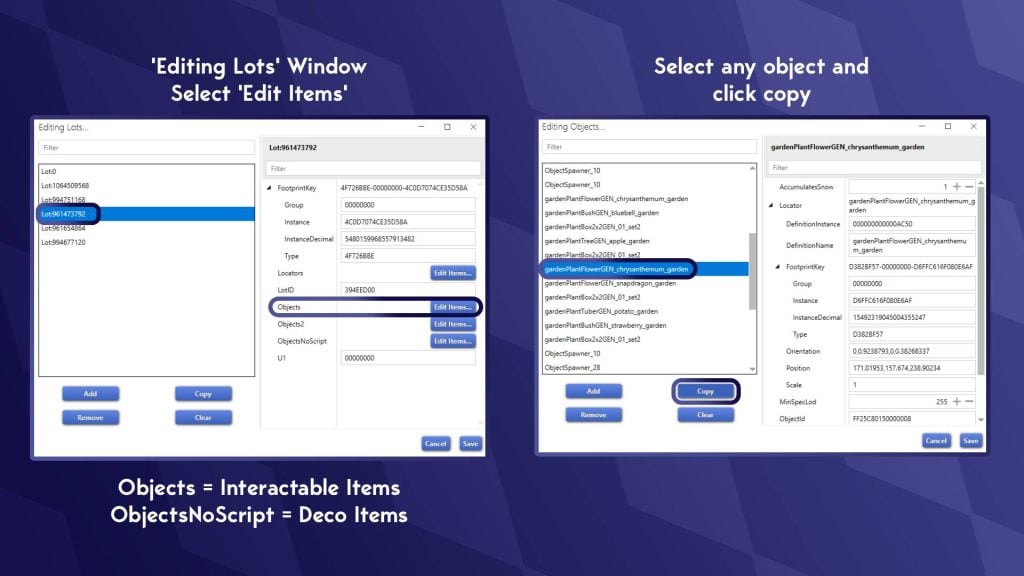
  • In the right-hand window, next to ‘Lots’, click ‘Edit Items’
  • This will bring up a list of ‘Lots’, one of these ‘Lots’ is a collection of all off-lot objects (confusingly)
  • In the right-hand window, you will see a few different buttons. There are two types of objects we can edit

Objects – items that your Sim can interact with (e.g. benches, gardens, playgrounds)

ObjectsNoScript – Items your Sim cannot interact with (e.g. trees, streetlights, bollards)

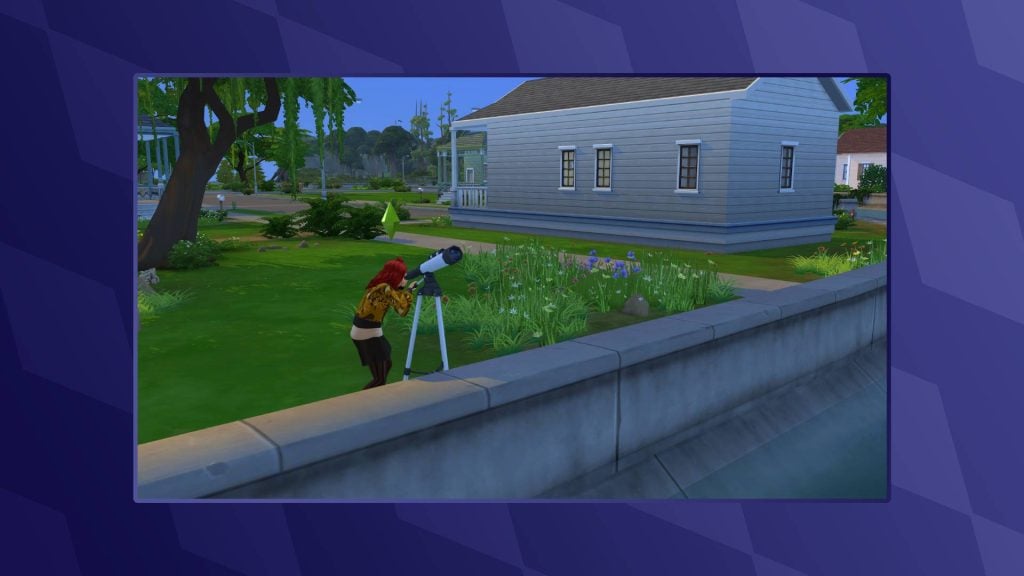
  • As I’m placing a telescope in the world, I will want my Sim to be able to interact with it. I am going to choose ‘Edit Items’ next to ‘Objects’
  • If you are having trouble finding which ‘Lot’ the off-lot items are on, keep clicking through each one until an ‘Edit Items’ list is populated with objects
  • Select any object and click copy
  • The copied item will now be at the bottom of the list; scroll down and select it
copyobject

Now it’s time to use our notes!

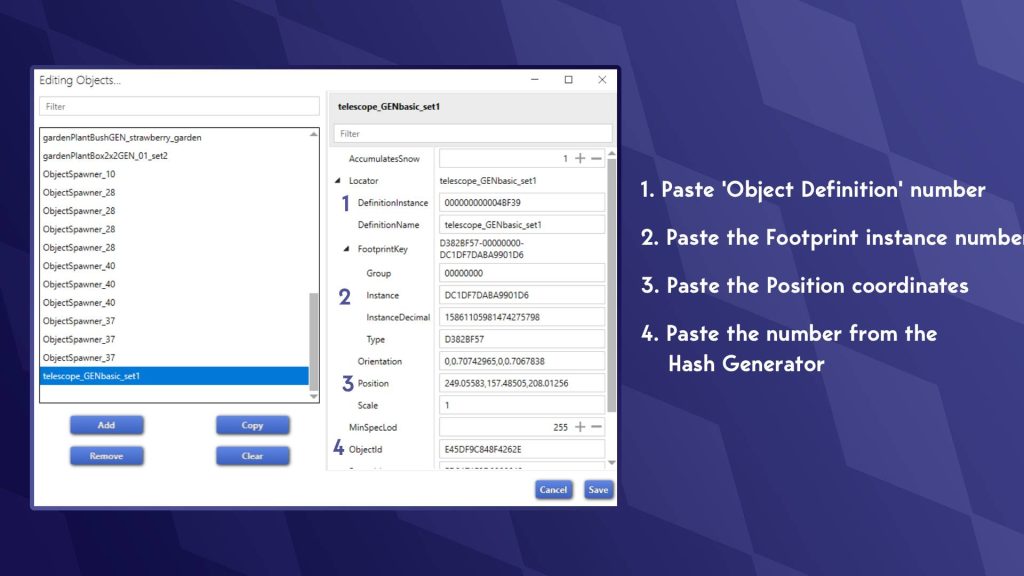
  • Paste the ‘Object Definition’ number from your notes into the box marked ‘DefinitionInstance’
  • Paste the second number we collected into ‘Instance’ under ‘ FootprintKey’ (This is the footprint, the routable area)
  • Paste the Position coordinates into the ‘Position’ box
  • And finally, paste the string of letters and numbers we made using the Hash Generator
addingall1
  • You will now notice an error with the coordinates. This is normal, and we will fix this.
  • Select any other object above
  • Look for the position coordinates of the other objects
  • Copy the middle set of coordinates (e.g. xxxxx,zzzzz,yyyyy) This is the elevation at which your object sits
  • Go back to your object and add this between the coordinates you collected using the cheat console.
  • Click ‘Save’ in the bottom right, then save again on the ‘Editing Lots’ window
  • Now, in the main screen of your .world file, hit ‘ Save’ in the bottom-right
  • Go to the location where you have your edited .world file.
  • Right-click and ‘Copy’
  • Go to:

Base Game: The Sims 4/Data/Shared/Worlds/Areas

DLC: The Sims 4/Delta/[Pack Number]/Worlds/Areas

  • Paste the file and overwrite the existing one
  • Launch your game and start a new save (otherwise, your objects will overlap)
object done

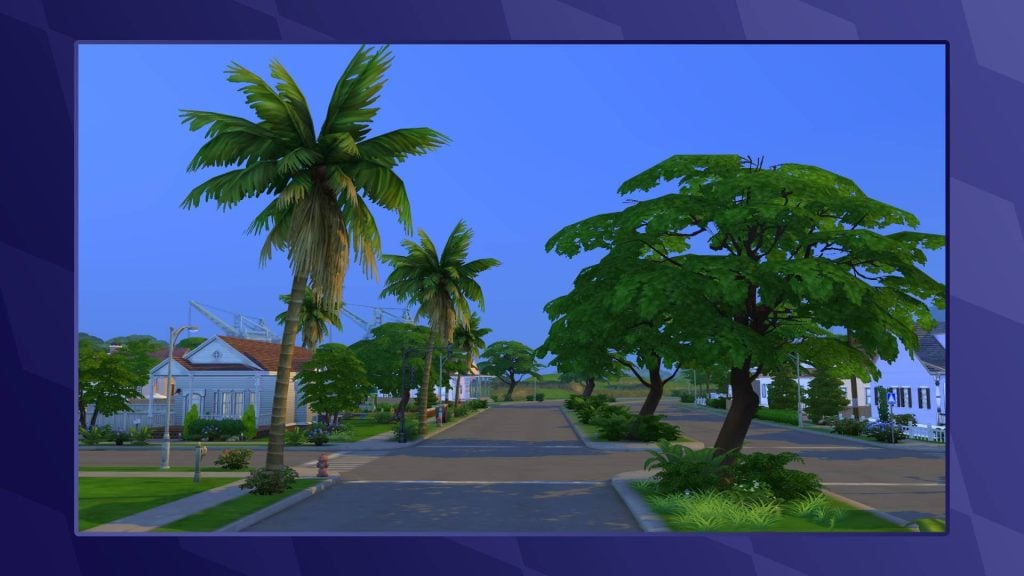
Overriding an Existing Object

Overriding an existing object is much easier, with many fewer steps:

  • Go to ‘Tools’ at the top of Sims 4 Studio
  • Hover over ‘Browse Game Objects’ and select ‘Objects’
  • Find the item you want to have in your world
  • Go to the ‘Warehouse’ tab
  • Scroll down to find ‘Object Definition’ (There is one for each swatch)
  • Copy the instance
warehouse1
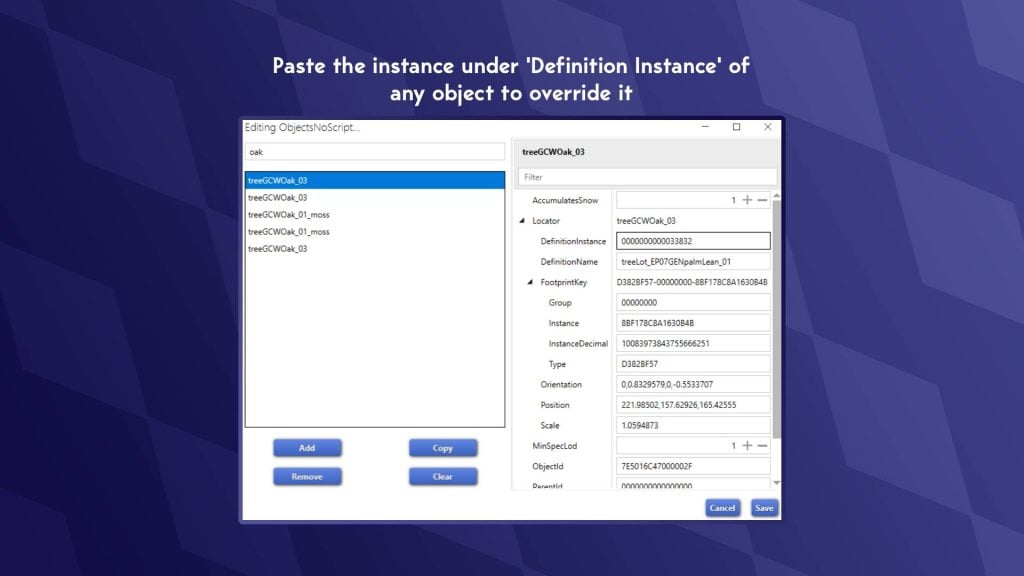
  • Select an object in your world file under the editing lots section we previously visited
  • Paste this definition into ‘DefinitionInstance’ when editing objects

World Modding Resources

As previously mentioned, it’s hard to find solid tutorials on world modding, so I have collated a few for those interested in learning more or having a play around!

World Documentation – Kallixer & NerdyDoll

Both Kallixer and NerdyDoll are pros when it comes to world editing, and thankfully, they have collated a number of resources that can help you better understand what some of the files do and how to edit them. They have also included a tutorial on permanently editing the hallways of City Living and Eco Lifestyle Apartments!

kallizernerdydollmoddingguide

Other Modders & Mods

As a modder myself, I am always happy to answer any queries, so please do drop me a DM over on Twitter. Likewise, I am sure other creators will be happy to help.
Also, feel free to crack open one of my world mods to see how I pulled some of this wizardry off. Please do not outright steal my work, though, but make sure to show me what you’ve done with your worlds. I love seeing what others do!


What worlds do you want to create in The Sims 4? Let us know in the comments below and stay tuned to Sims Community for all the latest on The Sims 4!

The Sims 4 Lost Legacies Rewards Preview: Live Event CAS, Build and Gameplay

The newest live event for The Sims 4 is here, and thanks to this mod from LunarBritney we are able to bring you all the Sims 4 Lost Legacies items including their information and swatches.

This event will run between February 3rd and March 15th and events can be unlocked through gameplay. You’ll have to go through different quests over a four week period and complete tasks to earn enough points to unlock all of the items.

sims 4 lost legacies official screen

This set of quests revolve around a mysterious Royal Envoy and will have you uncover the truth about them and the three royal families who are coming to the game with the next expansion.

We have already done a step-by-step guide to completing week 1 of the quests which you can read here, and will be publishing more once the new quests are revealed.

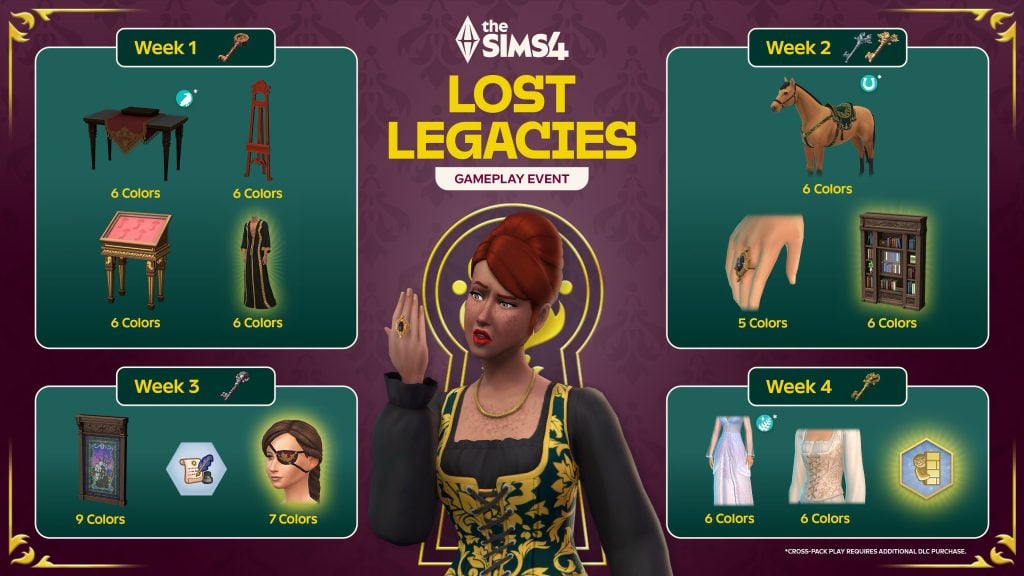
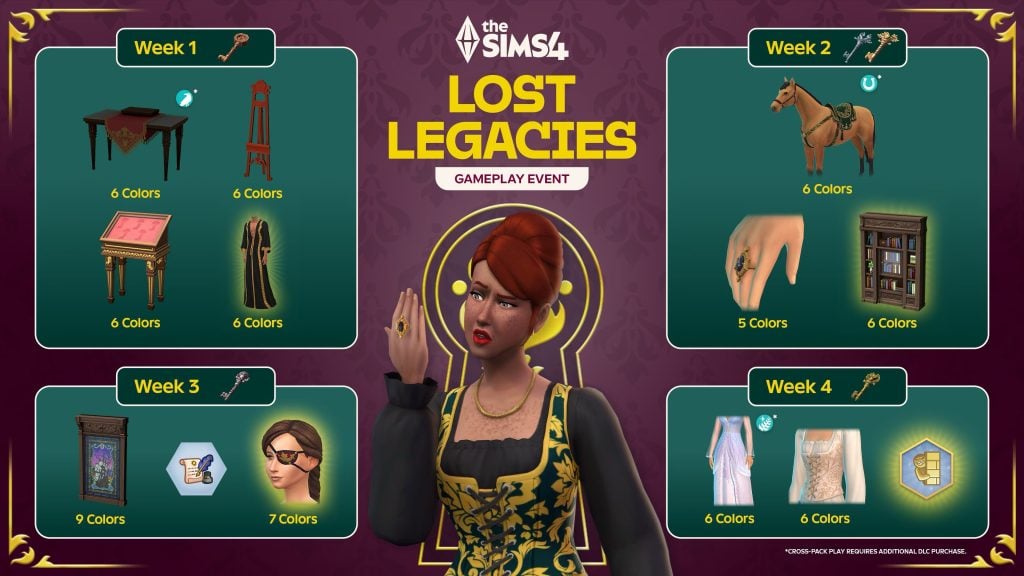
sims 4 lost legacies items roadmap

All Sims 4 Lost Legacies items

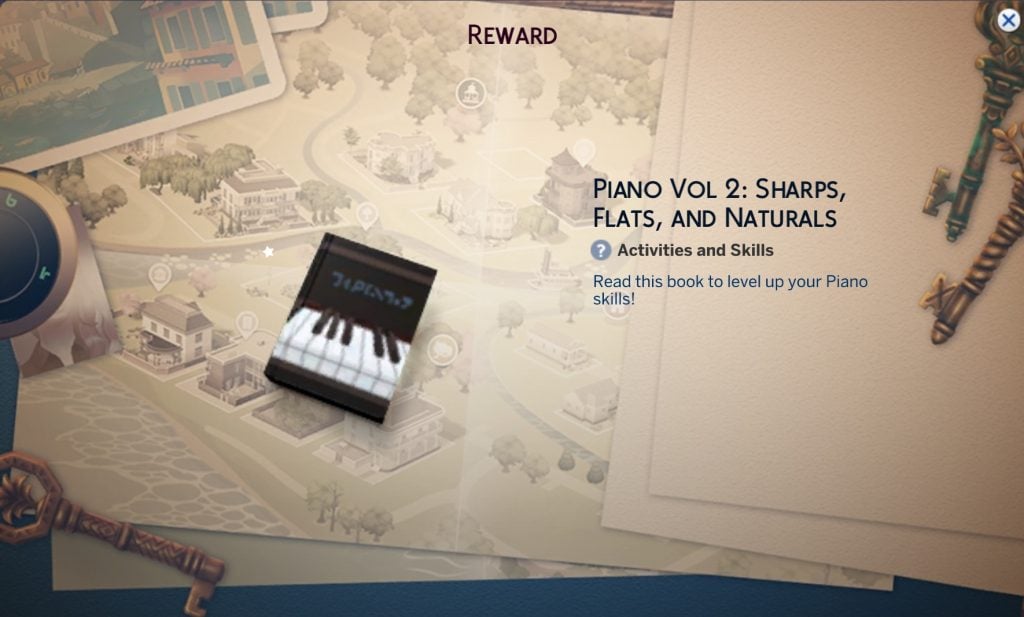
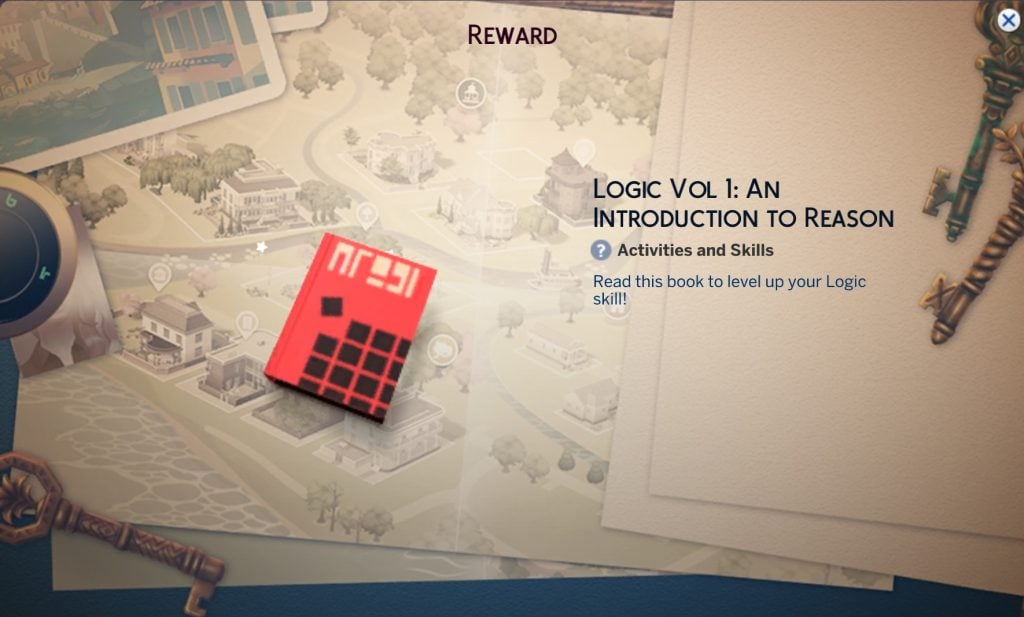
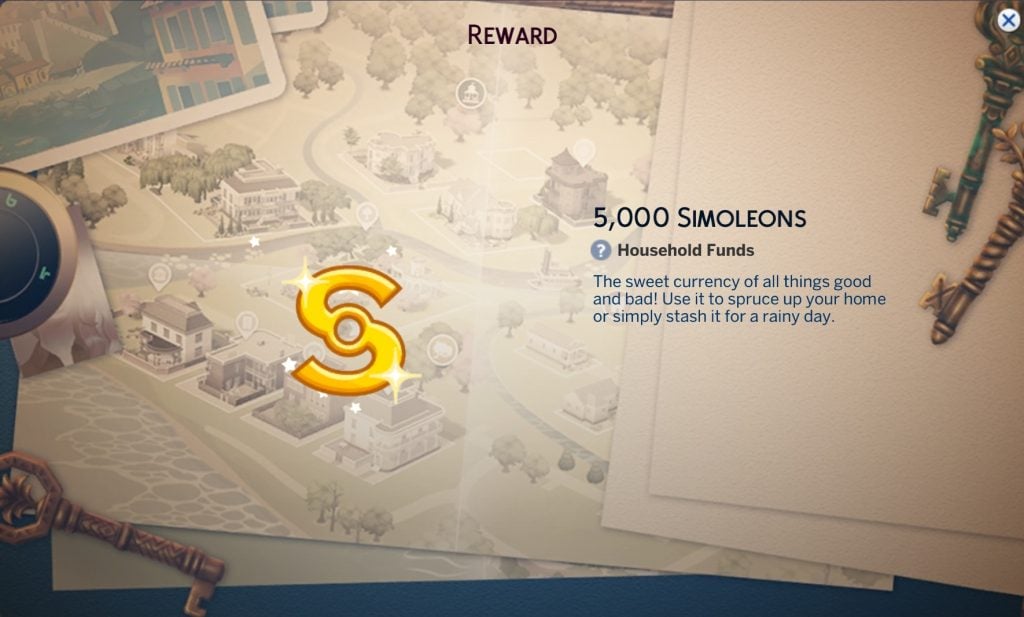
There is a mix of clothing, accessories, decorative items and furniture included in this login event, as well as satisfaction points and simoleons. You’ll also gain two skill books by completing this event – so presumably any Sims you go through this story with will have to raise their piano and logic skill.

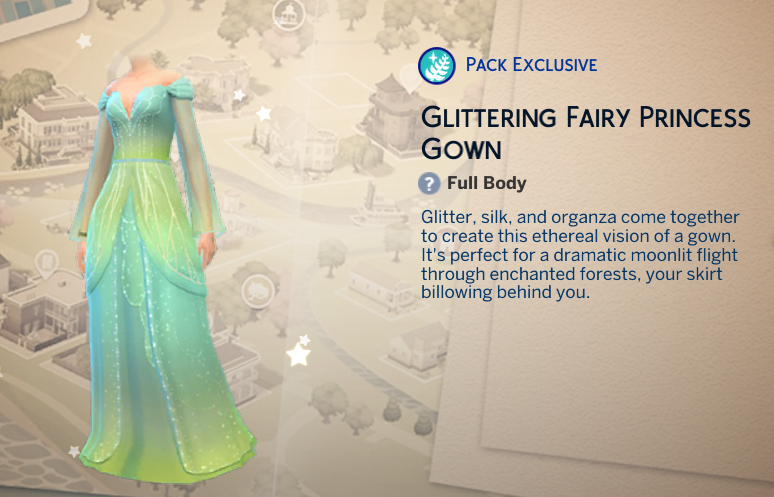
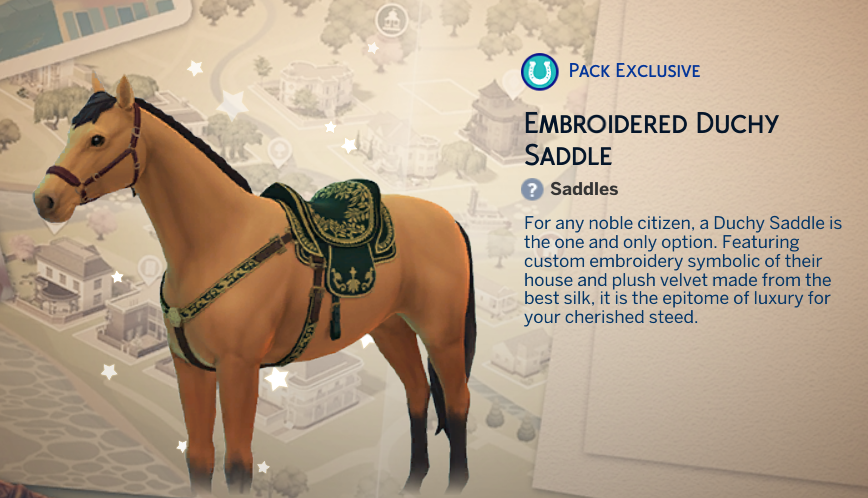
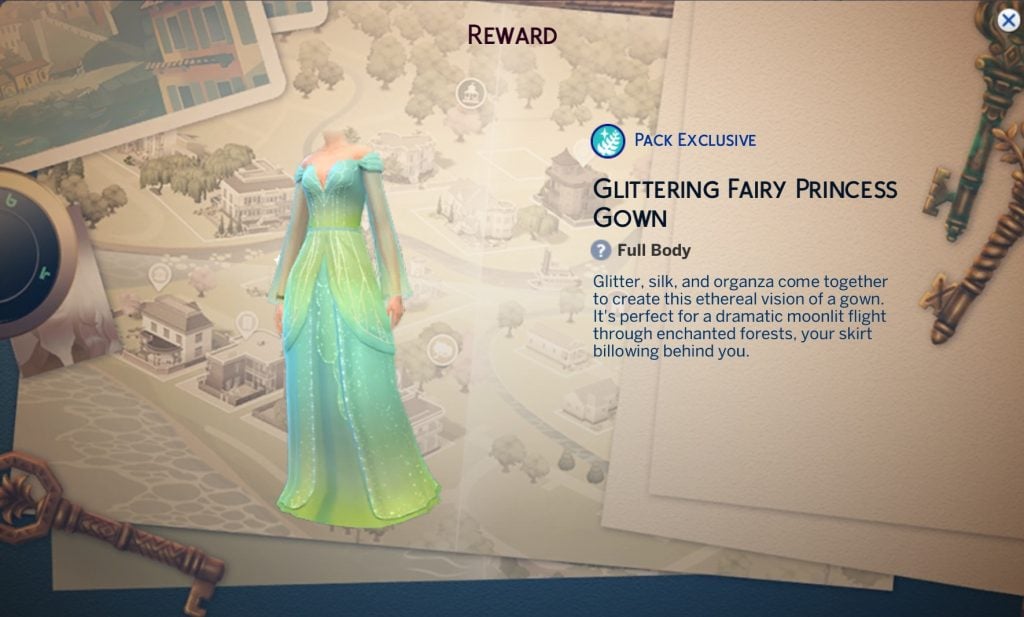
Three of the items are pack specific: a horse saddle, a memorial table, and a fairy gown, but according to the EA help team on YouTube you will be able to claim these even if you don’t have the required packs – you just won’t be able to use them unless you purchase the DLC they go with. There also doesn’t seem to be any CAS items for teens or younger (surely this is the ideal login event for a child/toddler princess costume?) and it is mostly designed for female frames.

Let’s take a closer look at each item.

All Exclusive Item Descriptions And Event Menu Images

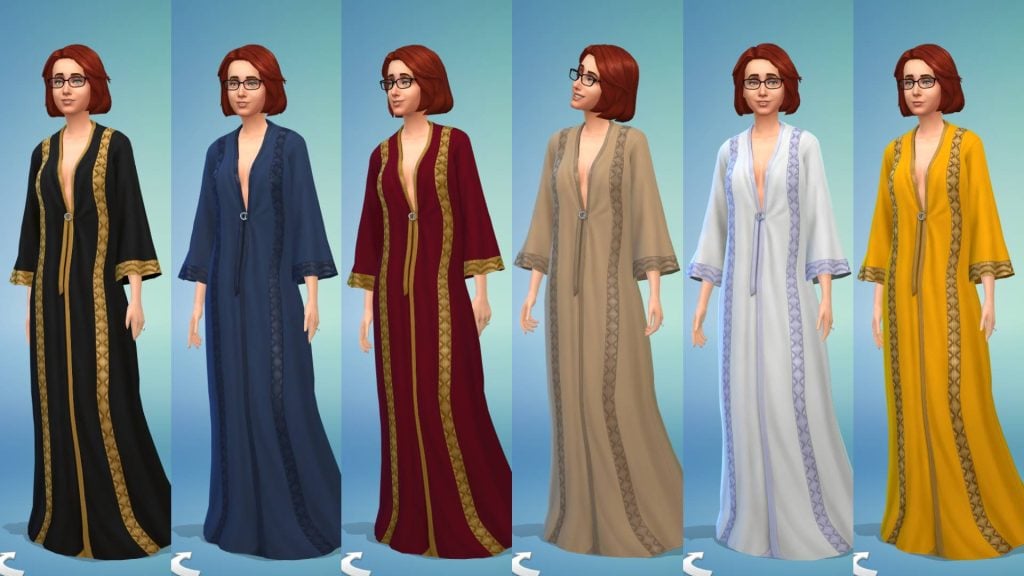
Below are all of the swatches for each item so you can see exactly how they will look.

Create-a-Sim (CAS)

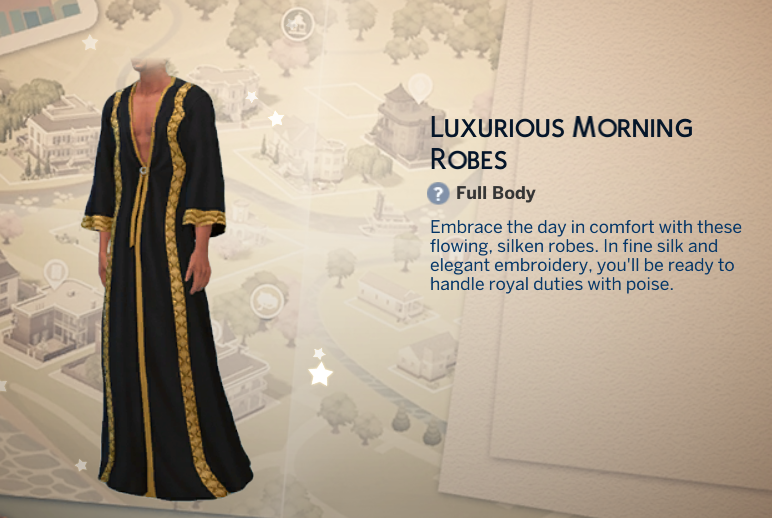
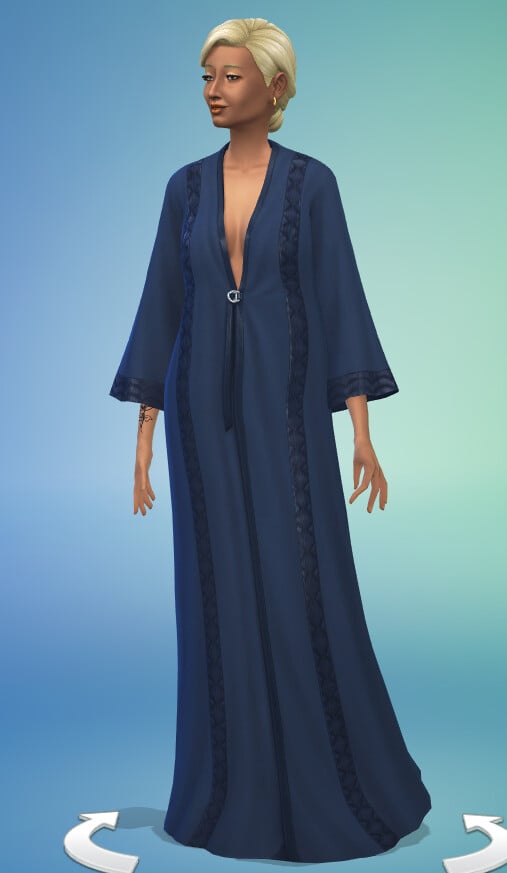
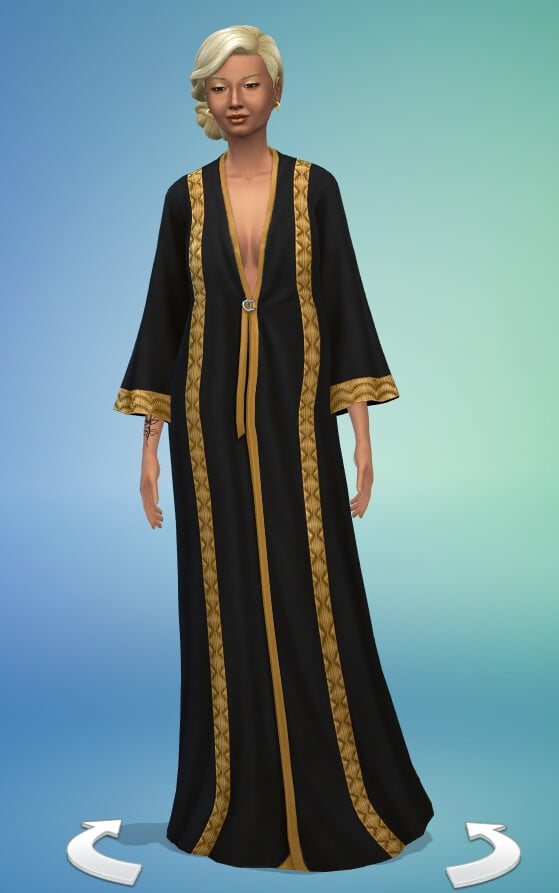
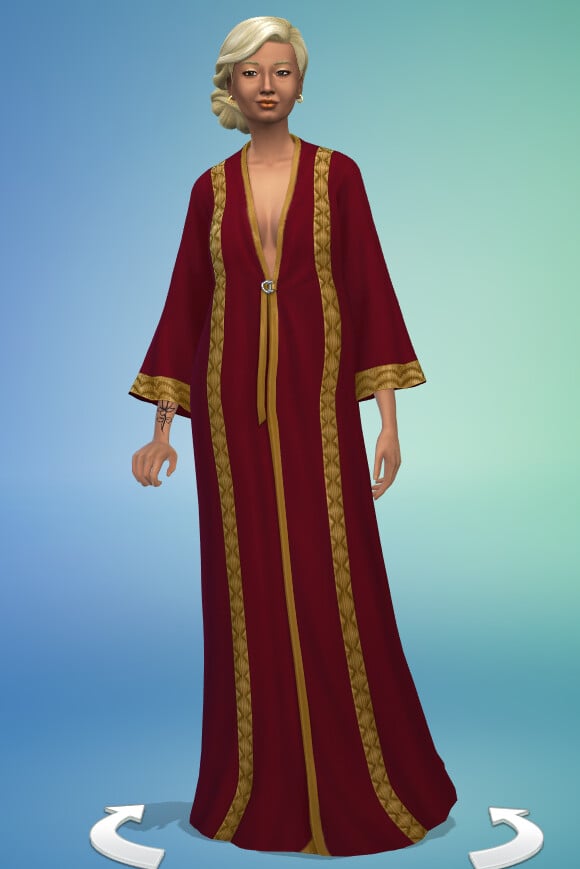
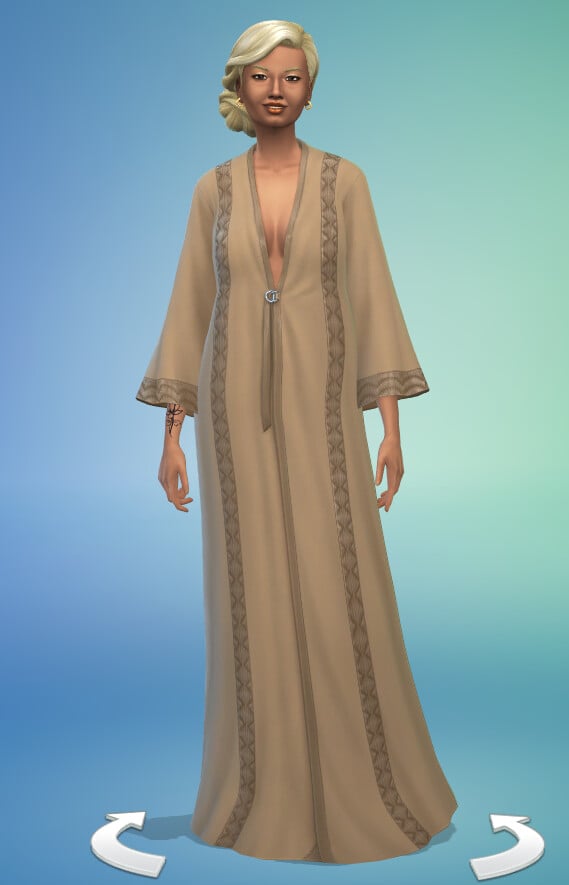
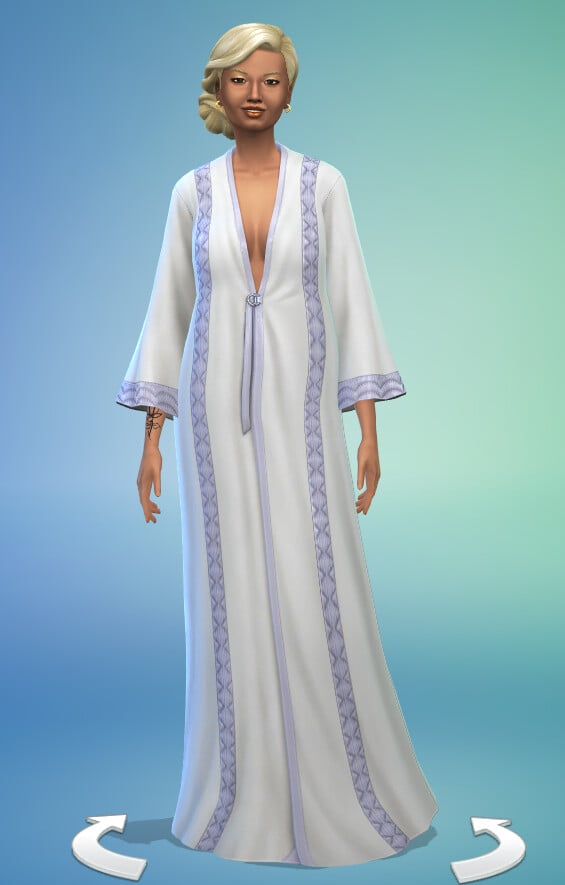
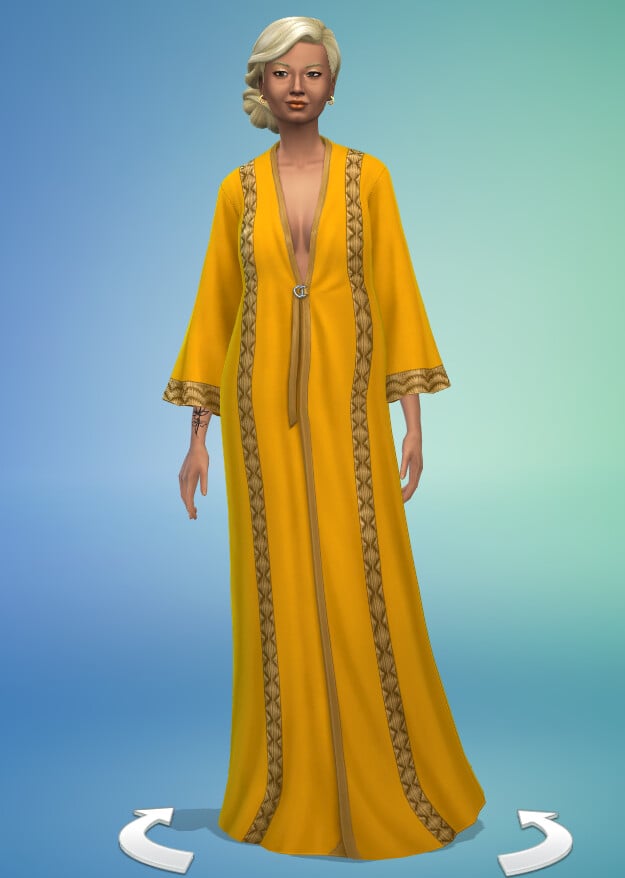
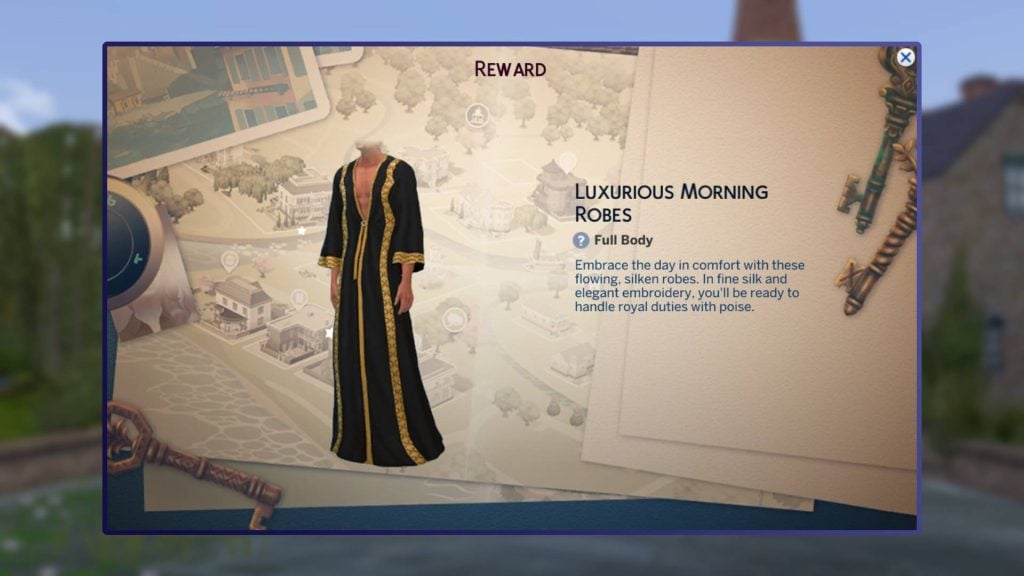
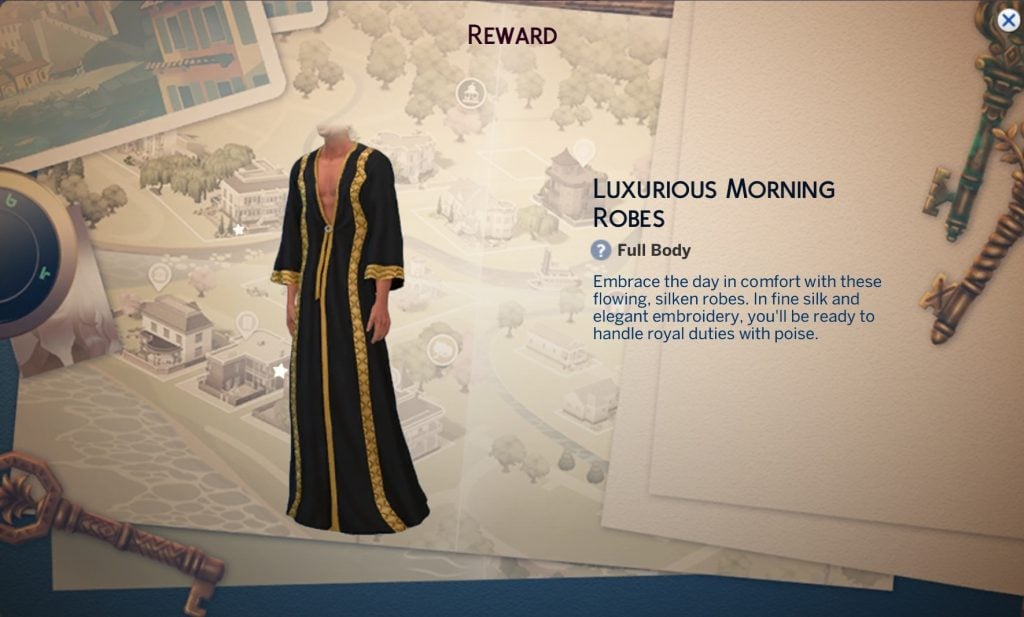
Luxurious Morning Robes

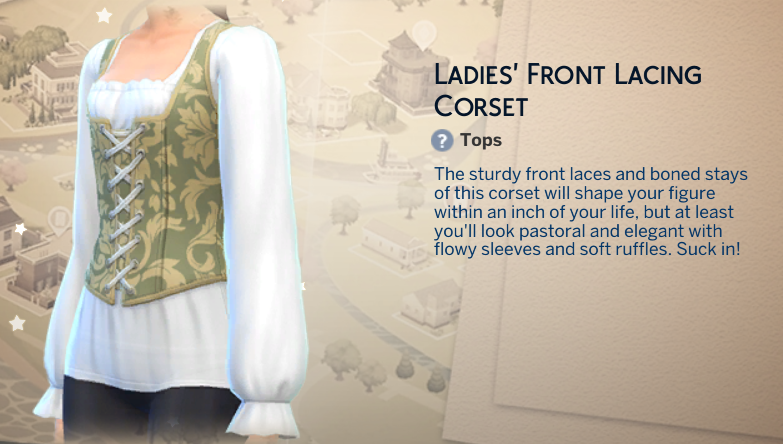
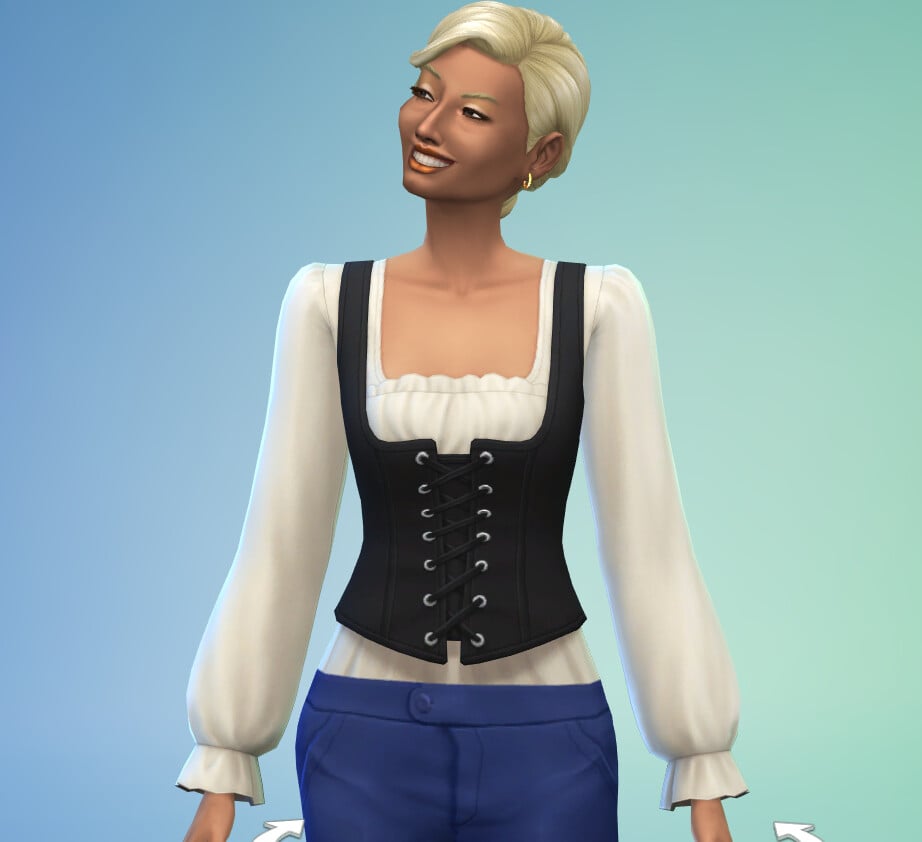
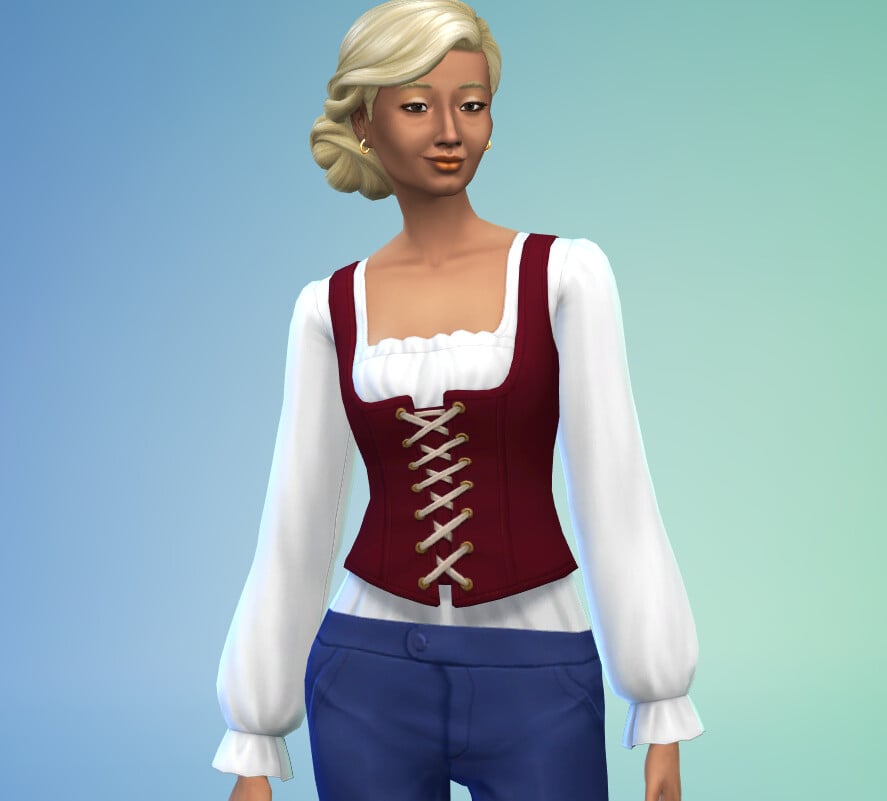
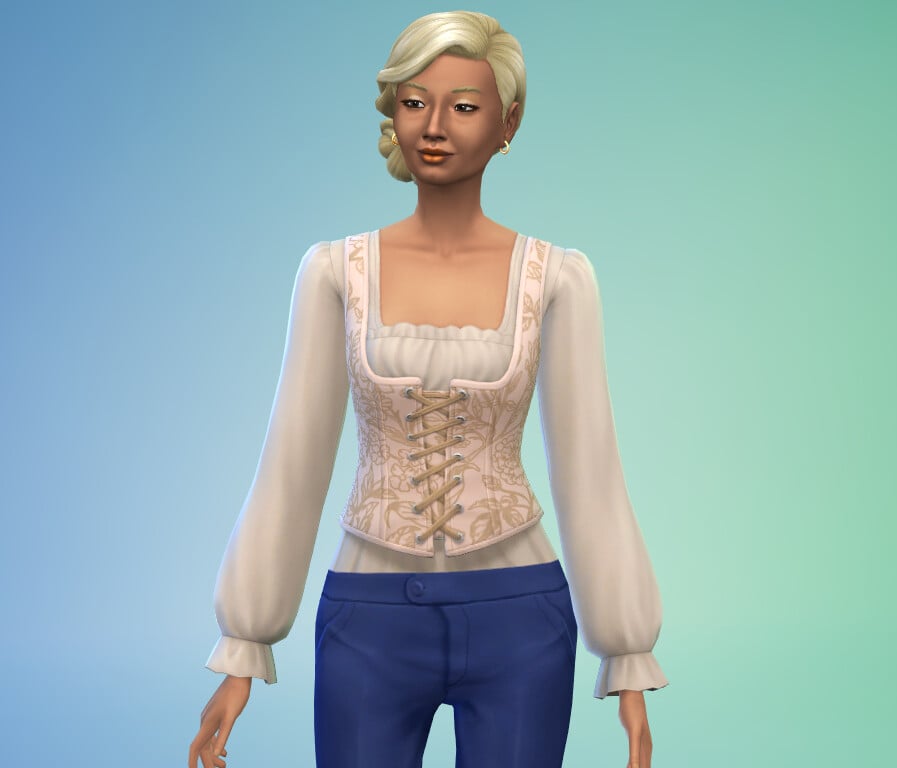
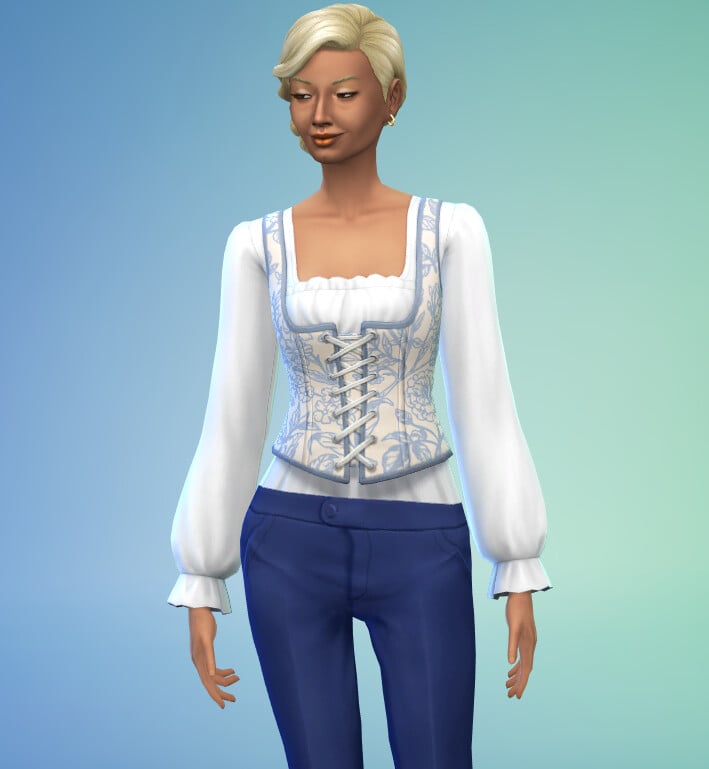
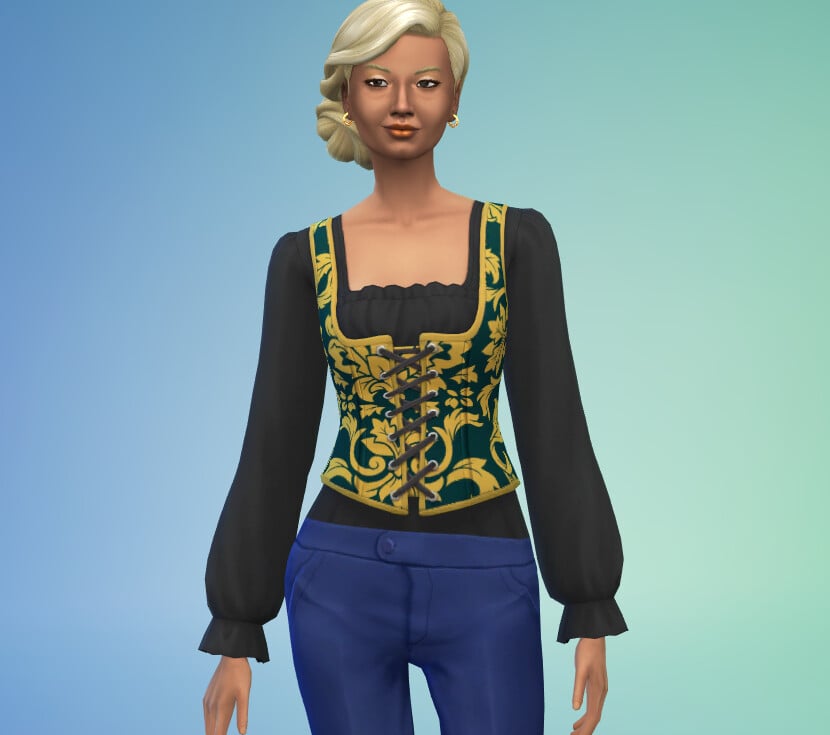
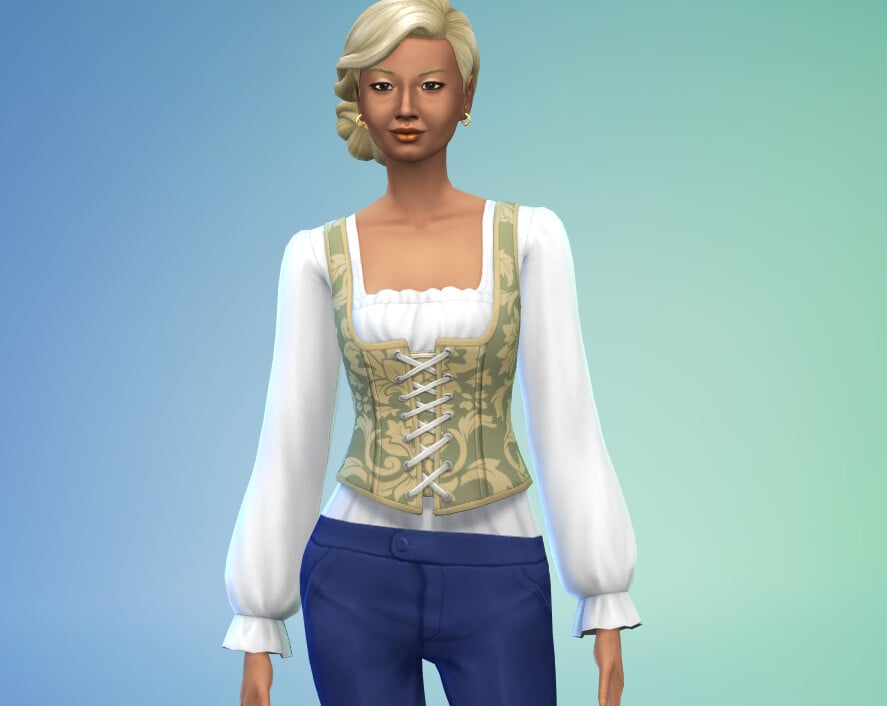
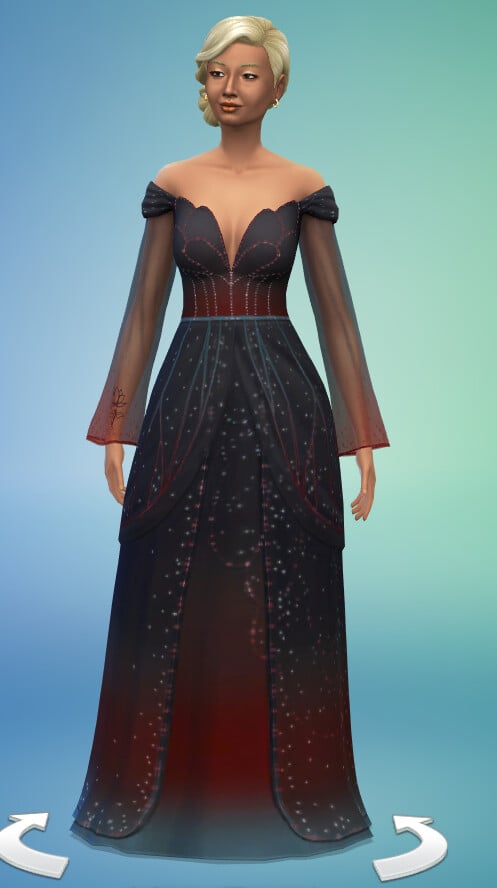
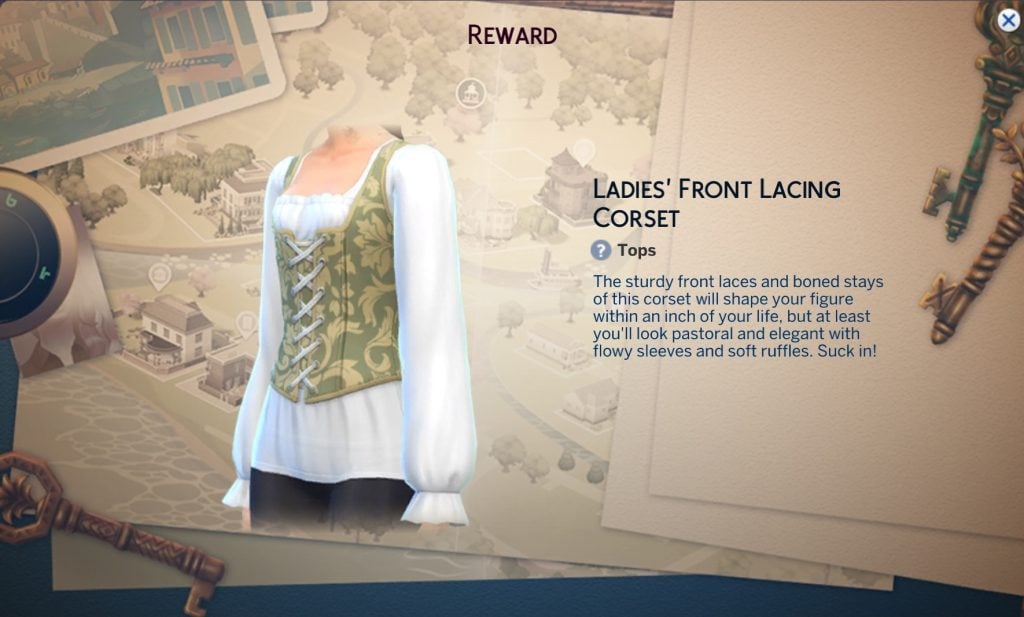
Ladies Front Lacing Corset

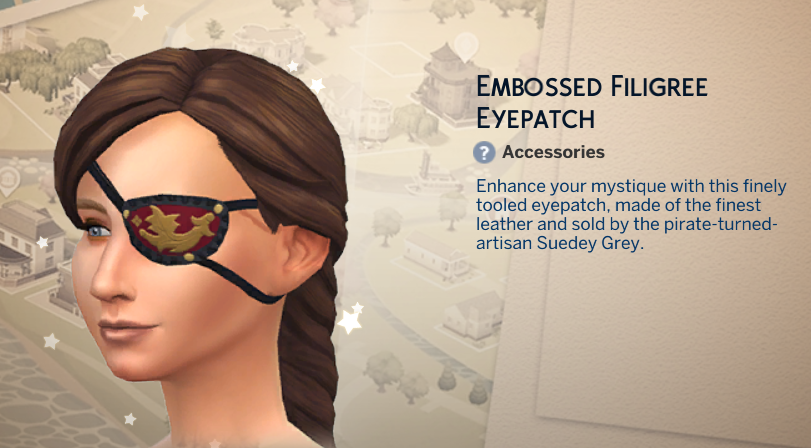
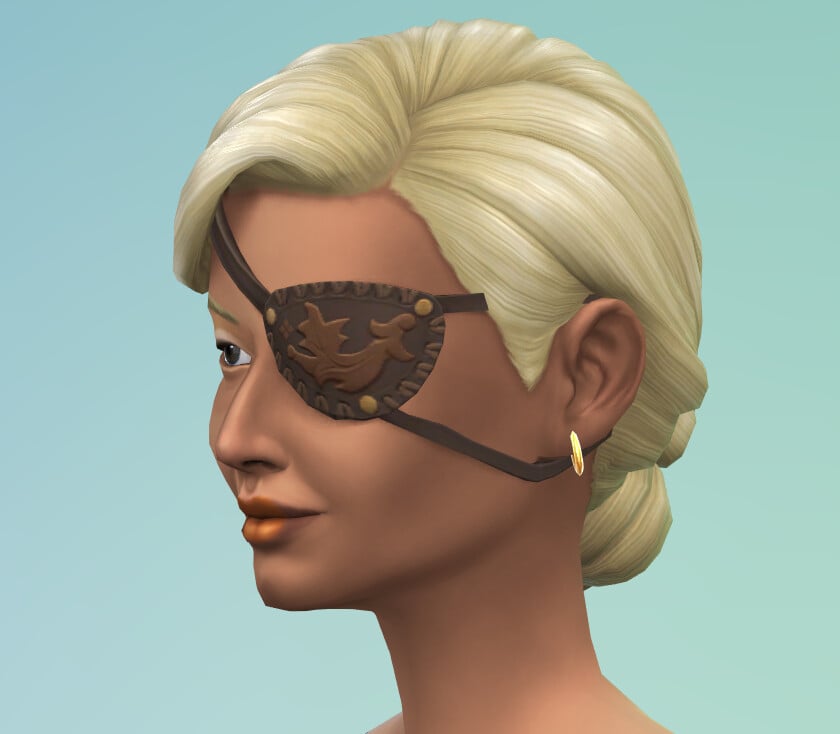
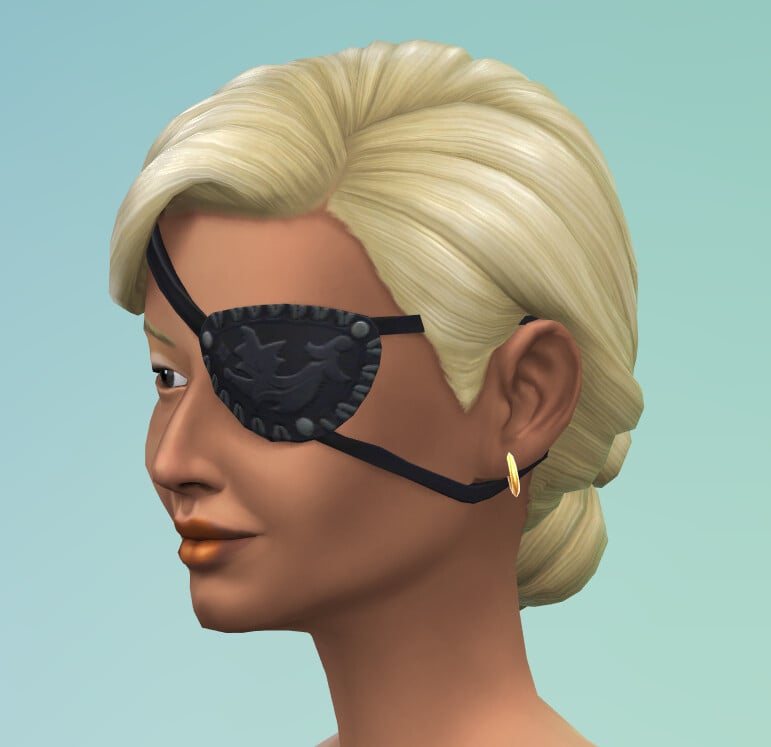
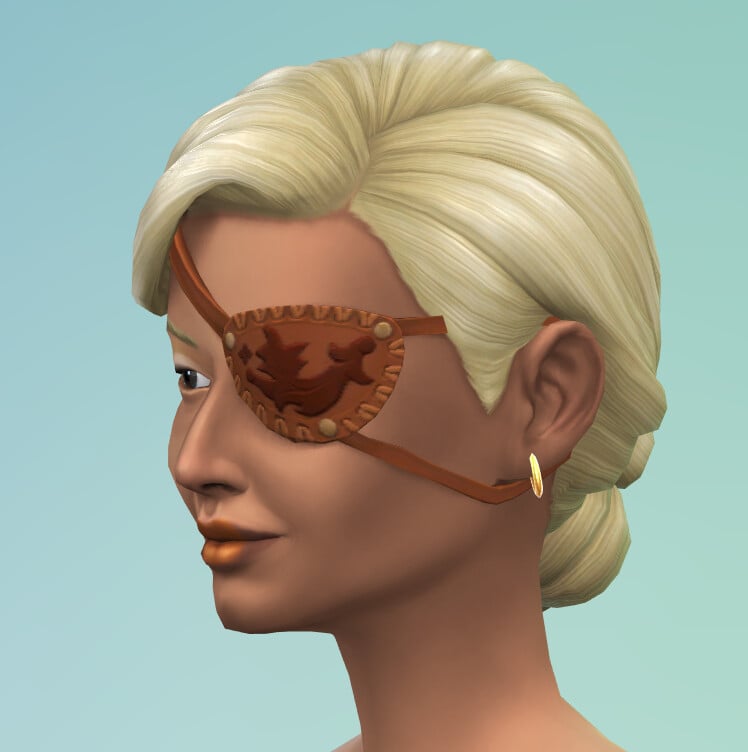
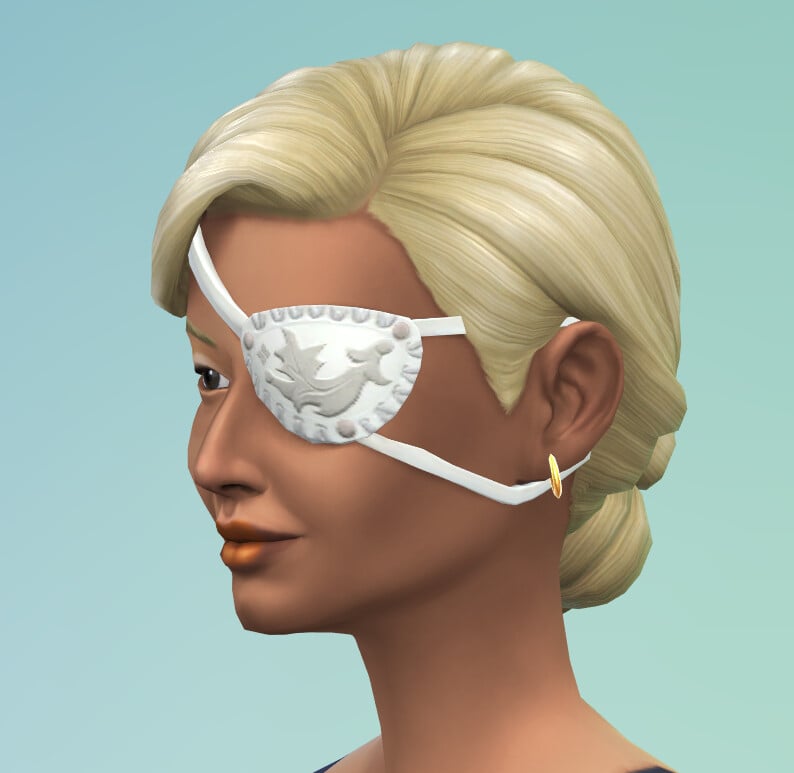
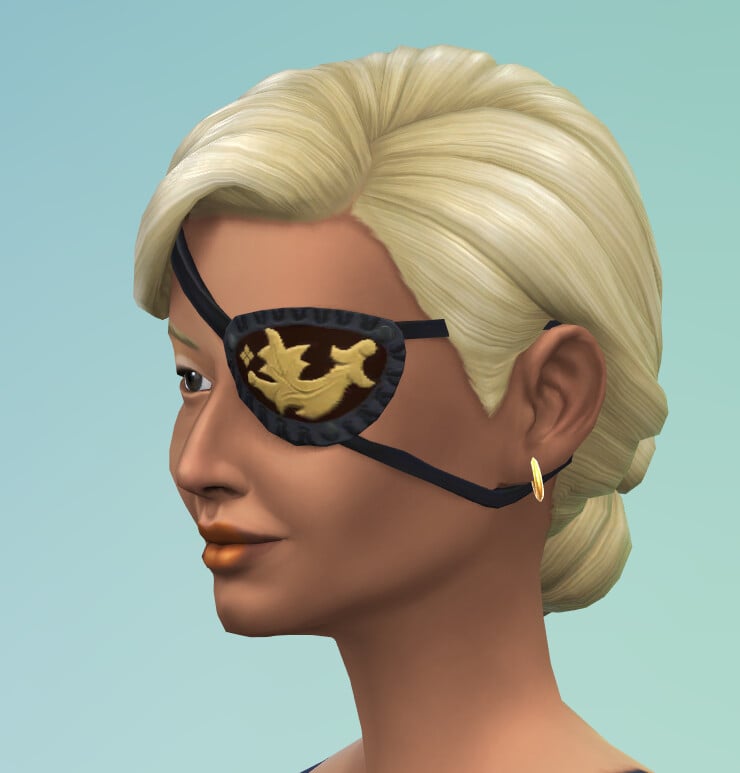
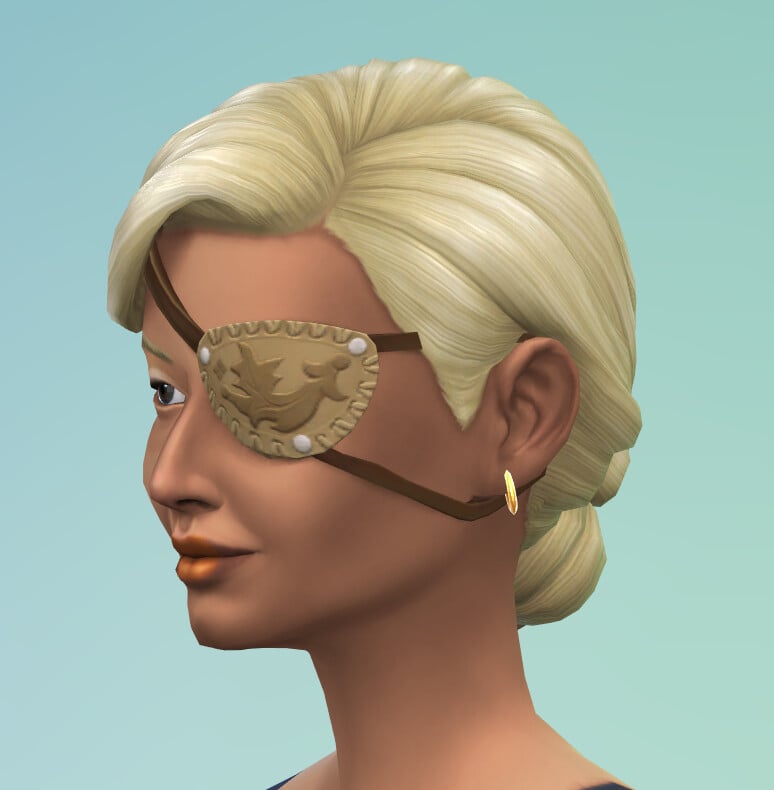
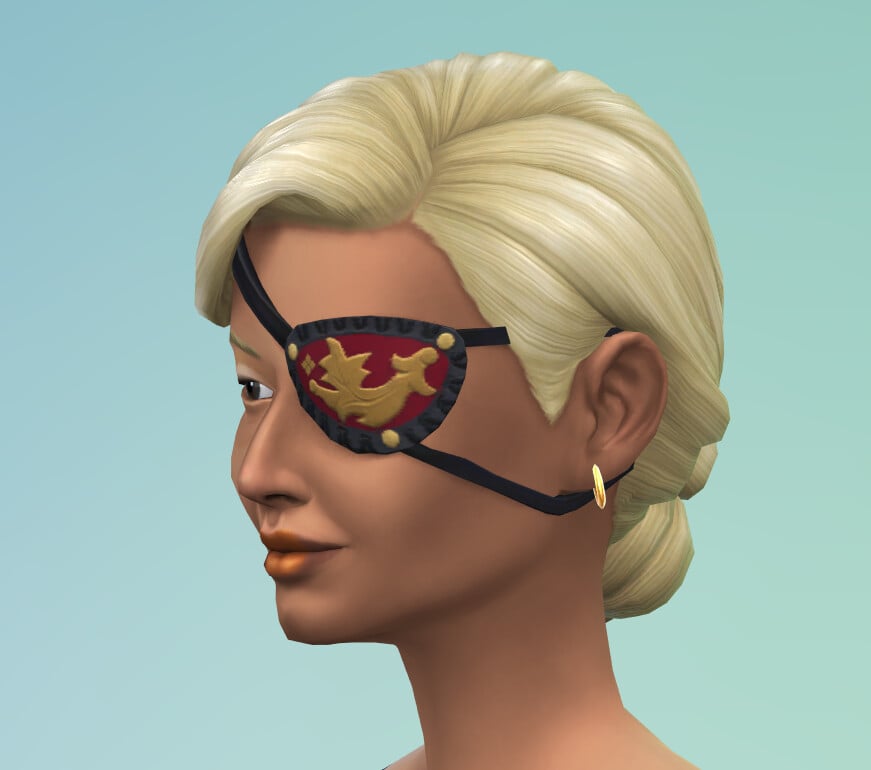
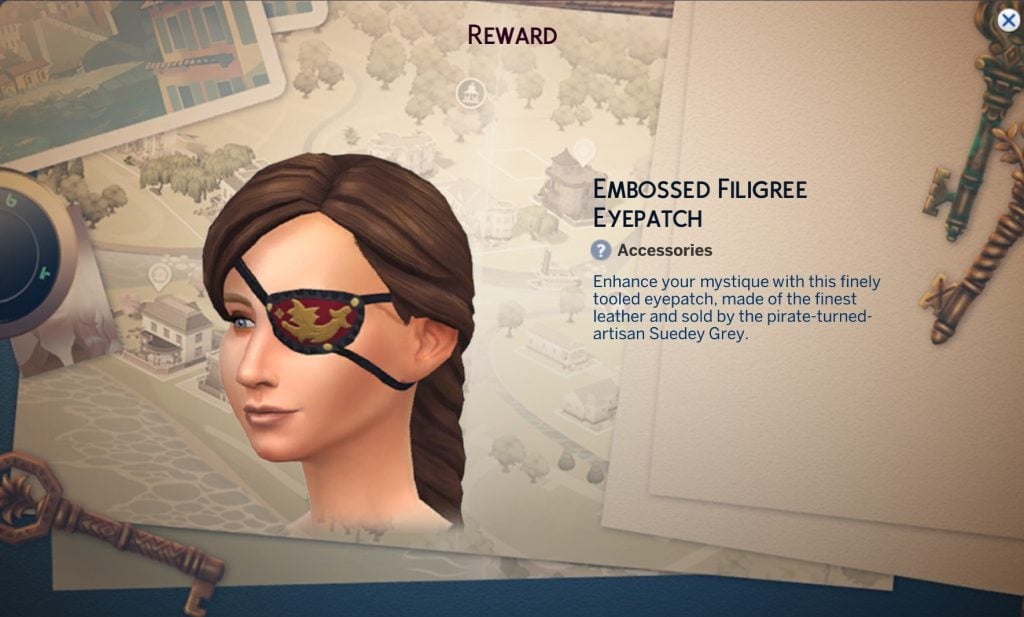
Embossed Eyepatch

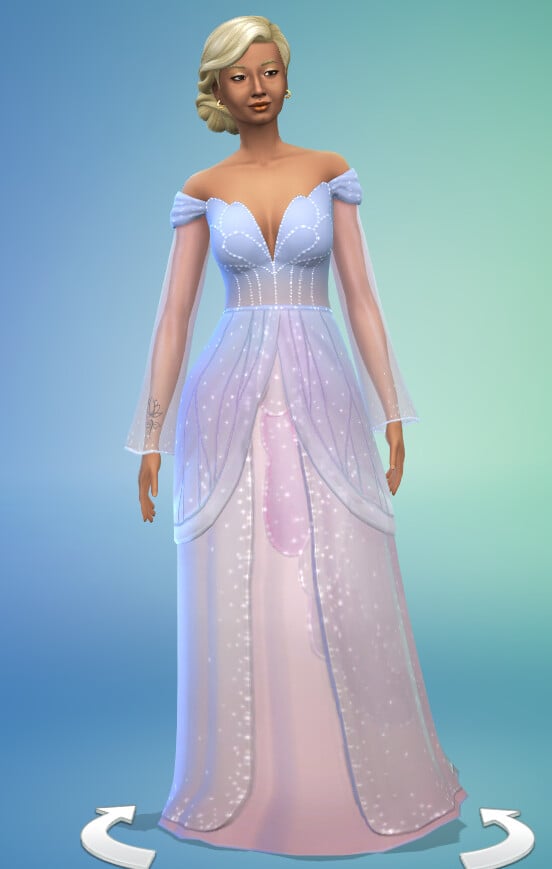
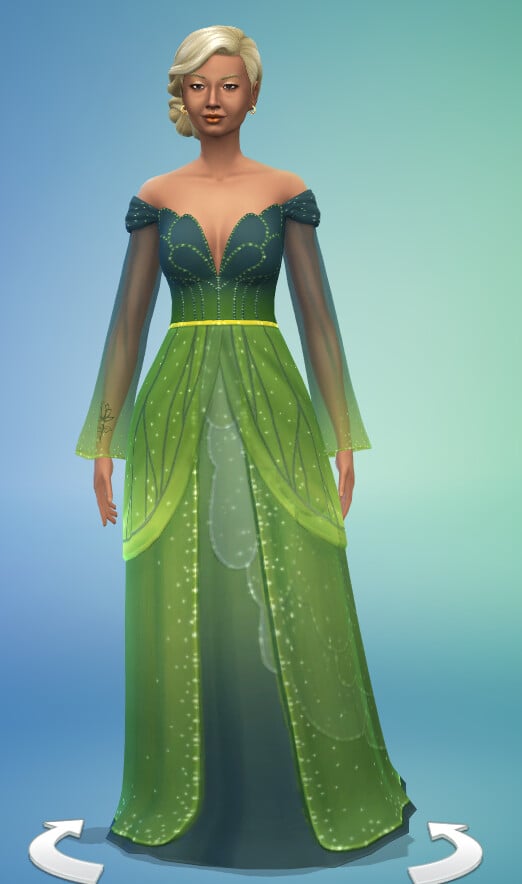
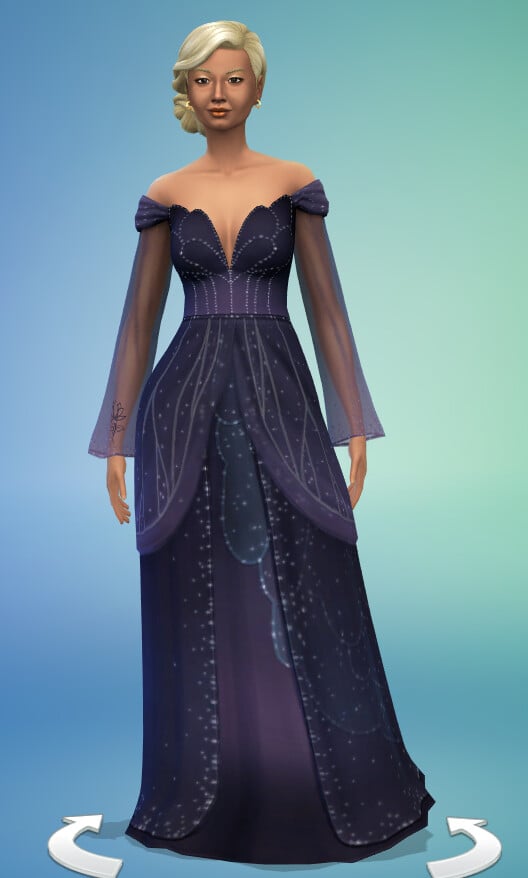
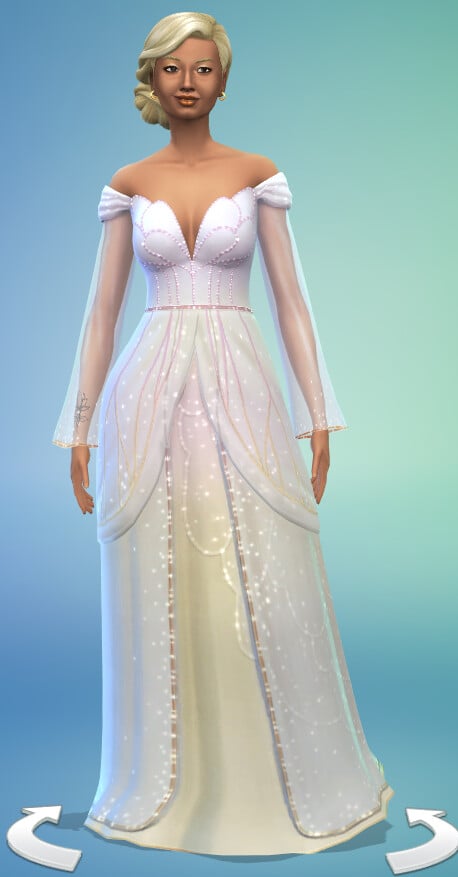
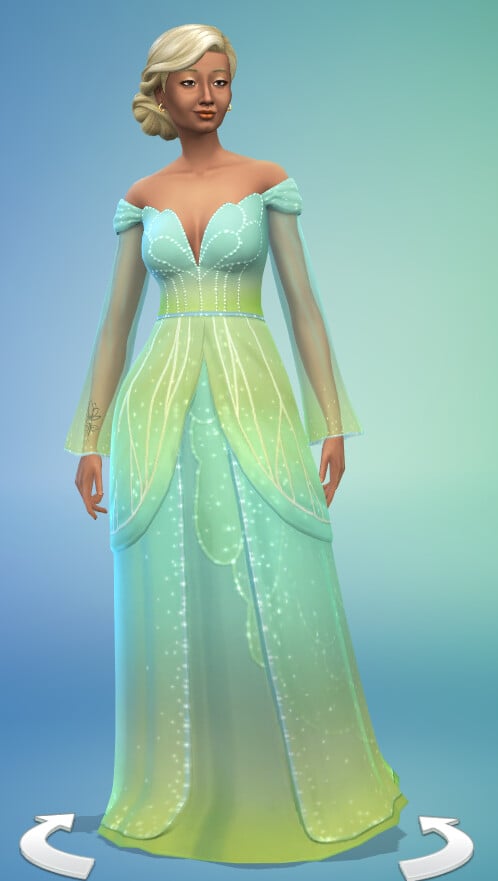
Fairy Princess Gown

Requires Enchanted by Nature

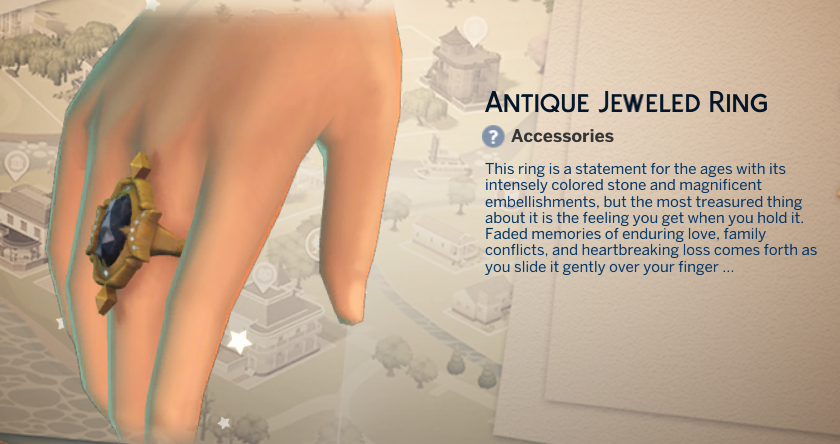
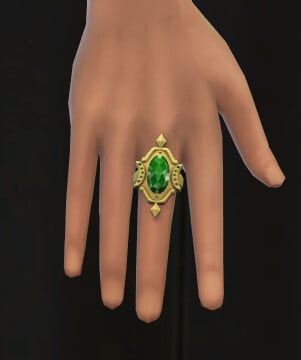
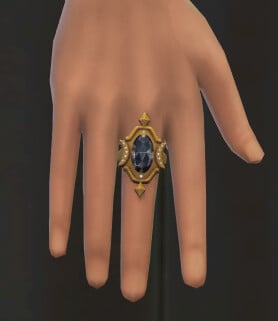
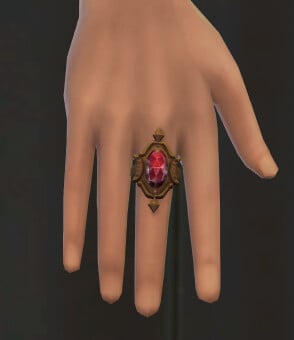
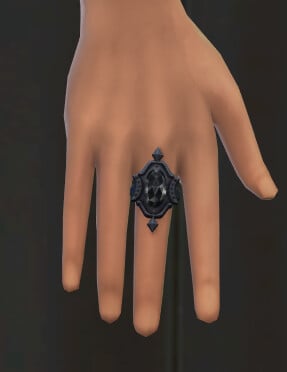
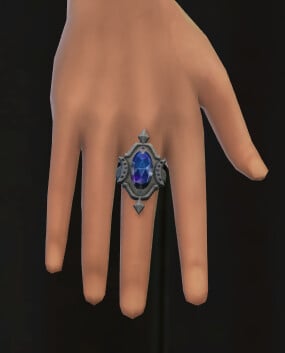
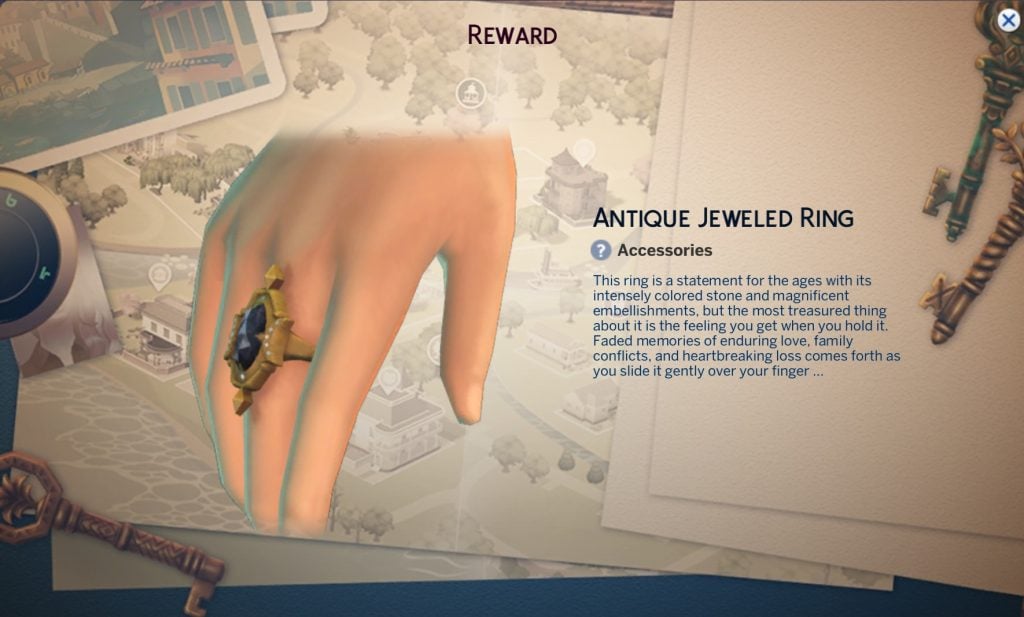
Antique Jewelled Ring

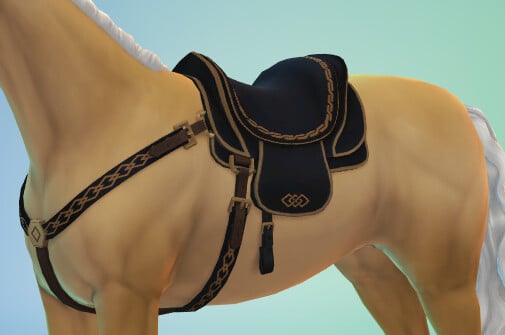
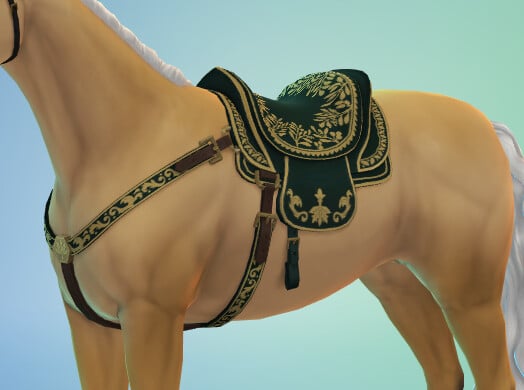
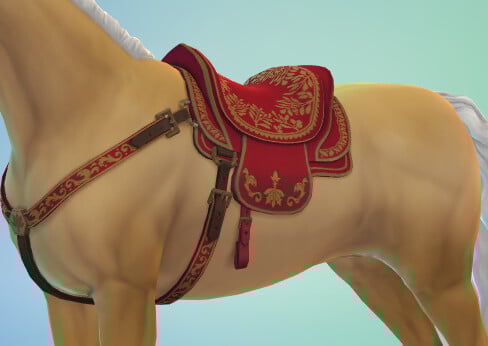
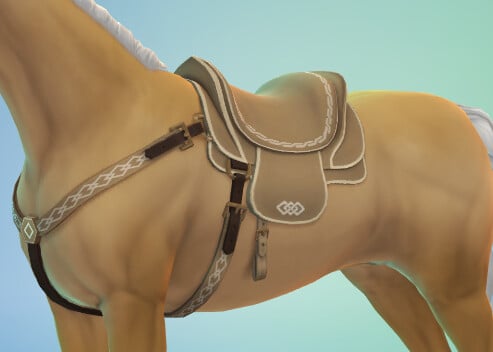
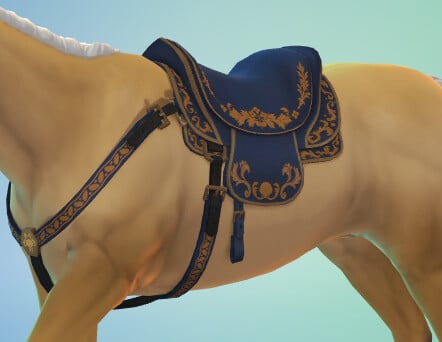
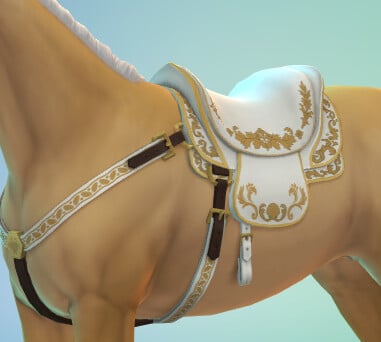
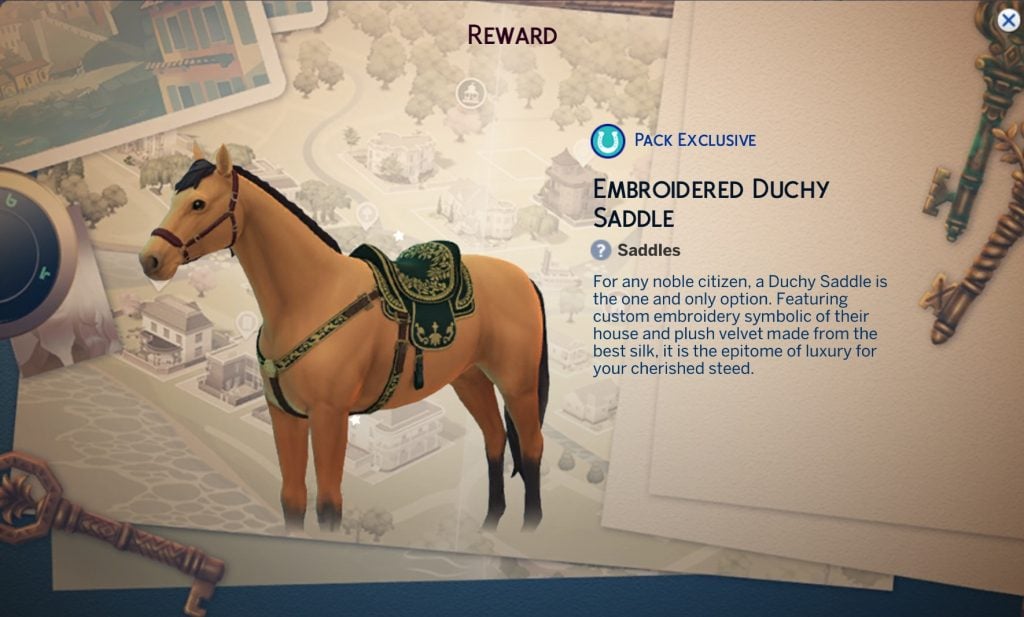
Embroidered Horse Saddle

Requires Horse Ranch

Build / Buy

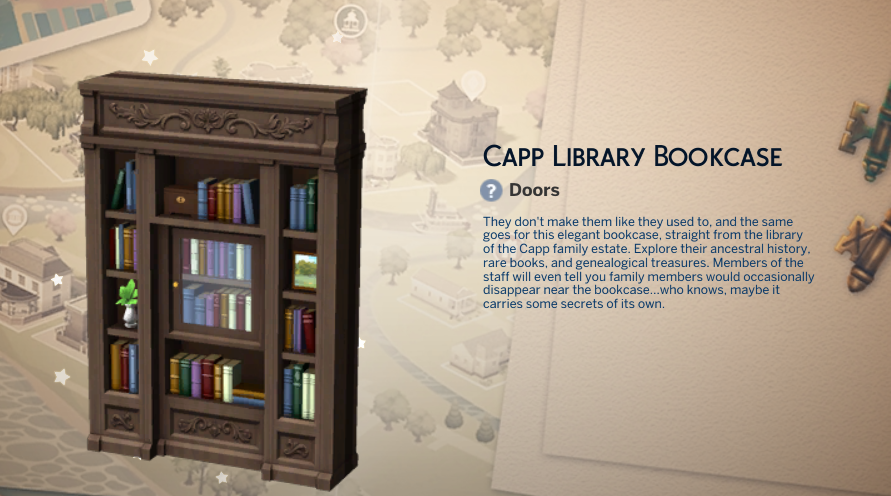
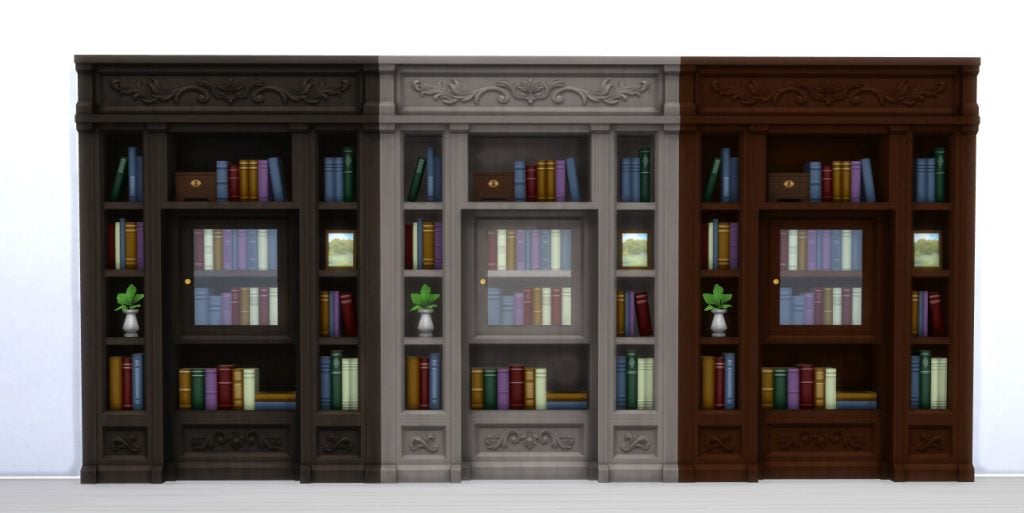
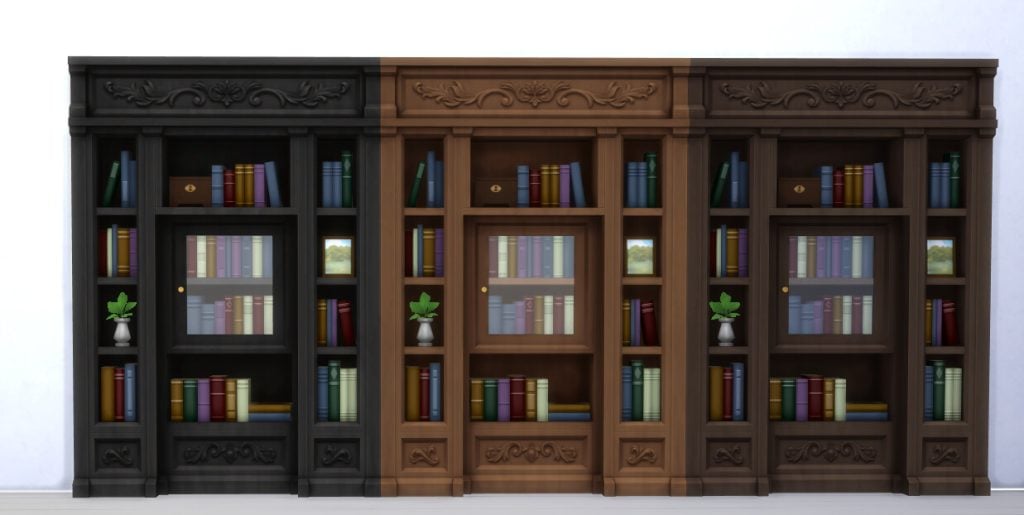
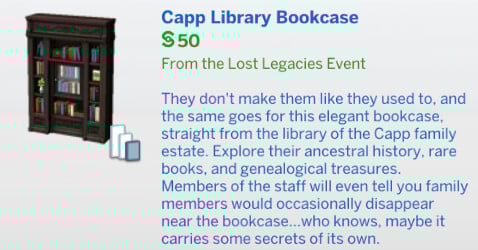
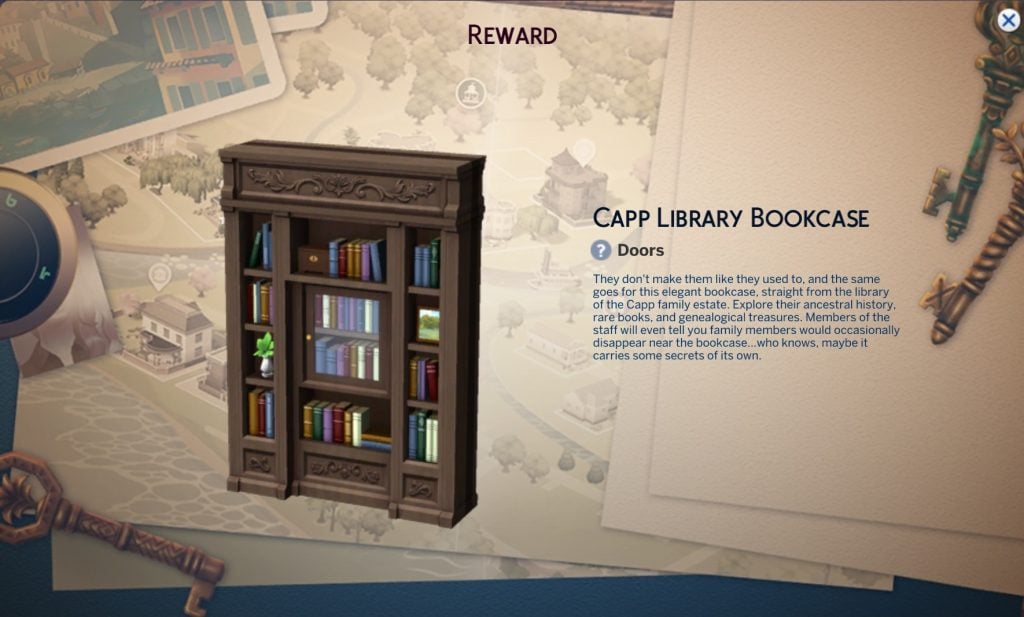
Capp Library Bookcase

This item has six swatches and costs §50, making it much cheaper than the other secret doorway bookcase we have in game.

Screenshot 2026 02 04 084547

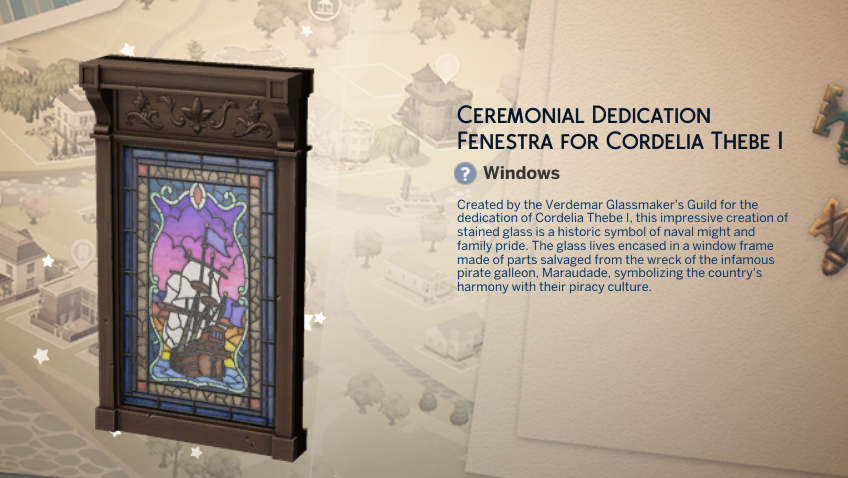
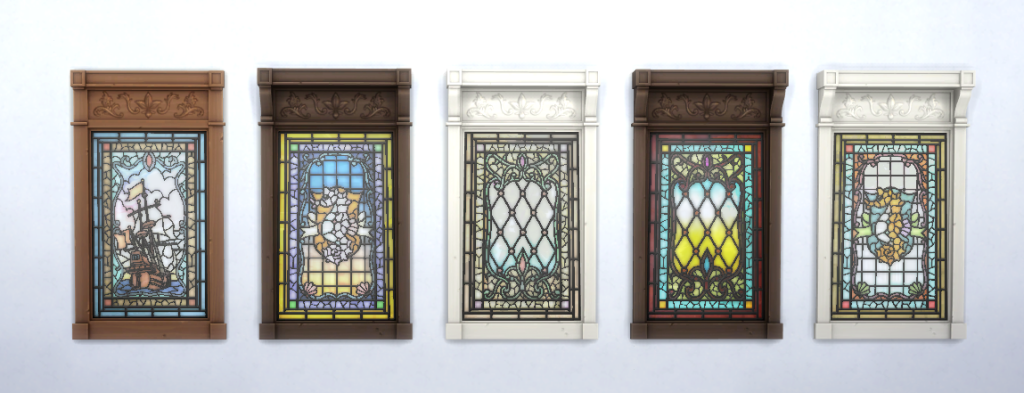
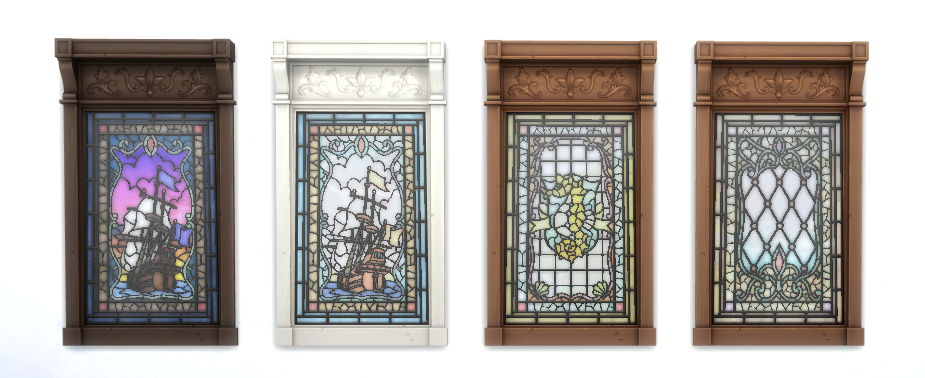
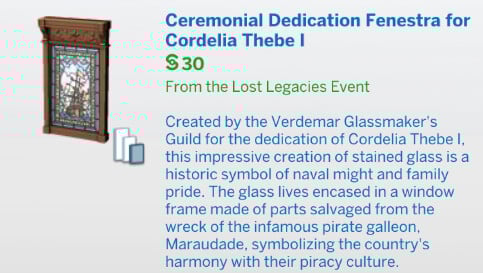
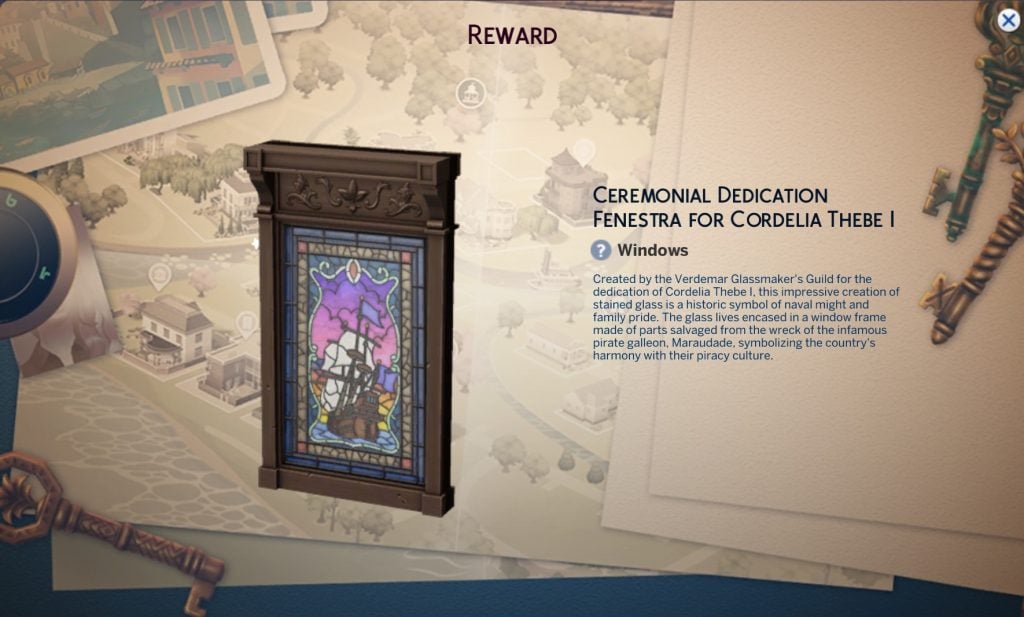
Ceremonial Dedication Fenestra For Cordelia Thebe I

This item has nine swatches and costs §30.

Screenshot 2026 02 04 084735

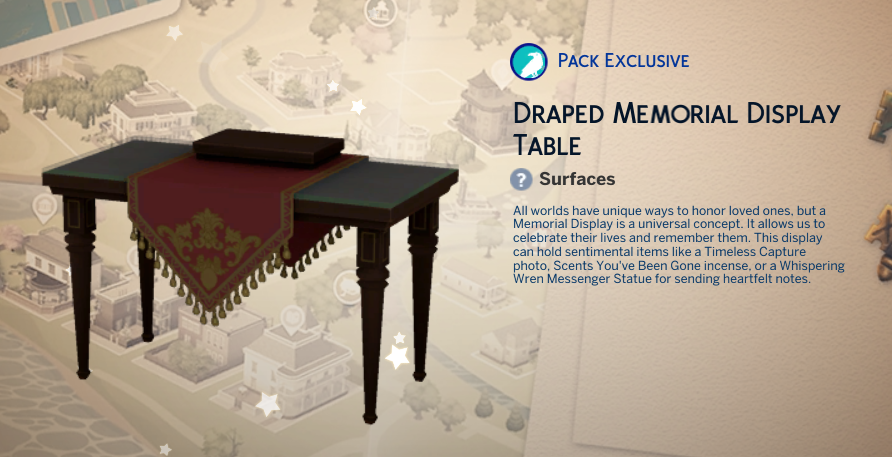
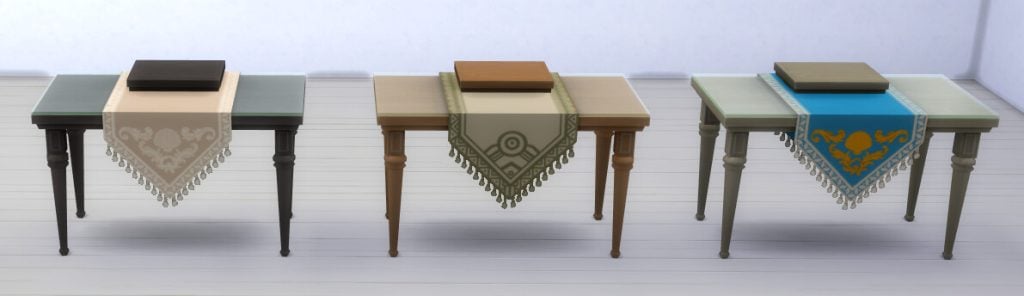
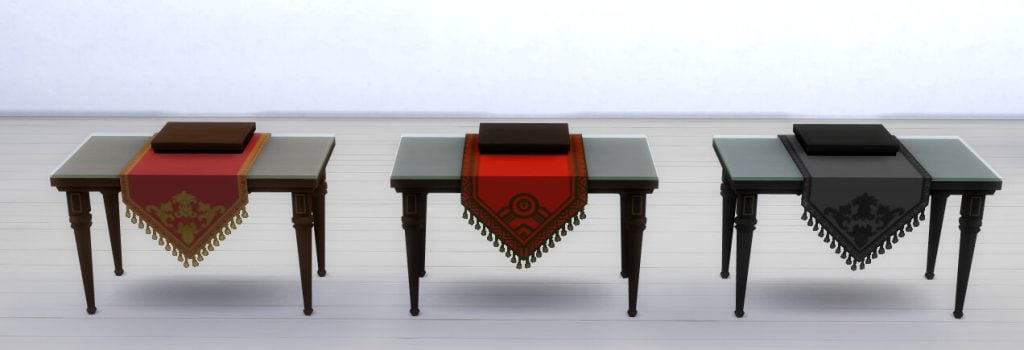
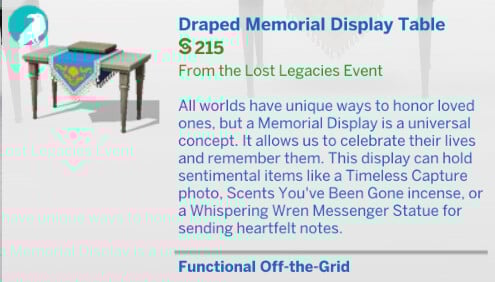
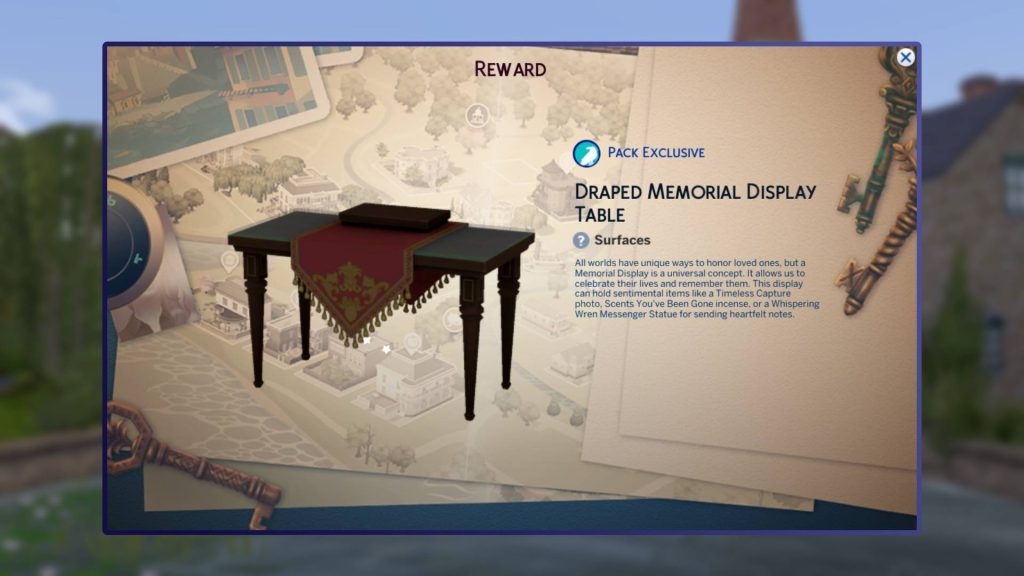
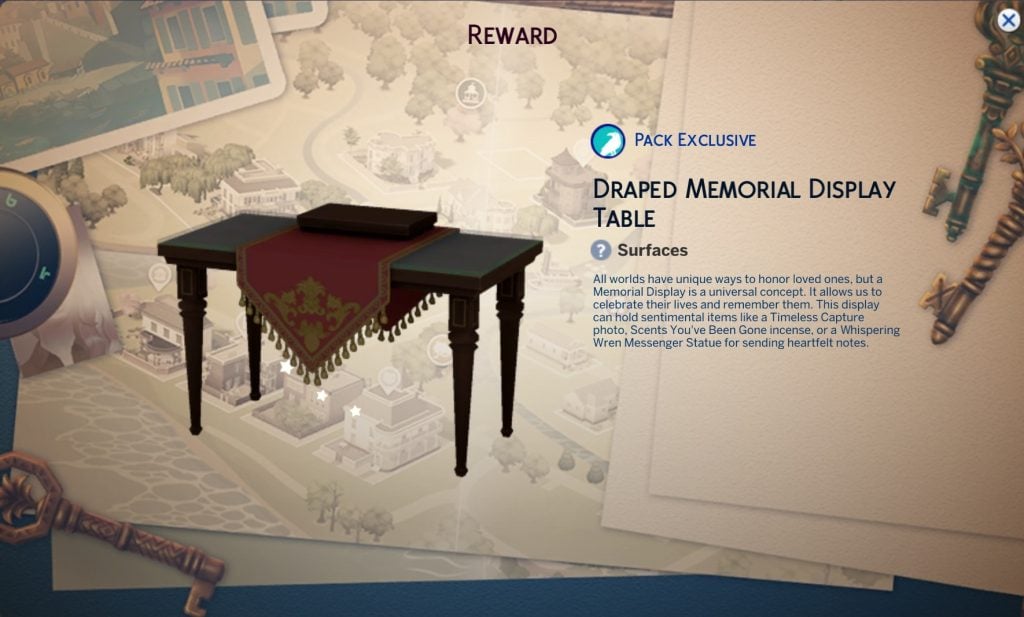
Draped Memorial Display Table

This is an item you can only use if you have Life & Death installed.

It adds a new memorial display table to the game and will cost Sims §215.

Screenshot 2026 02 04 085606

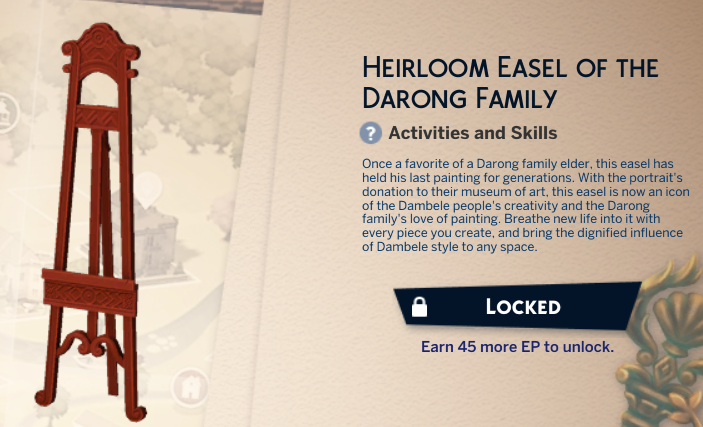
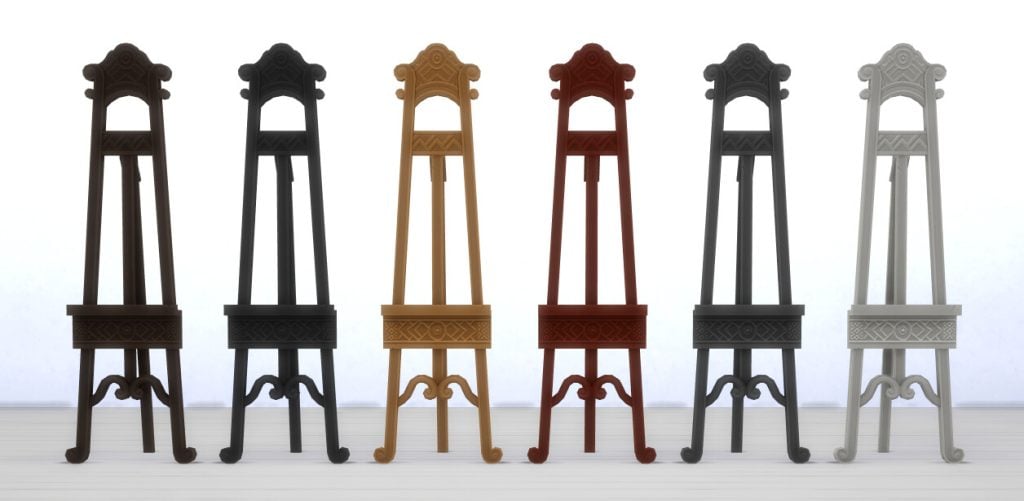
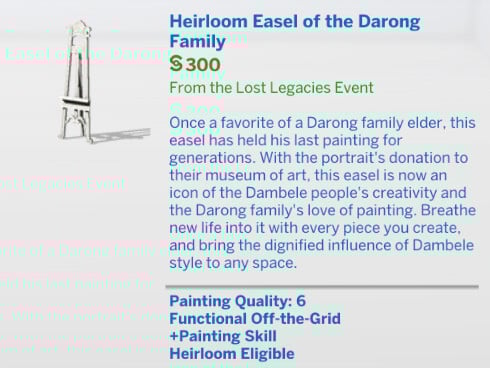
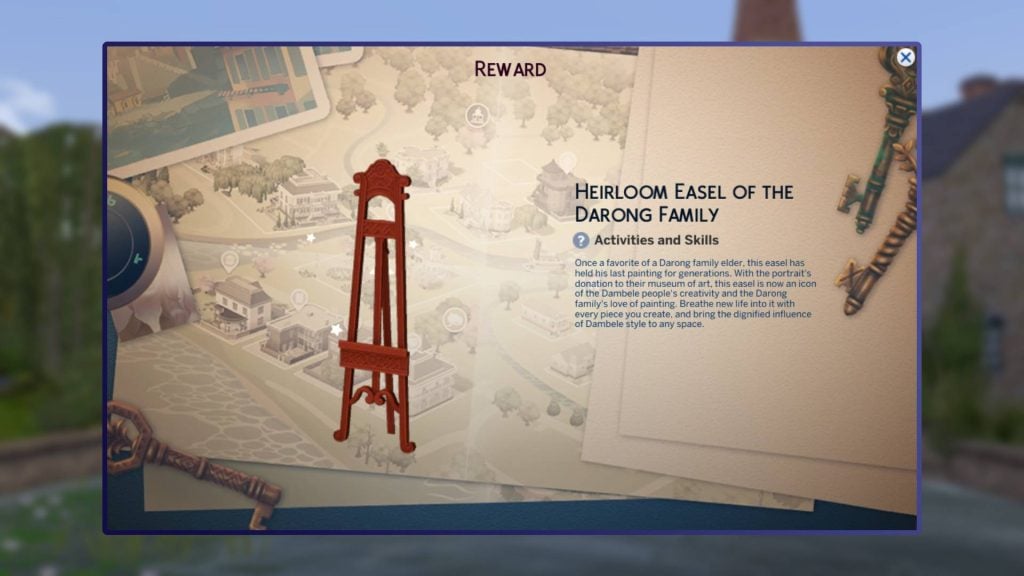
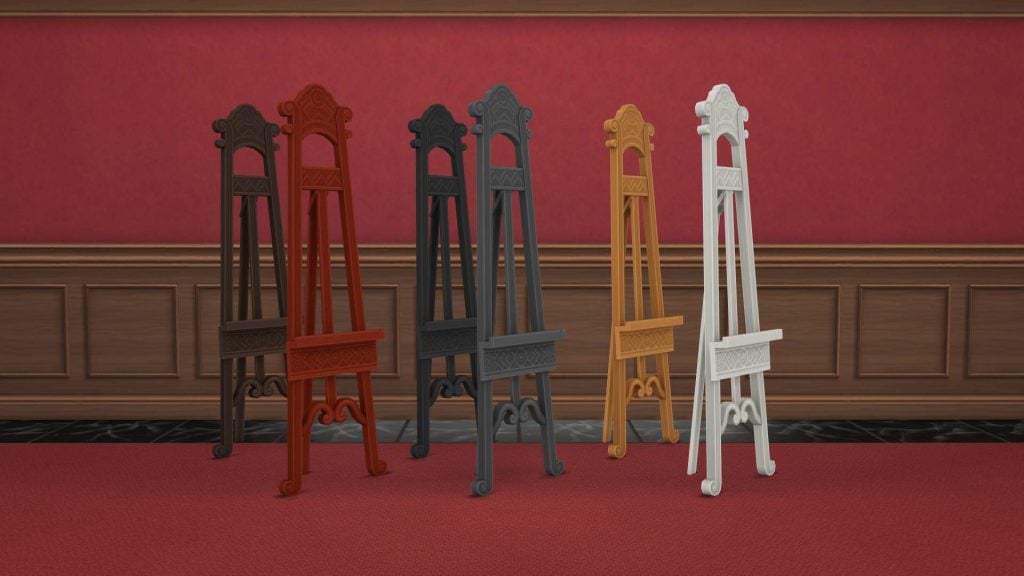
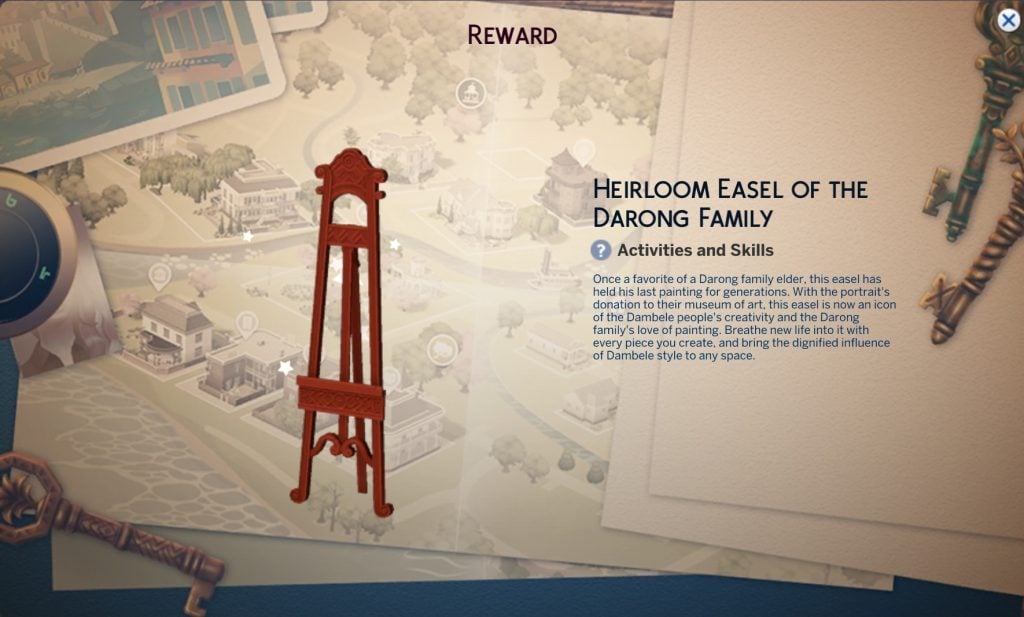
Heirloom Easel of the Darong Family

This easel adds some lore to the Darong family and new world coming with the latest expansion pack.

It will cost your Sims §300.

Screenshot 2026 02 04 085957 1

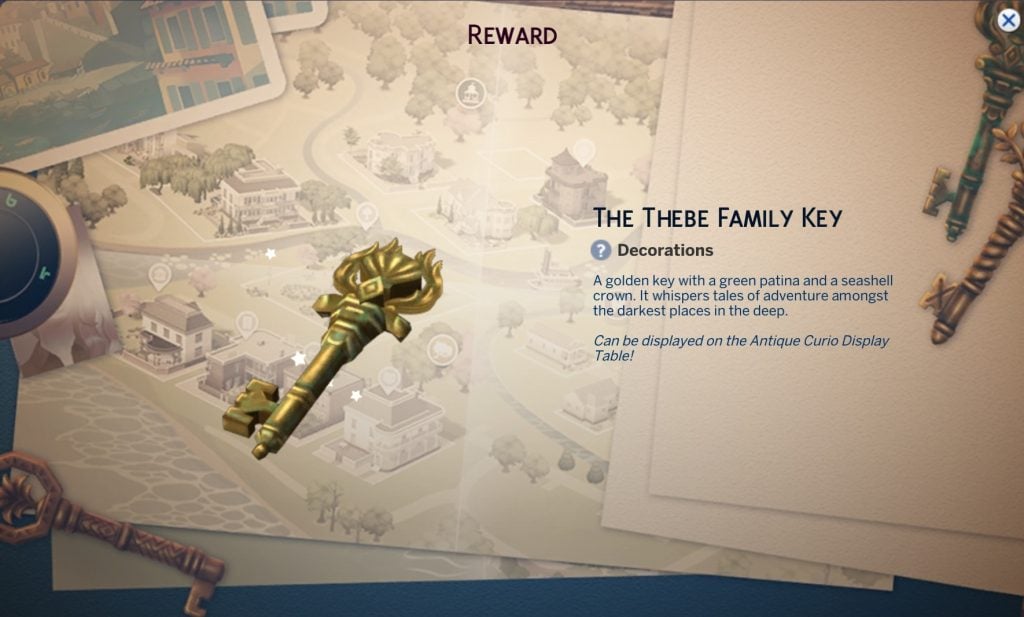
All event keys

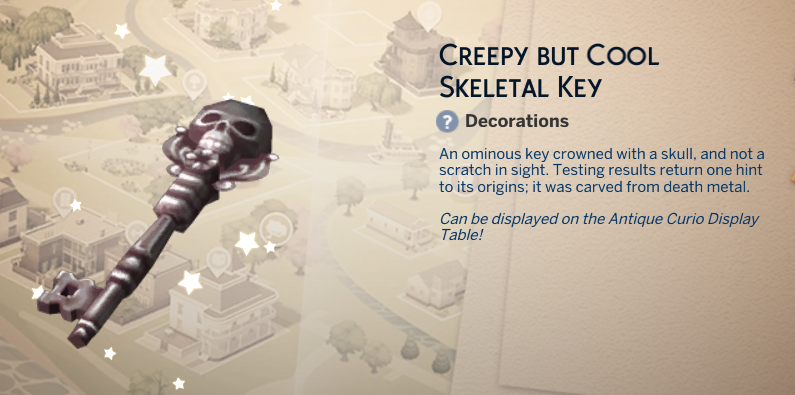
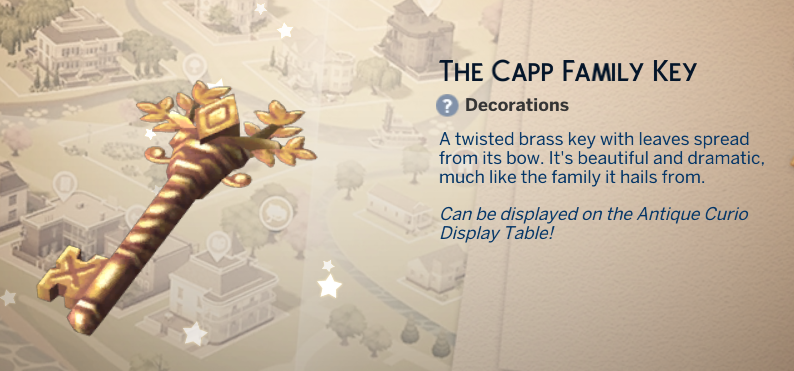
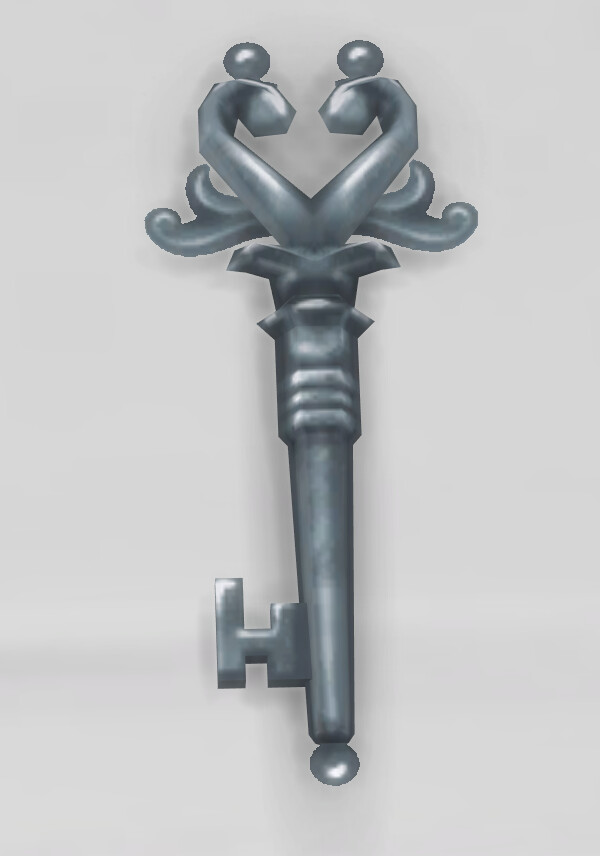
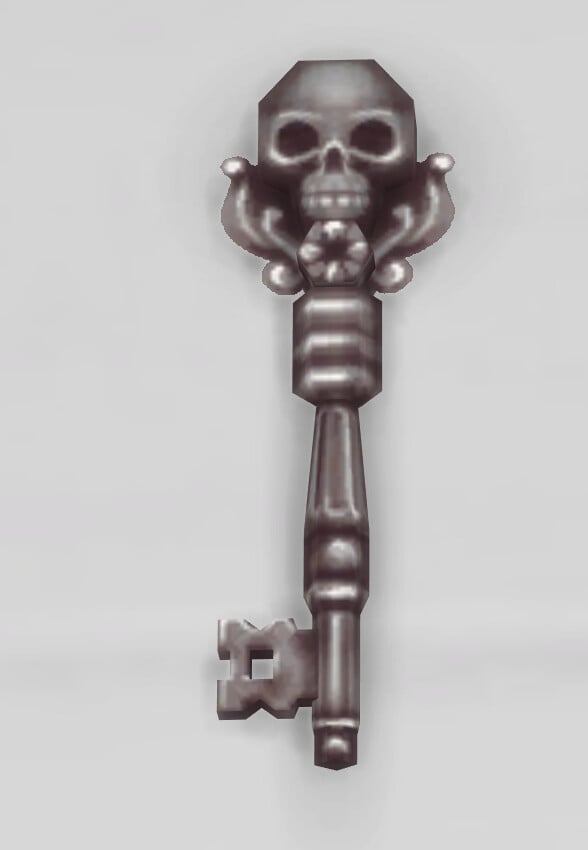
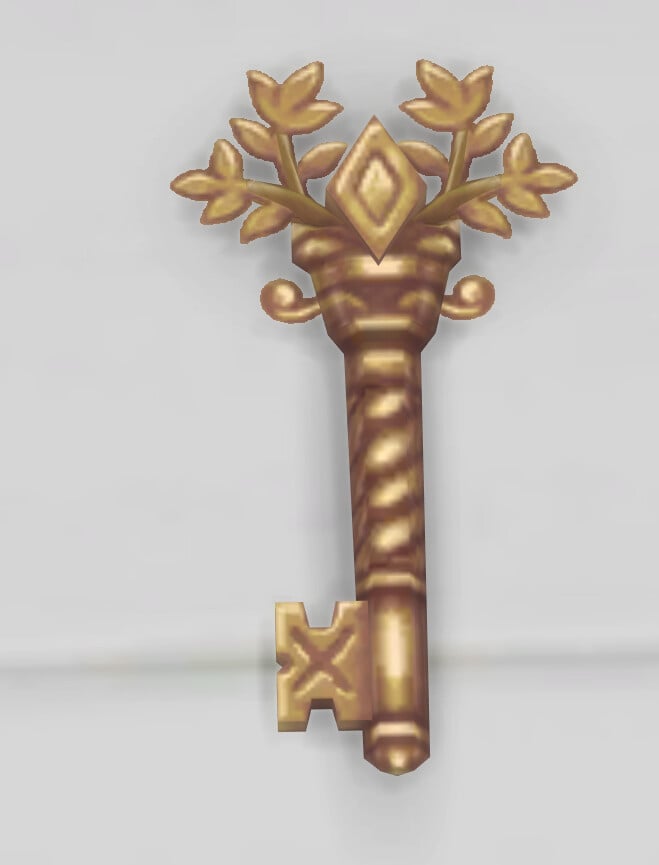
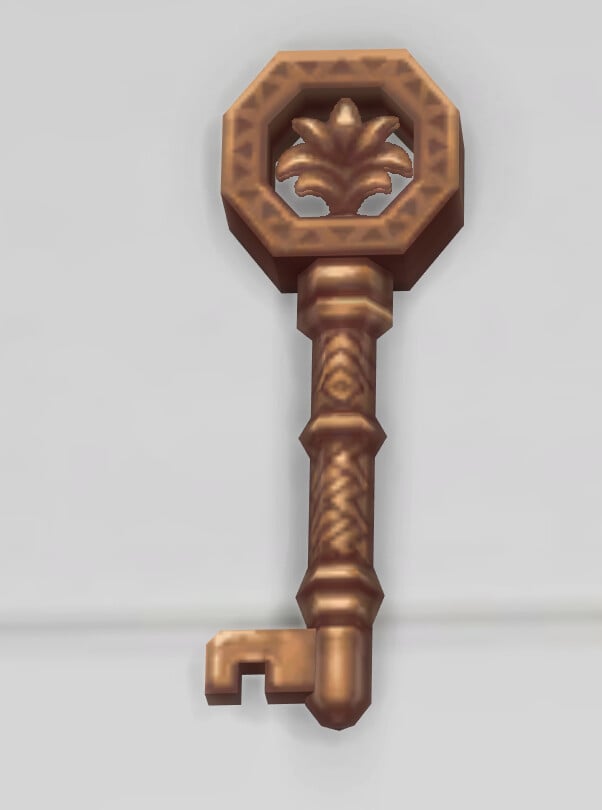
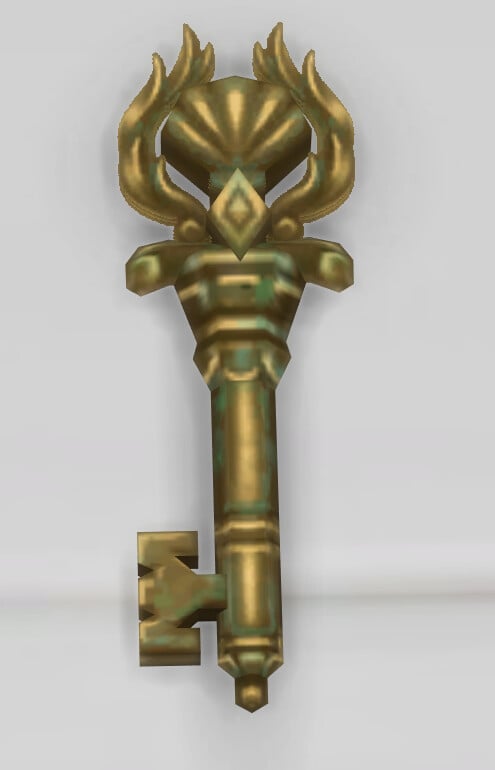
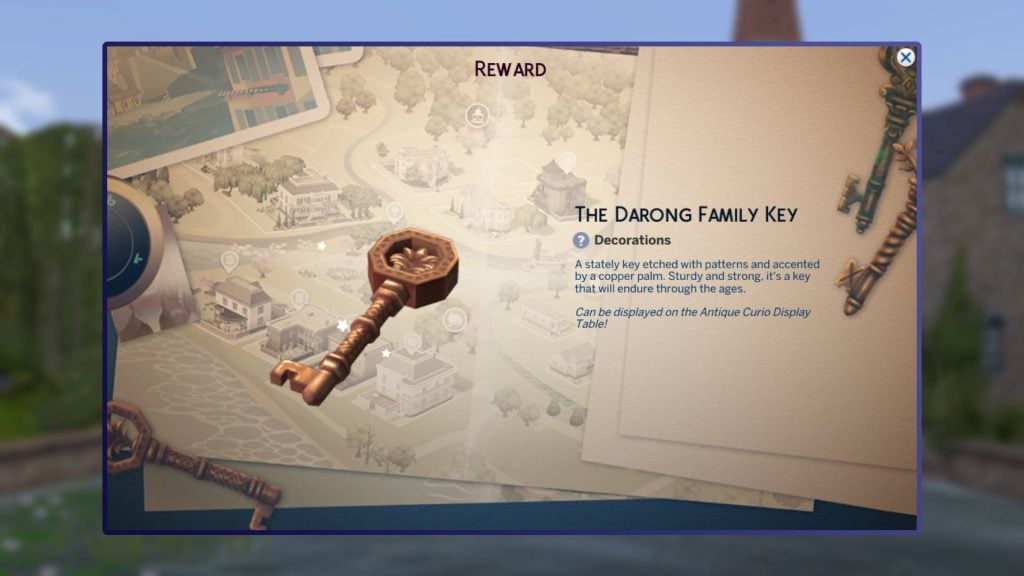
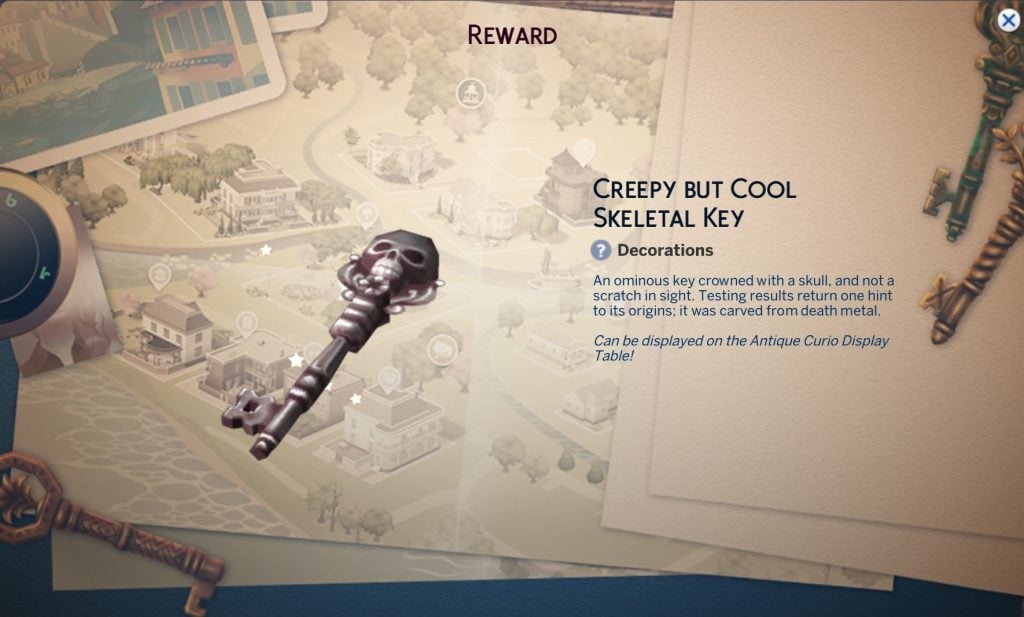
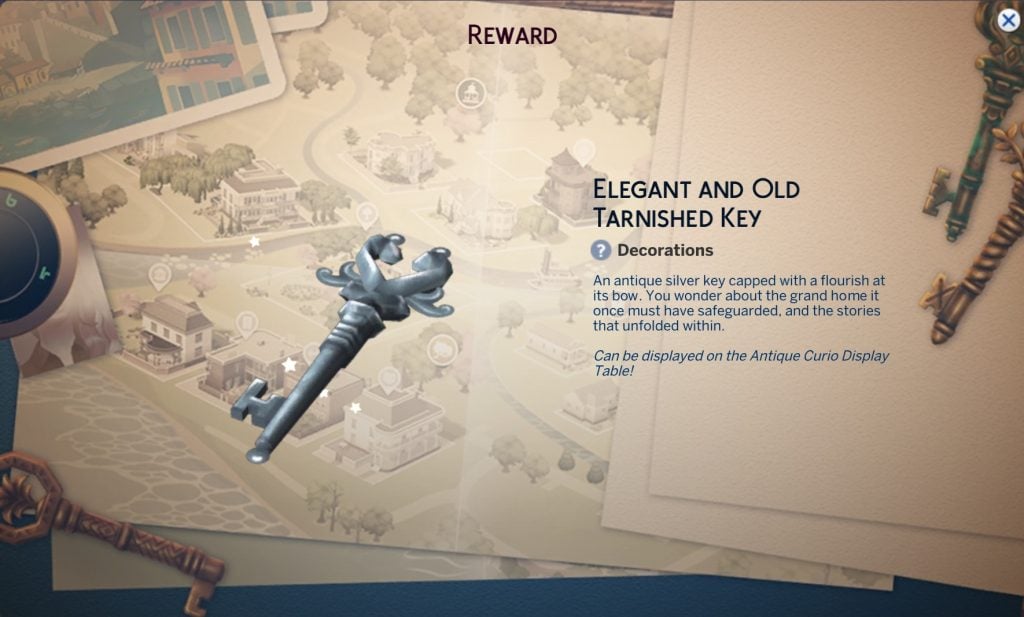
Get a closer look at the keys you will unlock through the Sims 4 Lost Legacies gameplay. All of these are free to place from build mode once unlocked. These are also classed as a new collectible with a rarely rating of common.

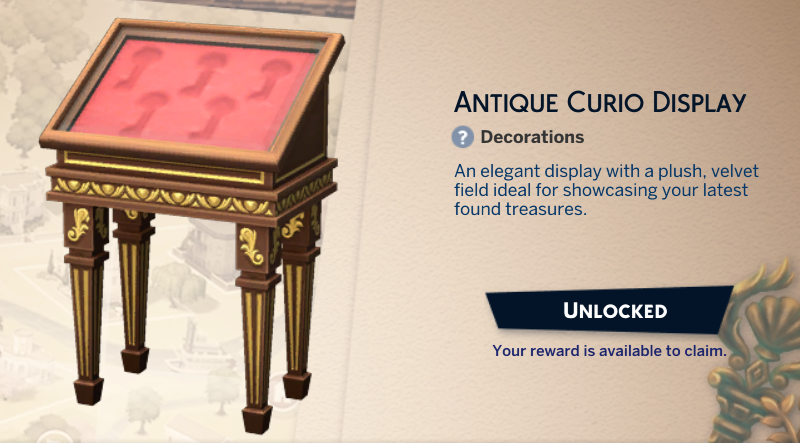
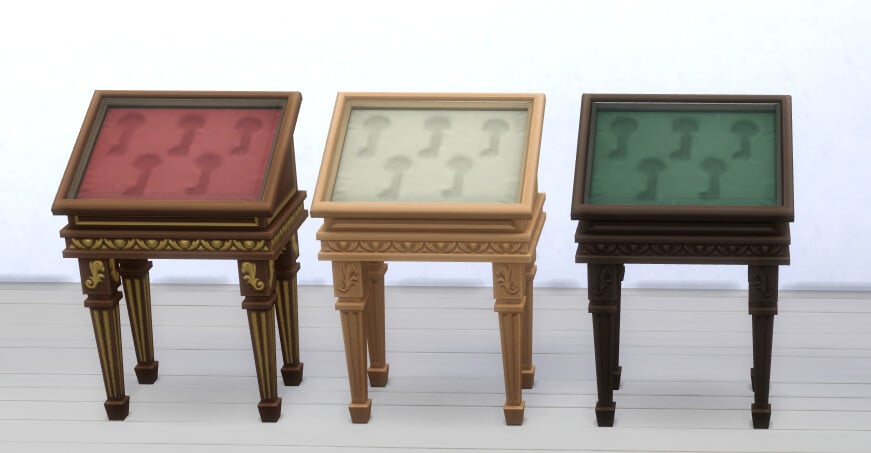
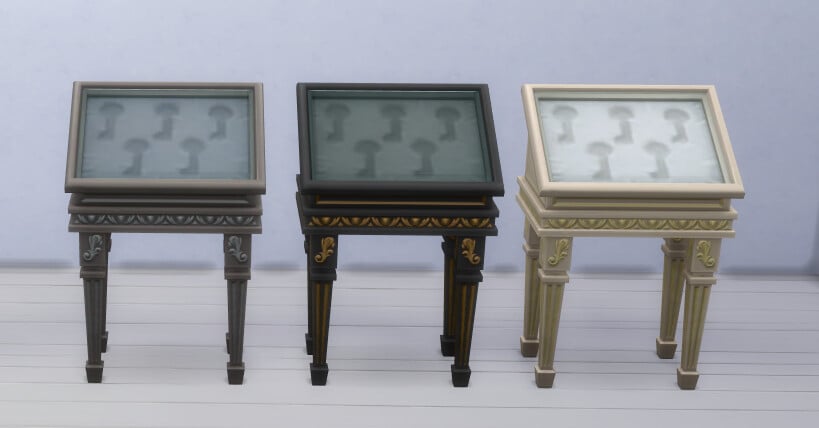
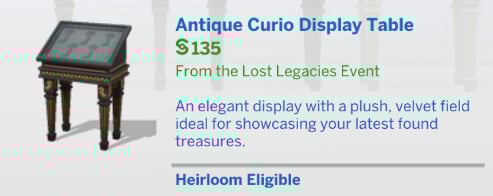
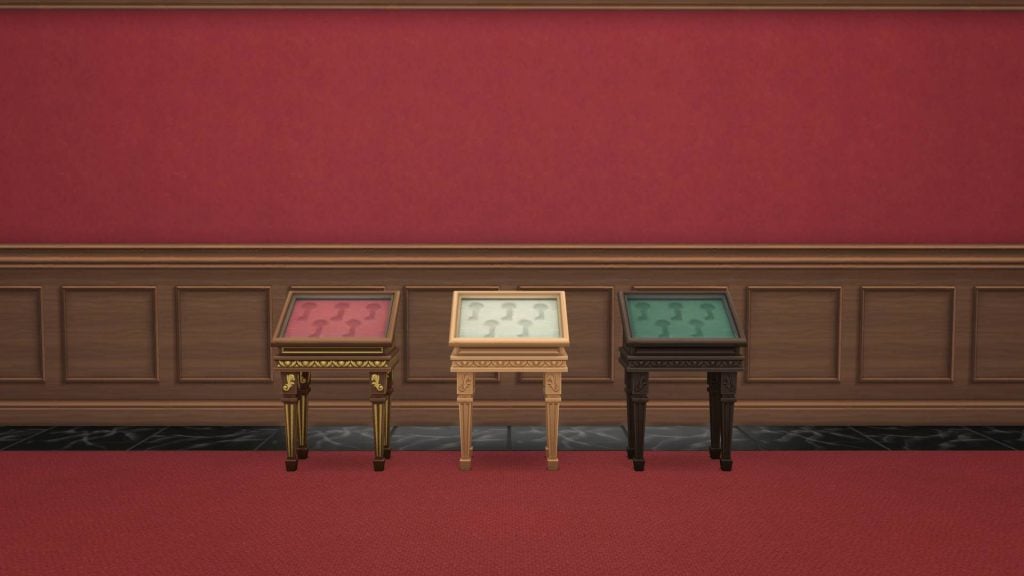
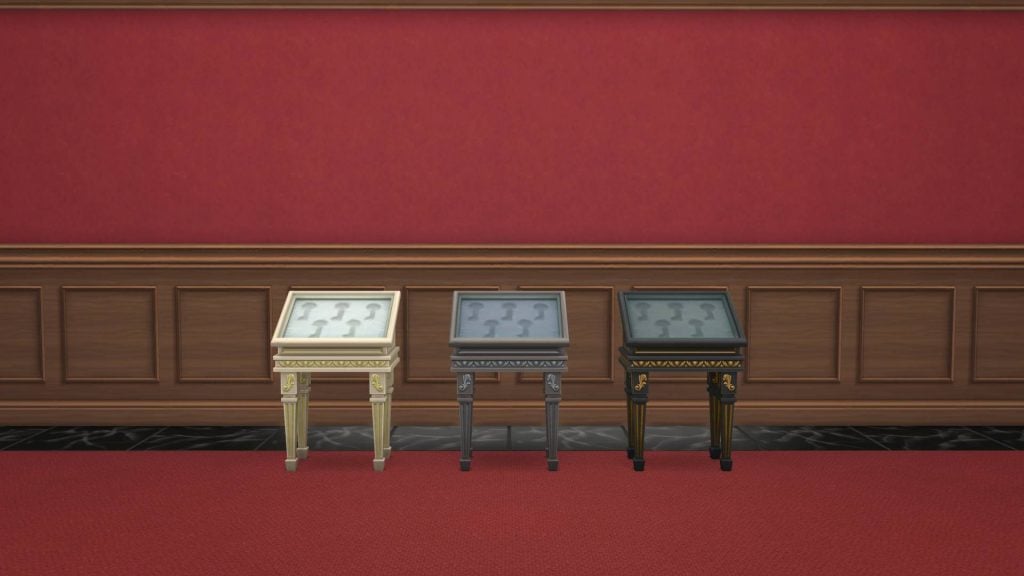
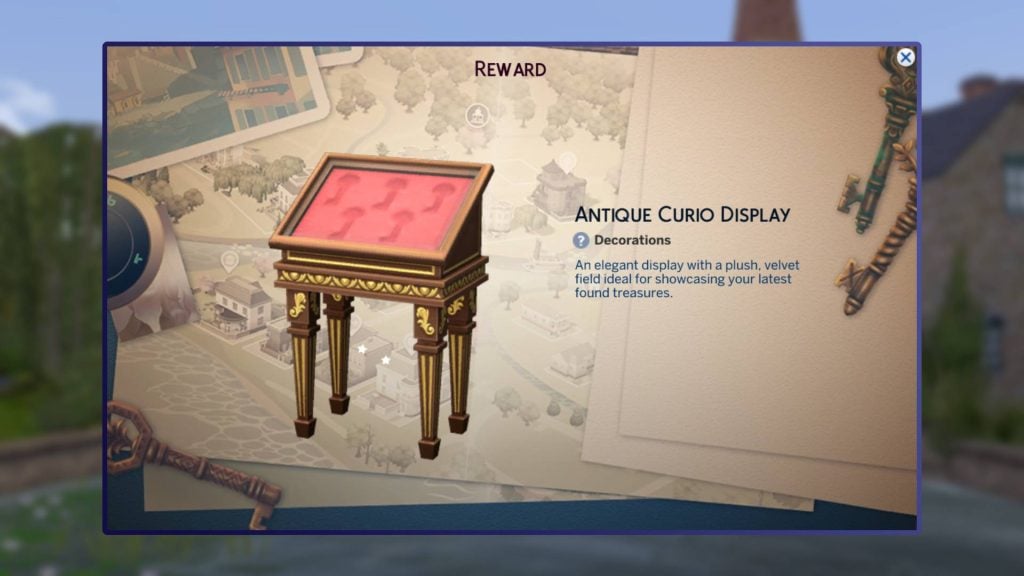
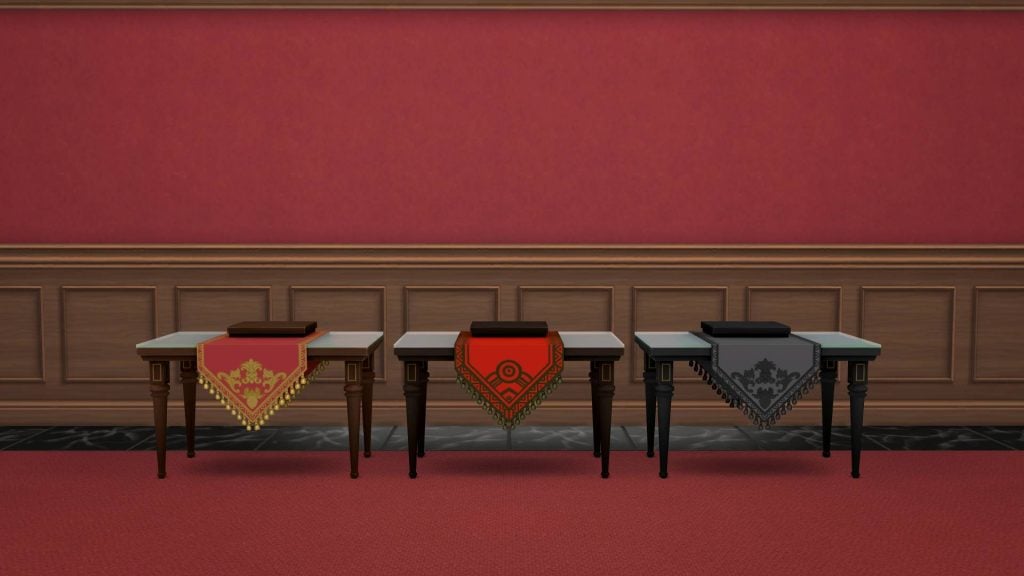
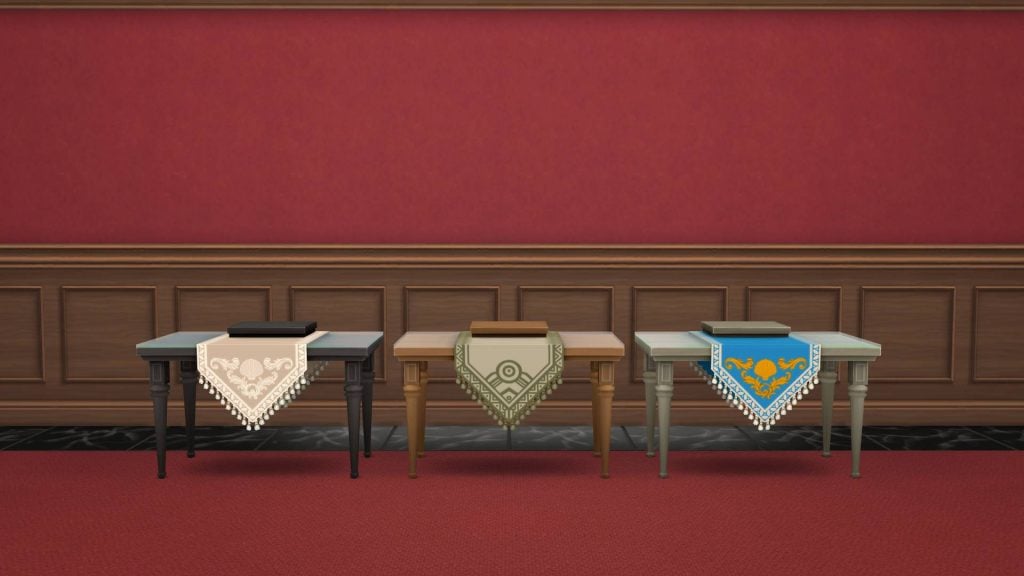
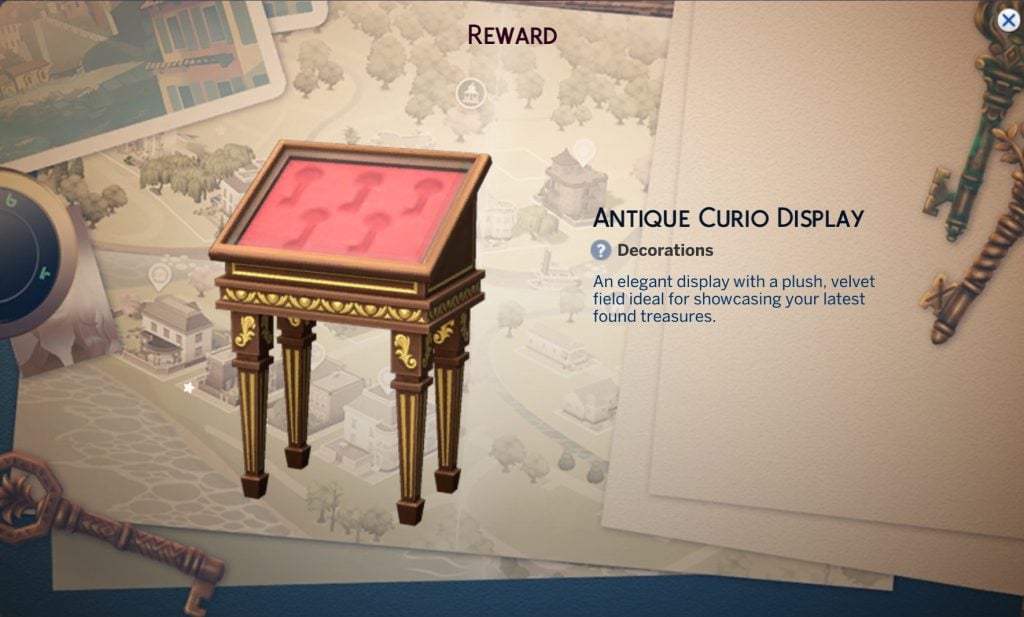
Antique Curio Display Table

This is the display case for the collectible keys from this event, beyond that it doesn’t have much use.

It will cost your Sims §135.

Screenshot 2026 02 04 091239

Gameplay

This login event comes with two rewards that impact gameplay, a new aspiration and a new lot trait.

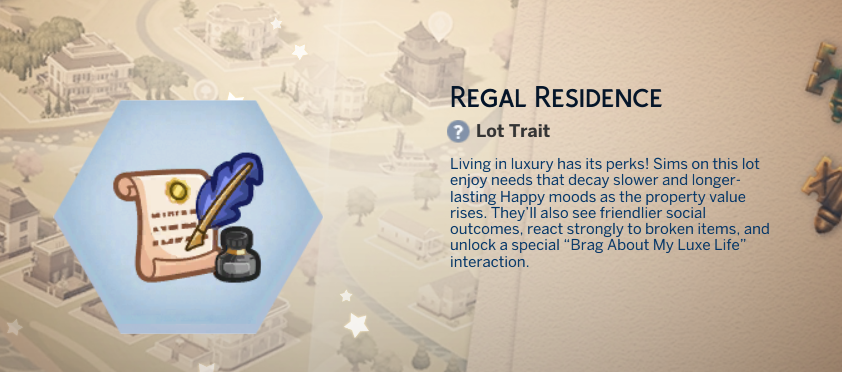
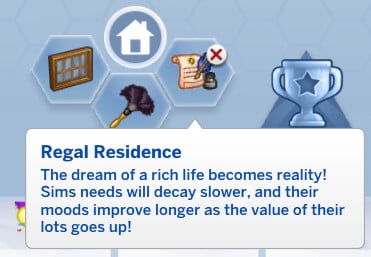
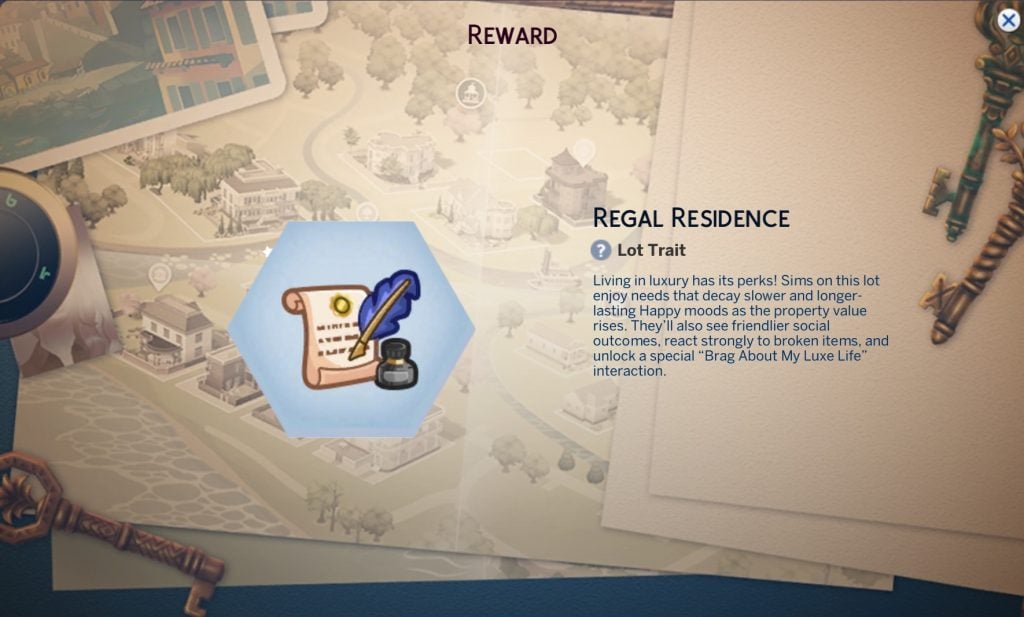
Regal Residence Lot Trait

Screenshot 2026 02 04 083345

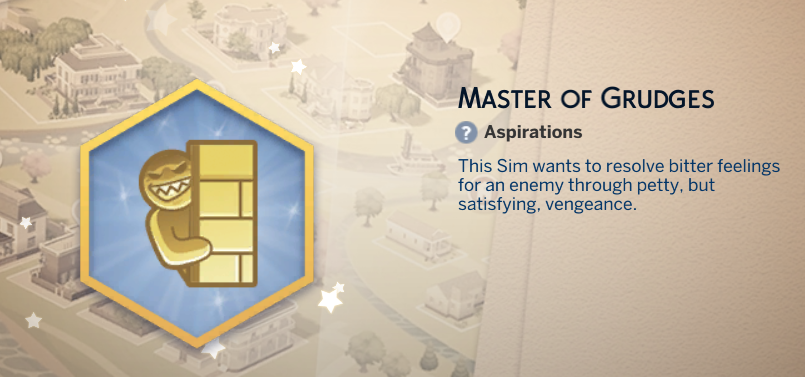
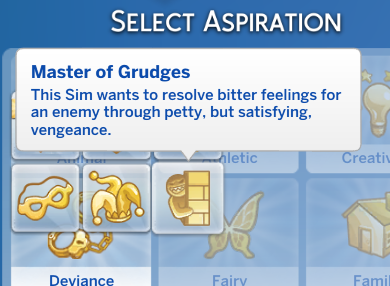
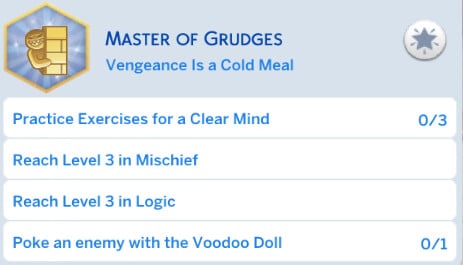
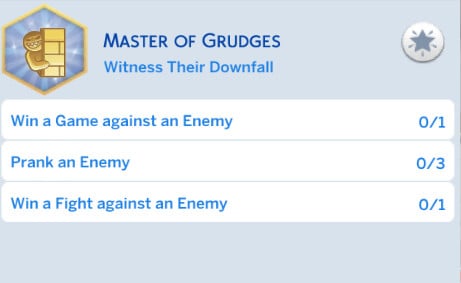
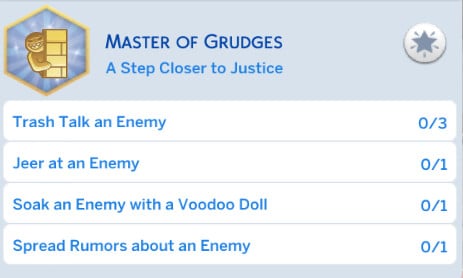
Master of Grudges aspiration

this new aspiration comes under the Deviance category and is all about getting vengeance on enemy Sims.

image 12 e1770191291273

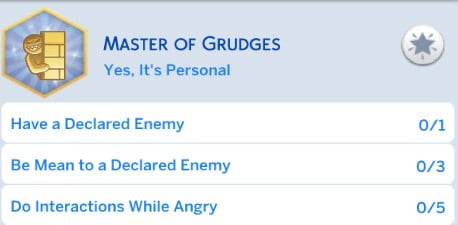
Here are all of the different levels and tasks you’ll need to do to complete the Master of Grudges aspiration.

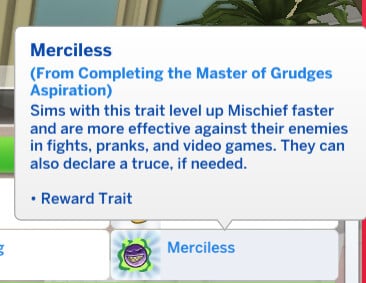
Once you complete the aspiration you earn the reward trait Merciless, which allows you to level up the mischief skill faster, have more successful fights with enemies, and declare a truce.

Screenshot 2026 02 04 083106

Activating The Curse

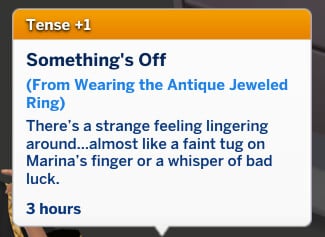
When you are wearing the antique ring, you can activate its curse. This will make your Sim feel tense.


Do you think you will be using these items in gameplay? Are you going to be playing through the event as it comes out? Let us know in the comments below, and stay tuned to Sims Community for all the latest on Live Events in The Sims 4.

Latest Sims 4 Patch Quietly Adds New Club, Small Business and Custom Venue Activities

There’s new cross pack functionality and autonomy that the Patch Notes forgot to mention!

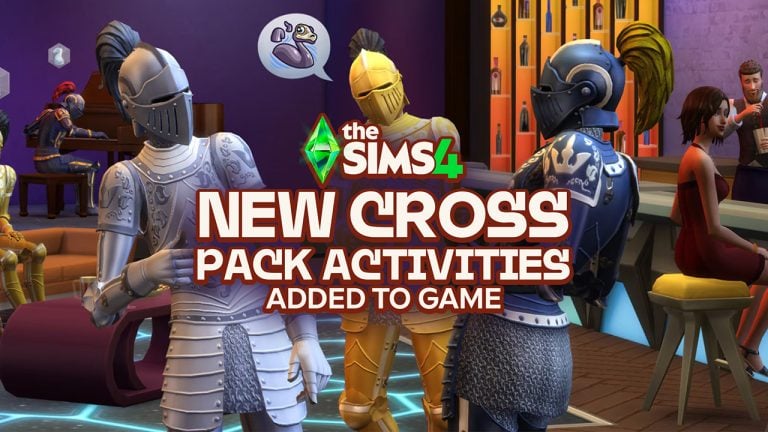
The Sims Team has quietly added new activities and improvements to activities with the latest Sims 4 Patch. Adding new interactions, functionality and autonomy across Clubs System for Get Together, Small Businesses in Businesses & Hobbies and Custom Venues with Adventure Awaits!

The latest additions haven’t been uncovered in the Patch notes. In fact, they have been discovered by modder @lunar_britney, who also got a chance to open the game files and discover all the new Sim behaviors with this update.

New Cross Pack Functionality with The Sims 4 Activities

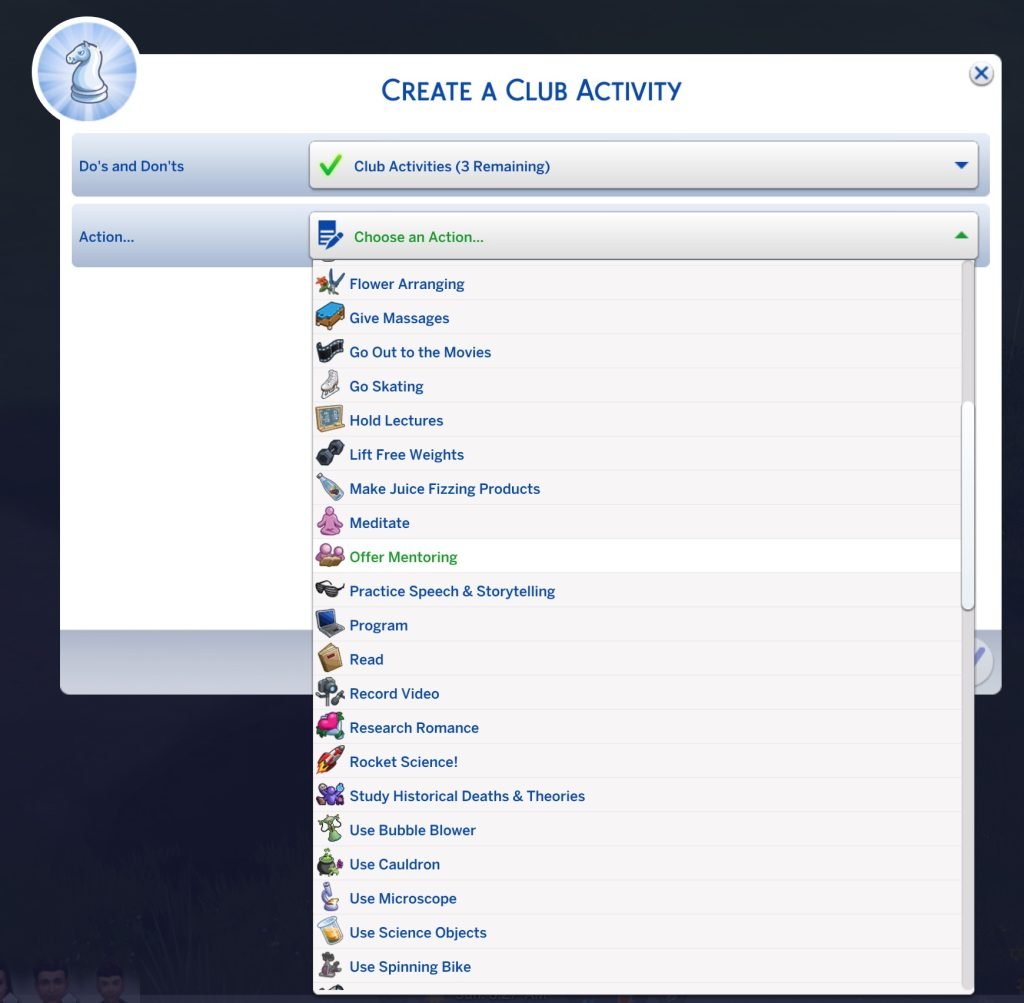
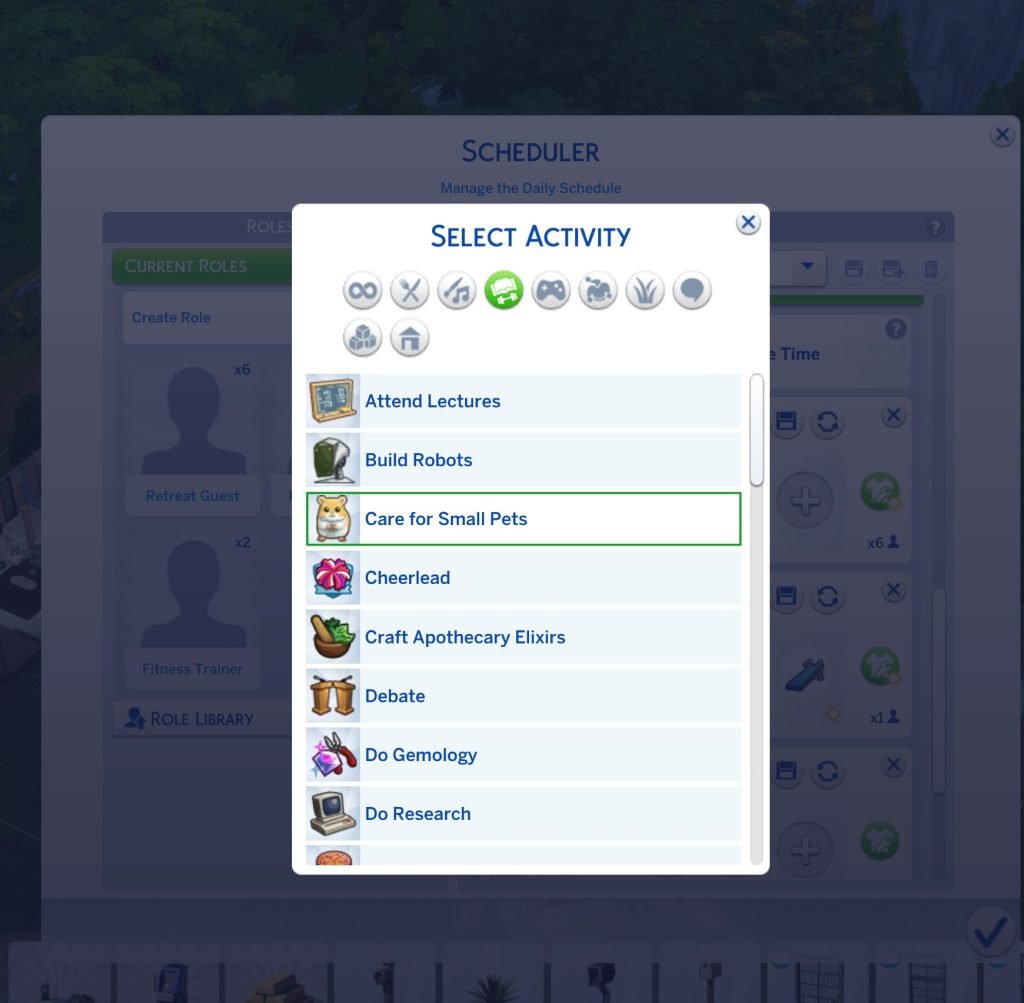
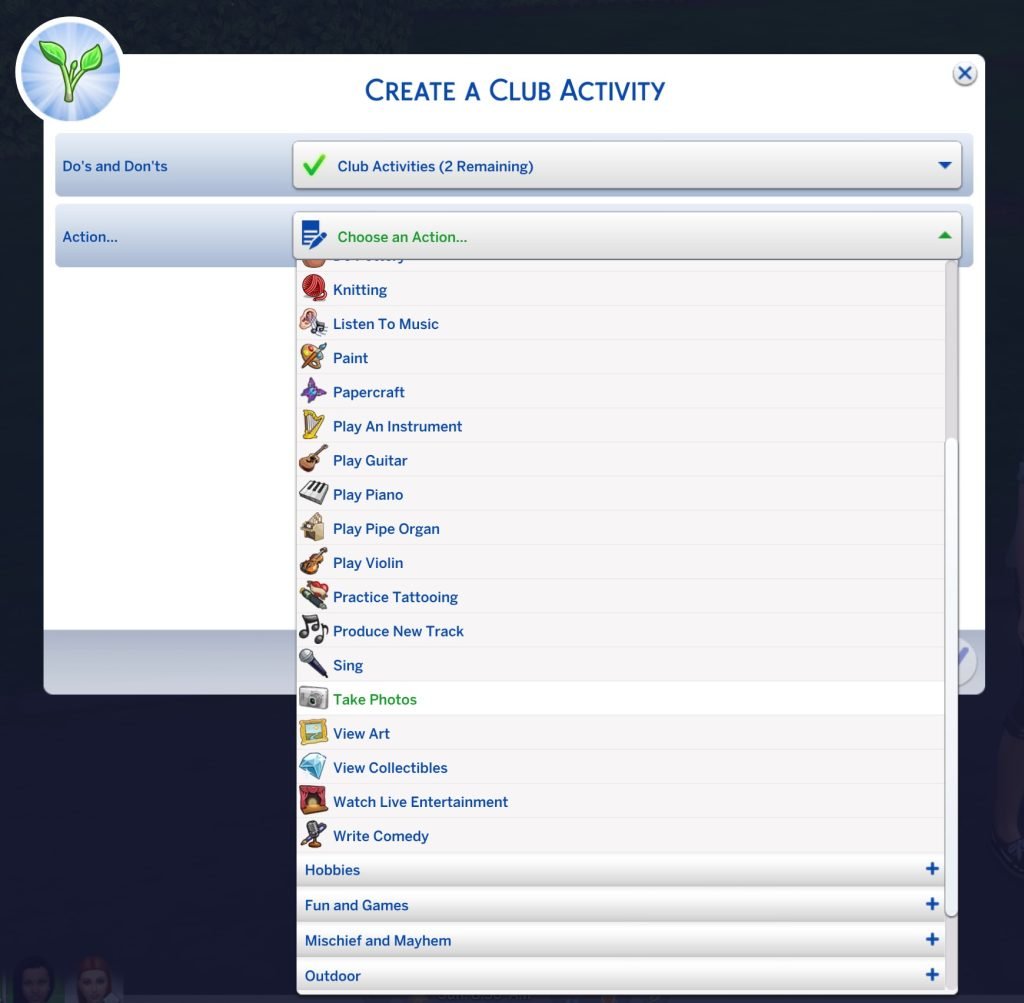
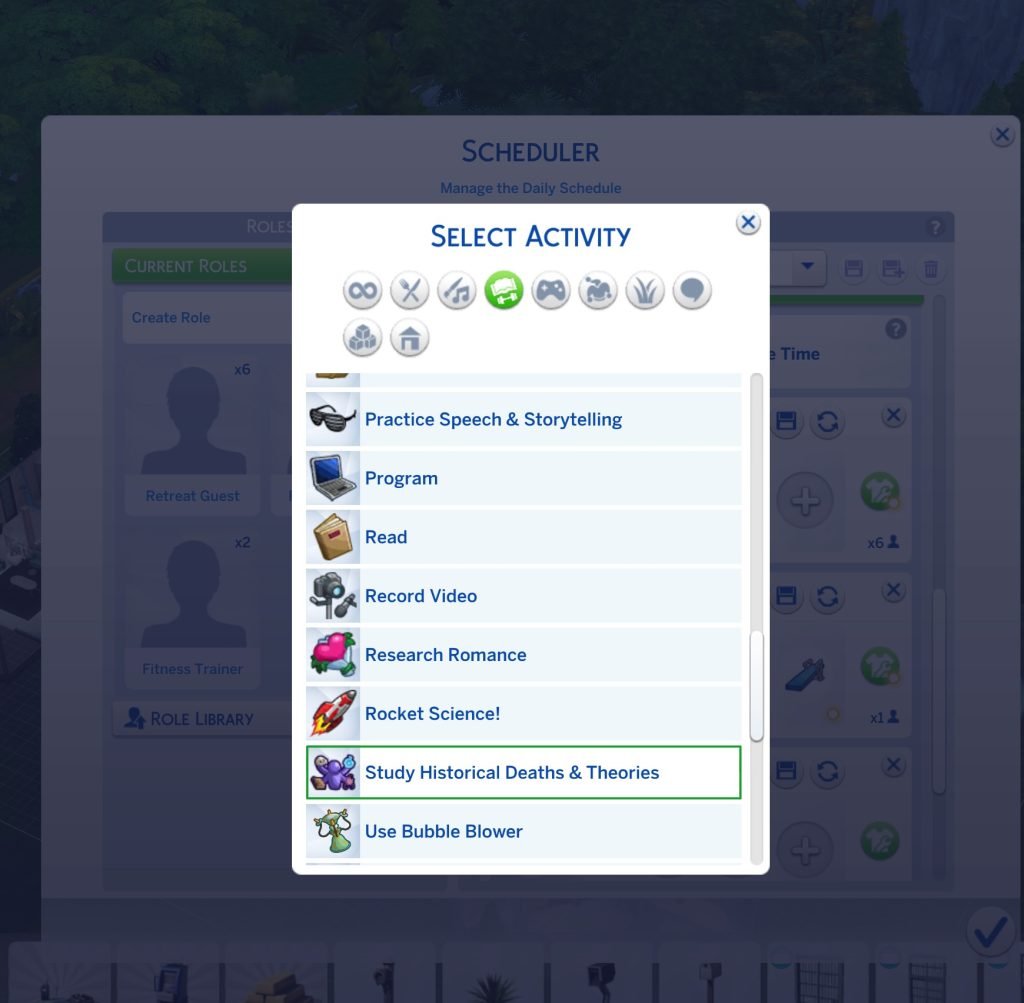
Creator @lunar_britney reports new The Sims 4 activities and interactions / autonomy for activities being added with the latest Game Patch. Specifying new activities such as Taking Photos, Care for Small Pets, Research Romance and even Hold Lecture, which has been unlocked for Custom Venues and Small Businesses.

new sims 4 patch activities cross pack

Unfortunately for players who have been looking forward to Sims holding lectures autonomously – the feature is not working as intended. Player sunshinestation1 reports that the Hold Lecture Custom Activity only works if there’s a getaway planned in the game. And not properly for a standalone Custom Venue visitation. You can’t pick what lectures they can do on the board either – they’ve stated. 38 players have already upvoted this issue!

The new 1.121.340 patch added Hold Lecture for getaways, but the issue is that they only work autonomously if there’s a getaway. Custom Venues alone don’t function on sims with that role. You can’t pick what lectures they can do on the board either (make the existing locker available on any lot as a fix).

sims 4 patch hold lecture broken
Source

All New Activity Additions and Improvements in The Sims 4

While we wait for Hold Lecture Activity to be addressed by The Sims Team and fixed, you can enjoy some other activity additions and improvements added with the latest Game Patch. Here’s a complete summary of everything new extracted by modder @lunar_britney!

clipboard sc

The Sims 4 Activities: Additions and Improvements

Autonomy, interactions and behavior

New Activities

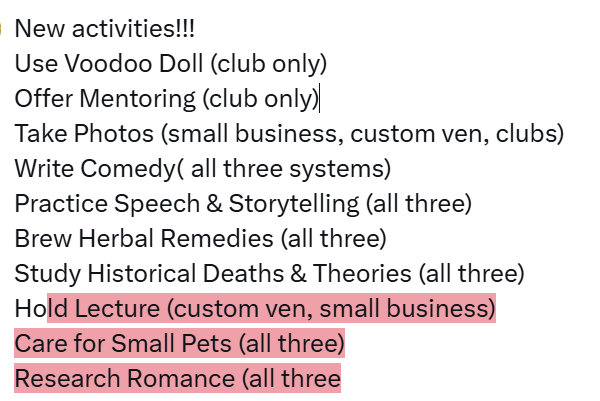
  • Use Voodoo Doll (club only)
  • Offer Mentoring (club only)
  • Take Photos (small business, custom venues, clubs)
  • Write Comedy (small business, custom venues, clubs)
  • Practice Speech & Storytelling (small business, custom venues, clubs)
  • Brew Herbal Remedies (small business, custom venues, clubs)
  • Study Historical Deaths & Theories (small business, custom venues, clubs)
  • Hold Lecture (custom venues and small business)
  • Care for Small Pets (small business, custom venues, clubs)
  • Research Romance (small business, custom venues, clubs)

Improvements and Additions

  • Give Massages: got a bunch of missing massage interactions/manicures added
  • Gemology activity: Sims now will autonomously make “random” stuff Baking: sims auto put away baked goods (this one drove me insane)
  • Cook: got the SP food appliance autonomy
  • Be Mean: giving mean gifts is now autonomously pushed
  • Fight: Burglar, High School, Adrenaline lifestyle exclusive fights are autonomously pushed
  • Puppet Theater: has more autonomy related to sim picking
  • Be Friendly: Had Getaway Greetings removed and merged into the main list + a new ep21 interaction
  • Use Activity Table: autonomous bracelet making
  • Do Homework: FINALLY makes uni sims do their homework! huge for those using clubs for uni hangouts
  • Pottery: allows sims to do pottery from their inventory if they have any unfinished ones
  • Vampire Powers: can do more of whatever
  • Use Water Vehicles: new “royal canoe” interactions + the generic scooter interaction
  • Drink Plasma: more of the options now
  • Werewolf Powers: use their terrain-bound powers + rabbithole hunting
  • Natural Living Skill: bathing in ponds got added, plus the hidden gender changing eating of harvestables count towards it
  • Get a Tattoo: more types of actions count
  • Tattooing: more type are considered, probably for clubs to count
  • Rock Climbing: the SP object is now autonomously pushed
  • Conservation Acitivity: Parenthood beach volunteer counts
  • Tarot (employee and normal): counts the self interactions
  • Be funny: funny gift is added
  • Video Production: added more options
  • Acting: the mirror practice for Acting Skill got added.
  • Ghost Evil and Good powers: Added more powers to count


What are your thoughts on the new Activities added silently with the latest Sims 4 Patch? Join the comments down below and stay tuned on Sims Community for the latest game coverage!

The Sims 4 Royalty & Legacy Items: Full CAS and Build Objects Preview

16

We have a full catalogue preview of all the CAS and Build items coming with The Sims 4 Royalty & Legacy!

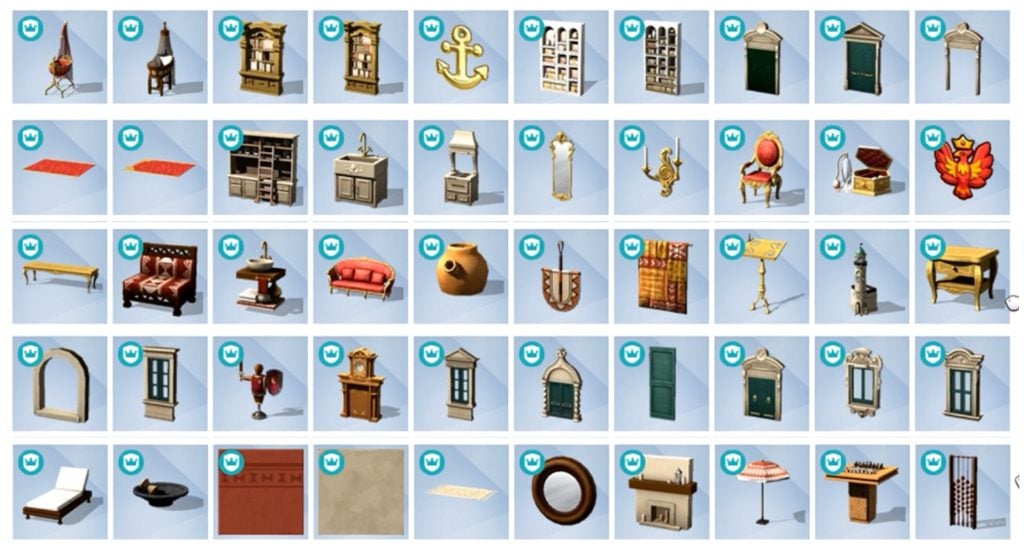
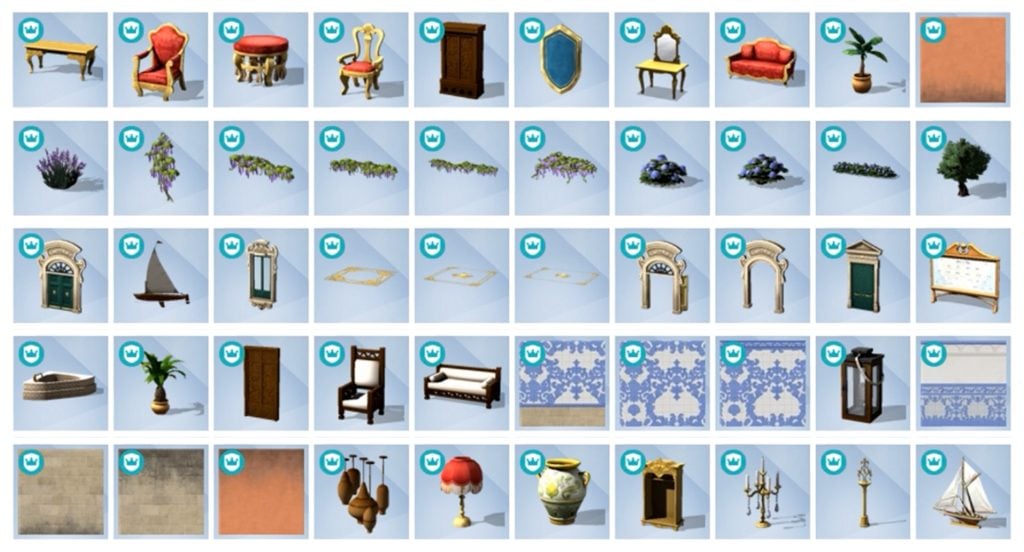
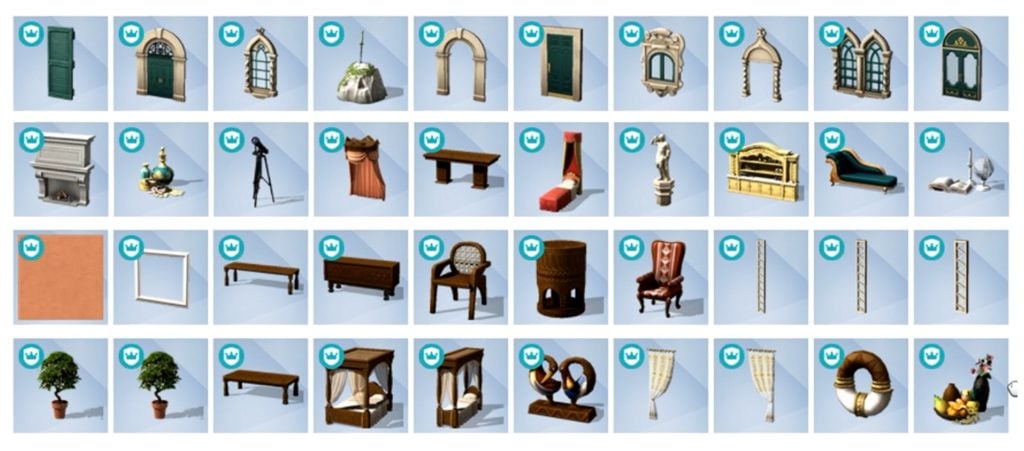
The latest Sims 4 Update drop has unlocked a full Sims 4 Royalty & Legacy items preview, including a thumbnail-previewed look at Create A Sim and Build Mode catalogues. Find all the items that you should expect with the upcoming Expansion Pack release on February 12th, 2026!

Please note that this preview article doesn’t contain previews of two extra Kits coming with the Pack Bundle – Tea Time Solarium and Silver Screen. We’ll share when we know more in The Sims 4 Kits news section!

sims 4 royalty legacy cas trailer screen 23

The Sims 4 Royalty & Legacy Items Introduction

The latest reveal of The Sims 4 Royalty & Legacy items has been brought to attention by Sims creator @lunar_britney. They’ve provided us with the original video to screencapture all the items shown in their preview video on X!

We compiled all the Create A Sim and Build items together for your viewing pleasure. Considering that the item previews have been released in-between three patch releases, some items in the thumbnail previews are missing. I’ve only counted 4-5 though!

sims 4 royalty and legacy items

Take a look at the item previews:

The Sims 4 Royalty & Legacy CAS Items

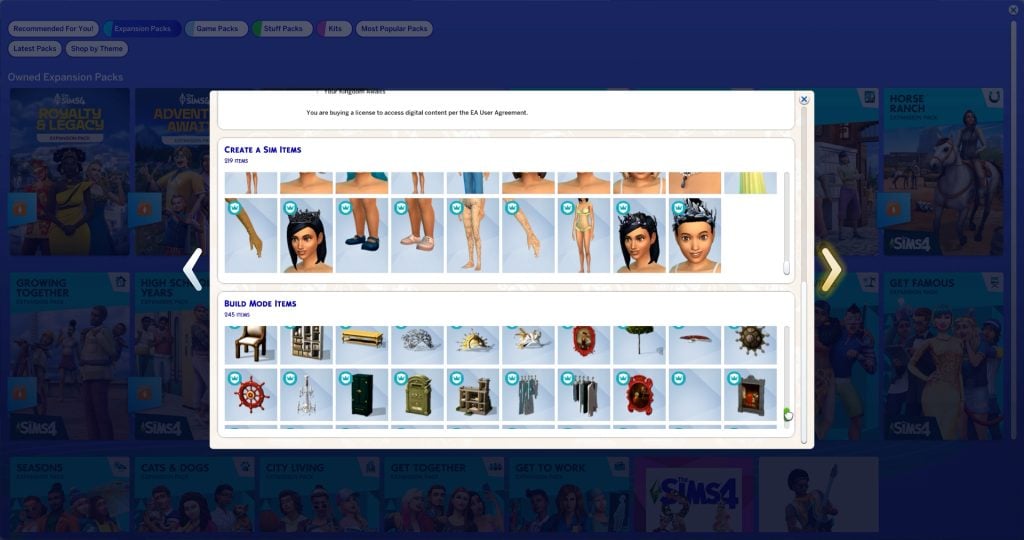
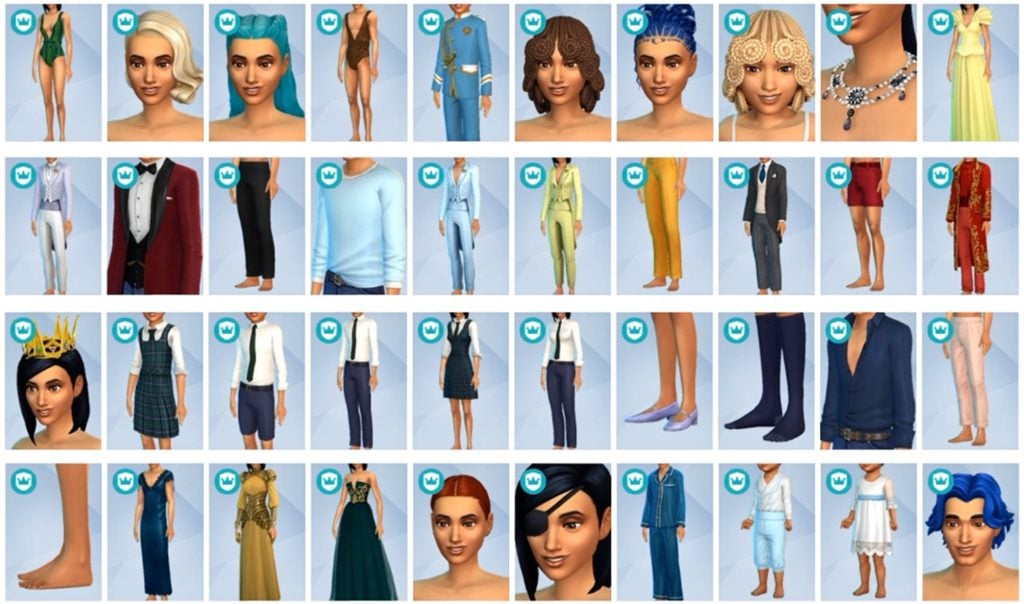
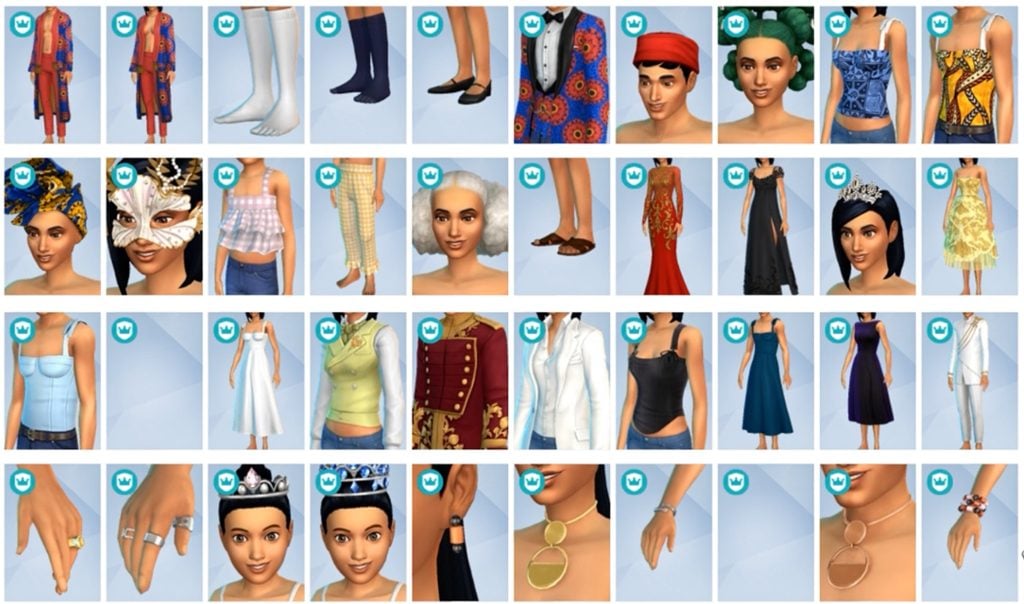
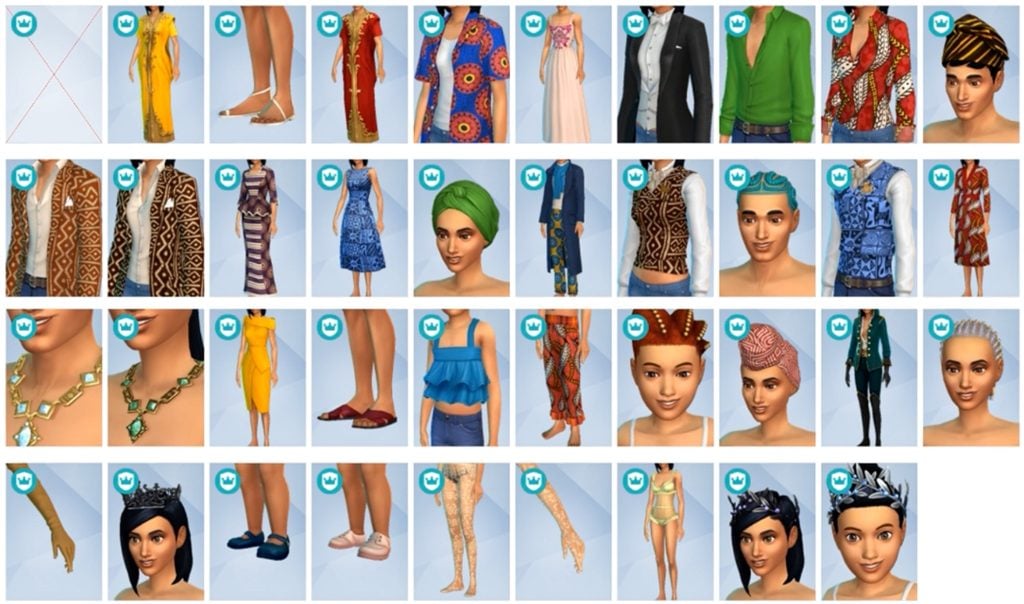
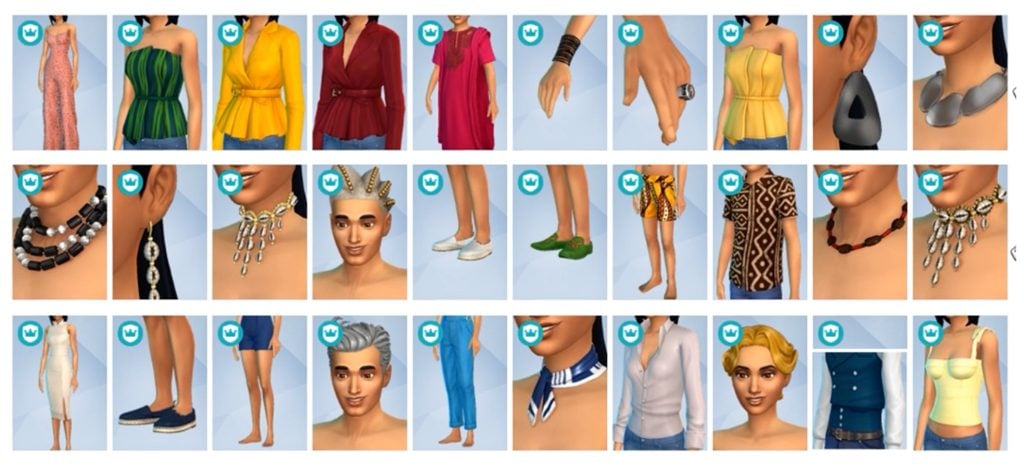
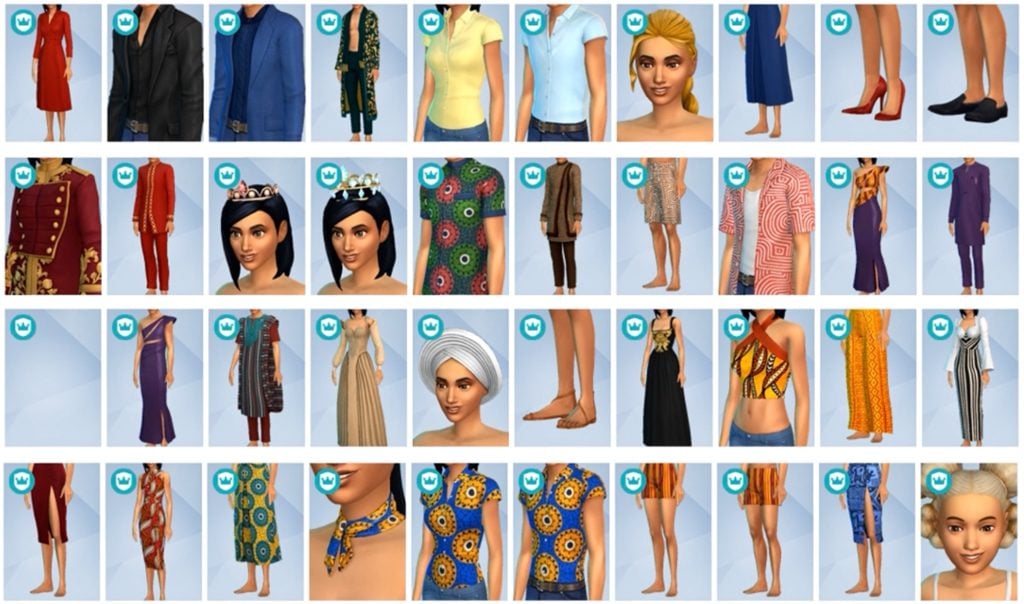
The game counts 219 new Create A Sim items coming with The Sims 4 Royalty & Legacy. There are new hairstyles for Sims aged Toddlers and up, head accessories, jewelry and gorgeous royal outfits.

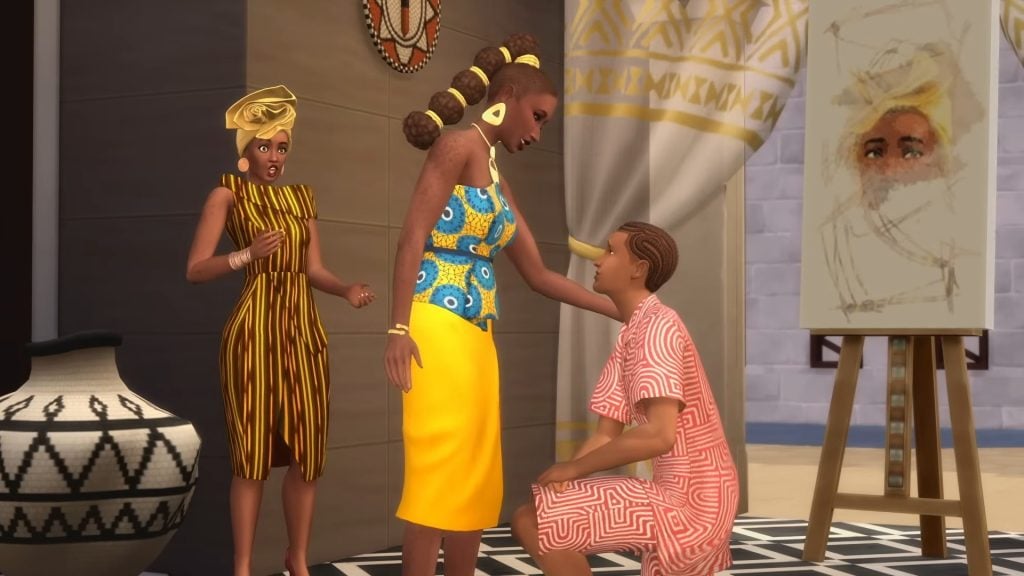
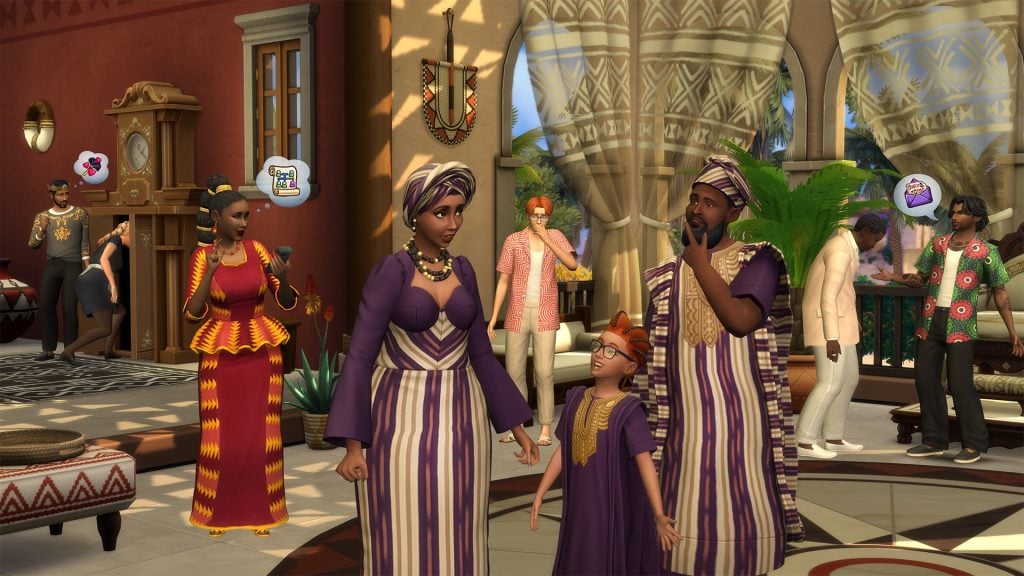
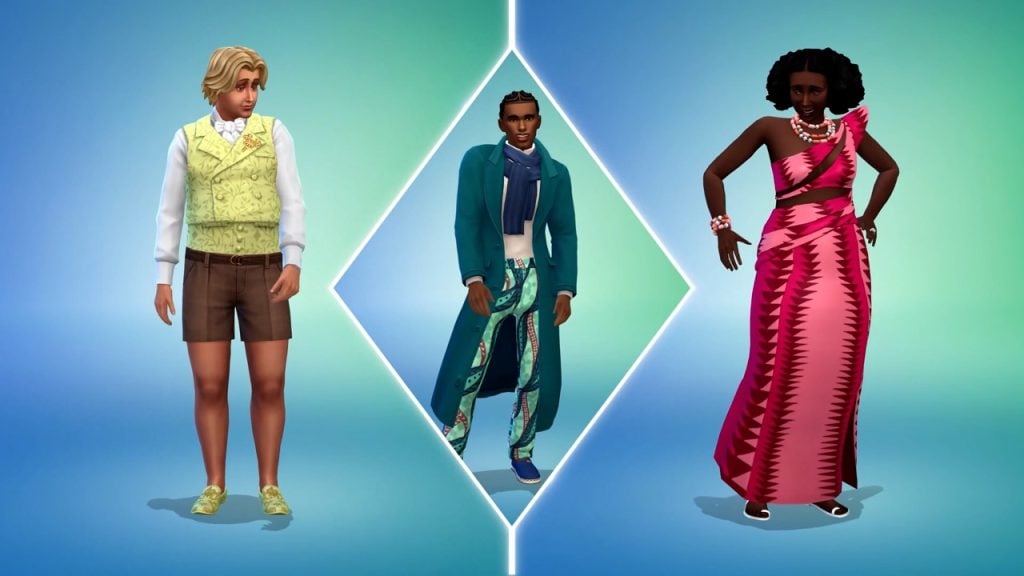
You can also enjoy in the new Africana fashion that’s bound to turn heads in Dambele. Although we can’t look at the clothing swatches just yet, you should expect the following patterns, meshes and styles in your game when the Pack launches:

The Sims 4 Royalty & Legacy Build Items

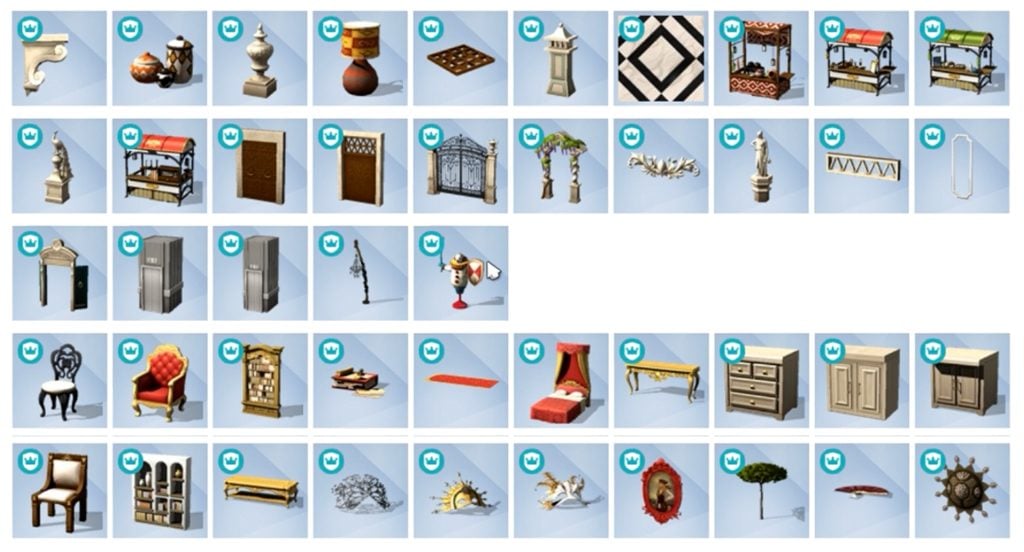
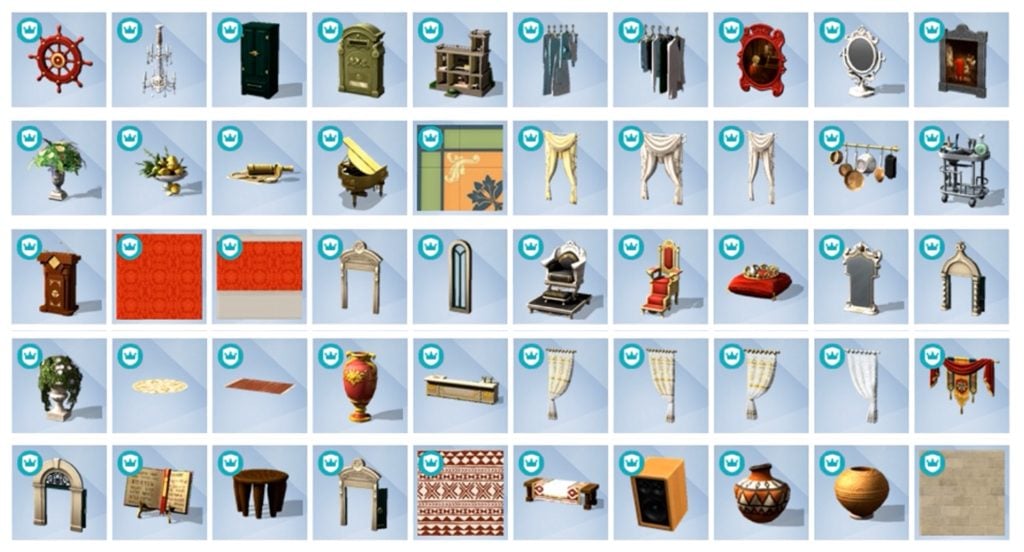
A good amount of 245 Sims 4 Royalty & Legacy items have been added in Build mode. There’s a new Kitchen set for everyone who’s been looking forward to new counters and islands. A bunch of seating arrangements, royal living room and dining furniture all across the catalogue.

You can enjoy a noble nap in new beds or enjoy your luxury villa with new Windows, Walls, world items and more to match your prestige.

There’s more objects waiting to be uncovered after the game comes out. Yes, we’re talking about the buydebug and showliveeditobjects catalogues, that usually contain a bunch more debug objects that you can use for decor and environments.

Take a full look at the objects catalogue of items you can use right away:


Community Poll

We want to know what you think of The Sims 4 Royalty & Legacy items catalogue! Let us know what you think of the offer of objects and items in our fun, unofficial community poll down below:

[totalpoll id=”189944″]


Anything you want to share or say about 464 items coming with The Sims 4 Royalty & Legacy this month? Let us know in the comments down below and stay tuned on Sims Community for the latest game info and updates!

The Sims 4 Lost Legacies Event Week 1: Quests & Rewards

A Full Walkthrough to Earning Rewards in The Sims 4 Lost Legacies Event Week 1!

With the release of The Sims 4 Royalty & Legacy looming (and a mess of a patch day), a new in-game event has begun, with a slew of new rewards to be won after the completion of each week’s quests. There are dozens of rewards, including CAS items, Build/Buy objects, an aspiration, and a lot trait! Let’s take a look at how to complete The Sims 4 Lost Legacies Event week 1!

Starting the Event

When you next log in to the game, you will be greeted by yet another pop-up alerting you to the Event. By clicking ‘Play Now’, you will be taken to the event menu, where you can view all quests and rewards.

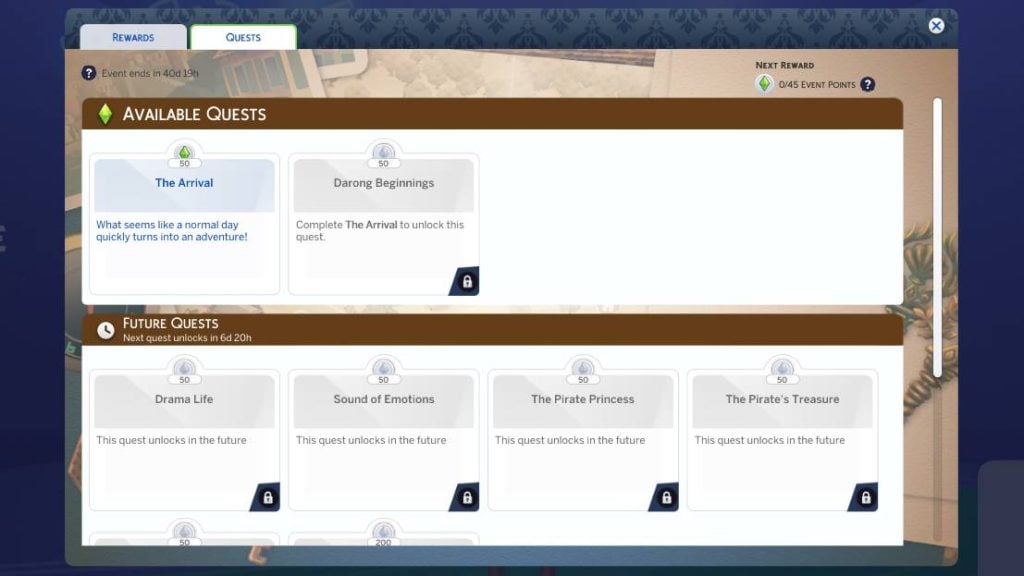
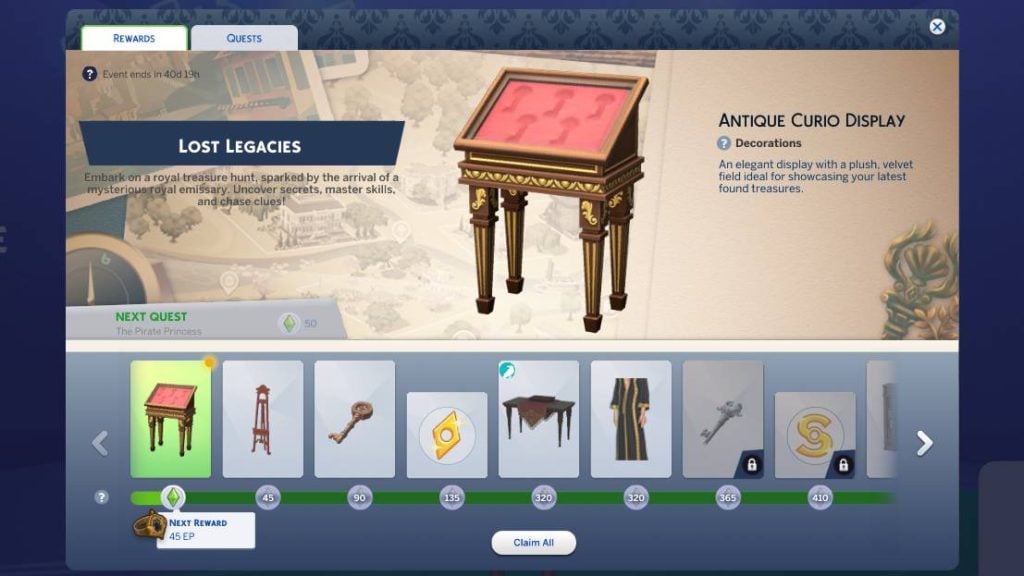
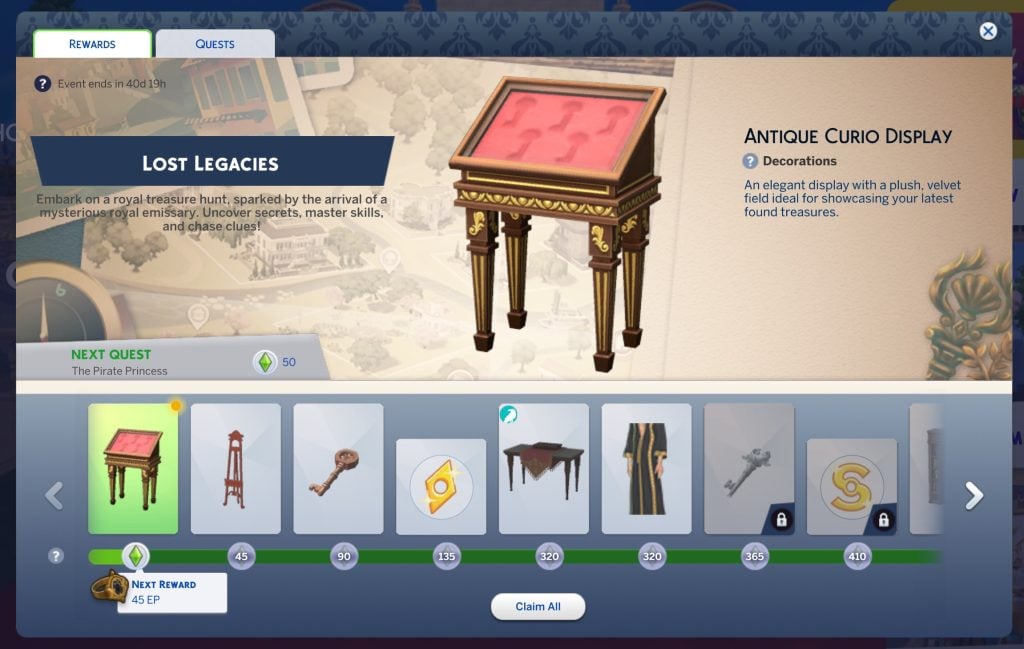
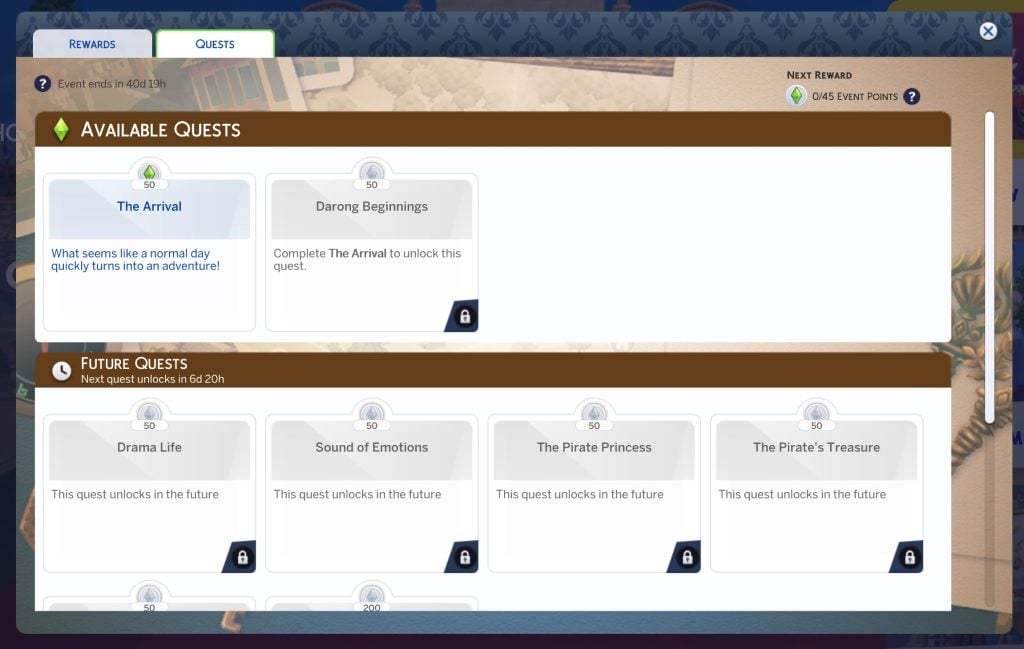
Once open, you will see a layout similar to past events, with the rewards being displayed along the bottom. By clicking the quests tab, you can view current and upcoming quests available with The Sims 4 Lost Legacies Event Week 1. You can even claim a starter reward, ‘Antique Curio Display’, without doing anything!

‘The Arrival’ Quest Steps

What seems like a normal day quickly turns into an adventure!

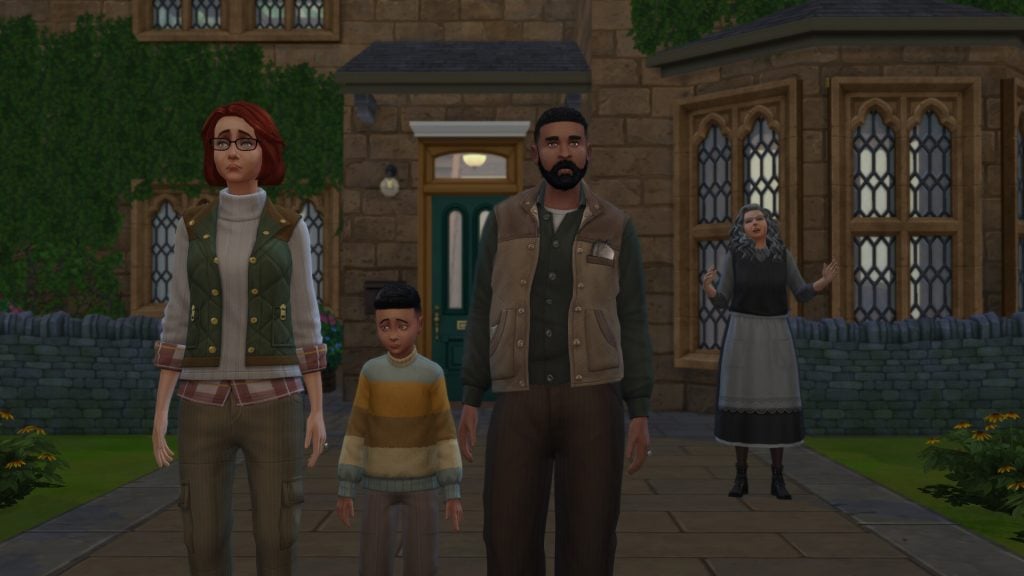
If you have read our previous walkthroughs for The Sims 4 Nature’s Calling or Forever Friends Live Event, you will be happy to see the return of Bob and Eliza Pancakes and their son Iggy. This time, they’ve moved to the country to stay with Eliza’s reclusive Great Aunt.

Family1

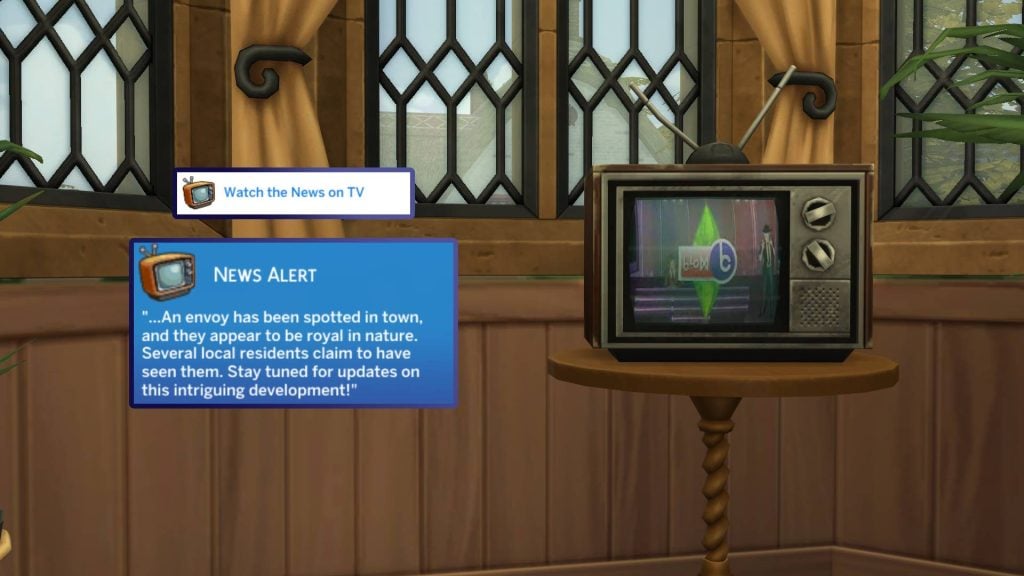
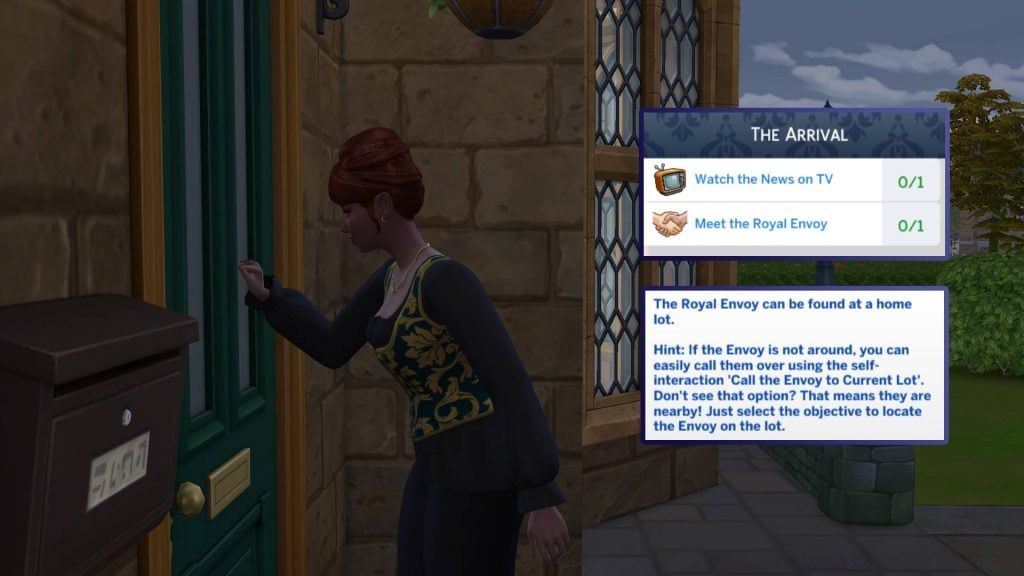
Upon opening the game, a pop-up will greet you with our first quest of the event, ‘The Arrival’. Our first tasks are to ‘Watch the News on TV’ and ‘Meet the Royal Envoy’. Let’s start by watching the TV. Select any TV and watch the ‘News’ channel. This will be marked with the event icon next to it. The news tells us that the Royal Envoy has been spotted in town!

arrival7

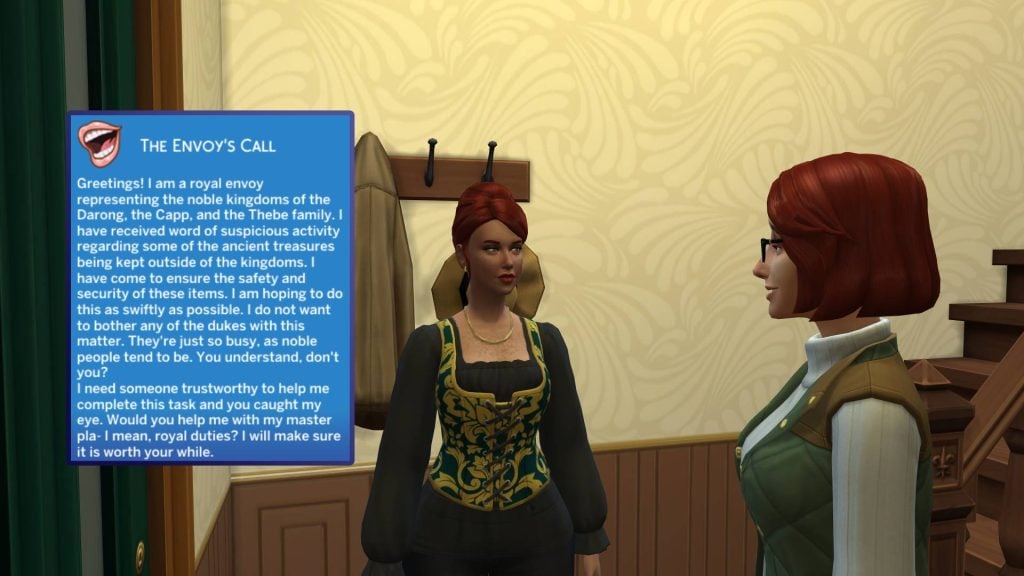
The Royal Envoy may take some time to appear on the lot, but you can click on the task, and a large arrow will take you to their location. The envoy will then explain to us that she is a representative of the three Onadarion Kingdoms and needs your help!

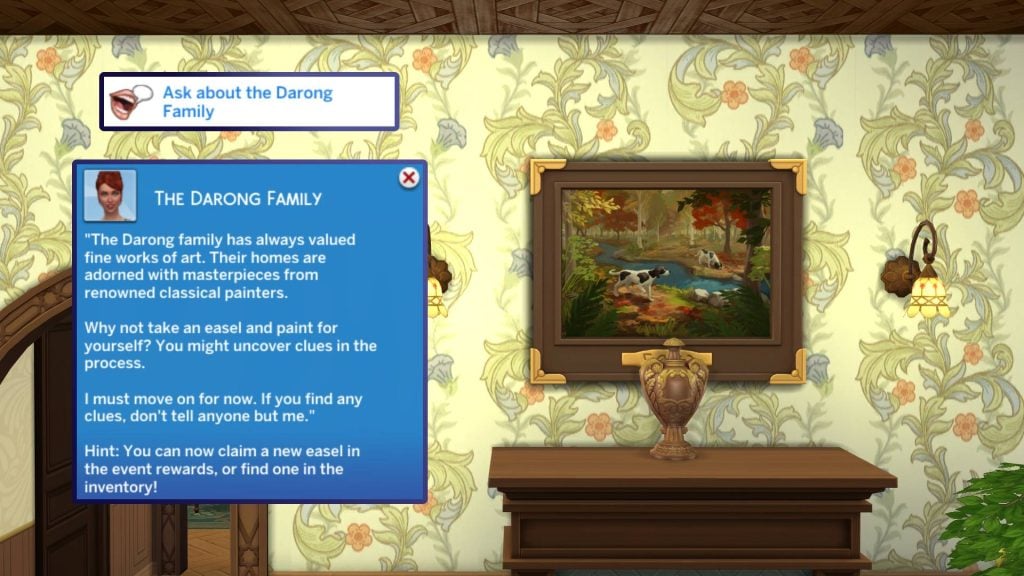
You will then need to ask the Envoy about the Darong family, who you may have noticed in several of the trailers for The Sims 4 Royalty & Legacy Expansion Pack! She will explain that the Darong family are great artists, and that undertaking painting yourself may uncover some clues!

arrival4

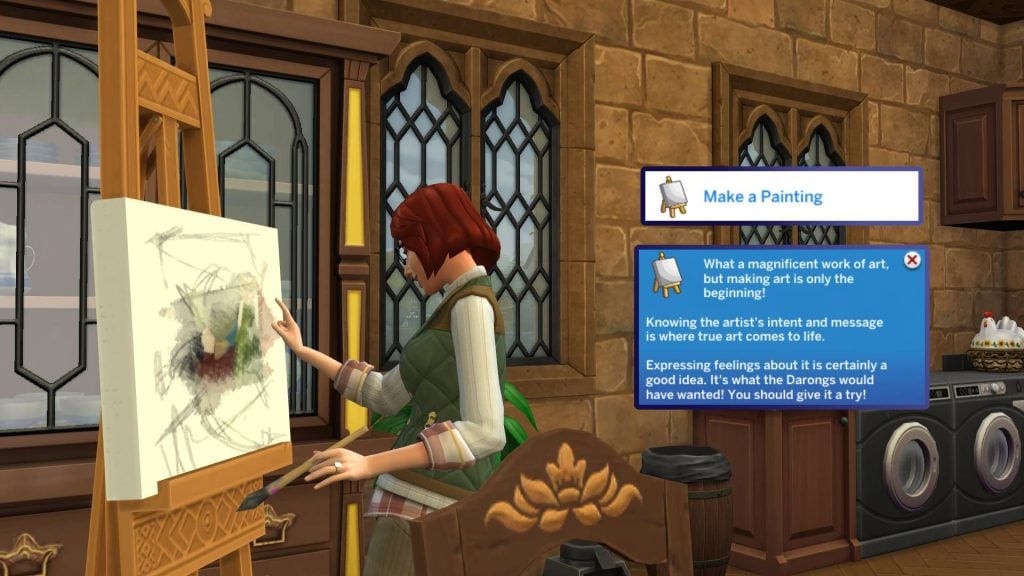
An easel can now be claimed on the rewards page. To find this, head to the event icon in the top left-hand corner of the screen and click ‘claim all’. You can now place the ‘Heriloom Easel of the Darong Family’ in your home and get to work!

arrival5

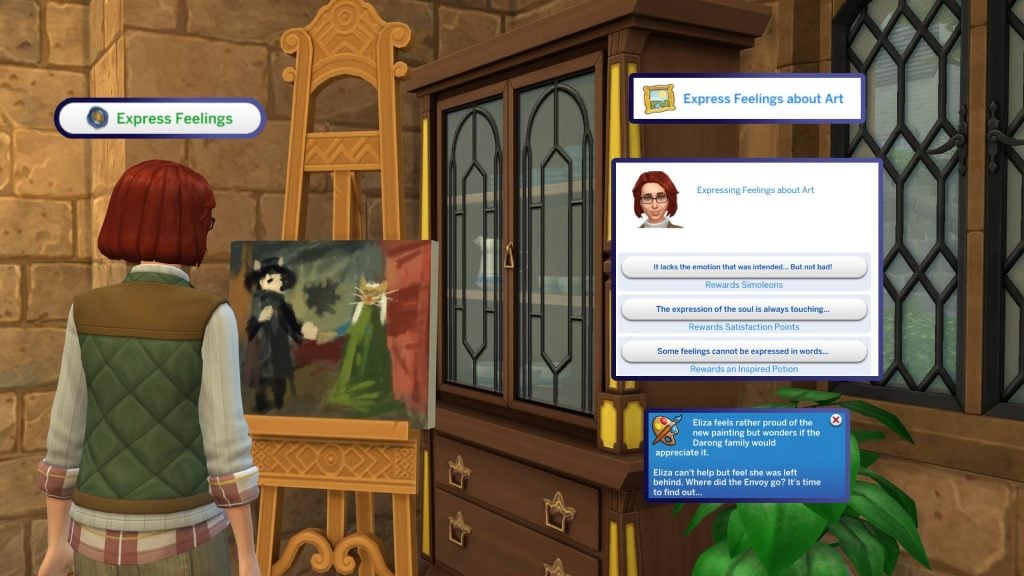
“Making the art is only the beginning”, we are told. Expressing our emotions is what we need to do next. When expressing our feelings, we are given a choice of three options with three rewards: Simoleons, Satisfaction Points, or an Inspired Potion. Now, where has the envoy gone?

arrival6

That’s it for the first quest of The Sims 4 Lost Legacies Event Week 1. As soon as you end the quest, you will be rewarded with some Event Points, and the second quest will begin!


‘Darong Beginnings’ Quest Steps

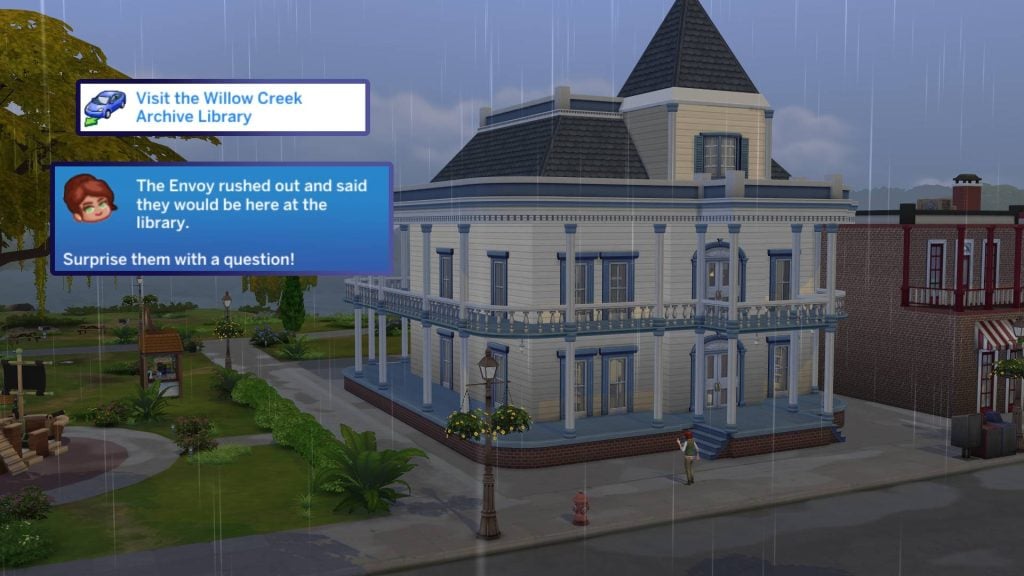
The second quest of The Sims 4 Lost Legacies Event Week 1 will begin as soon as you finish ‘The Arrival’. The first task is to head to Willow Creek Archive, the library found in Willow Creek! Upon arrival, you will be asked to surprise the Envoy with a question.

Daron1

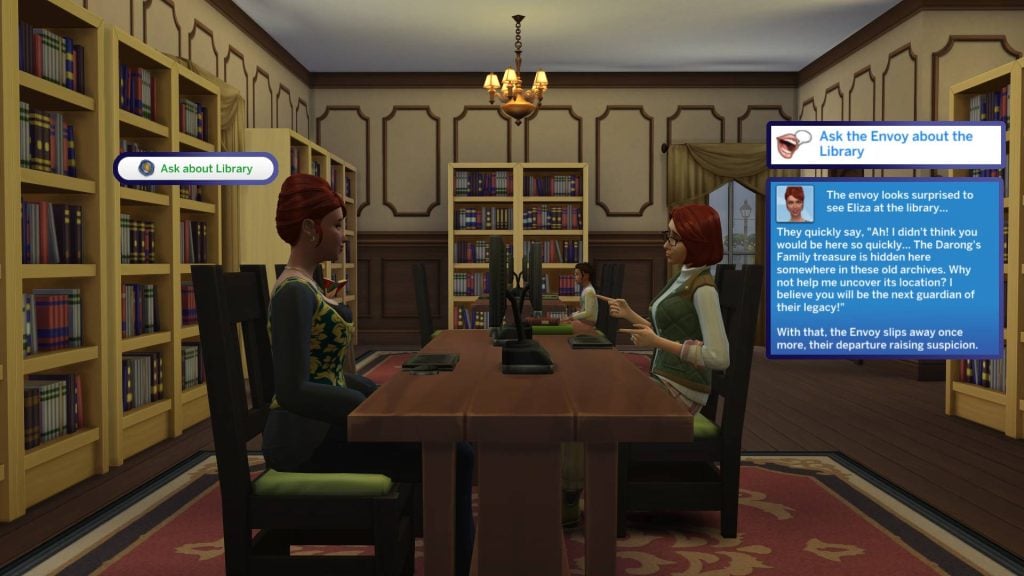
And surprise them with a question is exactly what we will do. Select the Envoy (You can locate them by clicking directly on the task) and select ‘Ask about Library’. They seem surprised to see you and tell you that the Darong treasure is hidden here at the library in Willow Creek!

darong2

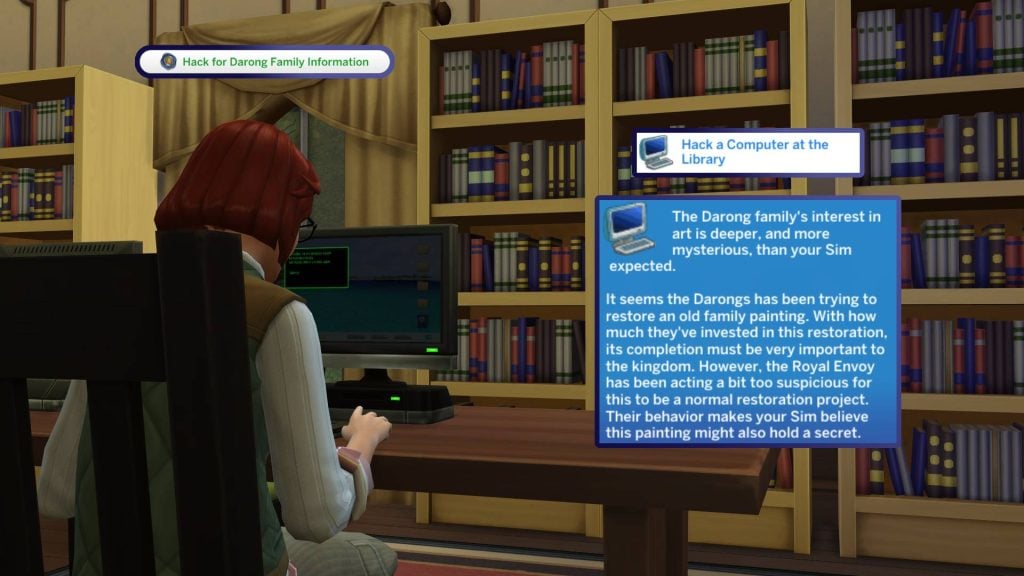
Our first task in our quest into finding out more is to ‘Hack a Computer at the Library’. Head to any computer and the option will appear on the first menu within the pie menu. After successfully hacking the PC, we are told that the family are seeking to restore an old family painting. The Envoy seems to be acting a little suspiciously if this is just about an art restoration project.

Darong3

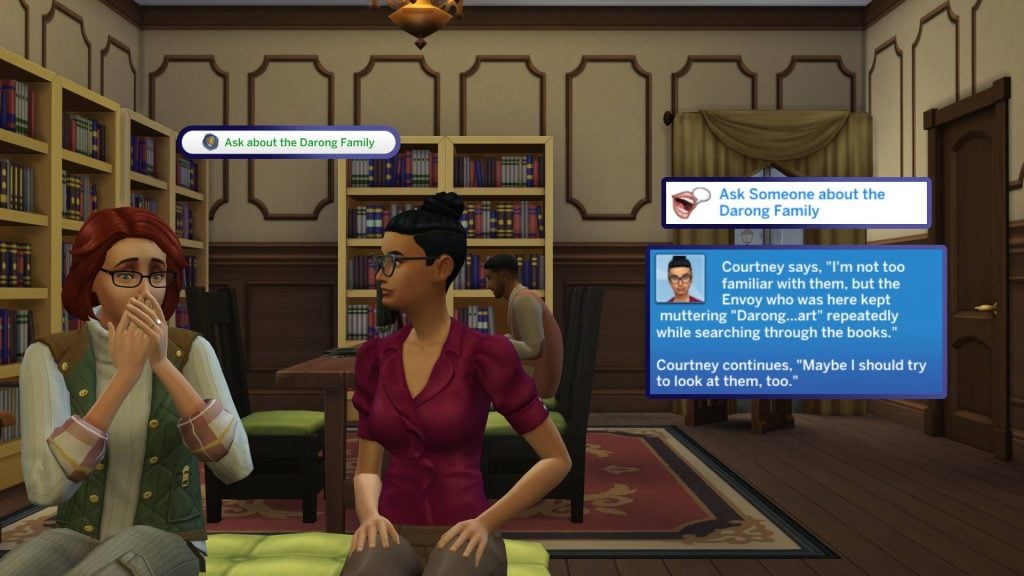
We should now ask other Sims at the library for any information we can gather on the family. After asking any Sim, we are told that they aren’t too well-known around these parts. The Envoy was overheard researching Darong Art in the library.

darong4

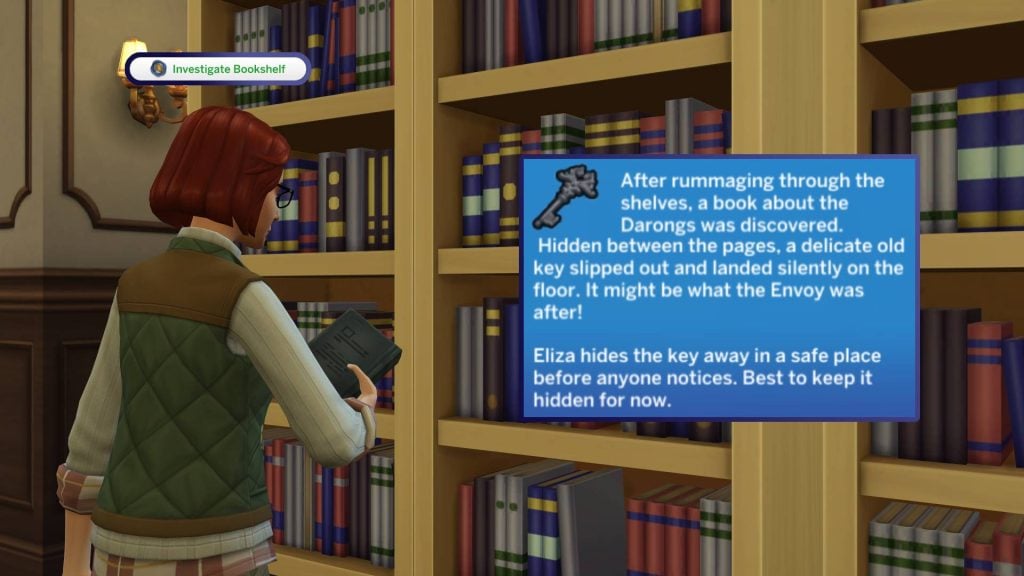
We should now head to any bookcase (Shouldn’t be a hard ask, considering we’re in a library) and investigate. After doing so, we discovered a mysterious key in one of the books, which will be placed in our inventory for safekeeping!

darong5

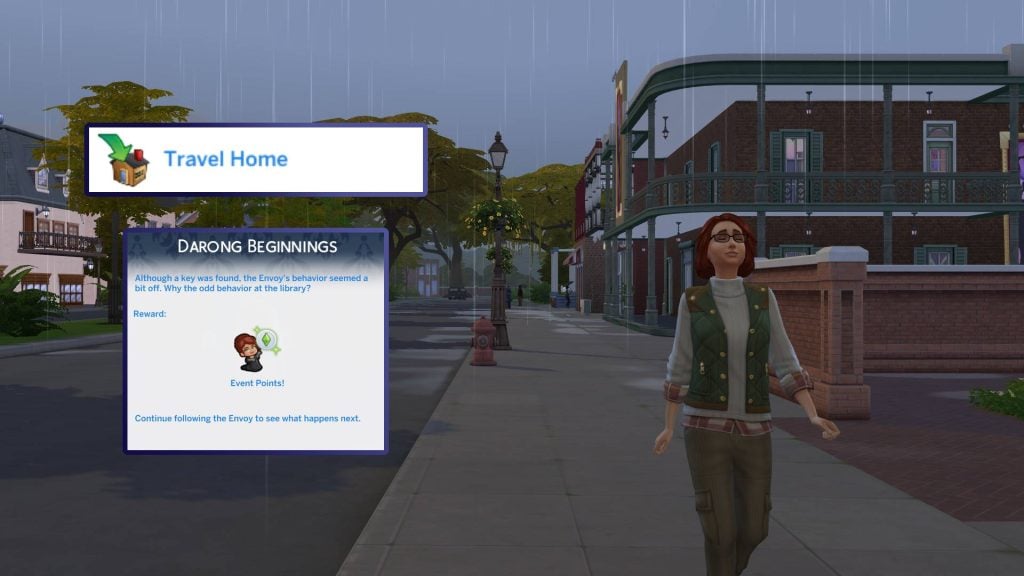
Now it’s time to head home and continue our investigation in next week’s quests!

darong6

Although a key was found, the Envoy’s behaviour seemed a bit off. Why the odd behavior at the library?


The Sims 4 Lost Legacies Event Week 1 Rewards

For week 1 of The Sims 4 Lost Legacies Event, there are a total of 6 rewards up for grabs with your newly earned points. Let’s take a look!

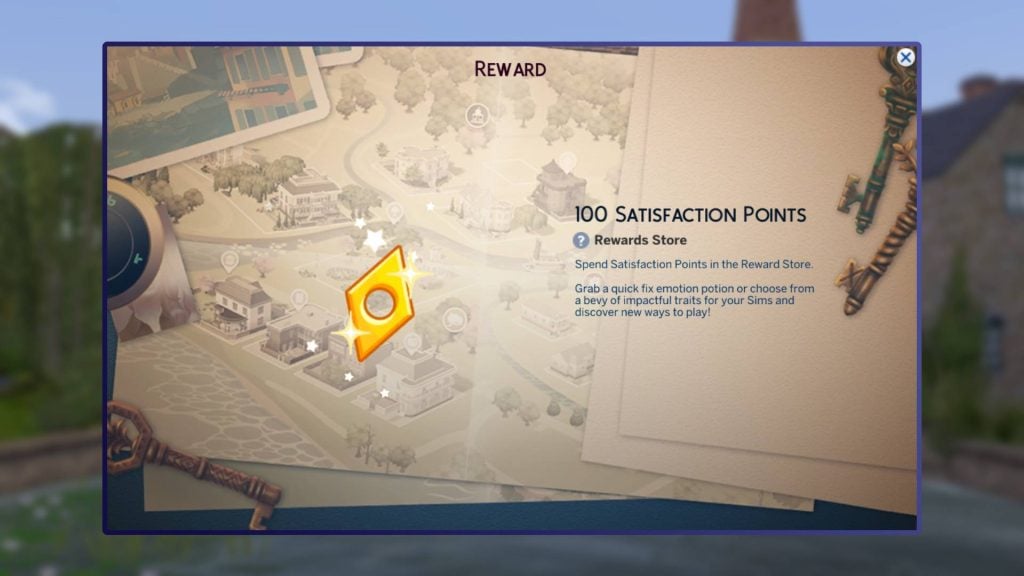
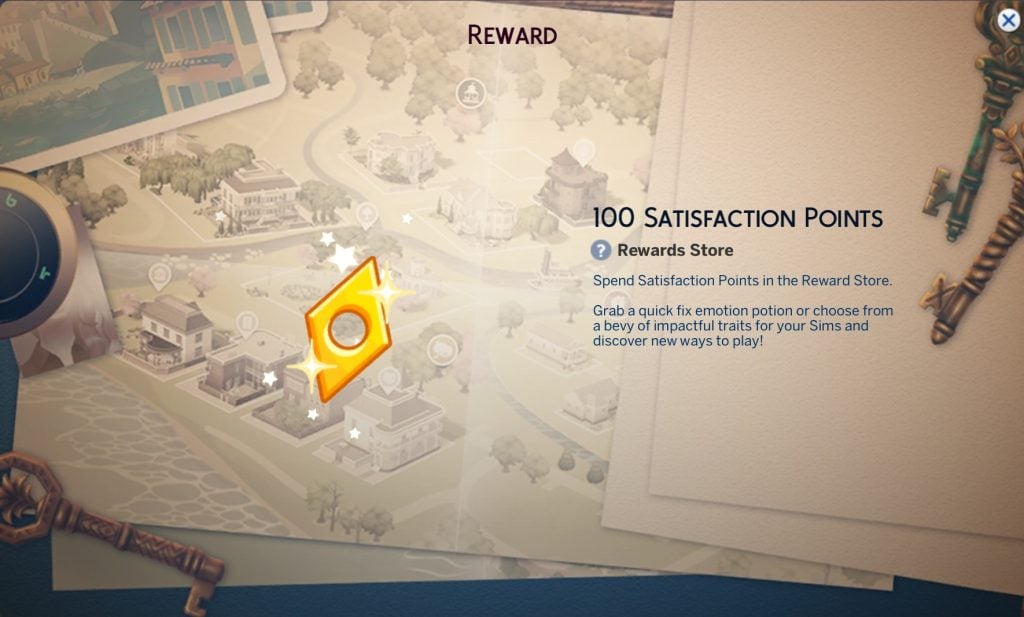
100 Satisfaction Points

Reward1

As with every Live Event, we have a small reward of 100 Satisfaction Points, ready to be used on potions and reward traits in the rewards store found in the Simology panel.

Antique Curio Display

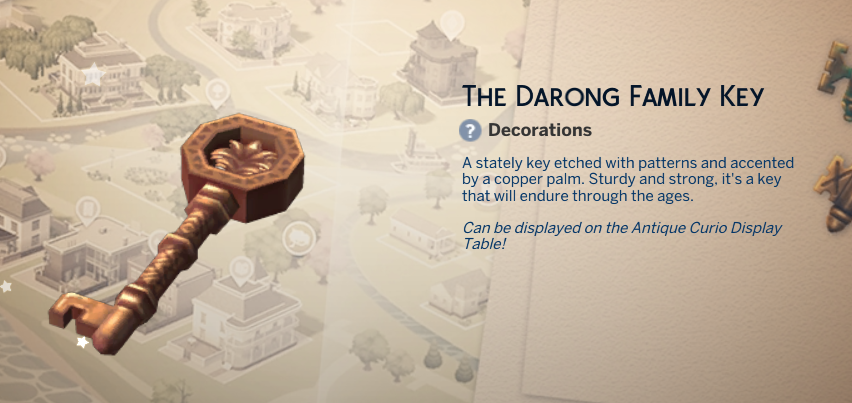
The Antique Curio Display can be used to display the key we found in today’s quests, and presumably, future keys we will come to find! This can be found under Misc Decorations in Build/Buy mode.

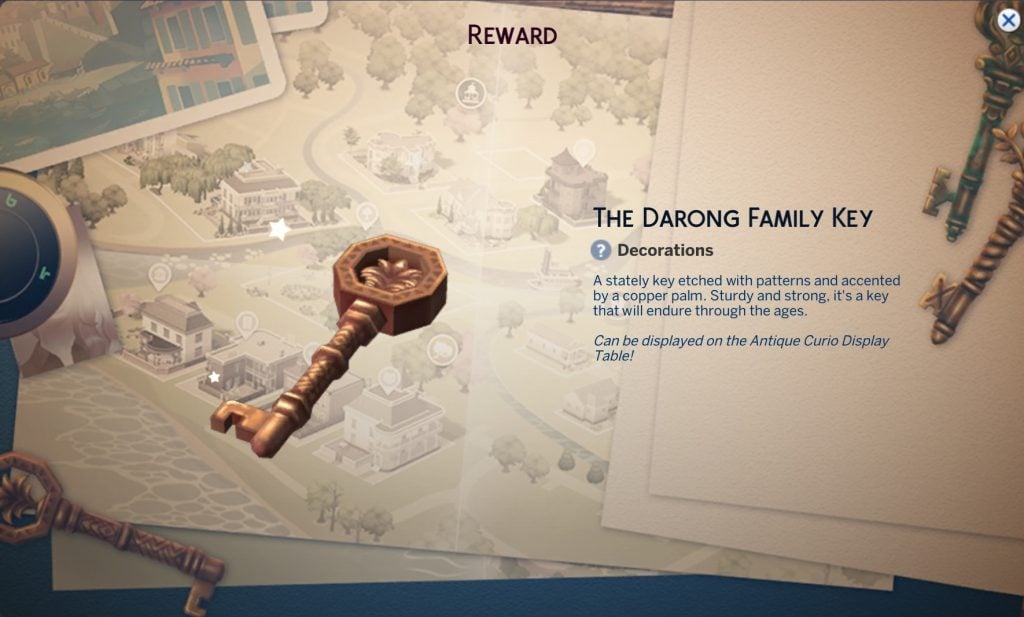
The Darong Family Key

Reward 4

The Darong Family key is the first of what appears to be five keys that we will discover over the next few weeks. Drag this from your inventory to the Antique Curio Display, and it will slot in!

Heirloom Easel of the Darong Family

This easel, used earlier, is unlocked through gameplay rather than at the end of a week.

Draped Memorial Display Table (Life & Death)

The last live event has set a precedent, as one of this week’s rewards requires The Sims 4 Life & Death Expansion Pack. This functions the same as other memorial alters, which can be used to commemorate deceased Sims.

Luxurious Morning Robes

Our first Create-a-Sim item of The Sims 4 Lost Legacies Event is here! The Luxurious Moring Robes are unisex and can be found under the Robes category of CAS and feature 6 swatches.

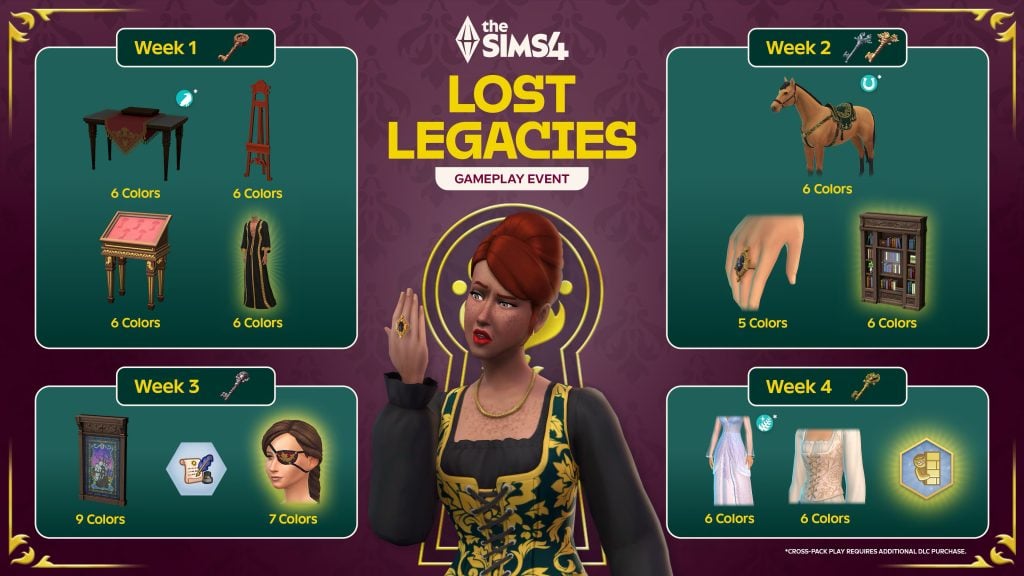
Future Event Rewards

You can check out the promotional image below to sneak a peek at the future rewards up for grabs in The Sims 4 Lost Legacies Event.

the sims 4 lost legacies event roadmap

That’s all for this week, but make sure to check back next Tuesday for our full walkthrough of week 2 of The Sims 4 Lost Legacies Event!

00
Days
:
00
Hours
:
00
Min
:
00
Sec
Time until Week 2 Quests unlocks

What reward are you most excited for in the latest event? Let us know in the comments below, and stay tuned to Sims Community for all the latest on Live Events in The Sims 4!

Save BIG On Sims 4 DLC & Legacy Titles During the Sims 4 Sale for Lunar New Year!

Fleshing out your Sims 4 Collection, or looking to explore some legacy titles? The Sims 4 Sale for Lunar New Year is on!

A new holiday means a new Sims 4 Sale from The Sims Team and Electronic Arts! As per usual, these sales are fairly similar to the recent Sims 4 Holiday and Black Friday Sales, with varying discounts based on the pack or game, and certain items being excluded from the sale entirely.

sims 4 sale lunar new year

The Sims 4 Sale for Lunar New Year 2026

The Sims 4

With its 100+ DLC, of course many Sims 4 Titles are on sale. As per usual with many sales for The Sims 4 DLC items, very new items (Like the latest Expansion Packs) may have less of a discount or no discount at all, and items like Sims 4 Kits or Kit Bundles are not included in the sale.

Expansion Packs

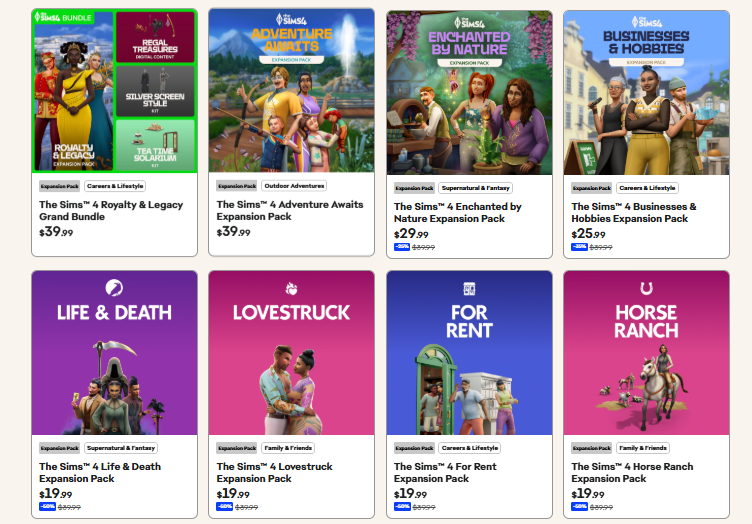
image

As per usual, the newest expansion pack Adventure Awaits is not included in the sale, and is still at the full retail price of $39.99 USD. Other expansion packs have a discount between 25% or 50% depending on their age and order of release. Enchanted by Nature is the second newest, sitting at 25% off at $29.99 USD. Businesses & Hobbies, the third newest expansion pack, is discount to 35% off at $25.99 USD. Anything older, so Life & Death and all the way back to Get to Work, is 50% off. This means any expansion pack from 2024 or earlier is currently discounted to 50% off at $19.99 USD.

Game Packs

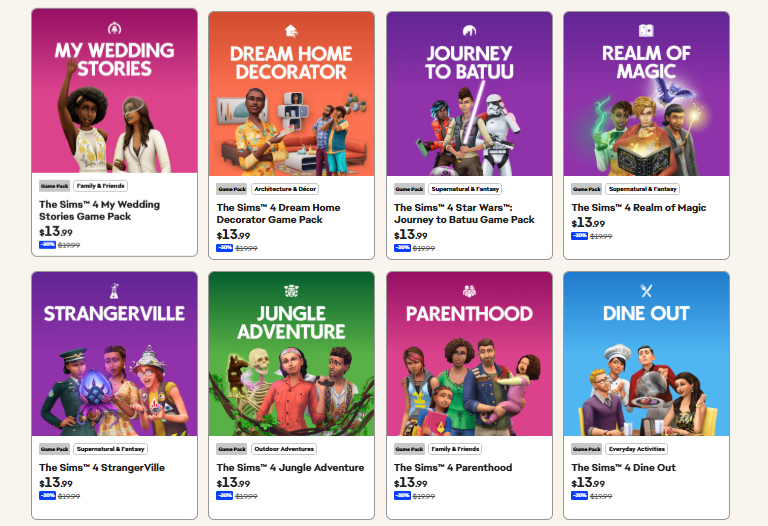
image 1

Similar to most other recent sales, all Game Packs for The Sims 4 are discounted 30%, making them $13.99 USD instead of the standard price of $19.99 USD.

Stuff Packs

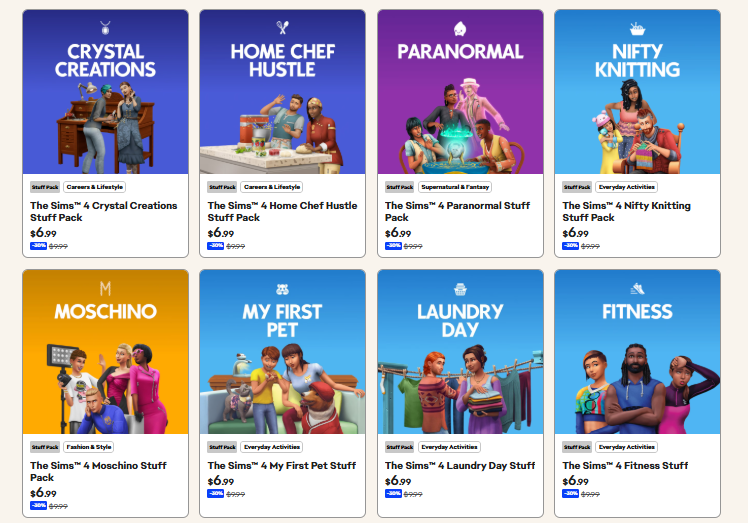
image 2

The Sims 4 Sale for Lunar New Year does have discounts available for all Stuff Packs! All Stuff Packs are discounted to 35% off at $6.99 USD.

Bundles

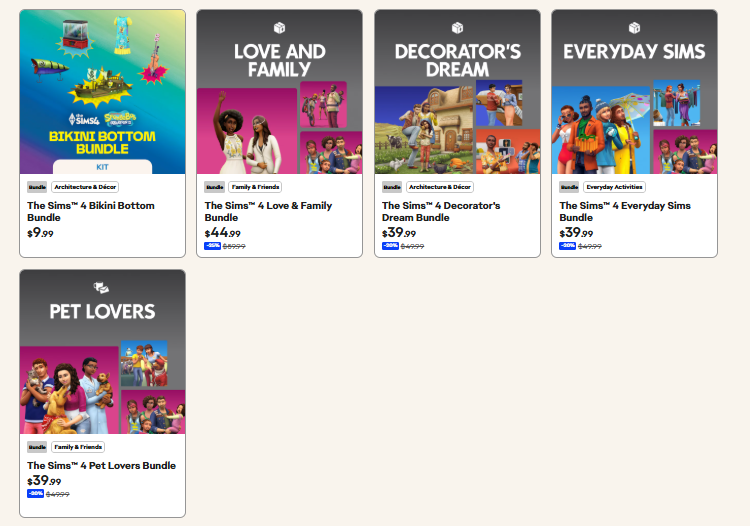
image 3

The bundles and their discounts are somewhat varied and different, depending on the content. Since the Bikini Bottom Bundle is two kits with a few extra items, it is not part of the sale. The Love & Family Bundle (Including My Wedding Stories, Parenthood, and Growing Together) is currently 25% off or $44.99 USD. The Decorator’s Dream Bundle (Including Cottage Living, Tiny Living Stuff, and Dream Home Decorator), The Everyday Sims Bundle (Including Seasons, Laundry Day Stuff, and Parenthood), and the Pet Lovers Bundle (Including Cats & Dogs, My First Pet Stuff, and Parenthood) are all discounted to 20% off or $39.99 USD.

The Sims 3

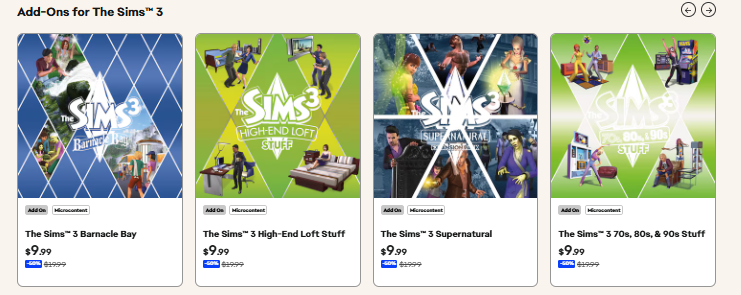
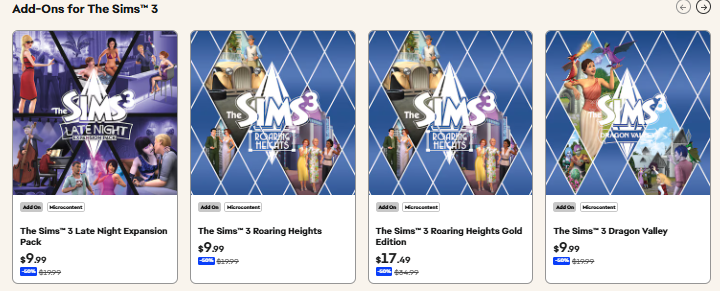
All the content currently available through the Electronic Arts store for The Sims 3, including Expansion Packs, Stuff Packs, and Sims 3 Store Worlds, are discounted to 50% off or $9.99USD.

The Sims 1 & 2

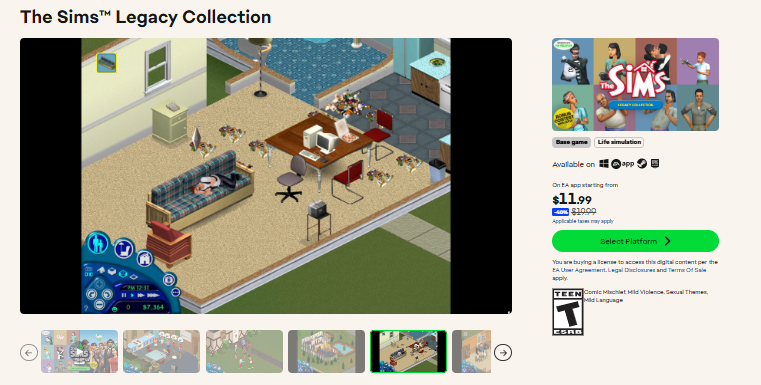
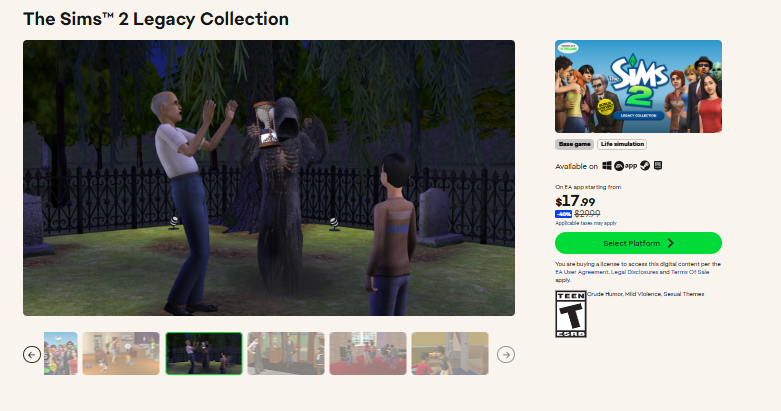
The Sims Legacy Collection is currently 40% off or $11.99 USD. The Sims 2 Legacy Collection is currently 40% off or $17.99 USD.

image 6

If you choose to purchase both The Sims and The Sims 2 Legacy Collections bundled together, the Sims 25th Birthday Bundle is 40% off or $23.99 USD.

MySims Cozy Bundle

image 10

The MySims Cozy Bundle, including the original MySims and MySims Kingdom with some light texture updates and refreshments, is currently discounted 50% off $19.99 USD.

Sale Offer Availability

This deal started a few days ago on January 30th, and will be available until February 17th, 2026! It’s currently present on EA App and Steam only.


Are there any Sims 4 DLC you’re planning on scooping up, or are you considering getting a copy of an older series? What do you think about these sales? Let us know, and follow The Sims Community for up to date news on upcoming and current deals and Life Sim news!

The Sims 4 February 2026 Patch Overview: Legacy Feature Improvements and Game Fixes!

A brand new Sims 4 Patch has just arrived this February 3rd for PC, Mac, and consoles! This update sets the stage for the anticipated The Sims 4: Royalty and Legacy Expansion Pack launching on Thursday, February 12. Beyond just prep work, the patch also introduces several long-awaited features that the building community has been dreaming of for years.

Check out all the new update features in the base game!

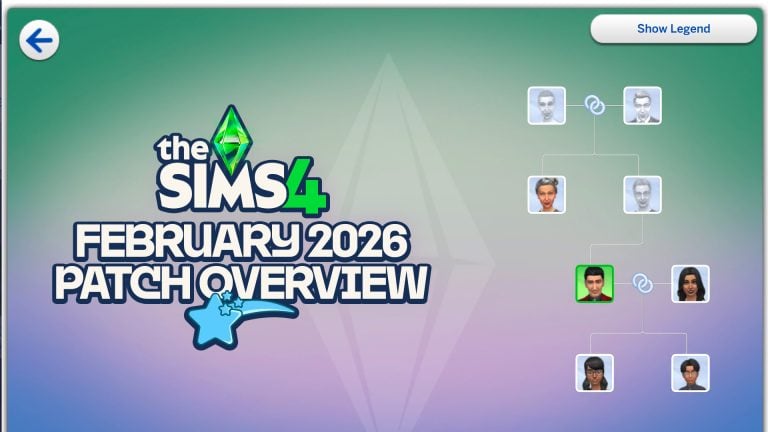
In this new February 3rd patch for The Sims 4, Maxis has added updates to stairs and stair railings, allowing for more elegant, imperial-style designs with curved outer ends. Railings can now be placed on both sides, on just one side, or removed entirely, and they can even cover only specific segments of the staircase instead of the full length. The update also introduces a more detailed genealogy tree and stylish new nails. Several bugs have also been fixed, including the one that caused photos to turn black in the previous patch.

The Sims 4 Patch for February 2026

Check out all the new features added to the latest patch for The Sims 4. There’s something for all types of players: storytellers, builders, and CAS enthusiasts.

Stair Rails Upgrade

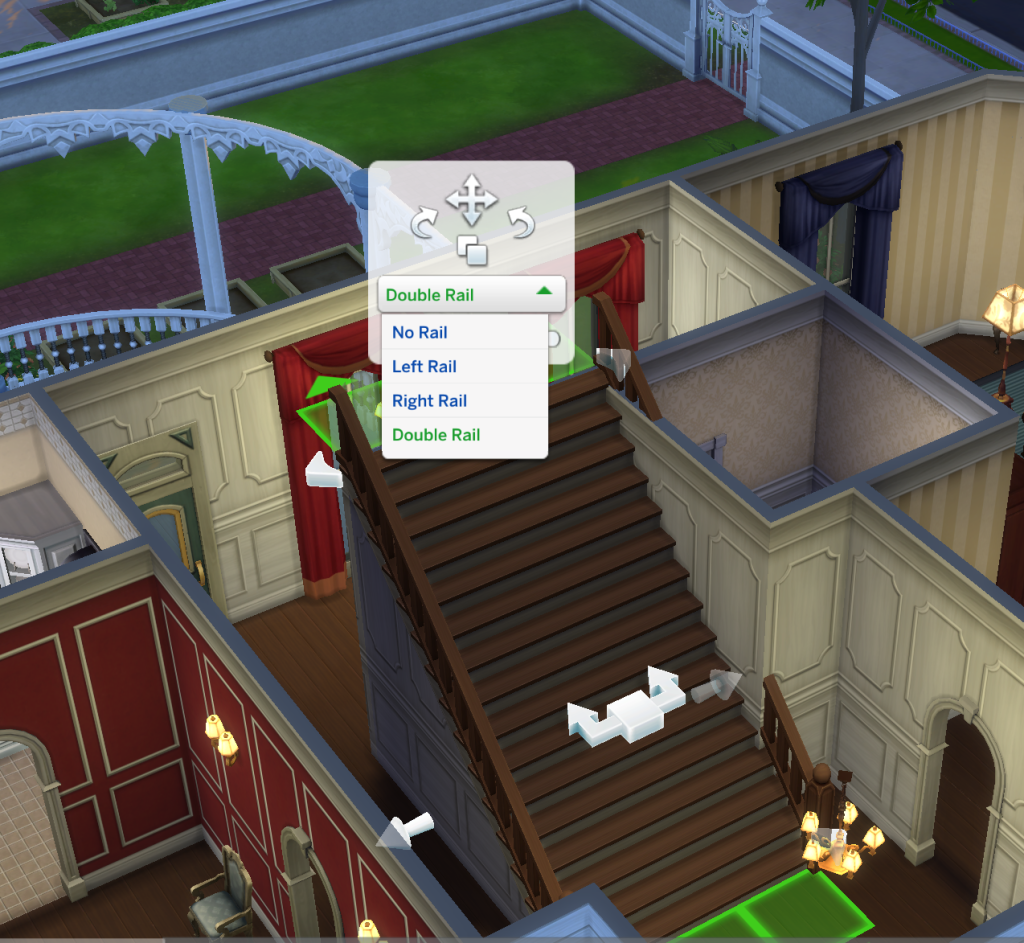
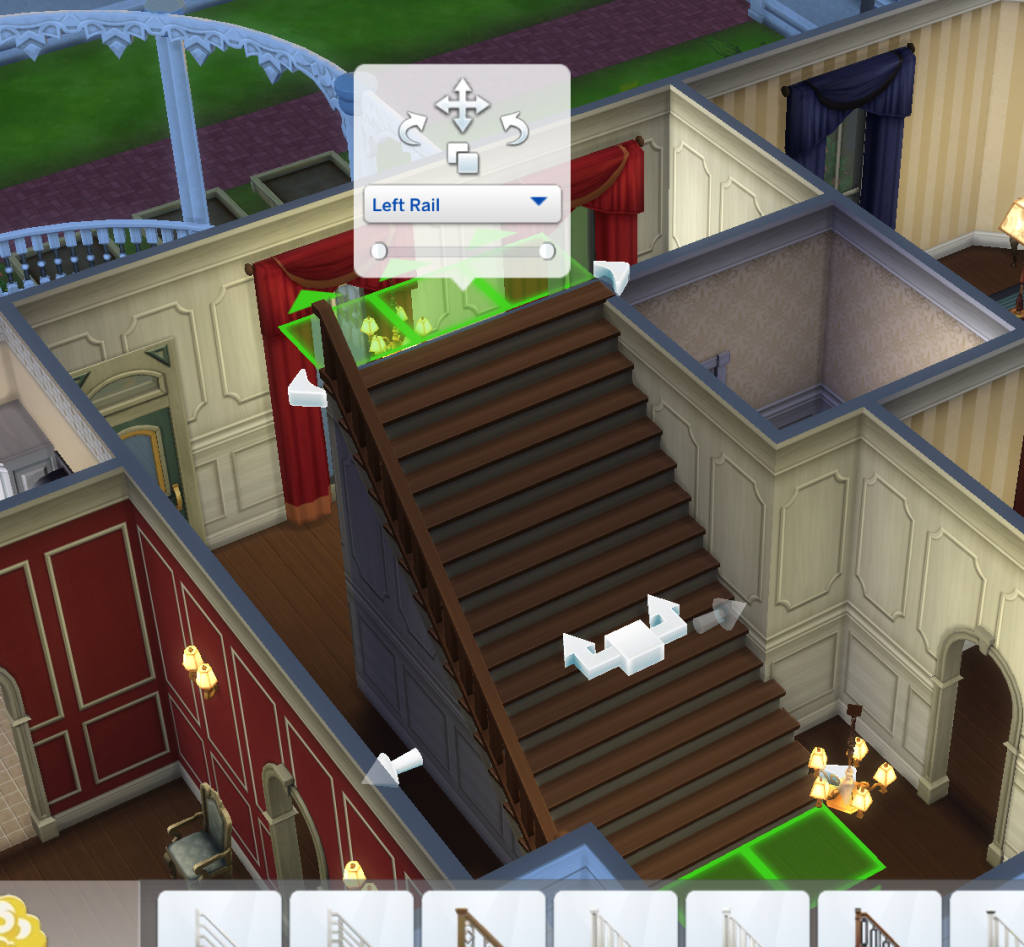
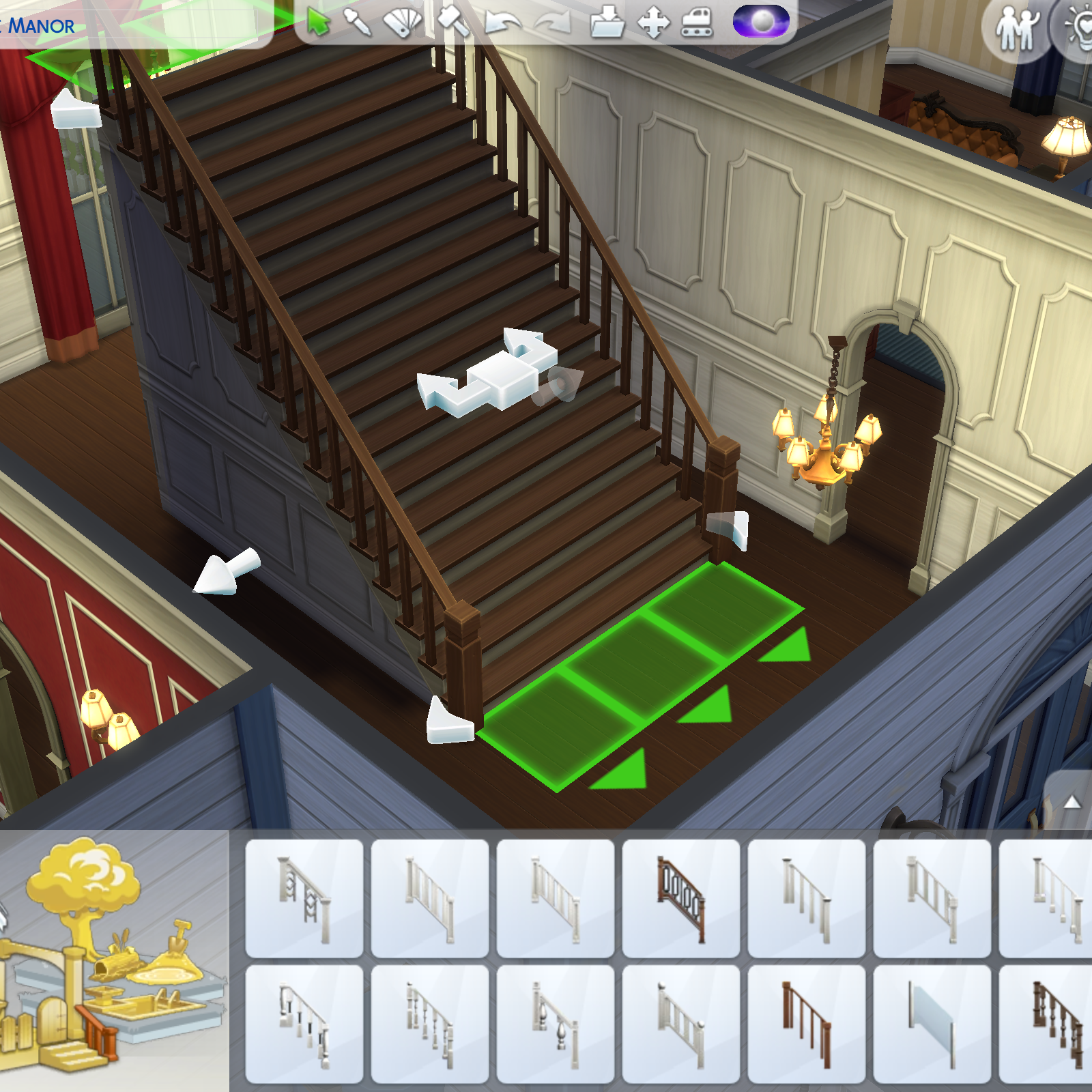
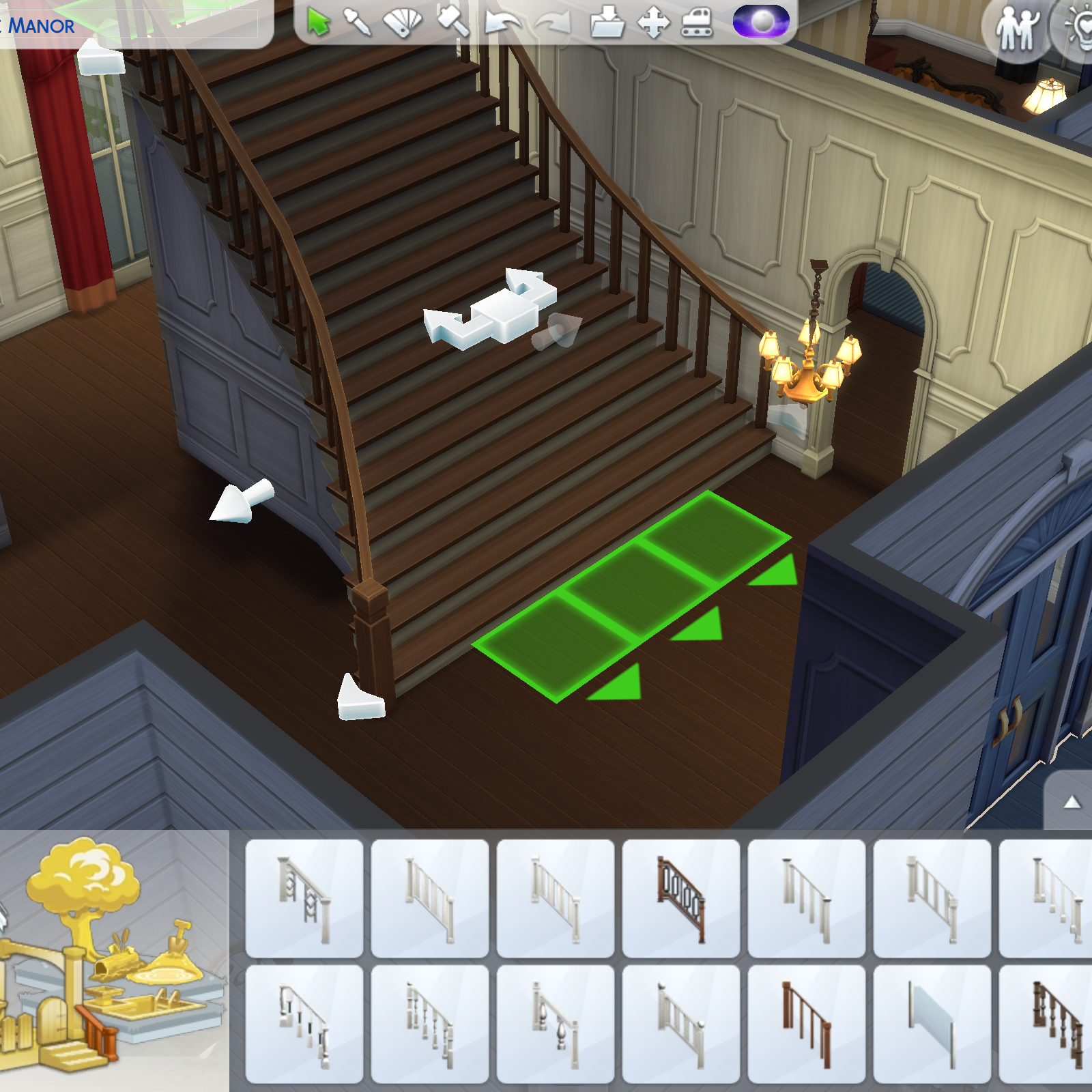
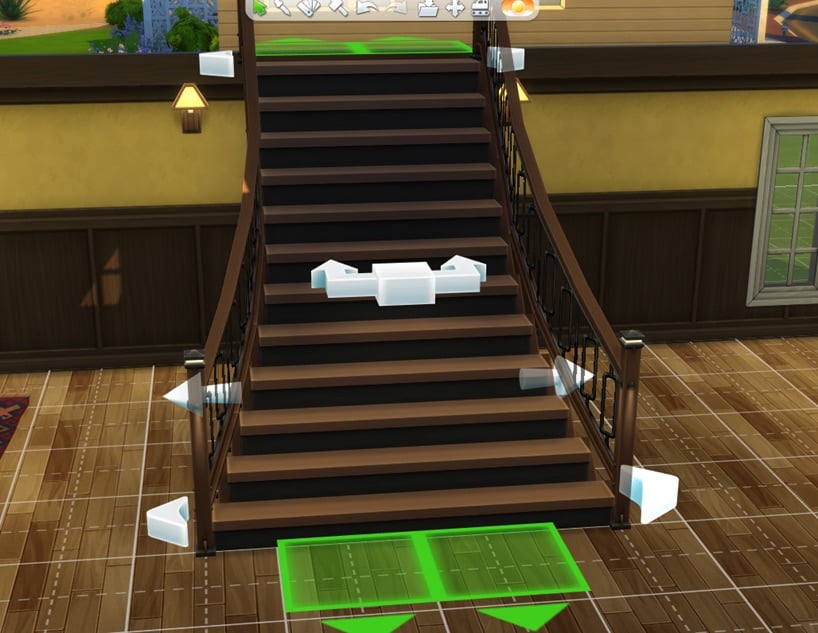
This is one of the most requested features by the community. With this update, players can finally add, remove, and cut stair rails with much greater flexibility. When placing stair rails, a new set of options appears in the same panel where you can move, rotate, and duplicate them. These tools make it possible to fully customize both the number and placement of the rails, whether you want double rails, rails on only one side, or no rails at all. For the first time in the franchise, players can also adjust the length of stair rails, choosing to cover the entire staircase or just specific segments.

New flared stairs!

Stair customization has reached a whole new level! While we are still waiting for spiral stairs, you can now give your houses, manors, and castles magnificent flared stairs. Simply use the new arrows at the bottom to customize their shape and adjust the width to create the perfect grand entrance for your Sims.

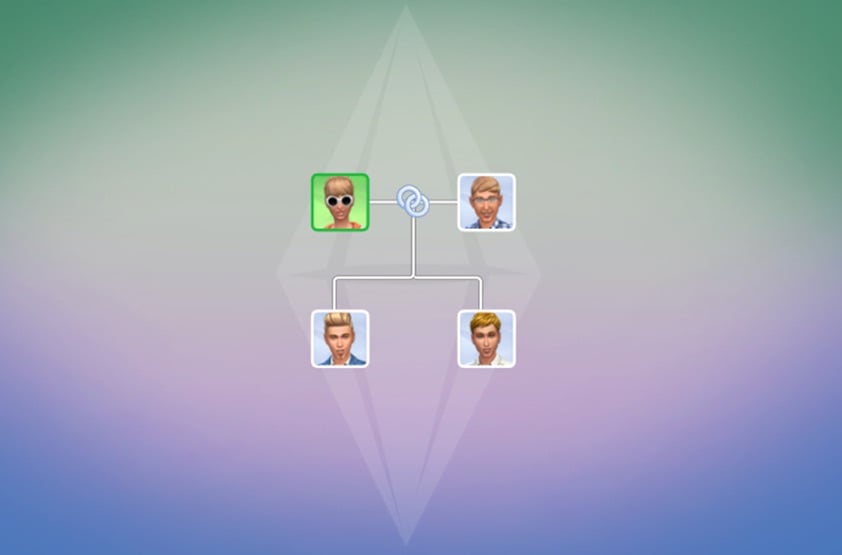
New Family Tree features

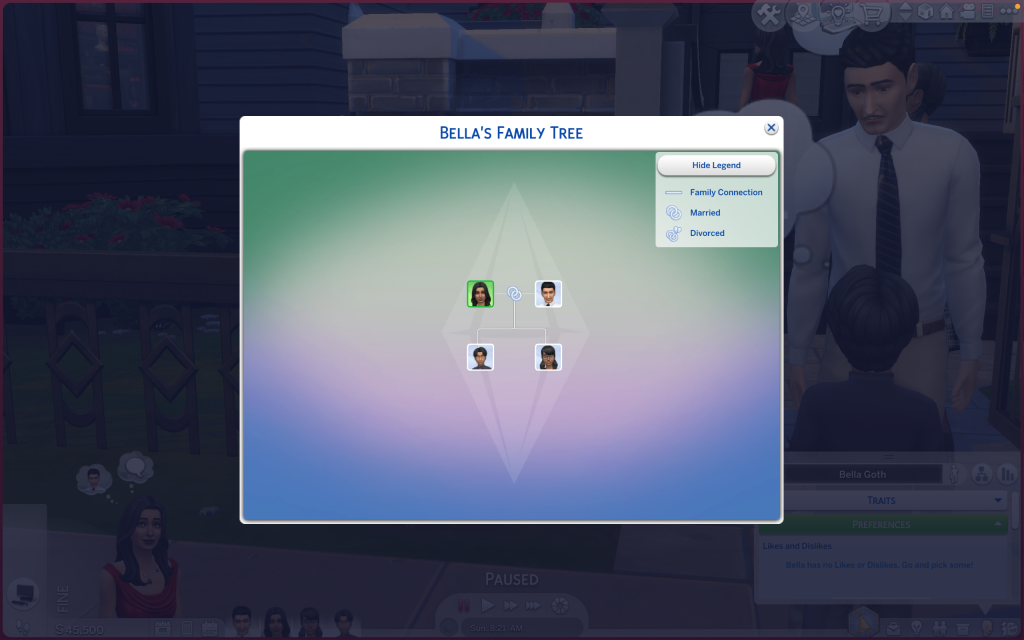
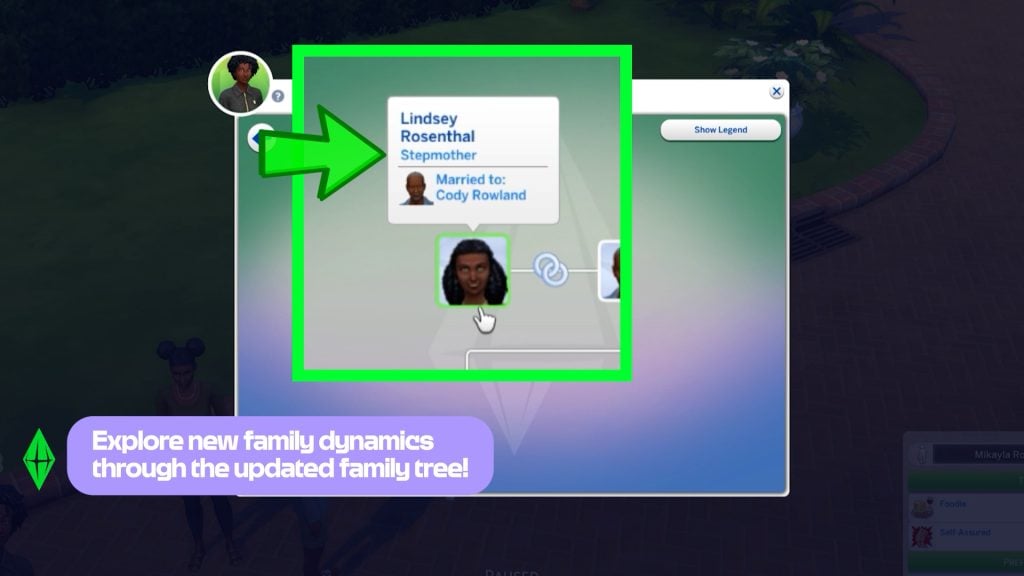
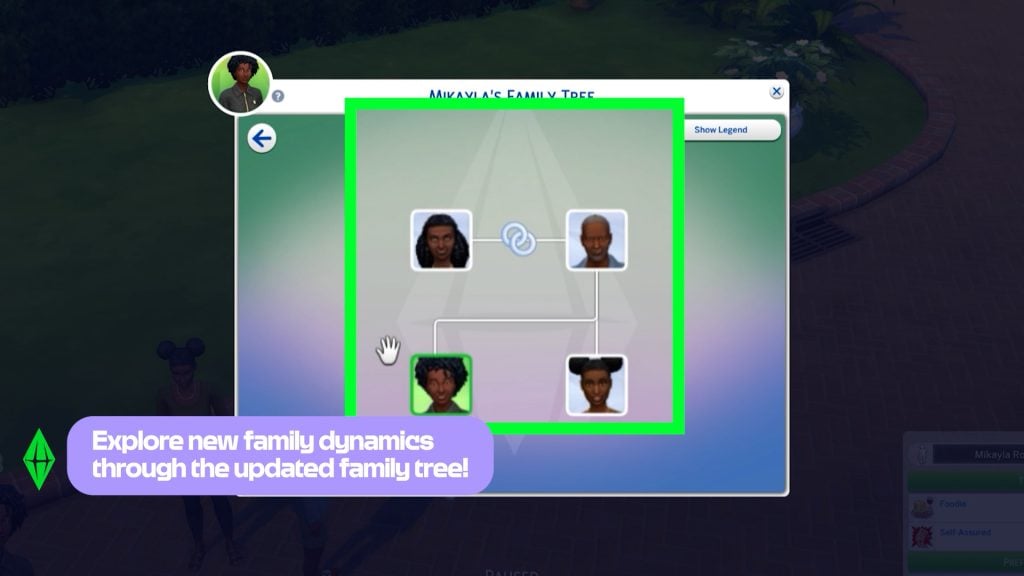
The new Family Tree panel now features multiple icons that visually represent the relationships between Sims. A new legend panel has also been added, clearly explaining the meaning of each icon.

Captura de pantalla 2026 02 03 a las 18.57.12 1

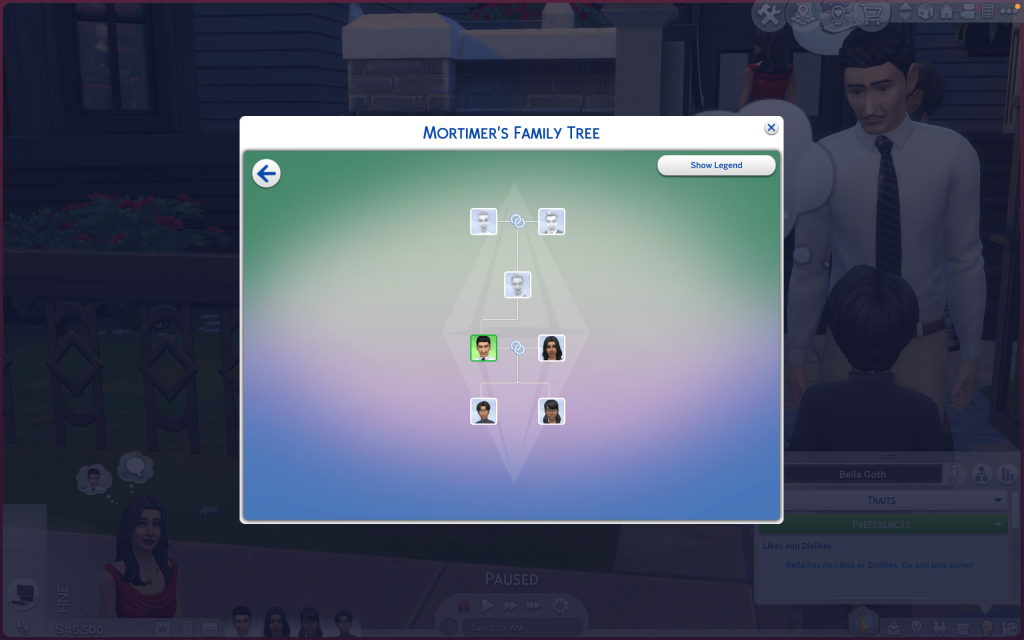
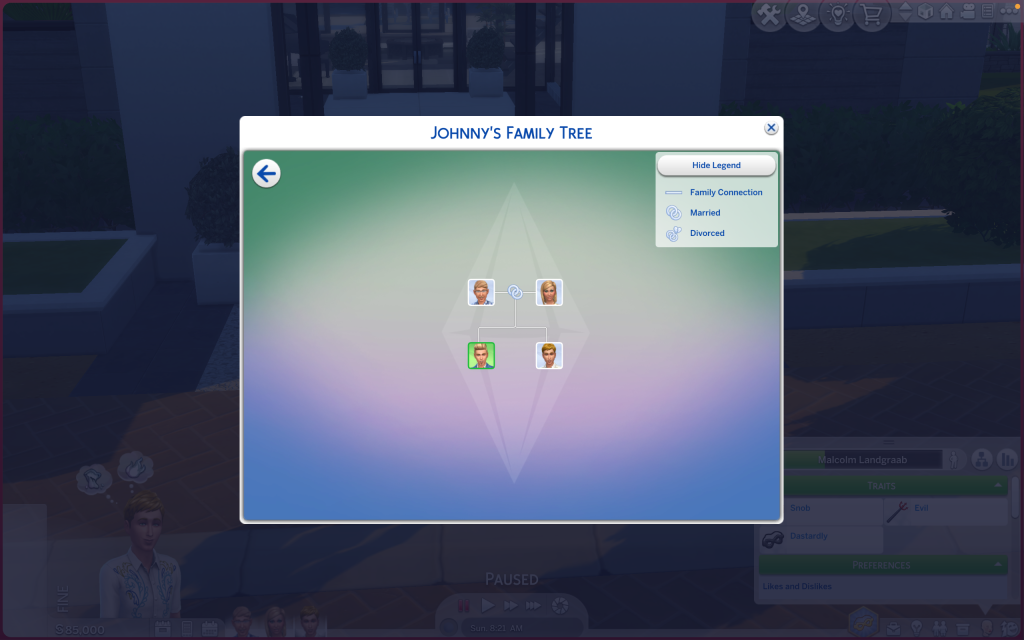
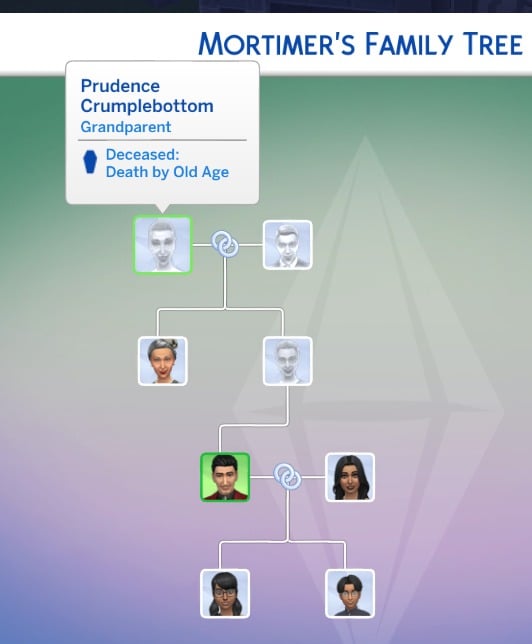
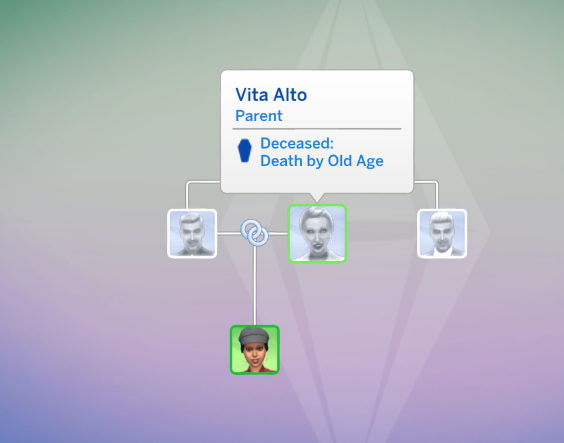
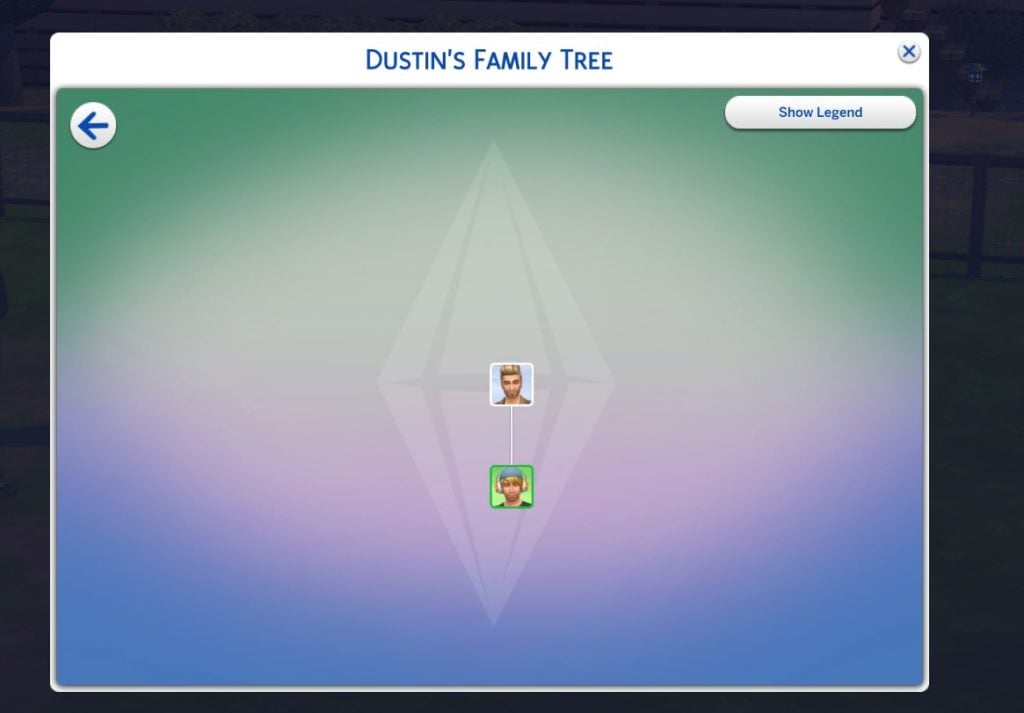
After more than ten years, Maxis has finally updated the Family Trees of the game’s most iconic Sims. The Goth family tree, for example, now includes Mortimer Goth’s ancestors, such as Cornelia Crumplebottom. Johnny Zest also appears for the first time as the son of Nancy and Geoffrey. Extended family members will now also be shown in the family tree. You can also choose to label adopted Sims as such in the Family Tree.

New relationship labels include: Mother-in-Law, Father-in-Law, Sister-in-Law, Brother-in-Law, Daughter-in-Law, Son-in-Law, Distant Relative, Distant Relative-In-Law, Half-sister, Half-brother, Stepmother, Stepfather, Stepdaughter, Stepson, Great-grandmother, Great-grandfather, Great-grandson, Great-granddaughter, Parent’s Cousin, Cousin’s Child, Grandniece, Grandnephew, Grand-aunt, Grand-uncle, Ancestor, Descendant, and Relative-In-law. Divorced has a new name: Ex-Spouse, and Deceased Spouse has a new name: Late Spouse.

In addition, if you have the Cottage Living Expansion Pack, you will find that Agnes Crumplebottom will appear as Mortimer Goth’s aunt!

In the Get Famous Expansion Pack, there are also plenty of iconic Sims as celebrities, such as Dirk Dreamer, Dustin Broke, and Holly Alto. They also receive an impressive upgrade to their Family Trees. (Thanks to @lunar_britney)

New nails

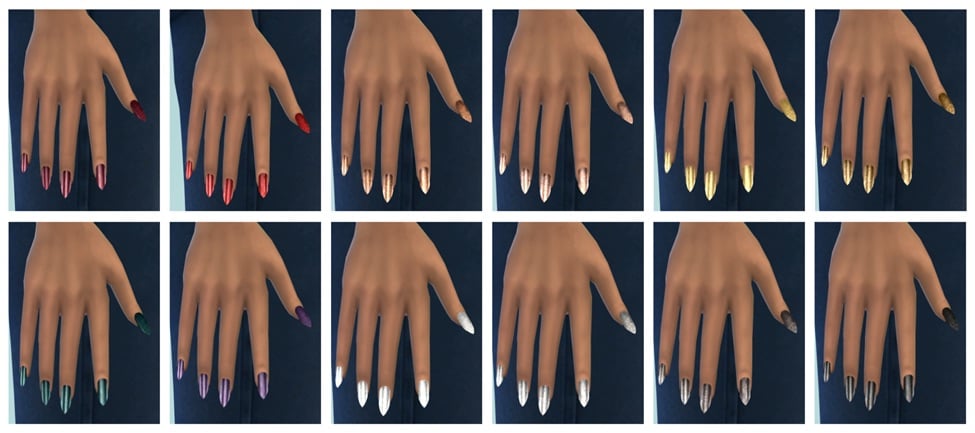
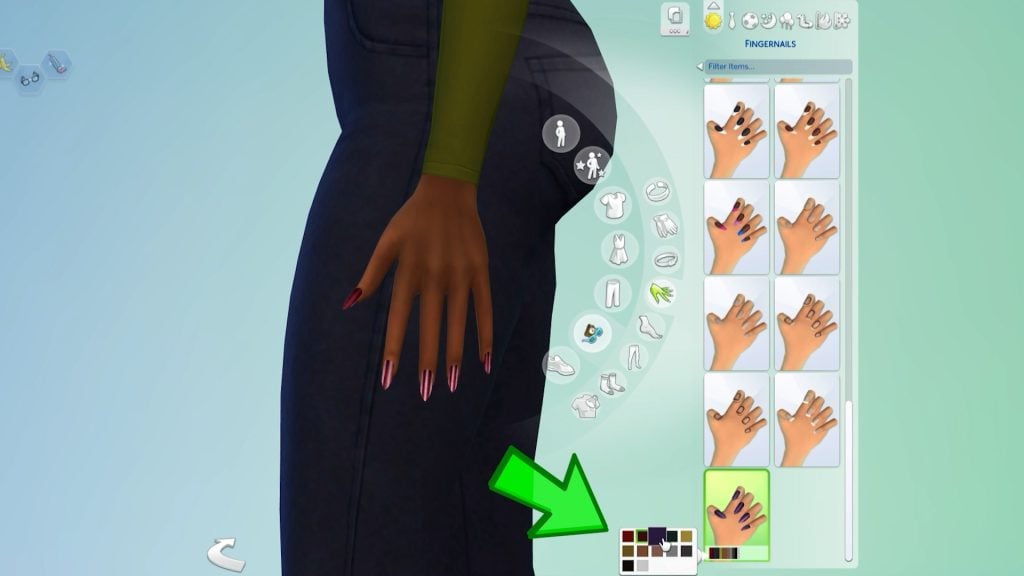
Maxis has also added new nails: long, bright, and shiny, with a variety of swatches that pair perfectly with glamorous dresses and formal outfits. Take a quick look here.

the sims 4 update patch images 3

New filters

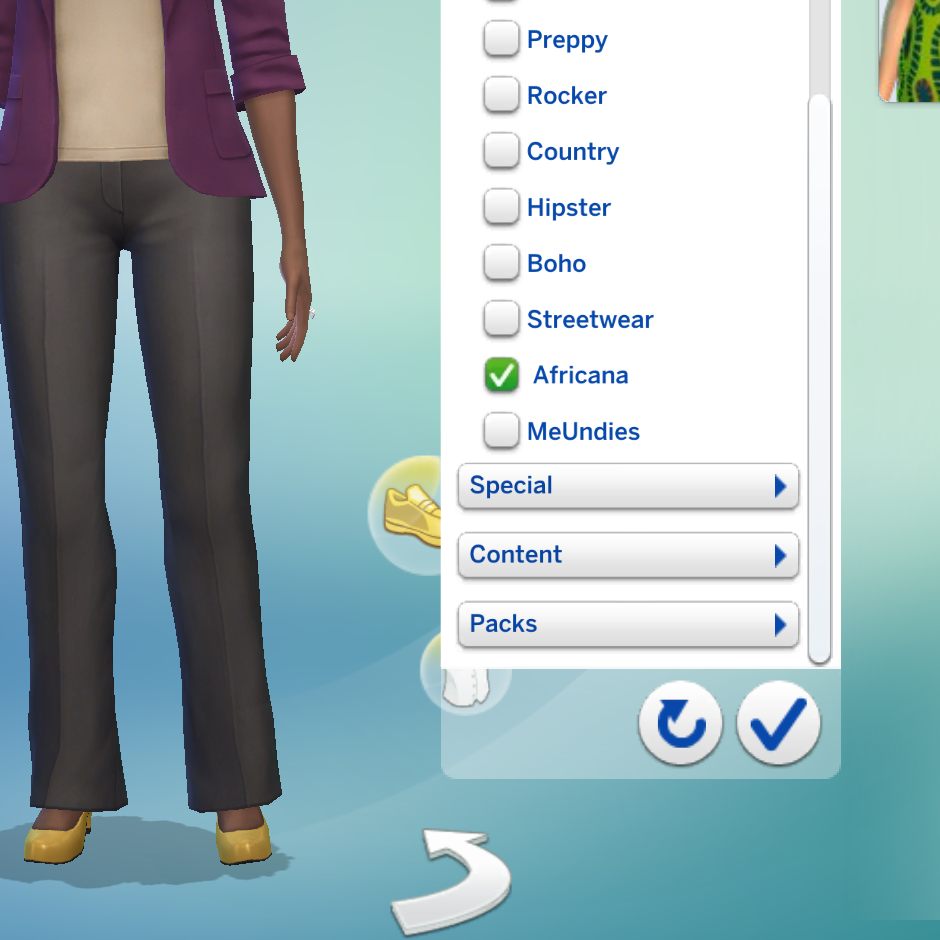
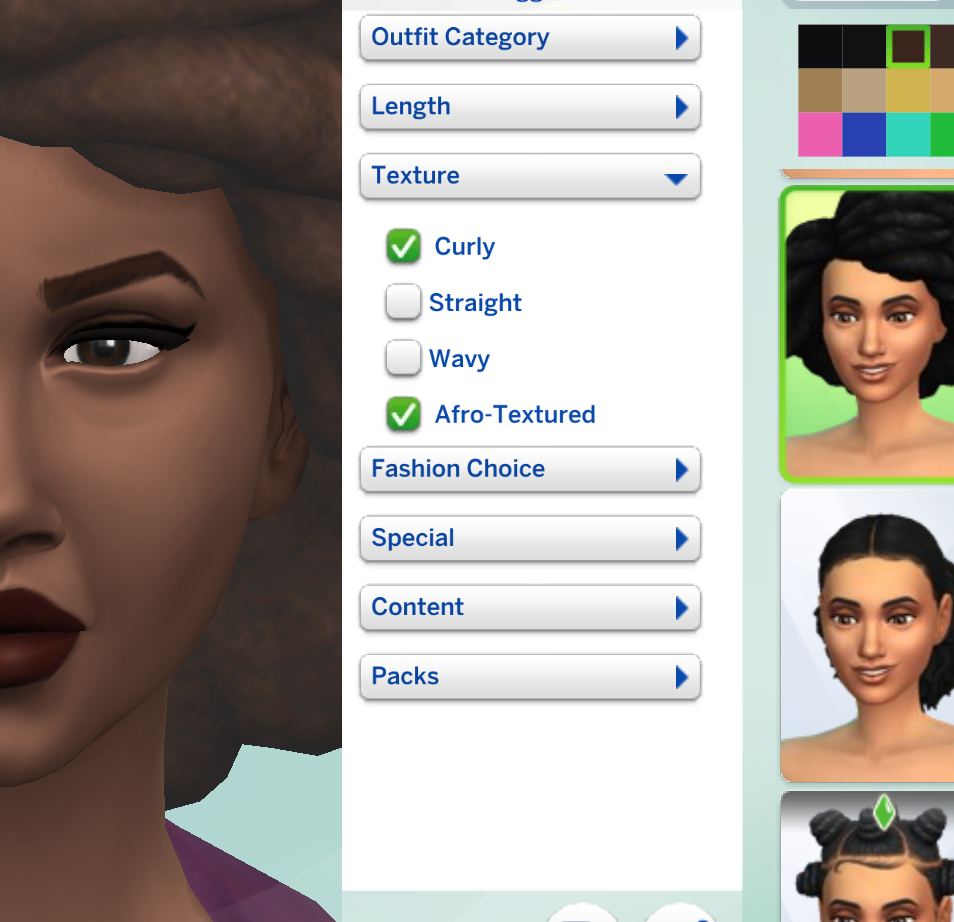
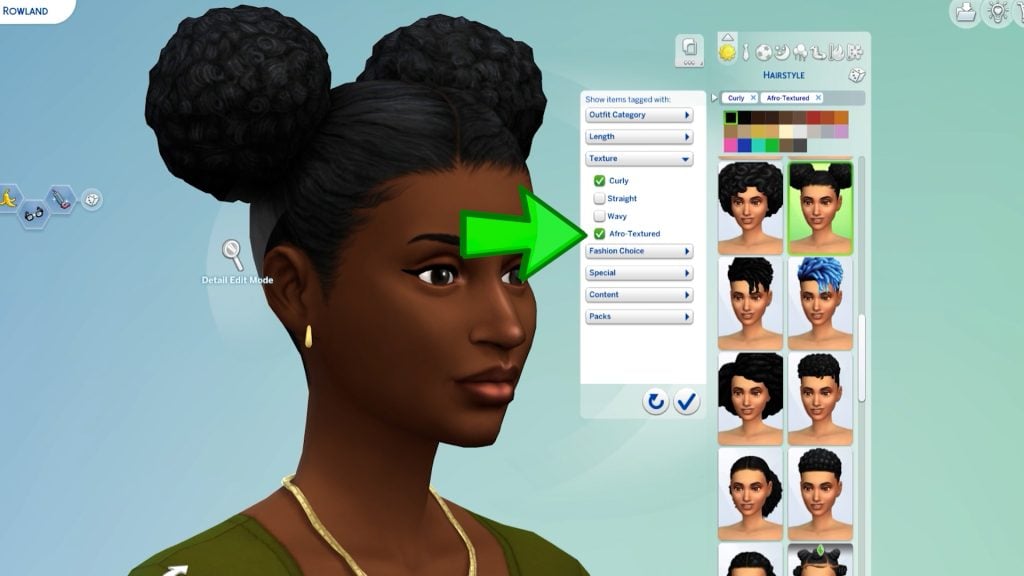
The Sims Team has added new filters relating to the new Royalty and Dynasty Expansion Pack. Specifically, they relate to the new African culture introduced in Ondarion, the new world. You can now tag CAS items as curly or afro-textured in the hair category and as Africana in the clothes category. This update was much needed!

New Quest Event!

From February 3rd to March 16th, you can unlock exclusive new items by participating in the brand-new Lost Legacy Event. Following the format of previous events like ‘Forever Friends,’ your Sims can earn fresh outfits, objects, and collectibles by completing a variety of in-game quests.

the sims 4 lost legacies event r

A ton of new bug fixes!

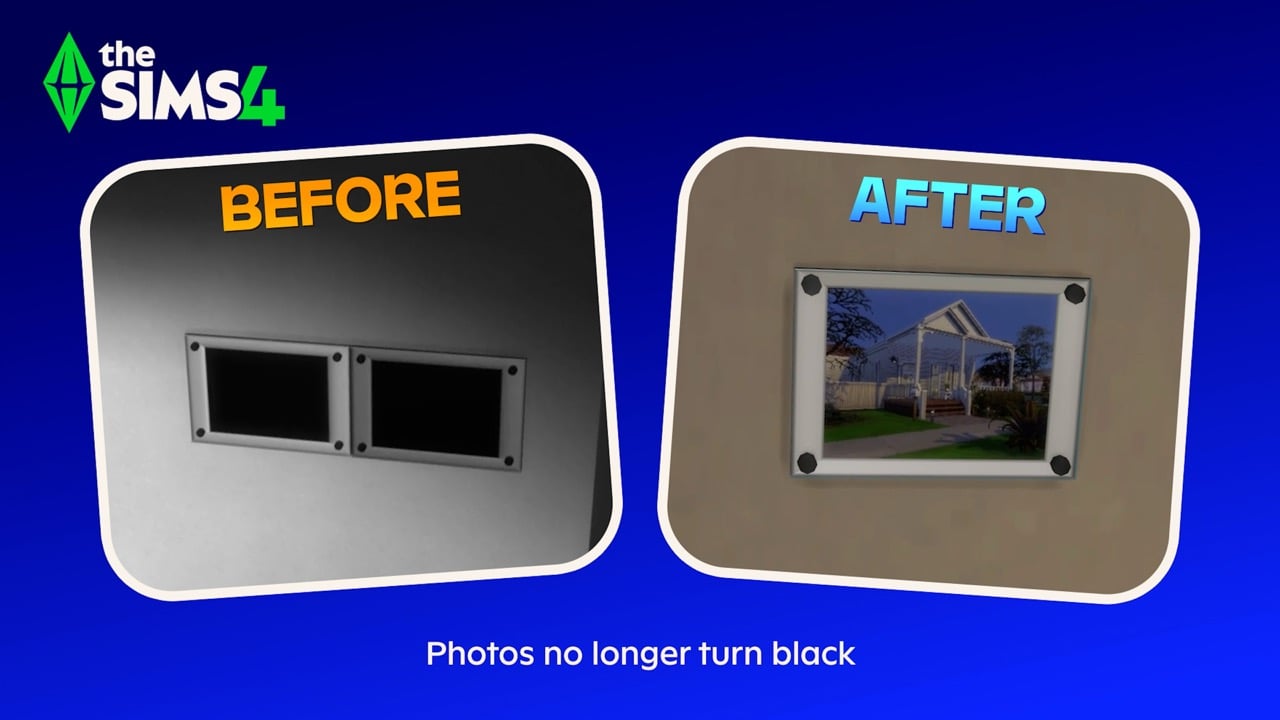
Along with lots of new features, lots of bugs have been fixed too! The “Black Photo” glitch is finally a thing of the past, so your Sims’ memories will no longer turn into dark voids! Builders can also breathe a sigh of relief now that room type assignments are working correctly again in Build Mode.

sims 4 bugs black photos

The retail experience has been polished as well; skill book covers will now stay consistent on displays, and Mixology and Fabrication books finally have their own unique looks. The “Dance With Someone” goal at Prom is fixed, making those Gold Event ratings actually achievable. Lastly, the missing buttons for Turn-Ons, Turn-Offs, and Likes/Dislikes are restored so you can fully customize your Sims once more.

What’s your favourite part of the February 2026 Sims 4 Patch release? Let us know in the comments! Don’t forget to follow our News category so you don’t miss when The Sims 4 receives new content!

Official Introduction to The Sims 4 Lost Legacies Live Event

EA launches a new The Sims 4 Live Event TODAY! Get to know the prizes and rules.

EA and Maxis have just released a brand new the Sims 4 Lost Legacies Live Event. Lasting from February 3rd to March 16th 2026, you’ll be able to get exclusive rewards by completing new weekly quests.

Let’s see what the latest Live Event has to offer:

Sims EV008 Lost Legacies 16x9 Final H264 1920x1080.00 00 23 34.Still001

Official Trailer

See the official trailer for The Sims 4 Lost Legacies Event down below:

Event Roadmap

There are 4 weeks of new quests included with The Sims 4 Lost Legacies Gameplay Event, with some extra new items for players who own additional Expansion Packs! There’s even a new Horse Saddle for players who own The Sims 4 Horse Ranch Expansion Pack.

Sims EV008 Lost Legacies 16x9 Final H264 1920x1080.00 00 15 18.Still002

Here’s a rewards list of the items you’ll get during the playthrough of this event. Will be updated with more items as they surface!

Week 1

  • The Darong Family Key
  • Antique Curio Display Table
  • Ceremonial Dedication Fenestra for Cordelia Thebe I (Life & Death Exclusive)
  • Heirloom Easel of the Darong Family
  • Luxurius Morning Robes

Week 2

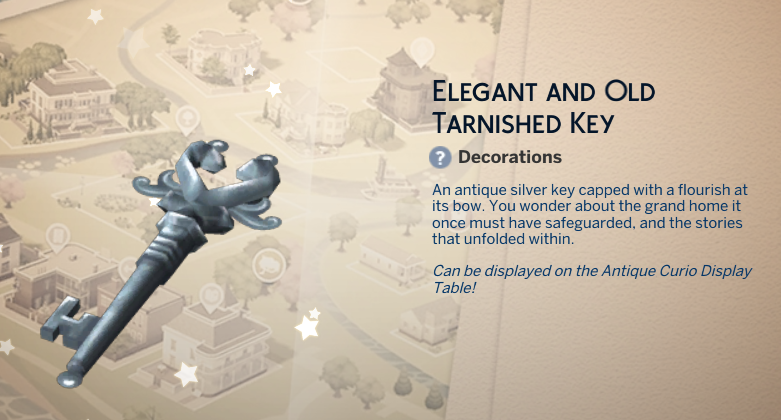
  • Elegant and Old Tarnished Key
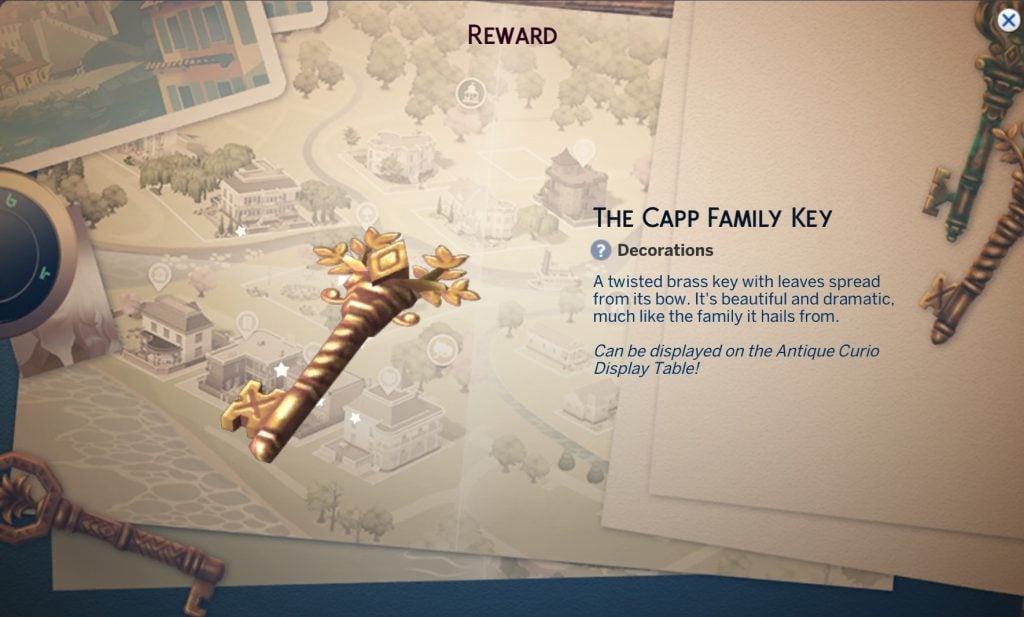
  • The Capp Family Key
  • Antique Jeweled Ring
  • Capp Library Bookcase

Week 3

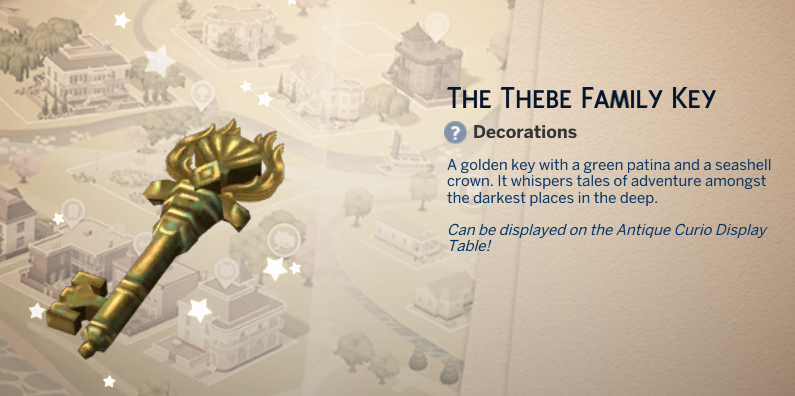
  • The Thebe Family Key
  • Embossed Filigree Eyepatch
  • Regal Residence Lot Trait

Week 4

  • Creepy But Cool Skeletal Key
  • Ladies’ Front Lacing Corset
  • Aspiration – Master of Grudges
the sims 4 lost legacies event roadmap

Event Menu Overview

You can find information about the latest Event in the top “Events” menu bar in the Main Menu. Or, by clicking on the new Event icon in the top left corner in Live Mode.

From there you can keep track of all of your rewards and Event Point progress.

sims 4 lost legacies event menu overview

There are eight quests available in total. Two quests unlocked for each week, providing Event Points that you can. use to claim new Rewards.

Screenshot 2026 02 03 at 21.57.55

Reward Items Preview

There are 18 new unique rewards in total for The Sims 4 Lost Legacies Live Event, including new CAS additions, new Create A Horse saddle, furniture and collectibles in Build Mode and Gameplay features such as Lot Trait and Aspiration.

Take a look below:

On top of that, you’ll also unlock some other non-exclusive rewards that you might find useful in your The Sims 4 gameplay session while completing the rewards, including:

Live Event Dates and Requirements

The Sims 4 Lost Legacies Live Event will last from February 3rd to March 16th, 2026 on The Sims 4 Base Game. Players who own additional packs such as Enchanted by Nature, Horse Ranch and Life & Death will be able to claim additional rewards.

sims 4 lost legacies official screen

The Sims 4 Lost Legacies Live Event is going LIVE NOW, and we’ll make sure to keep you posted with regular updates on weekly challenges, quests and rewards. Stay tuned on our Sims 4 Live Events Page for the latest coverage on Lost Legacies!

What are your thoughts about the latest Sims 4 Lost Legacies event that has just launched? Let us know your thoughts in the comments down below!

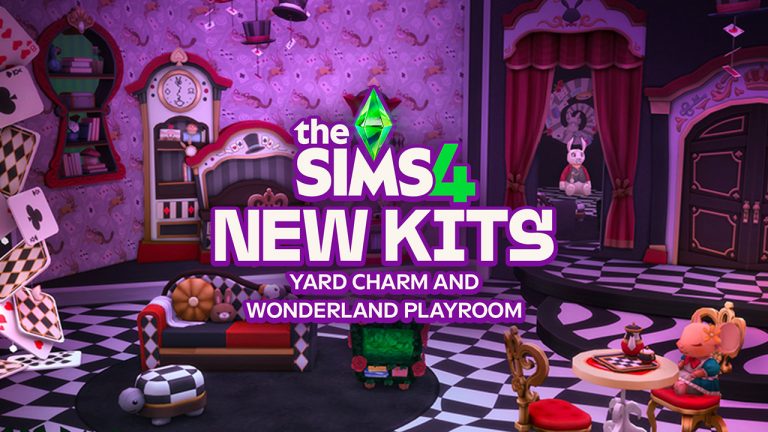
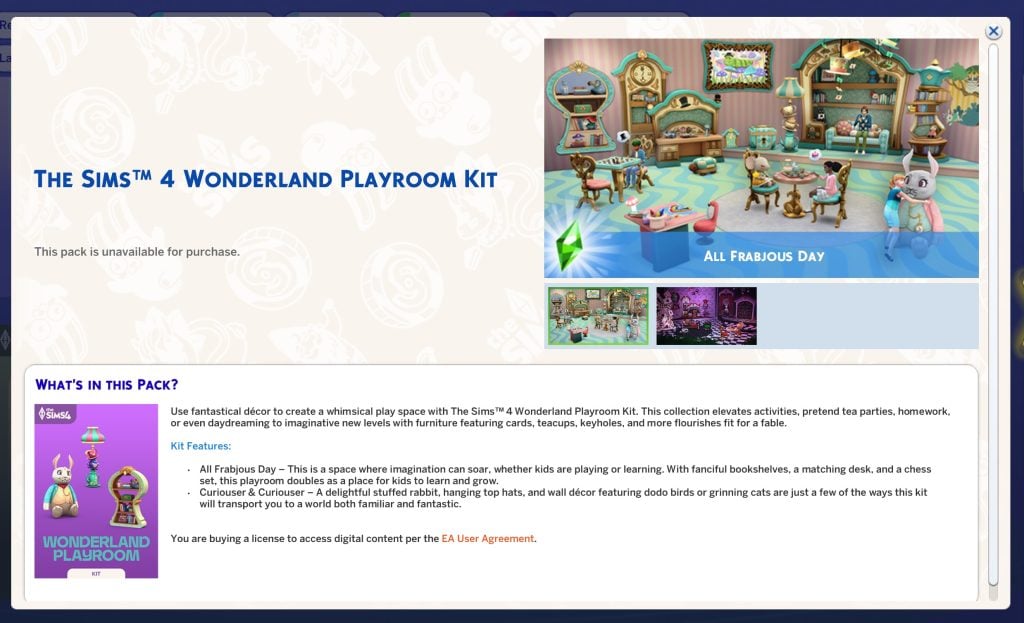
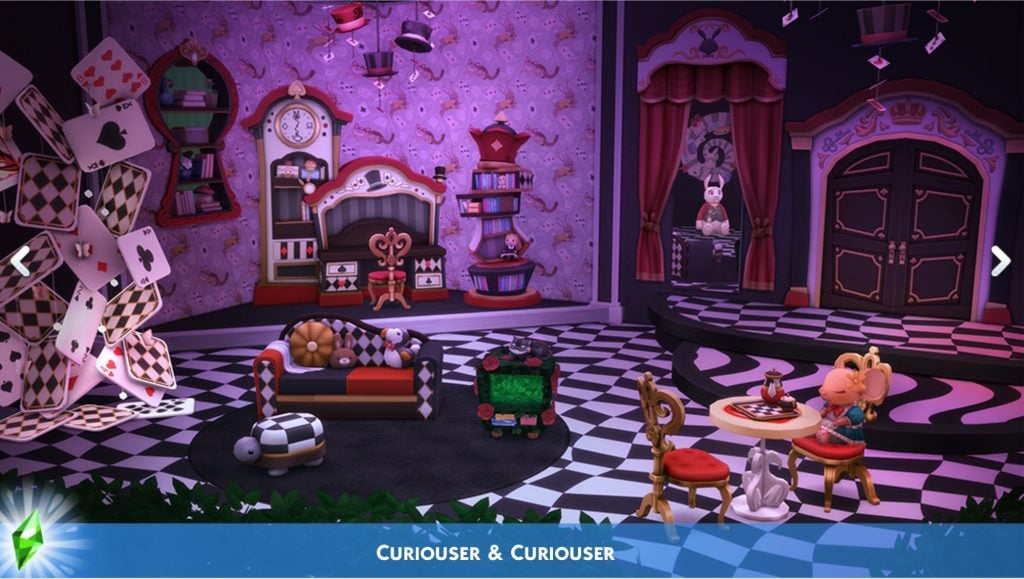
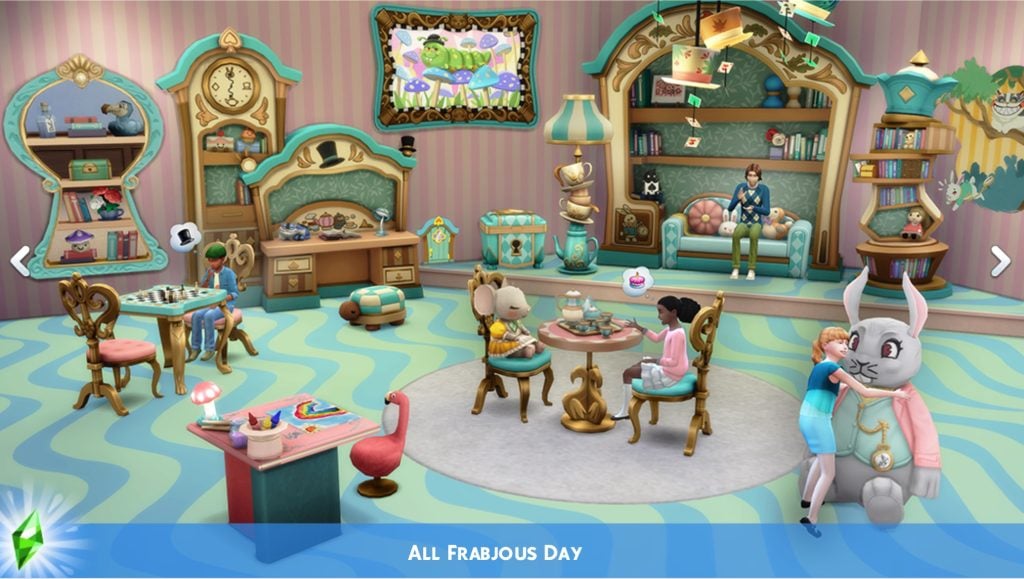
New The Sims 4 Kits Announced: Yard Charm Creator Kit and Wonderland Playroom Maxis Kit

18

Two new Kits are coming to The Sims 4 this month, in addition to two Kits bundled with Royalty & Legacy!

Now that’s a surprise! The latest Sims 4 Update has unveiled two upcoming The Sims 4 Kits: one being a Creator Kit and one an official, Maxis-made Kit.

The two Kits seem to be both coming this month. We’ll update this article with official release dates as we know more! The latest Patch Notes that just dropped confirmed that the two Kits will be releasing on the same day on February 26th, 2026.

Screenshot 2026 02 03 at 21.31.20

The Sims 4 Yard Charm Creator Kit with Ravasheen

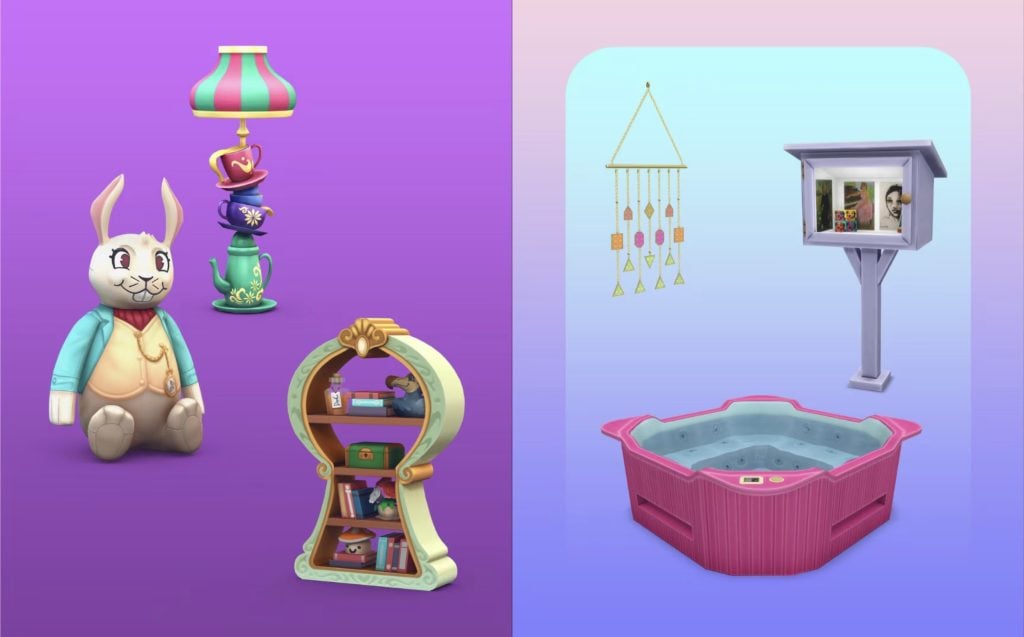
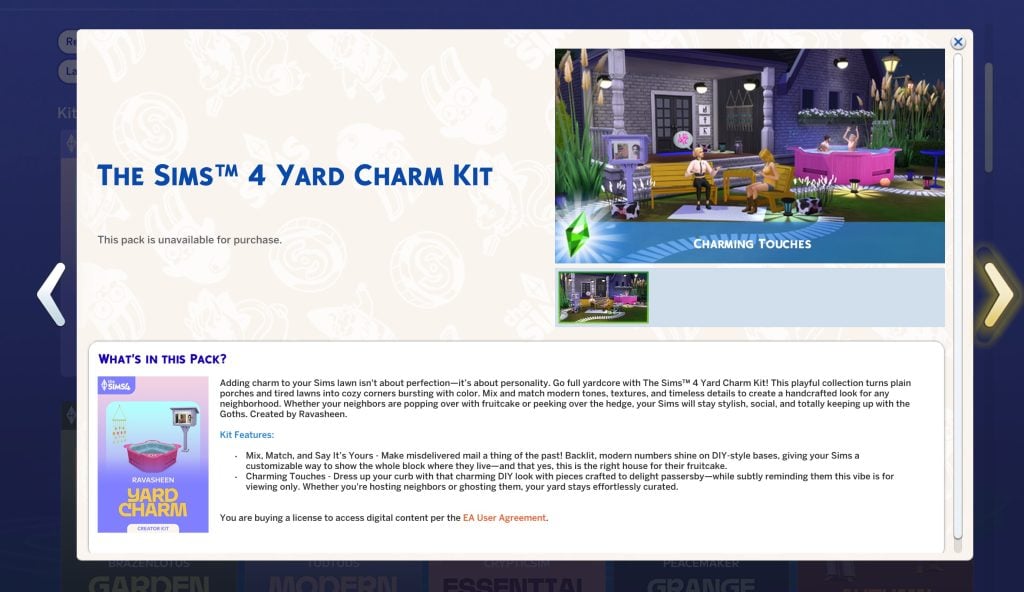
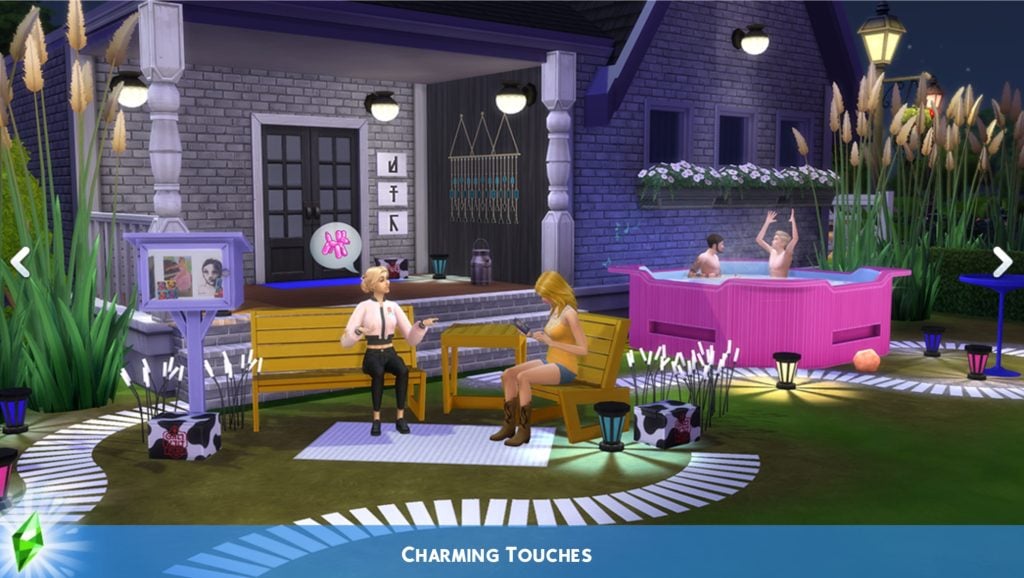
The Sims 4 Yard Charm Kit is a Creator Kit done in collaboration with Sims creator Ravasheen! Their first ever creator-made Kit is being introduced to The Sims 4 series. With new, colorful objects for Build Mode.

the sims 4 yard charm kit

Adding charm to your Sims lawn isn’t about perfection-it’s about personality. Go full yardcore with The Sims 4 Yard Charm Kit! This playful collection turns plain porches and tired lawns into cozy corners bursting with color. Mix and match modern tones, textures, and timeless details to create a handcrafted look for any neighborhood. Whether your neighbors are popping over with fruitcake or peeking over the hedge, your Sims will stay stylish, social, and totally keeping up with the Goths. Created by Ravasheen.

Kit Features:

  • Mix, Match, and Say It’s Yours – Make misdelivered mail a thing of the past! Backlit, modern numbers shine on DIY-style bases, giving your Sims a customizable way to show the whole block where they live-and that yes, this is the right house for their fruitcake.
  • Charming Touches – Dress up your curb with that charming DIY look with pieces crafted to delight passersby-while subtly reminding them this vibe is for viewing only. Whether you’re hosting neighbors or ghosting them, your yard stays effortlessly curated.

Kit Screens

new sims 4 kits yard cahrm

The Sims 4 Wonderland Playroom Kit

The second Kit release coming this month is The Sims 4 Wonderland Playroom Kit. A new official Maxis-made Build Kit for Children and younger Sims!

the sims 4 kits wonderland playroom

Use fantastical décor to create a whimsical play space with The Sims 4 Wonderland Playroom Kit. This collection elevates activities, pretend tea parties, homework, or even daydreaming to imaginative new levels with furniture featuring cards, teacups, keyholes, and more flourishes fit for a fable.

Kit Features:

  • All Frabjous Day – This is a space where imagination can soar, whether kids are playing or learning. With fanciful bookshelves, a matching desk, and a chess set, this playroom doubles as a place for kids to learn and grow.
  • Curiouser & Curiouser – A delightful stuffed rabbit, hanging top hats, and wall décor featuring dodo birds or grinning cats are just a few of the ways this kit will transport you to a world both familiar and fantastic.

Kit Screens

These Kits are seperate releases from The Sims 4 Grand Bundle coming with Royalty & Legacy Expansion Pack, which includes the Silver Screen and Tea Time Solarium Kits.


Will you be getting the new Sims 4 Kits when they come out on February 26th? Let us know your first impressions of the upcoming Kit releases in the comments down below, and stay tuned for full Reviews and Overviews of new and previous releases!

New The Sims 4 Update: Official Patch Notes! (February 3rd, 2026)

The Sims Team releases a new The Sims 4 Update – packed with features and bug fixes!

The latest Sims 4 Update has just been officially released across Computer and Console supported platforms. Including PC, Mac, Xbox and Playstation supported platforms and consoles.

The newest Sims 4 Patch both prepares the game for the upcoming Sims 4 Royalty & Legacy Expansion Pack release and adds new features and improvements to the Base Game experience. Features such as new Stair Tools, Upgrades to Family Trees and more have already been announced yesterday.

When it comes to Sims 4 bug fixes, you should finally expect the Black Photos bug issue to be resolved. More fixes have been announced already in last week’s Sims 4 Laundry List, including changes to game code that modders should know!

The Sims 4 Update Logo

The Pre-Royalty Update

Installing the Latest Sims 4 Update

You can get the latest The Sims 4 Update on the following official launchers and platforms:

  • PC: EA App, Origin, Steam, Epic Games
  • Mac: Origin, Steam
  • Playstation: PS4 and PS5
  • Xbox: Xbox One and Xbox Series X / S

You can download the latest Sims 4 Update by checking for a Patch through the EA App, Steam or Epic Games launcher for Desktop. If you have Automatic Updates enabled the update will automatically download through your client program. In case your EA App is not working properly ensure you’ve cleared your app cache!

If you play The Sims 4 on Xbox Series X / S and Playstation 4 and 5 you can request a new update by checking for updates under The Sims 4 game in the Main Menu. If you’ve enabled automatic updates the Patch should download right away.

There’s also a handy official guide to Mods and CC maintenance, as well as backing up your Saves! Click here to learn all about healthy upkeep of your The Sims 4 files.


The Sims 4 Update

Official The Sims 4 Patch Notes

Update 2/‌3/‌2026

PC: 1.121.342.1030 / Mac: 1.121.342.1230

Console: Version 2.28

Sul Sul Simmers, and Bok, Ciao, Cześć, Dia Dhaoibh, Guten Tag, Hallo, Hola, Hej Hej, Helô, Moikka, Привіт, Salut, Salutare, Salve, Sveiki, Merhaba, Tungjatjeta, здравей, 你好, こんにちは, and Hello from around the world! Are you ready to elevate your game experience with a wave of new features and gameplay additions? Then let’s take a look at what this latest The Sims 4 free base game update has in store for you!

-The Sims 4 Team

What’s New in The Sims 4?

Family Tree Updates!

the sims 4 update patch images 8

The Family Tree has been updated to expand how you experience and tell Sims’ family stories. Your Sims now have relationship labels for in-laws, half siblings, great grandparents, and more! Extended family members will also be shown in the family tree. Players can also choose whether adopted Sims are labeled as such in the Family Tree.

New relationship labels include: Mother-in-Law, Father-in-Law, Sister-in-Law, Brother-in-Law, Daughter-in-Law, Son-in-Law, Distant Relative, Distant Relative-In-Law, Half-sister, Half-brother, Stepmother, Stepfather, Stepdaughter, Stepson, Great-grandmother, Great-grandfather, Great-grandson, Great-granddaughter, Parent’s Cousin, Cousin’s Child, Grandniece, Grandnephew, Grand-aunt, Grand-uncle, Ancestor, Descendant, and Relative-In-law. Divorced has a new name: Ex-Spouse, and Deceased Spouse has a new name: Late Spouse.

Close relatives are prohibited from being romantically involved. This prevents autonomous flirting between In-Laws or Step-relatives.

Flared Staircases!

A staircase in Build Mode with placement arrows and grid lines visible, showing adjustable stairs inside a Sims home.

Get ready to create grand looking staircases! Now, you can widen the top or bottom of a staircase (symmetrically or asymmetrically) to give your builds a touch of elegance. Additionally, stair rails can now be applied to only one side of a staircase and we’ve added a slider to change the length of the rail.

Here’s a an article link to more in-depth descriptions of the updated Family Tree and Flared Staircases.

Create a Sim

Afro-Textured and Curly Hair Filters:

A Sim in Create a Sim with braided hairstyle selected, showing multiple textured hairstyle options in the customization panel.

Africana Style Filter:

A new style filter, Africana, has been added to the game. This style filter makes it easier to sort and find African-inspired items in Create a Sim and Build Mode.

New Jewel-toned Nails:

A grid of Sim hands displaying long pointed nails in multiple metallic and glitter color variations.

12 new luxurious jewel-toned and metallic almond-shaped Nails have been added to Create a Sim.

Lost Legacies Event

Rewards timeline for The Sims 4 Lost Legacies event, showing Week 1–4 unlockable furniture, clothing, accessories, décor, and a central Sim.

Embark on a whirlwind adventure in the Lost Legacies Event as your Sim is swept into a royal treasure hunt, sparked by the arrival of a mysterious royal emissary. Play now through March 16th!

  • Uncover Lore: From exploring the artistic legacy of the Dambele family to unraveling the romantic secrets of the Bellacorde family and decoding the legendary tales of Princess Cordelia, explore the lost legacy of the three prestigious families from The Sims 4 Royalty & Legacy Expansion Pack.
  • Free Limited Time Rewards: Unlock a trove of treasures each week, from collectable skeleton keys that complete quests, a cursed ring with dangerous consequences, a vengeful aspiration, new lot trait, and more. Each reward is special and brings you closer to the noble families, has a unique aesthetic, or adds a new way to play.
  • Active Quests: Your Sim will dive into lively debates, master new skills and chase clues across museums, nightclubs, libraries and hidden grottos.

New Kits for your Sim’s Realm

Step into a world of imagination, elegance, and drama! Whether you’re dreaming of picture-perfect tea parties or silver screen inspired style, these Kits are ready to inspire new stories, Sims, and builds!

The Sims™ 4 Silver Screen Style Kit and The Sims™ 4 Tea Time Solarium Kit will be available for purchase individually February 12, 2026 and are included for free in the Royalty & Legacy Grand Bundle through March 15, 2026.

Step into a whimsical playroom with The Sims™ 4 Wonderland Playroom Kit  and build a charming yard with our latest Creator Kit: The Sims™ 4 Yard Charm Kit, created by Ravasheen.

Available February 26, 2026.

Bug Fixes

Base Game / Multipack

Live Mode

  • [EA Forums] Resolved an issue that caused photos to turn black, discovered after the January 13th Base Game update.
  • [EA Forums] Fixed additional instances of an issue where entering and exiting Build Mode during Scenarios with goals would cause the UI to disappear or the game to become unresponsive.
  • [EA Forums] Book covers for Baking, Wellness, Snowboarding, Rock Climbing, Herbalism and Photography books should no longer change when placed on retail displays. Fabrication and Mixology skill books no longer have the same book cover. 
  • [Bug Archive] Resolved an issue where Sims’ Great Grandparents incorrectly had romantic interactions available to them with extended family members.
  • [Bug Archive] Resolved an issue where Sims didn’t complete the “Dance With Someone” goal at Prom, preventing a Gold Event rating.
  • [Bug Archive] Upgraded vacuums now work in the “Off the Grid” Lot type.

Build Mode

  • [EA Forums] Resolved an issue that could prevent room type assignments in Build Mode.
  • [EA Forums] Simple Slattered and MasterCraft staircases no longer have an extra board when placing L-shaped stairs.

Create a Sim

  • [EA Forums] Fixed a UI issue in Create a Sim that was preventing elements from displaying in Turn-Ons and Turn-Offs, as well as the Like and Dislike buttons.
  • [EA Forums] Editing Merfolks or Aliens in Create a Sim should no longer cause a game crash.
  • [EA Forums] Resolved an issue causing nail asset (yfAcc_ManiNaturalShort_SolidDirt) to cause a metallic effect to the entire body.
  • [Bug Archive] Resolved an issue causing nail assets (yfAcc_ManiGP12Forest and ymAcc_ManiGP12Forest) to show lines around the upper arm on Sims.

Third Patch Info

If you’ve downloaded the first and the second update, you’ll have to download the third Sims 4 Update as well. If you’ve downloaded any of the two you’ll get the new Update waiting for you. This third release for the Patch should be final and resolve any previous game issues.

Screenshot 2026 02 03 at 21.40.01

New Statement from EA_Cade

Simmers, We’re aware that some of you are experiencing issues with today’s Base Game Update. We know how disruptive this can be, and our teams are actively working on it. We’ll share next steps as soon as we have more information.

Thanks for your patience, The Sims 4 update is rolling out now. If you haven’t updated yet, please do. If you started to update earlier, you may need to clear your cache to see the correct update.

Official Statement from Community Manager on Second Update

The official Sims Team has acknowledged the issue over on their Discord platform. Stating that they’re currently looking into issues that triggered this.

I’ve reported the reverted update issue to our team and looking to get information soon to share with yall

image 5
SimDevShawnee

Community Theories

The Sims 4 Modder TwistedMexi posted the following theory about what could’ve gone wrong with the latest Sims 4 Update. Stating that although just speculation, EA may have accidentally published an improper version of The Sims 4 with the update. With an assumption that there’s going to be a new statement released soon.

Something seems to be up with the game patch. If you started your game after it updated, I would refrain from saving your game and exit for

EA released version 1.121.342.1030 and then seemingly reverted that patch immediately back to 1.120.140.1020

This is entirely speculation at this point, but it’s possible EA accidentally published an improper version, which means any saves saved under that version may be at risk.

Best to hold off and wait for the corrected patch.

Source: TwistedMexi Discord
Screenshot 2026 02 03 at 20.14.54

Second Update

DOUBLE WARNING: The second Patch will break your game.

Screenshot 2026 02 03 at 19.52.00

The best thing you can do is to delete the gameversion.txt file in Electronic Arts > The Sims 4 save file folder.

DO NOT UPDATE, THIS SECOND PATCH REVERTS THE UPDATE NOOOOOO but if you fell in already, u need to only delete the gameversion.txt file in ur documents folder not the entire folder

Source: @lunar_britney

WARNING: There is a second Sims 4 Patch issued just now! If you downloaded the first update you will have to download the second one to have the latest version. If you didn’t download the first update, the Patch will be merged into one.

Screenshot 2026 02 03 at 19.39.16

What happened?

Player @Simmattically also noticed the double patch release, pointing out that the game version reverted from 1.121 (which was the initial update) to 1.120 (the second game update). Stating that they can’t launch the game with the second update.

What the hell is Maxis doing? They released game update number 1.121 today, and just a few minutes ago, another update was released. But this time the game reverted to version 1.120. The game doesn’t even launch. (You must clear your Sims 4 folder in the Documents first.)

Inside the Sims 4 Documents folder, there is a gameversion.txt file that stores the last played game version. They reverted the update from 1.121 back to 1.120, so if the newer version is recorded in that file, the game will refuse to launch. You can simply delete that one file and the game should start, but I wouldn’t touch any save files if they were already saved while on version 1.121.

Source

The latest Sims 4 Update is around 4GB on Mac devices.

sims 4 update size feb 3rd 2026


What’s your experience so far with downloading and playing the latest Sims 4 Update? Let us know in the comments below and stay tuned for latest coverage on new game features!

The Sims 4 Family Tree Q&A: Family Relation Changes Coming to Base Game

6

The developers share insights on today’s brand new The Sims 4 Patch!

The Sims Team hosted a special Sims 4 Family Tree Q&A Session on their official Discord. The developers who worked on several Base Game improvements coming with today’s Sims 4 Update answered some of the most burning questions from players.

We summarized all the questions and answers shared in the official Family Tree Q&A Discussion thread down below. Learn all the new facts about family relations, what’s Base Game new and what’s Pack new + more insights!

CONVERSATION 2

The Sims 4 Family Tree Q&A Summary

Question: Thank you for doing this! I want to know if the new family tree will prevent adopted children and friendly science babies to be viewed as Scandal by the new pack?

SimDevXènia: Adopting children and/or having science babies does not count as a scandal.

Question: How far up/down does the family tree now reach? great-grandparent/-child?

SimDevFiore: Hello! We have expanded it to show up to 10 generations of Sims – 5 above, and 5 below your currently selected Sim

Question: You’re adding ‘step’ parents but they were already there? How does this new addition work..

SimDevAzure: We’re adding step-parents as a proper label in the Family Tree. Previously they weren’t described this way by the game.

Question: Are aunts/uncles and cousins added?

SimDevXènia: yes, all of them are here: Mother-in-Law, Father-in-Law, Sister-in-Law, Brother-in-Law, Daughter-in-Law, Son-in-Law, Distant Relative, Distant Relative-In-Law, Half-sister, Half-brother, Stepmother, Stepfather, Stepdaughter, Stepson, Great-grandmother, Great-grandfather, Great-grandson, Great-granddaughter, Parent’s Cousin, Cousin’s Child, Grandniece, Grandnephew, Grand-aunt, Grand-uncle, Ancestor, Descendant, and Relative-In-law. Divorced has a new name: Ex-Spouse, and Deceased Spouse has a new name: Late Spouse.

Question: Will in law relationships be included on the family tree?

SimDevFiore: Yes, the Family Tree will now show In-Law relationships!

Question: Will any premade sims get expanded family trees? Like ancestors (Goths are great candidates for it), or only Johny Zest is joining langraabs offcically in the tree?

SimDevXènia: yes, goths and landgraabs got it! but only for new saves. they will have ancestors and a dynasty with values

Question: But they don’t show up on the family tree

SimDevFiore: Aunts and uncles will now show as a label in the family tree!

Question: Hello, I would like to know whether the family tree will display titles for a spouse’s family members.

SimDevXènia: yeah, if you mouseover you will see their titles.

Question: What new about family tree

SimDevAzure: The Family Tree has been updated with new relationship labels. Extended family members will now be shown in the Family Tree and players can also choose whether adopted Sims are labeled as such in the Family Tree.

Question: is adoption being altered at all e.g. the relationship between an adopter and adoptee being distinct from biological parent/child relationships?

SimDevXènia: no, except some bit of text in a moodlet or two, the relationship is the same.

Question: Will the family tree update come onto my older saves? Not bothered about the Premade sims as I delete them all anyway and make my own.

SimDevXènia:yes it will, regardless of they were premades or not, you will see the expanded family tree if the sim information is there (meaning, if your save file didn’t cull them from the game in the past)

Question: How does Forging Trees work? Will we be able to see Aunts and Uncles now?

SimDevAzure: Yes, you will be able to see Aunts and Uncles! and for Forging Trees (specifically for Royalty & Legacy) your Sims can fake family ties (lie about them) by using the Forging interaction on the Family Tree Tapestry object.

Question: Is there a way to go into the legacy/dynasty screen and change things around on previous saves?

SimDevXènia:you can change things around by performing forgery in the family tree. but that can have your sims end up in a scandal!

Question: How far in the family tree do you have to be for romance interactions to work? Royalty historically married their distant cousins (or even first cousins)

SimDevFiore: We have done a big update here and you actually will no longer be able to romance ancestors that are directly connected to you “in a vertical line” This only applies to new relationships in your save file, if you have a Sim dating an ancestor in an existing save file we won’t break that relationship!

Question: Will you be able to view whether a sim was adopted? Also, is setting that an option in CAS when creating a family?

SimDevXènia: You can if you enable the setting in gameplay settings. By default it’s disabled

Question: Is the Baby Daddy Choosing only avaible in the new DLC?

SimDevAzure: Yes. This is specific to the Secret Child feature which is a part of Royalty and Legacy (not base game).

Question: Will pets show in the family tree? Or is that just specially Sim related lol?

SimDevXènia: no, pets and humans are separate, sorry!

Question: Hi! Will we be able to see familial relationships by marriage (sister-in-law etc.)?

SimDevAzure: Yes! Mother-in-Law, Father-in-Law, Sister-in-Law, Brother-in-Law, Daughter-in-Law, and Son-in-Law

Question: Can we assign these new roles in CAS?

SimDevXènia: No, we didn’t add these to CAS. So if you wanted your Sim to have a cousin, you should set up aunts/uncles who have kids

Question: can a sim have biological and adopted Parents at the same time?

SimDevXènia: yes

Question: are the changes retroactive or will they only apply to new relationships?

SimDevAzure: They Family Tree updates are retroactive.

SimDevXènia: for the person who asked if ‘adopting erases their existing parental relationships’: no, but it will require the sim that is getting adopted to have less than 2 parents to start with (including dead parents)

Question: Will the new family tree show the old spouse if someone dies and remarries?

SimDevAzure: Yes, and we’ve updated the name from Deceased Spouse to Late Spouse.

SimDevFiore: Romance is not allowed between Cousins (this was already the case!) But you can romance an in-law or a step-relative as you are not actually related by blood – we’re aware that in most scenarios this feels icky, so we made sure that Sims will no longer autonomously start flirting with in-laws and step-relatives This helps ensure that Sims will keep their platonic relationships as such! However, if you love drama and actively want to make your Sim flirt with in an in-law, you totally can do that – makes for a very typical telenovela plot!

Question: will the family tree show who was adopted and who was not?

SimDevFiore: There’ll be an option in settings to choose whether you want to show Adopted sims with an ‘Adopted’ label or not

Question: does the new family tree keep the persons portrait if they are an ancestor from a long time ago ? in my saves it usually deletes the grandparents unless they are ghost or occults

SimDevXènia: check your culling settings, it seems that you might have it set to low if the game is removing portraits of deceased sims.

Question: This may be more of a Dynasties question than a family tree question, but can Sims more “found families” or “chosen families” be represented in Family Trees or Dynasties and selecting Heirs?

SimDevAzure: Dynasty members can only be sims related by family ties or marriage. If you’d like to create a “Found/Chosen Family” story you can now add adults to your family by adopting them.

Question: How do male Sims have illegitimate Children?

SimDevXènia: if you make a Sim pregnant with your male Sim, you will not be able to ‘lie’ about your tie to the baby. if you switch control to the pregnant sim however, you can choose from the dropdown the father that better suits the story you want to tell

Question: Will Mrs.Crumplebottom be in the Goth Family tree ?

SimDevXènia: yes! the goth family tree now is pretty big

Question: Do we have step siblings?

SimDevFiore: Yes, it’s a new recognised relationship that will appear in the Family Tree!

Question: What the button”show legend” is for in the family tree window??

SimDevXènia: it explain what the different lines, portrait shapes and icons mean. dotted line = secret baby, two rings = married, etc

Question: What the button”show legend” is for in the family tree window??

SimDevFiore: The Show Legend button shows a legend of all the new icons and different types of connecting lines you can see in Family Tree now. If you have Royalty & Legacy, you will be able to see unique icons in the Tree that show you the Dynasty a Sim belongs to, their Noble ranking, as well as any special connections to other Sims For instance, Sims in the same Dynasty will have a different type of connecting line Also, in Royalty & Legacy you’ll be able to Forge false family connections between sims – those connections will be shown through a dotted line in the Family Tree!

Question: Will the long lost relative that shows up in Growing Together genealogy research now show up in your family tree?

SimDevAzure: No. There’s no proof that Kyle is actually related to anyone. Let him into your Sims homes at your own risk!

Question: Are Dustin Broke and skip Broke in the same family tree?

SimDevXènia: they are! and it’s not only the brokes! all families will be linked in the tree properly now

Question: is there a way to add a friend to your family tree without marrying them or adopting them?

SimDevXènia: no, friends do not appear in family trees!

Question: will we see in the family tree of premade sims others members from others packs?

SimDevFiore: We have done a big pass of updates to include family connection between Sims from different packs that are intended to be related by lore – we’re a bunch of massive lore nerds haha! You will see those connections in a new save file if you have both packs those Sims come from (such as Lily Zhu and the Vatores)

Question: if parents of step siblings devorce, does the relationship go away or, like with the ex-spouse one, it stays (would the sibling label also change?)

SimDevFiore: Step-relative relationships will go away if there’s a Divorce between the Sims that connect those step-relatives

Question: Will the family tree update come onto my older saves? Not bothered about the Premade sims as I delete them all anyway and make my own.

SimDevAzure: Yes. The family tree updates will show up on your older saves.

Question: For those households that got updated with ancestors. Will the ghosts be in our game with the possiblity of us playing with them or is it just for the family tree?

SimDevXènia: no, there is a limit of sims that we can add with each pack, and ghosts count as sims too, so they’re just portraits in the family tree. they will not have tombstones or will be eligible for resurrection unfortunately.

Question: Is there a way to go into the legacy/dynasty screen and change things around on previous saves?

SimDevAzure: You can create Dynasties for your older saves.

Question: Sometimes sim data gets culled if a save gets too big, will the ancestor data be protected or yeeted?

SimDevXènia: when a sim is culled, we protect the portrait, name and other cosmetic bits but not the proper ID, meaning you cannot resurrect them or find their ghosts wondering. but they’re in the tree for posterity

Question: This may be stupid but will ghosts of past sims still be on the family tree? Will we will able to see things such as traits,jobs etc on the family tree (I doubt it but I thought I’d ask!)

SimDevFiore: Ghosts will appear on the family tree! You will not see all details of a Sim on the Family Tree, their traits will not show for instance

Question: How will it show if there’s an immortal sim still alive that goes back further than 5 generations

SimDevXènia: as usual, the portrait of the sim will be in color instead of black and white.

Question: will girlfriends and boyfriends be added to the family tree?

SimDevXènia: no, they only show up after marriage as usual.

Question: Does the tapestry allow you to form found family connections and add people not related by blood to the family tree

SimDevFiore: Forging connections via the Tapestry is to have a ‘false’ connection (it can lead to a Scandal if found!), it’s the kind of thing you would do if your Sim is a social climber and they want to fake their way into a Noble family! But in Royalty & Legacy we have also added the option to Adopt sims regardless of age, to give another way to build a found family

Question: Also, how do you adopt another Sim? Do you have to have a certain level of friendship with them? (I sort of assume so)

SimDevFiore: Yes you need to have a high level of friendship with them, then it will appear as an option when you interact with that Sim in the pie menu

Question: Out of curiosity what is culling and when does it happen?

SimDevXènia: the game keeps a recommended amount of sims in your save file (max is 200, but recommended may vary depending on your PC) to keep the simulation running smoothly. if the cap is reached, the game will try to erase the IDs that have some inactivity in order to keep the save file ‘healthy’, so to speak

Question: If you adopt a sim do they become your adopted child or can they be a different adopted relative?

SimDevFiore: You can only adopt them as your child specifically

Question: So my guess is if you upload sims to the gallery their family tree is wiped if someone downloads that household right? Only showing the sims in the household

SimDevXènia: that’s correct, we only keep their information upon upload.

Question: How can you find someone else scandal ? By breaking inside and snooping ?

SimDevAzure: You can find out another Sims secrets/Scandals by asking mutual Sims if they know the target sims secrets, rummaging through trash, buying secrets from the Info Brokers website, or witnessing the secret as it happens (catching them in the act!).

Question: So a young adult can be the parent of another yong adult?

SimDevFiore: Not quite, there’s still a restriction on the Adoptive parent having to be at least one age bracket older than their adoptive child

Question: I’m REALLY interested to know Princess Cornelia’s family tree and how far it goes

SimDevAzure: Pretty far! You’ll be able to see how Cordelia’s family tree connects with Tybalt Capps!

Question: in the new pack “royalty and legacy” have new interactions with the familiy tree, what it’s do in the gameplay?

SimDevFiore: In Royalty & Legacy specifically you can Forge false family connections between two unrelated Sims (via the Family Tree Tapestry) You can also establish another Sim as your “Secret Lover” once you have a flirt going with them. And if you have a child outisde of your “official” relationship, you can lie about their real parent and have a Secret Child All of these details will be visible in the Family Tree

Question: Will the family tree show the vampire relationship between a spawn and a maker?

SimDevXènia: no, we figured vampire spawns should not be part of the family tree in case they were romantically involved before being turned into vampire.

Question: Will the family in Tartosa Arnessa Thebes family connect to Cordelia Thebe ?

SimDevXènia: yes!

Question: When a family description mentions a deceased family member, they are not currently shown in the family tree. Will this update make them appear?

SimDevXènia: the only families we created ancestors for are the goths, the landgraabs, the thebes, the capps & montys and the darongs.

Question: Can you use the forge connection item to remove yourself from a family tree? Like if you wanted to run away from your family and the pressure of a dynasty?

SimDevFiore: Forging connections is specifically to create a new fake connection (which could be one day discovered and lead to a Scandal. You won’t be able to use it to ‘escape’ your family!

Question: Anyway sorry to repeat this question but will clones be shown on family tree? I ask because I was wondering if vlad is one of the first vampires, so I he is would he show as a sibling to a spellcaster ?

SimDevXènia: clones made using the cloning machine from the scientist career will show in the family tree as usual, in the form of siblings. no lore updates were given to vlad. one of my favorite sims



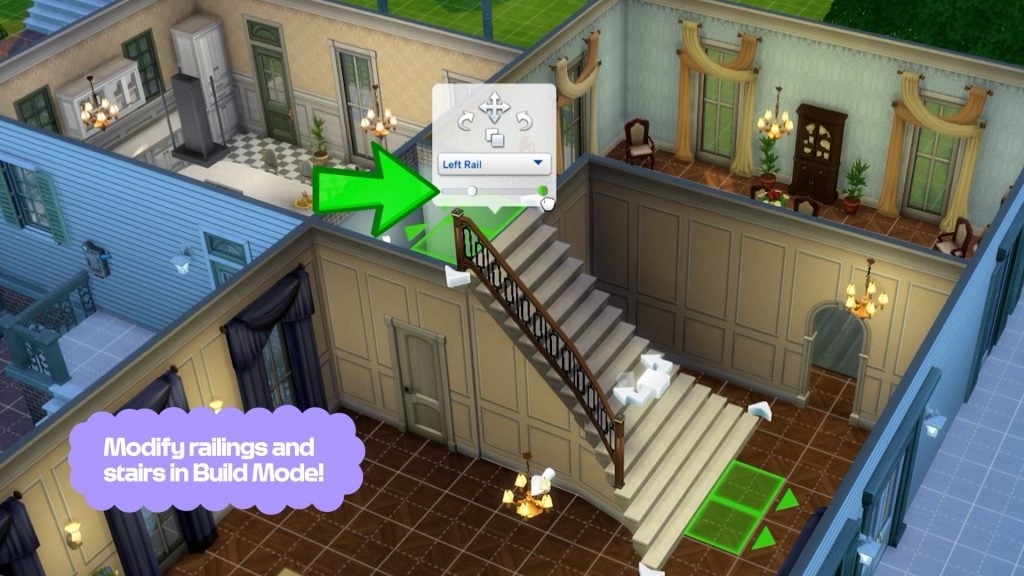
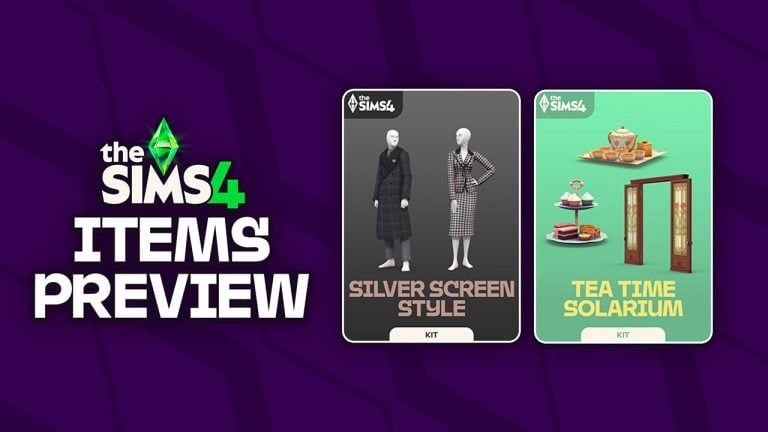
What are your thoughts on the latest official Sims 4 Family Tree Q&A from The Sims Team? Let us know your opinion in the comments down below and stay tuned on Sims Community for the latest Sims 4 News!