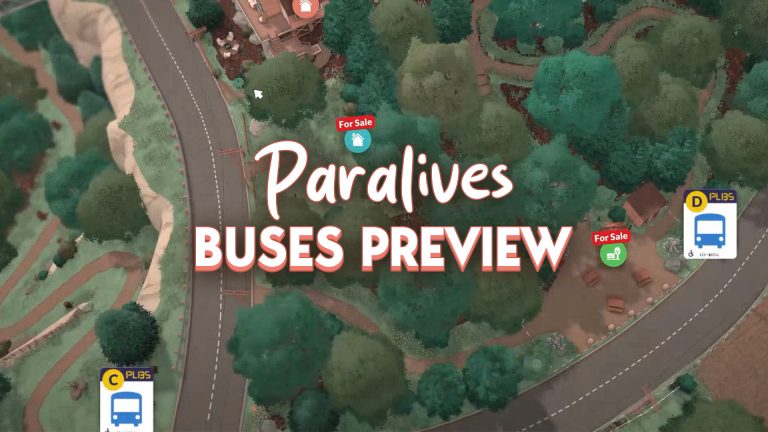
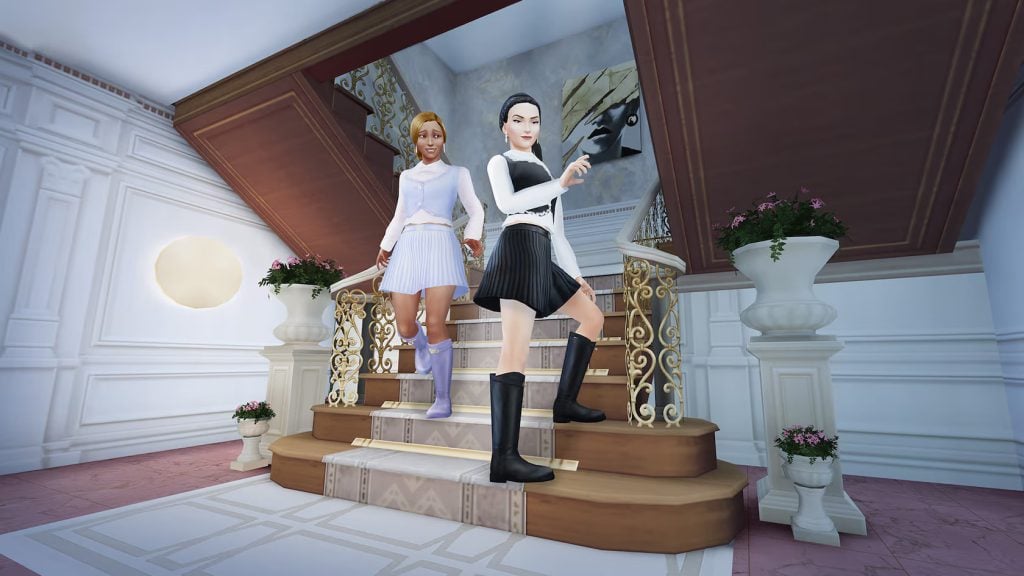
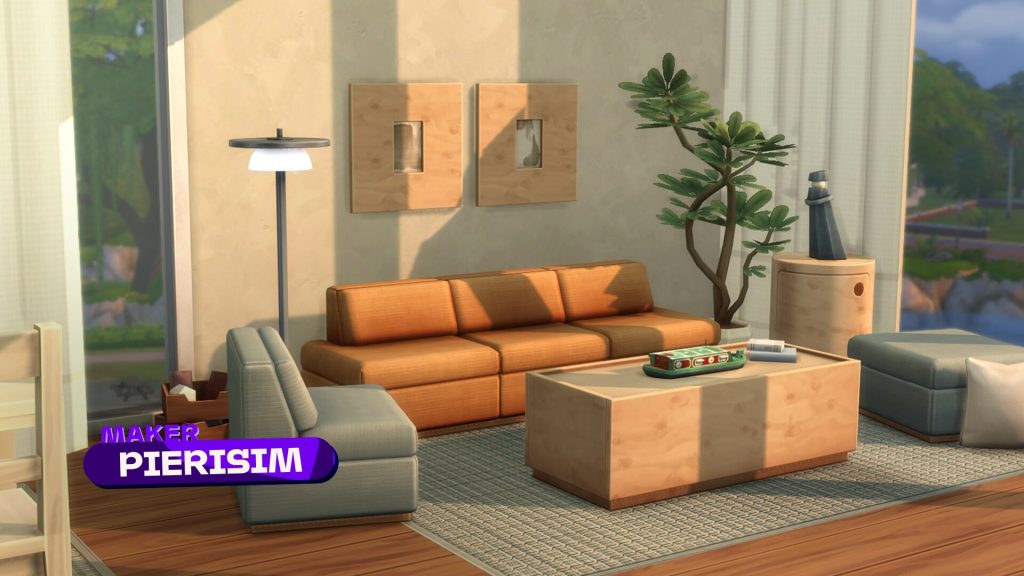
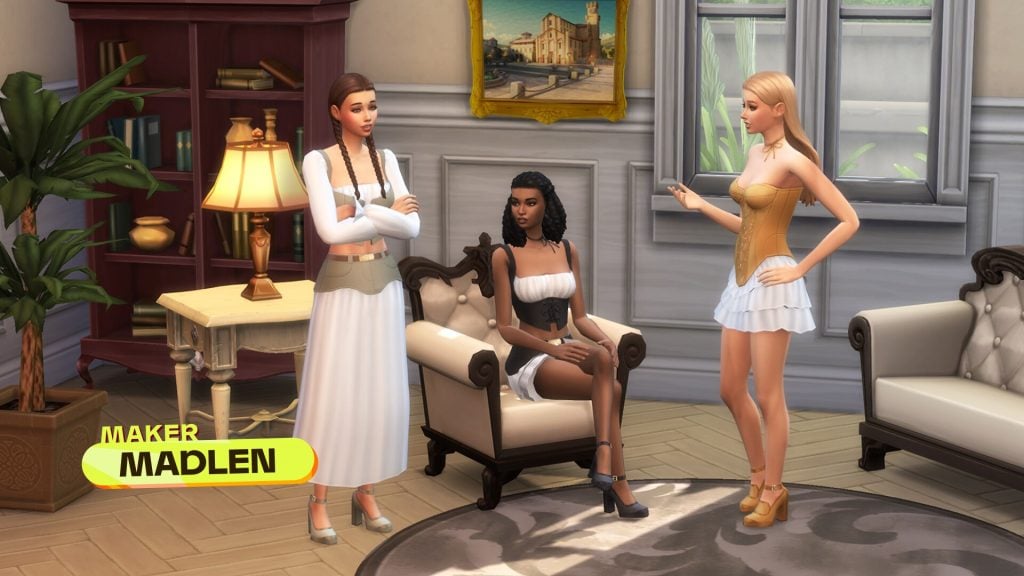
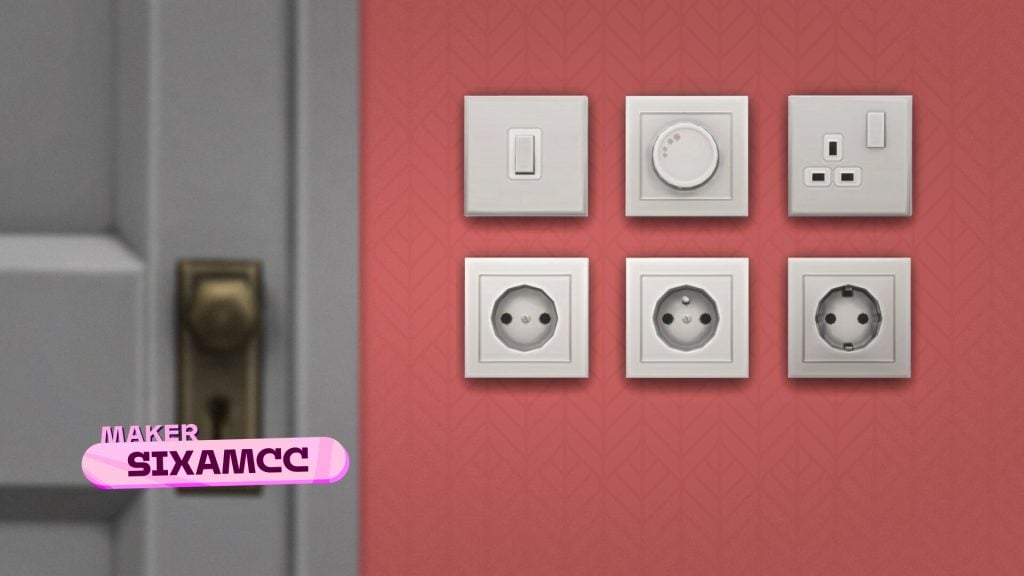
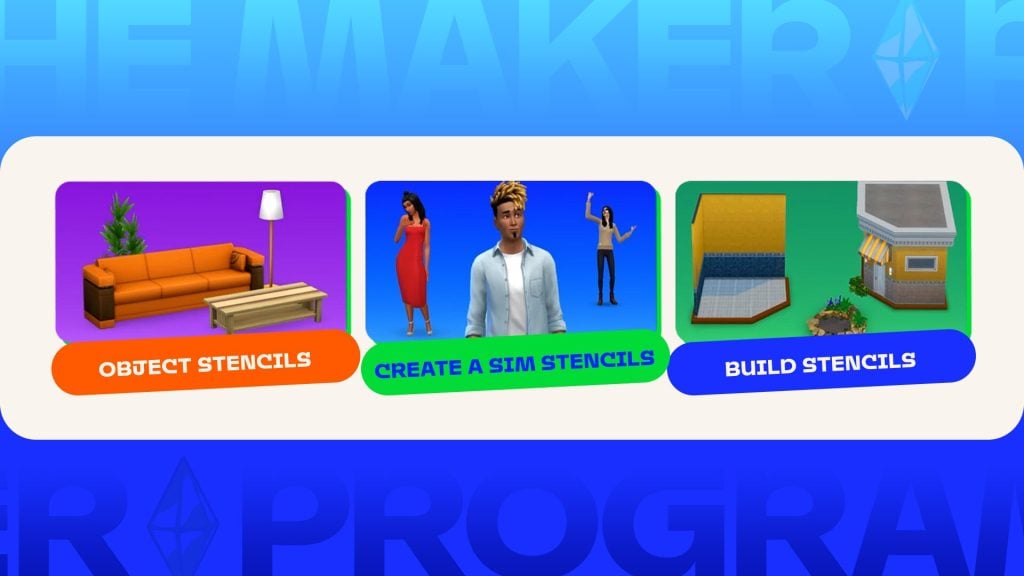
Paralives buses have been brought in after some recent game feedback that it was taking too long to get Parafolk from one side of the town to the other.
We bring you all the latest updates on Paralives as they happen. Have a look at all of our previous Paralives articles here.
Paralives Buses And Other Transportation
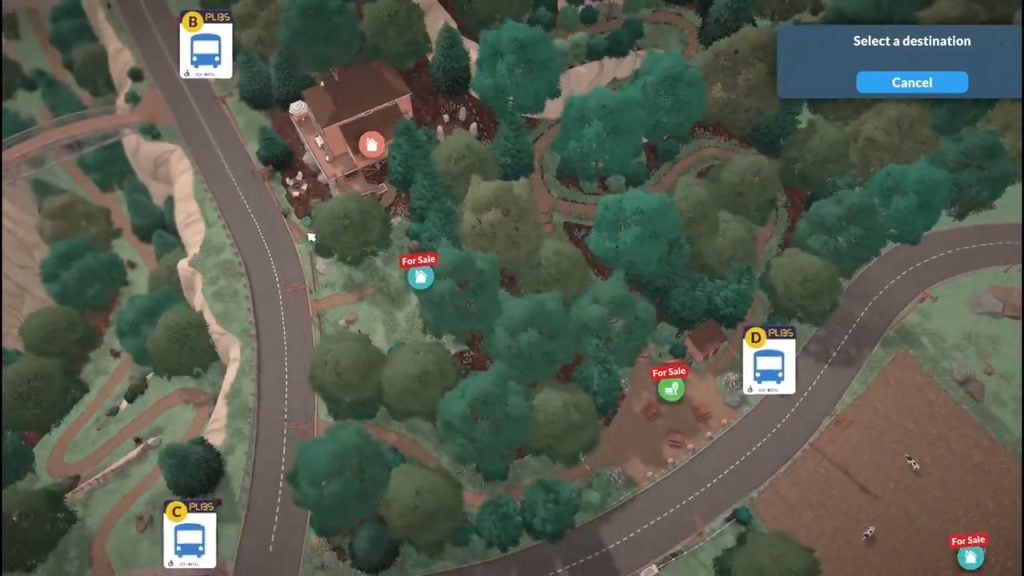
We received some gameplay feedback recently, saying that it took too long to walk from one end of the town to the other, so we created bus stops. You can choose from a variety of locations on the map to get to where you want to go quicker.
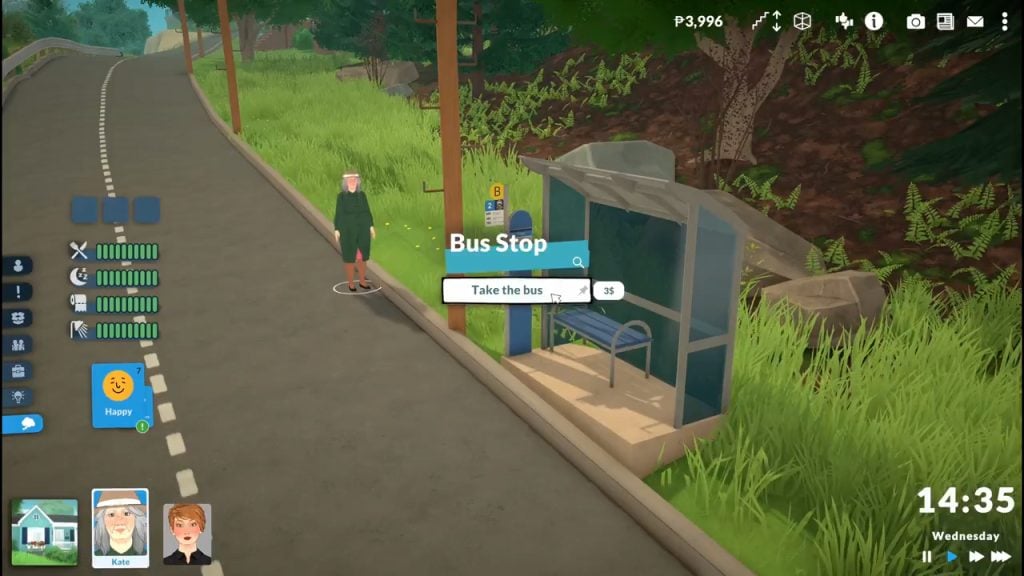
This new update was shown off in a recent video posted by the team on social media, where we see an elderly Parafolk using the bus to get from the mountain to the picnic area.
Clicking on the bus stop will bring up a Take Bus menu for you to choose where you want to go.
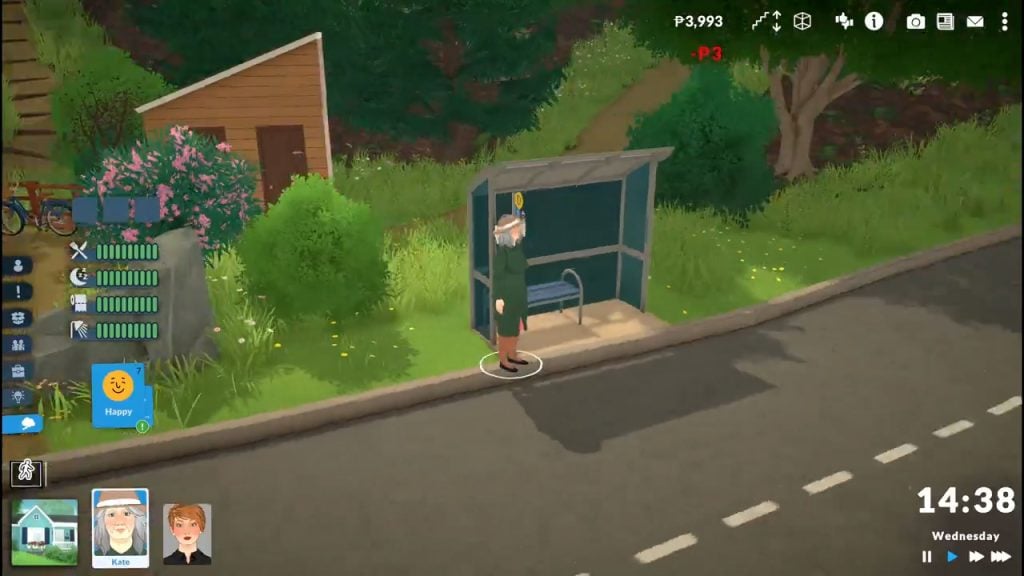
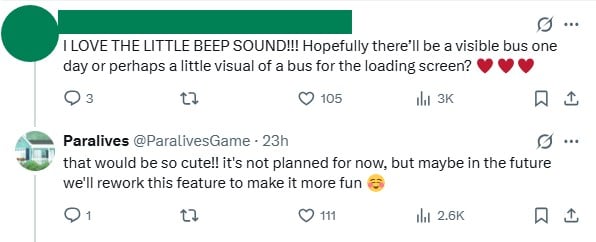
No, you didn’t miss the bus. Unfortunately, the team aren’t currently planning to add an actual bus animation into the game.
Instead, the game will fade to black and then reload outside the bus stop at your destination.
While that might sound disappointing, we can hold out hope that one of the future updates brings us actual Paralives buses we can see our Parafolk get on and off.
Plus, the main reason this update was added to the game was to cut down time spent walking around rather than for aesthetics, so it makes sense that the team prioritised implementing something speedy rather than spending time on new animations and assets.
What About Other Transport Options?
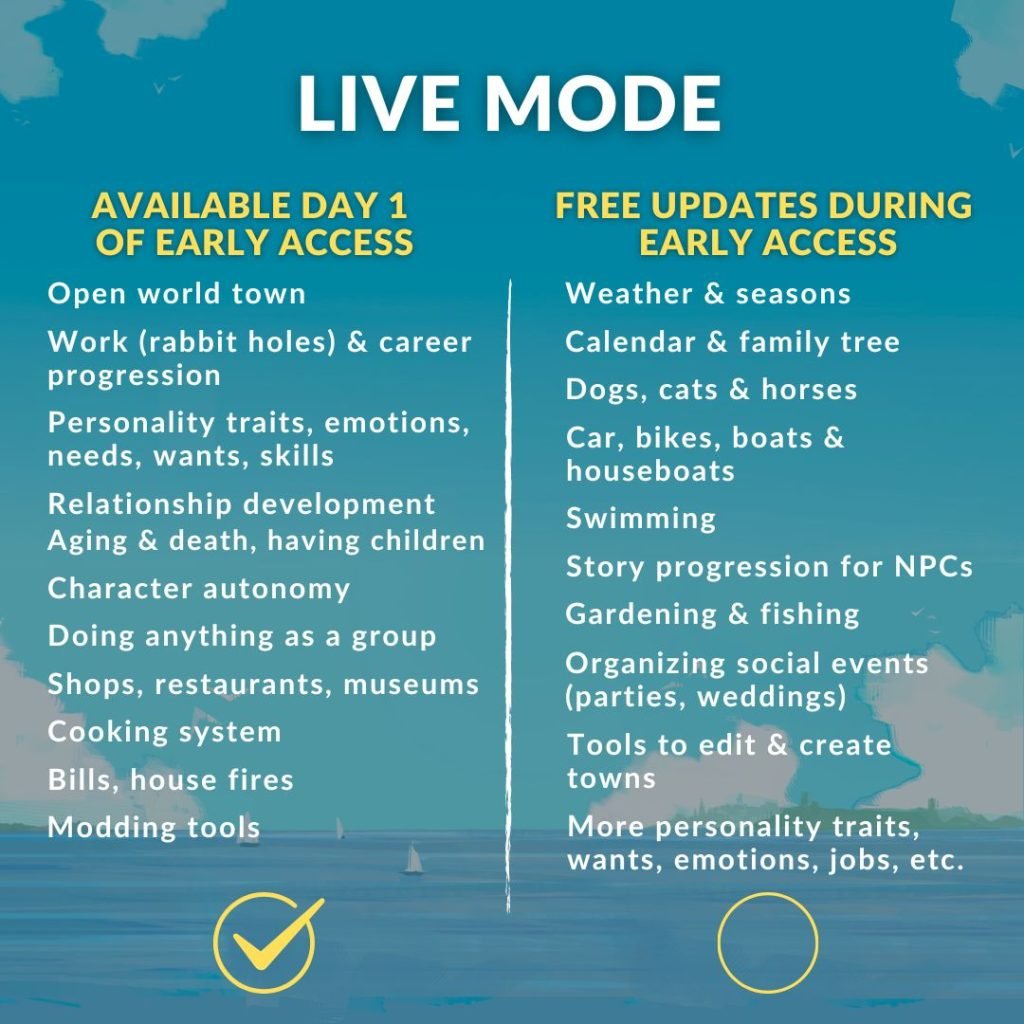
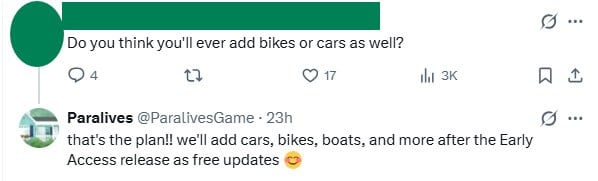
Paralives has confirmed that it will be bringing cars, boats, and bikes into the game throughout the early access updates, but they won’t be available on the first day of release.
Until they come into the game, your Paras will need to either walk or take public transport to get anywhere.
In the post announcing the new bus network being added to the game, they confirmed this is still the plan in the post replies.
Reactions
Reactions to the Paralives buses have been largely positive across their social media pages.
People really appreciate how this isn’t just an instant teleportation feature and that it costs in-game currency to use, saying how good it is that it has been implemented in a way that feels realistic. Fans are also saying how convenient this new feature looks.
However, some people on Reddit were quick to point out how the animation from the video doesn’t look polished.
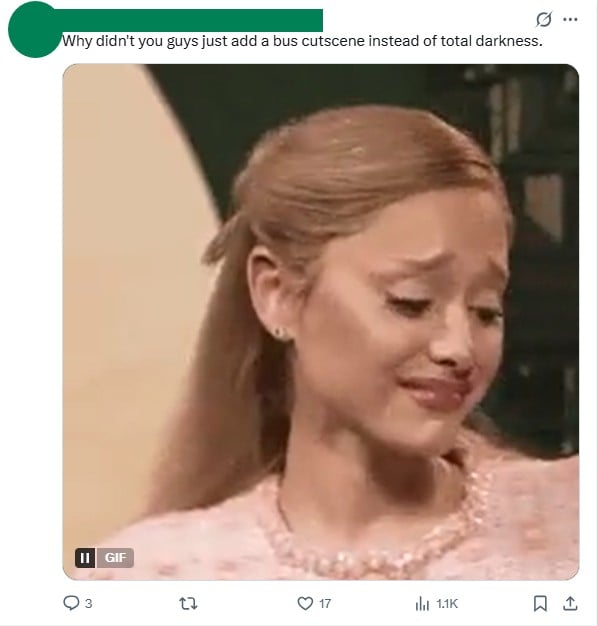
There are, of course, people who are upset about the choice to fade to black instead of including an actual bus or bus loading screen, but since the team has already said they’re open to adding this further into development and updates, we can only see how development continues.
The new Paralives buses are something that fans largely seem to be happy about, but what do you think? Is this something you think is going to be helpful for getting your Parafolk from A to B? Let us know below.
Gameplay hacks for one of our all time favourite games, The Sims 3. In this guide you’ll find a complete organized guide for all The Sims 3 Cheats you need to know about. Whether it’s for storytelling, building, making your Sim super rich, or hear a goofy joke. The choice is yours.
Complete Guide to The Sims 3 Cheats
How Do I Type in a Cheat Code in The Sims 3?
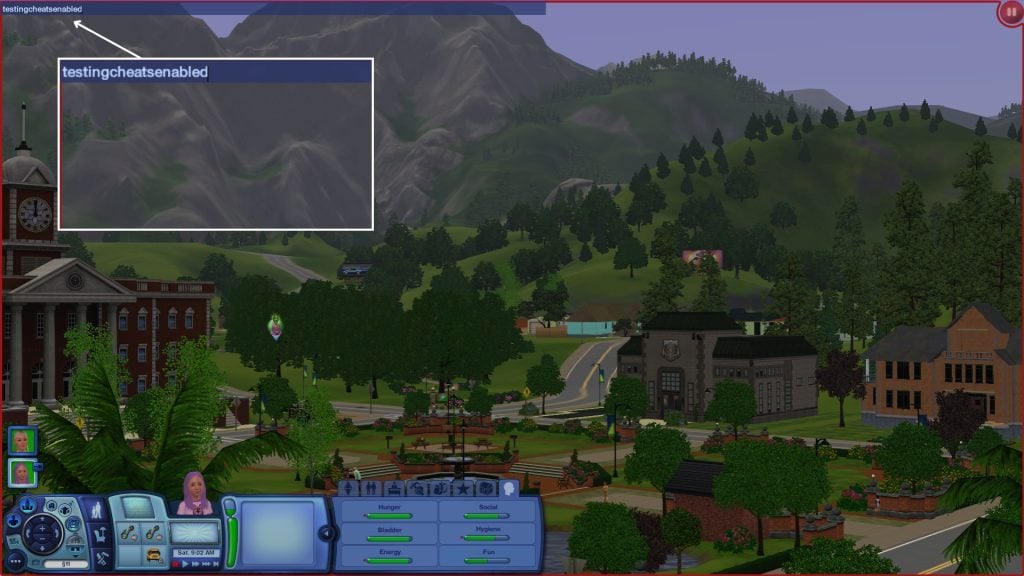
By pressing Ctrl/Cmd + Shift + C you open a small cheat window at the top of your screen. To be able to even have the cheat codes working you have to first type in testingCheatsEnabled and press enter. By doing this all the cheat codes are on. Close the cheat console by pressing Esc or Ctrl/Cmd + Shift + C.
Testing Cheats (Advanced Mode)
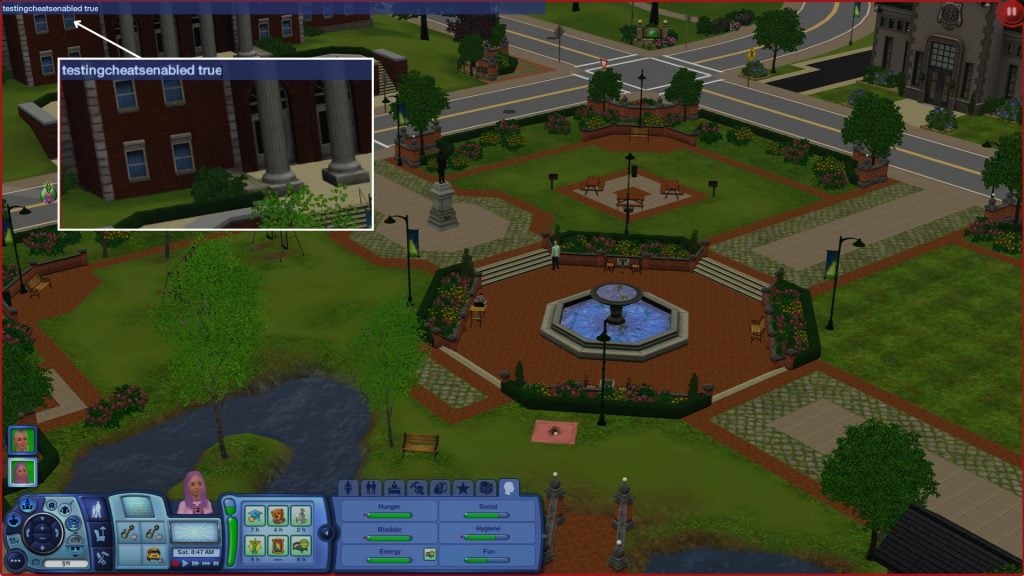
To unlock even more cheats that are more advanced you have to type in testingcheatsenabled true. Turn off: testingcheatsenabled false. Many cheats use 1/on/true to enable and 0/off/false to disable. These all mean the same thing — you can use whichever version you prefer. The cheats mentioned in this article needs to be activated with this cheat code to work.
Click and Drag
You can now Click and Drag your Sims need bars and their relationships. You can also manage their profession progress (if you have The Sims 3: Ambitions).
Shift + Click on Mailbox
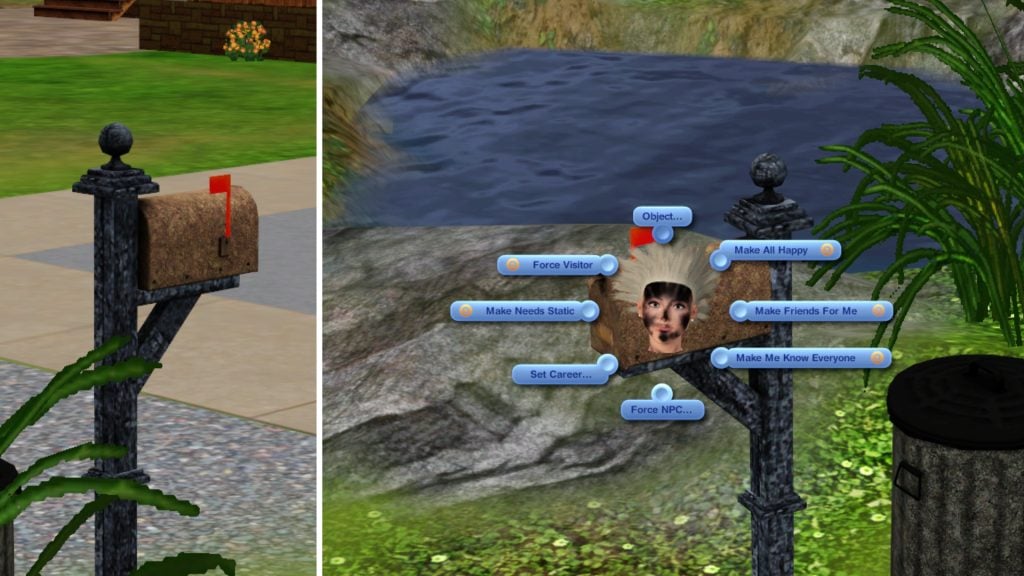
If you Shift + Click on the mailbox a special debug pie menu will show. This menu lets you manage needs, relationships, careers and NPCs.
Shift + Click on a Sim
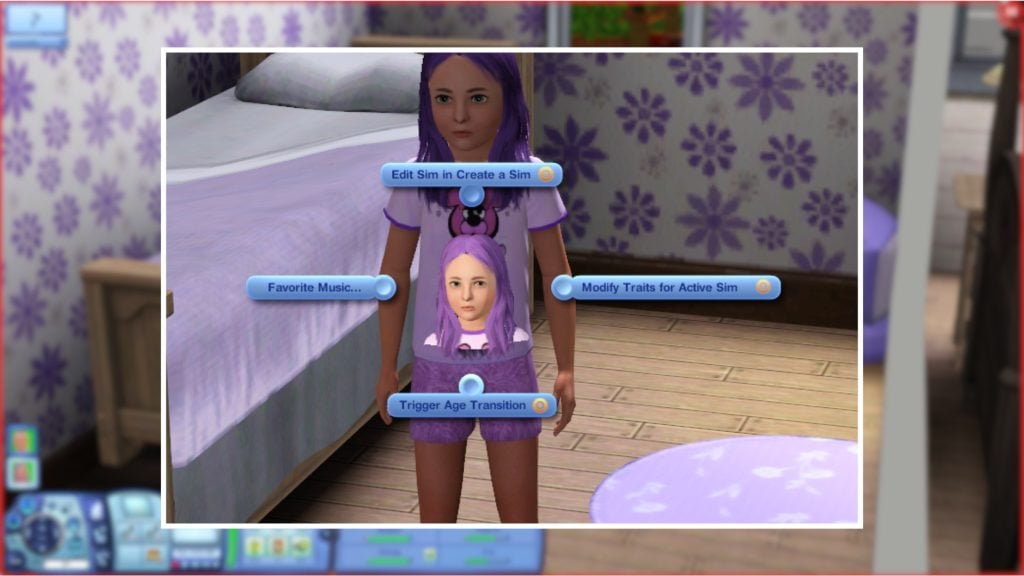
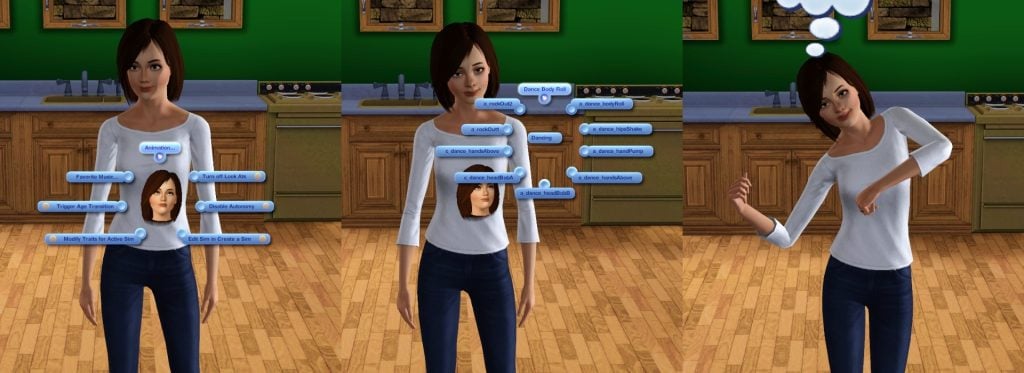
If you Shift + Click on a Sim you can trigger their aging, add other Sims to your household, pick a favorite music, and edit that Sim in CAS. If you Shift + Click on your active Sim you can change and modify your traits.
Shift + Click Floor/Ground
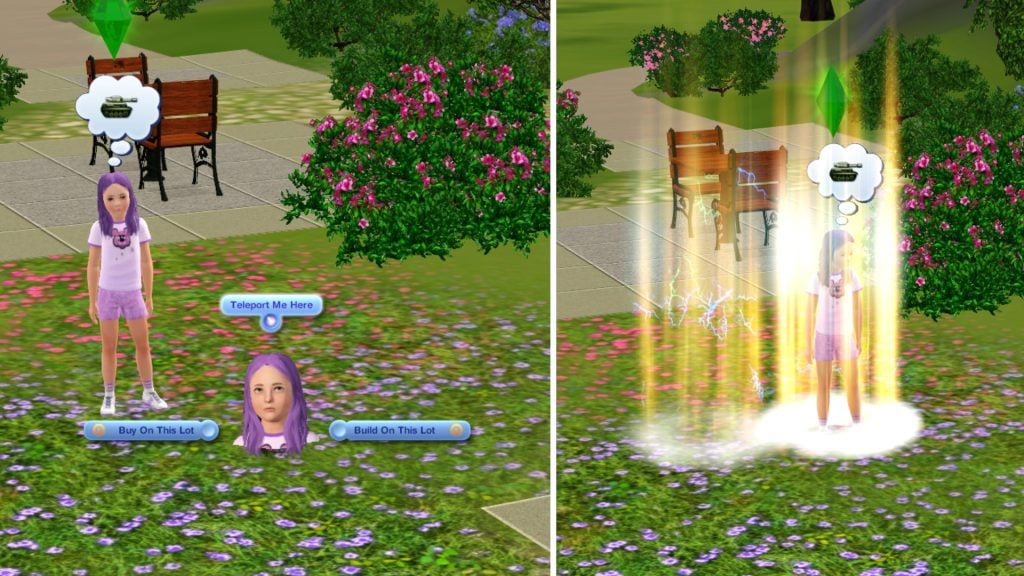
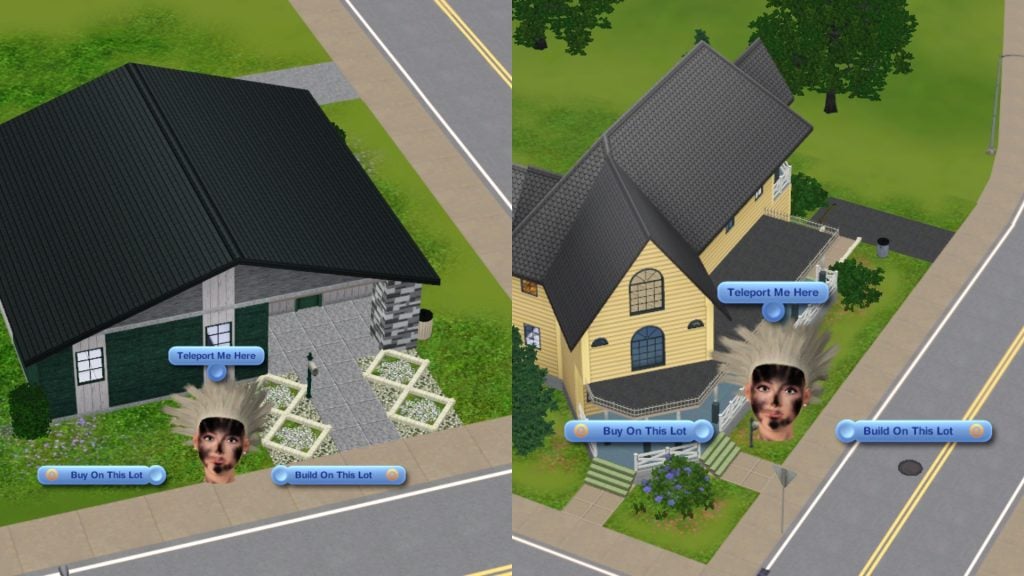
If you Shift + Click on the floor/ground you can teleport your Sim, and open the Build/Buy mode on the lot you are clicking on. As for the objects, if you Shift + Click on them you can delete them
Shift + Click on a Workplace Rabbit Hole
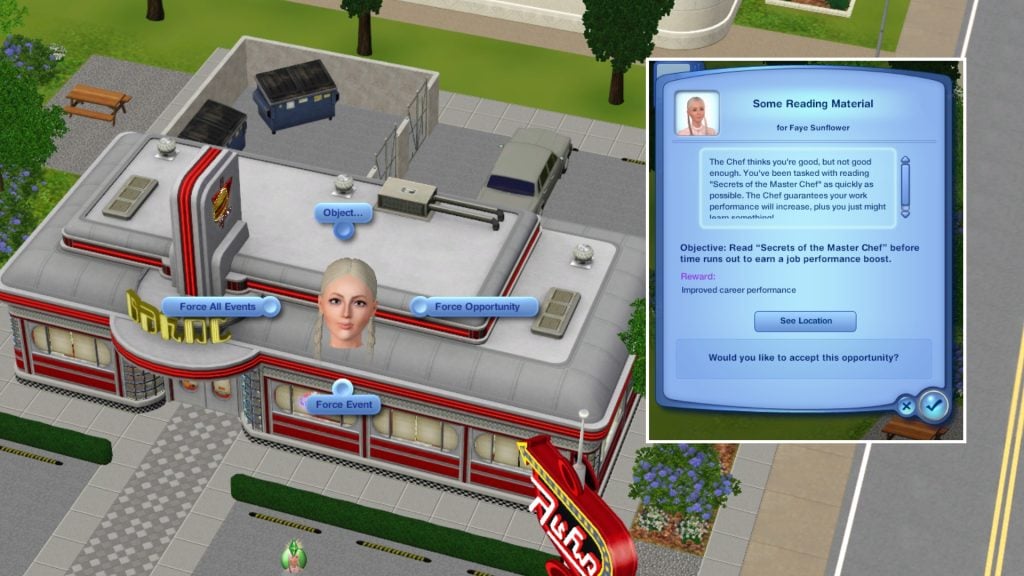
Shift + Click on a workplace rabbit hole gives you three options. Force Opportunity, Force Event, and Force all events. This option is only available at the workplace where your Sim is currently employed.
Ctrl + Shift Click in Build/Buy Mode
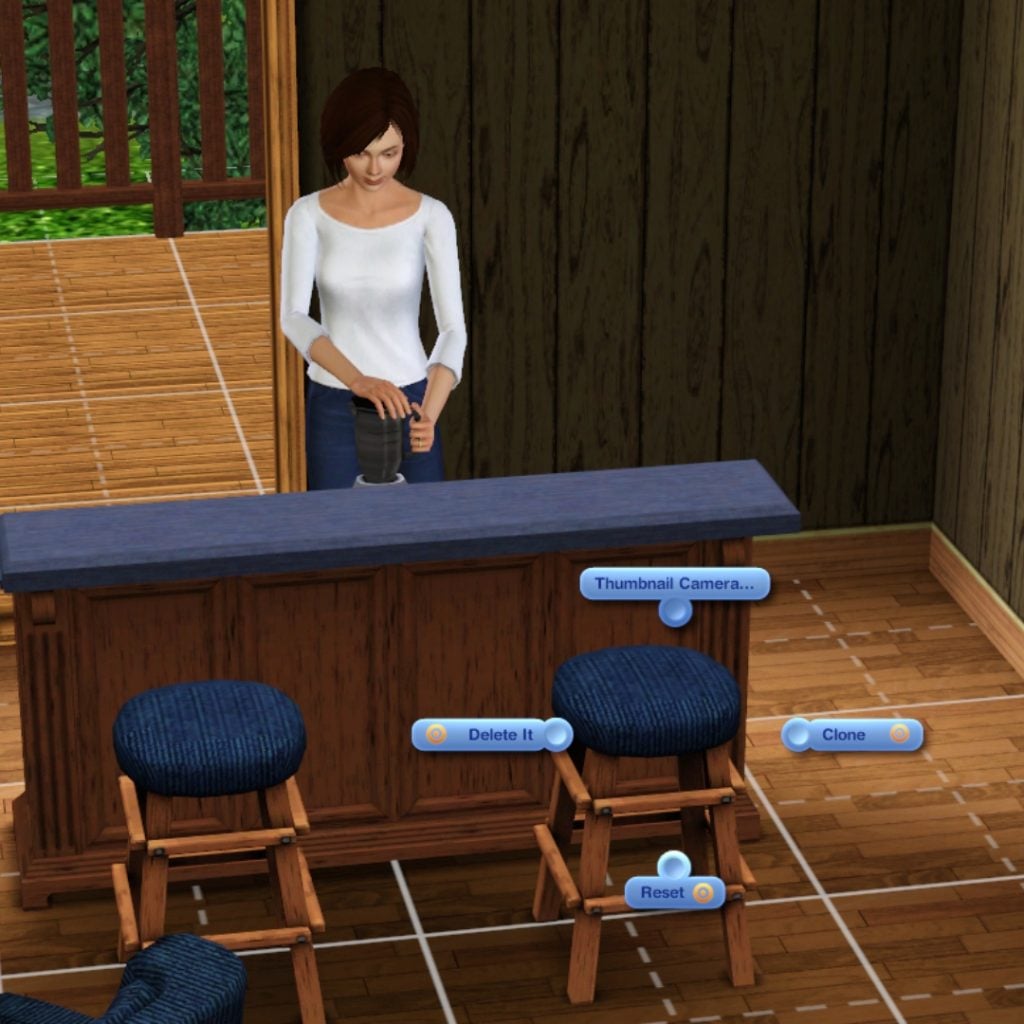
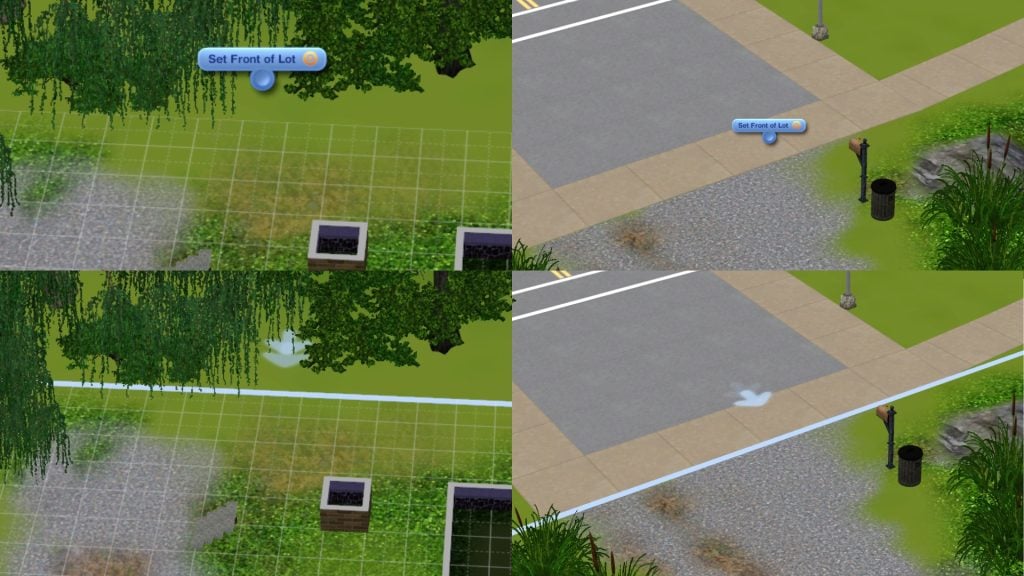
Ctrl + Shift Click on any object enables you to delete, clone or reset it. Ctrl + Shift Click on the lot which enables you to Set Front of Lot/Unsent Front of Lot. Meaning you decide where you want the front of the lot to be, and then Sims who arrive at the lot will do it from where the arrows on the lot are pointing at. It’s similar to when you mark a door as your front door.
Ctrl + Click
Ctrl + Click on your Sims moodlet to immediately delete it
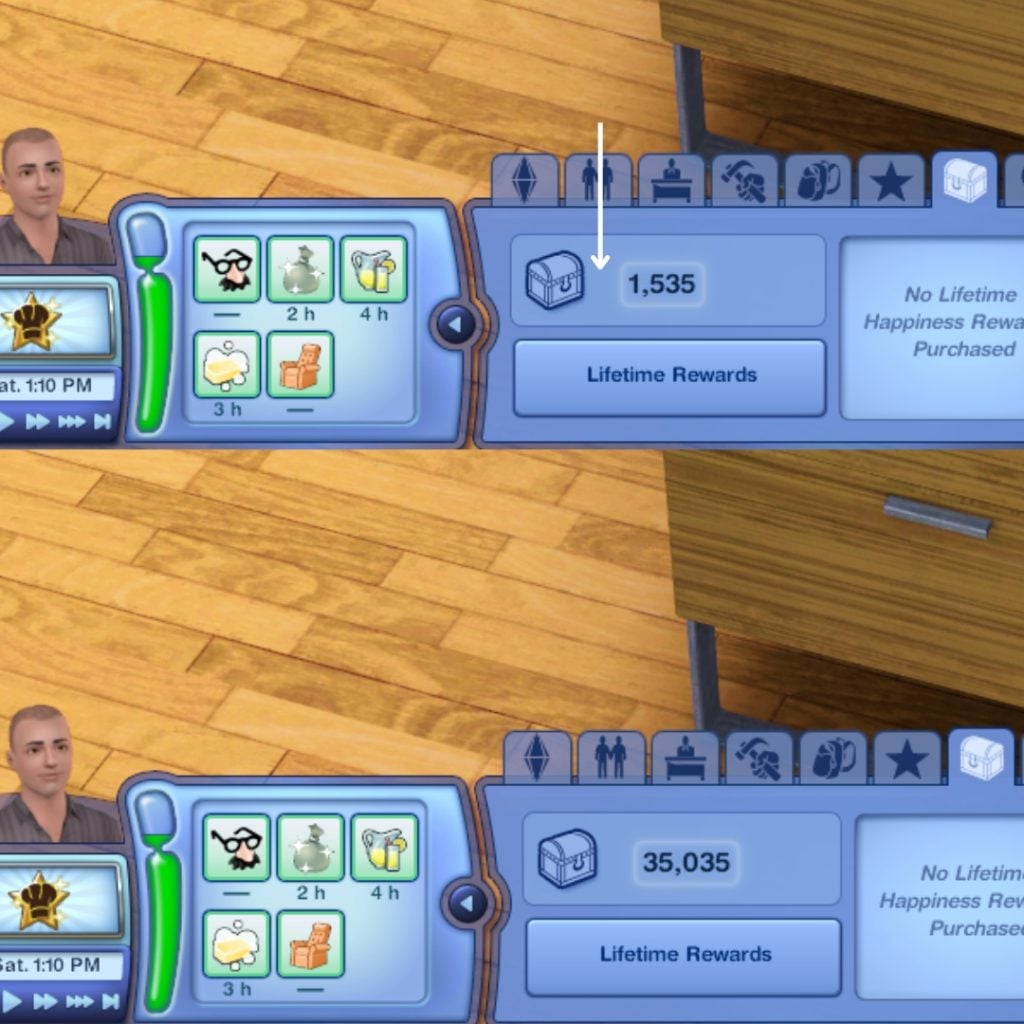
You can manage your lifetime happiness by Ctrl + Click between the chest and the points
Money Cheats
The cheat codes we all wish we could use in real life. kaching – 1000 Simoleons are added to your household motherlode – 50, 000 Simoleons are added to your household familyfunds [Household] [Amount] – You set the total amount of funds for your family to have in their household
Gameplay Cheats
freerealestate – Your Sim can now buy lots for FREE.
Sims Cheats
resetSim [FirstnameLastname] – Reset and teleports your Sim back home ageuptonpc – When your toddler ages up to a child it will become an NPC in your household
CAS Cheats
unlockOutfits on/off – Unlocks Career and NPC outfits. Enter before you go into CAS.
Build/Buy Mode Cheats
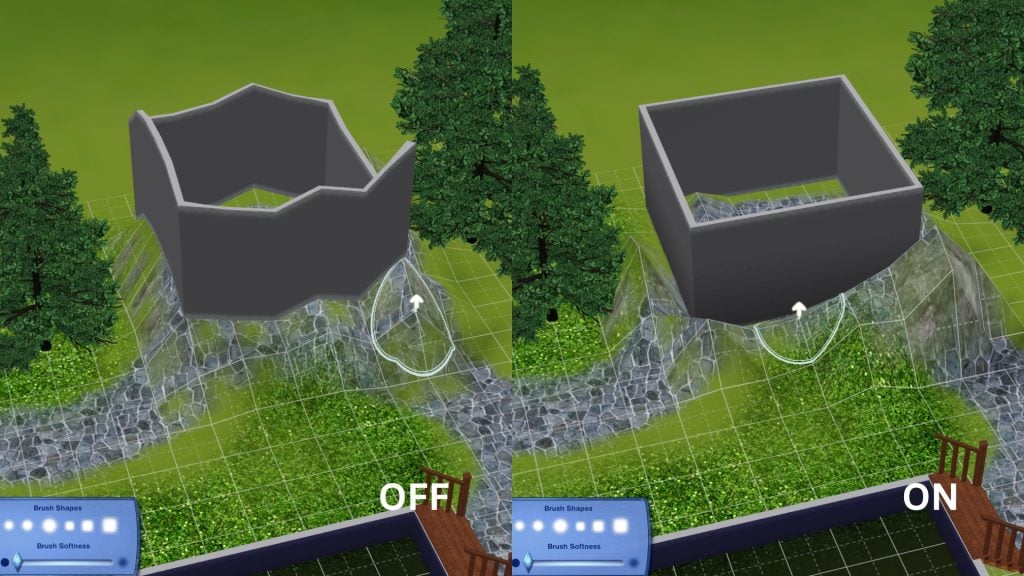
moveObjects on/off – Removes any limitation for your object, and it lets you place the object off center disableSnappingToSlotsOnAlt on/off – Object will not snap while pressing alt key
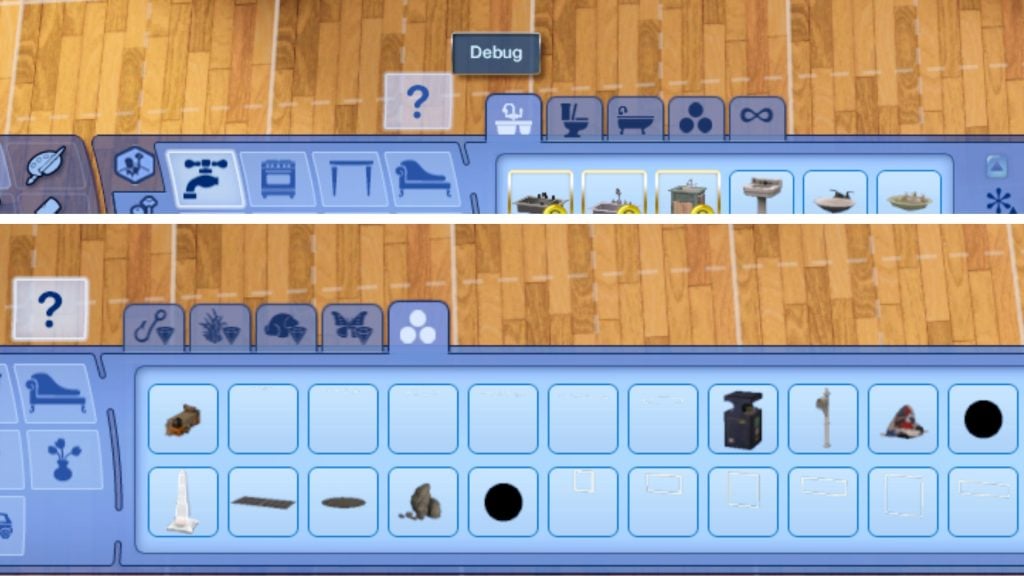
buydebug on/off – Unlocks a bunch of debug objects
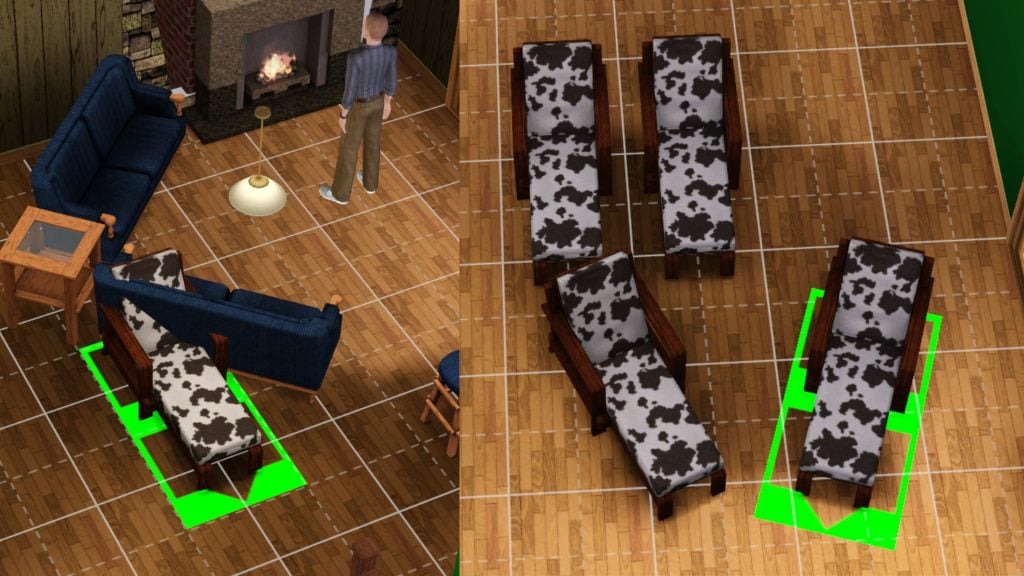
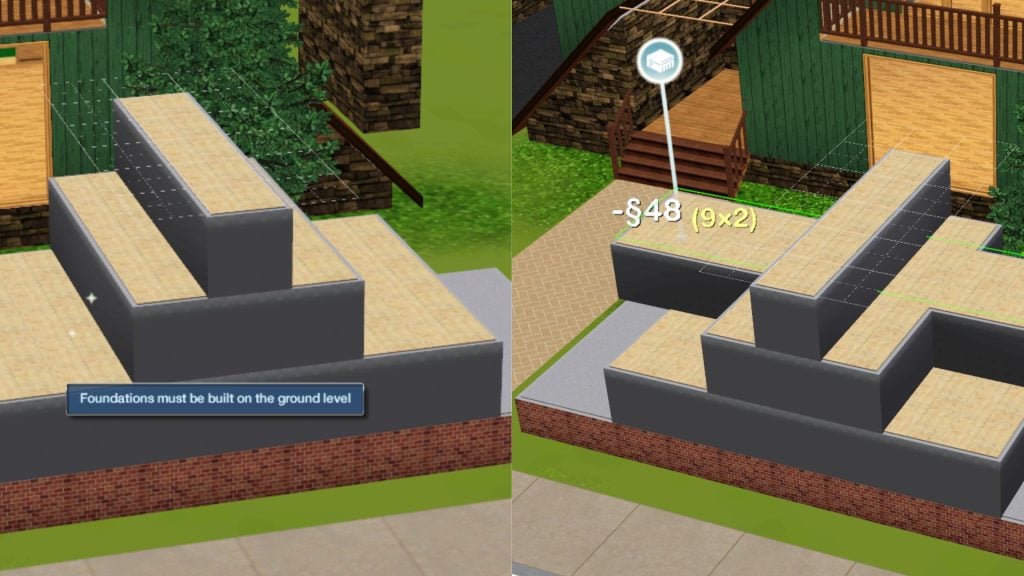
placeFriezes on/off — Enables you to build a foundation freely, and not only on ground level
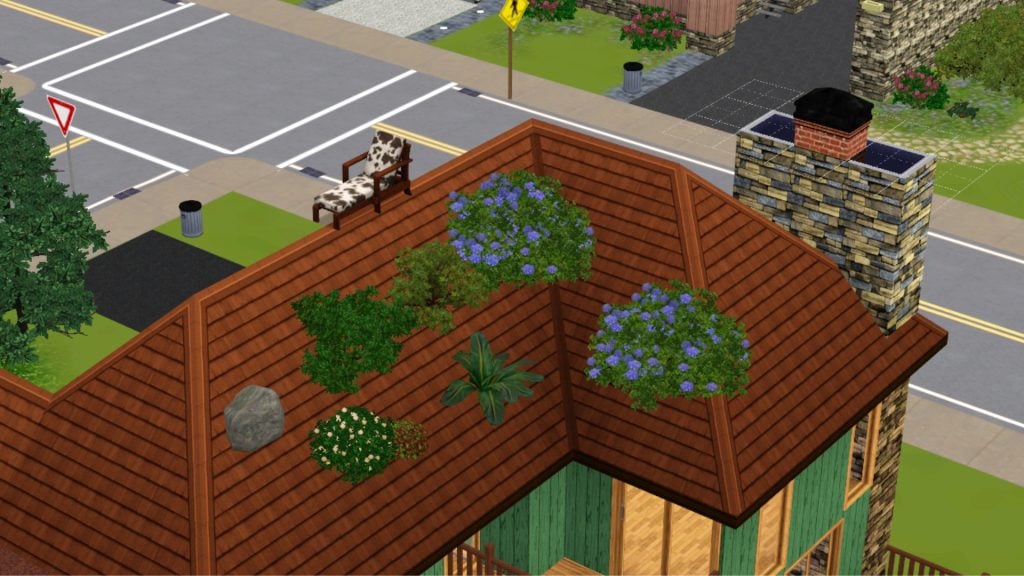
RestrictBuildBuyInBuildings on/off – Edit and build on public lots enableLotLocking on/off – Lock/unlock lots for editing AlwaysAllowBuildBuy on/off – Enter Buy/Build anytime. Even if a Sim is dying or during a fire. allowObjectsOnRoofs on/off – Allow object placement on roofs
Goofy Cheats
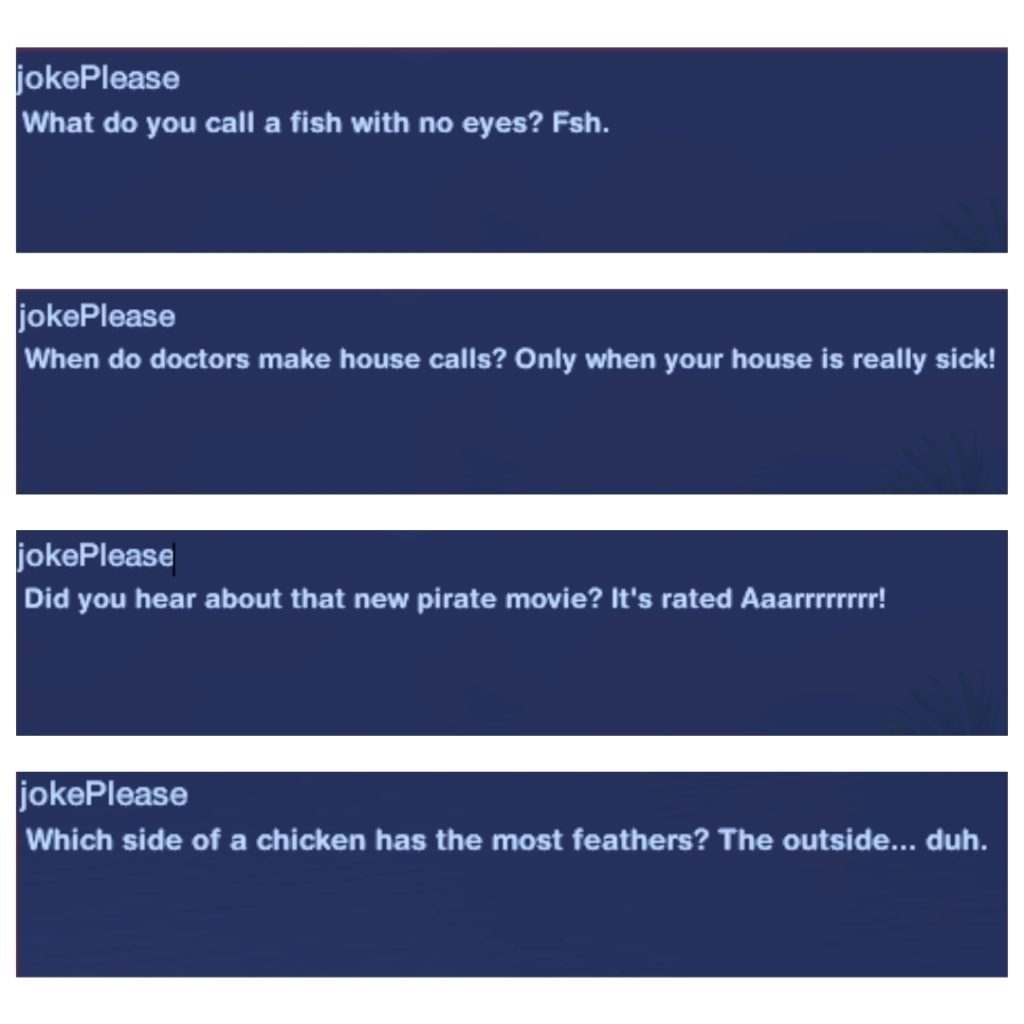
jokePlease – A random joke pops up in the console. Doesn’t affect your gameplay.
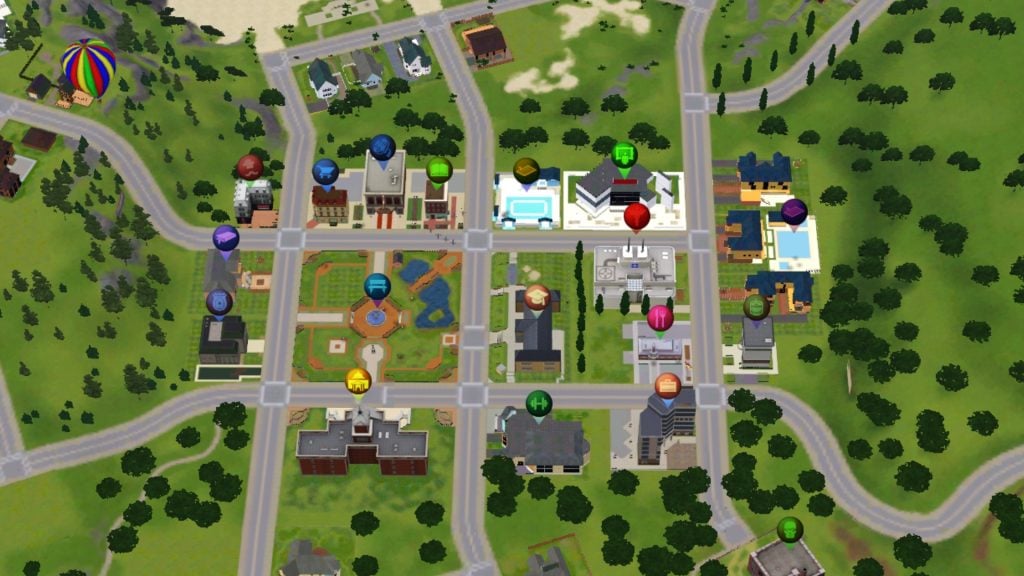
discotags on/off – The maptags will blink and change color
Expansion Pack Cheats
discoverAllUnchartedIslands – Unlocks all the hidden islands – The Sims 3: Island Paradise Ctrl + Shift Click on any bars you can hire a new bartender and manage their working shifts – The Sims 3: Island Paradise OnTogglePerformanceMeter – Shows a performance bar above your playable Sim while they’re performing on stage – The Sims 3: Showtime Shift + Click on Community lots and NPC neighborhood houses to Spawn a job. – The Sims 3: Ambitions Shift + Click on mailbox to manage the supernatural life states in game – The Sims 3: Supernatural Shift + Click on floor lets you control the weather – The Sims 3: Seasons
Visual & Filming Cheats
hideHeadlinesEffects – Hides the plumbob and talking bubbles Moviemakercheatsenabled – Lets you pose your Sims by Shift + Clicking on your Sim
recordvideo small/medium/large low/moderate/high/max – You will start recordning a video with a specific quality and size maptags on/off – Hide or show your map tags enableLlamason/off – Turn llama notifications on/off that appears in your top right corner. Doesn’t affect your gameplay.
Technical Cheats
quit – You exit the game fullscreen on/off – You are able to switch between windowed or fullscreen mode fps – Show/hide the frame rate counter in the top right corner fadeObjects on/off – Toggles how an object fade depending on how close the camera is, does not affect your Sim. playsounds on/off – Turn on or off all the audio features. slowMotionViz [0-8] – Enables you to change the game speed from normal 0 to 8 which is the slowest.
Help Cheats
help – Displays a list of the cheats help [CHEATNAME] – Show details for a specific cheat
Cheats can make building easier, storytelling smoother, or gameplay just a little more exciting. But every player has that one cheat they always come back to. So tell us — which The Sims 3 cheat can you not live without? Let us know in the comments below. Check out more The Sims 3 news and guides here.
The Sims FreePlay: An Update on the Case in SimTown: Heir of Mystery
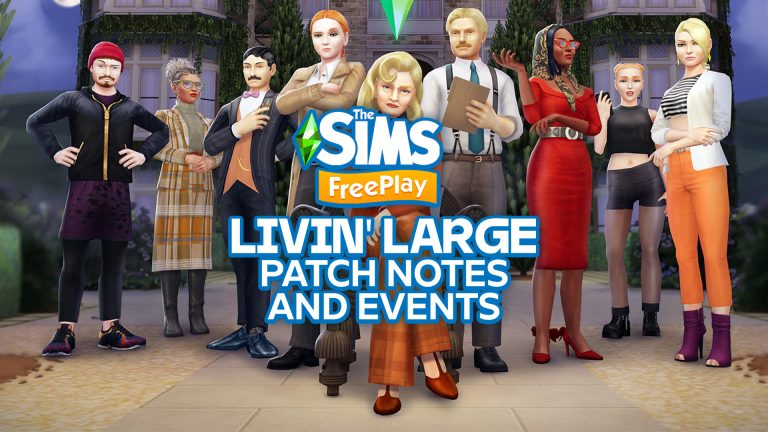
Something mysterious is happening in SimTown with the newest The Sims FreePlay update. The first chapter of the case Heir of Mystery have started and will continue over the next three updates. Follow the clues, uncover hidden secrets, and question which Sims you can truly trust.
Table of Contents
It all begins at the elegant old Landgraab estate, where many questions remain unanswered. This is where your Sim step in as an investigator, trying to piece together a puzzle of clues. Dress your Sim in both polished and elegant outfits that match the mystery theme, and make sure they look professional while interrogating suspects.
Quest: HANS ON!
HANS is making a comeback. Meaning completing a HANS ON! limited time quest you unlock a new object to your Sims home. In this case you unlock a Home Automation Network System, a Freestanding Dishwasher, and Built-In Dishwasher.
Craft Challenges
Three different craft challenges are here. Mystery in the Manor, Fresh Fruiternity, and Glamorous Getaway. The more things you craft, the more things you unlock and discover.
Three different SimChase’s
Race against a rival investigator in a chase. Investigate the manor’s game room as suspicious Sims start entering. Even weddings aren’t safe, a Sim chase can happen anywhere!
Influence Island
On Influence Island, you can influence your way through different scenarios in various locations. But if things become a bit overwhelming, you can relax and unwind at the Lullaby Loft.
More mysteries and suspicious Sims await!
Upcoming The Sims FreePlay Live Events Blog
Sul Sul…
Something isn’t adding up in SimTown. Whispers are spreading faster than wildfire, polite smiles are slipping, and more than a few Sims are suddenly very eager to defend their version of events.
Heir of Mystery opens the first chapter of a case that will continue to unfold across the next three updates. Your Sims are invited to a sprawling countryside estate where wealth, inheritance, and long-held grudges sit just beneath the surface.
As alibis shift and new clues emerge, you will question motives, uncover secrets, and decide who can truly be trusted. In this story, details matter, and every Sim has something to hide.
Before we step into the mystery…
Alongside this update, we’re launching the Livin’ Large Town Expansion, a permanent upgrade to progression, Sim capacity, store upgrades, and Town Map rewards.
If you’d like the full breakdown of what’s changing and how it works, you can read more about Livin’ Large here.
Now… back to the case.
The Case Begins at the Manor
The old Landgraab estate is elegant, opulent, and full of unanswered questions. From locked rooms to lingering glances, every corner hints at a story waiting to be uncovered. Across a series of live events, your Sims step into the role of investigator, piecing together clues and deciding who can truly be trusted.
A Look Worth Inheriting…
Dress your Sims in refined, old-money fashion with the Manor Heiress Look. This polished outfit arrives as a gift in your inbox throughout the first week of the update, delivered in four elegant variations that perfectly suit estate life, from afternoon tea to quiet interrogations.
Each variation is available to claim for 48 hours and keep forever.
Here’s what’s coming to light…
Craft Challenge: Mystery in the Manor
Elegant décor fills the estate, but not everything is as it seems. Restore refined rooms and polished interiors while subtle clues emerge along the way. The more you craft, the more questions begin to surface.
SimChase: SimTown P.I.
This case isn’t yours alone. A rival investigator has appeared, and they’re determined to stay one step ahead. Race through offices and leads as the investigation grows more crowded and trust becomes harder to place.
SimChase: A Game of Crime
Suspicion simmers in the manor’s game room, where polite play turns into risky business. As Sims gather around polished tables, sharp glances and hidden motives come to light. Some games are more dangerous than they appear.
Influence Island: Misdeeds on the Green
The estate gardens are pristine, perhaps too pristine. As conversations unfold among trimmed hedges and quiet paths, doubts begin to grow. Influence your way through hushed exchanges and uneasy truths as the mystery takes a new turn.
Other stories are unfolding across SimTown…
Quest: HANS ON!
Professor Hans Free’s ambitious Home Automation Network System aka HANS, is making its return to SimTown. Designed to modernize everyday living, HANS offers control over light color, light dimming, and streamlining of other chores as it brings smart technology into your Sims’ homes
But as with any ambitious experiment, things don’t go entirely according to plan. Help guide Hans through the challenges of launching his system and unlock the Home Automation Network System, along with both Freestanding and Built-In Dishwashers, to add a little high-tech convenience to your household once again.
Influence Island: An Inheri-Tense Situation
A long-lost relative has vanished, leaving behind a valuable collection and a line of eager bidders ready to claim it. Influence your way through tense conversations and raised eyebrows to prove you’re the rightful heir before Ben E. Ficiary seals the deal.
Craft Challenge: Fresh Fruiternity
Bring a splash of playful charm into your home with fruit-filled décor that celebrates spring in style. From citrus-patterned walls to cozy furniture trimmed with juicy details, this challenge is all about bold colour, lighthearted design, and a home that feels ripe with personality.
Craft Challenge: Glamorous Getaway
Turn everyday living into something a little more indulgent. Craft modern glam interiors with marble finishes, statement lighting, sleek furnishings, and polished décor that feels perfectly suited for Sims who enjoy the finer things.
Influence Island: Lullaby Loft
Create a calm, elevated space designed for rest and relaxation. Soft lighting, limewashed walls, cozy textures, and gentle motion come together to create a loft where your Sims can slow down, sway gently, and unwind in comfort.
Influence Island: Tranquil Retreat
Step into a space of quiet luxury and self-care. With soothing water features, arched accents, and carefully curated furnishings, this retreat offers a peaceful escape where beauty, balance, and calm take center stage.
SimChase: Spouse Showdown!
Wedding bells are ringing, but someone’s trying to outshine the happy couple. Race through this high-stakes showdown to unlock elegant wedding décor, bold fashion, and dramatic finishing touches that prove your Sims know how to make an entrance.
Complete Event List*
Event
Start time (UTC timezone)
End time (UTC timezone)
Event Duration
NEW Craft Challenge: Mystery in the Manor
March 2, 2026 7:00
March 14, 2026 7:00
10 Days
Influence Island: Season 36 – “Lullaby Loft”
March 2, 2026 7:00
March 8, 2026 7:00
5 Days
NEW Manor Heiress Outfit Drop
March 3, 2026 7:00
March 11, 2026 7:00
9 Days
Premium Perks: Season 6
March 5, 2026 7:00
March 14, 2026 7:00
7 Days
NEW SimChase: Season 99 – “SimTown P.I.
March 9, 2026 7:00
March 19, 2026 7:00
9 Days
Paperboy Rewards with 2x Multiplier
March 14, 2026 7:00
March 18, 2026 7:00
4 Days
Influence Island: Season 80 – “An Inheri-tense Situation”
March 16, 2026 7:00
March 21, 2026 7:00
5 Days
Craft Challenge – “Fresh Fruiternity”
March 18, 2026 7:00
March 29, 2026 7:00
10 Days
NEW Pregnancy Pack 50 – “ Vintage Nursery”
March 20, 2026 7:00
March 28, 2026 7:00
9 Days
NEWSimChase: Season 100 – “A Game of Crimes”
March 25, 2026 7:00
April 4, 2026 7:00
9 Days
Premium Perks: Season 7
March 28, 2026 7:00
April 6, 2026 7:00
7 Days
Influence Island: Season 40 – “Tranquil Retreat”
March 30, 2026 7:00
April 4, 2026 7:00
5 Days
Craft Challenge – “Glamorous Getaway”
April 3, 2026 7:00
April 14, 2026 7:00
10 Days
Paperboy Rewards with 3x Multiplier
April 3, 2026 7:00
April 7, 2026 7:00
4 Days
SimChase: Season 57 – “Spouse Showdown!
April 9, 2026 7:00
April 19, 2026 7:00
9 Days
RE-RUN Hans On Quest
April 10, 2026 7:00
April 13, 2026 7:00
7 Days
NEW Influence Island: Season 81 – “Misdeeds on the Green”
April 13, 2026 7:00
April 18, 2026 7:00
5 Days
This is only the beginning
The case opened in Heir of Mystery won’t be resolved overnight. It unfolds across three connected updates, beginning here. New locations, new characters, and new twists will reshape what you think you know.
For now, keep your eyes open, your notes close, and your suspicions closer.
When everyone has an alibi, the truth has a habit of hiding in plain sight.
Dag Dag!
Latest The Sims FreePlay Patch Notes
Sul Sul Simmers!
Here’s a list of the fixes we’ve made in the latest release of TSFP:
Lighting fixes
Fixed a bug that prevented lighting items at a Residence from updating to the color selected in Enhanced Lighting mode using HANS.
Fixed a lighting issue that caused dark textures to appear on candle items placed on the Festive Pine Dining Table in Enhanced Lighting mode.
Fixed a glitch that rendered the shadow of the stairs on the upper floor in an incorrect place.
Fixed a visual glitch that produced a black texture near the Beach/Walnut Midwest Pullout Bin.
Fixed an issue that caused screen-flickering in certain areas of the ice rink at the Snow Park when using the Classic Lighting mode.
Fixed a visual glitch that rendered dark textures on the walls of Modest Beech Stairs in the Enhanced Lighting mode.
Fixed a lighting issue where the Single/Double/Quad Pink Drapes appeared brighter than they should in the Enhanced Lighting mode.
Fixed a visual glitch that rendered dark textures on the Neutral/Vibrant Sorority Single objects in the Enhanced Lighting mode.
Fixed a visual glitch on fireplaces when turning them on or off.
General improvements and bug fixes
Fixed an issue that made multiple variants of a certain rug appear darker.
Fixed a bug that reverted players’ Community Market Customers to the ones from the CM tutorial upon performing certain in-game actions.
Fixed a bug that prevented certain Daily Tasks involving actions with Pets from completing.
Fixed an issue that caused Daily Tasks to reset unexpectedly when the local time shifted due to daylight saving.
Fixed a bug that removed the audio of Sims singing while they performed actions in the shower.
Fixed a visual glitch that produced a dark texture on the corn plant at the Community Market when produce was ready for collection.
Fixed a glitch that caused the glass object to be out of sync with the Sims’ hand(s) when they performed actions at the Coastal Juice Bar.
Fixed a bug that replaced the ‘Download Later’ button with ‘Quit’ in the ‘DLC Download Error’ Pop-up on Amazon platform devices.
Fixed a bug where the screen on the Rose Gold/Gold/White/Black Tablet Device didn’t display anything when Sims performed actions on it.
Fixed a bug that prevented Sims from using the Go For A Drive interaction on cars at a certain Home Lot.
Fixed a bug that prevented the charcoal-burning VFX from appearing when using the BBQ grill at the Town Park or Deer Spring Falls.
Fixed a glitch that prevented the Sunroom Box Seating Bay window objects from adapting to the floor texture at a Residence.
Fixed a bug that removed the adult Siamese Cat from being available for purchase at the Pet Store.
Fixed a bug that could result in getting stuck on the Daily Tasks completion screen.
Fixed a bug that incorrectly surfaced the “Feed birds at campgrounds” Daily Task for players who hadn’t yet built the Bird Feeder.
Reduced the SFX volume when using the Collect All Revenue button on the Town Map.
Fixed an issue where certain hairstyles had low-res textures.
Fixed a glitch where, in the Build Mode, windows incorrectly snapped onto upper floors instead of the ground floor of a Residence.
Fixed a bug where multiple objects in the Home Store incorrectly moved from the Decorations tab to the Outdoor Decorations one.
Fixed an issue where some Backyard Wedding house templates were missing objects and lacked functionality on the wedding arbour.
Fixed a glitch where Sims clipped through the bollards near the parking area of the Plumberg Lot.
Fixed a couple of UI issues in the Daily Task and Mystery Box screens for certain foldable devices.
Fixed a bug that made it difficult to tap the Dismiss button on various Coming Soon and Now Available screens.
Added an interaction on the Simoleon Swap machines from the ‘It’s On Like Yamachan!’ event.
Fixed a glitch where the texture of a path near the garden area of certain Large House Lots appeared broken.
Fixed a glitch where the texture at the top of the chimney incorrectly renders on the floor above the Restaurant.
Fixed a visual glitch that caused a black texture to appear on the TV cabinet when the Glamor TV Unit was placed at a residence in the Enhanced Lighting mode.
Fixed a bug where certain hairstyles didn’t render when adult Sims entered the shower.
Fixed a bug that prevented preteen Sims from bathing toddler Sims.
Fixed a glitch that caused senior Sims to be out of sync while performing certain actions at the Gold Round Double Spa.
Fixed a visual glitch that caused Sims to clip through walls when performing actions with the Pine Holio/Beech Holio Cornhole Sets.
Fixed an issue that could leave Sims standing in front of dartboards while they’re being used.
If you missed it, you can also read about the previous Sims FreePlay update teaser that was revealed last week.
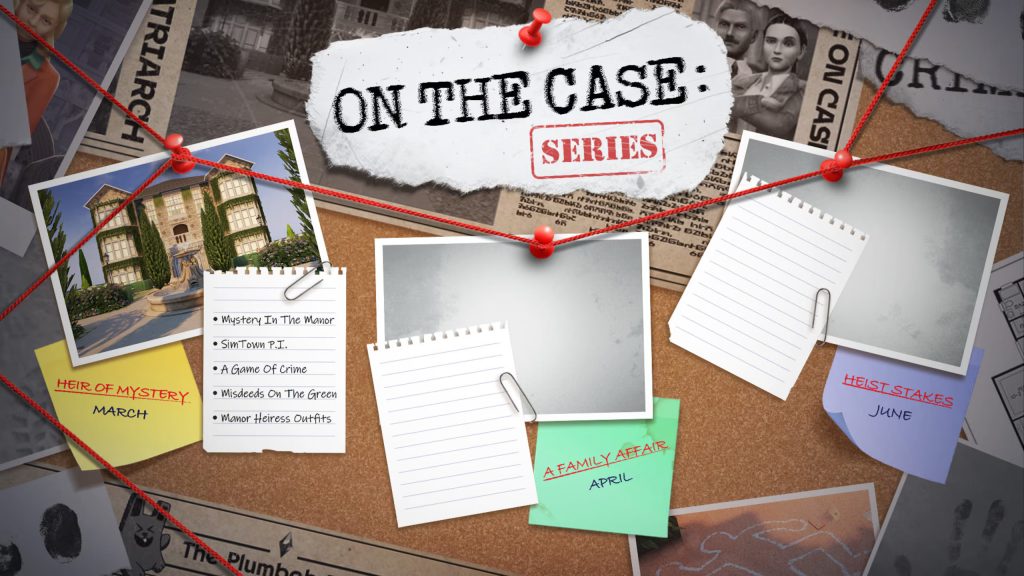
On The Case Series: Coming Next
A Family Affair (April)
Heist Stakes (June)
What do you think about The Sims FreePlay case series so far? Let us know in the comments below, and stay updated for the latest information on The Sims FreePlay on Sims Community.
“The intent is to provide creators with a sense of pride and accomplishment for unlocking 30% revenue opportunities”
That quote above was not in any way said by anyone at The Sims Team. It’s inspired by Reddit’s most downvoted comment in history, written by the EA Star Wars franchise representative.
But the same sense of monetization funneling and questionable sense of accomplishment goes with the recent announcement of The Sims 4 Marketplace’s 30% cut for the creators. Making it seem like CC creators around the world have to band together in order to pay out EA’s 20 billion dollar buyout debt.
Today, EA has opened up invitations to join and register for The Sims 4 Marketplace and get that 30%. “It pays in exposure” was probably a huge thought process behind the upper executives when thinking of this cut deal. As if there aren’t other well established platforms that provide individual creators 83% for their talents. And allow the players to get that content for free after a month’s worth of early access initiatives.
Without being too opinionated about this (the featured image was more than enough for a statement), you can join The Sims 4 Maker Program down below.
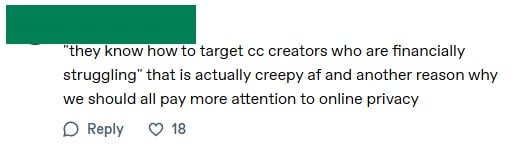
“They really do know how to target CC creators who are either greedy or financially struggling”
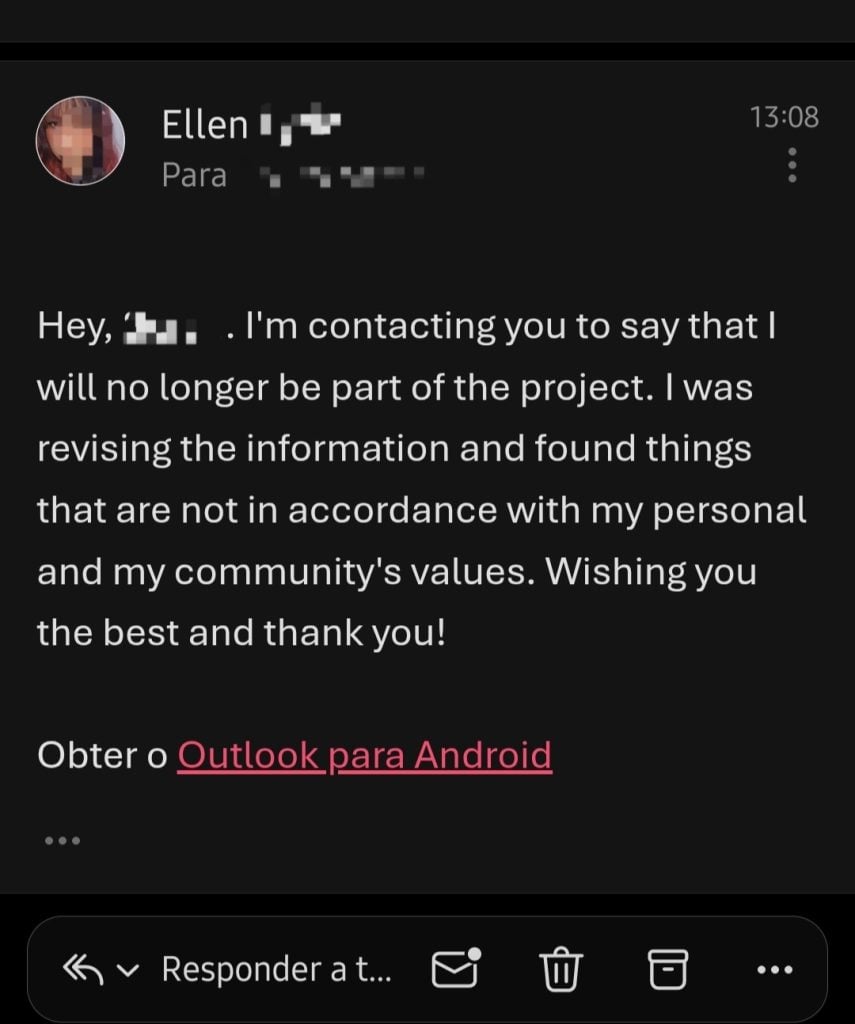
In a long message posted to their Tumblr page, Sims 4 creator Simandy announced that they would be leaving the new Marketplace and Maker Program after learning new information that was “not in accordance with my personal and my community’s values”.
She is now urging other creators to do the same, emphasising that they can “just get out”.
We are bringing you the latest updates from the new marketplace and maker program as they happen, so keep checking our dedicated pages for updates.
The Sims 4 Maker Program Creator Leaving
Who is Simandy?
Simandy is a Sims 4 creator who makes lots of maxis match style custom content, such as hair and clothing, often taking commissions from their followers.
Simandy’s Statement
In this statement, she explains that she was approached about a “project” – which we now know to be the new Maker Program – and that it was initially presented as an easy opportunity to earn extra money while continuing their usual content.
As the explanation continues, Simandy describes how the program operated and why it began to feel uncomfortable. She then goes on to describe how the organisers knew how to target creators who were either financially struggling or motivated to earn more money, and that the offer initially caught their attention. Over time, however, the expectations reportedly became stricter, with increasing pressure for perfection.
Another concerning element mentioned is that creators in the program were kept anonymous from each other and were told to treat the project as a secret, so people who signed up to the program have no idea how many of their fellow creators are going to be involved.
Below is the full statement she has shared on her Tumblr page about her leaving the program.
Okay, let’s go
I never hid anything from any of you (other than happy surprises) and this won’t be the first time, so:
They contacted us in the last year about this “project”. The idea sold to us creators was something like “do the same thing as you always do and earn extra money from us!”. Unfortunately i can’t say MANY things about it because there are contracts and i don’t want to risk it for being dumb. I’ve decided i would be OUT of this thing as soon as november and now I read stuff I really didn’t know about, all in here and from YOU, i made the last decision. There were many promises as they really do know how to target cc creators who are either greedy or financially struggling and I do admit that they caught my attention, but as the months got by and as they would ask more and more PERFECTION from us (note: i have no idea who else is at the program. They kept us all anonymous to each other by holding us accountable of “our little secret”) i noticed this thing wasn’t for me at all. I was REALLY just waiting for the bubble to burst or for them to announce it so I could finally be free to AT LEAST talk about it with you guys because i was SCARED of their contracts.
Highlighting that she already had her mind made up about leaving the program as early as November last year shows this is also not a rushed decision, but one she has had to sit on for a long time until the day came for the program to be made public.
Possibly the most worrying part of the statement is when she mentions feeling scared to talk about this new marketplace. Understandably, a company as large as EA will have tight restrictions and lots of non-disclosure agreements given to creators, but no person entering into a contract or business deal should come away from the encounter feeling scared or worried about consequences.
Urging Others To Do The Same
The post was finished off with a direct message to other creators who are signed up to the Maker Program. A statement that, while showing her frustration and urgency to other creators, also has a degree of empathy for them not knowing the full extent of the situation when they signed up.
This is now a recommendation to all the other cc creators who were caught in their webs: get out. You can just get out. They can’t force you to stay. They can’t force you to disappoint your community. It’s OKAY to not know better. It’s okay to make poor decisions based on your needs. But you need to get out as soon as you know better, or else excuses aren’t gonna make you more palatable. Just stand up and get out.
While also reminding people that creators are human, and to treat them with kindness.
By the way, i know this might make many people very mad about me or other cc creators. I already talked about me but, talking about the other guys, be gentle with creators you know aren’t greedy. They’re probably scared to breach information as well and probably don’t even know how to START to get out of it. So please be gentle. They’re real people as well and we never know what other people are going through.
In another Tumblr post, she also explained that any custom content added to the Sims 4 marketplace cannot be posted elsewhere, so any content made for the marketplace is exclusive to that platform (and therefore permanently paywalled).
By the way, I hope this thing will make you guys more comfortable with pirating CC instead of surrendering to sites like curseforge etc. You probably won’t be able to even pirate the stuff that’s gonna be released on the marketplace, as the creators aren’t allowed to post the same cc they post to the marketplace elsewhere (like on patreon or simfileshare). It’s all made in a different format, not using sims4studio and with different files as well (not a single .blend or .png file). Take this as a restraint exercise for you.
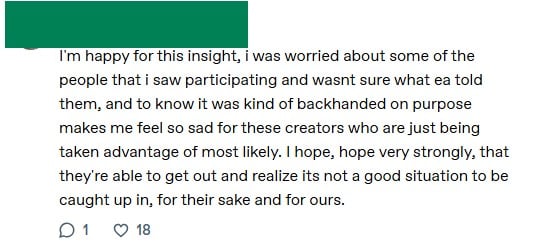
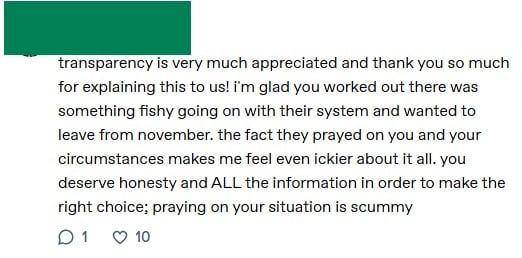
Understandably, Simandy’s comments under this post have been full of support and thankful for the transparency, as well as shocked at the tactics mentioned regarding targeting creators who were struggling financially.
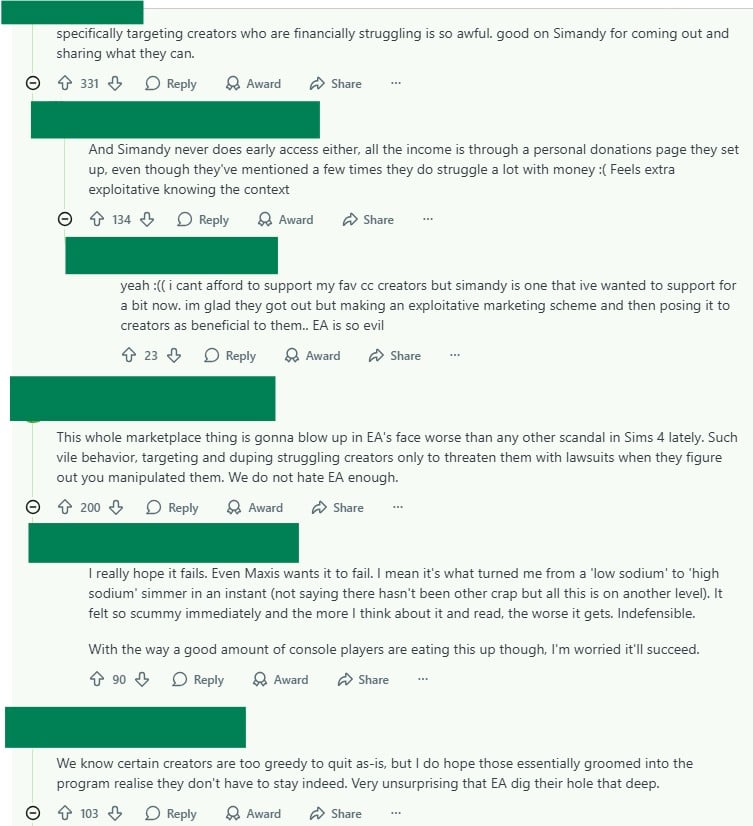
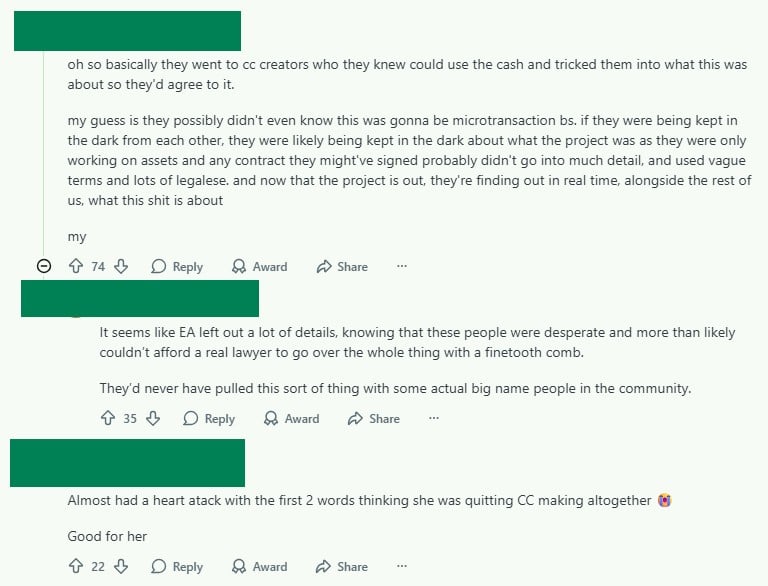
And a Reddit post on the subreddit r/HighSodiumSims, where many commenters praise them for backing out of the program and see it as an example of a creator pushing back against what they perceive as a problematic system.
Several users express hope that other creators will follow suit, arguing that an official marketplace controlled by EA could damage the long-standing culture of freely shared custom content in the Sims community.
As well as people hoping that the Marketplace will eventually fail, echoing Maxis’ alleged wishes.
What do you think about this ongoing situation? Do you think other creators will take Simandy’s advice/warnings and also leave the program? Let us know.
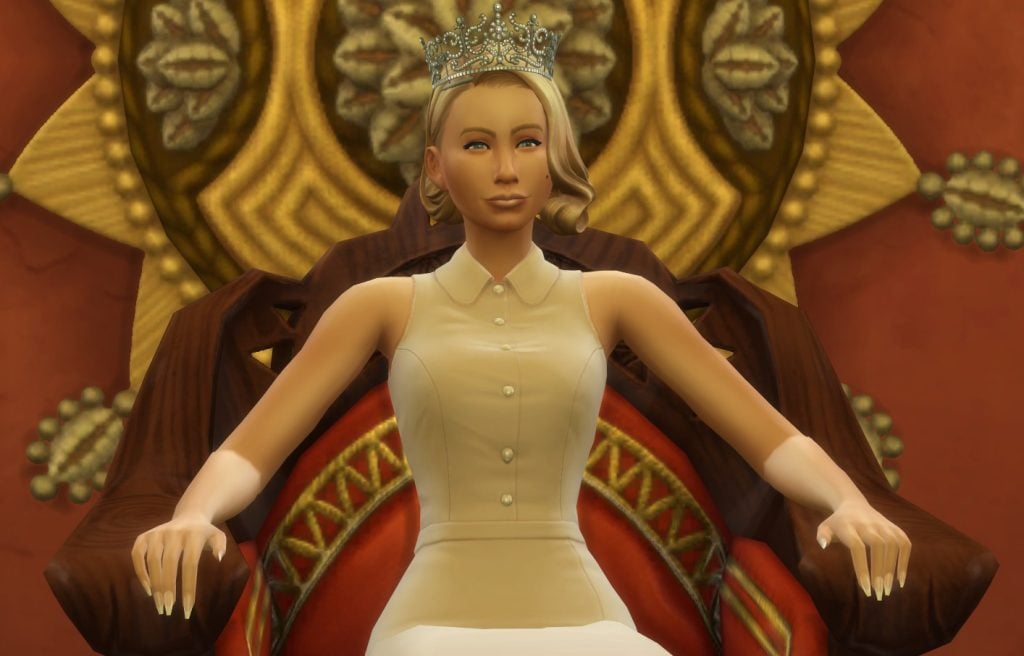
Fancy your chances at ruling a Kingdom? Let’s break down each step of the noble active career to make sure you can rule with an iron fist.
Sims 4 Noble Active Career Guide
Joining The Noble Career
Joining the noble active career isn’t as straightforward as finding a job on the phone or computer, and might set you back a few thousand Simoleons. It’s the best-paying job in the game, though, so you’ll make that investment back quickly.
Researching Noble Legacy
A quick and cheap/free way to join the career.
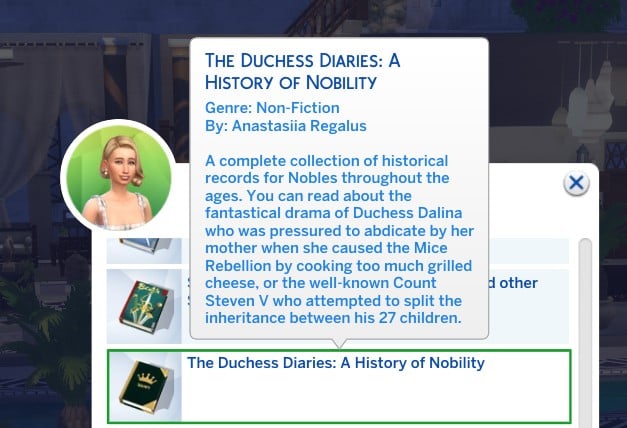
Read the book called ‘The Duchess Diaries: A History of Nobility’ to become a Noble. You can find this book on the bookshelves at Zanbira Market in Ondarion, or I found it inside the bookcase of the pre-made homes.
Gaining a Knighthood
This is a very long-winded way of becoming a noble.
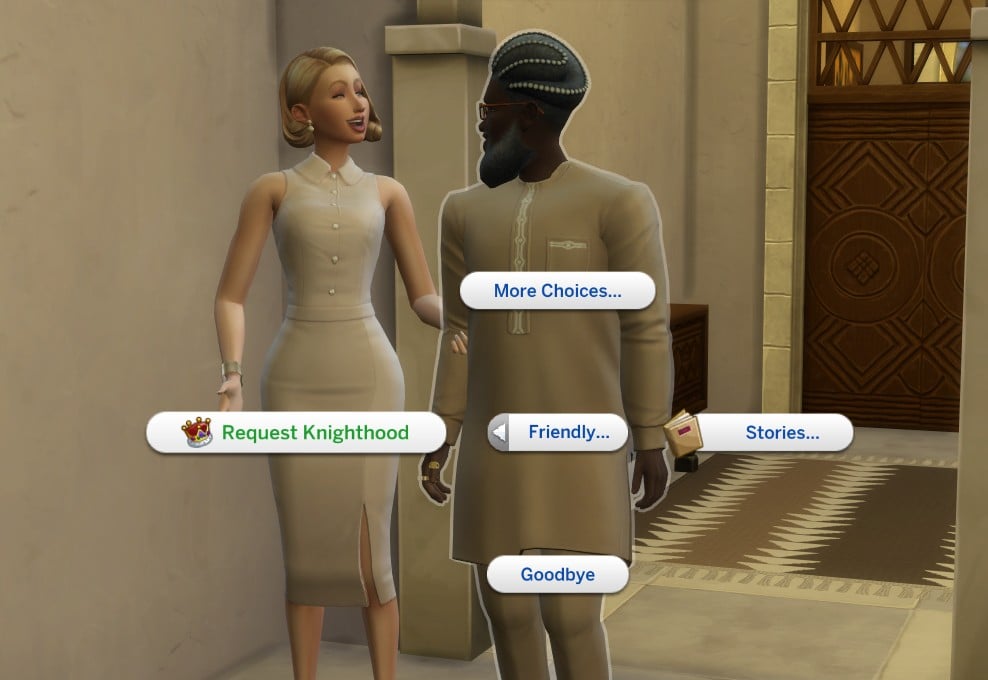
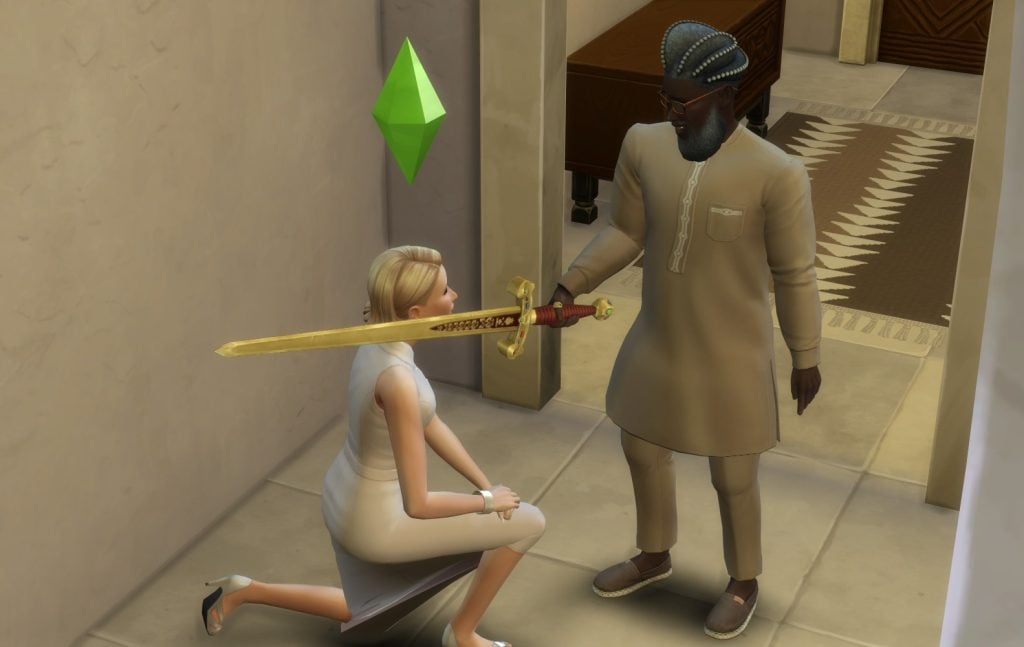
If you know a Sim who is level 4 in the noble career, and you are good friends with them, you can Request a Knighthood.
This will induct you into the noble career.
Buying a Throne
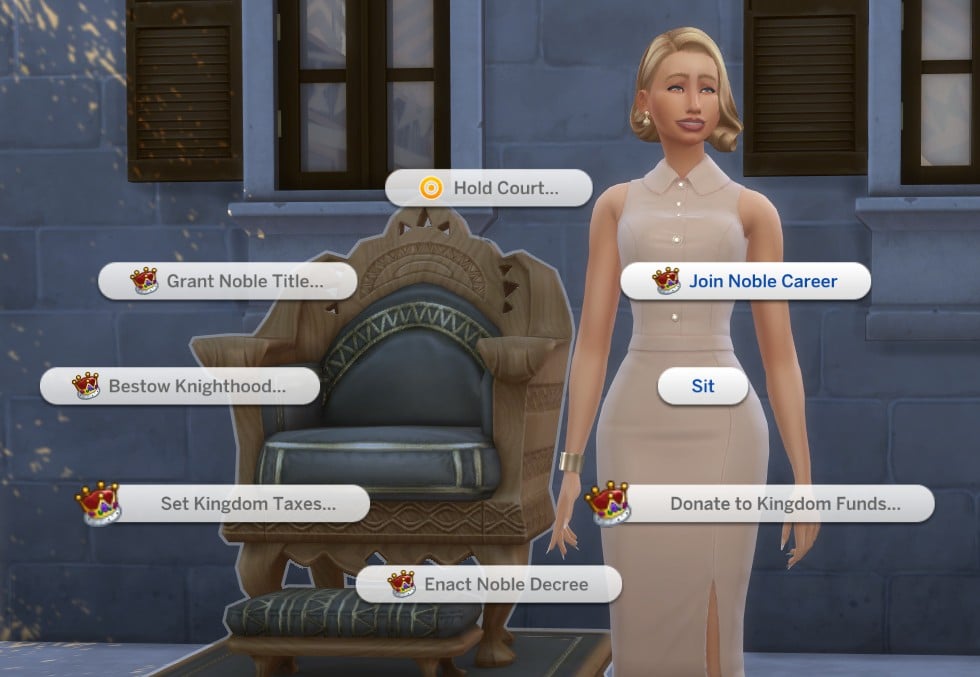
By far the easiest way to join the career is to purchase a throne from Build Mode and clicking Join Noble Career.
It will set you back either 2,500 or 3,300 Simoleons, but you will need one anyway to do most your royal duties, so it’s worth purchasing.
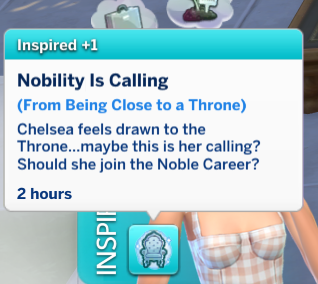
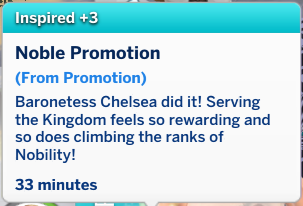
Being around a throne will also give your Sim an inspired moodlet which will encourage them to think about joining the career.
Inheriting a Noble Title
You can pass on nobility and titles to your children, but this isn’t a straightforward shortcut into the career. Once your noble Sim dies, they can pass on their throne and title to their children, and once they join the career, they will move quickly through the ranks and inherit your success (as long as they haven’t been promised another noble title by another Sim who is higher in the career ranks).
Claim Lost Career Rank
If you lose your title and don’t promise it to anyone beforehand, any spouse or child of yours can click on the throne and select “Claim Lost Career Rank” to take over.
Getting Promoted
Promotions work slightly differently for this career compared to others in the game, as you won’t be automatically promoted for having good performance and meeting your milestones.
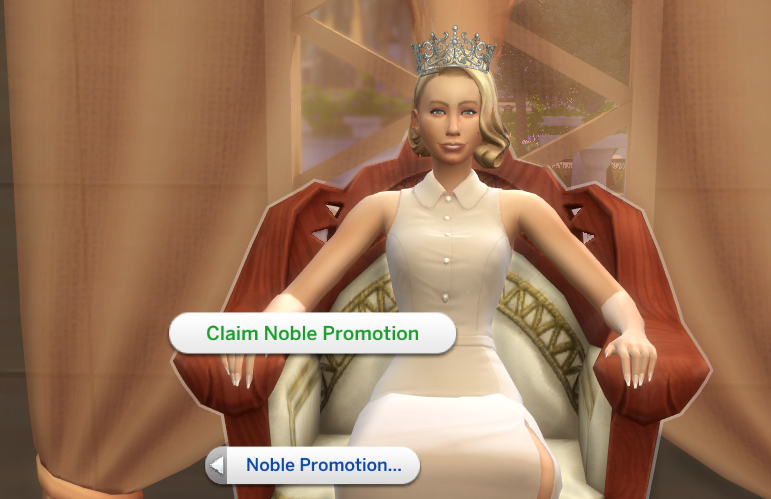
Instead, you have to click on the throne and select Claim Noble Promotion. Once you reach level 3, you can also get promoted through coronation.
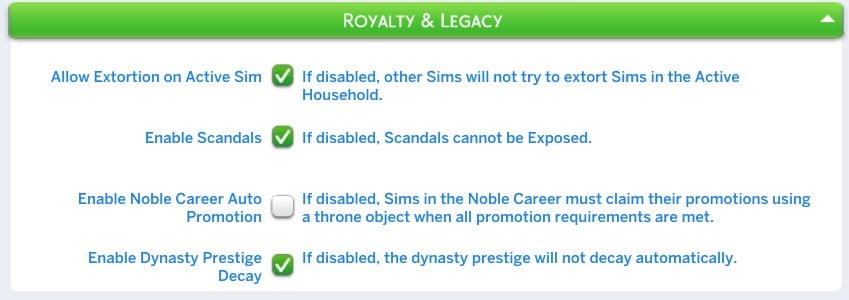
You can turn on automatic promotion in the game settings if you prefer. Do this by:
Opening Game Options in the menu
Clicking on Pack Settings
Tick or untick the box beside Enable Noble Career Auto Promotion
Apply changes and quit the menu
Preparing To Enter The Noble Career
To level up in the noble active career, you will need to level up in the Charisma and Swordsmanship skills.
We recently published a guide to mastering the Swordsmanship skill, which you can view here.
All Noble Active Career Levels
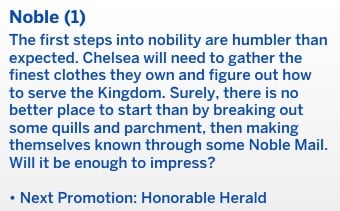
Noble Newcomer
Pay: §672 a day
Days: Every day
Hours: 7:00 AM – 7:00 PM
Ideal Mood: Confident
Daily Task: Assorted Noble Duties (see the full list below)
Promotion Tasks: Reach Level 2 Charisma Skill
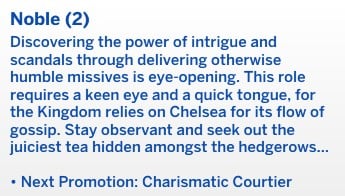
Honourable Herald
Pay: §816 a day
Days: Every day
Hours: 7:00 AM – 7:00 PM
Ideal Mood: Confident
Daily Task: Assorted Noble Duties (see the full list below)
Promotion Tasks: Reach Level 3 Charisma Skill and Level 2 In Swordsmanship Skill
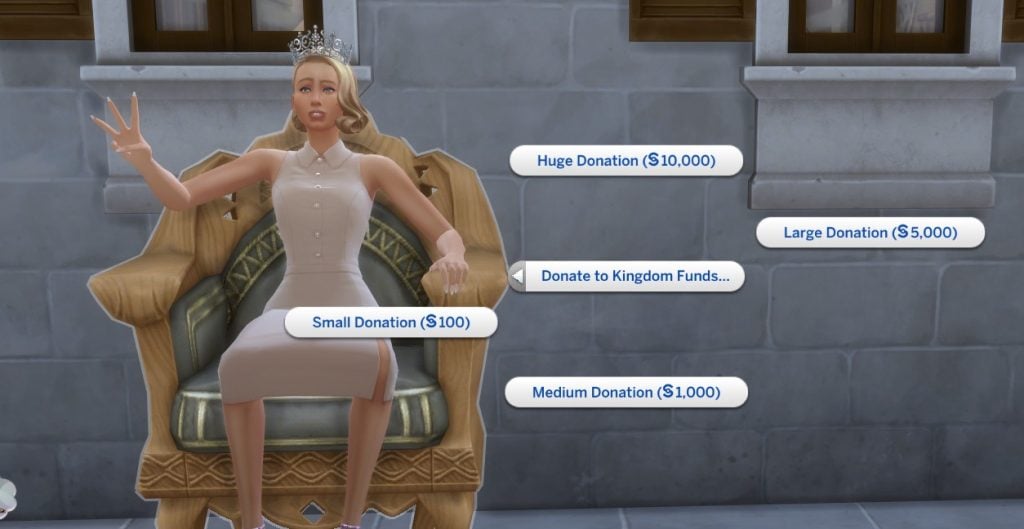
Being promoted to Charismatic Courtier will also earn you a Signet Ring, §350, and the ability to donate to the Kingdom Funds via the throne, phone, or computer.
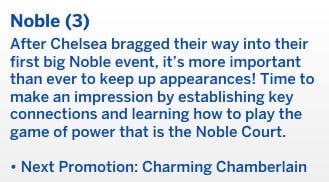
Charismatic Courtier
Pay: §1,008 a day
Days: Every day
Hours: 7:00 AM – 7:00 PM
Ideal Mood: Confident
Daily Task: Assorted Noble Duties (see the full list below)
Promotion Tasks: Reach Level 4 Charisma Skill
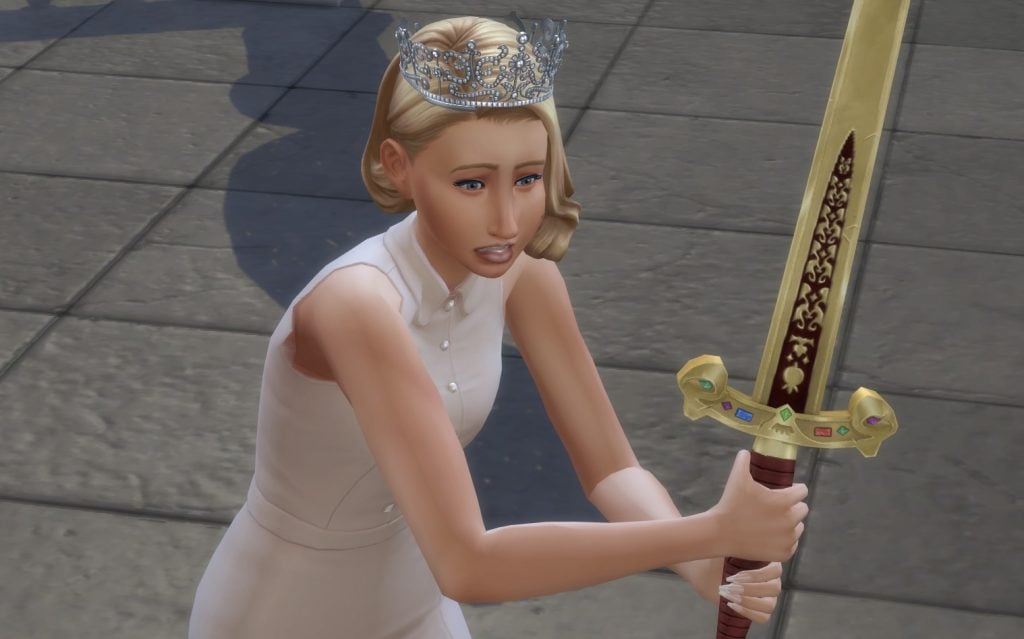
Once you hit level 3 of the noble active career, as well as receive a bonus of §380 and the Royal Golden Sword, you’ll be able to:
Hold Court
Receive Promotion through Coronation Ceremony
Receive Promotion through Coronation Speech
Give an interview for the local newspaper (Noble Venture)
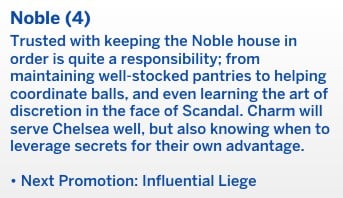
Charming Chamberlain
Pay: §1,152 a day
Days: Every day
Hours: 7:00 AM – 7:00 PM
Ideal Mood: Confident
Daily Task: Assorted Noble Duties (see the full list below)
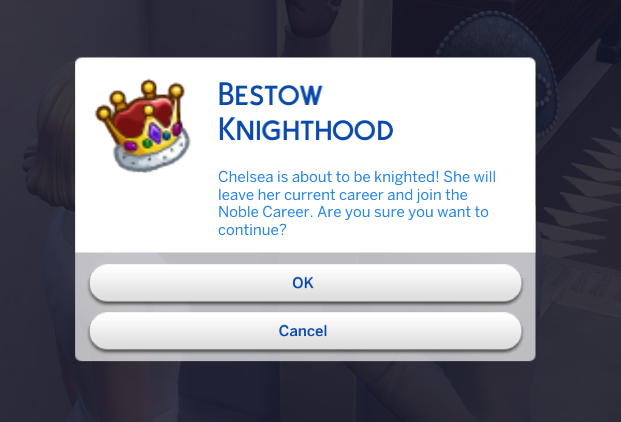
Reaching level 4 in the noble active carer will allow you to hold a press conference and bestow a Knighthood, as well as bonus of a plain crown and §510.
Influential Leige
Pay: §1,416 a day
Days: Every day
Hours: 7:00 AM – 7:00 PM
Ideal Mood: Confident
Daily Task: Assorted Noble Duties (see the full list below)
Promotion Tasks: Reach Level 5 Charisma Skill, which you should already have.
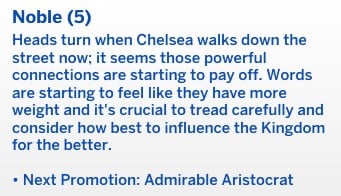
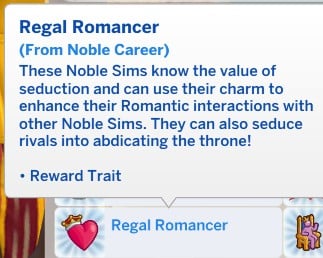
You’ll receive the Regal Romancer bonus trait once you reach this level in the noble active career, as well as the ability to Enact a Noble Decree. This promotion will also give you a bonus of §650.
Admirable Aristocrat
Pay: §1,824 a day
Days: Every day
Hours: 7:00 AM – 7:00 PM
Ideal Mood: Confident
Daily Task: Assorted Noble Duties (see the full list below)
Promotion Tasks:
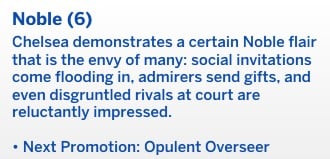
Level 6 of the noble active career will grant you a bonus of §780, a chain necklace, and allow you to attend a political conference.
Opulent Overseer
Pay: §1,992 a day
Days: Every day
Hours: 7:00 AM – 7:00 PM
Ideal Mood: Confident
Daily Task: Assorted Noble Duties (see the full list below)
Promotion Tasks:
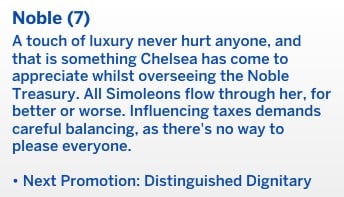
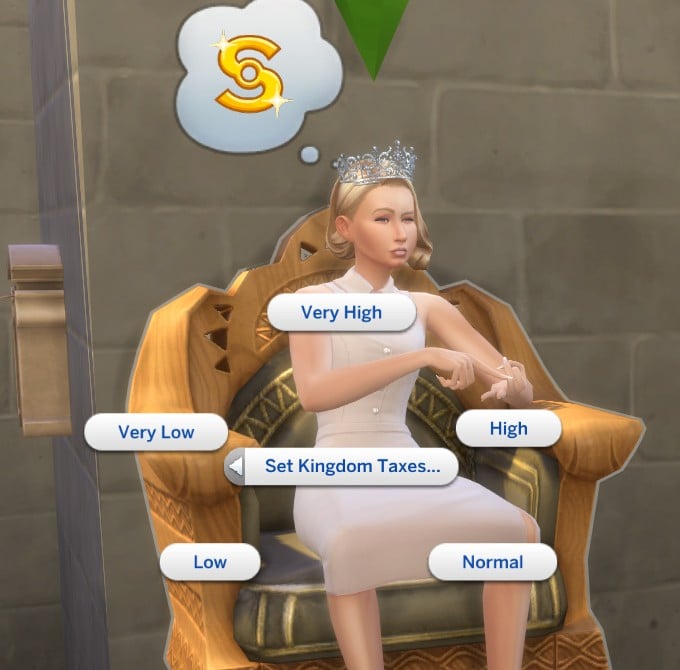
This promotion to level 7 in the noble active career will also give you a bonus of §880 and allow you to Set Kingdom Taxes.
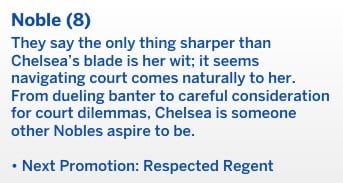
Distinguished Dignitary
Pay: §2,208 a day
Days: Every day
Hours: 7:00 AM – 7:00 PM
Ideal Mood: Confident
Daily Task: Assorted Noble Duties (see the full list below)
Promotion Tasks: Reach level 9 in Charisma
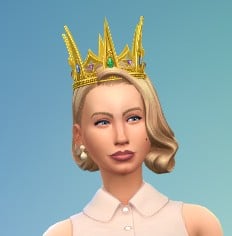
This promotion will also give you a bonus of §1,050, a jewelled crown, and allow you to perform a ribbon-cutting ceremony.
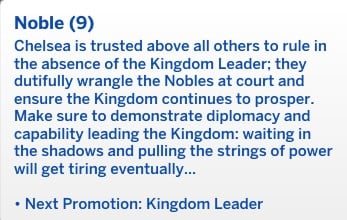
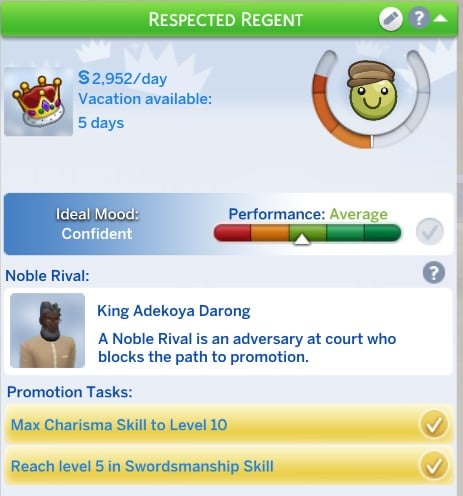
Respected Regent
Pay: §2,688 a day
Days: Every day
Hours: 7:00 AM – 7:00 PM
Ideal Mood: Confident
Daily Task: Assorted Noble Duties (see the full list below)
Promotion Tasks: Max Charisma to level 10 and reach level 5 in the Swordsmanship skill
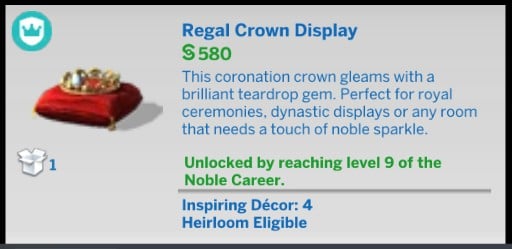
This promotion will also give you a bonus of §1,345 and a new regal crown display.
It’s worth noting that there can only be one ruler in each world, so once your Sim reaches level 9, they will need to remove the current Ruler to progress to level 10.
Kingdom Leader
Pay: §3,024 a day
Days: Every day
Hours: 7:00 AM – 7:00 PM
Ideal Mood: Confident
Daily Task: Assorted Noble Duties (see the full list below)
Promotion Tasks: None!
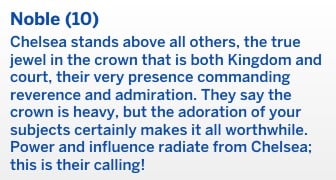
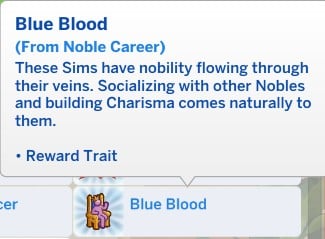
Reaching the top of the noble active career will earn you the bonus trait of Blue Blood, the ability to grant a noble title, and a §1,980 bonus.
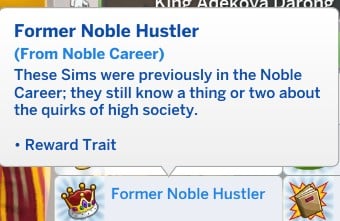
Once you retire from this career, you will also get the Former Noble Hustler trait.
Every day, you’ll need to complete a few noble duties if you want to progress in the noble active career.
You will also get paid for each one you complete.
These vary day-to-day, but the main ones I found when playing are:
Take a nap
Practice speech
Partake in a Swordsmanship duel
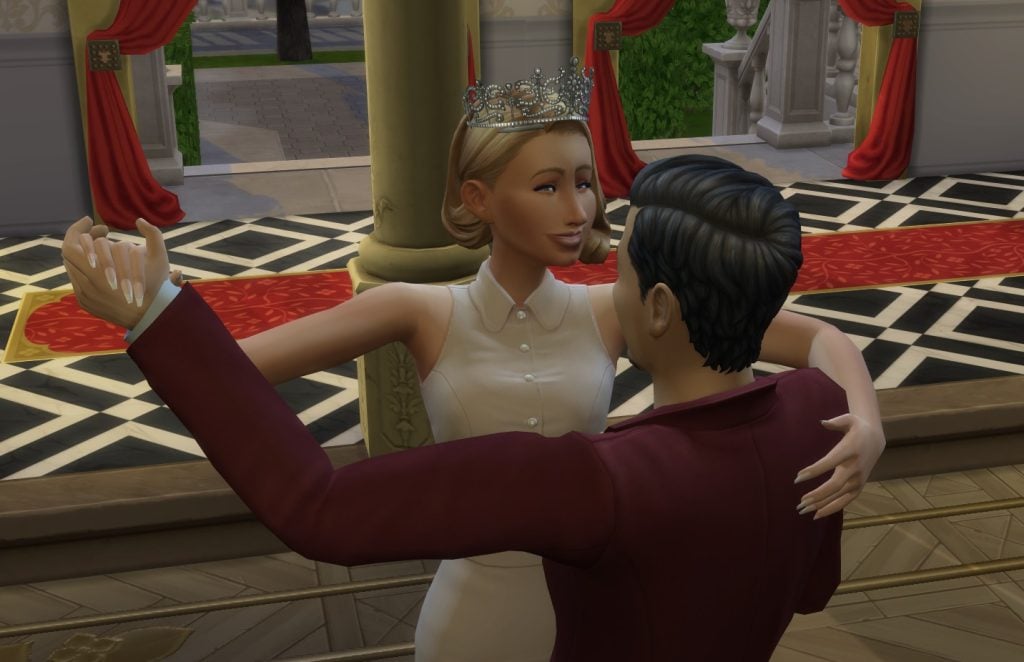
Practice the Waltz
Practice Swordsmanship with a practice dummy
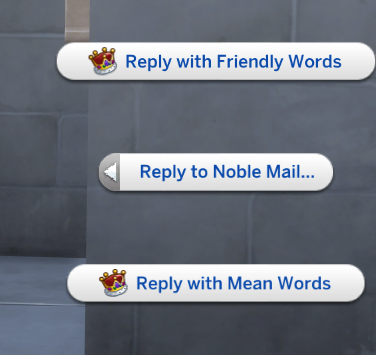
Reply to noble mail
Go on a noble venture
Help a court visitor with a dilemma
Enact a noble decree
Use noble introduction to meet a new Sim
Give an interview for the local newspaper
Favor & Noble Ventures
Do you want to align yourself with the people or go after the aristocracy? This is how you’ll decide.
Sims can earn Favor through career interactions like replying to Noble Mail, going on a Noble Venture, Setting Taxes and Donating to the Kingdom. You can also build it through different social interactions, with more opportunities becoming available as you reach higher favor levels.
Keep an eye out for Noble Gifts, which are delivered every few days. Depending on the sender’s alignment your Sim may receive a lovely present or something far less pleasant.
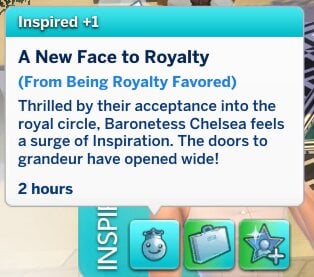
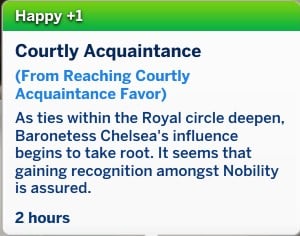
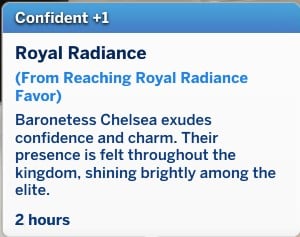
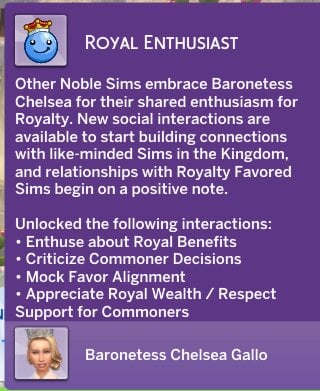
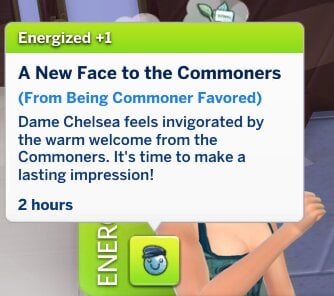
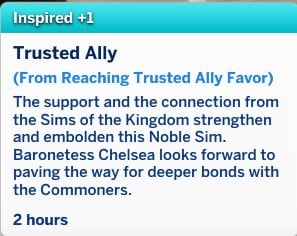
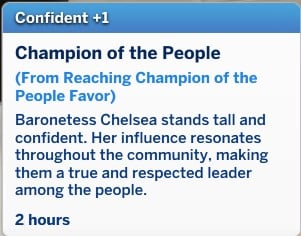
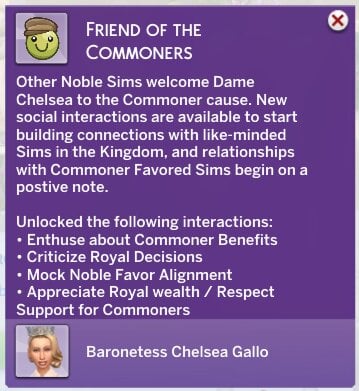
There are three different Favor alignments that you can take: royalist, commoner, and neutral. Once your favor shifts you’ll receive a moodlet and a pop-up explaining which interactions you’ve unlocked.
Neutral
Nobles who are just starting out will usually have Neutral Favor. If you sit on the fence with your activities within the noble active career, say one day going on royal noble ventures and the next a commoner noble venture, you won’t move from Neutral Favor very much, but this doesn’t make for very interesting gameplay.
Royal Enthusiast
Aligning yourself with royal sims or other high-ranking families will swing your Favor towards royal enthusiasts.
Friend of the Commoners
Becoming a ruler for the people in the noble active career will get you favor from the commoners.
Going on Noble Ventures
Noble ventures are rabbit-hole activities in the noble active career where you will disappear for a while to do some royal duties. Each option will impact your favor.
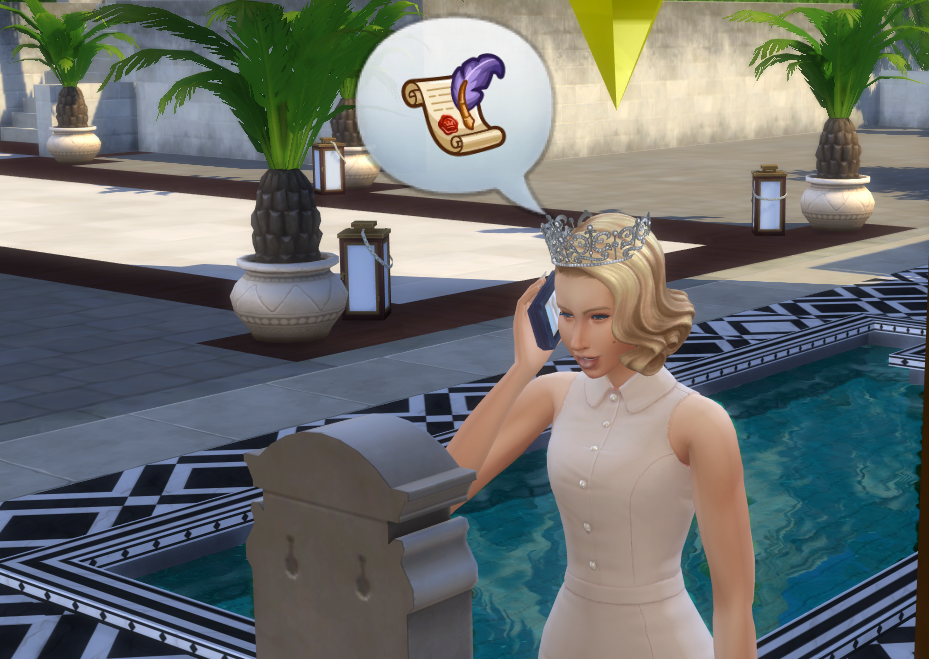
To go on these ventures click on your Sim and select any from the Noble Ventures pie menu option. Your Sim will then make a phone call to sort the arrangements before they disappear off lot. You can go on one noble venture each day.
Commoner Noble Ventures
Visit and Present at Local School
Cut the ribbon at a local business opening
Give an interview for the local newspaper.
Royal Noble Ventures
Visit Kingdom Heritage Sites
Attend Political Conference for Nobles.
Holding Court
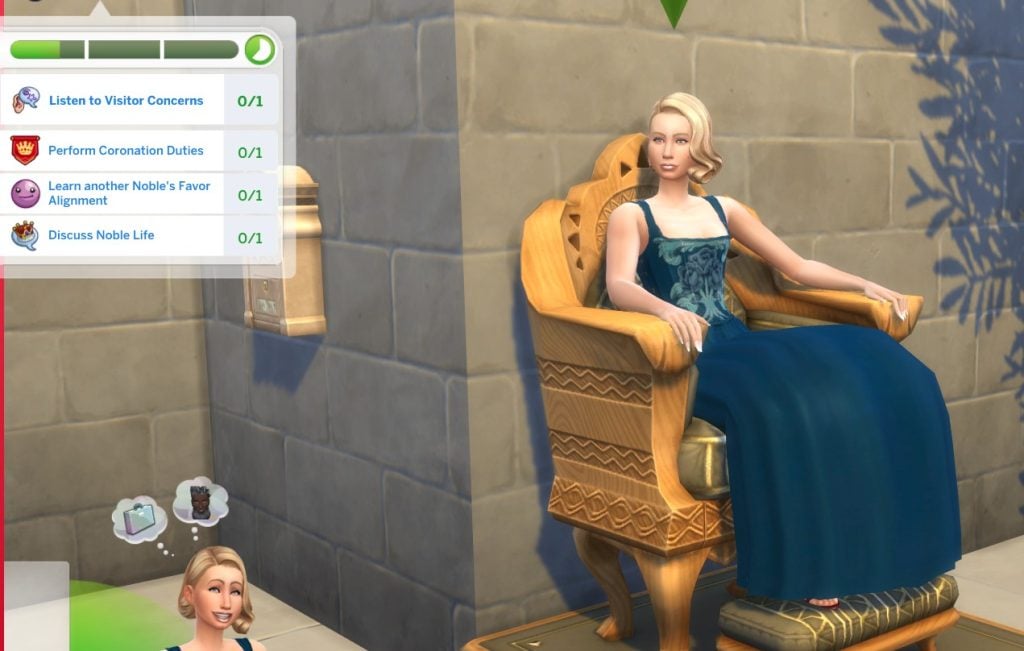
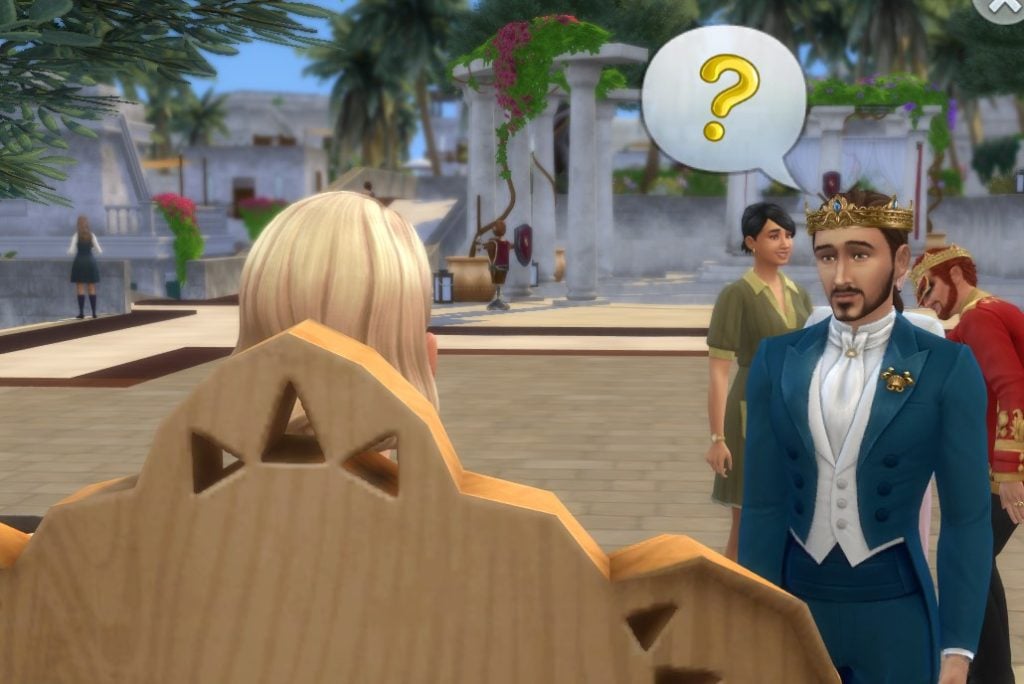
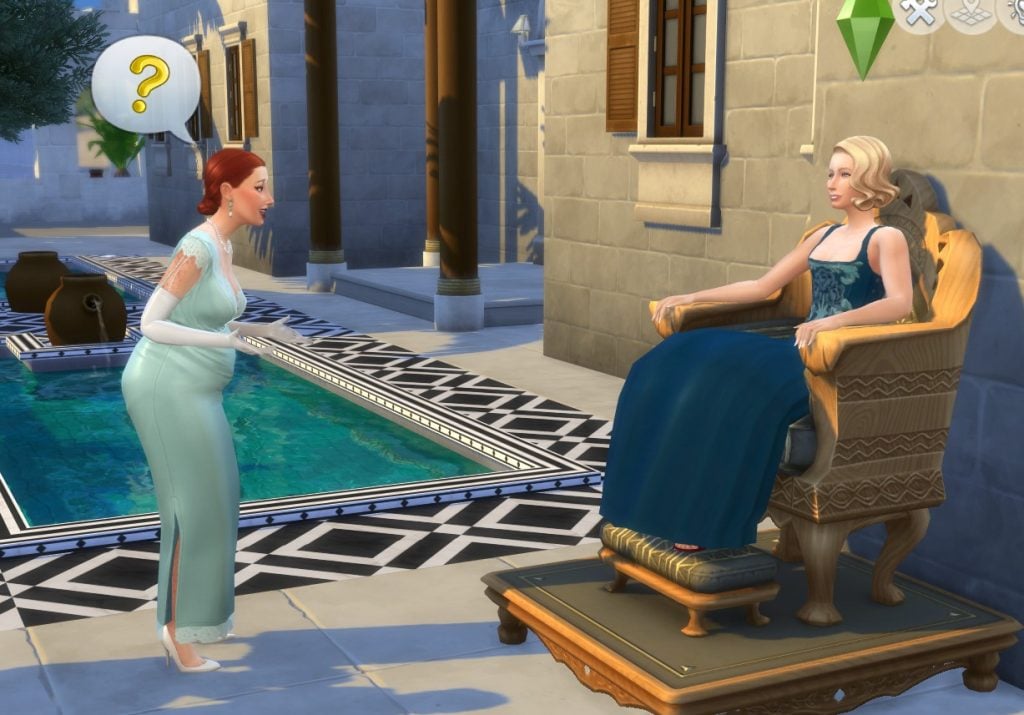
Holding court is a new feature in the noble active career, and it is how you will hear from your loyal subjects and learn what their issues are. It’s then up to you how you solve this.
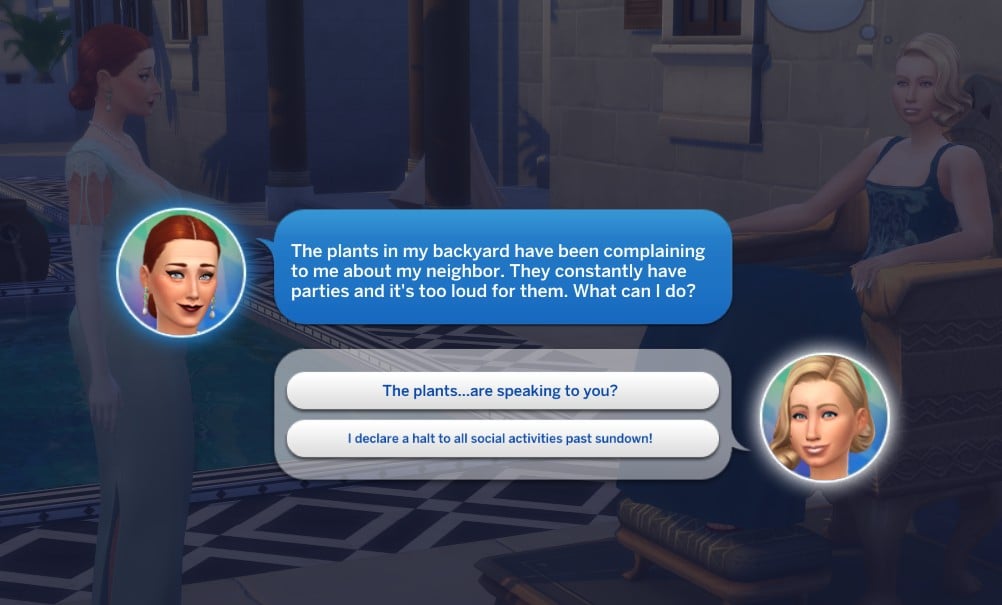
To hold court, click on your throne and choose the relevant option. Guests will then start turning up and talking to you about their issues. The holding court event runs just like any other active work day or event, where you have different goals to complete in order to get top marks.
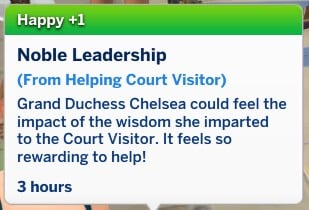
Think carefully about what you say to each request though; how you respond will impact your Favor, alignment, and career performance. It will also give you a happy moodlet for helping out your subjects.
It’s also a great opportunity to build new allys from powerful families.
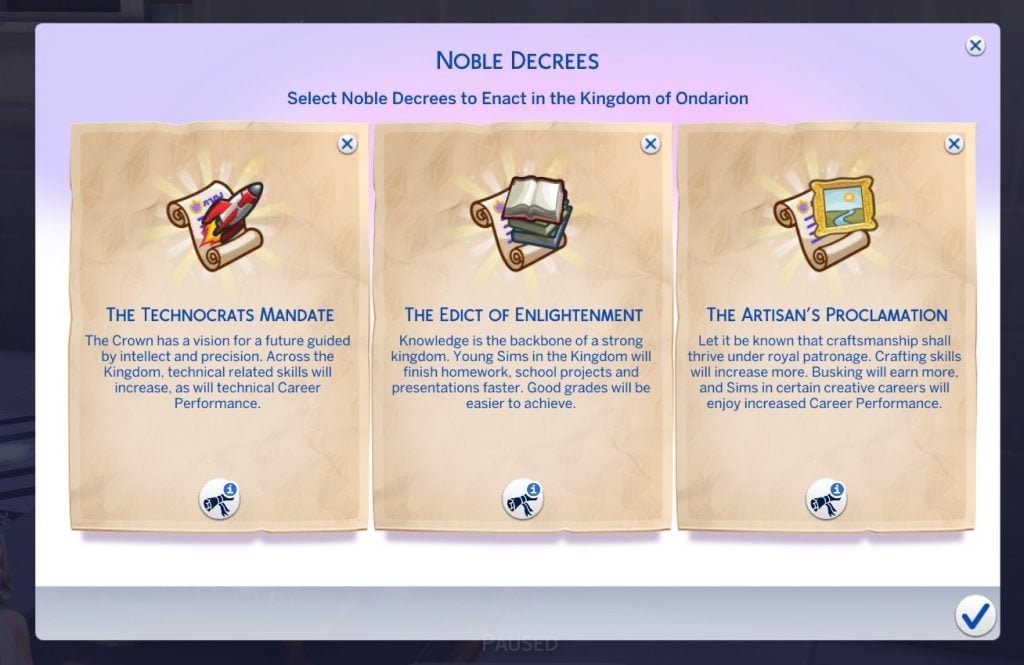
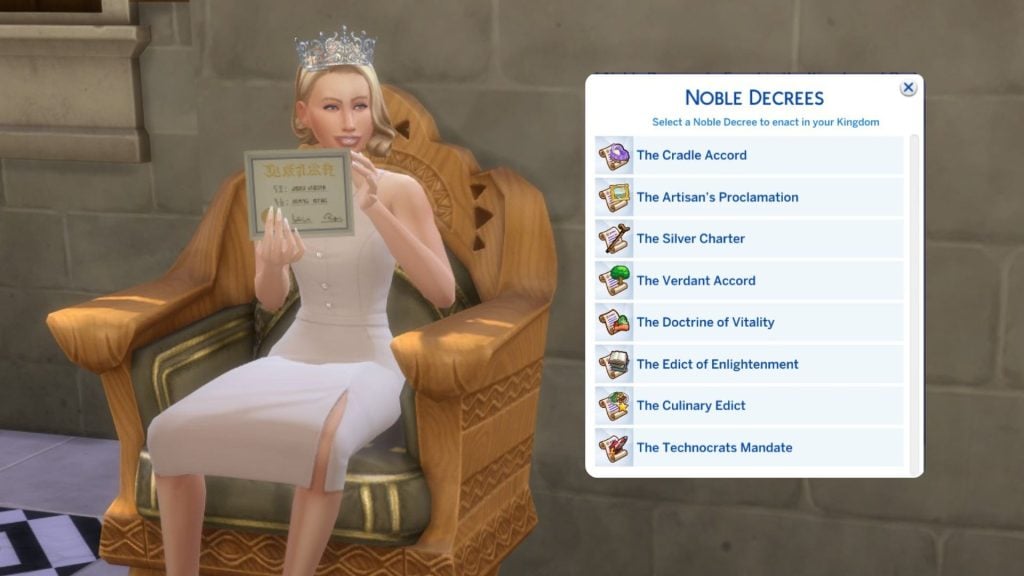
Noble Decrees
You are able to enact up to three different royal decrees at once while you are in the noble active career, and all of them have different perks.
Hovering over the scroll under each enacted decree will tell you the gameplay benefits. Here is a breakdown of what each decree does.
The Cradle Accord: Pregnancies throughout the kingdom have a higher chance of being twins or triplets. Toddler and infant skill gain is boosted, and ‘Try for baby’ has a higher success rate.
The Silver Charter: Elder Sims have less chance of Woohoo-related deaths and will have increased skill gain.
The Verdant Accord: You will have a higher chance of getting rarer materials or animals, like frogs, rare fish and fossils, when hunting for them. Plant growth rate is also increased.
The Technocrats Mandate: Tech Guru and Astronaut Careers will have a performance boost. Skill gain applied for Logic, Rocket Science, Programming and Handiness Careers. Scientist Career performance boost (requires Get to Work), and if you have Discover University, you’ll get a boost to the robotics skill gain and the engineer career.
The Artisan’s Proclamation: Entertainer, Painter, and Writer Career performance boost. Busking earns more Simoleons. Painting, Writing, Photography, Guitar, Violin, and Piano skill boosts. The following skills will also be boosted if you have the relevant DLC:
Knitting skill gain (Nifty Knitting Stuff)
Pipe Organ skill gain (Vampires)
Pottery skill gain (Business and Hobbies)
Tattooing skill gain (Business and Hobbies)
Cross-stitch skill gain (Cottage Living)
Singing skill gain, Art Critic Career performance boost (City Living)
The Culinary Edict: Food and drink created in the Kingdom will be of a higher quality, and the culinary career will receive a performance boost.
The Doctrine of Vitality: Athlete Career performance boost, Fitness skill boost. The doctor career will also have a performance boost (requires Get to Work).
The Edict of Enlightenment: Homework, presentations and school projects will be finished faster, and good school grades will be easier to gain.
Noble Rivalry
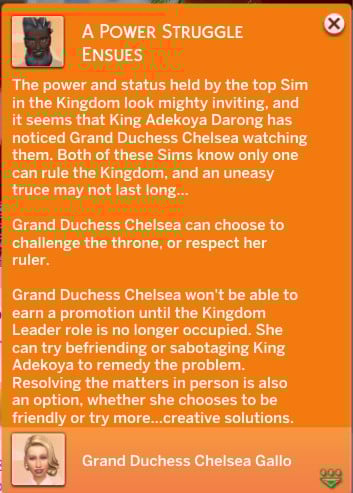
You might encounter a noble rival blocking your way to the top of the noble active career.
There can only be one ruler of a world, so once you become level 9 if there is a current ruler they will become your noble rival.
If your Sim gets involved in a noble rivalry, this is going to stop you from getting promoted until the rivalry is resolved.
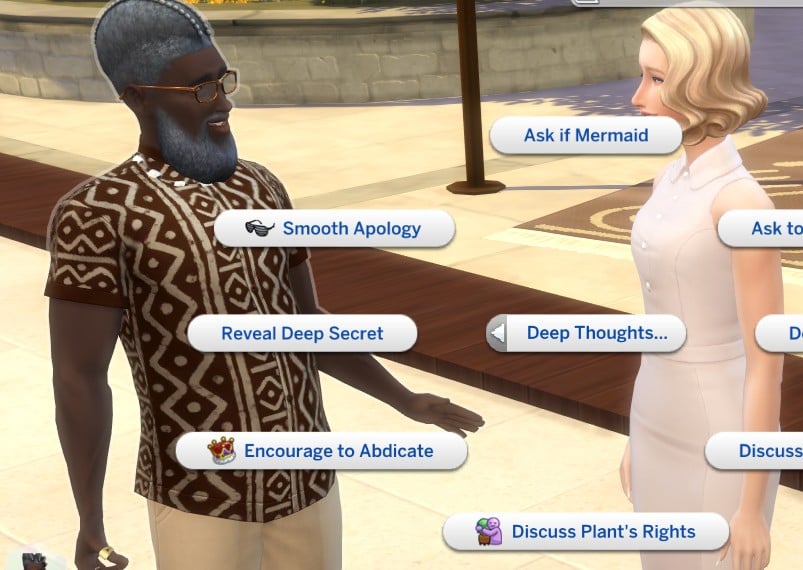
There are a few different ways you can do this.
Encourage abdication
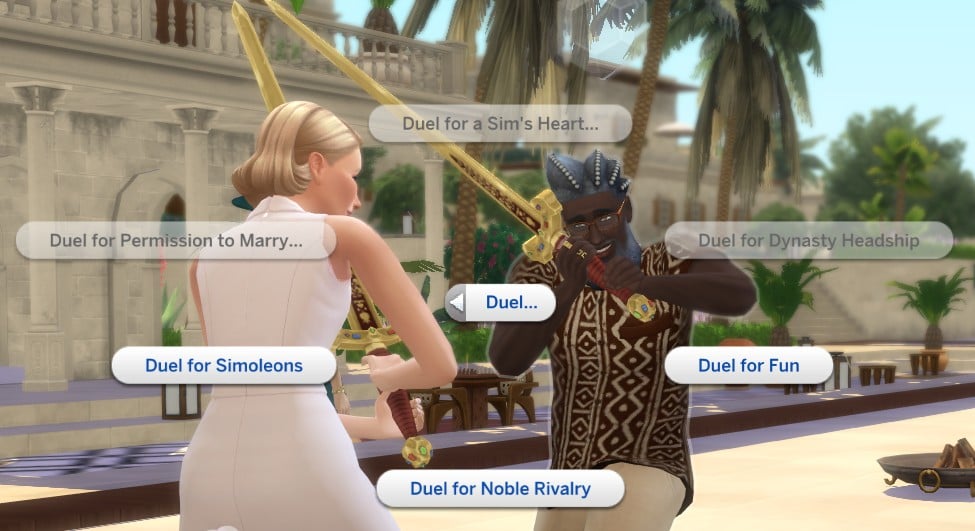
Duel for noble rivalry
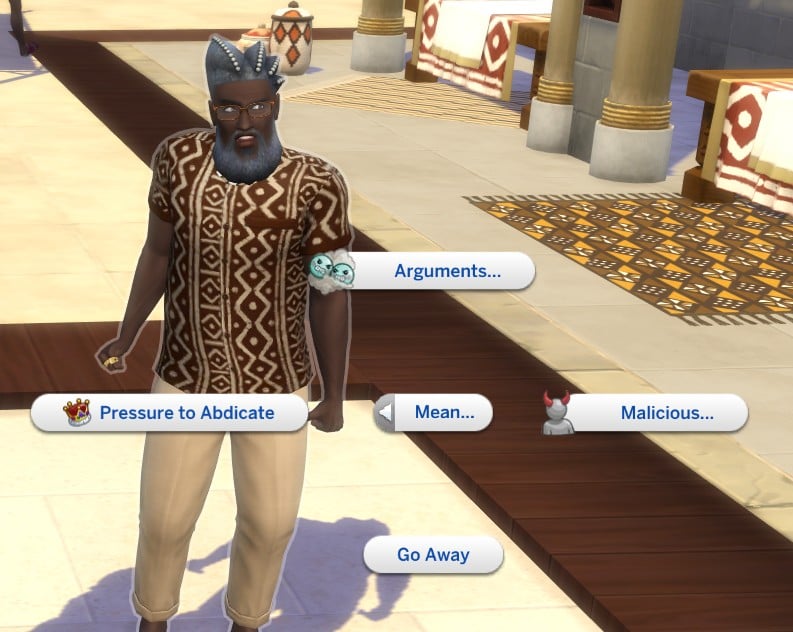
Pressure to abdicate
Seduce to abdicate
Extort to abdicate
If the sim dies or is demoted from their position.
This career is very different to the other active careers we have within the game in so many ways, and depending on how you decide to rule it can have lots of impacts on the world around you.
Have you managed to begin ruling a Kingdom? Are you a ruler for the people or have your sided with the royals? Let us know below.
All the new and returning features Nintendo has confirmed ahead of Tomodachi Life: Living the Dream’s release.
After more than a decade of fans asking when – or if – the Tomodachi Life franchise would receive another entry, Tomodachi Life: Living The Dream is probably one of this year’s most highly anticipated games. Announced last March, the game revolves around creating and caring for Mii characters as they go about their lives on a tropical island, and to say fans are excited would definitely be an understatement.
The game looks to be just as wacky as its predecessor, and thanks to a dedicated Nintendo Direct released at the end of January, we have our first glimpse at the gameplay, including some highly anticipated new features. Here’s everything we know about Tomodachi Life: Living the Dream!
Tomodachi Life: Living The Dream Release Info and Features
Release Date and System Information
Tomodachi Life: Living the Dream is set to launch on Nintendo Switch on 16th April, 2026, and will receive a physical and digital release, both of which are currently available for pre-order. The game will also be playable on Nintendo Switch 2 thanks to the console’s backwards compatibility.
Price and Additional Content
Nintendo has confirmed the game will cost $59.99/£49.99. Both the physical and digital copies are listed for this price point.
Regarding paid DLC, there has been no official announcement of any additional content related to Tomodachi Life:Living the Dream. However, as previously seen with other Nintendo life-sim games like Animal Crossing: New Horizons, the game is likely to receive free content updates after launch.
Rating
The game has received an ESRB rating of E, with warnings for comic mischief, mild fantasy and violence.
Queer Inclusion
Despite being known for the wild relationships that formed between players’ Miis, Tomodachi Life on the 3DS notably didn’t allow for your Miis to be queer – something Nintendo actually released an apology for back in 2014, promising that this would be included in the franchise’s next instalment.
However, many fans were still apprehensive about improved inclusion following Tomodachi Life: Living the Dream’s initial announcement. Thankfully, the Direct has confirmed the ability to create queer Miis, showcasing a new settings menu.
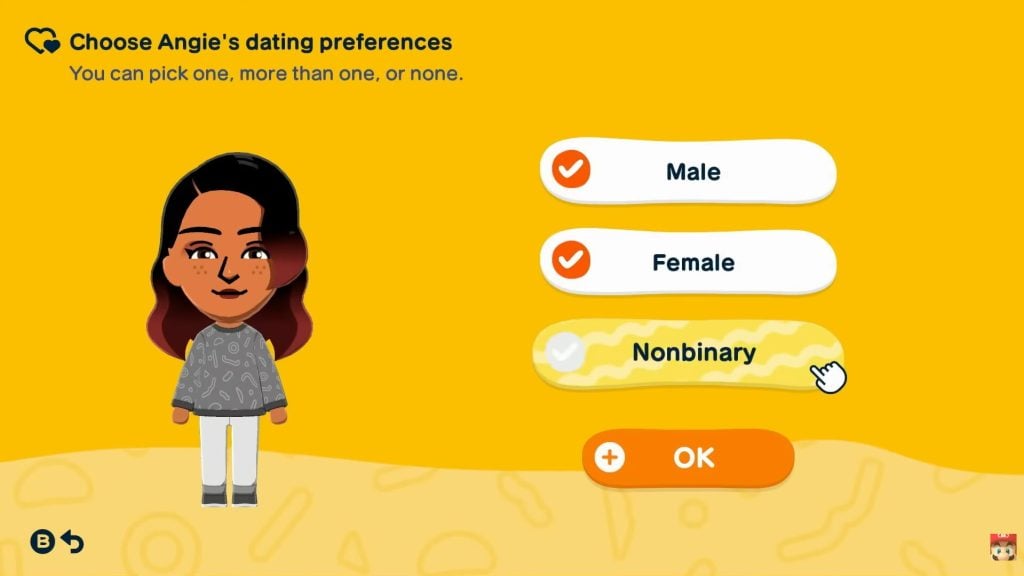
When making a Mii, players will be able to select whether they are male, female or nonbinary, as well as their ‘dating preferences’. The latter setting is incredibly inclusive, allowing Miis to romance any combination of genders. You can disable romance for individual Miis by leaving their preferences blank.
New Mii Maker
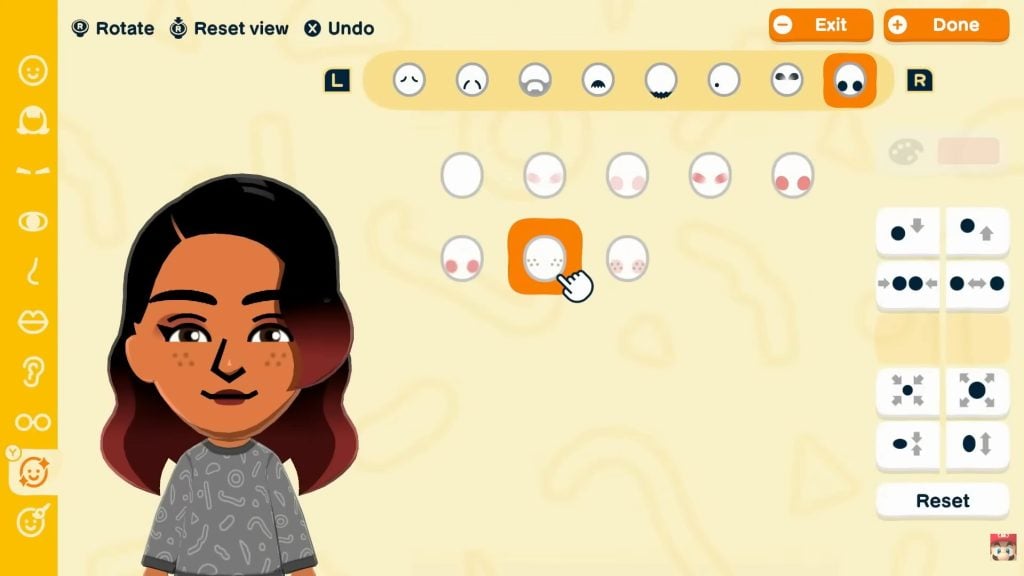
Another major improvement shown in the Direct is the new Mii Maker. You may remember struggling with the old maker’s limited features, but Tomodachi Life:Living the Dream boasts a new art style and highly customisable Miis.
In the Direct, we were shown a few examples of how features such as eyes and hairstyles can be tweaked to create unique new looks for your characters. After choosing how your Mii looks, you can then choose their name, build, voice and personality.
The old Mii Maker included a method where a Mii could be generated from a photo, though it was not always the most accurate. In Tomodachi Life:Living the Dream, players have two ways to make Miis; either on their own ‘From Scratch’, or choosing to ‘Get Help’, where a Mii is created by answering questions about their features.
Increased Customisation
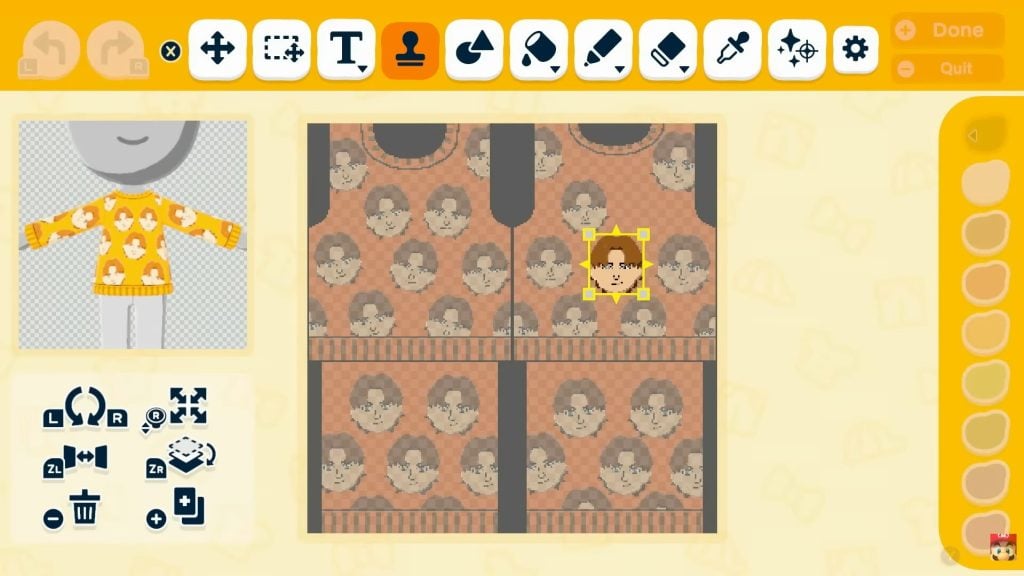
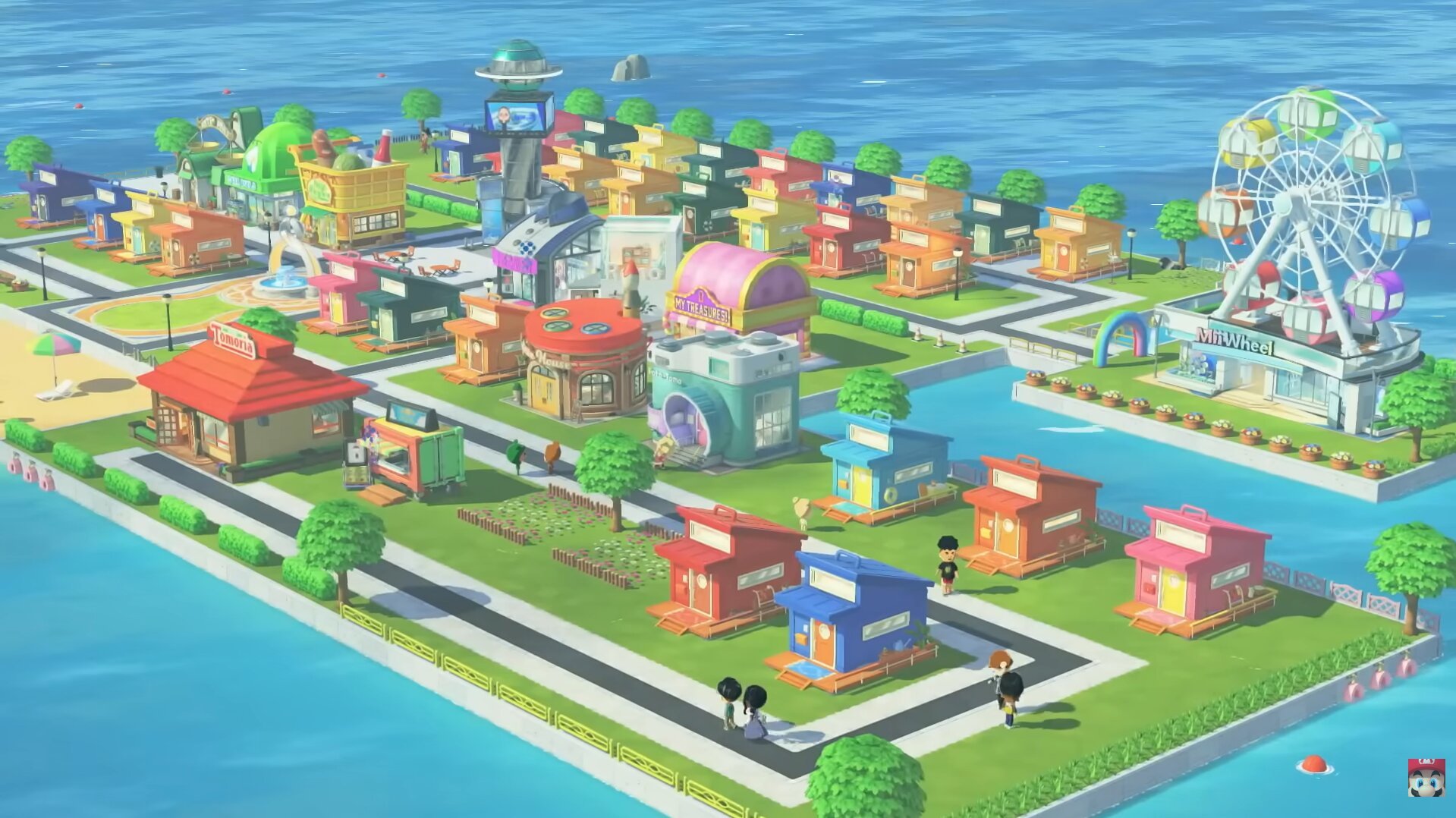
It’s not just the Mii Maker that’s had an upgrade – Tomodachi Life:Living the Dream will give players the choice to customise many other aspects of their gameplay. The game will see the introduction of custom clothing, pets, objects, food and even houses, using a feature reminiscent Animal Crossing’s custom designs.
The island your Miis live on is also highly customisable. Not only can furniture, decorations and plants be purchased to give the island more character, but the shape and layout of the island itself is entirely up to you. In the Direct, Nintendo showed off a range of customised islands, emphasising the level of creative control players will have over their game.
Controlling Mii Interactions
Unlike a lot of the other games in the life-sim genre, Tomodachi Life is in many ways more of an observational game – although you could help your Miis, your control over them was a more limited than in a game like The Sims, for example.
Tomodachi Life:Living the Dream differs slightly, introducing a ‘drag-and-drop’ feature where you can pick up and place Miis near each other to make them interact by suggesting conversation topics. After meeting, Mii’s interaction becomes more autonomous, allowing their relationships to develop without the need for constant interaction.
Phrases and Little Quirks
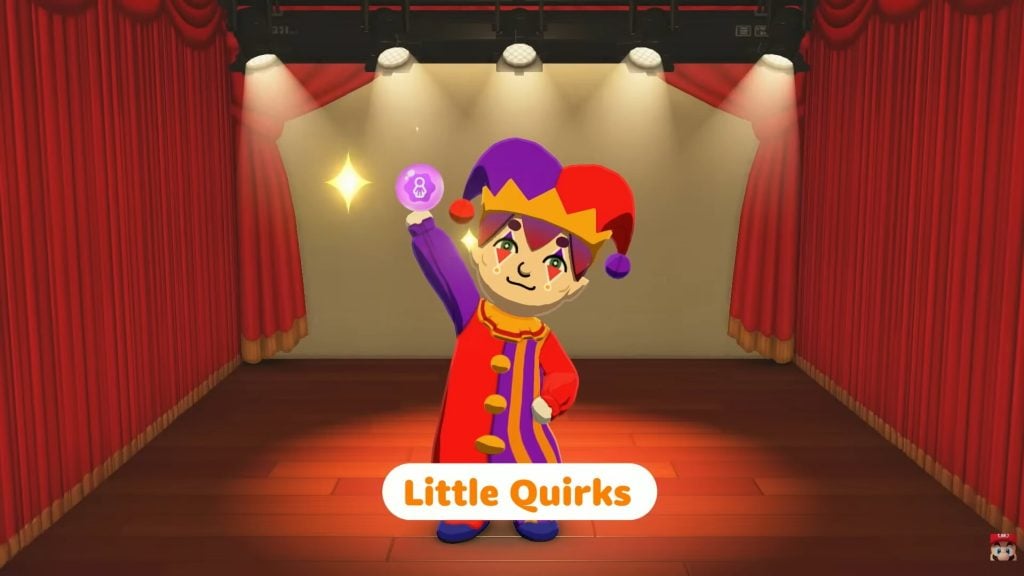
The Miis in the game have a lot of personality. Not only will players be able to set catchphrases, but the Direct also touched on a new feature called ‘Little Quirks’, which you can collect to add further individuality to the characters. Some of the quirks shown include how a Mii eats, how they sleep and wiping away sweat.
Houses and Roommates
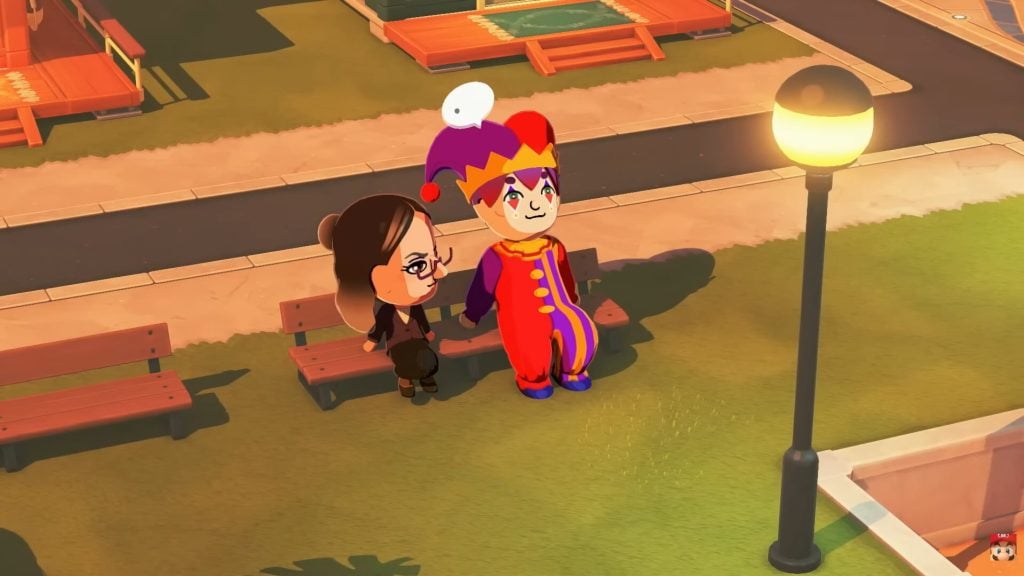
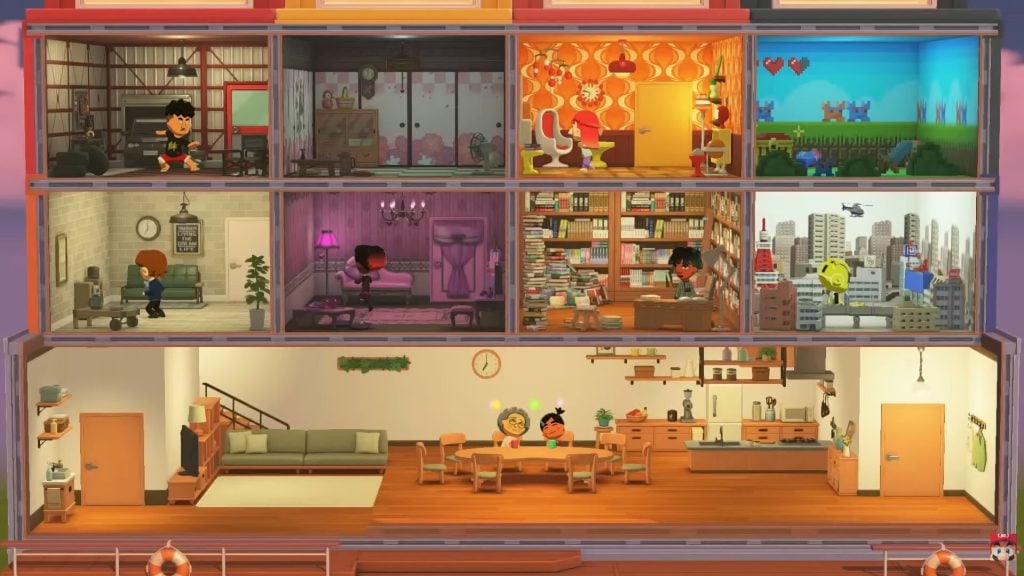
One particularly exciting change explored in the Direct was the fact that, unlike the last game where houses were exclusively for married couples and their children, you can now choose to have up to eight Miis live together as roommates.
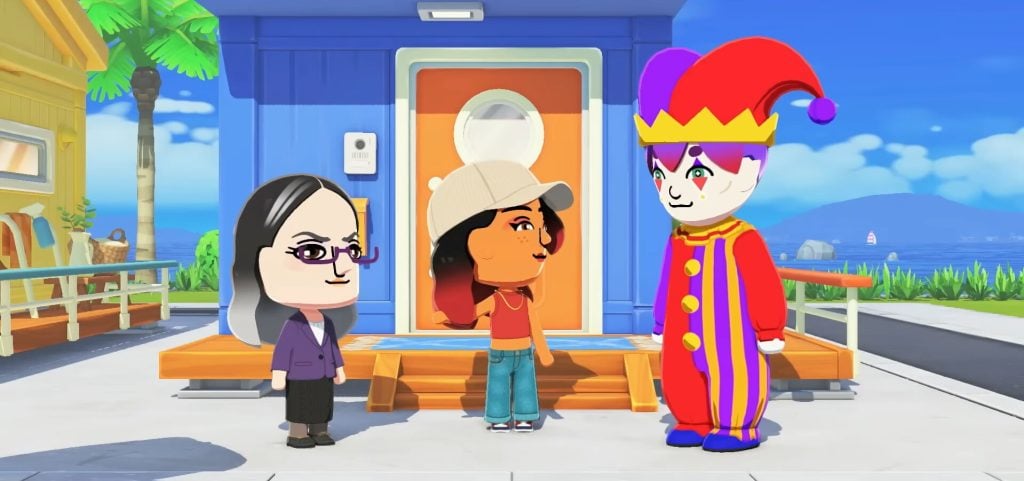
Miis can ask each other to be roommates, and Miis living in the same house will have unique interactions. This was demonstrated in the Direct with two Miis fighting over the TV remote, and another group debating fashion icons around the table. Nintendo promises that with this new roommate dynamic, some unexpected drama will unfold!
Shops
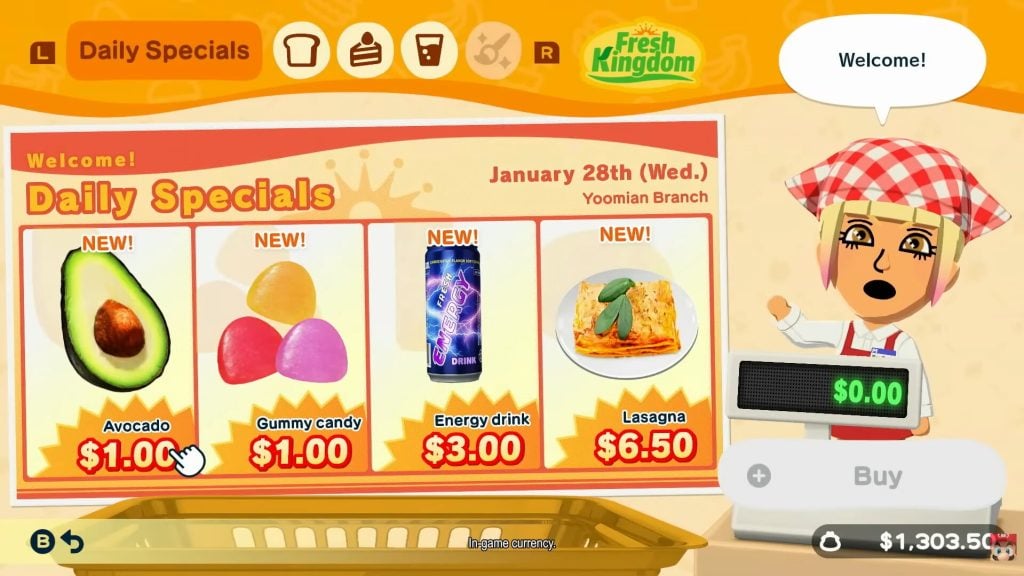
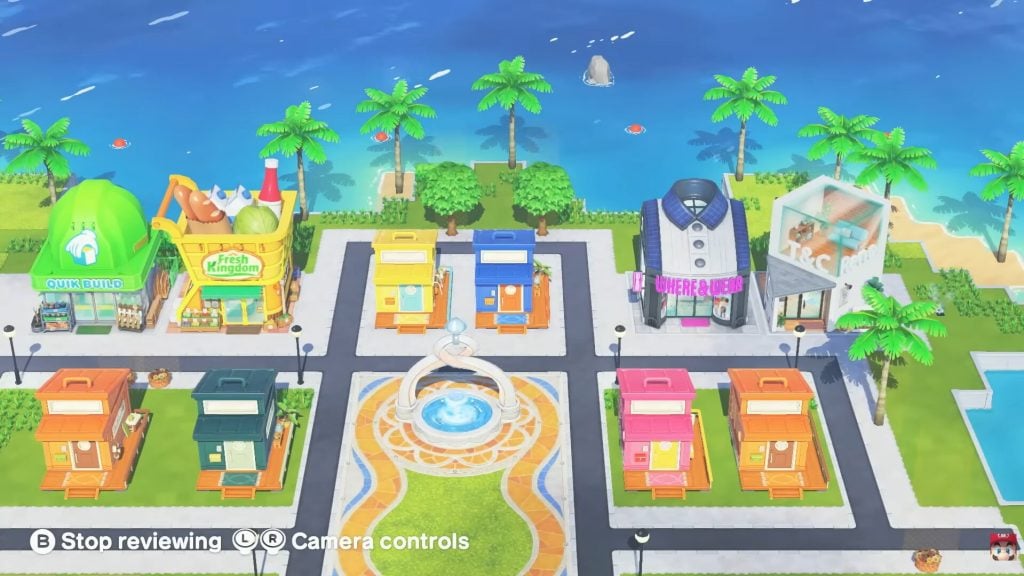
Most of the shops from the last game are returning, although many of them have received new names and designs. Additionally, the Direct introduced several new shops as well. The following shops have been confirmed ahead of release:
Fresh Kingdom – Food
Where & Wear – Clothing
T&C Reno – Room interiors
Marketplace – Mystery bags, where players can acquire a range of items depending on the time of day
Palette House – Custom designs
Quik Build – Island decoration/design
Island Facilities
Alongside the Island’s shops, there are some other facilities that were discussed in the direct. The MNN news station lets players keep up with the everyday happenings on the island, broadcasting daily reports that, if the previous game is anything to go by, are sure to add even more silliness.
There is also Foto-Tomo, where you can access the game’s photo mode. You can choose a Mii or group of Miis, a background and placement to create memories of the game.
Real-Time Progression
Another gameplay mechanic returning from the 3DS game is the use of real-time game progression. In Tomodachi Life: Living the Dream, time will move as it does in real life. This progression means that, even when you’re not actively playing, things will still happen as the Miis live their lives.
Online Communication
Whereas the last game used the 3DS’ StreetPass to share travellers and items between players and for Miis to be shared via QR codes, Nintendo has confirmed that Tomodachi Life:Living the Dream will not allow online communication. Instead, local communication can be used to share Miis with friends.
This decision was informed by the new customisation options. Nintendo stated that they placed restrictions on certain sharing features to ensure the game remains ‘fun and safe’ for all players.
Features Yet To Be Confirmed
One fan favourite facility noticeably absent from the Direct was the Concert Hall, leading some fans to speculate on whether it will appear in the final game. Similarly, The Pawn Shop where players could get money by selling the treasures their Miis gifted them was not mentioned.
Marriage and babies, while seen briefly, were also not explored in much depth, and so it is still unknown if any changes or improvements have been made to these aspects of the game.
The Nintendo Direct has given us a great first taste of the game and its gameplay. Given that the game is still over a month away, some details are likely still being kept under wraps, but it’s clear that Tomodachi Life: Living the Dream players can expect a great mix of new and familiar features upon the games release.
Tomodachi Life: Living The Dream is set to release on Nintendo Switch and Nintendo Switch 2 on 16th April 2026.
What new features are you most excited for? Is there anything else you want to see? Let us know in the comments!
The old reliable source is back again with new insider information about The Sims Franchise.
A new insider report about the plans within The Sims Studio with The Sims 4 Marketplace and Project X have surfaced online. From the same reliable source that brought you first talks about Sims 4 Marketplace, no more Packs after Royalty & Legacy and Project X information.
Today, this ATRL insider has come online again to give some additional context about Sims 4 Marketplace morale within the Maxis development studio. Revealing that Maxis employees themselves are hoping this storefront fails so that EA gives up. It’s been revealed in a previous insider post that EA is doing the biggest framework shakeup within the Maxis studio since 2000, and the developers themselves are not satisfied with the current monetization plans and EA’s control.
The insider also revealed current talks about The Sims Project X, which now talk that the game will have one big world. And separate Neighborhoods that will be monetized. According to the insider, the plan is to have the World Map unlockable through purchasable Neighborhoods. Very much reminiscing of the fate that Skate. franchise is currently having with EA’s mistreatment of the Intellectual Property. Monetizing separate islands and areas of skating in an open world behind a paywall.
Here’s everything they’ve stated about The Sims 4 Marketplace and Project X below:
General The Sims 4 Marketplace Morale within Sims Studio
Sims Insider: I had to pretend I wasn’t 100% sure this was coming and that it was from different sources or what have you, but sadly this has been talked a lot about amongst employees for several months and morale is very low at the moment at EA. They’re basically treating Maxis employees like their own creators instead of a development studio. Very sad to see.
EA have been working on this for months and specifically told people they needed to design it in a way that almost always left virtual currency in your bank.
Maxis employees are hoping this storefront fails so that EA gives up on this idea. They plan on exploring the idea of scalable pricing for content you’d see. So a pack with more gameplay items or animations would potentially cost more than another pack that has less.
One World and Paid Expansions of Project X Neighborhoods
They’re also exploring the idea of having one world for Project X over seperate releases, and having you start with a smaller chunk that you have to pay for to expand as time goes on. So you might start with two Neighbourhoods and then have to pay to unlock new Neighbourhoods as they come out. Rather than delivering one world at a time with different packs.
They’ve absolutely found every idea they can to squeeze money out of the Sims and save money on development by basically remaking the same game again with some shiny perks but cutting off a lot of the back catalogue that eats into QA time.
Project X Questions and Answers
Question: So from what I get, they’re planning to roll this Marketplace out across the whole franchise eventually, right? Like for other Sims stuff too? Including Project X?
Also, do you happen to know anything about where X is at right now? Are they still aiming for a late 2026 release or is that up in the air?
Sims Insider: I don’t know about when X is launching. I think that is up in the air at this stage.
The last I heard was they were looking to visual styles and anti-piracy measures. I’m assuming the Marketplace will stop people from being able to pirate things outside assets and I believe the game will have an always online requirement, pirated copies won’t work. But to be confirmed.
Question: It’s funny you said they’re basically remaking the same game because the recently announced Quality of Life roadmap is also said to be a cost-cutting investment; fixing the current product will allow them to bring more of it for Project X. Do you happen to know anything else about this?
Sims Insider: I know that Project X is a cost cutting project to keep a mainline Sims game as part of its live service model, and this is the easiest way to continue that live service model. They’re just shifting the product to a new product and in process, cutting a huge chunk of their QA work for older content.
They are basically going to be recycling everything they can from The Sims 4 and doing the bare minimum to make it attractive enough to be considered a new game to invest in. Certain things like increasing visual fidelity, or changing how the game works (eg. open neighbourhoods vs closed neighbourhoods) will have very little change in cost to EA for the most part as an ongoing cost for dlc development. This is definitely not a Sims 5, it’s more of a Sims 4 refresh being sold separately and not being compatible with majority of previous content, as I assume EA will recycle Sims 4 DLC content as well.
I would imagine a lot of the things EA will be focusing on is bugs or tuning things that will be used for Project X and will score some brownie points if they can retrospectively improve the Sims 4.
What are your thoughts on current insider information about Maxis wanting The Sims 4 Marketplace to fail and Project X neighborhood monetization plans? Join the discussion below!
Make sure you bookmark Sims Community for all the upcoming updates and insider information on The Sims and Life Simulation franchises.
The future of The Sims 4 will now focus only on Marketplace and Free Update releases.
The announcement of The Sims 4 Marketplace had a lot of players saying that “this is the end of The Sims 4”. And that’s the sole reason EA and Maxis are releasing Microtransactions into the wild as they announce that The Sims 4 will now focus only on Kits, Maker Releases and Free Sims 4 Updates.
Read what EA employees had to say about the future of The Sims 4 releases during the Marketplace Showcase:
Changes with Upcoming The Sims 4 Releases: Official Statement
Nothing about how you play today is changing. You’ll still be able to download Custom Content and install Mods outside the Marketplace. Just like you always have!
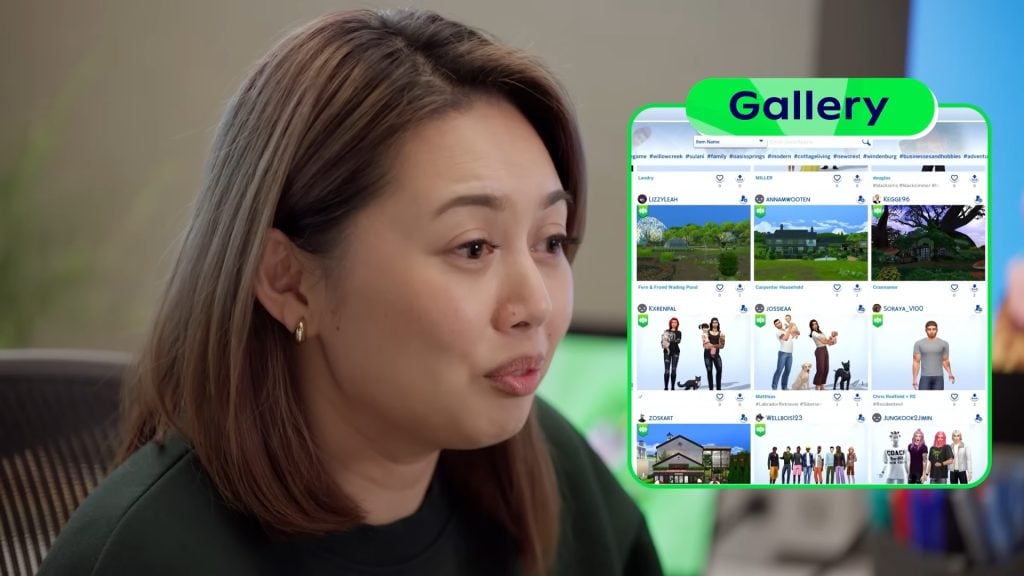
The Gallery will continue to be the home to incredible creations for Simmers around the world.
And we’ll still be delivering Kits and Free Content along the way.
As we stated above, the future of The Sims 4 releases will now include Free Content Updates (Game Improvements, Free Content and Live Events) and Marketplace Releases (Kits and Maker Sets). The Sims 4 Expansion Packs, Game Packs and Stuff Packs will still be available to purchase across all currently available storefronts and game launchers. However, this statement also implies that there are no future plans for new Expansion, Game and Stuff Pack releases.
The official reveal of The Sims 4 release changes also came with an important announcement that future Sims 4 Kit releases will be moving onto the Marketplace. The Sims Team also confirmed later in a dedicated Q&A that there will be no more Game Codes for future Kit releases. As they’ll be distributed exclusively through the Marketplace from the point of releasing on March 17th.
What’s happening to Kits?
When the Marketplace launches on PC and Mac on March 17, 2026, Kits will become exclusively available in the in-game Marketplace. Any Kits you already own will remain in your library and ready to play. For console players, this change will happen when the Marketplace arrives on your platform, and we’ll share updates ahead of time.
Moving Kits into the Marketplace ensures that we can continue releasing new content without hitting technical or storage limitations.
Why is The Sims Team doing this?
Author Article Update
Information listed below is based on the Sims insider rumor information posted last month. The latest entry from this Sims Insider has been posted and covered here just hours ago.
According to the insider, the shift of The Sims 4 Kits moving to the marketplace aren’t just for “technical or storage limitations” that EA officially provided as a reason above. The ATRL insider revealed last month that EA has been trying proactively to solve the problem of game piracy, especially after the announcement of the EA buyout.
EA Cracking Down on Piracy
EA are aware of a large influx of players playing pirated copies of the Sims 4 since the announcement of the Buyout, and will be taking this into consideration for future products. Shutting down the Sims Mobile frees up servers that EA can utilise with future products.
More Creator Involvement
Expect a huge push for Creator Content for The Sims franchise, beyond Creator Kits. This will be part of a new framework that EA have been setting up, to officially launch in March.
Official Mod Partnership
EA are considering having popular mods be incorporated into games as unofficial “Creator DLCS” so that Maxis and/or the creator are responsible for managing ongoing compatibility, to help manage ongoing issues of mod related bug reports
Maxis’ Restructured Framework
Following the release of Royalty & Legacy, The Sims franchise will be shuffled into a new major framework for the first time since 2000. The new framework will restructure the franchise to heavily involve EA into the day to day operations, and rather than Maxis coming up with ideas to meet the targets set by EA, sections of EA will now be more involved in the game from how content is created, distributed and monetised. Plans include subscription models(debunked for The Sims 4 for now), digital storefronts with paid and virtual reward currency, deeper engagement events, creative direction and more. This will include creative control on execution of ideas to minimise development costs, with EA being more involved in working with game designers.
What’s going to happen with The Sims 4 Expansions, Game and Stuff Packs?
As revealed first in a rumor article last month (which also predicted the release of The Sims 4 Marketplace correctly) – there will be no more new Expansion Pack, Game Pack and Stuff Pack releases.
Adventure Awaits was poised to be the final Expansion in development, before plans changed to trial a new framework. It was considering internally as a last hurrah before a pause on larger DLC. A survey was sent out of concepts, and Royalty proved popular while also allowing them to repurpose already built systems and features.
It’s no surprise that The Sims 4 Game Packs are being cut out of the future releases considering that the last one was released in 2022 (Werewolves). We had our last Sims 4 Stuff Pack come out two years ago (Crystal Creations), which seems to have been just a test for Maxis Europe team to tackle future gameplay development with Europe teams.
The biggest surprise that we’re not surprised about at all? No more The Sims 4 Expansion Packs! The last, 21st Expansion Pack for the game titled Royalty & Legacy came out just last month. Is Ondarion now the last world released to The Sims 4? Looking at the way The Sims Team worded things above, there’s not much hope about new World experiences coming our way…unless they get monetized through the Marketplace.
The Future of The Sims Franchise
Considering that the leaker correctly predicted the release of The Sims 4 Marketplace, that means that talks about The Sims Project X are becoming a lot more true now. According to the insider information, EA and Maxis are shifting studio development focus onto a next generation The Sims single player installment. Along with other planned The Sims Franchise spin-offs across platforms and Project Rene, which is now a mobile-exclusive experience.
As reported initially, The Sims Project X is planned to be a new single player experience with Open Neighborhoods, improved lighting, graphics, textures and animations, along with speculated DLC features now becoming Base Game. Such as Seasons, Pets, Milestones from Growing Together and others.
So the thing about Project X is that they’re actively figuring out what to do with it. Nothing is set in stone; they are still researching everything, gathering feedback, and constantly changing their minds.
Without sharing too much, the basic idea was to carry over some existing gameplay from EPs as “remastered” packs that you’d have to buy. However, more fundamental, general, and universal features from existing packs would be integrated into the new base game. Cosmetic assets would also carry over based on what you already own in The Sims 4.
The thing is, as I mentioned, everything is in flux. In the end, this months old plan could evolve or be ditched altogether. Right now, the main pressure is on making this new base game attractive enough to justify purchasing and moving over from TS4, and that includes the actual launch content. This will likely affect the balance of how much content is ported directly into the new base game versus how much is “re-sold” as DLC.
We’ll do a dedicated roundup on The Sims Project X information very soon. But until then, let’s take a moment of silence for The Sims 4 Expansions, Game and Stuff Packs. Which were the last decent DLC offer release before the Marketplace takeover…
What are your thoughts on EA sunsetting future development of The Sims 4 Packs? Join the conversation below and stay tuned on Sims Community for latest game news!
Love it or hate it, we’re getting a new marketplace and a new Moola currency in our games very soon.
Sims 4 Marketplace Reactions
About The Sims 4 Marketplace
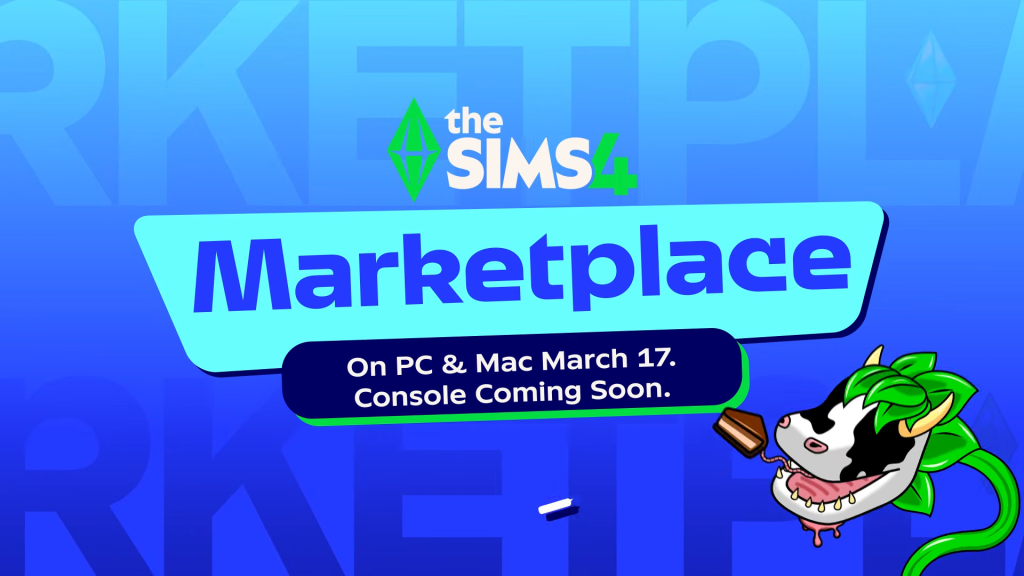
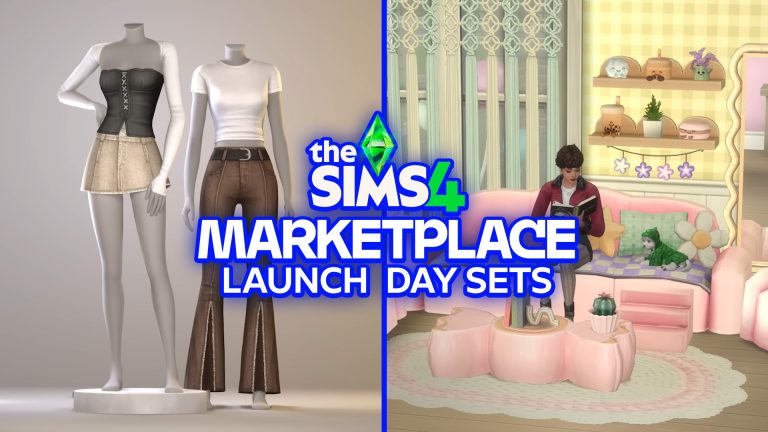
Set to debut on March 17, 2026 on PC and Mac, and coming later this year to PS and Xbox, this Marketplace introduces a new ecosystem where players can discover and buy curated content using Moola, and creators now have a new way to share and monetise their work through the Sims Maker Program.
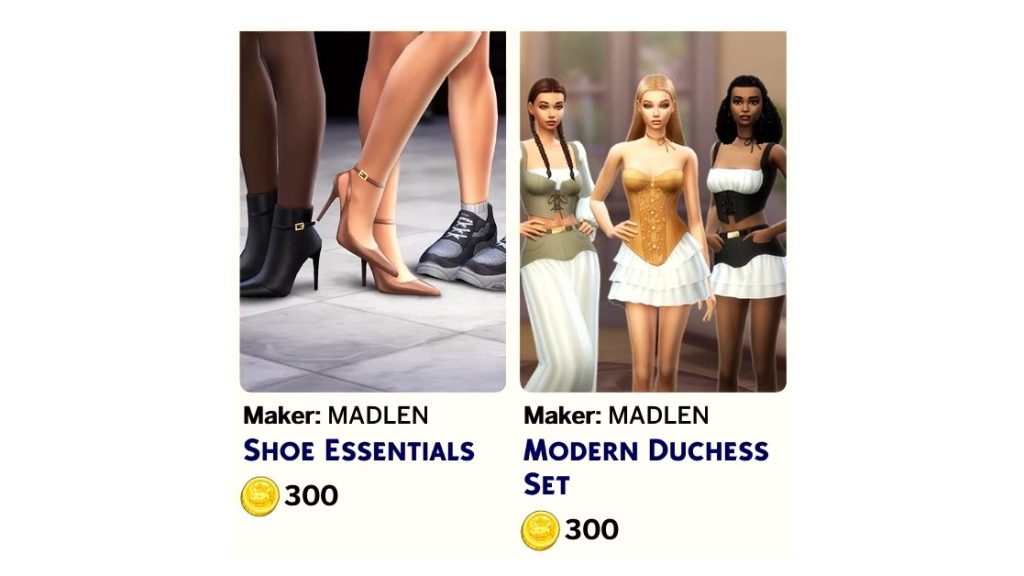
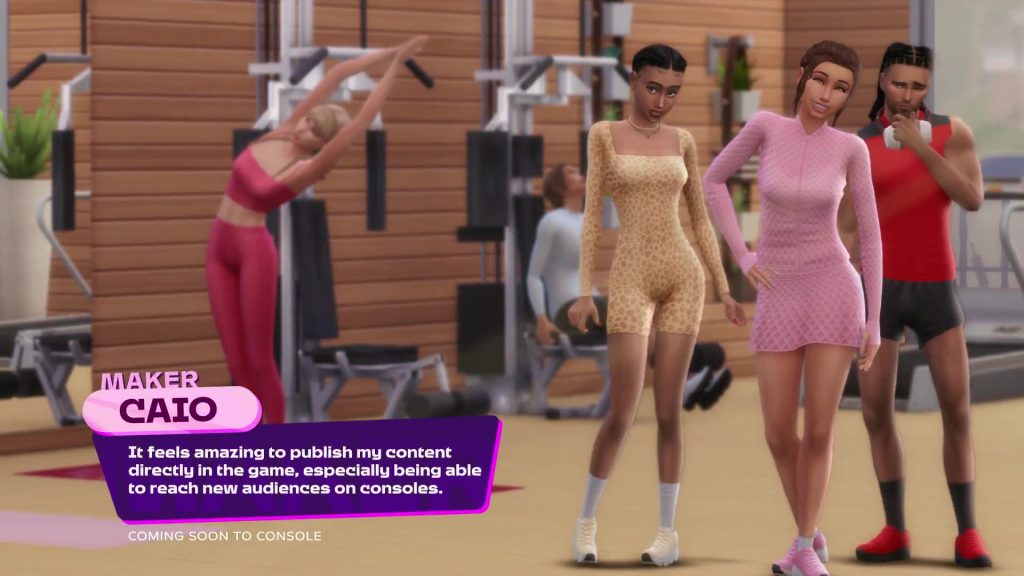
Members of this new maker program will be able to release their own maker packs, getting a portion of the sales, so it potentially opens a new revenue opportunity for CC creators.
EA provides support, tools and guidelines so that their maker packs work smoothly in game; those accepted into the program receive a share of the Moola from sales of their content, and EA reviews each submission for quality, safety and rating-appropriate content.
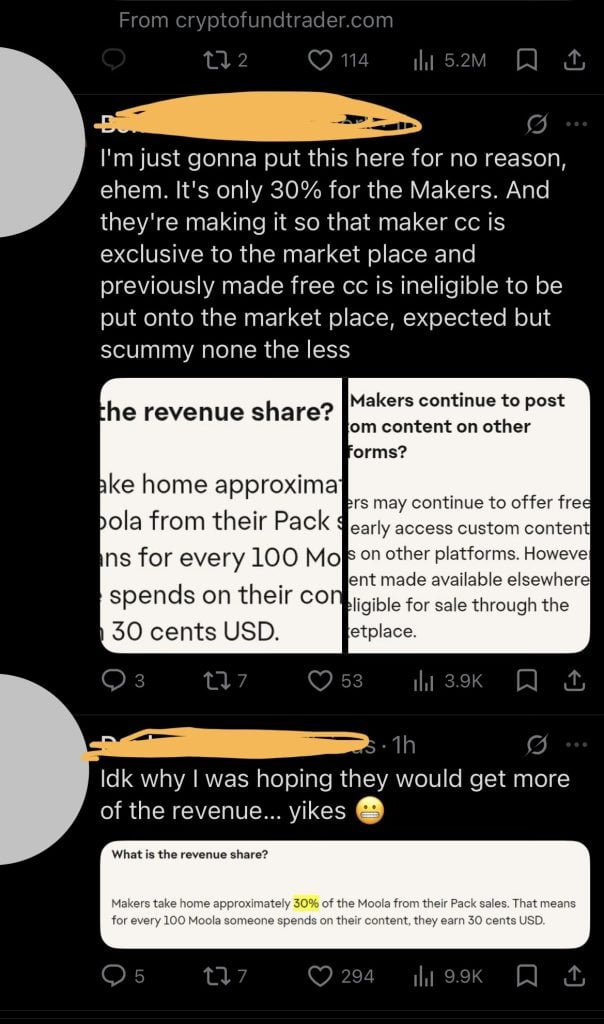
Creators stand to make 30% of the revenue from their marketplace products and maker packs.
We’ve done a full Q&A official breakdown of this new marketplace system which you can read here.
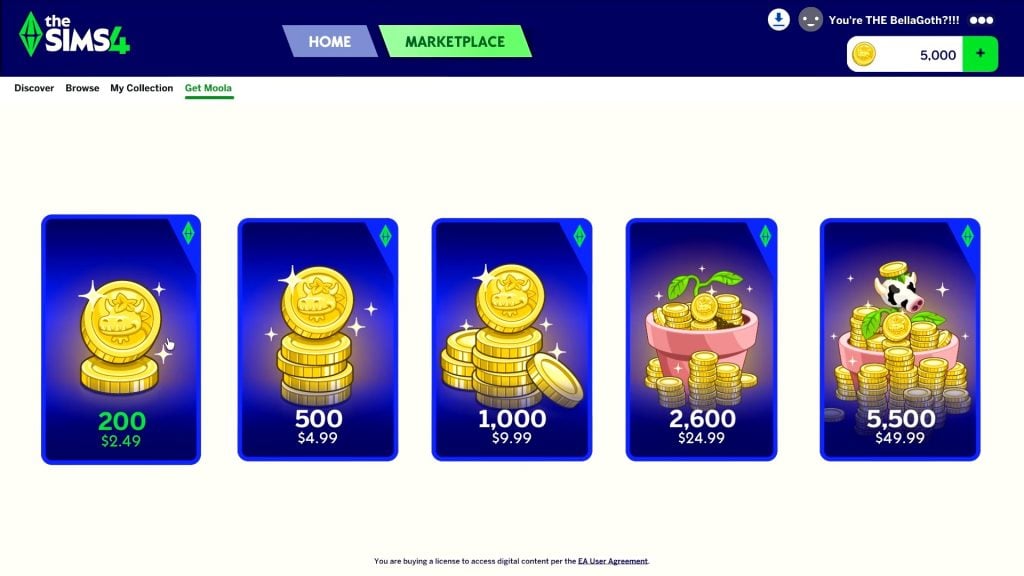
What is Moola?
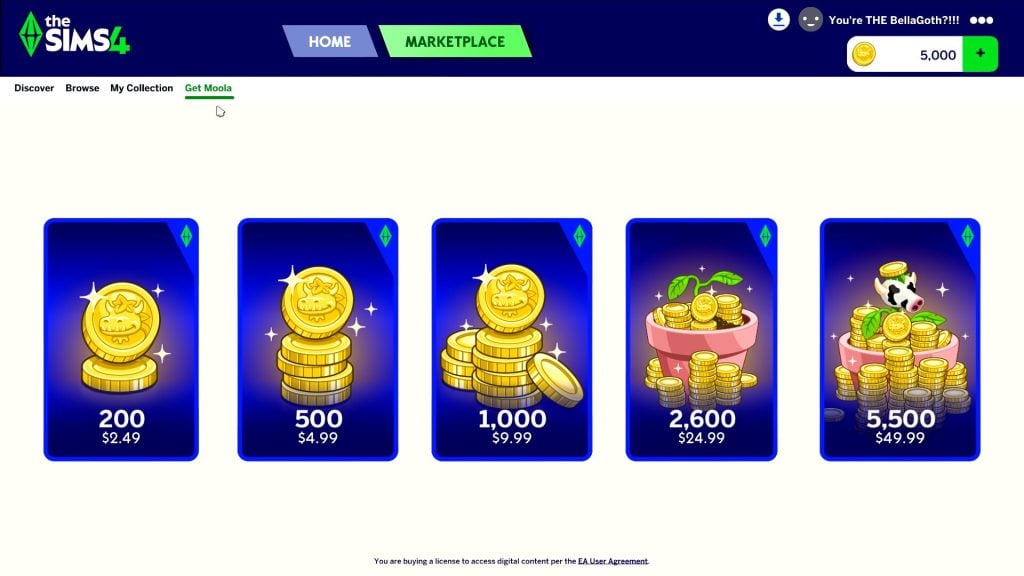
Moola is the new digital currency specific to the Marketplace.
Players can obtain Moola directly through purchasing it on the marketplace. Meaning you have to use real currency to buy Moola.
The Sims 4 Marketplace Reactions: Buzz and Concerns
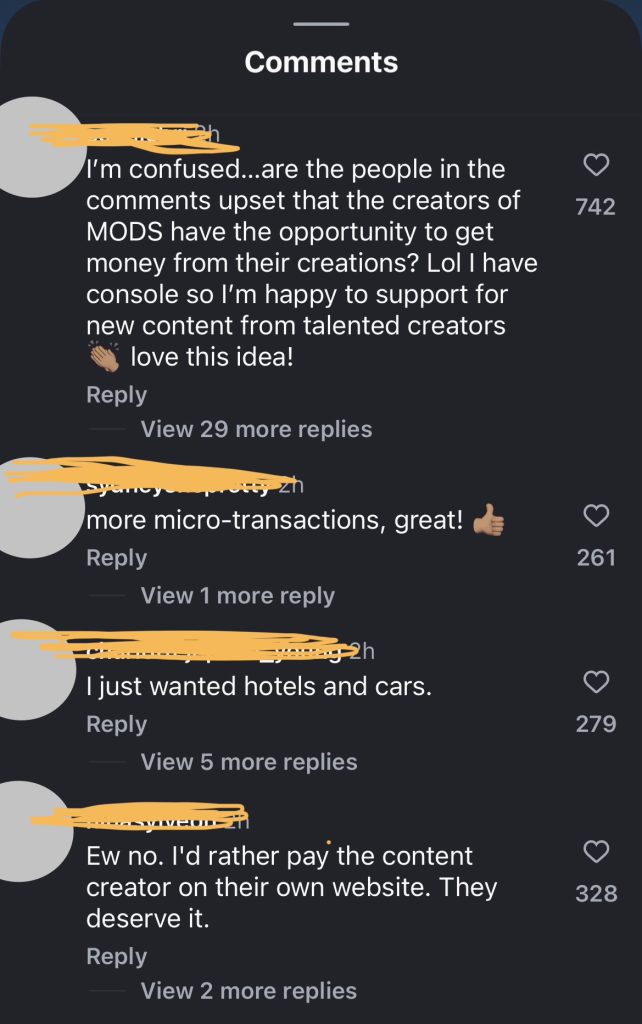
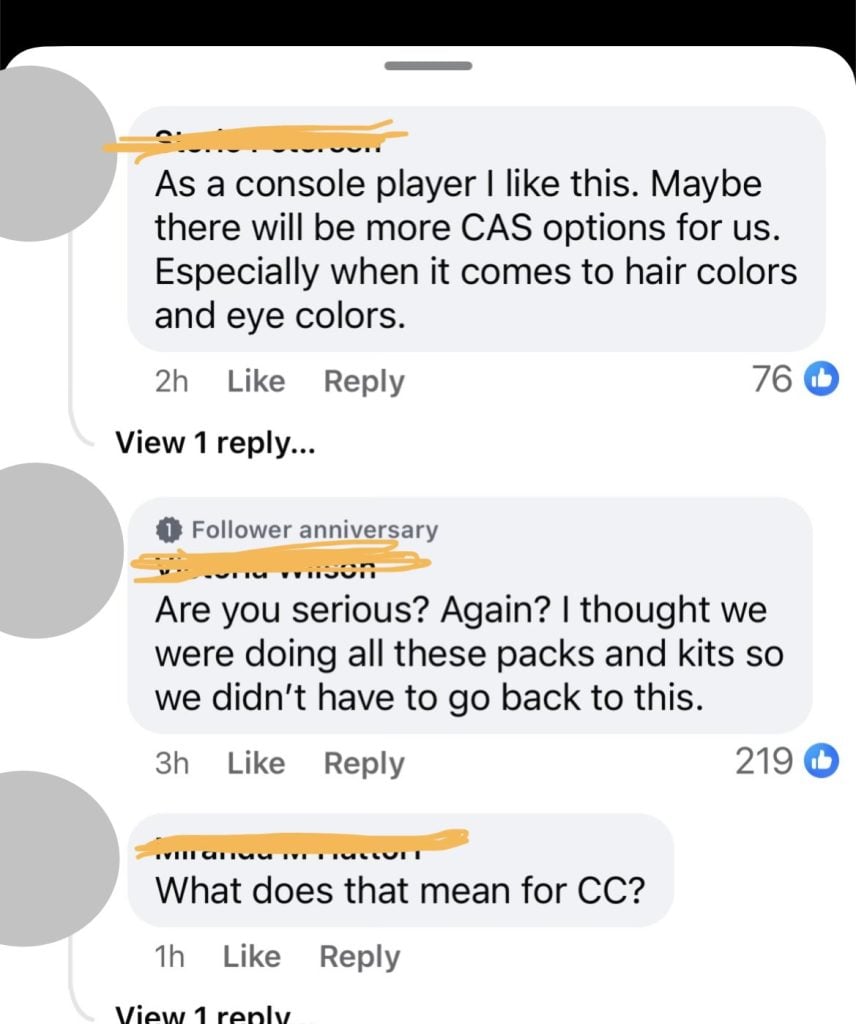
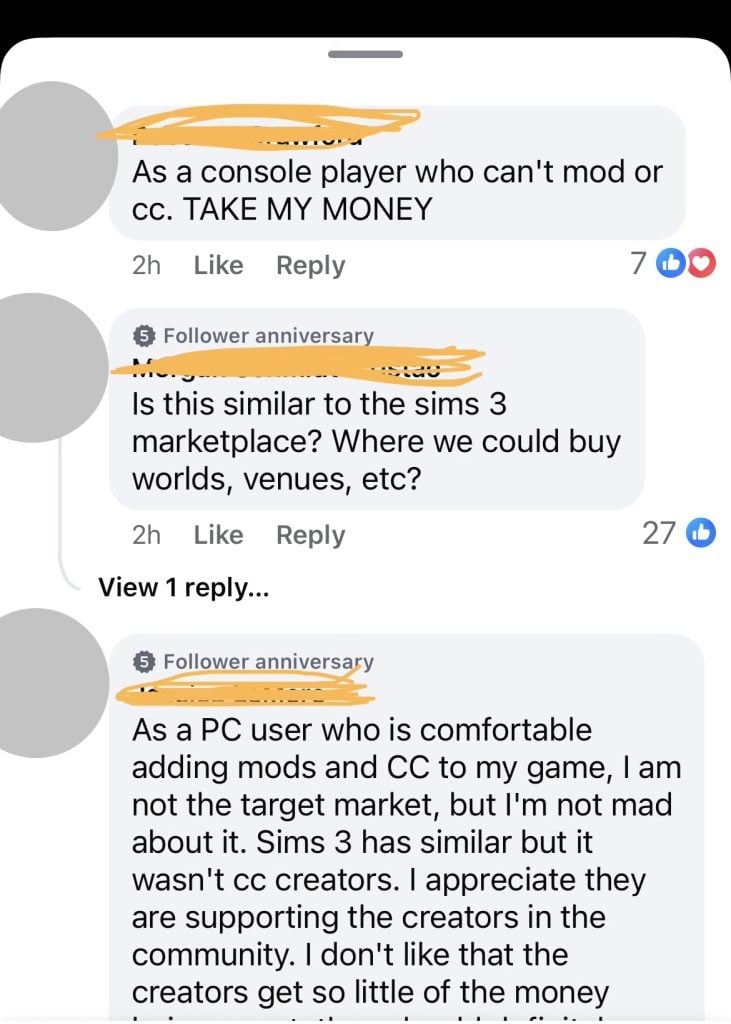
The announcement has sparked heated discussion among players. Some are excited at the idea of official custom content and opportunities for console players to access – things previously limited to PC/Mac.
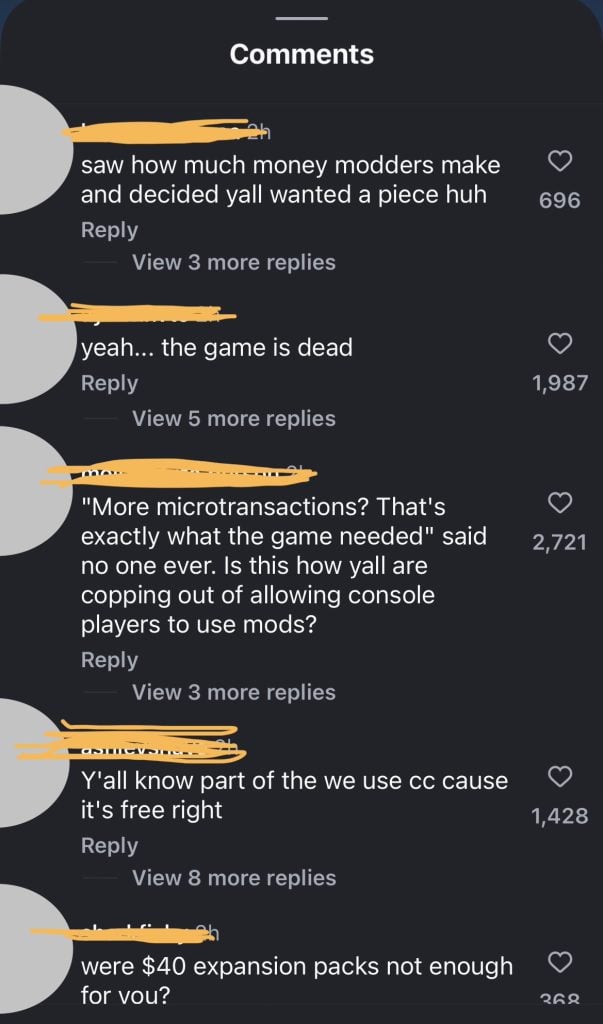
However, there’s also debate about the nature of this being paywalled content. Simmers worry that introducing Moola as a new exclusive currency may make custom content feel like micro-transactions in a community that has enjoyed free mods and custom content since the games release over 25 years ago.
Others are uneasy that a revenue share for creators is balanced against the convenience and exposure of an official platform, as well as discussion about the fairness of the revenue split on Marketplace purchases.
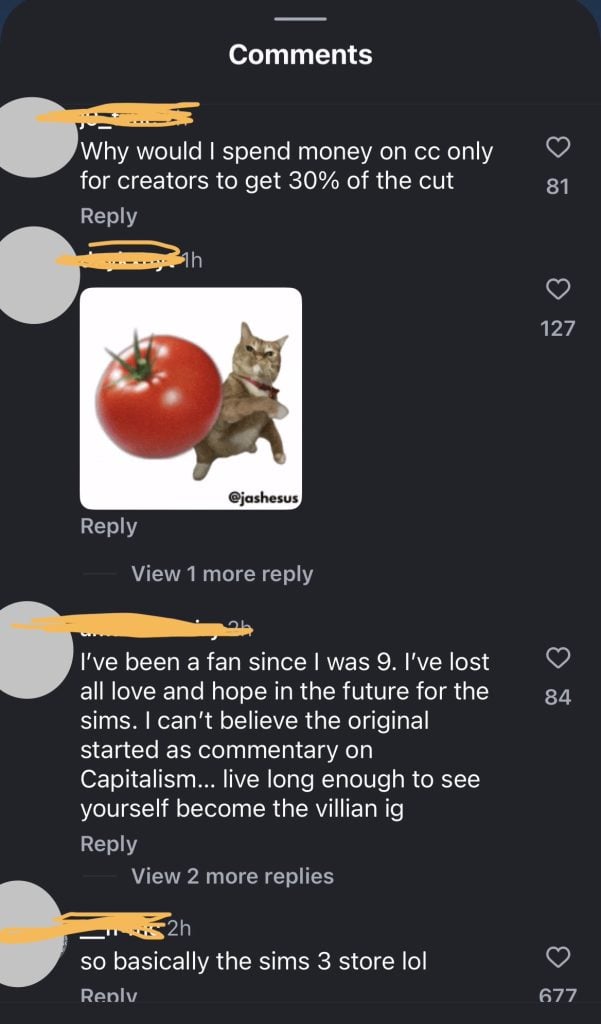
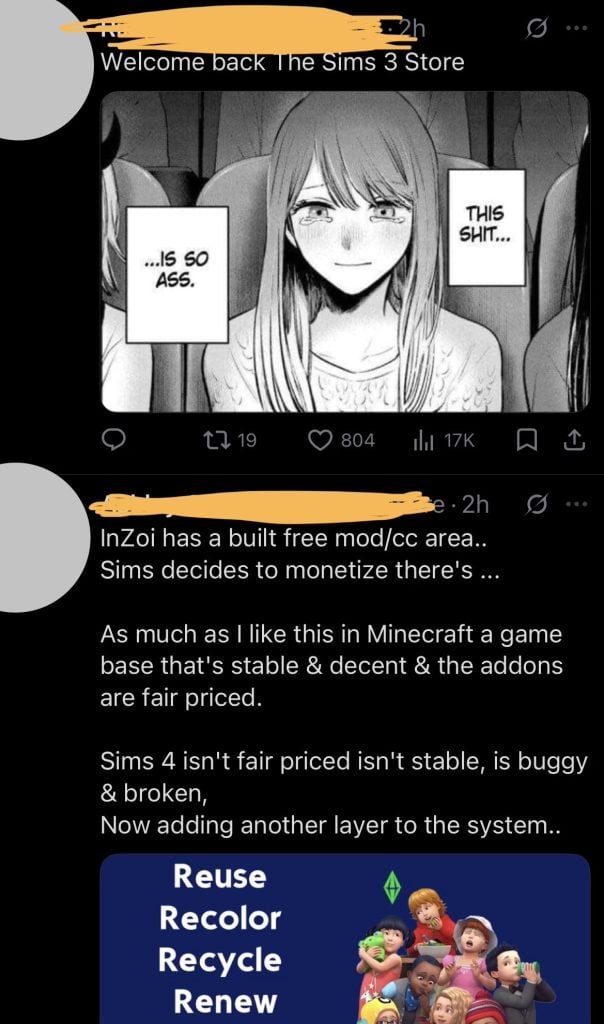
Instagram: “so basically the sims 3 store”
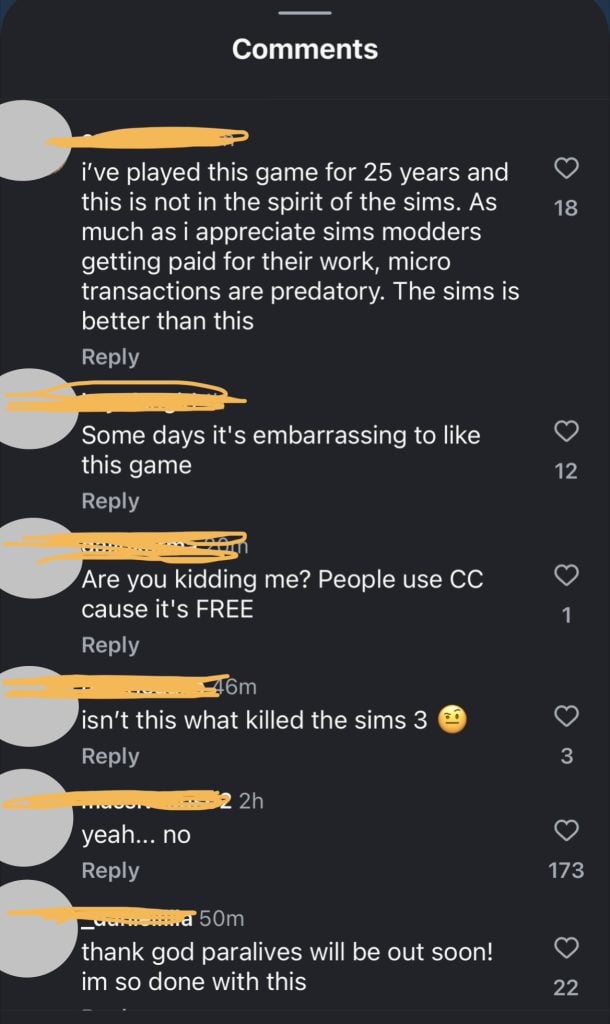
Comments across the Sims 4 official Instagram are anything but complimentary, aside from the odd excited console player.
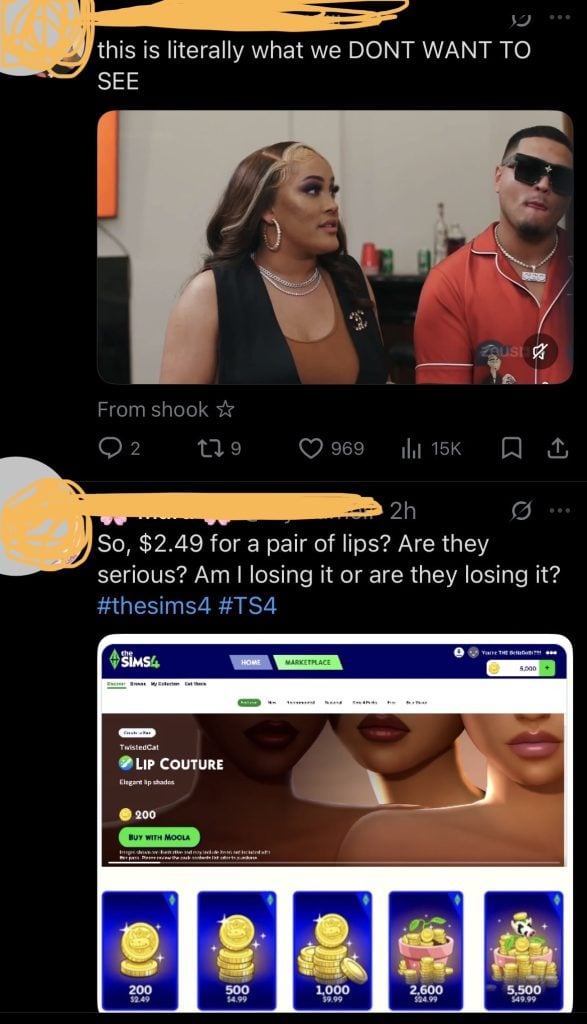
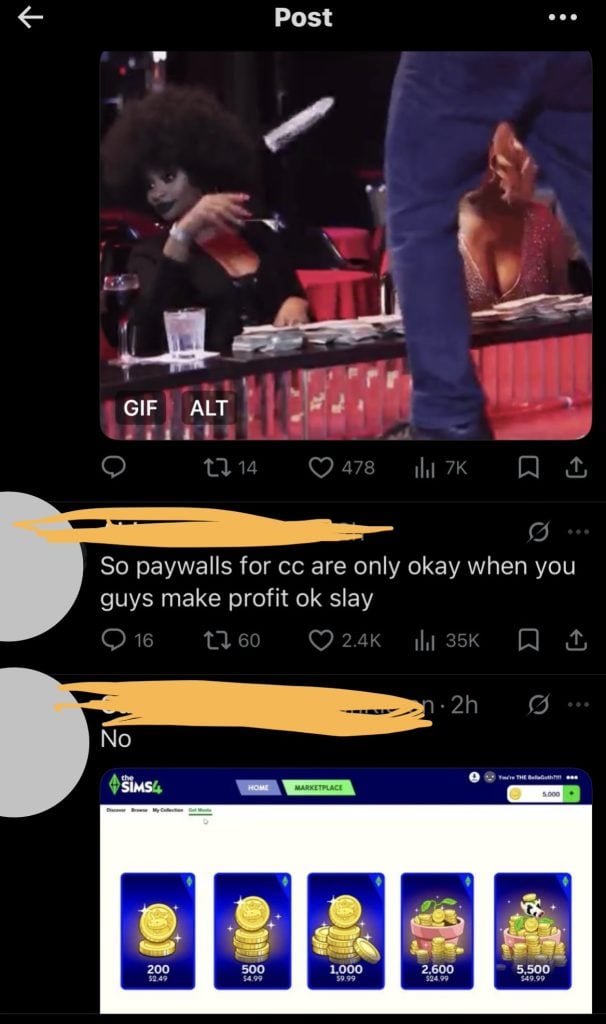
X: “Are they serious?”
Fans on X are disappointed, skeptical and vocal with their opinions.
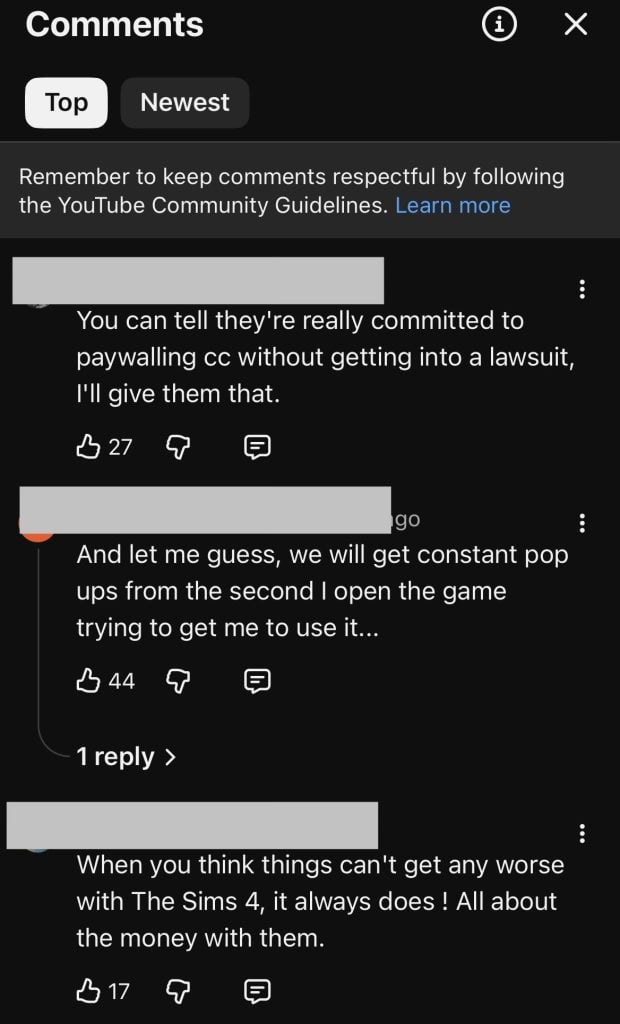
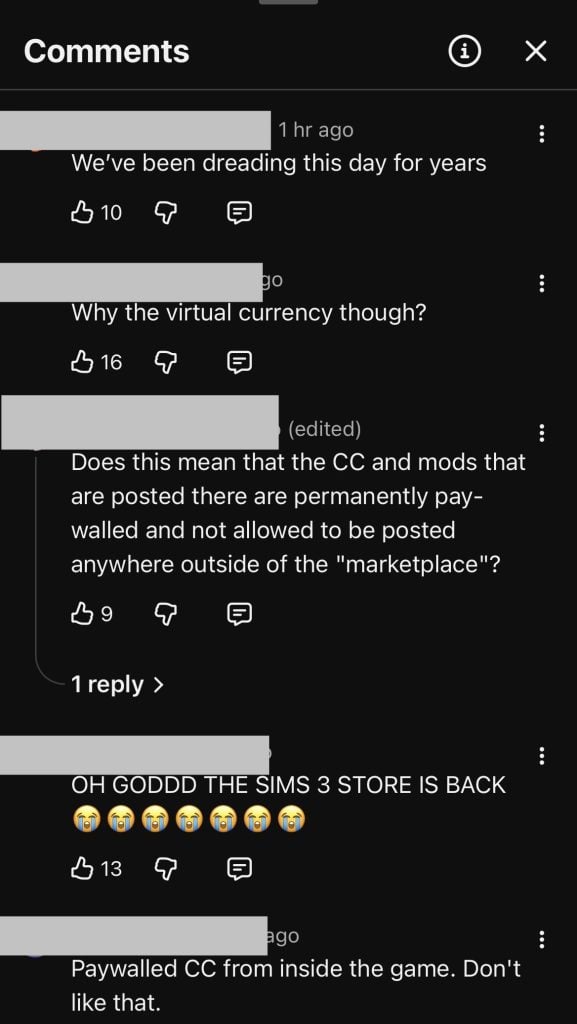
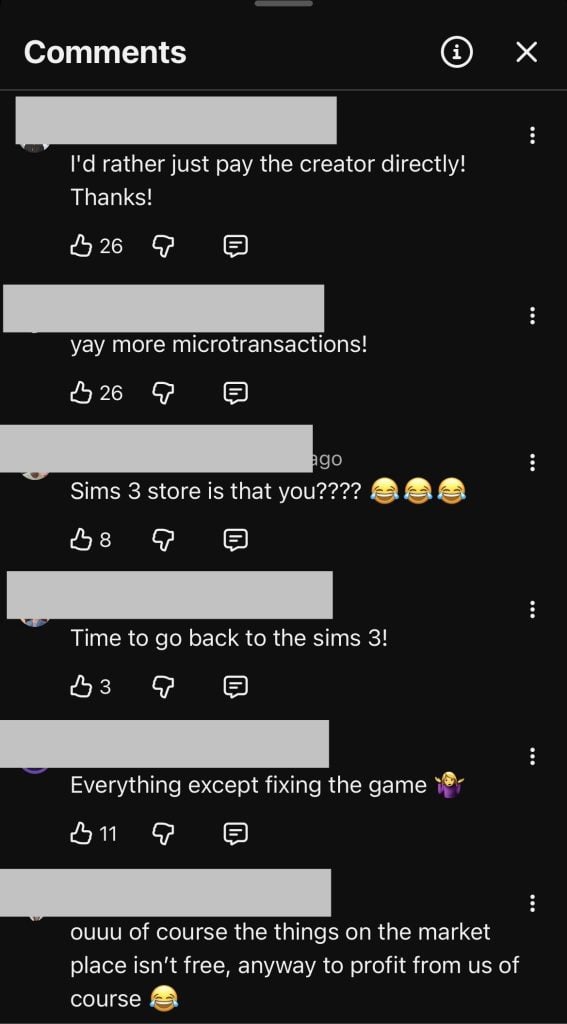
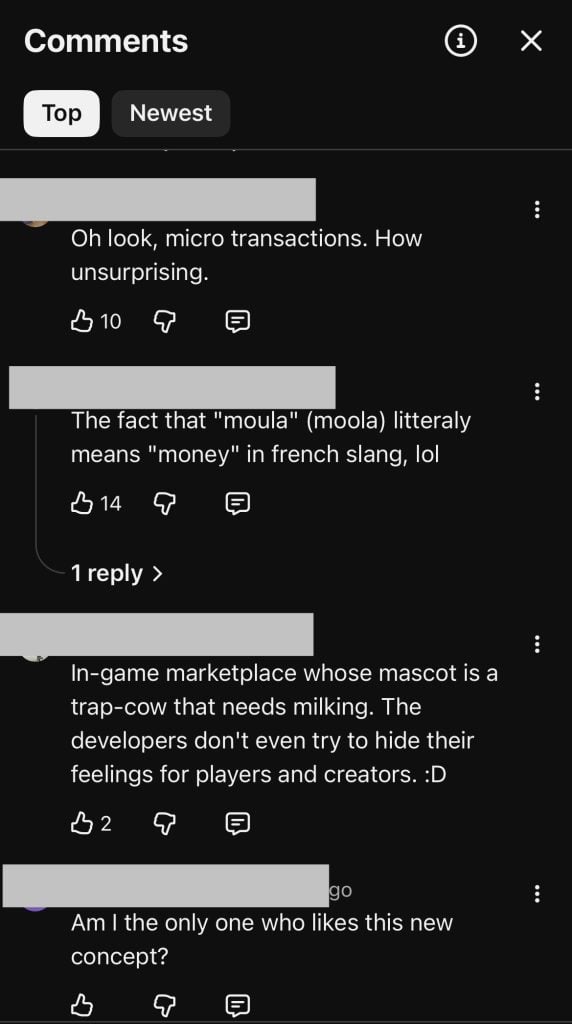
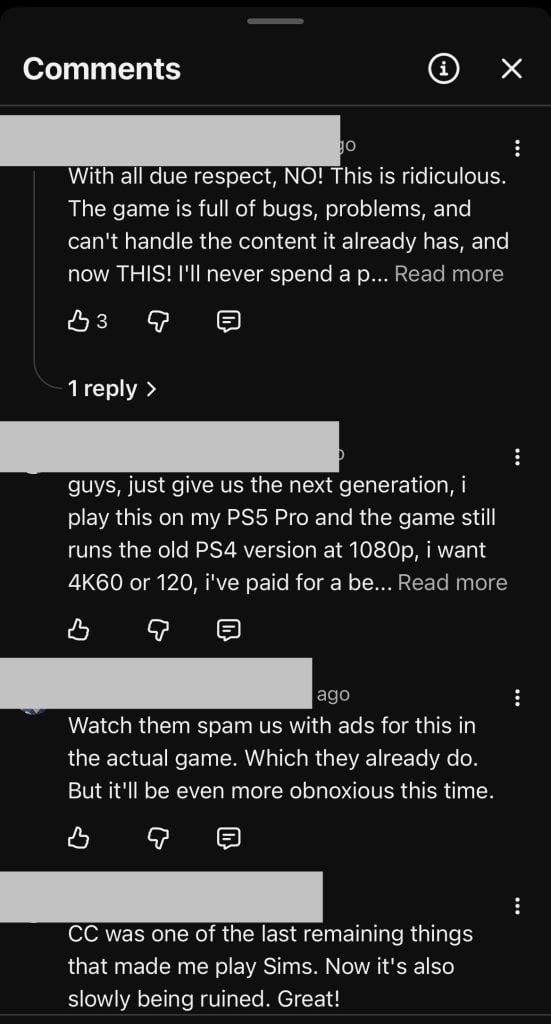
YouTube: “We’ve been dreading this day for years”
A major theme throughout the comments is criticism of microtransactions. Several users respond sarcastically, suggesting they are not surprised by the addition of more paid features.
There are also concerns that the marketplace will lead to intrusive in-game advertising – like the infamous shopping cart pop-up.
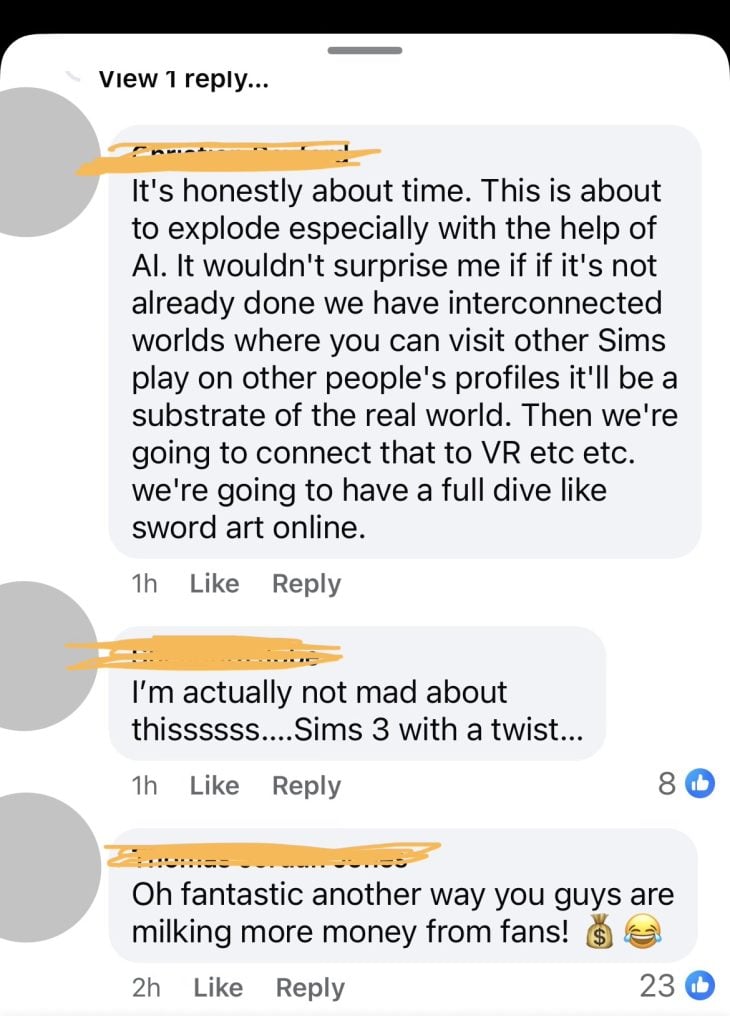
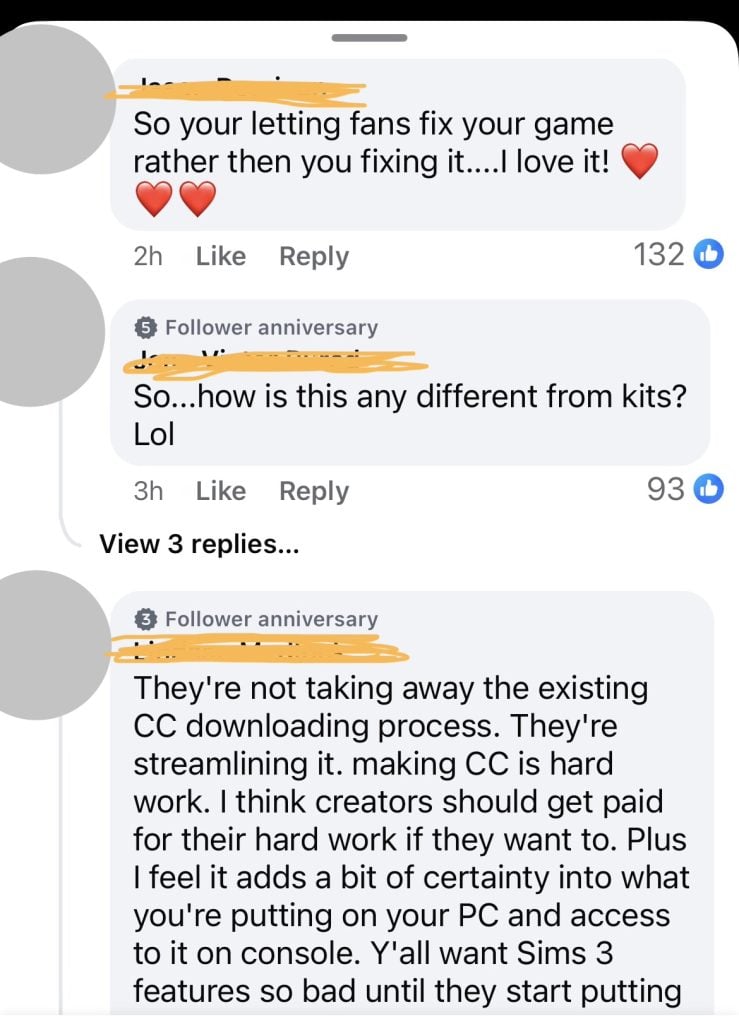
Facebook: “Honestly it’s about time”
Fans on Facebook were much more complimentary with their sims 4 marketplace reactions.
Commenters from console players praise this latest announcement highlighting this is the first time they’ve been able to add custom content to their games.
COMMUNITY POLL: Have your say!
Let us know what your thoughts on this new Sims 4 marketplace are using our unofficial community poll below. And see how other players have voted in the Results section!
[totalpoll id=”195015″]
This is a controversial update, and understandably people have strong opinions.
While this addition of a marketplace and new maker program has the potential to have more people use custom content and discover new creators, whilst also giving creators a new income stream, it is a bit worrisome the idea of locking custom content behind micro-transaction paywalls of a brand new currency when free custom content and mods from players has been a cornerstone of the game.
Let us know your thoughts below and stay tuned for more Sims News coverage.
EA Has Responded To Player Concerns Over Inappropriate ‘Jeffrey Epstein’ Gallery Uploads In The Sims 4.
CONTENT WARNING: This article contains depictions that may be upsetting to readers. There are depictions of Anti-Black racism and Antisemitism, as well as depictions of the Holocaust.
The Gallery feature in The Sims 4 has been under scrutiny in the past for its failings in content moderation, notably because the same kinds of harmful uploads keep resurfacing. EA have responded to a recently highlighted upload depicting Jeffrey Epstein. For a platform that handles thousands of creations every day, you’d expect the guardrails to be stronger. Instead, players continue to find households and comments that slip through filters entirely, notably racist caricatures, war criminals, pedophiles, and other creations that players would rightfully deem offensive.
On reddit user u/Odysseusford made a post about highlighting a household named “NPC Children Townies”, featuring 7 child Sims in bathrobes and towels, and a depiction of the financier Jeffrey Epstein, who was first convicted in 2008 for soliciting a minor, before other women came forward, alleging to have been trafficked for sex by Epstein and his partner Ghislaine Maxwell.
Considering the contents of this now-removed gallery upload are very sensitive, we’ve decided not to showcase it here. An image preview of what was taken down can be seen on Reddit with appropriate NSFW content filter applied.
Table of Contents
EA’s Response To Jeffrey Epstein Sims 4 Gallery Uploads
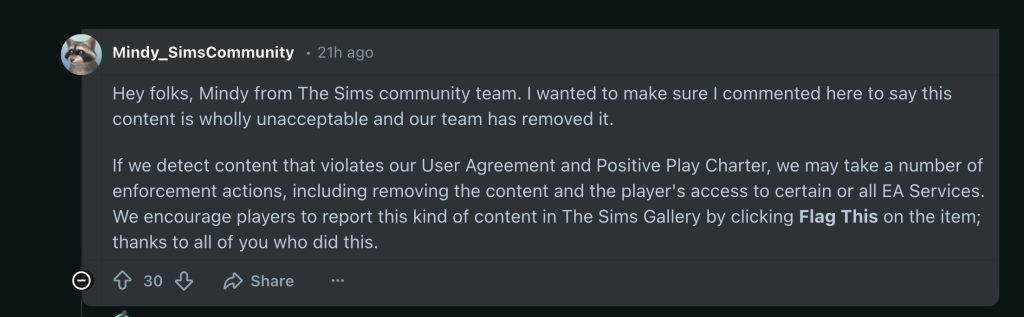
After being highlighted on Reddit and subsequently reported on by gaming news site Kotaku, EA responded directly to Kotaku, labelling the upload “wholly unacceptable” alongside a statement:
If we detect content that violates our User Agreement and Positive Play Charter, we may take a number of enforcement actions, including removing the content and the player’s access to certain or all EA Services. We encourage players to report this kind of content in The Sims Gallery by clicking Flag This on the item.
The Gallery’s Ongoing Problem With Racist and Extremist Content
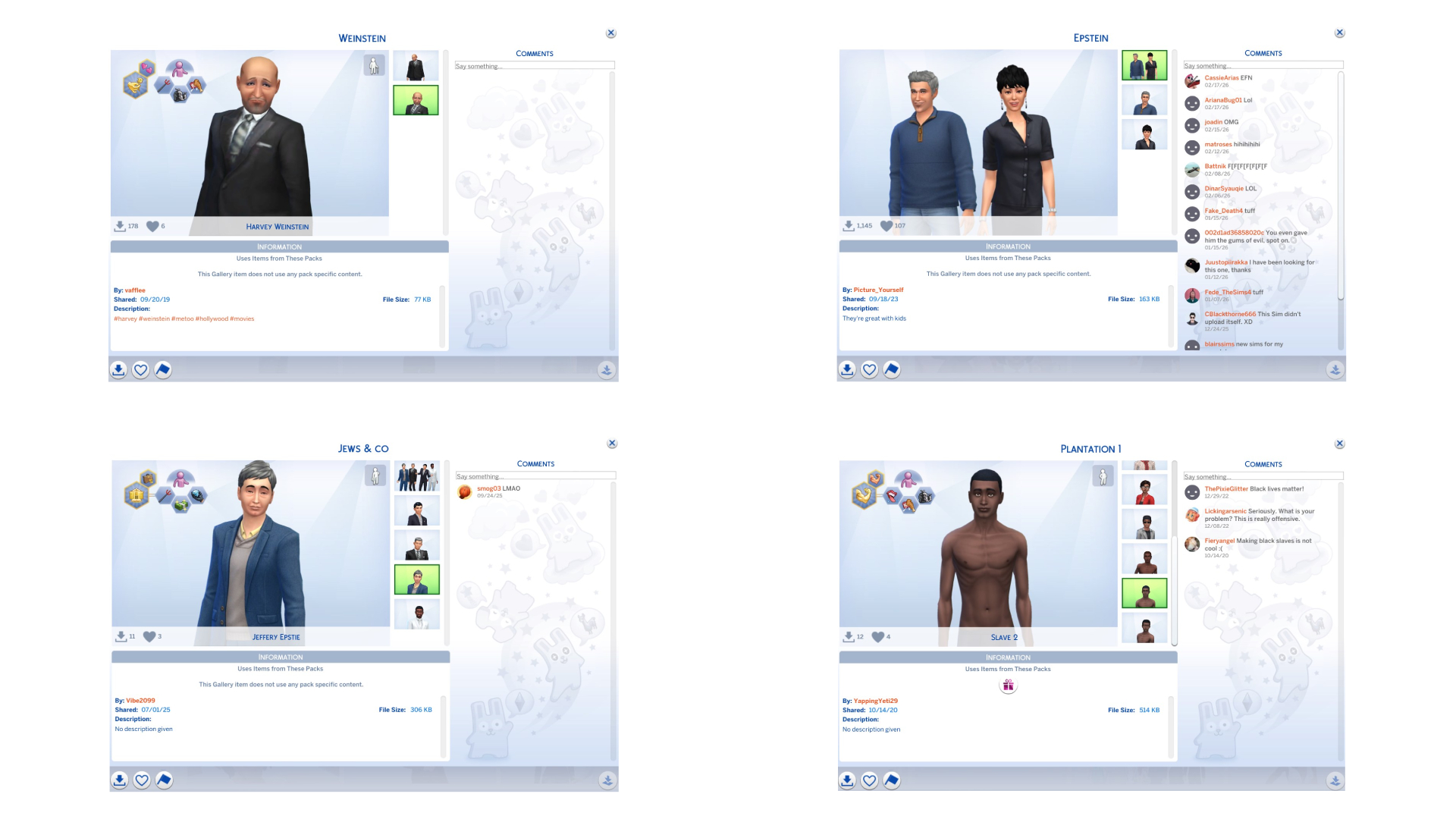
The Gallery’s problem with racist and hateful content isn’t something you have to dig for. I’ve found it myself with nothing more than a few simple searches. Hitler. Concentration camps. Black Sims are made to look like slaves. Multiple Epstein uploads. None of it is hidden behind obscure tags or coded language. It’s just there, sitting in the same space players use every day to share builds and households.
That’s what makes it feel like a systemic issue rather than a handful of bad actors slipping through. If I can find this stuff without trying, then the filters should be catching it long before it reaches anyone else. Instead, it’s the opposite. The Gallery lets it through, it stays up, and the only reason it disappears is that someone notices and posts about it. By then, it’s already been downloaded, favourited, or at the very least seen by people who shouldn’t have to deal with it.
Trigger warning: You can find the image preview here in the new tab.
From basic searches, I was able to uncover multiple instances of depictions of both Jeffrey Epstein and Ghislaine Maxwell, as well as Harvey Weinstein. Weinstein was a movie producer, later convicted of rape and sexual misconduct. Also uncovered is a household named “Jews & Co” featuring Jeffrey Epstein alongside Prime Minister of Israel Benjamin Netanyahu, political commentator Ben Shapiro, and singer Sean ‘P Diddy’ Combs. While the word ‘Jews’ is rightfully not censored, the word can be used by bad actors to upload harmful content to the platform.
Trigger warning: You can find the image preview here in the new tab.
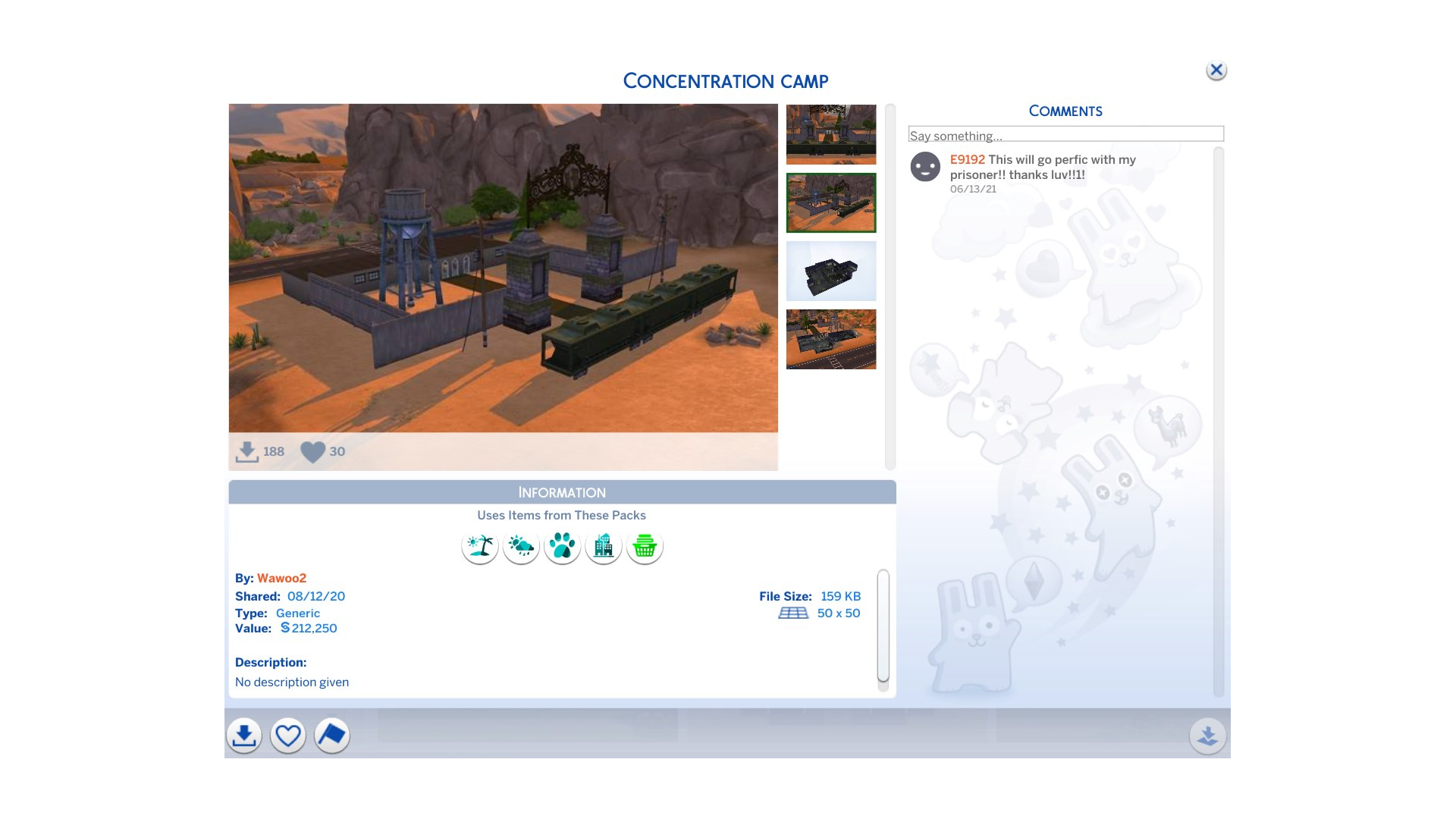
Also discovered with a simple search is a build uploaded in 2020, recreating the Gatehouse of the Auschwitz II-Birkenau concentration camp, the camp used by the Nazis to murder over 1 million Jews, alongside Poles, Romani, and Soviet POWs. While harmful recreations are easier to come by when searching for Sims, recreations of concentration camps and slave plantations can also be found if you dig deep enough.
How To Report Gallery Content
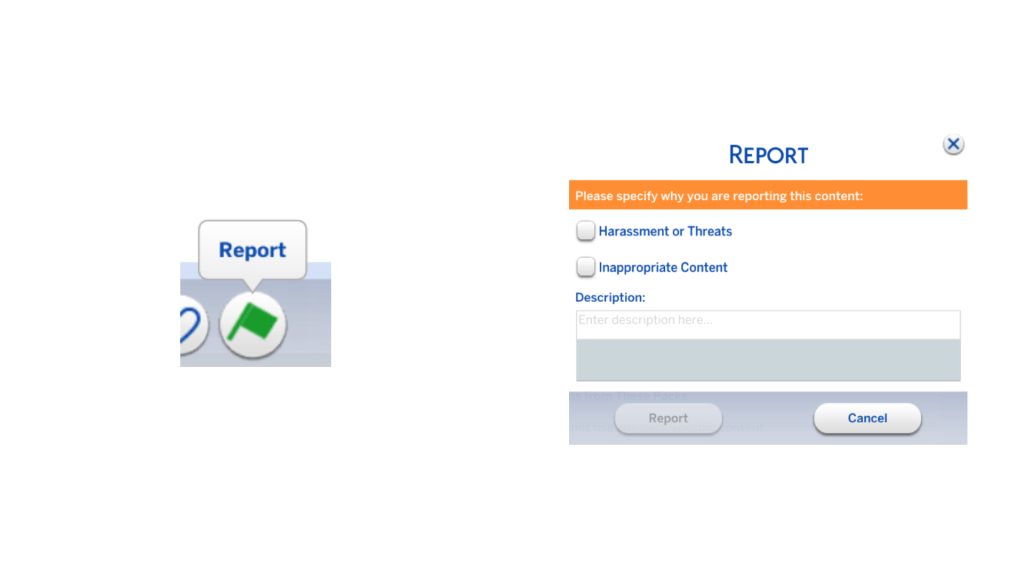
If you stumble upon any harmful or offensive content, make sure to do your part and use the Gallery’s built-in report feature. Here’s how to report content:
Click the flag icon next to ‘Favourite’ and ‘Save to Library’.
Choose the reason the upload breaks the Gallery rules.
What are your thoughts on the handling of offensive and harmful content on the gallery? Let us know in the comments below, and stay tuned to Sims Community for all the latest on The Sims 4.
Why are Sims 4 Kits moving to The Marketplace? Find out in the official Q&A session!
The introduction of The Sims 4 Marketplace has already been met with a lot of questions, confusion and wonder about the future of the game. Two official EA Community Managers for The Sims “Mindy” and “Lord Bransly” answered a lot of burning questions on EA – The Sims Discord channel.
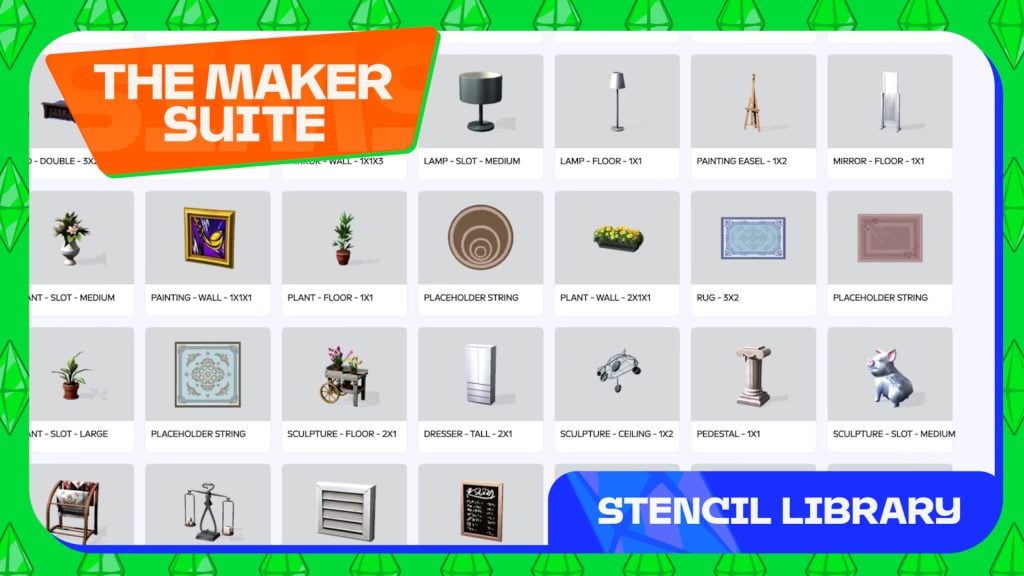
The community managers for EA revealed that there will be a dedicated “Market” filter for The Gallery. Shared the possible pricing range of future Set releases on the Marketplace and explained the concept of “The Sims Maker Suite” – an exclusive tool / program for The Sims Makers.
Read new information about the marketplace in our full recap below:
The Sims 4 Marketplace Q&A With EA Community Managers
Question: huh this marketplace is a cool idea
EA Community Manager: glad you think so! we’ve been working on it with Simmers for some time, it’s exciting to finally share the news with you all today
Question: Marketplace seems kinda neat. Not sure how often I’d actually use it though
EA Community Manager: totally optional if you want to or not, we’ll keep delivering bug fixes and free stuff to The Sims 4
Question: So uhm will it be permanently paywalled then? The custom content from the marketplace?
EA Community Manager: Makers can continue to offer free or paid early access custom content and mods on other platforms under our mod policy. However, content made available elsewhere is not eligible for sale through the Marketplace.
Question: Would Script Mods ever be featured on the Marketplace?
EA Community Manager: Hey! not right now, but is that something you’d be interested in?
Question: i dont like the in-game new currency tho why do we have to buy “moola” and not just pay 5 dolalrs directly
EA Community Manager: There is a technical reason for introducing Moola; it works more smoothly across platforms and regions, keeps pricing consistent for players worldwide, and helps ensure Makers are paid fairly and reliably. It also enables us to deliver new Maker content at the scale and pace Makers want.
Question: Can there be any gameplay kits offered by makers as well?
EA Community Manager: for now, it’s just CAS and BB items, no new gameplay, as the Makers are using supported stencils to ensure compatibility.
Question: How is this going to affect the gallery? Is it going to be the case that if someone uploads a build or sim with items from the marketplace and I don’t own them are they just going to be missing when I add them to my game like they are with unowned kits and packs?
EA Community Manager: good question, and yes – anything you download from the gallery that you don’t own will be missing
Question: Is it only CC or also mods?
EA Community Manager: Makers will be selling CAS and BB items, no mods at this time
Question: I am a bit confused if there will still be official kits released in the future. Because I saw new kits will be released but also that stuff will be moved to the marketplace?
EA Community Manager: yes, we will still be releasing official Maxis Kits, but they will be sold via the Marketplace and purchasable with Moola
Question: do you know how many items one of the maker things have? Im curious how many items come with the 1000 mooola japandi set
EA Community Manager: hmm I don’t know! we will need to see at launch on March 17th those specifics
Question: will it be like CC where theres a way to filter out all marketplace content then? I feel like itll be annoying for some people just to find a build/sim they can use with all these new packs
EA Community Manager: yes confirmed! new gallery filters will come with the Marketplace launch
Question: Just to clarify, will it be like the CC one where you tick a box to not show marketplace items?
EA Community Manager: yes correct; one box to tick to hide all Maker Packs
EA Community Manager: Modders and CC creators will still be able to give away their content for free – that isn’t changing, Only game content made with the tools we provide must be distributed via the Marketplace
Question: will creators partnered with the marketplace still be uploading their content elsewhere with normal early access guidelines in place? or are they solely tied to the marketplace?
EA Community Manager: that’s up to them! there is nothing to stop them selling content or giving it away for free elsewhere
Question: And lemme guess, there’s little to no quality control for this?
EA Community Manager: all items sold on the Marketplace goes through human verified quality control
Question: so can you not access these tools without being in the program?
EA Community Manager: this is correct; to access the tools you have to be part of the Maker program
Question: Can we get more info on these tools? Are they the “stencils” referred to in the blog post?
EA Community Manager: The Sims Maker Suite is a toolset designed to help Makers turn their 3D models, textures, and designs into compatible content for The Sims 4. It streamlines the building process and ensures that Maker’s assets receive the latest updates. The suite includes:
Package building tools for testing content (compatible with retail versions of The Sims 4)
Stencils that guide how 3D creations are integrated into the game, helping ensure compatibility and correct data hookups
Free 3D modeling software add-ons to speed up the creation process and check for technical compatibility
Tools to stay organized as they manage assets, collections and submissions
Question: Actually final question from me atleast but are there any requirements to be part of marketplace or is it just open to any cc creators?
EA Community Manager: You’ll need to pass a Technical Evaluation by submitting 2 examples of your work for review. You’ll also need to be 18 or over, comfortable communicating in English, have an account in good standing, and not reside in an embargoed region. more info here
Question: Is there going to be a monthly sub thing for the program? Or you would be forced to buy stuff individually? It would be really expensive
EA Community Manager: There are no plans to introduce a subscription service or battle pass to The Sims 4. The Sims 4 will continue to be a game with a mix of free base game updates and optional DLC, so you can choose what’s right for you
Question: Are the prices people set subject to human verification? Are there guidelines to keep the prices in line with existing content, I.e. 28 items in a kit is 5 bucks so 7 items on the market is 1.25?
EA Community Manager: It’s a little hard to describe but there are set parameters Makers can pick pricing from depending on how many items are in the Pack, so you can’t charge $100 for 1 item
and you can’t charge $1 for 100 items
it’s designed to be flexible for the Makers to choose from, but also within parameters to prevent something like that
Question: As someone who uses zero mods or cc, none of this interests me. However, as someone who is gifted kits via gift cards for Amazon, I will now no longer be able to get kits. So going forward what I have now is all I’ll have. I can’t afford to buy them on my own and relied on gifts for my expansions, packs, and kits.
EA Community Manager: your process for Expansion Packs will not change – only Kits will be changing with Moola
Question: Oh this sucks. im watching the video now. 10 dollars for a CC set, yeah right SixamCC. 2 dollars for some lipstick. Give me a break. This is ridiculous, these creators are sellouts.
EA Community Manager: I understand this is a big change to the game and how we buy content, but please keep it respectful towards Makers who participate in this program
EA Community Manager: yes, Maxis kits will be 500 Moola
EA Community Manager: I can’t find the chat now, but to confirm, for Makers that have left the program, their content will be delisted to prevent new players from purchasing. Players that have made purchases do not lose their entitlement to the content.
Question: are they able to place that content for download elsewhere? or is it limited bc it used the tools?
EA Community Manager: anything that was made via The Sims 4 tools can only be distributed via the Maketplace, so they wouldn’t be able to give them out on other platforms
Question: It’s a legitimate concern. There are several CC/Mod creators we’ve lost- and other creators/modders take on their work and keep it alive and updated and functioning and available. This platform not having the grace to even have a contingency in place for that isn’t just scummy, it’s very, very sad.
EA Community Manager: in the case of someone passing away, I’m sure we would revisit the best way to handle that. if someone passes away, we would want to handle that sensistively and differently than a standard process
Question: So random question for a Dev I assume…do these new marketplace CC kits have to be base game compatible like regular kits or can they make things for packs some of us already own?? Like say someone wanted to make new washing machines for laundry day??
EA Community Manager: all stencils are Base Game compatible
EA Community Manager: i am still checking on
how much we can share about the pricing guidelines we give Makers (might not be able to share more until after post launch, but pushing!)
what changes with Amazon (sounds like potential to buy Moola on Amazon but may vary by location, so trying to triple check before I say anything)
if there’s any changes to our policy if CC creators take assets from Marketplace (is a legal Q)
Question: I’m still confused after reading the blog and watching the video. Is it all kits that are moving into the marketplace, or just creator kits?
EA Community Manager: When Marketplace launches on PC and Mac on March 17, 2026, Kits will become exclusively available in the in-game Marketplace. Any Kits you already own will remain in your library and ready to play. For console players, the change will happen when the Marketplace arrives on your platform, and we’ll share updates ahead of time. Moving Kits into the Marketplace ensures that we can continue releasing new content without hitting technical or storage limitations. Hope that answers your question!
Question: I have the same thing to say as Kath, where will the Marketplace actually be available? Like EU citizens haven’t really been able to participate in Contests so I’m a little concerned that a lot of our consumer protection laws will stop this from being available to us :C
EA Community Manager: Hey there, so The Marketplace is available in regions where The Sims 4 is currently supported, subject to local regulations and platform requirements. If you’re able to purchase content now, you should have no problem accessing content in the Marketplace from your region!
Question: Will lots/sims with marketplace items still be filtered out if we search without the allow cc box checked?
EA Community Manager: Great question. There is a different filter system. Anything that is a Maker Pack has its own filter in BB/CAS and on the gallery. CC and Maker Packs are sorted differently!
Question: rip to kit code drops and thanks to all the community managers and admin that were so generous with those thus far
EA Community Manager: Hey y’all! Just wanted to post some clarification on this.
Kits that currently already exist will still be redeemable by code (and can have new codes generated) beyond the Marketplace launch, and there will be no end-date to this. Only future Kits that will be released on the Marketplace will not have code redemption. We’re still going to continue our Kit code drops! Those won’t be going anywhere
Q&A Update #1
Question: I just dislike the marketplace thing a lot
EA Community Manager: that’s ok, you are allowed to
we’re all Simmers in here and we want what’s best for the game and each other
Question: do we know yet if this marketplace stuff is update safe? or do we have to pay for stuff which can get broken?
EA Community Manager: All Marketplace content is human-reviewed before release to help ensure it is safe and playable. Safety reviews are guided by our Positive Play Charter. Maker content may differ from The Sims team’s content in style and visual approach, allowing Makers the freedom for creative expression.
Question: Would you guys allow generative ai content made by a creator for the marketplace? Or just a case by case basis
EA Community Manager: No use of AI is allowed. Makers are required to create original content.
Question: They need to make sure not to mix “Official Content” with their “Moo” content and to clarify if the “CC Content” from this store is online or/and offline available! As these are valid reasons, because it changes how you need to treat your saves, especially if you are limited in use, as you purchase those items with REAL money!
EA Community Manager: All players must be online while playing The Sims 4 to access the Marketplace. You can still play The Sims 4 offline, but the Marketplace will be unavailable except for viewing your Collection.
Question: Maybe I do misunderstand – it sounds to me that it is in the Collection (but it’s not in my save when I’m offline! For that I would need to be online—or those get removed if they are online. This is what I understand based on the words I read. Am I understanding it wrong?
EA Community Manager: sorry for the confusion! Online to browse the Marketplace and purchase, but once you’ve bought the items and downloaded them you can continue to play Offline
Question: Safe and playable isn’t the same as high quality and correctly tagged though
EA Community Manager: we’re only accepting Makers into the program who pass our technical requirements for quality
Question: sorry if this has been answered already, I’ve only just finished work. I tried scrolling back but I couldn’t find an answer. what will happen with current creator kits? Will they stay as they are and worth 500 moola (I think that’s what current EA kits will be??), or will the creators be able to change the price/grouping if they become makers?
EA Community Manager: the Creator Kits will stay the same, apart from only being purchasble with Moola via the Marketplace
Question: I have a question. I see cc creators that make custom food and drinks. Does that mean we’ll be able to have them in game?
EA Community Manager: yes! anything you saw in our video will be purchasable in the Marketplace and works in TS4
We’ll make sure to update this Q&A recap of The Sims 4 Marketplace questions if new facts come up through Discord conversations. You can catch up on all the latest Sims 4 Marketplace News here!
What do you think about the official answers shared above? Join the conversation below and stay tuned to Sims Community for more updates!
Looking to create content for The Sims 4 Marketplace? Maxis has released an official set of guidelines!
The Sims Team is opening up the world of Custom Content to all supported Console and PC platforms with the upcoming release of The Sims 4 Marketplace. First coming to PC and Mac on March 17th and later in a few months to Xbox and Playstation.
Sims custom content creators will be able to join a special Maker program where they’ll get to create their themed Build / CAS Sets and sell it to the official Marketplace for a 30% cut. The Sims Team has a very strict set of rules when it comes to the “Maxis Match” style of low polygons and texture resolutions.
To make sure all of your content complies and gets approved to the marketplace, the team released a special set of Guidelines for Create A Sim and Build Mode. Revealing what steps you need to take for a maximum approval rate to The Sims 4 Marketplace, coming March 17th.
Learn more in the officicial guidelines release below:
Table of Contents
The Sims 4 Marketplace: Create a Sim Technical Test Criteria
Sul Sul! We’re excited you want to make great content for The Sims 4. We look forward to seeing your ideas and assets. To help you successfully pass the Criteria Test, we’ve put together a checklist guide with examples, so that your asset will successfully load and be seen as intended.
Please note that two assets that meet the below criteria, are required for the technical evaluation.
Software Requirements
● Ability to generate 3D models into a .fbx file.
● Ability to generate .tga and .psd files.
Common Term Definitions
● Diffuse map – A texture map that contains color and shading information, such as highlights, shadows, AO, etc.
● LOD – Level of Detail, or the number of poly faces in a 3D Mesh object. ○ LOD0 – Highest polycount. Used for close-up view.
○ LOD1 – 30% of the polycount of LOD0. Used for viewing from a short distance.
● Normal map – A texture mapping technique used for faking the lighting of bumps and dents – an implementation of bump mapping. It is used to add details without using more polygons.
● Occluders – Planes that cast shadows from a light source on floors and walls.
● Poly Planes – Individual faces that make up the 3D model
● Snow mask map – A variation of the diffuse map that shows what the object looks like if it was covered in snow.
● Specular map – determines the shininess or reflectivity of an object in 3D. It’s used in conjunction with a diffuse and normal map to enhance the realism of the object’s texture. Do not use gradients. Only flat values of grayscale.
● Tris – Triangular Poly Plane. Tri’s (triangles) can be used to break up an n-gon (5 sided plane) or when trying to avoid shading issues on the mesh.
● Quad / Poly Plane – A 4 sided Poly Plane. This equals 2 Tris in your LOD Polycount. Aim for modeling using quads/Poly Planes where possible.
Checklist Overview
File Structure Checklist
Mesh File Format is .fbx or .ma
Files are Named Appropriately
Modeling Checklist
The Mesh is Well Constructed.
CAS Asset Renders as Expected
CAS Triangle Targets
Texture Checklist
PSD file is Setup Correctly
Texture Files are Correctly Sized
File Structure Checklist
Mesh File Format is .fbx or .ma
● Save your 3D Model mesh as .fbx or .ma.
Files are Named Appropriately
To create your AssetName for your CAS Part, combine the BodyType, Clothing Type, and a Short Descriptor that is NOT a color. Camel Case is encouraged. For example: yTopGraphicTee, mBottomDenimShorts, fNecklaceBohoBeads
Body Type:
● Y = Youth
● M = Masculine
● F = Feminine
Clothing Types:
● Top
● Bottom
● FullBody
● Coat or Robe
● Shoes
● Hat
● Glasses
● Gloves
● Necklace
● Bracelet
● Sock
Once you have your AssetName, please structure your folders and files as below:
● A Root folder: [CreatorName]
● Asset Folder: [CreatorName_AssetName] ○ .fbx or .ma File [CreatorName_AssetName] ■ Geo Mesh Outliner for LOD0: <CreatorName_AssetName>_LOD0
■ Geo Mesh Outliner for LOD1: <CreatorName_AssetName>_LOD1
○ .psd File [CreatorName_AssetName].psd
○ .tga File Normal Map [CreatorName_AssetName_n].tga
○ .tga File Diffuse Color Map Variant 1 [CreatorName_AssetName_colorVariant1].tga
○ .tga File Diffuse Color Map Variant 2 [CreatorName_AssetName_colorVariant2].tga
○ .package file (your asset as a mod)
Modeling Checklist
The Mesh is Well Constructed.
● Before Submission, please REMOVE any templates or assisting artifacts used for the creation process. We want to review only your work on the finished asset, and you must have rights to any data submitted in the 3D modeling file.
● Face Normals are outward facing.
● Vertices are merged, there’s no collapsed polygons, no 5-sided concave polys, and no laminar faces.
● It is recommended to line up the asset’s edge loops with the base model’s edge loops. Example:
Color the Vertices to indicate close fitting (black), or loose fitting (red). Example:
CAS Asset Renders as Expected
How to test:
● Create a .package file of your CAS asset feel free to use whatever workflow or 3rd party tools you are familiar with.
● Add this .package file to your Mods folder under My Documents > Electronic Arts > The Sims 4 > Mods
● If any visual issues occur when applying the content to the Sim.
● How the asset performs on different CAS body frames and skin tones. ○ Push and pull the body frame to check for any clipping or weird geometry effects
● How the CAS asset stacks with other clothing items. For example: ○ Check bracelets, rings, necklaces, nails, shoes, and hats do not have any undesired effects.
● If the clothing deforms smoothly over the body.
CAS Triangle Targets
It’s ok to go over by up to 10%, but please keep it below the limit when possible. Please follow the polygon counts provided below: Clothing Type
LOD0 Count
L0D1 Count
Bottoms
1100
770
Full Body
4200
2940
Shoes
350
245
Tops
200
140
Hats
1200
1000
Texture Checklist
PSD File is Setup Correctly
● Do not flatten the layers.
● Use layer masks and gradients to make color variants.
● Keep the highlights and shadows layers separate.
● When making textures with alpha, please ensure that those are saved with the alpha channel (32-bit) in the .tga file.
Texture Files are Correctly Sized
● Diffuse Color Map: 1024 x 2048 (32 bits)
● Normal Map: 1024 x 1024 (24 bits)
● Specular Map: 1024 x 2048 (32 bits)
● Textures should be saved as .tga Targa files. All maps, except the Normal Map, should have alpha channels and 32 bit resolution and the Compress (RLE) option box checked. Normal Maps don’t need an alpha channel and should be saved at 24 bit resolution with the Compress (RLE) option box checked.
The Sims 4 Marketplace: Build/Buy Technical Test Criteria
Sul Sul! We’re excited you want to make great content for The Sims 4. We look forward to seeing your ideas and assets. To help you successfully pass the Criteria Test, we’ve put together a checklist guide with examples, so that your asset will successfully load and be seen as intended.
Please note that two assets that meet the below criteria, are required for the technical evaluation.
Software Requirements
● Ability to generate 3D models into a .fbx file.
● Ability to generate .tga and .psd files.
Common Term Definitions
● AO map – An Ambient Occlusion (AO) map creates soft shadowing, as if the model was lit without a direct light source, like on a cloudy day.
● Diffuse map – A texture map that contains color and shading information, such as highlights, shadows, AO, etc.
● Dirty map – A variation of the diffuse map that shows what the object looks like in a dirty state.
● Light map – Light maps are a texture that emulates the effect of light casting on an object. We use light maps on assets that aren’t lights and therefore do not have the benefit of a light in the Maya file or vertex color painted on the model itself.
● LOD – Level of Detail, or the number of poly faces in a 3D Mesh object. ○ LOD0 – Highest polycount. Used for close-up view.
○ LOD1 – 30% of the polycount of LOD0. Used for viewing from a short distance.
● Normal map – A texture mapping technique used for faking the lighting of bumps and dents – an implementation of bump mapping. It is used to add details without using more polygons.
● Occluders – Planes that cast shadows from a light source on floors and walls. Uses AO maps.
● Poly Planes – Individual faces that make up the 3D model
● Shadow map – flat shadow plane(s) placed underneath an object. Also known as drop shadow.
● Snow mask map – A variation of the diffuse map that shows what the object looks like in a state with snow
● Specular map – determines the shininess or reflectivity of an object in 3D. It’s used in conjunction with a diffuse and normal map to enhance the realism of the object’s texture. Do not use gradients. Only flat values of grayscale.
● Tile – Unit of measurement, one tile equals one meter, for example a 3 Tile high wall is 3 meters tall.
● Tris – Triangular Poly Plane. Tri’s (triangles) can be used to break up an n-gon (5 sided plane) or when trying to avoid shading issues on the mesh.
● Quad / Poly Plane – A 4 sided Poly Plane. This equals 2 Tris in your LOD Polycount. Aim for modeling using quads/Poly Planes where possible.
Checklist Overview
File Structure Checklist
Mesh File Format is .fbx or .ma
Files are Named Appropriately
Texture Checklist
PSD file is Setup Correctly
Texture Files are Correctly Sized
Modeling Checklist
Asset Compatibility with Gameplay Requirements
The Mesh is Well Constructed
Mesh File Format is .fbx or .ma
● Save your 3D Model mesh as .fbx (Blender) or .ma (Maya).
● Maya formats are preferred.
Files are Named Appropriately
● A Root folder: [CreatorName]
● Asset Folder: [CreatorName_AssetName] ○ .fbx or .ma File [CreatorName_AssetName] ■ Geo Mesh Outliner for LOD0: <CreatorName_AssetName>_LOD0
■ Geo Mesh Outliner for LOD1: <CreatorName_AssetName>_LOD1
○ .psd File [CreatorName_AssetName].psd
○ .tga File Normal Map [CreatorName_AssetName_n].tga
● counterModTile: ○ The surface texture should be 1024×512
○ The wood casing texture should be 1024×512
● counterIsleMod: ○ The surface texture should be 512×1024 or 1024×512
○ The wood casing texture should be 1024×1024 or 1024×512
● cabinetMod ○ The texture should be 1024×1024.
● barPro’s:
○ The texture should include the countertop, and wood casing, and should be 512×1024 for bar2x1 and bar4x1. barProCurved5x2 can be 1024×1024 (but smaller would be better if possible).
Other Texture File Sizes
● Specular map tga (assetName_s.tga) should be ¼ size as your diffuse texture. For example, if the diffuse map is 256×256 the specular map should be 128×128.
● Normal map tga (assetName_n.tga) should be the same size as your diffuse texture. For example, if the diffuse map is 256×256 the normal map should be 256×256.
● Dirty map tga (assetName_d.tga) should be the same size as your diffuse texture. For example, if the diffuse map is 256×256 the dirty map should be 256×256.
● Snow Mask tga (assetName_sm.tga) should be ¼ size as your diffuse texture. For example, if the diffuse map is 256×256 the snow mask should be 128×128.
● Lightmap tga (assetName_l.tga) should be ¼ size as your diffuse texture. For example, if the diffuse map is 256×256 the lightmap should be 128×128.
● Drop Shadow map tga (assetName_sh.tga) should be shaped according to the asset. If the asset has an irregular shape the drop shadow mesh should be shaped accordingly to keep the shadow tight to the asset. The drop shadow mesh should be made with the fewest triangles possible.
● Textures should be saved as .tga Targa files. All maps, except the Normal Map, should have alpha channels and 32 bit resolution and the Compress (RLE) option box checked. Normal Maps don’t need an alpha channel and should be saved at 24 bit resolution with the Compress (RLE) option box checked.
Modeling Checklist
Asset Compatibility with Gameplay Requirements
● Appropriate animations should avoid interacting or intersecting with non-functional areas of the asset. (ie. Sims clipping through seats, table legs, armrests, assets clipping into walls, etc.).
● The areas where a Sim can interact with the asset such as touching, grabbing, or sitting have the correct animation and prop targets.
● The asset should adhere closely to the size of the intended item subcategory. For example: ○ Ceiling lights should not clip with book cases or armoires.
○ Pets should be able to route under and above tables and surfaces.
○ Sims should not be able to walk through solid materials.
The Mesh is Well Constructed
● Before Submission, please REMOVE any templates or assisting artifacts used for the creation process. We want to review only your work on the finished asset, and you must have rights to any data submitted in the 3D modeling file.
● Face Normals are outward facing.
● Vertices are merged, there’s no collapsed polygons, no 5-sided concave polys, and no laminar faces.
● Most object asset’s origin can be centered.
● Wall placeable object’s origin is recommended to be set to the bottom middle of the base and back of the object.
● Bottom of object recommended to be set to Y=0.
● Drop shadows are recommended to be set to .006 in Y.
● Assets under ¼ tile in size don’t need drop shadows or occluders.
● Occluders are casting shadows and blocking light as expected.
● The appropriate number of tris is used for LOD0 and LOD1 meshes. 10% overage is ok. ○ LOD0 = 800 tris per tile
○ LOD1 = 560 tris per tile
What are your thoughts on The Sims 4 Marketplace guidelines laid out above? Let us know in the comments down below and stay tuned to Sims Community for all the latest Sims 4 Marketplace News!
A Boatload Of New Content Is Coming To Your Game Through Creator-Made Sims 4 Marketplace Sets!
The Sims team have just announced The Sims 4 Marketplace, allowing players to purchase creator-made content with ‘Moola’ coins and have it installed directly into their game, no matter what platform they are playing on. The team have collaborated with several creators to launch this new platform via The Sims Maker Program, allowing creators to submit designs for review and, if successful, receive a 30% cut from every purchase. Let’s take a look at all the new Sims 4 Marketplace Sets!
Table of Contents
How Do The Sims 4 Marketplace Sets Work?
The Sims 4 Marketplace Sets can be purchased with the aforementioned ‘Moola’, a virtual currency available in 5 tiers, ranging from $2.49 to $49.99. Both Create-A-Sim and Build/Buy sets can be purchased on the Marketplace and will be installed directly into your game, no matter what platform you play on. Creators can join The Sims 4 Maker Program to participate. Let’s take a look at some of the sets that have been showcased so far!
Create-A-Sim Sets
Several Create-A-Sim Sims 4 Marketplace Sets have been revealed, some of which have been designed by creators who have previously collaborated in making Creator Kits.
Shoe Essentials – MADLEN
Modern Duchess Set – MADLEN
Lip Coture – TwistedCat
Unnamed Gym Set – Caio
Unnamed Makeup Set – Crypticsim
Unknown CAS Sets
Build/Buy Sets
As with the Create-A-Sim kits, you may recognise some of the names below, with many having worked on their own Creator Kits, or you may even play with some of their content!
Rustic Nest – KKB
Spindi Dining Room – Peacemaker
Japandi Home Bedroom – Sixam CC
Unnamed Sockets and Outlets – SixamCC
Readers’ Nook – ValiaSims
Soft Linens Living – Pierisim
Snazzy Living Room – Syboulette
Nona Set – Mechtaims
What are your thoughts on The Sims 4 Marketplace Sets? Let us know in the comments below, and stay tuned to Sims Community for all the latest on The Sims 4.
It’s all true in the end – The Sims 4 Marketplace with Moola microtransaction coins is coming March 17th, 2026.
EA and Maxis have announced today a new The Sims 4 Marketplace. Where players can purchase additional sets, CC and content for the game in exchange for a virtual currency called “Moola”. It was first revealed in a rumor that EA is planning to launch this marketplace in March, with additional leaks that revealed “Mooca” as the coin. Only one letter difference but it’s all true in the end!
Hear what EA has to say about the official Sims 4 Marketplace and new game microtransactions:
Table of Contents
Official Video Introduction
The Sims Team released a 3 minute official video introducing The Sims 4 Marketplace and Moola coins. Take a look:
The Sims Blog Introduction to The Sims 4 Marketplace
The official Sims blog released today talks more about the official information that you should know about The Sims 4 Marketplace release happening this March. Take a full read down below:
From the beginning, The Sims has been shaped by our community. This includes custom content creators, whose work helps players make every Sim, and every build, feel more personal.
We’re celebrating that creativity with the launch of The Sims Maker Program, alongside The Sims 4 Marketplace, a new in-game platform designed to support custom content creators, help more players discover their work alongside all The Sims 4 content.
Here’s how it all comes together:
The Sims Maker Program is a new initiative that allows creators who specialize in custom content to publish officially to The Sims 4 in-game Marketplace. This introduces new ways for them to earn while bringing fresh content to all players around the globe, across every platform.
The Sims 4Marketplace is a brand-new in-game destination where players can discover, purchase, and play with official Maker Packs, as well as Expansion Packs, Game Packs, Stuff Packs and Kits created by The Sims team.
Moola is The Sims 4 virtual currency that can be used to make purchases of both Maker Packs and The Sims 4 Kits in the Marketplace. Purchases of Maker Packs support the Makers.
The Sims 4Marketplace launches in-game on PC and Mac on March 17, 2026. The feature will roll out to PlayStation and Xbox players in the next couple of months.
This is an intentional evolution of a multi-year strategy to support custom content creators, expanding from co-developed Kits to Creator Kits and now The Sims 4 Marketplace and the Maker Program. This has all been thoughtfully built over the past few years to expand the reach and celebrate these incredible creatives.
Let’s Talk About the Makers andThe MakerProgram
At the heart of the new in-game Marketplace are the Makers. Makers are community specialists who design custom content to help you express yourself in new ways. They bring new perspectives and ideas inspired by how they love to play.
Through the The Sims Maker Program, accepted Makers can earn by publishing new creations directly to the Marketplace, reaching Simmers around the world through an officially supported platform.
Makers have creative ownership of their work and decide how their content is packaged and priced, within the Marketplace guidelines. Their creations are offered as Maker Packs, which are Create a Sim and/or Build/Buy items created by a Maker.
Makers are supported with our new Maker Suite, which provides official tools, resources, and clear guidelines to make sure their content is compatible and plays smoothly in The Sims 4, all while staying true to their individual style and creative vision.
All Maker content is reviewed to meet The Sims’ safety and community standards, guided by our Positive Play Charter. While Maker content may look different from content made by The Sims team, that difference reflects the creative freedom Makers have to express their unique style.
If you’re interested in becoming a Maker, you can apply through the Maker Program starting March 5, 2026 and submit content for review. More details on the Maker Program, including information on revenue share, can be found in the below FAQ.
What IsThe Sims 4Marketplace?
The Marketplace brings Maker-made content into a trusted, officially supported platform, available directly in-game in The Sims 4.
Inside the Marketplace, you’ll find Maker Packs, including Create a Sim items, Build/Buy pieces, and themed collections. The Sims 4 Packs and Kits will also be available on the Marketplace.
When you purchase Maker Packs, you are supporting the Makers behind it. Recognizing the time, care, and creativity they bring to The Sims, your purchases provide an official, structured way for Makers to earn revenue from their work.
The Marketplace is fully integrated into The Sims 4, making it easier than ever to play with new content. Curated collections and improved discovery tools help you find creations that match your playstyle. With seamless loading, you can add Maker-made content and The Sims 4 Kits into your game without worrying about compatibility or restarting.
The Marketplace does not replace free content. Makers may continue to offer free or paid early access custom content and mods on other platforms under our mod policy. However, content made available elsewhere is not eligible for sale through the Marketplace. The Gallery and Base Game updates will also continue to offer free creations, features, and improvements for all players, just as they do today.
Moola Supports Makers
The introduction of Moola, a virtual currency, allows The Sims 4 to support Maker content that is available to all players across every platform. It provides a safe, simple, and secure way to purchase Maker Packs while enabling Makers to release new content on a regular cadence.
You’ll be able to purchase Moola through your preferred platform store. Once in your wallet, you can use it in the Marketplace to purchase and download Maker Packs, as well as Kits created by The Sims team.
Players can still purchase official Expansion Packs, Game Packs, Stuff Packs through their platform’s Marketplace with standard currency, just not with Moola.
More Choice for Players, From Your Favorite Makers
Creative freedom, accessibility, and trust have always been central to The Sims. By giving Makers an official place to share their work, and giving you an easy way to discover and support it, the Marketplace stays true to the values that have shaped The Sims for decades.
For the first time, players on console will be able to access official custom content directly in-game.
At its core, the Marketplace is all about giving you more choices, and supporting the Makers whose creativity continues to shape how we all play The Sims.
As The Sims continues to evolve, our focus remains the same: celebrating self-expression and building the future together as a community.
We can’t wait to see what you and our amazing Maker community create next.
The Sims 4Marketplace launches in-game on PC and Mac on March 17, 2026. The feature will roll out to PlayStation and Xbox players in the next couple of months.
Marketplace is brand-new to The Sims 4, and we’re rolling it out in phases to ensure stability and deliver a smooth, high-quality experience for everyone. We’ll share more details on the console release soon.
When the Marketplace goes live on PC and Mac, Kits will move out of existing storefronts and become exclusively available in the in-game Marketplace for Moola. Any Kits you already own will remain in your library and ready to play. For console players, this change will happen when the Marketplace launches on your platform, and we’ll share updates ahead of time so you know what to expect.
Frequently Asked Questions
Marketplace FAQ
What isThe Sims 4Marketplace?
The Marketplace is the official in-game storefront for The Sims 4, where players can discover and purchase downloadable content, including Maker Packs created by approved Sims Makers, as well as Expansion Packs, Game Packs, Stuff Packs, and Kits created by The Sims team.
What’s happening to Kits?
When the Marketplace launches on PC and Mac on March 17, 2026, Kits will become exclusively available in the in-game Marketplace. Any Kits you already own will remain in your library and ready to play. For console players, this change will happen when the Marketplace arrives on your platform, and we’ll share updates ahead of time.
Moving Kits into the Marketplace ensures that we can continue releasing new content without hitting technical or storage limitations.
What do players need to access the Marketplace?
All players must be online while playing The Sims 4 to access the Marketplace. You can still play The Sims 4 offline, but the Marketplace will be unavailable except for viewing your Collection.
When doesThe Sims 4Marketplace launch and what platforms are the Marketplace available on?
The Sims 4 Marketplace launches in-game on PC and Mac on March 17, 2026. Marketplace will roll out to PlayStation and Xbox players in the next couple of months.
Why is Xbox and PlayStation coming later than PC and Mac?
Marketplace is a brand-new feature for The Sims 4. We’re taking a phased approach to ensure stability and deliver a smooth, high-quality experience for players on every platform. We appreciate your patience and look forward to bringing Marketplace to console very soon.
What regions is the Marketplace available in?
The Marketplace is available in regions where The Sims 4 is currently supported, subject to local regulations and platform requirements.
Is the Marketplace replacing free updates or the Gallery?
Free Base Game updates and The Sims 4 Gallery will continue as usual.
Is Marketplace content safe to use?
Yes. All Marketplace content is human-reviewed to help ensure it’s safe, compatible, and appropriate for the game’s rating.
What is a Maker Pack?
A Maker Pack is a curated collection of Create a Sim and/or Build/Buy items created by a Maker. Maker Packs can contain anywhere from 3 to 50 assets and will be purchased with Moola. Both cost and amount of assets are determined by the Maker.
Who can create and sell items on the Marketplace?
Only Makers accepted into The SimsMaker Program can create, share, and earn revenue on the Marketplace.
Does buying Marketplace content support Makers?
When you purchase Maker Packs, you’re supporting the Makers who created that content.
Can Marketplace content be gifted or shared?
No. Marketplace content purchased with Moola cannot be gifted or transferred to other players.
If I purchase any Expansion Packs, Stuff Packs, or Game Packs on the Marketplace, do I need to restart my game?
Yes. Any purchases of Expansion Packs, Stuff Packs, or Game Packs will require a game restart. Maker Packs and Kits purchased with Moola do not require a restart.
Are microtransactions, subscriptions and/or battle passes coming toThe Sims 4?
There are no plans to require additional purchases to enjoy the game or introduce a subscription service or battle pass to The Sims 4. The Sims 4 will continue to be a game with a mix of free base game updates and optional DLC, so you can choose what’s right for your playstyle.
Maker FAQ
Who are Makers?
Makers are skilled custom content creators who have been accepted into the official Sims Maker Program. Their content is reviewed, moderated, and supported by The Sims team.
What isThe Sims Maker Program?
The SimsMaker Program is an official program for custom content creators who specialize in creating Create a Sim and Build/Buy items for The Sims 4 using official tools supported by The Sims team.
Who can become a Maker?
Aspiring Makers can apply if they meet the following requirements:
Successfully complete a Technical Evaluation by submitting two assets for review.
Applications open March 5, 2026. More details on The SimsMaker Program can be found here.
What is the difference between custom content creators and Makers?
Custom content creators are anyone who creates custom content for The Sims. Custom content creators may distribute their content outside the game in accordance with our mod policy.
Makers are custom content creators who participate in the official Maker Program and are authorized to publish approved content on the in-game Marketplace.
How do Makers create content for the Marketplace?
Makers use official tools supported by The Sims team to create Marketplace-ready content that meets technical, quality and content standards.
Using The Sims Maker Suite, Makers create collections (Maker Packs) and submit them for review. Makers decide the size and value of each pack, however, there are limitations.
Are there content restrictions?
Yes. Approved Makers must follow the Maker Content Policy, which outlines content, legal and technical requirements. All content must be created using supported stencils to ensure compatibility.
What content guidelines will Makers need to follow, and could these restrict creative freedom?
The Sims team supports the creative freedom of all Makers. Makers will receive and comply with a Content Policy outlining common-sense guidelines and legal requirements. As long as their creations comply with that policy, meet our technical requirements, align with The Sims’ age ratings (ESRB, PEGI, etc.), and do not infringe on third-party intellectual property, they are free to create using the supported tools within the Maker Suite.
How is content reviewed?
All Marketplace content is human-reviewed before release to help ensure it’s safe, playable, and appropriate for the game’s rating, guided by The Sims’ Positive Play Charter.
Can Makers publish on multiple platforms?
Yes. Publishing through the Marketplace allows Makers to reach players across PC, Mac and consoles through a fully integrated in-game storefront.
How do Makers earn money?
When players purchase Maker Packs in the Marketplace, Makers earn from those purchases through the official SimsMaker Program.
Makers choose their own pack sizes and prices (within the Marketplace guidelines), and are empowered to determine the value of their content.
What is the revenue share?
Makers take home approximately 30% of the Moola from their Pack sales. That means for every 100 Moola someone spends on their content, they earn 30 cents USD.
The Sims is covering all costs and fees associated with publishing, including overhead costs such as platform fees, VAT taxes, server costs, and other transactional expenses, which may vary by platform.
In addition to covering the publishing fees, The Sims’ reinvests in the Maker community, supporting Makers, improving tools and resources available to them, funding human-led quality verification, as well as ensuring every Maker Pack is translated into all 18 supported languages.
Can Makers continue to post custom content on other platforms?
Makers may continue to offer free or paid early access custom content and mods on other platforms. However, content made available elsewhere is not eligible for sale through the Marketplace.
All rules and regulations around custom content and mods published outside of The Sims Maker Program can be found here.
Is support available for Makers?
Yes. Makers have access to documentation, clear content guidelines, and dedicated support to help them navigate the publishing process.
Moola FAQ
What is Moola?
Moola is a virtual currency designed specifically for The Sims 4 and is used exclusively for Marketplace purchases. You can use it in the Marketplace to purchase and download Maker Packs and Kits from The Sims team. Players can still purchase Expansion Packs, Game Packs and Stuff Packs through their platform’s Marketplace with standard currency, just not Moola.
How much does Moola cost?
Moola is available in multiple purchase options, with prices varying by region and platform.
$2.49 USD for 200 Moola
$4.99 USD for 500 Moola
$9.99 USD for 1,000 Moola
$24.99 USD for 2,600 Moola
$49.99 USD for 5,500 Moola
Why isThe Simsintroducing a virtual currency?
Moola provides a simple, consistent, and secure way for players to purchase Marketplace content in-game across platforms and regions. At the same time, it supports a creator-driven Marketplace by helping ensure reliable payouts to Makers and sustainable support for their work.
Can Moola be earned through gameplay?
No. Moola is purchased and used exclusively for Marketplace.
Why not allow direct real currency purchases instead of Moola?
Moola helps make buying Maker content quick and seamless directly in-game, without extra steps or redirects. It also allows us to support a much larger and more frequently updated catalog of Maker Packs than traditional store listings.
Using virtual currency works more smoothly across platforms and regions, keeps pricing consistent for players worldwide, and helps ensure Makers are paid fairly and reliably. It also enables us to deliver new Maker content at the scale and pace Makers want.
Does Moola work across platforms?
Moola can be used across the same platform family. For example, Moola purchased on the EA app will also be available when playing on Steam or Epic Games. However, Moola does not transfer between different platform families, such as PlayStation and Xbox.
Is Moola refundable?
No, Moola is not refundable.
Can Moola be transferred, traded, or gifted?
No, Moola cannot be transferred, traded or gifted.
Can Marketplace content be gifted to other players?
No. Maker Packs and Kits purchased with Moola cannot be gifted to other players.
We plan to update you on more news and information about The Sims 4 Marketplace right here on Sims Community!
What are your thoughts on the latest Marketplace and Moola Coins announcement? Join the conversation below and stay tuned for latest Sims News!