EA Community Manager responds to the recent Rumors about The Sims 4 Royalty Themed Expansion Pack.
The Sims 4 Last Expansion Pack rumors were fueled yesterday when a new report from a Sims insider surfaced the internet. Claiming that The Sims 4 will be getting its last Expansion Pack next year that will be themed around Royalty and bring a unique new world with “three different kingdom types”. The insider stated this is the last big gameplay release for The Sims 4 Series, indicating that The Sims 4 will only be getting Kits and Game Updates for the forseeable future.
EP21 is focused on royalty with three kingdom types, only one of which is based on africa.
We were gonna get a whole african world for free but but it was canned for some reason.
More information was stated in the thread by the insider revealing that The Sims Team and Maxis plan to shift new gameplay focus towards the rumored Sims Project X. This game, which is rumored to be a new single player experience with speculated features such as Open Neighborhoods, busier Simulation and updated graphics will differ from the officially announced Sims Project Rene. Which so far by the talks of it has been revealing itself as a cross-platform multiplayer experience.
Official Response from EA
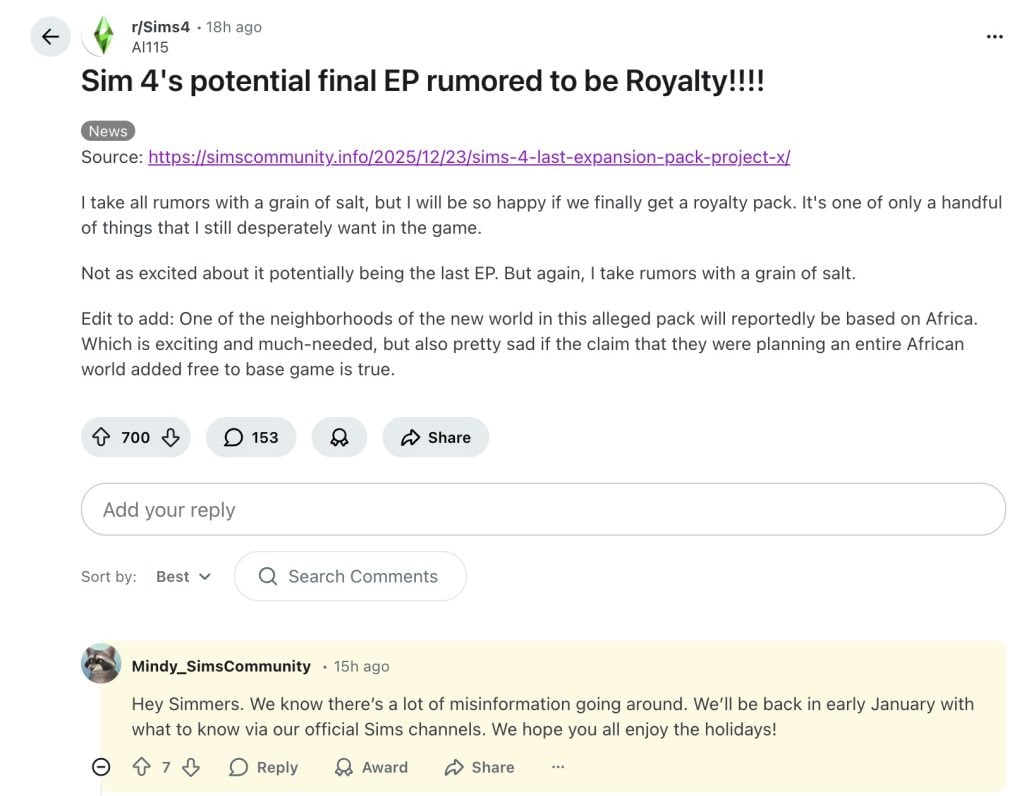
In a response to a Reddit thread talking about The Sims 4 Last Expansion Pack rumor, an official Community Manager profile from EA shared a vague response to the overall rumor mill and all the different leaks and information that it contains. Stating that “there’s a lot of misinformation going around – we’ll be back in early January with what to know…”
Hey Simmers. We know there’s a lot of misinformation going around. We’ll be back in early January with what to know via our official Sims channels. We hope you all enjoy the holidays!
The misinformation that the EA Community Manager pointed out in this response to the original leak article could point towards several different alleged leaked information. It could mean that all of it is untrue, some of it untrue or all being true in the end. Taking into consideration that EA’s stance on leaks remains strict on their official channels such as Discord.
The following conduct and/or content may result in a warning, muting, time-out, suspension, or removal from the server:
Story spoilers – game stories, movies, television shows, anything that can be spoiled. This also includes leaks (sharing leaks, promoting leaks, or otherwise encouraging leaking behavior)
Either way, it’s been a while since we’ve last had official information detailing the promised transparency on The Sims Project Rene updates and future Sims releases. There hasn’t been a Behind The Sims Episode since January 2025 which teased and revealed upcoming Sims 4 Releases and the arrival of Sims 1 and Sims 2 Legacy collection. The Sims Project Rene was last talked about through official EA channels in the September 2023 episode of Behind The Sims.
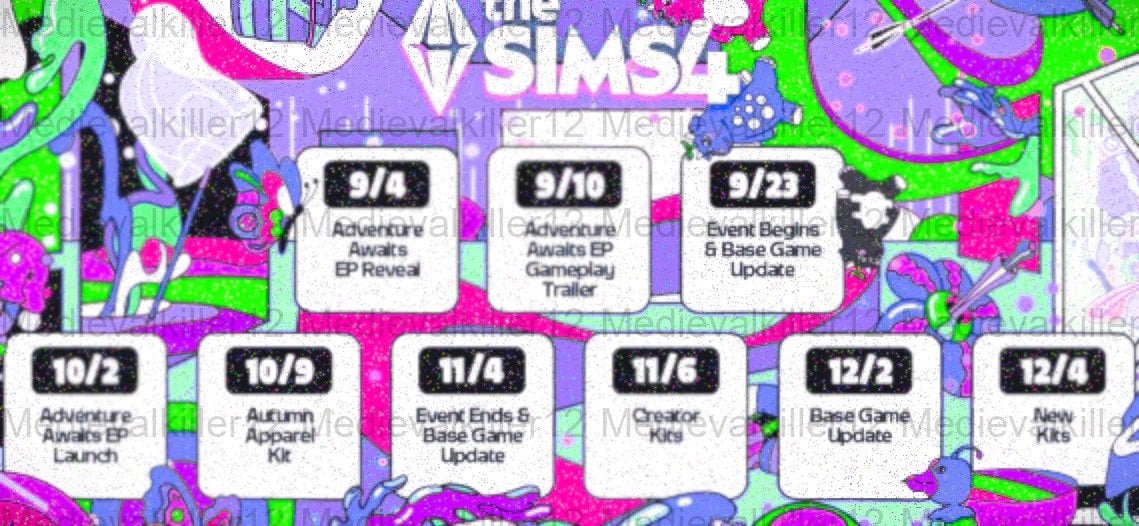
It’s also been some time since we last got a new Sims 4 Release Roadmap. The current Roadmap of releases, which was only revealed in an exclusive leak, is coming to an end with 2025 wrapping up. We should at least get some new breakdown of upcoming releases following the announcement patterns of The Sims Team.
Here’s to hoping that a longer official showcase of upcoming Sims releases is in order for the beginning of 2026. Until then, we want to know what you think!
Do you believe the rumors – or do you want to believe in them?
We want to know what you think about the latest Sims 4 last Expansion Pack rumors. Down below is an unofficial Community Poll asking what you think about the plausibility of the recent Sims rumors. If it were true, would you be excited for the prospect of a new Sims Base game? Or are you team The Sims 4 until the end? Vote below and see how others have voted!
[totalpoll id=”185443″]
What do you think about the official response from EA’s Community Manager? Do you believe the rumors or is it all just major misinformation? Let us know your thoughts in the comments down below and stay tuned on Sims Community for the latest updates on Sims News and Speculation Reports!
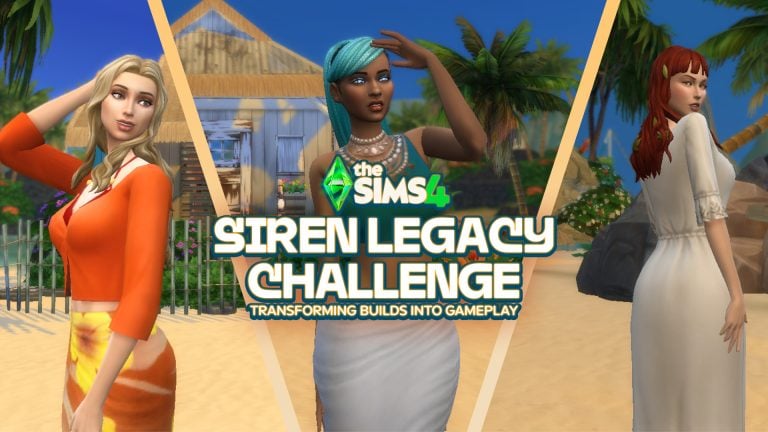
The Sims 4 Gallery is filled with countless creative builds, but sometimes there’s just one or two that stand out as a little more than just a lot—they can feel like a story just waiting to be told. That’s exactly how I felt when I stumbled across these three builds. Each one offers a unique backdrop for weaving in a Sims 4 Siren Legacy Challenge, where every tide brings new stories.
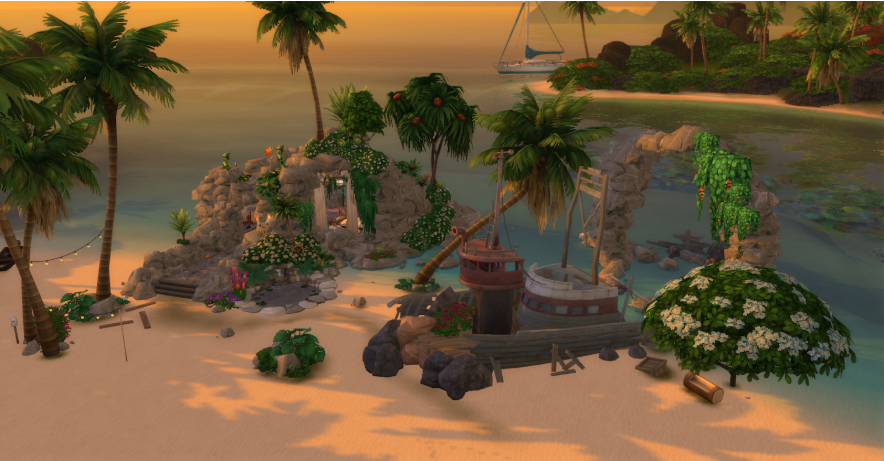
For a mystical, old fashion vibe, Mermaid Cove by Jamesonthesims is the perfect build. This lot is incredibly inventive, with dramatic debug rocks forming a natural grotto and cascading greenery woven throughout the landscape. Hidden among the stone and foliage are subtle architectural details that make the space feel ancient and almost sacred, as if the island itself has been shaped over centuries. It’s easy to imagine a Siren emerging from the water here, drawn to the quiet magic of the cove, making this lot ideal for players who want their gameplay to feel steeped in myth, ritual, and long-forgotten stories.
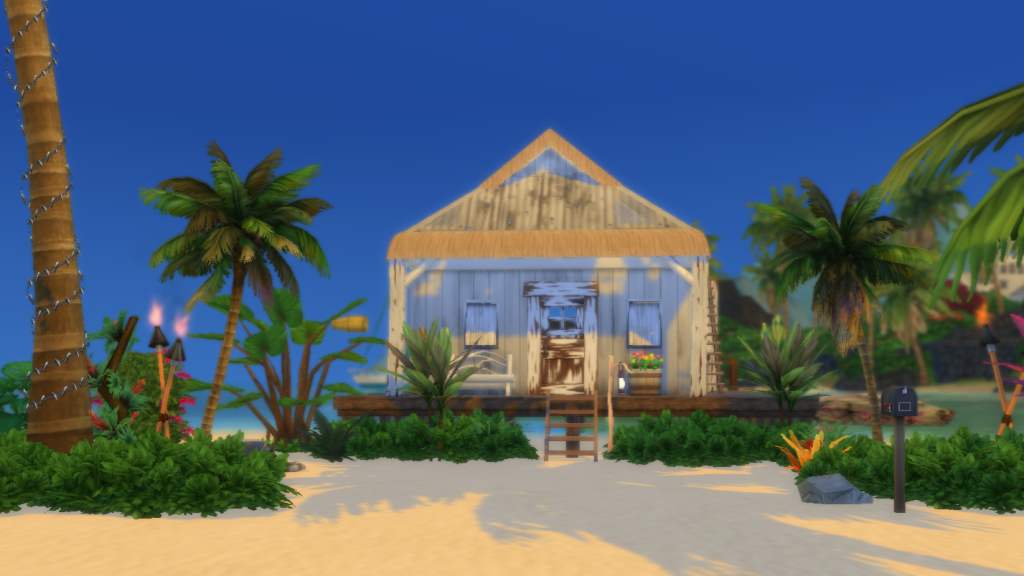
If you’re craving a true rags-to-riches start, theSulani Castaway Shack by WildwingSuz offers the perfect starting point. This humble beachfront lot provides minimal shelter without removing the challenge, making it ideal for players who want to earn every upgrade from the ground up. Its simple layout and exposed setting encourage slow, deliberate progression, especially when paired with a Legacy Challenge where survival and resource management are part of the experience.
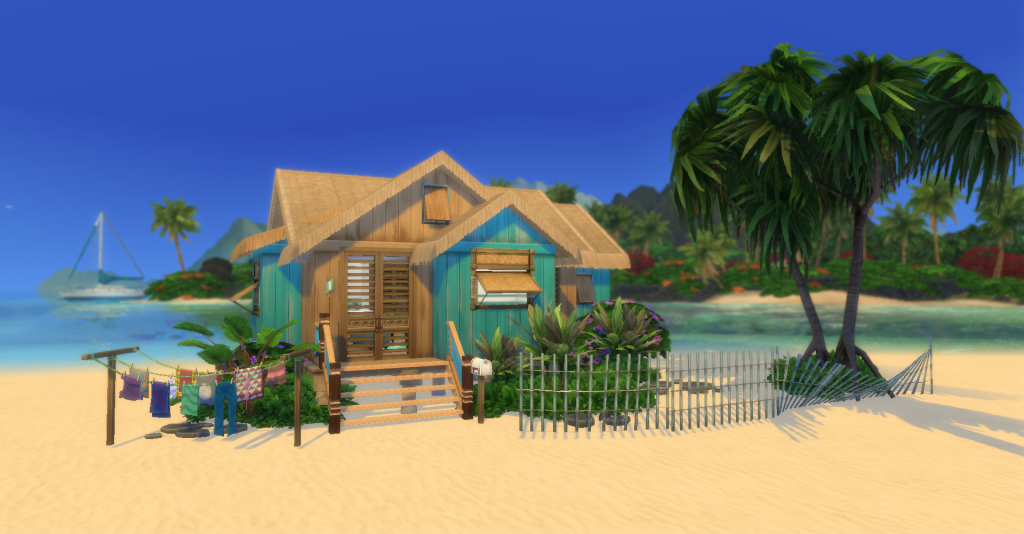
If a casual, modern challenge is more your speed, the Mermaid Starter by lilsimsie is a perfect place to begin. Clean lines, bright colors, and a thoughtfully laid-out floor plan make this lot feel immediately livable without sacrificing charm. It’s an ideal choice for players who want to ease into a Siren Legacy Challenge, offering enough comfort to focus on relationships and storytelling while still leaving plenty of room for growth and customization over time.
However, no matter which starter you decide on, a siren’s story needs some rules to help guide it first. The Siren Legacy Challenge is a generational storytelling challenge rooted in myth, temptation, and the quiet danger of island life. Each Siren uses charm and isolation to draw unsuspecting Sims into her world, where love is rarely without consequence. While the challenge leans into darker themes, it’s designed to be flexible—players can choose how far they push the narrative, whether they prefer subtle manipulation or full mythic tragedy.
At its core, this challenge is about legacy. Every generation leaves behind traces of their choices, shaping their sacred space into a living record of love, loss, and power. Whether you play it romantically, mysteriously, or outright villainous, the Siren Legacy Challenge encourages players to slow down, focus on storytelling, and let the island guide each new chapter.
Here’s how I transformed these lots into the perfect setting for a generational challenge, where a grotto can become sacred ground and every romance comes at a slight cost.
The Sims 4 Siren Legacy Challenge: Official Challenge Rules
The Founder
Your founder must be a Mermaid Sim with the Child of the Ocean personality trait.
The Mermaid Cove, Sulani Castaway Shack, or Mermaid Starter may serve as their home lot (use freerealestate cheat)
You may decorate or tweak the lot to enhance the “siren” aesthetic.
Your founder is not allowed to work outside of the home—This limitation encourages players to rely on fishing, beachcombing, gardening, and relationships.
The Lure
The siren may only form relationships with Sims who visit their island (walk-bys, visitors, invited guests). This restriction reinforces the idea that the ocean itself chooses who crosses paths with the Siren, turning chance encounters into pivotal moments in the story.
Travel from the home lot is not allowed. This rule ensures the founder remains largely hidden from the outside world, reinforcing the idea that Sirens exist apart from ordinary society. By limiting travel, the island itself becomes both sanctuary and snare—a place where relationships must come to you rather than the other way around. The restriction encourages organic encounters and transforms every visitor into a potential turning point in the Siren’s story.
Cell phones must be silenced, and dating apps aren’t allowed–it’s all about who the ocean sends your way.
Eliminate your “victims” immediately, or let them linger as devoted household members, unable to resist your Siren’s charms.
The Claim
Each generation must “claim” at least one Sim.
Eliminate them any way you see fit (drown them, starve them, etc).
Optional: Use mods to add a darker flair.
Heirs
The next generation heir must inherit the mermaid trait. (Didn’t have a mermaid baby your first time? Oops! Try again.)
The chosen heir must inherit the Child of the Ocean trait.
The Trophies
Each heir must keep at least one item from their “claim”: a gift, a photograph, or an object tied to their story.
Over time, the lair becomes a shrine to generations of sirens and their conquests.
Founding Sirens
To help players jump straight into the Siren Legacy Challenge, I’ve also created a small set of founder-ready Siren Sims available on the Gallery. Each Sim is designed with the challenge rules in mind and can be used as-is or customized to fit your own story.
These Sims are entirely optional—players are encouraged to create their own Sirens if they prefer—but they offer a ready-made starting point for anyone eager to dive into gameplay right away.
The challenge is intentionally open-ended, and players are encouraged to modify or bend the rules to suit their preferred gameplay style or difficulty level. Whether you approach it as a slow-burn romance legacy or lean fully into its darker, myth-inspired elements, the Siren Legacy Challenge prioritizes storytelling and player creativity over strict optimization.
Each of these lots is more than just a build—they’re a story waiting to be told. By combining creative Gallery finds with a few siren-inspired rules, you can breathe life into a legacy that spans generations. Over time, each home becomes a place of memory and myth, shaped by every choice and every sacrifice. Every tide brings love, loss, and a little mystery etched into the candlelit stones. If you’re ready to let the ocean guide your gameplay, the Siren Legacy Challenge turns a simple Gallery lot into a living legend, one haunting romance at a time.
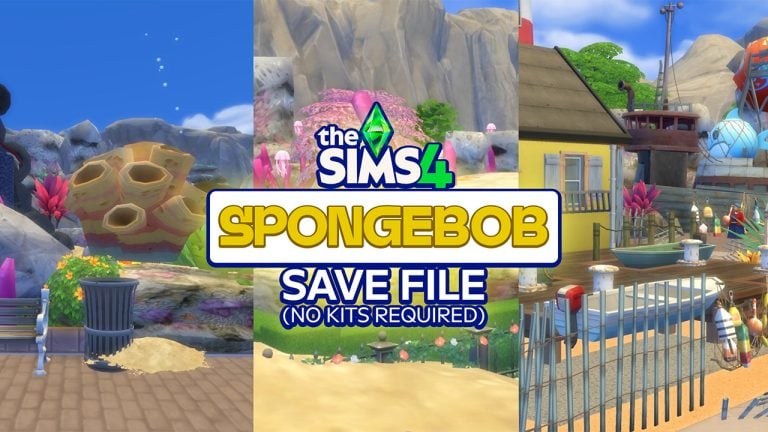
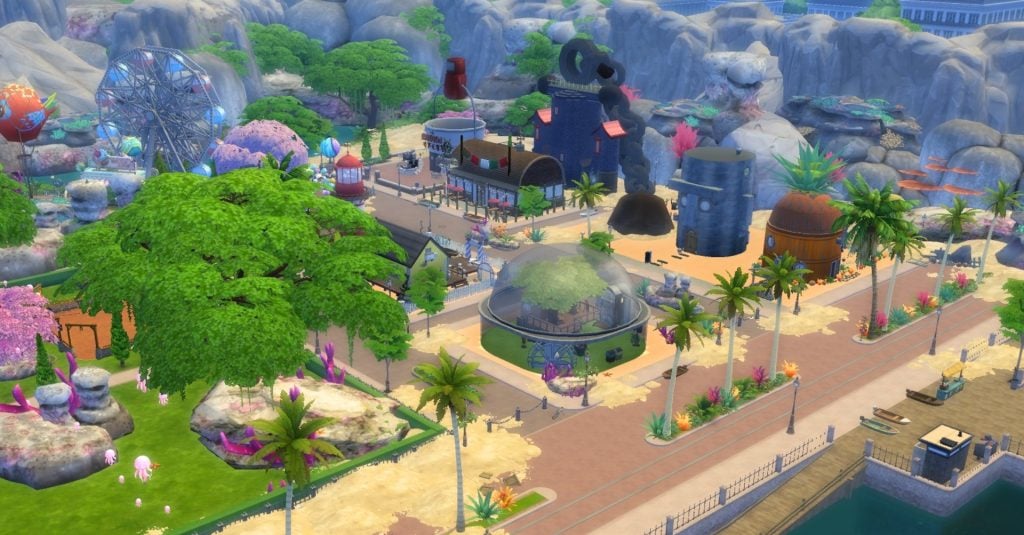
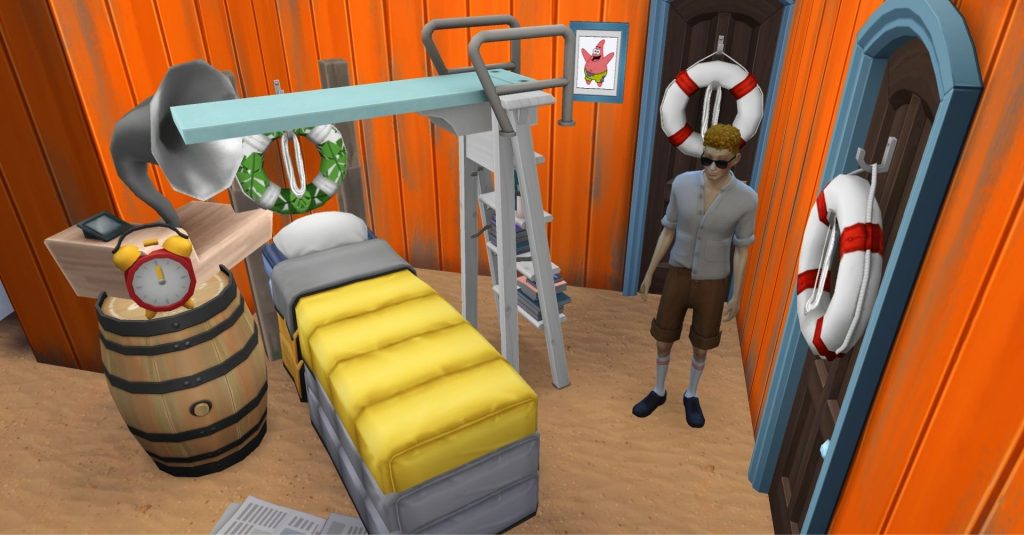
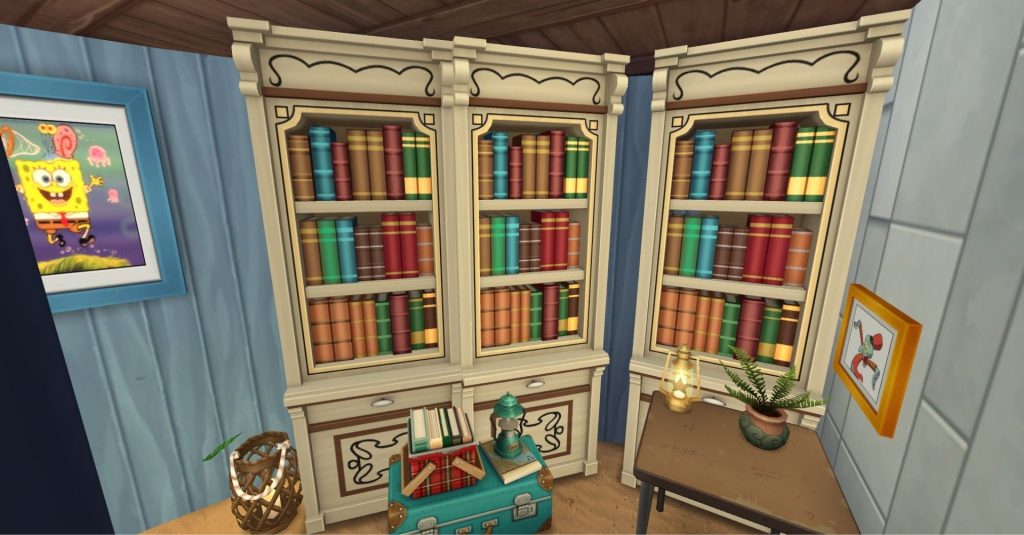
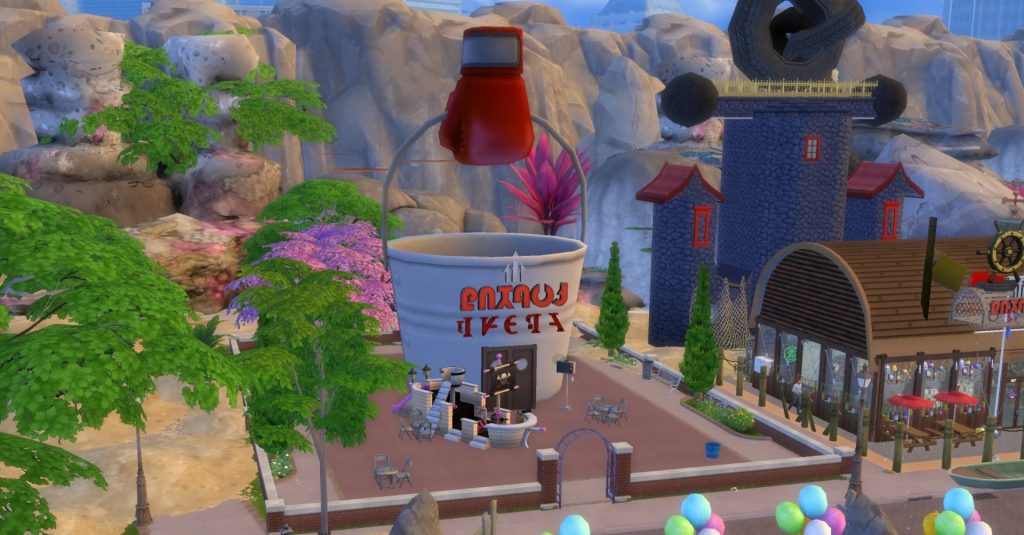
Hold onto your jellyfish nets, folks! We are exploring the Sims 4 SpongeBob Save File thanks to the creative wizardry of SimmingInOz in this free to download! The Sims 4 Magnolia Promenade has undergone a Bikini Bottom makeover,This tiny retail realm is now a splashy, SpongeBob SquarePants-inspired playground brimming with iconic landmarks and whimsical lot designs enough to fill a Krabby Patty. It’s a ready-to-play underwater cartoon fantasy – no SpongeBob kits needed and CC-Free!
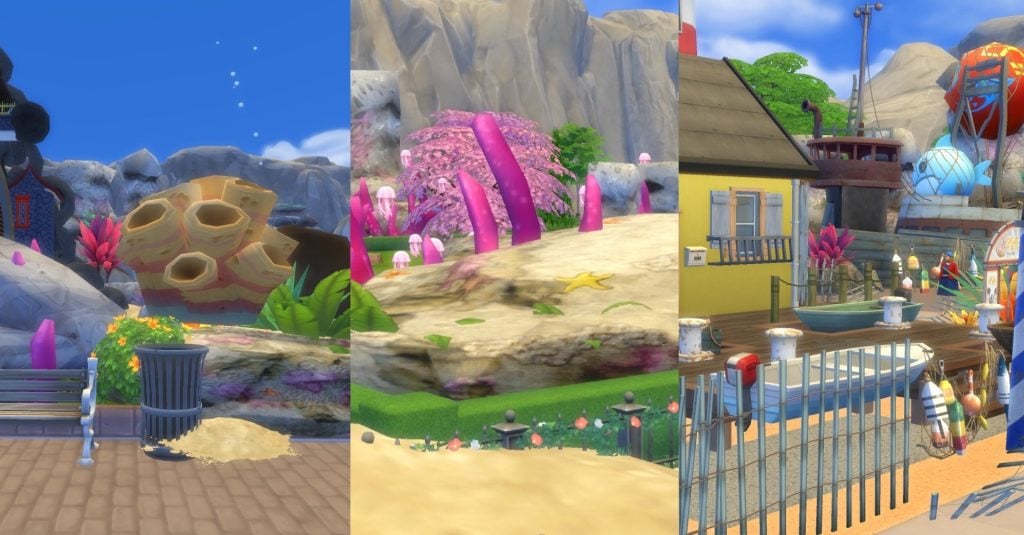
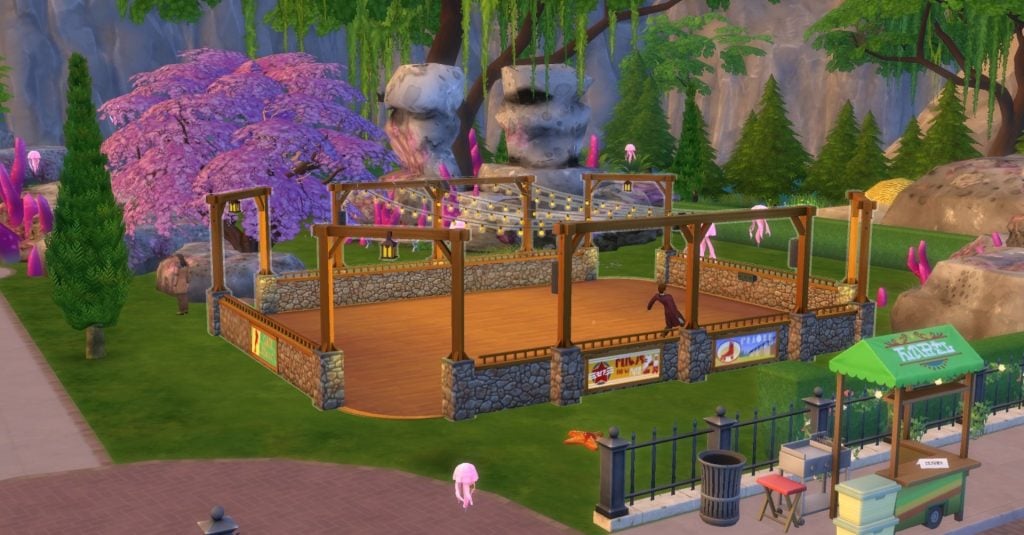
Forget the usual shops; in this Sims 4 SpongeBob Save File, this space is a mini, themed wonderland echoing the quirky layout of Bikini Bottom while sticking to The Sims 4’s rules. Picture a “compact little town” nestled in a “colorful valley” of coral and sand, bursting with decorative coral wonders, sandy hangouts and quirky clutter galore. These elements create an underwater illusion without custom content, with jellyfish fields and balloon-filled attractions tying it all together like a theme park dream.
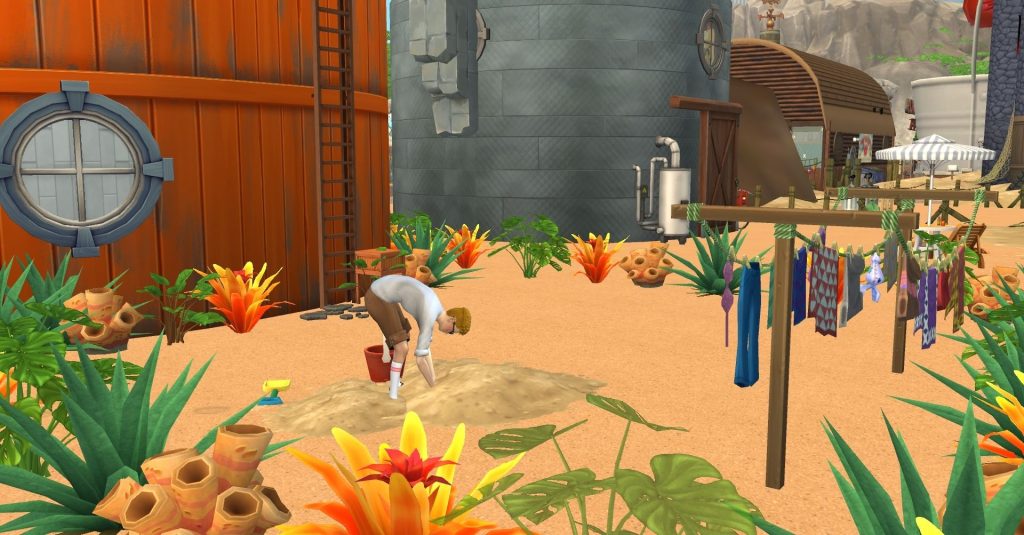
World dressing plays a crucial role here, as you’ll encounter jellyfish fields, rocky outcroppings, and balloon-filled attractions that visually connect each build into a cohesive, theme-park-style world instead of a collection of disconnected lots. Players are encouraged to have their Sims dig up sand mounds for treasures, reinforcing the concept that the “environment” is integral to gameplay, not just a backdrop.
Conch Street: Iconic Homes Reimagined
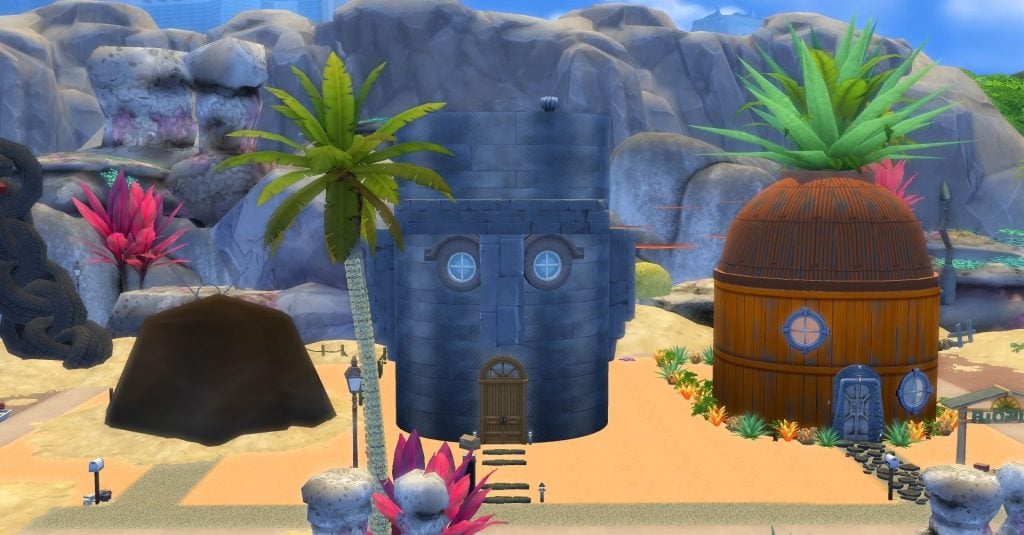
Conch Street, the bustling hub of Bikini Bottom, finds its quirky charm perfectly squeezed into the snug world of Magnolia Promenade in this Sims 4 SpongeBob Save File! SpongeBob’s wacky pineapple pad, Squidward’s moody Easter Island house, and Patrick’s humble rock abode stand side by side, flaunting their distinct architectural flair and interior pizzazz for Sims shenanigans. These aren’t just pretty fronts; they’re lively, fully kitted out homes that make smart use of every nook and cranny, all decked out to match each character’s quirky personality.
SpongeBob’s pineapple:
A vibrant standout featuring color blocking, whimsical furniture, and a “canonically accurate lounge room,” along with essential spaces like a stylish kitchen, bedroom, bathroom, gym, and even a library for skill-building.
Squidward’s home:
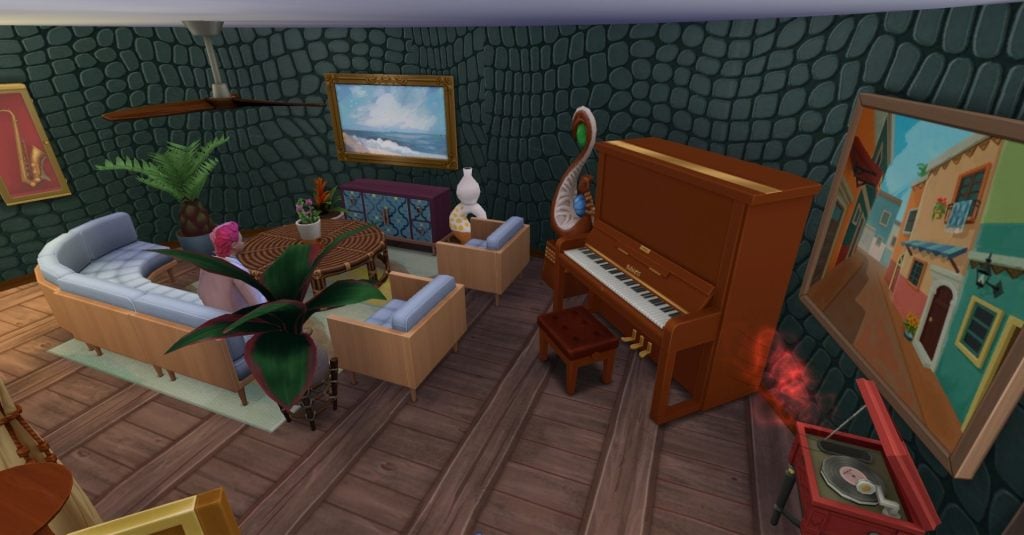
Framed as the “most challenging Easter Island head” the creator has ever built, it features a strong sculptural exterior and an interior that focuses on art spaces, instruments, and sunbathing areas, reflecting his tortured-artist persona.
Patrick’s “rock”:
Actually a coconut shell structure that conceals a sand-filled bachelor-style underground home, perfectly capturing the humor while providing Sims with a playable open-plan space, complete with a classic lone armchair centerpiece.
The Krusty Krab and Anchor House
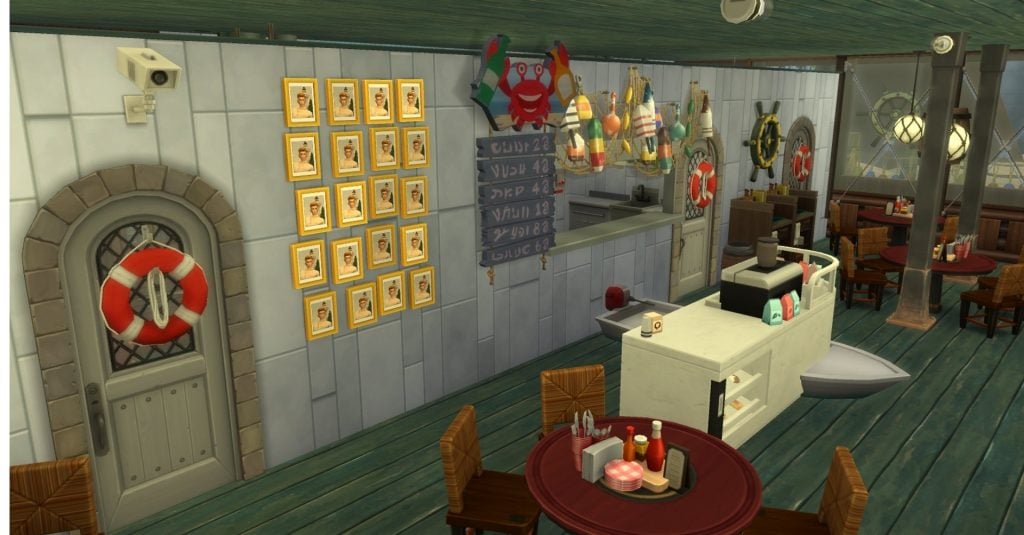
The Krusty Krab lot serves as the commercial heart of this world and is one of its most detailed set pieces. The exterior is instantly recognizable, while the interior features “outdated nautical furniture,” tight booth layouts, and a back freezer area that playfully nods to the cartoon’s time-travel episodes. This setup functions as a small business, with roles and routing adjusted so that SpongeBob can cook while Squidward handles coffee and cake service out front.
Behind the Krusty Krab is Mr. Krabs’ towering anchor house, which deserves special attention in screenshots. Rising four stories, each floor is filled with treasures, clutter, and evidence of Mr. Krabs’ obsession with money, from a lavish office to a fake “hammock” area and a secret basement vault filled with Simoleons. It is these details that make this Sims 4 SpongeBob Save File so wonderful and immersive.
The Chum Bucket
Next door, the Chum Bucket stands as a visual prop, not a venue, the lot is not designed for active play, yet it provides a striking visual contrast to the Krusty Krab, complete with a tiny Plankton object posed as if escaping with a Krabby Patty! Karen appears outside as an idle element, offering storytellers and screenshot enthusiasts ample opportunities to frame scenes around Plankton’s perpetual failures.
Sandy’s Tree Dome, Rocket, and Goo Lagoon
Venturing beyond Conch Street, Sandy Cheeks’ neck of the woods is a quirky blend of Mother Nature meets mad scientist! Her tree dome is a whimsical wonderland, boasting a lush garden, a buzzing woodworking station, and toe-tapping music nooks, all snugly tucked under a dome that screams “contained ecosystem chic.” It’s the perfect playground for gardening gurus, crafty carpenters, and skill-seekers, all while shouting, “Welcome to Sandy’s iconic abode!”
Just a hop, skip, and a splash away is Sandy’s DIY rocket ship, parked at the ever-bubbly Goo Lagoon. This petite paradise is a beachy delight, packed with loungers, sun-soaking spots, and water-logged fun, all crammed into a tiny space that somehow feels like a grand resort. This detail in the Sims 4 SpongeBob Save File prompts the brain-boggling question, “How can an ocean live inside another ocean?”—perfectly capturing the kooky vibe of the theme.
Jellyfish Fields and Balloon World
Picture this: a realm where fun leaps out of the ordinary! Jellyfish Fields is your green getaway, perfect for picnics and bubble-blowing extravaganzas. As night falls, jellyfish light up like nature’s fairy lights, while a colossal “jellyfish king” floats above, making it a jaw-dropping sight for those Insta-worthy snaps.
In the heart of the city, Balloon World takes over as a whimsical mini theme park. Think ferris wheels, tasty snacks, and balloon-themed everything, all tailored to rake in tourists for Mr. Krabs. It’s the go-to spot for family frolics or romantic rendezvous in gameplay. Together, Jellyfish Fields and Balloon World show off the creator’s genius in crafting a world bustling with “must-visit” experiences, all wrapped up with decor, interactive fun, and functional spaces.
Boating School
Nestled away from the hustle and bustle, the boating school has morphed into a charming small-business lot, thanks to The Sims 4’s quirky constraints. Since cars are not in the game, SimminginOz swapped boat classes for horse-riding lessons, turning a limitation into an interactive ante. The structure may be snug, but it’s perfectly designed for educational fun, offering Mrs. Puff a prime “work” zone for Sim storytellers to dive into.
Overall, this Sims 4 SpongeBob Save File is an amazing creative take in turning Magnolia Promenade into a dense, themed district, ready for storytelling and exploration in a CC-free, underwater cartoon wonderland! Dive in and let the hilarity ensue!
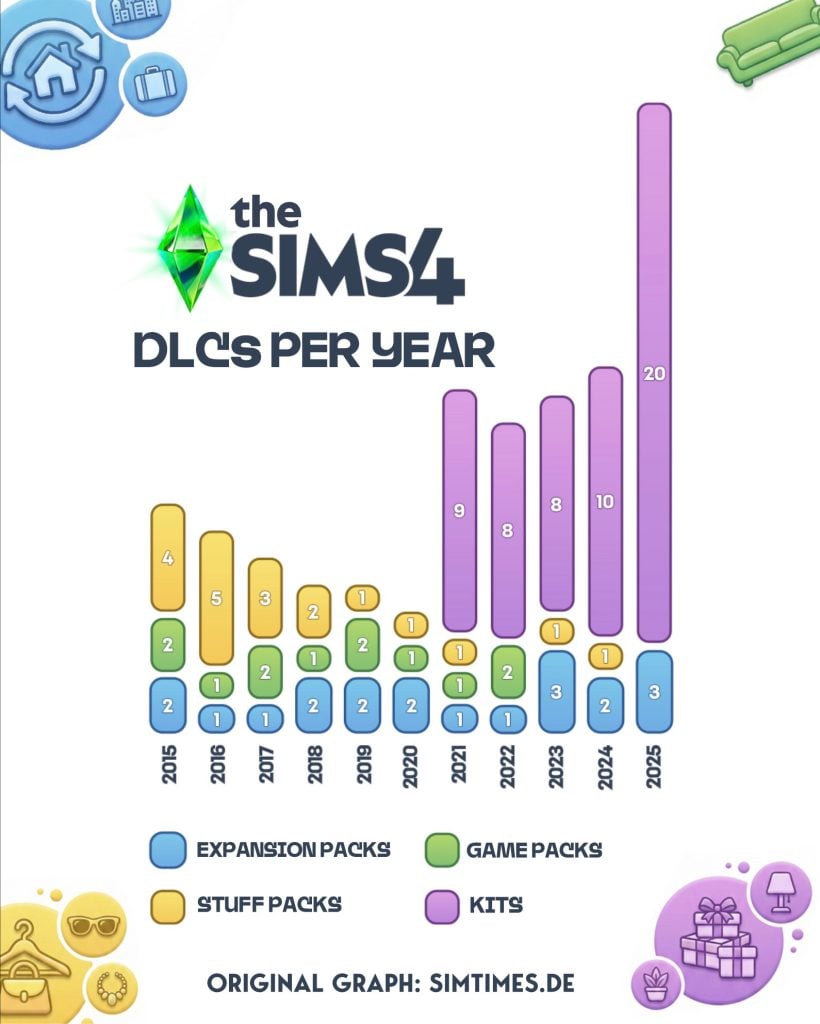
How many additional DLC does The Sims 4 have? With this Sims 4 DLC roadmap published by simtimes.de we can see a breakdown of all the different types of packs that have been released since the game first came out.
Whilst we used to have a good mix of Expansion Packs, Game Packs, and Stuff Packs, ever since the creation of Kits, they have become the most common DLC released.
As well as this, 2025 has also been by far the biggest year for DLC releases, with 23 total packs released just this year – meaning over 20% of all Sims 4 DLC has come out in just the last 12 months.
The original post was released on their Instagram page with the following caption.
This year saw more new content for The Sims 4 than ever before. However, the majority of this content consisted of Kits. With a total of 20 Kits, there were also more of these than ever before.
We took a look at the distribution of individual The Sims 4 DLCs over the years. A very clear picture emerges: while there used to be a good mix of expansion packs, gameplay packs, and stuff packs, the focus is now clearly on Kits. At least we’re still getting a few larger expansion packs.
In total, we currently have 106 expansions for The Sims 4. This is also the highest number ever for a single Sims generation. How many do you own?
In the image posted originally by @Simtimes_de, we can see a visual breakdown of the different DLC types going back all the way to 2015.
The Sims 4 DLC’s per year Translated graph originally created by Simtimes.de
We can see Expansion Packs in blue, Game Packs in green, Stuff Packs in yellow, and Kits in pink/purple.
This graph makes it clear that Kits have surpassed all other types of DLC, with 55 official Kits being available for purchase. That is over half of all DLC, with all Expansion Game and Stuff packs totalling 51 DLC.
What stands out to us also is the sheer volume of Kits releases in 2025, with 20 this year alone.
What do people think of this Sims 4 DLC roadmap?
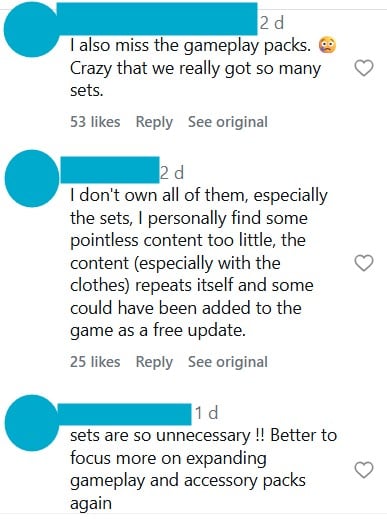
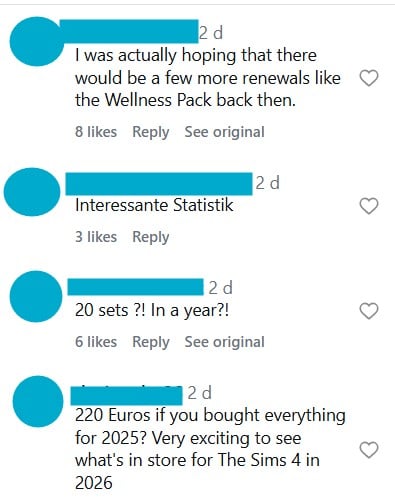
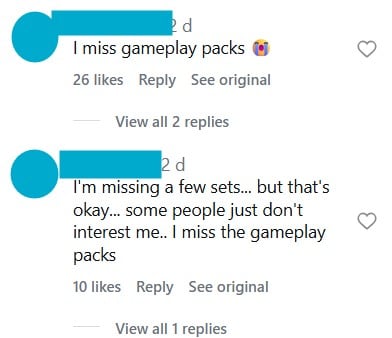
Looking at the comments on this post, the community response is mainly critical and frustration, with many players expressing clear dissatisfaction with the growing number of Kits.
According to many people in the comments, they are widely seen as unnecessary, with few content/assets that seem repetitive and overpriced, with several commenters stating that some items could have been included as free updates. The high volume of releases has, for some, also led to purchase fatigue, causing players who once aimed to own everything to become more selective or disengaged.
As well as comments wishing we had seen more pack refreshes like Spa Day and features from old games like the spiral staircases, there is also a sense of growing nostalgia for Game Packs. We can see from this image how few of them have been released compared to all the other types of DLC, they were a brand new type of pack when The Sims 4 came out, but we haven’t seen one be released since 2022.
All comments are translated from the original German. To view the originals, please click here.
There is also clear shock at the volume and total cost of Kits released in such a short period, with some commenters reacting in disbelief to the cumulative price. It’s easy to dismiss Kits as a small price, but when you add it all together, the total cost of DLC just from 2025 is 220 euros, just under $260.
Do you think we now have too many DLCs available for purchase? If so, what should the team be focusing on instead of Kits? Let us know below.
For other community news, you can follow our latest updates here.
The latest rumor piece mentions that we should expect only Sims 4 Updates and Kits after the EP21 release.
The talks about The Sims 4 coming to an end are solidifying with the latest rumor piece shared online. We’ve had some information about The Sims 4 eventually coming to an end with The Sims Team working on a new Base Game (currently titled Sims Project X internally) as an offline version to the Project Rene offering.
The latest information about The Sims 4’s roadmap mentions a Royalty themed Expansion Pack as the last big gameplay release for the series, new information about the World releasing with it and what to expect with The Sims 4 series after the last Expansion Pack drops. Let’s get right into it!
Table of Contents
The Sims 4 Royalty is the Last Expansion Pack in The Series
In a response to the recent news about the EA Buyout being approved by shareholders, Sims insider @phii_oda revealed some information that’s been circling around within the insider’s community. Revealing that The Sims 4 Expansion Pack 21 is focused on a royalty theme with three different kingdom types (presumably neighborhoods), with one area which is based on Africa.
Renders from The Sims Medieval
The insider suggests that there was an earlier plan to release a whole new African-themed world for free to The Sims 4 Base Game, however it “was canned for some reason”.
EP21 is focused on royalty with three kingdom types, only one of which is based on africa.
We were gonna get a whole african world for free but but it was canned for some reason.
Back in early October 2025, EA published a new official feedback session about Legacy Play, Heritage and Ancestors gameplay. Which sounds like something that could be tied into this rumored Royalty-themed Expansion Pack.
Maxis want to do more cultural worlds and have been trying for years to get a world based on Africa in the game, but higher ups at EA prefer culturally ambiguous worlds as they sell better. Maxis have come up with an idea to please both sides (but they wouldn’t tell me what that is).
In a post about the rumored Sims Project X, the alleged leaker mentioned that they’re only aware of one Expansion Pack for The Sims 4 being developed by Maxis Europe. Which could be the Royalty themed one.
How the end of The Sims 4 Series will look like
The insider mentions that this Sims 4 Royalty Themed Expansion Pack is the last big gameplay release in the series. Revealing that we should only expect releases such as The Sims 4 Kits and Sims 4 Base Game Updates following the release of this rumored Expansion Pack 21.
– TS4´s major content is done, expect only updates and kits after EP21
There’s currently no information confirmed by The Sims Team acknowledging the rumored gameplay end of The Sims 4. So far, The Sims Team has only addressed that they will be continuing to work on The Sims 4’s stability and performance, with the last public report about fixing the game issues and working on corrupt Save Files.
The Sims 4 had more Expansion Packs teased in an official 2025 Survey that got published this February. Suggesting themes such as Cars, Community Careers, Suburban Living and more. The insider suggests that these ideas might be carried over and worked on the next Sims Base Game that isn’t The Sims 4. Potentially exposing that The Sims 4 will never get playable and functional cars in its almost 12 years of live service releases.
All the survey options that we’ve seen for TS4 might be reused for the new game. So no cars or anything else that we’ve seen except for that monarchy theme
EA / Maxis will move to The Sims Project X and Project Rene after EP21
If you were wondering about what’s to come next after The Sims 4 Base Game comes to an end, the Sims insiders are confident about a new Sims Base Game releasing some time after The Sims 4 Expansion Pack 21 drops.
What was initially rumored as a Sims 4 Remaster is now talked as a completely different offline Sims Base Game experience. The rumors suggest that this internally titled Project X Sims game will contain features such as Open Neighborhoods, Seasons and Memories / Milestones tied directly to the Base Game experience. With a whole new engine and updated graphics that will be supported for years to come as a separate offline Live Service experience.
The talks about The Sims Project X differ from the currently officially announced The Sims: Project Rene, which is a multiplayer platform for The Sims. The Sims Project Rene is expected to have features that will allow players to build Houses / Apartments together, participate in mini-games and create their own friend group to level up in different free-to-play experiences. This game is expected to be cross-platform and available for both Smartphone and Console / PC players sometime in the future.
Originally, the single player part of Rene would be included in the full game of “Project Rene” but they’ve decided to separate different experiences into separate games.
This new game will have more flashy features like Open Neighbourhoods, busier Neighbourhoods (I heard up to 3x busier than Sims 4), better graphics (similar to what we saw of the early Rene content, not the mobile playtests we’ve seen).
The game however will be more simplistic than Sims 4 in other ways as the single player experience of Rene was never meant to compete with The Sims 4 and was more a simplified single player offering in a game focusing on multiplayer, and to keep the Sims 4 as the flagship single player game.
However, EA are keen to retire the Sims 4, simply because both QA and development costs have risen substantially in the last 24 months as the game has become complex to keep maintaining while developing new content.
As for The Sims Project X, it’s only rumored for now that it’ll be the next Base Game experience. With talks from several Sims insiders already confirming that it’ll replace the momentum of live service releases and big gameplay DLC that we had for years with The Sims 4 series.
The Sims Project X Packs and what this means for Sims 4 DLC
In a newly shared response by the sims insider, there’s some hope for players who have accumulated The Sims 4 DLC over the years. In an answer to a question if Packs will be released all over again for The Sims Project X, the leaker responded “sorta kinda”. But, there’s going to be some value and features for players who own The Sims 4 DLC. “Hold onto your Packs…”
Question: So this new base game is going to be Sims 4.5 and they’re going to release packs all over again for it? Sigh..
Answer: Sorta kinda, hold onto your packs, they’re not gonna be made fully obsolete but that’s info I wasn’t gonna talk about 🤫
The era of big shifts within The Sims Franchise is rumored to start in 2026 with The Sims 4 halting big production releases and only focusing on The Sims 4 Kits and Updates. With the next new Base Game platforms being The Sims Project X (rumored as offline experience) and The Sims Project Rene (multiplayer experience).
What are your thoughts about The Sims 4 potentially coming to an end, the last Expansion Pack theme and moving over to Project X and Project Rene? Our comments down below are open for fair and polite discussion!
There’s only one step left from the EA buyout to be finalized.
Worldwide business press portals have reported that the $55 billion EA buyout deal has been approved by shareholders on Monday, December 22nd. Brought to attention by Bloomberg, the shareholders that had stake in EA stocks while the company was public voted in favor of the buyout deal proposed by Saudi Arabia’s PIF, Jared Kushner’s Affinity Group and Silver Lake.
Electronic Arts Inc. shareholders approved the $55 billion sale of the company, a leading video-game publisher, in a deal led by Saudi Arabia’s Public Investment Fund.
Investors in the Redwood City, California-based gaming giant, the publisher of games such as EA SPORTS FC and Battlefield, approved the $210-a-share takeover in a vote Monday.
The buyout marks a turning point for the 40-year-old EA. Saudi Arabia’s PIF is making splashy investments in the interactive media sector to diversify away from oil. Taking EA private will allow developers to focus on making good games without pressure from public investors to meet quarterly targets.
It’s been reported that the Saudi Arabia’s Private Investment Fund will have the biggest stake in the company’s buyout at 93.4%. Silver Lake will have 5.5% ownership while Affinity Group will own 1.1%.
The only step left for the EA Buyout to go through is getting approvement from US government officials. Which could likely happen considering that Donald Trump’s son-in-law Jared Kushner is set to own 1.1% of the company.
Several US senators (and EA employees) have voiced concerns over the EA Buyout deal, stating that there are risks involved in selling sensitive player information and video game franchises to investors that don’t have a good reputation. Some reports state that the Saudi Arabia PIF is running out of money following big investments, such as the EA buyout.
The final results of the EA Buyout deal are expected to be announced in the next six to nine months. In the meantime, some EA employees voiced concerns anonymously what this buyout could mean for the future of their careers at EA. One stating that they’re nervous about potential layoffs happening after the buyout, while another stating “Andrew Wilson basically said ‘f you’ to all women and LGBTQ employees at EA with this deal”.
What are your thoughts about the latest EA Buyout report? Join the conversation down below and stay tuned for more EA News on Sims Community!
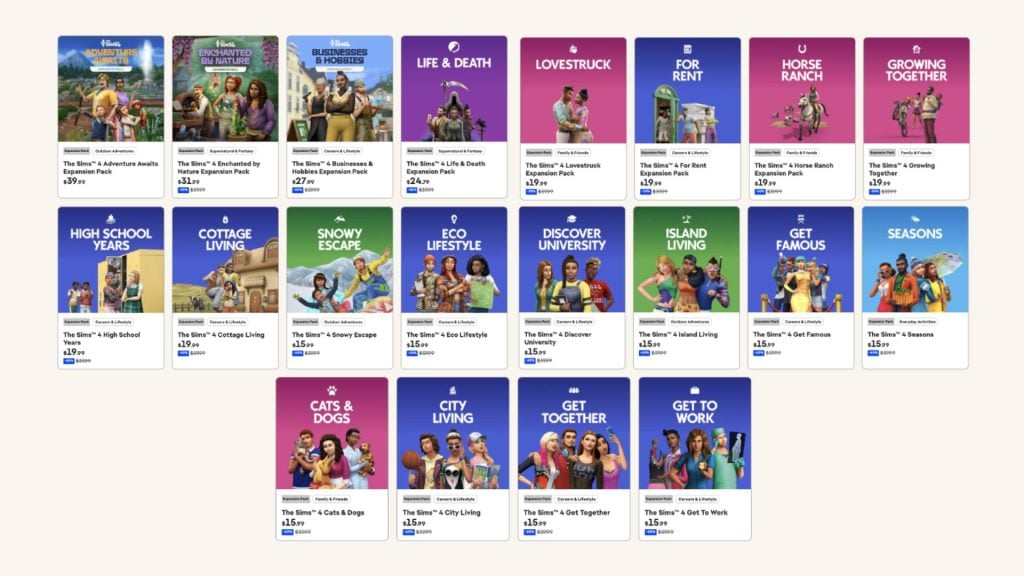
With 2025 coming to a close with 11 years of The Sims 4 series of DLC and 20 expansion packs now under our belt, which reigns supreme and which is the Best Sims 4 Expansion Pack as of 2025? Over 11 years, the actual quality for expansion packs has been up and down over the last decade. Some packs are well-loved community favorites, some are scarcely mentioned, and some are seen as hidden gems with vital added features even without some extra shiny packaging or advertising.
The Sims 4 is currently the only entry in the mainline franchise to reach 20+ DLC options, and is by and far the entry with the most additions, currently sitting at over 100+ DLC. The Sims had 7 expansion packs, The Sims 2 had 8 expansion packs and 10 stuff packs, and The Sims 3 had 11 expansion packs and 9 stuff packs.
Per the recently posted community poll for the Best Kits of 2025, here is a small glossary to provide some context…
Expansion Packs – Present in every entry in The Sims mainline franchise. Typically priced at $30-$40 USD depending on the time period and series. Contained larger amounts of content, particularly including Create-A-Sim Items, Build/Buy Mode Items, Gameplay Mechanics, and often New Worlds or Neighborhoods.
Game Packs – Present only in The Sims 4. Typically focuses on gameplay of a specific nature, like the addition of an Occult Sim Type, or specific expansions on basic gameplay. Priced at about $20USD.
Stuff Packs – Present in The Sims 2, The Sims 3, and The Sims 4. Depending on the series and exact pack, prices ran around $10-$15 USD. These packs were smaller, often contained heavily specific or small amounts of gameplay, typically with heavily themed Create-A-Sim or Build/Buy Mode Items.
Kits – Present only in The Sims 4. While a handful did introduce new gameplay mechanics, such as the Bust The Dust kit which added the dust and vacuum systems, almost entirely cosmetic items. Most are entirely Create-A-Sim or entirely Build/Buy Mode, with very few that are hybrid kits*. These are typically priced at $4.99-$6.99 USD**.
*The hybrid kits are The Sims 4 Casanova Cave Kit, The Sims 4 Secret Sanctuary Kit, and The Sims 4 Spongebob Kid’s Room Kit.
** Only two kits have been priced at $6.99, which are The Sims 4 Spongebob Kid’s Room Kit and TheSims 4 Spongebob’s House Kit, likely due to licensing fees or giving Nickelodeon a cut of the kits’ sales for the collaboration.
Another notable change in recent years, compared to releases prior, is that we are getting a much higher amount of Expansion Packs (and other content packs) per year. Prior to 2023, most years received 1 OR 2 expansion packs, with 6-12 month gaps between each release. However, 2023 saw 3 expansion packs, 2024 saw 2 expansion packs, and 2025 saw 3 expansion packs. With rough math, this equates to an average of 4-5 months in between expansion packs.
Table of Contents
What Is The Best Sims 4 Expansion Pack as of 2025?
EP01 Get To Work – March 31st, 2015
Gameplay Features
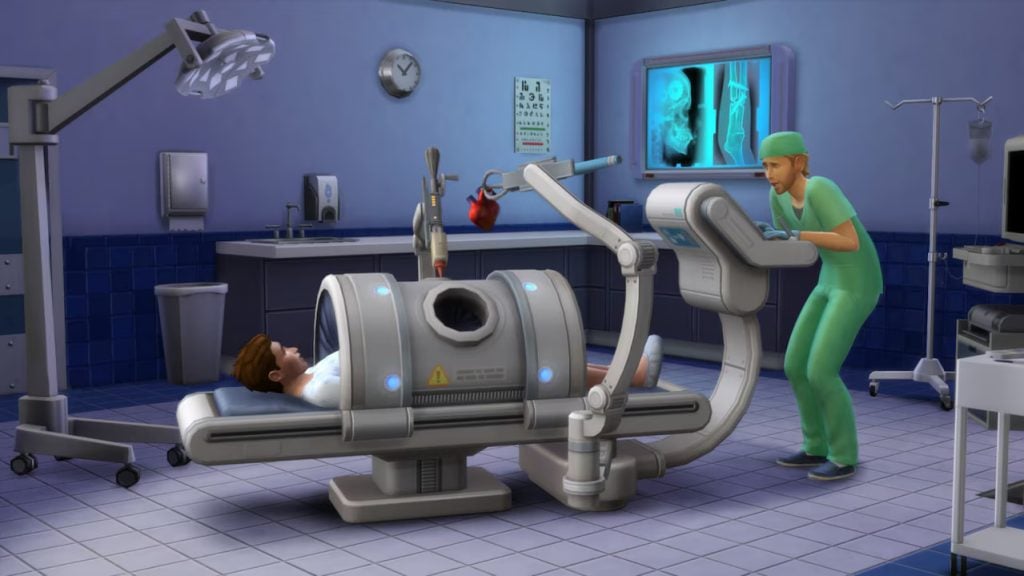
Active Careers – Travel with your sims to work as a Doctor, Scientist, or Detective. Climb the ranks and spend everyday guiding your sims work day with new events, coworkers, and skills abound!
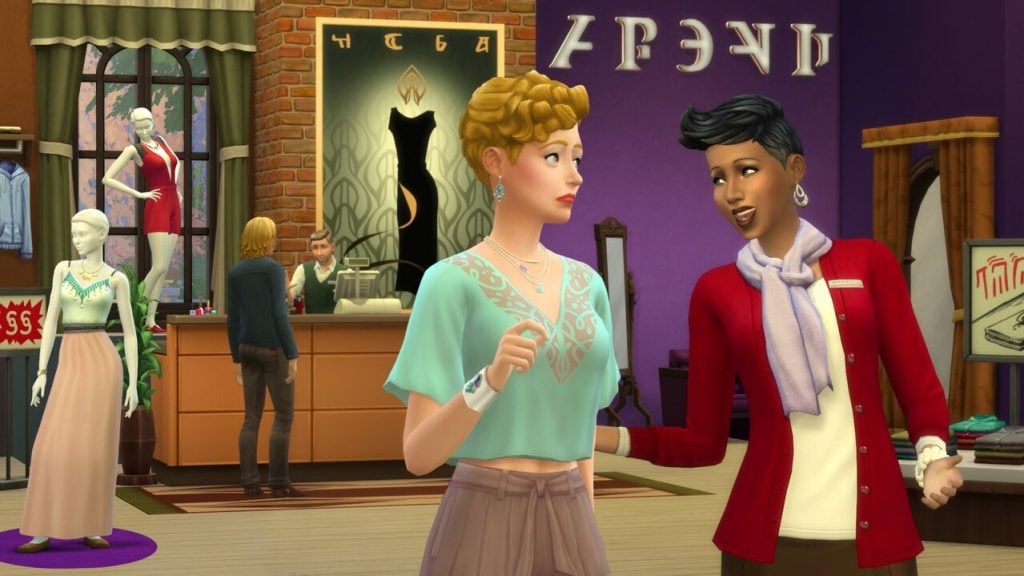
Business-Owning – Create your own business to sell crafted goods, manage employees, and make a quick buck. Visit new stores in Magnolia Promenade and use the retail system to expand your worlds!
Aliens – Avoid (or seek out) abductions and probing via Aliens, or create and play one for yourself.
New Skills – Baking & Photography
New World – Magnolia Promenade
Create-A-Sim Assets
210
Build Mode Assets
292
Description
You rule the workplace with The Sims 4 Get to Work. Actively control your Sims while they’re on the job, and determine whether they’re headed toward a big promotion or are becoming the workplace menace. Jump to the rescue and save countless lives as a Doctor, torment your neighbors with mischievous inventions as a Scientist, or investigate crime scenes and crack the big cases as a Detective. If you’d rather be your own boss, you can even create, customize, and manage your own retail businesses and become a Simoleonaire! You decide how your Sims get to work.
EP02 Get Together – December 8th, 2015
Gameplay Features
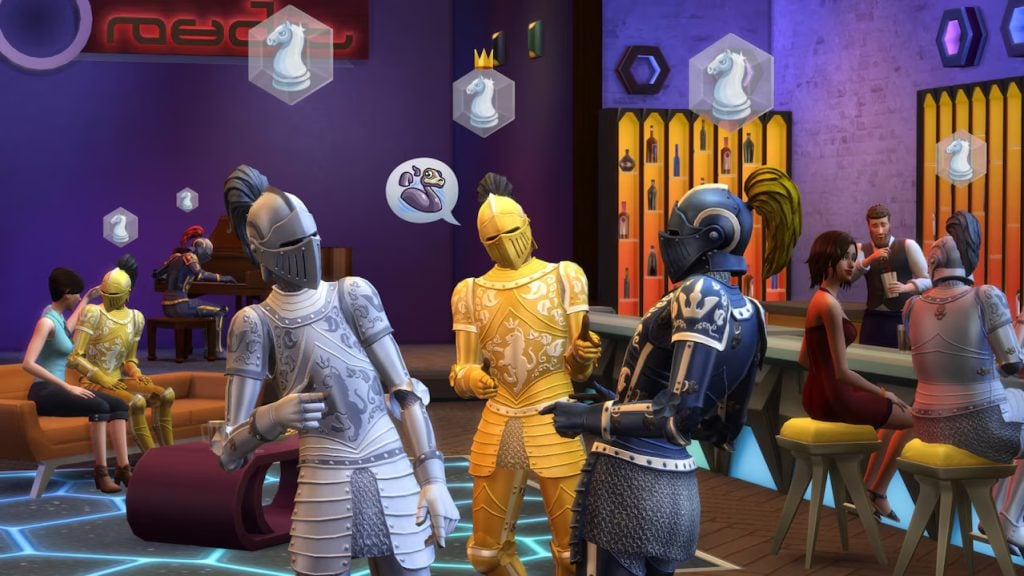
Clubs – Invite any sims you’d like, encourage or ban activities, and add new buffs with the clubs system. You can also join pre-existing clubs populated by new premade sims.
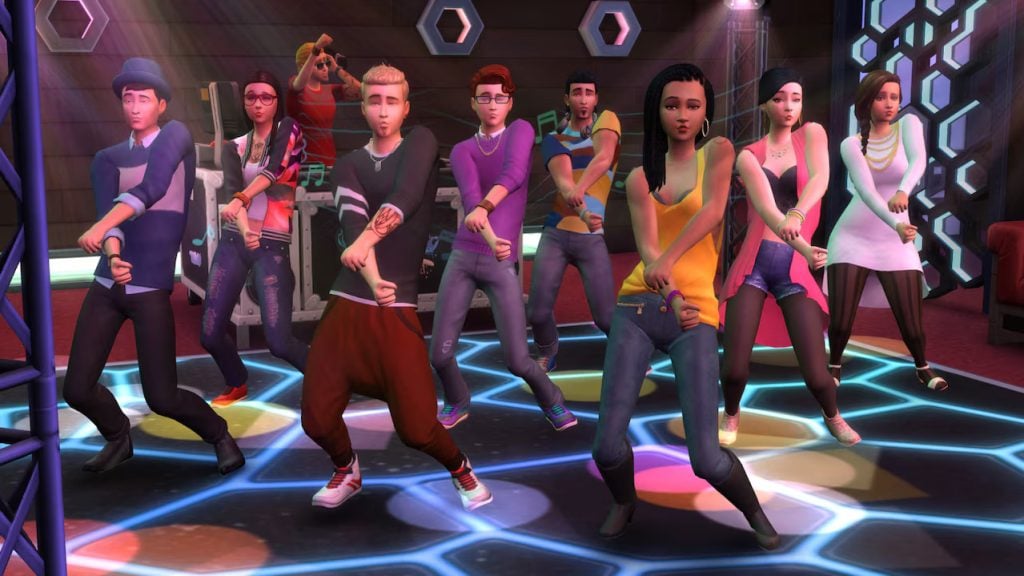
New Activities – Added bar games include foosball, darts, and Don’t Wake The Llama. Jumping platforms have been added for pools.
New Skills – DJ Skill & Dancing
New World – Windenburg
Create-A-Sim Assets
113
Build Mode Assets
355
Description
Create and join Clubs with distinct interests, personalities, and styles where you can set the rules, define their look, and customize their hangouts. Get together with other Sims for exciting group activities and live it up in the beautiful new World of Windenburg!
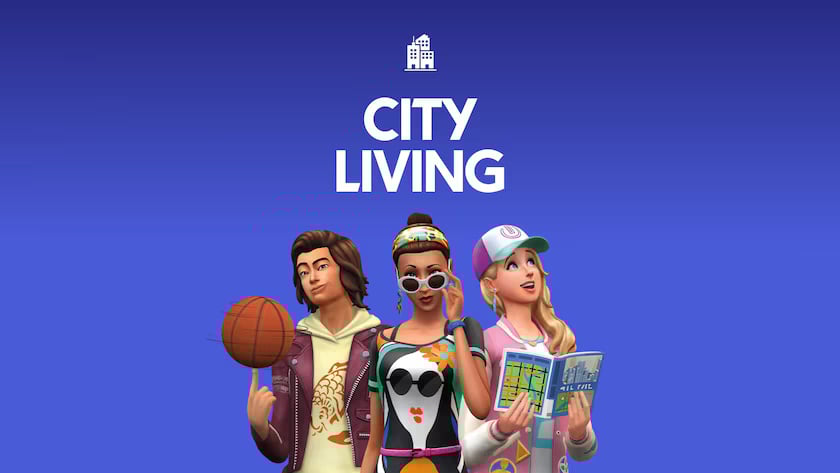
EP03 City Living – November 1st, 2016
Gameplay Features
Apartments – Pre-made apartments to move into with history, lore, and special features in 4 neighborhoods across the city of San Myshuno! Make great friends, deal with roommates, and have understanding conversations or angry squabbles while living in close proximity with a multitude of possible neighbors!
Lot Traits – Customize your experience with added lot traits, move into apartments with their own quirks and challenges, and change up your gameplay.
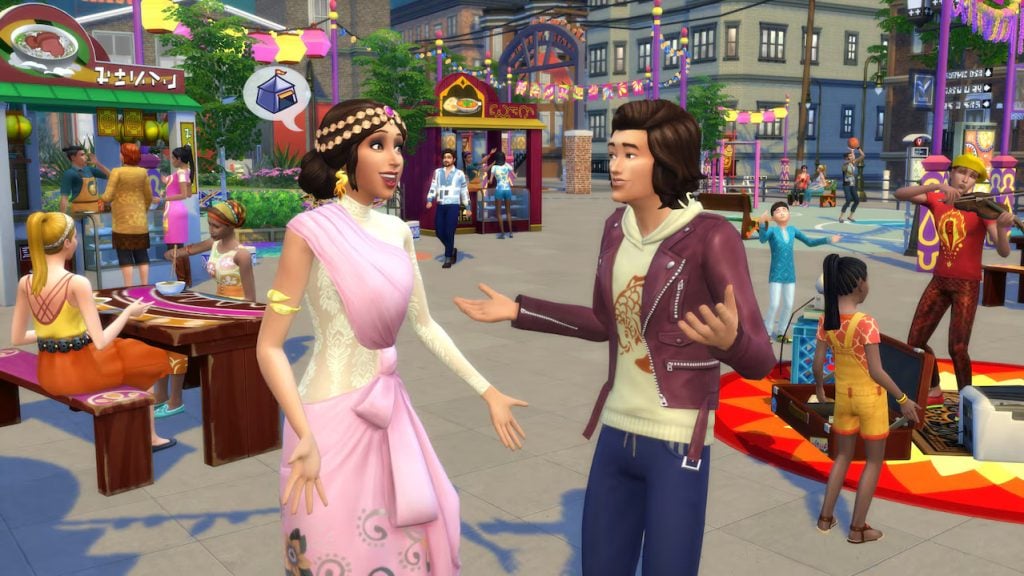
Festivals – Win bragging rights and a cash price at GeekCon or the Humor & Hijinks Festival, or spice up your life and the Spice Festival or the Romance Festival.
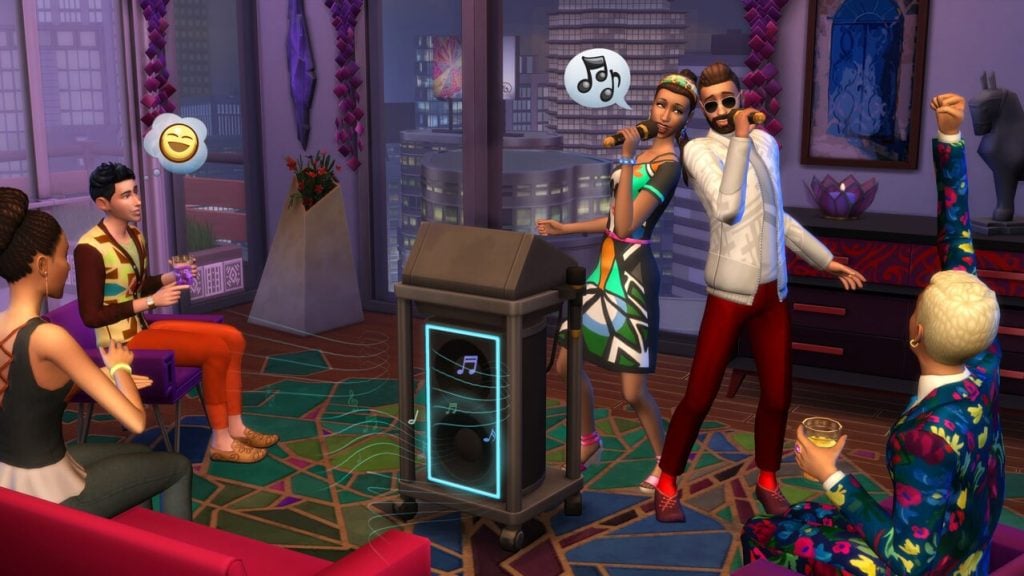
New Skill – Singing
New World – San Myshuno
Create-A-Sim Assets
122
Build Mode Assets
281
Description
Do your Sims long to leave the suburbs behind? Fulfill their dreams in the diverse city of San Myshuno, where they can discover exciting neighborhoods, move into a new apartment, check out fun festivals and more. In The Sims™ 4 City Living your Sims can experience the joys and challenges of sharing close quarters with other Sims. Work your way up from a starter unit to a penthouse as your Sims launch new metropolitan careers!
EP04 Cats & Dogs – November 10th, 2017
Gameplay Features
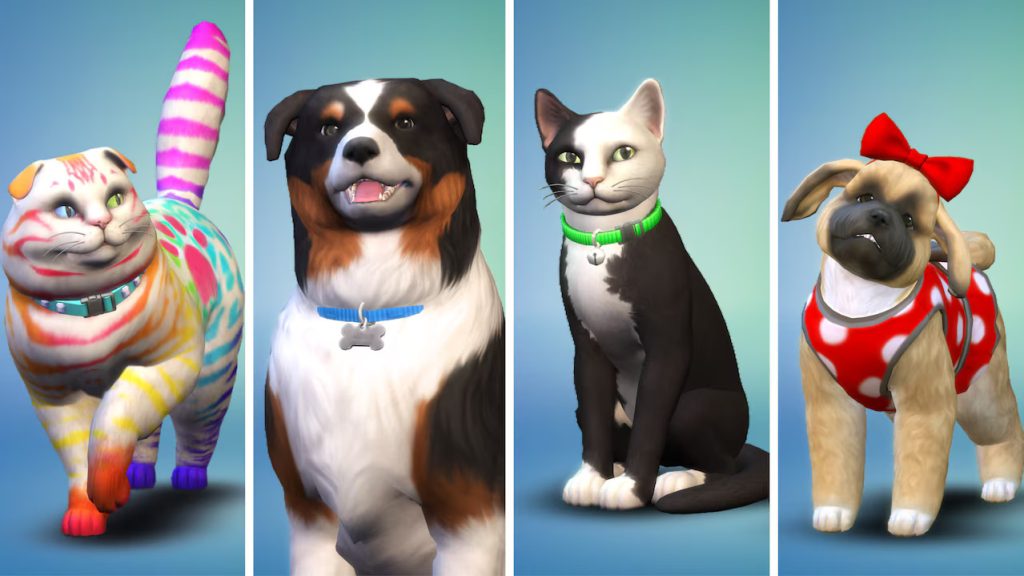
Cats & Dogs – Create a brand new furry friend, adopt a stray or shelter pet, or breed your very own line of felines and canines! (Including raccoon-cats and fox-dogs!) Companionship comes in many forms and can be as simple as your soulmate on four legs, or an entire pack of furry friends!
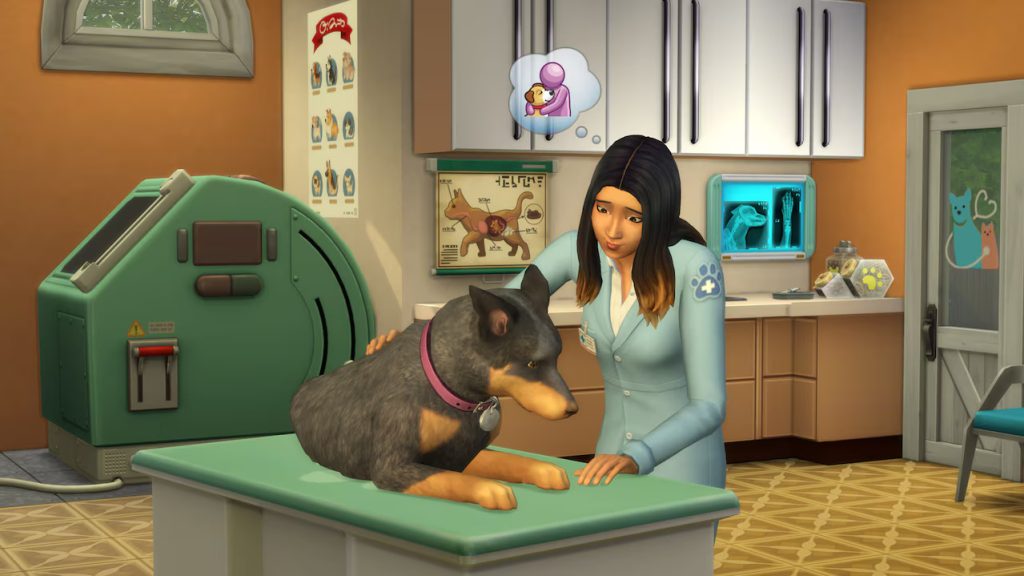
Veterinarian Skill & Lot Type – Perform wellness checks, spay, neuter, and cure illnesses from cats & dogs brought to your very own clinic!
New Skill – Pet Training & Veterinarian
New World – Brindleton Bay
Create-A-Sim Assets
183
Build Mode Assets
332
Description
Create a variety of cats and dogs, add them to your Sims’ homes to forever change their lives, and care for neighborhood pets as a veterinarian with The Sims 4 Cats & Dogs. The powerful, new Create A Pet tool lets you personalize cats and dogs, each with their own unique appearances, distinct behaviors, and, for the first time, expressive outfits! These wonderful, lifelong companions will change your Sims’ lives in new and special ways. Treat animal ailments as a veterinarian and run your own clinic in a beautiful coastal world where there’s so much for your Sims and their pets to discover.
EP05 Seasons – June 22nd, 2018
Gameplay Features
Seasons – Experience Spring, Summer, Fall, and Winter and all the fun (or annoying) weather events that come with them! Weather will influence every part of your sim’s life!
Holidays – Use the calendar system to track events across the entire game series, but with Seasons, you can track pre-made and plan your own holidays with specific recurring days, traditions, and more!
New Skills – Flower Arranging & Skating (Hidden Skill)
Create-A-Sim Assets
150
Build Mode Assets
179
Description
Add weather to your Sims’ lives to tell new stories, enjoy seasonal activities, and celebrate heartfelt holidays with The Sims 4 Seasons. Make the most out of the weather all year round, from crisp snowfalls to sweltering heat — every world is affected by seasons in unique ways. Create a winter story with ice skating, befriend a magical scarecrow at the fall harvest, share a spring fling during a downpour, or host a summer pool party. Gather friends and family to celebrate holidays complete with traditions, gifts, and special guests. Stay warm or keep cool with all-new outfits to brave the elements. Even begin a blossoming gardening career as a botanist or by crafting floral arrangements!
EP06 Get Famous – November 16th, 2018
Gameplay Features
Fame – Start as a an Unknown nobody and rise to a Global Superstar with a myriad of fame-gaining interactions! Become a famous chef, author, actor, singer, and so much more! As your fame increases, redeem fame points for special perks while gaining random quirks.
Acting – Nail auditions and fulfill gig requirements as you rise through the ranks as an actor, from simple soap commercials to blockbuster films to long-running television shows.
New Skills – Acting & Media Production
New World – Del Sol Valley
Create-A-Sim Assets
117
Build Mode Assets
274
Description
Reach for the stars and rise to celebrity status with The Sims 4 Get Famous. Build your stardom as you pursue an acting career, become an A-lister, and guide your Sims down the unpredictable path to fame. From the studio lot to VIP parties, you choose how your Sims can gain worldwide acclaim. Customize and show off your celebrity style, and decorate your Sims’ luxury house on the hills with over-the-top accessories, like a solid-gold toilet. Get ready to shine bright in the spotlight and live your best celebrity life.
EP07 Island Living – June 21st, 2019
Gameplay Features
Careers – Clean up the islands and renew your environment in the conservationist career, or take it easy and enjoy life outside of work with the part-time jobs as divers, fishermen, or lifeguards.
Mermaids – Sprout fins and take a dive into the new mermaid occult type! Meet or play as premade mermaid sims, create your own, or become one with the new Mermadic Kelp!
Beaches – Build your own homes shorefront properties or visit sprawling beaches and take a dive. Find new collectibles in the sand, and work on your tan!
New World – Sulani
Create-A-Sim Assets
136
Build Mode Assets
182
Description
Escape the ordinary and embrace a laid-back lifestyle surrounded by beaches in The Sims 4 Island Living. Explore a breezy world drenched in sun, sand, and endless fun as your Sims make their own paradise. Whether they contribute to the conservation effort or prefer living off the grid, your Sims can take the plunge and enjoy what this unique culture has to offer. Embrace traditional events, wear native clothing styles, or sip on some kava. It’s all part of Sulani island life.
EP08 Discover University – November 15th, 2019
Gameplay Features
University – Attend university at any stage, as a young adult or older, full or part-time! Save some money and work on classes from home, or indulge in the college experience and move on-campus, either into your own student property or dorm. Pick one of 13 degrees to pursue, each of them having their own distinguished degree program at one of the universities to give you a leg up in the rat race!
New Careers – Pursue careers in education, engineering, or law, or get some extracurriculars and join the afterschool E-Sports team or Soccer Teams.
New Skills – Research and Debate & Robotics
New World – Britechester
Create-A-Sim Assets
121
Build Mode Assets
186
Description
Explore all the experiences college has to offer. Take classes that set your Sims up for success in engineering, education, or law careers. Discover robotics and ping-pong, or make some mischief pulling pranks against the rival school. Study hard, sleep in, and high-five the school mascot — just make sure to keep those grades up!
EP09 Eco Lifestyle – June 5th, 2020
Gameplay Features
Influence Your World – With every piece of furniture you make or buy, neighborhood action plans you vote to implement or repeal, and with every cloud of smog or recycled item, your neighborhood’s eco level will change. Worlds can be green and bright, neutral, or smoggy and industrial.
Recycling and Fabricating – Build your own furniture from bits & pieces found around the world, either to sell or to renovate your home with spending an arm & and a leg!
New Skills – Fabrication & Juice Fizzing
New World – Evergreen Harbor
Create-A-Sim Assets
126
Build Mode Assets
183
Description
Ready for your Sims to impact their world? Move into a community of fellow collaborative makers in The Sims 4™ Eco Lifestyle Expansion Pack!* Play to change and make a difference in the new world of Evergreen Harbor. Help your new neighbors decide on a Community Space Project, reduce your eco footprint, and watch your neighborhood transform. You’ll be surprised by what happens when your Sims start making the rules.
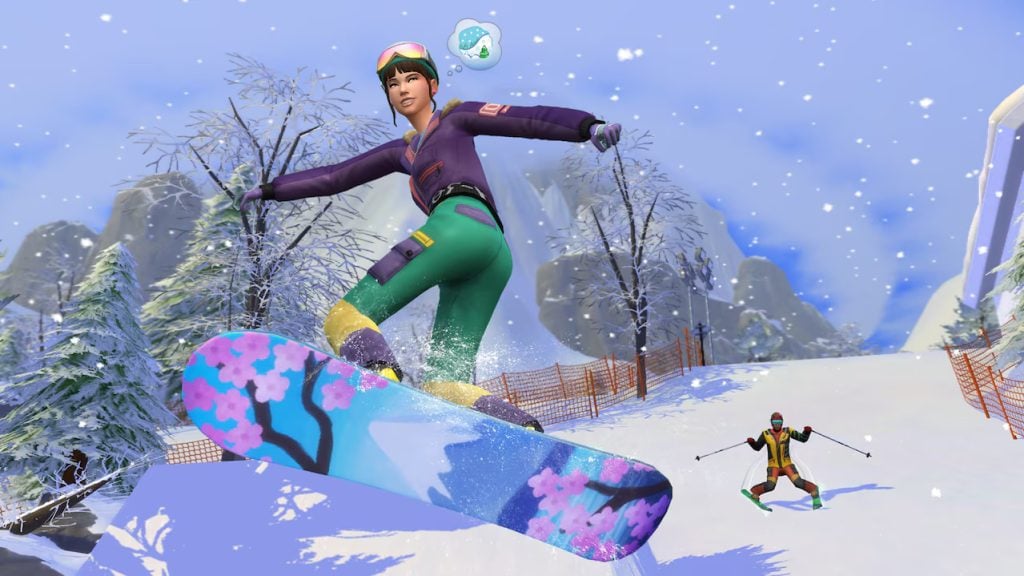
EP10 Snowy Escape – November 13th, 2020
Gameplay Features
Extreme Sports – Brace the cold to raise your adrenaline with skiing, snowboarding, sledding, and even mountain-climbing!
Vacation Rentals – Stay permanently or temporarily with vacation rental lots, allowing sims to visit the new snowy world temporarily to pursue a fun side quest, see new sights, or visit loved ones!
New Skills – Rock Climbing, Skiing, Snowboarding
New World – Mt. Komorebi
Create-A-Sim Assets
134
Build Mode Assets
188
Description
Gear up for thrilling snow sports, relax in natural hot springs, and design your Japanese-inspired home in The Sims™ 4 Snowy Escape Expansion Pack*. Discover new ways to adventure — challenge your Sims to climb to the peak and bond with others in the world of Mt. Komorebi. From sledding and snowboarding to hot pot around the kotatsu table, there’s something to match every lifestyle.
EP11 Cottage Living – July 22nd, 2021
Gameplay Features
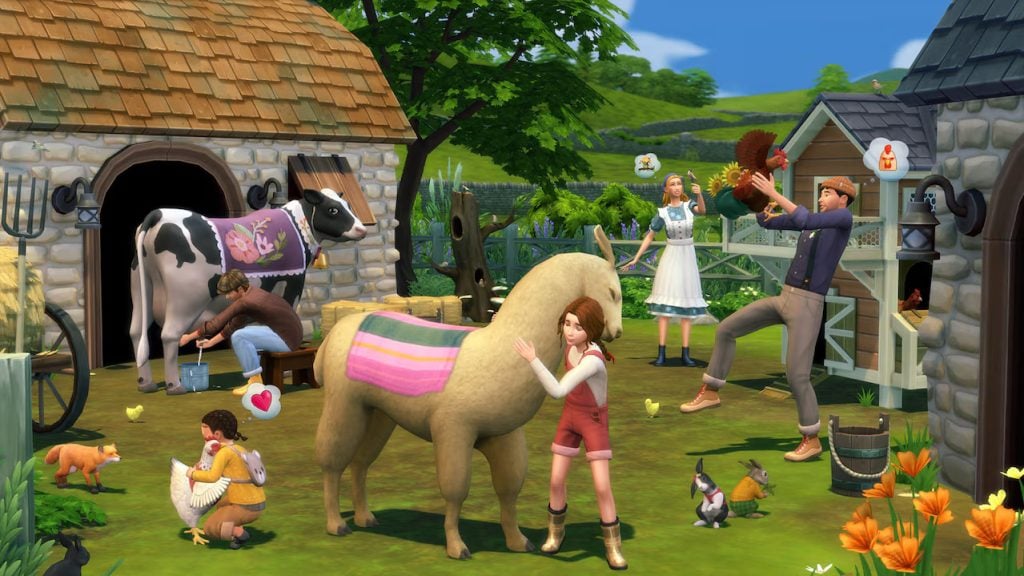
Homesteading – Care for your own animals, new crops, and truly live off the land with the Simple Living lot challenge! Raise cows for milk, llamas for wool, and chickens for eggs while warding off pesky foxes and befriending wild bunnies and birds!
Best In Show – Grow the largest and most extravegant crops, breed or alter your animals to have special perks and traits, or create rich and high-quality goods from your own farm and win ribbons and community recognition!
New Skills – Cross-Stitch
New World – Henford-On-Bagley
Create-A-Sim Assets
132
Build Mode Assets
170
Description
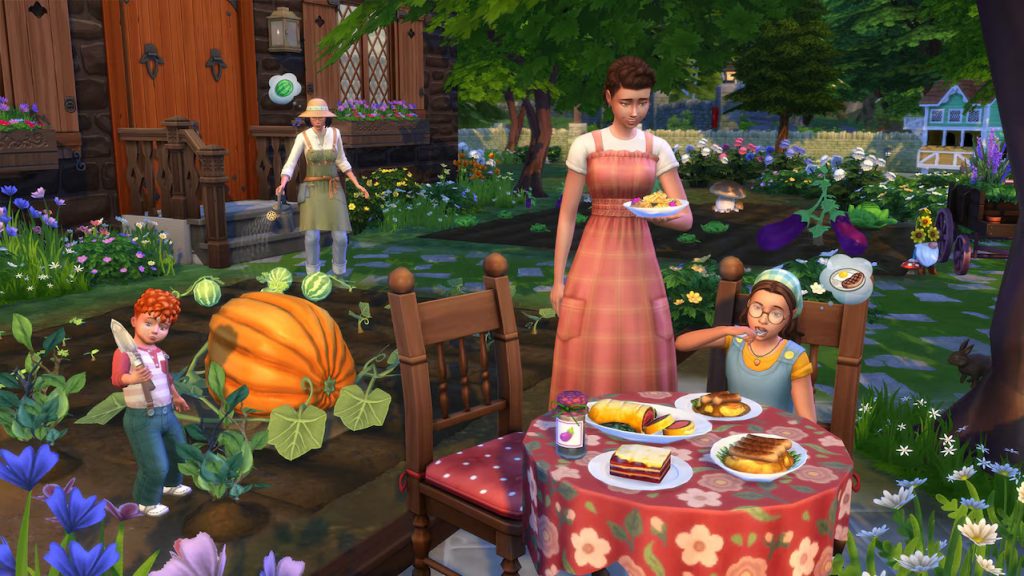
Delight in the quaint charm of The Sims™ 4 Cottage Living Expansion Pack* with animal friends, garden-to-table meals, and a close-knit community. At home, cook with the family using the freshest ingredients. Explore the forest to befriend woodland creatures or search for morsels, or head to town to meet the locals. Whether Sims are hugging a cow, making friends (or enemies) with their chickens, or growing the biggest vegetables around, the countryside is abundant with new experiences and ways to connect with the world around them.
EP12 High School Years – July 28th, 2022
Gameplay Features
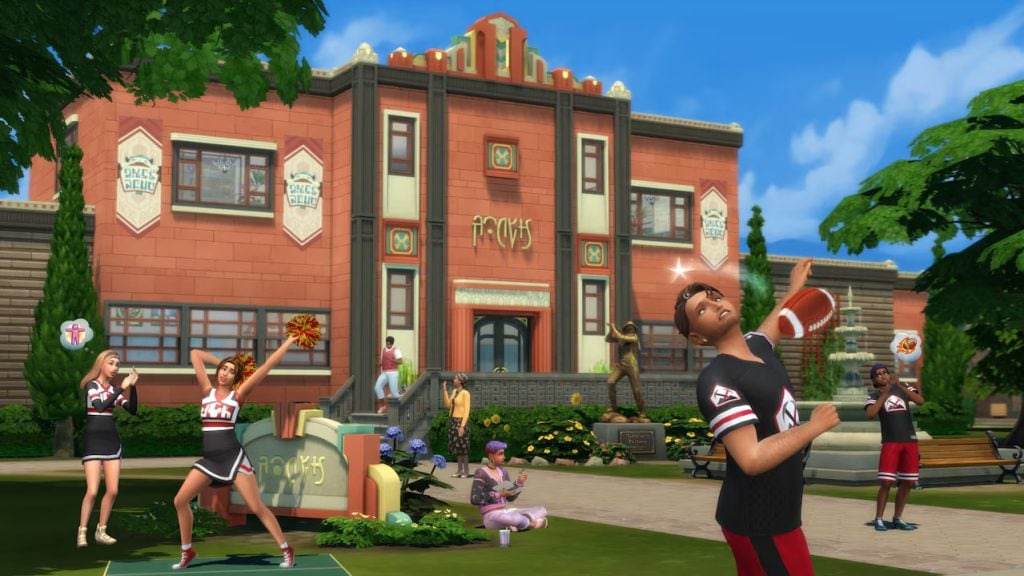
Active High-School – Experience the epic highs and lows of high school football active High School! Follow your teens and experience and create drama, new goals and aspirations, good or bad grades, and new passions and afterschool activities (including detention!). Experience milestones like career day, prom, and graduation… or skip all of them and do whatever you want!
Entrepreneurship & Side Hustles – Make a quick buck or make a statement with the new part-time jobs as a Simfluencer or Video Game Streamer. Visit Thriftea, the local thrift and bubble-tea shop, to put together new fits and start trends!
New Skill – Entrepreneur
New World – Copperdale
Create-A-Sim Assets
198
Build Mode Assets
260
Description
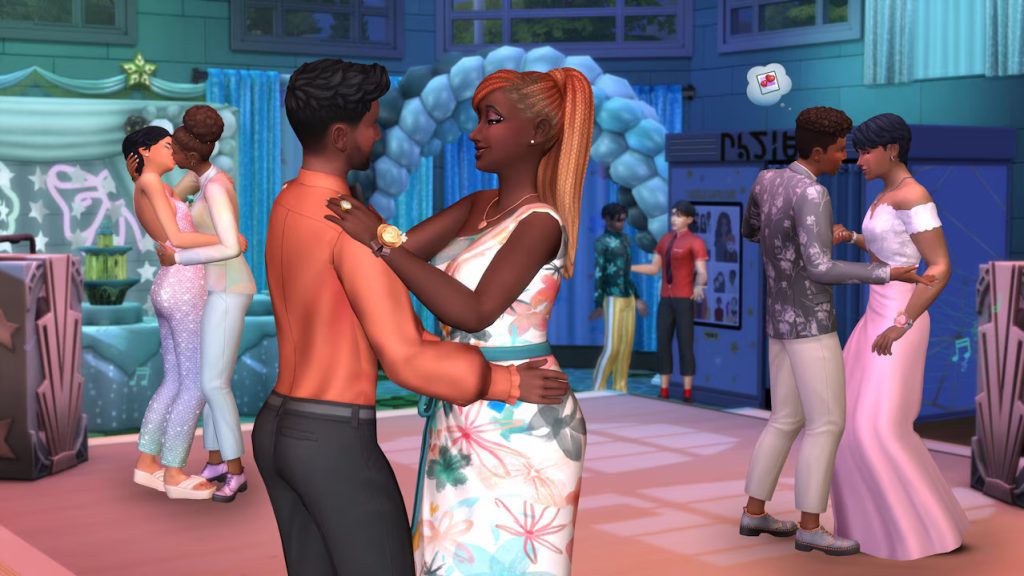
Be a good (or bad) student, join a club, start a trend and make the most of being a teenager with The Sims 4 High School Years Expansion Pack. Navigate iconic teenage experiences like attending prom, pulling pranks, experimenting with identity & trends and forming friendships & rivalries at extracurricular events. There’s a lot to do before graduation: teen Sims can attend class, interact with teachers and even earn money as style influencers or streamers.
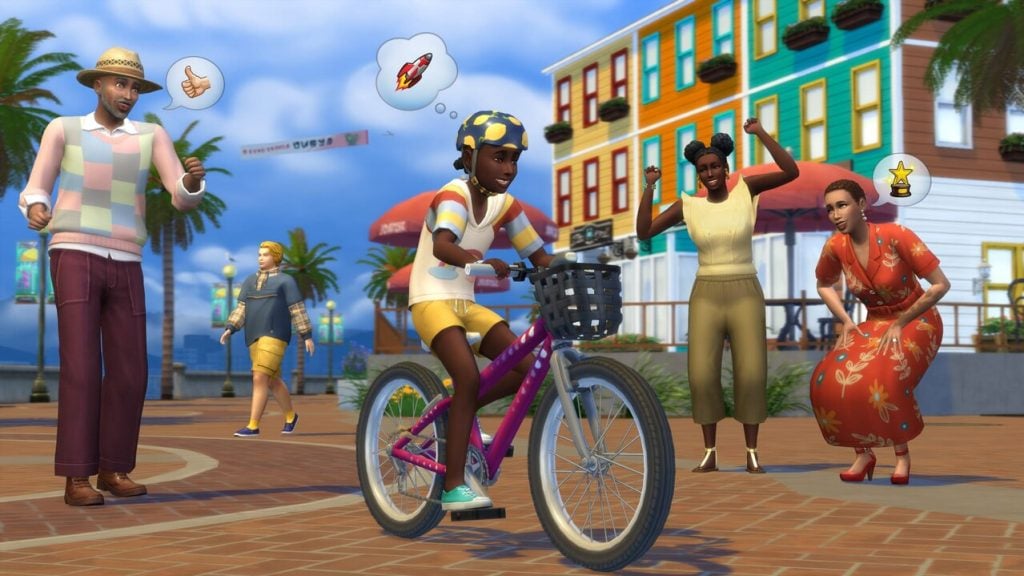
EP13 Growing Together – March 16th, 2023
Gameplay Features
Milestones and Life’s Moments – From simply raising their head to having their first grandbaby, follow your sim throughout their life and fill it with precious memories by reaching every milestone possible, from the fundamentals of life to high achievements!
Social Compatibility – Now not all sims will get along inherently, and others will get along much better! Choose friends and partners carefully based on social compatibility, and learn to live with incompatibles family members.
New Social Events – Celebrate a new little one with a baby shower, bring everyone together with a family reunion, and make childhood memories with a slumber party!
New World – San Sequoia
Create-A-Sim Assets
196
Build Mode Assets
204
Description
Strengthen family bonds, make friends or enemies and discover your Sims’ truest selves with The Sims 4 Growing Together Expansion Pack. The ways your Sims relate to those around them — from family members to Sims they’ve just met — are evolving. Both planned events like sleepovers and unexpected milestones like having a midlife crisis will shape your Sims and their relationships.
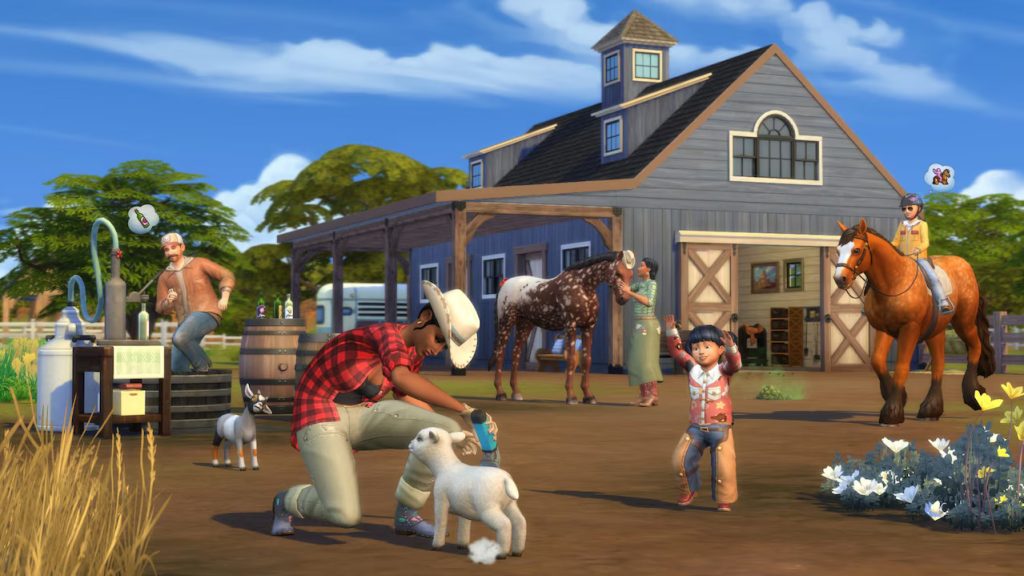
EP14 Horse Ranch – July 7th, 2023
Gameplay Features
Horses& Other Critters – Breed, adopt, create, or purchase your own horses for companionship, simple riding around the countryside, or for different forms of competitive showmanship. Expand your farming capabilities and resources with mini goats and mini sheep!
Nectar – Strike it rich by stomping, blending, packaging, and aging your own nectar. Sell it to the mysterious rancher, at a stand, or simply from your inventory. The more unique a nectar blend and the higher the age, the more simoleons a pop!
New Skills – Nectar Making & Riding for Sims. Agility, Endurance, Jumping, and Temperament for Horses.
New World – Chestnut Ridge
Create-A-Sim Assets
148
Build Mode Assets
214
Description
Work hard and play hard with animal friends on your own stretch of land in The Sims 4 Horse Ranch Expansion Pack. Raise, train, and form special bonds with majestic horses that are customizable members of your family. You can also care for mini sheep and mini goats, or make a living selling homemade Nectar. Carve out your own unique life on the ranch.
EP15 For Rent – December 7th, 2023
Gameplay Features
Residential Rentals – Build or buy your own, rent out a space on your lot, move into a pre-existing rental, or build a real estate empire with the Residential Rentals system! From simple duplexes or renting out a room to multi-family homes to apartment complexes, up to 6 families can share a lot!
The Tomarani Culture – Visit the tiger sanctuary, swim the beaches of Tomarang, and experience the sights, smells, and knick knacks of the Night Market.
New Skills –
New World –
Create-A-Sim Assets
142
Build Mode Assets
205
Description
Bring the neighbors together — literally — and experience multi-family lots as a tenant or property owner in The Sims 4 For Rent Expansion Pack. Your Sim can now own and manage multiple Residential Rental lots or move into a home where they’re closer to their neighbors than ever (perfect for snooping!). From potlucks to evictions, there’s a lot to do and a bustling, new world to do it in.
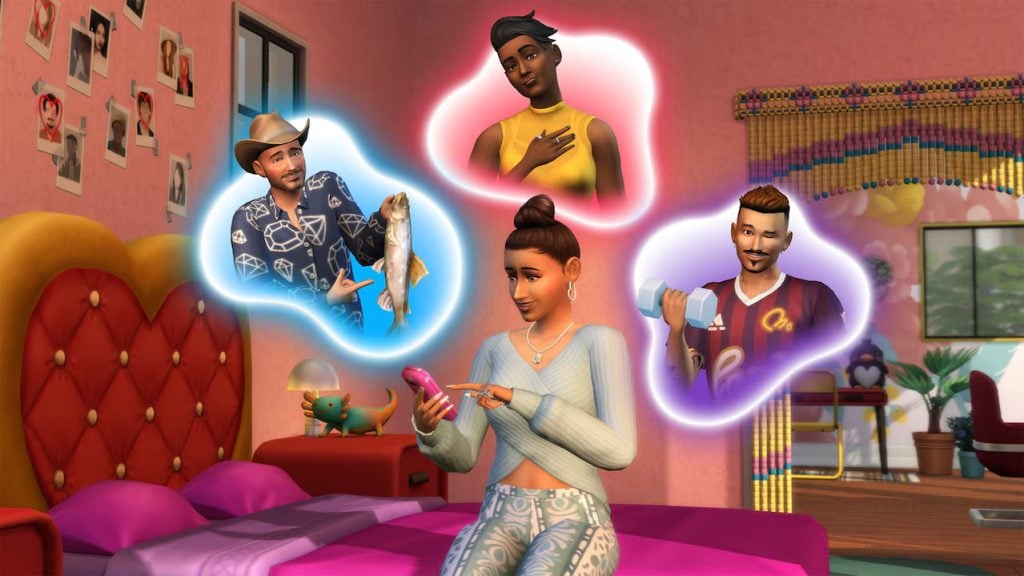
EP16 Lovestruck – July 25th, 2024
Gameplay Features
New Dating System – Use the new dating system to get to know a new sim, spice up a current romance, or revive a struggling relationship with a romantic repair date. Don’t have a current fling? Use the Cupid’s Corner app to find a new match!
Turn-Ons & Turn-Offs – Customize your sims even more by choosing what they truly find attractive in terms of physical attributes, personalities, and even relationship status or skills!
New Skills – Romance
New World – Ciudad Enamorada
Create-A-Sim Assets
188
Build Mode Assets
152
Description
Explore romance as you match with alluring Sims and plan exciting dates in The Sims™ 4 Lovestruck Expansion Pack. Create your Sim’s profile for the Cupid’s Corner dating app and start meeting matches! New intimate interactions, like cuddling in bed or meeting for a seductive dance, are waiting. Whether your dynamic ends up steamy or strained will depend on what your Sim finds attractive. Pay special attention to those Turn-Ons and Turn-Offs!*
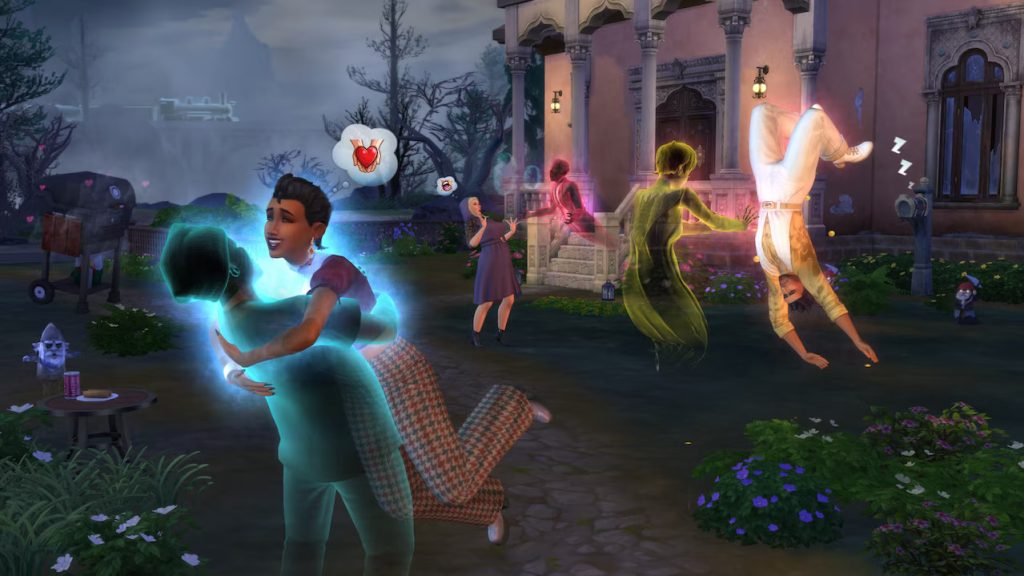
EP17 Life & Death – October 31st, 2024
Gameplay Features
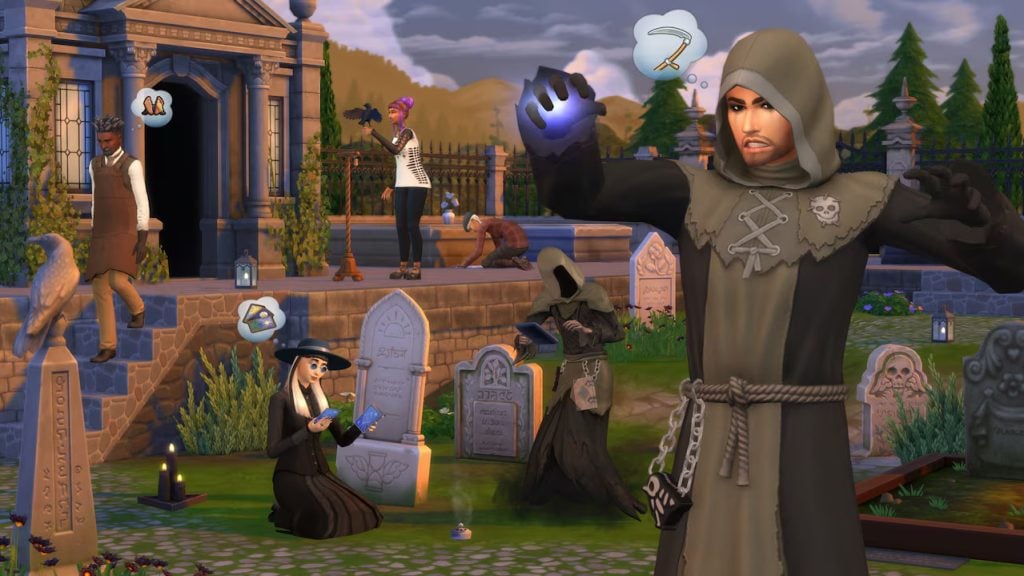
Dabble in Life… and Death! – Fulfill your bucket list before grim comes for you, work with Grim at his very normal office, and experience the refreshing nature of rebirth. A sim dying no longer means anything is over, and sometimes, it can mean it only just begun!
Ghosts – Ghosts are now inherently playable, either created in CAS, moved into your lot after meeting them around the world, or by choosing to be a playable ghost and continue life as normal (for the most part). Complete your unfinished business (instead of a bucket list), seek resurrection, or just chill out among the living and dead until you’re ready to rebirth or pass on!
New Skill – Thanatology
New World – Ravenwood
Create-A-Sim Assets
148
Build Mode Assets
190
Description
Peel back the veil to uncover the secret to richer Sim lives and beyond in The Sims 4 Life & Death Expansion Pack*. Achieve your dreams in life by ticking items off your Bucket List, or pursue them as a Ghost with Unfinished Business. There is a ghastly new world to haunt, a career that’ll bring you closer to Grim, Wills to write, Crypts to explore, and even ghostly skills to master. There are no real endings — only transitions — as you move between life, afterlife, and even rebirth.
EP18 Businesses & Hobbies – March 6th, 2025
Gameplay Features
Small Businesses – Make your living from any of your skills, give back to your community, and be morally right, neutral, or a bit on the shady side to advance your business! Live right on your small business lot, integrate it into your home, or keep it standalone!
Mentorship & Classes – Have an excess amount of knowledge in a specific skill (or multiple!) and want to make some money or better the world! Give one-on-one training by creating Mentee-Mentor relationships with sims once you reach level 5 or above of any skill, allowing for boosted skill-gains for the mentee! Turn a profit using the chalkboard and teach classes of sims at a time, chargining for entry or offering paid mentoring!
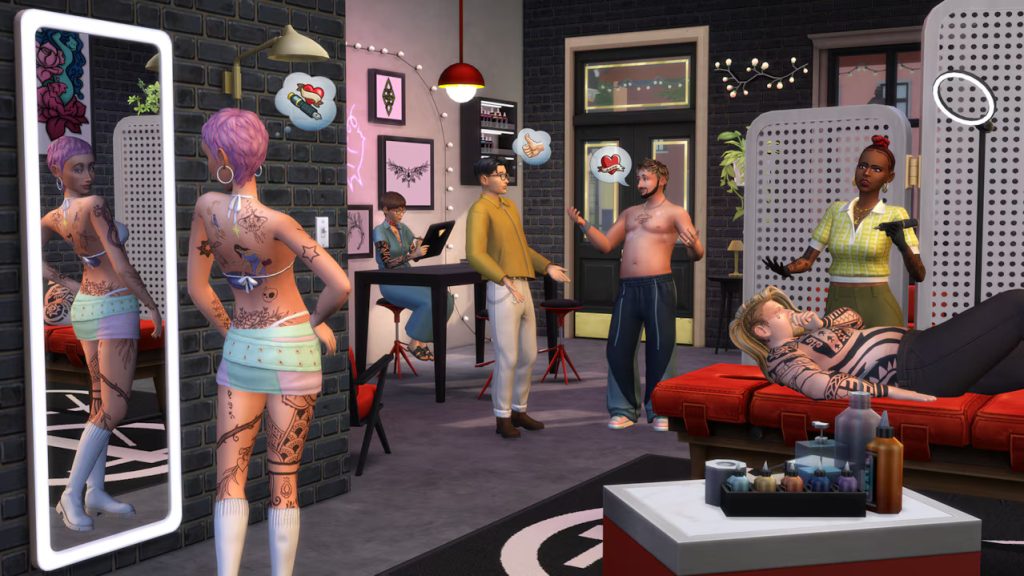
New Skills – Tattooing & Pottery
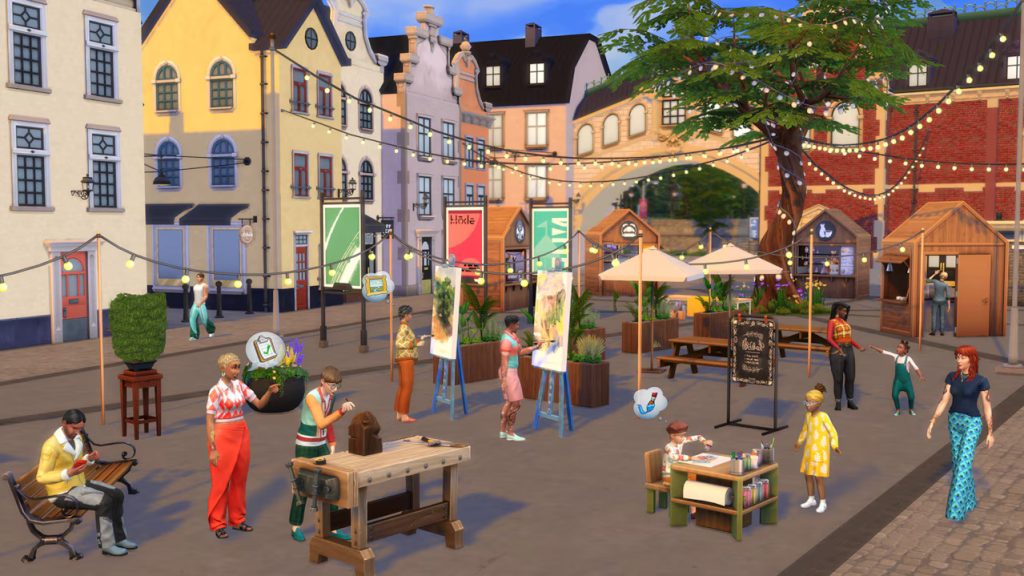
New World – Nordhaven
Create-A-Sim Assets
162
Build Mode Assets
212
Description
Pursue new skills and live a life of accomplishment in The Sims 4 Businesses & Hobbies Expansion Pack*. Make your home in Nordhaven — a world of opportunity where you can chase your dreams among a passionate community. Create wearable art with the new Tattooing skill, and even earn Simoleons for it. Or craft functional pieces with the new Pottery skill and charge for lessons as you improve. Savvy Sims can turn their wildest dreams into profitable businesses, so use your imagination to create something special. Run your business out of your home or purchase a Small Business Venue lot, hire employees, decide how to charge, and make the rules.
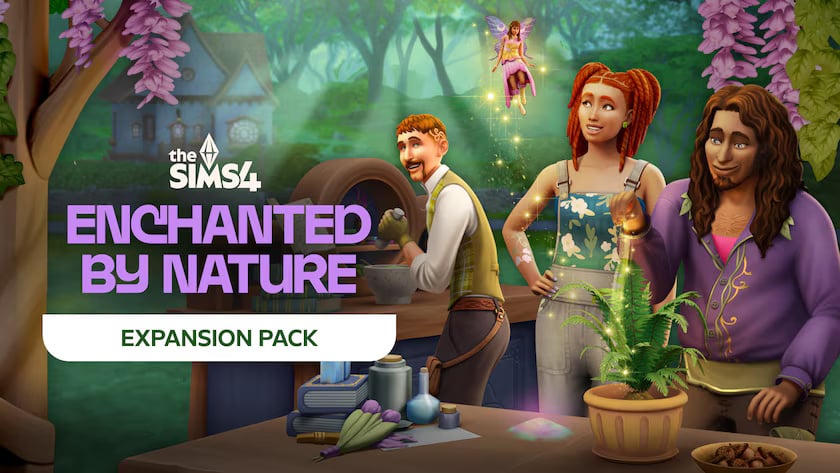
EP19 Enchanted by Nature – July 10th, 2025
Gameplay Features
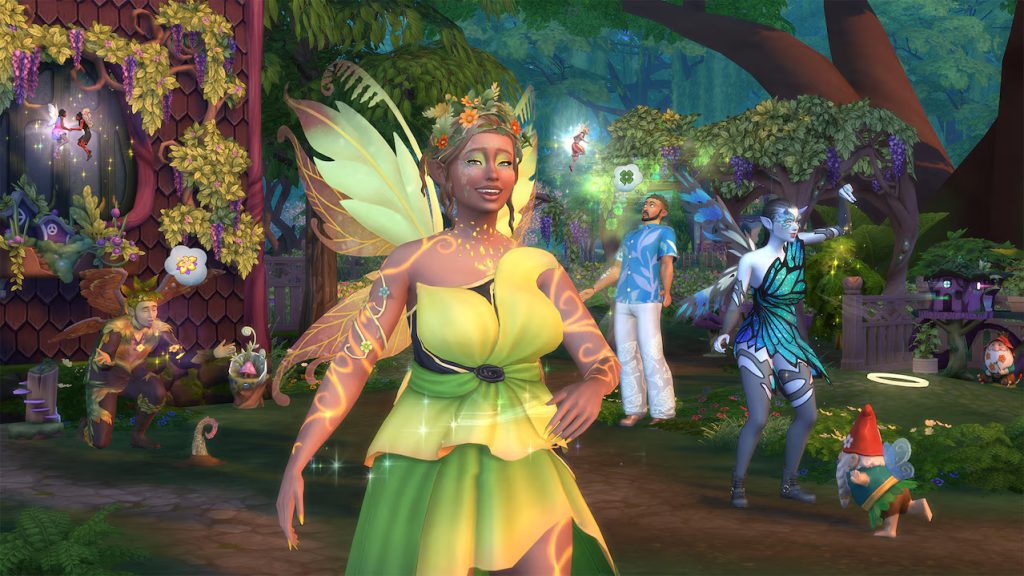
Fairies – Become one with nature and gain new and unique powers as a fairy! Either follow Mother Nature to become a fairy, be born as one, or create a new one in Create-A-Sim! Multitudes of wings and customization for your fairy form are available! Throw fairy house parties, collect and benefit from fairy dust, and bring gnomes to life to assist with your needs; good or bad!
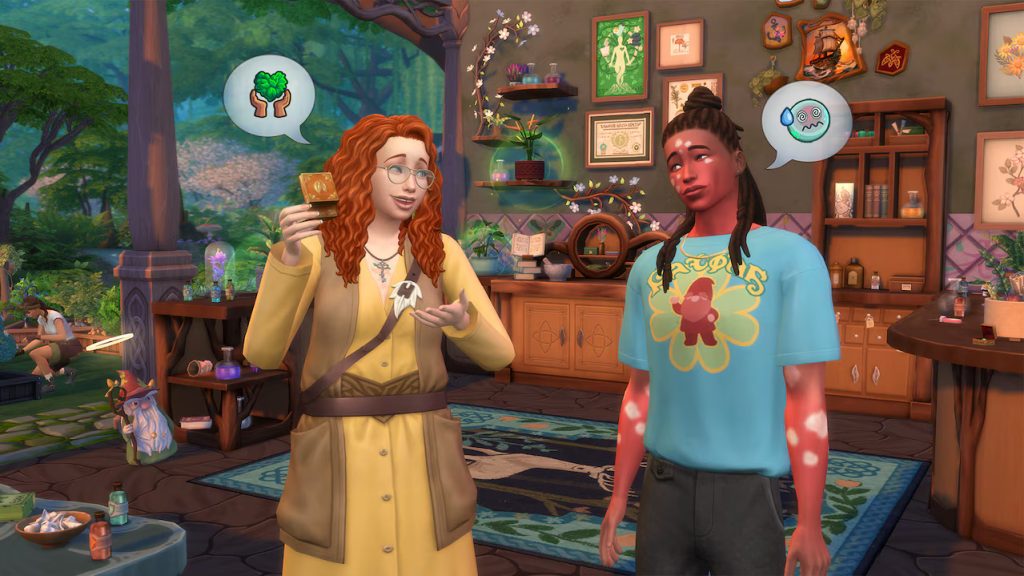
Natural Living & Apothecary – Become one with nature or harvest resources to use it to your advantage and heal yourself and others. There’s no need for a house or modern appliances when you can sleep, eat, and use the bathroom on and from the earth itself! Finding your life feels unbalanced, or seeing sims sprouting up with weird spots or even clovers on their face? Harvest ingredients and increase your apothecary skill in or outside of the Naturopath career!
New Skills – Apothecary & Natural Living
New World – Innisgreen
Create-A-Sim Assets
181
Build Mode Assets
163
Description
Live surrounded by the magic of nature in The Sims 4 Enchanted by Nature Expansion Pack*. Embrace a free-spirited lifestyle where you Forage and sleep under the stars or bring nature’s gifts inside with versatile gardening pots. A charming world is waiting where you can craft Elixirs, cure Ailments, meet Mother Nature herself, and even become a Fairy!
EP20 Adventure Awaits – October 2nd, 2025
Gameplay Features
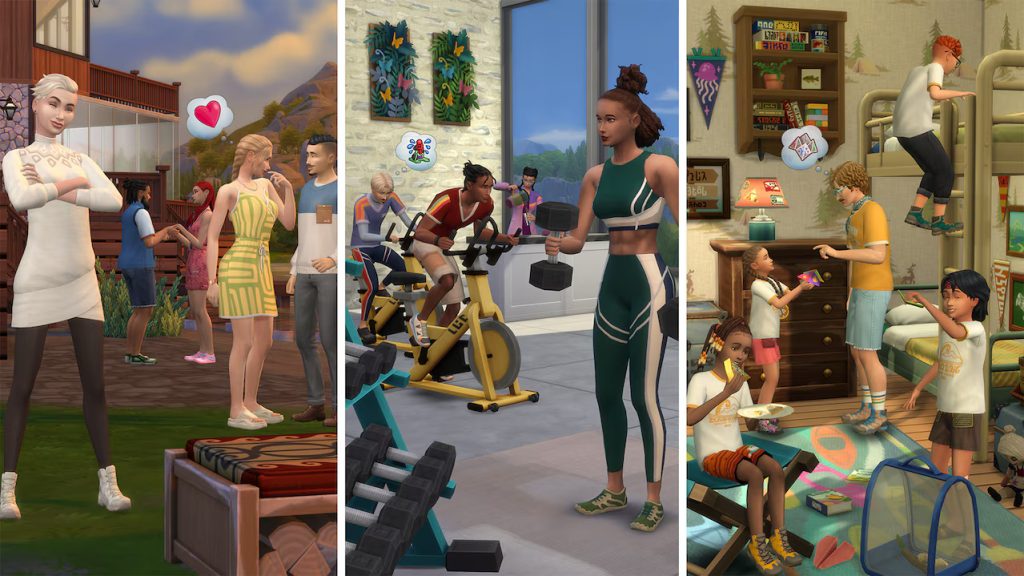
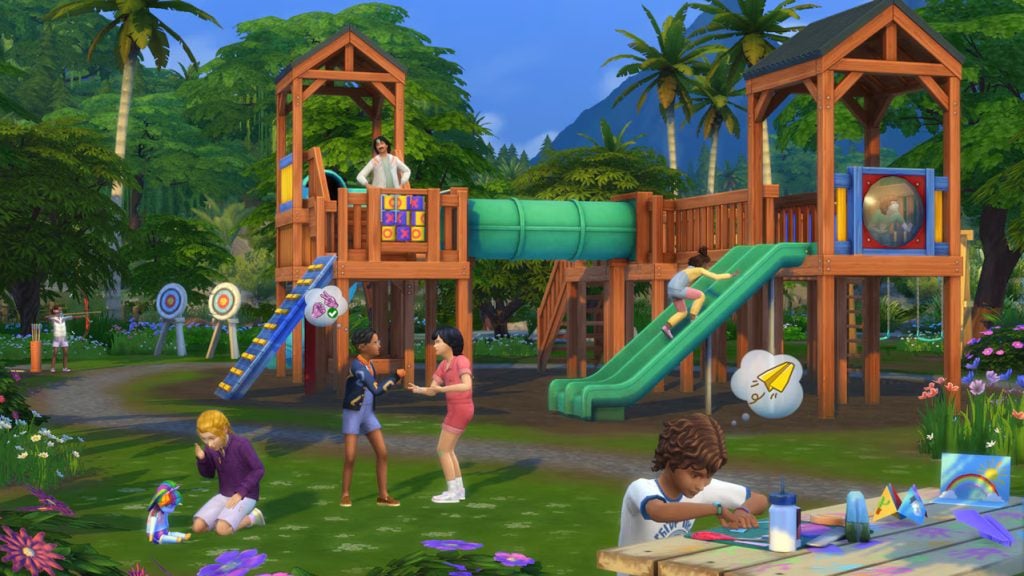
Childhood Memories and Gameplay – Connect on a deeper level with your ragdoll imaginary friend or expand your skills and memories with formative moments! Recall them as adults or complete challenges to gain the traits as a child, giving more detailed backstories and skill gains to sims as they grow older! Dabble in new skills, while old or young, like creating detailed papercrafts, trying your hand at archery, or seeking crawly critters with Entomology!
Getaways and Custom Venues – Create a unique vacation that guests will never forget with specific lots, a detailed itinerary and schedule, and unique roles! Make any community lot you could want with their own hourly scheduled, assigned activities, and employee or guest roles with the Custom Venue System!
New Skills – Papercraft, Entomology, Diving, and Archery
New World – Gibbi Point
Create-A-Sim Assets
157
Build Mode Assets
199
Description
Break free from the everyday with daring activities and Getaways in The Sims 4 Adventure Awaits Expansion Pack*. Nurture the spirit of play in childhood and carry it through a bold, adventurous life. Create Custom Venues for Sims to explore and send them on Getaways you design, like a kids’ camp, fitness retreat, or even a romantic contest. Kids will also find their playtime more meaningful than ever. They can even connect with Imaginary Friends!
The Poll
[totalpoll id=”184627″]
Were there any features of specific expansion packs that you need for every save, or some you maybe could live without? Let us know! Make sure to vote in the poll and follow The Sims Community for new updates on Sims 4 expansion packs. Also view our The Best Sims 4 Kits as of 2025 poll, recently released as well!
We all have to start somewhere and coming up to the end of the year and preparing for the start of the new year why not look at some Sims 4 starter homes? From beginning a new save in a new starter home, adding a new household to your forever save or moving out the next generation of your family to start in a new home and place – these starter homes are great for gameplay and for your Sims budget.
Updated BaseGame Starter – schnuck01
The Sims 4 Starter Homes Gallery Spotlight
Starter Homes under 10K
Looking to start somewhere cute and still have some money left over for your Sims to live their best lives? The following starter homes are all under 10k leaving your Sim with an extra +10K to use as you wish.
>10 K Starter Home – Symtherin
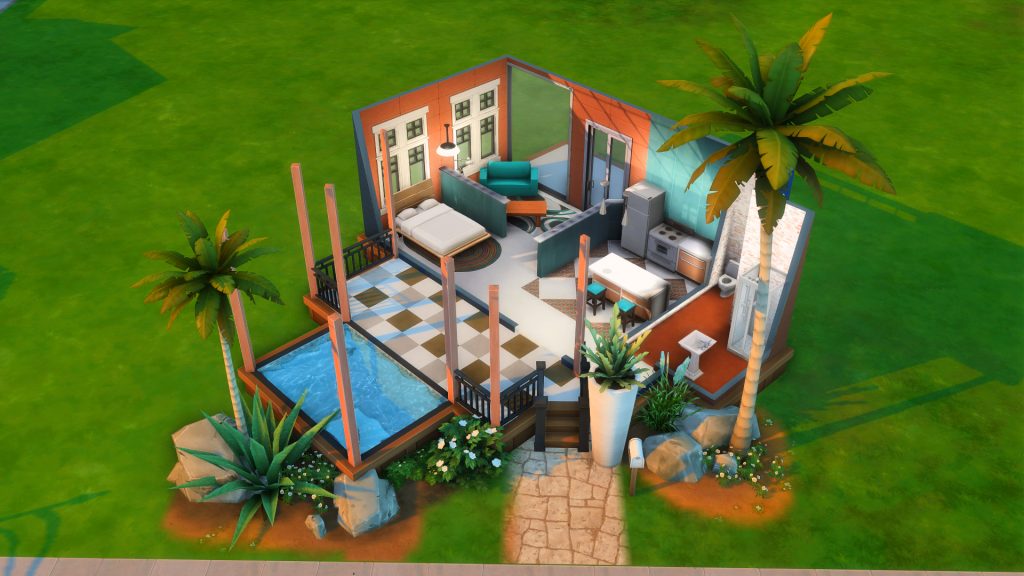
Lot Type: Tiny Home Residential Lot Size: 20×15 Price: §8,569
This gorgeous starter home is a great base to build up your Sims life from, the red tones are warm and welcoming with big windows to let in lots of light. The house features a mini kitchen, dining and living room all open plan as well as a double bed (if you have 2 Sims someone is scooching over). In the backyard you have gardening patches to get your Sims those extra Simoleans they might need. This lot is also a Tiny Home which means you get extra perks and skill gaining bonuses on this lot.
Lot Type: Residential Lot Size: 30×20 Price: §9,980
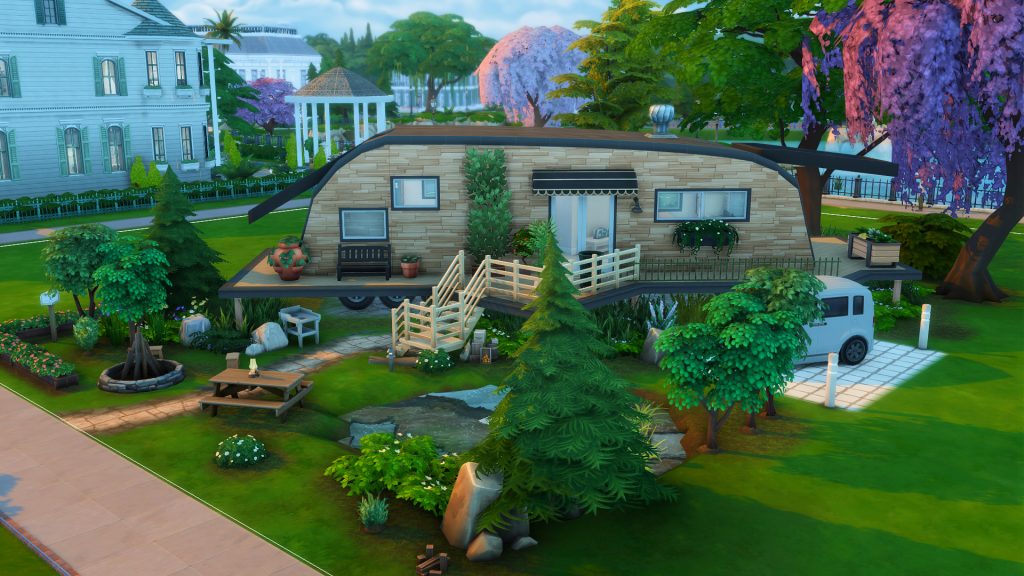
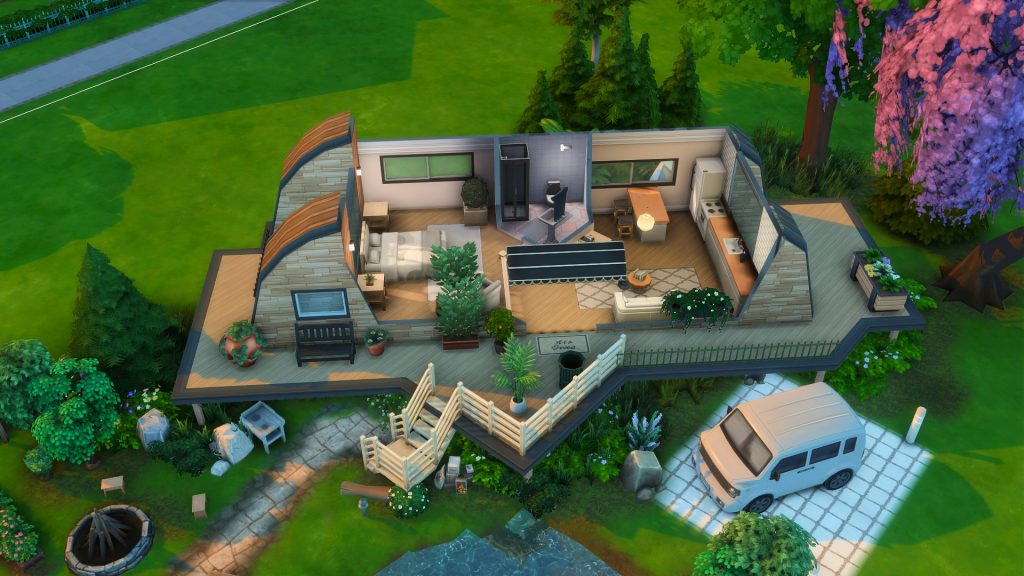
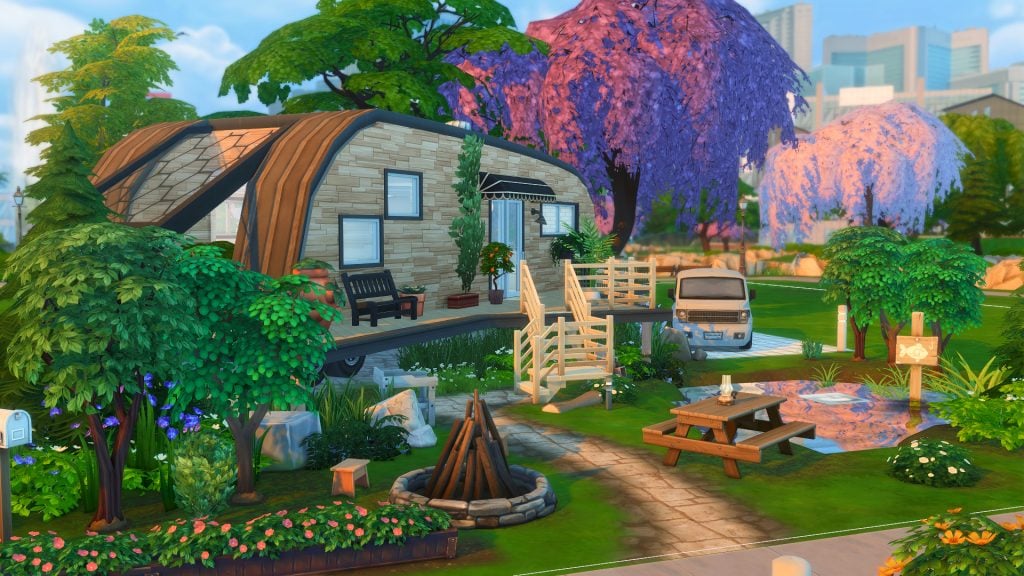
A fancy looking camper to start your Sims journey into their new world sounds like a great idea! With over hanging roof pieces on either side to put down some gardening pots to be sheltered or a skill building item or two with the left over Simoleans your Sim has, this starter home is picturesque. Outdoor living has been thought through with a picnic table, a bonfire pit, mini pond and some starter plants to grow and tend – this lot has everything your Sim needs. And although it is placed on a diagonal (everyones favorite direction in the Sims build mode) it all works perfectly and has been laid out with functionality in mind.
Lot Type: Residential Lot Size: 20×15 Price: §9,976
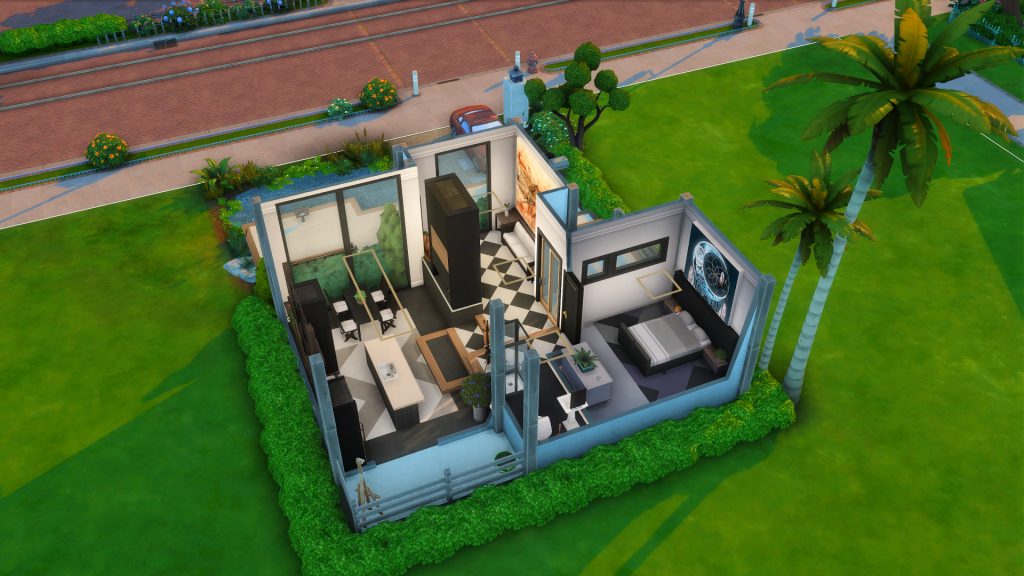
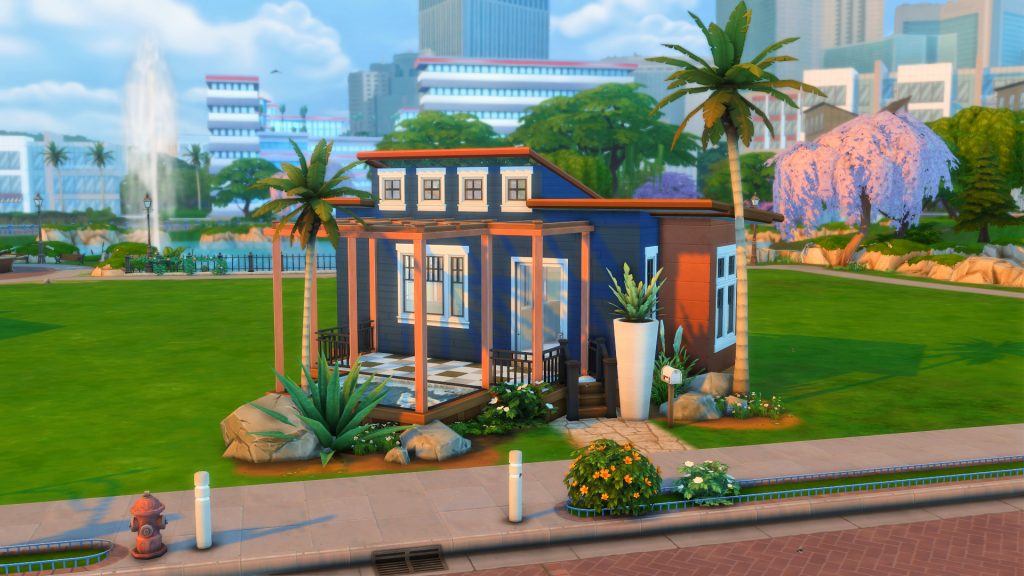
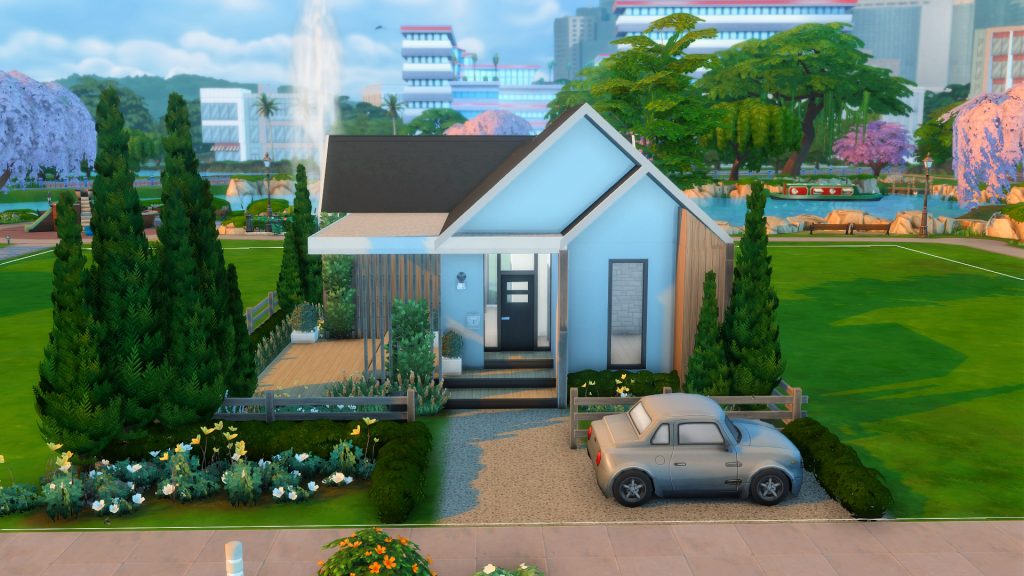
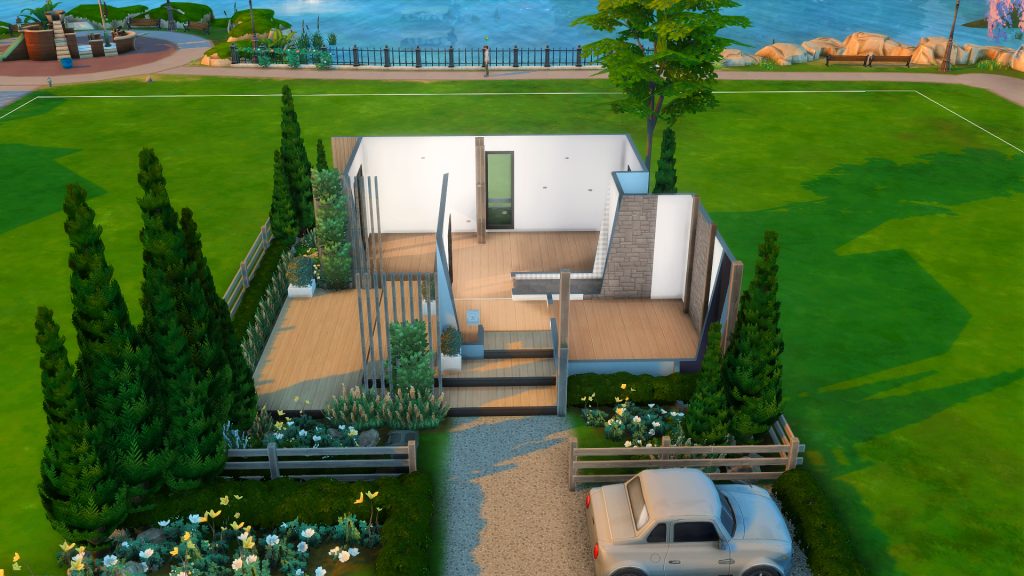
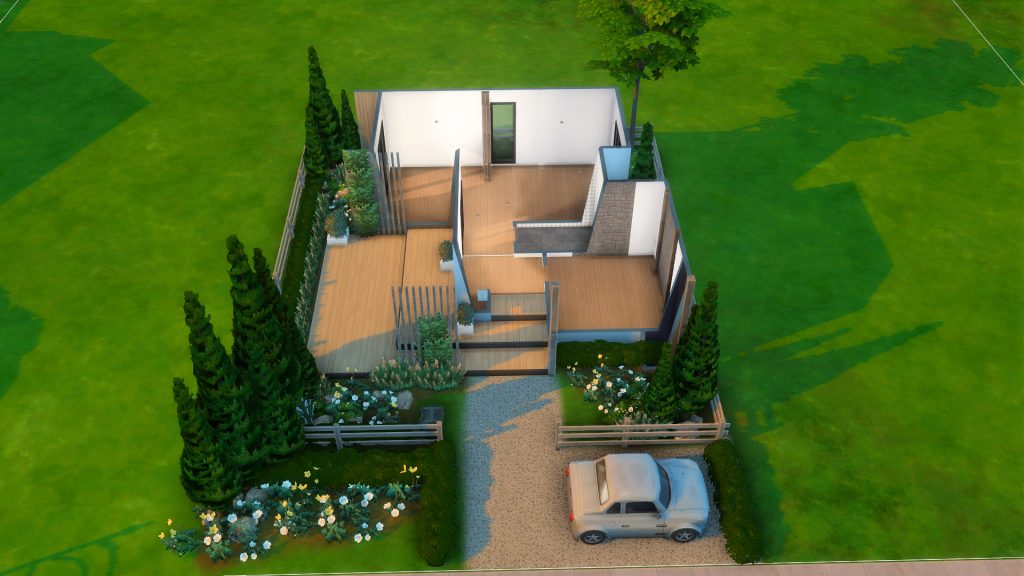
This modern starter is gorgeous to lay your eyes and stunning both inside and out. From a cute driveway with a car, styled walkway up to the front door and cute little seating area out front – the outside of this lot is just as beautiful as the inside. Everything is decently sized on the inside, with a bedroom, separate living and kitchen with dining area and separate bathroom. There are custom paintings on the inside, you need nothing to use these in your game as they are created by other talented Simmers on the gallery.
Lot Type: Tiny Home Residential Lot Size: 30×20 Price: §9,994
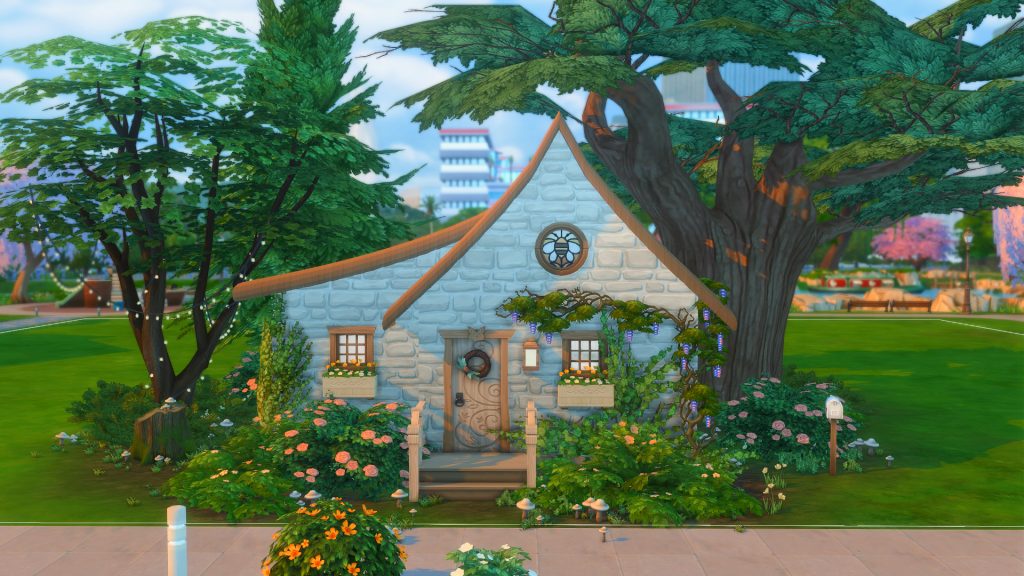
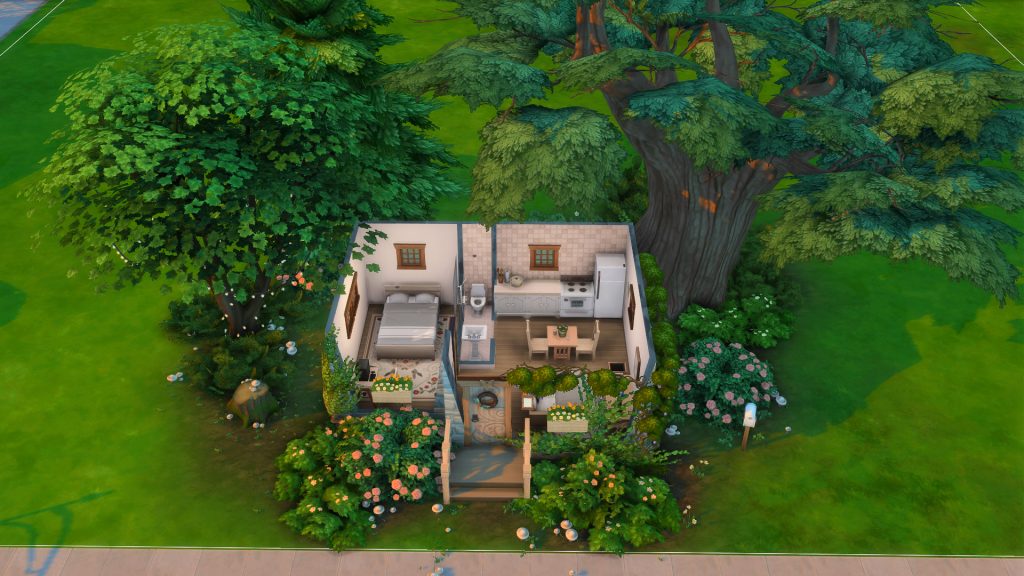
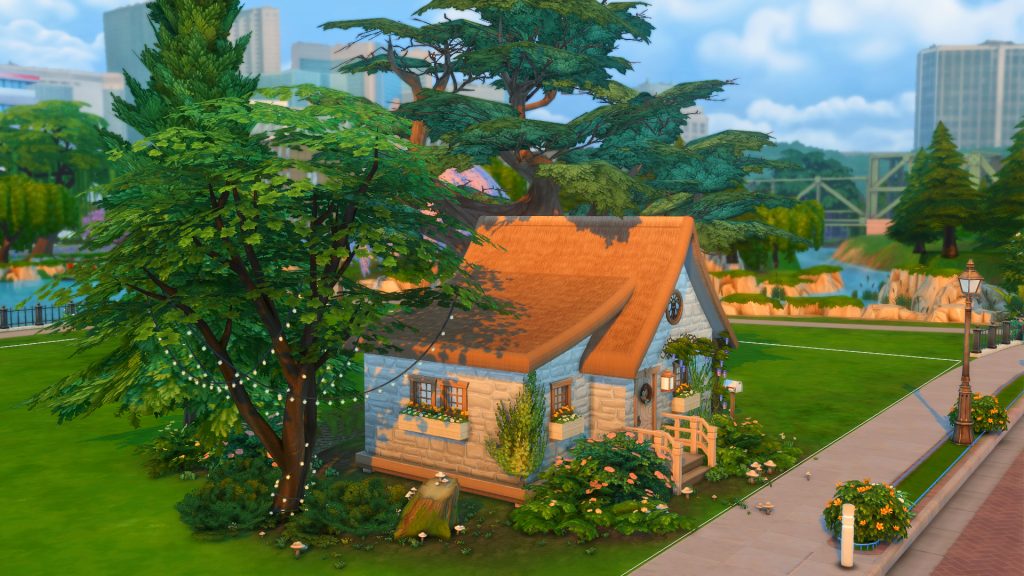
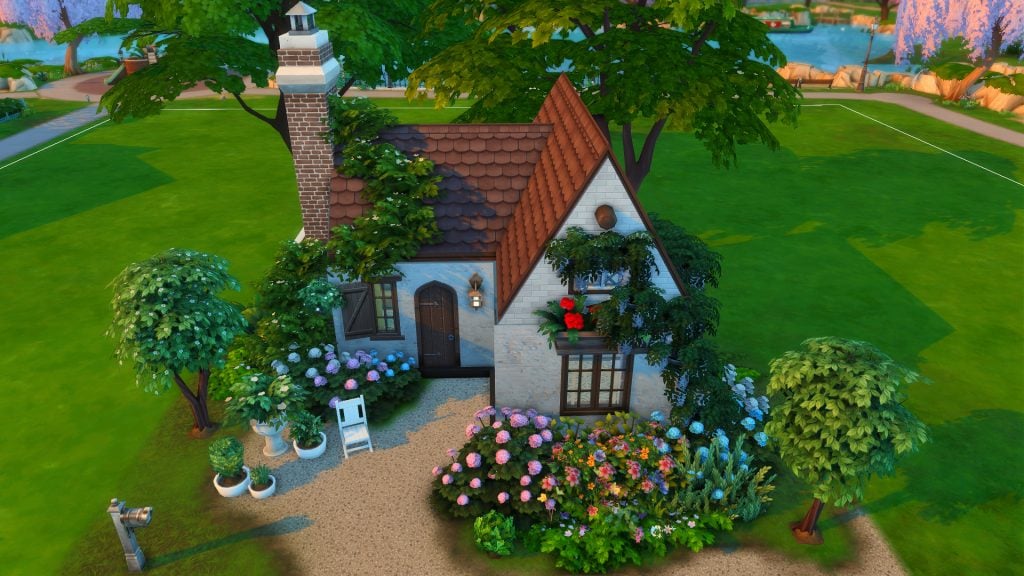
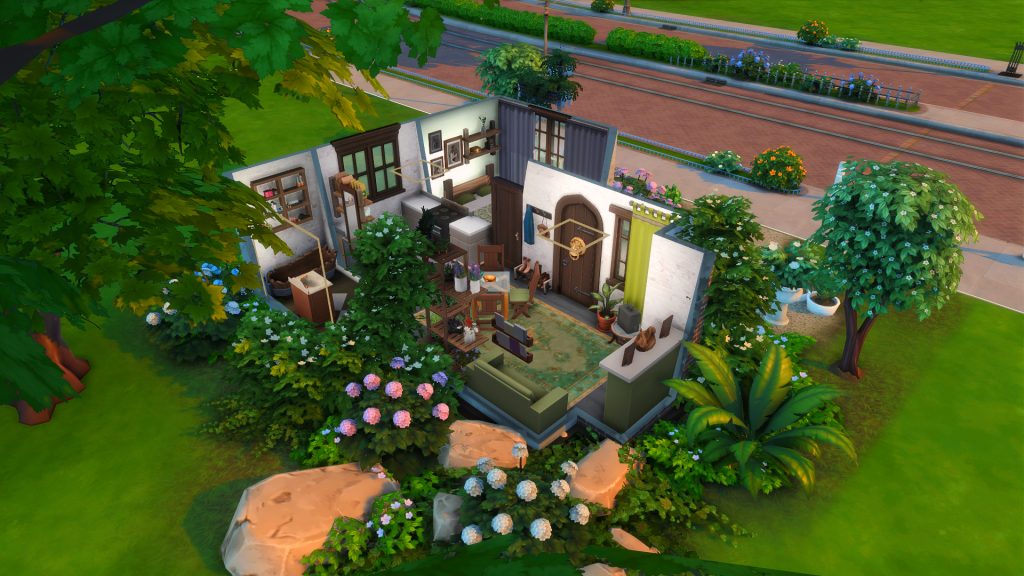
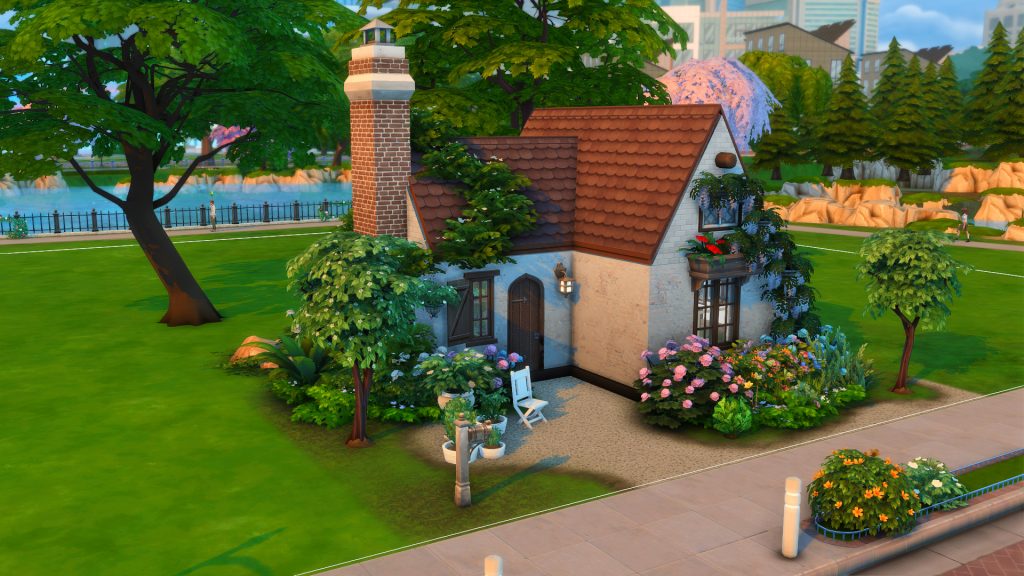
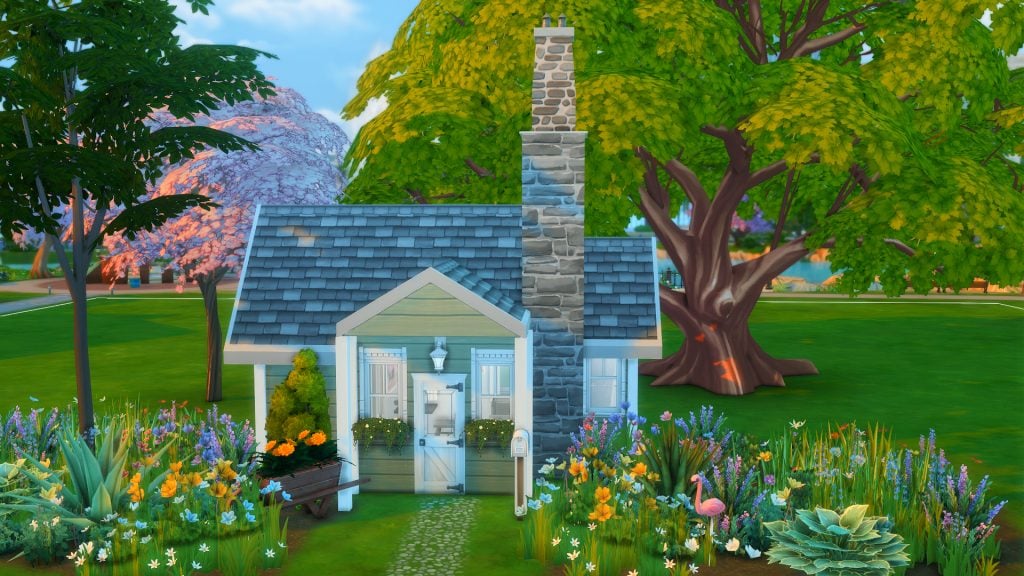
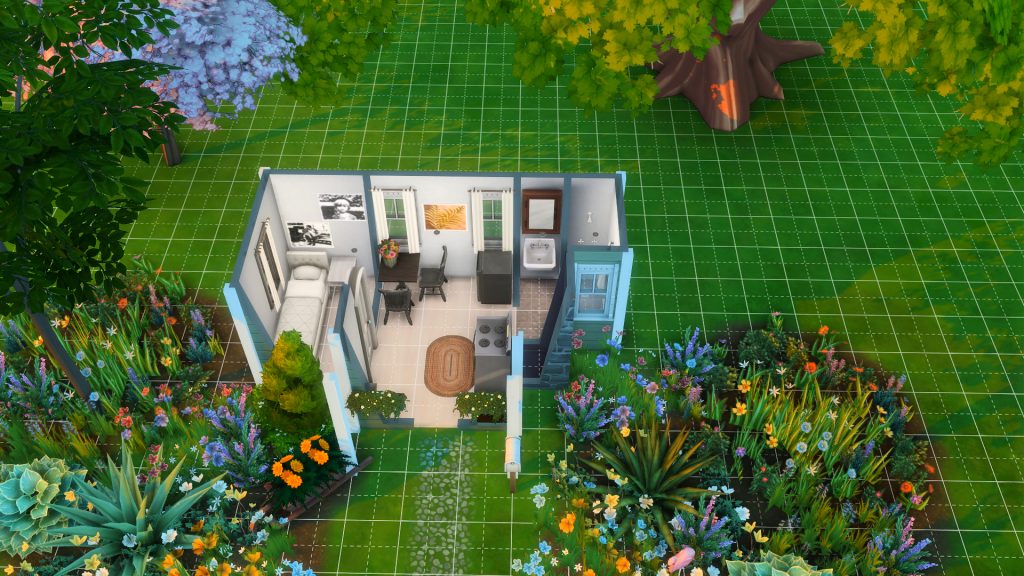
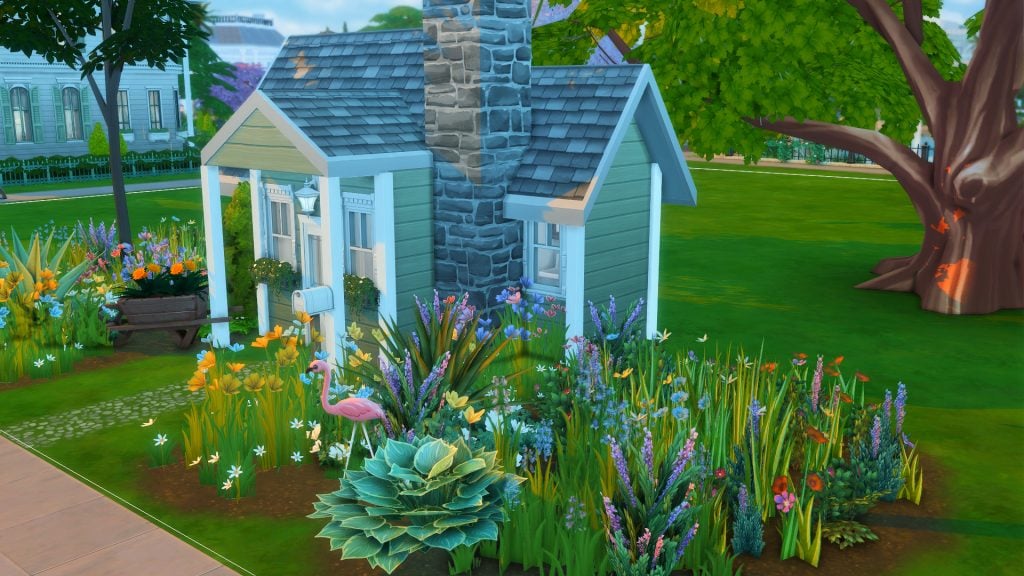
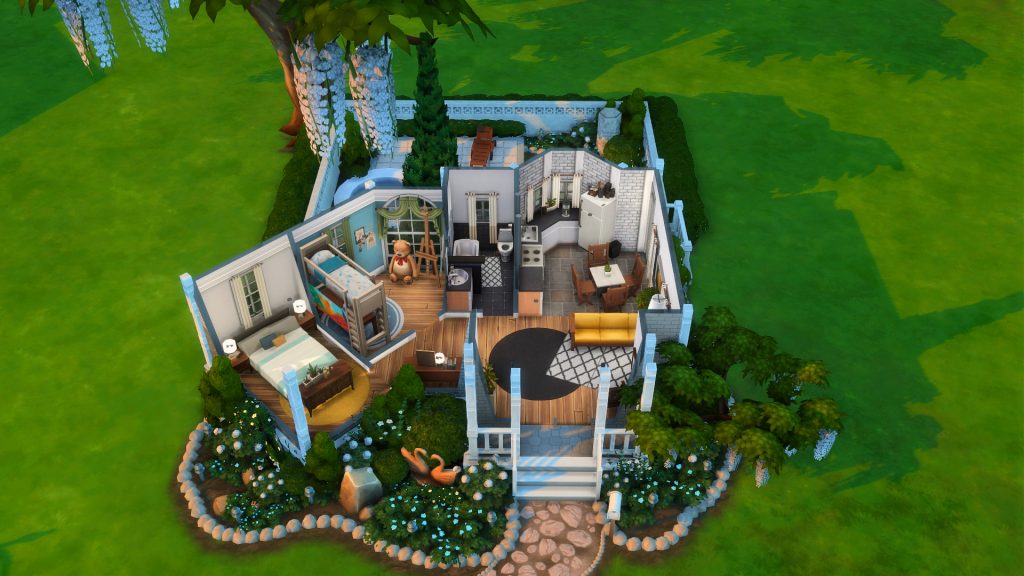
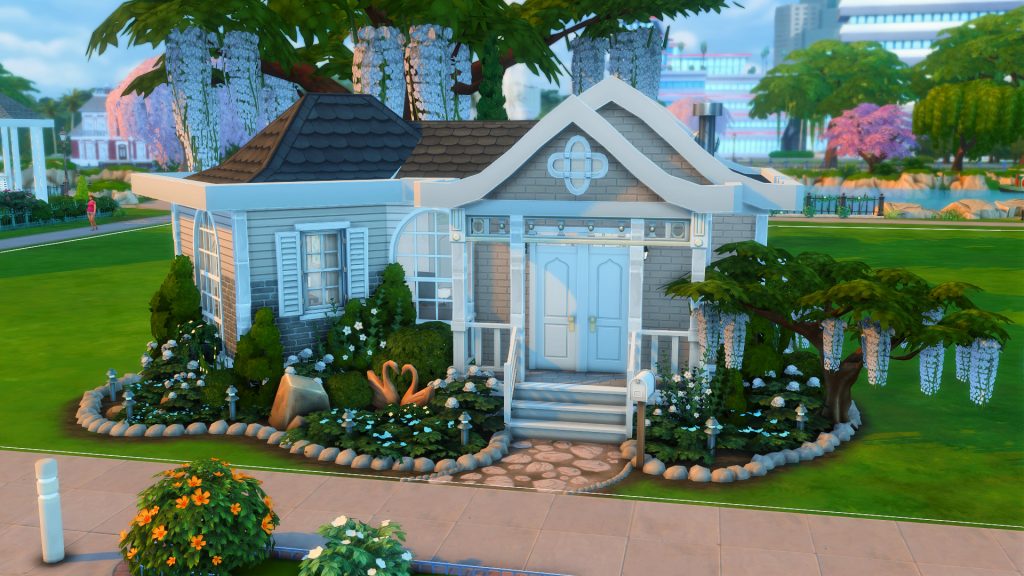
Looking to start quaint and small? This adorably cute tiny cottage home (say that three times fast) is nestled amongst beautiful trees and landscaping. Space for a couple or single Sim with a small kitchen, dining and living room all open plan and a small bathroom. Tiny living has never looked so cute with this little cottage.
Lot Type: Residential Lot Size: 20×15 Price: §9,999
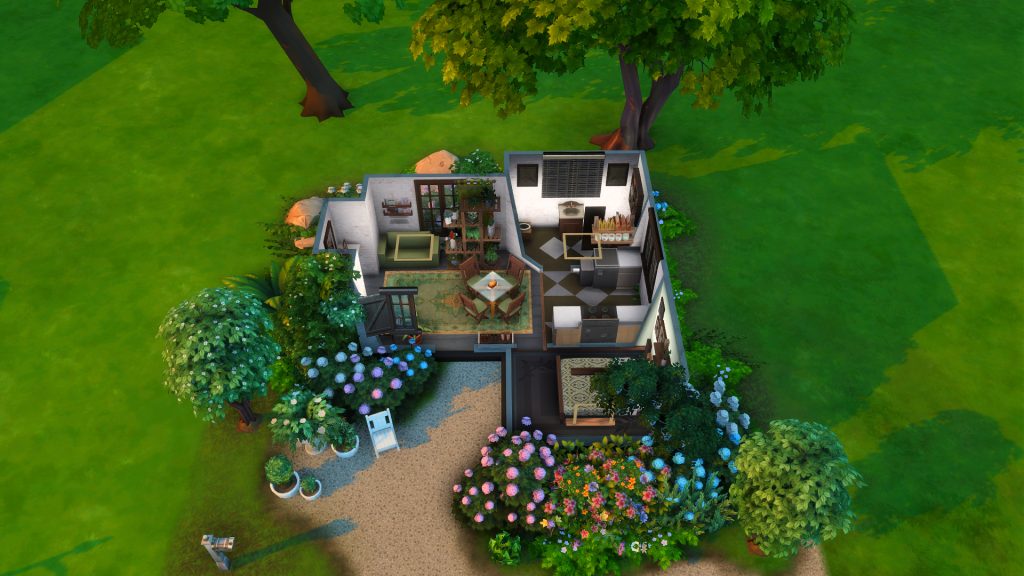
Although not listed as such, this little house is actually a tier 2 tiny home. Beautifully landscaped all around, it is giving beautiful tiny home in the countryside. Everything is small, compact and everything fits in perfectly. Not only do you have everything you need but you get the perks that come with tiny living!
Lot Type: Residential Lot Size: 30×20 Price: §4,000
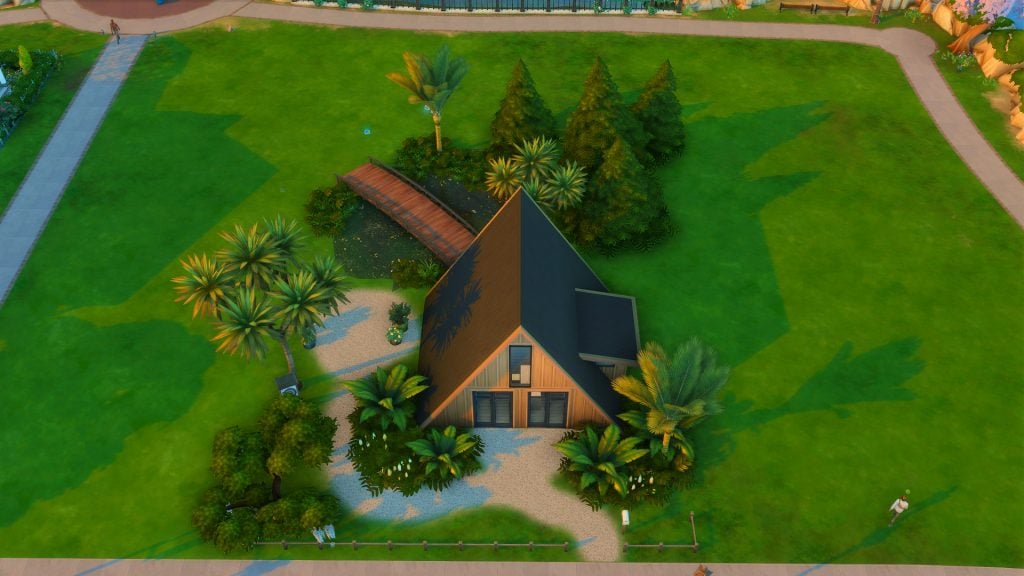
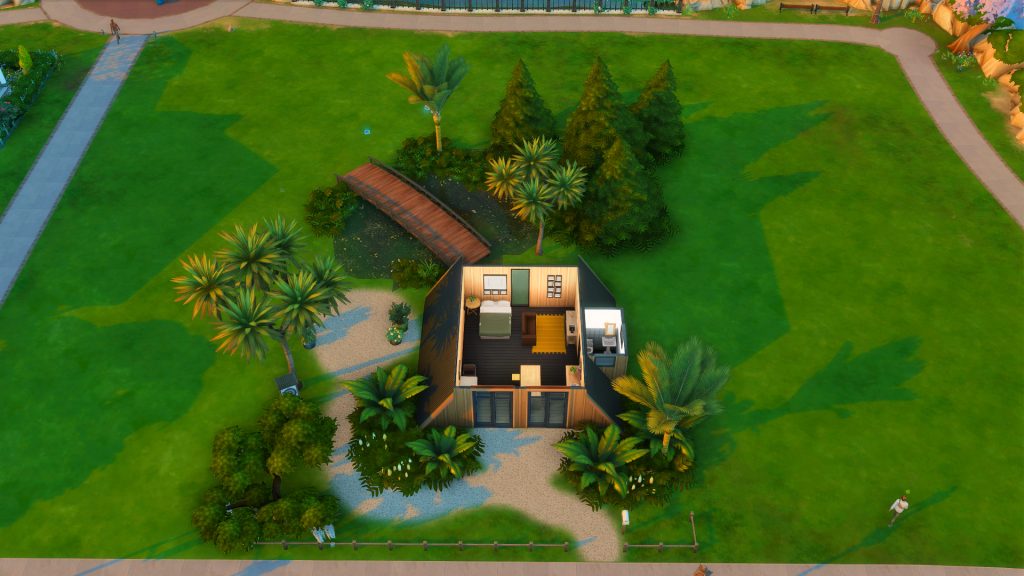
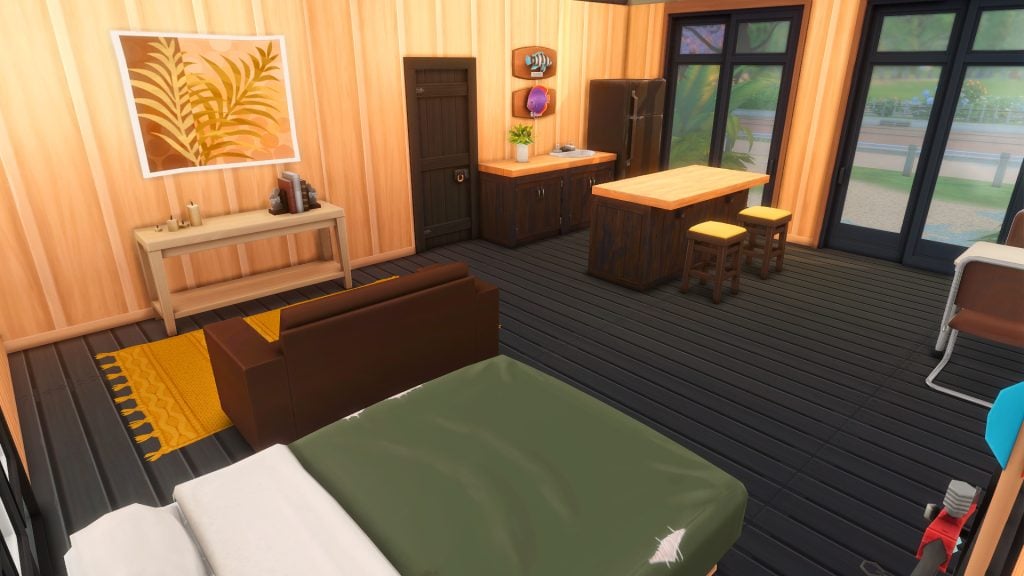
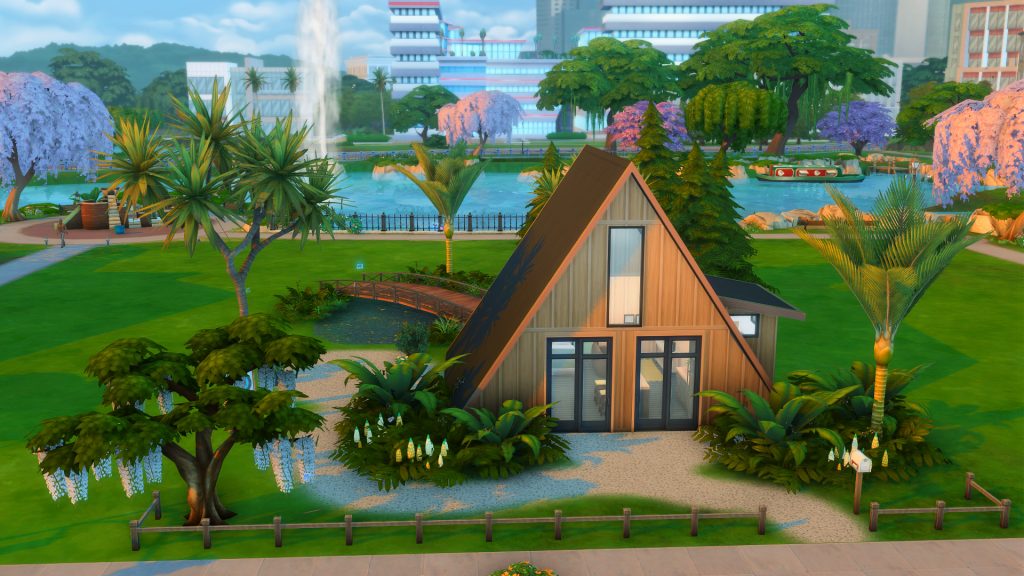
This wooden A-frame starter home, is a fun and different look to what we are used to. This A-frame is open plan inside – all things in one room minus the bathroom having it’s own space. There is an archery target outside with a pond around the back and bridge going over the top. The inside of this home is spacious with room to clutter, personalize and grow!
Lot Type: Tiny Home Residential Lot Size: 20×15 Price: §9,896
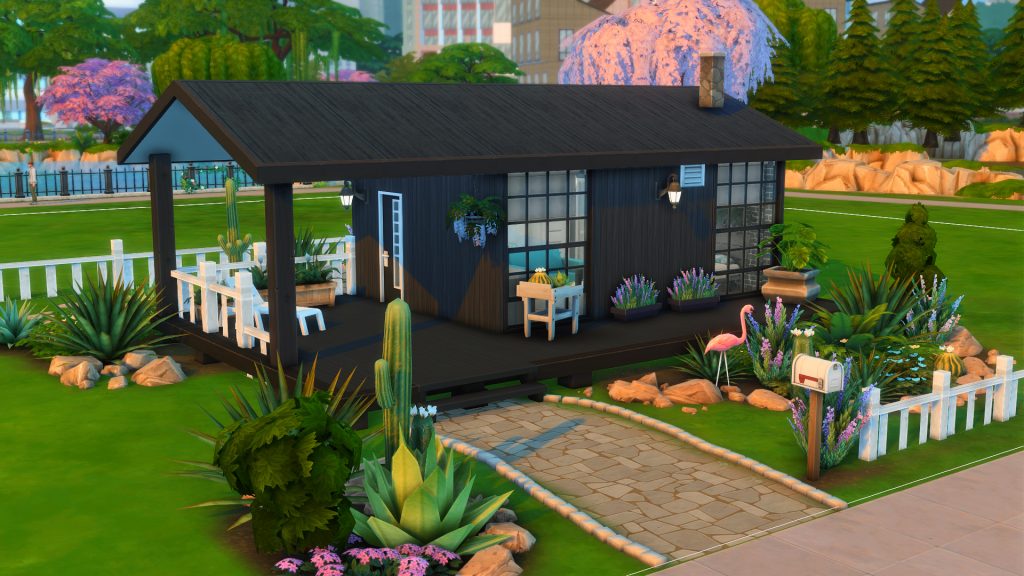
This dark home against any background will stand out with great contrast in your neighborhoods. With some landscaping and small details around the lot, this open plan home brings a different layout to what we have seen too. All in one room like the previous build, this home also takes outdoor living into account with a seating area just outside the front door as well as seating around the back.
Lot Type: Residential Lot Size: 20×15 Price: §6,421
This starter home seems too big and too full to be true and yet here it stands! At just under 7k Simoleans this starter home leaves room for more items with your Sims left over money. There is a painters easel to get that cash flow started the minute you move in as well as a computer for not only entertainment but career and social needs should your Sim require it.
Lot Type: Residential Lot Size: 20×20 Price: §9,151
Wild flowers and plants frame the front of this sweet little starter home which could actually fall under the tiny home category for all those extra perks. Tiny living is definitely a good way to describe this home as it is setup for a single sim with a small dining area and mini kitchen. Looking for a great challenge? This starter home is ready to start from basic rags to riches!
Lot Type: Residential Lot Size: 20×15 Price: §9,994
A tight squeeze but a great looking starter home, this has everything your Sim needs from a mini kitchen, a bar counter and a seating area to a bed tucked into a corner – all open plan – with a decently sized bathroom too. This lot even features a swimming pool, since technically it should be placed in the desert (as the name implies) your Sim will have plenty of warm and sunny days to make full use of said pool.
We have the money so why not use it to our full advantage. This next set of homes might gobble up all of your Simoleans but they come pretty filled with more than what is needed to get your Sims lives started on a more elevated level.
Basegame Starter Home 3/1 – belle1create
Lot Type: Residential Lot Size: 30×20 Price: §18,837
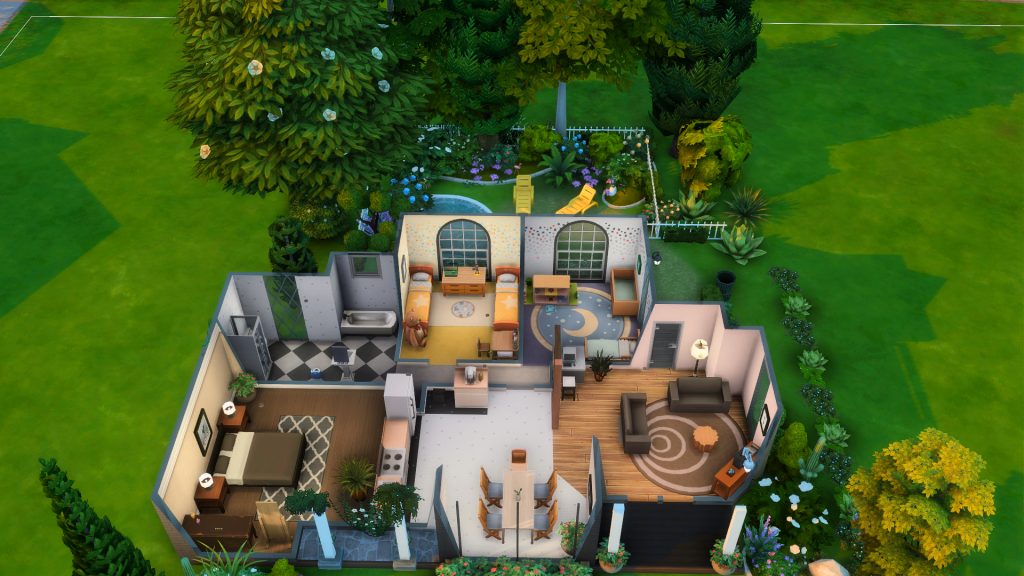
A 3 bed, 1 bath with full kitchen, dining and living all for under 20K AND leaving a bit extra to get your Sims lives going? Look no further than this modern beauty with it’s contrasting dark and light exterior and neutral interior… minus the colorful kids rooms of course! This house has space for 2 adults, 2 kids/teens, a toddler and an infant… so on that note also technically a baby or 2!
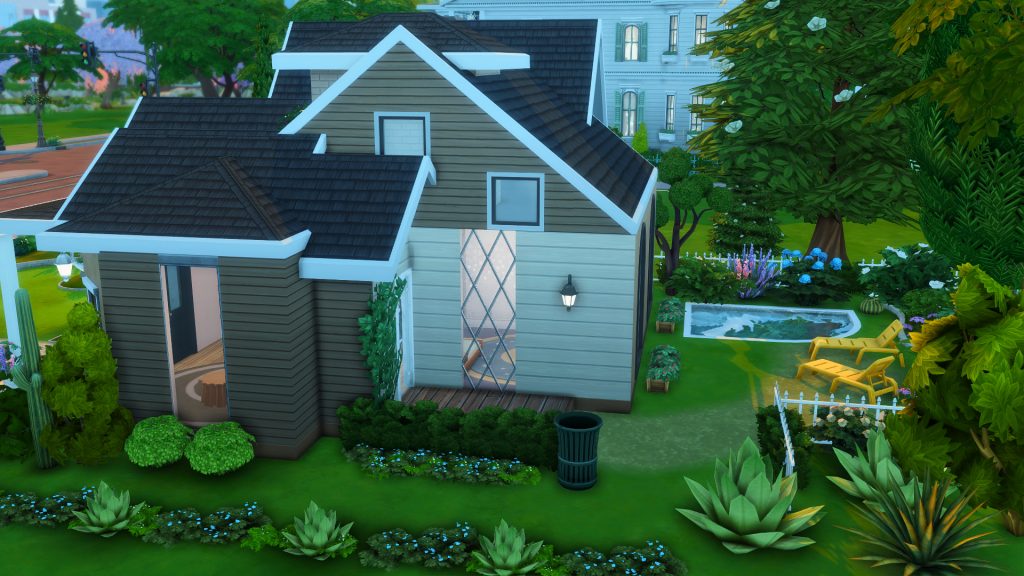
I am getting 100 baby starter vibes from this place but over and above that this is also a perfect family starter home that can also be your Sims forever home. This home has so much going for it and room to add your own flare as your Sims level up in their careers and bring more Simoleans in. There is a mini pool and loungers outside to enjoy the fresh air in this beautifully landscaped backyard too.
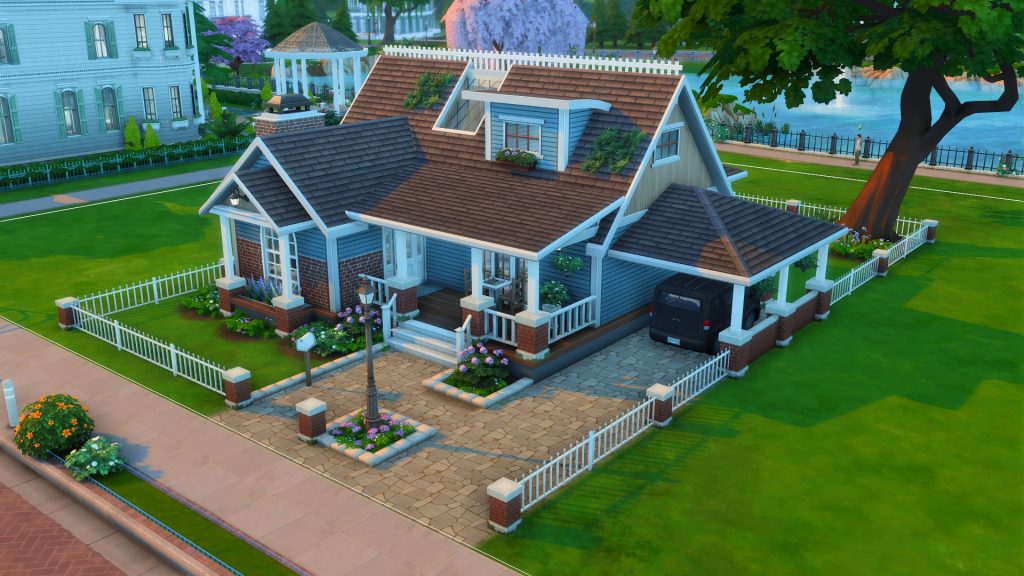
Lot Type: Residential Lot Size: 30×20 Price: §15,422
This home has plenty of breathing space to either clutter to your hearts content, re-work some layout and add more furniture in, or to leave as is for easy gameplay. This is a 1 bed, 1 bath home, fully furnished with a full kitchen and living room, there is also space for a dining room table should you wish to add one in and invite some friends around for a dinner party.
Outside there are some plants ready to be tended to as well as a chess table near the front door to ponder moves and get your logic skill up. The garden is looking beautiful and colorful with flower beds surrounding the home. Along with the plants and chess, there is also a painters easel located inside for some painting skill gain and possibly straight into earning some more Simoleans.
Lot Type: Residential Lot Size: 20×20 Price: §17,792
A 2 bed, 2 bath beauty to admire from the outside and marvel on the inside. This home comes with everything you need for your little family to start living, from a full kitchen, living and dining area, to skill building items and all beautifully laid out and decorated.
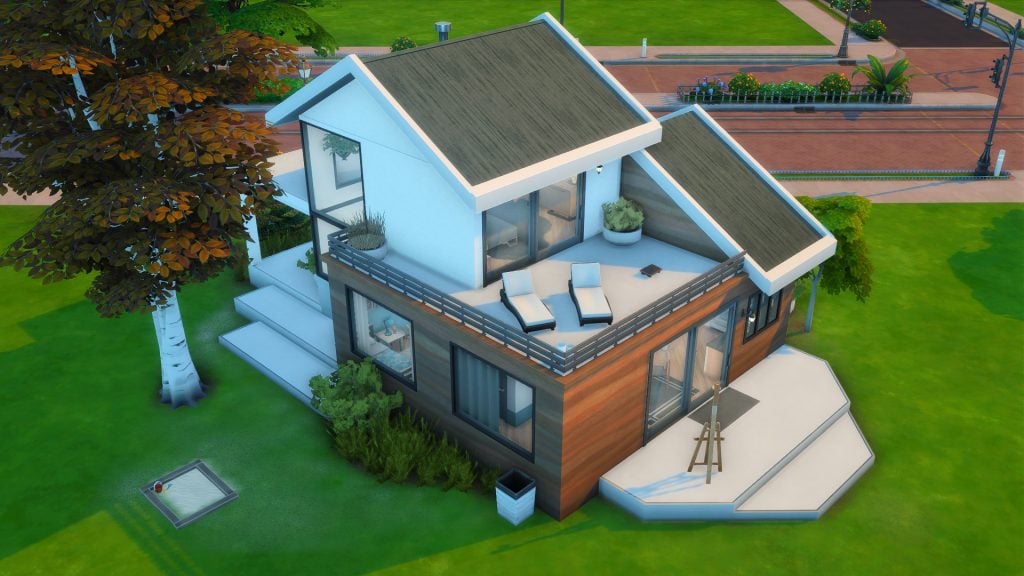
This build really is a gorgeous modern home with white and wood finishes and large windows to let in all the light. This is also a 2 story home, with the main room on the top floor with an en-suite bathroom. The childs room comes with an activity table as well as a dollhouse to get those skills going and keep your child Sim entertained. The other skill building items included are an easel as well as an introspective contemplation seat on the upstairs balcony. There is even a small sandpit!
Lot Type: Tiny Home Residential Lot Size: 20×15 Price: §18,664
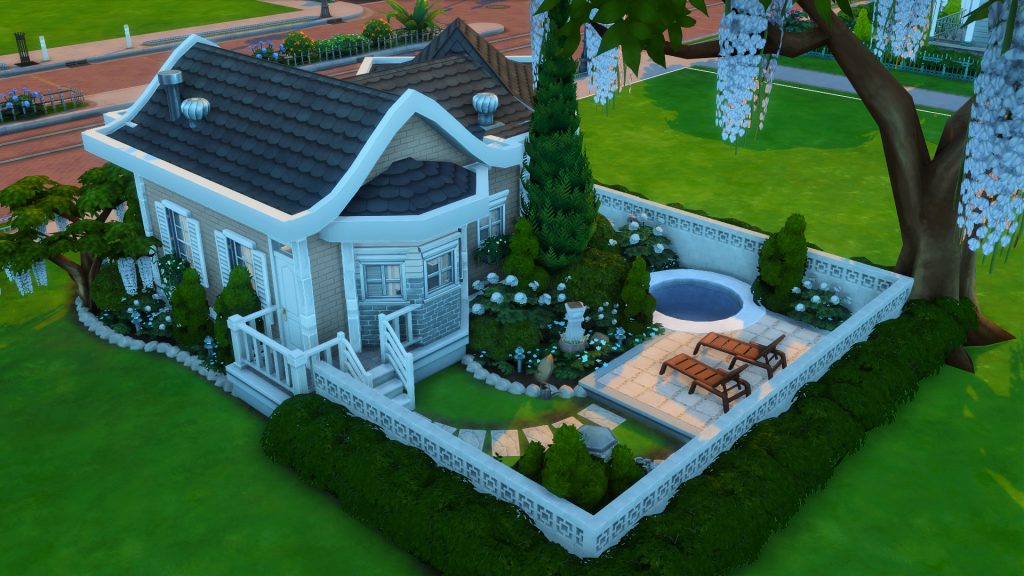
A cute backyard, beautifully landscaped with a small pool and loungers, as well as gorgeous landscaping around the sides and front of the house – this beautiful 2 bed, 1 bath is a wonderful starter home for your Sims. Although it is a small space and classifies as a Tiny Home Residential, this home has a full kitchen, a dining room space for the whole family as well as a small living area. The childs room comes with a painting easel, a Blarffy as well as a desk under a bunk bed perfect for homework.
The home is nicely decorated ready for your Sims to move in ASAP and make use of all those Tiny Home perks!
For those of us who love decorating and filling in our own homes with our Sims characteristics and lifestyles in mind BUT don’t have the skills, energy to build a home, looking for a challenge or just want to find some beautiful shells we would love to fill and clutter – these starter empty homes are perfect.
Base Game Starter-Shell – summerrplays
Lot Type: Residential Lot Size: 20×15 Price: §7,334
With the basic shell done and all that is left to do is furnish, why not give this shell a try? Setup as a 1 bed 1 bath with space for kitchen and possible small dining and living room areas. There is also some outdoor patio space for some outdoor living, a great home to let your imagination run wild with clever layouts and good use of all space.
Lot Type: Residential Lot Size: 30×20 Price: §19,978
Step into this two story, modern home and be blown away by how much you can do with this space. There is the option for 4 bedrooms, 3 bathrooms, a full kitchen, dining and living room space and possibly even a study or library nook, or even a skill building corner – all for under 20K Simoleans!
That brings us to the end of our Sims 4 starter homes gallery spotlight. Did you see any great starter lots you would like to try? Let us know in the comments down below! Stay tuned to the Sims Community for all future Community Spotlights!
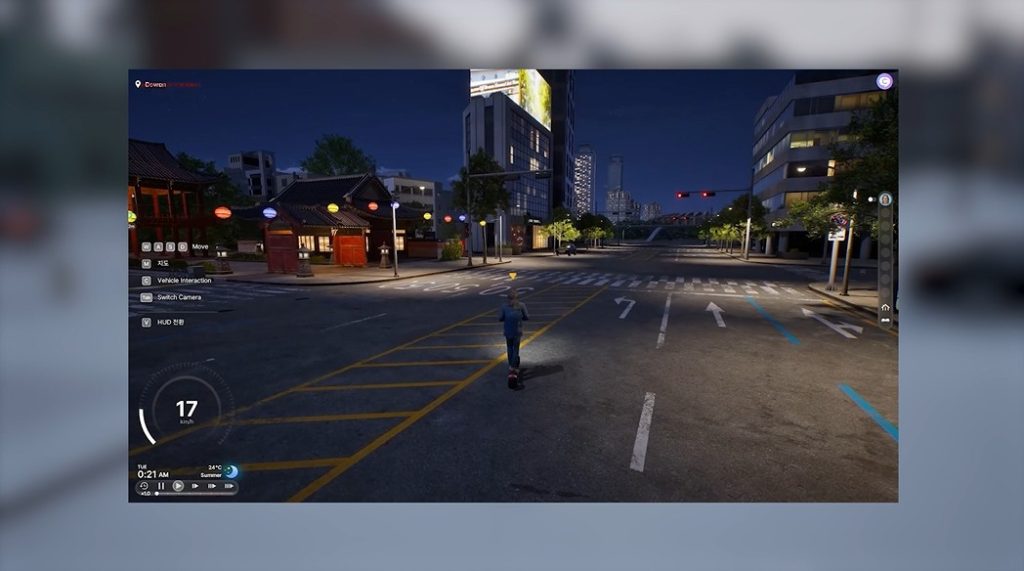
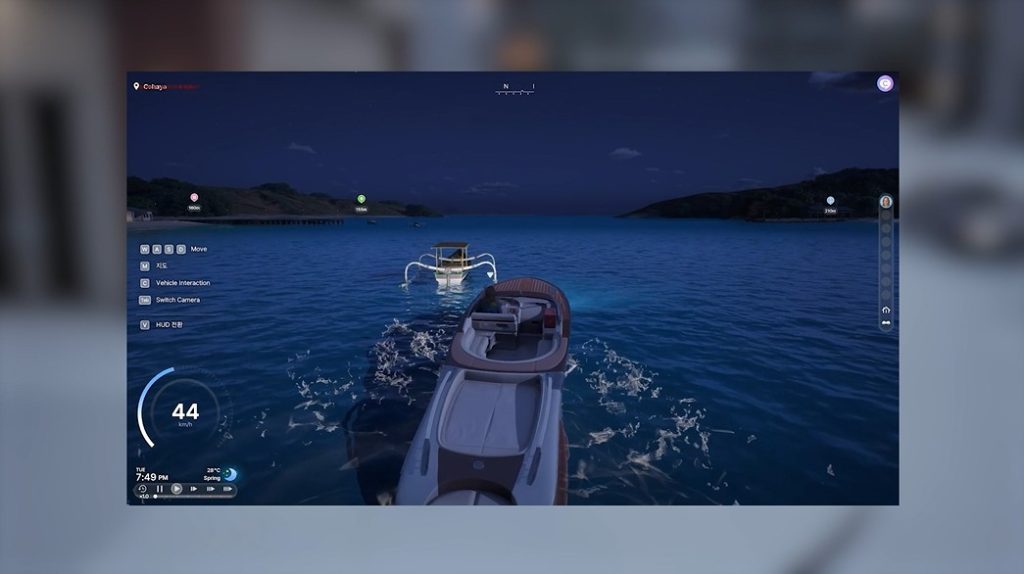
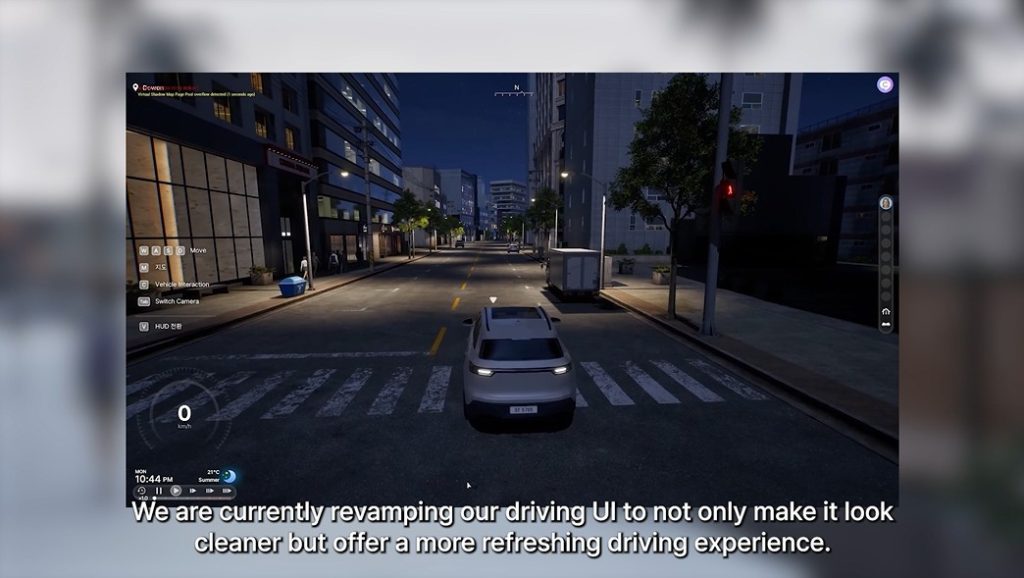
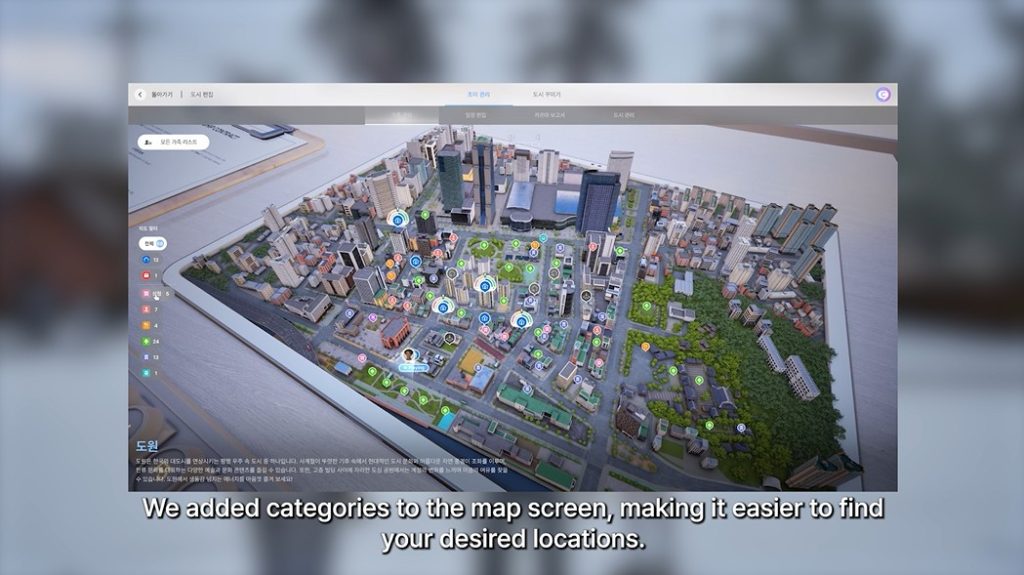
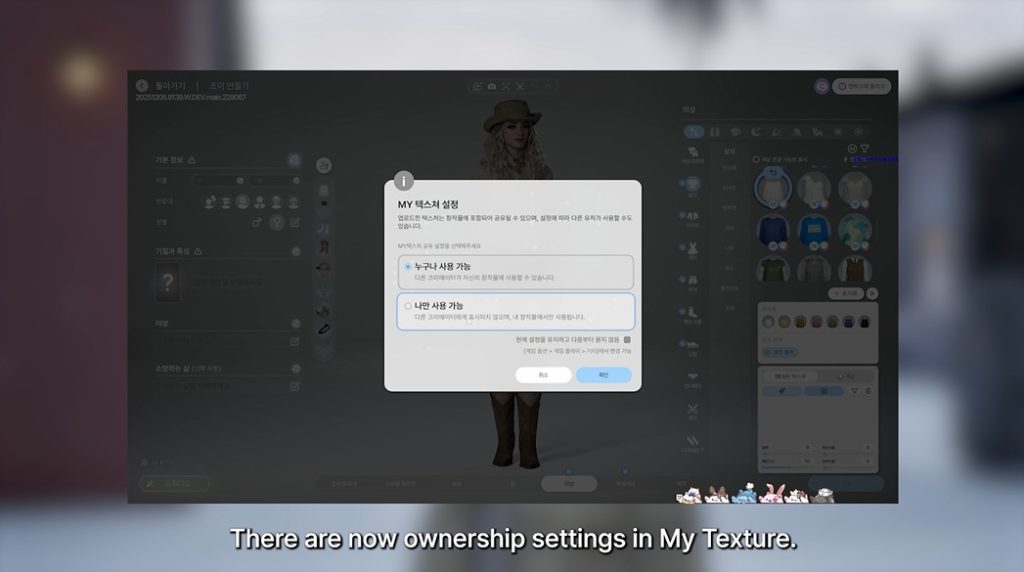
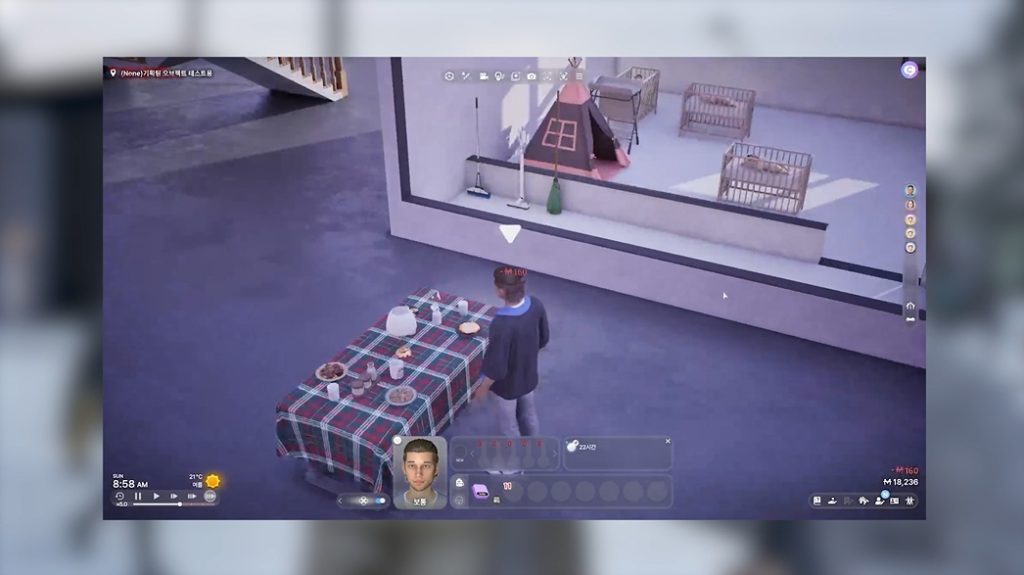
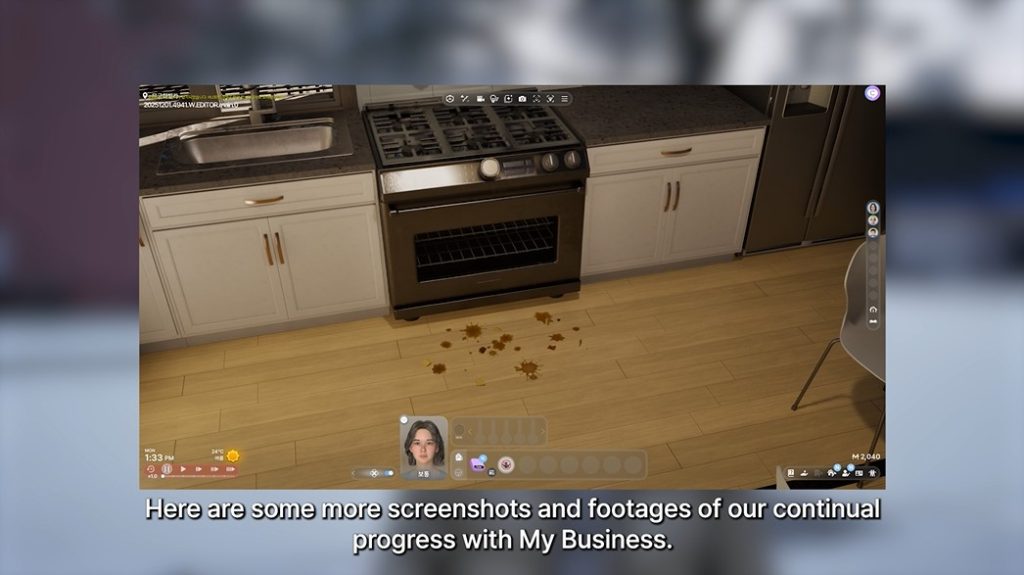
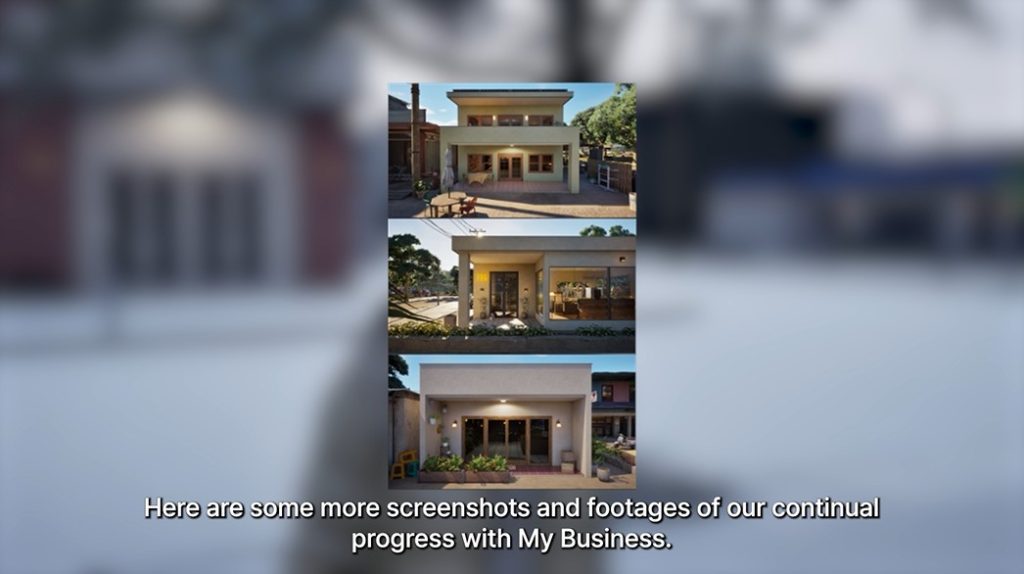
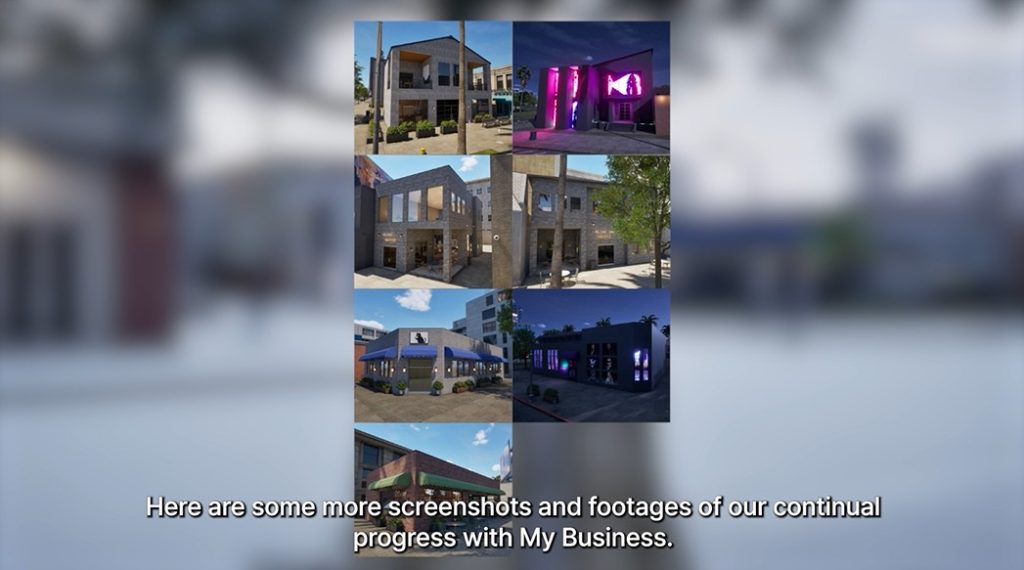
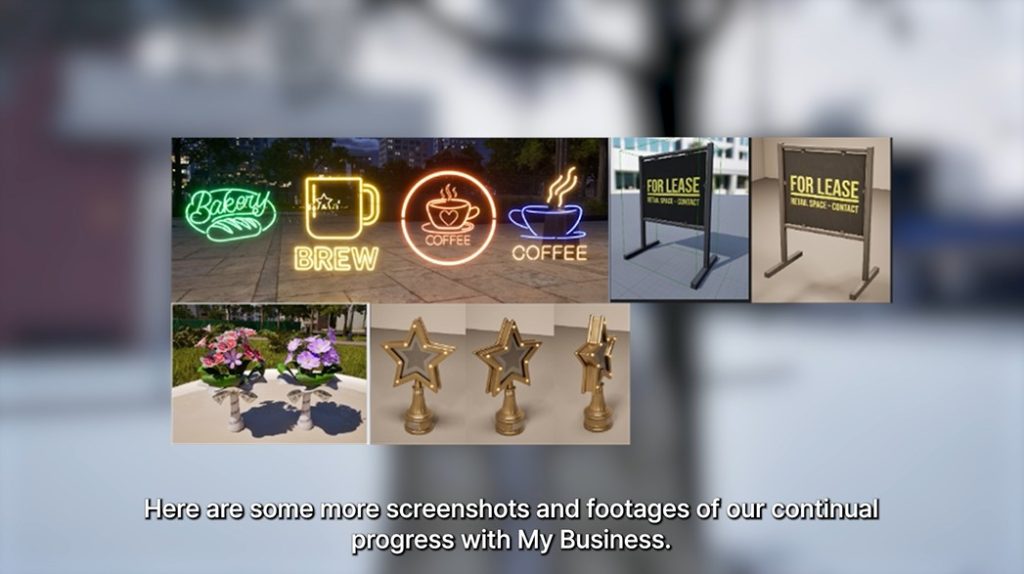
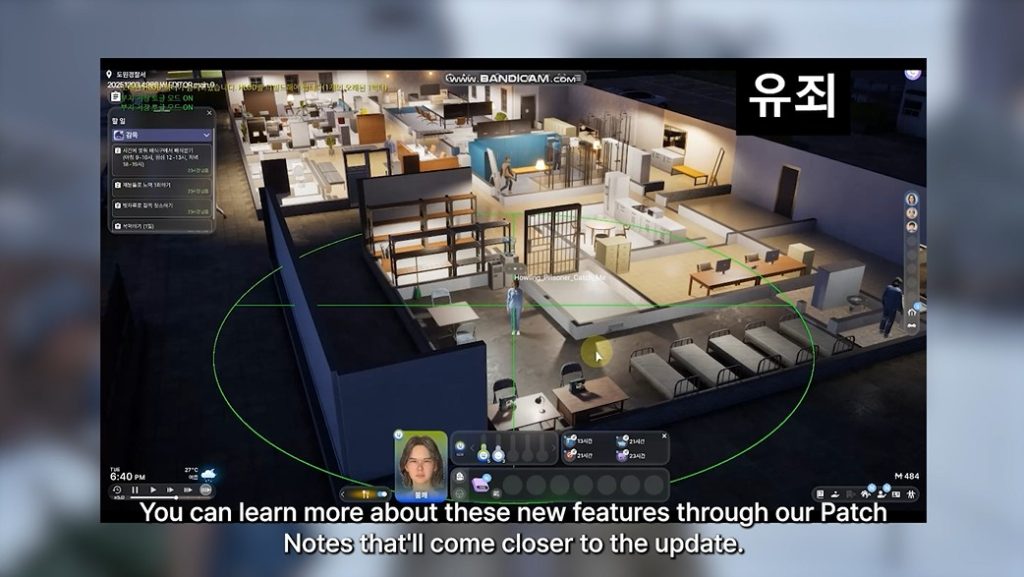
InZOI Early Access is geting major improvements in next week’s Patch release!
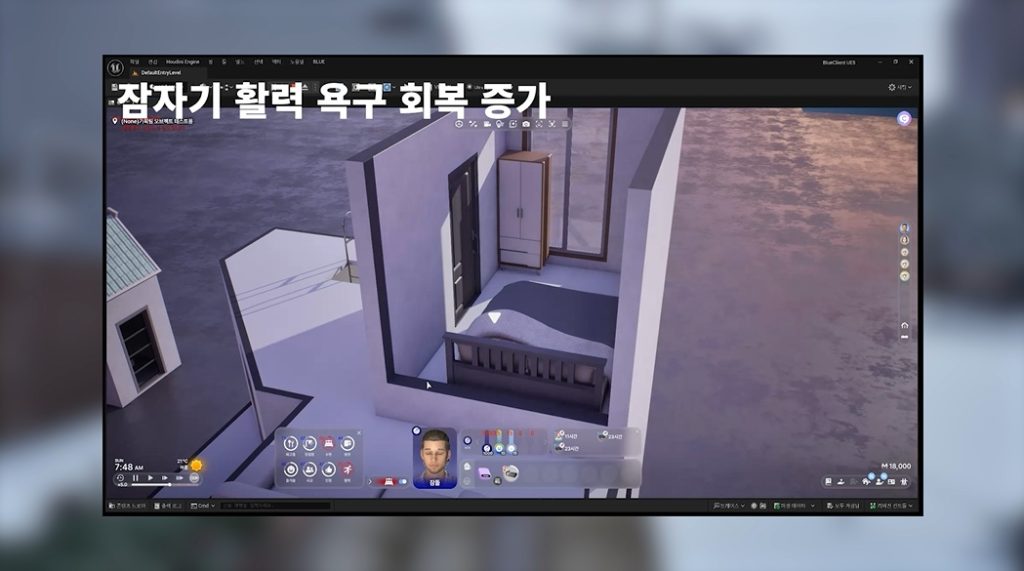
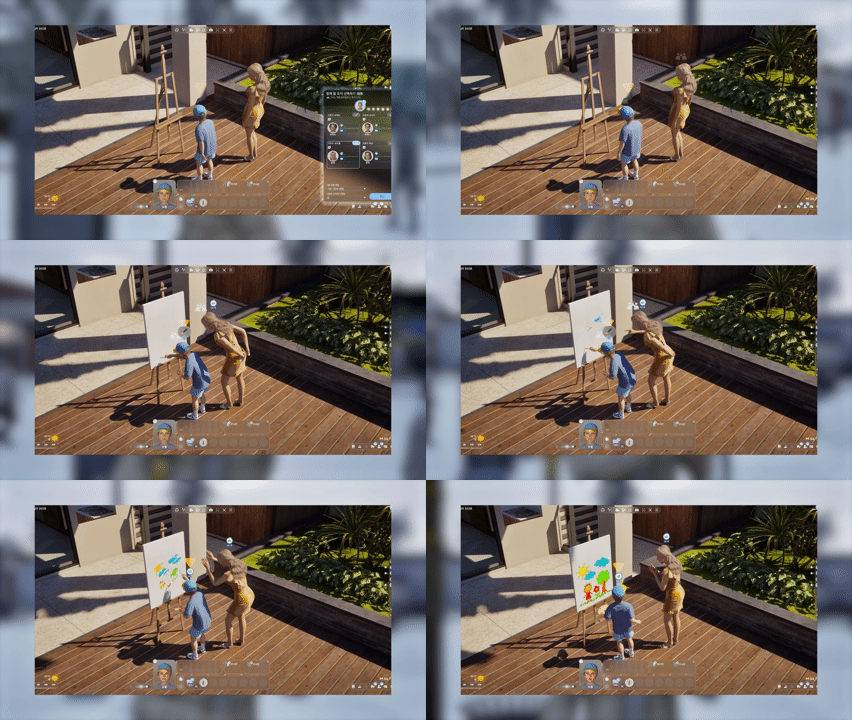
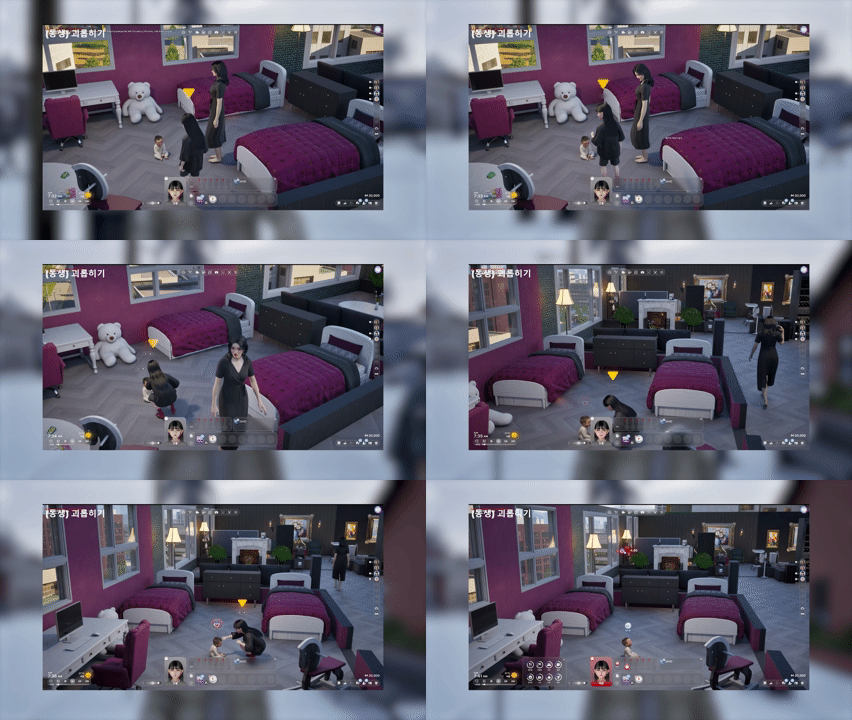
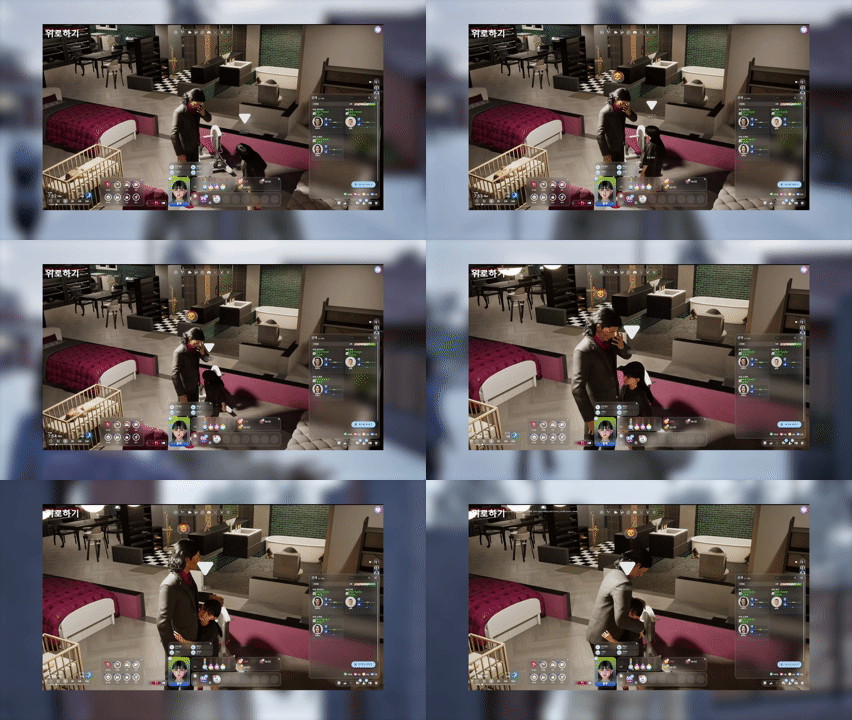
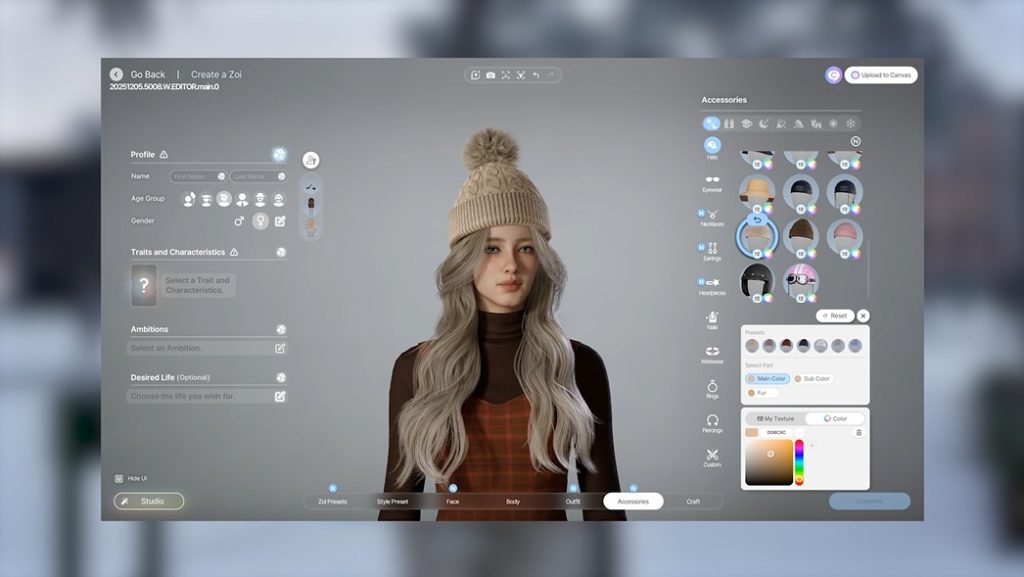
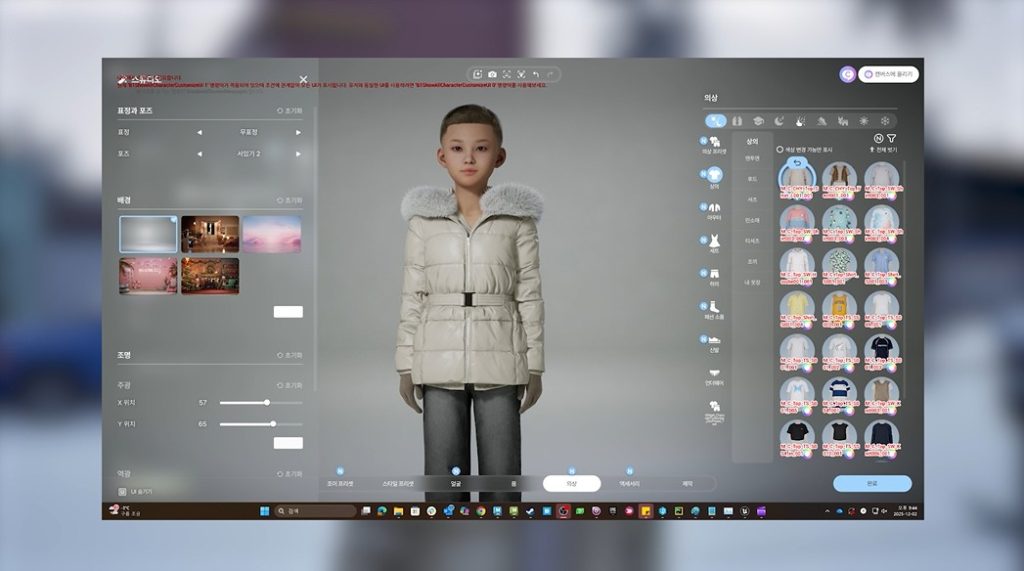
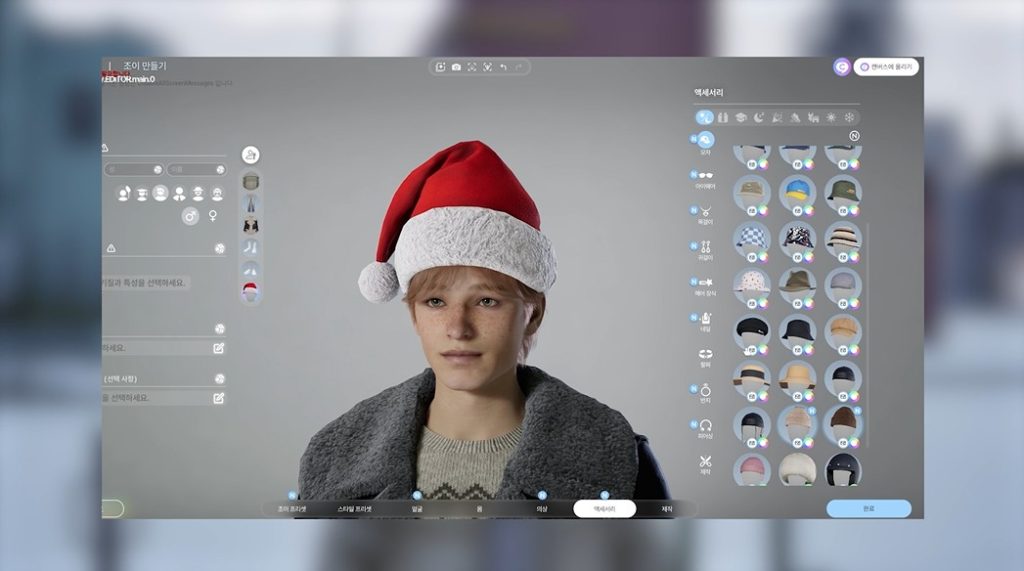
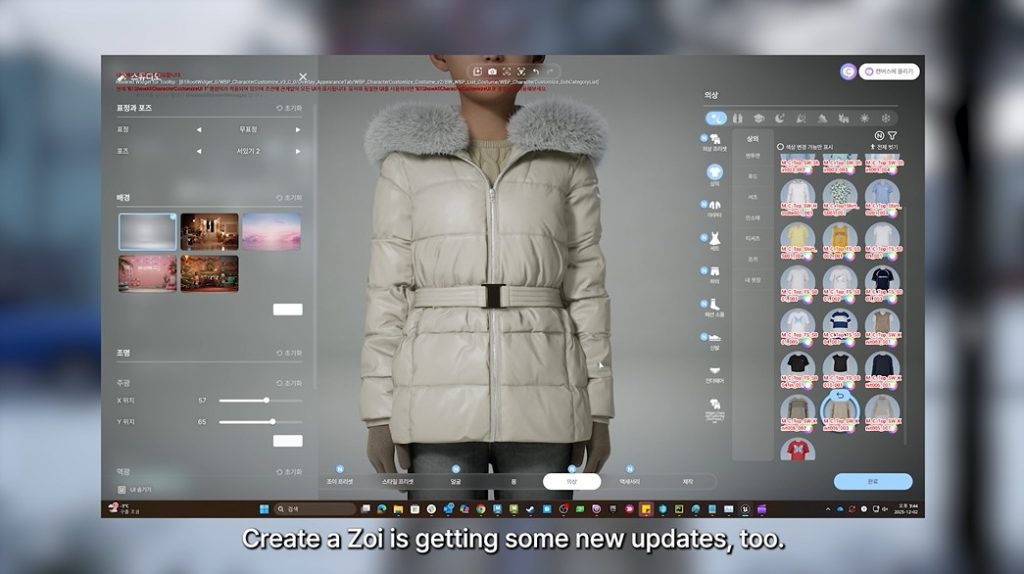
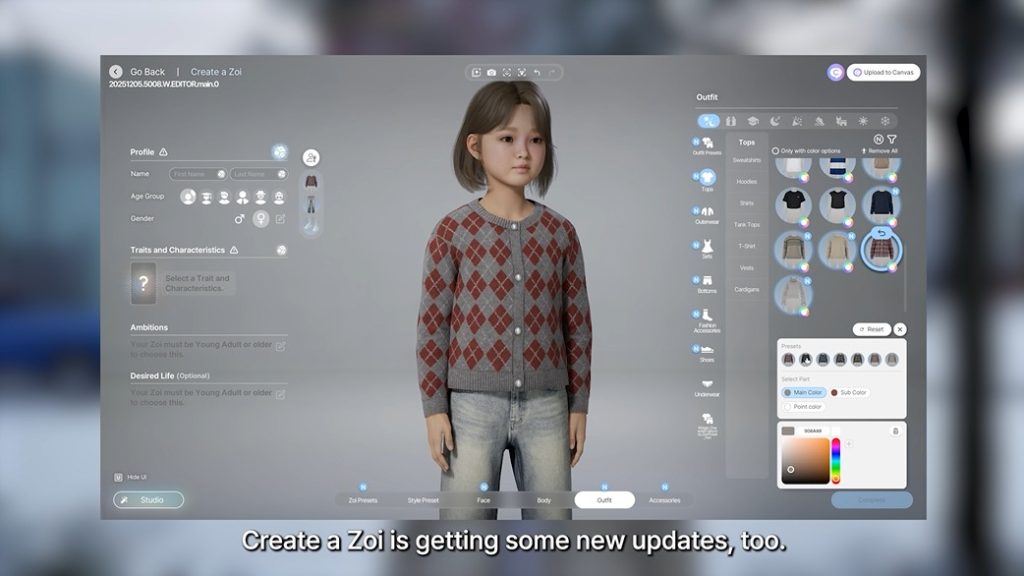
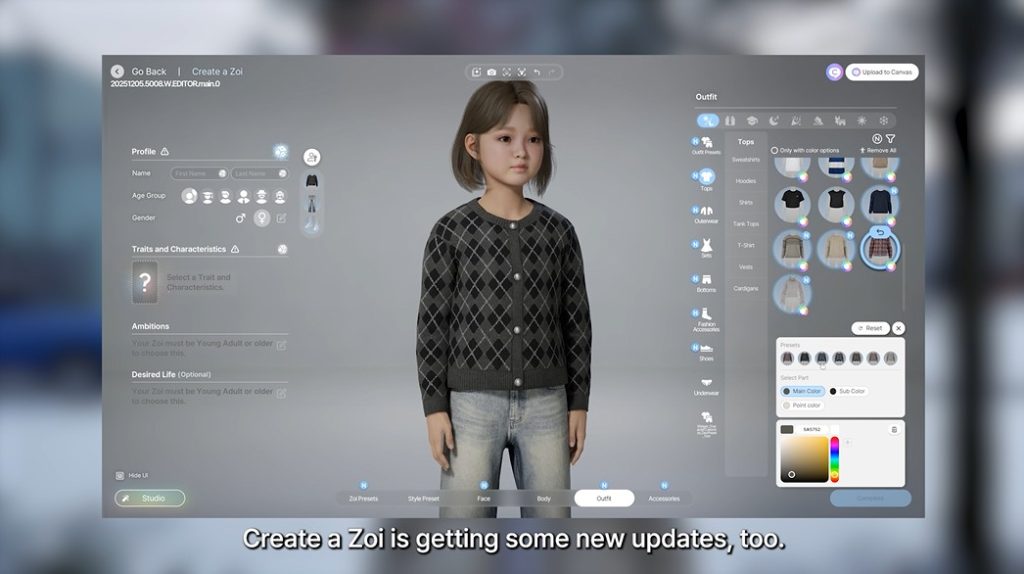
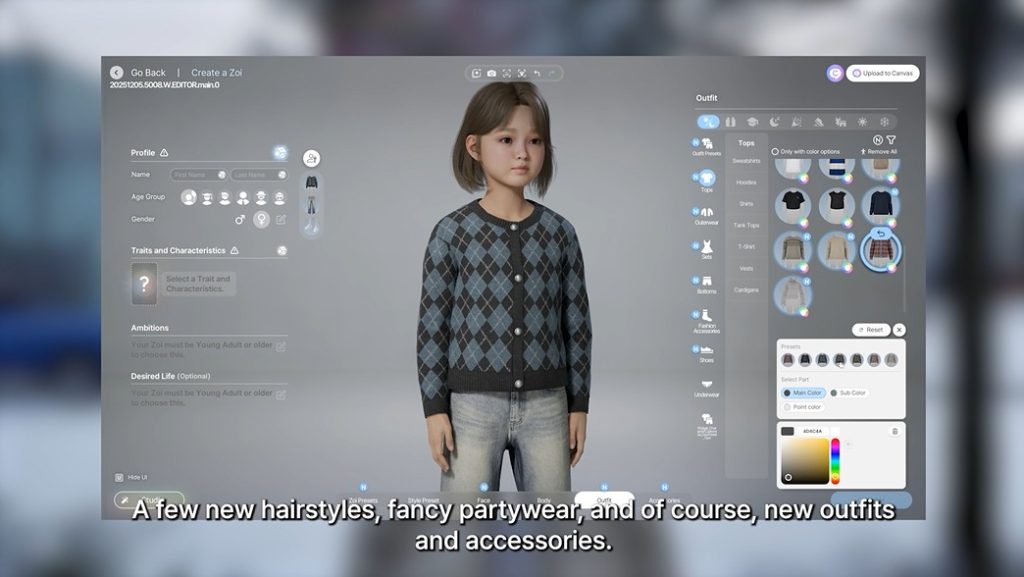
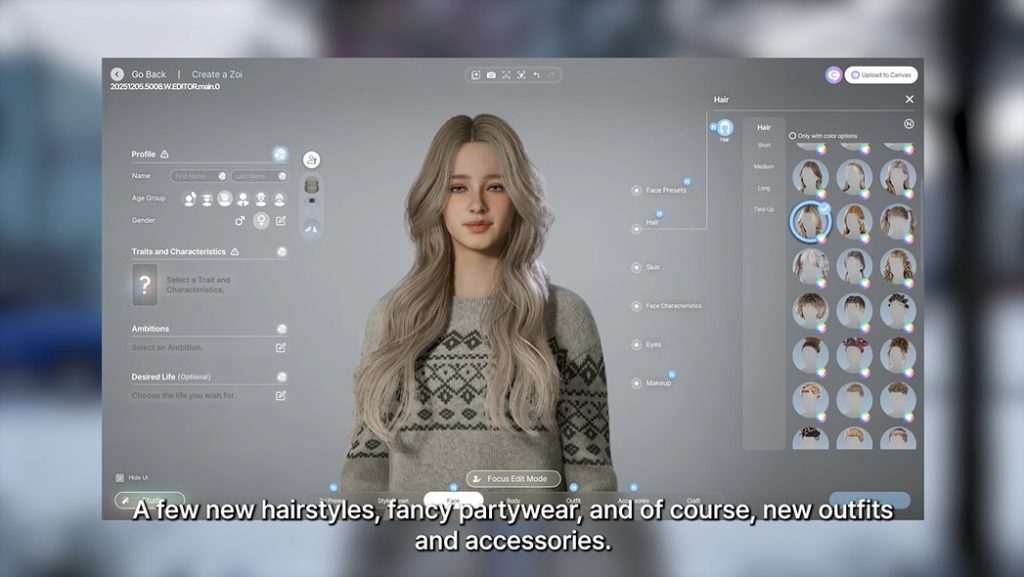
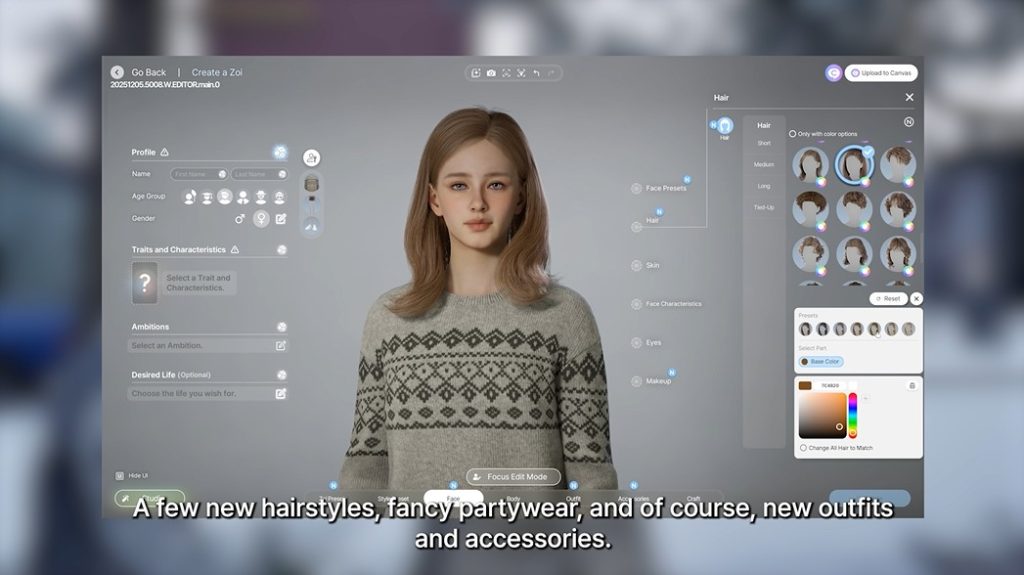
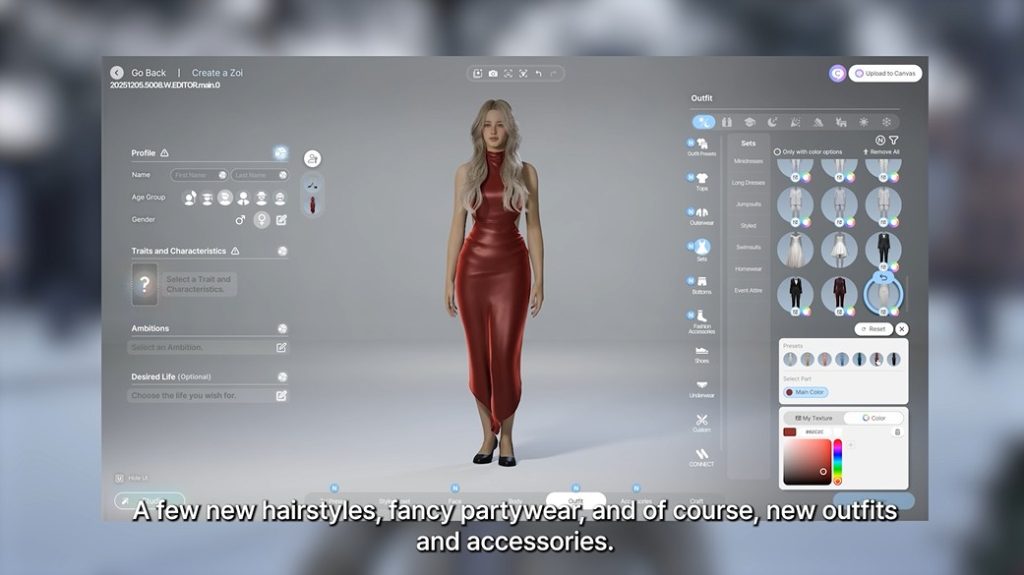
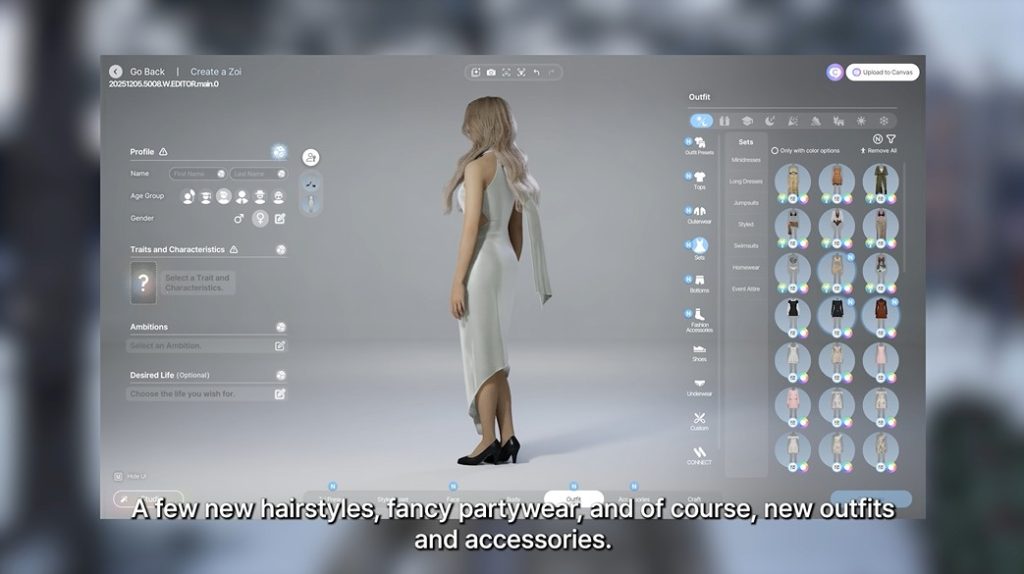
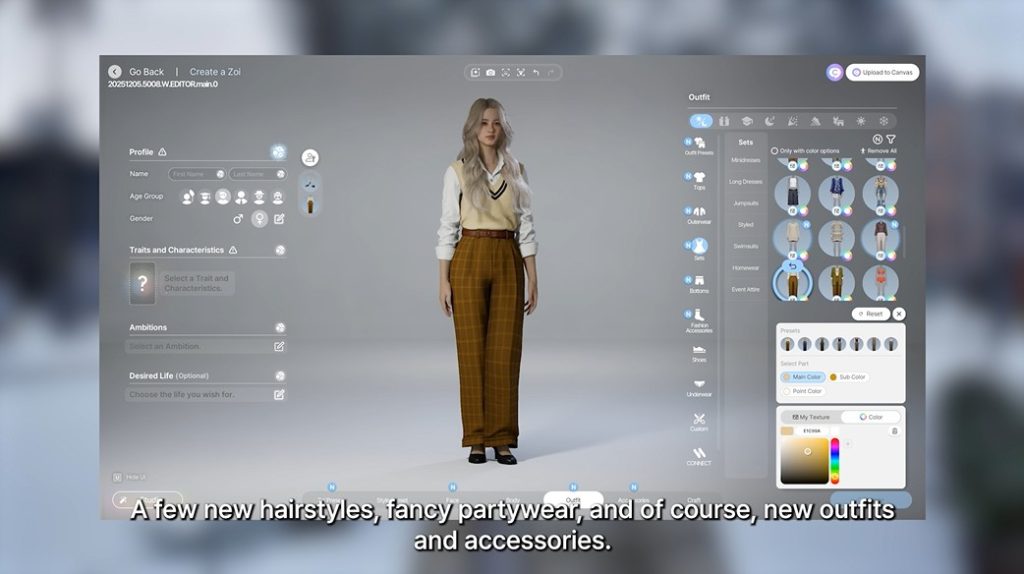
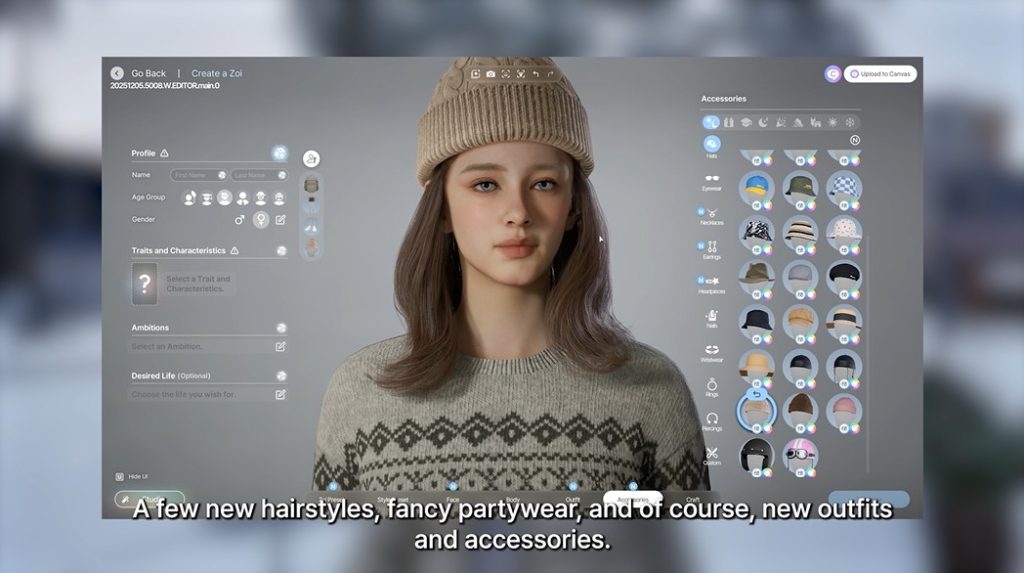
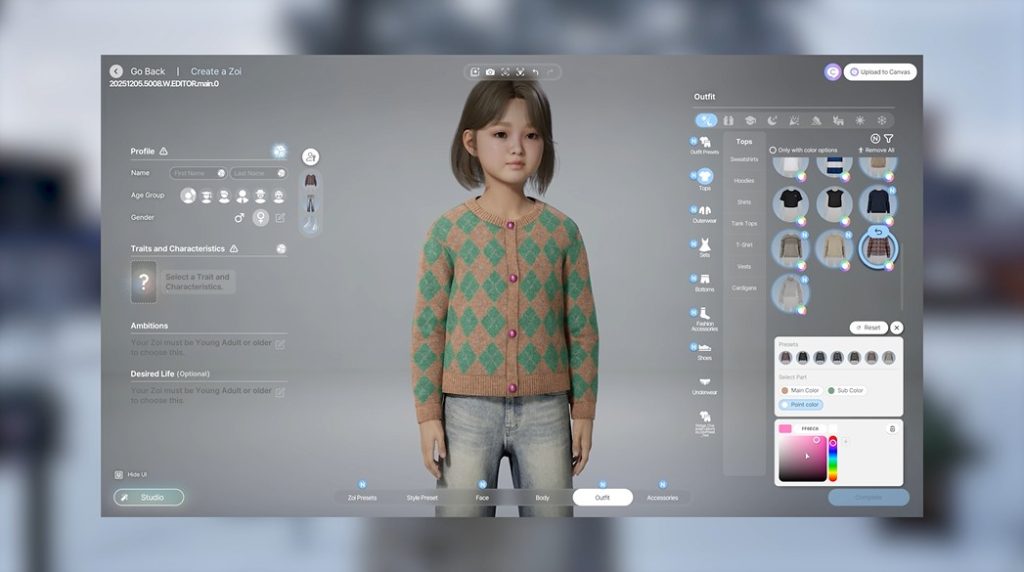
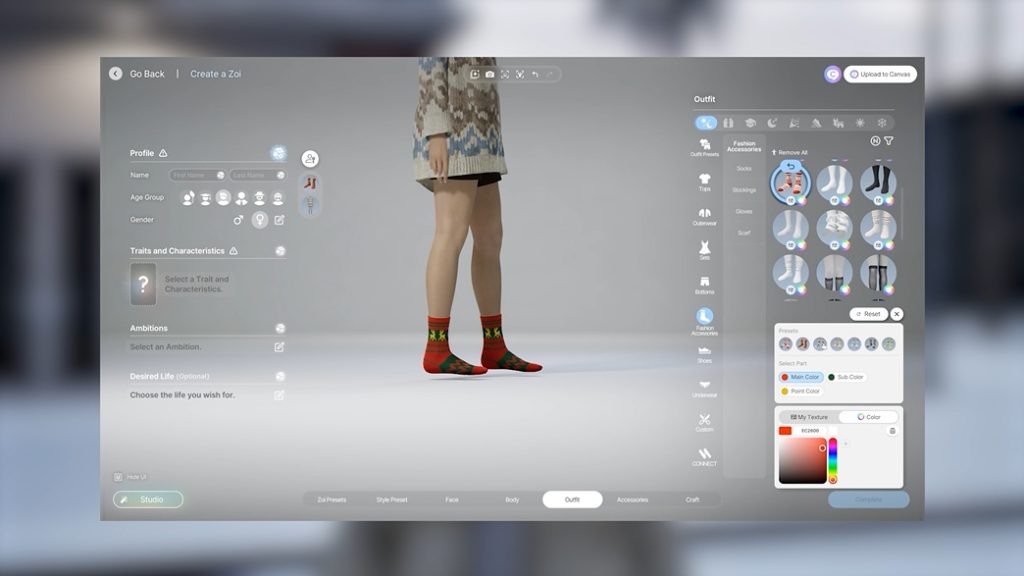
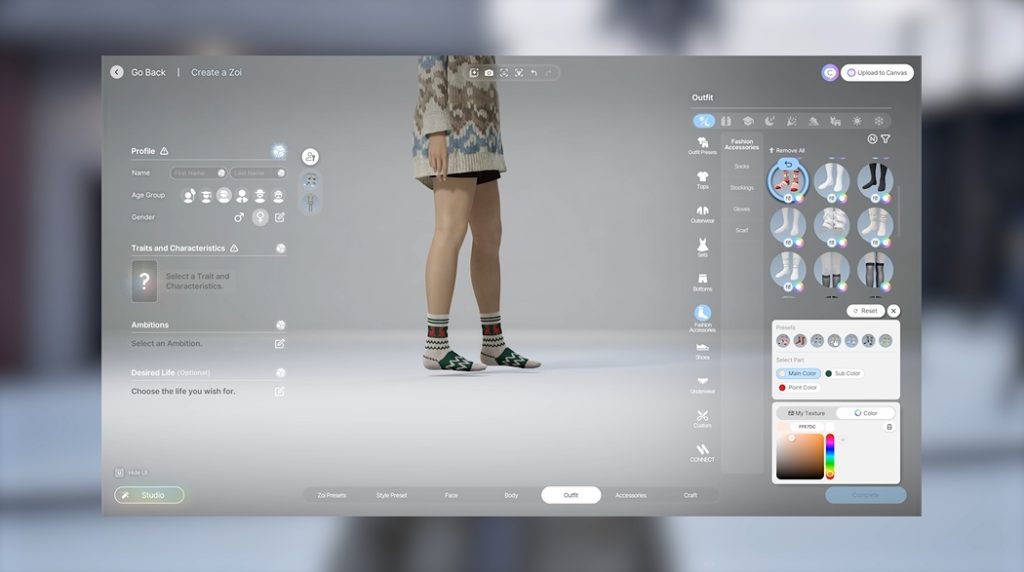
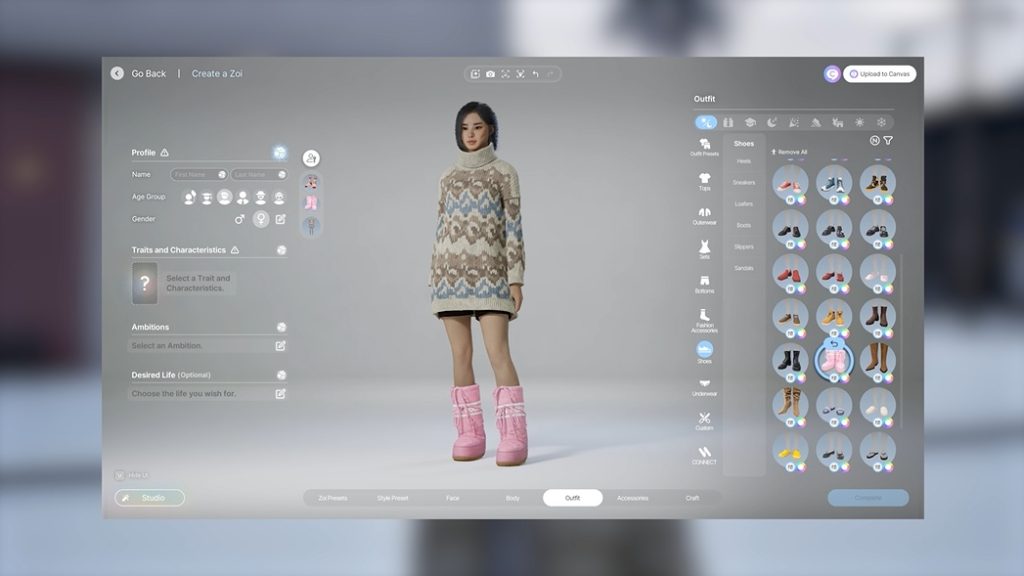
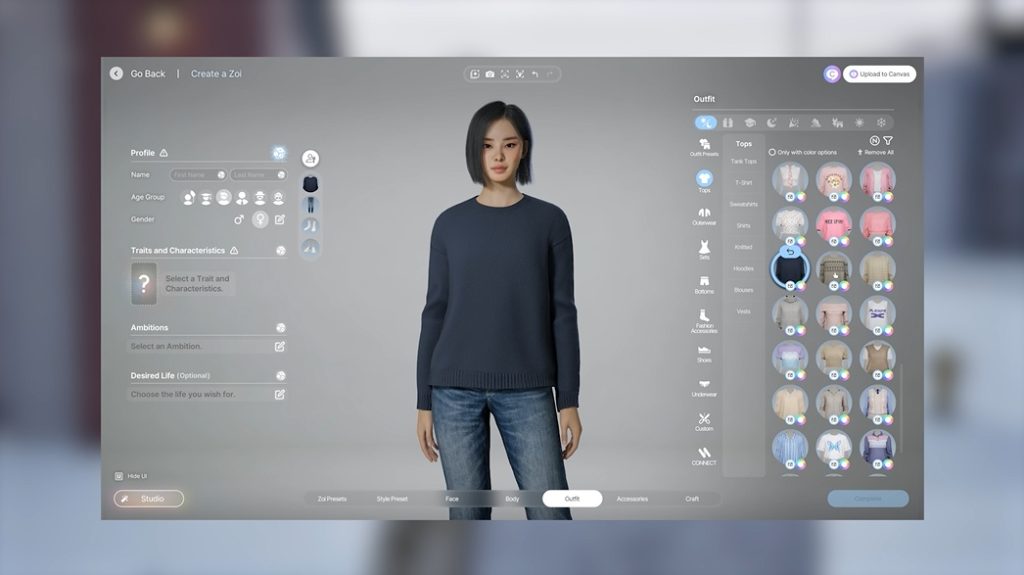
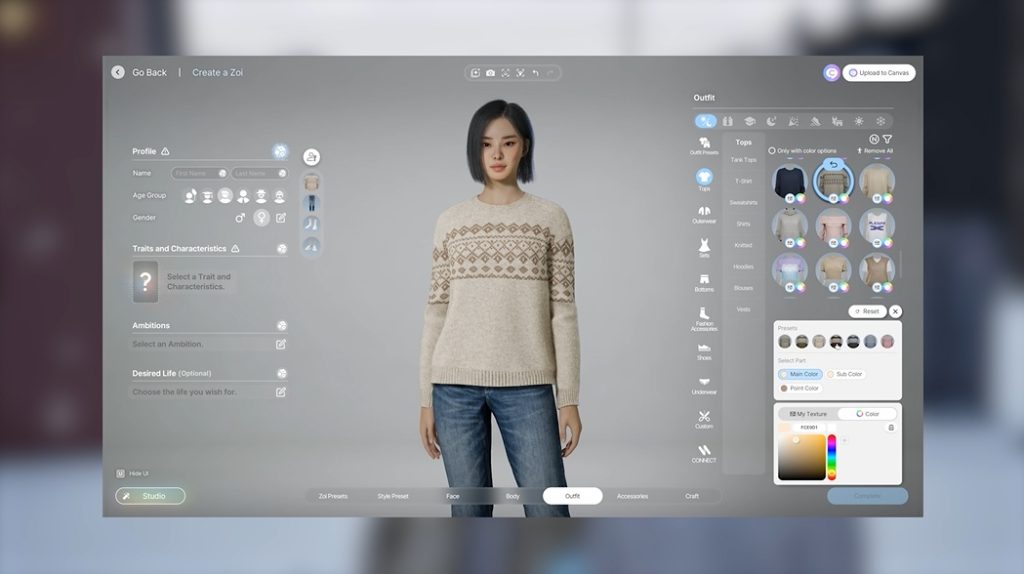
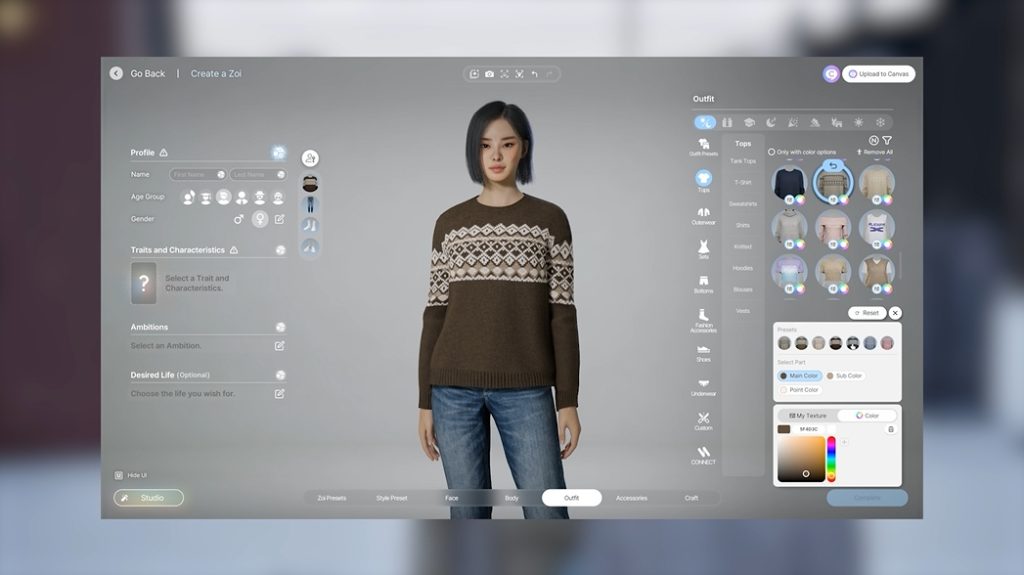
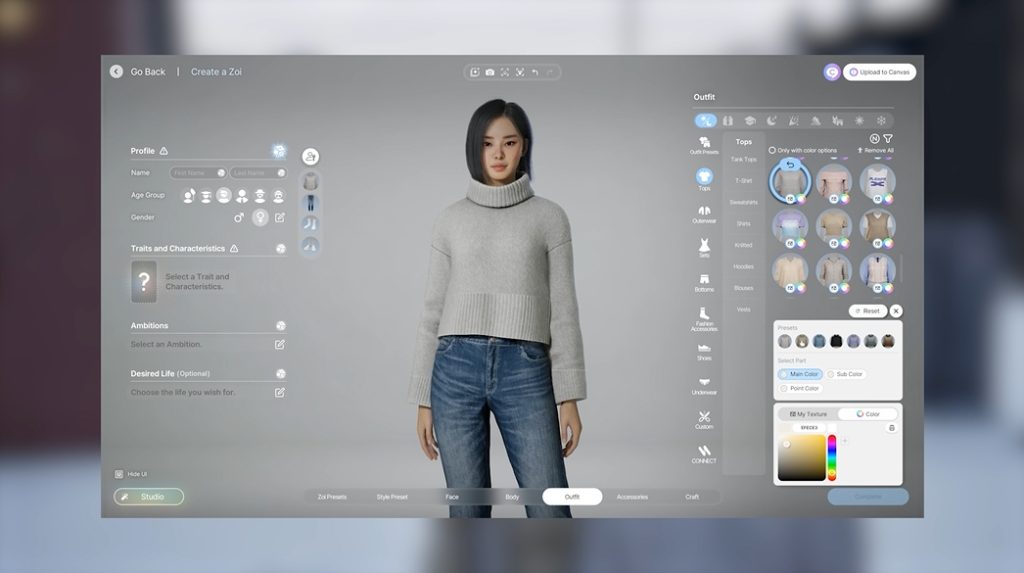
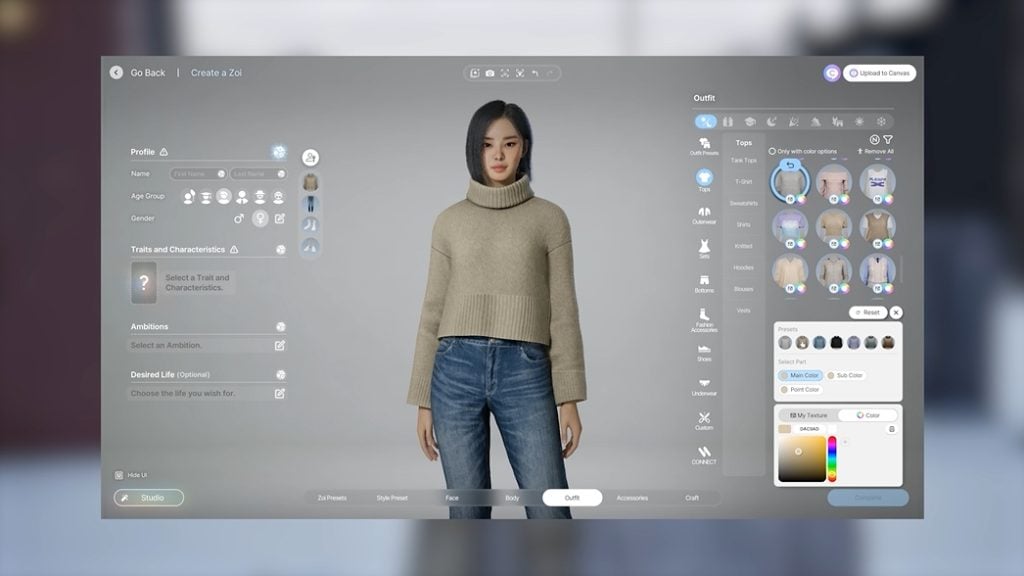
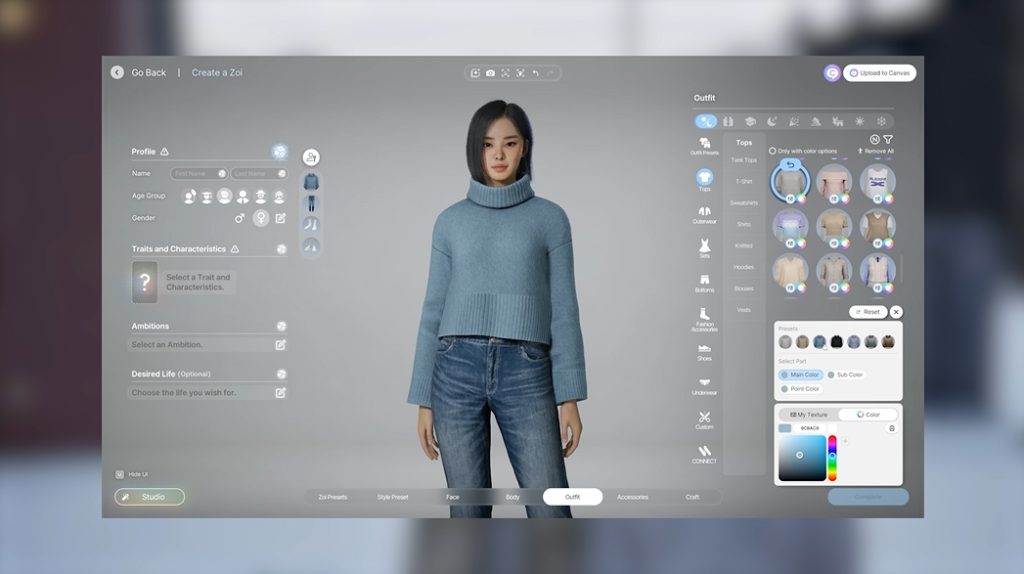
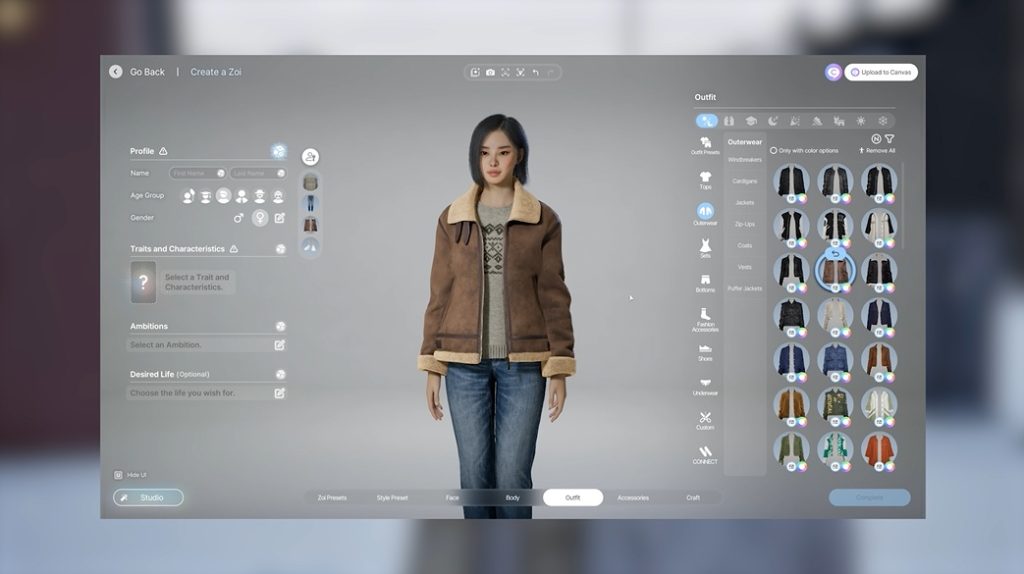
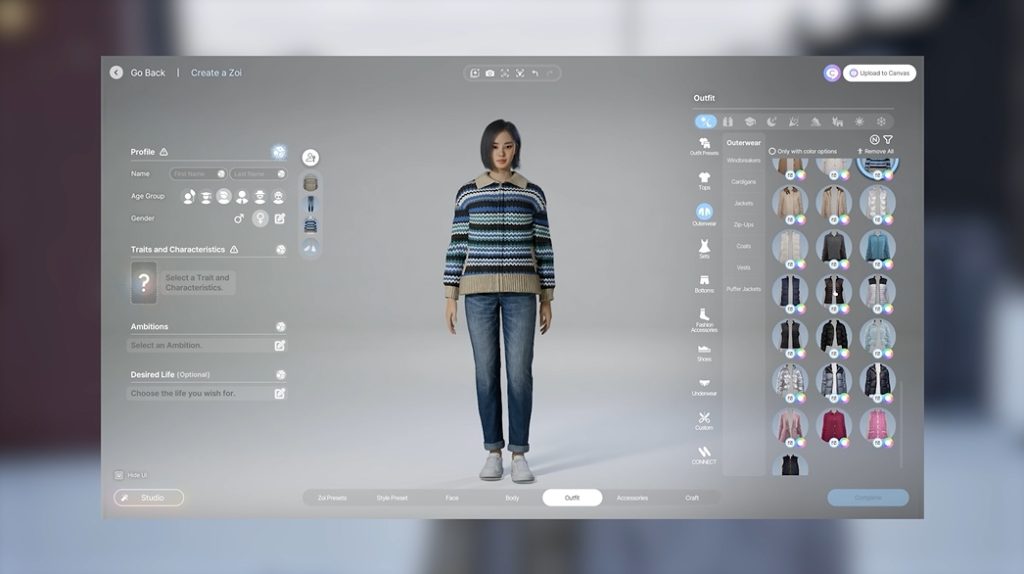
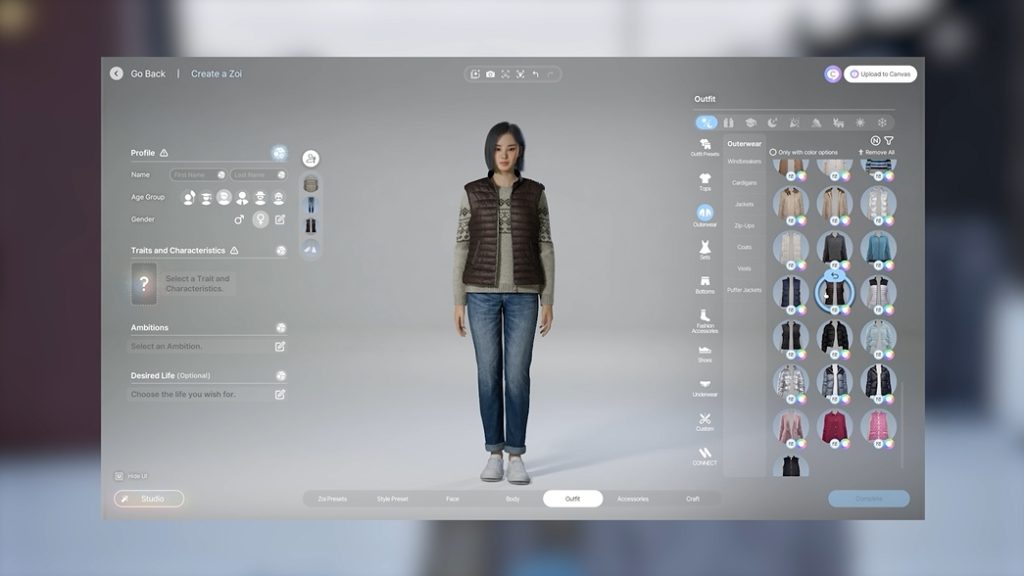
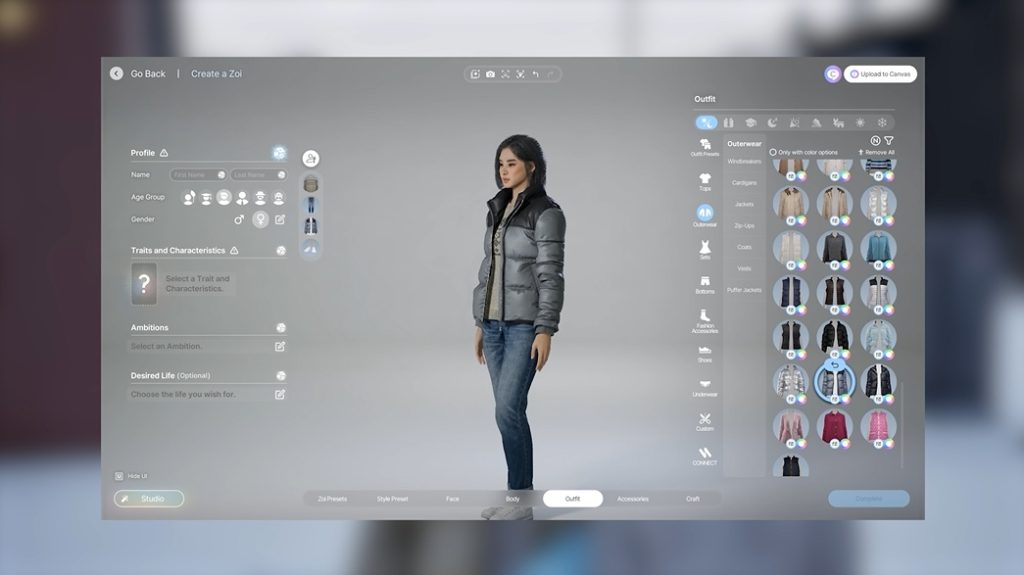
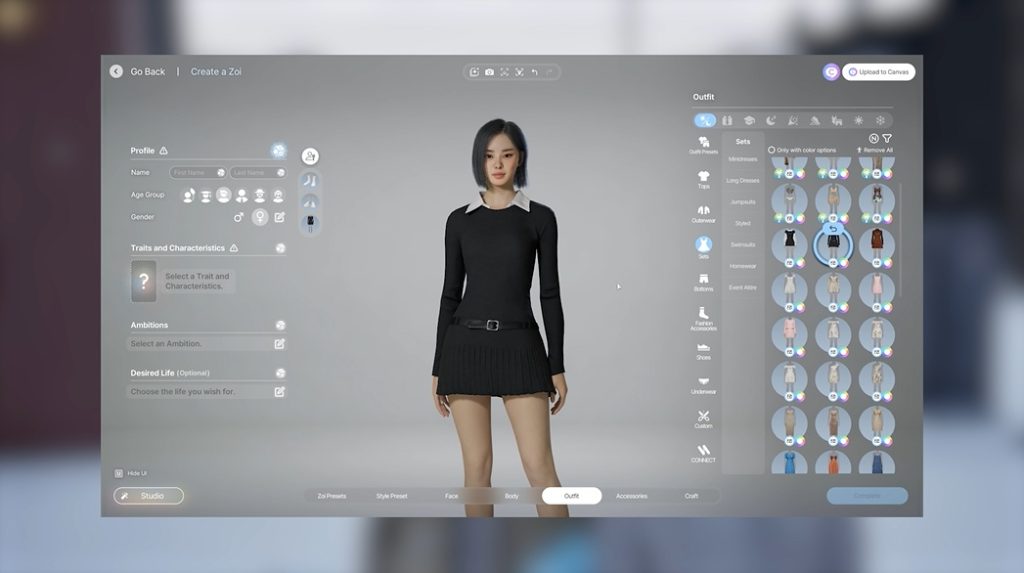
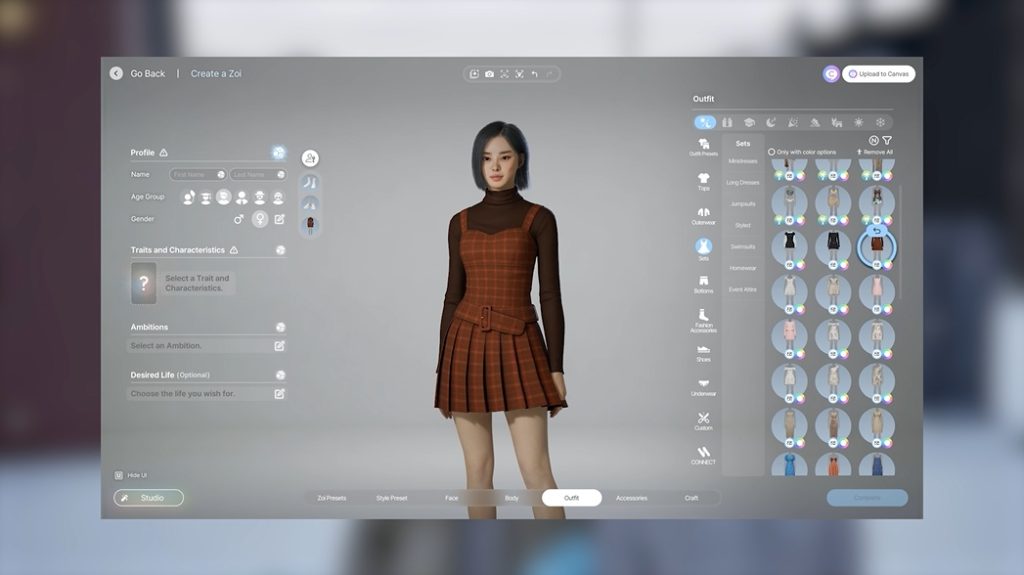
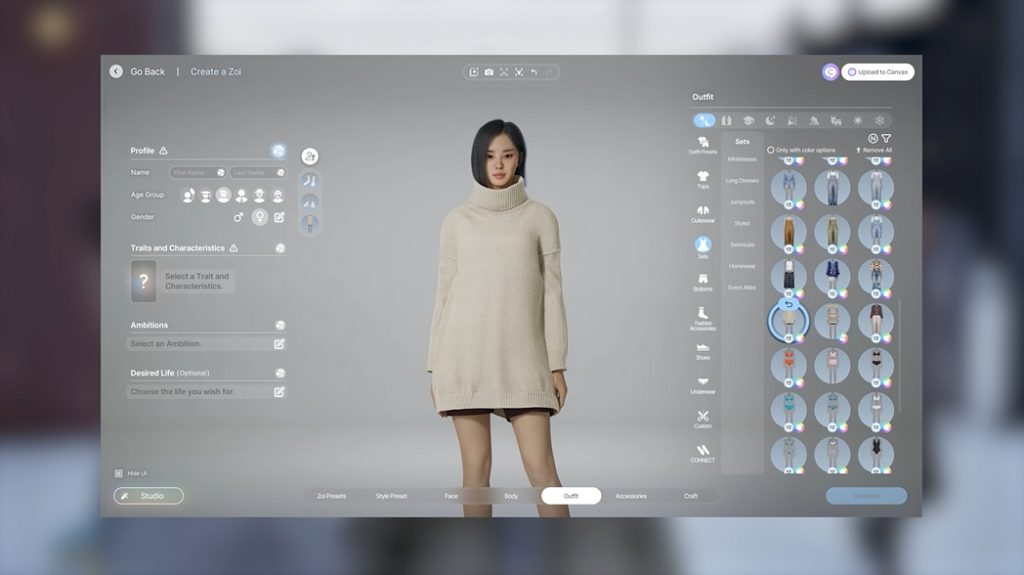
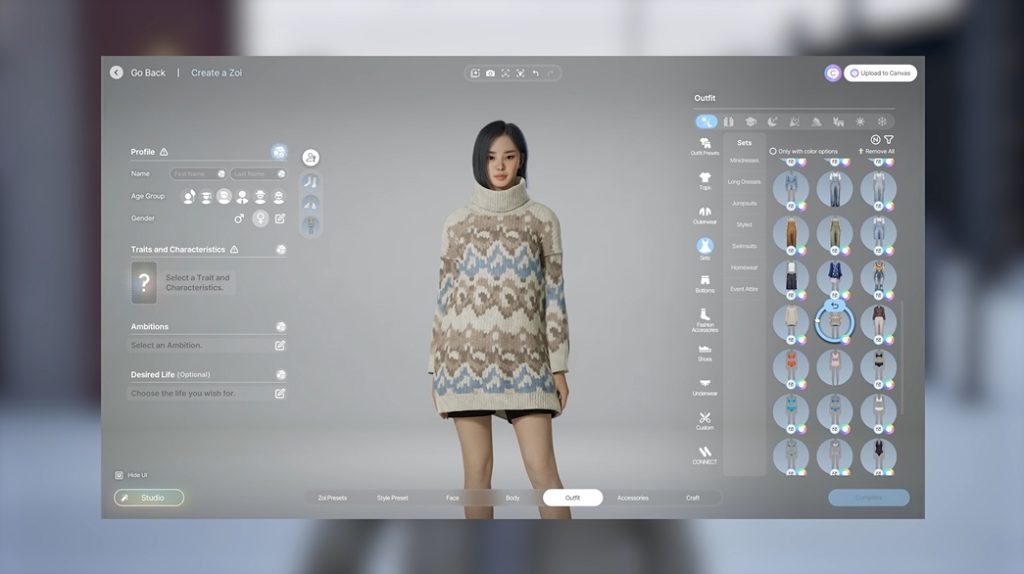
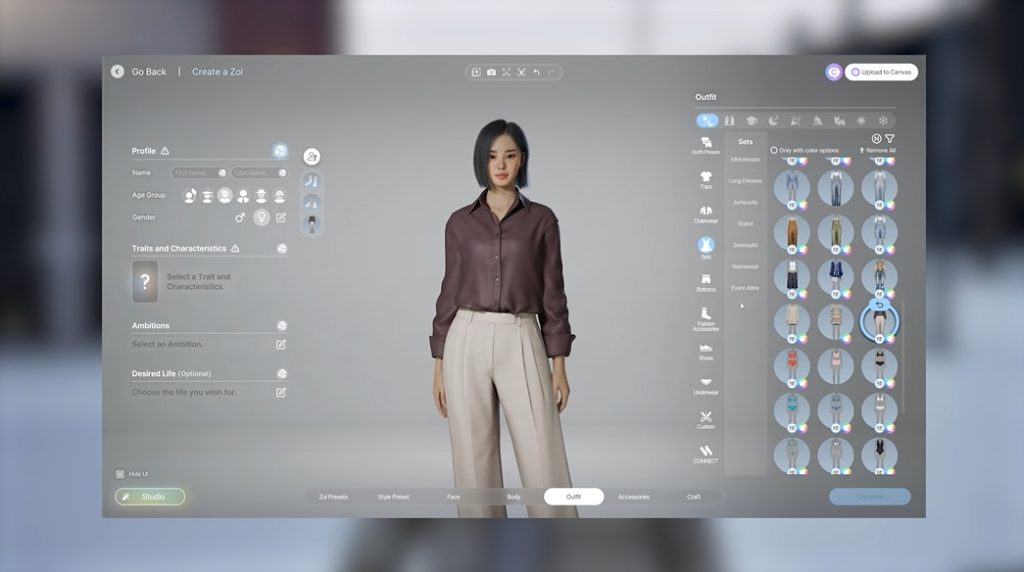
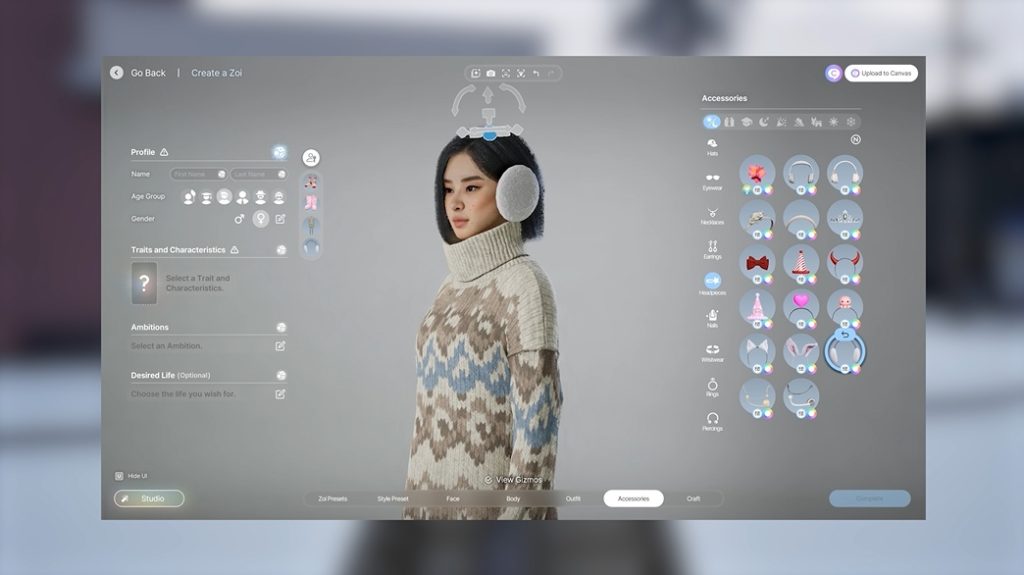
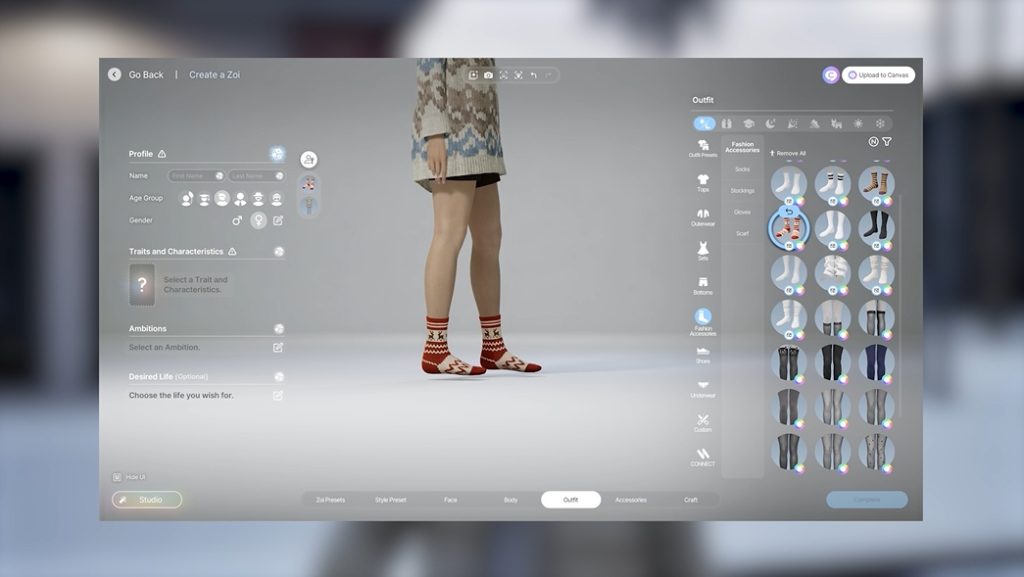
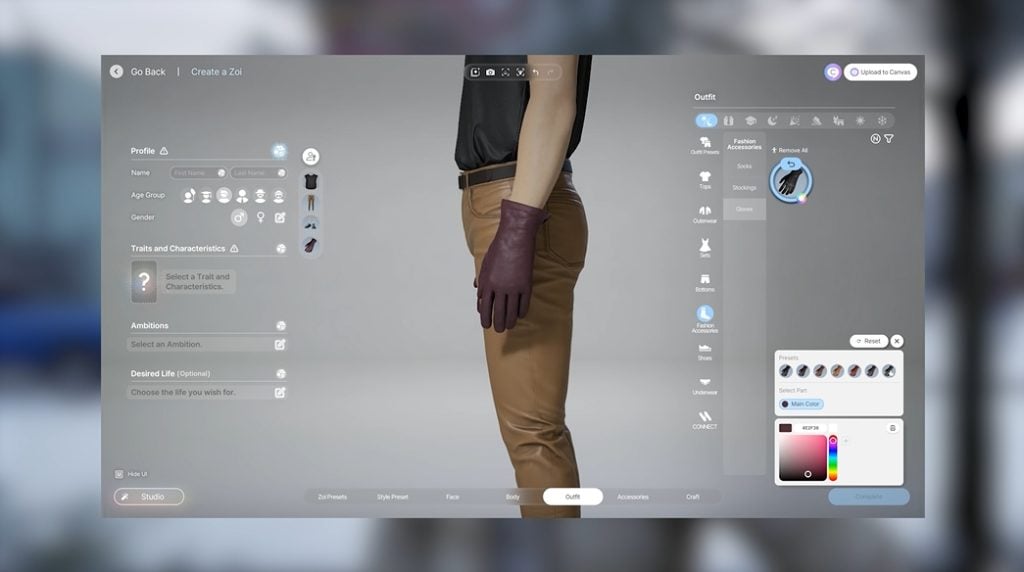
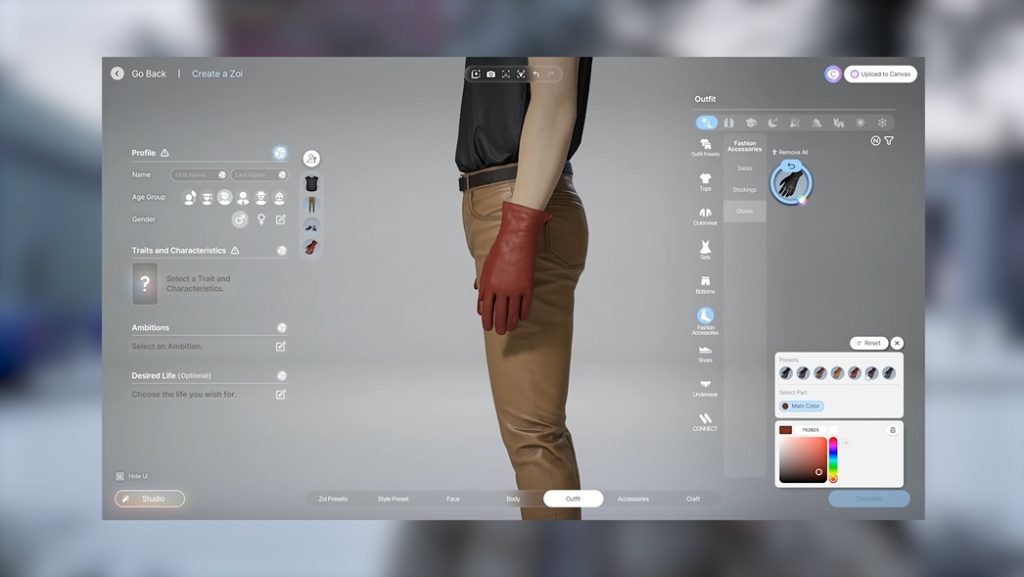
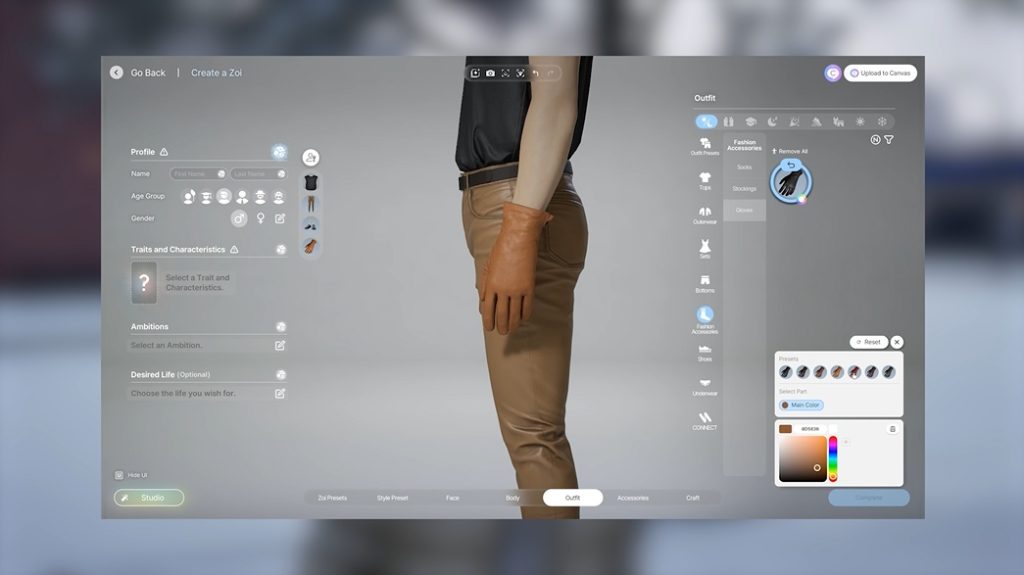
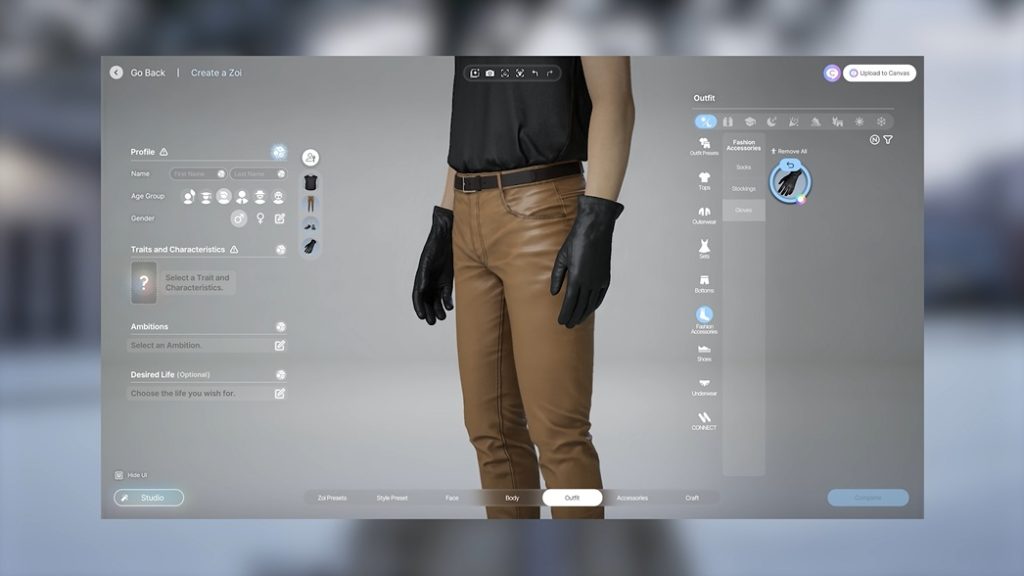
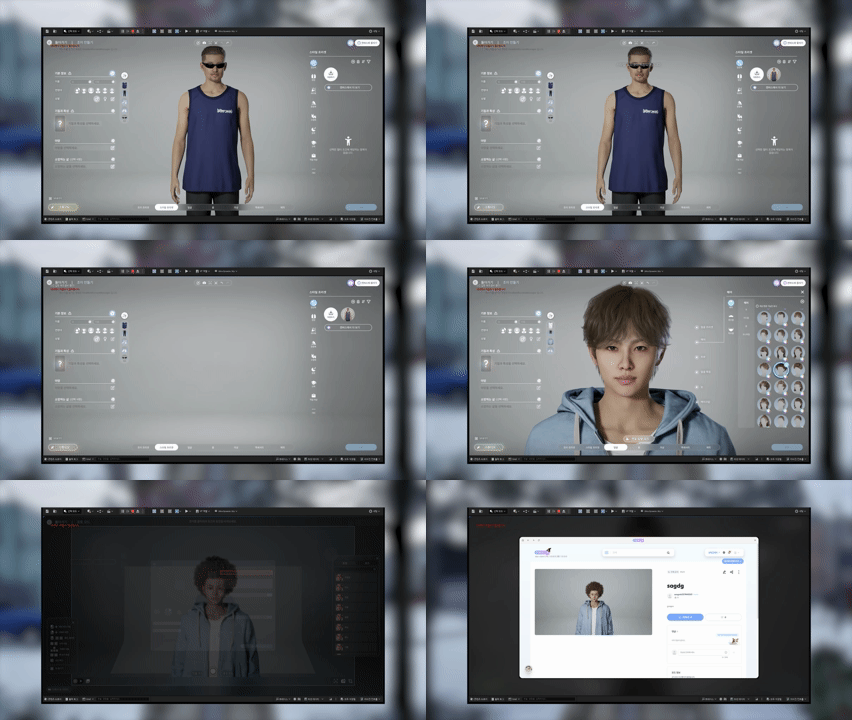
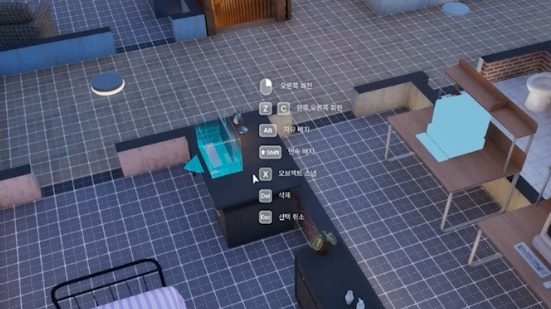
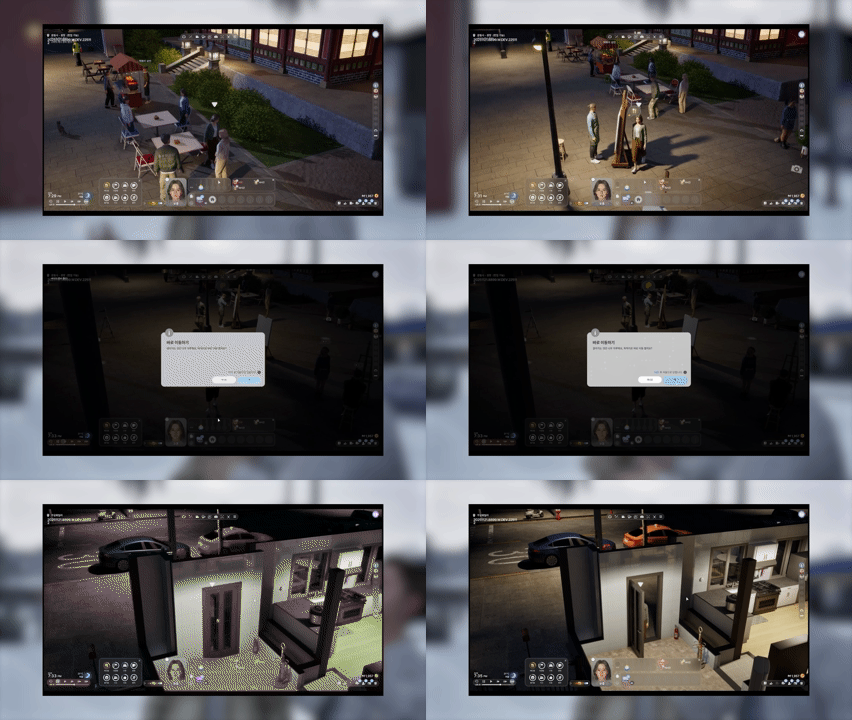
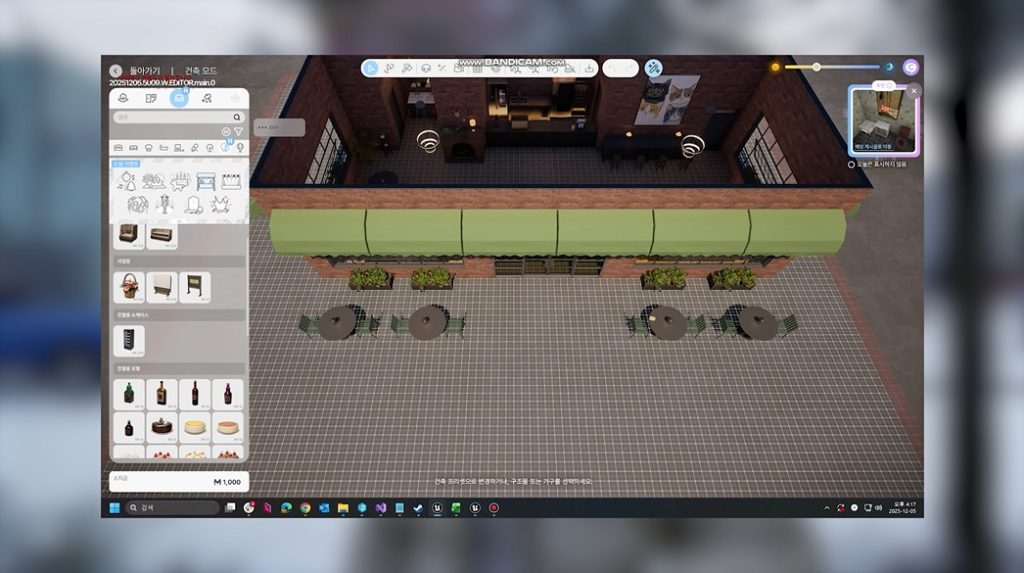
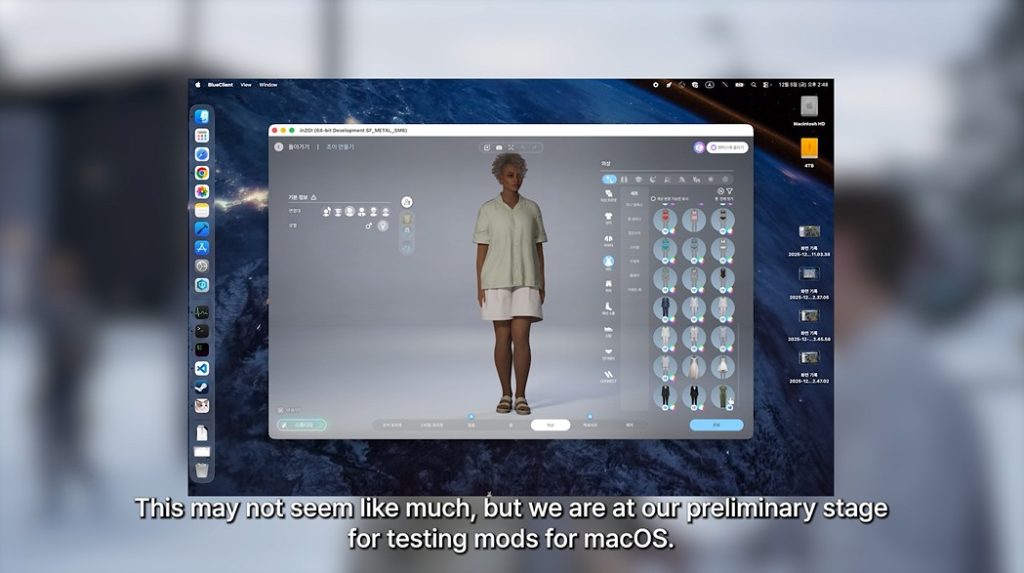
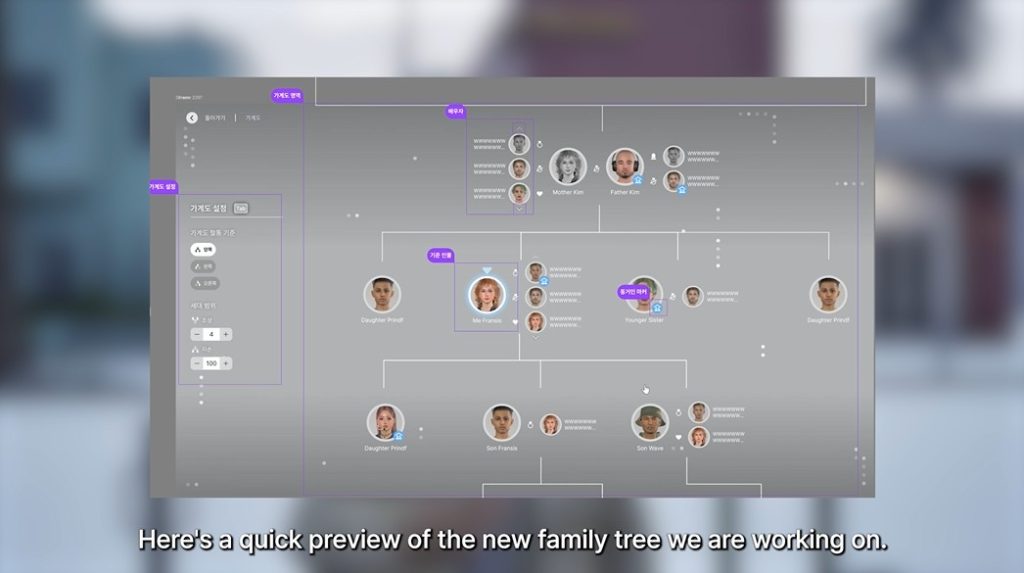
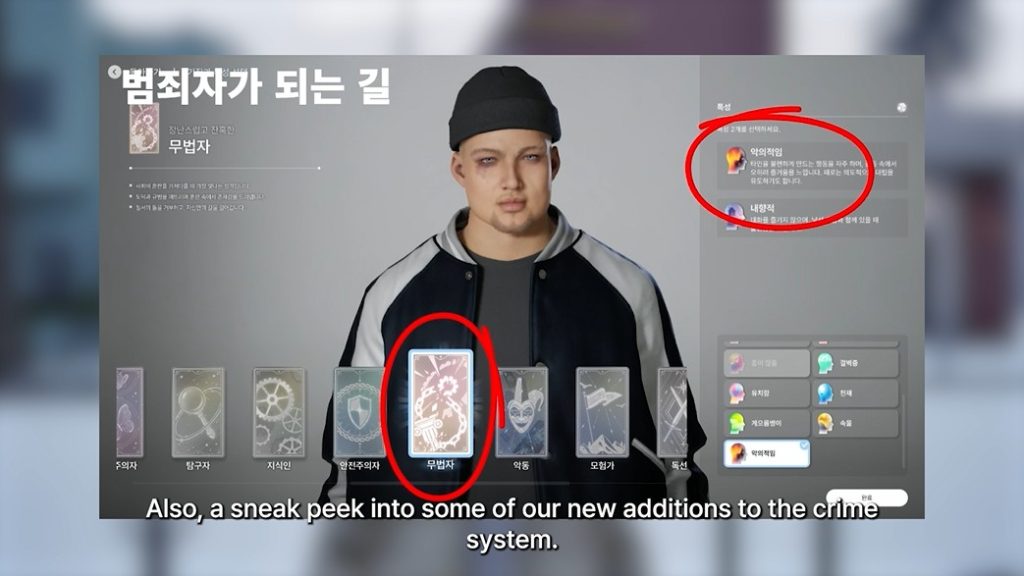
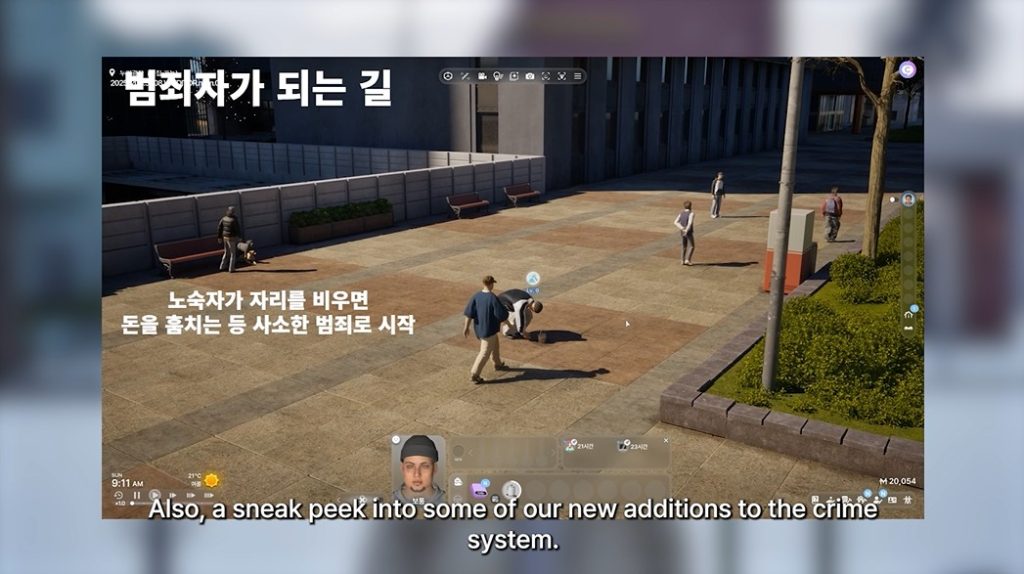
The team at Krafton working on the next InZOI Update has just released the official Patch Notes for the game. Revealing an astonishing list of new gameplay additions such as Businesses, Family Trees, Multitasking and plenty of more features revolving around the Holidays. In addition, there are new additions to Build Mode and Create A Zoi (hundreds of new items!) improvements to Crime gameplay, new Skills and cheats that can help you progress quickly in the game.
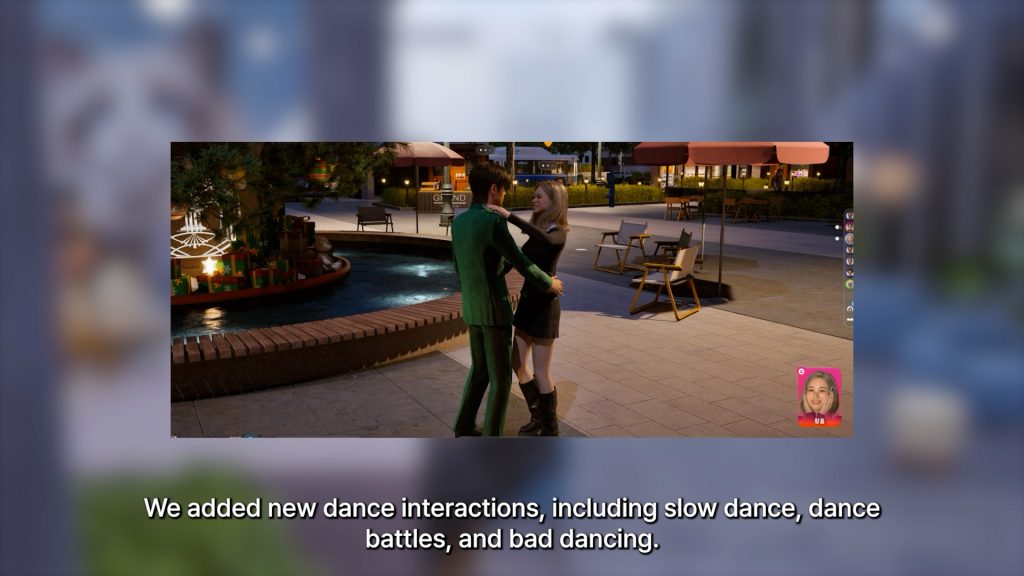
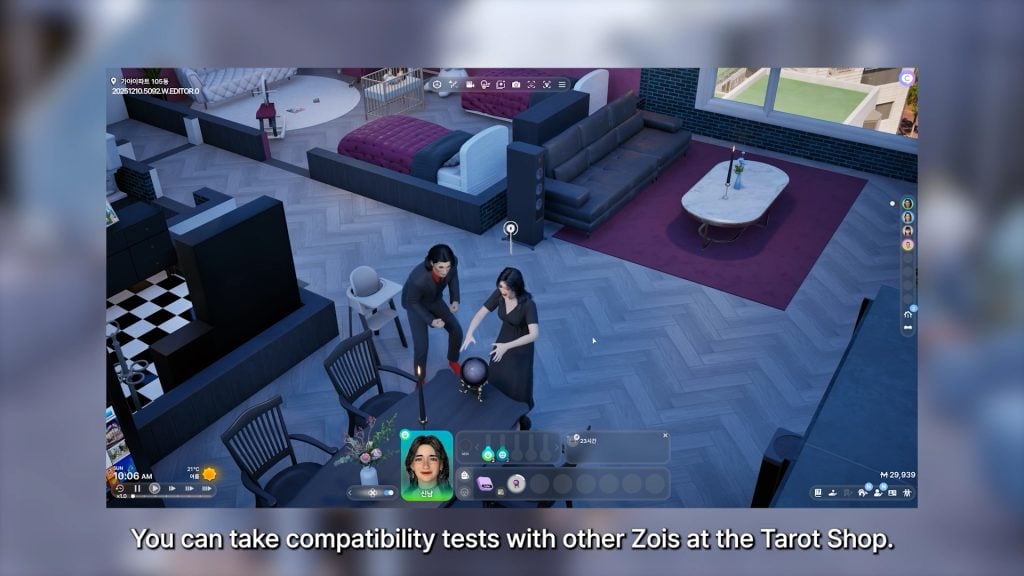
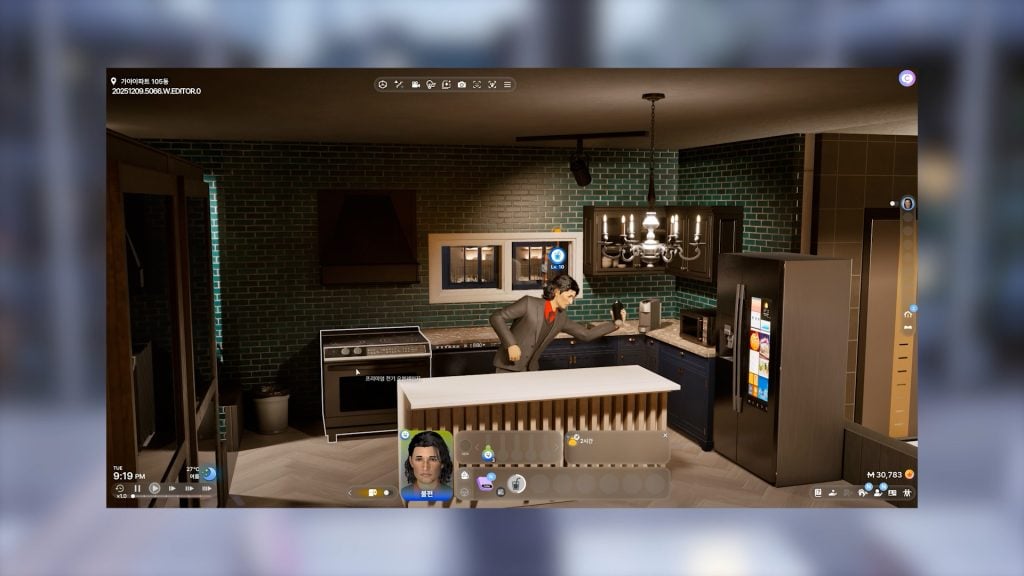
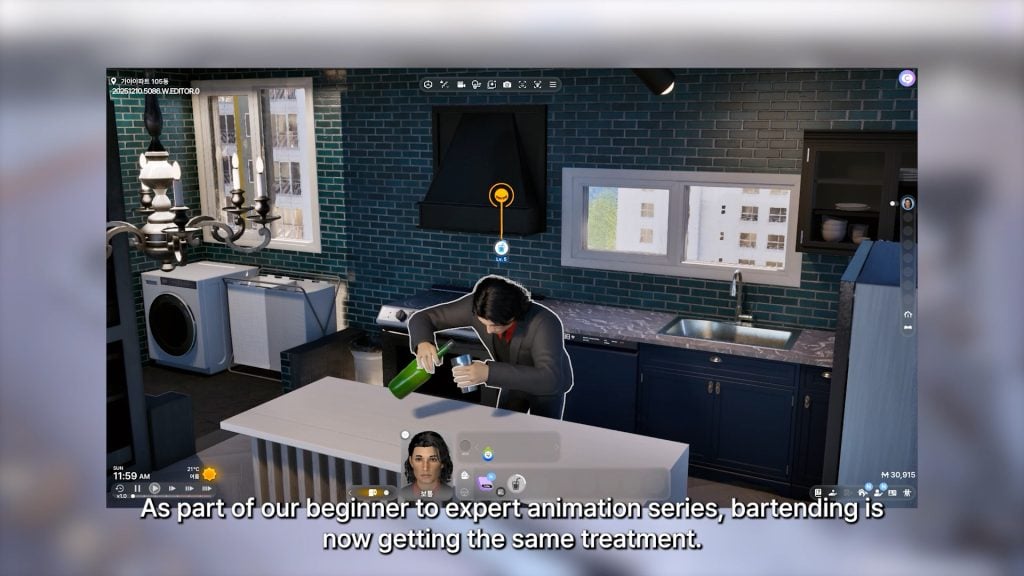
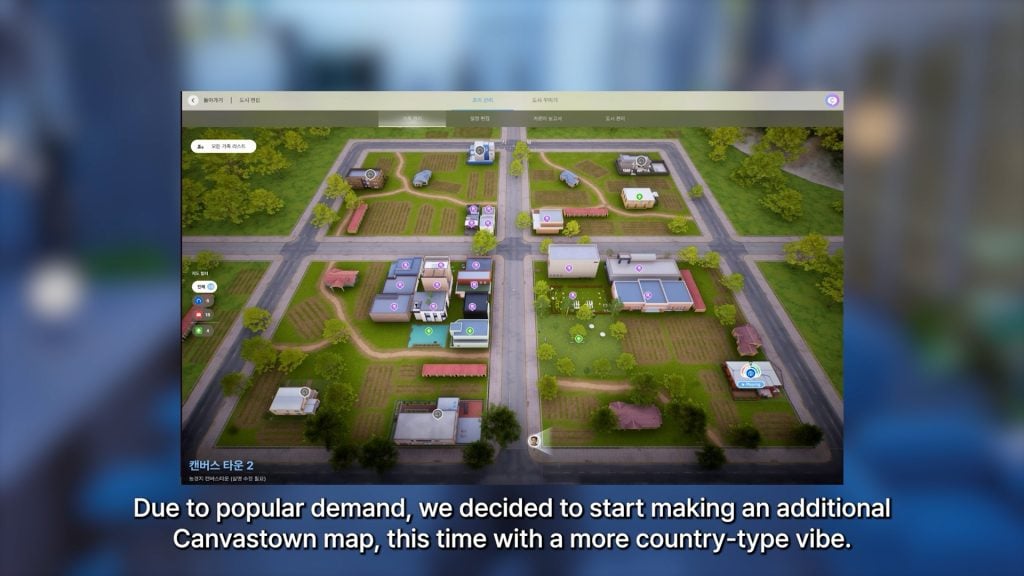
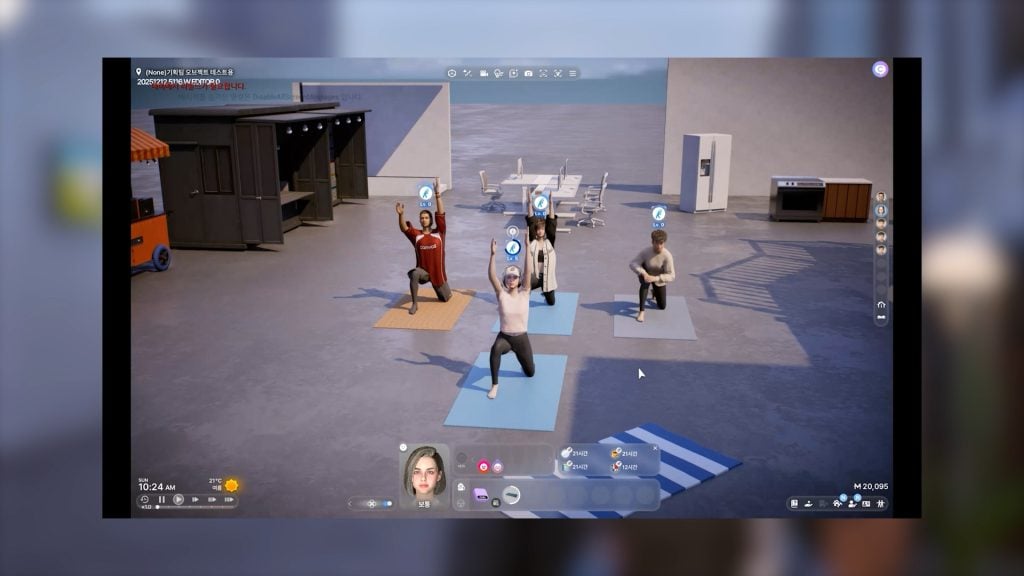
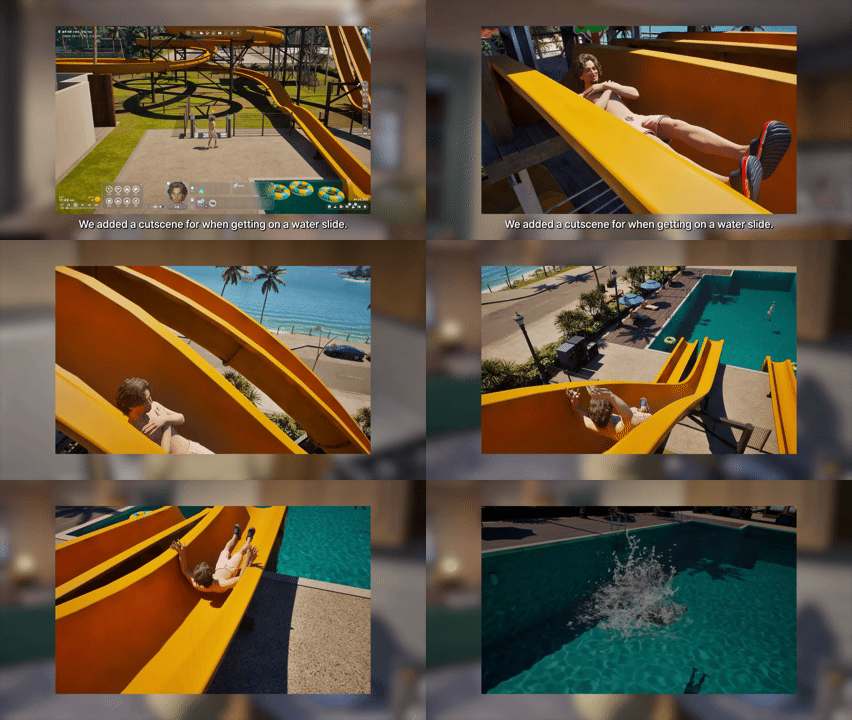
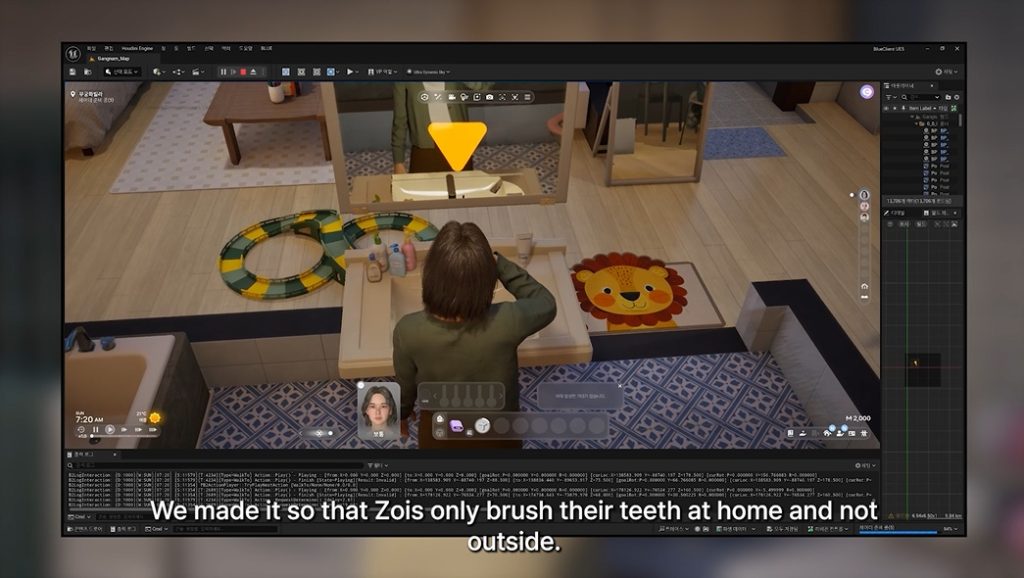
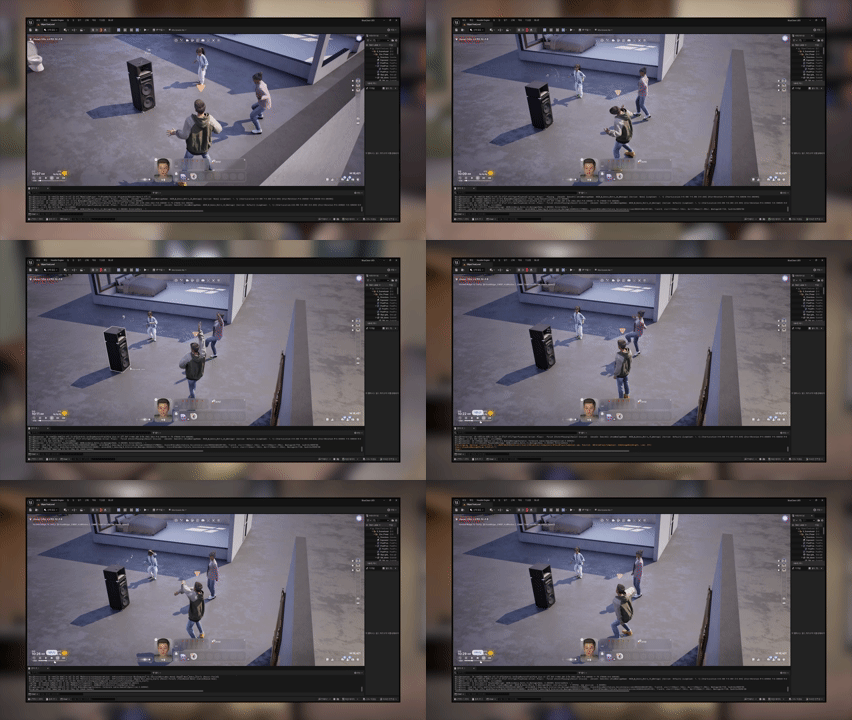
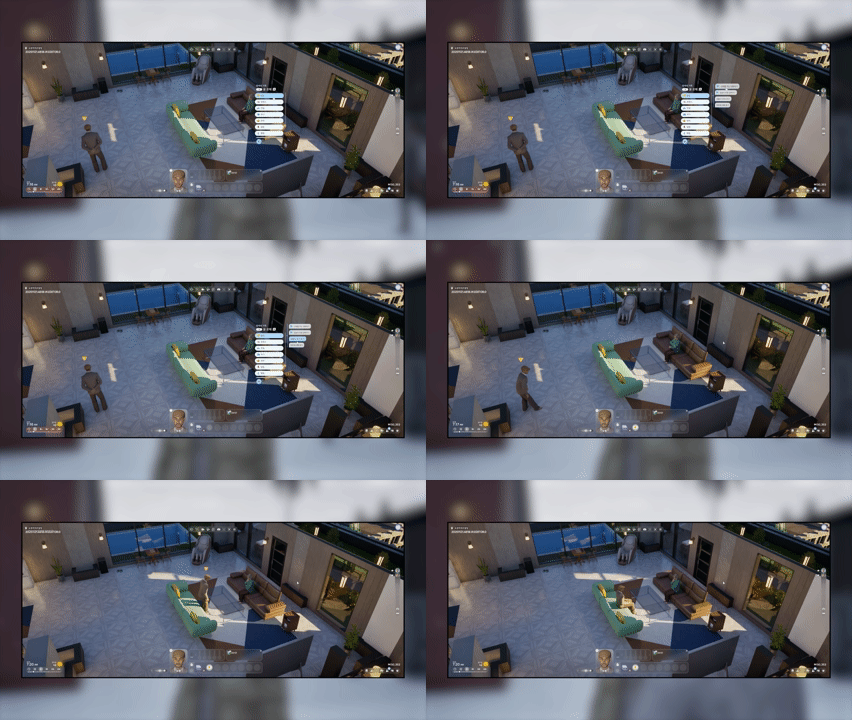
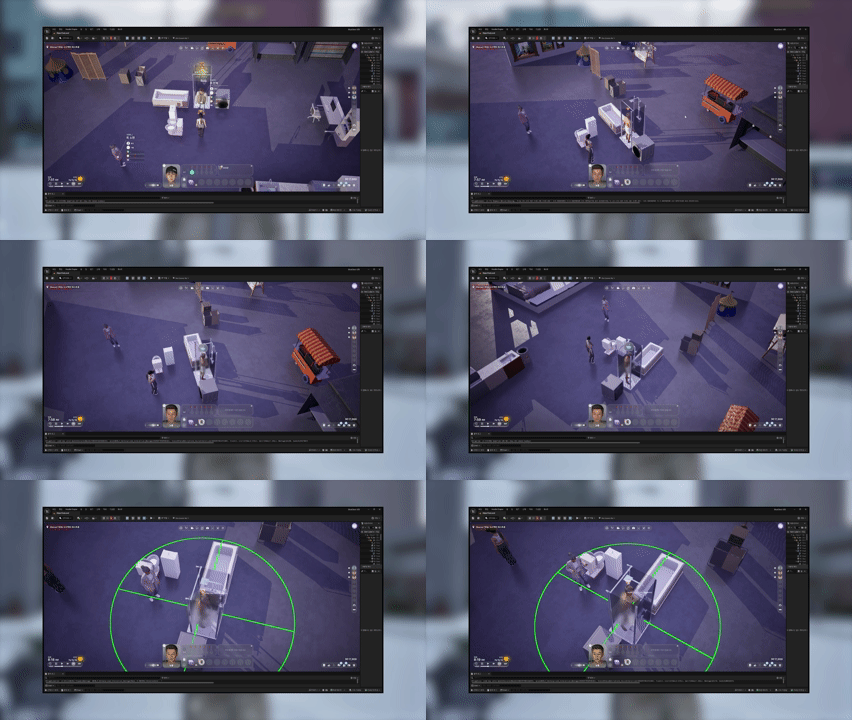
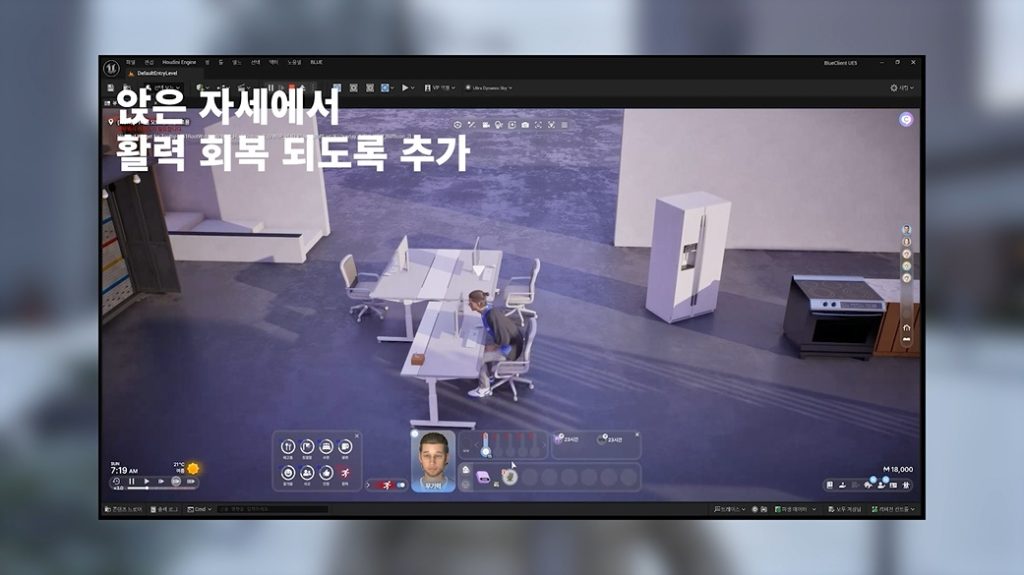
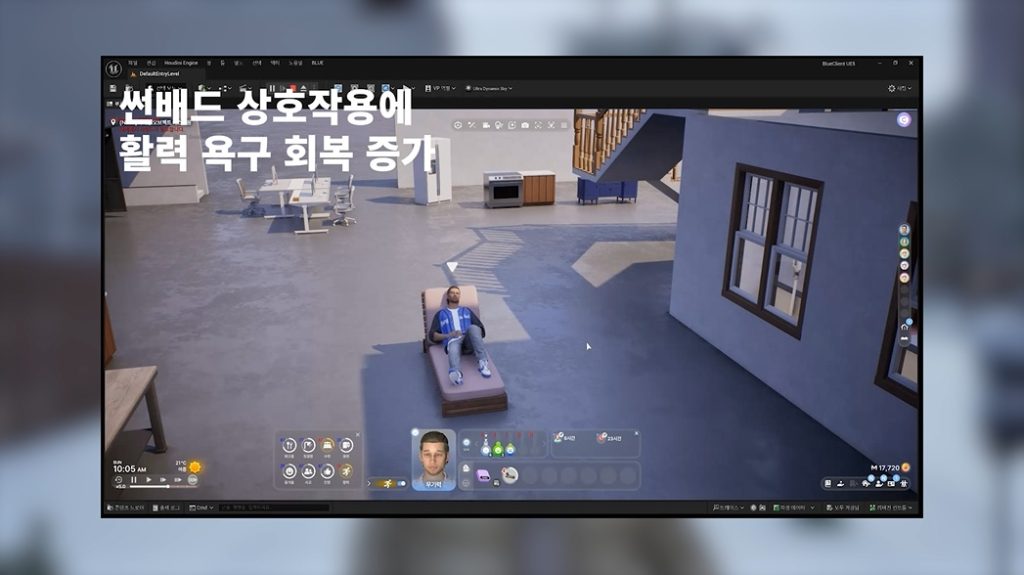
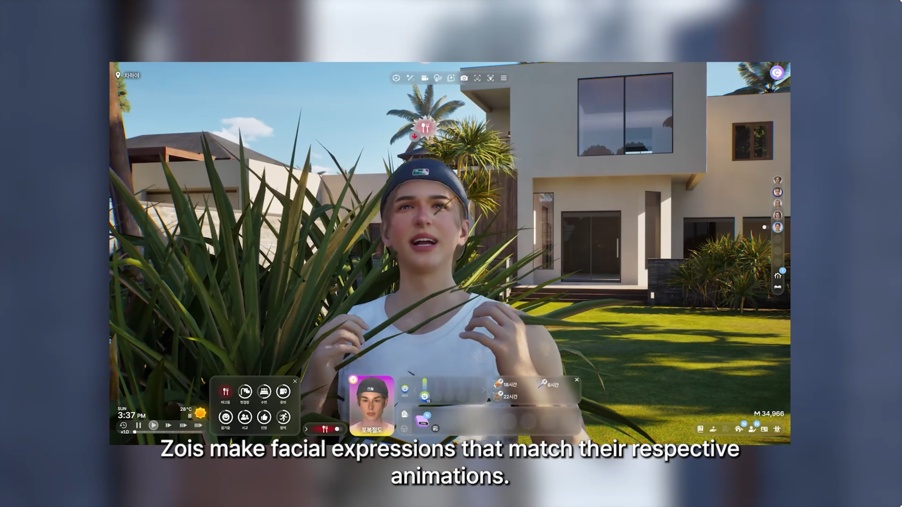
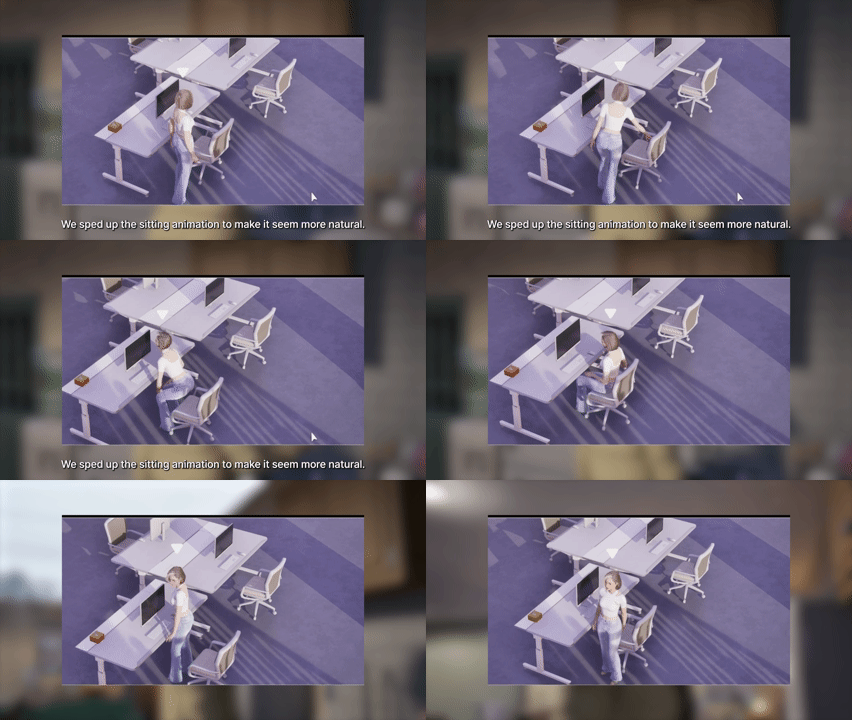
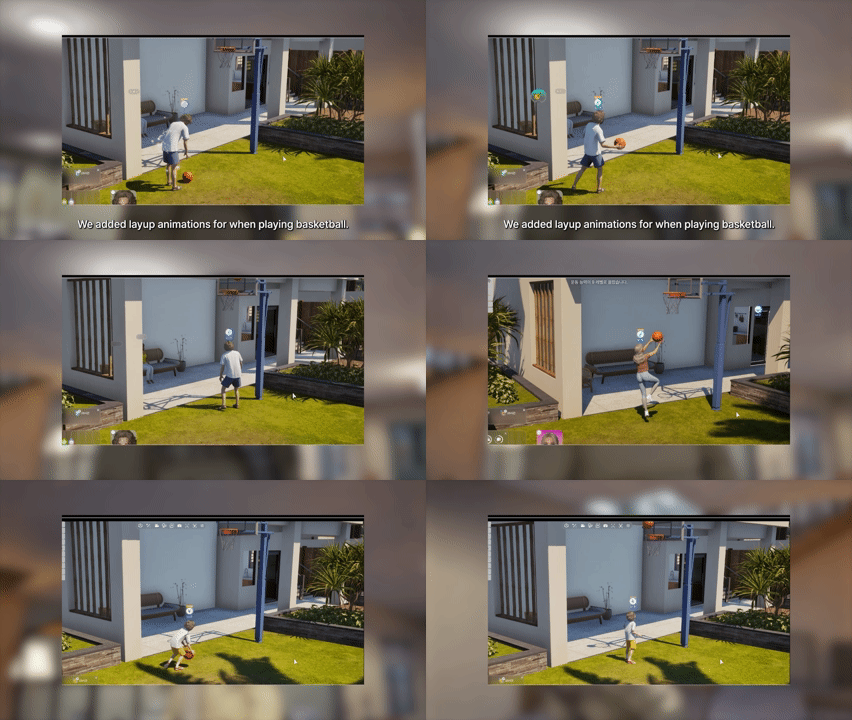
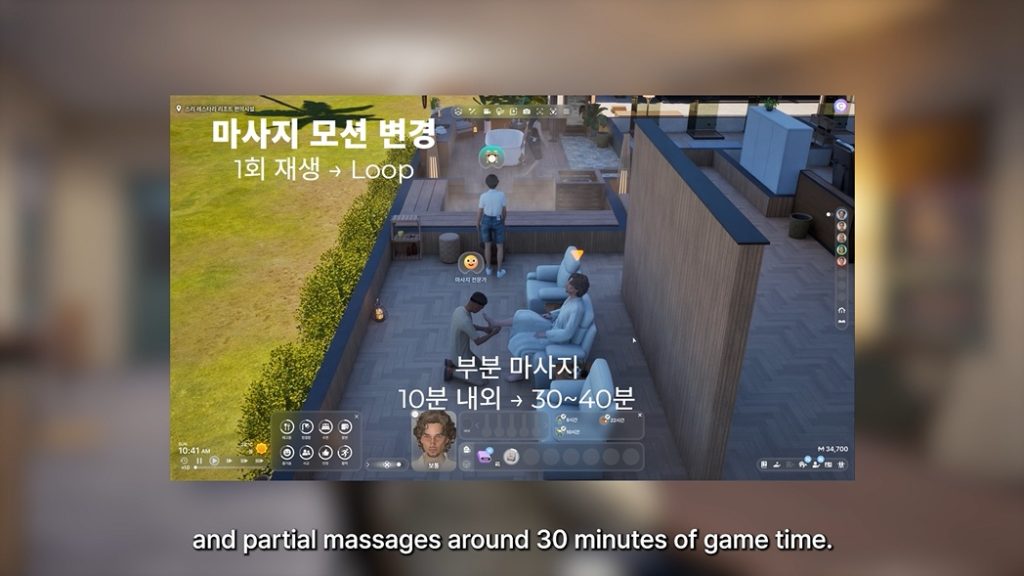
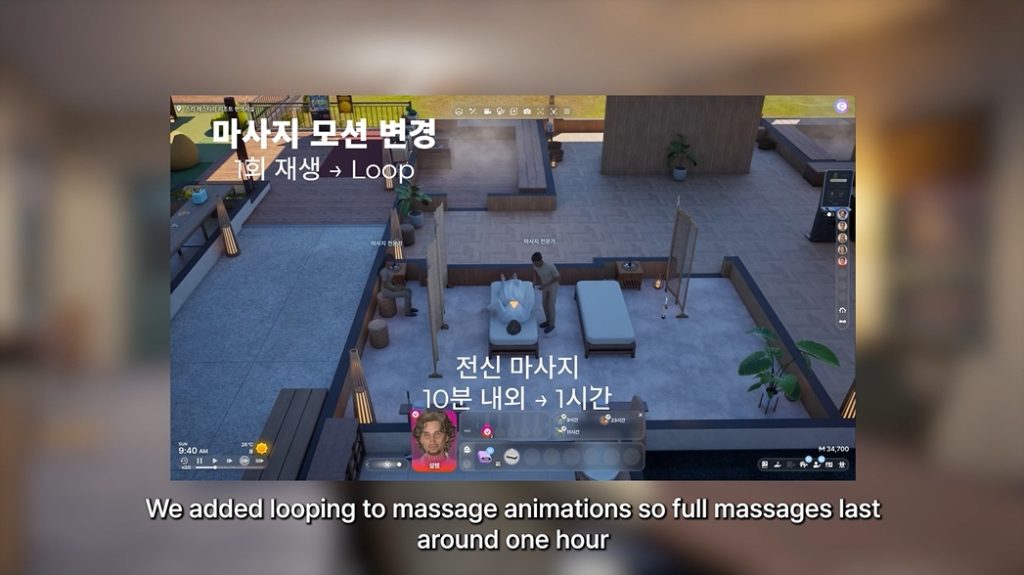
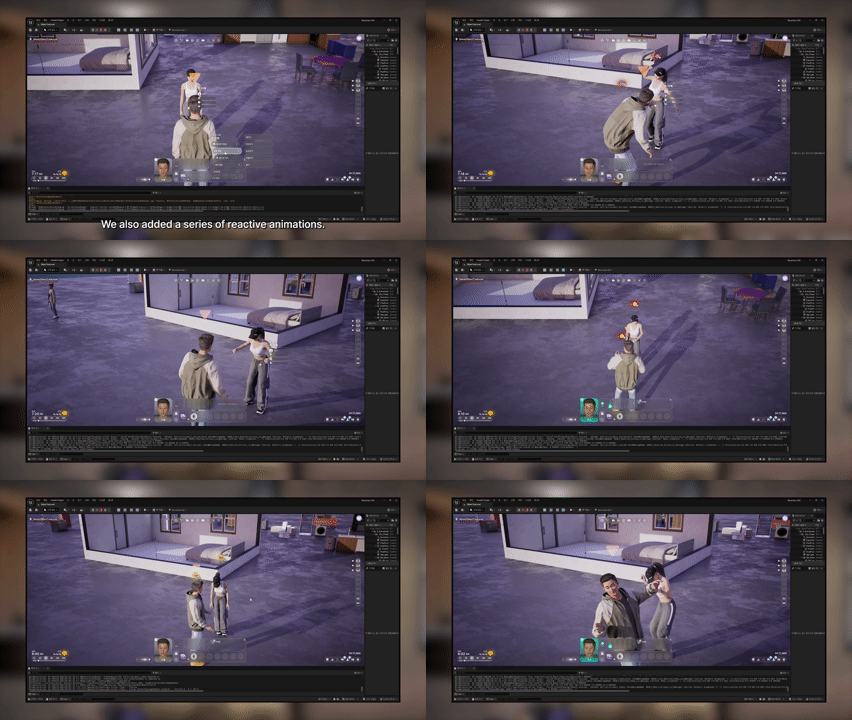
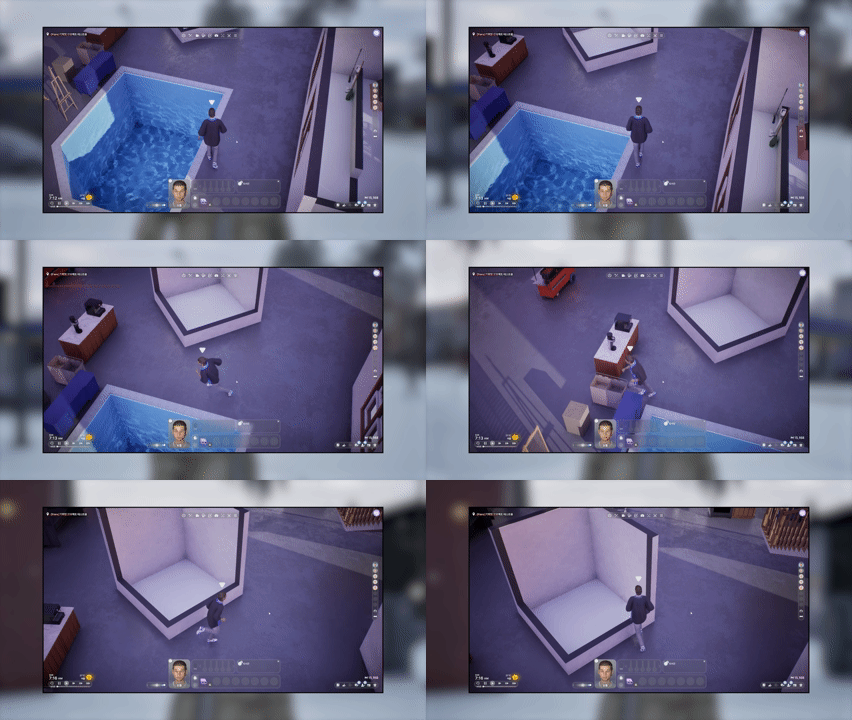
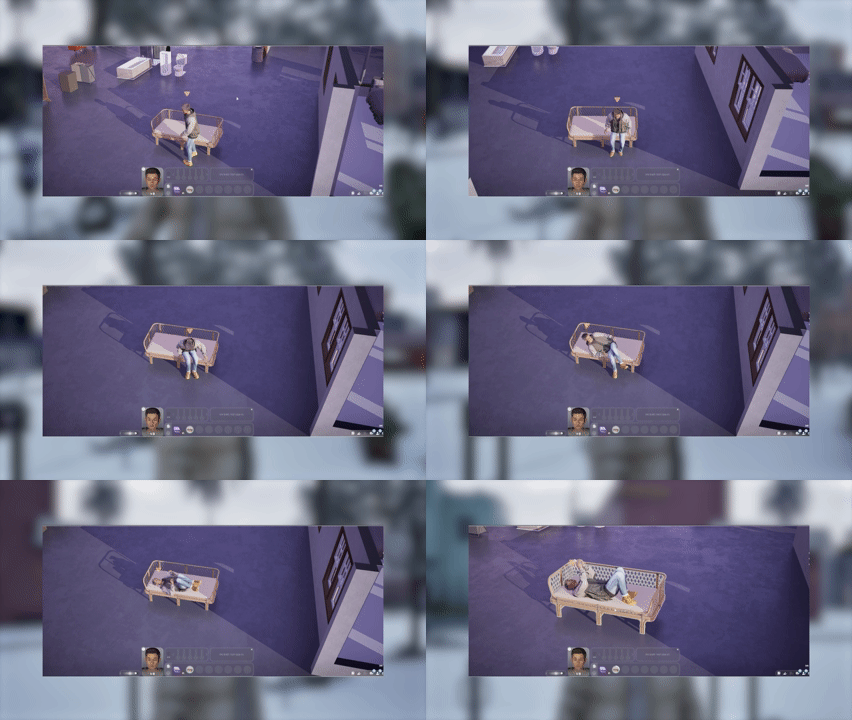
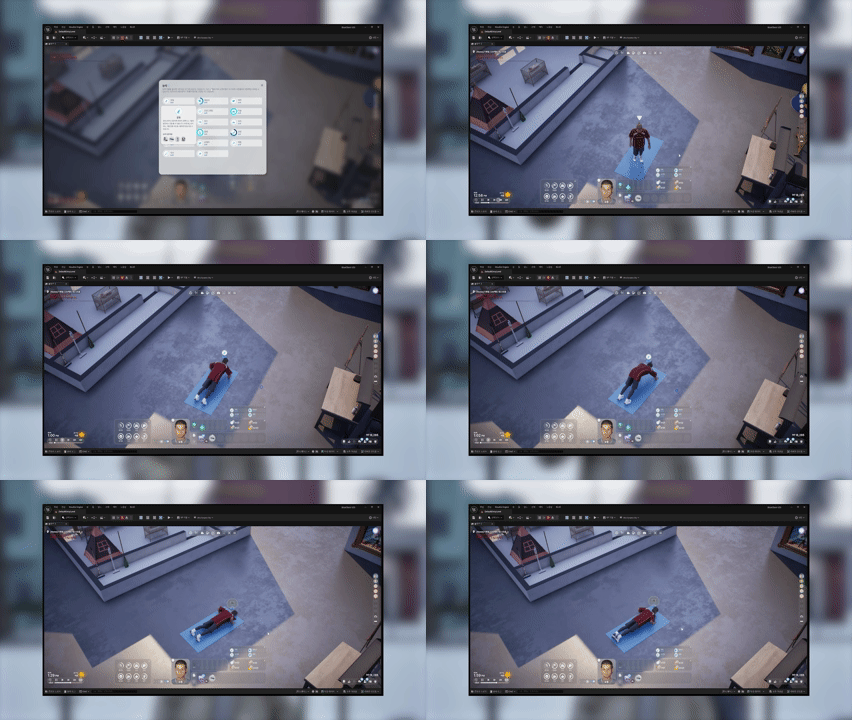
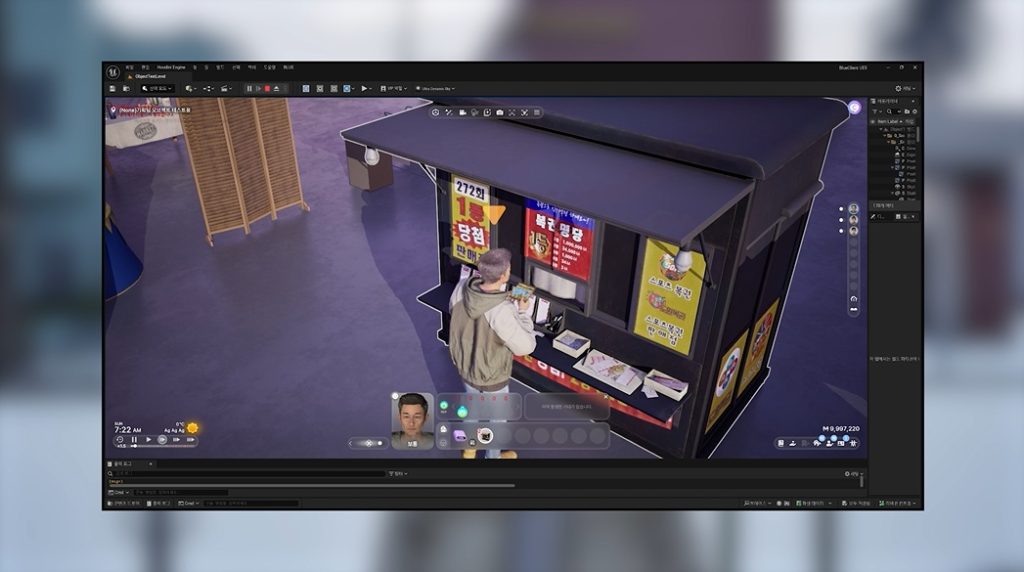
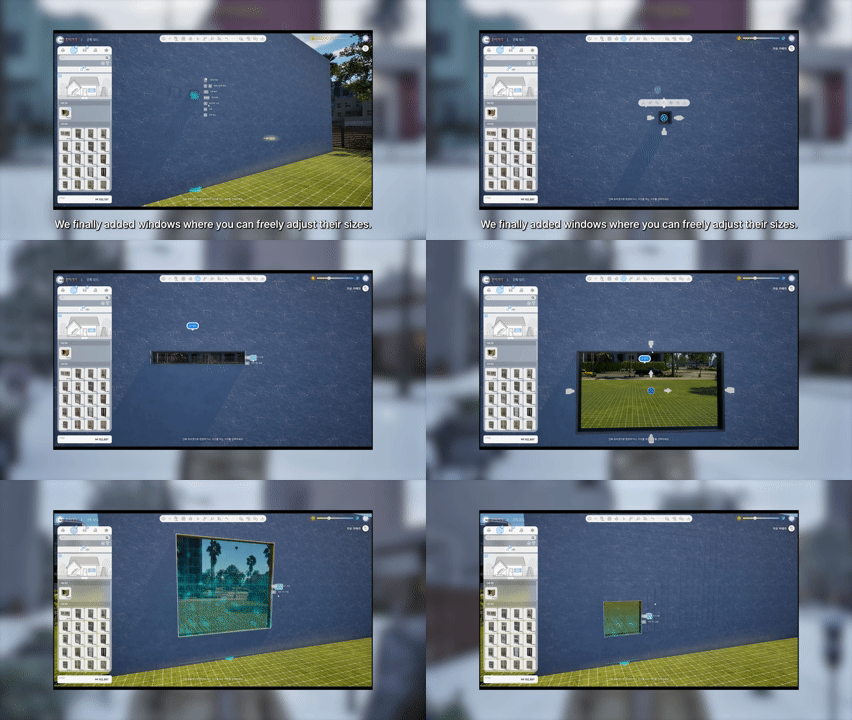
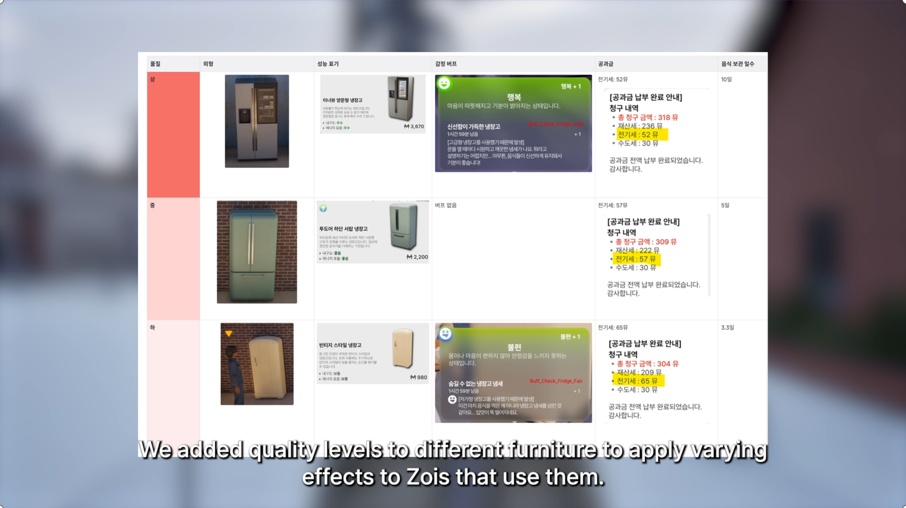
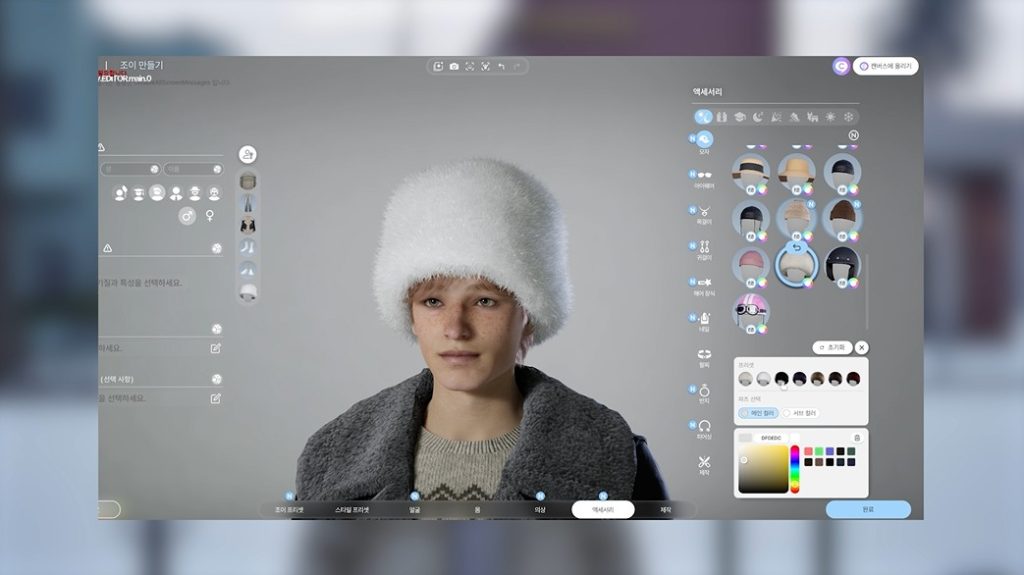
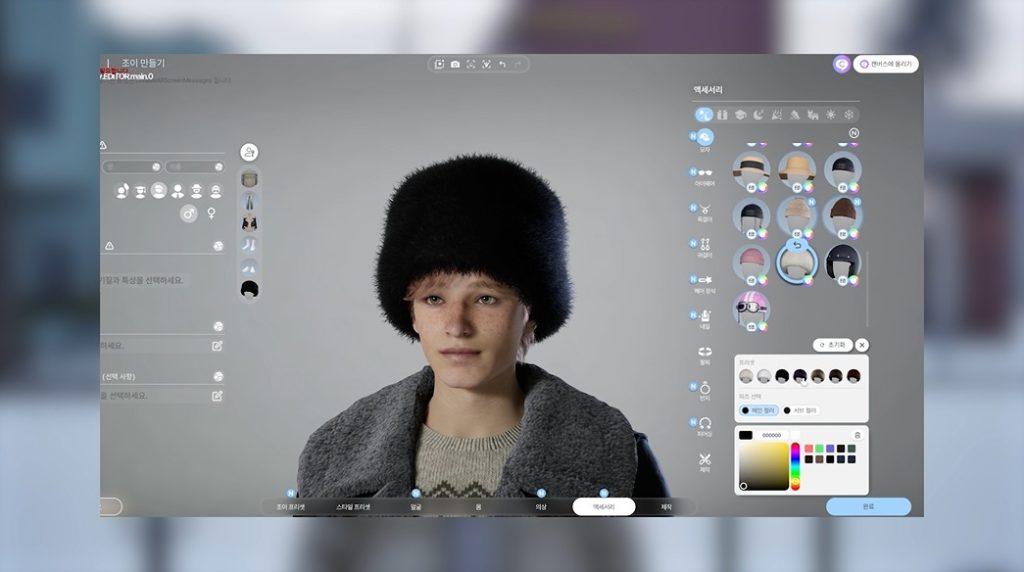
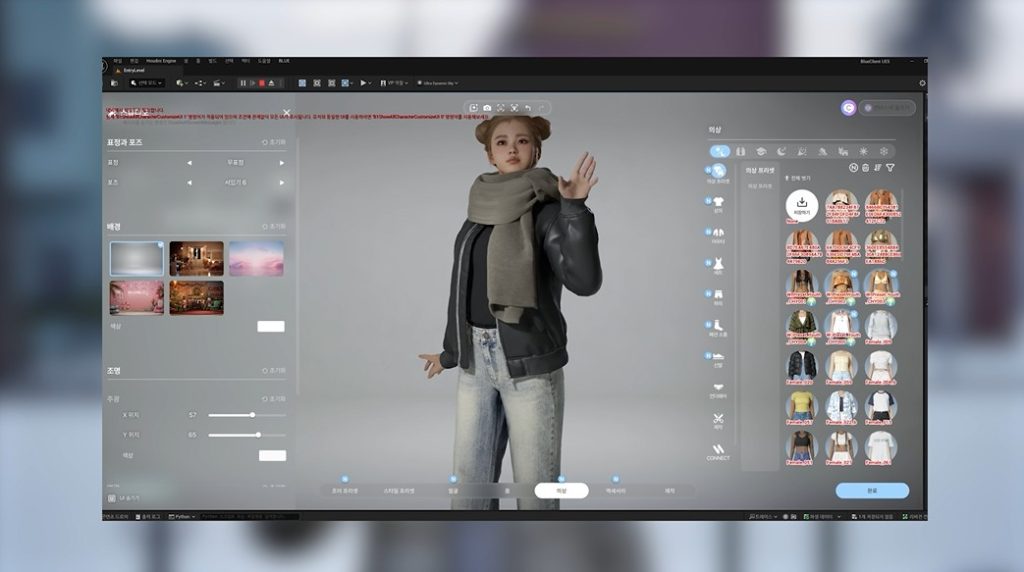
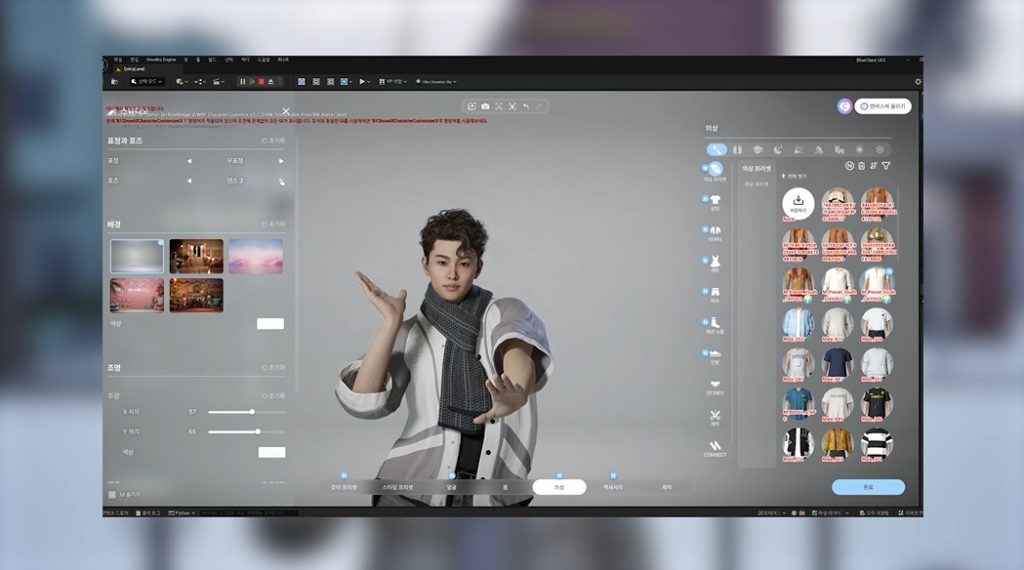
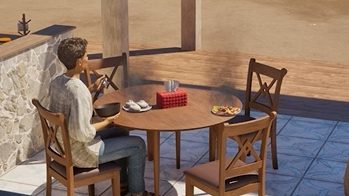
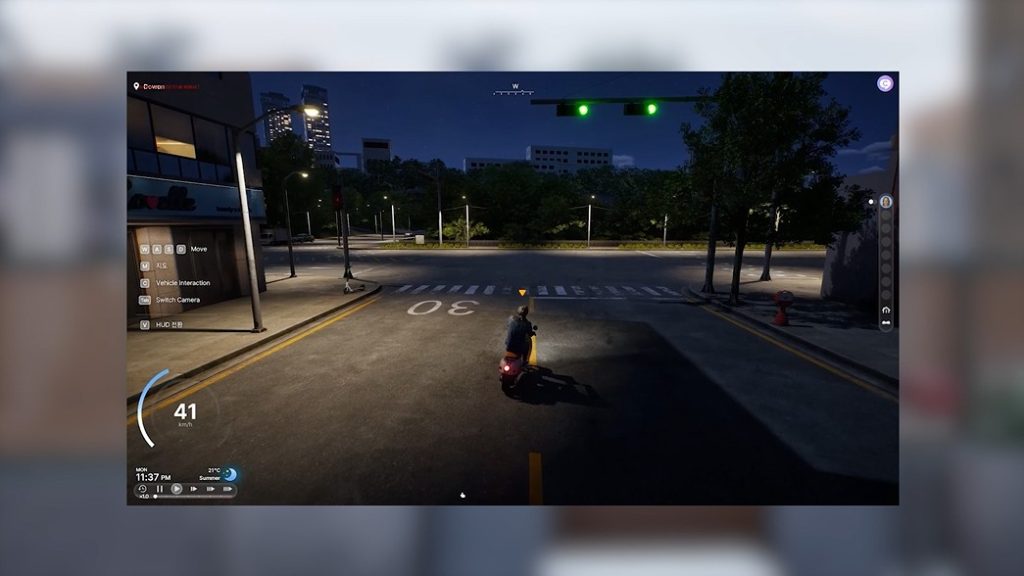
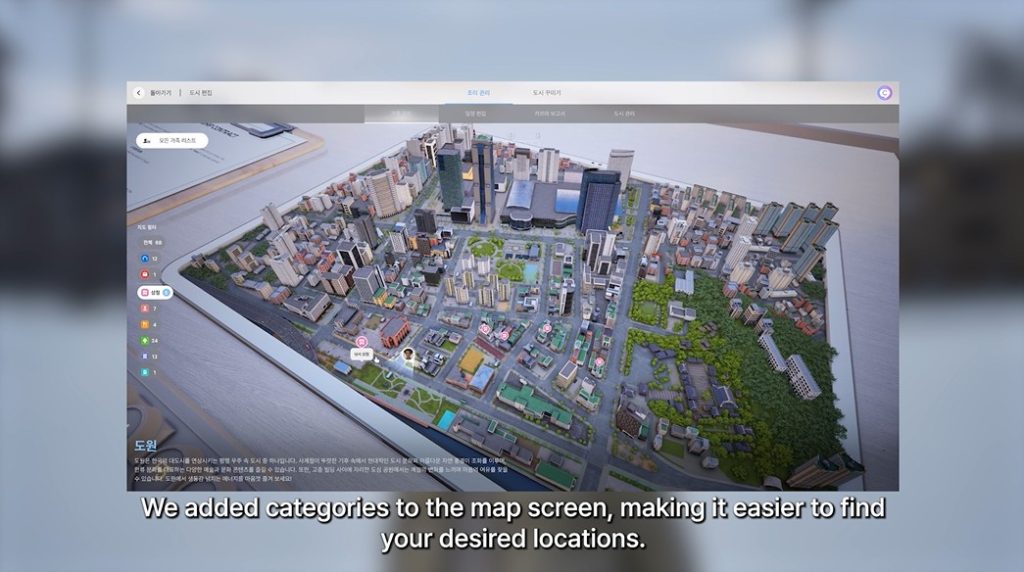
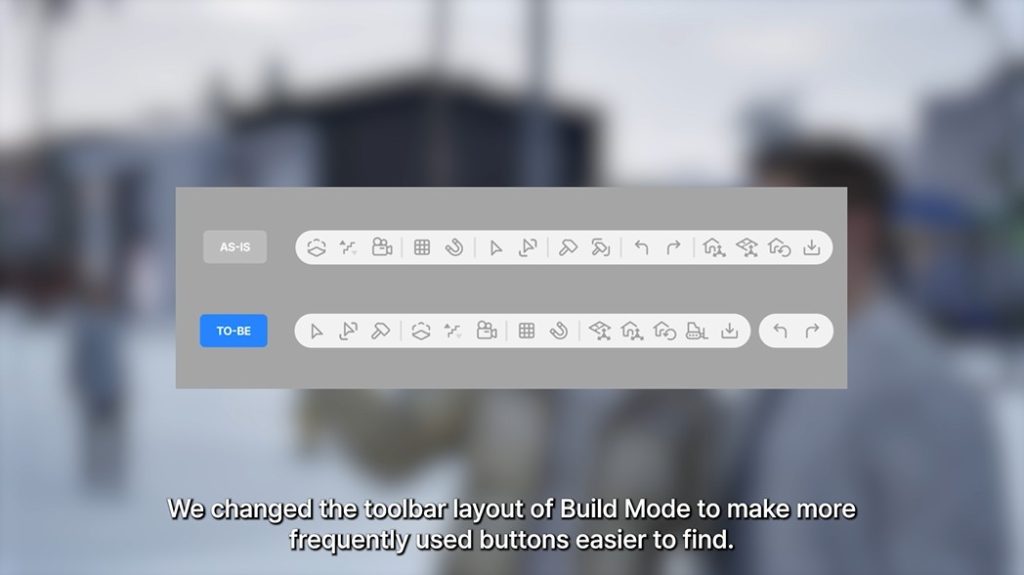
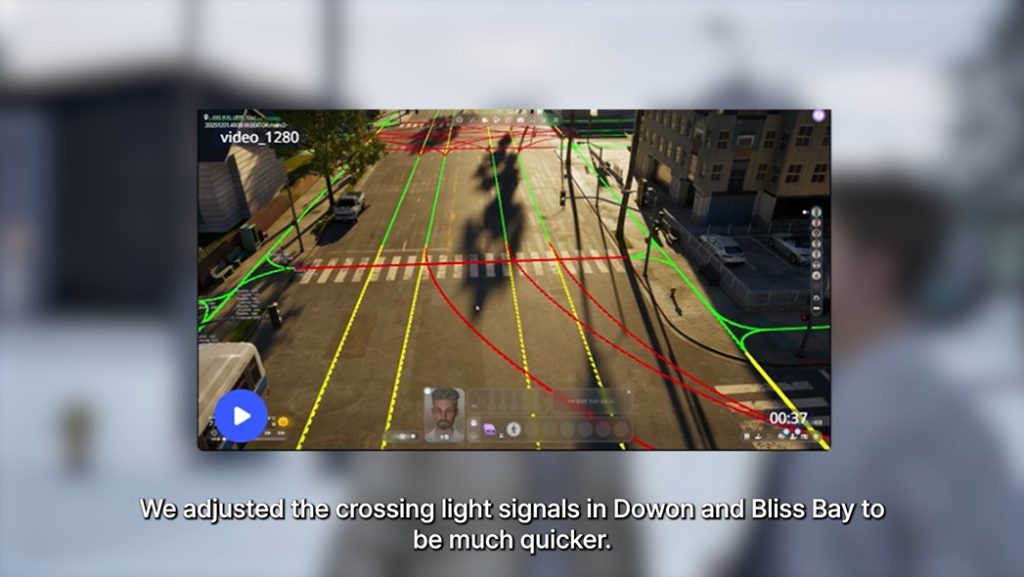
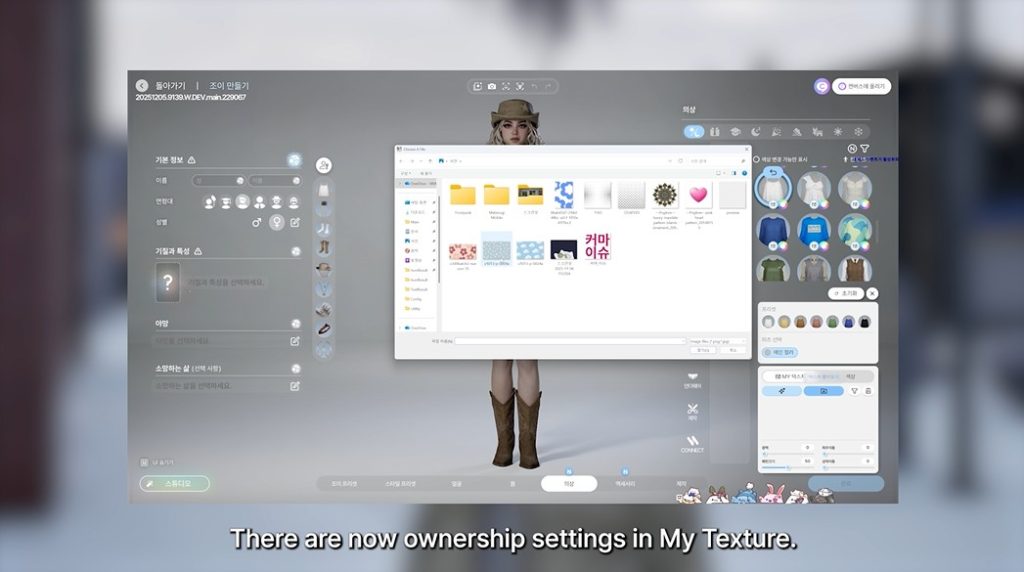
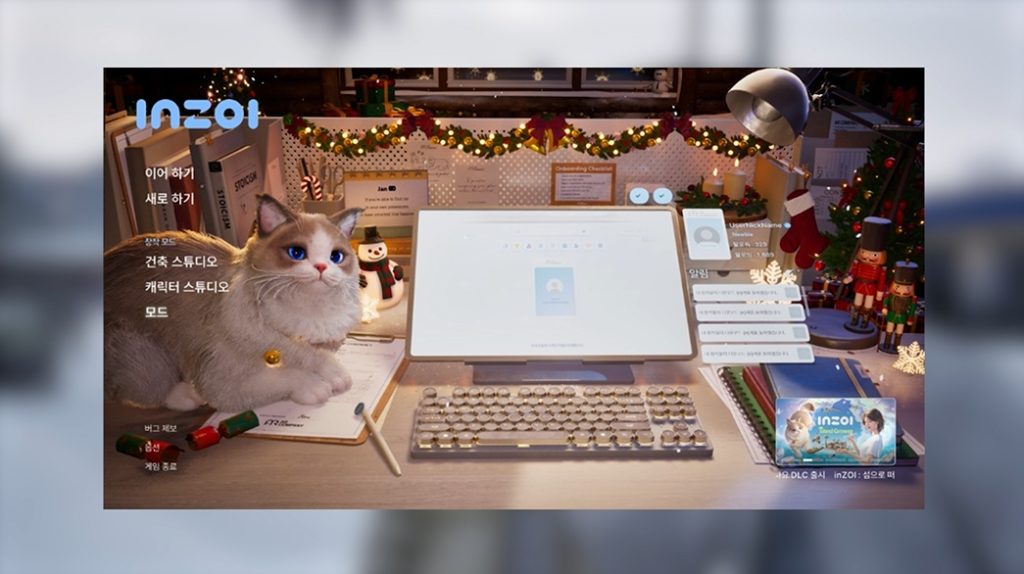
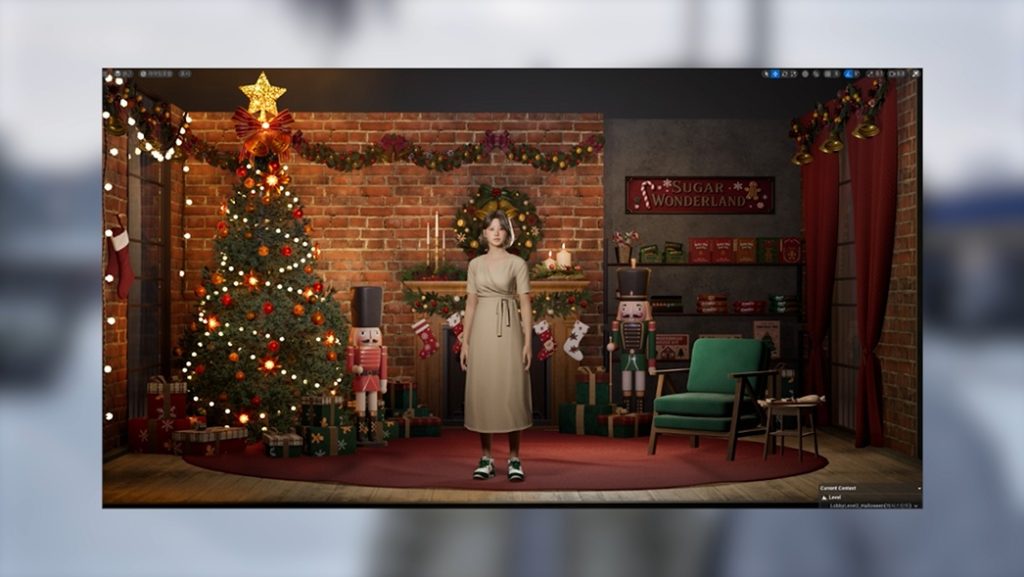
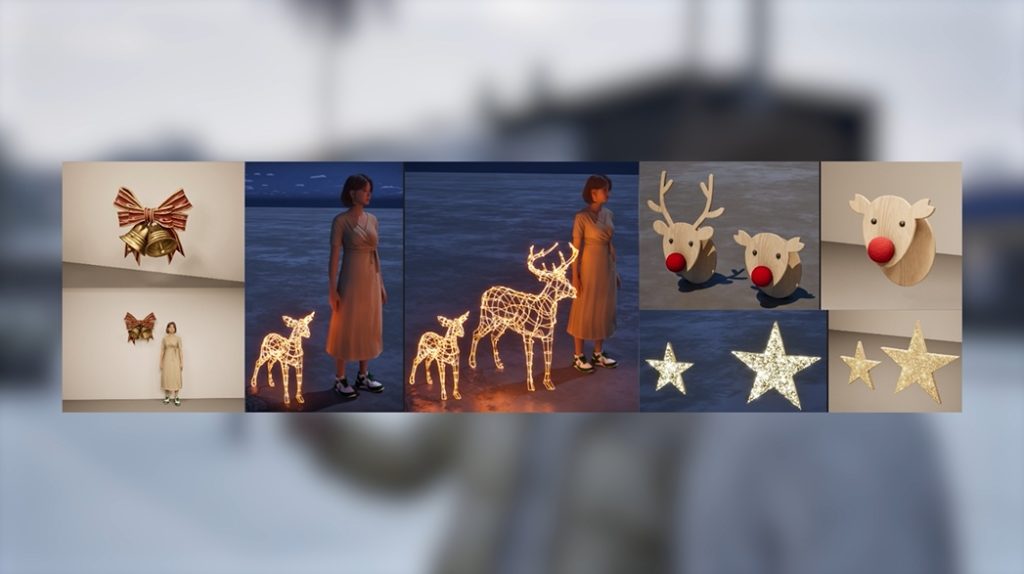
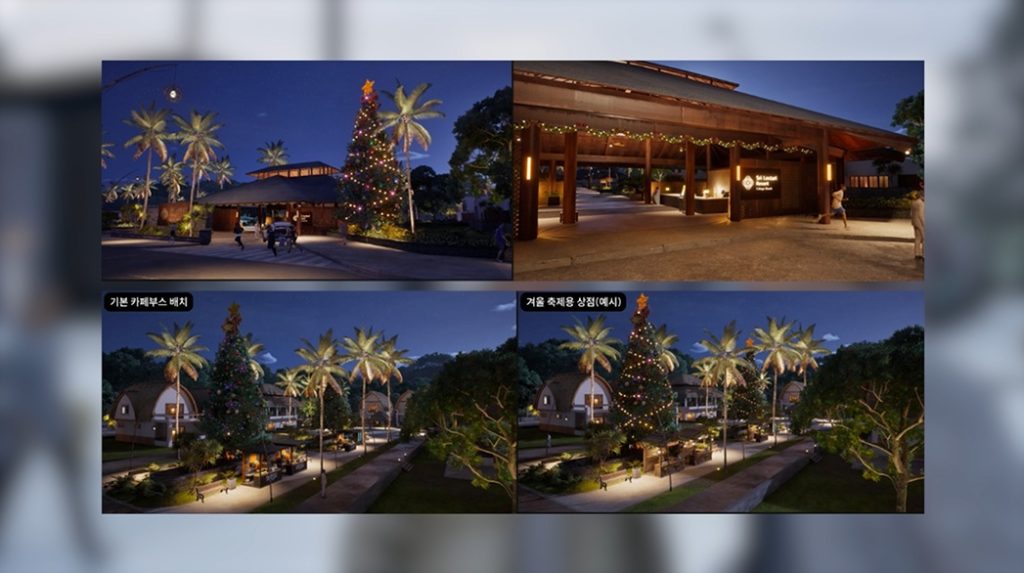
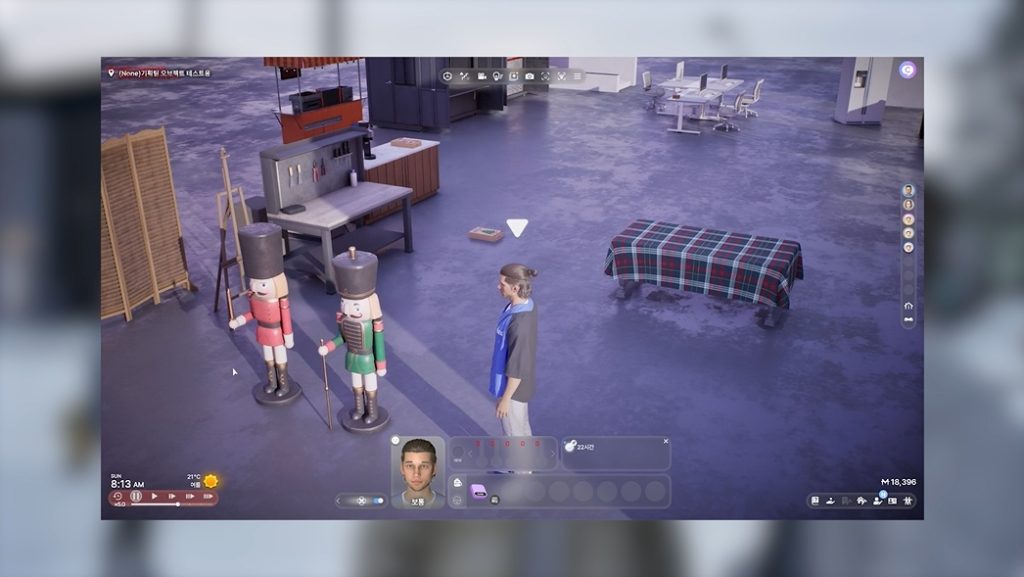
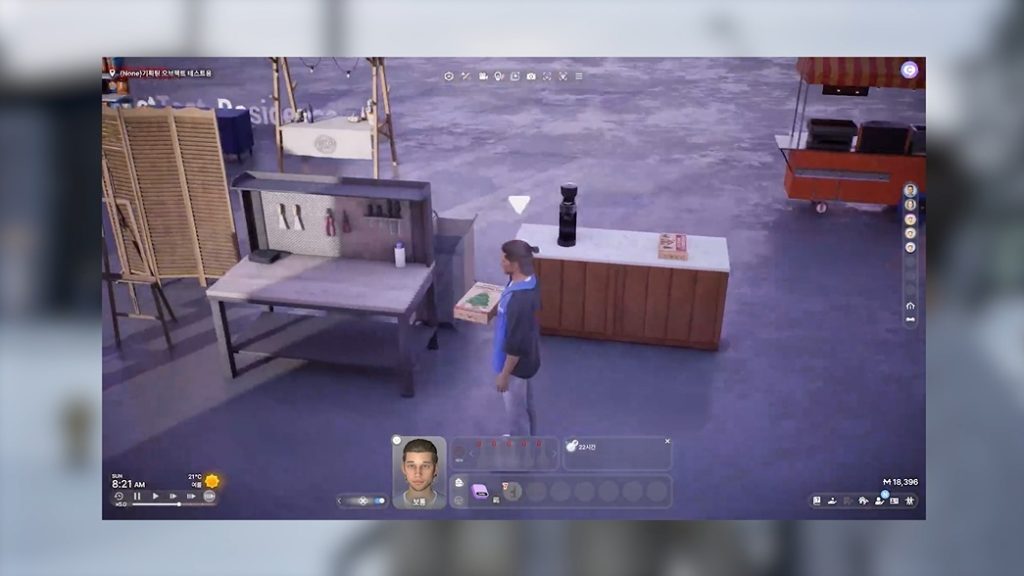
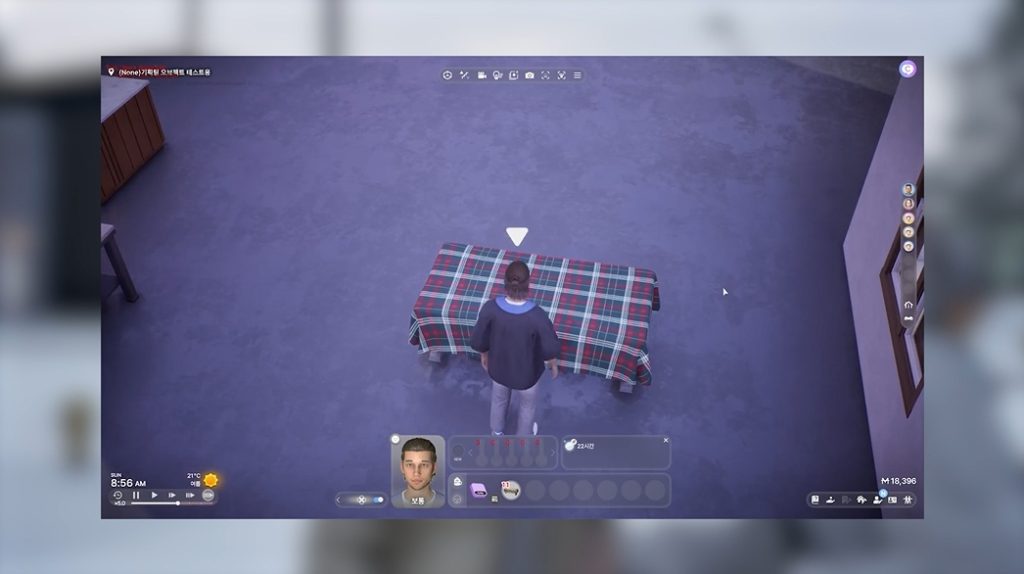
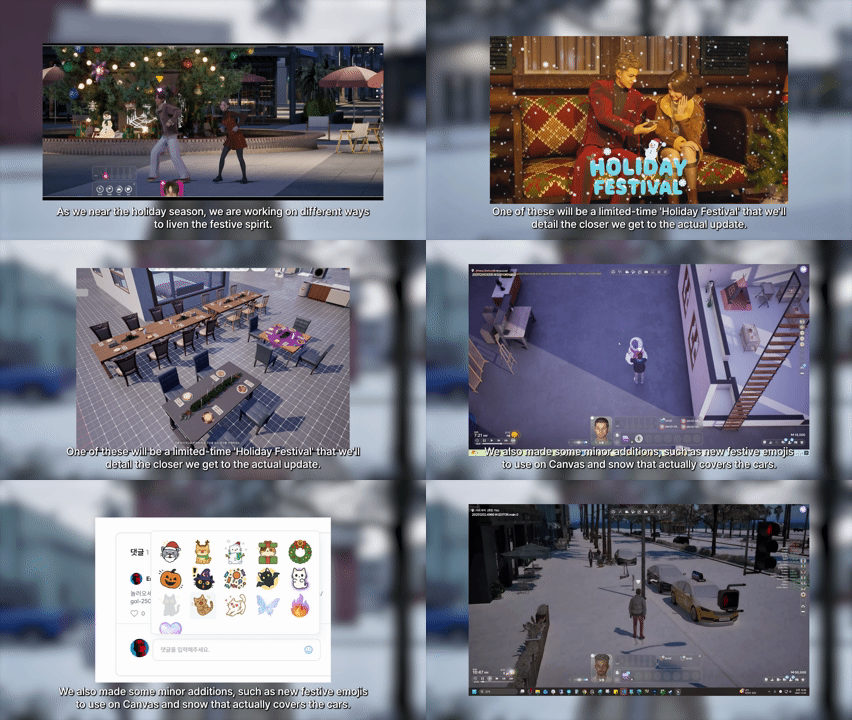
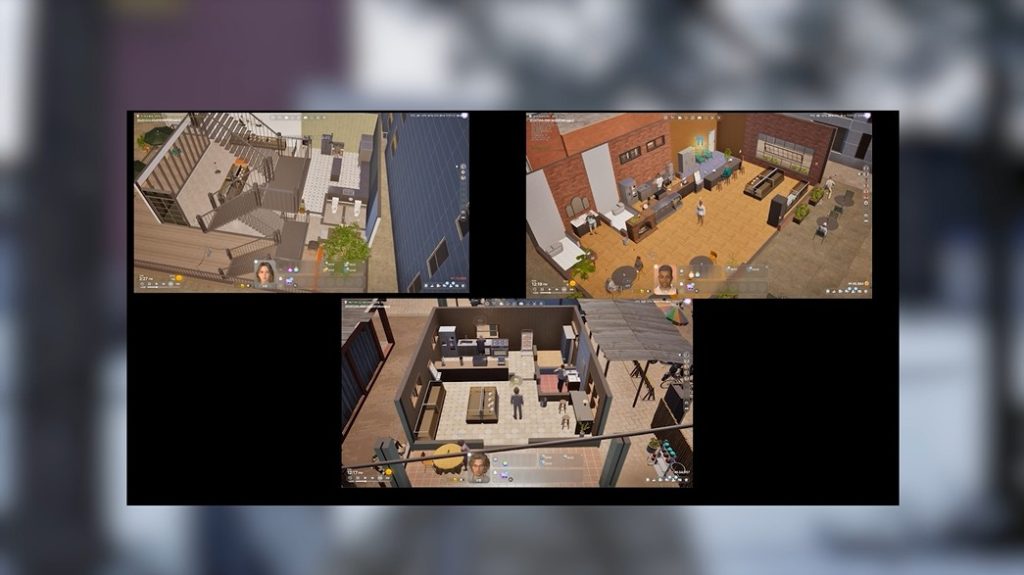
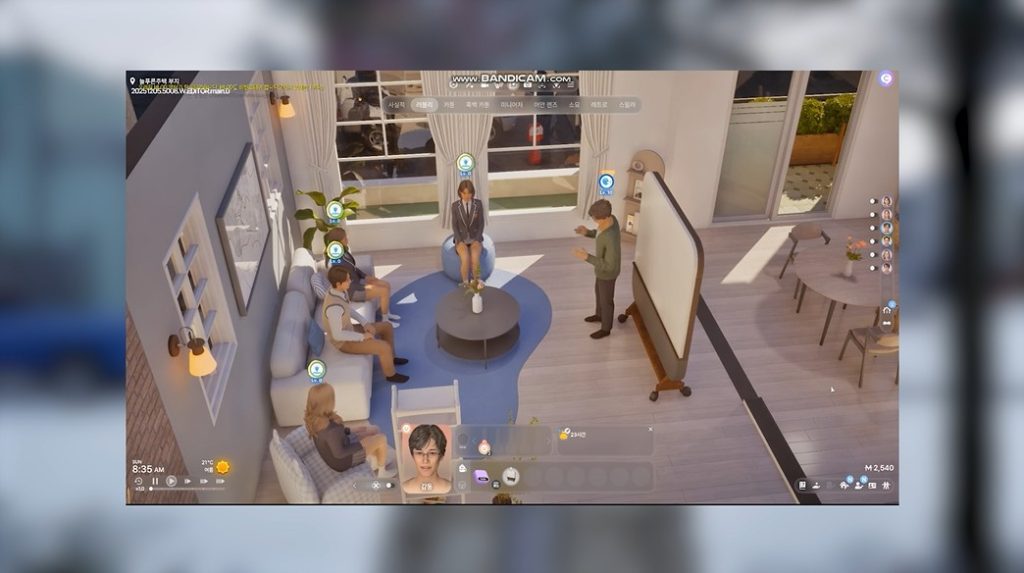
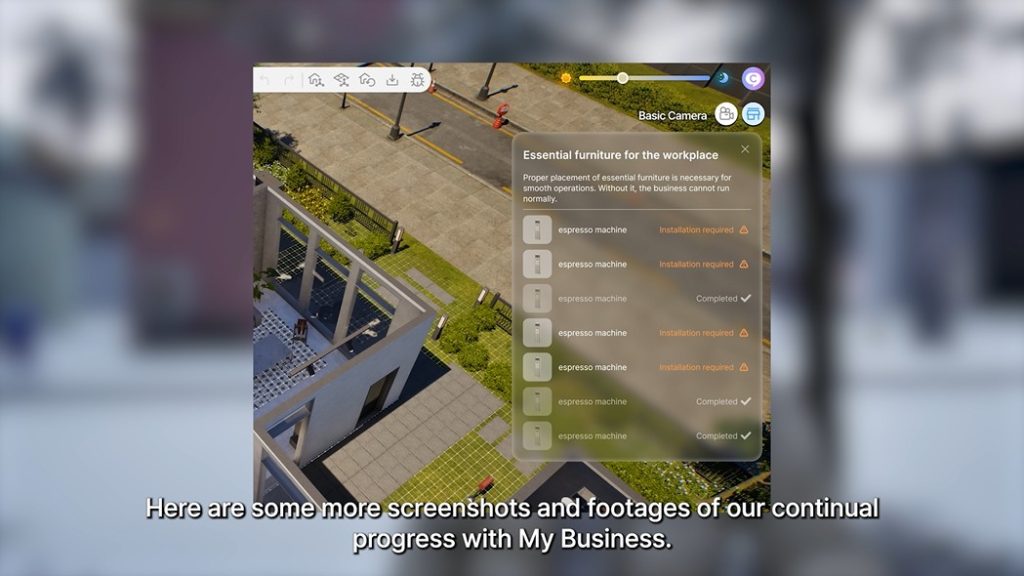
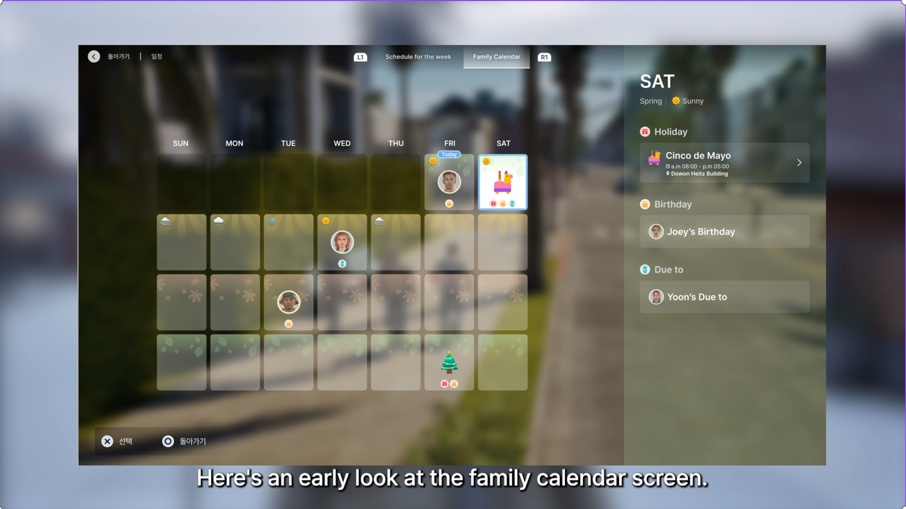
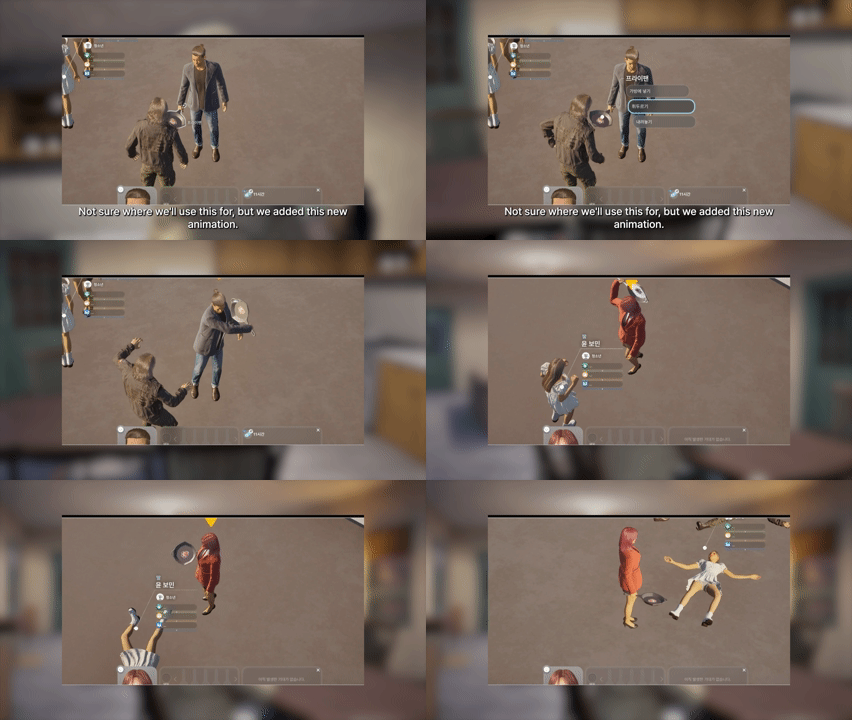
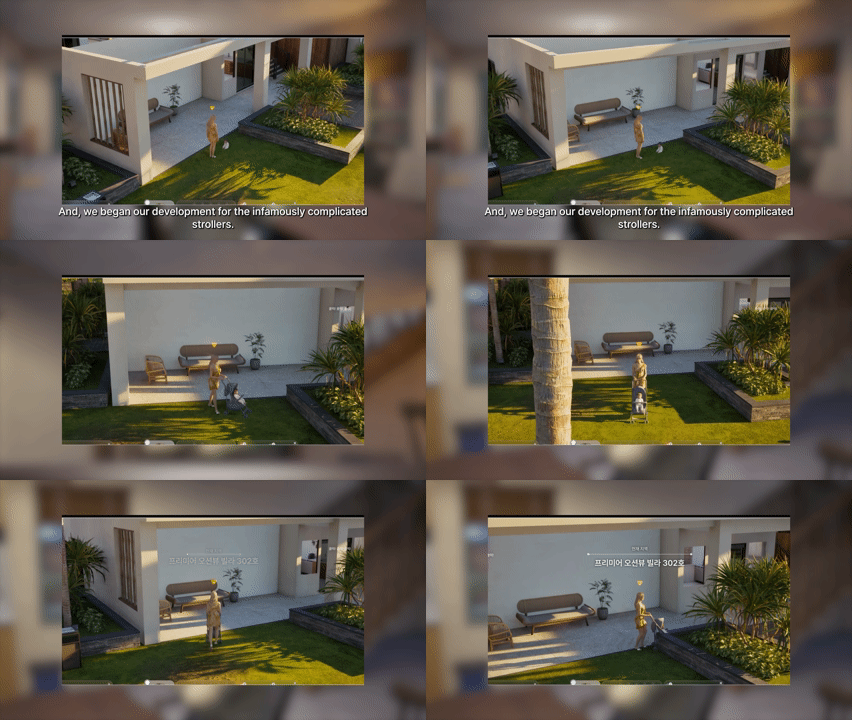
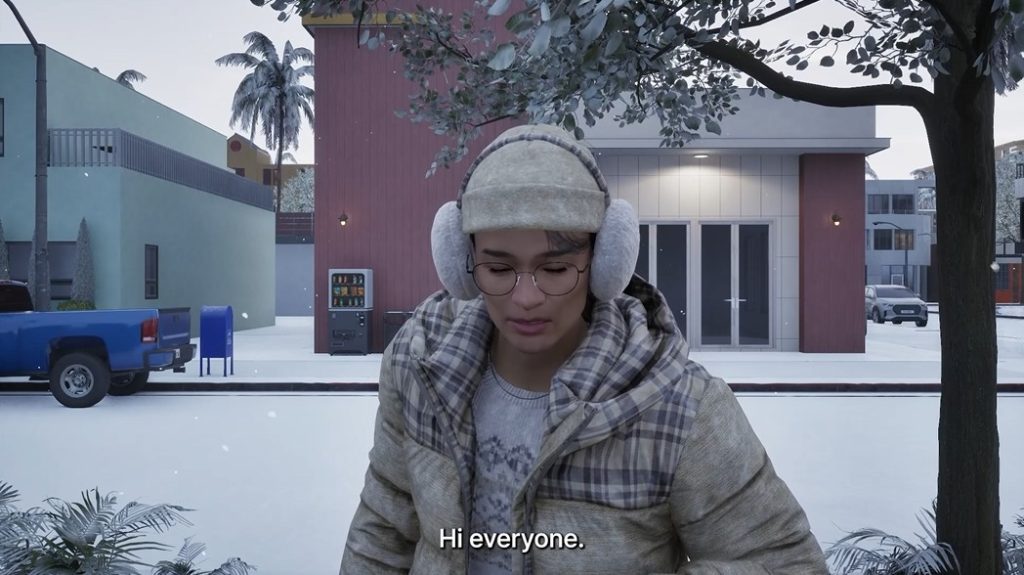
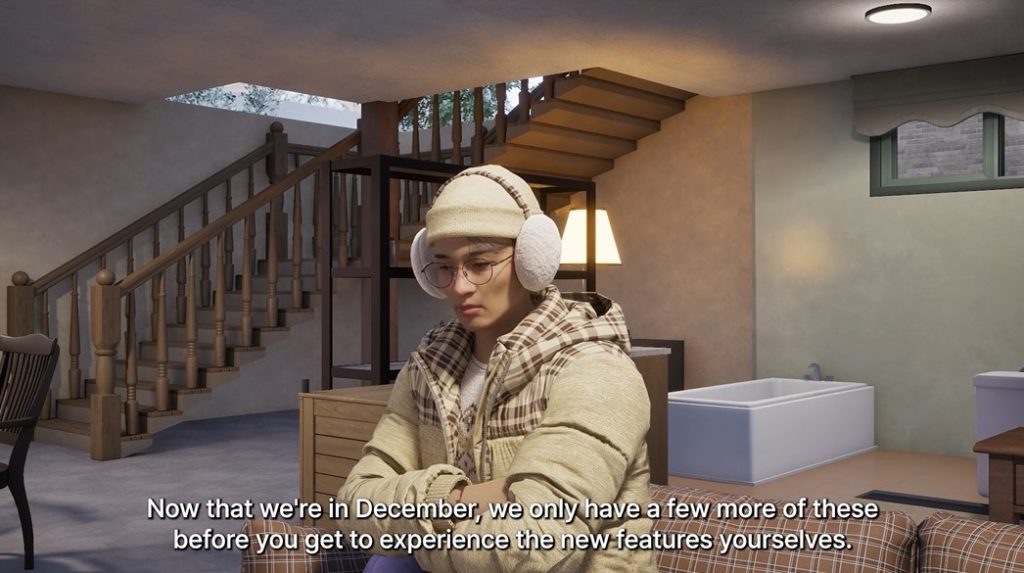
The team included some special preview screens of the update that you can check out below in our gallery.
And now for the official InZOI Update Patch Notes:
InZOI Update: December 23rd, 2025 Patch Notes
<inZOI v0.5.0 Update>
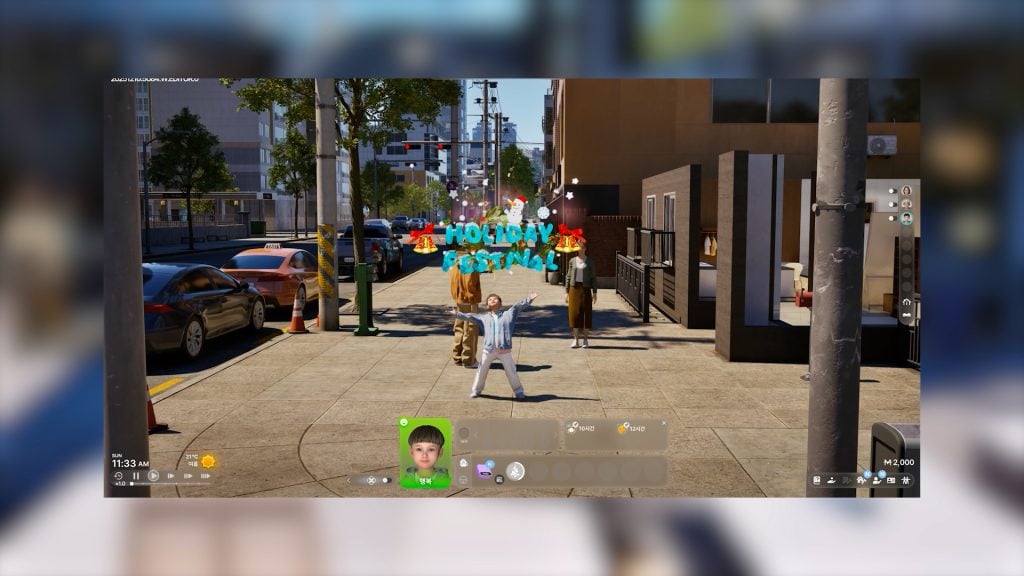
A new update is coming to inZOI, featuring new activities and improved simulations. Enjoy themed booths and gifts, and partake in the limited-time Holiday Festival event.
Explore a life of commerce or crime, and experience more detailed simulations using highly anticipated features like multitasking and group actions.
Usher in a happy new year with inZOI!
Holiday Festival
The holidays are coming to inZOI! Visit each city’s main parks to experience a limited-time exclusive festival featuring themed booths, gifts, and more!
Enjoy the festivities with snacks, gift boxes, and various activities that will make your Zoi’s holidays even more enriching!
* This event can be accessed by signing in to the game after the update and ends at midnight on January 31, 2026 (all local times).
○ Choir Performances
○ Choirs will sing carols in each city’s main park, filling the world with festive cheer.
○ Locations: Central Park (Dowon) / Liberty Square (Bliss Bay) / Barat Beach (Cahaya)
○ Time Available: 12:15 p.m. – 10:00 p.m.
○ Festival Gifts ○ During the Holiday Festival, special gifts will be delivered to your home.
○ Festival Starter Gift: When you accept the festival announcement text message, 5 Holiday Festival Gift Boxes will be delivered to your home. Open these boxes to receive up to 19 different build items.
○ Special Midnight Gifts: 1 Holiday Festival Special Gift Box will be delivered at midnight on the first and second nights of the festival. Open these boxes to receive up to 3 different build items.
○ Festival Booths ○ Special booths will be open during the Holiday Festival. These booths can be found in the main park of each city.
○ Snack Booth: Offers winter-themed snacks including candy canes, hot chocolate, and gingerbread cookies.
○ Gift Booth: Sells Holiday Festival Gift Boxes that grant up to 32 different limited edition building items, including garland decorations.
○ Ingredients Booth: Sells up to 3 different crafting kits that can be used to make your own cookies, including the Cookie Man Crafting Kit.
○ Weather Notice
○ During the Holiday Festival, the weather will not change automatically.
○ The special effects shown in event interactions are designed to pair well with snowy weather.
○ You can make it snow by using the City Appearance feature in City Map.
* Holiday Festival properties are updated automatically every midnight. If you are playing the game with a pre-existing save file, please use the property update feature or run Refresh Property Manually by going to Game Options – Gameplay – Other.
Business Gameplay: Boss From Now On
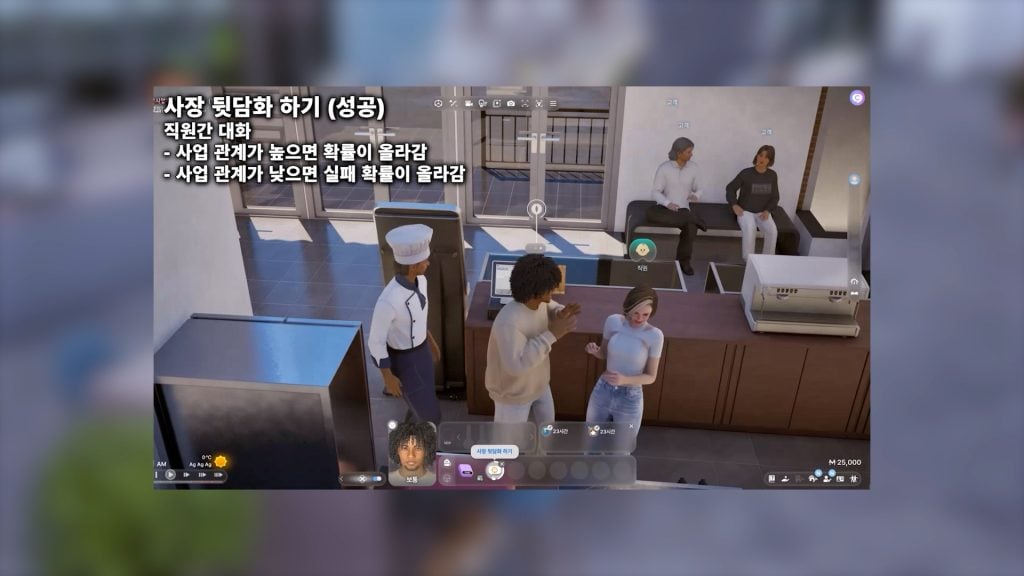
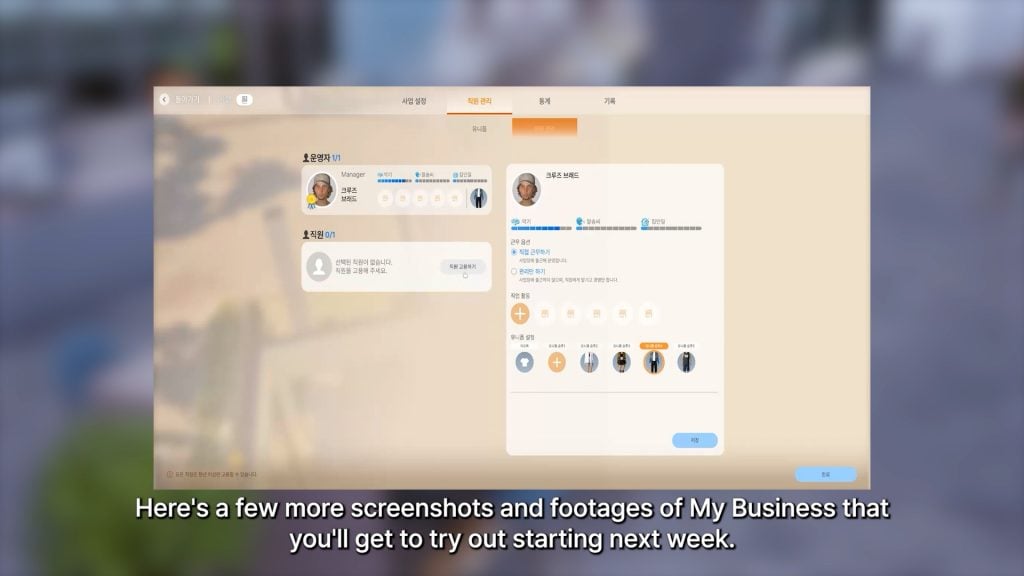
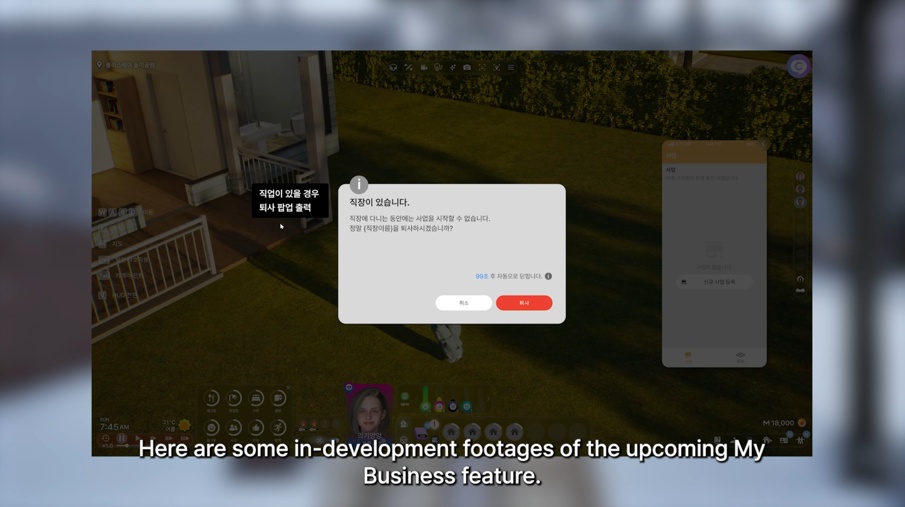
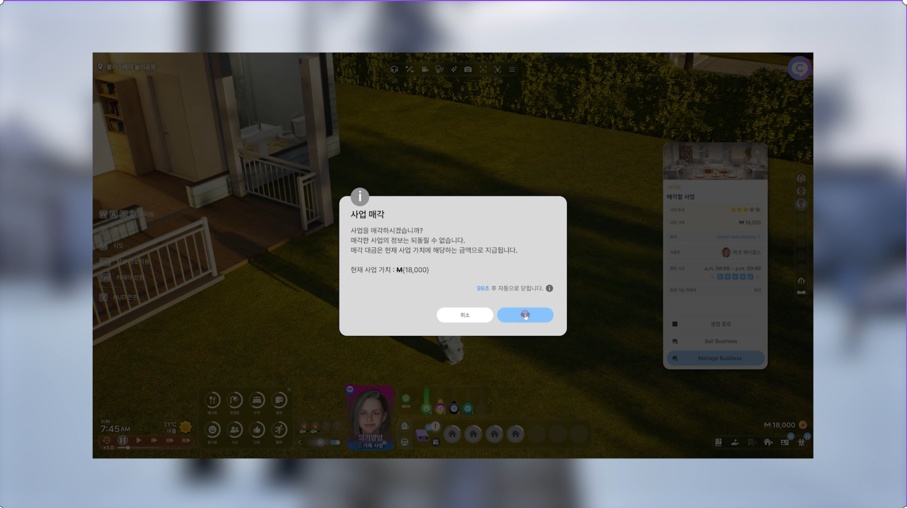
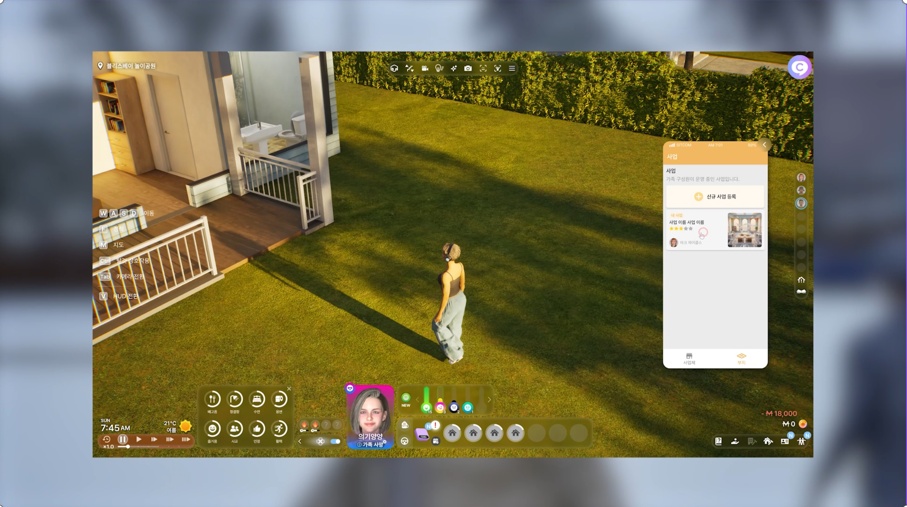
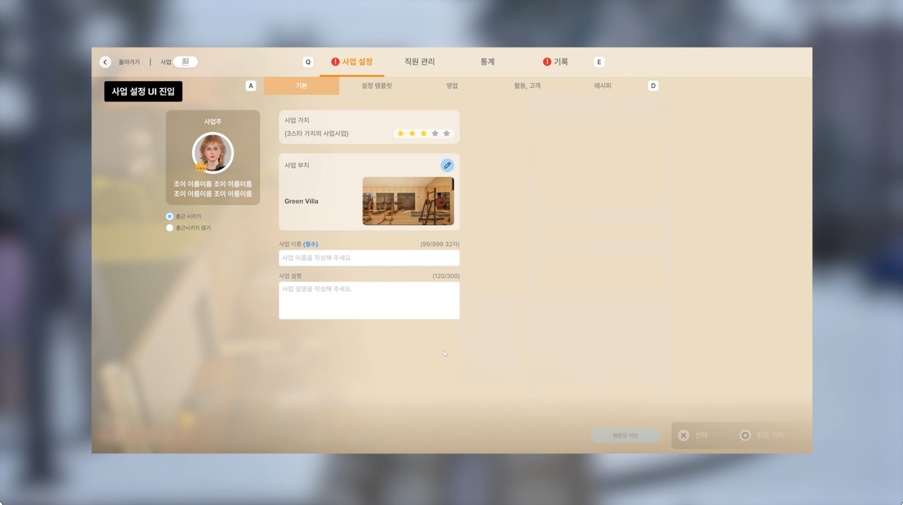
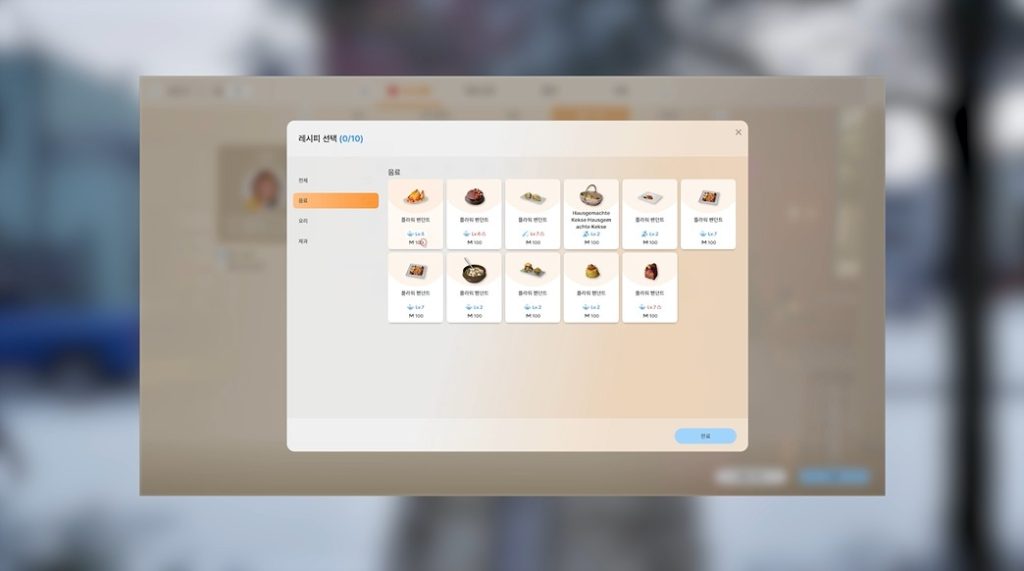
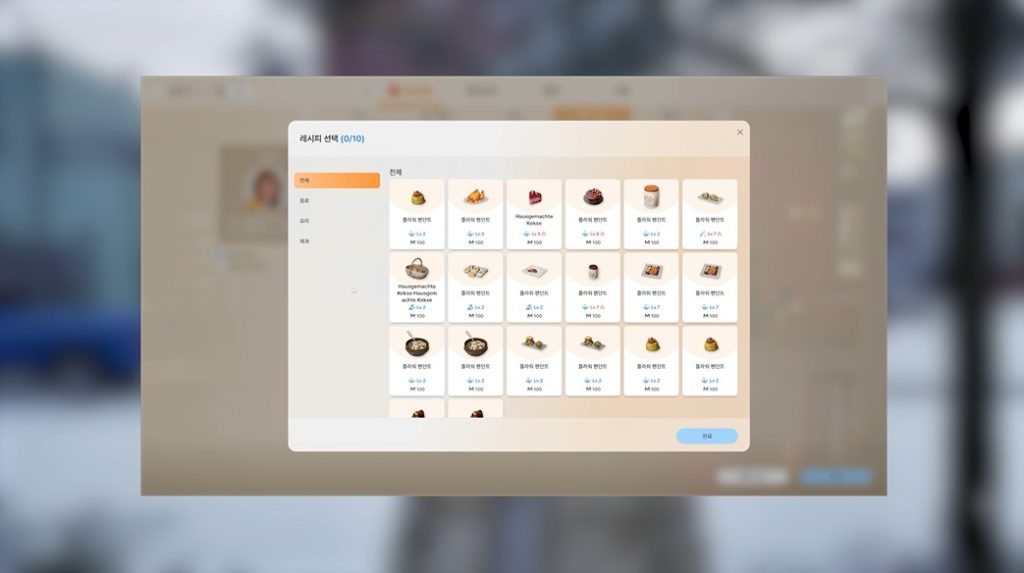
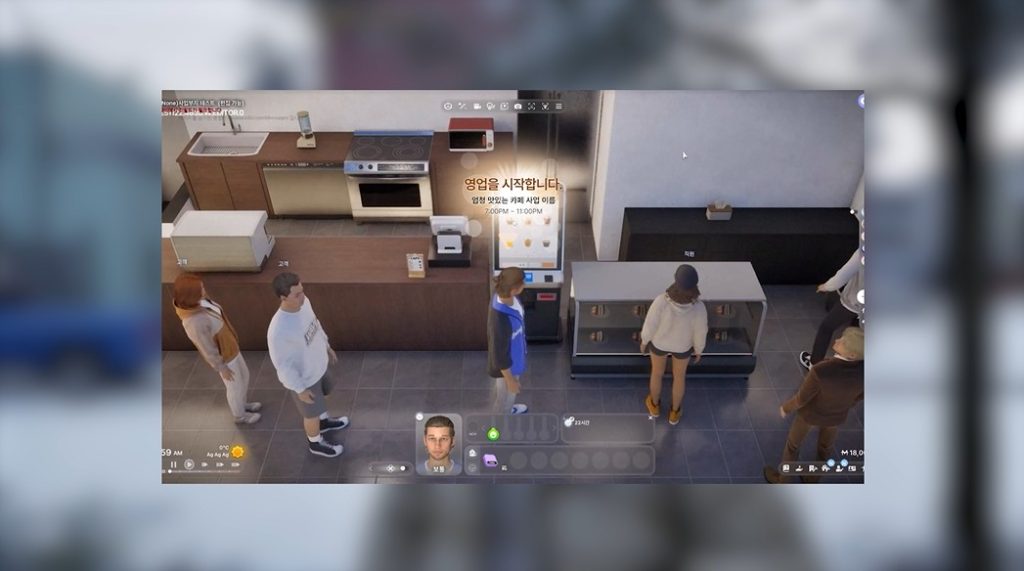
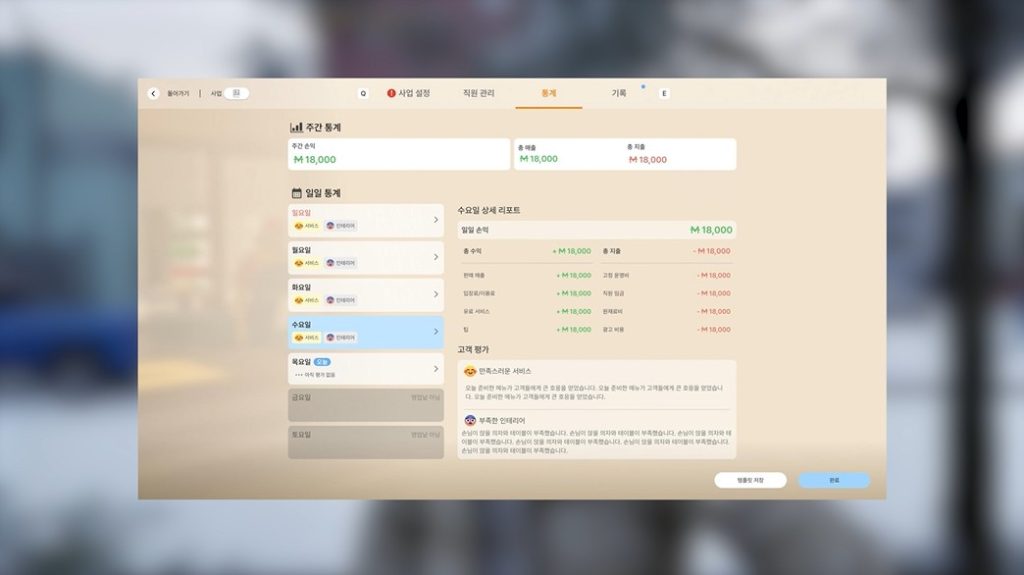
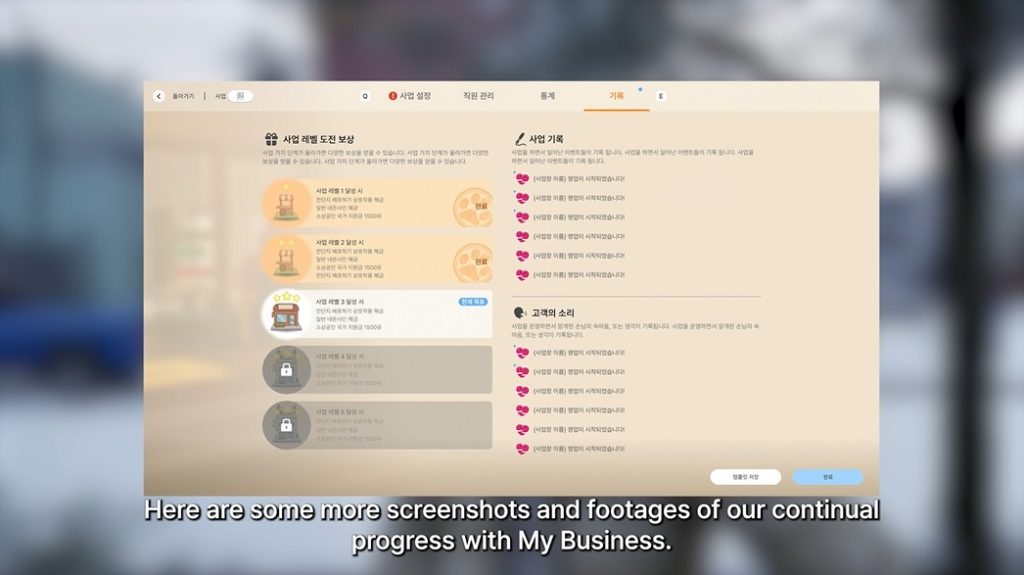
With this update, Zois can now open and run their own businesses. Choose a business preset to set the types of services and activities supported by your business. Take on various managerial duties, from hiring and paying employees to finding a customer base.
Start your own business today!
● Business Presets
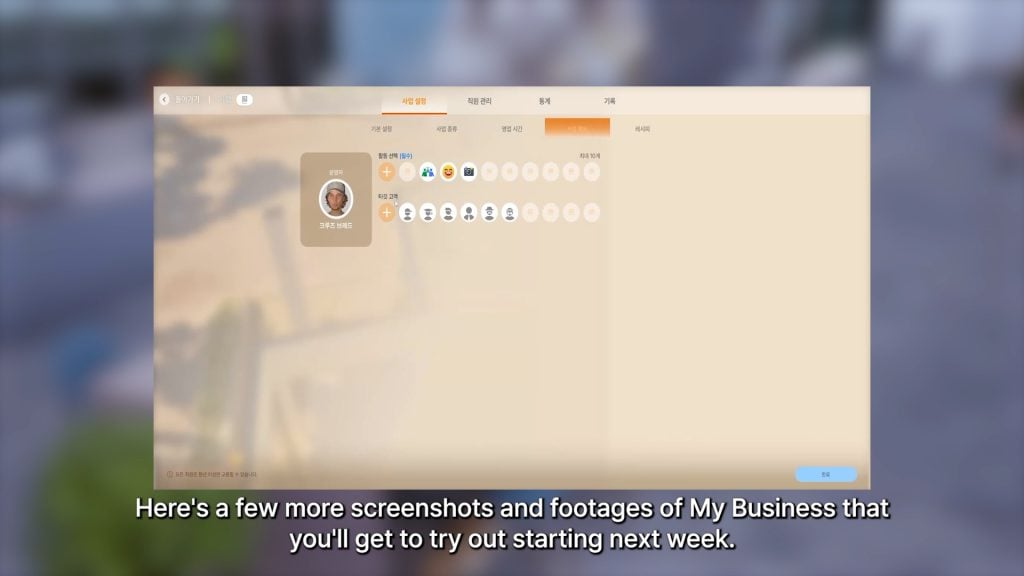
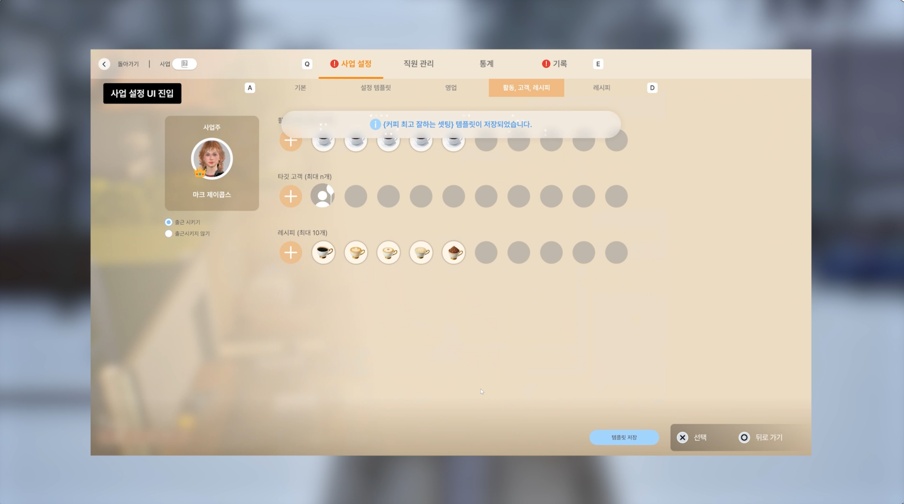
○ [Business Types] Select presets based on business types to automatically set customer activity. Different presets are available for various types of businesses, including cafes, bakeries, restaurants, and bars, and each preset automatically configures a management environment suited to that business type.
○ [Business Activities] Use the Manage Business menu to select presets based on the services provided by your business. These presets will automatically set activities to match your establishment’s needs, from “Drink Coffee”, “Eat” and “Read a Book” for cafes to “Order” and “Drink a Beverage” for restaurants.
■ * More business presets will be added in future updates.
● Franchise Management
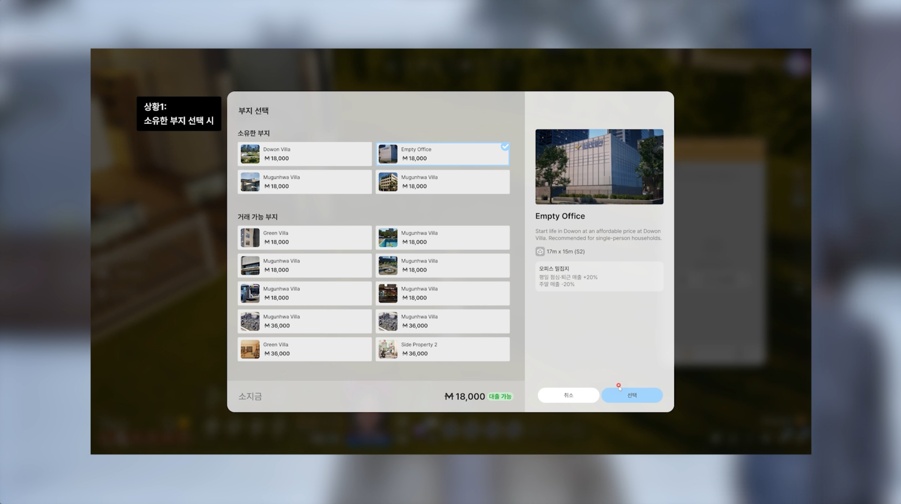
○ [Multiple Store Management] Multiple businesses can be owned by a single household, allowing players to run several establishments within the same industry or a franchise that spans multiple industries.
○ [Managing Businesses] Businesses are managed independently of property, allowing them to be moved to other properties or passed on to the household’s eldest member upon marriage or separation.
● Employees
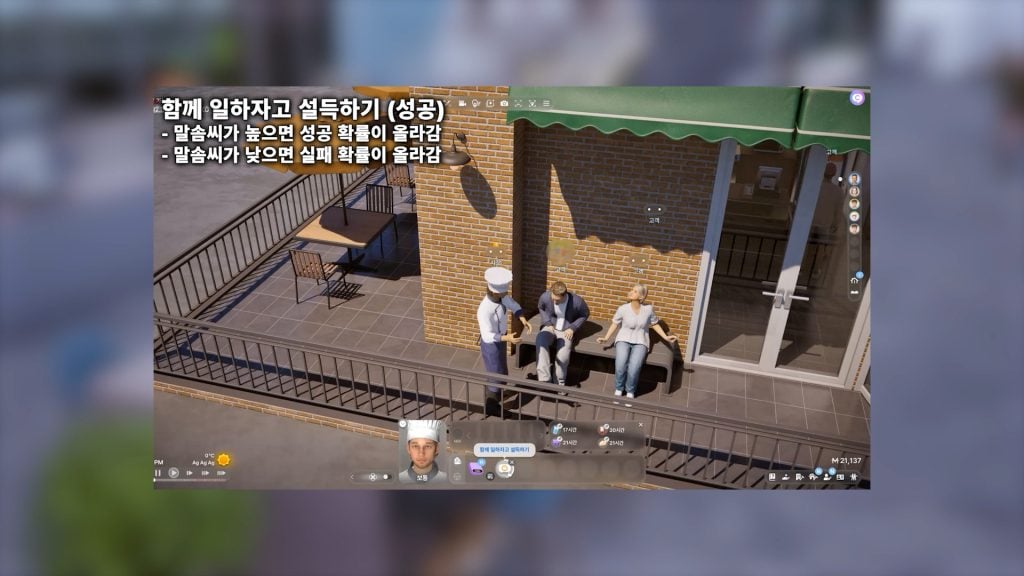
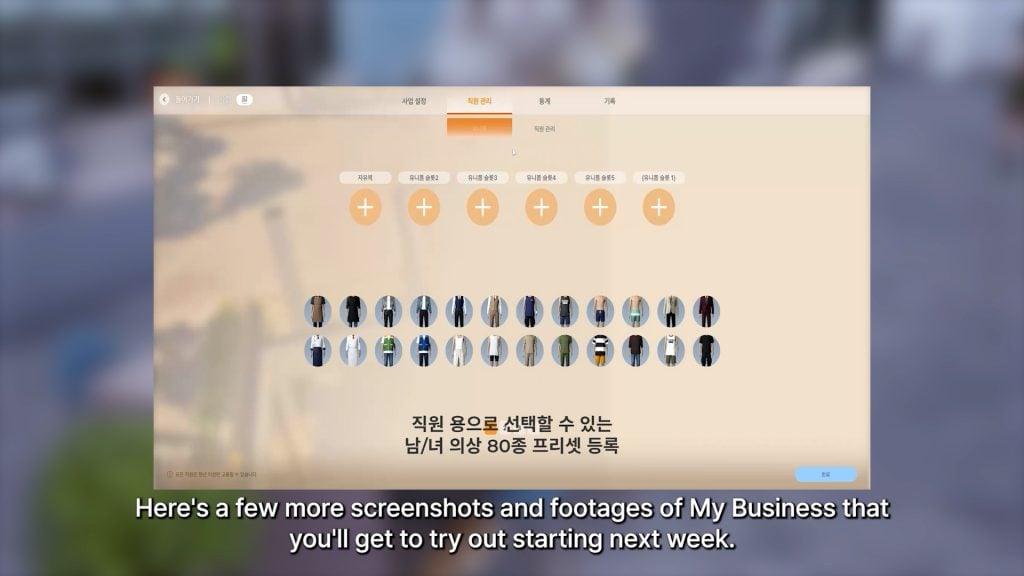
○ [Employee Hiring and Placement] You can hire acquaintances orhousehold membersas employees. As your business level increases, you will be able to hire more employees. Select an employee to view their main skills and assign them tasks that suit them best, be it kitchen duties for Zois with excellent cooking skills or service roles for those with rhetoric skills. ■ * If a hired employee already has an existing job, they will automatically resign from it before joining your business.
○ [Salaries]Employee salaries are calculated based on business level, salary rank, and working hours and are paid out after business hours. Employees can negotiate salaries through conversations, and long working hours may affect your relationships with them.
○ [Employee Autonomy]Employees will automatically perform tasks assigned to them, including taking orders, cooking, preparing drinks, displaying items, handling payments, cleaning, making repairs, and watching the counter as needed. ■ * Employees must be Young Adults or older and will automatically clock in and out according to business hours.
● Business Operations
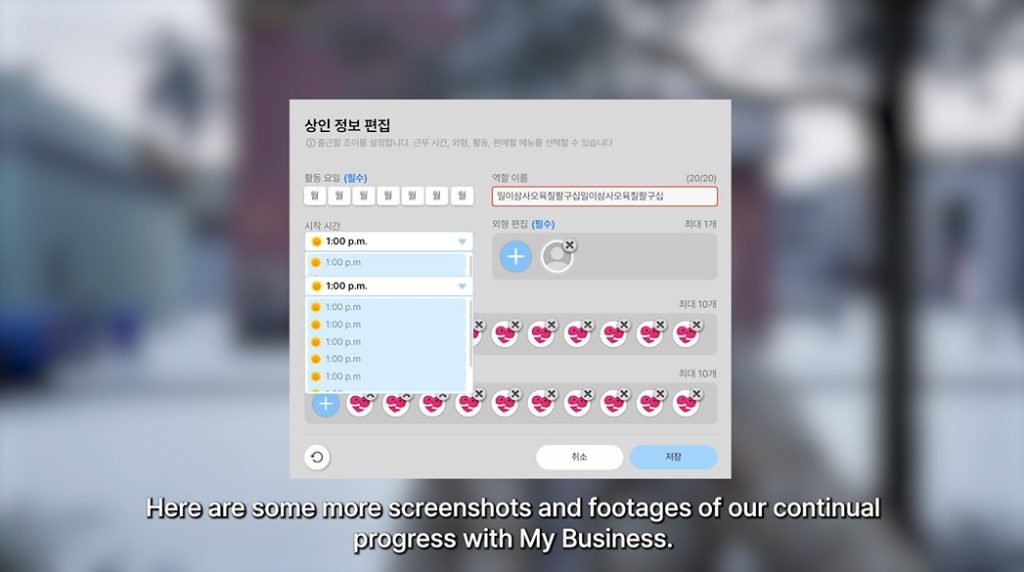
○ [Manage Business Hours] Businesses open on set business days and hours. Business hours can be set to carry over to the following day.
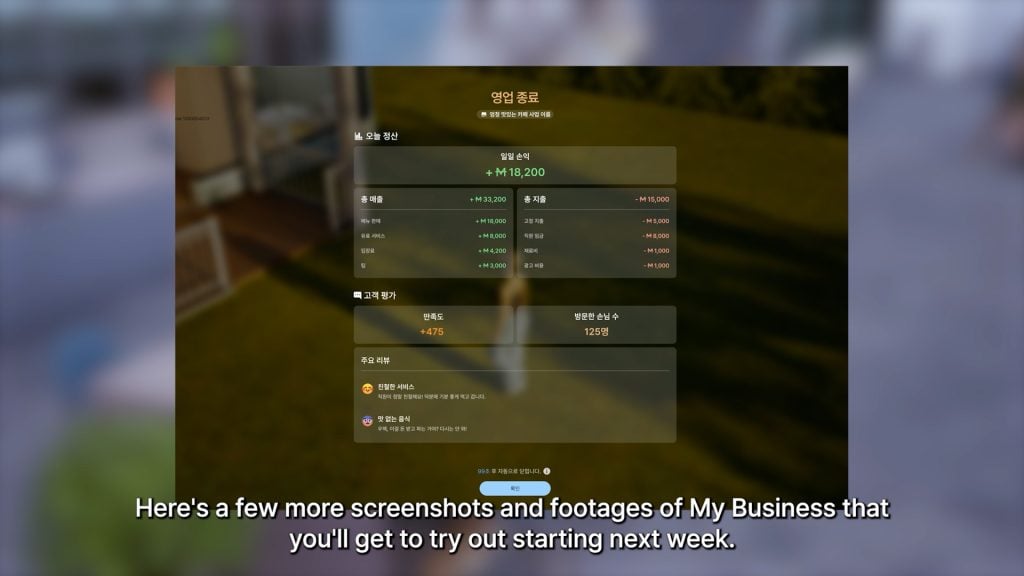
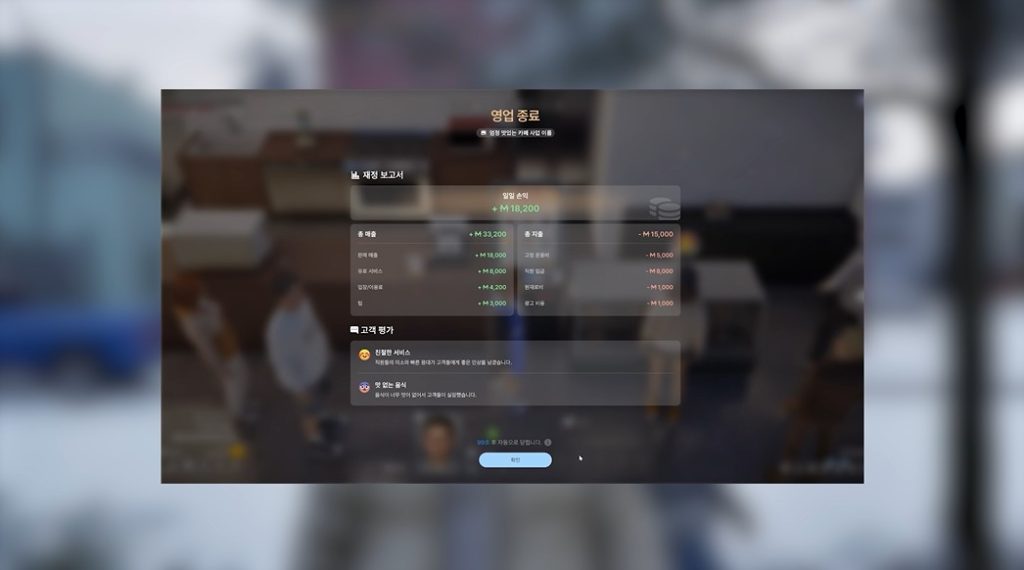
○ [End of Day Operations and Accounting] At the end of each business day, both employees and customers will automatically vacate the premises. Profits will also be calculated and logged at this time.
● Customers
○ [Customer Visits] Customers will automatically visit your establishment during business hours, staying for a set duration to use the services provided. Businesses with higher values will attract more customers.
○ [Target Clientele] Attract the customer base that best suits your business by setting the age group of your target clientele.
● Satisfaction Management
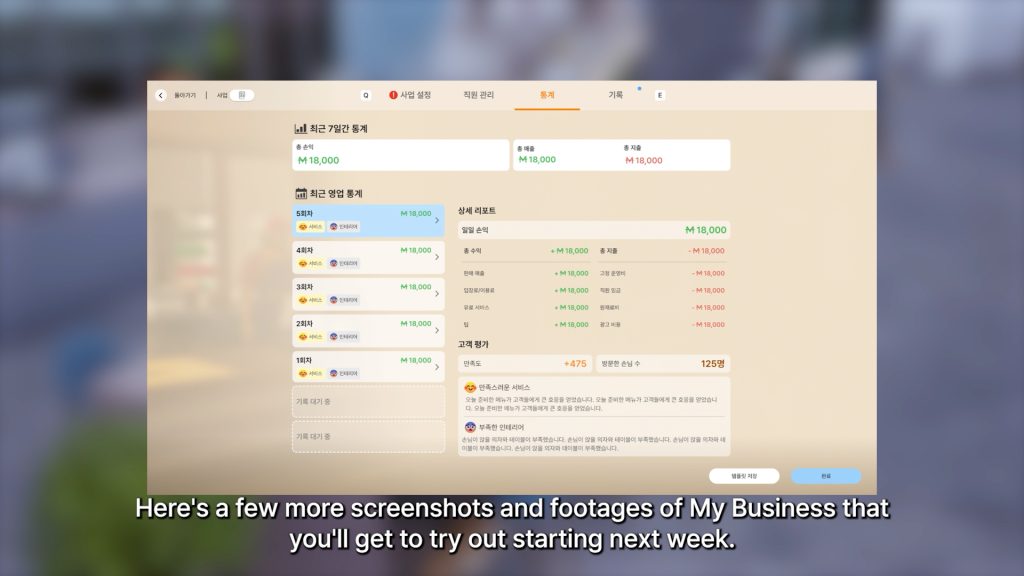
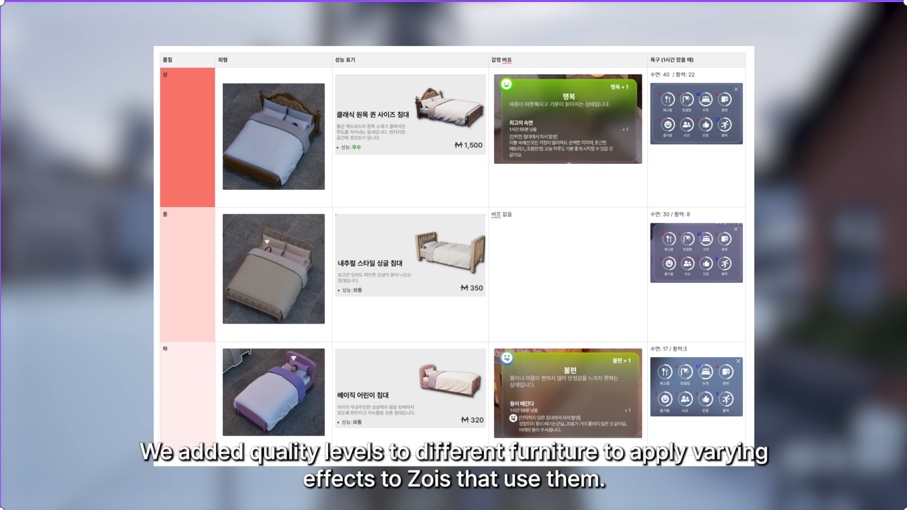
○ [Customer Satisfaction] Customer satisfaction serves as a key indicator of business value growth and is measured based on various factors, including your relationship with the business owner, furniture quality, suitable prices, the frequency of using business activity services, employee responsiveness, and overall service quality.
○ [Real-Time Feedback] Customer satisfaction will be displayed in real-time through customer thought bubbles. Customer reviews shown at the end of each business day also serve as a source of detailed feedback. You can also ask customers for “Feedback” or gather tips by using the self-interaction option or by selecting “Search for Tips to Improve Customer Satisfaction” on a computer.
● Profit Management
○ [Automated Settlement] Profits are calculated and logged at the end of each business day. Each business’s total income, total expenses, and net profit can be viewed in the Profit Summary menu, allowing you to adjust your business strategy accordingly.
○ [Flexible Pricing] Service costs can be set in tiers from the Manage Business menu, allowing you to apply discounts or premium pricing to entrance fees and item prices. ■ * Higher business values lead to higher customer expectations, increasing the basic level of service demanded by customers.
● Running a Successful Business
○ [Customer Attraction and Service] The success of your business rests on your ability to attract and satisfy customers. Boost customer satisfaction and business value by placing the right furniture, using the right employees, and setting the right prices.
○ [Business Value Growth] The value of your business increases according to the level of customer satisfaction. Businesses with higher values attract more customers, allowing you to hire more employees and expand your business even further. ■ * Higher business values lead to higher customer expectations, increasing the basic level of service demanded by customers.
● ※ You cannot use City Travel if you are engaged in any business-related activities. ○ This includes owning a business property, having a registered business, or being employed by a business.
○ To use City Travel, you must sell all businesses and business properties, or resign from your business employment.
※ With this update, new business properties have been added to existing cities. When continuing a previous save, you must perform a Refresh Property Manually to ensure normal gameplay. You can also manually refresh properties by going to Game Options – Gameplay – Other – Perform Refresh Property Manually.
Crime
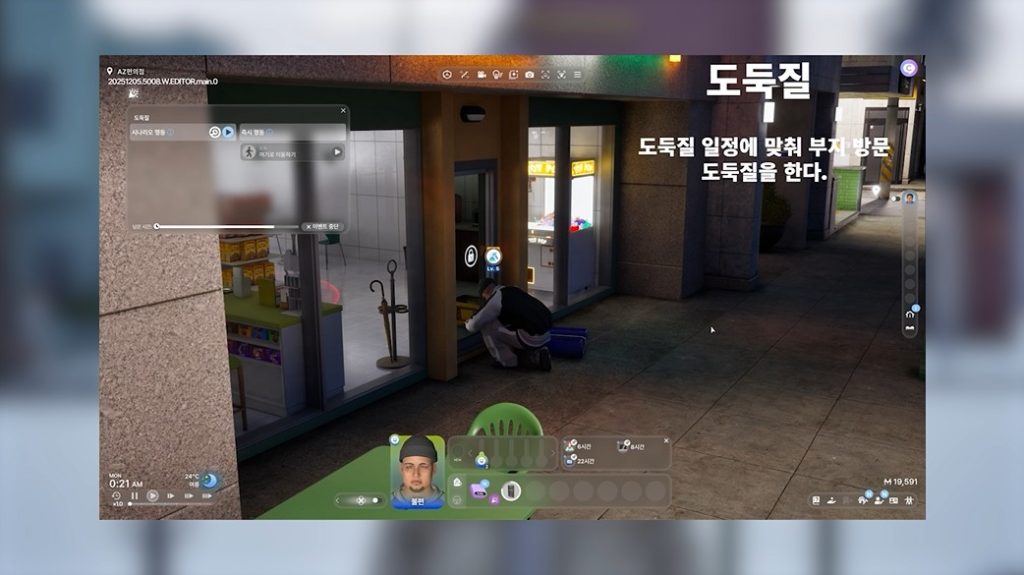
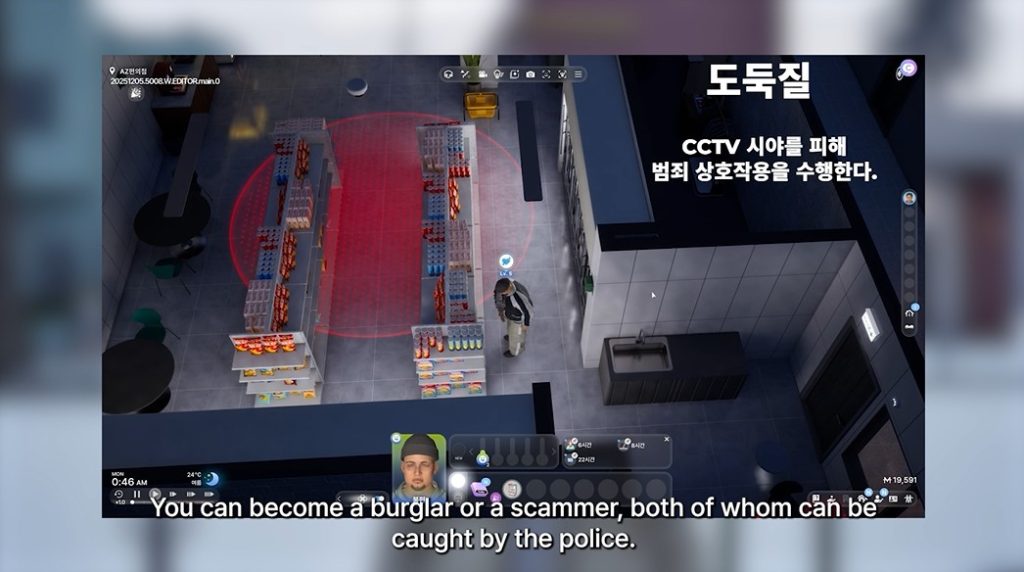
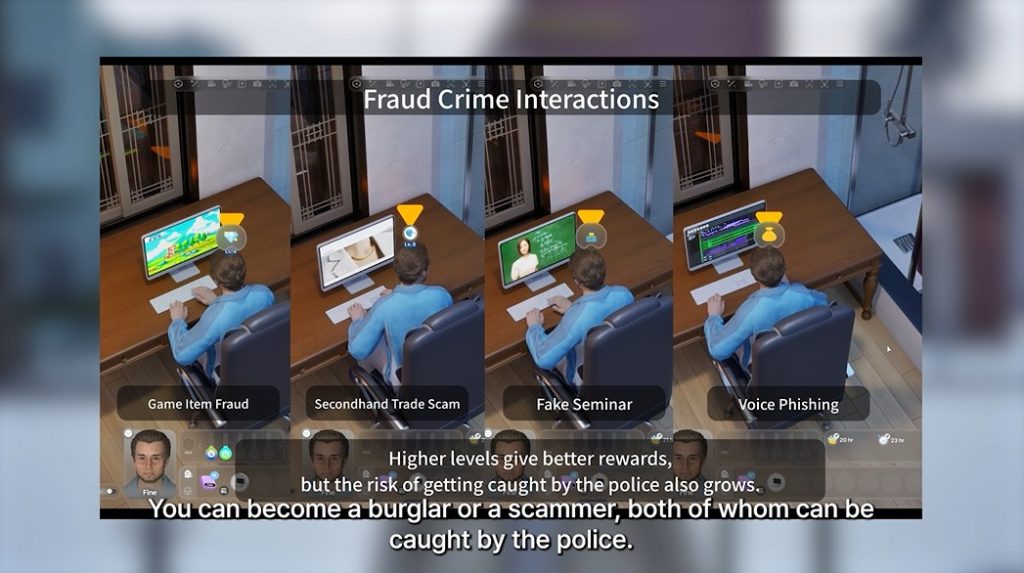
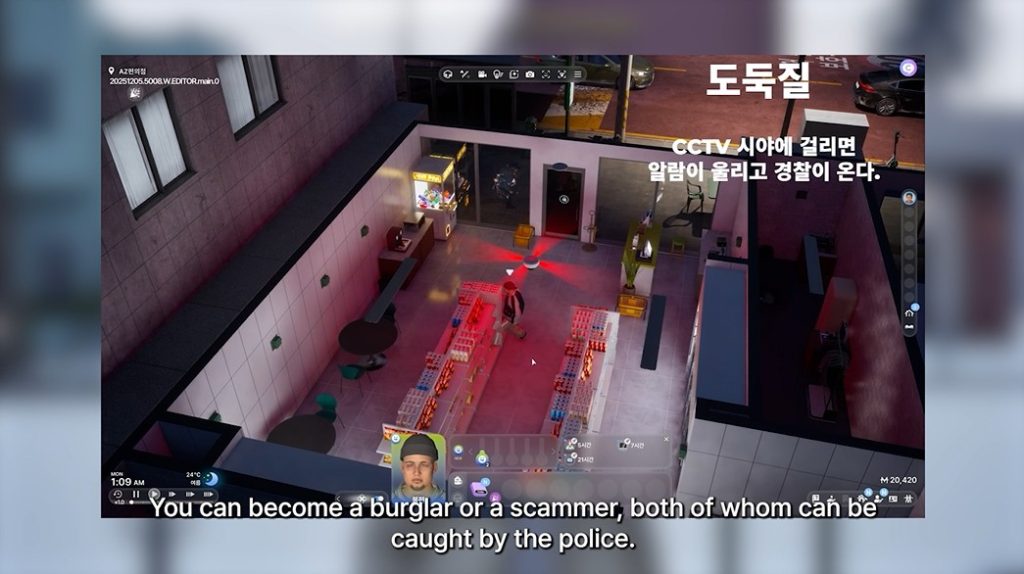
Not all Zois have to lead honest lives. With this update, Zois can now scam and steal their way into a life of crime, opening the door to a path paved in both danger and delight.
* Crime-related features are currently in the early stages of development and will be updated with additional content in the future. Currently, only Young Adult and older Zois can commit crimes.
● Thieves
○ Become a thief and break into property to steal items!
○ Various thief interactions have been added, including “Pick Door Lock”, “Break Down Door”, “Open Safe”, and “Sabotage Surveillance Camera”.
○ The success rates of thief interactions are influenced by Handiwork, Programming, and Fitness skills.
○ Some properties may have traps such as surveillance cameras and alarms installed.
● Scammers
○ Scam other Zois for a chance to strike it rich!
○ Various scammer interactions have been added, including “Attempt Voice Phishing”, “Scam In-Game Items”, “Impersonate Charity Worker”, and “Hold Fake Seminar”.
○ The success rates of scammer interactions are influenced by the Rhetoric and Critical Thinking skills.
● Crime Interactions
○ Zois that meet one or more of the following conditions will unlock the first crime interaction available at Crime Skill Lv.0: ■ Owns 2,000 Mew or less, or is struggling due to excessive debt
■ Is under significant psychological stress from lack of family support or ongoing family conflict
■ Has the Rulebreaker trait or the Malicious characteristic
● Suspicious Job Agency
○ The Suspicious Job Agency has been added, allowing Zois to take on shady jobs and collect crime information.
○ Use the Agency’s Bulletin Board to purchase crime information.
● Crime Scores
○ When a Zoi witnesses a crime, they will report it to the police. The responding officers may then issue an immediate fine or take the Zoi into custody.
○ Performing crime interactions increases a Zoi’s crime score.
● Wanted Status
○ Thieves who successfully escape the scene of a crime may be placed under a wanted notice for one day and will be put under arrest if they encounter the police during this time.
○ The wanted period lasts up to one day.
Trials
A life of crime has its consequences. Some Zois may find themselves under arrest and forced into trial after meeting certain conditions. Outcomes are determined by choices made both before and during the trial, and Zois can appoint lawyers to improve their chances in court.
In addition to being a form of punishment, trials add additional depth to a Zoi’s life.
● Arrests
○ Zois with a low crime score will receive a fine if they are arrested.
○ Zois whose crime score exceeds the threshold can be immediately arrested by the police.
○ Zois placed under immediate arrest can post bail to secure time to prepare for their trial.
○ After being arrested, Zois who post bail will be released, while those who do not will remain in a detention center until the trial begins.
● Appointing Lawyers
○ You can appoint a lawyer by selecting your Zoi.
○ Free lawyers provide limited assistance, while elite lawyers offer better chances of reduced sentences or acquittal.
○ When a lawyer is appointed, a trial preparation mission will be assigned, and its results will directly influence the opportunity cards that appear during the actual trial.
● Trials
○ Trials will usually result in a guilty verdict. Not-guilty verdicts are difficult to secure and require special preparation. Failed attempts at acquittal may lead to even harsher sentences.
○ Depending on the outcome, Zois may either be acquitted, fined, or placed under police custody.
○ The trial proceeds automatically, but choosing the correct answers for the opportunity cards that appear during the trial can help reduce your sentence.
● Courts
○ New court properties have been added. Zois scheduled to stand trial must visit these properties on their designated trial dates.
* In this update, trials for “Traffic Accidents” will not take place. As before, Zois will be sent directly to jail. This will be improved in a future update.
Gameplay
New features have been added to make each Zoi’s day flow more naturally, including multitasking and group actions that allow multiple Zois to perform actions together.
Urges and emotes have also been refined to be more realistic, offering players with a more detailed and immersive experience.
New Features
● Group Interactions
○ Zois can now be grouped together.
○ Zois within a group will prioritize interactions and conversations that involve other members of the group.
○ Certain cooperative interactions can only be performed by Zois in groups.
○ Group members can applaud and cheer for other Zois in the group.
● Multitasking
○ Zois can now perform certain actions simultaneously. These include the following: ■ Talking while eating.
■ Talking while using computers.
■ Talking while reading books.
■ Eating while watching TV.
○ Pathfinding has been improved for Zois in conversations. ■ Zois will now move to the position that best suits the situation. ● For example, Zois will prioritize sitting at a location that allows them to face other Zois.
● * Known Issues
○ Multitasking features for autonomous actions will be added in the future.
■ Currently, multitasking is only supported for autonomous actions that involve talking or checking smartphones.
○ Multitasking features will be updated to feel more natural.
■ Animations that play during multitasking will be updated to feel more natural
■ Updates will be introduced to make multitasking actions involving other Zois to feel more interactive
○ The types of situations that support multitasking will be expanded.
■ Talking while cooking
○ UX improvements will be made for multitasking features.
■ Multitasking actions will be shown in the queue.
○ Players may encounter other unnatural animations and situations when using multitasking features.
■ Holding an item while talking may cause the held item to temporarily disappear
■ Reading a book while talking may cause unnatural animations where the reader repeatedly opens and closes the book
● New Characteristics
○ The new Workaholic characteristic has been added.
■ Zois with this characteristic tend to be driven and diligent workers who feel anxious when they are out of work.
■ This characteristic cannot be chosen with the Recluse trait or Slacker characteristic.
● New Skills
○ Baking ■ The Baking skill has been added, giving Zois the ability to make baked goods separate from the Cooking skill. Fire up your oven to bake a variety of desserts, ranging from cookies to cake.
○ Drink Mixing ■ Zois can use mixers to concoct various drinks ranging from freshly-made fruit juices to colorful cocktails. The types of drinks that a Zoi can mix depends on their age and the objects currently available to them.
○ Crime ■ The Crime skill allows Zois to commit various crimes ranging from theft to scams. This skill is currently under development and can currently only reach up to Level 5.
● New Properties
○ A Flower Shop has been added to all cities. ■ You can purchase bouquets by selecting the Flower Shop Basket at the counter.
■ We plan to improve this in the future so that bouquets can be purchased directly from staff.
○ A Theater has been added to Dowon and Bliss Bay. ■ However, it is currently still under construction and cannot be accessed.
■ In a future update, the Theater will be improved so that staffturn on the screen at set times and customers enter to watch the show.
● Set Table for Year-End Event
○ Perform the “Set Table for Event” – “Set Table for End-of-the-Year Event” interaction to set tables for a year-end event.
○ Use the “Clear Table” interaction to clear the table of all accessories.
● Family-Size Recipes
○ Preparing meals in large quantities has now become much more convenient. Cook multiple servings at once to put various dishes on the table.
● Vehicles
○ Jet skis and hovercrafts have been added.
Improved Features
● Urges
○ Special Urges ■ Special urges will now appear when a Zoi undergoes changes in their relationship status or pursues a forbidden relationship. These urges are more intense compared to normal urges and include the following: ● Urges related to forbidden relationships
● Urges related to ending relationships
○ Fear-Based Urges ■ New fear-based urges have been added. These urges occur naturally based on the Zoi’s age group and situation and include the following: ● Urges caused by career-related anxieties
● Urges caused by pivotal life events (e.g., marriage, childbirth)
● Urges caused by adolescent concerns about the future
○ Situation-Based Urges ■ 77 new situation-based urges have been added.
● Ambitions
○ Updates ■ Various updates have been made to ambitions, including the addition of new ambitions and changes to existing ambitions.
■ A variety of new ambitions have been added, including Collecting and Crafting, Business Success, and Lifehacker.
○ Rewards ■ Rewards from achieving ambitions related to skills, interactions, and special events have been updated.
■ Ambition rewards have been adjusted to better match their corresponding ambition.
○ UI ■ Rewards for achieving an ambition will now be displayed.
■ Zoi Cards will now display goal levels.
■ The ambition achievement screen will now show the rewards granted by the current goal while also featuring improved visual effects.
● Skill Balance Improvements
○ We have improved issues where certain skills were difficult or took too long to level up.
○ Skill experience gained from interactions and other activities has been increased, making it easier to level up your skills than before.
● Family Trees
○ Images of immediate family members will appear in the family tree for better visual clarity.
○ Family trees can be accessed using the Family Tree button in the Zoi Card.
● Inner Thoughts
○ Certain Zois will now have their portraits and inner thoughts displayed when they are nearby.
○ Thought bubbles will only be displayed for Zois in certain relationships with your current Zoi, including romantic or adversarial relationships.
● Property Prices
○ Residential properties rated middle class or higher can now be purchased at more affordable prices. These changes affect 7 locations in Dowon and Bliss Bay, respectively.
● Donut Effects
○ The duration of the Lucky Donut’s effect has been changed from 1 day to 1 hour.
○ Effect modifiers from skill-related donuts have been changed from 130% to 200%.
● Overhead Icons
○ Following player feedback, the overhead icon that appeared above player Zois has had its design reverted to the original version.
● Zois who stay in the rain for over an hour will now catch a cold.
Gameplay Notice
● Seasonal Event Ending
○ The “Halloween Happenings” event introduced in the v.0.4.0 update has now ended. ■ Halloween Candy is no longer available for purchase from Store Displays or the Pocket Market.
■ However, the Trick or Treat event will continue if you place a Candy Basket on your property, allowing children to visit.
● Discontinuation of YouTube Support in Edit City – Billboards
○ The YouTube video streaming feature has been discontinued due to version issues with the web viewer.
● Job-Related Text Reactions from Acquaintances
○ Zois can now receive job-related text messages from their acquaintances. This feature may not be available when playing the game on a pre-existing save file.
○ If you are having trouble accessing this feature, please start a new game or have your Zoi quit and reapply for their current job.
Interactions
New Features
● 10 New Rejection Interactions
○ 10 new rejection interactions have been added.
○ These interactions may trigger changes in a Zoi’s relationship status, making relationships feel more dynamic.
■ Confess Love Jokingly
■ Borrow Money / Repay Money
■ Demand Repayment
■ Demand Unpaid Money
■ Talk Behind Sweetheart’s Back / Talk Behind Spouse’s Back
■ Say You Want to Break Up Jokingly / Say You Want a Divorce Jokingly
■ Extort
● New Parenting Interactions
○ New interactions have been added for parents of newborn, toddler, and child Zois. These interactions offer a more detailed parenting experience.
■ Flip (Failed)
■ Mess with Toilet
■ Comfort
■ Bully
■ Wipe Nose / Give Medicine
■ Throw a Fit to Be Tucked In
■ Scold Teddy Bear / Hug Teddy Bear
■ Act Unreasonably
■ Demand Food
● The “Ask How to Draw Something” group interaction can now be performed by child Zois.
● The “Practice Layups” interaction can now be performed with basketball hoops.
● The “Dance as a Couple” interaction has been added to the Romance category.
Improved Features
● Conversations
○ Conversations have been updated to be less redundant or ambiguous. Different relationship dynamics will cause conversations to unfold in different ways.
○ Conversations have been diversified to better reflect a Zoi’s characteristics, relationship points, and emotions.
● Animations and Emotes for Parenting Interactions
○ Animations and emotes for parents of newborn and toddler Zois have been improved to better match their respective situations.
● Death Notification and Emotion Integration
○ When a Zoi dies, all Zois in any kind of relationship with them will now receive an obituary message, triggering an emotion.
○ The name of the deceased Zoi will appear in the emotion’s description.
● Improvements to Fitness-related Interactions
○ The “Do Push-Ups” interaction has been removed from the Personal Actions category. The “Do Push-Ups” interaction that can used when selecting a yoga mat now features different animations based on the Zoi’s current Fitness skill level.
○ The “Do Stretching” and “Do Squats” interactions can now be performed regardless of location.
○ The “Do Warrior Pose” yoga interaction can now be performed regardless of Fitness levels.
● Characteristic-Based Actions
○ Zois with the Slacker characteristic now have a chance to refrain from cleaning up empty plates or books. A relevant speech bubble will appear when this occurs.
● Interaction Animations
○ The duration of the “Receive Massage” interaction’s animation has been extended.
○ A new idle animation has been added for Zois sitting on a bar stool.
● “Display” Interaction Added
○ There was an issue where Zois would arbitrarily discard collectibles such as minerals, gems, and sculptures.
○ Now, when you select an object and choose “Display”, the Zoi will no longer pick it up or put it away on their own.
● Performing the “Overspend” interaction with a computer will now cause a random product to be delivered.
Simulation
● The “Clear Everything” interaction has been added, allowing players to instantly clear a selected table
● Reactions to vehicular collisions have been improved
● Zois will now place their hands in different positions based on their body type when sitting down
● Improvements have been made to Smart Zoi features ○ Smart Zoi now supports the Korean language.
Character Customization
62 new winter-themed outfits have been added. Make your Zois look right for the season with comfy fits colored in winter hues ranging from ivory and beige to baby blue!
55 New Items
● Hair: 2 items
● Tops: 6 items
● Outerwear: 15 items
● Sets: 9 items
● Bottoms: 3 items
● Fashion Items: 8 items
● Shoes: 7 items
● Accessories: 5 items
7 New Unlockable Holiday Festival Items
● Sets: 4 items
● Hats: 1 item
● Headpieces: 1 item
● Shoes: 1 item
* Holiday Festival CAZ items can be obtained through events on Canvas.
New Features
● Style Presets feature added ○ A new category has been created that allows you to save full presets, including outfit, hair, and makeup.
○ A total of 295 new presets have been added.
○ These presets change only cosmetic elements—such as makeup, skin tone, hair, and clothing—while preserving the Zoi’s original face shape and unique features.
● 1 new Holiday-themed Studio background item has been added.
● 16 new studio emotes and poses have been added.
● Gloves and scarves have been added to the Fashion Accessories category in Outfits.
Improved Features
● My Textures
○ The following share options will now be available when uploading My Textures to Canvas.
■ Available to Everyone
■ Only You
○ The following filters have been added for My Textures.
■ My Textures
■ Downloaded Textures
● Zoi Presets ○ Zoi presets now include traits, characteristics, ambitions, and desired life.
● Makeup Presets
○ Makeup now includes lens, eyebrows, eyelashes, and face paints.
Building
173 new build items have been added to the game. Create your own winter wonderland with these new additions!
80 New Items
28 Build Items
● Doors: 2
● Windows: 1
● Roof Decorations: 11
● Materials: 14
52 Furniture
● Bedroom: 1
● Living Room: 2
● Kitchen: 15
● Home Offices: 3
● Outdoor: 1
● Other (Wall Decorations): 30
39 Business Property Exclusive Items
● Business Market Stand: 1
● Business: 2
● Display Showcase: 1
● Display Models: 35
※ These items can be found in the Business Property Edit mode.
54 New Unlockable Holiday Festival Items
● Welcome Gift Box: 19 items
● Special Gift Boxes: 3 items
● Gift Boxes: 32 items
* Holiday Festival build items can be obtained by signing in to the game during the event period (December 23 – January 31).
New Features
● Modular Windows
○ Modular Window category has been added to the Building – Home category.
○ The modular windows can be freely rescaled.
● Roof Decorations
○ Roof Decorations category has been added to the Building – Home category.
○ 11 new roof decorations have been added.
● Large Dining Tables for 6 & 8
○ Added new categories “Dining Table for 6” and “Dining Table for 8” under Building – Furniture – Kitchen.
○ 10 new large dining tables have been added.
Improved Features
● Build Items Cost Rebalancing ○ Addressed issues where basic build items (e.g., windows and stairs) were priced excessively high, limiting initial gameplay.
■ Removed the cost for installing basic building components like walls, handrails, rooms, platforms, and roofs.
■ Reduced and standardized prices for essential items such as door, window, and stairs.
● Furniture Performance Scaling
○ Performance of furniture has been differentiated based on price range. The higher the price, the better the performance.
● Build Mode UX/UI Improvements
○ Reorganized the toolbar menu order for better intuition and updated several icons.
● Build Mode Item Usability Improvements
○ Rescaled icons for windows, lightings, stones, and flowerpots to allow for intuitive size comparison.
○ Reordered icons to be sorted by size.
● Build Item Color Improvements
○ Normalized default brightness/saturation for “Tile” materials in Edit Color and Material.
○ Adjusted default saturation for 2 types of doors.
● Improvements to Property View Behavior
○ The property view logic has been improved so that the building’s interior is only revealed upon direct entry.
● Improved to show the slot attachment status of some combined furniture.
● AI Build Improvements
○ The AI Build system has been updated to use the latest assets.
UI/UX
● Added Map Filter to Edit City (M)
○ You can now use the Map Filter to view information for specific property types, such as residential properties, workplaces, shops, and offices.
● Improved the control logic to allow selection between “Move Zoi” and “Camera Movement / Panning” when using WASD keys.
○ You can find the settings in Game Options – Control – Top-View Keyboard Control Target menu.
● In shoulder view, the targeted object is now displayed at the top of the HUD for easier recognition.
inZOI Cheats
* Introduced new cheats as well as changes to existing cheats.
● Characteristic IDs
○ 1 new characteristic ID added for Workaholic characteristic
■ Cannot be chosen with the Recluse trait or Slacker characteristic.
● Skill IDs
○ 3 new skill IDs added for Baking, Drink Mixing, and Crime skills
● Object IDs
○ 81 new object IDs added
● Region IDs
○ 10 new region IDs added for Dowon
○ 10 new region IDs added for Bliss Bay
○ 5 new region IDs added for Cahaya
● Miscellaneous
○ EnableFreeCamera [true / false]
■ Enables free camera movement (Camera cannot be moved through city floors or boundaries)
○ setBusinessLevel [level]
■ Sets level of current business
Canvas
● Preset Feature Update
○ A new Style Preset category has been added, and presets can now be downloaded and uploaded.
○ Zoi Presets now include additional information such as traits, characteristics, ambitions, desired Life, gender, and name.
○ Property Presets now include city, address, and floor information, and the detailed classifications for Business Properties and Public Properties have been expanded.
■ ※ The property address filter feature will be gradually improved in a future update.
● Comment Feature Update
○ Comment Engagement Features
■ The UI/UX of the creation’s details page has been improved to facilitate easier comment writing.
■ The page now displays the Creator’s comments and likes.
○ Pinned Comment Feature
■ You can now pin a specific comment on your creation to keep it at the top.
■ Icons for pinning and unpinning comments have been added.
○ Additional Comment Features
■ Operational features have been enhanced, including threaded comments, mention notifications, and reply tabs.
■ Comment stickers have been added.
■ Badges are now displayed for the Creator’s comments and likes.
● Social Network Sharing Feature Added
○ Added a Share button to the creation’s details page that allows sharing across various social networks.
○ The shared link will include a thumbnail, title, and key information about the creation. Share it with your friends or followers to showcase your creations!
● Social Links on Profile
○ Profiles now support connections to additional platforms, including TikTok, Patreon, CurseForge, Reddit, and Threads.
● Events Page
○ A new page has been added to archive Editors’ Picks and event selections in one place. You can easily navigate through both latest and past lists.
● Recap Page
○ The 2025 RECAP page has been added to highlight the best Zois, creations, and outstanding Creators of the year.
○ Main Selection Criteria
■ Zois: A list of the best Zois selected as the most critically acclaimed and popular works of the year
■ Buildings: A list of the best buildings selected based on outstanding creativity and high numbers of downloads and likes
■ Creators: Outstanding creators selected for the overall quality of their creations and their Canvas activites
● Palet Event
○ Thanks to your support, the “Limited Edition Halloween Outfit Set,” which was previously available only for October, can now be obtained without any time restrictions.
ModKit
● CAZ
○ Added Outfit Wizard that includes socks, stockings, underwear, shoes, jacket, tops, and bottoms.
● Building
○ Add Stairs Wizard
● UGC Feature Update (1.9.0)
○ Mods can now be manually released during the project creation stage.
○ The format has been improved to be more concise.
Audio
● Music
○ Updated Lobby music with an exclusive Holiday Festival theme.
○ Added AI-generated Winter Festival-themed music to speaker objects.
● Character Movement Sounds
○ Footstep sounds now vary based on the floor material the character steps on.
○ Footstep sounds are now differentiated based on the type of shoes worn.
Miscellaneous
● Rendering Improvements
○ Mitigated character flickering issues at close range in medium graphics settings.
○ Removed chromatic aberration from default screen effects to reduce eye strain. (The effect still applies when using a chromatic aberration filter.)
○ Fixed an issue where ripple effects appeared incorrectly on sinks and mirrors during rainy weather.
● Materials
○ Improved placement of combined furniture(e.g., tables and chairs) so that a preview mesh is visible at valid positions.
○ Fixed an issue where the building grid was displayed outside the property boundaries in certain cases.
● Optimization
○ Optimized performance by applying lighter materials to distant background objects.
What are your thoughts on the latest InZOI Update patch notes? Let us know in the comments below and stay tuned for more InZOI coverage!
We’re being given a new drop of Paralives News with a sneak preview of the games development as they show off new child animations in the latest public Patreon post titled Animation Showcase: Children’s Activities.
This fresh suite of animations is crafted specifically for child Parafolks, highlighting everyday play and interaction in ways that bring the game’s younger characters vibrantly to life.
These animations include scenes of children sitting on their knees, building and destroying sandcastles, playing hopscotch, and drawing on the floor. Players also get to see idle behaviours and interactions with toys like plushies, giving the children in Paralives more personality and depth.
In the post, Paralives team member Alice said she was excited to show off these animations and that they were a lot of fun to make. However, in the post, she also highlighted that everything is still a work in progress, but they can’t wait to add more to this life stage as development continues.
We’ve been hard at work making sure our animations look good across all Parafolk sizes. This is especially challenging for interactions involving physical contact, like kisses, handshakes, and slow dances, or interactions with objects such as couches, beds, and chairs. It’s a technical hurdle, but we’re making good progress!
Let’s take a look at all the new animations on display in this recent update.
Sitting on knees
We can see two children go from standing to sitting on the ground together in unison.
Building sandcastles
There are two variations of this animation shown in the video, so the interaction should not feel stale.
Getting up from their knees
A smooth animation showing how child Parafolk will stand up from the floor.
Kicking down a sandcastle
What’s the fun in building sandcastles if you can’t destroy them? This shows off a child Para giving their sandcastle a swift kick.
Playing in a sandbox
They can build and destroy sandcastles inside the sandbox as well as at the beach.
Playing hopscotch
There are two variations of hopscotch animations shown off in this video, so not all interactions will look the same.
Idle child
There is also a variation of the idle animation, one showed off swinging arms and the other stood with the arms crossed.
Playing with plushies
We can see three unique interactions with the plushies, with one child hugging the toy, one holding it above their head, and one bouncing it on their knee.
Drawing on the floor
All three children sit drawing a picture on the floor. Hopefully, in the future, we can also see the drawings have some variation, as at the moment, all children are drawing the same picture.
You can watch all of these new animations here.
What do the community think?
Initial reactions to this update have been pretty positive.
Looking at the most recent Reddit thread discussing this update and the comments on the public YouTube video, one of the most common things people say is how much these new animations make child Parafolk feel alive. People love how cute the children look, and some say they’re pleased the release got pushed back if it means we get more content like this in the game on day 1.
People also speculate whether we will get age variations like adult Parafolk being able to play in the sandboxes and build sandcastles and whether these will look different, as well as if the different skills and personality traits of the Paras will impact the animation or interaction.
Other comments included suggestions for little tweaks to the animations displayed, like adding a little burst of sand to the sandcastle kicking animation to make it look more impactful.
There were also comments highlighting some issues they found with the animations when watching back, such as knees not bending smoothly and objects snapping into place unnaturally. However, as Alice was keen to point out, all of the animations are a work in progress.
What can we expect next from Paralives?
At the end of the public Patreon post, Alice also added what they’re working on next.
In other animation news, we’ve also added a lot of new animations for various activities, including some previously missing misc actions like “knocking on a door” or “washing the dishes”
We will be adding more cooking animations soon, followed by more personality and emotion-related ones. Naturally, any features that are a priority for Early Access will be completed first.
Hopefully, we get to see these new animations and updates soon, and we can’t wait to see more unique animations and in-depth updates from the team.
What do you think of the latest Paralives news and animation updates? Let us know in the comments below.
You can also read all of our other Paralives articles on Sims Community here if you want to look back at all of the latest updates the team have released.
New Content and Requested Changes to come Tuesday, December 23rd 2025!
The InZOI December Update is right around the corner! Sticking to their plans to improve core game mechanics and a focus on the player experience, rather than the extensive goals of the initial roadmap for the game, the devs of InZOI at Krafton have released a handful of videos going over intended changes and new features that will be added with the InZOI December Update. These plans range from UI changes to add more features or to improve existing ones based on player experience, to entirely new features and assets being added for the winter season!
Table of Contents
InZOI December Update
Over the last few weeks, the Producer & Director for InZOI, Hyungjun ‘Kjun’ Kim, has released videos with winter theming, discussing all of the things they are working on changing for future updates, but also what to expect overall when the InZOI December Update lands on December 23rd, 2025. They range from bug fixes to highly awaited improvements and added gameplay systems, with a sprinkling of new assets to help your Zois dress for the incoming chilly weather!
Core Gameplay & Simulation
Improved pathing logic for Zois wanting to go home.
Added a cutscene for when Zois go on the waterslide.
Zois now only brush their teeth while at home, rather than outside or at public sinks.
Improvements to Zois dancing when surrounded by music.
When applicable, Zois now sit across from the Zoi they are attempting to interact with.
Taking a shower in front of someone now scares them away.
Sitting down and sleeping now increases a Zoi’s energy level quicker.
Children can now ask adults to help with their painting.
Children can now hit their baby siblings and run away.
Children can now console their parents when they are crying or having a rough time.
Babies can now be fed warm milk while sitting on the floor…
As well as given medicine.
When encountering a significant other cheating, there is now a chance that Zois will get a reactionary want to cheat on their partner in retaliation and get caught.
Controls & Animations
Facial expressions added to more animations when appropriate.
Improved and sped up sitting animation to make it seem more natural.
A basketball layup animation was added for adults and children.
Looping was added to the massage animations, extending full-body massages to last one hour and partial massages to last 30 minutes.
Added some reactive animations.
Sliding mechanics added to indoor objects, improving fluidity of movement and control.
Added a new animation for playing on a Zoi’s smartphone while laying down.
Zois will now physically struggle with push-ups at the beginning of their fitness skill, but progressively get better as they continue to practice.
Moderate or low lottery results no longer produce the same reactions as a jackpot.
Building & Graphics
Windows are being added with freely adjustable sizing.
Added quality levels to different furniture pieces likes fridges and beds, changing how Zois react to them and what effects are applied.
Character Creation & Customization
New Create-A-Zoi assets coming, including…
New Hairstyles
New Hats and Other Accessories
New Party Wear
New Full Outfits, Tops, and Bottoms
Gloves are being worked on as an added category of accessories.
Style Presets – You can now save your Zoi’s Hair, skin, makeup, outfit, accessories to include targeted scenarios, seasons, etc., and they can be shared on Canvas.
UI & UX Changes
New visuals guides for certain pieces for furniture to make placing them easier.
You can now teleport to return home instead of watching your Zoi walk home.
Smoke effect added to show when food is burnt.
The driving user interface is being revamped for all vehicles including cars, mopeds, scooters, boats, etc.
Added categories to map screen to filter locations, making finding the correct property or business easier.
The build mode toolbar is being reorganized based on what is most commonly used by players.
Crossing light signals in Dowon & Bliss Bay are now quicker.
Technical Issues & Systems
Ownership settings now available for “my texture” that blocks or allows access to custom and created textures when downloading an item or Zoi created from Canvas.
New social media and other platforms added for canvas to connect and post to.
Winter & The Holidays
Adding winter festive flair to all screens, menus, and other areas of the game. This includes additional objects, new backgrounds, changes to cities, etc.
New items and changes made for the holiday season including…
A limited-time holiday festival!
New festive emojis for Canvas!
Snow now covers cars!
Sneak Peeks & Features Not In This Update
Updated preview images of the “My Business” system currently being worked on.
New early look at the planned family calendar screen.
Frying pan slapping animation. (The devs noted that they are not sure where or if this will be used.)
The beginning of a likely long-term development of strollers.
Devs are now in the preliminary stage with testing mods for MacOS.
A preview of the under-development family tree.
A sneak peak to the new crime system changes including…
The addition of choosing to be either a burglar or an online scammer.
Both can be tracked down and caught by police.
If caught, they will be sent through the court system and possibly end up in jail or prison.
Messages from Kjun by Date
November 21st, 2025
This week, we focused on fixing and improving areas that have been lacking in inZOI. While reviewing your feedback, we also corrected a few things that, as a developer, I felt a bit embarrassed about. For example, we improved how Zois recognize and find the proper entrance when visiting a house, and we also fixed issues that made it difficult to perceive furniture slots. When developing a game, it’s easy for a developer to get caught up in their own ideas — “I’m sure this will be fun, and players will love it.” That kind of passion is what keeps us going, but sometimes it also makes us miss what the players truly need. I have to admit, I’ve been one of those developers too. But I’m lucky to have all of you. This week’s update includes new content currently in production for December, as well as fixes and improvements based on your feedback. Have a great weekend!
November 28th, 2025
Hello everyone. I can’t believe it’s already Friday.
Today is our company’s anniversary, so I’m writing this update from home instead of the office. To be honest… this week was quite tough.
The multitasking feature we’ve been developing kept throwing unexpected technical issues at us, and it was pretty exhausting. When I say in interviews that “the inZOI team and I are new to this genre, practically beginners,” it’s not humility—it’s simply the truth. There’s so much to learn, and just as many hurdles to overcome. But even during hard weeks like this, I find comfort in watching the Zoi sitting at their computers, talking naturally with their families. It reminds me, “Right, this is why we’re making this.” And the group behavior system is actually showing better results than we expected, so I’m really eager to show it to all of you. Unfortunately… this week’s build behaved a little too strangely, so both new features will have to wait until they’re ready. This week, most of our work focused on improving core interactions—like having Zoi sit and face each other properly when they talk. We also began preparing winter outfits and Christmas decorations for December, so I’m sharing those with you first.
It feels like 2025 just started yesterday, but somehow we’re already nearing the end of the year. I’ll see you again in the next update in December. Bye for now~ kjun
December 5th, 2025
It snowed a lot here in Korea today!
How’s the weather where you are? The inZOI team worked hard again this week— no, actually… we worked unbelievably hard. But~! We still haven’t been able to fix all the issues you shared with us… (Trust us, it breaks our hearts too)
Don’t worry, though! Once the December update is out, we’ll jump straight into a full improvement phase, gathering all your feedback and tackling it properly. We’re already collecting and fixing things one by one, so please hang in there just a little longer!
For example:
Strong requests for slow dancing
Feedback that infants should have no teeth, and toddlers should have 1–3 small baby teeth
Fixing the unnatural behavior of vacuuming/mopping outside the house
Making sure major in-game decisions are always the player’s choice, including options to disable automatic features (e.g., unwanted pregnancy/childbirth)
Restoring the original Cat’s Eye plumbob
Bringing back the old parking lot
And many early-development quirks and features that still need proper tuning
We’ll keep addressing them one by one— slowly, but consistently! We’ll continue improving inZOI until we can confidently stand before you as a game that keeps getting better. – k.jun
December 12th, 2025
Hello everyone,
It’s Friday. Once again, I’m only now able to share the update date—lately I keep forgetting things here and there. The December update is scheduled for Tuesday, December 23rd. I’m really sorry I couldn’t let you know a bit earlier. Today, I’m sharing a video with the latest development updates and this week’s results for the December patch. We’ve been working especially hard on the winter outfits this time. The event we prepared will run until January 31th, and once the calendar system is completed, we’ll integrate it properly. Our character artist also wanted to show off a piece created in inZOI, so I’ve included it as well. I hope you enjoy this week’s video, and as always, we welcome your thoughts and feedback. Because your feedback has been far more diverse and insightful than we expected, we’ve formed a dedicated team to gather and deliver your comments more effectively. They’ll be working closely with the inZOI team to ensure that none of your valuable suggestions are missed and that they make their way into the game. We’ll keep working hard toward the December update. See you again next week! – kjun
Are there any features you’re particularly excited about, whether they plan to release them on December 23rd or in the near future? Let us know! Make sure to follow The Sims Community for updates on InZOI and other life simulation games, and make sure to follow InZOI on their website and social medias!
Missed out on The Sims 4 Black Friday Sale? The newest Holiday Sale extends the same deals!
It’s time for a brand new Sims 4 Holiday Sale across select platforms! If you’ve missed out on the recent Black Friday sale you’ll be happy to know that the latest deals for Sims 4 DLC and Legacy Titles are almost exactly the same. With bigger discounts this time around for legacy titles! Find out what’s included in the latest Holiday Sale recap:
The Sims 4 Holiday Sale Info
The Sims 4
Expansion Packs
Adventure Awaits is still fresh and unavailable for sale as it costs full price. The Sims 4 Enchanted by Nature is 20% off, Businesses & Hobbies is 30% off and the Life & Death Expansion Pack is 40% off. From Lovestruck to Cottage Living you can save up 50% off, with packs from Eco Lifestyle to Get to Work costing 60% off.
Game Packs
All The Sims 4 Game Packs can be purchased for 30% off during the sale!
Stuff Packs
Stuff Packs share the same discount as Game Packs where you can save 30% off during The Sims 4 Holiday Sale.
Bundles
The Sims 4 Bundles (excluding the SpongeBob Kits Bundle) all have a different discount, including:
Love & Family Bundle (25% off)
Decotrator’s Dream Bundle (20% off)
Everyday Sims Bundle (28% off)
Pet Lovers Bundle (28% off)
The Sims 3
Jump into the open world of The Sims 3 with the following discounts:
The Sims 3 Expansion Packs – 50% off
The Sims 3 Stuff Packs – 50% off
The Sims 3 Worlds – 50% off
The Sims 1 & 2 (Legacy Collection)
The Sims 1 and 2 Legacy Collection games get a discount increase this time around. You can snag The Sims 1 Legacy Edition for 30% off, Sims 2 Legacy Edition for 30% off and The Sims 1 & 2 Legacy Collection for 30% off the price.
MySims Cozy Bundle
The MySims Cozy Bundle gets a small increase in the discount as well. With the Cozy Bundle costing 50% off on select retail platforms!
Sale Offer Availability
The latest Sims 4 Holiday Sale, including Legacy Titles sale is currently available on EA App, Steam and Epic Games for PC and Mac platforms. You’ll be able to get the discount offers from now until January 5th, 2026 at 10AM Pacific Time.
What are your thoughts on the latest sale offerings? Let us know in the comments below and stay tuned for the latest Game Deals & Sales!
The development team shares insight on how Quality Assurance works for The Sims 4.
The Sims Team is getting more transparent with The Sims 4 Quality Assurance and what the team is doing to ensure a stabile life simulation game. With over a hundred DLC releases for The Sims 4 there’s millions of things that can go wrong, which is why the team wanted to open up more about their internal process of fixing bugs and glitches.
The latest Q&A happened over on the official Sims Discord with questions being answered strictly about The Sims 4 Quality Assurance and bug resolution. We extracted all the important questions and answers from SimDevAlex who works on the game in charge of bug reports and general issues posted on the EA Forums.
Here’s everything you need to know about the internal process of Sims 4 Quality Assurance:
The Sims 4 Quality Assurance Official Q&A
Question: A really basic question, but what does the QA team do?
SimDevAlex: Great question! At a very simple level we “play the game” and try to find the ways to “break it”. But beyond that we try to be the voice of the players for the devs. It’s not enough to say the game “works” we also try our best to help figure out whether or not it’s fun!
Question: Hello what are you testing/working on at the moment? And what are the plans for future improvements of the game in terms of graphics and performance?
SimDevAlex: So my job specifically involves the stuff ya’ll post in EA Forums Bug Reports. I work with my team to help get to the bottom of what’s causing your issues, and try to get them filed as bugs for our dev team to fix! As for future improvements we have the Memory Boost build available for PC that we are still collecting data on and think that it’ll help in a lot of ways! What would you like to see?
Question: How do you guys decide which bugs to prioritize? i ask because some bugs seem less game breaking than others and they get fixed first, but maybe there is more to it behind the scenes that we don’t see?
SimDevAlex: Prioritizing takes many things into account. We’ve mentioned this before, but we try to priortize “Top issues” (where we consider the votes ya’ll put on them in the Forums) But we also don’t want things to just sit. If we can fix them (safely) we dont want to sit on them! Different bugs have different challenges, some of the less game breaking bugs are simpler/faster to fix than others.
Question: How do we request a QA with someone that can answer bug questions? Seems like something the majority has questions about.
Shawnee (Community Manager): It’s quite complicated to have a team member who can report on the status of every bug as there are different teams and it’s a lot of folks and not a single person tracks the status of every bug by themselves.
Question: That sounds like a fun job, but really time consuming. Do you play with all the packs or just with the base game and the pack you’re testing?
SimDevAlex: I’m very glad someone asked this! (and this may be a 2 parter) But the short answer is “we test with as many combinations as we think can be relevent. Base game and the new expansion is one way, but we also do all packs, and then a variety of combos.
BUT We cant test ALL combos of packs: I’m not great with math, but to show the numbers for why we “can’t test everything”: For TS4, there’s 20 factorial (20! or ~2,432,902,008,176,640,000) possible combinations of just expansion packs a player COULD own in any combination. If we spent 1 second testing each combination it would take 77 BILLION YEARS to validate they all work (for just 1 second). (This doesn’t account for GPs, or SPs, CC + mods.)
This doesn’t account for the variation between Console Types (Sony / Xbox), or what type of PC or Mac you’re using, the screen size, the in-game settings that you’re using yadda yadda yadda. All of this is just “the different variables that can happen before the game even launches”.
There’s practically an infinite number of things that a player can do in their game, while the game is booted, that could trigger a bug. This can range from “this is so silly no one would ever do it” (like clicking your mouse 1 trillion times while holding enter+space bar+caps lock) to what we in QA call “golden path” actions (like entering into the game and playing it “as designed). (This is true for all games and is part of why we love video games!) (If doing this causes a bug let me know please!)
AND THEN Consider that TS4 has a lot of “randomness” that affects things like NPC behavior, weather, events, etc. This randomness provides some tuning flare, which is great for gameplay! But even if we could determine every possible human route, we wouldn’t be able to reliably account for the randomness that’s part of the game. So even if 2 people do the exact same steps, their outcomes could be drastically different!
Question: Do you test each asset individually?
SimDevAlex: Yes! Every asset put into the game has to go through QA approval. If you’re asking “do we catch every bug with every asset” the answer is “We really do try! But we are human and sometimes things are missed!” (But we are fortunate enough to have a passionate fan base who’ll let us know when and how we missed stuff! Which helps us get better over time!)
Question: This might not be something you can speak to Alex, but I’d love to know if you or others in your team ever work on things in the Feedback Forum as well as the Bug Forum.
SimDevAlex: Me specifically…. Yes! While the feedback forums is not officially bugs, we do raise some of these concerns with the dev team. Sometimes a design just didn’t hit the way we thought it might, and feedback helps us recalibrate! Every so often we will pull things out of feedback and into the bug reports if we feel this is the case!
Question: From the maths (sorry, I’m British!), it looks impossible to be able to test for every eventuality. How do you then decide a pack is as ready as it can be for release?
SimDevAlex: You’re crushing the questions I’m double checking you’re not a plant! lol But to answer: we have validation checklists we do.
We spend a lot of time “halo testing” (like testing around features) as well as designing test cases and working with the devs to understand what was changed so we can decide how much time to spend. If Feature A wasn’t touched in the update, we make sure it still works so we can focus on Feature B that had extensive changes in the code or assets.
Question: Hey hey! I am seeing you guys do amazing work and I love that there is this Q&A. I am wondering how you guys take into account feedback and widely requested features. Once again no need to get into the specific topics! I am just wondering how to feedback is processed and if there is any public reaction on feedback.
SimDevAlex: So here’s a fun little diagram i had to get approved from legal to send here lol But effectively, this is the “path” player reports take from YOU to… well you again (but this time fixed) We take your player reports (both in bug reports and feedback), investigate it, get bugs in (or info for the dev) so we can action on it. Sometimes for feedback that investigation is just “more info for ya’ll” and sometimes it results in tweaks!
Question: I am curious though how the testing process goes. Is stuff for instance usually tested with all packs and just the base game? What do you prioritize since you can’t test all?
SimDevAlex: There was a big copy pasta that can basically be summed up with “We analyze risk, and determine what is most likely broken” In QA we have a general “principal” of “bugs cluster” (kinda like roaches in an apartment. There’s never just one!)
Question: When testing new packs do you guys play on different type of computers to see how the game runs on various machines? Like high-end super computers vs potatoes. I’m sure it would be ideal to have the game run great on all kinds of machines, but do you guys ever notice any quality differences based on what you’re playing on? Also, when a new pack goes gold is ready for launch, what is it that typically causes bugs to occur at launch for regular players? Would it be coding related? Computer related? Mod related? I know computer engineering and coding in general can super weird at times so I’m interested in learning what it’s like to deal with things like unexpected headaches after a game has been fully tested and proved to go gold.
SimDevAlex: For the first Q; Yes! It’s common in the industry to test on what we call “Min Spec”. We publish what our minimum specificiations are and that’s what we test on. (And then of course we have good computers too! And everything in between. Different graphics cards, memory, all that tech stuff) We absolutely notice different quality differences, which is why we benchmark a “minspec”. We have standards we try to meet across the board, but we have an “ideal” set up, and a “worst case” set up but we try to maintain quality as best we can. The bugs that we experience at launch can be from a number of different “root causes”. What it boils down to in QA is the old saying “the best playtest is the day your game launches” there’s so many possible variations on what ya’ll do in your game that we simply can’t account for (BUT that doesnt stop us from trying to get better!)
Question: How much say do QAs have on something that can be considered a “design choice” i.e. technically-not-a-bug? Something that could still use some feedback/changes?
SimDevAlex: There is an expectation that we give our feedback for design choices. (And we do!) Our job is to represent the player internally. It helps if we have data that we can bring to the table (like feedback posts in the forums!) but ultimately it’s not our job to dictate what is going in.
Question: At what point in the development process of a new pack do you get involved?
SimDevAlex: The best QA teams are the teams that are involved EARLY and OFTEN. I always tell Dev that the best bug is the “one I never have to write.” (Not because I’m lazy!!) If I can identify a potential pitfall BEFORE the dev even sits down and writes the code, then that’s a win all around. Then I dont have to write the bug, and they dont have to fix the bug, and then I dont have to revalidate that the fix works! Saves a ton of time and clears us up to look for what we call “edge case” testing.
Question: Do you use automated testing tools or is all testing done manually?
SimDevAlex: We have automation, but there’s nothing like getting real human input. Automation can verify something techincally works, but can’t tell you how it FEELS as a player!
Question: Can you tell me more about the more info for y’all? And is it possible to tell more about the communication way? I am not sure how to phrase it well but I have seen some negativity in the community (unfortunately) regarding certain topics. Such as people talking about mermaid/alien skill trees. Or that after the Spa Day refresh there seemed to be a plan to have more but we don’t really have more information on it. I am not sure how to phrase my question properly haha but I guess how do you guys try to make sure that the community feels heard? And that there is follow-up on cases like the refresh/skill tree stuff. Or does the team plan on keeping things a surprise?
SimDevAlex: I’m not keen on ALL the plans, but I know that one of the reasons why I’m here right now is because we are trying to expand this very thing! I’m sure they have more stuff planned in the future, so I reckon “stay tuned” here and everywhere else we post things! (and keep posting in the forums that helps me!)
Question: How does the team decide when to move something to feedback and when its a bugreport?
SimDevAlex: This typically involves an investigation step with the dev team. If we’re not sure we bug it, then when we get the answer we will move it. “better be safe than sorry” when it comes to bug.
Question: Hi SimDevAlex, I did a tiny bit of QA testing at my old job. What is one of the most frustrating parts (for you) when having to test software?
SimDevAlex: Gotta be the randomness. In “non game” software you don’t get this as much, but for games, trying to find repro steps that involve randomness is the most frustrating thing. Or timing specific bugs.
Question: How do you plan your testing new content? Do you have certain scenarios you play through every time and then others that are designed for the specific thing you are testing? Just wondering how you narrow the millions of things players can do down to what you actually focus on for testing.
SimDevAlex: We write out and design different types of test cases. From validation checks (“does it work?” ) to playerbased testing (“is it fun?”) to edge case testing (“What happens if….”) The concepts are the same across all games, but the routes are different depending on the content. (Testing Horse Ranch is different than Cats and Dogs despite them both being heavy on 4 legged friends)
The idea is to figure out “what is the riskiest thing” “what is the stuff most likely to break” and then go from there. It’s really an art form and goes beyond just “booting the game and farting around” (But tbf we do that too sometimes lol)
Question: To me Adventure Awaits seems to be coming from player input in a past feedback form. I am loving those efforts yeah. Personally I feel like updates on majorly requested stuff could help and also with expectations. I.e. with pack refreshes Spa Day raised some expectations on if it will be done in the future. I believe that a mention of: We have plans in the future OR at the moment we don’t have plans can manage expectations. And maybe also take away some negativity people show when speculating. Imo a we don’t have plans at the moment is always an answer too.
SimDevAlex: Adventure Awaits is a good example of us taking ya’ll’s feedback seriously. We didn’t intend on having the new curtain be modular, but after there was public feedback we decided that it was something we should change. And now it’s something that’ll actively discussed in the future. (Plus the change was pretty low risk so it was quick to get in and test!)
Question: There are so many amazing things created. And sure there will be bugs, some stuff will be missing. But I feel like there is a big bias of focus on the missing parts than on the amazing parts that exist. And the team is putting much effort into improving communication efforts which helps the community voice things for fixing. I.e. we can look at 1 bug unfixed or see the 100 fixed bugs.
SimDevAlex: We’re also looking for ways to better improve the loop between the players , us in QA , and the Dev team. TS4 isnt the first game I’ve worked on and I can tell you our game is pretty special in both the tools we use to collect player reports (EA Forums) and the fact that we have a community of Simmers who are so passionate about all aspects of the game that they come to us with their frustrations.
From my POV, it’s amazing how much ya’ll care and that you are willing to engage, and we are constantly striving to better our processes to meet a level of quality that matches that!
Question: A general QA question: when testing, do you guys just play the game as if you were a regular customer playing on launch day and take note of bugs as you go? And how long do you guys typically play the game when testing?
SimDevAlex: We do do this! We call it “ad-hoc” testing. Generally it’s best practice for all QA (not just TS4) to keep a 1 :1 ratio of “technical testing” and ad-hoc. (so for every hour we spend doing check lists, we do an hour of gameplay.) This keeps our minds fresh (because checklists are tedious) and also lets us explore and get better at the game and better understand it through different lenses!
Question: Does looking out for balancing fall onto the QA team? Such as the costs of items and how they fit into the already laid out game “economy”, and for the balancing of game mechanics such as those of luck, romance, skill gains, etc. And whether or not new game mechanics have unintended chain reaction effects on other parts of the game in terms of proper gameplay balance.
SimDevAlex: Quick answer yes, kinda. We can give feedback on how it affects gameplay but ultimately it’s not our call.
What are your thoughts on the processes involved in The Sims 4 Quality Assurance? Let us know in the comments below and stay tuned for more Sims 4 News on Sims Community!
Content Warning: Mentions of Infant Loss, Stillbirth, and Maternal Mortality
Pandasama’s recent update for the Sims 4 Realistic Childbirth mod is as realistic and detailed as it is sad and a bit heart wrenching. While previous updates included the ability for babies to be premature and experience the difficulties of a neonatal intensive care unit (NICU) stay, this most recent update turns the realism up a notch and includes stillbirths, baby funerals, and postpartum death.
Table of Contents
Mod Installation Instructions
While we do recommend reading our Beginner Guide to Mods & CC for a more detailed overview of how to mod The Sims 4 and how those mods should be handled, a quick run down for adding The Sims 4 Realistic Childbirth mod by Pandasama to your game would be…
Using your operating system’s file explorer, find the location of your Sims 4 Mods folder.
To add the items to your game on Windows, follow this folder path: C:\Users\[USERNAME]\Documents\Electronic Arts\The Sims 4\Mods To add the items to your game on MacOS, follow this folder path: Macintosh HD/Users/User/Documents/Electronic Arts/The Sims 4/Mods
Since the mods comes as a compressed zip file, you need to ensure that you have an extraction program installed. You can use 7Zip, Winrar, Winzip, etc., and both Windows and MacOS have an unzipping function native to their system. Right click on the zipped file and choose to Extract Here/Files or Extract to… to extract directly to a folder.
Since the Sims 4 Realistic Childbirth mod includes both a .package file and a .ts4script file, it must not be placed more than a single folder deep in your mods folder. We would recommend separating the mod entirely on its own, or at least keeping it with other script mods. Also, the .ts4script file and .package file must be kept in the same folder.
It is important to watch for updates from the author when the main game receives a patch, and as of November 6th 2025, Pandasama has updated the Sims 4 Realistic Childbirth mod for use with version 1.119.109.1020 (for PC) or version 1.119.109.1220 (for MacOS), which was the update from November 4th 2025.
Existing Features
Referring back to previous updates from Pandasama and their work in progress logs for features on their Patreon for the Sims 4 Realistic Childbirth Mod, they have added so many features to allow for storytelling and gameplay that gives your sims an experience incredibly close to the real world.
The most front and center aspects are the ability for sims to have natural births, unassisted births, water births, medicated births, and cesarean sections. Sims can give birth at home or at a hospital (The hospital requires the Sims 4 Get To Work Expansion Pack), either attended by an OB-GYN, midwife, or just them and their partner or loved one if applicable. While the simple bassinet animation and birth process is still available if you choose to do as such, these options allow for more customization and longer term, realistic gameplay surrounding pregnancy and labor.
During their pregnancy, sims have a new animation for taking pregnancy tests, as well as another for telling the news to their partner. Sims can ask others to accompany them to their childbirth, allowing them to participate in the birth animations and interactions during the pregnancy and labor. Sims can get ultrasounds to find out the sex and number of babies they will have, admire their belly in the mirror, play music for their baby, read to their baby, have special cuddle and nap animations, and so much more featured in our previous update articles for this mod.
On the more realistic yet difficult side of things, Sims can also experience a baby being born prematurely. There are three ways sims can enter premature labor; They can have two possible health events that cause it, or choose to induce early in the case of multiples.
When they give birth at the hospital, if the NICU bassinet is placed, the sims baby will go into it and their model will be shrunk slightly, with new interactions and possible health conditions to recover from.
Other features include hospital visitation while babies are in the NICU, special cards from loved ones, postpartum weight gain and stretchmarks, lactation and more breastfeeding features, and more!
Sims 4 Realistic Childbirth Mod Update
Pandasama’s most recent update to the Sims 4 Realistic Childbirth mod, updated for the November 4th patch with the new features initially released on August 21st, includes multiple new features to bring some realism to the sims world. The way that the topic is tackled is very respectful and true to life, creating funeral and memorial features for those lost without the use of the Sims 4 Life and Death Expansion pack, making this aspect of the mod completely Base Game compatible.
Stillbirths
When giving birth at the hospital via the surgery machine (which transforms into a labor bed in this instance), as well as leading up to labor, sims have a baseline 5% chance of experiencing a stillbirth. Sims will receive a notification that something feels wrong about their pregnancy, similarly to premature labor, which will allow you to head to the hospital for an ultrasound and possible early delivery.
If your sim is confirmed to have at least one stillborn child, they can receive an early induction with pitocin. There is a unique animation for stillbirths, allowing sims to hold and say goodbye to their lost little ones. The model for a stillborn newborn will also be different, bundled in a blanket with a small knitted hat.
Sims with multiples who experience a stillbirth have about a 50% chance of one of the babies surviving, or a 50% chance of all of the babies being stillborn. The custom animation provided in the mod can support up to three babies, similarly to the animations created for live births.
Any stillborn children your sim has will still be named the standard way all babies are named with the pop-up menu, and will appear in your family tree. After the birth, your sim will receive a headstone/urn as well as a custom memory box item for each child lost. You can also use the cheat pie menu for Childbirth Settings to manually trigger stillbirths.
Postpartum Death
During the postpartum period, there is a standard 5% chance for the sim who just gave birth to die postpartum. This issudden and random, typically without warning, just as sudden as the stillbirth mechanic itself. Sims will keel over using the same animation as other deaths, and you will get a notification alerting you.
I also found that, I’m assuming to avoid the ghost differences found with other death types in the base game, that I received a notification alerting me to the death, and then a secondary base game notification telling me my sim was passing from old age.
Like base game and DLC deaths, your sim can be saved via beating the grim reaper, a death flower, and other standard methods of saving a sim from death. They can also become a playable ghost, be released as a freely wandering ghost, released to the netherworld (and removed from the game), etc. They can also be revived or reborn, depending on their soul’s journey if you have The Sims 4 Life & Death.
You can also disable the death for individual sims. Use testingcheats true, shift-click on the preferred sim, go to the Childbirth Settings… option in the pie menu, and select to disable postpartum death for this sim. You can use the same menu to trigger a postpartum death, as well. This action is only available on sims who are postpartum, so you cannot disable it or trigger it until said sim has given birth.
Baby Funerals
Added as a base game feature, Pandasama created custom items to allow you to hold a funeral for stillborn newborns. This comes with an newborn-sized casket, a special memorial photo frame, and a display stand for said memorial photo.
The “Baby Funeral” event is added through the mod as a base game feature in Sims 4 Realistic Childbirth Mod, with added interactions similar to the funerals added in The Sims 4 Life & Death. The funerals have multitudes of available activities and use the same event player as other available events, allowing for customization of the date, start time, guests, lot, and more.
The memorial photo is a converted version of the one available in The Sims 4 Life & Death, added to the base game with Sims 4 Realistic Childbirth Mod and coming in the same swatches. This frame allows you to select an image from babies found in your relationship panel but who are not within your household. Meaning that all newborns, including surviving siblings, are not selectable. The image generated in the frame is custom as well as the pose, the newborn in a still and peaceful position as though they are sleeping.
The casket provided includes multiple standard mourning interactions, allowing your sims to show their love for their little one through toasts, eulogies, flowers, and more, depending on what you select. While not all of them are, some interactions are also available on the tombstone and the memorial photo frame.
Added Interactions & Details
After experiencing a stillbirth, your sim can choose to “cry it out” with their partner or loved one if they’re in a sad mood while mourning. This can provide special mood buffs that can pull them out of that sad mood quicker, even while experiencing grief.
While a sim experiencing labor, including stillbirths and induction with pitocin, is reclined on the exam bed, their partner or other present loved ones can provide support via clicking on the sim or by selecting the partner sim/loved one. A sweet interaction plays where they caress the expectant sims’ face, dab a cloth on their head, and just sweetly support them during this difficult time.
The unique tombstone and urn combination can be switched between the two models using the pie menu and has the available mourning actions for your sims. Sims receive custom moodlets when mourning or grieving a stillbirth, both for the pregnant sim and their partner.
Are mods that add the more difficult aspects of life something you enjoy, or do you prefer the Sims’ limitations and restrictions on these aspects of life? Be sure to follow The Sims Community for more mod guides and updates on Pandasama’s Sims 4 Realistic Childbirth Mod!
Overrides and defaults function as replacements for in-game assets. Because they replace individual in-game items, they can easily conflict and will conflict with any other mods that override or replace those items. For example, if you have one creator’s mod that replaces the base game recipes with versions with better textures, you cannot have another creator’s override of those same recipes.
Custom Food & Recipes Mods
Almost every custom food creator has their own individual “Food Enabler” mod that is required to see their recipes in-game. Many of them are available by clicking on specific items added by the mod. These items are usually some form of clutter that can easily blend into a kitchen without sticking out, but that you can use to browse their recipes.
These are installed the same as any other mod, and I personally recommend that you separate your food mods by creator. Since these are generally all script mods, they cannot be placed more than a single folder deep, so keep this in mind. Separating them by creator avoids issues like duplicate recipe files, outdated versions of the food enabler mods, etc. Provide example of folder?
To add the items to your game on Windows, follow this folder path: C:\Users\[USERNAME]\Documents\Electronic Arts\The Sims 4\Mods To add the items to your game on MacOS, follow this folder path: Macintosh HD/Users/User/Documents/Electronic Arts/The Sims 4/Mods
Once you’ve downloaded the files, make sure you have an extraction program installed. These can include 7Zip, Winrar, etc. After that, highlight one or multiple zipped/compressed files and select “Extract Here”. Drag the extracted contents to your Mods folder. You can also sort them into their own folders within your Mods folder, but it is recommended to not nest them too many levels deep as it can cause longer loading times, and some CC items and mods stop working when too deep within folders.
Tip: While many creators provide additional files, like .txt/ReadMe, .jpg/.png files, and more possible file types for previews or instructions, it is best practice to not put those into your Mods folder as they can also lead to longer load times and excessive clutter. Creators will often specify any files that need to be put into the folder, along with where, so primarily focus on .package and .ts4script files!
Sims 4 Custom Food
Sims 4 Custom Food Overrides by Creator
If you’re looking to just update some base game textures or improve the visuals of the base game without adding any new recipes, multiple creators have defaults or overrides for meals and other food items from The Sims 4 Base Game and DLC. Whether it completely overhauls the mesh and creates a fresh new look, or just updates the textures to make them look much better than the 2014 original low-resolution textures, there’s options for those that don’t want to install entirely new food mods.
Apricot Rush’s Food Retextures
Leaning into the cutesy nature of their custom content, ApricotRush’s overrides for the base game food including quick meals, lunches, dinners, pizzas, breakfast items, and more, are well-textured, vibrant, and delicious looking!
A fix for the issue of grainy or off-color textures in The Sims 4, particularly in the food found in the earliest updates of the Base Game as well as early DLC, Cowplant’s Cake has a work-in-progress AI-Upscaled food override.
Replacing the pre-existing lunch options for your teens, Littlbowbub’s overrides keep true to the title of the dishes themselves, but completely upgrades the textures and meshes, making the meals look more complete and filling for a growing high schooler.
While Bubble Tea was a well-loved addition, Littlbowbub’s overrides of the textures for the drinks makes them bright, colorful, and delicious looking. The pearls are shiny and a nice updated detail, with color schemes that match common Bubble Tea Shop flavor options.
Complete your family trip to the pier with a delicious snack, now overridden by Littlbowbub to include more items with well-done textures, bright colors, and a hint of childhood nostalgia!
This mod is the required core for Brazenlotus’ recipes, allowing for simple and modular installation without tons of extra files. This avoids performance issues and mod folder bloat. It sorts recipes into custom categories including meal type, special diet, culture, seasonal recipes, animal food, etc.
Brazenlotus has a wide variety of recipes available on their website, with an expansive number of cultural recipes, delicious desserts, and even some occult or special recipes for different holidays.
Grannie’s Cookbook is one of two core mods available for LittlBowBub’s recipes, appearing as a little cookbook with a variety of swatches, allowing you to access all your downloaded recipes in one place.
Homestead Helper is a secondary core mod, required overall for others like Grannie’s Cookbook, Medieval Cookbook, etc. This adds additional props and enables standalone functional items and recipes.
If you’re playing The Sims 4 Decades Challenge or a generally historically-accurate save set in the medieval period, you also have option for additional recipes that emulate early cooking recipes, while the core mod itself is made to blend right into the background of a historical game.
Recommended as something to work alongside Grannie’s Cookbook and The Sims 4 Cottage Living Pack, which introduced canning as a gameplay feature, this mod adds additional canning recipes for your sims to sell, preserve, or eat right out the jar! The recipes are a wide variety, but include soups, curds and preserves, puddings, salad dressing, etc.
While no homemade ingredients are required for recipes to be present, if you’re someone who plays a game that is rooted in realism, prefer a bit more of a challenge and preparation for cooking, or you’re wanting to use the Simple Living Lot Challenge, LittlBowBub offers a wide array of custom ingredients that act as standalones or work alongside other recipes.
Based around Home Chef Hustle’s prepped ingredients system, using the stand mixer to make pre-prepared ingredients and give your sim a speed boost in the kitchen, Littlbowbub has added more options for preparing ingredients to store away for future recipes.
With so many people always getting into the hobby of baking, especially breadmaking, LittlBowbub added a great set of recipes to make a multitude of bread loaves. Once your sim has cut a piece off to eat, they can even select topping options!
AlwaysJustJay’s food enabler is a sleek tablet with multiple swatches for its wood-grain stand, letting it mesh well with most kitchens and be easily tucked into a corner, by an appliance, or in a cupboard.
AlwaysJustJay’s recipes are typically released in collections on a monthly basis, with a standard theme. This can include a holiday coming up that month, a general weather type, a recent trend in cooking, and so many more options for creartive and well-made recipes.
Craft magical and medicinal beverages with the Bewitching Brew Tray! Acting as a drink tray similar to the Hot Cocoa Tray or the Sugarcane Juice Tray, you can serve an entire group custom bewitching beverages.
Make single-serving trendy cakes for your sims to snack on with the Heartbreaker 2000. Let your sims cook them up and decorate them as a little treat for themselves, or a gift for a loved one!
Cool off with a variety of snowcones and shredded ice on a hot day in Oasis Springs, setting up the Simco Sno-Kone Cart & Dispenser at any park or public place to help beat the heat.
Instead of being forced to sit by a raging campfire, or just miss out on this sweet treat because your sim lives in a San Myshuno high-rise, the Gimme S’More kit gives your sim custom new recipes for s’mores that can be made from the comfort of their home.
Serve small groups simple juices or delicious mocktails from AlwaysJustJay’s juice dispenser, from Citrus Coolers to Watermelon Punch, every sim should find something refreshing from this item!
Cozy up in the colder months, whether its Harvestfest or Winterfest, and make a delicious variety of apple ciders. Go simple with some hot cider, or spice things up with Maple or Mulled cider options, the choice is yours!
Perfect for weddings, large family gatherings, or your local seafood buffet! You can grab lobster, crab legs, oysters, and so much more from this chilled seafood tower.
This is the core mod for Icemunmun’s custom food recipes specifically, unlocking the ability to access these recipes from any cooking item in the game, such as fridges, stoves, etc.
Having issues with the custom food menu showing on your fridge? Add in the Custom Food Objects to act as standalone menus for everything Icemunmun offers in these categories, blending in with your kitchen clutter and being easily accessible without diving through the main fridge pie menu.
This is the base mod used as the recipe-enabler for Srsly’s mods. This can and is recommended to be used alongside SCCO or SCCOR, and is used so all of the custom recipes and ingredients provided by Srsly can be access through the fridge, stove, or any other cooking apparatus or crafting station.
SrslySims’ Complete Cooking Overhaul OR Srsly’s Modding Resource
These are two of SrslySims’ possible base mods to be able to add their custom recipes to the game. Srsly’s Complete Cooking Overhaul (SCCO) expands EA’s existing in-game mechanics to make recipes more in-depth, including adding more ingredients, expanding service size options, grocery shopping, re-allocating desserts to the baking skill, and so much more! SrslySims Modding Resource (SCCOR) can also be used instead, allowing other creators to provide compatibility with their recipes and the main mod. SCCOR does nothing on its own.
Make sure to read both download pages to select the option that would work best for you! Only download one or the other; SCCO includes the functionality of SCCOR, and therefore, you do not need both.
Srsly’s collection of recipes bring realism and suspended fantasy to the game. Adding simple recipes recognizable to many like new ice cream flavors, warm chicken noodle soup, and new steak recipes, while also adding interesting occult-themed recipes like Plasma Pudding and Chunky Hemoglobin Soup.
Individual ingredients have been both edited and added, to expand the EA ingredient functionality and to add compatibility for custom ingredients created by SrslySims and other creators who make compatible items with their mod. Ingredients and Recipes can both be downloaded on Srsly’s Patreon, and often come in sets or groups based around certain themes.
With a wide variety of recipes and a catalogue now spanning years of creation, Tianasims has tons of cutesy and yummy looking recipes. Many of them are family-based, but they come in a variety of categories, including breakfast, general meals, desserts, baking, etc.
QMBiBi has added real-world brands directly to the game, to go along with their realistically textured recipes. Stock store shelves for your sim to have a grocery shopping experience, or make it easy and order any of them through the phone.
With recipes that have more realistic or “Alpha-styled” textures, QMBiBi creates great recipes for players looking to blend their game into their realistic style more, instead of maxis-match or base game items.
Somik & Severinka are a CC creation duo, focusing on expanding their recipe book with hyperrealistic recipes and high-quality textures. They present another great option for those looking for items on the realistic side!
S&S’ recipe collection includes basics like burgers and fries or well-known foods from a variety of cultures, or hyper-specific items like foods made to be cutesy and cater to children.
If you’re also looking to change the look of the pots, pans, and utensils your sims use while cooking, many creators have replacements for those! Since these are defaults, you can only use one at a time and cannot have two mods for the same item.
Apricot Rush
Apricot Rush’s Kitchenware Overhaul set comes in three options; Pink, Blue, and White. The options are in a pastel color-scheme, so the pink and b lue options are both very light and the white is a nice, subtle, off-white color.
Channel14sims typically releases replacements for individual items in sets, allowing you to pick from many options for a single item. From cutting boards and sponges to knives and spatulas, you can individually replace almost every item your sim uses in their kitchen and customize them to your preferred taste and aesthetics!
Lukaszu has created a set of replacements, changing pots and pans to cast iron skillets, and increasing the quality and recoloring the cutting baord and other utensils to look more modern and smooth.
Sakuratrait’s set replaces your sims’ cooking pots and pans with simple black recolors, creating a concise and simple recolor set that removes the dated textures of the original pots and pans.
The Southern Simmer’s set comes in seven color options, allowing customization and mixing and matching the sets to your preferred aesthetic and color palette. In fact, their pots & pans set is specifically intended to match and work well with Apricot Rush’s Kitchenware Utensils replacements.
Are there any other recipe or food override creators you enjoy that you would like to see featured? Or any recipes you hope to find from custom creators that don’t exist in the Sims 4 normally? Let us know! Make sure to follow The Sims Community for more mod spotlights and custom content recommendations!