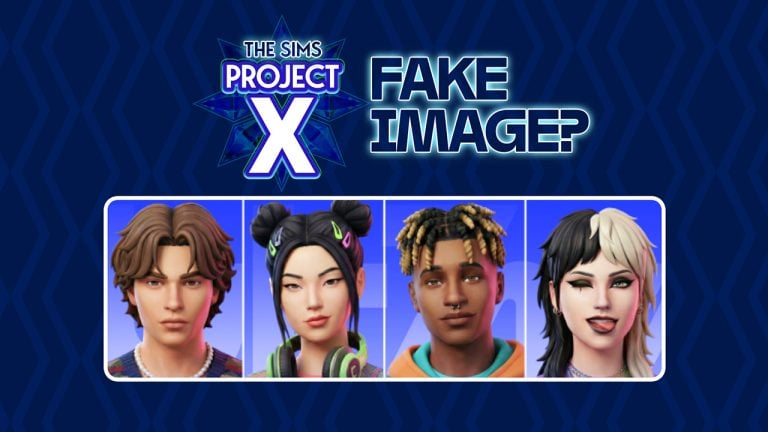
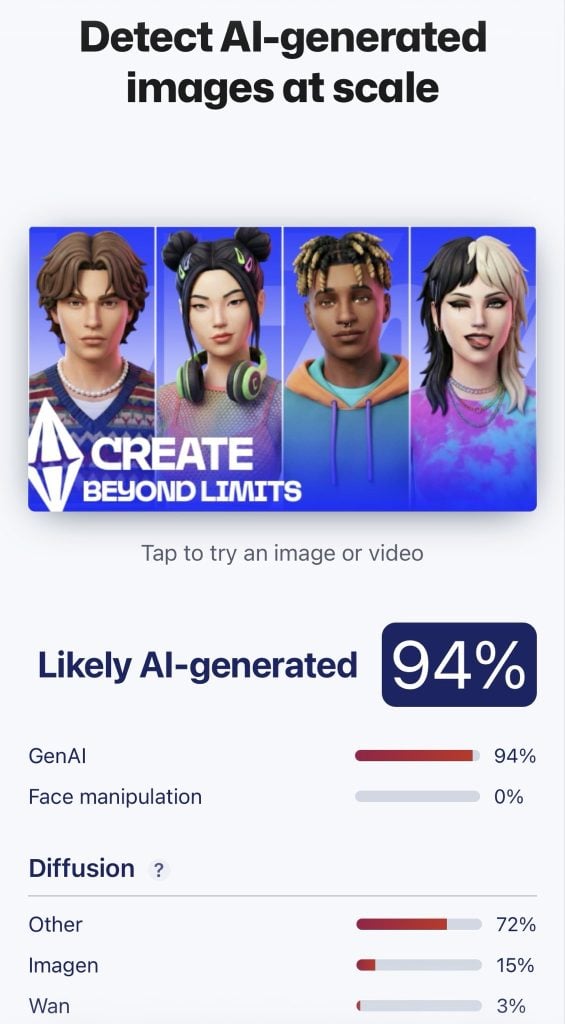
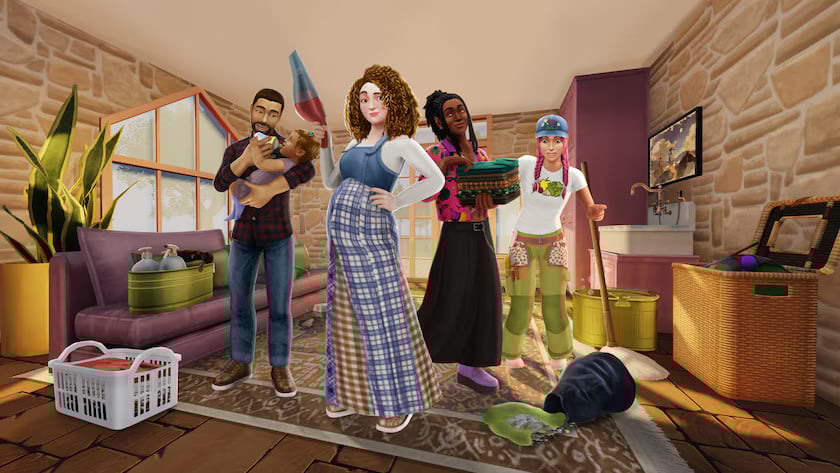
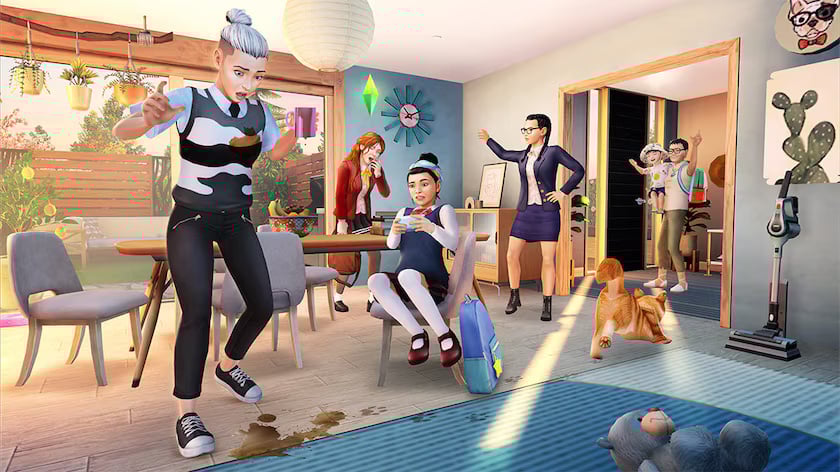
Two days ago I reported about getting an anonymous email through our Contact email which contained an alleged first look at The Sims Project X. More specifically, a visual which features visual explorations of The Sims characters in the upcoming Single Player base game.
I’ve put up an article about The Sims Project X screen shortly after getting the email, without realizing to check for a modern day checkup to a modern day problem. Which is Artificial Intelligence and GenAI created visuals.
Suspicions of GenAI
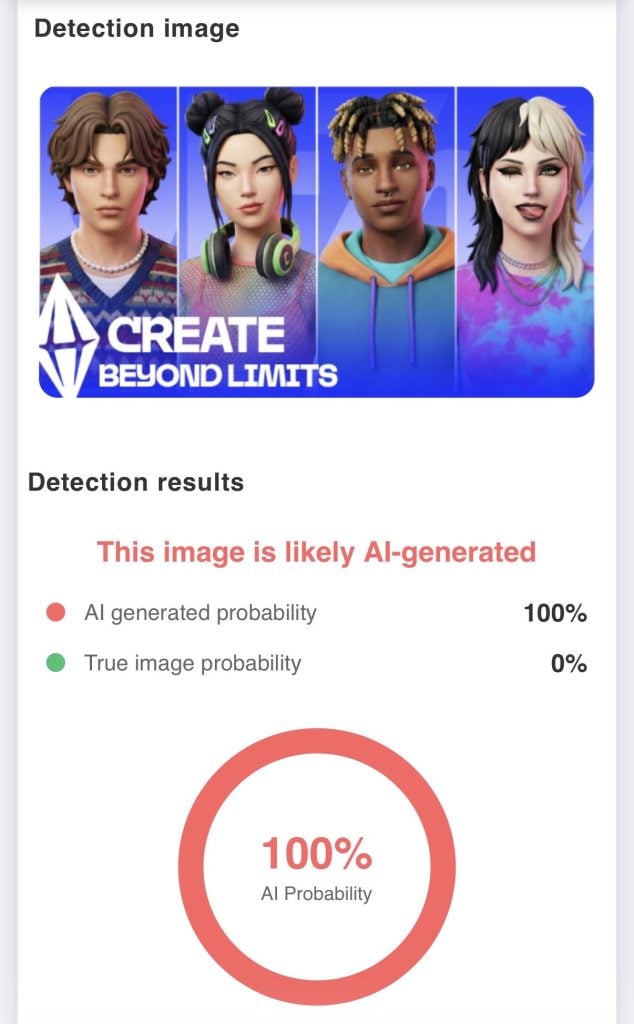
Several community members have pointed out the fact that the image above could be AI generated. And that the Sims previewed above have actually been generated using GenAI tools. User @TheBoyXP replied to our tweet with the image being ran through several different AI detectors, claiming that the images are more than likely AI generated.
We know EA uses AI for project X but i just want to confirm that this image is indeed AI generated!
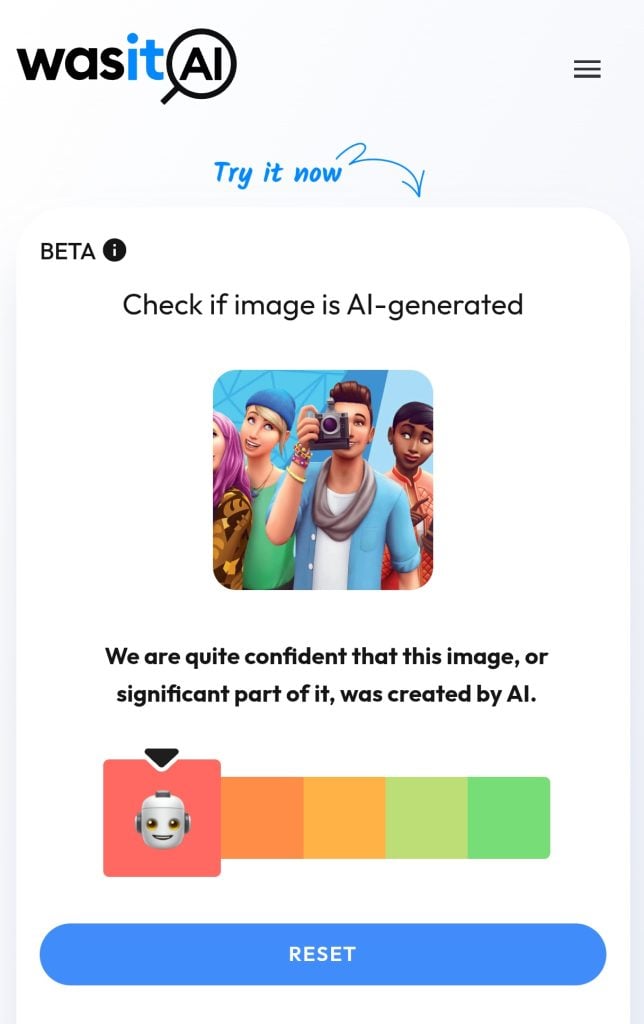
Still, some community members have noted that AI generator detectors are not reliable. With proof provided by @thesimmerdan who put an original Sims 4 Base Game render through one of the AI detection tools. Which also marked the image as likely AI generated.
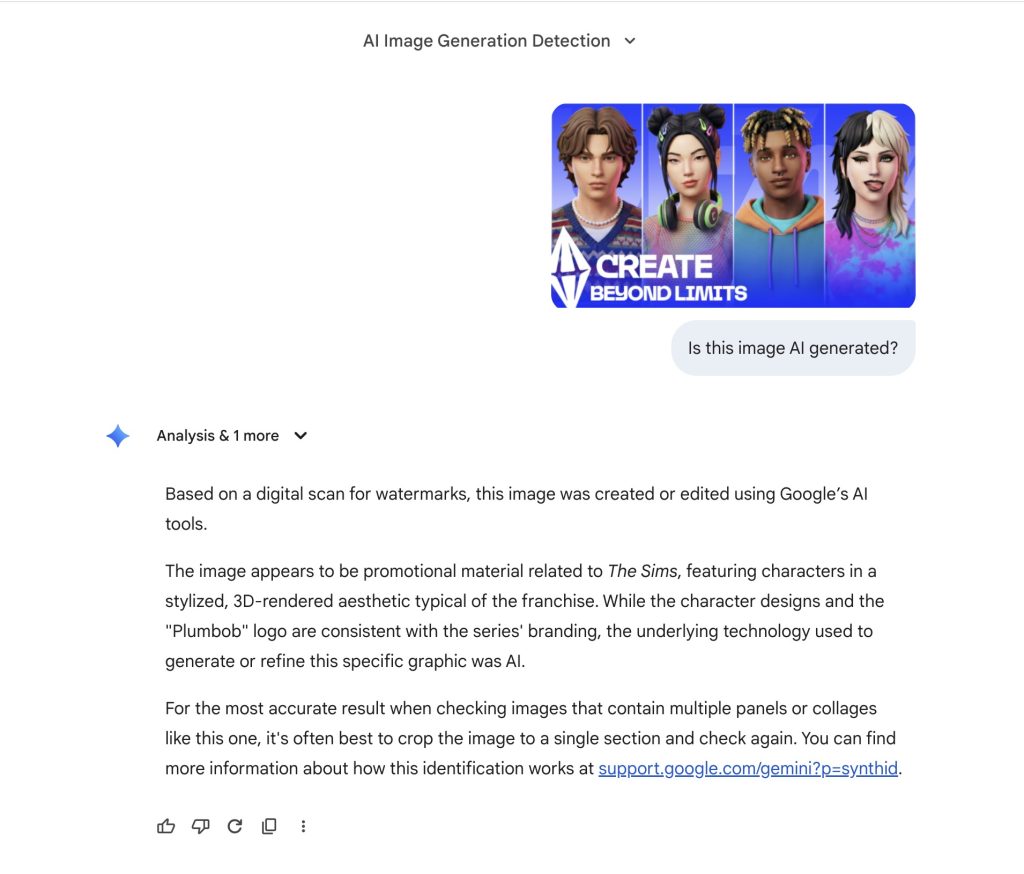
Some Sims players believe that Google Gemini’s authentication is the most accurate way of identifying AI generated images. Considering that Google has the biggest database of online content they can compare the images, it marked the first Sims Project X screenshot as fake and The Sims 4 render as real.
What makes the players think that The Sims Project X screen is fake?
There are some clues pointing towards the fact that The Sims Project X screenshot is fake, if we take unreliable GenAI detection tools out of the context. Player @jackofallgames pointed out several issues with colors blurring into other textures, lighting not being consistent and more:
There’s quite a few examples of AI Artifacts within these renders. Colours blurring into other textures, hair having weird artifacts, the pink lighting not being consistent, the eye not being round. That said, we know EA is using Gen AI so could be legit, but probably not.
People are saying “the OP said they used an AI upscaler” which makes no sense because the OG image is low res. So it means someone used an AI upscaled, then purposely made it low res again. Seems unrealistic tbh
The player claims that the biggest inconsistencies for this Project X screenshot are within stylistic choices on the Sims characters themselves. The blue hair clip on the second Sim seems to be dragged throughout the entire hair mesh, hairstyles that have questionable edges and more.
Some players believe that the underside of the tongue on the 4th Sim mismatches the general artstyle of Project X. Saying it’s too realistic compared to other Sim details.
The second Sim on the render also has mismatching eye pupils, which could either be a stylistic choice or a mistake made by a generative AI tool. It’s too early to tell!
Whether fake or real – The Sims Project X is still happening!
Maxis and EA allegedly plan to switch focus with only releasing Kits and Game Updates for The Sims 4 while they work on the new Sims Project X Base Game.
Player @jackofallgames chimed into the discussions about the recent Project X image leak, claiming that only information shared by an ATRL insider and EA’s official job listing are real.
Okay time to put an end to everyone trying to have their leak moment because it’s getting annoying. Project X was only brainstormed with private playtests a few months ago. We are nowhere near this stage of anything being finished to promote/show to this kind of level.
The only actual leaks that are valid are the EA Job listings and the Firemonkey Employee statement (which is where most of this info is coming from and people are trying to now leak content that isn’t finished yet). These aren’t real.
In your eyes, do you think the latest Sims Project X image render is real or fake? Let us know in this unofficial community poll below!
[totalpoll id=”185989″]
Highly anticipated release of GTA VI coming later this year has also been a target of numerous fake leaks and reports by various insiders. Claiming to have insider info with these leaks that have used existing material and footage released by Rockstar Games to create a GenAI visual and / or video.
The same fate can happen soon (or is already happening) with the upcoming release of this new single player Sims game. So it’s very important to keep all your eyes open. We plan on updating all our readers with what’s real, what’s not and what’s being discussed as potentially fake. Including this alleged Project X screen leak.
Whatever the turnout of this Sims Project X screenshot turns out to be, we’ll make sure to keep you posted on all things Project X and beyond right here on Sims Community. Stay tuned!
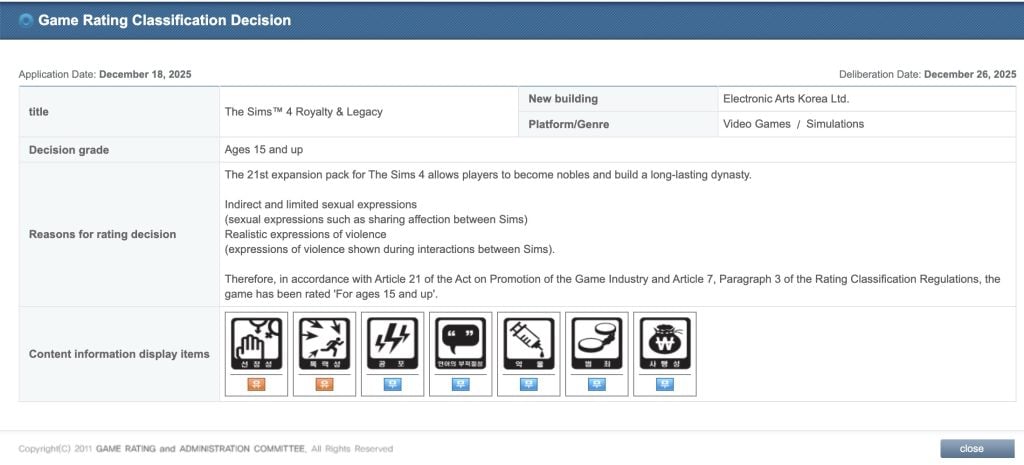
The title of this Expansion Pack has been roughly translated from the official Game Rating Classification page in South Korea. Revealing the long-rumored theme of the 21st Expansion Pack entry to the series.
The listing only says the following about the Expansion:
The 21st expansion pack for The Sims 4 allows players to become nobles and build a long-lasting dynasty.
So far we’ve had only speculation that the next Expansion Pack is themed around Royalty. This listing confirms that, considering it’s an official game ratings board in South Korea. The game name has been filed on December 18th, with the deliberation date being December 26th.
The leak seems to be matching the official Sims 4 Survey from October 2025 asking players for their input in Legacy Play, Heritage and more.
Leaked Release Date?
The upcoming Sims 4 Royalty & Legacy Expansion Pack for the series is rumored to be released in February 2026. Per the report of @lunar_britney.
When it comes to talks about Expansion features, we know an insider rumor that the upcoming Sims 4 Expansion Pack will feature a new world with three kingdom types. One area / neighborhood which is based on Africa:
EP21 is focused on royalty with three kingdom types, only one of which is based on africa.
What are your thoughts on the potential last Expansion Pack release titled The Sims 4 Royalty & Legacy? Let us know your thoughts in the comments below and stay tuned on Sims Community for more updates on The Sims Franchise!
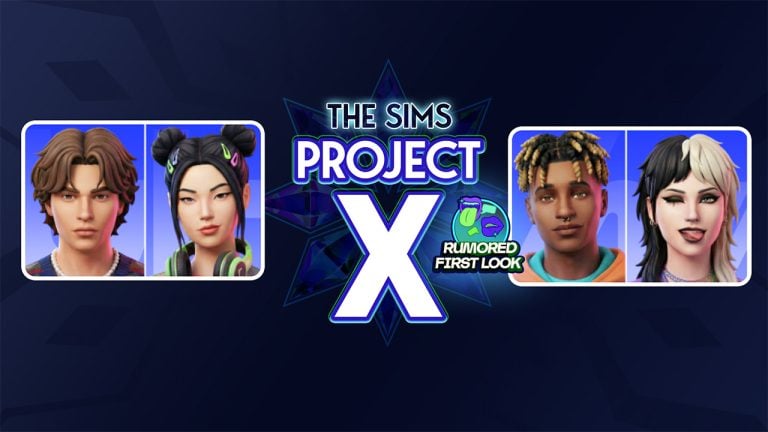
Here’s what the characters from The Sims Project X are allegedly going to look like.
The rumors about The Sims Project X keep spreading like wildfire. First we got some talks spreading that The Sims 4 will be getting its last Expansion Pack release in 2026, with The Sims Team planning to move focus towards a new The Sims Base Game. We got a response from an EA Community Manager shortly after, saying that there’s a lot of misinformation going around – we’ll be back in early January with what to know…“. However, it was later discovered by community members that EA and Maxis are hiring a new person to work for The Sims Project X.
Today, we got a special discovery with an alleged first look of The Sims Project X Sims Characters and their design for PC / Desktop / Console playstyle.
Table of Contents
Alleged First Look at The Sims Project X Characters
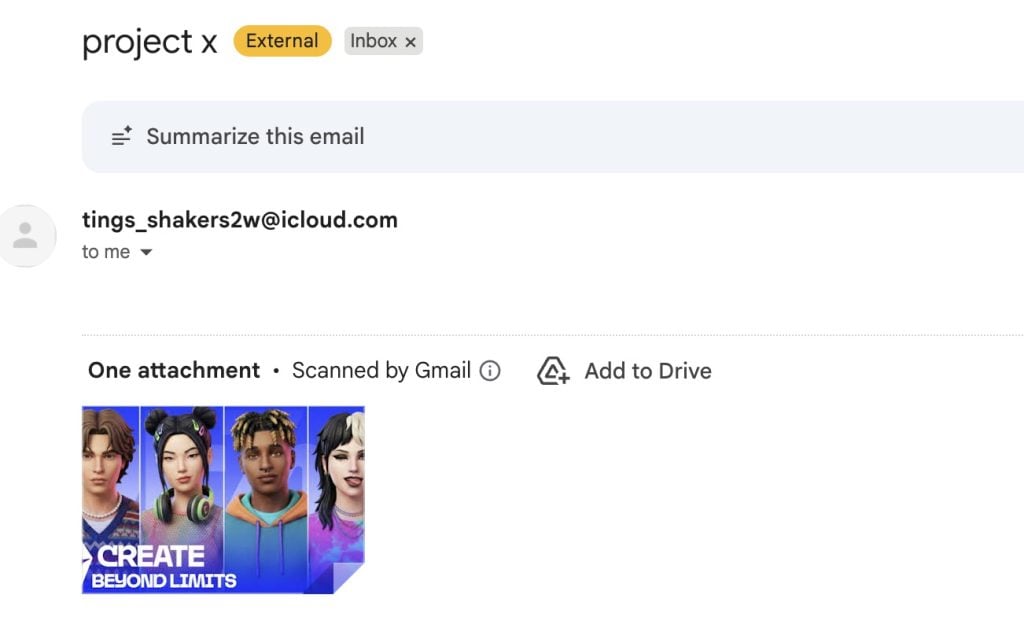
We got an email in our Sims Community inbox with an image of a supposed character preview of The Sims Project X Sims characters. The email only contained “Project X” in the email subject with a never before seen screenshot…
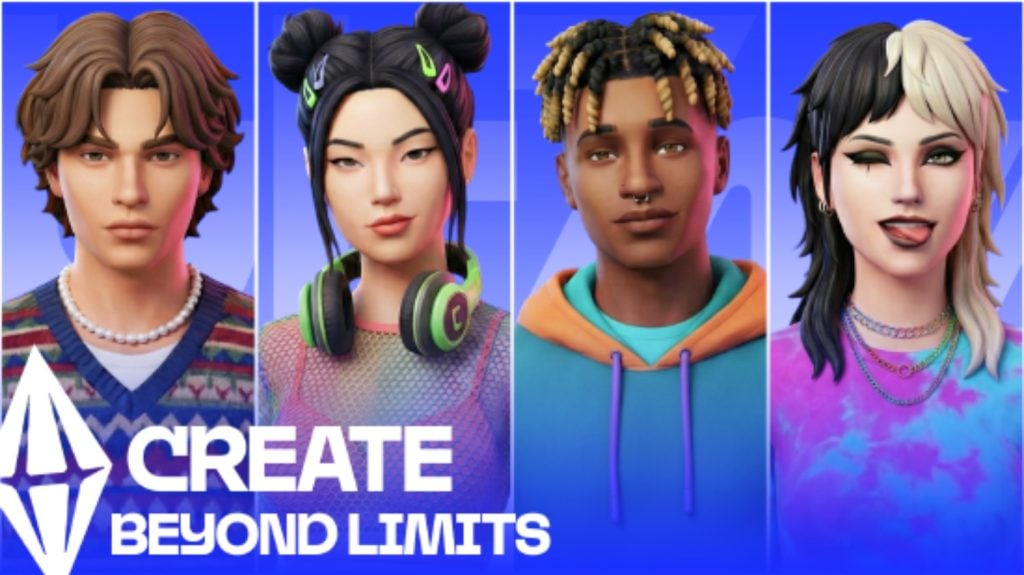
The screenshot that was sent to us displays four different Sims characters. They look more detailed and polished from the character design that we have in The Sims 4. But these could just be first render previews of what The Sims Team is aiming at to deliver and not be representative of the final product.
Either way, here’s the image:
The file name itself is written as TSX_MATERIAL_SIMS_EXPLORATORY, which could be indicating that it’s a Concept Preview of the new Sims characters that we’ll be able to “Create beyond limits” in The Sims Project X.
Original Rumor Information About The Sims Project X
The first talks about the official features coming to The Sims Project X came from a forum member on ATRL who claimed to have gained some knowledge about the next Sims Base game installment. Stating that the game is a single player standalone experience from the upcoming Sims Project Rene multiplayer installment, and will serve as a new generation of Sims products and game releases.
The Sims Project X: Original Rumor
Shared by ATRL user gloamingthepain / alleged former Firemonkeys employee
The single player part of Project Rene is being sold separately, releasing end of next year (at this stage) and is being referred to in playtests as Project X.
Aspects of the Sims 4 are carrying over, but it is a seperate game.
Originally, the single player part of Rene would be included in the full game of “Project Rene” but they’ve decided to seperate different experiences into seperate games.
This new game will have more flashy features like Open Neighbourhoods, busier Neighbourhoods (I heard up to 3x busier than Sims 4), better graphics (similar to what we saw of the early Rene content, not the mobile playtests we’ve seen).
The game however will be more simplistic than Sims 4 in other ways as the single player experience of Rene was never meant to compete with The Sims 4 and was more a simplified single player offering in a game focusing on multiplayer, and to keep the Sims 4 as the flagship single player game.
However, EA are keen to retire the Sims 4, simply because both QA and development costs have risen substantially in the last 24 months as the game has become complex to keep maintaining while developing new content.
A main factor of this is many of the bug reports & broken save files are being caused due to mods and custom content, and they want to move on with a game that will have smarter tech that can identify mod related issues easier, as now hundreds of hours of QA for The Sims 4 is being wasted on trying to replicate issues that are mod related and not in the vanilla game. This means the new game will allow them to streamline to get fixes in the game faster, and waste less time trying to replicate and fix bugs that don’t exist in the vanilla game.
So to compensate for The Sims 4 coming to a close, certain fan favourite features of The Sims 4, as well as planned Sims 4 content will be added to this new game instead.
I have no idea what EA will call this game, but it’s not a Sims 4 remaster and it’s not the Sims 5.
They may decide to call it The Sims 5 for sake of ease, or maybe stick with The Sims 4 brand in hopes it attracts those players, but either way it’s not a proper sequel.
It’s the single player mode of Rene being sold a standalone game and will be nowhere near as complex as proper sequel would be.
I’m sure it will be fun, but I’m sure many will identify where it falls short to The Sims 4, while acknowledging the tech advancements of a new engine and better hardware.
That’s all I really know as I don’t work at Firemonkeys anymore & only know info from people who work there who are very focused on Freeplay.
Some additional information was shared by another Sims insider, claiming to know more about the last Sims 4 Expansion Pack and the internal team plans of development after the last Royalty-themed EP is out. Stating that the team will only to continue delivering Game Updates and Kits releases for The Sims 4 moving afterwards!
There’s more features waiting to be discovered by this alleged new Sims Base Game. At least we now know what this Project is planned to look like for the new generation of Sims characters! Let’s hope this image is real and we didn’t fall for a very good image edit…
EA and Maxis are planned to make an announcement soon enough to clarify all the rumors. Let’s see what they also think of the first look shared above. For all our readers, we want to know what you think of switching over in our unofficial community poll below:
[totalpoll id=”185443″]
What are your thoughts on the alleged first look of The Sims Characters in The Sims Project X, a new single player Base Game experience rumored for a late 2026 release? Let us know in the comments below and stay tuned on Sims Community for all things Project X!
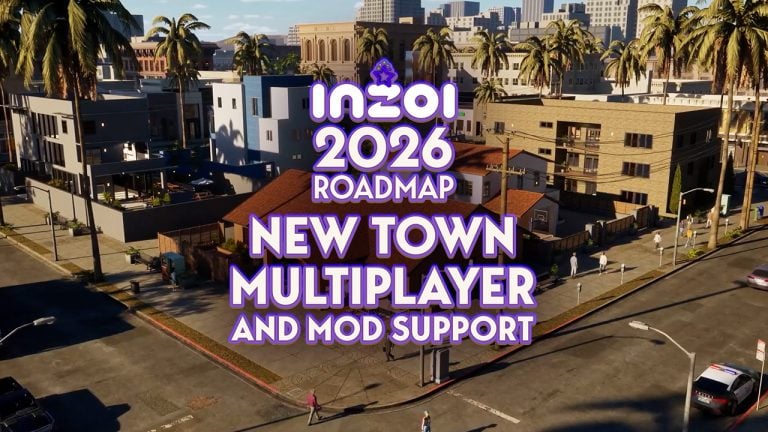
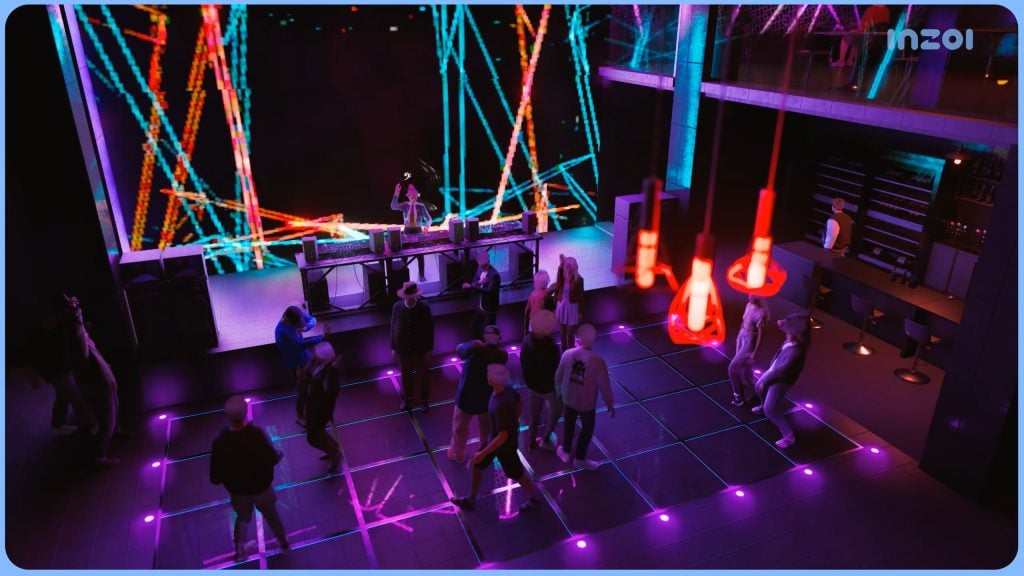
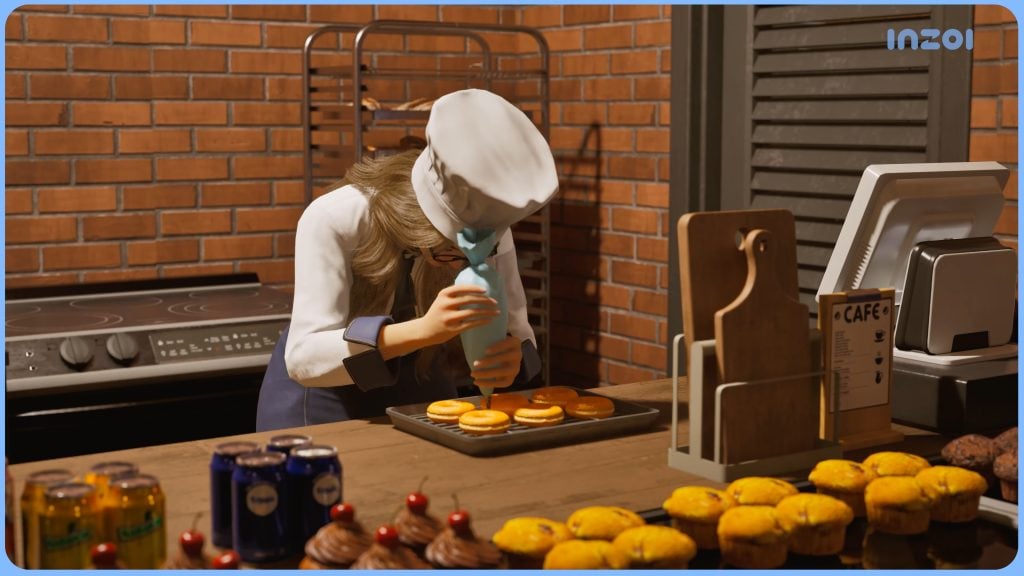
A second part of the InZOI Roadmap for 2026 has been released, detailing Canvastown, Multiplayer features and Mod support.
It appears that the InZOI 2026 Roadmap was only the first part of roadmap reveals from the InZOI development studio at Krafton. Public facing developer for InZOI Kjun has issued a new Roadmap schedule over on InZOI Discord talking more about the New Feature Development plans. The first Roadmap was focused more on giving the players First Fundamentals on priorities of game tuning, but today’s roadmap goes extensive into new features that the InZOI team is developing behind the scenes.
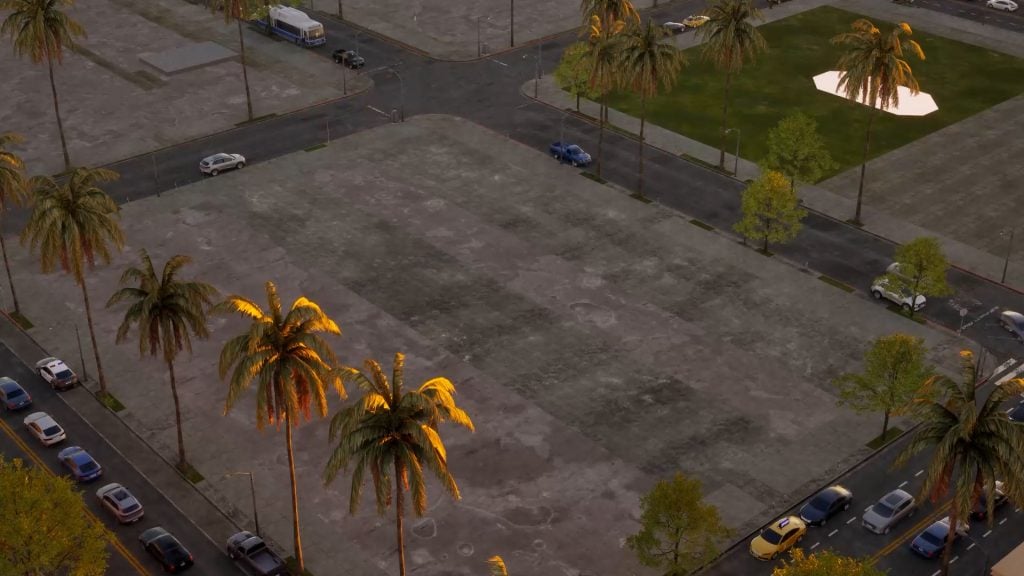
Modding tools and integration is becoming more in-depth throughout the year, with the biggest new development reveals being the new World called Canvastown and Multiplayer. Canvastown, which is a brand new world being developed using the new Fate Engine for game development. The idea of this new world is to help lower the system requirements and PC usage by optimizing the game through a new engine, with hopes of transferring over those updates to other towns such as Dowon, Bliss Bay and Kucingku.
With the Multiplayer Roadmap, the developers are ambitious with adding features such as interacting with other characters, home visits, custom multiplayer social events and even ability to enjoy mods together with your friends.
Discover everything coming in the Part 2 of InZOI 2026 Roadmap:
InZOI 2026 Roadmap: Mod, Canvastown and Multiplayer Lineup
Beyond the Fundamentals 2026 Roadmap
The Beyond the Fundamentals 2026 Roadmap is being driven by a dedicated internal team working inparallel with the existing core development team.This work is designed to expand our capabilities without reducing focus, resources, or staffing onongoing core improvements.
These initiatives are currently under active R&D validation and development, including Modding,Multiplayer, AI NPCs, and Canvastown (+ Fate Engine). As these initiatives are heavily R&D-driven,timelines and scope may change depending on development progress. In addition, schedules may bealtered—or direction and scope adjusted—based on mid-stage test results and the chosenservice/operations model.
Table of Contents
MOD Roadmap 2026
Development Direction
Because the Unreal Engine used by inZOI can be complex and difficult to learn, we will develop awizard-style tool to help users approach modding more easily. At the same time, we will continuedevelopment toward script-based modding.We’re pushing hard to accelerate script modding, butbecause it requires deep integration with the game itself, there’s a limit to how much we can pull theschedule forward. We’ll do everything we can to deliver it as quickly as possible.
Schedule
January 2026
ModKit: Improve the structure so assets are handled in a JSON-based format to prevent mod datamismatches.
inZOI: Add an in-game integrated mod management system.
March 2026
ModKit: Expand the CAZ Wizard to support accessory, motion, and face modding (a MetaHumanguide will be provided).
Improve project management features (search, asset merging).
Improve the Sound Wizard (partial replacement and addition).
inZOI: For graphics asset mods, allow installation during gameplay and apply changes immediately.
June 2026
ModKit: Add vehicle modding, migrate to Unreal Engine 5.6, and test (R&D) content templatemodding (e.g., farming).
inZOI: Add (R&D) CLO platform integration.
Shared (R&D): Prepare for PS5 and Mac mod support, though availability may be restricted ordelayed depending on policy and partnership considerations.
October 2026
ModKit (R&D): Test multiplayer-linked modding and a data-modding AI wizard.
December 2026
ModKit: Add Lua script modding support.
Canvastown Roadmap 2026
Development Direction
The core concept is to capture interesting situations you’ve experienced and let others enter that lifeand play it themselves. Canvastown is intended to become the first stage for the Fate Engine, and laterwe plan to expand it so the Fate Engine can operate in other cities as well.
A key challenge in this genre is that motivation can be hard to sustain. Simulation systems can combinemany features to create emergent stories, which can lead to genuinely engaging experiences—butdepending on probability, players can also end up with experiences that feel strange or underwhelming.The purpose of this system is to preserve the genre’s value while enabling players to save and share the“good runs”—the moments worth passing on.
Canvastown is designed to be small but comfortable, running smoothly even on lower-spec hardware,while still giving players space to build and customize their own city. Although it is smaller than othercities, that smaller footprint improves ease of movement and creates a unique advantage: everythingaround your home becomes part of your playable space.
Schedule
March 2026
Implement integration so Fate Engine and Canvastown operate together.
May 2026
Expand Fate Engine to work in cities beyond Canvastown.
Add update and download features to the Canvastown canvas.
June 2026
Release Canvastown #1, a small village with about 40 lots.
October 2026
Release Canvastown #2, expanded to about 50 lots, featuring a calm rural countryside atmosphere.
inZOI Online Roadmap for 2026
Development Direction
There are still many unresolved questions that must be validated through internal and external testing toconfirm the value of online features. inZOI-online is being developed while continuously migrating andmatching the base game, which makes the work both broad and technically challenging.
Because this is a new direction for the genre, we are also starting from fundamentals such as definingthe target audience. We genuinely hope you’ll enjoy inZOI-online, and throughout 2026 we want todiscuss results and direction—based on testing—with the community and build it together.
Schedule
January 2026
Create and save your account-linked personal character (“Zoi”).
Add save-and-resume for hosted sessions, allowing hosts to pause a session and resume it laterfrom the same state.
February 2026
Build the online Main, Plaza, and Lobby/Waiting Room pages on the web.
Add new channels for online use and provide online chat rooms.
Update the online-only “My Zoi” feature.
March 2026
Freely decorate your own house and save it to your account.
Allow other users to enter your house and play together.
June 2026
Provide tools for the room host to adjust game rules and manage participants.
Enable players to enjoy official inZOI mods together in online multiplayer.
October 2026
Support large-scale multiplayer with dedicated servers, including content such as visiting major cities.
Enable hundreds to thousands of concurrent players per server to explore, watch, meet others, and make friends.
What are your thoughts on the new InZOI 2026 Roadmap for Multiplayer, Canvastown and Mod support features? Let us know in the comments below and stay tuned for more InZOI updates on Sims Community!
You’ll be able to access premium content for free on January 6th!
As announced in a surprising blog announcement from The Sims Mobile team, this smartphone iOS and Android game will see its final closure in the form of a server shutdown. The game’s servers will be disconnected forever on January 20th, 2026 after which all game content will be forever unaccessible to the players.
However, there is a small benefit that the team wants you to have before the game’s servers complete disconnect. On January 6th, 2026 you’ll be able to access all SimCash and premium currency items in Create A Sim and Build Mode. That also includes all the different premium variants that the game was charging players for additionally.
You’ll also probably able to use the free currency limited server closure event as an opportunity to get some extra Lots in Briny Heights before the mayor of SimTown declares total bankrupcy. Final reminder that you have from January 6th until January 20th to try out everything that The Sims Mobile was charging the players, now free.
The Sims Mobile Closure Roadmap
January 6, 2026 – Content unlocked
All Build Mode and Create A Sim (CAS) items will unlock for every player. These won’t be limited by levels, so that means EVERYTHING Build mode and CAS are available. We want to give everyone the opportunity to build their dream home, design their perfect Sims, and experience everything TSM has to offer before the servers close. We would love to see what you create if you would like to share it with us.
January 20, 2026 – Server closure
The servers will shut down at 1:59 PM UTC. After this time, The Sims Mobile will no longer be playable. Because game progress is stored on our servers, saved data will no longer be available.
Official The Sims Mobile Closure Blog: Frequently Asked Questions
Will there still be events in this update?
Yes. Events will continue to run as usual, so you can still earn Simoleons and items during the final months.
Can I still play after the game is delisted?
Yes. If you already have TSM installed, you can keep playing until January 20, 2026.
Can I still play after TSM sunsets on January 20, 2026?
No. TSM requires online servers to play, so playing in any form will no longer be possible after this date.
Can I re-download TSM later?
If you downloaded TSM before it is delisted, you can re-download it from your app store library until January 20, 2026.
What happens to my purchases?
All purchases you’ve made before October 20 will still work in-game right up until January 20, 2026. After that date, The Sims Mobile will no longer be playable, and any leftover currency will not be eligible for a refund.
From January 6, every Build Mode and Create A Sim item will be free for everyone playing. We recommend using your currency and tickets before then.
On behalf of the entire Sims Mobile team, thank you for sharing this amazing journey with us. We hope you enjoy the final update and that these final months allow everyone to finish projects, make memories, and celebrate their Sims.
Thanks (Dag dag)
The Sims MobileTeam
Will you be participating in the final free run of The Sims Mobile? Let us know your thoughts in the official comments section down below and stay tuned to all The Sims news and developments on Sims Community!
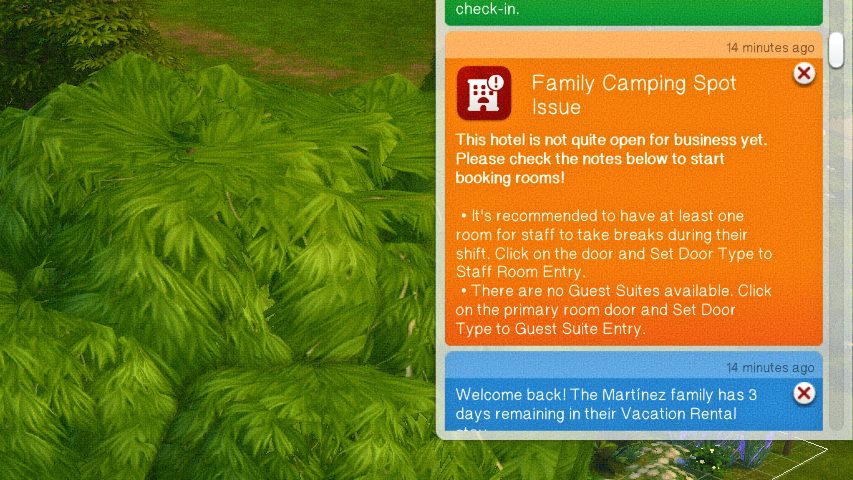
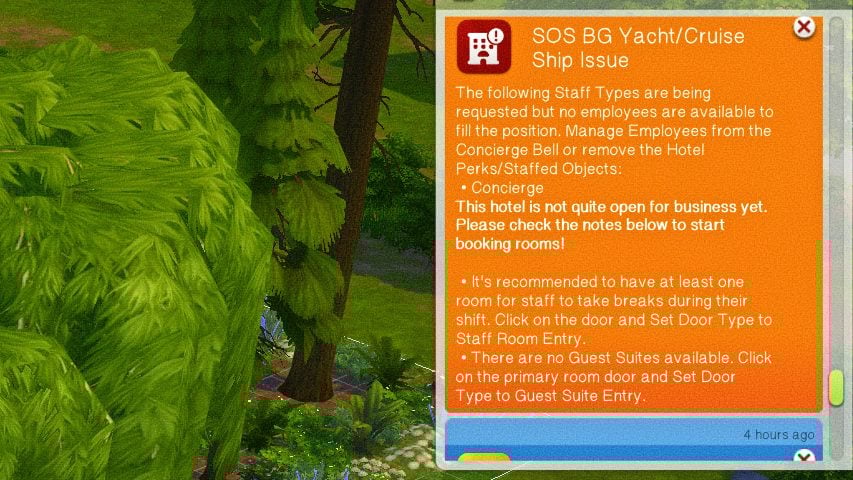
If the custom venues system from The Sims 4 Adventure Awaits didn’t scratch the itch for owning and running a true hotel, Lot 51 has created an extensively detailed mod called The Sims 4 Suite Life, letting you build, manage, and visit custom hotels! If you’re looking for something without mods, something that’s already in the game itself, or you are a console player who cannot have mods, make sure to look at our Sims 4 Adventure Awaits hotels guide!
The Sims 4 Suite Life mod by Lot 51 has a wide array of features, primarily focused on allowing you to customize every inch of your hotel, your hotel’s perks, activities, and staff.
Table of Contents
Mod Installation Guide
We always recommend when you’re a beginner to the installing mods for The Sims 4 that you read our Beginner Guide to Mods & CC. This article entails where and how to get mods, debunks some myths, provides tips for organization, and general troubleshooting practices. However, the basic steps for installation and some general rules of thumb includes…
Using your operating system’s file explorer, find the location of your Sims 4 Mods folder. Folder paths for Windows and MacOS are provided below.
To add the items to your game on Windows, follow this folder path: C:\Users\[USERNAME]\Documents\Electronic Arts\The Sims 4\Mods To add the items to your game on MacOS, follow this folder path: Macintosh HD/Users/User/Documents/Electronic Arts/The Sims 4/Mods
Since the mods comes as a compressed zip file, you need to ensure that you have an extraction program installed. You can use 7Zip, Winrar, Winzip, etc., and both Windows and MacOS have an unzipping function native to their system. Right click on the zipped file and choose to Extract Here/Files or Extract to… to extract directly to a folder.
With script mods, it is heavily recommended that they are kept no deeper than 1 folder in your mods folder, and that they are organized and separated from other items; These other items could include custom content, other script mods, non-script mods, etc. Since script mods change internal workings of the game add new features, they are often one of the first things to break upon updates, and should always be removed prior to an update until the creator confirms the status of the mod or updates it accordingly.
Sims 4 Suite Life by Lot 51 Installation
Requirements
Lot 51 Core Library
Lot 51’s Core Library is a REQUIRED mod for the installation of The Sims 4 Suite Life, but also for many other script mods. For players, this mod does not do anything without accompanying mods by Lot 51 and other creators. Per Lot 51’s page:
Core Library is a dependency for many mods to add gameplay functionality without overriding each other. It helps reduce conflicts and the need for redundant scripts.
*THE SIMS 4 SUITE LIFE REQUIRES ZERBU’S VENUE CHANGES OR BASEMENTAL’S UNIVERSAL VENUE LIST.* *YOU CANNOT HAVE BOTH.*
*IF YOU WANT TO MAKE A HOTEL IN A VACATION WORLD, YOU MUST USE ZERBU’S VENUE CHANGES*
Basemental’s Universal Venue List
**NOT COMPATIBLE WITH ZERBU’S VENUE CHANGES**
Basemental’s Universal Venue List is a .package file that overrides the game’s list of possible venues, allowing modders to add custom supported venue types. Per Basemental’s page:
A Venue List is a file that contains information for every region (or world) in the game, such as what kind of lot types should be available to place there. Due to the way the game is coded, it’s unfortunately not possible to add to these lists with a script file. Using a modded Venue List such as this one is necessary in order to enable custom lot types created by mod authors.
Be sure to follow the provided instructions on the download page!
Zerbu’s Venue Changes is a .package file, similar to Basemental’s Universal Venues List, that unlocks venue types. Per Zerbu’s page:
Venue Changes does not currently alter where Sims will be sent for active careers, it just unlocks the venue types. If you set a custom venue to “Hospital”, Sims in the Doctor career will still be sent to the default Hospital.
While the mod does include gameplay for Hotel Ownership Features, as of November 6th 2025, this feature is still a work in progress, meaning that there may be some gameplay features missing, bugs expected, etc. It also specifically noted on Lot 51’s page for the mod that Hotels are only simulated while on the lot, so they cannot be simulated like Base Game & DLC businesses that can run without active gameplay.
A file generated in your folder with this mod is the lot51_hotels.dat file, which is generic data file that stores information for your hotel’s Kitchen Menu Presets. Lot 51 recommends that you keep track of this file, back it up, and keep it between updates to avoid losing your saved kitchen menu presets.
If you decide to remove Suite Life, please note that Hotel lots will be cleared. If you’re trying to fix an issue with your mods, make sure to back up your save and remove it from your game until you can add Suite Life back in.
The Sims 4 Suite Life Mod Guide
Set Up
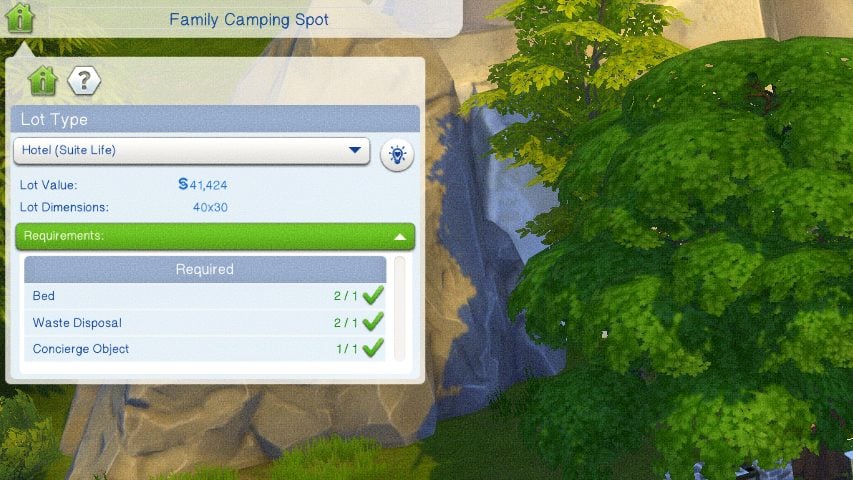
To start, you need to choose a world and what lot you would like the hotel to be on. Once you’ve selected the lot, you can go to the top left corner on the Venue Info Panel and change the lot type to a Hotel. This will provide the list of objects required for the lot type to be functional, similar to other base game and DLC lot types.
Build Requirements
Doors
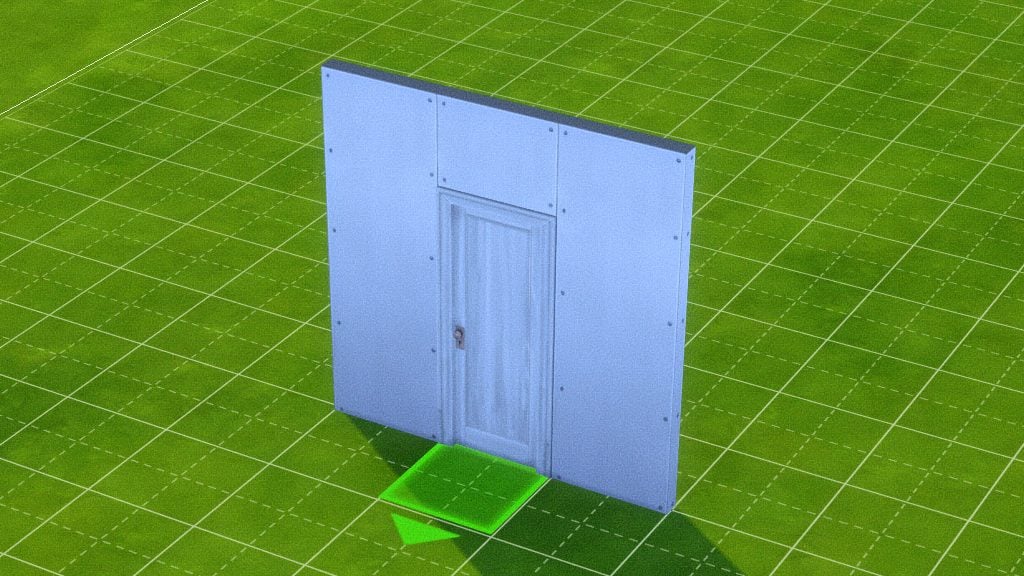
Doors are not restricted by type, height, or other features, but they need to be oriented properly. To connect rooms properly or to create individual hotel rooms, the handle must be on the left side with the placement arrow pointing outward. It is also noted that if you are using sliding doors, that the same is true and they must be reversed.
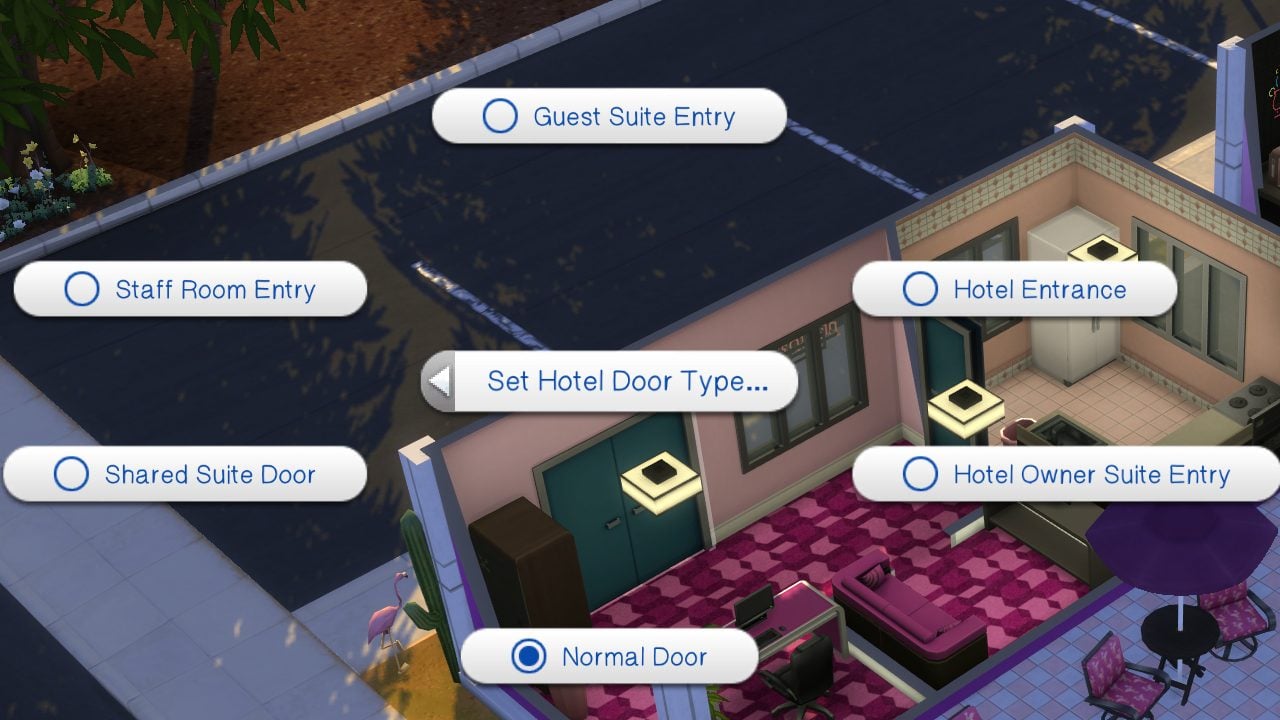
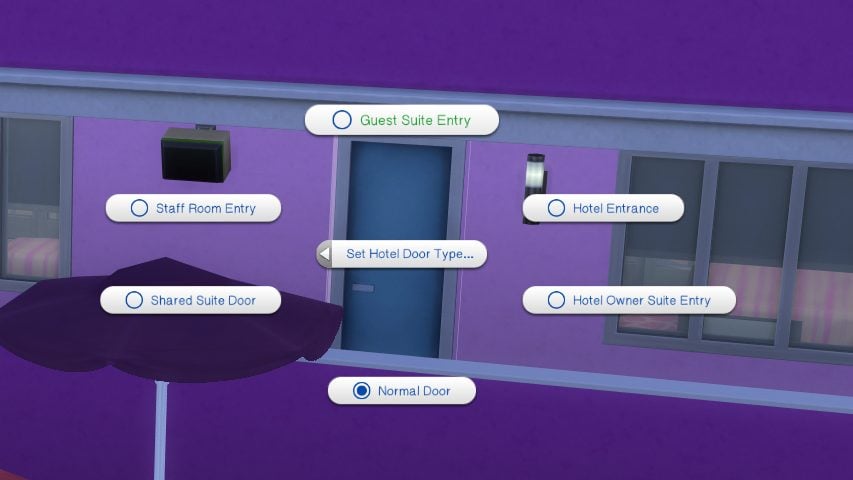
Doors can be assigned to multiple types in live mode under the Hotel Management category. These include Guest Room Entry, Staff Room Entry, and Hotel/Lobby Entrance. Other interior doors, like a guest’s attached bathroom, should not be edited.
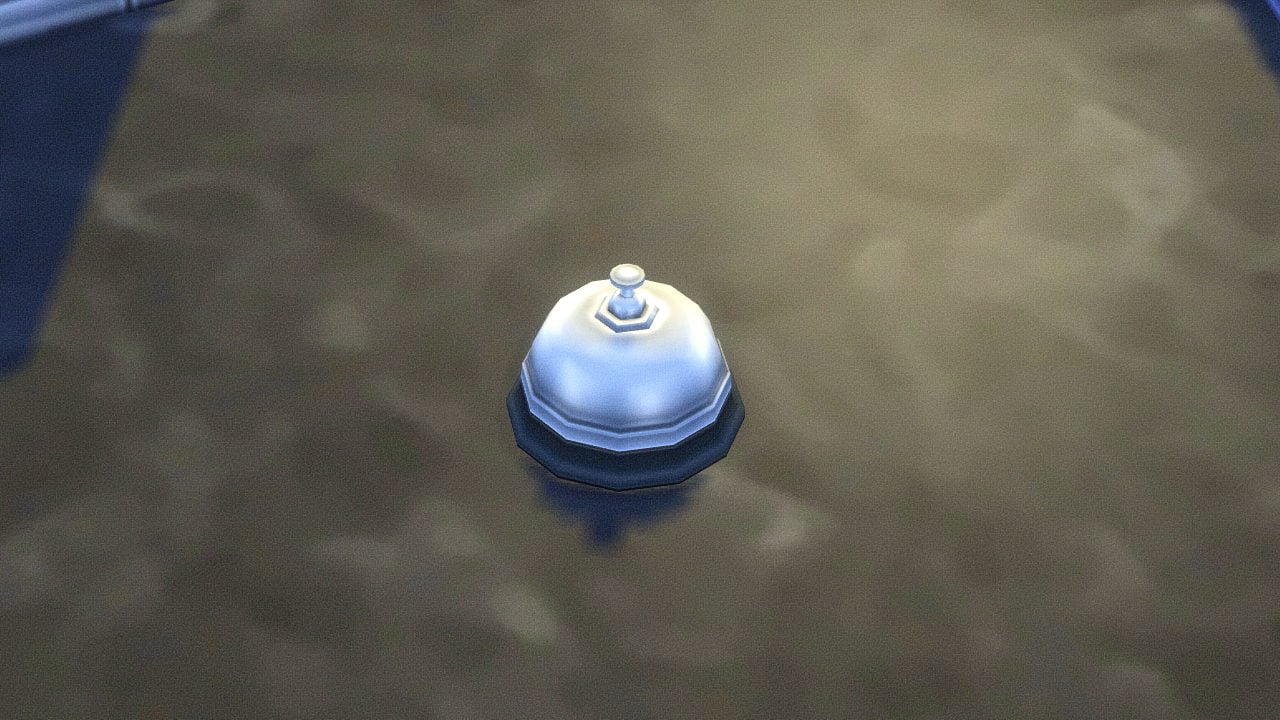
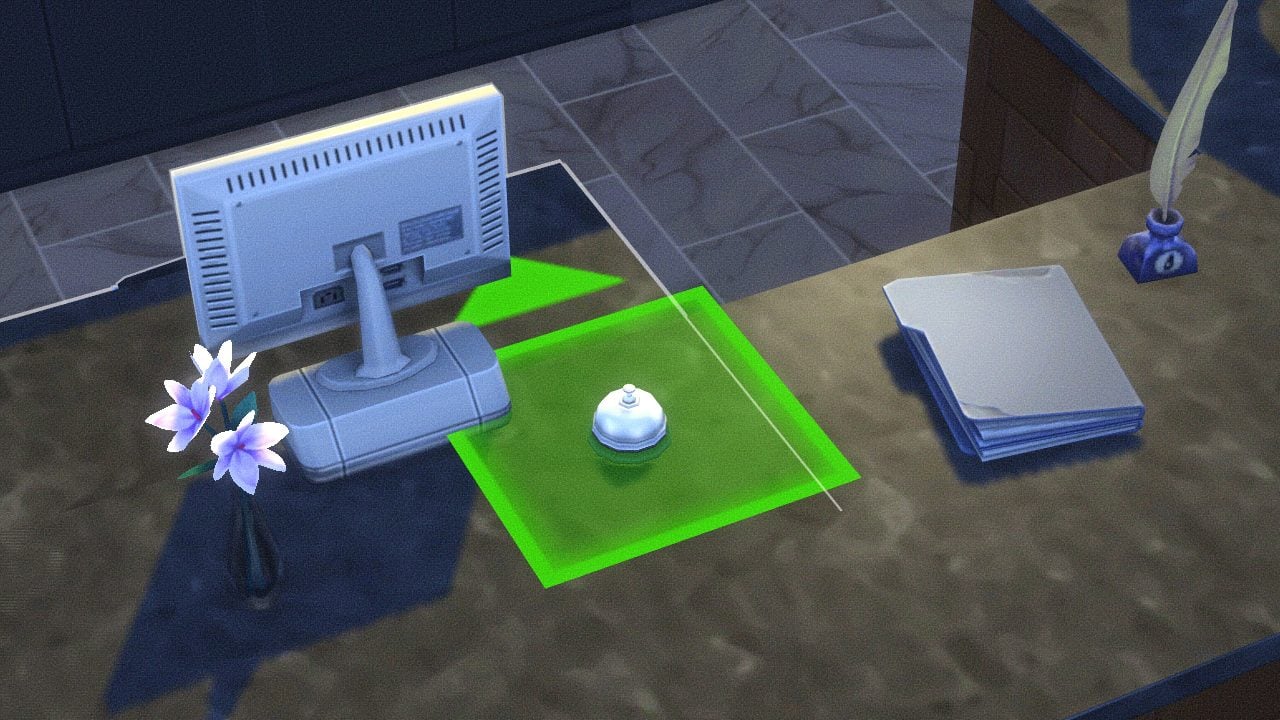
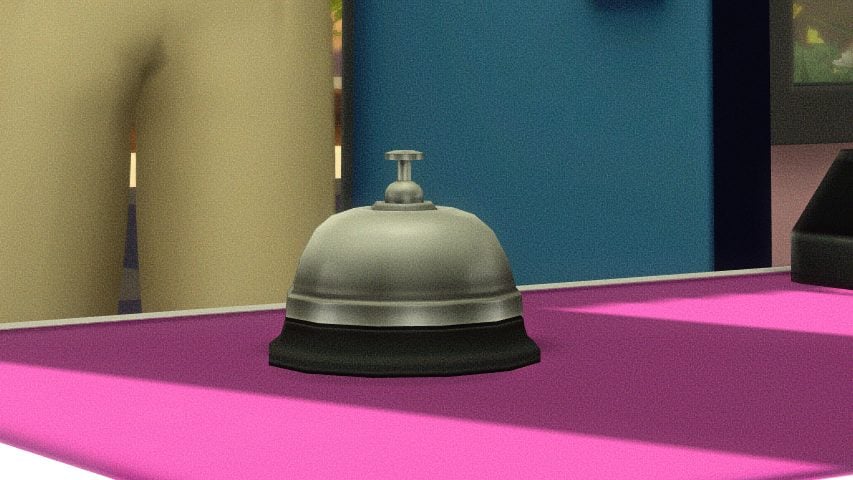
Concierge Bell
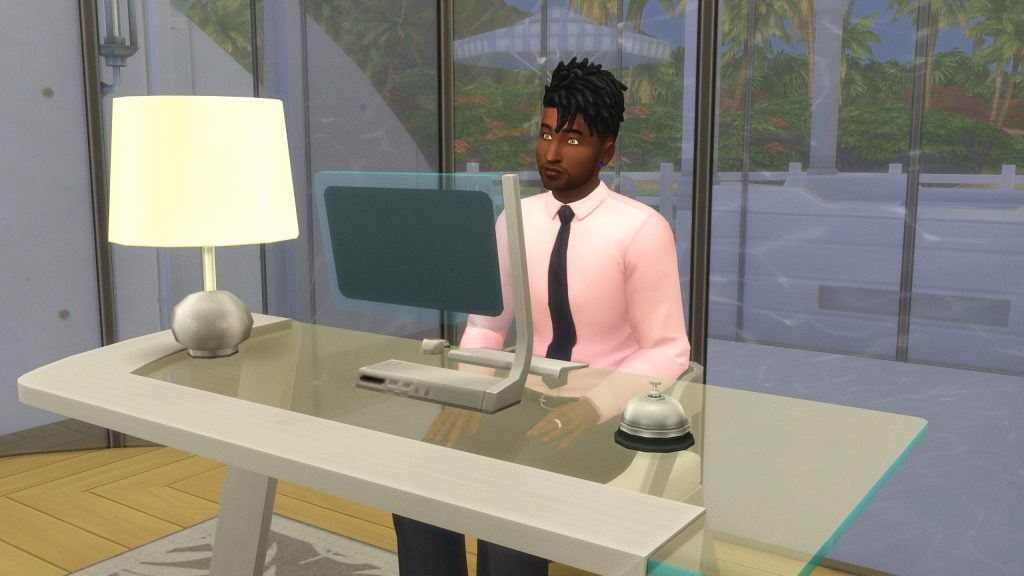
Another creator, SurelySims, created custom items for this mod, including the Concierge Bell. Place this item on a counter or desk and hire a receptionist. The placement arrow should be facing the direction you would like the staff to stand or sit.
Guest Rooms
Guest rooms must only have one exterior door to keep the gameplay running smoothly, as this will section off other interior doors (not including patios/balconies) as the guest’s area. Guest Suites may have a Shared Door to connect them, but Lot 51 asks that you do not connect more than two suites together as it may cause problems with the sims’ autonomous routing behavior.
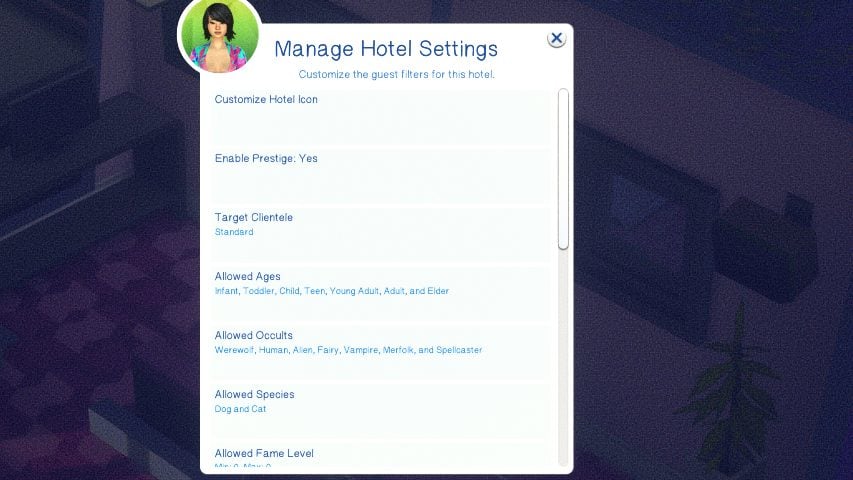
Guest rooms must have at least one bed, but can have more to allow for additional guests of all ages, as well as pets. These also have to align with the guest filters selected.
To allow for infants, infants must be selected in the guest filters and the room must have a crib.
To allow for toddlers, toddlers must be selected in the guest filters and the room must have a toddler bed.
To allow for cats or dogs, cats and dogs must be selected in the guest filters and a food bowl must be placed.
To allow for horses, horses must be selected in the guest filters and a horse stable item must be placed within the room.
If you have Room Service Available, you must have at least one counter space for food delivery.
If you do not have Room Service Available, you must place a fridge and a microwave for guests to make their own food.
Guests must have bathroom access – This can include bathrooms attached to their rooms, or shared bathrooms outside of their rooms.
Gameplay & Limitations
Due to limitations with the Sims 4 engine and how it reacts to copious amounts of sims, Lot 51 recommends that 3-4 guest rooms exist per lot, but it is not currently limited. This can be controlled by the Hotel’s NPC Auto Booking Setting, and the limit on the amount of sims allowed on a lot is increased for hotels to avoid missing guests or staff members when spawning.
Lot 51 recommends not skipping time, or using speed 3, to avoid lag and errorsduring your stay or time on the lot. However, it is also noted that it is safe to use when all guests are sleeping.
Staff Kitchen
If you decide to offer Room Service, Table Service, or Continental Breakfast, the staff kitchen requires multiple objects.
A fridge.
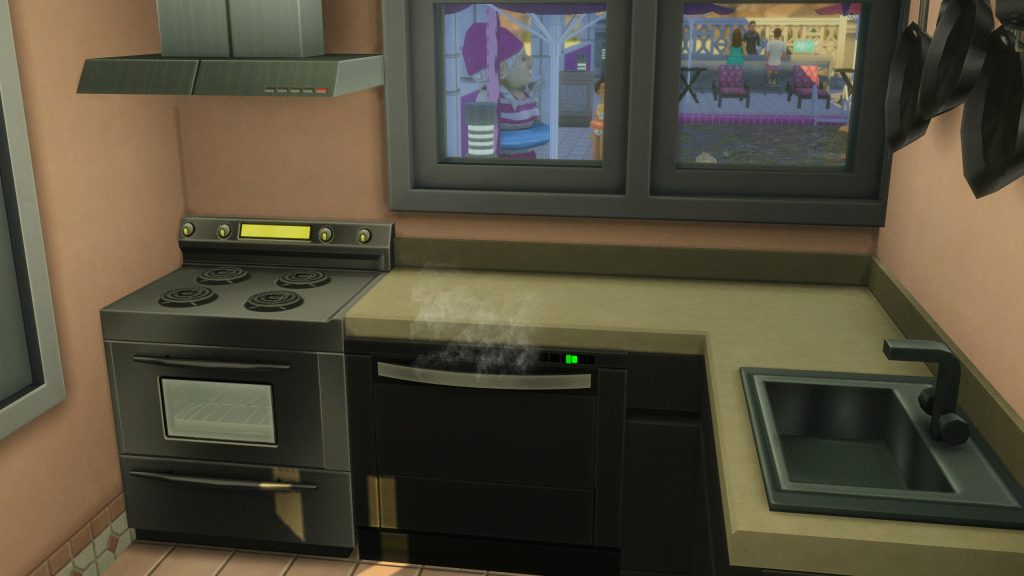
A stove & oven or a chef station (1 per chef).
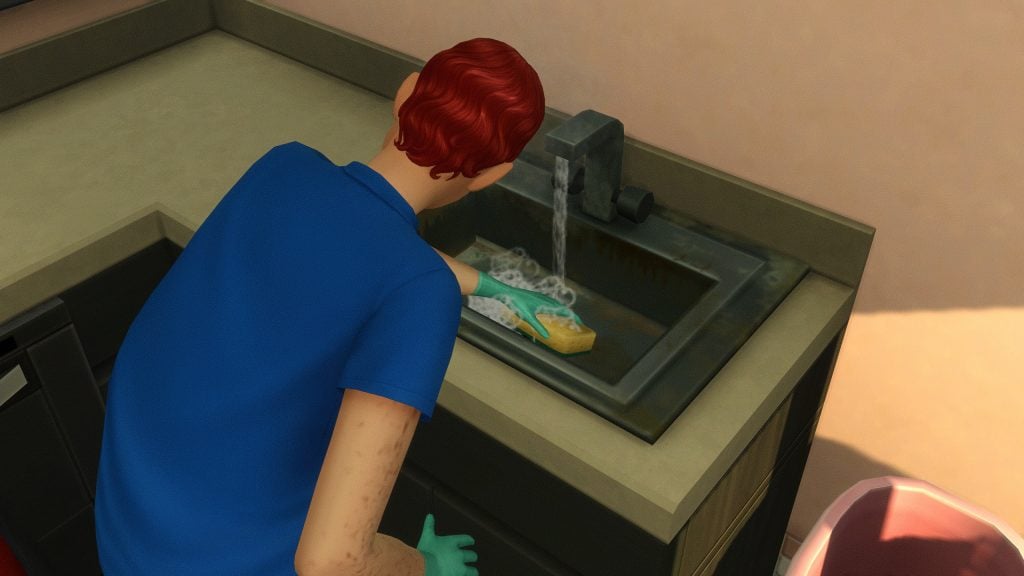
A sink and/or a dishwasher.
Two or more empty counter spaces.
A trash can.
A connected door labelled as Staff Room Entry.
Auxiliary/Exterior
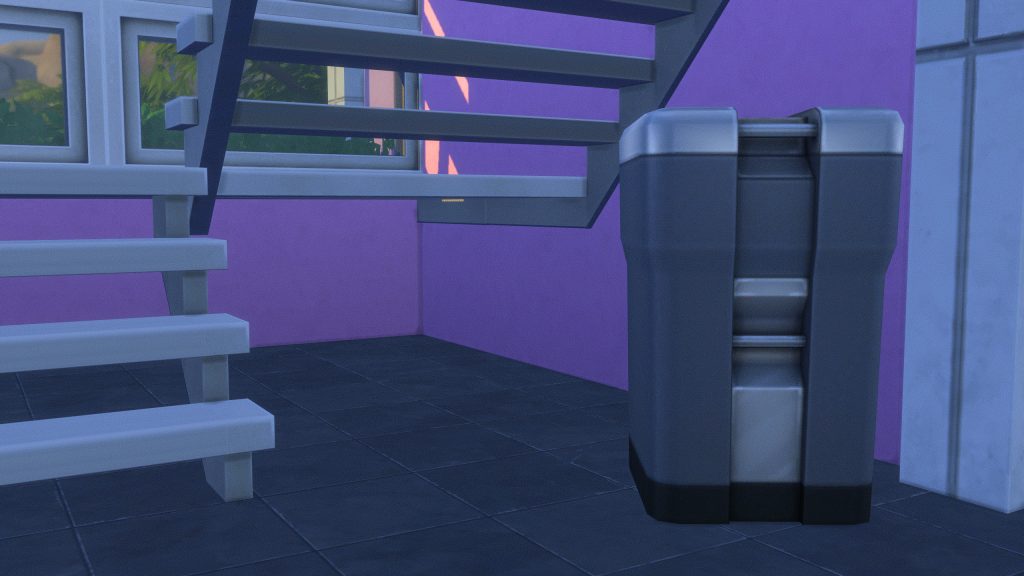
For housekeeping services, you must have an outdoor garbage can, dumpster, or garbage chute.
Gallery Hotels
Hotels built with this mod in mind are tagged with the hashtag #lot51hotels. While they are tagged as this with the intention that the gallery user followed directions and intended for their build to work properly with the mod, Lot 51 does not and cannot review these builds. Read the comments of other players and look for easy fixes by referencing the guide for building hotels to function properly.
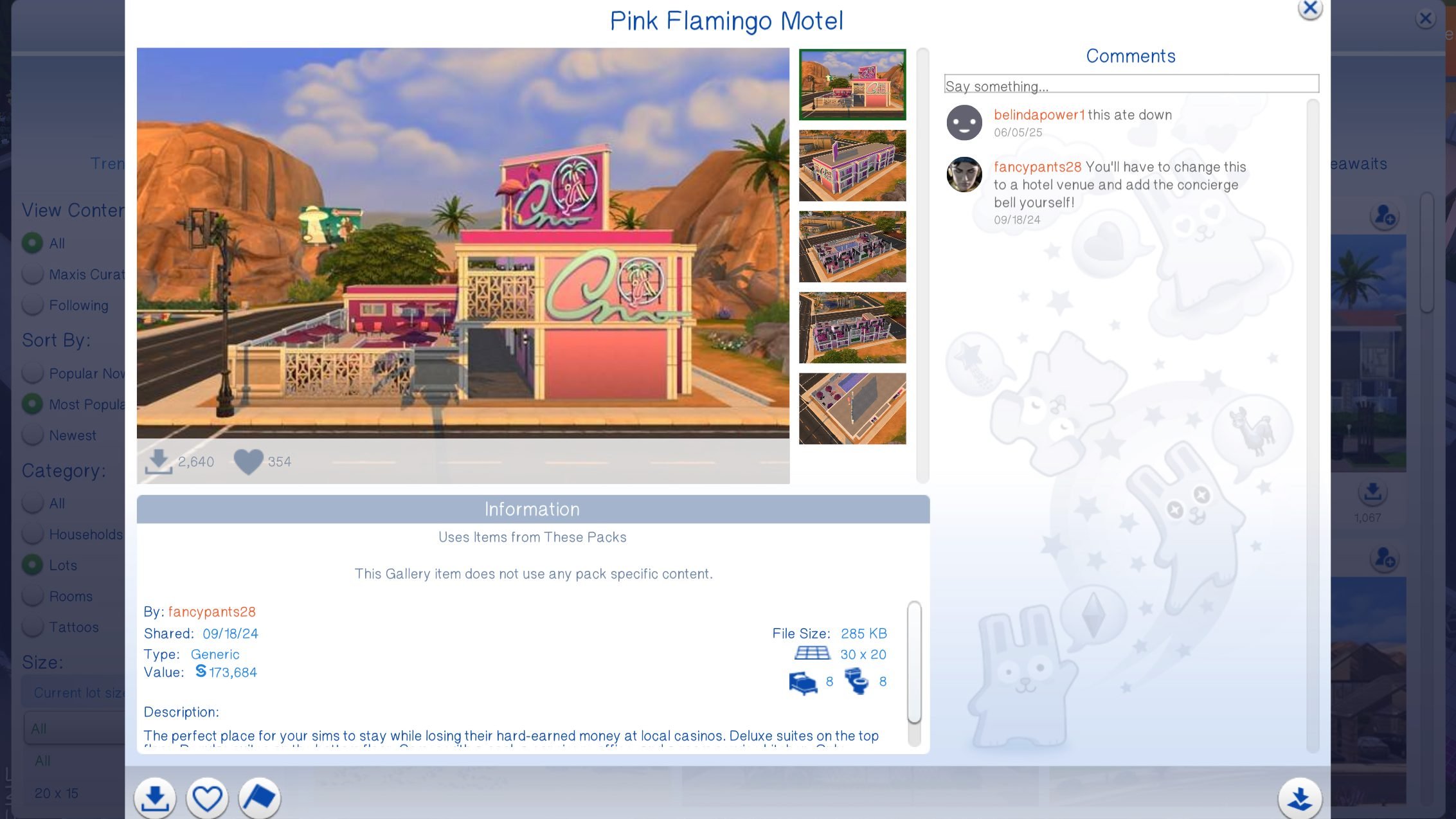
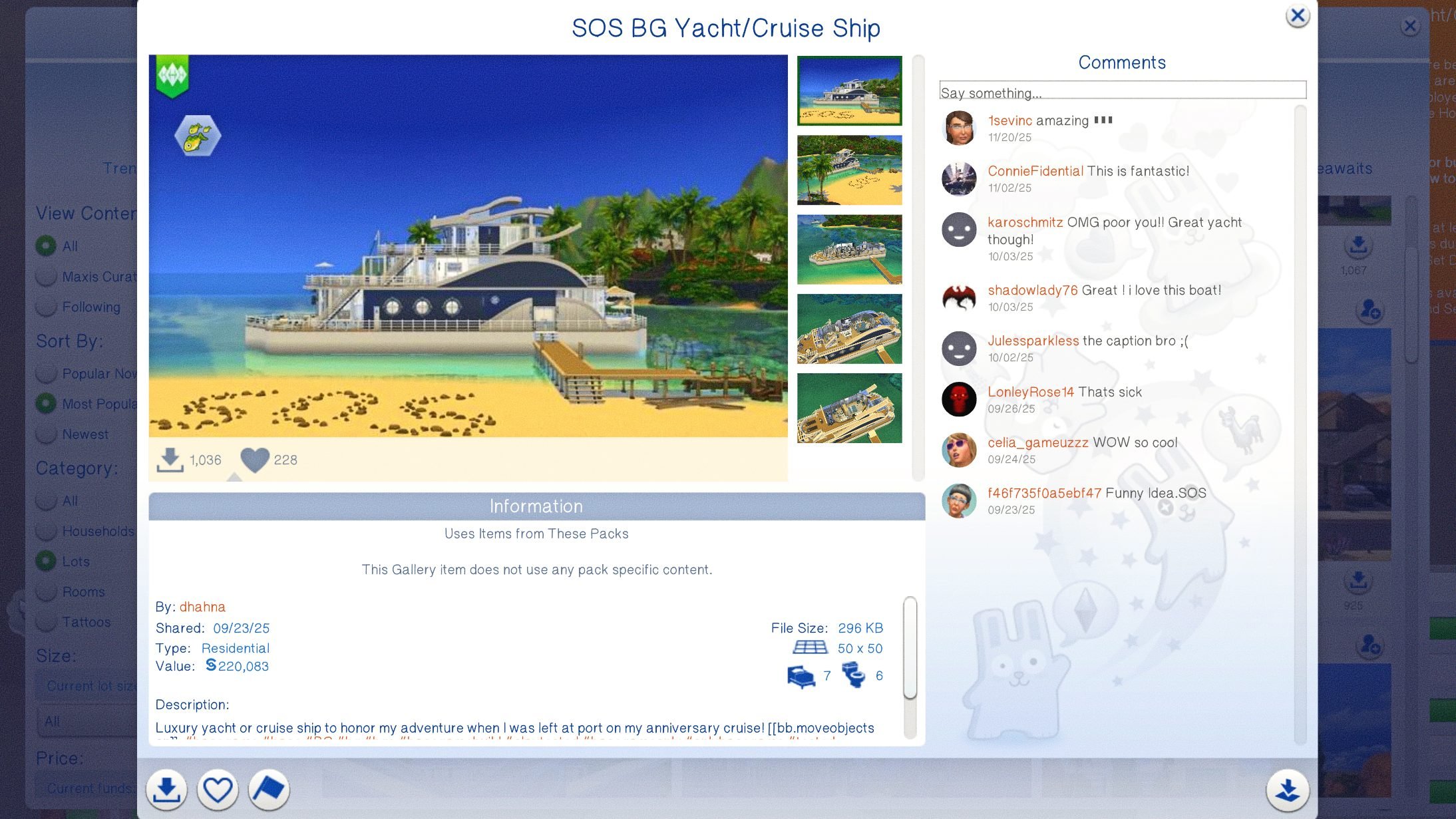
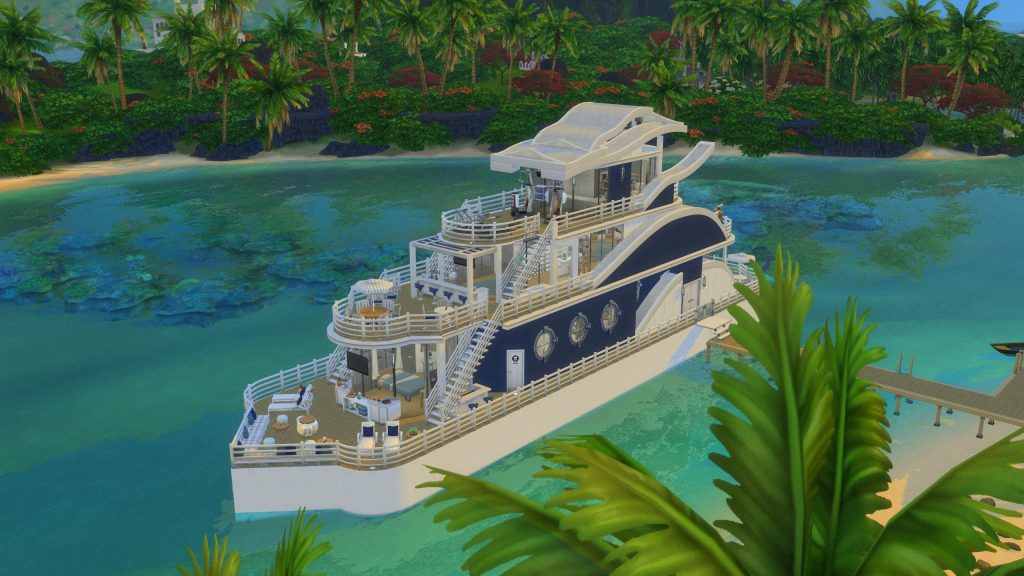
Two hotel builds stuck out to me as being unique, as well as being well-built with the mod in mind.
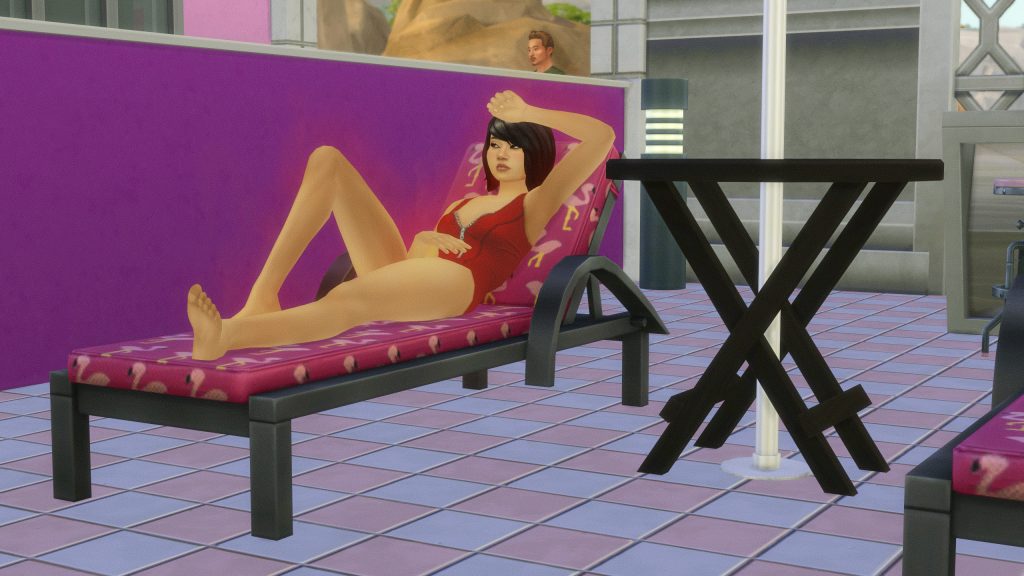
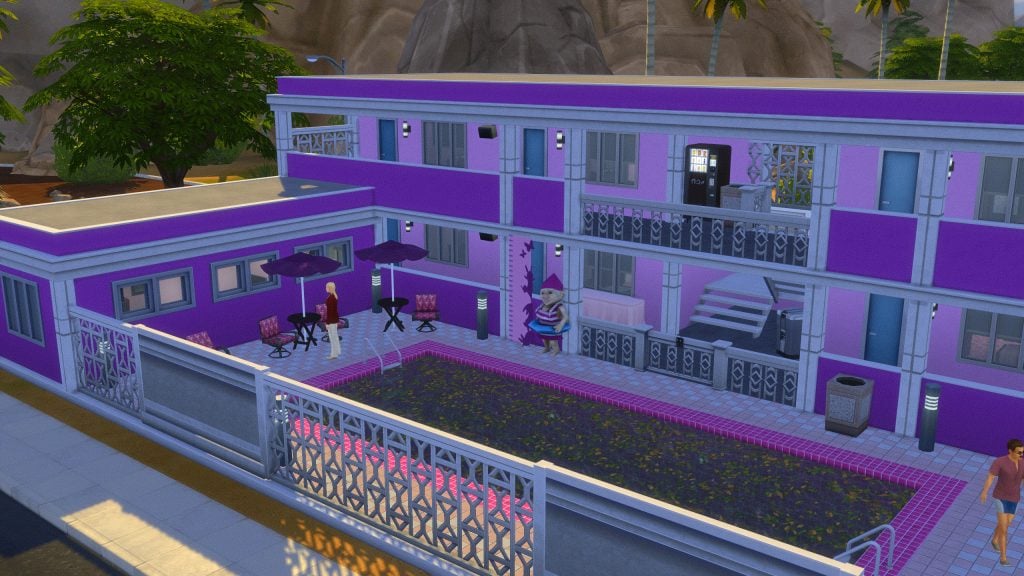
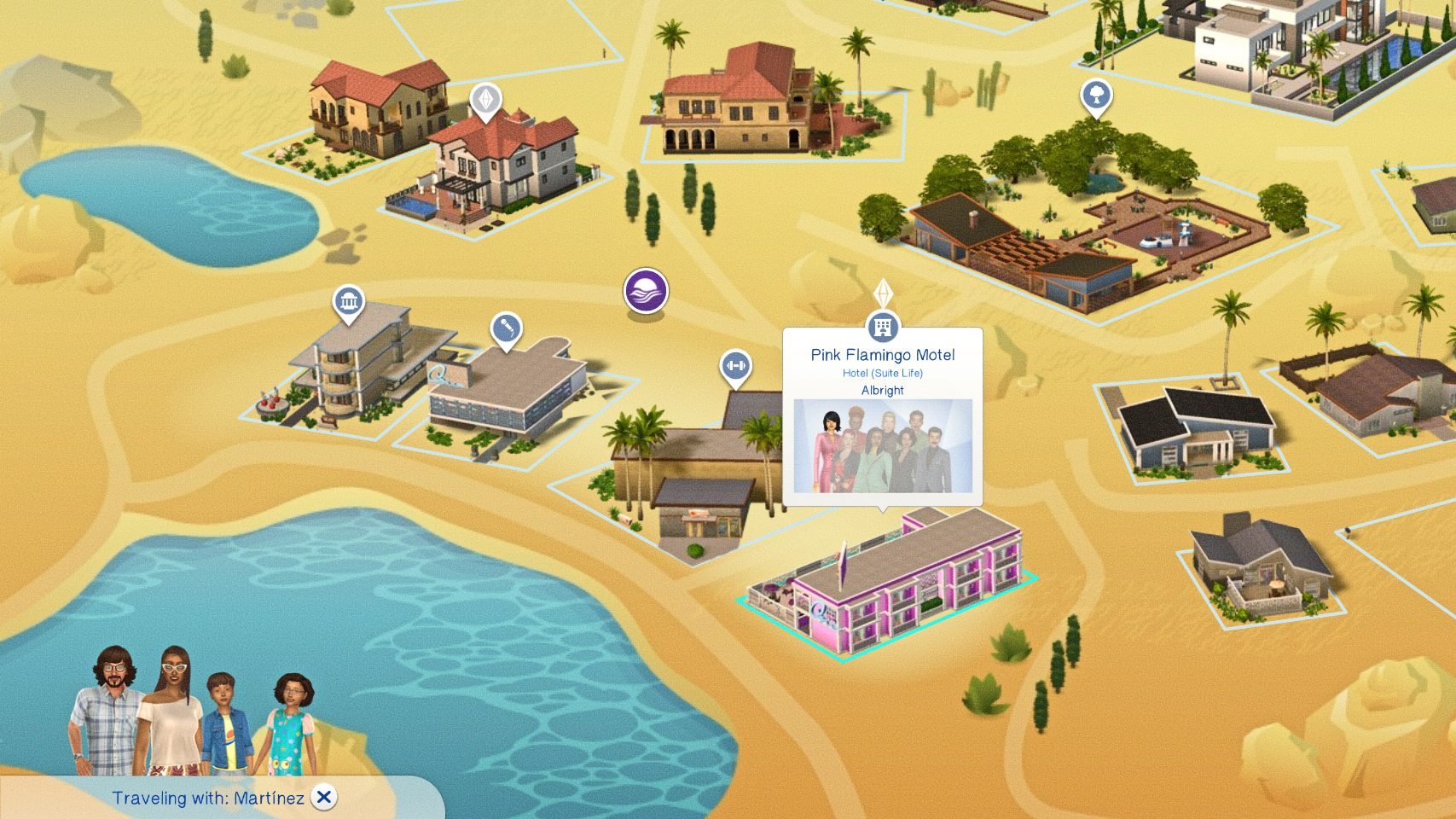
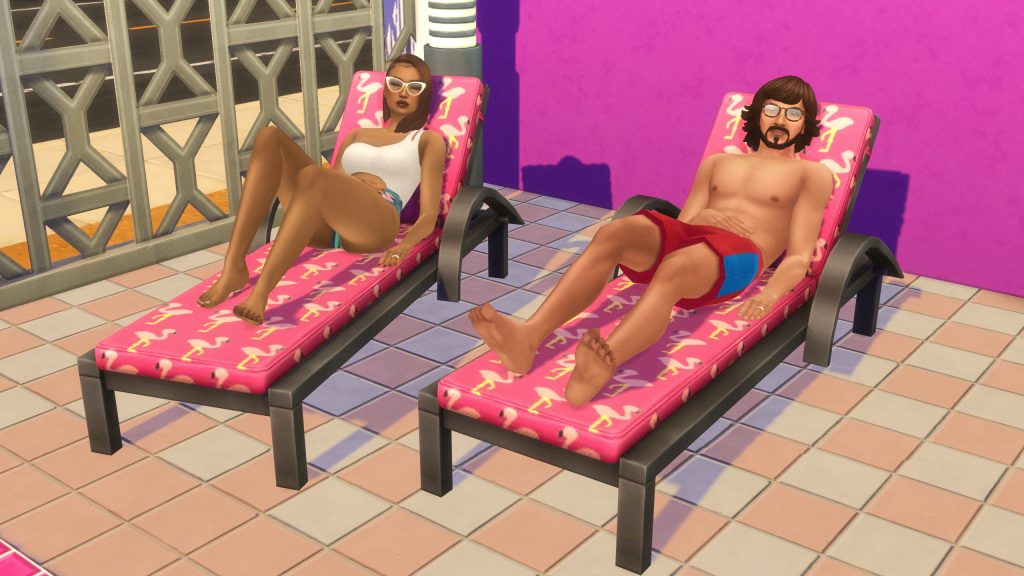
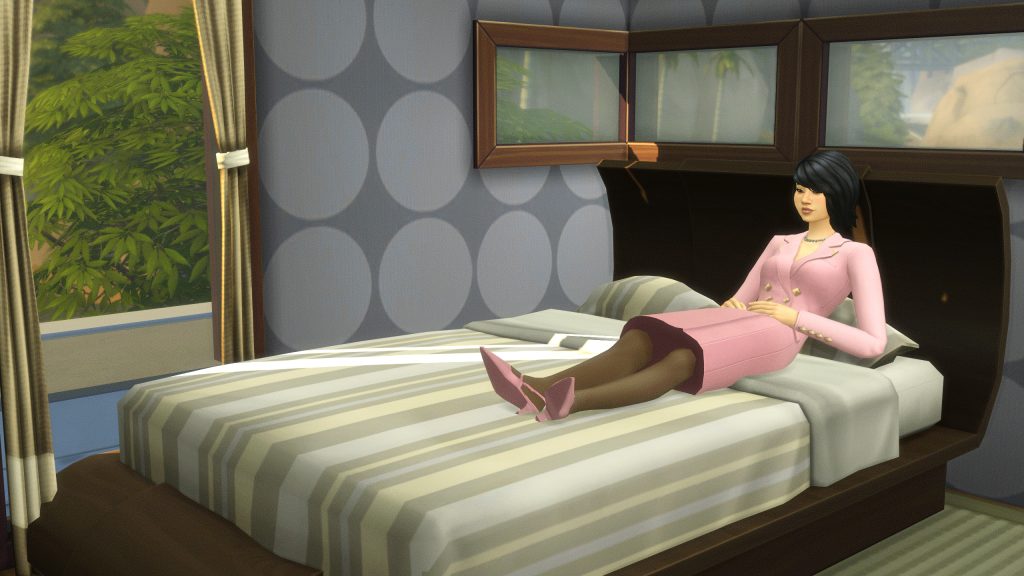
Pink Flamingo Motel by fancypants28
The perfect place for your sims to stay while losing their hard-earned money at local casinos. Deluxe suites on the top floor. Regular suites on the bottom floor. Comes with a pool, a concierge office, and a room service kitchen. Only requires #basegame Have fun!
– fancypants28’s Description for the Pink Flamingo Motel
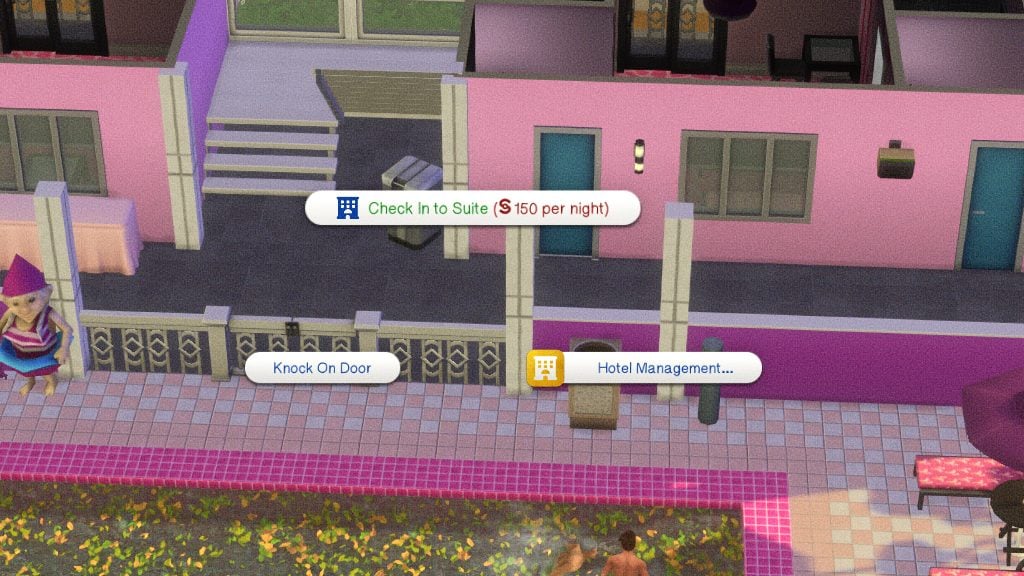
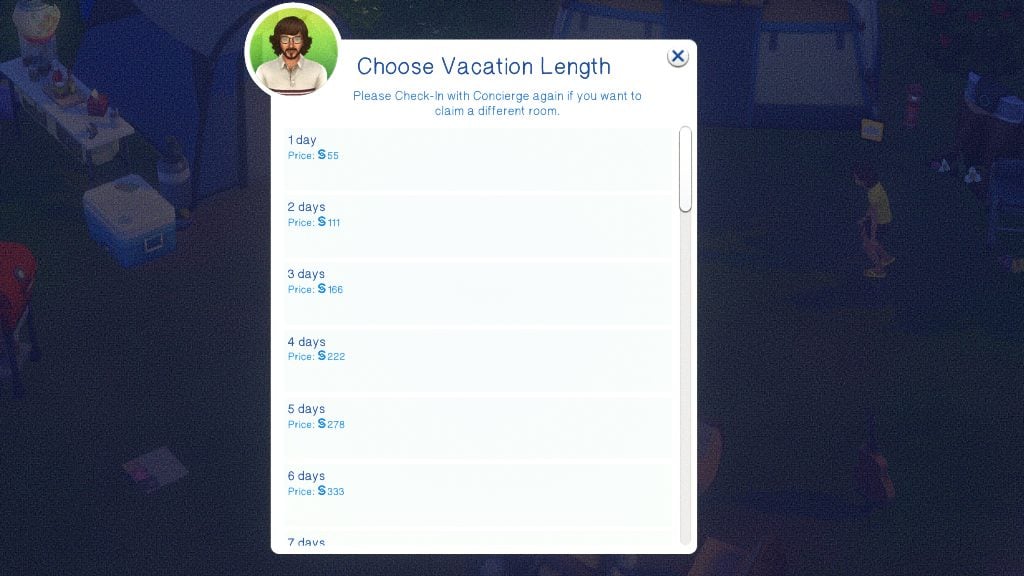
Guest rooms are charged fully up front. Their price can be viewed by clicking on the door of a suite, and their price is calculated based on the value of the items in the room. You can choose how many days you will be staying, as well.
How To Visit a Hotel
Since the base game vacation systems rely on vacation rental, campground, and other lot types, you must Travel directly to the hotel, as opposed to starting a vacation. Use the phone or go to the map screen to travel to the hotel that has been placed and made functional.
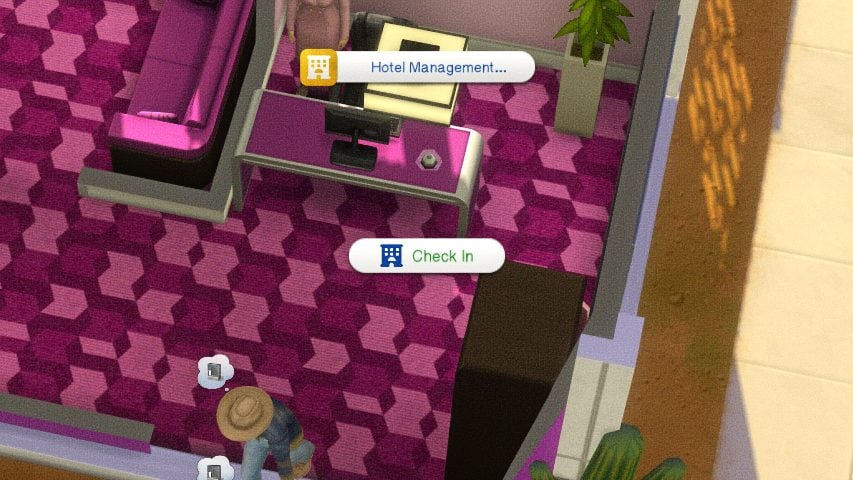
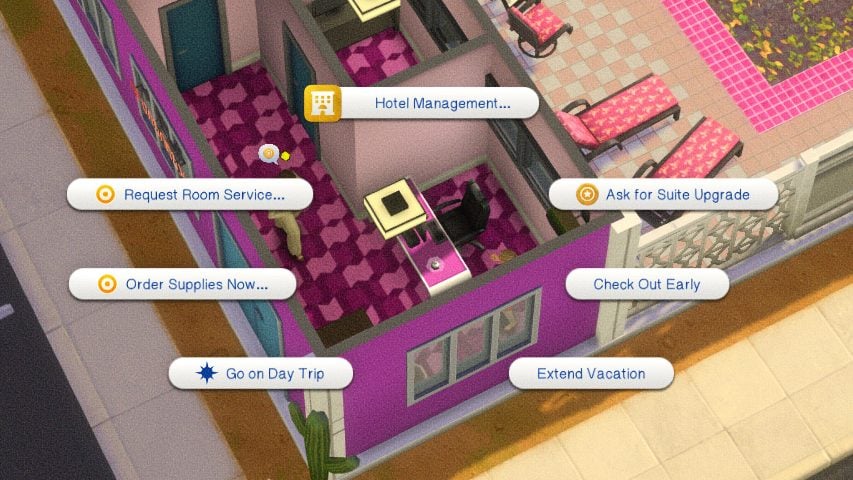
Once you’ve arrived, find the Concierge Bell and select Check In. Wait for the concierge and your sim will speak to them, opening up the ability to click on the doors of any suites you would like to rent. This is also where you can ask for upgrades and other guest-specific amenities.
Paradiso Rewards Program
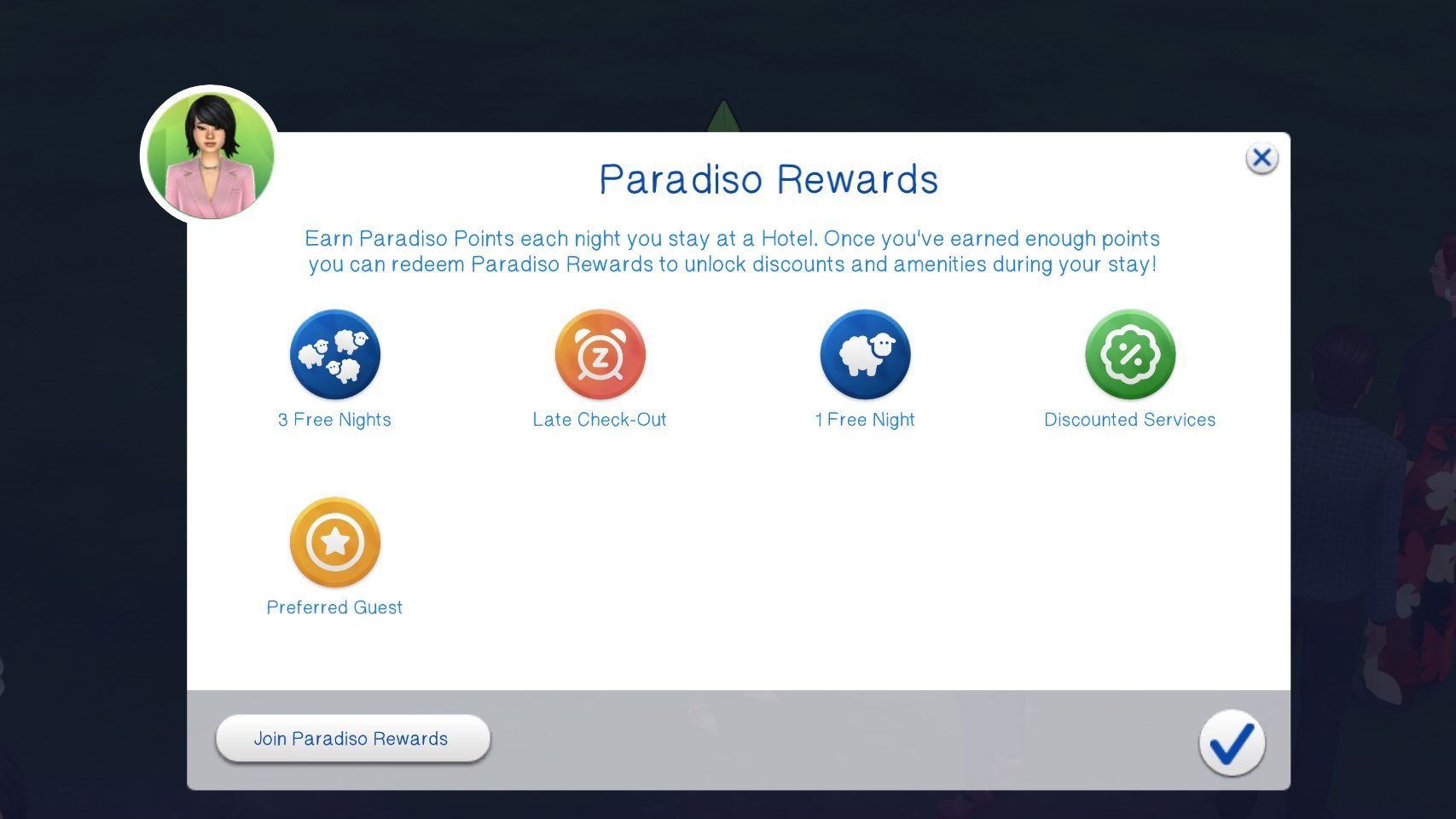
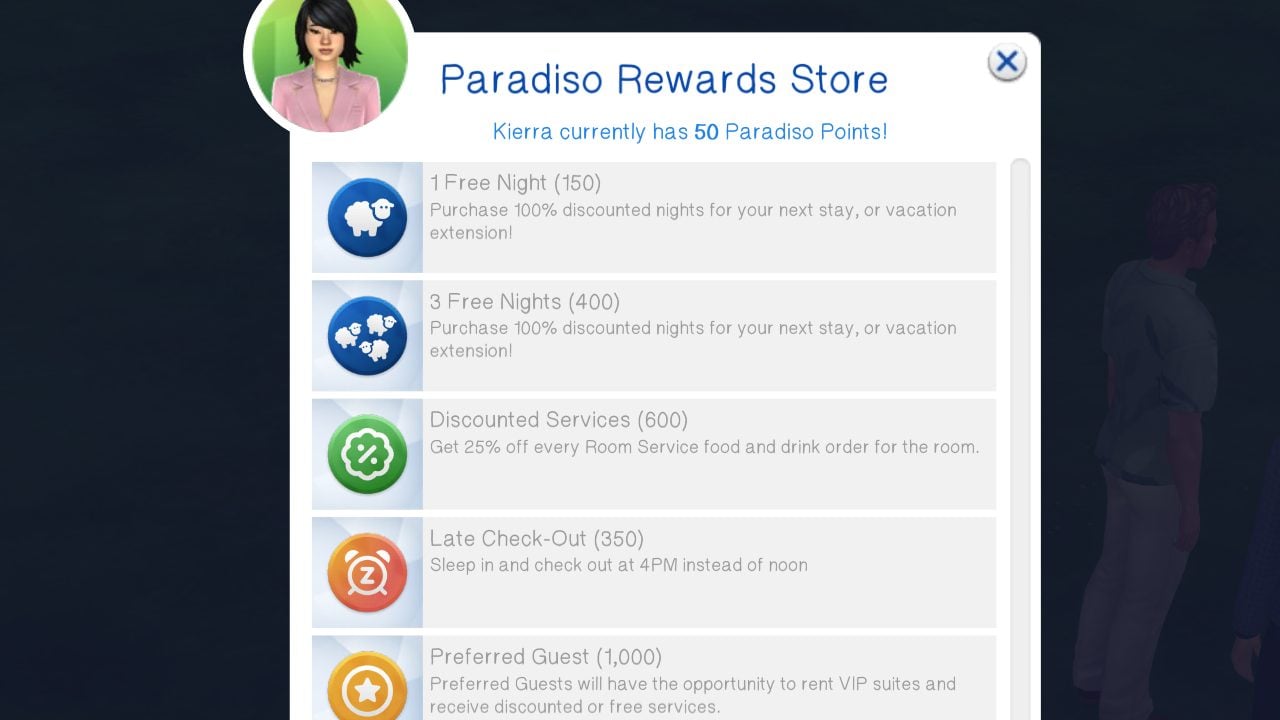
After joining the Paradiso Rewards program from your cellphone or computer, every night your sim stays in a Suite Life hotel venue, points will be earned based on the cost of your room. Lot 51 says this is approximately 2 points per §10. Only adult sims can use and redeem rewards.
The available rewards currently include…
1 Free Night – This is 150 points and can be used on the current or a following stay.
3 Free Nights – This is a bulk purchase and 400 points and can be used on the current or a following stay.
Late Check Out – This is 350 points and allows your sim to check out as late as 3PM.
Discounted Services – This is 600 points and available if your hotel has room service. It reduces the cost of room service and table service orders by 25%.
Preferred Guest – Access to VIP rooms and the ability to upgrade to any room at any time during your stay. Room Service & Table Service are served on gold platters.
VIP Rooms & Access
Rooms can also be marked as VIP Rooms, which can allow you to limit them to Celebrities (if you have Sims 4 Get Famous) and/or Preferred Guests (Paradiso Rewards Members).
Day Trips
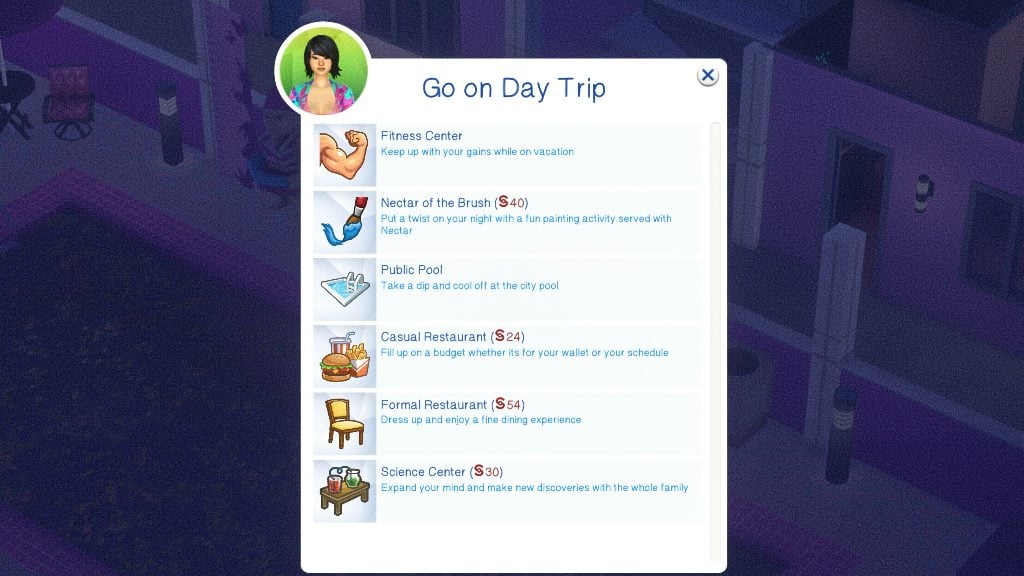
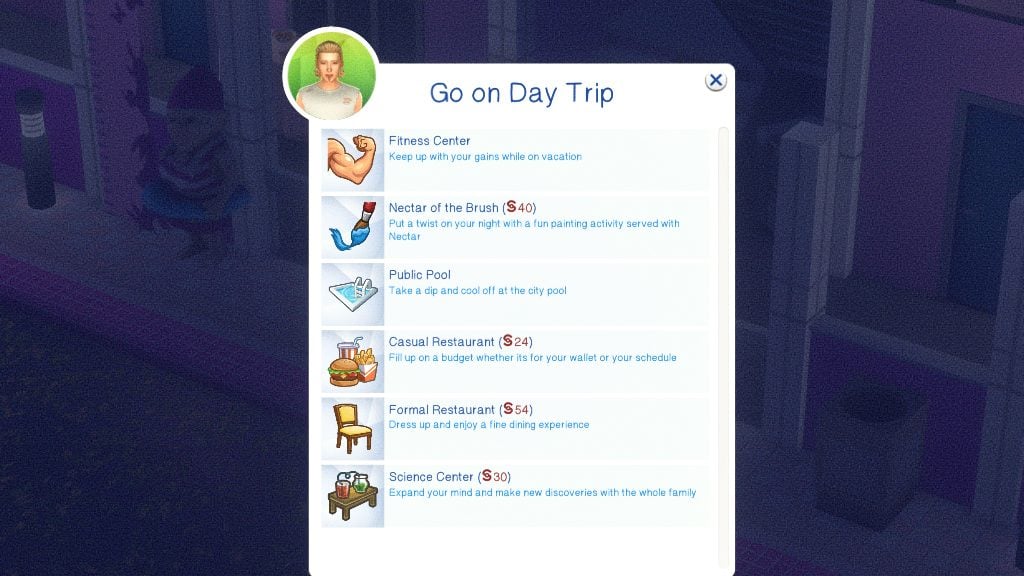
Day Trips are rabbit hole activities you can send groups of guests to. You cannot send guests in a single group to different day trips, limit who goes on the day trip, etc. The cost is calculated per sim and listed in the menu. Every destination does different activities, boosts different needs or skills, and can lead to different effects depending on what they are. Day Trips can be manually visited by clicking on the Concierge Bell.
If the sims are in a good mood, all day trips boost their fun need.
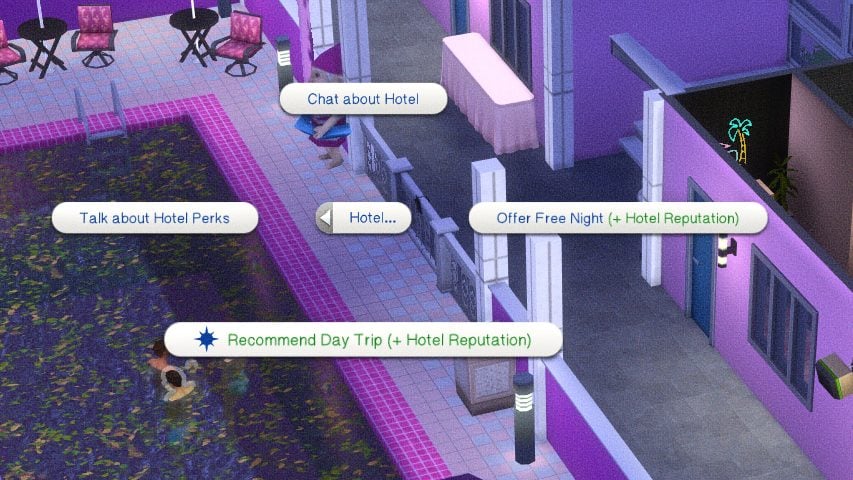
Sims, NPC or controlled, will not autonomously go on day trips, but this is planned to change in future updates. However, you can recommend day trips to them as an owner that they can go on.
Beach – Only appears for certain worlds based on what would have a beach nearby. Can cause sunburns or tanning if you have The Sims 4 Island Living.
Fitness Center – Increases the fitness skill and counts as a workout.
Nectar of the Brush – Painting with a twist, specifically with drinking nectar. Sims return with a souvenir of the class and an increase to the painting skill.FACT CHECK
Public Pool – Can cause sunburns or tanning if you have The Sims 4 Island Living.
Casual Restaurant – Maxes the hunger need.
Formal Restaurant – Maxes the hunger need.
Science Center – Builds Logic & Handiness for adults, but increases almost all skills for children.
MORE
The day trips are ALL Base Game compatible, but some effects or buffs may not appear or be limited if you are missing the required pack.
Pools & Hot Tubs
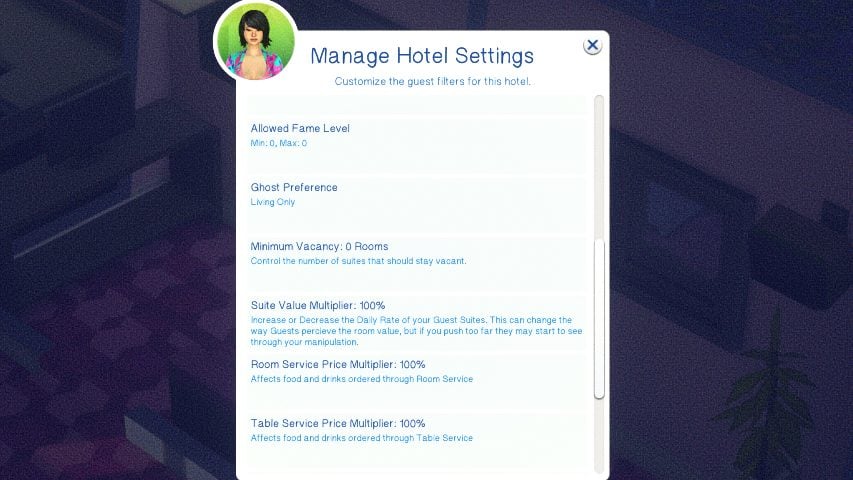
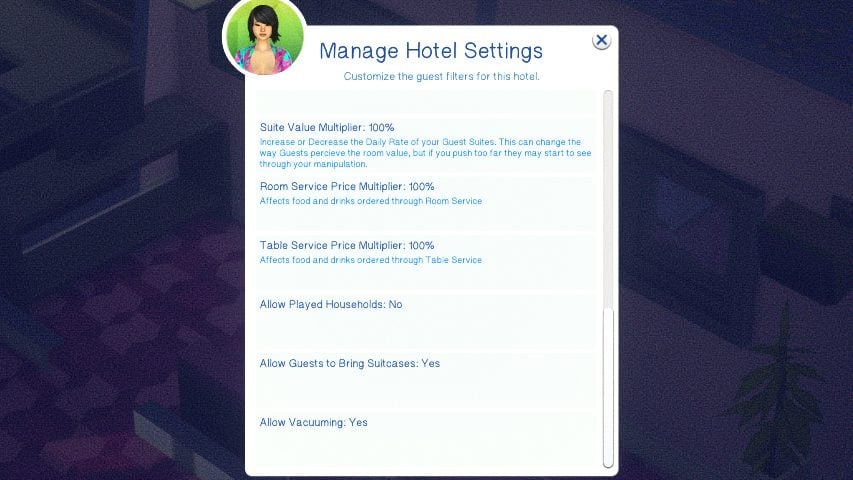
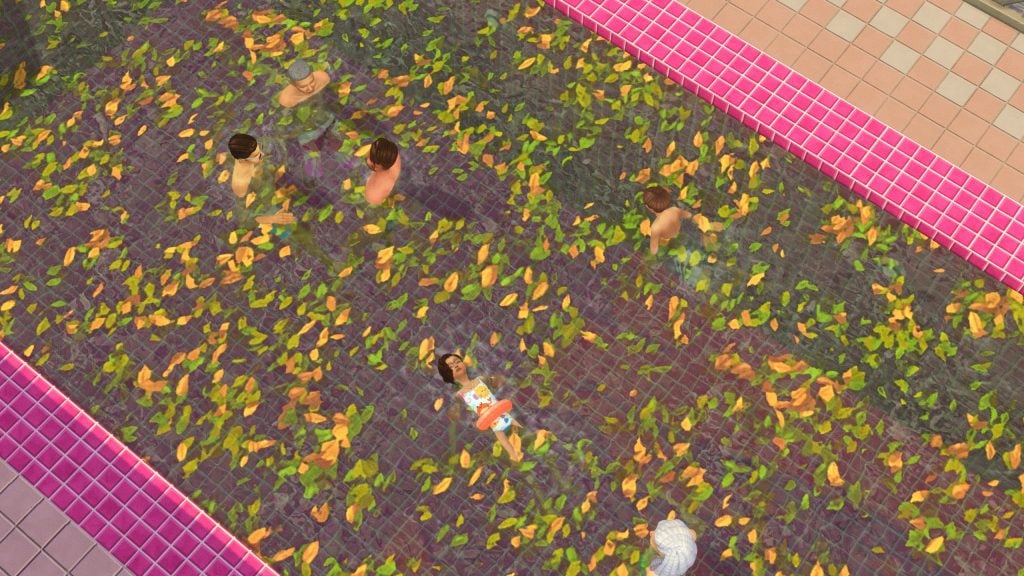
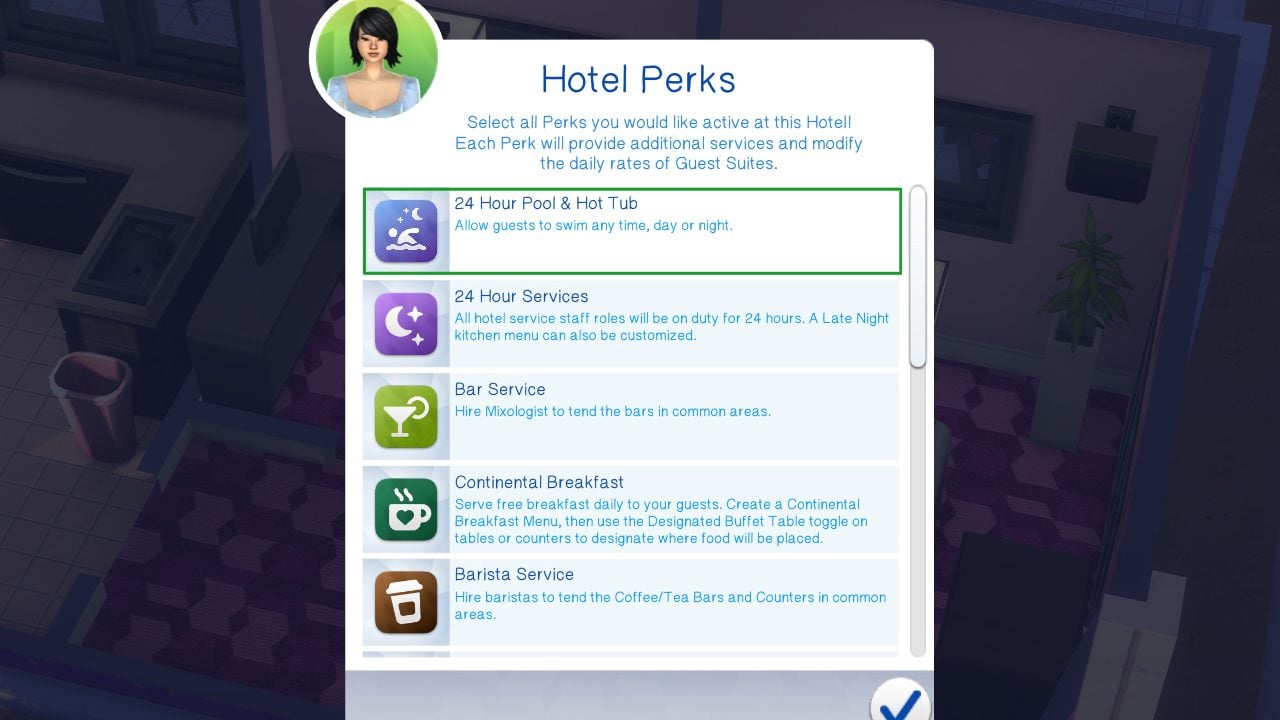
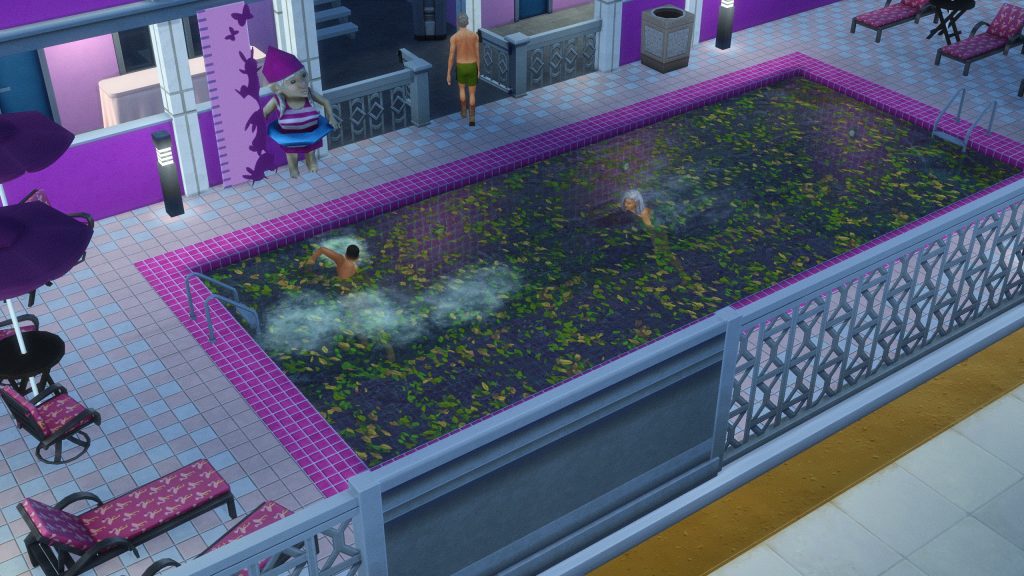
If your hotel has a pool or hot tub, the default hours are 6AM to 10PM. Sims with a medium Mischief Skill level (3+) can sneak in, but may be kicked out or reprimanded if caught. The hours can be changed using the Hotel Perks menu. This includes adding a 24-Hour Pool & Hot Tub perk, allowing them to stay open day or night!
Employee Behavior
Housekeeping
Housekeeping will visit rooms every morning for clean up. If you would like to avoid housekeeping arriving for your room, you can select Do Not Disturb on your door. You can also use the guest room door to request cleaning at any time.
Maintenance
If an object breaks on the lot, whether it is in a guest room or in a shared area, click your guest room door to call maintenance who are on-call 24 hours a day.
Concierge
Concierge sims will stand by or sit at the desk with the Concierge Bell placed on it, as long as it is placed correctly. They will greet and direct sims to their rooms, provide customer service, and more.
Bartender
Bartenders function the same as bartenders hired via the base game systems (By clicking on a bar and hiring a bartender), except they now stay for longer, make an hourly rate, and can be swapped out for different shifts.
Cooks & Chefs
Cooks & Chefs will autonomously function and cook meals during dining hours, including delivering food items to rooms, serving guests with table service, or stocking buffets. They are not required if you do not add room service, table service, or continental breakfast as an amenity. If you do not, guests must have fridges, microwaves/stoves, and counters in their rooms to be able to feed themselves.
Porter
Porter’s will typically greet and assist guests with carrying in their luggage and putting it away.
Friends & Family
If you meet a new friend or see someone familiar while visiting a hotel, you can offer them access to your suite by clicking Give Room Key on the Actions menu. If they’ve overstayed their welcome or you need some more privacy, the same menu will also have an Ask To Leave option to revoke suite access.
Any empty rooms can be clicked to invite known sims, including their friends and family depending on the guest filters and the room capacity. Some sims in their household may not appear if the room invited to does not have capacity, including enough beds, cribs, toddler beds, pet items, etc.
If you’re traveling with a larger group or just need more privacy, you can pay for multiple suites and guest rooms to accommodate. You can use the guest room to assign guests per room, give everyone free reign and access to all rooms, etc.
NPC Behavior
NPCs have autonomous behavior to avoid hotels seeming empty or lifeless, including things like suntanning if you have DLC that allows for it. If you have the Sims 4 For Rent, you can eavesdrop at guest doors and snoop in guest suites.
Playing a Hotel Owner
This feature is a work-in-progress, per Lot 51. You may experience unexpected bugs, issues with features, etc.
Since modded or custom businesses cannot appear on the business UI panel, all features of this mod are controlled via the cellphone, concierge bell, and signs.
To buy or sell a hotel, find the Pillow: Hotel Realty option under your sims’ phones’ Hotel app. Prices vary based on Market Rates, from -12% to +12%.
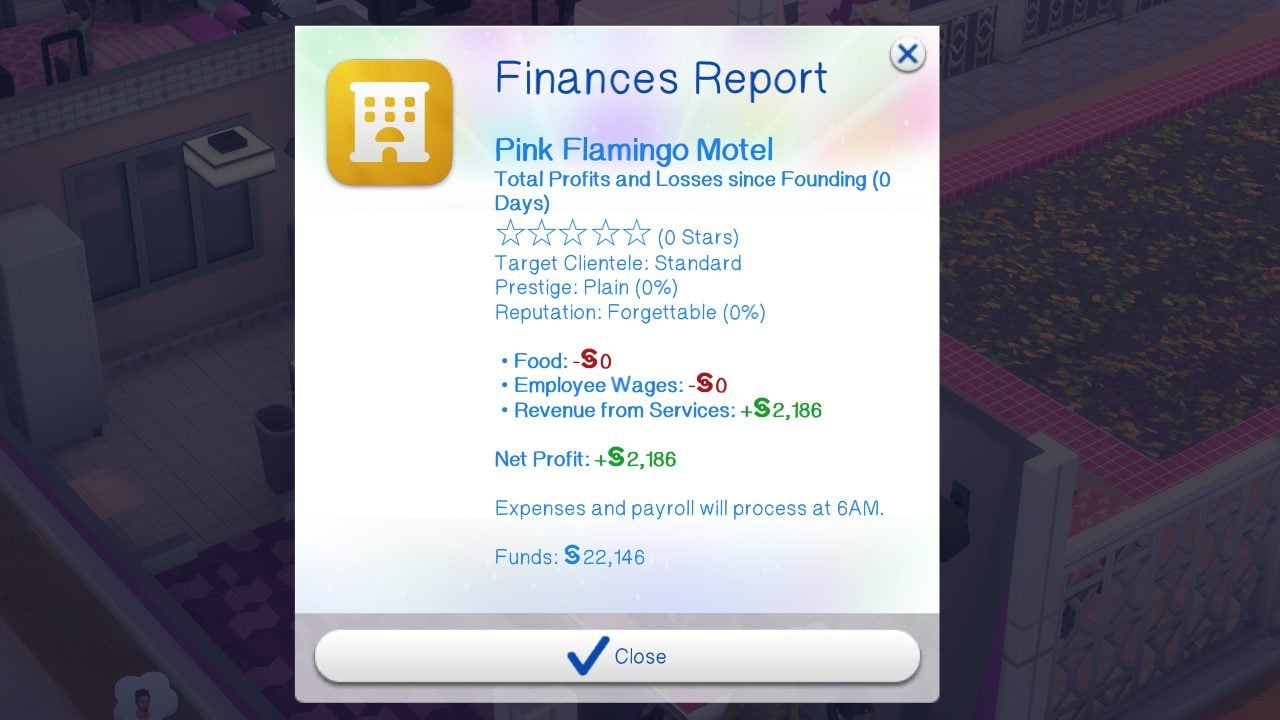
When owning a hotel, your hotel will generate a financial report each morning to calculate all of the expenses, wages, and revenue for the previous day. All profit will be sent to the business account and can be accessed by clicking the simoleon button on the Total Funds area, lower left on the UI. An overall financial report can also be generated using Manage Hotels picker on your phone, evenw hen not on the lot.
Hotel Perks System
Each hotel built can be given unique amenities through the perks system on the Concierge Bell.
These services come with three standard shifts; Morning (5AM – 11AM), Afternoon (11AM – 5PM), and Evening (5PM – 11PM). With the 24-Hour Services perk, you can also select a Late Night Shift (11PM – 5AM). Staff will rotate through the shifts.
Housekeeping
This allows you to hire dedicated custodial staff that will rotate through rooms daily and clean anything required.
Bar Service
Bars placed in common areas (Areas accessible to all guests) will receive hired mixologists. “Hire Staff to Tend Object” is supported.
On-Demand Catering
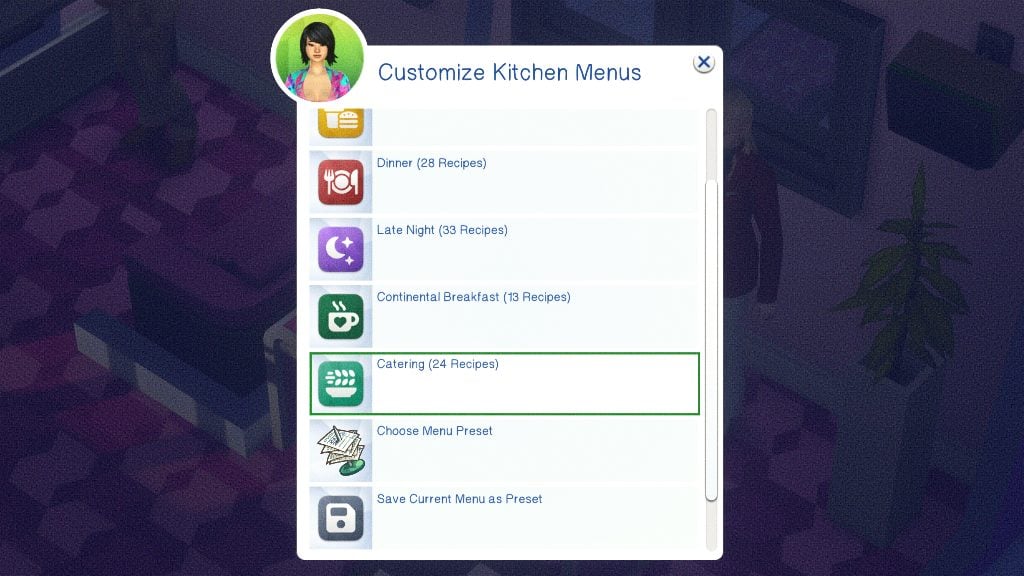
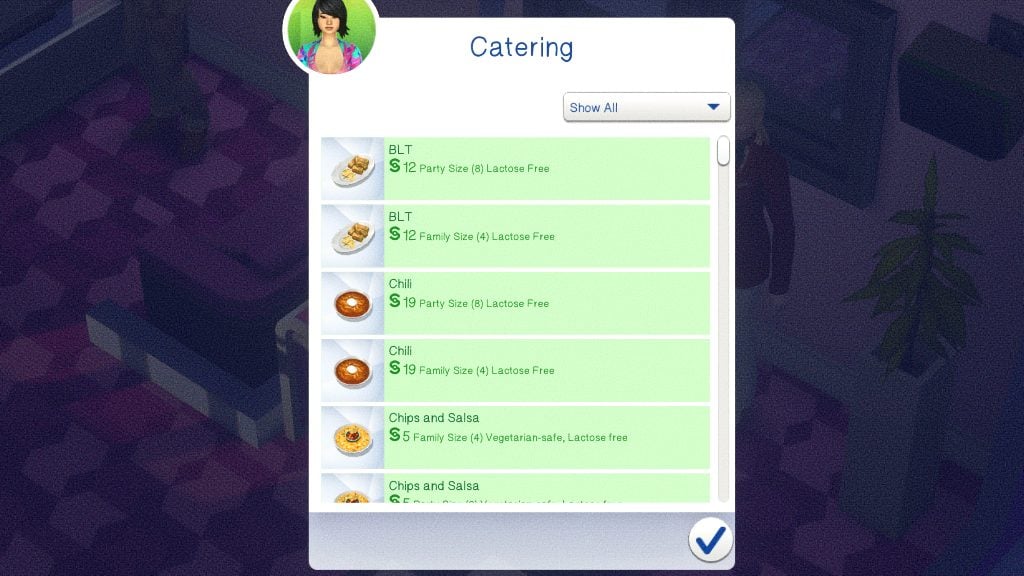
With the customizable menus available, you can also choose Catering as a category. This will allow you to place any family or party-sized platters to be served buffet style on common-area tables.
Barista Service
Hire a barista to tend espresso bars (get together), Bubble Tea Counters (High School Years), or Coffee Counters (Businesses & Hobbies)
Continental Breakfast
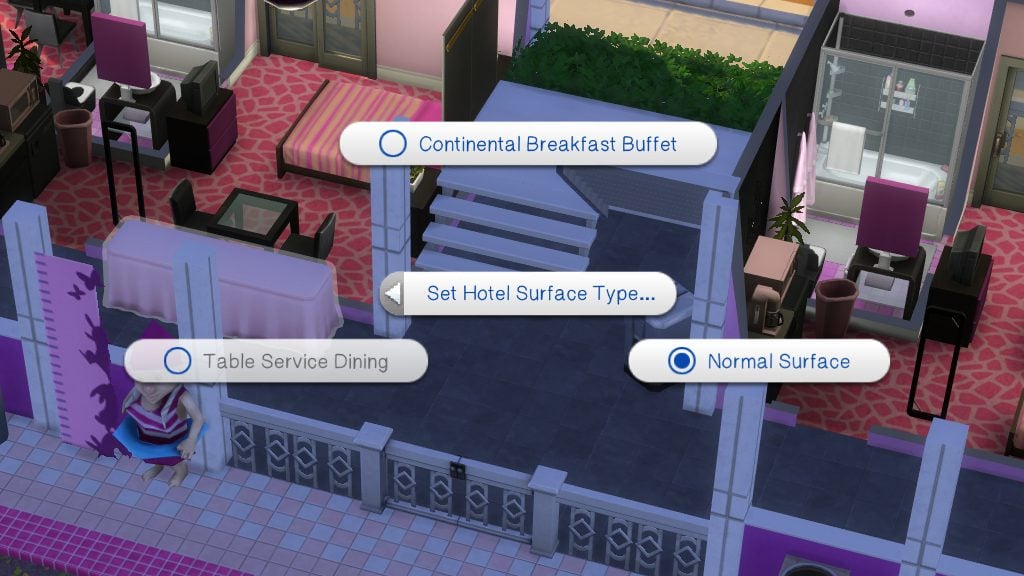
Designate a table in the common area as a Buffet Table and create a custom menu of items to be cooked each morning, supplied to your guests for free, as a continental breakfast perk.
Haunted Hotel
Have ghosts walk the halls of your hotel, startle guests, and perform sceances and exorcisms.
Quiet Hours
During Quiet Hours, typically late night hours, all sound-emitting objects will be turned off automatically (Televisions & Stereos), staff will be quiet, elevators will go silent, and laundry will be closed and unavailable.
Room Service
Guests can order food & drinks from the kitchen to be directly delivered to their room. NPC guests autonomously order when they get hungry. With the 24-Hour Services perk, you can also elect for a special Late Night menu.
Spa Services
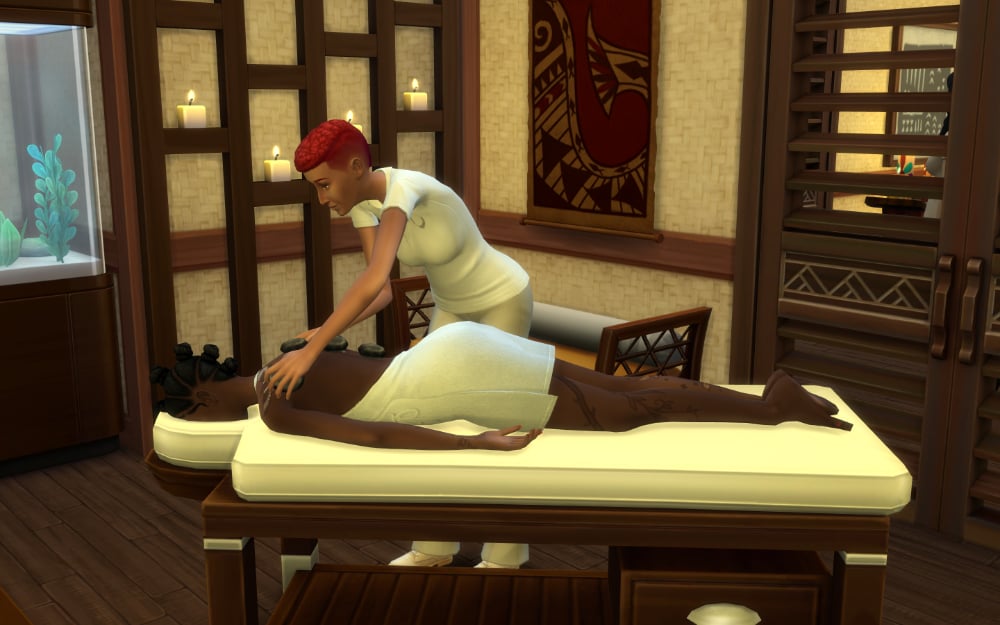
Hire massage specialists and spa attendants to work at Massage Chairs and Massage Tables. Spa Services can also be requested through Room Service.
Table Service
Clicking any table with seating in a common area will allow you to set it to a “Table Service” surface type. When the kitchen is open, you can seat your sims and order food. If you have a pack with a Podium/Lectern (Packs), you can toggle to hire a host who will seat guests.
Yoga
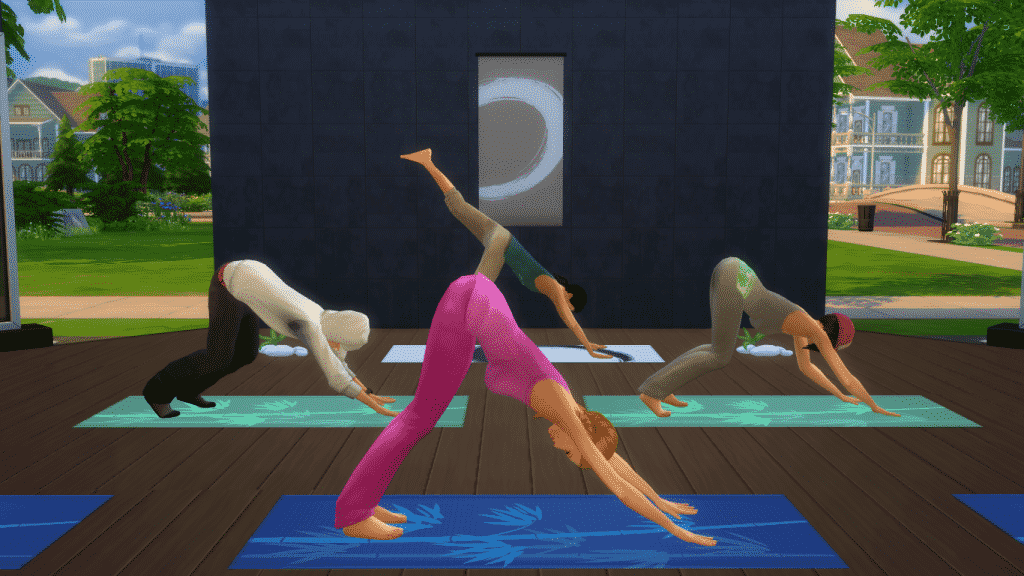
Placing down an Instructor’s Yoga Mat with this perk available with allow you to hire a yoga instructor who will offer three complimentary yoga classes for guests each day; In the morning, afternoon, or evening.
24-Hour Services
Allows you to have Room & Bar service open all day & night, and also offers a custom Late Night menu between Dinner & Breakfast
24-Hour Pool & Hot Tub
Allows sims to enter the pool area and swim any time they want! You CAN sneak into the pool areas, but your whole party may get kicked out if caught.
Employees
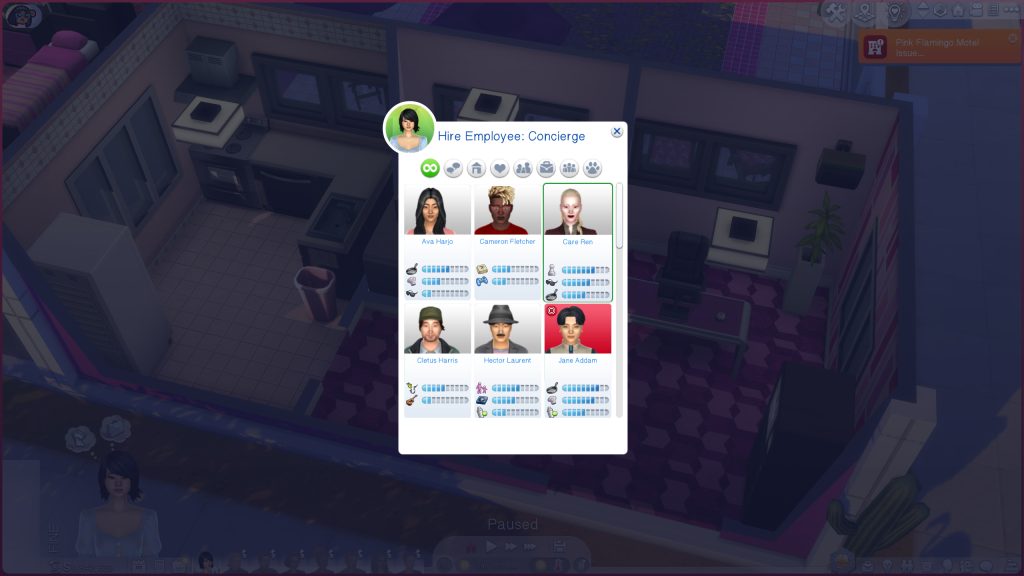
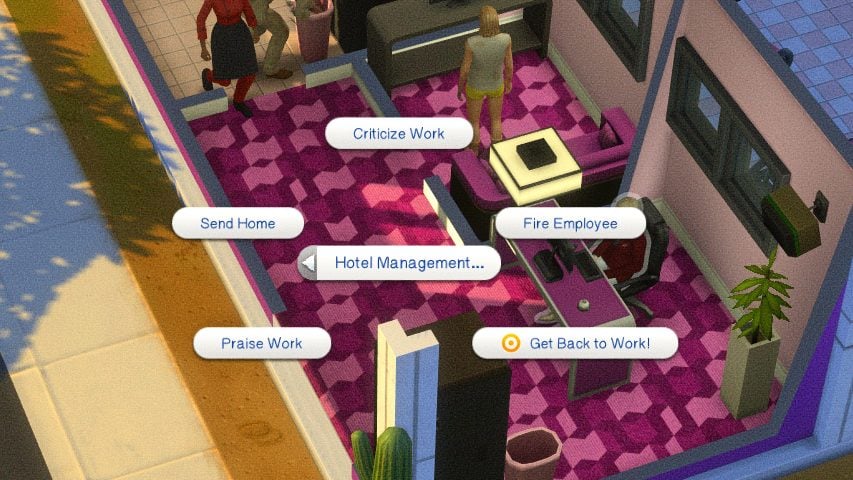
Employees can be managed, meaning hired, fired, called in, etc. from the concierge bell. It will provide a list of eligible NPCs in the world, particularly those that have skills pertaining to the specific role you’re hiring for. Once an employee is working, they can be praised or criticized for their work, fired, told to go home, and more.
Kitchen Menus
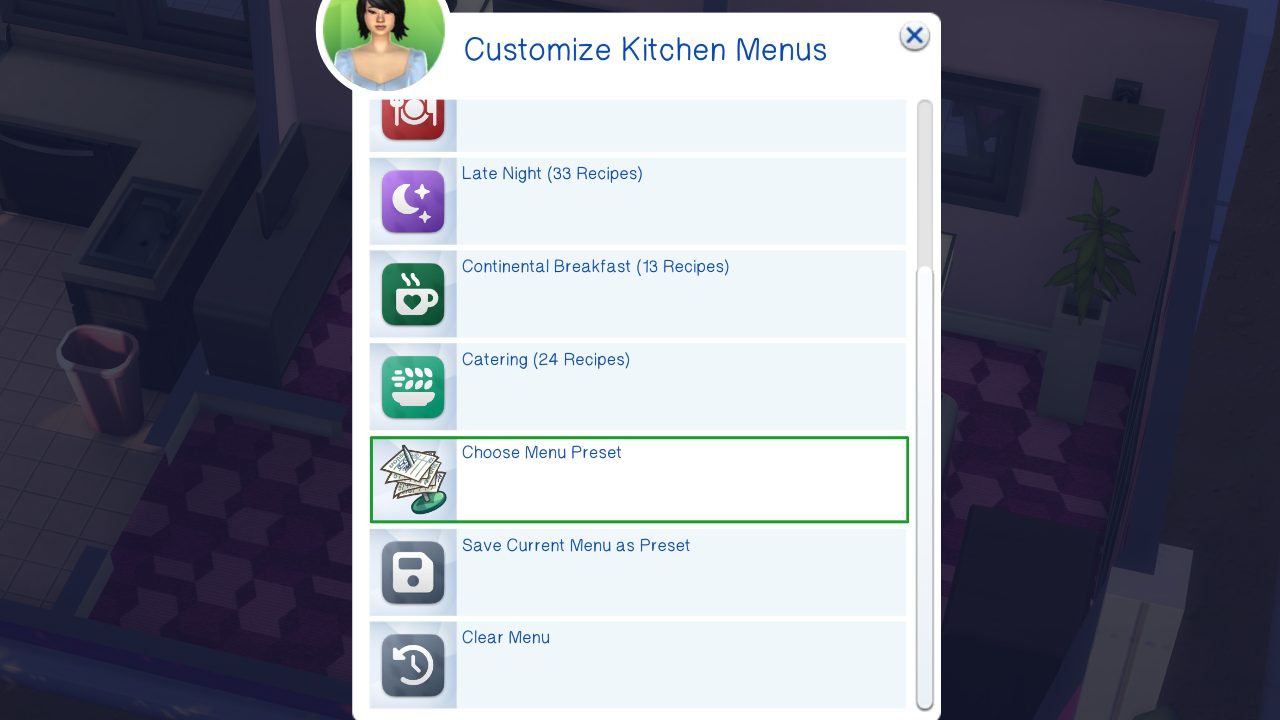
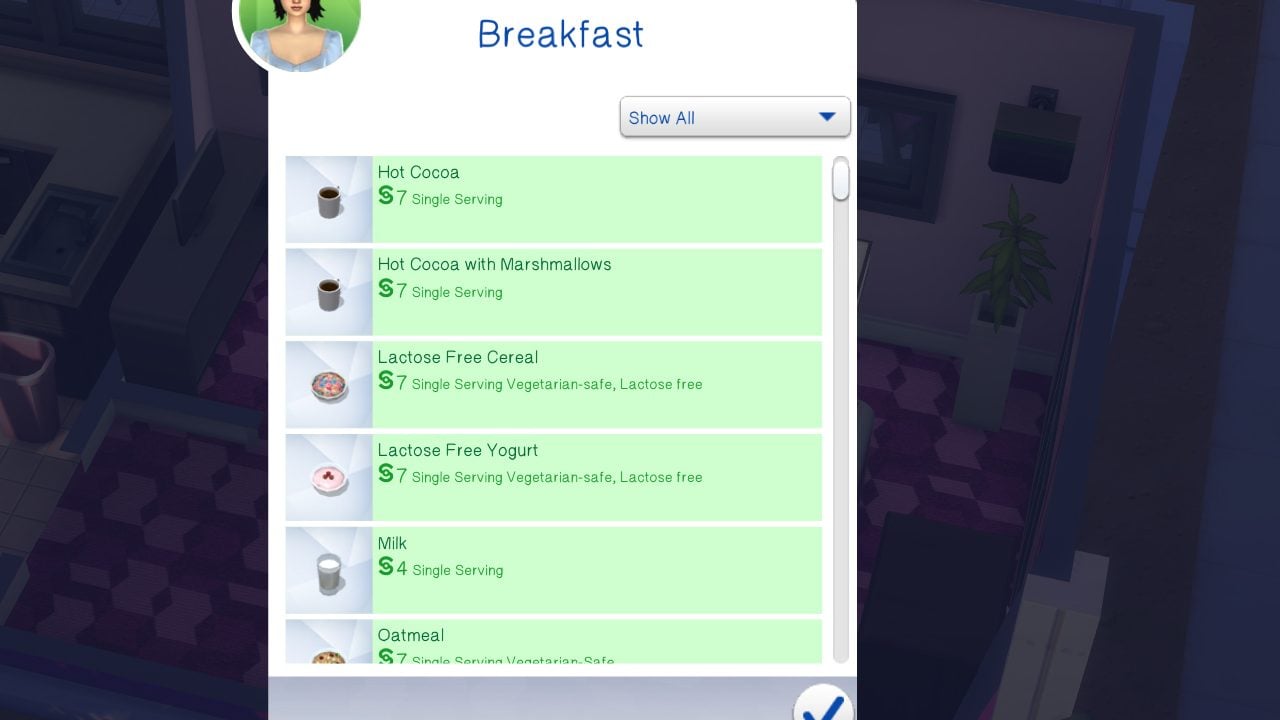
Kitchen menus can be customized based on shift or type of menu. This includes morning, afternoon, evening, and late night, as well as continental breakfast and catering. Menu presets also exist, which can be custom made or are included in the mod.
Hotel Owner Suite
This option will block off a specific area for your hotel owner(s) to rest, relax, and live in general while managing their hotel. These are separate from staff areas, guest areas, etc.
Earning Money
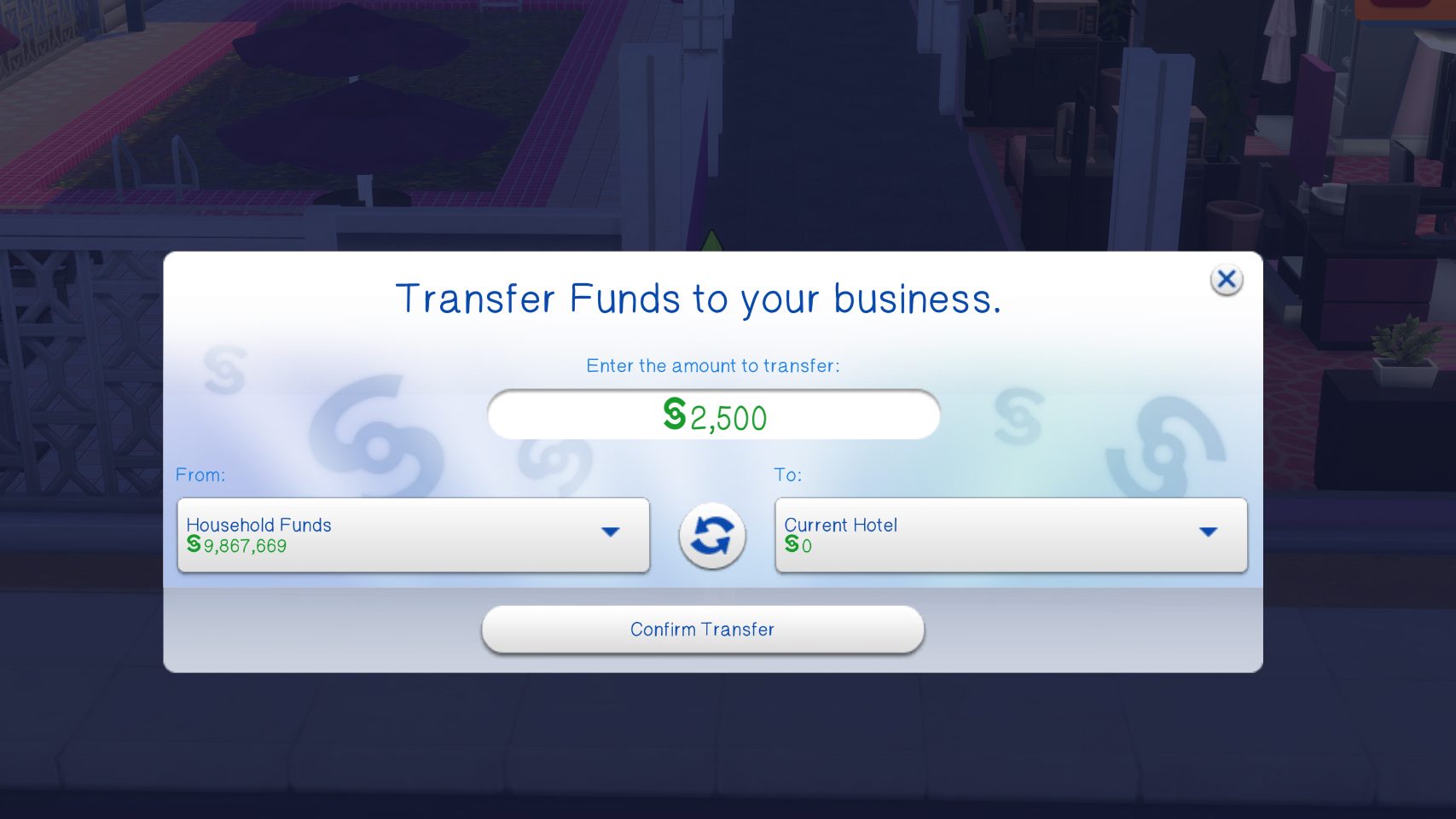
Money is earned as guests check in, and based on the length of their stay and the quality and value of the suite(s) they choose to check into. You have to pay money to earn money, though, and you will have to have a starting fund provided to the hotel to be able to set it up.
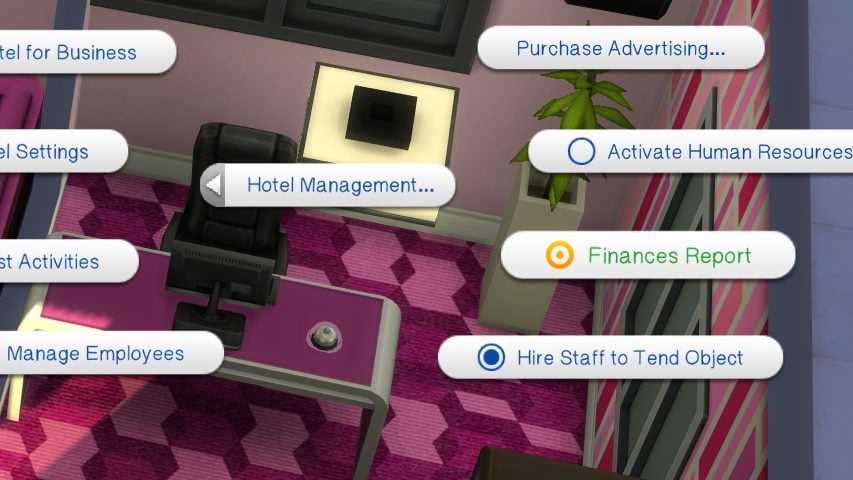
If you’re feeling overwhelmed, unsure how much money you’re actually raking in, or unsure if you need to change anything, you can view the Hotel’s Financial Report via the Concierge Bell.
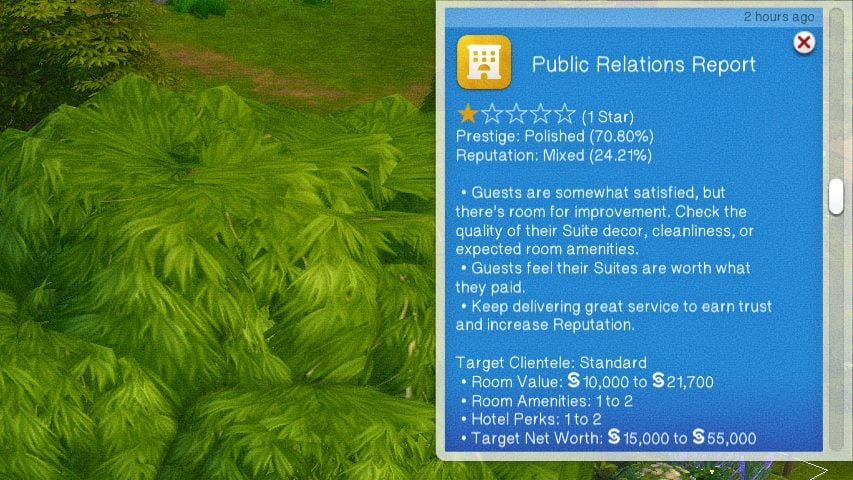
Prestige & Reputation System
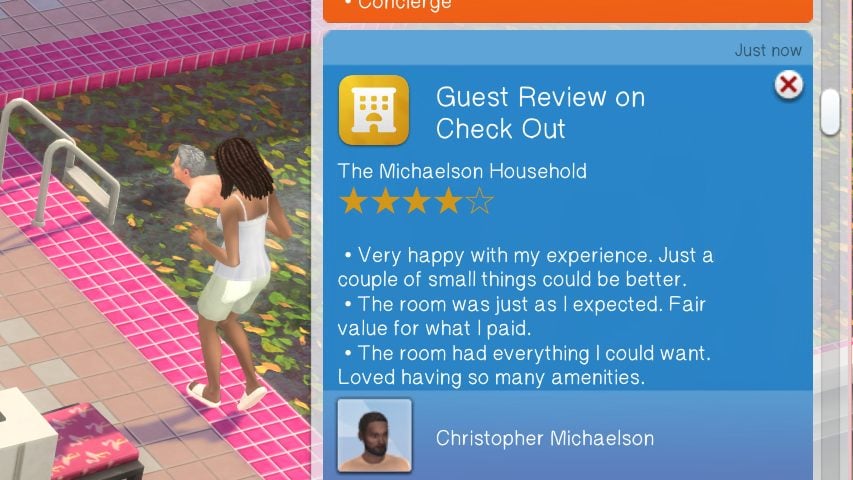
The reputation system is based on interactions directly with guests, as well as their overall review once they leave. Interactions with guests can include providing them with Day Trip recommendations, welcoming them to the hotel, providing free amenities or upgrades, and chatting about the hotel in general. When a guest or group of guests check out from their stay, they will leave a review of up to five stars, as well as providing an overall review of their stay with tips for things they liked and didn’t like.
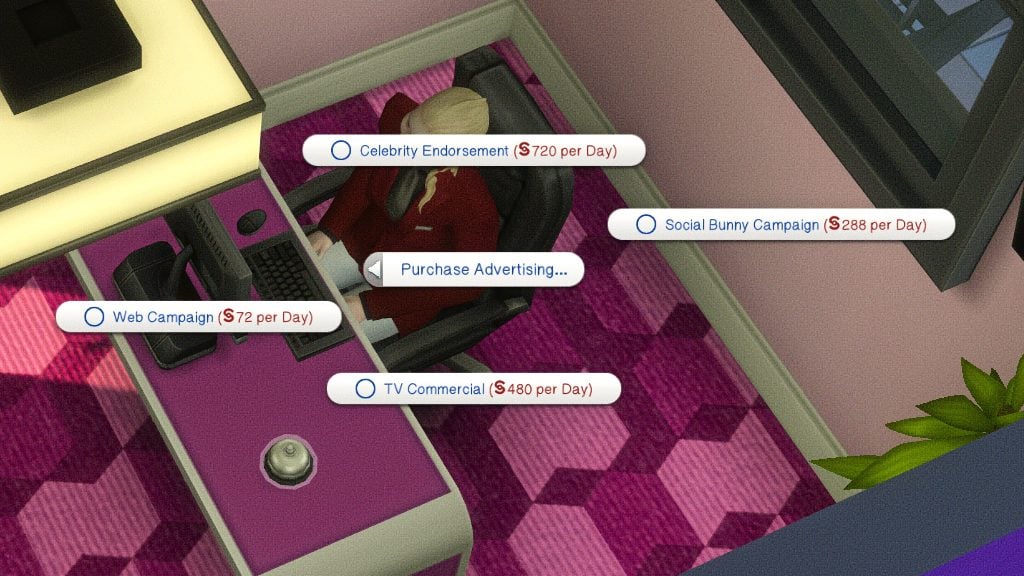
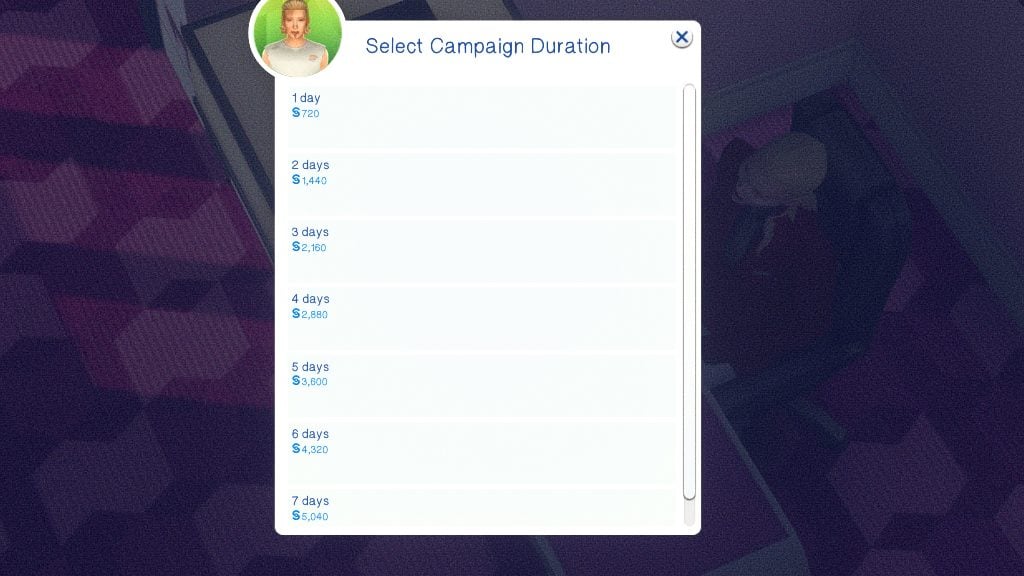
You can also increase your prestige, popularity, and amount of guests using advertising. This is available via the concierge bell. You have multiple options, varying in pricing and effectiveness, and can select how long you would like your advertising campaign to run.
Cross-Pack Compatibility
Expansion Packs
Cats & Dogs
Pets can tag along on trips! Sims can bring as many pets as food bowls within their suite.
You can change what animal species are allowed in hotel settings.
City Living
Elevators are added to allow your sims to travel throughout the hotel. Since they are custom but based off of the City Living elevators, they must be stacked directly on top of each other for sims to properly use them.
These elevators can be placed on any lot, but the lots that are considered Penthouses will require an EA elevator.
When “Quiet Hours” are not active, a “ding” noise will come from the elevators when used.
Elevators can also be used to go to the specific floors or to gather near specific elevators.
Get Famous
Hotels can use the fame limitation system, including disallowing guests below a certain level or creating VIP rooms for celebrities.
Paparazzi will not show up to avoid lag issues from the game spawning too many sims, allowing it to prioritize spawning guests, employees, etc.
The security at these hotels are very good.
Growing Together
NPCs will arrive with the “Stay Over” suitcases in hand, and will leave them in their suite.
Game Packs
Dine Out
There is NO classic restaurant functionality, but Chefs can use the Chef Station to prepare food for room service, and Porters can use the waiter station for washing dishes.
Stuff Packs
Home Chef Hustle
Chefs can use the ChowBella Portable Pizza Oven and the ChowBella Heart Waffle Maker to make… pizzas and waffles from the pack!
Laundry Day
If you place hampers and laundry equipment, guests will generate dirty clothes and must “claim” washers, dryers, and any other laundry equipment* to be able to do their own laundry.
*This includes washtubs and clothing lines!
Luxury Party
Use the banquet tables to create a “Designated Buffet Table” for Continental Breakfast!
Paranormal Stuff
When unlocking perks, you can unlock a Haunted Hotel perk to generate paranormal activity, similar to the Haunted House lot challenge.
Séance tables can be used on hotel lots.
Paranormal Investigators cannot select hotel lots for gigs.
Kits
Bust the Dust
Unless the feature is turned off in game settings, dust will build up and housekeeping will automatically vacuum daily.
If you offer “Quiet Hours” at the hotel, they will avoid vacuuming during those hours.
Miscellaneous
Camp Sites
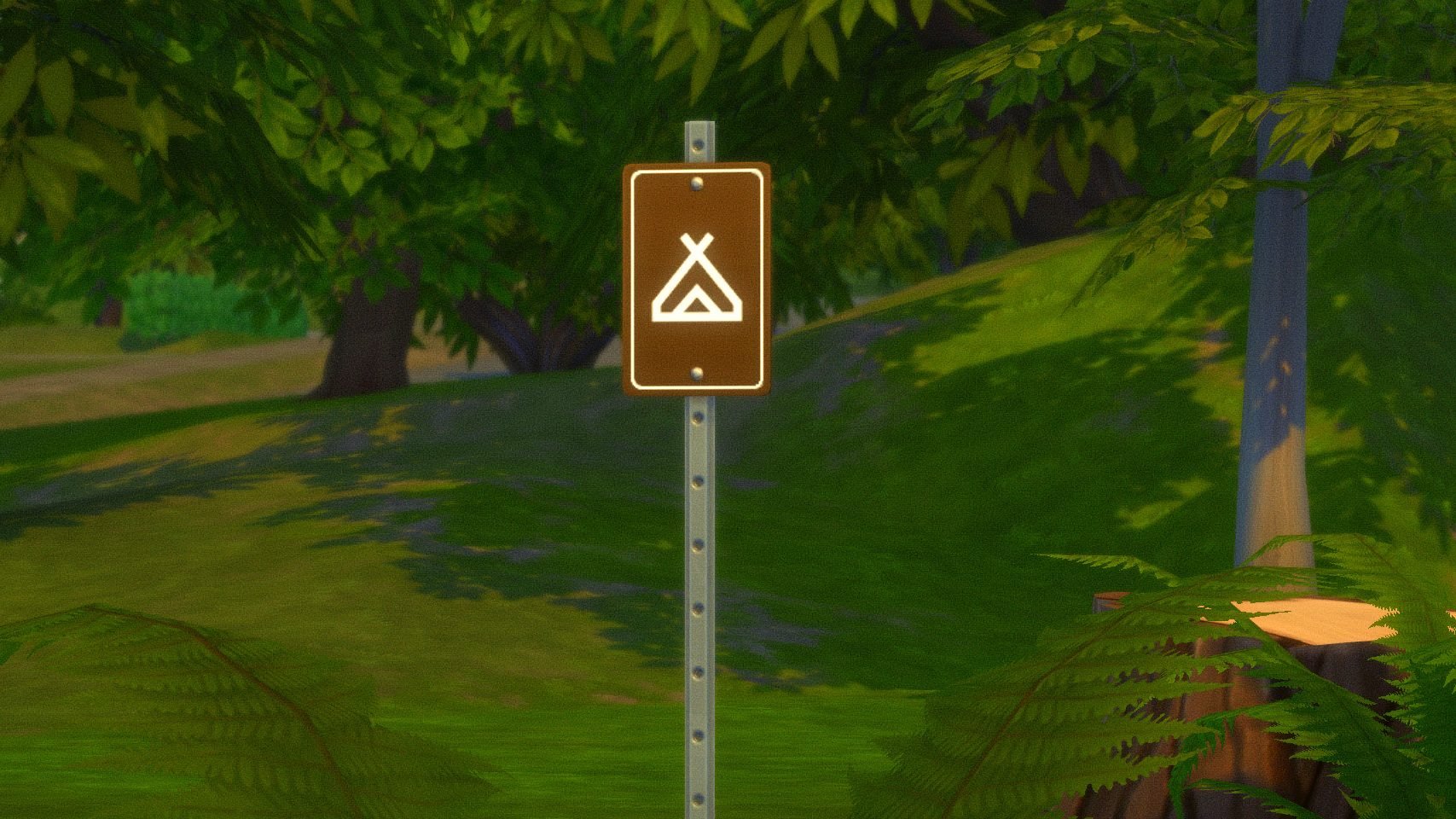
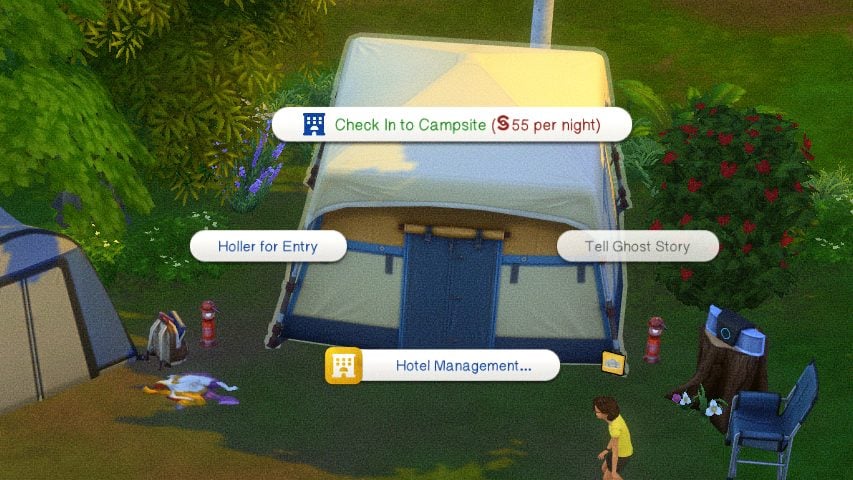
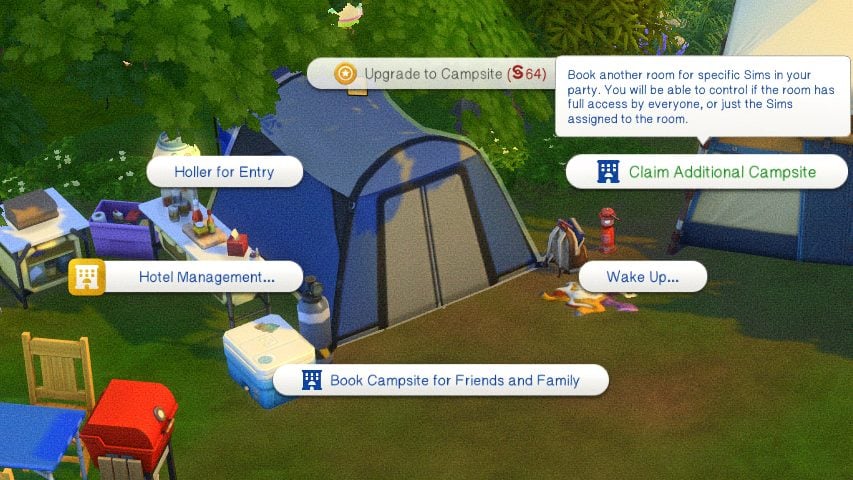
If you’re looking for something with a more rustic feel, you can also purchase camp sites as hotels, and opt for a more outdoorsy living situation! Camp sites and be a mix of both standard suites and tents, and all tents provided through DLC can be used as rentable rooms for guests. Since desks, concierges, and bells don’t really give “Camp Site” vibes, Lot 51 and SurelySims also provided a sign for guests to check in at.
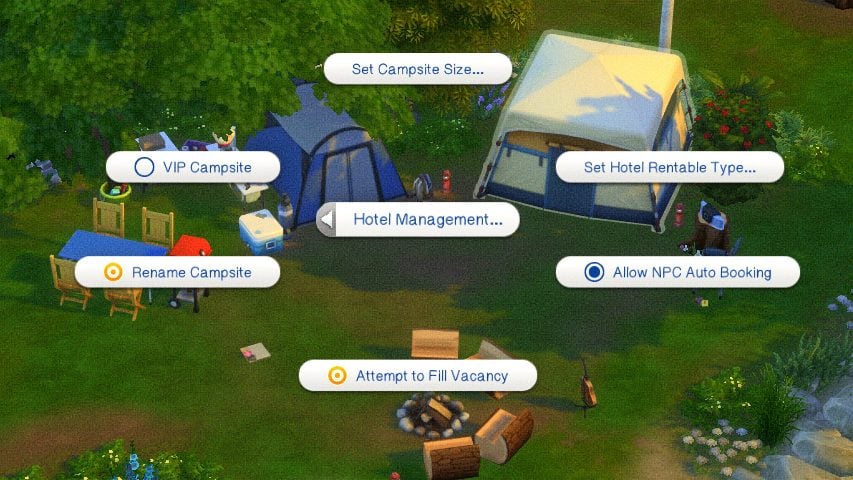
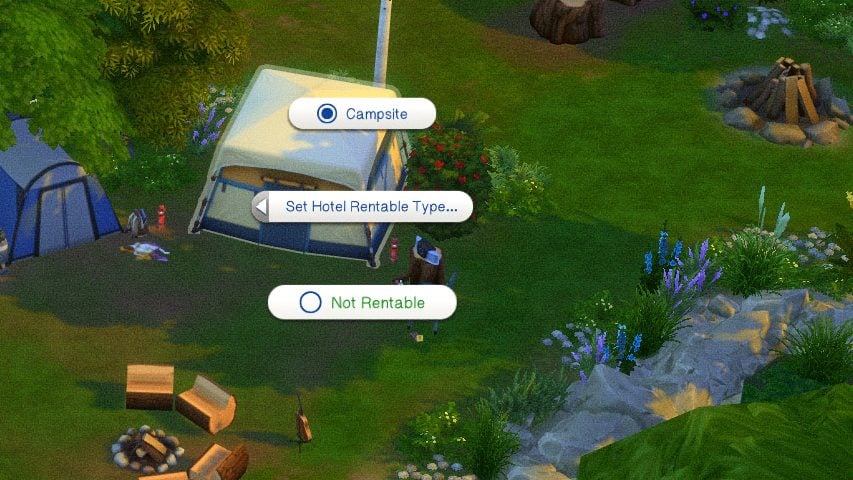
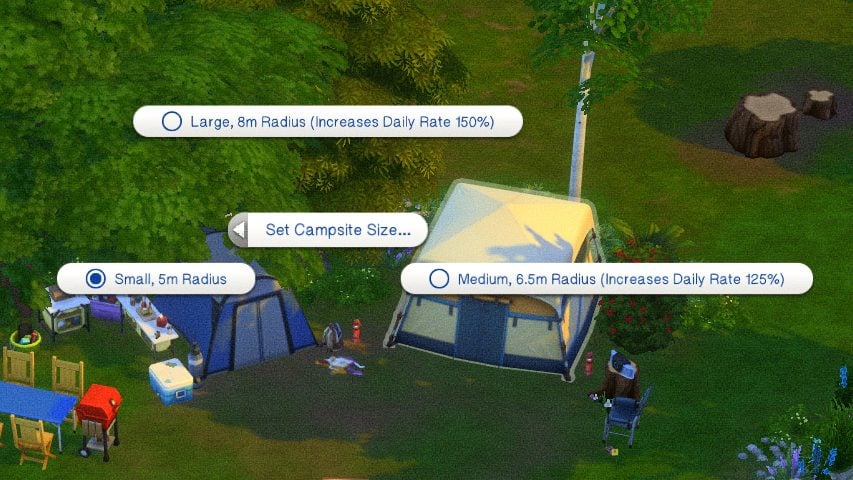
To create a camp site, place the required items and use the settings to mark individual tents as rentable campsites. You can select the type of rentable tent, limit access to certain groups of Sims, and adjust the size surrounding the tent that is considered that guest’s camp site.
Once Sims arrive at a campsite, get started by clicking on the concierge sign pictured above, and then select as many tents as you and your sims need. Sims can invite friends and family and book tents for them in advance, as well as book additional tents if needed to support their whole group.
Hotel Debug Visualizer
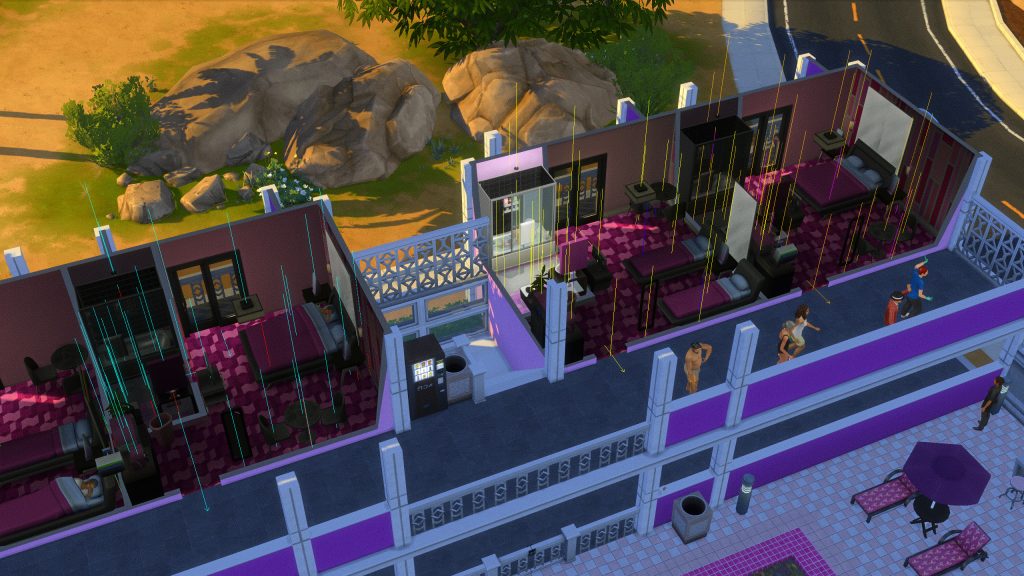
Per Lot 51’s instruction manual to the mod and its Hotel Debug Visualizer, you can use this cheat feature to see how your hotel is laid out, what items are attributed to what rooms, and any overlap that may need to be fixed.
Lot 51’s Hotel Debug Visualizer
Shift click the ground and expand Hotel Management then click Toggle Debug Visualizations to start the visualization:
Once you are done, shift click the ground and Toggle Debug Visualizations again.
Objects that are associated to a Guest Suite will have a colored line segment shooting up, with each color representing a different Suite. (This only supports up to 6 Suites)
Staff Room objects will use a white line segment.
Connected Doors will have arrows pointing in the direction to match the green build mode arrows. All arrows should flow OUT of the room (except Sliding Doors).
If you see that objects in common areas are highlighting, it should help indicate whether suite or staff room is causing the issue.
Any doors that are totally broken will have a red circle around them.
You can keep the visualization on while building, however they will not update until you exit build mode.
– Lot 51’s Sims 4 Suite Life Mod Page
Download The Sims 4 Suite Life Mod
Although substantial mods like this can be a bit intimidating in the beginning, especially with such long guides and tons of features, this is overall very user-friendly, and often provides warnings and notifications if anything is not functioning properly or if a feature has not been appropriately set.
Have you played with this mod, or are you planning to? Are there any features you’d like to see, or maybe would like to see improved or changed? Feel free to comment and let us know! Make sure to follow The Sims Community for more mod overviews, tutorials, and other showcases!
In a game as expansive and massive as The Sims 4, with over a hundred DLC, consistent changes and added features over 10+ years of updates, and hidden additions that take some digging to find, keeping everything in order can feel overwhelming, especially with loads of DLC loaded or if you take a long break from the game. Reddit user u/fluffhq released a myriad of Sims 4 Cheat Sheets, focused on providing a simplified explanation and reference point for in-game systems to help both new and seasoned players.
It does not matter if you have played since release or are just getting into the game, something can be learned from each of these cheat sheets and having an easy-to-access reference point can help you reach your gameplay goals and dissuade any possible frustration or misunderstanding!
Table of Contents
Sims 4 Cheat Sheets by Reddit User Fluffhq
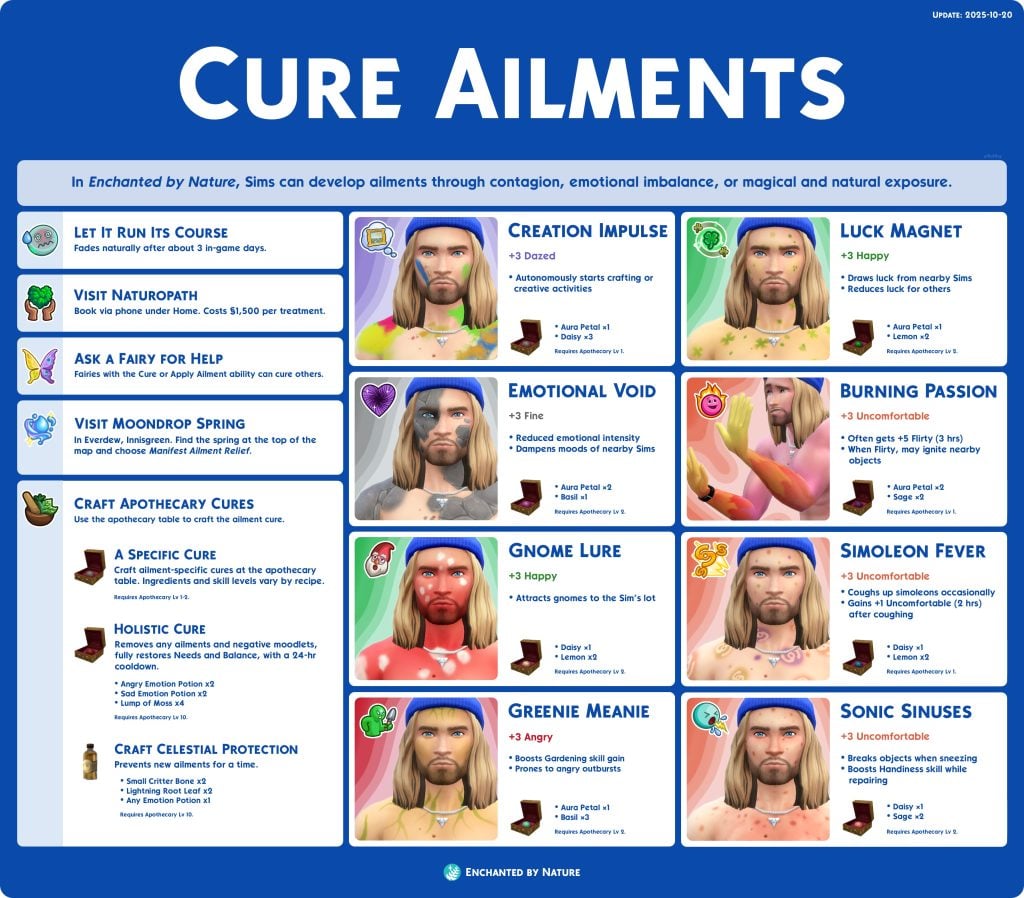
These cheat sheets by Reddit user u/fluffhq provide insight into how to manage in-game systems, including both newer and old, base game and DLC-introduced systems, and anything inbetween. If you’re struggling to handle an overwhelming amount of ailments arriving in your current household, trying to create a powerful crystal to assist with some achievement or super sim challenge, or just looking for general information regarding some form of mechanic or system in The Sims 4, there is tons of information made into user-friendly and easy-to-follow cheat sheets.
The release of The Sims 4 Enchanted by Nature in July 2025, earlier this year, introduced a new pseudo-illness system to the game called Ailments. Ailments can be spread how Sims 4 Get To Work illnesses are spread, like school and contact with other sims, but can also appear out of nowhere due to poor luck or imbalance in a Sim’s life. This cheat sheet provides a definition of each ailment, their respective cures and tactics for curing them, and what they actually cause.
Since not all ailments are inherently totally negative, this also lets you pcik and choose what to immediately cure, and what to let go until it naturally ends! For example, if you’re pushing to reach the top of the Gardening career and your sim gets the “Greenie Meanie” ailment, which comes with a boost to the gardening skill, why not just wait it out?
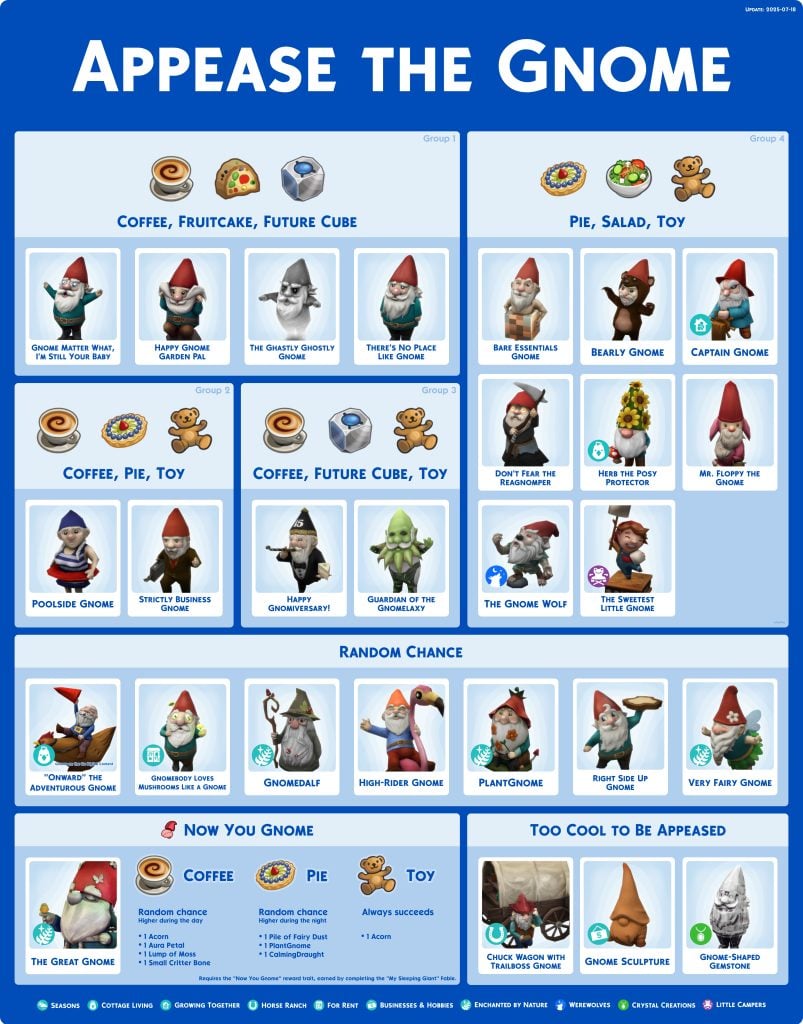
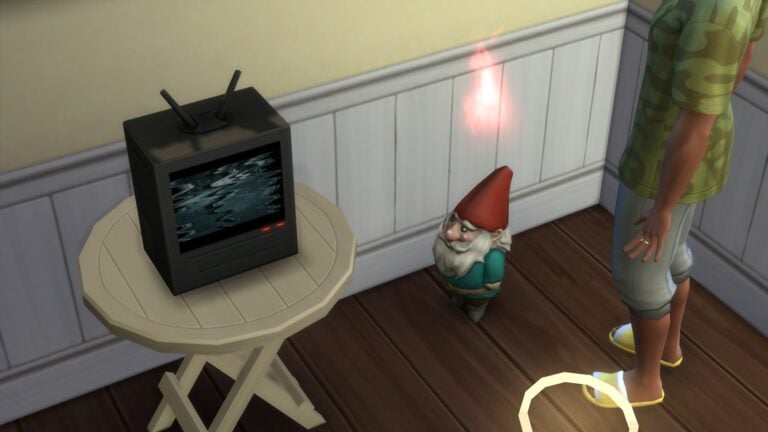
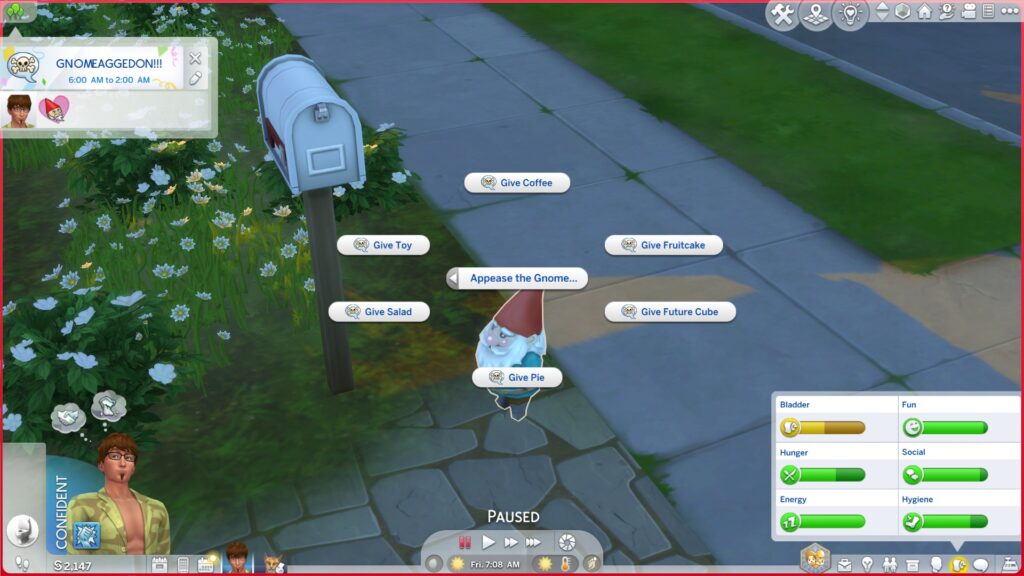
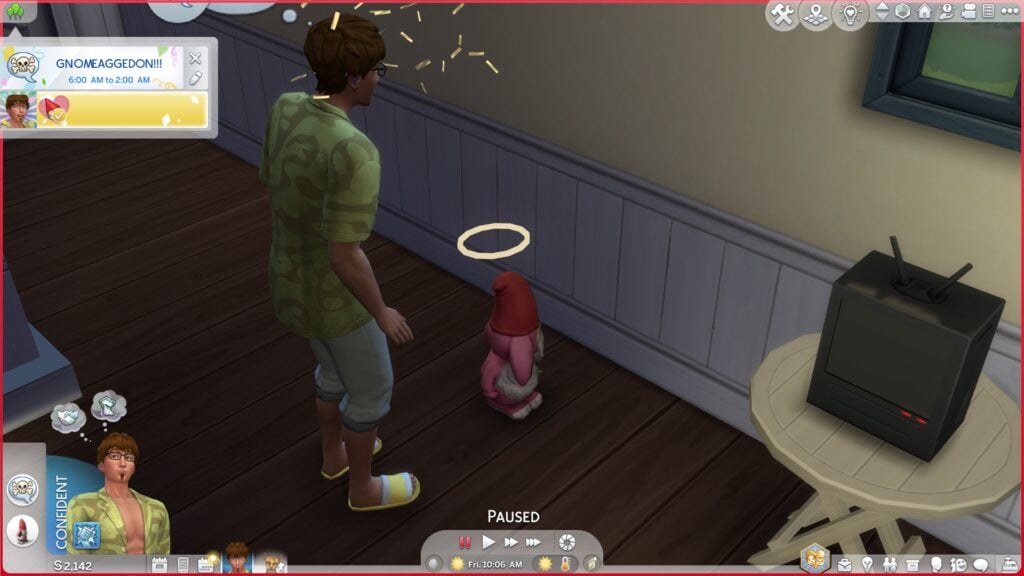
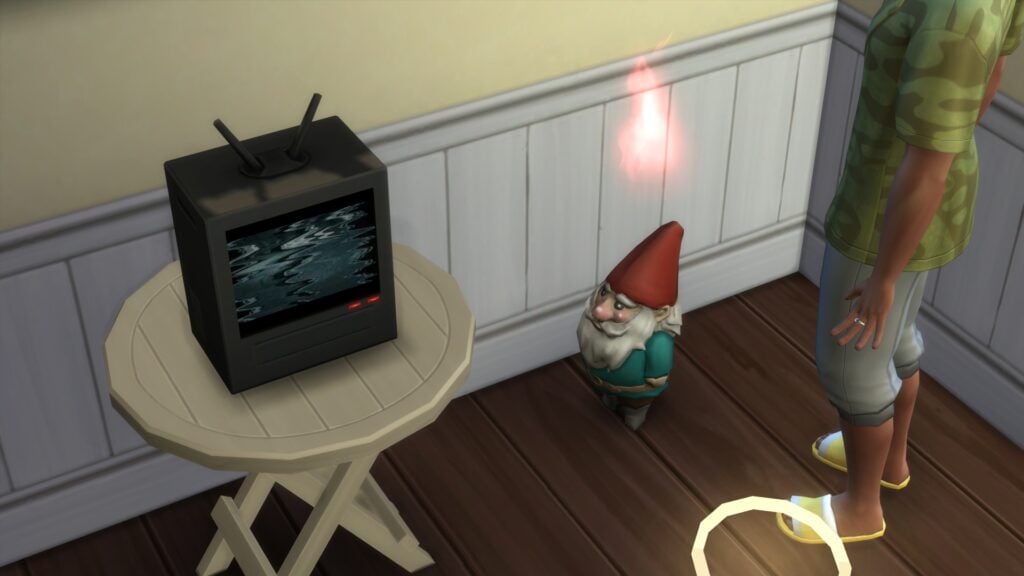
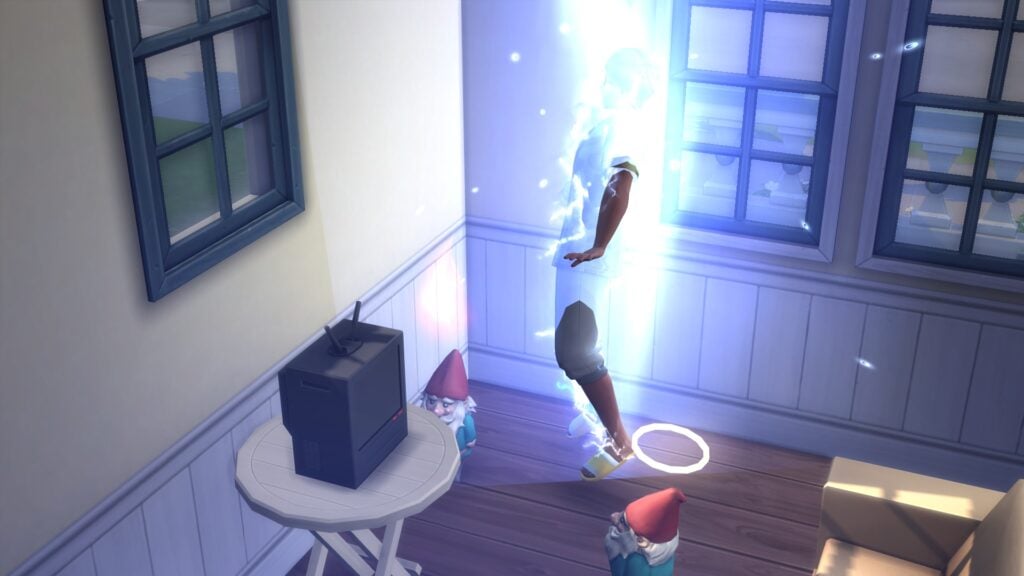
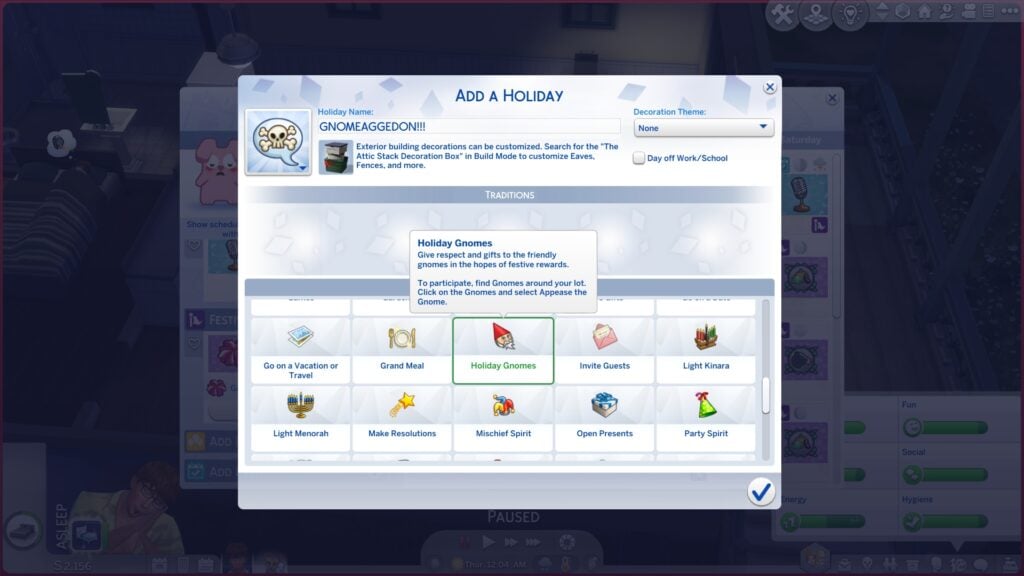
While more gnomes have been introduced over the years, the base concept of appeasing gnomes is from The Sims 4 Seasons and is a holiday tradition. It initially appears in the unedited Harvestfest, spawning 3 gnomes in your home that require appeasement. They will teleport around your property. If not appeased, they will strike your sim with lighting. If appeased, they gain a little halo and begin to spread seasonal seed packets around your property.
Every gnome has their own “personality” based on random chance or their design, giving them preferred items that they want. While you can get an inkling sometimes, having a sheet to help with your intended outcome (Whether you want to appease them… or not.) can make the holiday tradition go much smoother.
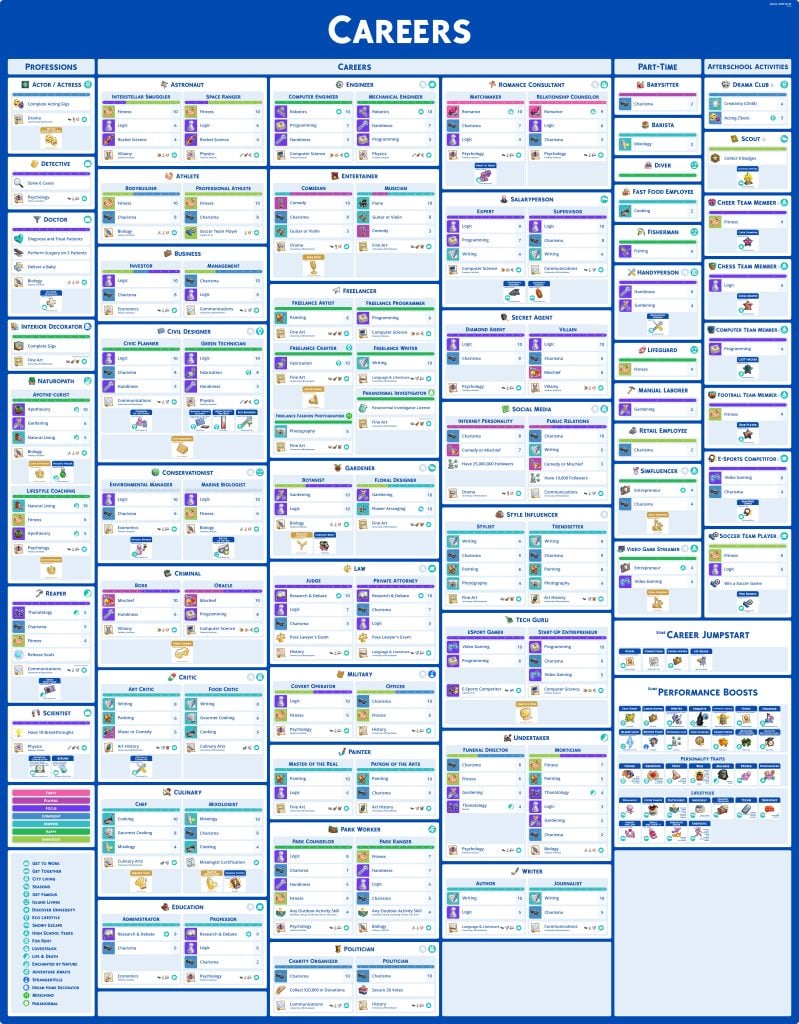
This heavily detailed cheat sheet encapsulates careers and career-adjacent positions, including after-school activities, part-time jobs, and professions. Just about any sim can work in any position, but it can sometimes be difficult to choose the “perfect” career or job for a sim. This sheet provides a rundown of the required skills to reach the top of each career, activities found day-to-day, aspirations that require a career, and even boost or jumpstarts in careers that can be found in other aspects of the game prior to picking a job!
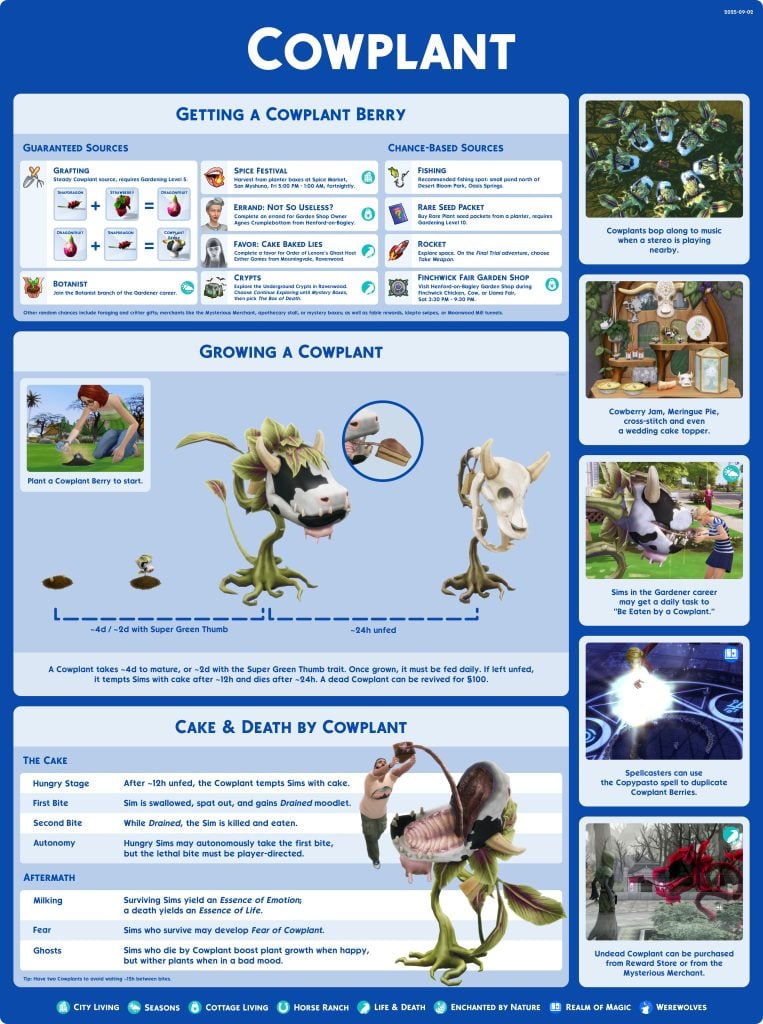
A true icon of the Sims series over the years, the Cowplant was originally introduced in The Sims 2: University Expansion Pack as a career reward for the Natural Science career. Known for its bovine looks and particularly animal-like nature as a plant, Cowplants can be well-loved by gardeners and evil sims alike, as well as feared by many. This sheet gives you everything you need to grow an army of cowplants, finally get a specific mood potion without spending those precious aspiration points, or even kill off a sim via baiting them with the tongue-cake.
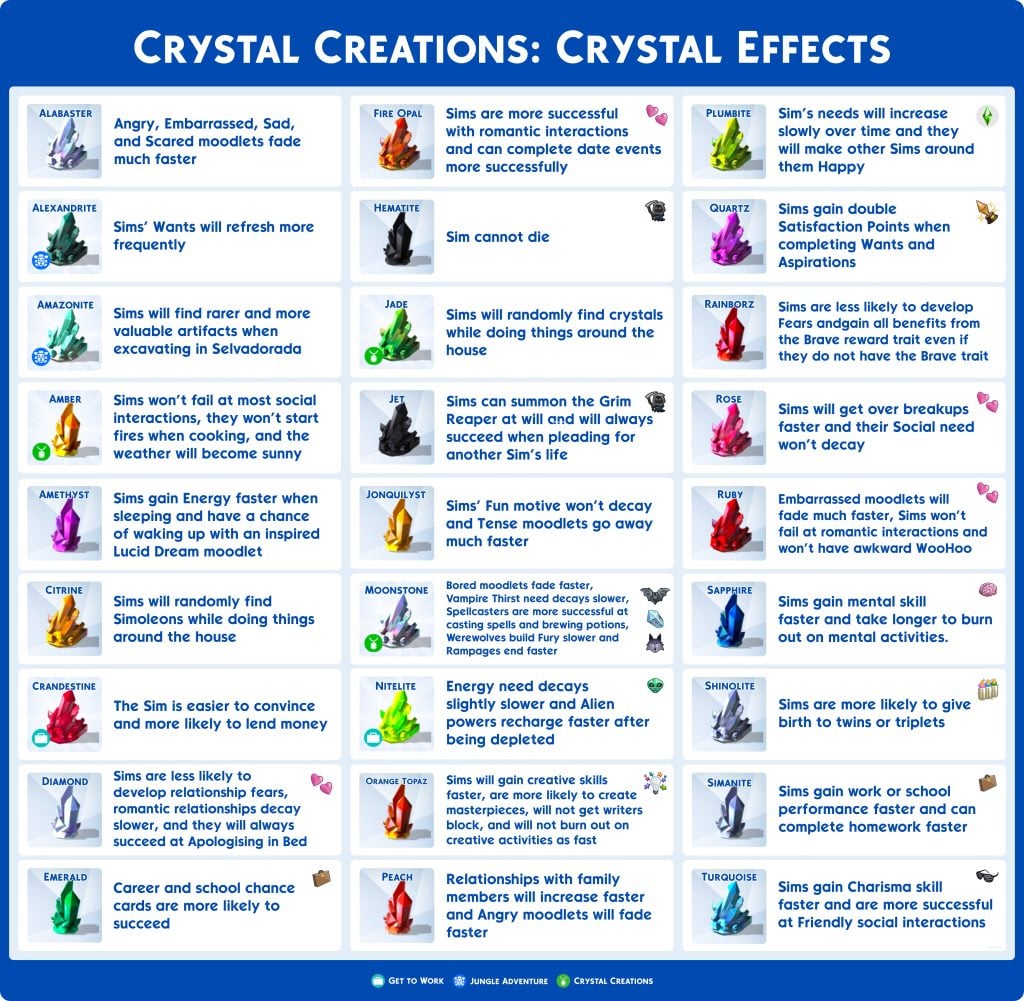
Crystal Creations, one of the few Stuff Packs released over the last few years between waves of kits and expansion packs, adds a Gemology skill, allowing sims to combine collectible metals and crystals to create decorative gems and jewelry. Each crystal, whether in the base game or added with Get to Work, Jungle Adventure, or Crystal Creations itself, comes with individual buffs for sims. It is a very flexible skill, allowing you to make tons of money fairly quickly, finally put some collectibles to use, and create just about any powerful boost you want!
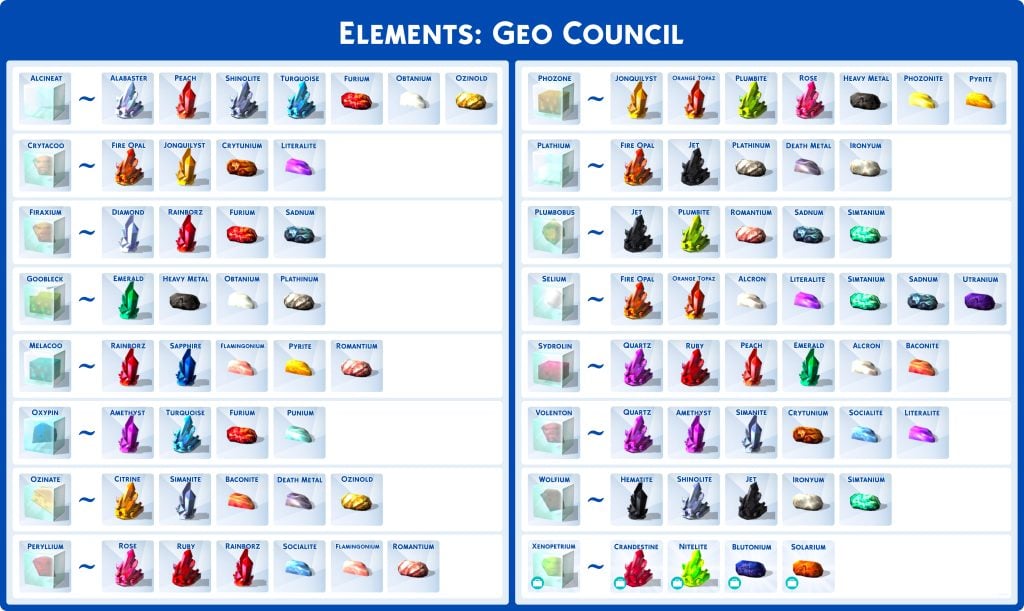
If you play on the completionist side or just need to complete the Elements collection, like if you’re in the first generation of the Not So Berry challenge, figuring out exactly what crystals and metals you need to hopefully get a specific element can be long and time-consuming. This gives you a proper rundown of the sources for each element, from incredibly rare to abundant and common.
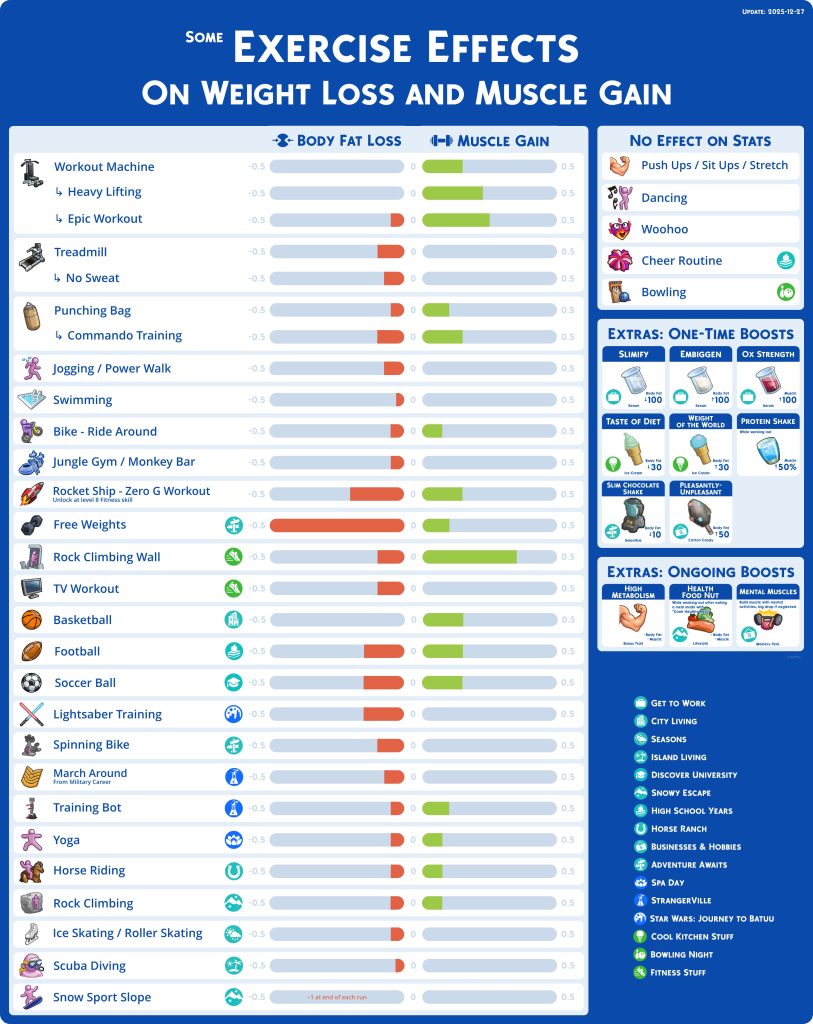
Changing your sims’ look, trying to reach their current New Year’s Resolution, or finishing the Body Builder aspiration that requires you to reach a Sims “Maximum Body Potential”, figuring out the most efficient workout or supplemental item to use can take a while, especially when your sim isn’t inherently athletic and you’re just looking for a simple change. You can reference every activity that can change a Sims body composition, both base game and in a DLC, and get a general idea of how much they change and in what direction.
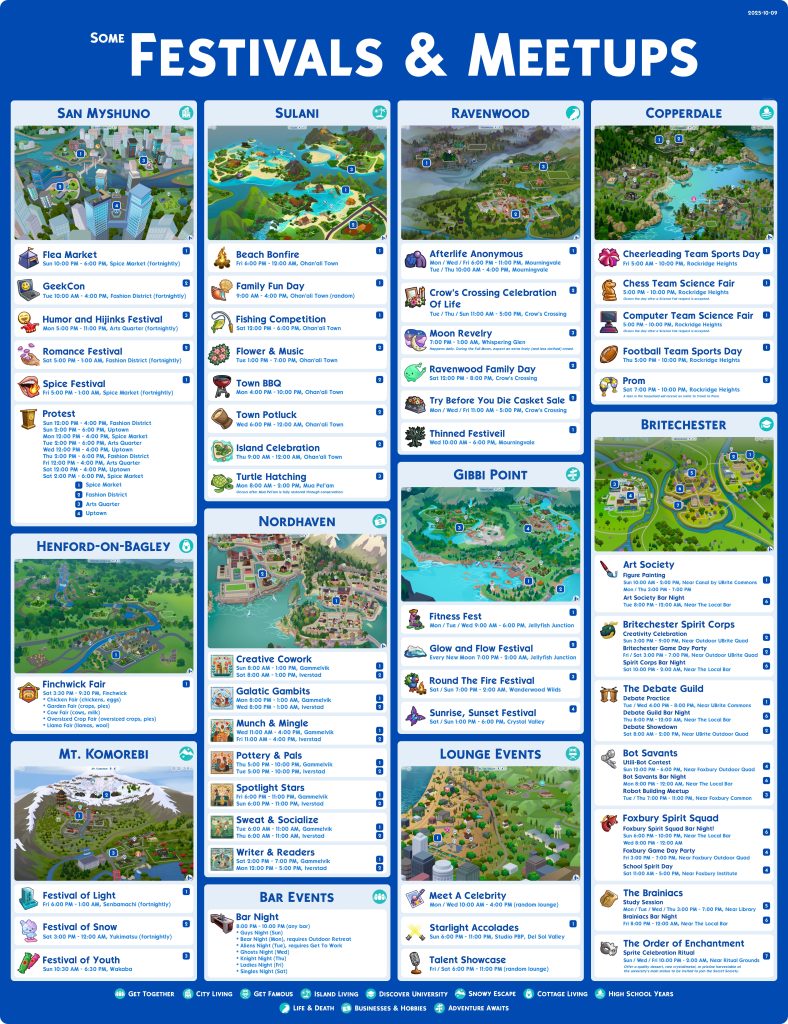
Keeping track of what days, worlds, and seasons have specific festivals or group outings can be a real pain, especially looking at how busy a calendar with multitudes of DLC can be. While it may not encapsulate every single world, this is an easy reference point for activities your sim can attend in any world, whether it is their hobby, a unique item or gain of some kind, or some other goal you have in mind! For example, if you’re looking to have a sim abducted by aliens, heading to Alien Night at a bar is helpful since meeting aliens increases the chance of abduction heavily.
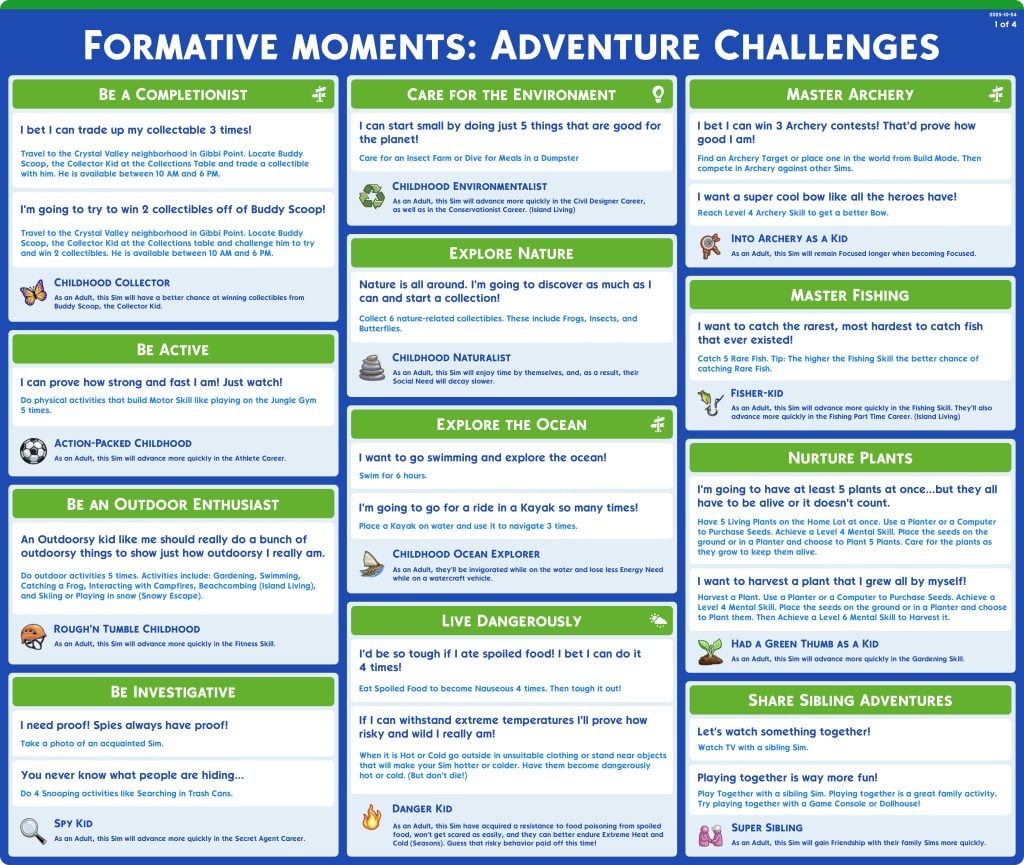
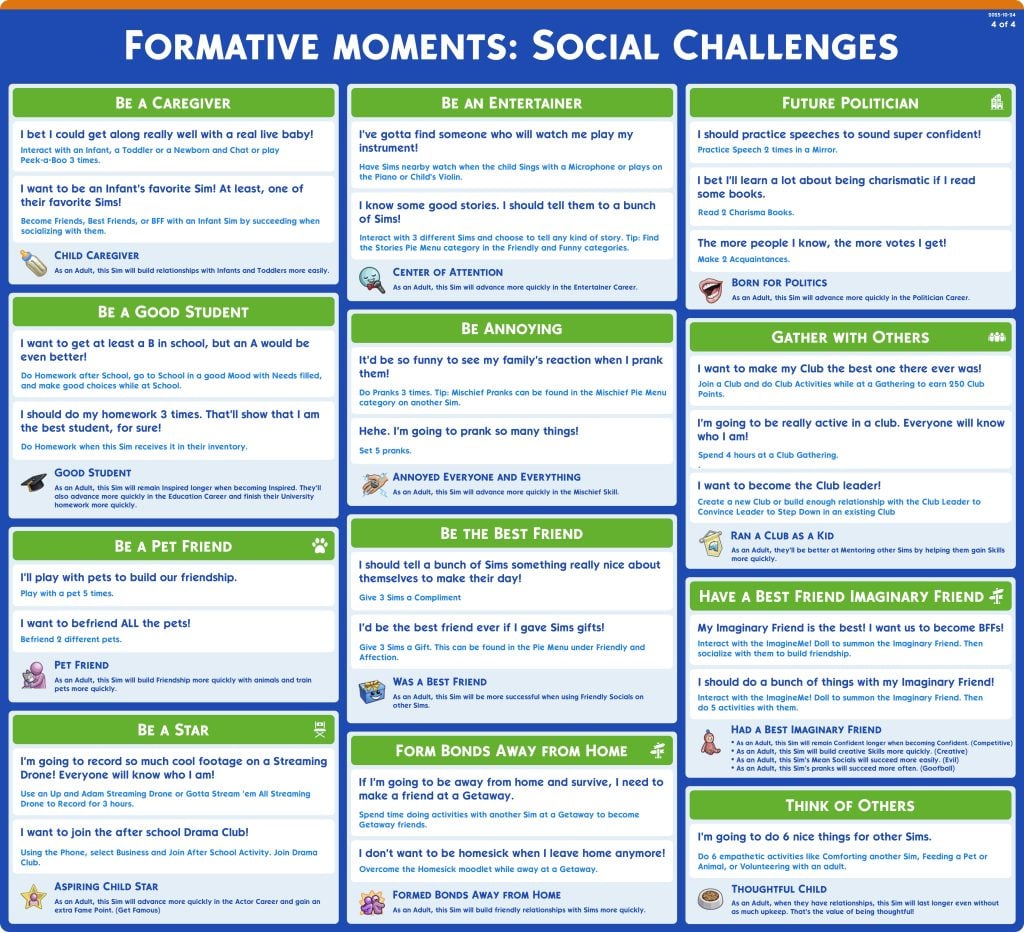
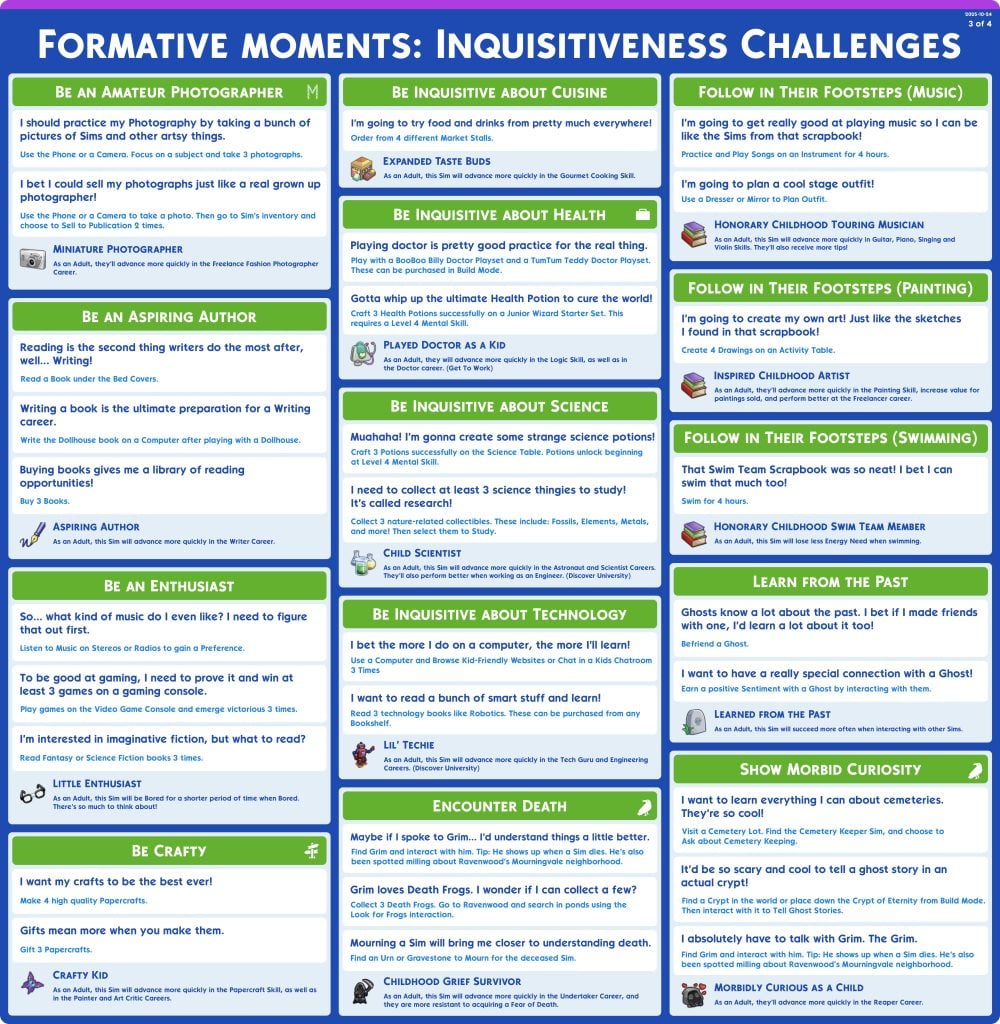
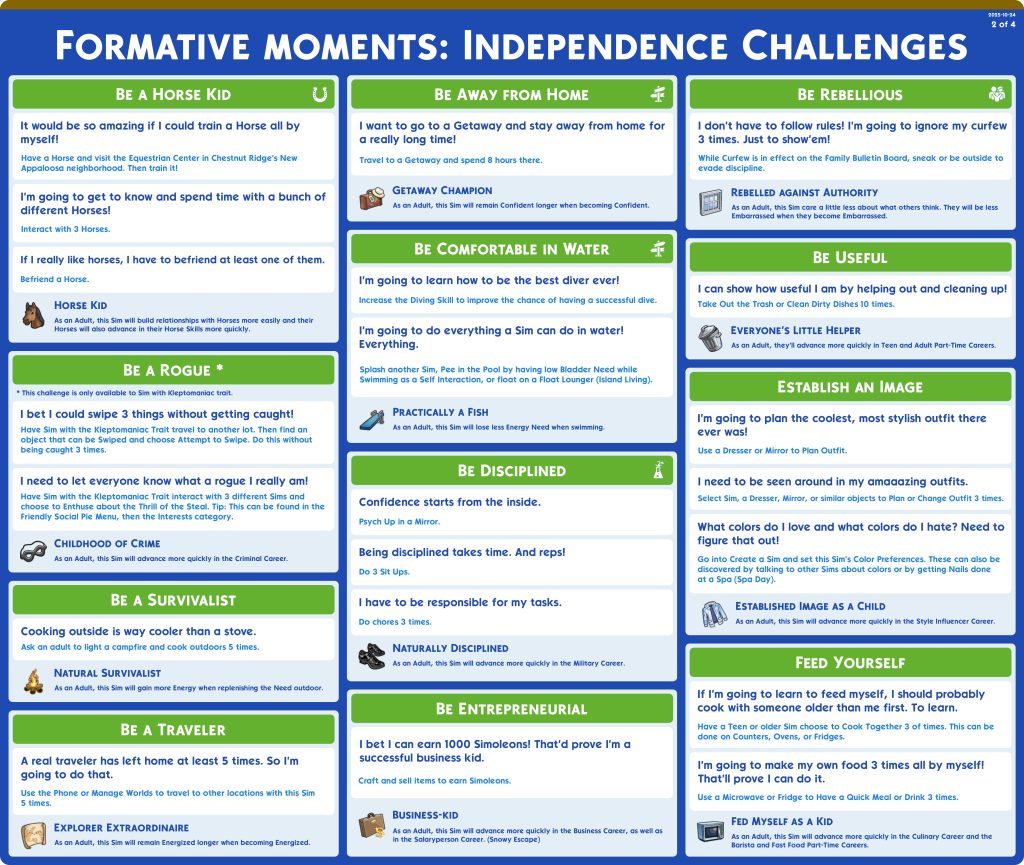
Formative Moments are a new gameplay mechanic introduced in The Sims 4 Adventure Awaits, creating more gameplay for child sims and also allowing you to create simple backstories for your Sims premade as adults in Create-A-Sim! The four categories of formative moments help your child sims gain boosts to specific skills, careers, or their overall life and livelihood as they get older using small challenges, similar to aspirations.
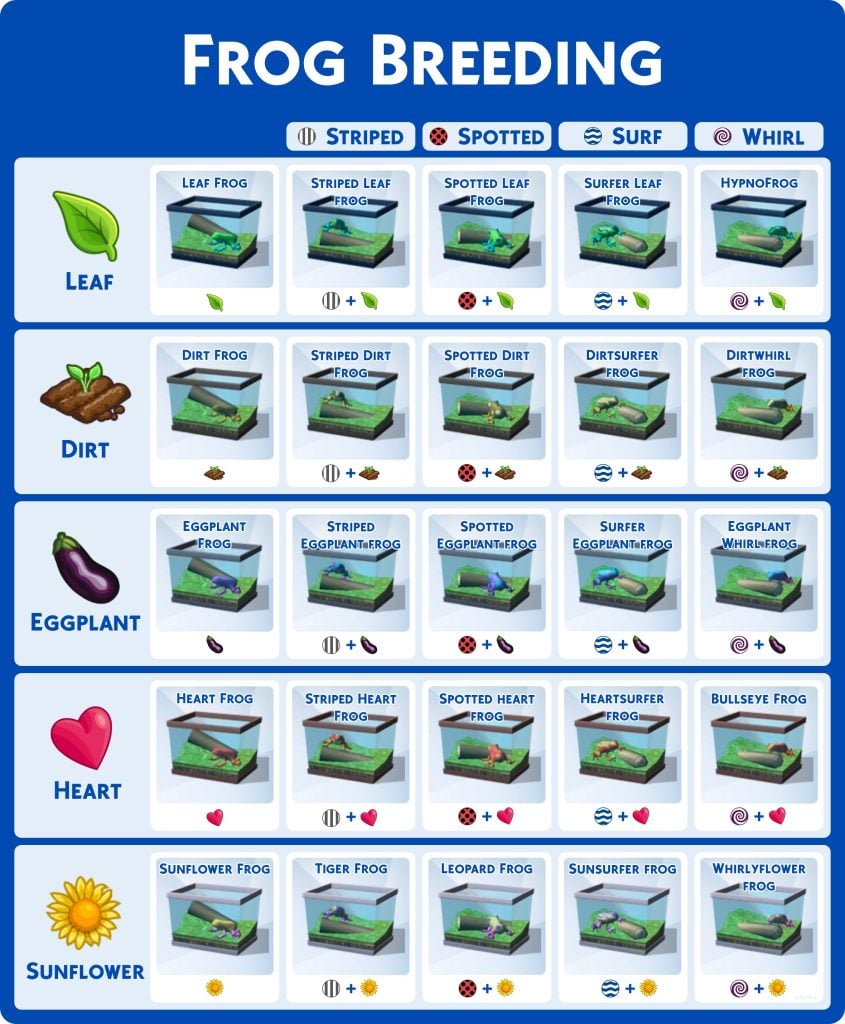
Frogs are a common early-game collectible as they are easily accessible from the base game, and new ones can be collected without scouring neighborhoods for tree trunks or bodies of water to collect them from. However, different combinations of frogs can create new and rarer ones, and with a cooldown on frog breeding, having an easy reference sheet avoids repetitive breeding and long wait times to complete the collection.
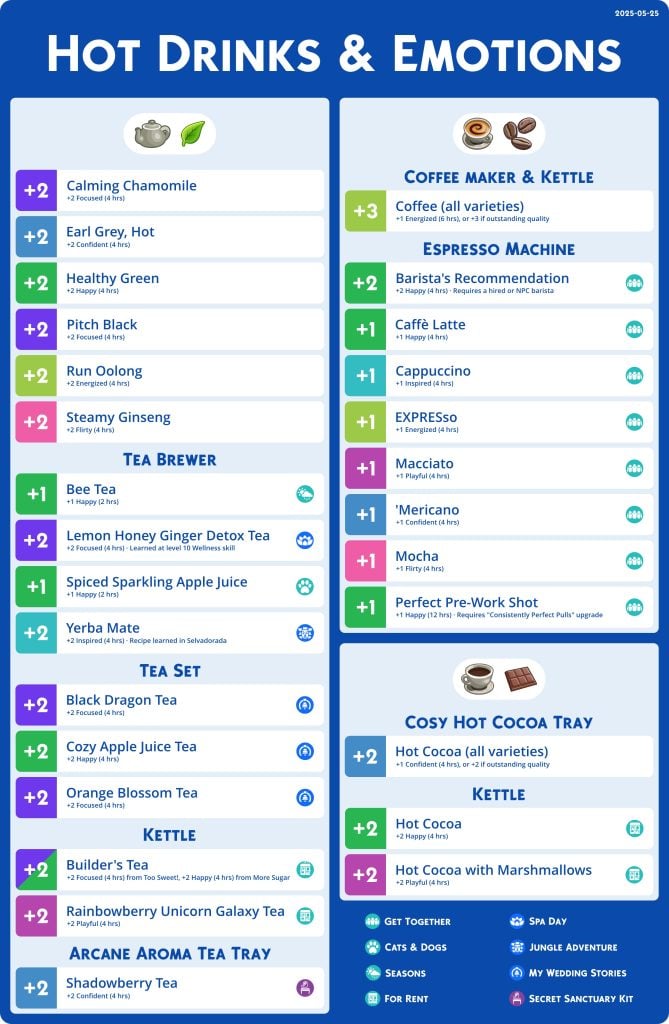
It isn’t uncommon to have a simple coffee pot or electric kettle in the corner of a Sims’ kitchen, but did you know that just about every hot drink has a unique buff of some kind? This sheet gives you a general list of how to best use each item and beverage to influence your Sims’ emotions, including every DLC that comes with a drink-making item!
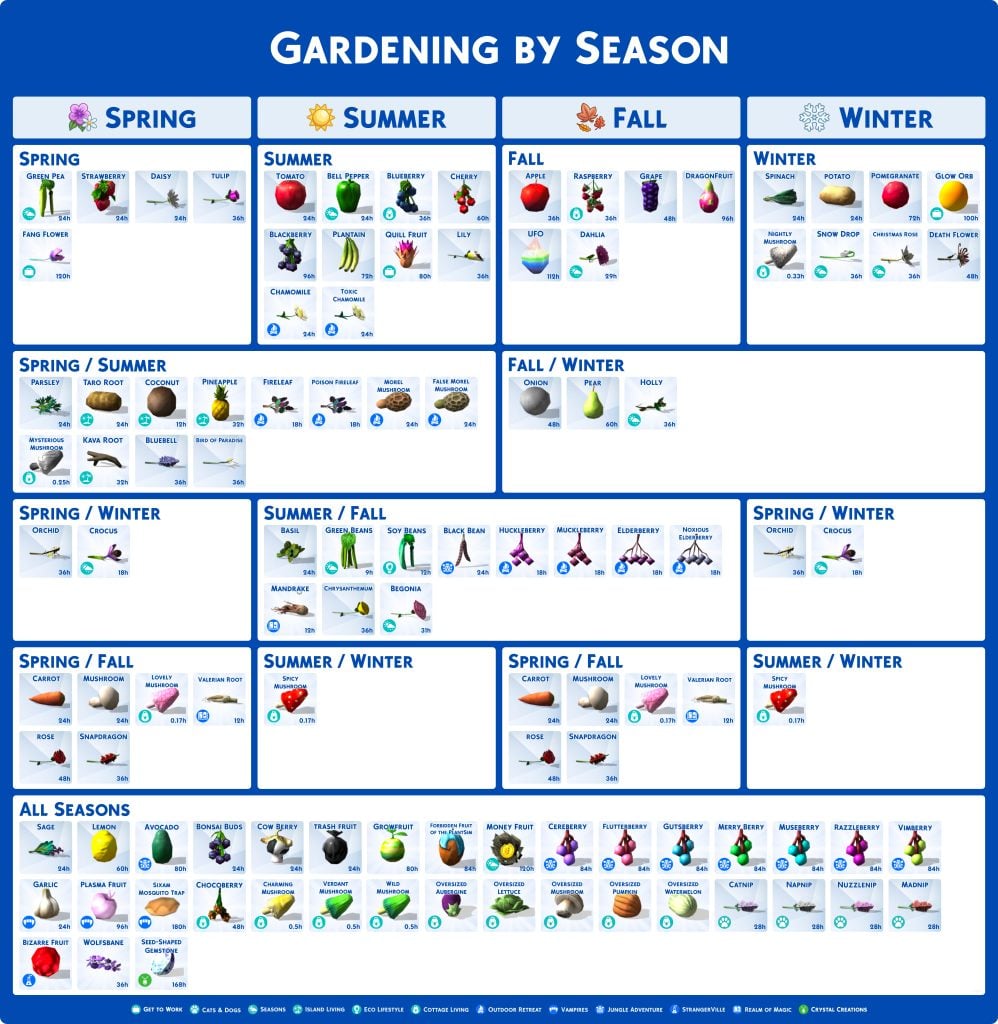
Playing with The Sims 4 Seasons while gardening can be kind of an annoyance without a greenhouse or plant shelter of some kind. Especially if you’re playing on the default “7 Days = 1 Season” setting, you can run out of time before your plant goes dormant before you really reap any benefits of it. Having this Sims 4 cheat sheet can let you plan your rotational crops accordingly, or just focus on non-seasonal plants to have a bountiful garden year round!
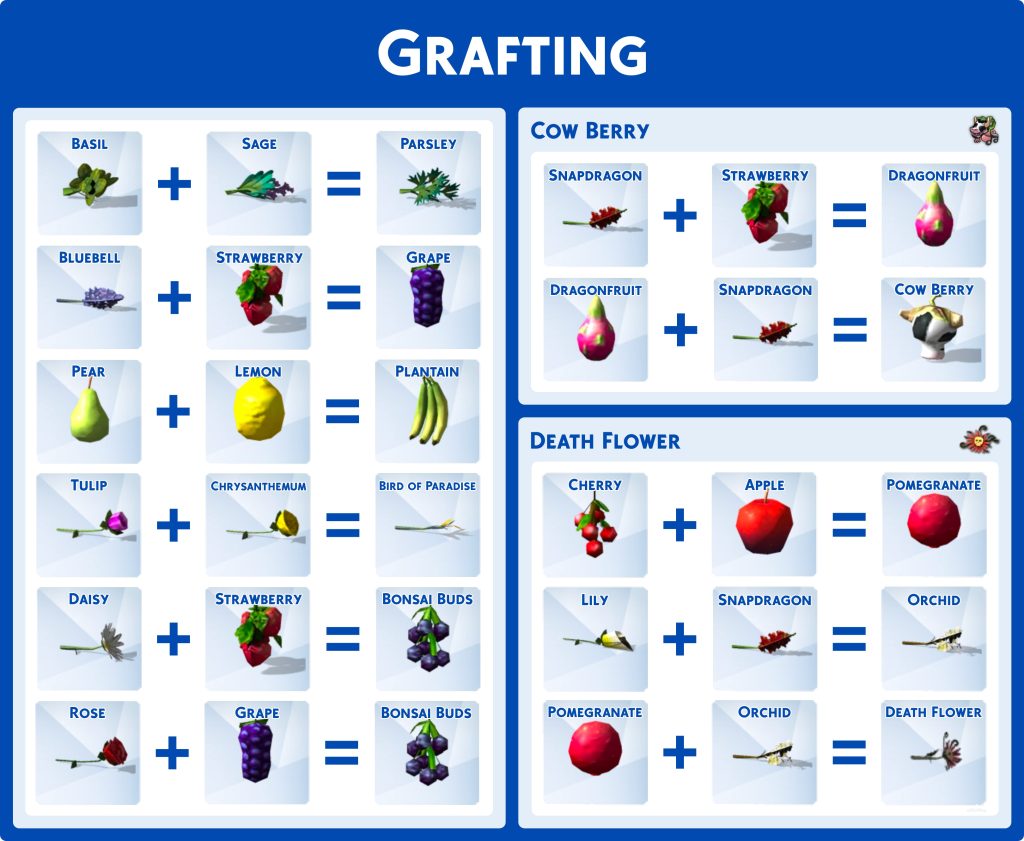
While the feature is not as heavily expanded upon as originally intended when it released in the Base Game, grafting can still be very useful if you’re struggling to find some of the rarer plants or seeds, including special ones like Death Flowers and Cow Berries! It can also allow you to grow multiple crops on one plant, create multi-season plants on your own, or upgrade to higher profit plants!
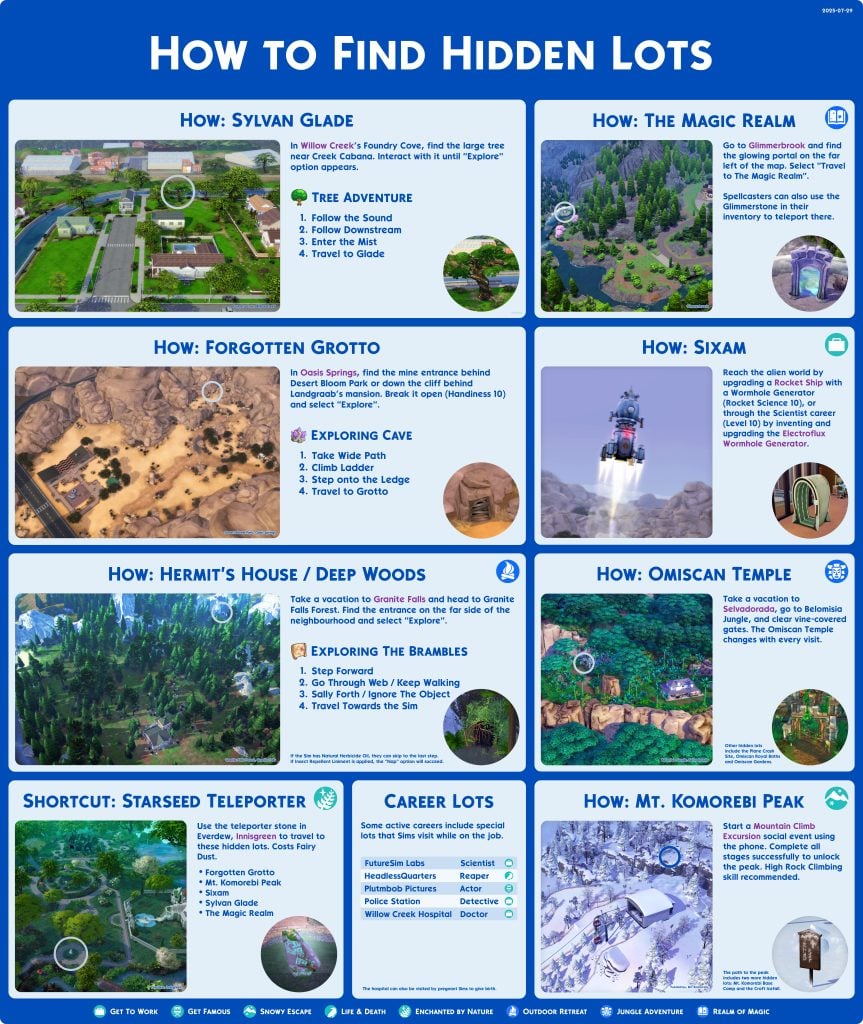
Hidden lots are an often unflaunted feature in The Sims 4 and its respective DLCs, being added in the original two Base Game neighborhoods and many DLCs thereafter. Send your sims on off-screen choose-your-own-adventures or visit a stylized and mystical lot! This also accounts for active careers with special lots to visit, like the Get to Work active careers, the Reaper career from Life & Death, and the Actor career from Get Famous.
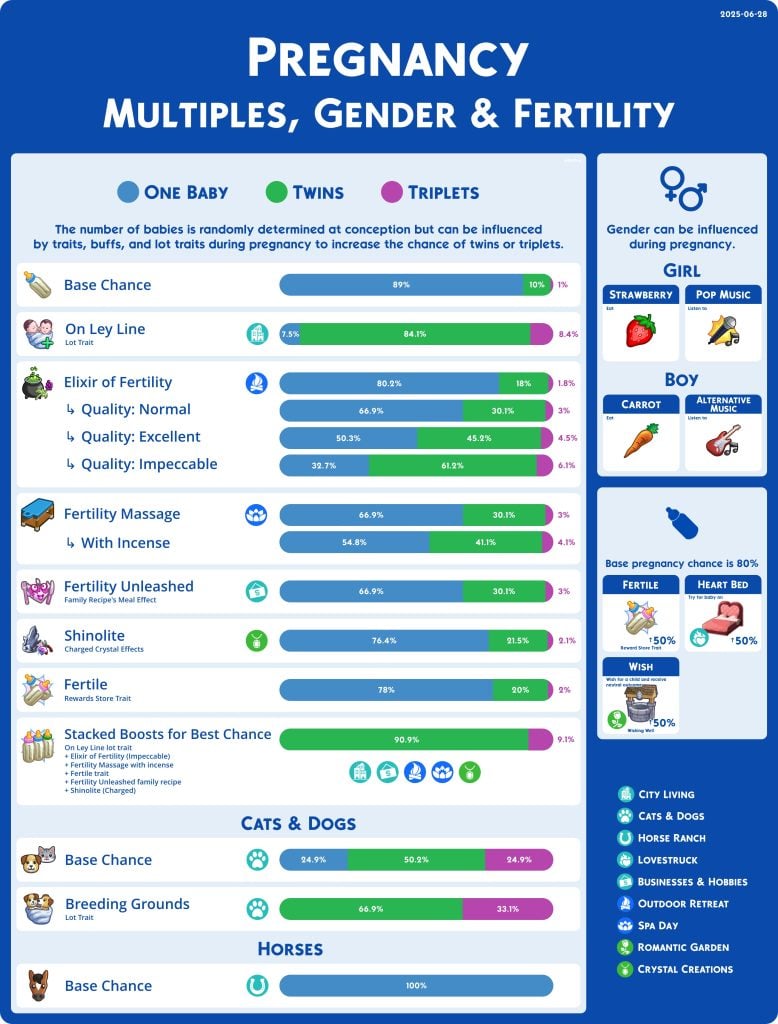
An incredibly common question in any Sims game that you can have children is asking what ways you can actually influence the outcome! “How to have a boy”, “how to have a girl”, “how to have twins or triplets?”. Some of these are explained in-game, like elixirs of fertility and the “On a Ley Line” lot trait, but the actually chances are not given. This cheat sheet breaks down the chances, and provides some info that can be really helpful when planning on bringing a new sim into the world! One surprising thing to note is that even with all these fertility-boosting buffs stacked, there is still a less than 10% chance of triplets in Sims!
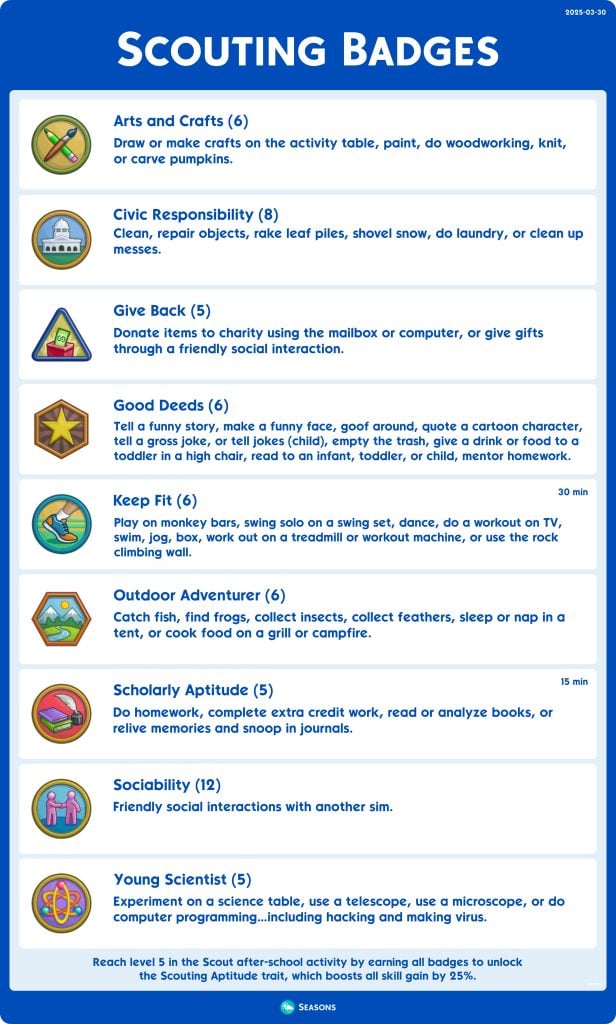
The Scouting after-school activity is an amazing way to flesh out your Sims childhood gameplay, giving you new goals to earn badges and rise through the ranks of the Scouts to ultimately receive a permanent skill-boost! Reaching level 5 in the after-school activity can give your sims a great start in life, with higher skills giving opportunities for boosts in their career, higher promotion chances, and scholarship options if you have The Sims 4 Discover University!
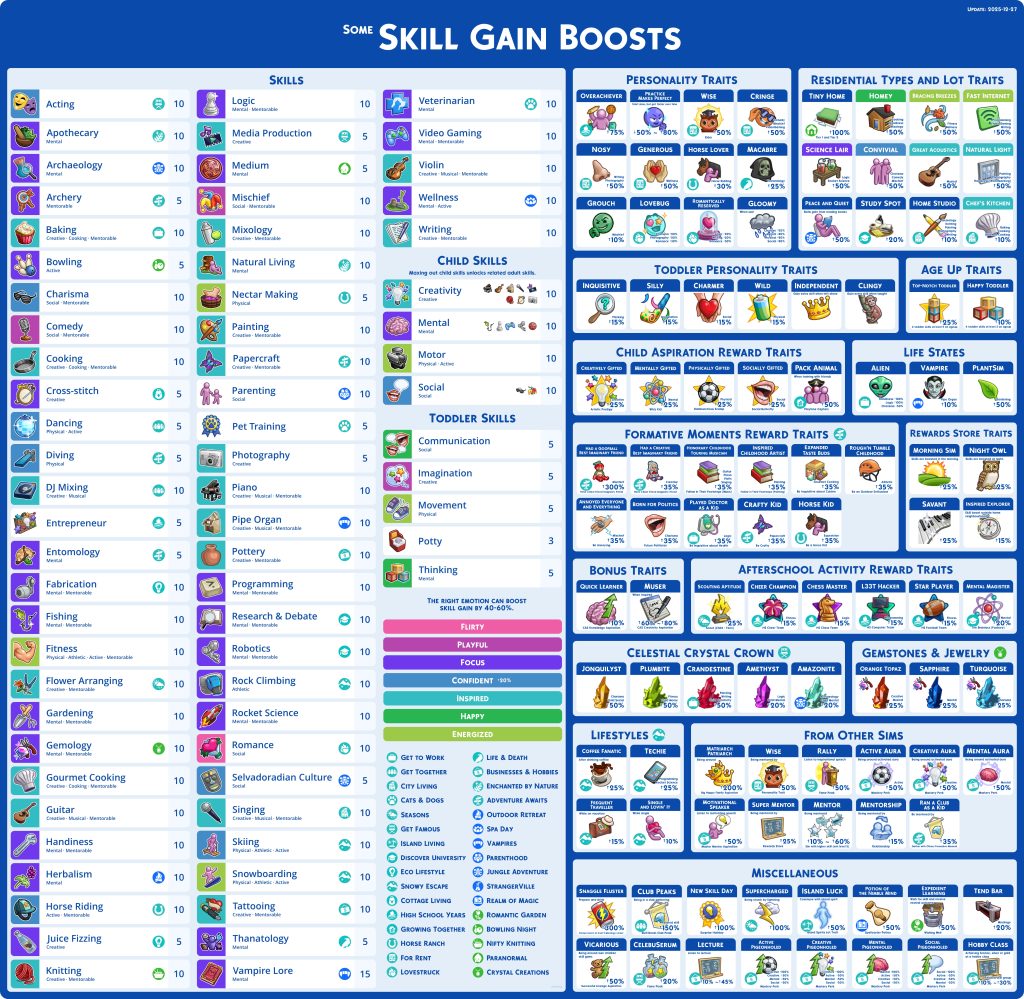
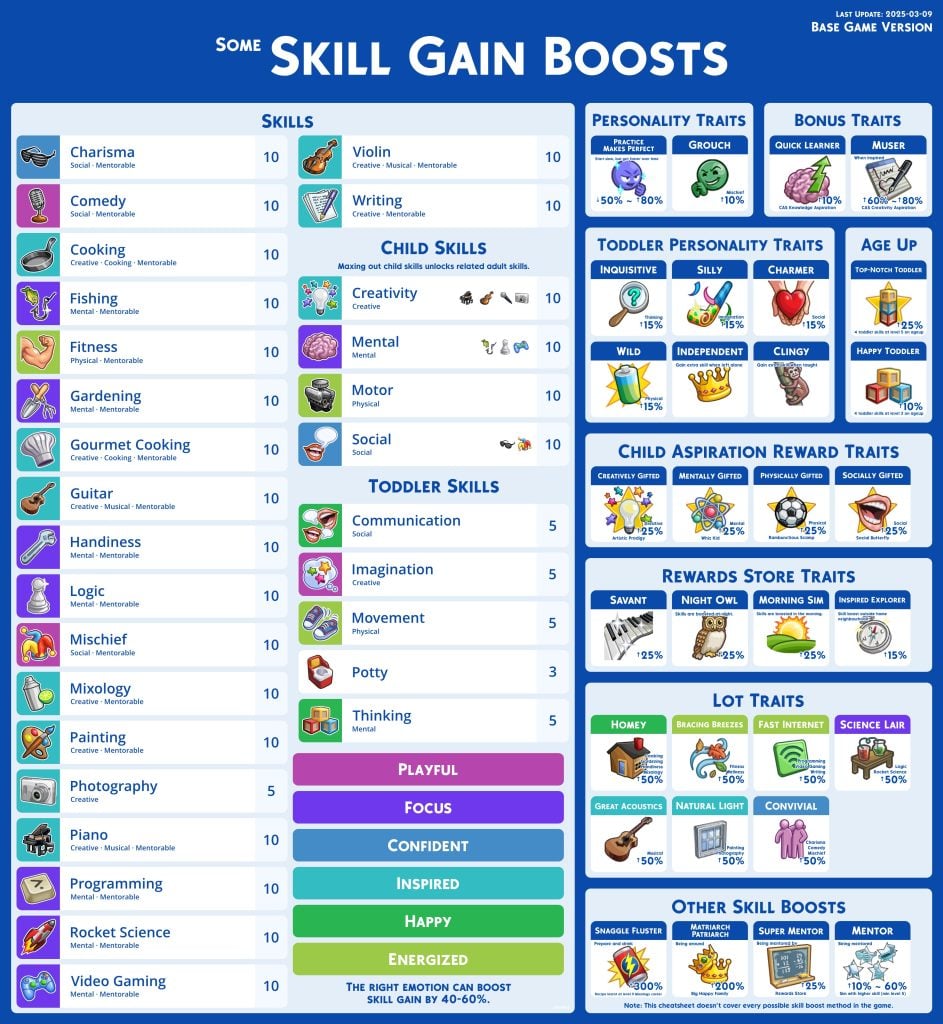
The amount of skills (now 70+ skills with all the DLC!) your sims can gain is a massive amount, varying on their age, hobbies, occult status, and so much more. This cheat sheet gives you some direction with how to actually master all these skills, and it points out oddities like skills with only 5 levels, or the Vampire Lore skill that goes up to 15! It also provides all the possible reward traits that influence skill gain, moods that boost the gaining of specific skills, and even basic personality traits that can give your sims the upper hand in a specific skill!
And if you’re playing with the base game or DLC that don’t really add any new skills, Fluffhq also provided a more simplified version only including Base Game skills and traits! This can also be helpful if you’re focusing on more of the well-known major skills and not venturing into DLC content, as the cheat sheet including every skill is quite expansive!
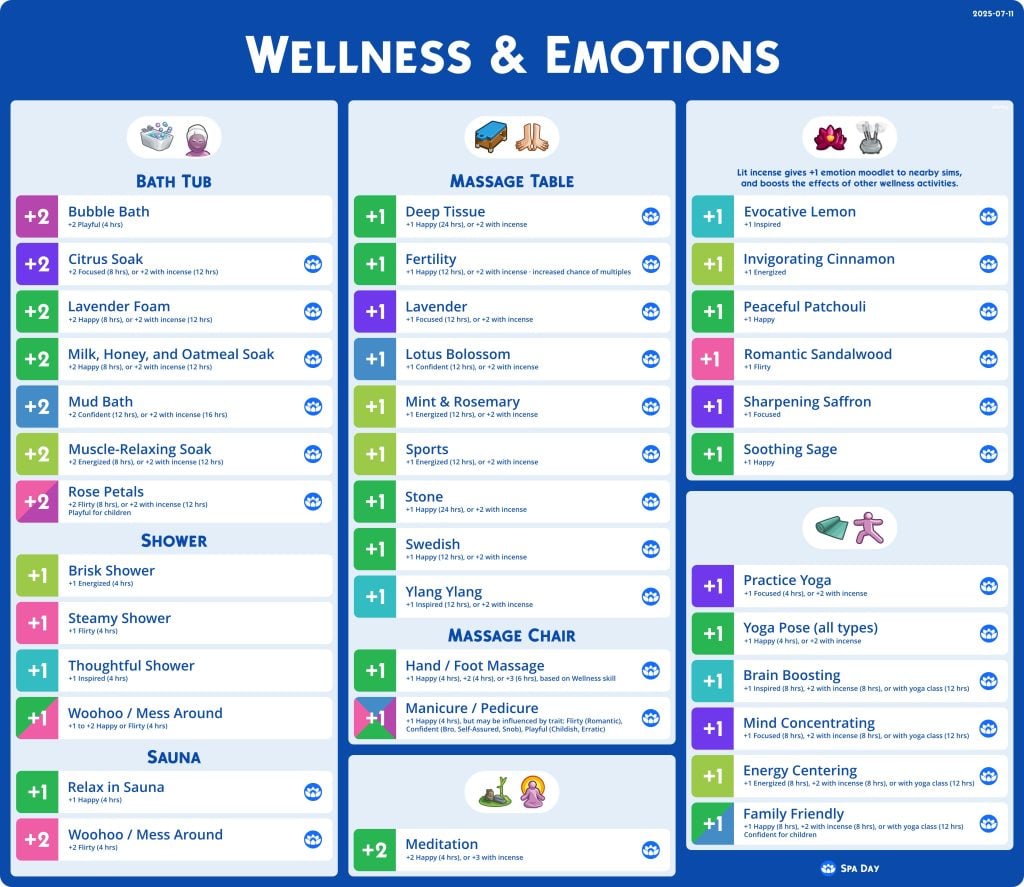
The Sims 4 Spa Day, the only DLC to ever receive a refresh, is a commonly owned DLC simply for the fact that it adds a lot of gameplay and hobbies for Sims. Sims can destress in spas, run their own spa with compatible DLC, and learn to relax and reach a sort of inner peace with Yoga and Meditation. Just about every feature added to the pack has some form of mood influence, including incense and specific massages!
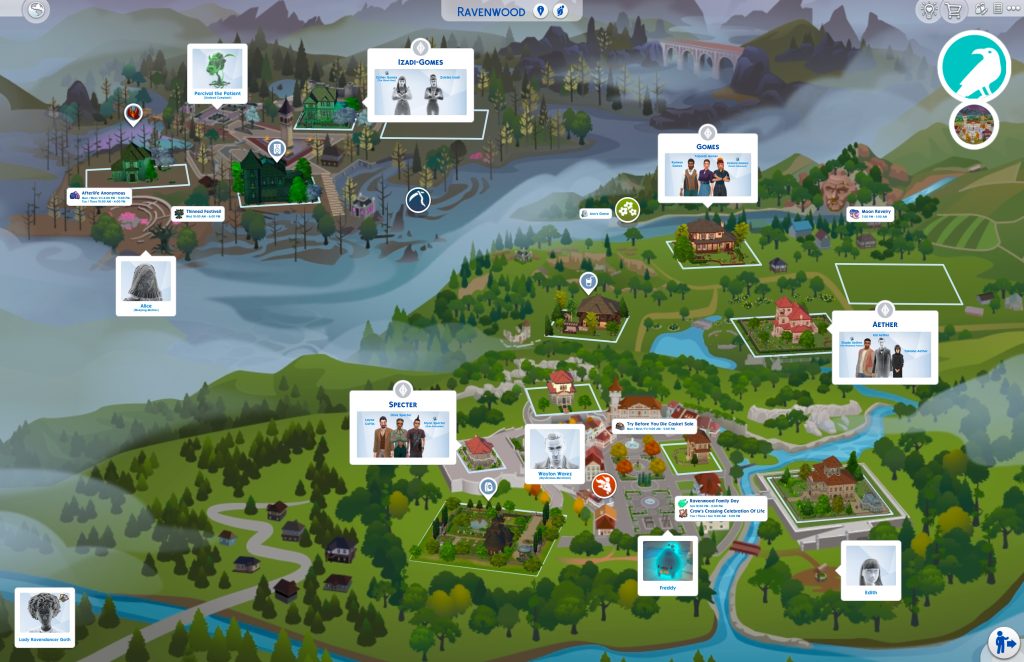
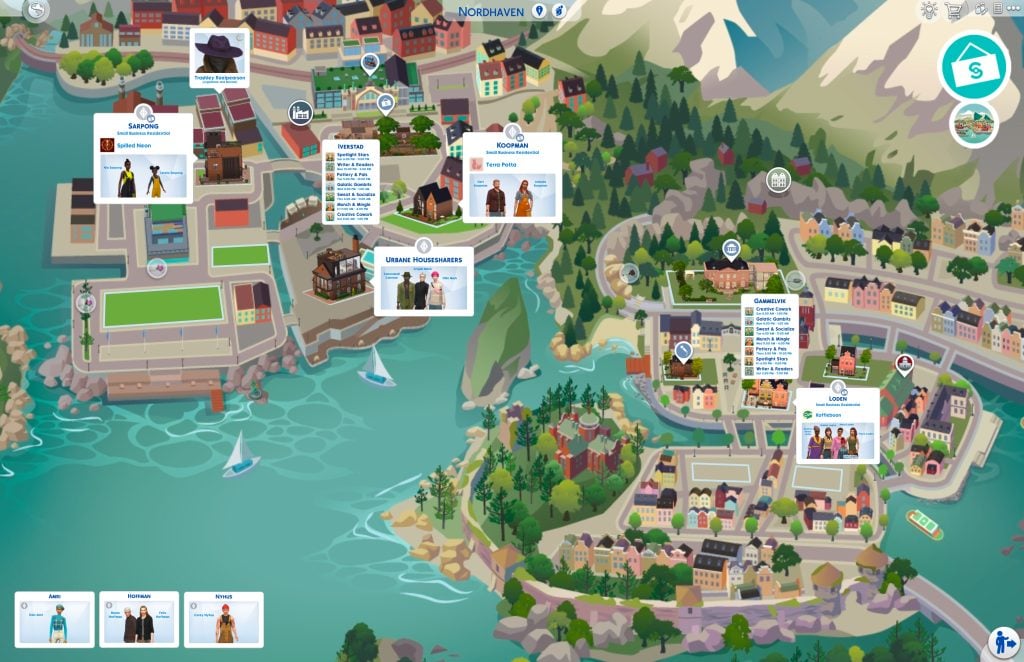
With the sheer amount of worlds The Sims 4 has, between the Base Game and all of the DLC, Fluffhq has began creating a comprehensive list of the in-game maps, edited to include all information that would be considered important to that world and to picking where your sim lives or visits! It labels the locations of premade families and what sims are in each one, locations of unique collectibles and harvestable items, festivals, and hidden lots and special NPCs! Although, this list is still a Work-In-Progress, so many world maps are not yet included and will be added at a later date!
These Sims 4 Cheat Sheets by Fluffhq are an invaluable resource, both for brand new or long-time Sims players! Did you find out anything new from these sheets, or is there something you’d like to see added? Make sure to follow The Sims Community for more guides and community creations! Happy Simming!
The rumors about The Sims’ brand new Base Game and era might be real!
The rumors of a last Sims 4 Expansion Pack releasing in 2026 before another rumored release of a brand new Base Game called The Sims Project X might be now more true than ever before.
We originally reported about insider information of a last Sims 4 Expansion Pack being royalty themed and it being the last big gameplay release for The Sims 4 Series until the release of a new Sims Base Game. Internally titled as The Sims Project X. Which is expected to be a single player version of a new Sims entry alongside The Sims Project Rene, which is a multiplayer Sims experience.
It wasn’t known to the community until now that a new EA Job listing surfaced on EA Maxis official careers page. Mentioning specifically the rumored “Project X” video game in the Maxis studio.
The name of “Project X” has been redacted throughout the entire job listing itself, but the full Project X job title name can still be visible in the job page url:
The new EA job listing, which mentions the AI Engineer job role, is looking for a person who’s going to feed the machine with their knowledge as part of a hybrid office role. Technologies such as Generative AI and diffusion models have also been mentioned in the listing. For which features is Gen AI going to be used in features of a new Sims Base Game besides what we were already shown during The Sims Hub presentation in 2024? It’s still not known.
We’ve listed the key job description and responsibilities below:
The AI Platform team delivers centralized AI resources across all Electronic Arts franchises, crafting AI and Generative AI solutions alongside a shared AI infrastructure for company-wide application. Our team employs a state-of-the-art, cloud-based tech stack equipped with top-tier tools to support initiatives such as data modeling, model training and fine-tuning, and agent development. We provide solutions and platforms that empower the future of game development, marketing, sales, and player experiences.
As a Software Engineer with expertise in AI/ML systems and platform development, you will help create a scalable AI Platform.
You will report to the Senior Manager of the AI Platform team.
Responsibilities:
Develop key AI infrastructure components to support end-to-end machine learning lifecycle operations.
Establish scalable, secure, and reliable cloud-based platforms for large-scale data analysis, model development, validation, and deployment in real-time applications.
Design and implement efficient, automated customer-facing processes and workflows that leverage AI platform technologies.
Work with producers, data scientists, ML engineers, and game developers to seamlessly integrate machine learning solutions into live services, ensuring effective model deployment and performance in production environments.
Design and implement cloud solutions using AWS, GCP, or Azure to support scalable machine learning workloads with high availability.
Manage and operate commercial tools and platforms such as Databricks, AWS and GCP.
Optimize the platform and deployed models for performance, security, scalability, and cost efficiency in real-time, live environments.
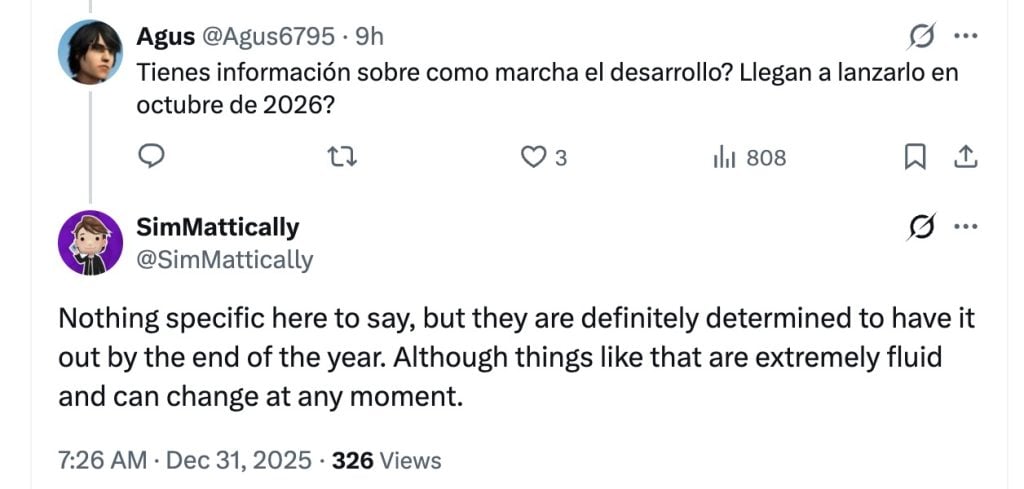
It appears that the official release date of The Sims Project X isn’t that far off ahead. Considering that all things are subject to change, the team is “determined to have it out [The Sims Project X] by the end of the year”. Per the report of @Simmatically.
Are we going to be in the dark for those next 12 months of information and previews of a new Sims Base Game entry or is the team planning to get the news out rolling for 2026’s game lineup? We’re interested to see how this all pans out in the end officially!
EA responded to The Sims Project X and last Sims 4 Expansion Pack rumors as “a lot of misinformation going around”. But we’re starting to believe that they’re just waiting for the right opportunity and timing to get ready for public relations and formally announce the new Sims Base game and chapter.
Our question still remains though – do you believe these rumors and would you be willing to jump to a new Sims Base Game experience? What if it had Open Neighborhoods? Let us know in the unofficial community poll below!
With the addition of Custom Venues from The Sims 4 Adventure Awaits, released earlier two months ago on October 2nd, we’ve put together a gallery spotlight of the many amazing Sims 4 Custom Venues now on the gallery!
The Sims 4 Custom Venues Gallery Spotlight
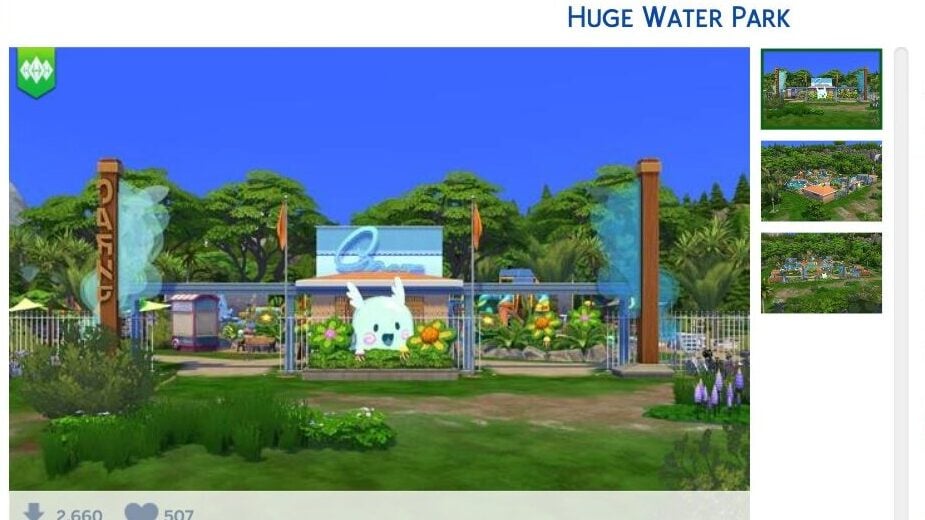
Huge Water Park (Wanderwood Wilds Park)
By SimCubeez
§228,482 64 x 64 Lot
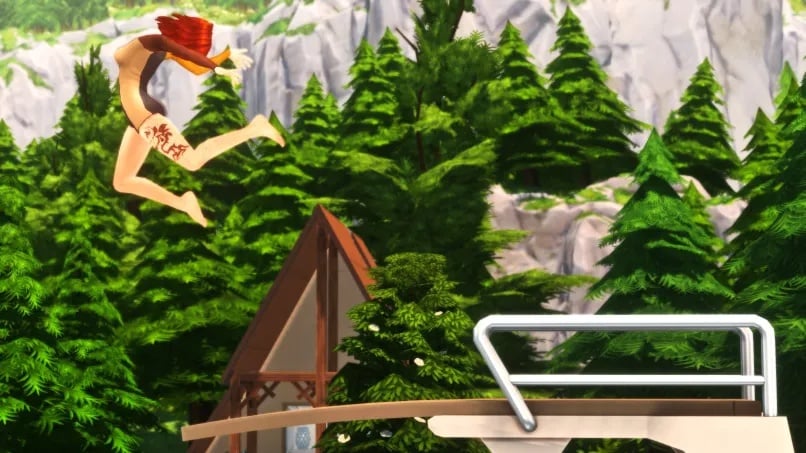
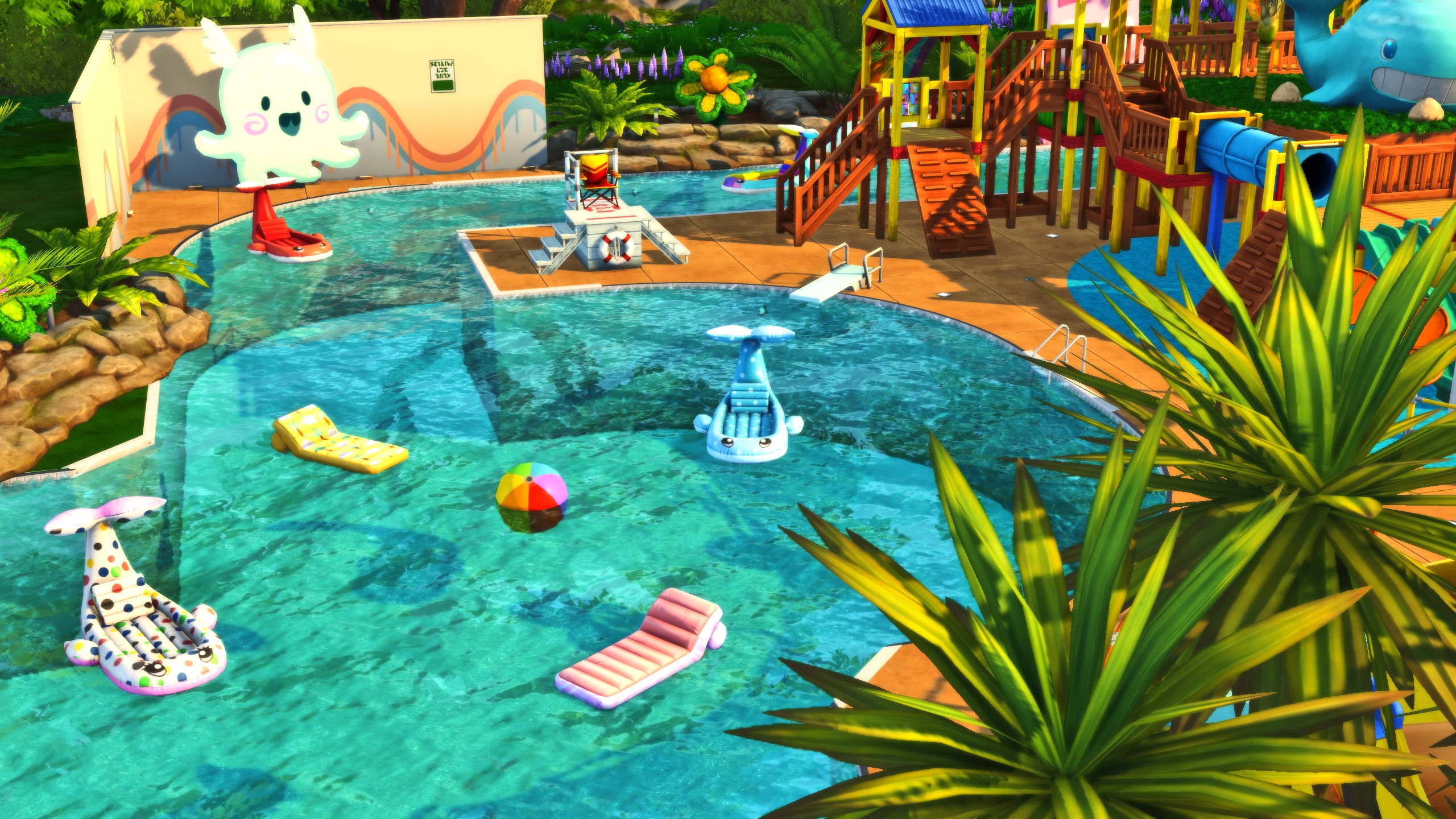
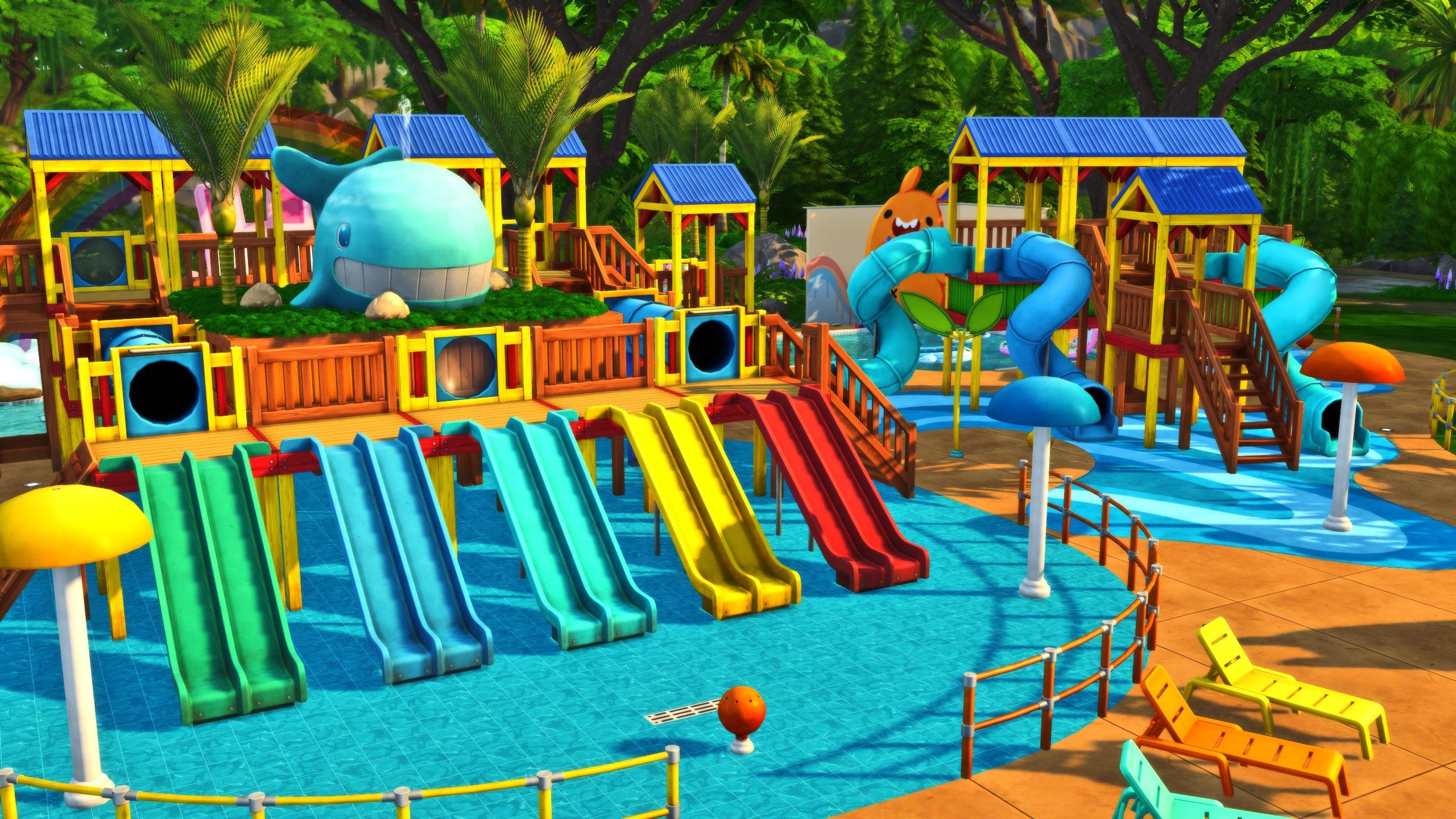
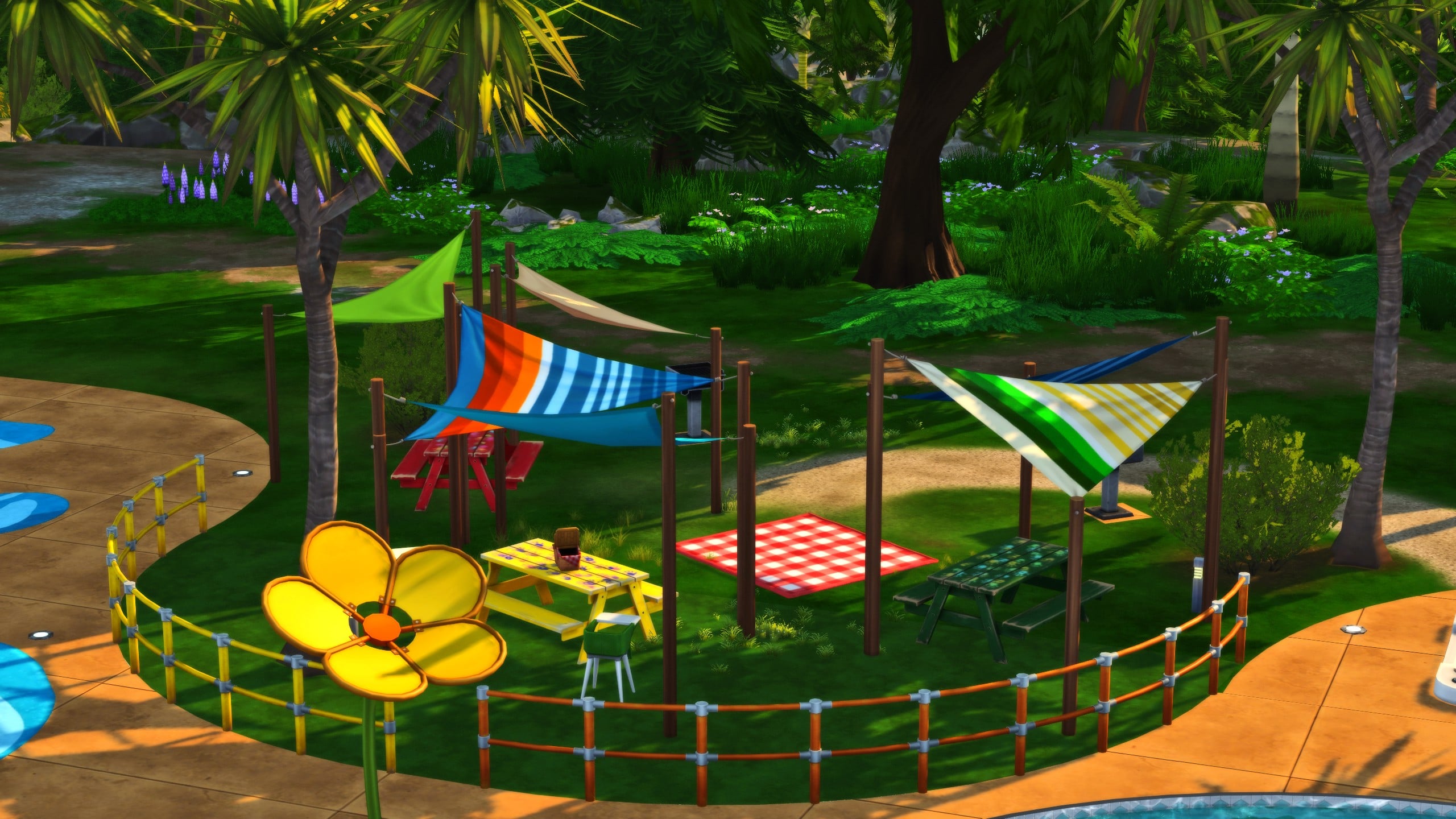
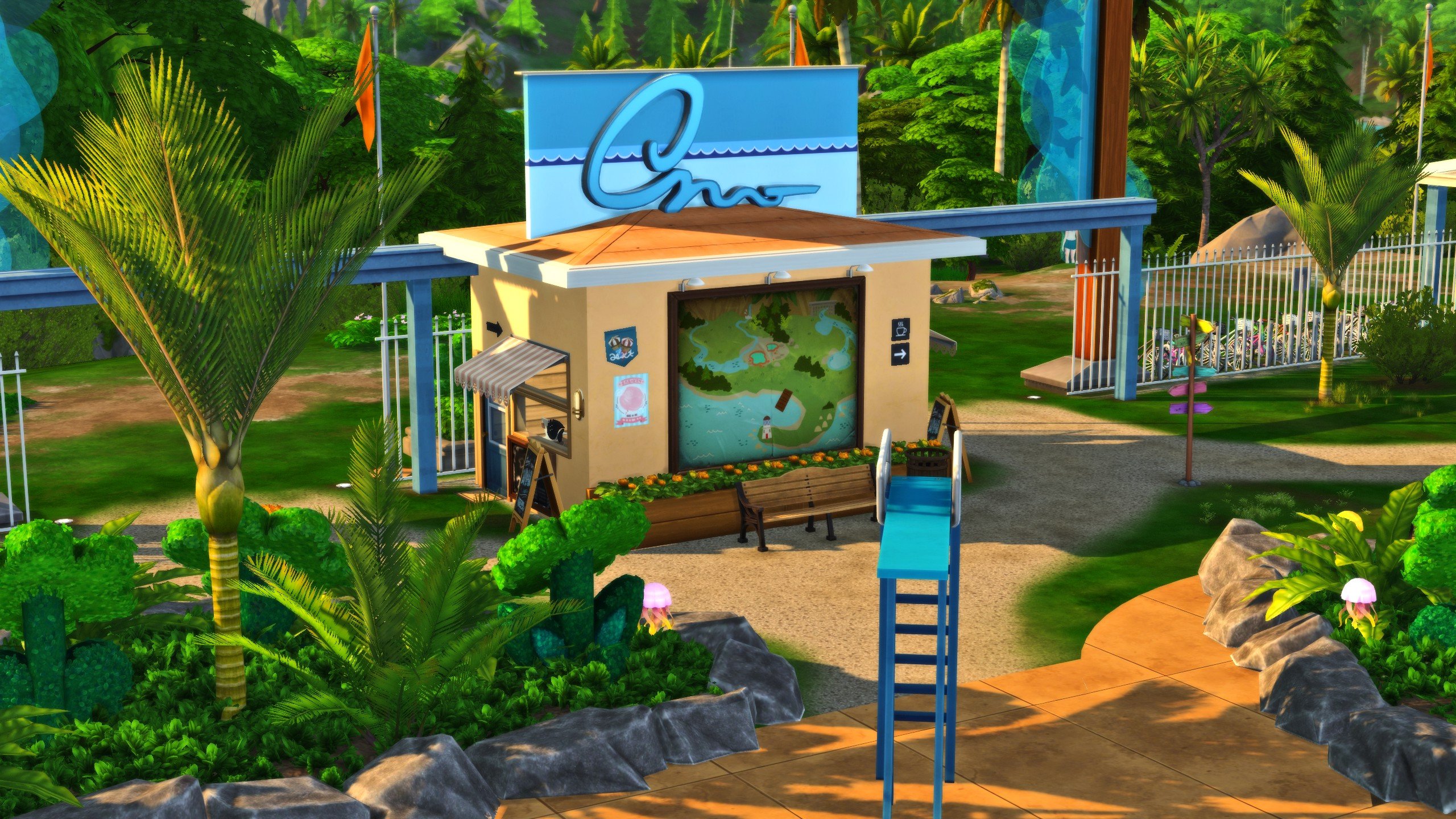
Built on the Hothead Rock Hideaway lot in Gibbi Point, SimCubeez has created a lot with a wide range of activities for sims of all ages! With a picnic area, huge pool, diving boards, and playground equipment, just about any sim can find something to enjoy at Wanderwood Wilds Park!
The color scheme of the park is bright and cheery, and I especially loved the addition of the Void Critter mascot at the front entrance gate!
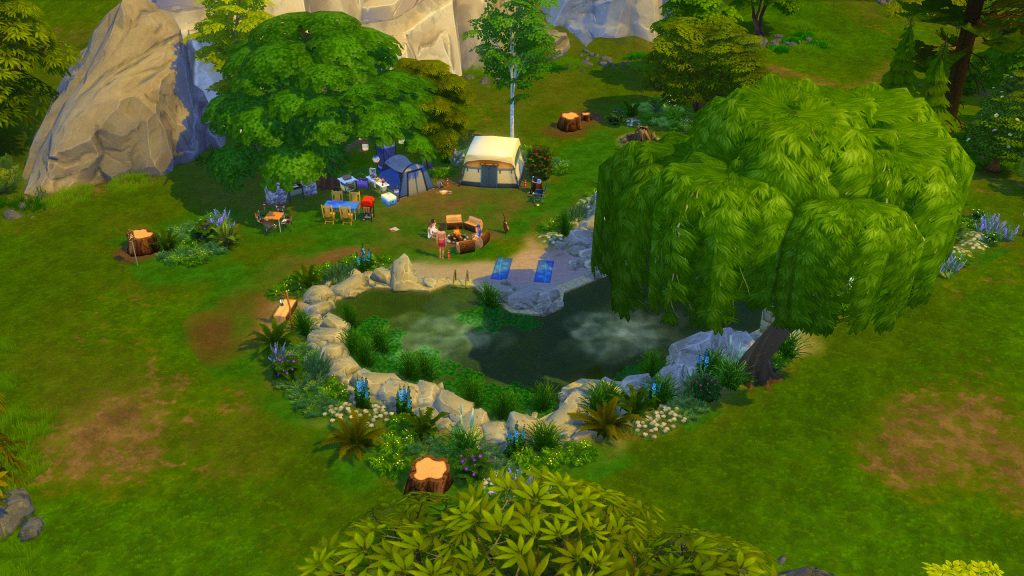
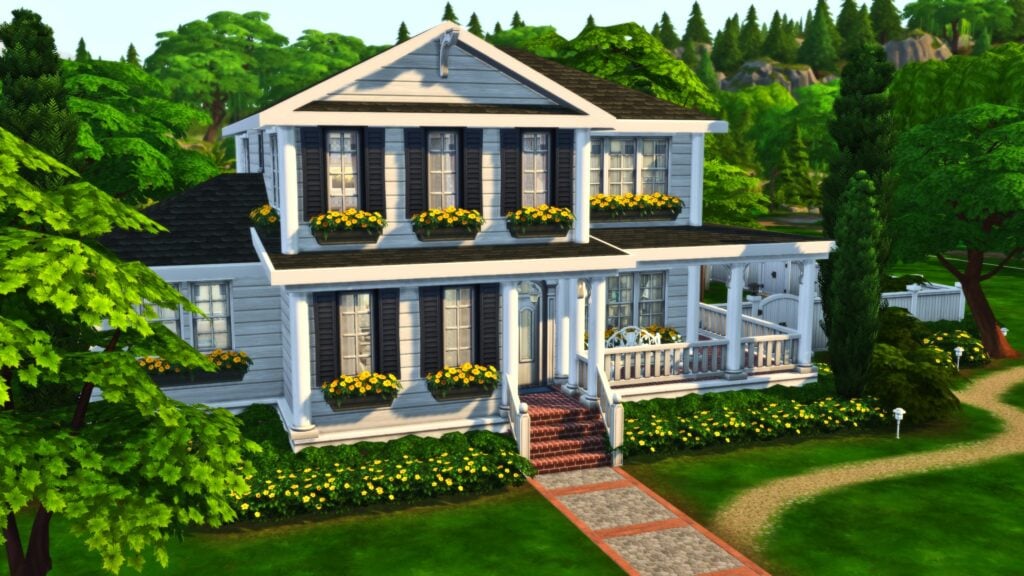
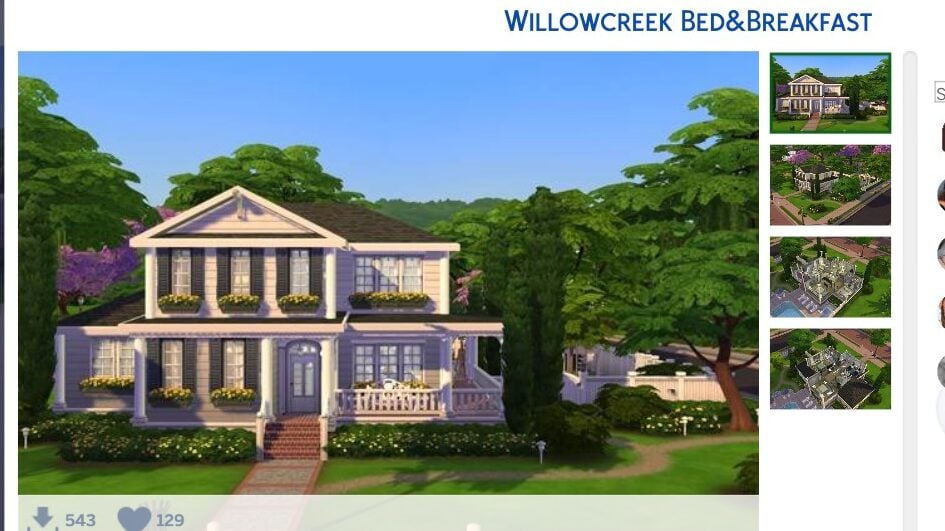
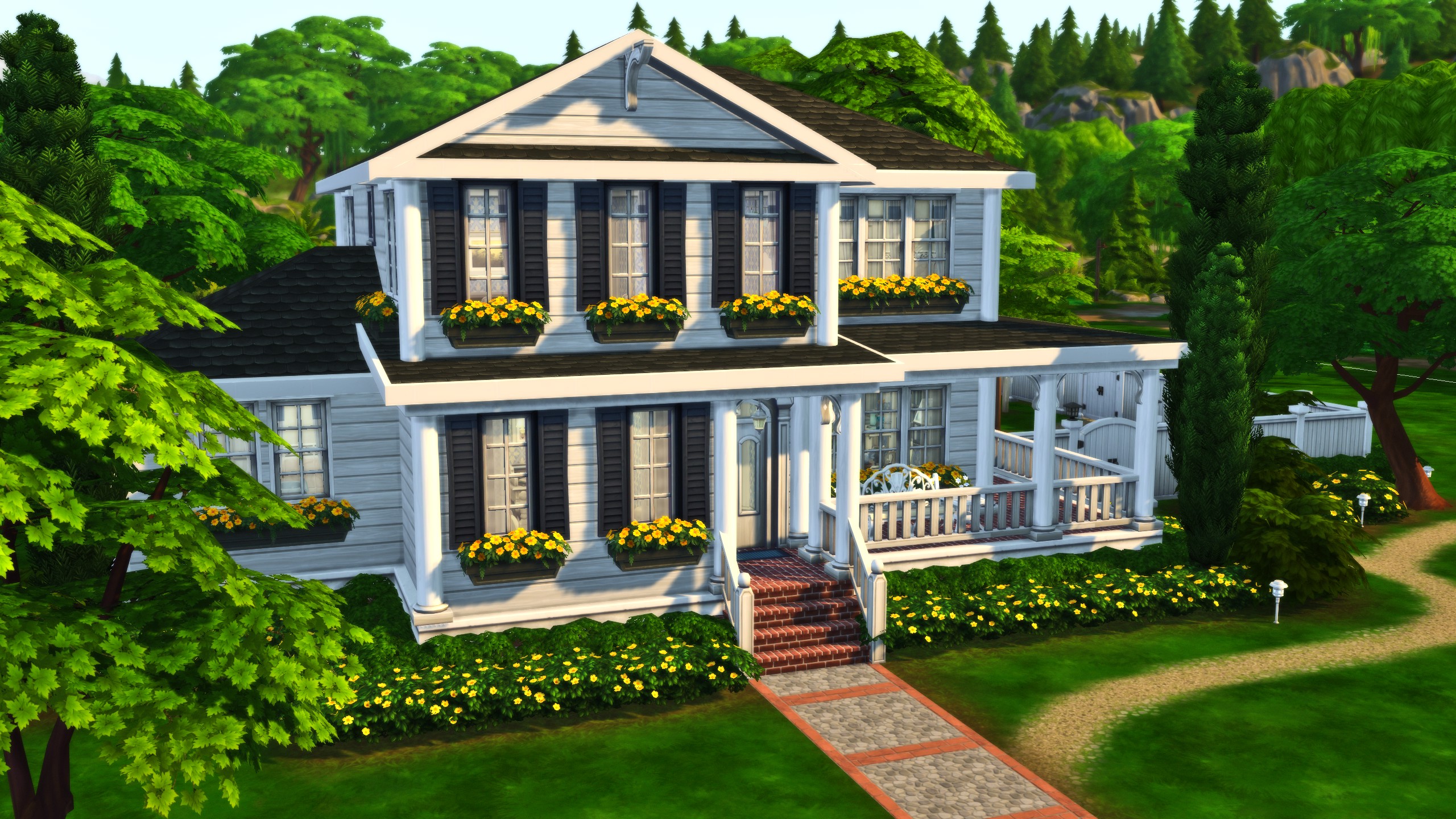
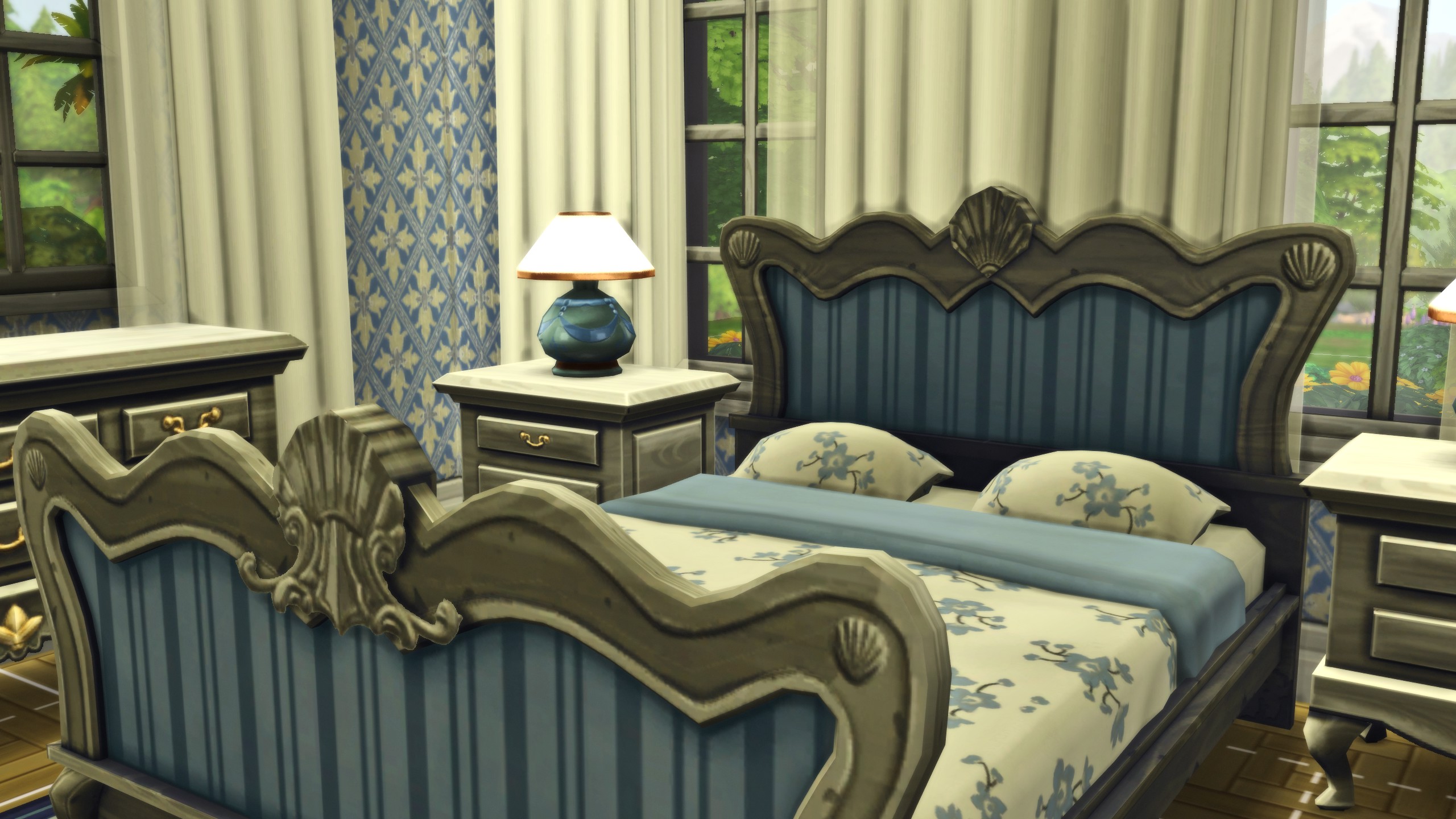
TheClumsySimmer has created an absolutely adorable and cozy Bed & Breakfast, styled to fit in well to the quiet suburban style of Willow Creek’s homes and neighborhoods! With 5 Beds and 5 Baths, the lot can host a myriad of sims for its reasonable size!
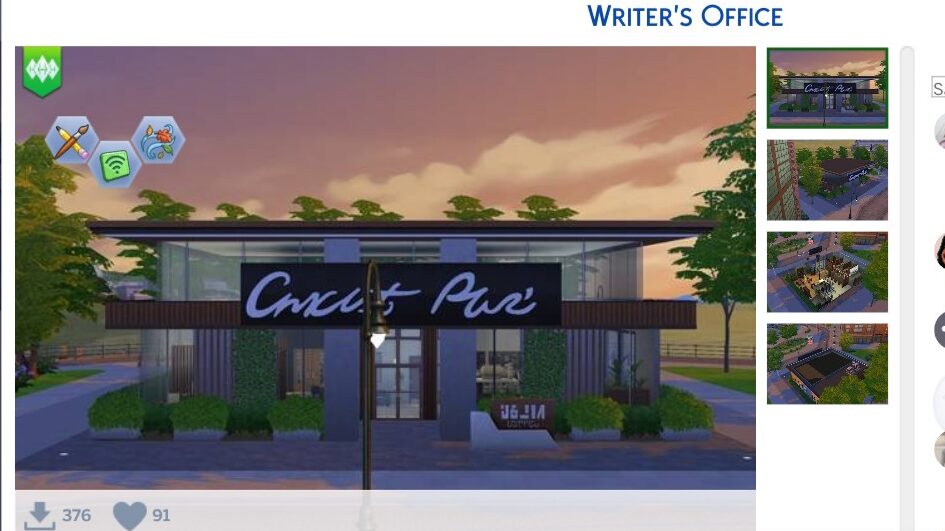
This custom venue is perfect for filling the void left behind by the many base game careers that are not active. Take your freelance writers to this venue to get out of the house and talk among other authors, sparking new inspiration for your gameplay and creativity!
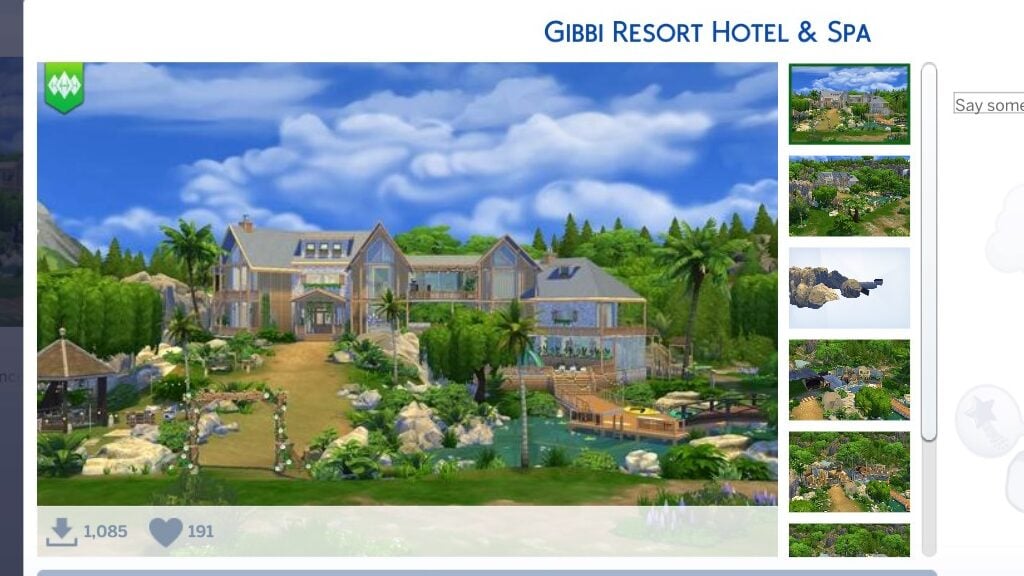
The beautiful water features, both the pool and water under the entrance bride, are perfect centerpieces for this beautiful hotel & spa! With a lavish two entire stories, plus a third smaller space, your sims will feel truly revitalized after a getaway here!
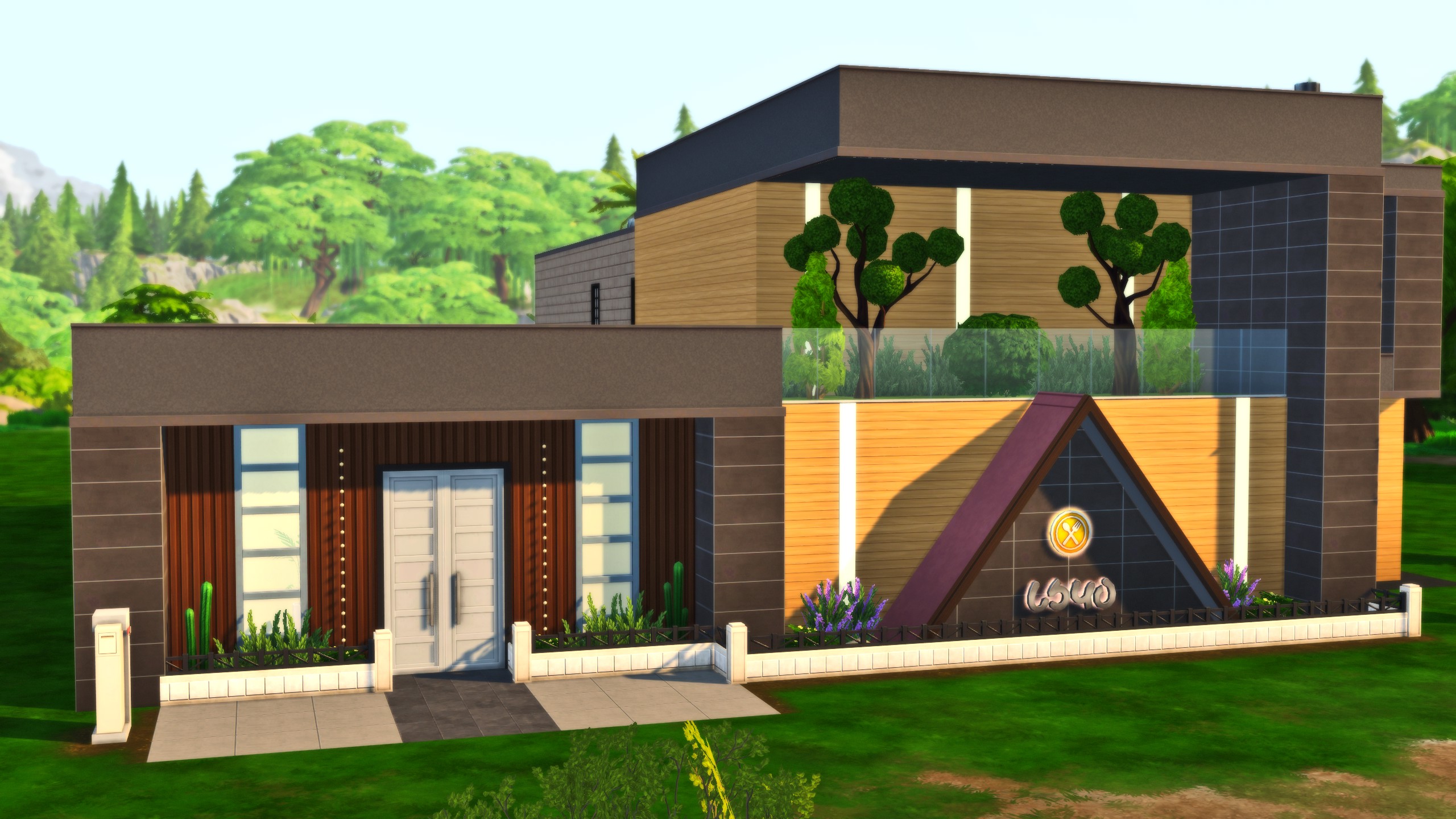
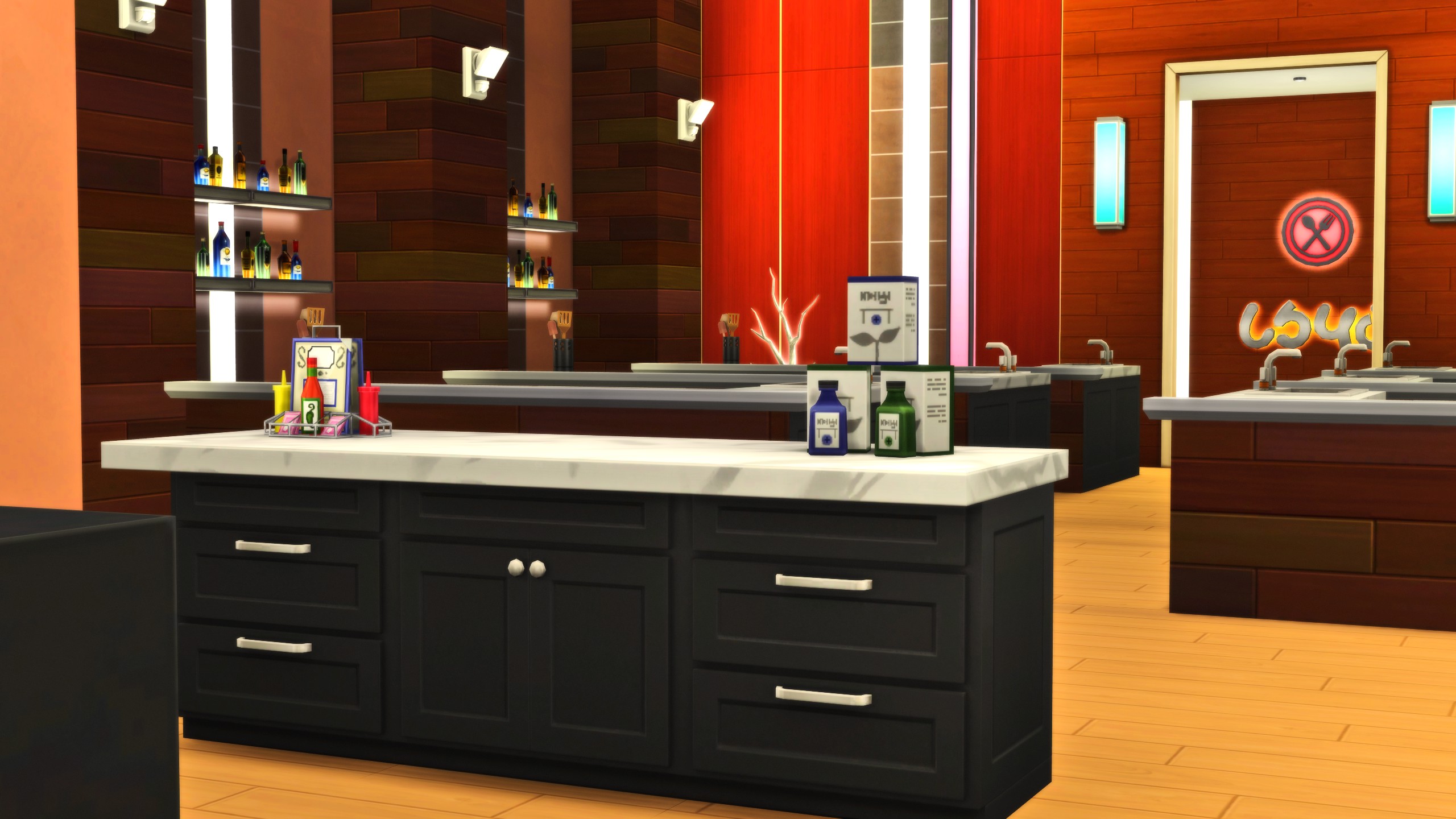
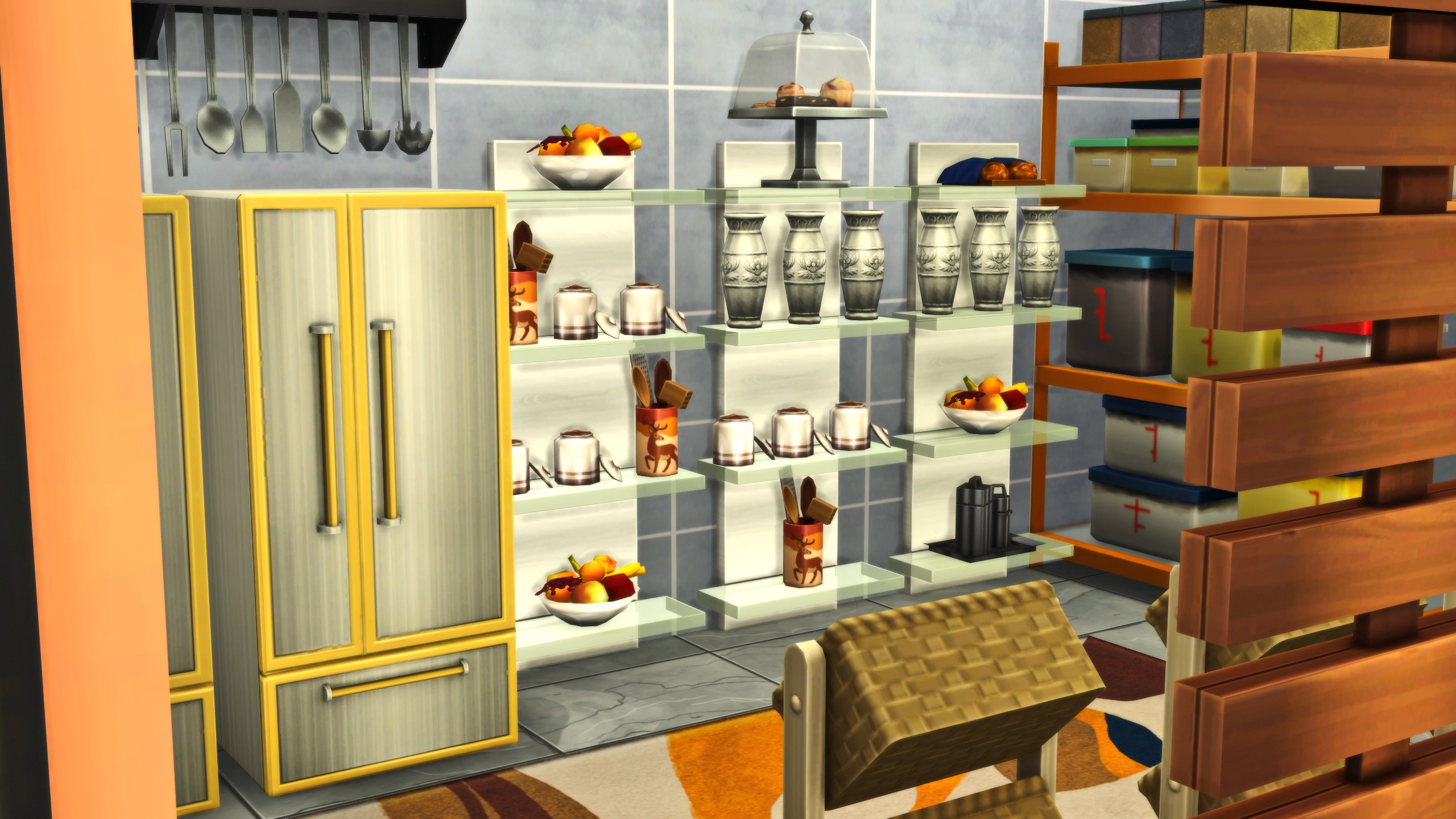
Has your sim mastered the cooking, gourmet cooking, and even the baking skill and you want to give them a bigger challenge? Host a “Master Chef” style elimination competition and try to churn out the best dishes possible to win!
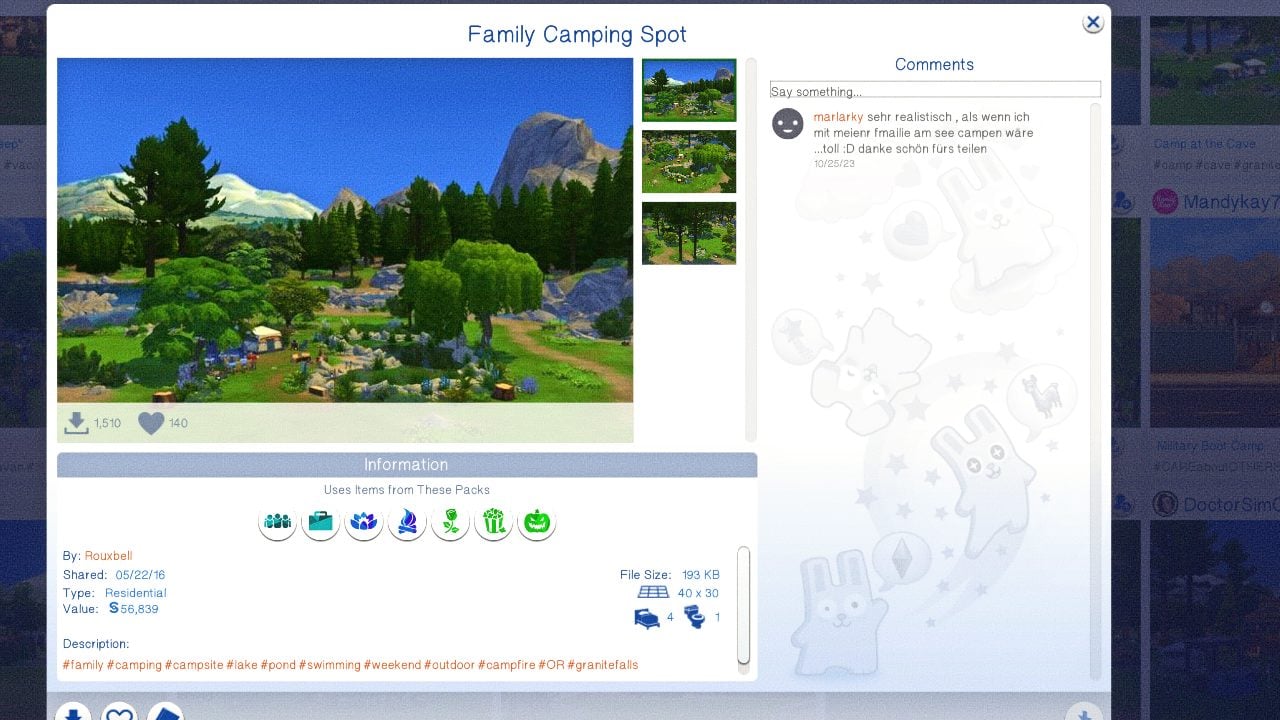
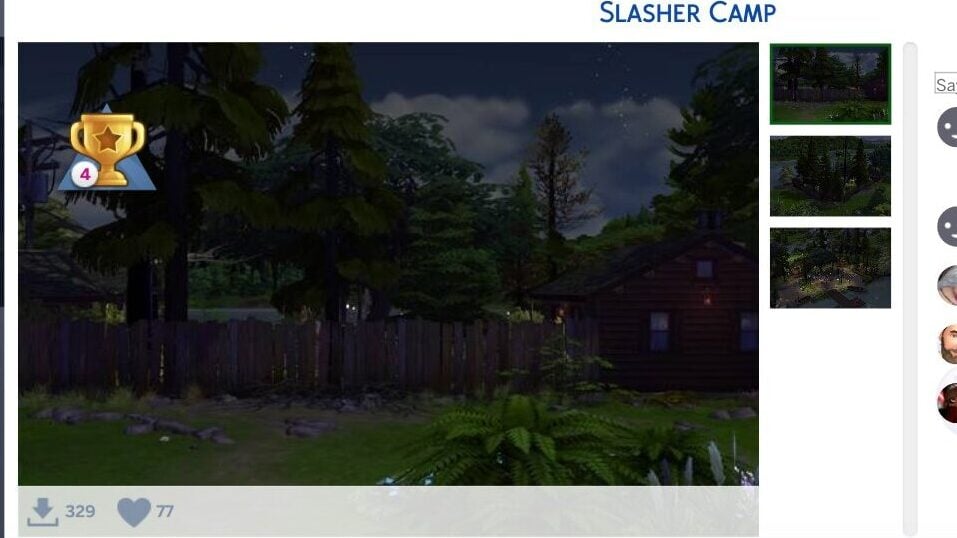
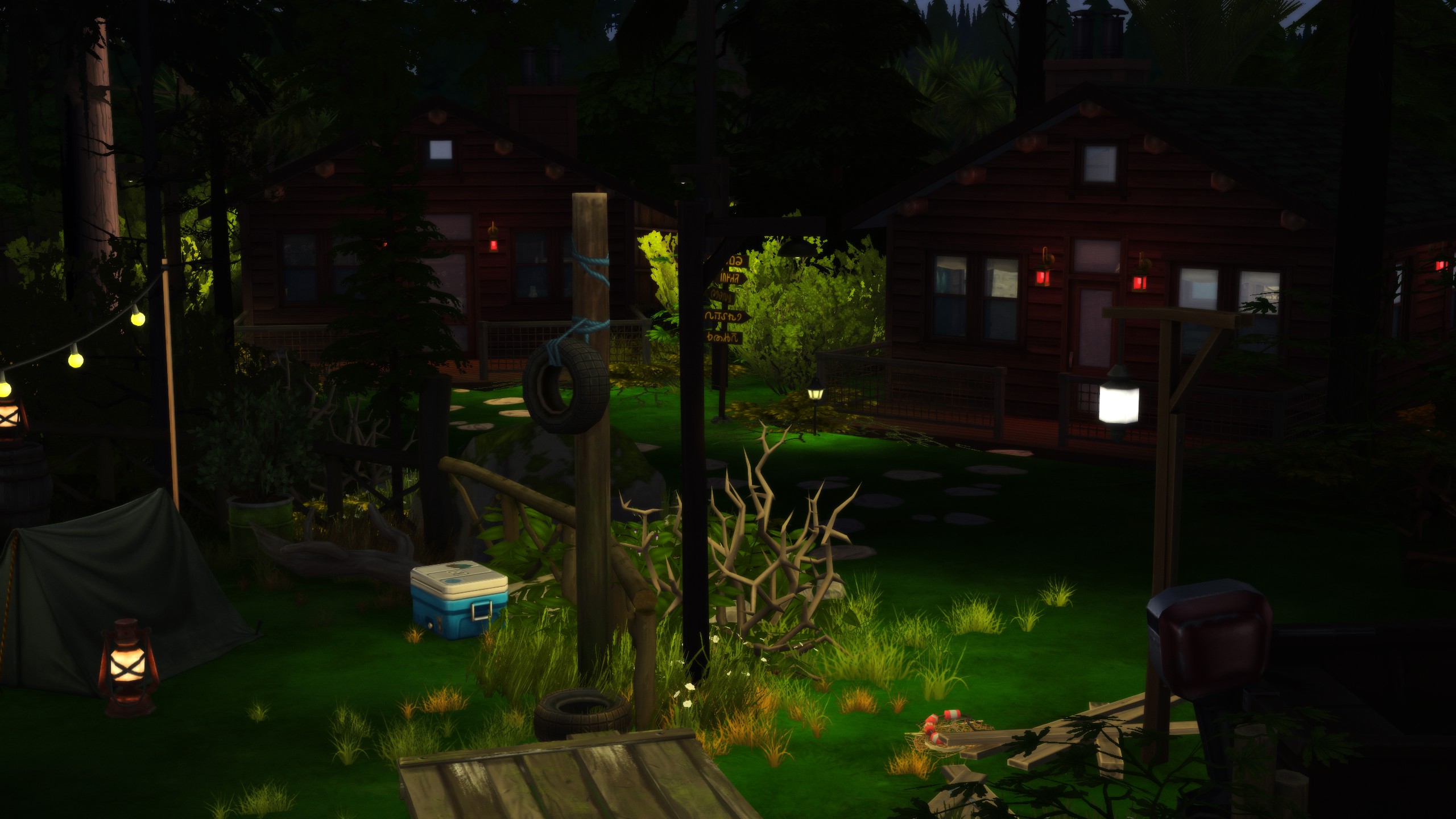
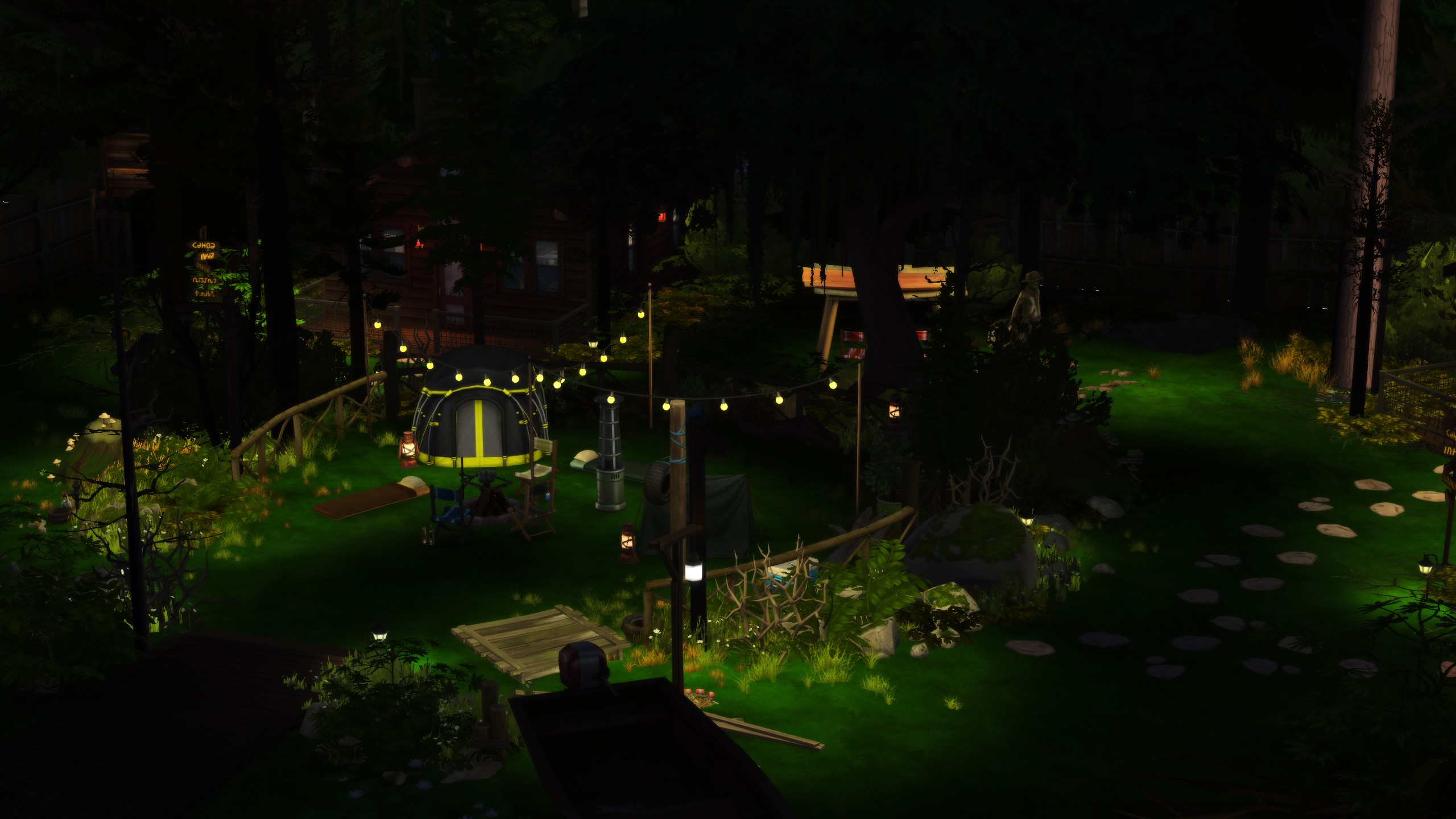
Just in time for the upcoming holiday, stage your sims in a dimly lit camp inspired by popular slasher films. Perfect for a Halloween Party (or Spooky Day!) getaway! Decorative boats, complimentary kayaks, and soft glowing string lights set the mood perfectly!
An amazing renovation of Gibbi Point’s relaxing retreat, gallery user lossayyy has created beautiful and quaint stays for your sims to disconnect and really get in touch with nature! From massage tables to manicure & pedicure chairs, your sims can enjoy the outdoors while receiving some proper pampering!
And for your sims on the squeamish side who would prefer not to get as in touch with nature, you can escape to this glamorous group of cabins to spend the weekend and work on some of those outdoorsy skills! Even those high maintenance sims who don’t want to get their hair wet can relax by the beautiful lake shore on the deck with lounge chairs!
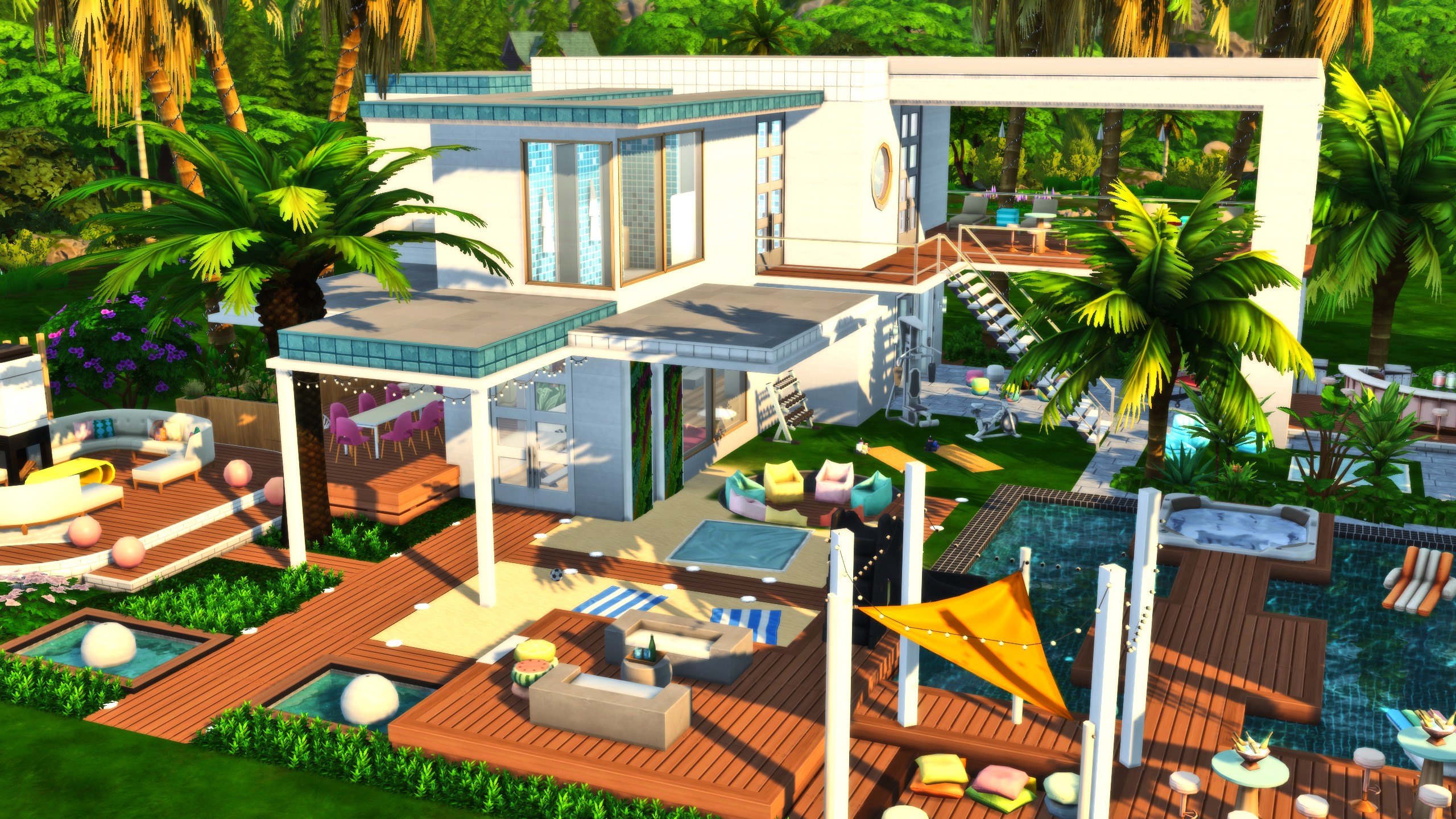
Find your sim’s true love, stir some drama, or do a little bit of both in this beautifully modern villa with all the amenities to keep your attendees (and you!) entertained! It comes with tons of amazing features, including designated fitness AND wellness skill areas, a fire pit, a DJ booth, and so much more!
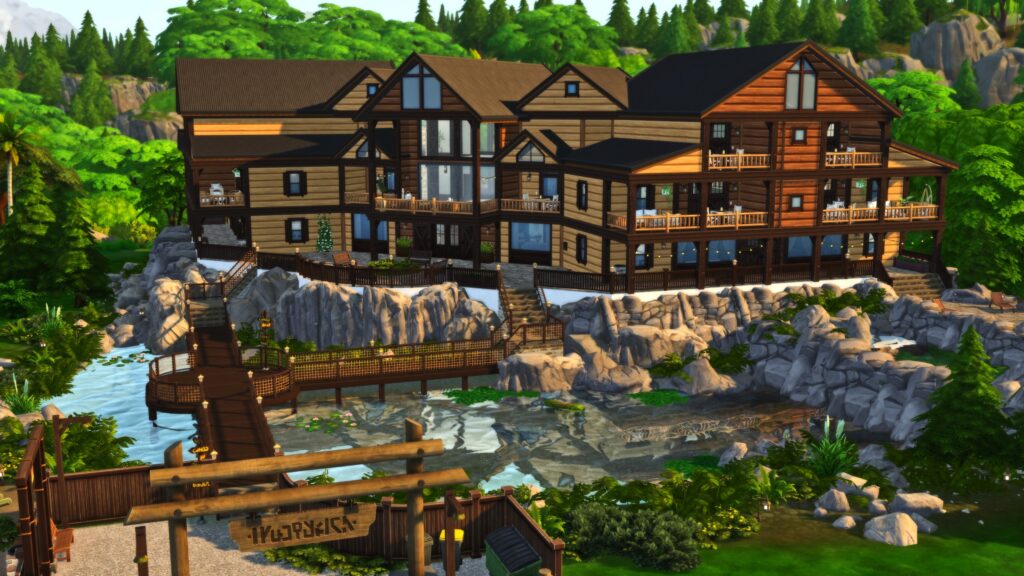
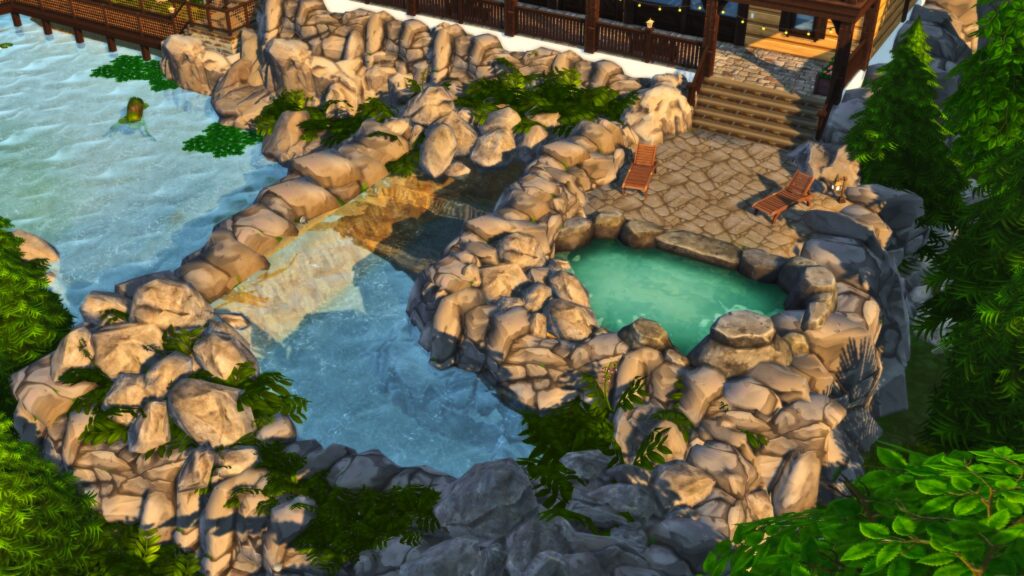
This grand and luxurious resort stands out with a water feature, entrance bridge, and cliffside foundation that creates a rustic appearance and appeal. The color scheme compliments the lush background and surroundings, and it is lovingly decorated to feel like a truly unique experience.
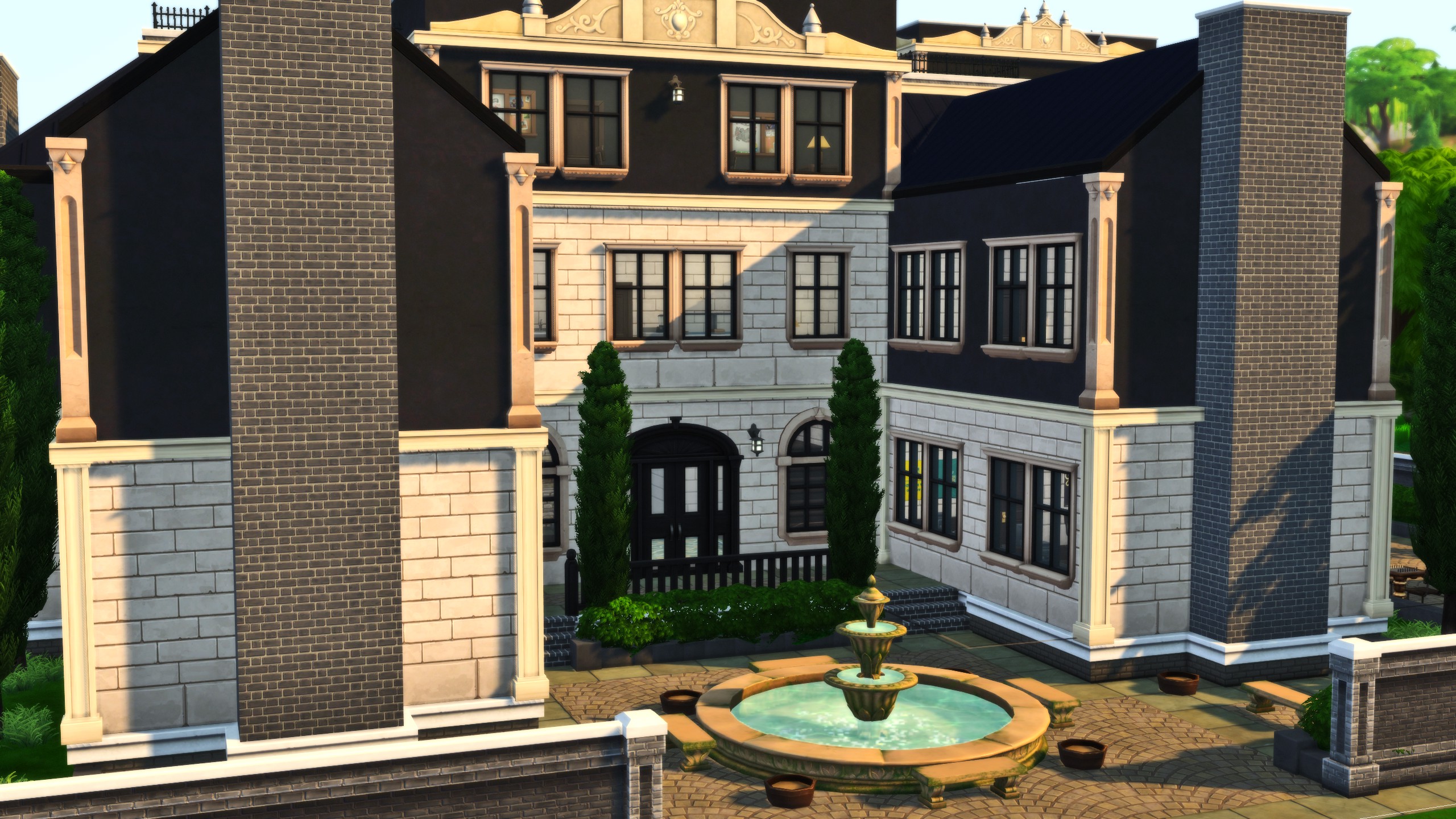
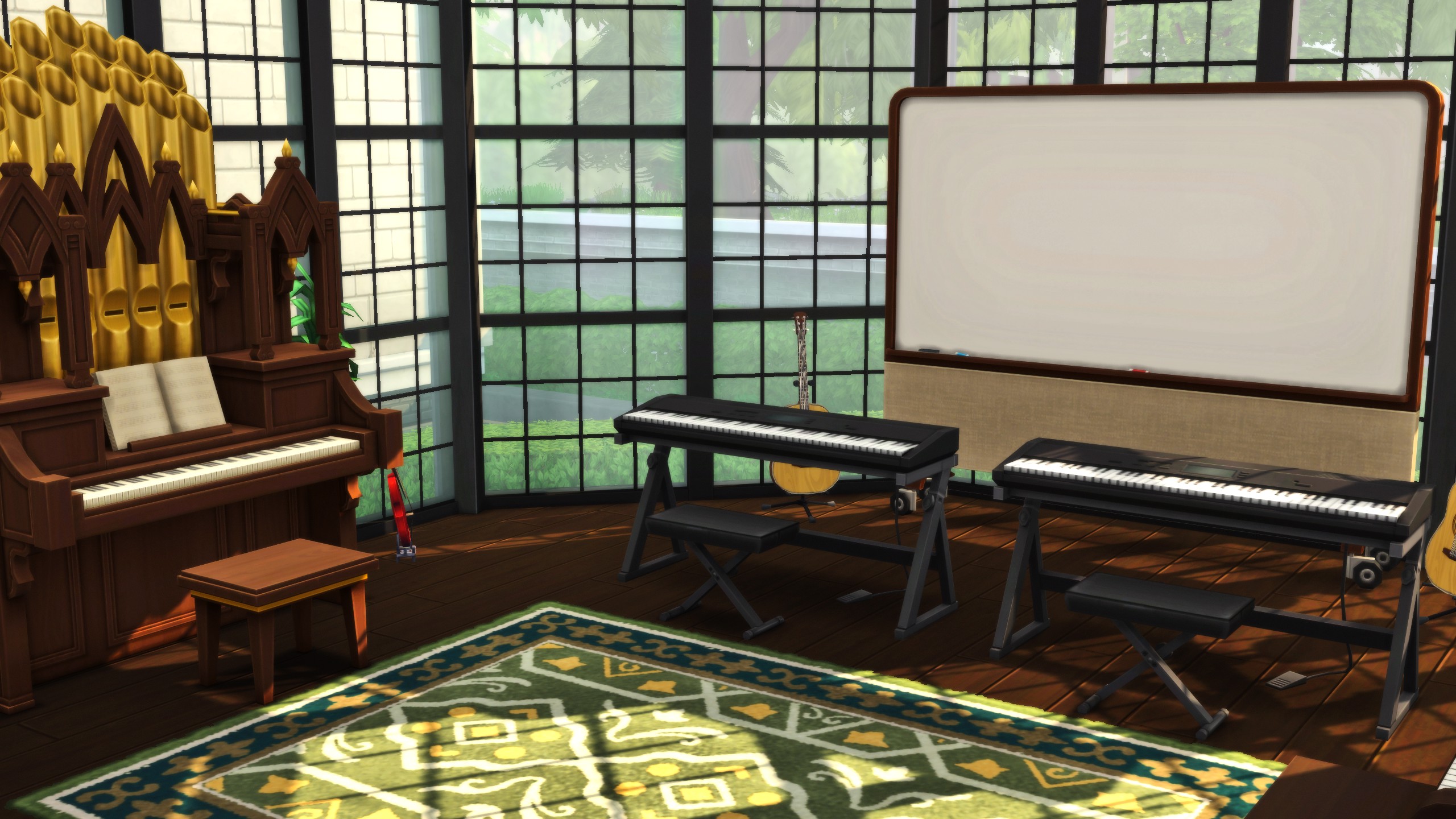
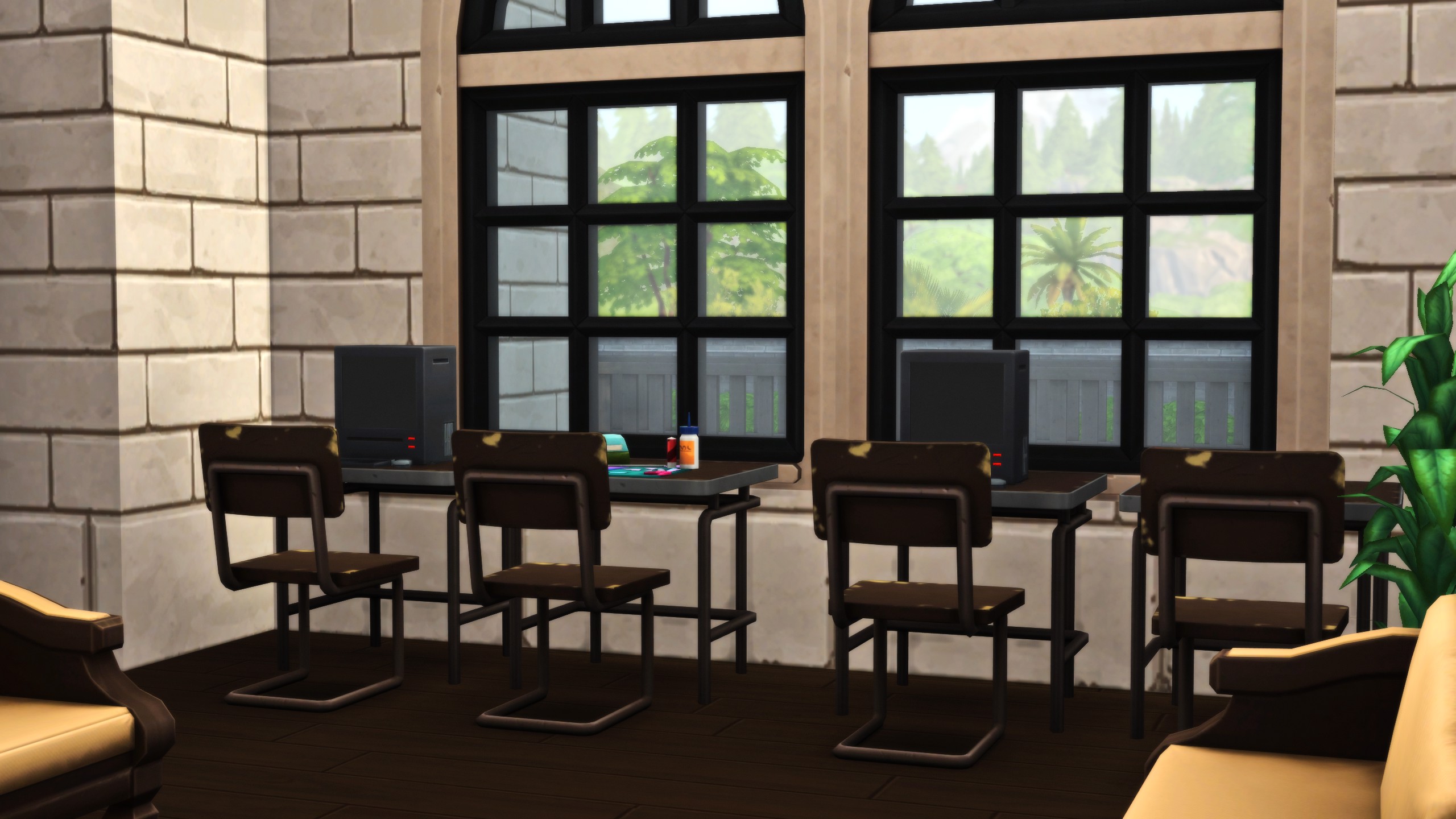
While we don’t have true boarding school options, custom venues have allowed builders to create their own versions of one, with assigned teacher and student roles! Play out some real high school drama with your own group of 12 students, 4 teachers, and 2 additional staff members, per gallery user MacabreMoss’ description!
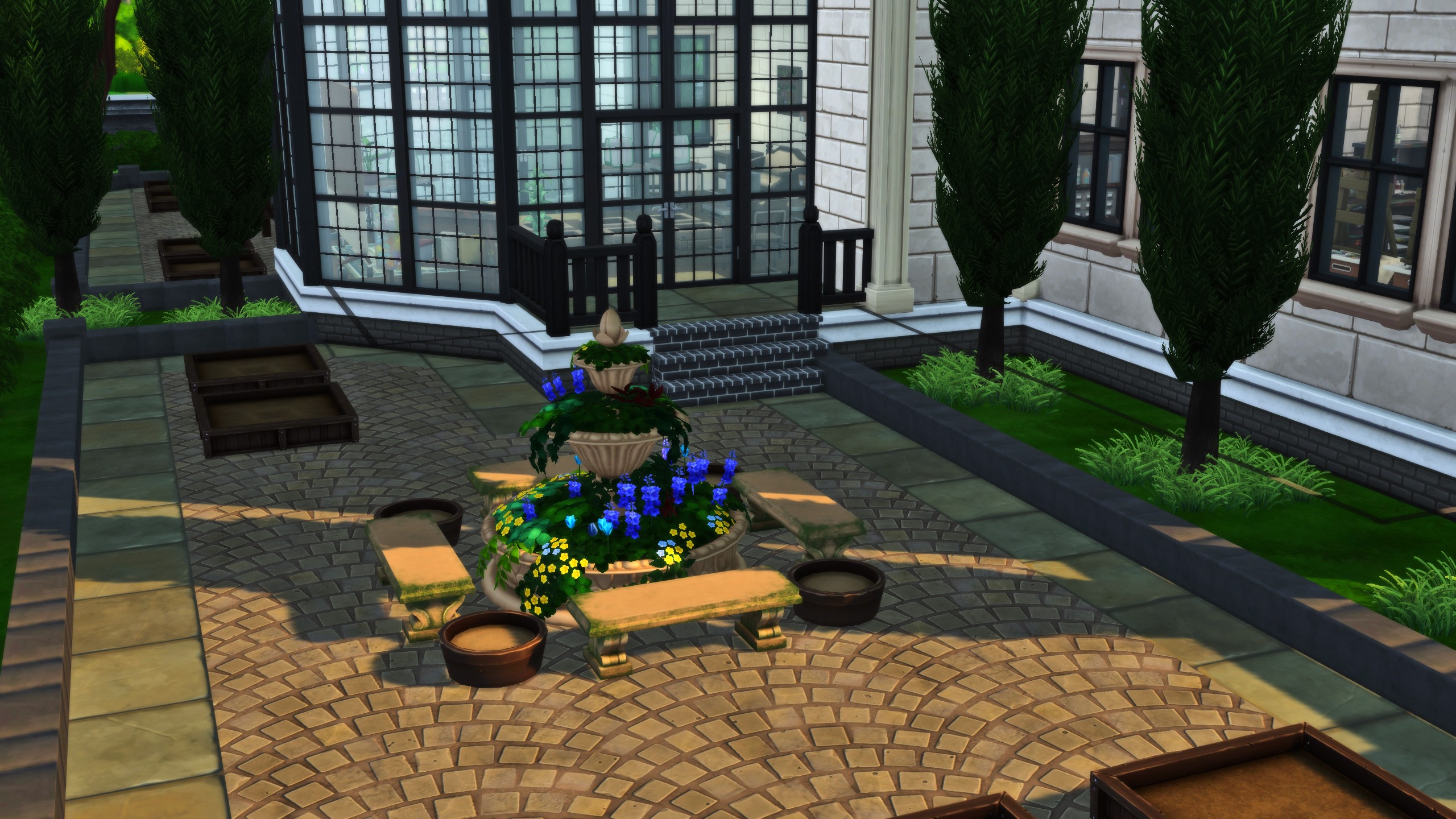
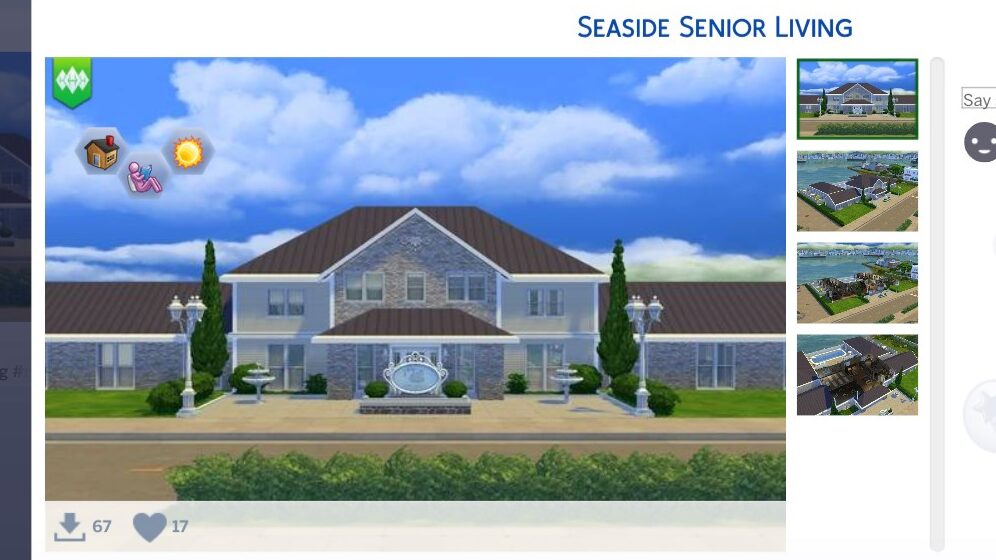
Senior Living Communities have been something simmers have been desperately wanting for a long time, especially those that play generationally and with long-spanning legacies. It can feel like there isn’t enough gameplay for elders on their own, but this build provides great structure and space for your elders to make friends, renew lifelong bonds, and spend their golden years!
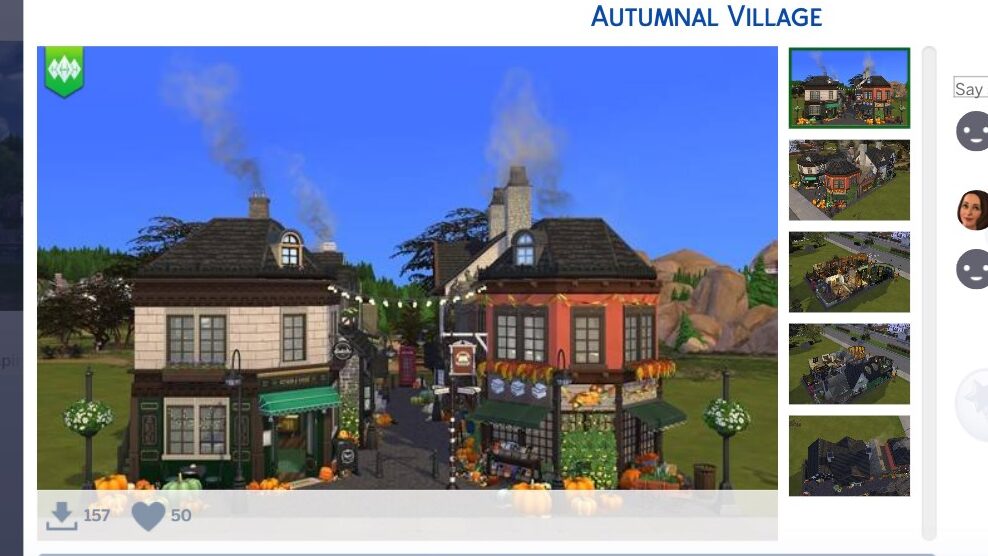
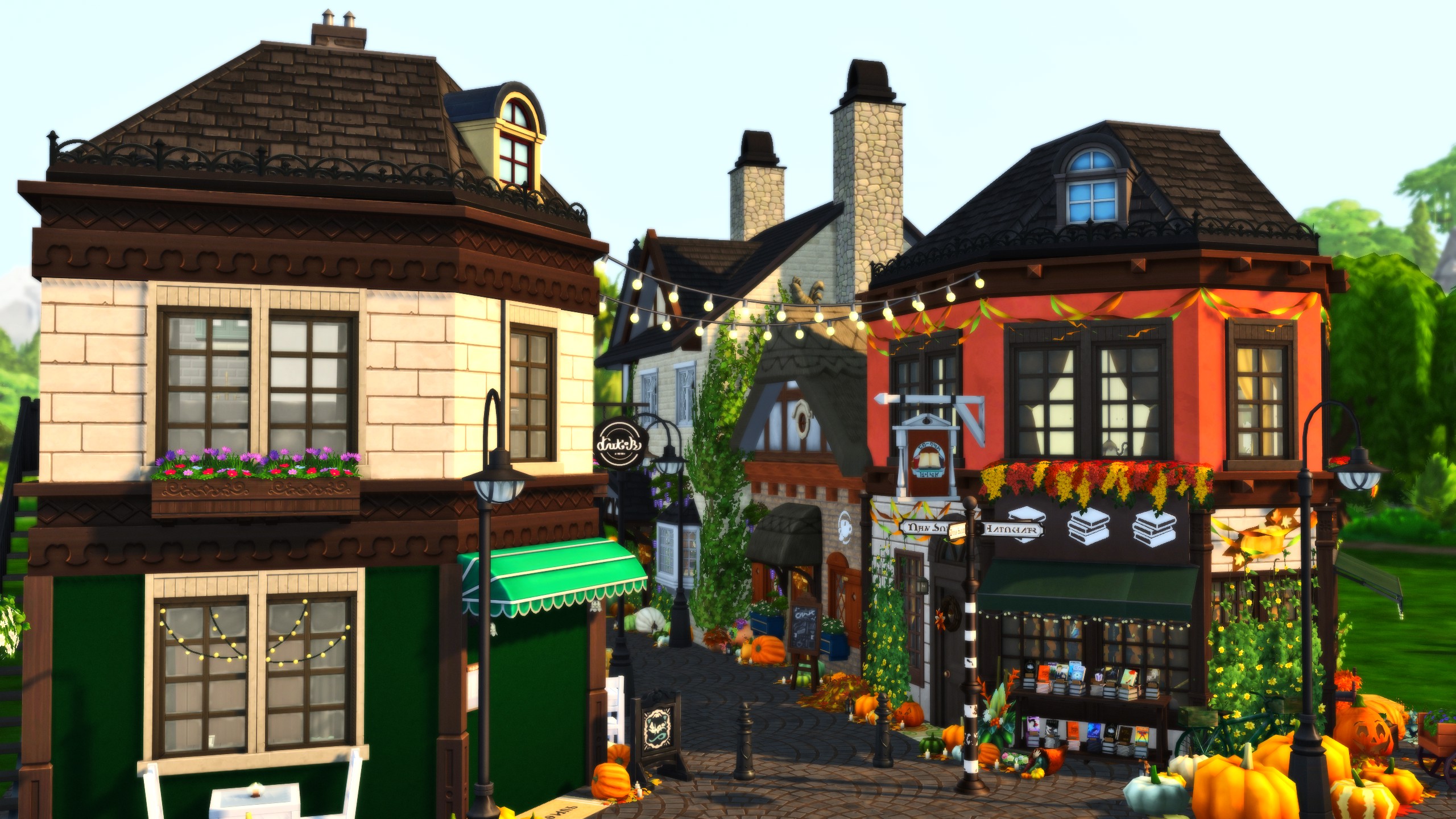
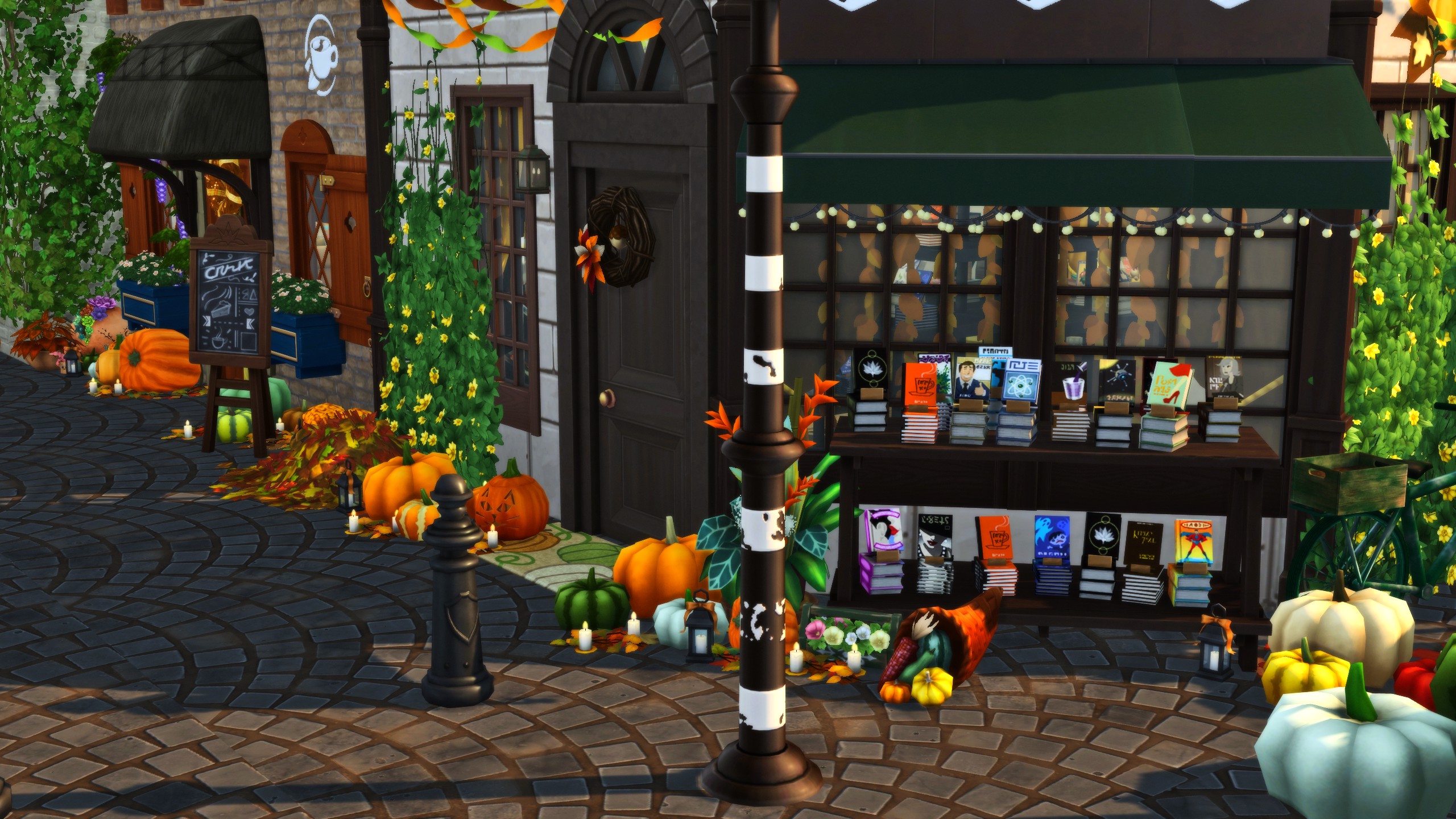
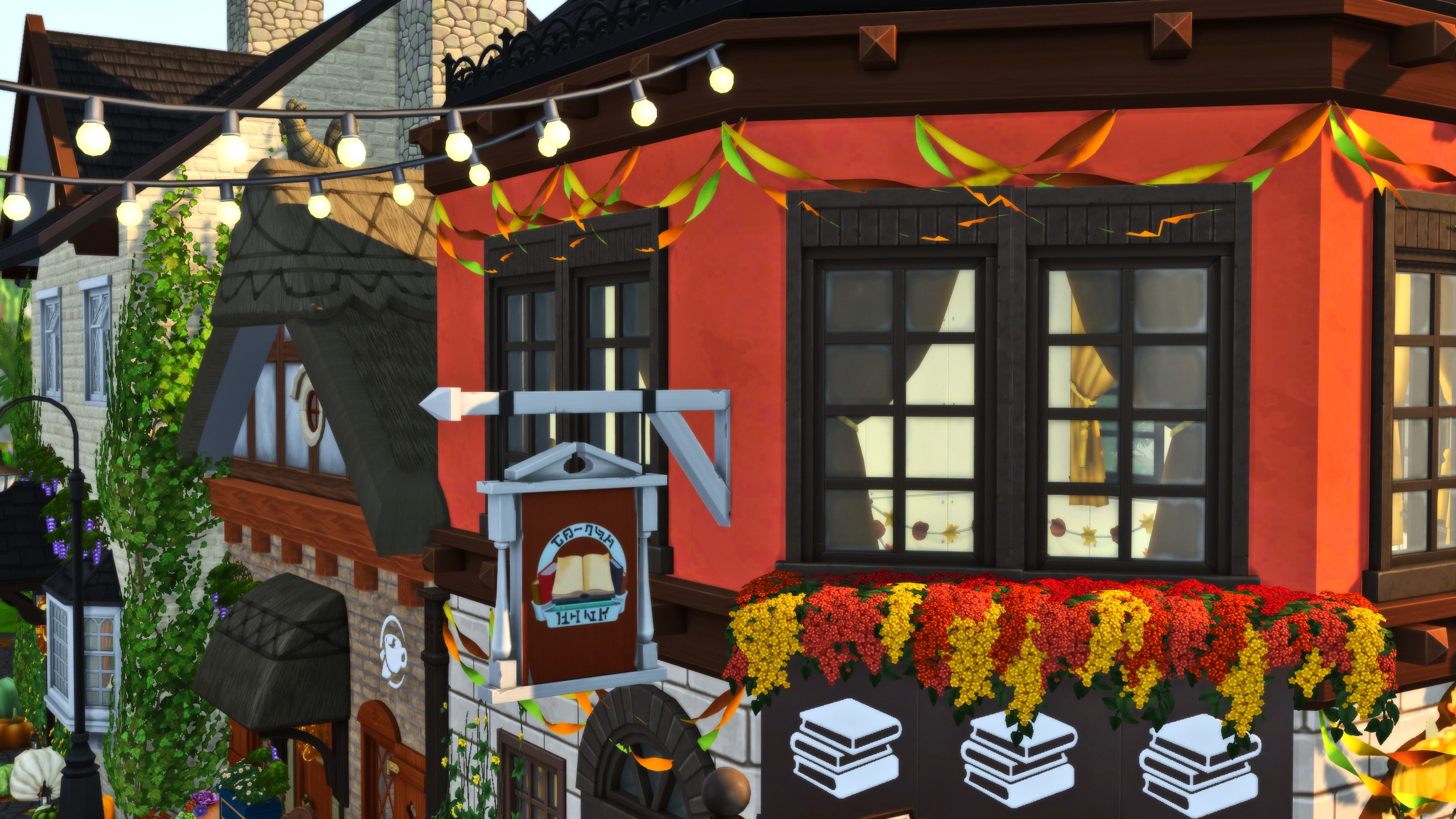
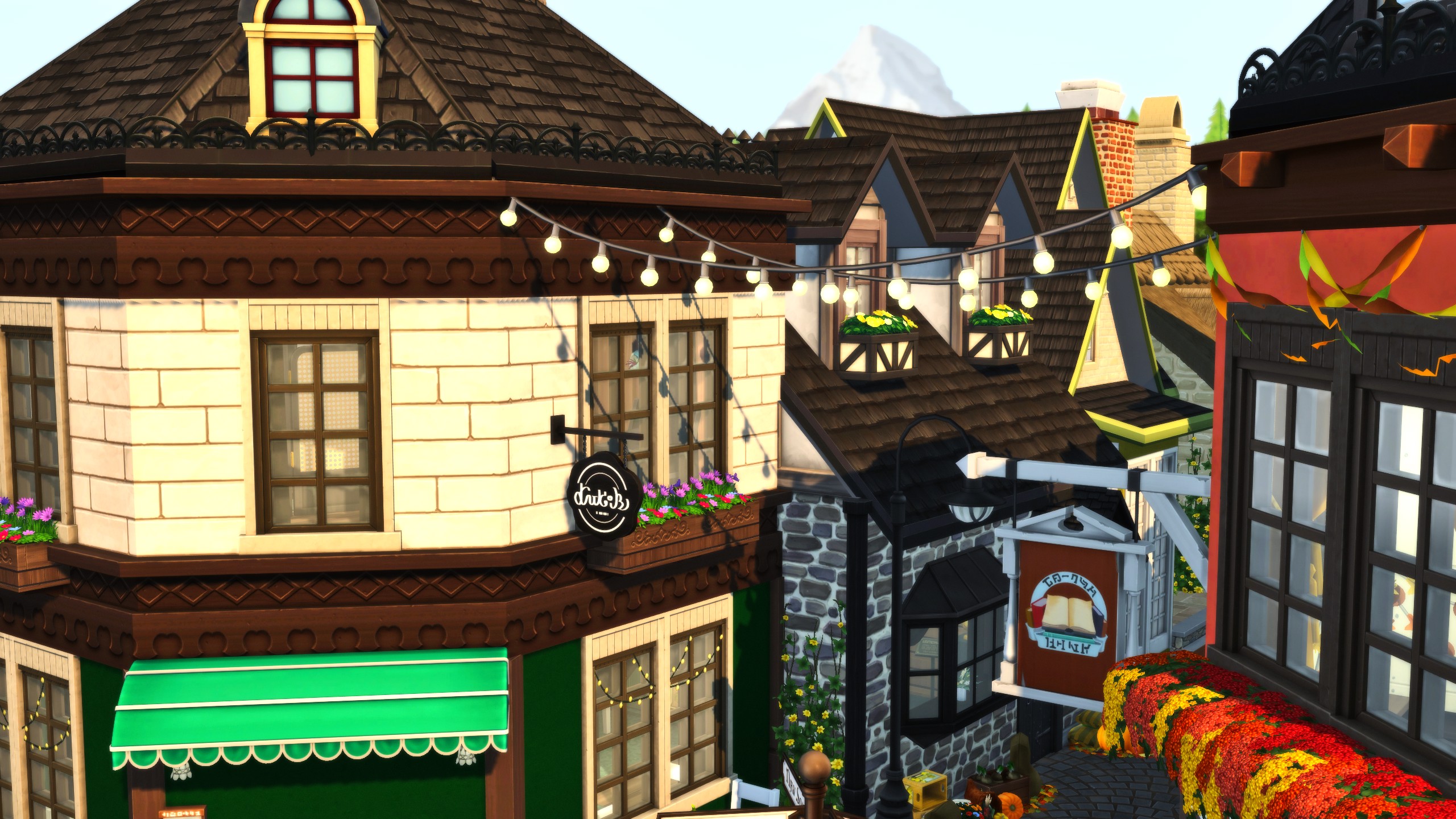
Ring in the arrival of Autumn and the upcoming spooky season with this quaint autumnal village, with tiny shops and vibrant colors that fit perfectly with the season.
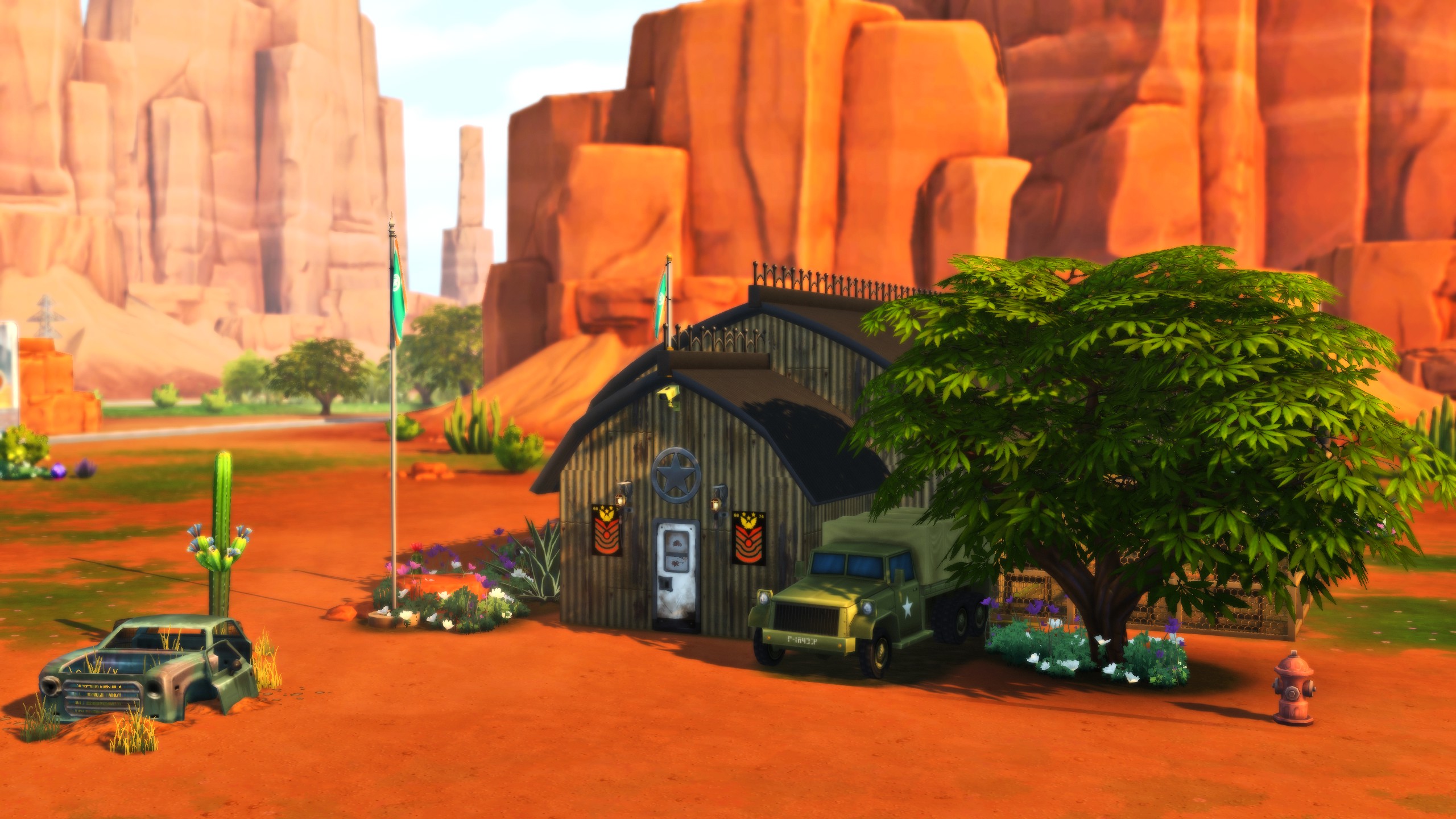
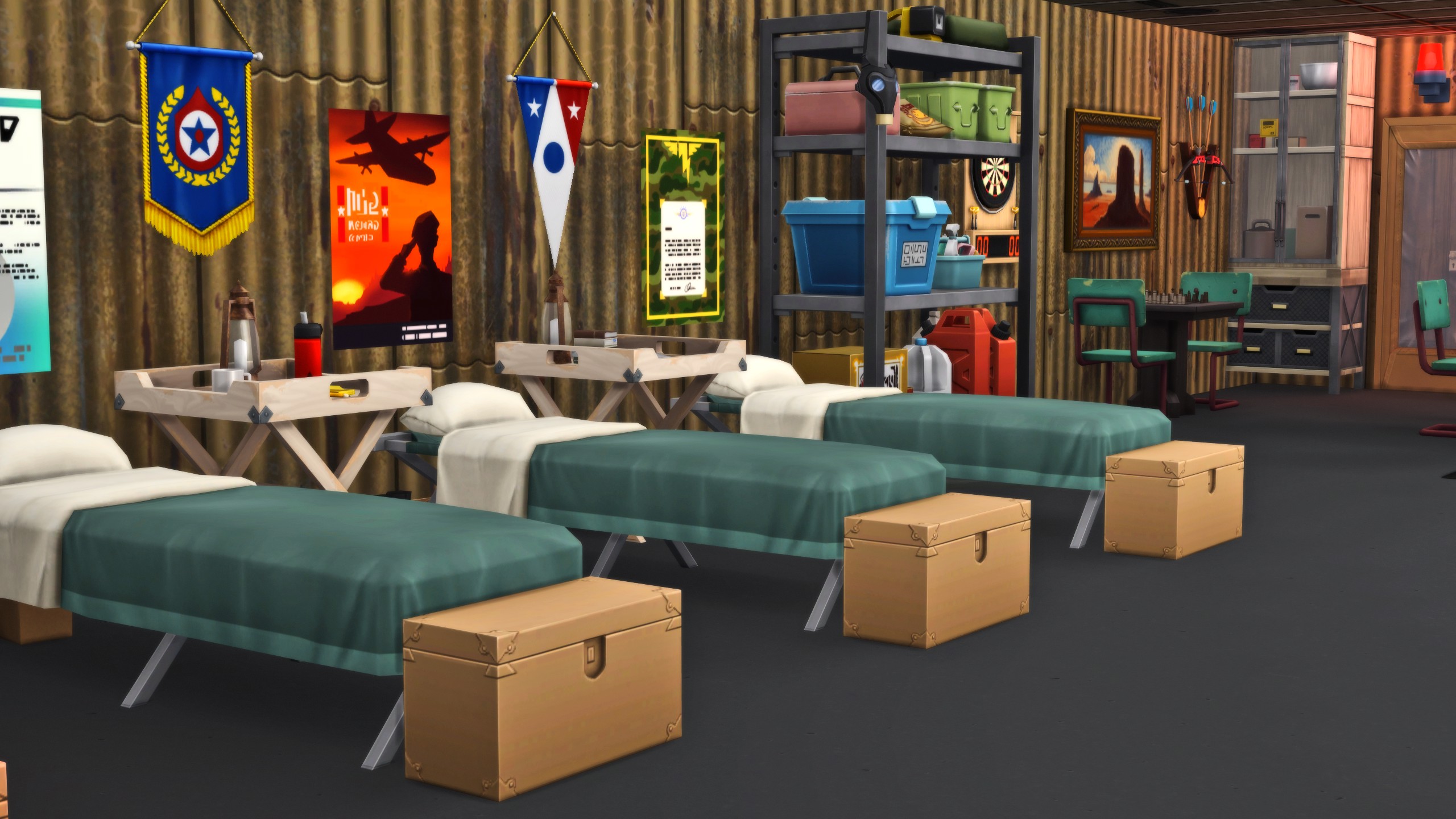
Does anyone remember when kids would go to military school if they lagged on their homework in The Sims (2000) ? If you have some teens that need to shape up or ship out, this boot camp is perfect for the nostalgia and to have them focus on skills and their character traits!
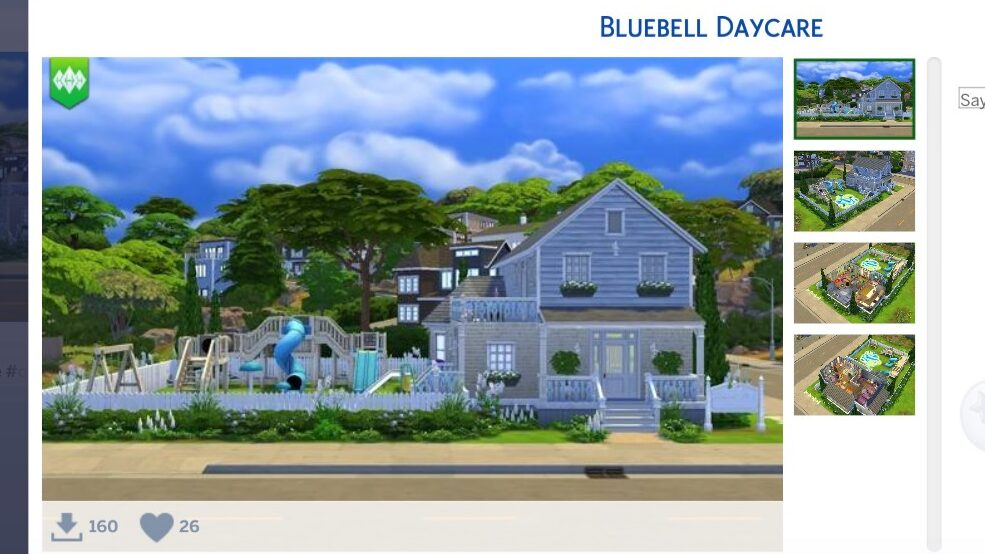
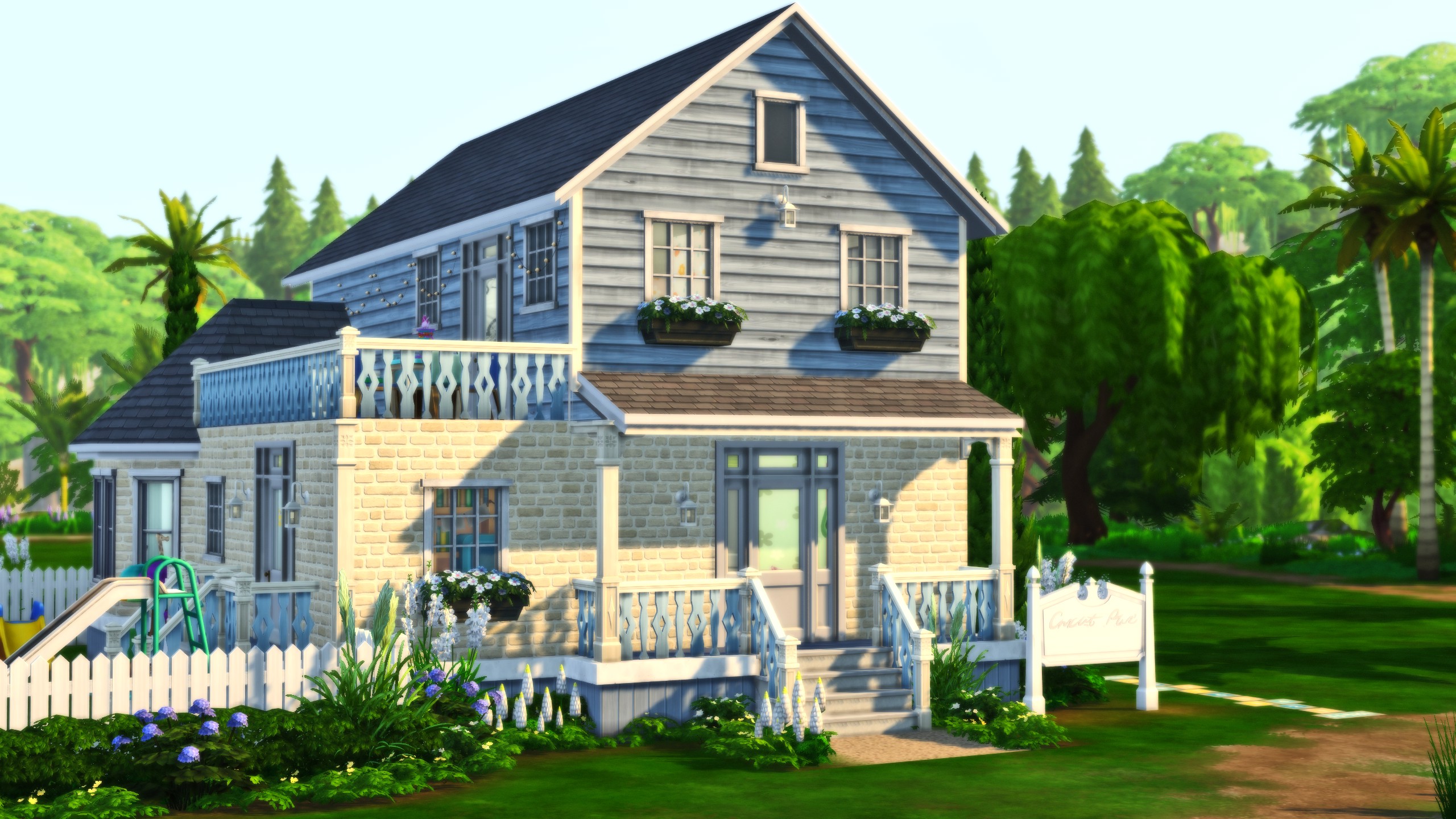
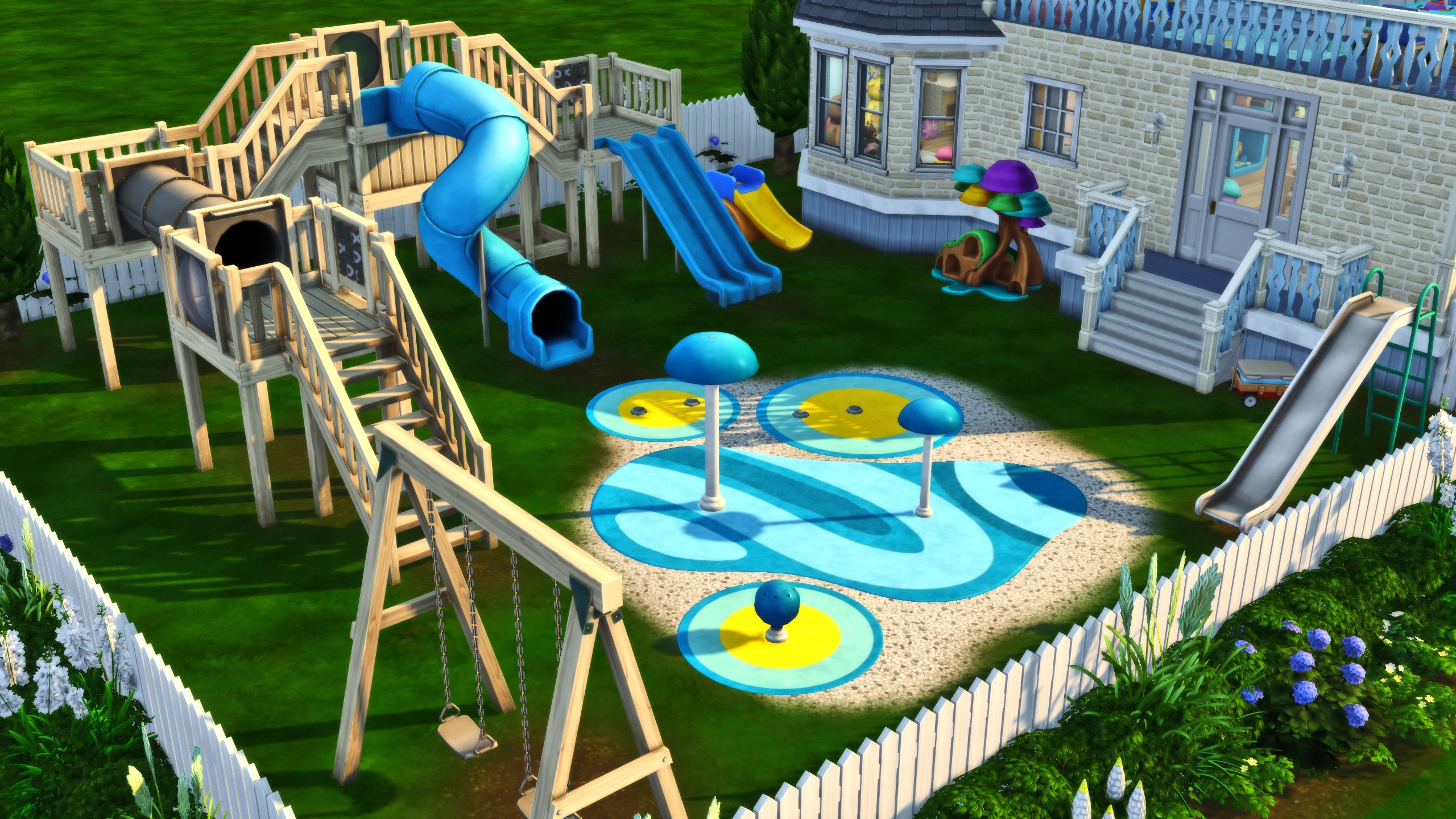
Visit with your little ones and have a blast at Bluebell Daycare, an adorable little building with a large picket-fenced yard that includes a modular playground, swing set, and more!
What were your favorites from this gallery spotlight? Are there any hidden gems in Sims 4 custom venues that you found that you would recommend? Let us know!
Make sure to follow The Sims Community for recommendations, guides, and showcases of all things The Sims & Life Simulation Games!
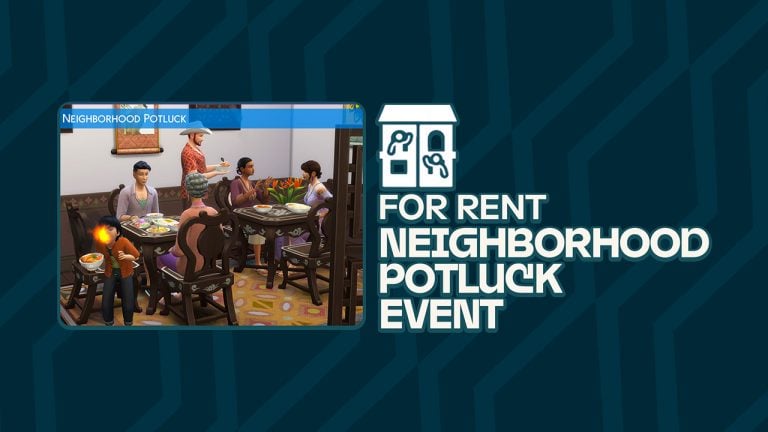
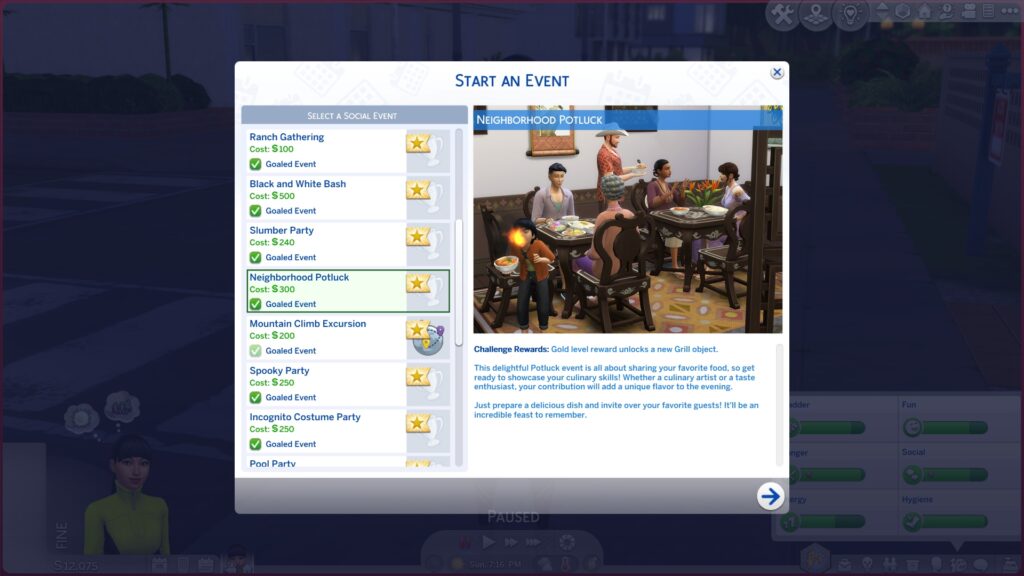
The For Rent expansion brings several new social events, one of which is the Sims 4 Neighbourhood Potluck. This is a really fun but simple and straight-forward event that can not only help your Sims bond with their neighbours but increase your unit rating as well!
Get to know the community by throwing a Sims 4 Neighbourhood Potluck!
We’ll walk you through this entire social event. Learn how to throw a potluck, complete all the goals, and find out what rewards you get for completing this event at bronze, silver, and gold levels! Let’s get started!
Table of Contents
Throwing a Sims 4 Neighbourhood Potluck
To throw a Neighbourhood Potluck social event in The Sims 4 For Rent, use the Social app on your Sim’s cell phone and select Host a Social Event. Then on the social event selection screen, choose to host a Neighbourhood Potluck. Like most other social events, you can choose whether you want to throw a goaled event with rewards or not. Non-goaled events are more open-ended. They have no goals to complete so you can just enjoy being in the moment and do whatever you’d like to do during the event. However, you can’t earn rewards from non-goaled events, so keep that in mind when deciding between a goaled or non-goaled event.
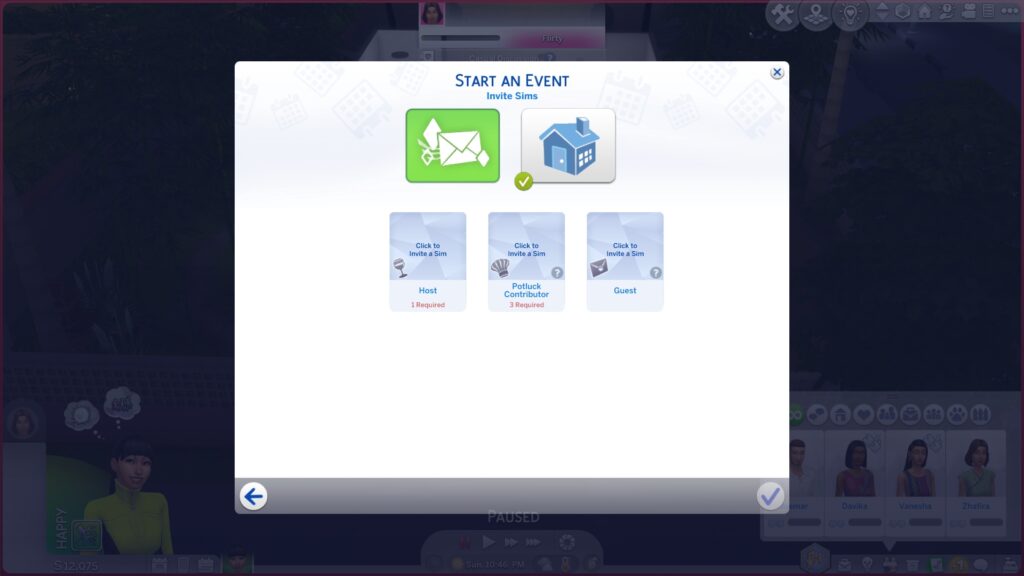
Once you’ve selected the event, you’ll need to select some Sims to attend. For a Neighbourhood Potluck, you’ll need to have at least one host, 3 potluck contributors, and any optional guest. However, you can invite more Sims if you wish. Up to 15 Sims can be invited to participate in a social event. Potluck Contributors are the Sims who will be bringing their own meals to the potluck. Guests are Sims who just showed up for the free food. We know. Total goals, right?
Next, choose the location. You can host the event at home, at another Sim’s home, or at a venue. While a Neighbourhood Potluck works great on Residential Rental lots as a way for the unit residents to come together and be social, you’re not limited to hosting Neighbourhood Potlucks on Residential Rental lots.
Neighbourhood Potluck Goals
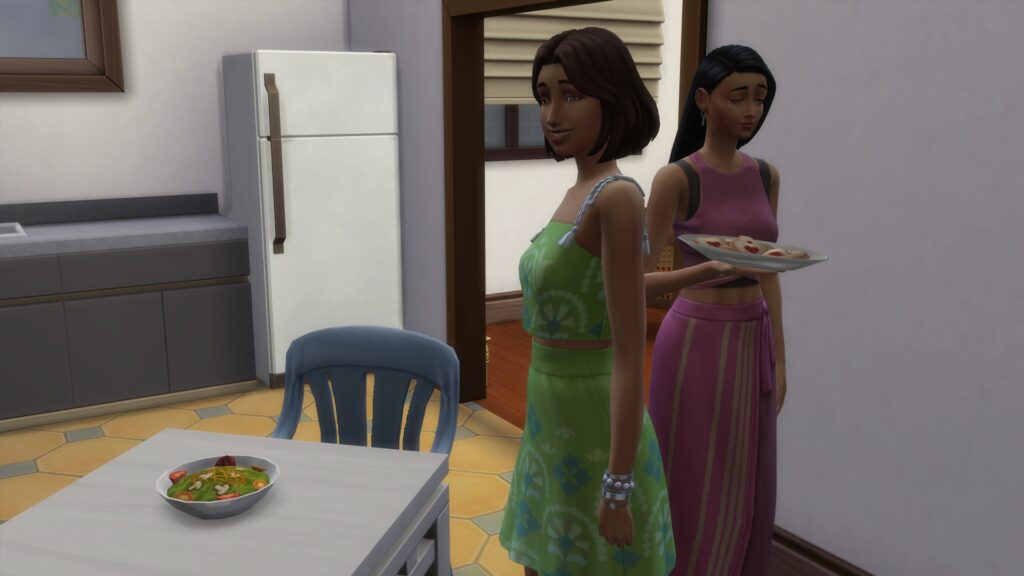
When the event starts, the guests will show up on the lot. Everyone involved with the event will change into their party attire. All Potluck Contributors will bring a group meal for the potluck and set it down on the closest available surface when they arrive. If you chose not to have a goaled event, you are free to do whatever you like until the event timer ends. However, if you chose a goaled event, there are some unique goals to complete.
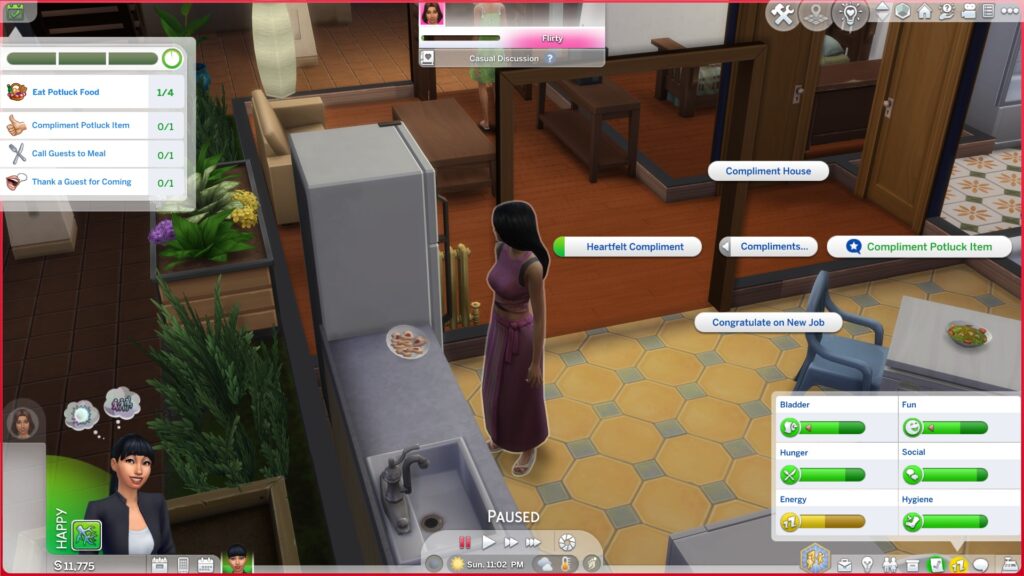
Main Goal: Eat Potluck Food x4
Other Goals:
Compliment potluck item
Thank a guest for coming
Call guests to meal
Gossip with Sims
Tell a story
Clean up
New interactions will be available on Sims during the event. They will help you complete some of the above event goals.
The Thank for Coming interaction is an interaction that is always available during all social events. You can find this social under Friendly > Small Talk in the social pie menu when clicking on an event guest. This will complete the “Thank a guest for coming” goal for the Sims 4 Neighbourhood Potluck social event.
To compliment a potluck item, click on any Sim who brought something to the potluck. You’ll find the “Compliment Potluck Item” interaction under Friendly > Compliments in the social pie menu. Using this social on a potluck contributor will complete the goal to compliment a potluck item.
The Gossip with Sims, Call Sims to Meal, Tell a Story, and Clean Up goals are all relatively straight-forward. These are normal interactions that can be done outside of social events as well so many Simmers likely know how to find them. In case you don’t, however, here’s a quick breakdown:
Click on a group meal and use the Call to Meal interaction
Click on any empty dish and use the Clean Up interaction
Any social under Friendly > Gossip should satisfy the Gossip with Sims goal
Any interaction under Friendly > Stories or Funny > Stories should satisfy the Tell Stories goal
Neighbourhood Potluck Rewards
The Sims 4 Neighbourhood Potluck rewards are a bit more unique than a typical social event. This is because your Sims will be rewarded with a boost in their unit rating if they live in a Residential Rental lot. In fact, there’s only one reward object for The Sims 4 Neighbourhood Potluck social event and it’s for completing the event at gold level. Completing the event at bronze or silver level only grants a small boost in unit rating.
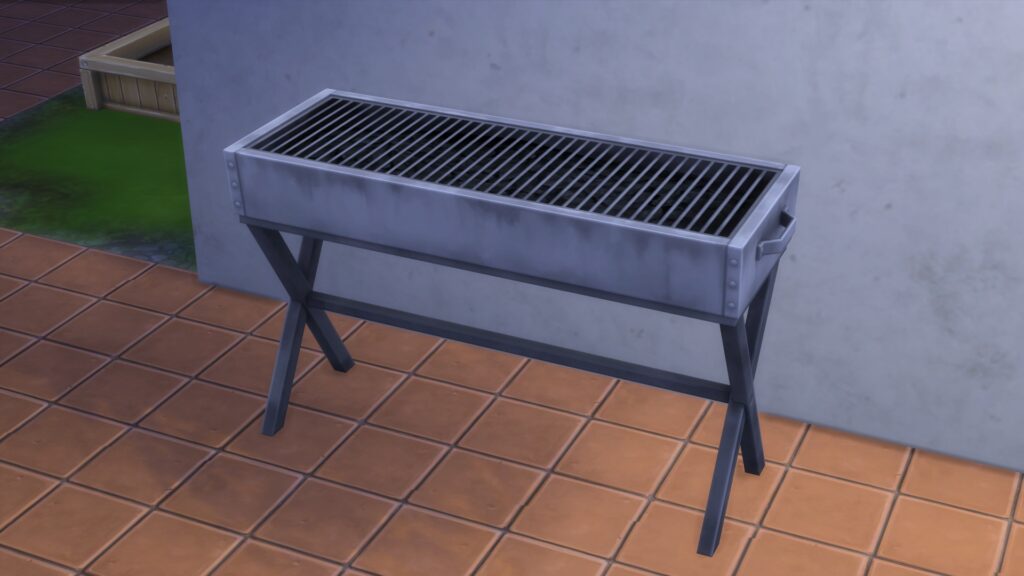
The gold level reward for a Sims 4 Neighbourhood Potluck is a new grill object that can hopefully help make future potlucks even better with even tastier food!
Try not to feel too put out if your potluck didn’t go so well. On the bright side, you get to keep all the leftover food!
Loved this Sims 4 Neighbourhood Potluck guide? There’s lots more where that came from! Learn all about the new aspirations in For Rent!
The team at InZOI is already cooking up a clear vision for their newest realistic life simulation game entry. The full InZOI 2026 Roadmap has been released on their official Discord, revealing a year of massive changes and overhauls to the game system and features.
The Roadmap has been revealed with a new personal message shared by the front-facing developer and designer for InZOI – Kjun. Who took the time for the holidays to create and reveal the team’s full intentions for 2026 releases, stating this in his message first:
Kjun’s Letter About InZOI 2026 Roadmap
Hello everyone.
I hope you all had a wonderful Christmas holiday. I’m posting this quite late in Korea time.
—I usually make sure to be in bed before midnight, but tonight I’m up much later. The reason is that it was really difficult to describe the features we’re developing in short sentences. If I explained each one in detail, the document would become too long. I tried to keep it as brief and clear as possible, but since English isn’t my native language, some parts may sound a bit awkward. Thank you in advance for your understanding. As I mentioned earlier, there won’t be a video this Friday. Most of the team is on vacation, so the office is pretty quiet. I’m not taking a break because I’m writing this post for you… just kidding!
To keep the inZOI team developing with energy and joy next year, I felt it was important to share our 2026 plans with you first and get your feedback—so I’m sending this a bit urgently. And then… I’m going to take a little rest too ^^; Our 2026 plan has two big parts:
`“2026 Roadmap” “Fundamentals First”, a name we chose to reflect our focus on polishing and strengthening the core experience.
In 2026, especially as we move into the second half of the year, we plan to increase the share of work dedicated to Fundamentals First. That’s why the scope of the 2026 Roadmap gradually becomes smaller toward the latter half of the year. I believe many of you will strongly agree with this direction. There’s one main reason I’m sharing this document: If you read it and think, “kjun, this isn’t it! We need to improve something else first!”—I really want to hear that feedback. This list was compiled by reviewing posts across multiple online communities and Discor
. There are still many issues we haven’t solved yet, and we still have a lot to improve. Even so, I hope you can feel from this document that the team is genuinely doing everything we can to make this game better. While we are continuing to grow the team, it may not be possible to implement every item on this list in 2026—and some may even be technically impossible.
That said, the good news is that some of the graphics content you’ve asked for (to make gameplay richer) should be possible to develop in parallel. We’re also considering better ways to gather your feedback—posting this list on other communities, or creating an in-game survey, for example. Because there are so many items, we’ll need to set priorities. We’re still discussing whether it’s better to collect priorities by category, or to gather responses and read the overall trend. What matters most, though, is this: in order to fix the most painful gaps as quickly as possible—so I don’t feel ashamed when talking to you—we’ve already started development on items #1–#7 on the list.
Thank you so much for loving this project over the past year, even with all its imperfections. We’ll keep pushing ourselves, and we’ll build an even better inZOI with an ambitious and hopeful plan for 2026.
Now, there are only a few days left in 2025. Thanks to you, so many wonderful things happened to me this year. I’d like to share that story separately in a post on Wednesday—my “last post of 2025.” When the end of the year gets close, each day somehow feels more precious. Starting today, every remaining day is a “last day of 2025.” I hope you enjoy the rest of this year, and when the new year comes, I hope you’ll continue to cherish each day like this—because in the end, we only ever live in “today.”
On the last Friday of 2025, Sincerely, kjun
The list of features that Kjun has listed in the InZOI 2026 Roadmap is surprisingly rich with improvements seperated into Fundamentals First and New Development. The features listed in Fundamentals First cover a wide variety of community requested and essential updates to help strengthen the core of the game and deepen the already existing features.
New developments are listed at the end of the InZOI 2026 Roadmap, covering fresh new features such as new Careers, Relationships, Events and Memories and so much more. All of these features are expected to be a free addition and upgrade to those who purchased (or plan to purchase) InZOI Early Access. The developers seem assured they can pack the game with many more features and gameplay options before the final InZOI release, and we hope they deliver everything promised in the Roadmap below!
Without dragging too much, here’s what the life simulation competitor from KRAFTON is promising for the year of 2026:
InZOI 2026 Roadmap and Fundamentals First
Table of Contents
Some items may overlap between “2026 New Development” and “Fundamentals First”
The quarterly schedule for “2026 New Development” may be delayed or changed depending onprogress
Fundamentals First
Adjust umbrella handling so Zois hold umbrellas in their left hand, reducing awkward situations andallowing them to carry more items while multitasking
Remove the door lock FX and outline when pressing the U hotkey
Display mission-required interactions with an icon or move them to the top of the list so they areeasy to find
Make vehicles naturally decelerate on collision to reduce accidents and minimize driving disruption
Add reactions to channel changes by another Zoi, and provide options to suppress TV interferenceor switch to watch together
Improve group movement so Zois move side by side, look at each other, and play conversationanimations while moving
Support custom key binding for selected hotkeys
Family & Relationships
Include non-blood relations in the family tree and allow manual relationship labels
Allow autonomous actions for marriage and divorce
Add affection interactions such as forehead kisses and long hugs
Add a group action for lying down together on a sofa
Vary bed mood scenes based on relationship stage
Vary grief reactions based on the depth of the relationship with the deceased
Add multiple breakup outcomes and relationship states, such as becoming enemies or remainingfriends
Vary reactions to witnessing cheating based on Zoi personality, such as seeking revenge, feelinggrief, or attempting reconciliation
Add divorce lawsuits, custody disputes, and additional trial types
Enhance genetics system where body type, talents, diseases, and tendencies are inherited fromparents
Add baby-related interactions such as baby showers and gender reveal events
Add children’s friend-invite parties and grandparent visit social events
Add family-oriented social events, including activities with children and family dining gatherings
Add group activities for friends and couples
Implement multiple pregnancies such as twins and triplets
Multi-person family photo shoot in Photo Studio
Support family-level Canvas upload/download
Expand family narratives with more diverse positive and negative dynamics
Add the family photo shooting feature
Add romance-related dialogue options
Zoi Behavior & Autonomy
Keep Zois stationary while the player is selecting interaction options after clicking them
Cancel any ongoing interaction when a new interaction is issued via player input
Prevent food from disappearing when Zois talk while holding it
Prevent idle chitchat from interrupting interactions or NPCs from cutting into conversations
Expand the search radius when the same interaction repeats to find alternative actions that satisfy thesame need
Have standing Zois approach seated Zois when starting a conversation
Set the default conversation behavior so the initiating Zoi remains in place and the other Zoiapproaches
Prioritize player-issued interactions over morning routine behaviors
Add rules to prevent Zois from staying in one place too long and encourage returning home
Improve seating behavior so Zois avoid sitting with strangers and sit with acquaintances, withstronger tendencies for introverted traits
Prioritize interactions that relieve the most Hunger
Align auto-scheduled events so family members go out together
Disallow smartphone usage while sleeping
Reduce cases where crowds sit on benches in the rain to rest or eat
Use the closest object when multiple objects with the same function exist in a room, taking roomboundaries into account
Stop repeated chitchat and proceed directly to the main conversation
Enable chitchat in group conversations so multiple Zois can participate naturally
Exclude distant or incompatible Zois when matching cooperative group actions
Implement areas of Interest that allow Zois to naturally combine compatible interactions and move toappropriate positions based on context
Allow toggling group members’ autonomy from the HUD
Add controls to adjust married Zoi cheating and flirting autonomy rates, tied to traits and personalities
Allow Zois to eat street food while walking
Add unique Zois with their own events, stories, and personalities
Emphasize excellence when selecting traits and add unique outcomes for specific traits, initiallyfocusing on the Genius trait
Add quests and tasks focused on personal growth or achieving life ambitions
Improve group movement so Zois move more naturally instead of in single file
Add traits with clear cause-and-effect relationships
Add infant traits and expand interactions for infants, children, and teenagers
Expand preferences and remove conflicting preference rules
Enhance temperaments and traits and add new traits such as faithfulness and unfaithfulness
Add new ambitions and enhance existing ambitions
Enhance contextual outfit, hair, makeup, and styling presets so they can be applied based onsituations
Enhance infant and child needs and shelter relocation behavior
UI·UX / HUD / Tools
Add left and right arrow buttons to the trait selection scroll area for horizontal browsing
Restrict initial selection to residential homes and display only context-appropriate map information
Display home and workplace locations in the bus travel map view
Display distinct icons for each interaction during multitasking
Allow free placement of HUD UI elements and add a basic guidance notification
Place the Go Back popup in the bottom-left corner for easier access
Add hotkeys for major UI menus such as Zoi profile, job info, and schedule
Display elapsed in-game time in the Editing Schedules to indicate the current in-game week
Add search and favorites to the Continue Game menu
Slim down the HUD UI to reduce screen coverage
Allow saving and loading HUD UI positions and game options via cloud or Canvas
Display interaction objects used by staged NPCs as dimmed, with explanatory tooltips
Display cause of death in funeral notifications and death messages
Add filters for mods and properties size in Canvas search
Allow playing music and videos from the player’s own PC
Provide a notification that informs players when furniture removed by increasing room size is stored inthe inventory bag
Improve the subcategory UI structure and layout
Improve Photo Mode by allowing effects to be hidden during capture and improving UI displayoptions
Interactions & Social Systems
Fix cases where conversation positions are set too far away and block conversations in disallowedareas
Allow direct on/off control of lights, TV, and audio via input without Zoi animations
Allow items held in hand to be used directly, such as eating food immediately
Allow inventory items to be used directly from the inventory
Allow interactions with babies such as holding, soothing, and feeding
Add more smartphone apps such as camera and games
Disable replies to social event invitation messages after midnight on the received date
Add crowd-based group activities in contexts such as sports venues, beaches, schools, and touristareas
Allow social events to repeat on a weekly basis, such as clubs and hobby groups
Add positive and negative dialogue branches based on temperament and traits
Add interactions that can be performed while holding a baby and support stroller interactions
Add laundry interactions
Enhance trait-specific special dialogues and strengthen speech bubble presentation
Add NPC-exclusive dialogue for jobs and staged scenarios
Economy / Shopping / Jobs
Allow bundled delivery of multiple items from Pocket Market Fresh
Implement a full restaurant purchase flow from ordering and payment to preparation and pickup, withownership handled for the buyer
Implement a realistic shopping flow including item selection, checkout, and barcode scanning
Allow excluding specific job types when selecting participants for shops or social events
Allow selecting and selling multiple inventory items at once
Improve early-game loan restrictions and loan amount selection
Prevent other cohabiting Zois from selling Pocket Market listings they do not own
Add more donut varieties to the Meow Store and remove duplicates
Add a publishing system and refine book genres
Support operating a wider variety of street food trucks
Improve and expand retail stores, including boutiques, furniture stores, and surf shops
Add band-related roles such as musicians and composers
Add transportation services and business operations, including taxis, rickshaws, and rideshare driving
Add delivery services and professions, including delivery couriers and postal workers
Add mobile food sales and business systems, including food trucks and ice cream trucks
Expand interactive buildings, including grocery stores, clothing shops with shopping carts, venueswith outdoor seating, cinemas and hair salons
Allow changing and displaying mannequin outfits in clothing stores
Refine store object ownership so customers’ Zois only interact autonomously with permitted items
Transportation & Travel
Restore family parking zones and add a home garage designation
Add a minimap UI while driving
Improve taxi spawning, boarding, and presentation during rabbit-hole travel
Support additional vehicle types such as pickup trucks and convertibles
Allow multiple Zois to board a vehicle at once
Add bicycle rideables
Introduce refueling and maintenance requirements for vehicles, along with related facilities andinteractions
Add airport and subway properties with actual boarding procedures
Allow Zois to mount placed rideables
Support children using school buses for school commutes, depending on the city
Add emergency response services, including ambulances and fire trucks for accidents and disasters
Animation & Presentation
Improve animations and productivity as skill proficiency increases
Add personality-based walking styles such as shy, confident, and intimidating walks
Add a wider variety of dances, such as intimate couple dances, ballet, and waltz
Improve animations for various actions such as cooking and eating, cleaning, climbing stairs, andbuilding snowmen
Add step-by-step makeup motions such as applying foundation and lipstick
Make Zois wear oven mitts when removing trays from ovens
Add animation style variations for walking, sitting, lying down, and eating
Implement a first-person view mode
Improve the realism of destructible objects
Enhance character body physics simulation
World / Environment
Use a broom outdoors and a vacuum cleaner indoors when cleaning, depending on the environment
Extinguish campfires when it rains
Automatically turn off all household lights when all family members are asleep
Add support for automatically turning lights on or off based on Zoi proximity
Add scheduled lighting and allow toggling all household lights on or off at once
Pause seagulls and bathtub water ripples when game time is paused
Add a news system that delivers in-game events via messages or TV
Implement karma-based city behaviors and state changes
Add season-appropriate properties such as a Halloween-themed cafe and haunted house, andChristmas-atmosphere shops
Increase the maximum height of accumulated snow
Add winter-themed street lighting and park statues
Add spring/autumn leaf and cherry blossom fluttering effects
Add winter roof icicles and icy road visuals
CAZ
Enhance body-part-specific character customization slider adjustment feature
Expand available body shape presets
Improve body shape sliders for overweight and muscular body types
Enhance accessory position adjustment with free positioning support
Support wearing multiple piercings simultaneously
Add more hairstyle options including waist-length long hair, afro hairstyles, and retro styles
Add an AI-based automatic Zoi face generation feature
Enhance tattoo and mole position editing with precise X and Y coordinate control
Improve character customization gizmo controls
Add additional appearances for the newborn stage
Improve infant teeth visuals
Add infant/toddler hair and outfits
Add body shape adjustment options for infants and toddlers, including head size and bodyproportions
Add child-only hair and outfits such as raincoats and dresses
Add children’s stockings, accessories, and nail art
Add high heels and boot-type shoes
Add outfits such as underwear and party dresses
Add a bag category to outfits such as handbags and backpacks
Add wedding dress outfits including traditional Korean wedding attire
Add crime outfits (masks, gloves, boots) and bags (backpacks, large sacks, duffel bags), plus crimetools/items
Add transparency customization for outfits
Add crossbody bags
Support wearing a swimsuit set and a top at the same time
Add an option to toggle hoods on and off
Add pants fit selection options
Add seasonal outfits and accessories from diverse cultures
Enhance customization options for infants, including infant teeth and baby outfit color variations
Support partial application of appearance customization presets
Enhance randomized Zoi appearance selection with more granular control options
Support facial templates by individual face parts
Improve the Custom Clothing section in character customization
Enhance body tattoo customization
Improve saving for outfit customization
Enhance facial customization sliders
Support independent left and right accessory customization
Support heterochromia customization
Enhance stocking customization
Build
Allow grouped objects to be moved as a single bundle
Support duplicating walls by copying a selected wall and pasting it onto another wall
Add drag-based object selection and painting in build mode
Allow drag-based selection on floors with Ctrl key
Support vertical multi-placement of windows
Allow free placement of objects and Zois in Photo Studio with non-persistent placement
Allow building cheats for free scaling, height adjustment, movement, ignoring floor limits and collisionbypass
Improve AI-assisted building features
Allow background construction in customization mode
Add a no-home start mode, and allow players to abandon their home or assign a home designation toeligible properties
Add toddler/child play facilities such as trampolines, toy cars, swings, toys, play mats, baby swing,and safety gates
Add infant/toddler swimming tools such as pool floats and arm tubes
Add red ropes for club VIP areas
Add wall telephone
Systems & Progression
Allow players to designate a personal room
Implement saving and loading of game configurations and link them with Canvas
Add per-Zoi object ownership and permission settings within a family, excluding babies
Add batch actions for farming such as fertilizing, planting, and harvesting
Add extended draw distance options for high-end PC users
Add healthcare systems centered on hospitals and pharmacies where Zois can receive treatment andrecovery
Add sports activities including skateboarding, surfboarding, and ice skating
A feature to change a Zoi’s name
Add infant/toddler childcare items such as beds, car seats, walkers, bouncers, and diaper changingtables
Add a gravestone editing feature (direct input of name/birthday/death date/personal message)
Add cosmetic items such as makeup brush sets and perfumes
Add gravestone design and inscription editing features
Crime / Trial
Calculate bail amounts based on crime type and sentence length
Add a detailed arrest and incarceration process, including on-site arrest and police station procedures
Add home and vehicle security systems such as alarms and safes
Add richer court-related interactions such as prison visitation during trial waiting periods
Introduce violent behaviors among crowd Zois, such as fights and robberies
Add an interaction to sue another Zoi
Add security items such as surveillance cameras, alarm devices, and handcuffs
Children / School / Education
Add infant and toddler rideables and objects such as strollers, car seats, and bouncers
Add discipline actions such as curfews and bans on outings or device usage
Add school events such as entrance and graduation ceremonies
Have students automatically equip their backpack when leaving home during school commute time
2026 Roadmap
Q1
Enhance the job system to support multiple jobs, interviews, remote work, and performanceevaluation
Beauty-related careers and gameplay content that use appearance customization
A police career system including patrol cars and real-time criminal searches
Add a competitive system where interactions determine a winner and a loser
Rivals who compete with each other toward the same goals
Introduce a reputation system based on local communities
Introduce high school campus properties
Add flower farming and flower arranging features
Add a memory system including trauma and life milestones
Add a Fate Engine
Add a calendar system with birthdays
Support age adjustment options
Add an emotional state overview UI
Add a contact exchange system and contact blocking functionality
Add a wall message
Add childcare-specific Urges
Add European-style architecture, furniture and outfits
Add Hanok-style architecture, furniture and Hanbok-style outfits
Enhance existing content
Enhance multitasking behavior
Add group actions
Adjust overall game balance
Upgrade the game engine
Improve graphics quality and optimization for minimum system requirements
Q2
Expand the job system
Freelance careers such as writing, game development, photography, and blogging
A taxi driver career
Careers tailored for elderly Zois
Add prison properties
Prison facilities such as a yard, library, workshop for laundry and sewing, lounge, cafeteria, showerarea, and visitation room
Expand the reward system with ranks, tiers, and goals
Add voice customization options
Add K-pop and stage performance content
Various concept spaces such as stages and themed environments
Themed environments including prisons, neon slums, and diverse fantasy themes
K-pop idol styling, including stage outfits and hairstyles
K-pop dance and performance motions
Superstar performance events
Enhance existing content
Enhance desired life aspirations
New urges and missions
Adjust overall game balance
Q3
Expand the job system
Part-time jobs including roles available for teenagers, and expand available careers
Add an Event Memory and Diary system
Introduce curved wall support for elements such as windows, walls, and pools
Enhance existing content
Value system
Adjust overall game balance
Q4
Expand building and terrain editing feature
Basement construction
Begin development of terrain editing features
Begin development of interior and exterior wall module decoration features
Enhance existing content
Adjust overall game balance
What are your thoughts on the InZOI 2026 Roadmap? Let us know what you think about next year’s releases from this Life Simulation game in the comments below and stay tuned on Sims Community for more InZOI Updates and News!
Appease the gnomes Sims 4… or else! For players who own the Seasons expansion pack, Harvestfest rolls around on the calendar every autumn. This holiday is marked by a grand feast, being thankful with family and friends, and… gnomes?! Yes, gnomes.
Learn how to keep the gnomes happy on Harvestfest to save your home from chaos!
Every Harvestfest at exactly 6am, any gnomes on your Sims’ lot magically come to life and begin teleporting to random spots throughout the house. If your Sims don’t have any gnomes, three new gnomes will spawn on the lot and start teleporting around. Why? Well, one of the holiday traditions for Harvestfest is to Appease the Gnomes. Here’s everything you need to know about how to appease the gnomes Sims 4!
Table of Contents
Appease the Gnomes Sims 4… Or Else!
The gnomes may seem cute and silly but they are fickle creatures. Each type of gnome only wants a specific gift. Give them the right gift and they’ll bless your Sims with seed packets (which are quite valuable even if you’re not a gardener, so you might want to sell them). Give them the wrong gift, however… and they’ll be very angry! Angered gnomes will wreak absolute havoc on your home by breaking appliances and starting fires!
Gnome Gift Guide
The good news is, once you know every gnome’s favourite Harvestfest gift, you’ll be able to appease them easily every Harvestfest and collect all those useful and/or valuable seed packets! You’ll also save your home from certain disaster.
All the gnomes will accept a couple different gifts but they each have a “best” gift. For optimal seed packets and absence of chaos, always give them the best gift. It’s easy to do since you always get to choose from a selection of gifts to give them regardless of whether you actually have the item on hand or not.
You’ll know whether you’ve successfully appeased a gnome or not by the effect the gnome gets. A halo will appear over the heads of gnomes that have been appeased. Gnomes who have been angered by an offering they dislike will have flames above their head… and if that happens, get ready for multiple things in your house to break.
Gnome
Ideal Gift
Happy Gnomeiversary!
Coffee
There’s No Place Like Gnome
Fruit Cake
Upside Down Gnome
Salad
Guardian of the Gnomelaxy
Future Cube
Bearly Gnome
Pie
Happy Gnome Garden Pal
Coffee
Gnome Matter What, I’m Still Your Baby
Coffee
Don’t Fear the Reagnomper
Pie
Mr. Floppy the Gnome
Salad
The Ghastly Ghostly Gnome
Fruit Cake
Poolside Gnome
Pie
Strictly Business Gnome
Coffee
Bare Essentials Gnome
Toy
The Gnome Wolf
Coffee
The next time the Harvestfest gnomes show up on your lot, make sure to reference this list so you can appease the gnomes Sims 4 every single time! Get those precious seed packets and spare your home from being ruined at the same time.
Get Rid of the Gnomes For Good
Do the gnomes creep you out? We don’t blame you. They are pretty creepy, especially once you know what they’re capable of. They also seem to love teleporting around bassinets and infant cribs and surrounding your little one in a creepy gnome cult circle for… some reason? Again. Creepy.
If you have no interest in knowing how to appease the gnomes Sims 4 and just want them gone, there’s two ways you can accomplish that. You can either delete the Harvestfest holiday from the calendar, or, if you still want to celebrate Harvestfest without the gnomes involved, you can edit the Harvestfest holiday and delete the gnomes tradition. Just open the calendar and look at the Harvestfest options in the left sidebar to delete or edit this holiday.
Gnomes Forever!
But hold on! The gnomes aren’t so bad, are they? After all, it’s not hard to appease them once you know what they like and you can make a pretty penny off of the seed packets they give you. Is there a way you can appease the gnomes Sims 4 every single day for easy money? Why, yes! Yes, there is!
All you need to do is open up the calendar and create a holiday on every single day of the week. Then set the gnomes tradition as a tradition for that holiday. Presto! Magical gnomes poofing around your house every single day blessing you with seed packets!
If you liked our guide on how to appease the gnomes Sims 4, you’ll want to see our Gnome Ranking!
While Winterfest in The Sims series is a reoccurring holiday that can happen anytime you’re playing the game, the real-world holiday season only comes around once a year! To ring in this special time of year, any time of year, in your game, these Sims 4 Holiday Mods will give your sims a wide array of new opportunities, activities, items, and so much more!
To add the items to your game on Windows, follow this folder path: C:\Users\[USERNAME]\Documents\Electronic Arts\The Sims 4\Mods To add the items to your game on MacOS, follow this folder path: Macintosh HD/Users/User/Documents/Electronic Arts/The Sims 4/Mods
Once you’ve downloaded the files, make sure you have an extraction program installed. These can include 7Zip, Winrar, etc. After that, highlight one or multiple zipped/compressed files and select “Extract Here”. Drag the extracted contents to your Mods folder. You can also sort them into their own folders within your Mods folder, but it is recommended to not nest them too many levels deep as it can cause longer loading times, and some CC items and mods stop working when too deep within folders.
Tip: While many creators provide additional files, like .txt/ReadMe, .jpg/.png files, and more possible file types for previews or instructions, it is best practice to not put those into your Mods folder as they can also lead to longer load times and excessive clutter. Creators will often specify any files that need to be put into the folder, along with where, so primarily focus on .package and .ts4script files!
The Sims 4 Holiday Mods
Cozy Winter Outings by Midnitetech
Midnitetech
This Sims 4 Holiday mod by creator Midnitetech adds new rabbitholes, gifts, unique items, buffs, and activities your sims can do to ring in this special time of the year, especially Winterfest. Sims can visit cafes with their family to warm up with a hot coffee, or visit a winter market and check items off their list! Per Midnitetech, the full list of activities includes…
Walk The Winter Lights Trail
Visit the Cozy Kettle Cafe
Explore Lantern Lane Winter Market
Go Tree Shopping
Shop for Winterfest Gifts
Catch a Festive Flix Feature
Join the Neighborhood Snow Day
Go Candlelit Caroling
This mods gives your sims a wide array of activities to do by themselves, with that special someone, or with their whole household!
Core library is used by modders as a base mod to avoid conflicts between mods, as well as easily add gameplay features. It does not change anything in the game on its own.
Thatssojordy has added a great Sims 4 Holiday mod that gives your sims new interactions between their family and household members during a multitude of holidays present on the calendar. If you don’t have The Sims 4 Seasons DLC but still want to celebrate in your game, Thatssojordy created TWO versions; One is base game compatible and shows all the interactions at once, and the second requires Seasons and only shows certain interactions during the appropriate season.
There are a multitude of interactions, including asking those close to you what they really want for their Winterfest present, asking whether Father Winter is really real, and discussing family recipes or healthy recipes to make for Harvestfest.
Core library is used by modders as a base mod to avoid conflicts between mods, as well as easily add gameplay features. It does not change anything in the game on its own.
If the traditions available while creating custom holidays with The Sims 4 Seasons have felt slightly limited or stale, MSQSims created an expansion of holiday traditions so you can really create whatever holiday you want! With a heavy focus on finding collectibles and other gameplay features that are so common in every save, you can give your sims a real boost of joy from completing these traditions any day of the year!
Do you enjoy Winterfest and Love Day, but have grown tired of the random Neighborhood Brawl, Lottery Day, or TV Season Premiere popping up out of nowhere? Sick of your sims getting sad because they weren’t able to scrap with their neighbors or go out to get dinner on a random Tuesday? Simmytime had that exact same thought, and created a mod that disables those random pop-up holidays that can cause you to stray from the plans you had for that day.
With converted items originally available in The Sims 4 Happy Holiday Stuff, Simsi45 brings in a wave of nostalgia to your Sims’ Winterfest with 27+ new items, converted from The Sims 2! Decorate your home for the season with festive stars, new paintings, light-up deer for your lawn, nutcrackers, and so much more!
Icemunmun, known for their custom food mods, has a Sims 4 Holiday mod that allows your sims to grow their own Christmas Tree! It functions differently than the tree provided by The Sims 4 Seasons, or The Sims 4 Holiday Celebration Pack; This tree grows ornaments, candy canes, and sugar stars your sims can eat or replant! This mod is base game compatible!
Interactive Gift Boxes & Chocolate Holiday Calendar by Arnie
Arnie
As part of their Holiday Calendar Event of 2024, Arnie released multiple Sims 4 Holiday mods leading up to the 25th to expand your sims’ available activities and items! The two we wanted to focus on are primarily the Interactive Gift Boxes and Chocolate Holiday Calendar!
Arnie’s Interactive Gift Boxes allow you to place multiple customizable gift boxes anywhere you want, store gifts for the intended sims within them, instead of playing guessing games with the Sims 4 Seasons gift piles! Sims can rename the boxes, view the inventory, or purchase gifts online from their menus before opening them on Winterfest!
Similar to a real-world advent calendar, the Chocolate Holiday Calendar is intended to be set up at the beginning of your Winterfest season. As taking candies from the calendar have a 24-hour cooldown, you can have your sim open a new window and enjoy a little treat every single day leading up to Winterfest!
If you’re getting bored of the original decorations and items provided in The Sims 4 Seasons, Strangestorytellersims created new overrides that recolor the gift piles, holiday tree, garland, decoration box, and more newer textures and more appropriate color schemes!
Do you have any special plans around this time of the year, or any traditions you’re looking forward to! Let us know! Make sure to follow The Sims Community for more mod showcases, and we hope you have a safe and happy holidays!❄️
I don’t know about you, but where I live, there’s snow on the ground, lights on houses, and I’m starting to feel the Christmas spirit. Let’s take a look at some Sims 4 Christmas homes in the Gallery where we can warm up by a crackling fire with a cup of hot cocoa and put on some holiday tunes!
These Christmas homes will put your Sims in the holiday spirit!
Of course, there are thousands of beautiful Sims 4 Christmas homes on the Gallery and we can only cover some of them. Don’t be surprised if you see more articles like this throughout the holiday season to showcase as many talented creators as possible! For today, however, we’ve hand selected a small collection of our favourites to share with the community.
Table of Contents
The Sims 4 Christmas Homes: Our Picks from the Gallery!
For the best experience, let’s pretend we’re taking a stroll down a street lined with beautiful homes all decked out for Christmas, shall we? That’s one of my favourite holiday activities. Ready? Got your scarf, mitts, and hat? Then let’s be off!
Christmas Holiday Home by Tazkabaz
This absolutely stunning chalet in the mountains is all decked out for the holidays and doesn’t it just look like the coziest place ever to spend the holidays? We can’t get enough of those beautiful rock faces surrounded by a small lake and the living area overlooking all of the amazing winter views. I’ve already got my bags packed, when are we moving in?
This lovely home is definitely giving us Home Alone vibes and we’re obsessed! Nothing like a classic colonial style home strung up in lights for Christmas. We especially love the snowflakes topping each dormer window on the roof and the detailing on the right side of the home where the den is. Everything about this screams Christmas.
If you’re looking for Sims 4 Christmas homes that look like they came straight out of a fantasy storybook, this is the place for you! This cute little house in green and red clapboard siding already looks festive on its own but when you add the holiday décor, it really comes alive! We love all the pointed roof peaks that resemble mountaintops and the snowflakes that top each one!
Tudor style homes are already beautiful to begin with but a Tudor home decorated for Christmas? Truly magical! We love the way the snow gathers in the crevices of the stone fence out front and the colourful lights strung along its edge just make it look even better. Children will also love spending the holiday season here due to the playground equipment in the backyard. It really looks like a winter wonderland dream here.
Another gorgeous colonial to close out our Sims 4 Christmas homes showcase! The white house against the white snow looks very regal and elegant and we love the rounded covered front porch with a cute little balcony up top. This beautiful home is called classic for a reason; it really does look like something you’d see on a classic Christmas postcard! The large oval shaped windows are absolutely stunning on this home as well. Just imagine looking out of one of those windows at a winter wonderland outside. Peak Christmas vibes!
Not ready to finish our Sims 4 Christmas Homes tour yet? Don’t worry! There’s more Christmas build showcases to come throughout the month but in the meantime, why not visit Santa’s workshop at the North Pole in our 2021 Story Starter Kit?
14 years have passed since the release of the mobile game The Sims Freeplay, an answer to a growing popularity of mobile game apps and a newer, more expanded versions of other non-pc Sims games. Sims Freeplay 2025 updates are filled with tons of new features, limited time events, and more for the dedicated player base.
With a development team that seems to be deeply proud of the game, from where it started and to where it has gone, it is no surprise that the game has continuously received new features and changes in the last 14 years. Its time to revisit everything new just added this year in the Sims Freeplay 2025 updates.
The Sims Freeplay is a standalone mobile game, primarily focused on real-time activities, visiting and connecting with other players and their towns, and building up a town from almost square one. While The Sims Freeplay doesn’t often receive as much attention as the mainline sims series entries, they do get fairly consistent updates and brand new content freqauently added.
The Sims Freeplay: 2025 Features & App Descriptions
From the creators of The Sims™ comes a complete Sims experience on mobile! Grow SimTown to expand your Sim community and create an entire town with your own style, personalities and dreams! Complete goals to earn Simoleons and pick up rewards along the way. Keep your Sims happy and watch them thrive as you help them live a fun and fulfilled life!
Create Your Family
Create and nurture your perfect Sims family, from pregnancy to newborns and beyond. Raise children, build bonds, and enjoy life’s special moments together.
Inspire a Love Story
Spark romance as you guide Sims through unforgettable love stories, from first dates to weddings and happily-ever-afters.
Bond with your Pets
Care for and connect with adorable pets. Train them, play together, and create unforgettable memories with your furry companions.
Build Dream Homes
Design and customize stunning dream homes. Choose furniture, décor, and layouts to create the perfect space for your Sims to enjoy.
Develop Neighborhoods
Expand and enhance your Sims’ world by unlocking and developing vibrant neighborhoods filled with new homes, venues, and community spaces.
Explore Friends’ Towns
Visit your friends’ towns to explore their unique neighborhoods, admire creative builds, and get inspired for your own designs. Connect, share, and discover endless ways to play together!
Table of Contents
The Sims Freeplay 2025 Updates
Over the course of the year, The Sims Freeplay 2025 Updates included 8 major changes and additions to the in-game graphical systems, gameplay, limited time events, and more! From current Holiday activities to summer vacations of earlier this year, lets explore all that was given to the player base this year, including temporary and permanent additions from The Sims Freeplay 2025 Updates!
March 2025 – Family Farmhouse: Spring to Life Update
This update in early to mid March introduced the enhanced lighting system, available to high spec cellphones, tablets, etc. The enhanced lighting system was solely enabled for residential lots, allowing proper reflective lighting and lighting seeping in from individual windows, doors, etc. The shadows were stronger and more prevalent. Players could also choose to switch back to the Classic lighting system, if they preferred the older look or saw an impact to performance. Since the in-game lighting will reflect your real-world time of day, it is noted that lighting only changes when a scene is entered or a new lot is loaded.
Other light systems were also changed, allowing players to turn on or turn off all the lights.
Outside of the lighting update, which was a large portion of this update, a new feature called Sims Freeplay Series was introduced. Sims Freeplay Series allow for the team to develop more content within a single theme, interconnecting 2-3 patches and adding new events, items, and gameplay among them. The first series was two updates, based on the Modern Farmhouse aesthetic. The first update, this March 10th update, was Family Farmhouse: Spring to Life. Your sims would inherit a rustic farmhouse and they were tasked with cleaning, upgrading, and modernizing the property and helping the on-property garden flourish.
Other features included…
Craft Challenge ‘Journey to the Midwest’ – The beginning of your sim inheriting the farmhouse and beginning the rebuild.
Influence Island ‘Lighting Lampoon!’ – Find Builder Bree’s lights which were scattered by the quirky Professor Hans Free, and are now being targeted for theft by the Electromagnetician.
SimChase ‘Backyard Blitz!’ – Receive modern farmhouse themed rewards based on your removal of the recently overgrown weeds that have invaded your yard.
Pregnancy Pack 46 – New checkered maternity wear for pregnant sims, along with new makeup and earrings.
Influence Island ‘Newfangled Neutrals’ – Build a neutral-toned urban house for this returning event.
SimsChase ‘Garden Grapple’ – Bring a tropical theme to your garden, rewarding your sims for their hard and diligent work with a jacuzzi, pool fountain, and more.
April 2025 – Community Market Update
Work alongside Patty Cakes to supply your sims in your town with fresh ingredients, from a few simple veggies to an entire recipe’s worth of ingredients. Visiting the Community Market will allow you to view orders placed by sims in your town, and fulfill them individually or all at once. These items will only be growable on the Community Market lot, removing them from the pre-existing gardening plot for Sims’ residential lots.
To account for the removal of these plants from the residential gardening plot, you can now place fully-grown decorative versions without the prompt bubbles for harvesting.
The community garden also changes how growing works and increases the amount of simoleons players can make from their harvestables, especially when considering that the time for growing has been greatly reduced for harvestables planted on the Community Garden Lot.
Two additional notes include that DIY Homes Star Builder Bree will sometimes appear a customer to offer tool upgrades, which will allow you to icnrease the size of your storage shed, a separate building on the community garden lot that stores all your harvestables.
April 2025 – Family Farmhouse: Spring to Action Update
The second part of the ‘Family Farmhouse’ event is introduced, adding new additions to your family farmhouse built in the previous update. The primary focus of this update is to truly “modernize” the modern farmhouse.
The events and other features included…
Craft Challenge ‘A Quaint Kitchen’ – Build and upgrade your kitchen to a newly styled modern farmhouse design.
Influence Island ‘Rodent Roadsters’ – Get hamsters who have become stranded on Influence Island to follow you to the safety of the mainland.
Simchase ‘Lights, Camera, Action!’ – Track down a film for a new famous actor’s home theatre premiere before your rival, Oskar Golde, does. Rewards allow your sim to add a home theatre to their own lot.
Influence Island ‘Teen Tussle’ – The Sunset Mall was vandalized by unknown Sims, and the elders around town are convinced it was some rascally teens. Figure out who actually did it, clean up the scene, and find the source of the giant paw print found at the scene of the crime.
Influencer Island ‘Isle of Cats’ – The cats of SimTown have migrated to an island off the coast for an unknown reason. Visit the Isle of Cat Control and try to convince the felines to return home.
SimChase ‘Pastel Pro Skater!’ – Step up against legendary skater Toni Hawkins in the SimTown Annual Skate competition.
EA Account Login & Exclusive Rewards – Connect your EA account to back up your Sims Freeplay SimTown, and receive rewards for doing so.
Hair Hobby Event ‘Combed Back Eras’ – A returning event that re-introduces vintage hairdos.
Craft Challenge ‘Charming Cottage’ – Get another shot at building the coveted cottagecore-themed bedroom and lounge room from this returning challenge.
June 2025 – Summer Vacation: Make a Splash Update
Introducing Breezy Fields, a new neighborhood added to Rocky Heights with extending flowery fields, beautiful landscapes, four new residential lot, as well as other decorative rewards.
A new Sims Freeplay Series is introduced, Summer Vacation, focusing on summer-exclusive activities to expand your gameplay over the warmer season. Sims are encouraged to throw street parties, relax at the pool, and host BBQs with their friends and family. This is a 3-part Sims Series, also including the ‘Get Out of Town!’ update and the ‘Back to Reality’ update.
Other features and events added included…
Pride 2025 in SimTown – Free inbox gifts, a craft challenge event, and the map will be updated to have Rainbow Crosswalks during pride month.
Influence Island – Currency Heist! – Reclaim up to one million simoleons, as well as some hard-to-gather LP and SP currency, by pulling the rug out under some pesky burglars who have been terrorizing your local small businesses.
Craft Challenge – SimTown Pride Party – Gather to celebrate pride and create beautiful and colorful decorations to light up the streets in preparation for pride, creating colorful displays along with event organizers.
SimChase – Risk It For The Brisket! – The SimTown Gourmands are seeking the town’s best griller! BBQ to your hearts content and build your skills to beat out a local rival for that coveted title.
SimChase – Scullery Scuffle – A continuation of the previous cottagecore themed event, now with kitchen and dining rooms.
Craft Challenge– Holiday High-Rise – An event with a Holiday Condo lot as the final prize, allowing your sims to relax stories off the blistering heat in a cozy air-conditioned high-rise.
Influence Island – Tortoise Terrarium – Work to build a heavily planted room to place a new grand prize, a tortoise in a terrarium.
July 2025 – Summer Vacation: Get Out of Town! Update
The second update to the ‘Summer Vacation’ Sims Freeplay Series, themed around vacations and family trips. With multiple planned objectives that were community-wide, allowing the player base to contribute towards a common goal, this update focused on community and social aspects fo the game with theme of adventure surrounding it.
Other features included…
Freezer Bunny Hunt: Sun’s Out, Buns Out! – Three types of freezer bunnies across three waves will be hidden among a wide variety of lots. Once found, they counted for the entire community, meaning that both long-time and seasoned players and newer players could contribute. If all bunnies were found, every logged in participant received a prize.
SimChase – Camping is in Tents! – A celebrity survivalist is your rival to find the best camping spot.
Craft Challenge – Peninsula of Poseidon – Introduces a new lot that requires some fixing up, but updates and plays similarly to a large coastal-styled lot.
Influence Island – Lord of The Bugs – A group of rowdy preteens have overthrown their camp leader, and you are tasked with getting them back in order.
Influence Island – Driving With Daisies – Find a competitive rival in Florence Vann, competing to be the first to obtain a mobile florists’ shop.
SimChase – The Grand Havarest Room – Beat an infamous Venus de Flusho to a new bathroom, before she takes it over and hogs it.
Woodworking Hobby Event – Nailed It! – Craftsman and Guide Carpenter Kostas visits SimTown to teach your sims a wide array of woodworking skills, earning them new “Village” furniture pieces.
Influence Island – Cabana Bar – Build a new tropical and floral bar on the drama-filled Influence Island.
Craft Challenge – Holidays ‘n’ Helipads – Build a vacation home with a helipad!
August 2025 – Summer Vacation: Back to Reality Update
As the third and final portion of the Summer Vacation Sims Freeplay Series, settle your sims back into their real-life and get ready for work and back to school!
The features included in this update…
Back to Reality Blazers – Limited-edition casual blazers for your sims wardrobe, only available for 48 hours each.
SimChase: Office Buzz – Lean into your slacker tendencies or clean up your act and shine your work badge before your manager gets suspicious.
Craft Challenge: Seems like School Spirit – Duketon University is struggling with their dated and delapidated library. Have your sim redesign, organize, and decorate the campus before the beginning of the new year!
Influence Island: Dilly-Dally Daycare – Calm the sugar-high toddlers of the local daycare before it devolves into true chaos.
Influence Island: Highest Highrise – With their desks relocated to the roof of the building, figure out how to bring your colleagues together to stand up against management.
Craft Challenge: Café Grandé – Renovate and overhaul an old café, changing it into a cozy gathering place with new items.
Influence Island: Layered Laundrette – Compete to gain control and management over a local laundrette, battling with your laundry skills.
October 2025 – Gap Year: Roads Less Traveled Update
With the new Gap Year Sims Freeplay Series, your sims will go on a long road trip to a multitude of venues and events, some spooky and some not. Each update in the series will truly change the game, add new styles and furniture, and so much more.
Other features included…
Daily Tasks – Introducing Daily Tasks, a short list of activities to complete each day to earn extra XP, allowing seasoned and new players to continue to grow and not lose sight of what to do.
Leveling has also been changed overall, lowering the requirements for each level and giving players more free-time in-game.
A New Outfit – Four variants of a ruffled gingham dress with some hardy boots that appear in your inbox for 48 hours each.
Craft Challenge: Haunting of Goth House – Restore a haunted old Goth Manor, tombstones and all.
Influence Island: A Haunt to Remember – Possessed costumed friends and a Puppetmaster taking credit for the deed, figure out what’s going on and hopefully overthrow the Puppetmaster before it is too late.
Influence Island: Grim’s Ghastly Goods – Dipping his toes into entrepreneurship, the Grim Reaper has started a roadside shop with vending machines and other goods. Help him keep his customer’s happy and grow his business to thrive.
SimChase: The Ringtail Diner – Your rival, Ricky Raccoon, is tearing up dumpsters behind your recent pitstops, and not stopping there; Stop him before he ruins each roadside stop, one juke box at a time!
Influence Island: No Country for Outlaws – Use your words to win back the Sandy Saloon grand prize lots from a group of outlaws that have set up camp.
Influence Island: The Rent Race – Elise Deplace lives for chaos and seems to hate the idea of your sims getting their hands on a new home, doing everything in her town to sabotage your application in favor of her own. Use your charisma to get your foot in the door.
SimChase: Greasy Deals – Lyle Scamley is a shady car salesman, low prices and low quality. Run him out of SimTown before he scams and swindles his way out on his own.
November 2025 – Gap Year: Hygge Holidays Update
This update is a continuation of the enhanced lighting, this time for community spaces, as well as new build updates for Simtown. It also continues the current Sims Freeplay Series, Gap Year, this time with a Hygge Holidays update. Bask in warm, comfort, and coziness with a winterfest like overhaul of your town, and focus on the simple things of this time of the year.
Enhanced lighting is now introduced to community lots! With a wide variety of possible tones, from a deep and rich sunset to a cool and light morning, visiting your community garden or an ice palace got that much more enriching.
Other features included…
Changes to the way you build your SimTown – Building requirements were adjusted and now focus less on the amount of simoleons you can spend, and more on what tools and resources you have available. Timed Requests at the community market will allow you to obtain upgrade tools like Nails, Hammers, and Wood, as well as a few spare simoleons. This saves space in your budget for items for your individual sims!
A Gift for the Season – New styles focused on a Holiday Chalet theme, including a jacket, ushanka-style hat, ribbed knit pants, and sneakers. Each item was available for 48 hours before the next one dropped.
Christmas Quest 2025 – Ghost of Christmas Presents – Your Sims overseas holiday getaway was perfect until a poor customer service experience and some ghostly guests turn things upside down.
Craft Challenge – Hygge is Where The Heart Is – Furnish an alpine cabin in the mountains, building a cozy hideaway or a fun winter retreat for friends and family.
Influence Island– Yuletide Snooza-Palooza – Long-John Snooza’s nightly snoring are shaking the ground at Influence Island. Earn new pajamas and help your fellow islanders get some well-needed rest.
Influence Island – Dog Days of Winter – Help some huskies through a blizzard towards the bright shine of warmth and the rich heat of a sauna.
SimChase – The Thought That Counts – Plümberg’s Winter Market is busy with gift-givers searching for their next best present. Check off your list before your big ticket items get swept up!
SimChase – My Big Elysian Holiday – A wrong turn takes you from the snowy landscape of Plümberg to the sunny coastal of Elysia, exploring via foot and motorcycle before your bus arrives the next day.
Influence Island: Counter Culture – Get your hands on trendy and vintage retro-inspired kitchen counters and appliances before thrifty teens do.
Craft Challenge: Tudor & Scholar – Return to your childhood home and give it some elbow grease to restore it to its former glory.
Hair Hobby Event: Daring Do’s – Step outside of your Sims comfort zones with new and bold hairstyles for Adult Sims.
Craft Challenge: SimTown Health Spa – Build a new and luxurious spa retreat for your Sims to enjoy, unlocking new items and unwinding along the way.
Hobby Event: Urban Chic – Design sleek and city-styled outfits for your sims, with a heavy focus on streetwear.
Influence Island: Fulfilling Festivities – Ring in the festive season with new decorative and functional options, bringing the joy of the holidays to your Sims home.
SimChase: Christmas Cook-Off – Collective some new festive decorations, delicious holiday delights, and a new sweater in a bake-off.
Have you dabbled in The Sims Freeplay, or do you still currently play it? Let us know! Thank you for reading about these Sims Freeplay 2025 Updates, be sure to follow The Sims Community for recent news regarding the Sims Freeplay, the Sims mainline and related series, and other life simulation games!
If you play the Sims Freeplay the most current update is Gap Year: Hygge Holidays, with the current available events being…
Christmas Quest 2025: Ghost of Christmas Presents – December 7th to December 24th
SimChase: Season 67 – Christmas Cook-Off – December 20th to December 31st
Influence Island: Season 77 – Dog Days of Winter – December 20th to January 1st
Craft Challenge: SimTown Health Spa – December 22nd to January 2nd