Home Blog Page 22

The Sims 4 Realistic Childbirth Mod: Midwifery Active Career Guide

As an extension of the nursing school update (read our guide here!) added earlier this year to Pandasama’s Sims 4 Realistic Childbirth mod, a recent update added the ability for your sims to pursue a career in midwifery. Separate from the Doctor career in The Sims 4 Get To Work, although Get To Work is still required for functionality, the Midwifery career is a 5-Level career available to those who have a Nursing School degree. While it uses the same lot as the hospital career, your patients will be almost entirely pregnant sims and sometimes their newborns.

The Sims 4 Realistic Childbirth Mod: Midwifery Career

Mod Installation Guide

Sims 4 Realistic Childbirth Mod Midwifery Career

As this is a script mod with lots of gameplay-enhancing and gameplay-changing mechanics, it is important to follow installation instructions. Make sure to take a peek at our Beginner guide to Mods & CC, but a short run down is…

To add the items to your game on Windows, follow this folder path:
C:\Users\[USERNAME]\Documents\Electronic Arts\The Sims 4\Mods
To add the items to your game on MacOS, follow this folder path:
Macintosh HD/Users/User/Documents/Electronic Arts/The Sims 4/Mods

Once you’ve downloaded the files, make sure you have an extraction program installed. These can include 7ZipWinrar, etc. After that, highlight one or multiple zipped/compressed files and select “Extract Here”. Drag the extracted contents to your Mods folder. You can also sort them into their own folders within your Mods folder, but it is recommended to not nest them too many levels deep as it can cause longer loading times, and some CC items stop working when too deep within folders.

Since Pandasama’s Sims 4 Realistic Childbirth mod is a .ts4script/script mod, it can be separated into its own folder but it should not be placed more than one folder deep, as it may cause issues with the game’s ability to read the files properly. Keeping it in a separate folder also helps with organization, and also makes removal easy as script mods tend to break with updates! While they will not break every update, they may break during updates so removing them from the game and waiting to hear from the creator is the best practice to keep your game intact!

Tip: While many creators provide additional files, like .txt/ReadMe, .jpg/.png files, and more possible file types for previews or instructions, it is best practice to not put those into your Mods folder as they can also lead to longer load times and excessive clutter. Creators will often specify any files that need to be put into the folder, along with where, so primarily focus on .package and .ts4script files!

Optional Package: Death Enabler
TS4 x64 fpb 2025 11 04 19 17 47 894 edited

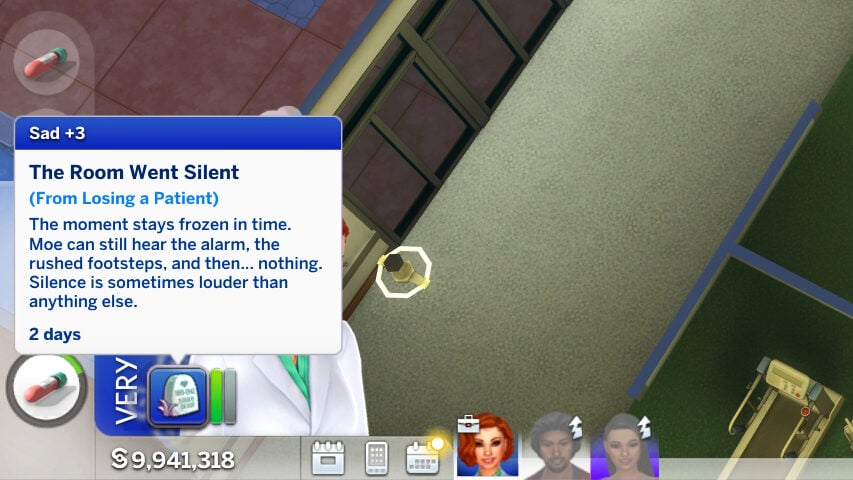
An additional file that is available when you download Pandasama’s Sims 4 Realistic Childbirth mod is the Pandasama_Childbirth_mod_PATIENT_death_enabler.package. When your sims’ patients have high blood pressure or symptoms of preeclampsia, there is a chance they will collapse without treatment. If they do collapse, there is a 50% chance that they will die if you have this package in the folder. This will also negatively impact your sims’ performance at work, as well as their mood.

Setting Up
i

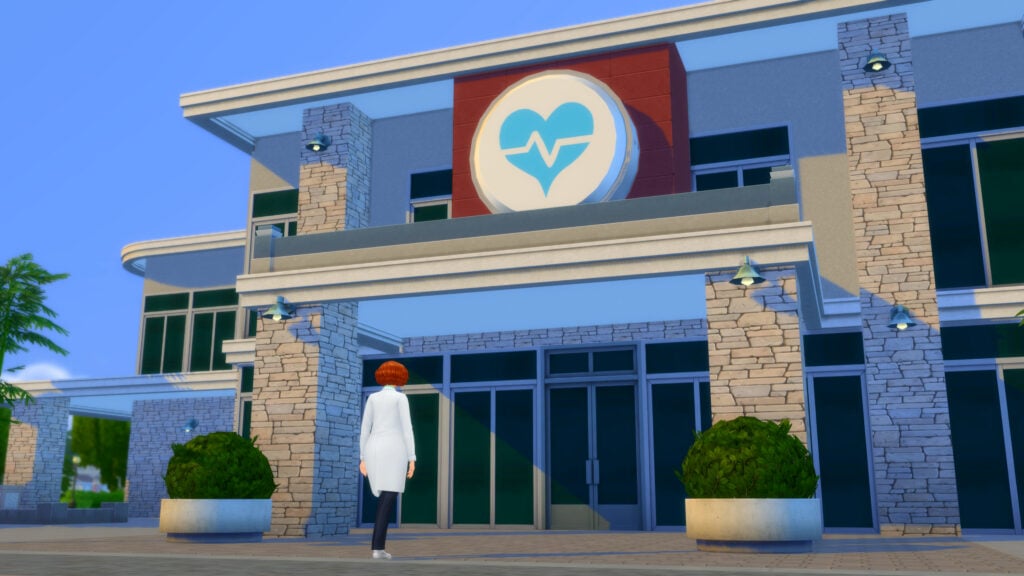
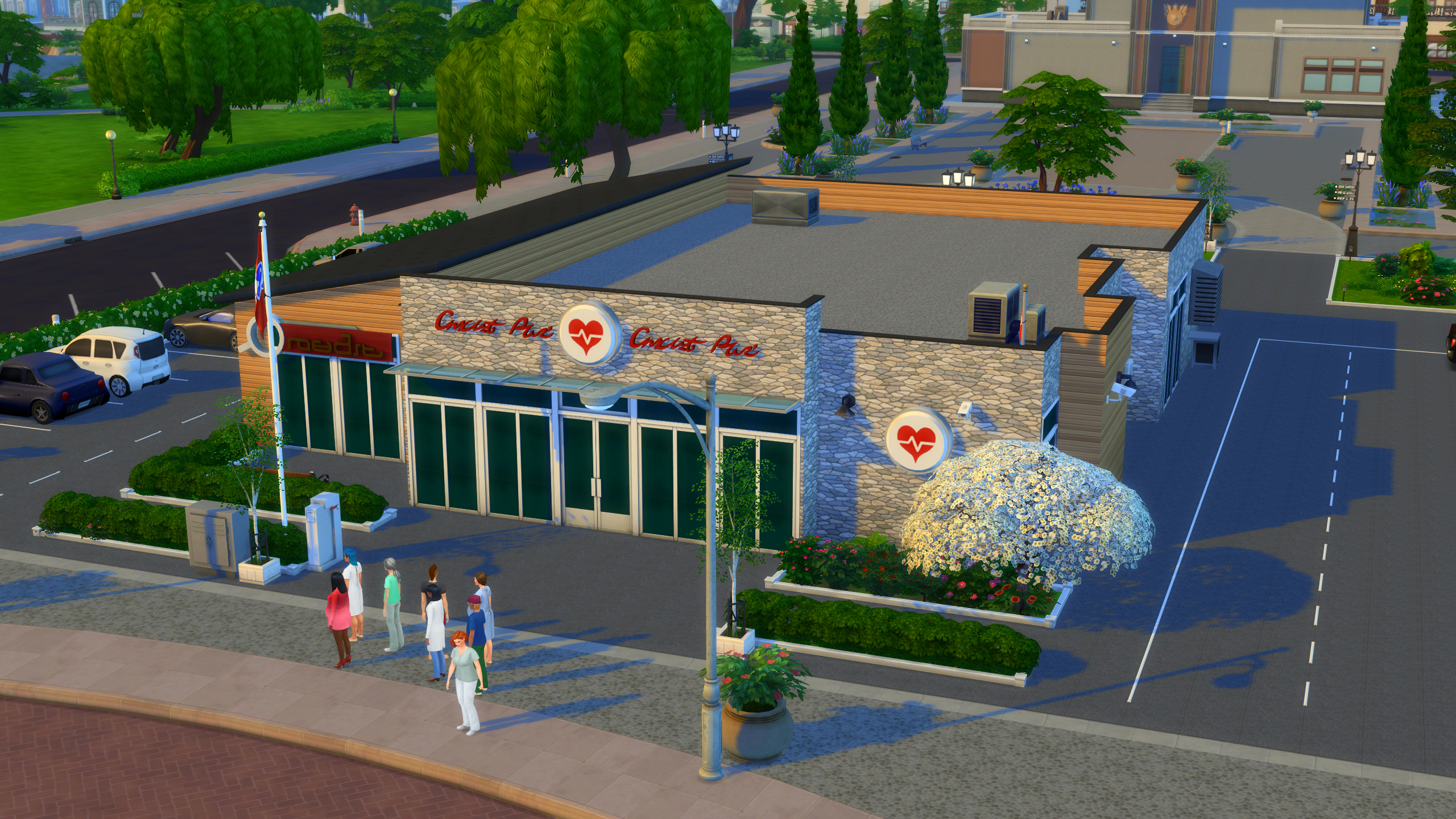
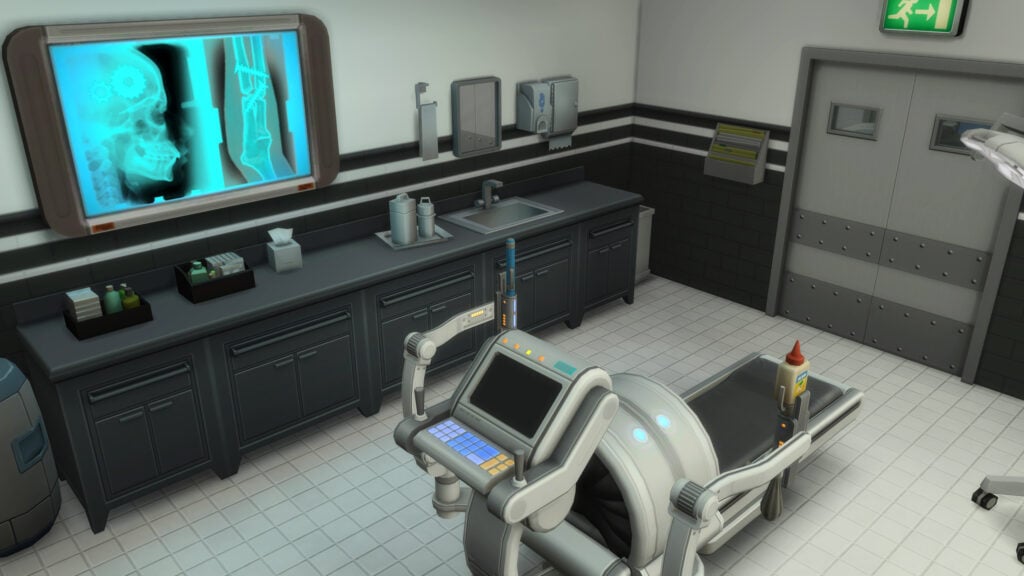
While the Get to Work Hospital can be perfectly functional for earlier levels of the Midwifery career, since the mod alters existing items to fit the new animations (like the surgical machine turning into a birthing bed or surgical table, depending on the birth style), some actions and patient interactions later on will require the placing of objects provided in the mod. These include specific hospital beds, yoga balls, birthing pillows, birthing pools, bassinets or NICU incubators, etc.

If you’d like to edit the hospital or rebuild it on your own, turn on testingcheats true and use the following cheat, bb.enablefreebuild, when you are on the hospital lot for an active work day. This cheat allows you to use build mode as normal, including completely rebuilding the structure, adding furniture, or downloading builds from the gallery.

Use the hashtag #Pandasama to find hospitals other players have edited to work with the mod. Make sure to tick the checkbox to allow custom content, as any builds with the custom objects will be marked as having such, and not visible by default!

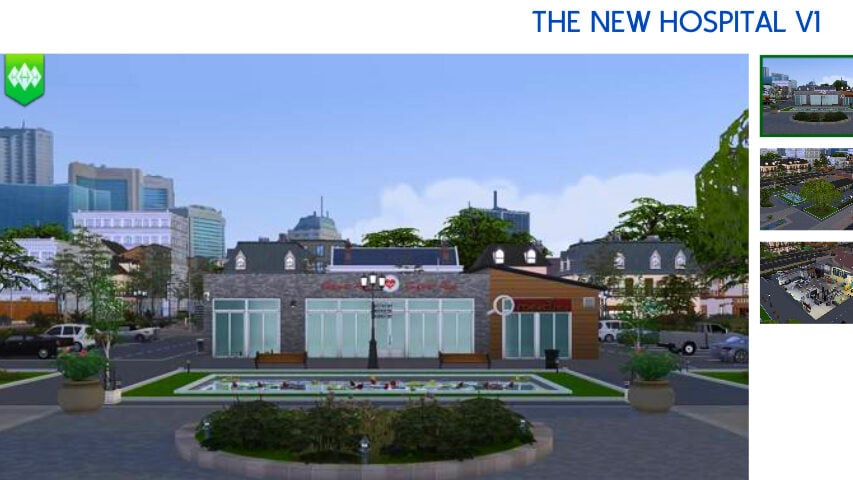
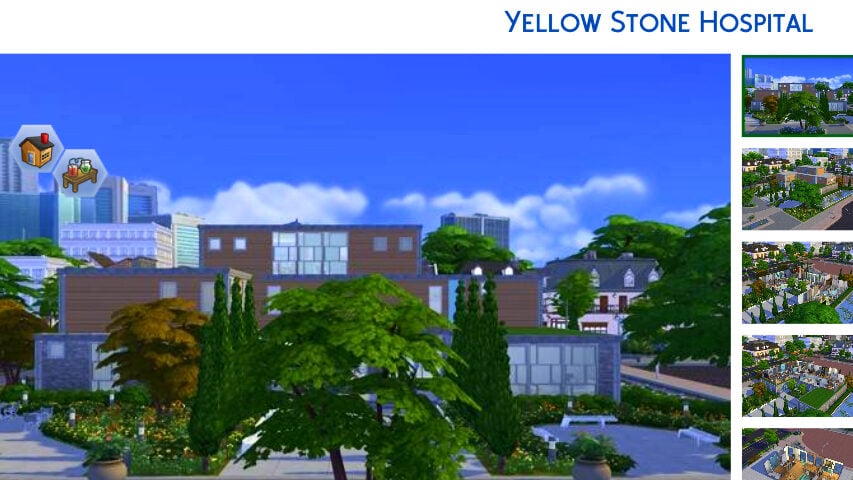
While browsing the gallery for this article, I found a few great options created by players just like you to get you started! Since some of them were built prior to recent updates, certain items may still need to be placed for full functionality! Items for this mod can be found by searching Pandasama in Build & Buy Mode.

The New Hospital V1 by EliiaTV

Yellow Stone Hospital by AnaTheRebel

Nursing School Short Guide

weeee

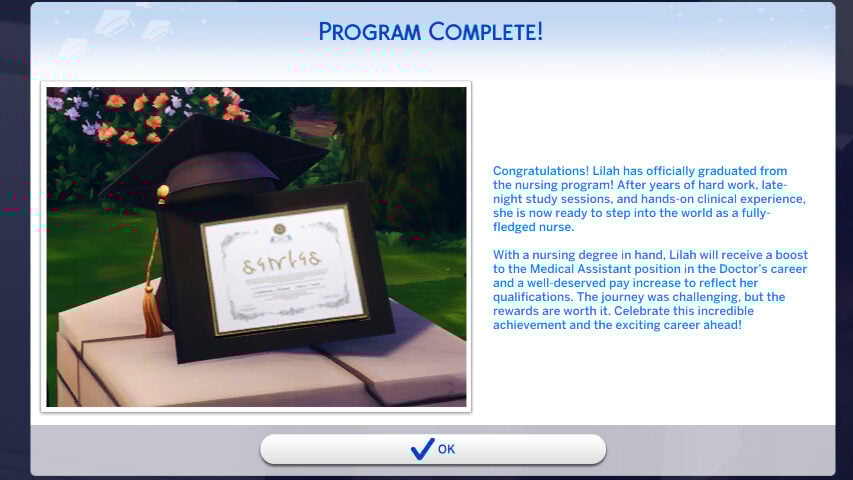
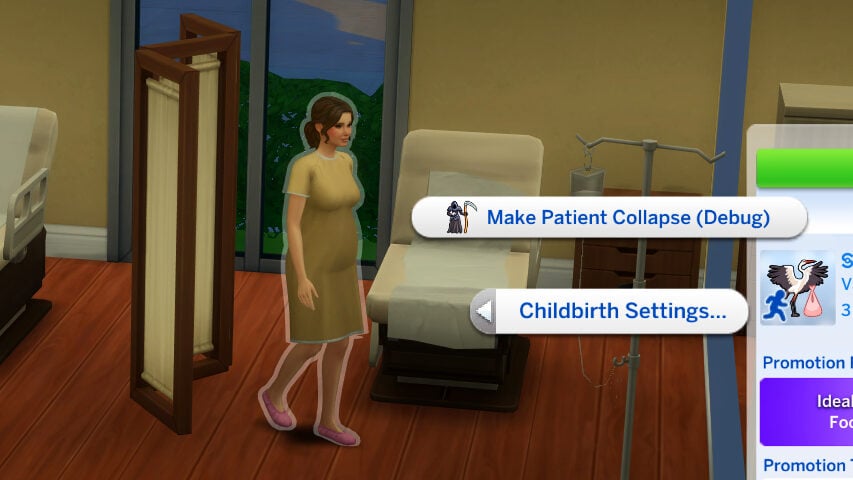
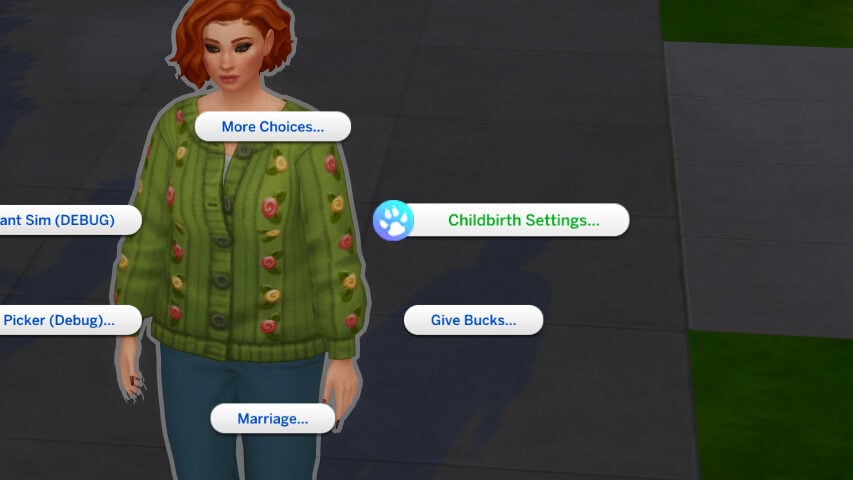
To join Nursing School, which is a pre-requisite to joining the Midwifery career, sims must use the “Business” app on their phone and click the “Join Nursing School” option, which costs §30,000. You can also shift-click on your sim with testingcheats enabled, and under Childbirth Settings, automatically graduate them from Nursing School.
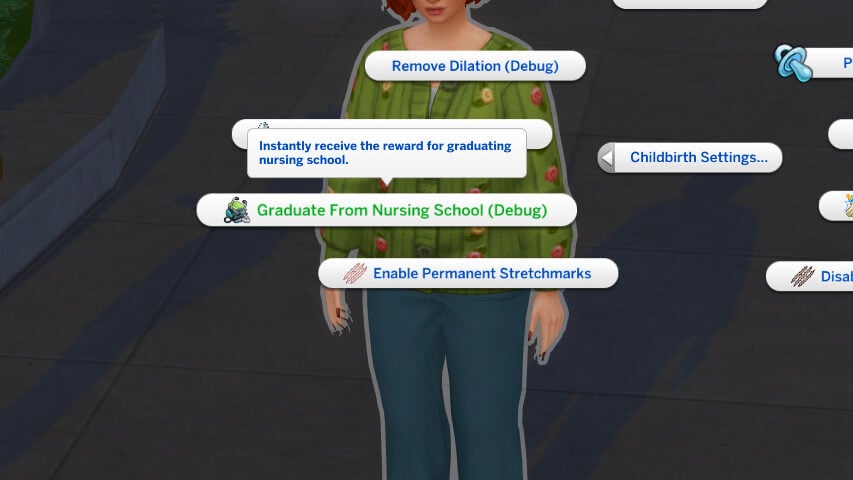
Nursing School is also an active career with multiple levels, and includes studying at-home to be able to pass your nursing exam. Sims can retake the nursing exam if they fail it. The active career includes day-to-day activities like checking on patients, practicing suturing, cleaning, etc. For a more in-depth look and guide to this section of the mod, we have a Nursing School, NICU, and Llamaze Guide available here!

Day-To-Day Activities
TS4 x64 fpb 2025 11 04 19 30 51 437

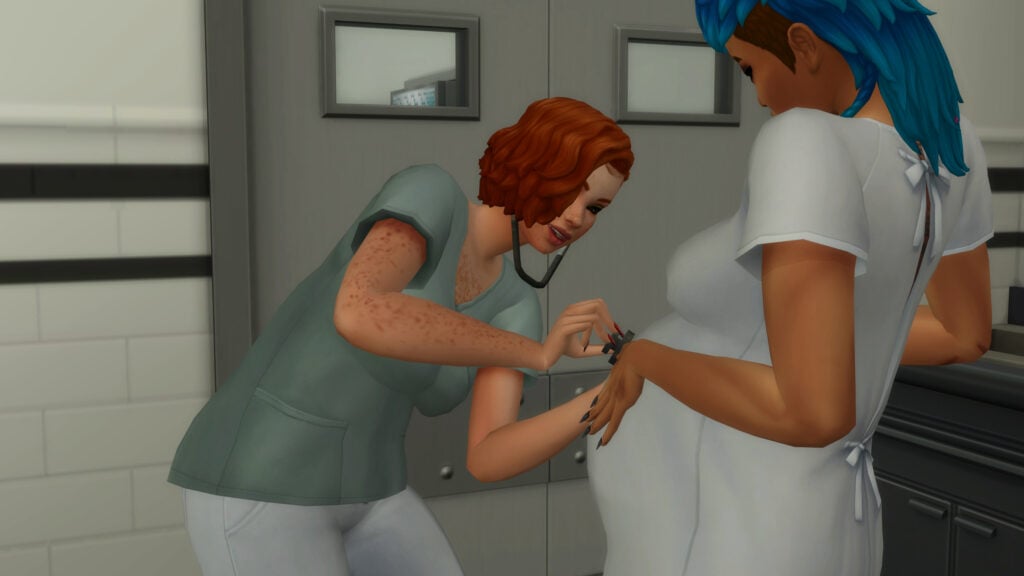
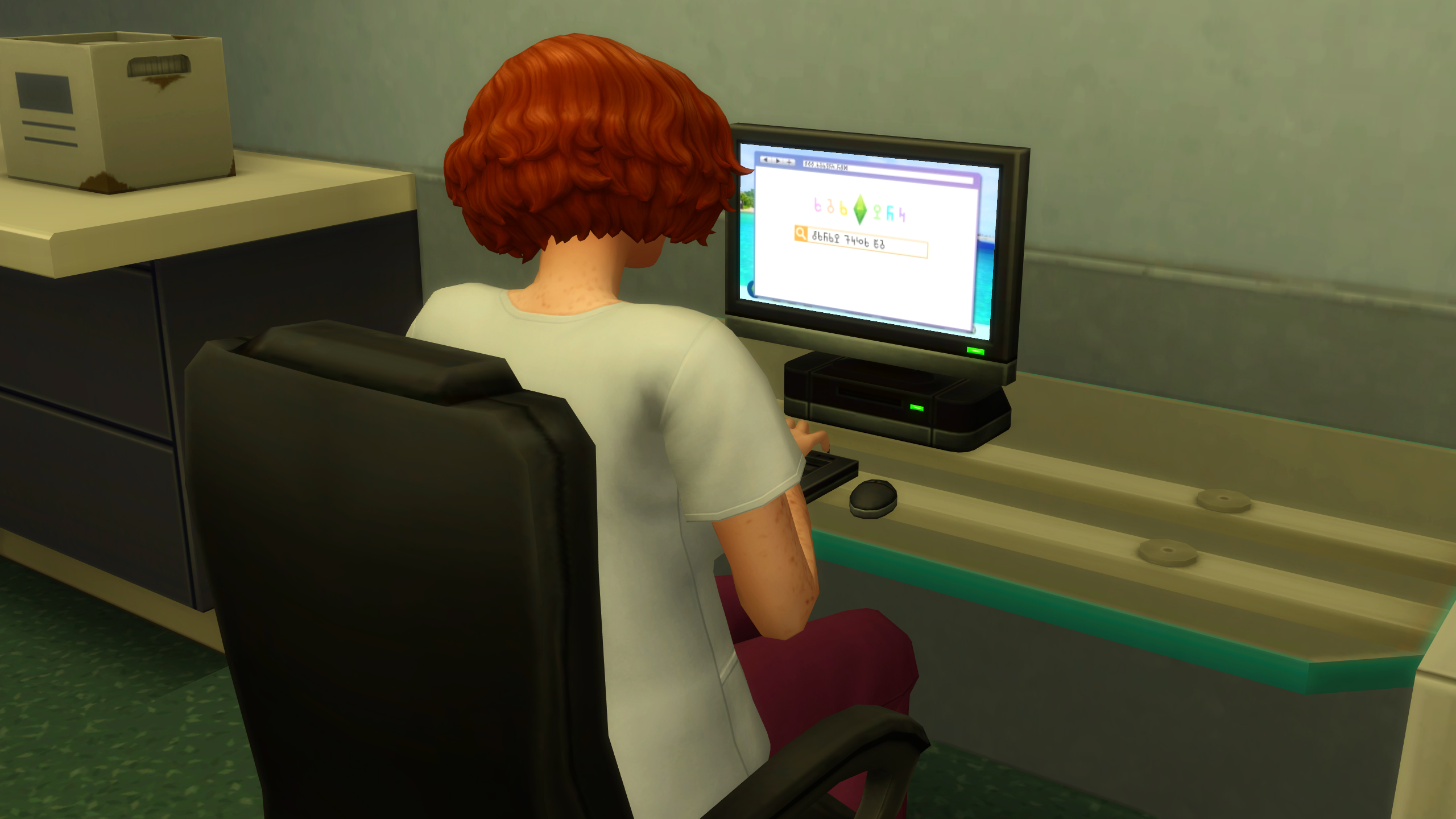
The day-to-day of the Midwifery career, at all levels, functions similarly to the Get to Work Doctor career. Sims primarily work directly with patients to check on their health and diagnose any existing conditions, interact with their coworkers, perform surgeries and other procedures, perform administrative and janitorial work, etc. As your sim rises in levels, their job will be less about urine and blood tests and more about guiding sims during their home birth and working with sims with preeclampsia and other pregnancy-related conditions. This also includes caring for newborns, both full-term and NICU patients that require extra care.
Determining Course of Treatment
TS4 x64 fpb 2025 11 04 19 03 08 666 edited

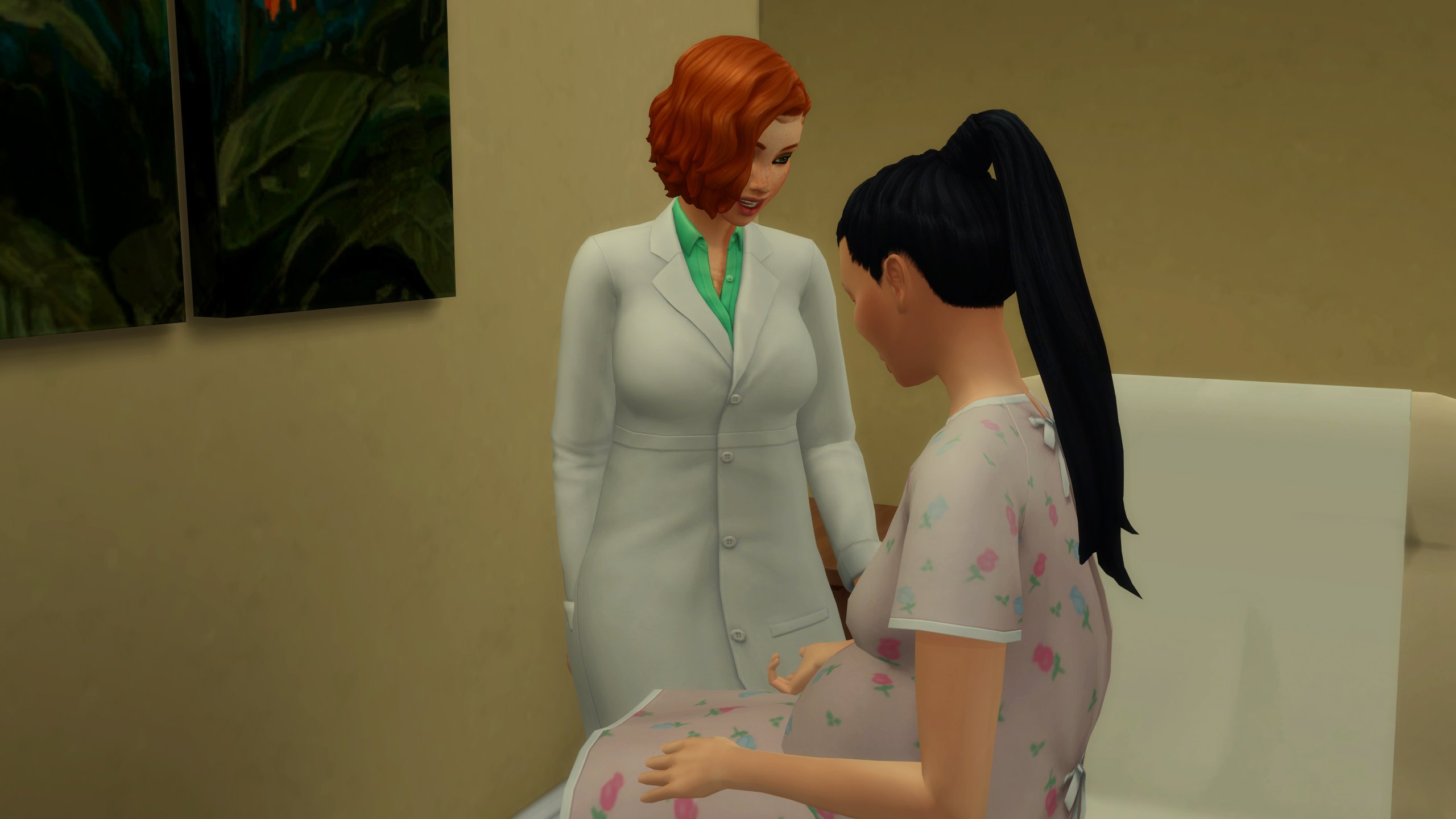
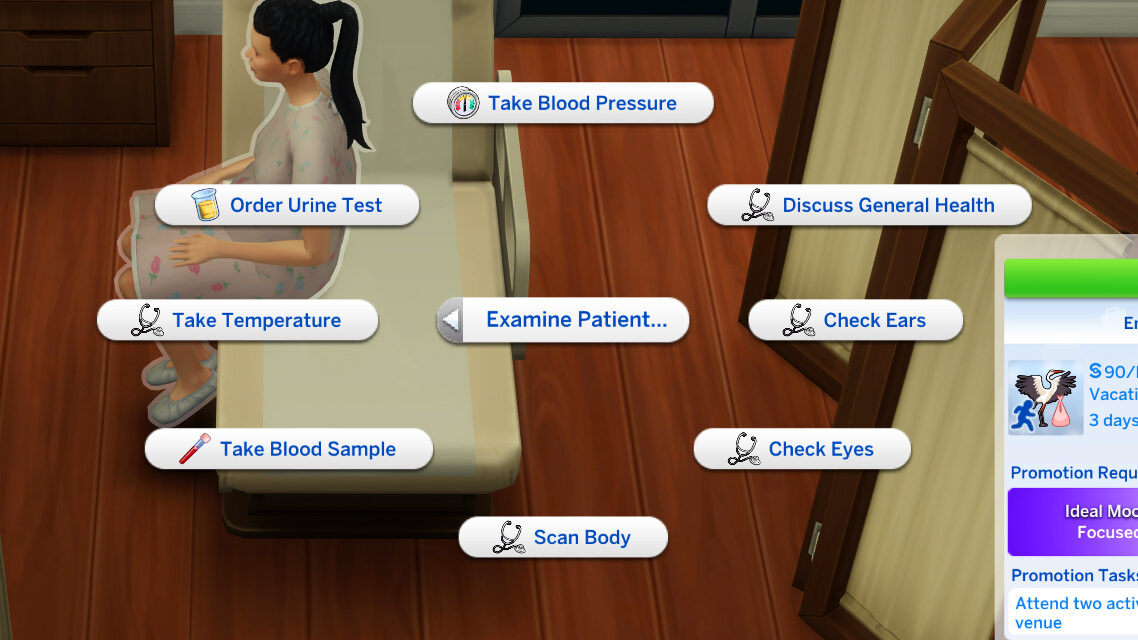
Sims will have access to most Get to Work Doctor examination options, such as Discuss General Health, Check Ears, Scan Body, etc. With the midwifery career, they will also have access to three new examination options to properly diagnose their patients; Take Blood Pressure, Order Urine Test, and Take Blood Sample.
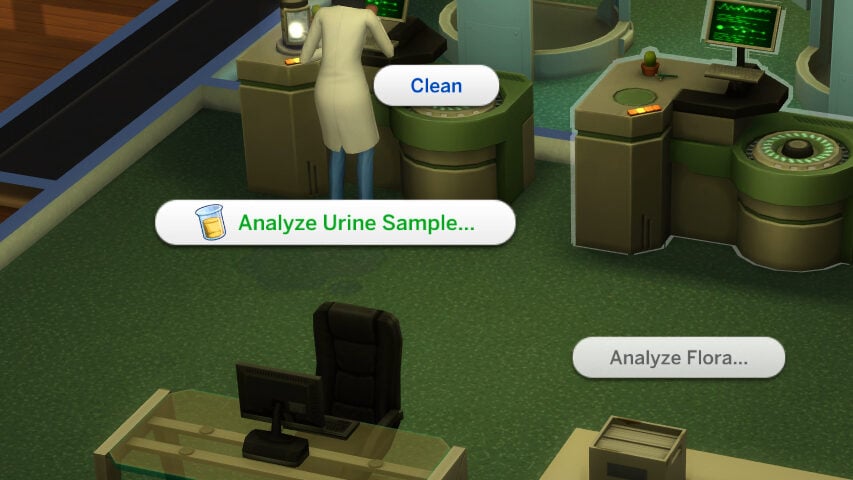
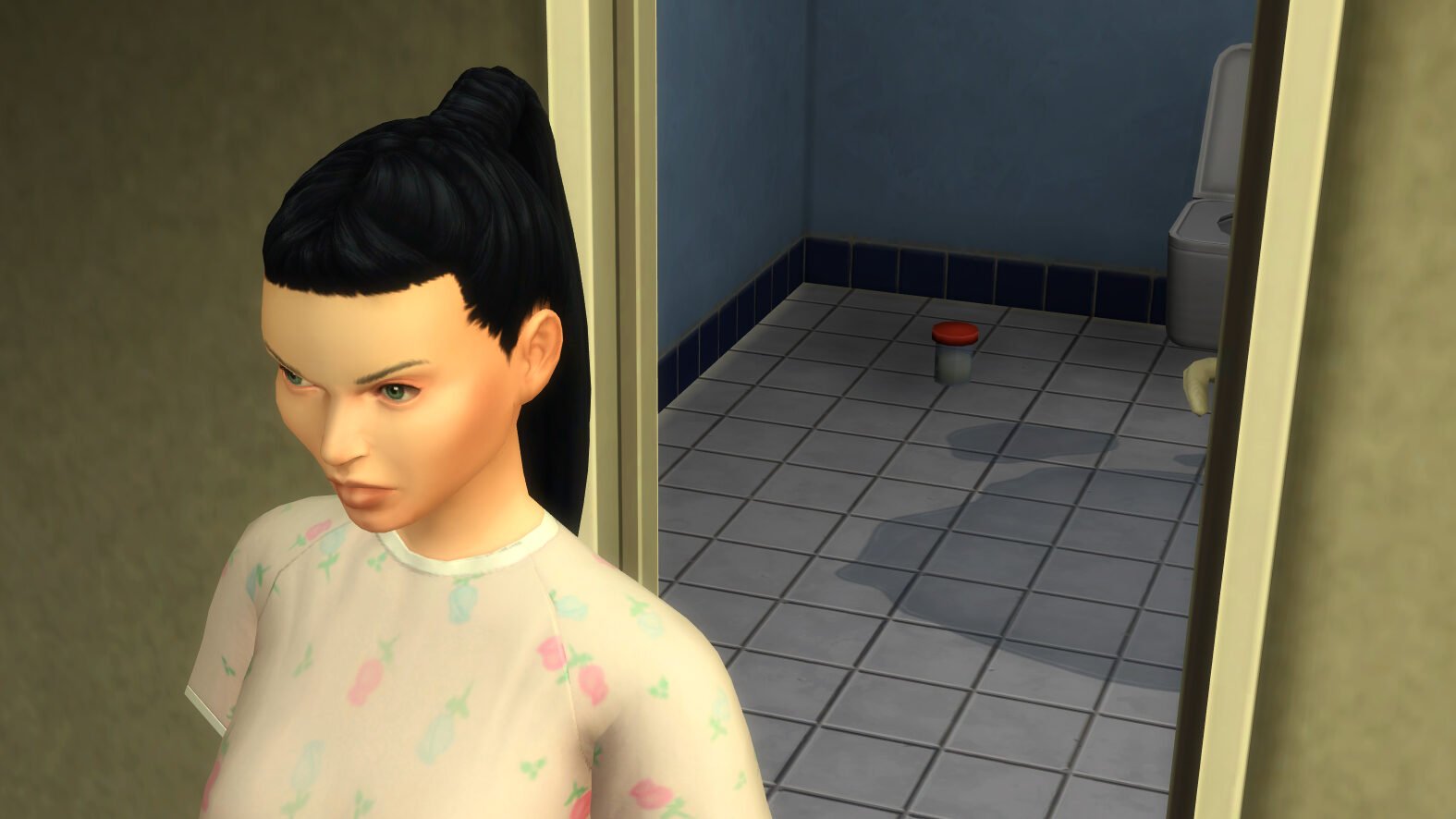
When you request a Urine Test from your patient, they will exit their room and find the nearest toilet. After going to the bathroom, a small urine sample cup will appear next to them. Placing it into your sims inventory will allow them to be analyzed at the Chemical Analyzer and will inform you of the protein content of the urine if the sim possibly has preeclampsia, and will also alert to other health conditions if present.

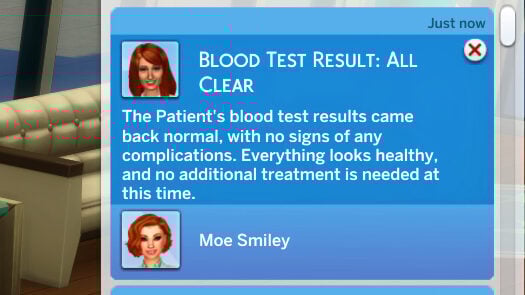
When you request a Blood Test from your patient, your sim will bring out a tray and syringe. After sanitizing the arm of the patient, they will extract blood and the blood sample will appear in your sims inventory. Similarly to the urine test, use the Chemical Analyzer to check for any abnormalities that would indicate a condition requiring treatment or an emergency C-Section.
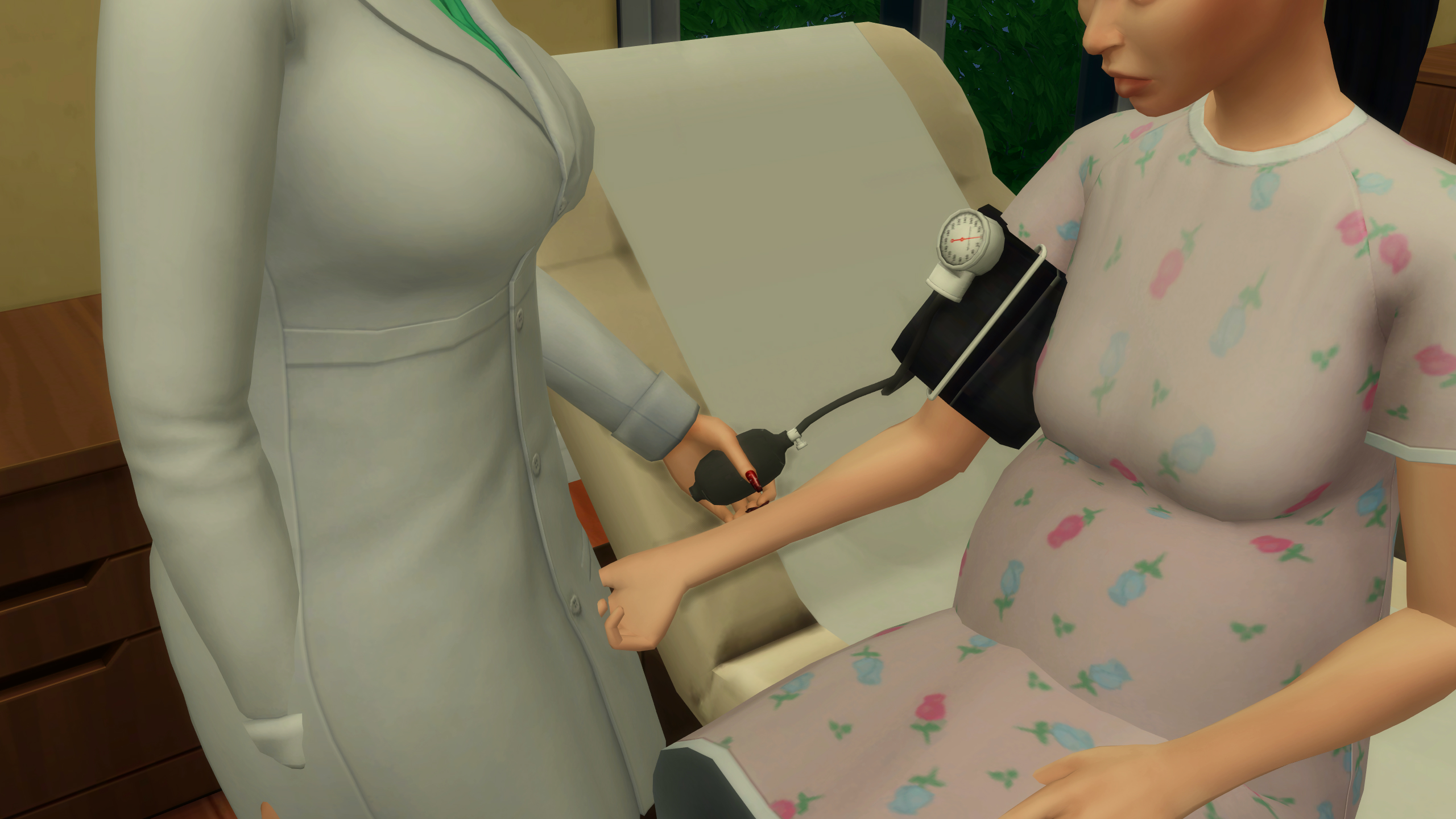
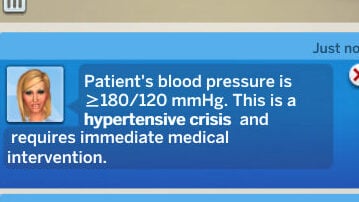
Lastly, your sim can Take the Blood Pressure of a patient, as high blood pressure is incredibly dangerous for pregnant people and is often the largest red flag for preeclampsia and other fatal conditions. Your sim will use a blood pressure cuff to check the patient’s blood pressure. While it will give a specific reading, the notification will also alert you if the sim’s blood pressure is slightly or extremely elevated, guiding you to the best treatment choice.
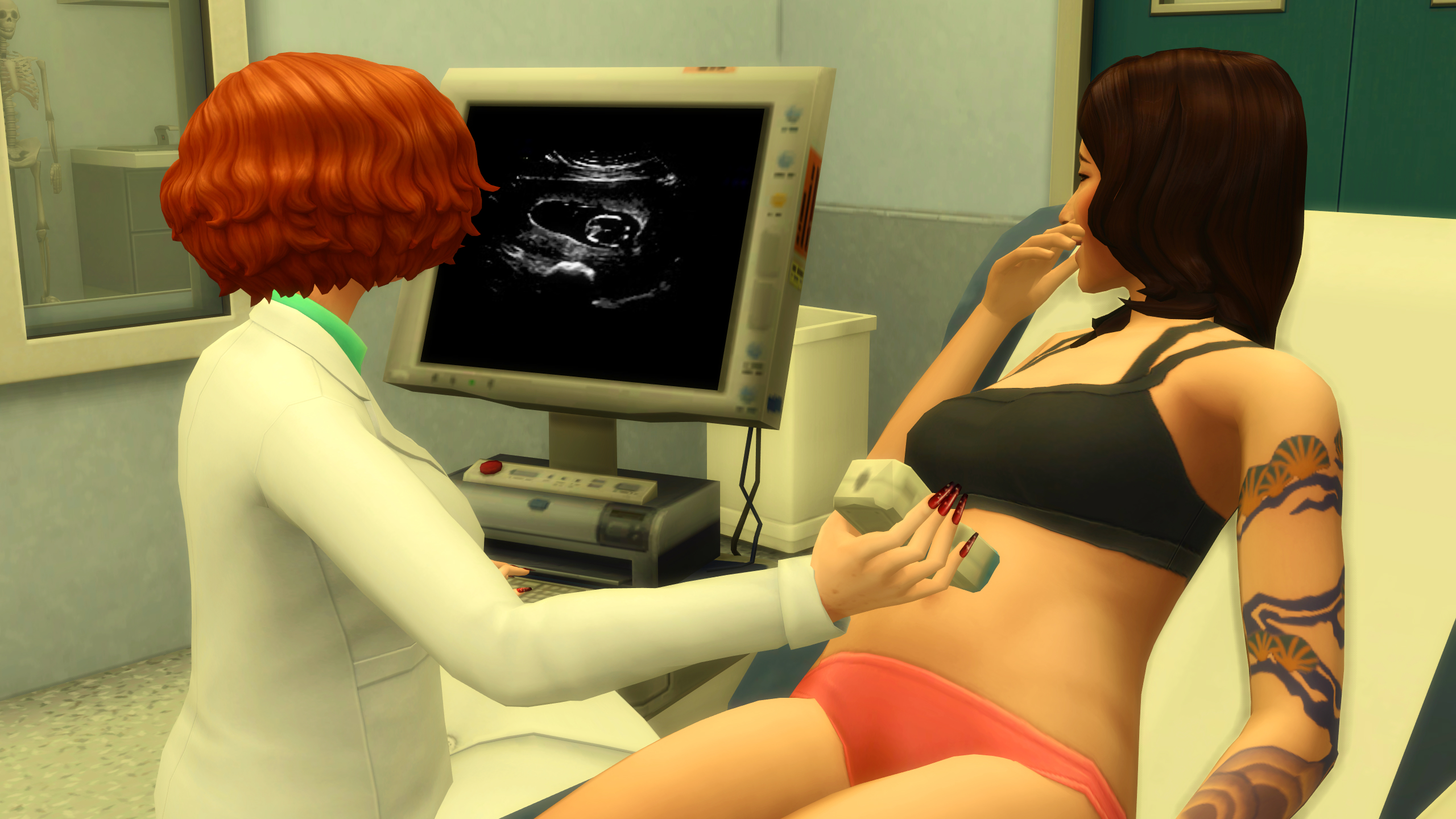
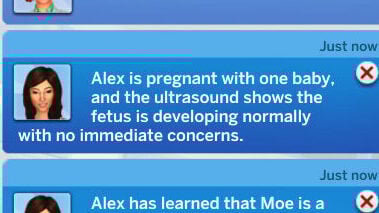
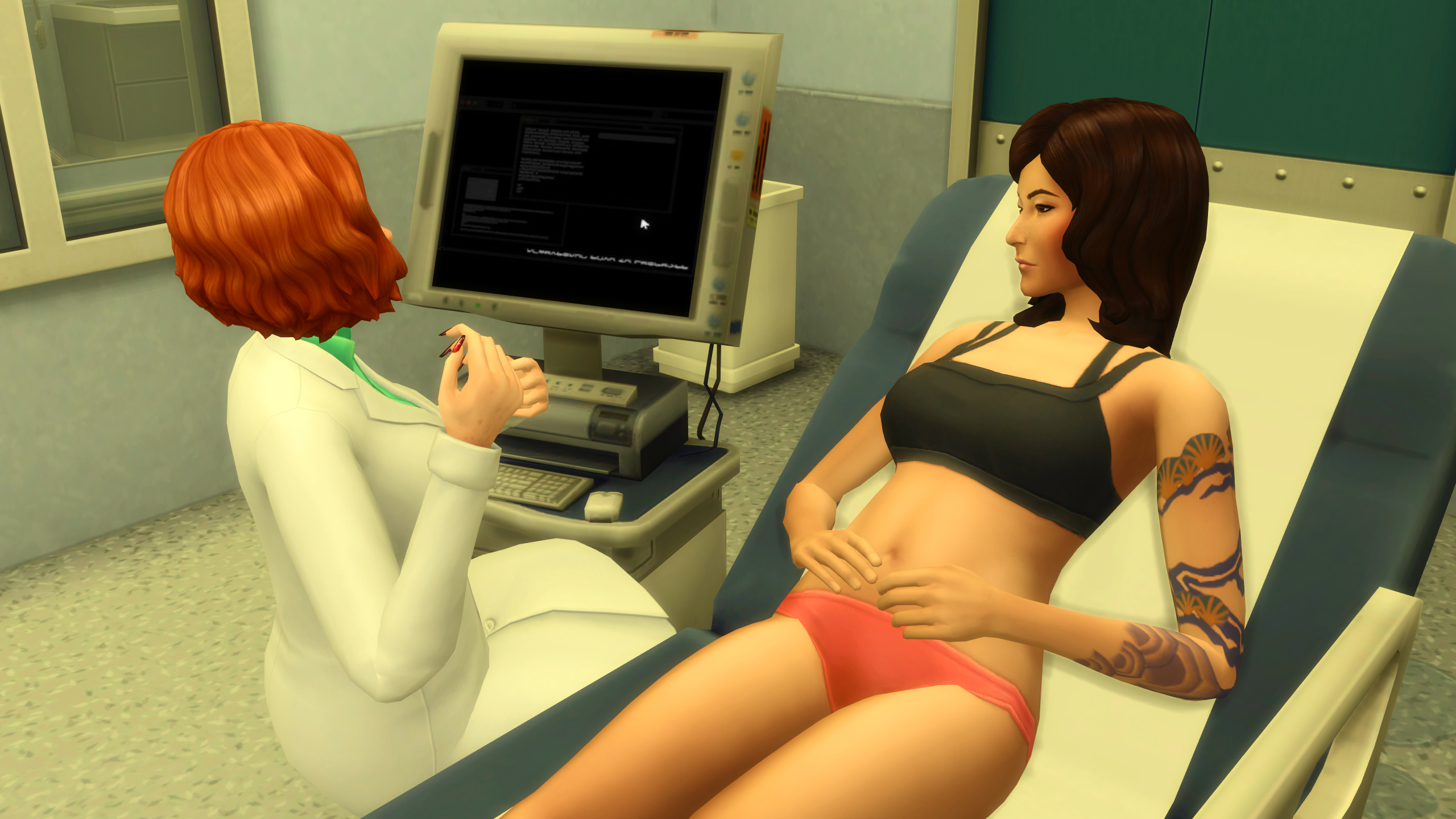
You can also choose to Perform Ultrasounds on patients at any stage of their pregnancy to monitor fetal development, discover the amount of babies being carried, and more. You’ll get updates on the pregnancy, how it is progressing generally, and the sims’ and their baby’s well-being.

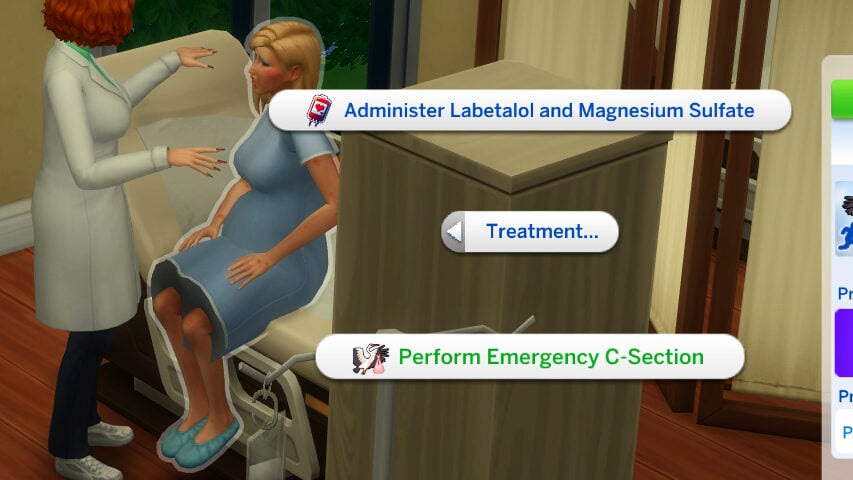
Any health conditions can be treated in various ways, usually with the us of an IV, through the Treatment… menu when clicking on a patient. Treatment can also include waiting and evaluating other tests, dismissing patients who are deemed in good health and not in active labor, or by performing an emergency cesarean section.

Active Labor Activities

When a sim is in active labor, your sim has the ability to suggest certain activities to help progress their labor or aid in their comfort during that painful experience. This can include asking them to Take a Walk, Use a Yoga Ball, Receive an Epidural, and multiple other options to assist patients who are actively giving birth. Sims will progress through labor over time, with increased progression due to certain interactions, and their progress can be checked by Checking their Dilation and Checking on the Baby.
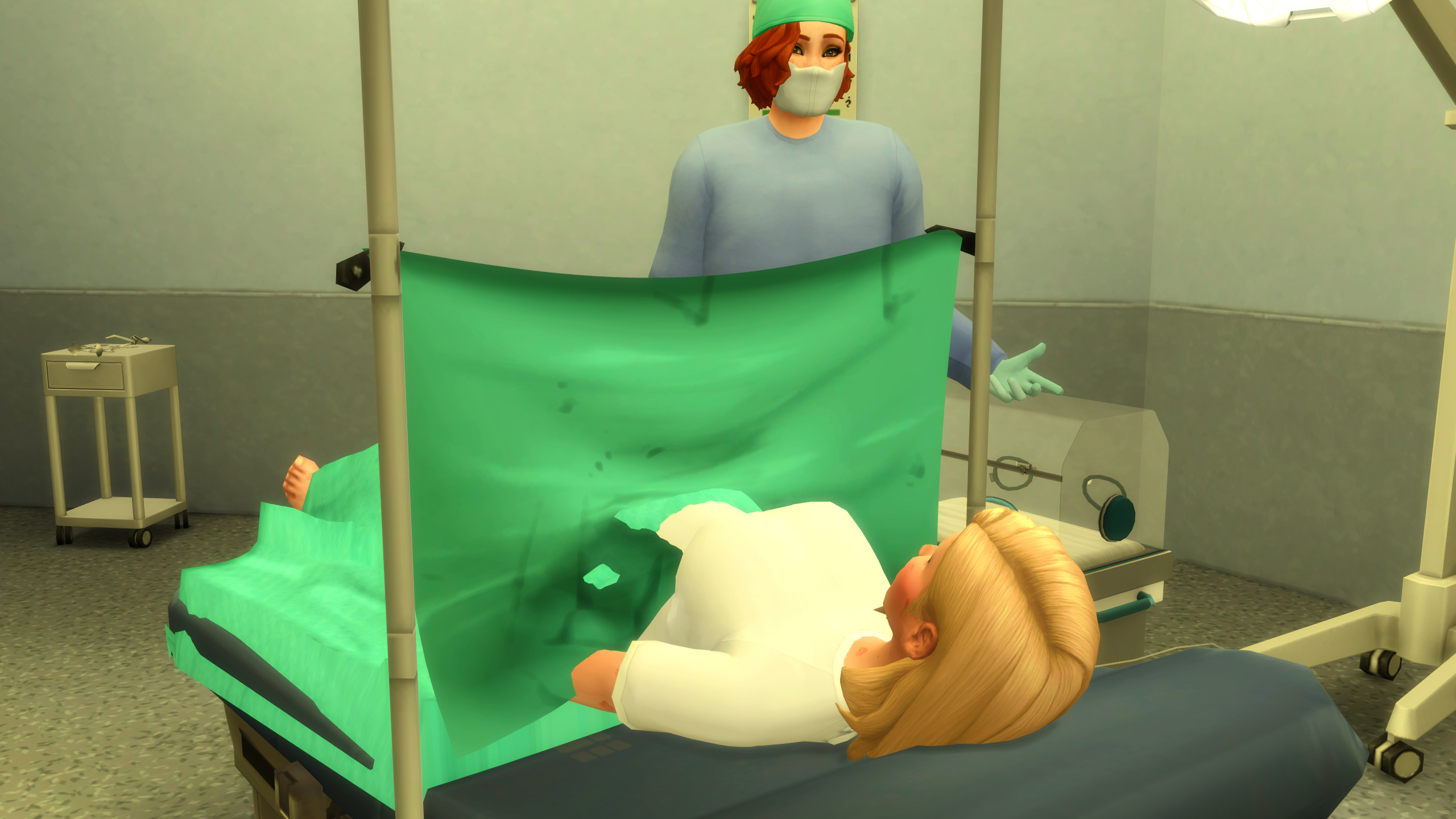
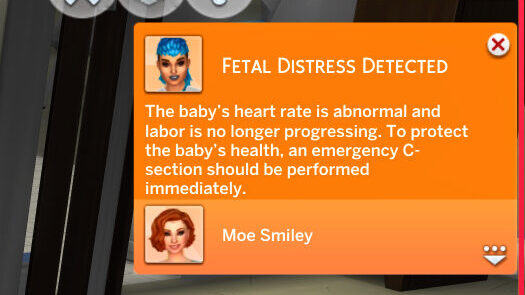
Dilation progresses from 1cm, which is the beginning of labor, to 10cm, which is when the pregnant sim is ready to give birth. Checking on the baby allows your sim to listen with a stethoscope, and will allow them to detect any fetal distress or irregularities that would require the use of Pitocin (an IV drug to progress labor and kickstart contractions) or an Emergency Cesarean Section.
TS4 x64 fpb 2025 11 04 19 52 49 073 edited 1

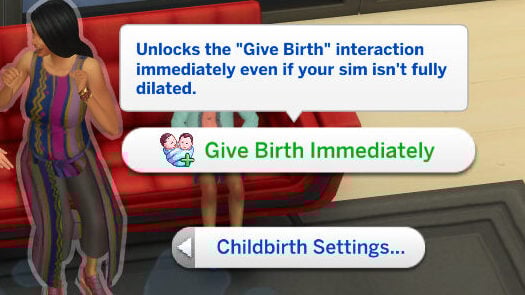
Under the Childbirth Settings cheat menu, when you shift-click on a sim, you can also choose for the sim to Give Birth Immediately, unlocking all birth forms. This can be used with any pregnant sim in active labor, whether at the hospital or on a House Call.

House Calls
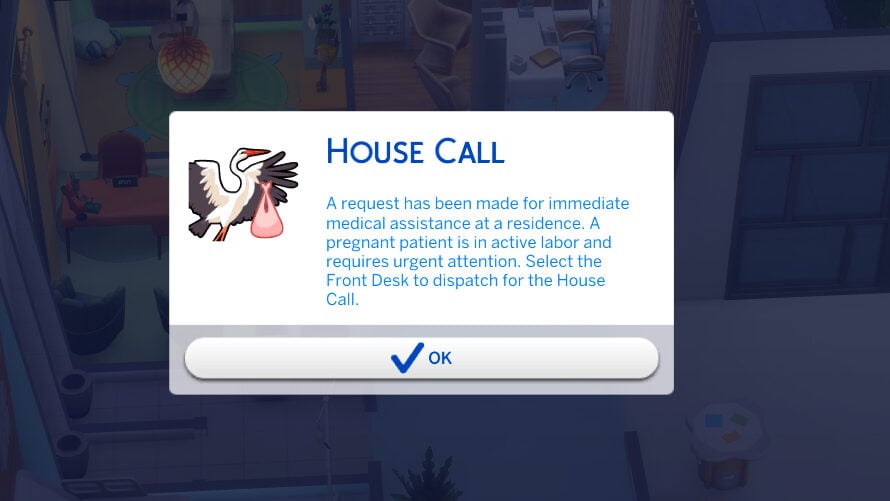
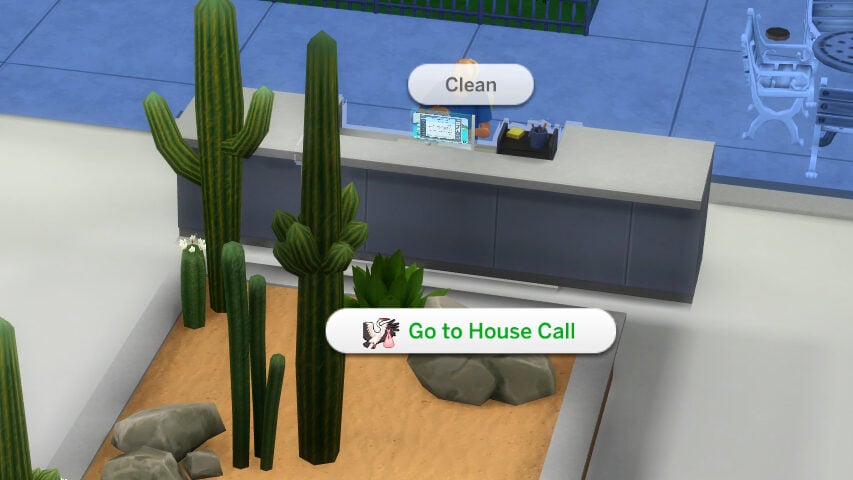
Once your sim has been promoted to the highest level in the career, which is Level 5: Independent Birth Specialist, they will get have a chance to get House Call events during their active shift. They will receive a pop-up for these events, and must click on the check-in desk to travel to the required lot. These are home births, where your sim will be required to travel to a residential lot and assist a sim in active labor. Using a menu available when clicking on the ground, you can create Birth Pillows, Birthing Pools, Yoga Balls, and more to assist with the labor and progression.
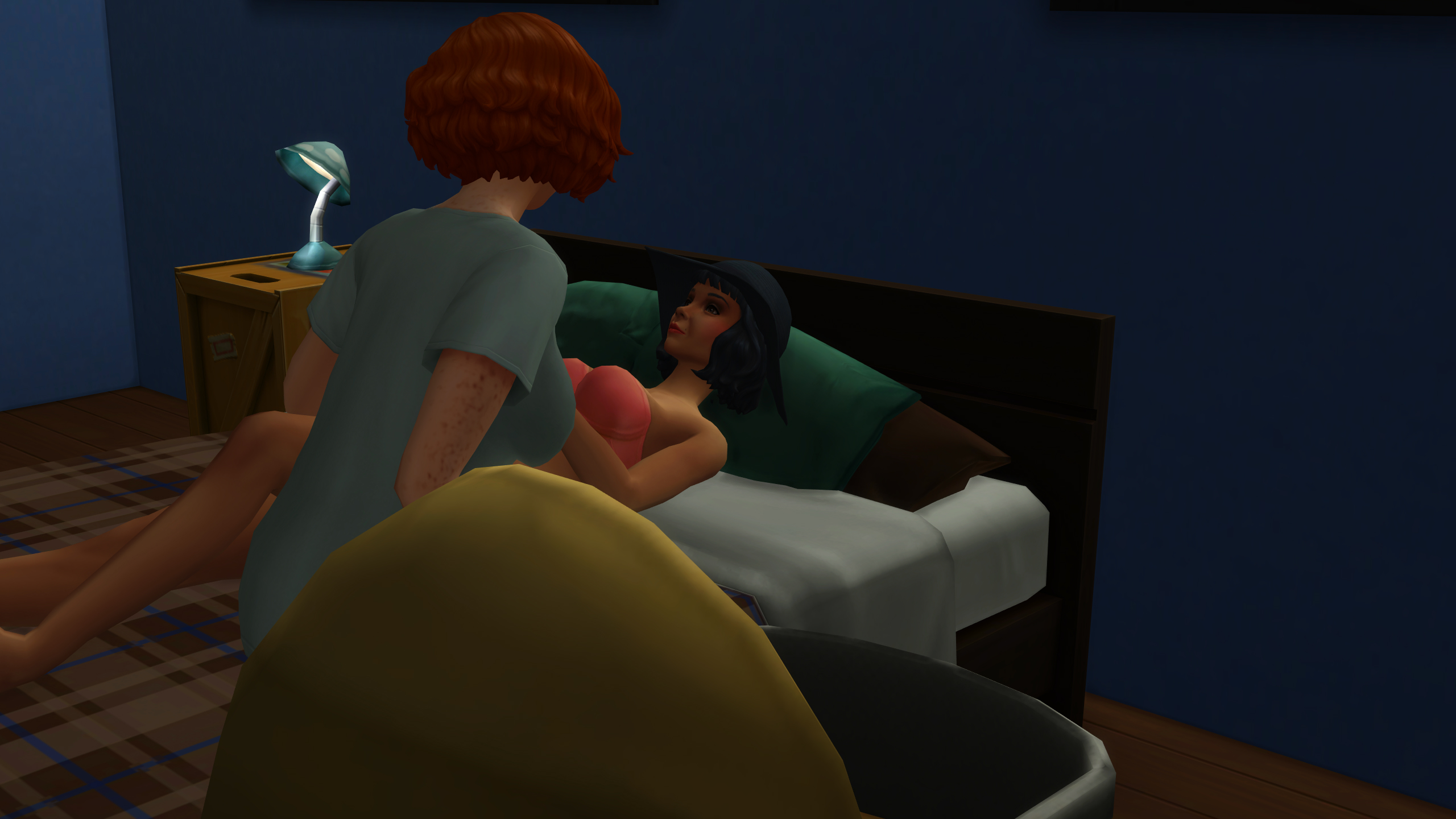
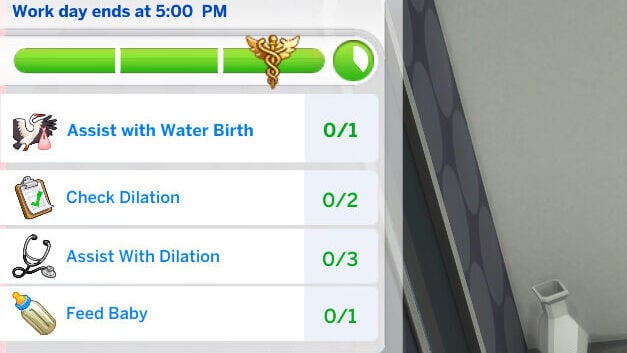
These home births have tasks similar to special events in the standard active careers, and have an overall goal indicating the type of birth the sim prefers. These can be Water or Natural births, and will indicate which type of object the sim would like to use during their labor. Your sim will have access to all the standard directed actions, though the actions available will be more hands-off than patients your sim meets in the hospital.
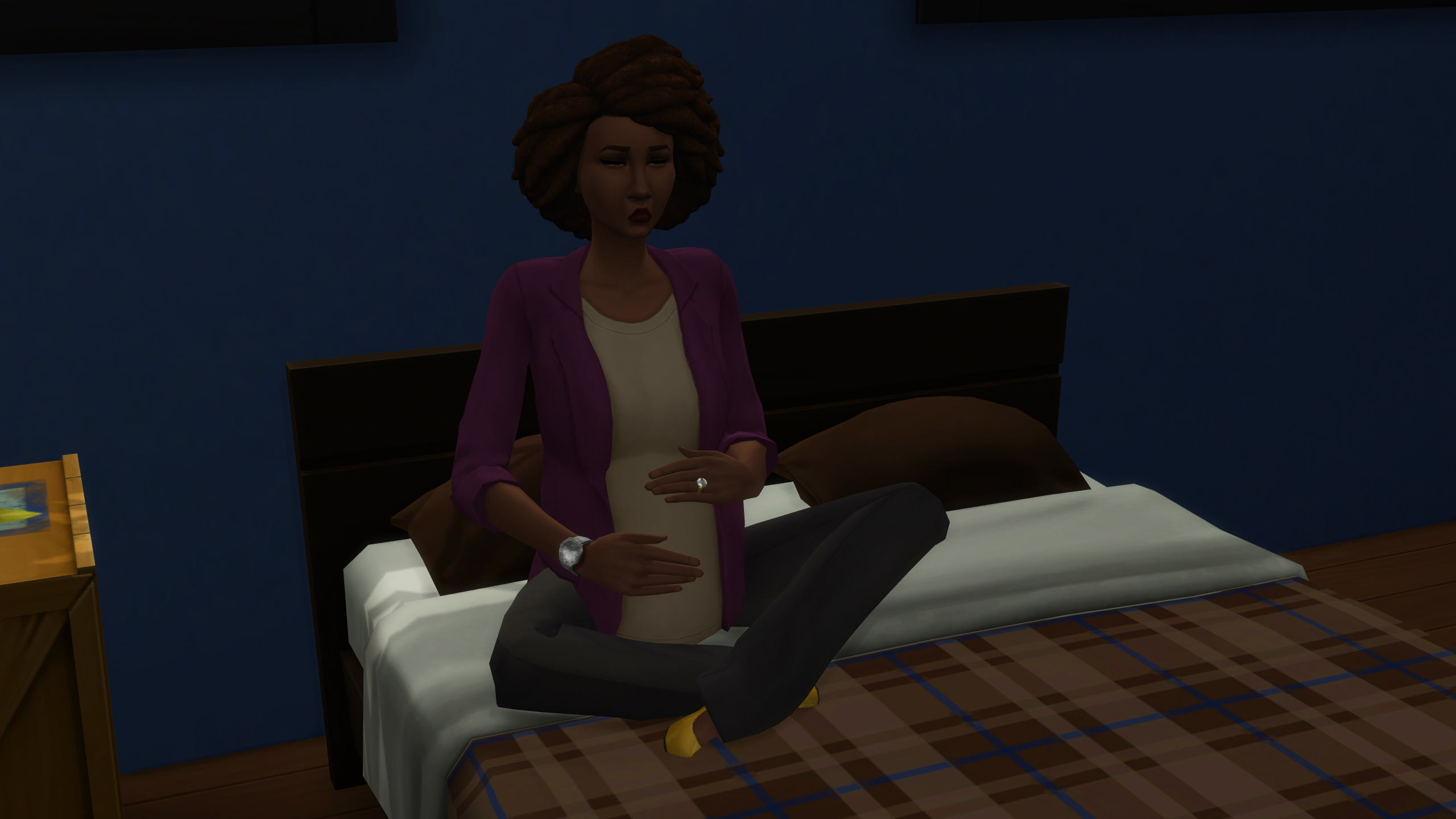
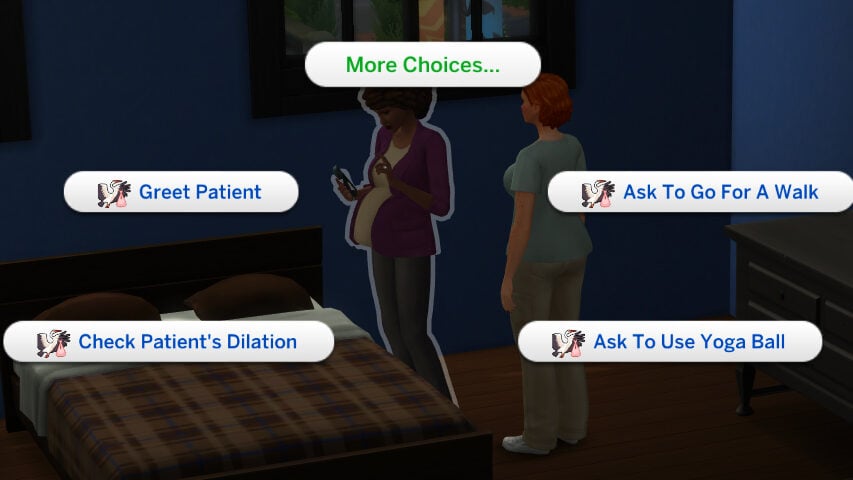
Your sim can Check the Dilation, Ask to take a walk, Ask to exercise on the yoga ball, check on the baby, and more to indicate the current progression of labor. You can also speak with the sim directly about how they’re feeling, their loved ones present on the lot, and more. When the sim is ready to give birth, click on the birthing pillows or the birthing pool and select the action to deliver the baby. The sim will go through custom animations based on the action chosen, with your sim guiding them through their delivery and handing them their baby.

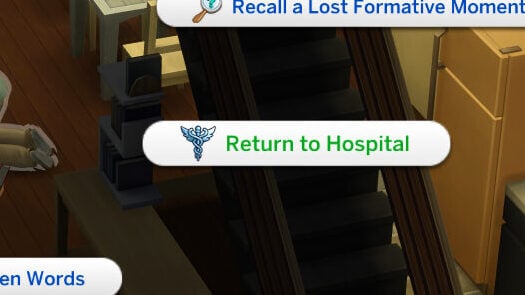
Once a baby is born, your sim can assist the new parent with basic care of their infant, clean up, and provide other assistance until you are ready to leave. You can either wait until the end of the work day, or choose to Return to Hospital by clicking on your sim.
TS4 x64 fpb 2025 11 04 20 08 12 361 edited 1

Collapsing Patients

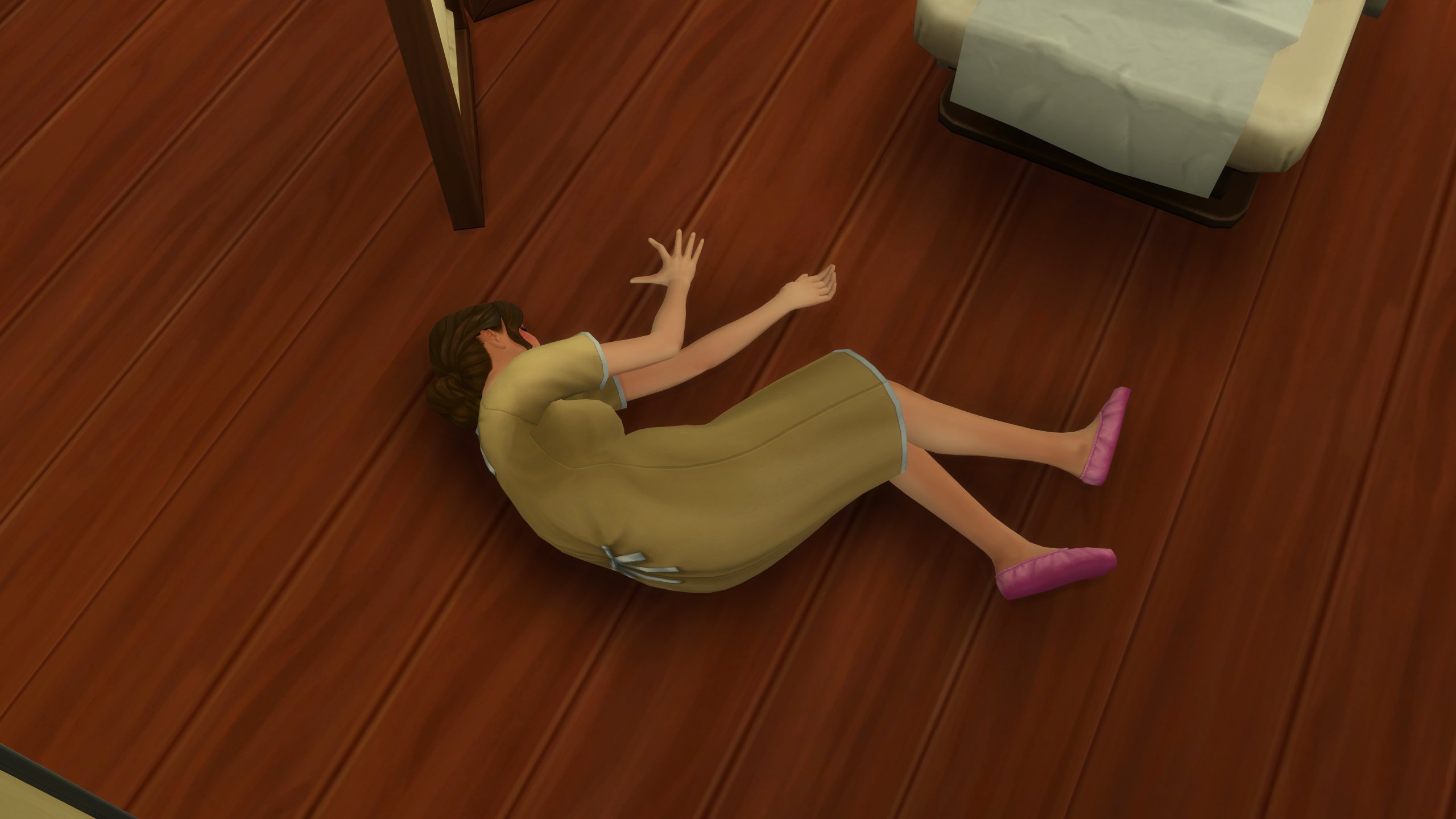
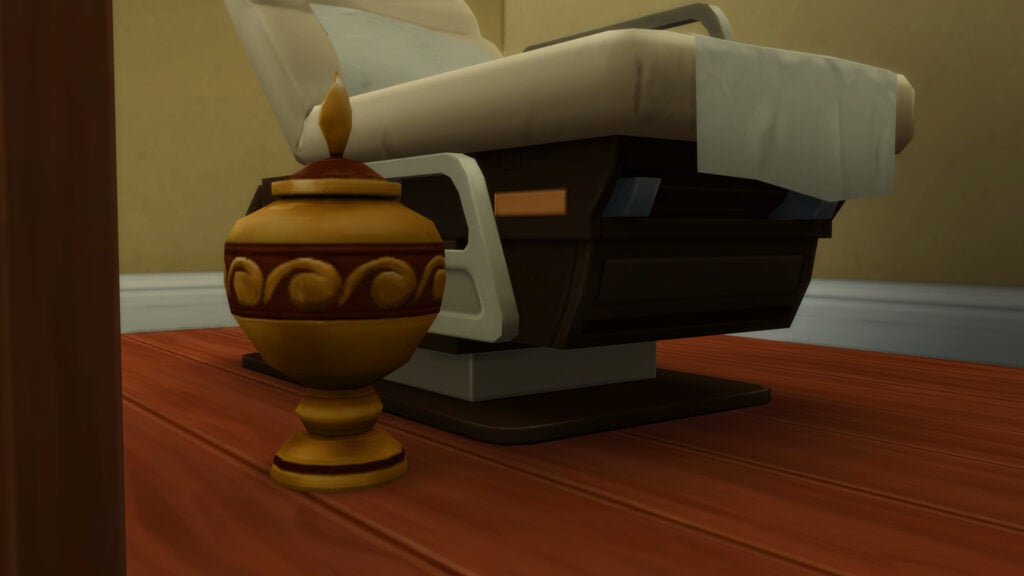
With an untreated severe health condition like preeclampsia, there is a chance sims will collapse. If you have the earlier mentioned patient death enabler package file, there is a 50% chance the sim will die upon their collapse. These events can be avoided with proper treatment, and can also be triggered in the cheats menu. If you have the enabler file in your game and a sim passes, the sim will receive a sad moodlet and it will lower their work performance.
TS4 x64 fpb 2025 11 04 19 17 59 164

Getting Promoted & The Career Levels
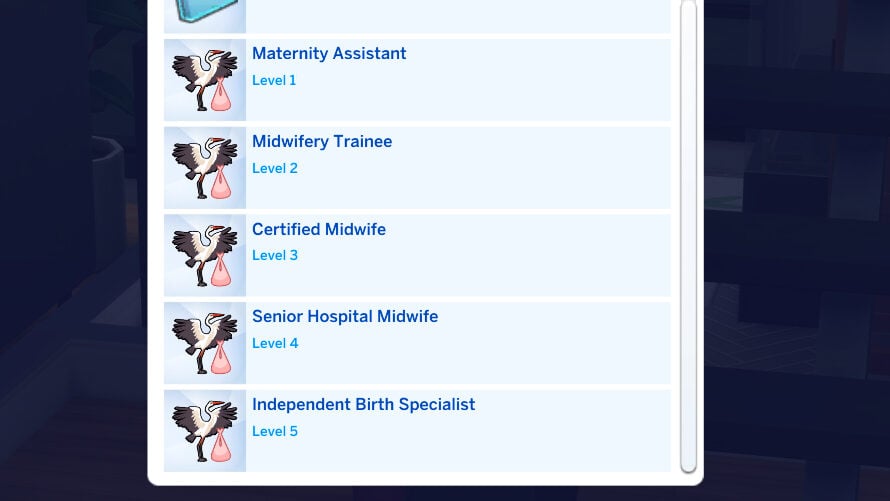
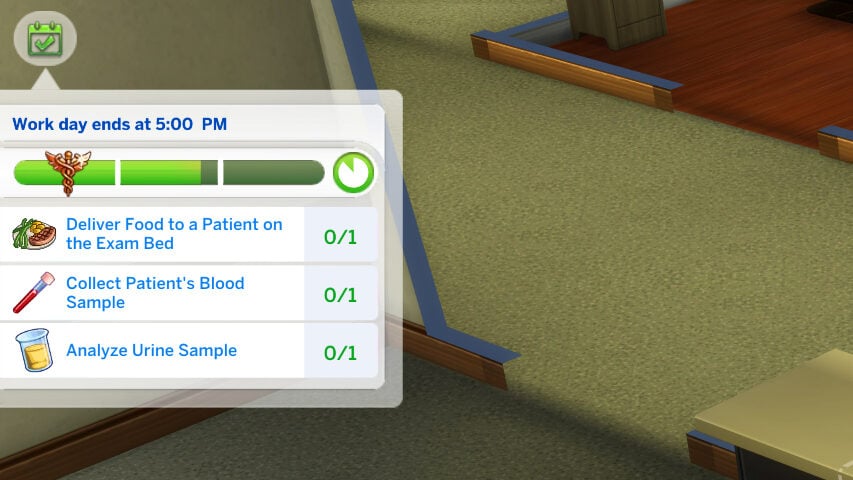
This career has 5 levels, acting as a secondary half of the Nursing School career and one of the options to continue career progression once a sim has graduated. Each level has its own individual promotion requirement, without daily activities that need to be repeated (similar to most Active careers), and the pay continuously scales up. Other aspects stay the same; Particularly the days per week, and the hours the shift is active. All levels are 9AM-5PM Monday-Friday.

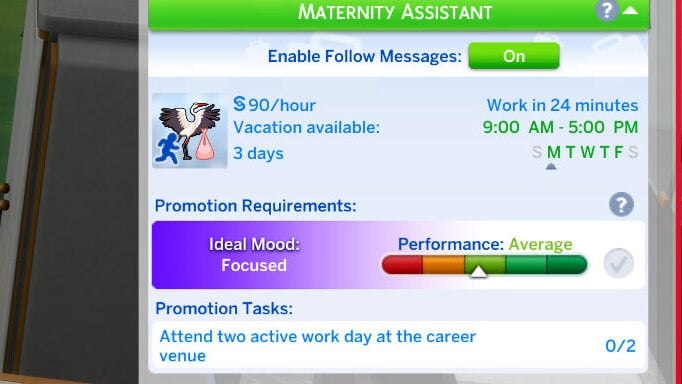
Level 1: Maternity Assistant
Rate per hour: §90
In-Game Description: You’re the first friendly face patients see. You check vitals, draw blood, and perform basic screenings. It’s all about learning the ropes and gaining trust.
Hours: 9:00AM – 5:00PM
Days Per Week: Monday through Friday
Promotion Requirement: Attend two active work days at the career venue.

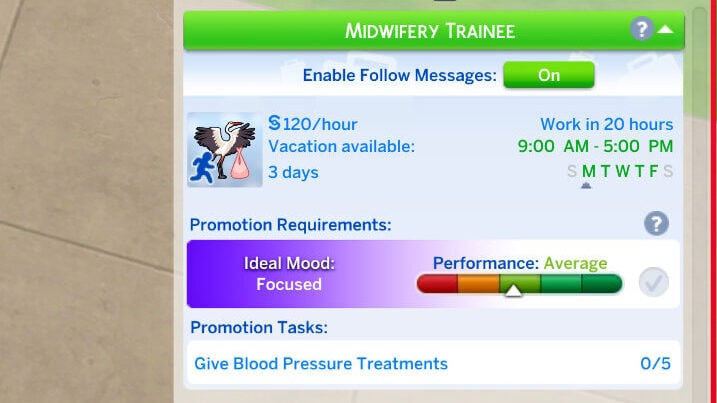
Level 2: Midwifery Trainee
Rate per hour: §120
In-Game Description: You’ve stepped up from the basics. You now assist in prenatal checkups and learn to spot early pregnancy complications.
Hours: 9:00AM – 5:00PM
Days Per Week: Monday through Friday
Promotion Requirement: Give five blood pressure treatments.

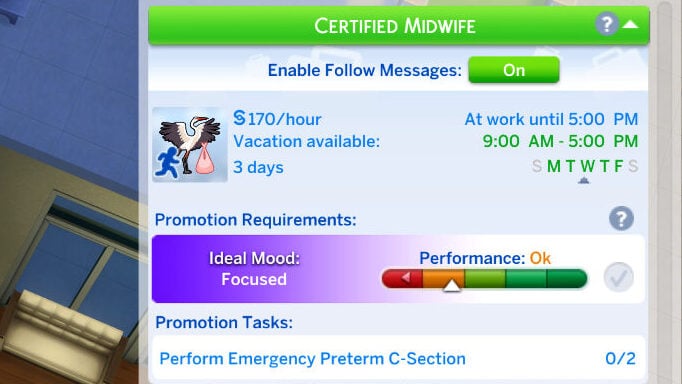
Level 3: Certified Midwife
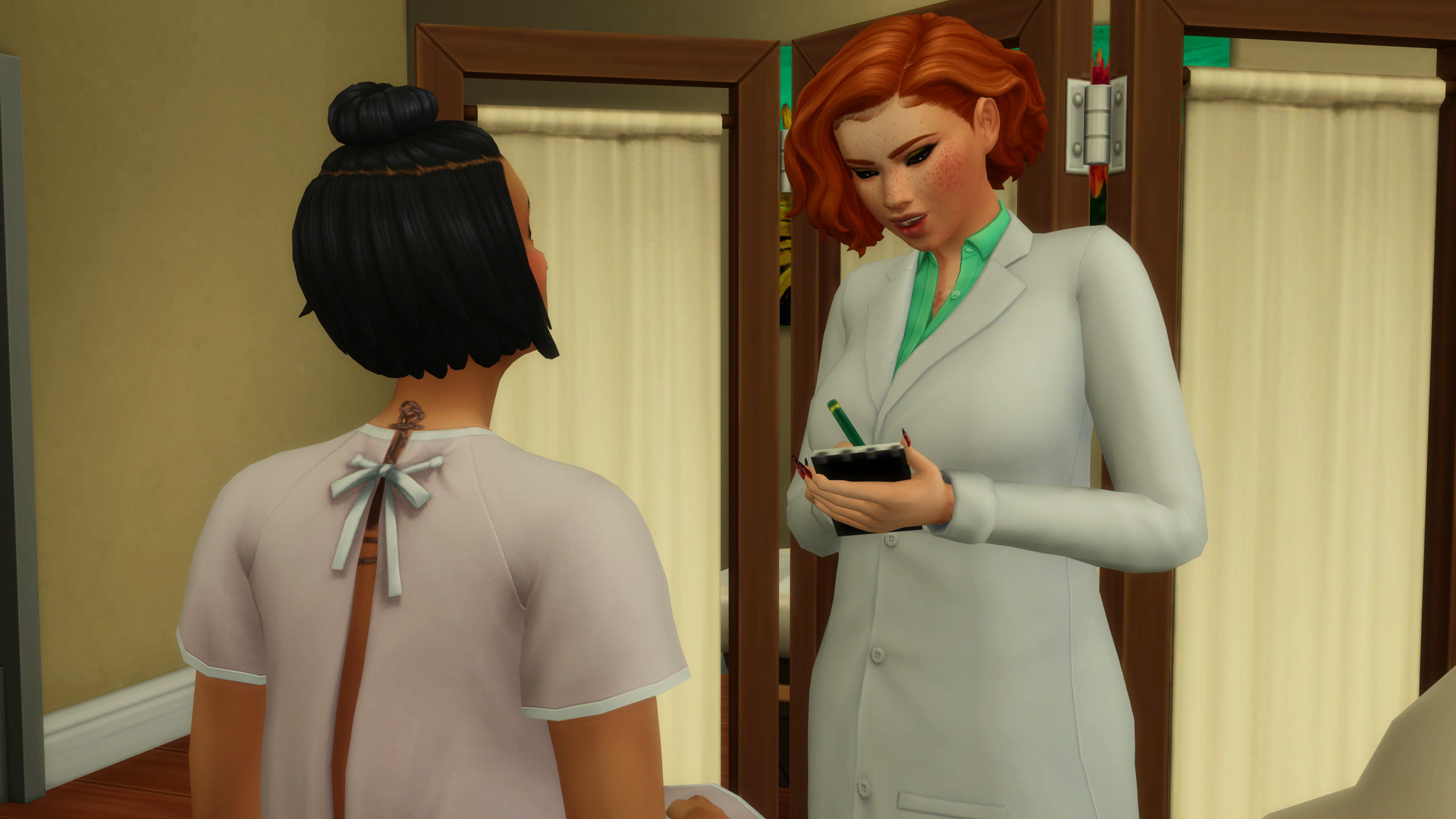
Rate per hour: §170
In-Game Description: You’re now trusted to manage standard prenatal care. Patients rely on your experience to guide them through a healthy pregnancy.
Hours: 9:00AM to 5:00PM
Days Per Week: Monday through Friday
Promotion Requirement: Perform two emergency pre-term c-sections

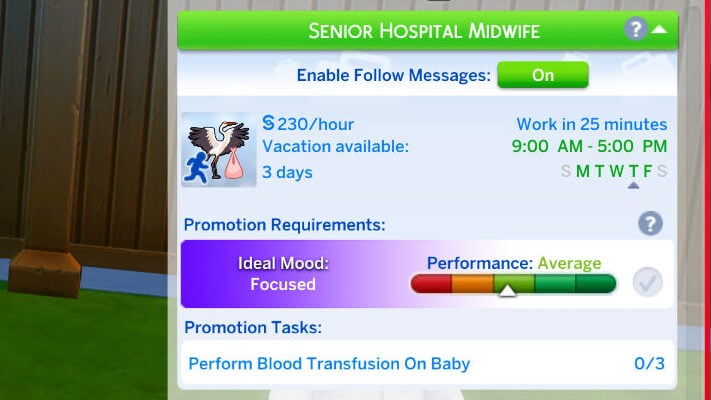
Level 4: Senior Hospital Midwife

Rate per hour: §230
In-Game Description: You take the lead during labor. From labor management to emergency decisions, you’ve got it covered when the stakes are high.
Hours: 9:00AM – 5:00PM
Days Per Week: Monday through Friday
Promotion Requirement: Perform three blood transfusions on babies.

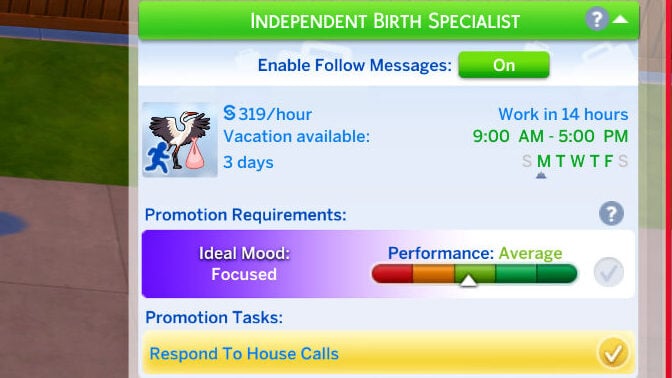
Level 5: Independent Birth Specialist
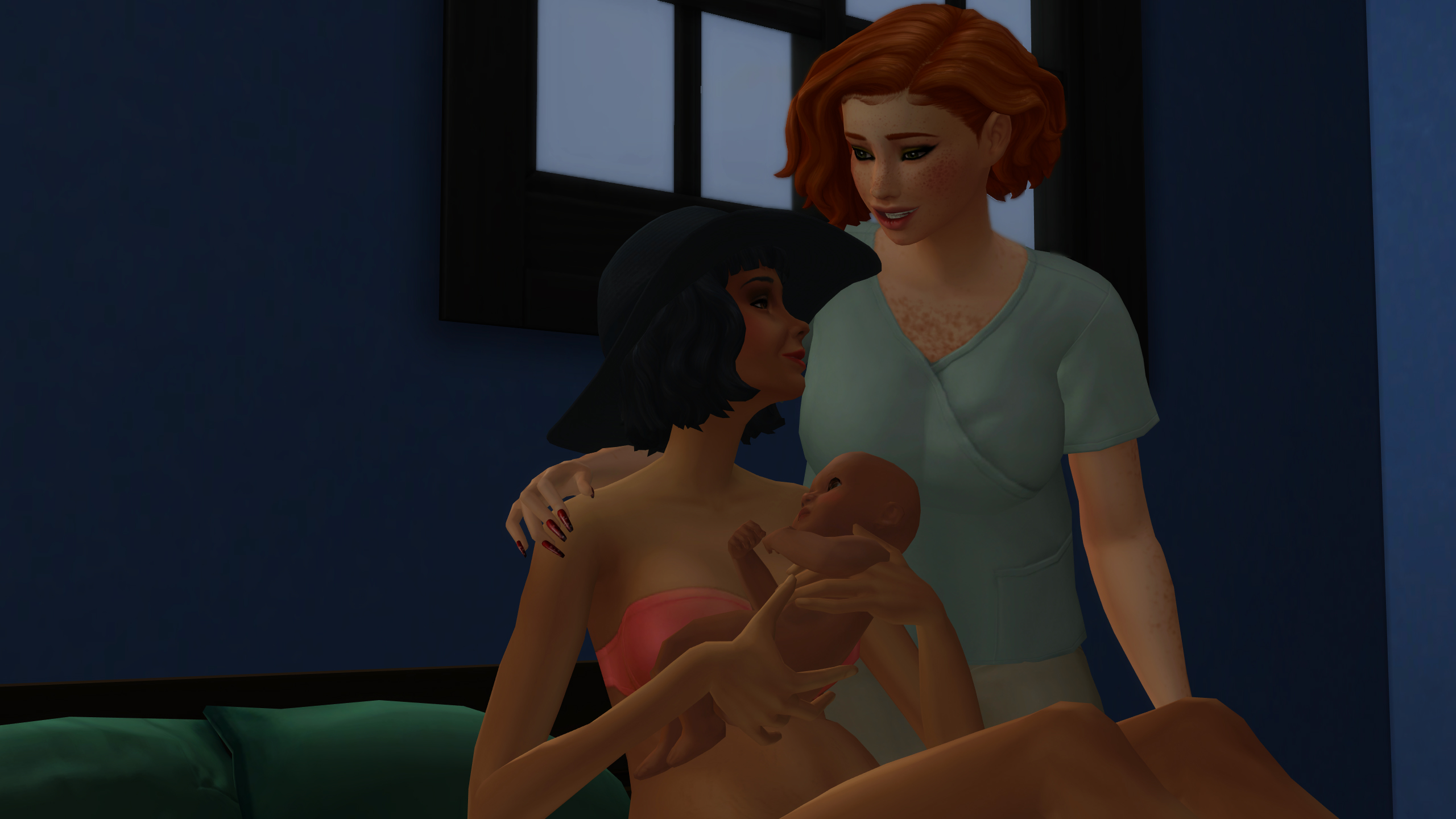
Rate per hour: §300
In-Game Description: You’ve earned the trust to go beyond the hospital. You respond to home births, assess emergencies on the spot, and deliver babies in any setting.
Hours: 9:00AM – 5:00PM
Days Per Week: Monday through Friday
Promotion Requirement: Respond to House Calls

Although Level 5 is the last official promotion in the Midwifery career, continuous progress and good performance will lead to incremental raises, creating an incentive for players to continue playing it as an active career.


Do you play with Pandasama’s Sims 4 Realistic Childbirth Mod, or are you planning to now? Make sure to follow The Sims Community as we discuss all things The Sims and Life Simulation games!
RUMOR: New Details About Single Player Sims Game – Internally Titled “Project X”

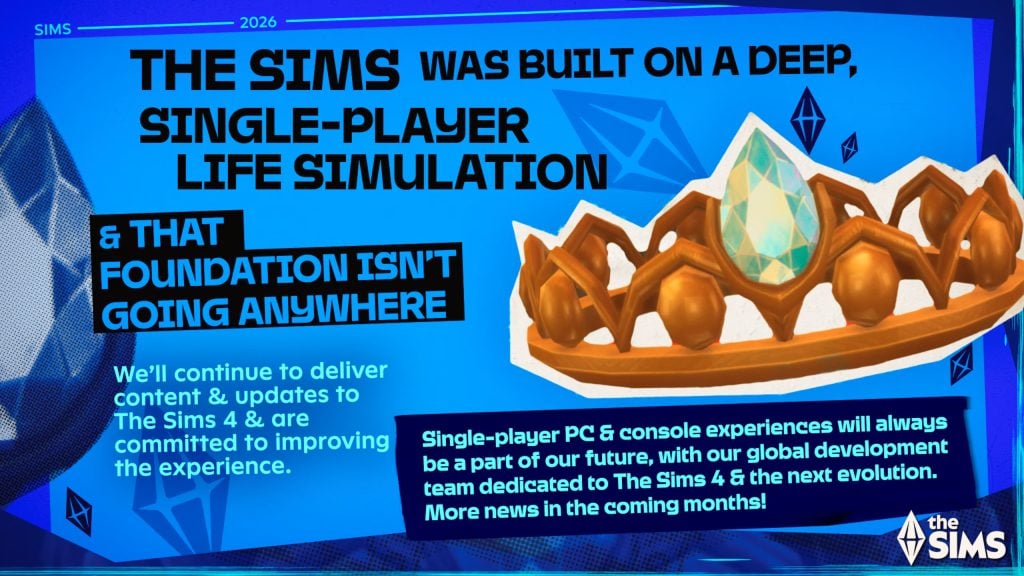
The next iteration of The Sims Single Player is internally titled “Project X” – rumored for a late 2026 release.

ARTICLE UPDATE: “The Sims 4 Remastered” rumor has shifted into rumors of a whole new The Sims Single Player game. Click here to read more!

the sims franchise roadmap 1

Some new unofficial information about the new Sims Base Game coming our way has surfaced online. We’ve given it an unofficial placeholder name as “The Sims 4 Remaster” but there seems to be an official name used internally within the groups of EA development team and playtesters – titled Project X. And that it’s going to be its own seperate thing from The Sims 4, with features and select content being ported right into the game.

The new rumors about Project X contain more of the same type of information that we’ve listed in the first Sims 4 Remastered Rumors summary. Including Open Neighborhoods and better graphics. However, some new details have been spilled by an alleged former EA Firemonkeys employee. Who seems to have intel about the reasons behind this overhaul, features like busier neighborhoods and release information. With alleged confirmation that The Sims 4 as we know will eventually retire.

TS4 E3 Hipsters alt pres hero

New Project X Rumors

According to user gloamingthepain on ATRL, we have alleged intel on what’s true about The Sims 4 Remaster rumors and what’s false. This user claims to have worked with the EA Firemonkeys team and has internal knowledge on some of the development talks between the Maxis studios. Starting with the Project X name which is the only current known name used in internal playtests.

It’s being treated as a seperate game and aspects from The Sims 4 will be carried over. The alleged reason for this switch being made is the fact that quality assurance and development costs have “risen substantially in the last 24 months” for The Sims 4 as developers try to tackle and maintain the complex game code that’s over a decade old now.

TS4 363 FAM SCREENS 02 004 Large

The new version of The Sims Project X allegedly promises to better troubleshoot mod-related issues and be a stabile, new foundation for new releases moving forward.

The Sims Project X is a single player mode within the Project Rene ecosystem. With graphics that resemble the early development images shown during the first Behind The Sims sessions and select content from The Sims 4 that will be included in it.

Here’s what’s been shared by this user – and make sure you treat it as speculation and rumor until proven otherwise!

TALKING

Majority of what is being rumoured is false. 

The single player part of Project Rene is being sold separately, releasing end of next year (at this stage) and is being referred to in playtests as Project X.

Aspects of the Sims 4 are carrying over, but it is a seperate game.

Originally, the single player part of Rene would be included in the full game of  “Project Rene” but they’ve decided to seperate different experiences into seperate games. 

This new game will have more flashy features like Open Neighbourhoods, busier Neighbourhoods (I heard up to 3x busier than Sims 4), better graphics (similar to what we saw of the early Rene content, not the mobile playtests we’ve seen).

the sims 5 preview17

The game however will be more simplistic than Sims 4 in other ways as the single player experience of Rene was never meant to compete with The Sims 4 and was more a simplified single player offering in a game focusing on multiplayer, and to keep the Sims 4 as the flagship single player game. 

However, EA are keen to retire the Sims 4, simply because both QA and development costs have risen substantially in the last 24 months as the game has become complex to keep maintaining while developing new content. 

A main factor of this is many of the bug reports & broken save files are being caused due to mods and custom content, and they want to move on with a game that will have smarter tech that can identify mod related issues easier, as now hundreds of hours of QA for The Sims 4 is being wasted on trying to replicate issues that are mod related and not in the vanilla game. This means the new game will allow them to streamline to get fixes in the game faster, and waste less time trying to replicate and fix bugs that don’t exist in the vanilla game. 

So to compensate for The Sims 4 coming to a close, certain fan favourite features of The Sims 4, as well as planned Sims 4 content will be added to this new game instead.

I have no idea what EA will call this game, but it’s not a Sims 4 remaster and it’s not the Sims 5. 

They may decide to call it The Sims 5 for sake of ease, or maybe stick with The Sims 4 brand in hopes it attracts those players, but either way it’s not a proper sequel. 

It’s the single player mode of Rene being sold a standalone game and will be nowhere near as complex as proper sequel would be. 

I’m sure it will be fun, but I’m sure many will identify where it falls short to The Sims 4, while acknowledging the tech advancements of a new engine and better hardware. 

That’s all I really know as I don’t work at  Firemonkeys anymore & only know info from people who work there who are very focused on Freeplay. 

Also, some extra thoughts (and it’s my opinion not information);

  • I don’t think EA will ever develop a stand alone AAA Sims game ever again. The Sims 4 is super lucrative but requires a lot of effort & money to keep it afloat. The Sims 4 will likely be the last AAA Sims game.
  • As such, I don’t expect this new game to be priced as a AAA game either. 
  • This new single player mode of Rene will likely be the new norm moving forward & being sold seperate to the rest of Rene means if other parts of Rene fail, they’ll have this platform to continue with. And because it’s going to be designed to be more streamlined, it makes it easier to keep going and evolving indefinitely. 


How true are the Project X Rumors?

It’s important to note that anything related to The Sims Project X still hasn’t been verified or officially announced by EA / Maxis team. At the moment we’ve had some internal surveys being published and insider information from various sources.

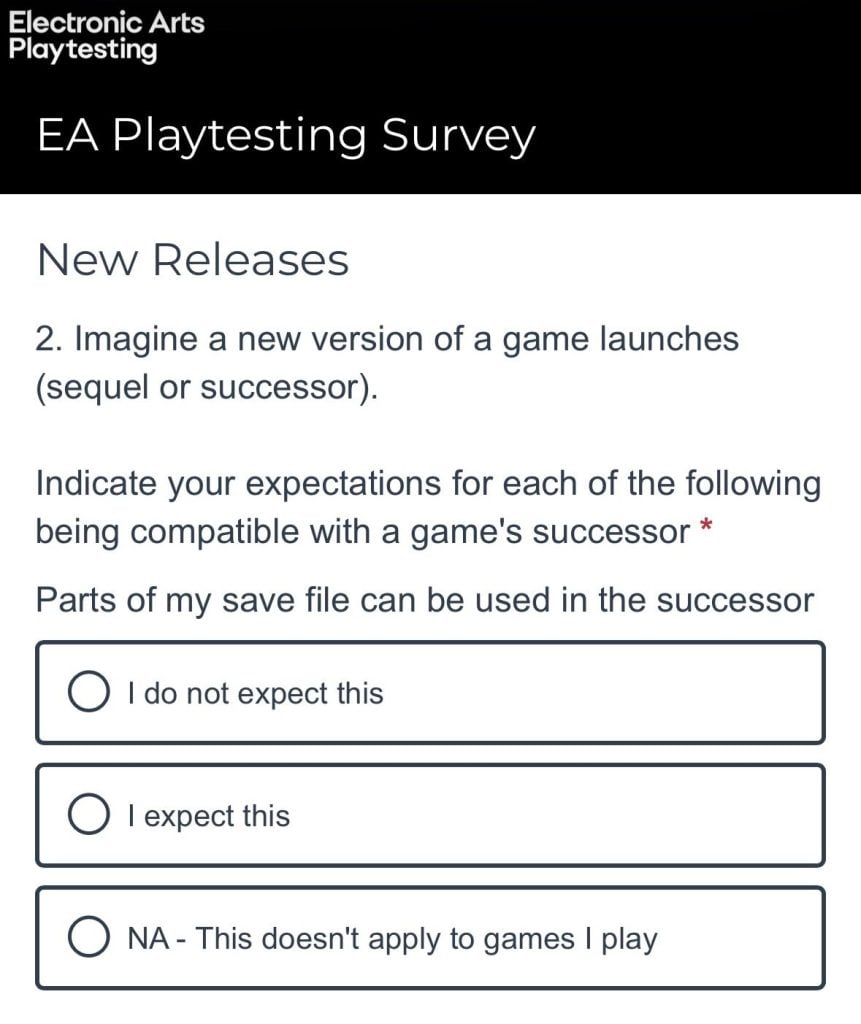
Before we wrote about The Sims 4 Remaster there was even a thread posted on Reddit by an anonymous user claiming to have been a part of The Sims Project X playtest. Allegedly confirming that EA is planning to port over all Packs and DLC content, make save games backwards compatible and more. With talks about a new User Interface as well:

Ok, I can’t stand by and watch everyone talking about The Sims 5 possibilities. I was part of a playtest for the next big Sims release and you have no idea what’s coming.

It’s so bad that I cannot handle being silent on it anymore. It’s been eating me alive. The next big Sims game is going to be The Sims 4 with a more open world, backwards compatibility with saves and packs, and that’s it. The UI is going to look very similar to Fortnite. This is what’s coming. They’re going to recycle The Sims 4 and make small changes and sell it to you again.

That’s all. I just needed to speak out because it’s killing me to stay silent. Throwaway for obvious purposes. I’ve played since The Sims 1 and I can’t watch this go down in good consciousness.

This thread specifically doesn’t validate the truth in all of these Sims Project X Rumors, but too many sources have posted about the new Sims single player platform for us not to take it somewhat seriously.

When is The Sims Project X releasing?

According to the new Project X leaker, the new iteration of The Sims will be releasing late 2026 with the current trajectory that everything’s been going on behind the scenes. The leaker also claims that there’s going to be one more Expansion Pack released (that they’re aware of) being developed by Maxis Europe. So there’s going to be some more content before the alleged release of The Sims Project X:

Question: So I guess those next two expansion packs for Sims 4 that will be released in 2026 will be the final ones?

Source: Basically yes, although I’m only aware of one more Expansion Pack which theme I don’t know. I just know it’s being developed in Europe. 


That’s currently all there is to it when it comes to rumors about The Sims Project X. What are your thoughts on the new information of the next alleged Sims Base Game iteration? Let us know in the comments below and stay tuned on Sims Community for all the latest Sims News!

The Sims 4 Prairie Dreams Creator Kit Coming December 11th

The Sims 4 Prairie Dreams Creator Kit Has Been Announced

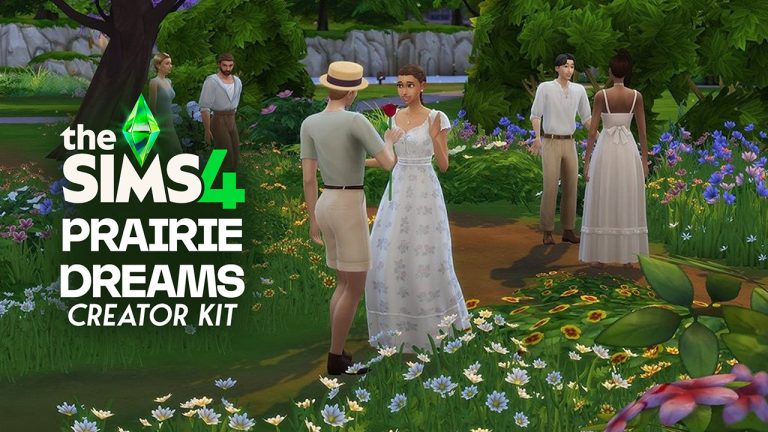
In the patch notes for the latest update for The Sims 4, a new Kit, The Sims 4 Prairie Dreams Creator Kit, has been announced. This Kit is being released in collaboration with CC Creator Miiko (@miiko_CC). Thanks to @lunar_britney and @Kallixer_ on X/Twitter, we had our first look at the Kit, as well as the Kit icon. Kallixer notes that the pack ID (the number given in order of release) is SP81, despite the latest Kit being SP74. Take the first look at the Kit Below!

The Sims 4 Prairie Dreams Creator Kit First Look

clipboard image 1 1763999870830

Mix charming prairie fashion and vintage pieces with The Sims™ 4 Prairie Dreams Kit. From rustic to elegant, these looks bring the romance of the countryside to wherever your Sims live. This kit is all about mixing rustic and vintage fashion for a timeless aesthetic. With pieces like the short overalls, leather boots, daisy jewelry, and lace-trimmed dresses, the soft and dreamy vibes of prairie life can be part of any Sim’s story. Created by Miiko.

Kit Features:

  • Embrace the prairie life – Send your Sims outdoors with rustic outfits that balance practicality and charm. Dress for work in the garden with short overalls, check pattern fabrics and leather boots.
  • Style your Sims for timeless romance – Whether it’s a romantic date or a carefree afternoon under the sun, celebrate love and leisure with vintage outfits, floral patterns and dreamy details.
prariedreamslunarbritney
lunar_britney Via X/Twitter

Prairie Dreams Creator Kit Logo Leak

Thanks to @Kallixer_ on X/Twitter, we have our first look at The Sims 4 Prairie Dreams Creator Kit’s logo. They noted that the Kit numbering does not match the current ordering of packs, likely meaning a release has shifted. Take a look!


What are your thoughts on The Sims 4 Prairie Dreams Creator Kit? Let us know in the comments below, and stay tuned to Sims Community for all the latest on The Sims 4 Kits!

The Sims 4 Deck The Palms Live Event Begins December 16th

The Holidays Are Getting Heated! The Sims 4 Deck The Palms Live Event Is Coming.

Yet another Live Event has hit The Sims 4! This time, Jasmine Holiday is heading around the globe to offer up items to those in warmer climates in The Sims 4 Deck The Palms Live Event. The event is due to run from December 16th 2025, to January 13th 2026 (subject to extension), and in that time, you can earn several new items, including a Crabby Patty recipe. Unlike previous events, this one has items releasing on specific days. Let’s take a look at everything included!

Holiday Event Roadmap

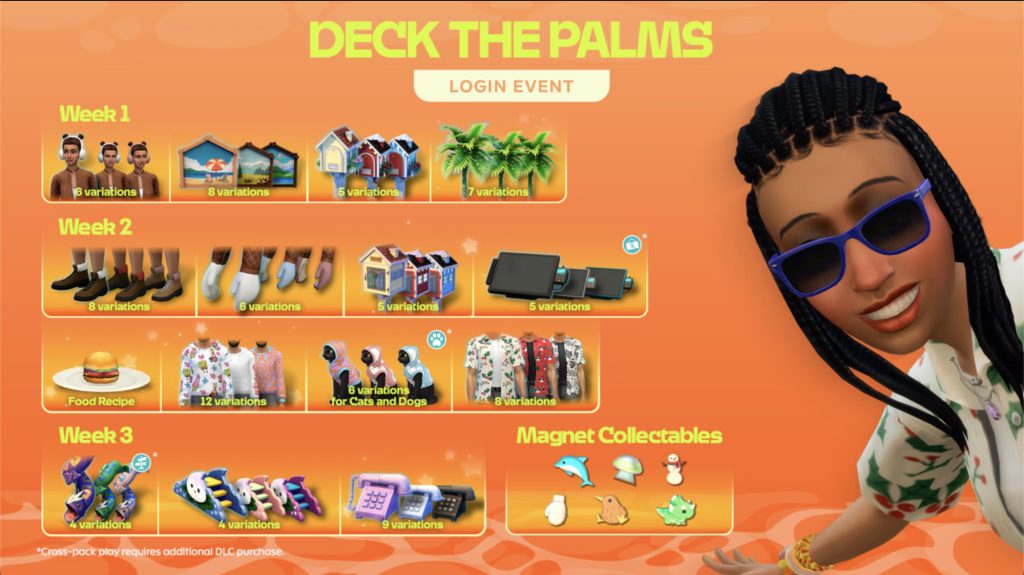
The Sims 4 Deck The Palms Live Event Items

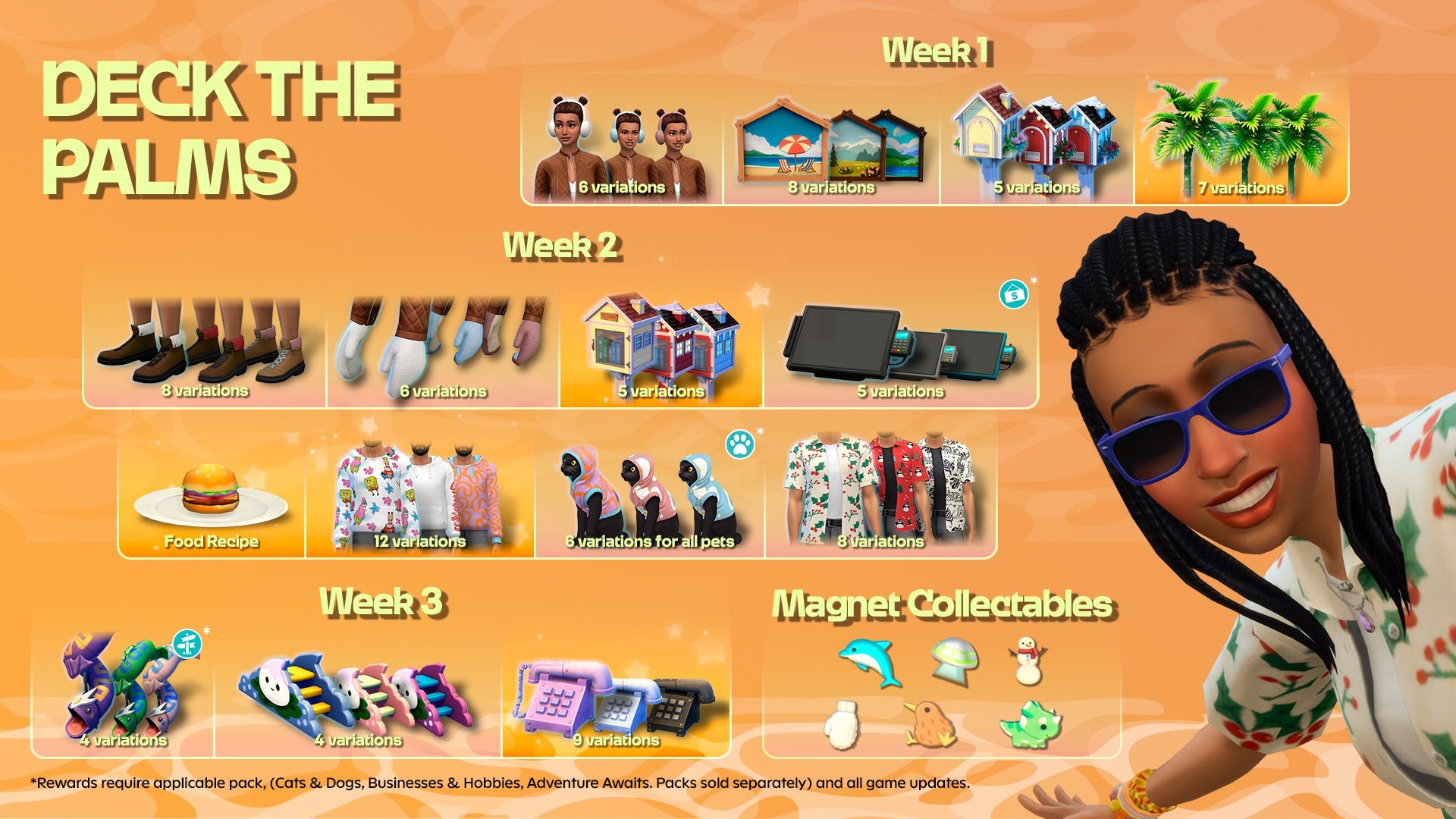
As with previous events, The Sims 4 Deck the Palms Live Event takes place over several weeks, offering players the chance to nab new Create-A-Sim and Build-Buy items through in-game quests. Unlike previous events, the Deck the Plams event takes place over 3 weeks, with players simply receiving the items as surprise drops.
Let’s take a look at what’s included!

ts4 deck the palms article 2

Day 1 (December 16th)

  • Slightly Fuzzy Earmuffs
  • Naturescapes Magnet Board
  • Playful Dolphin Magnet

Day 4 (December 19th)

  • Happy Home Mailbox
  • Festive Fronds Palm Tree

Day 8 (December 24th / Christmas Eve)

  • Slightly Fuzzy Mountain Boots
  • Slightly Fuzzy Mittens
  • Stellar Spaceship Magnet

Day 9 (December 25th / Christmas Day)

  • Littlest Neighbourhood Library
  • Frosty Snowman Magnet

Day 10 (December 26th / Boxing Day)

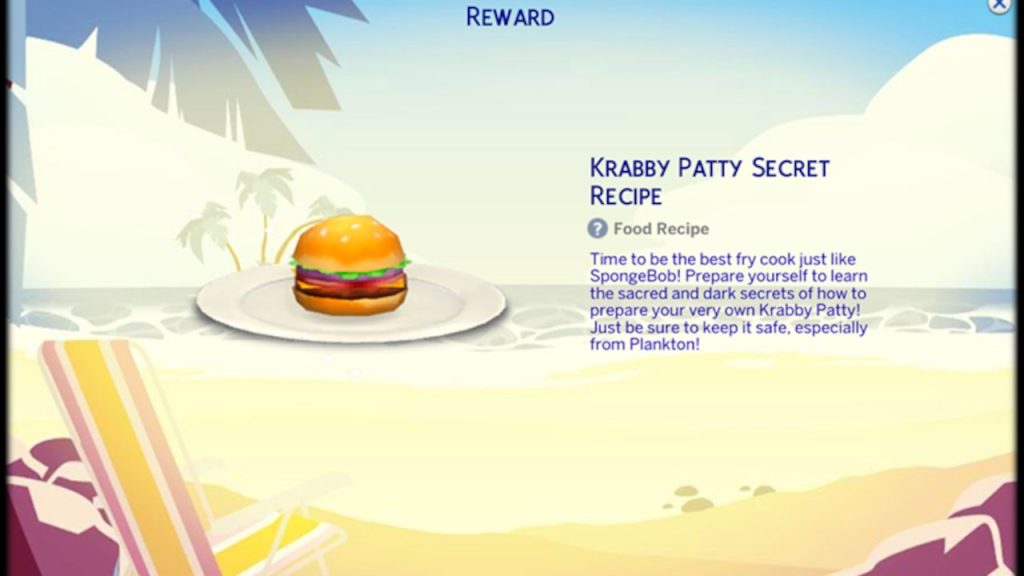
  • Krabby Patty Secret Recipe
  • Serious Business Ticket Machine (Business & Hobby Expansion Pack)

Day 11 (December 27th)

  • Bikini Bottom Hoodie
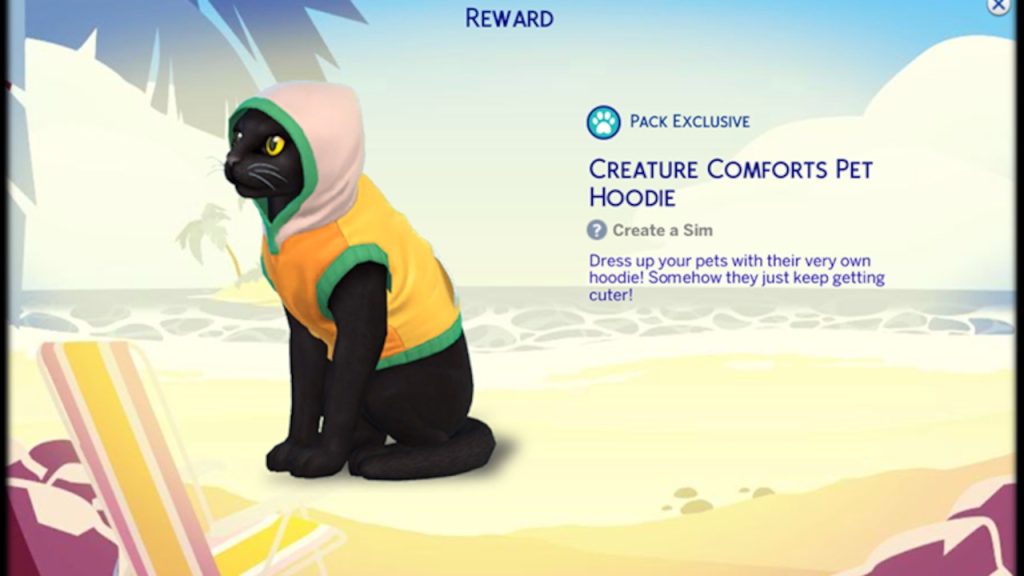
  • Creature Comforts Pet Hoodie (Cats & Dogs Expansion Pack)

Day 12 (December 28th)

  • Holiday in Sulani Button Up
  • Chilly Days Magnet

Day 14 (December 30th)

  • Cutest Kiwi Magnet
  • My Little Void Critter Toddler Slide
  • My Big Voidcritter Child Slide (Adventure Awaits Expansion Pack)

Day 17 (January 2nd)

  • Undersea Phone
  • Pointiest Dino Magnet

Pack Exclusive Rewards

Controversially, this is the first Live Event to feature items that require specific packs to unlock and use. Days 10,11, and 14 require Expansion Packs. The Serious Business Ticket Machine requires Businesses & Hobbies, the Creature Comforts Pet Hoodie requires Cats & Dogs, and My Big Voidcritter Child Slide requires Adventure Awaits. Don’t worry though, as those days also offer something available to those without the required packs/Base Game only.

ts4 deck the palms article 3

TALKING

Official Blog Reveal and Frequently Asked Questions

It’s that time of year again! Jasmine Holiday is back with some fun holiday surprises. This holiday season, she’s traveling the world and sharing festive gifts with her fellow Simmers.  

Don’t miss out on delightful gifts like the Littlest Neighborhood Library and Slightly Fuzzy Earmuffs. Log in to claim these exclusive treasures. This free, limited-time Event kicks off on December 16, 2025 at 9 a.m. PST and ends on January 13, 2026.

Screenshot 2025 12 02 at 19.54.35

As Jasmine globe-trots through the holidays, she’s sending special gifts your way, like palm trees with colorful lights and collectable magnets to add to your board!

All you need to do is log in and check the event page to find out when Jasmine is sending next. Each login helps you unlock rewards along the progress bar.

ts4 deck the palms article 2

Pack Exclusive Rewards

Jasmine has pulled a few special goodies to share during this event like the Creature Comforts Pet Hoodie for cats & dogs (so cute!), perfect for adding more fun stuff to the packs you may already have. 

If you don’t currently own the packs associated with these rewards, don’t worry! The rewards you earn will be there waiting for you in the future if you decide to buy the pack. 

 In Deck the Palms Login Event, Jasmine will send three Pack Exclusive Rewards: 

  • Creature Comforts Pet Hoodie (The Sims 4 Cats & Dogs Expansion Pack)
  • Serious Business Ticket Machine (The Sims 4 Businesses & Hobbies Expansion Pack)
  • My Big Voidcritter Child Slide (The Sims 4 Adventure Awaits Expansion Pack)
ts4 deck the palms article 3

So Many Opportunities for Rewards!

Get ready for more goodies! This new Login Event amps up the festive fun by shifting from weekly reward drops to more frequent surprises. 
And hey, we don’t tell Jasmine Holiday when she can and can’t send gifts, she’s on her holiday! She sends them when she wants to. 

How do you collect all of Jasmine’s gifts?

You’ll find new gifts from Jasmine delivered on specific days. Make sure to check the schedule so you can log-in on these days to claim the rewards. If you start the Event late you will find some rewards already unlocked and ready for you to enjoy, but you will need to log in for a few days to unlock all of these festive surprises. Make sure to log in by January 4th to claim them all. 

It’s the holidays! With all these gifts coming in, your inventory is full and our delivery folks are doing their best to deliver it all in a timely, orderly fashion.  
Logging in on Day 1 of the Event you can claim these new items:

  • Slightly Fuzzy Earmuffs
  • Naturescapes Magnet Board
  • Playful Dolphin Magnet

Unlocks December 19

  • Happy Home Mailbox
  • Festive Fronds Palm Tree

Unlocks December 24

  • Slightly Fuzzy Mountain Boots
  • Slightly Fuzzy Mittens
  • Stellar Spaceship Magnet

Unlocks December 25

  • Littlest Neighborhood Library
  • Frosty Snowman Magnet

Unlocks December 26

  • Krabby Patty Secret Recipe
  • Serious Business Ticket Machine (Business & Hobby Expansion Pack)

Unlocks December 27

  • Bikini Bottom Hoodie
  • Creature Comforts Pet Hoodie

Unlocks December 28

  • Holiday in Sulani Button Up
  • Chilly Days Magnet

Unlocks December 30

  • Cutest Kiwi Magnet
  • My Little Voidcritter Toddler Slide
  • My Big Voidcritter Child Slide (Adventure Awaits Expansion Pack)

Unlocks January 2

  • Undersea Phone
  • Pointiest Dino Magnet

 Event End January 13 

FAQ

Do I need to log in to my EA account?

A: Yes, by logging into your EA account, you save your Event progress and the rewards you earn from this Event to the account. That way, if you ever need to install The Sims 4 again, you simply need to log back in to gain access to your rewards!

What if I log in and don’t see the Event?

A: The Deck the Palms Even starts on December 16, 2025 at 9 AM PST and ends on January 13, 2026 . Rewards must be claimed before 9 AM PST on January 13, 2026 or they will be unavailable.

Please make sure you are online and logged into your EA Account. If you still do not see the Event, you may need to restart The Sims 4 or disable any UI mods you have installed.

Will this Event be available to everyone?

A: Yes! The free Deck the Palms Event will be available to all players from December 16, 2025 to January 13, 2025.
Why am I unable to claim an unlocked reward after logging in?

A: Certain rewards unlock on different days during the event, each new day that you log in while there are unlocked rewards, you will progress to the next set of rewards that are available. For example, if you start the event late, there may be several rewards that are already unlocked, but you will still need to log in daily to redeem new rewards until you are caught up to the current locked rewards. 

Can I still complete the Event if I start late?

A: In order to get all the rewards, you will need to log in on January 4, 2026. Then, you will have access to all the previous weeks’ rewards and earn those rewards every new day that you log in until January 13, 2026.

What are the Pack Exclusive Rewards and how can I earn them?

A: Pack Exclusive Rewards in this Login Event are exclusive items that you can claim if you have the pack that the Reward is tied to. The rewards are:

  • Creature Comforts Pet Hoodie (Cats & Dogs Expansion Pack)
  • Serious Business Ticket Machine (Businesses & Hobbies Expansion Pack)
  • My Big Voidcritter Child Slide (Adventure Awaits Expansion Pack)

What if I don’t own the Expansion Pack?

A: Players need to own the corresponding pack in order to access the rewards. You can claim the reward to your EA account before you own the pack, no worries! It will unlock for you once you have the Pack. 
Is there a time limit on Pack Exclusive Rewards?

A: As long as you claim the reward to your EA account, there is no time limit on access to the reward, including after the Event ends! Once you own the associated pack, you can use the rewards you’ve claimed!
The Sims 4 Deck the Palms Login Event will be available beginning on December 16, 2025 on EA app, Epic Games Store and Steam®, PlayStation®5, PlayStation®4, Xbox Series X|S and Xbox One systems.

The Sims 4 Deck the Palms Login Event requires The Sims 4 base game, available free to download with all game updates. See minimum system requirements for the pack.


What are your thoughts on The Sims 4 Deck the Palms Live Event? Let us know in the comments below, and make sure to stay tuned to Sims Community for all the latest on Live Events.

EA announces two The Sims 4 Spongebob Kits

A new collaboration between The Sims 4 and Spongebob brings two unique Kits your way!

EA has just dropped some first information about the upcoming Kits titled The Sims 4 Spongebob’s House Kit and The Sims 4 Spongebob Kids Room Kit. Done in collaboration between Maxis game studio and Nickelodeon TV network that owns the SpongeBob brand.

The two Kits are expected to drop this week on December 4th, 2025.

We have some first images from this collaboration that you can check out down below:

Official Screens

Teaser Trailer

The Sims Team included a funny teaser trailer in the style of SpongeBob’s animation to announce the two new Kits. See it down below:

First Blog Post

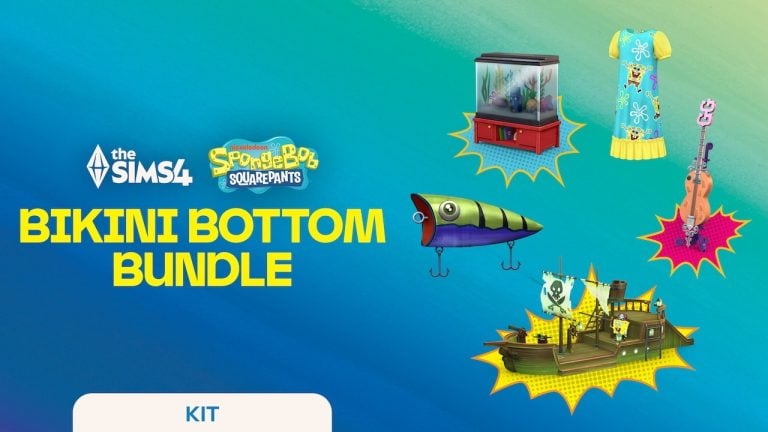
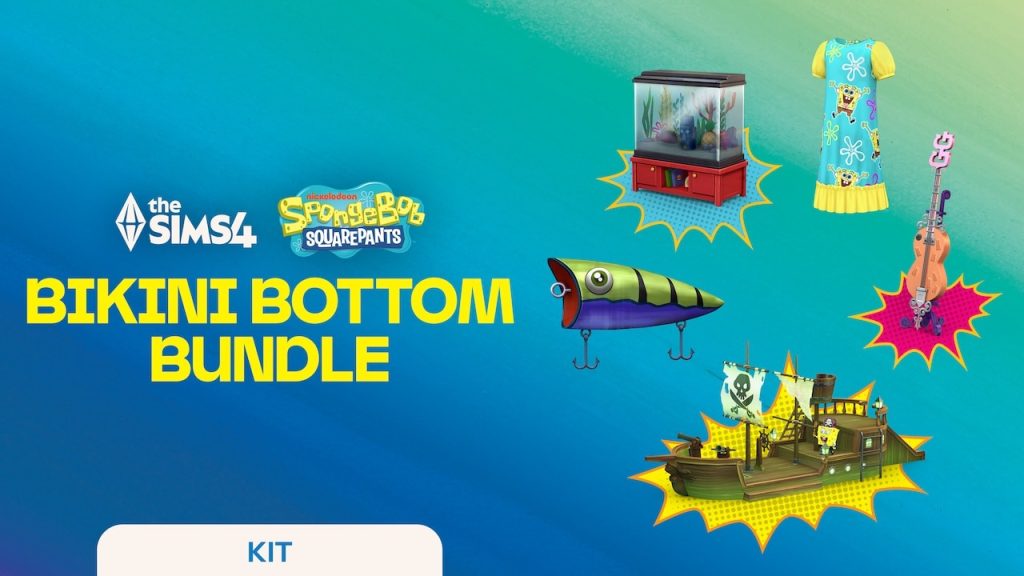
The Sims Team released a new blog post detailing about the release of these two new Kits. Announcing The Sims 4 Bikini Bottom Bundle which will be available for a limited time until March 3rd, 2026. When you’ll be able to get the two Kits for the price of $9.99USD. Each Kit release is priced at 6.99USD seperately, or a price equivalent to your local currency.

bikini bottom splash

Find out more in the official release blog below:

CONVERSATION 2

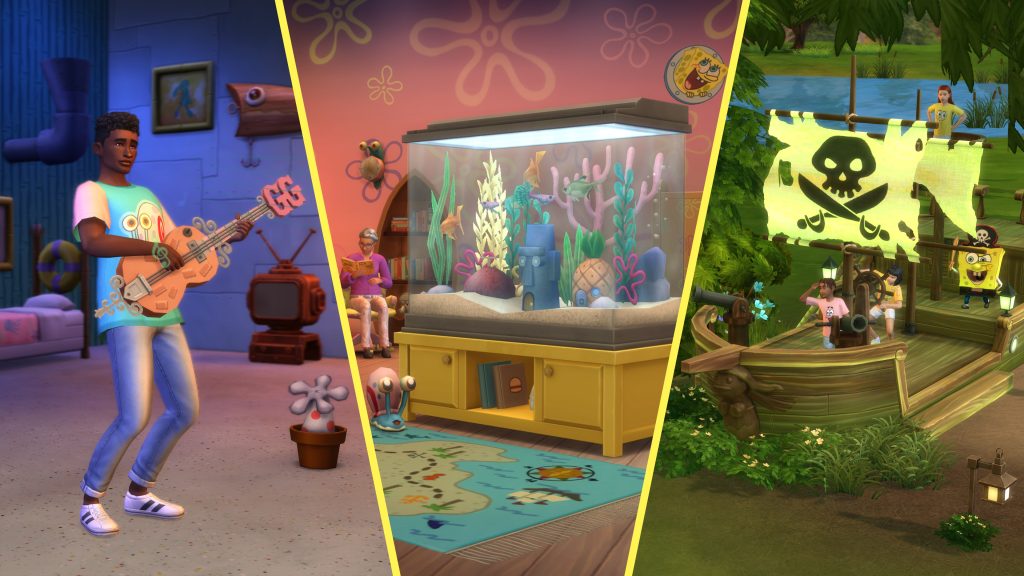
For a limited-time, The Sims 4 Bikini Bottom Bundle will be available until March 3, 2026, offering access to three exclusive items alongside both kits! Host playdates on The Flying Dutchman’s Jungle Gym, jam out on the Goofy Goober Guitar or add quirky fun to your space with the Conch Street Aquarium.

sims 4 spongebob kits5

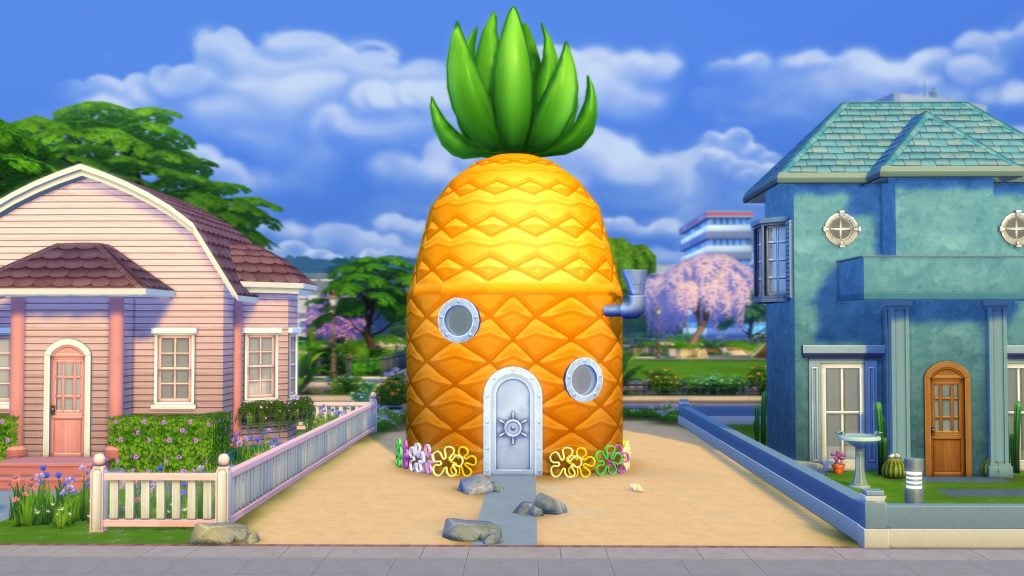
With these Kits, build your own iconic pineapple home, design a SpongeBob-themed room, and add a splash of nautical décor magic to give your Sims’ homes some serious F.U.N.

sims 4 spongebob kits3

Make Every Day the Best Day Ever

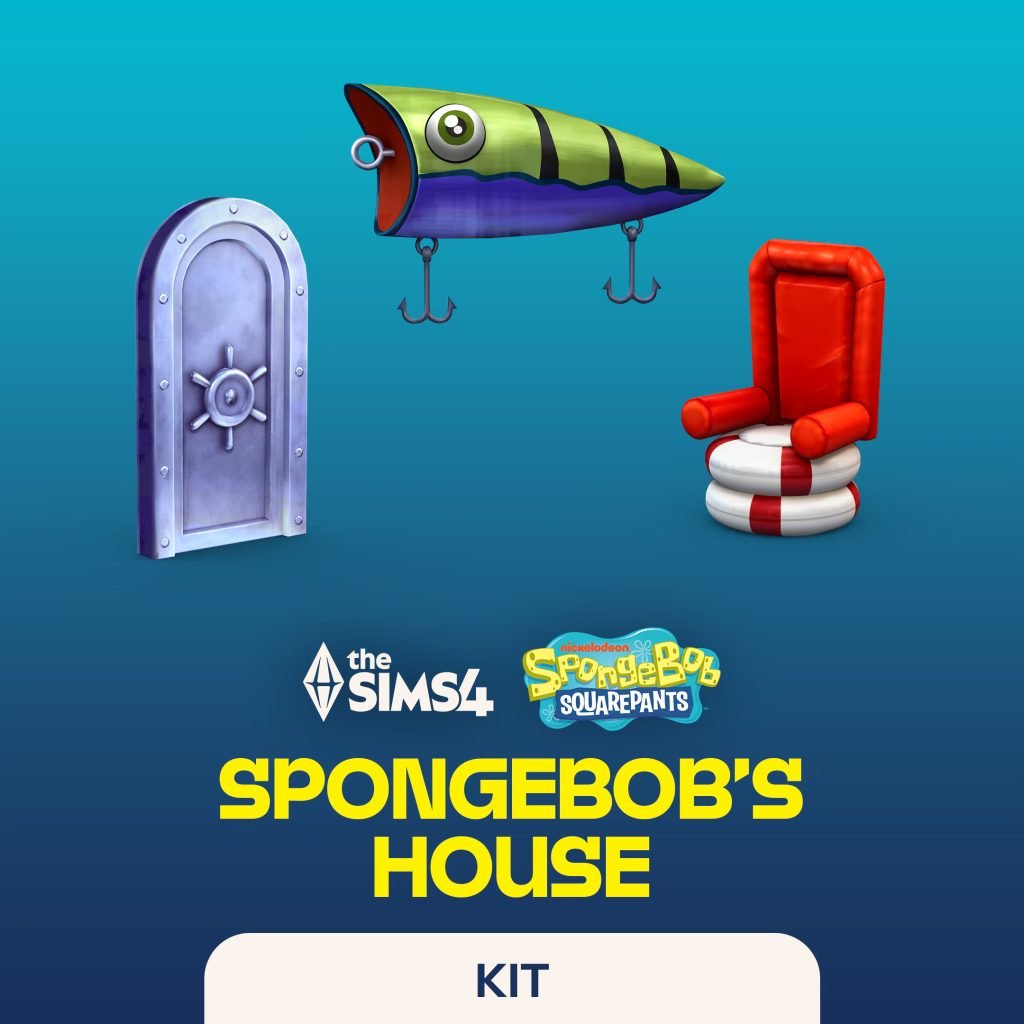
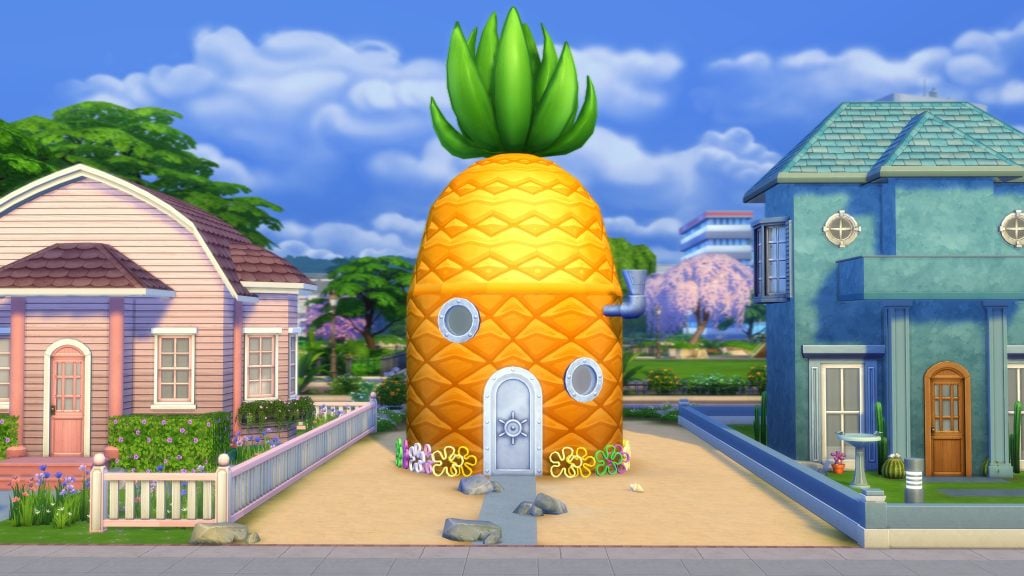
Channel the whimsical spirit of everyone’s favorite underwater fruit home with The Sims 4 SpongeBob’s House Kit. Simmers can create their very own version of 124 Conch Street using Pineapple Under The Sea siding, walls and roofing, crowned with a playful Pineapple Topper. Complete the look with floor tiles and wallpaper swatches like Sturdy Steel Plating walls, Bamboo Block Print, and Sun-Soaked Sand flooring to give any home the ultimate SpongeBob touch. 

A Steel Hatch door, Port-of-Call Porthole Windows, and Brilliant Bubble Vent add the final details to the finest of underwater architecture, designed to withstand even the most persistent Nematodes with rivets aplenty.

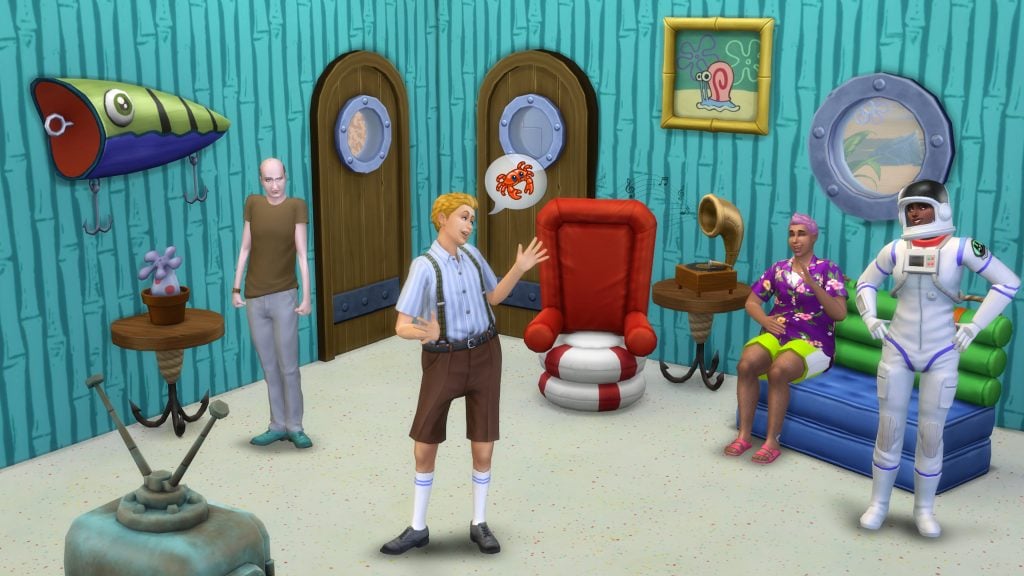
The Sims 4 SpongeBob’s House Kit is filled with whimsical details and iconic furniture that bring Bikini Bottom to life, including:

  • SpongeBob’s Diver Helmet TV: Bring a piece of Bikini Bottom into your Sim’s home with The Diver’s Helmet TV, the iconic TV from SpongeBob’s Pineapple.
  • “Hook, Line, and Sinker” Side Table: A sturdy wooden top supported by playful hooks reminiscent of SpongeBob’s underwater adventures.
  • Foghorn Alarm: A functional alarm clock with VFX and sounds that will ensure your Sims will never be late for a shift at the Krusty Krab!
  • The Legendary Life Raft Chair: A chair made with oceanic charm and cozy cushioning for your Sim’s deepest thoughts.
  • “I’m Ready!” Single Bed: This bed will have your Sim waking up each morning exclaiming, “I’m ready!”
  • All Hail, The Magic Conch!: This conch is your go-to guru!
  • “Going on Strike!” Record Player: This player will spin tunes that echo the energy of Squidward’s leadership and SpongeBob’s unwavering enthusiasm. 
  • Inflatable Loveseat: Whether lounging after a long day of flipping Krabby Patties or planning the next jellyfishing trip, this seat will be your Sims trusty companion.
  • Buccaneer’s Barrel Chair: With a plush red cushion reminiscent of Mr. Krabs’ treasured loot, this chair is sure to make your Sims feel like they are sitting in the captain’s quarters.
  • Privateer Door: Whether flipping Krabby Patties or practicing the best pirate laugh, this door will transport your Sims to a world of endless adventures!

Fry Cook’s Favorite Dining Table: Inspired by the iconic Krusty Krab, this table is perfect for those who dream of flipping Krabby Patties and living a nautical nonsense lifestyle.

sims 4 spongebob kits4

Soak up the fun with SpongeBob-inspired bedroom décor

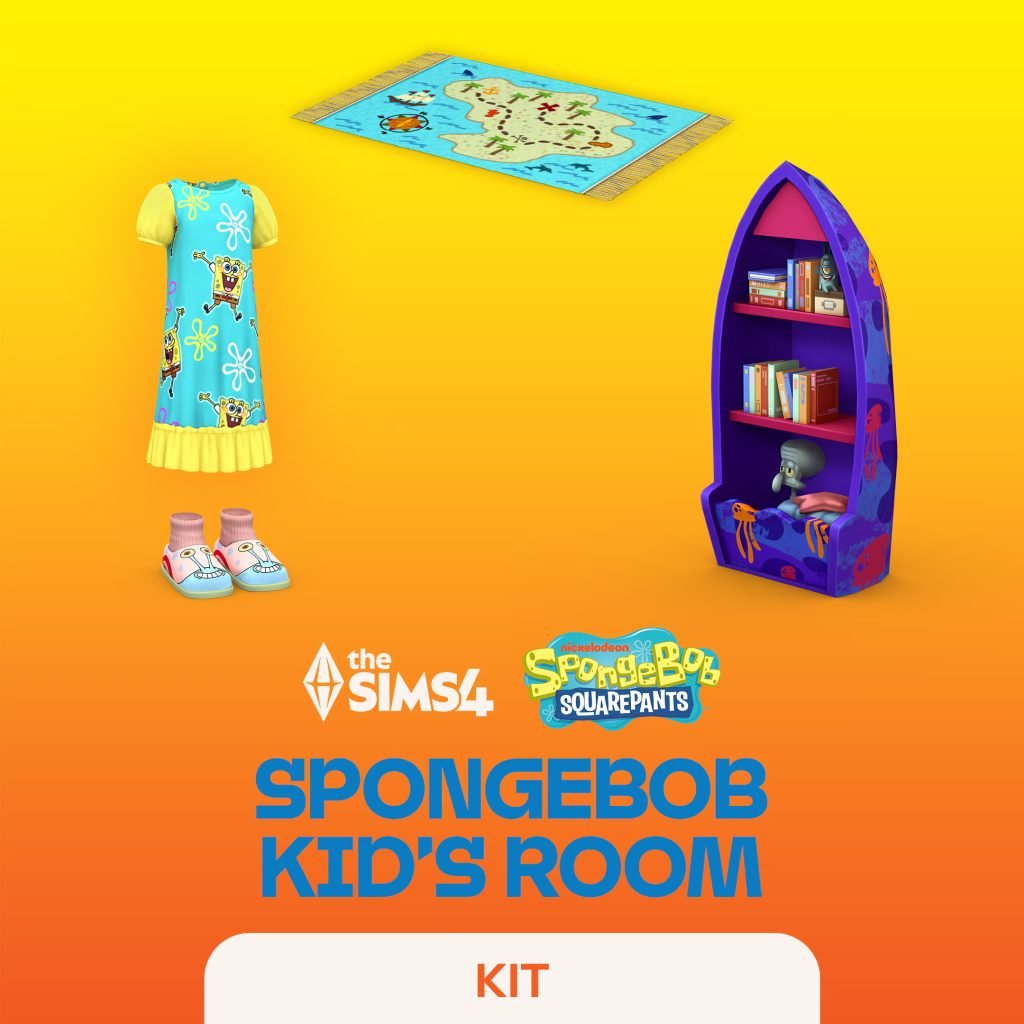
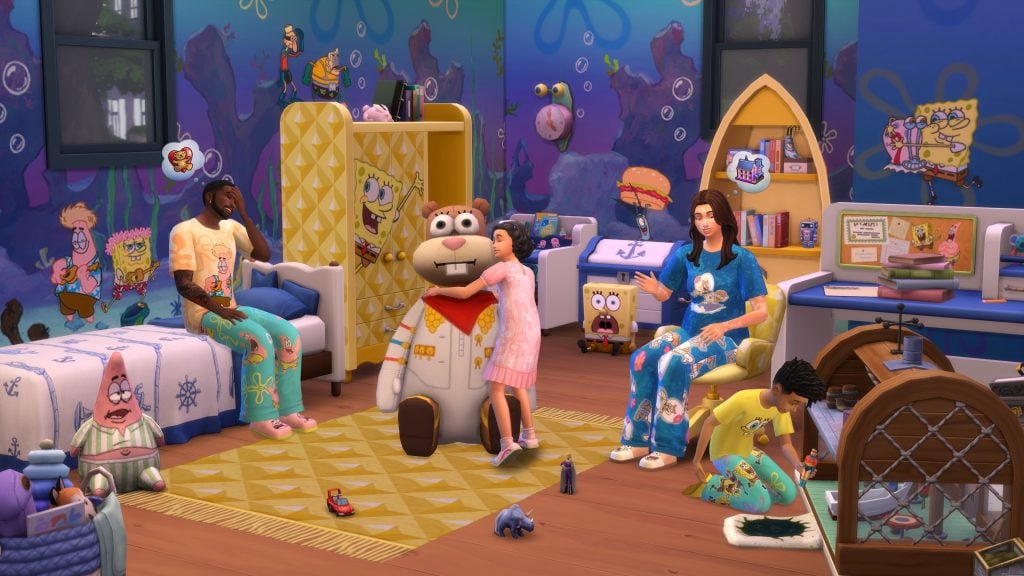
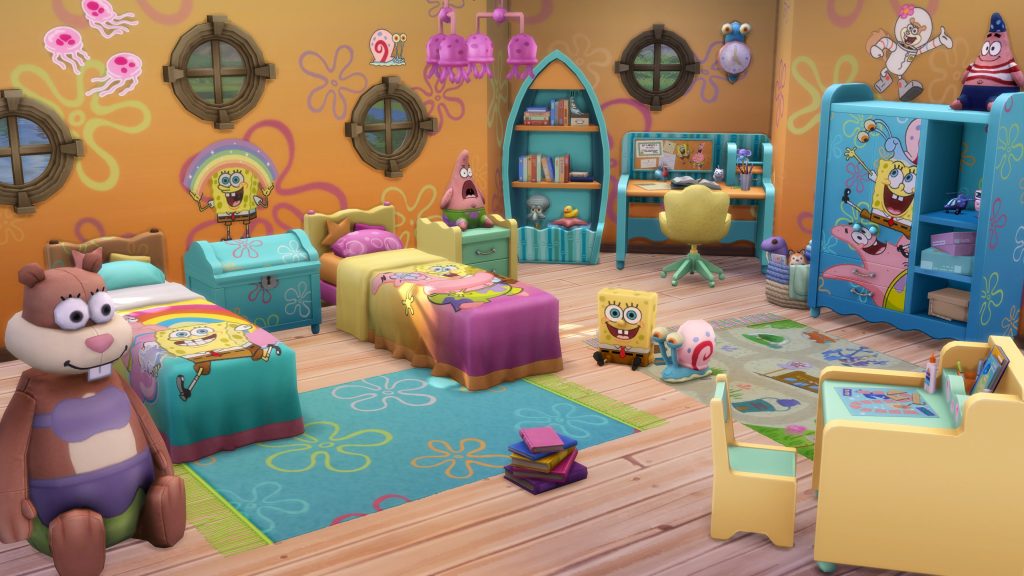
In The Sims 4 SpongeBob Kid’s Room Kit, Simmers can create a littlest fan’s bedroom with SpongeBob-inspired furniture, toys and accessories! From pineapple-patterned pieces to character posters and playful accents straight from Bikini Bottom, even the Krusty Krab gets a visit, with new replica toys sure to soak up the fun.

sims 4 spongebob kits1

Highlights from The Sims 4 SpongeBob Kids Room Kit include:

  • SpongeBob-Themed Bed:  Dive into dreamland with SpongeBob’s signature style.
  • Pineapple-Inspired Study Desk, Activity Table, Nightstand, Dresser and Bookshelf: Bring cheerful Bikini Bottom energy to any room.
  • Clam-Shaped Task Chair: Comfy enough to make Squidward jealous.
  • Gary Wall Clock and The Many Faces of Gary Light: Keep time and shine light with everyone’s favorite snail. 
  • SpongeBob and Patrick Wall Decals: Brighten your Sims’ walls with familiar faces.
  • The Krusty Krab Play Set: Mini replica toy to flip imaginary Krabby Patties and dream of jellyfishing adventures with SpongeBob and Patrick. **

SpongeBob Plushies: Kids will be sure to enjoy plushies of SpongeBob SquarePants, Patrick Star, and Sandy Cheeks

The Sims 4 Bikini Bottom Bundle will be available on December 4, 2025 on PC via EA app, Mac® via Origin, Epic Games Store and Steam®, PlayStation®5, PlayStation®4, Xbox Series X|S and Xbox One systems. The Sims 4 SpongeBob’s House Kit and The Sims 4 SpongeBob Kids Room Kit are available to purchase separately for $6.99 each. The Sims 4 Bikini Bottom Bundle retails for $9.99. Offer ends March 3, 2026.

The Sims 4 SpongeBob’s House Kit and The Sims 4 SpongeBob Kids Room Kit require The Sims 4 base game, available free to download with all game updates. See minimum system requirements for the pack.


What are your thoughts on the new Sims 4 Spongebob Kits coming out December 4th? Let us know in the comments down below and stay tuned for the latest Sims 4 Kits release news!

The Sims 4: New Update! (December 2nd, 2025)

The December 2nd Patch for The Sims 4 has arrived!

Electronic Arts and Maxis have released a brand new The Sims 4 Update across supported platforms; including PC, Mac, Playstation and Xbox supported platforms. The latest game patch fixes over 40 game bugs as reported in the latest Sims 4 Laundry List. With possible new features and improvements added along with it.

Find out what’s been improved and added in the official patch notes below:

The Sims 4 Update Logo

The Commitments to Stability Update

Installing the Latest Sims 4 Update

You can get the latest The Sims 4 Update on the following official launchers and platforms:

  • PC: EA App, Origin, Steam, Epic Games
  • Mac: Origin, Steam
  • Playstation: PS4 and PS5
  • Xbox: Xbox One and Xbox Series X / S

You can download the latest Sims 4 Update by checking for a Patch through the EA App, Steam or Epic Games launcher for Desktop. If you have Automatic Updates enabled the update will automatically download through your client program. In case your EA App is not working properly ensure you’ve cleared your app cache!

If you play The Sims 4 on Xbox Series X / S and Playstation 4 and 5 you can request a new update by checking for updates under The Sims 4 game in the Main Menu. If you’ve enabled automatic updates the Patch should download right away.

The Sims 4 Update

Official Sims 4 Patch Notes

Update: 12/2/2025
PC: 1.120.117.1030 / Mac: 1.120.117.1230
Console: Version 2.25

Sul Sul Simmers!

This update brings a variety of top community reported bug fixes and improvements across the base game, plus new furniture swatches and quality-of-life fixes for your Sims. We’re also excited to announce a new Creator Kit coming soon called Prairie Dreams by Miiko! Read below for one more exciting update coming to The Sims 4.

Happy Simming!

-The Sims 4 Team

What’s New?

Upcoming Kits

The Sims 4 SpongeBob’s House Kit and The Sims 4 SpongeBob Kids Room Kit will be available for purchase on December 4, 2025.

The Sims 4 Bikini Bottom Bundle, featuring both kits and three exclusive SpongeBob SquarePants items: the Goofy Goober Guitar, Conch Street Aquarium and The Flying Dutchman’s Jungle Gym. Please note, in order to receive these exclusive items, you must purchase The Bikini Bottom Bundle. The bundle is available December 4, 2025 through March 3, 2026. 

Upcoming Creator Kit

Our work with incredible community creators continues with a new Creator Kit collaboration. Coming this month: Prairie Dreams by Miiko, arriving on December 11, 2025.

clipboard image 1 1763999870830

Bug Fixes

It wouldn’t be the patch notes without a few bug fixes! The following fixes are part of our continued commitment to regularly fix top voted community issues. Today we’re shipping improvements to smooth out unexpected behaviors, tidy up some long-standing quirks, and keep your Sims running just a bit more predictably. Thanks for all of your continued reports; your feedback is instrumental to our work. 

Base Game

  • [EA Forums] Child, Teen, Young Adult, Adult, and Elder Sims will once again no longer have clothing visible under their privacy mosaic. However, the cause of the issue is different for other ages, and we’re still investigating those instances to hopefully fix in an upcoming update.
  • [EA Forums] The Nature Soundscapes radio station will no longer wake up Sims when they listen to it while sleeping.
  • [EA Forums] Teens will retain their active Aspiration (so long as it is not a ‘Teen-specific’ Aspiration)  when they age up into a Young Adult.
  • [EA Forums] The Arrrmed Living Chair had a duplicate color swatch. We didn’t want to remove a swatch, because that might break existing builds, so we decided to change one of those swatches to be a new variant. When choosing what color to go with, the artist thought this piece of furniture might nicely match some of the Enchanted by Nature furniture in style. But it felt odd to add just one swatch, so we added an additional two other variants, but then realized the Arrrmed Living Chair was part of a set, and we probably wanted those three new variants to match other pieces of furniture from Base Game—takes a breath—so in total there are at total of 27 new free swatches (9 objects with three new variants each). Here’s a list of the updated furniture pieces. Enjoy! (We know Princess Cordelia would!)
    • Arrrmed Living Chair
    • Deep Delight Living Chair
    • Cuttlefish Love Seat
    • Cuttlefish Sofa
    • Arrrmed Dining Chair
    • Captain Rodrigo de Pablo Dining Chair
    • Arrrmless Dining Chair
    • Cephalopod Bar Stool with Back Support
    • Cephalopod Bar Stool
clipboard image 3 1764000050613
  • [EA Forums] The Main Menu will no longer show “WWWWWW” when there isn’t an active Household to display on the Main Menu.
  • [EA Forums] Sims will once again change into their outfits in front of Toddler Sims.
  • [EA Forums] We fixed an issue where Moodlets and Quirk notifications could occur for a Young Adult Sim.
  • [EA Forums] We fixed some texture issues with the IndustryMatters Brick Facade with Wood Trim wallpaper when applied to wall corners for two of the wallpaper’s variants.
  • Sims without the Horse Ranch Expansion Pack were able to get a Fear of Horses, but this can no longer happen.
  • Good and Evil Sims will no longer mourn excessively at gravestones.

Multiple Packs

  • [EA Forums] We fixed an instance of Save Corruption that was resulting in Error Code 109:4fe45107:239aa048. In the save we received, there was a Clone Sim that had a Household status set incorrectly in our code. We fixed it so if a Household is in this state it will no longer crash the game upon trying to load the game. If this error happens in other ways, new save files shared with us will be beneficial in uncovering the cause. (Business & Hobbies, Get to Work)
  • [EA Forums] We fixed an issue where sand sculptures were auto-generating on beaches when it rained a lot. This is still occurring if the Weather Machine is used by the player, but we have a fix planned for that instance in an upcoming patch. (Island Living, Seasons)
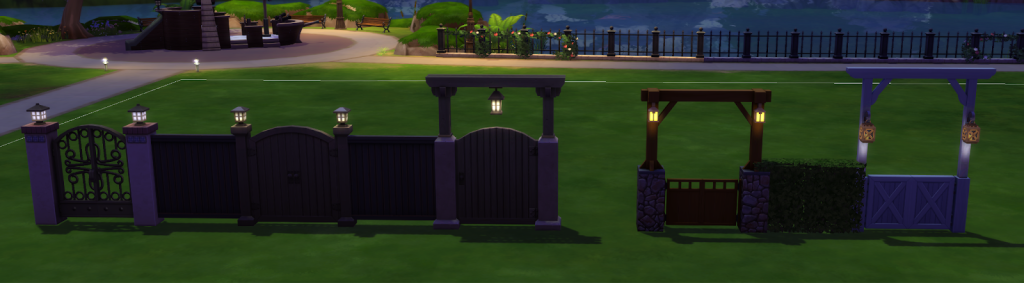
  • [EA Forums] We made a change that allows gates with lanterns to have the lanterns light up the area around them. This should now work for the following gates:
    • Spanish Inquisition (Base Game)
    • Woodn’t You Like to Know (Base Game)
    • Maiden’s Gate (Base Game)
    • Barn Door Double (Cats & Dogs)
    • Cozy Craftsman Gate (Seasons)
clipboard image 5 1764000113406
  • [EA Forums] Sims who dislike Mischief or Singing will no longer autonomously do mischievous behaviors or sing. (Base Game, City Living)
  • [EA Forums] The Police Station, Foxbury Commons, and other work computers are now fixable after they’ve broken. (Get to Work, University, and More)
  • [EA Forums] The Tomarani Introduction will now fulfill the Greet Co-Worker task in the Doctor Career. (Get to Work, For Rent)
  • Fixed an issue with Temporary Stays where certain Sims couldn’t be invited to stay over from a Residential Rental lot. (Growing Together)

City Living

  • [EA Forums] Sims in the Social Media Career will now automatically meet their Coworkers so that they can perform certain Work From Home tasks. This fix will only occur on fresh saves.

Cats & Dogs

  • [EA Forums] We fixed a situation where it looked like you couldn’t have more than 7 Sims in a Household. This was because the Household had an empty Sim slot “reserved” for an “Adopt a Cat” story arc that the player couldn’t know was happening in the background. This story arc will now just wait until there is an available household slot and not prevent the addition of new members to the Household in the meantime.
  • [EA Forums] We added timing restrictions on how often a Pet can autonomously explore the PooHoo Bush to every 3 days. Doing this causes them to get sick and it was previously happening too frequently.
  • Sims will no longer receive a text from their Pet about missing curfew. 

Seasons

  • [EA Forums] Sims are now able to travel between World/Lots without the Seasons screen popping up.
  • [EA Forums] Children and Teens can now donate on a Computer when in the Scouts Afterschool Activity.

Get Famous

  • The “Attend Drama Club” interaction is now available as a Self-interaction and on other Household members when a Teen Sim is at max level in Drama Club and has left for rehearsal. This interaction will remain for 1 hour 30 minutes (in-game time) afterwards to allow the player time to select it.

Cottage Living

  • Added a shadow to the Cottage Living pack icon.

High School Years

  • [EA Forums] The Corndog food object is no longer using a block model (which appeared as invisible in Live Mode). This also fixes the related issue where it didn’t appear in preview UI images.

Growing Together

  • [EA Forums] We rebalanced the Mental Fog Moodlet to appear after 3-4 days of running the Work Hard career tone. It used to appear after 1-2 days of doing this.

For Rent

  • [EA Forums] Lines will no longer appear on Sims’ arms while wearing either the shirts (yfTop_EP15StackedPocketShirt or ymTop_EP15StackedPocketShirt) if nails are also equipped.

Lovestruck

  • [EA Forums] Male Gallery Sims will no longer have high-pitched voices. Their correct voice tone will be used. This fix is not retroactive and will only affect future saves going forward.

Life & Death

  • [EA Forums] Made progress on Children being taken away despite not being neglected. More investigation is required before we mark this one as fully resolved.
  • [EA Forums] House Parties and Spooky Parties have been added as viable options for the Bucket List goal “I want to throw the most bizarre costume party of all time!”
  • [EA Forums] Ghost Sims will no longer appear as a regular, living Sims while in the Reaper Career attempting to collect souls.
  • [EA Forums] The Mentor Coworker interaction is available on a Co-Worker while they are performing “Practice Reaping” on the training dummy.
  • The “Ingest Ambrosia” interaction is now available to Ghost Sims in the Reaper Career.

Businesses & Hobbies

  • [EA Forums] We fixed an instance of Save Corruption that was resulting in Error code: 123:b378c837: In this Save, a Sim was dead, a ghost, and min LOD (Not actively engaged with by the player), which was causing some code around Small Business careers to crash the game on load. We made it so that if a Sim is referenced in this situation the game will not crash when trying to load.
  • [EA Forums] The Stucko’s Top Stucco Wallpaper now extends fully to the floor when applied.
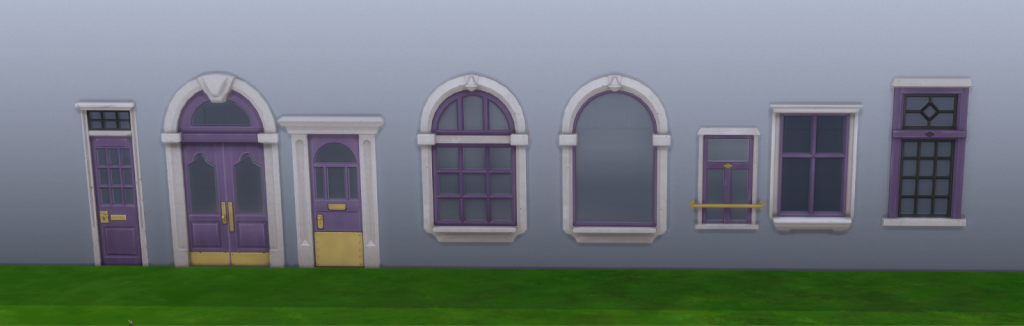
  • [EA Forums] We added a missing purple variant color swatch to 8 doors and windows.
    • Lang’s Door
    • Double Arched Nordhaven-Style Door
    • Single Nordhaven-Style Door
    • Arched Nordhaven-Style Window
    • Nordhaven-Style Portal Window
    • Nordhaven-Style Cottage Window
    • Nordhaven-Style Window
    • Nordhaven-Style Glass Block Window
clipboard image 6 1764000134302

Adventure Awaits

  • [EA Forums] Pre-made Custom venues will now display and execute their pre-made schedules. This means when you load into a pre-made Custom Venue, you will now see the proper schedules and gameplay. This was previously only working on our internal builds due to some code that needed changes. This is fixed in existing saves so long as the venue’s schedule hasn’t been edited already by the player. This doesn’t fully address the EA Forums thread, which mentions “Custom Venues not saving roles” but makes substantial progress towards the goal of fixing it fully.
  • [EA Forums] The jacket (cfTop_EP20PulloverLayered) is now tagged as a Masculine style choice option.
  • [EA Forums] All Adventure Awaits Toddler and Child hairstyles are now visible if you remove the Masculine/Feminine Style choice filters.
  • The Gran Gran’s Flannel Curtain rods were using a different shader than the curtain set, but we’ve updated them to use the same shader. This was done on purpose since curtains and solid objects use different shaders, but in this case, it caused a difference in some lighting scenarios which made the objects look like they were different colors.
  • The jacket (ymTop_EP20FleeceCurve) was missing fashion choice tags. These have been added.

Vampires

  • Non-Vampire Sims will no longer autonomously eat Plasma Fruit Salad.

Realm of Magic

  • [EA Forums] All variant textures display the logo of the bottle properly on the Classic Apothecary Cabinet.

My Wedding Stories

  • [EA Forums] We fixed an issue where the “Exchange Vows” interaction could become greyed out on the Wedding Arch even though the necessary Sims were present for the ceremony.

Paranormal

  • The Terrified and Scared Emotions are now available in Sim Stats.

Greenhouse Haven

  • The AirCycler fan will no longer disappear when viewed from a different floor than the floor the player is currently on.

Autumn Apparel

  • [EA Forums] Fingernails will no longer clip through the gloves (yfAcc_GlovesSP69Leather asset).

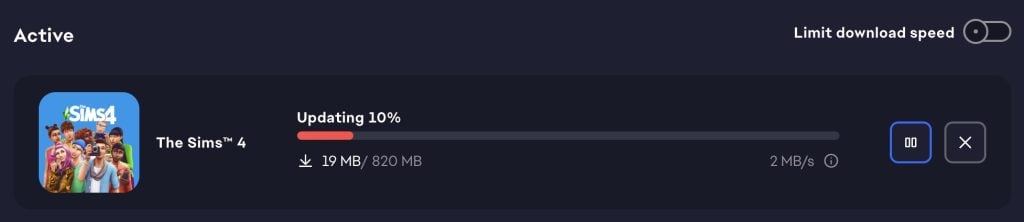
The update is around 820MB on PC / Mac.

Screenshot 2025 12 02 at 19.02.48
Screenshot

What’s your experience with the latest Sims 4 Update so far? Let us know in the comments below and stay tuned for more Sims 4 News right here on Sims Community!

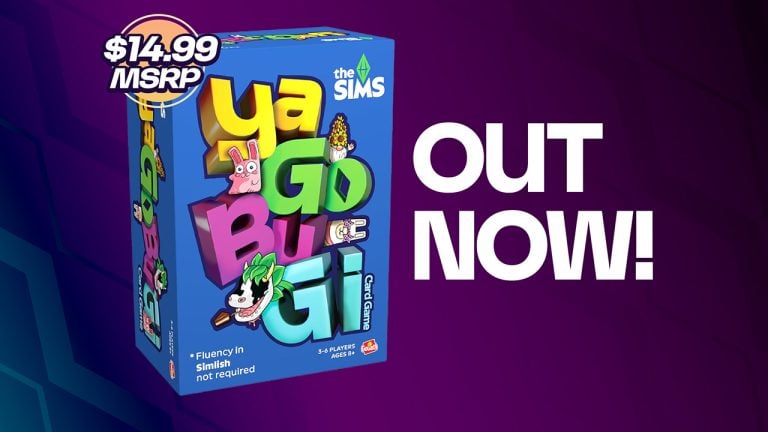
The Sims Card Game YaGoBuGi Now Available

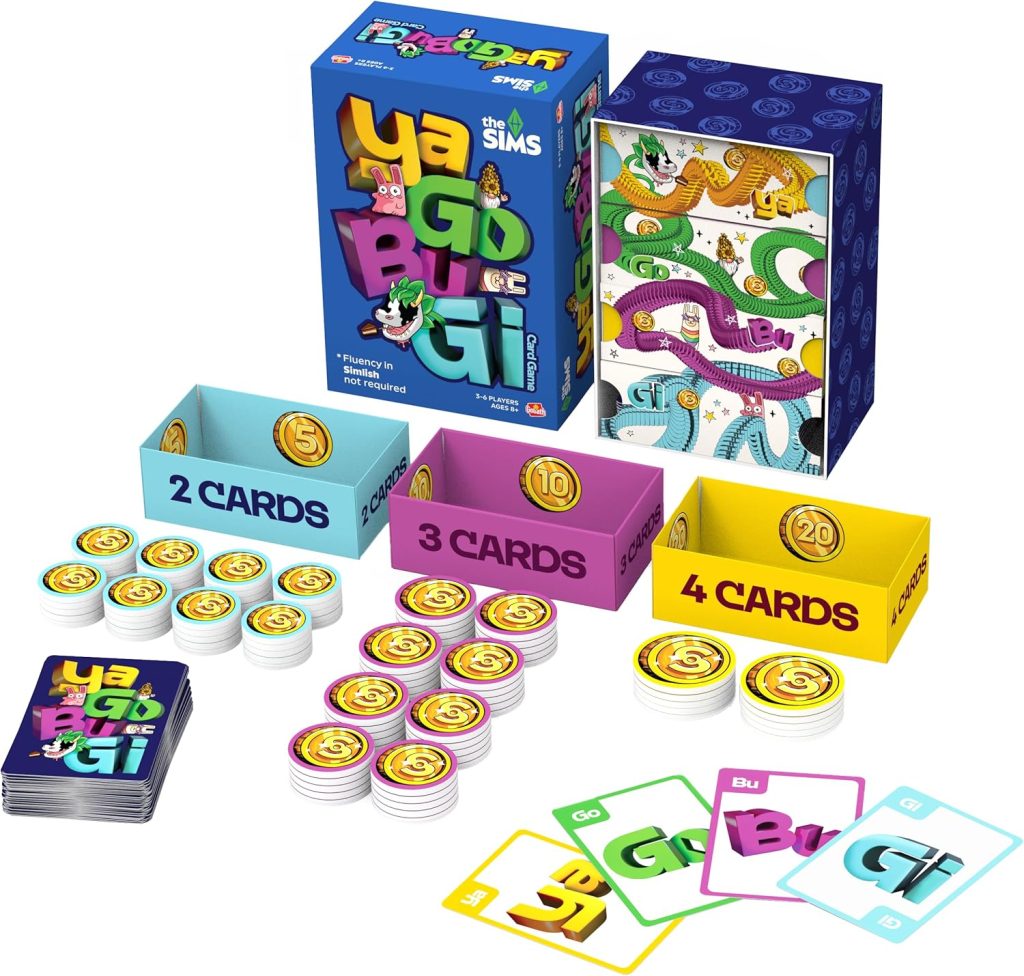
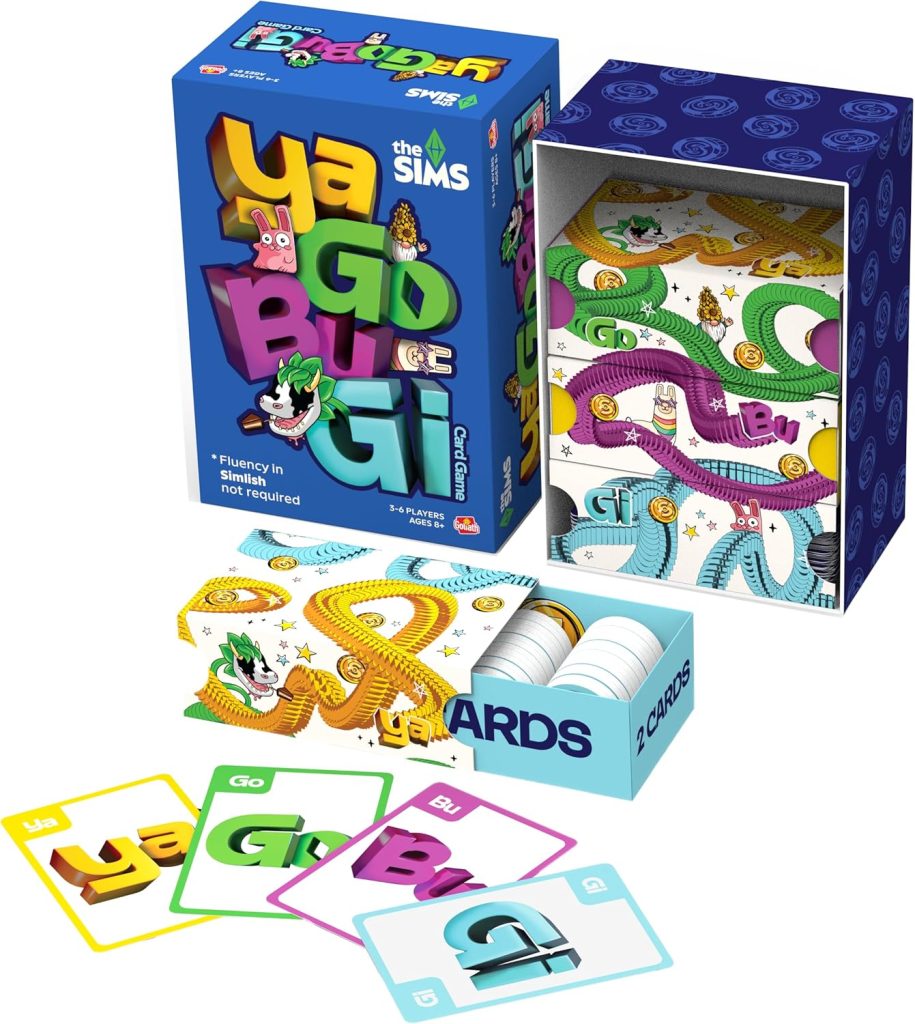
The Sims Card Game YaGoBuGi pieces

Announced a little over a month ago–The Sims Card Game YaGoBuGi has officially released! Quite a surprising launch as The Sims Board Game just launched this past July. It’s starting to seem like EA and The Sims Team are beginning to pump out tabletop games as quickly as they pump out expansion packs for The Sims 4.

I digress, read on for more information about this brand new The Sims card game.

The Sims Card Game YaGoBuGi!

What Is It?

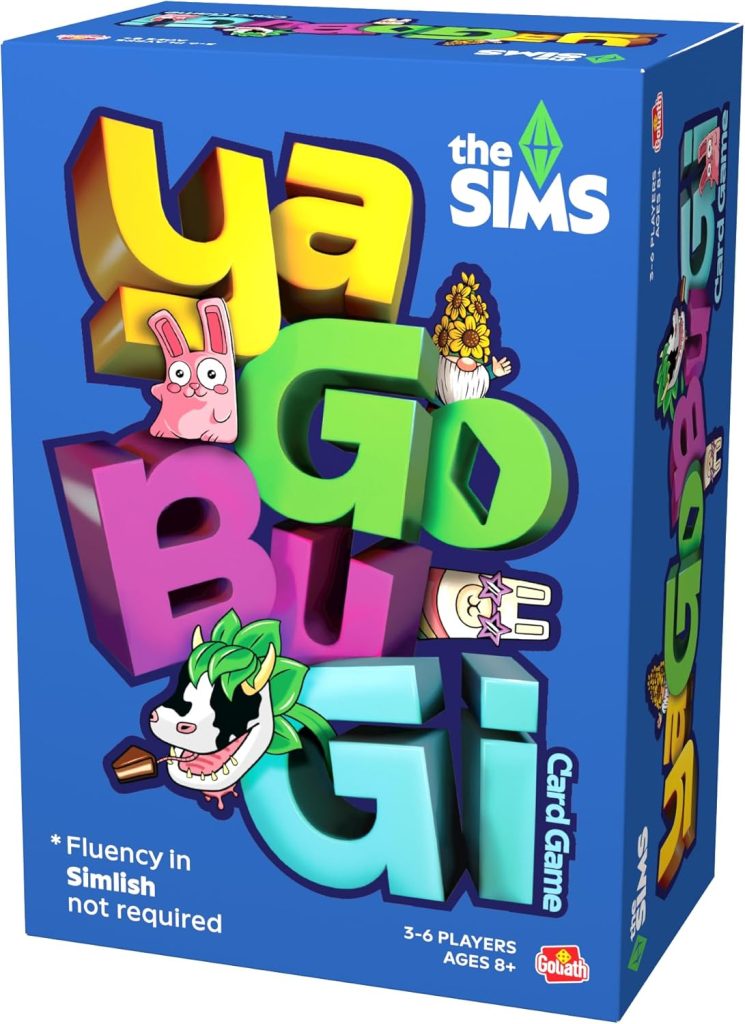
The Sims Card Game YaGoBuGi is a party game for 3-6 players ages 8 and up. The cover specifically states “Fluency in Simlish not required,” which shows knowledge of The Sims series is not necessary to play the game. This makes it more accessible to all potential players.

The Sims Card Game YaGoBuGi box cover

YaGoBuGi is published by Goliath Games, a game company with an extensive catalog. They also published the previously mentioned The Sims Board Game.

Details on the game itself are quite sparse because, as of EA’s release announcement, there isn’t an official product page for the game on EA’s website or Goliath Games’s website. At this point in time, all release announcements for the game point to the Amazon sale page which is quite vague with the description.

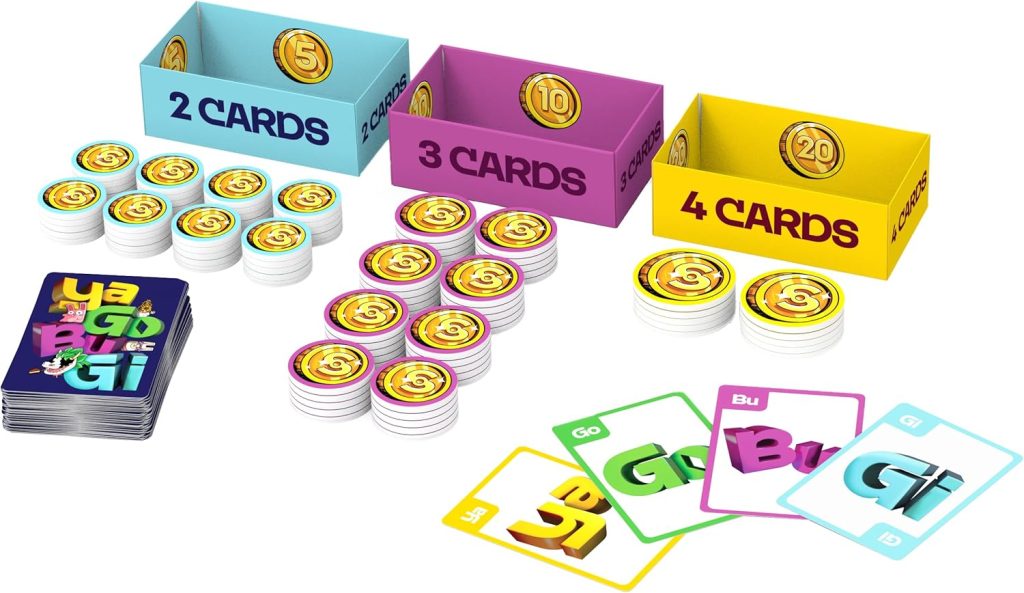
What’s in the Box

  • 120 Cards 
  • 40x Small Simoleon Tokens 
  • 40x Medium Simoleon Tokens 
  • 10x Large Simoleon Tokens 
  • Complete Instructions
The Sims Card Game YaGoBuGi components

Rules

I want to start off by saying I’m a pretty big board game nerd. I’ve played hundreds of different games and I am always teaching my friends new ones. Some of my favorite titles are Everdell, Quacks, Unfair, and Hot Streak, if you’re curious.

Long story short, I’m not new to board or card games. It takes a lot for game rules to confuse me.

Having said that, I cannot figure out what the rules of the game are based on the Amazon description listed below.

  • SIMLISH, THE OFFICIAL LANGUAGE OF THE SIMS: Speak it, shout it, match it in a fast-paced, fun game that feels like a Simlish conversation gone delightfully off the rails 
  • MATCH AND COLLECT: Draw your Ya-Go-Bu-Gi cards, build words of 2, 3, or 4 syllables, and say them out loud. Match your phrase with another player to earn Simoleons. 
  • USE MULTIPLE SKILLS: Mix, match, negotiate, and yap your heart out as you play. The longer the matched phrase, the bigger the stack of Simoleons. 
  • ENDLESS LAUGHS: No two rounds ever sound the same. Easy to learn, endlessly replayable, and guaranteed to spark giggles.

It by no means sounds difficult, I’m just struggling to figure out where the GAME aspect comes into play. You draw cards. You swap cards. You somehow decide when to play cards as a made up Simlish word and if you match with someone else, you get simoleons based on the length of the word.

Without official rules being posted anywhere online it’s difficult to say what the gameplay is actually like. With the description above, The Sims Card Game YaGoBuGi sounds like a pretty mindless game with little player input. Maybe I’ll be surprised once the official rules make their way online in the future.

Price

The Sims Card Game YaGoBuGi retails for $15 USD or the equivalent in your currency. This is five dollars cheaper than their previously released The Sims Board Game.

Where to Buy

Currently the only retailer with the game available for purchase is Amazon. I wouldn’t be surprised if more retailers have the game available as a later time. Target, for instance, sells The Sims Board Game, so it makes sense they’d also sell YaGoBuGi.

The Sims Card Game YaGoBuGi product image

What do you think? Are you excited to play The Sims Card Game YaGoBuGi? Let us know in the comments below.

Following The EA Buyout Deal, The Saudi Arabian PIF Face Money Trouble

The Saudi PIF is facing ‘financial distress’ after their recent EA deal, causing many to worry about the future of the company

Back in September, it was confirmed that Electronic Arts (EA) would go private after a joint buyout deal worth an astounding $55 billion. Backed by Saudi Arabia’s Public Investment Fund (PIF), Silver Lake, and Affinity Partners, the acquisition promised stability, growth, and fresh resources for EA. This week, following Saudi Crown Prince Mohammed bin Salman’s visit to Washington D.C, rumours have emerged that claim the PIF are facing ‘financial distress’, through a combination of large-scale buyouts in media and entertainment, as well as several mega projects such as Neom’s ‘The Line’.

181120 donald trump mohammed bin
Evan Vucci | AP

PIF’s Cash Crunch After the EA Deal

Saudi Arabia’s PIF may have celebrated its role in taking EA private, but the timing of the acquisition now looks precarious. According to the New York Times, the fund is running low on money for large investments, and with the buyout still needing regulatory approval both in the US and abroad, this could mean trouble for further investment or prove detrimental to EA’s operations.

Electronic Arts Redwood City May 2011
Wikimedia Commons

That could mean prioritising aggressive monetisation models, accelerating DLC releases, or leaning more heavily on microtransactions to quickly boost revenue, to secure a short-term term immediate cash flow when the deal goes through. While such moves might deliver short-term returns, they risk undermining EA’s creative balance by diverting resources away from player-focused and consumer-conscious development. For a franchise like The Sims, this shift could translate into faster, less meaningful content output that feels less transformative, destroying any trust and goodwill that is left in the community.

Saudi Arabia’s Ambitions Under Pressure

The PIF’s move into gaming and media investment is a diversification strategy, with billions invested across publishers, esports, and technology. Stakes in Nintendo, Take‑Two, and Activision Blizzard, alongside ownership of Savvy Games Group, made Saudi Arabia’s investment intentions very clear. Yet the cash crunch threatens to slow this momentum. If the fund is forced to rein in spending, its ability to bankroll new acquisitions, esports leagues, or large‑scale partnerships could be limited.

What Players Should Watch For

For Simmers, the immediate future may not bring dramatic changes, EA remains profitable, and The Sims continues to be one of its most profitable franchises. But the financial strain on PIF could change how the company is managed behind the scenes. If short‑term revenue becomes the priority, players might see a faster output of kits and expansions designed to maximise sales, rather than a focus on gameplay innovation. On the other hand, if EA’s leadership resists that pressure, the franchise could continue to evolve at its own pace, balancing creativity with a player-centric focus. The community will have to be watching to see whether upcoming updates feel like genuine steps forward or simply quick fixes to keep cash flowing.

Kits

The Bigger Picture

The PIF’s financial strain makes clear the risks of large deals in gaming. What looked like limitless capital backing EA’s future now appears more fragile, with investors potentially prioritising short‑term returns over community focus. For The Sims, this means keeping a close eye on how development choices evolve under new ownership and whether content feels driven by genuine innovation or by the need to quickly generate revenue. Who’s to say what the future holds?

4620972 754410137
Arab News

How are you feeling about the EA buyout deal now the dust has settled? Let us know in the comments below, and stay tuned to Sims Community for all the latest on Electronic Arts.

Paralives Live Mode: Everything We Noticed in The New 48-Minute Stream!

6
PARALIVES live mode fi

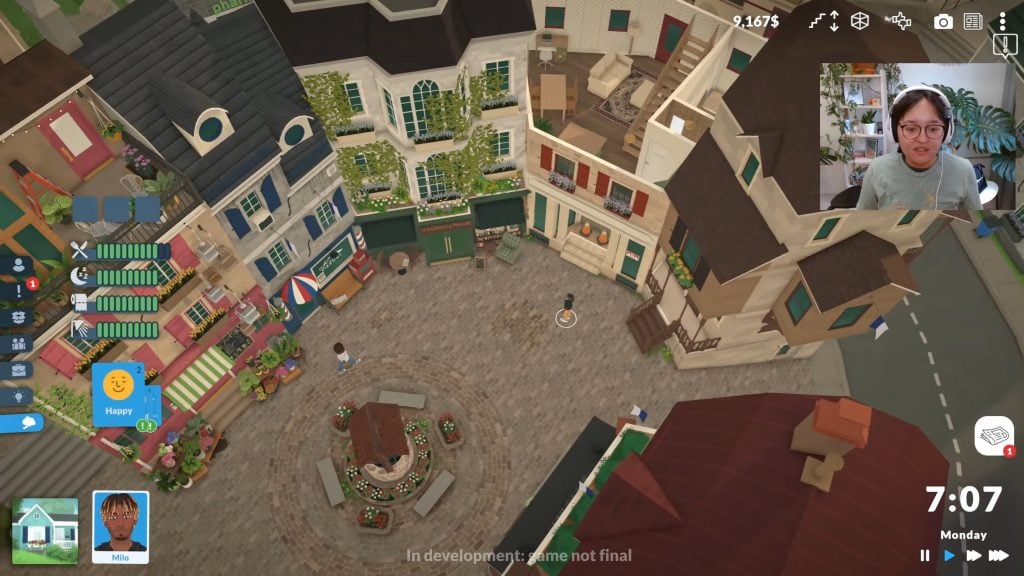
With the recent delay of the upcoming life simulation Paralives, moving their early access date from December 2025 to May 2026, many players have been itching to know where the game is in terms of development, especially when it comes to gameplay and the Paralives Live Mode. On November 25th 2025, Community Manager Rina hosted a livestream which gave the first extended look at Paralives Live Mode, showing off gameplay features and the current state of the game. This stream was pre-recorded and unedited to show current progress and gameplay in the game, with multiple team members in the chat to assist and answer questions.

Paralives Live Mode Gameplay 6 59 screenshot

Per the announcement of delaying the release of the game, the team still has many bugs in multiple aspects of the game that they want to fix before it is released in early access. They have committed to providing the best possible product, even as an early access game. Note that while this list will have many features and ideas listed, nothing is final as it is still in early access.

The Paramaker

Paralives Live Mode Gameplay 3 20 screenshot

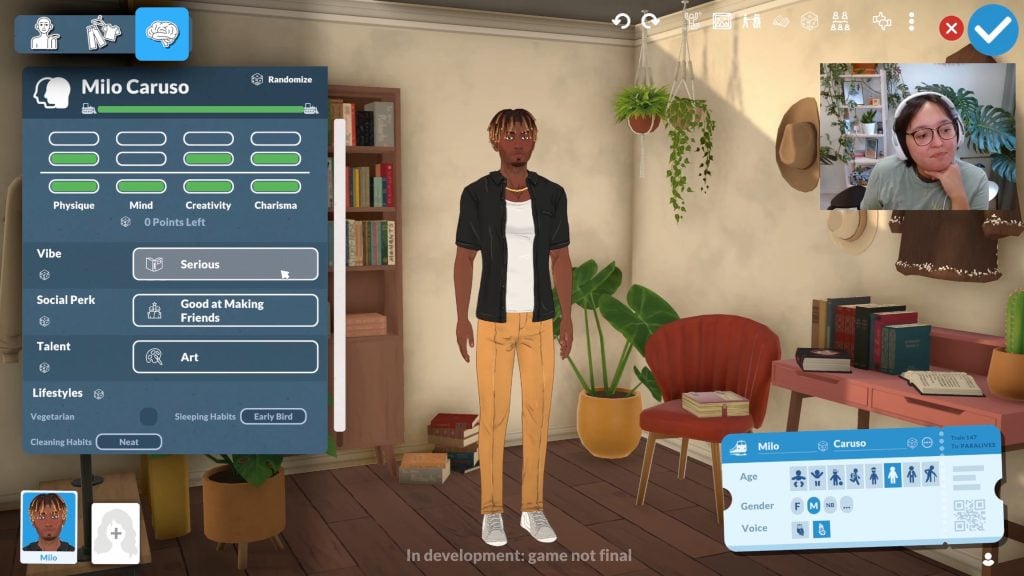
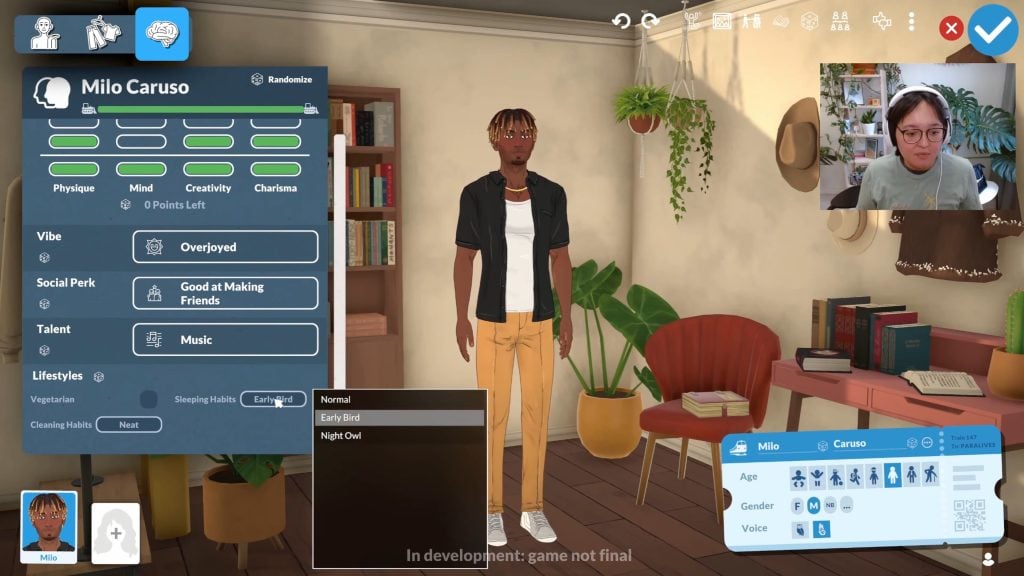
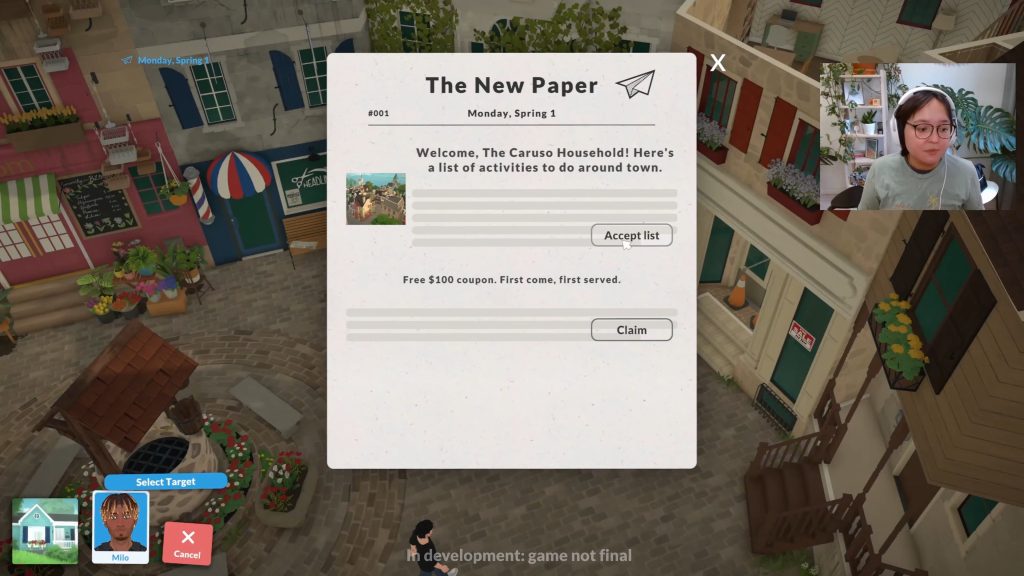
While it was a Paralives Live Mode stream, surrounding gameplay details and functions, it did begin in the Paramaker to show off certain features and introduce the main Para in this video, Milo Caruso. While the Paramaker has many aspects that include the appearance and clothes of the Para as well, this video primarily focused on the personality system, vibes, social perks, talents, and lifestyle choices.

Paralives Live Mode Gameplay 3 36 screenshot

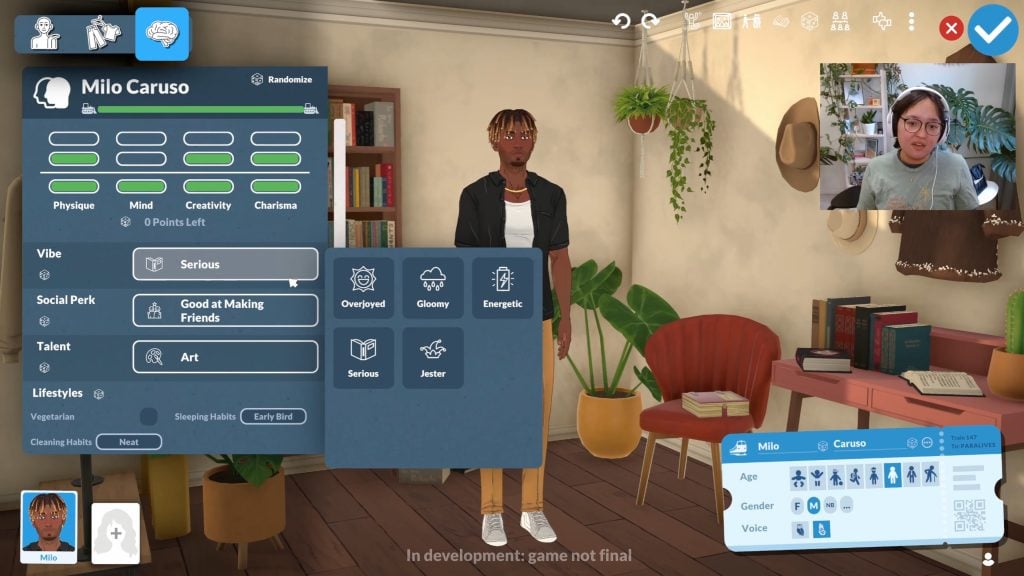
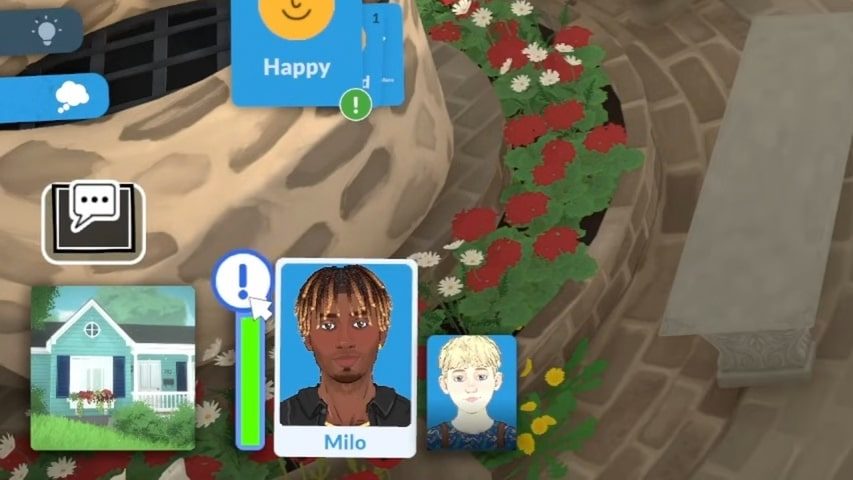
Paras can currently dedicate a certain number of points to four categories that dictate their disposition and their skills; Physique, Mind, Creativity, and Charisma. You can select your Para’s Vibe, which dictates how they interact with the world around them. These vibes currently include Overjoyed, Gloomy, Energetic, Serious, and Jester.

Paralives Live Mode Gameplay 5 28 screenshot

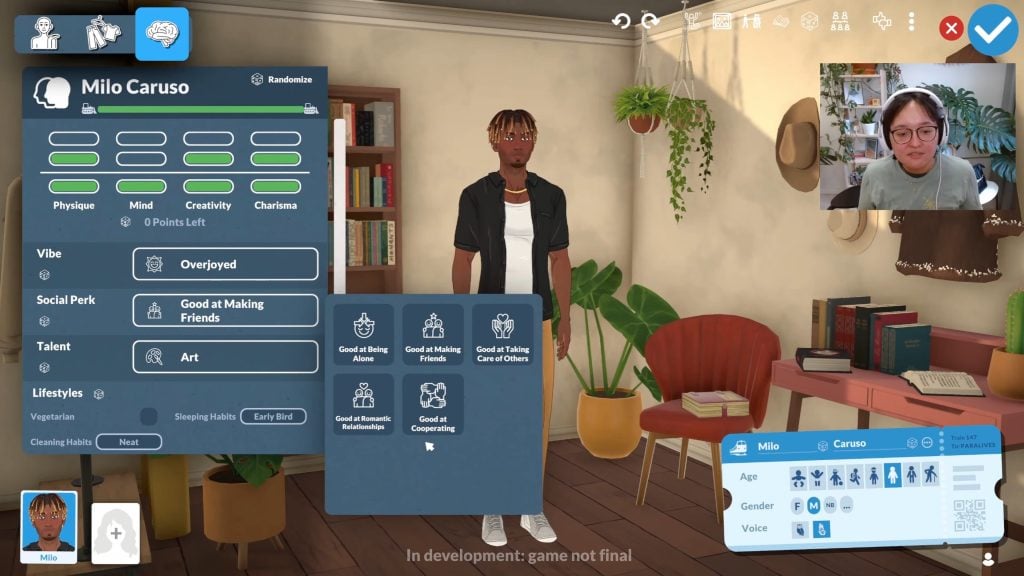
A Para’s Social Perk will give them certain advantages in drawbacks using the new relationships and Together Bar system. Currently, Paras have five available Social Perks, including Good at Being Alone, Good at Making Friends, Good at Taking Care of Others, Good at Romantic Relationships, and Good at Cooperating.

Paralives Live Mode Gameplay 5 45 screenshot

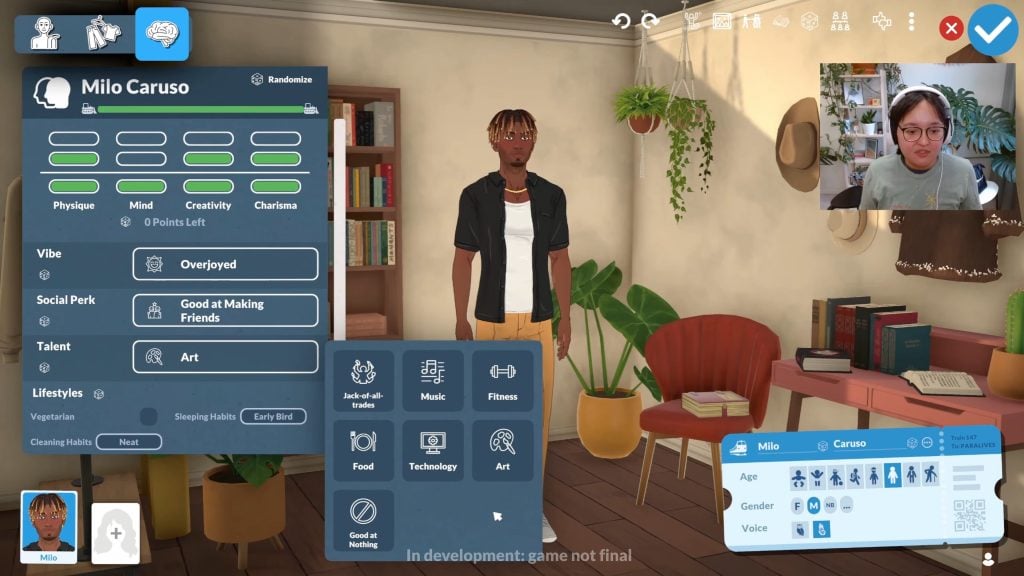
Depending on your plans for your Para’s skills and career, you can also choose a Talent, giving them a slight advantage at skills within certain categories. These Talents currently include Music, Fitness, Food, Technology, and Art. You can also choose for your Para to be a Jack-of-all-Trades, or even to be Good at Nothing!

Paralives Live Mode Gameplay 6 24 screenshot

Lastly, Lifestyle choices will dictate certain habits or decisions your Paras will make without influencing their personality. You can decide if your Para is or is not a Vegetarian, as well as whether they have standard or not so standard sleeping and cleaning habits. Is your Para an Early Bird with some Sloppy Habits, or a Neat Night Owl?

Outfits

Paralives Live Mode Gameplay 20 36 screenshot

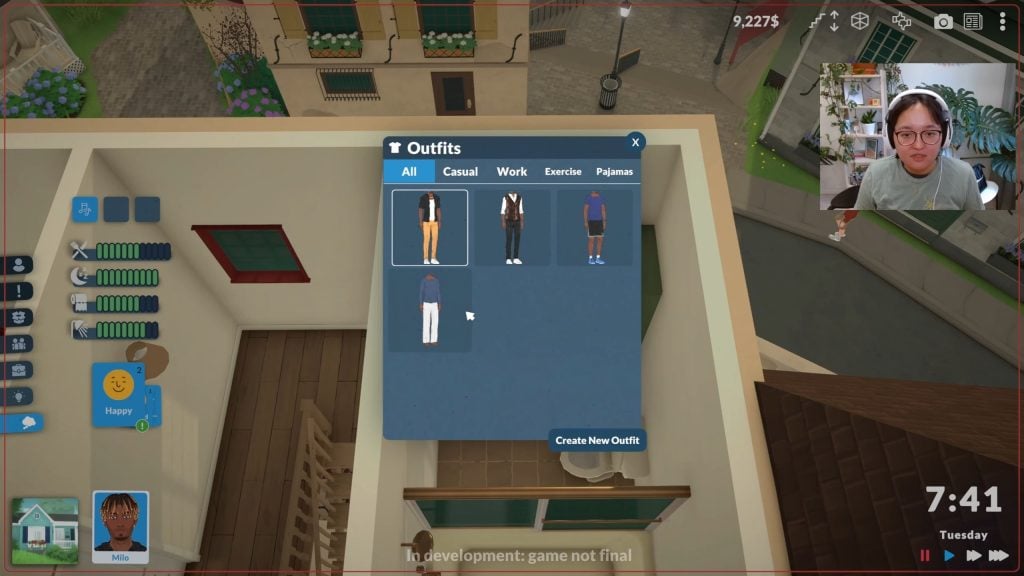
Paras currently have four outfit categories available, which may change as we get closer to Early Access and will likely change with later updates that will include things like Pools, Seasons, etc. Paras can currently have Casual, Work, Exercise, and Pajamas outfits, and they can have multiple outfits per category.

Time Progression

Paralives Live Mode Gameplay 23 26 screenshot edited 1

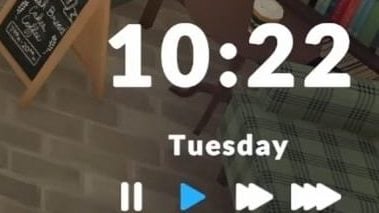
Time progression in the Paralives Live Mode seems to run similarly to other Life Simulations like The Sims franchise, where 1 minute in-game is approximately 1 second in real time. Time can be paused, standard speed (1), or sped up to 2x or 3x. There is currently no “Ultra-Speed” option as is available in The Sims 4 and other mainline Sims Franchise games, even when Paras are sleeping.

Time seems to be tracked in Days of the Week and Days of a Season. The livestream takes place over about four days, from Monday Spring 1 to Thursday Spring 4. We don’t yet know if the length of seasons can be altered, if time can be sped up or slowed down on average, or if years are tracked once you pass the first year. These features may also change closer to the Early Access release, or at the full release of the game.

Currency

Paralives Live Mode Gameplay 39 24 screenshot edited 1

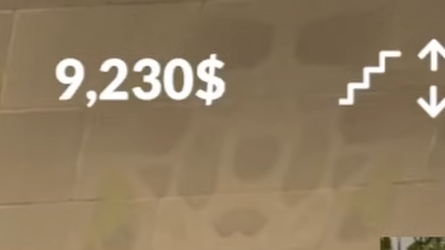
The currency in Paralives uses the US Dollar Symbol ($) and is called Paradimes. You can track your Para’s available Paradimes on the top right of the screen, and they can gain more money through their job, individual opportunities, skills, and more.

The Town & Shopping

Paralives Live Mode Gameplay 23 57 screenshot

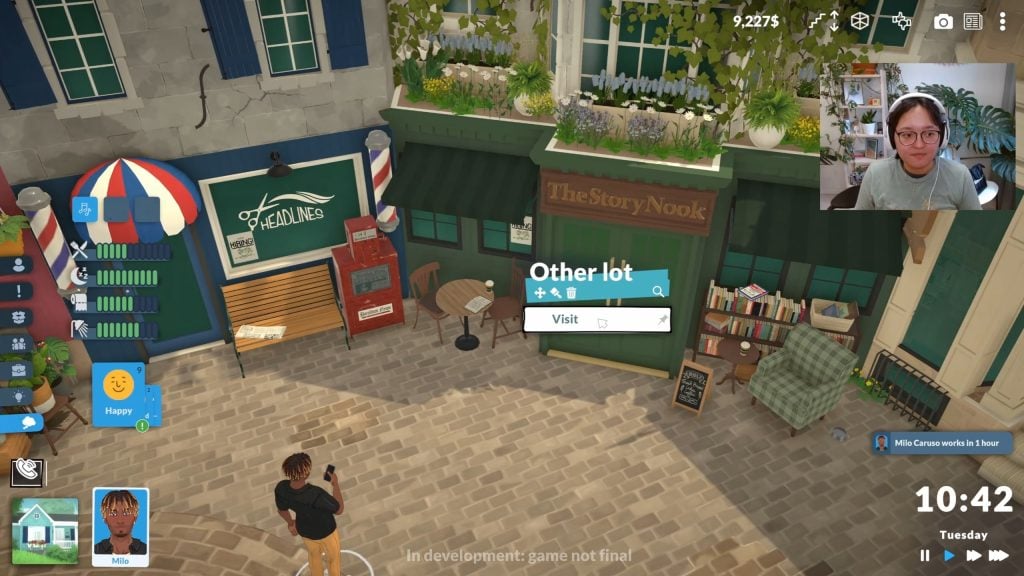
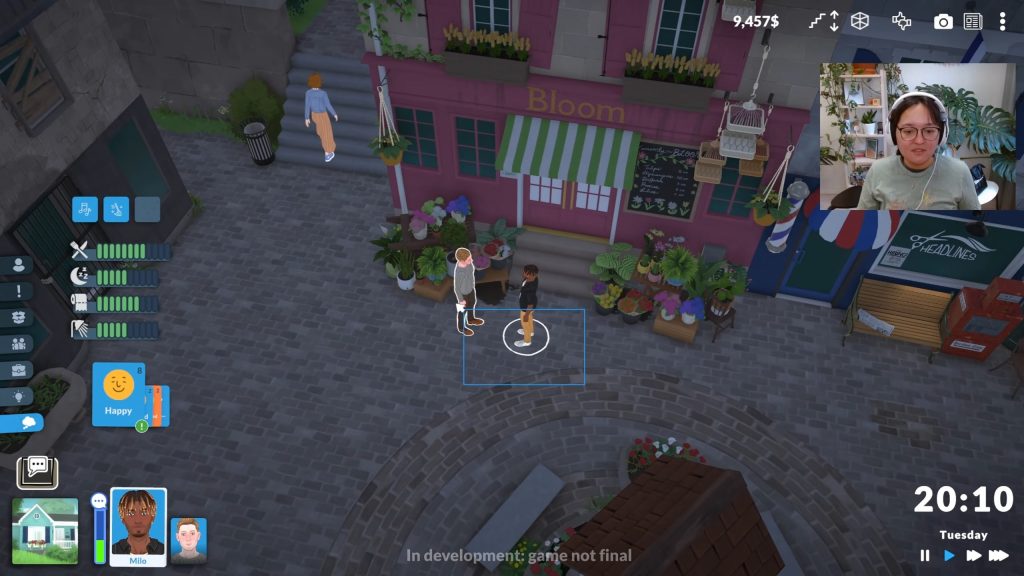
The town explored in the Paralives Live Mode Livestream features multiple restaurants, stores, cafes, and other buildings to explore. While the world does not seem to be a true “Open World”, there was a noticeable lack of loading screens. When Paras want to visit a new building, clicking on the building and selecting “Visit Building” will load the interior of the building, causing some lag but quickly loading and avoiding any distracting loading screens.

Paralives Live Mode Gameplay 37 47 screenshot

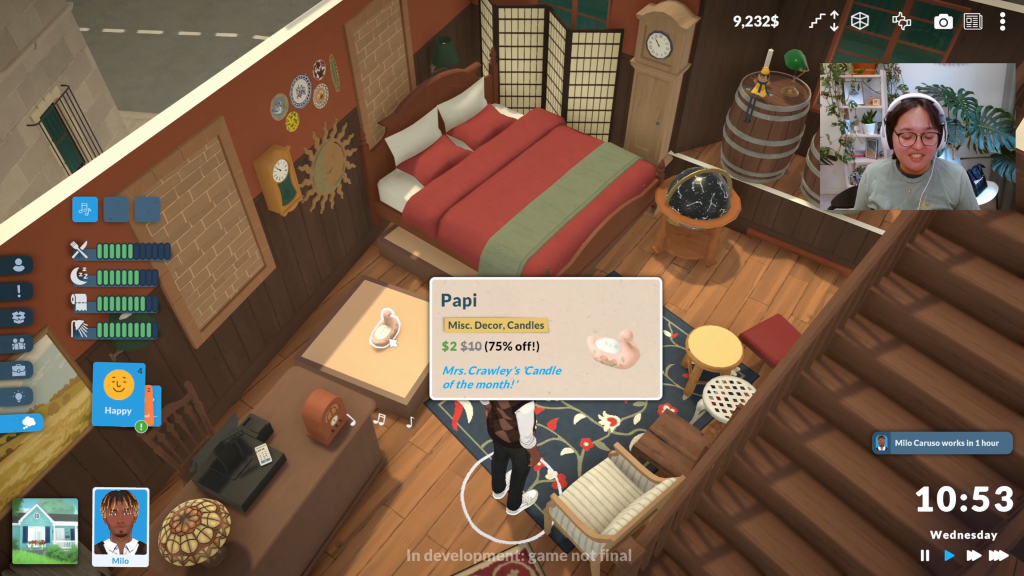
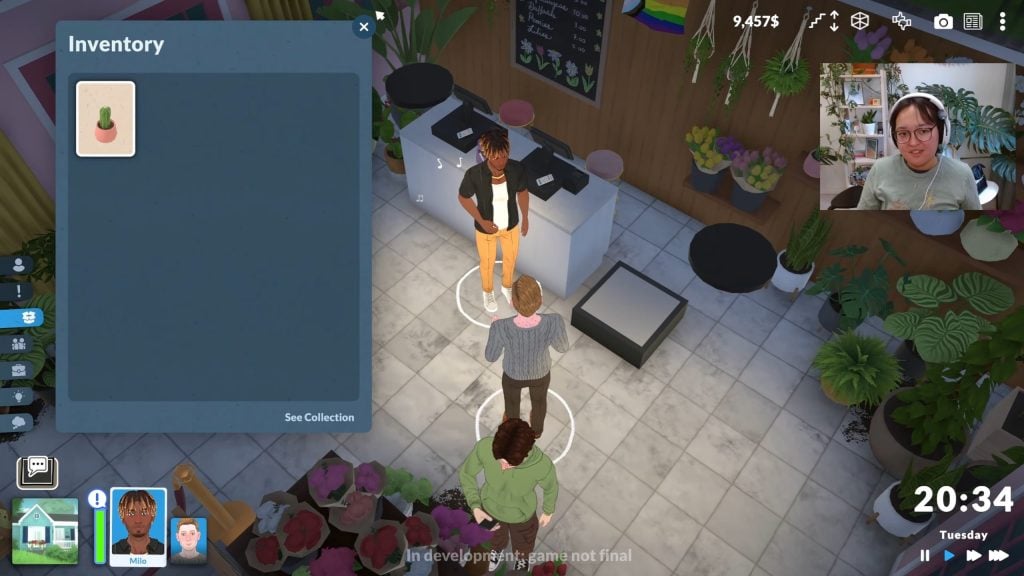
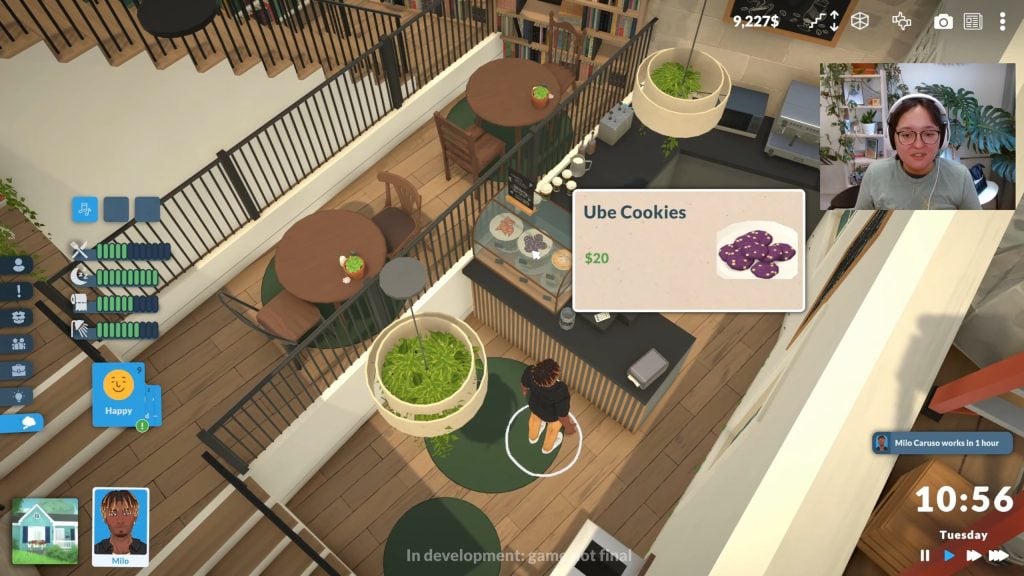
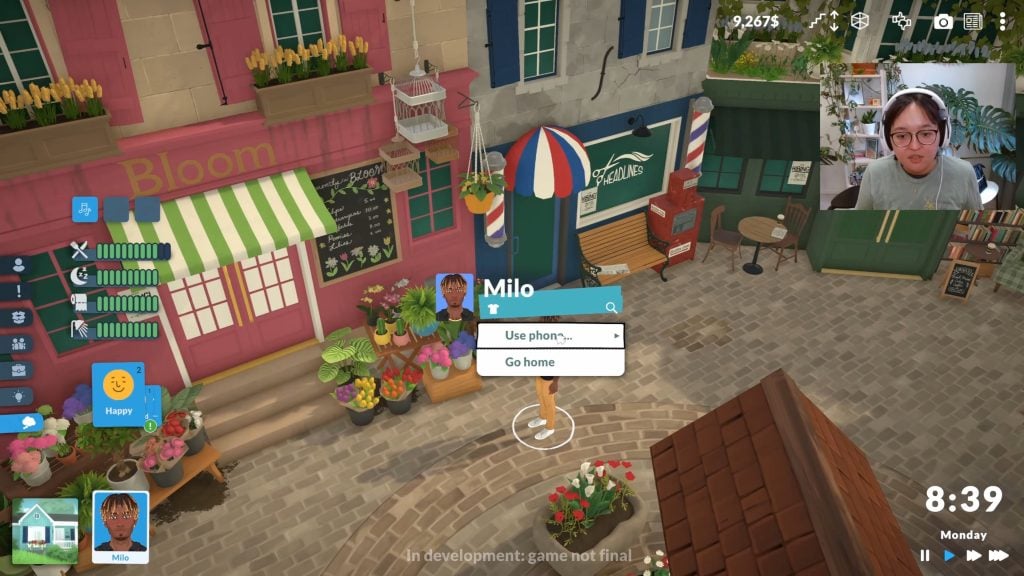
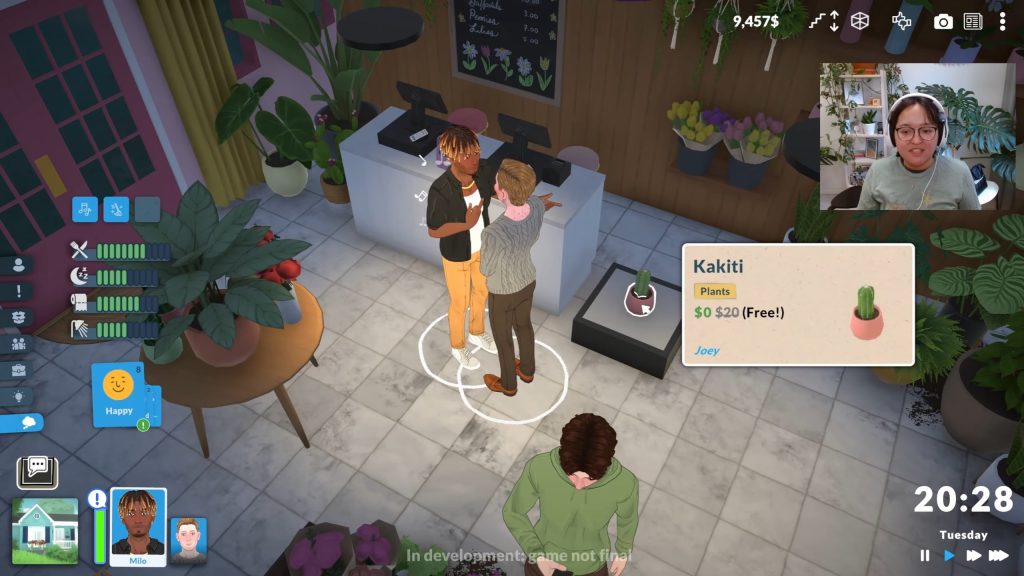
In the Paralives Live Mode livestream, we got to see a few shops around town, including a plant store called Bloom, a cafe called The Story Nook, and an antique furniture store called Market Antiques. Paras can enter these stores and purchase items by clicking on what they like. Items can randomly be on sale or full price, and the store Bloom has a free plant available every day! When you purchase items in town, they will load into your Inventory to be interacted with, gifted, or placed in your Para’s home.

Paralives Live Mode Gameplay 29 33 screenshot

Food & Cooking

Paralives Live Mode Gameplay 15 52 screenshot

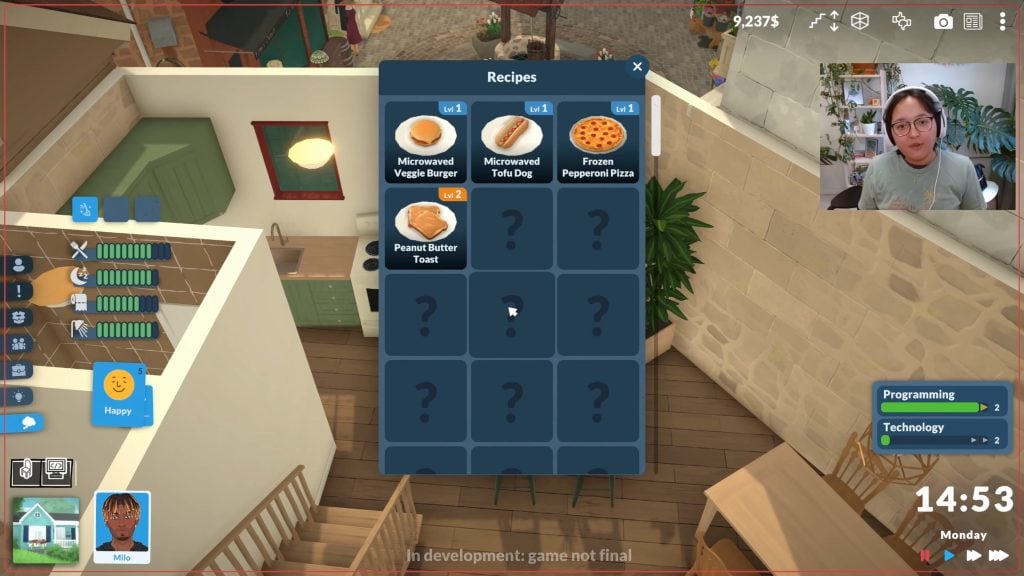
Cooking and purchasing are two of the ways your Paras can satisfy their hunger need. They can cook in their own kitchen and learn more complex recipes, starting off with options as simple as microwaved hot dogs and frozen pizzas for the lowest levels of the skill. If cooking isn’t their thing, the Paralives Live Mode Livestream showed that a quick walk to a nearby cafe lets them buy a quick bite for there or to-go. Paras noticeably eat quickly, giving them enough time to prepare prior to leaving for timed events like work. Paras can also satisfy their needs with quick snacks available in their home or out and about, if they’re not one for cooking.

Paralives Live Mode Gameplay 24 18 screenshot

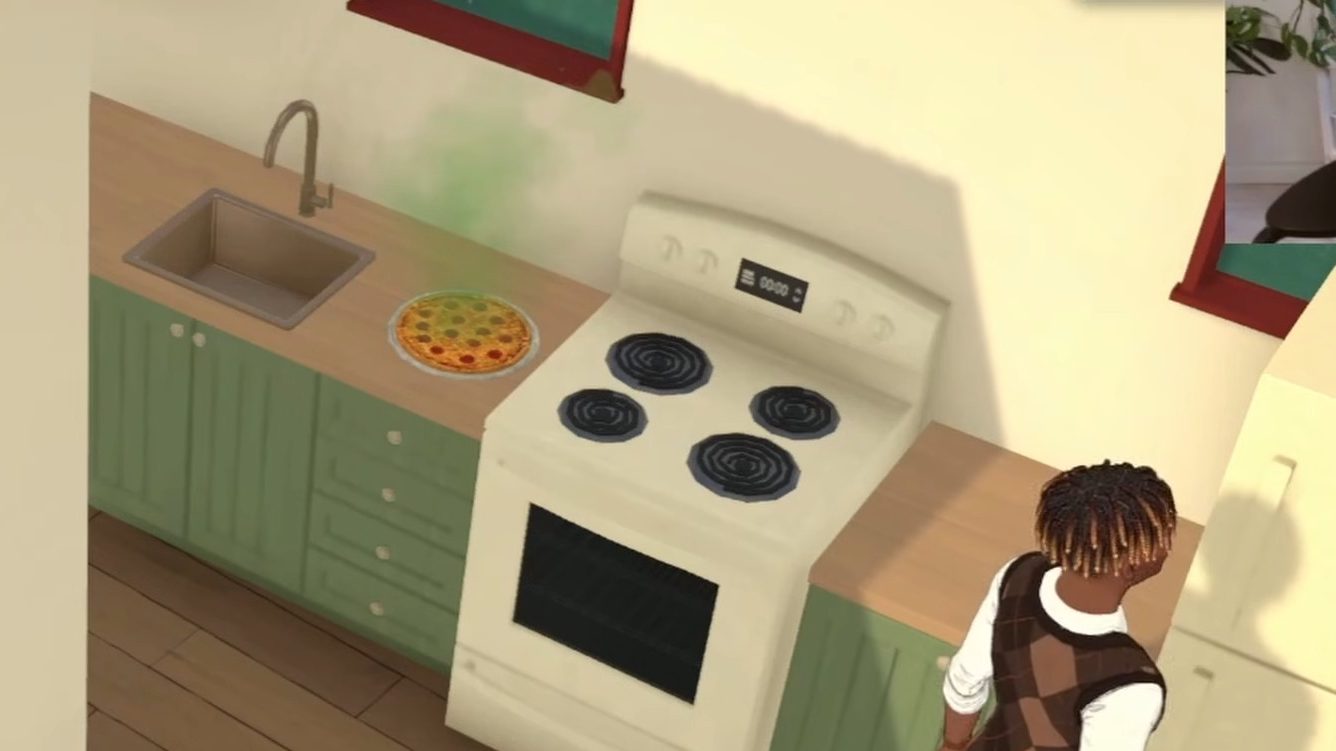
There is also a food spoilage system in place. We did not see if there are specific timers or if foods spoil at different rates depending on skill level, individual chef, environment, etc. during the gameplay shown in the Paralives Live Mode livestream. However, it looked like a frozen pizza cooked the night prior spoiled when left on the counter by the next afternoon.

Paralives Live Mode Gameplay 34 54 screenshot edited

Aspirations, Wants, and Vibes

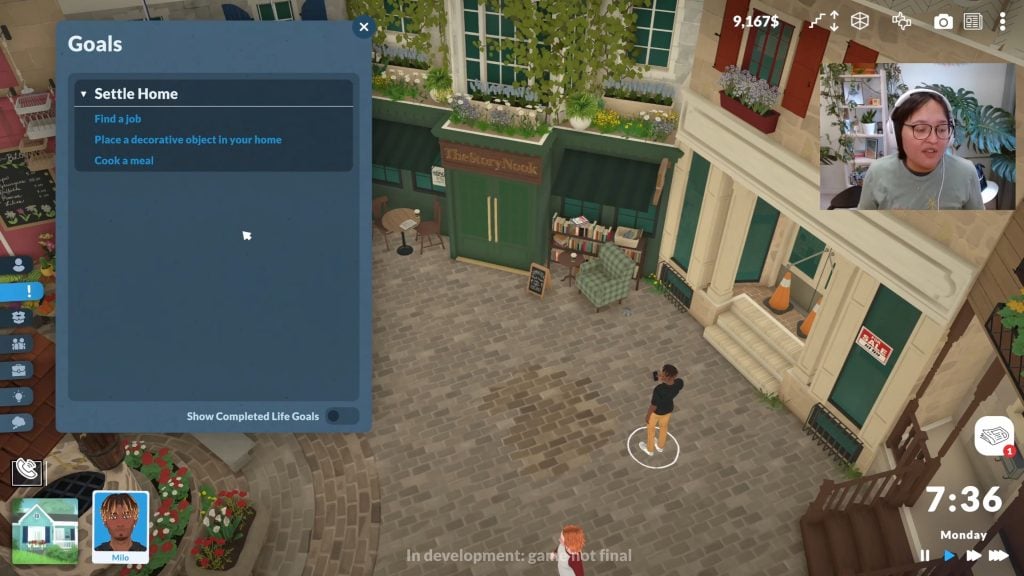
Per the paramaker, your Para’s Vibe will help to generate their reactions, wants, and general outlook on their life and the world around them. They can also develop lists of goals they want to pursue, like quests, in reaction to events (Like moving to a new home), or aspire to new things. Wants will generate in reaction to low needs, skills, your Para’s vibes, aspirations, and personality, and more. Wants reset everytime your Para sleeps at night, so they tend to be more short term, like Milo wanting to Practice Music for Two Hours.

Paralives Live Mode Gameplay 31 46 screenshot

Building Skills

Paralives Live Mode Gameplay 14 18 screenshot

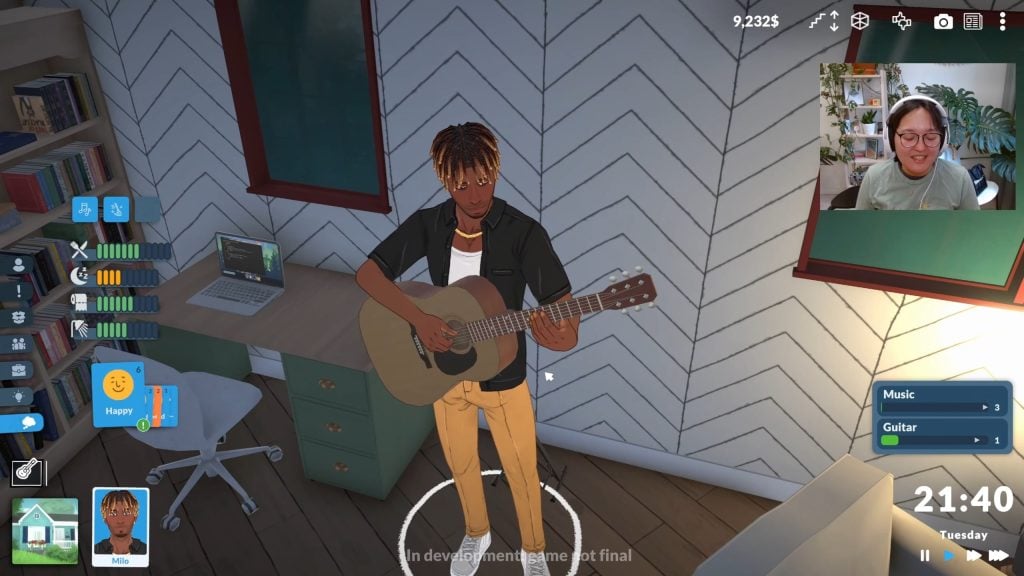
As your para performs certain actions and practices their skills, their abilities or actions will become more complex. For example, Paras with a low musical or guitar skill will play simple and slow songs while they’re still grasping the basics of the instrument, or paras with a low cooking skill will only be able to microwave or prepare pre-made and quick food options. As your paras develop their skills, new abilities and options unlock, and these skills will help them progress in their aspirations, wants, and careers.

Paralives Live Mode Gameplay 32 18 screenshot

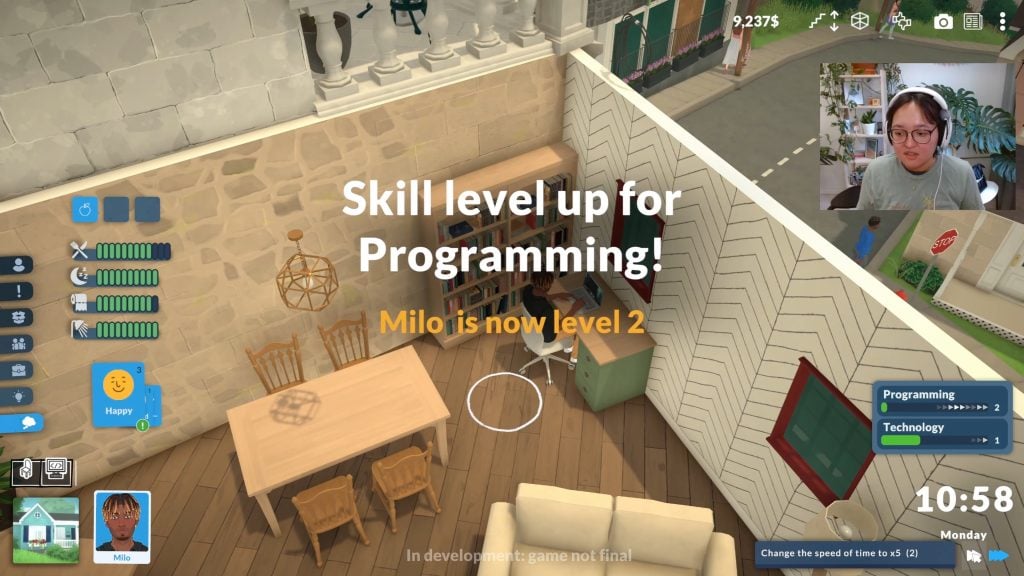
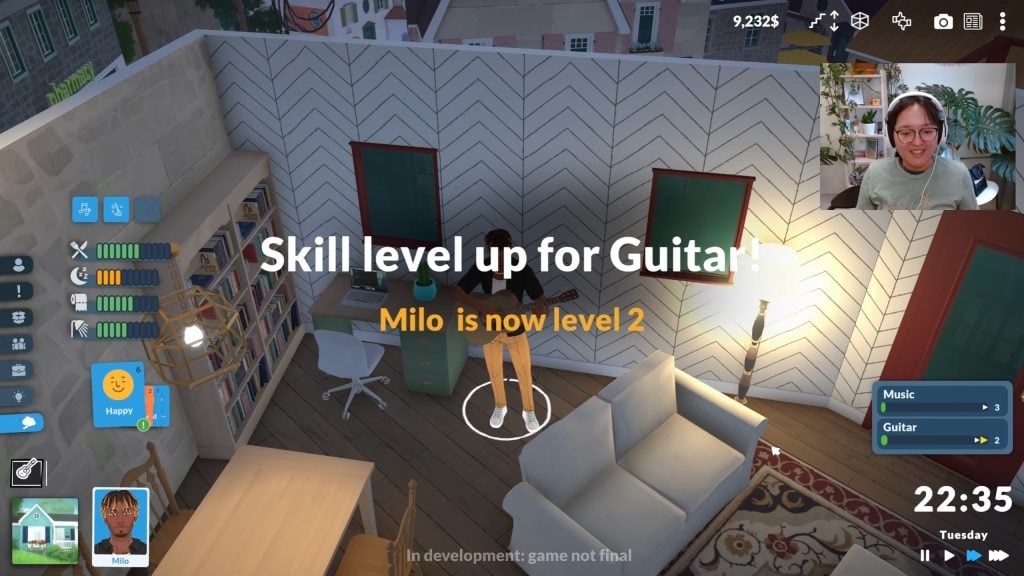
Skills seem to be separated into overall categories and individual niches. We noticed while watching the stream that while Milo practiced his guitar, he developed a slower-developing overall Music skill while also building a Guitar skill. Similarly, Milo developed a slower-developing Technology skill while also building a Programming skill. This is likely connected to a Para’s chosen Talent in the Paramaker.

Careers

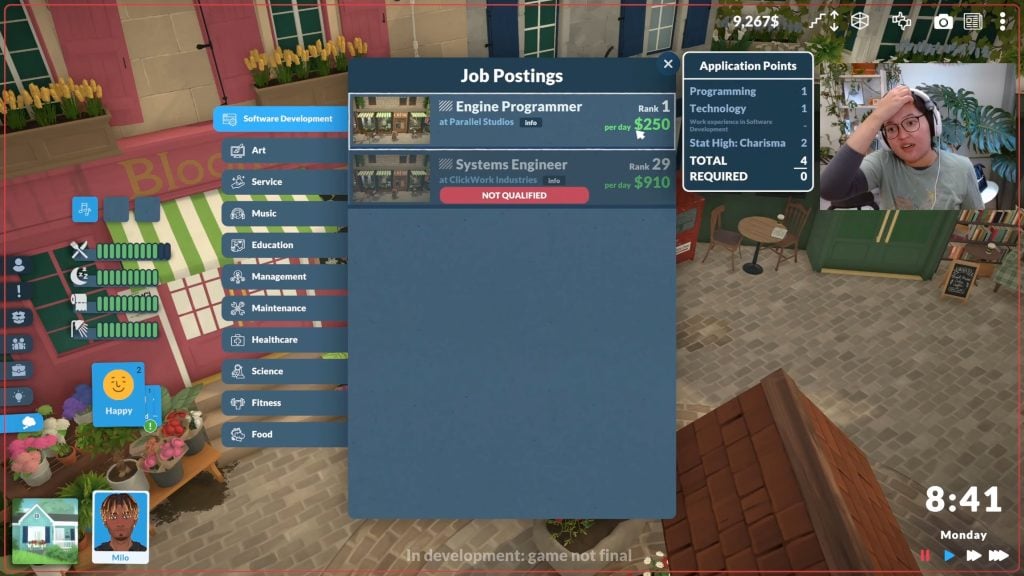
For the early access build of Paralives, there is a surprisingly extensive amount of career options. Paras can enter different levels of careers based on the skills, general knowledge, and experience. Most will start at Rank 1, but some careers go as high as Rank 30.

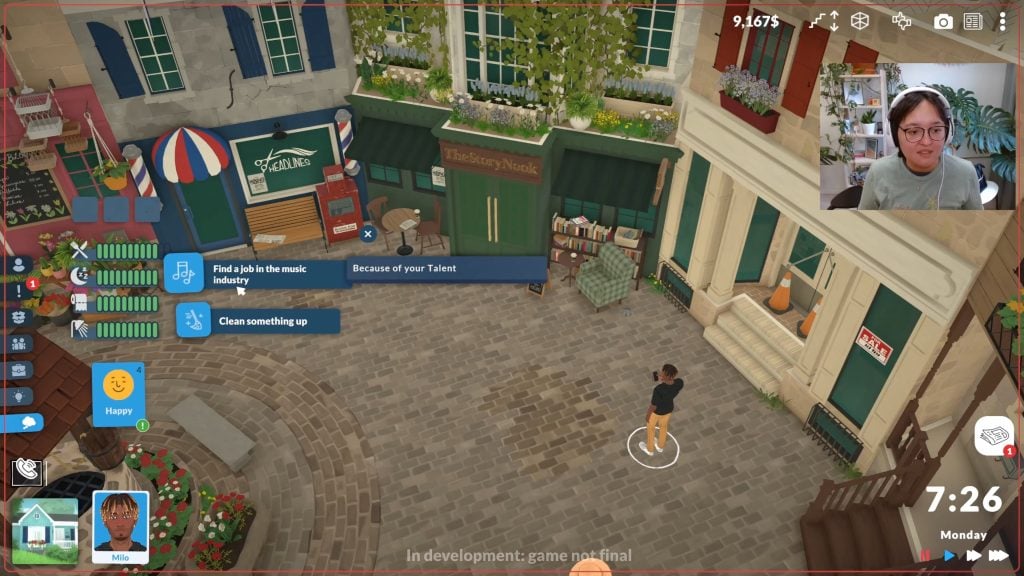
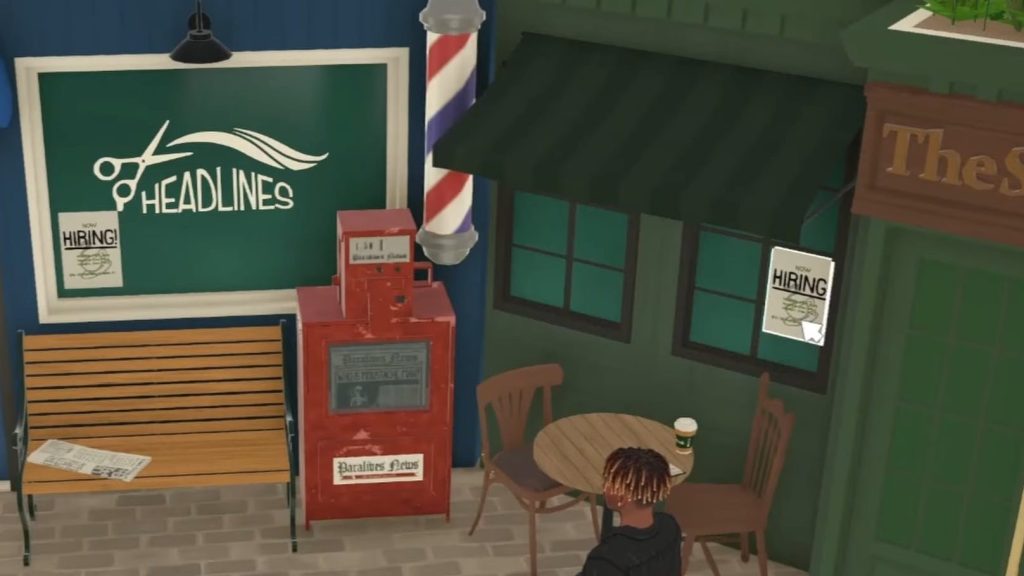
To get a job, Paras can view an overall list of available openings on their phone, or visit buildings directly in town with a “Hiring” posting on their window or door. Since paras can enter different ranks of jobs based on their experience or skills, this likely means they can pursue higher paying positions at new companies while keeping their title and work progress. They can also get experience in general things like Management, and likely switch industries.

Paralives Live Mode Gameplay 26 14 screenshot edited

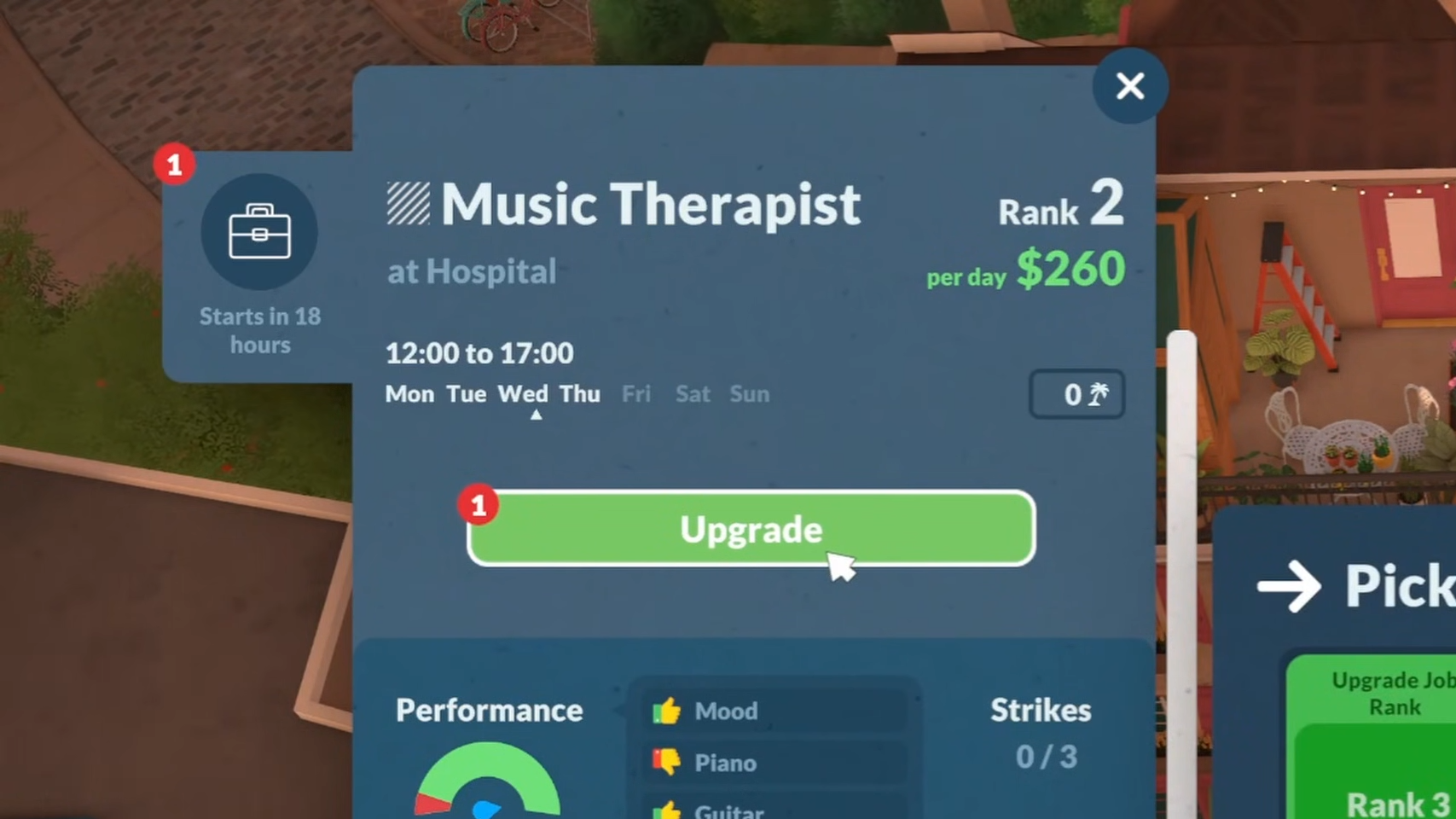
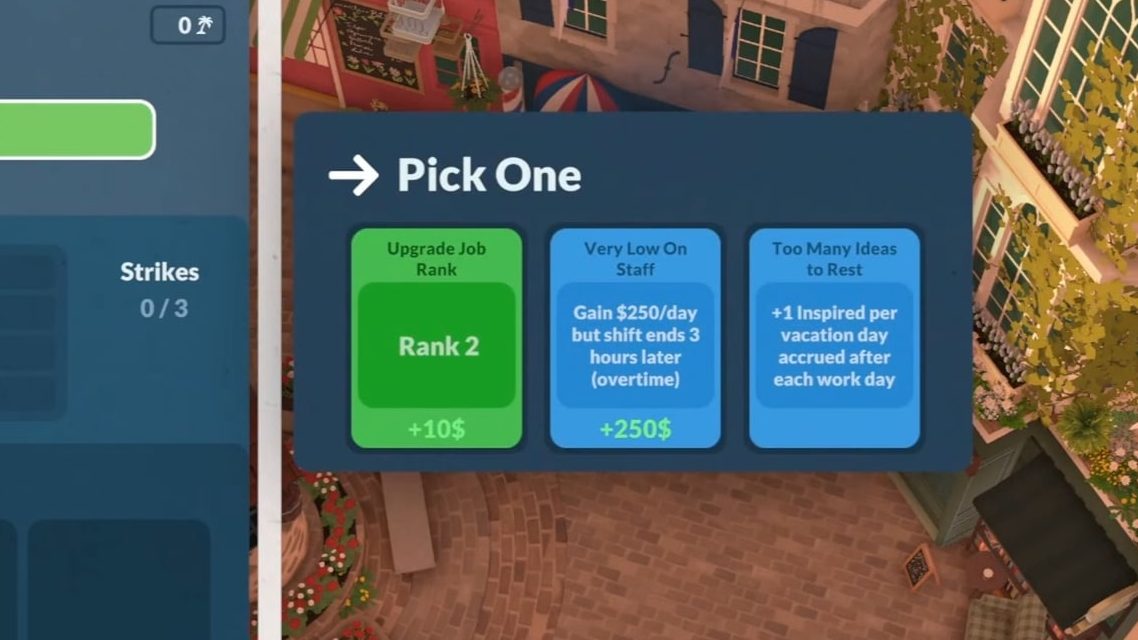
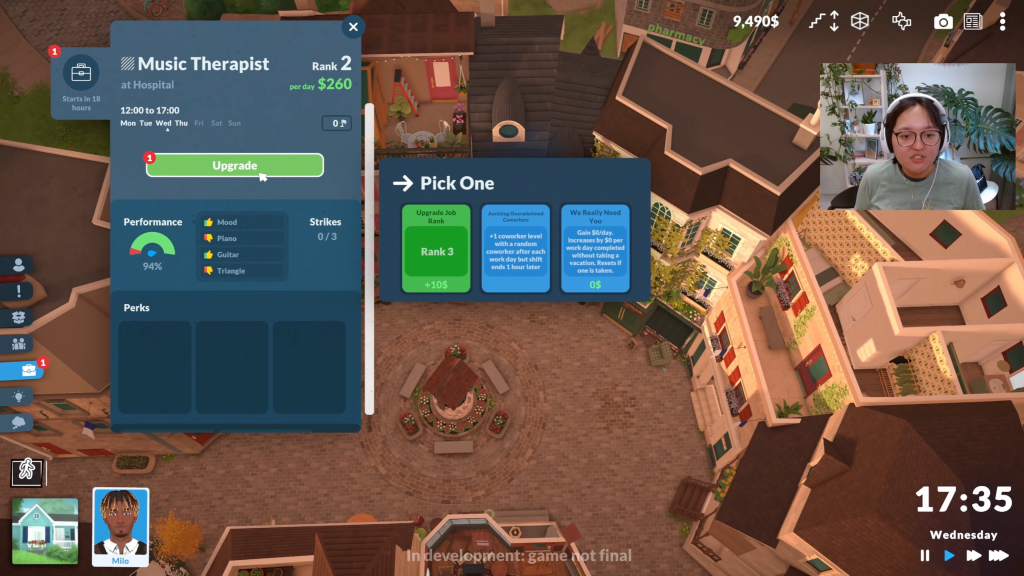
When Paras level up or rank up in their career, they can choose a Perk. These options often include a rank up, so a direct promotion to the next level, or a perk with a drawback that keeps them at the same level but provides other bonuses. For example, Milo had the opportunity to progress to Rank 2 after a great day at work, or Milo could choose to work Overtime as a perk. This perk doubled his take home pay, adding $250 per day, but extended his shift time 3 hours.

Paralives Live Mode Gameplay 41 11 screenshot

The careers available to Paras vary, as they are separated by category/field, and certain careers can appear in multiple categories depending on the exact role and location. Jobs that Paras are or are not qualified for will appear, including their rank, take home pay per day, and the location. Some of these locations are specific to areas found around town, while some are as simple as “Fancy Restaurant”. The current categories available while searching for a job include Software Development, Art, Service, Music, Education, Management, Maintenance, Healthcare, Science, Fitness, and Food.

Paralives Live Mode Gameplay 10 34 screenshot

Relationships

Paralives Live Mode Gameplay 43 7 screenshot

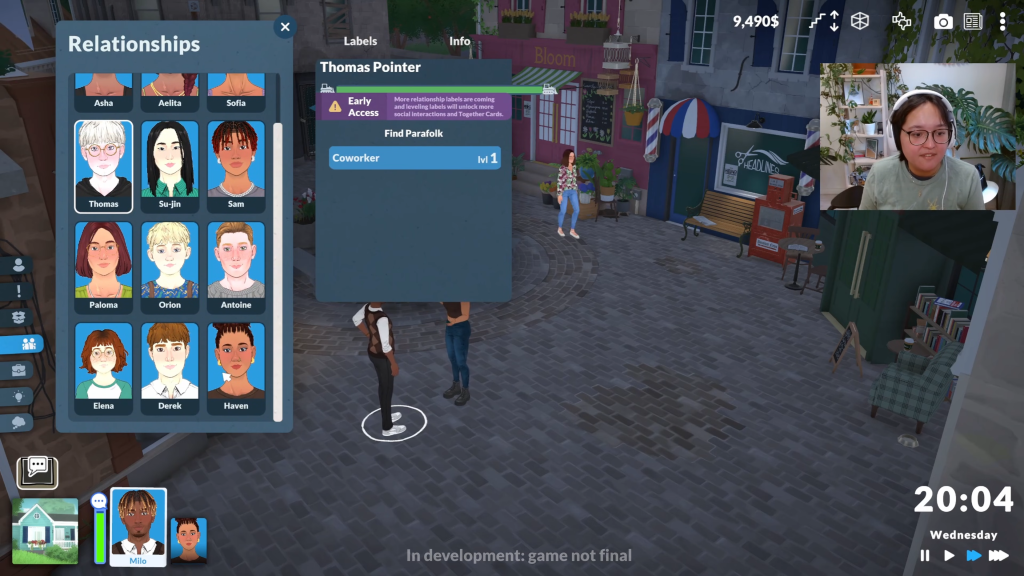
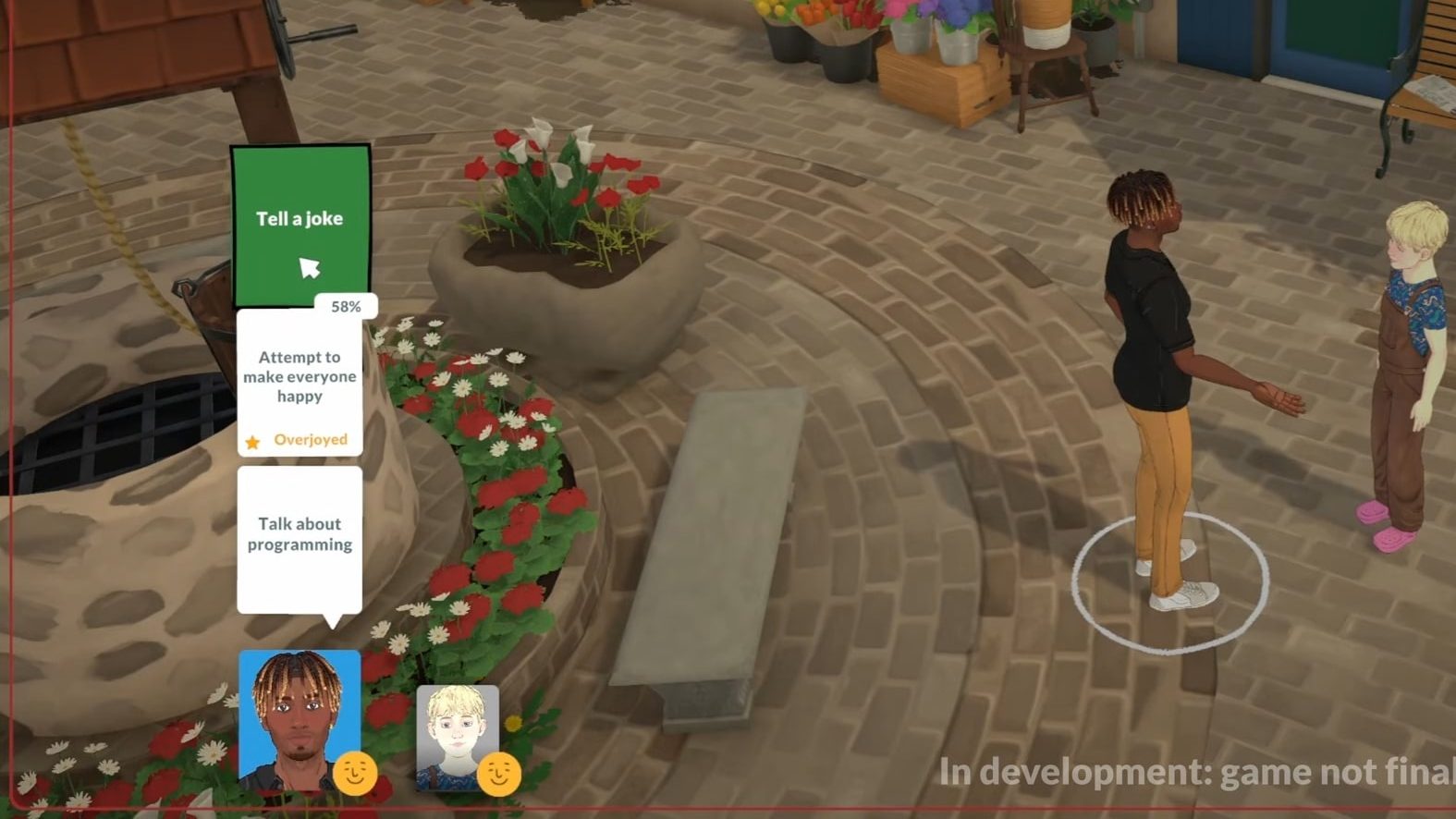
Relationships in the early access version of the Paralives Live Mode progress based on the moods of Paralives, their traits and compatibility, and the actions chosen as well as the success of those actions. Actions and interactions can have a certain mood or vibe attached to them, indicated by the color of the card; White seems to be standard or neutral, Green is positive, Red is negative, Gold is happy/friendly, and pink is Flirty. Certain actions come with percentages to indicate their chance of success, and a meter will pop up to show the result of your Paras interaction and how it progressed the together bar and the overall relationship.

Paras can also easily do activities as a group, by highlighting all the Paras you would like to move in a conversation and giving them an activity to do. They will walk to areas together to continue chatting, do interactions together, and take turns performing single para activities.

Paralives Live Mode Gameplay 21 46 screenshot edited

The Together Bar shows the progress in a conversation and relationship, takes roughly 25 minutes in-game to fill up, and allows you to Develop a para’s conversation with another and sway them towards becoming friends, enemies, or even lovers.

Paralives Live Mode Gameplay 22 47 screenshot edited

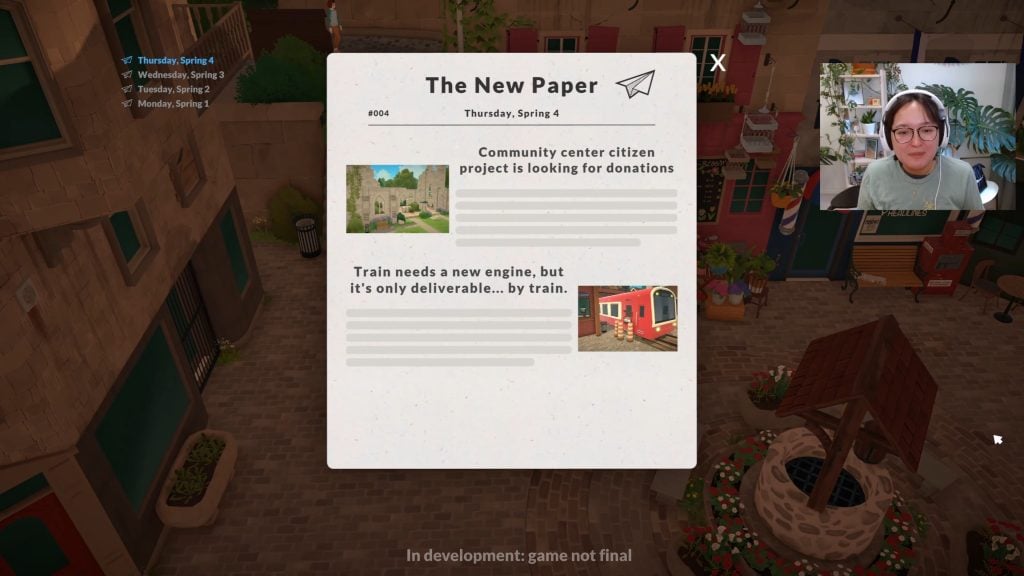
The New Paper

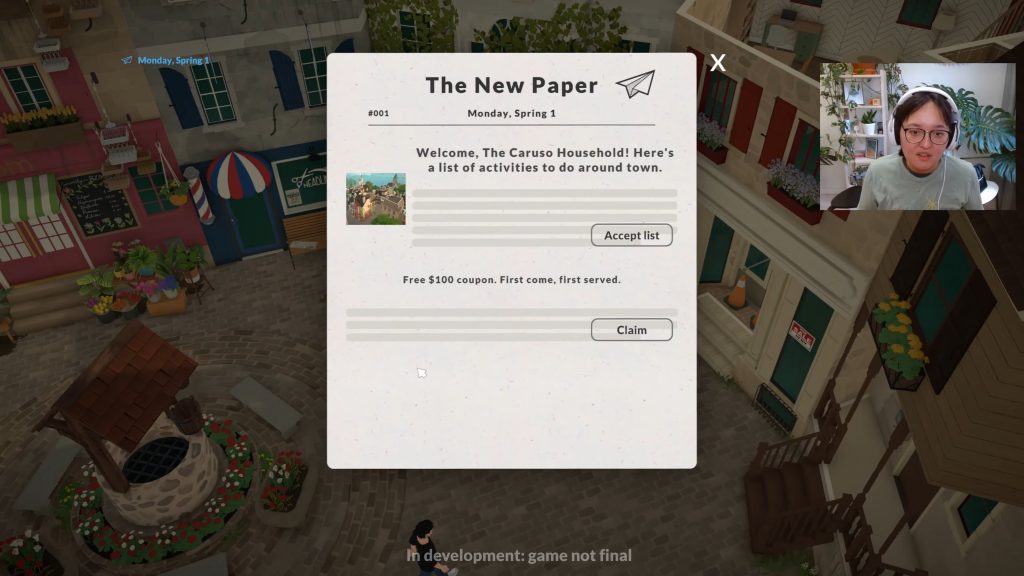
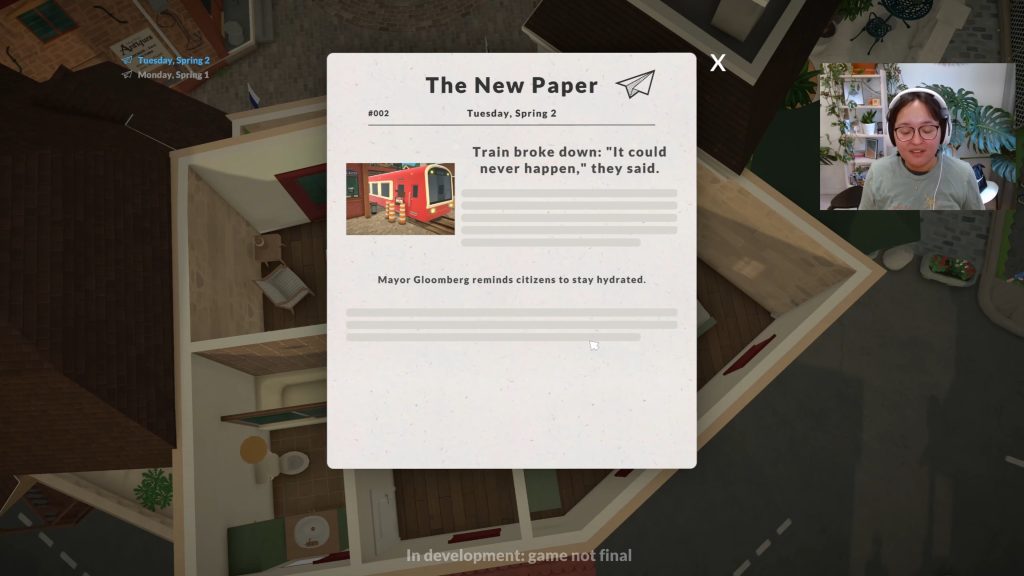
The New Paper is a daily newspaper and overall update for your Para. Appearing at the beginning of every day while in the Paralives Live Mode, it will announce news around town, provide insight for opportunities available around town, and leave quotes from residents and the mayor, Mayor Bloomberg. When reviewing newspapers, you can also select from the left side and review previous newspaper copies in case you missed something earlier.


Are there any features you’re excited to dive into that were covered in the Paralives Live Mode livestream, or anything you want to see more of? Let us know! Make sure to follow The Sims Community for more upcoming news of Paralives and its early access release, as well as the Paralives Development Team for more details of their timeline and the background creation of Paralives!

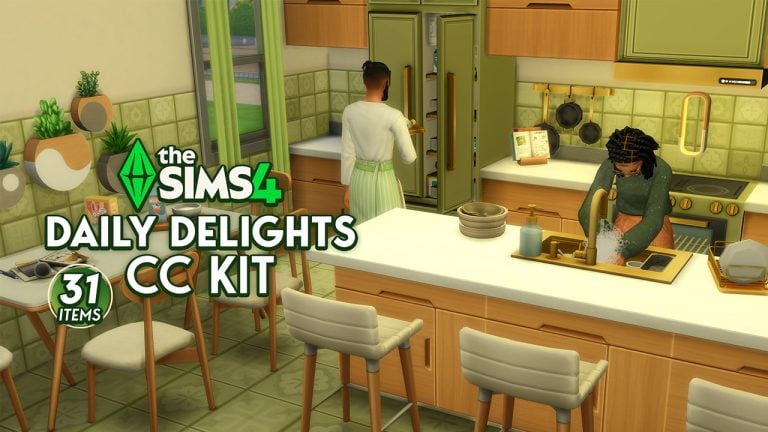
The Sims 4 Daily Delights CC Kit: 31 New Kitchen Objects by Simspancake!

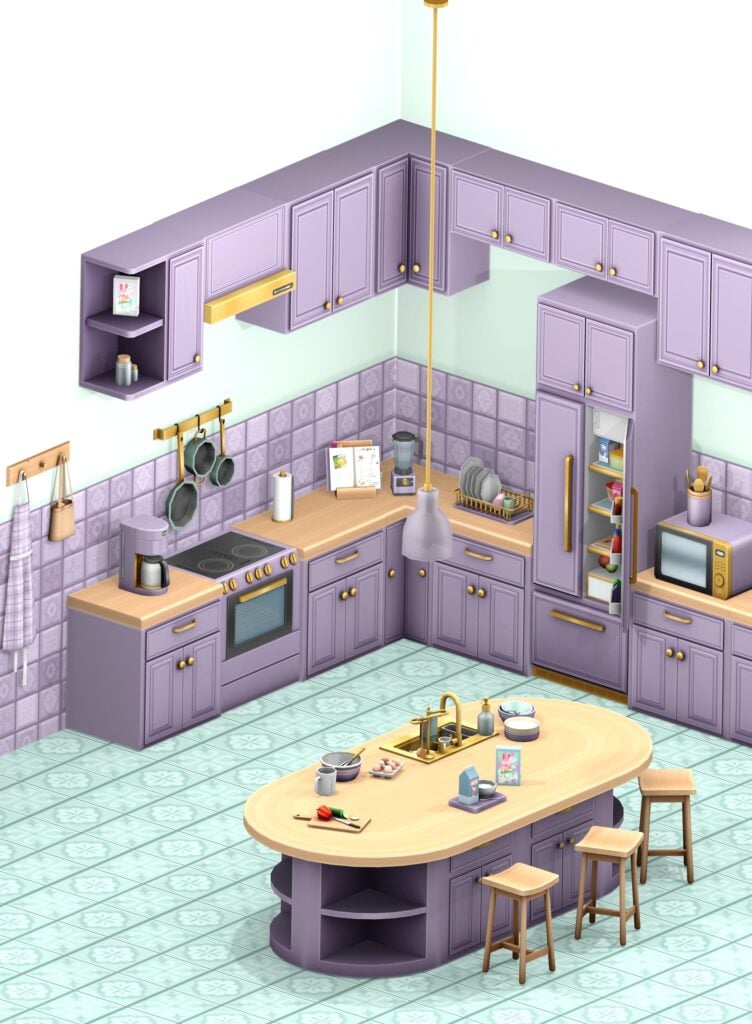
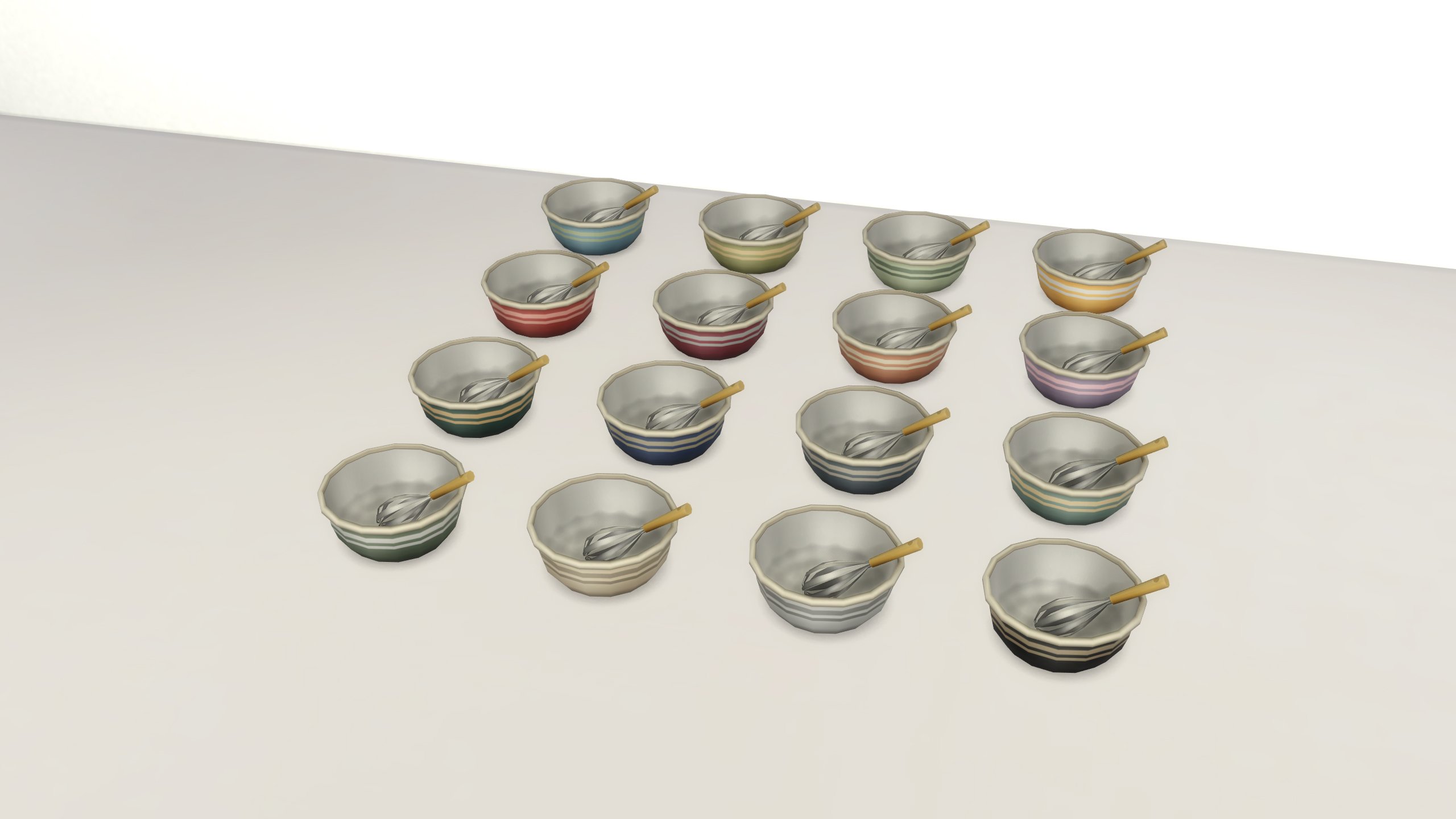
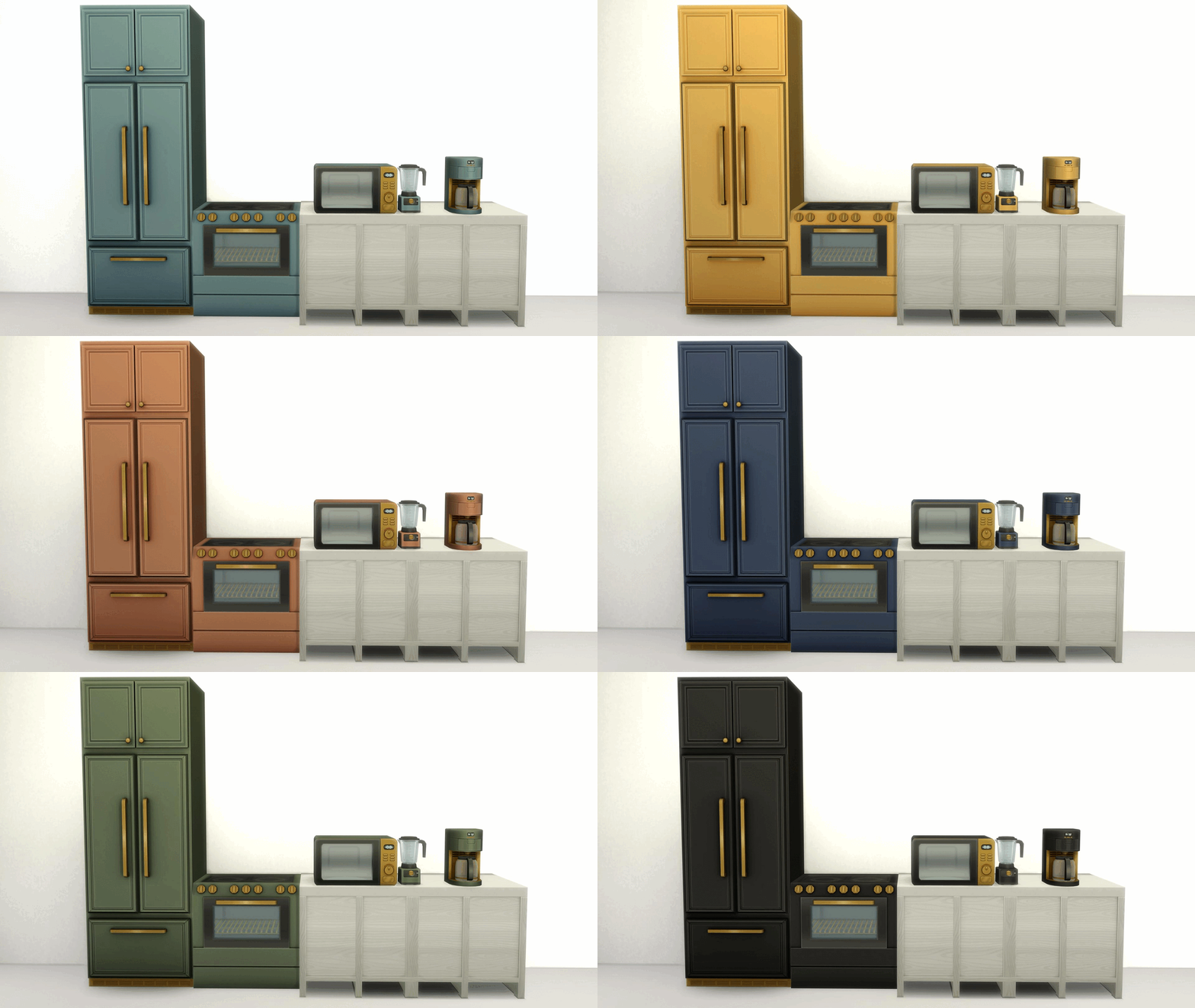
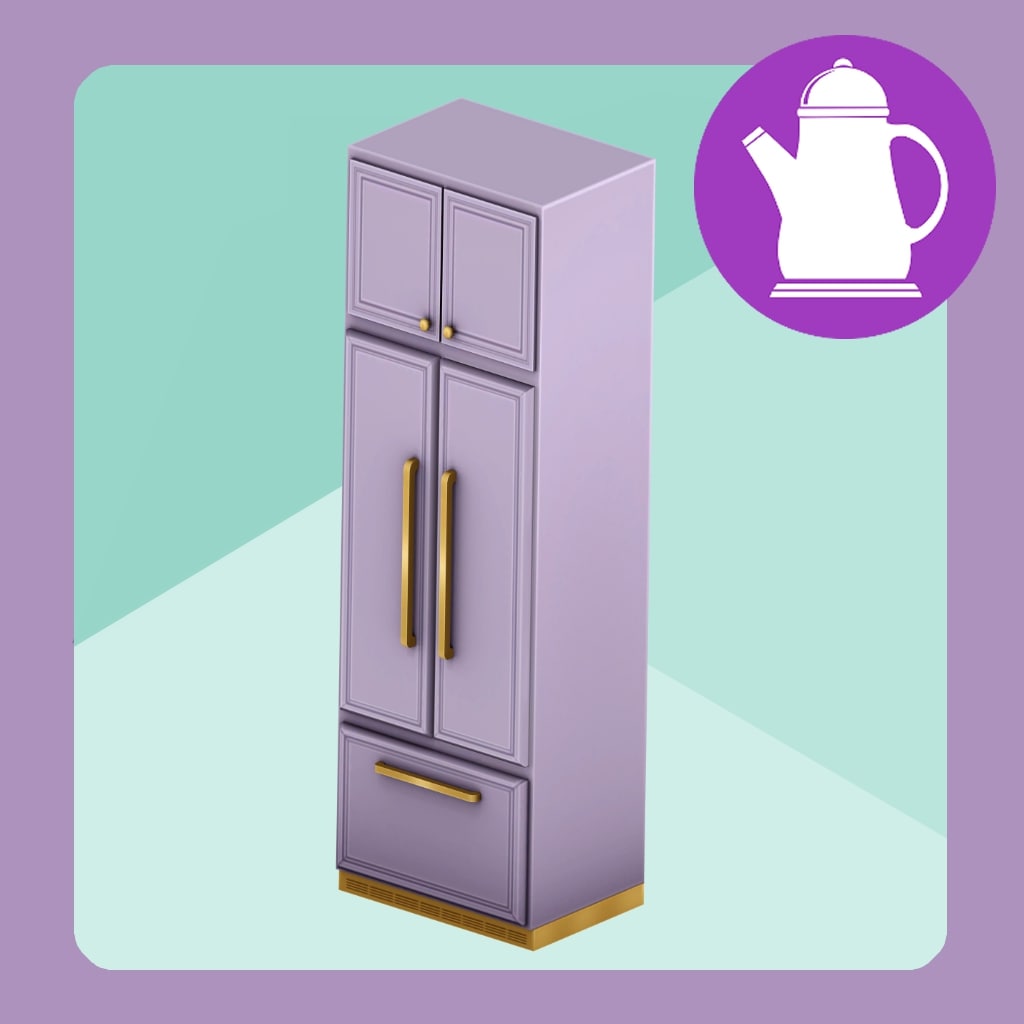
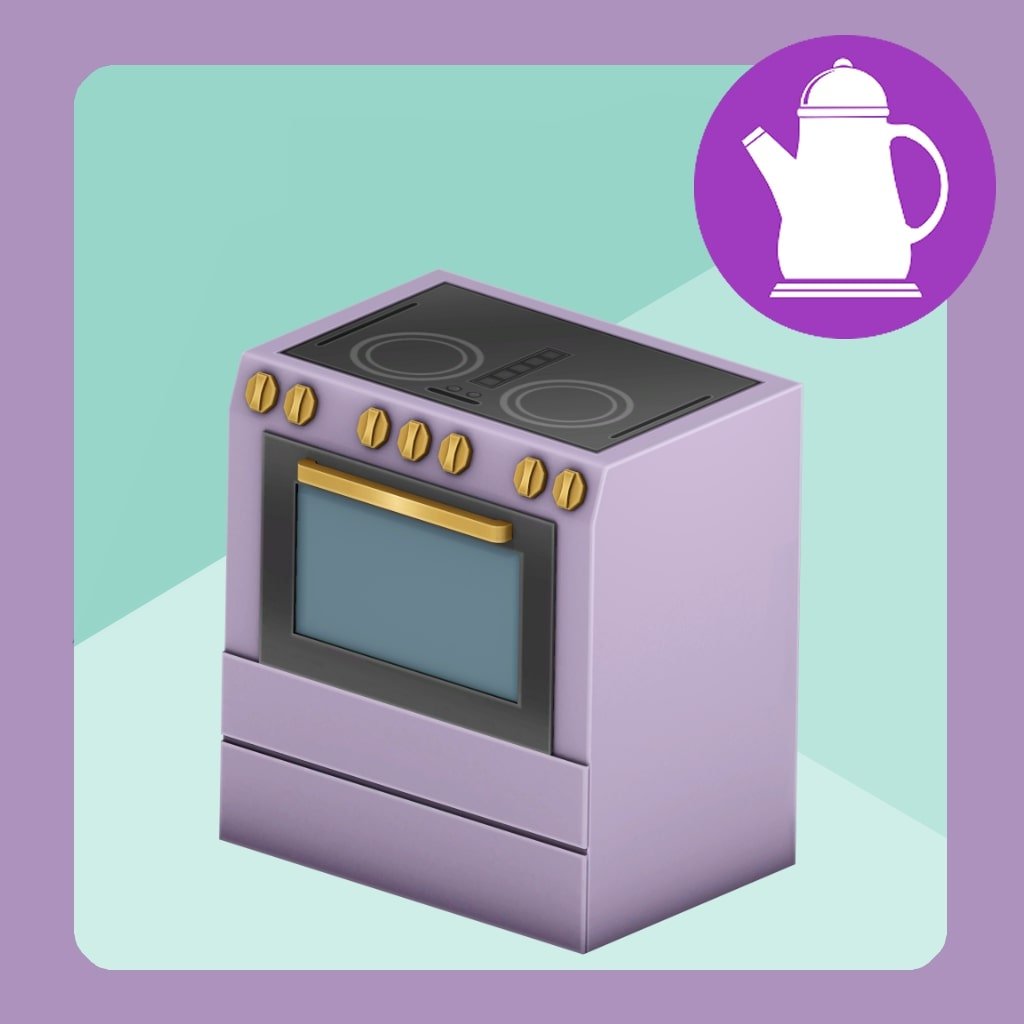
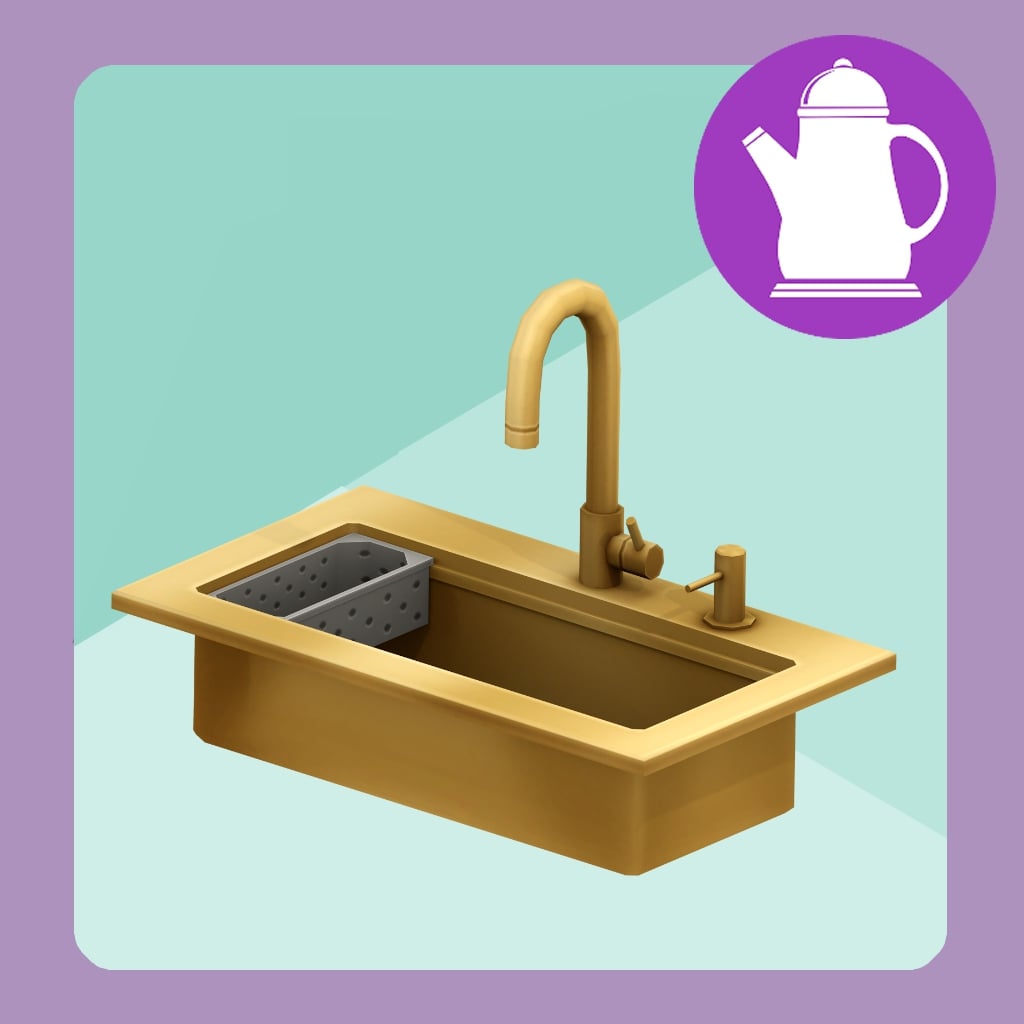
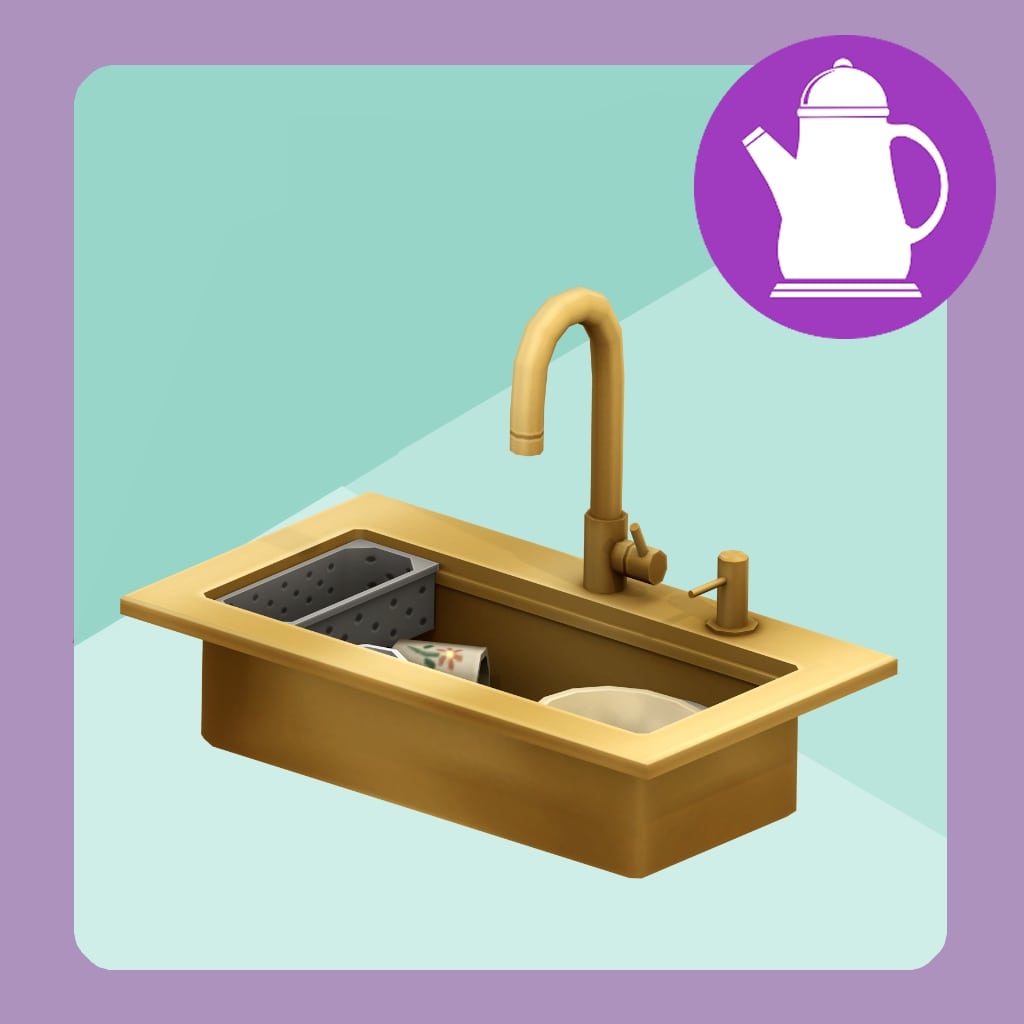
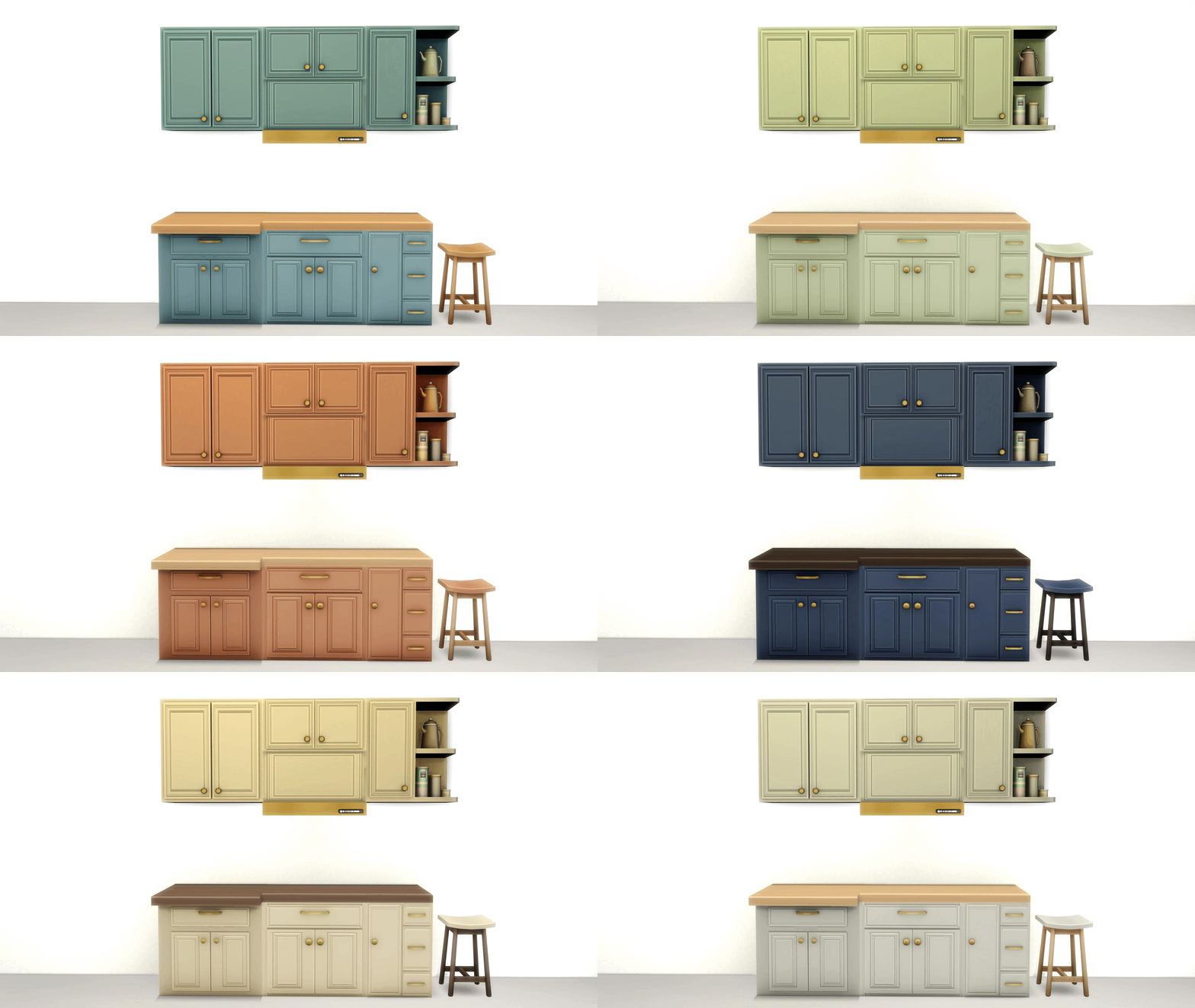
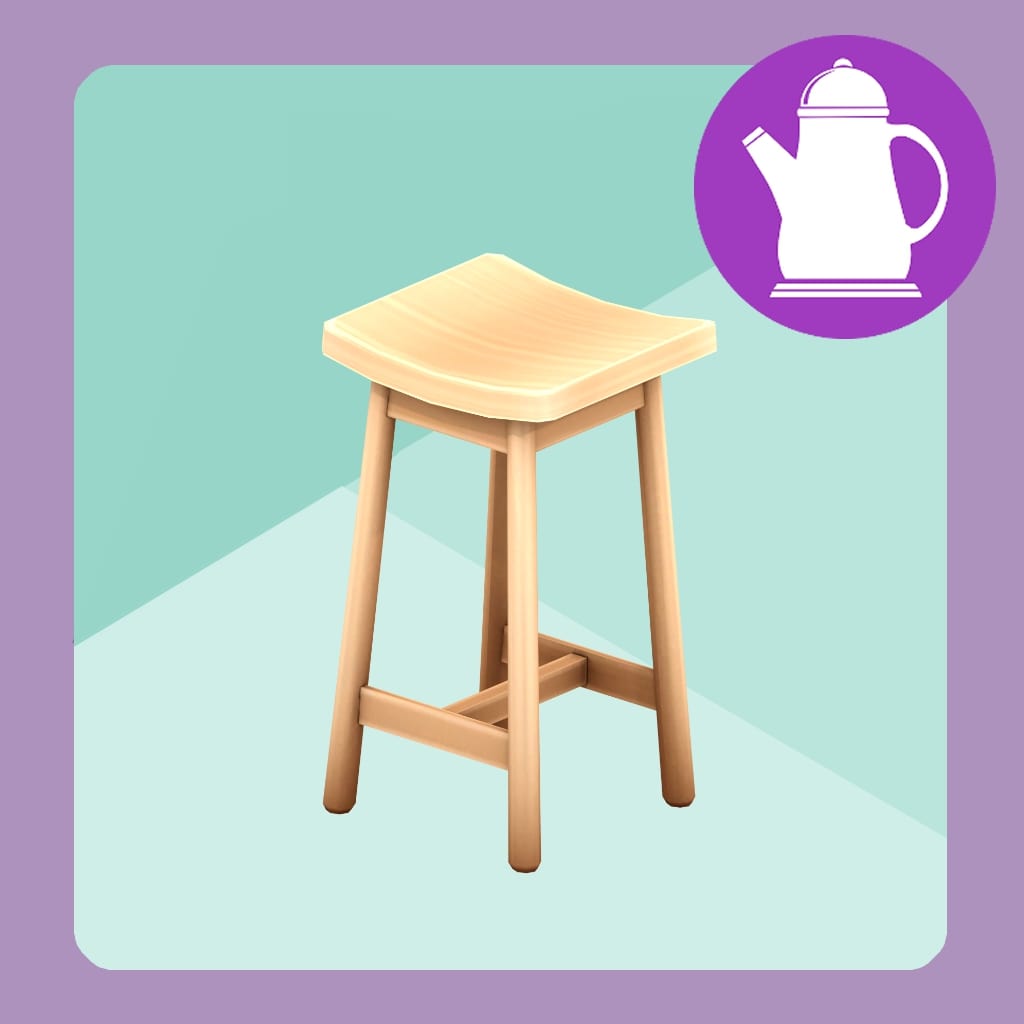
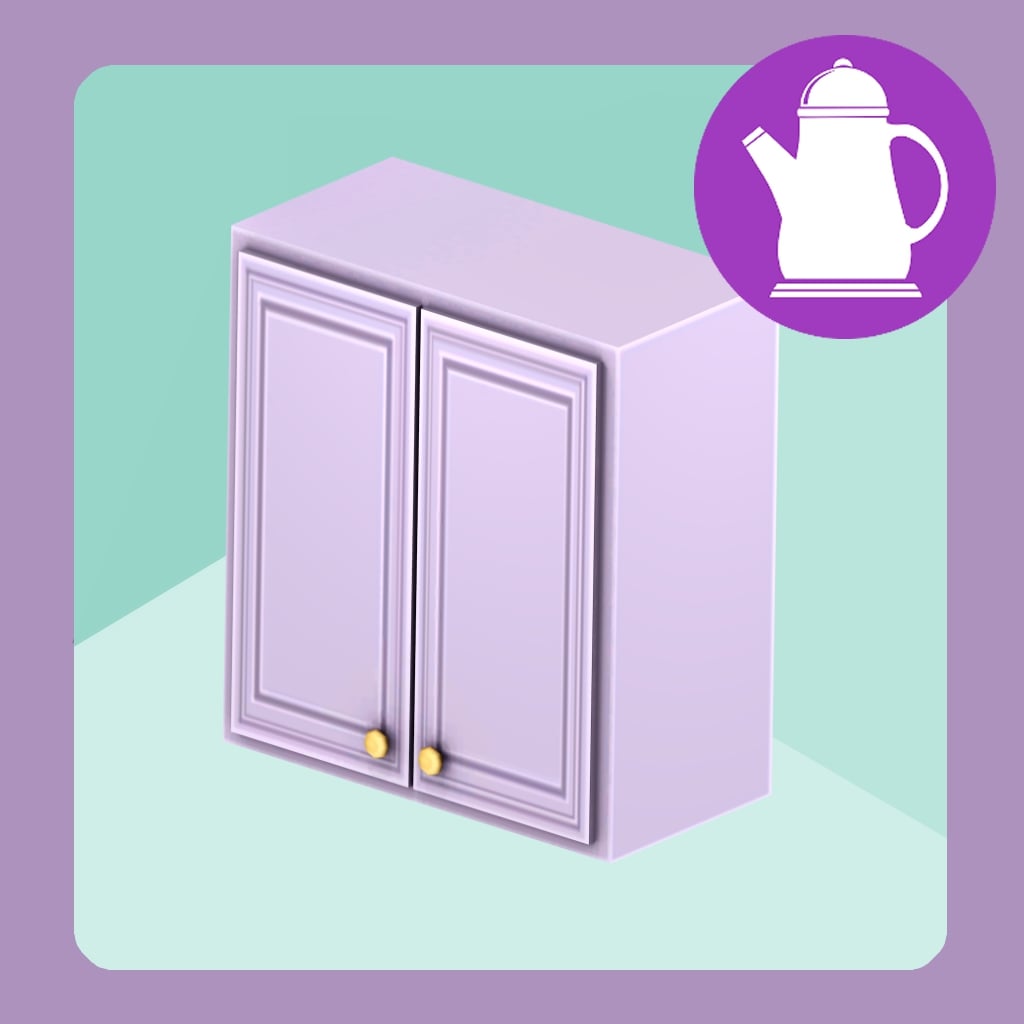
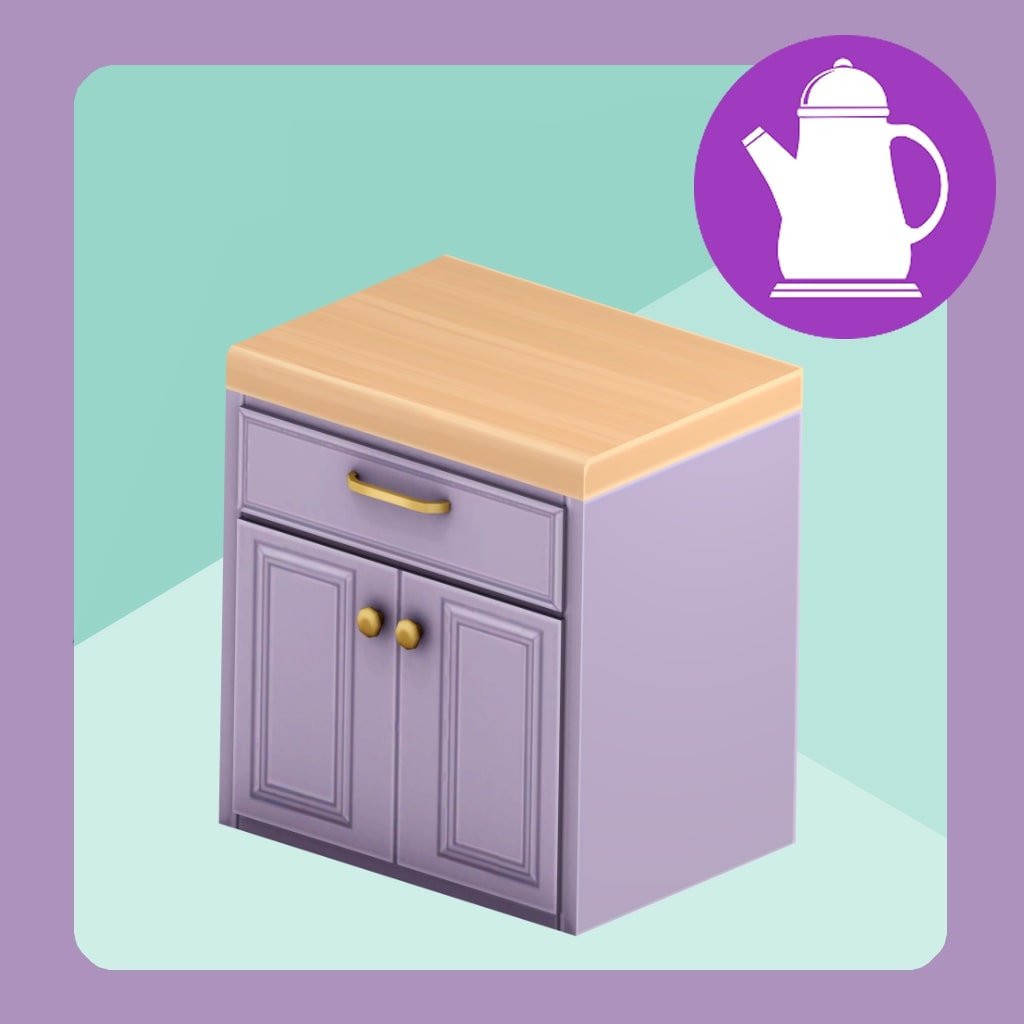
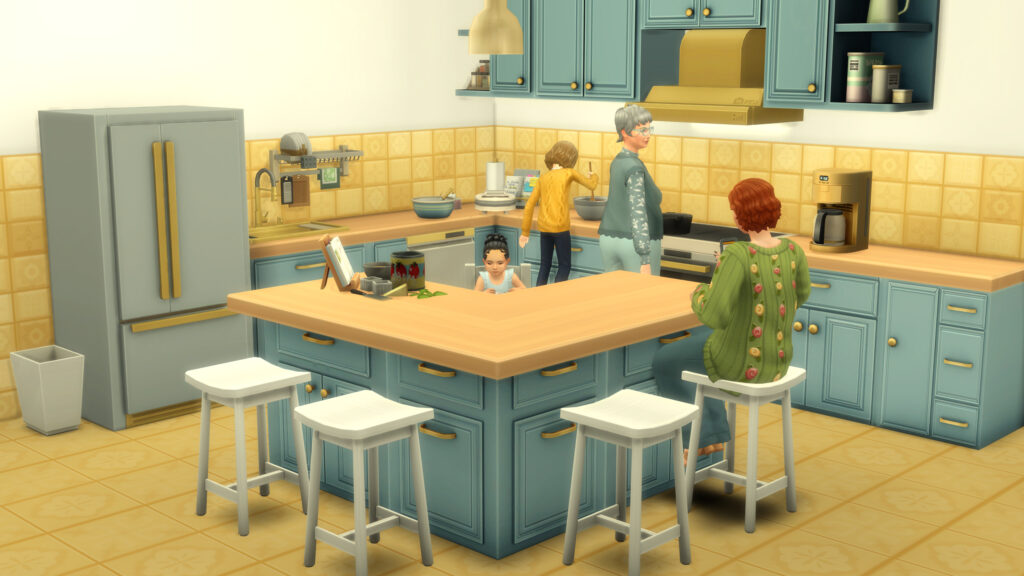
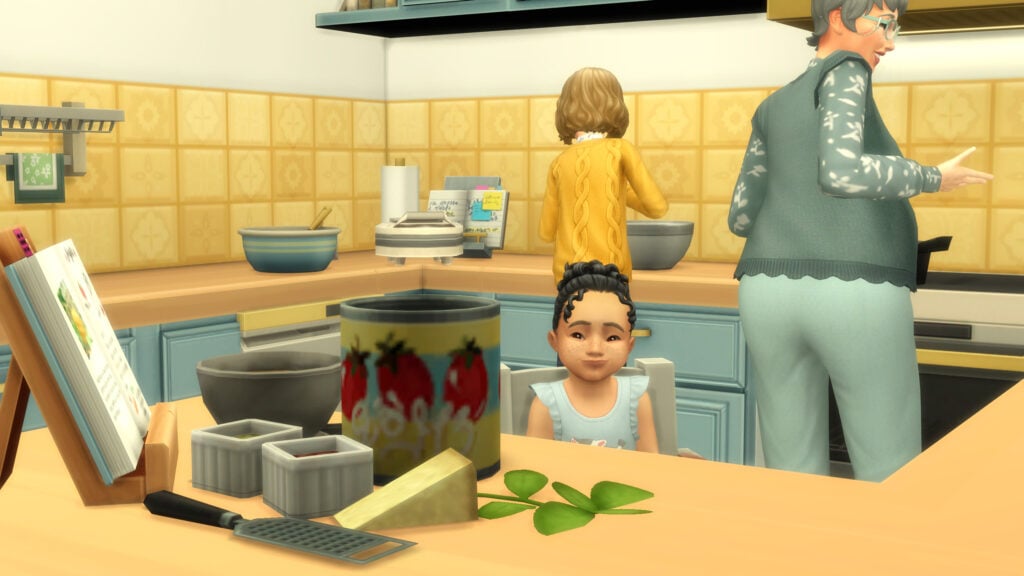
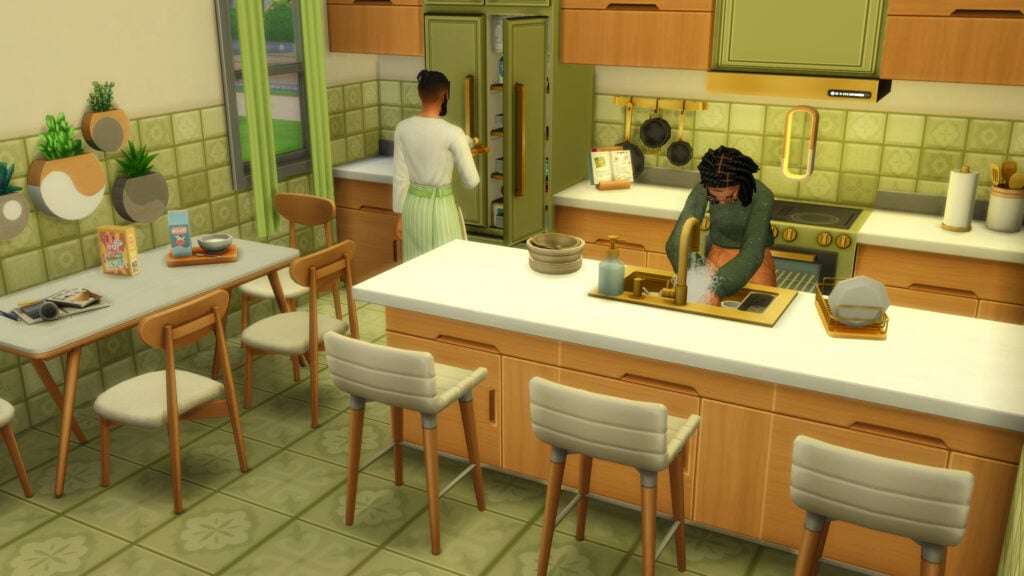
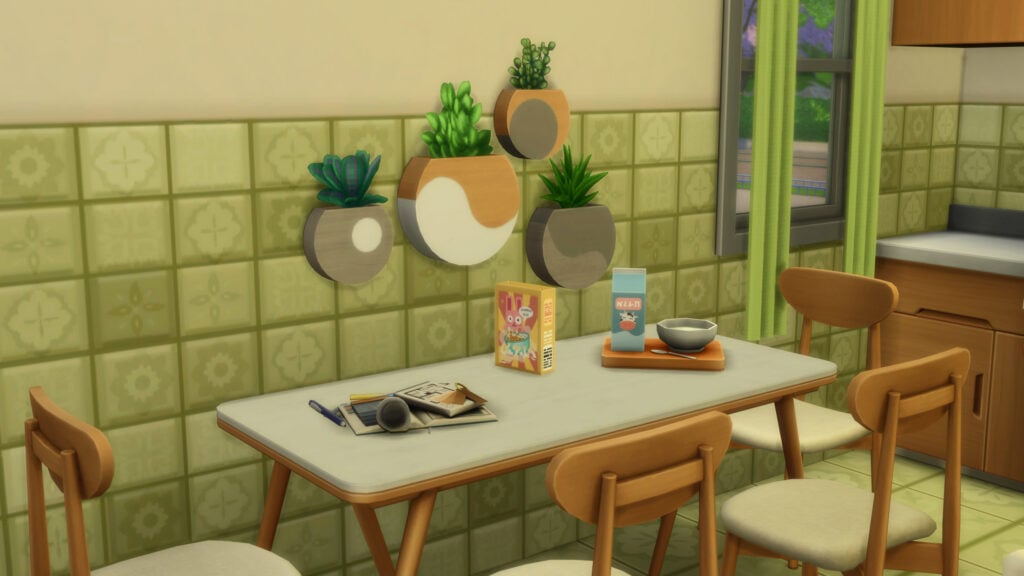
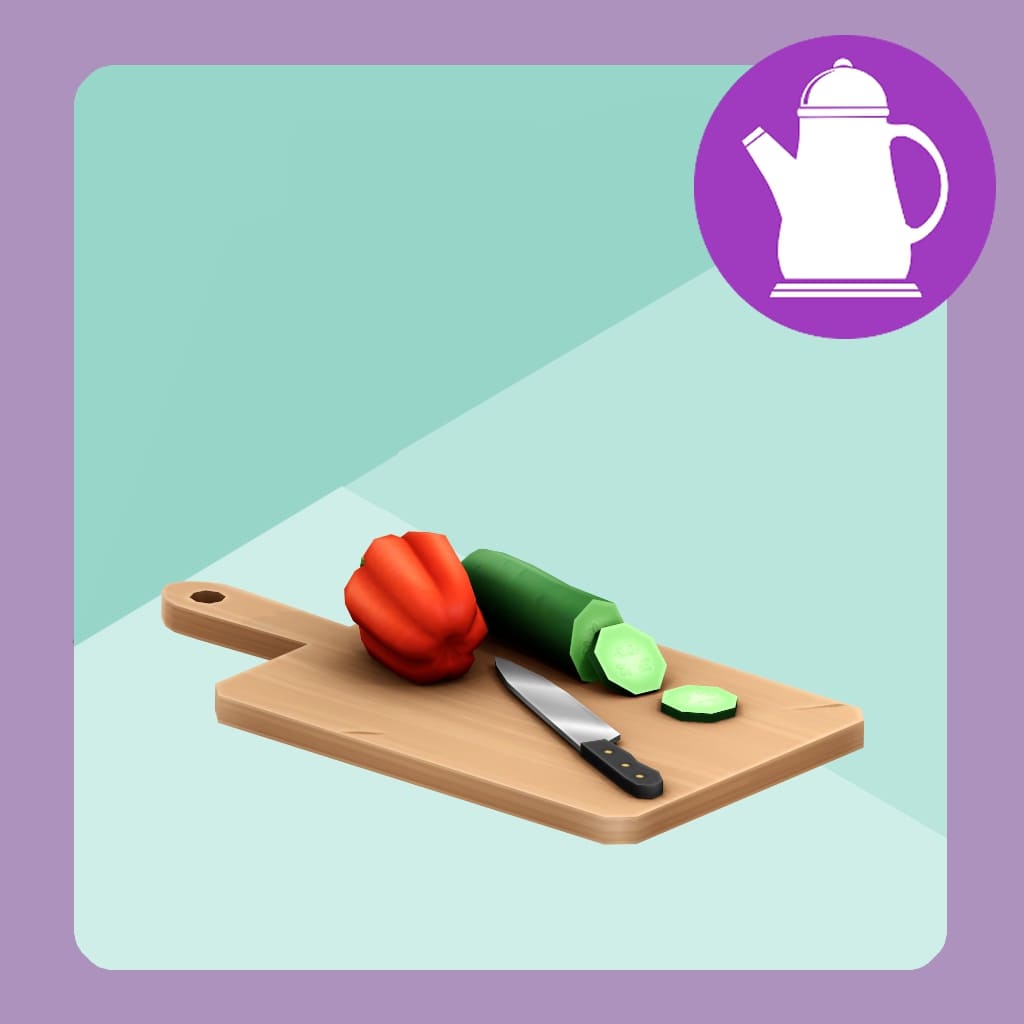
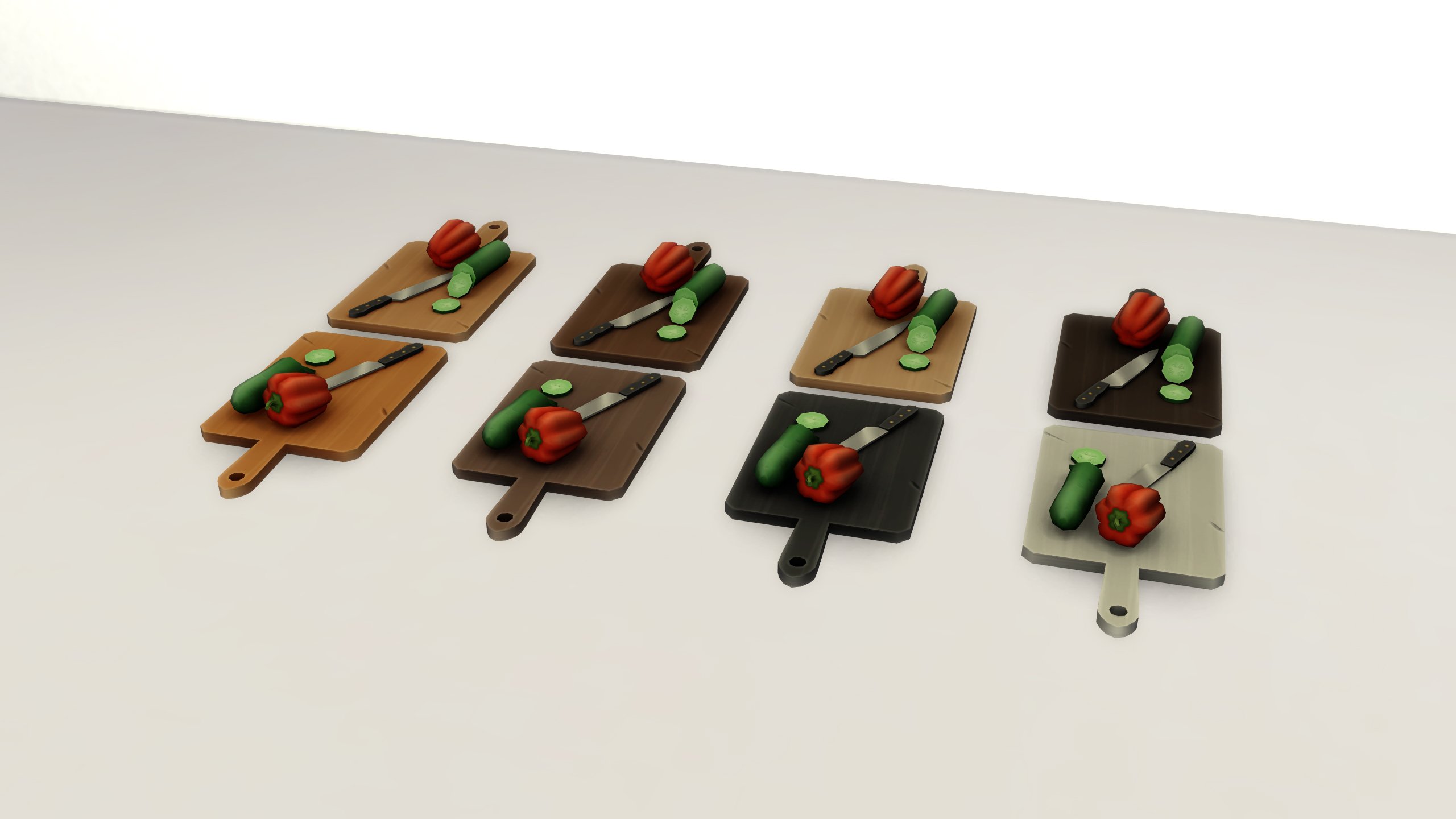
The one and only Simspancake, creator of the Sims 4 Retail Essentials CC Kit that revived our small businesses and the Sims 4 Retro Revival CC Kit that brought back the best of past interior styles to our sims’ homes, has released another set; The Sims 4 Daily Delights CC Kit. A kitchen set with 31 New Assets to spice up your sims cooking and bring a little flair and a pop of color to their everyday kitchen.

Sims 4 Daily Delights CC Kit - by Simspancake - Official Render

Installation Instructions

TS4 x64 2025 09 16 12 23 35 925

As per usual, it is vital to follow proper instructions for custom content installation to avoid issues, conflicts, etc. This pack is Base Game Compatible, though the blender only functions if you have The Sims 4 Adventure Awaits. Make sure to take a peek at our Beginner guide to Mods & CC, but a very short and basic tutorial for installation is…

To add the items to your game on Windows, follow this folder path:
C:\Users\[USERNAME]\Documents\Electronic Arts\The Sims 4\Mods
To add the items to your game on MacOS, follow this folder path:
Macintosh HD/Users/User/Documents/Electronic Arts/The Sims 4/Mods

Once you’ve downloaded the files, make sure you have an extraction program installed. These can include 7ZipWinrar, etc. After that, highlight one or multiple zipped/compressed files and select “Extract Here”. Drag the extracted contents to your Mods folder. You can also sort them into their own folders within your Mods folder, but it is recommended to not nest them too many levels deep as it can cause longer loading times, and some CC items stop working when too deep within folders. A good rule of thumb is that custom content can go 1-2 folders deep, while mods/overrides can go about one folder deep.

Tip: While many creators provide additional files, like .txt/ReadMe, .jpg/.png files, and more, it is best practice to not put those into your Mods folder as they can also lead to longer load times and excessive clutter. Creators will often specify any files that need to be put into the folder, along with where, so primarily focus on .package and .ts4script files!

Sims 4 Daily Delights CC Kit by Simspancake

TS4 x64 fpb 2025 11 05 21 41 16 506

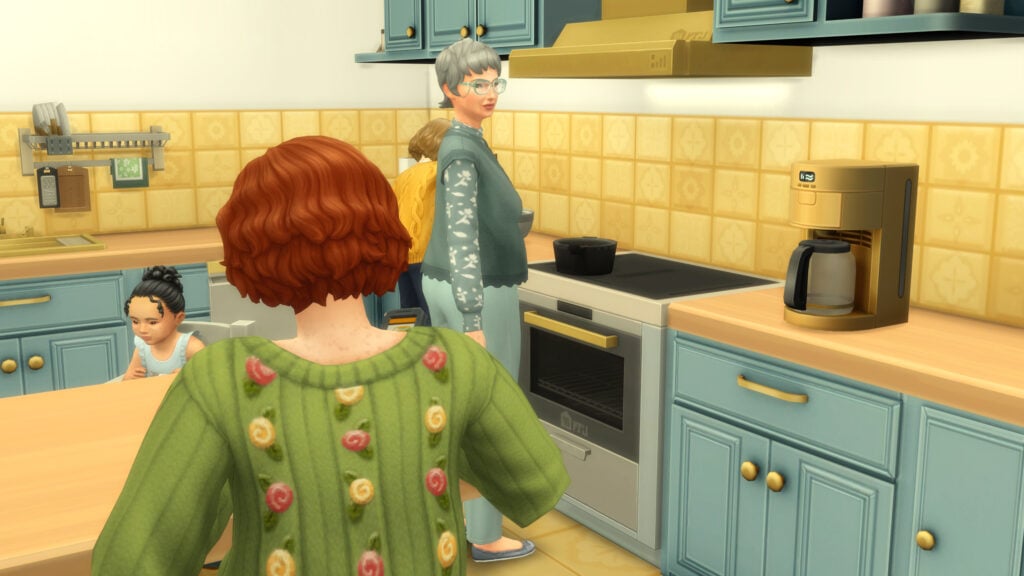
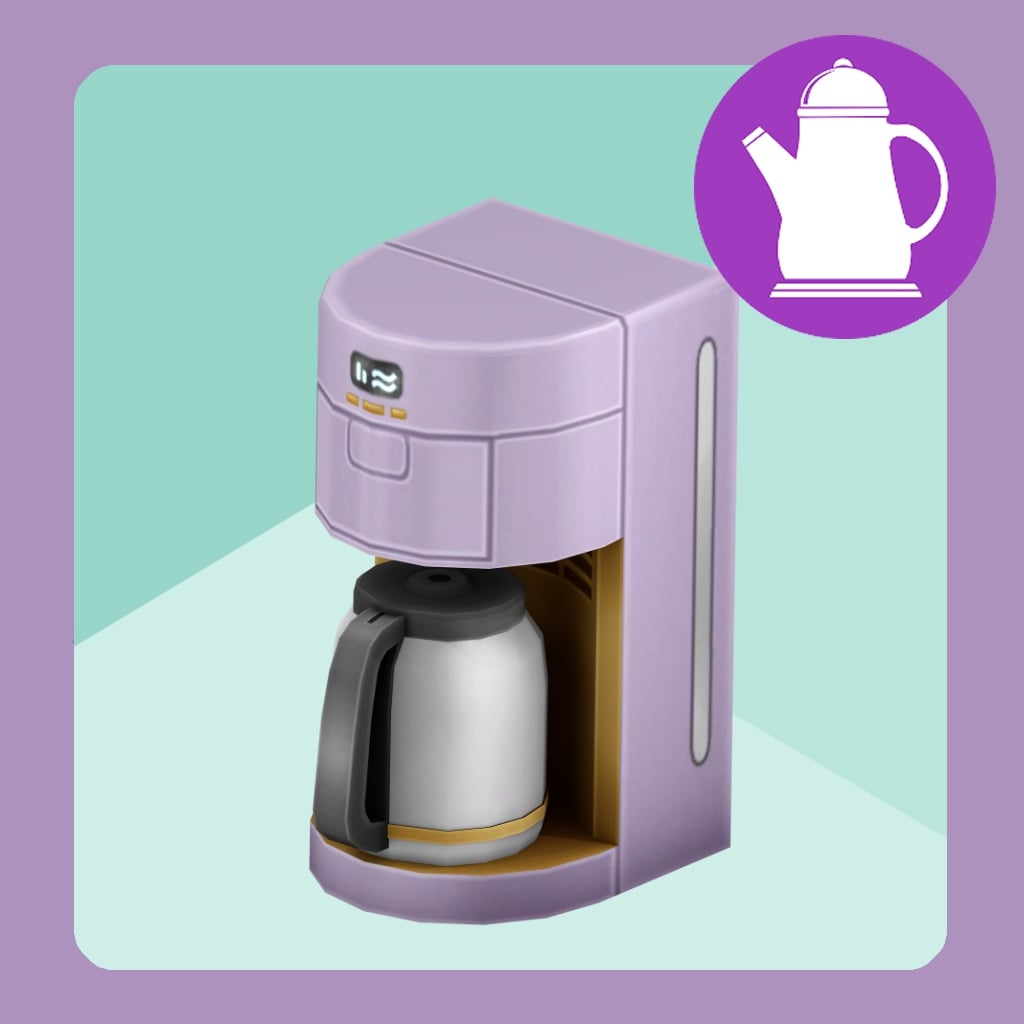
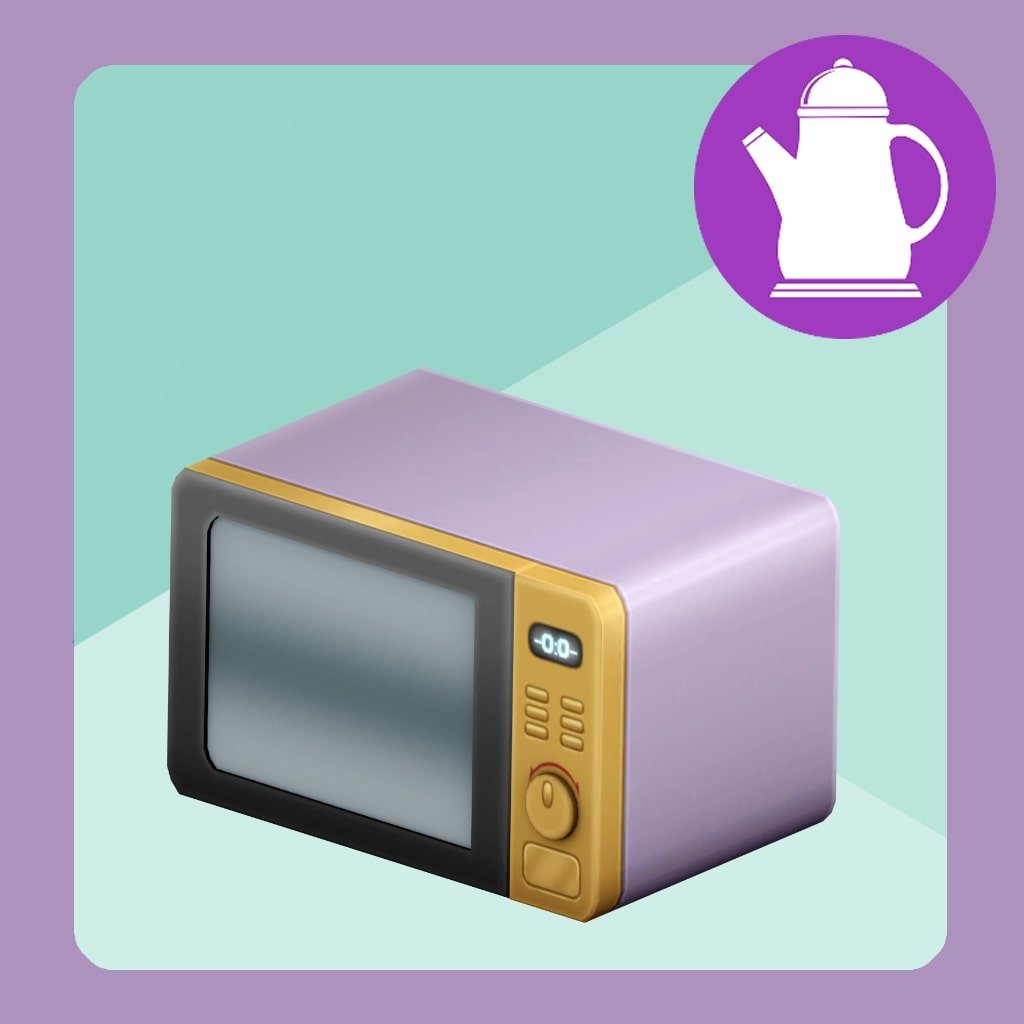
Start every day with a touch of comfort in the Daily Delights Kit! Whether it’s brewing your first cup of coffee, mixing up something sweet, or just enjoying the soft hues of your cozy kitchen, this pack brings warmth to the heart of your Sims’ home. With pastel tones, charming clutter, and everyday essentials, Daily Delights turns ordinary routines into little moments of joy.

This pack comes with 35 new maxis match assets for your Sims kitchen, including a new functional Blender if you own The Sims 4 Adventure Awaits, and new base game friendly appliances like a microwave and coffee maker.

Each item comes in 17 new swatches, 16 in some cases and wood accents that match plenty of objects made by Maxis. For this pack I was inspired by The Kitchen Clutter Kit and wanted to offer more clutter. 17 objects of this pack are clutter you can decorate with. Going from a cozy apron hook to your Grandma’s Special Cookbook, you will find a way to make your Kitchen feel lived in and cozier than ever.

– Simspancake’s Reveal Post for the Sims 4 Daily Delights CC Kit

This pack pulls inspiration from existing DLC and certain base game items, but strikes out on its own and stands out with a vibrant color palette, detailed and clean textures, and additional details that make cluttering and making your sims’ kitchens look lived in fairly simple. A personal favorite is the options for a cluttered and uncluttered sink!

For some similar options to expand your Build & Buy catalogue, make sure to look at our previous reviews for Simspancake’s Sims 4 Retail Essential Kit and Retro Revival CC Kit!

Walls & Floors

Grandma’s Kitchen Floor Tiles

Grandma’s Kitchen Wall Tiles

Plain as Day Paint

TS4 x64 fpb 2025 11 05 21 13 08 178

Decorations & Lighting

Soul of the Kitchen Apron Hook

Cereal Morning Magic

Abuelita’s Cookbook

Super Bunny Cereal Box

Fresh Prep Cutting Board

Soapy Suds Dispenser

Dry & Cozy Dishes Rack

Henford Fresh Eggs

Serene Spice Set

Glow & Gather Pendant Light (Short, Medium, Tall Wall Height)

The Little Helper Cup

Simmer & Sizzle Pot Rack

Everyday Stack

Stack N’ Snack Plates

Keep it Clean Paper Towel Dispenser

Tidy Up Towel Rack

Hearthside Helpers Utensil Set

Whisk & Wish Bowl

Appliances

Appliances

Whirl N’ Swirl Blender (Requires Adventure Awaits for Functionality)

3 1

Perk Up Coffee Maker

7 1

Nookwave Microwave

20

Simple Comforts Fridge

14

Simple Comforts Stove

26

Comfy Clean Kitchen Sink & Lived In Kitchen Sink

Furniture

Furniture 1

Homestead Bar Stool

2 1

Simple Comforts Cabinets

5 1

Simple Comforts Counter

9 1

Simple Comforts Island

15

Breezy Clean Kitchen Hood

17

DLC Pairings & Inspiration

TS4 x64 fpb 2025 11 05 22 36 59 232

With Simspancake’s knack for making items that look like EA official releases, meaning that they’re very Maxis Match in terms of CC style, pairing his items with the Base Game and different DLC’s available for the Sims 4 is fairly easy. While his sets do vary, the Sims 4 Daily Delights CC Kit often pairs well with packs centered around the kitchen or more modern yet homey items, rather than purely modern or rustic. Items that have a vibrant palette, smooth style, and eye-catching details that provide the coziness of your grandma’s house with the luxuriousness of sparkling new appliances.

Base Game

With the variety of swatches found in the Sims 4 Daily Delights CC Kit, I found it incredibly easy to mix and match items with base game pieces that lack large amounts of swatches or possibly need an update at some point. Pieces of decor were able to stand out with the stark contrast in the background, and the gold accents on the furniture made everything more cohesive like the barstools, the stove hood, and the coffee maker.

Home Chef Hustle

While I would say this set is quite modern and very clean, the color palette and classic-feel made styling a family-style and busy kitchen a treat. A family sitting around together and cooking a meal felt right at home among the bright and vivid swatches of the counters and walls, paired with white furniture pieces and colorful food clutter items.

Dream Home Decorator

A modern style with a splash of greenery, the combination of warm wood tones and green shades (both olive and sage) made the kitchen an inviting and homey space. Fit for a young couple working on their cooking or gourmet cooking skill, and working their way up in the world!


The Sims 4 Daily Delights CC Kit is currently Early Access, and will be publicly available November 28th, 2025. Read info regarding the kit from the creator, Simspancake, here. Thank you to Simspancake for offering me early access to test and enjoy this set in my game and let you guys know! Make sure to follow the Sims Community for more custom content and mod recommendations!

Is this a CC kit you’re looking forward to downloading, or do you have any other sets by this creator that you’re a fan of? Let us know!

Players React to Anadius Leaving The Sims 4 DLC Unlocker Worth $1,500

31

Anadius, Creator Of The Infamous DLC Unlocker tool Worth $1,500, Suddenly Quits, Sparking Heated Debates Over EA’s Pricing Model.

For years, Anadius was a household name in the Sims community among those who couldn’t afford, or chose not to buy into, EA’s extensive catalogue of DLCs for The Sims 4. His DLC Unlocker Tool gave fans free access to over $1500 worth of content for free, reshaping how thousands of players experienced the game. However, on November 20th, Anadius abruptly announced his departure, deleting his site, all of his prior tweets, and leaving just a short 1 sentance message:

All done! Have fun playing the game! 🙂

@anadius via X (defunct)

The news has sent shock, anger, concern, and a heap of other emotions through the community.

The Community Reaction To Anadius’ Exit

The news of Anadius’ departure spread quickly across Twitter/X, as well as other forums where Anadius was well known. Over the past few years, Anadius has gained a reputation for being blunt and sometimes rude to players asking questions about new releases or how his DLC Unlocker Tool works.

User: Sorry for not being Anadius, but maybe because the EA [SIC] found out that you are using the cracked version online (I am not sure about it), they might not like you using the cracked version, so that's bad news. I am not Anadius. Listening to Anadius's words will be helpful

Anadius: Shut the **** up

The above is just a small example of how his temperament rubbed some players the wrong way. In a post on a popular pirating forum, he addressed his attitude towards not only Simmers but his friends as well.

I decided to step down. Don't pester my close friends, till the end I acted like an asshole I am and haven't told them the reason why either. :] Now to address what happens afterwards:

DLC Unlockers, Origin Unwrapper and Origin Emulator don't go anywhere. As long as someone else decides to maintain them - they work. Anyone can make a new crack using Origin Unwrapper + Emulator. Anyone can update DLC Unlocker configs as long as they buy a DLC and then use Origin Helper (see the Emulator thread) to get the needed data from your entitlements info from the download tab.

Sims 4 Updater is dead dead. And so is my Denuvo queue bot.

Source code for Origin Emulator, DLC Unlockers (both v2 and the one for Mac) and token generator is safe with the moderation team. I ask them to share it with anyone willing to update them (in case they break).

Everything else I deemed worthy to keep from my GitHub account - I'm attaching below:

While Anadius’ departure was sudden, he did leave behind any files that he deemed useful for someone to take over his work. This attitude was the source of frustration to many Simmers, with many defending the behaviour, claiming it was justified due to the services he provided. This reputation also had sway in how Simmers online reacted to his departure. Let’s take a look at some of the reactions to Anadius leaving!

A Controversial Alternative Appears

While we can’t promote places that offer cracked copies of games, there has been one creator who has come under fire for attempting to take over Anadius’ work via Patreon. This user has uploaded every pack for The Sims 4 as attachments on Patreon, allowing users to continue using the DLC unlocker. The issue lies within how Patreon works.

PatreonPirate

For those unfamiliar, to monetise Patreon, a user must provide their full legal name, as well as any relevant tax information (which varies by region), to verify that they comply with self-employment earnings laws. Hosting pirated content directly on the platform could expose this user to legal repercussions. Anadius operated on self-hosted servers, successfully evading EA’s legal teams; however, the Patreon user is putting themselves at direct risk.

What Is Next For The Community?

With Anadius gone and controversy swirling around paid Patreon unlockers, players are left wondering what the future holds. For some, the end of the free DLC era marks a turning point, either returning to official EA channels or stepping away from the game entirely. Others are already searching for new tools, though many warn that copycat unlockers could expose fans to scams, malware, or legal risks.

If you know where to look, there have always been alternatives to Anadius, and there always will be. However, alternatives can be tricky for the less tech-savvy among us to understand. A key factor in Anadis’ notability was how easy it was to access his content and install it safely on users’ systems.

For now, the Sims fandom remains divided, some mourning the loss, others condemning piracy, and many simply hoping for a more accessible future for the game they love.


What are your thoughts on Anadius’ exit? Let us know in the comments below, and stay tuned to Sims Community for all the latest on The Sims 4.

The Sims 4 Laundry List: All Fixes Coming in December 2nd Patch

Maxis and EA reveal a new The Sims 4 Laundry List for the upcoming Game Patch.

The Sims Team has prepared a brand new Sims 4 Laundry List in preparation for the next game update. As always, the Laundry Lists promise players which Bugs and Issues have been resolved for the next game patch. Although they don’t guarantee a 100% success rate, most, if not all are expected to be fixed for all players.

The latest Sims 4 Laundry List contains fixes for issues that are expected to be released with the new Game Patch set for December 2nd, 2025. Here’s all the issues you should expect to be resolved down below:

the sims 4 logo black

The Sims 4 Laundry List: December 2nd, 2025 Fixes

Hi Simmers!

Welcome to the Laundry List, where we update the community on what’s coming next to The Sims 4!

We’re thinking about giving this series a new name and we’d love your input! The Laundry List is where we share updates on the topics you’ve been talking about most, so it only makes sense that you help decide what it’s called. Should we keep the current name, go with something more descriptive, or try something totally new? Share your thoughts with us in Discord via our feedback forum that is available now!

As we move beyond our 150+ fixes with the November 4th update, we remain committed to resolving your top community reported concerns.  Many of our remaining top community concerns are trickier ones to fix, as they’re deeply connected to other game systems and take more time to solve safely. That means you might see fewer fixes from this team, but each one will make a bigger impact and help create a more stable game overall. We also know that community concerns around Careers have been top of mind for Simmers, and you’ll see some investment into that area below. 

We’ll have another batch of fixes for you in early 2026, more on that below December’s fixes. These fixes are separate from the ongoing investigation into save file issues, which we’ve provided an in-depth update here. As a quick recap, we’ve shipped a fix for residential units causing a white screen, and our investigations into large saves and Error 801 is providing great leads for future fixes.

As always, if you’re hitting crashes, infinite loading, or missing lots, please read our post here to see how you can share affected saves so we can gather some critical information to aid our investigations.

The Sims Team

Here’s the list of the top community concerns you can expect to see fixed in our December update:

Top 5 Most Voted Fixes:

  • [EA Forums] Child, Teen, Young Adult, Adult, and Elder Sims will once again no longer have clothing visible under their privacy mosaic. However, the cause of the issue is different for other ages and we’re still investigating those instances to hopefully fix in an upcoming update. (Base Game)
  • [EA Forums] Sims are now able to travel between world/lots without the Seasons screen popping up. (Seasons)
  • [EA Forums] Male Gallery Sims will no longer have high-pitched voices. Their correct voice tone will be used. This fix is not retroactive and will only affect future saves going forward. (Lovestruck)
  • [EA Forums] We fixed an instance of Save Corruption that was resulting in Error code: 123:b378c837: In this Save, a Sim was dead, a ghost, and min LOD (Not actively engaged with by the player), which was causing some code around Small Business careers to crash the game on load. We made it so that if a Sim is referenced in this situation the game will not crash when trying to load. (Business & Hobbies)
  • [EA Forums] Made progress on Children being taken away despite not being neglected. More investigation is required before we mark this one as fully resolved. (Life & Death)

Base Game:

  • [EA Forums] The Nature Soundscapes radio station will no longer wake up Sims when they listen to it while sleeping. 
  • [EA Forums] Teens will retain their active Aspiration (so long as it is not a ‘Teen-specific’ Aspiration)  when they age up into a Young Adult. 
  • [EA Forums] We rebalanced the “Mental Fog” moodlet to appear after 3-4 days of running the “Work Hard” career tone. It used to appear after 1-2 days of doing this.
  • [EA Forums] The Arrrmed Living Chair had a duplicate color swatch. We didn’t want to remove a swatch, because that might break existing builds, so we decided to change one of those swatches to be a new variant. When choosing what color to go with, the artist thought this piece of furniture might nicely match some of the Enchanted by Nature furniture in style. But it felt odd to add just one swatch, so we added an additional two other variants,  but then realized the Arrrmed Living Chair was part of a set, and we probably wanted those three new variants to match other pieces of furniture from Base Game—takes a breath—so in total there are at total of 27 new free swatches (9 objects with three new variants each). Here’s a list of the updated furniture pieces. Enjoy! (We know Princess Cordelia would!)
    • Arrrmed Living Chair
    • Deep Delight Living Chair
    • Cuttlefish Love Seat
    • Cuttlefish Sofa
    • Arrrmed Dining Chair
    • Captain Rodrigo de Pablo Dining Chair
    • Arrrmless Dining Chair
    • Cephalopod Bar Stool with Back Support
    • Cephalopod Bar Stool
  • [EA Forums] The Main Menu will no longer show “WWWWWW” when there isn’t an active Household to display on the Main Menu. 
  • [EA Forums] Sims will once again change into their outfits in front of Toddler Sims.
  • [EA Forums] We fixed an issue where Moodlets and Quirk notifications could occur for a Young Adult Sim. 
  • [EA Forums] We fixed some texture issues with the IndustryMatters Brick Facade with Wood Trim wallpaper when applied to wall corners for two of the wallpaper’s variants.
  • Sims without the Horse Ranch Expansion were able to get a Fear of Horses, but this can no longer happen.
  • Good and Evil Sims will no longer mourn excessively at gravestones.

Adventure Awaits:

  • [EA Forums] We partially addressed this Forum Thread with a significant fix. Pre-made Custom venues will now display and execute their premade Schedules in the Release mode version of the game. This means when you load into a premade Custom Venue, you will now see the proper schedules and gameplay. This was previously only working on our internal builds due to some code that needed changed.
  • [EA Forums] cfTop_EP20PulloverLayered is now tagged as a Masculine style choice option. 
  • [EA Forums] All Adventure Awaits Toddler and Child hairstyles are now visible if you remove the Masculine/Feminine Style choice filters.
  • The Gran Gran’s Flannel Curtain rods were using a different shader than the curtain set, but we’ve updated them to use the same shader. This was done on purpose since curtains and solid objects use different shaders, but in this case, it caused a difference in some lighting scenarios which made the objects look like they were different colors.
  • ymTop_EP20FleeceCurve was missing fashion choice tags. These have been added. 

Autumn Apparel:

  • [EA Forums] Fingernails will no longer clip through the yfAcc_GlovesSP69Leather asset. 

Business & Hobbies:

  • [EA Forums] The ‘Stucko’s Top Stucco’ Wallpaper now extends fully to the floor when applied.  
  • [EA Forums] We added a missing purple variant color swatch to 8 doors and windows.
    • Lang’s Door
    • Double Arched Nordhaven-Style Door
    • Single Nordhaven-Style Door
    • Arched Nordhaven-Style Window
    • Nordhaven-Style Portal Window
    • Nordhaven-Style Cottage Window
    • Nordhaven-Style Window
    • Nordhaven-Style Glass-Block Window

Cats & Dogs:

  • [EA Forums] We fixed a situation where it looked like you couldn’t have more than 7 Sims in a Household. This was because the Household had an empty Sim slot ‘reserved’ for an “Adopt a Cat” story arc that the player couldn’t know was happening in the background. This story arc will now just wait until there is an available household slot and not prevent the addition of new members to the Household in the meantime.
  • [EA Forums] We added timing restrictions on how often a Pet can explore the PooHoo Bush to every 3 days. Doing this causes them to get sick and was previously happening too frequently. 
  • Sims will no longer receive a text from their Pet about missing curfew. 

City Living:

  • [EA Forums] Sims in the Social Media Career will now automatically meet their Coworkers so that they can perform certain work from tasks. This fix will only occur on fresh saves. Cottage Living:
  • Added a shadow to the Cottage Living pack icon. 

For Rent:

  • [EA Forums] Lines will no longer appear on Sims’ arms while wearing either the yfTop_EP15StackedPocketShirt or ymTop_EP15StackedPocketShirt shirt if nails are also equipped.

Get Famous:

  • The “Attend Drama Club” interaction is now available as a Self-interaction and on other Household members when a Teen Sim is at max level in Drama Club and has left for rehearsal. This interaction will remain for 90 in game seconds afterwards to allow the player time to select it.

Greenhouse Haven:

  • The AirCycler fan will no longer disappear when viewed from a different floor than the floor the player is currently on. 

High School Years:

  • [EA Forums] The Corndog food object is no longer using a block model (which appeared as invisible in the live version of the game). This also fixes the related issue where it didn’t appear in preview UI images. 

Life & Death:

  • [EA Forums] House Parties and Spooky Parties have been added as viable options for the Bucket List goal “I want to throw the most bizarre costume party of all time!” 
  • [EA Forums] Ghost Sims will no longer appear as a regular, living Sim while in the Reaper Career attempting to collect souls. 
  • [EA Forums] The Mentor Coworker interaction is available on a Co-Worker while they are performing “Practice Reaping’ on the training dummy. 
  • The “Ingest Ambrosia” interaction is now available to Ghost Sims when Ambrosia was made by Sims from another Household. This was preventing Sims who were in the Reaper Career from eating Ambrosia.

My Wedding Stories:

  • [EA Forums] We fixed an issue where the “Exchange Vows” interaction could become greyed out on the Wedding Arch even though the necessary Sims were present for the ceremony. 

Paranormal Stuff:

  • The Terrified and Scared emotions are now available in Sim Stats. 

Realm of Magic:

  • [EA Forums] All variant textures display the logo of the bottle properly on the Classic Apothecary Cabinet.

Seasons:

  • [EA Forums] Children and Teens can now donate on the computer when in the Scouts after school program.

Vampires:

  • Non-Vampire Sims will no longer autonomously eat Plasma Fruit Salad.

Multiple Packs:

  • [EA Forums] We fixed an instance of Save Corruption that was resulting in Error Code 109:4fe45107:239aa048: There was a Clone Sim in this Save game that has a Household with a status of “None” in our code. We fixed it so if a Household is in this state it will no longer crash the game upon trying to load. (Business & Hobbies & Get to Work)
  • [EA Forums] We fixed an issue where sand sculptures were auto-generating on beaches when it rained a lot. This is still occurring if the Weather Machine is used by the player, but we have a fix planned for that instance in an upcoming patch. (Island Living & Seasons)
  • [EA Forums] We made a change that allows gates with lanterns to have the lanterns light up the area around them. This should now work for the following gates:
    • Spanish Inquisition (Base Game)
    • Woodn’t You Like to Know (Base Game)
    • Maiden’s Gate (Base Game)
    • Barn Door Double (Cats & Dogs)
    • Cozy Craftsman Gate (Seasons)
  • [EA Forums] Sims who dislike Mischief or Singing will no longer autonomously do mischievous behaviors or sing. (Basegame & City Living)
  • [EA Forums] The Police Station,  Foxbury Commons, and other work computers are now fixable after they’ve broken.  (Get to Work, University, & More)
  • [EA Forums] The Tomarani Introduction will now fulfill the “Greet Co-Worker” task in the Doctor Career. (Get to Work & For Rent)
  • Fixed an issue with Temporary Stays where certain Sims couldn’t be invited to stay over from a Residential Rental lot. (Growing Together)

As we head into the new year, our team maintains focus on improving stability and performance across The Sims 4. We’re actively working on the following top community reported concerns, targeting our January Base Game update.

  • [EA Forums[EA Forums] We’ve confirmed that the Makeup Category for Toddlers is currently working live, but it requires custom content (CC) to appear. We’re still looking into reports that it stopped working after the Business & Hobbies release and that there may have been non-CC assets before, so we’d appreciate any screenshots or clues you can share to help us figure it out.
  • [EA Forums[EA Forums] We were able to load these saves using our Memory Boost feature, so it feels like a promising lead or (in some cases) a fix for PC players! However, we’re still in the process of testing this against different hardware scenarios. If you are experiencing these issues, please fill out our Missing Lot Data survey
  • [EA Forums] The server error when uploading to the Gallery or Library is the top community issue, and we’re actively working on a fix—though it has proven tricky.
  • [EA Forums] We’ve identified the main cause of Sims standing around instead of caring for infants and toddlers and plan to provide an update soon.
  • [EA Forums] Memorial Portraits and Graduation Photos no longer display a Sim’s image and appear blank is another top community issue we’ve made progress on and are targeting for a future update. 
  • [EA Forums] Sims attending a Work/School Rabbit Hole not remaining in the  Rabbit Hole when loading a Save (where the Sims were Employees of an ‘Open’ Small Business) is another top issue that we think we’re testing a fix for. 
  • [EA Forums] “Sims using objects obsessively” is another issue we’re tackling. This is a rather complicated issue to solve that might take some time, but we have some creative solutions we’re discussing.

That’s just a brief update on what we’re currently looking at fixing next! There’s plenty more and at least six other issues in our top 10 community issues we want to at least get started investigating. They’re all tricky ones, so thank you for your patience, reports, and continued support! 

What are your thoughts on the latest Sims 4 Laundry List? Join the conversation below and stay tuned for more Sims 4 News!

BLACK FRIDAY IS HERE: Save Up To 60% On The Sims 4 Packs

Big Savings Are To Be Had This Black Friday. Save Big On The Sims 4, The Sims 3, Legacy Collection, & MySims!

This Black Friday, there are some massive deals to be had across The Sims franchise. It’s not just Expansion, Game, and Stuff Packs for The Sims 4 on offer; the sale also includes titles such as the recent Legacy Collection (including the first two titles in the franchise) and the MySims Cozy Bundle. All of these deals can be found on the official EA store or the EA App. Take a look at what’s on offer below!

The Sims 4

Expansion Packs

While the latest Expansion Pack for The Sims 4, Adventure Awaits, is yet to see a sale, you can still save up to 60% off past packs in this year’s Black Friday sale!

EPSale1

Game Packs

Unlike Expansion Packs, all Game Packs are available on sale, with 30% off every pack!

GPSale1

Stuff Packs

The final collection for The Sims 4, on sale for Black Friday, is the Stuff Packs, with 30% off every past Stuff Pack!

SPSale1

Bundles

Missing multiple packs from your collection? Bundles are currently on sale too!

bundlesale1

The Sims 3

It isn’t just The Sims 4 on sale this Black Friday; The Sims 3 packs, alongside Worlds, are all seeing 50% savings!

ts3sale1

The Sims 1 & 2 (Legacy Collection)

Feeling nostalgic? You can pick up The Sims 25th Birthday Bundle (Legacy Collection) for 25% off. The collection includes both The Sims and The Sims 2!

bdaybundlesale1

MySims Cozy Bundle

It’s not just the mainline franchise on sale; you can also pick up the recent MySims Cozy Bundle at a 45% discount. This bundle includes the original MySims, as well as My Sims Kingdom!

mscbsale1

Will you be picking up any new purchases this Black Friday? Let us know in the comments below, and stay tuned to Sims Community for all the latest on Deals & Sales!

Official November Update on The Sims 4 Save File Issues

6

Maxis releases a new progress report on The Sims 4 Save File issues and what they’re currently working on!

The Sims Team continues to share transparent status updates on The Sims 4 Save File issues and what they’re working on to resolve them. Ever since late August 2025 they started addressing the community on what they’re working on next, with the last progress report shared in October.

Today, a new status update was shared across The Sims Direct channels talking openly about current issue investigations with the save files. Take a look at what they’ve shared down below:

WRENCH PATTERN 1 e1661945015845

Sul Sul, Simmers,

Welcome to our November update into save file investigations. Over the past few months, our team has been testing, analyzing, and dissecting every lead – from missing lots to infinite loading loops – to understand what’s really happening under the hood. Thanks to our new Python-based tool and a growing database of player-submitted saves, we’ve identified several consistent patterns that point to the root causes of these problems. 

Here’s a high-level overview of where we’re at and where we’re headed, with more technical details below.

1. Fixed a cause of infinite loading on November 4th. Our team was able to identify and reproduce an issue that was causing infinite loading when converting Penthouses or Dorms into Residential Rentals. This issue was discovered internally, not linked to any previously ongoing investigations, and began with Adventure Awaits. A fix was shipped out alongside the community voted issues in the November 4th Base Game update. 

2. Thanks to the community providing their affected saves, we’ve also been able to resolve the underlying causes for Error code: 109:4fe45107, Error code: 109:d7e16575, and Error code: 123:b378c837 in the saves that they were originally occurring in. You can expect to see these fixes in our upcoming Base Game update in December. This does not mean that these error codes will no longer occur, but we can confirm that we’ve resolved the issue that was triggering the error in the provided saves. If you do run into these error codes again, please let us know on EA Forums and provide your save file to the team as we work to eliminate other causes.

3. We’re also exploring what we call a “Protobuf Overflow” – a case where save or Lot data grows so large it exceeds its storage limits, leading to missing or corrupted Lots. The good news is that our Memory Boost Feature seems to reduce this risk, and we’re continuing to test this theory using intentionally overstuffed save files. 

We’re also tackling Error 801, where multiple processes compete during load and can crash the game, and we’ve begun the process of moving scratch files from the Documents folder to AppData to prevent conflicts with cloud backups. On top of that, we’re investigating event overlaps, cheat-heavy or modded Lots, lingering mod data, and even cases where venue data carries into new saves. 

The further we investigate these issues, the more we’re certain that save corruption has no single underlying cause, there is no “patient zero”. More accurately, save corruption is akin to “18 bugs in a trench coat” that we continue to curtail as we progress. 

– The Sims Team

Our Current Investigations:

Protobufs – Missing Lot Data 

Our investigations suggest that missing Lot data may be caused by a “Protobuf Overflow.” Protobufs are the data files that store information about your saves – but they have a size limit. When a save or Lot grows too large (for example, due to extremely packed builds or complex saves), it could exceed that limit and cause corruption.

We’re currently testing this theory using an intentionally overstuffed save file and have found that the Memory Boost feature has the ability to to help reduce the likelihood of overflow, therefore preventing this issue from occurring on some hardware configurations. Our investigations are ongoing in this area, but this discovery gives us a solid direction for potential fixes to issues related to corrupted Lots and disappearing houses in saves with lots of rental units. 

We’ve done some testing on saves where lots appear missing and found that sometimes loading that save with the Memory Boost feature enabled can cause them to appear again. Our investigations are ongoing in this area, but given that both hardware and software are involved, it means we need more time to investigate this thoroughly so that we can come up with a proper solution. However, we do feel we have a solid direction and you can help us speed this up by filling out the survey linked below. 

Error 801 and Scratch File Investigations

We’re actively working to better understand the underlying causes of Error 801, which can cause the game to crash before loading. Our current testing suggests that multiple processes might be competing to finish at once, creating inconsistent results. 

Although we haven’t confirmed scratch file deletion as a direct cause of corruption, we’re taking extra precautions. To prevent conflicts with cloud backup services, scratch files are being moved from the Documents folder to AppData in a future update. This change is currently in internal review to ensure stability while we collaborate with other internal teams on scratch files and their interactions with The Sims 4.

Other Areas of Focus:

Overstuffed and Cheated Lots:

We’re testing how Move Objects and heavily decorated or modded Lots from the Gallery behave when downloaded into new games. Our theory is that the game struggles to resolve certain cheat-related placements when those cheats aren’t enabled – possibly causing corruption in large, complex builds.

Potential Corruption Via Gallery Downloads:

In some cases, mod data has persisted inside a save file even after the mod was removed. This can happen with mods that add excessive Lot traits or custom scripts. We’re looking into whether this leftover data can also transfer through Gallery uploads, creating issues for players who don’t have those mods installed.

Venue Data Carrying Across Saves:

We found that in certain cases, data from one save can carry into a newly created save within the same session, creating a broken save right from the start. This behavior began in Lovestruck and isn’t linked to older reports of corruption, but it helps us understand how different systems can unintentionally interact.

Our Next Steps:

Missing Lot Data Survey

We’re looking to gather more information from anyone who’s experienced issues around missing Lot data, and we’ve set up a quick survey to gather information like Memory Boost interactions with previously broken saves, DXdiags, and any mods you have installed, as we think this may be critical to our ongoing investigation into these issues.

We continue to investigate the issues discussed in this article, and look forward to gathering even more useful information from you via the survey linked above.

Once again, your save data continue to be vital to this work – every file you share helps us identify new patterns and move closer to long-term fixes. Thank you for your patience and passion as we work to keep your Sims’ worlds safe, stable, and corruption-free. 

Thank you for reading, we’ll see you back here for our next monthly update in December.


What are your thoughts on the latest progress report for The Sims 4 Save File issues? Let us know in the comments below and stay tuned for more Sims 4 News!

RUMOR: EA Is Working on The Sims 4 Remastered

A new version of The Sims 4 Base Game is rumored to join the next generation Project Rene platform.

ARTICLE UPDATE #2: It appears we now know what new Simulation outside the Household we’re getting with The Sims 4 Remaster. Two seperate accounts that confirmed to know this information before it started leaking out stated that Open Neighborhoods are going to be a part of The Sims 4 Remaster. One user went private after confirming, the other left their reply public.

Yeah and while we are at it ANYWAY (because some people cannot keep their mouth shut and have the urge to leak every-thing) open neighborhoods too. YAAY

@GlitchGuard90

Loading in-between lots in The Sims 4 Base Game within a Neighborhood has been a controversial topic for the game ever since its E3 presentation in June 2014. With the recent rumors about The Sims 4 Remaster talking about the game finally getting its freedom when travelling between Lots within a Neighborhood.

the sims 4 remaster neighborhood open

ARTICLE UPDATE: Recent tweets have surfaced from a reliable source regarding what The Sims 4 Remaster could include. User @lunar_britney shared insight that Seasons from The Sims 4 Seasons Expansion are planned to be a part of the new Base Game experience. Also revealing that Memories / Milestones from The Sims 4 Growing Together are planned to be integrated within the Base Game remaster.

TALKING

Yeah this was a rewrite of 4 but now they think they can pull off a sims 4 with some things upgraded and barely any other content attached besides seasons and memories just to sell it as a new game. Their deadline for it is insane in comparison to previous games.

TS4 0345 EP05 OFFICIAL SCREENS 01 002 1080

I guess for new players sims 4 being free but then having any meaningful content behind paywalls is a tough pill to swallow, whereas the new one is meant to have core things like seasons/milestones in it + more of a focus on the simulation outside the household.

– @lunar_britney on Twitter

The user also mentions that The Sims 4 Remaster could have an additional focus to “simulation outside the household”, with no further elaboration as of now. I’ll make sure to update the article with new speculation / rumor information as they surface!


The Sims 4 is rumored to be liberated from an outdated game engine that the game’s been building upon for the last 11+ years. Talks about The Sims 4 Remastered (current official name is unknown) have been circulating insider Sims player circles for the last couple of days and weeks. I took it upon myself to discover more about what this rumor is all about, and what the future of The Sims 4 could look like with the new Base Game being worked on.

TS4 E3 AndreScope

The Sims 4 Remastered to be platformed on Project Rene?

The recent Sims Project Rene playtest has facilitaded additional conversations over on Twitter about the rumors that have been building up behind the scenes about the future of The Sims 4. The playtest called “Life Together” is focusing solely on new minigames and ability to play The Sims Project Rene with other people online. The conversation on Twitter sparked rumors that The Sims Project Rene will be more than just a multiplayer Spin-Off, and will include other Sims games such as The Sims 4 to its roster.

CONVERSATION 2

This playtest is part of something (REALLY) bigger. Rene will be a solid, modular, and very important platform for future and current The Sims games (The Sims 4 including). There’s much more to see; there are several studios involved in this mission.

@thesimmerdan on Twitter

The Sims 4 Remastered Rumors

I had to know more about what this entails for The Sims 4, so I messaged them through Twitter to see what the insider information is all about. The user stated that they can’t reveal the original source of information so they don’t get in trouble, but they were able to elaborate on what the talks about The Sims 4 joining Project Rene mean. Which, by the looks of it, seems to be working in favor of The Sims 4 Remastered as a new Base Game platform.

CONVERSATION 2

I can tell you that Maxis is working on a separate base game that will replace The Sims 4. It’s not The Sims 5, but something like The Sims 4 HD.

From what I know, they’re going to improve the lighting and rework all the graphics. They’re using elements from Project Rene and the large-scale update for The Sims 4 that they originally wanted to release – but then realized it would be easier to just make a separate new base game.

@thesimmerdan on Twitter

According to the source, EA and Maxis are using the improved engine from The Sims Project rene to improve The Sims 4, and make it its own new Base Game version. The rumor mentions that there was a “large-scale update” planned for The Sims 4 that the team realized they could pack along the new version of The Sims 4 Base Game.

This wouldn’t be the first time that talks about The Sims 4 Remastered were hinted through Twitter. Sims fansite AlalaSims posted last month a series of tweets hinting about the improved graphics coming to The Sims 4.

The first Tweet says that an image they posted is “not about FreePlay” – showcasing the enhanced graphics added to The Sims FreePlay. The second tweet that was posted shortly after says “The more, the merrier?!” showing a Nightclub packed with Sims – possibly hinting about a feature in The Sims 4 Remastered allowing for a complex simulation that can sustain more Sims on a single lot.

At the end of October 2025 there was a new insider survey published through EA Playtesting asking players if they expect save files to work within a new version of a game launch. Not specifically mentioning The Sims 4 in this scenario, but still matching with the insider conversations that have been circling around.

the sims 4 remastered playtesting
Source: @haus_of_nando

In the beginning of September 2025 it was mentioned that The Sims 4 Adventure Awaits Expansion will land as a “curtain call”. User @SimMattically pointed out that there won’t be another big release for a while, hinting that The Sims Team will take that time to “fix the game”. If the rumors about The Sims 4 Remastered are true, there’s going to be more than just fixing the game…

simmattically tweet

EA’s official statement from October

After the news of EA being bought out by controversial stakeholders broke online, The Sims Team posted a statement sharing their current goals, mission and values for The Sims. Stating that “Your passion and voices have shaped the exciting things we have coming in 2026 and beyond”.

The bug fixing update that promised 150+ fixes for the game seems to be just the start of “ongoing updates that address the things that matter most to [players]”. Is one of those updates an entirely different version of The Sims 4 Base Game? Considering that there won’t be a Sims 5, it makes some sense to put all that energy into improving the core engine of The Sims 4.

Time will tell if all these rumors about The Sims 4 Remastered are true or not. We encourage you to take these conversations with a pinch of salt until more gets revealed (or debunked). Until then, let us know what you think about this rumor and stay tuned to all the latest Sims 4 News right here on Sims Community!