Maxis team is taking direct inspiration from Roblox for their next Multiplayer Sims Spin-Off
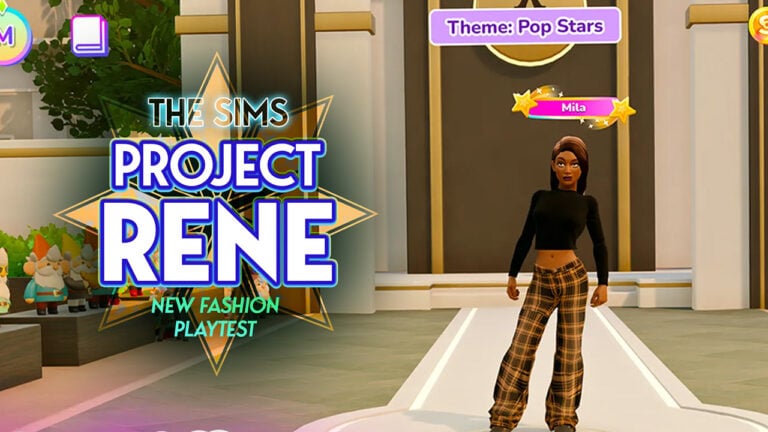
We’re slowly coming to a realization on why The Sims Mobile is shutting down its doors. All of that pay to play energy is going straight into the next The Sims Project Rene project, with new playtest images that confirm a direct copy of a popular Roblox game.
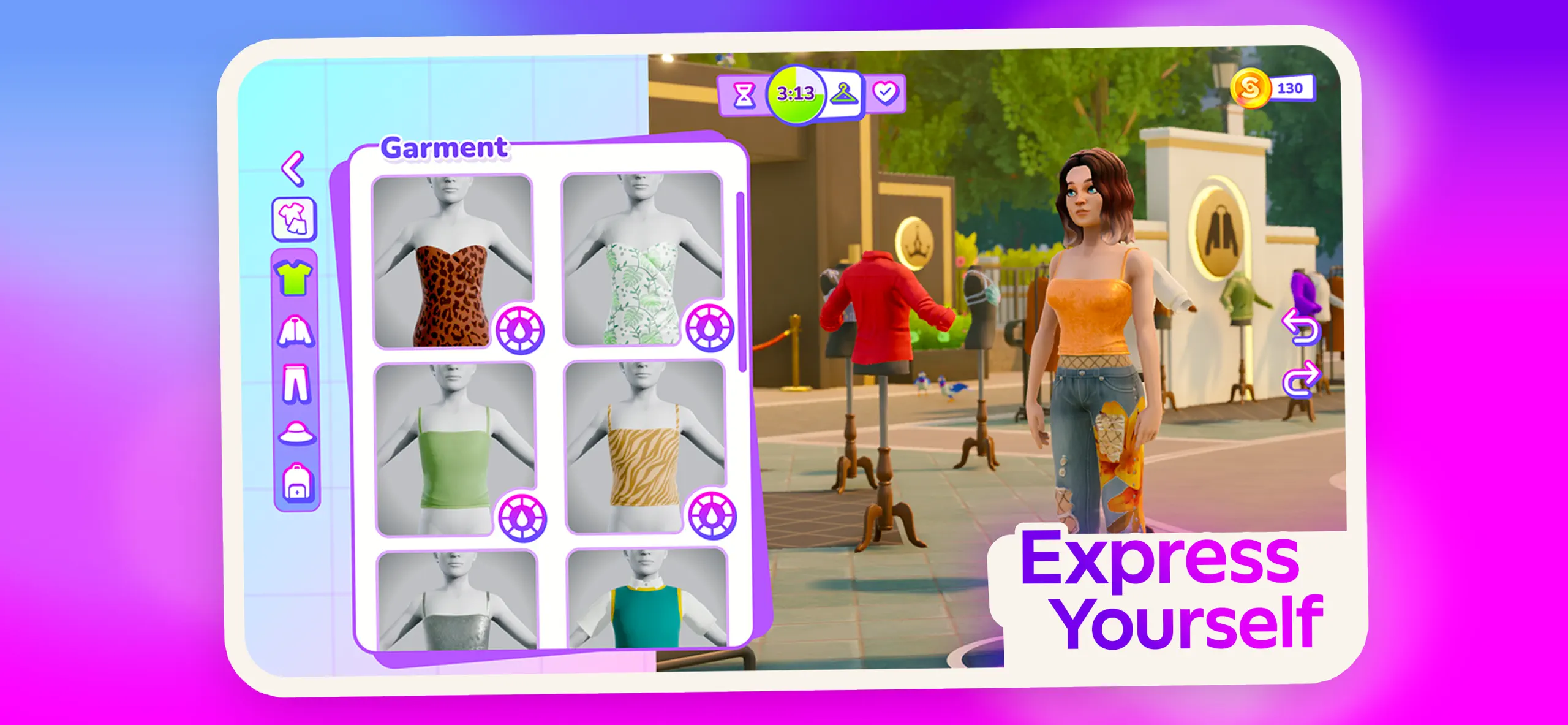
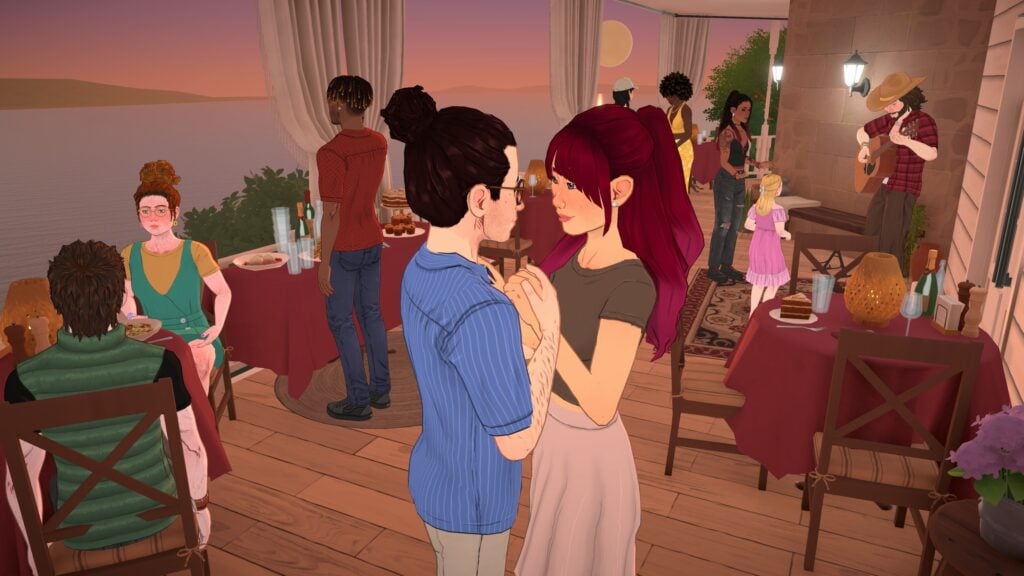
The Sims Project Rene has been confirmed to be a standalone entry to The Sims series. Described as a “next gen platform” that will ecompass multiplayer features straight into the game’s DNA. Where you’ll be able to build houses and apartments with friends, participate in career challenges and now even participate in fashion challenges. That resemble the popular “Dress to Impress” online game created for Roblox.
New The Sims Project Rene Playtest
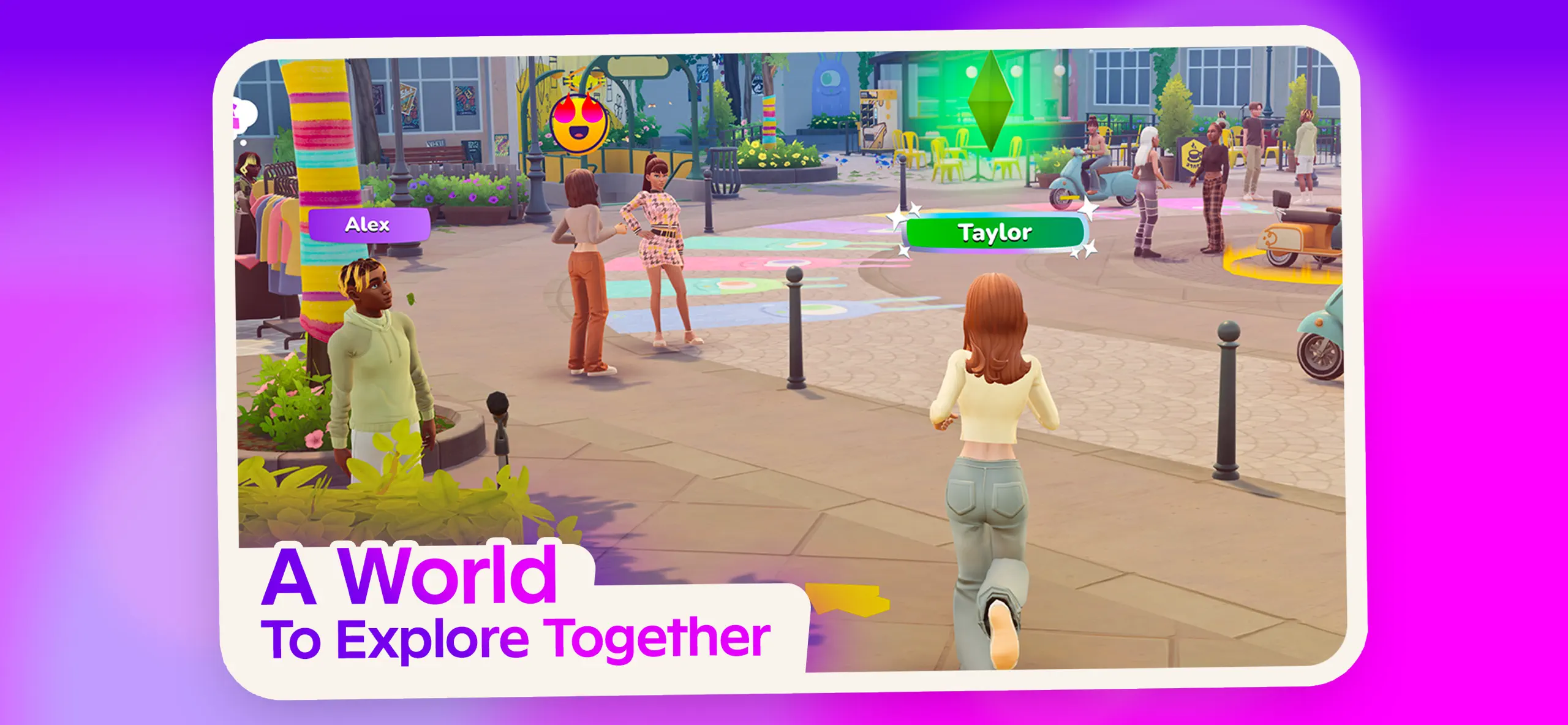
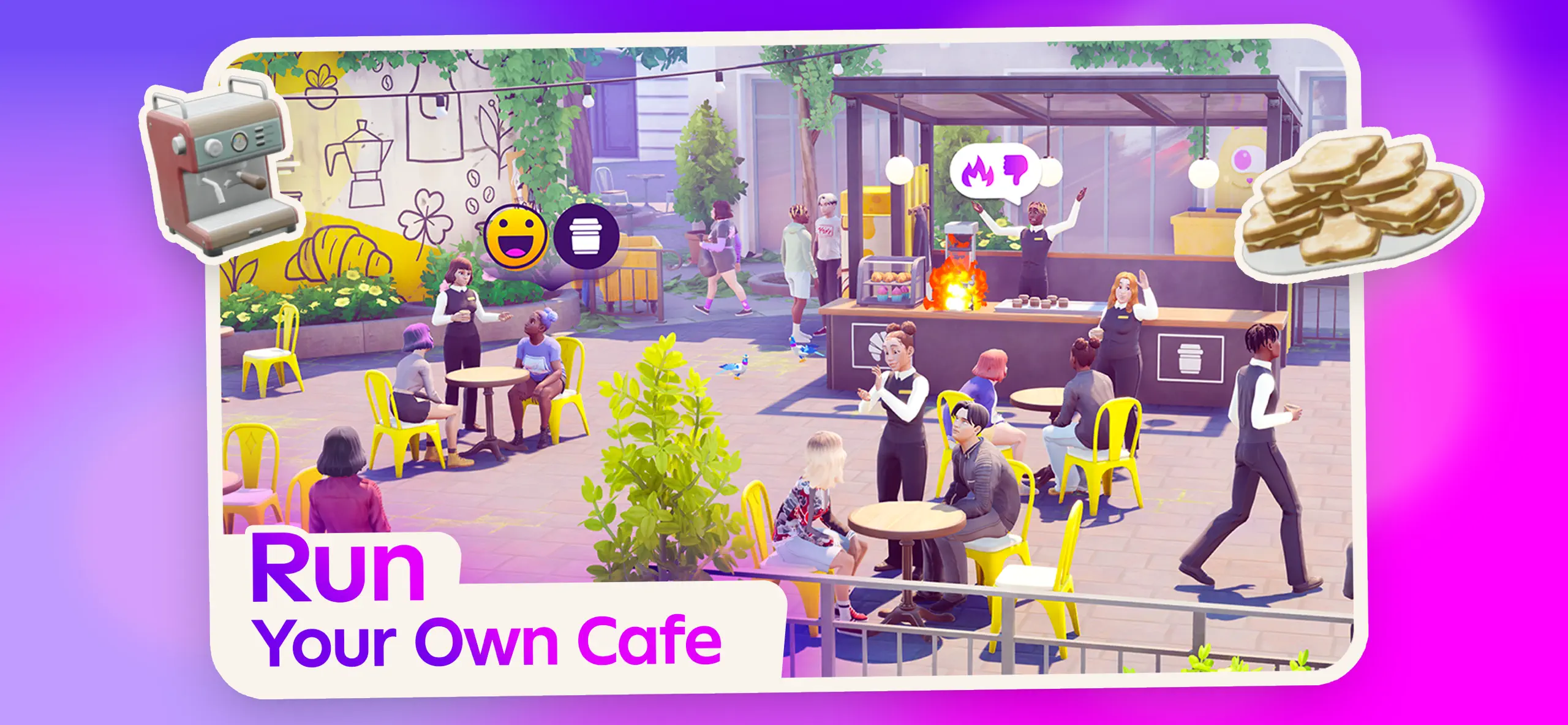
The Sims Project Rene is confirmed to be a cross-platform free video game, where players on both HD platforms (Computers and Consoles) along with Mobile devices (Smartphones and iPads) will be able to play the game. We’ve seen a few spin-off Playtests for The Sims Project Rene already, such as the “City Life Game with Friends”, in which players can play together, run a cafe and participate in quick Build Challenges.
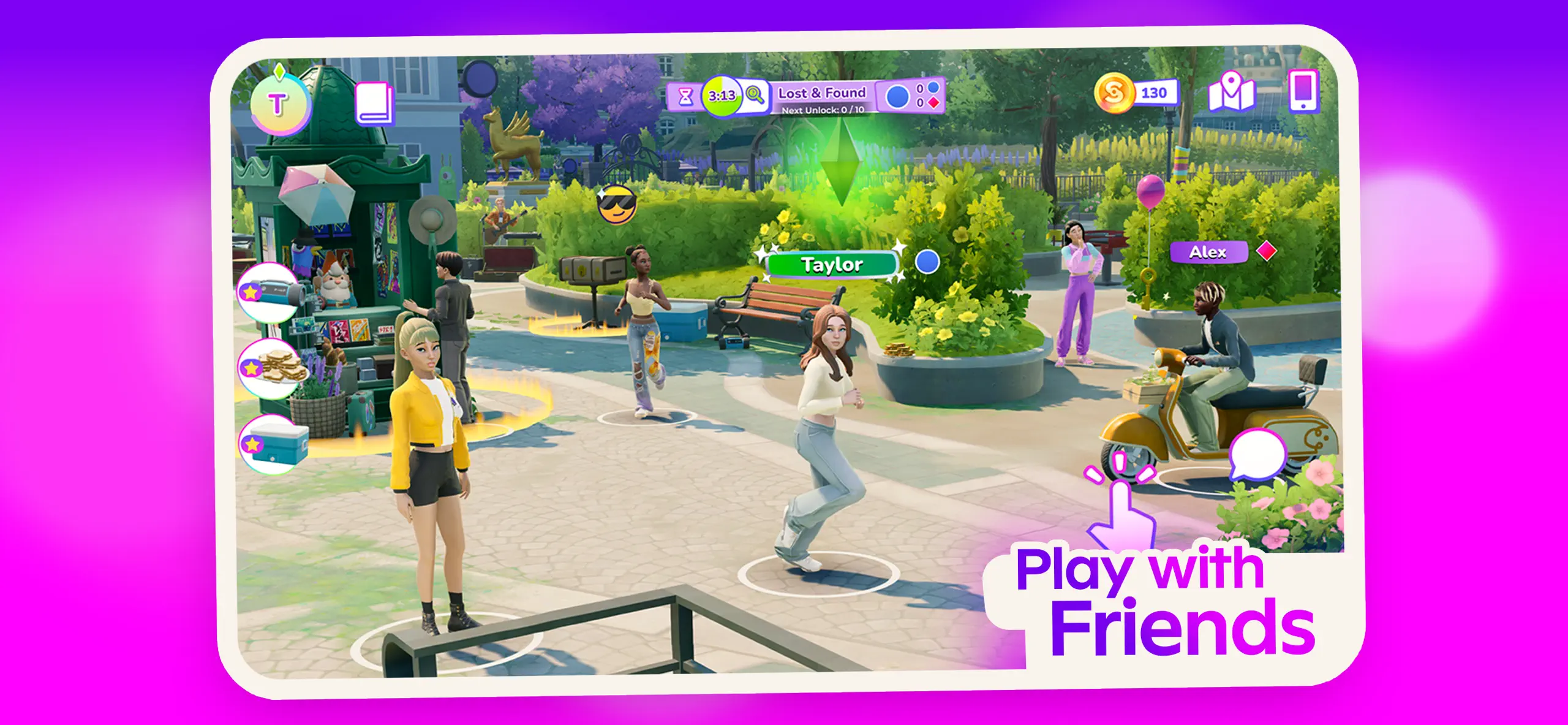
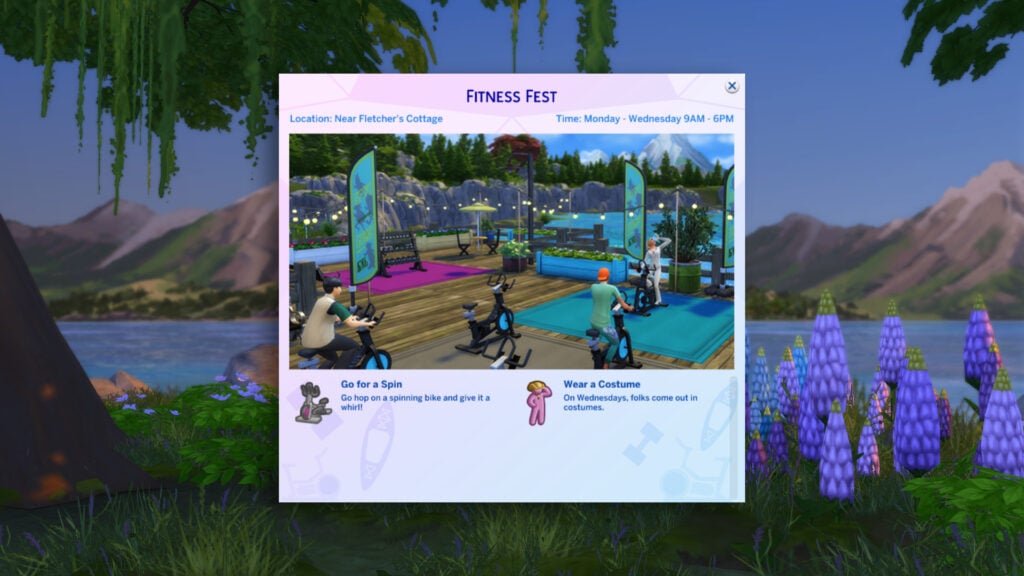
Today, a new The Sims Project Rene playtest surfaced online titled “The Sims Labs: Life Together“. In this playtest entry we can see smartphone graphics that are a little bit more polished, changes to the User Interface as well as some new features. Including Sims riding bike scooters and new minigames. Read the full playtest features and see the new screens down below:
The Sims: Life Together is the multiplayer life sim of your dreams-be who you want to be!
Create your Sim and jump into their world. Compete in fashion challenges, play party games with friends, explore the city, unlock careers and apartments. Dive in, show off your style, make friends, and help your Sim grow.
Key Features:
Play Together: Jump into multiplayer party games and meet up with your friends to explore city life. Walk the runway in Fashion Passion or uncover secrets in Secret Sim. Drop in to multiplayer challenges anytime and team up with friends.
Create Together: Style your Sim, compete in fashion shows, and work towards unlocking your first apartment. Become a stylist, get creative, and share your fashion successes (and failures) with the world.
Discover Together: Explore a vibrant city full of things to do, places to visit, and people to meet. Complete daily quests, jump into multiplayer challenges, and connect with friends. Every day brings new opportunities to co-create your story and your neighborhood.
Express Yourself, Your Way: New day, new mood. Swap your look whenever you want-cottagecore today, neon tomorrow, The Sims Labs: Life Together lets you change it up, try things on, and be whoever you want to be in the moment.
Official Screens
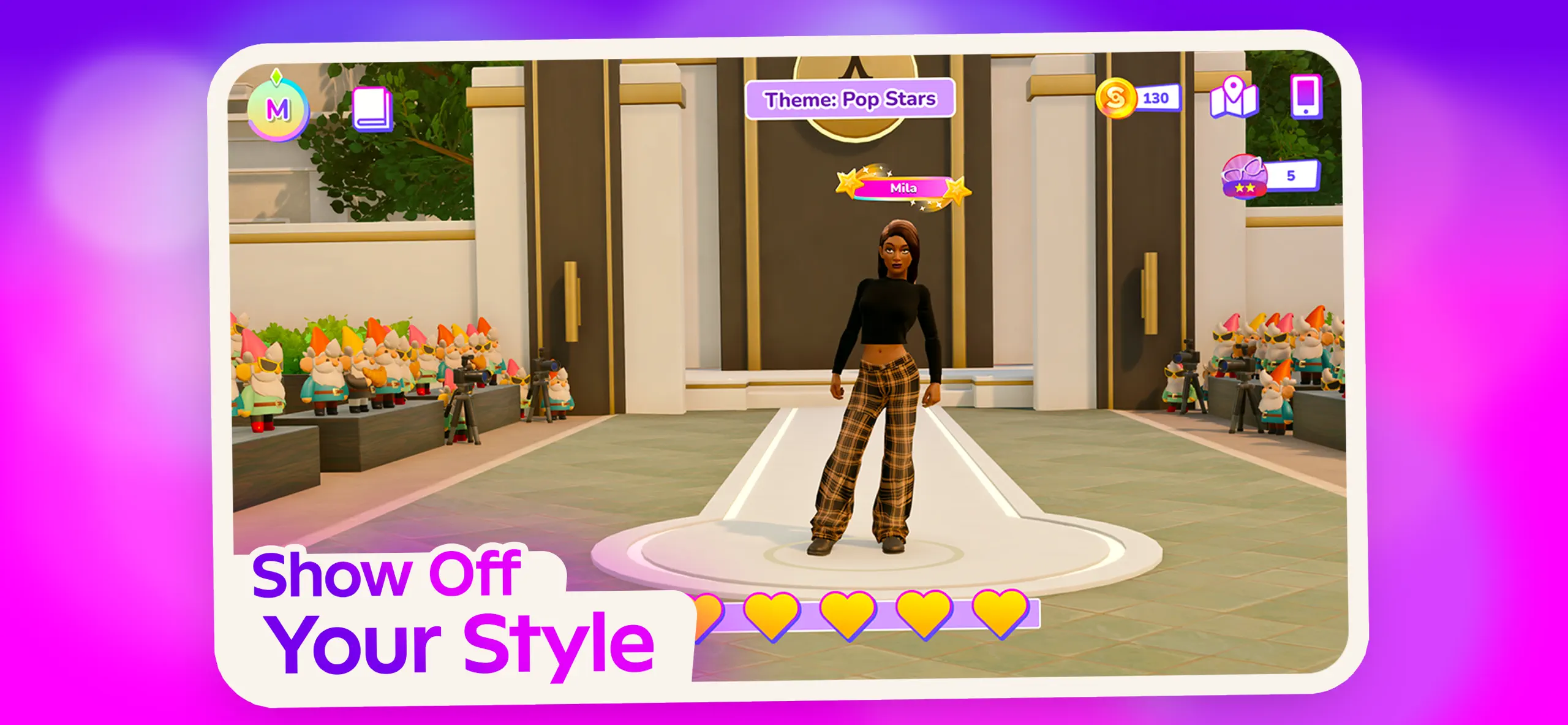
One of The Sims Project Rene playtest screens that really stood out in its audacity scale is the one showing off the new Fashion Passion minigame. Which in the universe of Roblox is called “Dress to Impress”. As seen in the screen below, players can throw on an outfit of their choice that best resembles the given theme. In 5 minutes or less they’re encouraged to bring the best look to the runway and give ratings.
Each runway look excluding your own can be rated with 5 hearts. The best looks are promised rewards such as in-game currency.
What I’ve just described above unfortunately already exists in Dress to Impress from Roblox. And it’s been heavily followed by the enjoyers of pop culture, fashion enthusiasts and content creators alike. The game even has celebrity collaborations with pop singers including Lady Gaga and Charli XCX where their exclusive outfits and appearances take the Dress to Impress game and stage.
Now, it looks like Maxis and EA are really getting excited to replicate this formula and make it their own with the “Fashion Passion” game for The Sims Project Rene. And possibly many others that might as well turn into blatant copies of games that are already out there on the market.
The Sims Project Rene is still under development by Maxis Studios. The playtest screens you see above are only a portion of what’s to come from this multiplayer entry to The Sims Series.
What are your thoughts on the latest Project Rene playtest? Let us know in the comments down below and stay tuned for more updates on The Sims Project Rene!
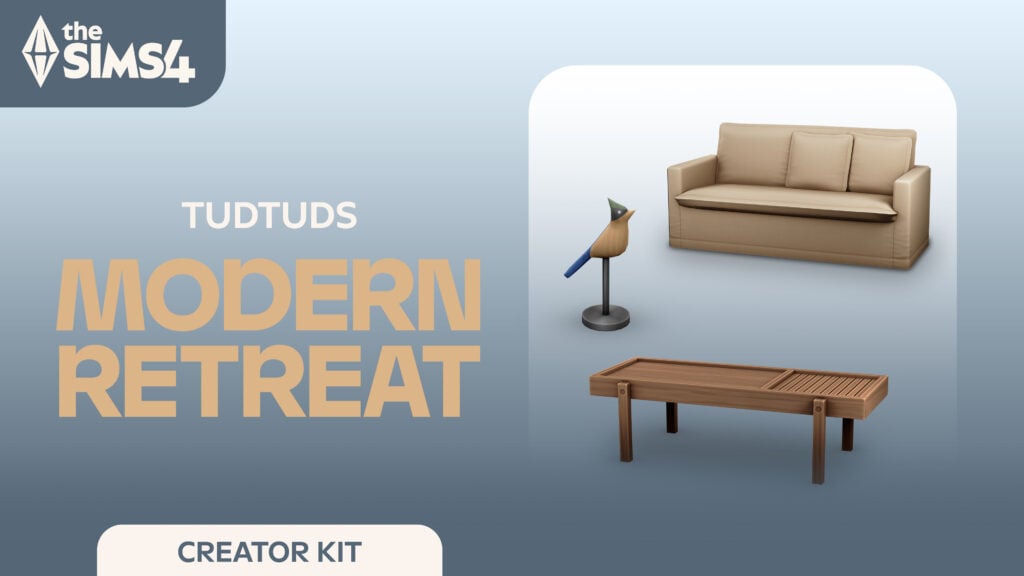
The Sims 4 Modern Retreat Kit: The Minimalist’s Dream
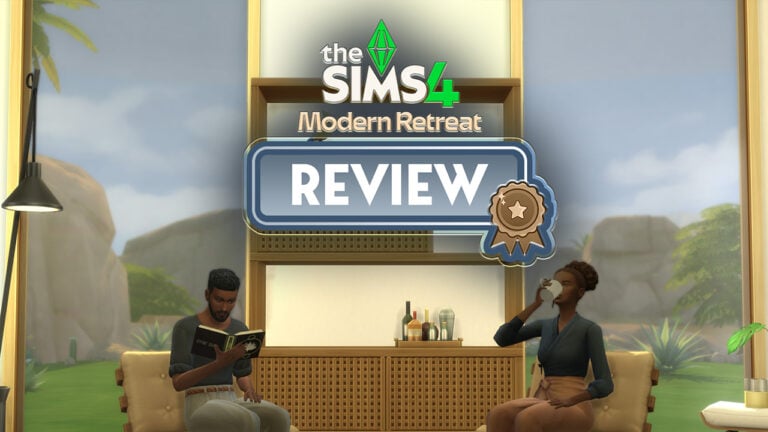
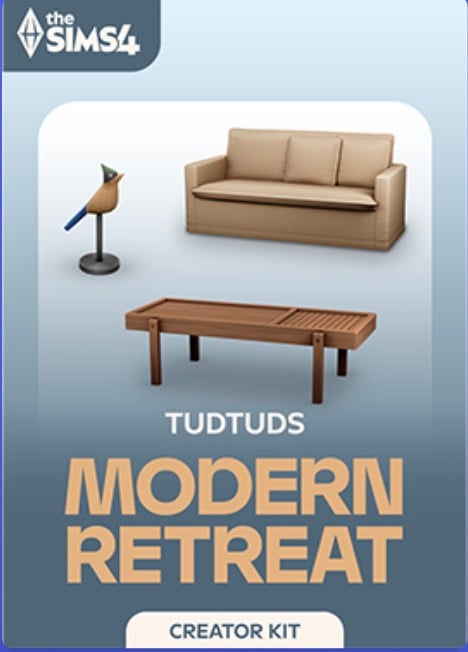
The latest in the ever-growing list of Kits for The Sims 4 arrives alongside the Garden to Table Kit. The Sims 4 Modern Retreat Kit was made in collaboration with creator TudTuds, continuing Maxis’s trend of partnering with a variety of creators, each with their own personal styles and approaches. For those not familiar with Tud’s work, they’re known for modern, sleek, minimalist Maxis-match Build-Buy sets.
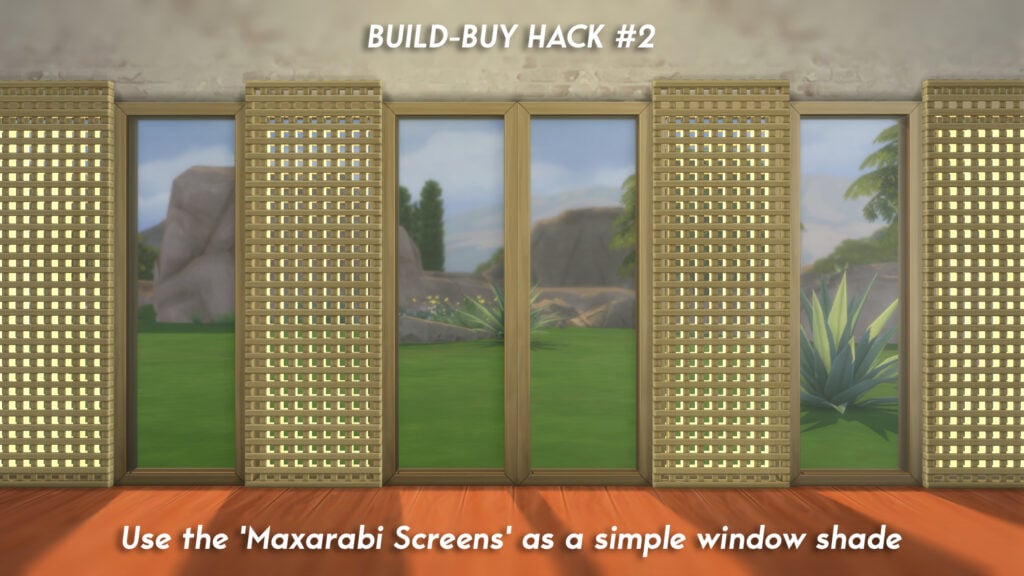
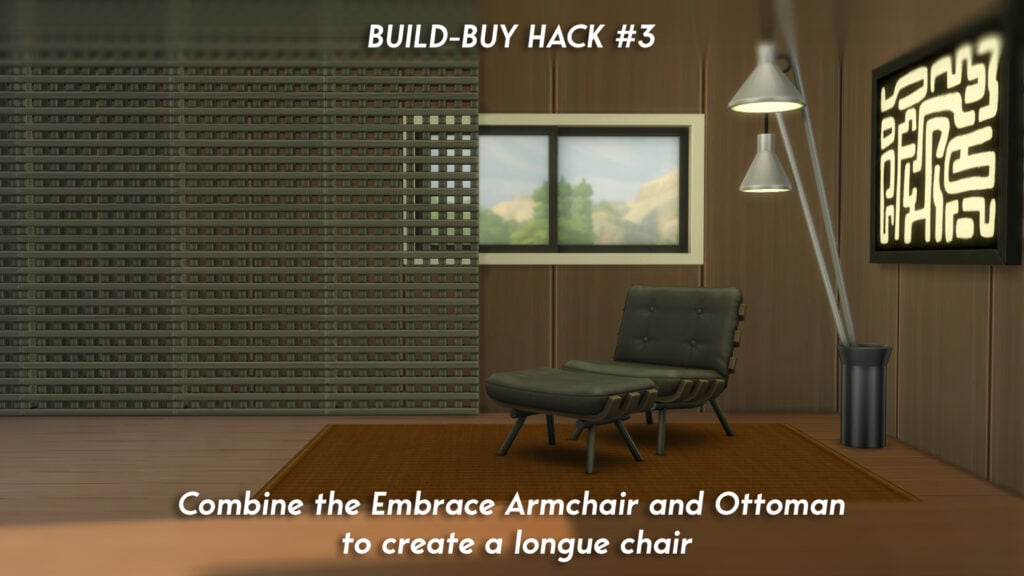
The latest Kit has plenty to offer for fans of minimalism and players looking for something to add to their modern builds. Let’s take a look at each item included, and a full review of the latest Kit. Make sure to check out our Build-Buy hacks that can be utilised with the selection of brand new items!
Table of Contents
Features Overview
Take a look at the official overview and description provided by EA on the EA App, PlayStation & Microsoft Store, and all other compatible storefronts.
Kit Features
Where Comfort Meets Connection
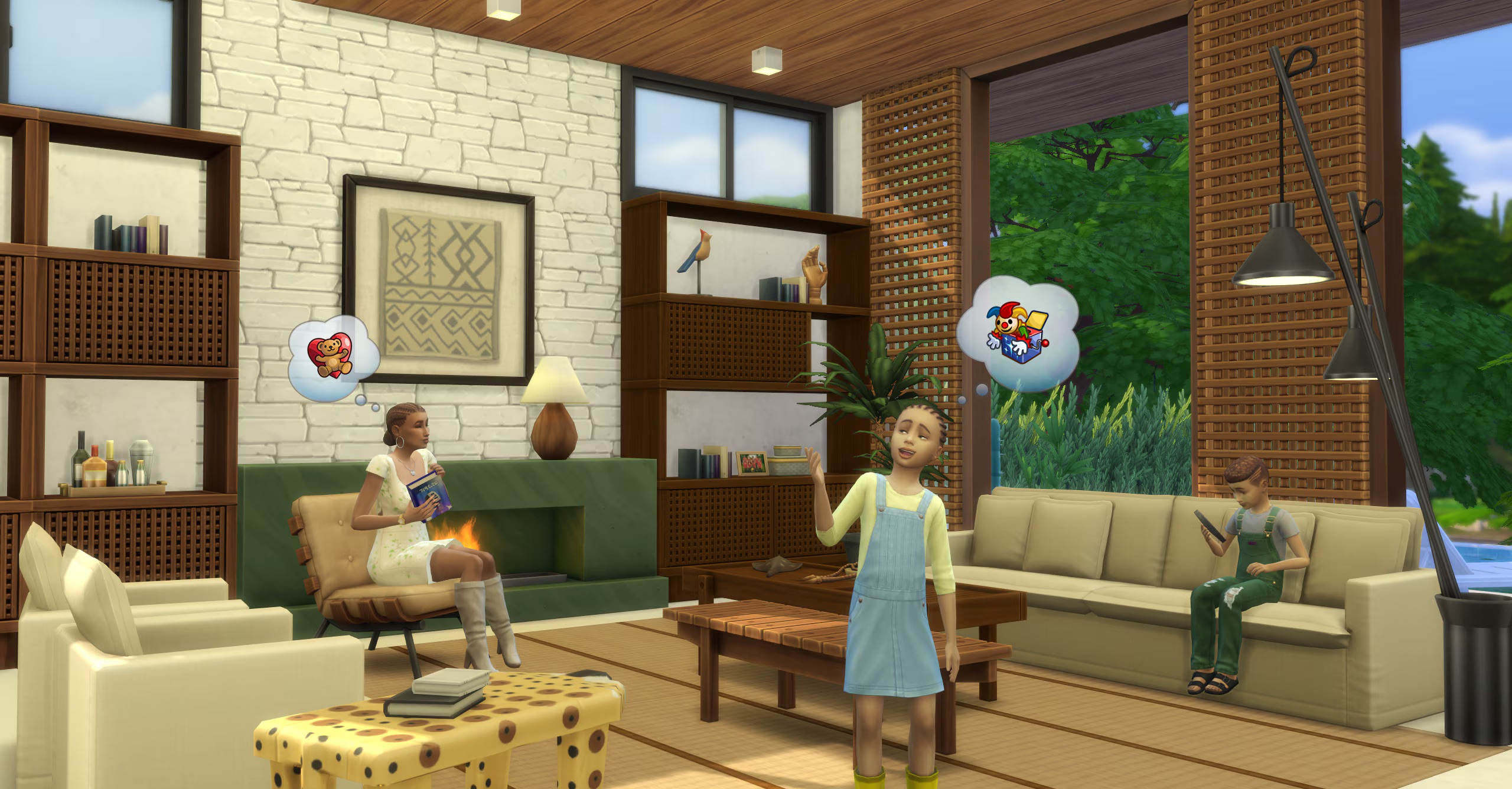
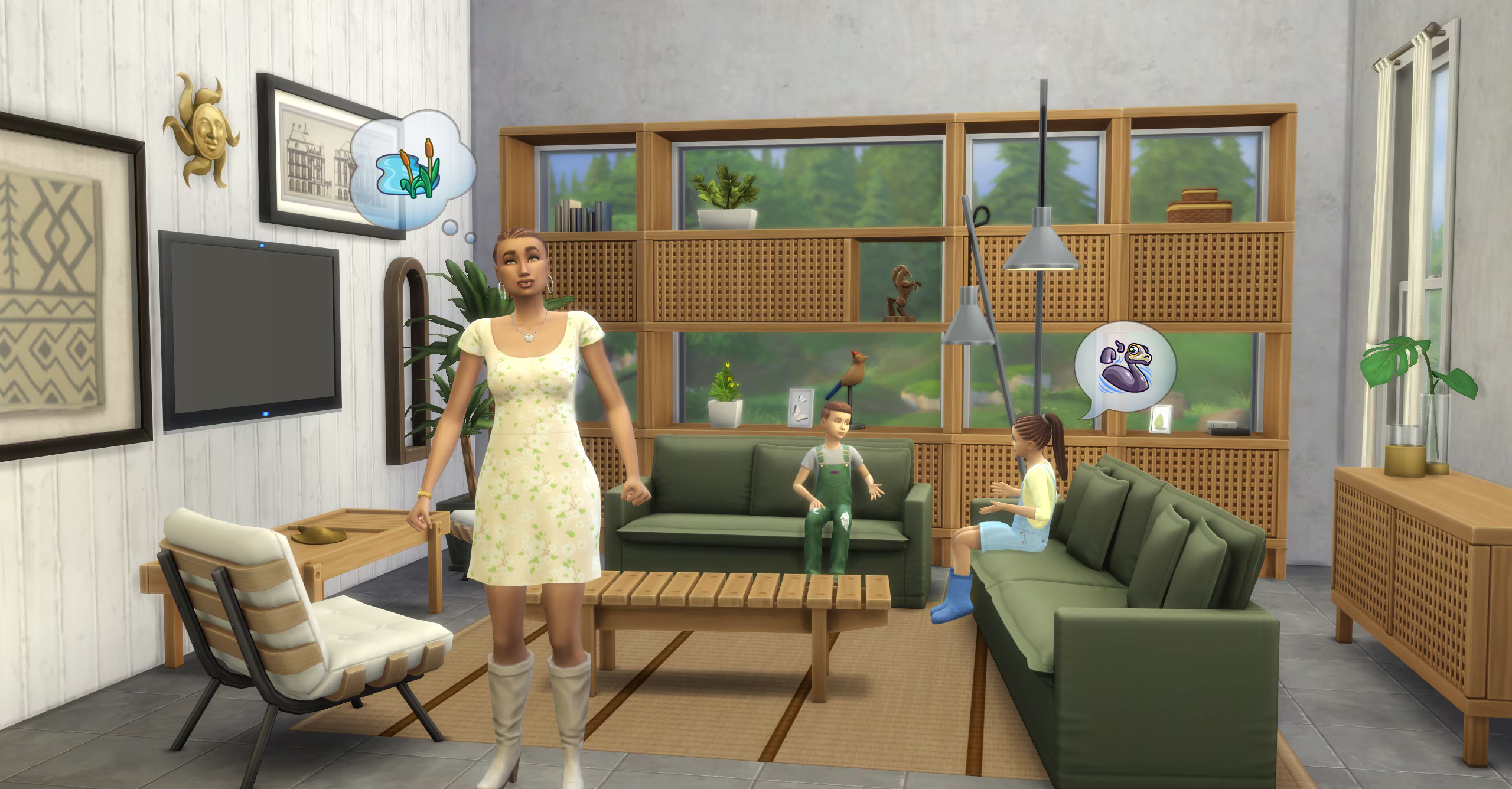
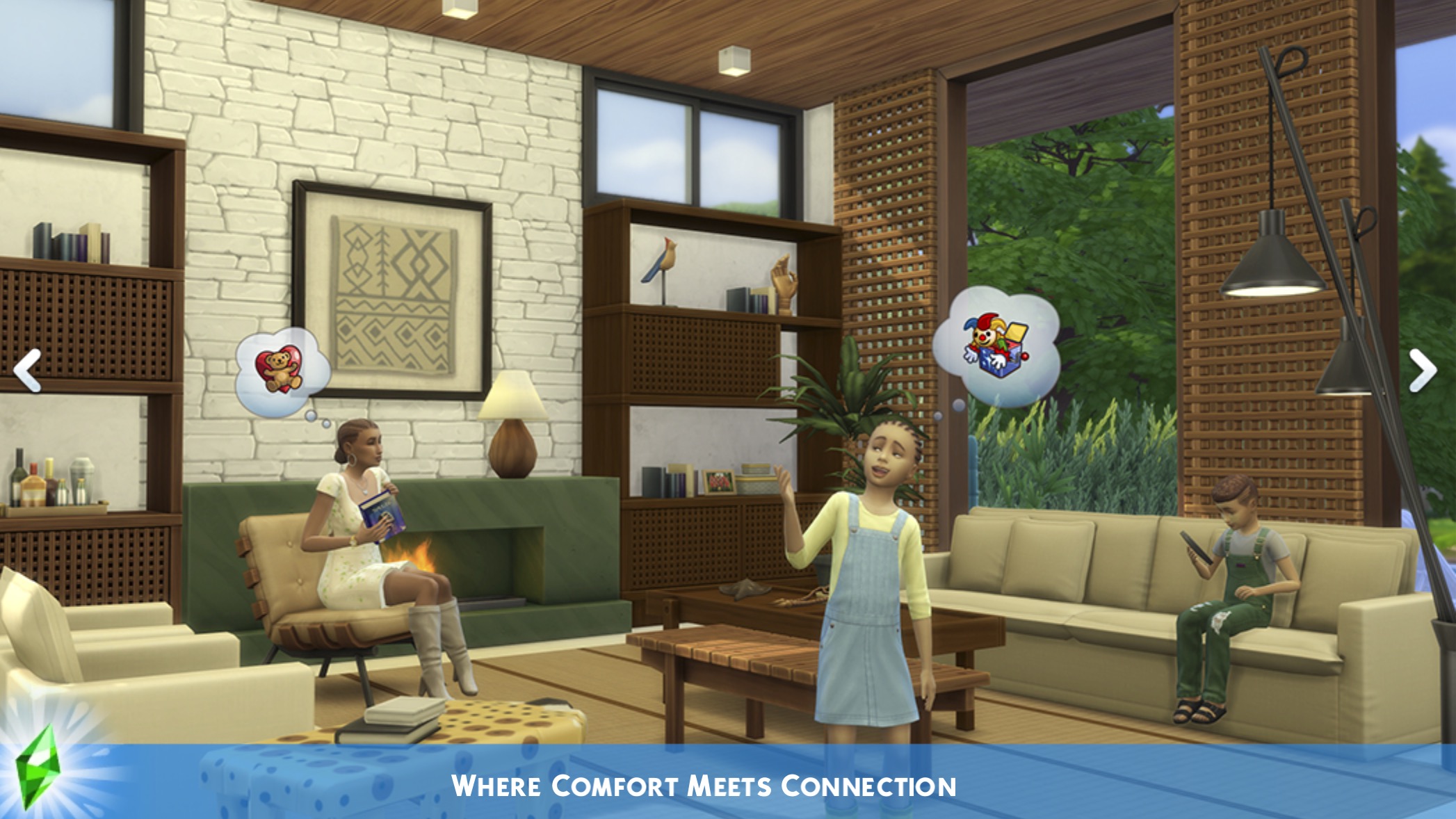
Whether they’re napping on a sofa after swatting away mosquitoes, reading a good book by the marble fireplace on a cold night, or gathering around the coffee table after a long hike, your Sims will find comfort, connection, and style in every corner of their retreat.
Frame Nature
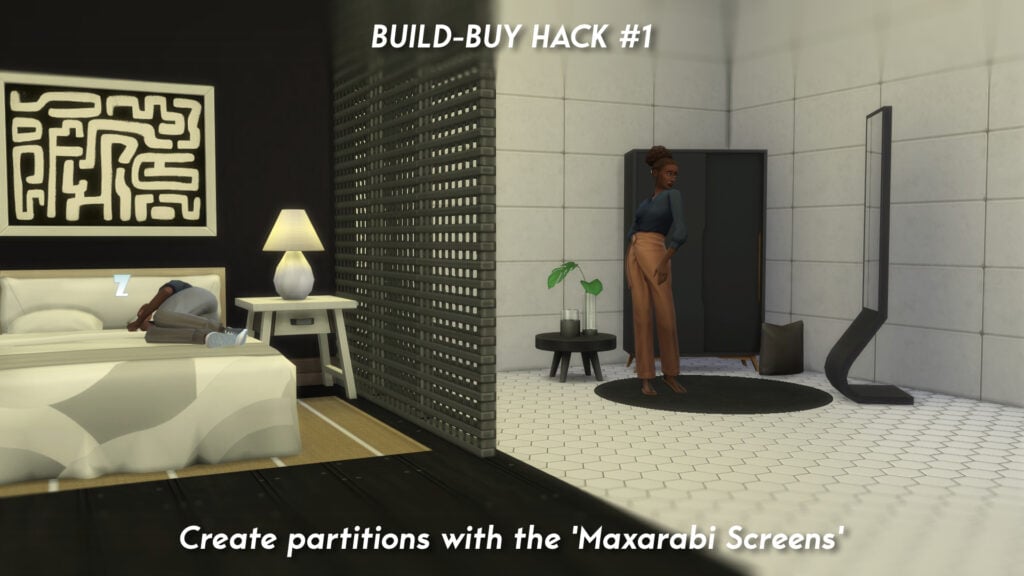
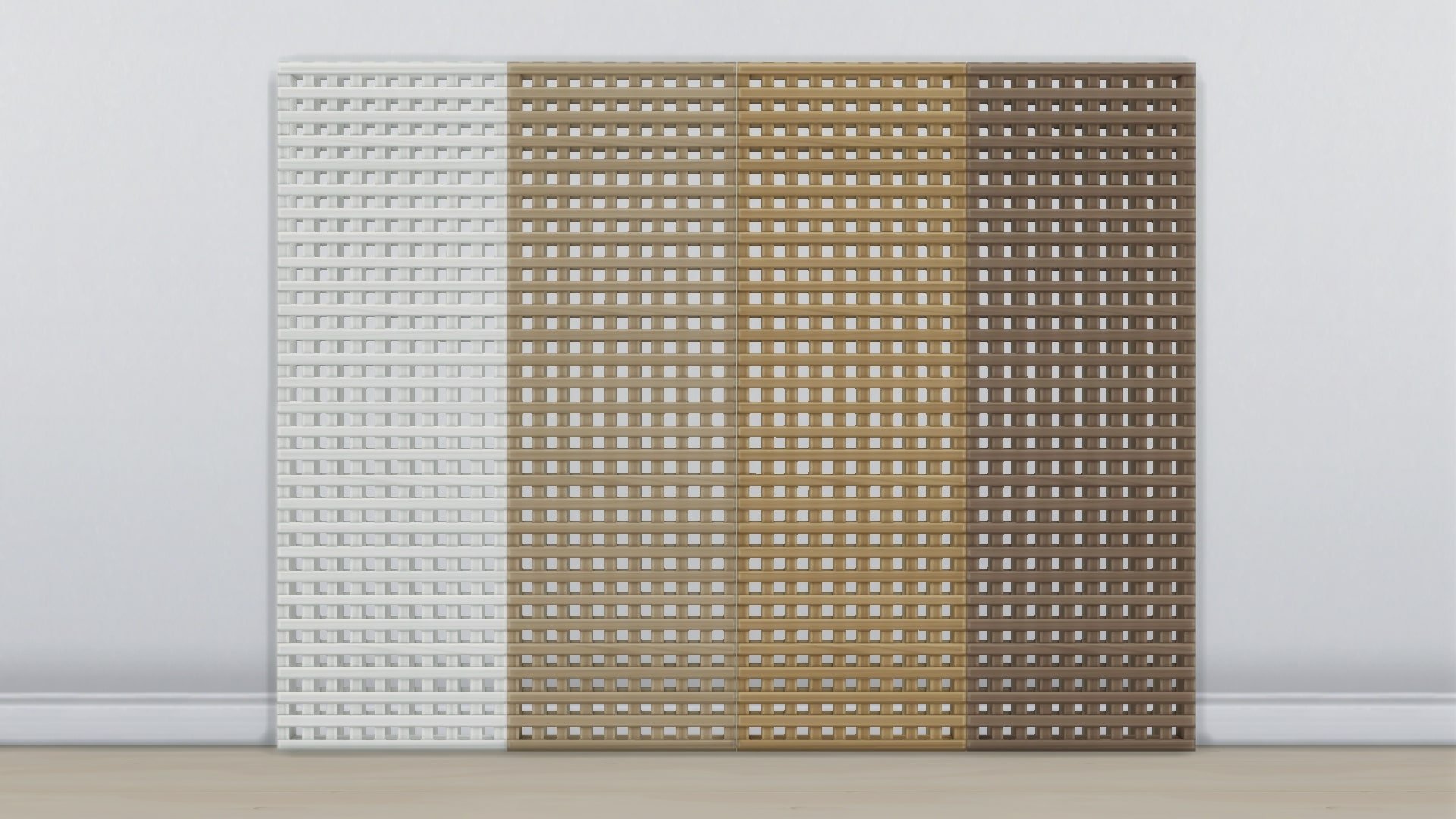
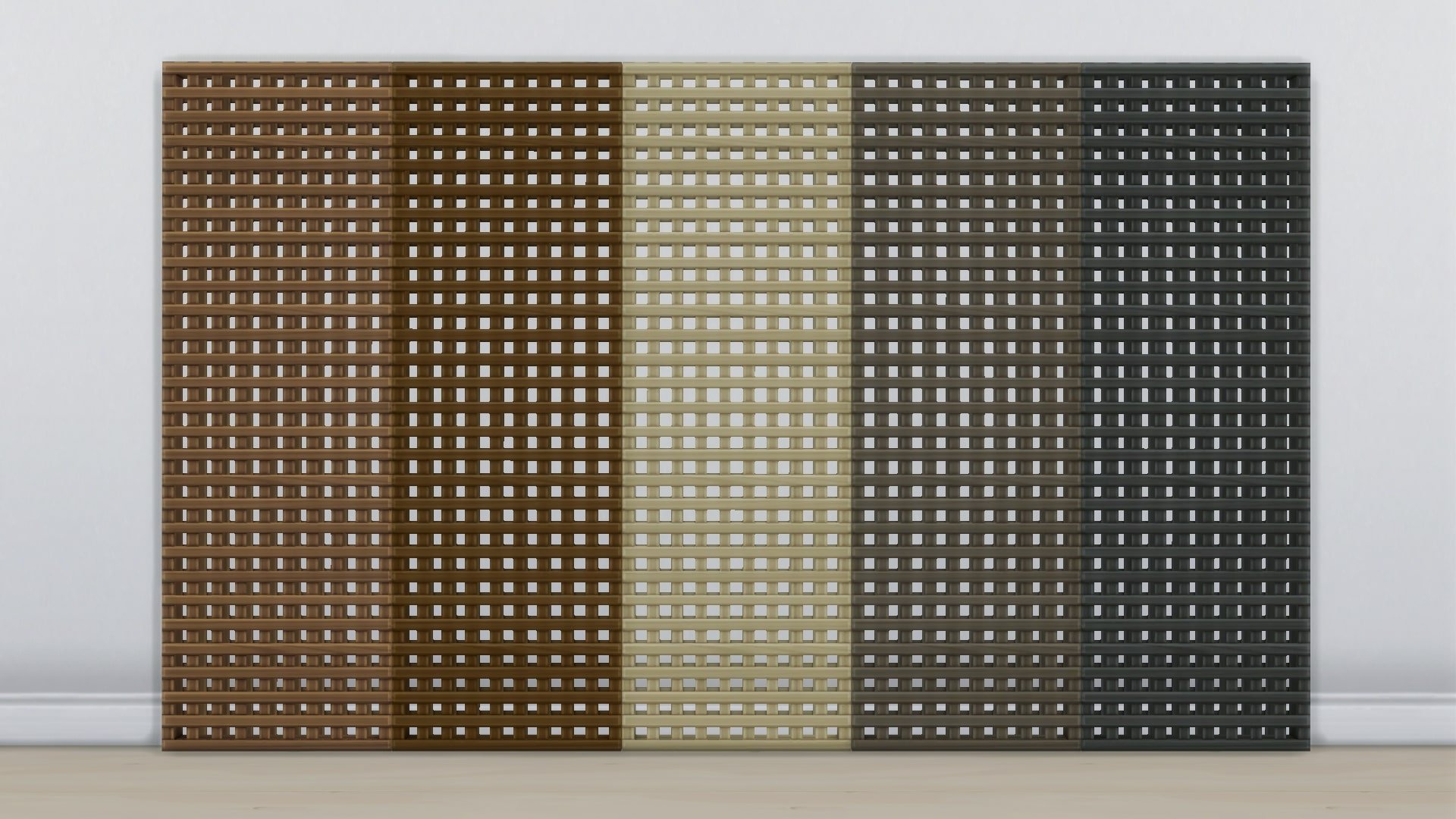
Used as wall decor or layered over a large glass window, the Muxarabi panel provides your Sims with privacy, shade, and style all in one. Pair it with furniture pieces inspired by the same intricate latticework to create a cohesive and elegant look!
See below for an in-depth look at each item’s description and cost.
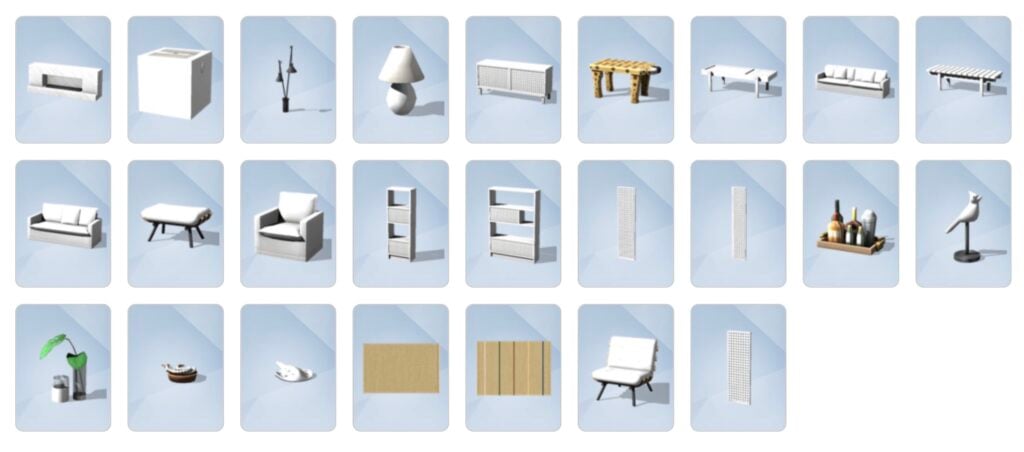
Objects Swatches
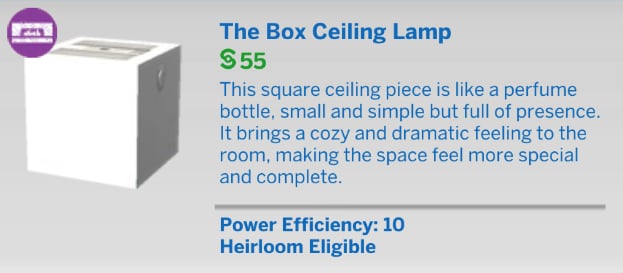
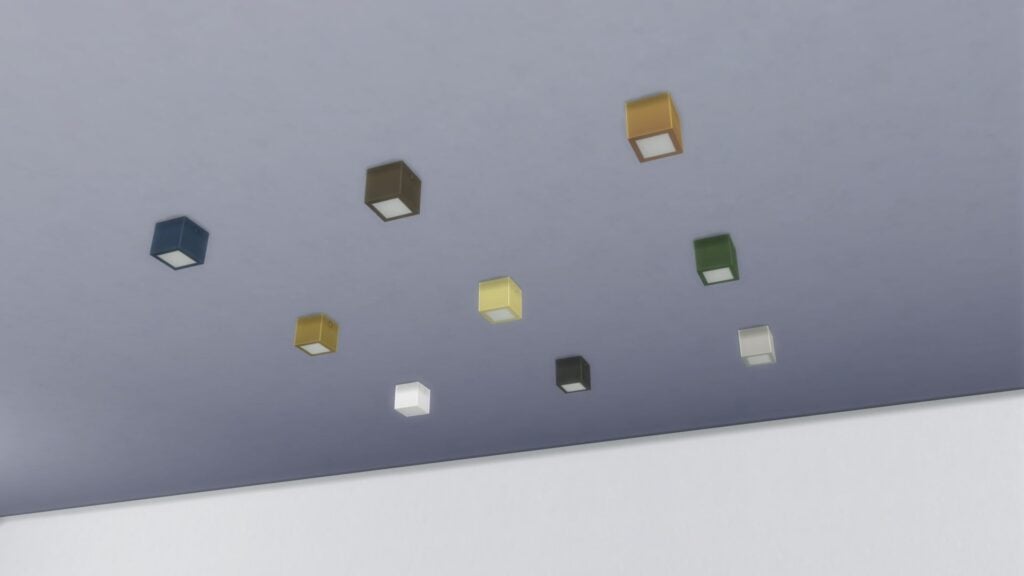
The Box Ceiling Lamp
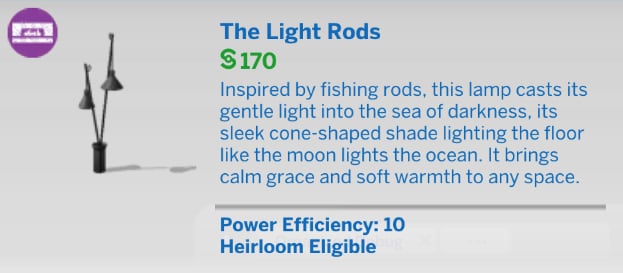
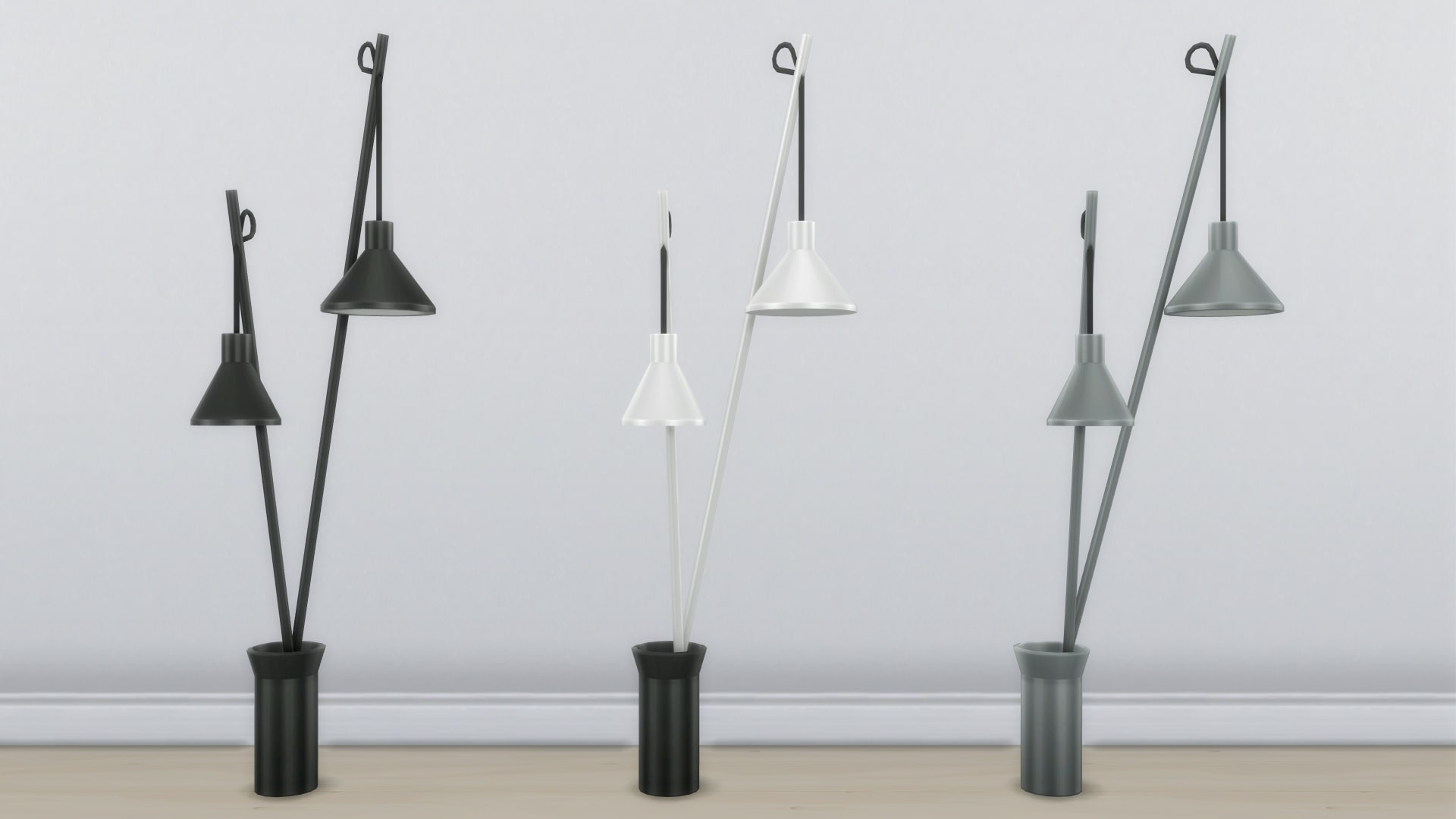
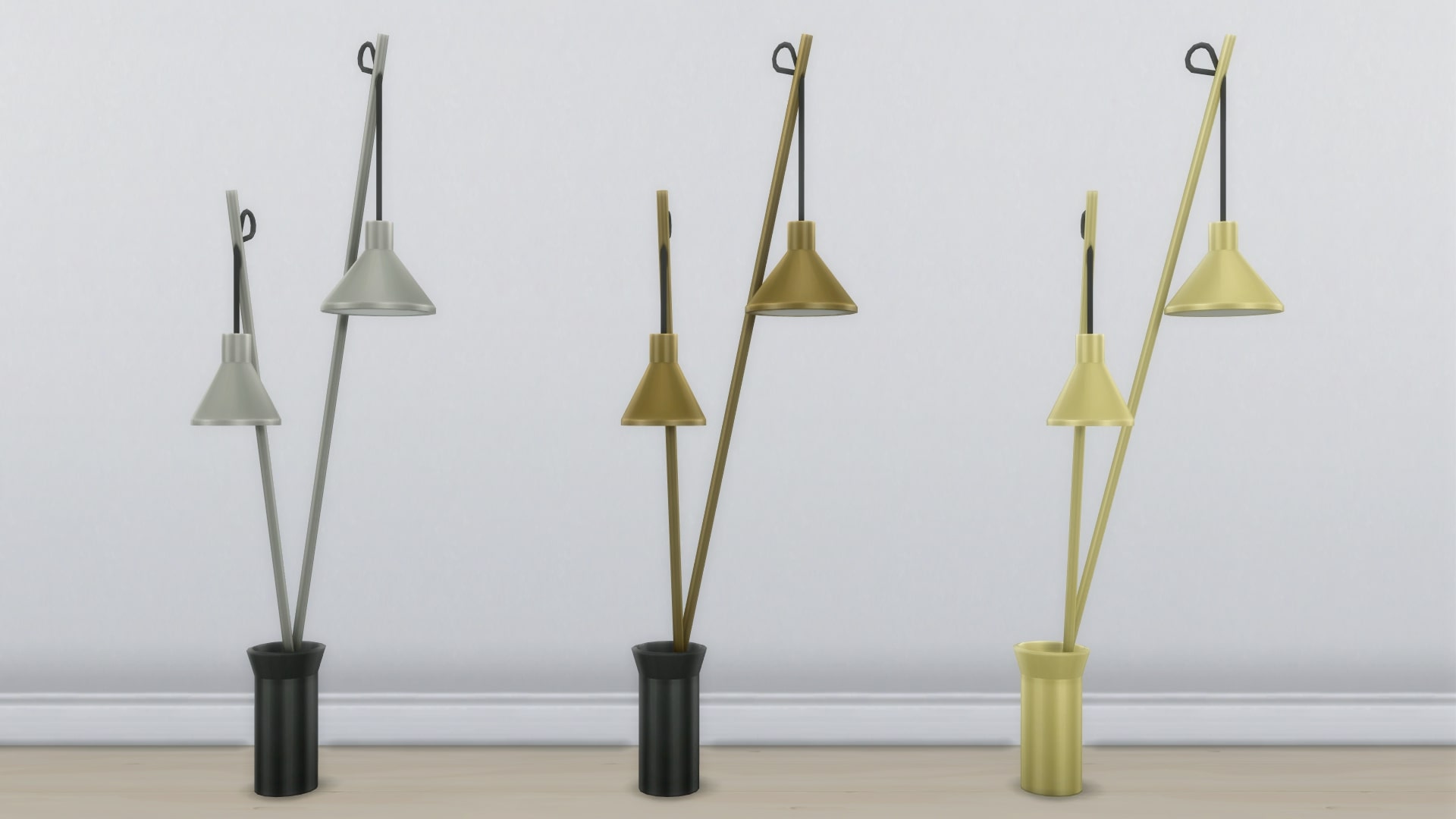
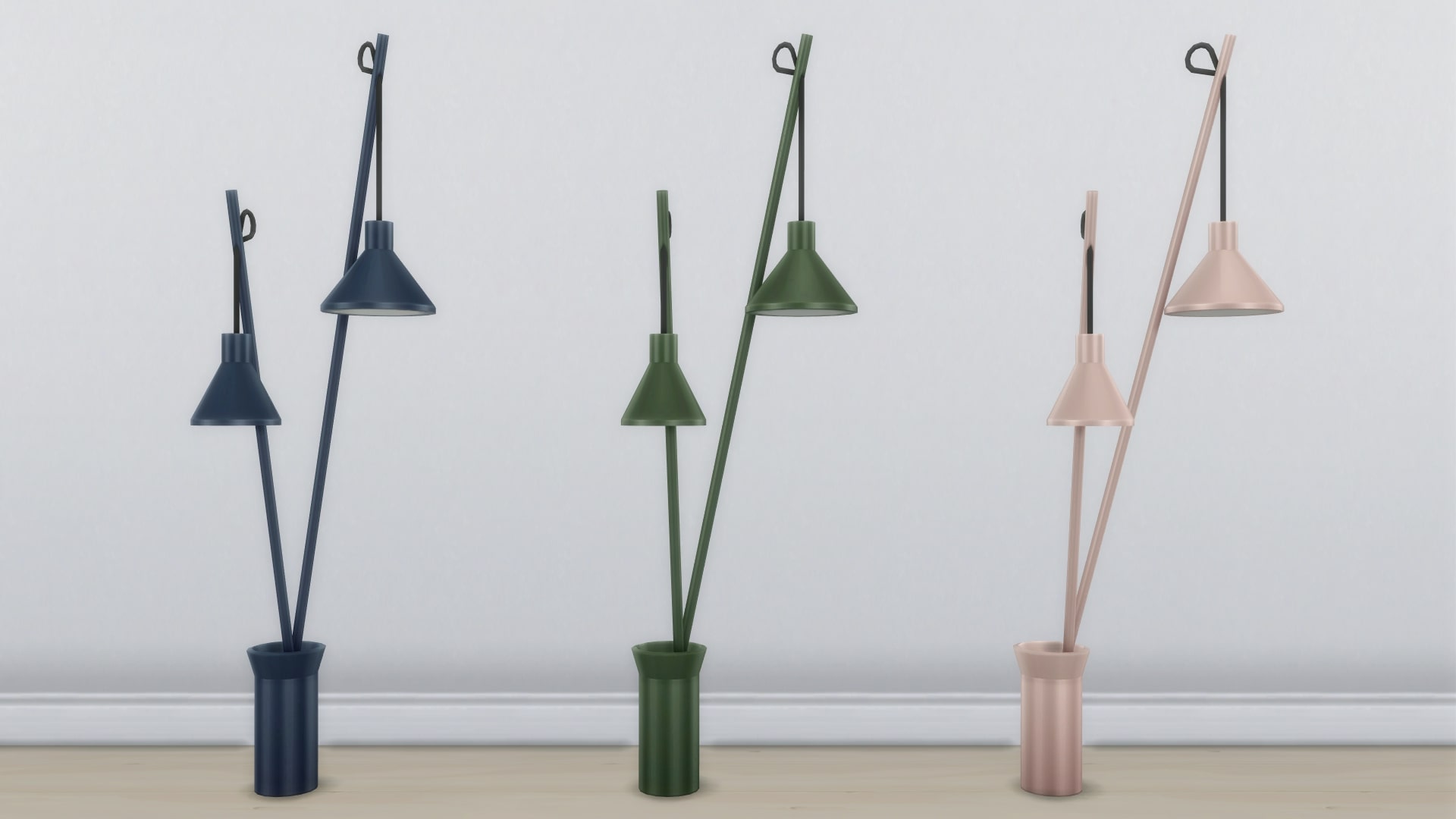
The Light Rods
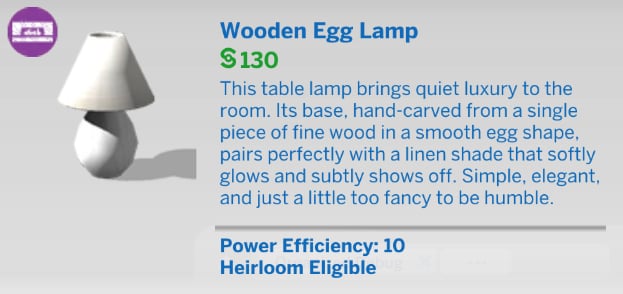
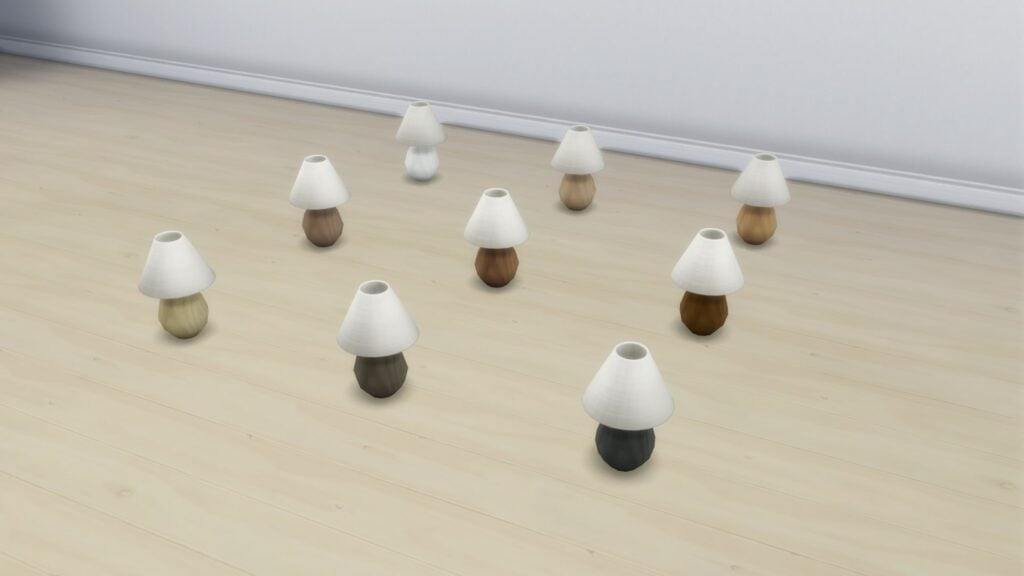
Wooden Egg Lamp
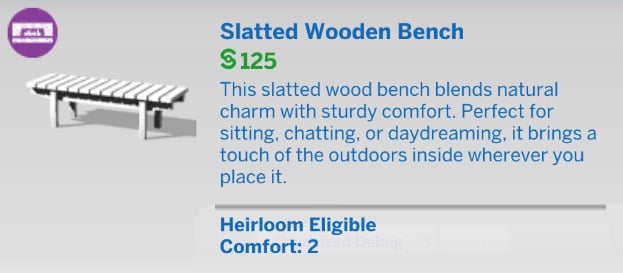
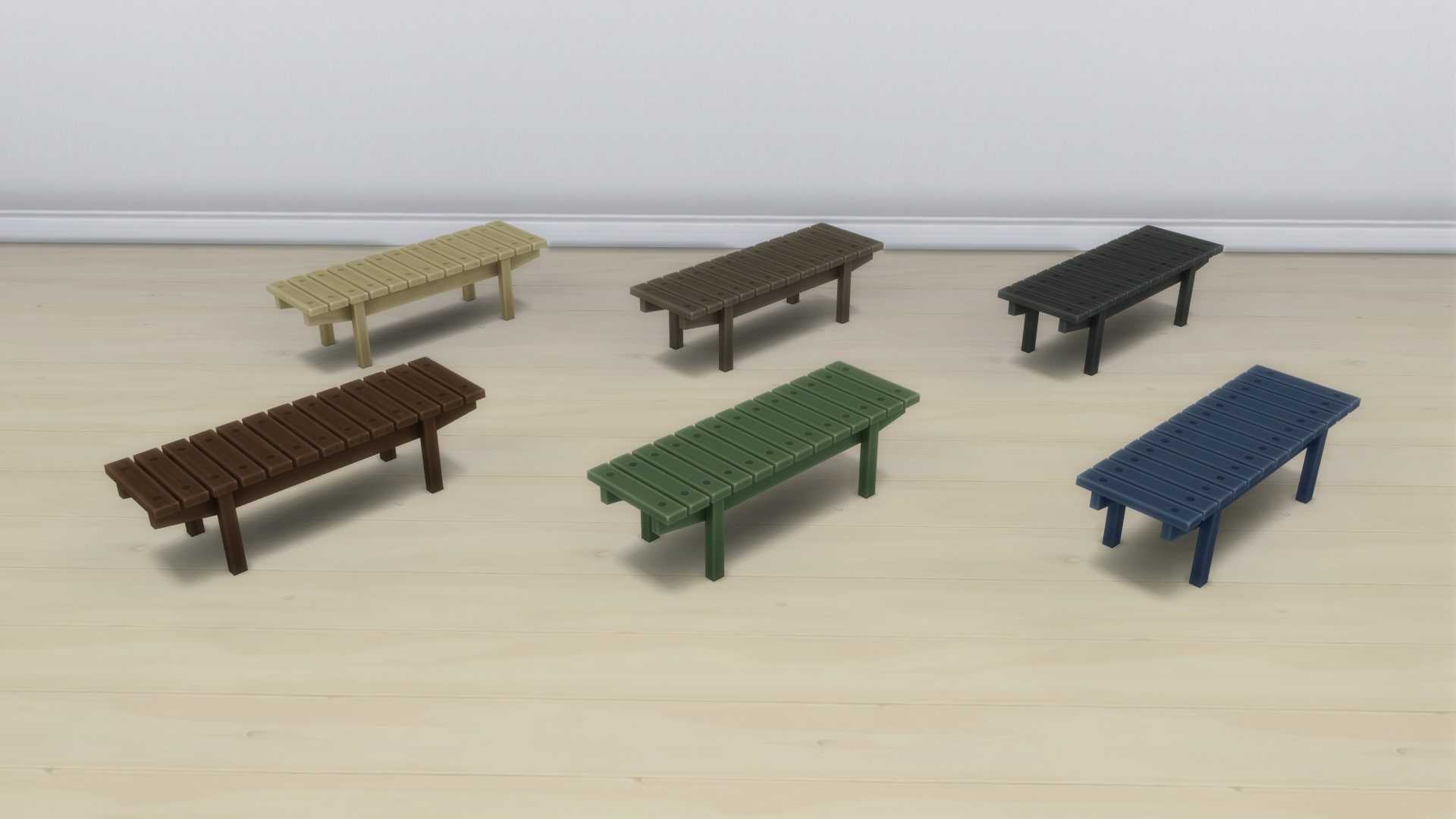
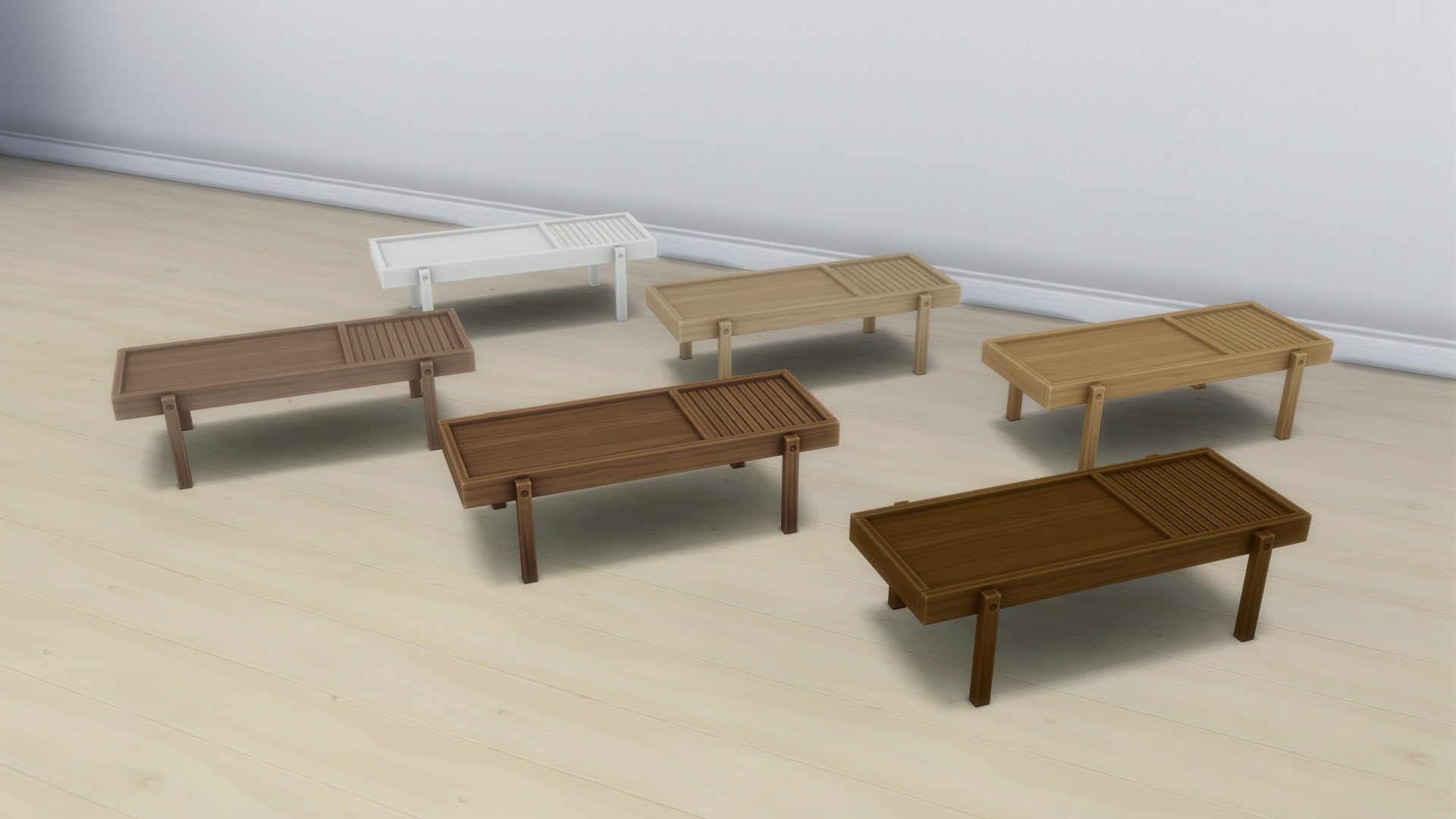
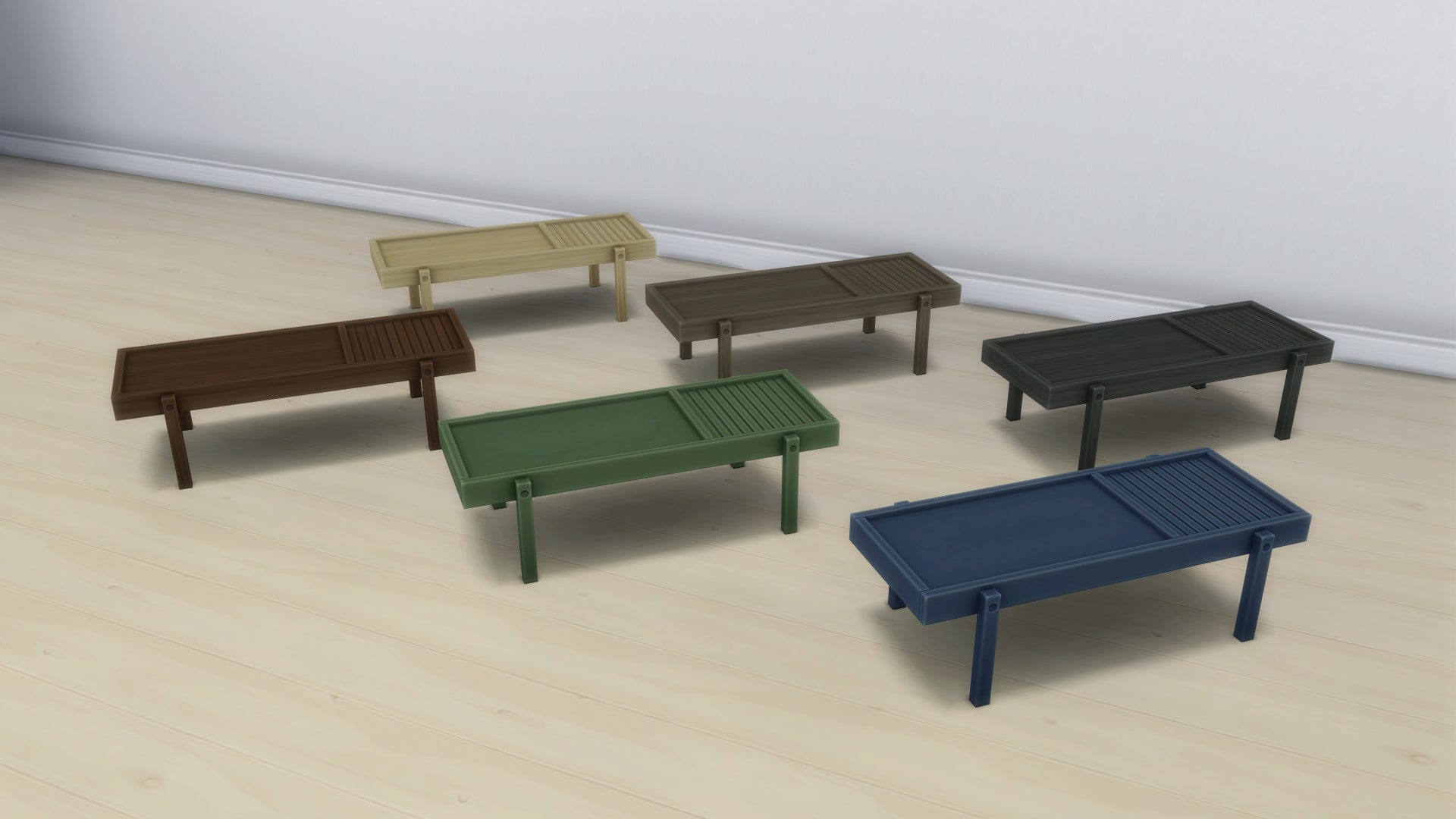
Slatted Wooden Bench
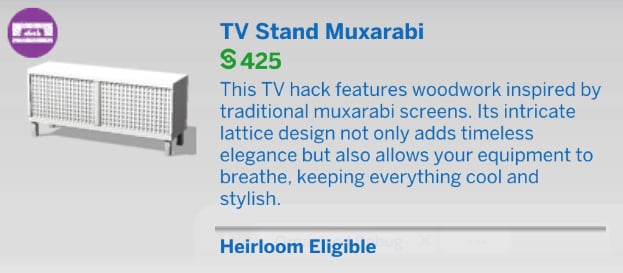
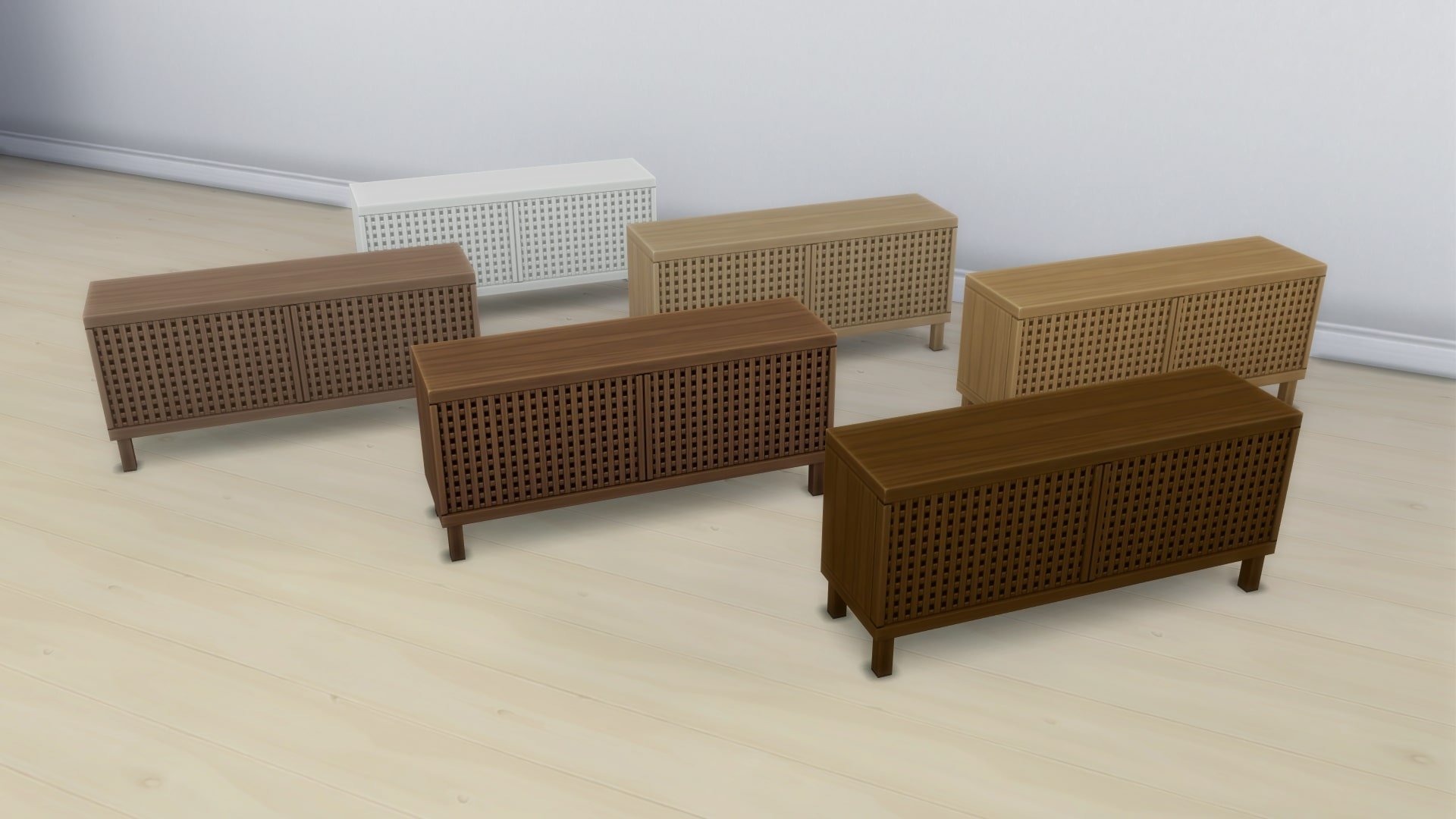
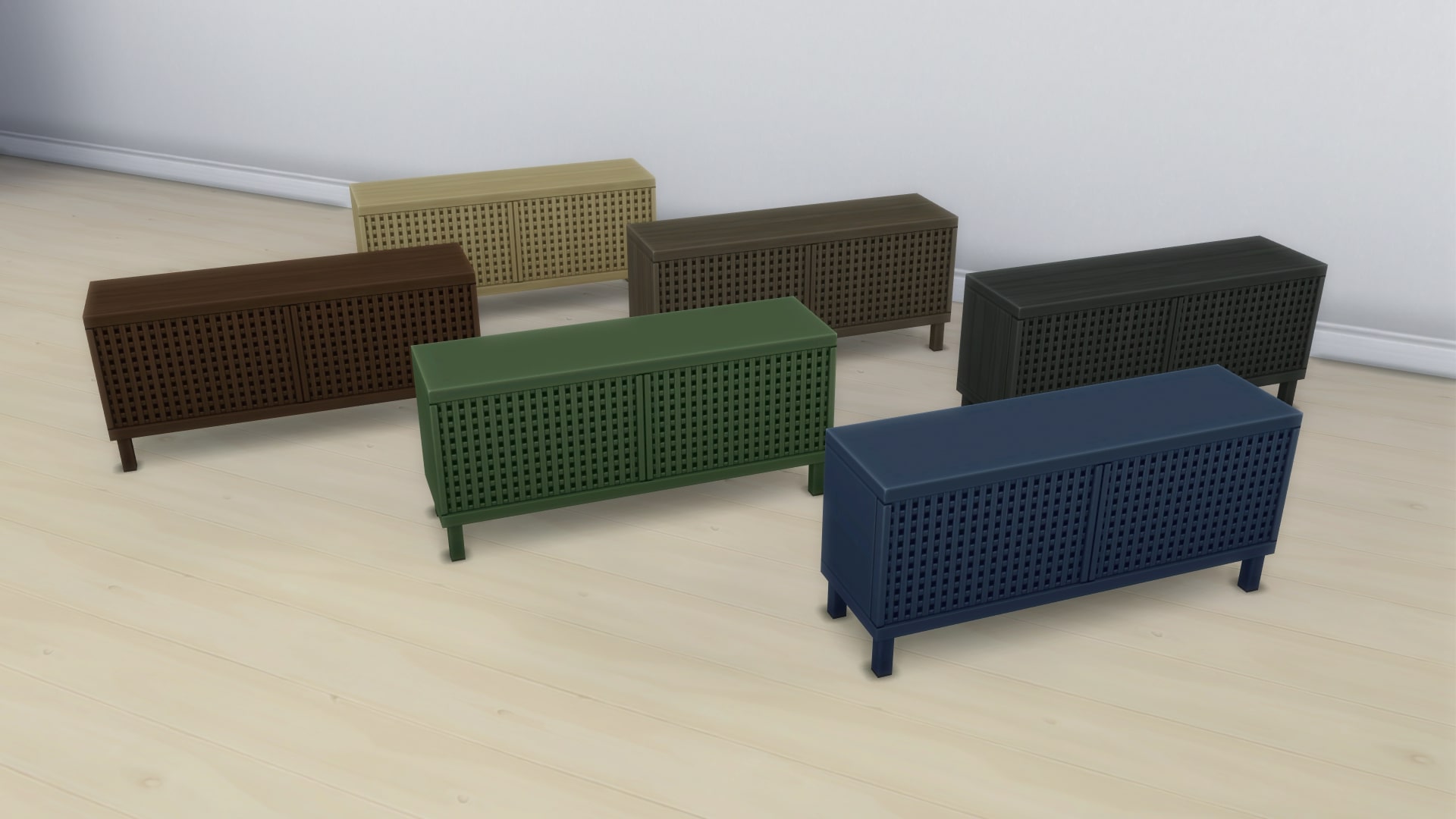
TV Stand Muxarabi
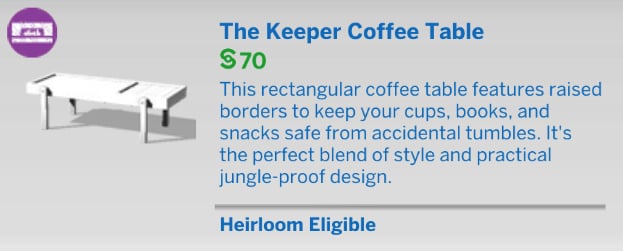
The Keeper Coffee Table
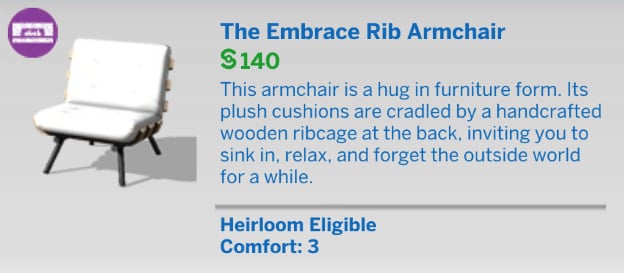
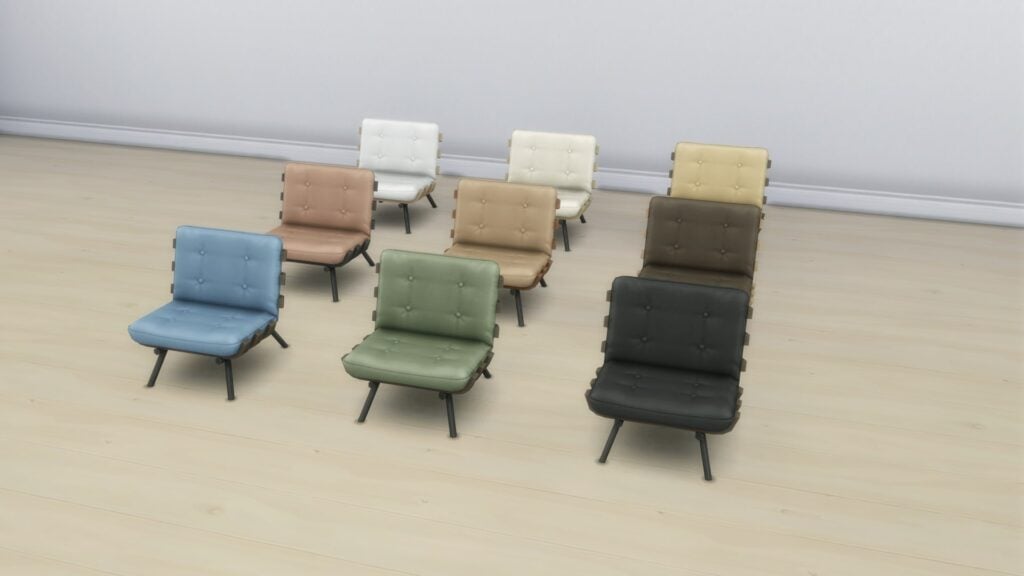
The Embrace Rib Armchair
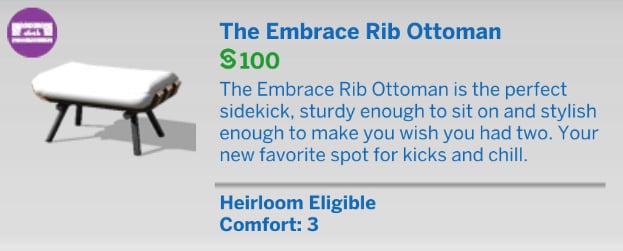
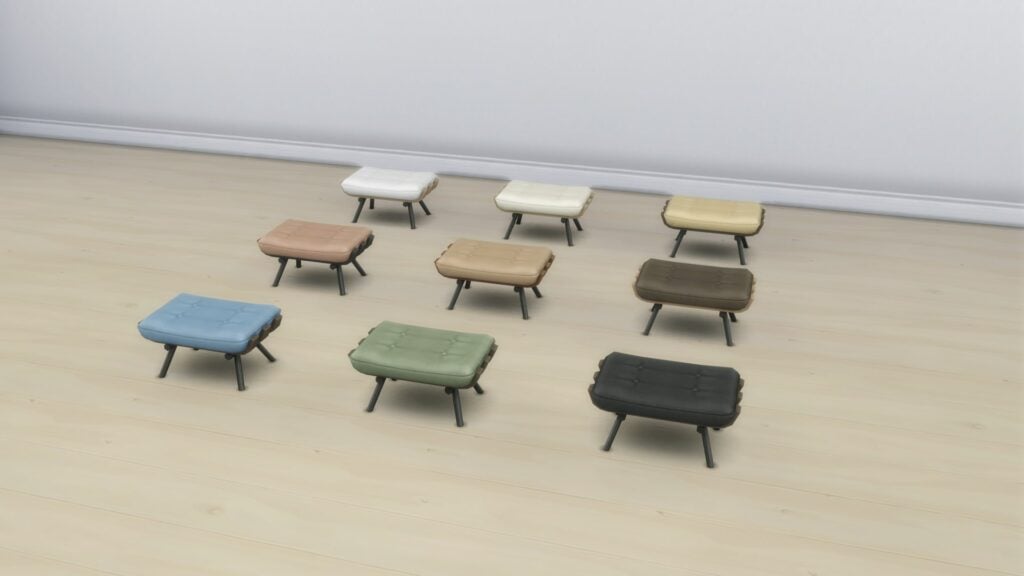
The Embrace Rib Ottoman
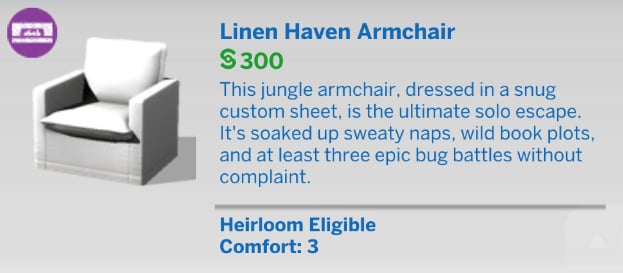
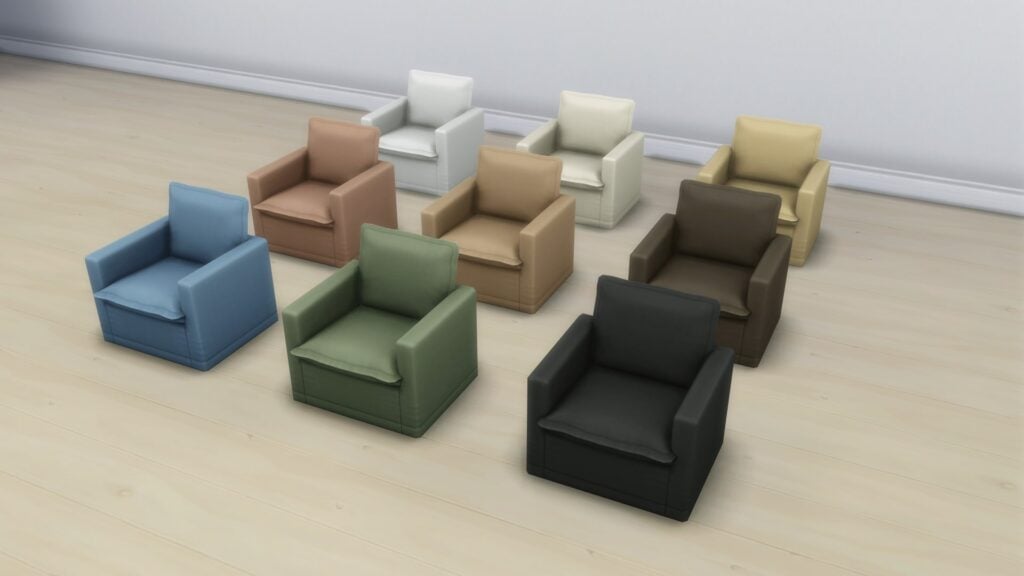
Linen Haven Armchair
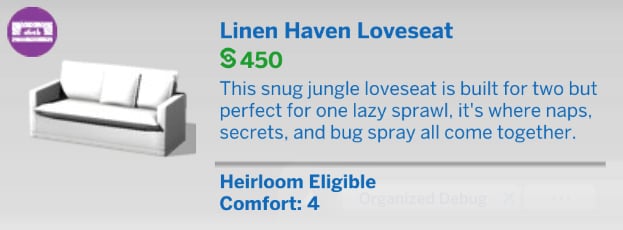
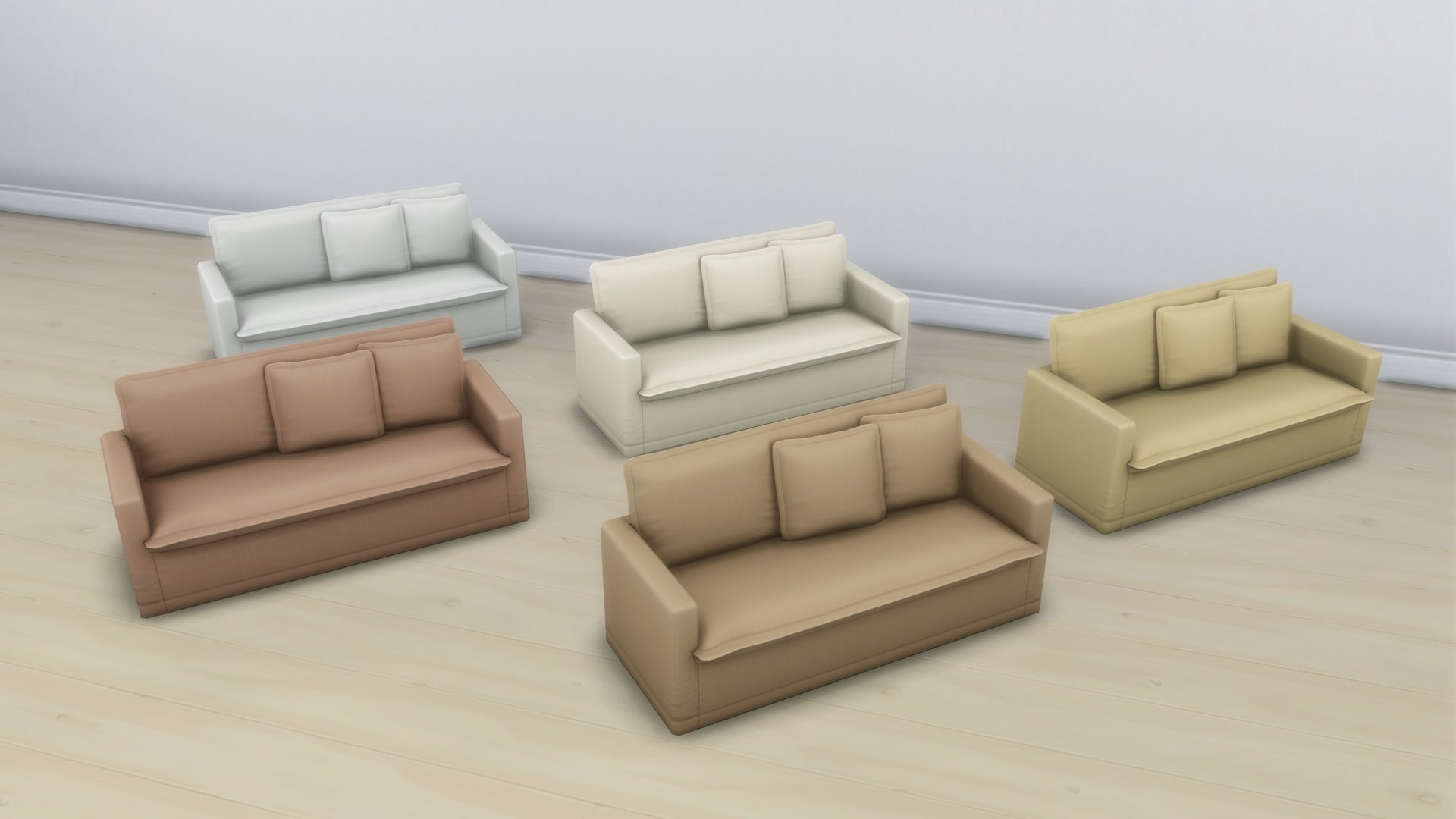
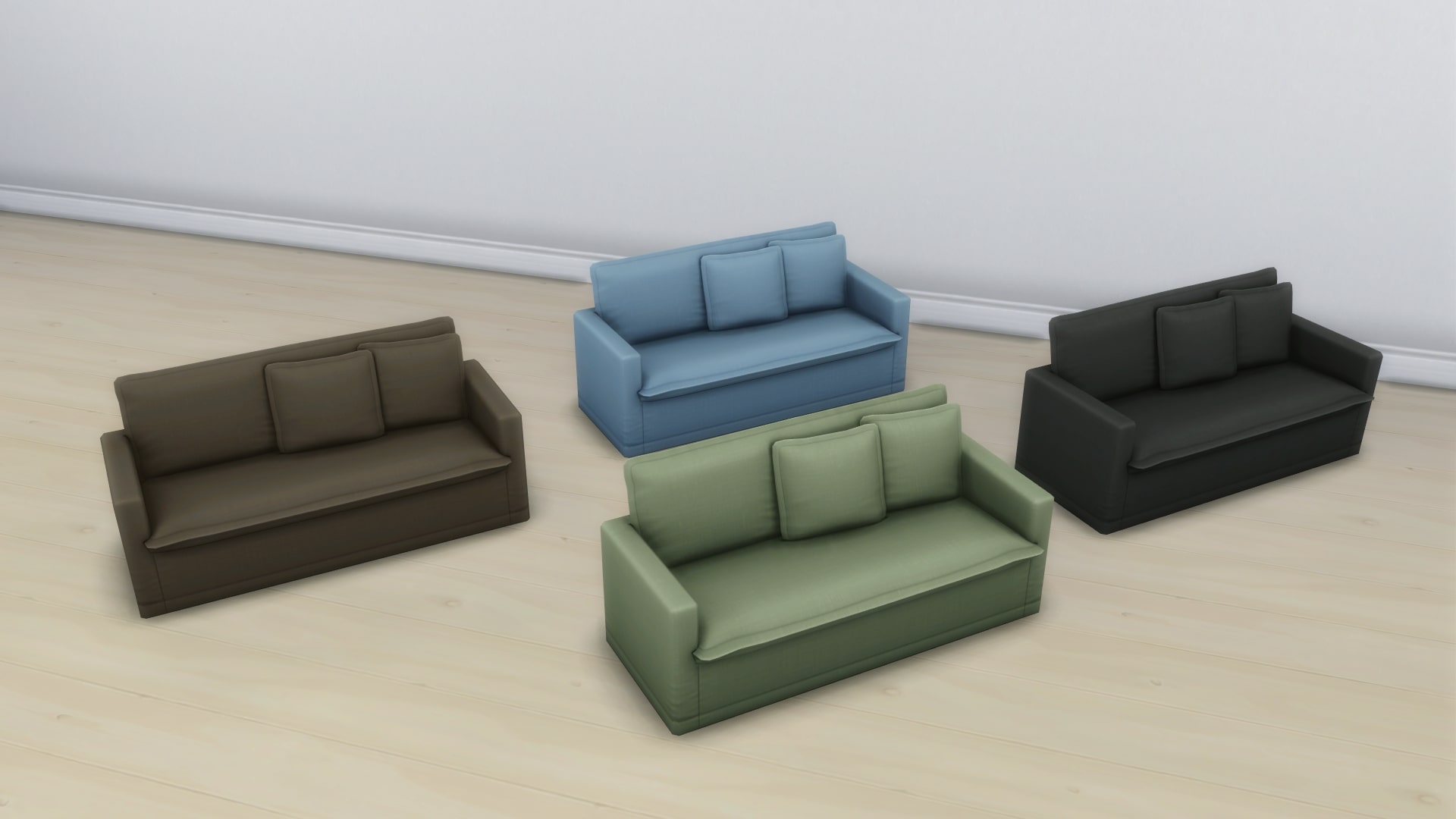
Linen Haven Loveseat
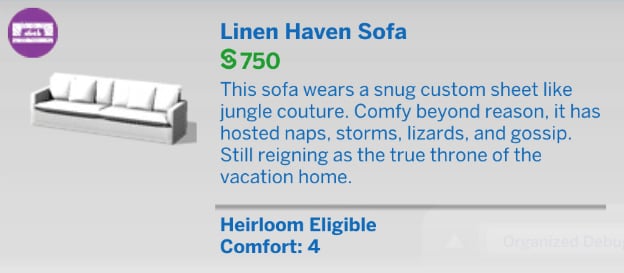
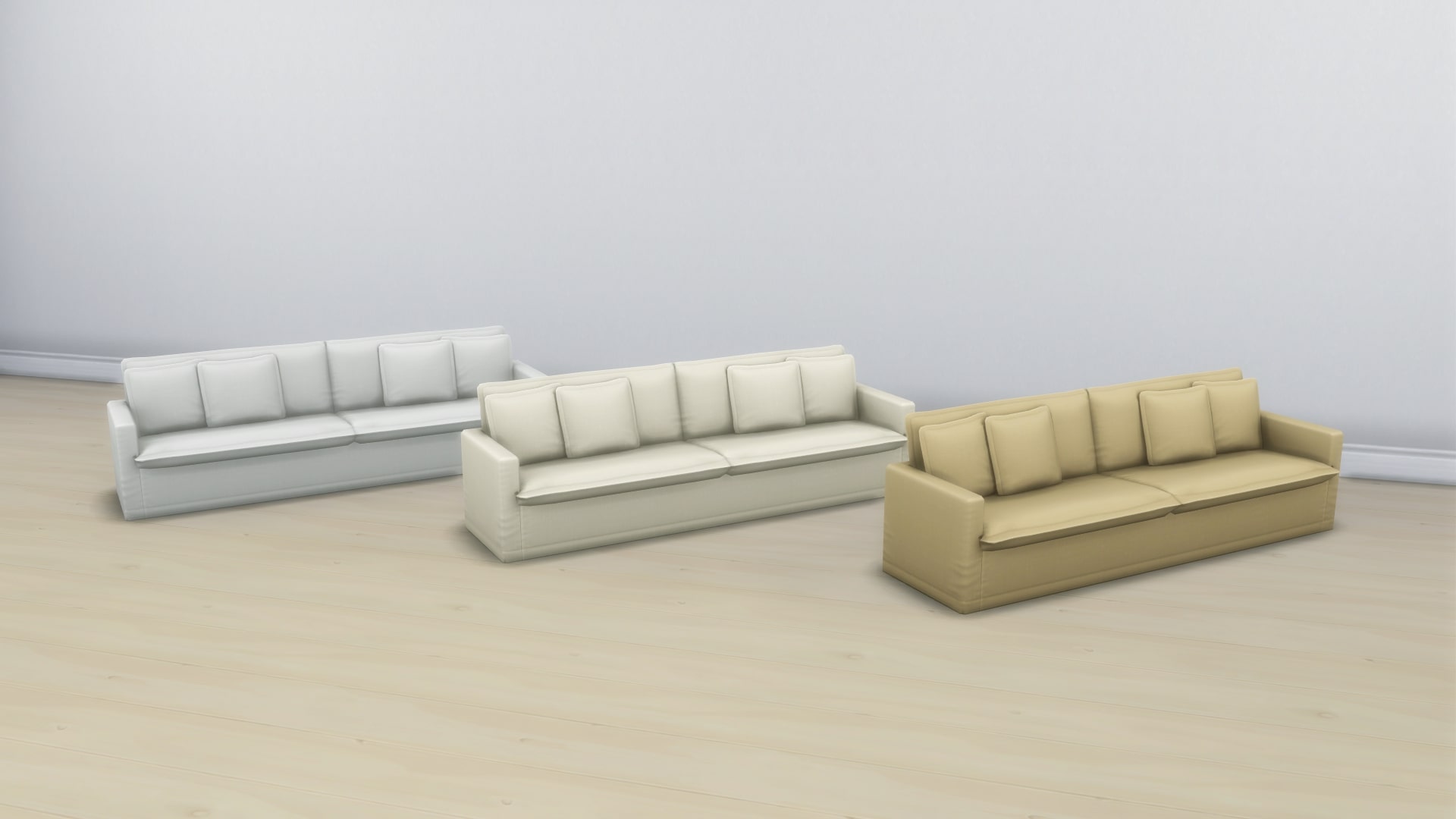
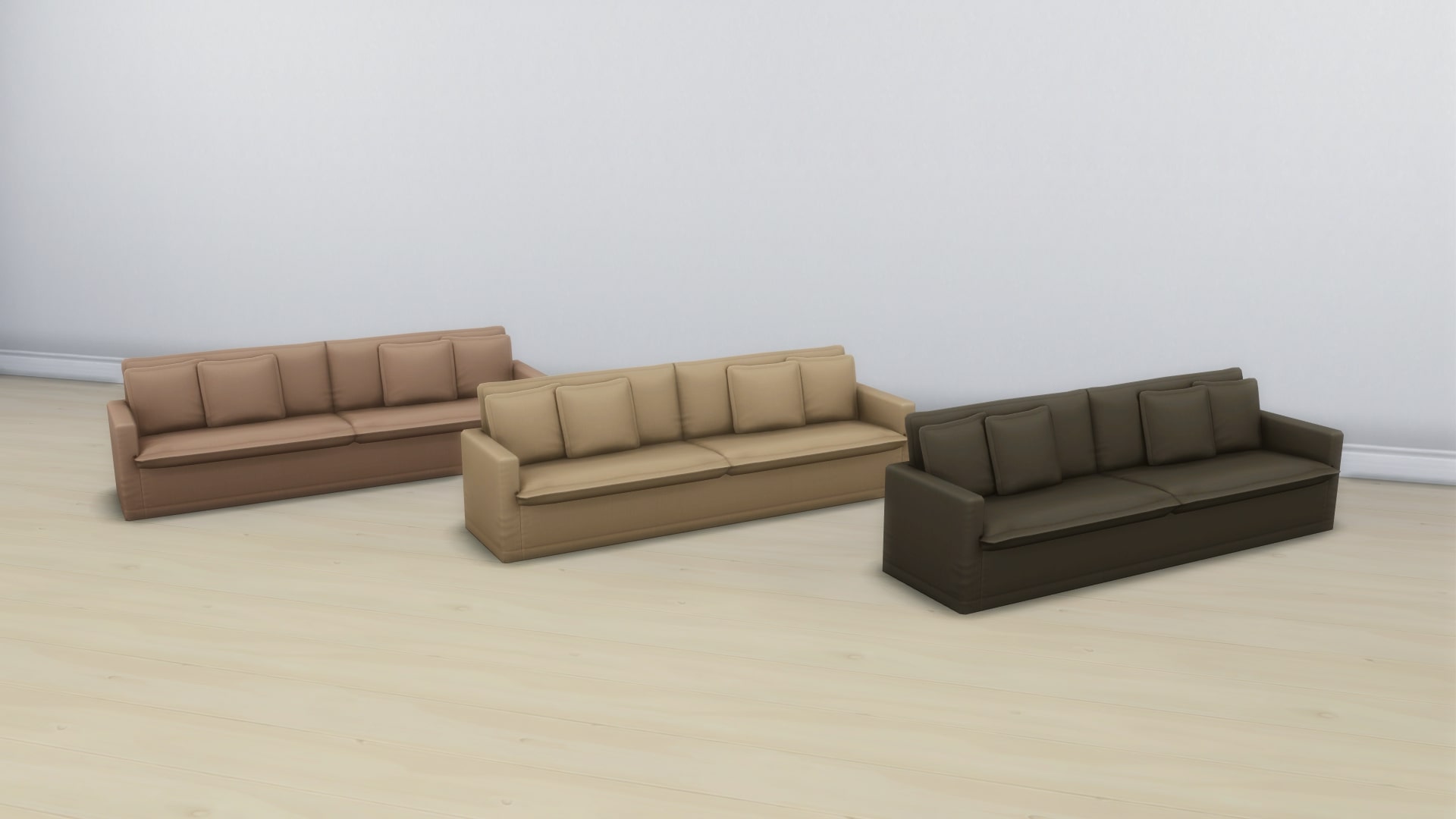
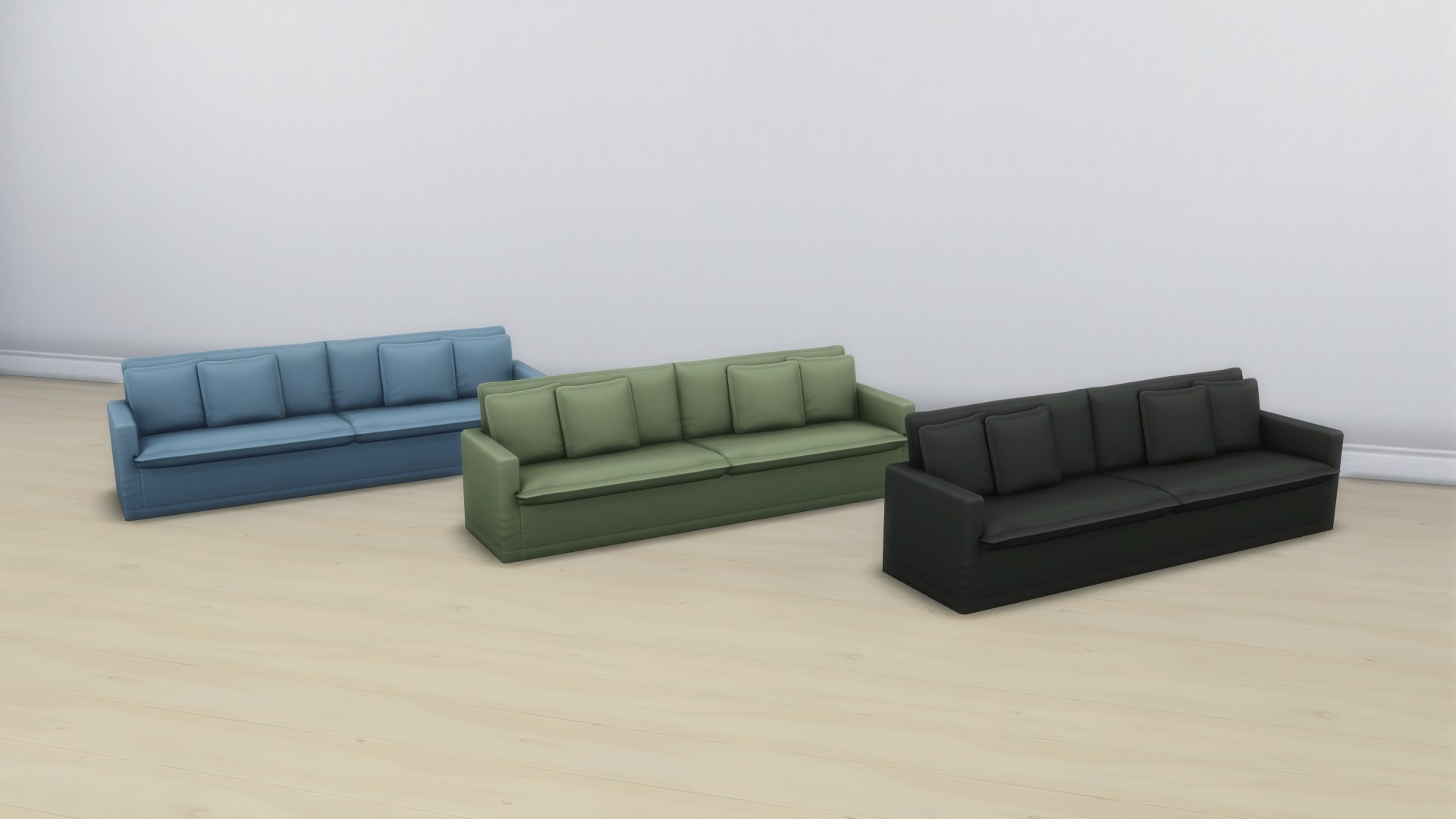
Linen Haven Sofa
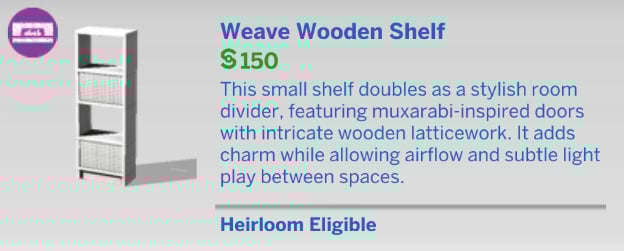
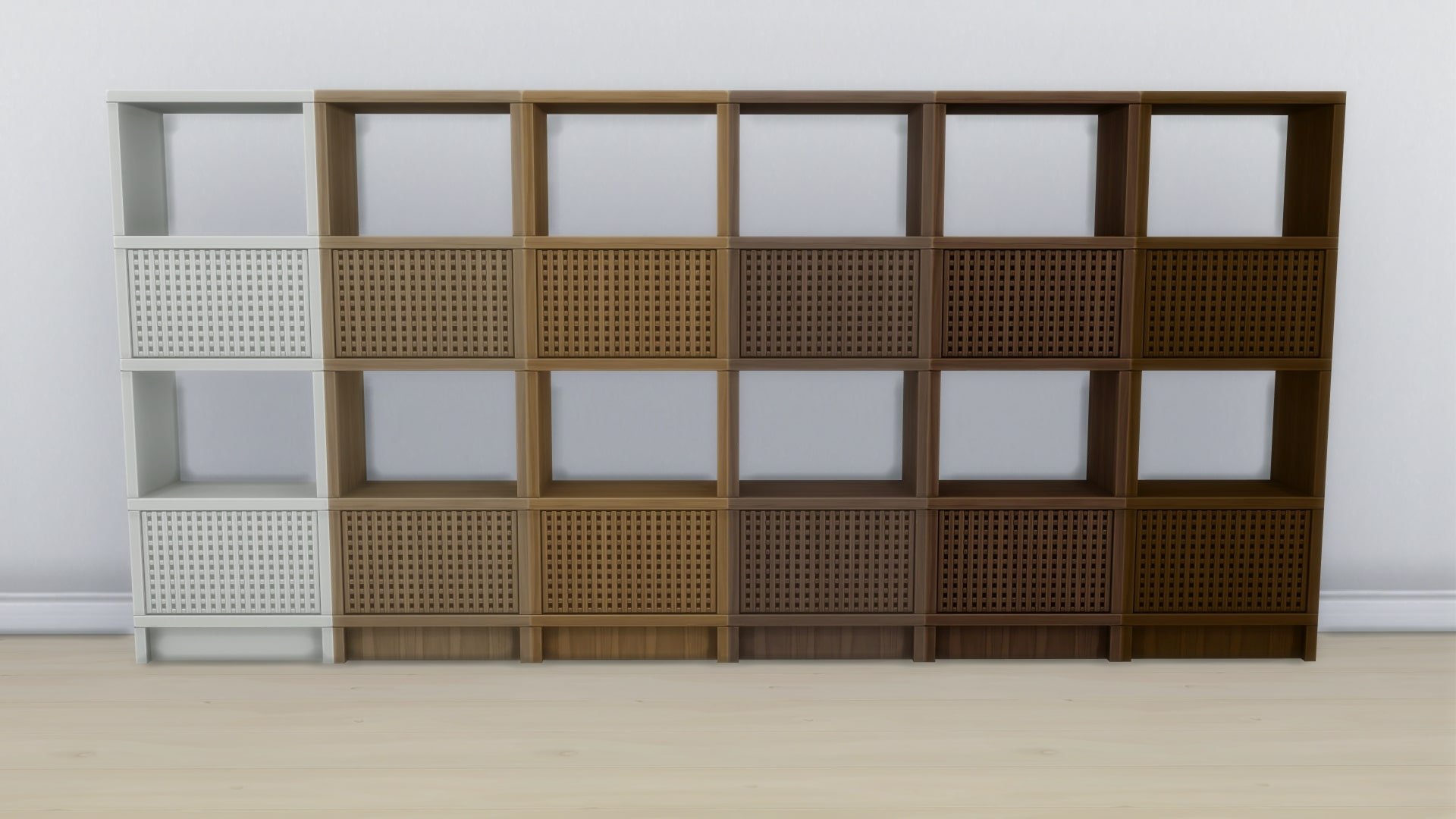
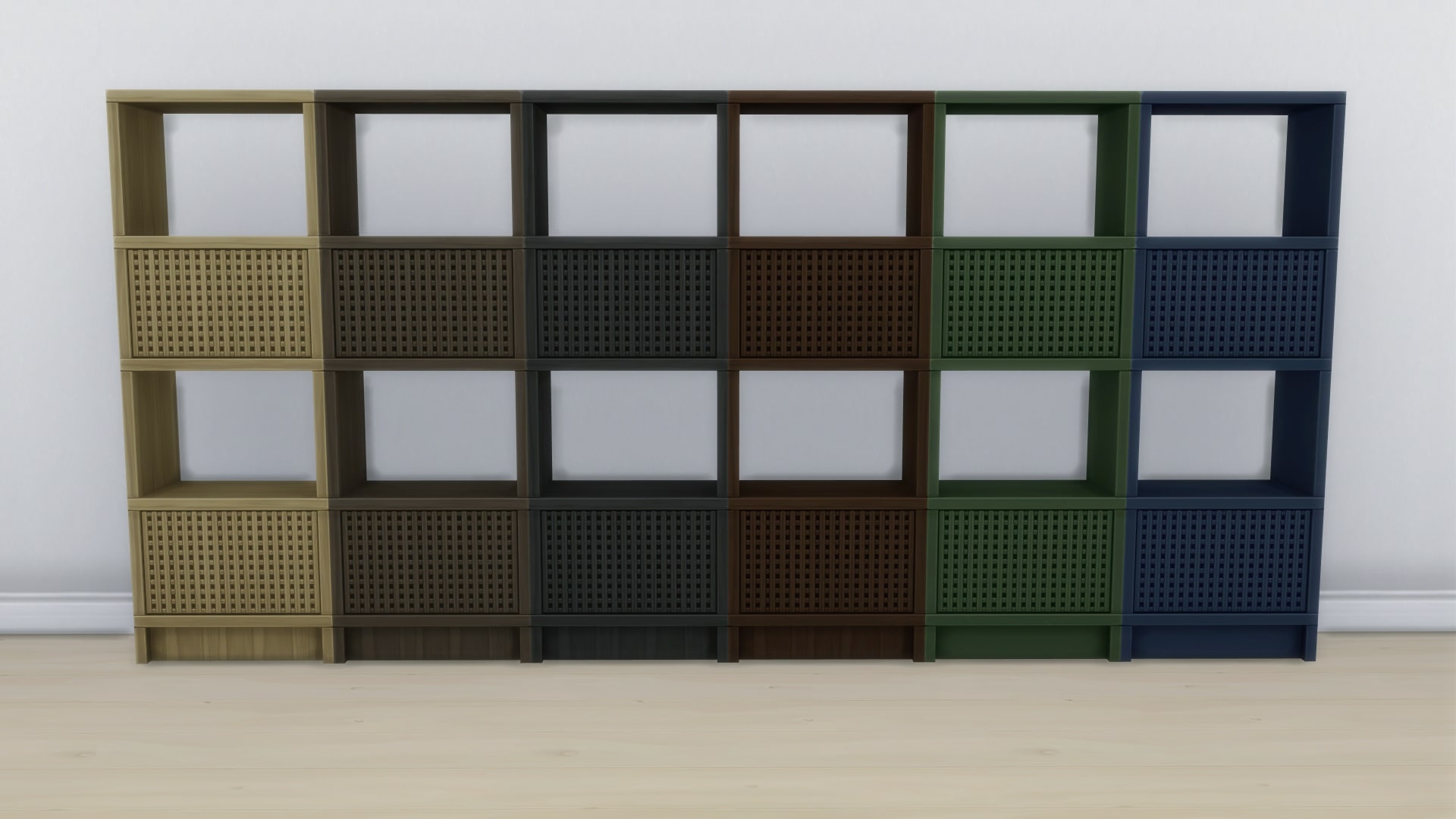
Weave Wooden Shelf
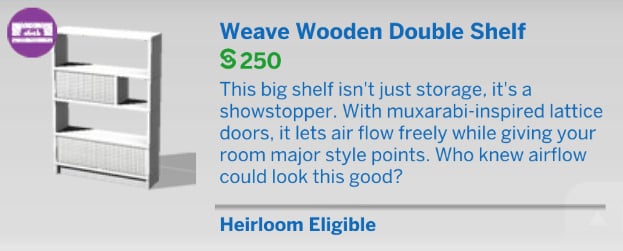
Weave Wooden Double Shelf
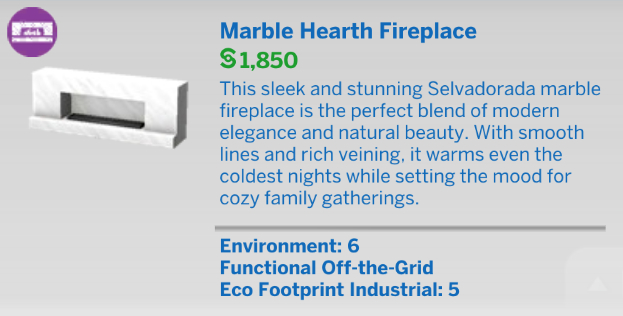
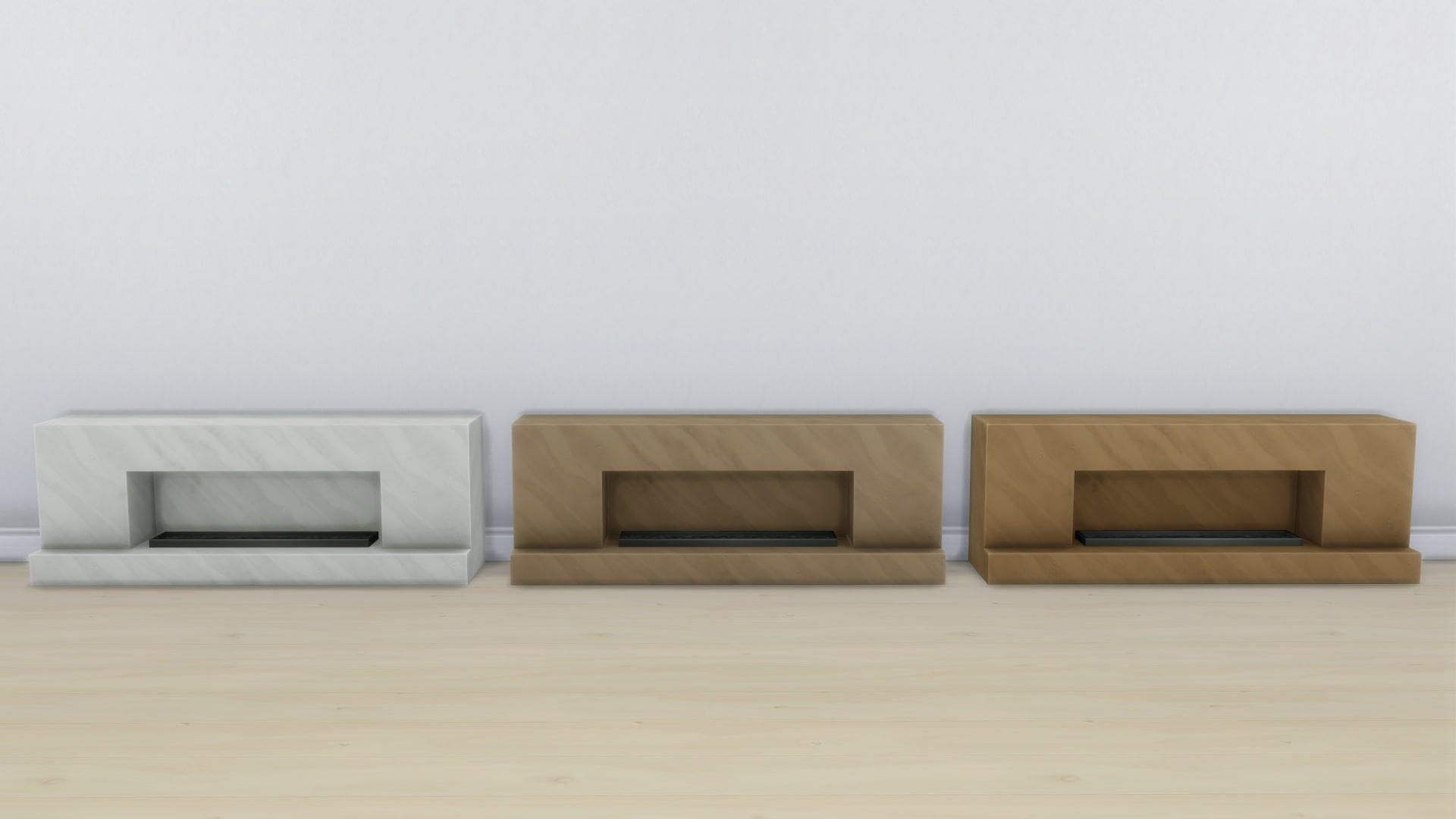
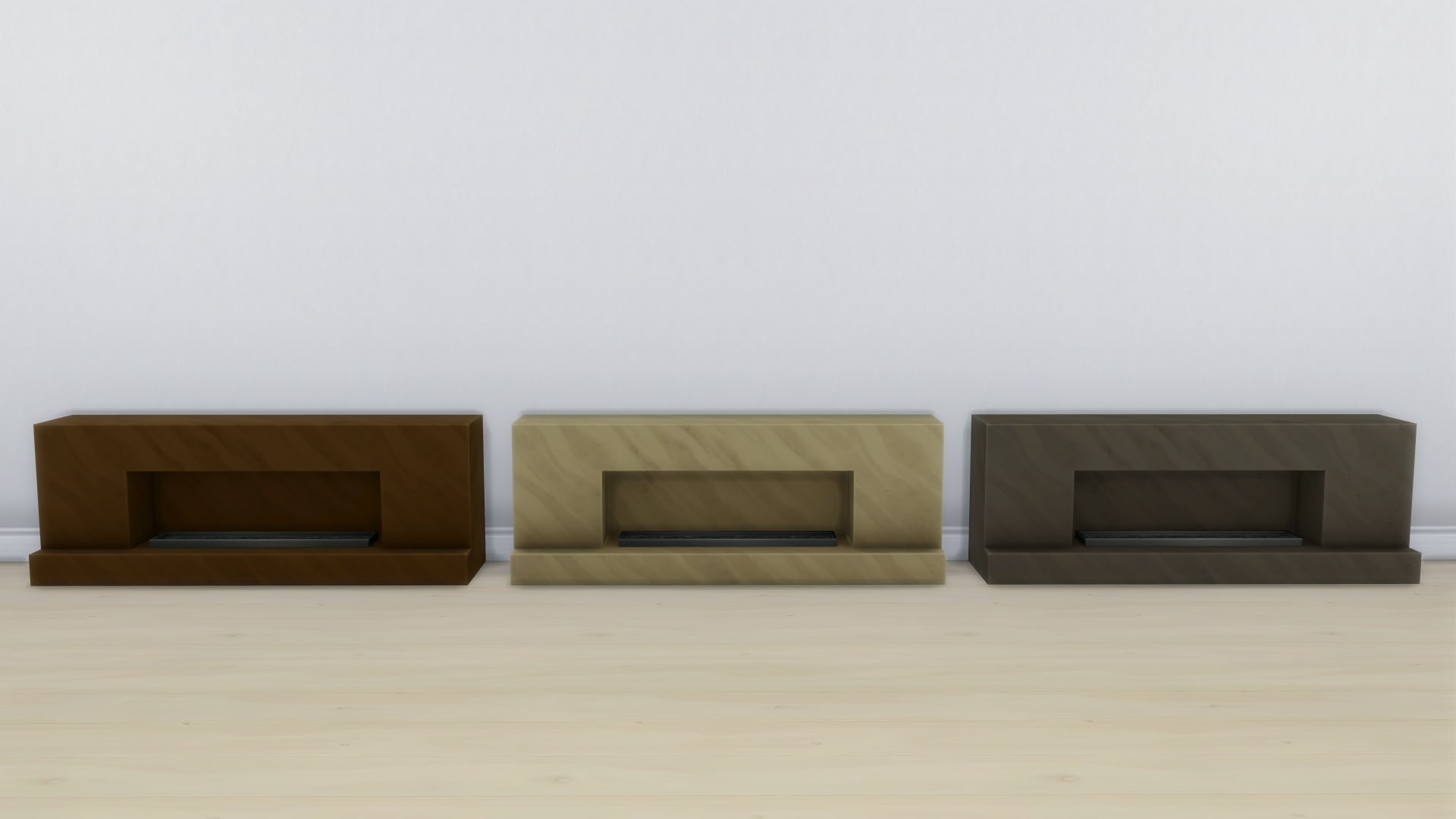
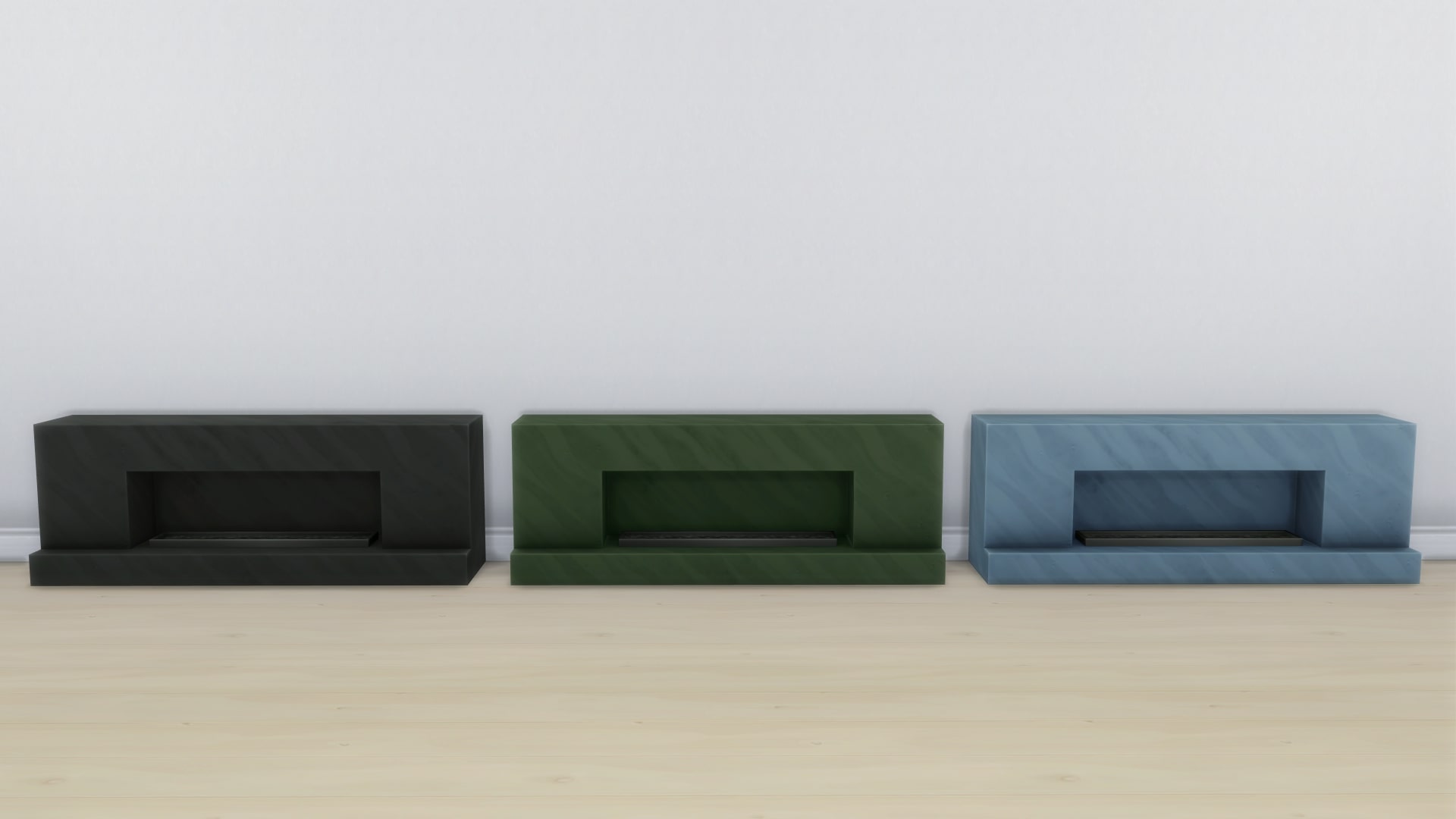
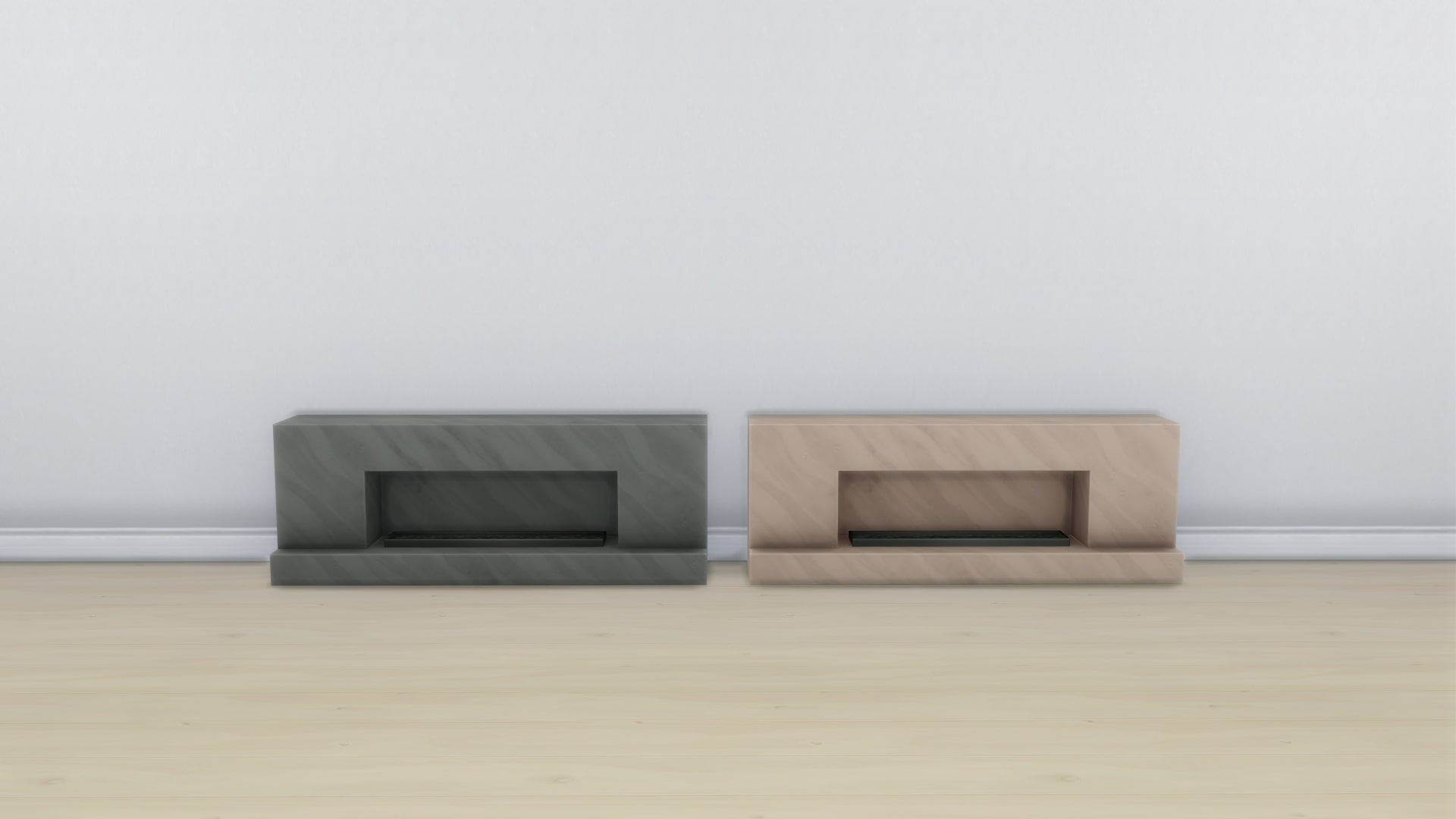
Marble Hearth Fireplace
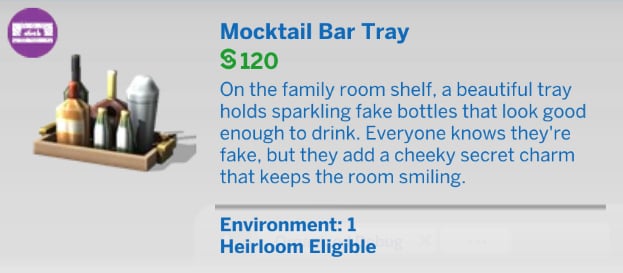
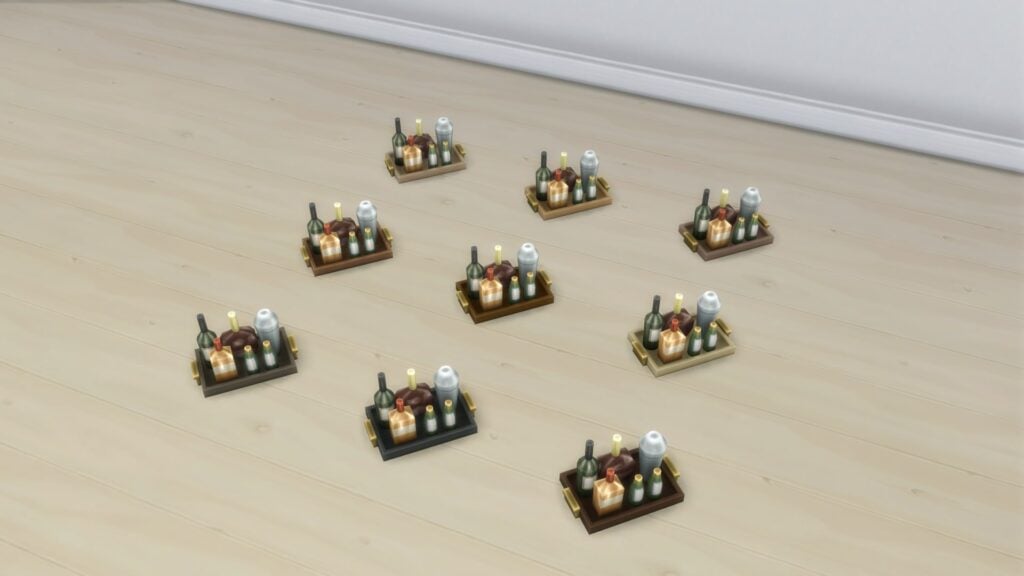
Mocktail Bar Tray
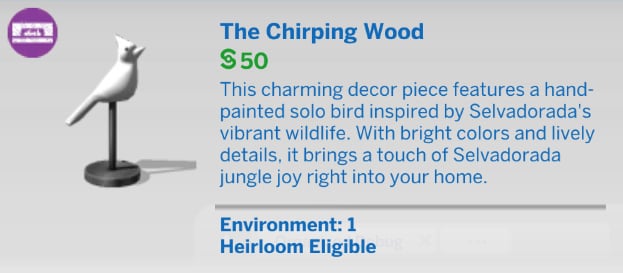
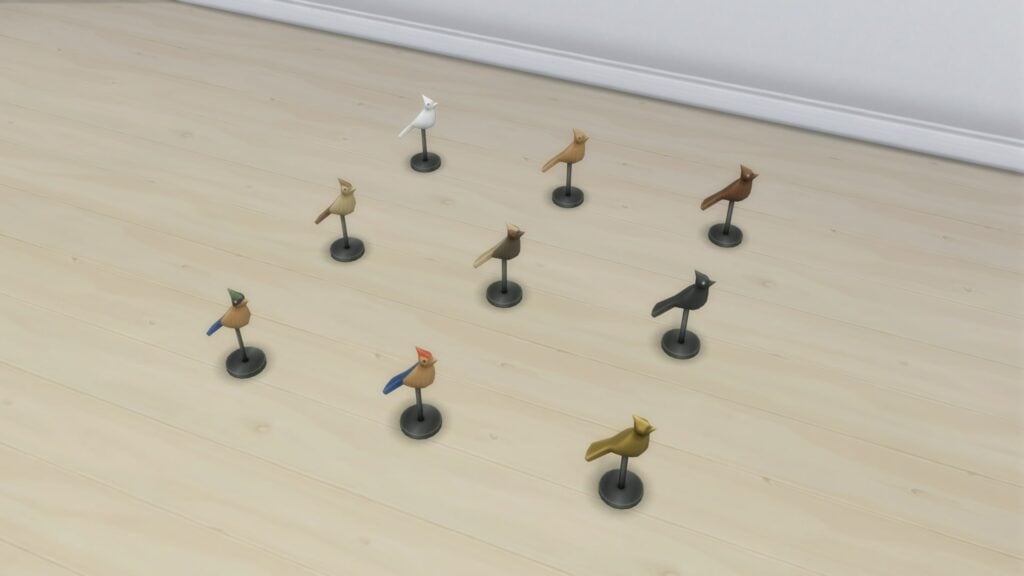
The Chirping Wood
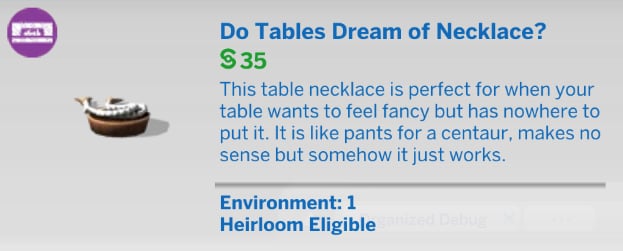
Do Tables Dream of Necklace?
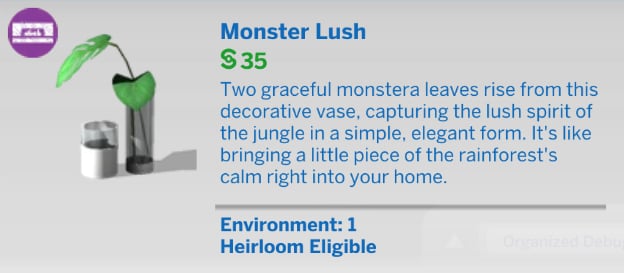
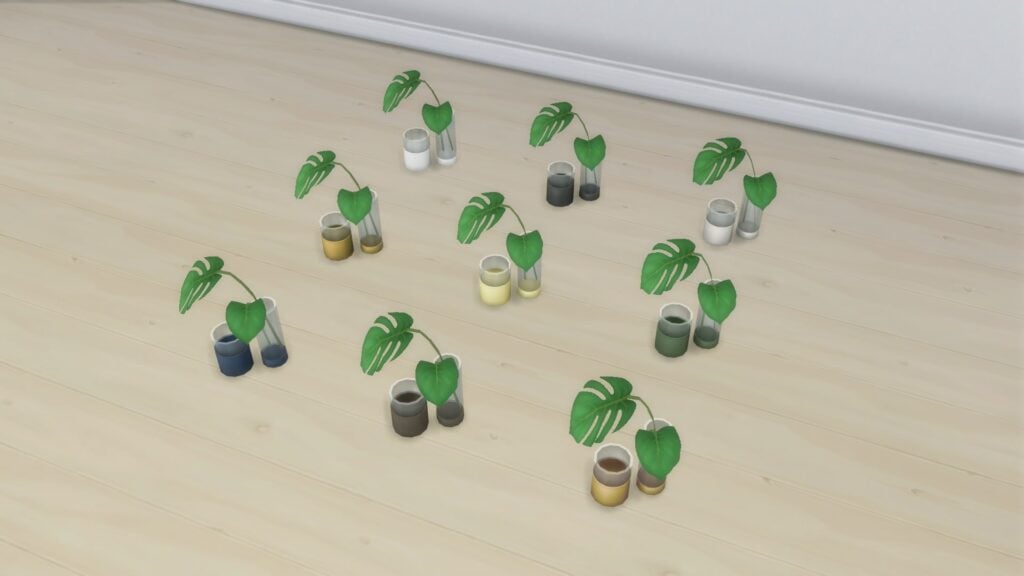
Monster Lush
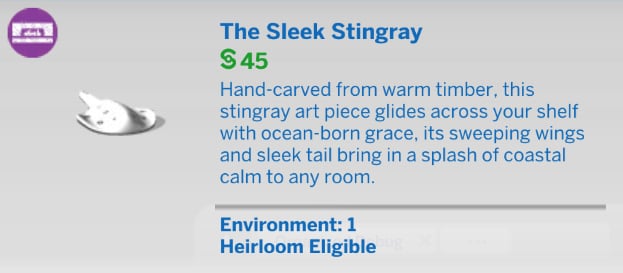
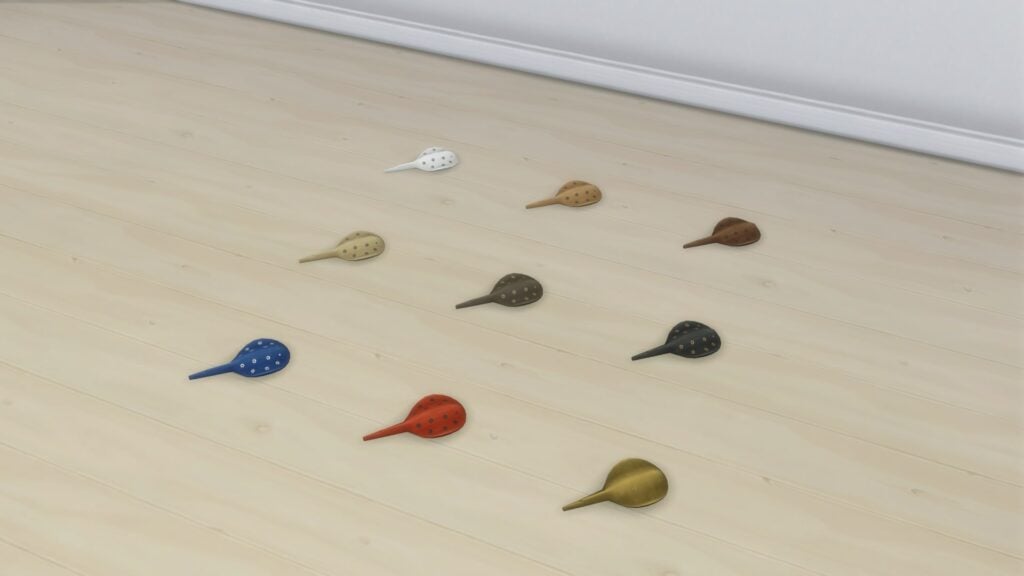
The Sleek Stingray
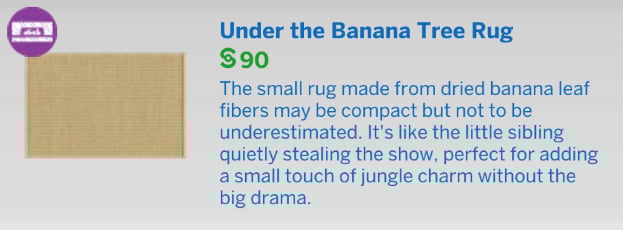
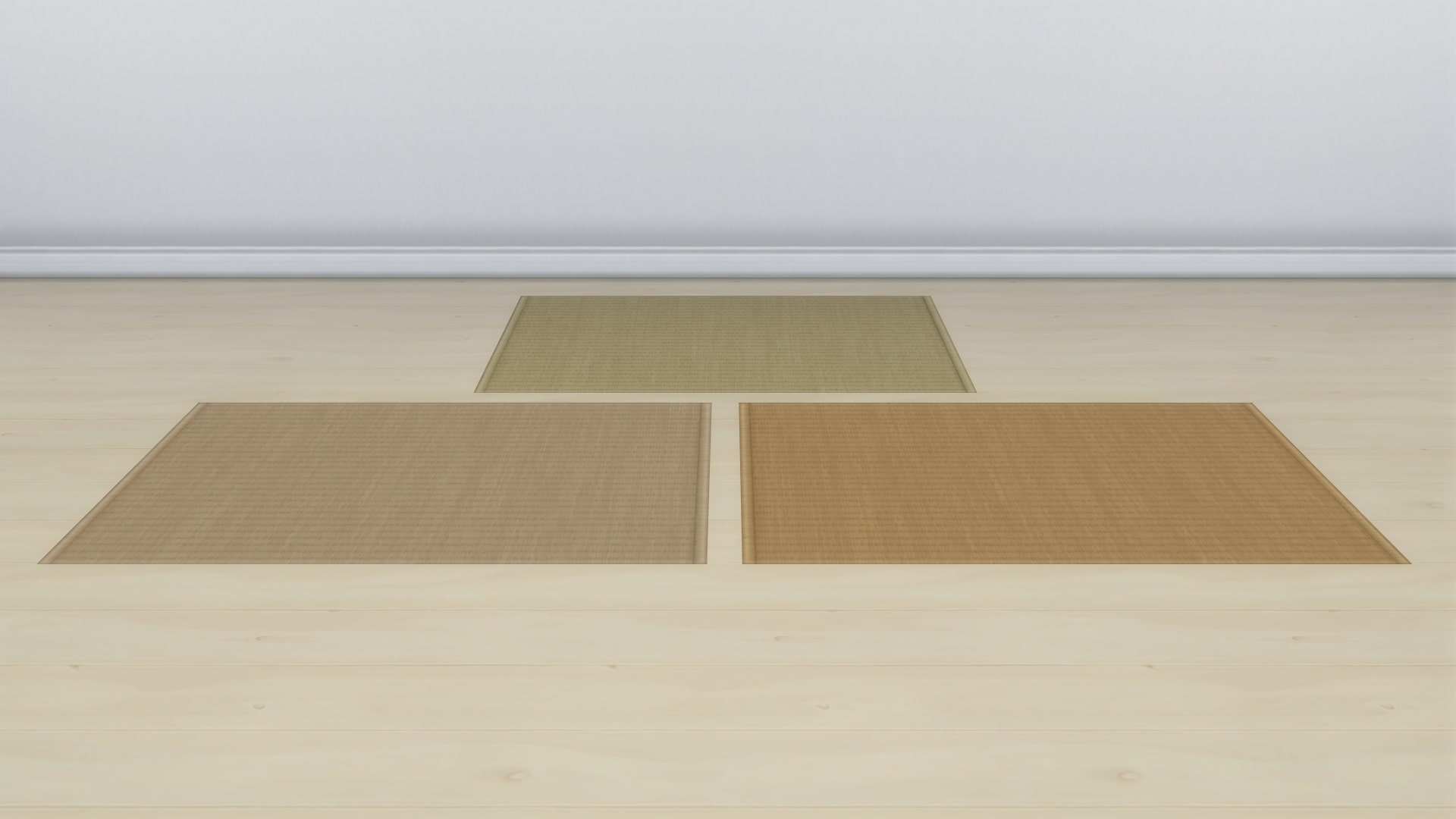
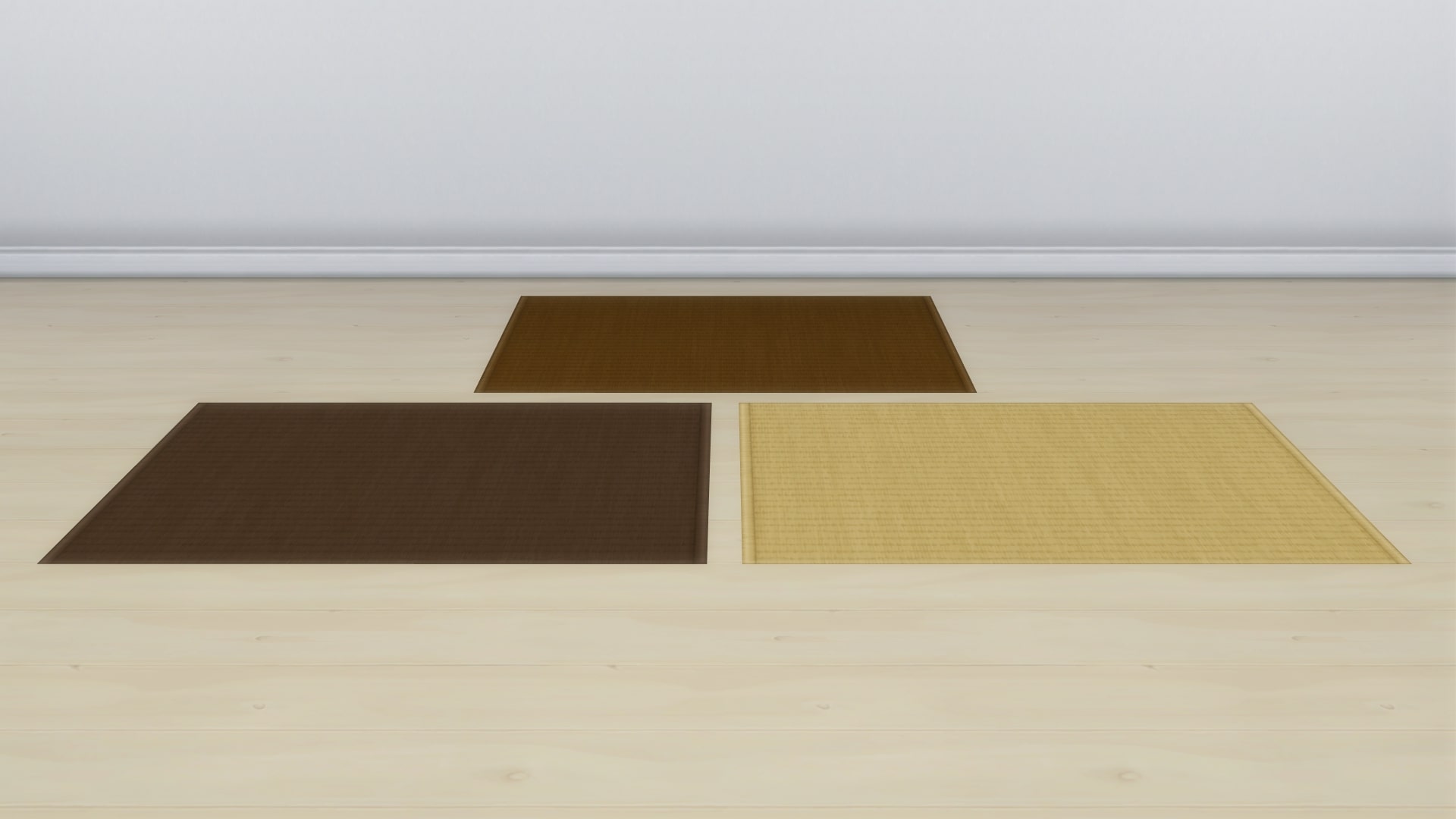
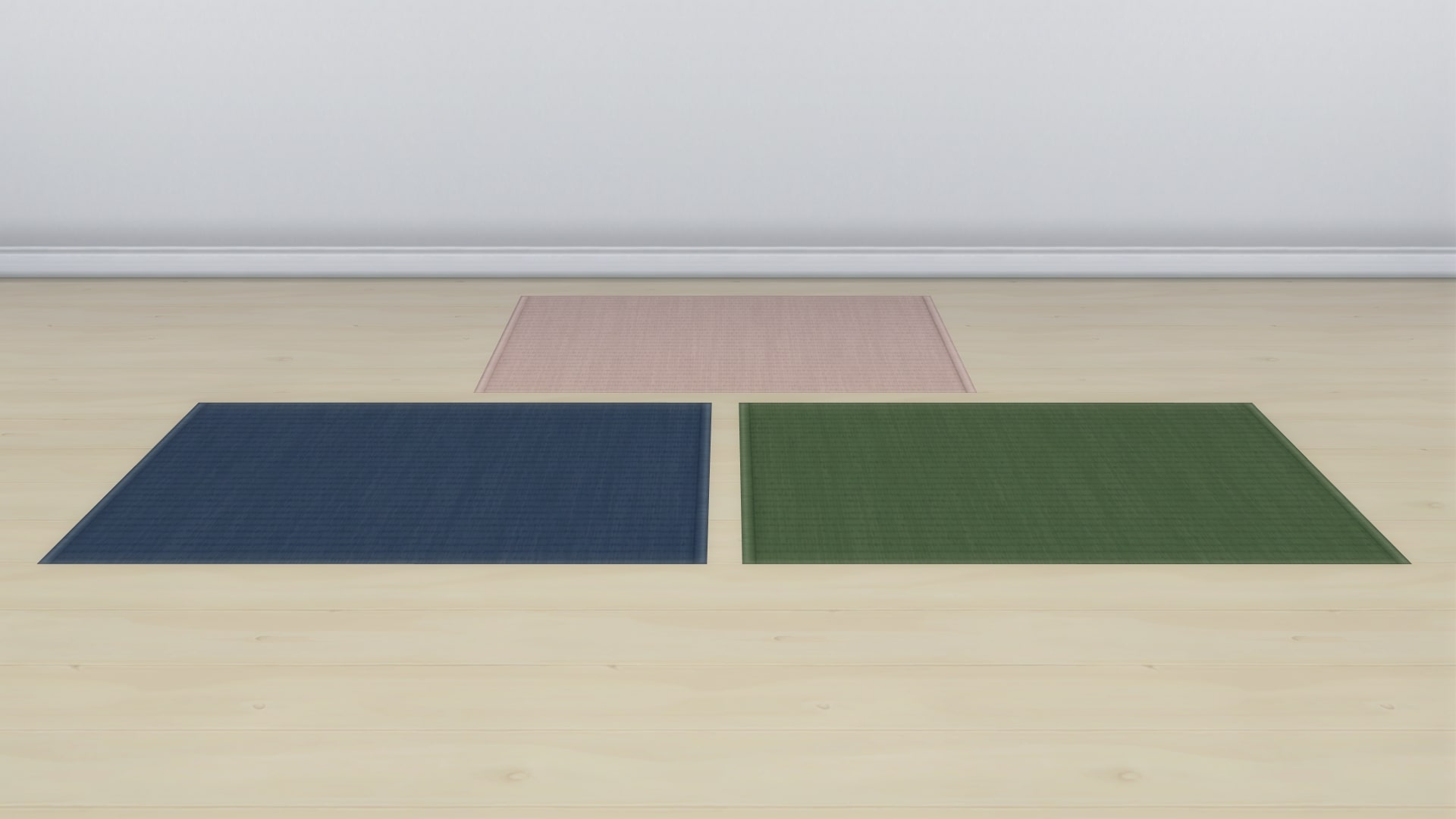
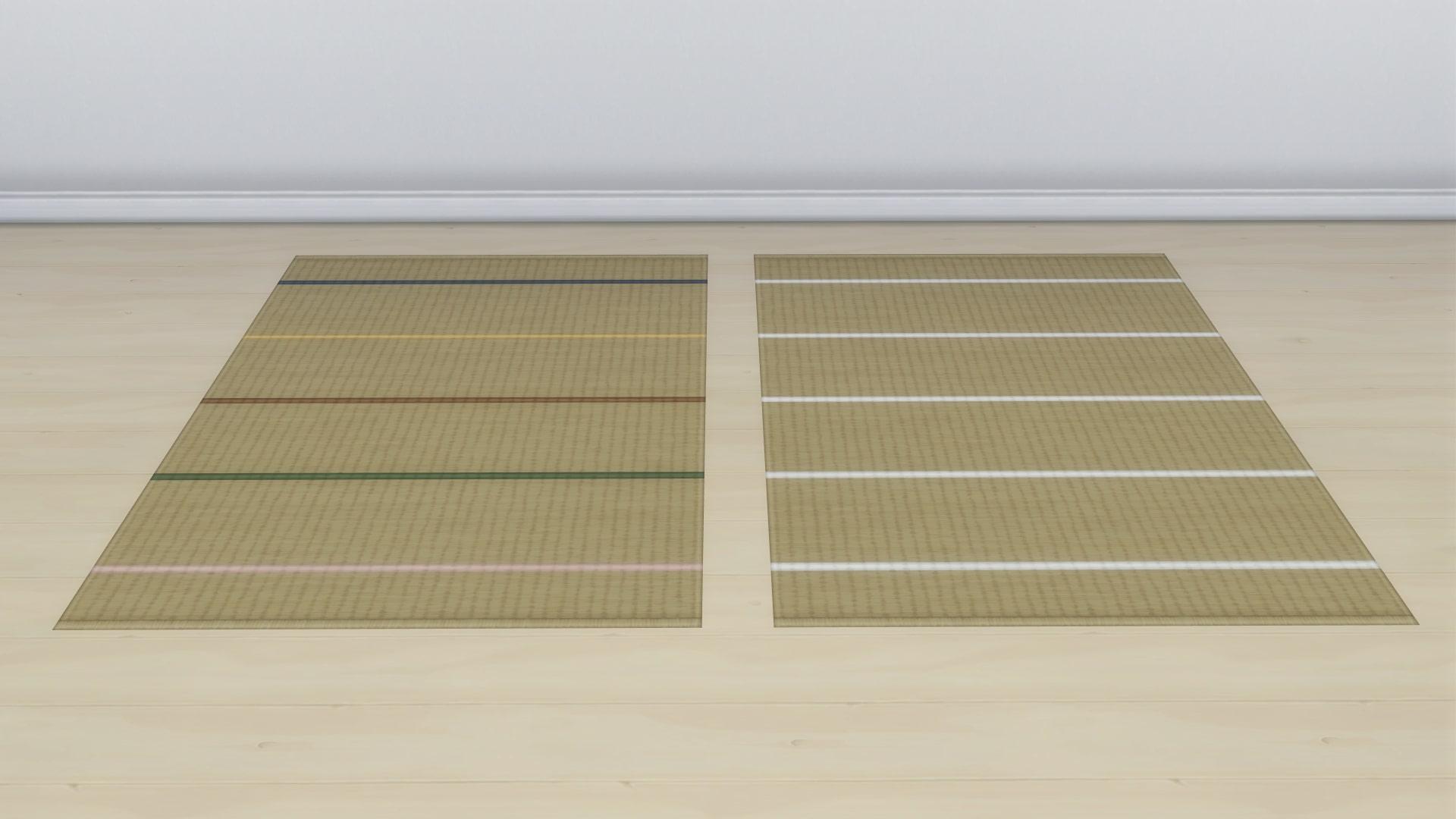
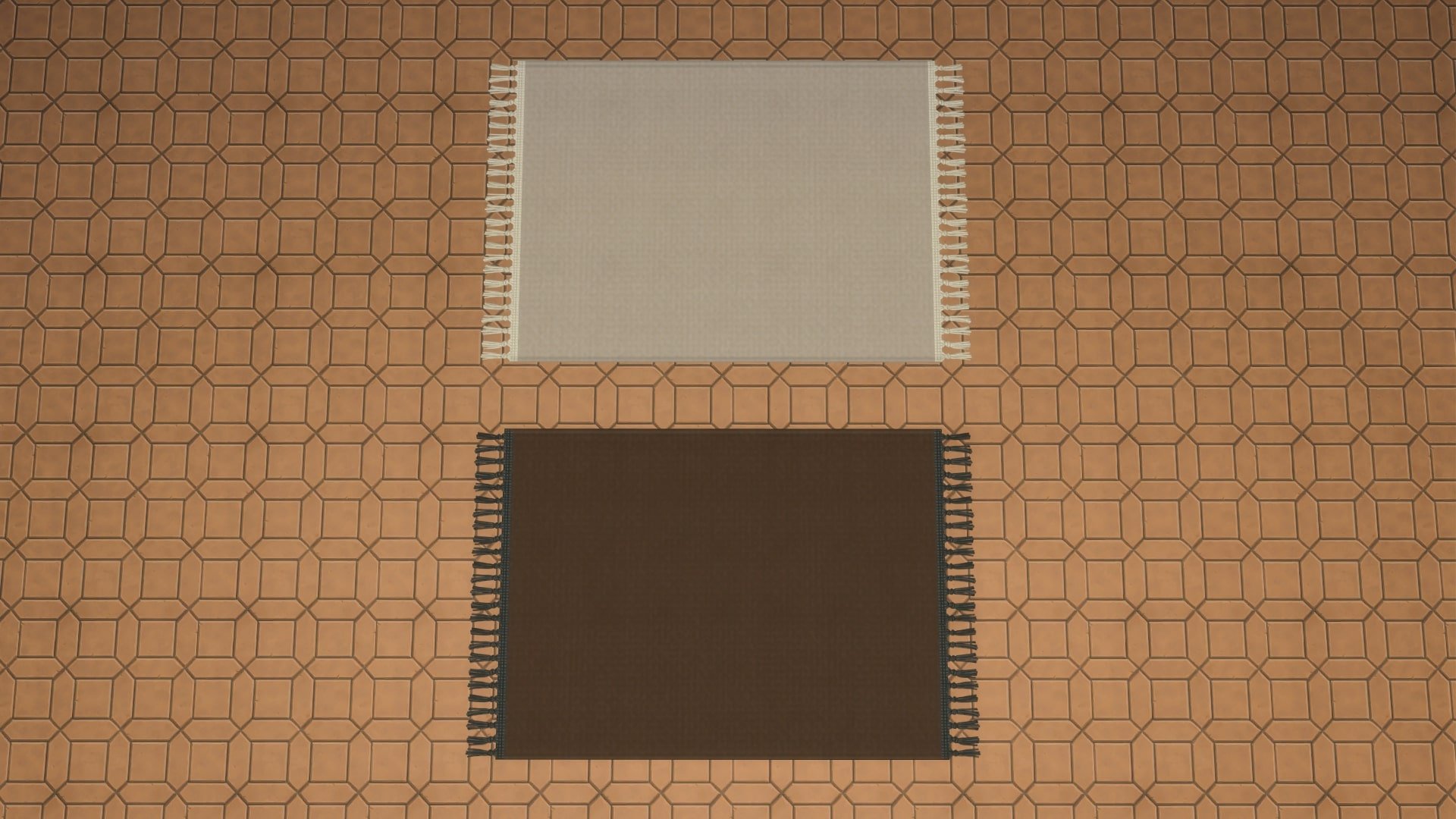
Under The Banana Tree Rug
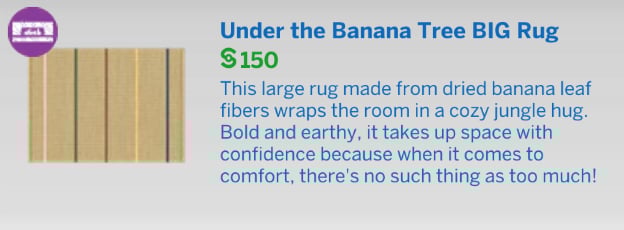
Under The Banana Tree BIG Rug
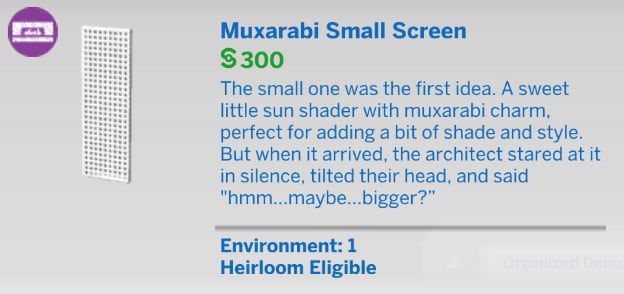
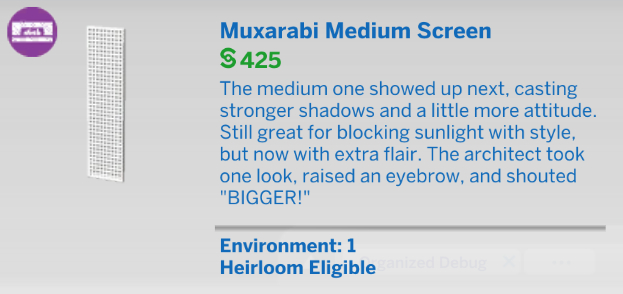
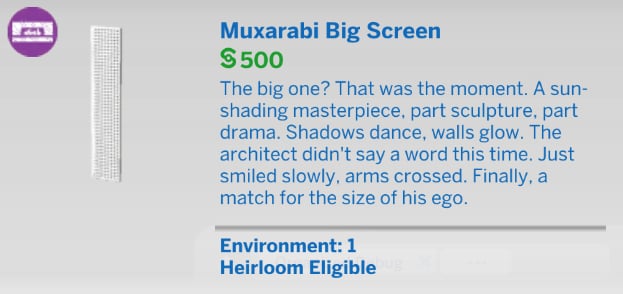
Muxarabi Small/Medium/Big Screen
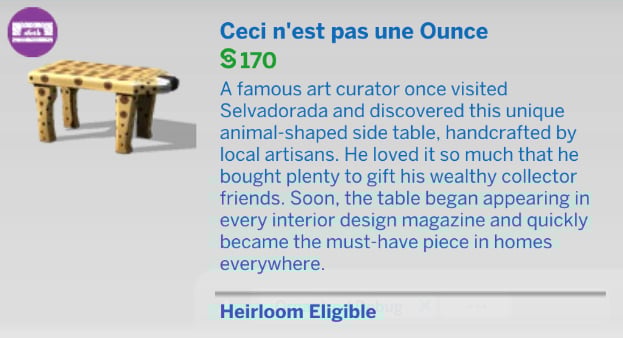
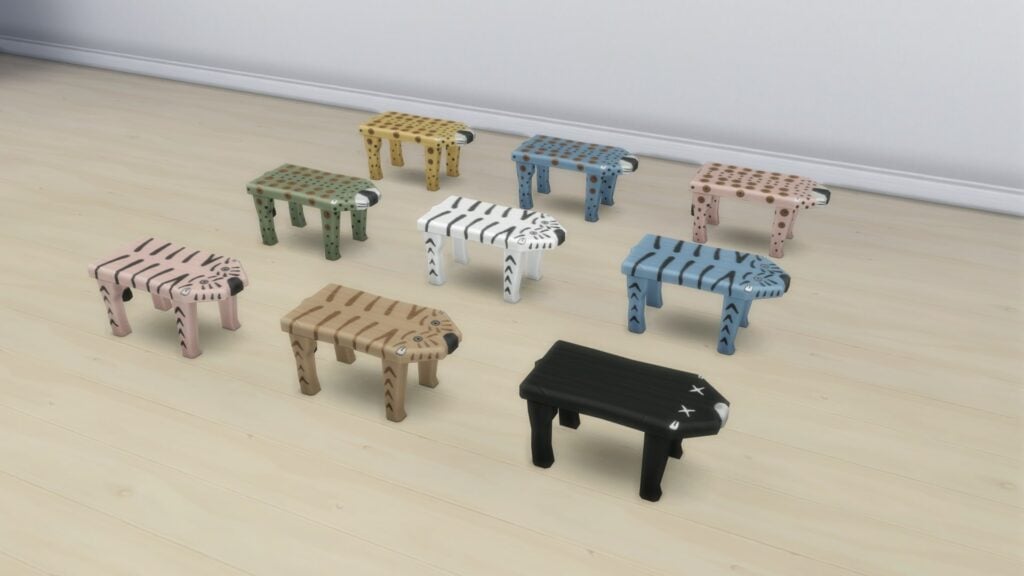
Cesi N’est Pas Une Ounce
Our Review of The Sims 4 Modern Retreat Creator Kit
When Kits were first announced, The Sims Team described them as “tailored to a different playstyle” (The Sims 4 Kits! – Twitch – 2021). Yet the Modern Retreat Kit feels bland and uninspired. This isn’t just an isolated issue with the latest release; over the past year, Creator Kits have increasingly struggled to offer anything genuinely new. That said, the assets themselves are well-made. The matching swatches show clear thought and care, and they insert themselves seamlessly with catalogue items from previous packs.
Most of the items are priced consistently, falling neatly into the middle range of the catalogue. The real issue lies in their tuning: objects in the comfort category deliver surprisingly low comfort ratings for their cost, which makes them feel misaligned with player expectations. The new shelving also highlights a familiar frustration. While I appreciate that the Modern Retreat Kit finally offers empty shelving, a feature I always advocate for, the functionality quickly breaks down. After placing just two of the new small decorative pieces, I found myself unable to add more. These problems aren’t unique to this Kit, they reflect a broader, systemic limitation within The Sims 4 itself.
The new objects are pleasant enough, and I can see myself using the new plant in almost every modern build. Even so, I question why some of the items were included at all. Their presence feels more like an attempt to boost the Kit’s object count than a genuine creative choice. One piece, the “Do Tables Dream of Necklace?”, even acknowledges its strangeness in its description, stating that it “makes no sense, but somehow it just works”. For me, it makes no sense, and unfortunately, it does not work either.
I dislike being overly critical, and I find writing a negative review far more difficult than celebrating a release I enjoy. I genuinely wanted to appreciate the Modern Retreat Kit, yet it ultimately feels like a wasted opportunity. The shortcomings are not the fault of TudTubs, the creator, as the restrictions placed on partnered creators are strict and often limiting. By contrast, the Storybook Nursery Kit from 2024, developed with SixamCC, introduced items that felt distinctive even though they did not suit my personal taste. That is the kind of originality Kits should provide, rather than uninspired furnishings that only add to the already crowded Build/Buy catalogue.
The Modern Retreat Kit reflects a wider challenge facing The Sims 4: how to keep content feeling inventive after years of expansion. Kits were introduced as a way to bring variety and playstyle‑specific additions, yet too often they fall short of that promise. Unless future releases begin to take creative risks, Kits risk becoming forgettable filler rather than exciting opportunities for players. Is it worth the $4.99 asking price? In my opinion, no. For players without the full library of content from the past 10+ years, the Kit may add something they’re missing. But for someone with every pack, there is nothing new.
What is your opinion on The Sims 4 Modern Retreat Kit? Let us know in the comments below, and stay tuned to Sims Community for all the latest on The Sims 4 Kits.
With Just 4 Week To Go, It’s Been Announced That Paralives Is To Be Delayed By Six Months.
Back in June, December 8th 2025, was announced as the release date for Paralives Early Access. With just 3 weeks to go until the expected launch, the team have announced over on X/Twitter: Paralives delayed until May 2026. The team have also included a longer explanation over on their Patreon. Take a look at their statement in full below!
Table of Contents
Paralives Delay – Developer Statement
Alex Masse, the lead behind the highly anticipated life simulation game Paralives, released a statement announcing the 6-month delay after recent feedback garnered from playtesters. Check it out below:
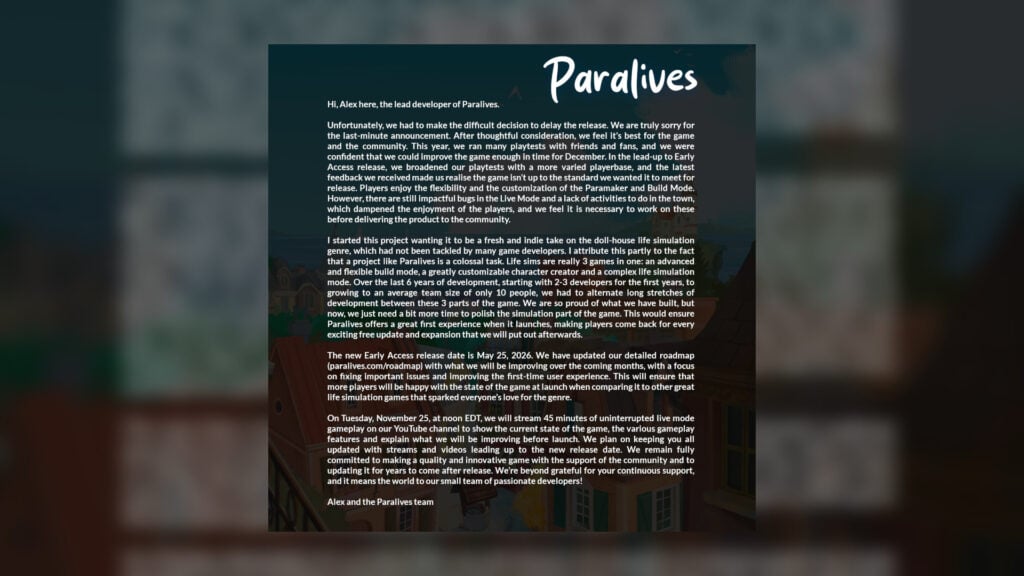
Hi, Alex here.
Unfortunately, we had to make the difficult decision to delay the release. We are truly sorry for the last-minute announcement. After thoughtful consideration, we feel it’s best for the game and the community. This year, we ran many playtests with friends and fans, and we were confident that we could improve the game enough in time for December. In the lead-up to Early Access release, we broadened our playtests with a more varied playerbase, and the latest feedback we received made us realize the game isn’t up to the standard we wanted it to meet for release. Players enjoy the flexibility and the customization of the Paramaker and Build Mode. However, there are still impactful bugs in the Live Mode and a lack of activities to do in the town, which dampened the enjoyment of the players, and we feel it is necessary to work on these before delivering the product to the community.
I started this project wanting it to be a fresh and indie take on the doll-house life simulation genre, which had not been tackled by many game developers. I attribute this partly to the fact that a project like Paralives is a colossal task. Life sims are really 3 games in one: an advanced and flexible build mode, a greatly customizable character creator and a complex life simulation mode. Over the last 6 years of development, starting with 2-3 developers for the first years, to growing to an average team size of only 10 people, we had to alternate long stretches of development between these 3 parts of the game. We are so proud of what we have built, but now, we just need a bit more time to polish the simulation part of the game. This would ensure Paralives offers a great first experience when it launches, making players come back for every exciting free update and expansion that we will put out afterwards.
The new Early Access release date is May 25, 2026. We have updated our detailed roadmap (paralives.com/roadmap) with what we will be improving over the coming months, with a focus on fixing important issues and improving the first-time user experience. This will ensure that more players will be happy with the state of the game at launch when comparing it to other great life simulation games that sparked everyone’s love for the genre.
On Tuesday, November 25, at noon EDT, we will stream 45 minutes of uninterrupted live mode gameplay on our YouTube channel to show the current state of the game, the various gameplay features and explain what we will be improving before launch. We plan on keeping you all updated with streams and videos leading up to the new release date. We remain fully committed to making a quality and innovative game with the support of the community and to updating it for years to come after release. We’re beyond grateful for your continuous support, and it means the world to our small team of passionate developers!
From the team statement, it seems as though Paralives needs a little bit more time in the oven before it can be released in a playable state. The feedback from their recent playtesters notes that there is little to do within the world itself, while the praise mostly lies within the build mode and Paramaker. The lack of live mode footage has been a concern for some fans, but hopefully, this extra development time will be good for the game.
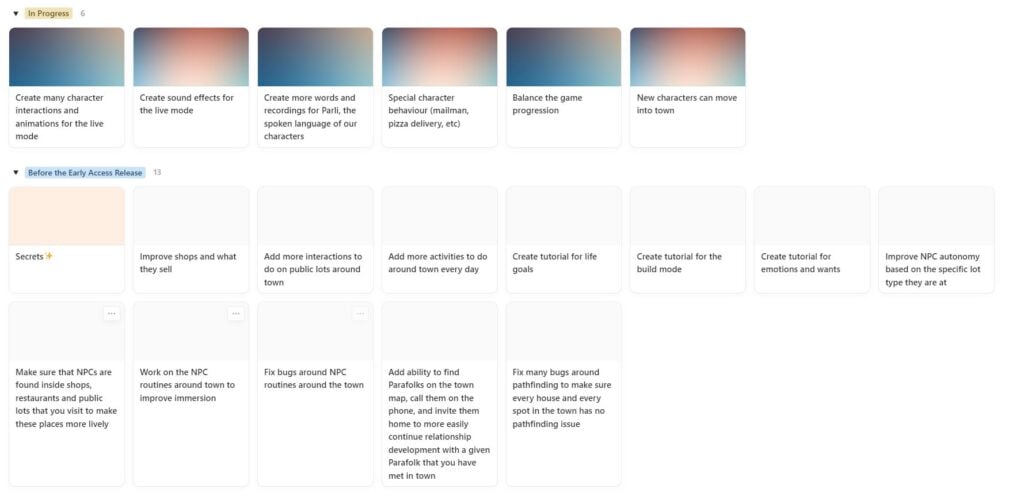
From the state of the live roadmap, it is clear there is still plenty the team wanted to get done before the game releases in Early Access, with the inclusion of tutorials, NPC routines in the open world, and the ability to find other Parafolk around town.
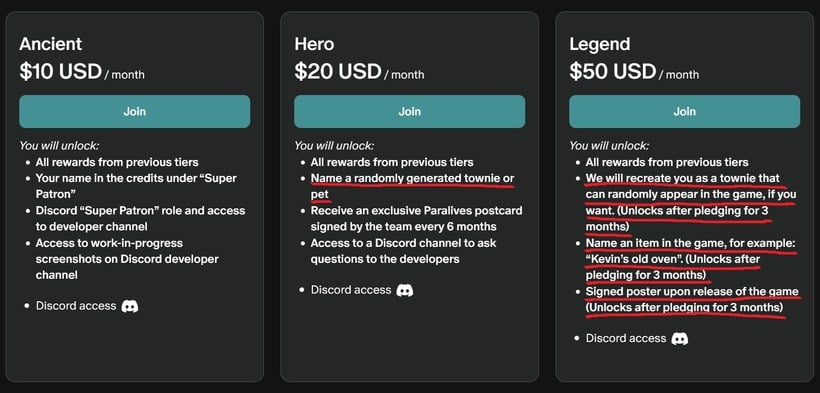
Over on the Paralives Patreon, the team have detailed how the rewards for different tiers will now operate after the delay:
The rewards that are closed are highlighted in red. If you already unlocked these rewards, you will still get them, no worries!
As we have started recently, we will do exclusive streams every couple of weeks for all Patrons on Discord and share them in a Patreon post afterwards. This new formula will replace the Discord dev chat (Ancient tier reward) because it reaches more Patrons and we can use the opportunity to answer more questions and collect feedback during the stream or in the comment section of the Patreon post when we publish the replay video.
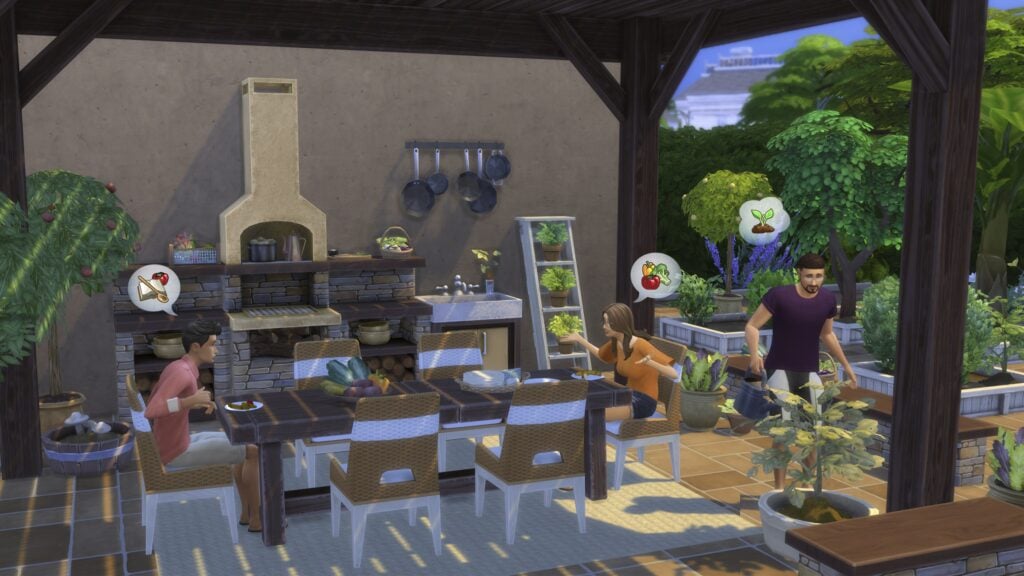
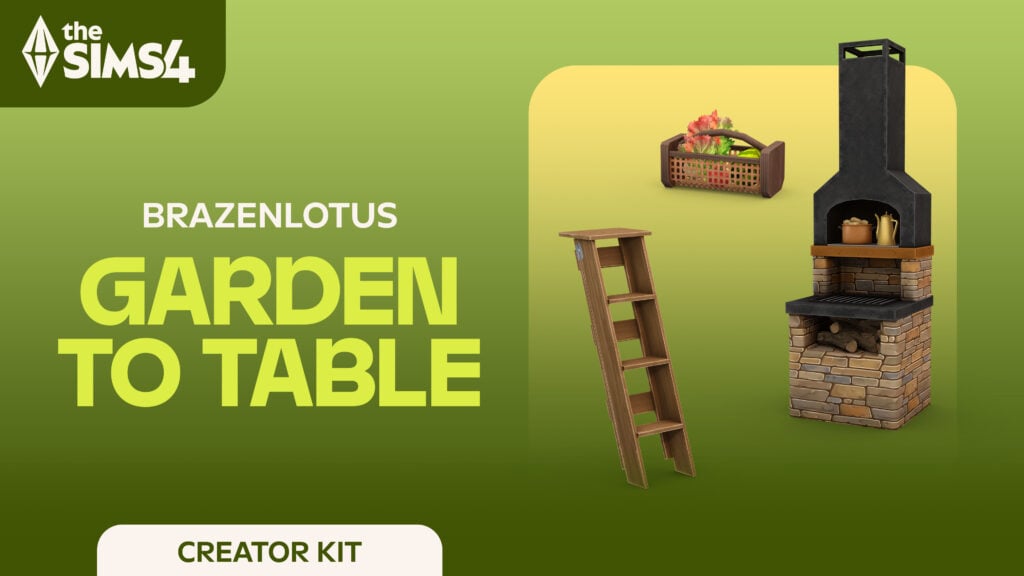
In collaboration with the Sims Team, modder and creator Brazenlotus has created their own creator kit, the Sims 4 Garden to Table Creator Kit! This kit is primarily focused on sprucing up your outdoor spaces and patios, promoting homegrown goods and dishes with a naturalistic flair. It uses lots of warm and earth colors with bright splashes of green leafiness and vibrant veggies to make your patio lively!
Table of Contents
Who is Brazenlotus?
Brazenlotus is a Sims 4 Mods & Custom Content creator of almost a decade who primarily focuses on the outdoors, homesteading, and simple living. The items created tend to fall into a few categories, but they include things like custom harvestables, custom ingredients, entirely new recipes, objects (both functional and decorative), and so much more. Their items primarily expand upon features found in more nature-focused packs; These include Enchanted by Nature, Cottage Living, Adventure Awaits, and many others!
Brazenlotus’ modding work typically functions as part of their core mod to allow them to add all these assets, and it is great to see their work being added as part of a kit, making it accessible to all platforms of Sims players!
Brazenlotus’ Patreon Announcement
I am excited to finally share some news with you all…I had the opportunity to collaborate with The Sims in developing the Garden to Table Creator Kit! 🌿
I’ve been playing since the rosebud cheat days, and what started as a love for the game has turned into a passion for creating the kind of cozy, homesteading content I’ve always wanted to see in-game. I love adding variety and depth to everyday gameplay, and I hope you’ll find that this kit reflects that.
It’s one of my favorite projects yet, and I can’t wait for you all to enjoy it! 🌱
Releasing November 13th!
– Brazenlotus’ Patreon, November 4th 2025
The Sims 4 Garden to Table Creator Kit By Brazenlotus
Kit Description
Transform your outdoor dining area into a rustic retreat where homegrown harvests are the cornerstone of meal time with The Sims™ 4 Garden to Table Kit. Blend rustic charm and modern style with versatile furniture crafted from natural wood and smooth stacked fieldstone. Natural materials provide organic warmth, while metal and ceramic pieces add modern flair. Keep it neutral for a rustic feel or add pops of color for a modern twist. Tie it all together and bring your outdoor space to life with veggie-inspired decor and lush potted plants. Created by BrazenLotus.
Kit Features
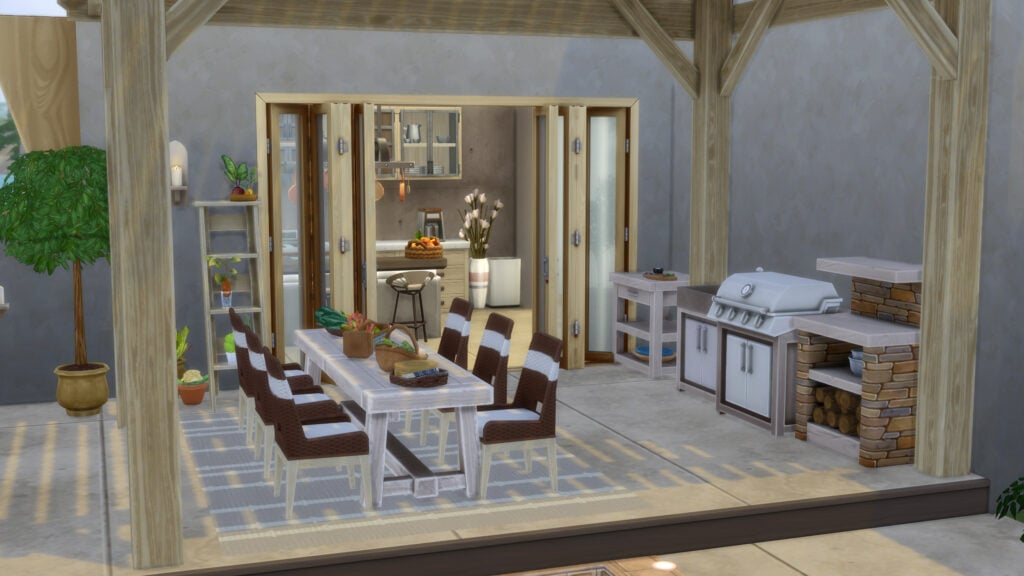
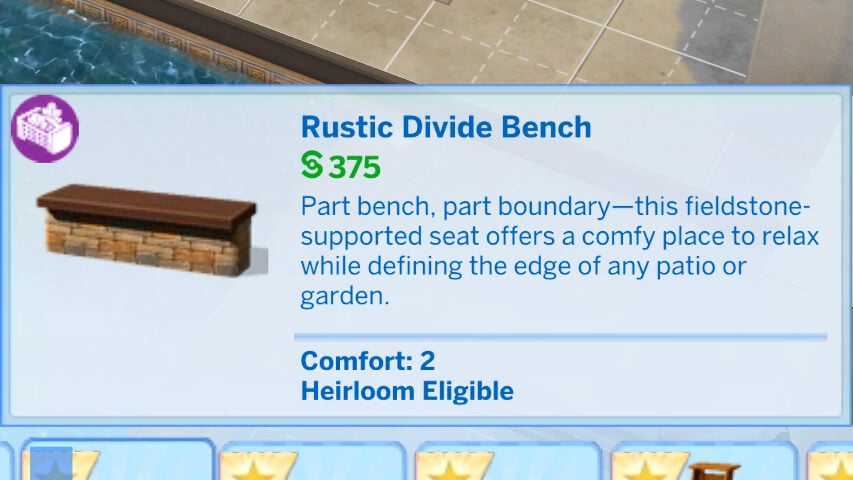
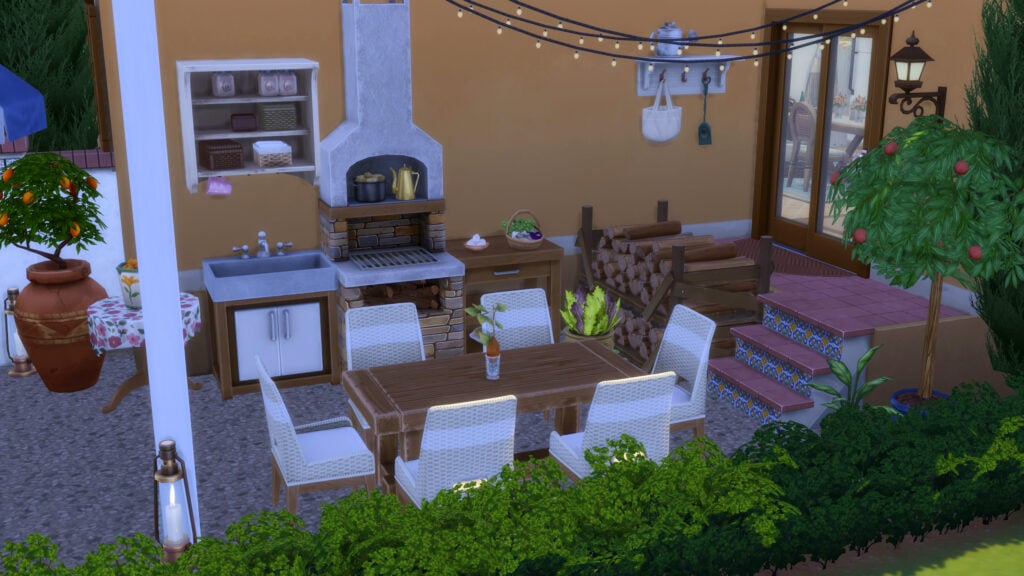
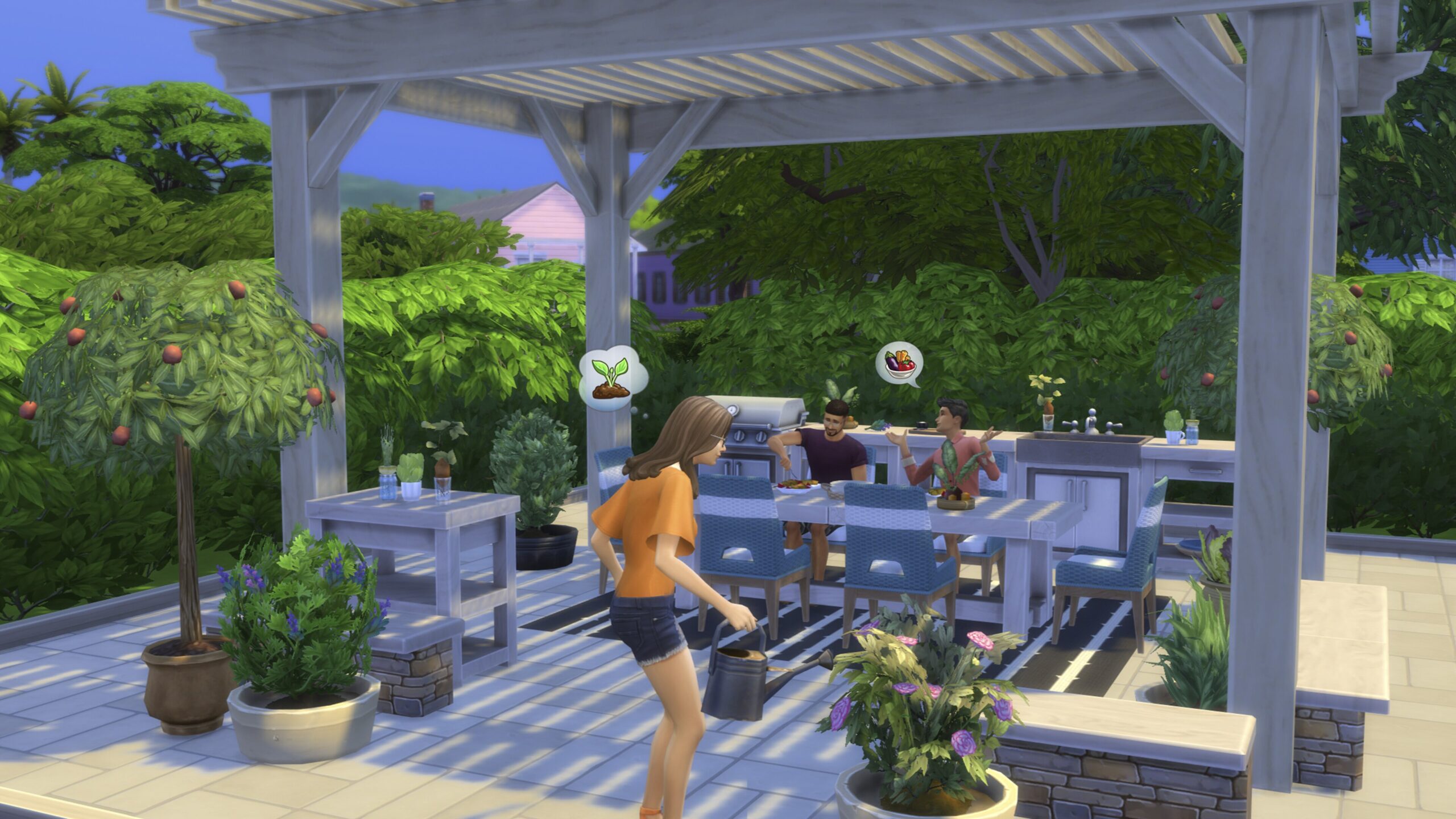
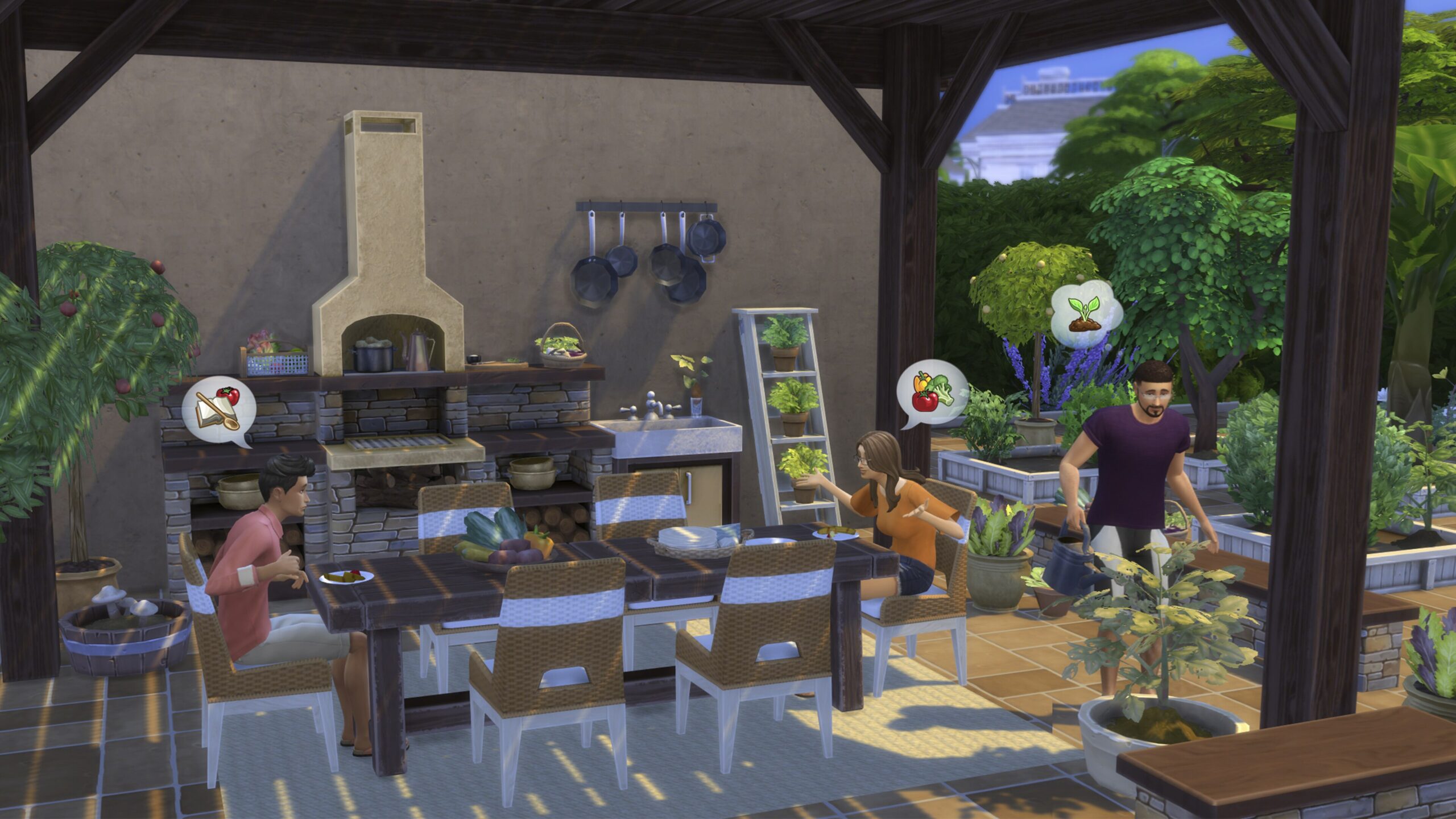
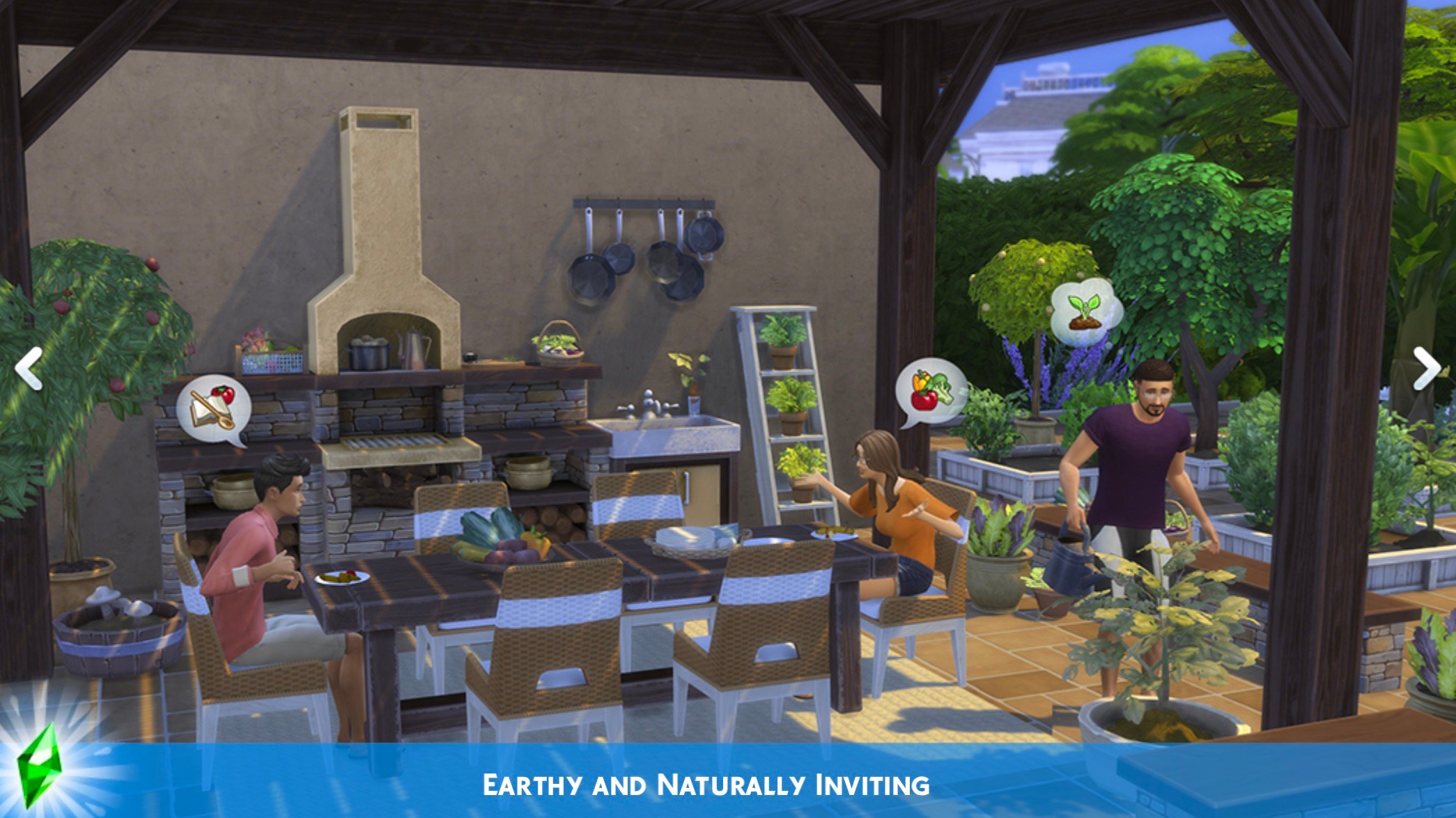
Earthy and Naturally Inviting – Anchor your outdoor dining area with a stacked fieldstone grill paired with matching side tables for an earthy, inviting vibe. Define the space by using a stacked fieldstone bench that cleverly doubles as a low garden wall. Layer in some rustic appeal with rough-grained wooden furnishings, and showcase your bountiful harvest decor with a repurposed wooden ladder display.
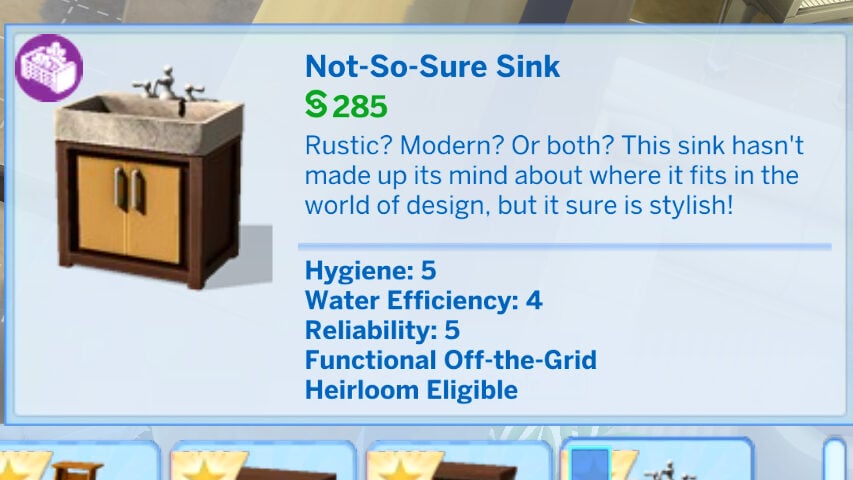
Modern with Rustic Warmth – Elevate your outdoor entertaining spot with modern furnishings grounded in rustic warmth. A sleek charcoal grill and coordinating side tables feature clean lines softened by smooth wood textures. A rustic-modern stone sink simplifies outdoor meal cleanup and adds practical charm. Bright wicker dining chairs, vibrant rugs, and garden-inspired veggie decor provide energetic pops of color.
Objects Overview
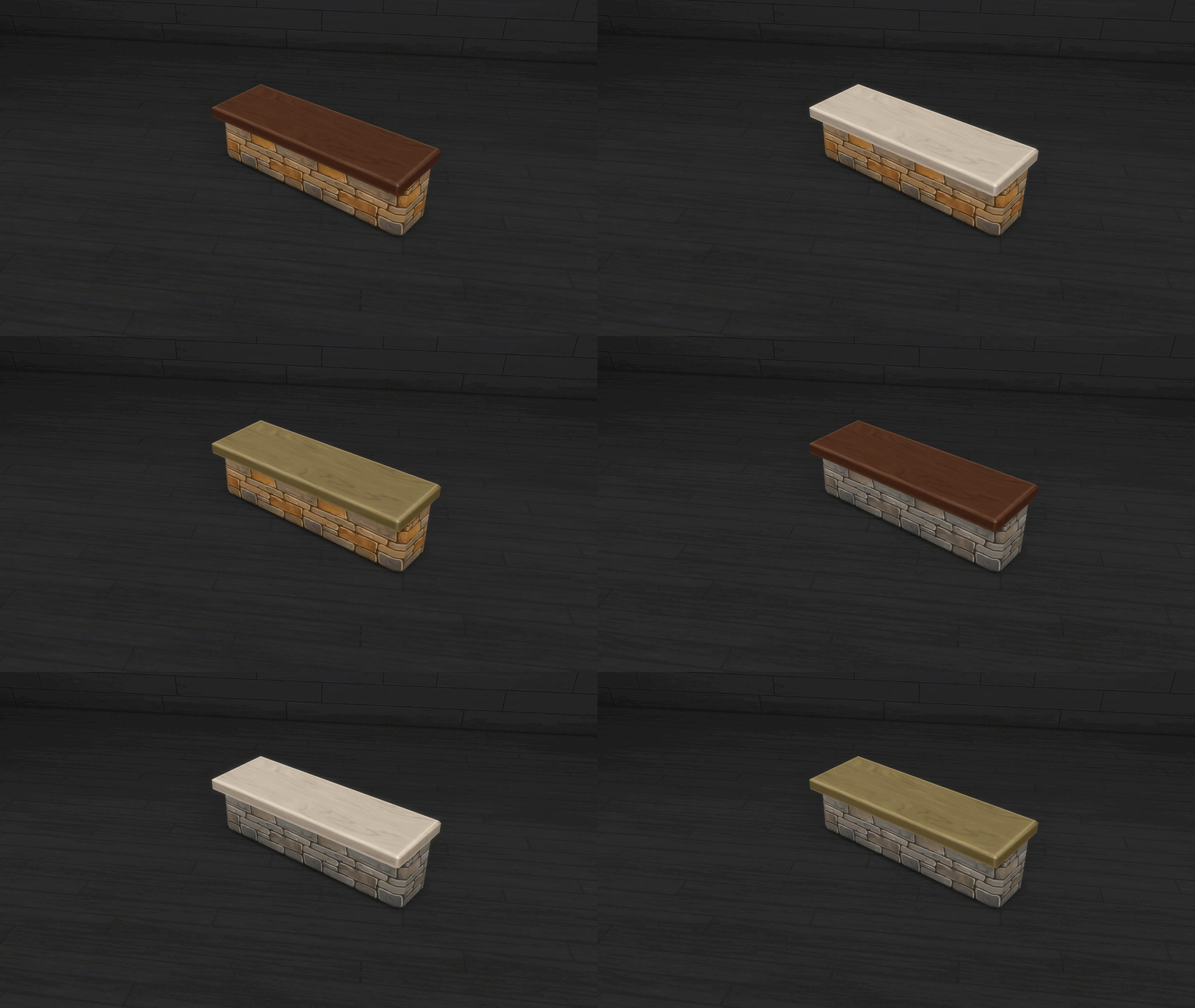
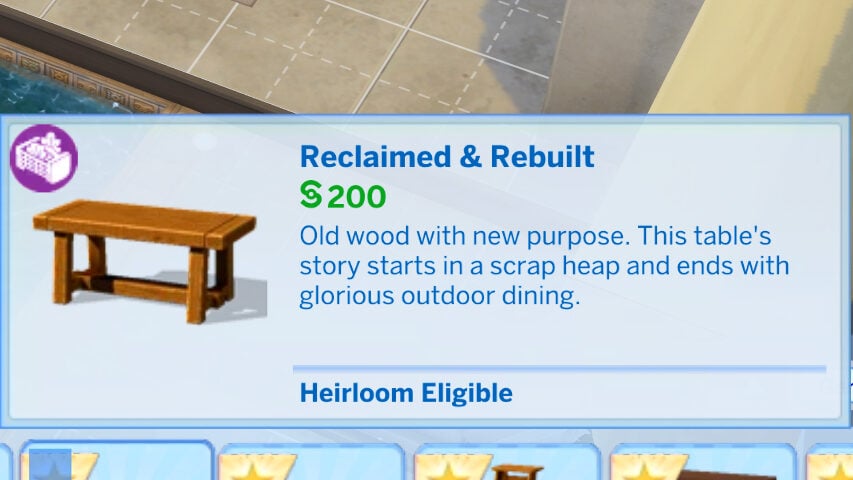
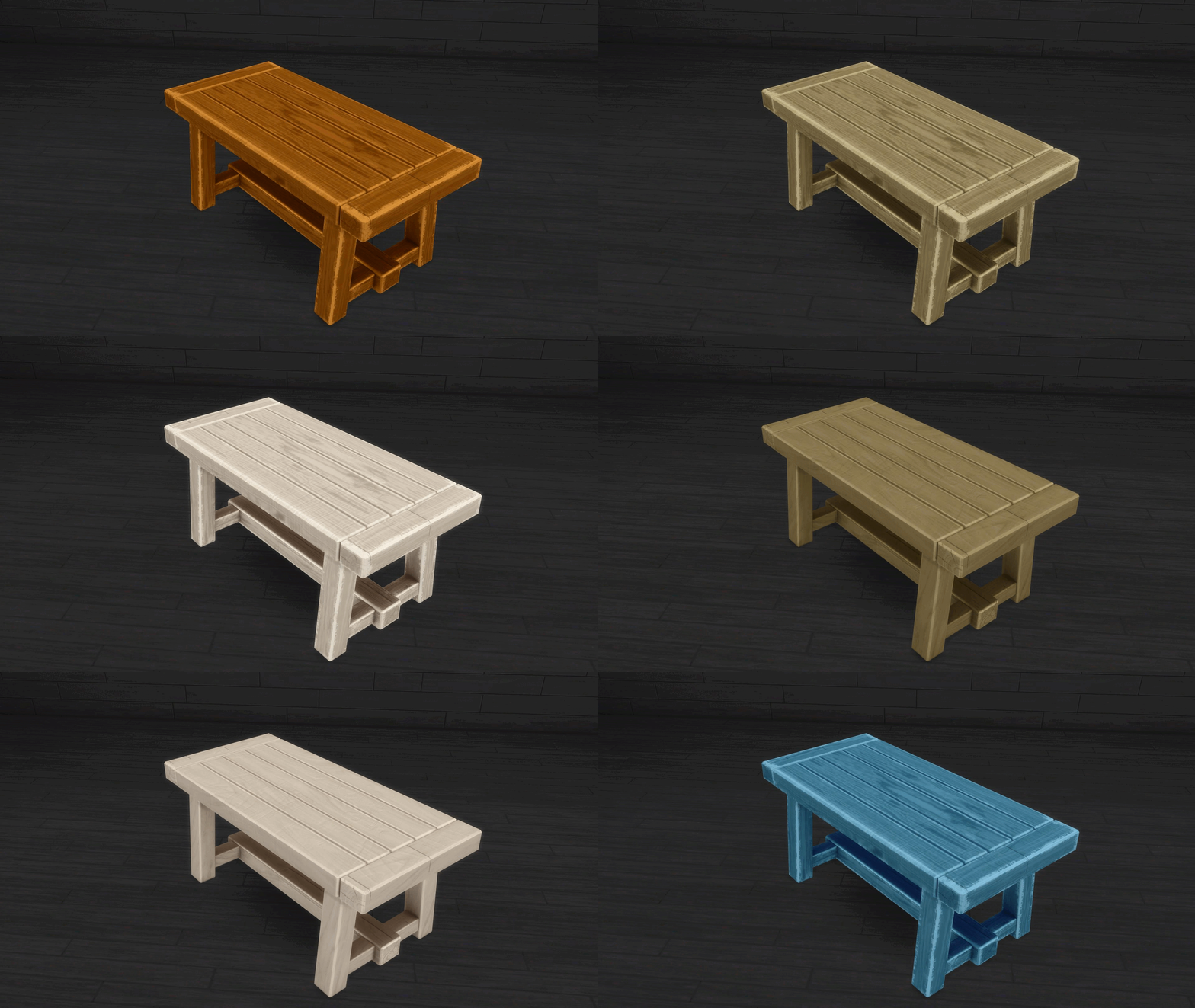
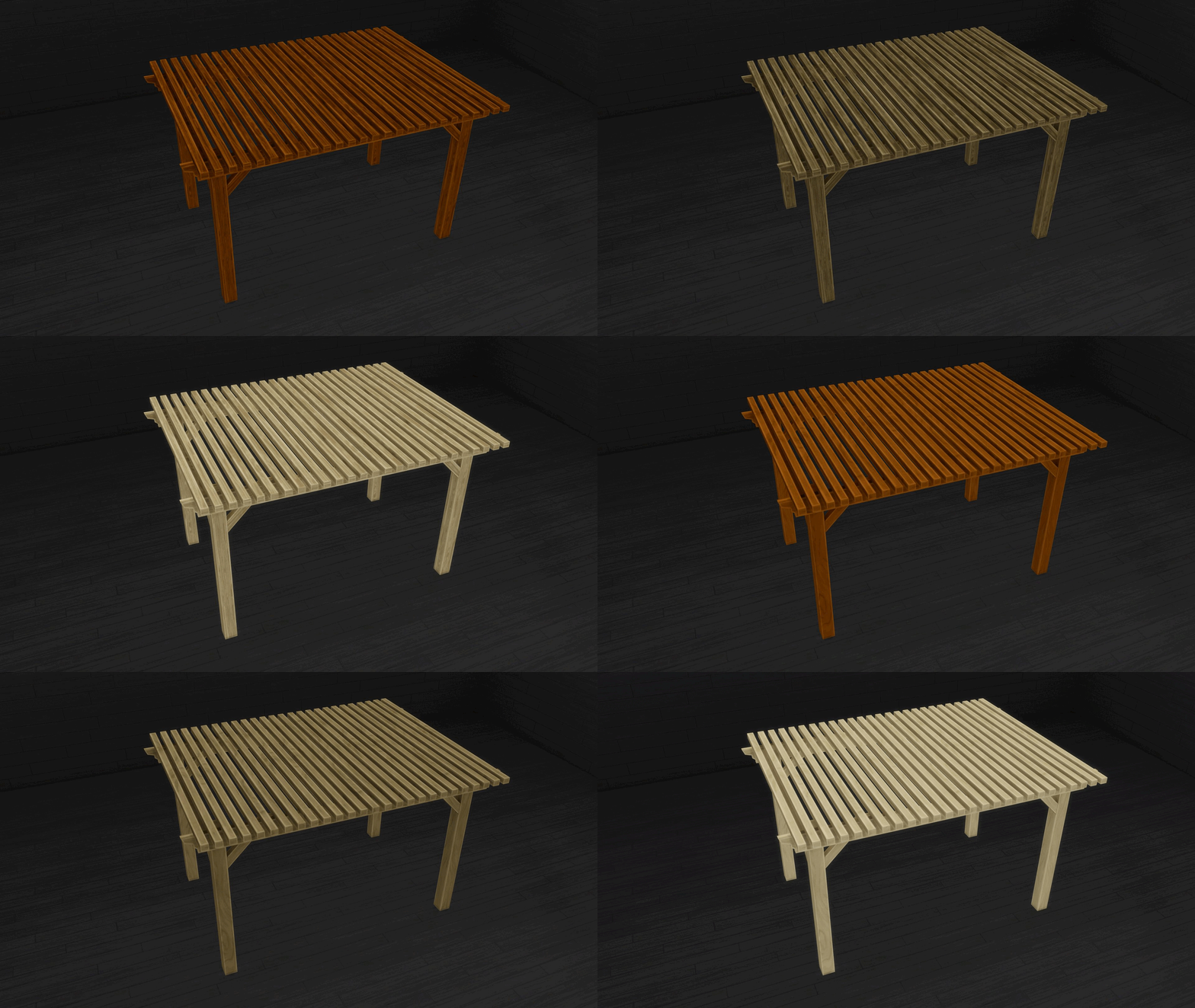
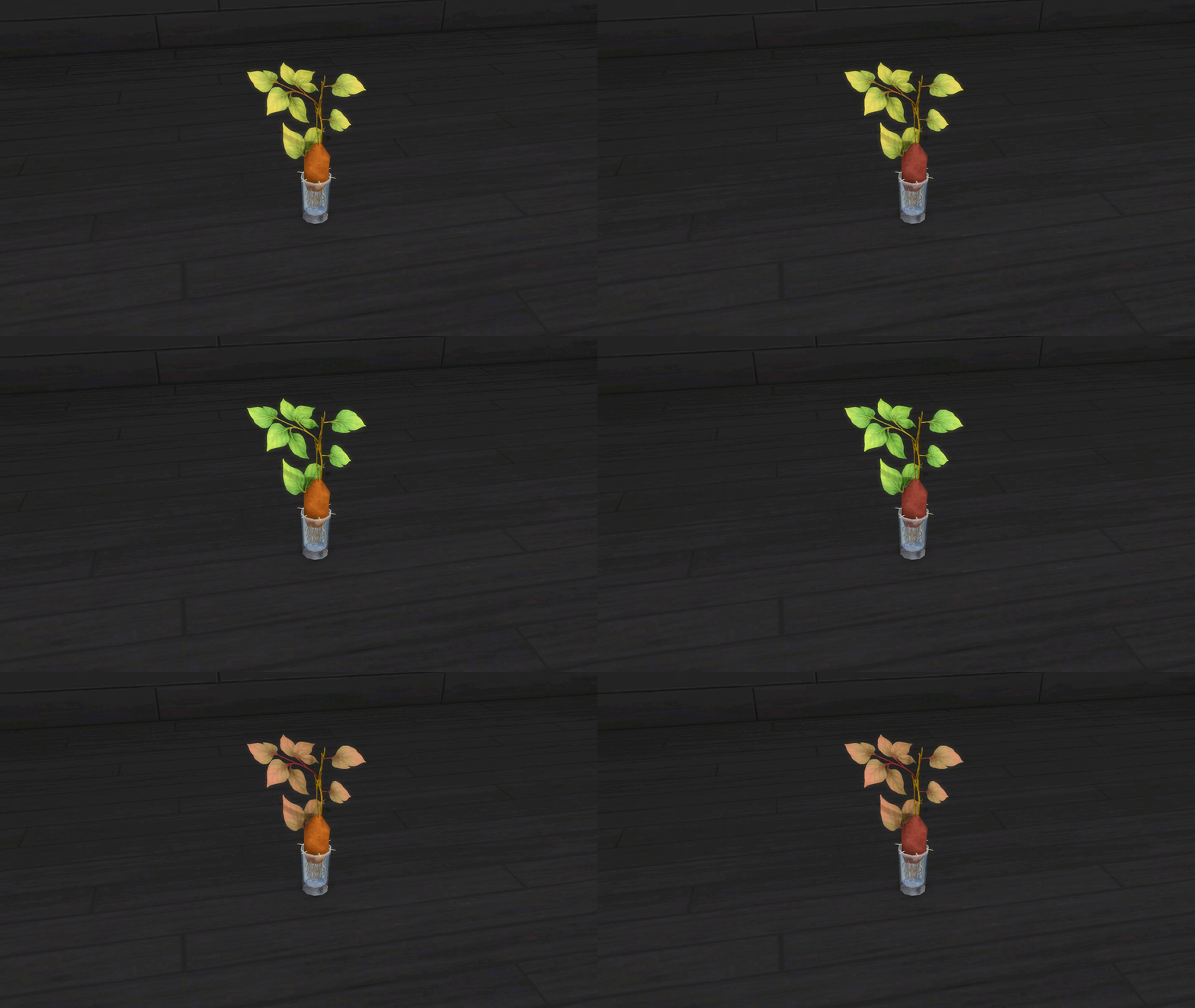
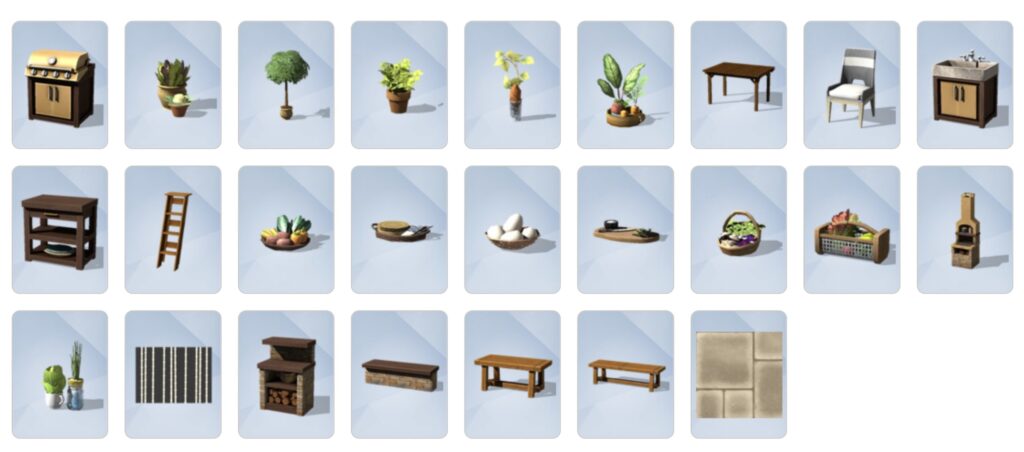
The objects in this kit have a consistent color palette focusing on earthy tones, natural woods, and pops of color from plants or paint. Most swatches are mix-and-matches between different types of stone and wood, and many of the fully wood items come in distressed and “brand-new” style swatches.
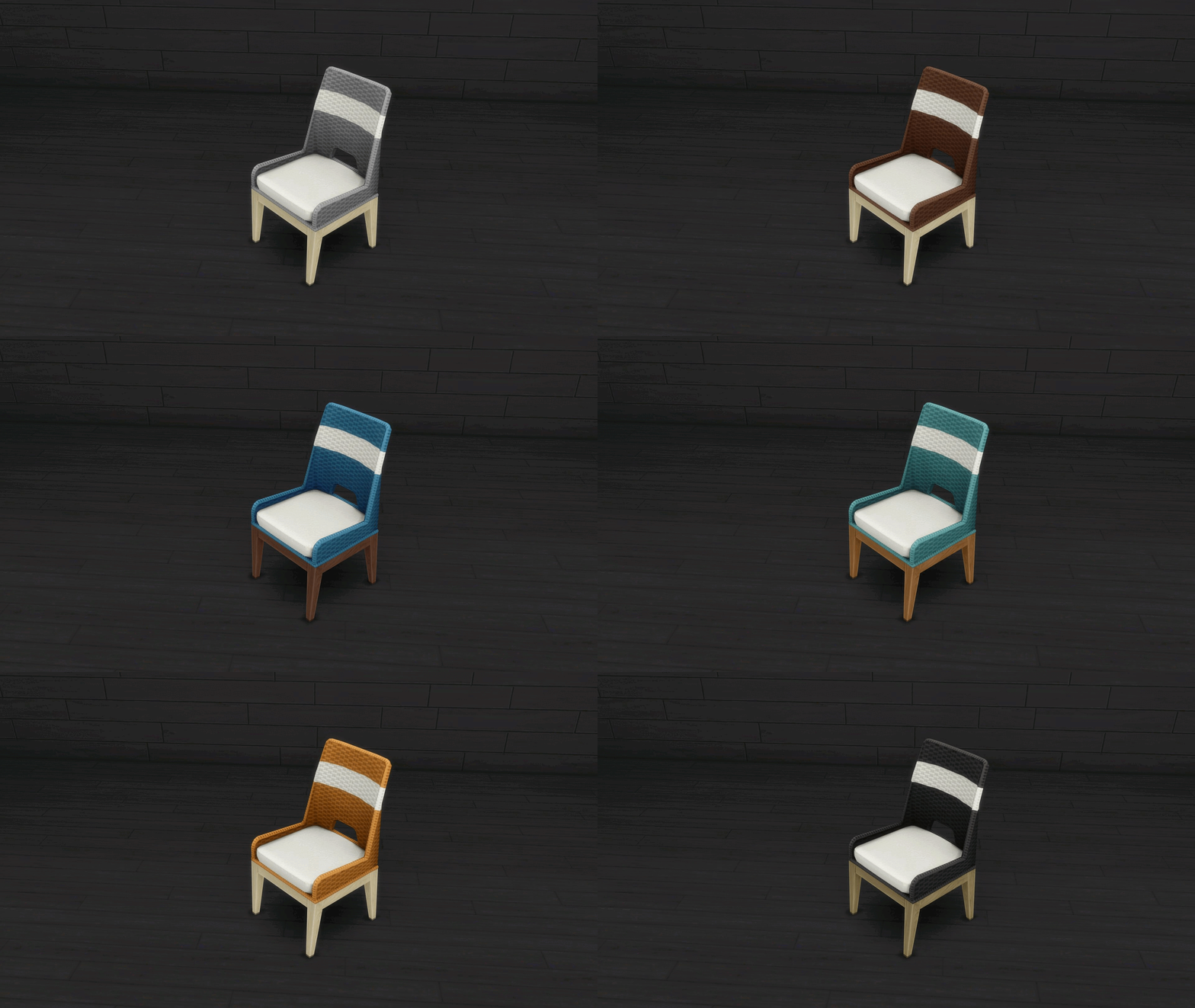
Easy Breezy Woven Chair (9 Swatches)
Rustic Divide Bench (10 Swatches)
Reclaimed & Rebuilt (12 Swatches)
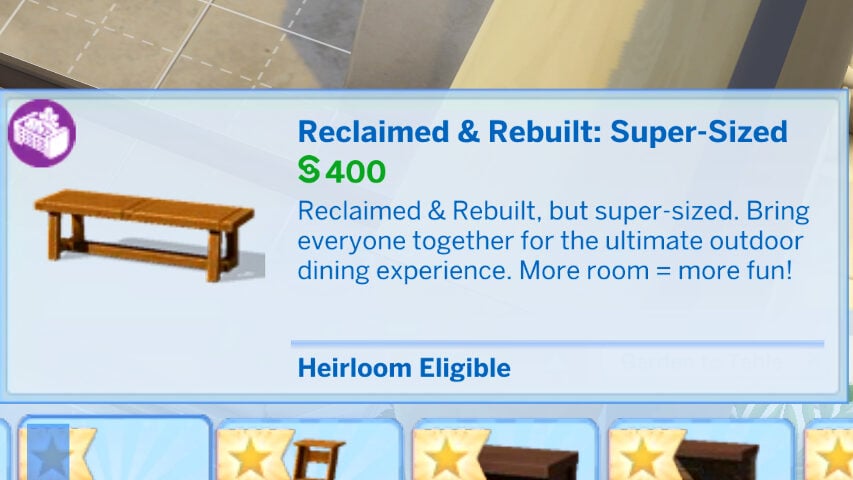
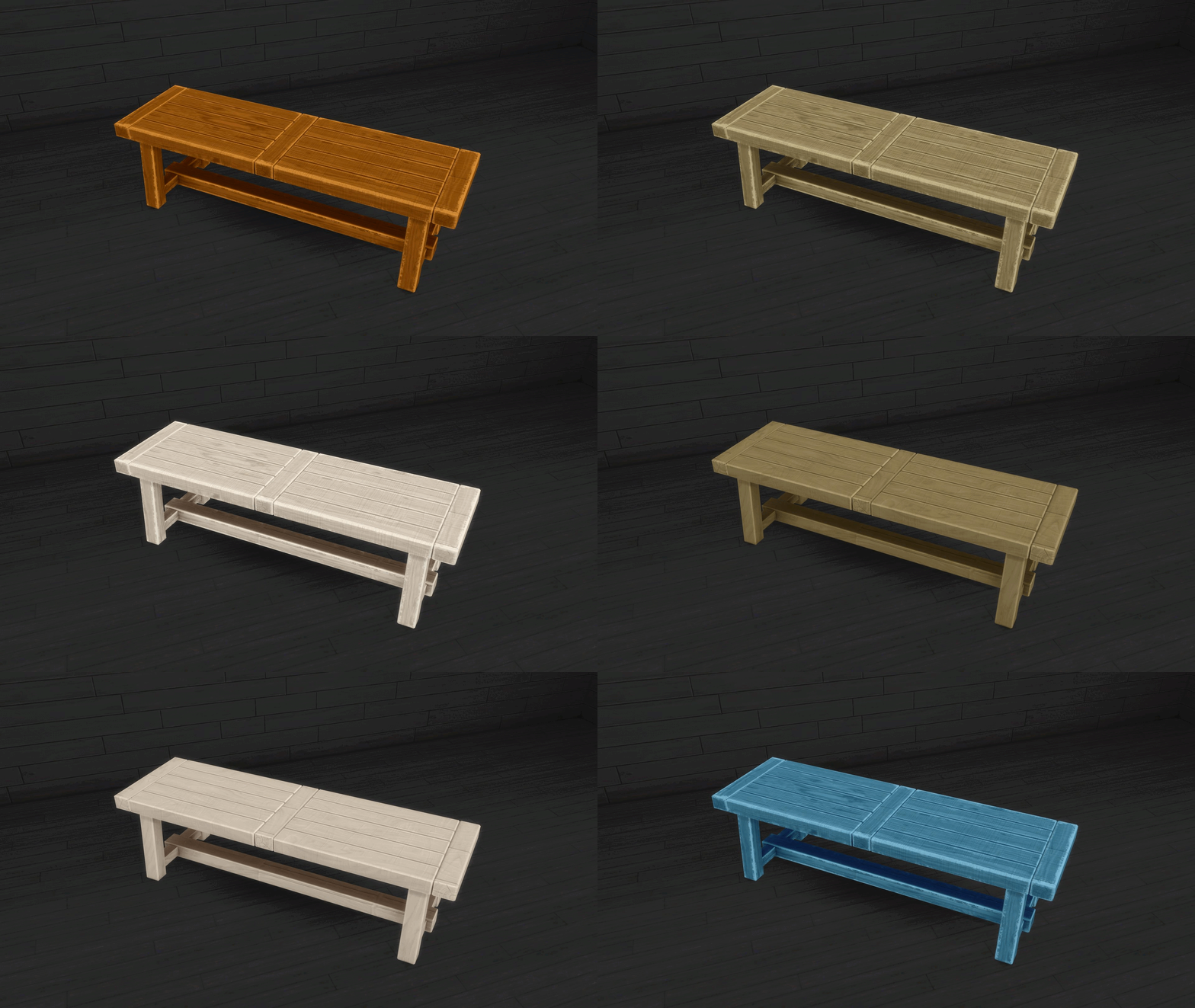
Reclaimed & Rebuilt: Super-Sized (12 Swatches)
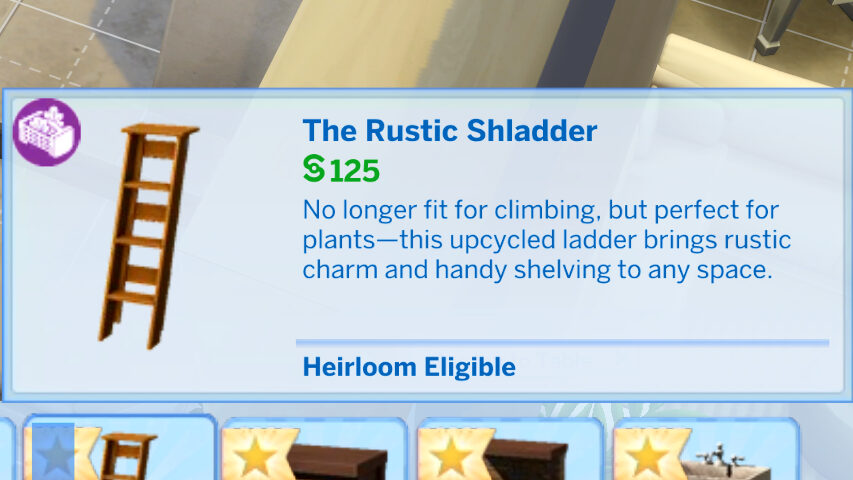
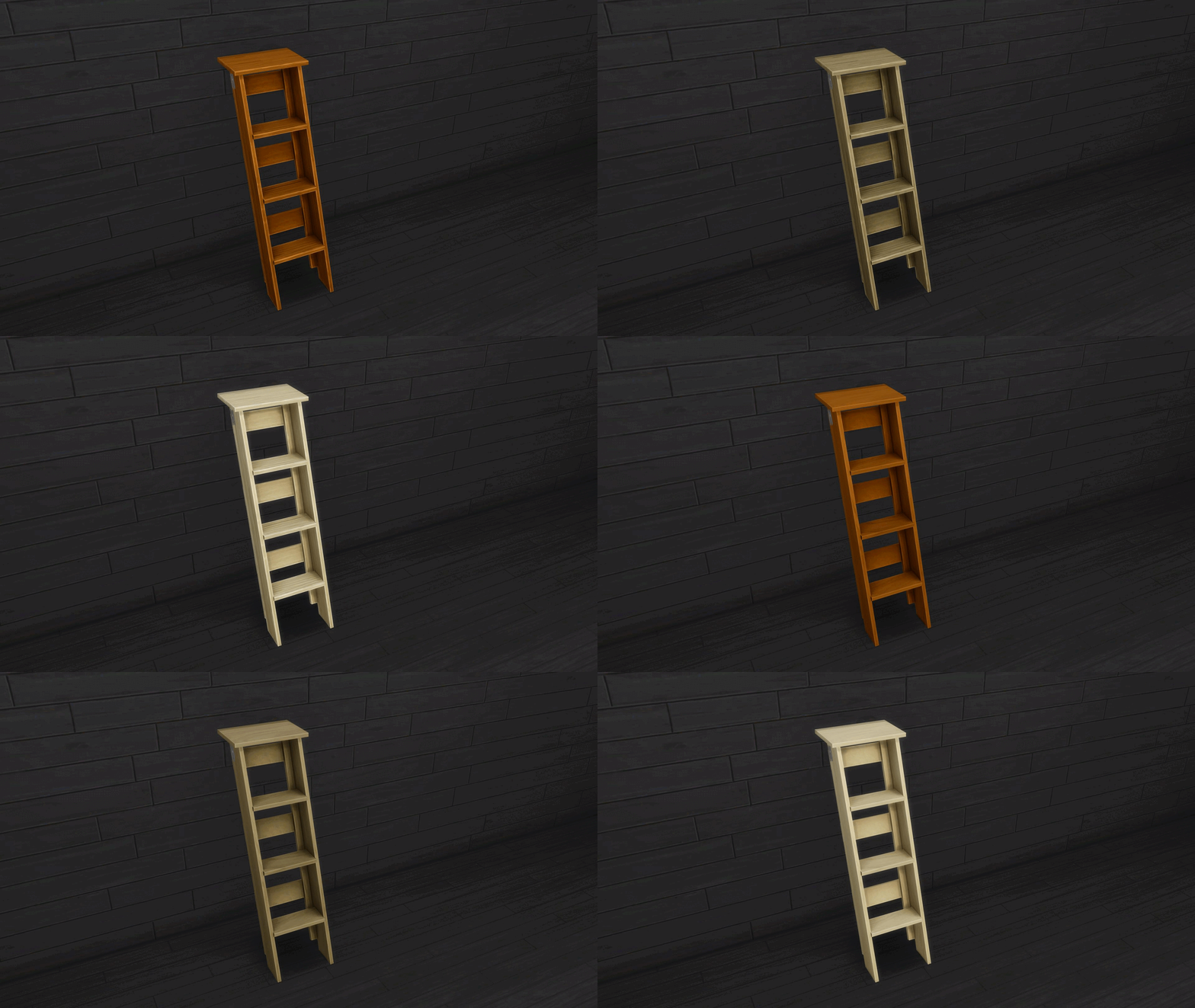
The Rustic Schladder
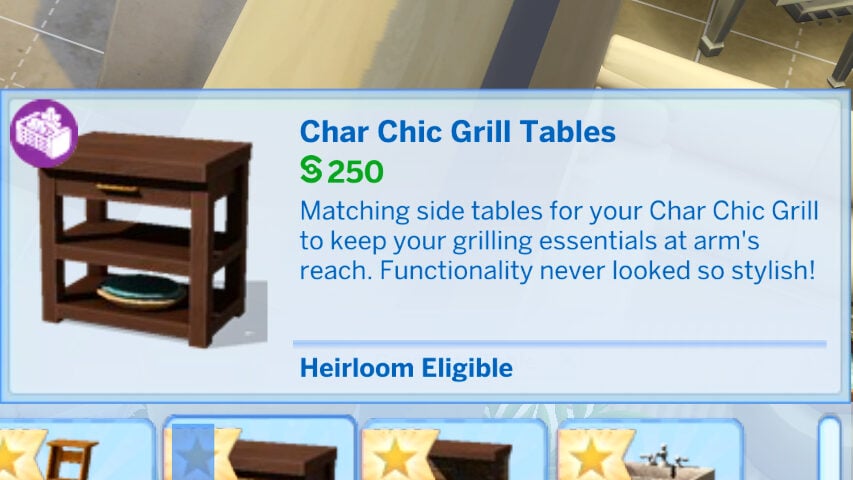
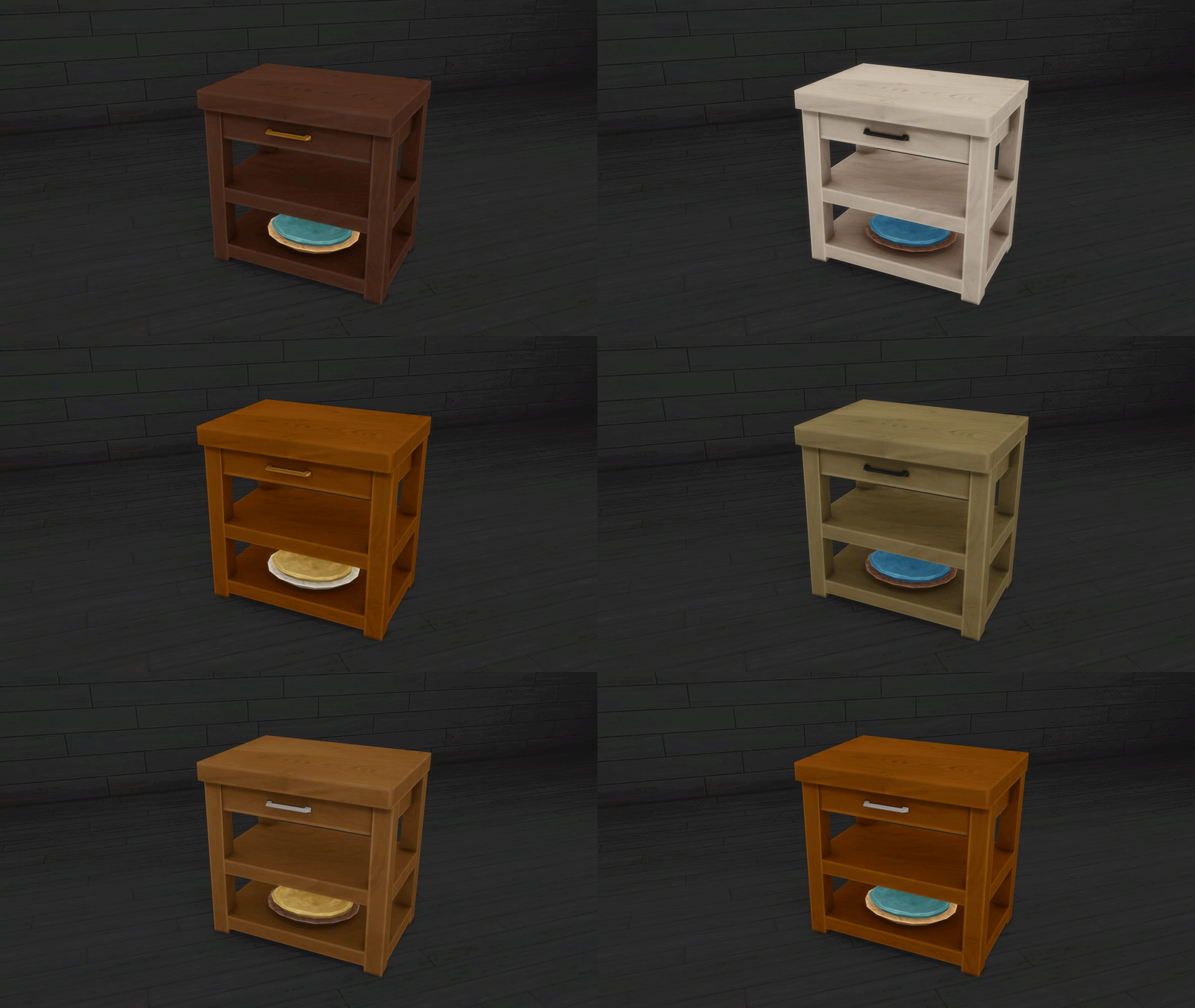
Char Chic Grill Tables
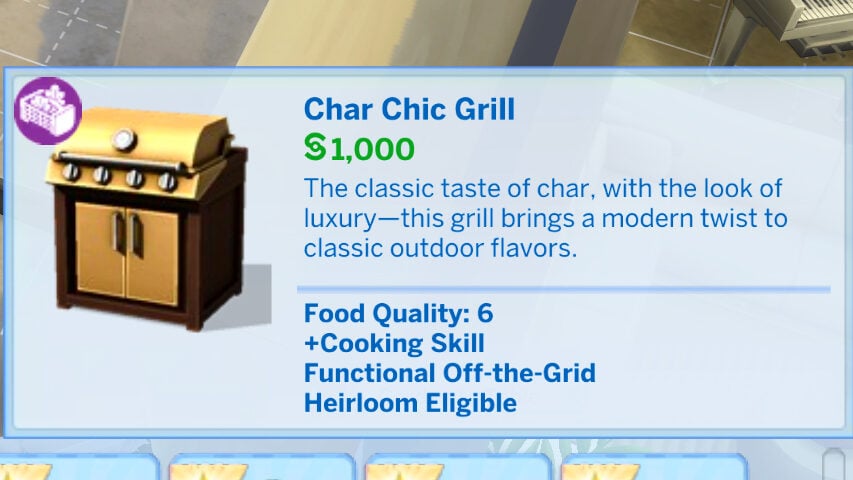
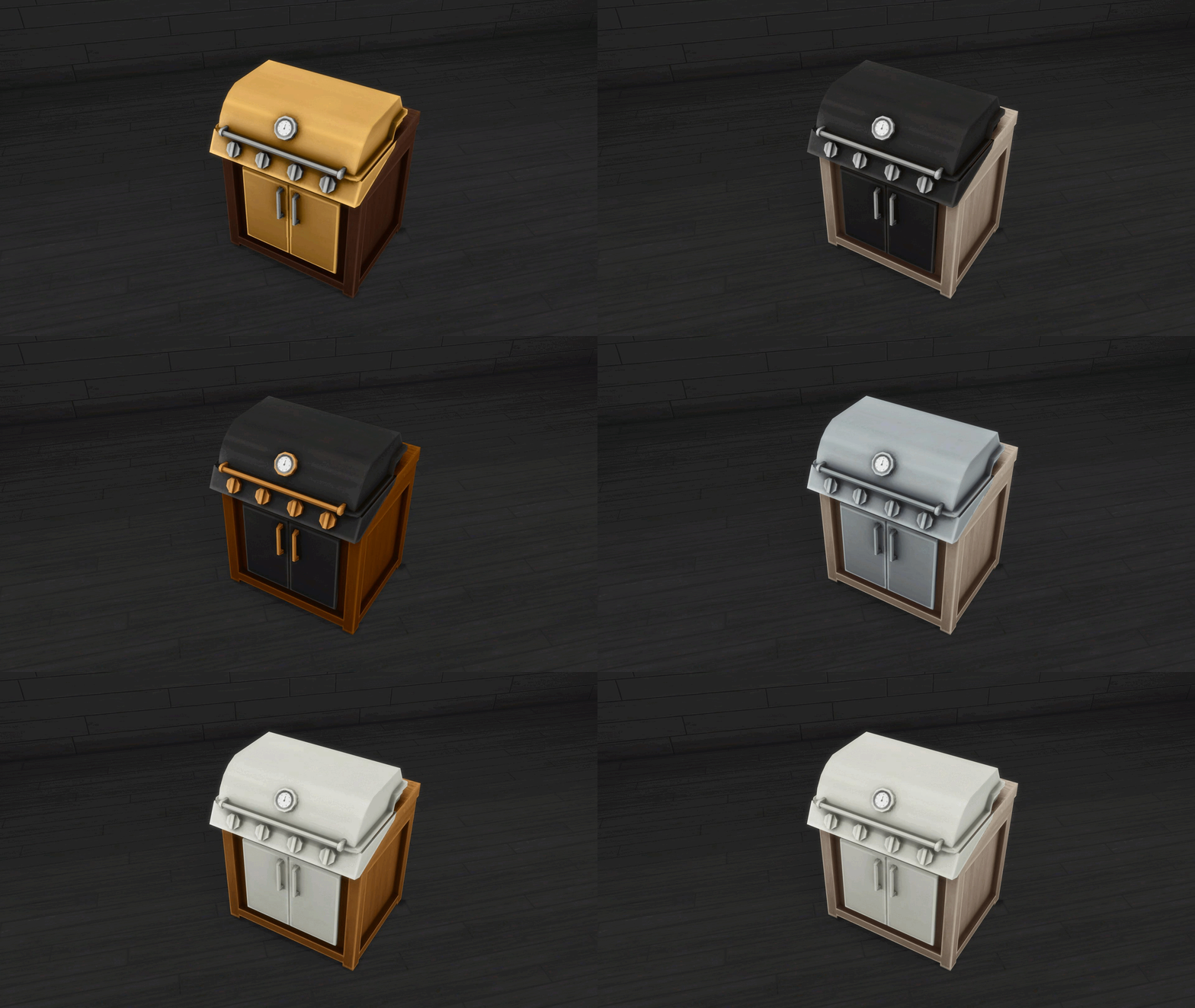
Char Chic Grill
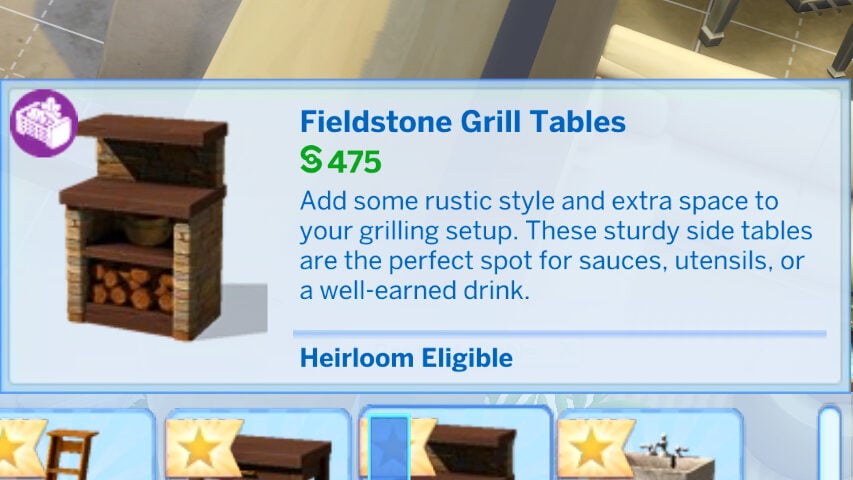
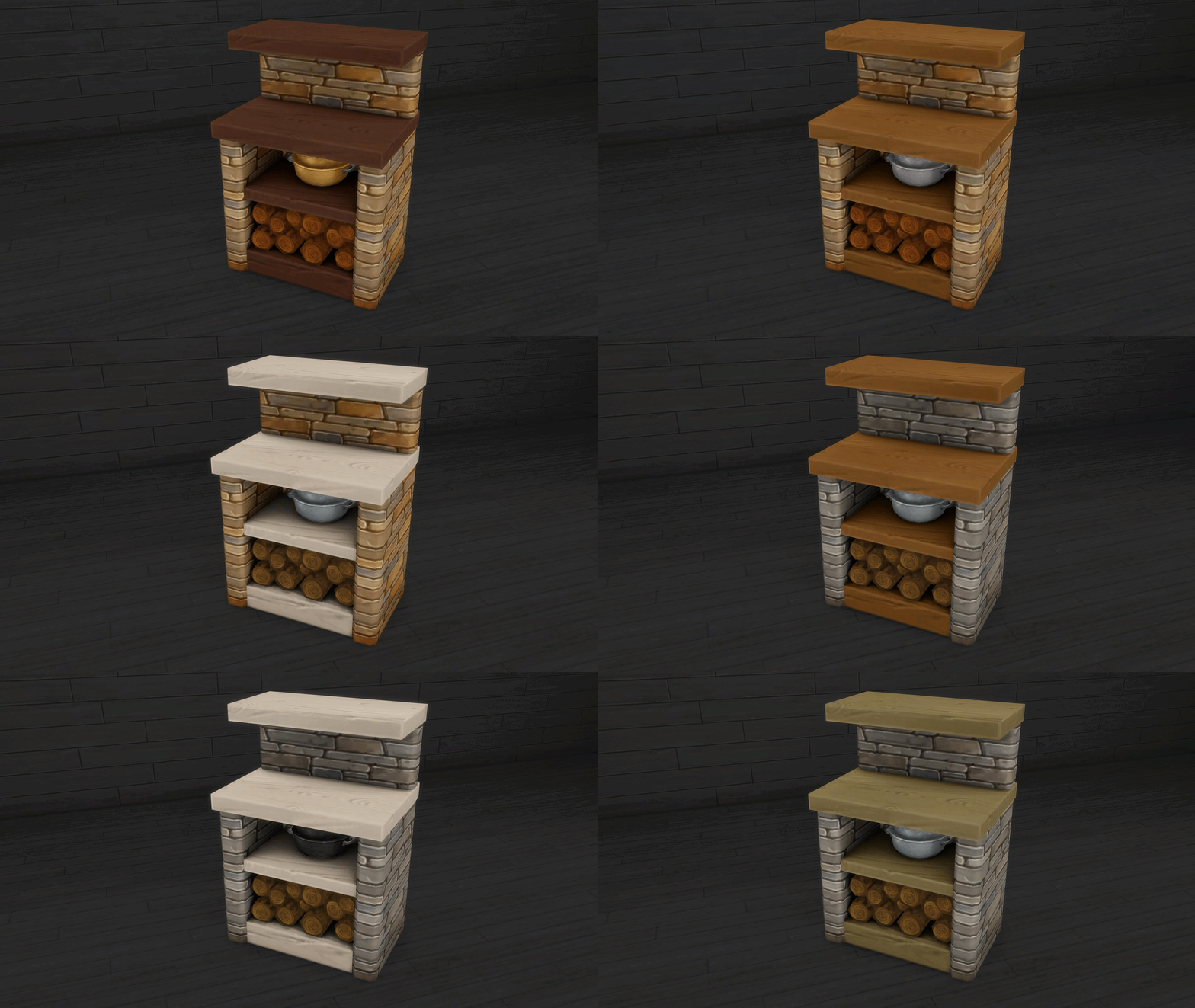
Fieldstone Grill Tables
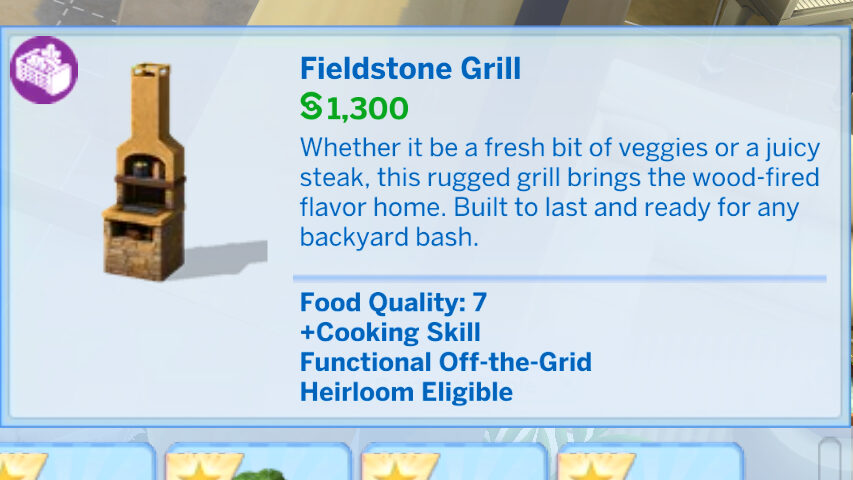
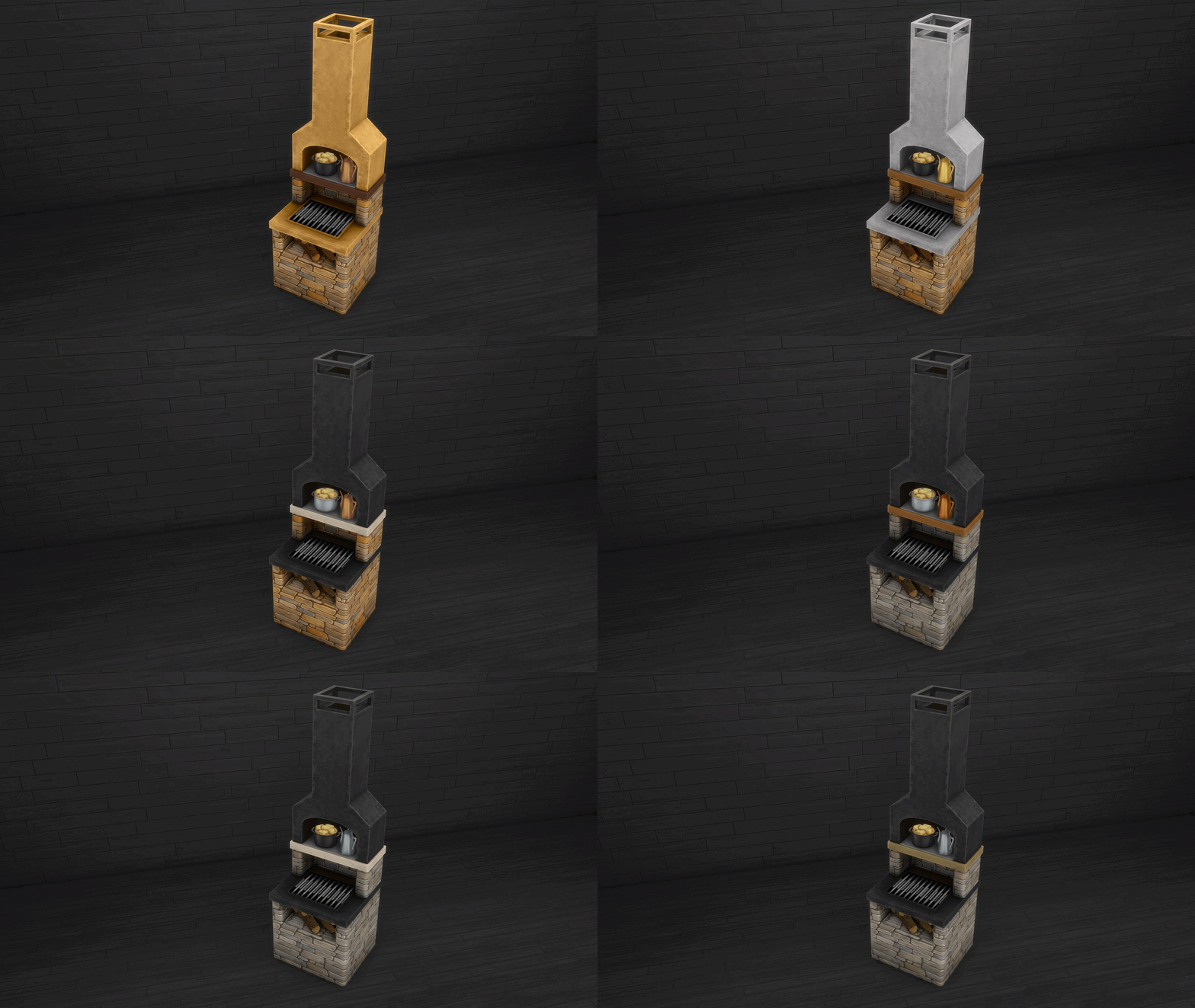
Fieldstone Grill
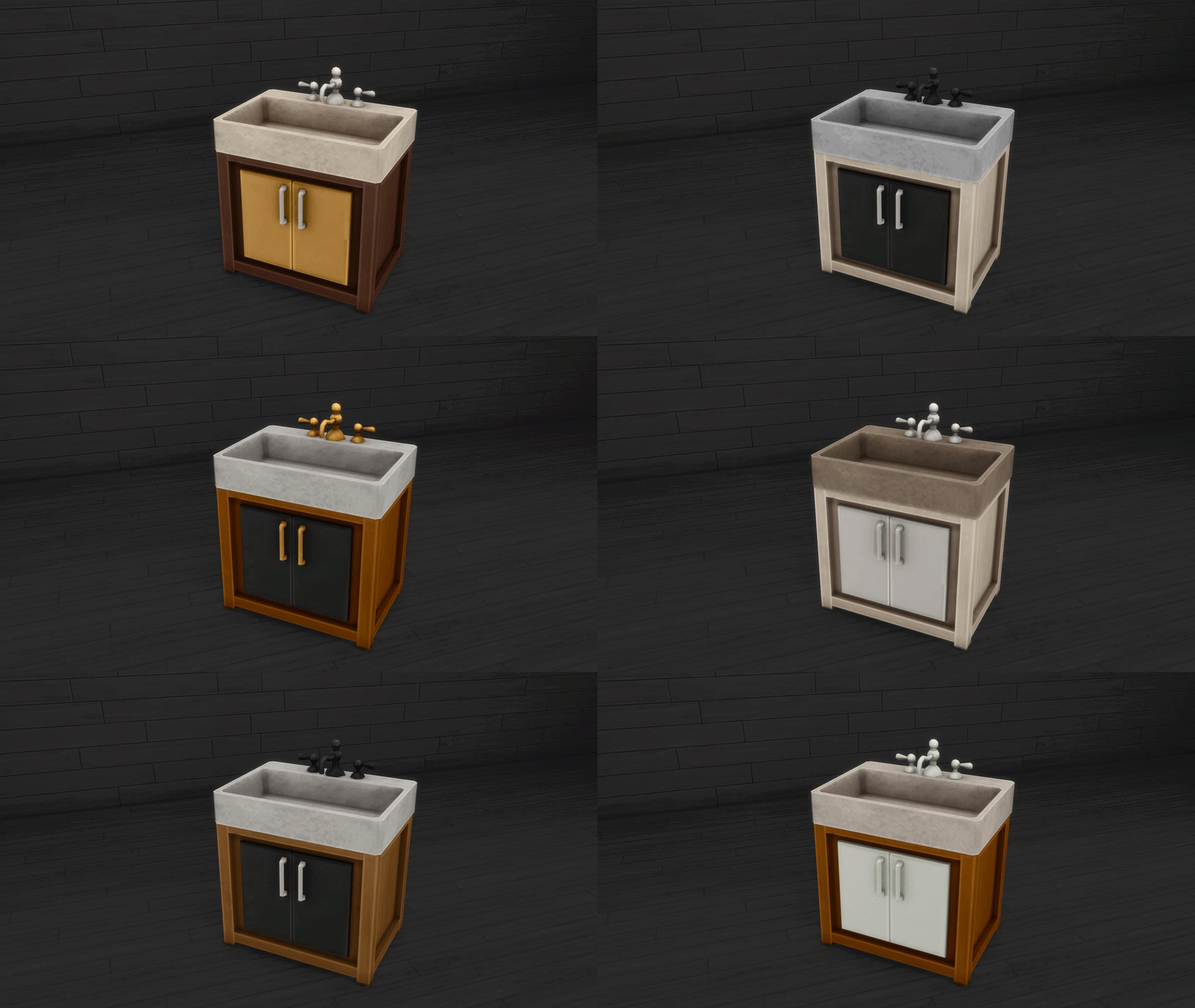
Not-So-Sure Sink
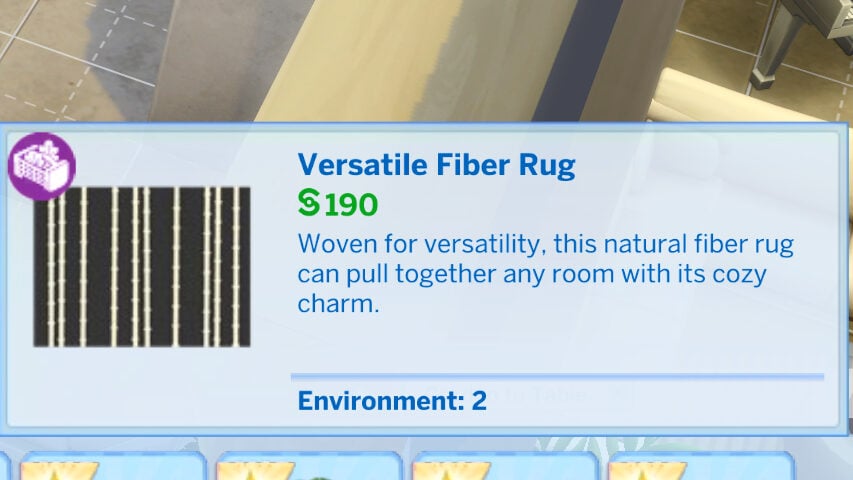
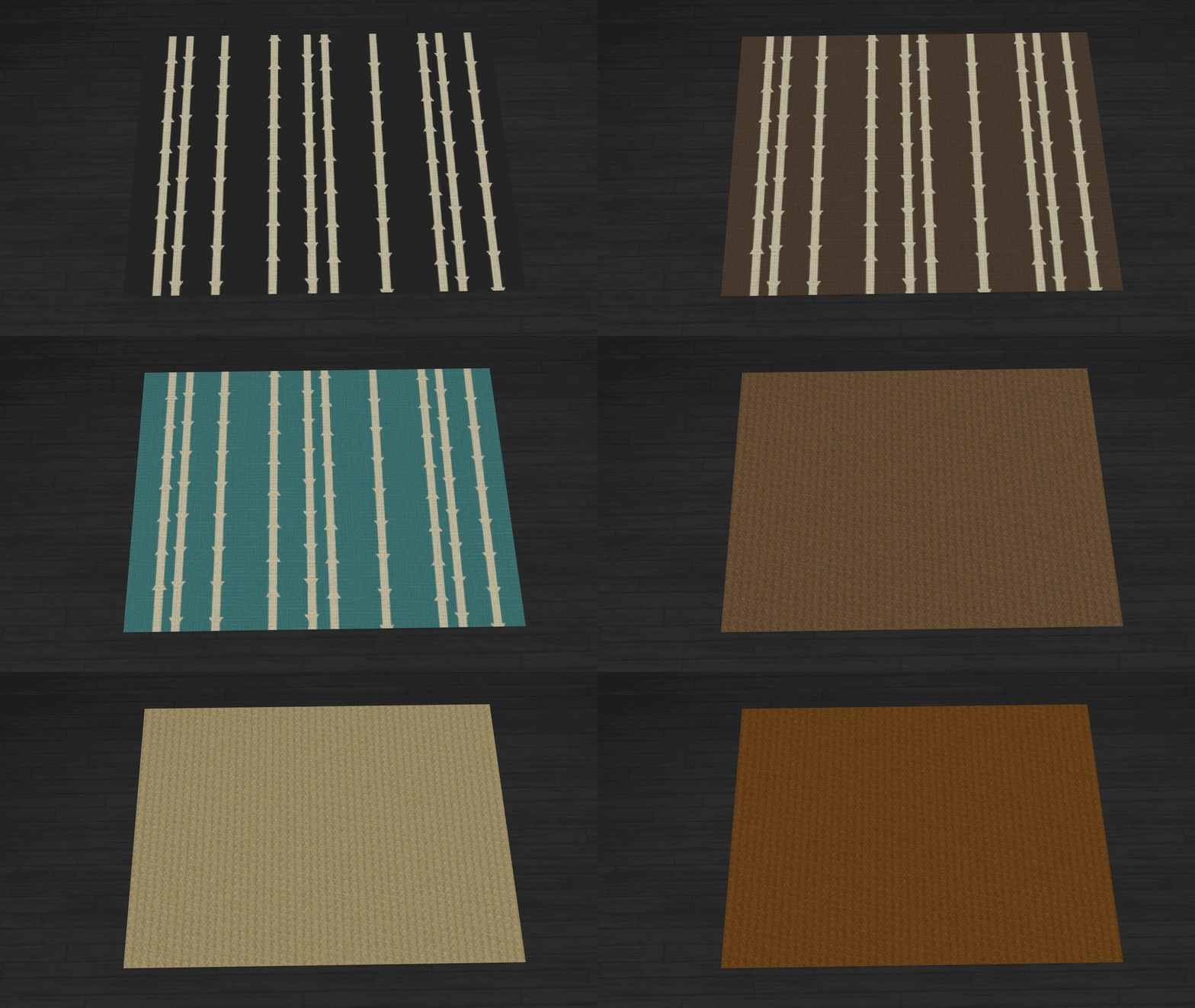
Versatile Fiber Rug
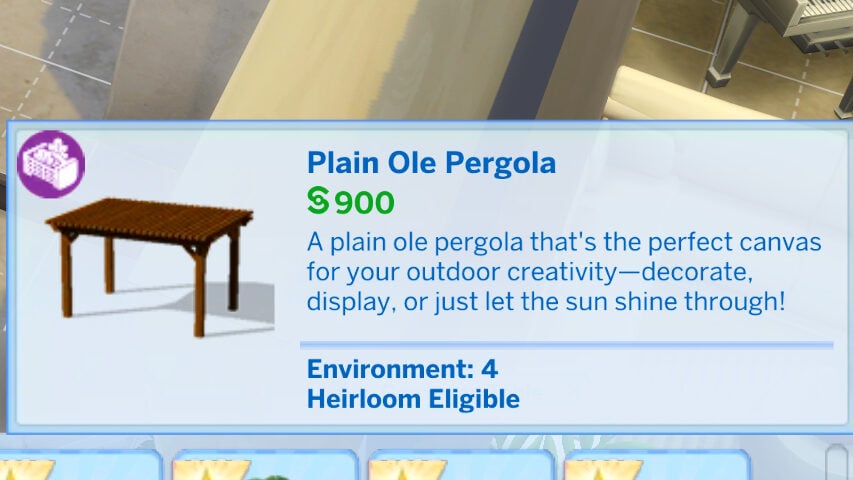
Plain Ole Pergola
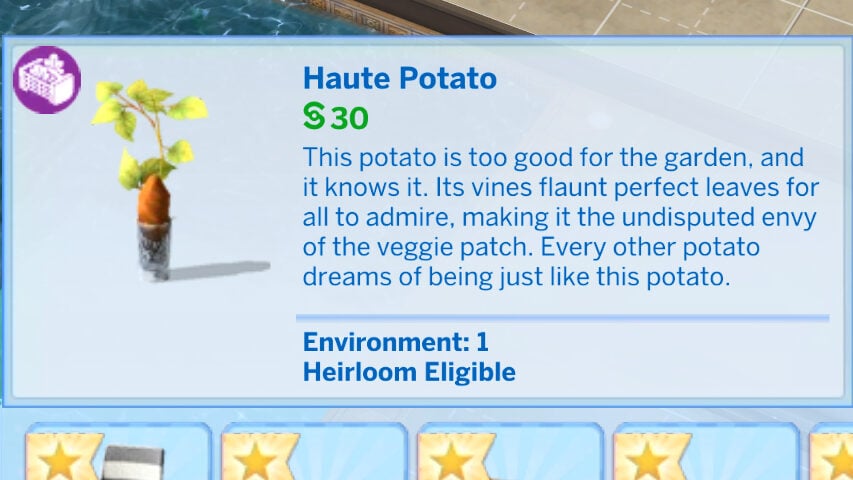
Haute Potato
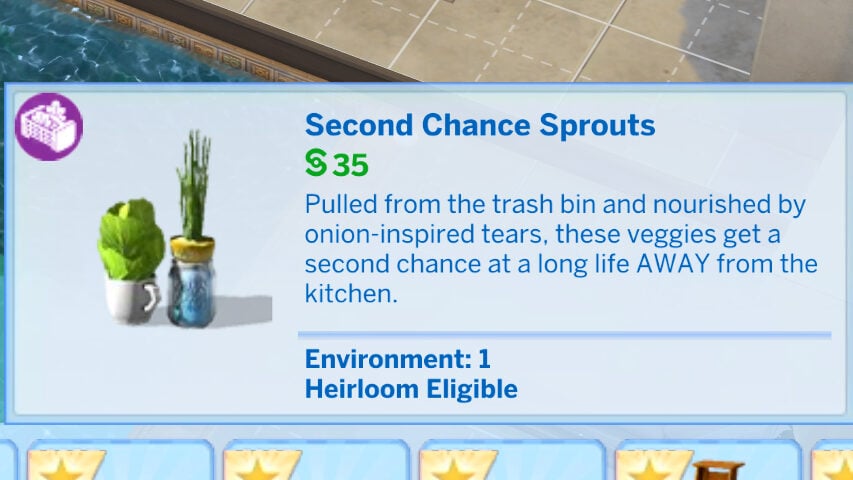
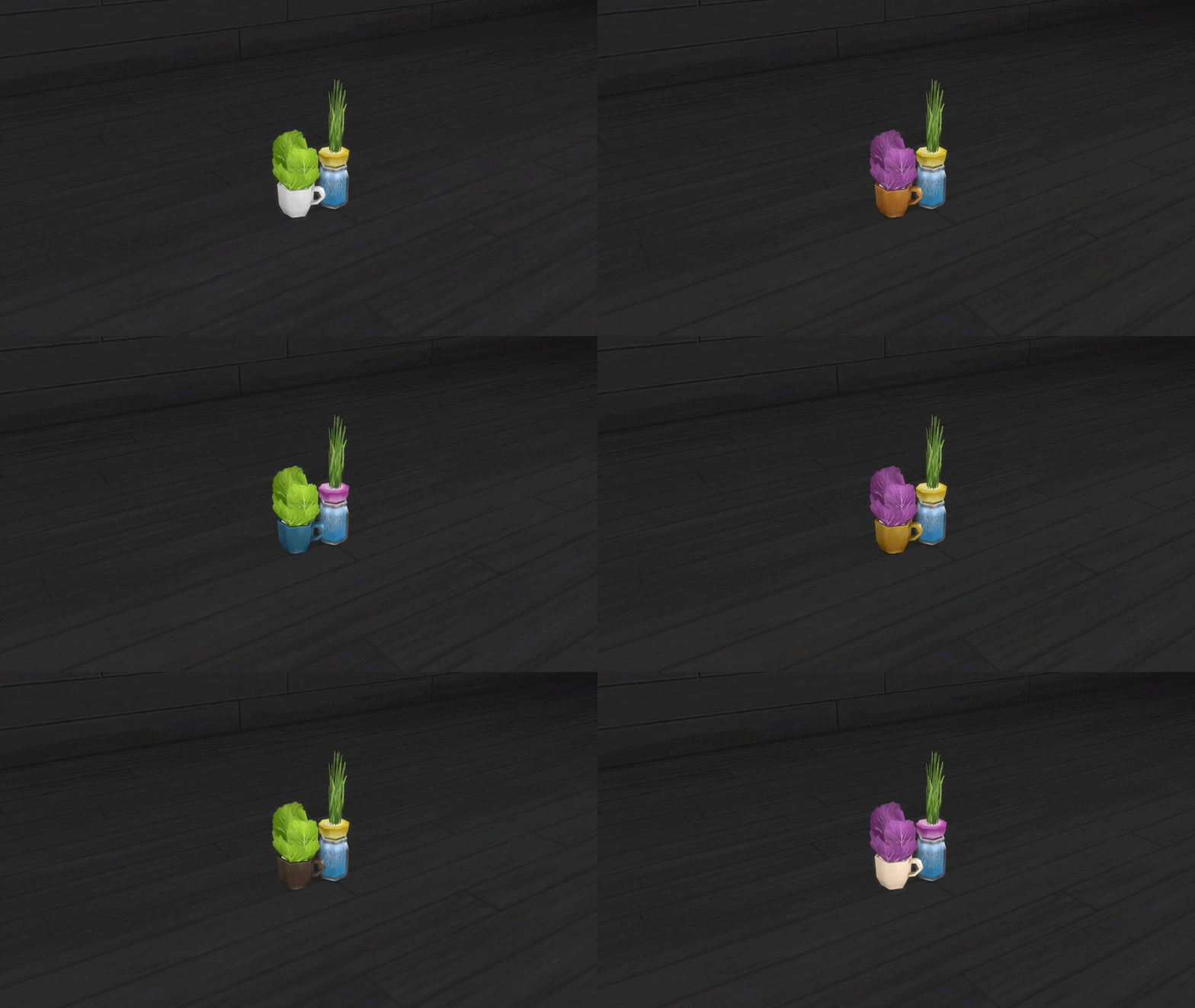
Second Chance Sprouts
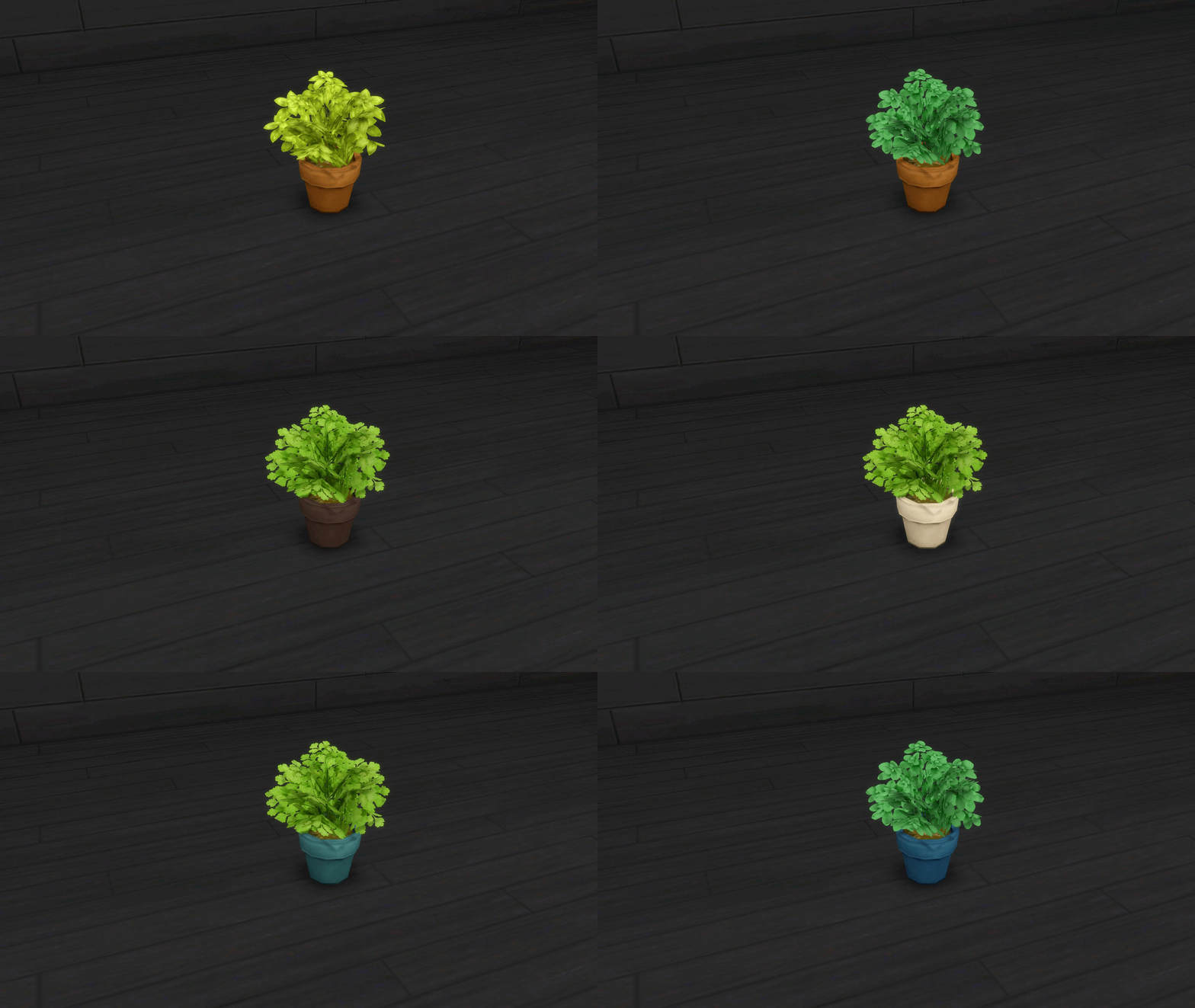
Lively Herb Pot
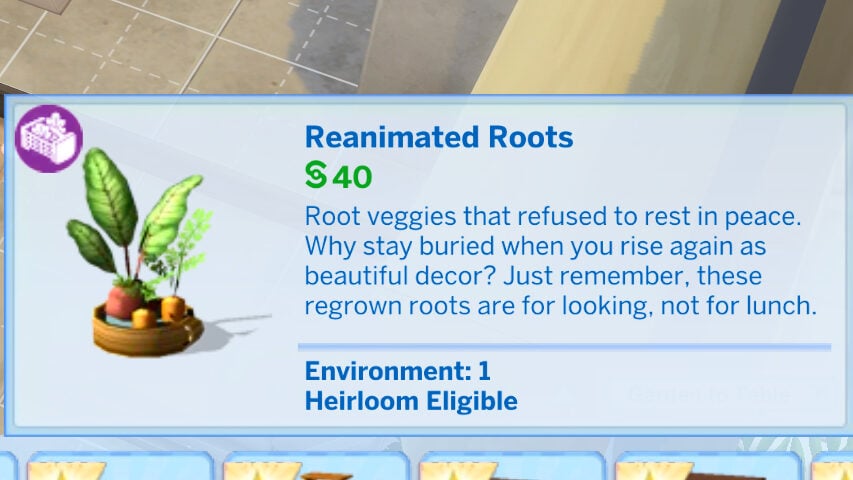
Reanimated Roots
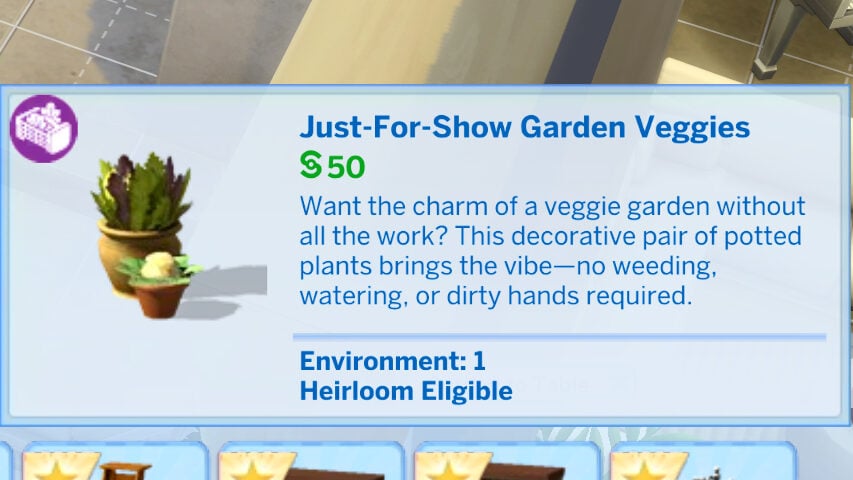
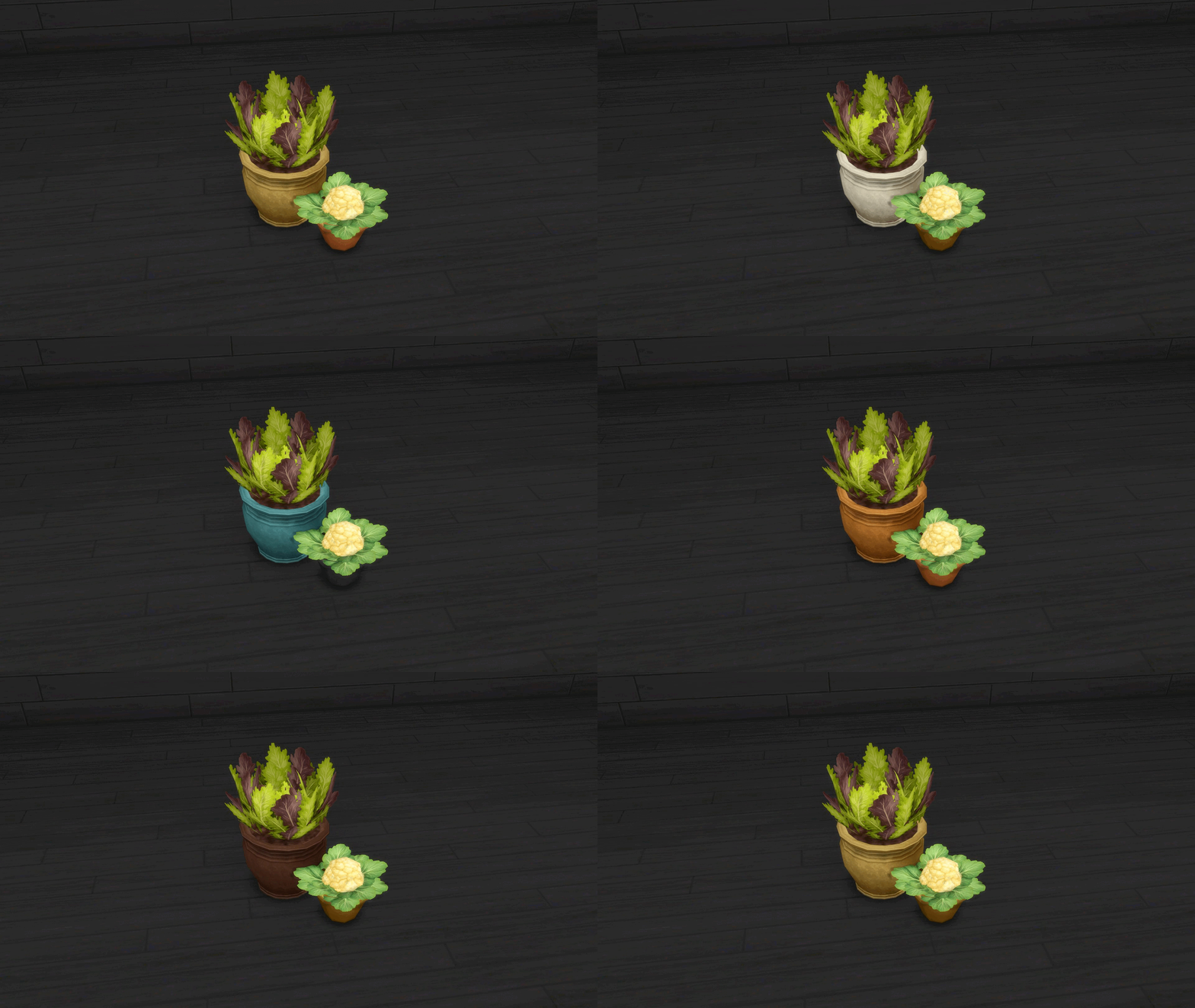
Just-For-Show Garden Veggies
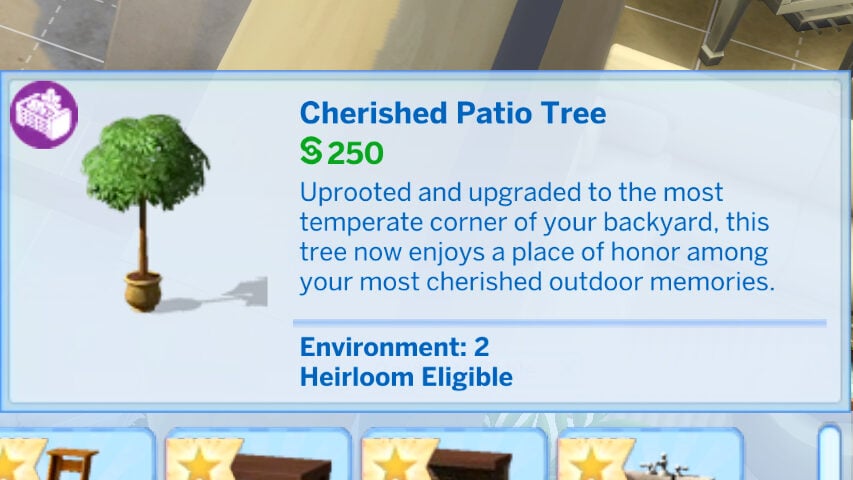
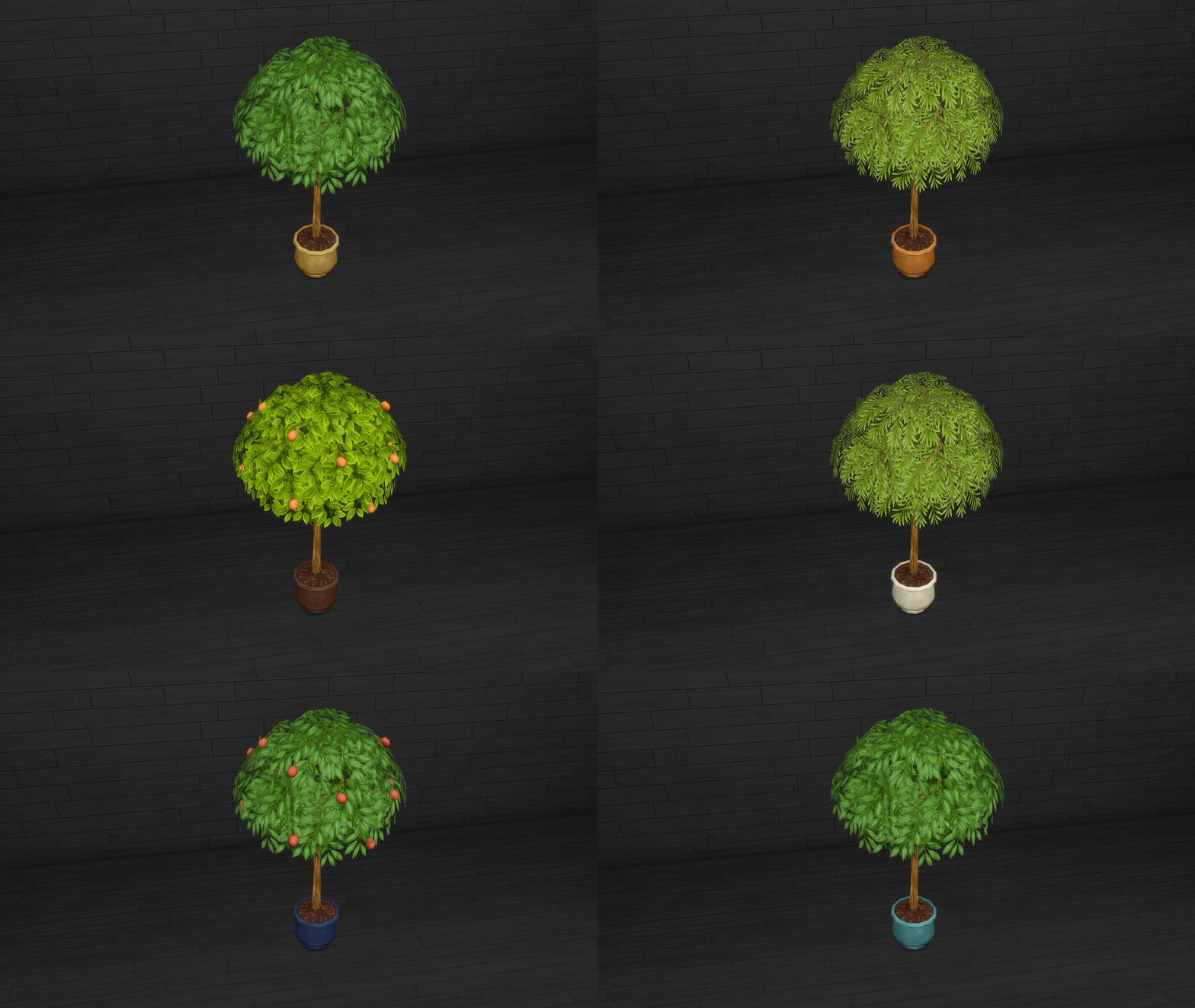
Cherished Patio Tree
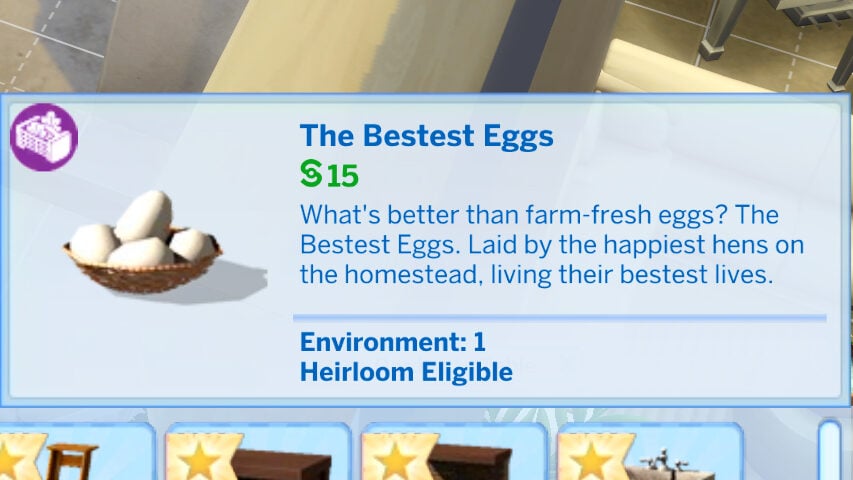
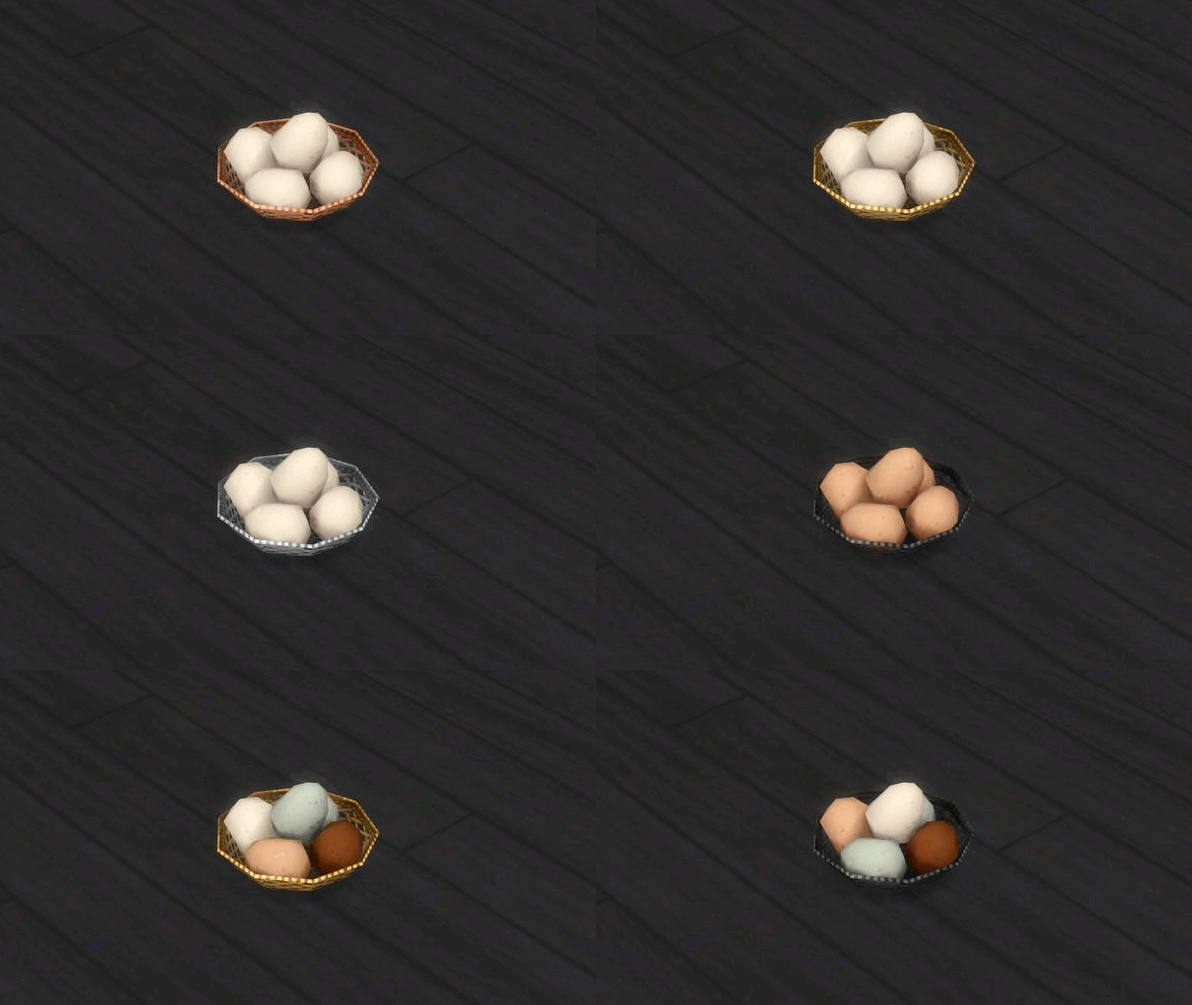
The Bestest Eggs
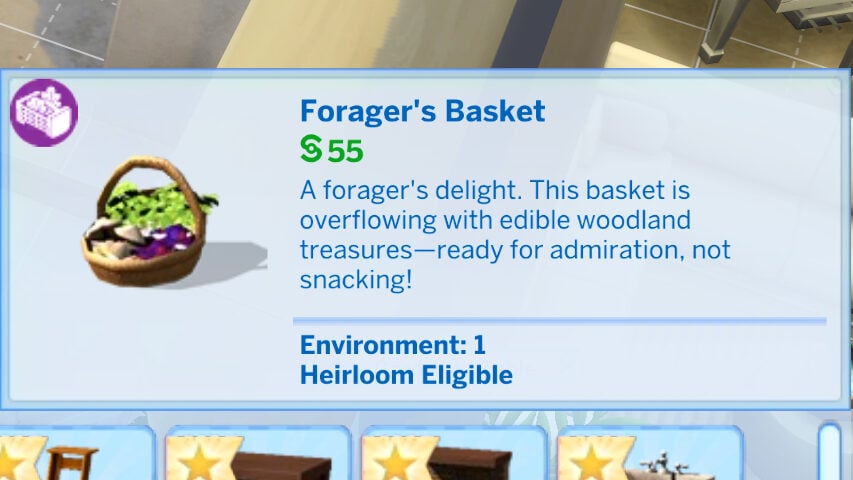
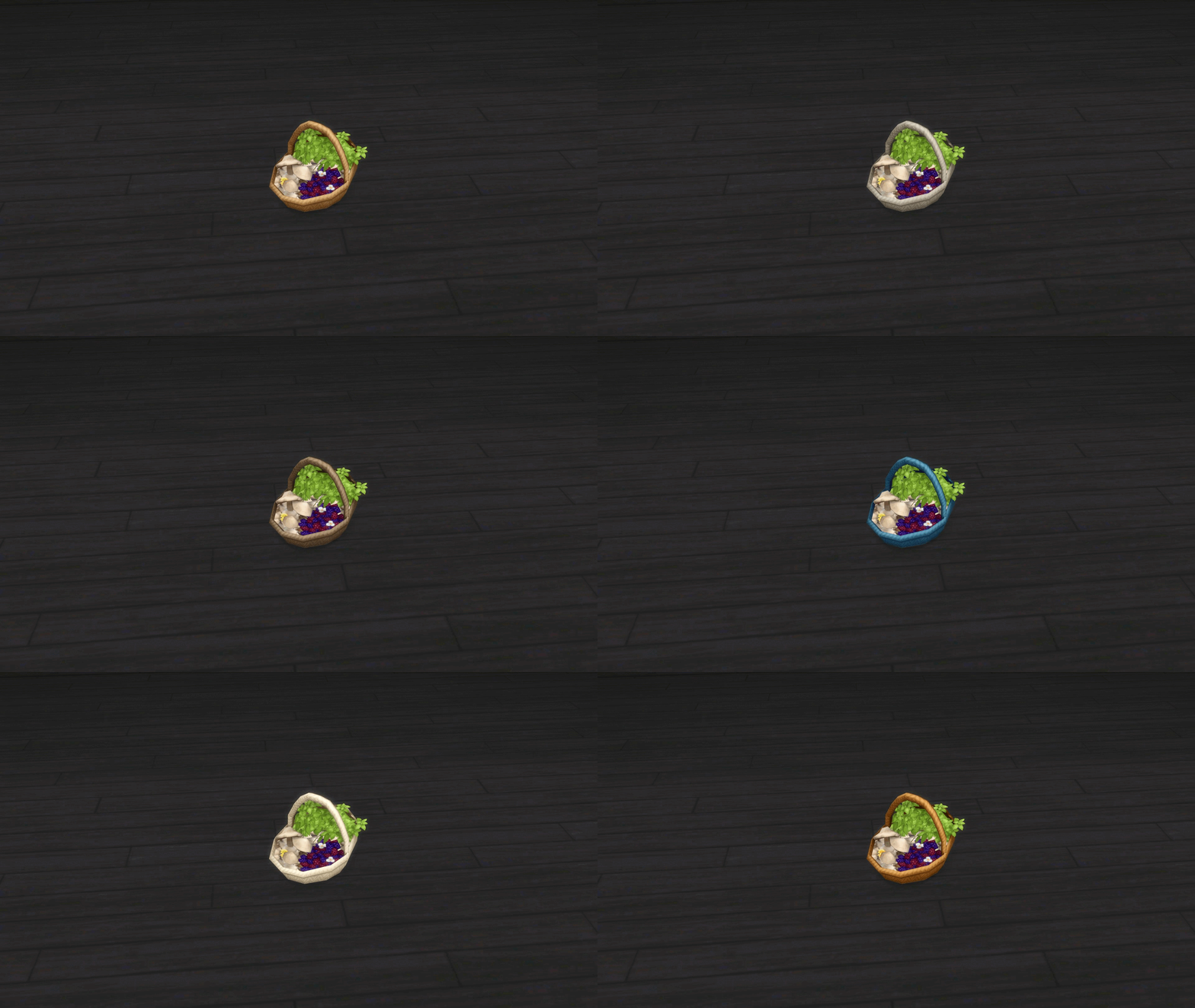
Forager’s Basket
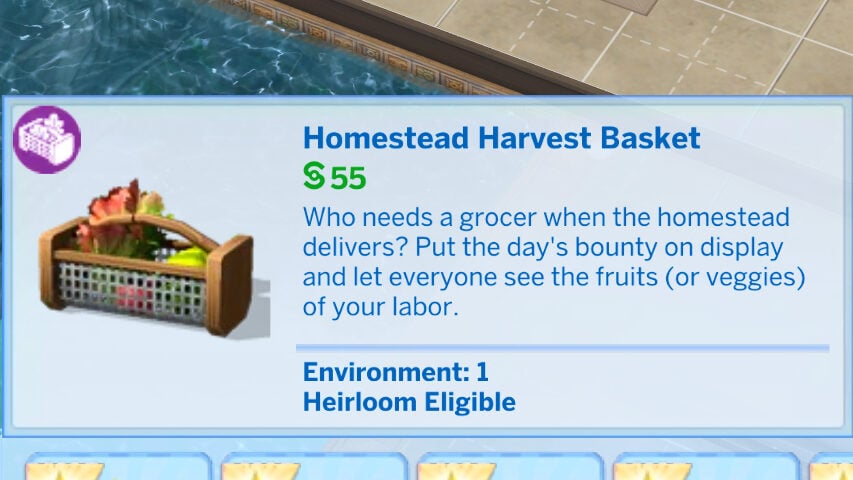
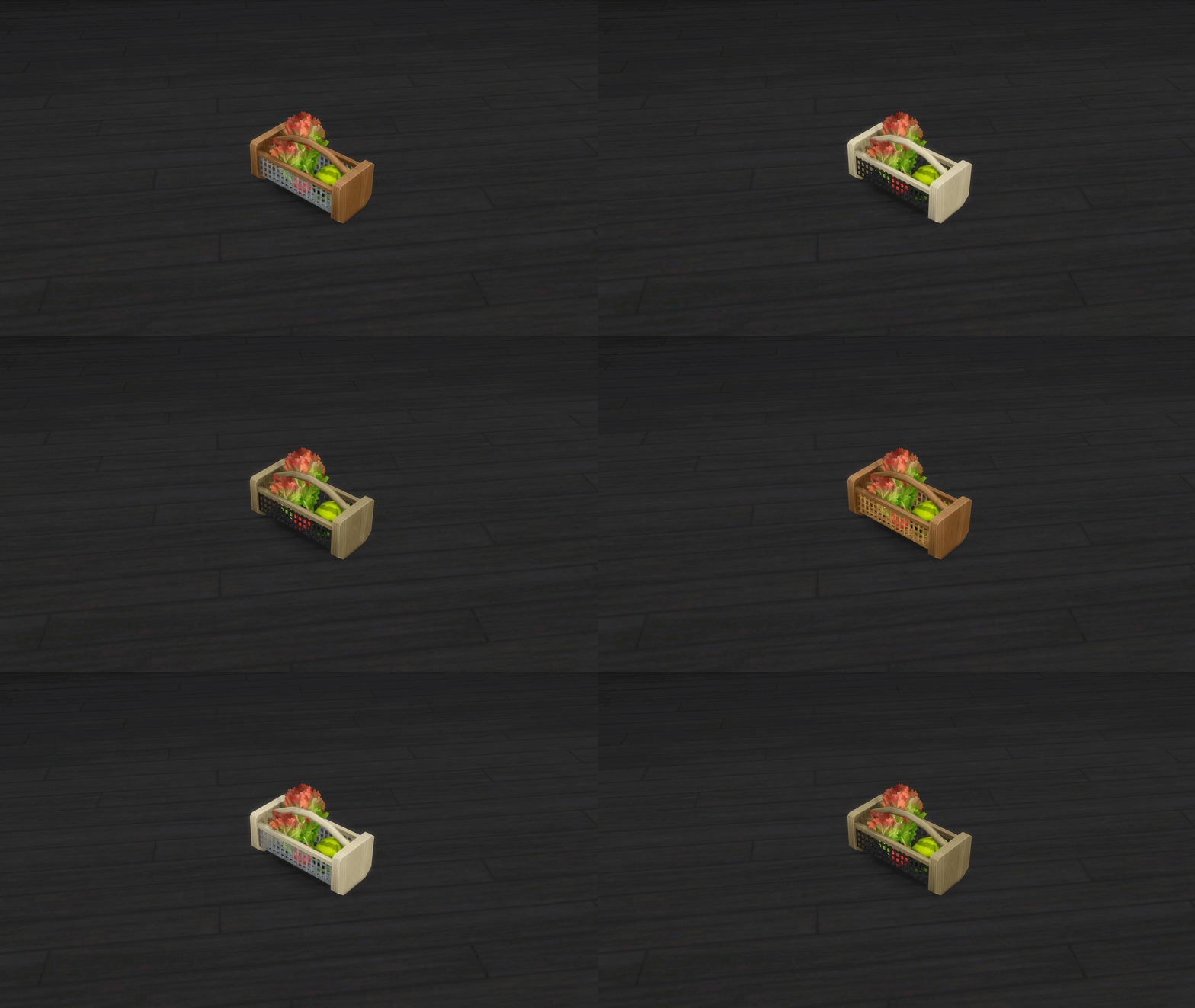
Homestead Harvest Basket
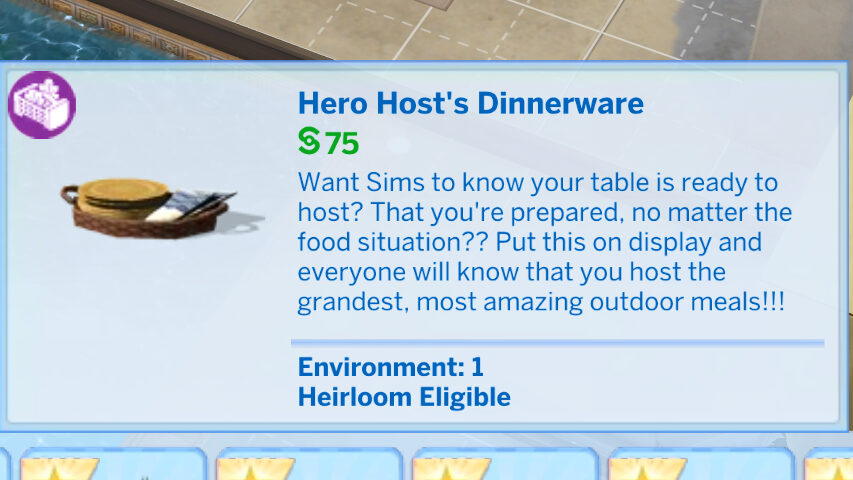
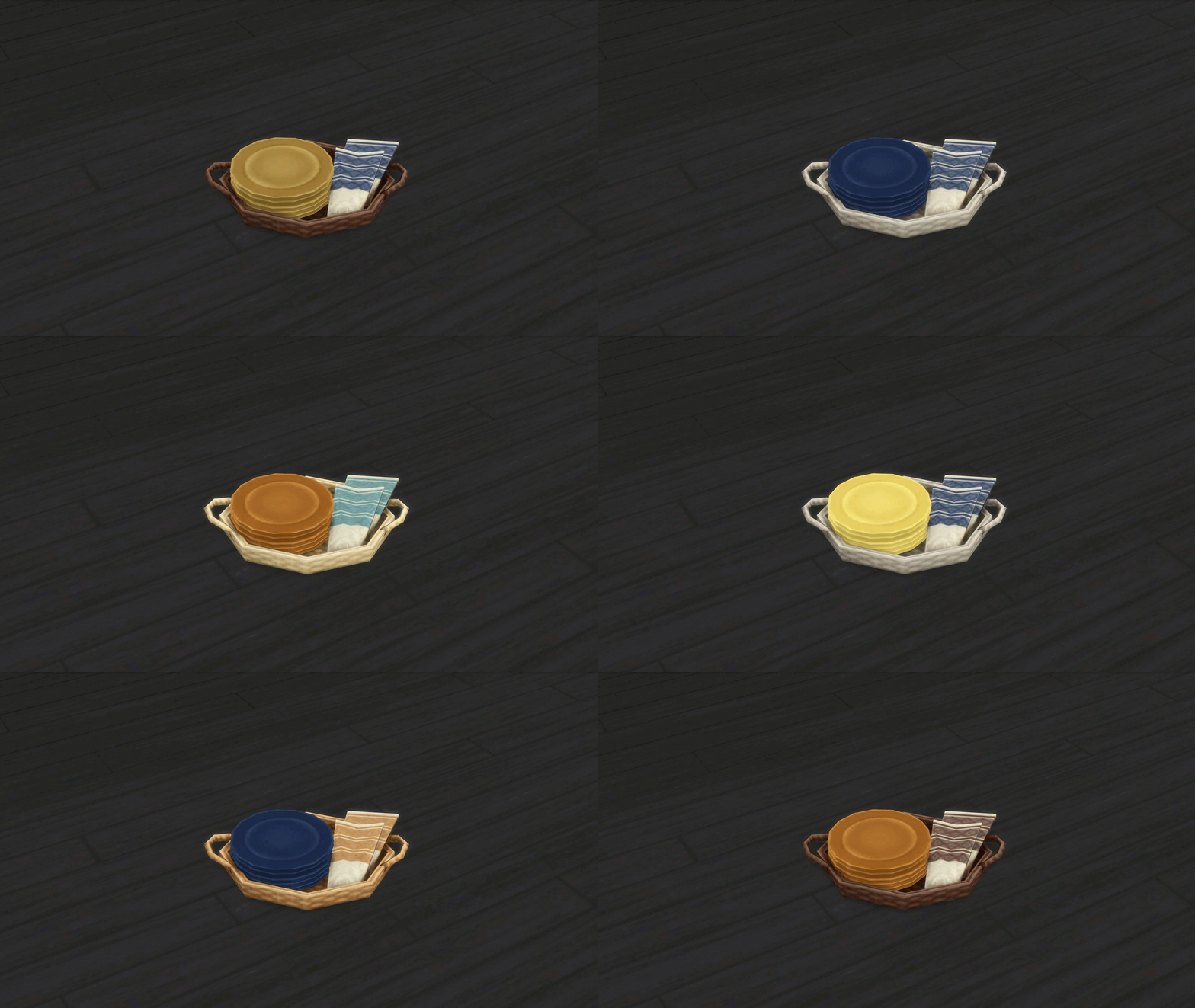
Hero Host’s Dinnerware
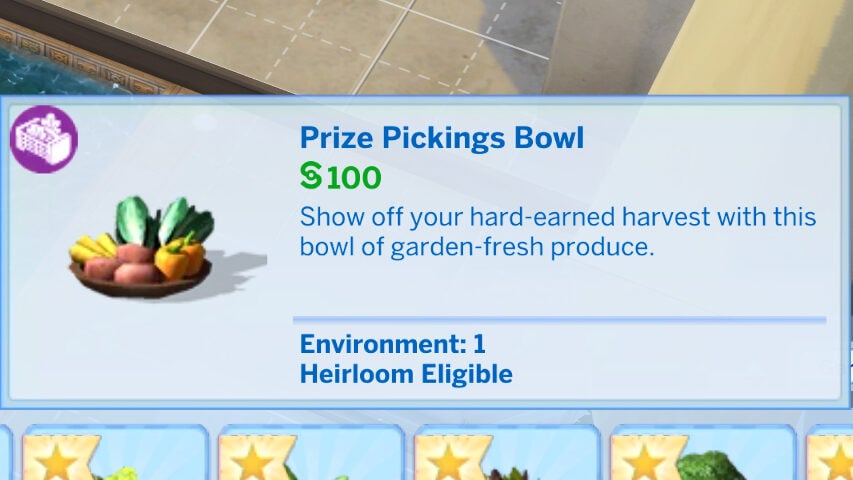
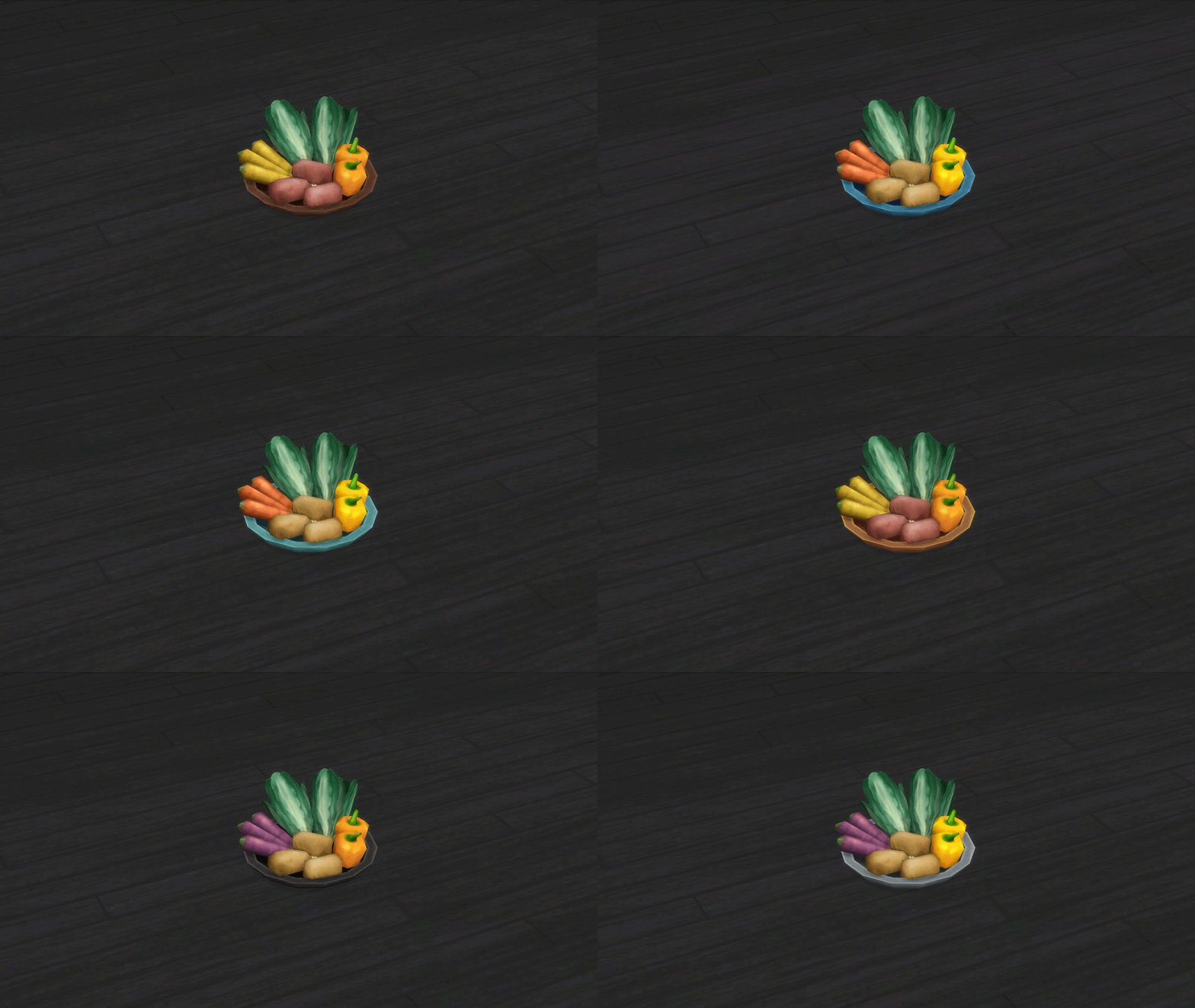
Prize Pickings Bowl
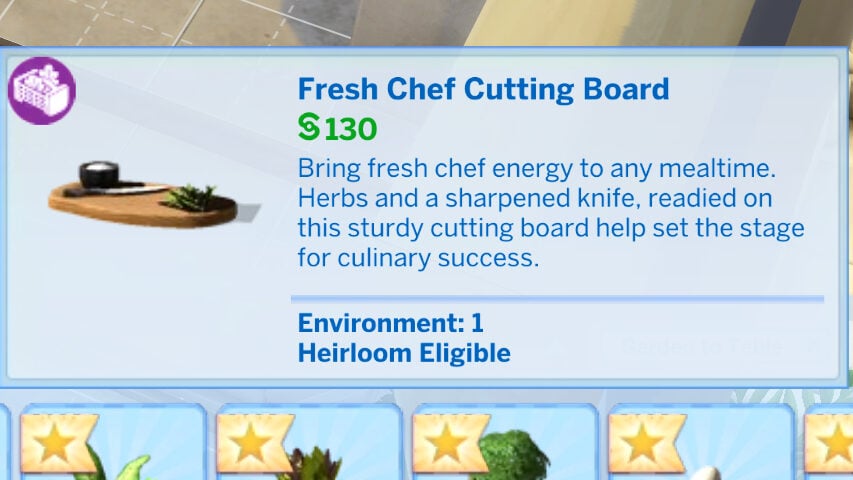
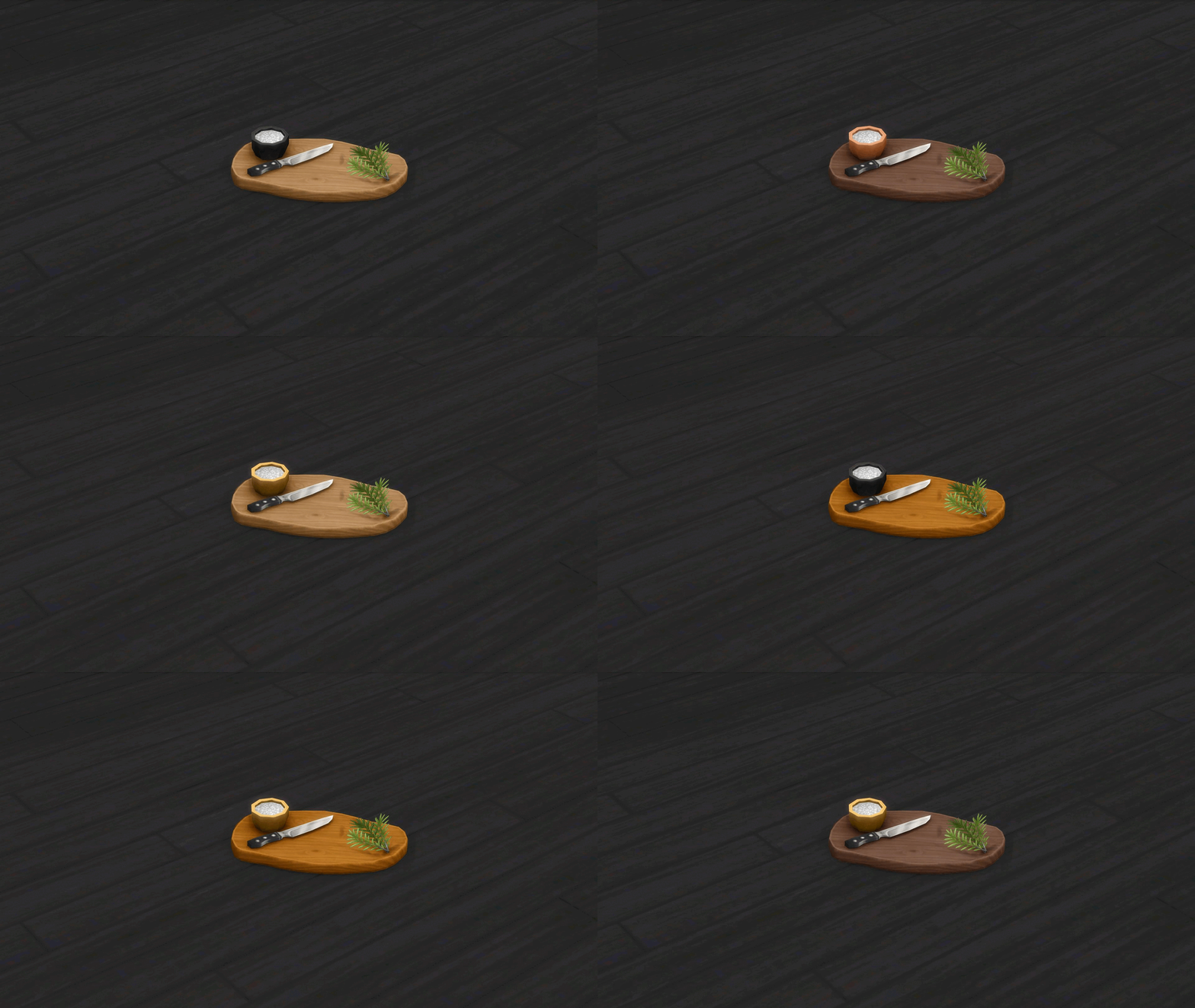
Fresh Chef Cutting Board
Using The Kit
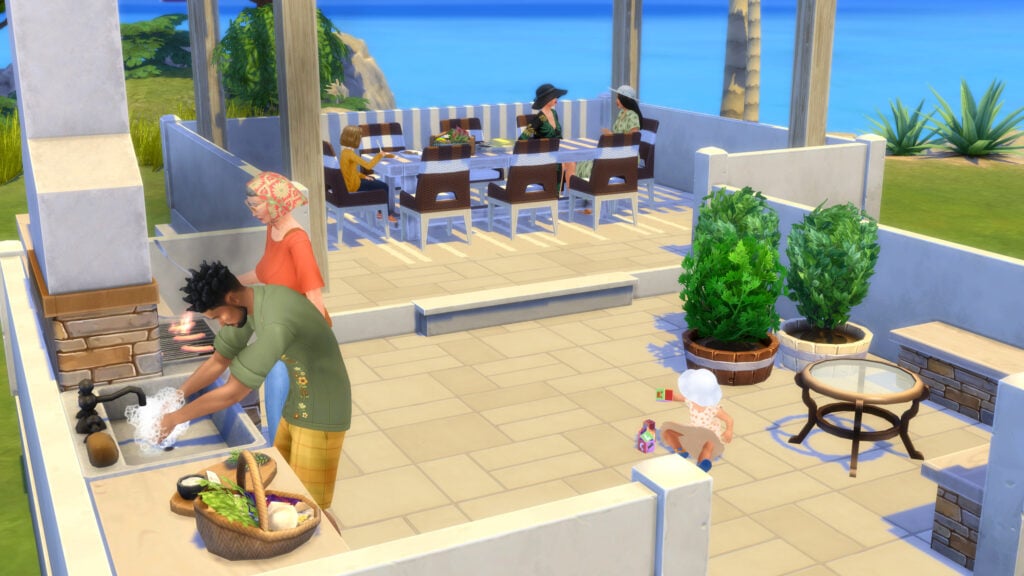
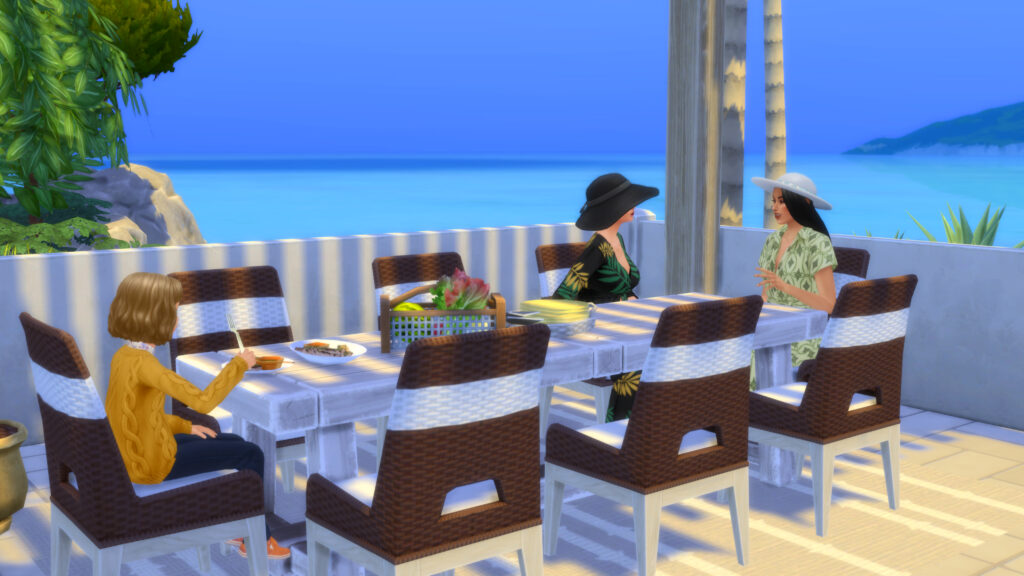
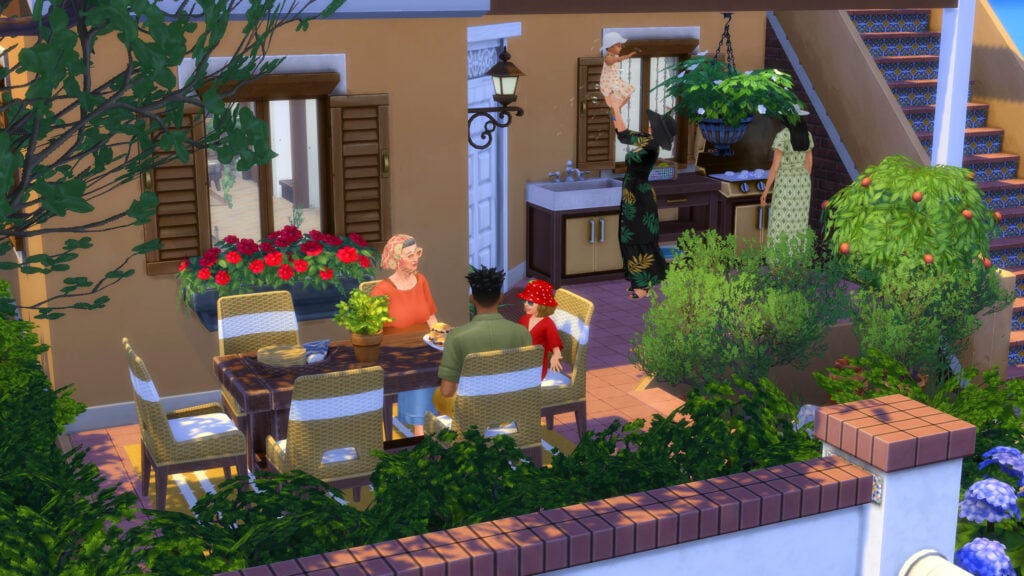
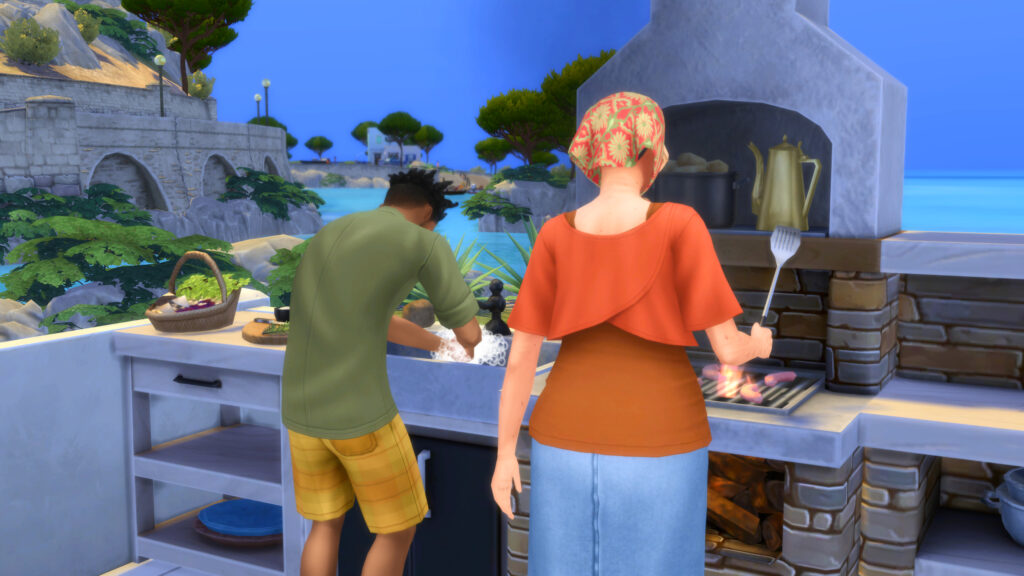
While playing with this kit, it meshed incredibly well with the Mediterranean architecture and biome of the world Tartosa from the Sims 4 My Wedding Stories. This pack seems geared towards culinarily-skilled sims who prefer a more rustic outdoorsy kitchen, or those who just want a nice and modern grill with the multiple grills and counter styles available.
It felt perfect for family gatherings and Sims being all together in the warm sun, cooking up foods they grew in their garden or brought from the local market stall. The tables provided also allowed for different family sizes to be accommodated. The clutter options including plants being propagated, fresh eggs, and leafy greens recently picked fit well with existing packs and aesthetics, like that of The Sims 4 Cottage Living.
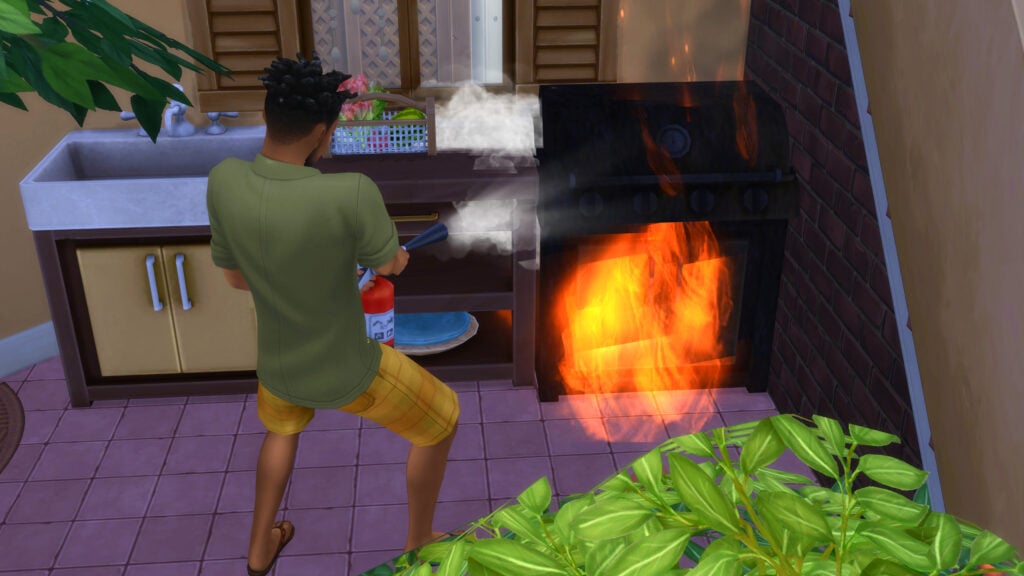
However, even if you want it to be for your finest skilled chefs, the cooking skill does not come included.
Final Thoughts
This is a very specific type of kit, but the style and general aesthetics go very well with existing furniture pieces and worlds found in The Sims 4, both in DLC and the base game. The wicker wood pieces, the pergola, and the large amount of clutter feel immersive and perfect for a nice renovation of your sims’ patio area. The two styles of grill and table, both modern and rustic, were a nice touch that made this kit flexible no matter your sims’ lifestyle. I would absolutely buy this kit again, and if you’d like to support the creator, make sure to use their creator code Brazenlotus.
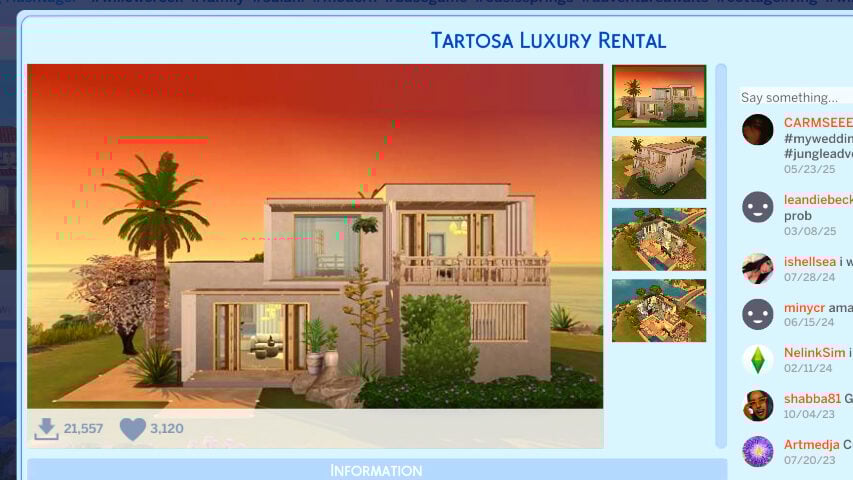
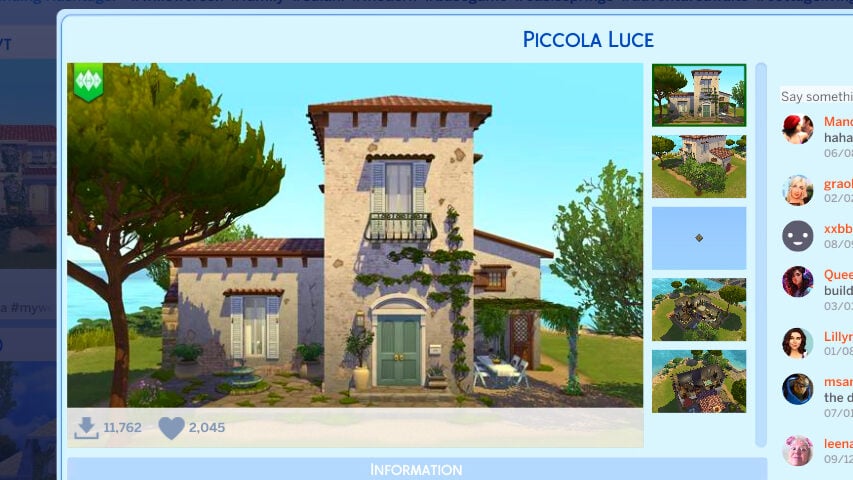
I also opted to use some absolutely beautiful gallery builds by Gallery Users elfathiera and Pugowned; They fit right into the world and the furniture provided in the kit blended right in. I thought they were both gorgeous yet different, with Pugowned leaning more into a rustic and cozy building in their Piccola Luce build, and elfthiera creating a build on the modern side that feels luxurious.
The Sims 4 Garden to Table Creator Kit by Brazenlotus is OUT NOW! It retails for $4.99 USD, or your local currency’s equivalent, and is available wherever you buy your Sims 4 packs, including…
Is this kit something you’re planning on snatching up? Are there any other well-known creators you’d like to see a Creator Kit collaboration with? Sound off below! Take a look at Brazenlotus‘ modding work and give them a hand for the beautiful pieces made for this kit. Sims 4 Modern Retreat Creator Kit review. Follow The Sims Community for all upcoming Life Simulation updates and releases!
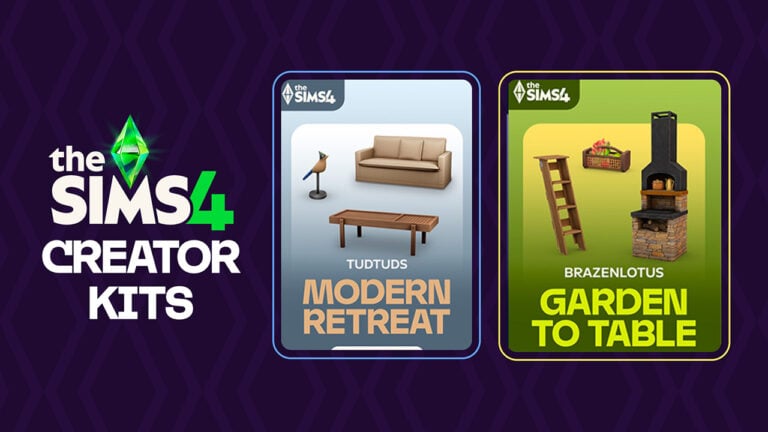
Two new The Sims 4 Creator Kits have just been released across official platforms. Players on PC, Mac, Playstation and Xbox can Build using two new Kits titled Modern Retreat (TudTuds) and Garden to Table (BrazenLotus). Each Creator Kit is retailed at $4.99USD, or a price equivalent to your local currency.
Following the new release EA and Maxis also reveal officially the item previews of the Kits that have been made available. See below the official retail stores where you can purchase the Kits, object overviews and official features and assets.
The Sims 4 Modern Retreat Creator Kit
Bring a modern vision of nature’s spirit into your Sims’ living room with The Sims™ 4 Modern Retreat. Blending handcrafted items, cozy seating, and sleek furniture ir a variety of natural materials, this kit celebrates the touch that transforms nature’s raw beauty into timeless modern pieces, where simplicity meets sophistication in every detail. Created by TudTuds.
KIT FEATURES:
Where Comfort Meets Connection – Whether they’re napping on a sofa after swatting away mosquitoes, reading a good book by the marble fireplace on a cold night, or gathering around the coffee table after a long hike, your Sims will find comfort, connection, and style in every corner of their retreat.
Frame the Nature – Used as wall decor or layered over a large glass window, the Muxarabi panel provides your Sims with privacy, shade, and style all in one. Pair it with furniture pieces inspired by the same intricate latticework to create a cohesive and elegant look!
Kit Items Preview
Kit Availability
The Sims 4 Modern Retreat Kit by TudTuds is retailed at $4.99USD, or a price equivalent to your local currency. You can get this Kit on the following online stores:
Transform your outdoor dining area into a rustic retreat where homegrown harvests are the cornerstone of meal time with The Sims™ 4 Garden to Table Kit. Blend rustic charm and modern style with versatile furniture crafted from natural wood and smooth stacked fieldstone. Natural materials provide organic warmth, while metal and ceramic pieces add modern flair. Keep it neutral for a rustic feel or add pops of color for a modern twist. Tie it all together and bring your outdoor space to life with veggie-inspired decor and lush potted plants. Created by BrazenLotus.
KIT FEATURES:
Earthy and Naturally Inviting – Anchor your outdoor dining area with a stacked fieldstone grill paired with matching side tables for an earthy, inviting vibe. Define the space by using a stacked fieldstone bench that cleverly doubles as a low garden wall. Layer in some rustic appeal with rough-grained wooden furnishings, and showcase your bountiful harvest decor with a repurposed wooden ladder display.
Modern with Rustic Warmth – Elevate your outdoor entertaining spot with modern furnishings grounded in rustic warmth. A sleek charcoal grill and coordinating side tables feature clean lines softened by smooth wood textures. A rustic-modern stone sink simplifies outdoor meal cleanup and adds practical charm. Bright wicker dining chairs, vibrant rugs, and garden-inspired veggie decor provide energetic pops of color.
Official Kit Screens
Kit Items Preview
Kit Availability
The Sims 4 Garden to Table Creator Kit by BrazenLotus is retailed at $4.99USD, or a price equivalent to your local currency. You can get this Kit on the following online stores:
The Paralives System Requirements Have Been Officially Revealed For The Early Access Release
We’re only four weeks away from the Early Access release of Paralives for both PC and Mac. One question that’s been asked by fans eager to play is what system specifications will be required to run the game at a stable frame rate. Over on the official Paralives’ social media, the team posted a graphic detailing the system requirements, as well as updating the official Steam store page. Let’s take a look!
Table of Contents
Official Paralives System Requirements
Over on Twitter/X, The Paralives Team posted their announcement of the system requirements for the game’s Early Access release:
we’ve updated our Steam page and added the game’s minimum system requirements for PC and Mac 🙂 pic.twitter.com/PDHZ6jMlMM
The minimum and recommended system requirements for Paralives are as follows:
PC Minimum System Requirements
OS: Windows 10
Processor: Intel Core i5 or AMD Ryzen 5 @ 2.5 GHz
Memory: 12 GB RAM
Graphics: GTX 1060 or RX 6600 XT
DirectX: Version 11
Storage: 8 GB available space
PC Recommended System Requirements
OS: Windows 11
Processor: Intel Core i5 or AMD Ryzen 5 @ 3.0 GHz
Memory: 16 GB RAM
Graphics: RTX 2060 or RX 7600 XT
DirectX: Version 11
Storage: 8 GB available space
macOS Minimum System Requirements
OS: macOS Big Sur 11 (or newer)
Processor: Apple M2
Memory: 12 GB RAM
Graphics: Apple M2
macOS Recommended System Requirements
OS: macOS Big Sur 11 (or newer)
Processor: Apple M3
Memory: 16 GB RAM
Graphics: Apple M3
Are you looking forward to Paralives’ Early Access Release? Let us know in the comments below, and stay tuned to Sims Community for all the latest on Paralives!
The most recent Paralives build trailer released by the team shows off a lot of little details that players can expect in the game upon release.
Here is a list of everything we noticed.
Everything we noticed in the Paralives build trailer
Lots of these features will be coming in day 1 of release, with more being released as early access continues. Read more about what to expect on day 1 here.
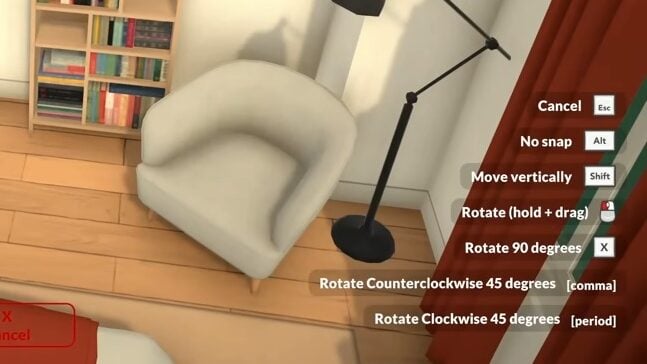
Paralives build mode hotkeys
During the demonstration of how build mode is going to work, we can also see that in the bottom right corner of the screen that there is a series of hotkeys for easy and quick building.
Lots of us who build already in The Sims will be used to using keyboard commands – like using the bracket keys to change the size of objects – so it won’t be long before Paralives builders also have these keys committed to memory.
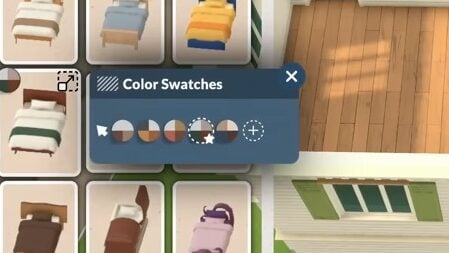
Pre-made swatches as well as custom colour selection
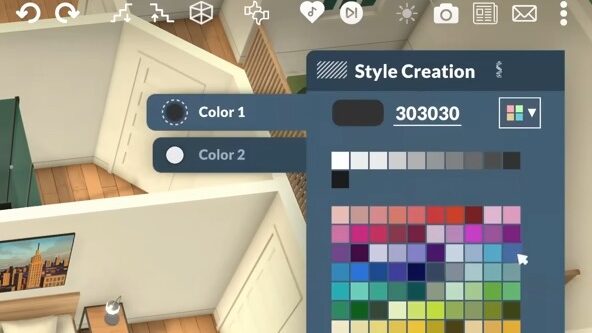
As well as having pre-made swatches for items, you will also be able to customise items using their style creation feature.
This is going to mean that objects that might have only suited a certain build or aesthetic with pre-made swatches can be customised to fit any home or build, making every object so much more usable.
As well as just picking two individual colours for your items, we also saw that you can customise the colours of different parts – like picking the bed frame colour and the sheets separately. It definitely is reminiscent of the Sims 2 in that way, and gives players many more customisable options to make their Para’s homes feel unique.
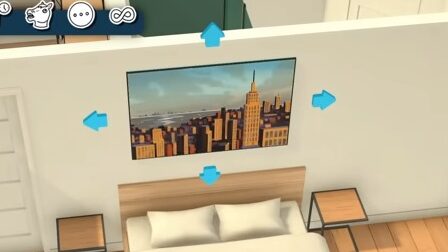
Object size customisation
Once you select an object to place, you will notice that ones that can be customised in size will have either the blue arrows on each side (as in the left image) or a yellow sliding arrow (in the right image).
This doesn’t appear on all the items – the lamps, for example, cannot be increased/decreased in size, but other items like rugs, photos, and clutter items can.
Whilst in games like The Sims you can resize items, in Paralives’ build mode, you are not restricted to increasing only by 2x or 3x as it looks to be a sliding scale.
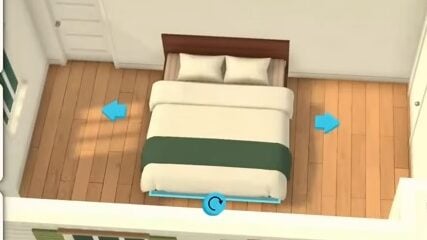
Object length customisation
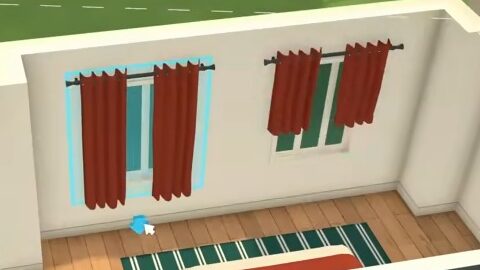
Using the Paralvies build tools, we’re going to be able to customise the size and length of so many different items. This is something that caught the eye of any player who can spend hours in build mode and unlocks tons of customisable options.
Simple customisations like being able to change the length of a curtain or turn a single bed into a double bed give us so much more freedom to make homes unique and grow with our Paras.
Sometimes something as simple as being able to make curtains longer or shorter is enough to make people excited – who among us has had their perfect Sims build scorned by a curtain that doesn’t fit the windows? It looks like with Paralives that will be a worry of the past!
Grid-free placements
One thing that caught my eye when watching the teasing of build mode for Paralives was the absence of grid placements. We saw that there was effortless placement of objects like plants and bookshelves, without the need to alt-place or use something like the bb.moveobjects cheat, which many of us are used to.
Also, as mentioned in a recent post covering everything we know about Paralives so far, for anyone who does prefer to use a grid there will be an optional one you can use.
360° rotation
No longer will building mean objects can only rotate 45 degrees! Paralives’ build mode will let us rotate objects freely.
Community reactions to the Paralives build trailer
Reading the comments on the video, many people share our enthusiasm for all of these features.
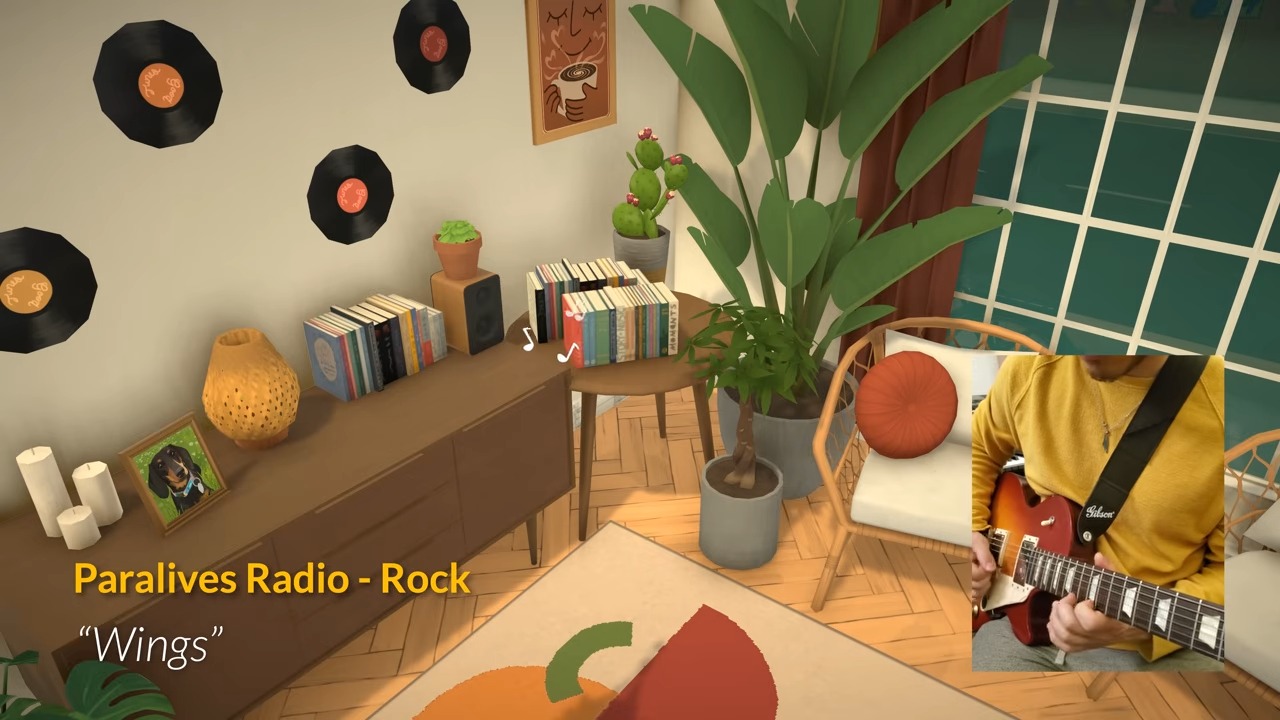
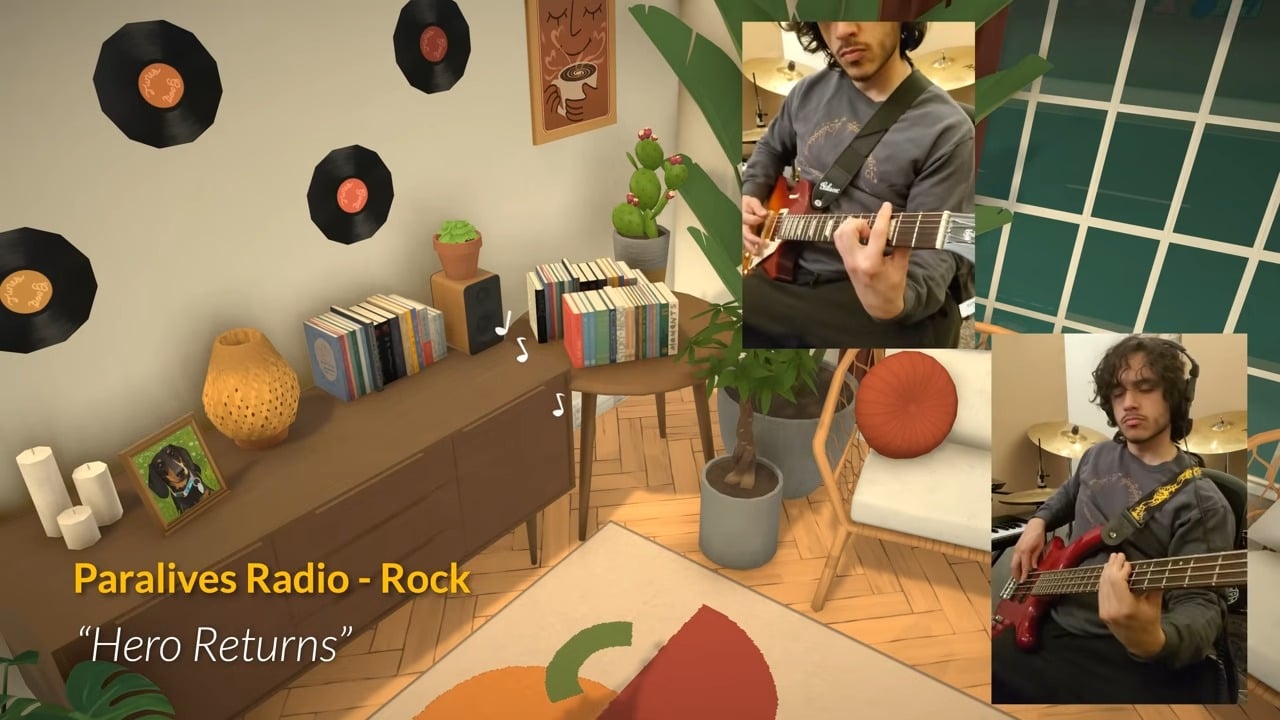
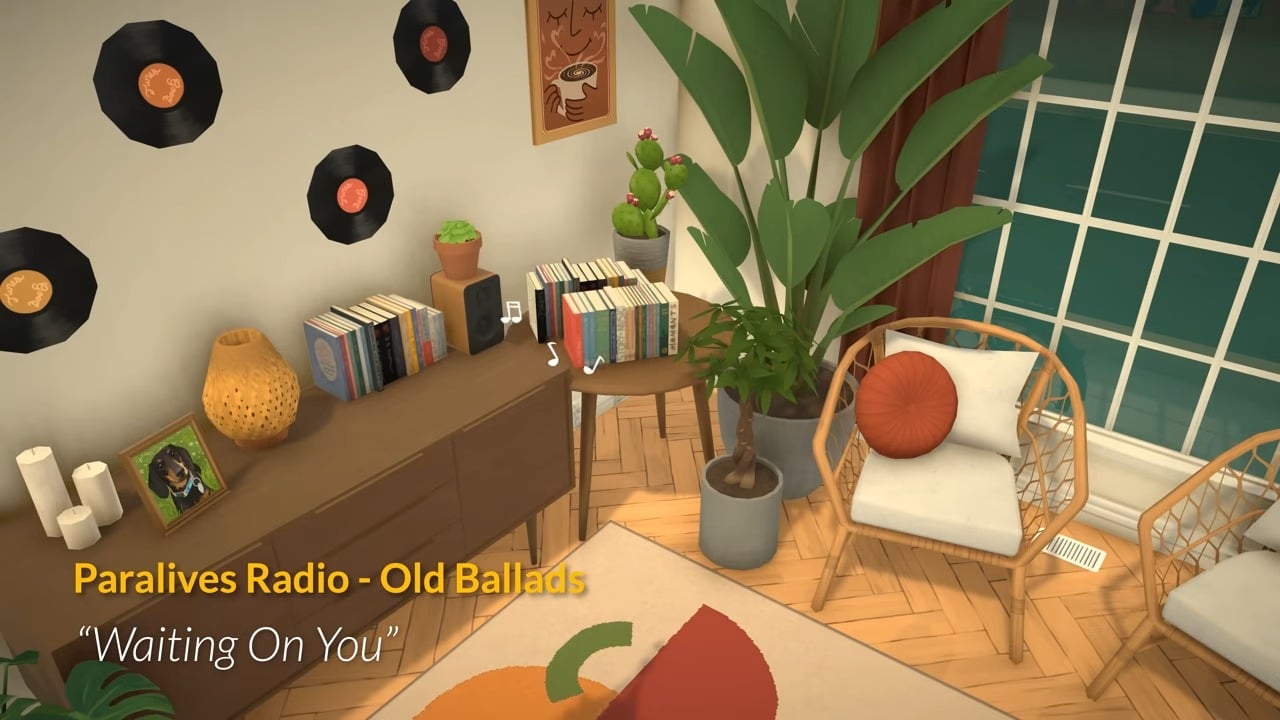
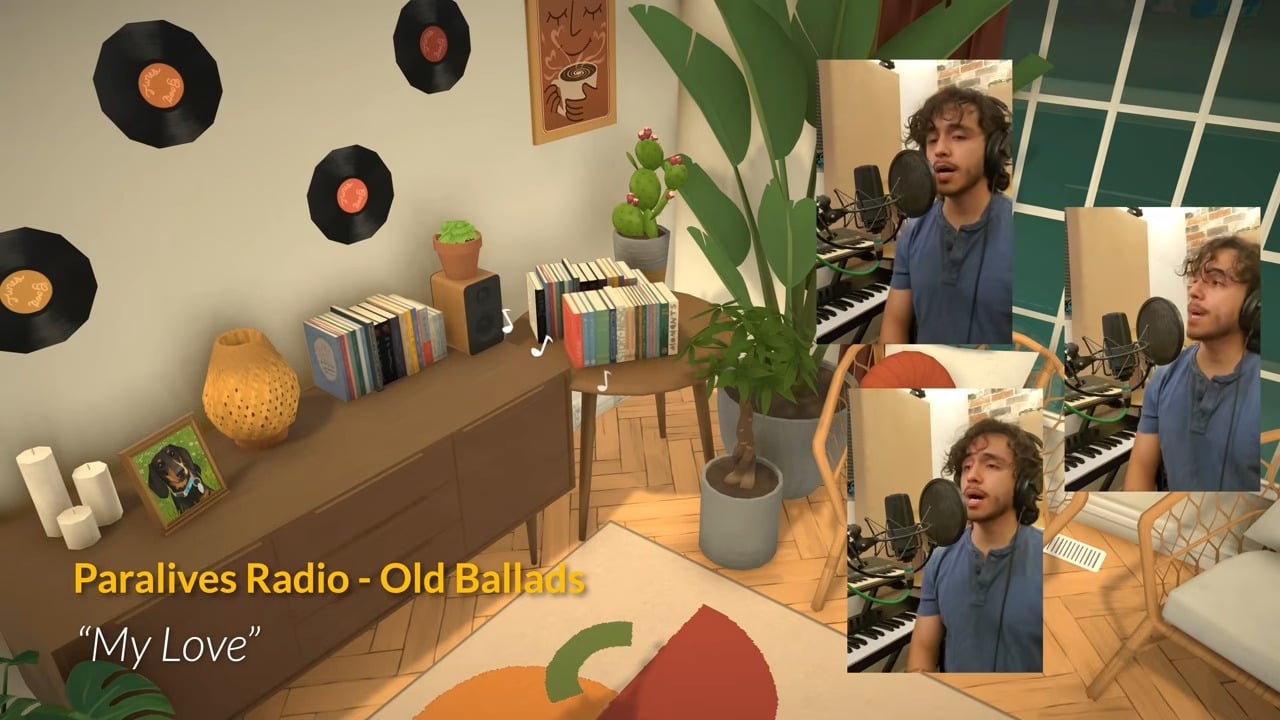
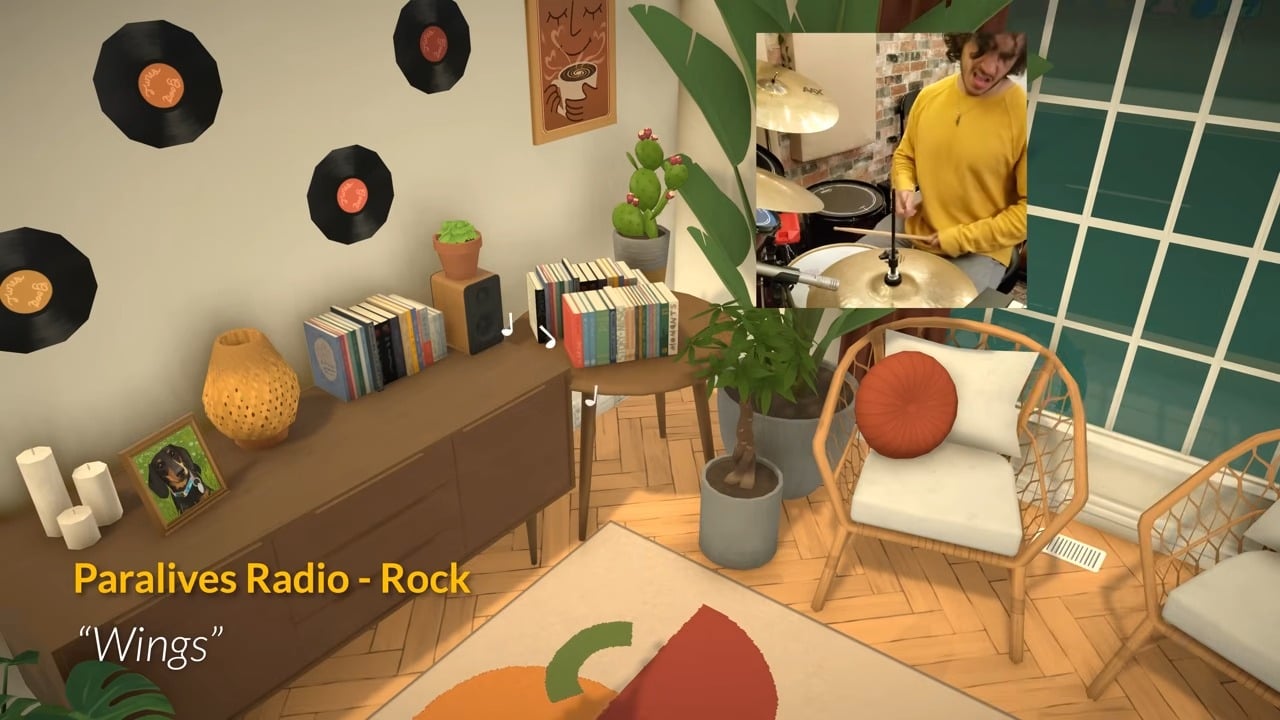
Radio stations
The Paralives team also released a new post about the in-game radio stations.
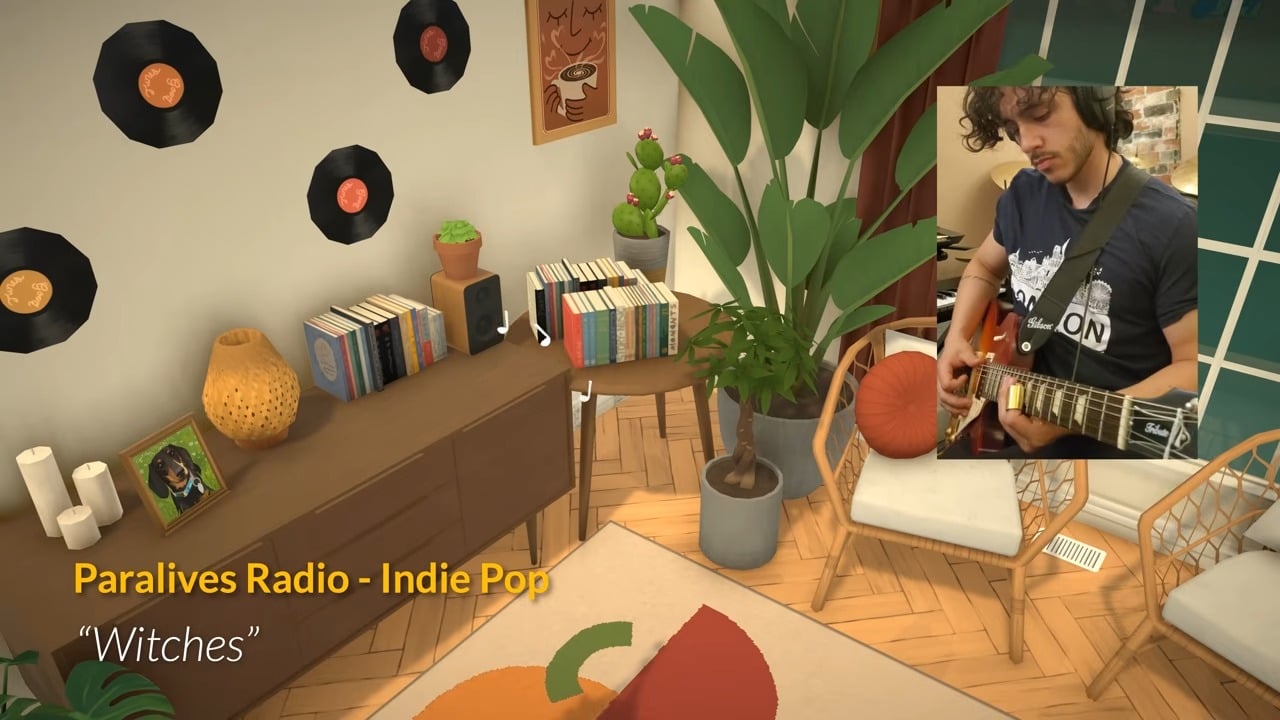
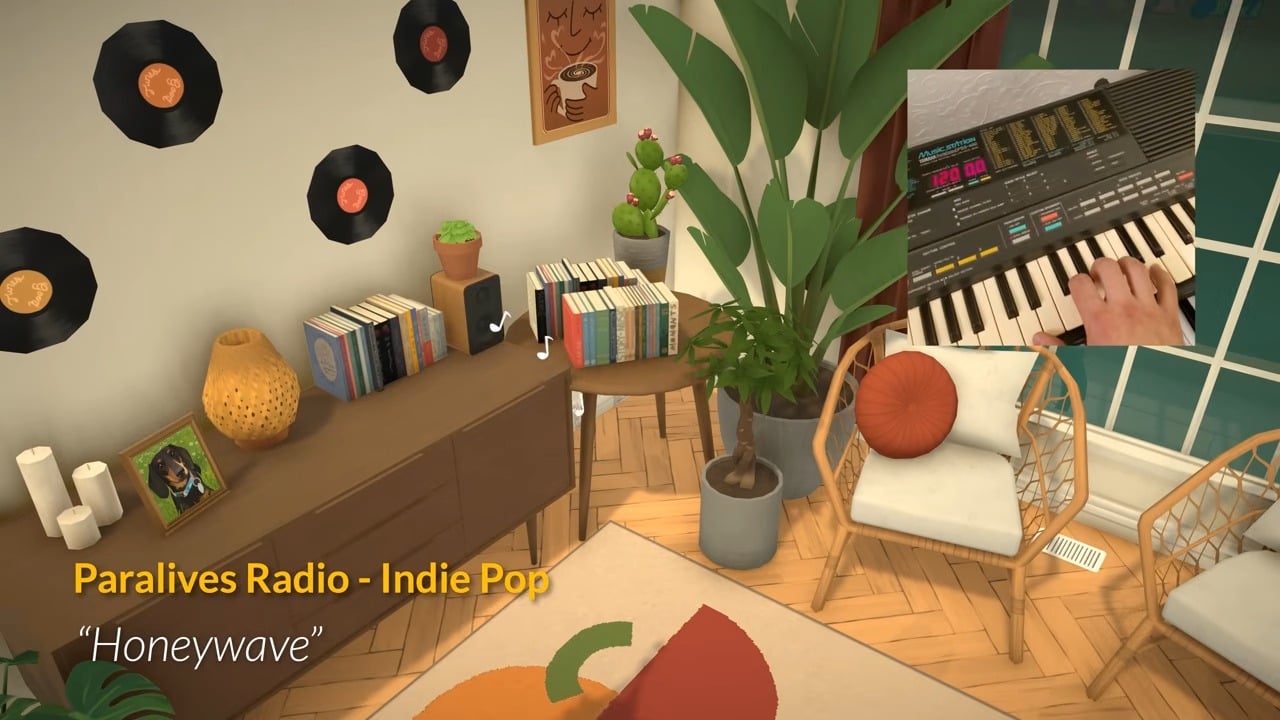
There will be four stations available to listen to on release: LoFi, Indie Pop, Rock, and Old Ballads.
The development team are clearly very musical, as the video showing off these new radio stations featured footage of them recording the music they used to create the songs!
The last month has been… controversial, to say the least. But things are looking up for Simmers as The Sims 4 November 4th Update has landed, with a bunch of new African-Inspired content, and plenty of bug fixes! Whether you’re a PC, Mac, or console player, here’s everything you need to know about the exciting new features added to the Base Game!
Table of Contents
The Sims 4 Patch – November 4th
INFO
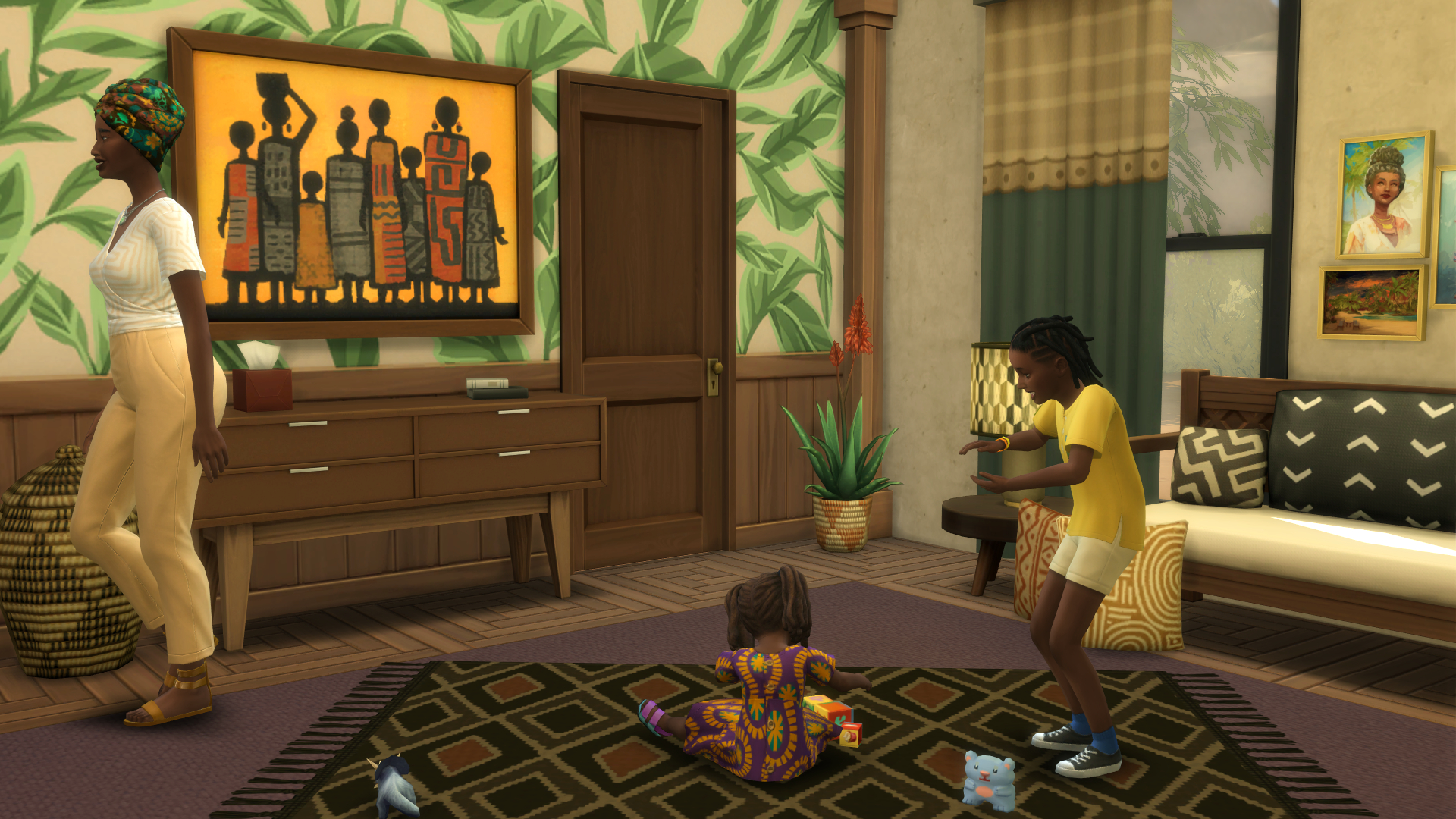
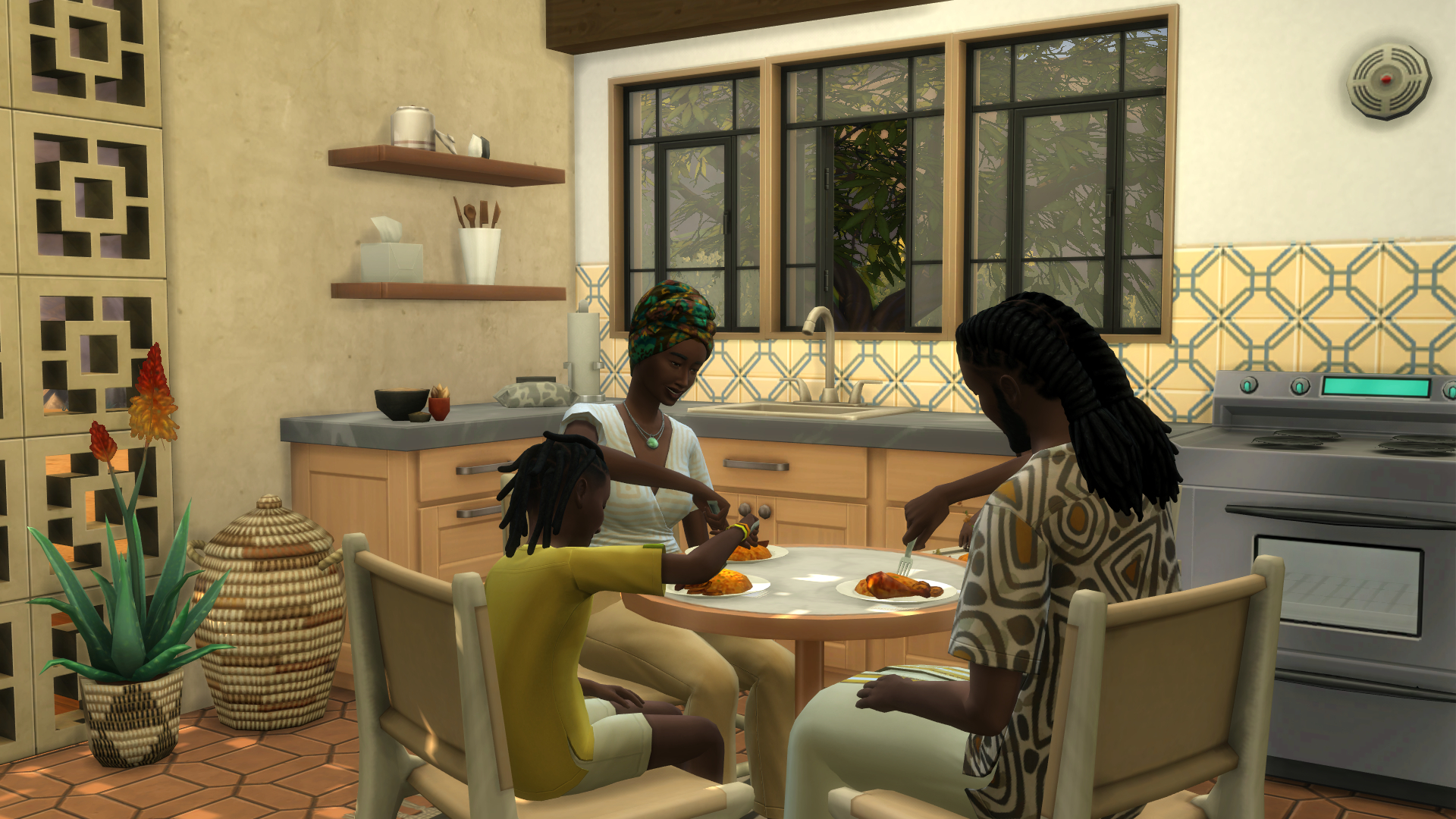
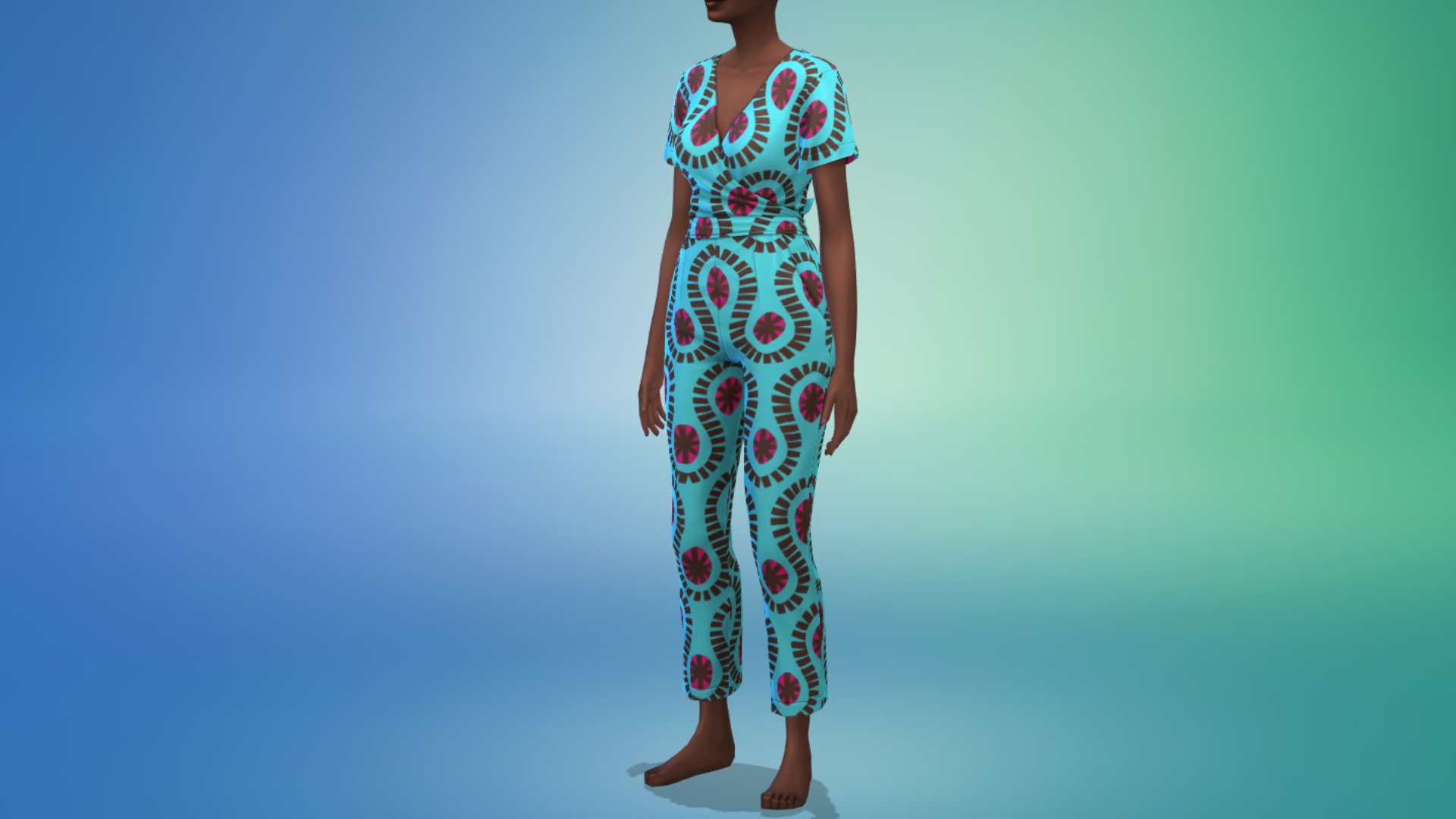
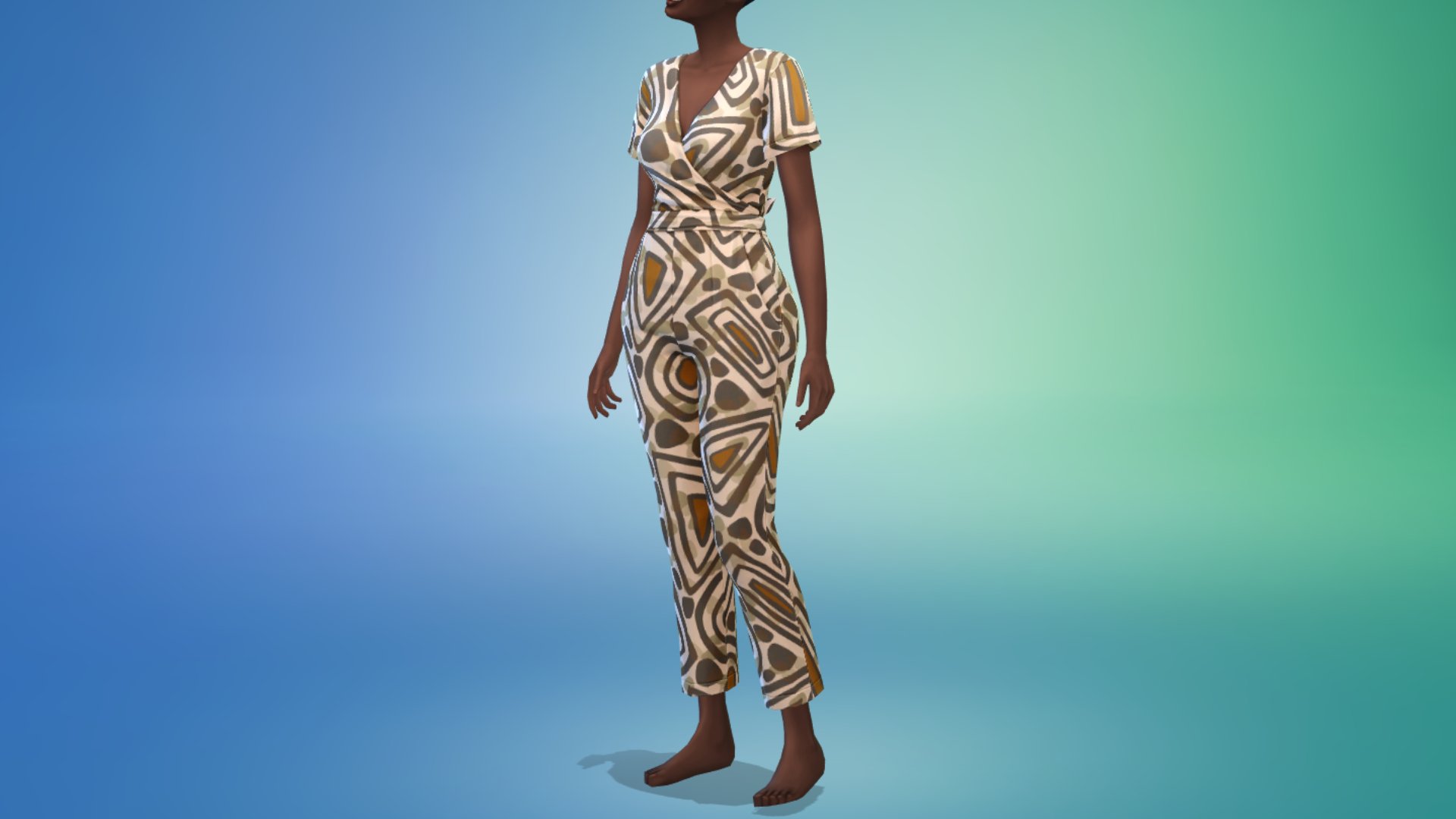
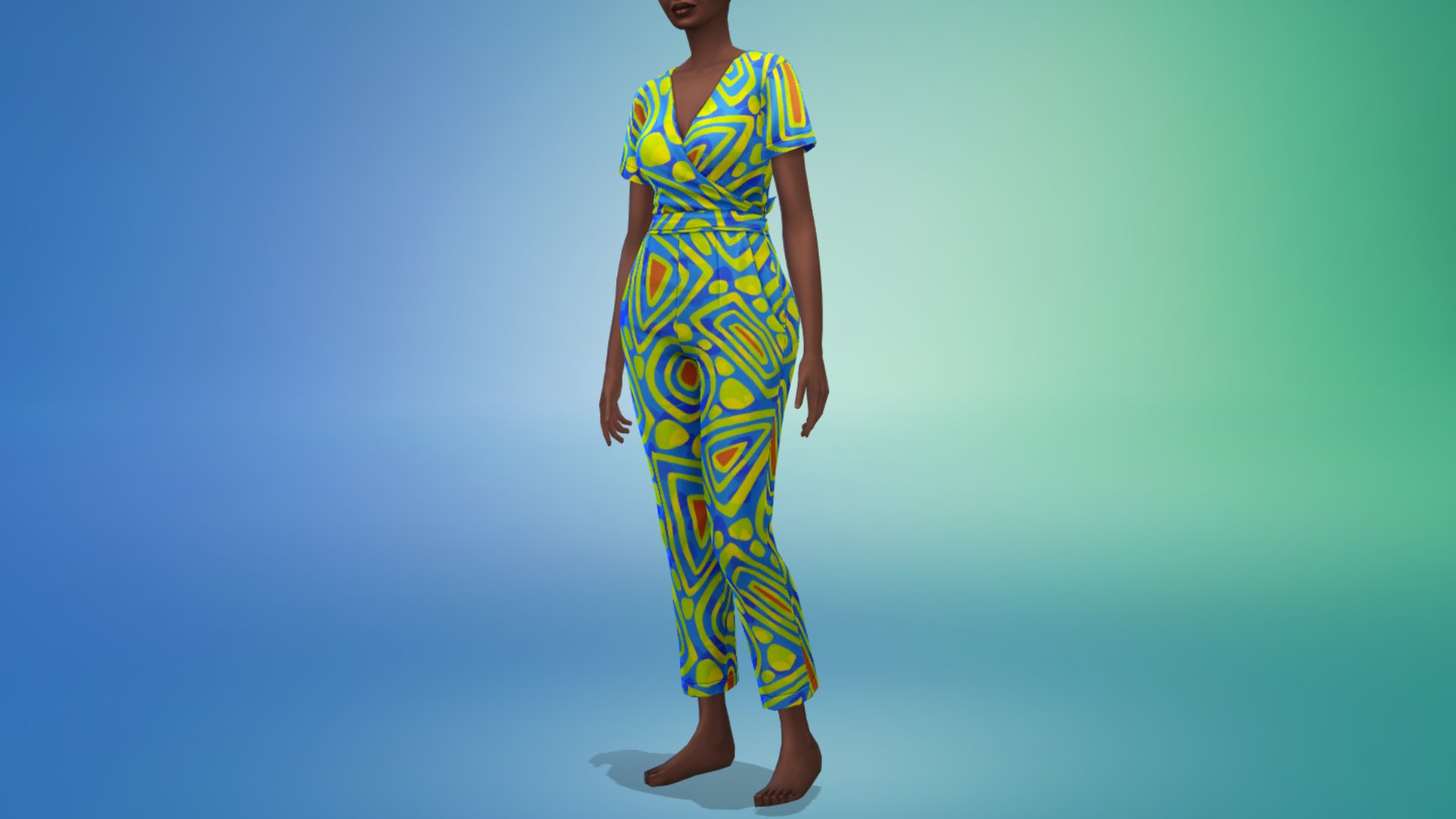
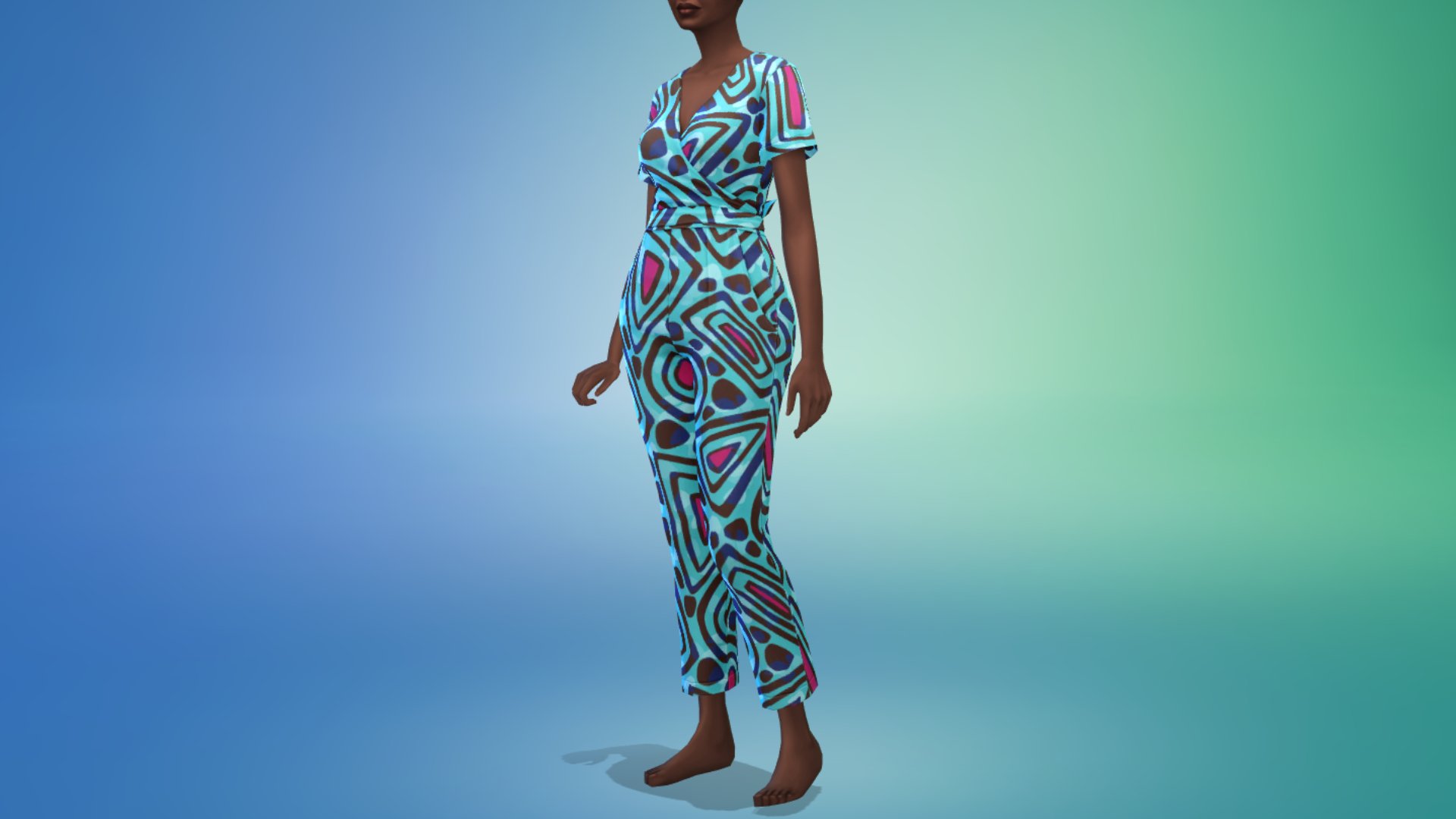
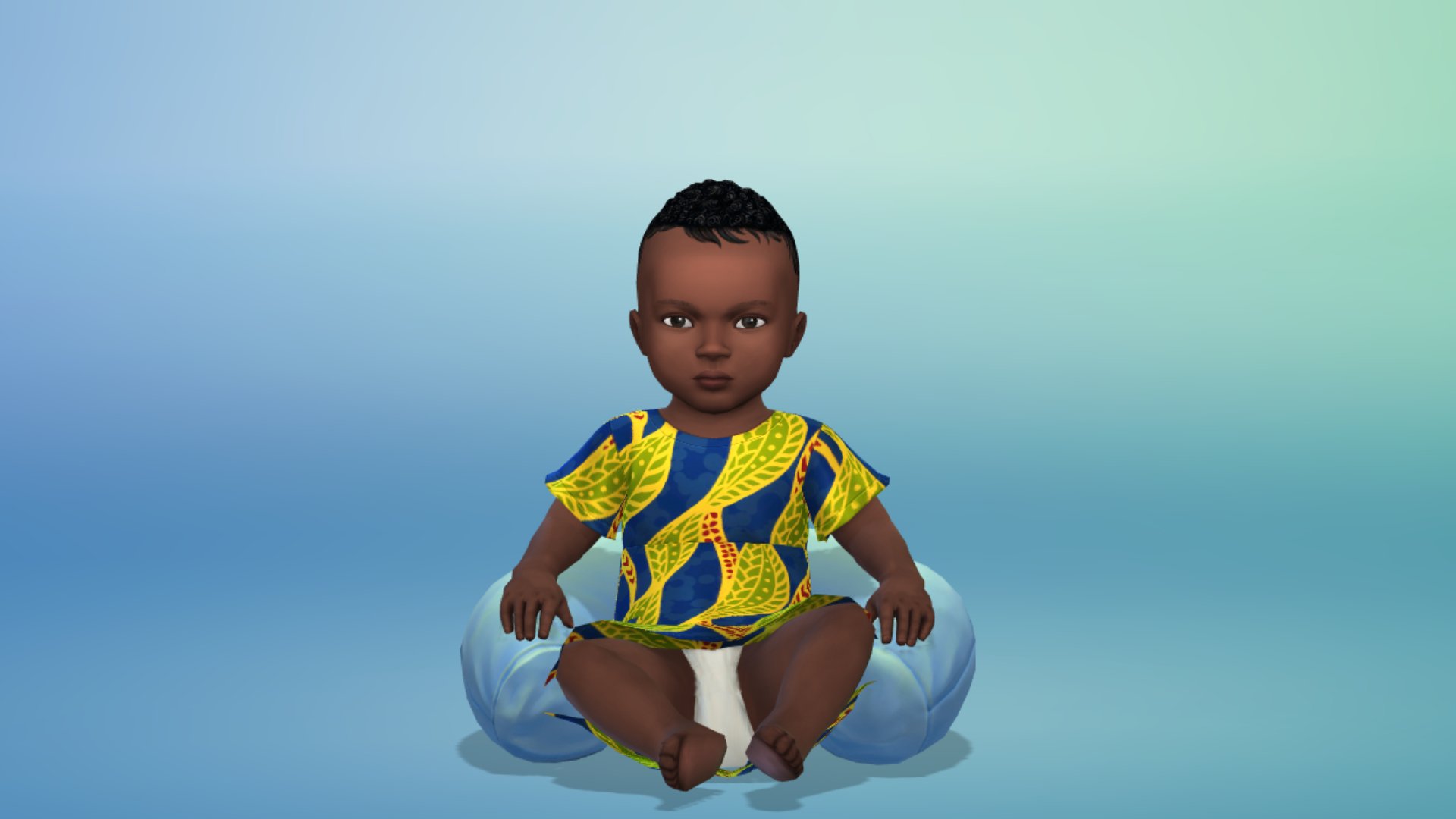
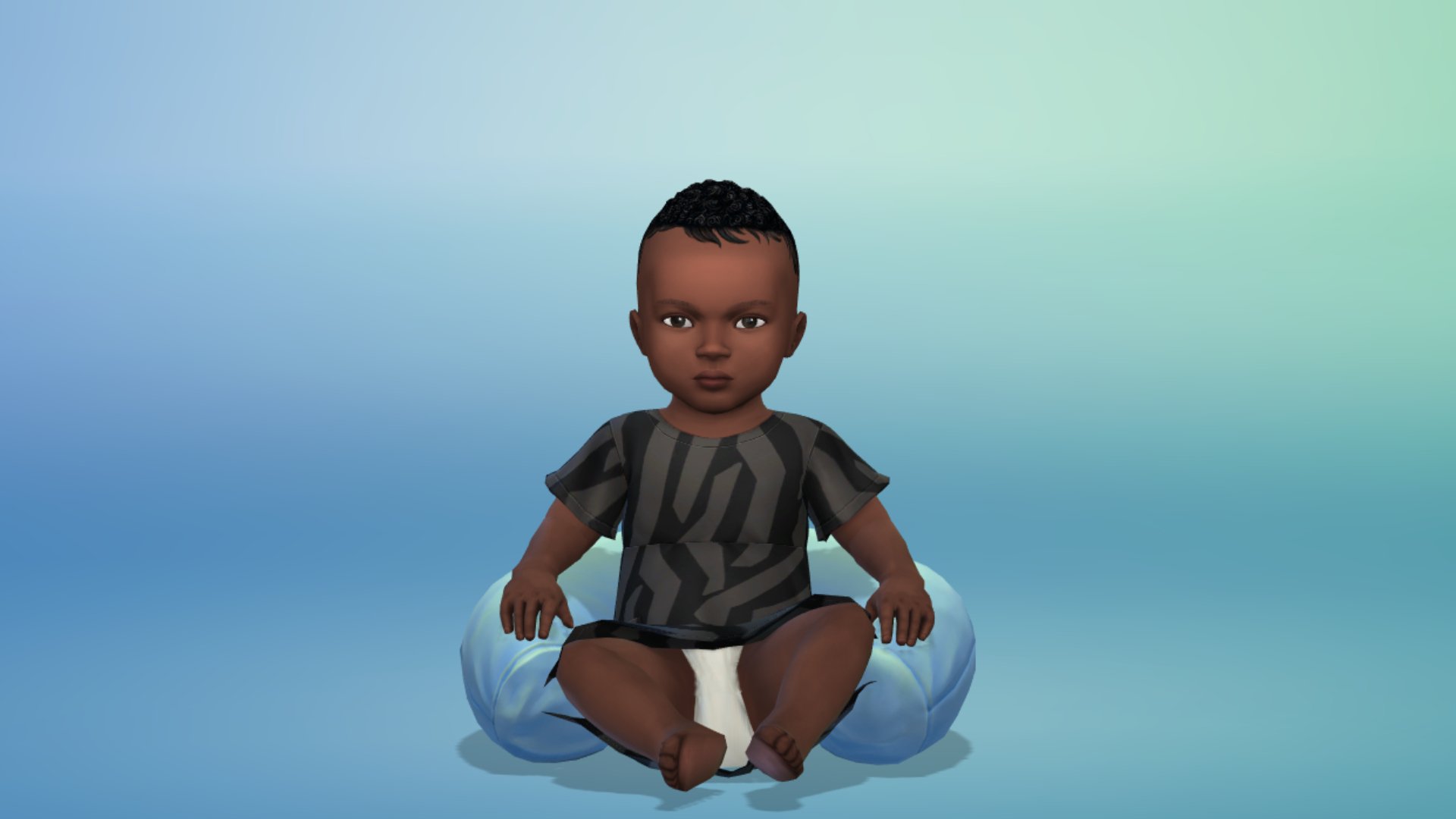
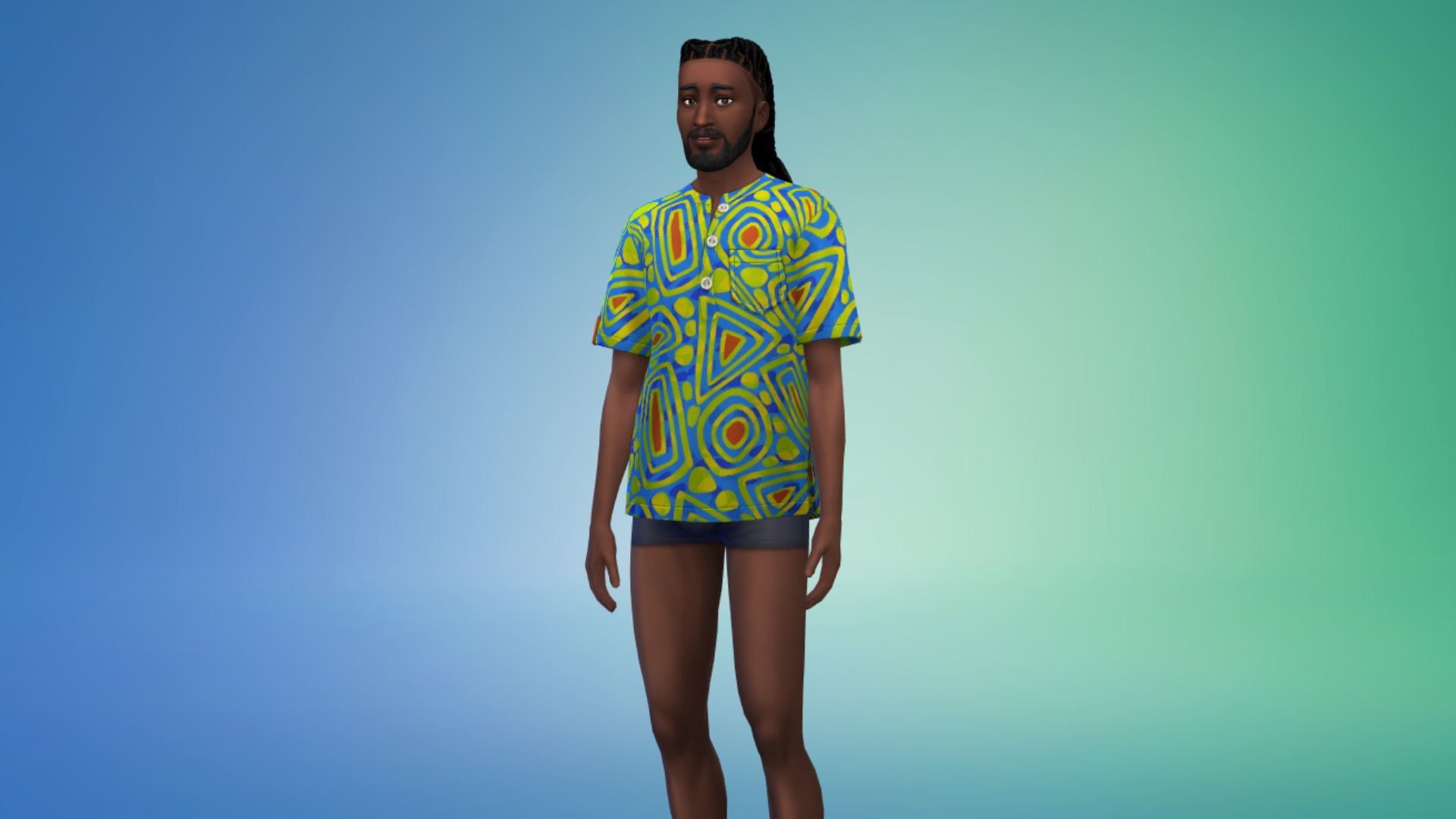
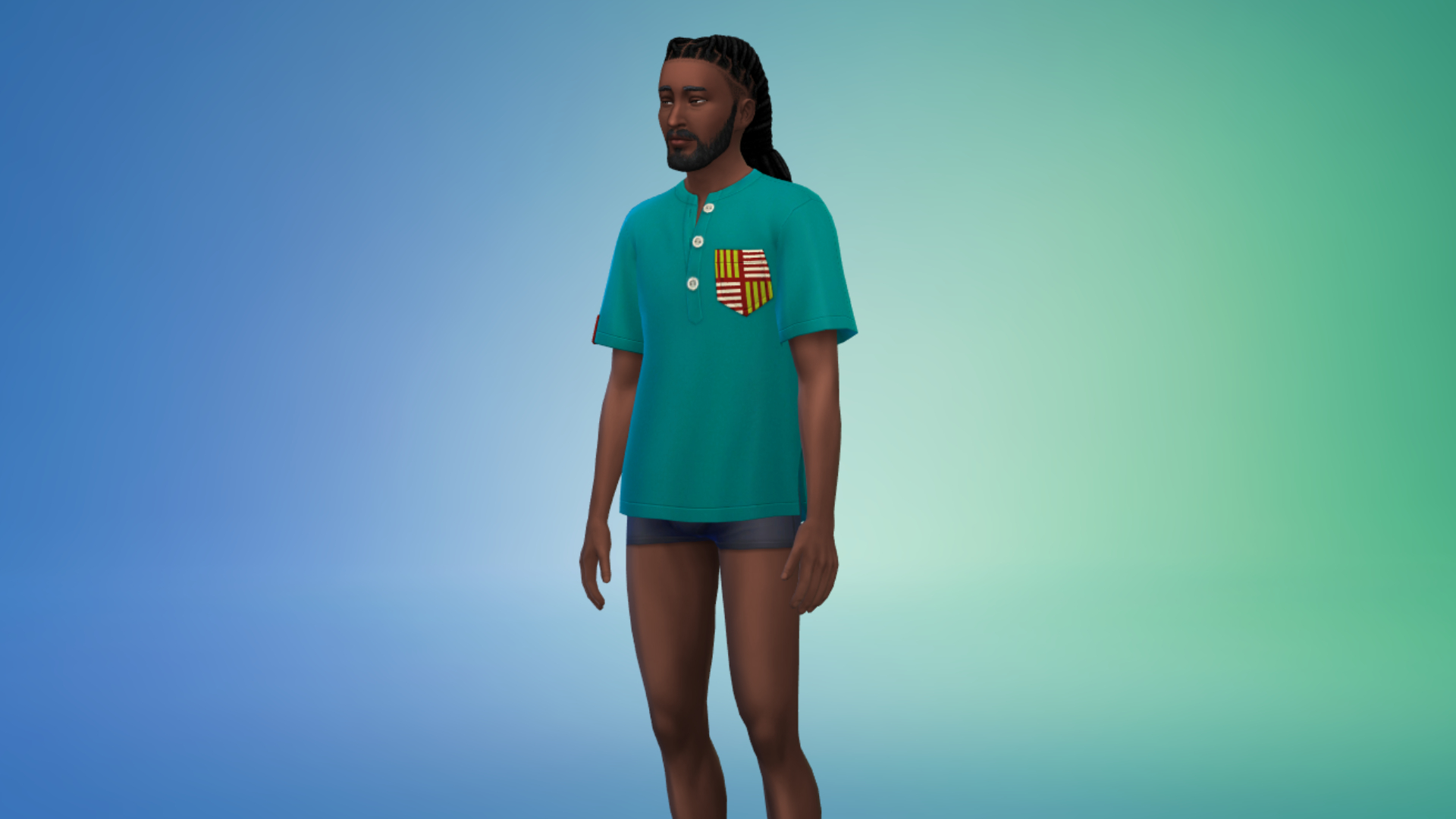
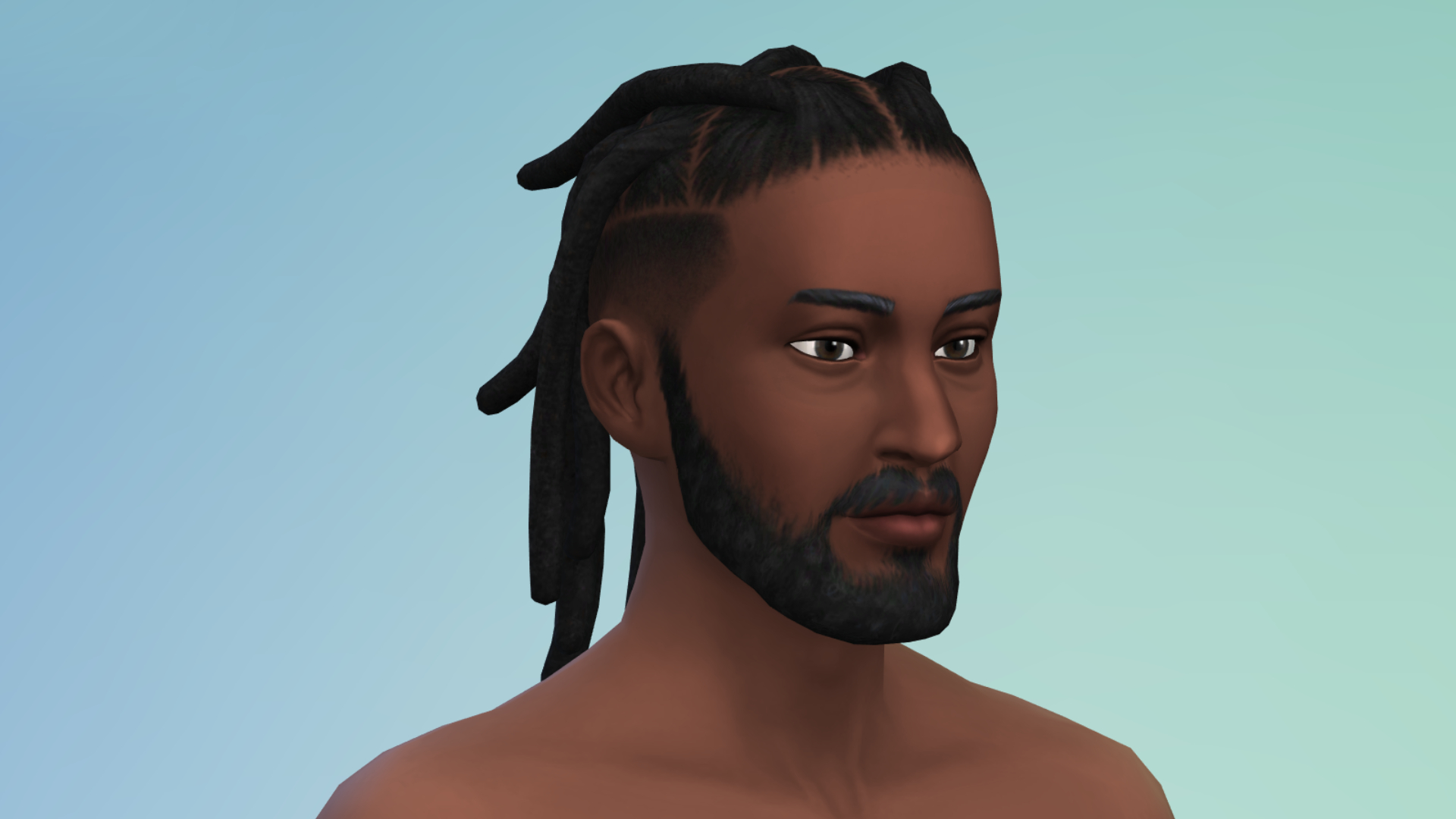
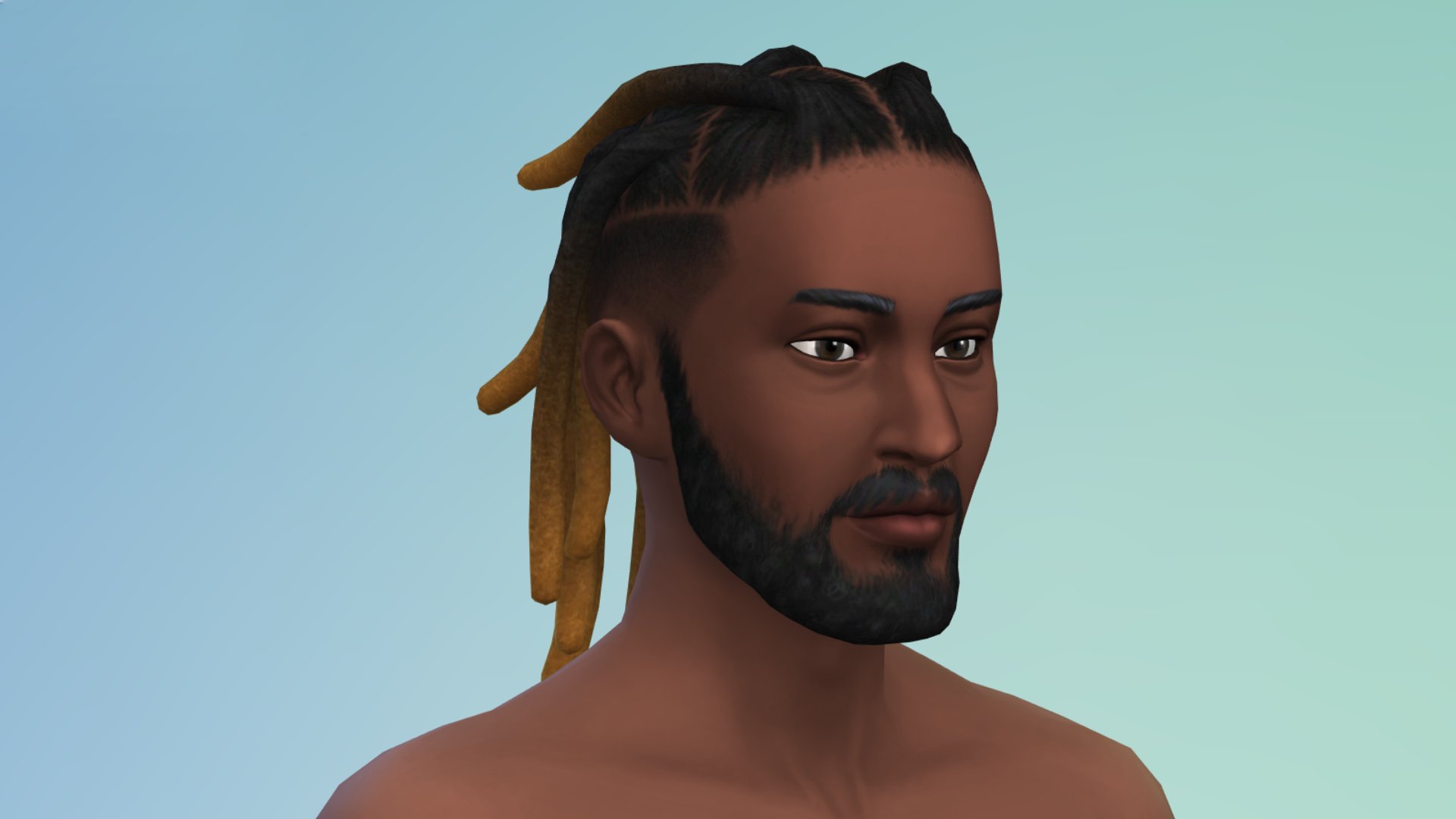
New West African-Inspired Items
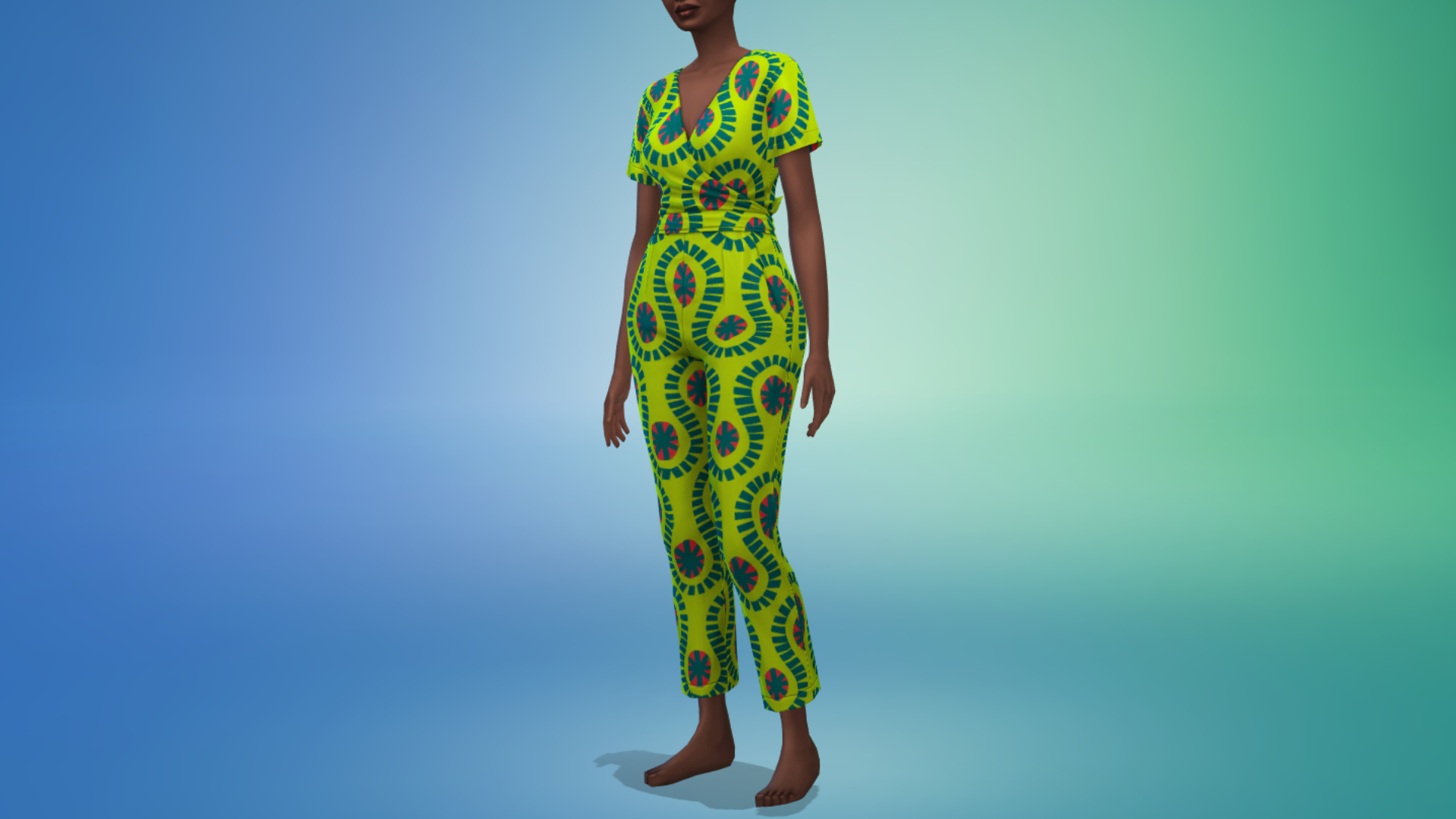
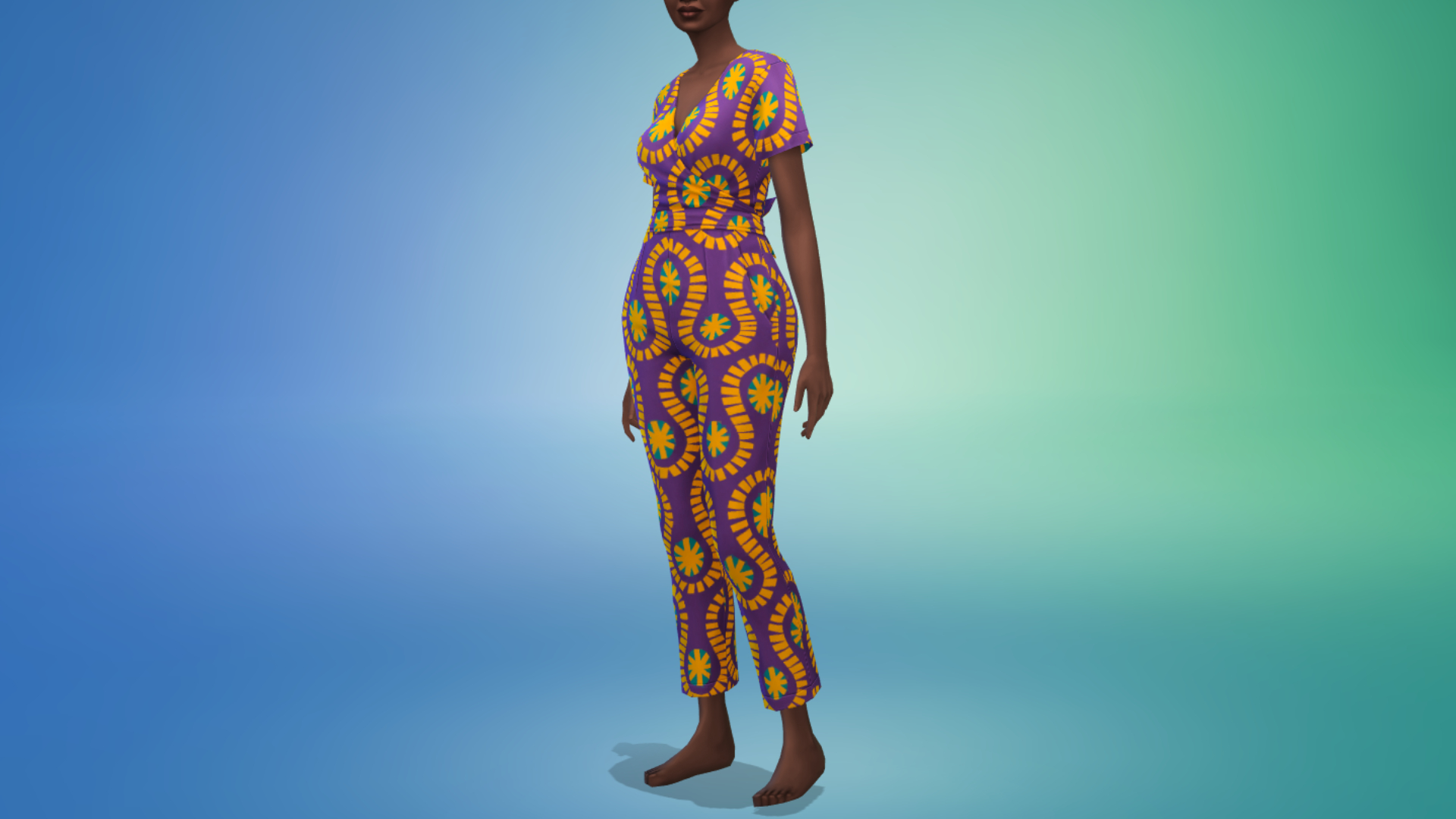
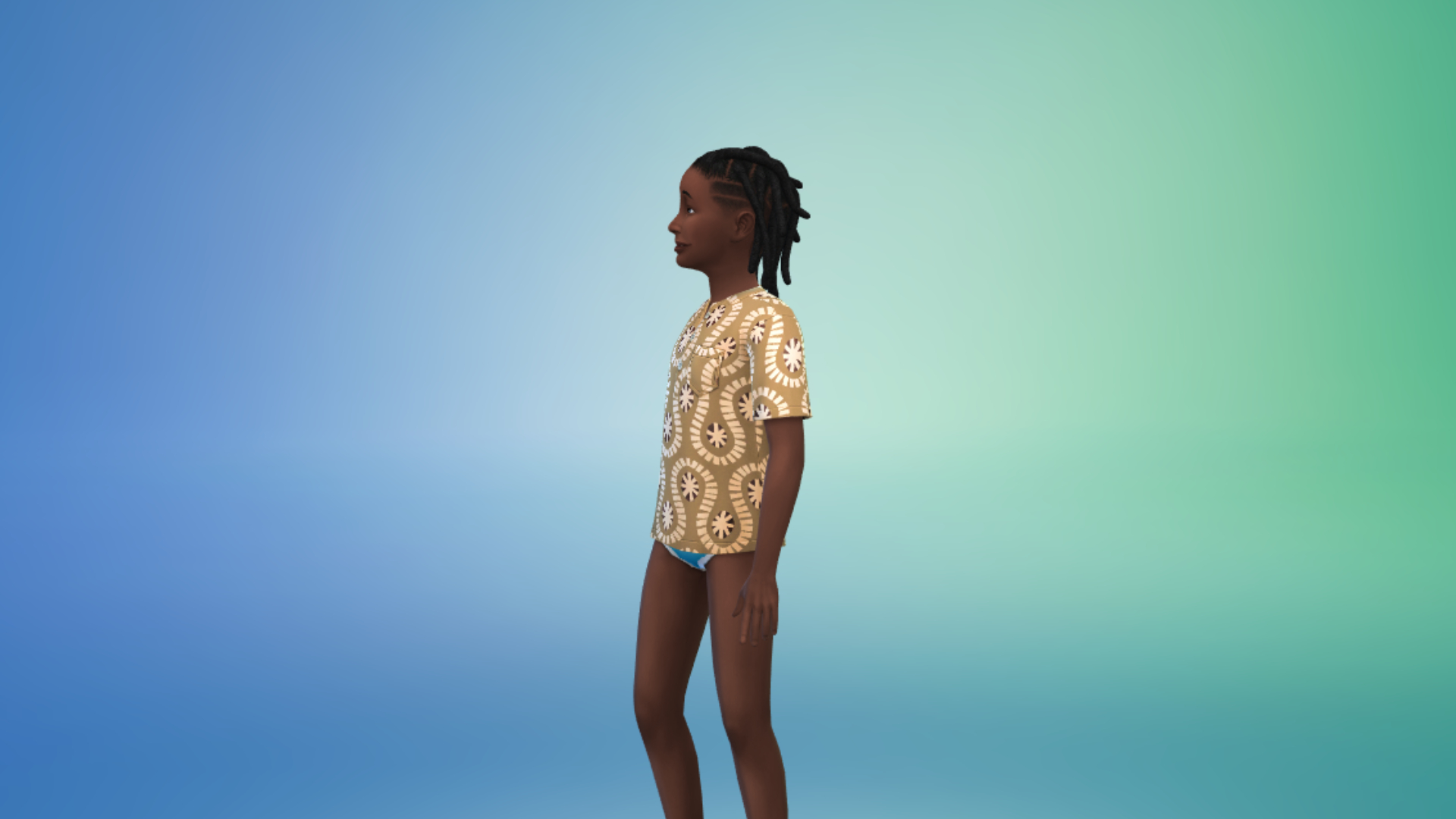
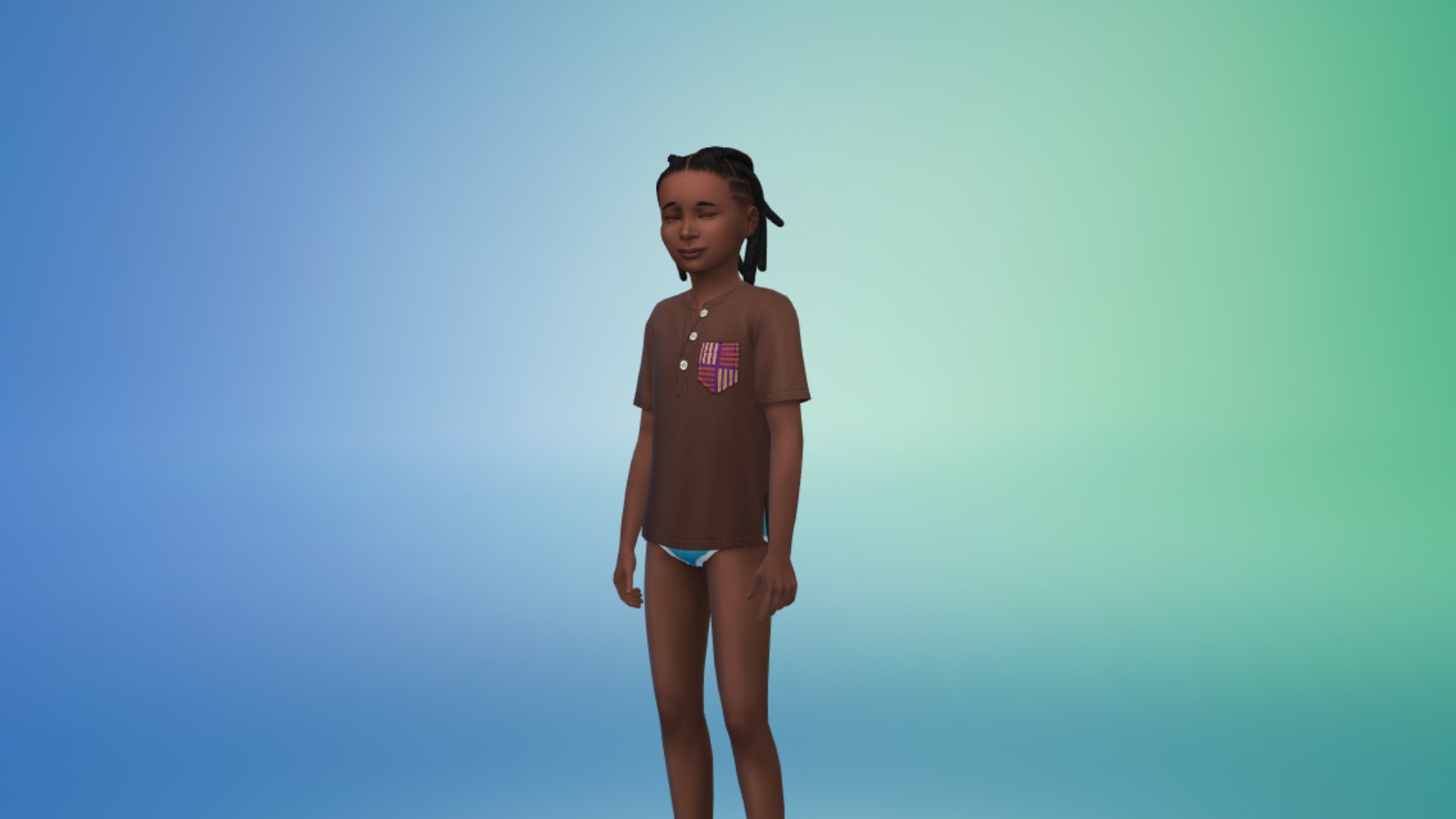
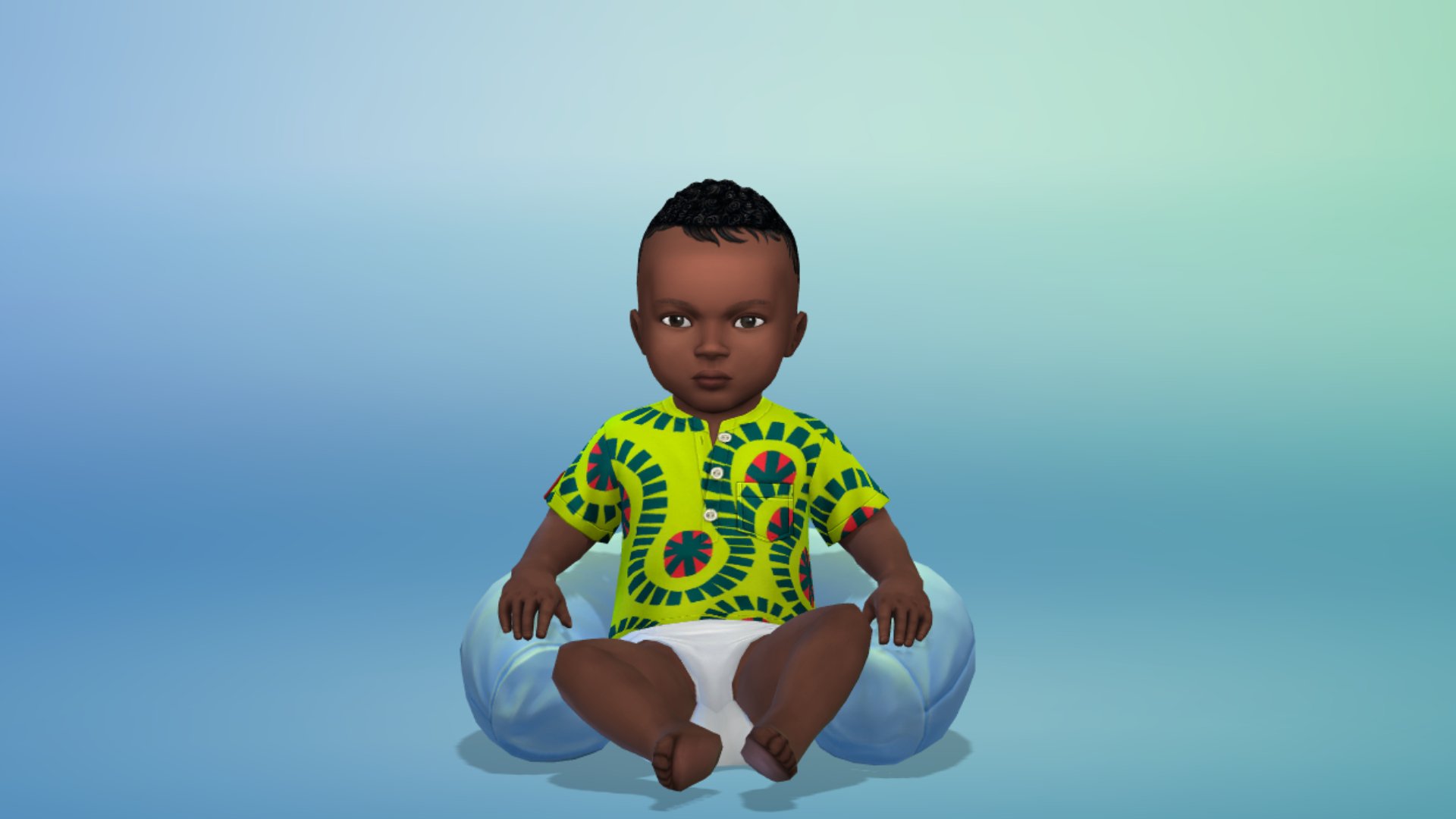
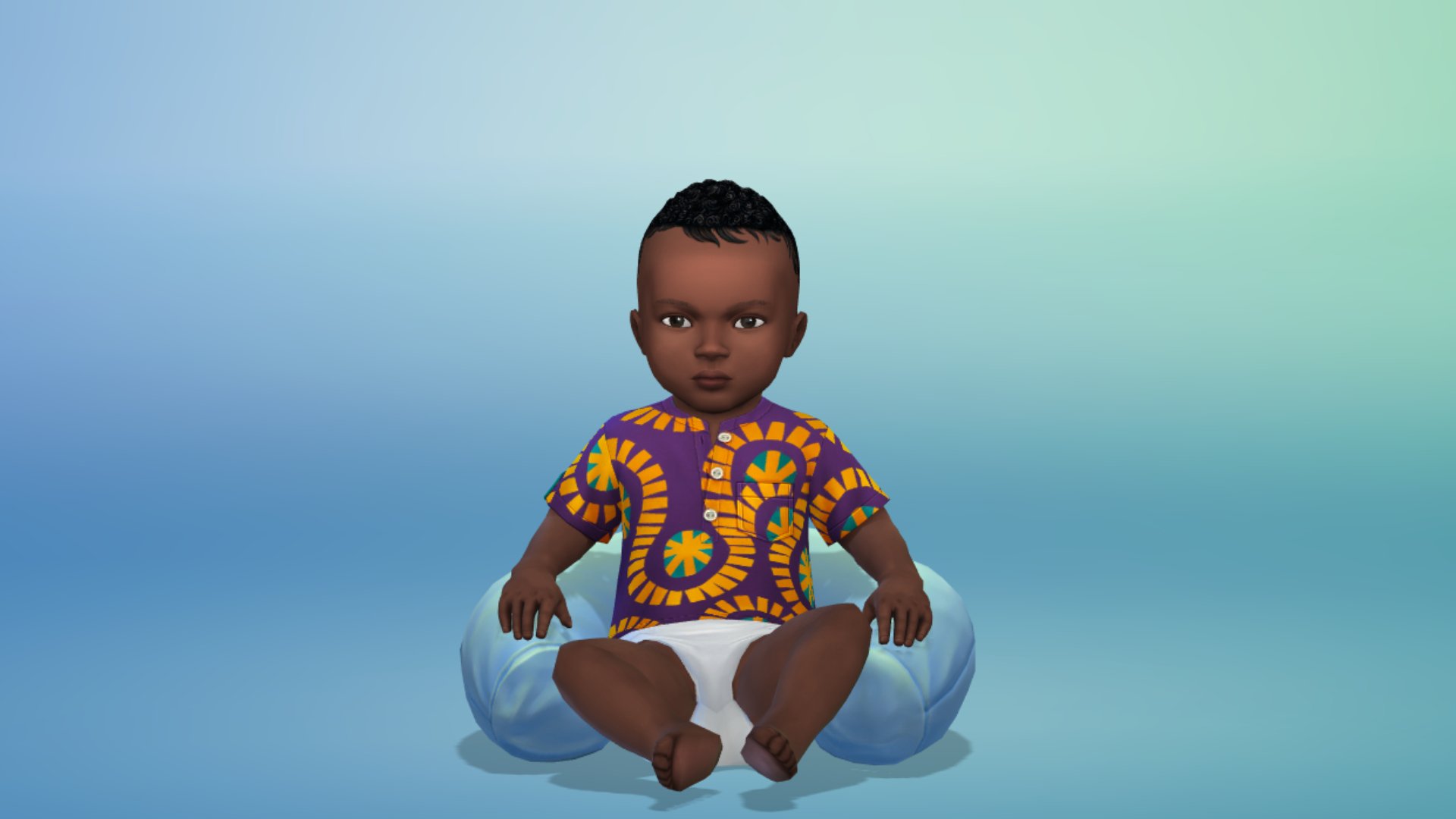
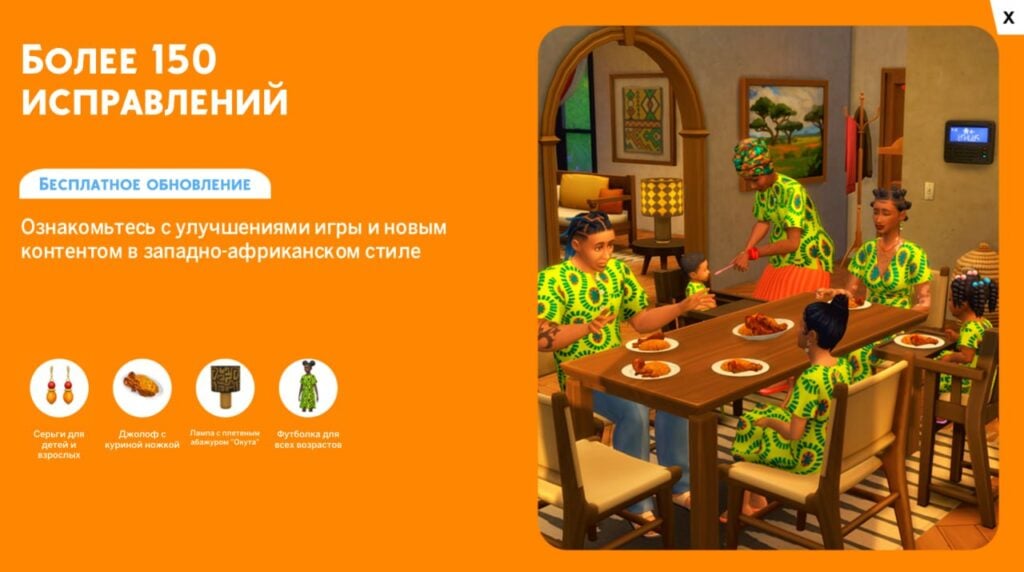
A major aspect of The Sims 4 November 4th update is the inclusion of multiple West African-inspired items. From Build/Buy to CAS, and even a new dish, there are plenty of new things added to the game. Made in collaboration with the Pan African Gaming Group (PAGG) and several creators from the African diaspora, this is something fans have been clamouring for for years. The blog post notes that this is not the end, and that more will come! Check out all the items below!
Ballet Dress – Discord 100k Challenge Winner
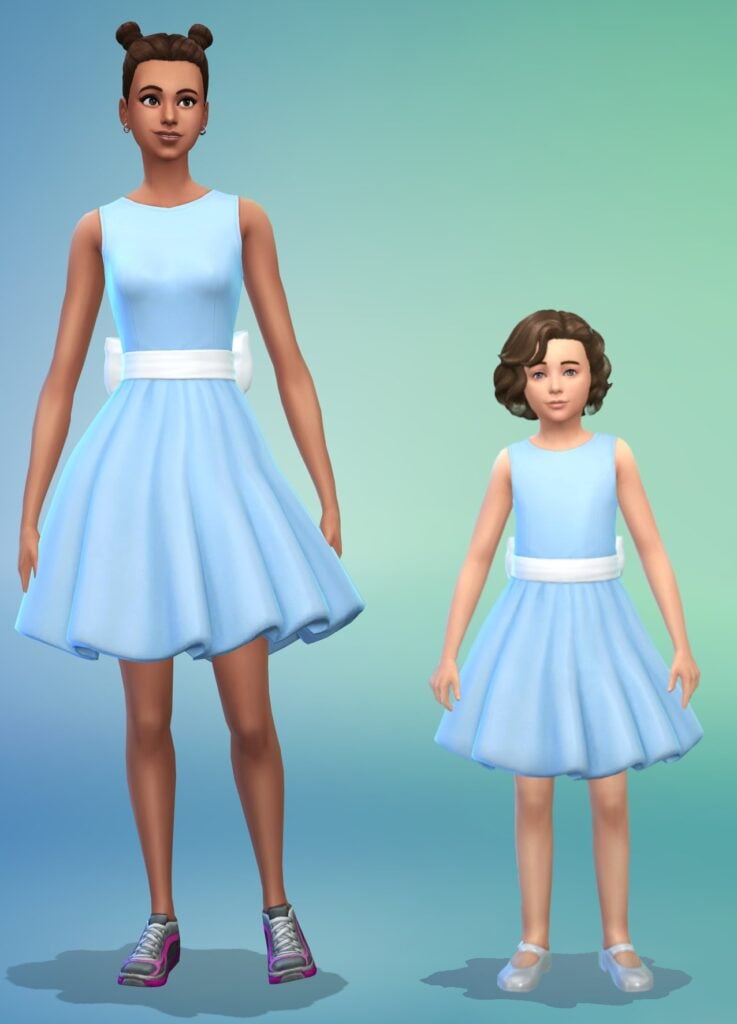
The Beaverbrooke Ballet Dress was created by community member Sara over on Discord as part of The Sims Discord 100k members competition. It is available for Children and older!
New Greenhouse Haven Walls
The latest patch was supposed to add new Glass Walls from the Greenhouse Haven Kit to match the Glass Roofs, along with the Life & Death Glass Roofs. As reported on EA Forums, only the Greenhouse Haven Kit has been added as opposed to two Glass Walls being promised in the Patch Notes. You can upvote the issue here.
Celebrate West African Design
As previously mentioned, a number of Build/Buy and CAS items inspired by West Africa were included in today’s update. Alongside the new items, there is a tasty new recipe. Check out all there is to see below!
Create-A-Sim
Check out all the new Create-A-Sim items below:
Adult Full Body
Kids Full Body
Toddler Full Body
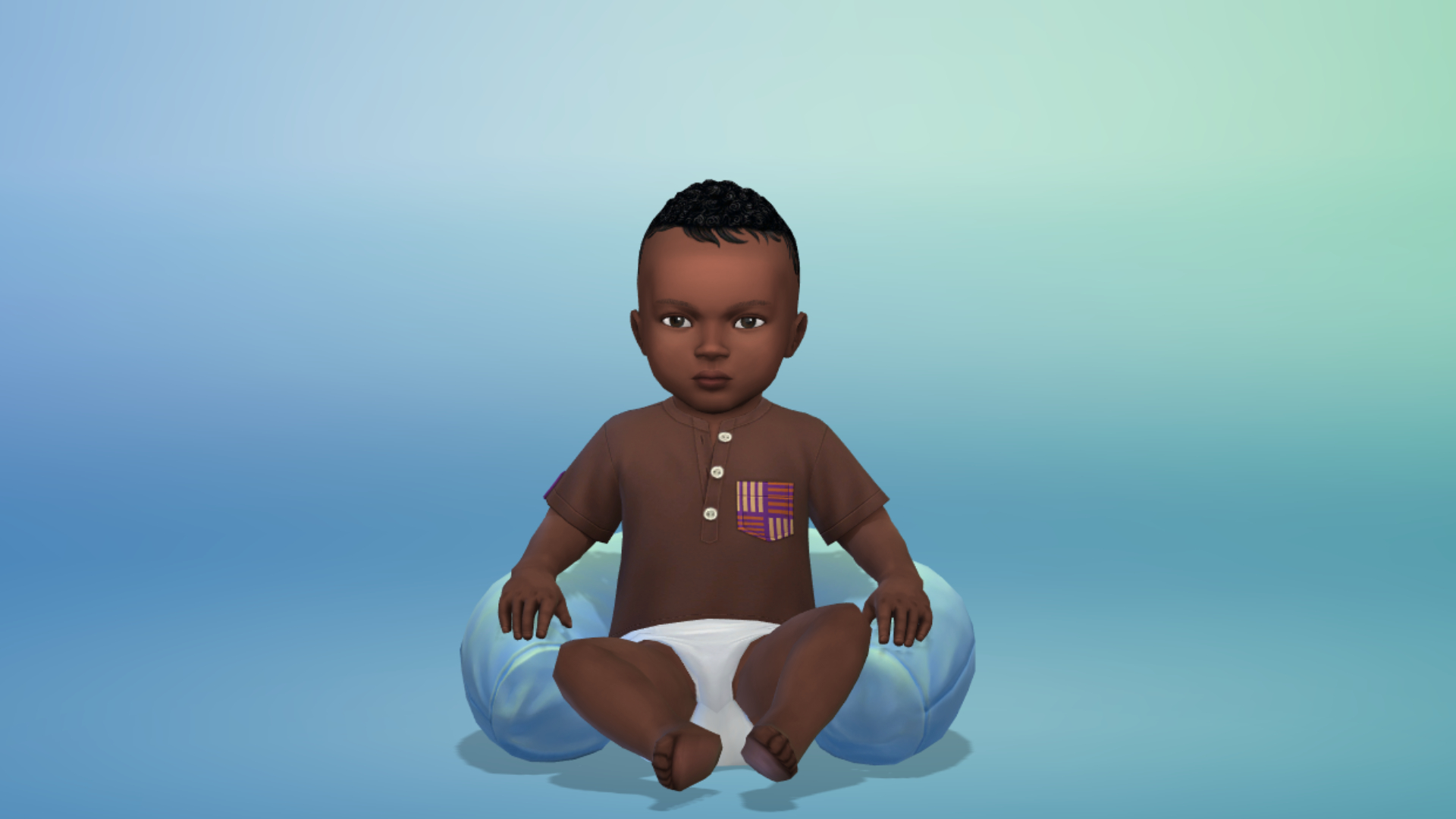
Infant Full Body
Adult Shirt
Kids Shirt
Toddler Shirt
Infant Shirt
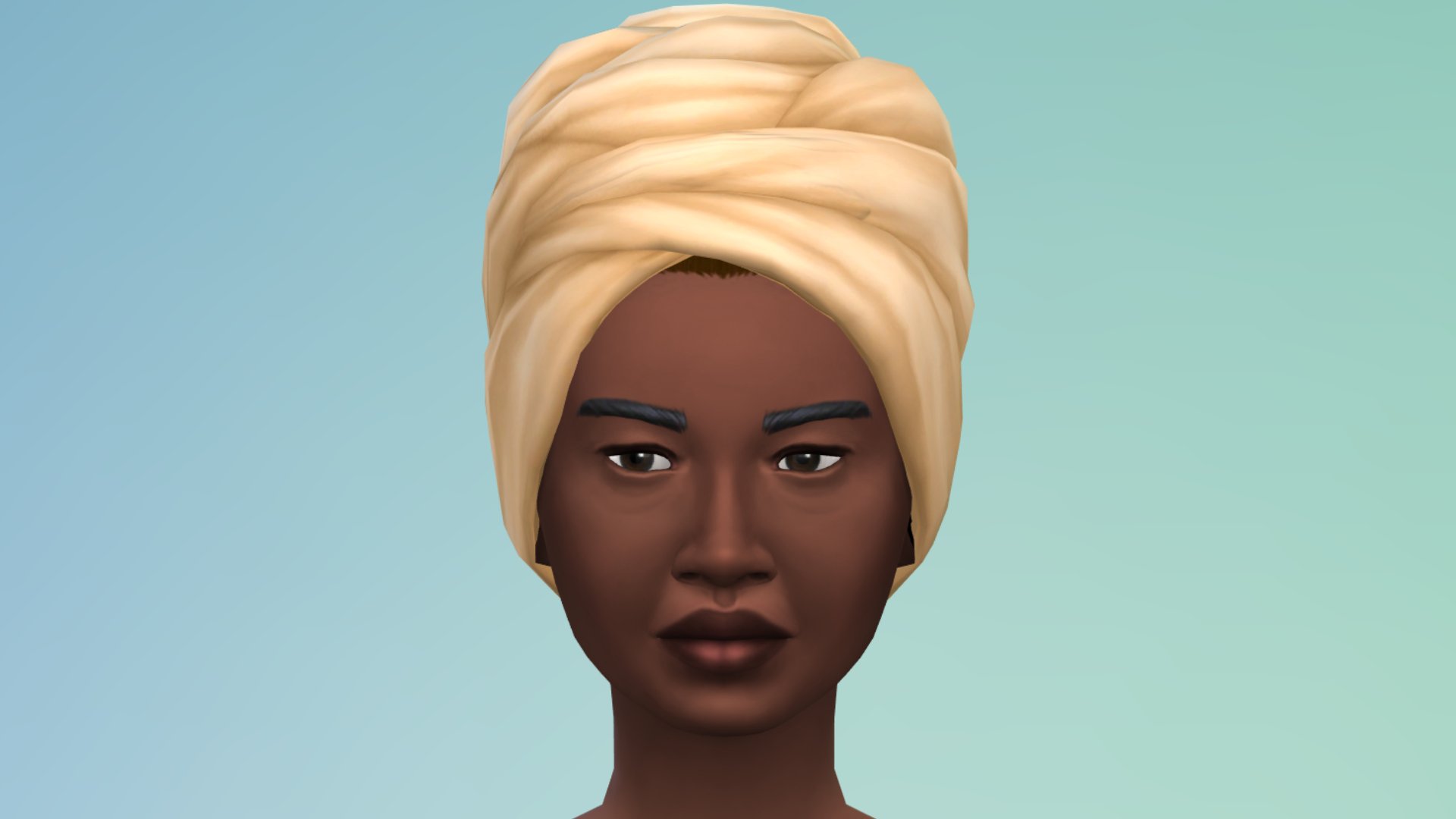
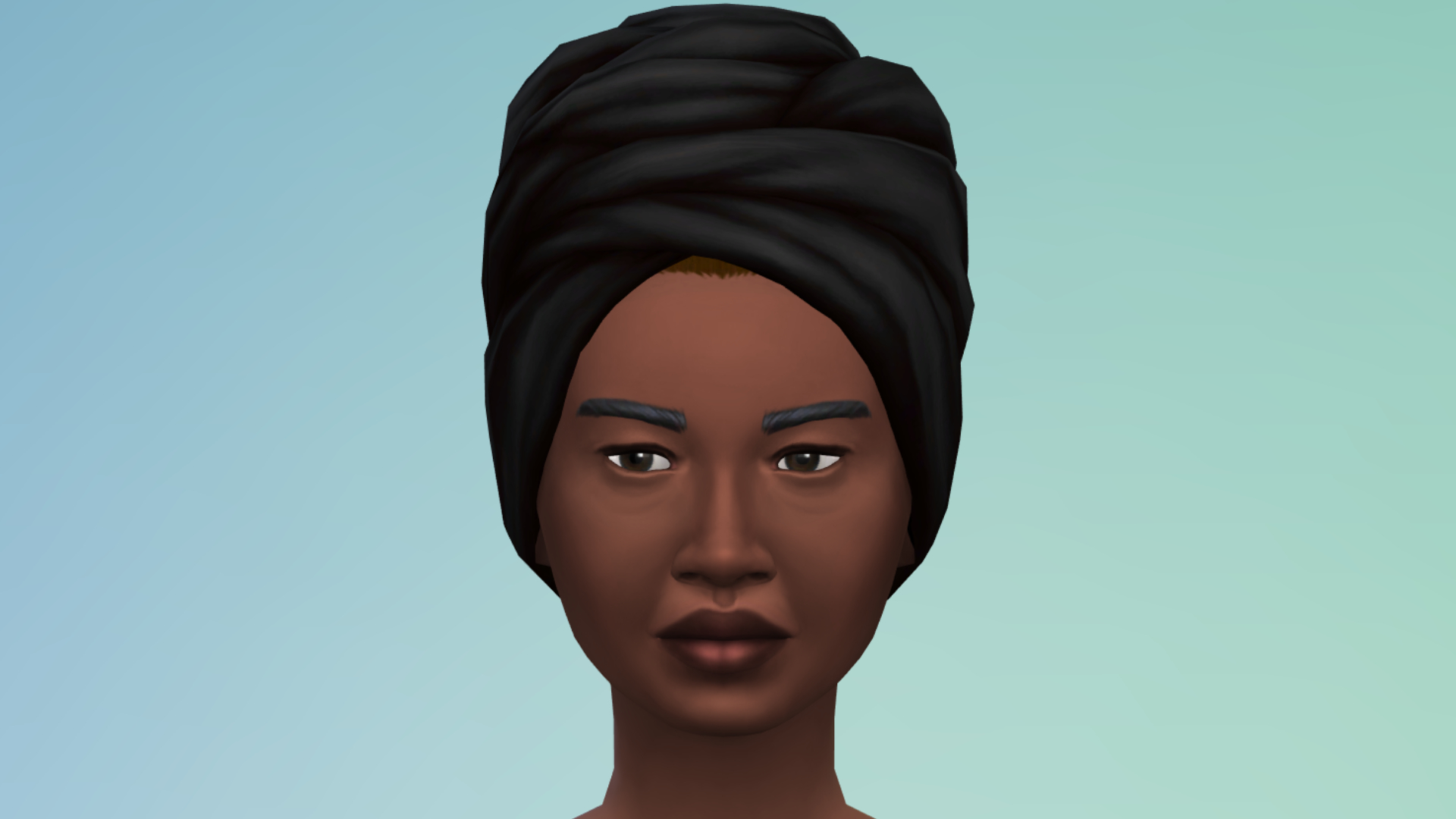
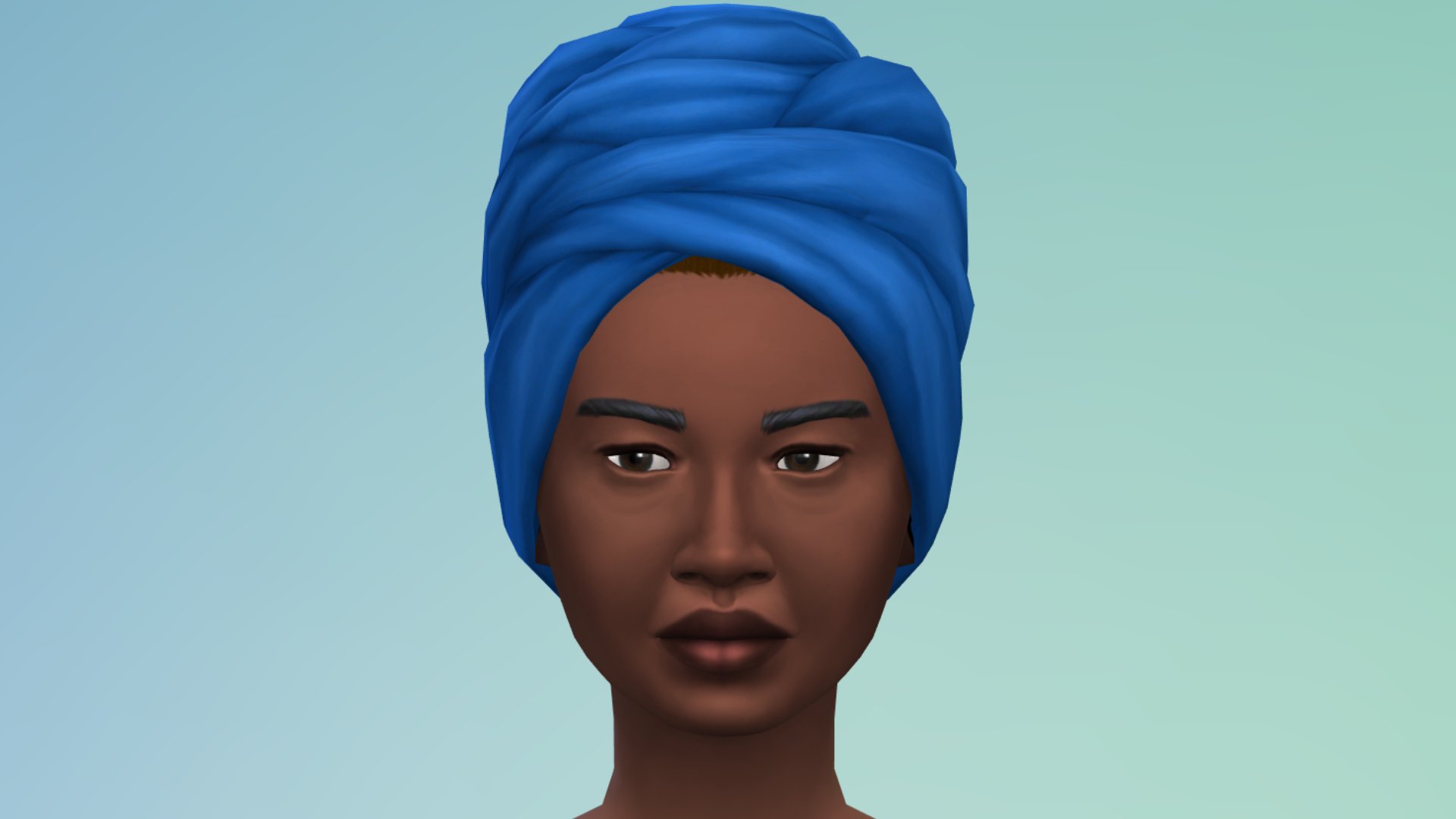
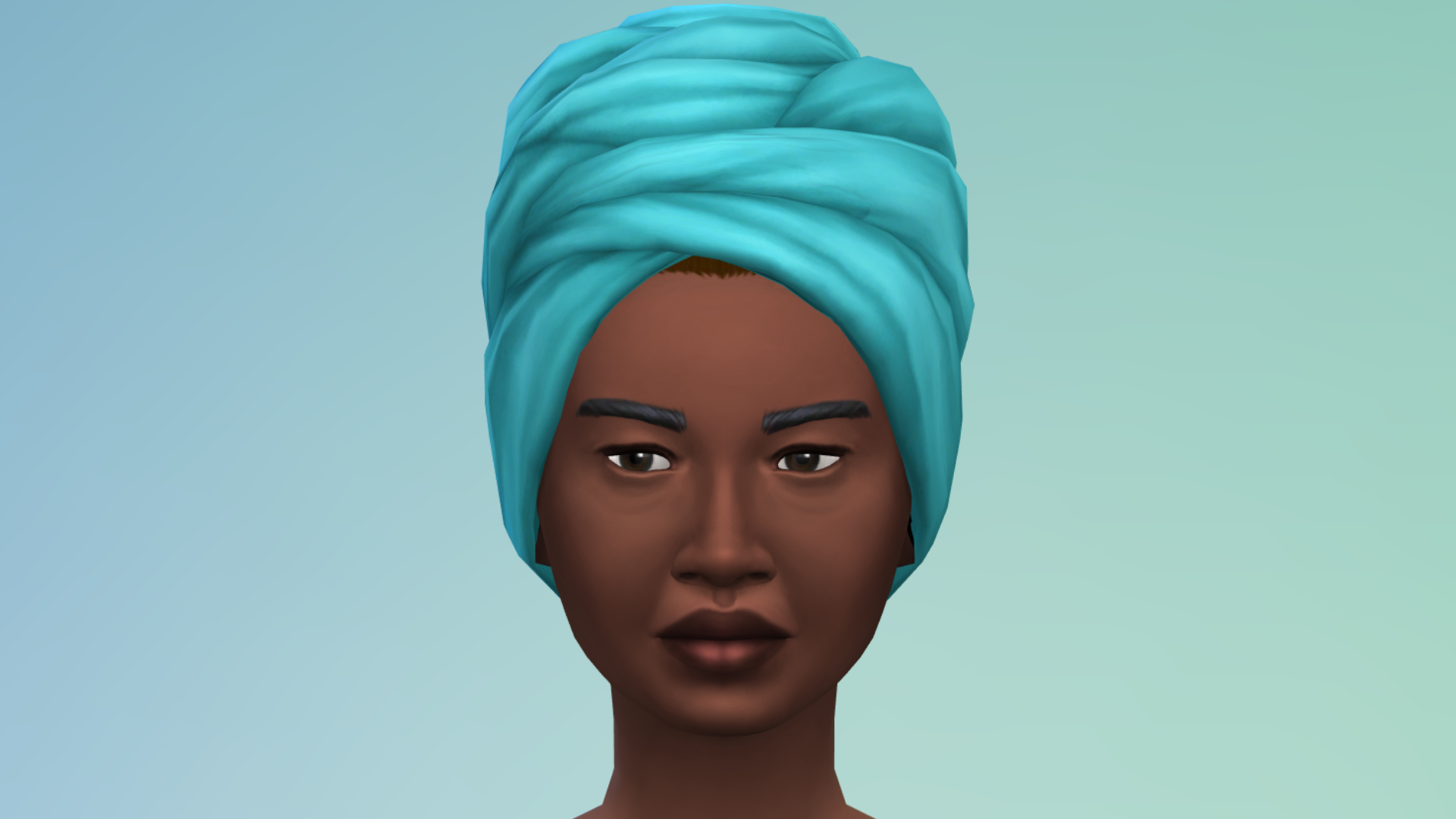
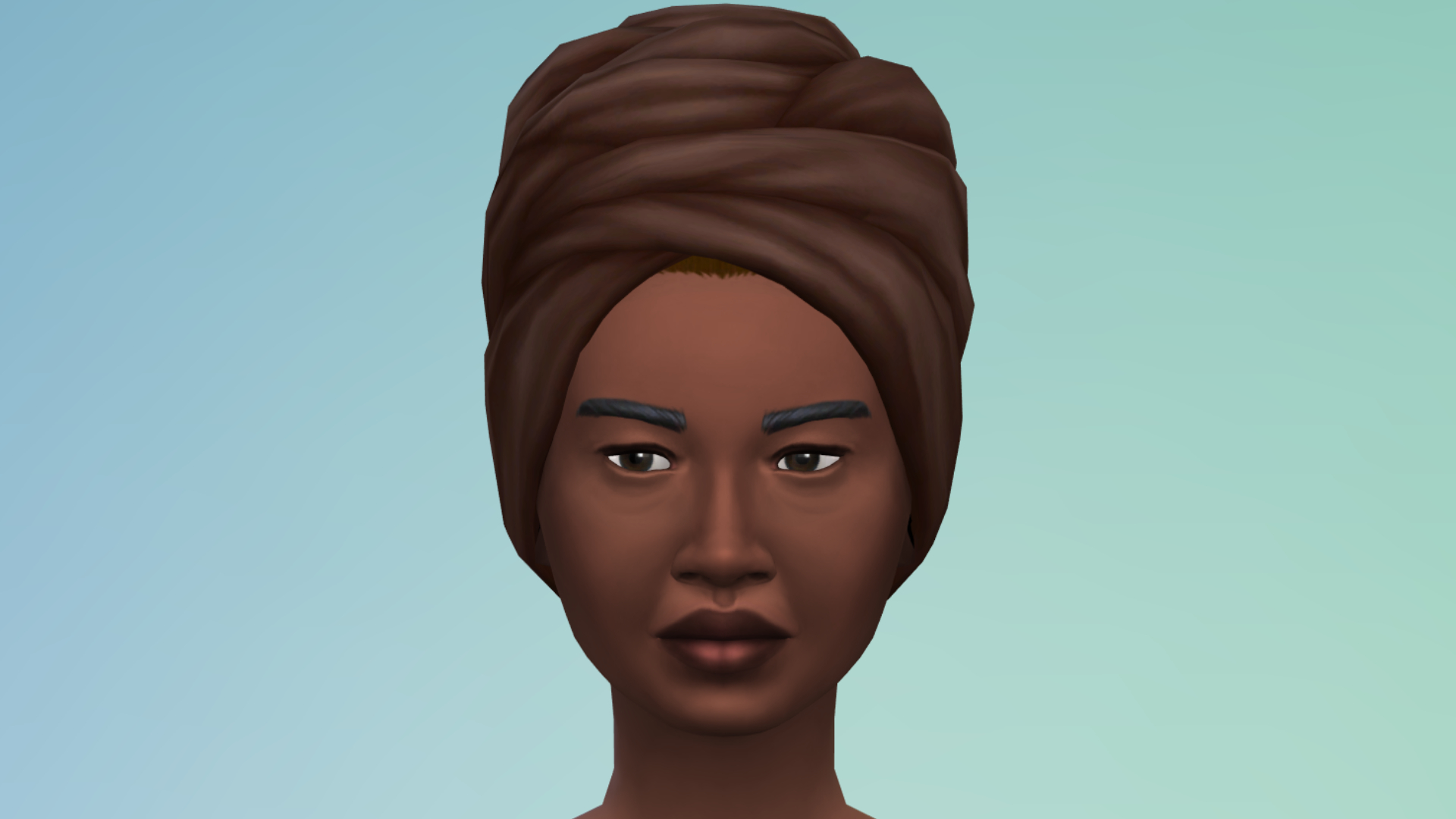
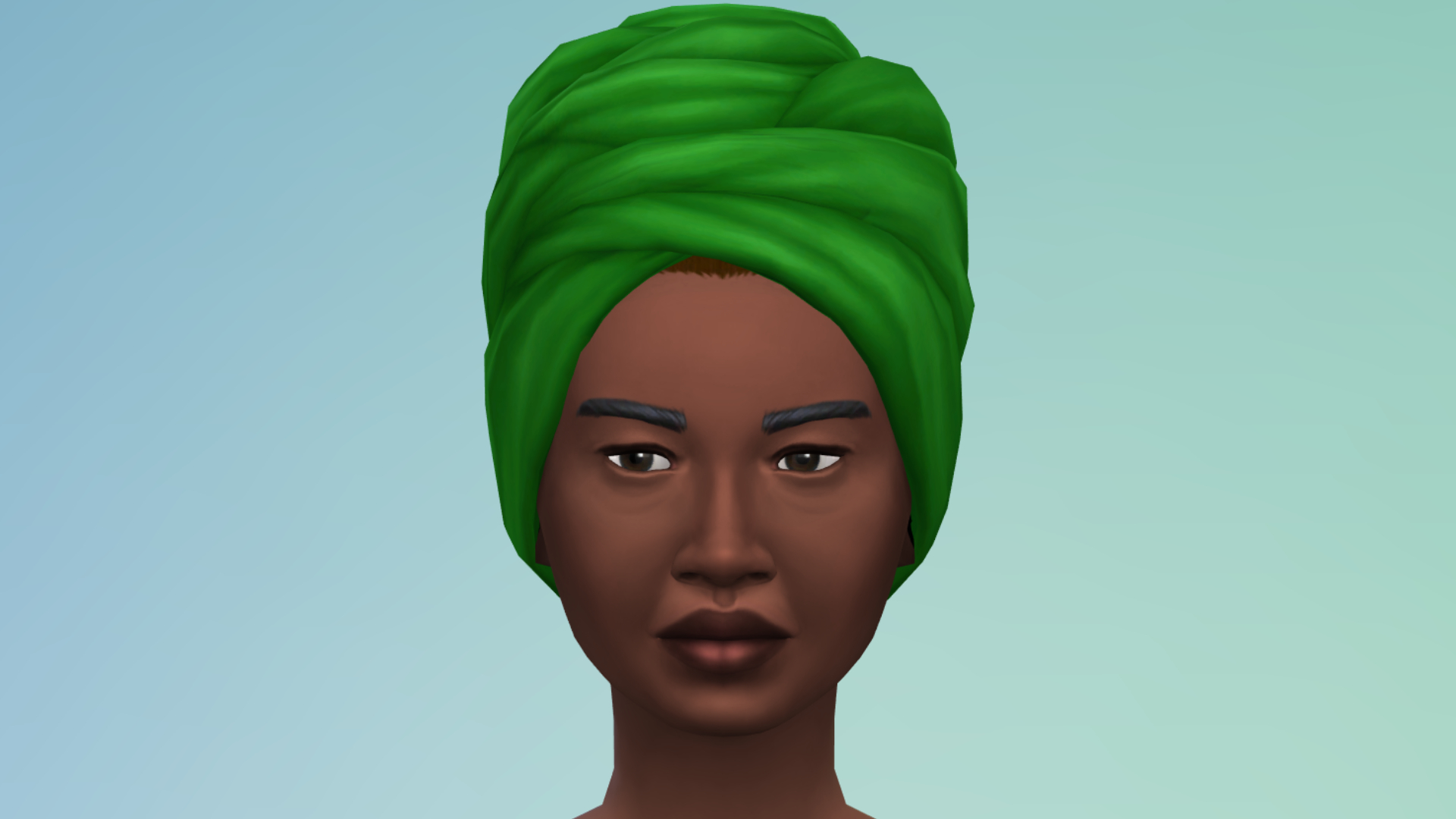
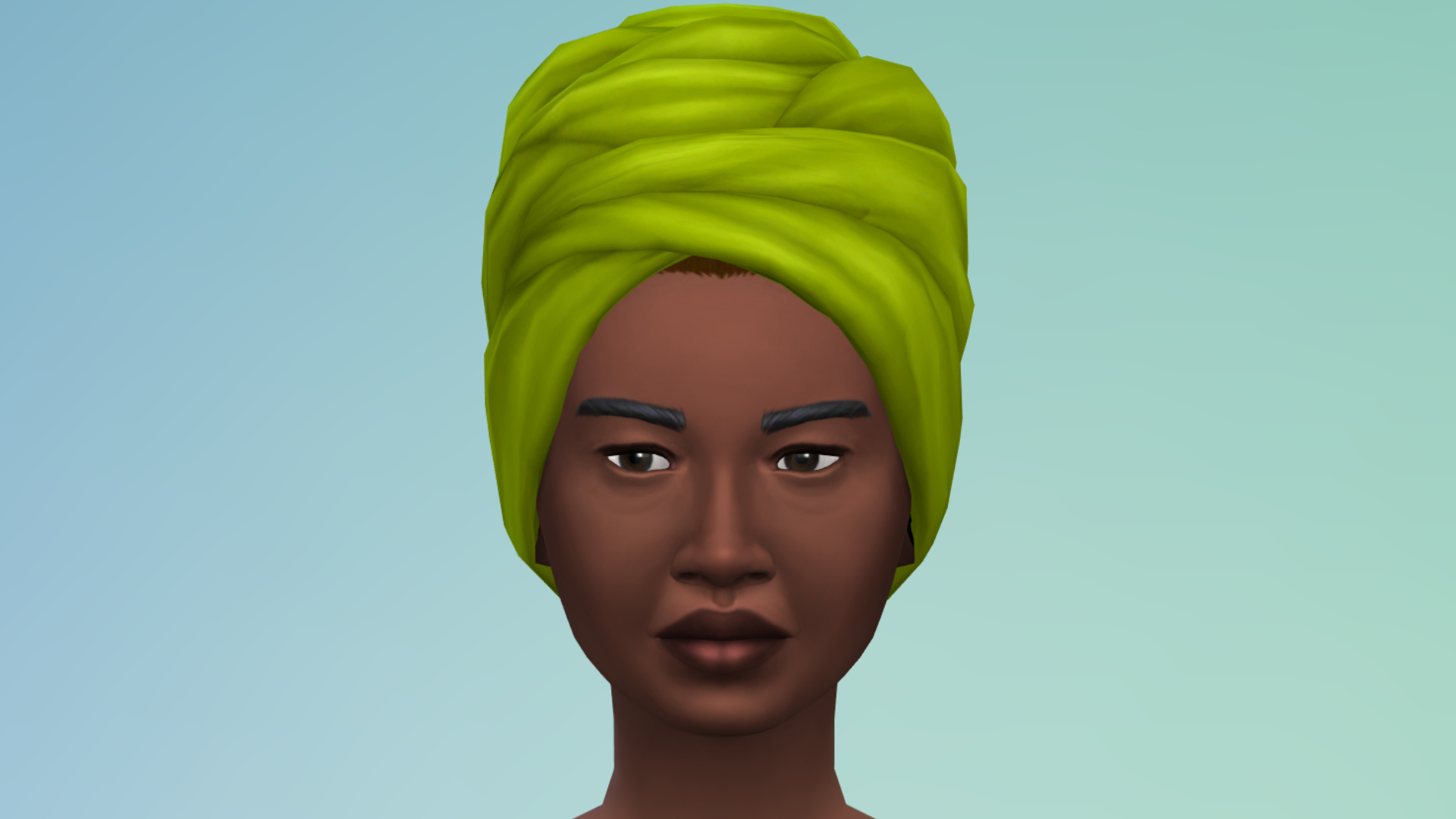
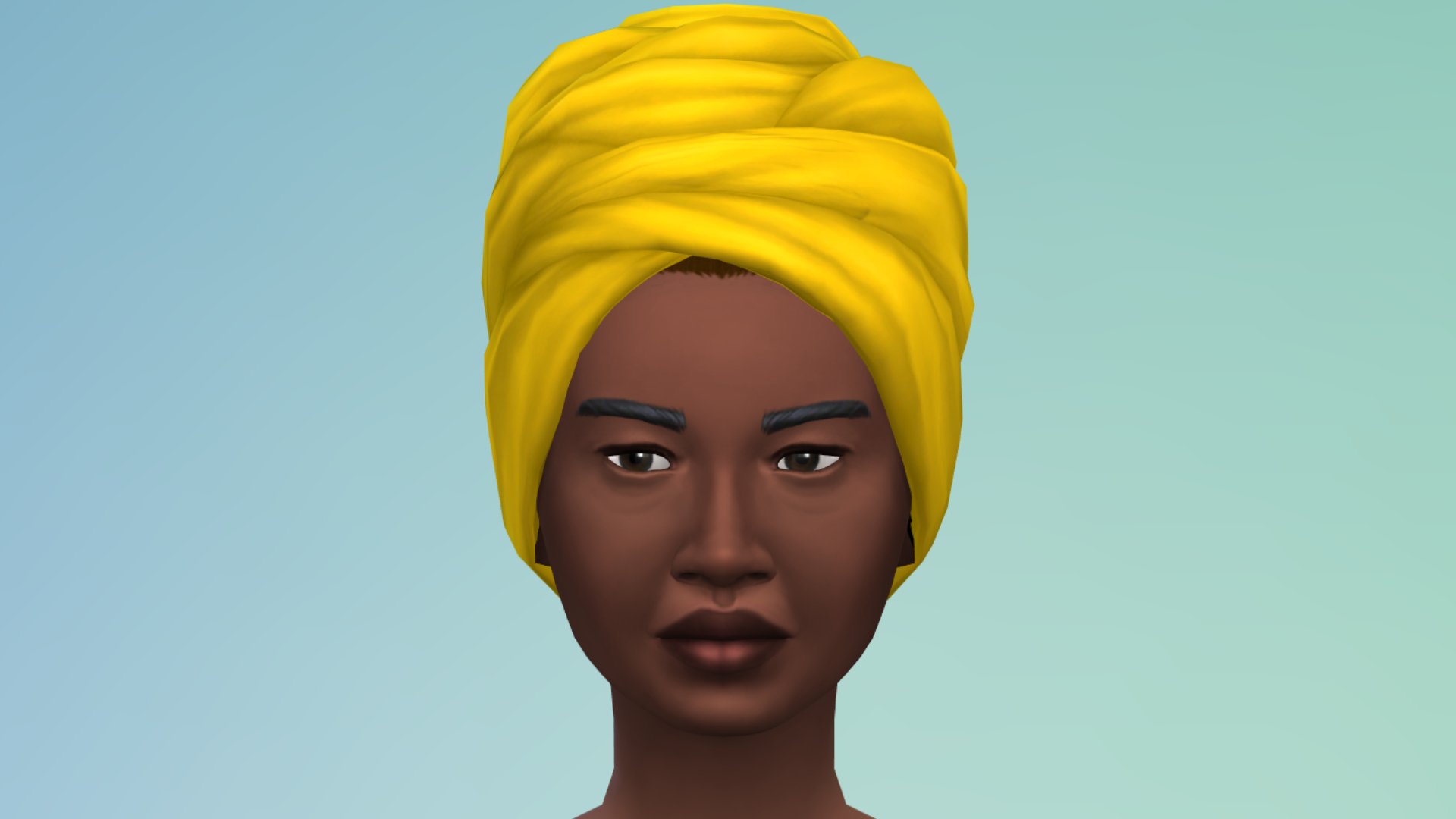
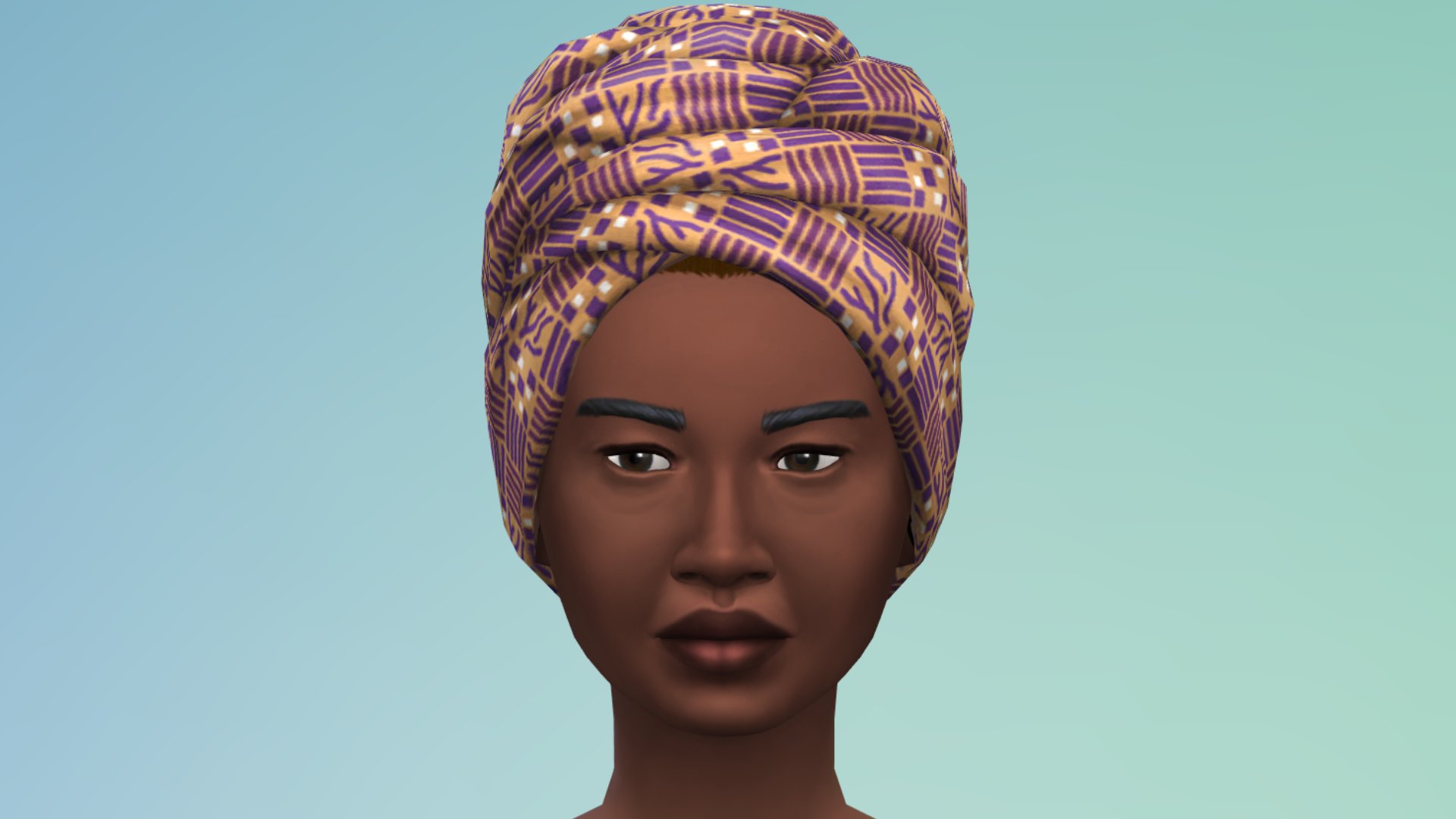
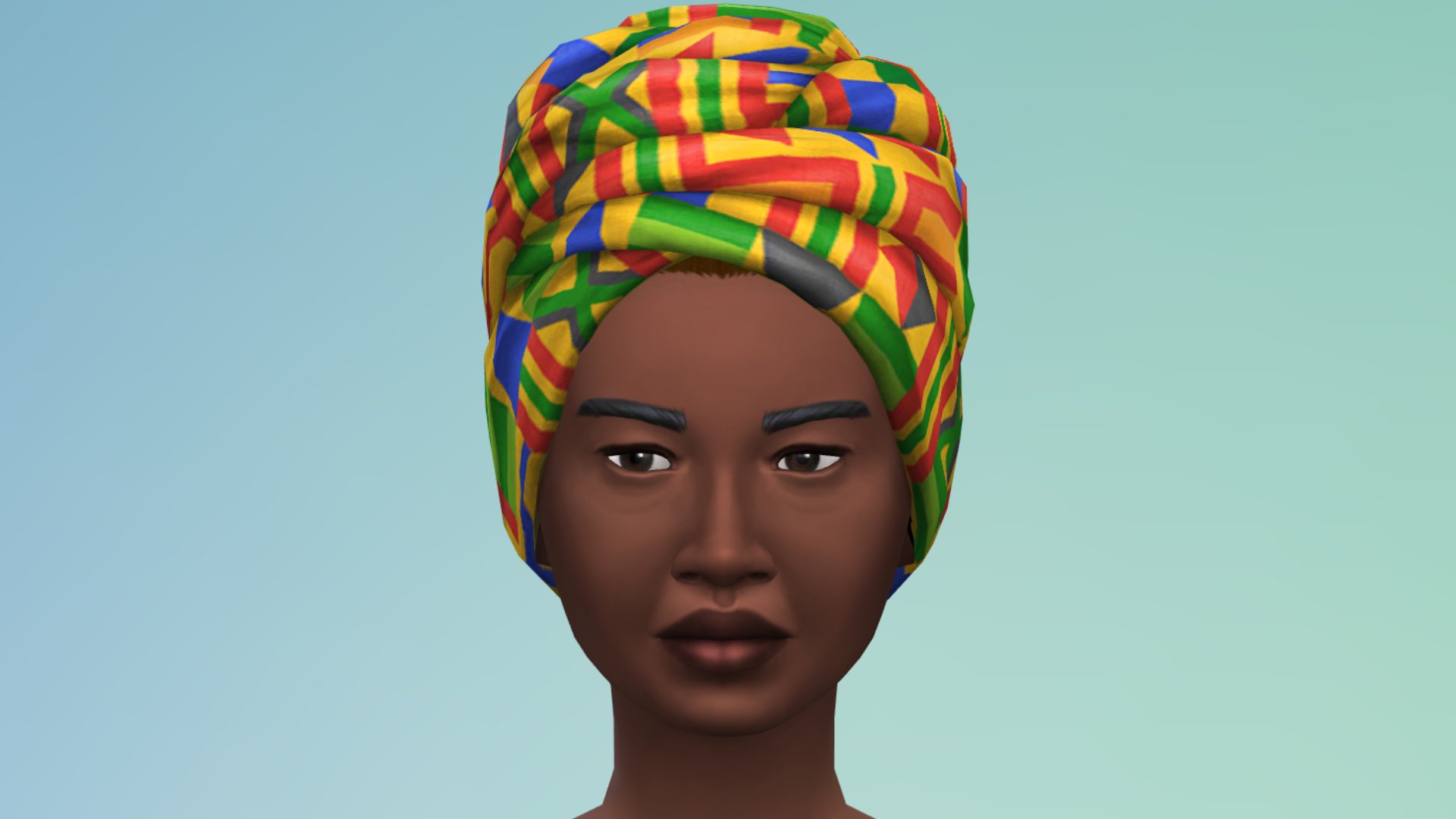
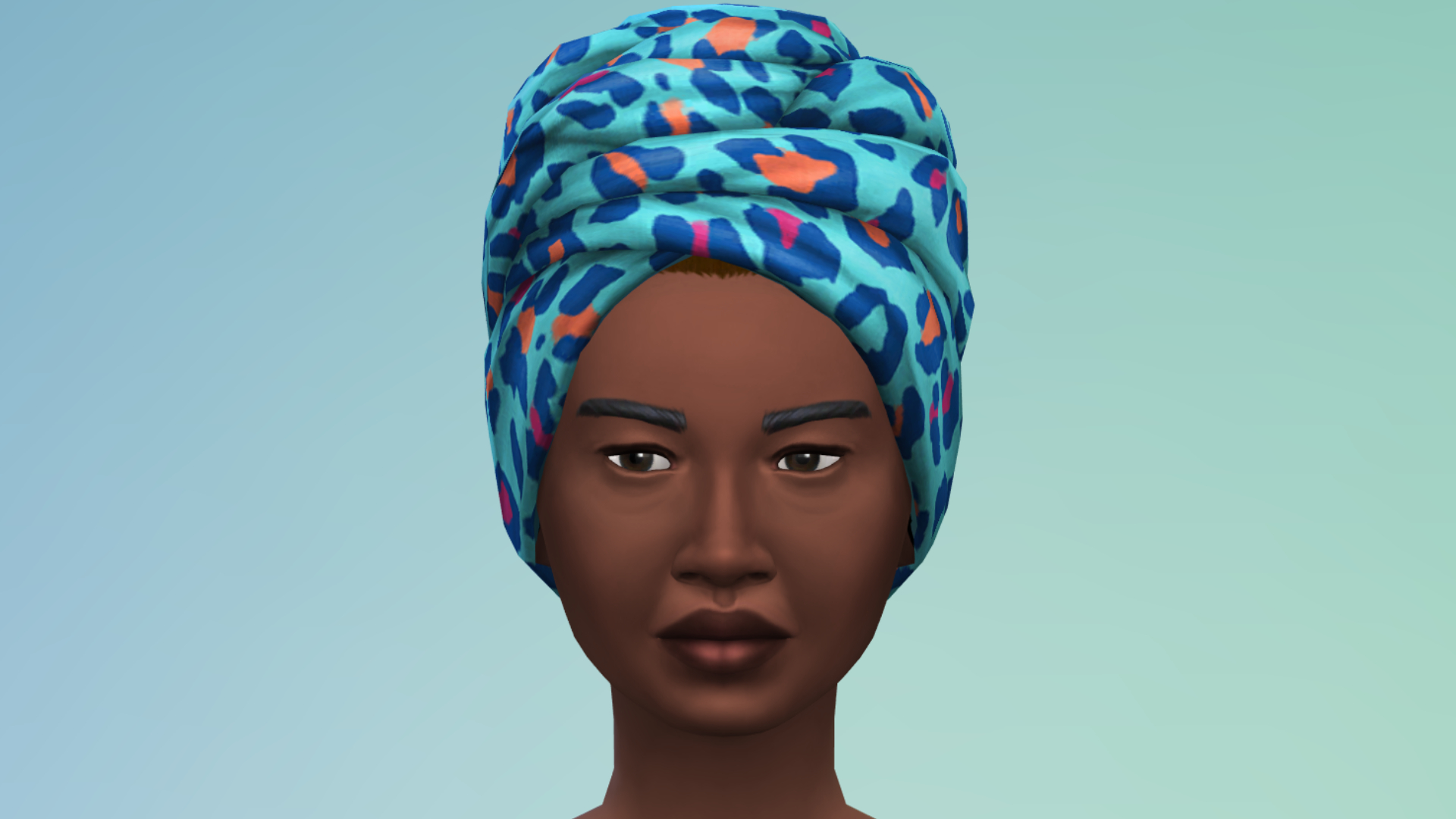
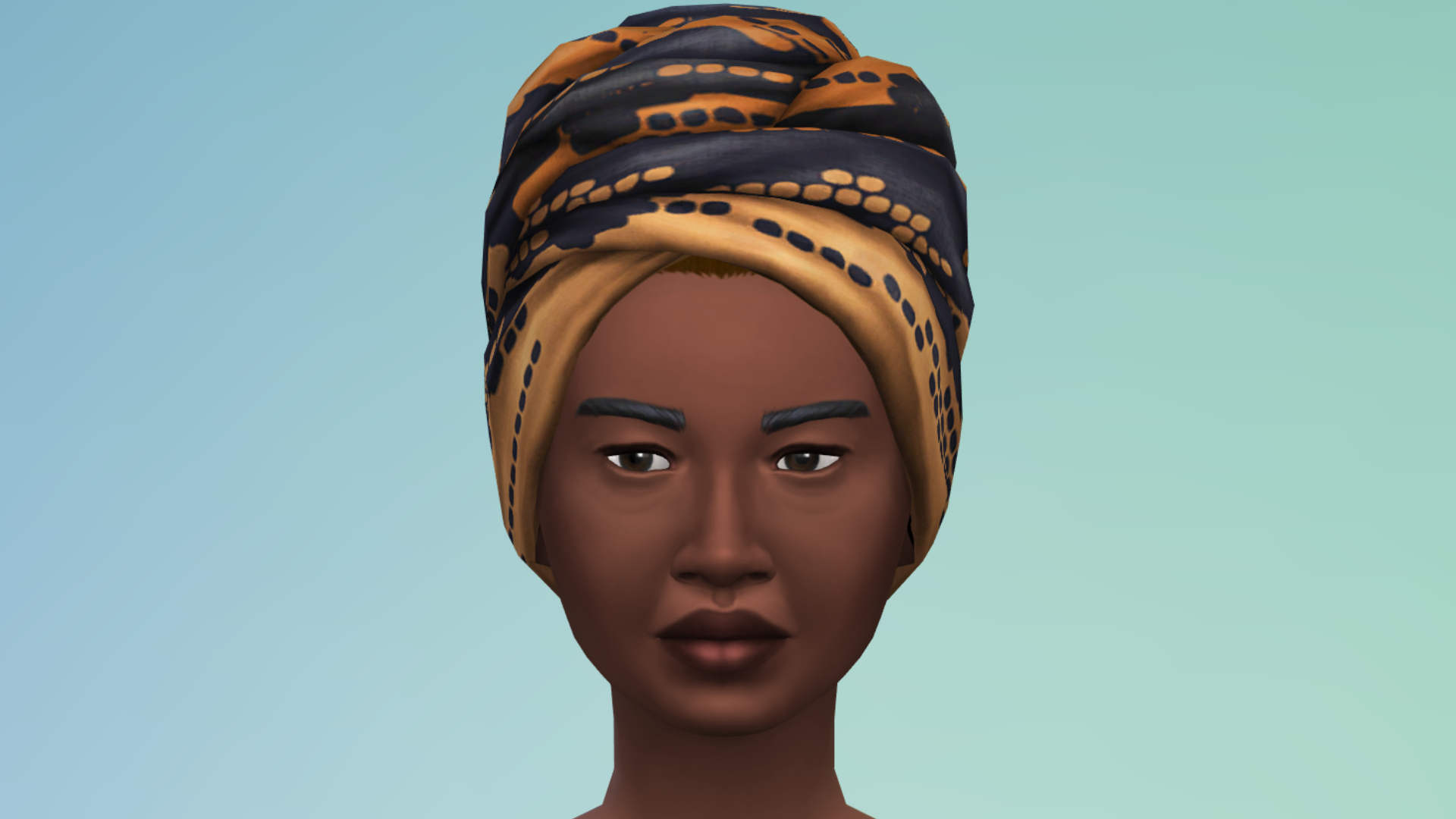
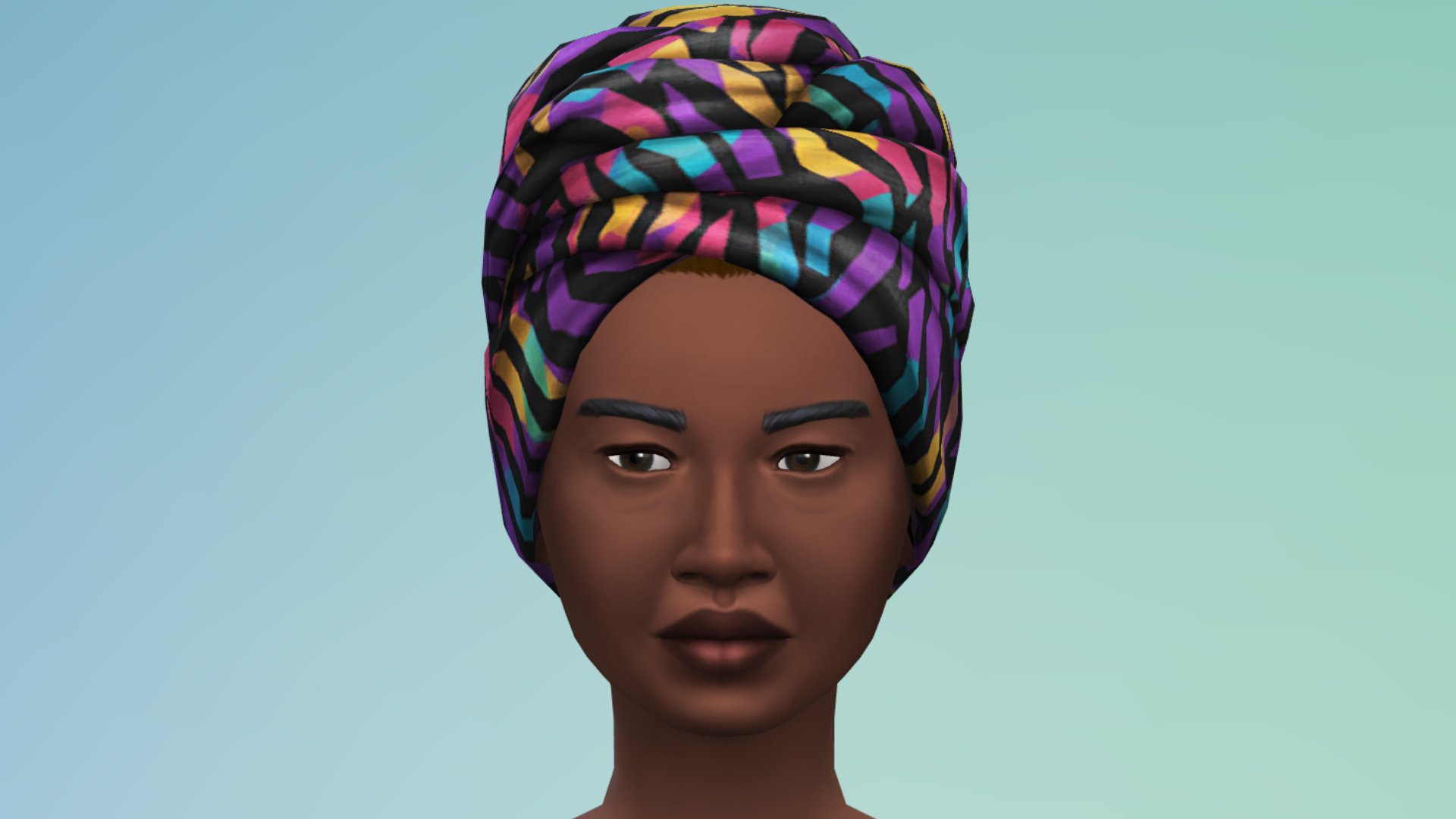
Female Head Wrap
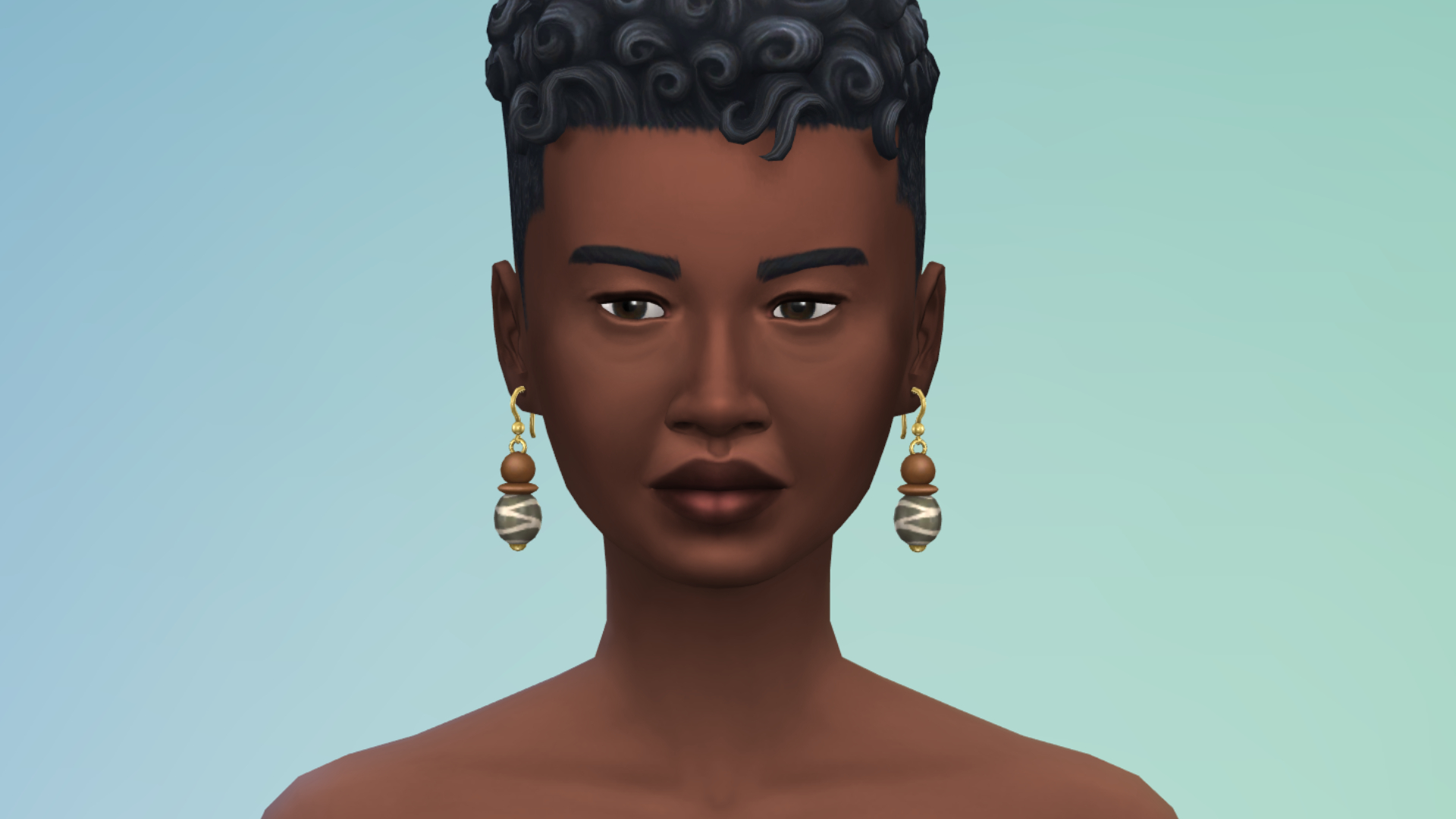
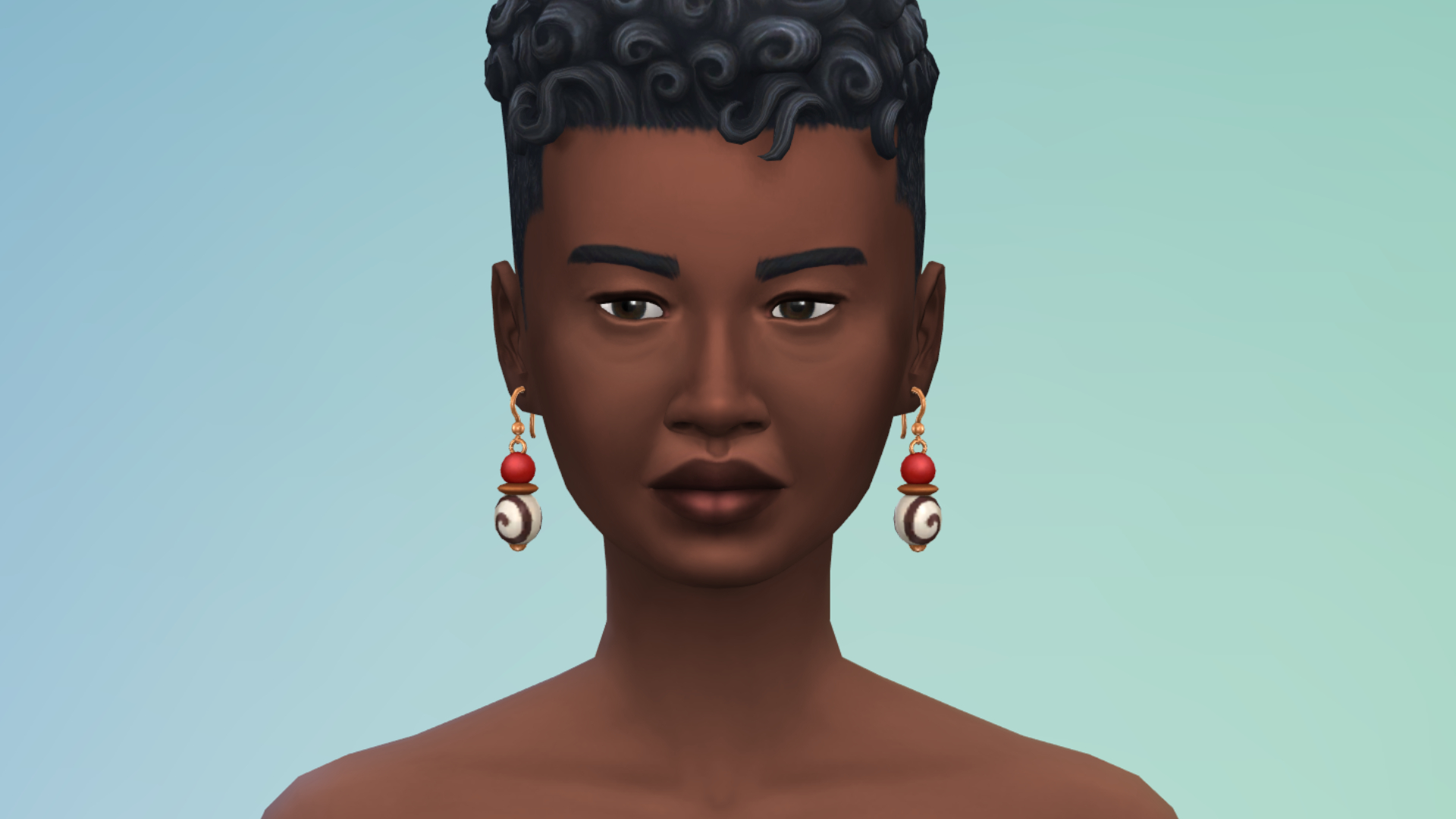
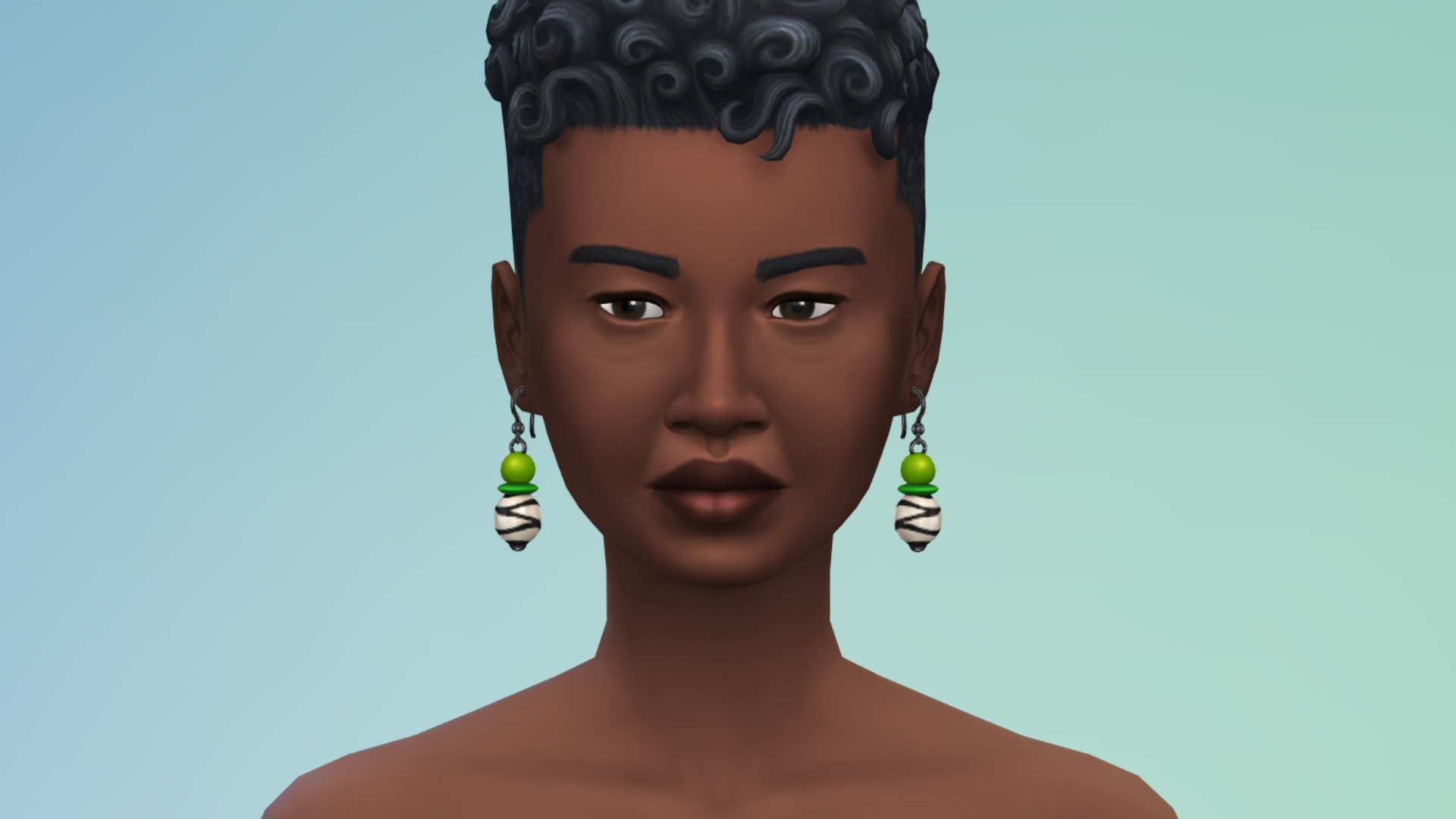
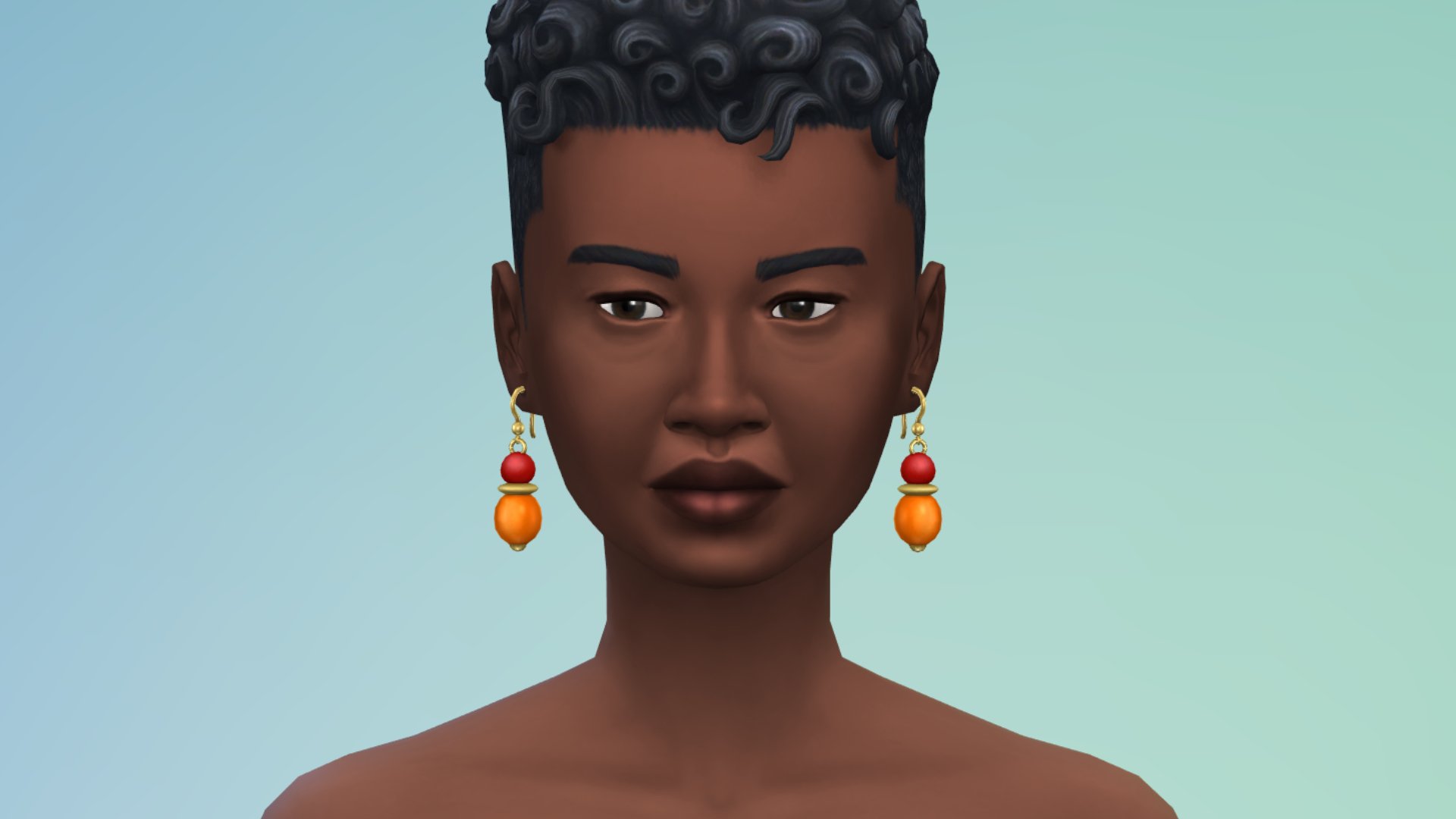
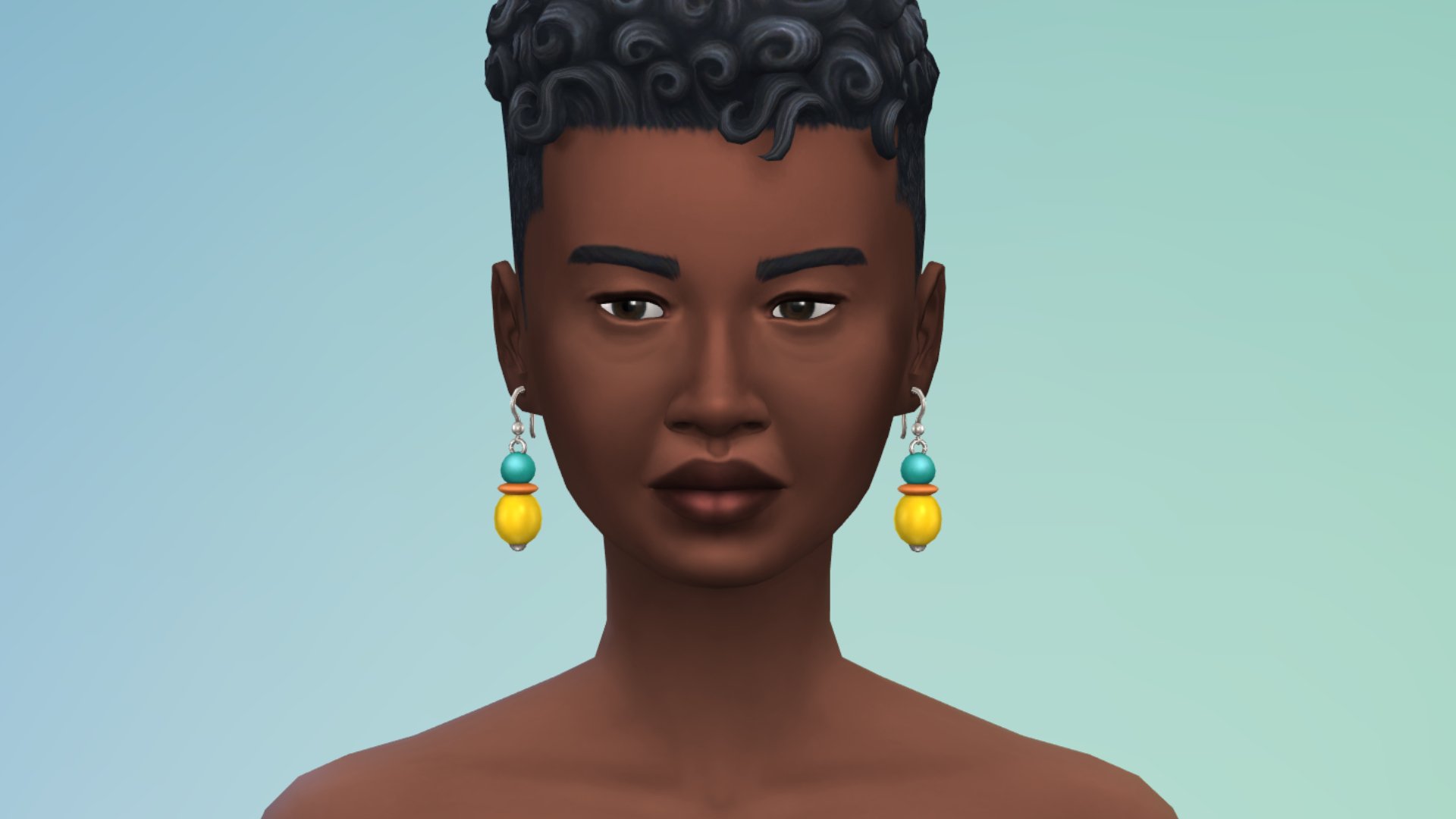
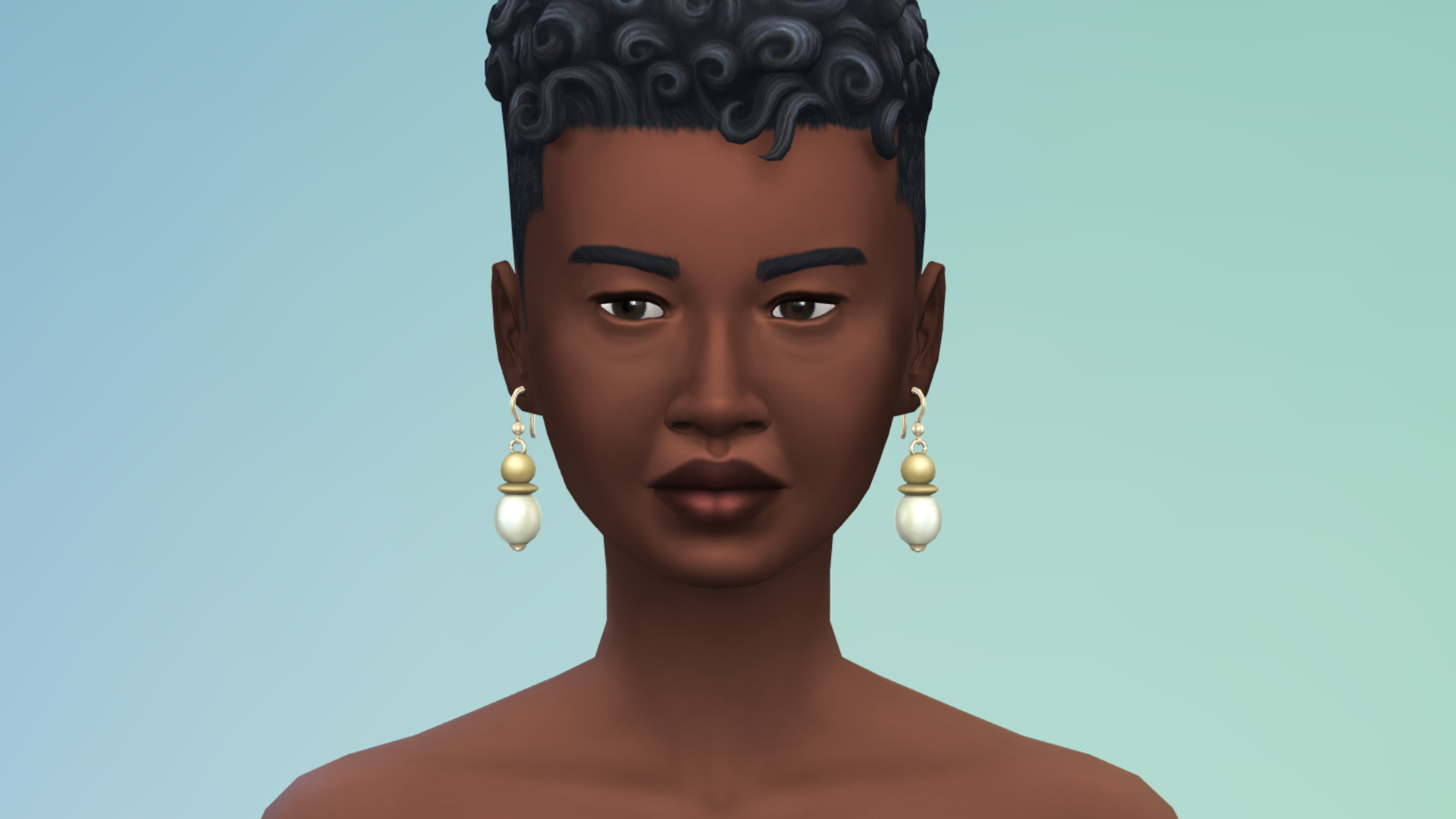
Earrings
Hairstyles
Build/Buy
There are several new Build/Buy items for your Sims to decorate their homes with. Check out all the swatches:
Visions of Home
(Currently missing 1 swatch)
Wallu Woven Basket
West African Aloe Plant
Ìtura Cushion
Okuta Lamp with Woven Shade
Hiwe Area Rug
Trio of Flavor
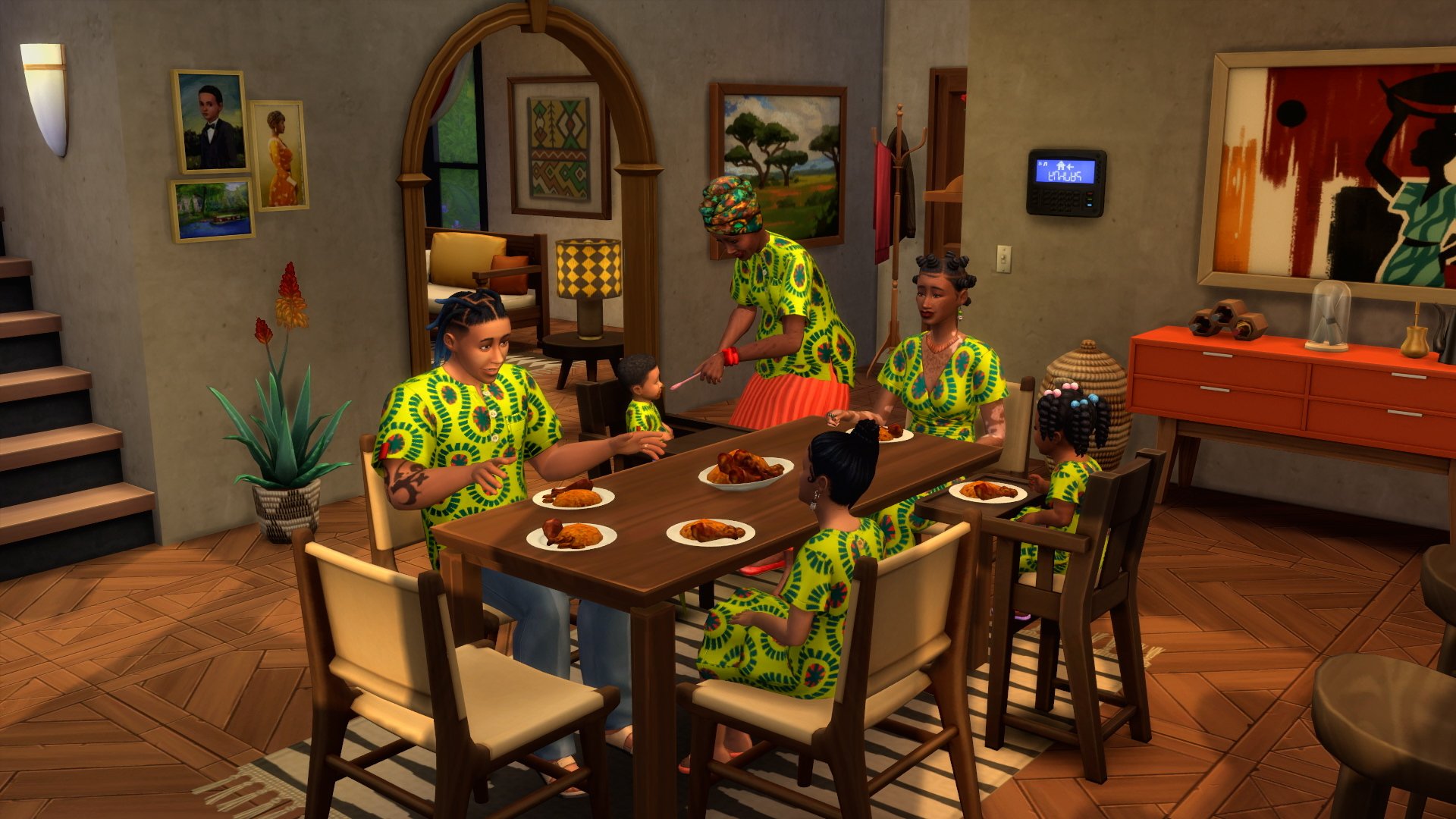
Jollof Rice And Drumsticks
The new recipe, Jollof Rice and Drumsticks, can be made at Level 3 of the Cooking Skill and served as a single plate, family size, or party size.
Jollof Rice is a traditional dish from West Africa, especially familiar in Senegal, Nigeria, and Ghana. It’s often cooked altogether in one pot with long-grain rice, vegetables, spices, and even meat, and is packed with flavor! Don’t hesitate to make this recipe with drumsticks and plantains for parties and celebrations, but it’s perfect for family dinners, too.
The Sims 4
Bug Fixes
Over 150 user-submitted bugs have been fixed in The Sims 4 November 4th Update. Check a few of them out below:
Photos will no longer turn black in inventories (New saves only)
Mixologists stay at the bar and will not be distracted by conversations.
Children will now more closely resemble their parents
What are you most excited about in today’s update? Let us know in the comments below, and stay tuned on Sims Community for the latest news on all future updates!
Get a first feature look at the new Search Tools coming to The Sims 4 Gallery!
It appears that today’s new The Sims 4 Update was meant to have a new feature added to The Gallery. Initially spotted by Twitter user who wishes to remain anonymous, The Sims Team published – and then quickly deleted – an Instagram Story that mentions a new “SimSearch” function for The Gallery.
The first iteration of this search tool for The Gallery is expected to launch in several early versions before reaching its final phase. Just like with Memory Boost Mode, the SimSearch feature will launch first in Beta to ensure features work smoothly for all players. And possibly upgrade them later with more options.
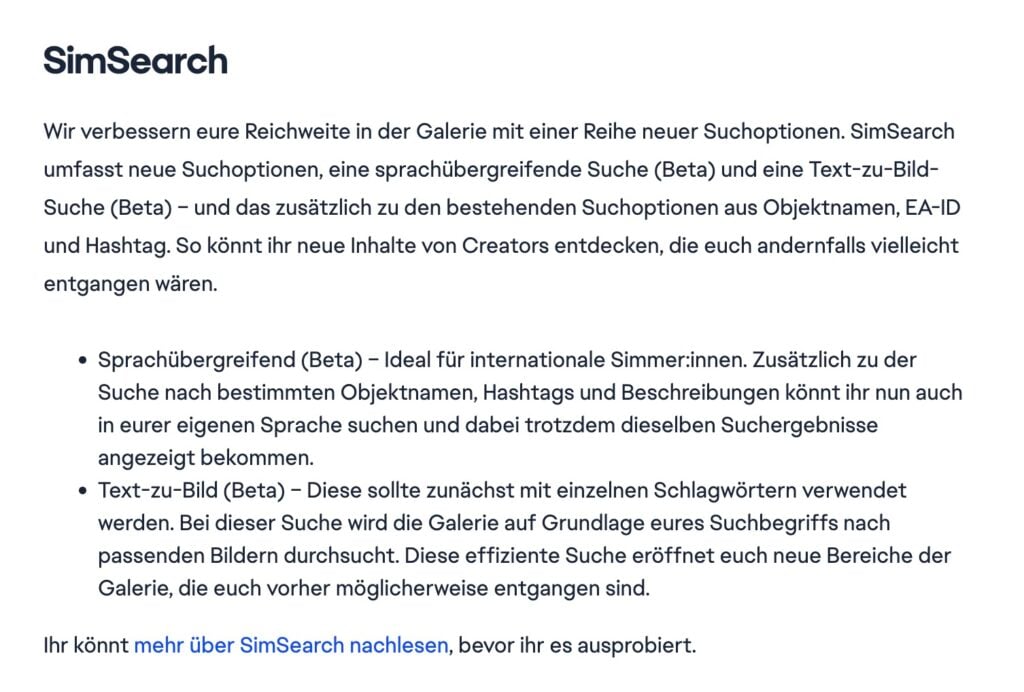
After doing a quick Google search I stumbled upon official Sims 4 German Patch Notes that explain in greater detail what The Sims 4 SimSearch feature is. The official beta release notes mention first two features coming to SimSearch: Cross-Language Search and Text-To-Image Search.
With Cross-language search you’ll be able to use your own language to search for specific object names, hashtags and Gallery creation descriptions. Using text-to-image search you can scan the Gallery for images of creations based on the search text you’ve put. Which should be used as single keyword in the first Beta version of SimSearch.
Here are the official translated features of SimSearch below:
The Sims 4 SimSearch (Beta)
We’re improving your reach in the Gallery with a range of new search options. SimSearch includes new search options, a cross-language search (Beta), and a text-to-image search (Beta)—in addition to the existing search options using object names, EA IDs, and hashtags. This will help you discover new content from creators that you might otherwise have missed.
Cross-language search (Beta)—Ideal for international Simmers. In addition to searching by specific object names, hashtags, and descriptions, you can now search in your own language and still get the same search results.
Text-to-image search (Beta)—This should initially be used with single keywords. This search will scan the Gallery for matching images based on your search term. This efficient search will open up new areas of the Gallery that you might have missed before.
This seems to be just the beginning of new Gallery Features and Improvements coming to The Sims 4. It was first revealed during EA Investor Day in September 2024 that The Gallery will be supercharged with new AI features to give players more precision when searching for content. One of those features were a supercharged discovery tool that helps players discover content using new text and image tools.
Today, that feature is called SimSearch, and seems to be the first step to releasing a new Sims Hub with more AI tools coming our way.
What are your thoughts on the new SimSearch Feature coming to The Sims 4’s Gallery? Join the comments below and stay tuned for more Sims 4 News!
The two new Kits are titled Garden To Table and Modern Retreat. Both being Build Kits that are retailed for $4.99USD each, or a price equivalent to your local currency.
Here’s the first official information about the upcoming Sims 4 Kits releases:
Table of Contents
The Sims 4 Garden To Table Creator Kit
Transform your outdoor dining area into a rustic retreat where homegrown harvests are the cornerstone of meal time with The Sims™ 4 Garden to Table Kit. Blend rustic charm and modern style with versatile furniture crafted from natural wood and smooth stacked fieldstone. Natural materials provide organic warmth, while metal and ceramic pieces add modern flair. Keep it neutral for a rustic feel or add pops of color for a modern twist. Tie it all together and bring your outdoor space to life with veggie-inspired decor and lush potted plants. Created by BrazenLotus.
Kit Features:
Earthy and Naturally Inviting – Anchor your outdoor dining area with a stacked fieldstone grill paired with matching side tables for an earthy, inviting vibe. Define the space by using a stacked fieldstone bench that cleverly doubles as a low garden wall. Layer in some rustic appeal with rough-grained wooden furnishings, and showcase your bountiful harvest decor with a repurposed wooden ladder display.
Modern with Rustic Warmth – Elevate your outdoor entertaining spot with modern furnishings grounded in rustic warmth. A sleek charcoal grill and coordinating side tables feature clean lines softened by smooth wood textures. A rustic-modern stone sink simplifies outdoor meal cleanup and adds practical charm. Bright wicker dining chairs, vibrant rugs, and garden-inspired veggie decor provide energetic pops of color.
The Sims 4 Modern Retreat Kit
Bring a modern vision of nature’s spirit into your Sims’ living room with The Sims™ 4 Modern Retreat. Blending handcrafted items, cozy seating, and sleek furniture ir a variety of natural materials, this kit celebrates the touch that transforms nature’s raw beauty into timeless modern pieces, where simplicity meets sophistication in every detail. Created by TudTuds.
Kit Features:
Where Comfort Meets Connection – Whether they’re napping on a sofa after swatting away mosquitoes, reading a good book by the marble fireplace on a cold night, or gathering around the coffee table after a long hike, your Sims will find comfort, connection, and style in every corner of their retreat.
Frame the Nature – Used as wall decor or layered over a large glass window, the Muxarabi panel provides your Sims with privacy, shade, and style all in one. Pair it with furniture pieces inspired by the same intricate latticework to create a cohesive and elegant look!
The new Sims 4 Creator Kits are expected for November 13th, 2025 across PC, Mac, Xbox and Playstation supported consoles.
Will you be getting the new Kits releases? Let us know in the comments below and stay tuned for full Kit reviews coming on launch day!
The 150+ Fixes for Sims 4 have arrived, along with new freebies!
EA and Maxis have dropped a brand new Sims 4 Update across PC, Mac, Xbox and Playstation supported platforms. As announced last week, the upcoming game patch promises to fix over 150 game bugs listed in their latest Sims 4 Laundry List. The game update also delivers new free content to the players.
Find out what’s been added and improved in the official patch notes below:
The 150+ Fixes and Free Content Update
Table of Contents
Installing the Latest Sims 4 Update
You can get the latest The Sims 4 Update on the following official launchers and platforms:
You can download the latest Sims 4 Update by checking for a Patch through the EA App, Steam or Epic Games launcher for Desktop. If you have Automatic Updates enabled the update will automatically download through your client program. In case your EA App is not working properly ensure you’ve cleared your app cache!
If you play The Sims 4 on Xbox Series X / S and Playstation 4 and 5 you can request a new update by checking for updates under The Sims 4 game in the Main Menu. If you’ve enabled automatic updates the Patch should download right away.
This patch could potentially affect your currently installed CC and Mods. Looking to update your old Mods and Custom Content? See our guide on the 50/50 method!
Official Sims 4 Patch Notes
Update: 11/04/2025 PC: 1.119.109.1020 / Mac: 1.119.109.1220 Console: Version 2.23
Sul Sul Simmers!
Today’s update features an extensive list of over 150 bug fixes based on feedback from the EA Forums and social media. You told us what was blocking the fun, and we prioritized those fixes to get you right back to it!
Along with those fixes, we have a free content drop showcasing West African-themed items for Create a Sim and Build Mode, a new loc hairstyle, and a community-made item that celebrates a major milestone. Stay tuned for more including two new Creator Kits, dropping on November 13!
Happy Simming!
-The Sims 4 Team
What’s New?
A Collection Inspired by West Africa
We’re always excited to add more cultural pieces to Create a Sim and Build Mode, and this time we focused on colors, textures, and silhouettes that are familiar to West African culture. Enjoy a platter of flavorful Jollof Rice paired with well-seasoned drumsticks with a brand new recipe, perfect for dinner with the family or an eventful get-together. Check out the new loc hairstyle and create outfits for the whole family, young and old! Enhance any space with new decor items with earthy tones and natural textures that evoke the warmth of a West African home.
Discord 100k Member Challenge Winner – Beaverbrook Ballet Dress
To celebrate reaching 100k members in our Discord community earlier this year, we had a challenge that gave one lucky Simmer the chance to work with our team and design the concept for an item that would be added to The Sims 4! We’re thrilled to share the result of that; add a brand-new party dress, a concept by Sara — the winner of our 100K Member Challenge earlier this year!
“[The dress is] inspired by my childhood in Beaverbrook, Canada, and my younger self doing ballet for a short period of time and my childhood love for my dolls. It’s a sweet tribute to the graceful, playful memories and creativity that shaped me growing up.” – Sara H.
Upcoming Creator Kits
We’re excited to continue to partner with our incredibly talented community creators, and we are looking forward to 2 new Creator Kits this month featuring the work of TudTuds and BrazenLotus.
Mark your calendars for Modern Retreat by TudTuds and Garden to Table by BrazenLotus, launching November 13, 2025.
Bug Fixes
Base Game:
[EA Forums] “Sabotage” interaction is no longer available on objects without completing Deviance Aspiration.
[EA Forums] Identified and resolved some cases of photos turning black in inventory when taken with the camera. Applies to new saves only.
[EA Forums] When the Mixologist is in conversation with NPCs, they’ll break out of it if a drink order is queued up and be more responsive.
[EA Forums] Children should now more clearly inherit some features from their parents. There may still be some variation. A child’s nose may be slightly wider than their parents’, for example, but you should be able to see distinct features passed down between generations; if both parents have large ears, the child probably will too.
[EA Forums] Relationship decay after having a baby was too fast and was destroying relationships. It has been slowed.
[EA Forums] Sit Up Milestone now properly unlocks and displays after travelling.
[EA Forums] Sims won’t use their phone when in the water or jogging.
[EA Forums] “Take Vacation Day” is only given to the Sim if their next shift is within the next 24 hours. This means that some careers often have 1-3 days free so Sims must wait until the last day in order to request that Vacation day. When the option is not available it is now greyed out with a tooltip explaining it’s only available 24hrs before the next shift.
[EA Forums] Sims put books, foods, and drinks into their intended inventories (bookshelf, fridge respectively) instead of more random inventories like the ICYA – Chest or Sticker Storage Box.
[EA Forums] Random Sims will no longer enter the home without knocking when using sliding doors.
[EA Forums] Aspirations no longer default to the first one when looking at or switching to another.
[EA Forums] Fixed issue where infants were being placed near a crib or playmat instead of remaining in it if the player travels to a different lot with a Sim and returns.
[EA Forums] Excessive Wants are no longer generated from music when there are other categories of preferences.
[EA Forums] Mischief interactions between Sims who both like mischief can now properly succeed. This was happening only with Get Famous installed and that has now been fixed.
[EA Forums] “Dance to Stereo Music” Wants are now fulfilled when Sims dance using earbuds.
[EA Forums] Sims will no longer autonomously perform “Grab a Drink” interaction with Tea Magic Personal Brewer.
[EA Forums] Resolved an Exception that triggered while putting the baby in the crib leading to Infant resetting and laying on the floor outside of crib.
[EA Forums] Infants can now acquire the Little Babbler trait.
[EA Forums] “Energized” interactions will appear for Energized Sims on all showers; including locker room showers.
[EA Forums] Fixed the makeup color swatch selection applied in CAS to be consistent on swapping items with the one that is highlighted. Tattoos are still being worked on to provide the same functionality.
[EA Forums] Toddlers with Level 4 or 5 Movement Skill will no longer walk as if they have lower level Movement Skill while in certain moods.
[EA Forums] Sims will stop wearing hats while in their nude outfits.
[EA Forums] When a Sim goes to work, all the newborn/infant/toddler Sims will be sent to daycare. Adoption events and pregnancy events were blocking this and now are resolved.
[EA Forums] Nannies and Butlers will perform their duties more often and regularly. They will check if they need to perform duties every 30 minutes instead of every 4 hours.
[EA Forums] Fire Fighters can fit into unroutable errors to better fight fires.
[EA Forums] Soulmate status is now added when the friendship/romance track is full. The bug was caused when the friendship value was not updated in the romance relationship and assigned the wrong relationship bit. In existing saves, Sims now can be soulmates if they lower their friendship/romance value and raise it again to achieve the soulmate status.
[EA Forums] Aspiration goals will no longer reset when Sim travels to another lot, you switch to another Sim at home, and then perform “Bring Here” interaction on the first Sim.
[EA Forums] Excessive Townies will no longer generate every time the computer is used. We adjusted a filter for style influencers that was generating new Sims if you had not met a style influencer.
[EA Forums] Moodlets related to fear will not trigger after the Fear of Dark trait is removed.
[EA Forums] Fixed cases where NPC Sims wear random weather outfits that they don’t own.
[EA Forums] Trash from all inside trash cans will now be emptied and dumped to the outdoor trash can.
[EA Forums] Maid Sim with Neat Trait will no longer get stuck in the grill cleaning loop.
[EA Forums] CAS categories (excluding tattoos & pets) will again show all content from their subcategories. A previous update was made to the CAS Menu to support the new tattoo category. The change also caught several other categories, causing them to only show one subcategory at a time unlike their usual behavior of showing all categories at once.
[EA Forums] “Listen to <genre specific> Music” Wants are now fulfilled when Sim listens to music through Earbuds.
[EA Forums] Sims can only WooHoo in steam rooms that are indoors and not broken. They will stop unsuccessfully attempting outdoors.
Trash will be present in the world and on Community lots, and trashcans can be properly rummaged.
Sim’s needs should now gain more consistently while they are low at Work/School while you’re playing on a different lot.
[Bug Archive] “Complete an Aspiration with the Child Sim” goal now completes properly in “Aliens Stole my Parents” Scenario.
Affecting Multiple Packs
[EA Forums] Added glass wall pattern styles for Greenhouse Haven Kit and Life & Death glass roofs.
[EA Forums] Patients and Ranch Hands will no longer arrive in random hats.
[EA Forums] Reduced the size of the footprints of the following Radios (stereoTable): The Grimophone, GrammyFone Old-Fashioned Music Player, Kitty Tunes Radio, HiFive High Fidelity Stereo, Life’s a Ball Speaker, Vintique Record Player.
[EA Forums] Nannies/Gardners/Ranch Hand will no longer return immediately after dismissing or firing them.
[EA Forums] Cafeteria workers will now show up as expected.
Cafeteria workers will not leave as soon as the game loads from save.
Expansion Packs
Get to Work
[EA Forums] Sims will now buy things which are “Set For Sale” on display shelves from retail stores.
[EA Forums] Alien Sims will no longer repeatedly wipe out the memory of their spouse autonomously.
Get Together
[EA Forums] “Dance” interaction is now present again on DJ booth objects when a DJ is playing.
Cats & Dogs
[EA Forums] Vet clinic will no longer get stuck on 3 star rating.
[EA Forums] [Console] It’s now possible to enter dog/cat breed names for the pets adopted from neighborhood stories.
[EA Forums] Fixed Dogs excessively exploring bush and triggering the Skunk encounter outcome and becoming dirty as a result.
[EA Forums] Pets adopted by households from neighborhood stories will now properly show their breed.
[EA Forums] Decreased the time duration of taking dogs on Long and Medium Walks.
[EA Forums] Sim and Dog will now autonomously exit the “Go on Walk” interaction before reaching Needs failure.
Seasons
[EA Forums] Admiring ghost and occult Sims will count for a Holiday’s spooky spirit.
[Bug Archive] Funny interactions on Teen/Young Adult Sims will now fulfill the Good Deed badge.
[EA Forums] Removed “in season” tests from the Research and Evolve interactions so it’s possible to interact with plants that are Out of Season.
[EA Forums] Father Winter now gives toddlers a gift even if they’ve not officially met.
Get Famous
[EA Forums] Bouncers will arrive as expected to staff VIP Exclusivity doors on Studio PBP Lounge in Del Sol Valley.
[EA Forums] Celebrities can now be interacted in a Retail store.
[EA Forums] Actor career now properly displays as an Active Career in the “Select A Career” UI.
Island Living
[EA Forums] Adjusted event timing to avoid overlaps so it allows the Turtle Hatching event to occur.
Discover University
[EA Forums] Added benefits to the Dream Home Decorator career for Sims who have graduated from the Fine Arts or Art History programs.
Eco Lifestyle
[EA Forums] Sim can travel to a Community Space that has been updated to a Maker Space without experiencing crashes or error codes.
[EA Forums] Vendors will now be consistently available at stalls or selling tables at the marketplace in Evergreen Harbor. Vendors were not appearing at market tables after the community lot type changed.
[EA Forums] Sims will make more than just White Cakes when Foodies Unite Neighborhood Action Plan is active.
In new saves, Sim can now sell/own the Full Wood Jacket Bike which was discovered from the dumpster.
[EA Forums] Households that receive a bill with an owed value that’s positive (a refund) can now pay bills, allowing the refund to be processed and the bills to be marked as paid.
[EA Forums] Neighborhood Action Plans no longer show TNS when disabled in the game options.
[EA Forums] Moving the recycler/fabricator in Build Mode from Manage Worlds screen will no longer cause a Last Exception.
[EA Forums] Incoming phone calls will no longer drop due to “Off Grid” when Sim isn’t actually “Off Grid”.
Snowy Escape
[EA Forums] Sim no longer gets a Bored Moodlet from an outdoorsy lifestyle for being inside when they are actually outside.
Cottage Living
[EA Forums] Added message to help players understand that Gnomes have a reason for dropping gifts outside of holidays after Agatha Crumplebottom interacts with them.
[EA Forums] Egg will no longer spoil while incubating it to hatch.
High School Years
[EA Forums] A high school official will always be present to give out the diplomas to graduating students.
[EA Forums] Teens graduating early will no longer get “Resentful About No Prom Invite” Sentiment when the Sim attends or skips the Prom. Both Sims need to have not graduated early for the sentiment to show up now.
[EA Forums] Fixing immortal high school NPC students. Teen NPCs not living in the world that attend high school weren’t aging up. This was particularly noticeable in multi-generational gameplay (e.g. classmate of parents is now classmate of child). We’ve added code to check for these Sims and appropriately age them up as you would expect compared to their classmates.
[EA Forums] Copperdale Llama Sports Mascot Figurine now appears in Build Mode.
[EA Forums] Drama Club and Scout will now complete Afterschool tasks in the Goal-Oriented Aspiration.
[EA Forums] When going to school on a Holiday, the proper High School UI shows by default instead of the Holiday UI.
[EA Forums] Fixed cases where there would be no pop up option to Join school or Send Alone when Teen should be going to the Highschool.
[EA Forums] The Science Fair Judge shows up when expected and stays for the duration of the Science Fair event.
Growing Together
[EA Forums] Sim will no longer stand idle when a child asks for help with bike riding indoors.
[EA Forums] Sims will no longer receive random Milestone Moodlets without achieving the Milestone.
[EA Forums] Daycare Milestone will now unlock for toddler & infant Sims away from the lot when they return.
[EA Forums] Child Sim will not be forced to sit on the edge of the pool when “Pull Out Loose Tooth” or “Wiggle Loose Tooth” interaction is performed.
[EA Forums] Child Sim’s Confidence is no longer stuck on Neutral and will change as expected.
[EA Forums] Winning the marble game will now add new marbles to the child Sim’s inventory.
[EA Forums] Temporary Stay Guests will now sleep; even in sleeping bags.
Horse Ranch
[EA Forums] Sims will not receive Fizzy Moodlets from drinking crafted Nectar drinks.
[EA Forums] Ranch Hand will no longer stay past 7pm.
[EA Forums] Mini goats and sheep will no longer be able to use the gate when it is locked.
For Rent
[EA Forums] Rent in bills section will no longer show 0, and Tenants will now be able to pay rent.
[EA Forums] Changing a Penthouse lot type to Residential Rental will not result in white screen asserts or an infinite loading screen.
[EA Forums] Tenant agreement “Remaining Lease” duration will no longer revert and freeze when Sim travels somewhere and then returns to home lot.
[EA Forums] The Kettle & Pressure Cooker will not cause excessive cases of Unpleasant Surroundings Moodlet and Sims’ reactions to smelly food. The pressure cooker now won’t automatically decay into the spoiled state, but instead will only start decaying after anything is prepared there, and will reset after the object is emptied or cleaned out.
[EA Forums] Tenant Revolt event will not trigger when Rental Unit Events are disabled in game options.
[EA Forums] Now able to convert Residential Rental lot to Residential lot when active Sim is not living in the main unit of the Residential Rental.
[EA Forums] Tenants on Residential Rentals can send items on Plopsy/Trendi.
[EA Forums] Aspiration goal “Handle a Maintenance Event” now resolves after completing the goal.
[EA Forums] Resolved issues where Property Owners would fail to inspect or repair broken objects.
The “Garden Blight” event of Maintenance Troubles Lot Challenge will now progress as intended.
Stoves and Ovens can be replaced during the Explosive Malfunction event on a Non-Residential Rental.
Lovestruck
[EA Forums] Neighborhood Stories romance actions will be prevented from happening between incompatible Sims. Previously, it was not taking Sim’s Romantic Preferences into account with “Romance Changes”. This now verifies that Sims are still romantically interested in each other’s genders before considering the action to be successful.
Life & Death
[EA Forums] “Return to Office” interaction is now available on the Reaper when on assignments in Reaper career.
[EA Forums] Random NPC Sim will no longer replace Edith.
[EA Forums] Fixed cases when Funeral Guests would wear random outfits or work outfits (whichever they had last worn) to the Funeral event when no outfit was selected. Sims should now wear more appropriate outfits.
[EA Forums] “Death by Pufferfish”, “Death by Overheating”, and “Death by Freezing” death types are now available for child Sim in CAS.
[EA Forums] WooHoo with Grim will no longer get cancelled. This was happening because of an incompatibility with grimReaper_CarryScythe.
[EA Forums] Ghost Essence notification now fires properly, and players will only see the TNS if essence is actually being added (and no essence is already in inventory).
[Bug Archive] Fixed cases where NPC Waylon and NPC Lady Ravendancer were being selected for the Walkby Situation and pulled from their duties.
[Bug Archive] All grave and urn options should appear now under “Display as” interaction on urn/tombstone.
Business & Hobbies
[EA Forums] Sims will no longer reset and trigger a Last Exception when performing “Grab” food interactions after using Secret Spice perk.
[EA Forums] Customer Sims more consistently complete their laundry tasks before leaving the lot.
[EA Forums] Sticky Fingers Aspiration: A Sim with an owned business can now swipe properly at Mischief level 10.
Enchanted by Nature
[EA Forums] When the “Limit Fairies to Innisgreen” option is enabled, Fairy Sims should not autonomously appear in their Fairy form in any world outside of Innisgreen.
[EA Forums] Most Fairy eye colors are now available for infant, toddler or child Sims. 10 of the 18 overall Fairy eyes are now allowed.
[EA Forums] “Connect to Power Grid” interaction is now available on lightning root when the plant has bloomed.
[EA Forums] If Sim is on cooldown from a cured ailment, pixies won’t be able to immediately add it back.
Adventure Awaits
[EA Forums] Added curtain rod for modular curtains in Adventure Awaits pack.
[EA Forums] Skills from Adventure Awaits can no longer be increased in “Sit in on Skill Class” interaction at University without the pack installed.
[EA Forum] Firewatch Tower structure pillars in the Wanderwoods Wilds will no longer disappear when zooming out using The Sims 3 camera.
[EA Forum] Child Sim’s Legs will no longer show a wrinkled texture when wearing the skirt (cfBottom_EP20FlutterSkirt).
[EA Forums] Fixes to Getaway Outfit selection on Controller: Scheduler UI should display correctly after setting Custom Role’s outfit multiple times and the game should remain responsive.
Getaway Sims will keep performing activities and interactions during Ultra Speed.
Fixing an issue where Sims were teleporting and exiting the pool after performing WooHoo in Water.
Camera shake will time properly with the Geyser blow.
Drowning, Meteorite, Lightning, Cowplant or Freezing deaths will now occur during Getaways.
“Examine” interaction will not fail if butterflies are placed in one of the center slots of Butterfly & Moth habitat.
It’s now possible to gift a Friendship Bracelet to Imaginary Friends.
Game Packs
Outdoor Retreat
[EA Forums] Sim prepares herbal potions and places it in their inventory without any T-pose or animation issues.
Dine Out
[EA Forums] Sims can now check off restaurant-related goals on a date.
[EA Forums] Oga’s Cantina in Batuu will now count towards dining spots.
Fixed some drinks that were appearing as water in the restaurant menu.
Parenthood
[EA Forums] “Play with Emotion” interaction for child Sim will no longer be greyed out with tooltip asking to “Repair” or “Replace Piano” when it’s not broken.
Realm of Magic
[EA Forums] Players will now receive the right notification stating for their Sims to become higher ranked Spellcasters if they want to learn additional spells from Practical & Mischief Sages.
Sims can now purchase or win all wand recolors.
Star Wars™: Journey to Batuu
[EA Forums] NPCs will board the X-Wing as needed for quests like “A Daring Rescue” Resistance mission including tasks like “Fly Rescue Mission in X-wing”.
[EA Forums] Arresting Someone (First Order) will no longer get stuck or fail.
Dream Home Decorator
[EA Forums] Client Sims will stop being unhappy even though Decorator does the gig according to their preferences.
[Bug Archive] Retro Dinette Stretch Booth now counts as “dining chairs” when performing Bar Renovation gig during the Interior Decorator career.
My Wedding Stories
[EA Forums] Fixed cases when Wedding Guests would wear random outfits or work outfits (whichever they had last worn) to the wedding event when no outfit was selected. Sims should now wear more appropriate outfits.
Werewolves
[EA Forums] Werewolves will not use their phone when rampaging.
[EA Forums] Lunar Expert’s Studio and Surreptitiously Studious Stationery Pile objects can now be cloned with the Eye Dropper tool.
[EA Forums] NPC Sims who are not werewolves will no longer be seen as Werewolf pack members. Please note that this only applies to new saves.
[EA Forums] Werewolves can no longer break upgraded objects, which no longer causes Sims to continuously try to repair them.
[EA Forums] When overmaxing, the Werewolf’s XP bar will now properly reset, and the Sim will receive the expected ability points.
Stuff Packs
Spooky
[EA Forums] Sims can now perform “Resume” interaction on a pumpkin carving station.
Kids Room
[EA Forums] Monster will no longer be spotted under the bed when monster spray is used.
Vintage Glamor
Butler stays on the lot (and remains in their work outfit) when you travel with your Sim to another lot.
Nifty Knitting
[EA Forum] Fixing CAS unlock display to remove locked thumbnails in “Knit Clothing” even though the items are unlocked.
Home Chef Hustle
[EA Forums] Sims with Glutton Trait will no longer autonomously eat prepped ingredients when other foods are available.
Game Update Preview
Twitter user @thenubboys provided an image showcasing new Sims 4 Update content. Which seemingly features new African-themed content in Build Mode, Create A Sim as well as new recipes! Take a look down below:
EA also released an official full image of the new content that you can see below:
Official Blog Entry about the New Content
The Sims Team released a new blog talking about the new game content and their collaborative efforts to make it all happen! Check it out and see the official trailer:
The latest Sims 4 update celebrates vibrant designs of West Africa, with new, free Build/Buy and Create a Sim items that bring creativity and culture into your Sims’ homes and their wardrobes.
We’re always exploring new ways to help players tell stories in-game that reflect their own personal lives. In partnership with the Pan African Gaming Group (PAGG), and a group of Simmers with direct connections to West African countries and lived experiences across the Black diaspora in the UK and North America, we’ve ensured every item honors the cultural traditions that inspired the release.
“The collaboration has been seamless and deeply fulfilling, allowing us to help shape content that honors the beauty and complexity of West African culture.” – Maame Adjei and Kasyoka Mwanzia, PAGG
Inspired by West Africa. For your Sims.
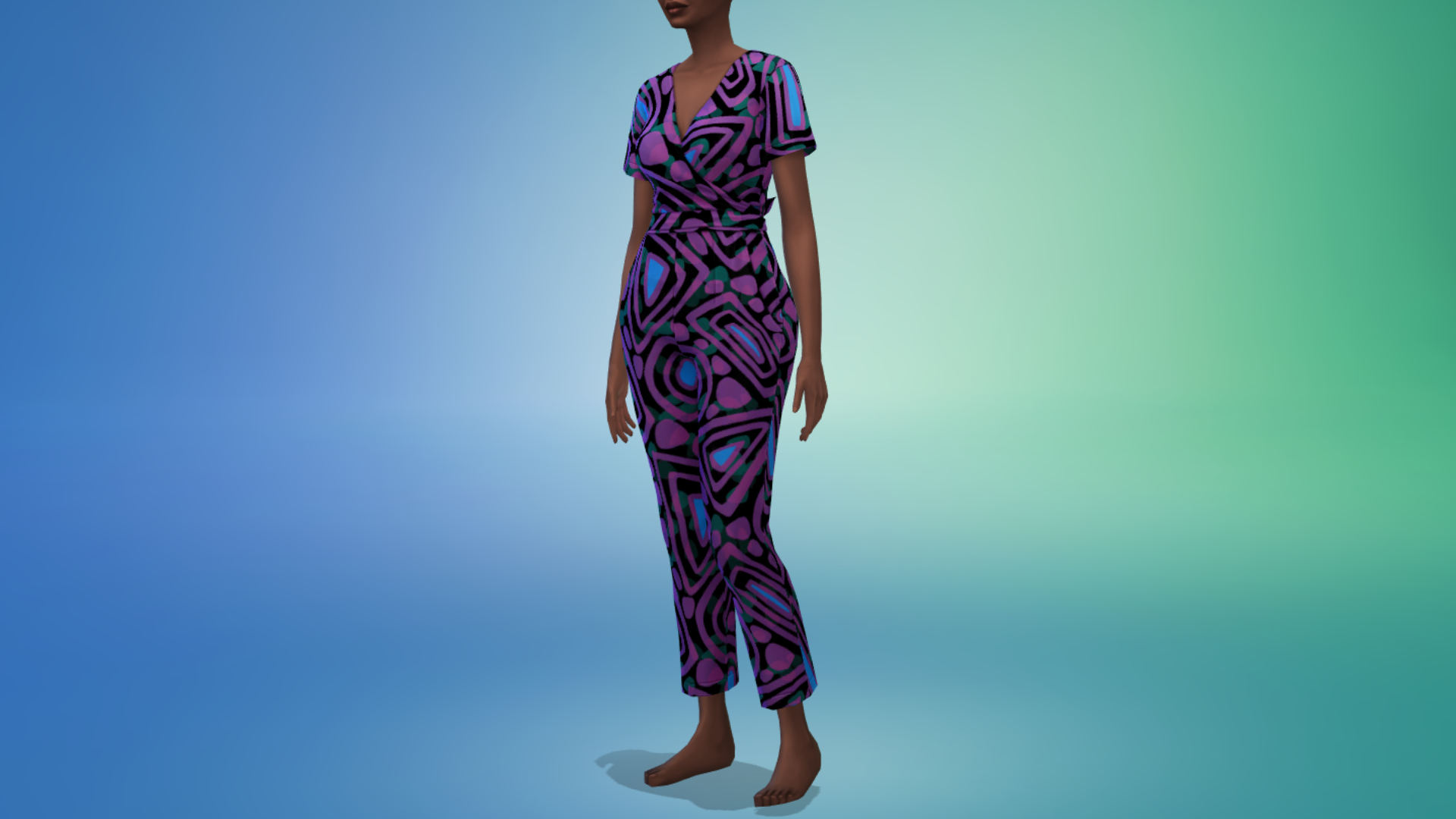
Give your builds a pop of something special! This collection of Build/Buy decor combines neutral tones with geometric patterns, inspired by the artisans of West Africa, including:
Okuta Lamp with Woven Shade – Okuta, a word with Nigerian roots, meaning stone or rock, describes this gorgeous lamp with a solid, hefty base and a textured shade that never goes wrong in any home. With neutral tones and patterns inspired by fabric artisans of West Africa, add ambiance and style to any space with the Okuta Lamp!
Ìtura Cushion – Ìtura means comfort in Yoruba, which perfectly captures this cushion’s purpose. It comes in a range of colors, inspired by beautiful fabric traditions found across West Africa. Whether your Sims’ home needs those soothing earthy tones or a vibrant splash of color, the Ìtura Cushion has got you covered.
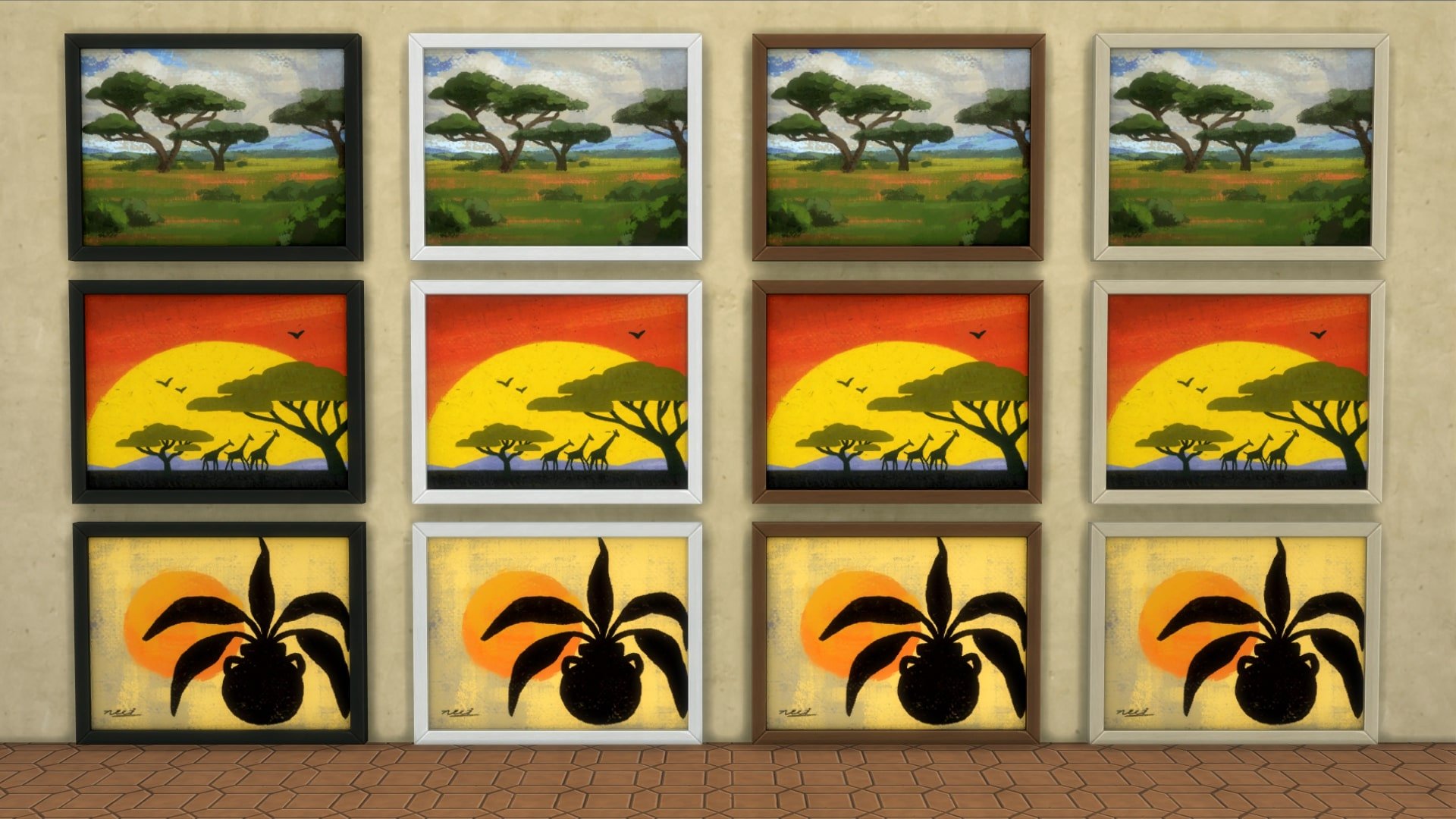
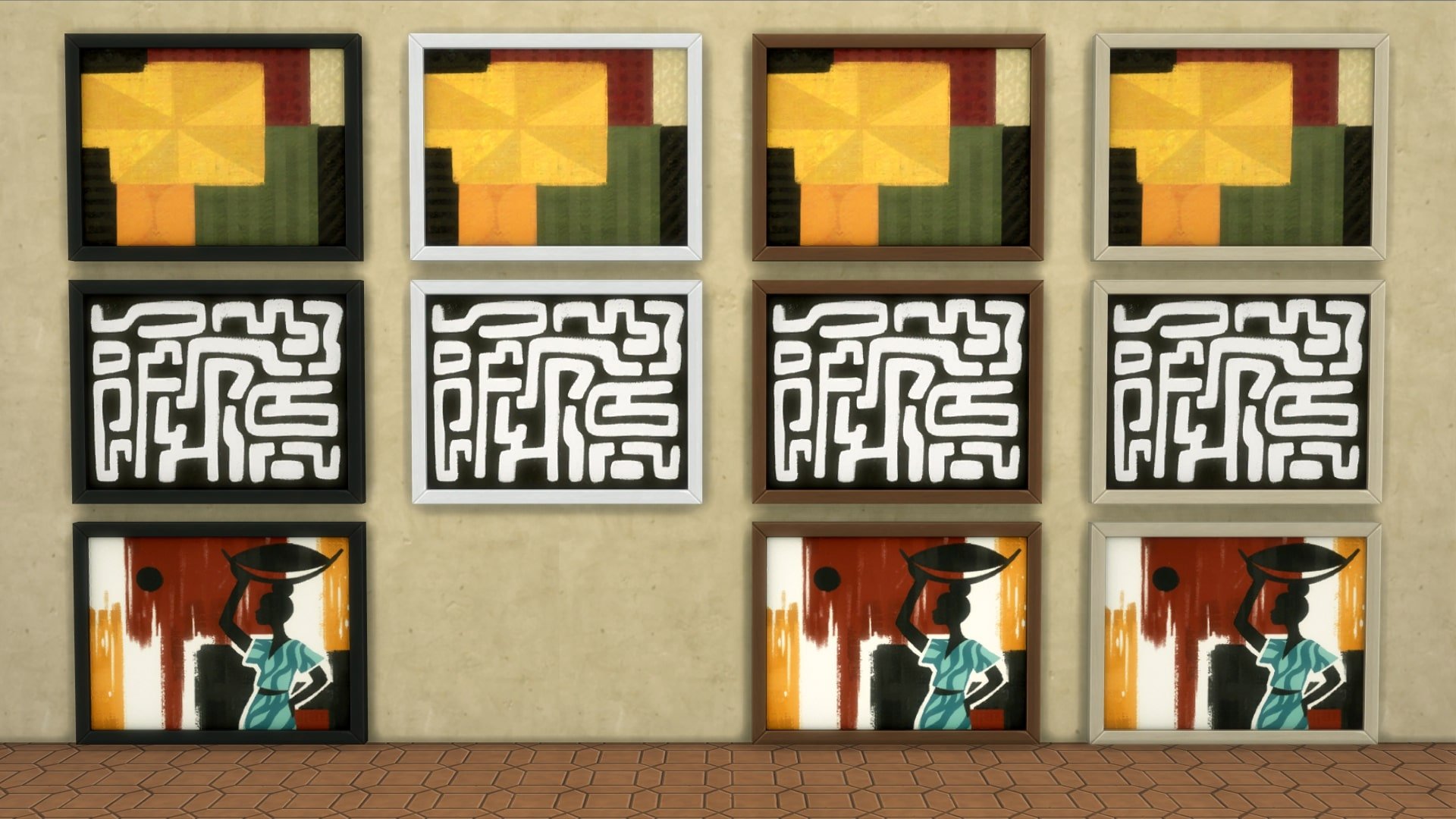
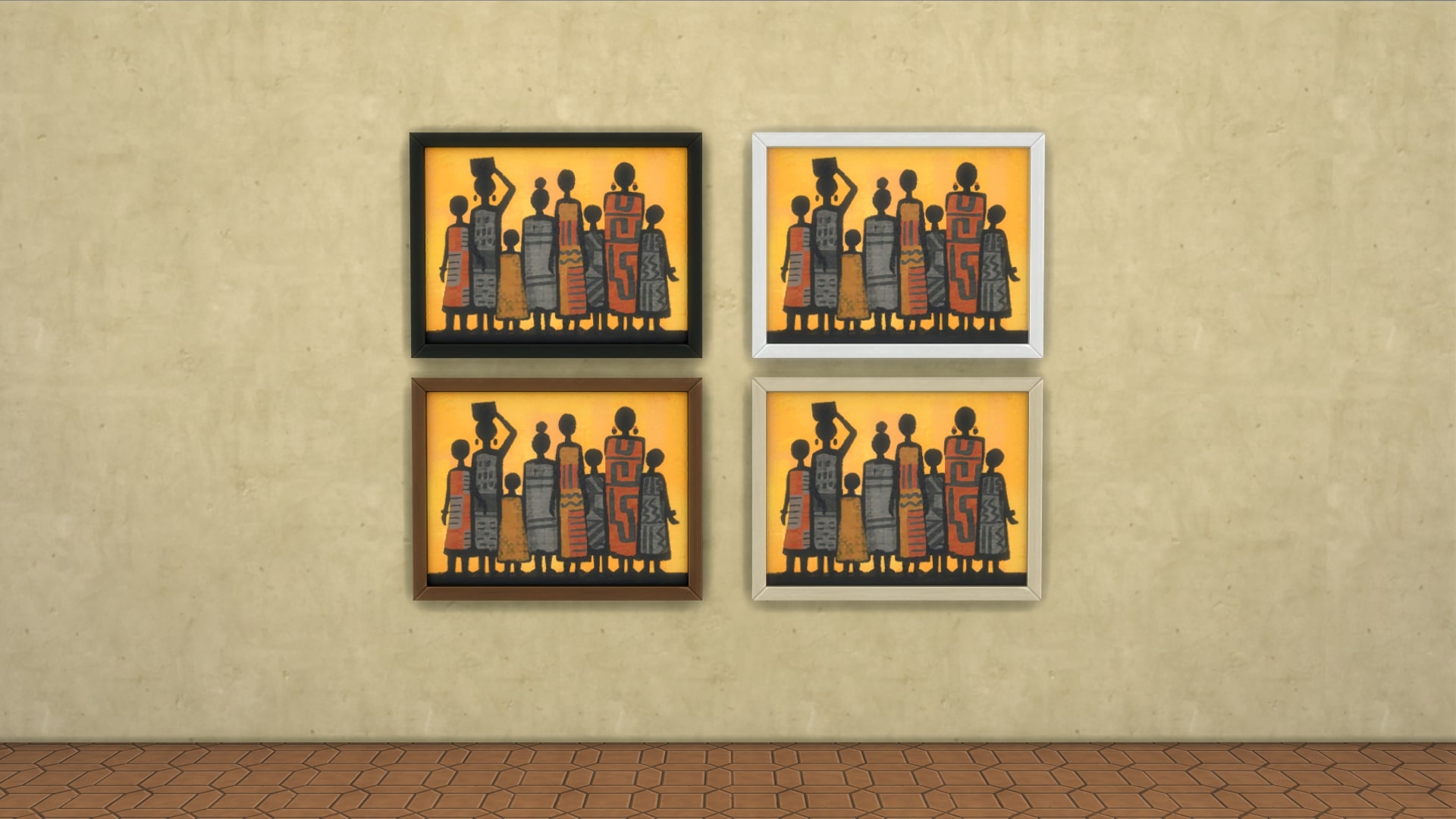
Visions of Home Decorative Art – A vibrant collection of framed art, inspired by scenes from West Africa.
Wallu Woven Basket – Bring beauty into your Sims’ home with a rich piece of West African heritage: a Wolof basket! The Wallu (meaning to help out in Wolof) is traditionally crafted by the Wolof people in Senegal. These baskets are known for their blends of colors and intricate patterns.
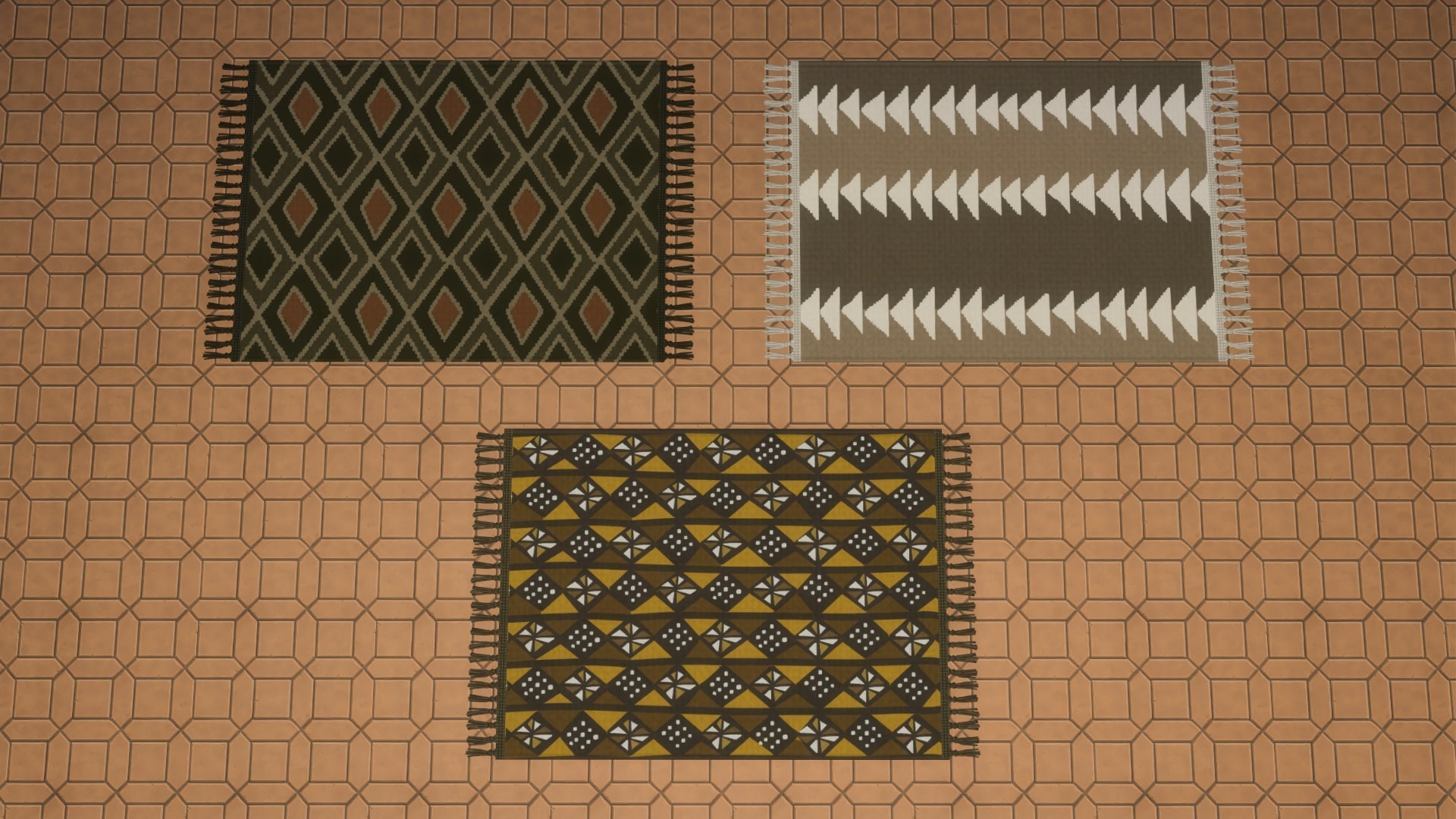
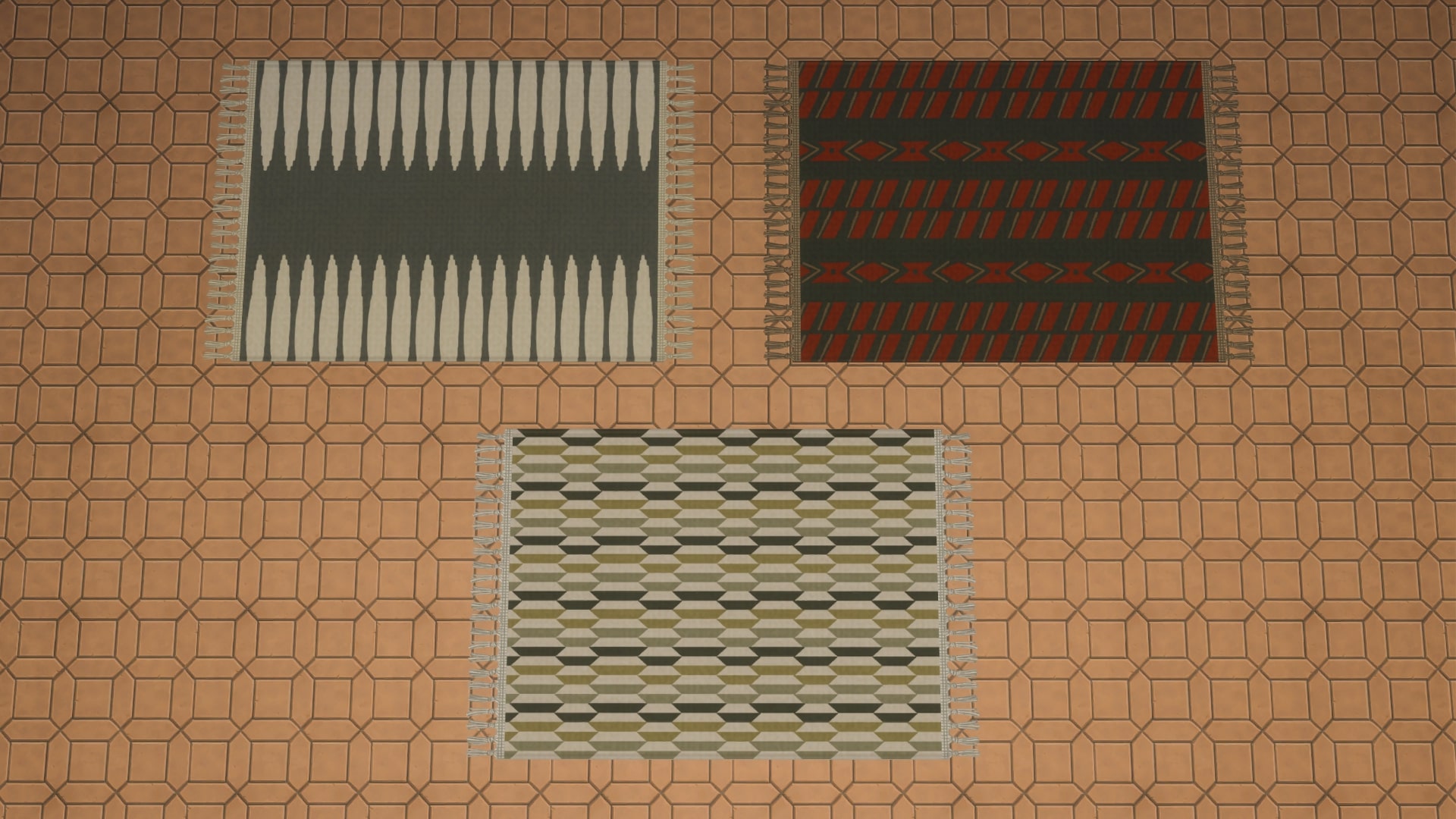
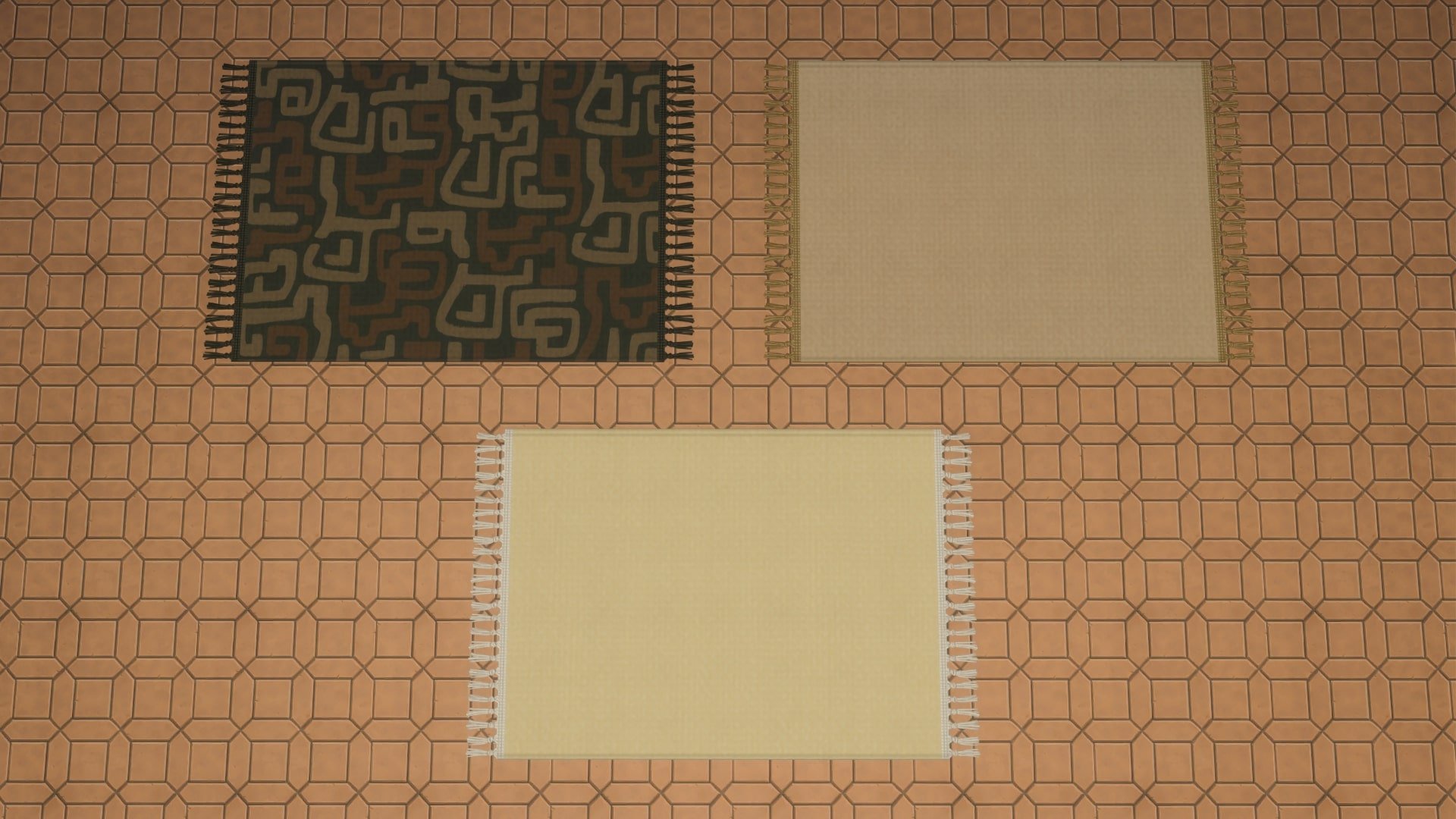
Hiwe Area Rug – A skillfully woven rug with a modern design and warm colors, brings your Sims’ space together with a touch of history and tradition. Hiwe, meaning to support or to ground in Igbo, is crafted using time-honored techniques, adding character and comfort to any room.
West African Aloe Plant – This beloved West African succulent features sharp, triangular teeth along its leaves, while its fiery blooms stand tall.
Flavors from the African continent
Your Sims can now cook Jollof Rice with a side of Chicken Drumsticks, a beloved dish with regional variations across countries like Senegal, Nigeria, and Ghana. This one-pot meal of long-grain rice, vegetables, spices and meat is rich and flavorful, perfect for parties and celebrations.
For the chefs that love bold aromatics, style your Sims’ kitchen with this decor object, a Trio of Flavor, presented in natural wooden bowls. Each ingredient found in the bowls plays a role in West African cuisine; the nutritious and versatile Bambara bean with its mild taste, the tiny Guinea cubeb brings a fresh, fruity heat, and pods containing grains of paradise that deliver a bold warmth with hints of ginger and cardamom.
Fashion as a form of storytelling
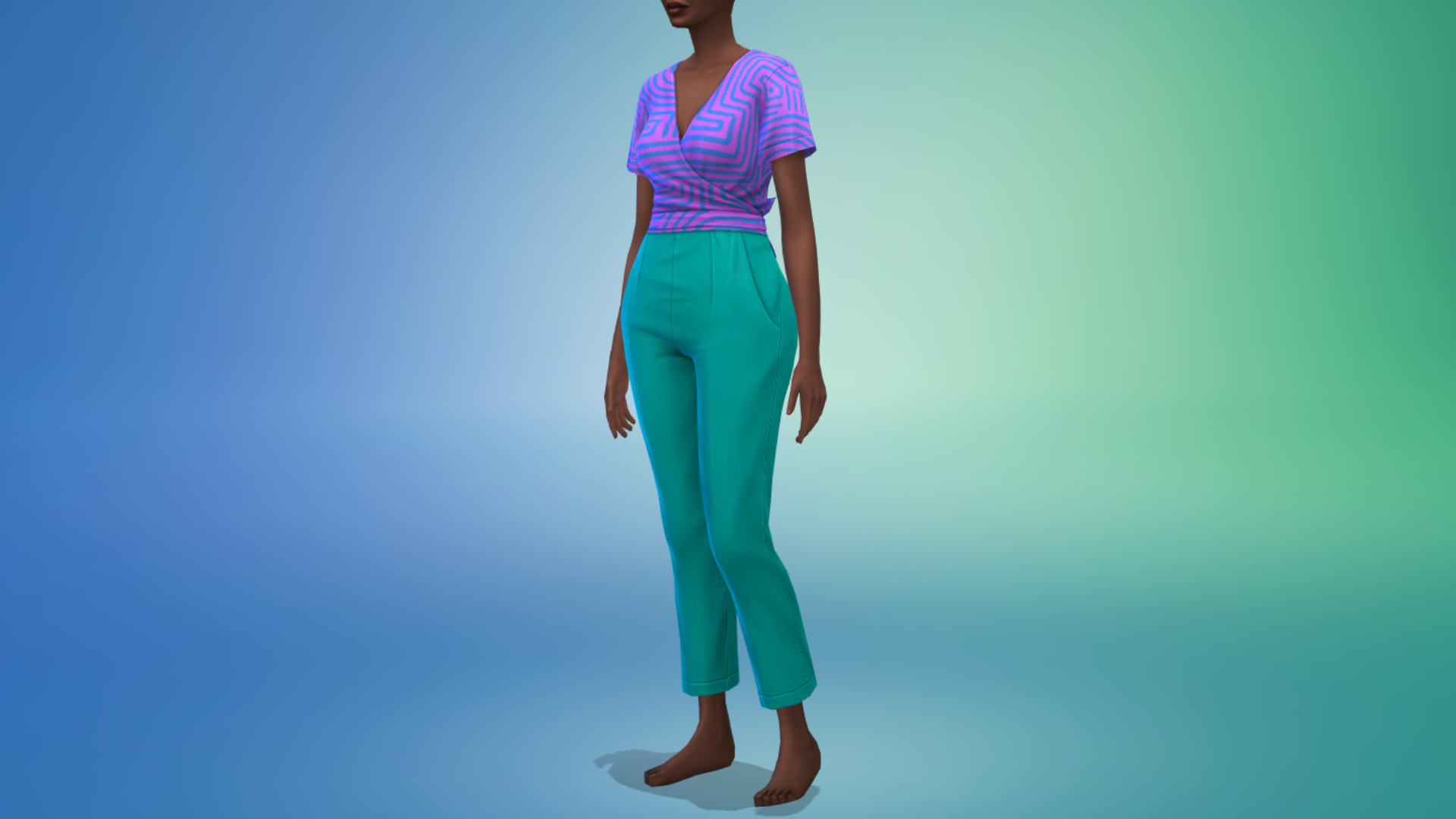
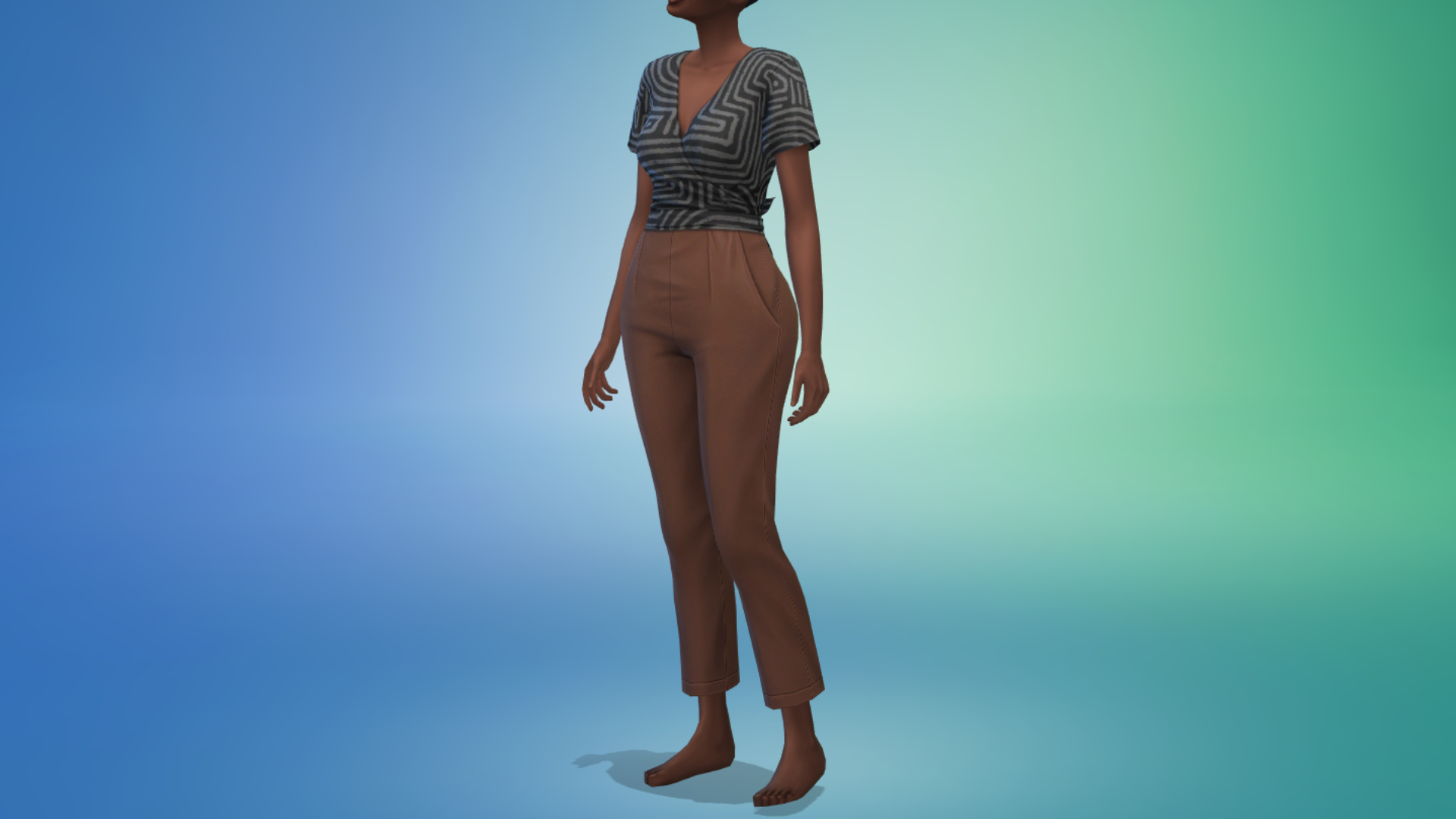
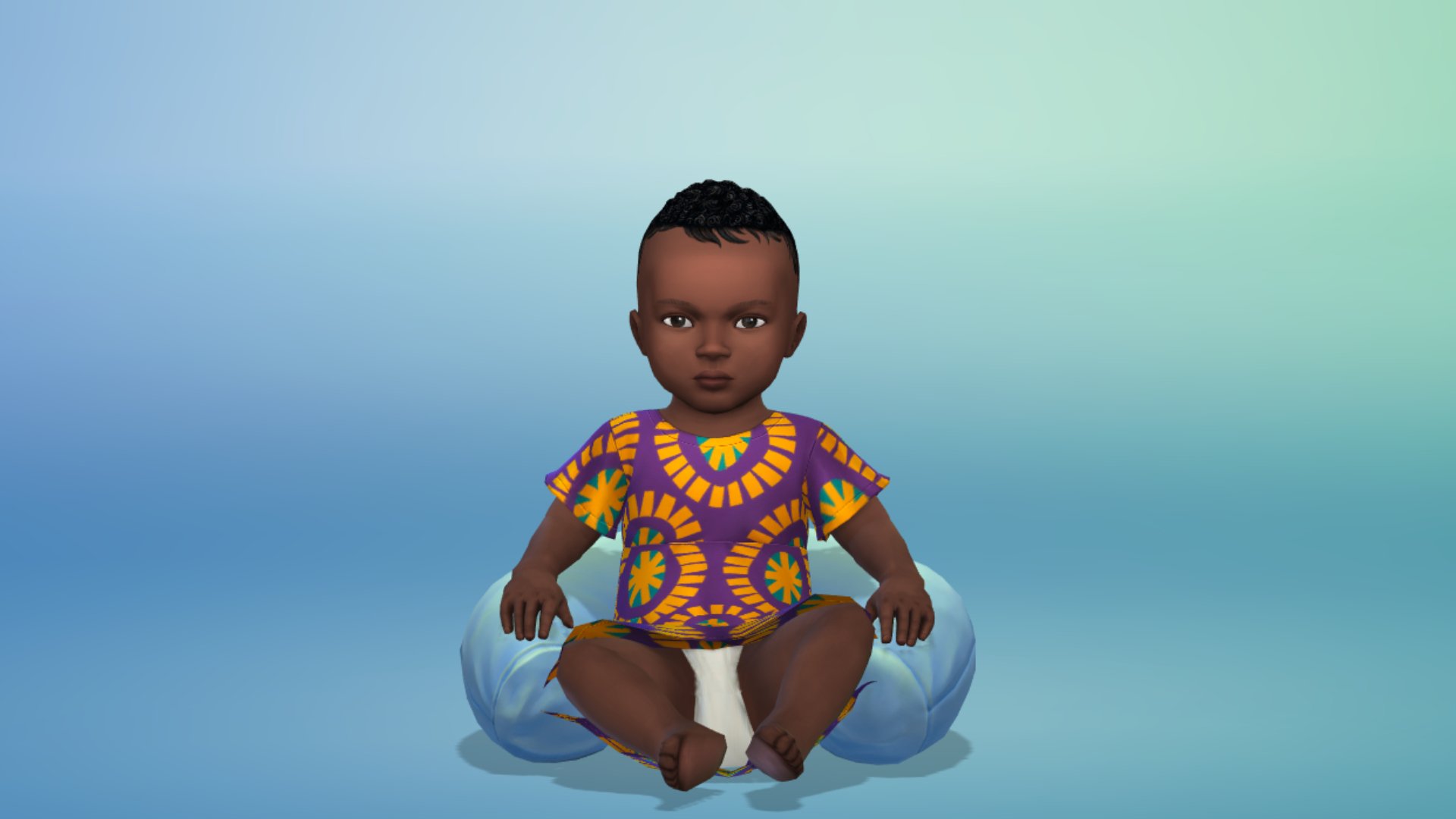
Have your Sims stand out in style and color with fashion inspired by West African designs that mix heritage patterns with striking jeweled tones. New items are now available in Create a Sim, including a vibrant jumpsuit, bold patterned shirts, and a playful, printed dress for Toddlers and Children. You can accessorize your Sims with earrings and a head wrap to tie it all together. These will be perfect for just about any event, for expressing Sims’ personal style – or why not have the whole family in matching outfits for a special occasion?
Each item’s pattern and color tells a special story. This update celebrates West Africa and the traditions that shape our world. Our work doesn’t stop there. Our commitment to expanding representation and player choice will continue.
Dag Dag!
The latest update is around 820MB on Mac devices!
What’s your experience so far with downloading the latest Sims 4 Update? Let us know in the comments section down below and stay tuned for the latest information on the new Patch drop right here on Sims Community!
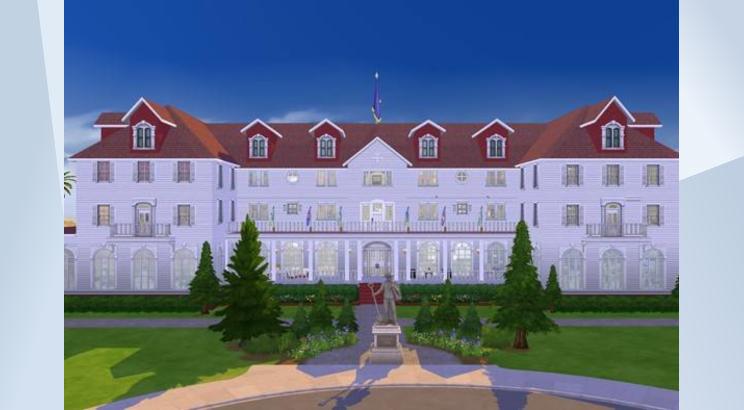
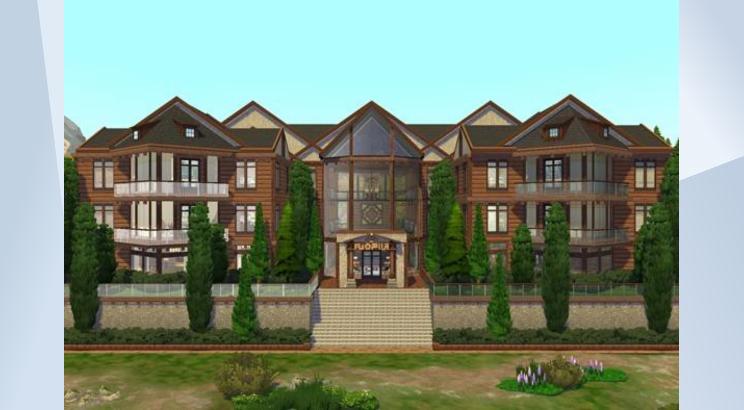
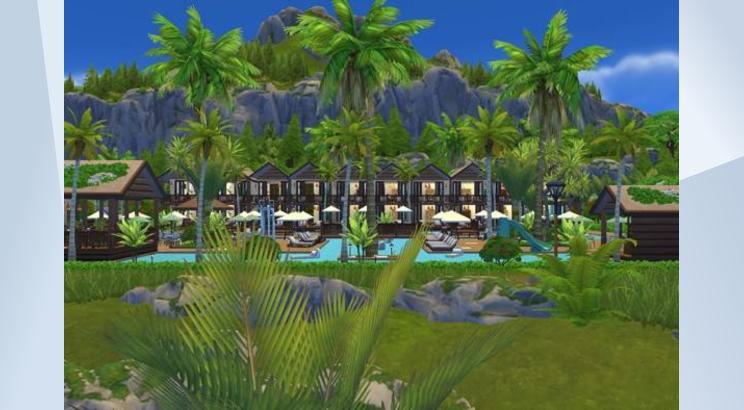
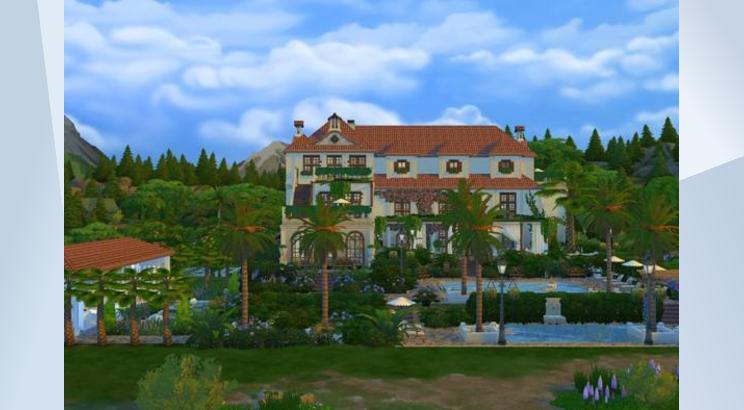
For almost the entire life of the Sims 4, the community has been begging for a Sims 4 Hotels system similar to previous entries, like the Sims 2 Bon Voyage’s hotels system. There were mods to assist in this as soon early as 2015, but the closest the base game and DLC ever got to the system was the custom vacation rental system added with the pre-release patch for Snowy Escape from November 2020. However, players have a new way to create Sims 4 Hotels with the use of custom venues including roles, schedules, and more lot-specific customizable options available in Adventure Awaits.
This means that since the release of The Sims 4 Adventure Awaits earlier this month, we’ve gotten about as close as the game has ever been to a fully functioning hotel system, with a few of its own… special quirks.
Building Sims 4 Hotels in Adventure Awaits
Table of Contents
Roles
When setting up custom venues to create a Sims 4 Hotels experience in Adventure Awaits, the most vital piece in making the lot work as intended is to create the proper staffing roles for sims, as well as a guest role to differentiate the sims on the lot. Breaking down the hotel experience, the primary staff needed to create something similar in Adventure Awaits is customer service or receptionist staff members, janitorial or housekeeping staff members, chefs or culinary staff members, and then a guest role.
Custom venues currently allow for up to 20 sims on a getaway lot at a time, meaning that restricting the amount of staff sims present to allow for more guests will be your best option. The amount of staff members per role will vary depending on the schedule you decide on, what theme you lean into, or your overall intention with your Sims 4 Hotels. You can go as small as one staff member each to allow for the max amount of guests, or split roles that you feel would take more time or effort between multiple sims.
Customer Service & Receptionist Staff
Friendly and outgoing sims to greet visitors, “check them in”, and just generally be a friendly face to those new to the hotel is a cornerstone of the real world hotel experience, and most want to emulate that in any Sims 4 Hotels they build!
Activities
Since The Sims 4 does not have a true “receptionist” or “check-in” role or activity, having a sim who has actions that focus on immersion, as well as just overall sociability, will help with how the hotel feels when visiting.
The typical criteria added for the role include…
Age: Young Adult, Adult, Elder
Skills +2: Charisma, Comedy, etc.
Some easy activities to add for a Receptionist or Customer Service staff role include…
Be Friendly
Write (On Computers)
If you only place one computer in the hotel, this should allow for receptionists who look as though they’re working behind a front check-in desk.
Optional: Tend Bar, Tend Coffee/Tea Counters, etc. (Primarily if you’d like sims who do more than just look helpful.)
These are the basic activities I chose for my receptionist, but you can choose many more, especially if you decide to play a smaller hotel that may have multi-faceted staff, like someone who provides customer service but also repairs and cleans.
Uniforms
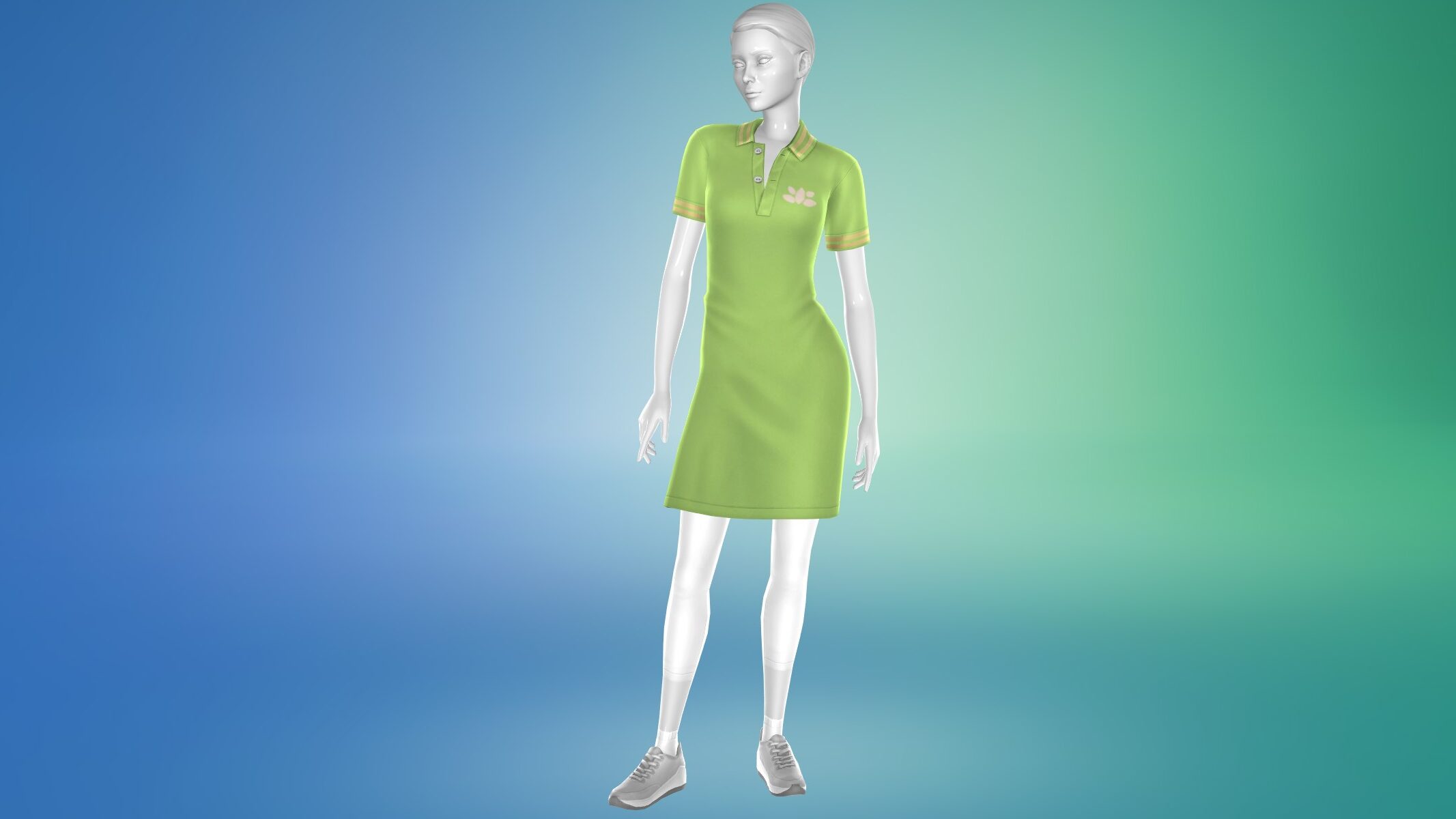
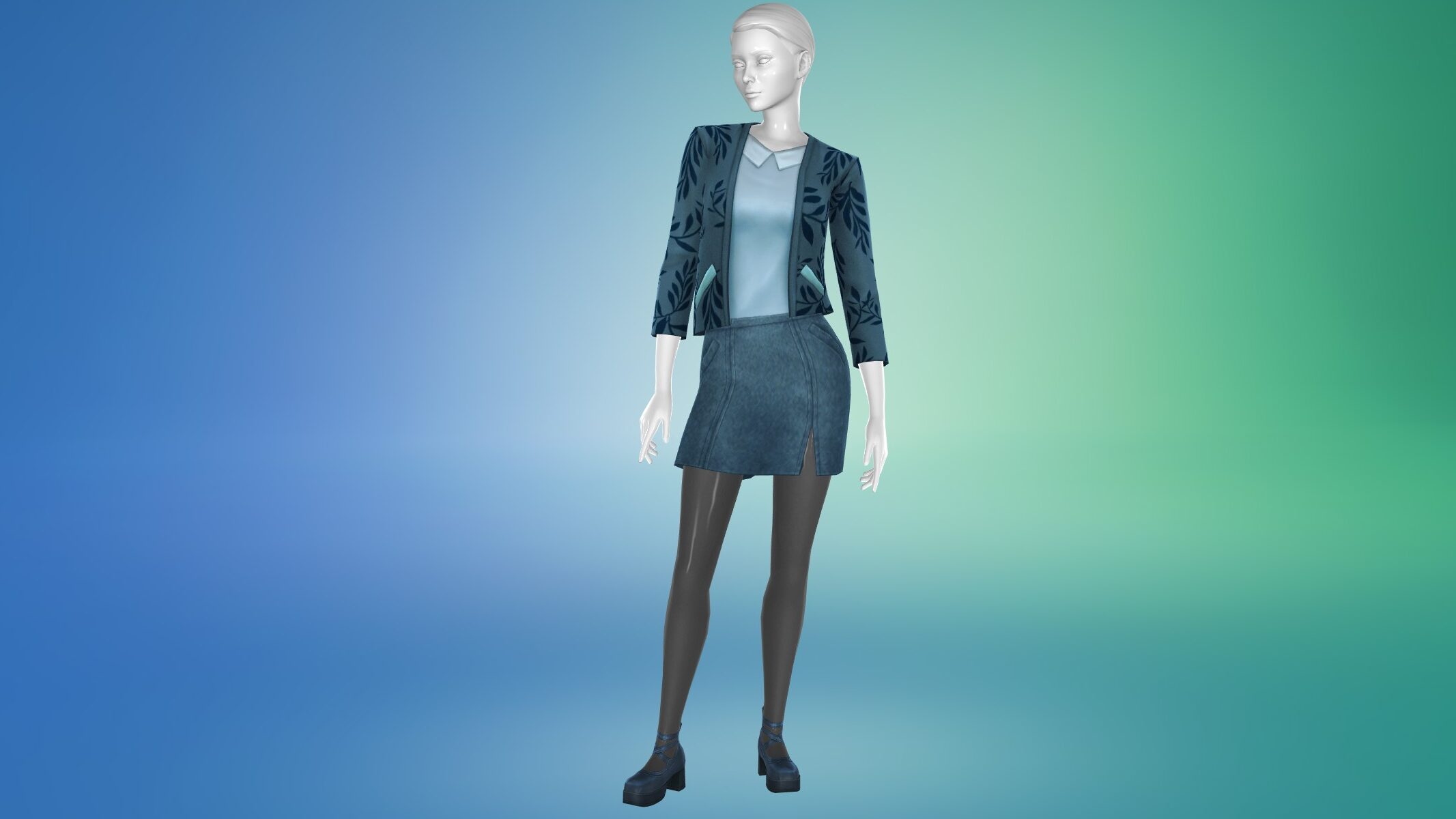
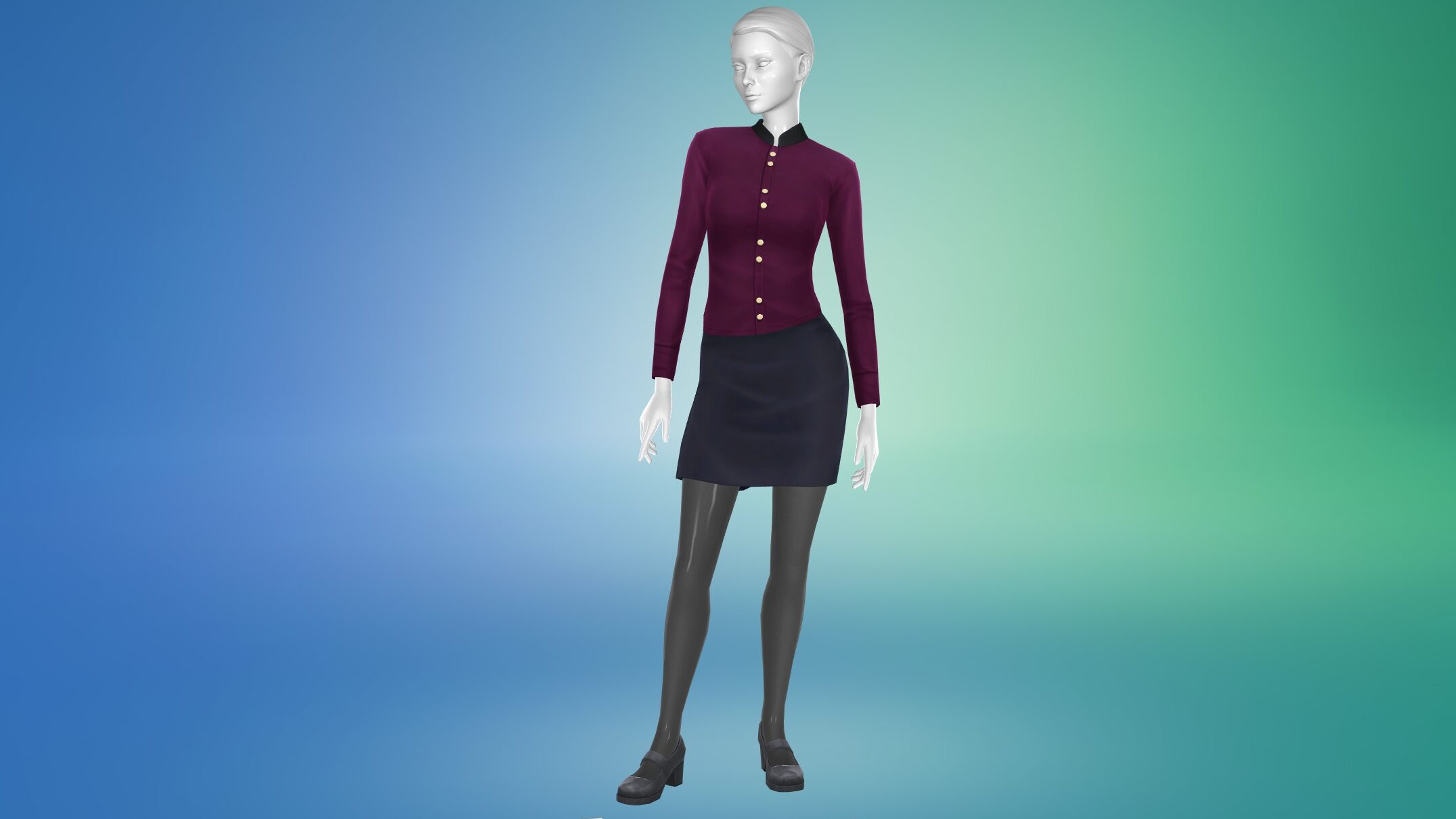
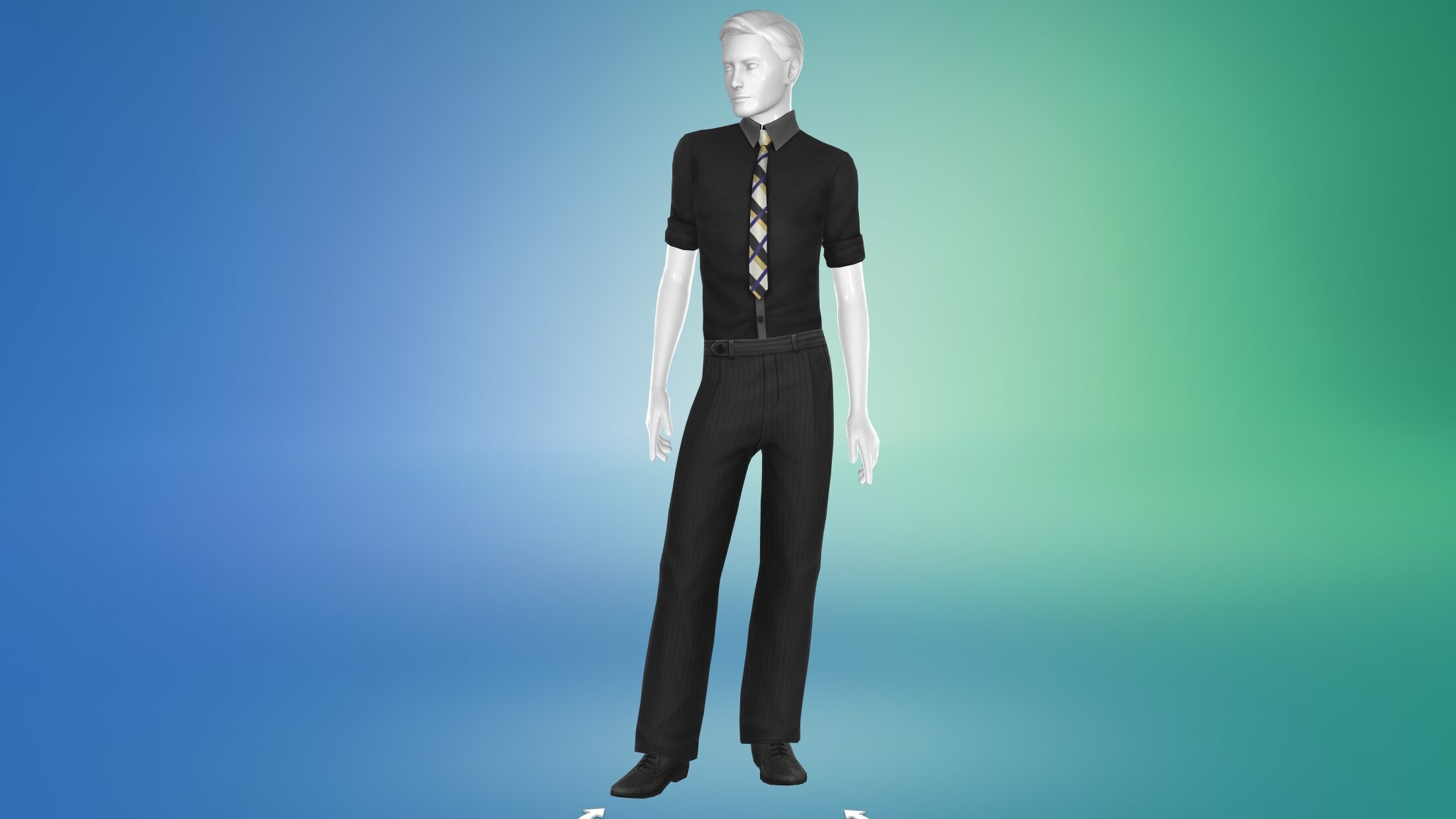
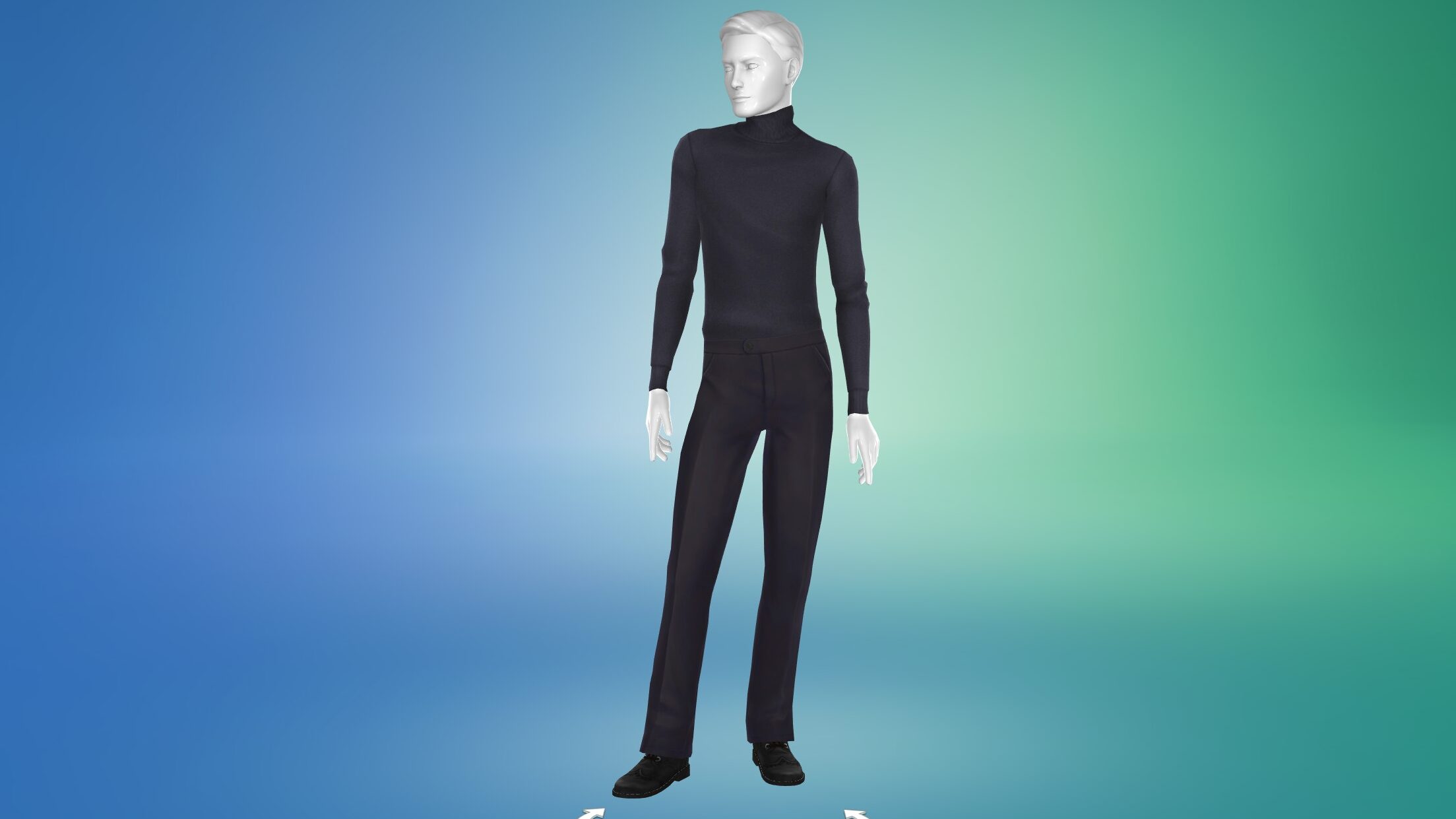
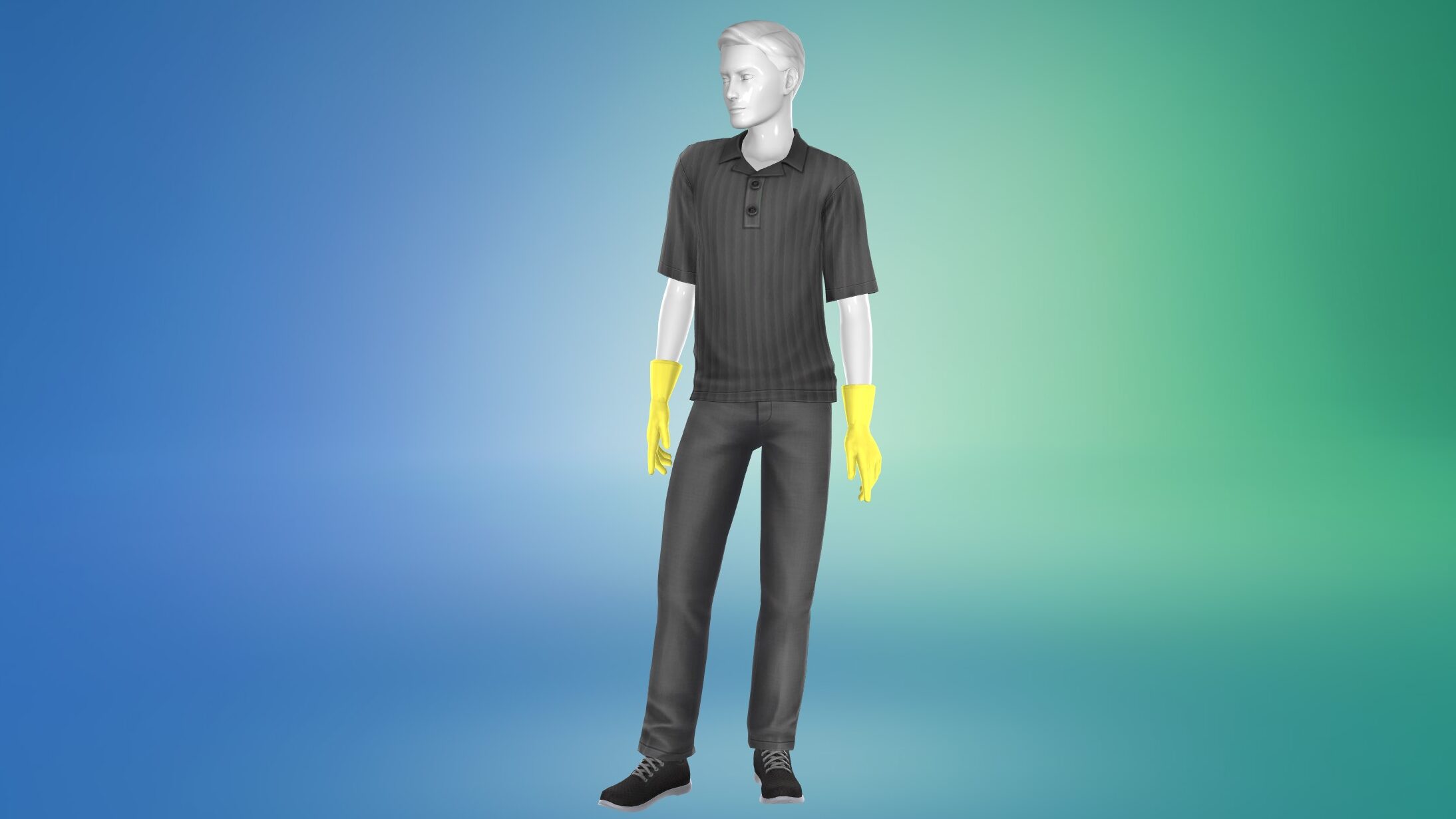
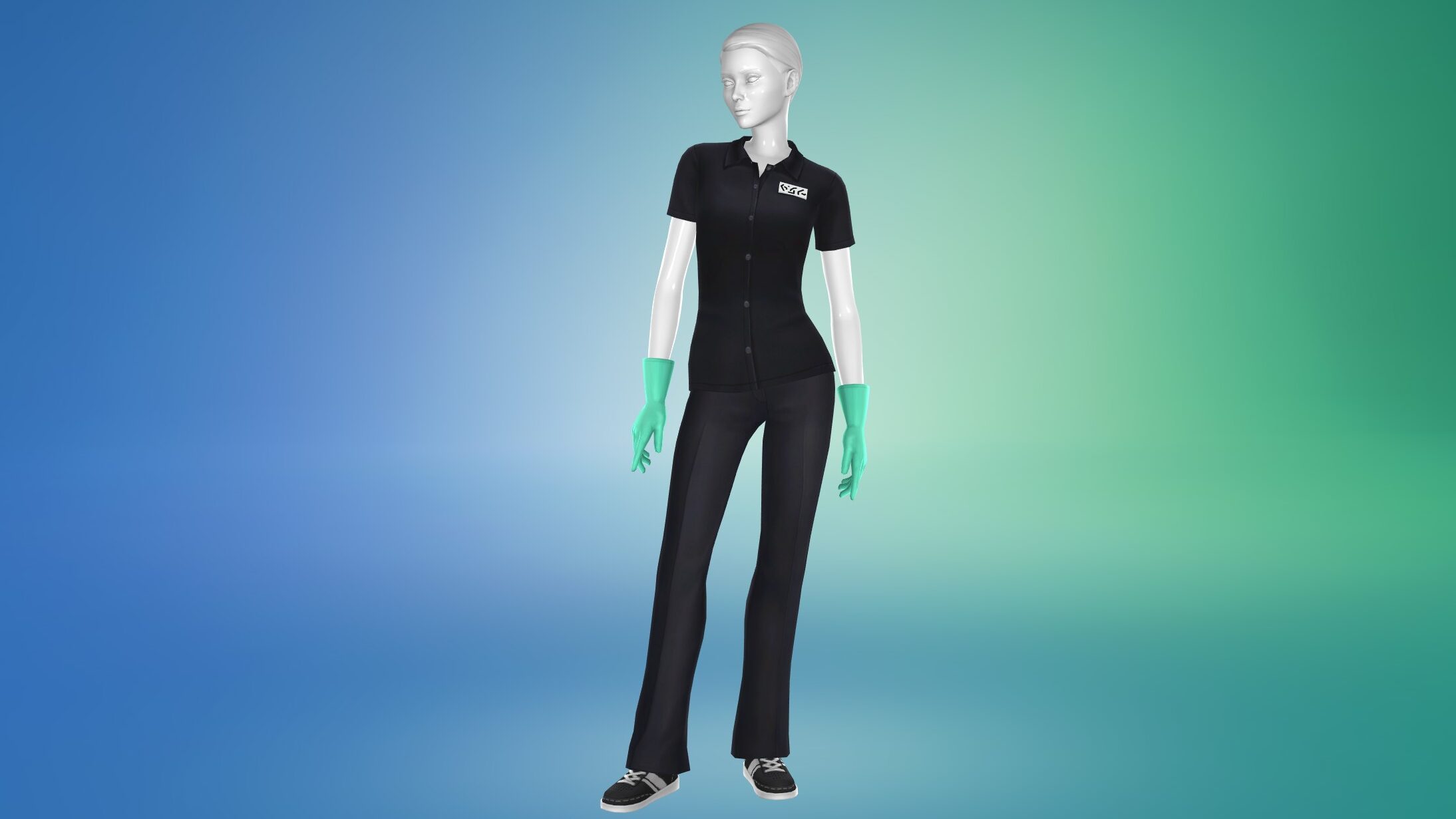
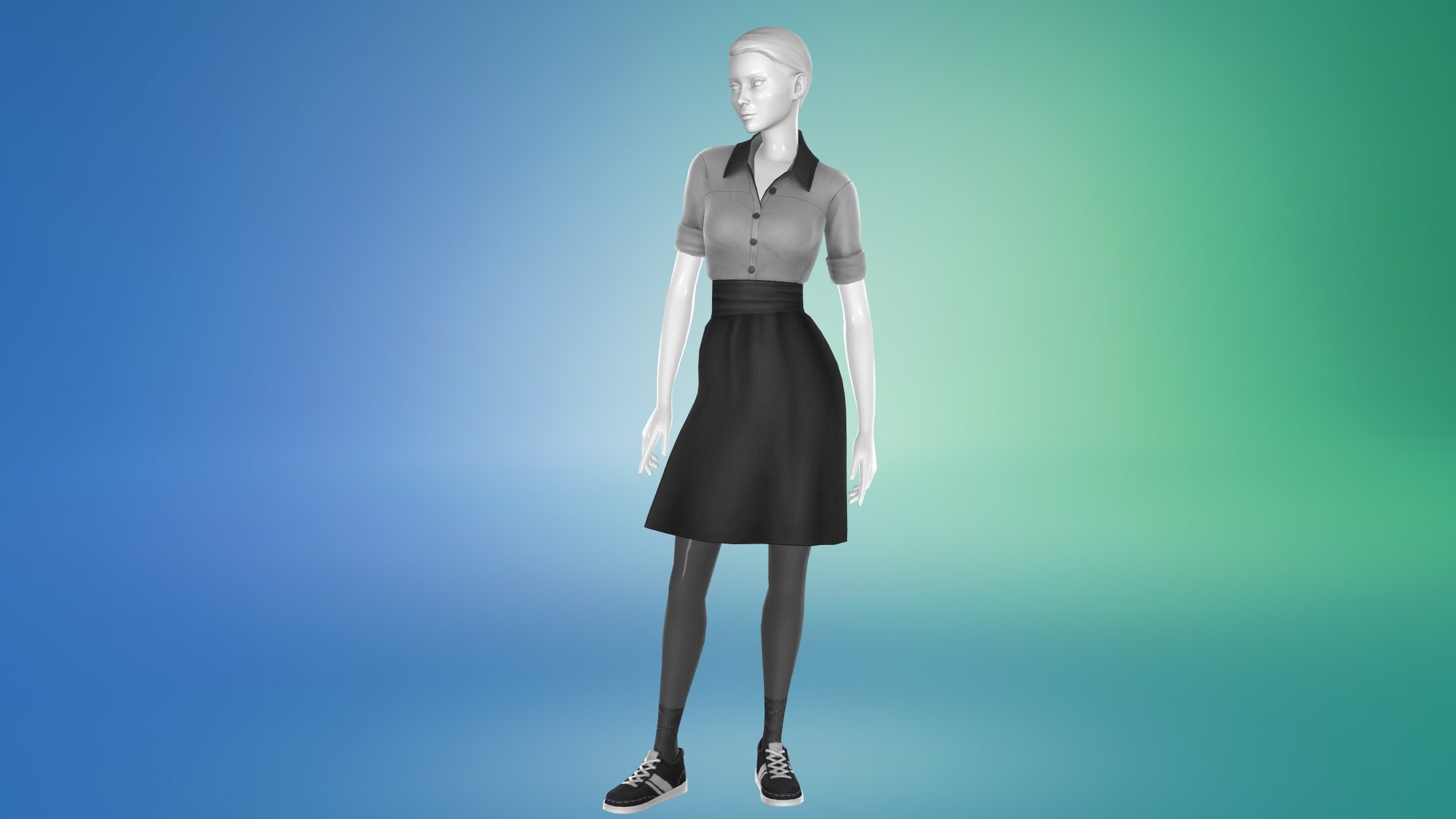
You can choose to have your sims be casual and wear what they would like, or make a very simple uniform, but I styled a few options using a variety of DLC and base game items to provide inspiration, both for feminine and masculine style sims in customer-facing roles. I found that you can go very formal or business casual, or you can reel it in and use some spa day polos and polo dresses to create a very uniform and consistent look across all employees.
Housekeeping Staff
Staff to clean up after sims, especially messier or sloppy ones, can help keep your hotel pristine and welcoming to guests, both your own sims and those you see as visitors and customers. This is particularly important while having staff that cooks food, since most sims become uncomfortable (sometimes to an extreme extent) when they’re in a dirty environment, including dirty plates, garbage piles, etc.
Activities
Setting up a housekeeping activity list is fairly straightforward, though it varies depending on additional DLC you have or want to use features of. Some activities include…
Clean
Cleaning Home Activities
Laundry
Repairing Items
Being Friendly
You can also separate the role to include maintenance sims that will interact with guests and repair any broken objects!
Uniforms
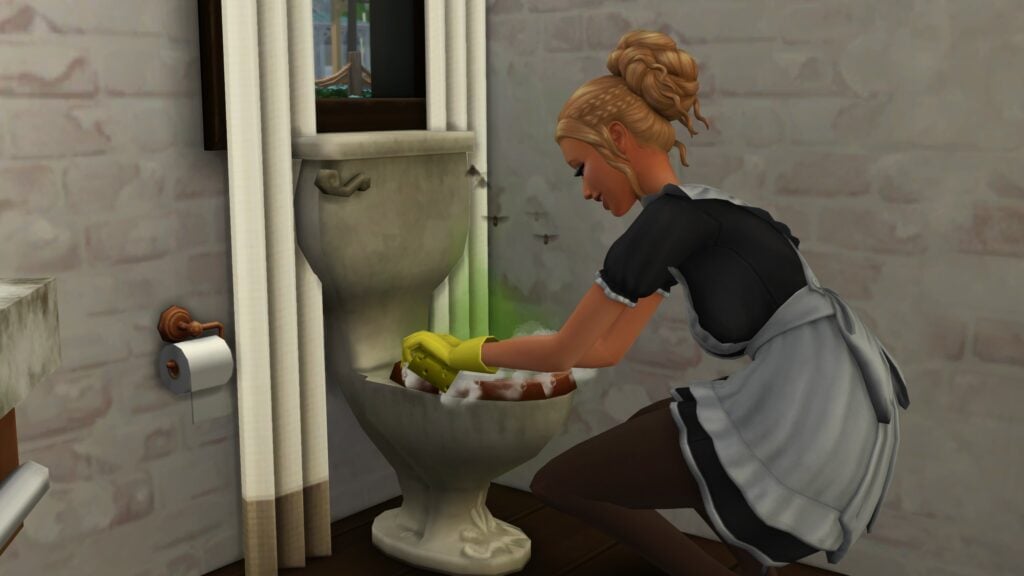
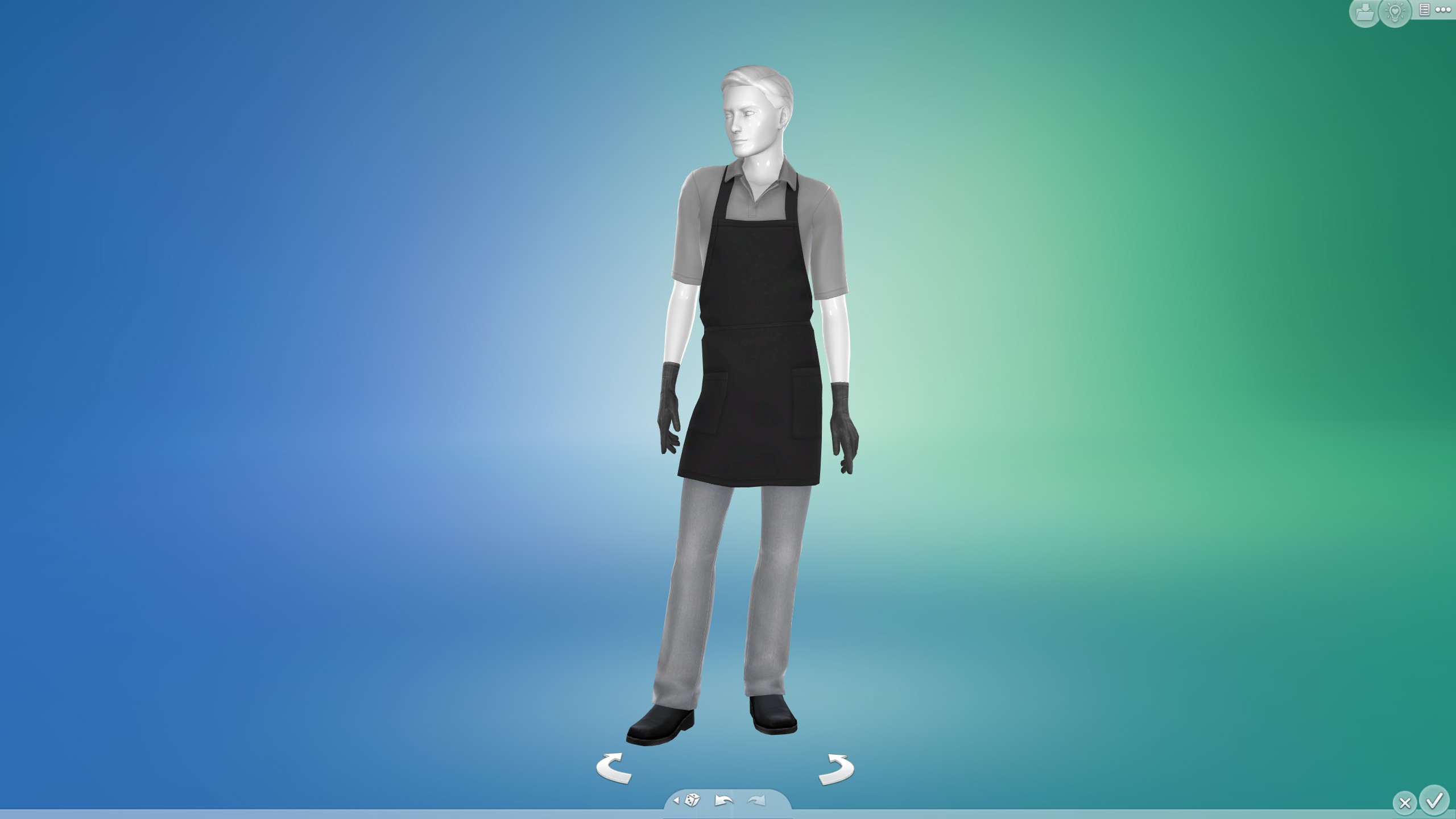
In real life, housekeeping and janitorial uniforms tend to vary. Most align closer with standard business casual that may include aprons, gloves, or other gear to protect from staining that can be found in cleaning commercial properties. You can also lean into a more classic or stereotypical look, with formal wear or maid & butler outfits. You can even go closer to something janitorial and look for work jumpsuits that could really stand up to any mess.
Culinary Staff
While some use cooking as a stress-relieving hobby, most people in general don’t want to cook while they’re on vacation, and they especially don’t plan on cooking while in a hotel. Hiring culinary staff to prepare meals for your guests will allow your guest sims to have easy access to their meals and excellent quality food, similar to a real world continental breakfast or complimentary meal services provided in vacation packages, making the whole trip easier while also creating a form of immersion.
Activities
The activities for culinary staff are also fairly straightforward. Any activities surrounding cooking, serving food, cleaning their stations, and more. Some reliable options include…
Be Friendly
Cook
Serve Food
Tend Bar/ Mix Bar Drinks
Tend Coffee/Tea Counter
Make Nectar
Bake
Make Smoothies
Make Treats
Grill
Uniforms
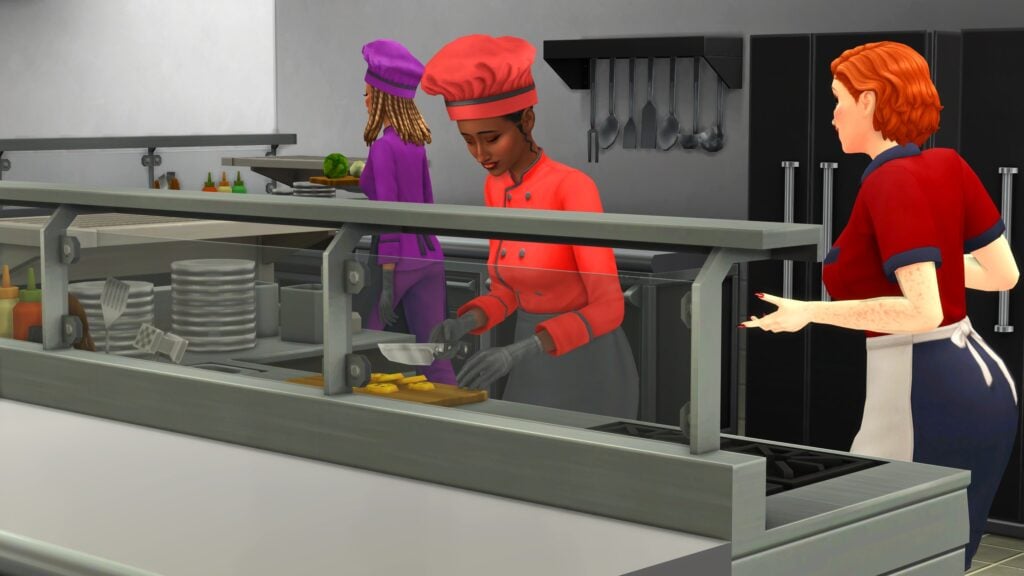
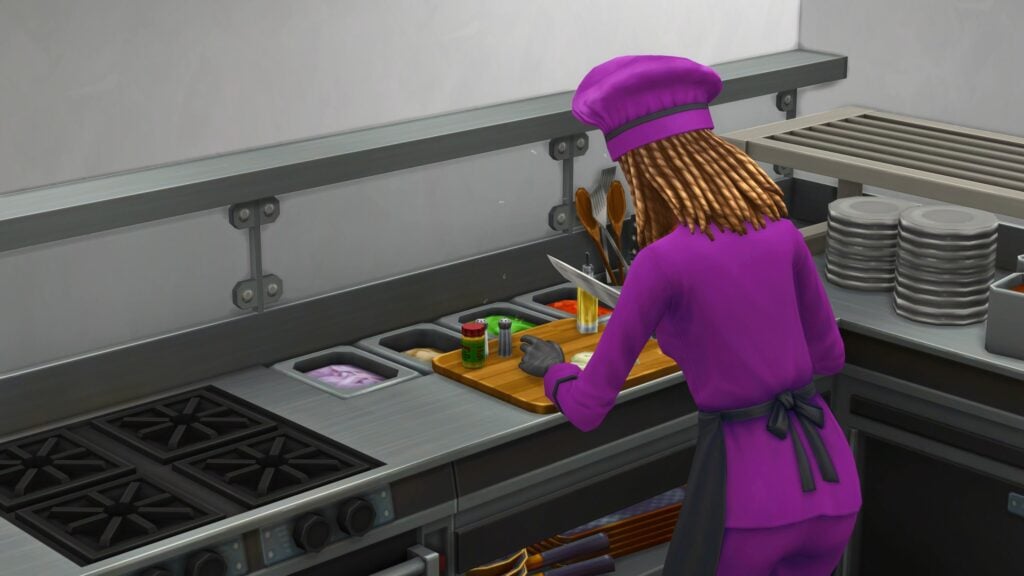
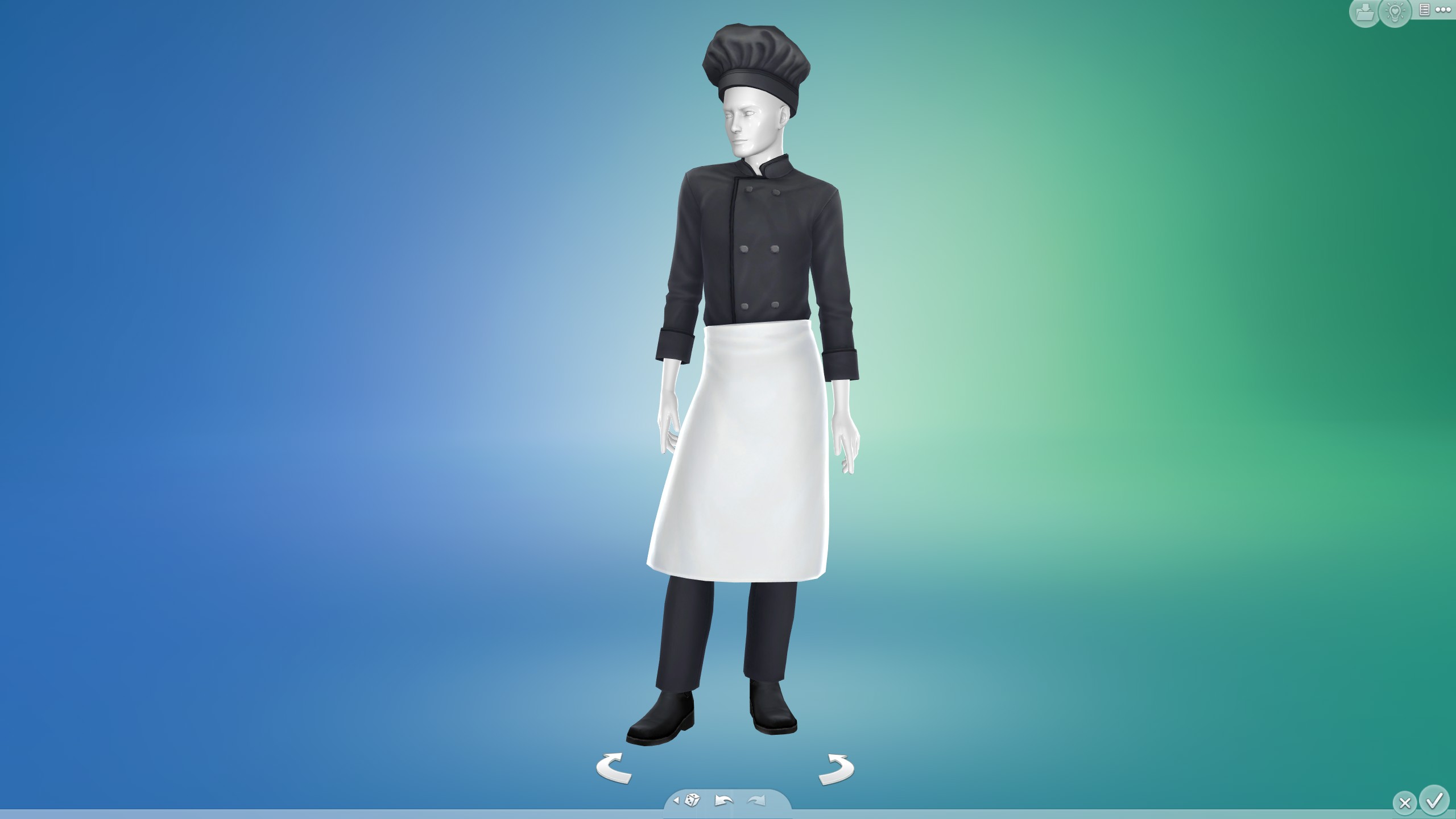
Using Dine Out in particular, I found it very easy to create uniforms for Culinary staff that vary from head chef level, down to sous chefs or apprentices. They even include some dirtied swatches. Depending on the sim, I added dark gloves similar to what it seen in many restaurant kitchens, though many chefs in real life also opt for consistent handwashing and bare hands.
Guest
The guest role is both the most important and the easiest to customize! You can choose criteria for guests to limit what type of sims can arrive to any of your Sims 4 Hotels. Some criteria ideas could include adult-only hotels, senior resorts, occult getaways, and so much more!
Another note is that the limit for custom venues is 20 sims at a time, so I would recommend choosing the amount of staff per role you want, and then creating one or more guest roles to fill the rest of the space. Roles can only hold up to 8 sims, so you may need to create more than one guest role. They can either be exact copies, or slightly different if you want some variety.
Activities
Now this set of activities will be based on a few factors, primarily where you set up your hotel and what your goal is for the sims to do. Hotels that are coastal or who have multiple indoor or outdoor pool areas would benefit from designated activities for using pools, swimming, or enjoying nature. You can also adjust your activities by season, if you have Seasons installed, to prevent guests from freezing outside because they wanted to go swimming on Winterfest Eve.
Some easy activities to include are…
Campfire
Water Activities
Dive in the Ocean
Fish
Seasonal Activities
Spring Activities
Summer Activities
Fall Activities
Winter Activities
Use Hot Tub
Swim
Outdoor Recreation
Use Kayaks
Use Water Vehicles
And so much more depending on the DLC you have available! You can even choose to be incredibly hands off, and just give your guests the activity of Free Time whenever you’d like! Another note is that adding the Stay Close to Family activities will autonomously make sims interact with and stay close to their household members they arrived with.
Build Requirements
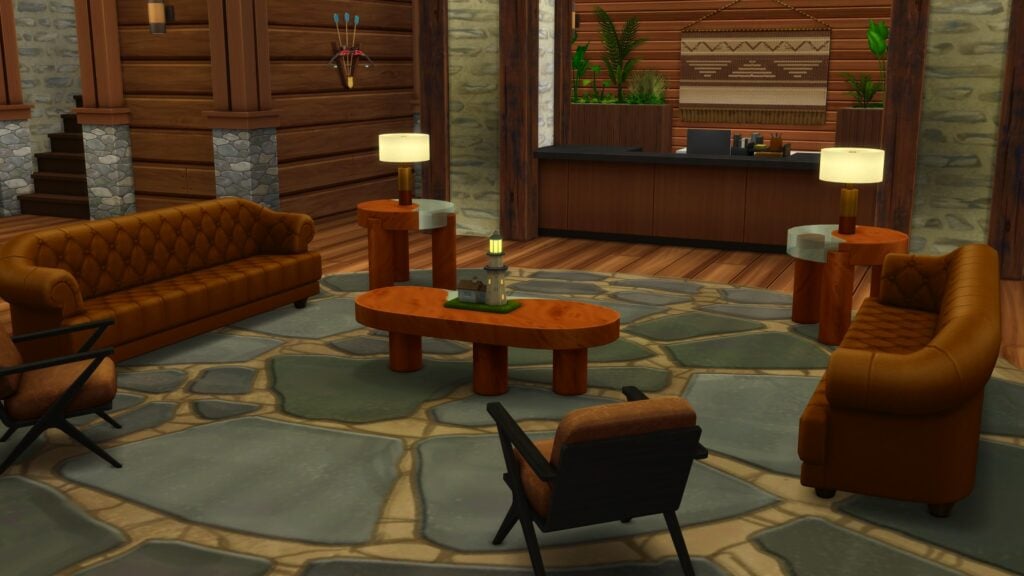
Custom venues generally require disposal (garbage) items, plumbing, and a few other simple options. For functionality sake, I would recommend accounting for the amount of sims you have and having that many guest beds and bedrooms, as well as employee quarters and break areas to allow them to rest as well. Although, it is entirely up to you how you layout or design your Sims 4 Hotels!
Room(s) Required
Basic rooms required would include…
Guest Bedrooms
Guest Bathrooms
Kitchen
Dining Area
Employee Bedrooms
Employee Bathrooms
However, there are loads of other rooms you can add in for immersion or to expand the activities your sims can have! Some ideas I’d recommend would be…
Indoor Pool
Employee Break Room
Recreation Room
Business Center or Computer Lab
Housekeeping Laundry Area
Janitor’s Closet/Space
Gym
Front Lobby
Bar or Coffee Shop
Yoga Studio
Spa
And so much more! Let your imagination run wild and choose options to fit your location, target sims, and activities!
Custom Schedules
You can also change the activities of individual roles to align with the custom schedule and to create dynamic days for every sim, from guest to employee. Sims in the Sims 4 have fairly resilient needs, so most of the time spent is up to you!
I generally recommend to add two schedule slots for Eating and Self-Care for guests, around what would be considered Breakfast time and Dinner time. For staff members, try to fit in times for them to take care of their own needs and take breaks as needed, since they are also present the entire time during getaways.
I would adjust staff activities one slot off of guest activities. For example, have your housekeeping sims rest or do self-care while your chefs are cooking and your guests are eating, and have them do cleaning in the next time slot. You can also have staff who work overnight, who split their shifts in half and sleep in between, whatever fits your Sims 4 Hotels and their guests the best!
Another note is that you should probably make time blocks in the schedule with multiple activities in mind, as they can only be as short as 3 hours long.
Gallery Recommendations
I also took the liberty of browsing some amazing options already created by Sims 4 Gallery users, that you can download if you want to dive into using playing Sims 4 Hotels in Adventure Awaits right away!
Monolith Boutique Hotel by LimeCondenser
Welcome to The Monolith Boutique Luxury Hotel. A total of 20 beautifully decorated rooms across four distinct tiers: Deluxe x4; Superior x11; Ultimate x1; Executive – Garden View x4. I’ve set a detailed schedule to divide the main activities throughout the day. The lot type is Custom Venue, but you can easily change it to a Small Business Venue lot type or adjust the scheduler based on your own interests! *YouTube @LimeCondenser #ShowUsYourBuilds#AdventureAwaits#NoCC#LimeCondenser
The Stanley Hotel in Estes Park. Must use MOO – has 2 famliy suites, 2 mini suites, 2 double & 2 single rms, can be set to restauraunt, cafe, retail, spa, bar, lounge, currently set to museum. Made a few changes from real hotel, includes ghost tour office and part of the old tunnel below that collapsed. Spot for kids, small movie theater, 2 bars, wedding venue, library. I also included a small maze. Please do not re-upload. #TheStanleyHotel#nocc#theshining *updated bathrooms & few add ons
Have you dabbled in building or using Sims 4 Hotels with Adventure Awaits custom venue system? Are you planning on any other interesting builds or ideas? Let us know! Be sure to follow The Sims Community for new guides and articles about Adventure Awaits and other news!
After The Recent Exodus Of Creators And Maxis’ Subsequent Statement, Even More Creators Have Called It Quits!
The community is changing. Over the weekend, more creators have quietly stepped away from the EA Creator Network, citing concerns over EA’s buyout and what it means for the future of the franchise. What started as the exit of some of the most notable names in The Sims community has grown into something more visible, with even more creators now speaking out about why they no longer feel comfortable being part of the program. The reasons vary, but the message is clear: something has changed.
Table of Contents
The Community Responds To The Sims Team’s Statement
On Friday, October 24th, The Sims Team released a statement reaffirming their commitment to inclusivity and their respect for those who may choose to leave. The community took to social media to air their grievances or express sympathy for those working at Maxis who have no say in the sale of Electronic Arts. You can read the statement in full below.
It is important to remember that The Sims Team have no say in what their publishers choose to do. EA purchased Maxis in July 1997 and has since been the sole publisher of the games that Maxis develops. Many in the community have expressed sympathy for The Sims Team, as they do not have the final say in what does and does not happen. User Gareth Clarke (@gxrethclarke) on X put it best:
The discourse around this shouldn’t be targeted around the Sims team directly – they don’t have any say in who they’re acquired by. There’s no doubt they’ll be fighting for the same values we care about but it remains to be seen how successful they’ll be https://t.co/QPzEgOKd7t
Last week, several notable Sims creators chose to leave the EA Creator Network, some of whom are now choosing to shift their content focus to a broader range of life simulation and management games. These creators include household names like Lilsimsie, James Turner, Plumbella, Steph0Sims, and more.
Over the weekend, more creators have chosen to leave. Popular Sims creator Fantayzia has released a video regarding her intention to leave the EA Creator Network due to ethical concerns with those who bought EA. Sims news aggregator Iron Seagull has also chosen to leave the EA Creator Network for similar reasons. He goes on to state that he sees this as a new chapter for the channel and that he is not burning bridges, but making a clear statement on where he stands.
Another set of popular creators who have chosen to leave is CarynandConnieGaming, known for undertaking build challenges within The Sims 4. In a post on their YouTube Community page, they state that they do not judge any other creators if they choose not to leave, a common sentiment throughout many creators’ statements. You can read their statement below:
We wanted to make sure y’all know that we have left the EA Creator Network as this buyout and future ownership does not align with our beliefs or values. we know we’ve already said this, but just wanna put it here too that we have not purchased any sims packs since the buyout was announced, nor have we made a video with them. it is our biggest hope that EA reevaluates this decision, and the impact it has on people as well as the community that has supported The Sims for so long.
This is a personal decision from us, we do not judge other creators on their decisions as it is all around so hard to navigate this horrible situation.
we were gonna bring this up when our next video was posted, but honestly its been very hard for us to create content right now in a positive mindset, so we are not even sure when the next video will happen. as you can tell from our latest video, we are branching out into other content, and we appreciate the support we have gotten from y’all on it. thank you so much for being here with us as we try to figure out whats next ❤️❤️
Also leaving the EA Creator Network is Vixella, a content creator with over 1.7 million subscribers on YouTube. In her statement on her YouTube Community page, Vixella notes how the community has been a place of comfort for over 12 years, and now is the right time to leave. She states that there is no “correct way to go about this” and that other content creators deserve respect regardless of their decision. Read Vixella’s full statement here:
Regarding the situation with EA & The Sims right now,
Due to the recent EA buyout and their partnerships with AI, I have decided to step down from the EA Creator Network.
I will continue to play The Sims on my channel for all the people who have found comfort and peace in my content over the last twelve years with this franchise but I just can’t see myself associating with the Creator Network seeing the direction that EA is taking at this current time.
I feel very fortunate that I am able to make this choice, I know not everyone is in the same position to do this and that’s completely okay too. I don’t think there is a “correct” way to go about this and I please ask that you don’t harass other content creators for the choices they make during this time.
At the end of the day creators like myself truly just hope that The Sims gets a different and better owner in the future and that things won’t change within the game.
While I’ll still be uploading regular Sims videos, I am definitely open to trying different games & videos as I try to navigate this whole situation. I only do variety content on Twitch so that won’t be changing. As for Youtube, changes will be slow but I am currently (and have been for awhile) thinking about what other types of content I can make for the channel that is not always Sims related. I am always open to suggestions if you’d like to tell me your ideas too!
This is without a doubt an extremely difficult time for all Sims Creators (myself included) because ultimately what EA is doing is out of our control.
Another recent exit from the EA Creator Network comes from EnglishSimmer, a close friend of LilSimsie, Plumbella, and Steph0Sims, all of whom decided to leave the EA Creator Network last week. In her statement, Mollie (EnglishSimmer) states that she will no longer be highlighting new packs or content on her channel, and asks fans to cease using her creator code. As with other creators, she would like to shift her focus over to other games similar to The Sims, and is open to fan suggestions. Read EnglishSimmers’ statement here:
Hi everyone, in terms of the EA buyout, I won’t be making content, highlighting or purchasing new Sims packs/content. I am planning on stepping away from the Creator Network and will let you all know when that’s been done and ask that you do not use my Creator Code.
I’m sure you’ve noticed my content has shifted to include a variety of games recently and there’s absolutely still more I want to do in terms of this, including sequels to some of my favourite games we’ve already played on the channel and also exploring new games together. Your suggestions are always welcome on this!
When it comes to Sims content, this is kind of an unknown for me right now. I think I will continue to make videos such as finishing current lets plays or the one off content you’re used to seeing (without new packs) and also older sims games but this may change in the future. I believe the LGBTQ+ representation I have always brought into my sims content has always been important and will be even more important in wake of the buyout.
Always appreciate your support and ask you to please not harass other creators or simmers. The best way to support creators right now is to offer suggestions of games you’d love to see and tune in when it’s posted
It’s not just YouTube and TikTok creators that are choosing to speak out. Popular modder Arnie (@ArnieStudio on X) has stated his personal feelings on EA’s buyout. While not a member of the EA Creator Network, Arnie feels as though there is a responsibility to speak up, as he has a large platform of followers. There are a number of ways he believes creators and followers can speak up about the issues with EA’s new leadership. Take a look at an extract from the statement below:
Many simmers, players, content creators, and EA Creator Network members have expressed their concern that this is terrible news for The Sims community. The new owners have proven multiple times that they stand against everything this community represents. The Sims and its community has always been a space of inclusivity & diversity, a space for marginalised communities, and everyone who found a safe place to be and express themselves.
[…]
I respect every creator’s and player’s decisions to either continue to engage or not with the Sims products, network, or its community. This choice is personal, and everyone is allowed to make their voices heard and say how they feel and how they will respond to this event that affects all of us in different ways.
[…]
The Sims has always been about imagination, and more importantly people. No amount of money or corporate greed can take away the memories, the stories, the friendships, and all the things this community has built over more than two decades.
Our worlds, our stories, our creativity, THAT is The Sims. It was (and never will be) theirs to own, our collective soul will never be owned. WE ARE the Sims, it will always belong to us.
Even if EA changes, or if the future of the franchise becomes uncertain, I’m sure that what we’ve built together will last. There will always be a place for creativity, diversity, and kindness, whether it’s inside The Sims, in Paralives, or in any future world we decide to build together.
What are your thoughts on creators leaving the EA Creator Network? Let us know below, and keep updated on Sims Community for everything regarding The Sims!
The official list of bug fixes for the upcoming November 4th update is out!
The Sims Team just dropped their giant list of fixes coming to the November 4th base game update, which will also end the current in-game event, the Forever Friends event.
This is a larger update, intended to fix running issues that have plagued Sims 4 gameplay for months (or years!), as well as newer bugs introduced with the release of the Sims 4 Adventure Awaits earlier this month.
As per usual, make sure to prepare for the incoming update by backing up your files, removing and/or disabling script mods until creators update them, and treading carefully. Follow our pre-patch guide from the September update for more in-depth guidance and steps.
Sims 4 November 4th Laundry List Table of Contents
The Sims 4 Laundry List for the November 4th, 2025 Update
Hey Simmers,
Welcome to the Laundry List, where we update the community on what’s coming next to The Sims 4!
On November 4, we’ll release a large update fixing 150+ community reported issues, and bring exciting new free items to the Base Game. This update is part of our ongoing commitment to our community, ensuring the game remains stable, responsive, and enjoyable for players.
Since our Quality of Life Roadmap announcement, EA Forums bug pages saw a 148% jump in views and 903% surge in votes; this helped us understand what’s affecting your game the most and directly shaped what we worked on for this update.
We’ll share more info about the new content soon, and below are some of the 150+ fixes that will be resolved across the Base Game and Packs.
Dave and Sims developer Alex will be joining our Discord community on Friday October 31st to answer your questions about these fixes, and can share more about what’s coming next as this isn’t a one-time effort. We’re committed to addressing community-raised issues consistently, and work is already underway on the next batch of fixes planned for December and beyond. We’re continuing to investigate Save File issues; find out more from our last update and we’ll have another update next month.
If you encounter an issue, please continue to report and vote on The Sims 4 Bug Reports page. Thank you for your time, as this information is critical for us to prioritize and verify fixes.
Issues that will be resolved in our November 4th update, in order of most voted by Simmers:
Top 5 Most Voted Fixes:
[EA Forums] Identified and resolved some cases of photos turning black in inventory when taken with the camera. Applies to new saves only.
[EA Forums] Sabotage interaction is no longer available on objects without completing Deviance aspiration.
[EA Forums] When the Mixologist is in conversation with NPCs, they’ll break out of it if a drink order is queued up and be more responsive.
[EA Forums] Children should now more clearly inherit some features from their parents. There may still be some variation (a child’s nose may be slightly wider than their parent’s, for example, but you should be able to see distinct features passed down between generations; if both parents have large ears, the child probably will too.
[EA Forums] Relationship decay after having a baby was too fast and was destroying relationships. It has been slowed.
Base Game Fixes:
[EA Forums] ‘Sit Up’ Milestone now properly unlocks and displays after travelling.
[EA Forums] Sims won’t use their phone when in the water or jogging.
[EA Forums] “Take Vacation Day” is only given to the sim if their next shift is within the next 24 hours. This means that some careers often have 1-3 days free so sims must wait until the last day in order to request that Vacation day. When the option is not available it is now greyed out with a tooltip explaining it’s only available 24hrs before the next shift.
[EA Forums] Sim put books, foods and drinks into their intended inventories (bookshelf, fridge respectively) instead of more random inventories like the ICYA Chest/Sticker storage box.
[EA Forums] Random Sims will no longer enter the home without knocking when using sliding doors.
[EA Forums] Aspirations no longer default to the first one when looking at or switching to another.
[EA Forums] Fixed issue where infants were being placed near a crib or playmat instead of remaining in it if the player travels to a different lot with a Sim and returns.
[EA Forums] Excessive ‘Wants’ are no longer generated from music when there are other categories of preferences.
[EA Forums] Mischief interactions between Sims who both like mischief can now properly succeed. This was happening only with Get Famous installed and that has now been fixed.
[EA Forums] “Dance to stereo music” wants are now fulfilled when Sims dance using earbuds.
[EA Forums] Sim will no longer autonomously perform ‘Grab a Drink’ interaction with ‘Tea Magic Personal Brewer’.
[EA Forums] Resolved an Exception that triggered while putting the baby in the crib leading to Infant resetting and laying on the floor outside of crib.
[EA Forums] Infants can now acquire the Little Babbler trait.
[EA Forums] “Energized” interactions will appear for Energized Sims on all showers; including locker room showers.
[EA Forums] Fixing CAS applied makeup color swatch selection to be consistent on swapping items with the one that is highlighted. Tattoos are still being worked on to provide the same functionality.
[EA Forums] Toddlers with 4 or 5 Movement Skill will no longer walk as if they have lower Movement Skill while in certain moods.
[EA Forums] Sims will stop wearing hats while in their nude outfit.
[EA Forums] When Sim goes to work, all the newborn/infant/toddler will be sent to daycare. Adoption events and pregnancy events were blocking this and now be resolved.
[EA Forums] Nannies and Butlers will perform their duties more often and regularly. They will check if they need to perform duties every 30 minutes instead of every 4 hours.
[EA Forums] Fire Fighters can fit into unroutable errors to better fight fires.
[EA Forums] Soulmate is now added when the friendship/romantic track is full. The bug was caused when the friendship value was not updated in the romance relationship and assigned the wrong relationship bit. In existing saves, Sim now can be soulmates if they lower their friendship/romantic value and raise it again to achieve the soulmate status.
[EA Forums] Aspiration goals will no longer reset when Sim travels to another lot, you switch to another Sim at home, and then perform “Bring Here” interaction on the first Sim.
[EA Forums] Excessive Townies will no longer generate every time the computer is used. We adjusted a filter for style influencers that was generating new sims if you had not met a style influencer.
[EA Forums] Moodlets related to fear will not trigger after the Fear of Dark trait is removed.
[EA Forums] Fixed cases where NPC sims wear random weather outfits which they don’t own.
[EA Forums] Trash from all inside trash cans will now be emptied and dumped to the outdoor trash can.
[EA Forums] Maid Sim with neat trait will no longer get stuck in grill cleaning loop.
[EA Forums] CAS categories (excluding tattoos & pets) will again show all content from their subcategories. A previous update was made to the CAS Menu to support the new tattoo arcs. The change also caught several other categories, causing them to only show one subcategory at a time unlike their usual behavior of showing all categories at once.
[EA Forums] ‘Listen to <genre specific> Music’ wants are now fulfilled when Sim listens to music through Earbuds.
[EA Forums] Sims can only Woohoo in steam rooms that are indoors and not broken. They will stop unsuccessfully attempting outdoors.
Trash will be present in the world and on Community lots and trashcans can be properly rummaged.
Sim’s needs should now gain more consistently while they are low at Work/School while you’re playing on a different lot.
[Bug Archive] “Complete an aspiration with the Child Sim” goal now completes properly in ‘Aliens Stole my Parents’ Scenario.
Affecting Multiple Packs:
[EA Forums] Added glass wall pattern styles for Greenhouse Haven Kit and Life & Death glass roofs.
[EA Forums] Patients and Ranch Hands will no longer arrive in random hats.
[EA Forums] Reduced the size of the footprints of the following Radios (stereoTable): The Grimophone, GrammyFone Old-Fashioned Music Player, Kitty Tunes Radio, HiFive High Fidelity Radio, Life’s a Ball Speaker, Vintique Record Player.
[EA Forums] Nannies/Gardners/Ranch Hand will no longer return immediately after dismissing or firing them.
[EA Forums] Cafeteria workers will now show up as expected.
Cafeteria workers will not leave as soon as the game loads from save.
Expansion Packs
Adventure Awaits
[EA Forums] Adding curtain rod for modular curtains in Adventure Awaits pack.
[EA Forums] Skills from Adventure Awaits can no longer be increased in University “Sit in on Skill Class” interaction without the pack installed.
[EA Forum] Firewatch tower structure pillars in the Wander Woods Wilds will no longer disappear when zooming out using sims 3 camera.
[EA Forum] Child Sim’s Legs will no longer show a wrinkled texture when wearing “cfBottom_EP20FlutterSkirt”.
[EA Forums] Fixes to Getaway Outfit selection on Controller: Scheduler UI should display correctly after setting Custom Role’s outfit multiple times and Game should remain responsive.
Getaway Sims will keep performing activities and interactions when running in 3x speed
Fixing an issue where Sims were teleporting and exiting the pool after performing Woohoo in Water.
Camera shake will time properly with the Geyser blow.
Drowning, meteorite, lightning, cowplant or freezing deaths will now occur during Getaways.
“Examine” interaction will not route fails if butterflies are placed in one of the center slots of Butterfly & Moth habitat.
Can now gift a Friendship Bracelet to Imaginary Friends.
Enchanted by Nature
[EA Forums] When the “Limit Fairies to Innisgreen” option is enabled, Fairy Sims should not autonomously appear in their fairy form in any world outside of Innisgreen.
[EA Forums] Most Fairy eye colors are now available for Infant, Toddler or child sims. 10 of the 18 overall Fairy eyes are now allowed.
[EA Forums] “Connect to Power Grid” interaction is now available on lightning root when the plant has bloomed.
[EA Forums] If Sims is on cooldown from a cured ailment, pixies won’t be able to immediately add it back.
Businesses & Hobbies
[EA Forums] Sims will no longer reset and trigger a Last Exception when performing grab food interactions after using Secret Spice perk.
[EA Forums] Customer Sims more consistently complete their laundry tasks before leaving the lot.
[EA Forums] Sticky Fingers Aspiration: A Sim with an owned business can now swipe properly at Mischief level 10.
Life & Death
[EA Forums] “Return to office” interaction is now available on the Reaper when on assignments in Reaper career.
[EA Forums] Random NPC Sim will no longer replace Edith.
[EA Forums] Fixed cases when Funeral Guests would wear random outfits or work outfits (whichever they had last worn) to the Funeral event when no outfit was selected. Sims should now wear more appropriate outfits.
[EA Forums] “Death by Pufferfish”, “Death by Overheating” & “Death by Freezing” death types are now available for child Sim in CAS.
[EA Forums] Woohoo with Grim will no longer get cancelled. This is happening because of an incompatibility with grimReaper_CarryScythe.
[EA Forums] Ghost Essence notification now fires properly and players will only see the TNS if essence is actually being added (and no essence is already in inventory).
[Bug Archive] Fixed cases where NPC Waylon and NPC Lady Ravendancer were being selected for the ‘Walkby’ Situation and pulled from their duties.
[Bug Archive] All grave and urn options should appear now under ‘Display as’ interaction on urn/tombstone.
Lovestruck
[EA Forums] Preventing Neighborhood Stories romance actions from happening between incompatible Sims. Previously, it was not taking Sim’s Romantic Preferences into account with “Romance Changes”. This now verifies that Sims are still romantically interested in each other’s genders before considering the action to be successful.
For Rent
[EA Forums] Rent in bills section will no longer show 0 and Tenants will now be able to pay rent.
[EA Forums] Changing a Penthouse lot type to Residential Rental will not result in white screen asserts or an infinite loading screen.
[EA Forums] Tenant agreement ‘Remaining lease’ duration will no longer revert and freeze when Sim travels somewhere and then returns to home lot.
[EA Forums] The Kettle & Pressure Cooker will not cause excessive cases of “Unpleasant Surroundings” moodlet and Sims’ reactions to smelly food. The pressure cooker now won’t automatically decay into the spoiled state, but instead will only start decaying after anything is prepared there, and will reset after the object is emptied or cleaned out.
[EA Forums] Tenant revolt event will not trigger when Rental Unit Events are disabled in game options.
[EA Forums] Now able to convert Residential Rental lot to Residential lot when active sim not living in the main unit of the Residential Rental.
[EA Forums] Tenants on Residential Rentals can send items on Plopsy/Trendi.
[EA Forums] Aspiration goal “Handle a Maintenance event” now ticks off after completing the goal.
[EA Forums] Resolved issues where Property Owners would fail to inspect or repair broken objects.
The “Garden Blight” event of Maintenance Troubles Lot Challenge will now progress as intended.
Stoves and Ovens can be replaced during the explosive malfunction event on a Non-Residential Rental.
Horse Ranch
[EA Forums] Sims will not receive Fizzy buffs from drinking crafted Nectar drinks.
[EA Forums] Ranch Hand will no longer stay past 7pm.
[EA Forums] Mini goats and sheep will no longer be able to use the gate when it is locked.
Growing Together
[EA Forums] Sim will no longer stand idle when a child asks for help with bike riding indoors.
[EA Forums] Sims will no longer receive random milestone moodlets without achieving the milestone.
[EA Forums] Daycare milestone will now unlock for toddler & infant Sims away from the lot when they return.
[EA Forums] Child Sim will not be forced to sit on the edge of the pool when ‘pull out loose tooth’ or ‘wiggle loose tooth’ interaction is performed.
[EA Forums] Child Sim’s Confidence no longer stuck on Neutral and will change as expected.
[EA Forums] Winning the marble game will now add new marbles to the child Sim’s inventory.
[EA Forums] Temporary Stay Guests will now sleep; even in sleeping bags.
Cottage Living
[EA Forums] Added message to help players understand that Gnomes have a reason for dropping gifts outside of holidays after Agatha Crumplebottom interacts with them.
[EA Forums] Egg will no longer spoil while incubating it to hatch.
Snowy Escape
[EA Forums] Sim no longer gets a bored moodlet from an outdoorsy lifestyle for being inside when they are actually outside.
High School Years
[EA Forums] A high school official will always be present to give out the diplomas to graduating students.
[EA Forums] Teens graduating early will no longer get ‘Resentful About No Prom Invite’ Sentiment when the Sim attends or skips the Prom. Both Sims need to have not graduated early for the sentiment to show up now.
[EA Forums] Fixing immortal homeless high school students. Homeless teens in high school weren’t aging up. This was particularly noticeable in multi-generational gameplay (e.g. classmate of parents is now classmate of child). We’ve added code to check for these Sims and appropriately age them up as you would expect compared to their classmates.
[EA Forums] “Copperdale Llama Sports Mascot” object now appears in Build/Buy mode.
[EA Forums] Drama Club/Scouts will now complete Afterschool tasks in the Goal-Oriented Aspiration.
[EA Forums] When going to school on a Holiday, the proper High School UI shows by default instead of the Holiday UI.
[EA Forums] Fixed cases where there would be no pop up option to Join school or Send Alone when Teen should be going to the Highschool.
[EA Forums] The Science Fair Judge shows up when expected and stays for the duration of the Science fair Festival event.
Eco Lifestyle
[EA Forums] Sim can travel to a Community Space that has been updated to a Maker Space without experiencing crashes or error codes.
[EA Forums] Vendors will now be consistently available at stalls or selling tables at the marketplace in Evergreen Harbor.Vendors were not appearing at market tables after the community lot type changed.
[EA Forums] Sims will make more than just White Cakes when Food NAP is active.
In new saves, Sim can now sell/own the Full wood jacket bike which was discovered from the dumpster.
[EA Forums] Households that receive a bill with an owed value that’s positive (a refund) can now pay bills, allowing the refund to be processed and the bills to be marked as paid.
[EA Forums] NAPs no longer show TNSes with the option turned off.
[EA Forums] Moving the recycler/fabricator in build buy mode from Manage worlds screen will no longer cause a Last Exception.
[EA Forums] Incoming phone calls will no longer drop due to “Off Grid” when Sim isn’t actually “Off Grid”.
Discover University
[EA Forums] Added benefits to the Dream Home Decorator career if you have graduated from the Fine Arts or Art History programs.
Island Living
[EA Forums] Adjusted event timing to avoid overlaps which will allow the Turtle Hatching event to occur.
Get Famous
[EA Forums] Bouncers will arrive as expected to staff VIP Exclusivity doors on Studio PBP Lounge in Del Sol Valley.
[EA Forums] Celebrities can now be interacted in a Retail store.
[EA Forums] Actor career now properly displays as an Active Career in the “Select A Career” UI.
Seasons
[EA Forums] Admiring ghost and occult Sims will count for a Holiday’s spooky spirit.
[Bug Archive] Funny interactions on Teen/YA Sims will now fulfill the Good Deed badge.
[EA Forums] Removed “in season” tests from the Research and Evolve interactions so they can be interacted with out of season.
[EA Forums] Father Winter now gives toddlers a gift even if they’ve not officially met.
Cats & Dogs
[EA Forums] Vet clinic will no longer get stuck on 3 star rating.
[EA Forums] [Console] Now able to enter dog/cat breed names for the pets adopted from neighborhood stories.
[EA Forums] Fixed Dogs excessively exploring bush and triggering the Skunk encounter outcome and becoming dirty as a result.
[EA Forums] Pets adopted by households from neighborhood stories will not properly show their breed.
[EA Forums] Decreased the time duration range of taking dogs on Long and Medium Walks.
[EA Forums] Sim and Dog will now autonomously exit the ‘Go on Walk’ interaction before reaching Motive failure.
Get Together
[EA Forums] “Dance” interaction is now present again on DJ booth objects when a DJ is playing.
Get to Work
[EA Forums] Sims will now buy things which are “set for sale” on display shelves from retail stores.
[EA Forums] Alien Sims will no longer repeatedly wipe out the memory of their spouse autonomously.
Game Packs
Home Chef Hustle
[EA Forums] Sims with glutton trait will no longer autonomously eat prepped ingredients when other foods are available.
Werewolves
[EA Forums] Werewolves will not use their phone when rampaging.
[EA Forums] “Lunar Expert’s Studio” and “Surreptitiously Studious Stationery Pile” objects can now be cloned with the Eye Dropper tool.
[EA Forums] NPC Sims who are not werewolves will no longer be seen as Werewolf pack members. Please note that this only applies to new Saves.
[EA Forums] Werewolves can no longer break upgraded objects; which caused Sims to continuously try to repair them.
[EA Forums] When overmaxing the Werewolf’s XP bar will now properly resets and the Sim will receive the expected ability points.
My Wedding Stories
[EA Forums] Fixed cases when Wedding Guests would wear random outfits or work outfits (whichever they had last worn) to the wedding event when no outfit was selected. Sims should now wear more appropriate outfits.
Dream Home Decorator
[EA Forums] Client Sims will stop being unhappy even though Decorator does the gig according to their preferences.
[Bug Archive] Retro Dinette Stretch Booth now counts as “dining chairs” when performing Bar Renovation gig during the Interior Decorator career.
Realm of Magic
[EA Forums] Players will now receive the right notification stating for their Sims to become higher ranked Spellcasters if they want to learn additional spells from Practical & Mischief Sages.
[Bug Archive] Sims can now purchase or win all wand recolours.
Parenthood
[EA Forums] “Play with Emotion” interaction for child Sim will no longer be greyed out with tooltip asking to Repair or Replace Piano when it’s not broken.
Journey to Batuu
[EA Forums] NPCs will board the X-Wing as needed for quests like “A Daring Rescue” Resistance mission including tasks like “Fly Rescue Mission in X-wing”.
[EA Forums] Arresting Someone (First Order) will no longer get stuck or fail.
Dine Out
[EA Forums] Sims can now check off restaurant related goals on a date.
[EA Forums] Batuu ‘Cantina Booth’ will now count towards dining spots.
Fixed some drinks that were appearing as water in the restaurant Menu.
Outdoor Retreat
[EA Forums] Sim prepares the herbal potion and places it in their inventory without any T-pose or animation issues.
Stuff Packs
Nifty Knitting
[EA Forum] Fixing CAS unlock display to remove locked thumbnails in “Knit Clothing” even though the items are unlocked.
Kids Room Stuff
[EA Forums] Monster will no longer be spotted under the bed when monster spray is used.
Vintage Glamour
Butler stays on the lot (and remains in their work outfit) when you travel with your sim to another lot.
Spooky Stuff
[EA Forums] Sims can now perform ‘resume’ interaction on a pumpkin carving station.
What are your thoughts on the newest laundry list? Make sure to stay updated on new updates and other Sims 4 and Life Simulation news by following The Sims Community!
There Are Several New Gibbi Point Festivals For Your Sims To Attend!
The Sims 4 Adventure Awaits’ brand new world of Gibbi Point is home to four new festivals for your Sims to enjoy. Whether you’re visiting Gibbi Point on an exclusive getaway or call Gibbi Point your home, there is something for everyone! Take a look at our guide to the brand new Gibbi Point Festivals.
Table of Contents
Fitness Fest
When: Mon – Wed | 9 AM – 6 PM
Where: Jellyfish Junction
Fitness Fest is exactly what the name implies, a festival all about fitness! With The Sims 4 Adventure Awaits, there are several fitness-related activities for your Sim to try out, and all of them can be found at Fitness Fest.
Fitness Fest can be found on the boardwalk in Jellyfish Junction, just down the hill from the Revive & Thrive Retreat. Here, your Sims will be able to participate in a spin class led by an instructor, or do some arm curls with the all-new free weights rack.
On the beach next to the boardwalk, Sims can enter the William Tell Memorial Archery Competition (With a §2500 cash prize) or challenge other Sims to 1v1 tournaments. There is also a food stand that offers plenty for your Sims to replenish their needs, including the Power-Sip Power-Sweat energy drink.
Sunrise, Sunset Festival
When: Weekends | 1 PM – 6 PM
Where: Crystal Valley
As Gibbi Point Festivals go, the Sunrise, Sunset Festival is the most family oriented of them all. Located in the public park in Crystal Valley, there are plenty of activities for Sims both young and old to participate in.
There pincic benches have Papercraft stations on them, encouraging festival goers to do origami, or create a papier-mâché sculptures. The playground and archery targets are always present at the park, however they will be busier than usual while the festival is on.
The food stall at this Gibbi Point festival serves a number of sweet treats inlcuding Strawberry Fizzy Cupcakes, and Fairy Bread, a new recipe included with The Sims 4 Adventure Awaits. The Sunrise, Sunset Festival offers the ‘Blurple Stuff’ Energy drink that will put your Sims in a playful mood!
Glow And Flow Festival
When: New Moons | 7 PM – 2 AM
Where: Jellyfish Junction
The Glow and Flow Festival is one of two night-time Gibbi Point festivals. Unlike other festivals that occur weekly, this festival is dependant on the lunar cycle with it only taking place when there is a New Moon. There are eight stages to the lunar cycle by defaut meaning the festival will take place every eight days, however this can be adjusted in the setting menu. The festival is held at the secluded beach in Jellyfish Junction. If you are struggling to find the festival, look out for either the signs leading the way, or the bioluminesance lighting up the lake!
The main draw of this Gibbi Point Festival is the benefits that swimming in the lake can grant. Your Sim can choose from four different types of swim that will grant special moodlets to influence your Sims’ mood. Also on offer is the grilled Astral Pro-Jellyfish over on the barbeques. Your Sims can also fish for Jellyfish at the waters edge, or take a kayak further out and fish from there.
Around The Fire Festival
When: Weekends | 7 PM – 2 AM
Where: Wanderwood Wilds
The final of the four Gibbi Point festivals is the Round The Fire Festival, taking place in Wanderwood Wilds near Camp Gibbi Gibbi. This festival will take place in the evenings every Saturday and Sunday, and is perfect for any Sim looking to socialise or get to know Gibbi Points most perculiar resident.
Taking place as the sun goes down, the paths to the Round the Fire festival will be lit up with flaming torches and the glow of a large bonfire. This festival is an opportunity to meet other residents, cook some food over the fire, and socialise long into the night. The festival is also attended by Pruella, the Perculiar Plumbird. Pruella can be asked many questions about her kind, wether she really is a plumbird, and asked for quests. This festival also gives your Sim the perfect chance to catch the rare Sphinx Moth if they are looking to complete the collection!
That’s all for Gibbi Point Festivals, which one is your favourite? Let us know in the comments below, and stay tuned to Sims Community for all the latest guides onThe Sims 4 Adventure Awaits!