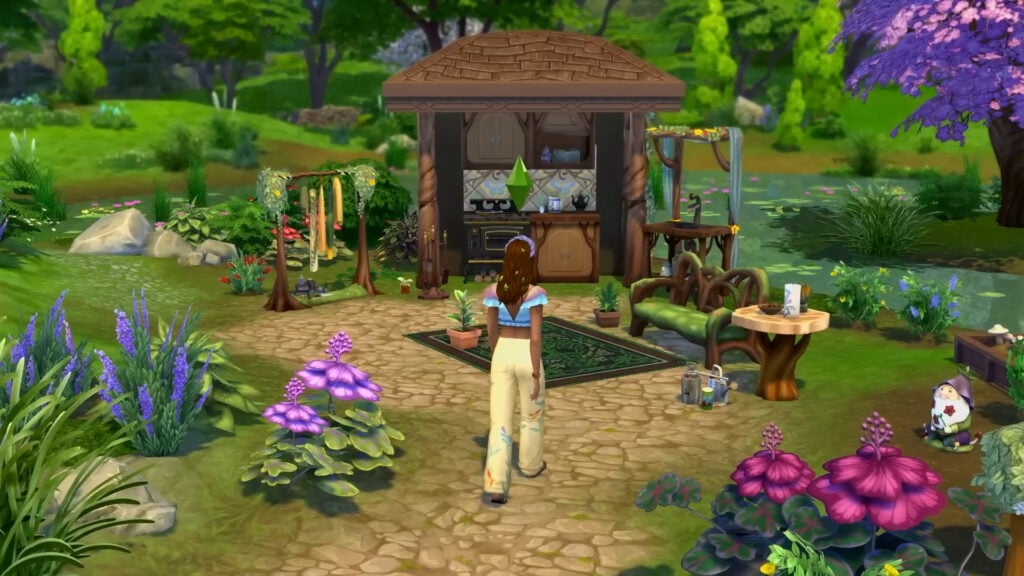
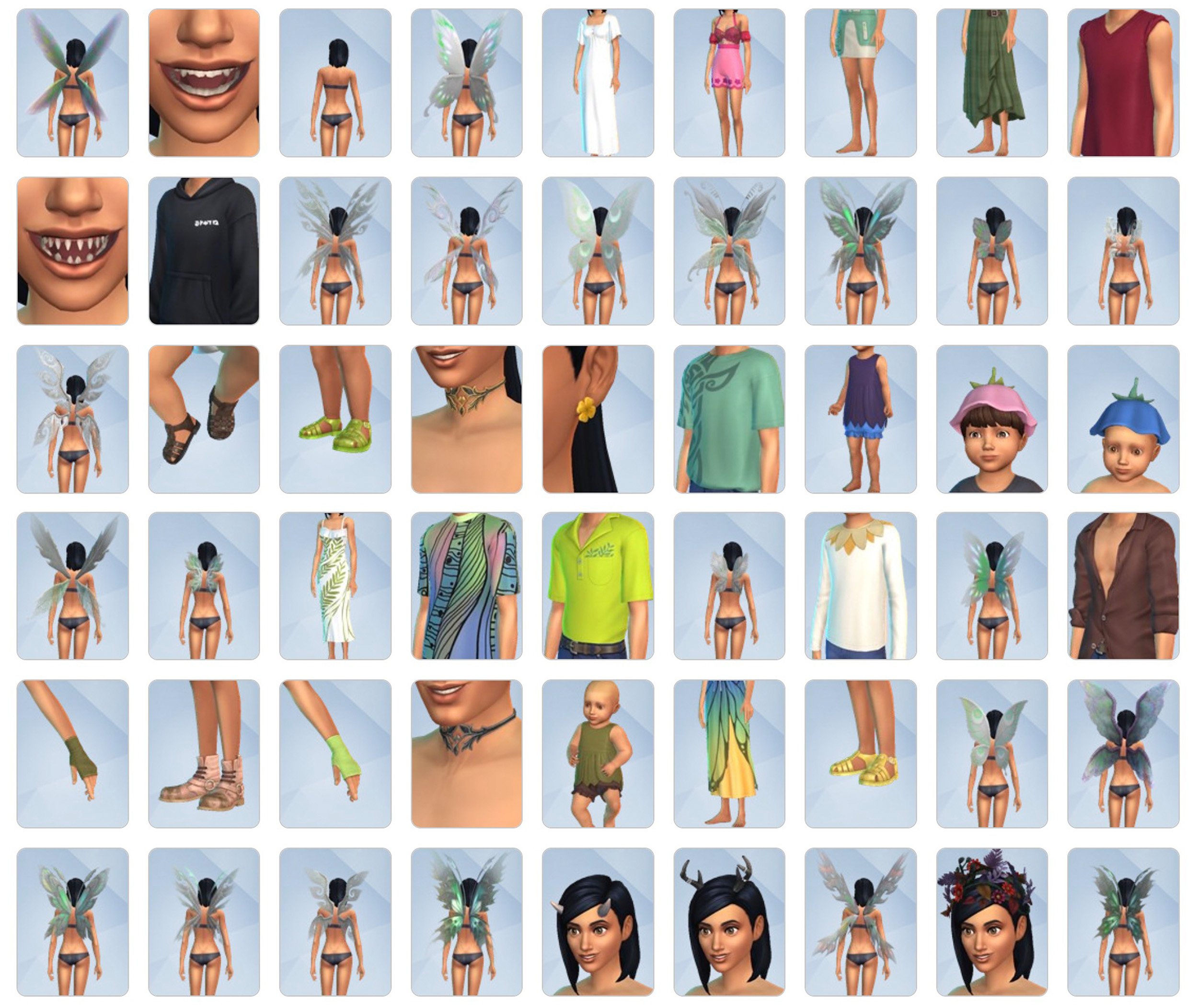
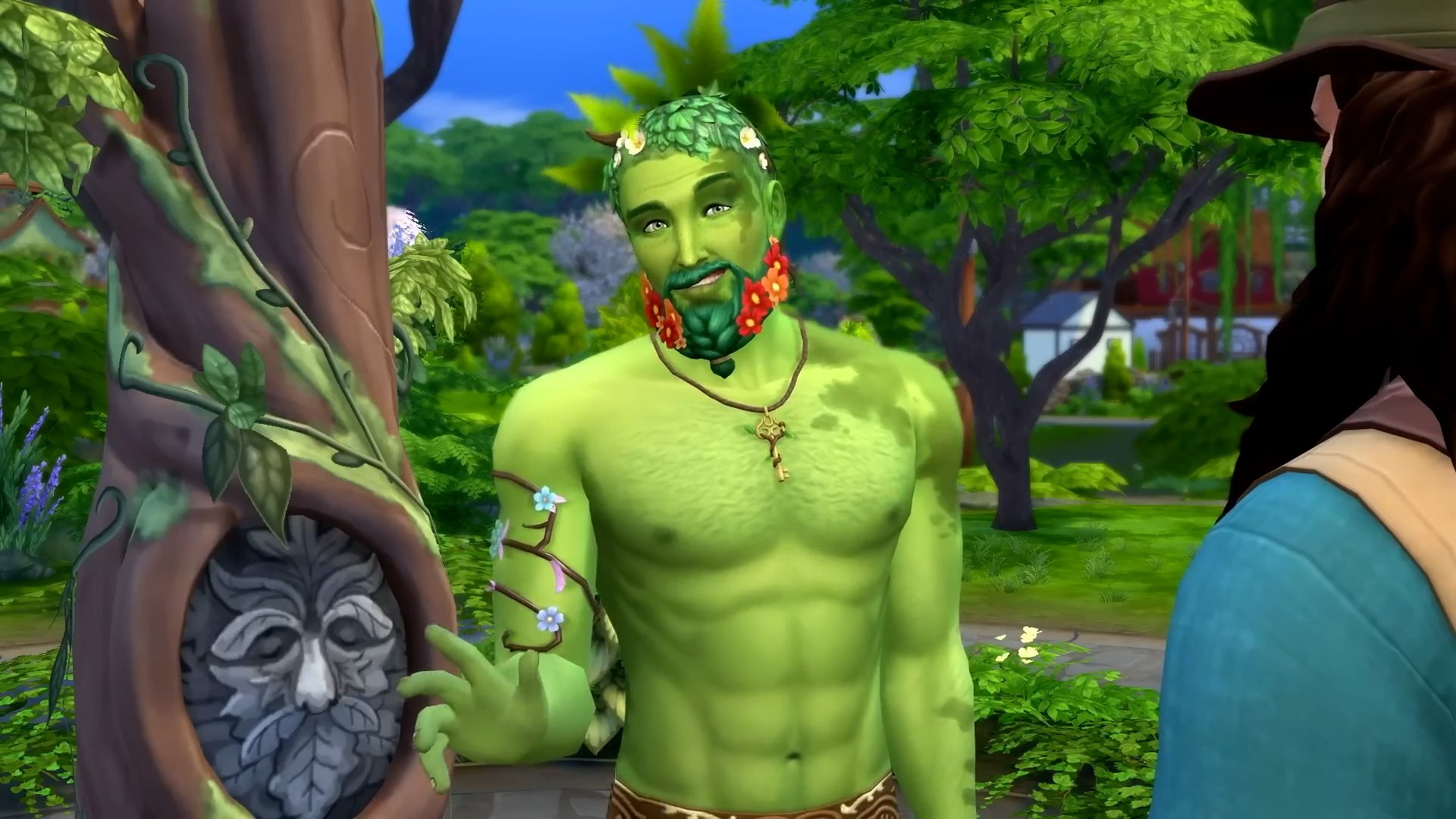
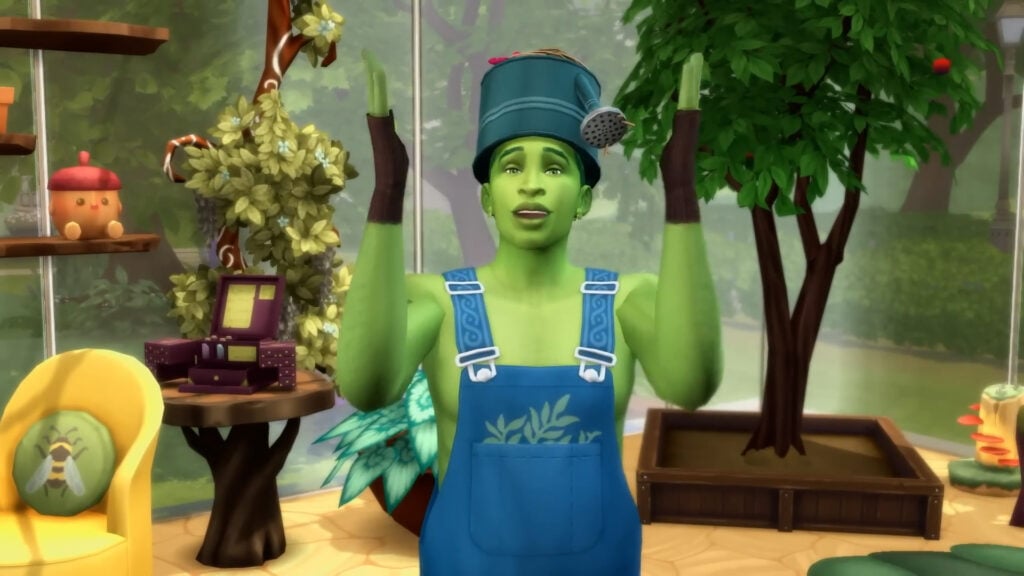
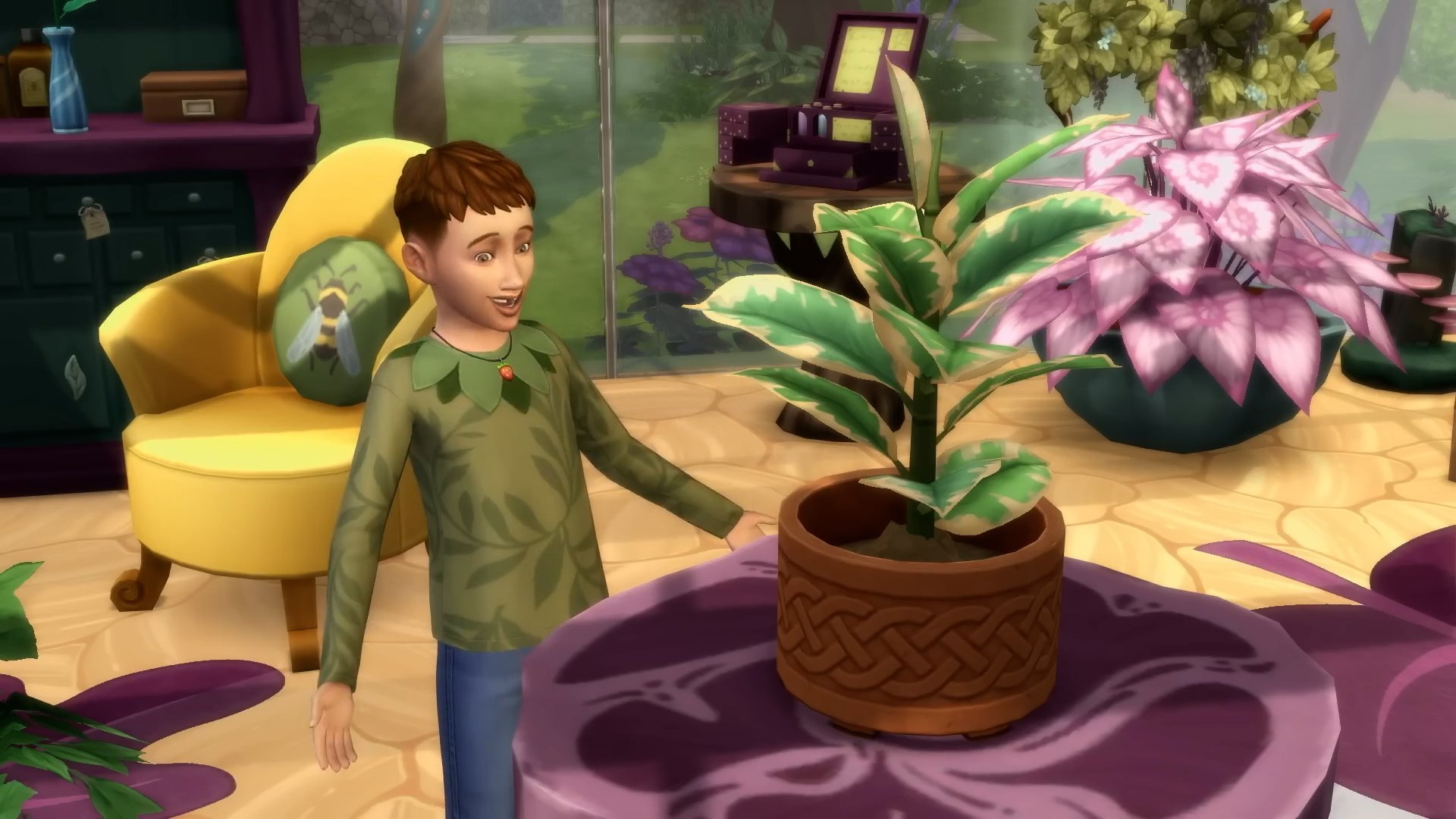
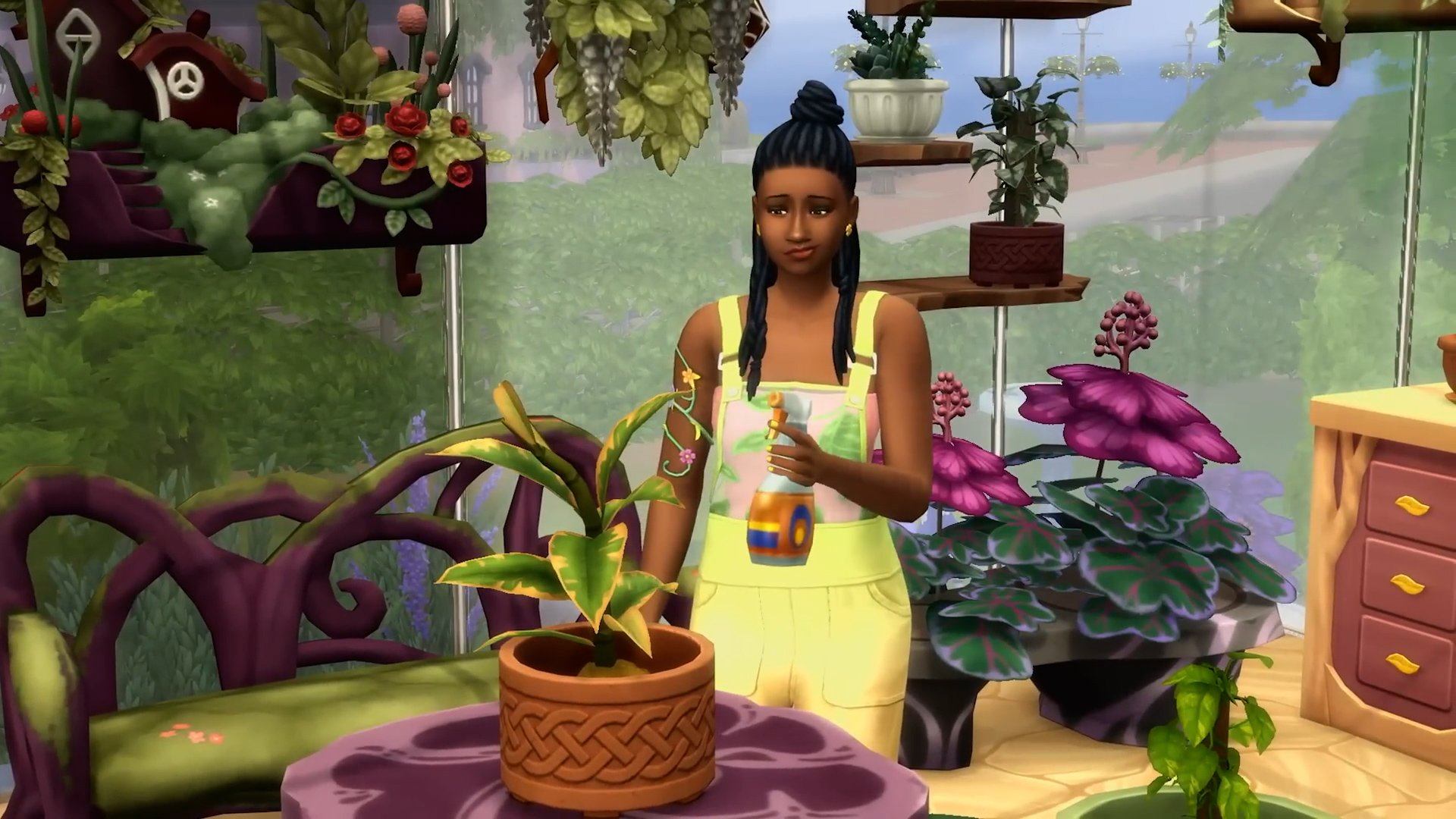
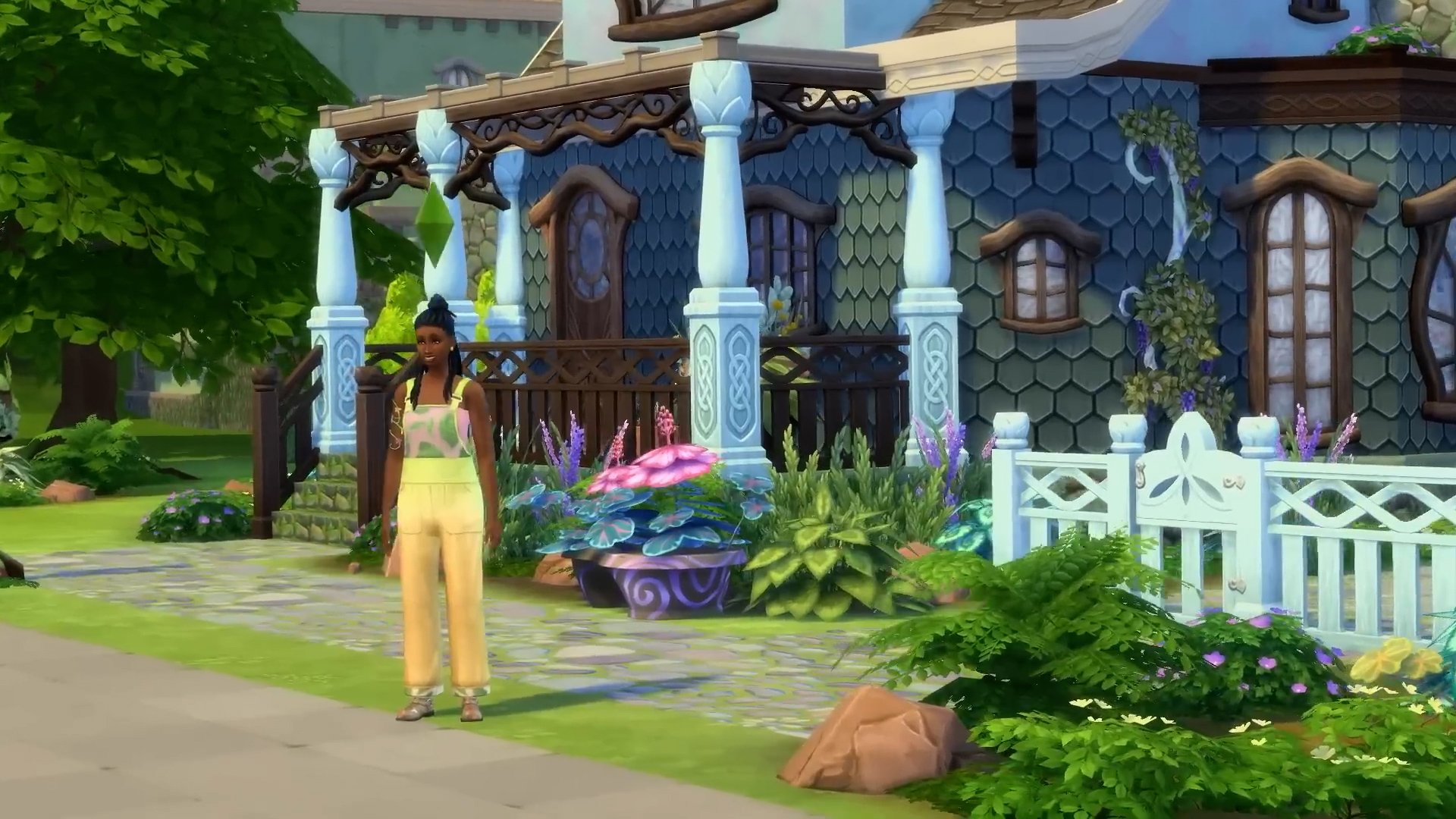
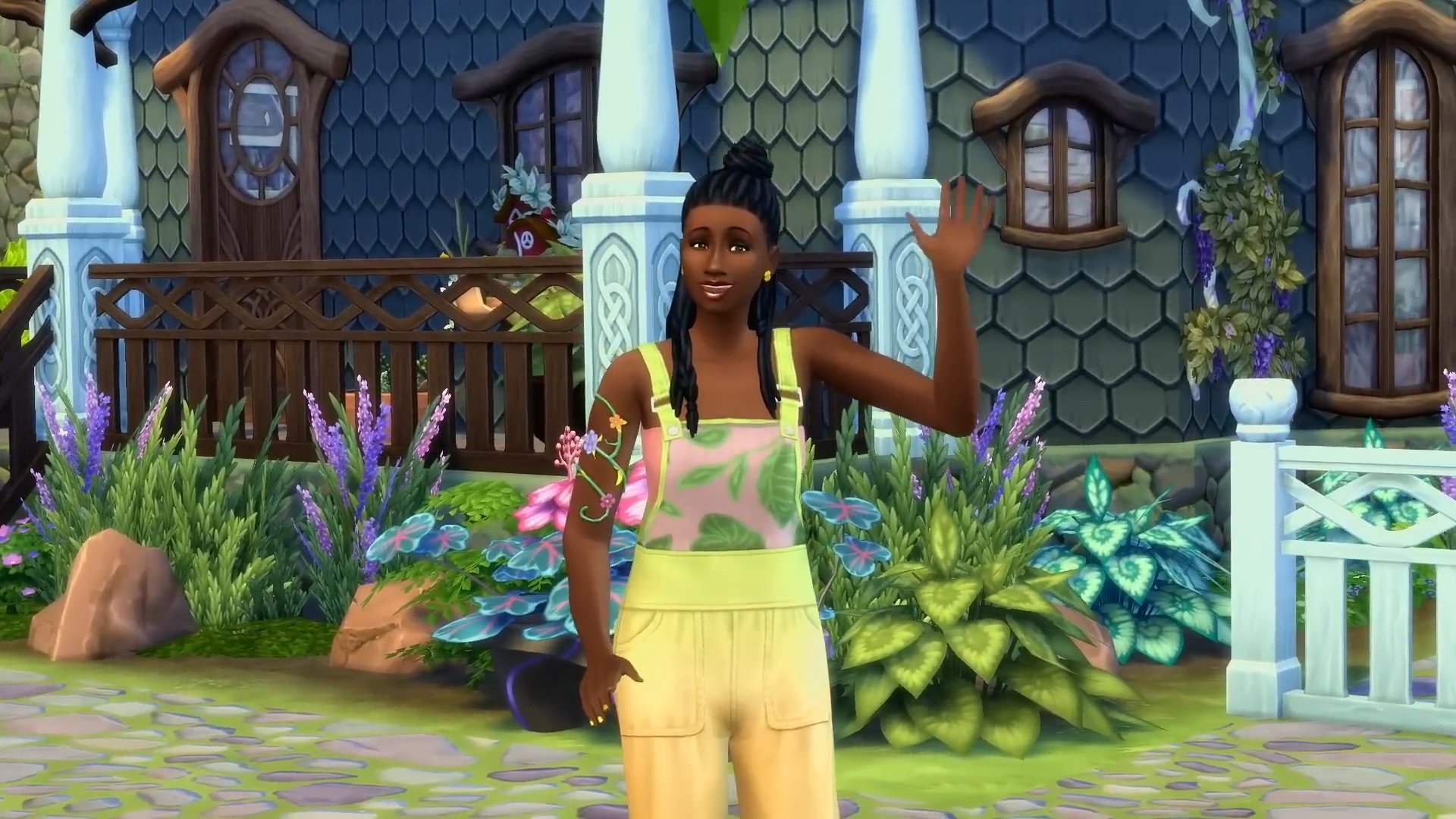
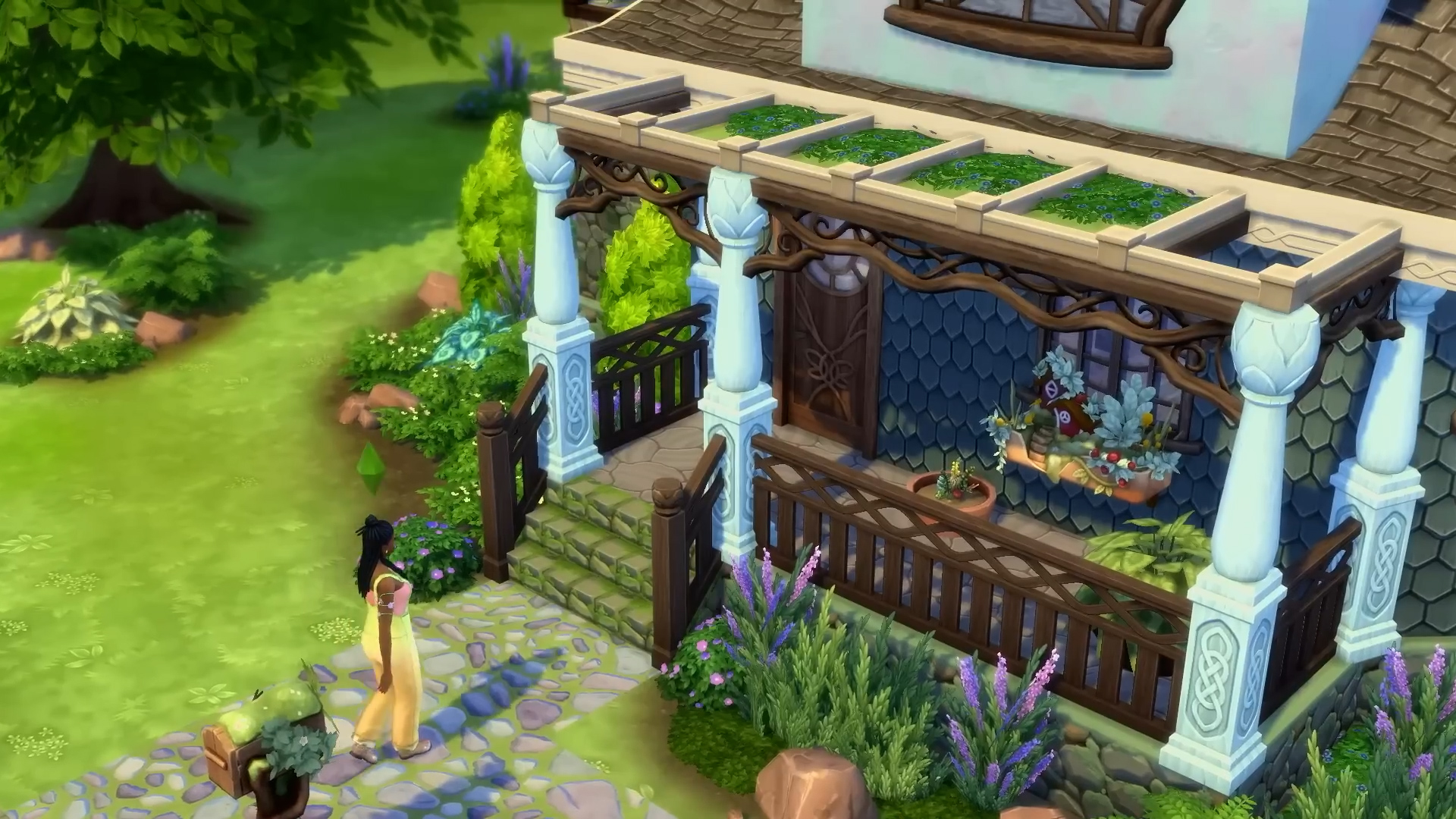
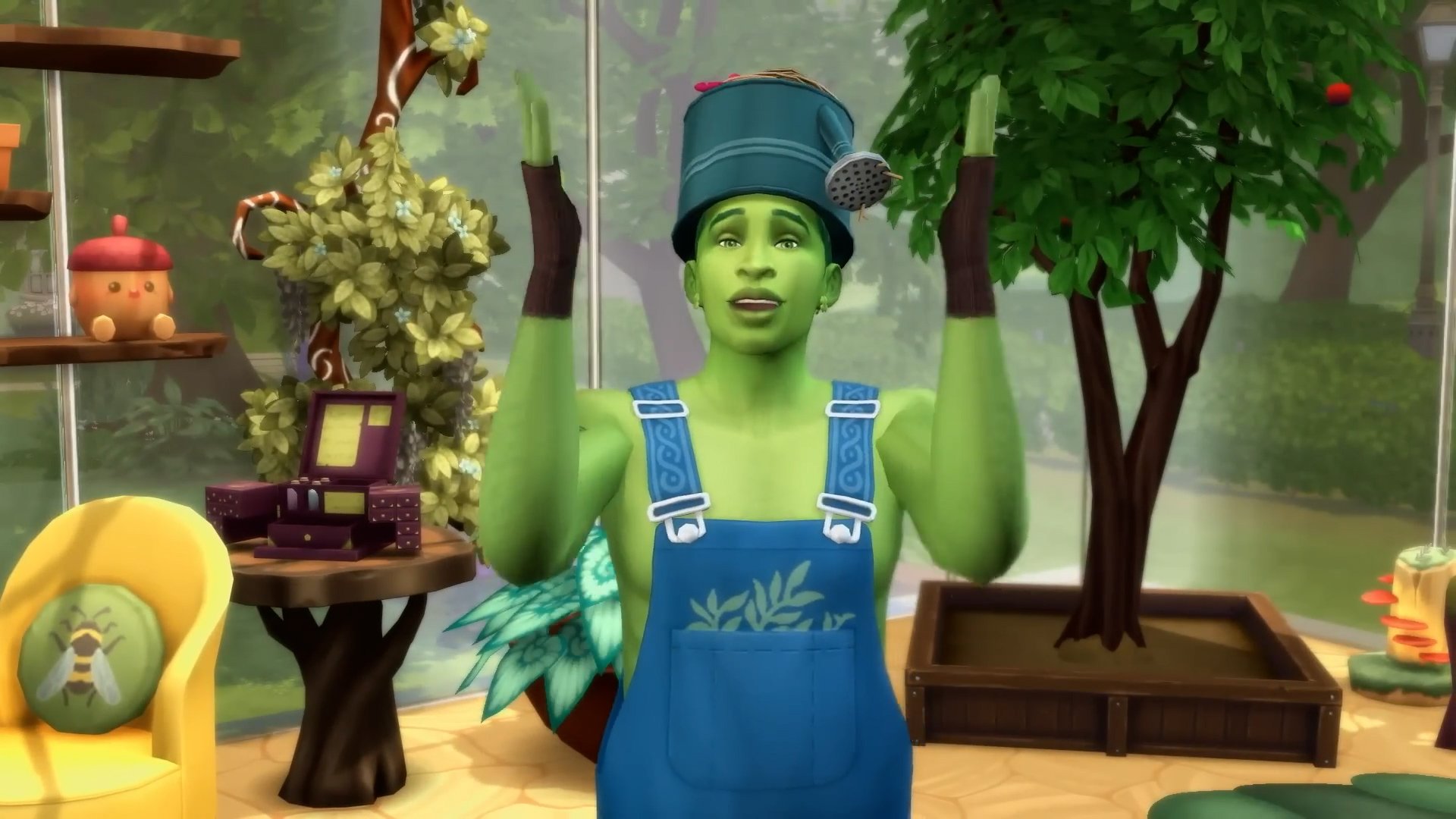
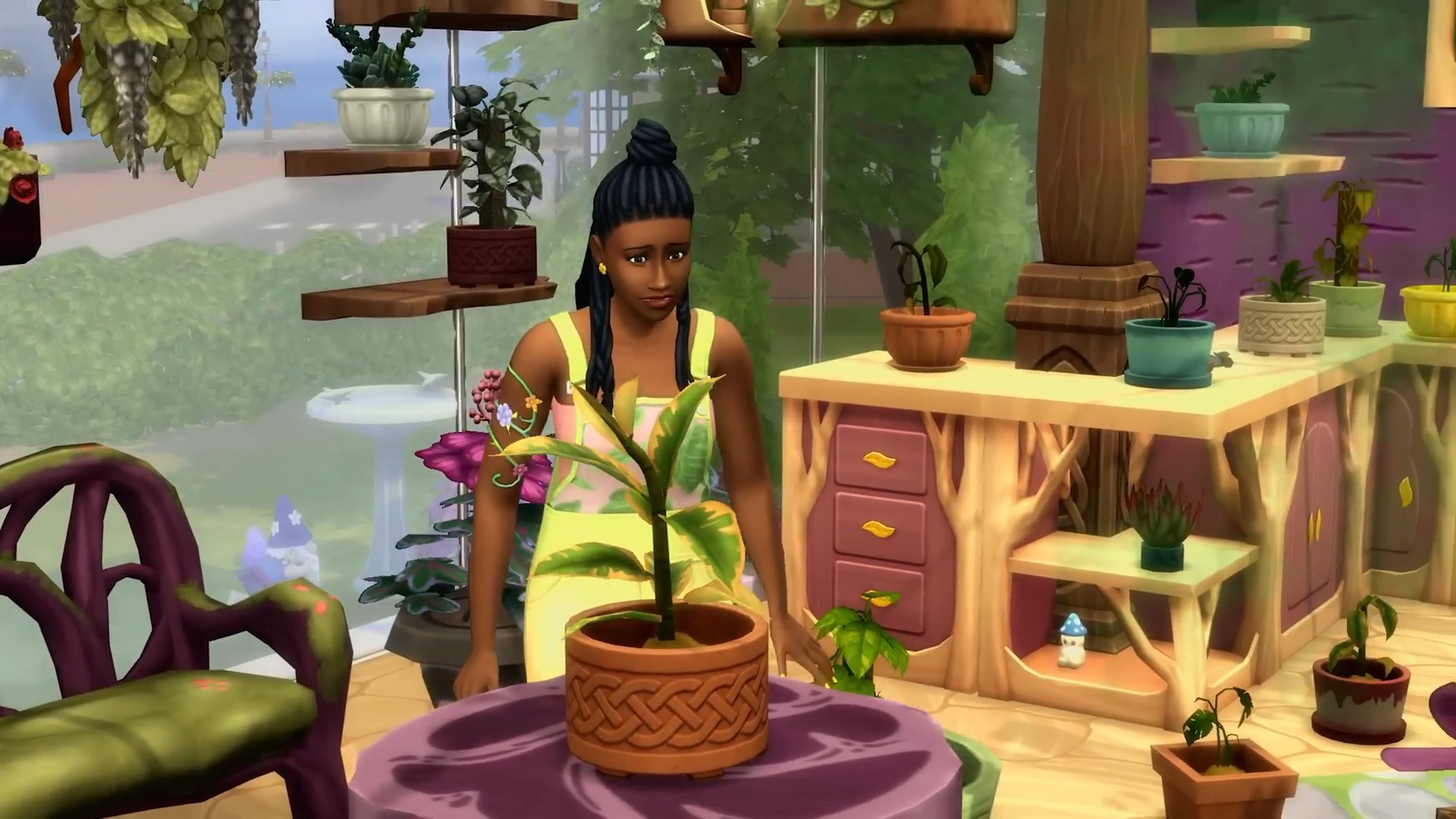
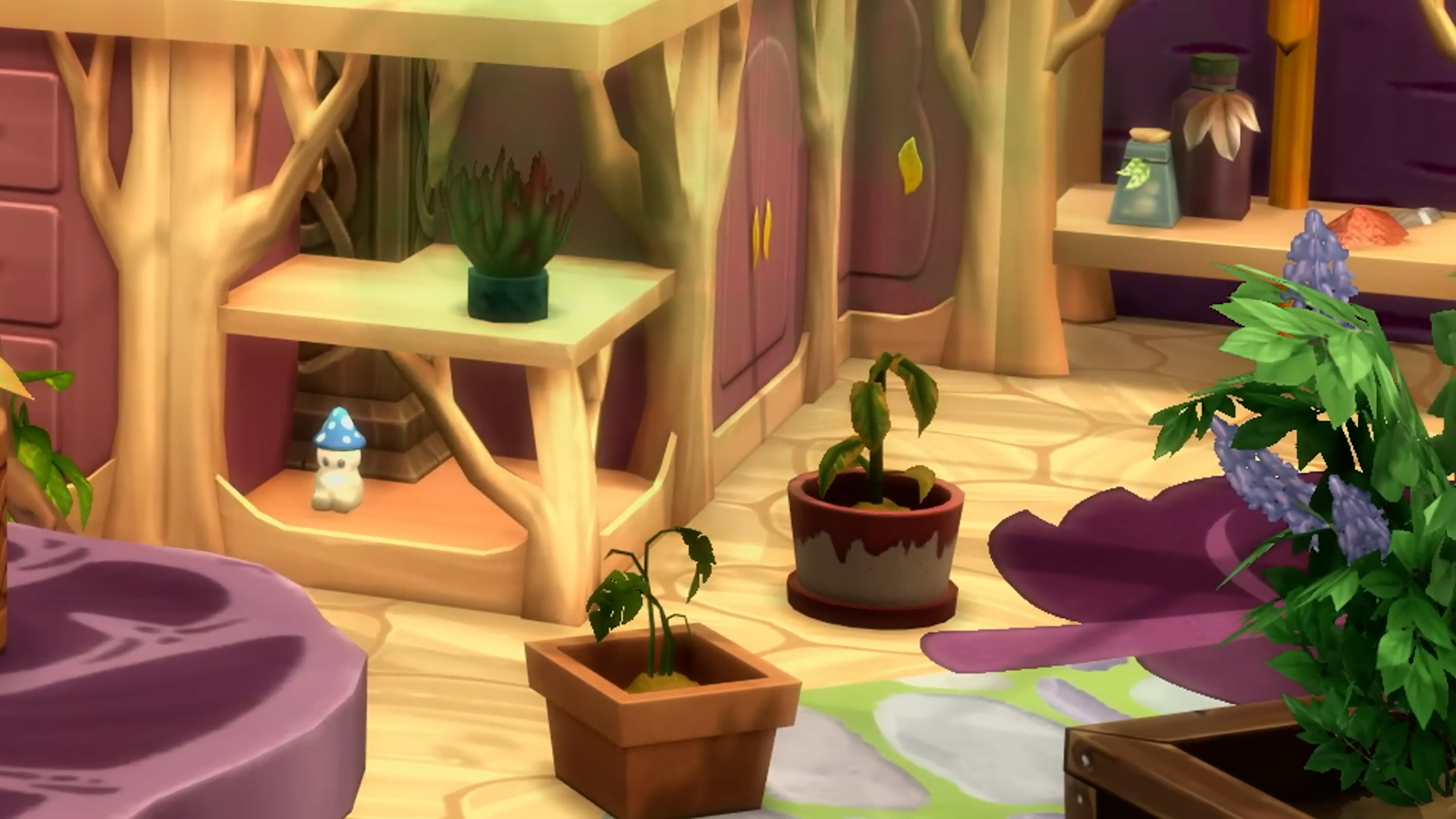
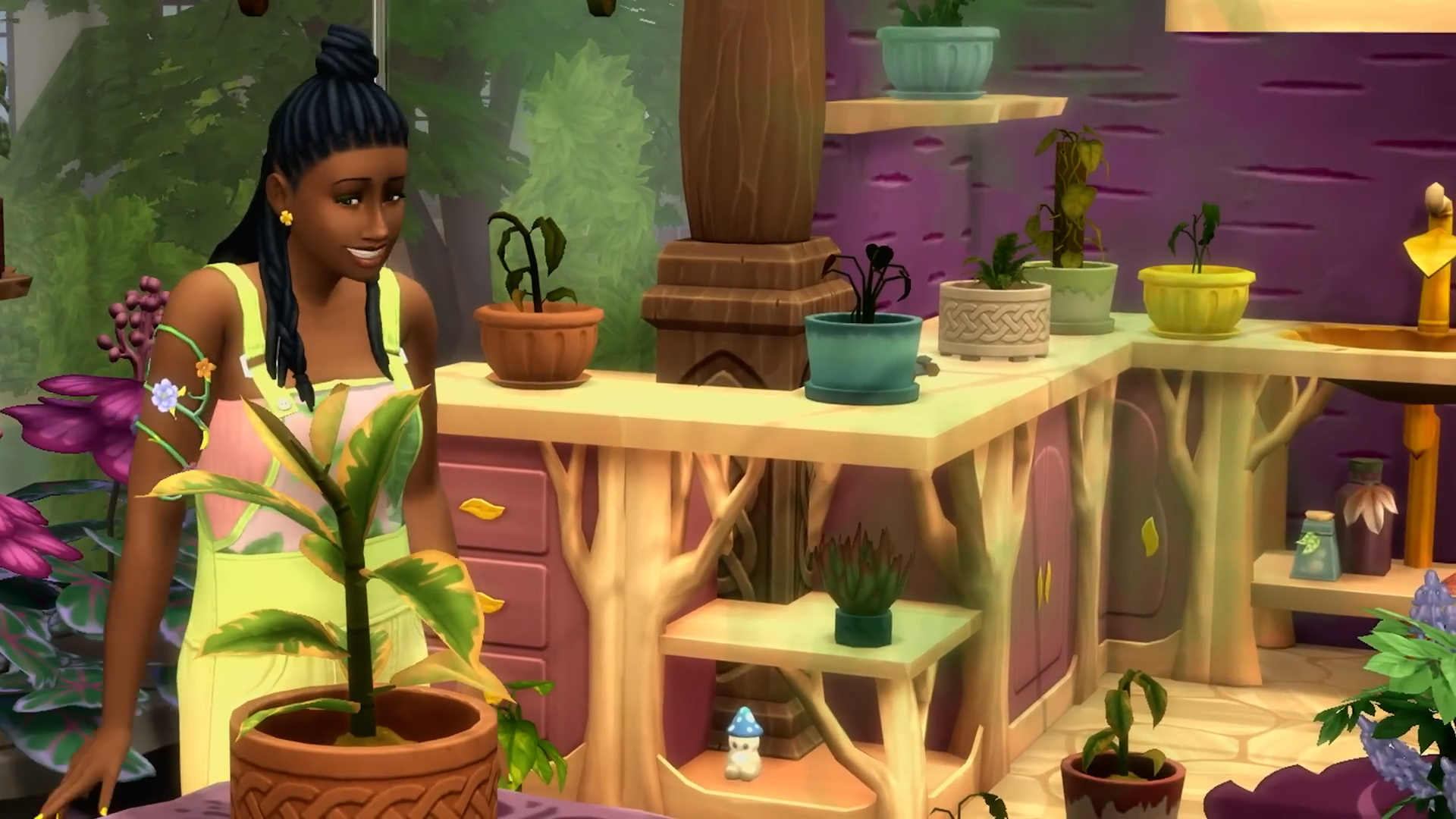
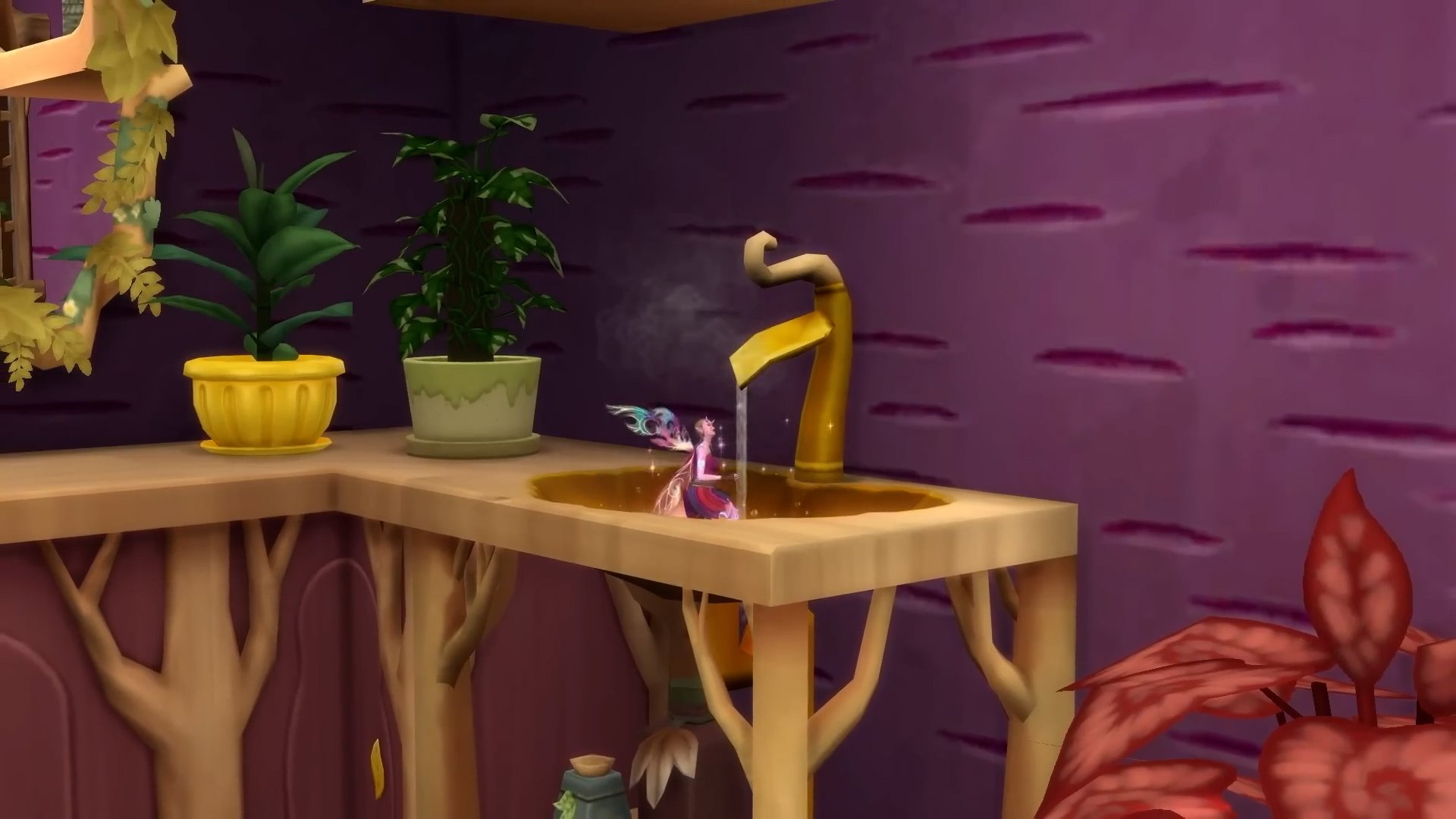
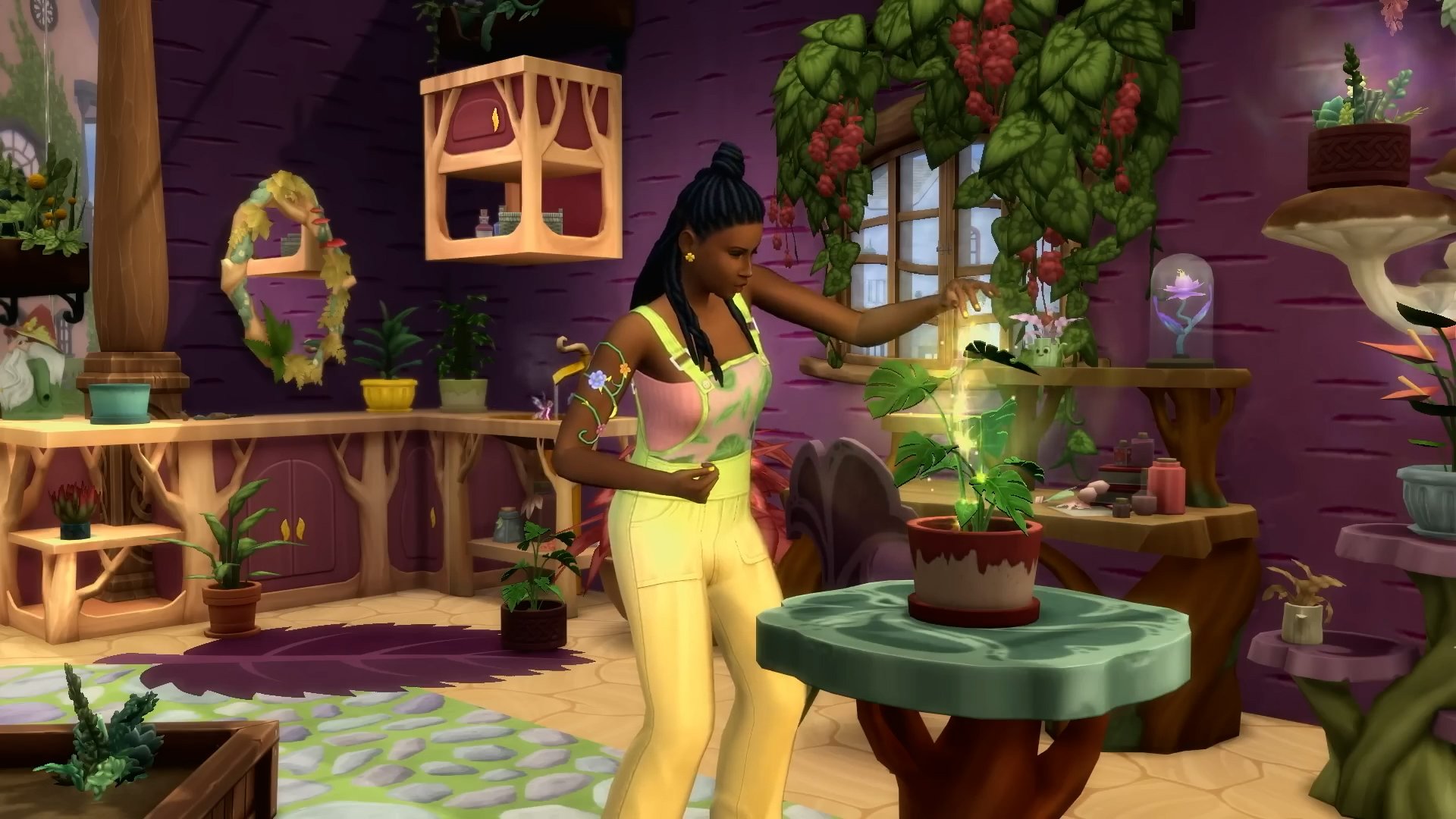
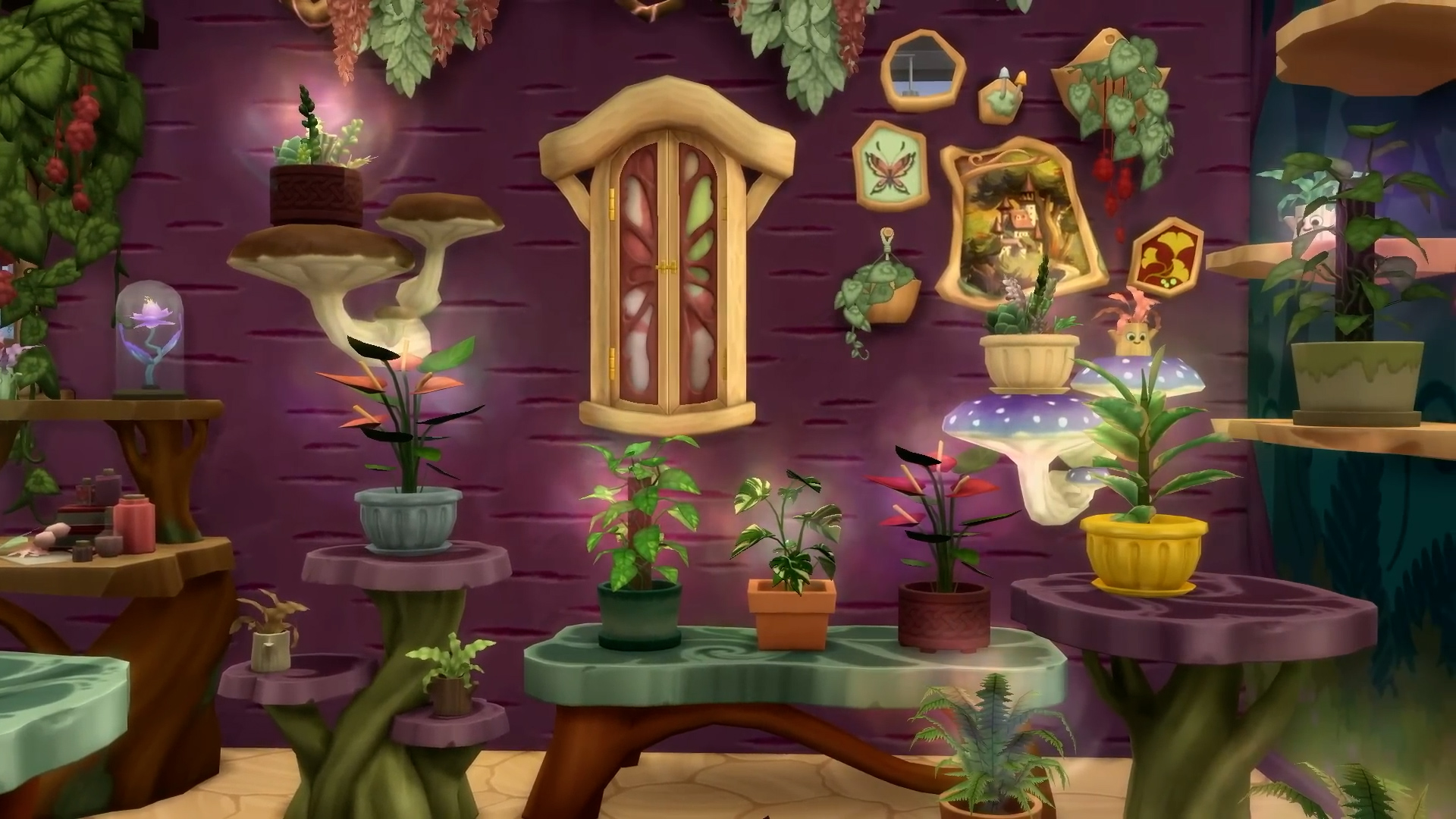
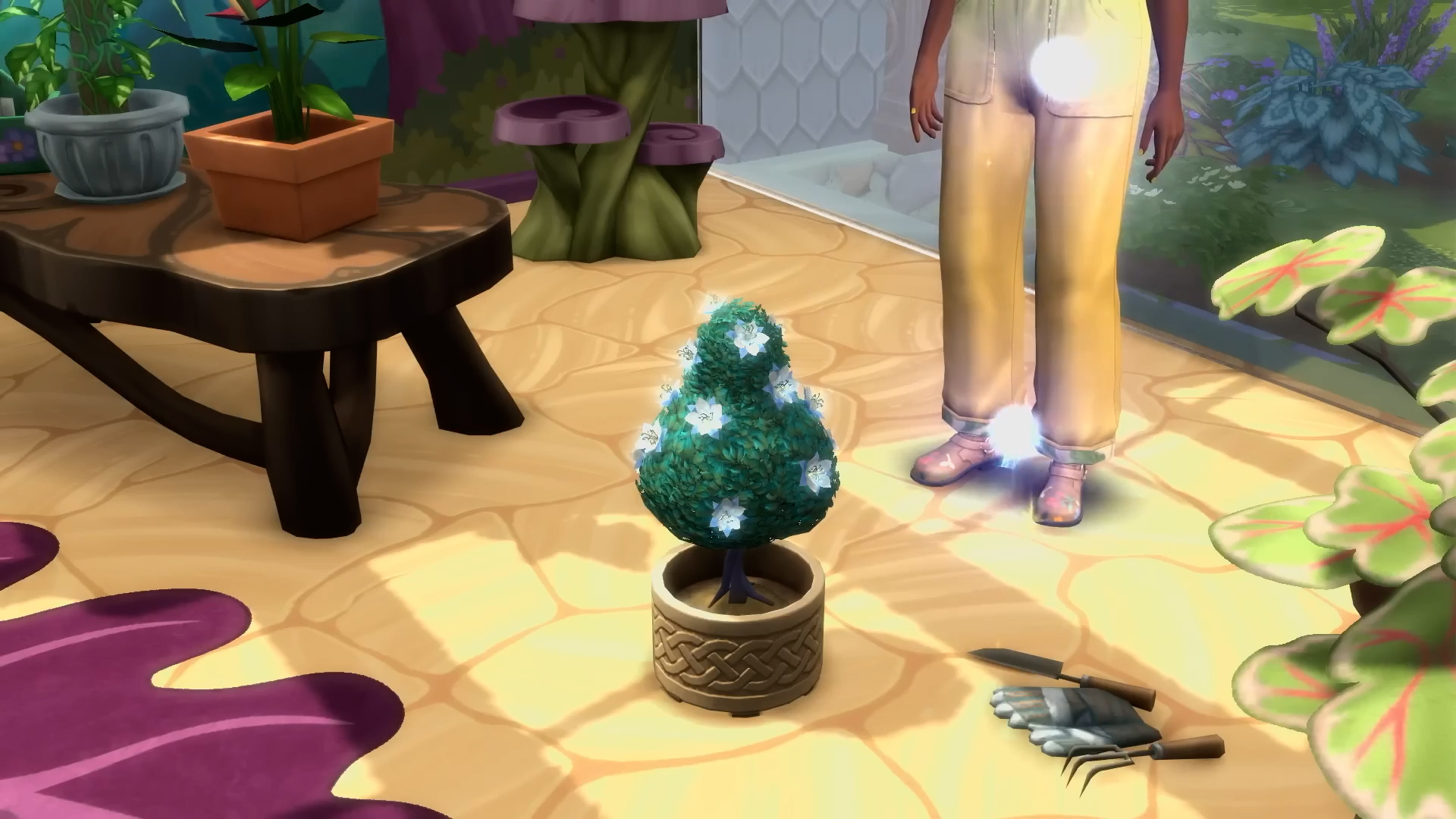
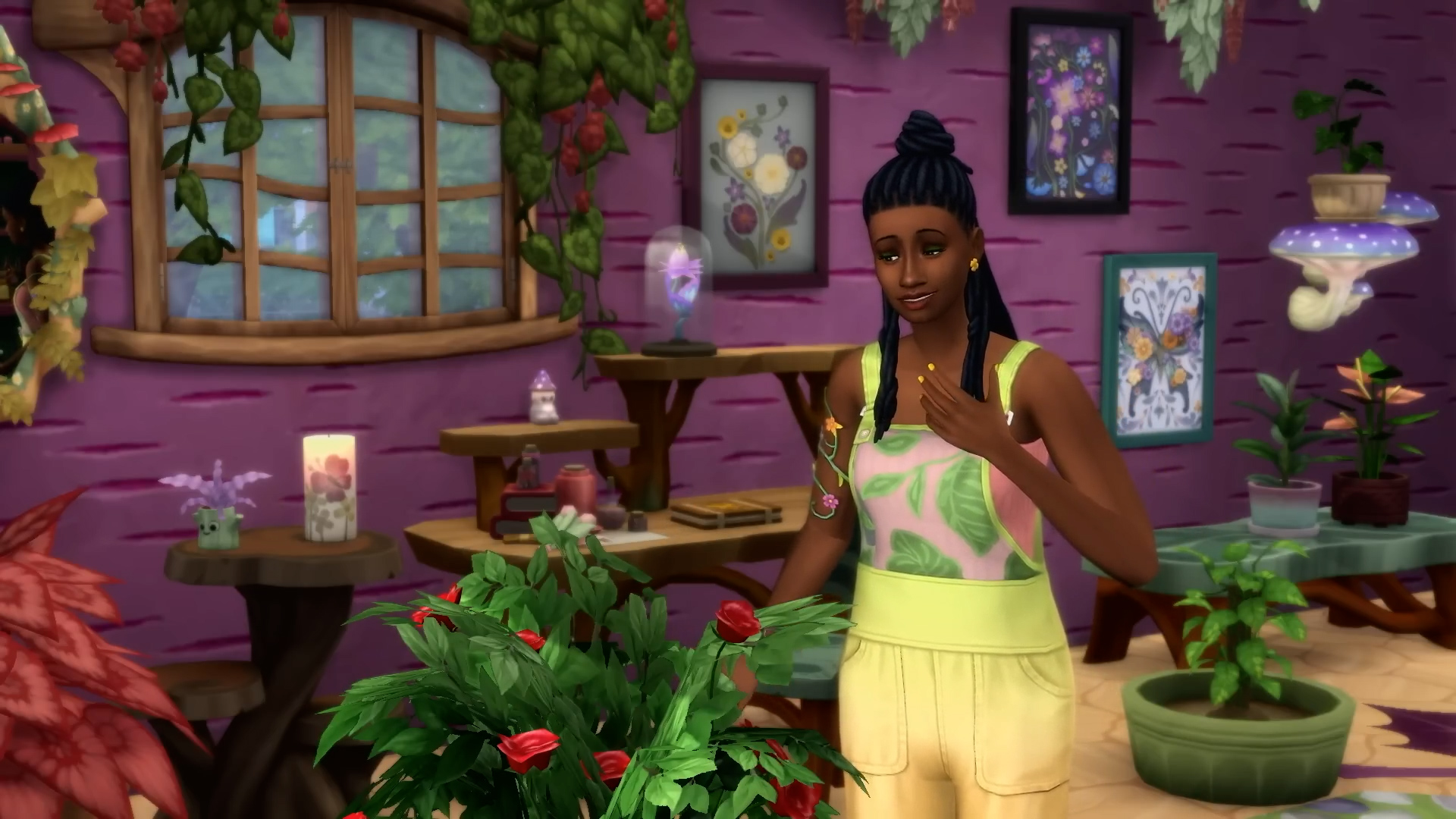
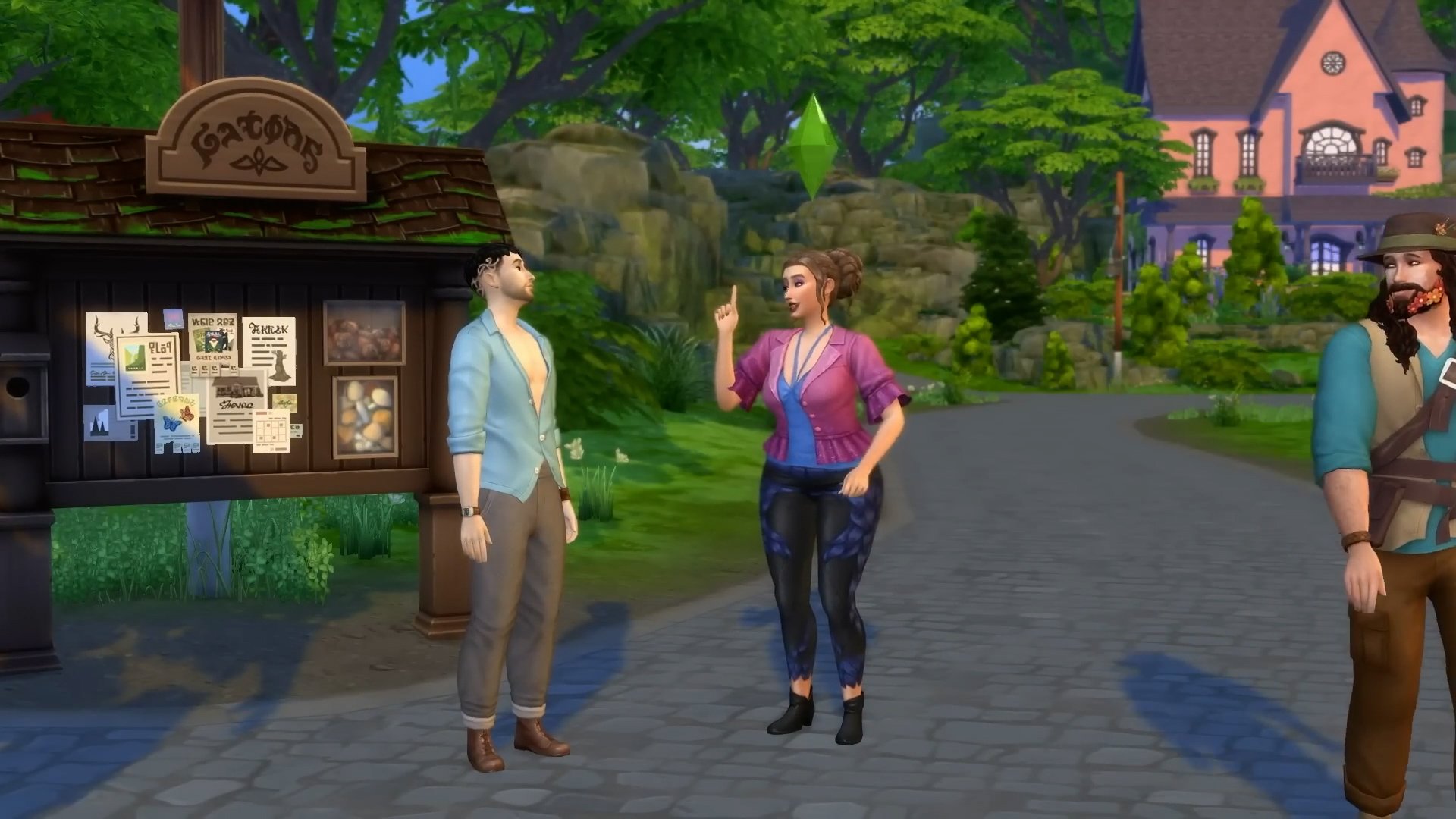
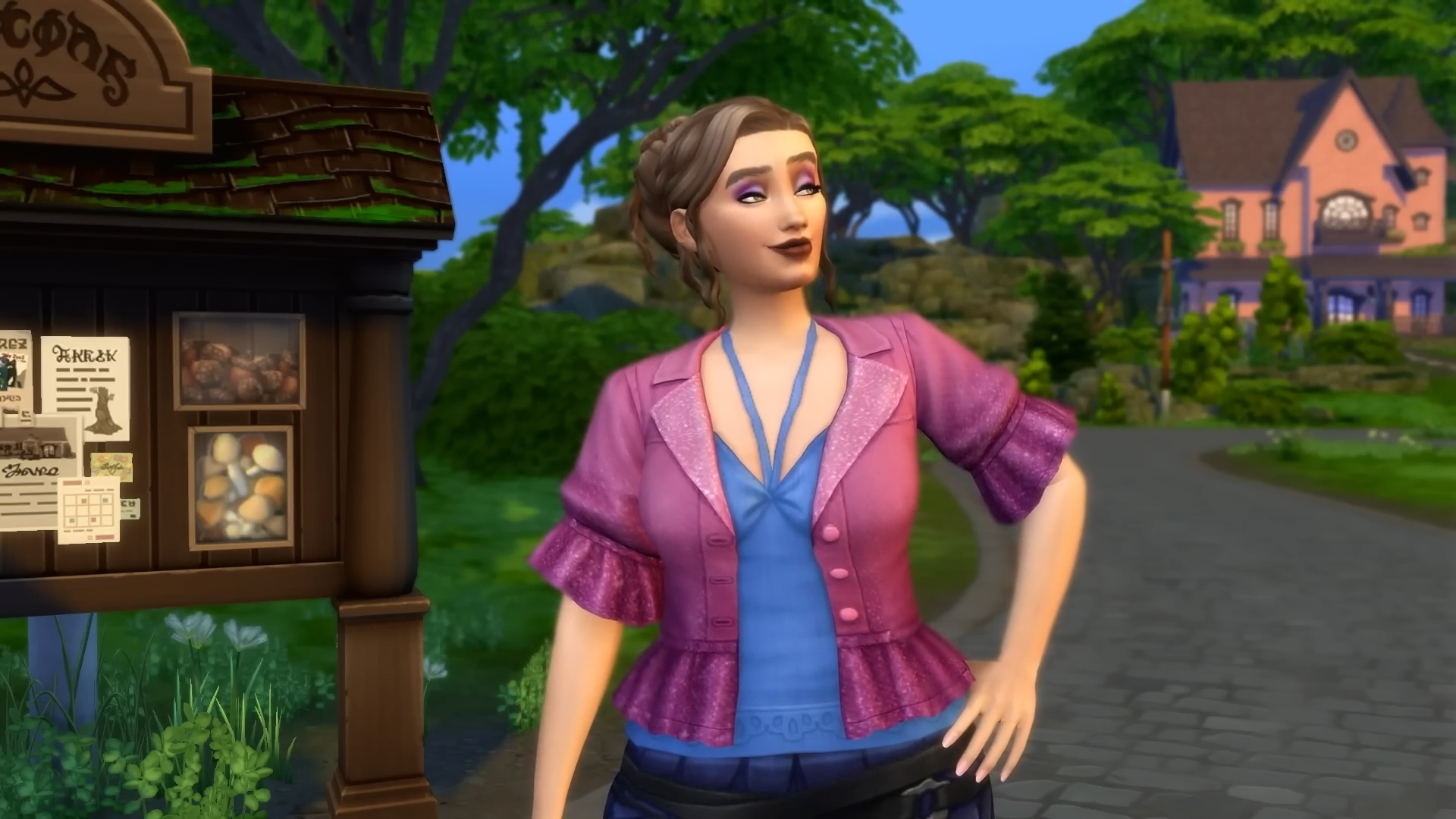
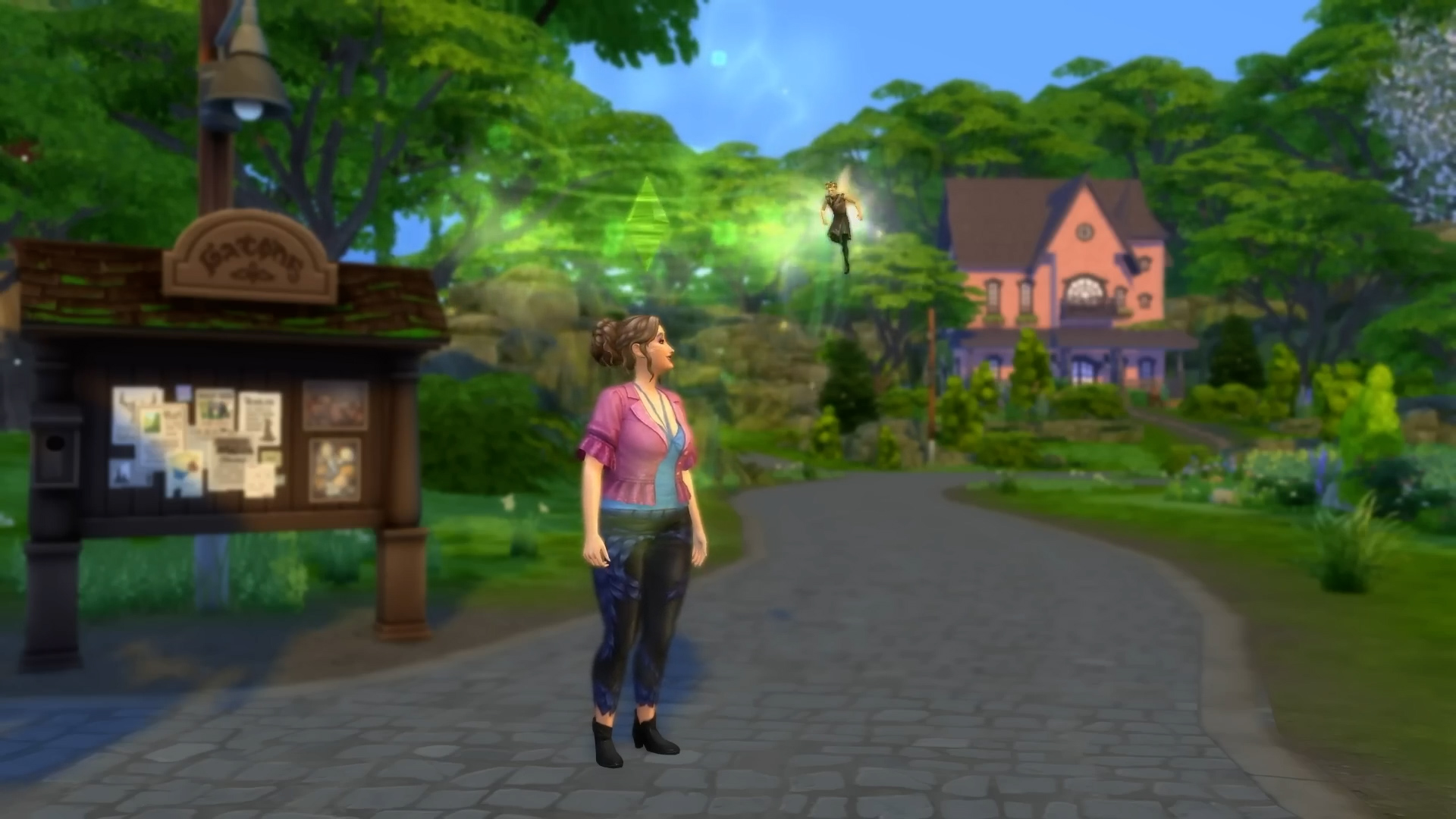
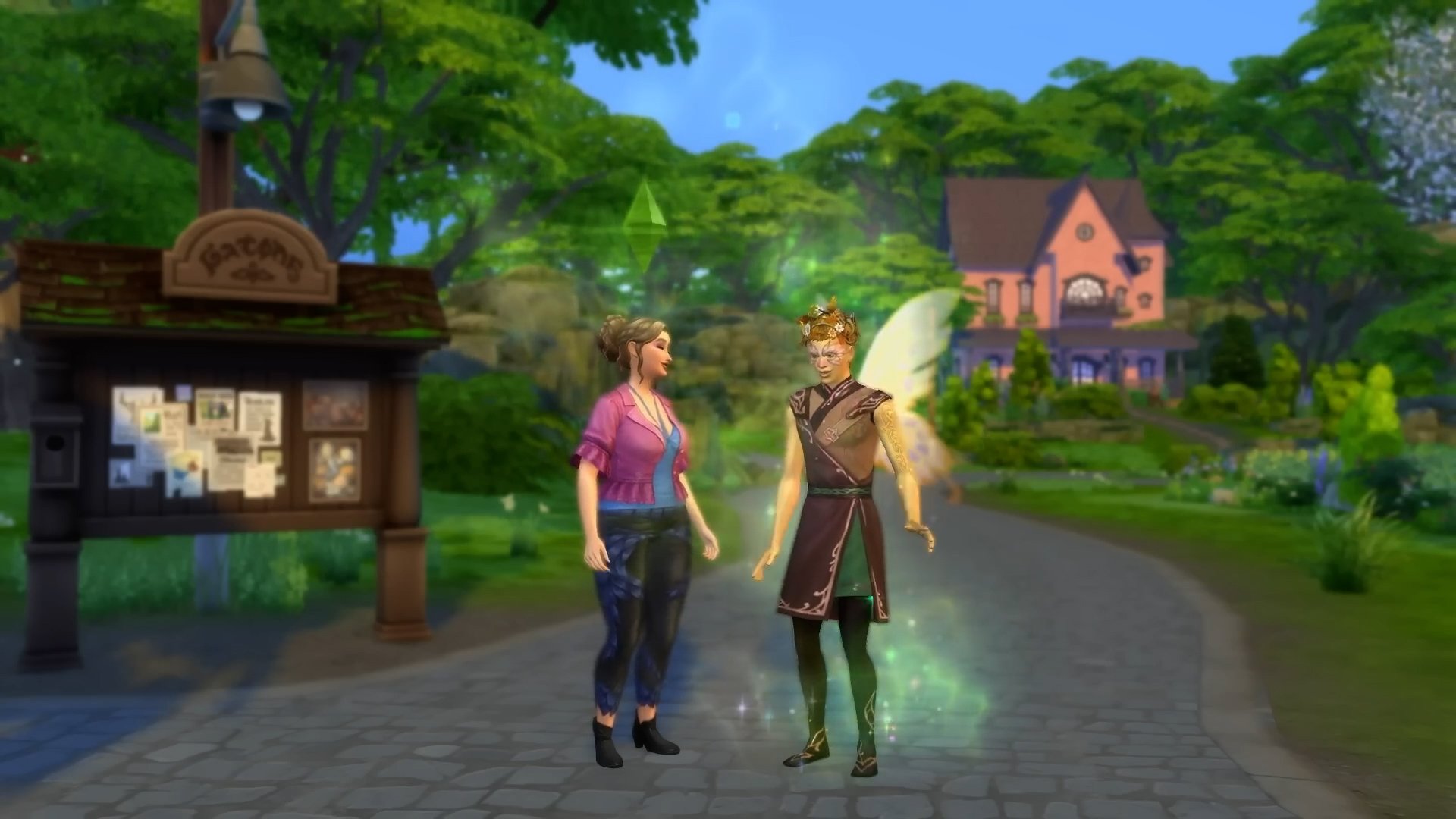
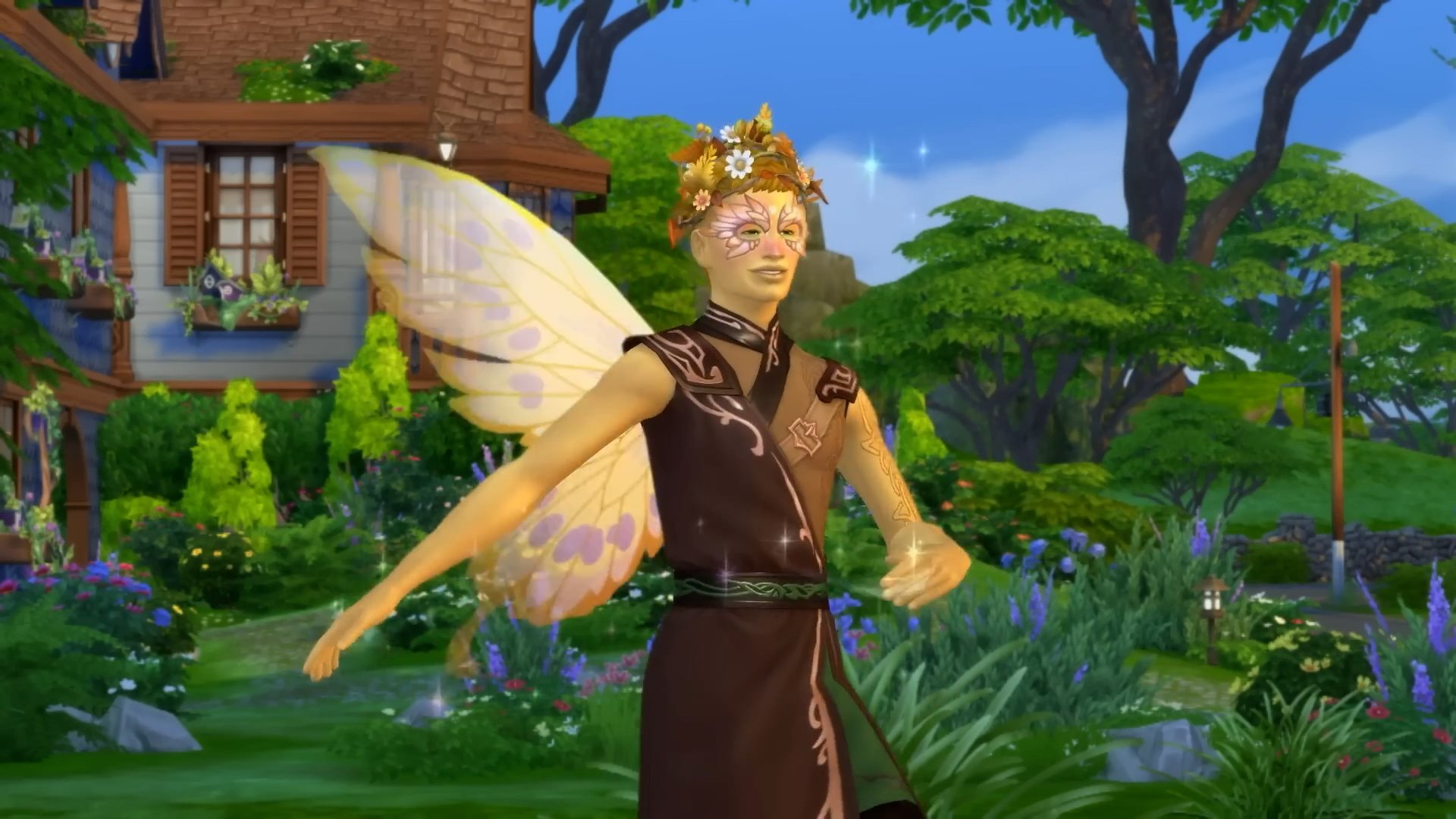
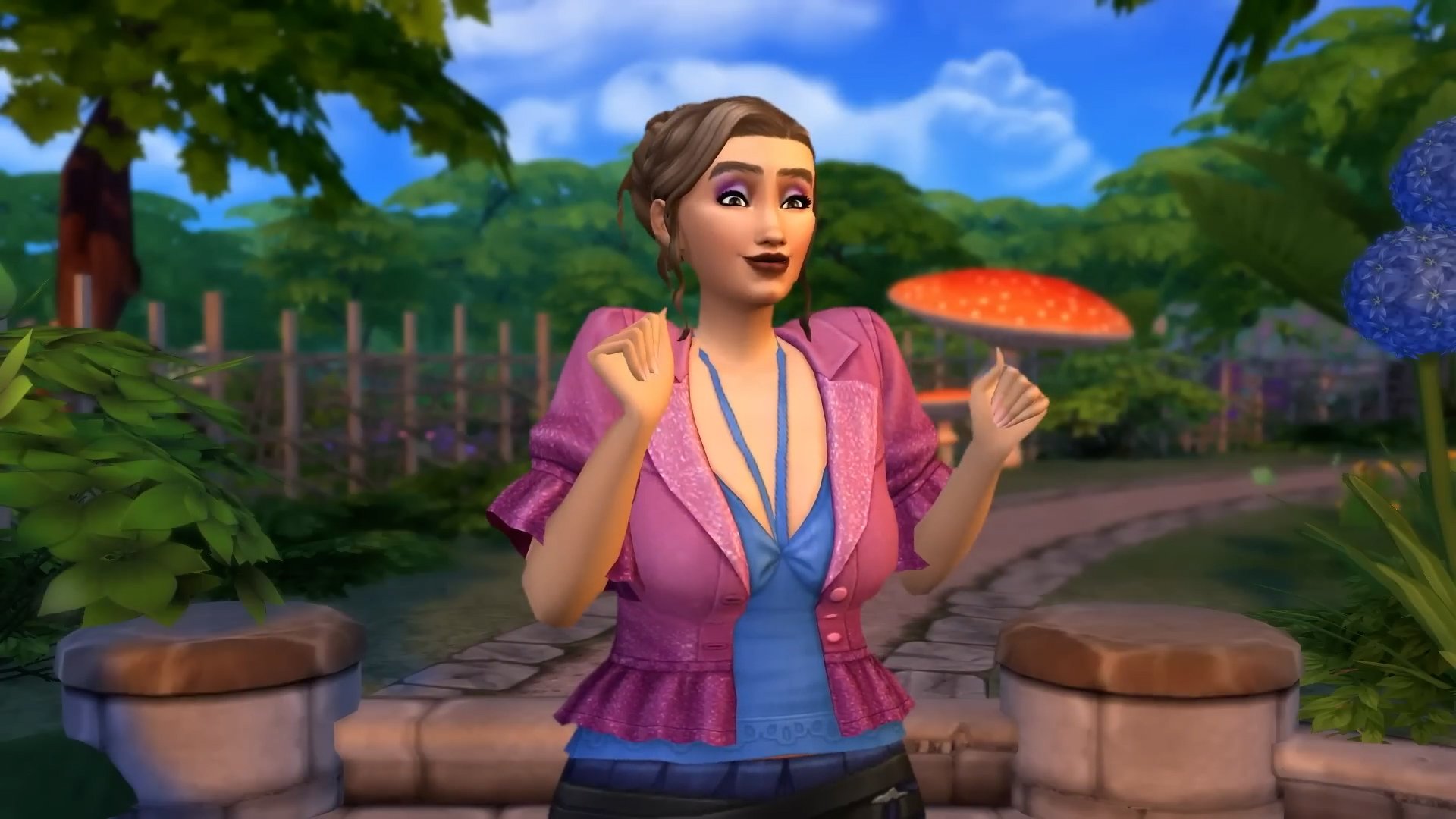
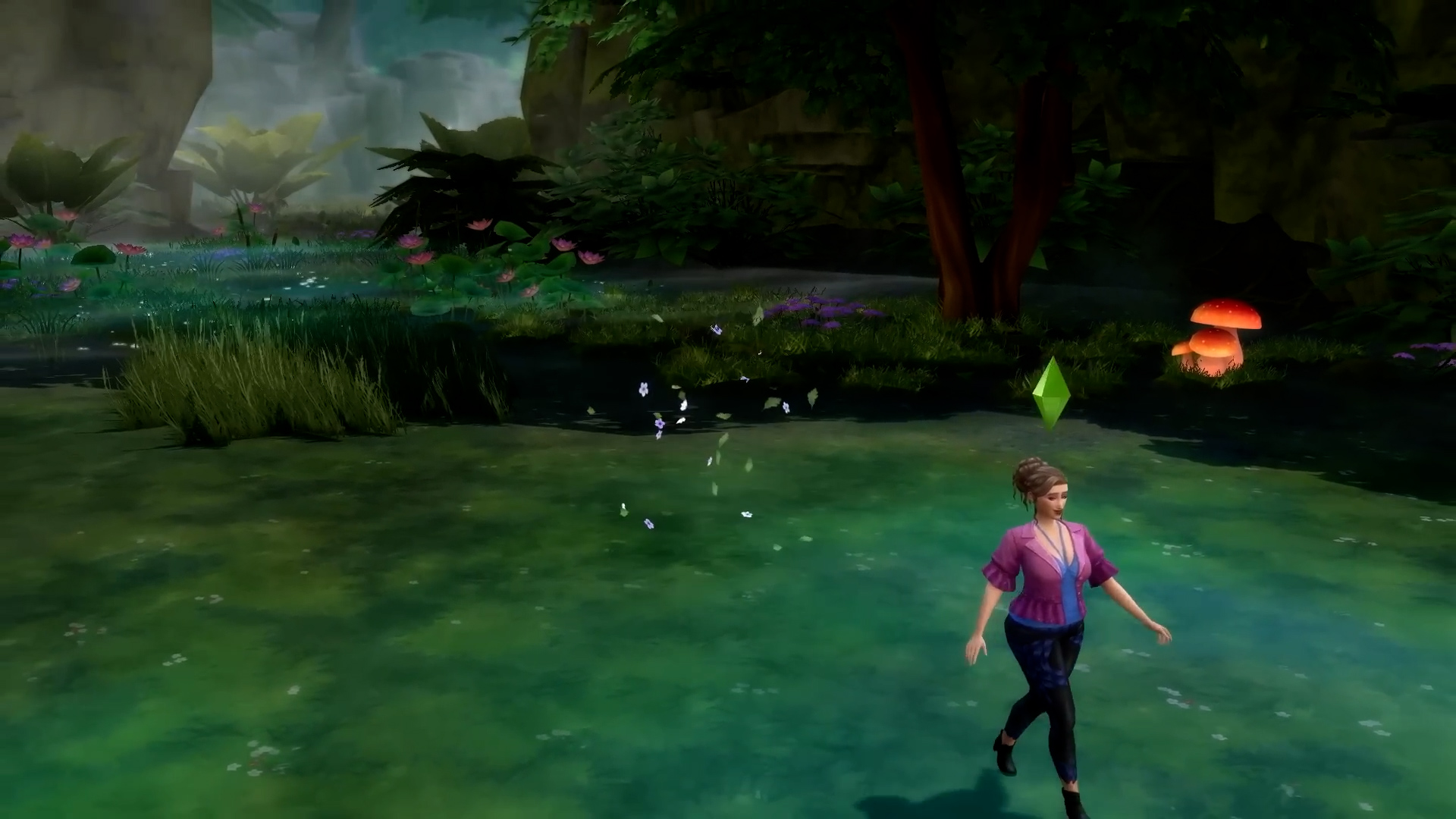
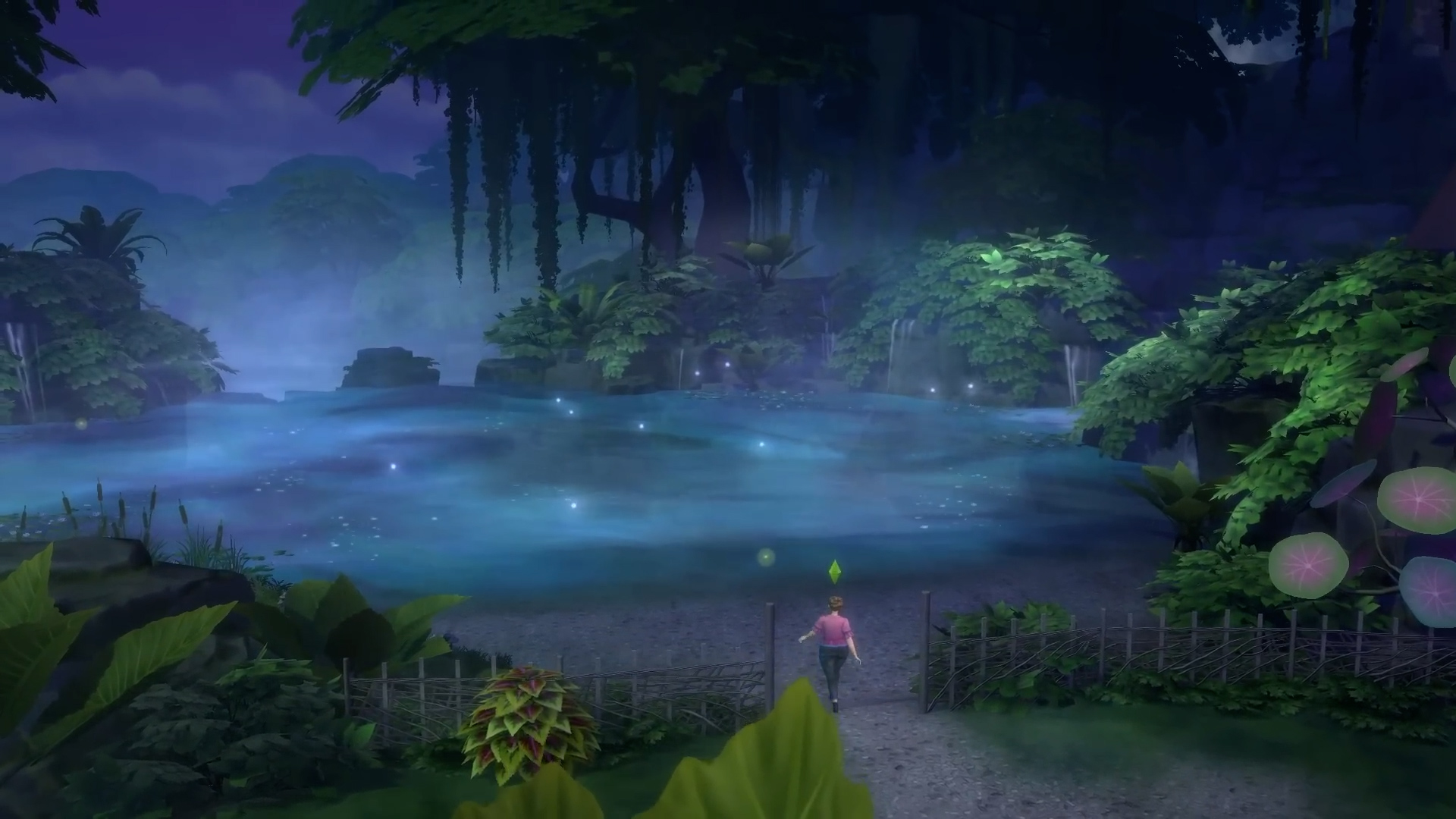
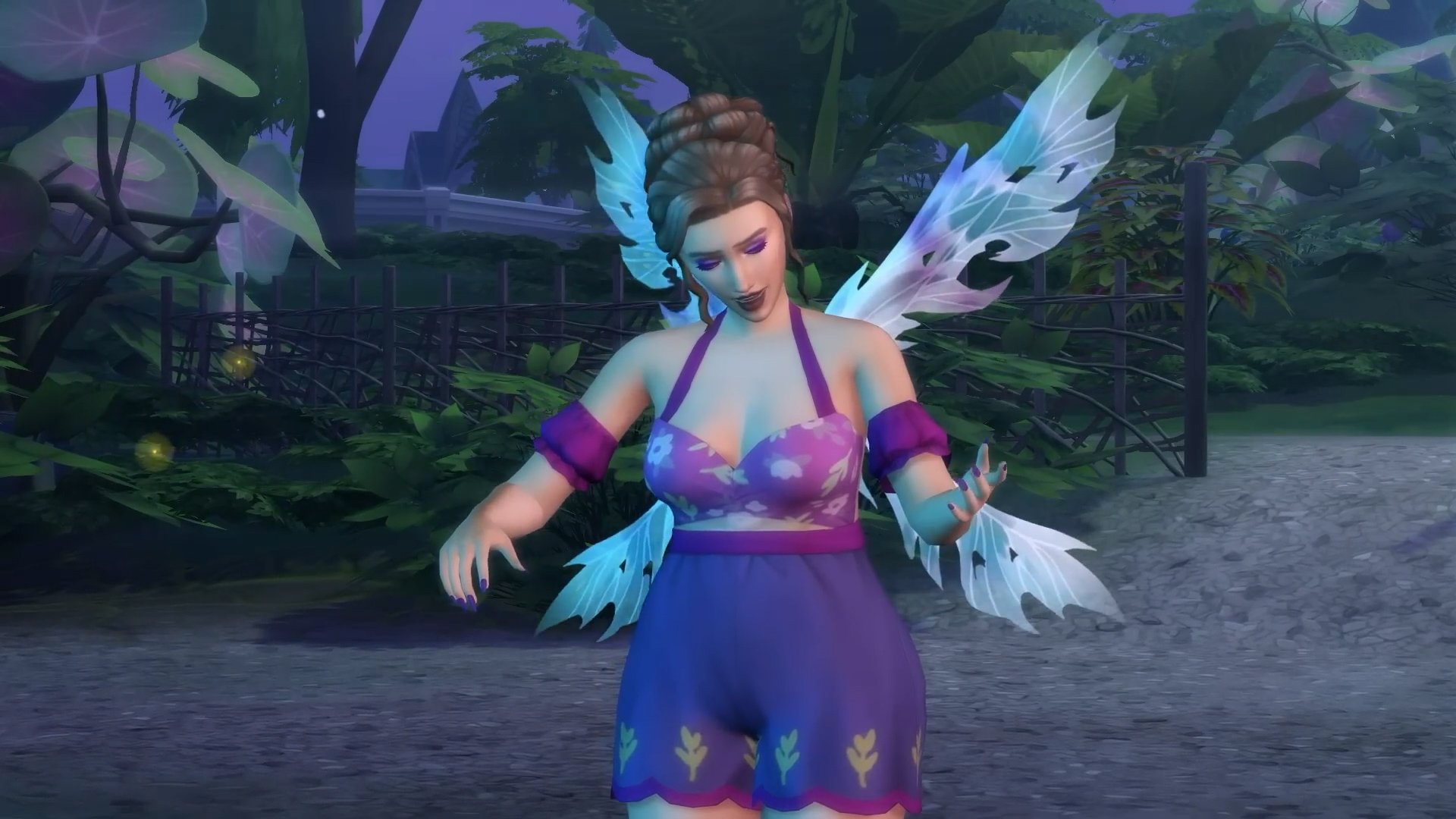
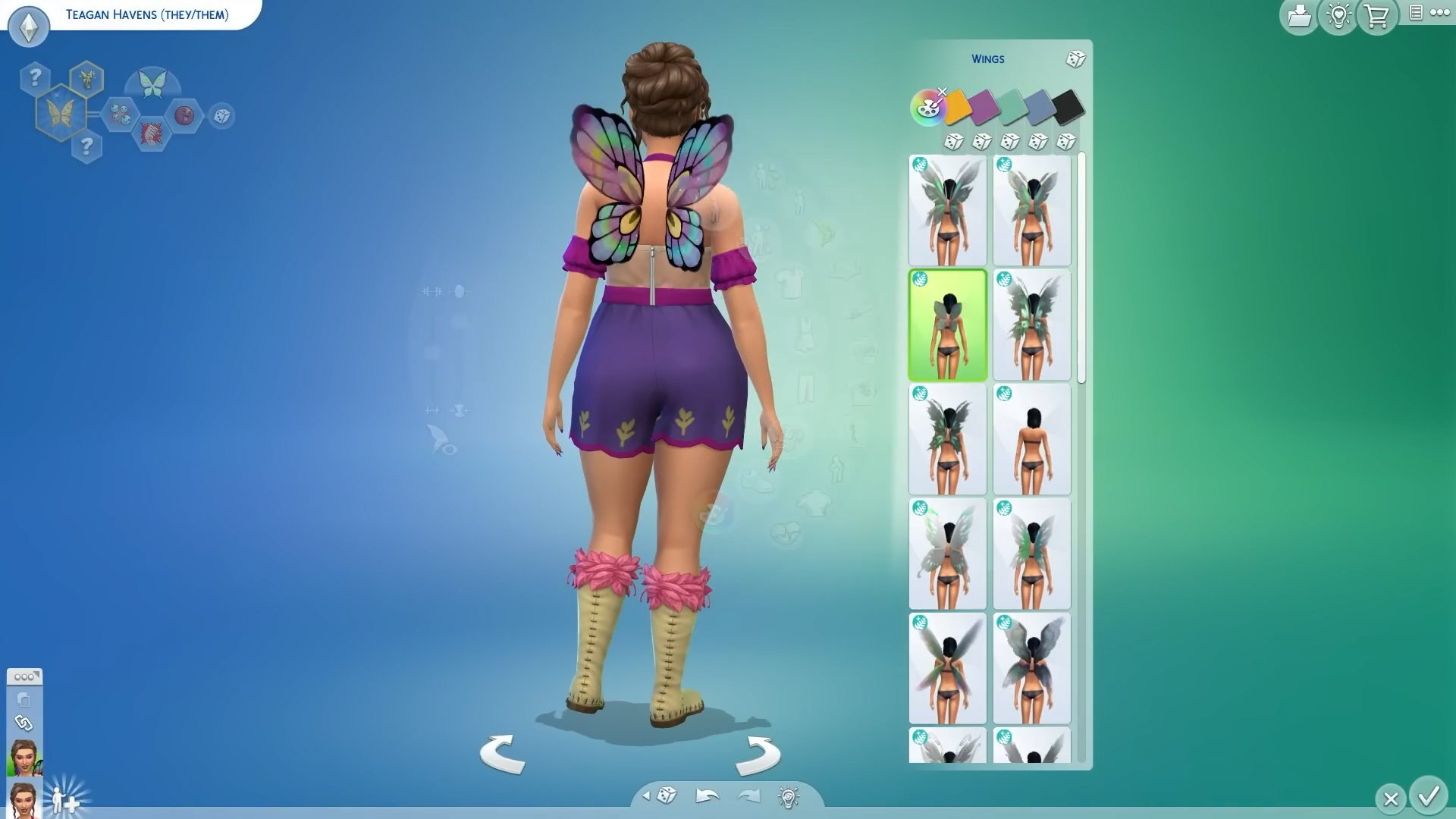
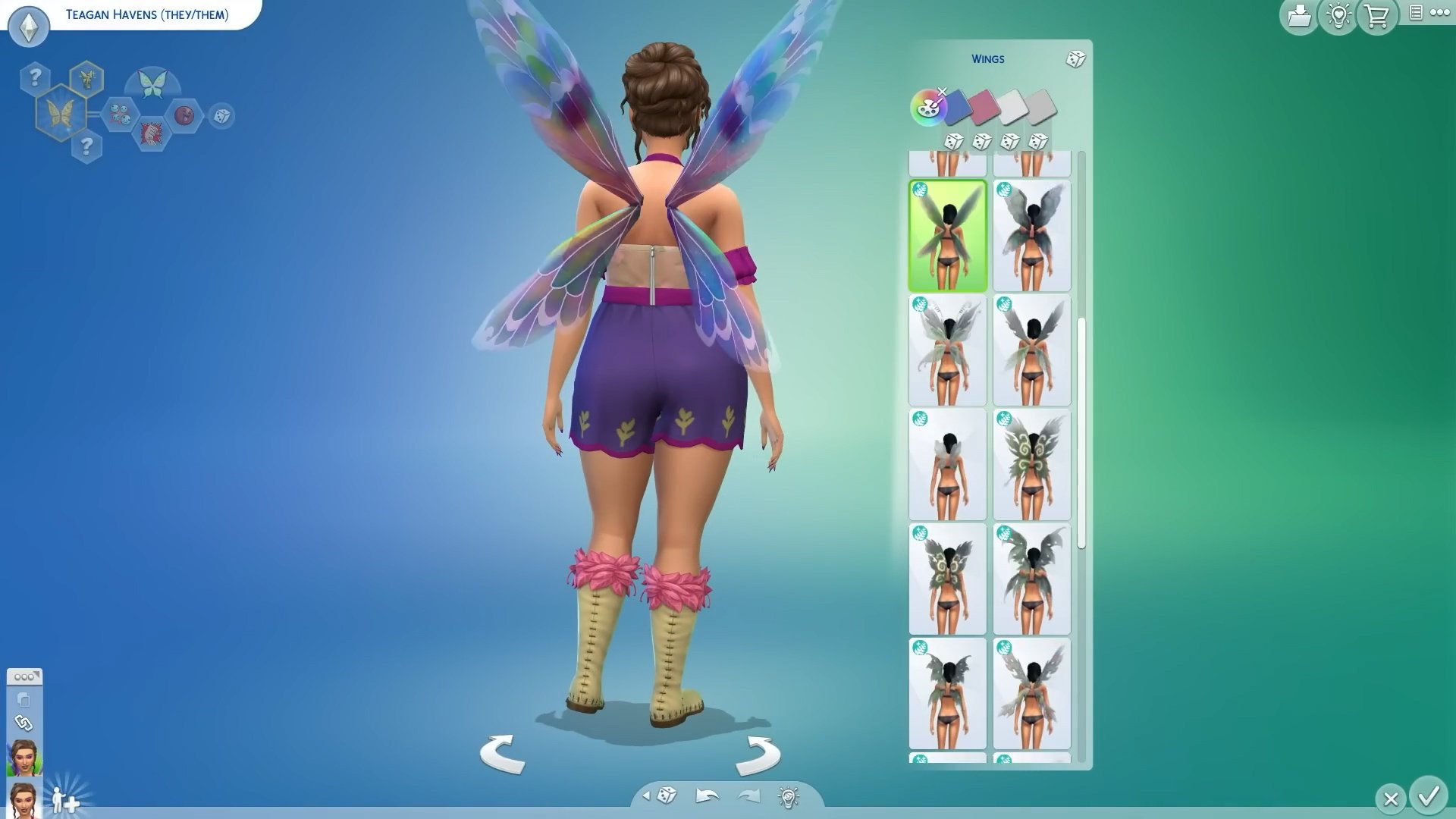
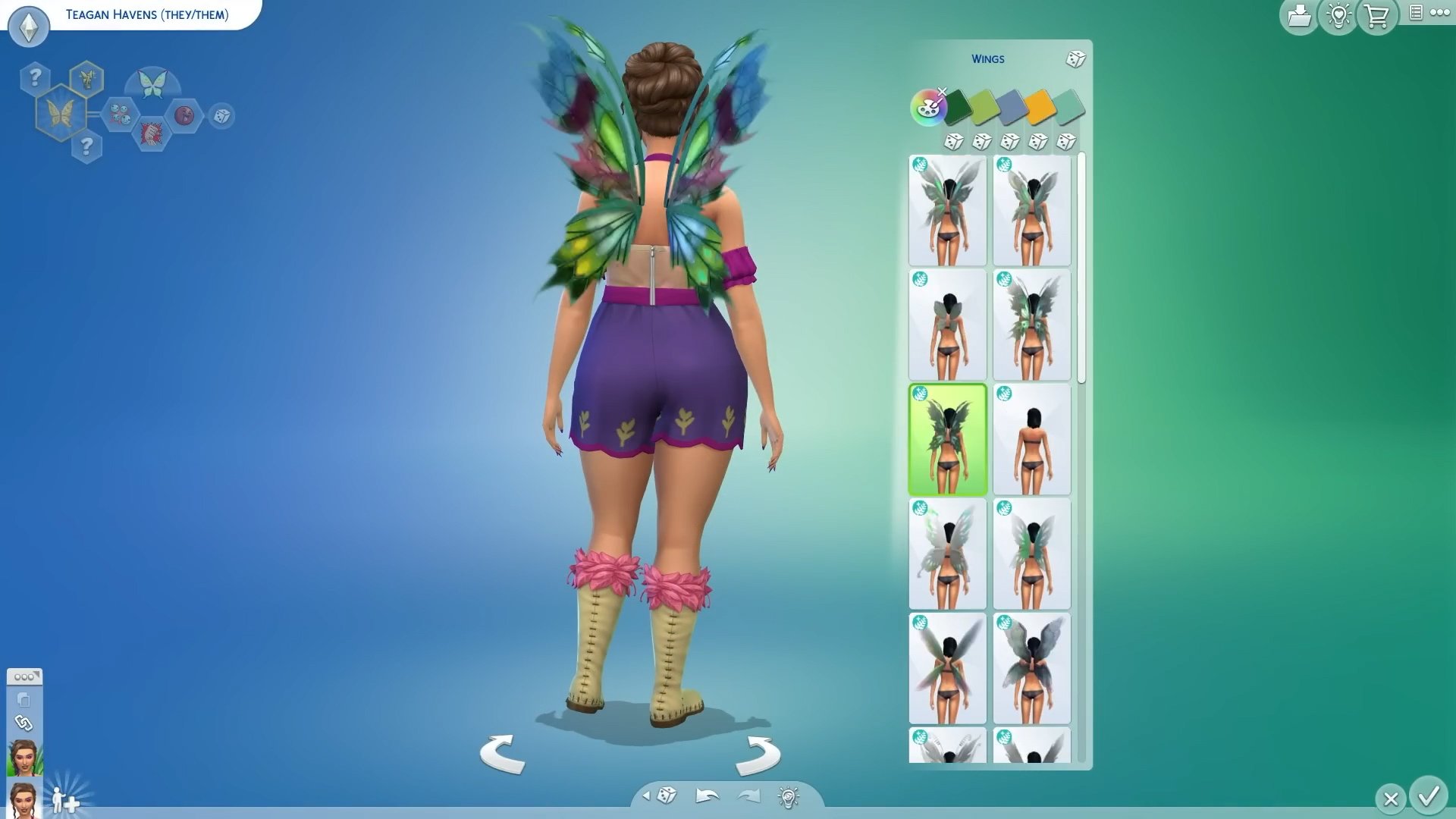
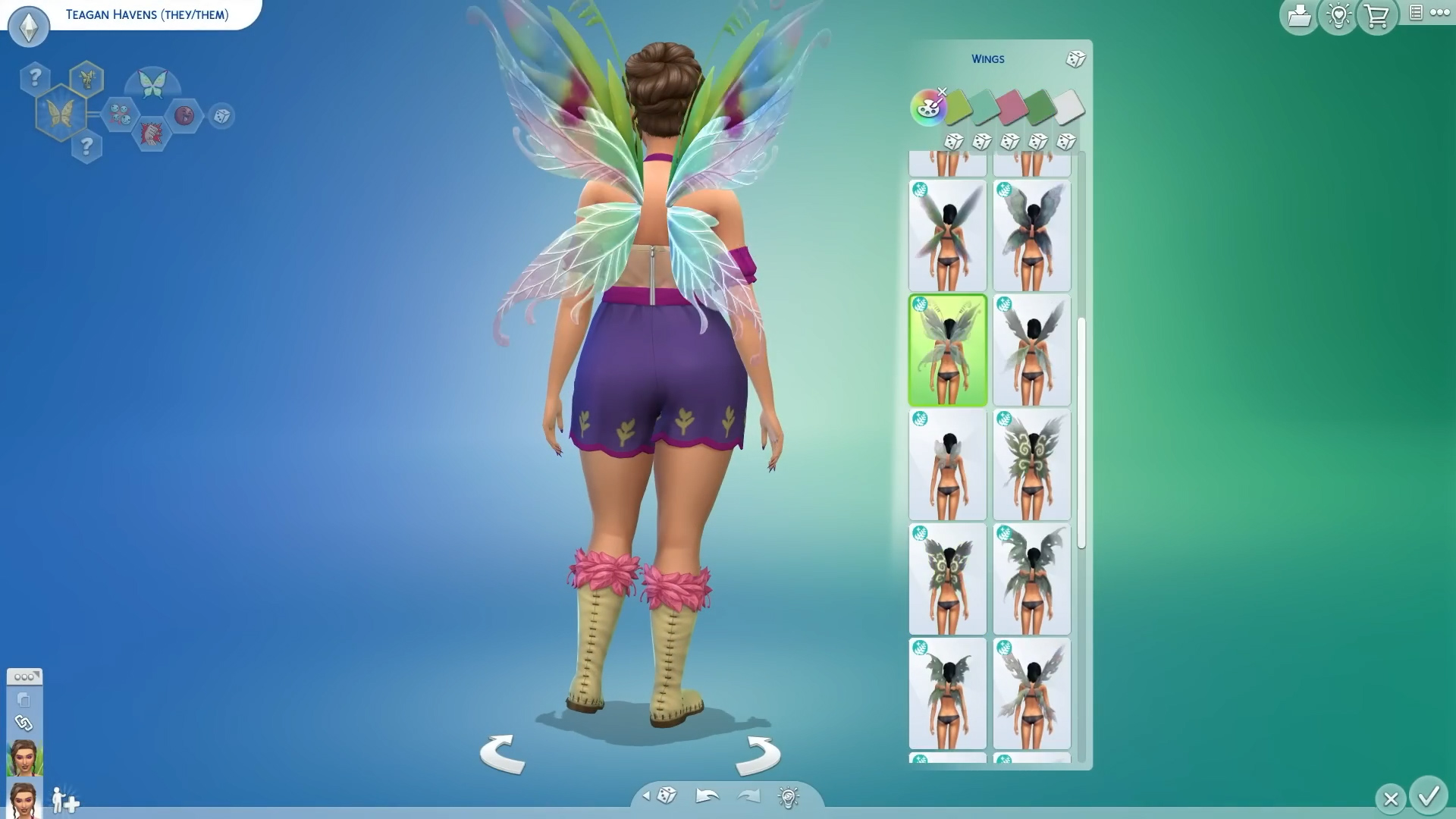
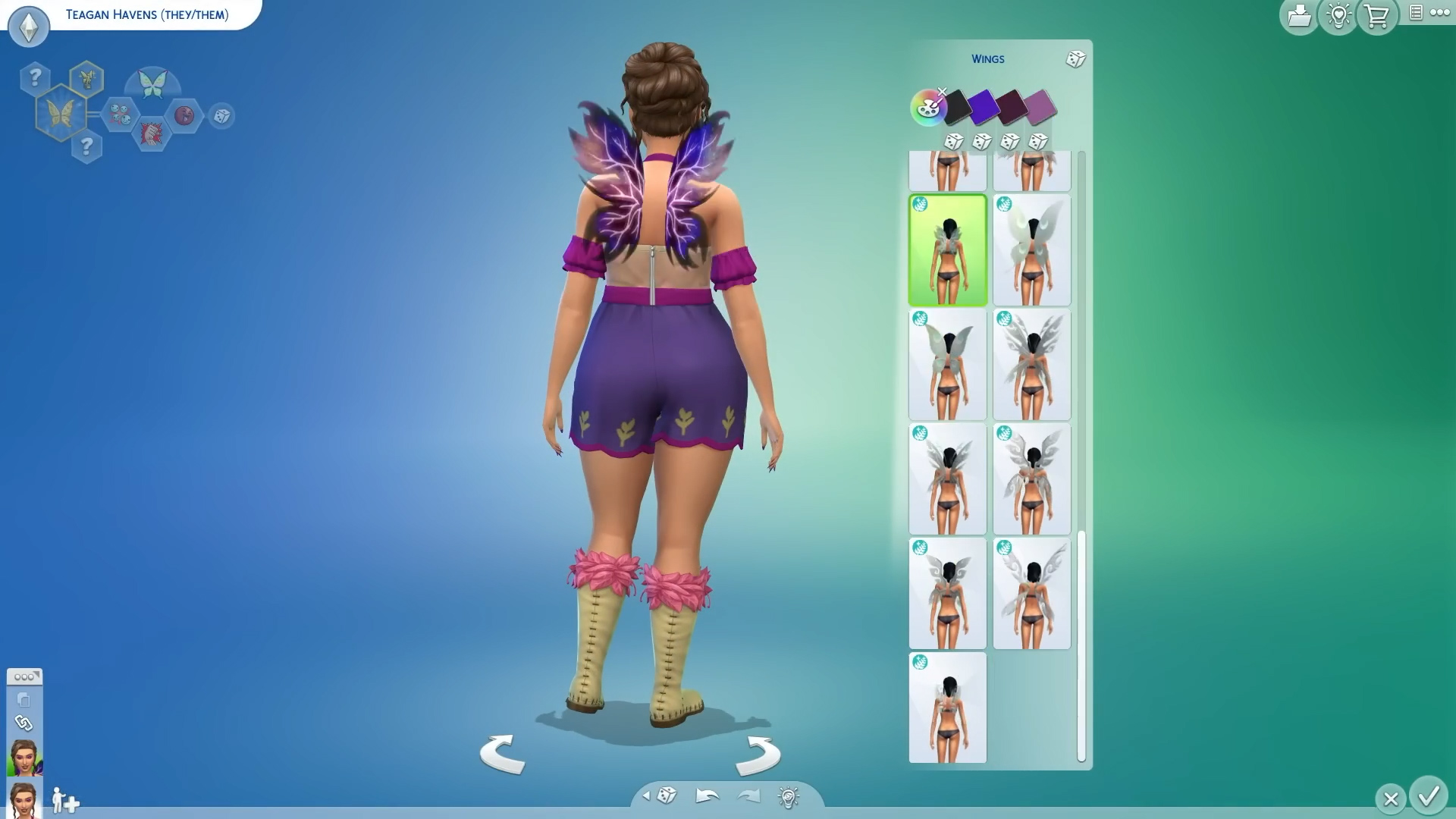
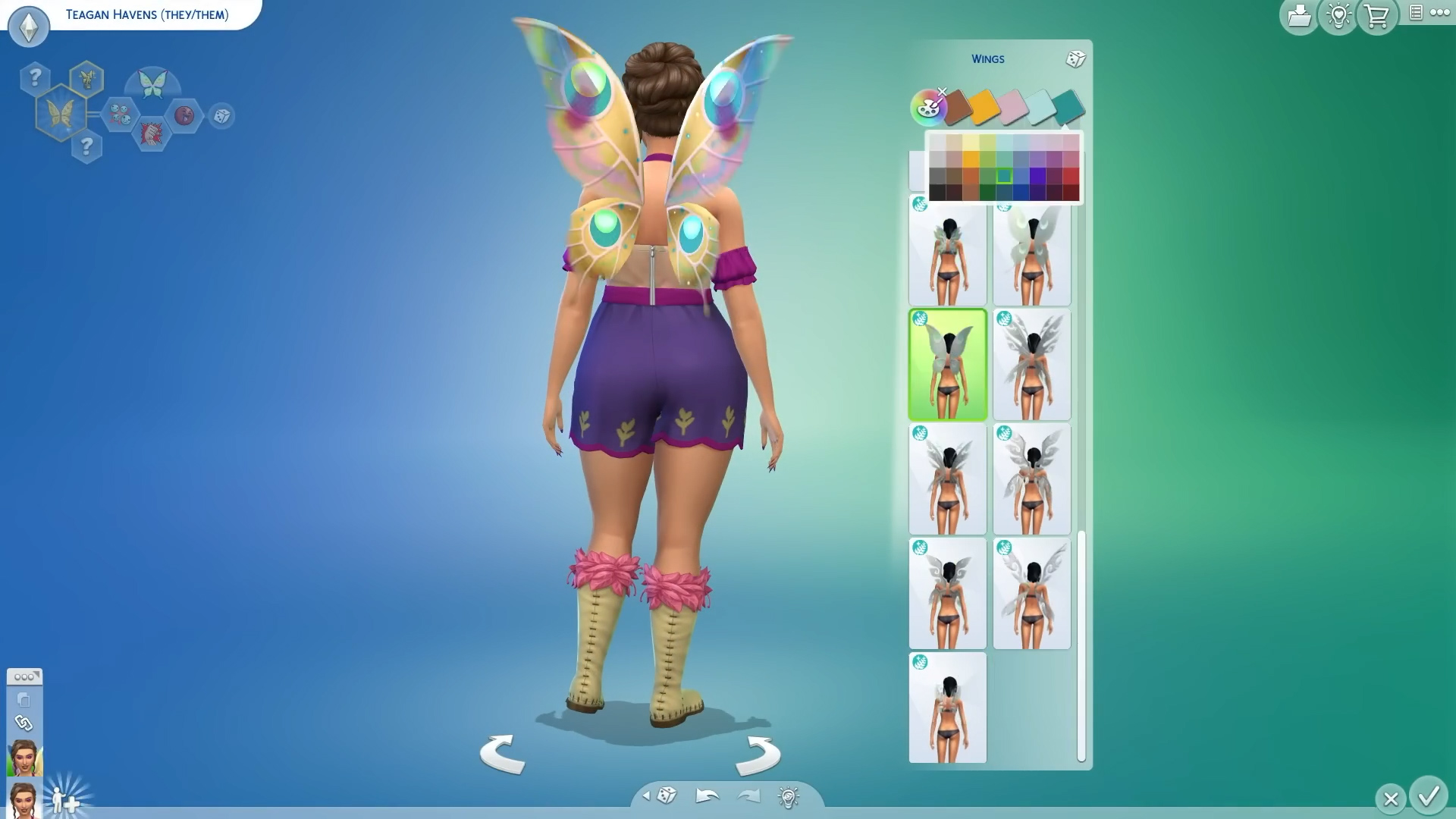
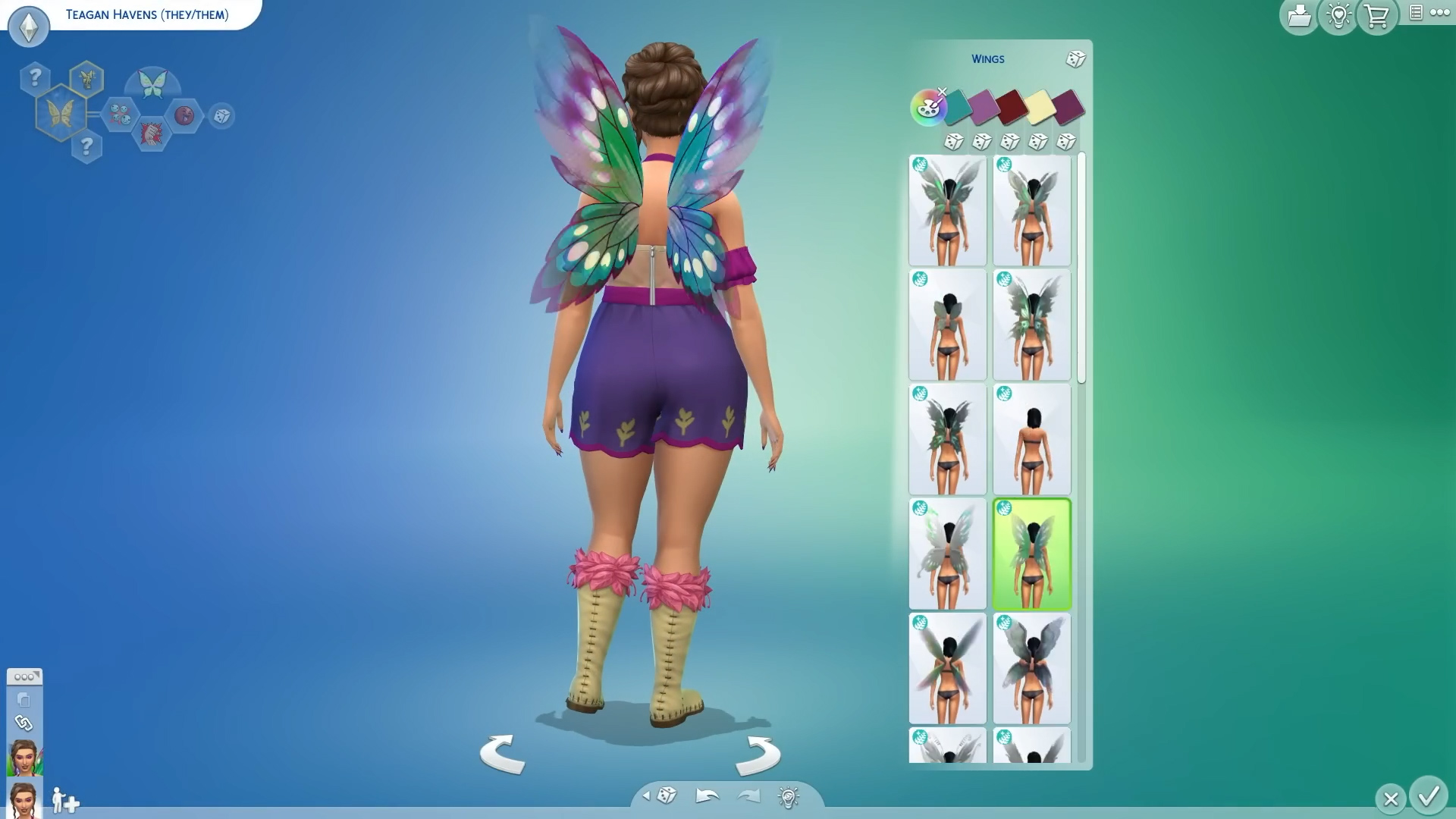
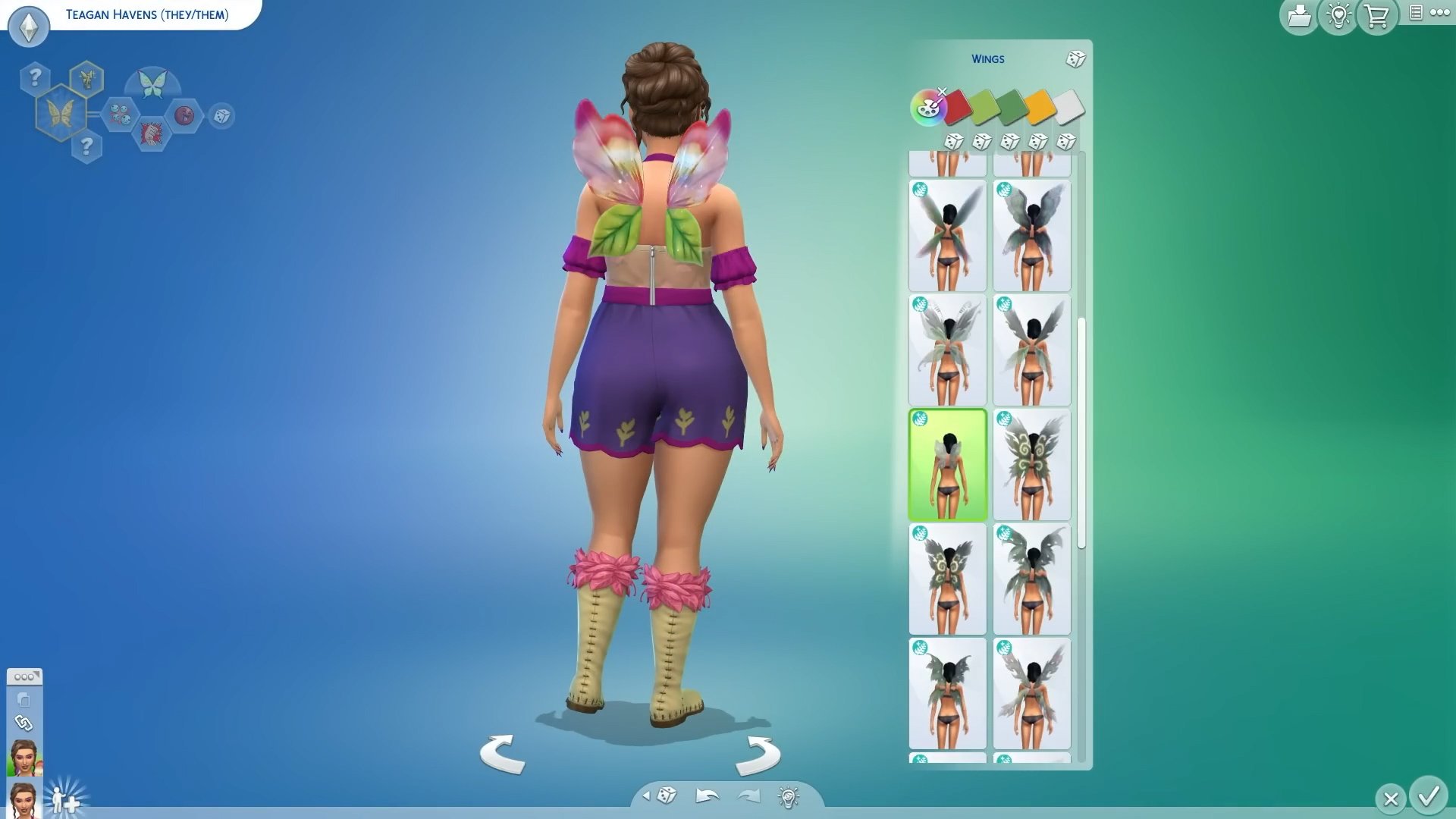
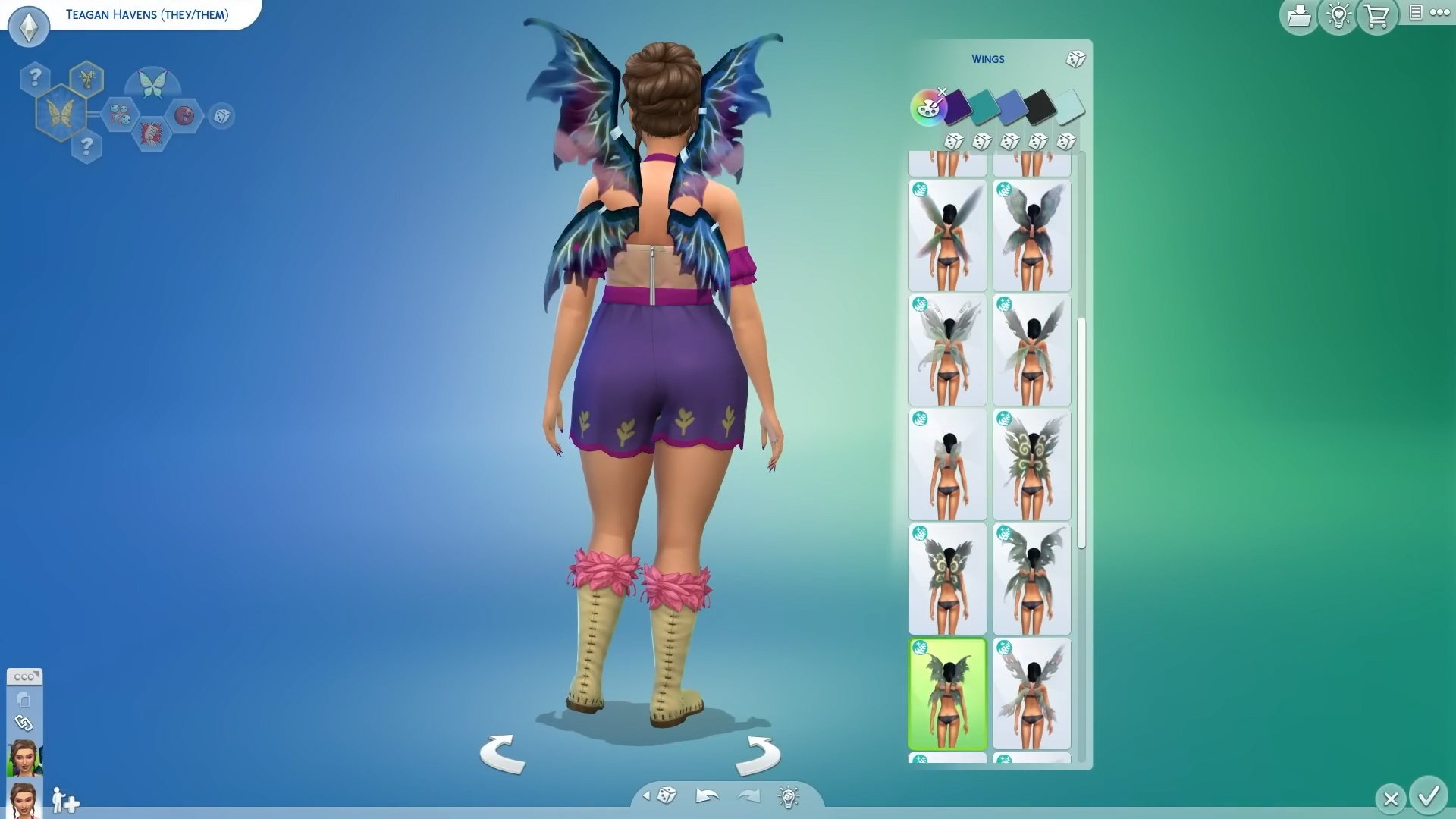
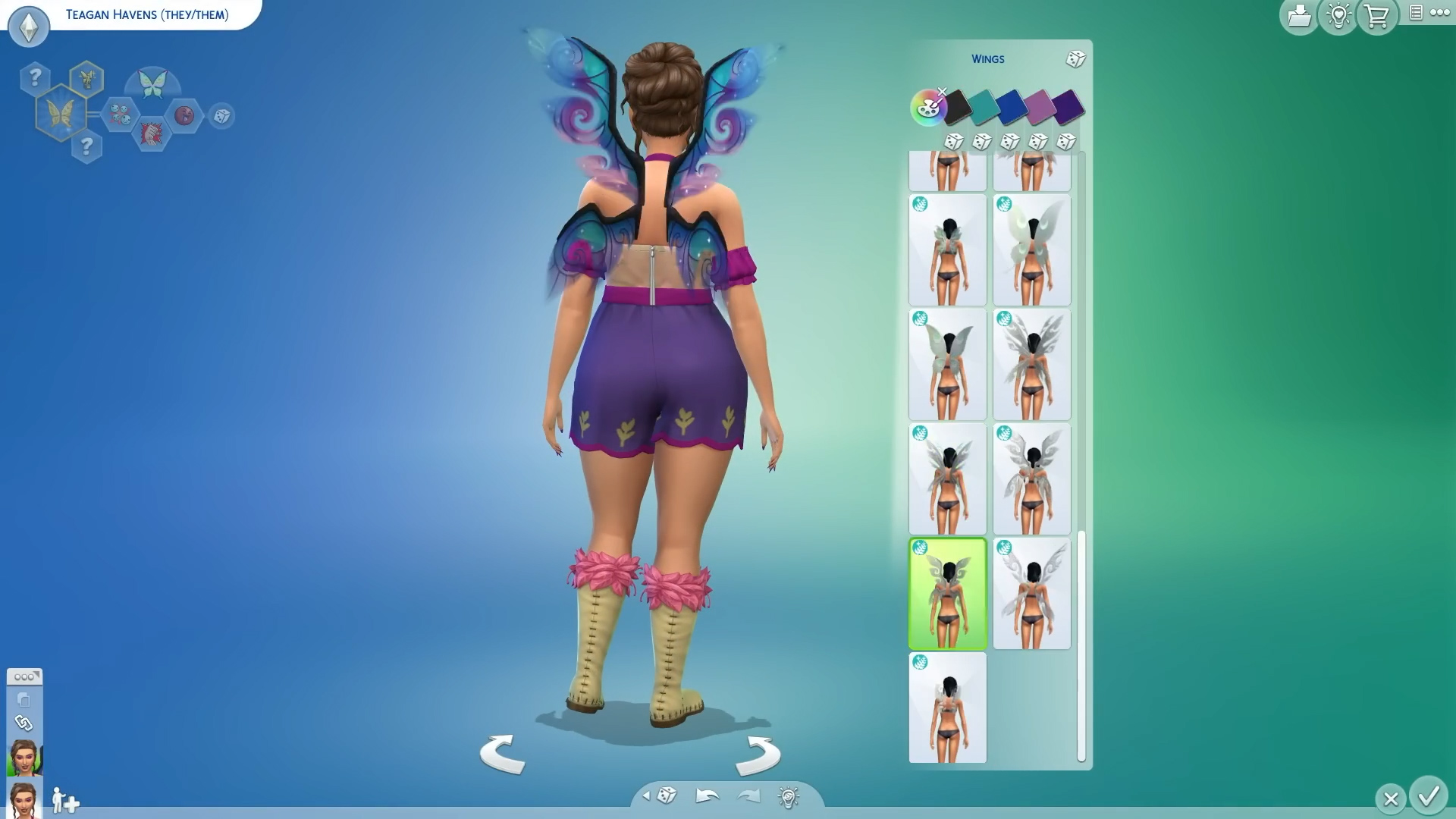
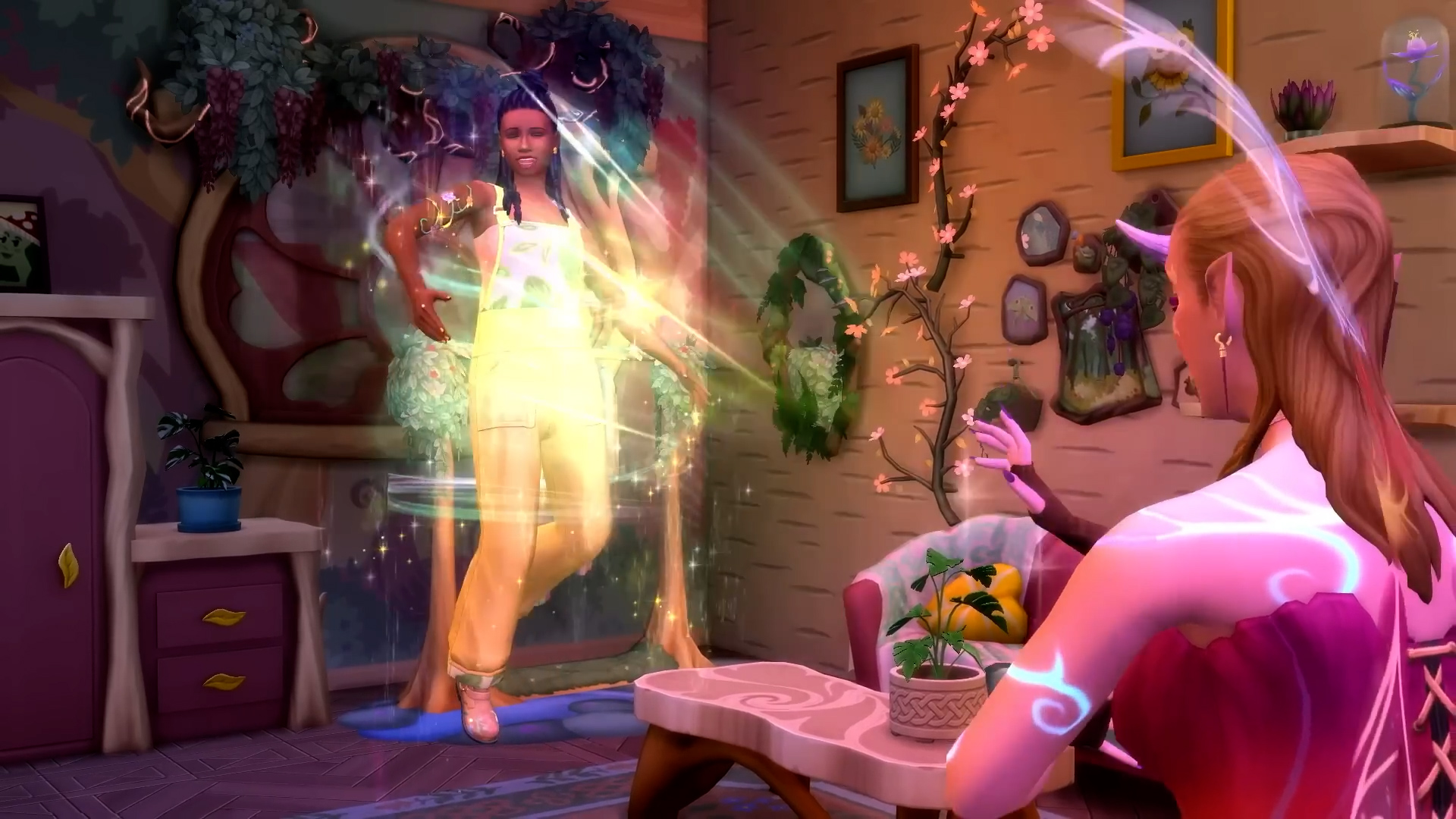
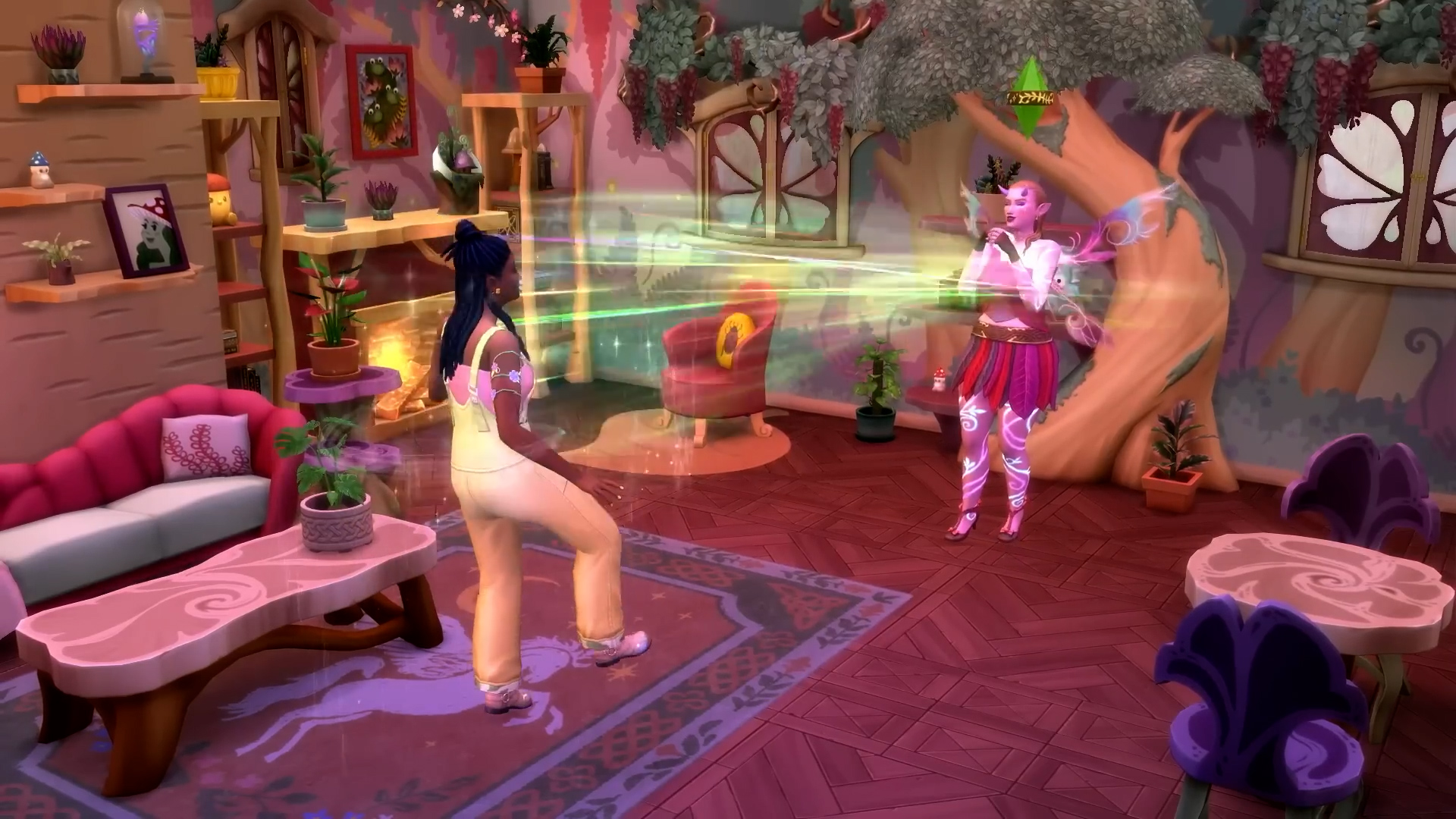
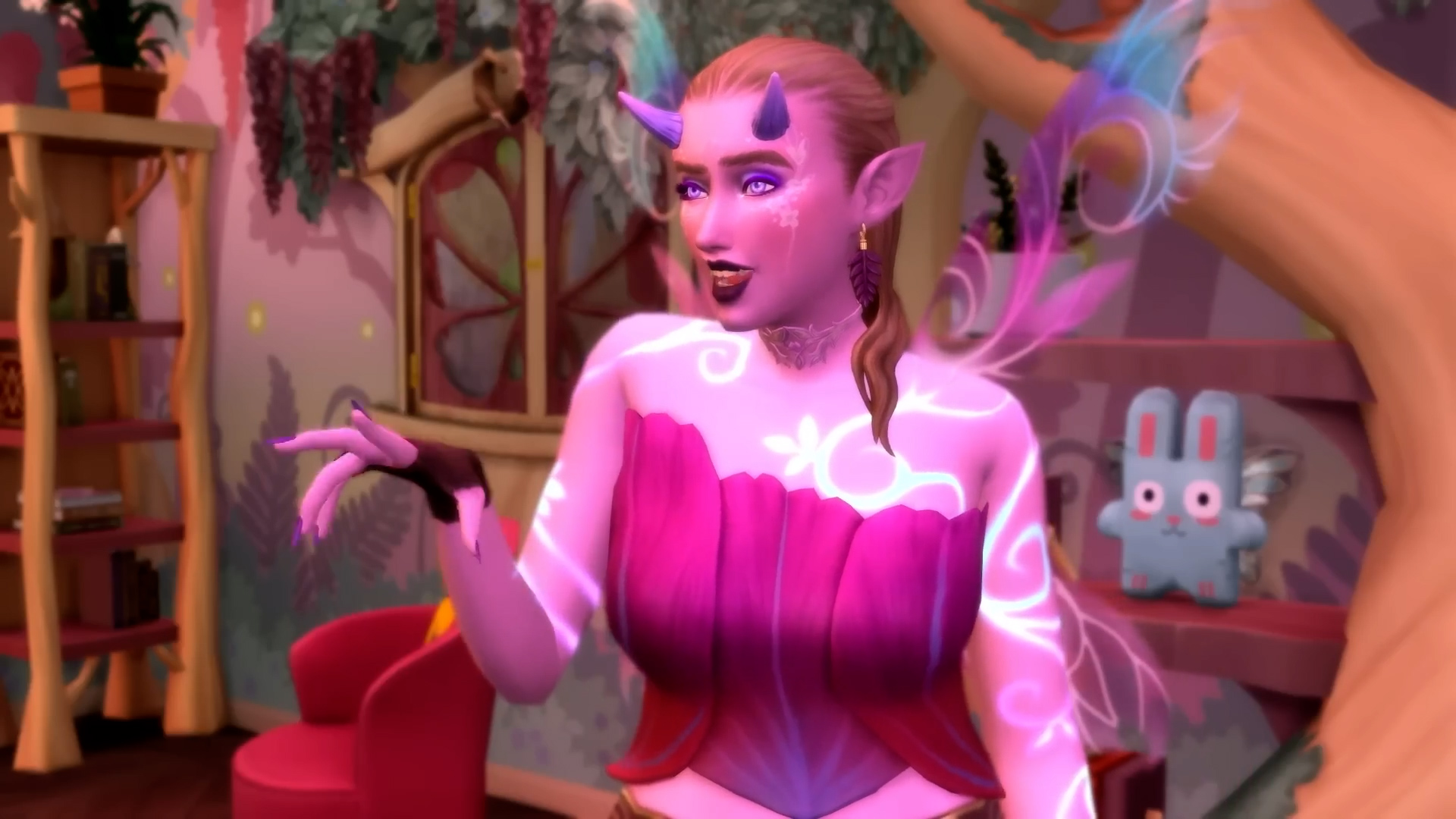
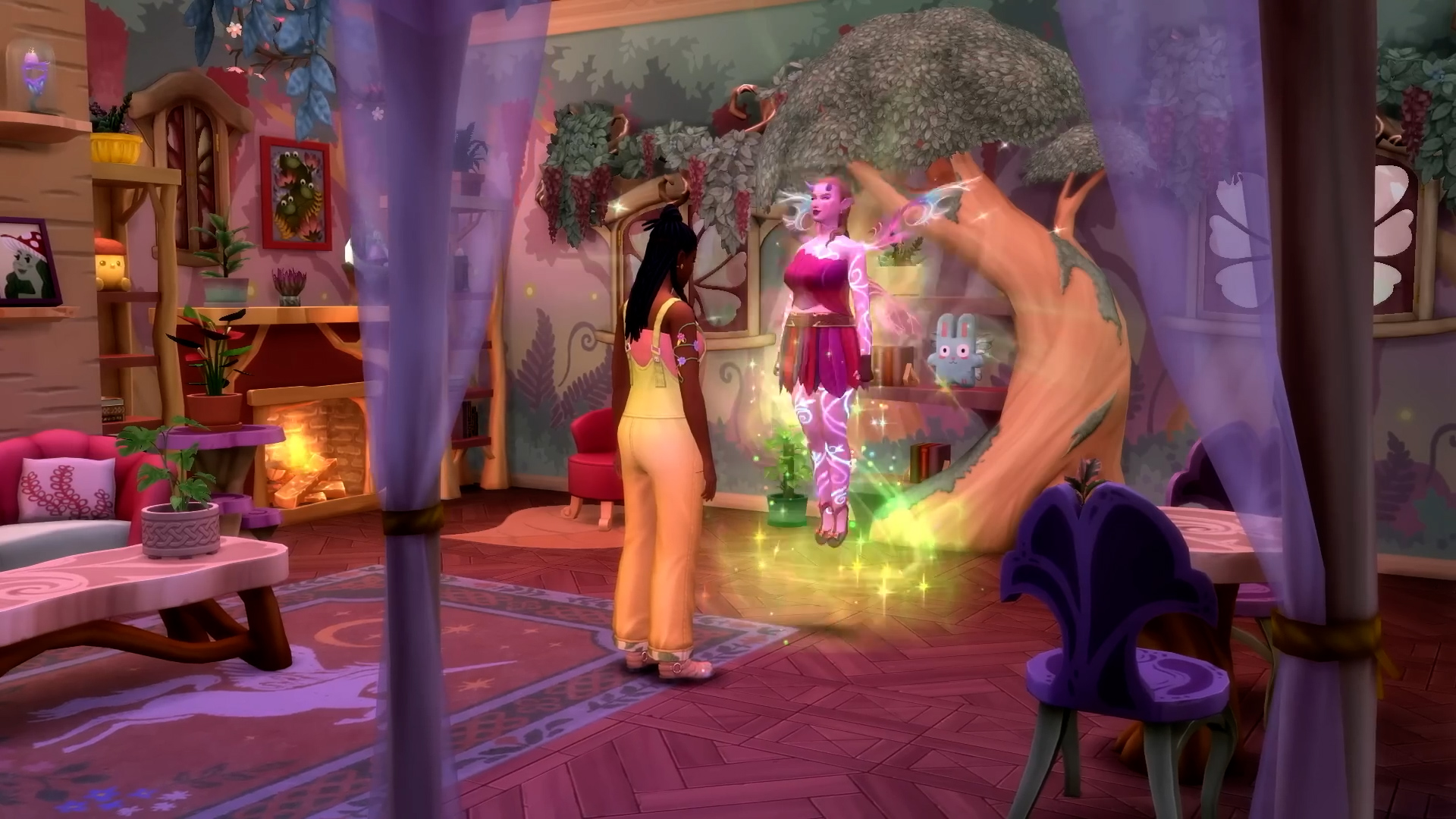
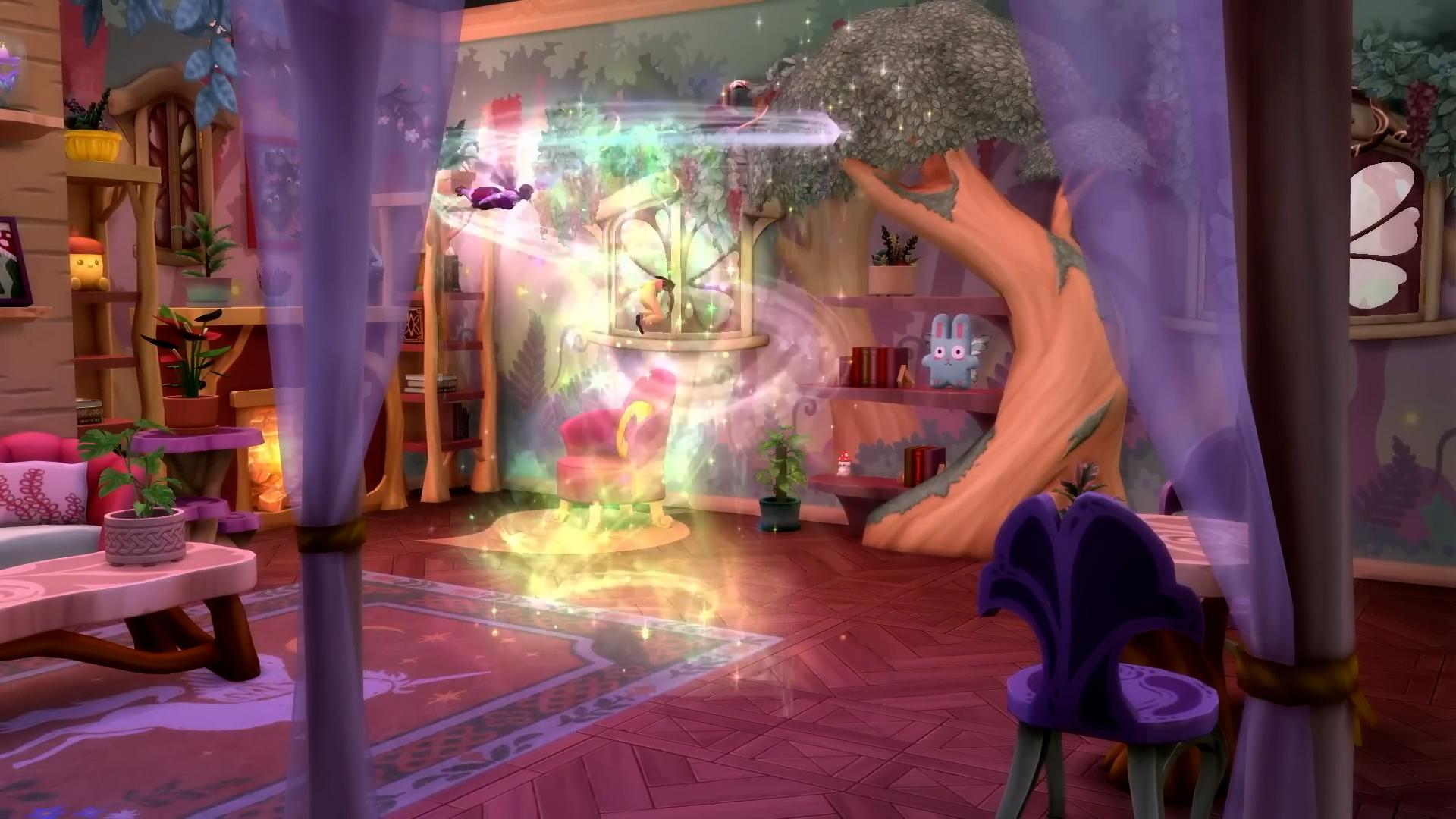
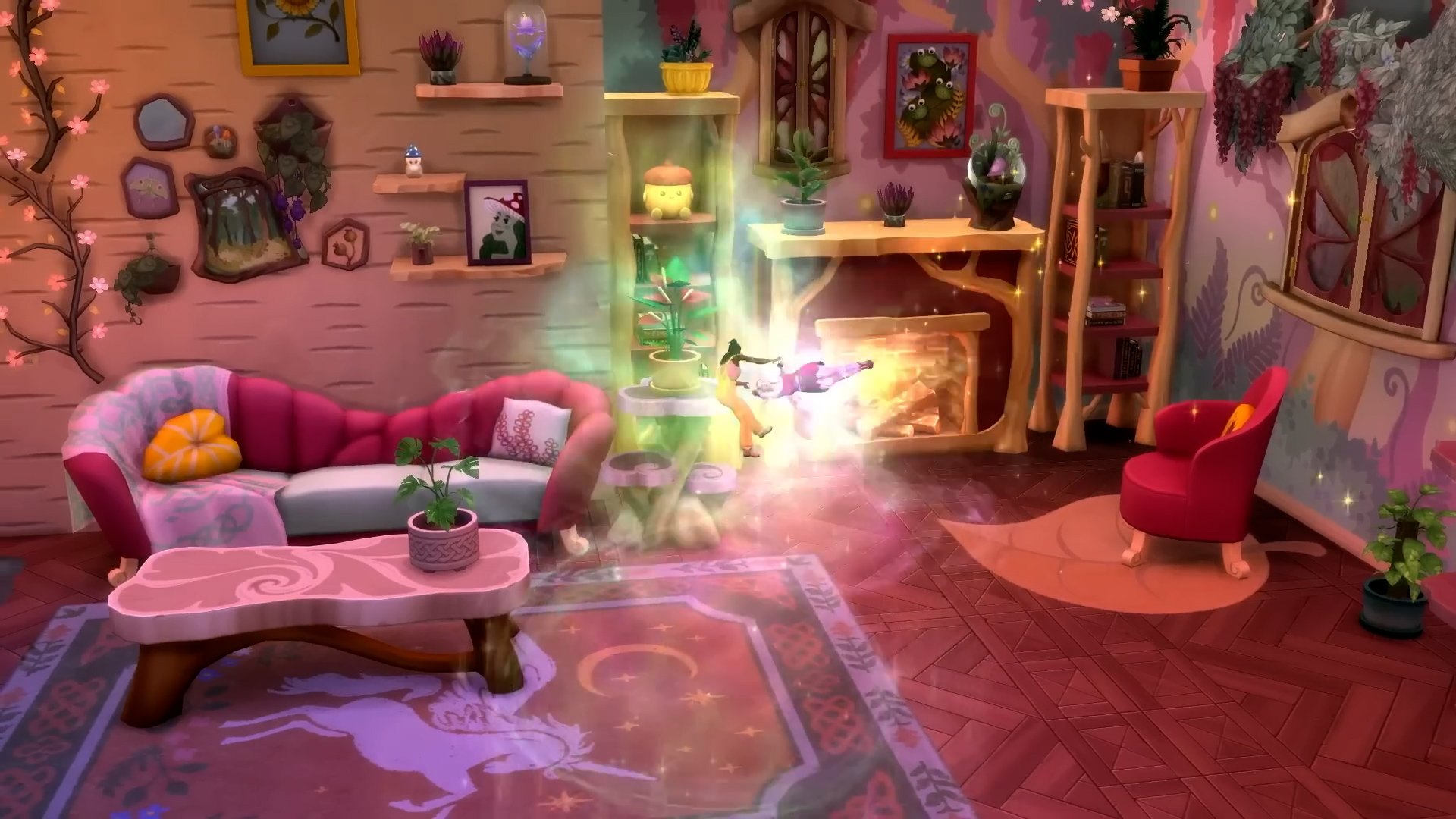
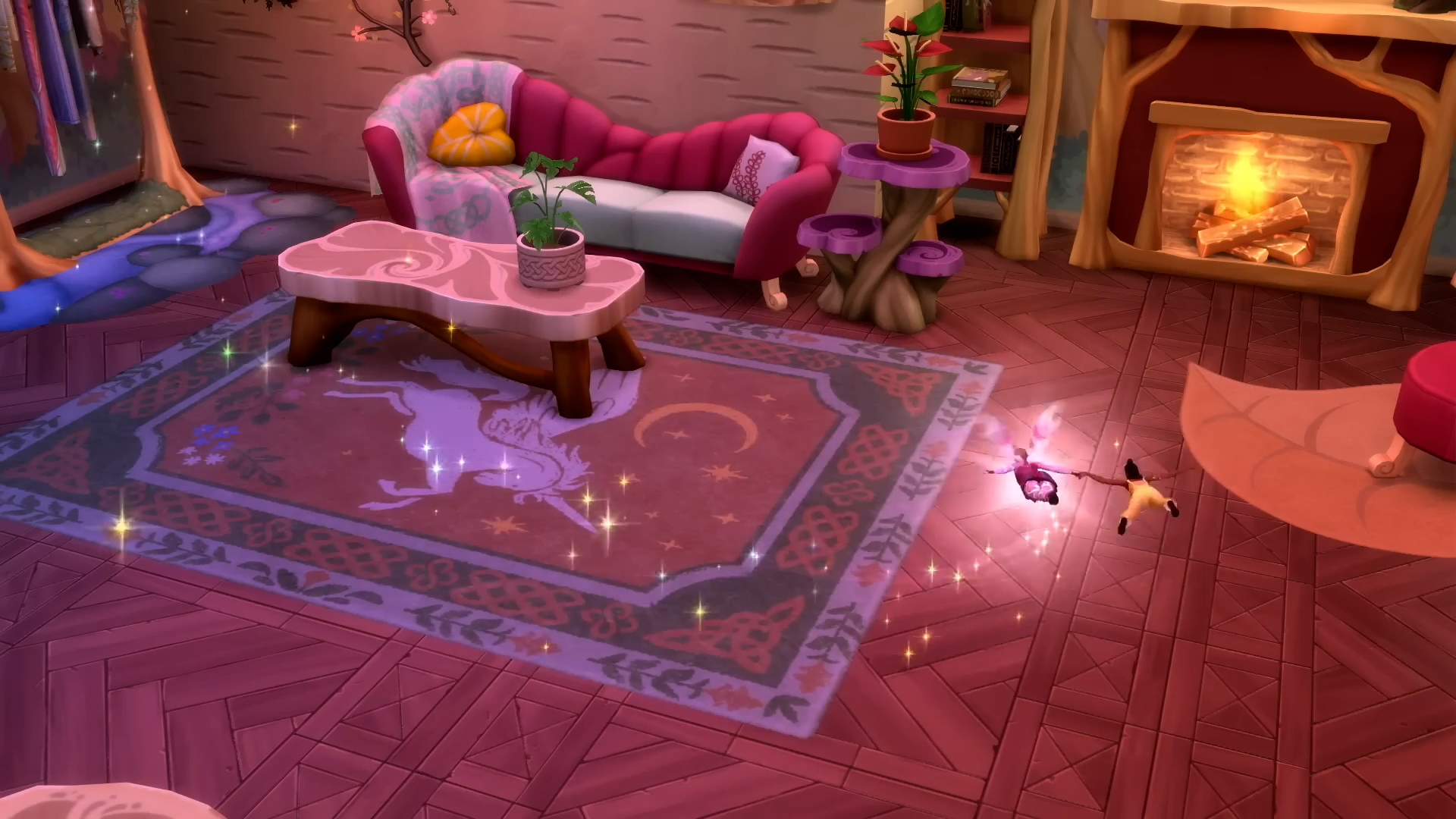
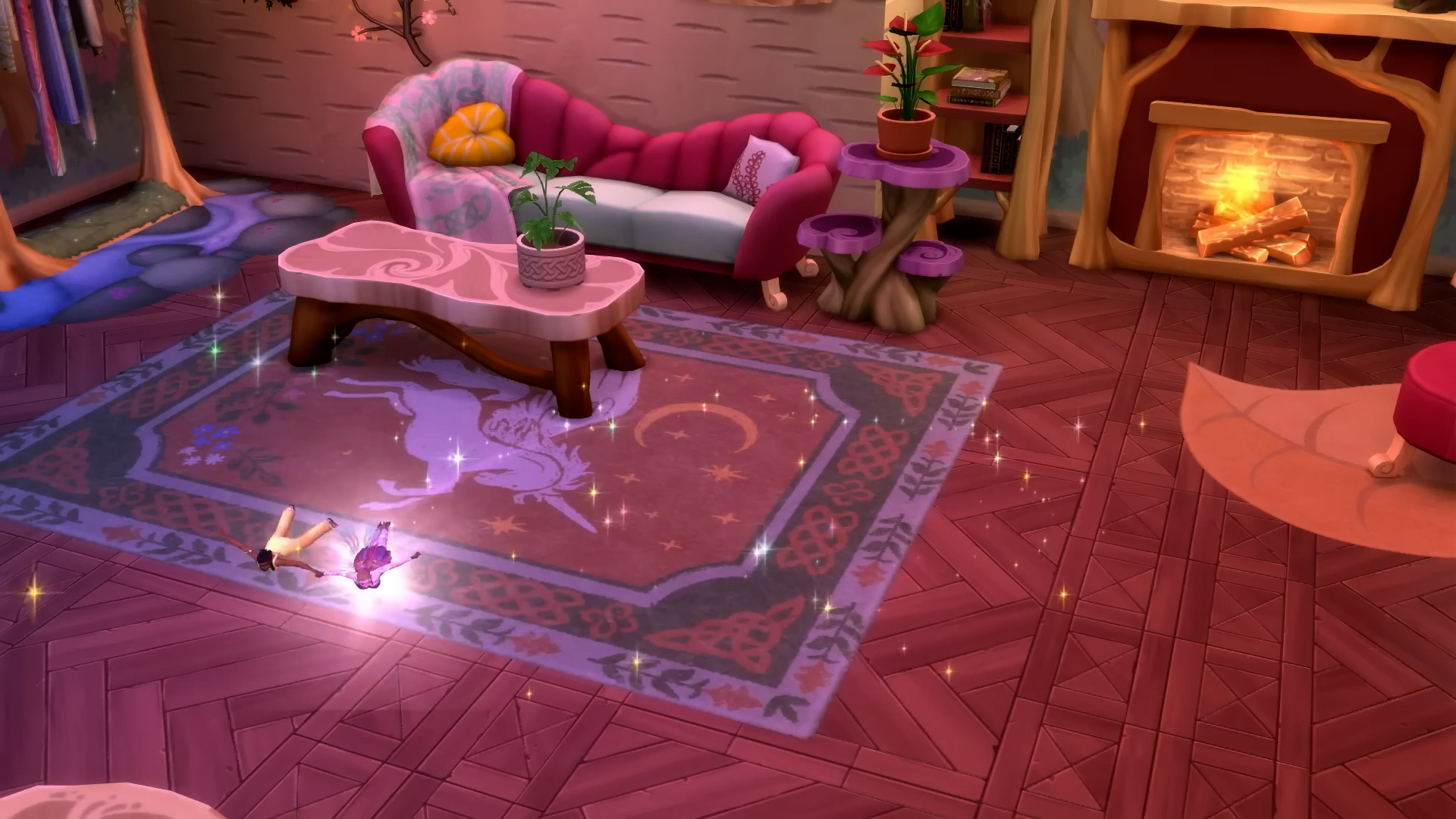
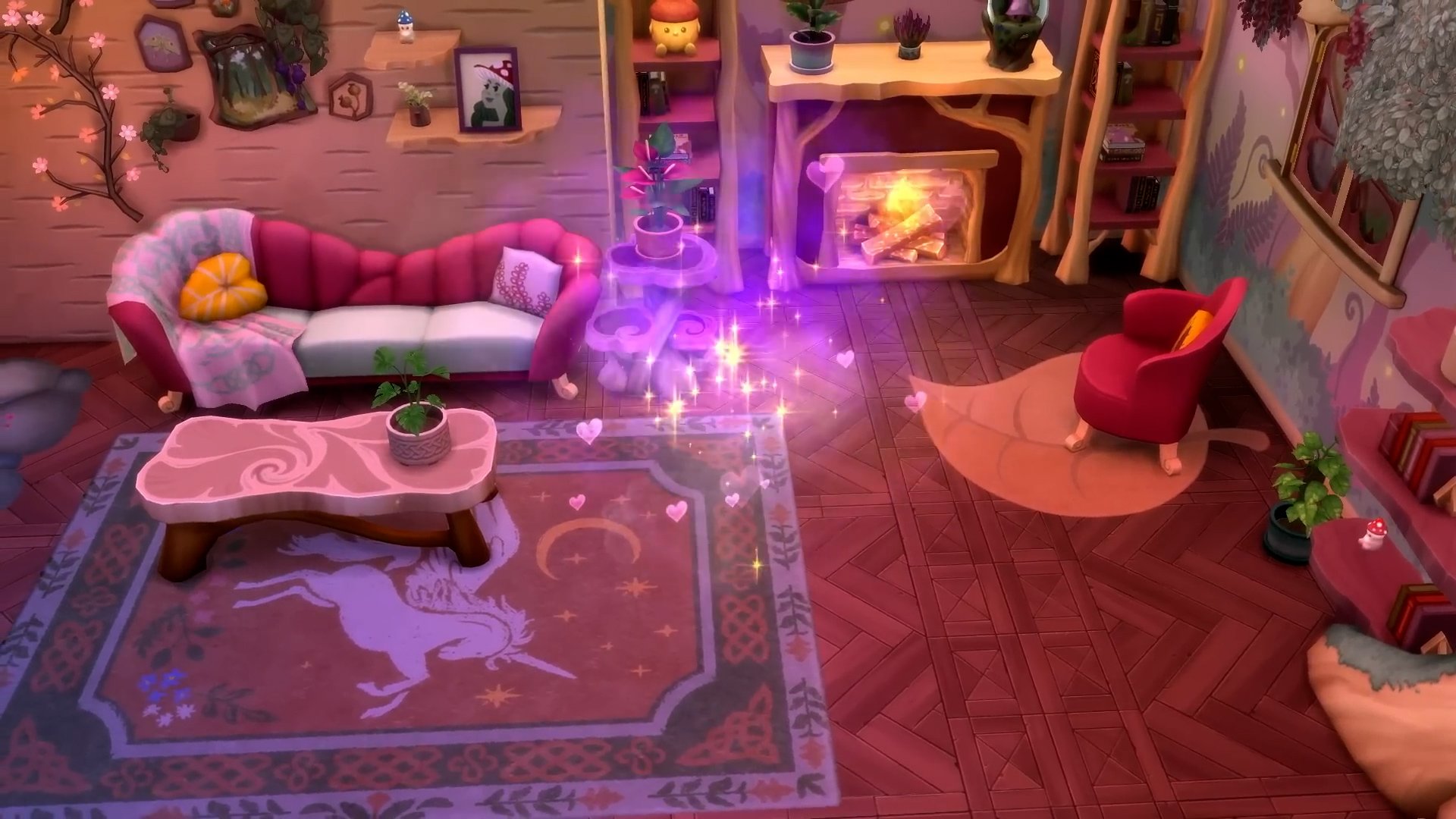
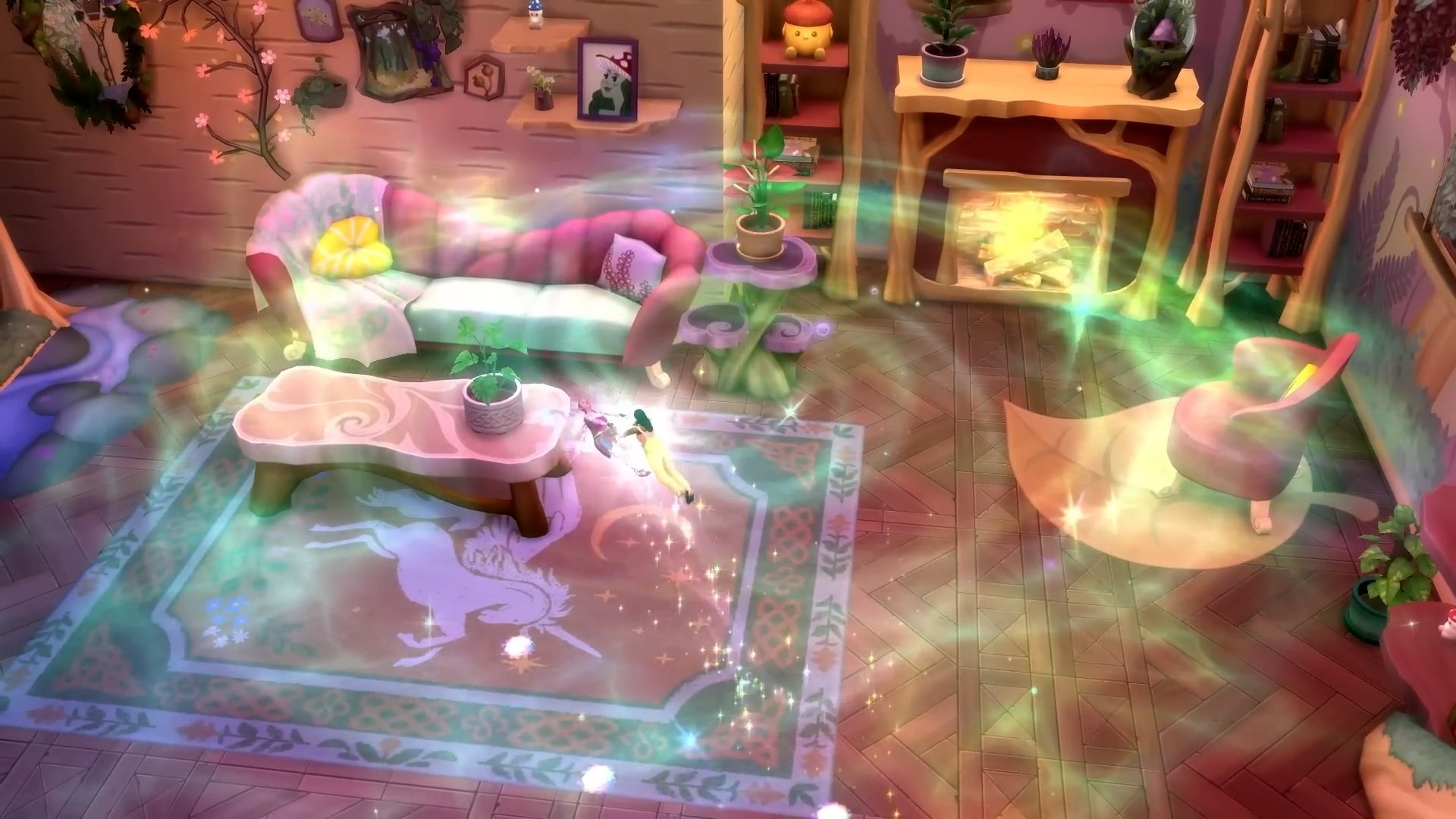
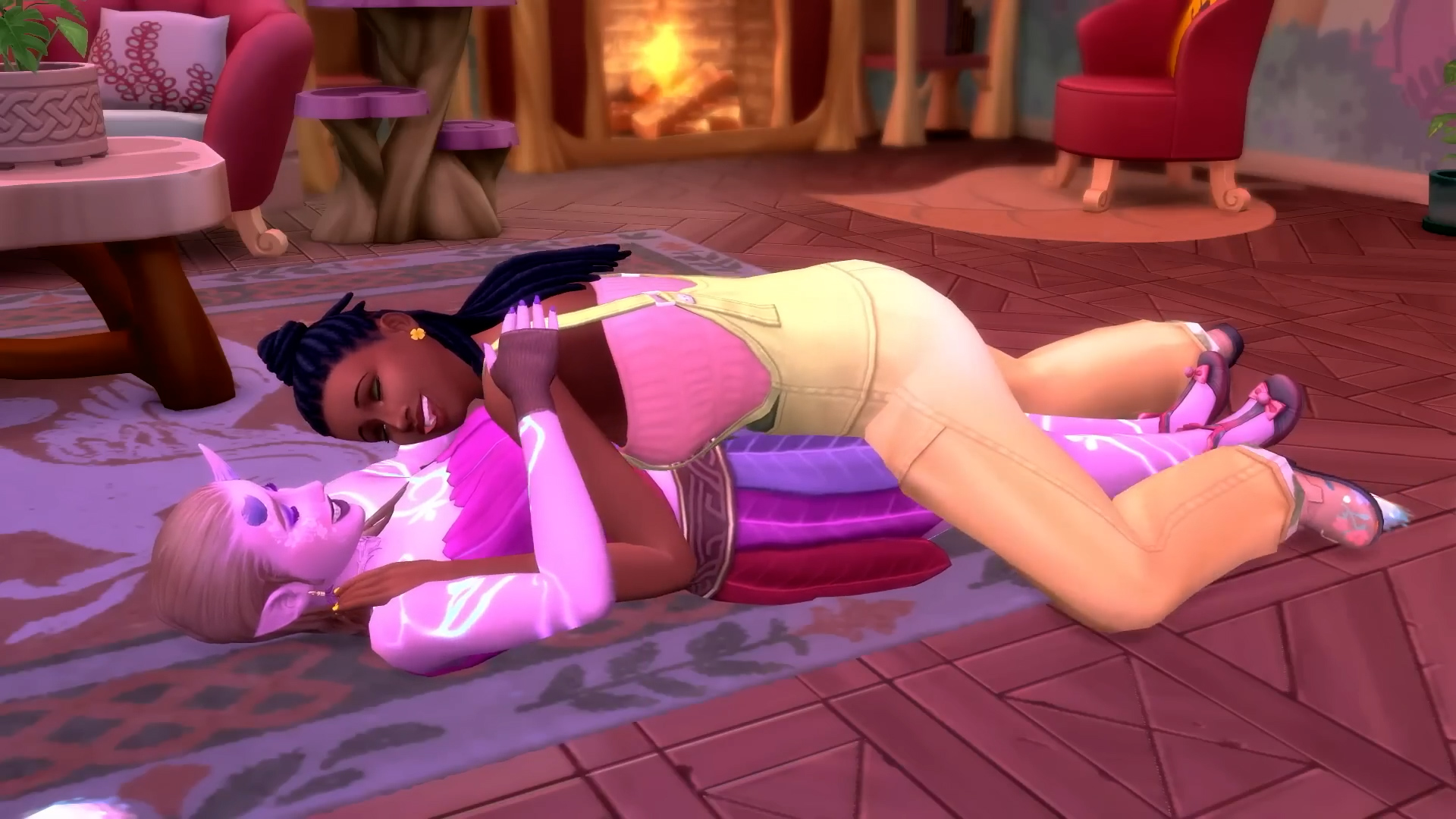
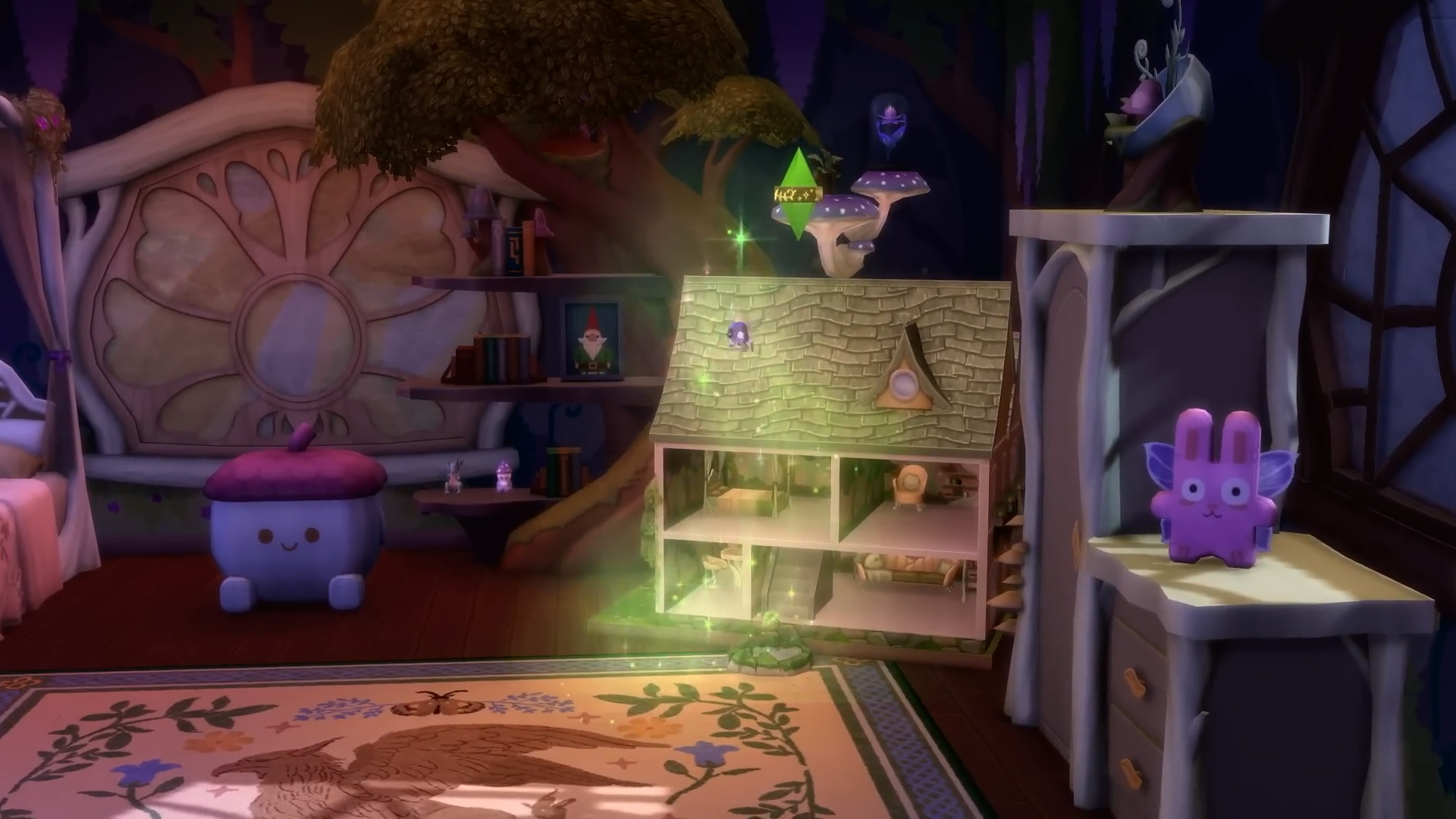
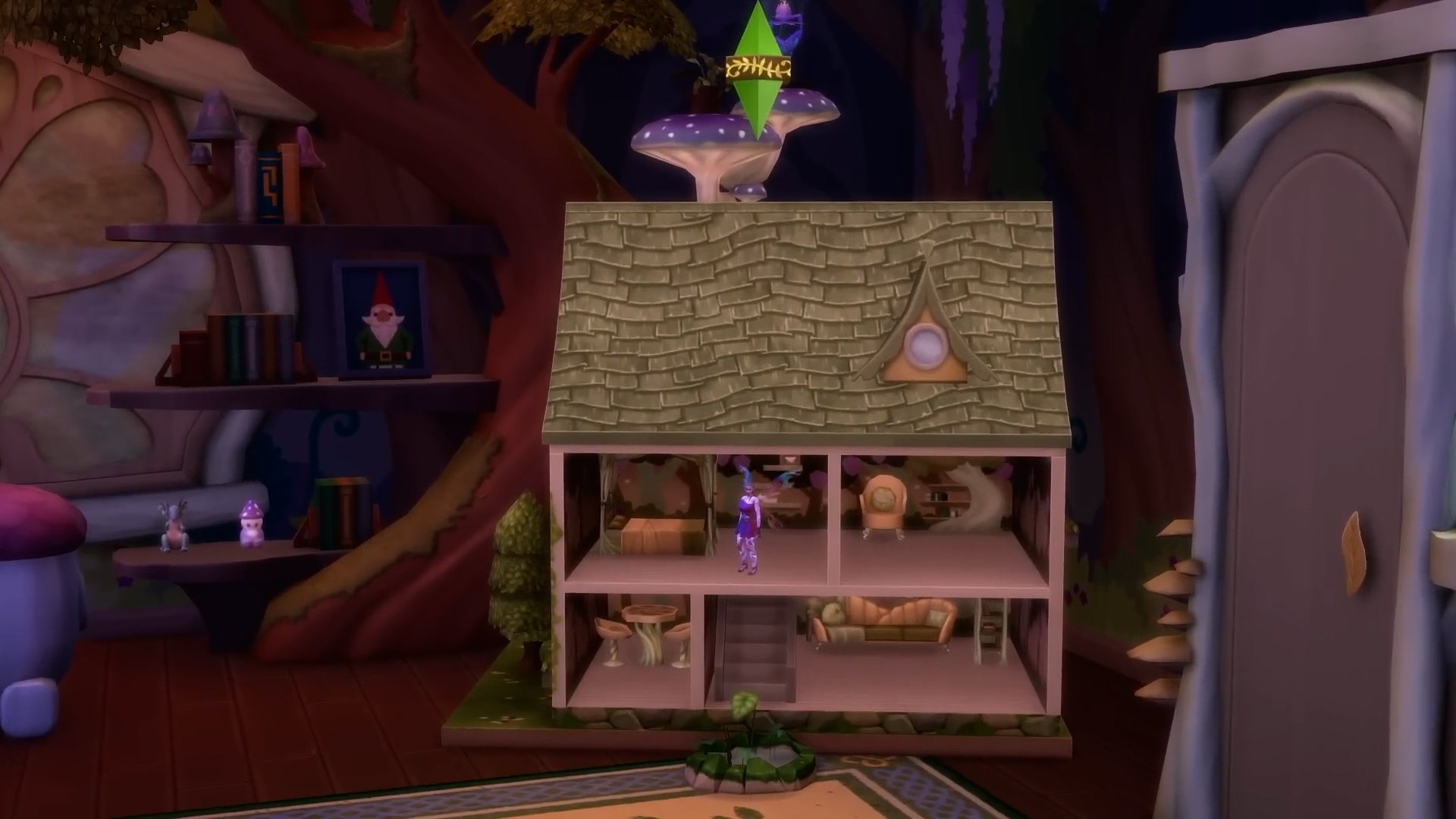
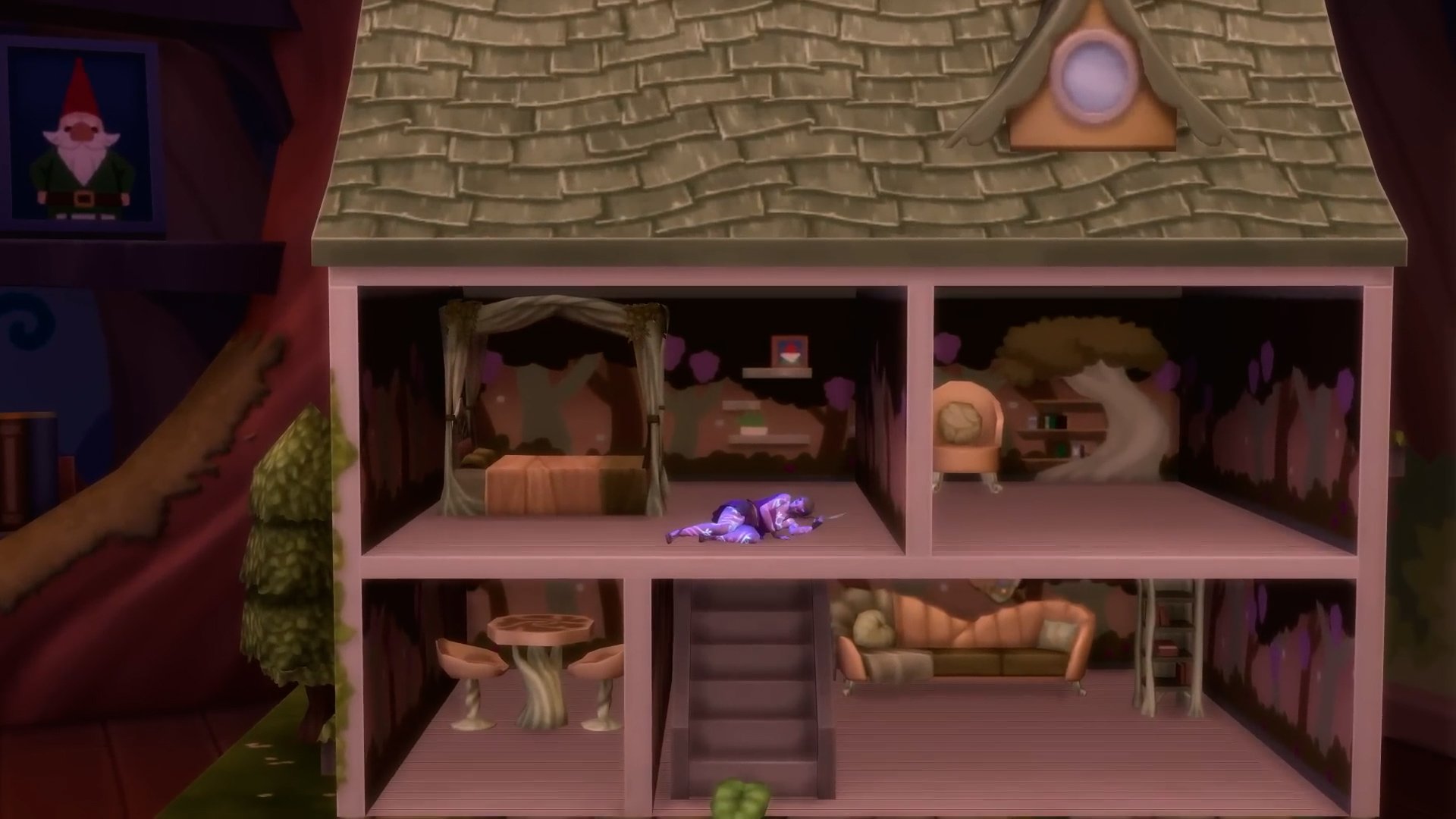
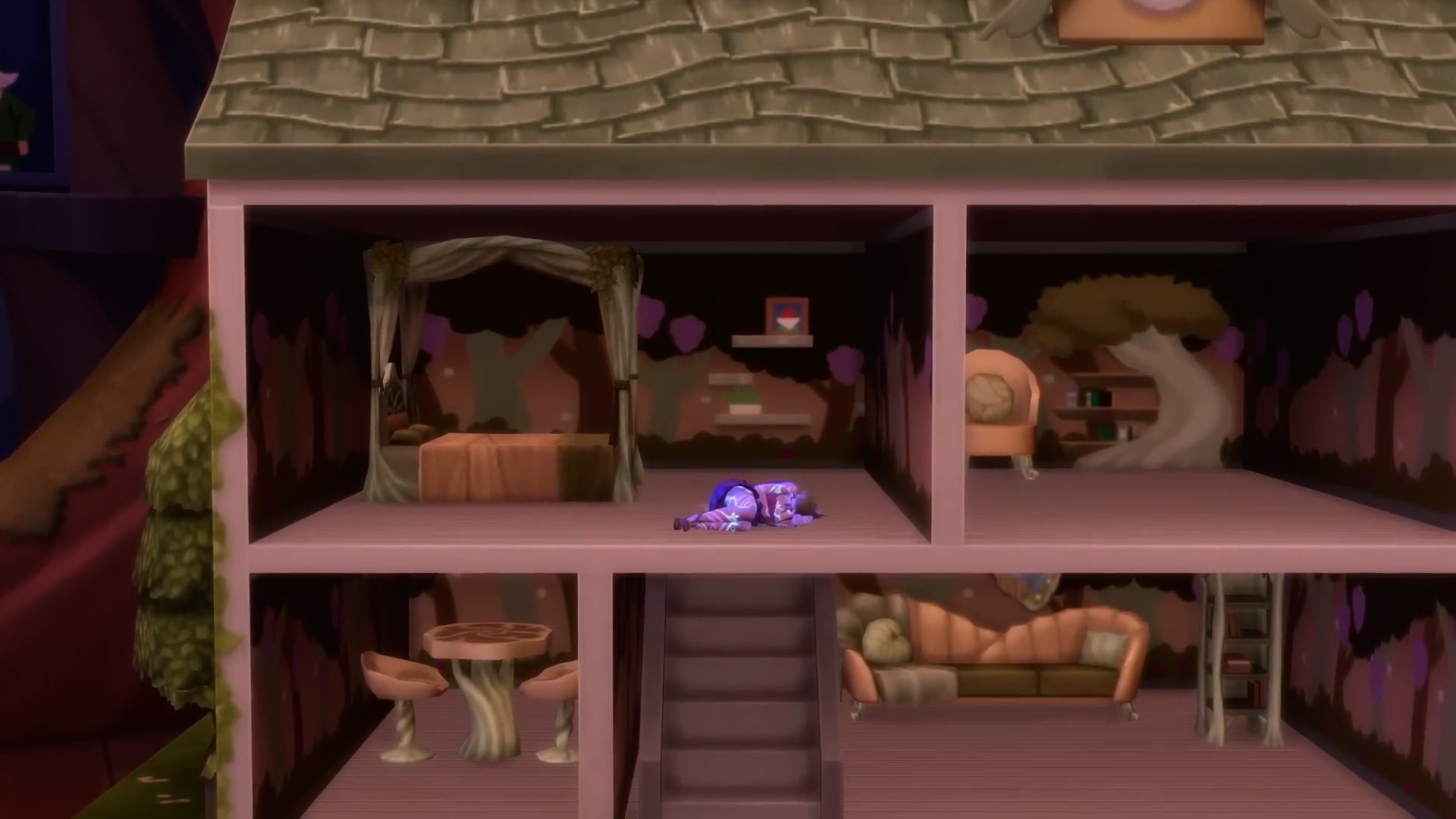
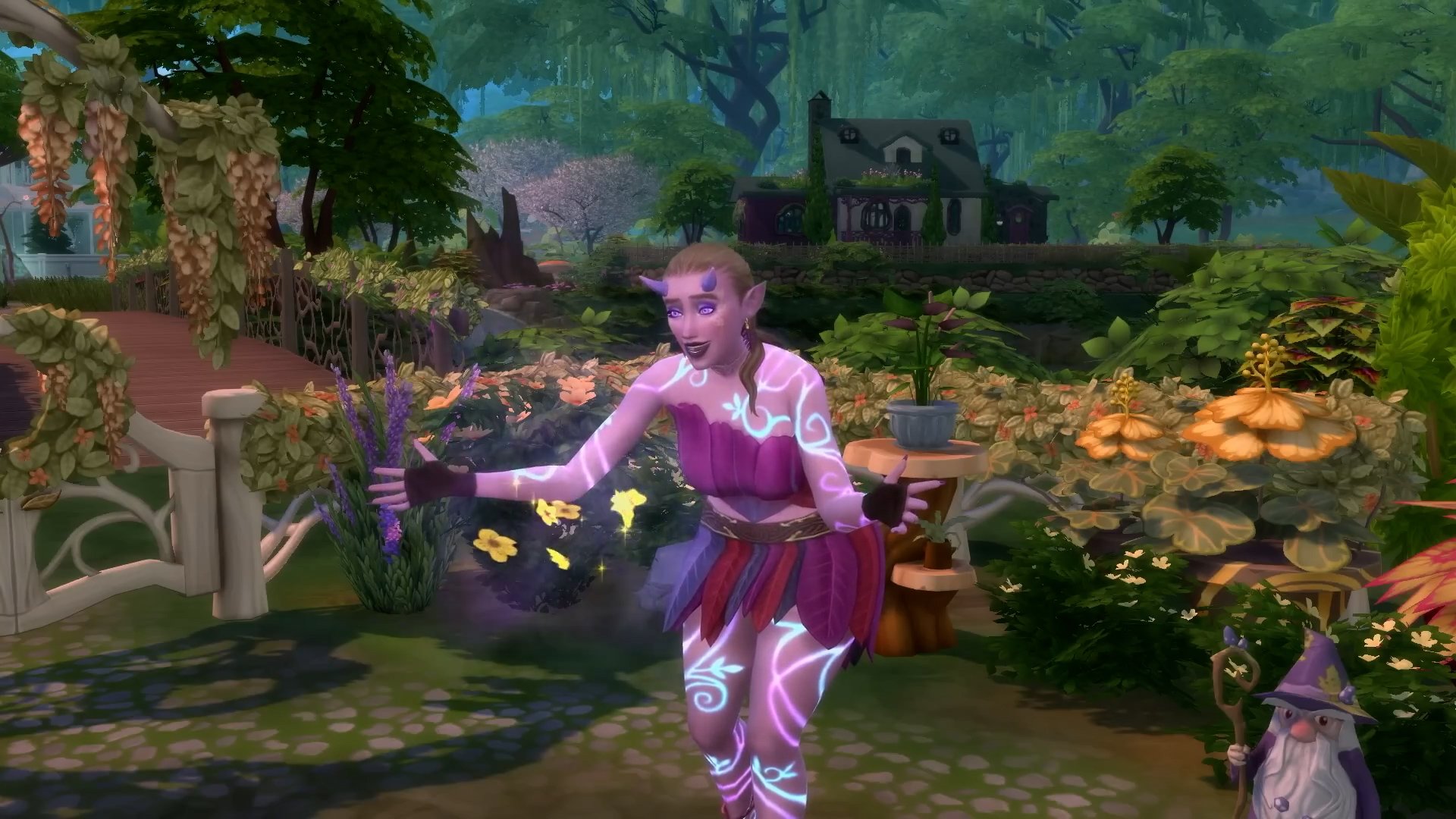
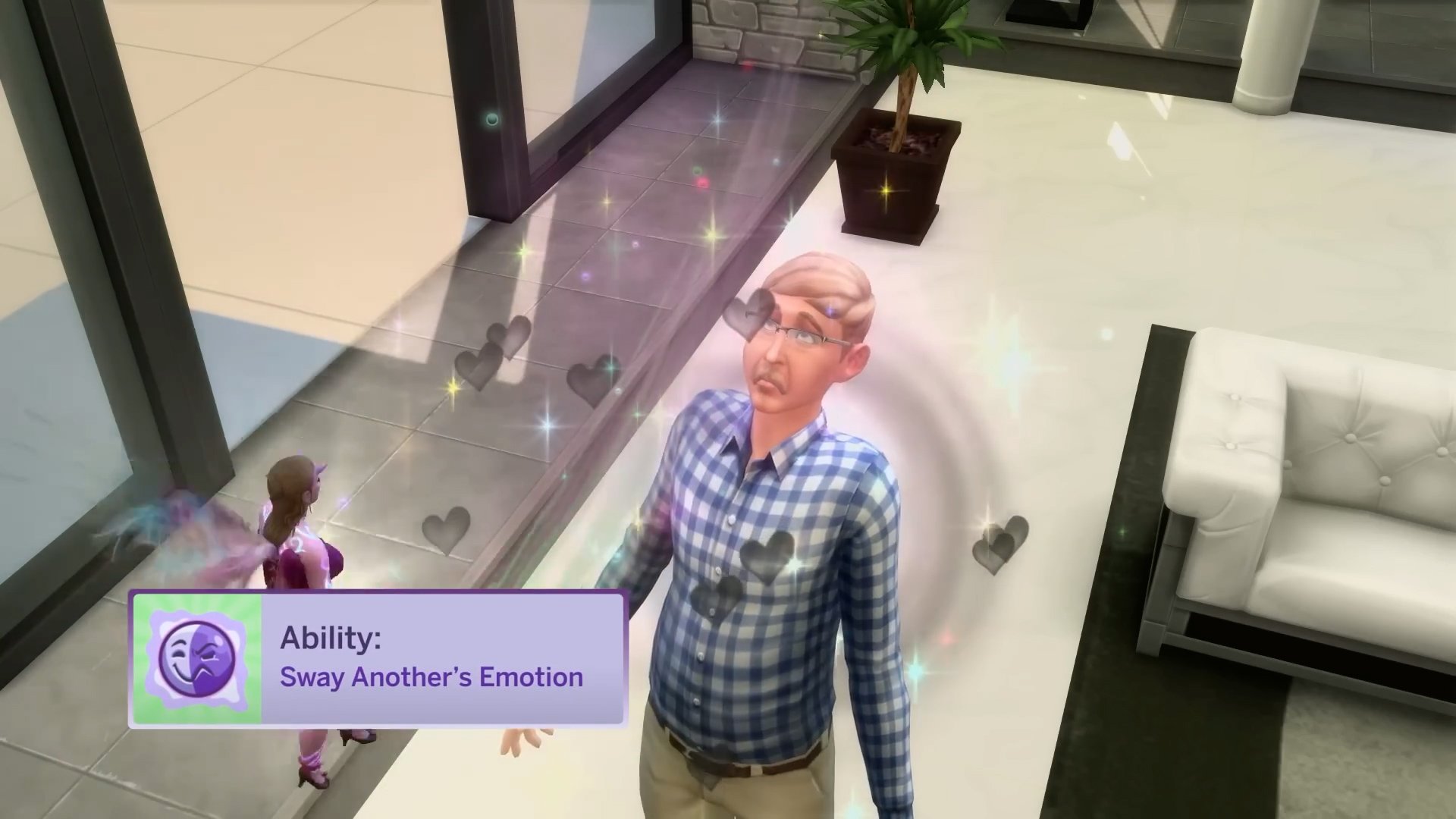
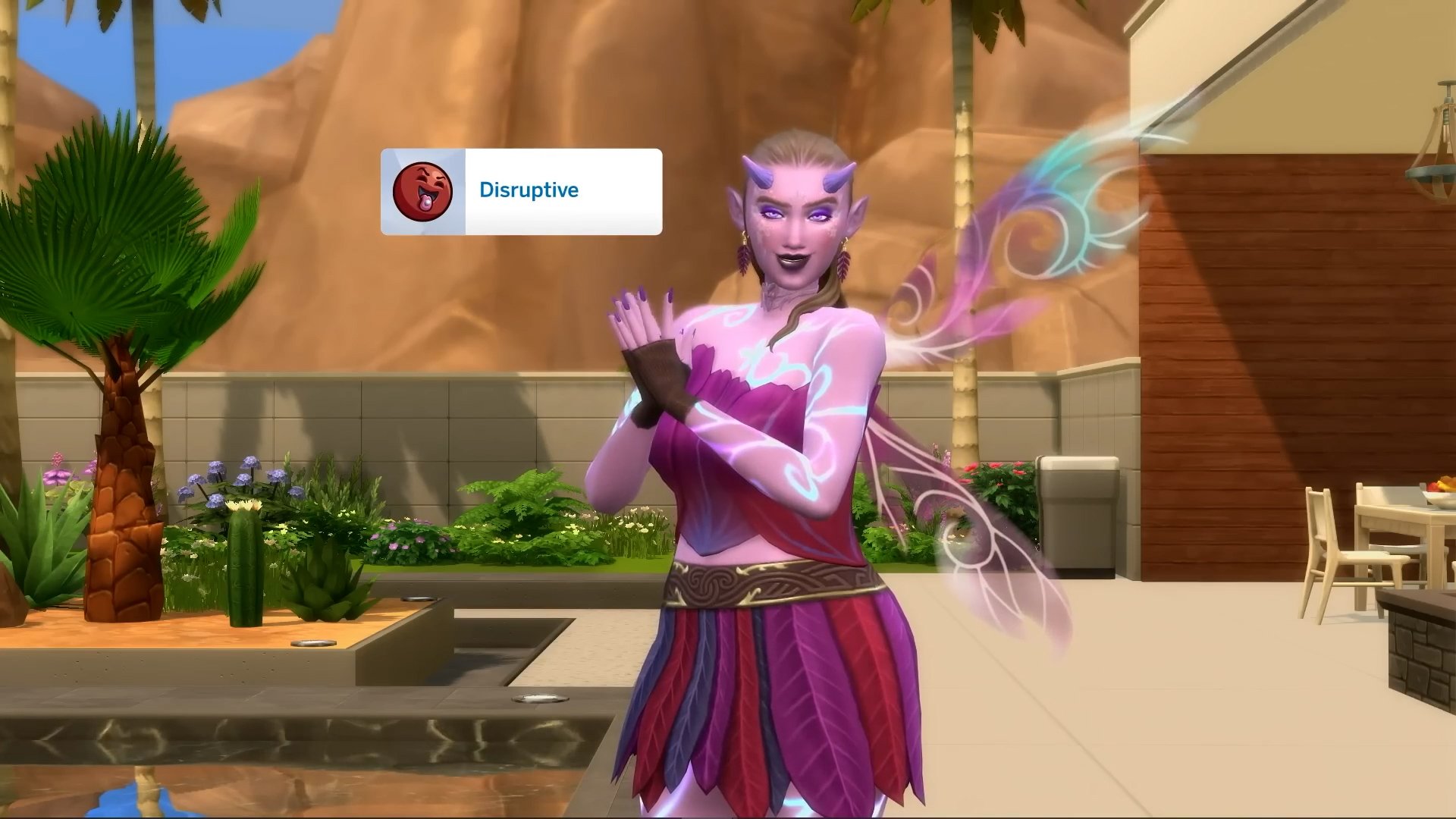
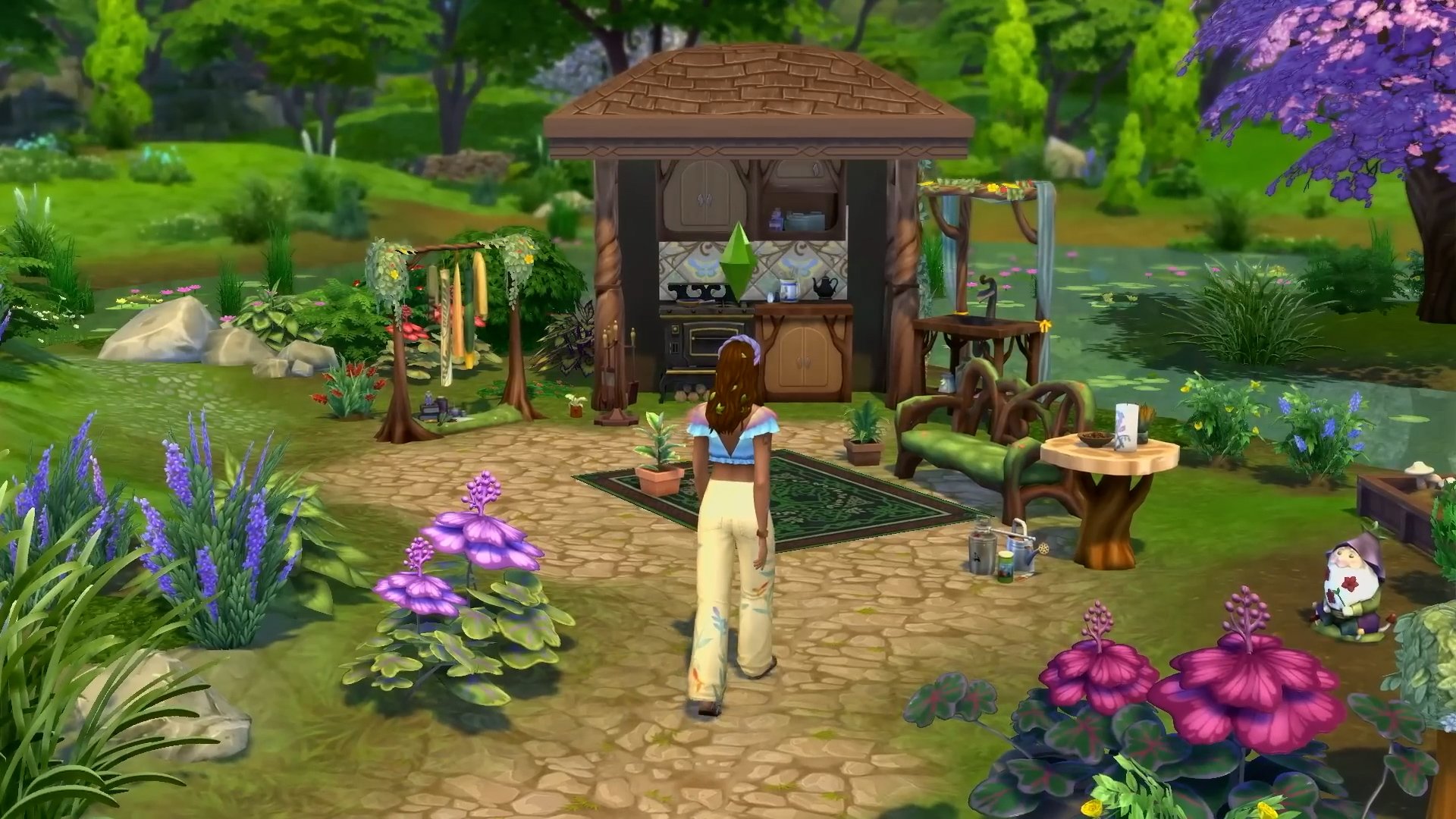
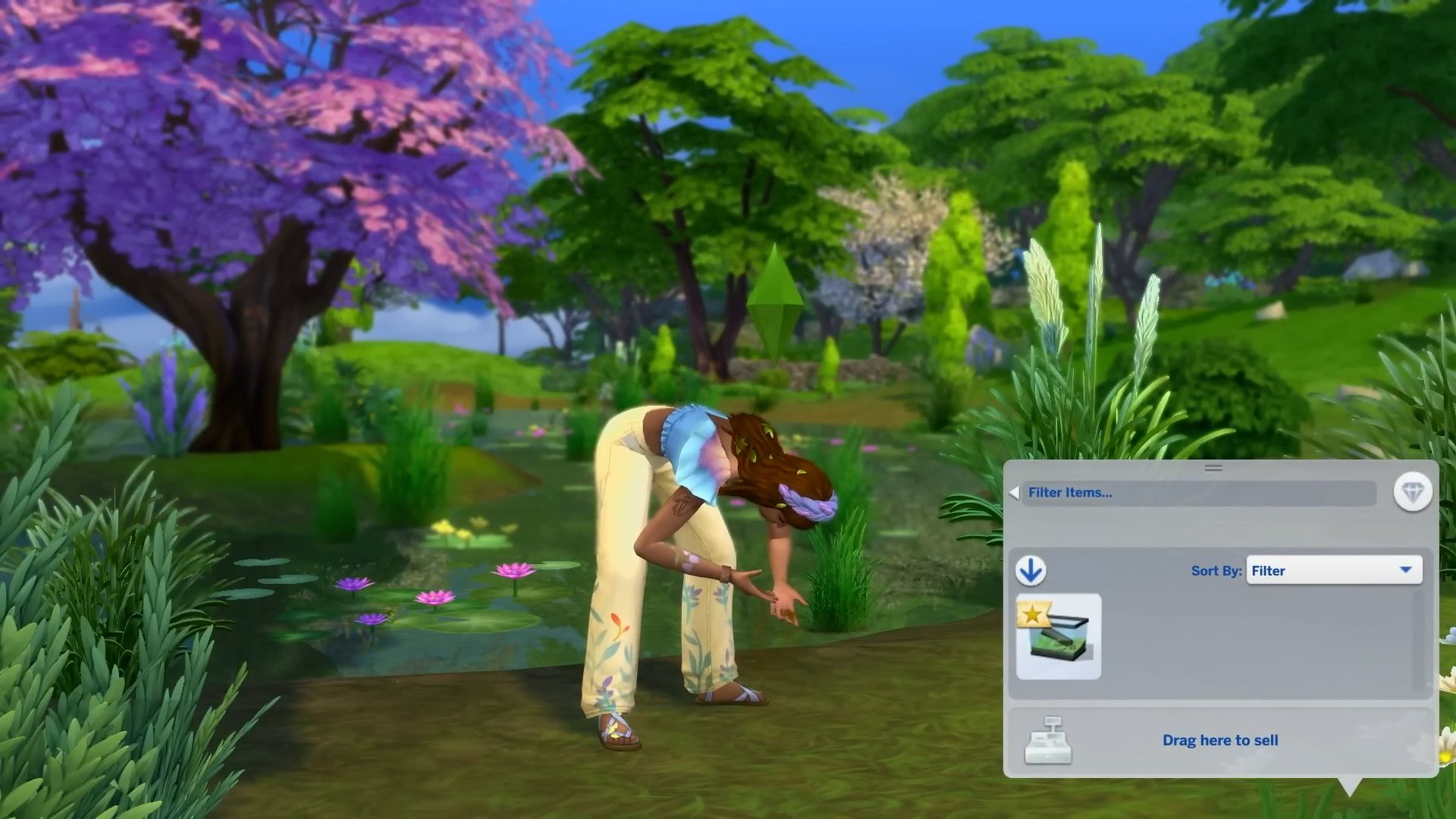
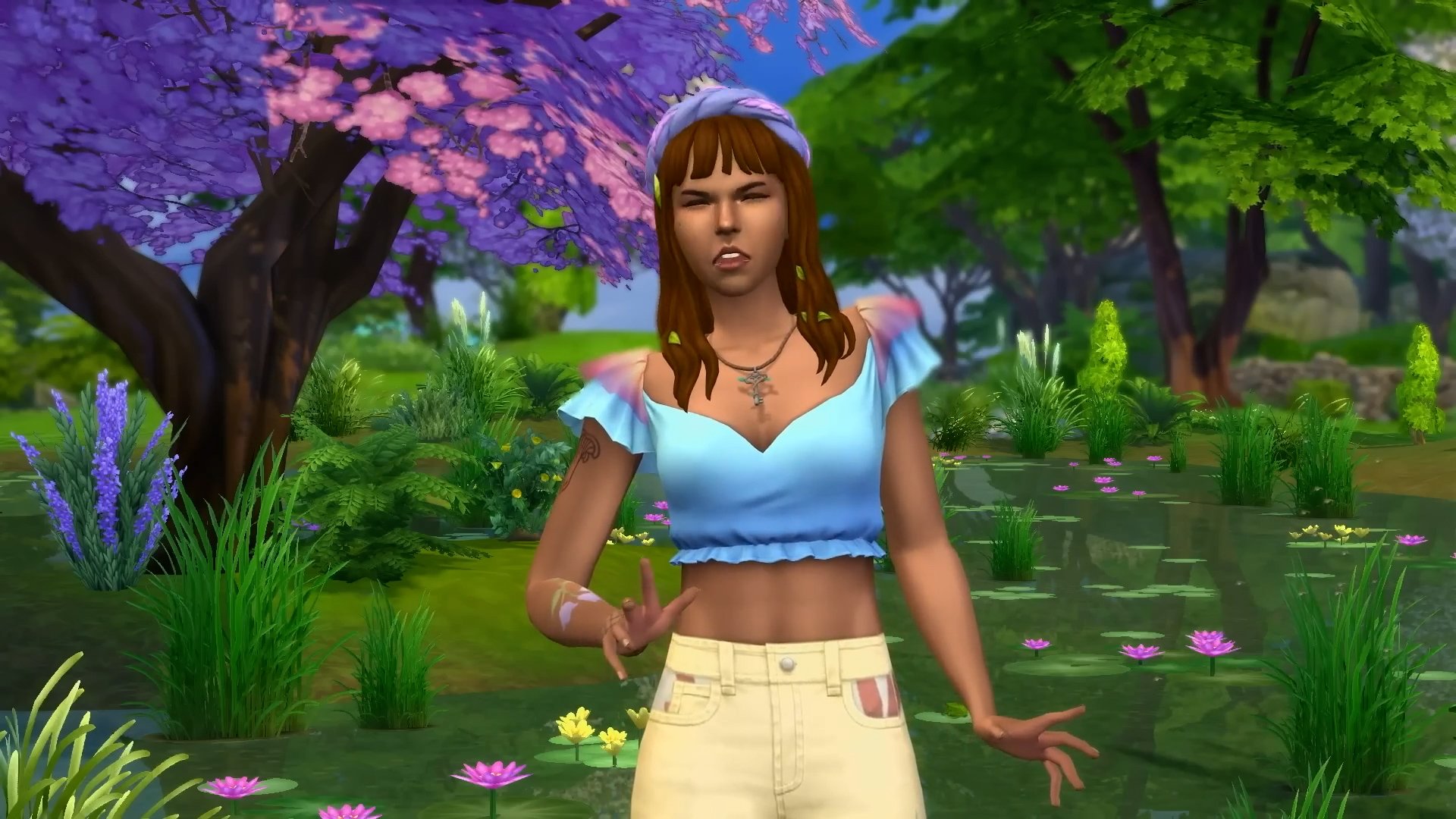
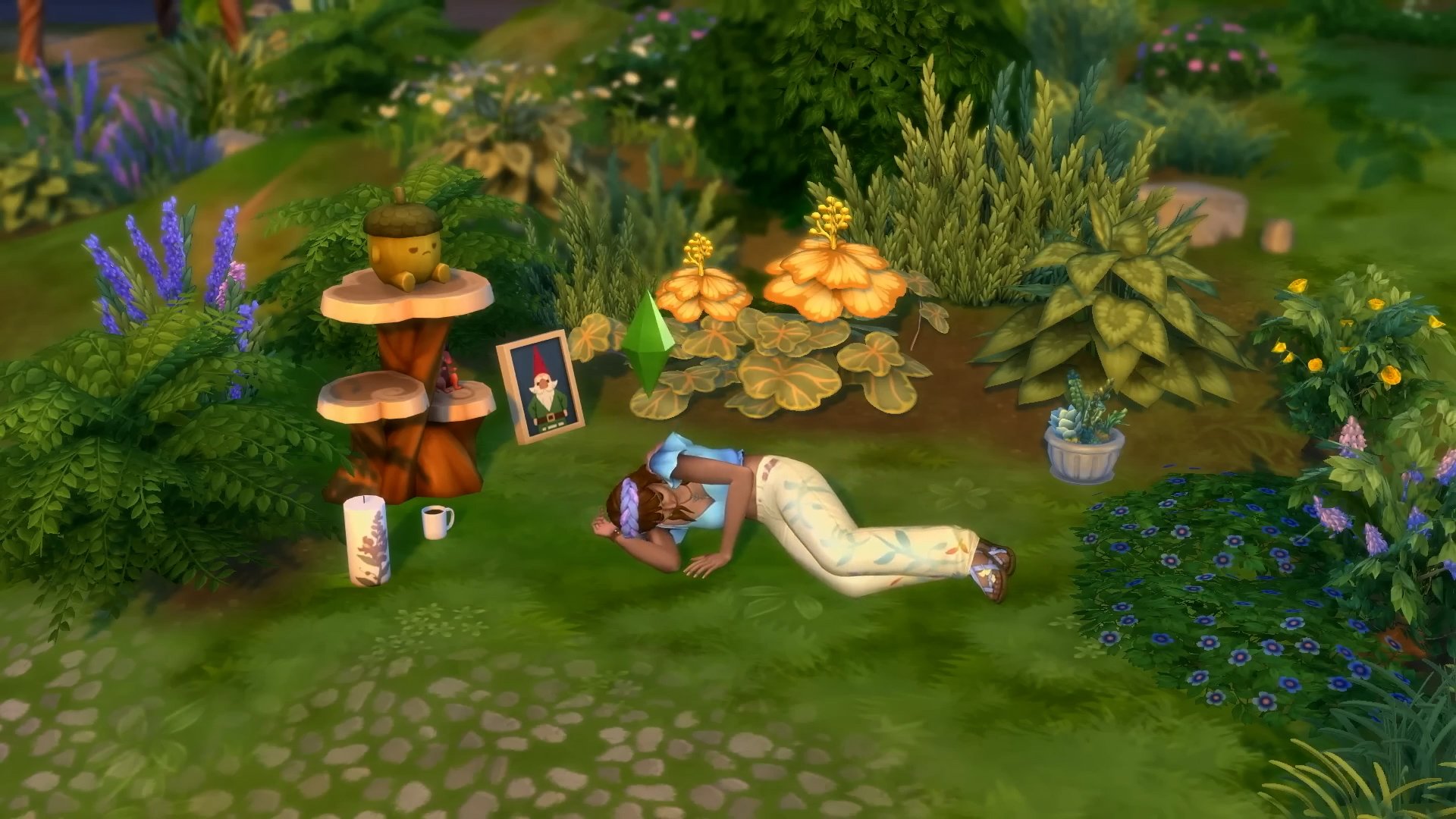
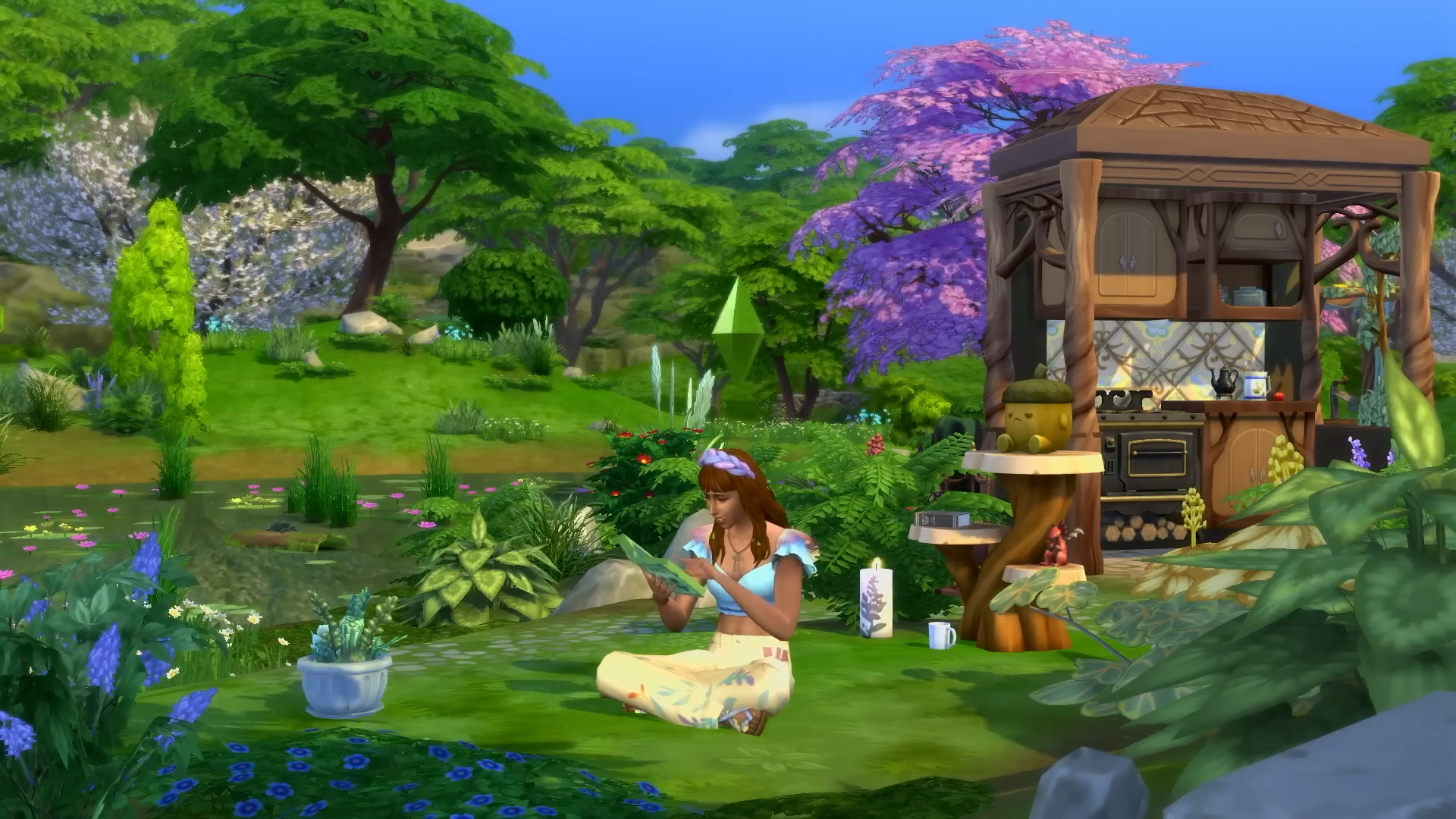
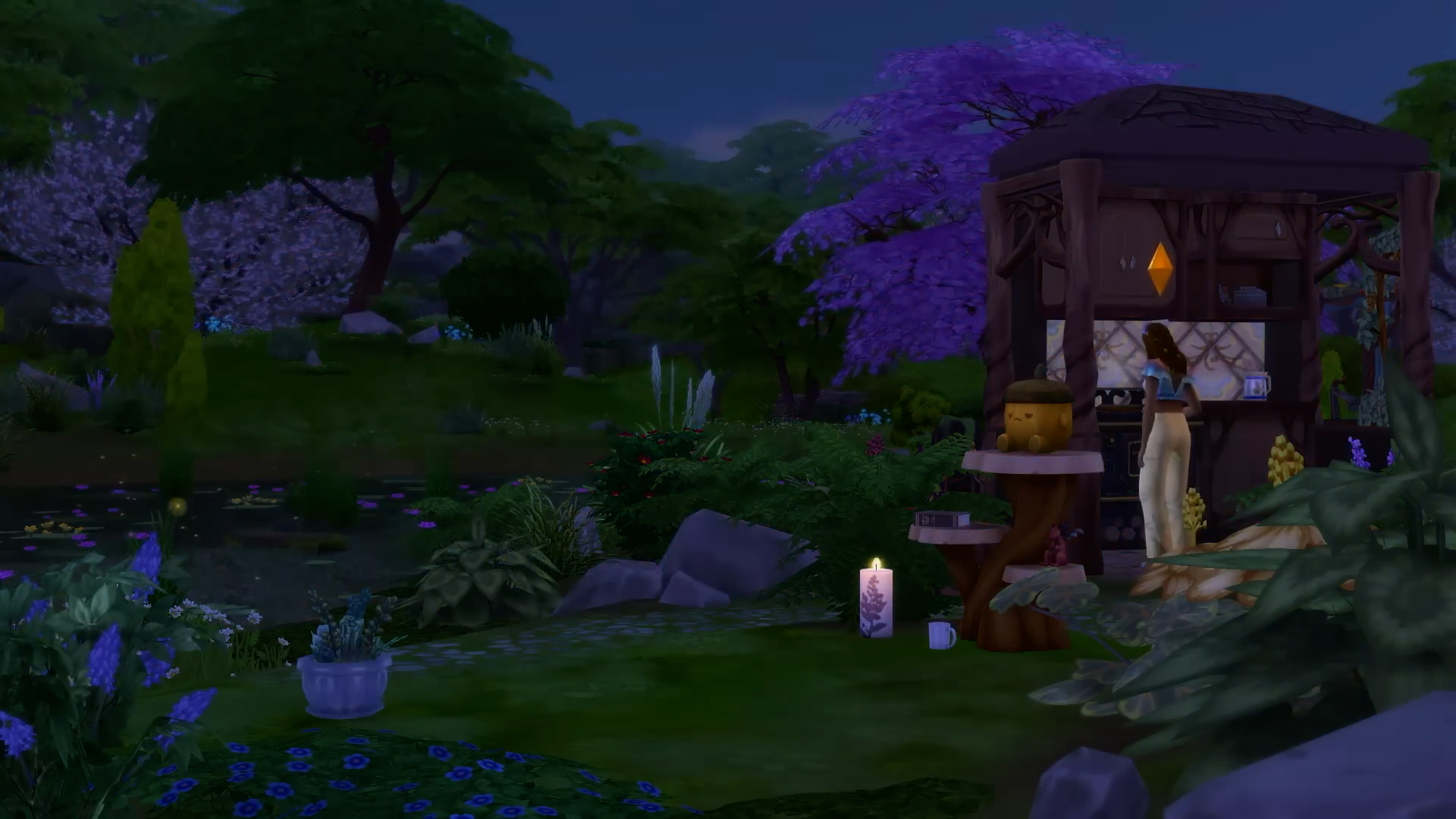
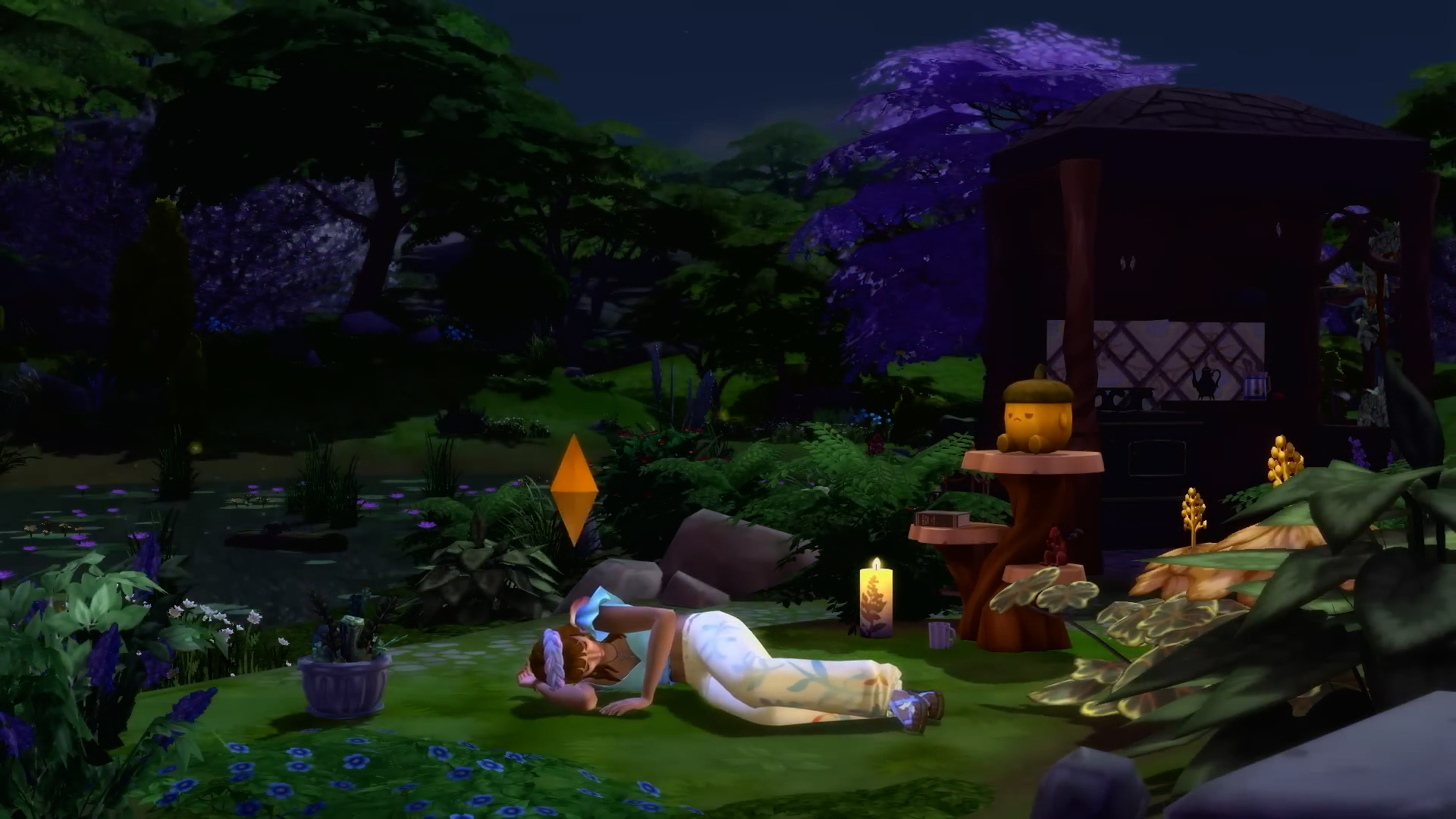
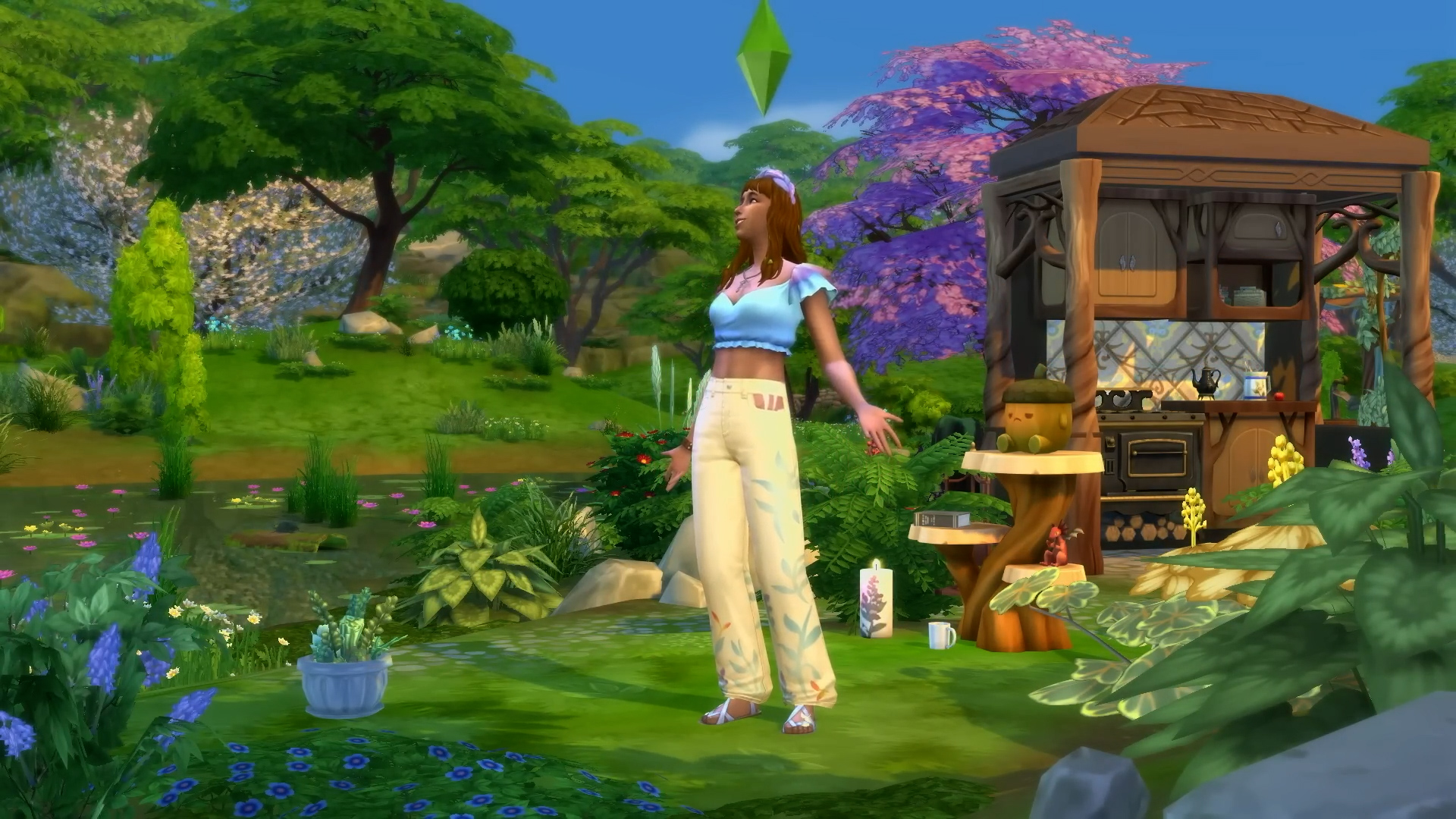
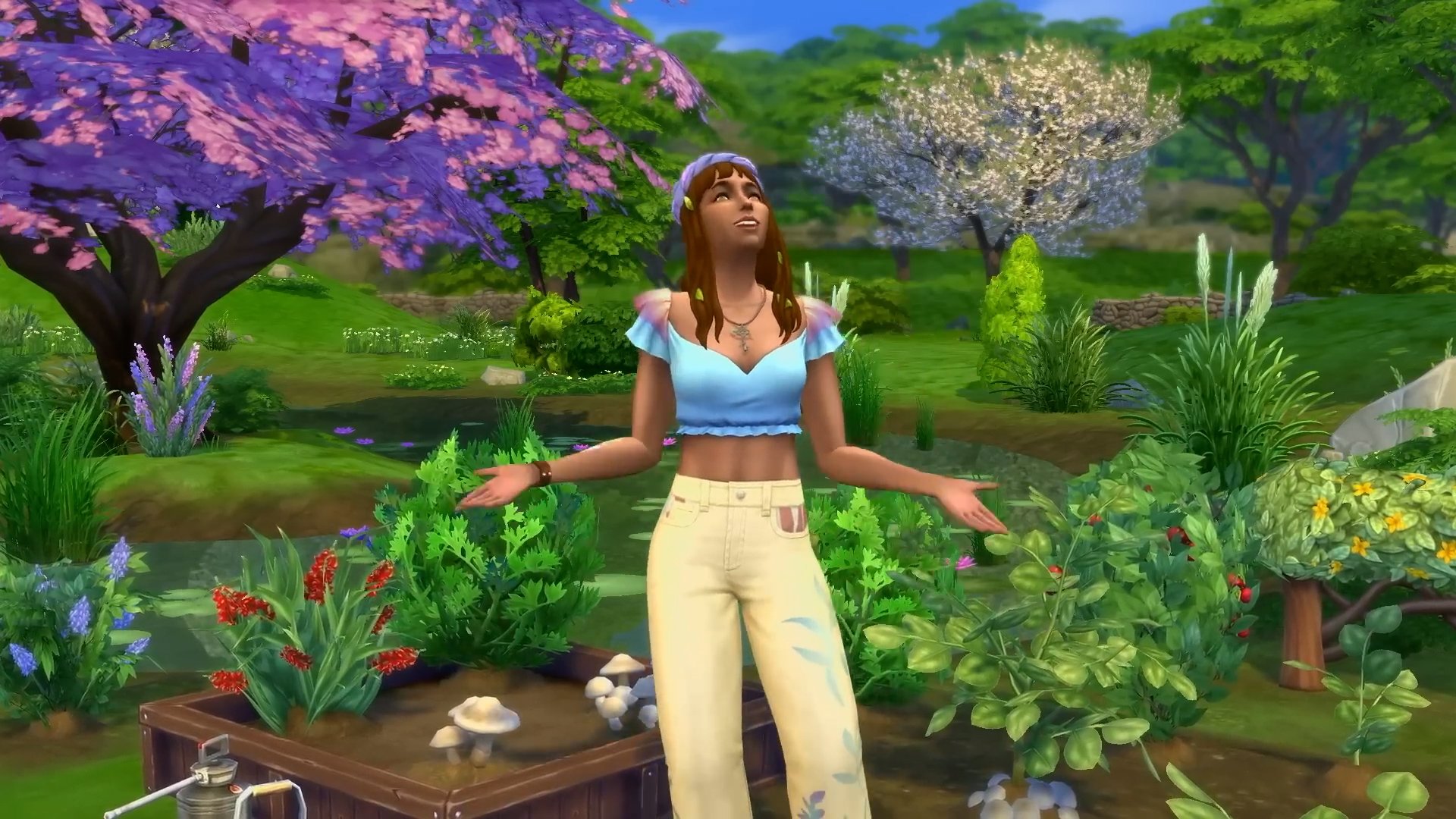
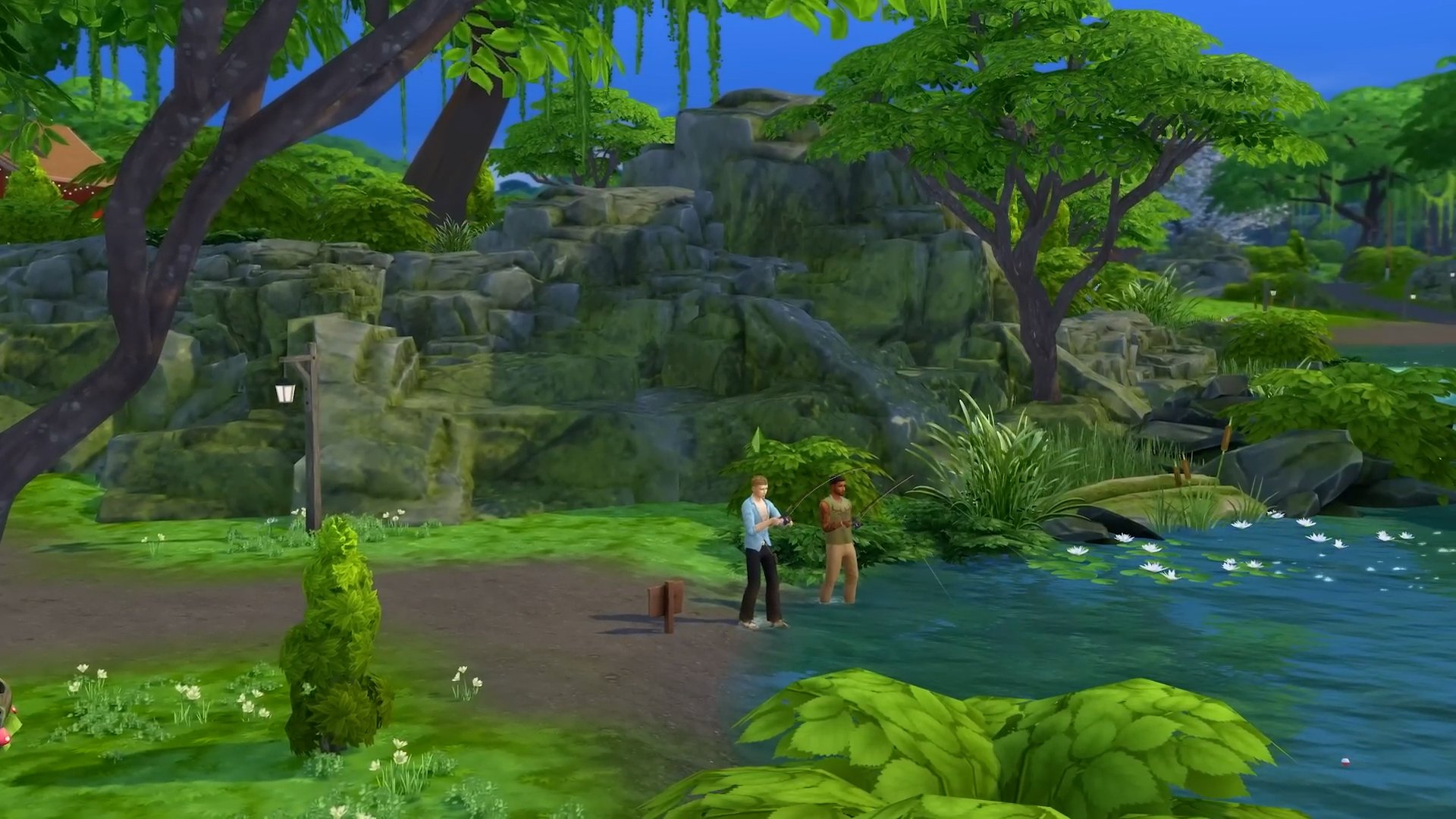
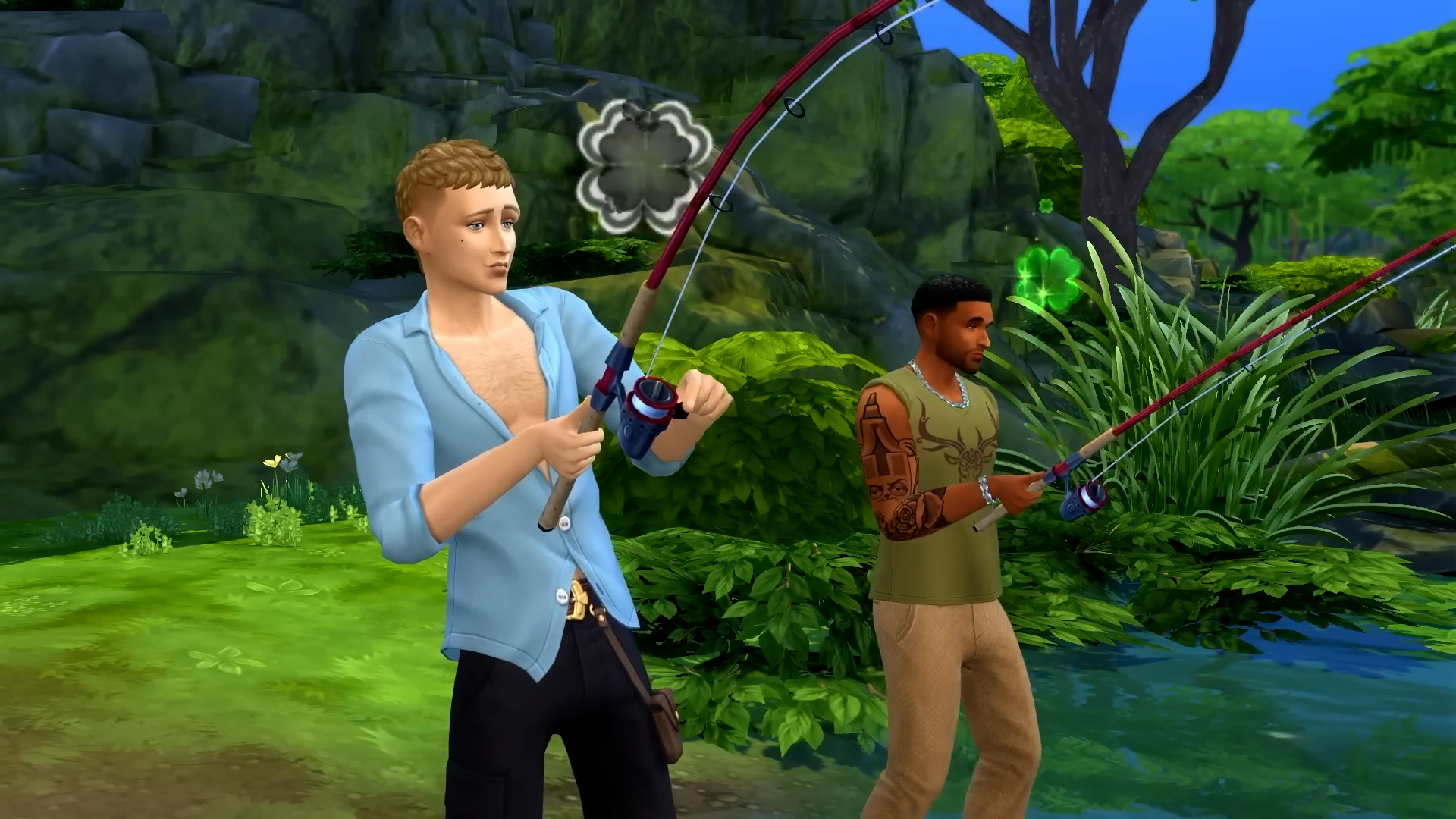
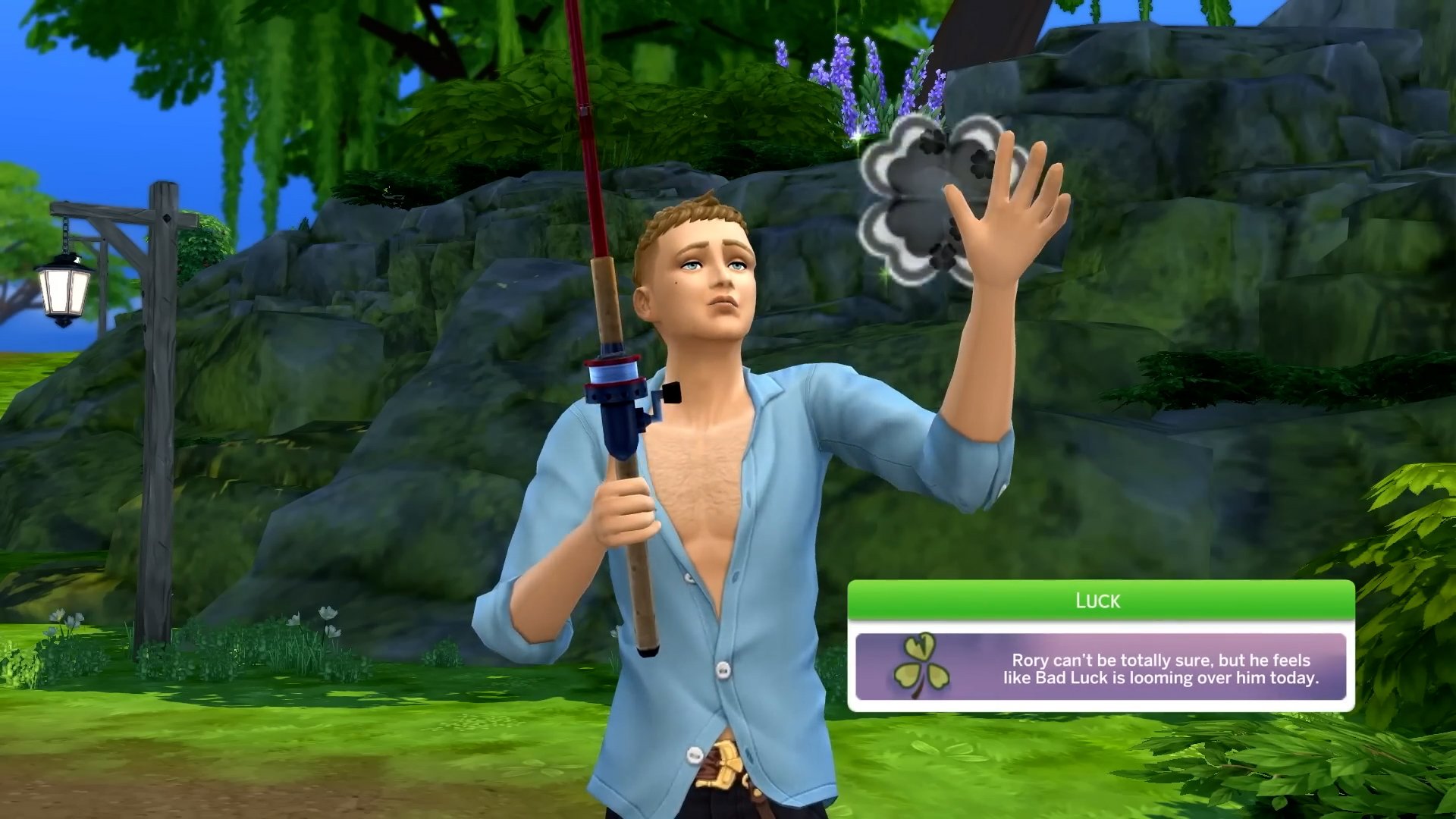
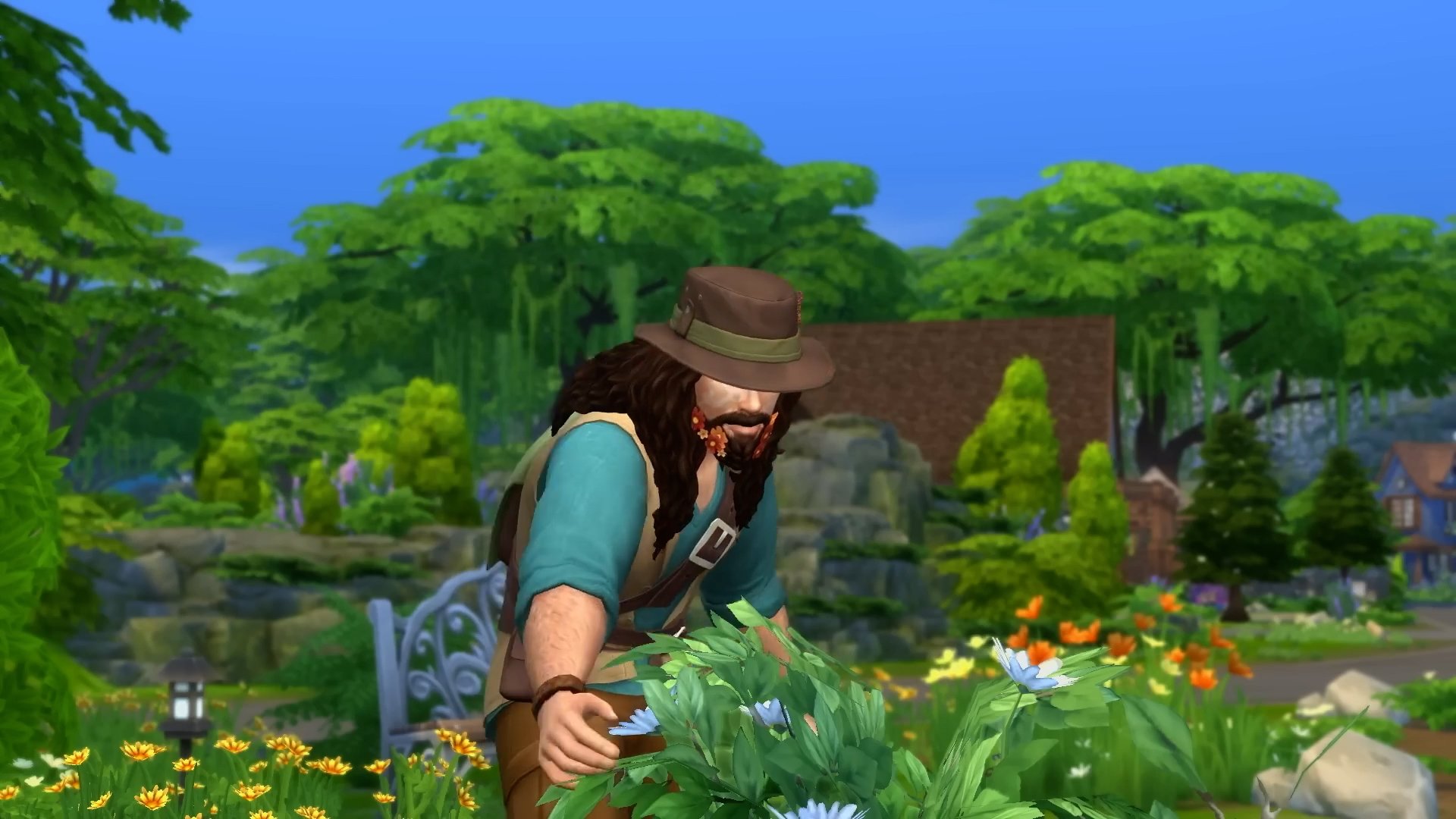
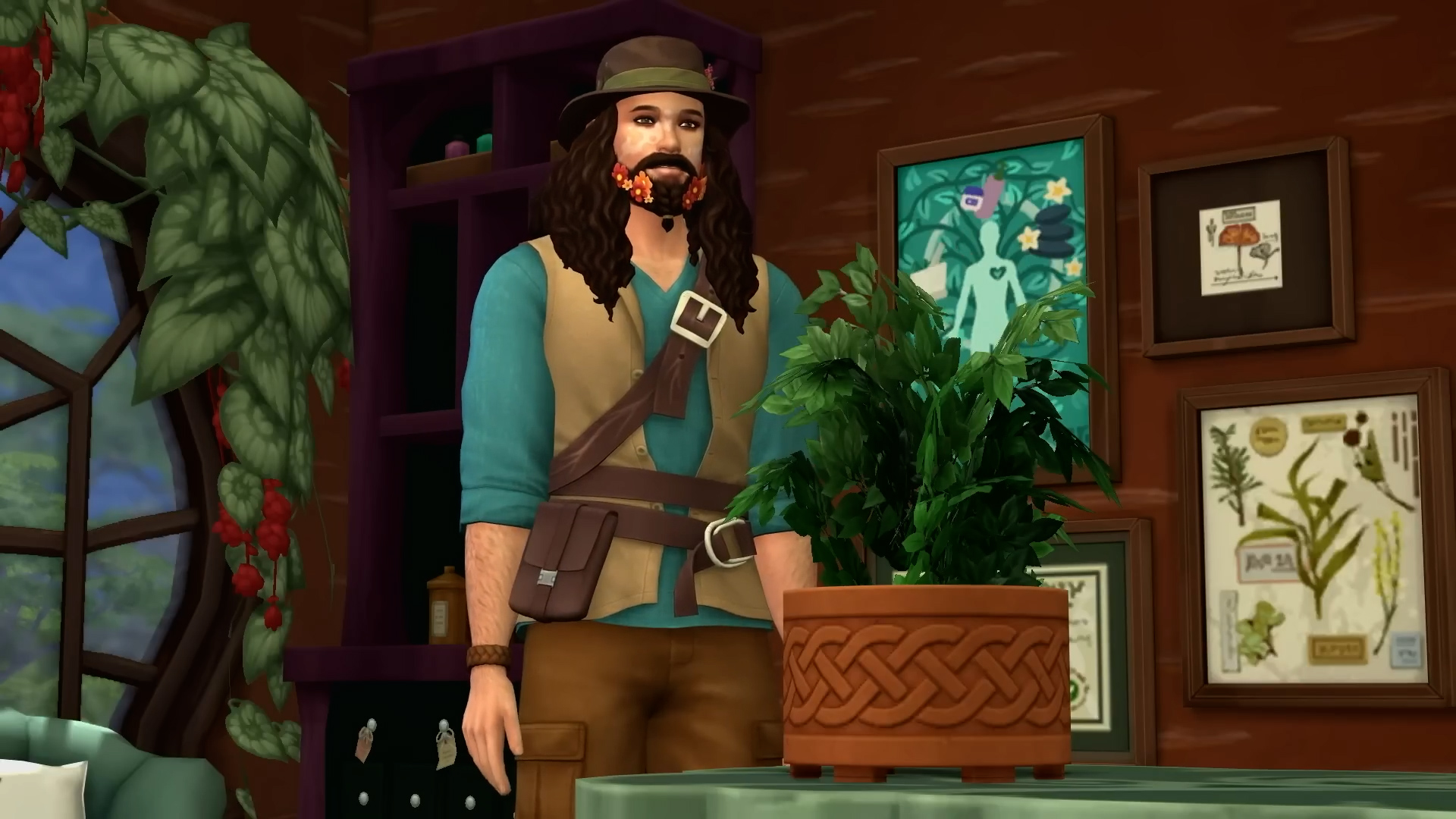
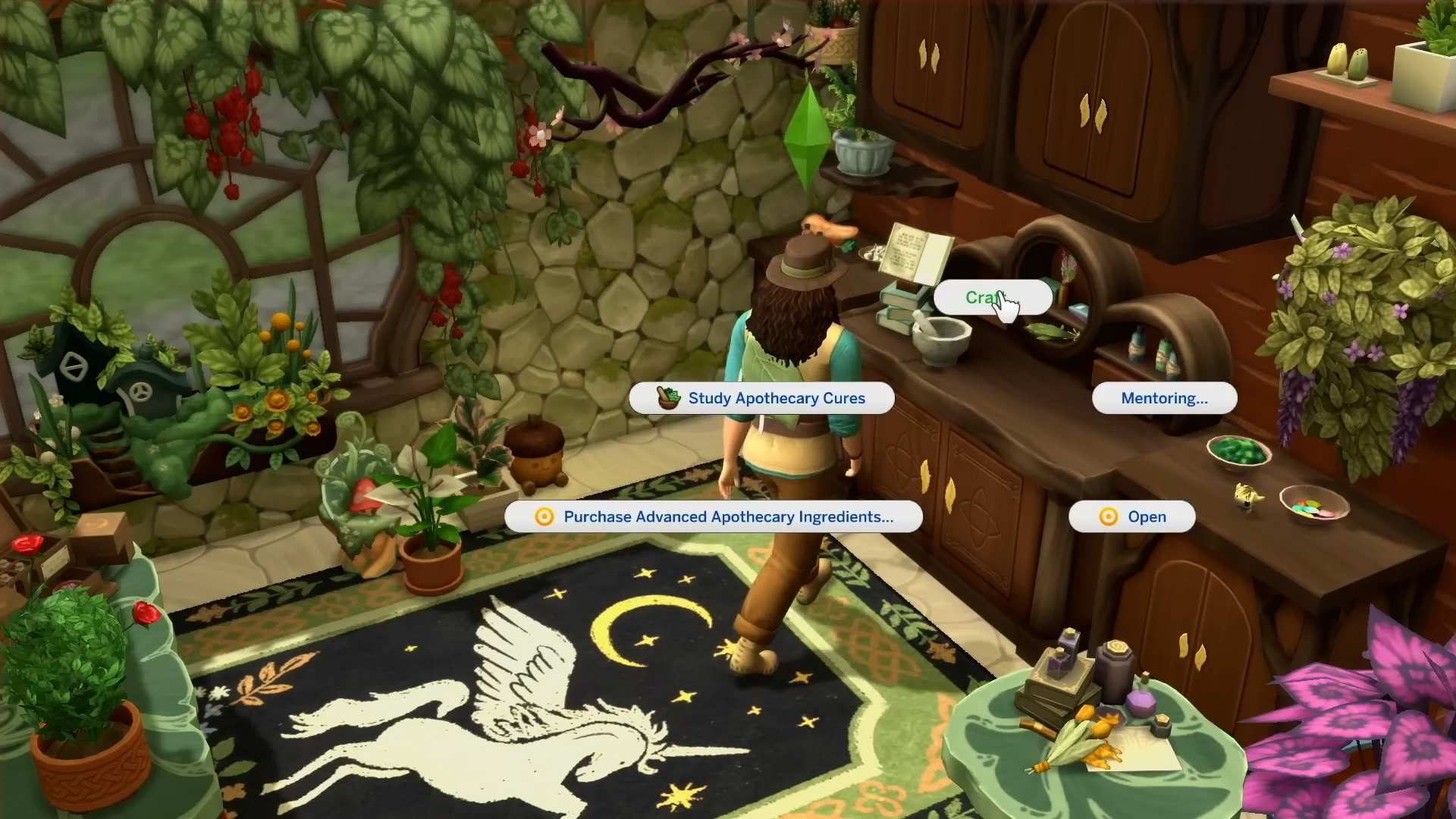
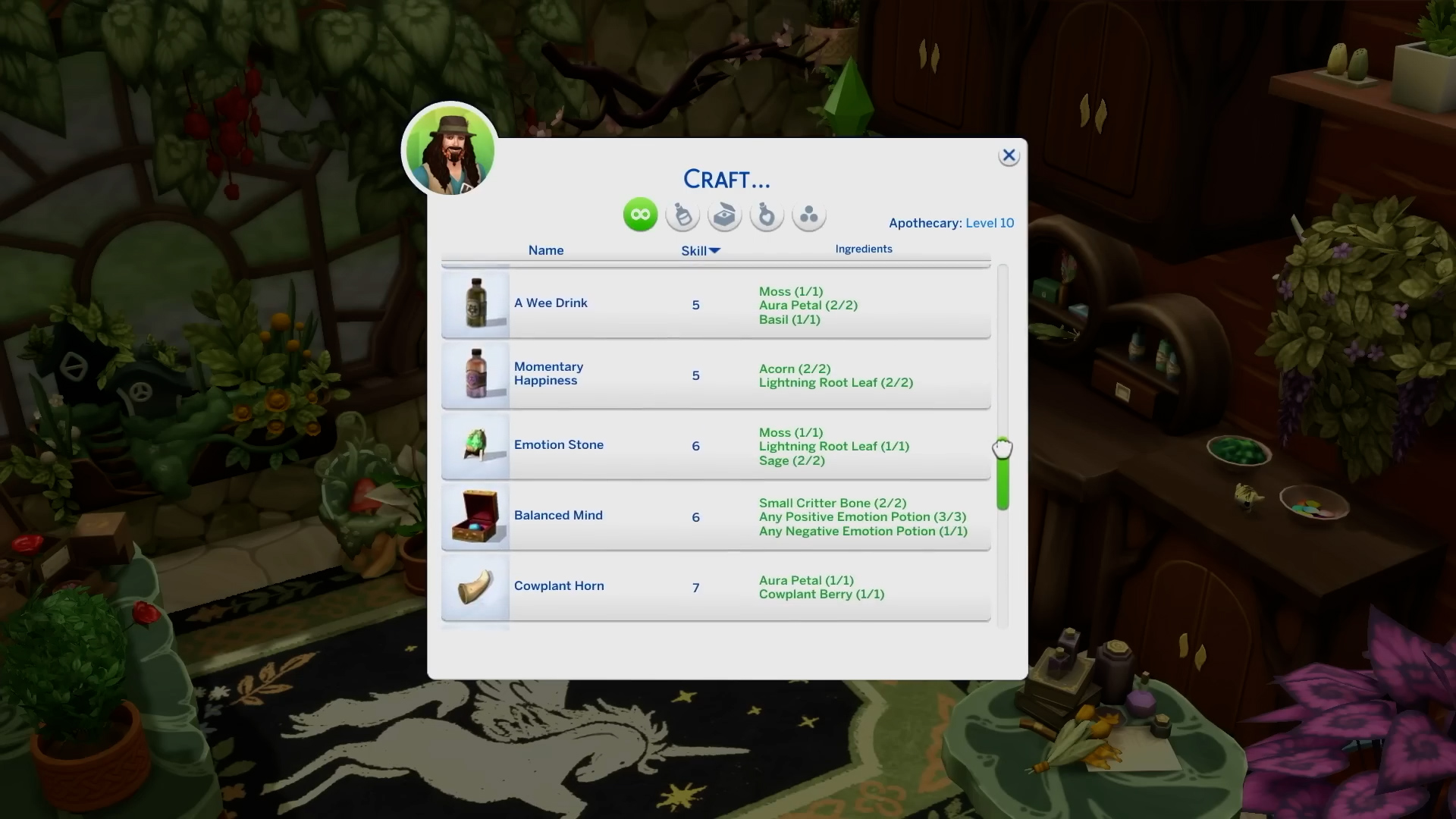
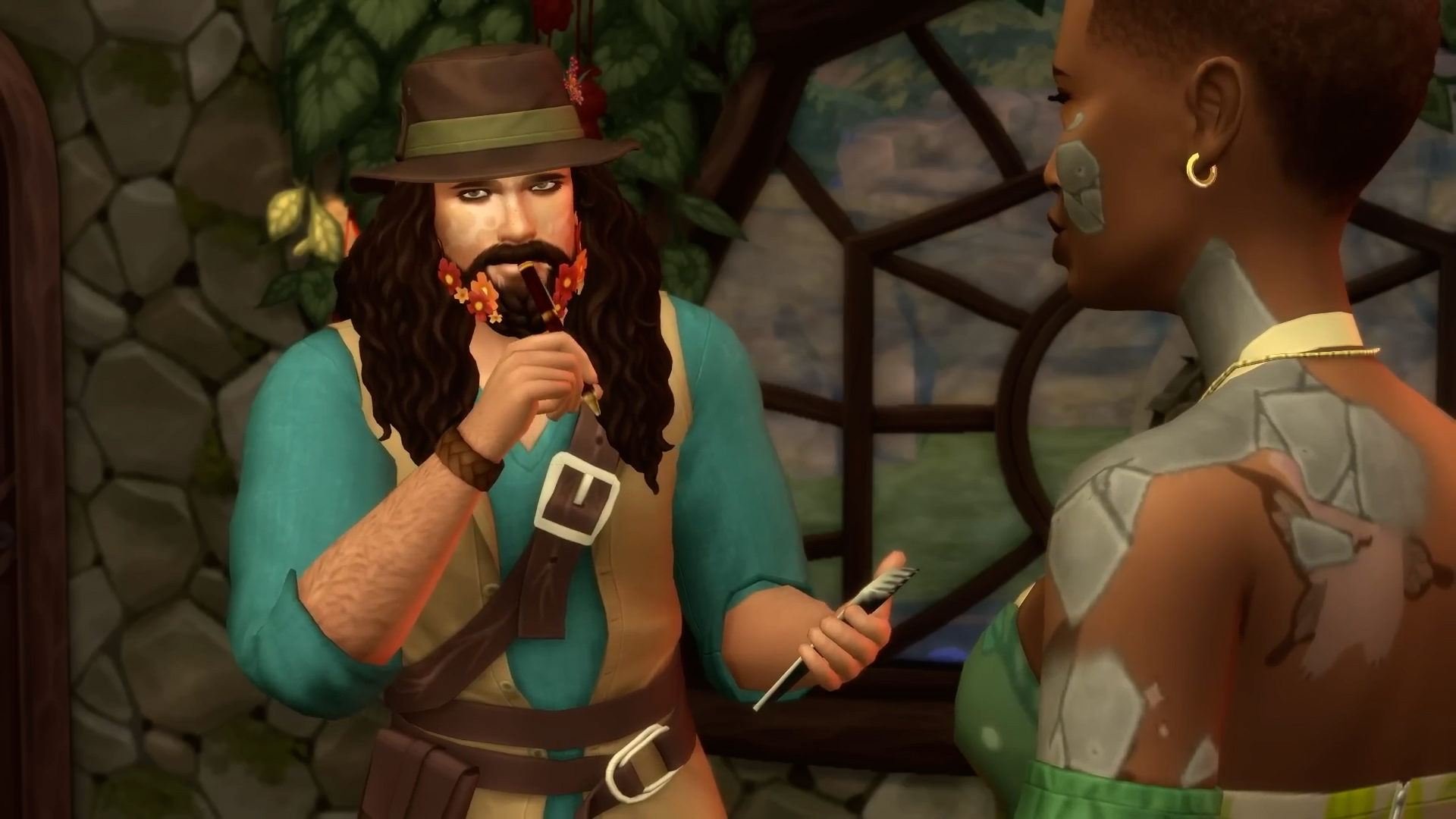
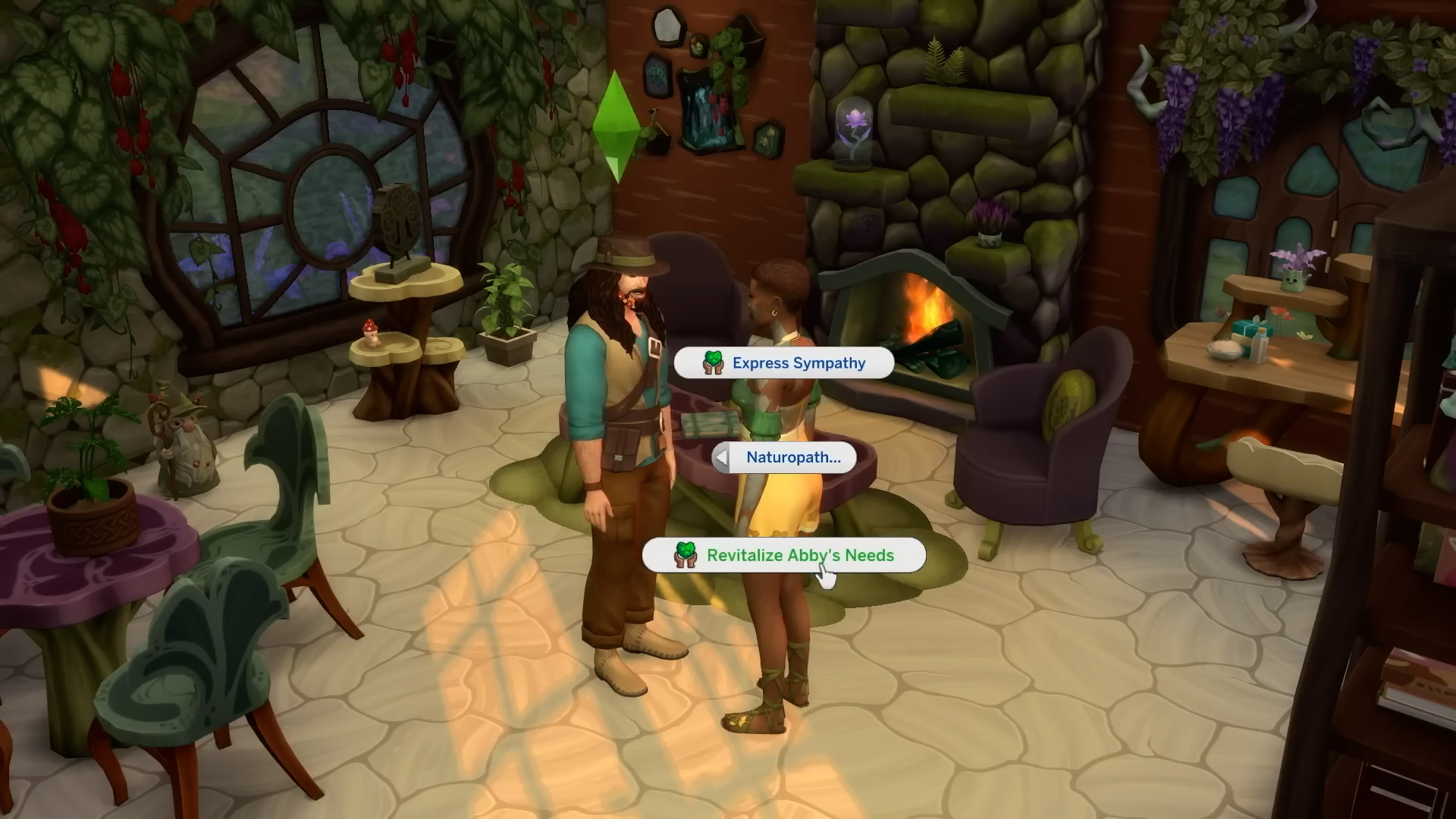
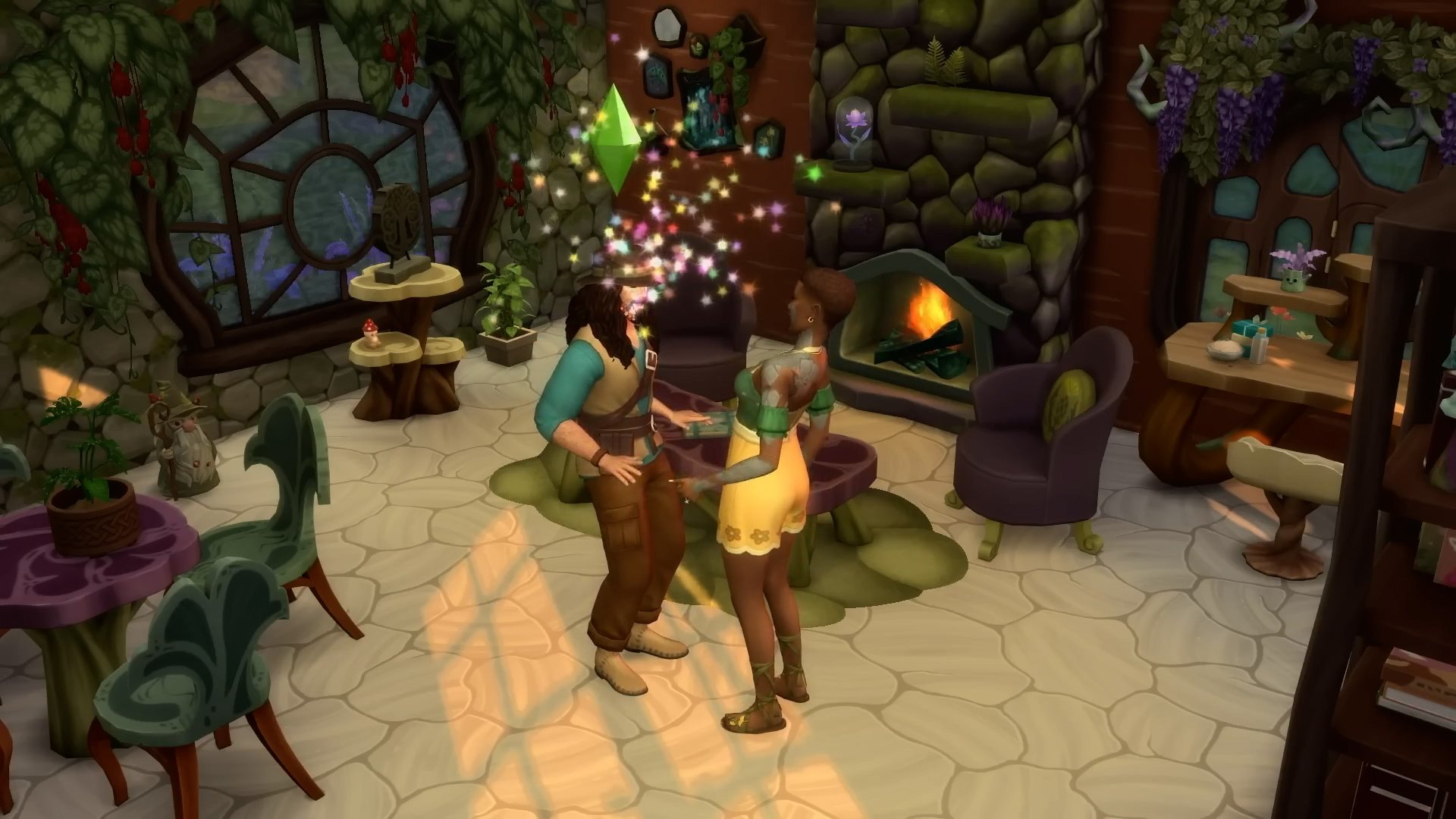
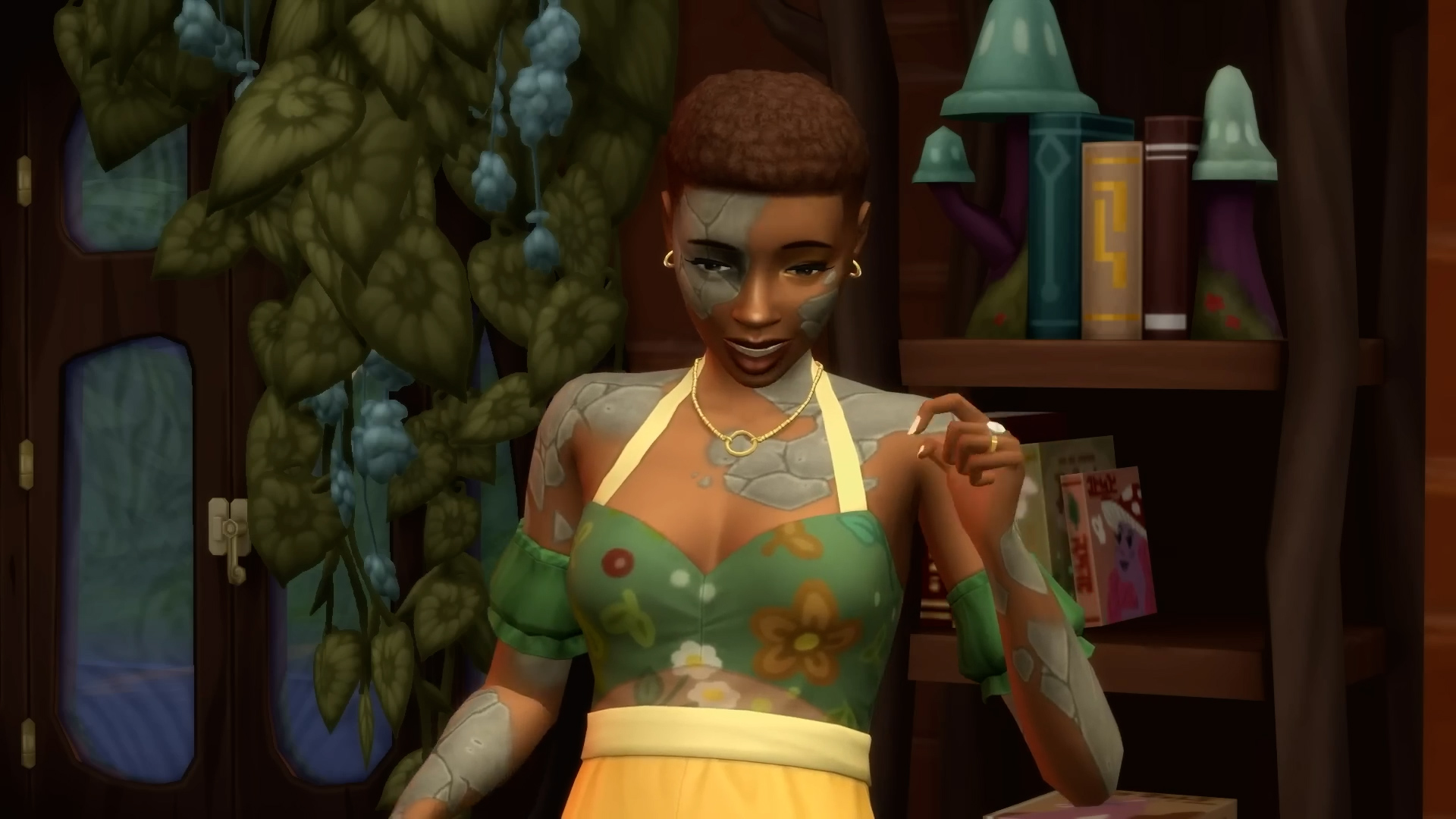
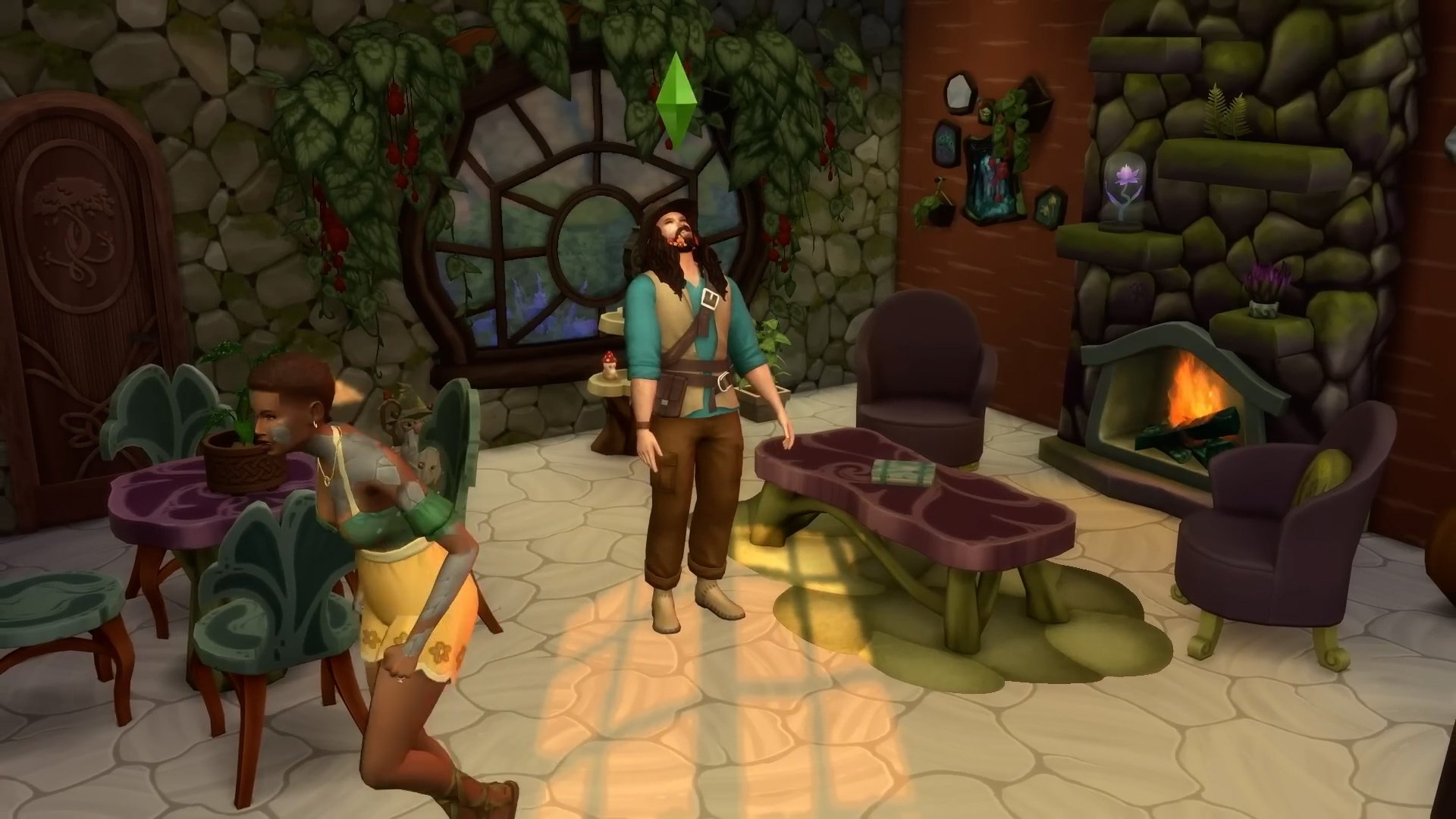
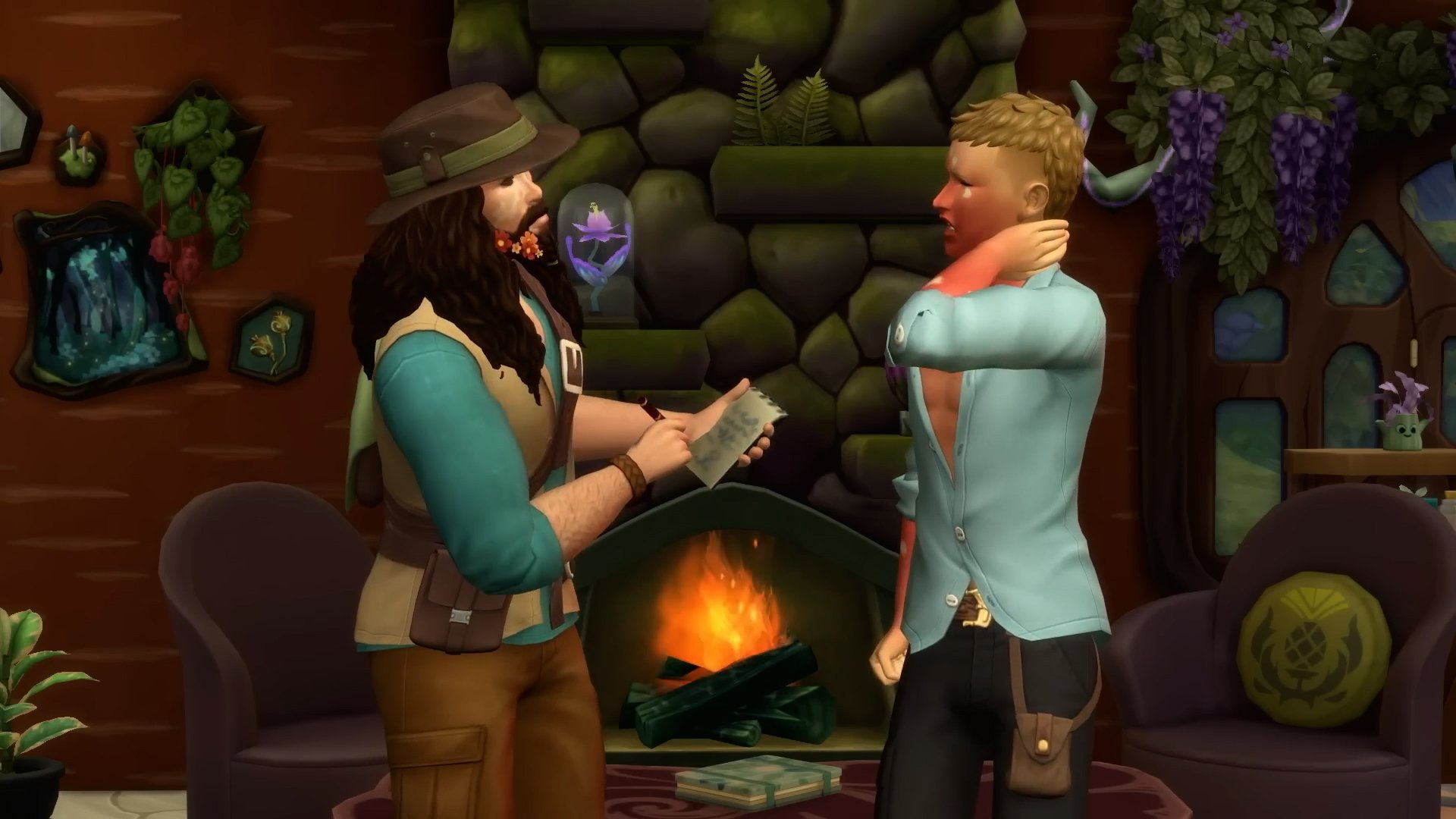
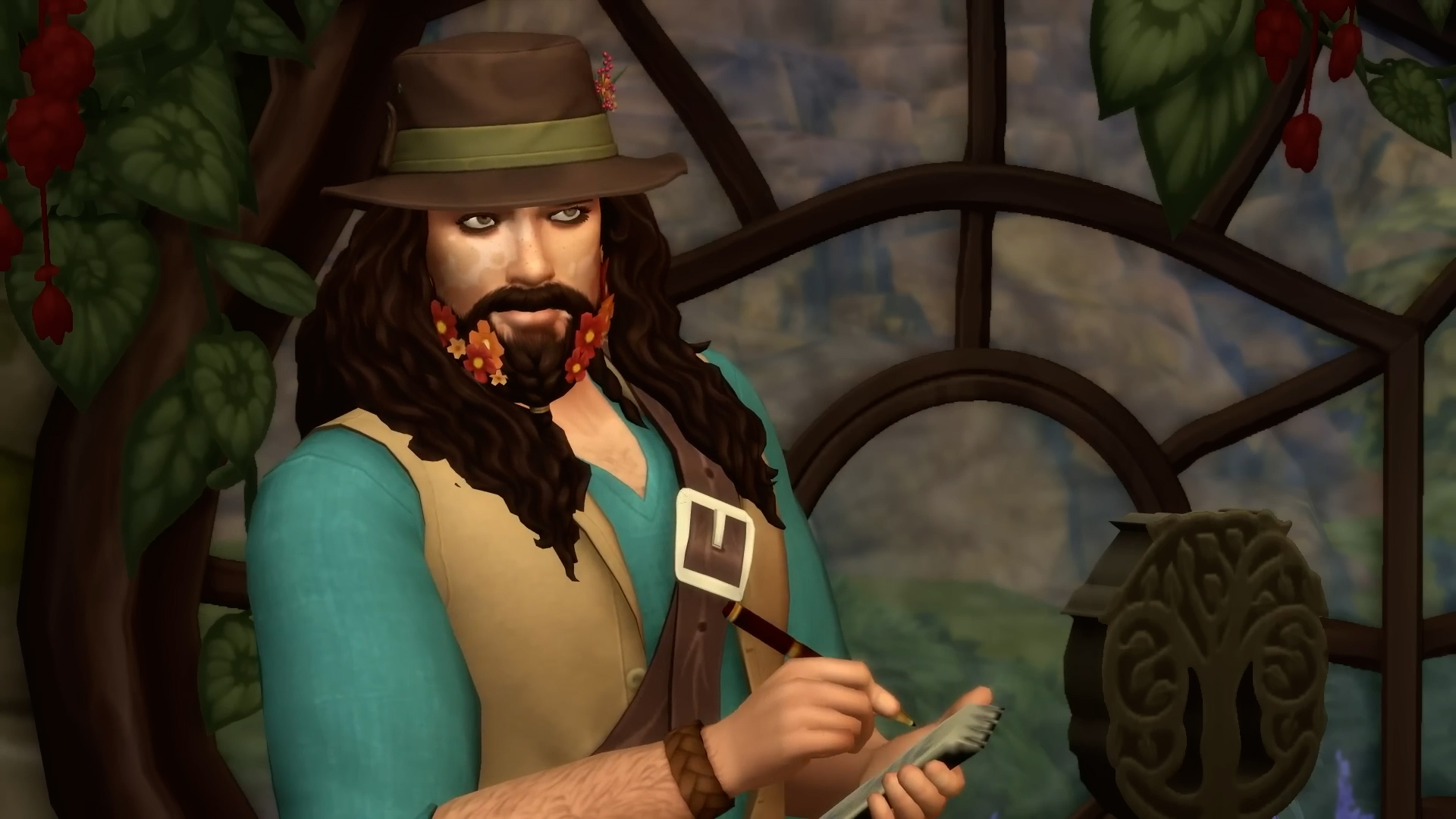
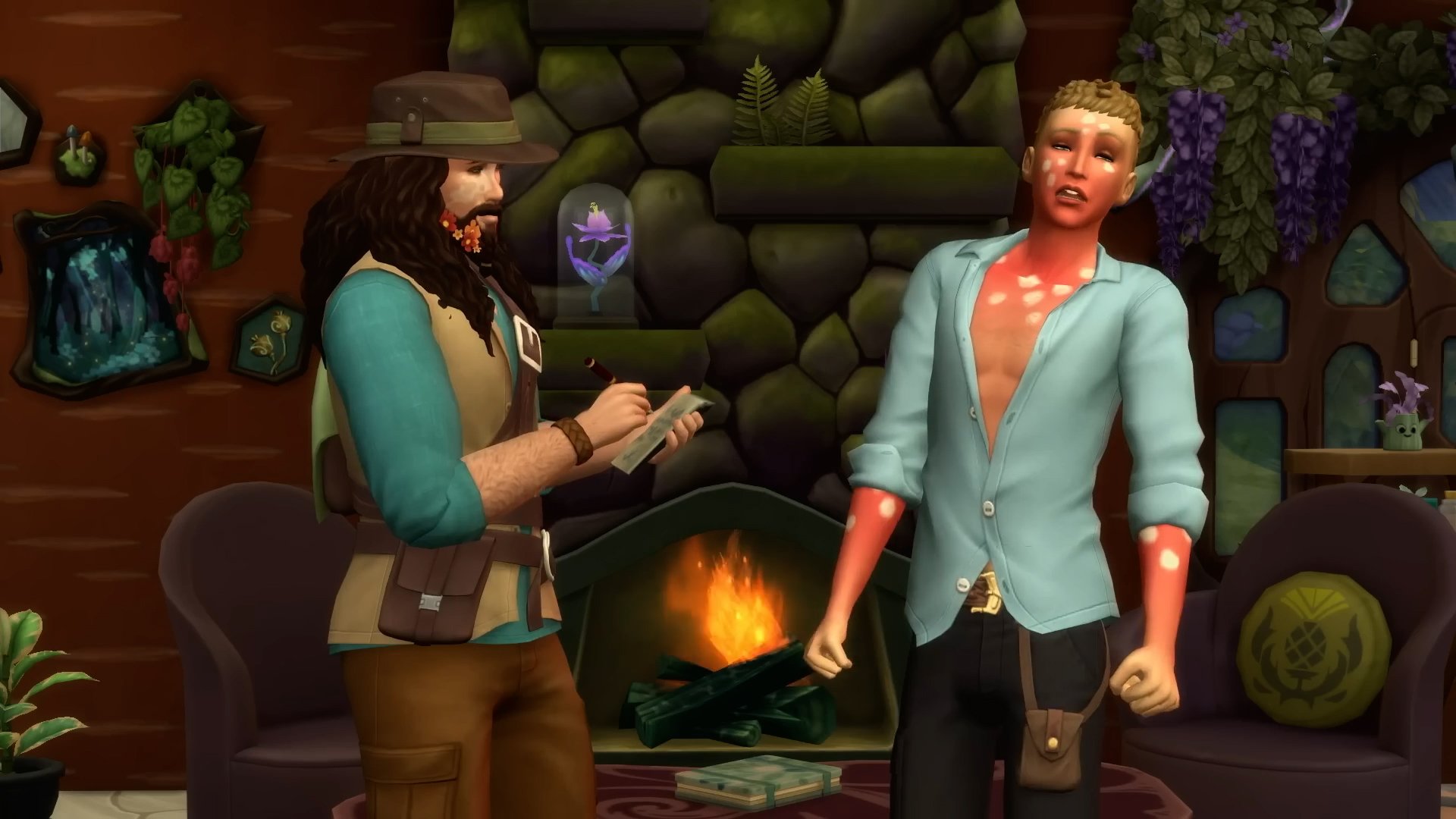
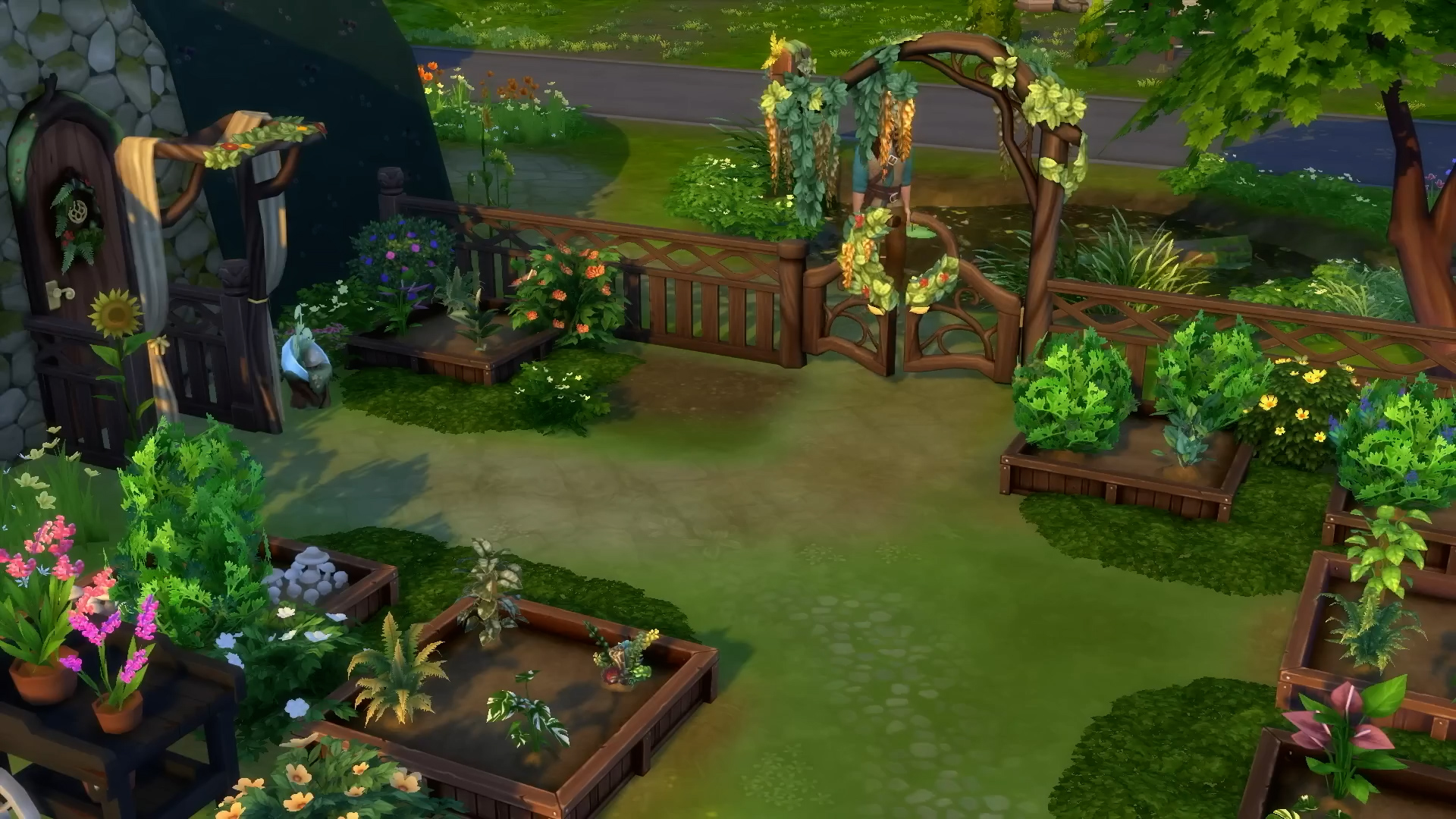
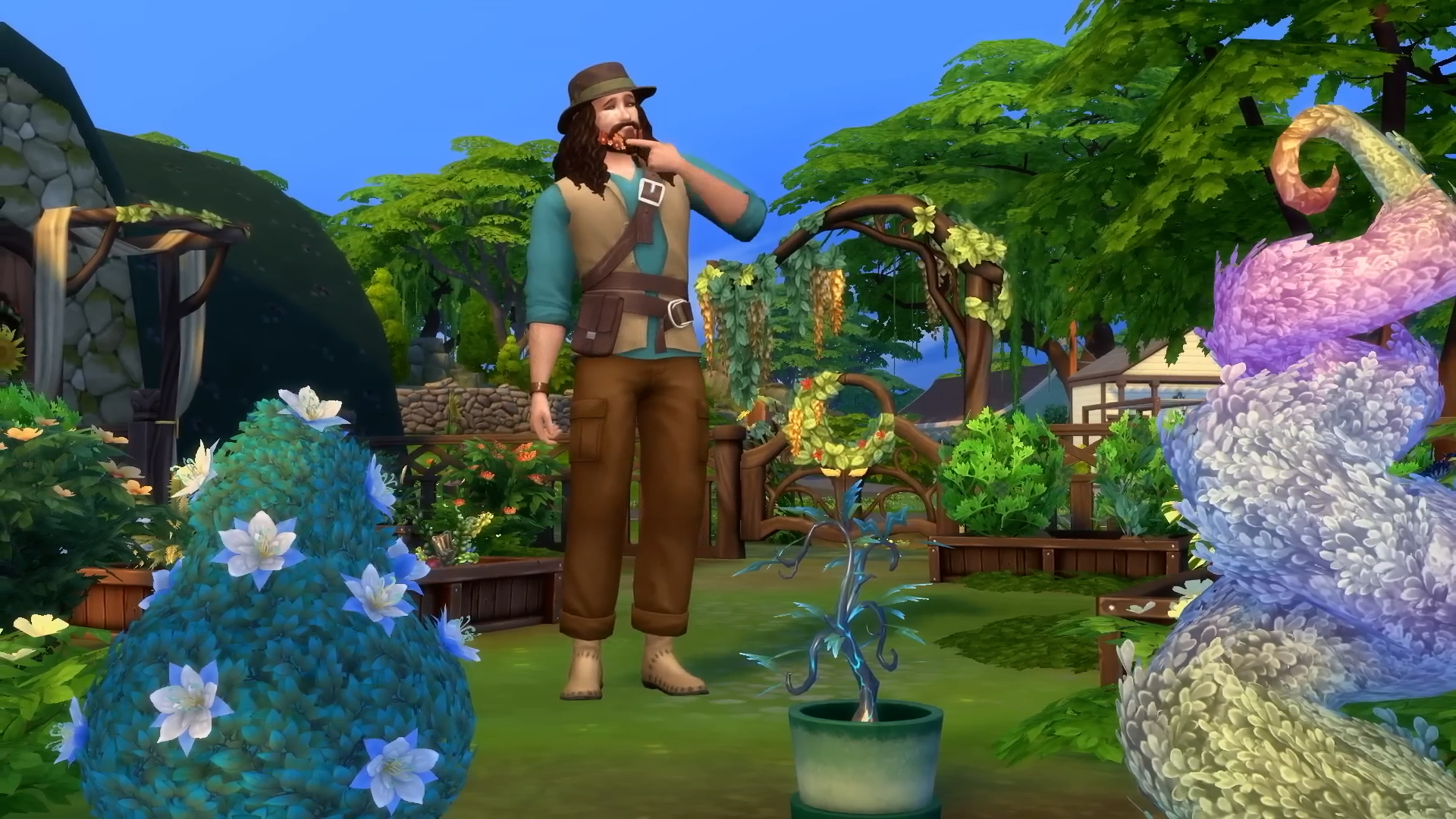
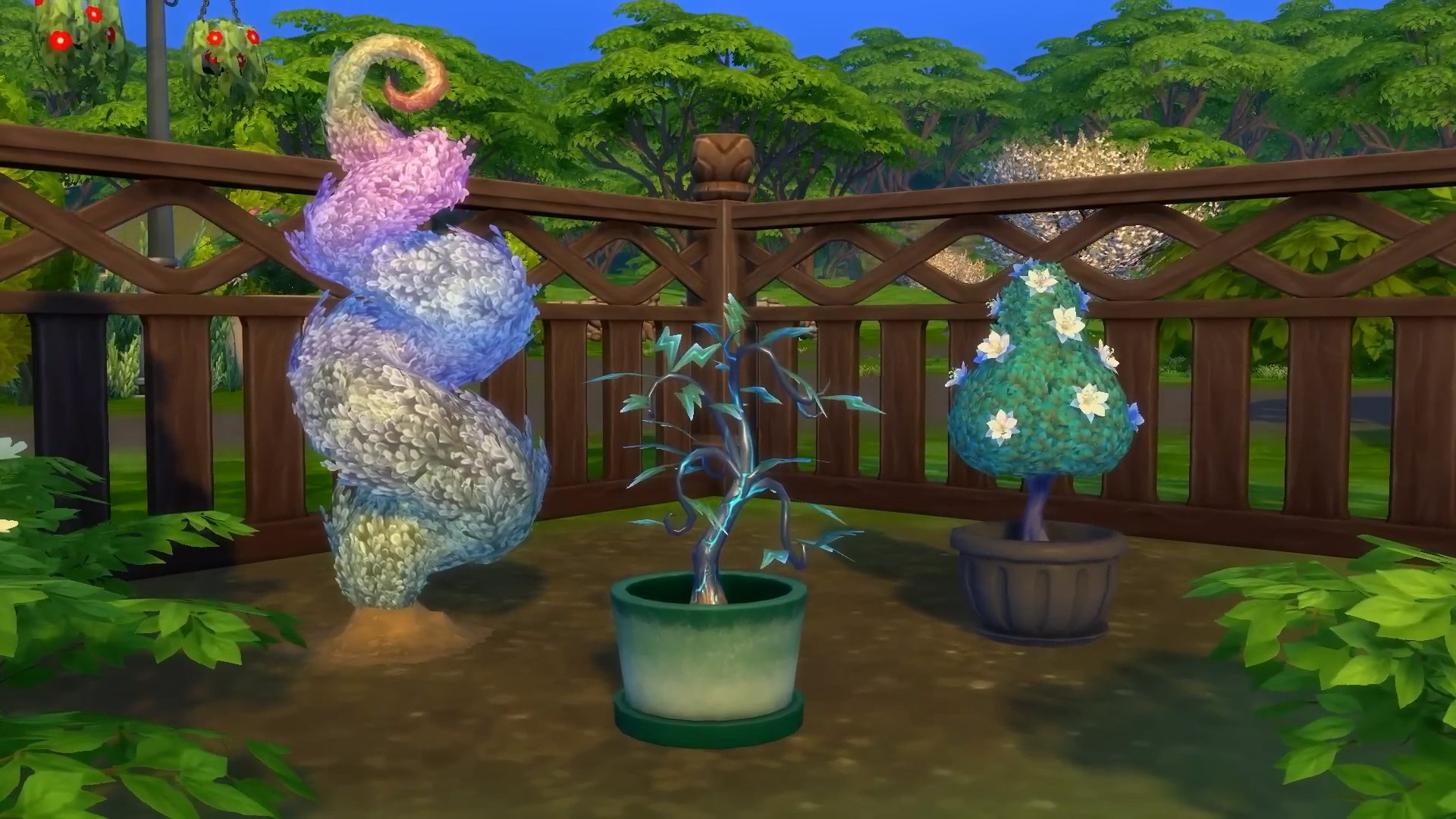
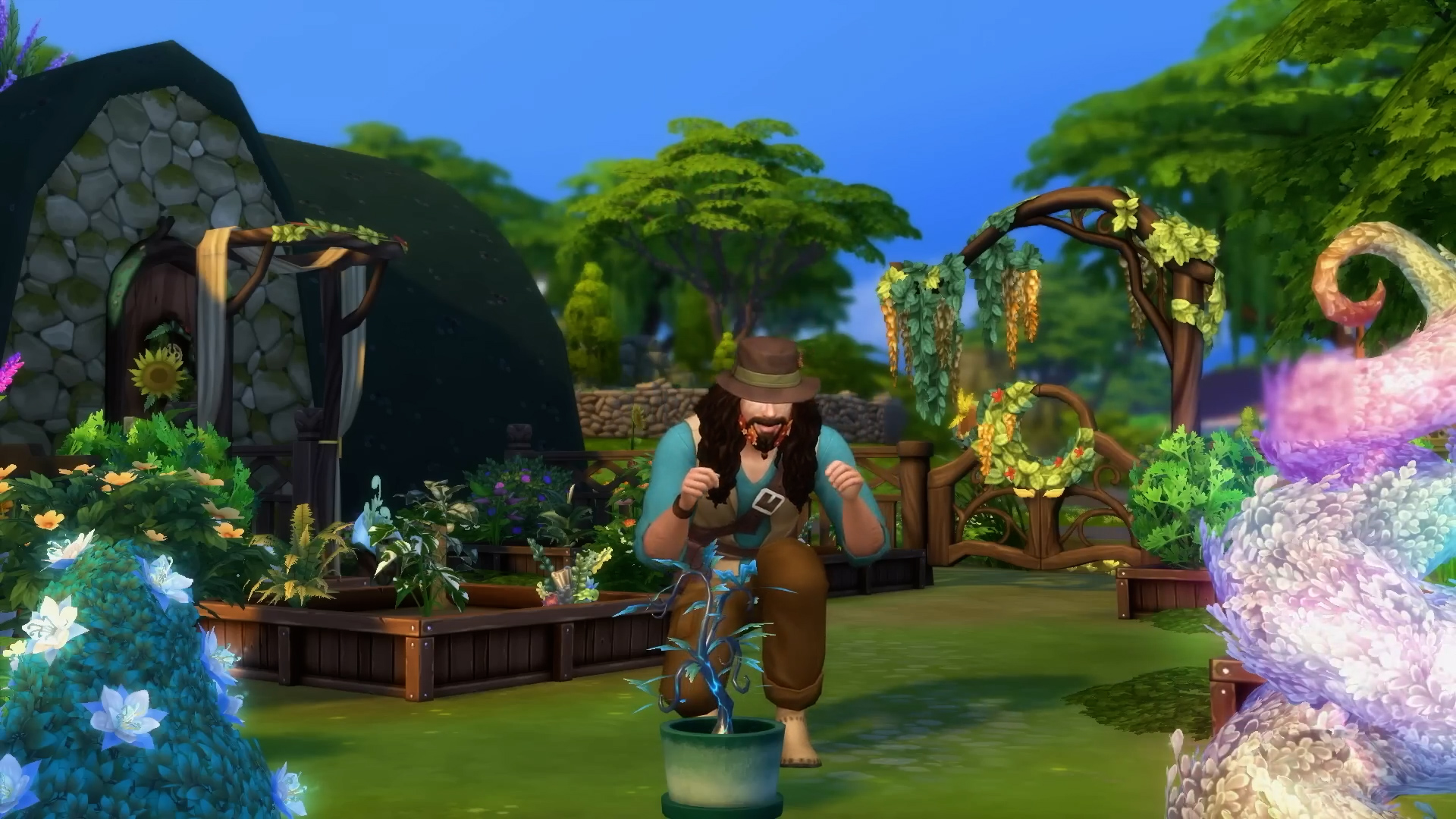
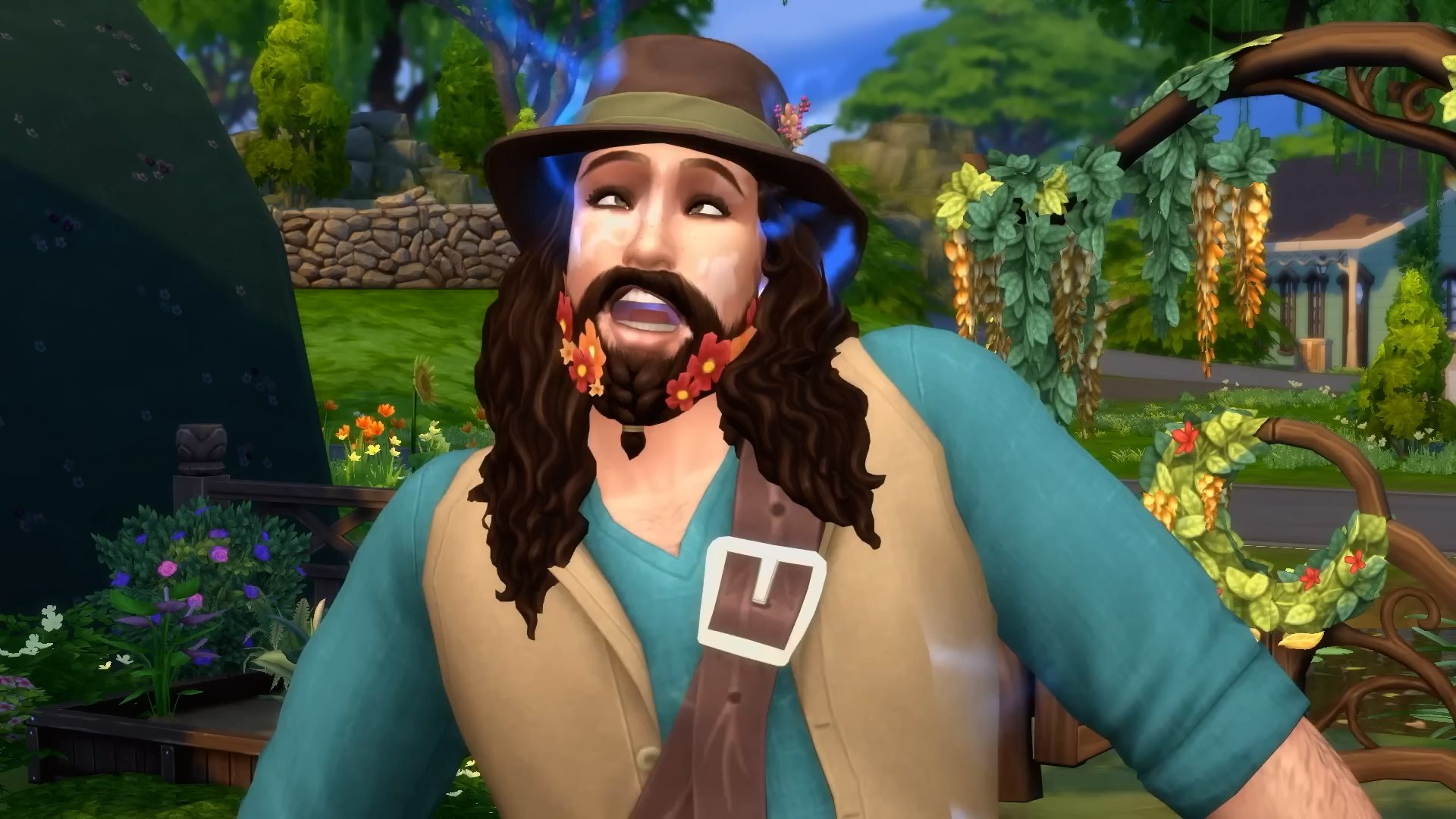
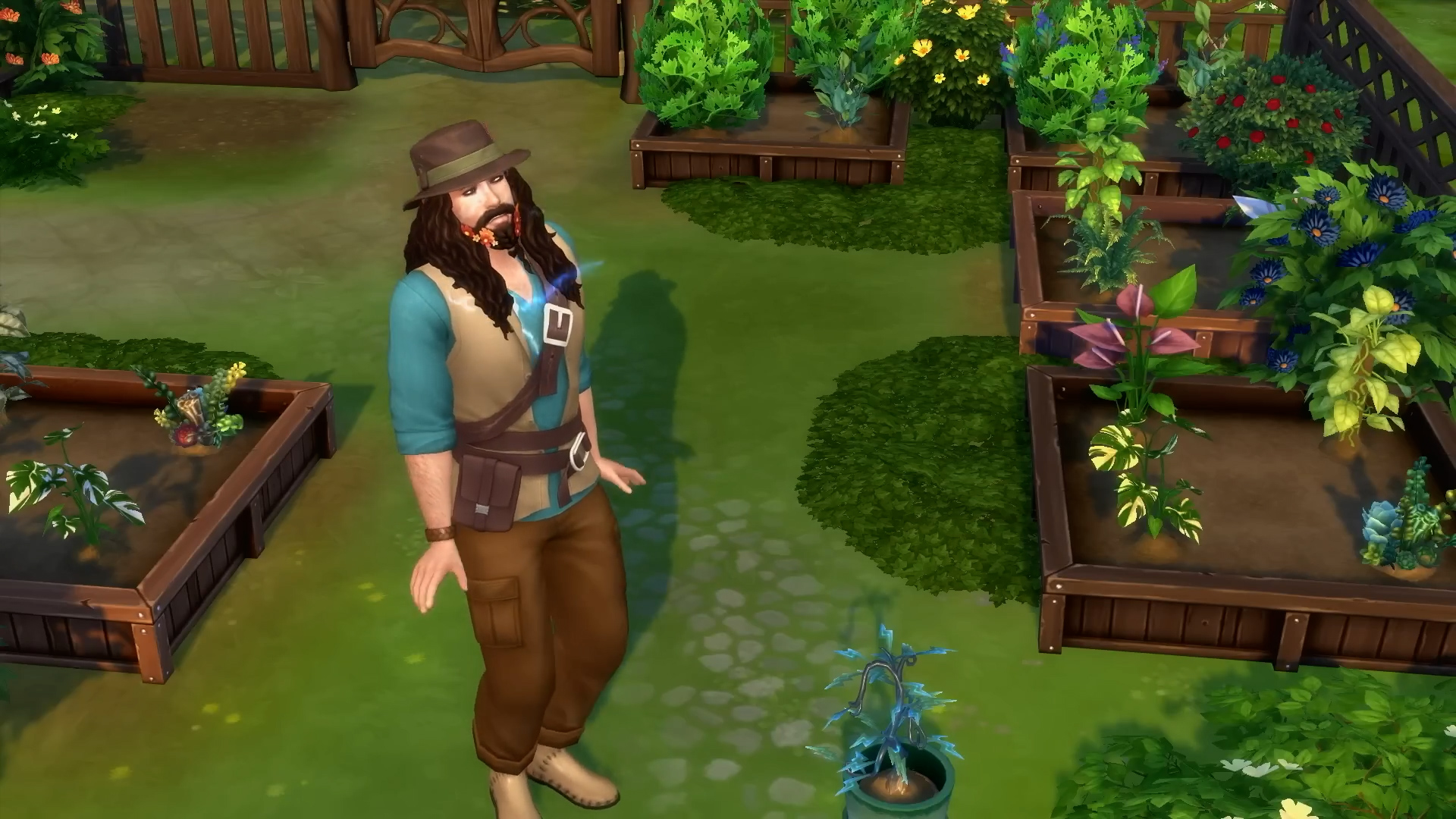
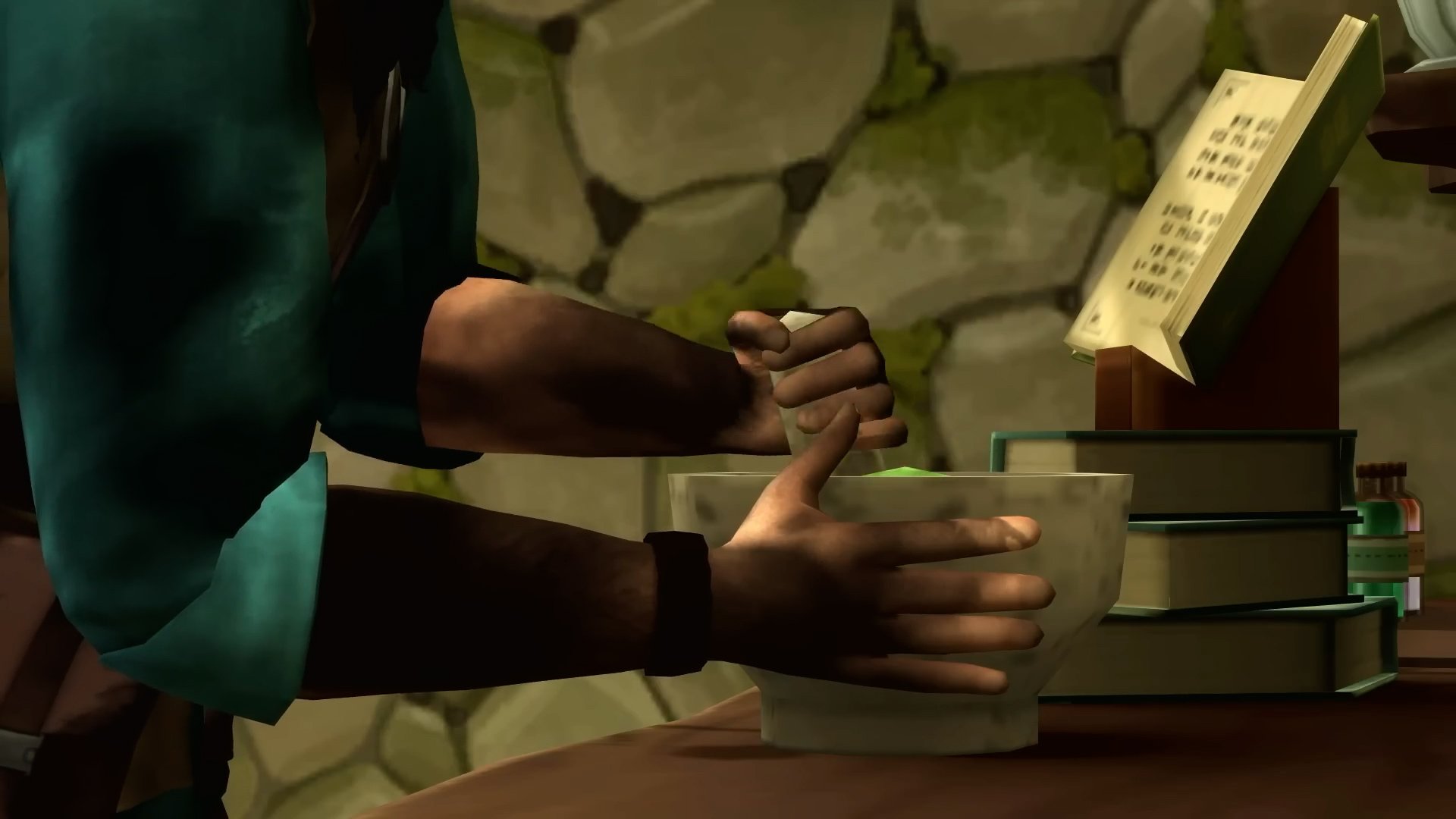
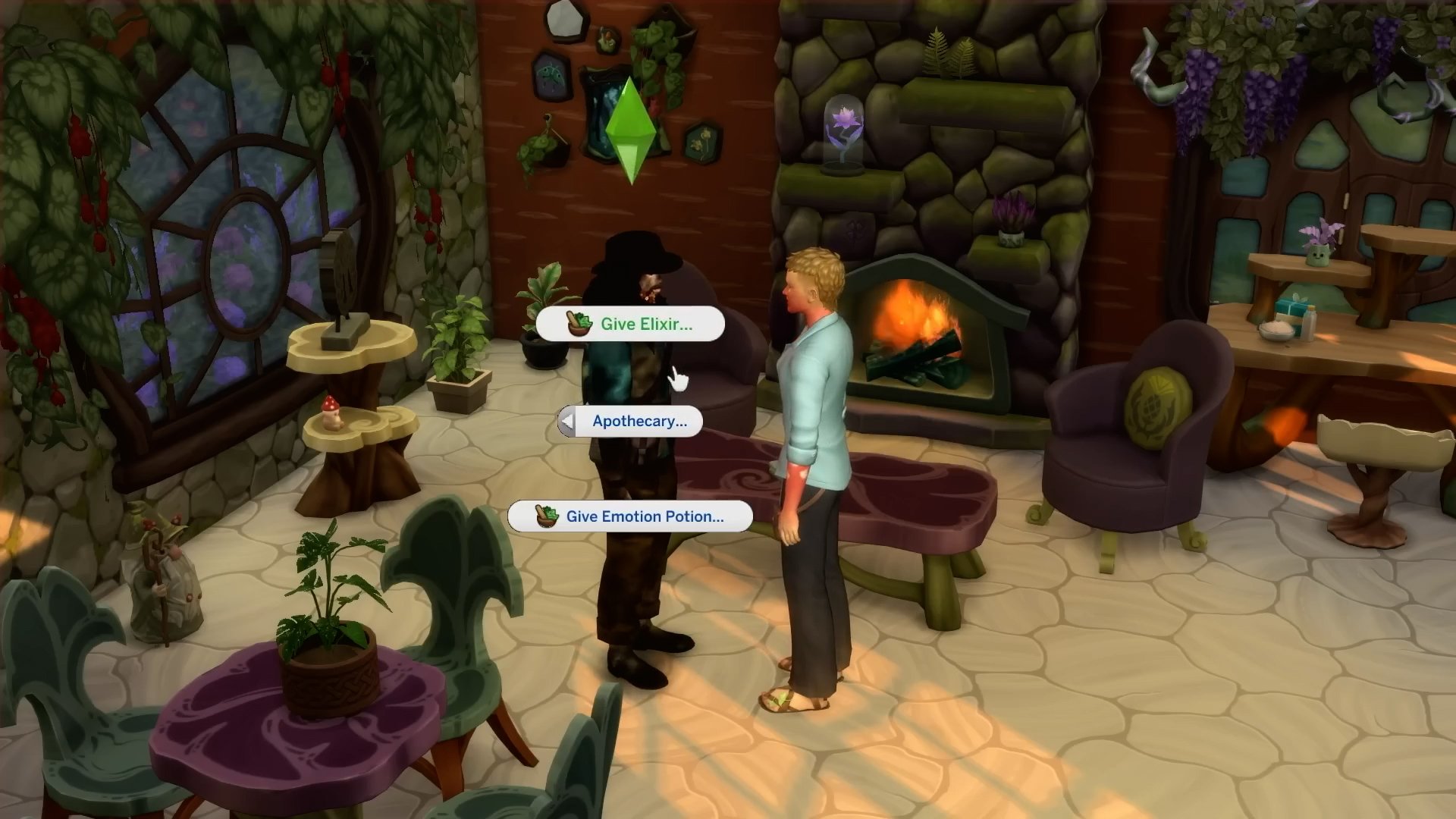
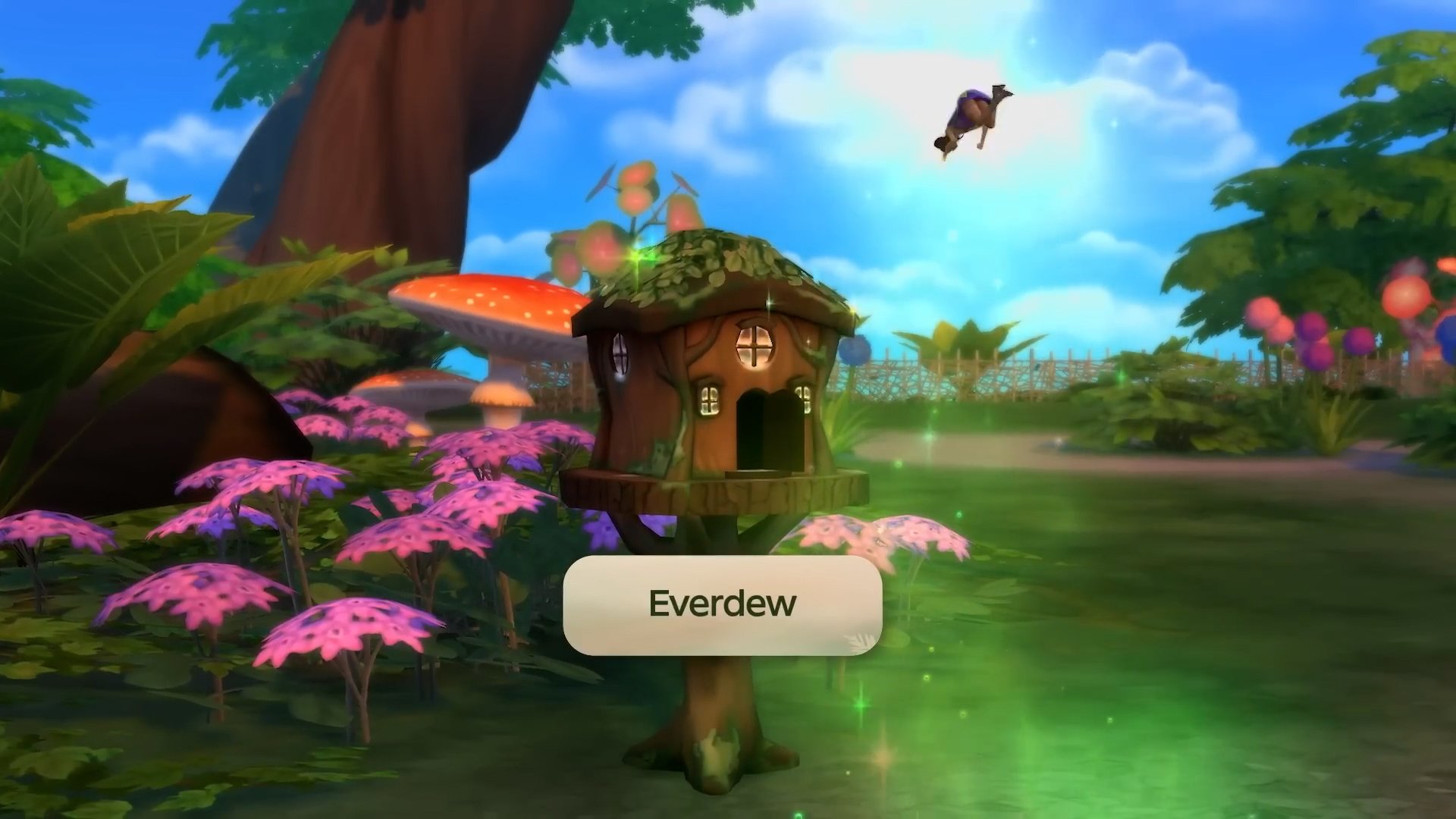
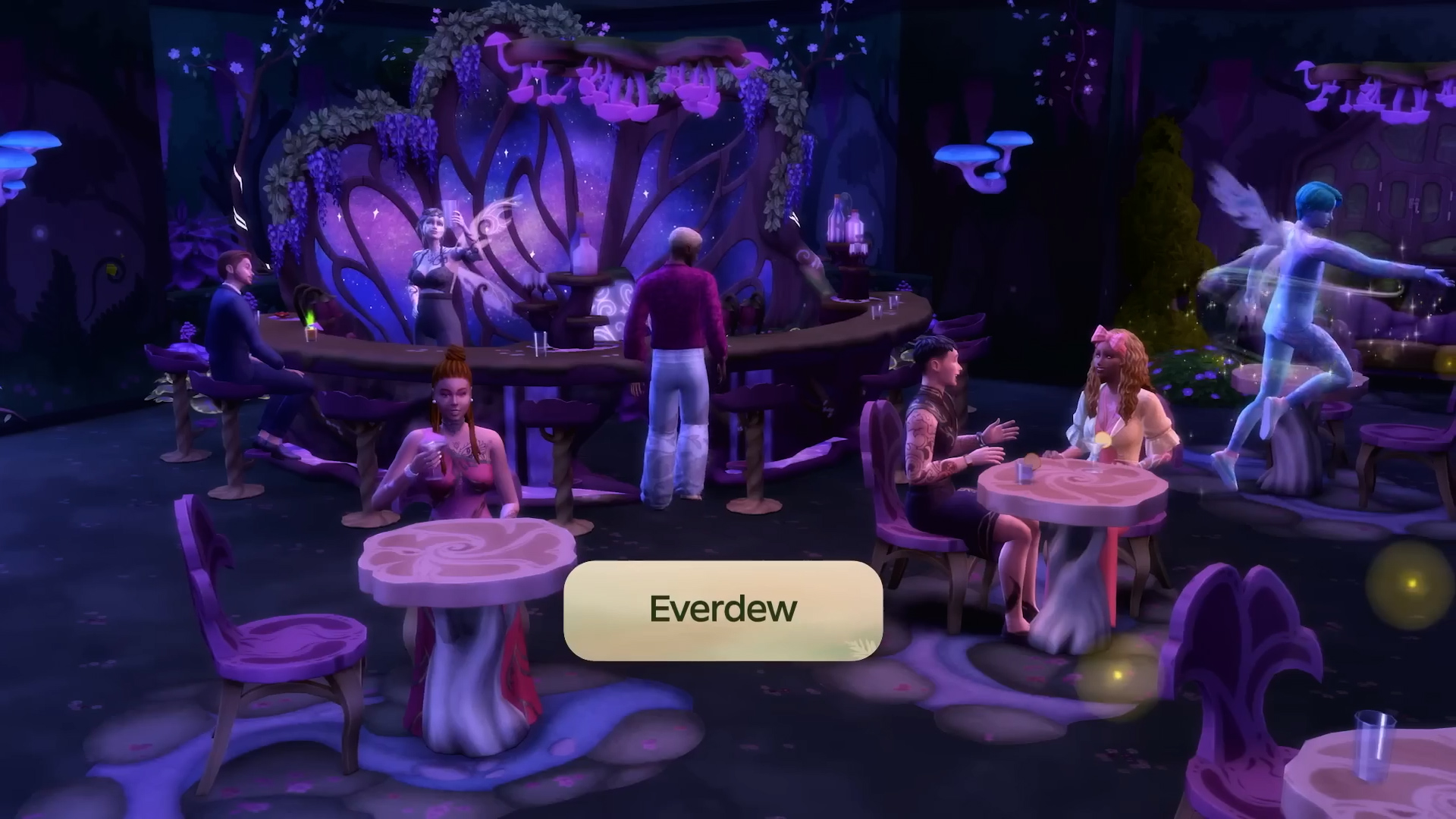
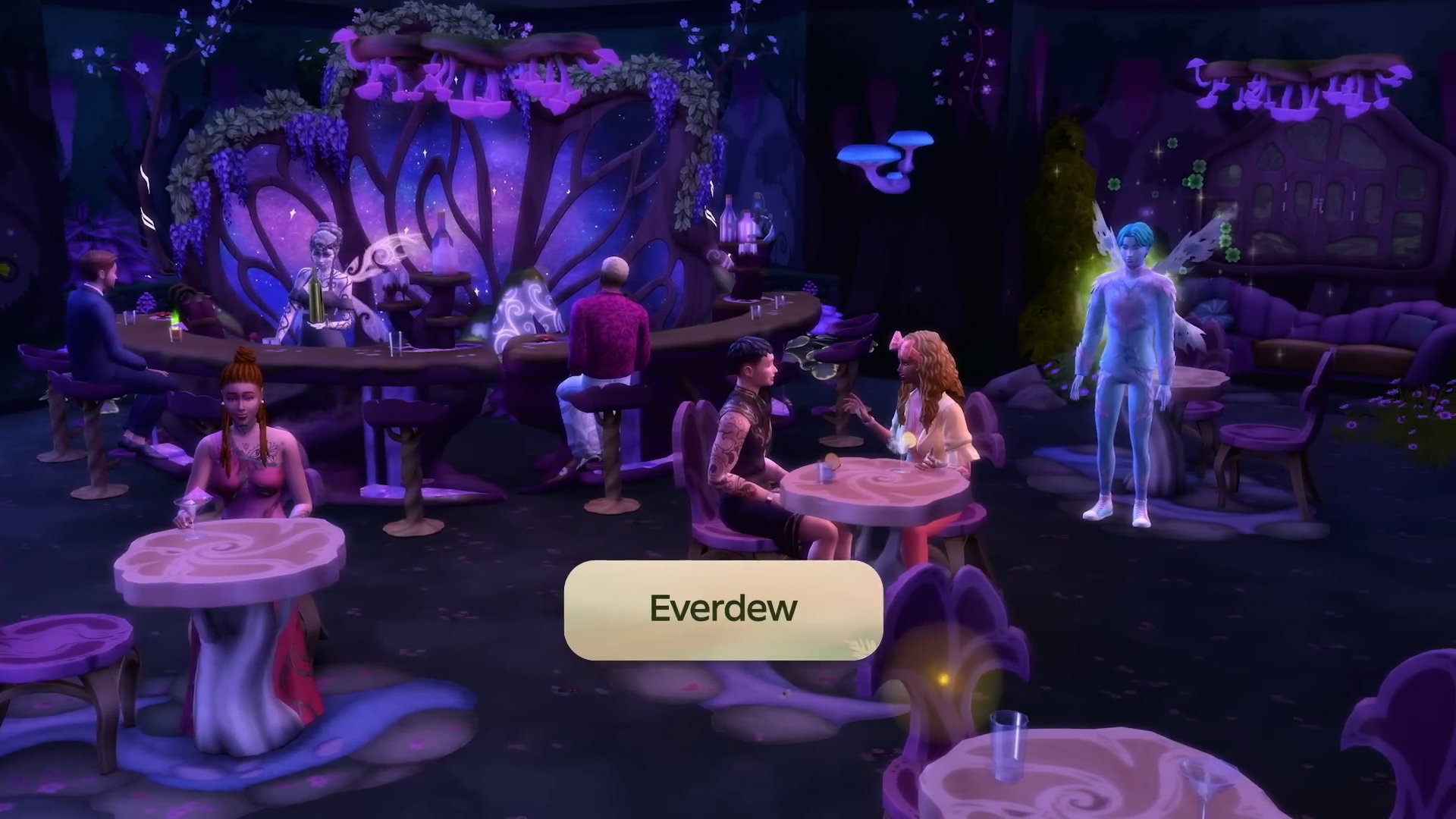
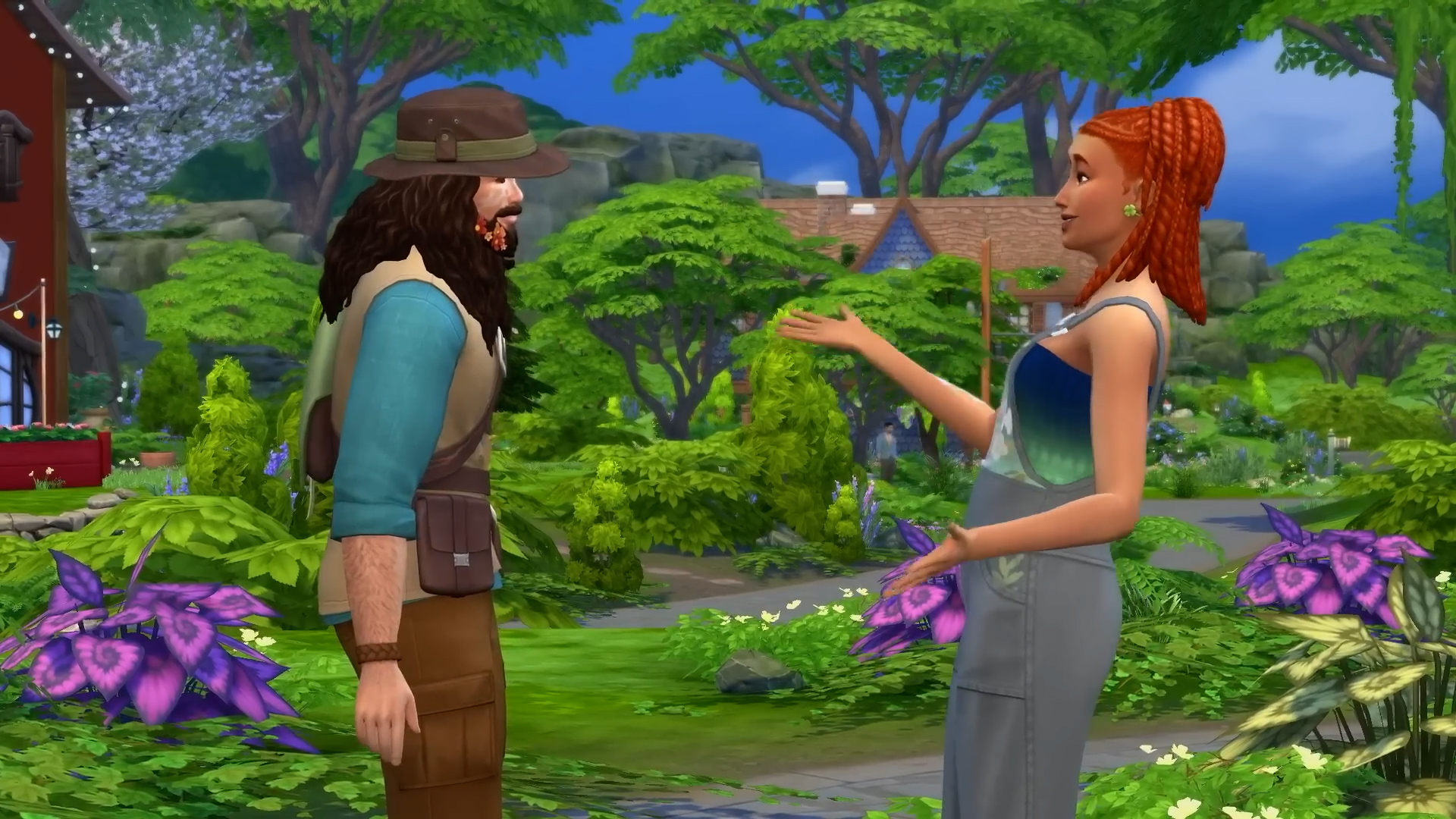
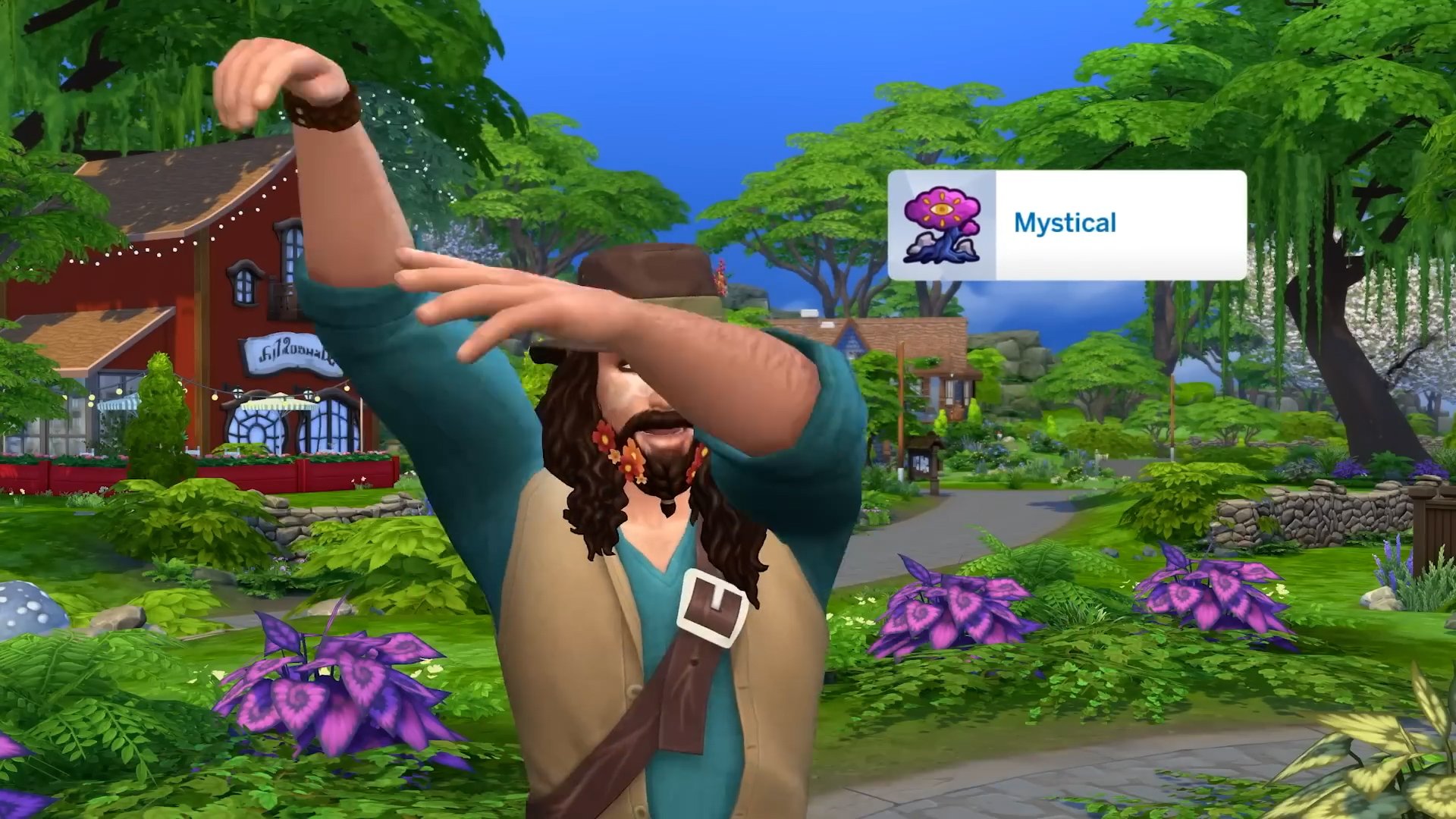
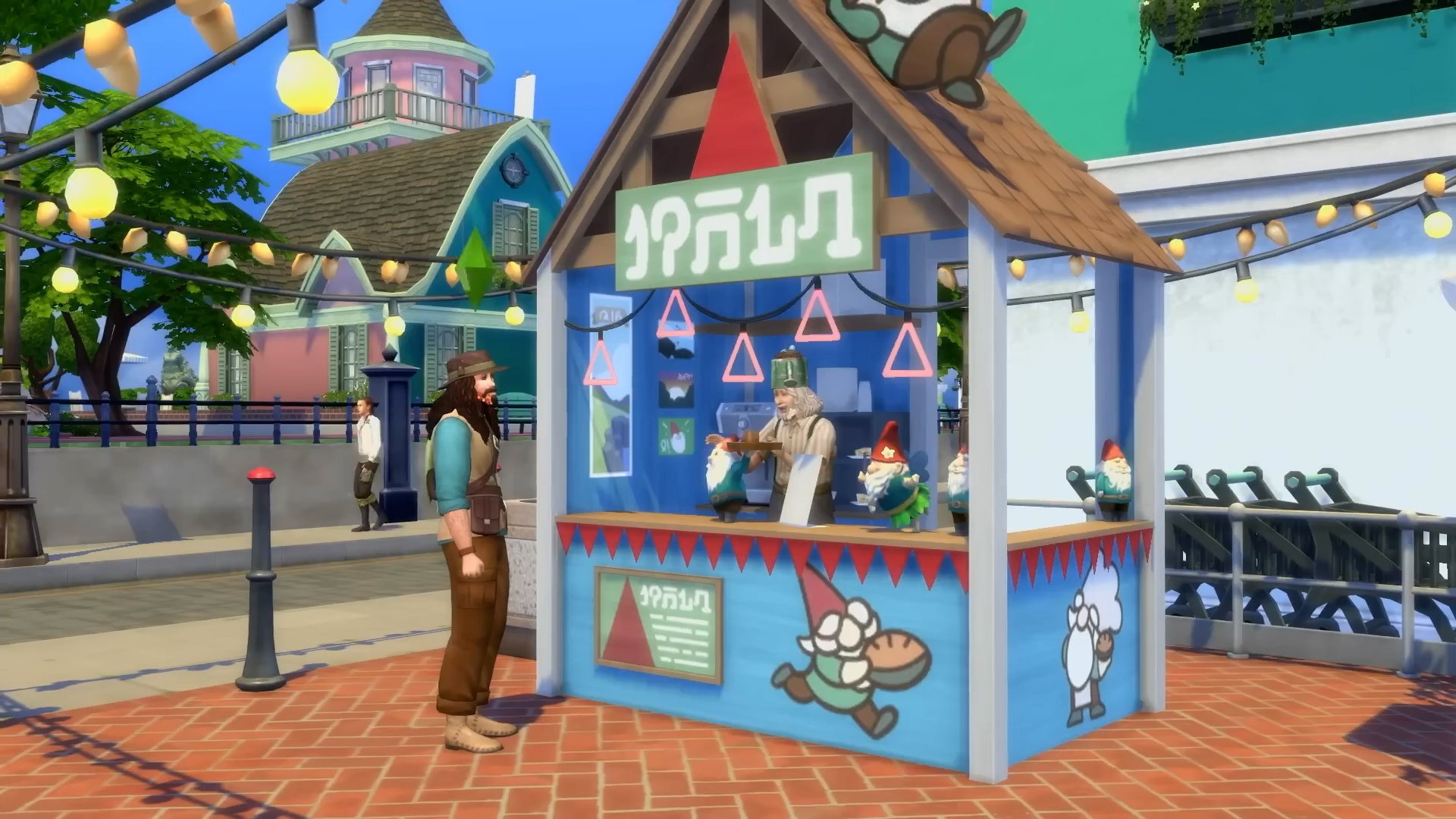
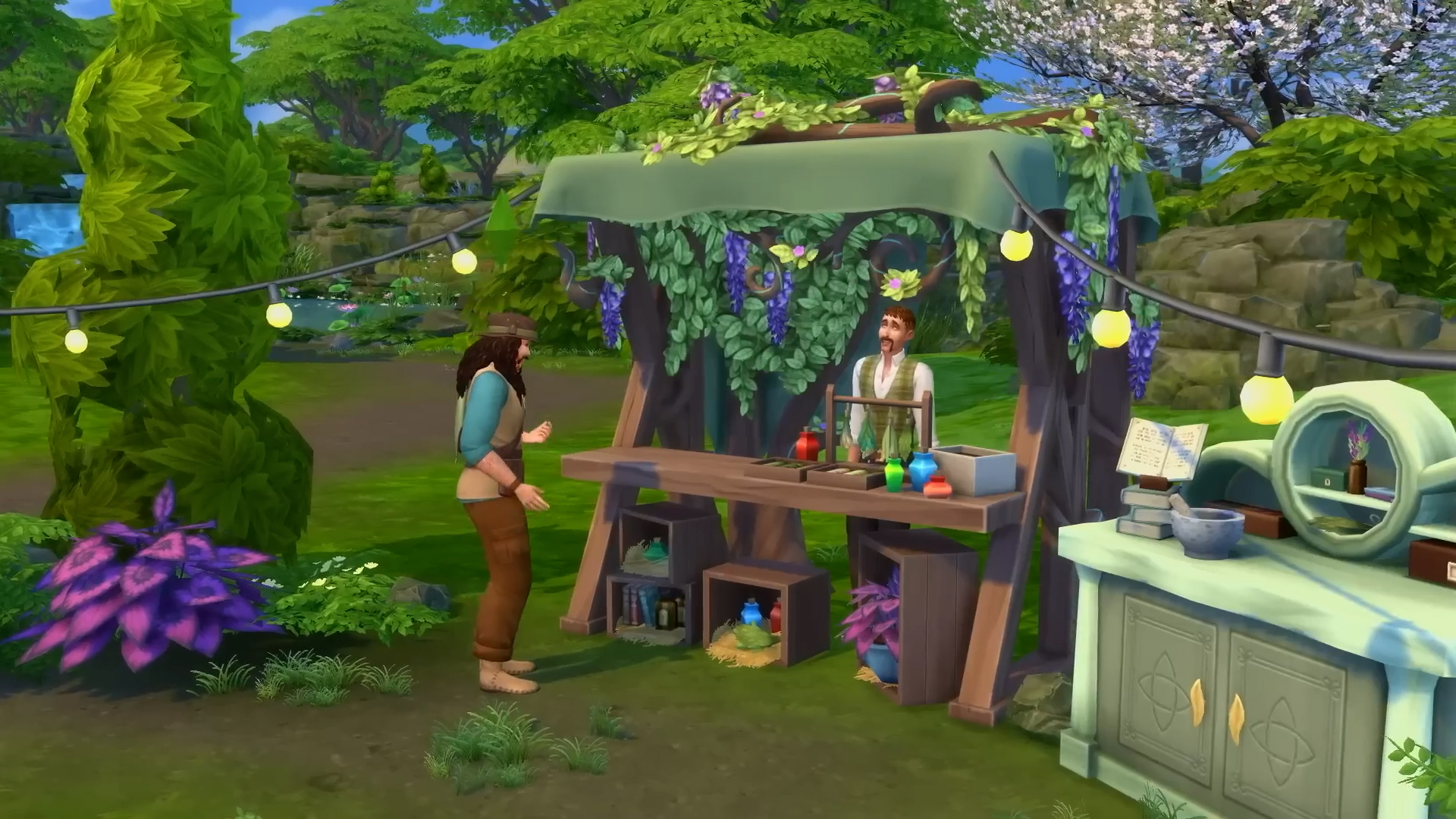
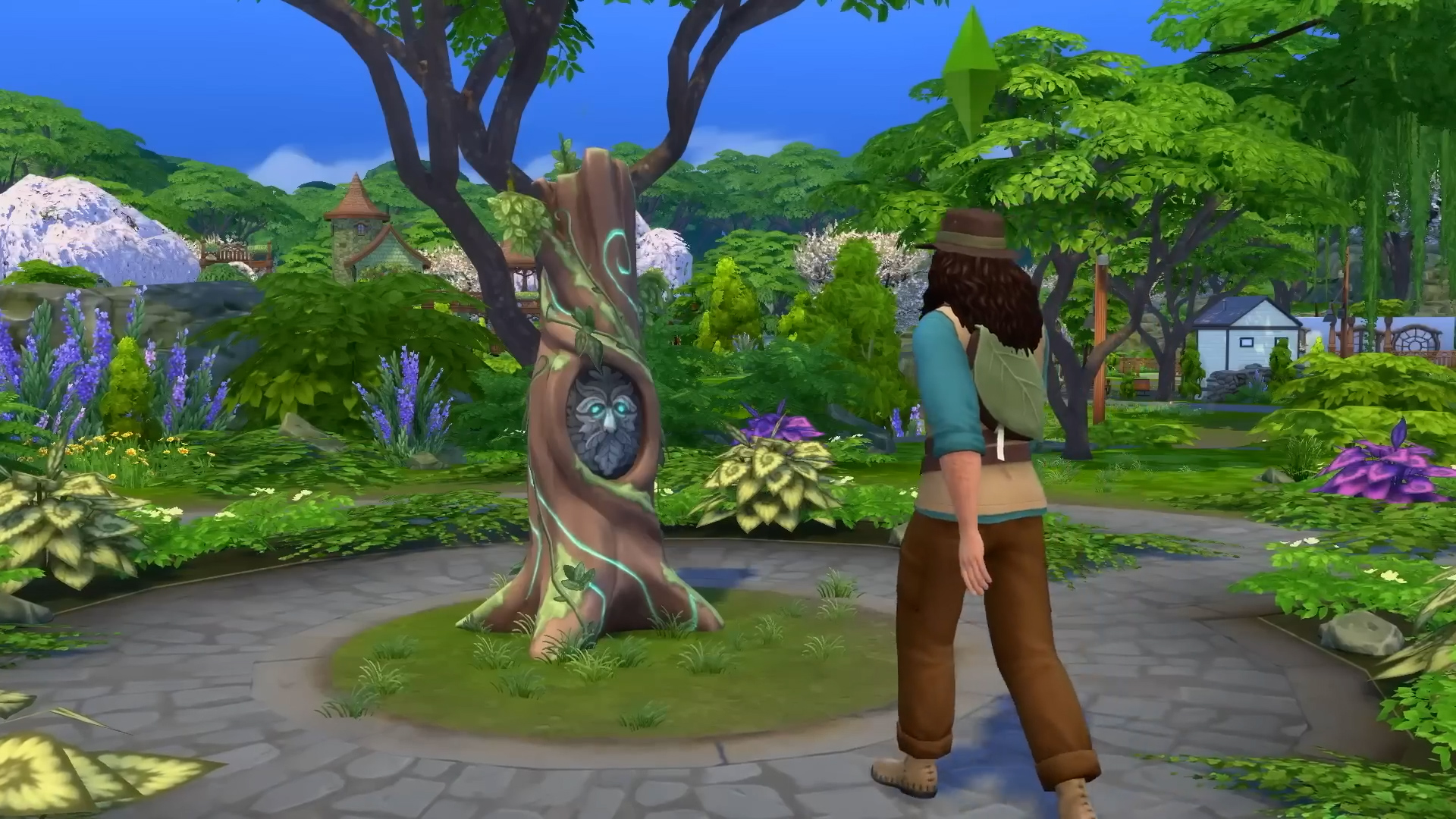
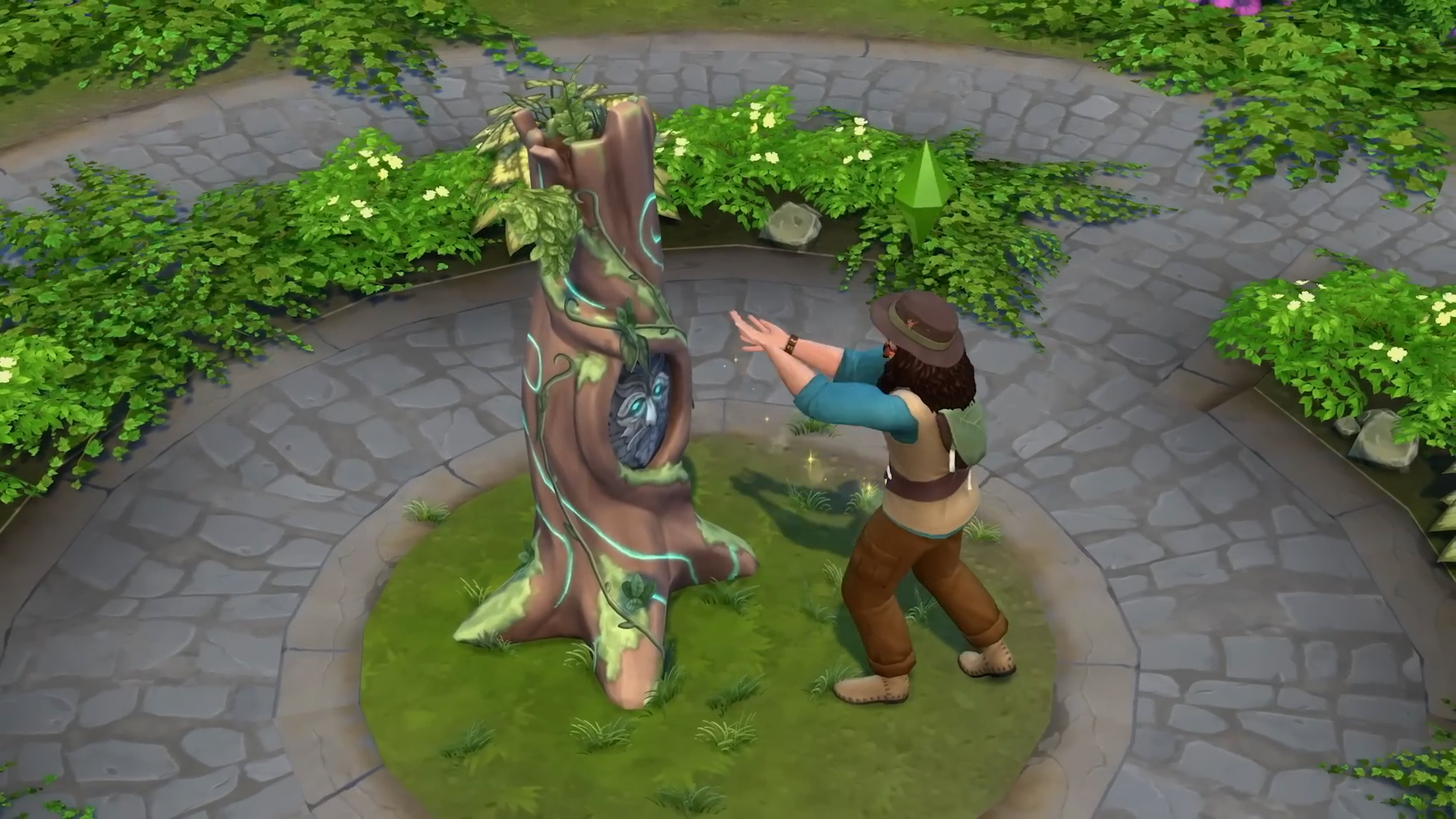
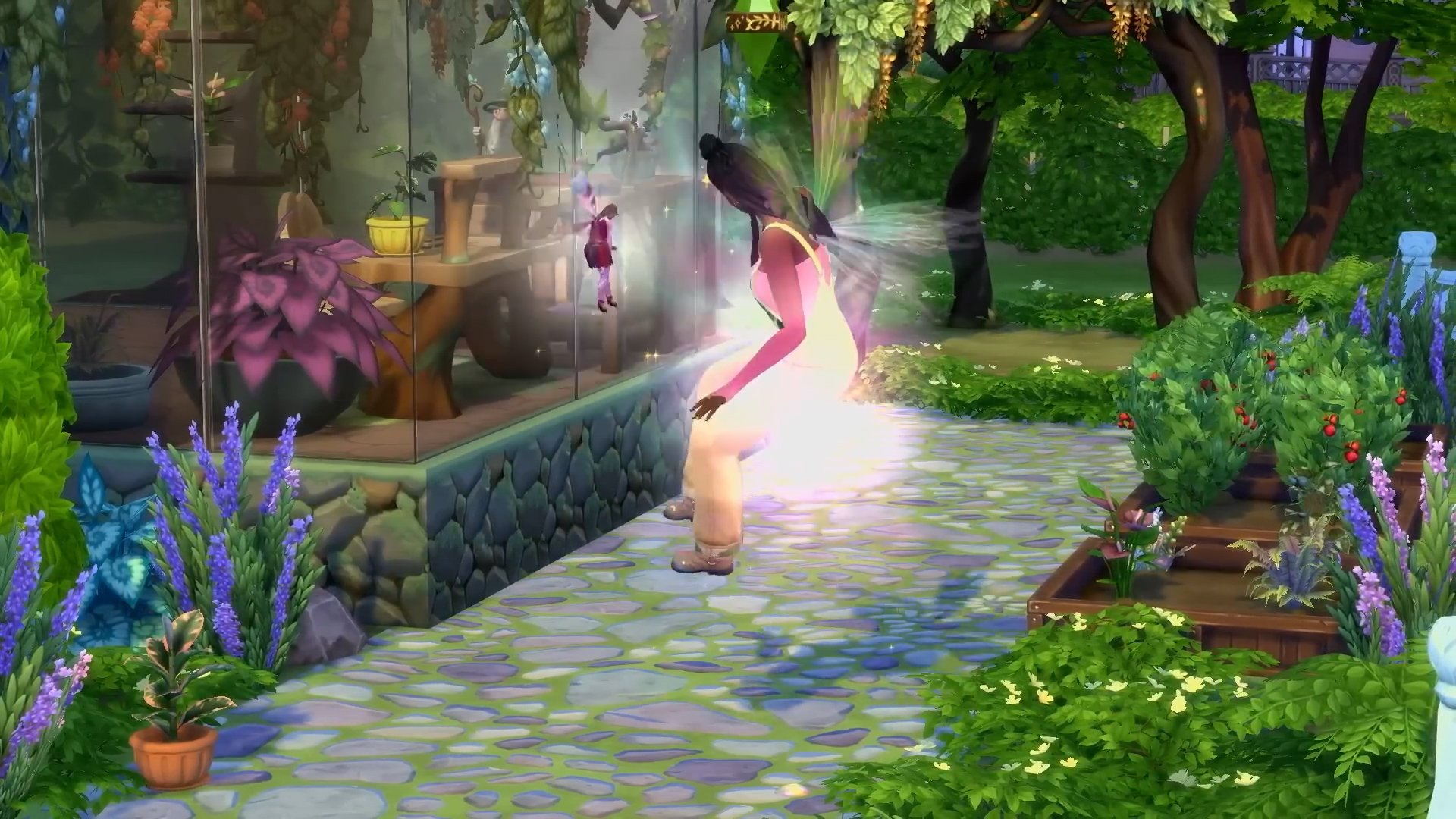
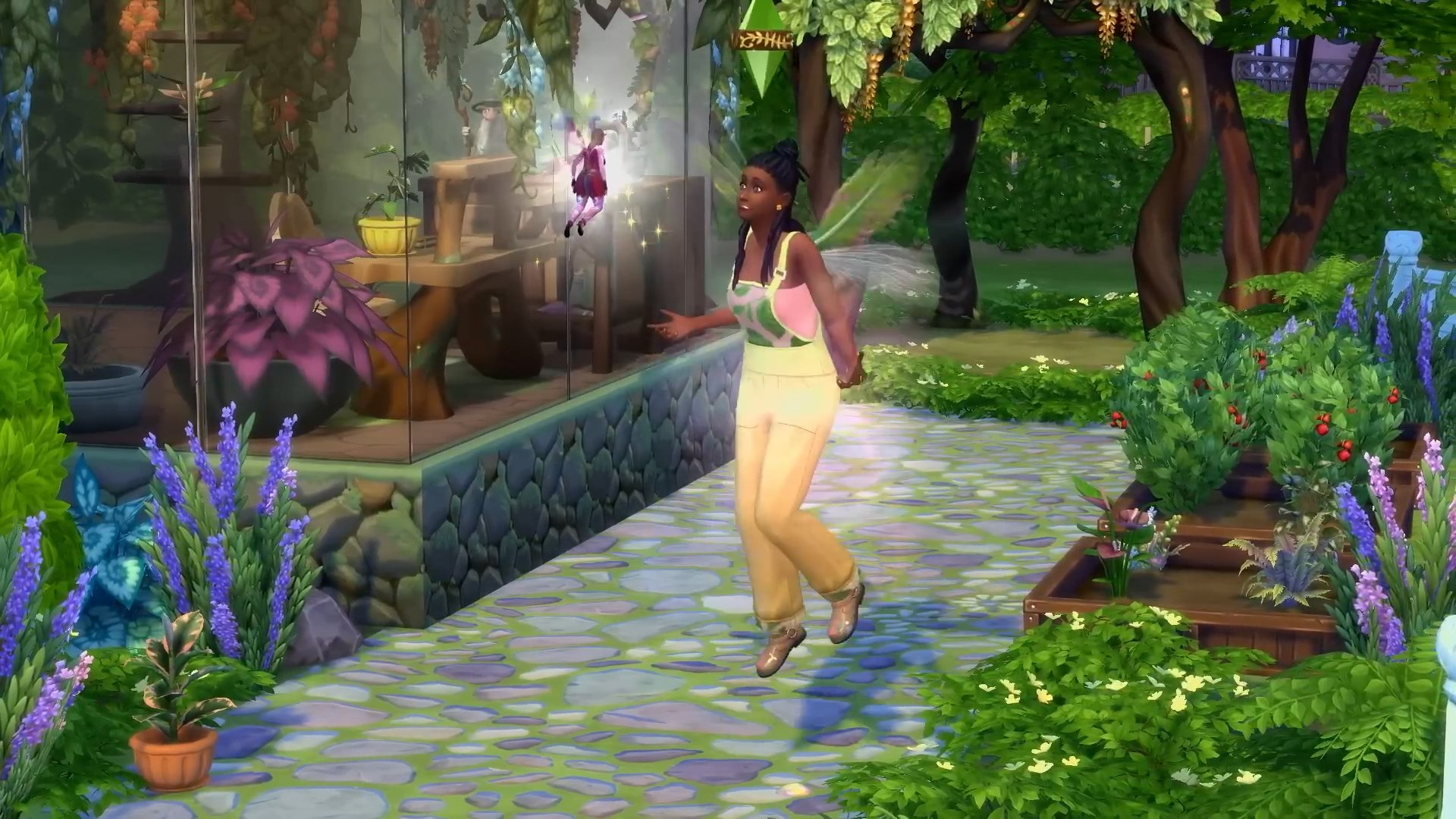
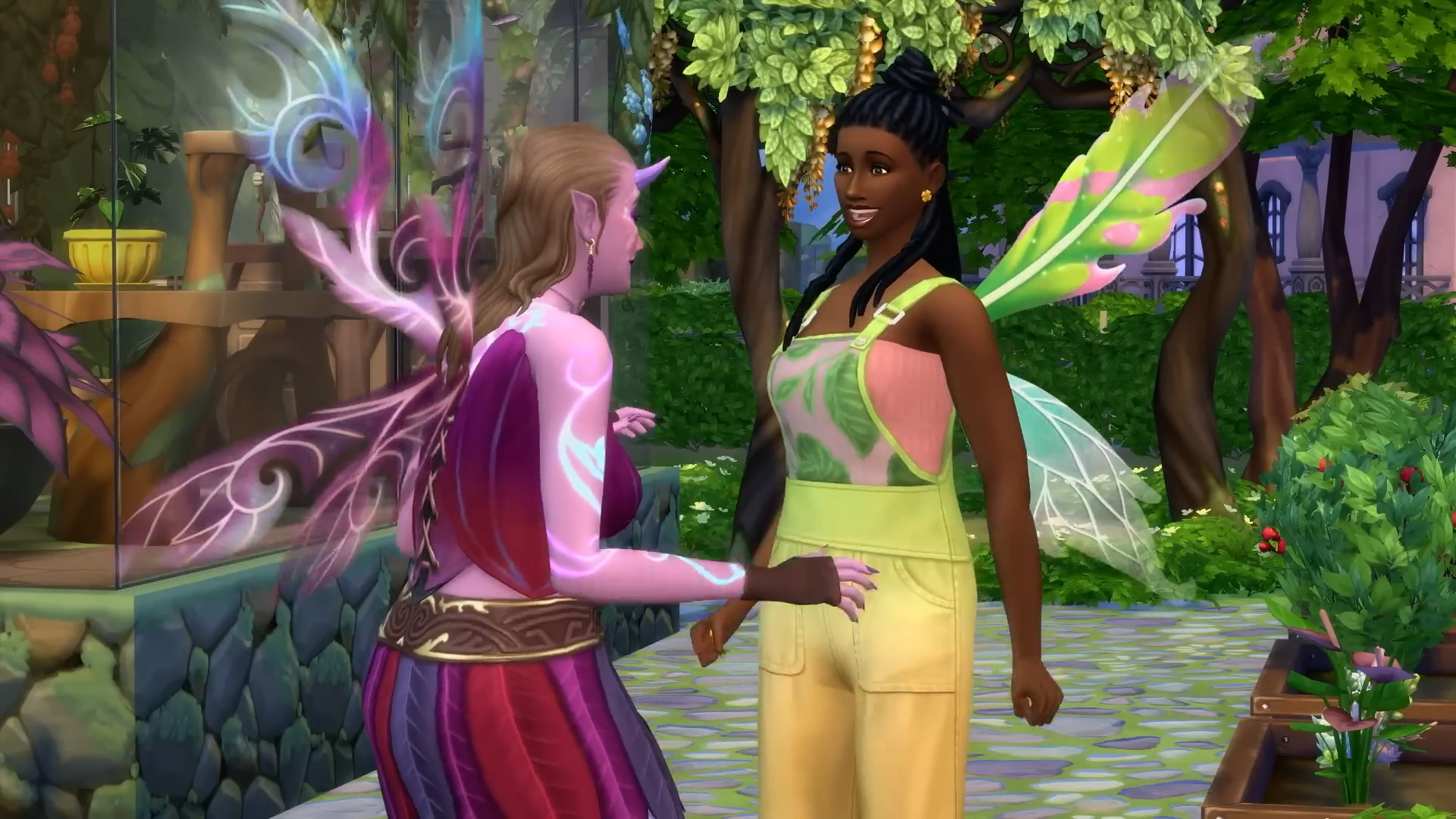
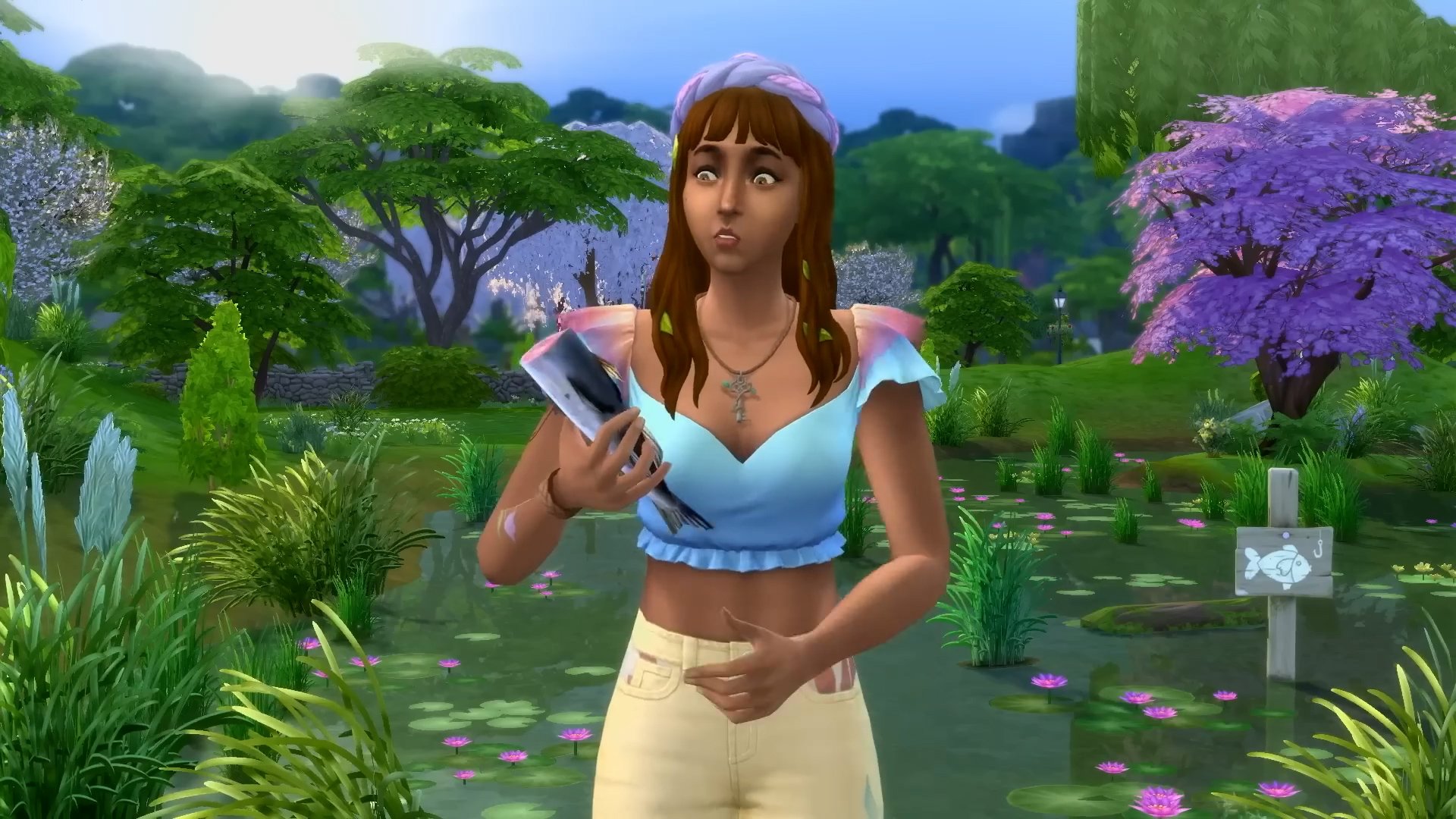
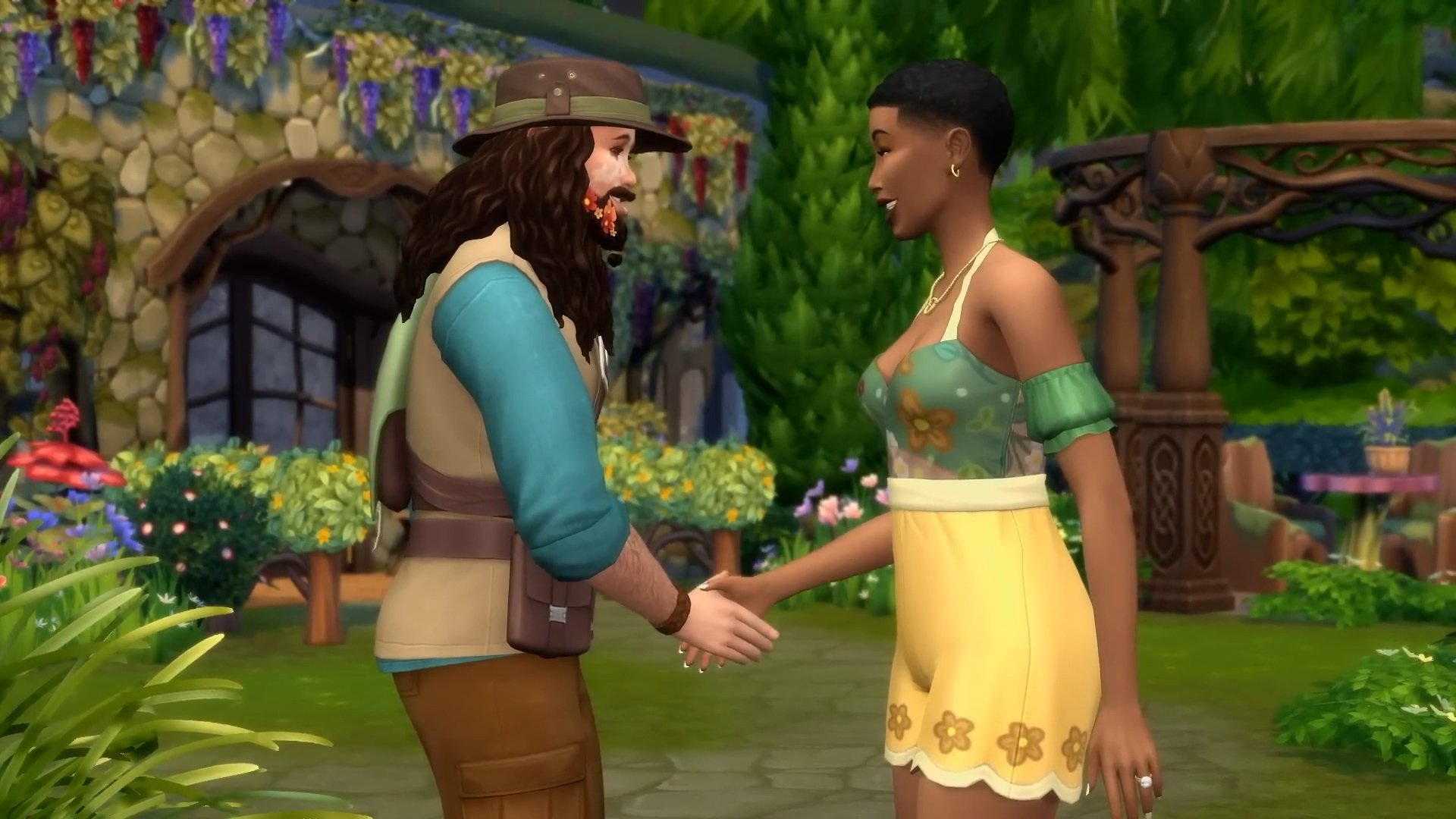
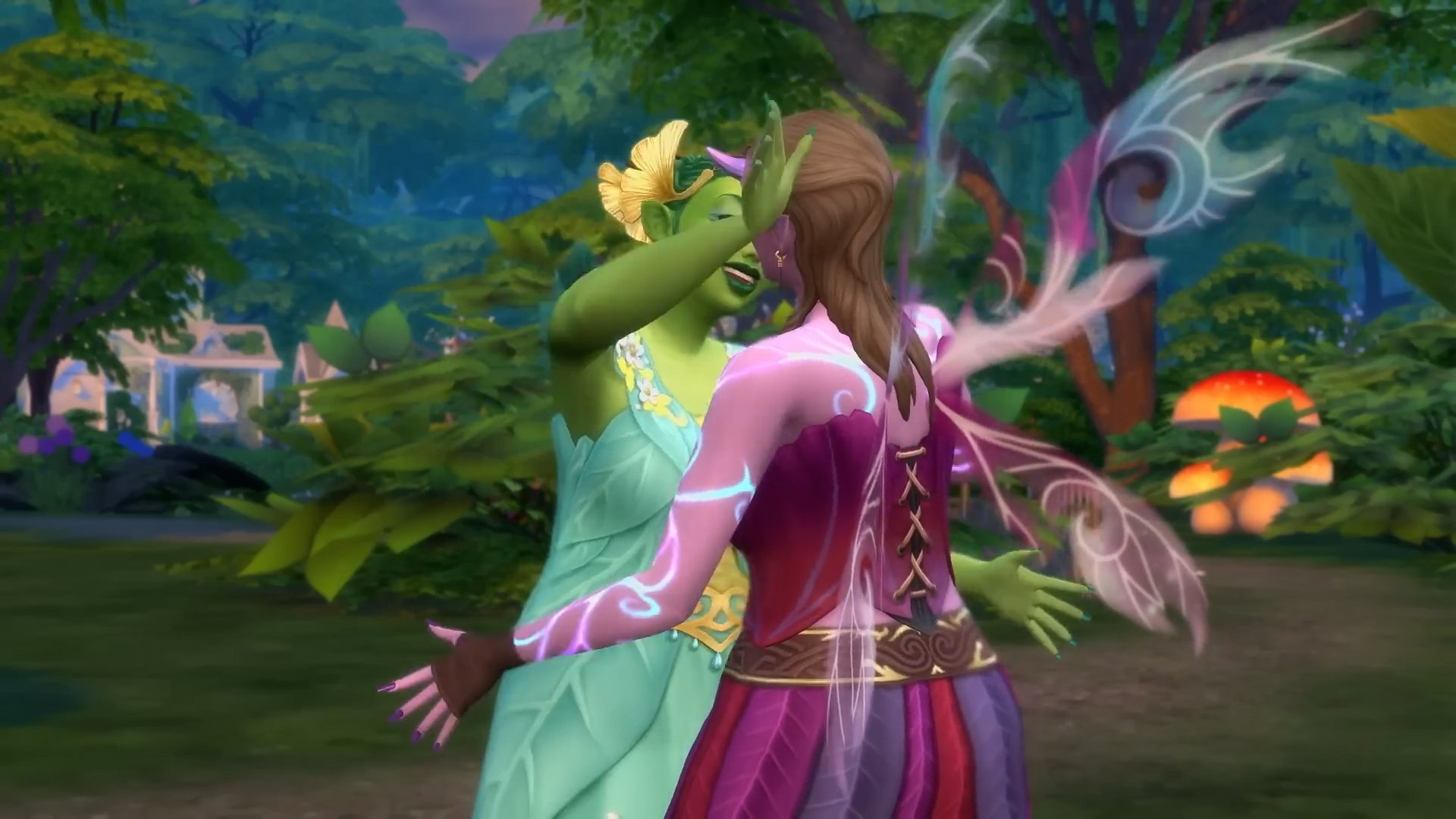
We have a complete preview of all the new CAS and Build Mode items!
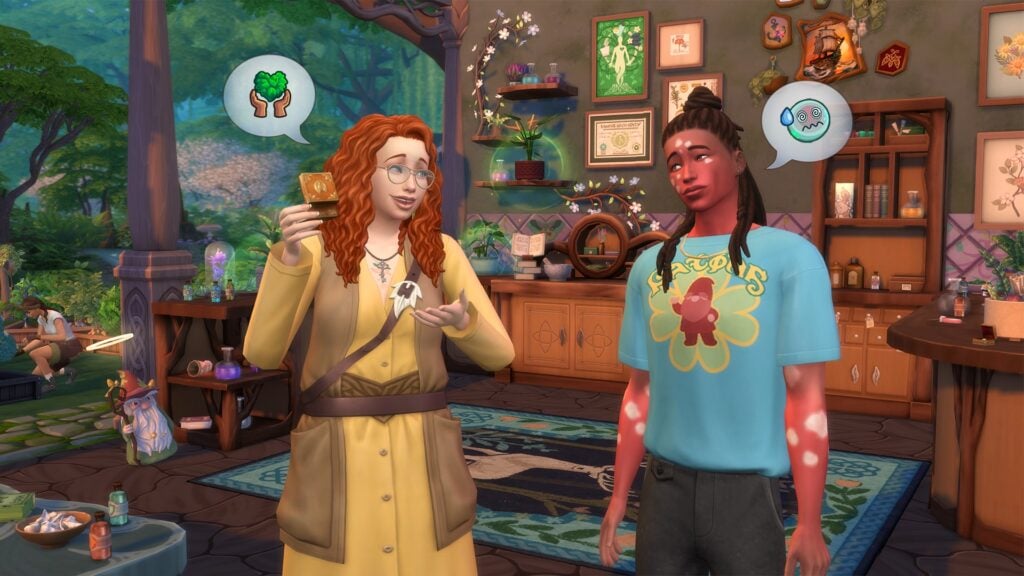
Today has been packed with new information. After getting to see the brand new World Map of Innisgreen, we’ve also gotten a chance to look at the entire Sims 4 Enchanted by Nature items catalogue. Including all Create A Sim pieces and Build Mode objects!
Check out the full breakdown of all the novelties down below:
Table of Contents
The Sims 4 Enchanted by Nature CAS Items
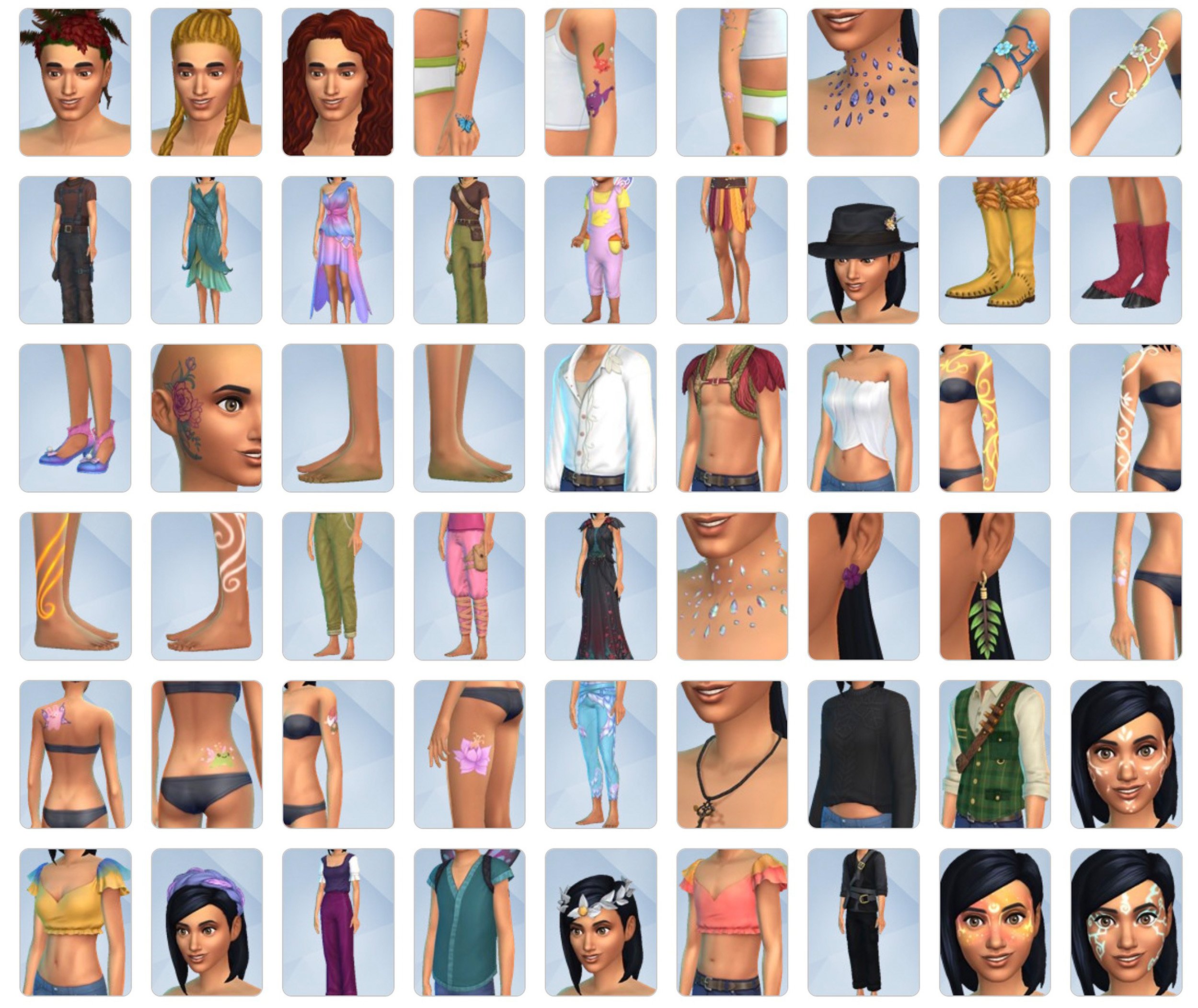
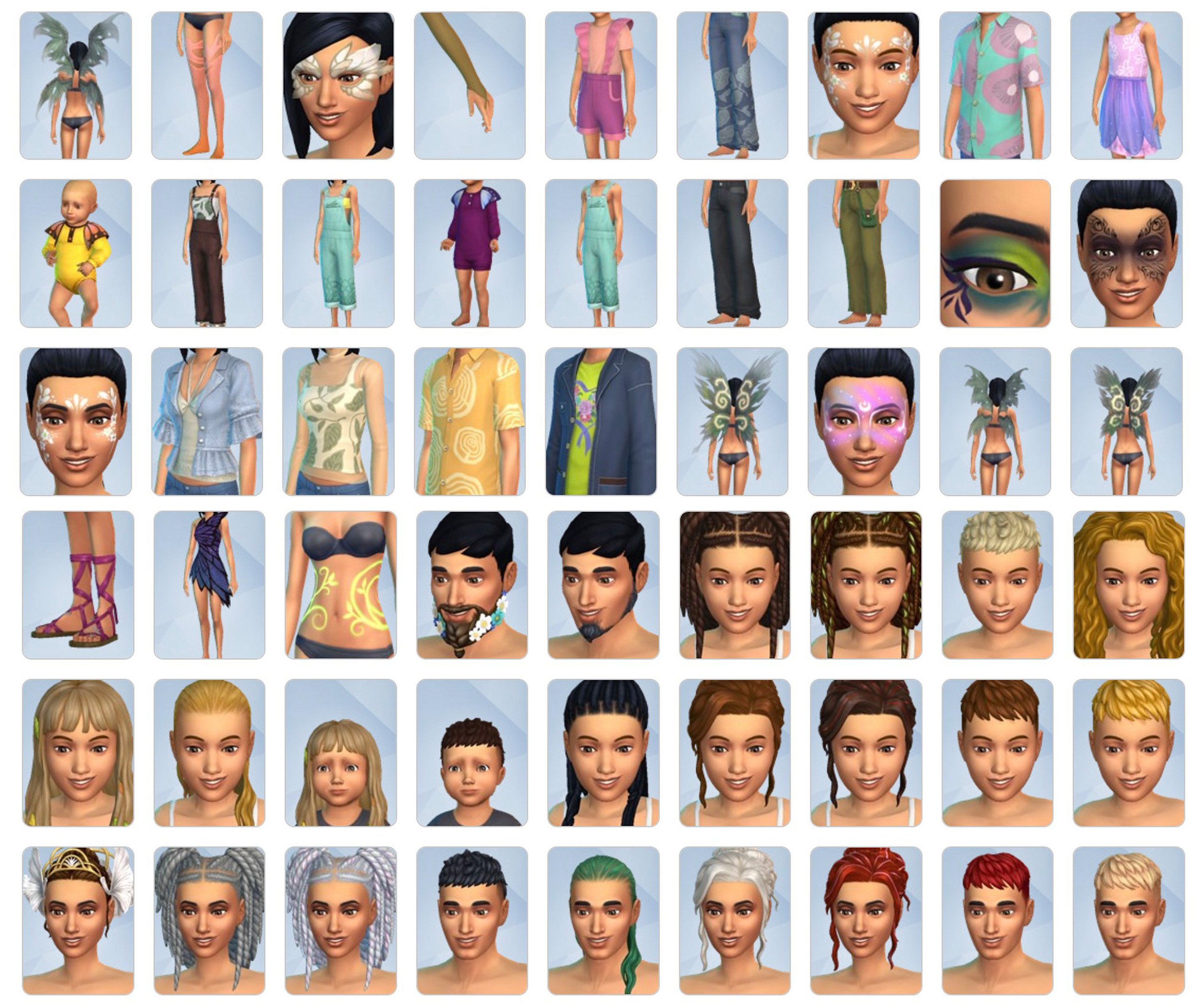
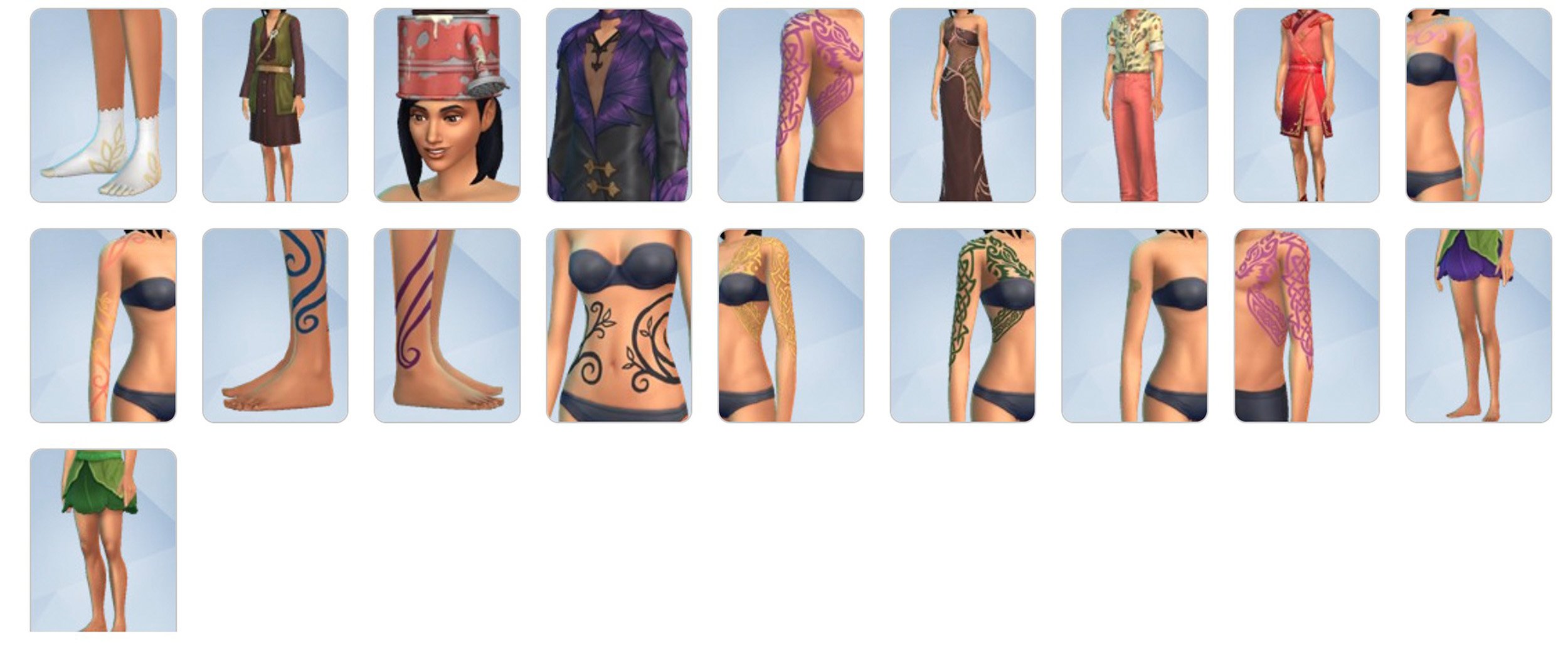
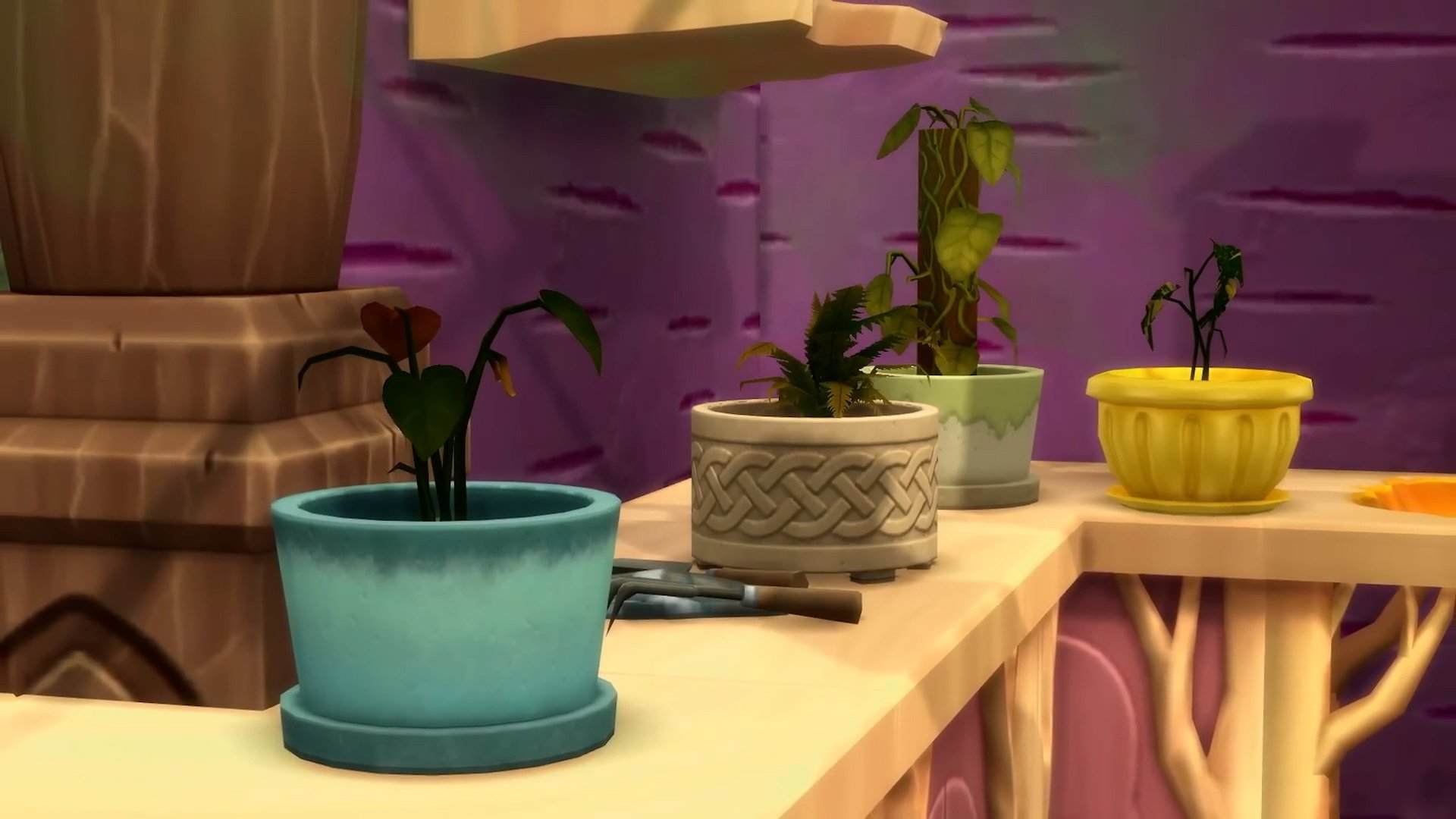
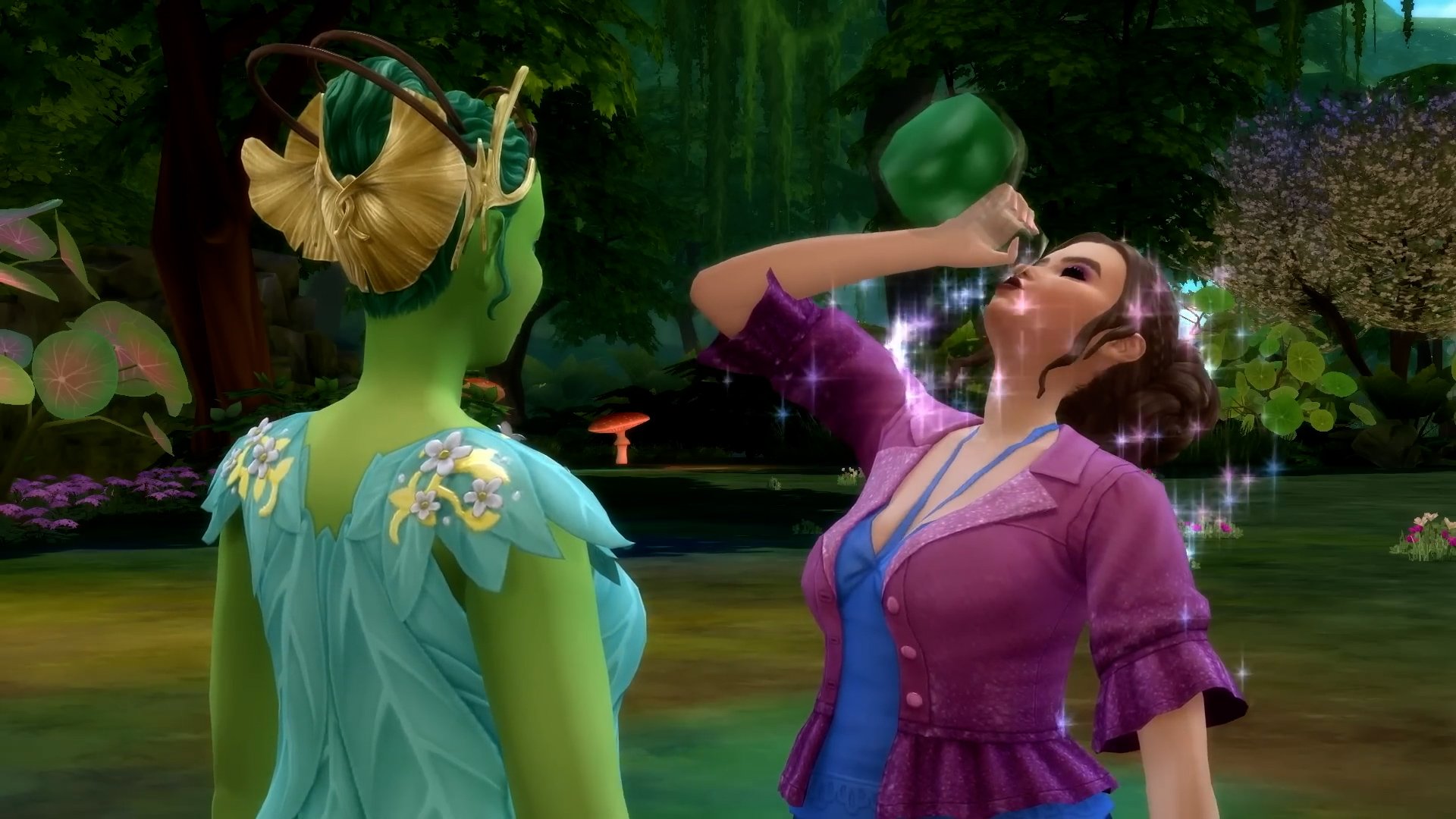
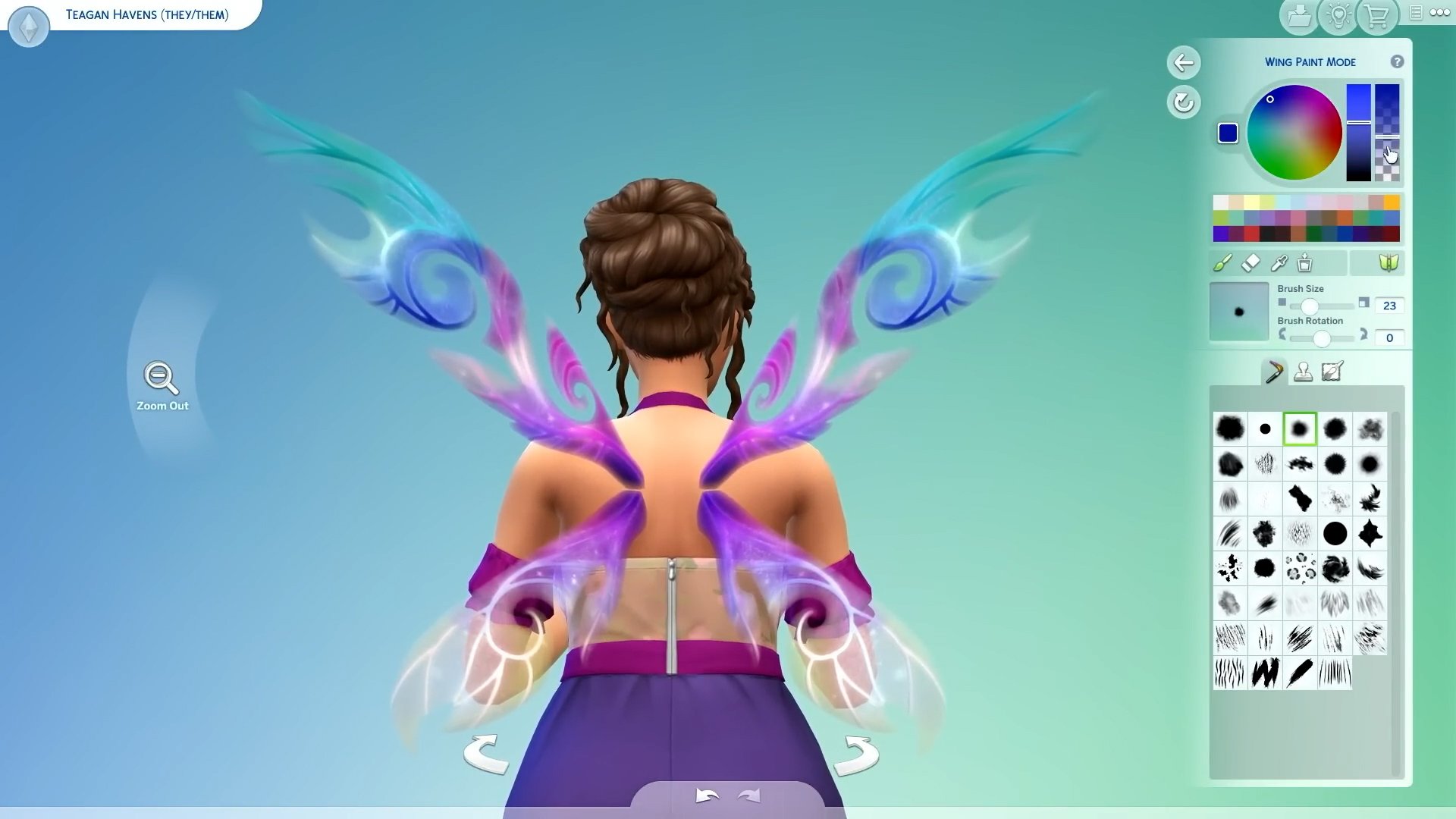
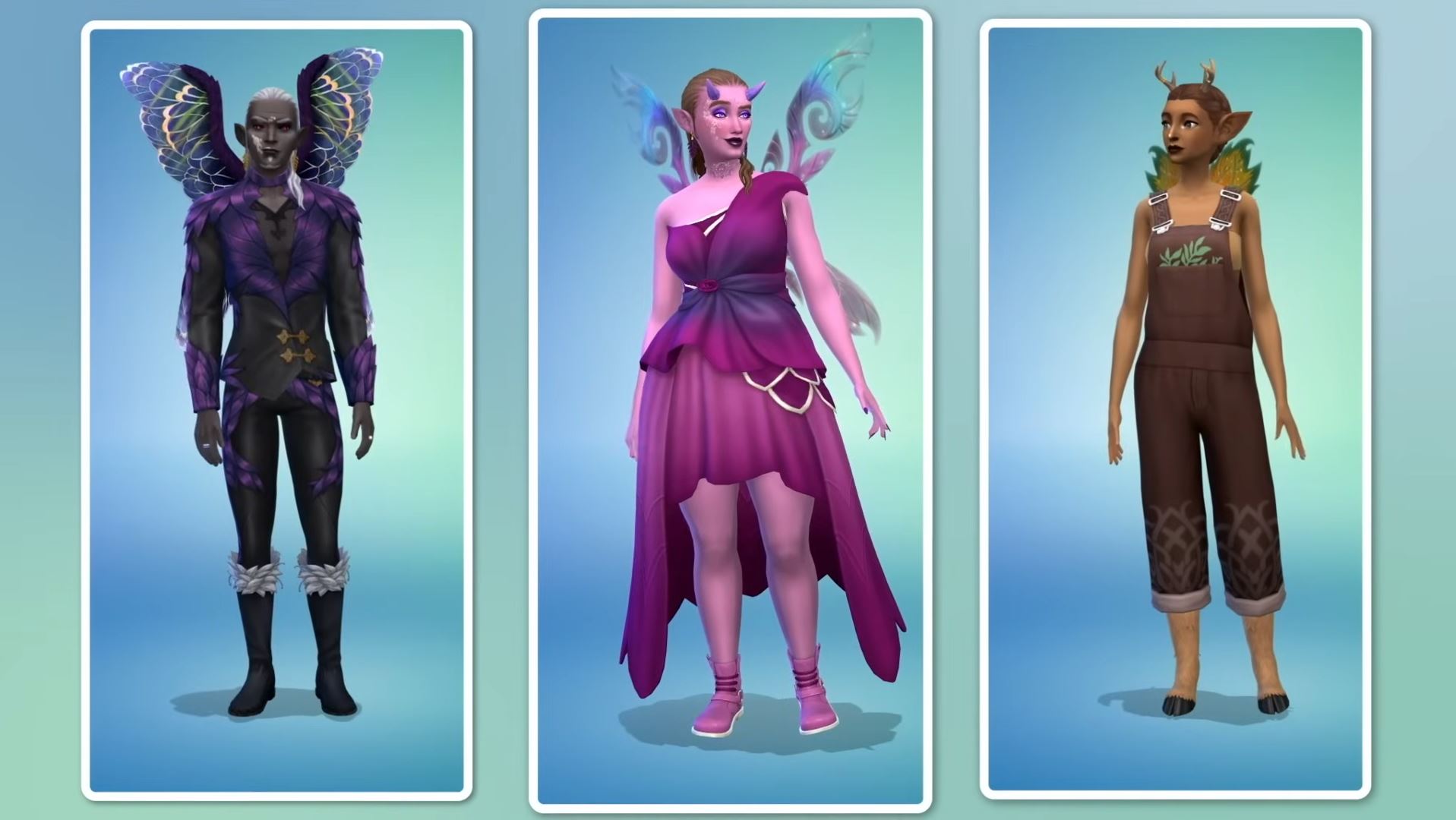
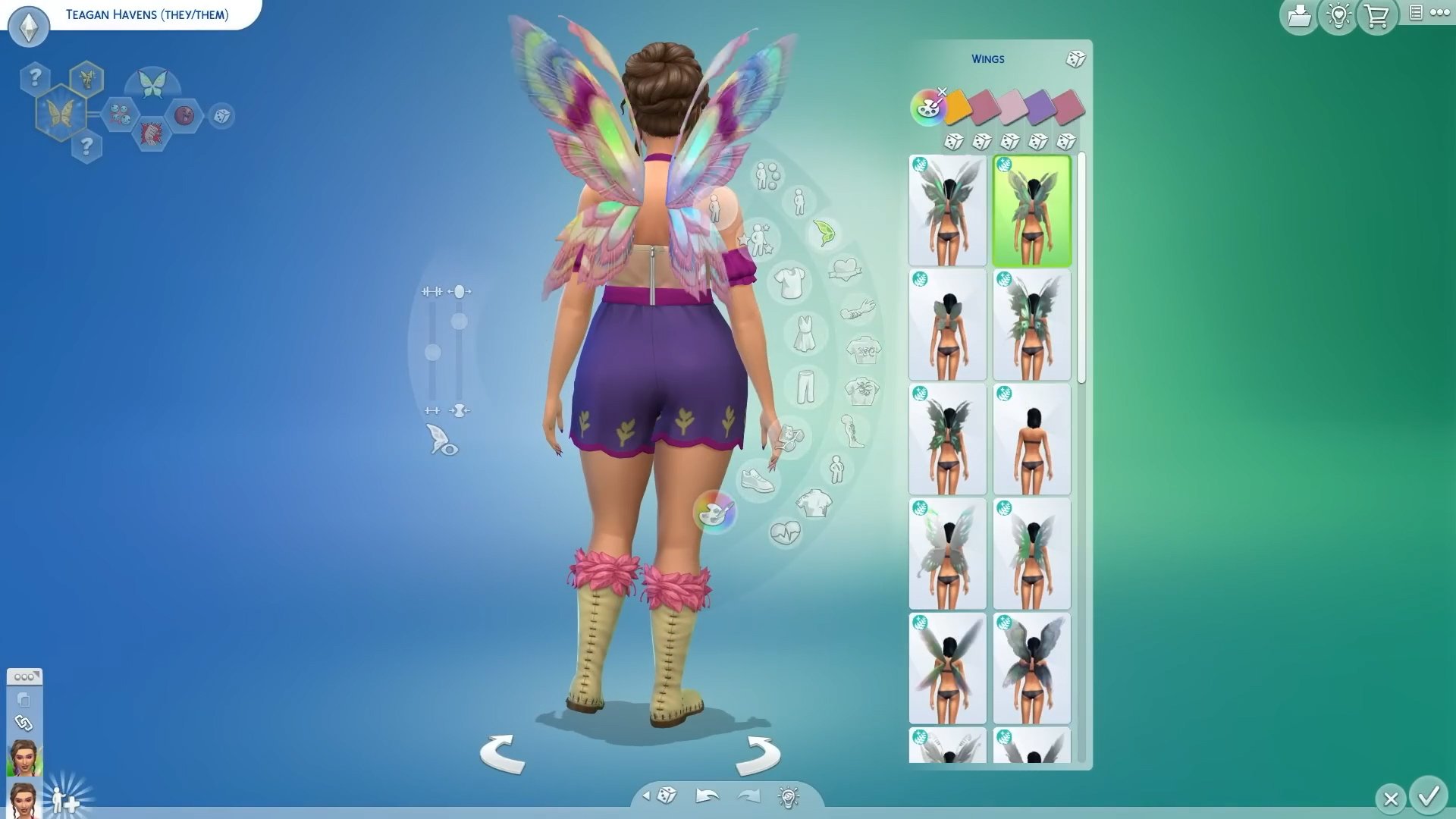
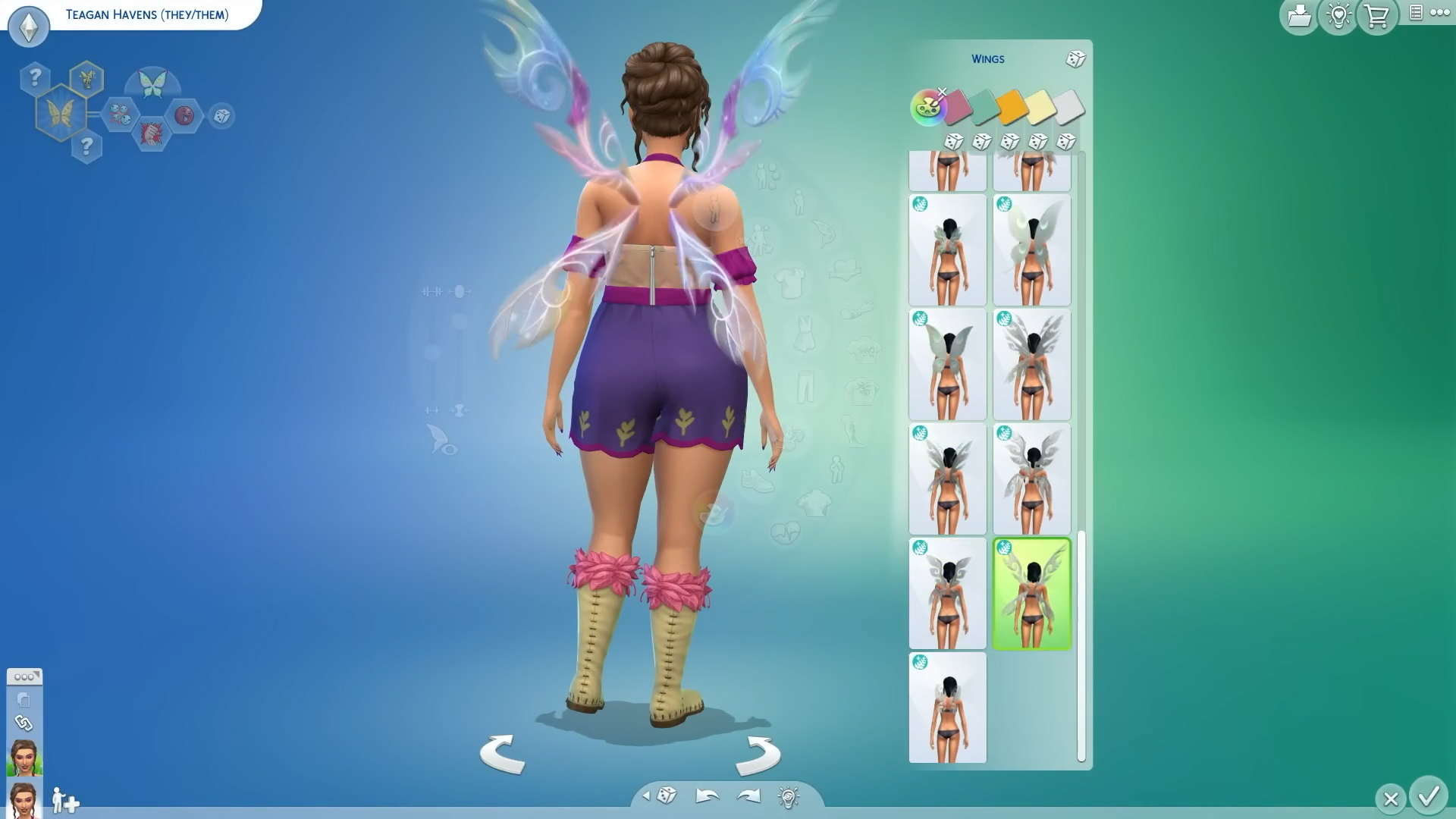
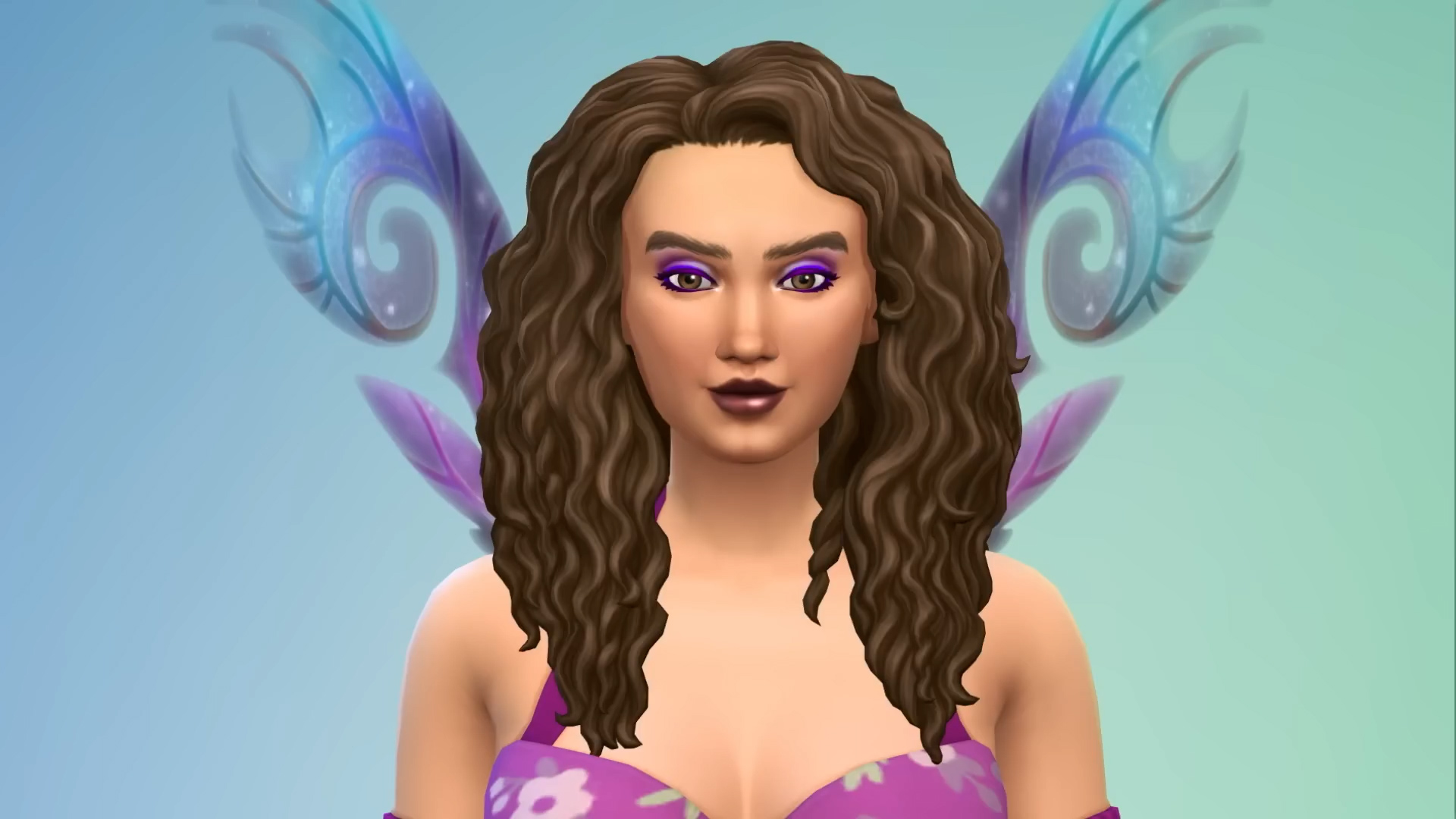
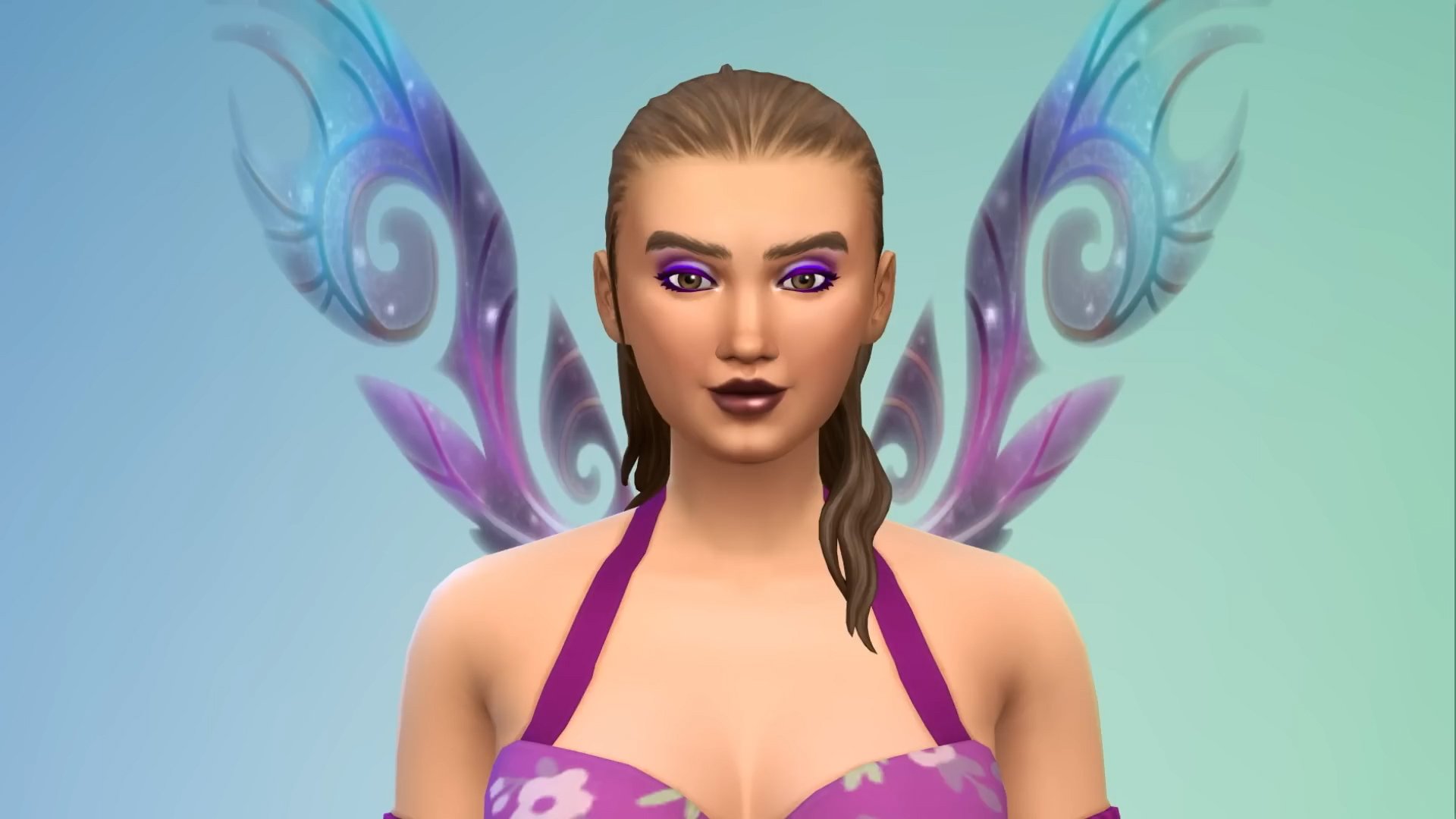
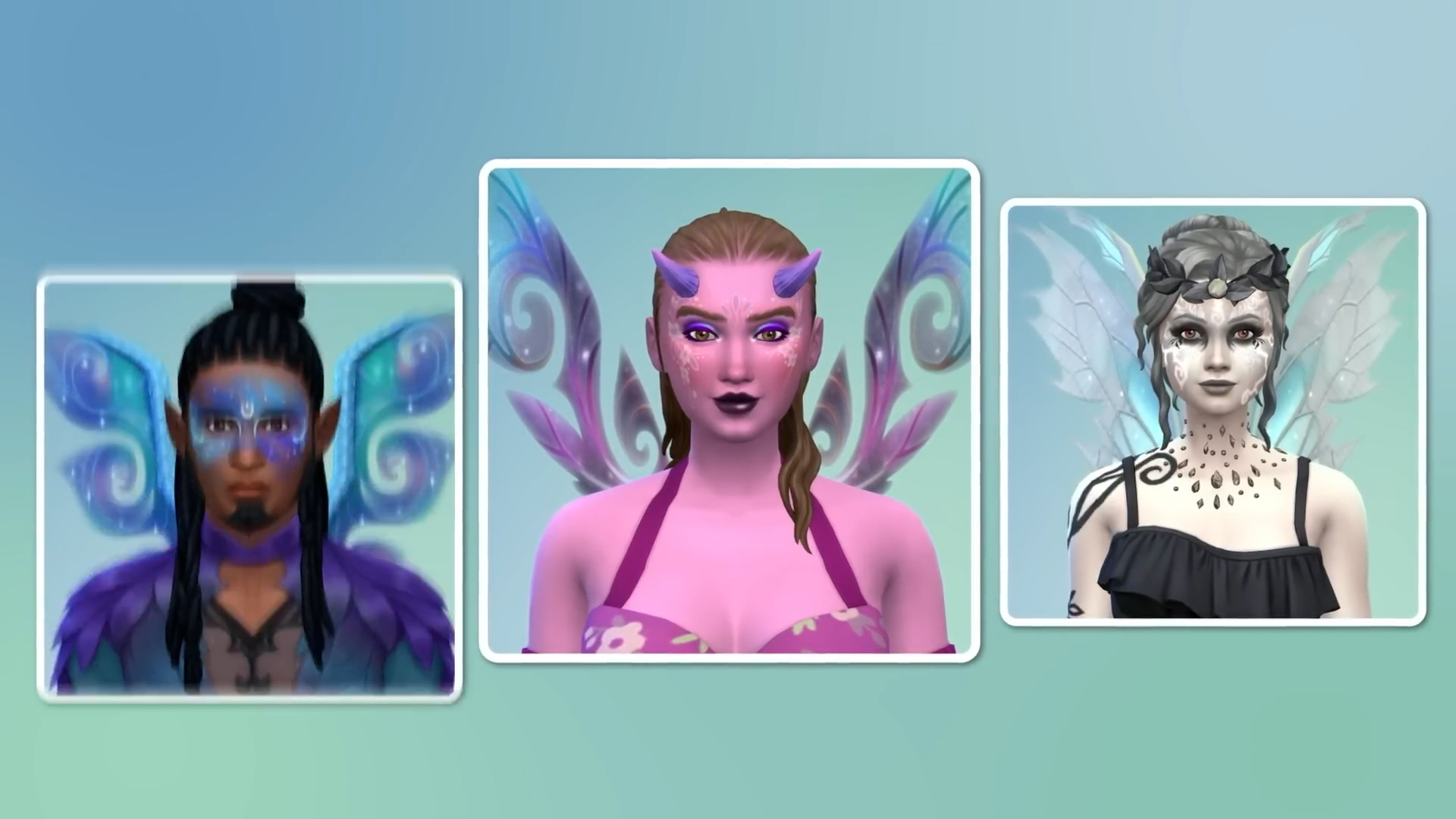
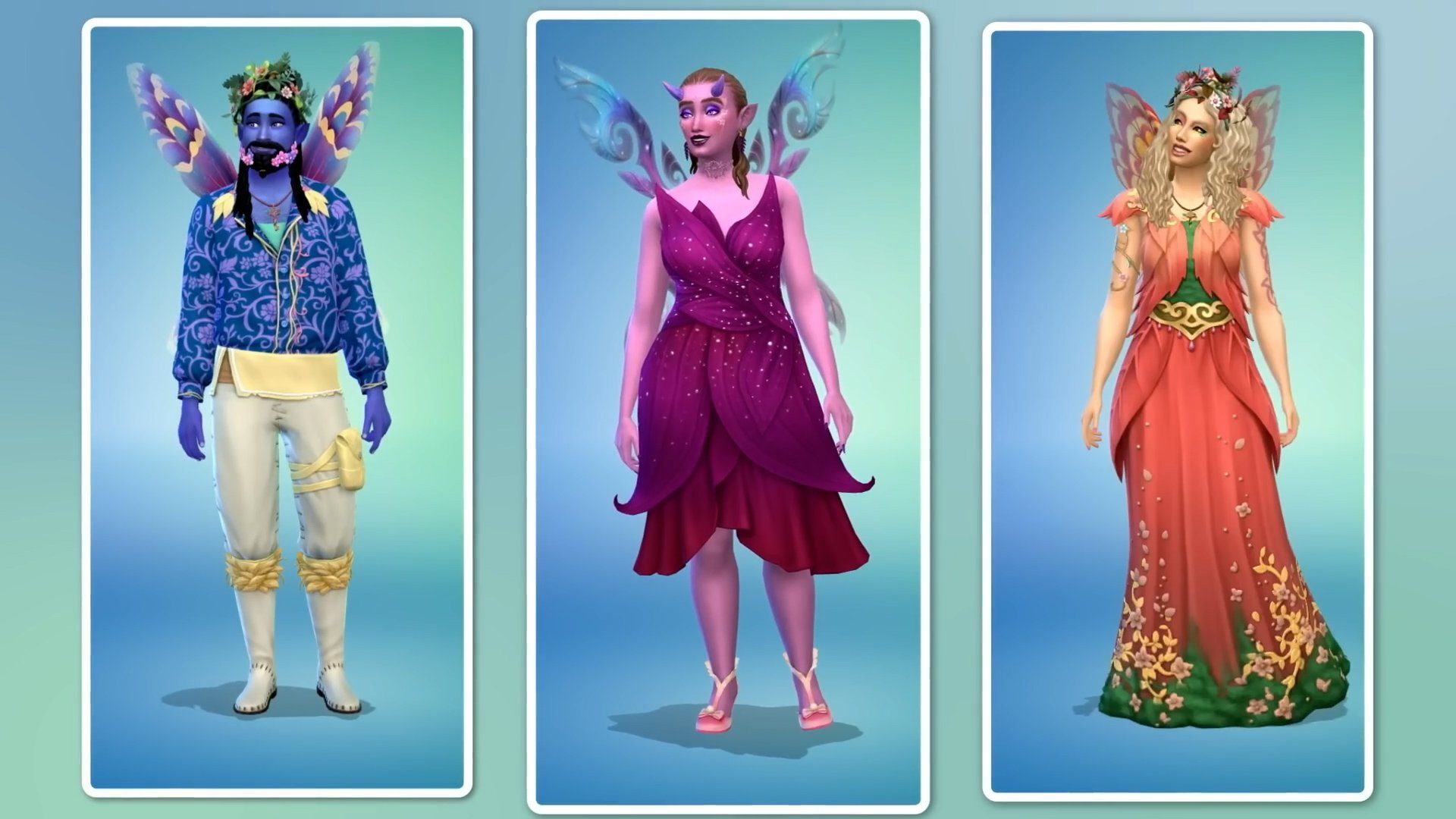
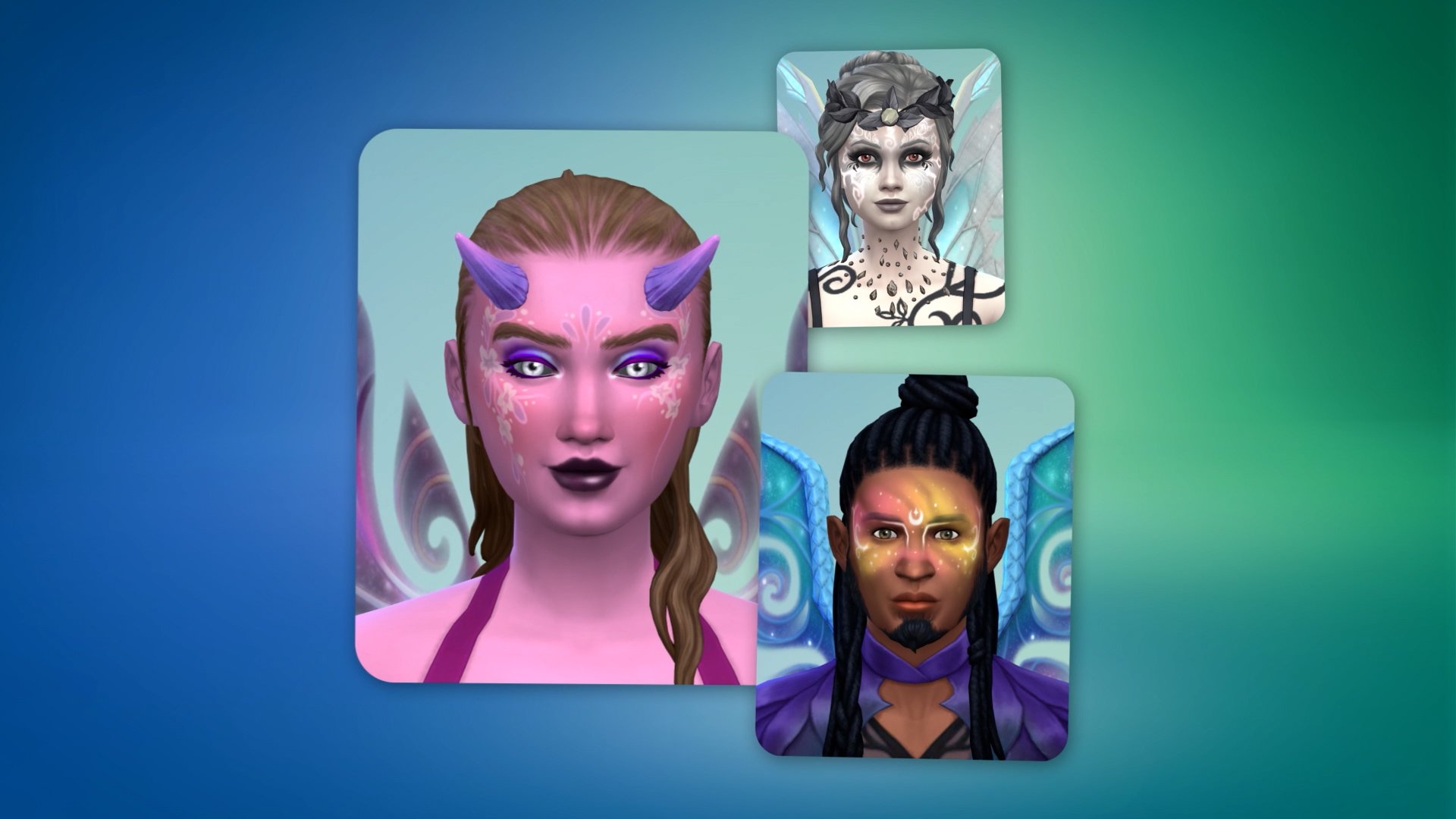
The total amount of new Sims 4 Enchanted by Nature items in Create A Sim counts up to 181 items. Including new clothing and accessories for all Sim ages, sparkly new body details and face paint, as well as various different Fairy occult presets and Wing options.
There’s several new hairstyles as well that you can expect for all ages. See the full preview down below:
The Sims 4 Enchanted by Nature Build Objects
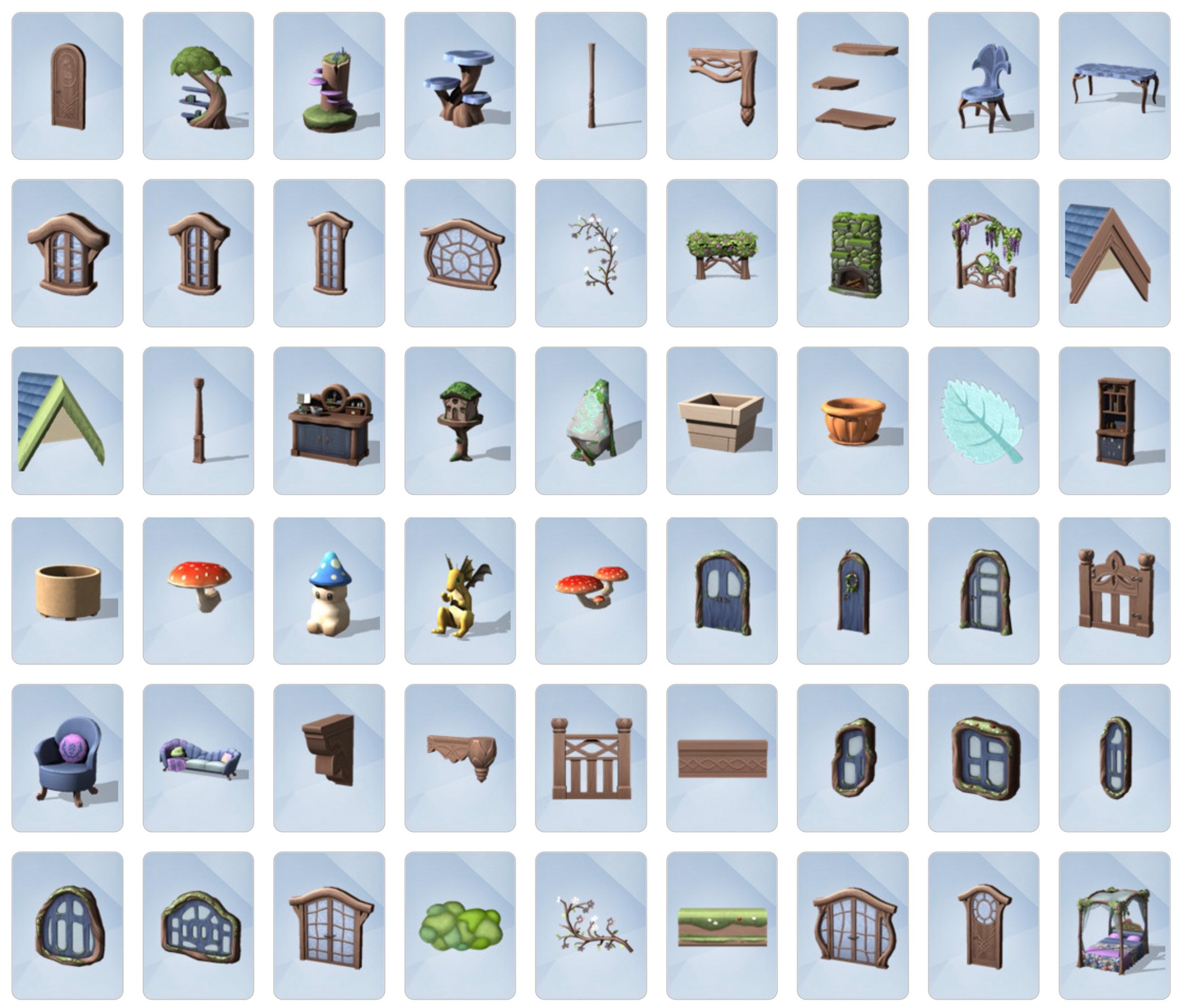
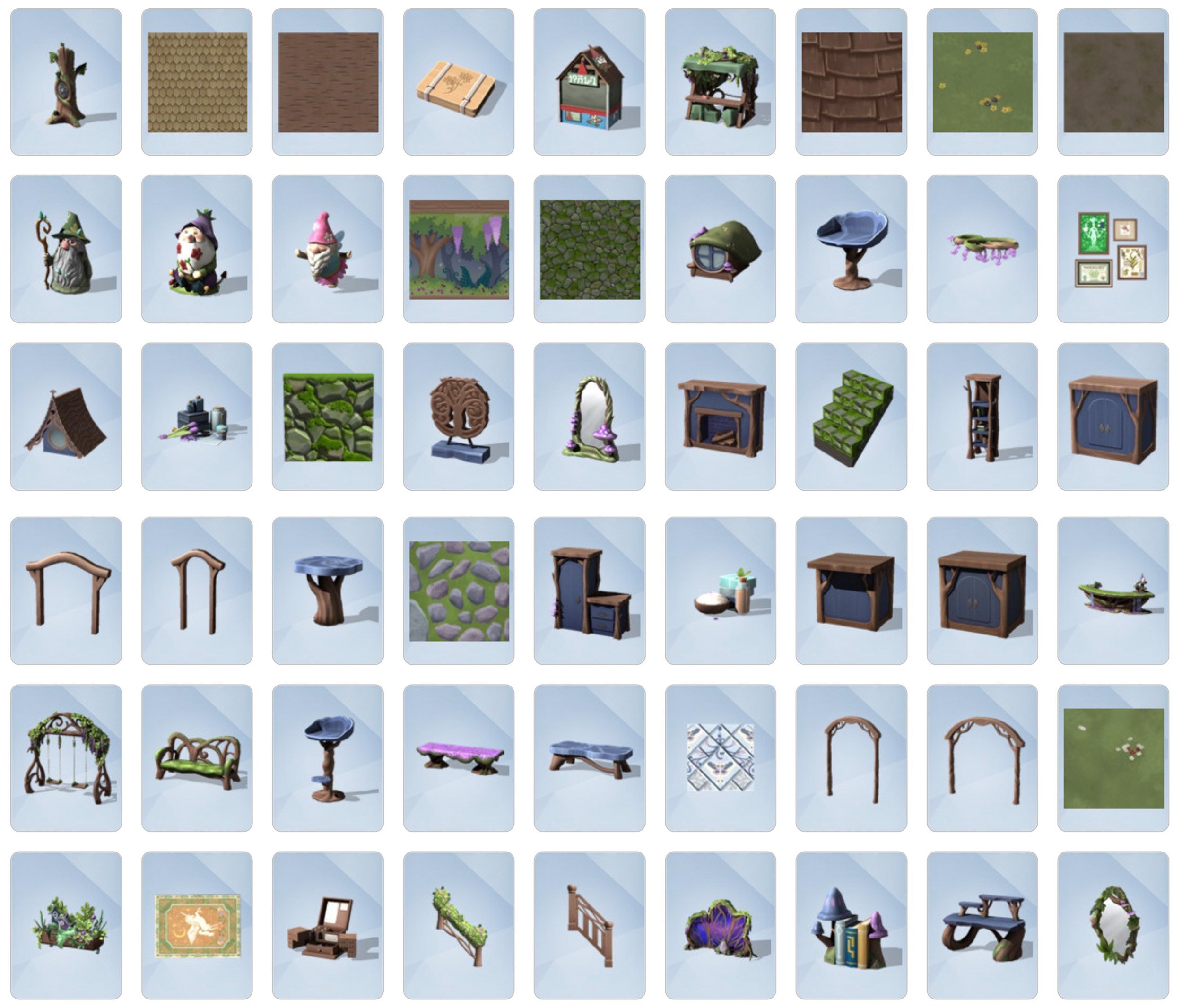
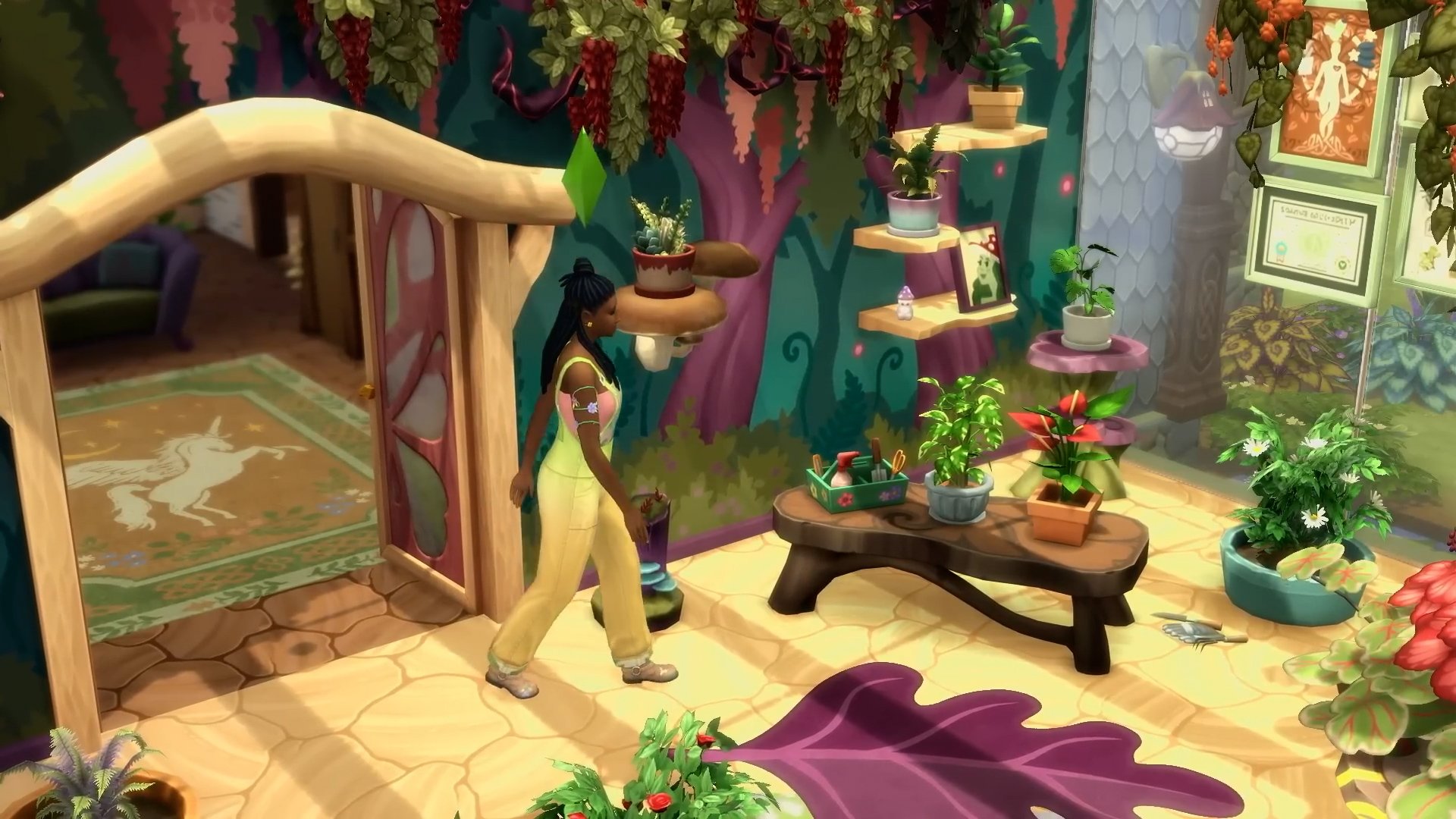
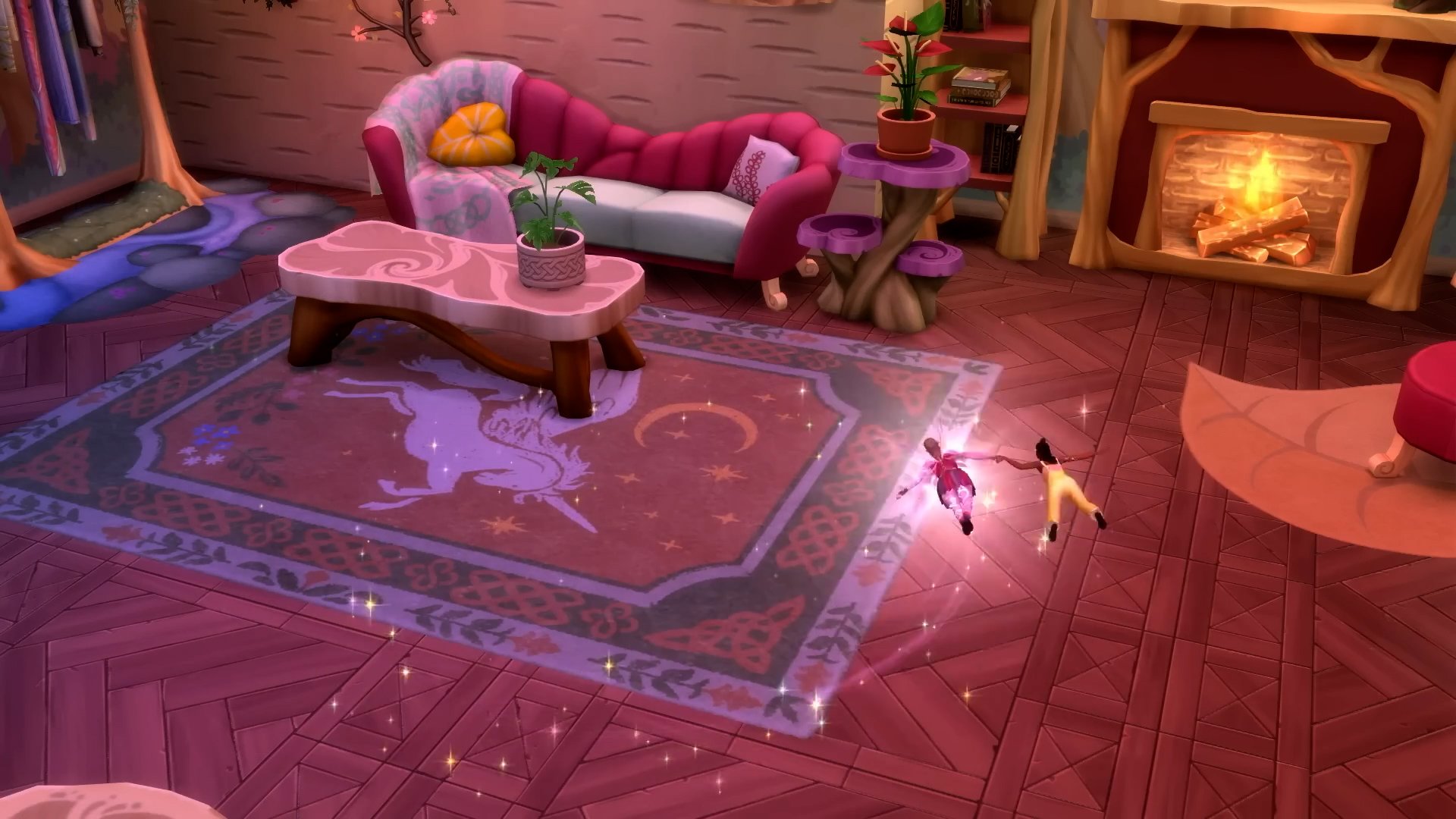
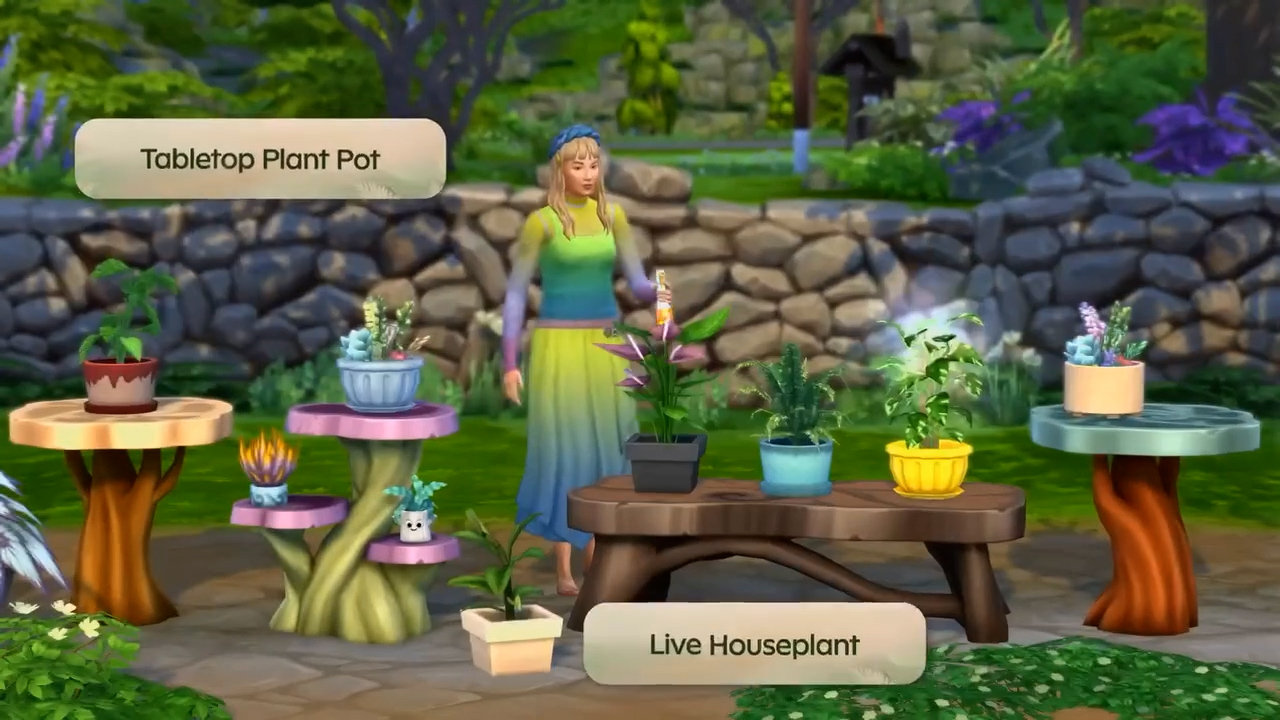
The Build Mode catalogue for The Sims 4 Enchanted by Nature Expansion counts 163 new objects. You’ll find items such as windows, fencing and new tile prints for Build Mode. If you’re looking to decorate your interiors with extra mysticism you’ll find plenty of new Gnomes, enchanting plants and wooden furniture.
See all of the new items in the gallery shown below:
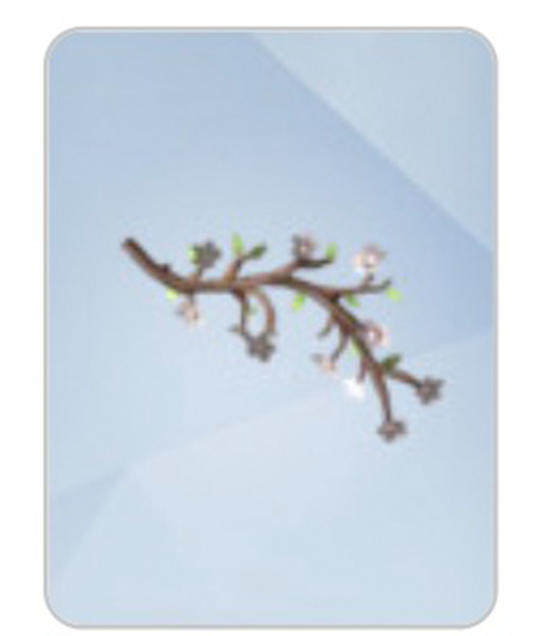
Plus, this flower branch wall decal that didn’t fit into the gallery preview:
What are your thoughts on The Sims 4 Enchanted by Nature Items? The 19th Expansion Pack for The Sims 4 is set to launch worldwide on July 10th, 2025 for PC and Consoles.
Which is when you should starting expecting a more detailed breakdown of all the new objects and features for this Pack. Stay tuned!
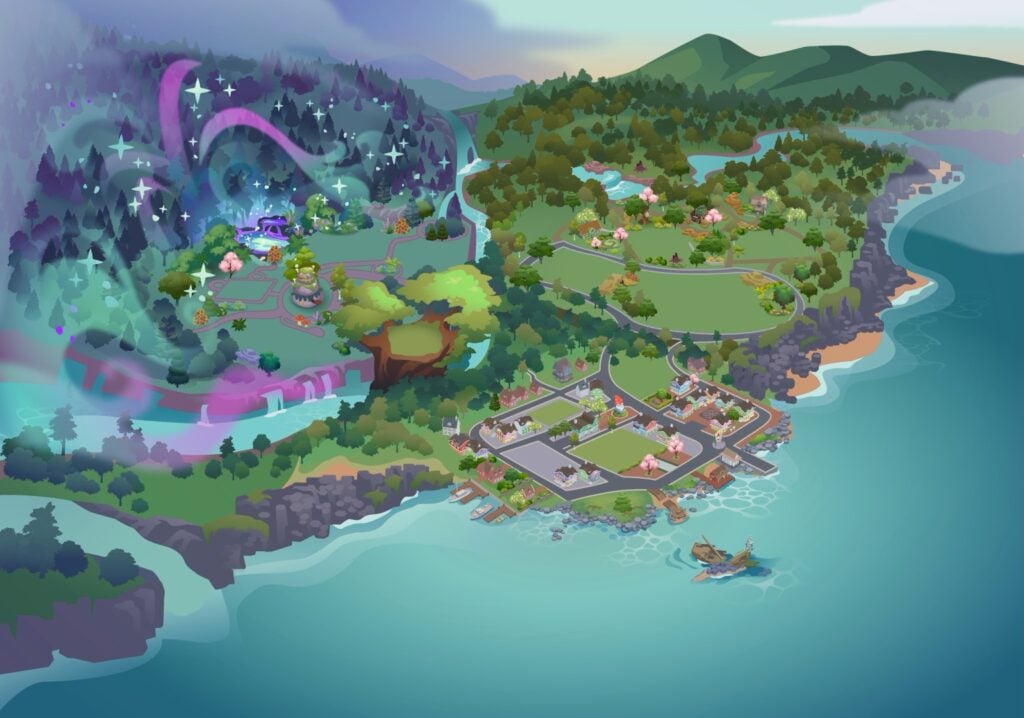
The latest Sims 4 Patch has just revealed the first look at The Sims 4 Enchanted by Nature World map. The new world called Innisgreen is an Irish inspired world coming exclusively with the latest EP.
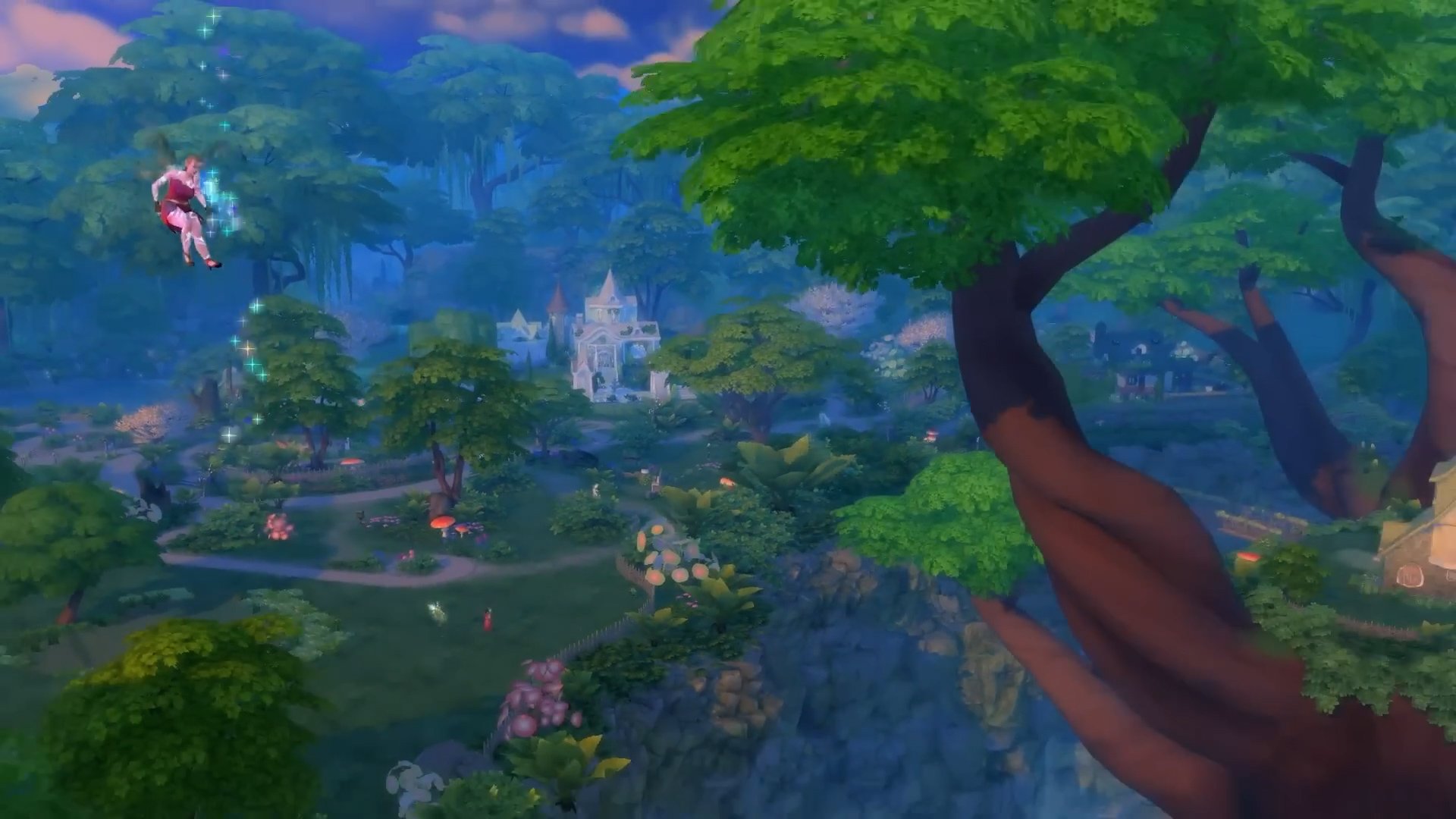
Take a first look (without the lot previews) of the Innisgreen World Map down below:
Official World Map of Innisgreen from The Sims 4 Enchanted by Nature
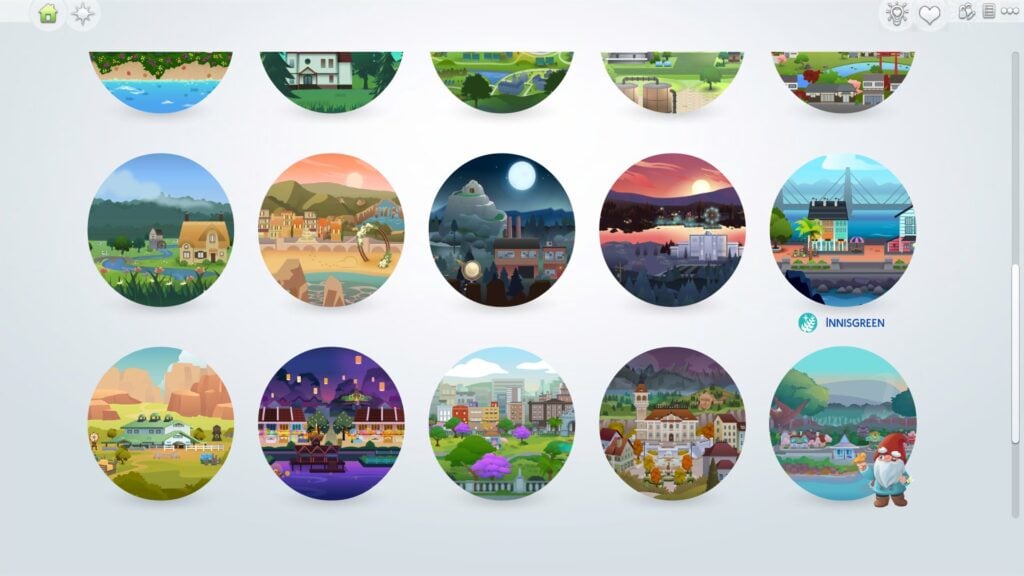
ARTICLE UPDATE: Sims creator NerdyDoll has uncovered what the Innisgreen World Map Icon looks like. Check it out below:
Explore a world in bloom
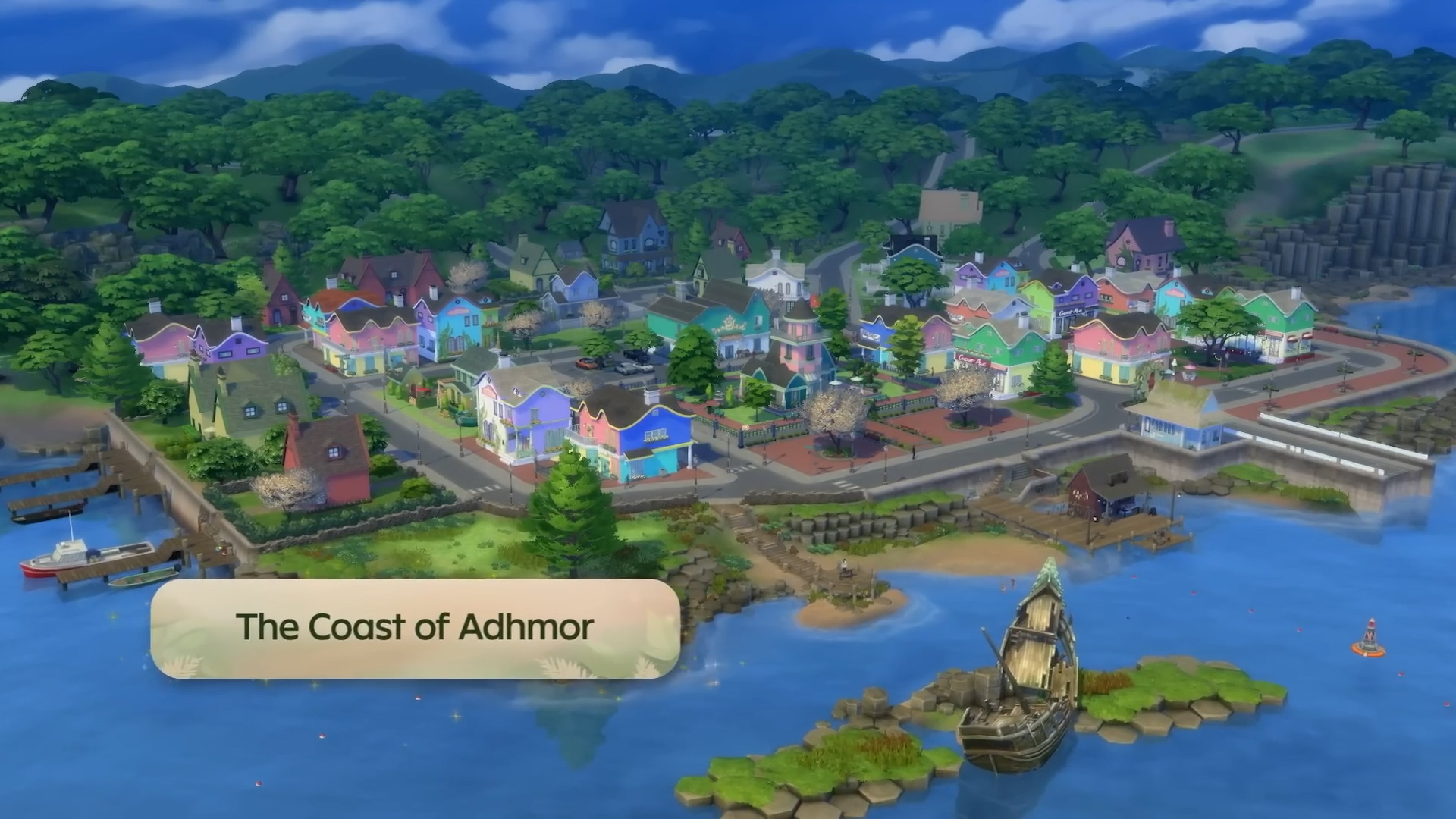
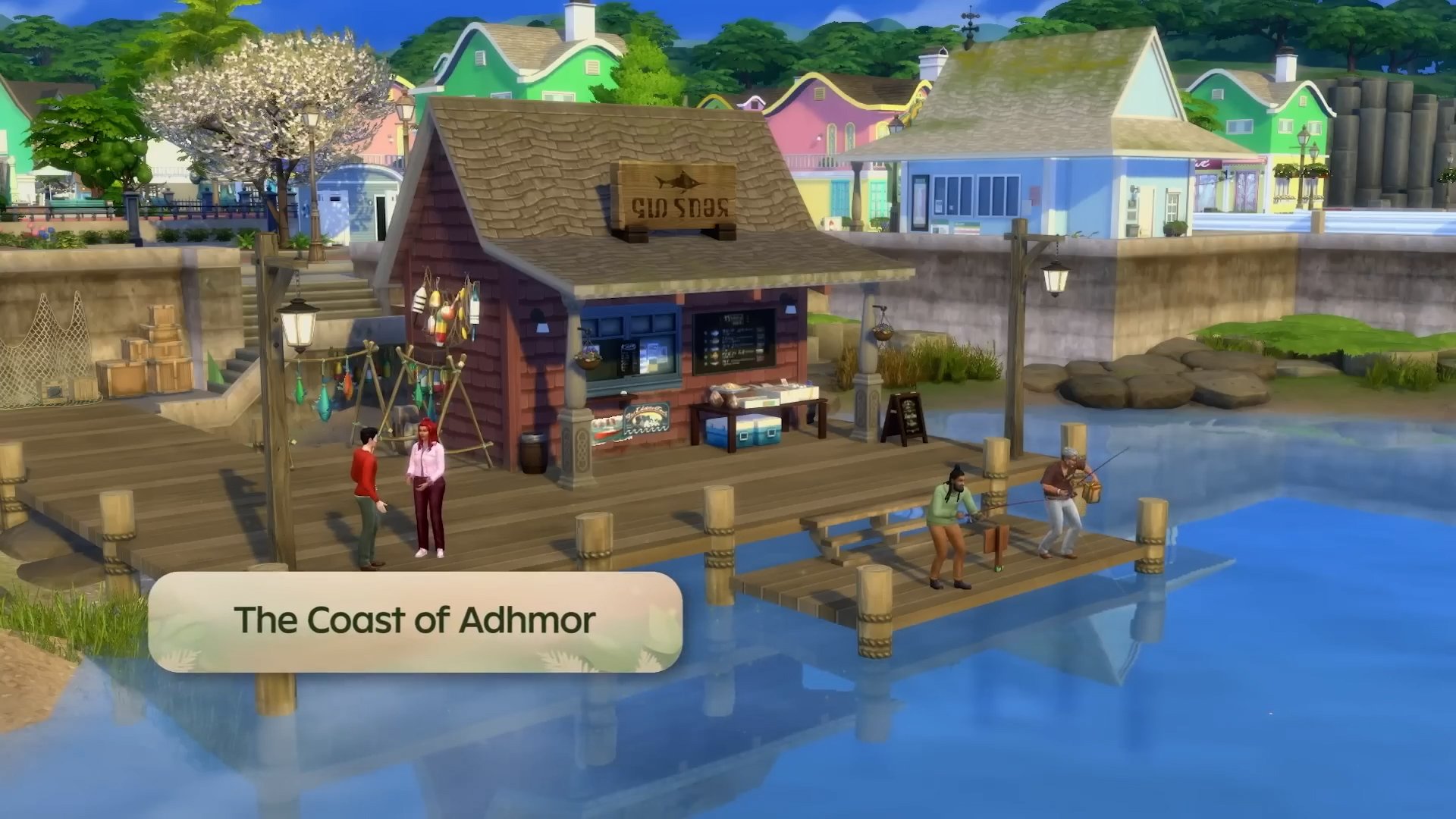
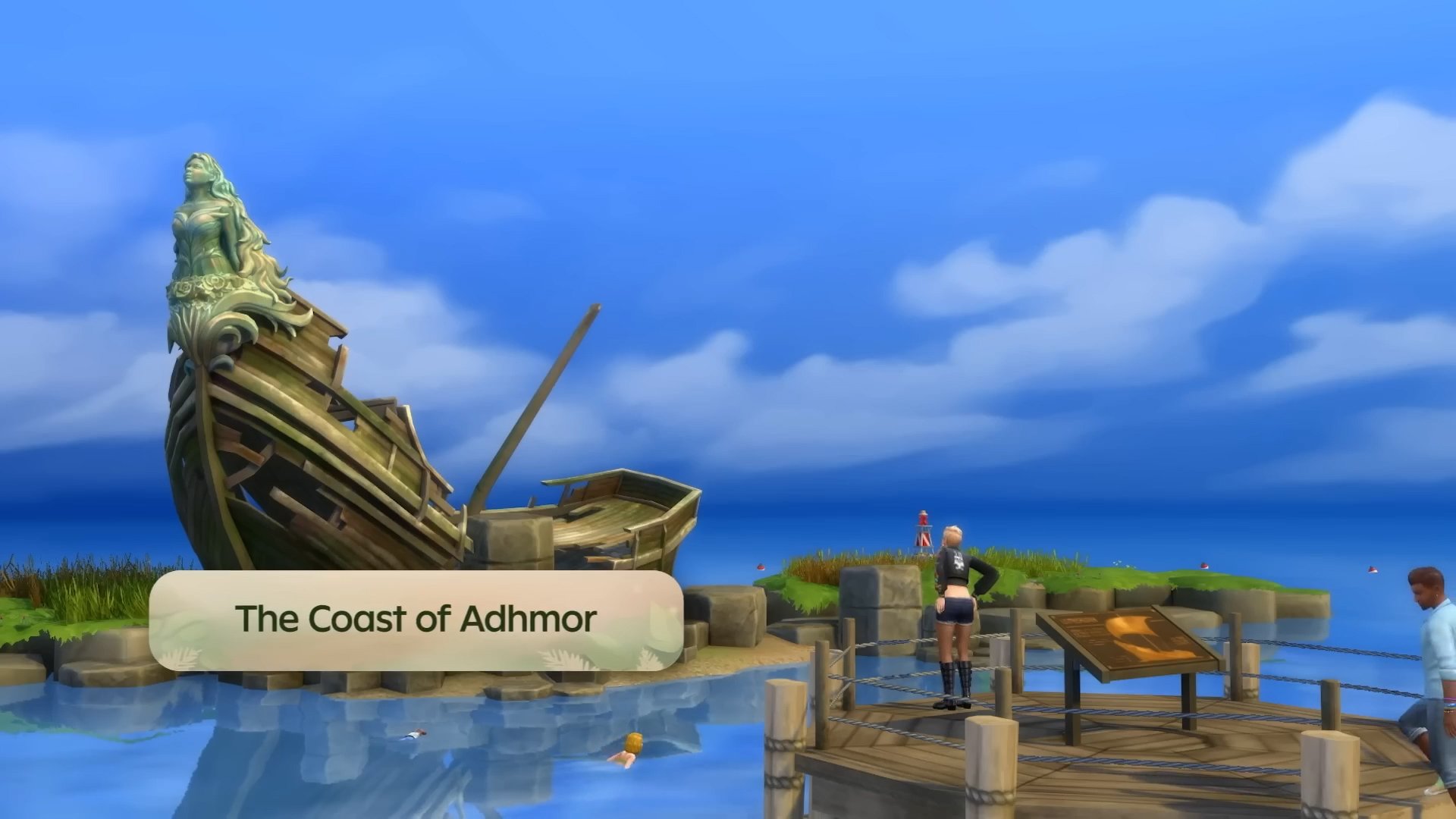
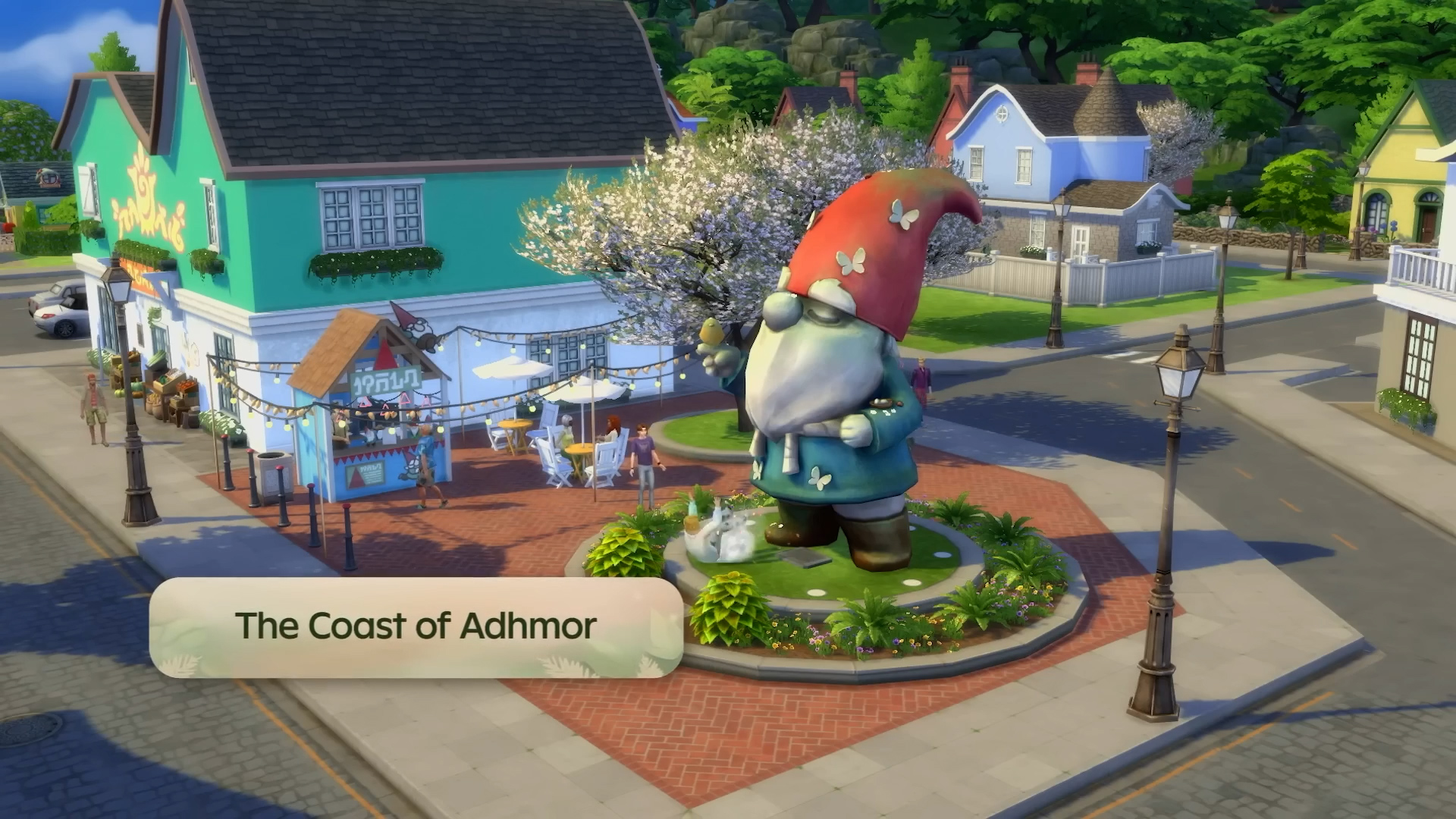
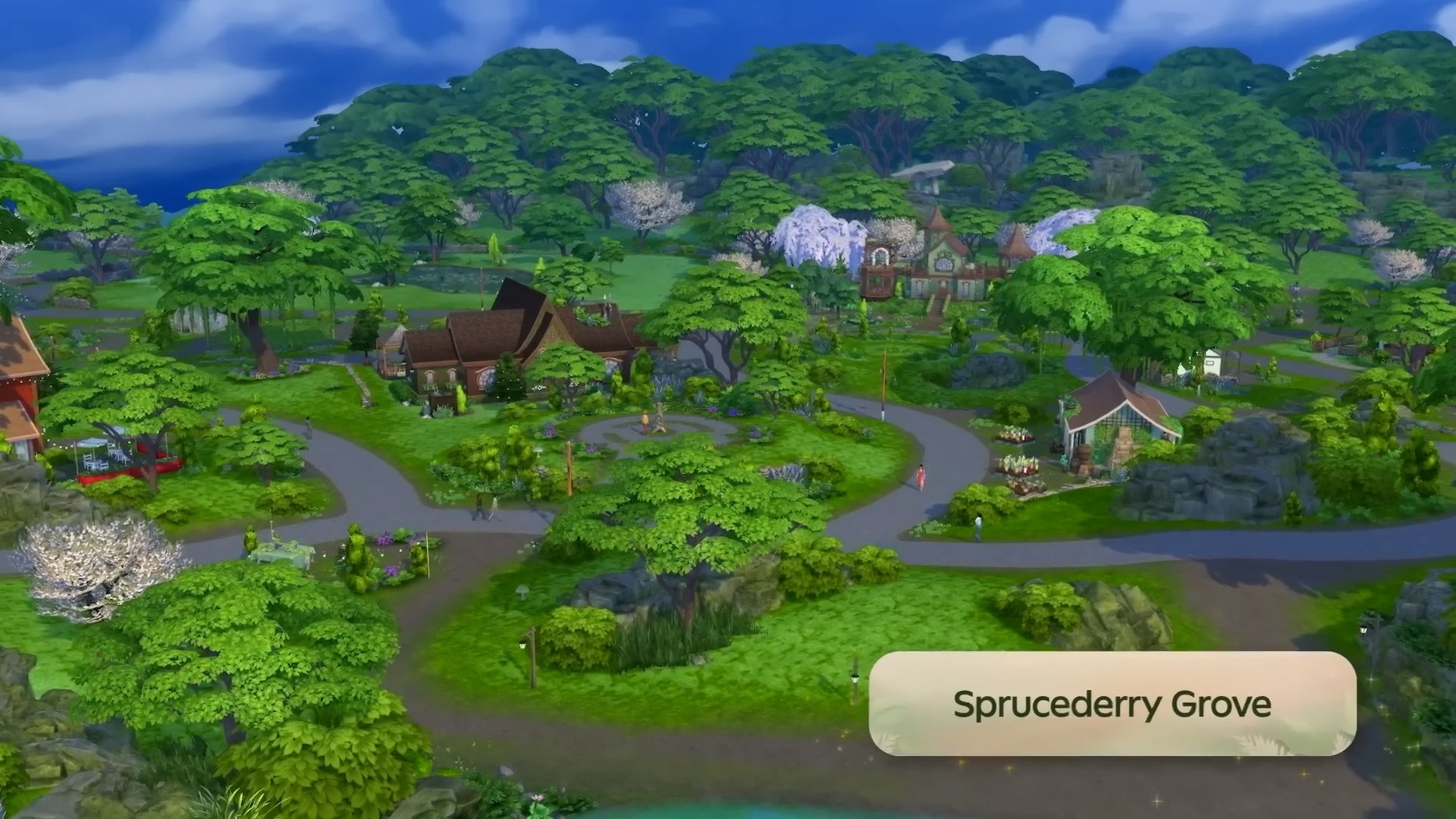
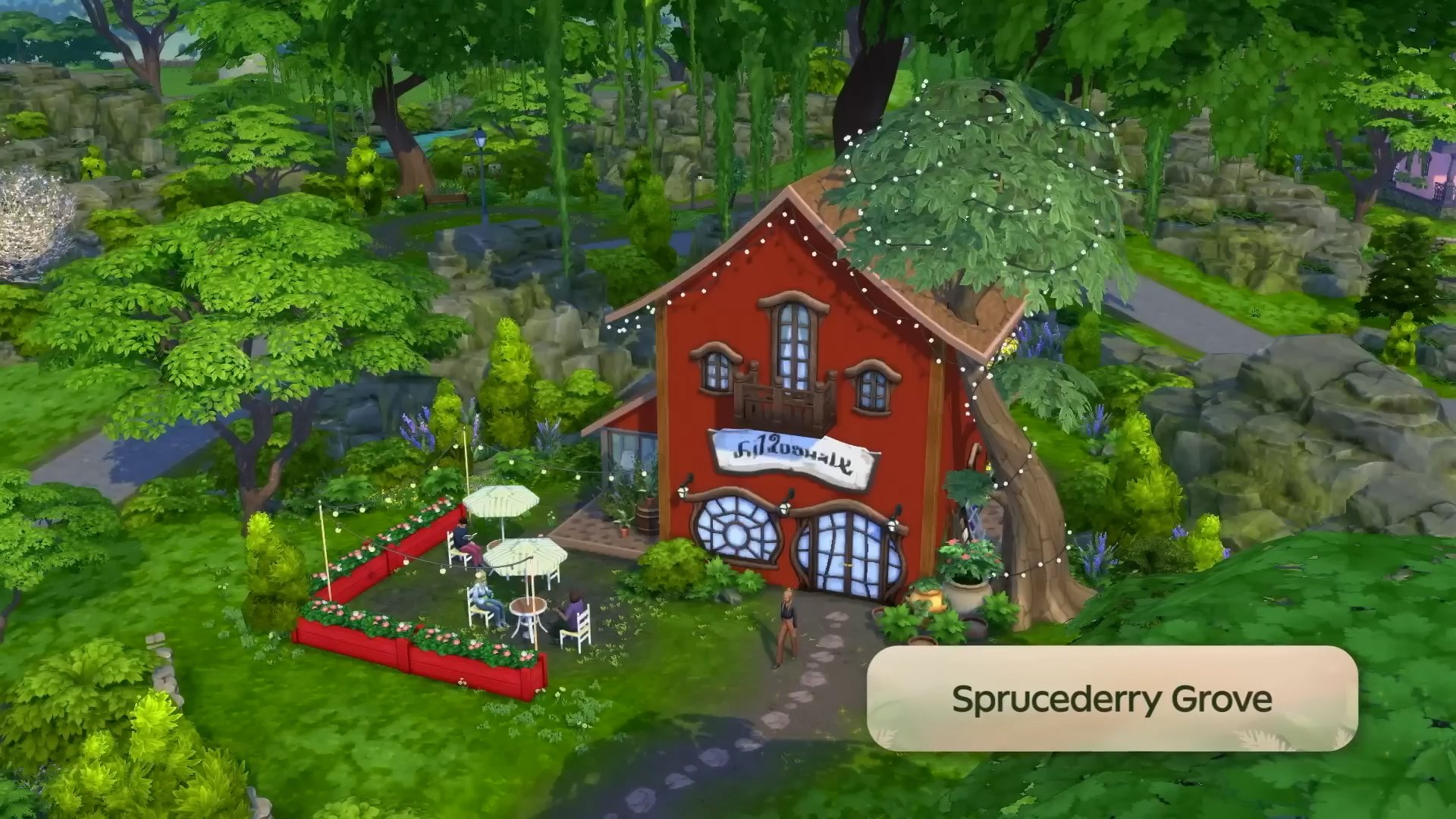
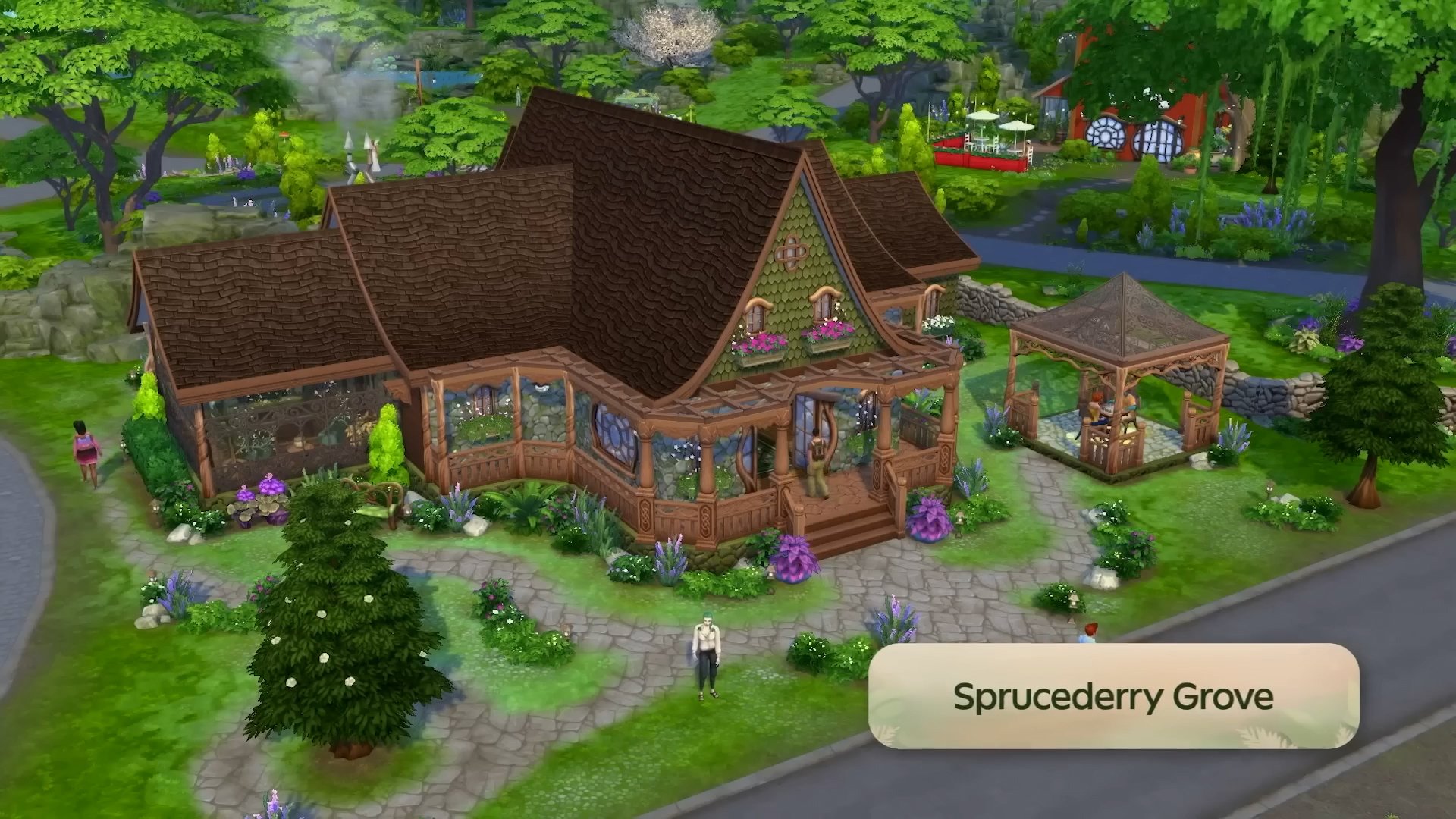
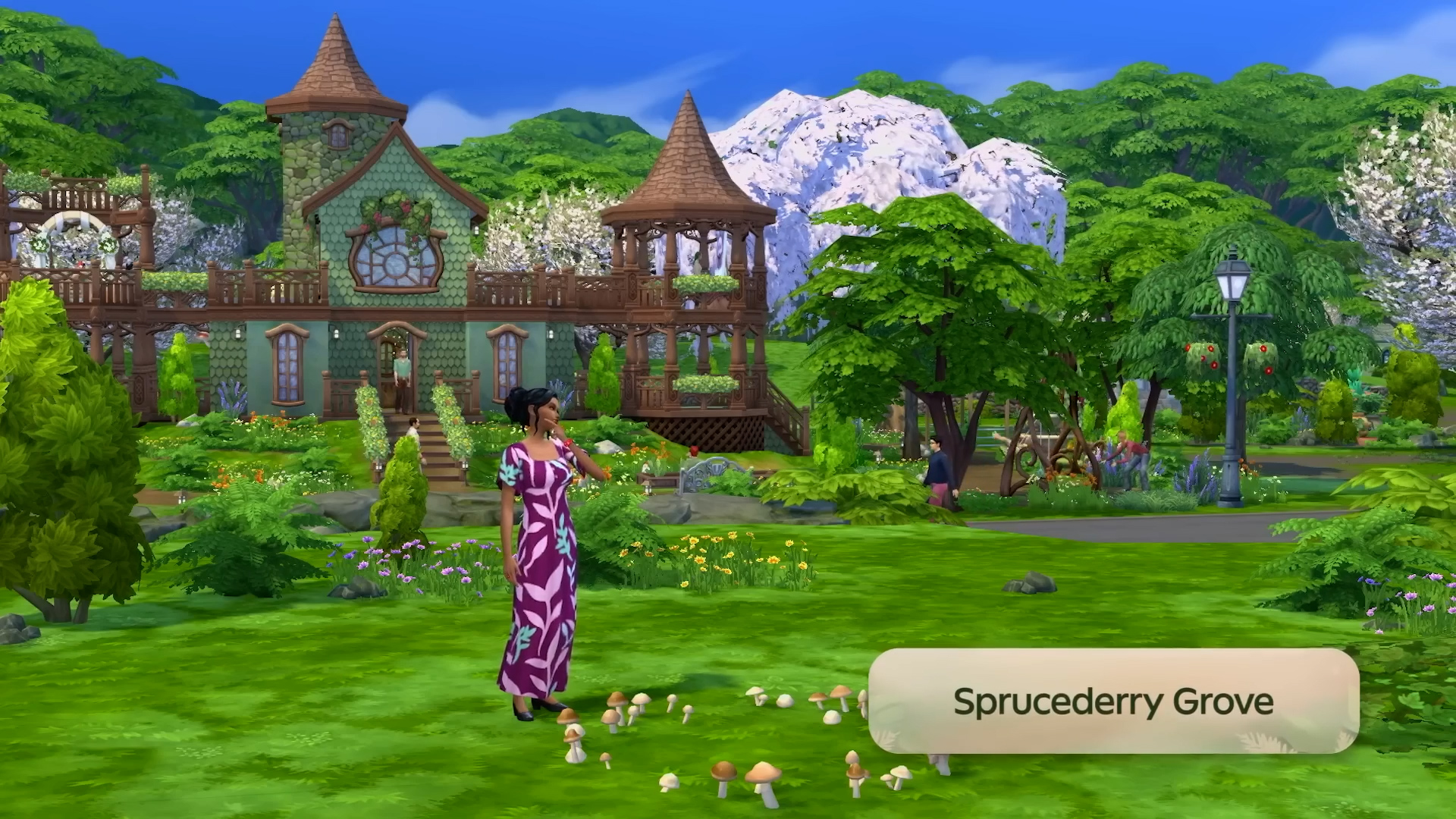
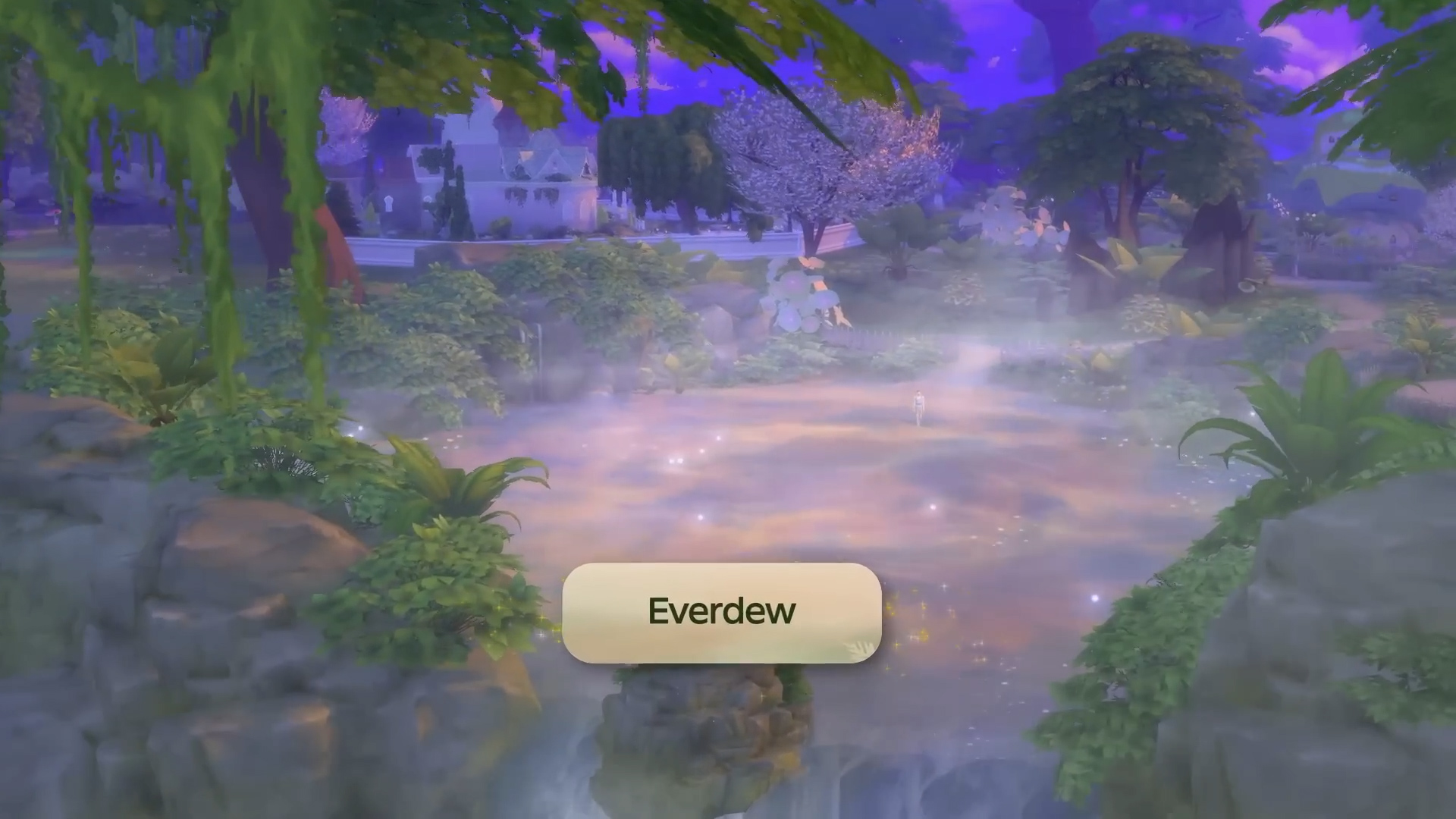
The Coast of Adhmor is a Celtic-inspired town with walkable streets, a giant gnome statue, and a lot of history. It’s the most down-to-earth of Innisgreen’s neighborhoods. Sprucederry Grove is a very nature-focused community, with a touch of the mystical thrown in. Everdew is a hotspot for Fairy activity where their powers are used openly and even the plants feel fantastical. The Mossveil Fairy Hub, a large mushroom, is located here. Explore to discover more enchanting surprises!
Learn more about the pack and the world in in the official EA App info release! We’ll have more to provide about the Lot Sizes soon.
What are your thoughts so far on The Sims 4 Enchanted by Nature World Map? Join the conversations down below and stay tuned for more updates on the world very soon!
The latest Sims 4 Patch is now out for Computers and Consoles!
Electronic Arts and Maxis have just released the latest Sims 4 Update across PC, Mac, Xbox and Playstation supported consoles. Helping prepare the Base Game for the launch of the upcoming Sims 4 Enchanted by Nature Expansion Pack, as well as bring new features and fixes. Which have already been confirmed in the latest Sims 4 Laundry List!
Find out everything new and improved in the official Sims 4 Patch Notes below. Including Glass Walls, Objects on Roofs, Collections UI Revamp and so much more! We’ll update the post as soon as the official release notes are out!
The New Features and Improvements Update
Table of Contents
Installing the Latest Sims 4 Update
You can get the latest The Sims 4 Update on the following official launchers and platforms:
You can download the latest Sims 4 Update by checking for a Patch through the EA App, Steam or Epic Games launcher for Desktop. If you have Automatic Updates enabled the update will automatically download through your client program. In case your EA App is not working properly ensure you’ve cleared your app cache!
If you play The Sims 4 on Xbox Series X / S and Playstation 4 and 5 you can request a new update by checking for updates under The Sims 4 game in the Main Menu. If you’ve enabled automatic updates the Patch should download right away.
This update is a pre-expansion pack release update. Meaning that a lot of gameplay and general feature Mods and CC can go broken. Make sure you backup your save files and ensure a healthy game!
Official Sims 4 Patch Notes
Sul Sul, Simmers!
How’s it growing? Today’s update prepares for the July 10 launch of the upcoming expansion pack, Enchanted by Natureand includes several new features that will raise the roof! And finally, we round out our notes with bug fixes and improvements to help with your Sim-playing experience.
Thank you for your support and continued reporting efforts via EA Forums. It really helps us identify the issues you care the most about. The Forums are also a great spot for reporting issues with text and translation.
We’ll see you soon. May the moon light your way!
– The Sims 4 Team
What’s New in The Sims 4?
Base Game Updates
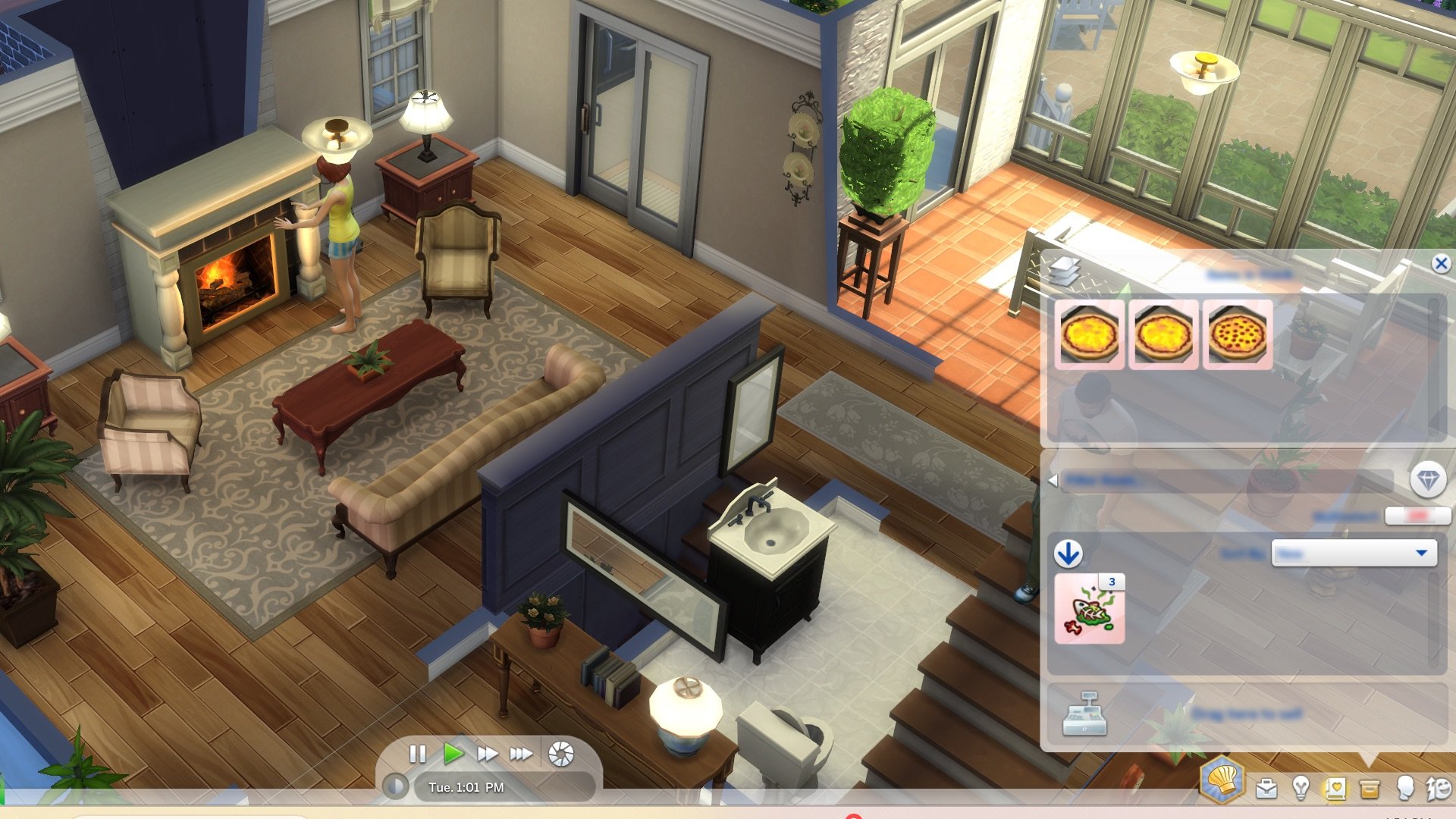
Sim Inventory Improvements
Do your Sims have a lot of STUFF in their Inventory? We’ve made life a little easier with some usability improvements!
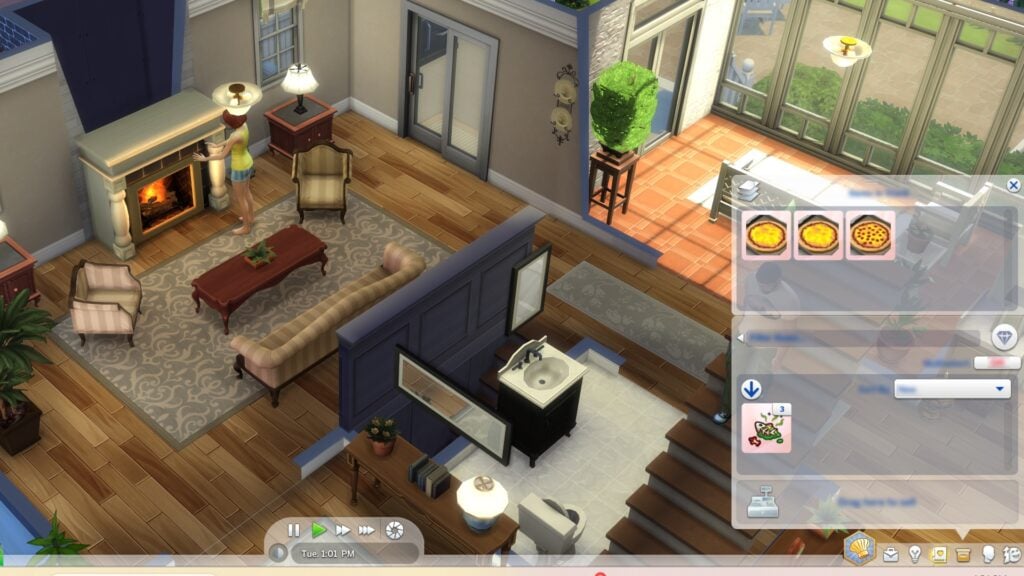
New Ways to Sort: You can now sort your Sim’s Inventory by “New,” which is the default option in the dropdown menu. Newly obtained items will appear at the top with a special badge. Additional sort options include “Price”, “Filter”, “Crafted Quality”, and “Rarity”. This also applies to object inventories such as Fridges, Bookcases, and other storage objects.
Spoiled Foods: Spoiled foods have a red background to indicate they’ve gone bad. They are grouped into a “Spoiled” stack with a trash icon.
Spoiled Items Handling: Once items spoil, they move from their original stack to the spoiled stack.
Spoiled Stack Access: Players can open the spoiled stack to view all items within it.
Notebook Update
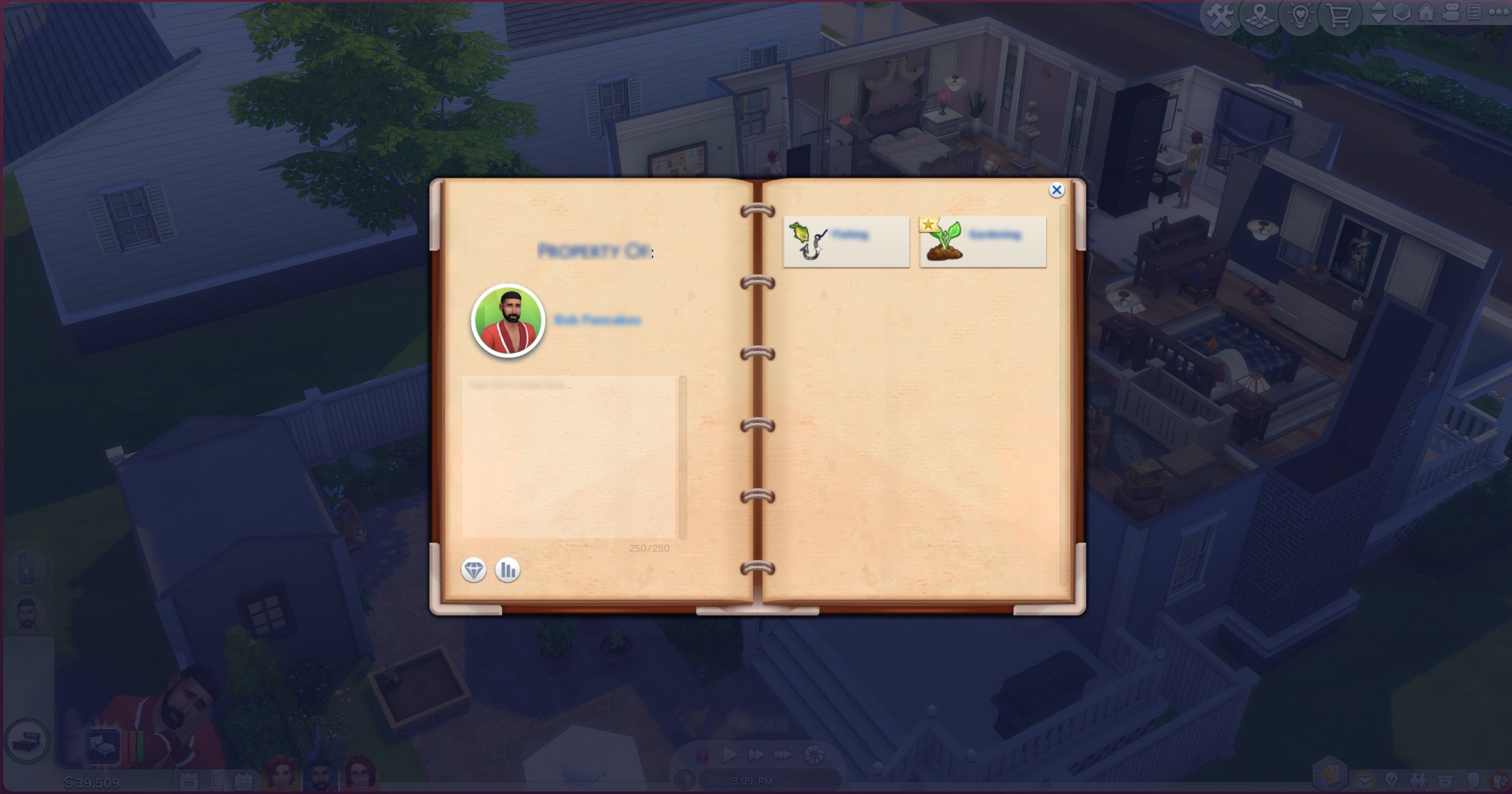
Dive into the refreshed Notebook, where organization meets creativity. Our latest update brings a suite of enhancements that make managing your Sims’ notes and discoveries a breeze. Whether you’re jotting down notes for your Sim or exploring unique categories, the Notebook is now more intuitive and engaging than ever before.
New Layout: Enjoy a spacious layout that accommodates new content effortlessly.
Category Page Enhancements: Discover new category pages showcasing unique details.
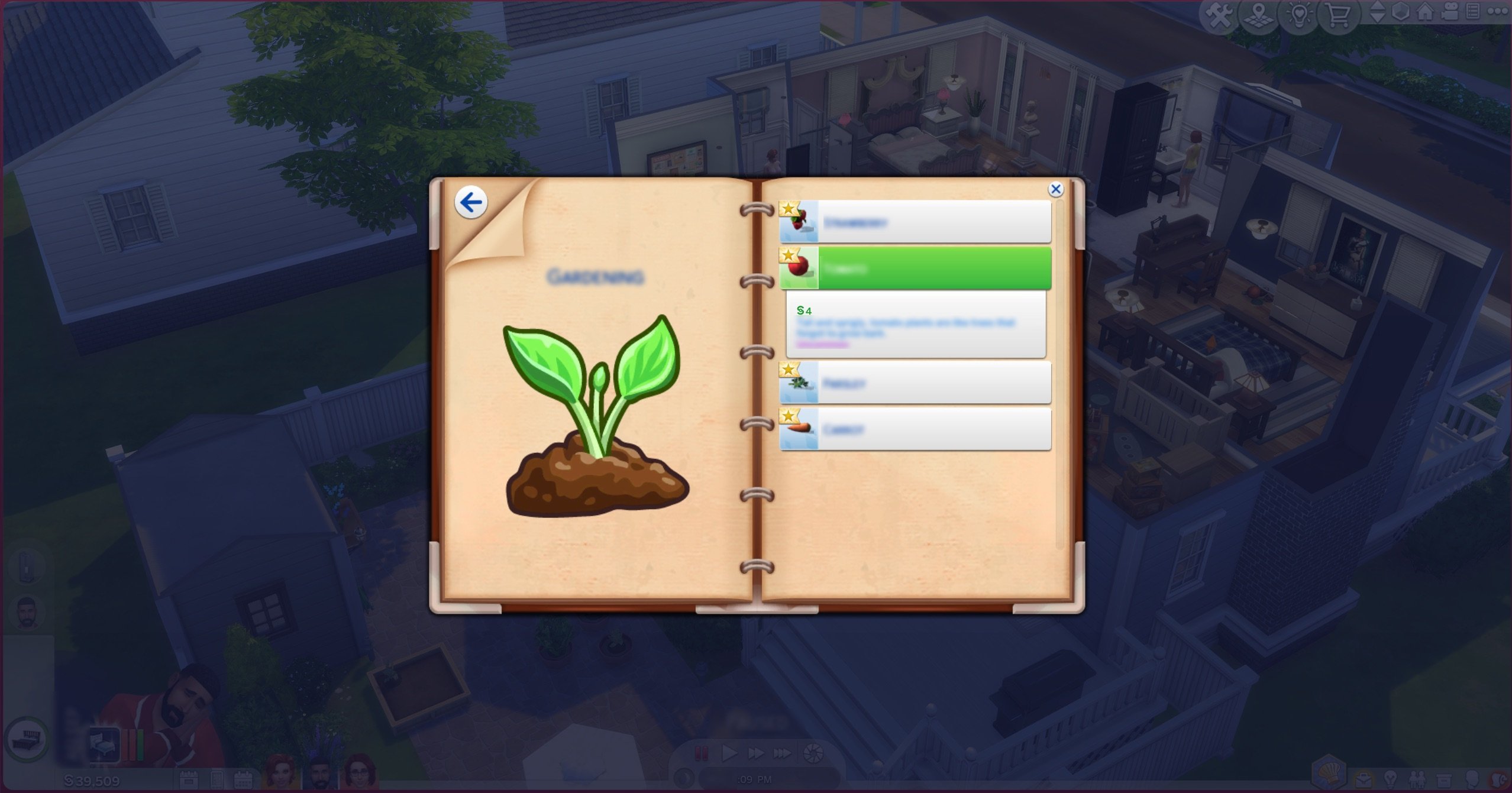
Discovery Badges: Keep track of new discoveries with badges on unseen items in your collections. If a new discovery is added, a badge will highlight those categories.
Back Button: Navigate between categories and the main menu with the new back button.
Direct Access Buttons: Access Household Collections and Sim Stats directly from the Notebook.
Console Updates: Enjoy improved scrolling with the right analog stick for console users, making navigation even better.
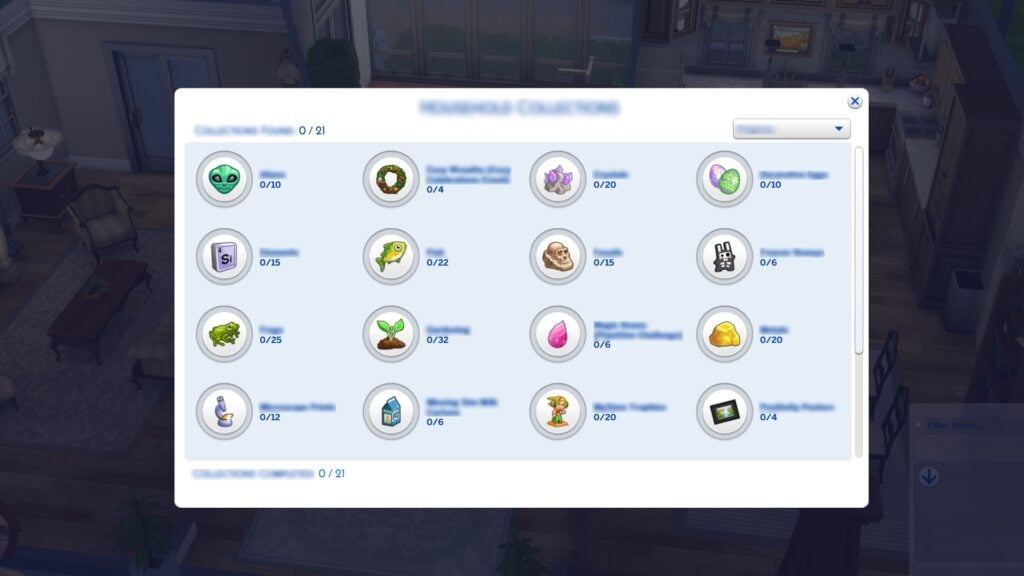
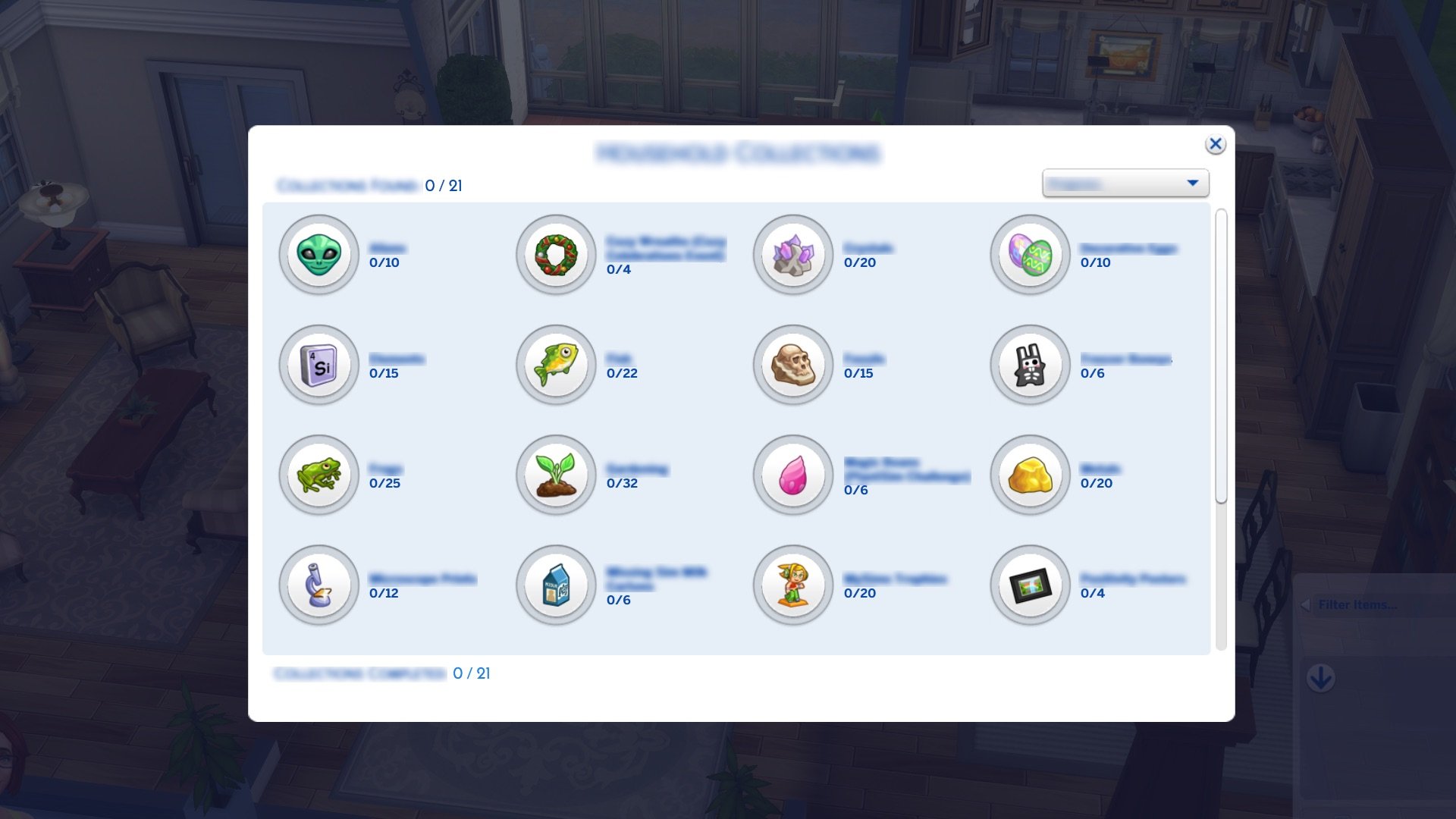
New Household Collections Interface
Now it’s even easier to see all the things your Sims have collected as a household!
The Sim’s “Inventory” button animates when a new collection item is found. Once opened, the diamond icon in the top right glows green to notify you.
On the Collection page, categories have a badge to show they have new items.
Collections have a new layout for easier viewing of categories. Progress is shown by a progress around each collection.
A new dropdown menu lets you sort collections by completion progress or name.
Within specific collections, you can filter by “Rarity”, “Name”, “Recent”, “Bonus Items”, and “Missing”.
Collections can be accessed from both a Sim’s Inventory and the Notebook.
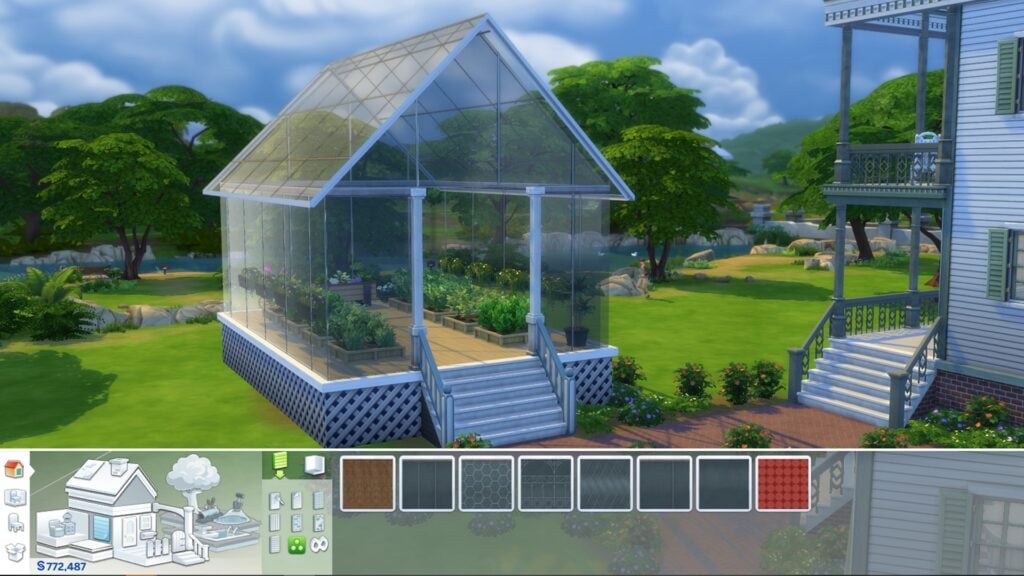
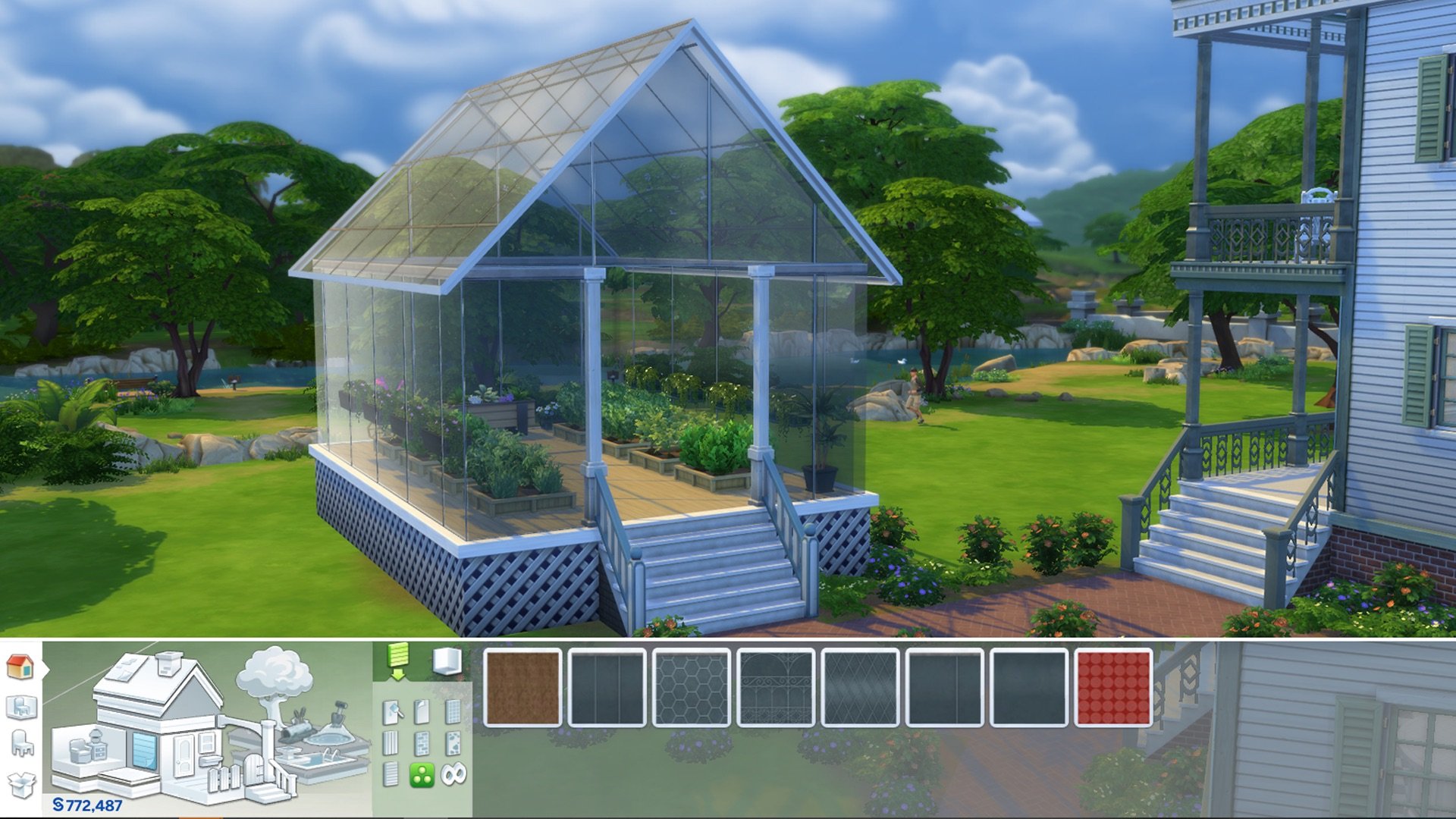
Glass Walls
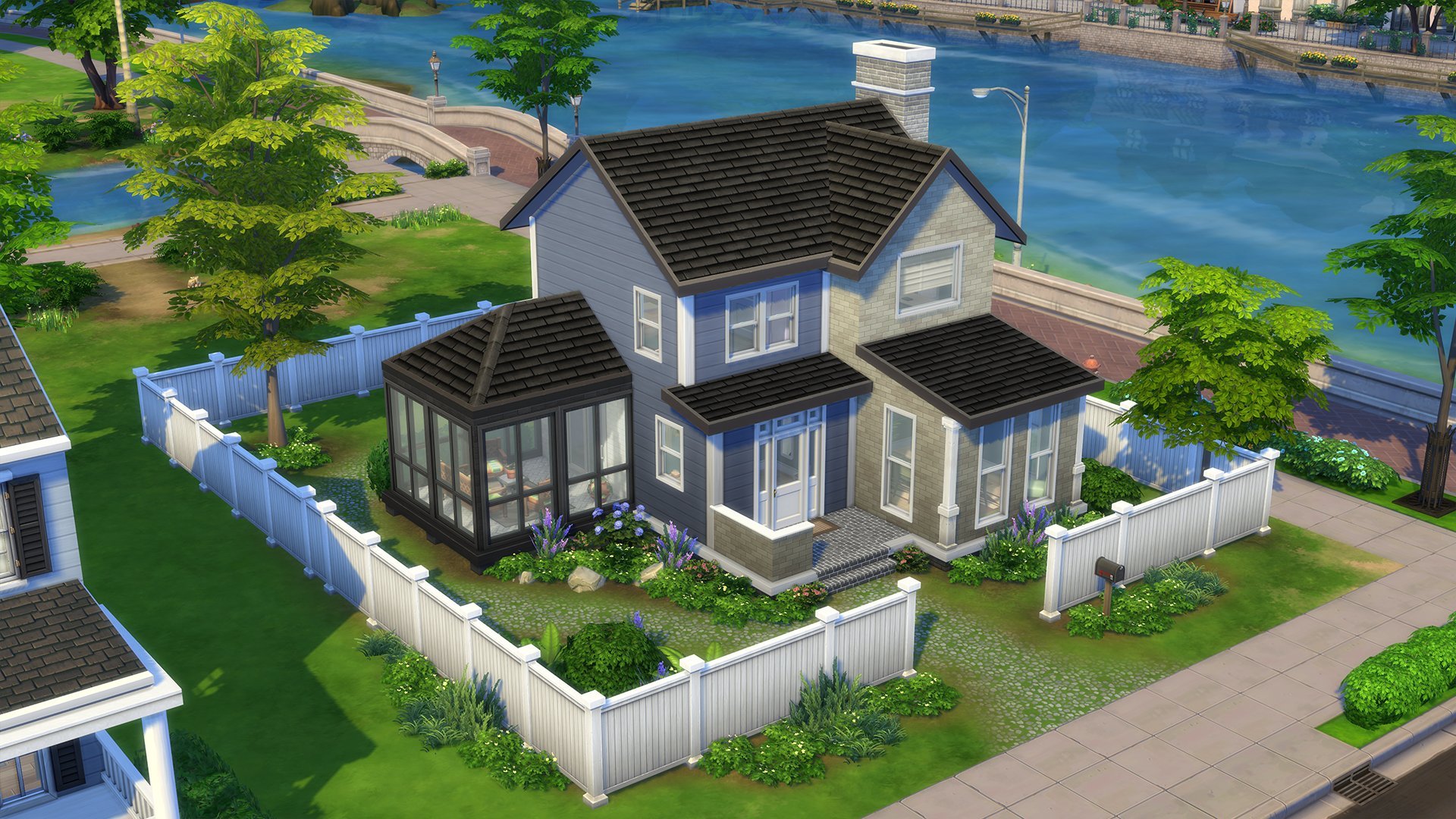
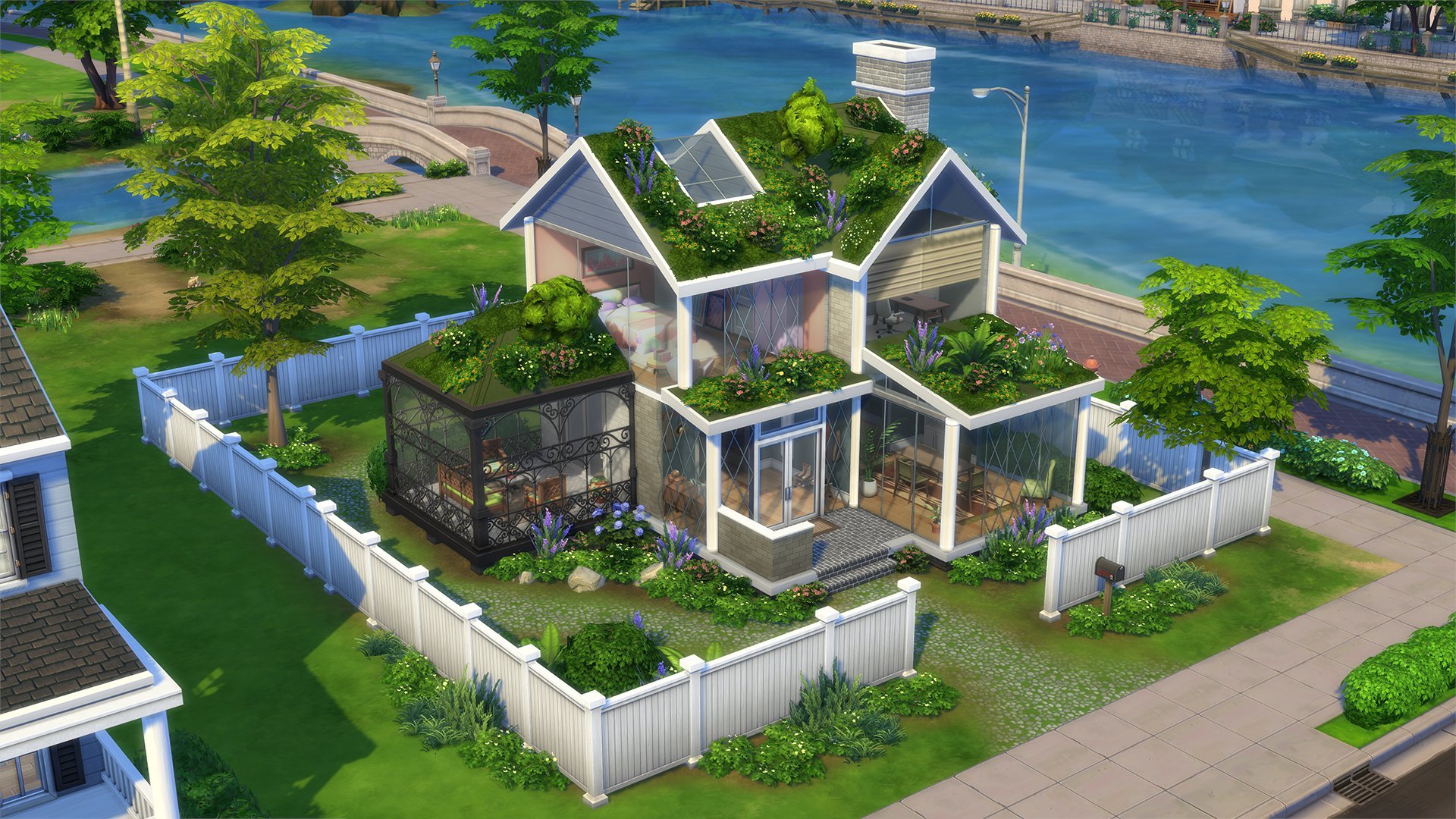
Add some transparency to your Sim’s life with glass walls! In Build Mode, select “Build”, then select “Wall Patterns”. In the “Misc” filter, you’ll find a selection of Glass Walls that perfectly compliment the Glass Roofs.
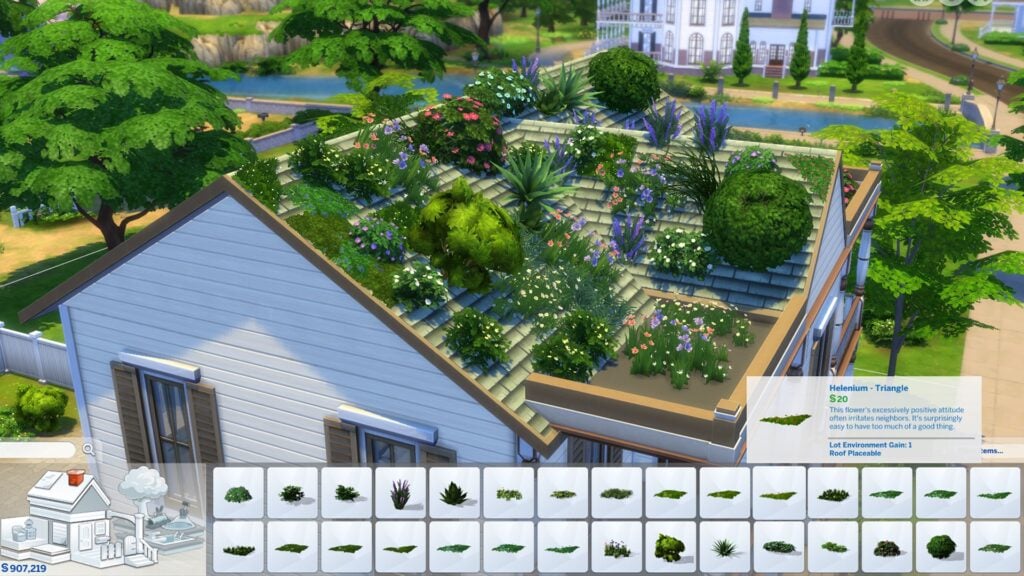
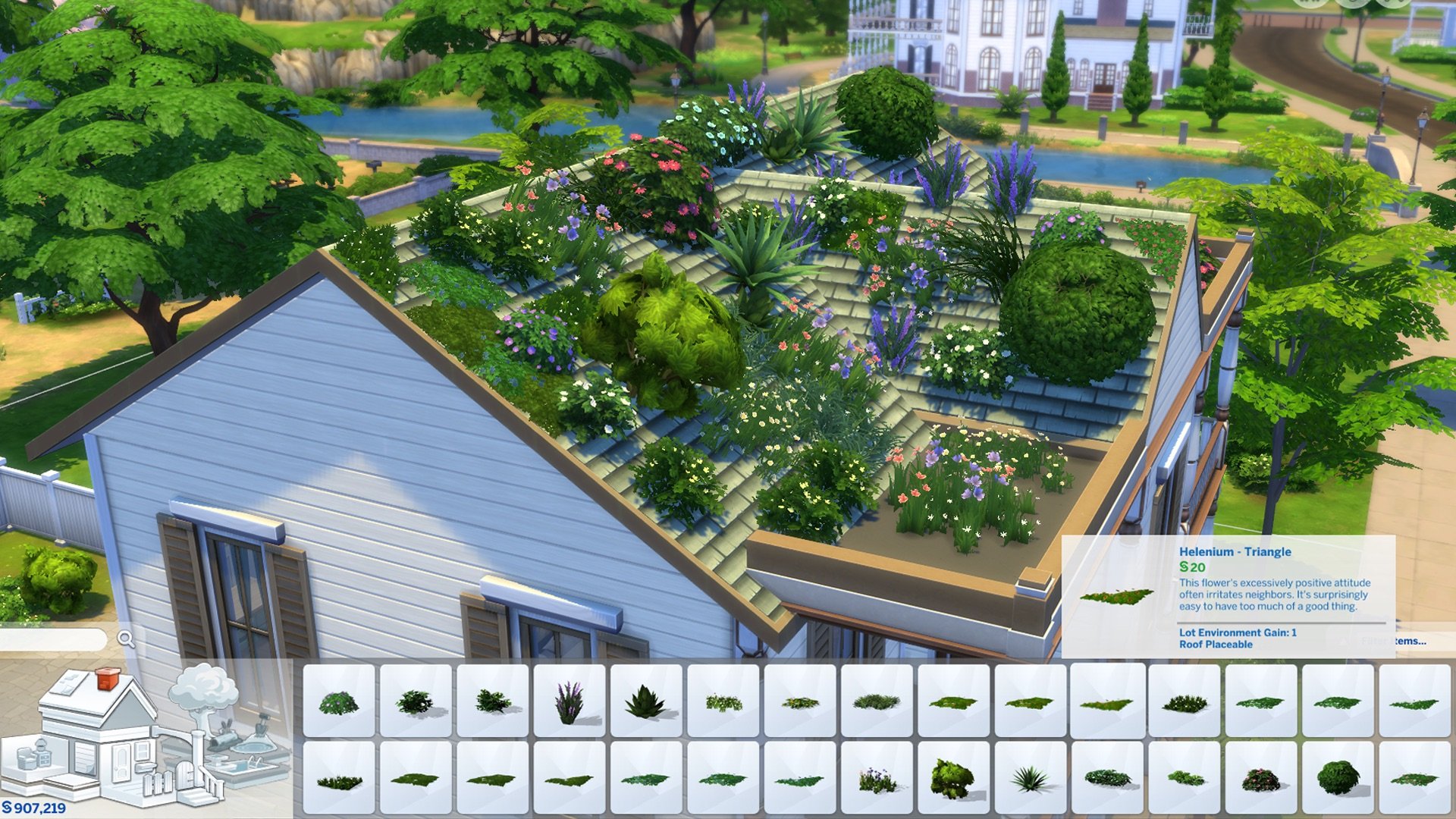
Plants on Roofs
Want to add some organic greenery to your builds? Try placing Plants on Roofs! A selection of shrubs and flowers can now be placed on rooftops in Build Mode, if the footprint allows it. To see what kind of plants are available for roofs, enter Build Mode and select “Roof Sculptures”. If you happen to be looking at “Outdoor Plants”, hovering over any plant will tell you if the plant is “Roof Placeable” or not. For inspiration, we recently launched a Garden challenge in our Discord community!
Bug Fixes
Top Fixes
[EA Forums] Rain, rain go away. Come again, another day—just not inside. Rain and snow now stay out of enclosed rooms.
[EA Forums][EA Forums] The Eyedropper tool was grumpy about some items. We put them into proper categories so now the Eyedropper is much happier.
[EA Forums] Townies will now have more diversity in their names.
Live Mode
[EA Forums] Children no longer become silly stretchy Sims when picking up a Violin.
[EA Forums] The top-secret recipe for the Fear-Be-Gone potion has been altered to include [redacted] so it properly cures a Sim’s Fear of the Dark.
[EA Forums] The game descriptions of Business Chic Kit, Refined Living Room Kit, and Home Chef Hustle in the Main Menu now have consistent headers.
[EA Forums][DX11] Mature plants no longer are transparent in Laptop mode. Your garden will look lush—if you continue to care for it, of course!
[EA Forums] Sims’s eyes close better in more forms of sleeping.
[EA Forums] No longer shall false rumors of Friendship and Romance haunt your Neighborhood Stories updates. Nay, now they shall be nothing but true!
[EA Forums] Sims can now plant in off-lot Planters in Henford-on-Bagley, Chestnut Ridge, and Moonwood Mill.
Who doesn’t love a fabulously decorated space? When your Sim is surrounded by top-notch decor, they’ll now be able to enjoy related Moodlets.
No more getting lost in the snow. The “Go Home” interaction now stays in the queue even when your Sim is busy with snow activities.
Interactions for locking computers, mopping puddles, and autonomously leaving lots are now more performant.
Notebook highlights now appear only for the Sim with the relevant notebook content, even after switching household Sims.
Selfies using the “Take Photo with…” interaction now can include Flower Bunny, Yamachan, Bonehilda, Alice, Edith, Trashley Reelpearson, Sammy Garcia, Mysterious Rancher, Horse Trainers, Clones, and various Batuu Sims.
Grafting now only uses one shoot per plant so your inventory of shoots won’t vanish faster than a gardener’s afternoon tea! Enjoy your extra shoots for more gardening adventures.
“Purchase Seeds” remains available for all gardening surfaces, even when your Sim’s green thumb hits level 7. Keep your gardening spree going!
Ghost and Vampire parents now call to express their disappointment when your Sim is caught cheating on university homework, even during the day. No supernatural loopholes for academic mischief!
Even the most ethereal little ones can now be selected to be “Put to Bed”, ensuring child Ghosts are snugly tucked in for the night.
The occult Plumbob now appears for infant, toddler, and child Vampires, Merfolks, and Spellcasters, ensuring even the youngest occult beings display their unique status!
Cats and Dogs no longer have Turn-Ons or Turn-Offs. After all, they don’t care about our fashion or music tastes; they just want to get fed and charm us in their own quirky ways!
The Adventurous Gnome and High Rider Gnome now display halo and flame effects correctly.
Sparks are flying! Sims can now enjoy intimate interactions right in the Hot Tub!
Patchy the Scarecrow is now off the market for Create a Date.
Console
When selecting a Sim for Travel, the RT/R2 button now correctly confirms your selection, aligning with the controller legend’s instructions.
Controllers now can navigate through all sections of Live Mode interfaces and Game Options without skipping any sections.
Toddlers no longer can access the Rewards Store. Toddlers will stay focused on playtime, not shopping!
Build Mode
[EA Forums] The HBD Double Front Door now is a little taller to be on par with other Medium height doors.
[EA Forums] The classic, OG ceiling paint now has a name. Are you ready? Drum roll, please. Basic Matte Concrete. Tada!
[EA Forums] TVs no longer float when placed on the Bold Indulgence Hallway Table and the Superior Mission Foyer Table. (Note: For saved games, this fix will move any items on these tables into the Household Inventory.)
[EA Forums] Did you know an Aloe Vera Plant was hiding in Build Mode? It now has a category so you can find it.
Create a Sim
[EA Forums] The Reaper’s Rewards buckled boots (ymShoes_EF61BootGoth) now fit better and have zips that look great from every angle. They are also available under the “Feminine” Fashion Style.
[EA Forums] The adorable fuzzy bear slippers (ymShoes_EFDec24EVRanimalSlippers_Bear) from the Cozy Celebrations event are now fixed for female Sims. Enjoy cozy feet without distortion, and no more duplicate pairs!
[EA Forums] A handful of missing Feminine Fashion Choice clothes are now available for Masculine frame Sims.
The missing texture on the hoodie (ymTop_Hoodie) for female Sims has been restored. Your Sims can now rock their hoodies in style!
Clipping and missing textures on the clothes (yfTop_SP46ProTied & ymTop_SP46ProShirt) have been addressed.
Expansion Packs
Get to Work
[EA Forums] Retail workers have agreed to show up for work and open the store properly even if the owned business is not yet owned by the player Household.
[EA Forums] Want to make an out-of-this-world Alien nursery? The Nanoo Nanoo Bassinet is now available in Build Mode.
[EA Forums] The socks (cuAcc_SocksShortEP01_MixedBlueBrown) are now tagged as sleepwear, so they can fit in with all of the other Children’s socks that were also sleepwear.
Seasons
[EA Forums] As noted above, rain and snow now stay out of enclosed rooms!
What a socialite! On holidays, Sims now get a reminder to wait or select a later time for a new event when there is already an event in place. They can enjoy the event without double-booking!
Get Famous
[EA Forums] [Partial Fix] Fashion can be anything, but some Sims were taking it too far. Sims in the Style Influencer career now wear more appropriate accessories to work. This is a partial fix for the larger issue of Sims having questionable fashion choices in various situations. More to come!
[EA Forums] Added the missing swatches for two of the Acting Career hairstyles. Wearing a Georgian period wig never looked so good.
Calls about a Celebrity Feud now come from appropriate press sources, avoiding those awkward moments with Children or unexpected callers.
Actor Sims now complete their Auditions without any issue, ensuring Gigs are marked as finished. No more dramatic exits, just a star-studded wrap-up!
Island Living
[EA Forums] Added two missing/hidden variants to the Masculine and Feminine versions of the Lifeguard swimsuits.
Discover University
[EA Forums] The game was a little too excited about School Spirit Day and really wanted to make sure you knew it was happening. We asked it to chill so now it’ll just remind you once.
[EA Forums] Sims no longer get stuck in an infinite loop of “Packing Up” to move out of a Dorm. Nightmare averted.
Eco Lifestyle
[EA Forums] Children no longer pull out a tablet and stretch awkwardly for civic duties. They’ve traded in their stretch routines for playtime and homework instead!
Snowy Escape
[EA Forums] We have found you a shrubbery! The Komorebi Shrubbery is now available in regular Build Mode and no longer solely exists in the Wedding Venue category.
Cottage Living
[EA Forums] Agatha and Agnes Crumplebottom can no longer marry into a Household, sparing them from being cloned. Honestly, one Agnes Crumplebottom is enough. Also, when asking for Agatha’s hand in marriage, her response is now a polite yet firm decline instead of gibberish text. She’s having too much fun with cousin Agnes to settle down! And if you invite her to move in, she’ll now kindly remind you she’s perfectly content where she is. Keep trying, but don’t expect wedding bells!
[EA Forums] Chickens, Cows, and Llamas no longer Age Up (and eventually die) when Animal Aging is disabled in Game Settings. Players rejoice, but Grim is sad.
[EA Forums] Set 12 of the Garden Party Wainscoting Wallpaper now is distinct from set 9.
[EA Forums] The Child’s frilly blouse with a bow (cfTop_EP11ShirtBellSleeve) no longer appears for the “Masculine” Fashion Choice.
Fashion emergency averted! The SolidBlack variant of the pants (ymBottom_EP11JeansBoyfriend) now fit better around the waist so they don’t become high-waisted.
High School Years
[EA Forums][EA Forums] Prom now shows on the Calendar for Teens, even if their birthday will be before Prom. You can choose whether to delay their birthday for that once-in-a-lifetime Prom experience.
[EA Forums] Also, the Prom event will now properly appear on the Calendar and Teen Sims can attend!
[EA Forums] Class is back in session! High school goals now show with the Active Career format. Students can focus on class, exams, and activities without cancellations or errors.
[EA Forums] Graduation events now appear on a Graduate Sim’s Calendar after switching to Build Mode in Manage Worlds. They have no excuse to miss it now!
[EA Forums] Sims who travel no longer fail to gain Followers on Social Bunny.
[EA Forums] Sims were feeling a little too intimidated by Photo Booths to take pictures, specifically while on Dates, but that’s not a problem anymore. “Take Photo with…” on a Photo Booth now functions while on a Date and also while not.
[EA Forums] And Sims also can ride together on Pier Attractions while on a Date.
[EA Forums] High School Years hats now are in their proper Hat sub-categories. Silly hats.
Growing Together
[EA Forums] We’re all excited when an Infant reaches a new Milestone. However, we didn’t need to be reminded over and over again. Infant Milestones no longer are marked as New if a user switches to another Sim and back.
When carrying Infants in the back carrier, Sims can now plant seeds without resetting. Gardening with your little one right there looking over your Sim’s shoulder—absolutely adorable!
Canceling the “Make Friendship Bracelet” interaction now keeps Sims steady. No more unexpected resets.
Horse Ranch
Hiring a Ranch Hand via the Community Board now highlights the “Hire a Service” interaction correctly.
The Horse Ranch Expansion Pack tooltip now correctly displays the game’s title on the Store page.
For Rent
[EA Forums] Tenants can now Pay Rent after Bills are delivered.
[EA Forums] Sims who live in a Residential Rental or own one as a Landlord now have their Household funds removed after they have transferred them to a Business fund… much to their chagrin, I am sure.
[EA Forums] Child hairstyle (cfHair_EP15BluntBang) now has a previously missing swatch.
Save files with fifteen or more Rental Units on a lot no longer are missing thumbnails.
The Fisherman’s Slats Window – Tall now has a thumbnail that reflects its compatibility with Medium and Tall walls.
Moldy demise was giving Sims a funky spring in their step—even in the afterlife! Now Ghosts who died from mold levitate smoothly through 90-degree stair landings.
Lovestruck
[EA Forums] The Fear of Being Alone was causing relationships to drop drastically unless your Sim was mean to the other Sim. We had a sit down and informed the Sims that this wasn’t how healthy romance works, and the issue has been resolved.
[EA Forums] Romantic Satisfaction now appears properly in a Sim’s Profile and previously blocked romantic interactions are available—which might, in fact, improve that Romantic Satisfaction you can now view properly. Everyone wins!
[EA Forums] Getting a Degree at University now helps the Romance Consultant Career.
[EA Forums] Ever want to dress up your date you met on Cupid’s Corner? Outfits changed in Create a Sim now appear in that Sim’s Outfit Menu. Dates just got a whole lot more stylish.
[EA Forums] Sims no longer attempt to cuddle with another Sim who is already sleeping.
[EA Forums] The custom Relationship labeling in the Sim Profile no longer has Llamacorn icons or flow issues.
[EA Forums] The hairstyle (yfHair_EP16Long) has been placed in a hair category, making it easier to find than ever before.
[EA Forums] The Lovestruck stockings now are available for Everyday, Formal, and, of course, Party outfits.
As a Create a Date or Create a Hangout event ends, changing venues is quicker with events concluding and rewards given properly.
When Children become Teens, they develop their Romance skill from the ground up.
The tempting Sweetheart’s Box no longer is available on a locked computer. Unlock your device to enjoy these shareable treats!
The long wavy hair (yfHair_EP16LongWavy) now contours better to the torso so Sims can have a perfect hair day.
The romantic neck rose tattoo (yfTattoo_TorsoFrontUpperEP16Rose) thumbnail in Create a Sim no longer zooms in when selecting different swatches on console.
Life & Death
[EA Forums] Console players using a controller are now able to select genetics options after Rebirth.
[EA Forums] The “Make Heirloom” interaction is now available for all occult Sims on the active lot. Enjoy creating heirlooms with ease, wherever your Sims reside.
The Moon Revelry Festival no longer shows an empty interface in the upper left corner. Sims can freely enjoy Moonbathing, Night Swims, and fire dancing without distractions!
The Ghost Mastery interface now opens reliably from notifications.
Ghosts can now be selected for the “Ask to Be Introduced to” social for Infants, making supernatural meet-and-greets possible.
We had to calm Ghosts down a bit to smooth out the end of Possess and Transcendent WooHoo.
Summoning Lady Ravendancer Goth via her Tarot Deck no longer creates a new Lady Ravendancer Goth each time. There is only one… There can only be one….
The “Moment of Death” and “Rebirth” menus now resize appropriately with the game.
Planning a funeral at a Crypt no longer results in duplicate urns in the Sim Inventory.
When all of your household Sims go home to Ravenwood from a festival or another neighborhood, the camera now goes home with them.
Goals in the “I Wanna Get Busy!” category now display correctly.
The “Ghost Toggle” buttons in Create a Sim no longer flicker when hovering near the edge of the ghost icon—it was starting to feel a little haunted!
Ghosts’ abilities to repair and clean are now more performant.
Sims viewing an heirloom to remember departed Sims is more performant.
Businesses & Hobbies
[EA Forums] The cute little tuck-in top (yfTop_EP18TshirtTuck) has received “Masculine” and “Feminine” Fashion Choices tagging.
Deleting walls or items on the ground floor of a home business no longer causes the game to become unresponsive. You can modify your spaces without interruptions.
The Nordhaven vendor stalls and craft stalls are now correctly categorized in Build Buy mode. They no longer appear under “Life Event Activities” and are sorted under “Outdoor Activities” and “Misc”, reflecting their everyday use.
Game Packs
Vampires
[EA Forums] Vampires won’t lose their fangs in Live Mode if their Dark Form was selected in Create a Sim. Is a Vampire really a Vampire without their fangs?
Both Ghosts and Vampires now can hit the gym during the day and see mega gains. They didn’t want to do it before.
We fixed a variety of issues where Vampires without the Sun Resistance perks weren’t fully living their life during the day.
Vampires may not show up in mirrors, but Vampire teens now are available when selecting a Sim for “Slow Dance Together” on a Stereo.
Parenthood
The Modern Face Value Fridge now is available in teal to better match other teal kitchen appliances in Parenthood.
StrangerVille
StrangerVille’s description now spells everything correctly—no mysteries here except for the ones you’ll uncover with the town’s intriguing residents.
Realm of Magic
Be on the lookout! The Night Wraith now spawns for Spellcasters with the Curse of the Night Wraith.
Alien eyebrows no longer are available for Child Spellcasters.
Dream Home Decorator
[EA Forums] The shorts (ymBottom_GP10ShortsLong) are now appearing in the Hot Weather category.
The Interior Decorator Career kilt (ymBottom_GP10WorkKilt) now displays correctly in Create a Sim, showing the kilt instead of underwear.
My Wedding Stories
The dashing leather shoes (ymShoes_GP11DressShoes) are now free from distortion. Step out in style!
Werewolves
[EA Forums] The cute, little toddler Wolfie onesie (puBody_GP12OnesieWolf) was a little too warm as a “Hot Weather” outfit, so it no longer appears in that category.
[EA Forums] The Patched Punk Styled Look now puts on the proper pants.
[EA Forums] Removed some piercings, necklaces, and socks for Werewolves that weren’t so flattering for them in Beast form.
[EA Forums] Choosing a Werewolf head shape no longer resets muzzle length.
Kits
Poolside Splash
The poolside sandals (yfShoes_SP44SlidesPillow) can now be found under the shoes sub-category in Create a Sim. Now where’s my sunscreen?
Riviera Retreat
[EA Forums] The “On a Silver Platter” Drink Tray now is in the Kitchen Appliance category in Build Mode.
Cozy Bistro
[EA Forums] A number of items now are in more logical categories.
Sweet Slumber Party
[EA Forums] The appropriate shoes now appear for the “Masculine” Fashion Choice filter.
Secret Sanctuary
[EA Forums] The yfBody_SP59Dress — you know, the red one with the slit that is amaaazing — now fits larger Sims better for more dazzle and rizz.
[EA Forums] The Arcane Aroma Tea Tray now is in the Kitchen Appliance category in Build Mode. Drinks are served!
Business Chic
[EA Forums] The sleek, chic watch (ymAcc_WristLeftSP62CK004WatchLuxury_SolidGold) now appears for the “Masculine” Fashion Choice filter.
The update is 3.6GB on Mac computers!
Take a first look at the new features in The Sims 4 in the official image gallery below:
What’s your experience been so far downloading the latest patch? Stay tuned on Sims Community for a full guide overview on the new Sims 4 Update Features!
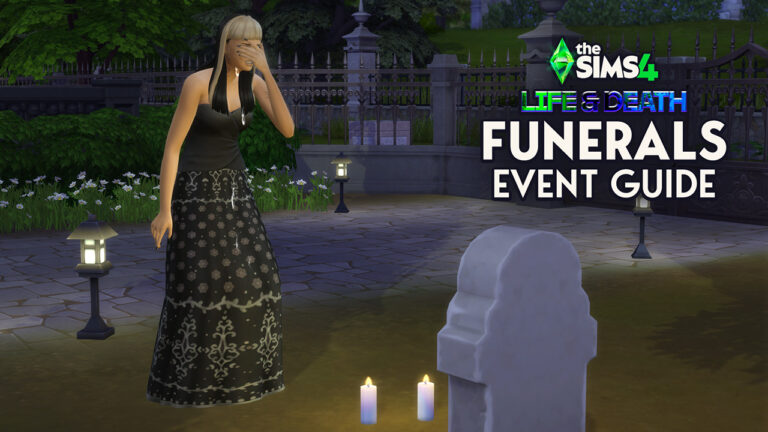
After many years without an official funeral event, The Sims 4 Life and Death expansion pack finally added funerals to the gameplay! Much like weddings from The Sims 4 My Wedding Stories, funerals can have customized dress codes, activities, and more. Funerals provide an opportunity for your Sims to gather and grieve together in a somber or lighthearted manner.
The Sims 4 Life and Death: How to Create a Funeral Guide
Planning the Funeral
There are multiple ways to plan a funeral in The Sims 4.
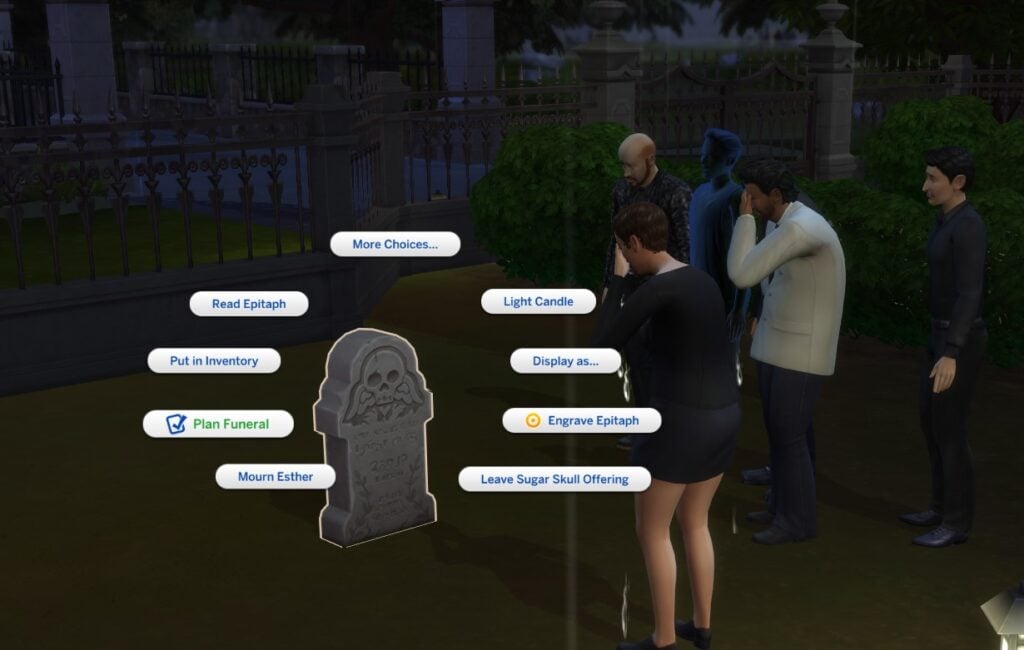
Using an urn or a gravestone If the Sim has recently passed and you have access to their urn or gravestone, you can select Plan Funeral by clicking on the deceased Sim’s urn or gravestone. This will automatically assign the Deceased Sim role in the Funeral Event panel.
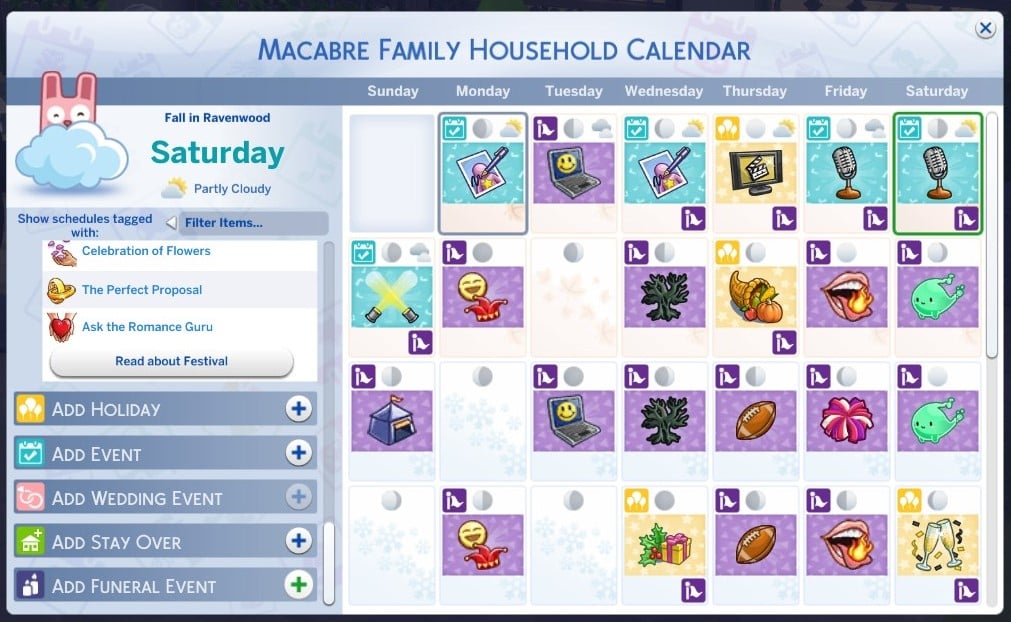
Using the Calendar The only way to plan a funeral in advance is through the Calendar. After selecting a day for the funeral, scroll to the bottom of the menu on the left and click Add Funeral Event. Alternatively, you can select Funeral from the list of social events under Add Event.
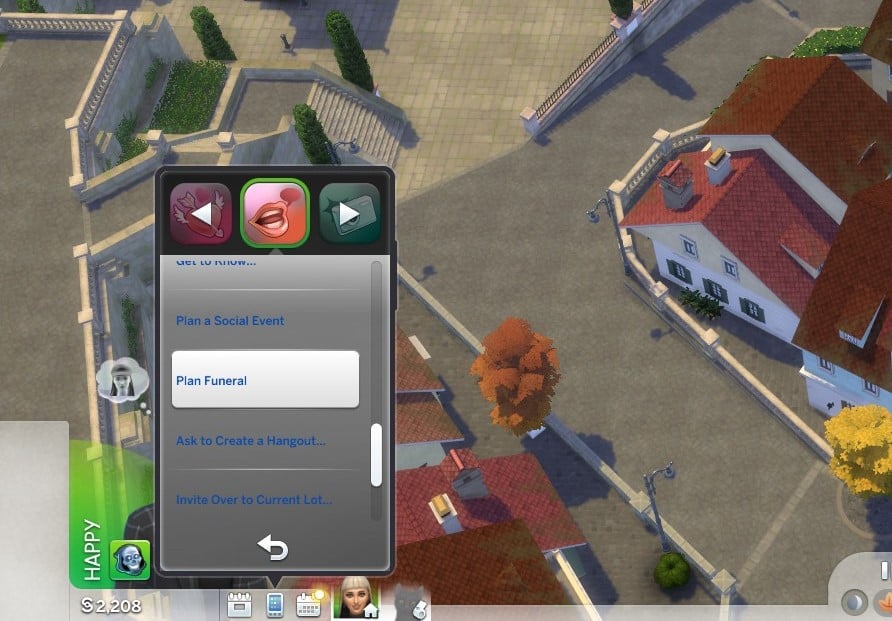
Using the phone You can also plan a Funeral Event under the social menu on the phone. This will cause the funeral to begin immediately.
Inviting Sims
There are five roles to fill when inviting Sims to a funeral. The most important role is the Departed Sim. If you have planned the funeral through a gravestone or urn, this will be automatically filled. Otherwise, you can select any ghosts your Sim knows (excluding Waylon Warez). The Departed Sim and Host are the only required roles.
You can invite up to eight guests, which includes family members of the Departed Sim, even if your Host Sim doesn’t have a relationship with them.
You can also hire up to four mourners. These can be Sims you know, or ‘professional’ mourners, for §100 each.
Lastly, you can hire a maximum of one entertainer for §250. Make sure there is an instrument or a microphone for the entertainer to use at the venue.
Assigning Guest Attire
After selecting your guests, you can assign the Guest Attire. This is similar to the Select Style menu when planning a wedding. You can assign a dress code, a color, or both. Your guests will arrive in randomly assigned outfits based on the dress code and color you choose.
The following are styles you can select for the dress code:
BoHo
Country
Basics
Outdoorsy
Polished
Preppy
Hipster
Rocker
Sporty
Streetwear
Planning Activities
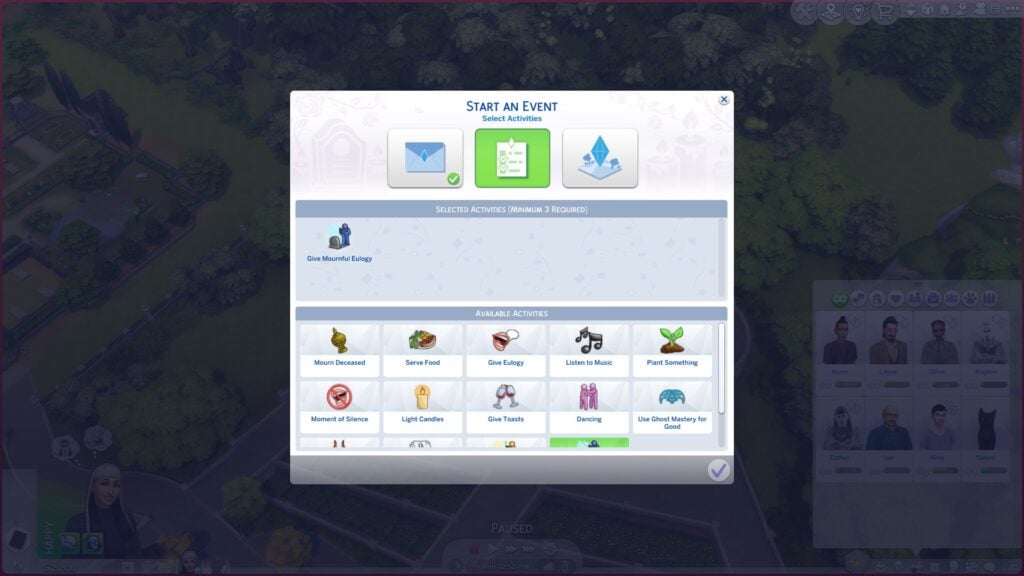
The next tab will let you select the activities for your funeral. You must select a minimum of three activities, but these are entirely customizable to let you set the tone of your funeral and personalize it for the Departed Sim. Departed Sims may have selected funeral activities to include in their Will as preferred funeral activities.
The following are activities you can select for the funeral:
Mourn Deceased
Serve Food
Give Eulogy
Listen to Music
Plant Something
Moment of Silence
Light Candles
Give Toasts
Dancing
Use Ghost Mastery for Good
Use Ghost Mastery for Evil
Play Instrument
Give Lighthearted Eulogy
Give Mournful Eulogy
To earn a Gold Medal for the Funeral Event, you will need to complete all of your selected activities.
If your activities require a certain object, such as an instrument, make sure to purchase one for your funeral’s venue. When hosting a funeral, the Departed Sim’s urn will be placed in the Host Sim’s inventory if it is not already there. Clicking on an urn or gravestone will give you the option to Light Candles, Give Toasts, have a Moment of Silence, or Mourn Deceased. You can use a Simple Life, Simple Death Podium to perform Eulogies or have a Moment of Silence.
There are other funeral specific objects that you may find useful when hosting a funeral. Memorial Displays and Memorial Portraits can be dedicated to the deceased, allowing another way to Mourn Deceased or honor the Deceased Sim through decoration. Alternatively, you can also purchase a Memorial Cannon to fire some confetti for an ‘epic send off!’
If you have decided to Serve Food at your funeral, make sure your Host Sim comes prepared with a meal, or purchase either a banquet table or drinks tray from the Buy Menu for the venue. I found that the Serve Food activity only completes once your sim has eaten a meal.
Selecting an urn, gravestone, or podium will also give you the option to Call Over Guests to help bring attention to certain activities.
Selecting a Location
You can select any lot to host a Funeral Event on, including residential lots of your invited guests. Ravenwood has a designated Cemetery lot called Eternal Hollow, which has a funeral home you can use to host a Funeral Event. The lot comes with a podium, a casket, and a number of Memorial Displays to help you complete some of the funeral activities.
Hosting the Funeral
Once you have invited guests, assigned a dress code, selected activities, and chosen a venue, you’re ready to start! Unless you have used the Calendar to plan your Funeral, the event will begin automatically. Hired mourners, entertainers, and guests will begin arriving immediately.
Funeral events last for eight hours, but can be ended earlier if you wish. Your main task to complete the Funeral Event is ‘Lead Funeral Activities,’ with the other activities you selected making up the other goals for the event. Make sure to retrieve any items you brought to the venue once the Funeral Event has ended.
Unfortunately, there are no rewards for completing a Funeral Event; however, your Sim will receive the ‘First Funeral’ milestone if you have The Sims 4 Growing Together expansion pack. Your Sim will most likely feel somber following a Funeral Event or sad if they have been mourning. Sims may experience different emotions while grieving depending on their traits and relationship with the Departed Sim.
An unconfirmed source talks about The Sims 4 Expansion Pack 20 and Project Rene development.
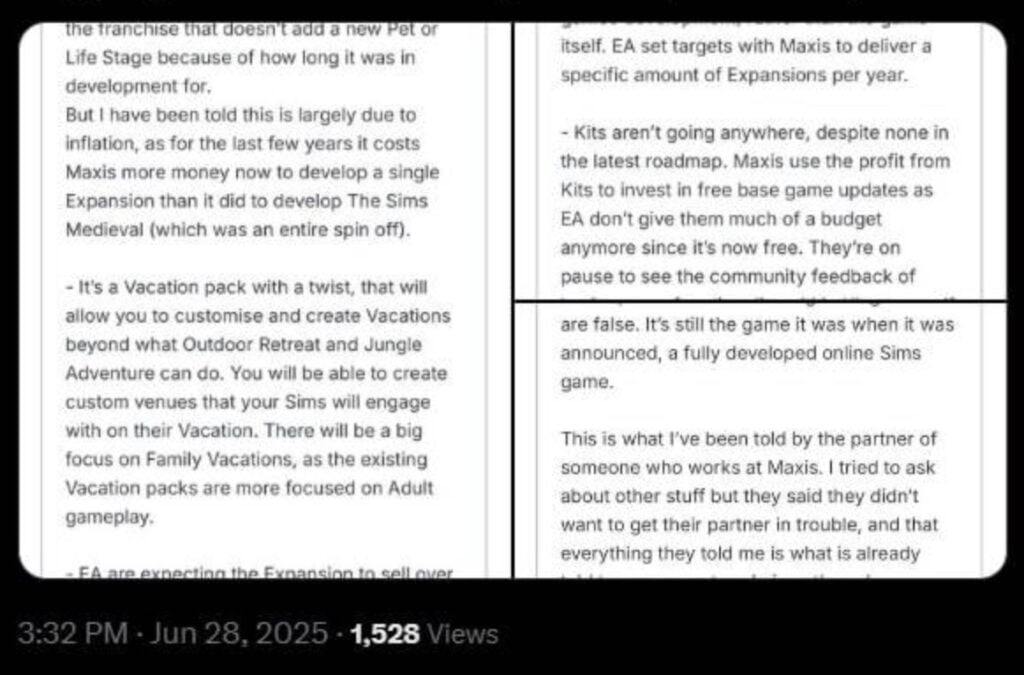
This weekend on X (formerly Twitter), a user, who has since made their account private, replied to one of our posts with information they had found regarding future development. The attached screenshots list details about the next Expansion Pack, the inner workings of Maxis and EA, and the future of the franchise as a whole. By an unknown source posting on an unknown forum. While these details are unconfirmed, the information shared has already sparked considerable conversations within the community.
DISCLAIMER
All information mentioned is unconfirmed, and any opinion conveyed is purely speculative. Take everything with a grain of salt!
Table of Contents
“The Leak” in Full
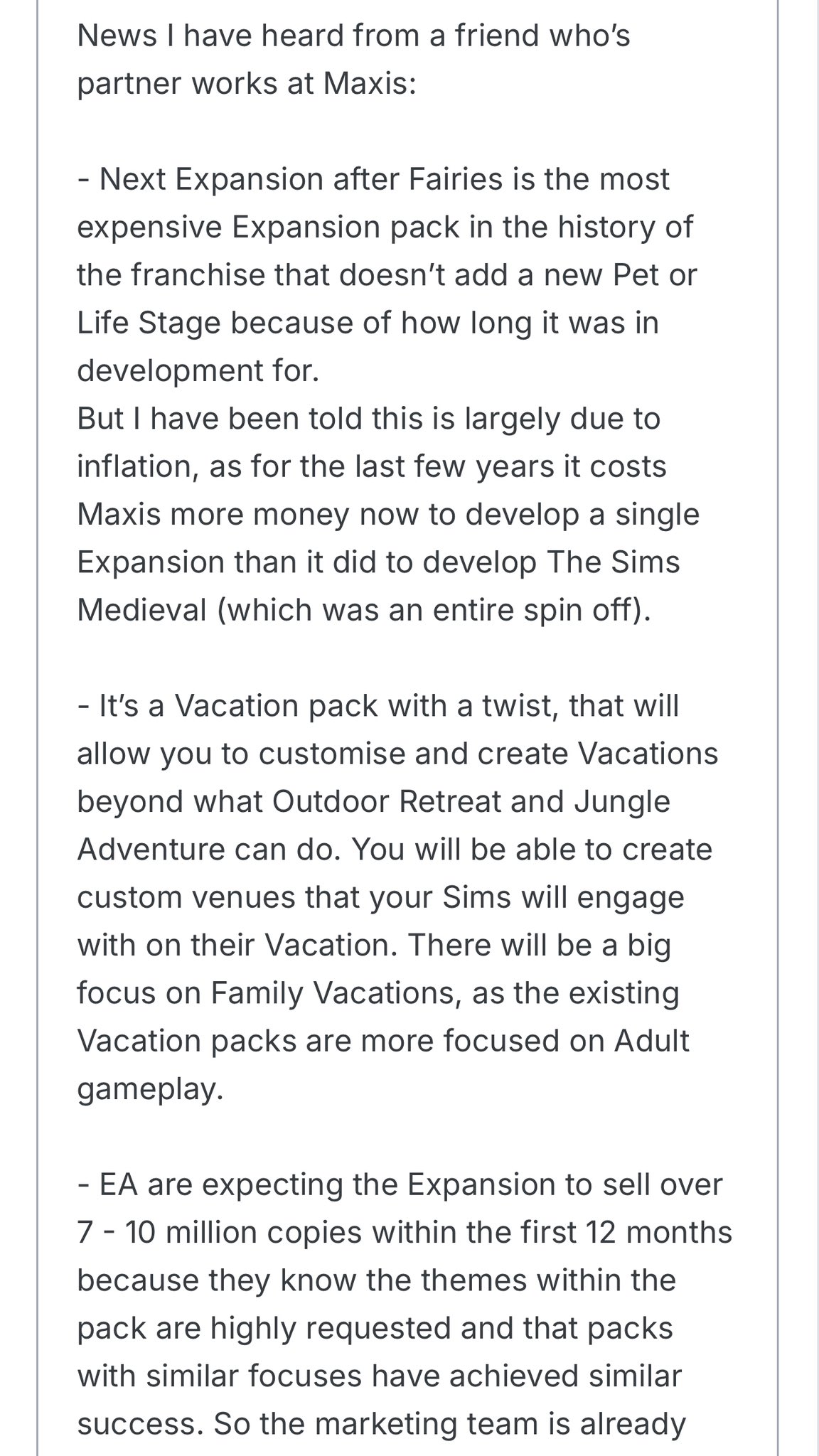
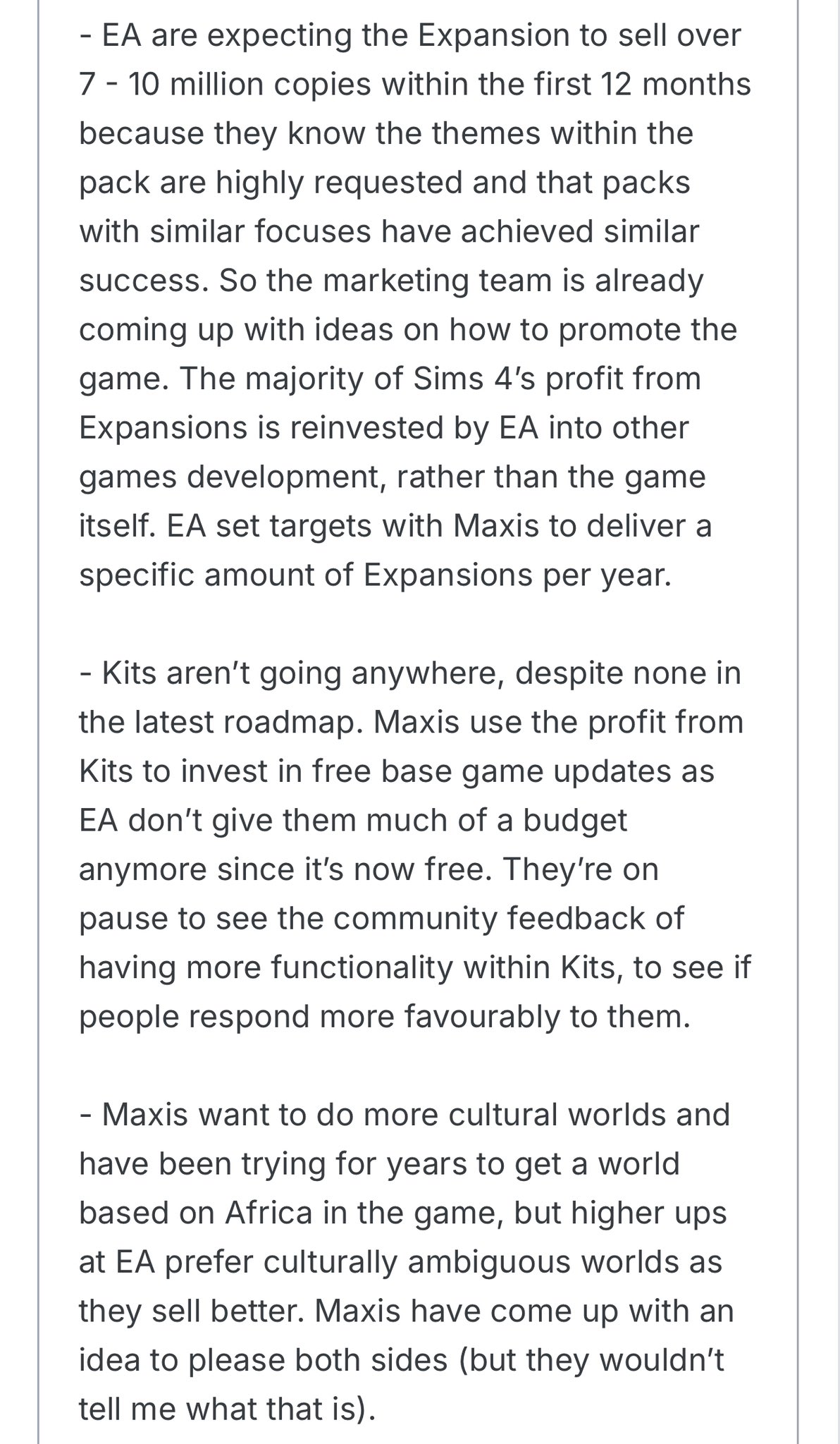
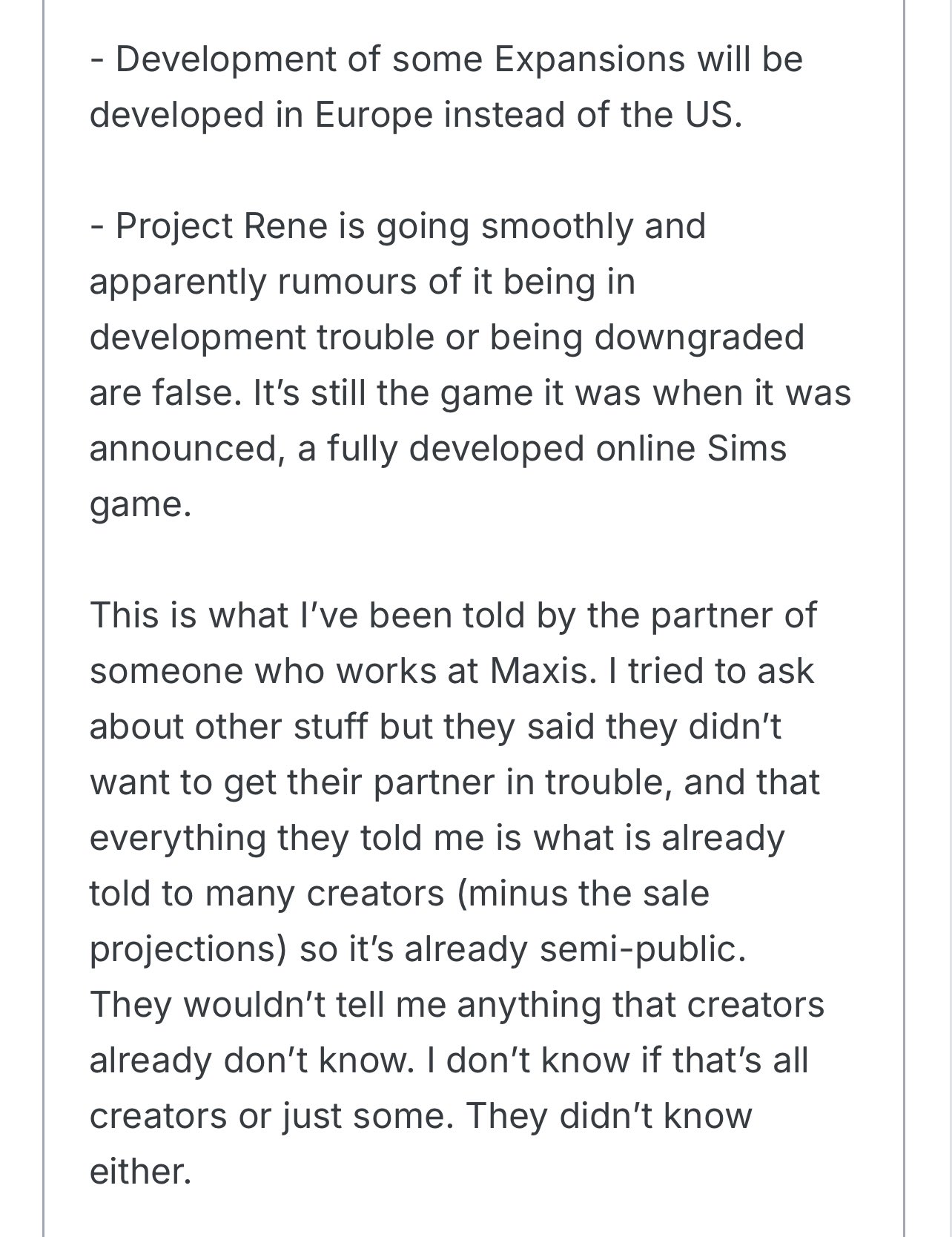
The user shared three screenshots with a considerable amount of new information. You can read these screenshots below, or read our transcript below!
News I have heard from a friend who’s partner works at Maxis:
Next Expansion after Fairies is the most expensive Expansion pack in the history of the franchise that doesn’t add a new Pet or Life Stage because of how long it was in development for.
But I have been told this is largely due to inflation, as for the last few years it costs Maxis more money now to develop a single Expansion than it did to develop The Sims Medieval (which was an entire spin off).
It’s a Vacation pack with a twist, that will allow you to customise and create Vacations beyond what Outdoor Retreat and Jungle Adventure can do. You will be able to create custom venues that your Sims will engage with on their Vacation. There will be a big focus on Family Vacations, as the existing Vacation packs are more focused on Adult gameplay.
EA are expecting the Expansion to sell over 7 – 10 million copies within the first 12 months because they know the themes within the pack are highly requested and that packs with similar focuses have achieved similar success. So the marketing team is already coming up with ideas on how to promote the game.
The majority of Sims 4’s profit from Expansions is reinvested by EA into other games development, rather than the game itself. EA set targets with Maxis to deliver a specific amount of Expansions per year.
Kits aren’t going anywhere, despite none in the latest roadmap. Maxis use the profit from Kits to invest in free base game updates as EA don’t give them much of a budget anymore since it’s now free. They’re on pause to see the community feedback of having more functionality within Kits, to see if people respond more favourably to them.
Maxis want to do more cultural worlds and have been trying for years to get a world based on Africa in the game, but higher ups at EA prefer culturally ambiguous worlds as they sell better. Maxis have come up with an idea to please both sides (but they wouldn’t tell me what that is).
Development of some Expansions will be developed in Europe instead of the US.
Project Rene is going smoothly and apparently rumours of it being in development trouble or being downgraded are false. It’s still the game it was when it was announced, a fully developed online Sims game.
This is what l’ve been told by the partner of someone who works at Maxis. I tried to ask about other stuff but they said they didn’t want to get their partner in trouble, and that everything they told me is what is already told to many creators (minus the sale projections) so it’s already semi-public.
They wouldn’t tell me anything that creators already don’t know. I don’t know if that’s all creators or just some. They didn’t know either.
What This Could Mean for the Future of The Sims 4
There is a lot to unpack with this latest leak, but if this information is to be believed, then Maxis are laying the groundwork for a major shift in how The Sims franchise is developed and evolves.
In recent years, we have seen a move away from game packs and stuff packs in favour of more expansion packs and kit releases. With the European team, the developers of The Sims 4 Businesses & Hobbies, now focused solely on expansion pack development, what could this mean for stuff packs? The next expansion pack, likely produced by the US-based team behind The Sims 4 Life & Death, sounds like a major milestone. Unlike previous travel-based packs such as Outdoor Retreat or Jungle Adventure, the next expansion pack seems as though it will be more sandbox-focused. The emphasis on custom venues sounds as though it may build on the tools introduced with Small Business lot types featured in Businesses & Hobbies.
The leak also states that this upcoming expansion pack will be the most expensive ever produced. This could be an indicator of just how ambitious this pack is, but also speaks to the rising cost of game development as a whole. We also got a glimpse of Electronic Arts’ internal target of 7-10 million copies in its first year. This is a very large number, but plausible for how well family-focused packs tend to do.
The leak also touches on cultural representation, something that fans have been campaigning for across social media for years. The call for an African-based world has been ongoing; however, it seems the Sims team have been facing pressure from higher-ups at Electronic Arts to make worlds more culturally ambiguous. This is disappointing to hear, as the last African-based world was back in 2009 with The Sims 3 World Adventures.
As for Project Rene, the reassurance that development is “going smoothly” and that no major downgrades have occurred will be welcomed by players who have been caustiously watching development, considering history and the original development of The Sims 4 and Project Olympus. It looks as though Rene is gearing up to be a big innovation for the franchise and is something that Electronic Arts is fully backing.
How This Aligns With What We Know
While we cannot confirm the accuracy of this leak, some of the claims do echo what we’ve been noticing for a while, both in Maxis’ behaviour and the wider industry.
In recent years, there has been an uptick in family-focused gameplay, with releases such as Growing Together, For Rent, and the Infants update. While EA and Maxis do not release their individual sales figures for packs, this leak does suggest that family-focused gameplay experiences perform better than niche concepts. During its early years, The Sims 4 was criticised for being too focused on the young-adult life stage and less on family gameplay.
The mention of Kits being on pause to assess whether or not players are responding well to functionality within Kits aligns with the recent release of the Restoration Workshop kit, which introduced the ability to restore broken appliances to their former glory. Perhaps this could usher in a new era of gameplay-focused kits, with the only gameplay kit to date being Bust the Dust.
Final Thoughts
Do keep in mind that no information stated is officially confirmed, and that this is speculation.
Whether you believe this leak is insider truth or carefully constructed fiction, it offers an interesting look into the future of The Sims franchise, and perhaps the internal conversations at Maxis.
If the details are accurate, we could be seeing this new, ambitious expansion pack later this year or possibly in 2026. If it is not true, the community reaction speaks to where Simmers’ priorities and wants for the future lie. Leaks are often messy and unreliable, but it does show us what players value the most.
With Project Rene in active development, and The Sims 4 still evolving, it is clear there is plenty more to come, and fans are always watching closely.
Sim your Summer with these essential Sims 4 Island Living Mods!
Since its sun-drenched release, The Sims 4: Island Living has been a favourite among players who want more than just a little bit of ocean breeze and cultural richness in their Simverse.
Sure, Island Living looks gorgeous—sun-drenched beaches, swaying palms, the whole postcard-perfect package. However, Island Living sometimes feels a bit empty beneath the surface. That’s where the modding community has truly shone, as our unsung heroes toss out lifelines of creativity and depth to breathe new life into the expansion.
We’ve rounded up a set of exceptional Sims 4 Island Living mods that do more than just add to the island vibe—they breathe new life into the game with deeper storylines, more engaging characters, and a wider range of career paths. These aren’t your average add-ons; they’re the kind of upgrades that completely transform how you play.
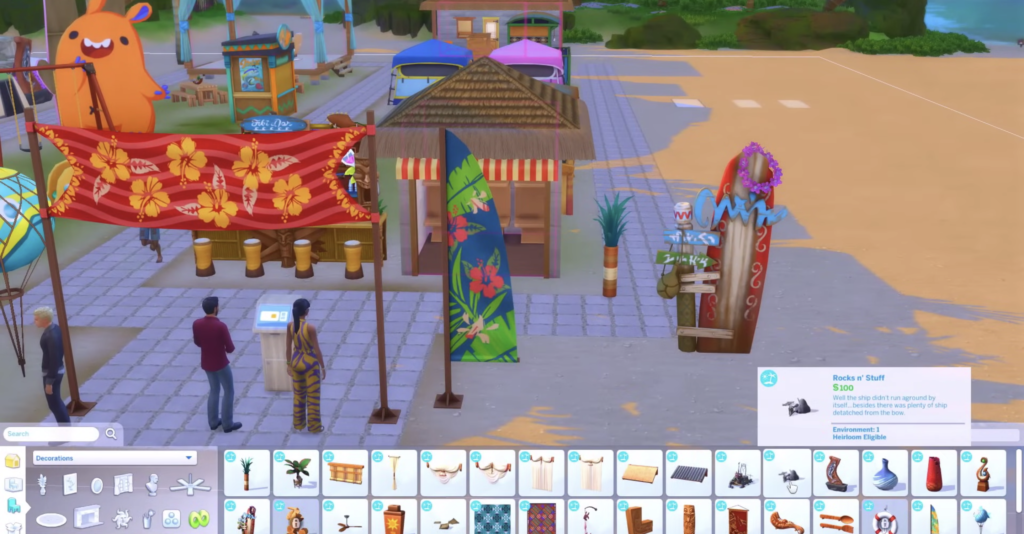
Ever noticed some of the most gorgeous Island Living items are locked away in debug? This pack liberates over 20 decorative pieces—think coral rocks, tropical signage, and sea-themed furniture—giving players more freedom to craft their coastal dreams. Whether you’re furnishing a resort or creating a beachfront lounge, this pack is essential.
Mermaids in the base game look cool, sure—but they’re oddly shallow in gameplay. This mod introduces three thoughtfully written aspirations: Oceankeeper (protecting marine life), Deep Dive (treasure hunting and exploration), and Sirensong (a charisma-fueled social game). Finally, your mermaid can do more than splash around and sing.
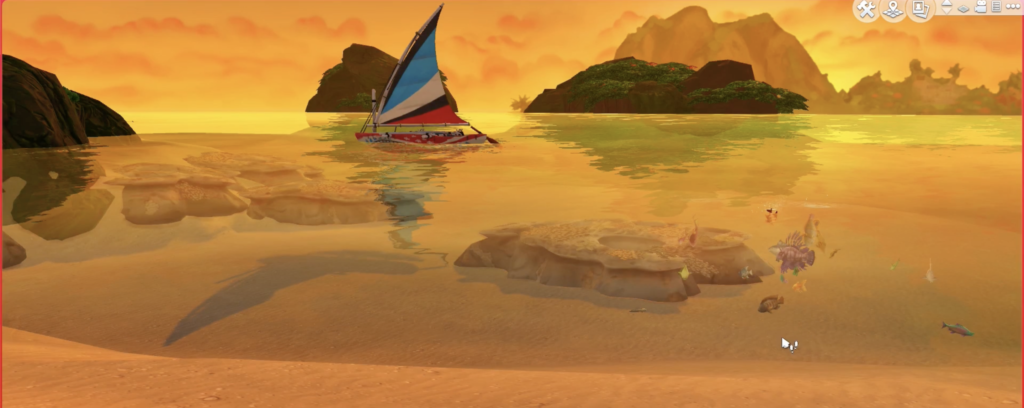
The snorkelling animation is adorable, but being locked to a single beach interaction? Not so much. This tiny but powerful tweak lets Sims snorkel anywhere with water: private pools, lagoons, or even your Sim’s garden if you’re creative enough.
Ever get annoyed by your hybrid Sims randomly reverting to full human? This mod keeps hybrid mermaids consistent, so they no longer glitch out or lose their aquatic perks mid-conversation. A must-have for narrative-heavy players.
Let’s face it: mermaids feel like watered-down spellcasters. This mod gives their ocean connection real teeth—enhancing hydration bonuses, boosting moodlets from the sea, and generally making mermaids feel magical again.
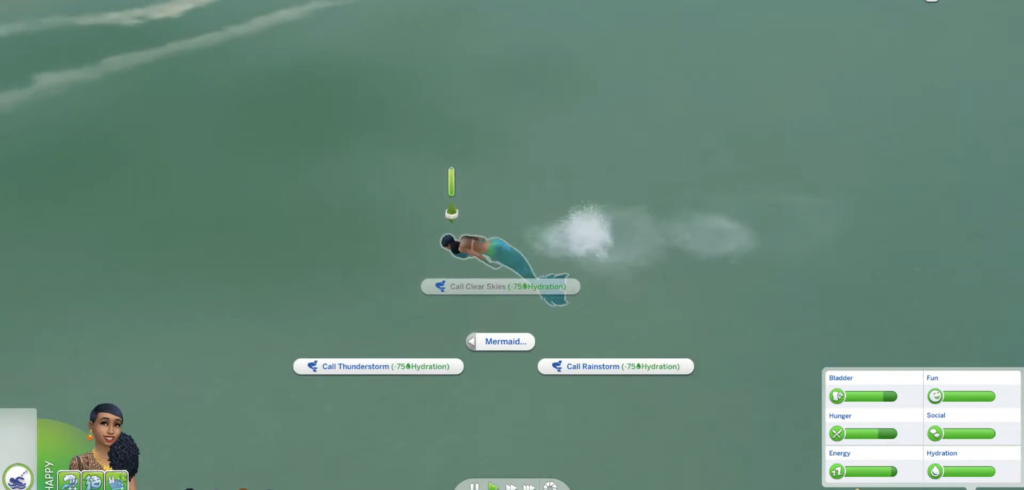
Weather manipulation shouldn’t be a mermaid-exclusive party trick. This patch allows all mermaids—regardless of age or life state—to call storms or summon sunshine. It’s great for storytelling and adds just the right bit of ocean goddess drama.
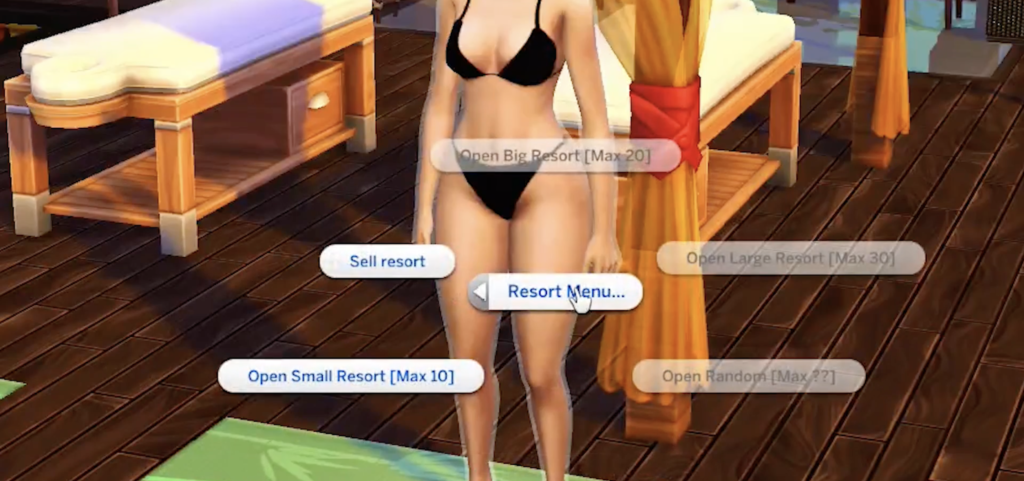
What if your Sim didn’t just live in Sulani… but owned it? With this mod, your Sim can run a resort from the ground up—hiring staff, planning beach activities, and curating the perfect vacation vibe. It adds a whole new layer to Island Living, turning your household into a hospitality empire.
Gameplay Ideas to Tie It All Together
With these mods combined, Sulani becomes more than a pretty backdrop—it becomes a playground of possibilities. Here are a few story prompts:
Eco-Mermaid Entrepreneur: Use the Resort Owner mod and mermaid aspirations to run an eco-conscious wellness spa on the beach.
Seafood Chef: Unlocked décor plus a seafood-themed home restaurant lets your siren Sim serve up fresh fish and local flavour.
Mythical Weather Guardian: Merge the weather control mod with stronger buffs to tell the story of a mermaid who controls Sulani’s climate for better or worse.
Final Thoughts
Island Living has always had the bones of a fantastic pack. With the right Sims 4 Island Living mods, it finally gets the muscle, heart, and mystery it deserves. Whether you’re in it for aesthetic builds, complex characters, or immersive careers, these mods breathe new life into Sulani—and give your Sims the island fantasy they’ve always deserved.
So dive in. The water’s more interesting than ever.
The Sims Board Game, one of many exciting things the Sims team is releasing with the Sim Your Summer roadmap, has stirred up some speculation about the possible addition of some new Sims 4 playground objects. Investigative Simmers might have noticed a hint in the recent showcase for the game, so let’s dive into the rumors and more below.
Table of Contents
Playground Gossip
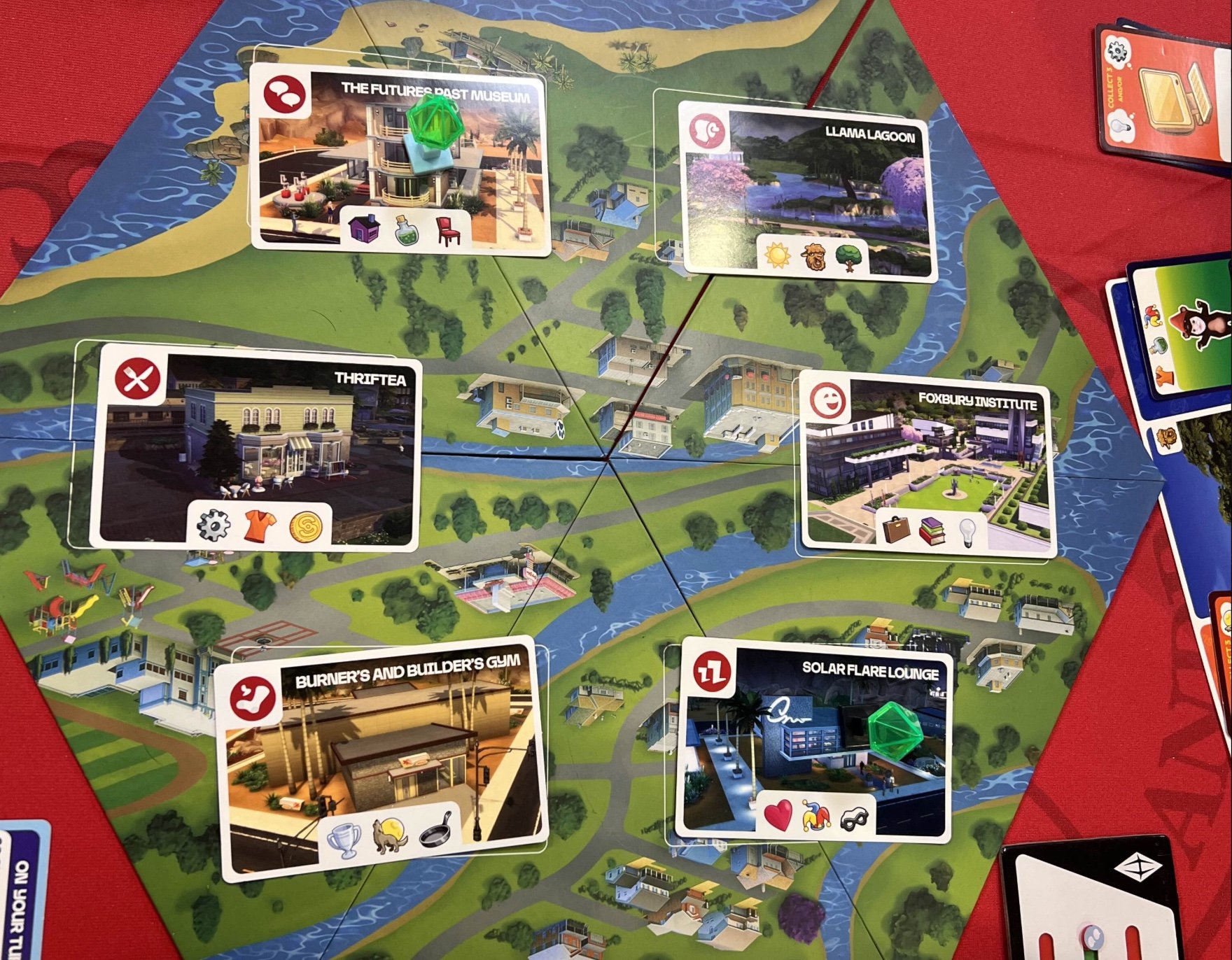
The recent UK Games Expo (UKGE) showcased The Sims Board Game, giving us more than a peek into what we can expect from the gameplay. Pictures of the game show us Need Tracker, Aspiration, and Action Cards all laid out on a familiar, yet slightly different, map of the Willow Creek world included in The Sims 4 base game.
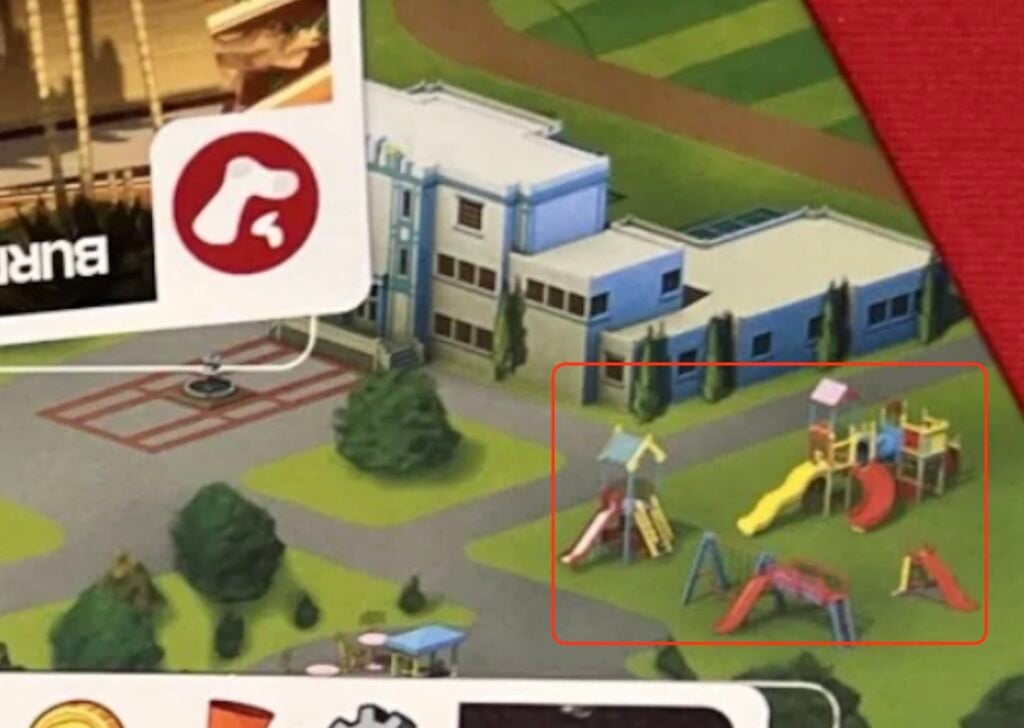
The map shows us buildings, both residential and public, and…wait, what is that? Over by what seems to be a high school, we can see bright yellow, red, and blue new playground objects! On the game board, the new and intriguing playground objects can be seen between the Foundry Cove and Courtyard Lane neighborhoods of Willow Creek. These are not the playground objects we are used to in The Sims 4.
Is What We See, What We Get?
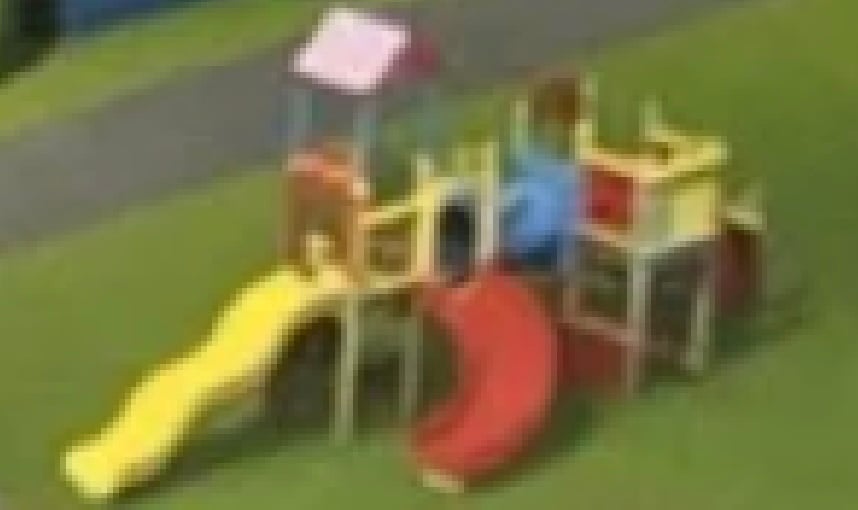
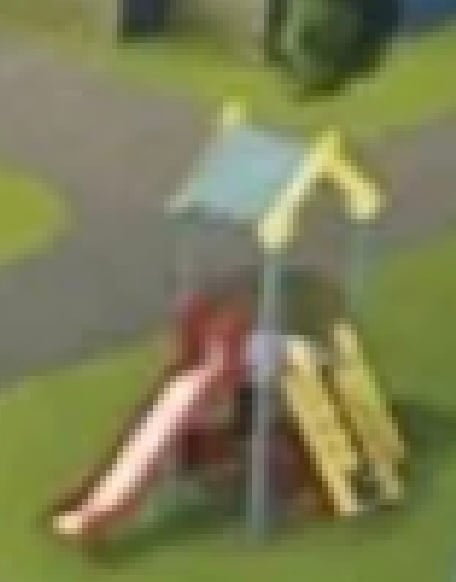
On June 23, fellow Simmer and X/Twitter user @jackofallgames7 (thank you!), clued us into this possible hint, and we hope they’re on to something. Zooming in on pictures of the game board, we can see a group of four objects that are currently not found in the catalog for the The Sims 4 playground objects: A large jungle gym complete with two slides and a tube, a smaller jungle gym with one visible slide and what looks like a ladder, a two-swing swing set attached to a slide and walking platform, and a smaller slide with a ladder attached.
Speculation and Observation
Let’s look into these playground objects a little further. Starting with the largest jungle gym, as you scan the item towards the right, you’ll notice what looks to be a red wall, ladder, or slide that brings you up (or down) to a yellow and red platform. Thinking back to my playground days, I remember some jungle gyms were equipped with rock climbing walls or different types of climbing walls to crawl up. I’m wondering if something like this is what’s hiding on the end of that playground object.
Speculating on both the large and small jungle gyms, I would imagine that Kid Sims who interact with these playground objects will have options to increase skills like Motor and Creativity. Kid Sims can currently play different types of pretend, climb around, and more by themselves or with friends on larger Sims 4 playground objects, leading me to believe we would be able to expect more of these type of interactions with these objects.
The swing set and slide combination look fairly self-explanatory, except for the large platform connected to it. Will this be another spot for Kids to play pretend in The Sims 4, or could this add more interactions, such as Teen Sim hangouts?
Finally, the small, single slide playground object. Based on the slide’s height compared to the neighboring slides seen in the picture, I hypothesize that this slide could be specific for Toddler and, maybe, Kid Sims. How cute would it be to watch your tot slide on down a mini slide! Since this interaction is similarly available with the Toddler Safety Slide from The Sims 4 Toddler Stuff Pack, this guess might not be too far-fetched.
As mentioned earlier, these playground objects are shown with a primary color palette of red, yellow, and blue, so maybe these will be the default colors for each object when/if they are added to The Sims 4. Like other objects in the game, hopefully, these will also come with other color variants.
Will There Be New Sims 4 Playground Objects?
While this may be just speculation at the moment, updates and additions to this game have been keeping us on our toes lately, so I wouldn’t be surprised if we see these (and maybe even a few more) new Sims 4 playground objects soon.
Will they be included in an upcoming update? Will they be added as a special item available for those who purchased The Sims Board Game? We will have to wait and see. Let us know your thoughts and speculation about the possible new Sims 4 playground objects in the comments below!
Learn about the new features coming to PlantSims exclusively with the new Expansion Pack.
Maxis / EA shared a new message on the official Sims Discord. Revealing that there’s going to be a PlantSim Update with new features involved for this occult. However, all the changes and improvements will be tied exclusively to The Sims 4 Enchanted by Nature Expansion Pack.
Features such as ability to bloom Plants as PlantSims, extended Plant Sim timers and more are all going to be exclusive to the new Expansion.
The community manager for The Sims also revealed that there’s going to be a seperate Sims 4 Feature update on July 1st. With different “new features and improvements to enhance your gameplay experience”.
Read all about it in the official message below:
PlantSim Update coming with Sims 4 Enchanted by Nature
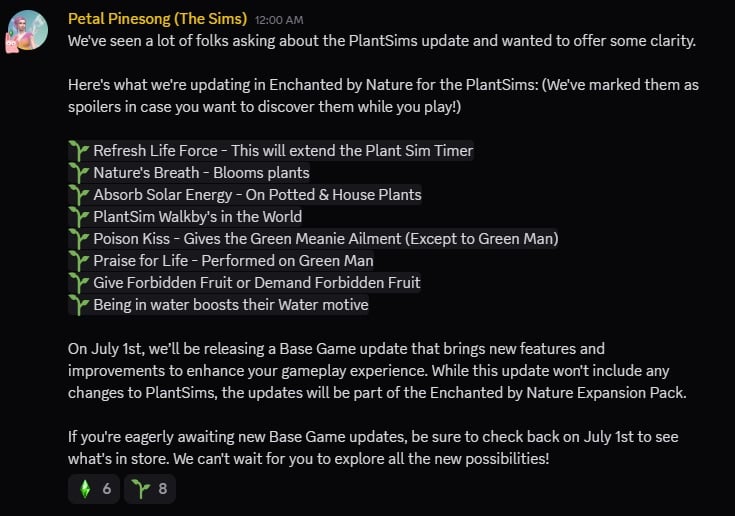
We’ve seen a lot of folks asking about the PlantSims update and wanted to offer some clarity.
Here’s what we’re updating in Enchanted by Nature for the PlantSims: (We’ve marked them as spoilers in case you want to discover them while you play!)
Refresh Life Force – This will extend the Plant Sim Timer
Nature’s Breath – Blooms plants
Absorb Solar Energy – On Potted & House Plants
PlantSim Walkby’s in the World
Poison Kiss – Gives the Green Meanie Ailment (Except to Green Man)
Praise for Life – Performed on Green Man
Give Forbidden Fruit or Demand Forbidden Fruit
Being in water boosts their Water motive
On July 1st, we’ll be releasing a Base Game update that brings new features and improvements to enhance your gameplay experience. While this update won’t include any changes to PlantSims, the updates will be part of the Enchanted by Nature Expansion Pack.
If you’re eagerly awaiting new Base Game updates, be sure to check back on July 1st to see what’s in store. We can’t wait for you to explore all the new possibilities!
It seems The Sims Team is excited for other features coming to The Sims 4 Base Game for free on July 1st. We’ll make sure to cover everything new right here on Sims Community so stay tuned!
What are your thoughts on the new PlantSim Update coming with Sims 4 Enchanted by Nature? Join the conversation in the comments below!
The Sims 4 Enchanted by Nature Gameplay Trailer Just Dropped!
We’ve finally seen The Sims 4 Enchanted by Nature Gameplay Trailer and a peek into what features and gameplay we can expect that weren’t dove into during the initial reveal trailer. From mystical fairies to the lush world of Innisgreen and even pesky plants, we got a ton of details on what to expect in just under two weeks!
The Sims 4 Enchanted by Nature Gameplay Trailer
Here’s Some Fun Details We Spotted!
Table of Contents
10 Things We Spotted in The Sims 4 Enchanted by Nature Gameplay Trailer
With just over six minutes of content, the Sims 4 Enchanted by Nature Gameplay Trailer explores details of the pack from Create-A-Sim to the Apothecary skill. Even Sims who are not Nature Nomads, Gnomes, Fairies, or Plantsims are encouraged to get in touch with nature and reap all it has to offer. We still recommend you watch the trailer, but here is a few things we thought stuck out!
1. Plantsims – A Possible Overhaul?
While Plantsims were present in previous mainline Sims games, like The Sims 2 and The Sims 3, players did notice that they are largely absent from The Sims 4. Plantsims were added as a temporary occult state in Patch 49 released in 2017, caused when your sim consumed a Forbidden Fruit from the Magic Plantsim Stump. While this was somewhat exciting at the time, they’ve lacked attention ever since.
While not confirmed, we do get to see two sims who are either wingless green fairies, Plantsims, or something else! One is Spruce, the ex of the narrator, who appears from a mysterious tree. The second is unnamed and appears earlier in the trailer while a sim is tending to her indoor potted plants.
2. Potted Plants- More Chores, More Decor
Houseplants have always been inherently decorative in The Sims 4, outside of outside plants that were potted and brought inside, but now it seems that they have grown new life! There are more options for gardening-minded Sims to pot plants for the indoors, but Sims can also now embrace their best Plant Parent life and water, care for, talk to, and even name indoor plants!
Don’t forget about them like your standard Sims 4 houseplants though! Without the outside rain and room to grow, these plants may be more finicky and much less forgiving than your forgotten garbage plant.
This opens up for a wide range of Build and Buy mode options for players, from cluttering your living room with beautiful green shrubbery and leaves for your sims to care for, to setting the mood of an abandoned home with dead or dying plants, or even building beautifully decorated sunrooms and indoor greenhouses; The world is your oyster!
3. Becoming A Fairy
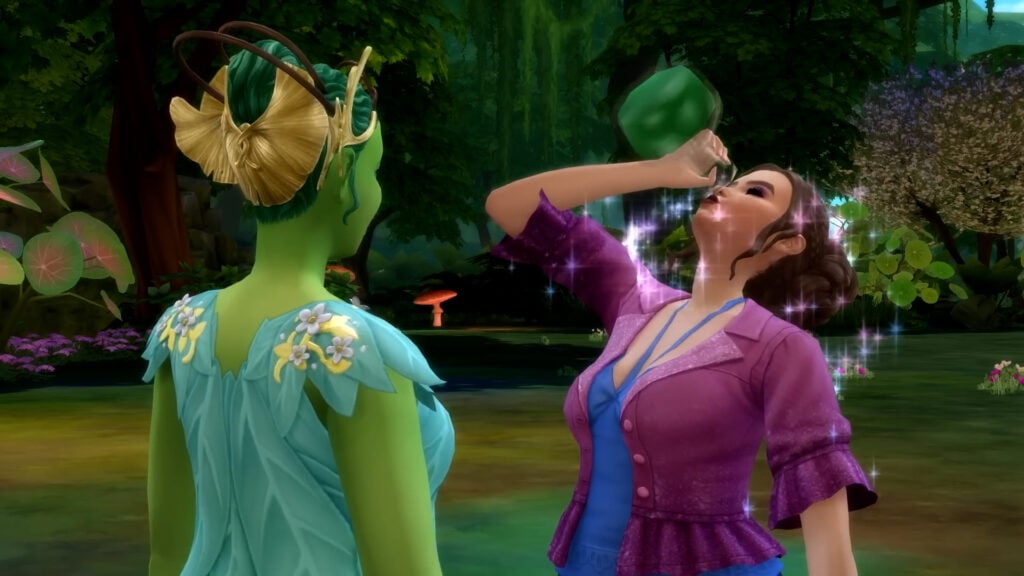
Creating a fairy in Create-A-Sim is going to be many players first stop once they have their hands on the pack, but for those who enjoy telling a story or working through new gameplay mechanics, Sims can plant a Fairy Seedling and summon Mother Nature (who also narrates the Sims 4 Enchanted by Nature gameplay trailer!) to give them a potion. Once they receive that, they must take a walk and step into a nearby pond and fully transform into their new fluttery fairy selves!
This is very reminiscent of the Rebirth function from The Sims 4 Life and Death, where Sims must wrap up their unfinished business as a ghost and then step into the Baleful Bog in Ravenwood to be reborn!
4. Create-A-Fairy – Hooves, Wings, and Horns – Oh My!
From the glimpse of the Create-A-Sim section for fairy forms we did get, fairies are going to have loads of customization to make them truly unique and as whimsical as you’d like! These fairy forms are, so far from what we’ve seen, one of the most in-depth occult type create-a-sim modes we’ve actually seen. Create-A-Sim for fairies seems to include a wide array of clothing, absolutely tons of fairy wings which can be painted and customized to your hearts content, horns, hooves, crowns, body markings, and so much more to dig into once the pack is out on July 10th!
While these may not include absolutely everything and we didn’t get a full view of the list, there seems to be approximately 15-20+ pairs of fairy wings alone before you even go into color customization, so you truly have a ton of options available!
5. Keep Your Emotions in Check – New Death Type
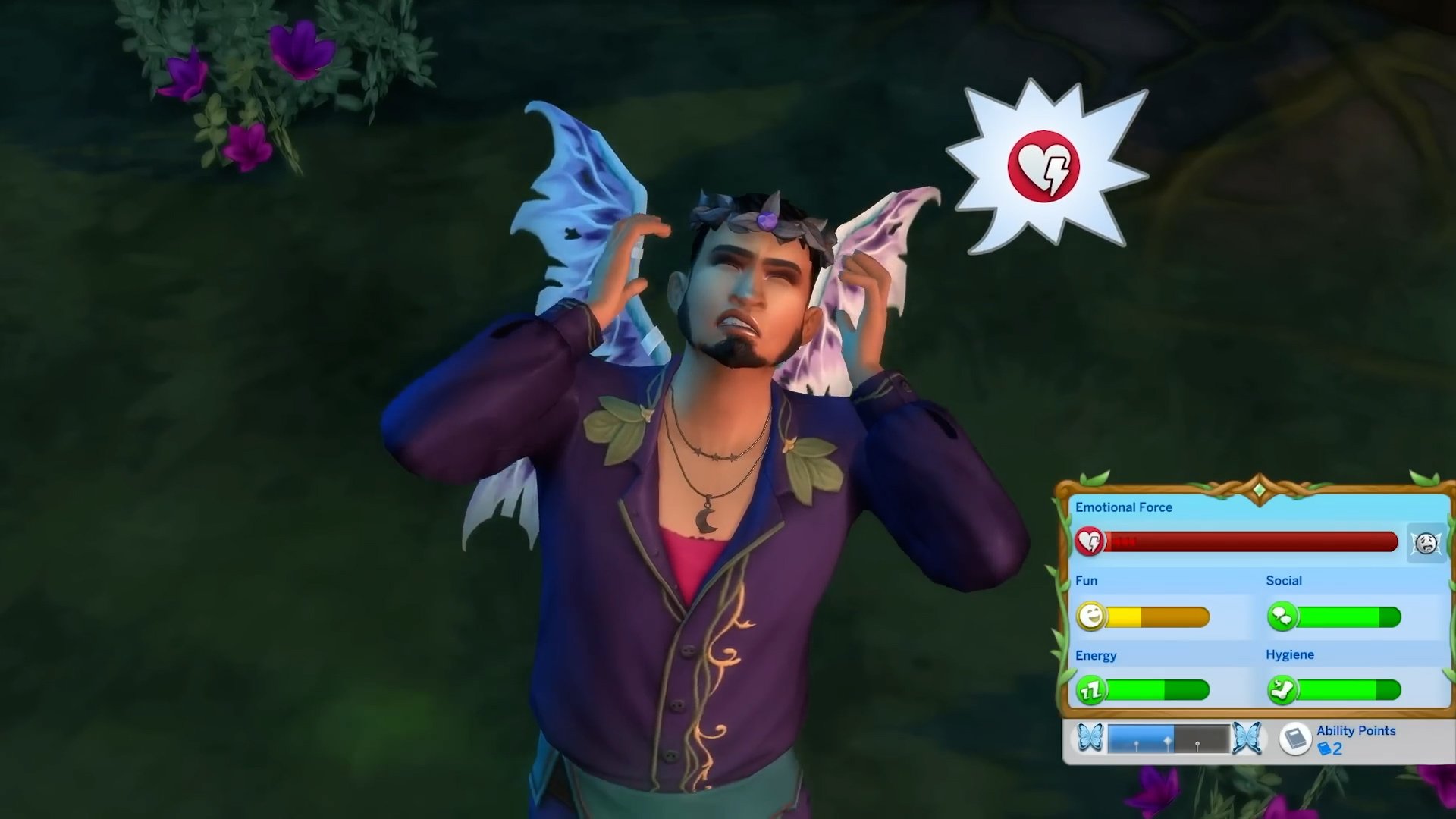
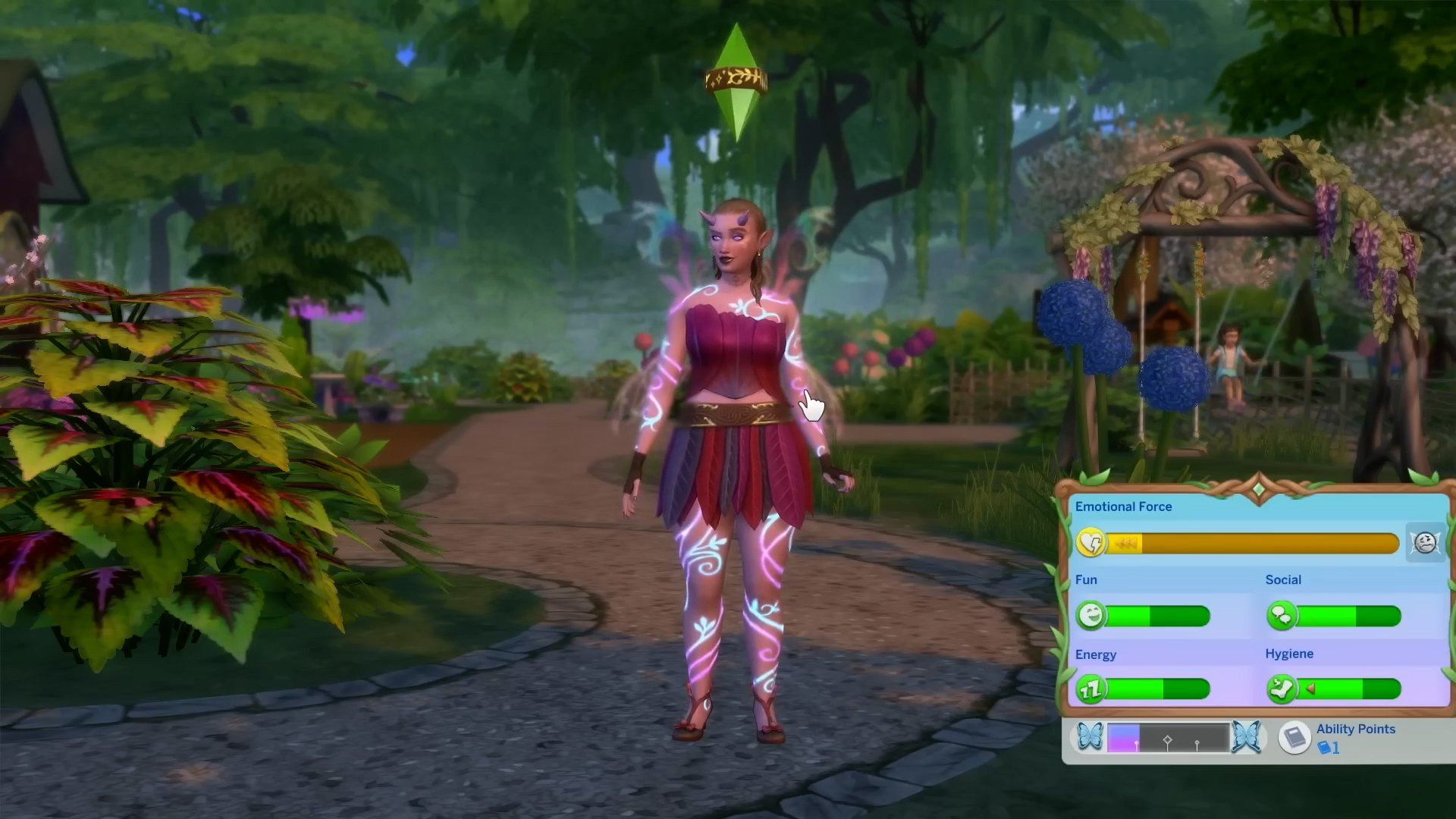
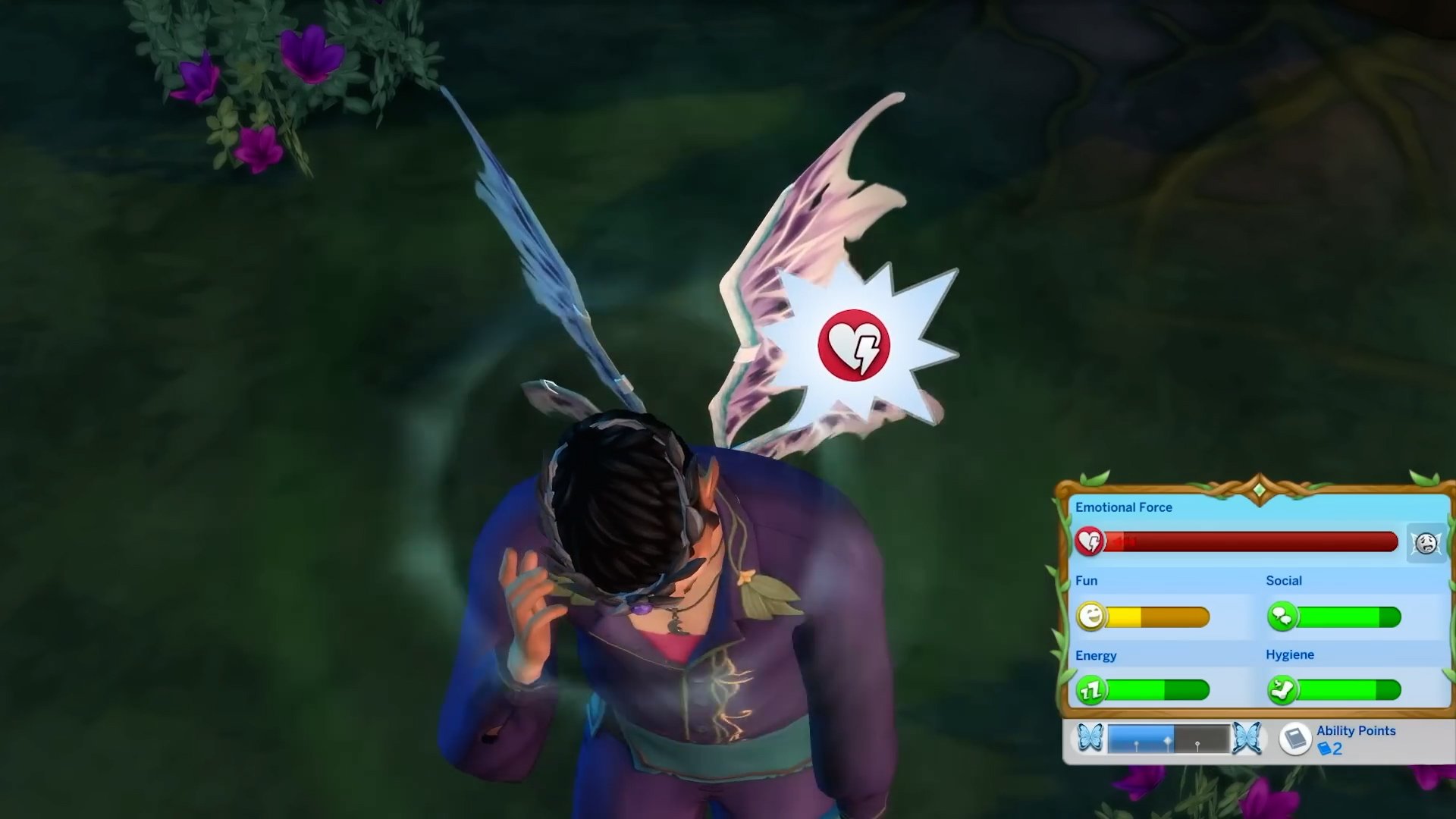
As a center of The Sims 4, emotions have always been deeply tied to gameplay since the game’s first launch. Fairies for The Sims 4 Enchanted by Nature stay true to this, having their bladder and hunger needs replaced by Emotional Force, a meter tied to their absorption of emotions from other Sims (or even some plants!) as well as how they can process and control their own emotions.
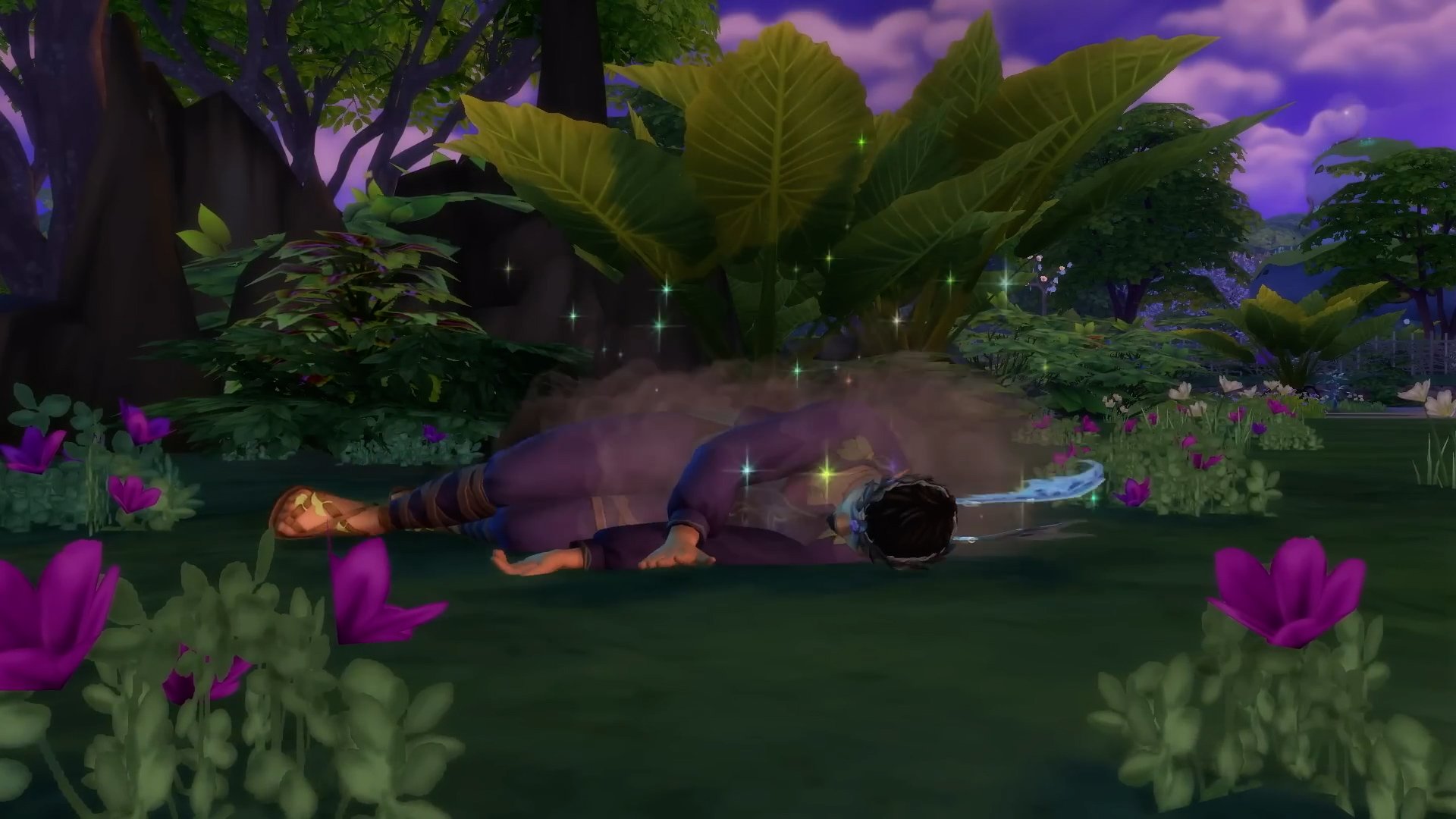
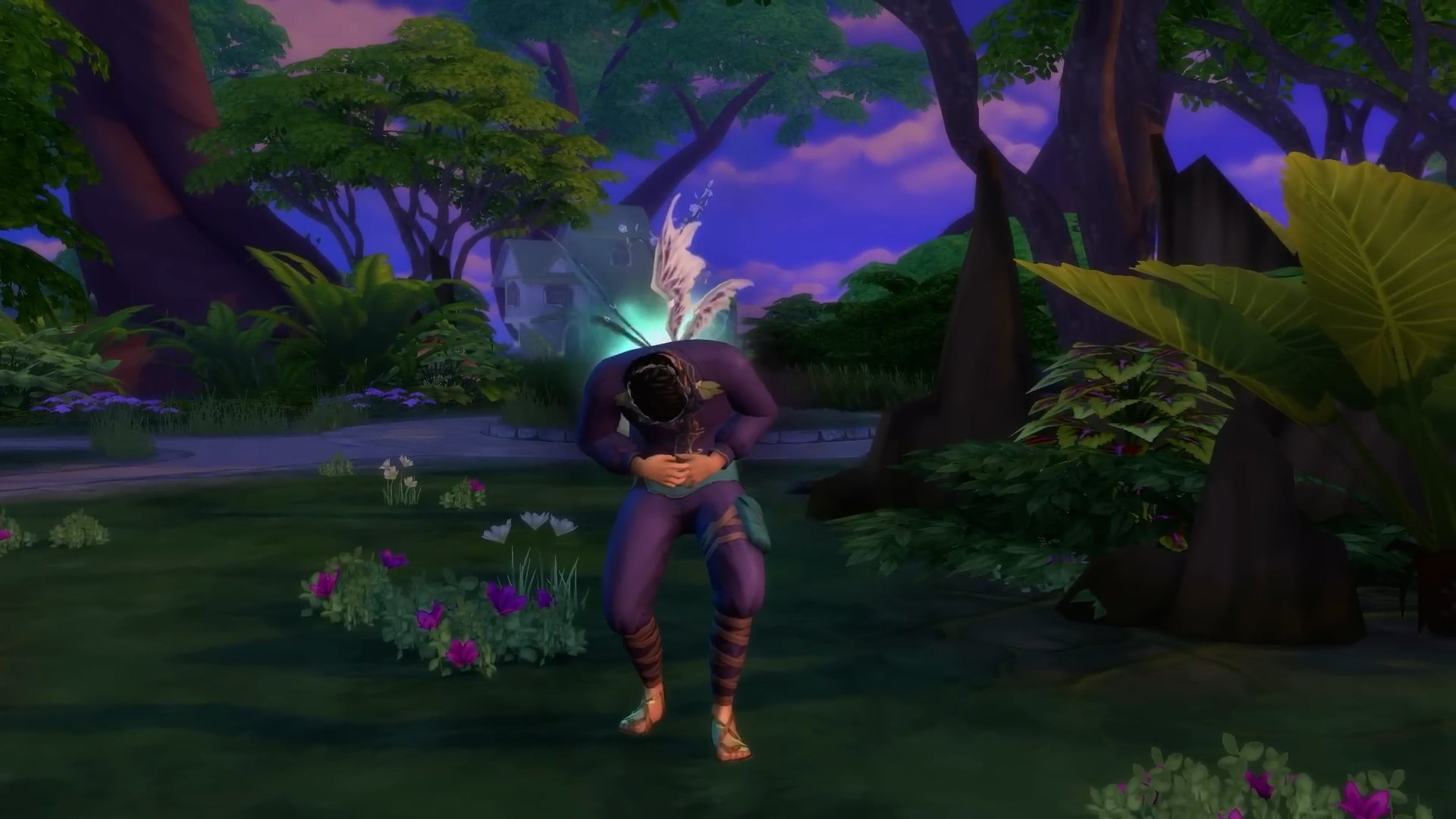
And if you neglect their need for Emotional Force… well… they don’t seem to last very long. A new death type for fairies is introduced, requiring them to sufficiently take care of their Emotional Force through any means necessary or suffer the consequences.
6. Fluttery Fun – New Fairy WooHoo Type
This wouldn’t be a proper Sims 4 expansion pack without the introduction of a new way for your Sims to WooHoo! Similarly to the Ghost Woohoo implemented with The Sims 4 Life and Death, Fairy Sims have a unique Woohoo type using their natural form that allows them to shrink a human (or other occult type!) sim to have some fun… seemingly just about anywhere!
7. Magic and Mysticism – Fairy Skill Tree and Progression
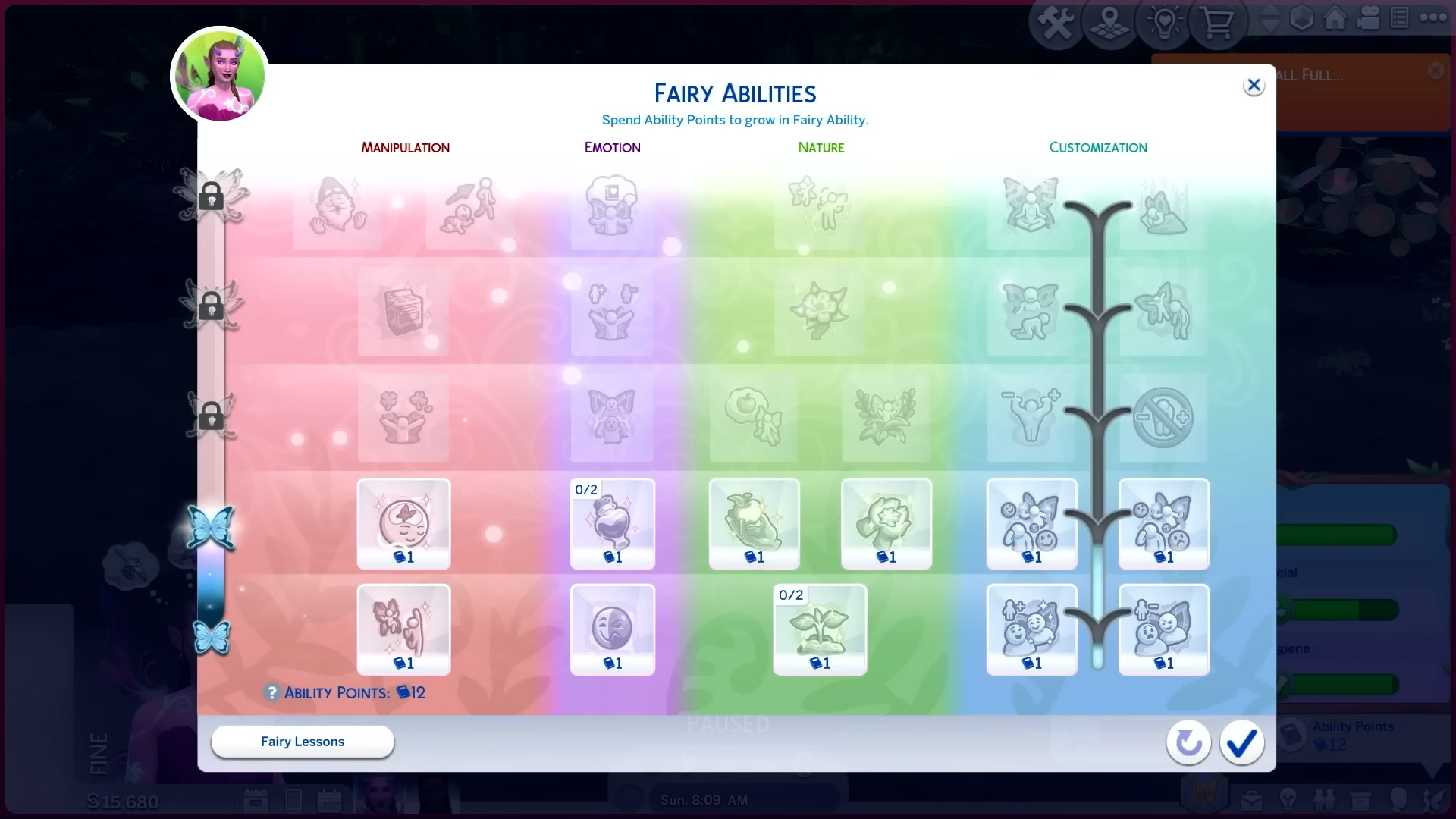
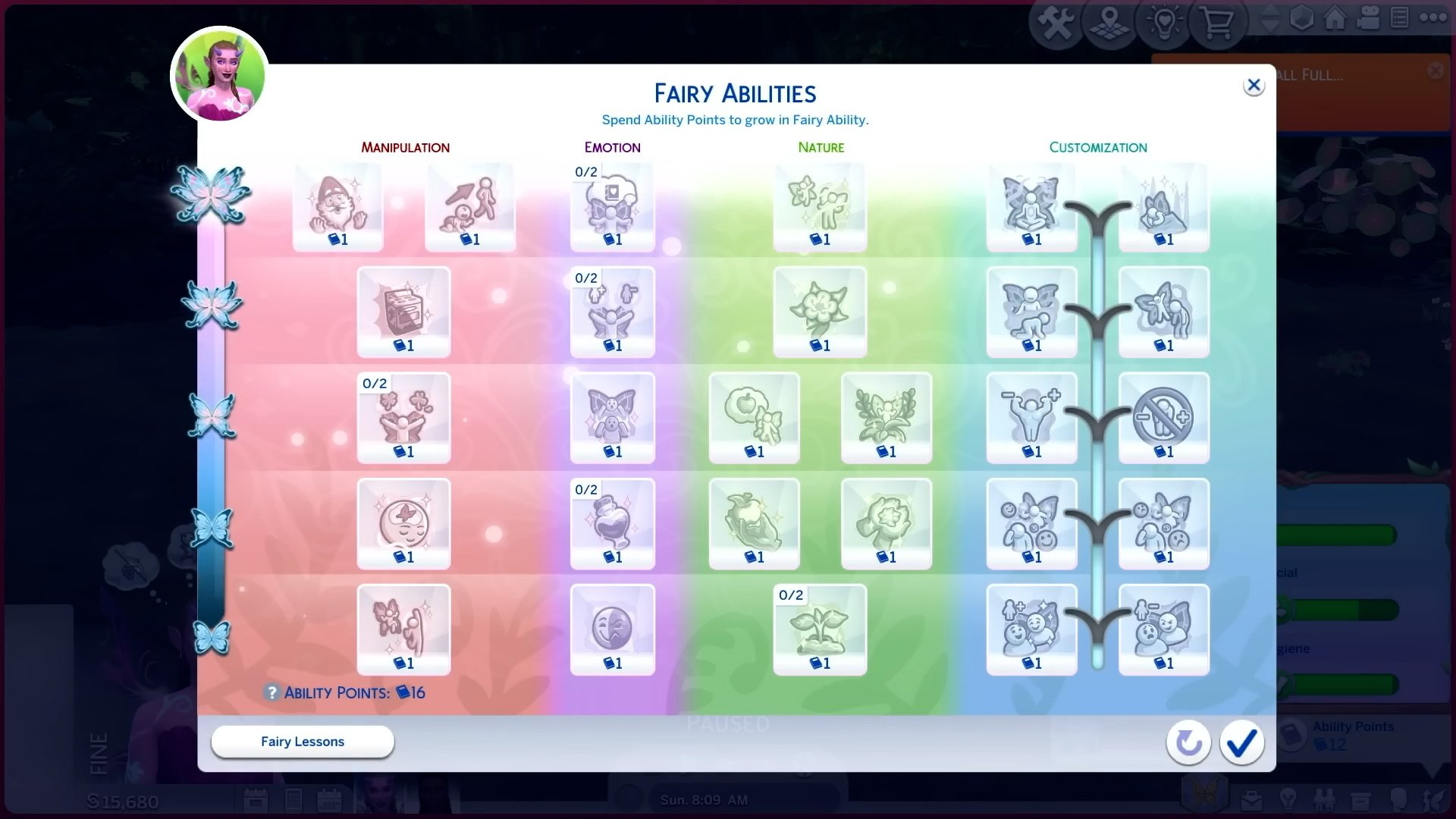
Soothing the concerns many players had regarding a lack of gameplay or progression in fairies since they were coming in an Expansion Pack rather than their own game pack, like how Mermaids and Aliens did, these fairies do have a full skill tree and progression system! These have four columns balanced between Manipulation, Emotion, Nature, and Customization!
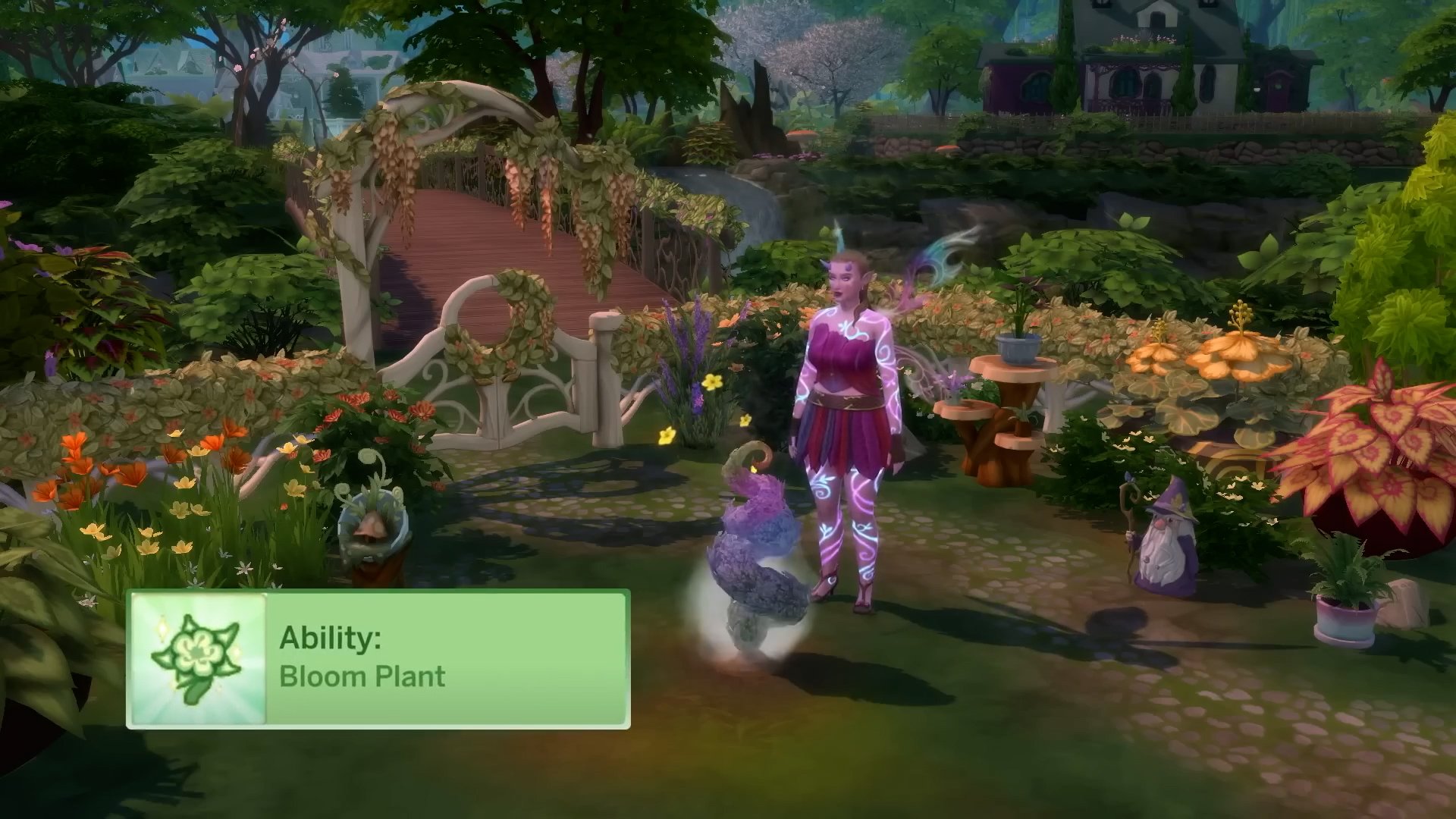
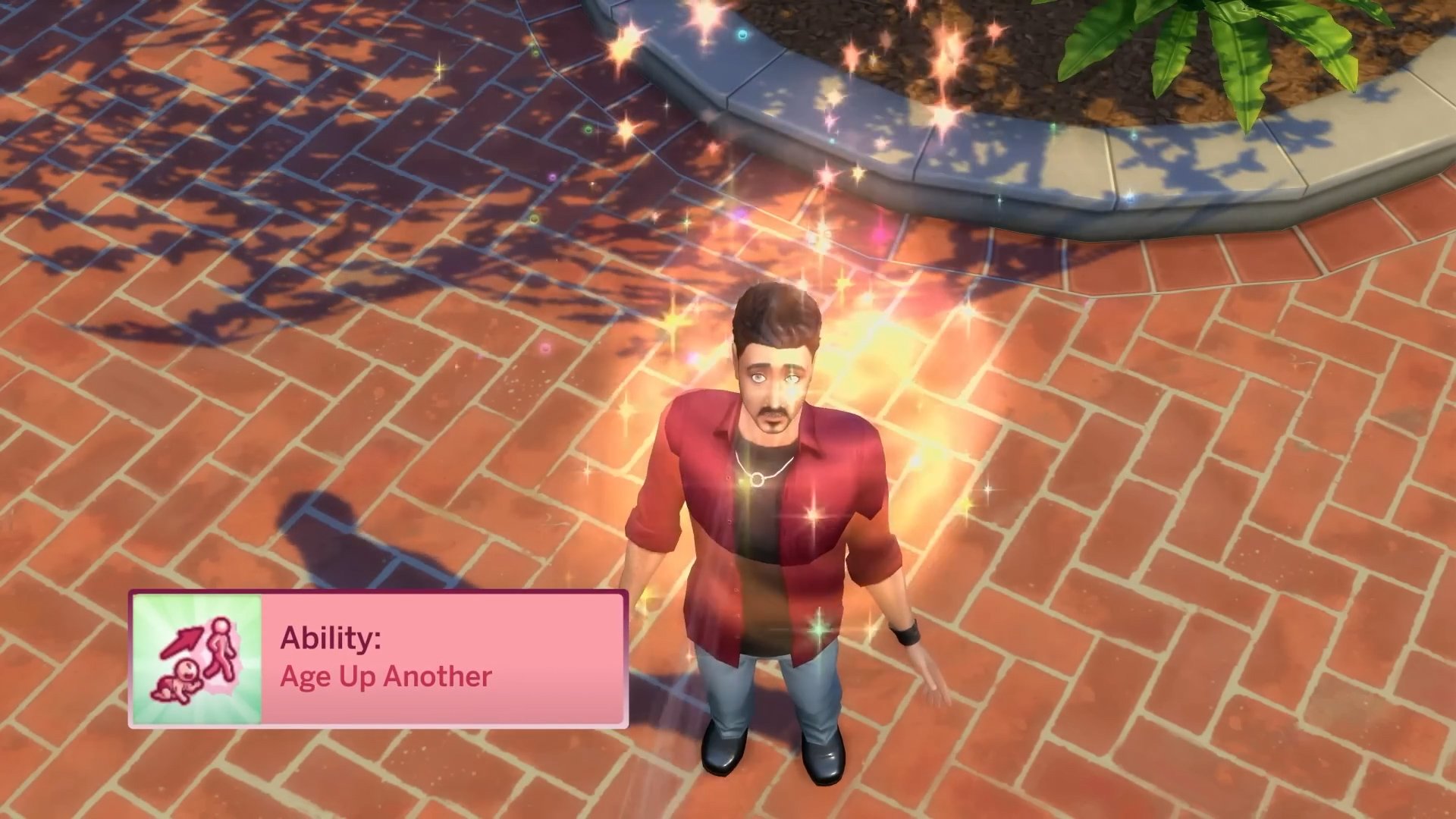
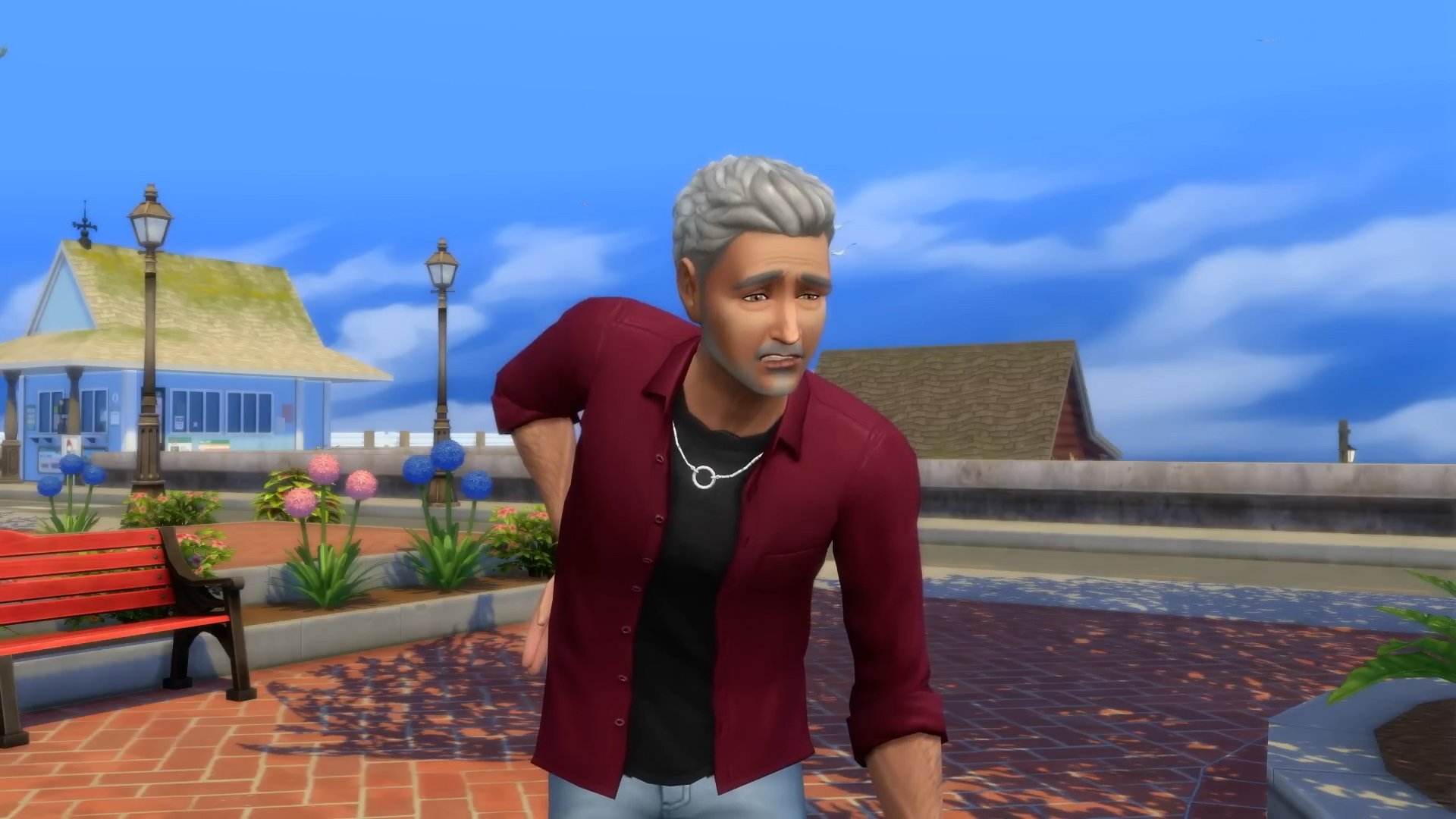
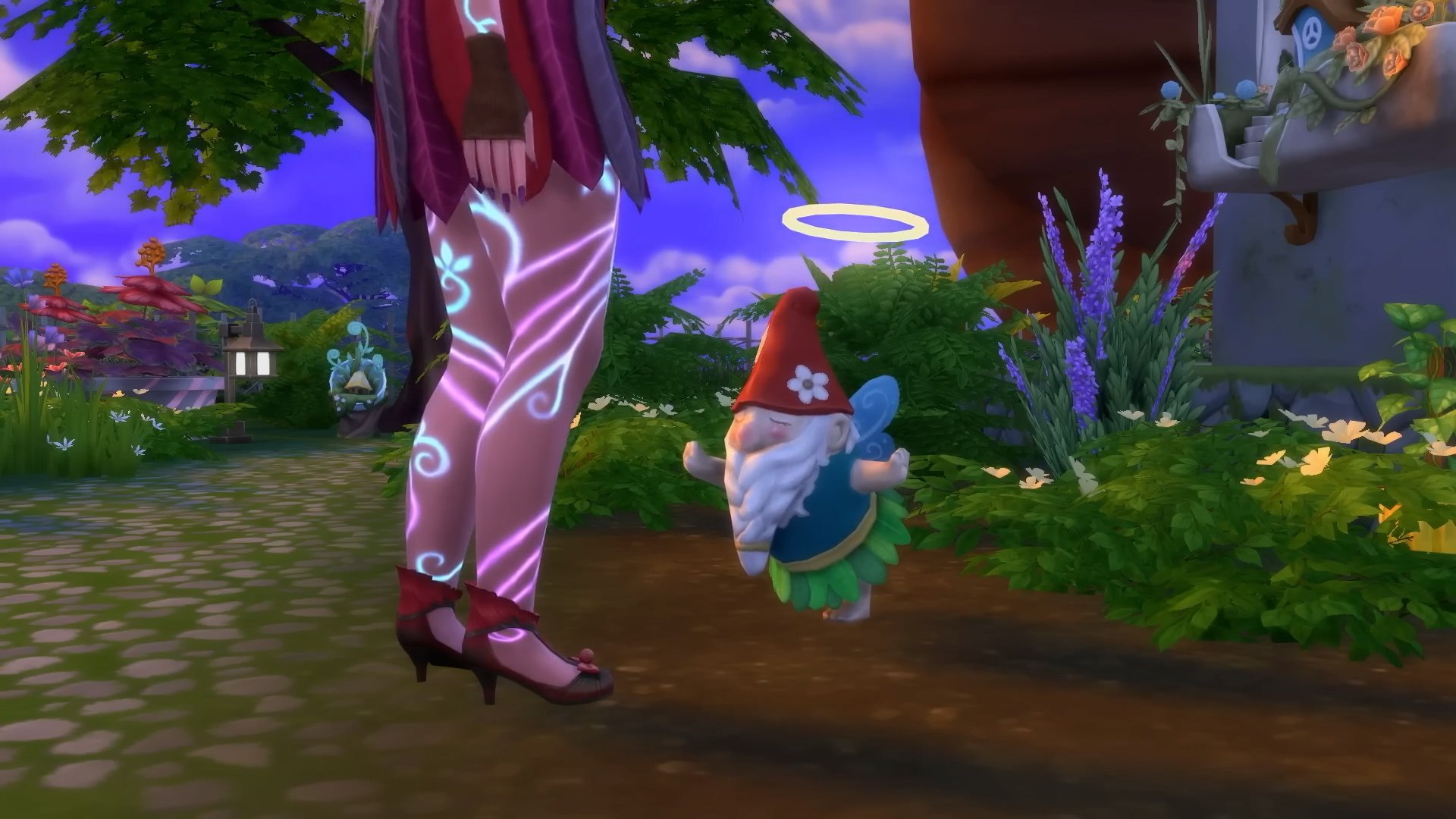
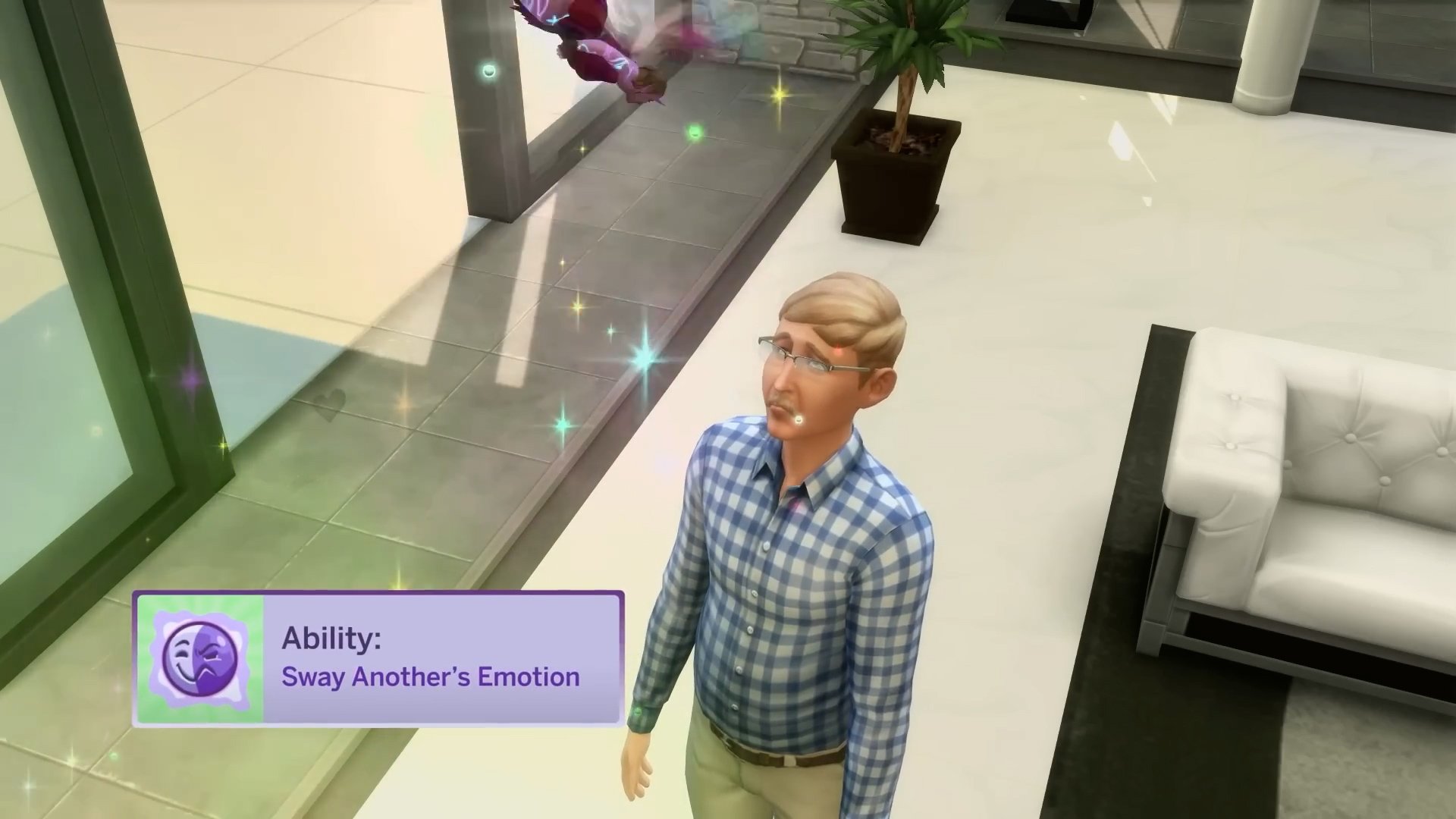
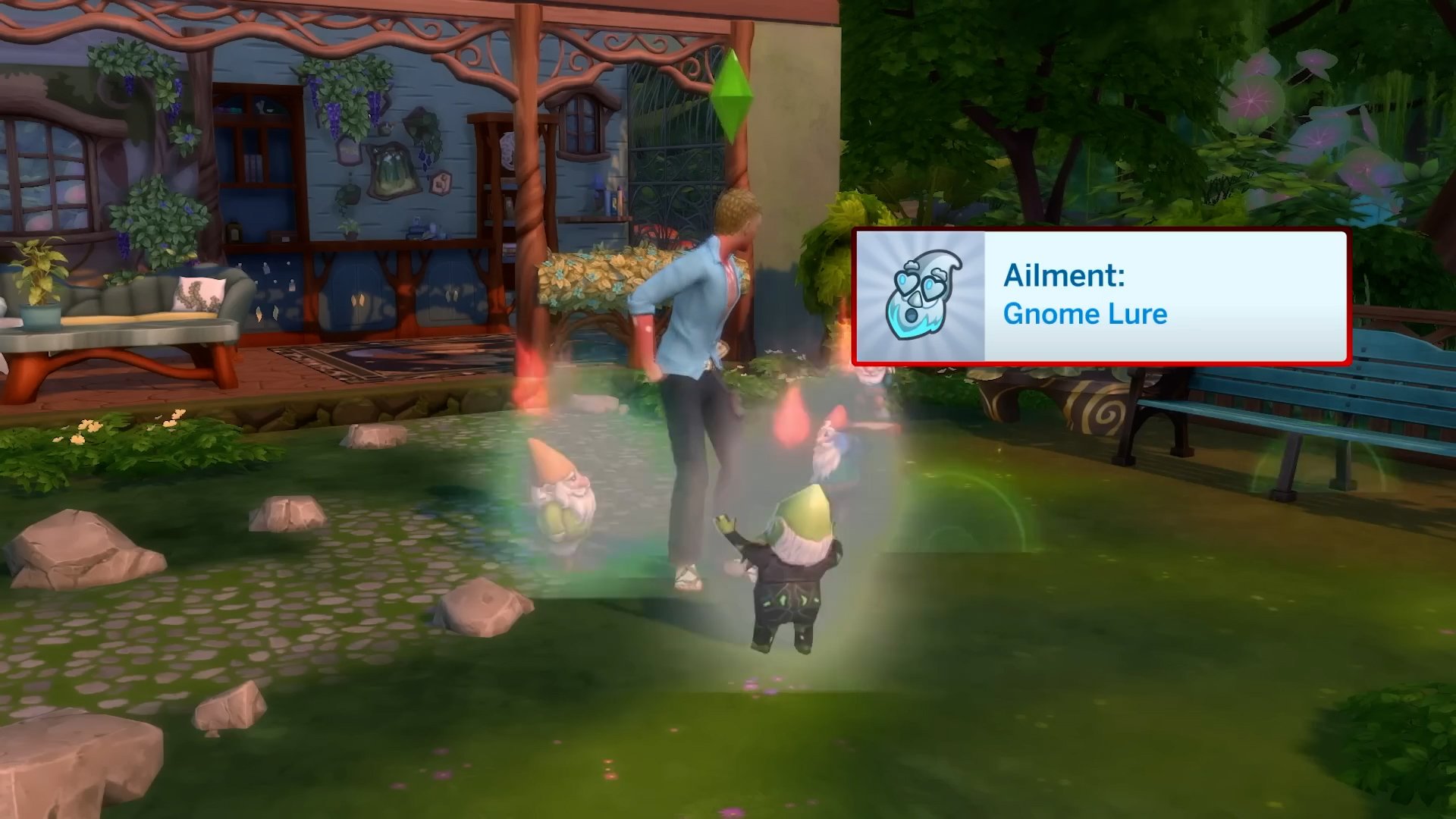
Progressing through these levels will allow your sims to develop new abilities that can be good, bad, or neutral! While there are many more not showcased in this trailer, ones we have seen include Blooming Plants, Bringing Gnomes to Life, and even Aging Up Sims (Sorry Don!)!
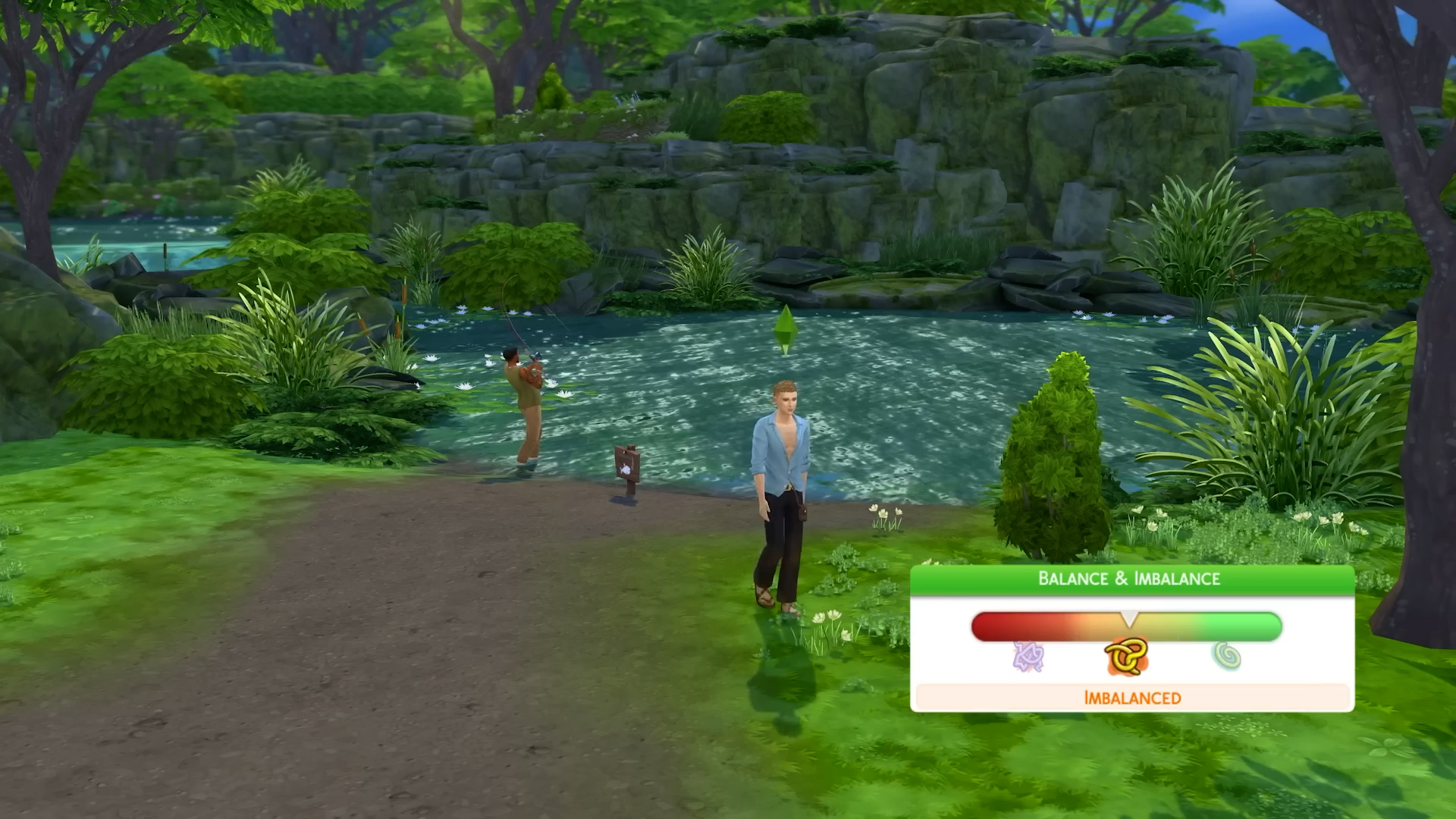
8. A Balancing Act – The Balance & Imbalance System
Seemingly tied with both emotions and a new Luck system, the balance system means your sim must keep multiple things in their life in check or possibly deal with Ailments, nature-stricken illnesses that are cured through the upcoming Apothecary skill. When your sims’ balance is thrown out whack, brushing it off will ultimately lead to ailments. The Luck system, while not fully unveiled, seems to indicate how easily Sims will be able to get valuable collectibles including fish and possibly other items.
9. The Great Outdoors – Nature Nomads and Living Off The Land
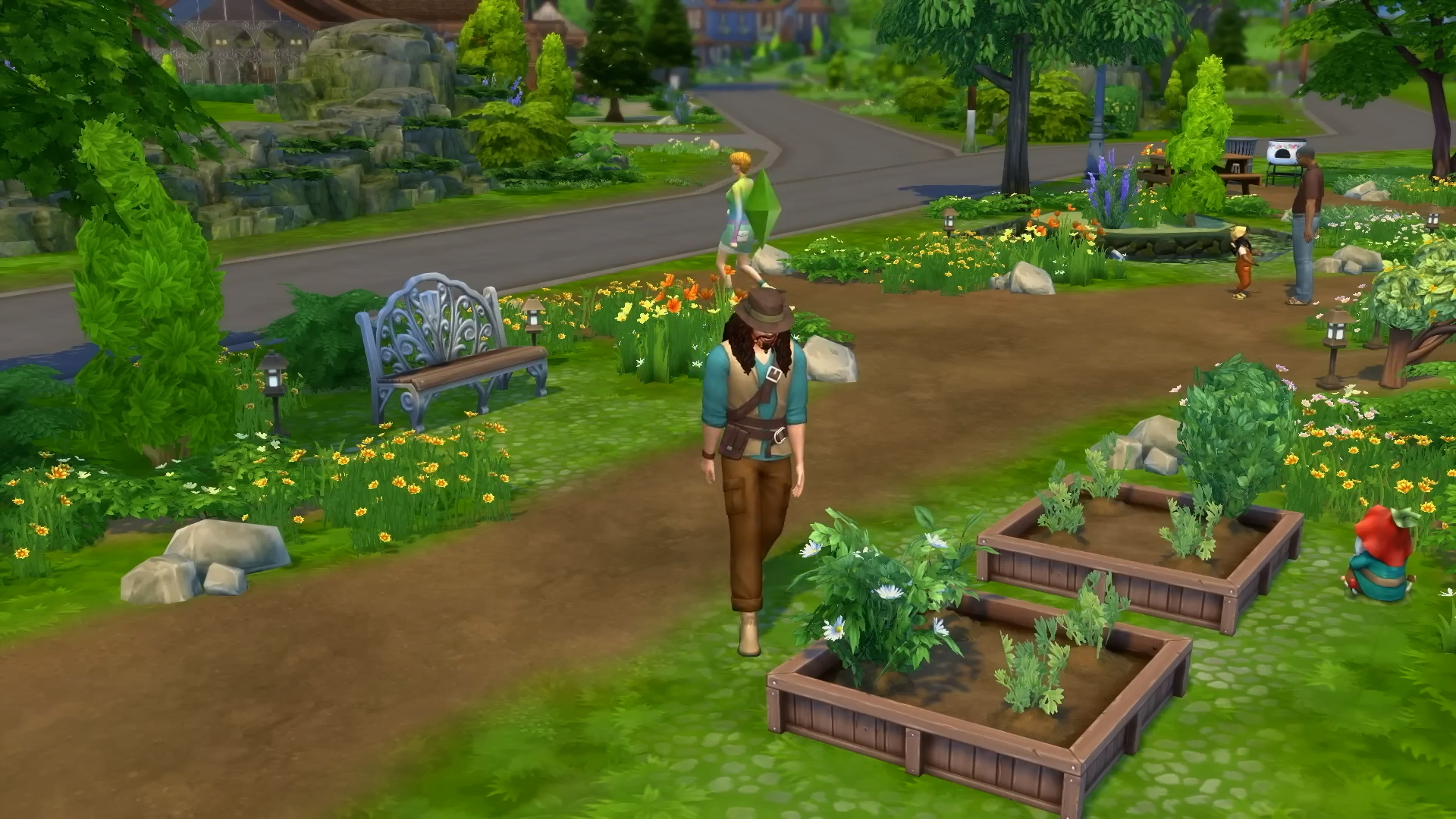
As shown in the initial reveal trailers, teasers, and other information regarding the pack, Sims are no longer contained by the walls of their home or tent to be able to live happily. They can now live off the land, with tons of new build and buy items to fit this theme, as well as a skill for foraging and outside living so they can progressively get better at managing their life and needs outside.
This has made challenges like the Rags to Riches and Off The Grid challenges and Lilsimsie’s Very Veggie Challengeall the more accessible for Sims, at least those living in Innisgreen!
10. Herbal Housecall – Naturopath Healing & The Apothecary Skill
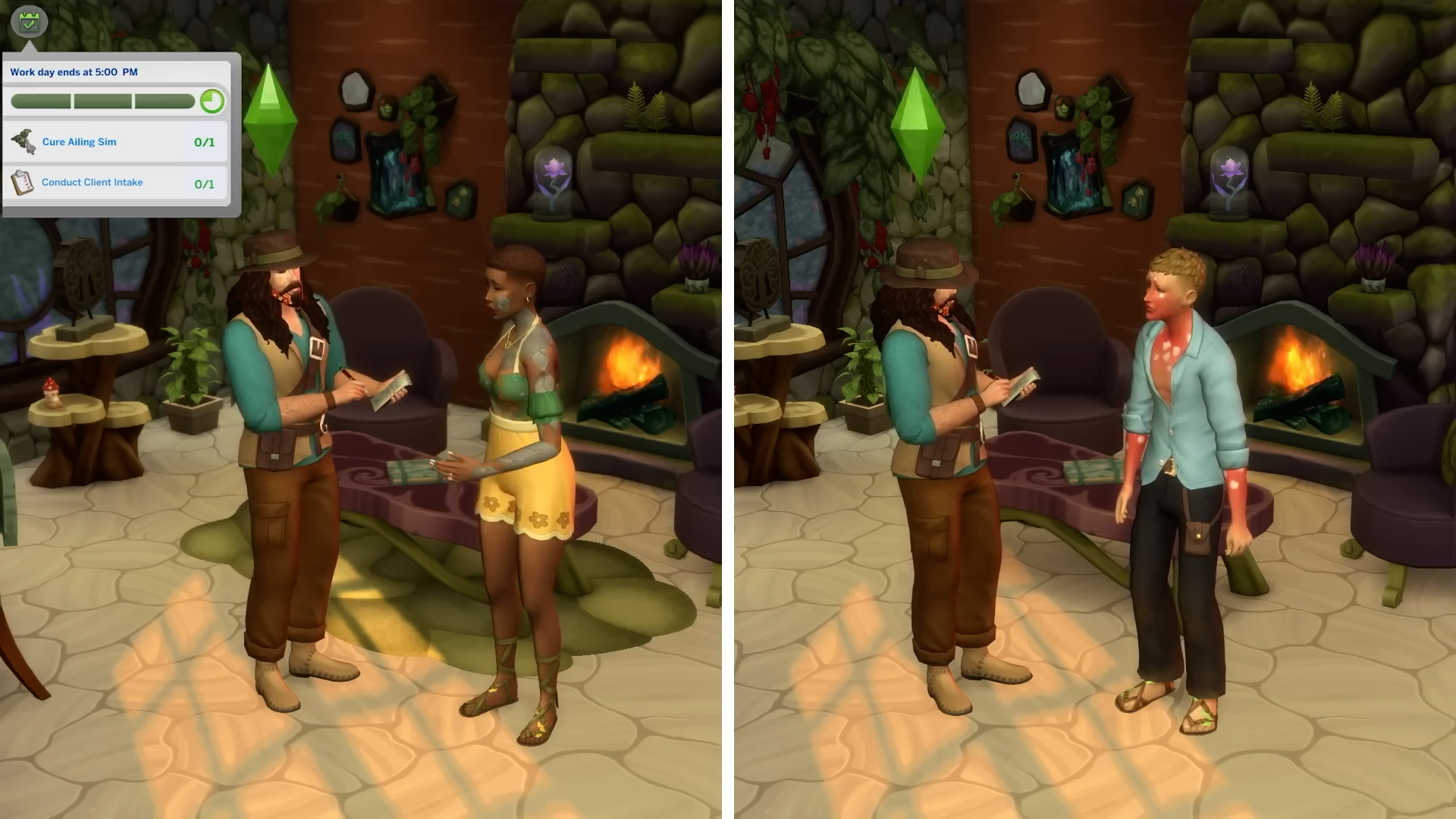
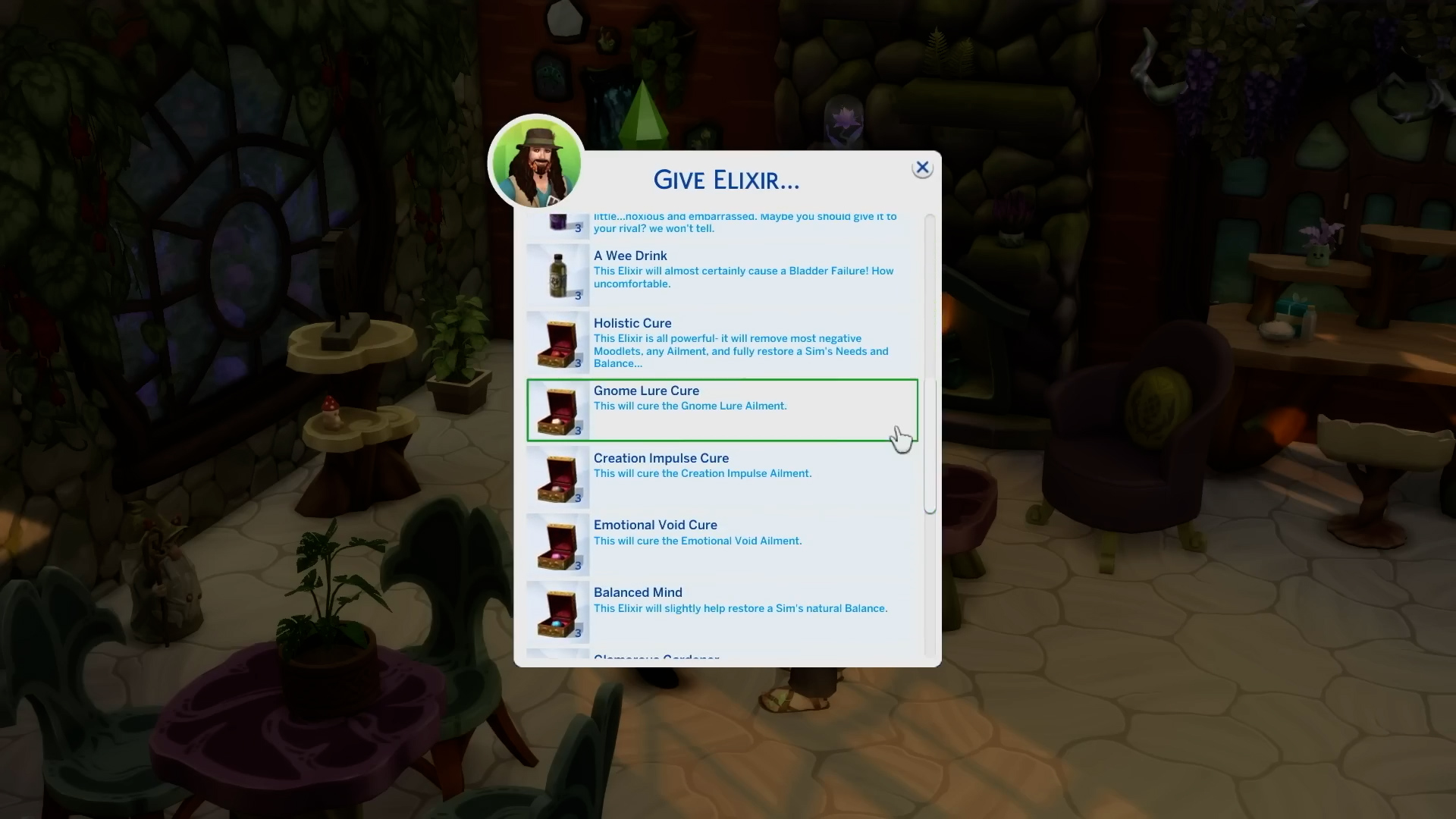
With Ailments now possible when Sims have their lives thrown out of whack, we need somebody who can help, and that’s where Apothecaries and Naturopath Healers come in to play! From the Sims 4 Enchanted by Nature gameplay trailer, it looks to be a work-from-home but active career, giving Sims tasks to help them cure incoming patients’ ailments.
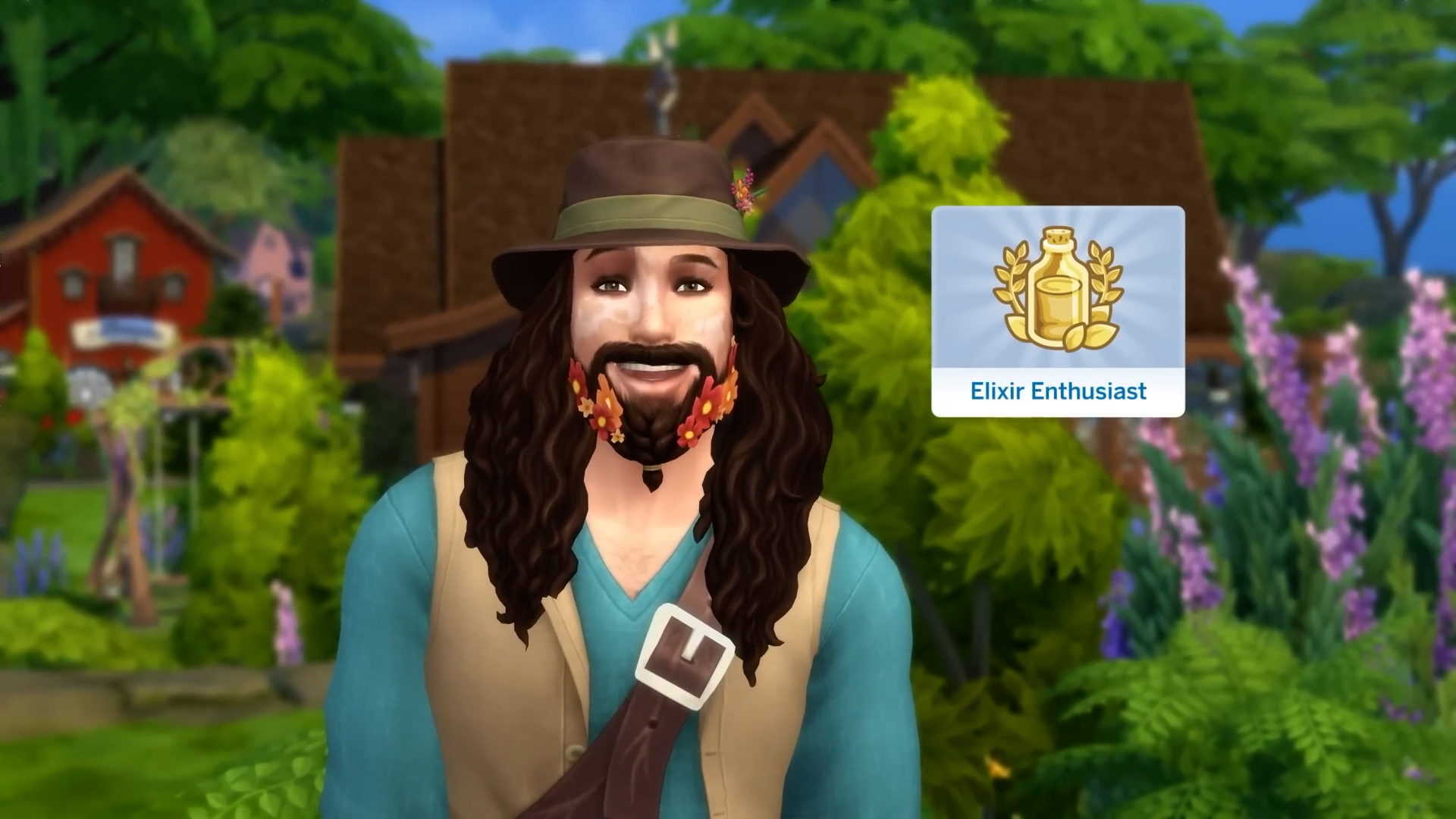
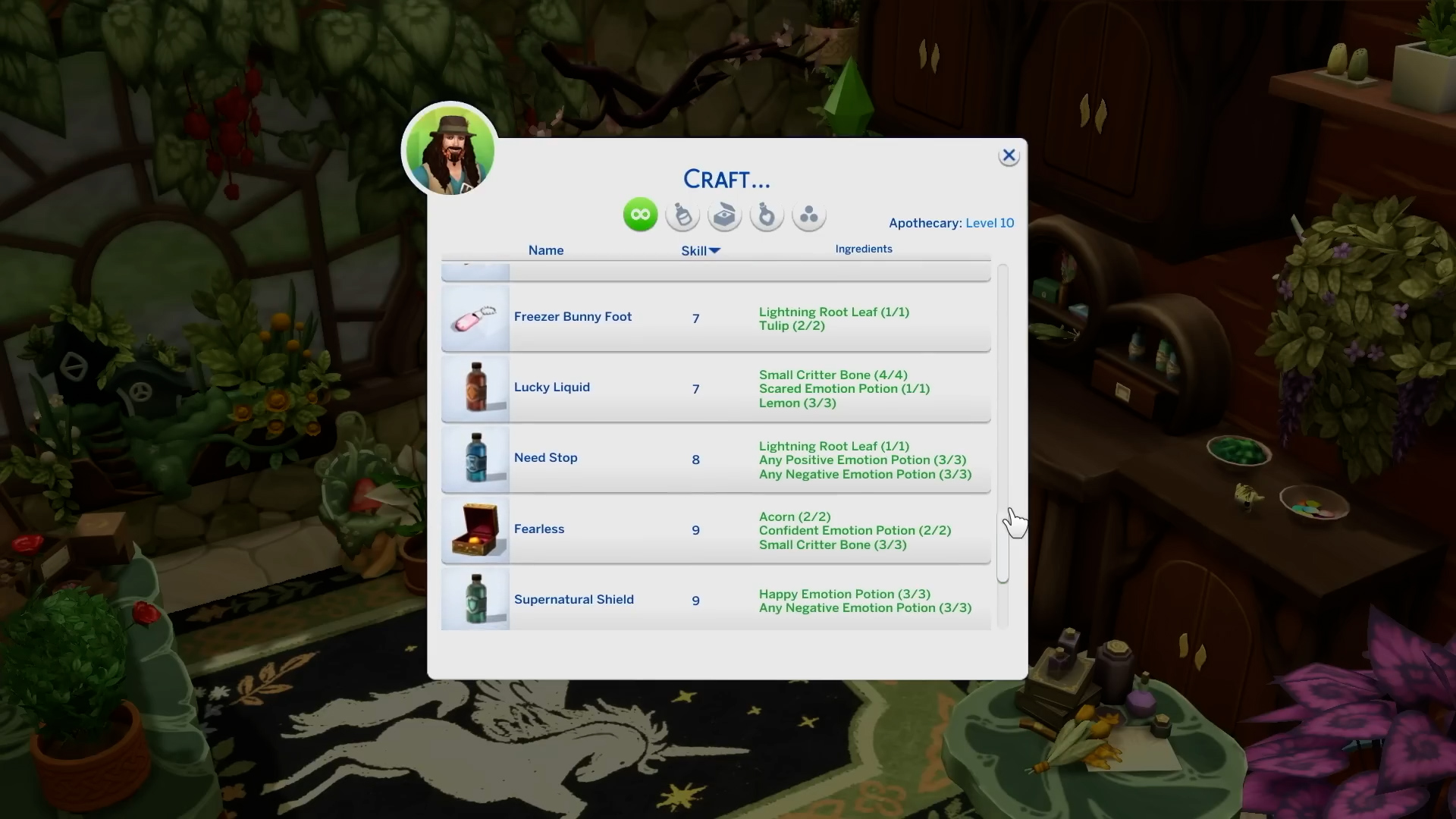
Three new magical plants also come into play here! This includes the Moody Shrub which can have emotions harvested from it, the Aura Blossom to influence the Luck and Balance systems, and the Lighting Root which… currently, we can only tell that it can shock Sims, but it will likely be an active ingredient used in the Apothecary skill!
The Sims 4 Enchanted by Nature releases in just under two weeks on July 10th 2025 at 1:00PM EST, 10:00AMPDT, or your time zone’s equivalent! Check out our countdown to the release here for when you should expect the pack release!
Follow Sims Community for new info as we approach launch day!
The Sims 4 Enchanted by Nature Gameplay Trailer has just been released. And we know there’s a lot packed in those six minutes and 38 seconds! That’s why we’ve extracted over 220 important screen frames from the Gameplay Trailer.
Featuring all the different Fairy wing variations shown and CAS presets, including every important gameplay frame. Letting you explore all the swatches, objects and novelties without interruption!
You can zoom in on each frame by simply selecting it.
Looking for more info on The Sims 4 Enchanted by Nature? We just got a first look at the Cross-Pack Features and Pack Soundtrack. Take a look!
The first Cross-Pack Features with Enchanted by Nature have been revealed.
Electronic Arts has updated their official announcement blog with Sims 4 Enchanted by Nature Cross-Pack Features. Revealing new information on how well the latest Expansion Pack will tie with the previous DLC releases.
For example, with Cottage Living Fairy Sims will be able to instantly fulfill animal needs. And if you have Cats & Dogs installed you’ll be able to instantly heal them too!
There’s more mysticism with exclusive Fairy interactions between Werewolves, Vampires and even Mermaids from Island Living.
Table of Contents
The Sims 4 Enchanted by Nature Cross-Pack Features
There are a plethora of previous Expansion and Game Packs that allow your Sim to connect with other Occult Sims. See below for a few you can try:
If you have the The Sims 4 Horse Ranch Expansion Pack, the Cottage Living Expansion Pack or the Cats & Dogs Expansion Pack, Fairy Sims can use their Nurture Nature to fulfil animal needs and instantly cure sick cats and dogs.
In addition, there are so many ways for Fairy Sims to connect with their Occult Sim counterparts! With the Werewolves Game Pack, Fairies can soothe Werewolves and bring their fury back to zero and return them to their Sim form, and with the Vampires Game Pack, Fairies can remove vampirism from Vampire Sims to return them to their natural Sim selves. Fairy Sims can also hydrate and top off the needs of their Mermaid Sim and PlantSim friends with the Island Living Expansion Pack!
With The Sims 4 Island Living Expansion Pack, the Werevolves Game Pack and the Vampires Game Pack, Sims can use Apothecary crafting to create an Elixir that refills all needs instantly for Occult Sims.
The Enchanted by Nature Expansion Pack introduces the Fear of Magic, making Sims who have had a bad experience with magic feel unsettled by it. If you have the Realm of Magic Game Pack, Sims may even get Paranoid when near Spellcasters or other Occult Sims.
If you’re interested in The Game Soundtrack, EA has also revealed real life singers and artists who performed their songs in Simlish. Including FKA Twigs, Florence Road, Perfume Genius and more.
The Music of The Sims 4 Enchanted by Nature Expansion Pack
For the Enchanted by Nature Expansion Pack, we curated a whimsical soundscape to match the world of Innisgreen and the adventures your Sims will experience in it – and of course it’s all in Simlish! With uniquely enchanting tracks from FKA Twigs, Perfume Genius and Florence Road, you’ll be instantly transported to a natural world of wonder.
Here’s a look at a few of the songs on the soundtrack:
“Perfect Stranger” by FKA Twigs
“Clean Heart” by Perfume Genius
“Good Night” by Florence Road
“9-5” by Biig Piig
“Simple Girl” by Remy Bond
“SHELL (OF A MAN)” by Saya Gray
“Unfair” by Yuno
“Lara the Brave” by Mairéad Carlin & Ronan Scolard
“Blade of Grass” by soso radio
What are your thoughts on the Sims 4 Enchanted by Nature Cross-Pack Features? Stay tuned for more Sims 4 Enchanted by Nature News right here on Sims Community!
Join the premiere of The Sims 4 Enchanted by Nature Gameplay Trailer!
When The Sims 4 summer roadmap teased us with the content rollout over the coming month, we were left to speculate on when these trailers would drop. Now, The Sims Team has confirmed that the Sims 4 Enchanted by Nature Gameplay Trailer will premiere on June 26th, promising a closer look at everything the pack has to offer!
Table of Contents
Official Announcement
The announcement was made across The Sims Social Networks, where a link to the upcoming YouTube premiere was shared. Following the YouTube link takes you to the premiere page with a short teaser featuring the Fairy Garden Digital Content pack that is available to those who purchase before August 21st! Make sure to hit ‘Notify Me’ so you don’t miss out on the premiere. Take a look at the teaser below:
What We Know So Far
On June 12th, we had our first proper look at The Sims 4 Enchanted by Nature via a reveal trailer! You can check out our recent article on features we noticed that were revealed to us. The much anticipated fairies make their return to the franchise since The Sims 4 Supernatural 13 years ago. Besides fairies, we received our first look at the new world of Innisgreen, and the new ‘natural living’ gameplay, which sees our Sims sleeping in the wild, bathing in natural sources of water, and foraging for food to eat. We also had our first glimpse of ailments and elixirs that can affect and heal our Sims, respectively.
Since the reveal trailer, we have also been treated to a Create-A-Sim showcase, as well as a new look at everything new that Build-Buy mode has to offer. Hopefully, within the gameplay trailer, we will have a closer look at the customisable wings feature, as well as horns and hoof-footed Sims that fans have spotted online!
With the Gameplay Trailer dropping on June 26th and Enchanted by Nature launching July 10th, there is plenty to look forward to. If you’re wondering how the community is reacting to all the news, check out our recent article on community reactions to The Sims 4 Enchanted by Nature!
The official Laundry List for July 1st, 2025 Patch is here!
EA and Maxis have released an official Sims 4 Laundry List for the upcoming Sims 4 Base Game Patch. Set to release for July 1st, 2025.
In the official Laundry List, the team finally confirms that they’ve fixed indoor weather / rain / snow. With plenty more fixes coming across the Base Game and DLC catalogue for The Sims 4.
Find the latest Sims 4 Laundry List down below:
The Sims 4 Laundry List Index
Hey Simmers!
Welcome to the Laundry List, where we share the top community concerns that we’re currently investigating and hope to resolve in the upcoming patch. There are other issues we’re actively working on that are not listed here, as some topics require extended investigation. You can read more about that process here.
Here’s the list of the top community concerns we’re investigating, including the rain indoors issue:
Base Game:
[EA Forums][EA Forums] The Eyedropper tool doesn’t function on certain objects, and certain clutter items are missing from the catalogue.
[EA Forums] Romantic and Friendship Changes in Neighborhood Stories have no effect.
[EA Forums] The Nanoo Nanoo Bassinet is not available in Build Mode.
Game Packs
Werewolves
[EA Forums] Toddler Wolfie Onesie is listed as a “Hot Weather” asset.
[EA Forums] Variety of CAS assets (Piercings, Necklaces, and Socks) appear for Werewolves that do not work for them.
[EA Forums] The Patched Punk Styled Look does not apply the proper outfit pieces when selected.
Dream Home Decorator
[EA Forums] The ymBottom_GP10ShortsLong shorts are not appearing in the Hot Weather category in CAS.
Vampires
[EA Forums] Vampires lose their fangs in Live Mode if their Dark Form is selected in Create a Sim.
Kits
Secret Sanctuary
[EA Forums] yfBody_SP59Dress does not work on plus-sized Sims.
Sweet Slumber Party
[EA Forums] Sweet Slumber Party Kit shoes do not have the Masculine Fashion Choice filter.
Thanks for all your patience and valuable help! Please continue sharing with us about any issues you’re experiencing on The Sims 4 EA Forums. We’ll continue to check in, and together we can make this game the best that it can be. Happy Simming!
What are your thoughts on all the fixes coming in the upcoming Sims 4 Game Update? Stay tuned on Sims Community for all the latest coverage and information about the new features and improvements!
The team acknowledges a new issue for Sims 4 Console Players.
The new Sims 4 Update that was released on June 17th, 2025 seems to have caused a new issue where the game is crashing on console for some players. The issue was brought to attention by the official Sims Direct team just moments ago, with the official forum thread on the EA forums website giving new tips and workarounds for The Sims 4 Crashing on Console issue.
Official Statement for Sims 4 Crashing on Console
We’re aware of a crashing issue some console players are experiencing since the June 17 update. While we investigate the cause please manually save regularly, and stay tuned for updates as we monitor any potential impact to the Nature’s Calling Event.
The problem was highlighted on the official EA Forums, with explanations on where the crashing on console bug is most present for players. From very old save game files to complex games, EA_Solaire laid it all out in the following post:
Console Troubleshooting Guide and Known Issues (Patch 2.13)
These crashes are not reproducible crashes, they happen without warning and at different times during gameplay.
This issue is most common with:
Original PlayStation/Xbox Consoles
Very old save files
Saves with lots of played households
Lots of items in builds, including the use of lots of different packs in builds
Lots of Sims in relationship panels of played Sims because of lack of game relationship culling
The use of large lots (50×50, 64×64)
To help prevent crashing you can try:
Placing fewer items on your lots
Set your maximum Sim count to 80 (You can find this setting under Game Options-> Gameplay)
Delete everything from Sim’s and household inventories for all played Sims
Save often
Saving your played Sims and households/houses to the library and placing them down in a brand new save may help with the crashing – especially if you’re playing on a very old or large save file.
Have you experienced any of the issues explained above during your playtime sessions? We’ll make sure to keep you posted on the latest Sims 4 Crashing on Console issue as soon as we get more information.
New looks at The Sims 4 Enchanted by Nature have been shared by the devs!
We’re getting new in-game previews from the developers as we near The Sims 4 Enchanted by Nature Release on July 10th. The dedicated #behind-the-sims channel on the official Sims Discord has shared two new messages and image previews of the new Expansion Pack.
Check out the official previews below!
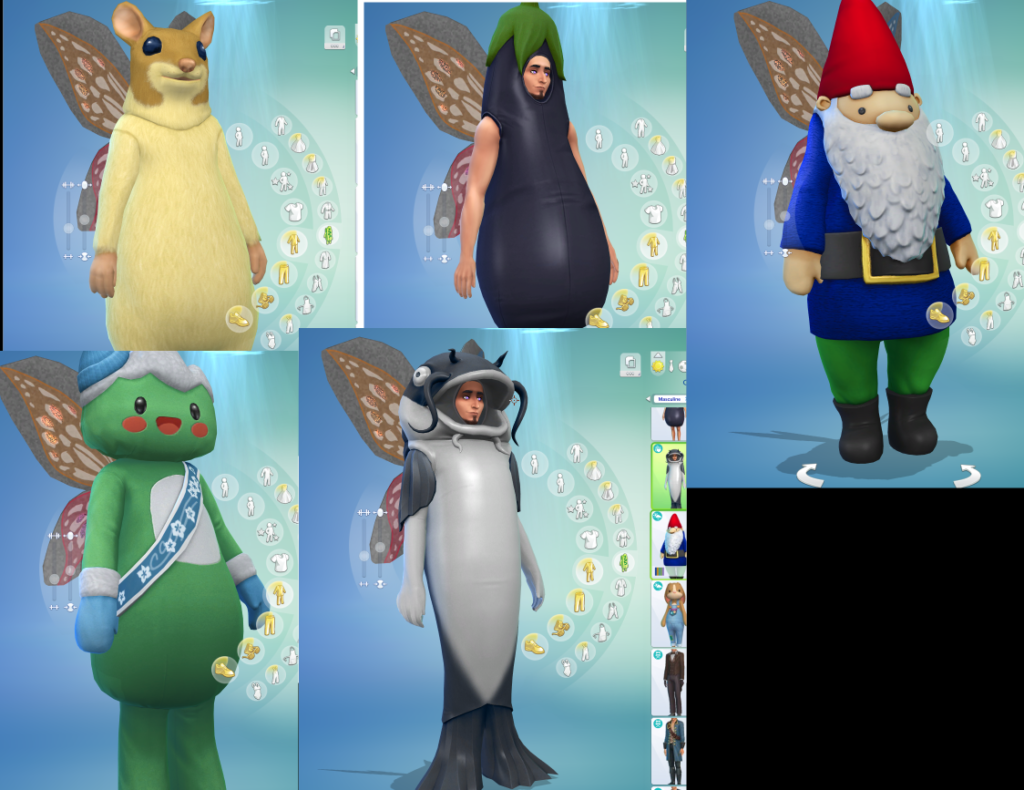
Fairy Wing Tryouts
They said we could be anything… so we became fairy mascots. From catfish to gnome, the wings stay on. These were captured during the development process and we’re still giggling.
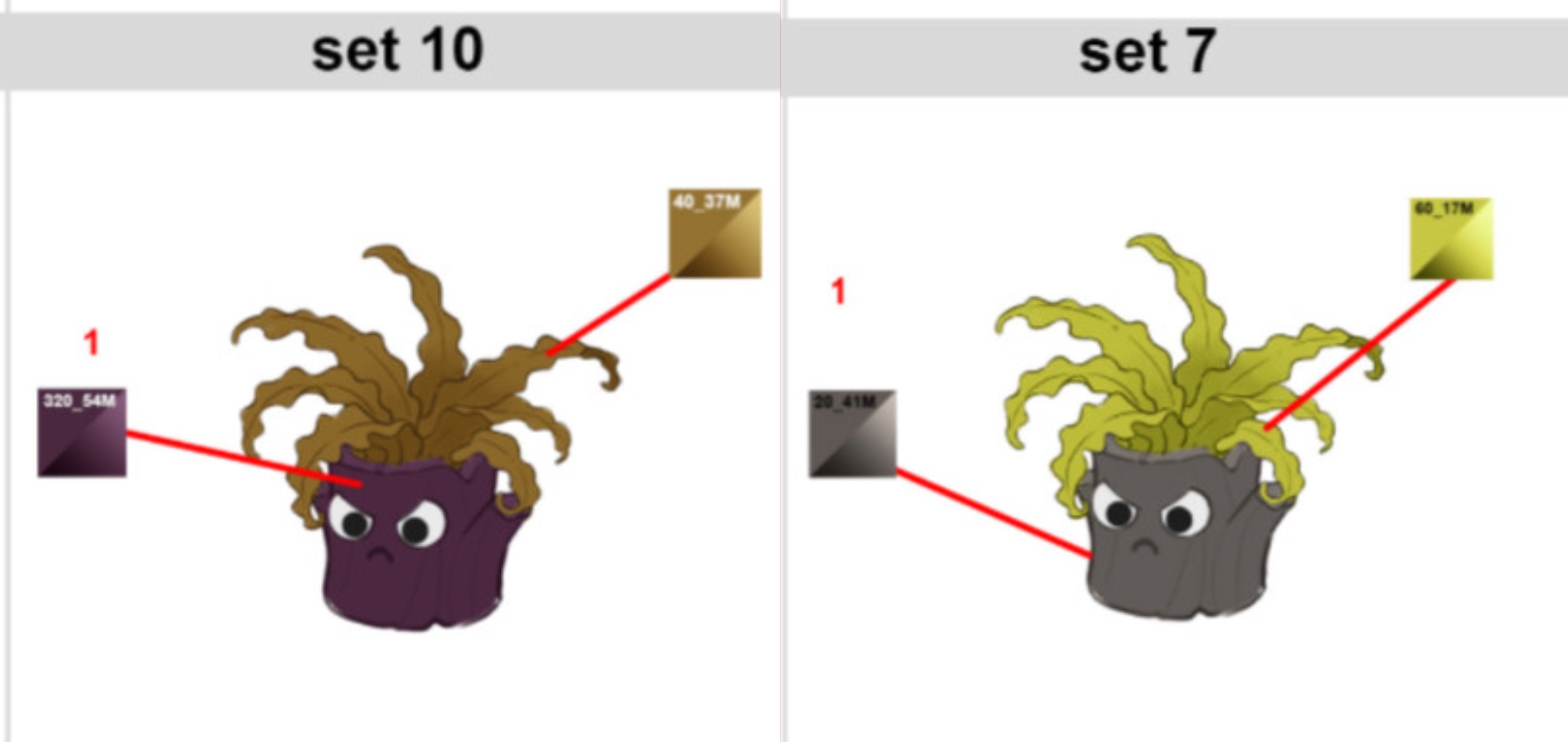
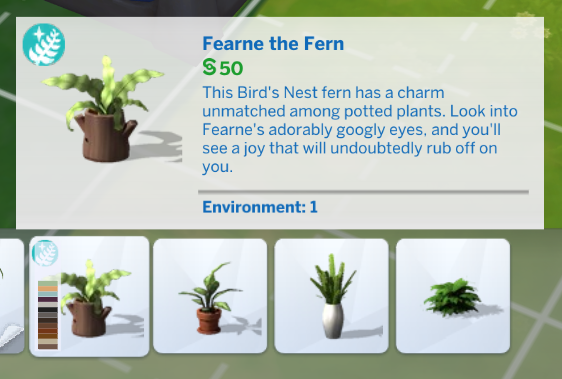
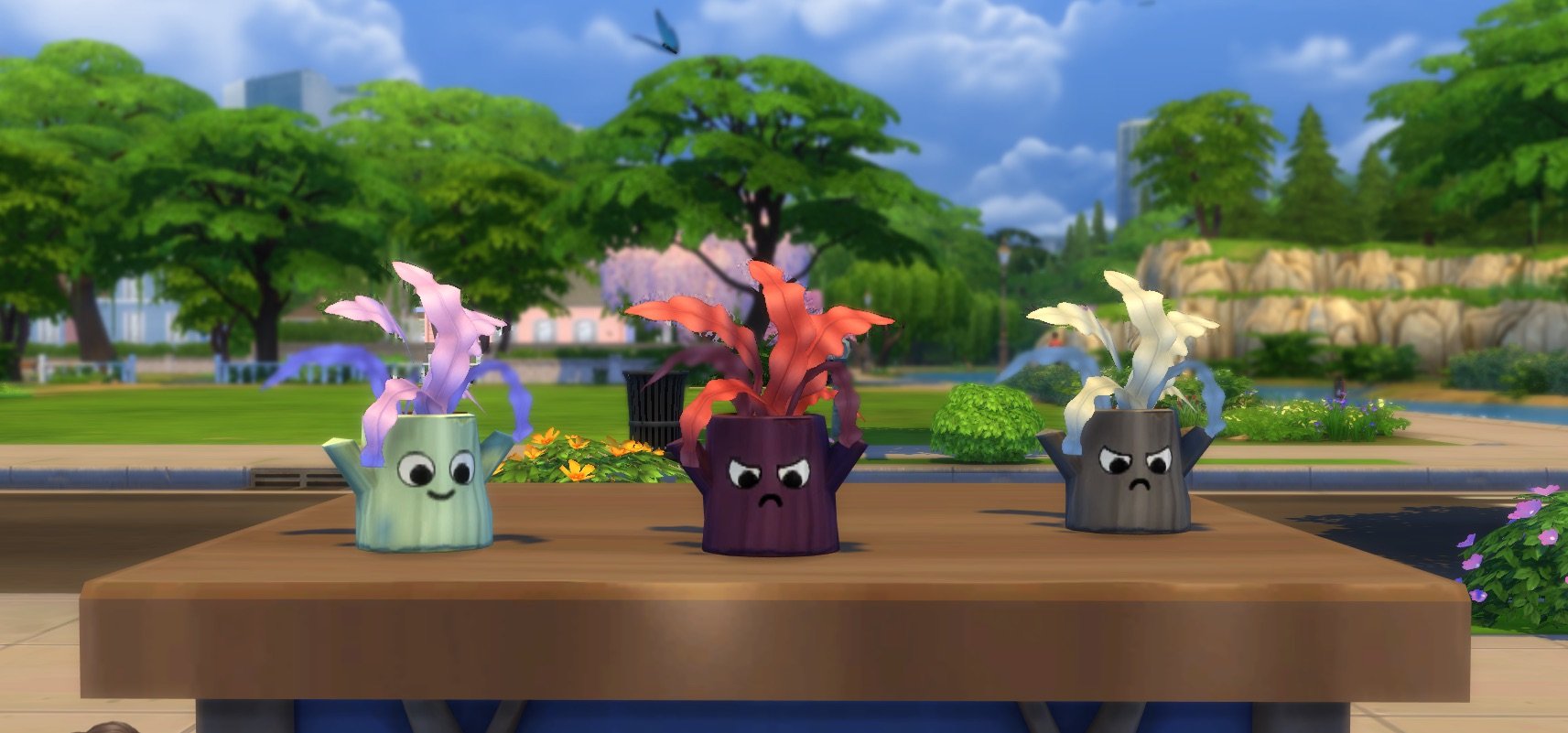
Fearne the Fern
Enchanted by Nature is coming with a bunch of adorable items but this one stole my heart. Meet Fearne the fern!
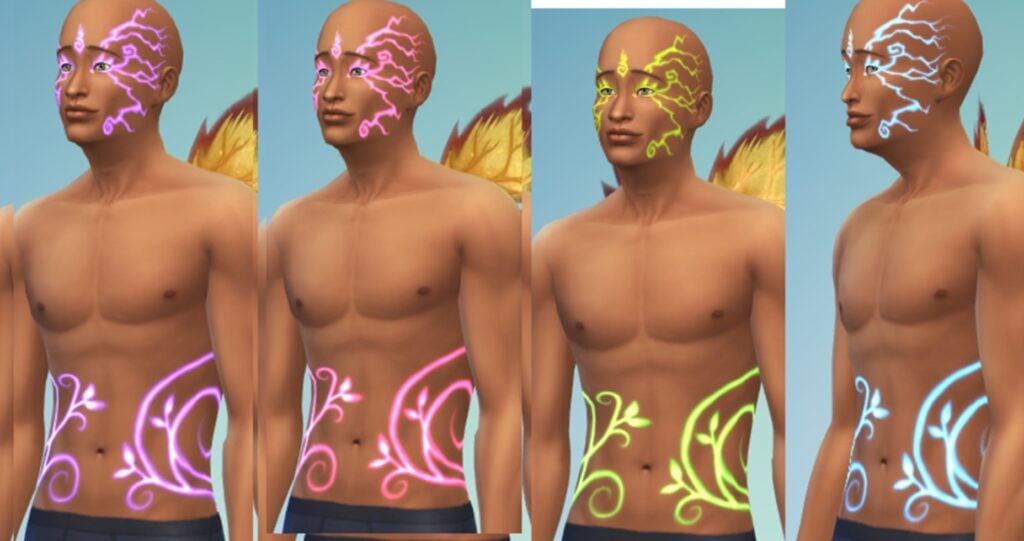
Glowing Tattoos
Sul Sul everyone! I’m excited to share a special look at our glowing tattoos that were part of our development journey. These designs were initially shared with us during the creative process, and it’s amazing to see them come to life in the final product!
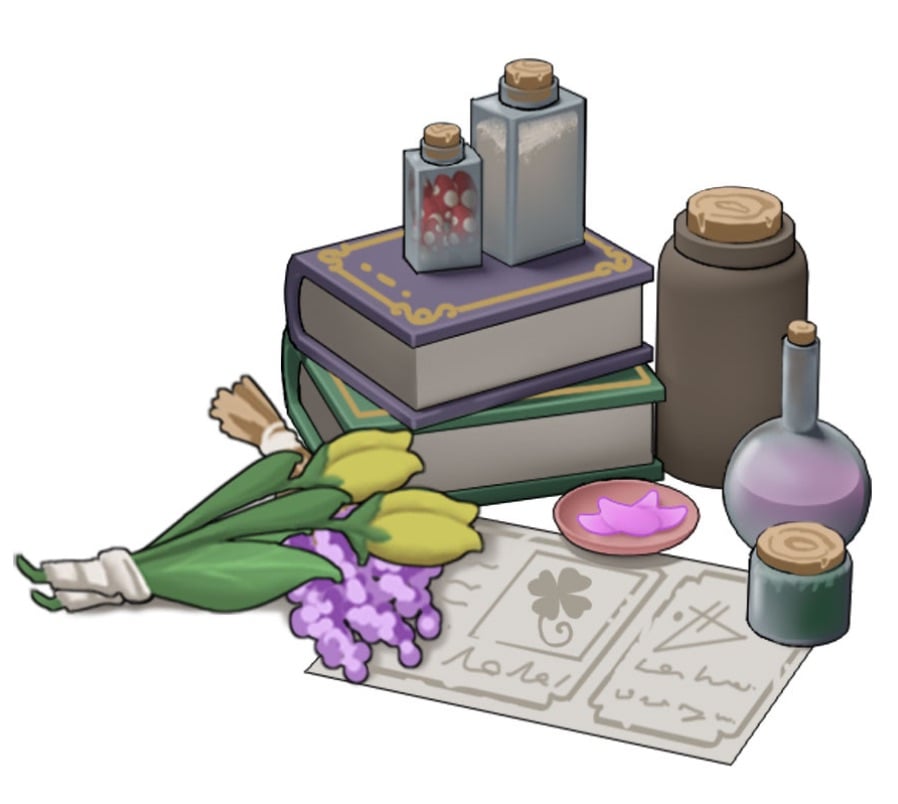
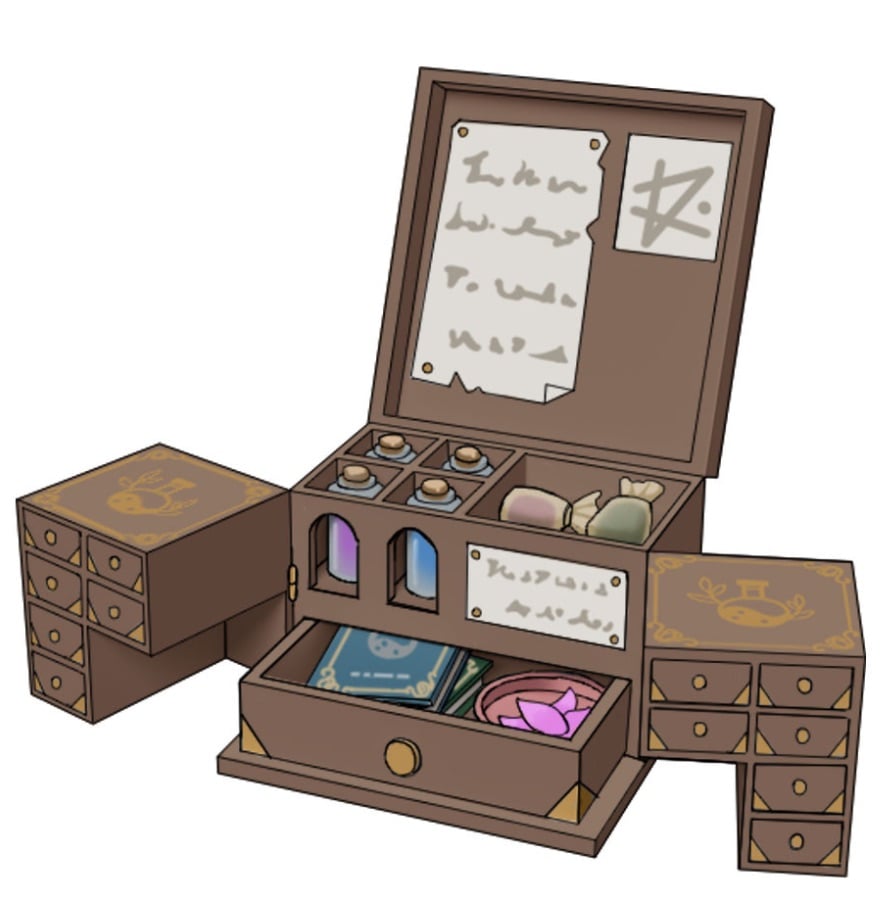
Concept Art of Apothecary Table
You’ve seen the apothecary tools in action in our gameplay trailer, now here’s a look at where they started. These are the original concept sketches that shaped the final designs you’ll soon be able to use in-game.
Recording of Fairy Sound Effects
Get an inside look into what it took to create the sounds of Enchanted By Nature.
We’ll be updating this article with more previews as they get shared through Discord. Stay tuned on Sims Community for all the latest updates on The Sims Franchise and beyond!