Home Blog Page 469

The Sims 4: CAS CC Lookbook #6

NEWLOOKBOOK8

Hair / SkinEyes / Eyebrows / Eyelashes / Nails / Piercings / Choker / Top (EA) / Bottoms / Shoes (EA) / Pose 1 / Pose 2 

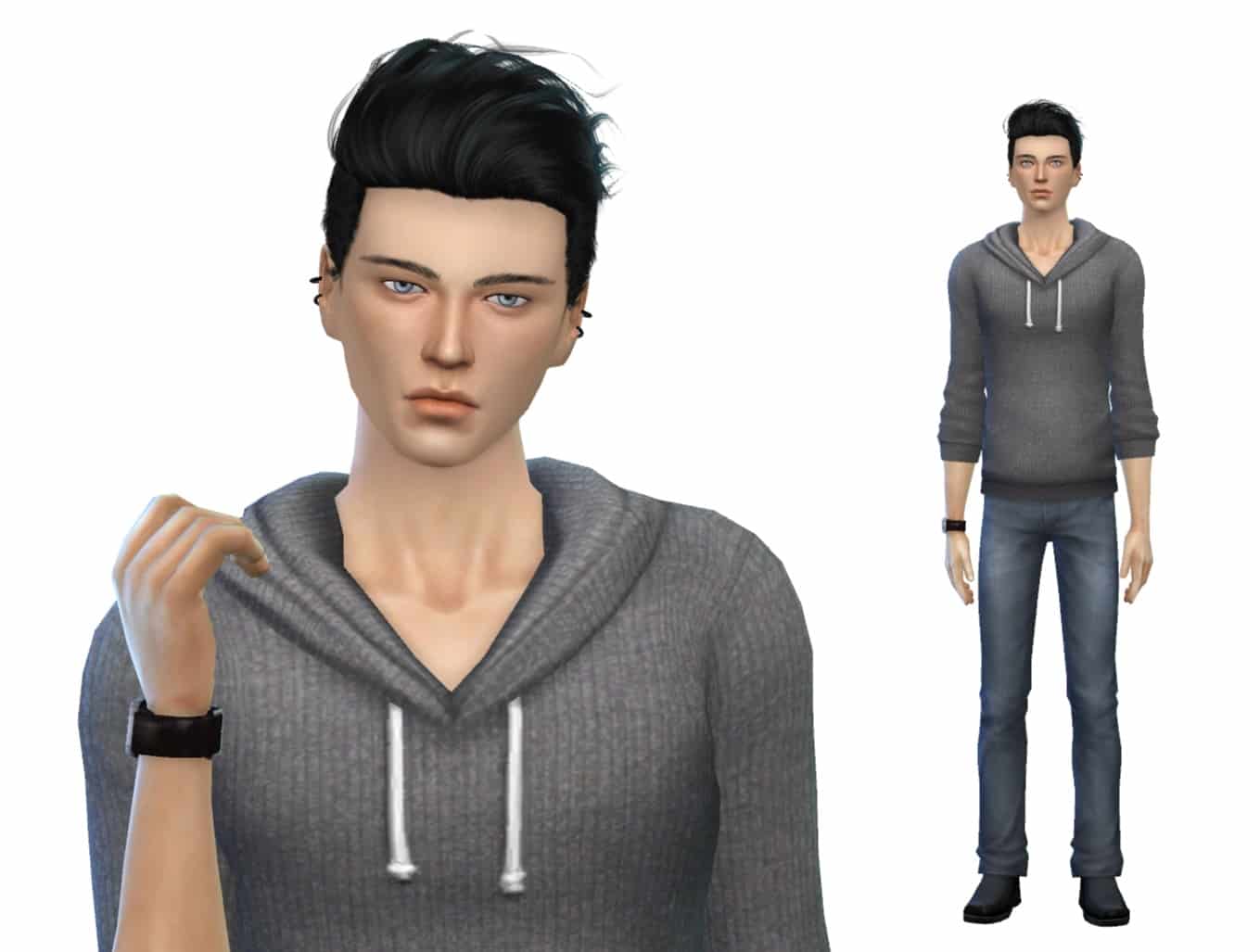
NEWLOOKBOOK9

Hair / Skin / Facemask / Eyebrows / Watch (EA) / Ear Piercings / Top / Bottoms / Shoes (EA) / Pose

NEWLOOKBOOK7

Hair / Skin / Eyes / Eyelashes / Eyebrows / Nails / Necklace (EA) / Outfit (including hat) / Shoes (EA) / Pose 1 / Pose 2

Click Here for more information on how to install Custom Content!

Download these Sims on The Gallery here and here.

The Sims 4 Get To Work: CAS Overview

 Click on the pictures below to see them in higher resolution!

Female Hair (9)
TS4 2015-04-02 16-12-07-10TS4 2015-04-02 16-12-35-82TS4 2015-04-02 16-12-38-55

TS4 2015-04-02 16-12-43-13TS4 2015-04-02 16-12-49-95TS4 2015-04-02 16-13-03-00

TS4 2015-04-02 16-13-06-08TS4 2015-04-02 16-13-10-65TS4 2015-04-02 16-13-12-95

Female Head Accessories (1)
TS4 2015-04-02 16-13-24-27

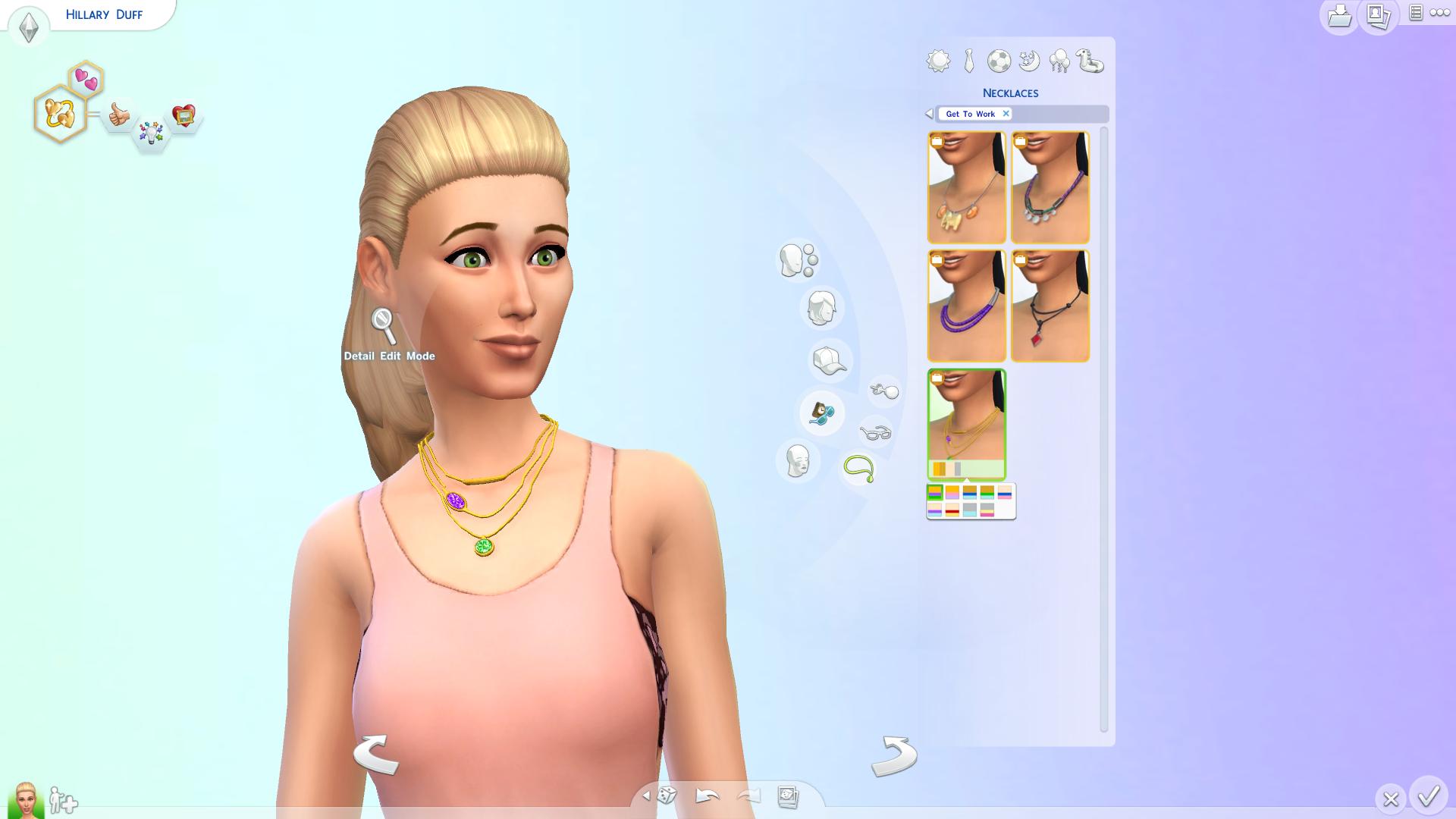
Female Accessories (5)

TS4 2015-04-02 16-14-15-91 TS4 2015-04-02 16-14-20-03 TS4 2015-04-02 16-14-22-90

TS4 2015-04-02 16-14-29-61TS4 2015-04-02 16-14-35-43

Female Make-Up 

Eye Shadow (9)

TS4 2015-04-02 16-15-19-04 TS4 2015-04-02 16-15-23-51 TS4 2015-04-02 16-15-26-38

TS4 2015-04-02 16-15-29-26 TS4 2015-04-02 16-15-31-69 TS4 2015-04-02 16-15-34-73

TS4 2015-04-02 16-15-37-86 TS4 2015-04-02 16-15-40-54 TS4 2015-04-02 16-15-44-11

Blush (4)

TS4 2015-04-02 16-16-04-95 TS4 2015-04-02 16-16-10-02 TS4 2015-04-02 16-16-13-72

 TS4 2015-04-02 16-16-19-34

LipStick (5)

TS4 2015-04-02 16-16-29-64 TS4 2015-04-02 16-16-32-44 TS4 2015-04-02 16-16-35-68

TS4 2015-04-02 16-16-38-59 TS4 2015-04-02 16-16-41-99

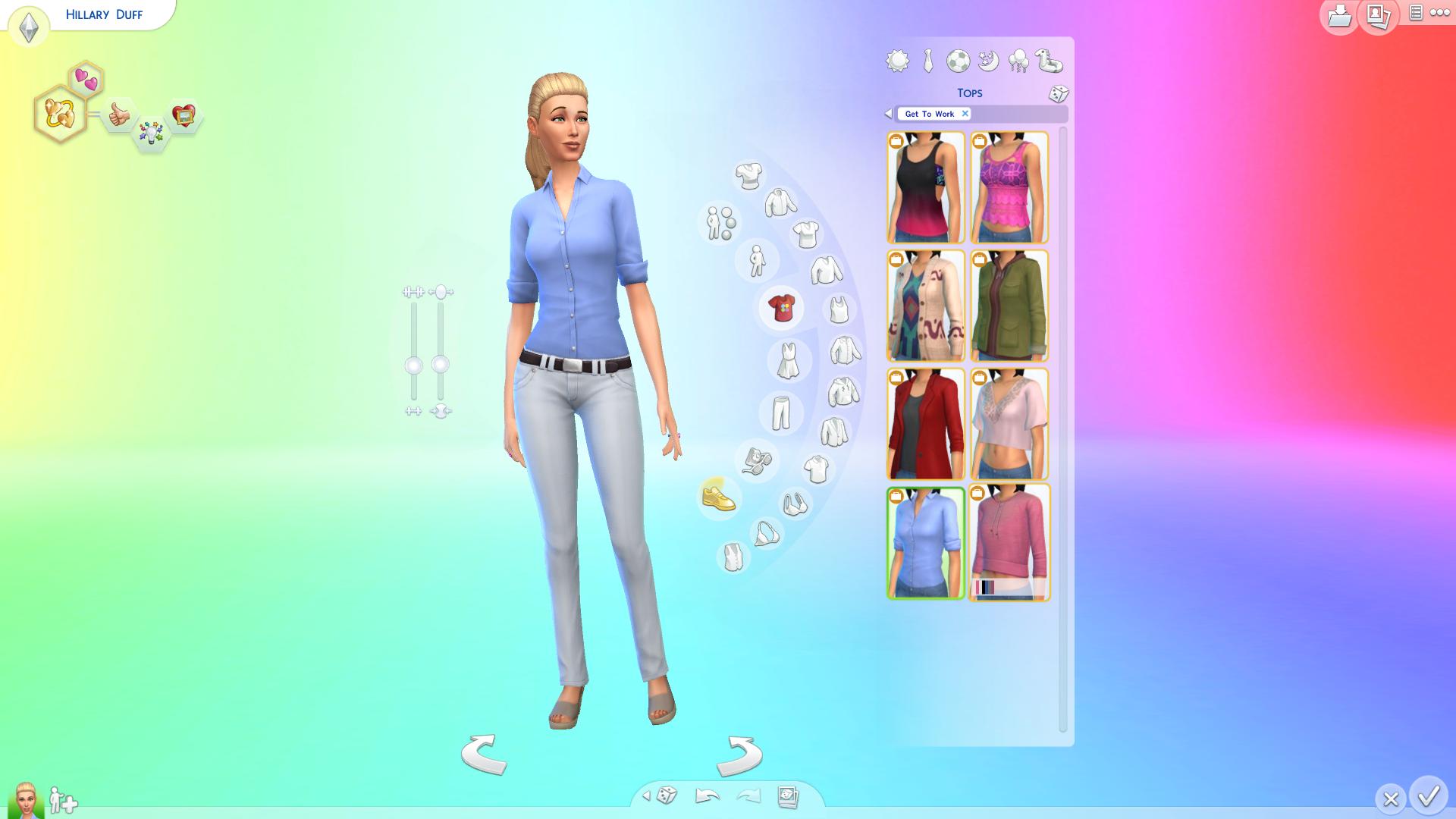
Female Tops (8)

TS4 2015-04-02 16-16-59-34 TS4 2015-04-02 16-17-01-16 TS4 2015-04-02 16-17-02-79

TS4 2015-04-02 16-17-04-81 TS4 2015-04-02 16-17-06-46 TS4 2015-04-02 16-17-08-41

TS4 2015-04-02 16-17-09-94 TS4 2015-04-02 16-17-11-46

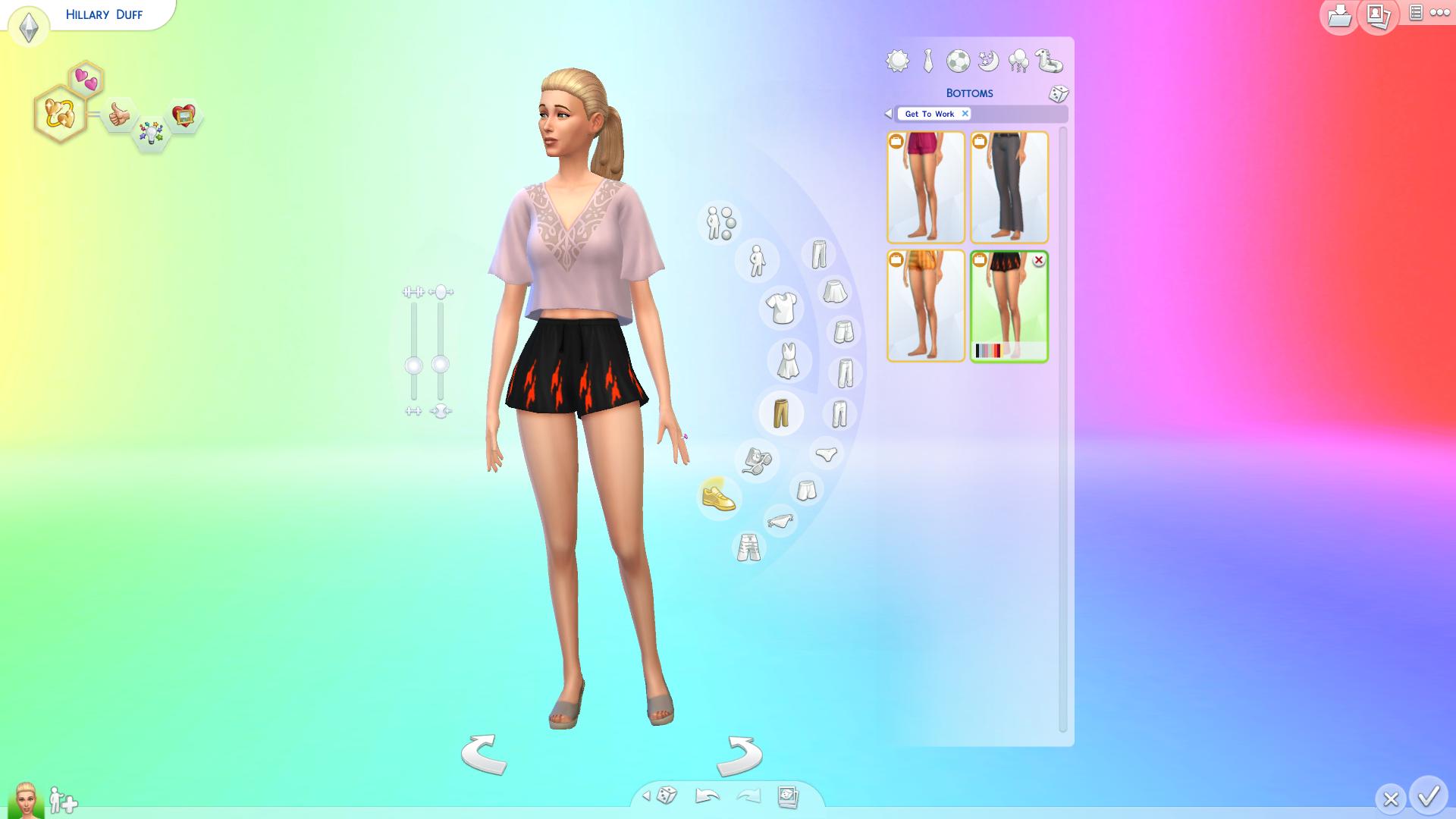
Female Bottoms (4)

TS4 2015-04-02 16-17-20-74 TS4 2015-04-02 16-17-23-39 TS4 2015-04-02 16-17-25-14

TS4 2015-04-02 16-17-26-96

Female Outfits (4)

TS4 2015-04-02 16-17-36-53 TS4 2015-04-02 16-17-37-93 TS4 2015-04-02 16-17-39-49

TS4 2015-04-02 16-17-40-91

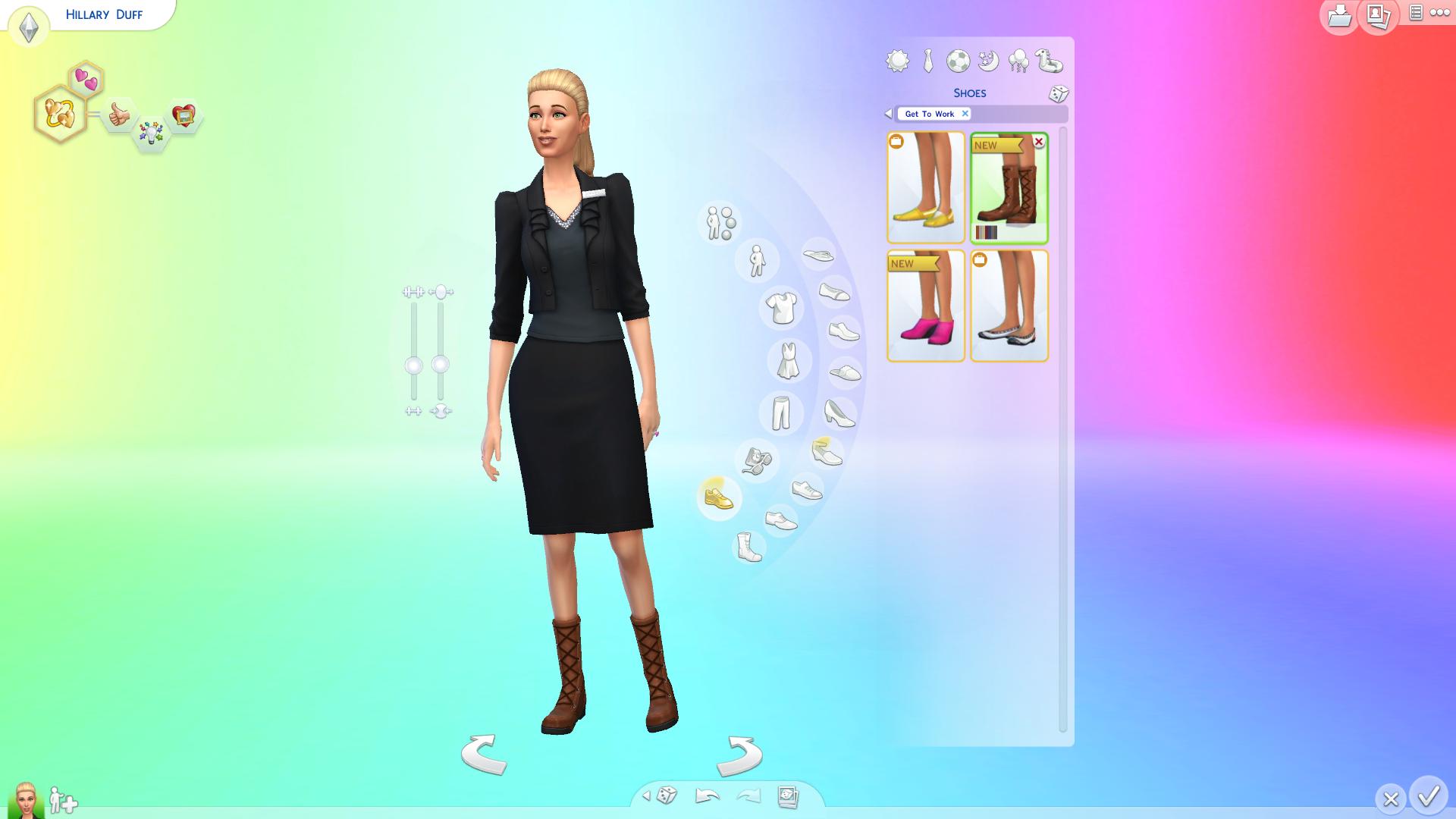
Female Shoes  (4)

TS4 2015-04-02 16-17-49-91 TS4 2015-04-02 16-17-51-46 TS4 2015-04-02 16-17-52-98

TS4 2015-04-02 16-17-54-49

Female Accessories (7)

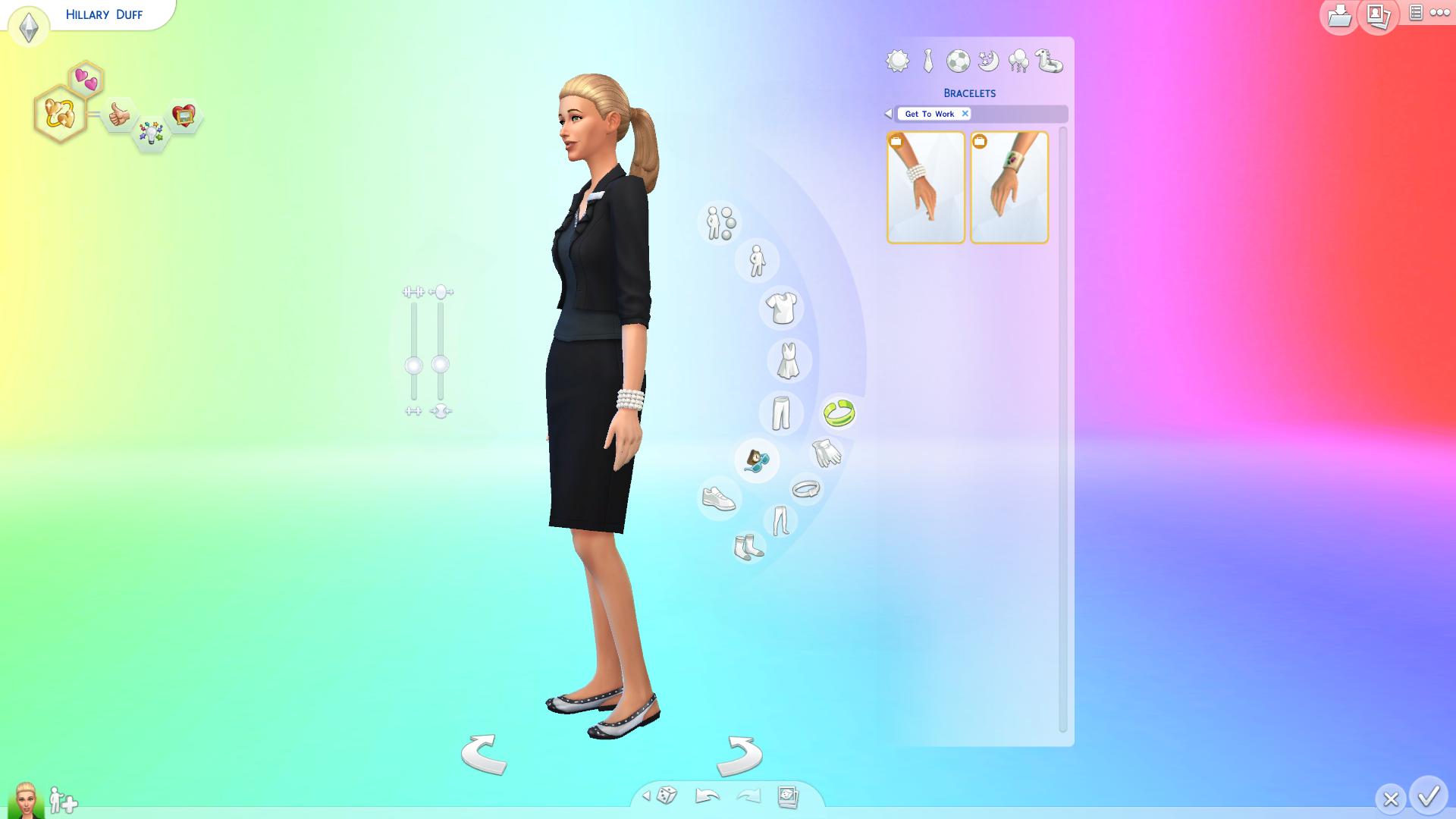
Bracelets (2)

TS4 2015-04-02 16-18-06-56TS4 2015-04-02 16-18-09-59

Leggings (3)

TS4 2015-04-02 16-18-30-09TS4 2015-04-02 16-18-37-92TS4 2015-04-02 16-18-39-34

Socks (2)

TS4 2015-04-02 16-18-48-17TS4 2015-04-02 16-18-51-18

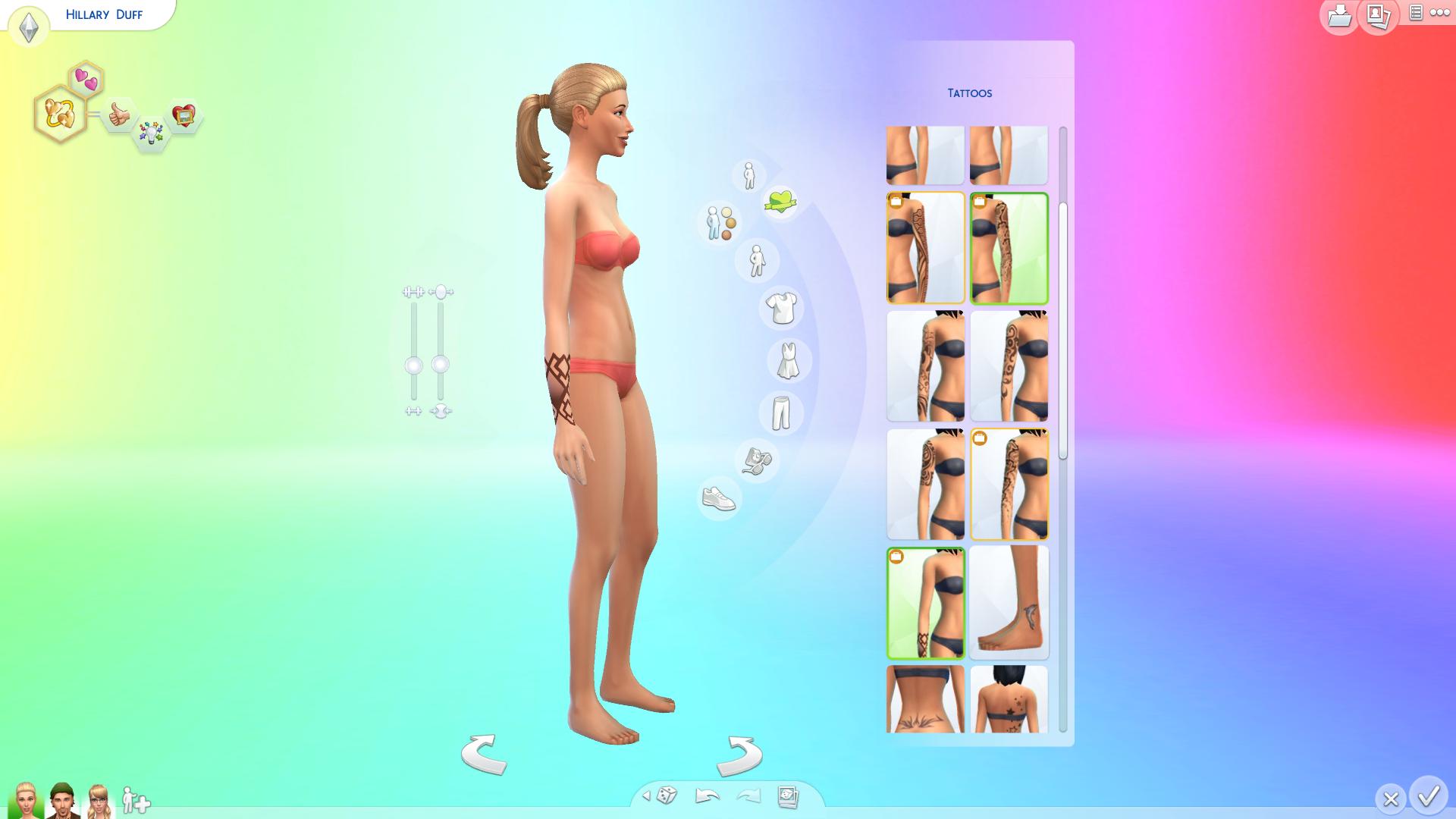
 Female Tattoos (8)

 TS4 2015-04-02 16-24-10-95 TS4 2015-04-02 16-24-12-17 TS4 2015-04-02 16-24-16-05

TS4 2015-04-02 16-24-20-14 TS4 2015-04-02 16-24-22-16 TS4 2015-04-02 16-24-36-11

TS4 2015-04-02 16-24-37-40 TS4 2015-04-02 16-24-40-68

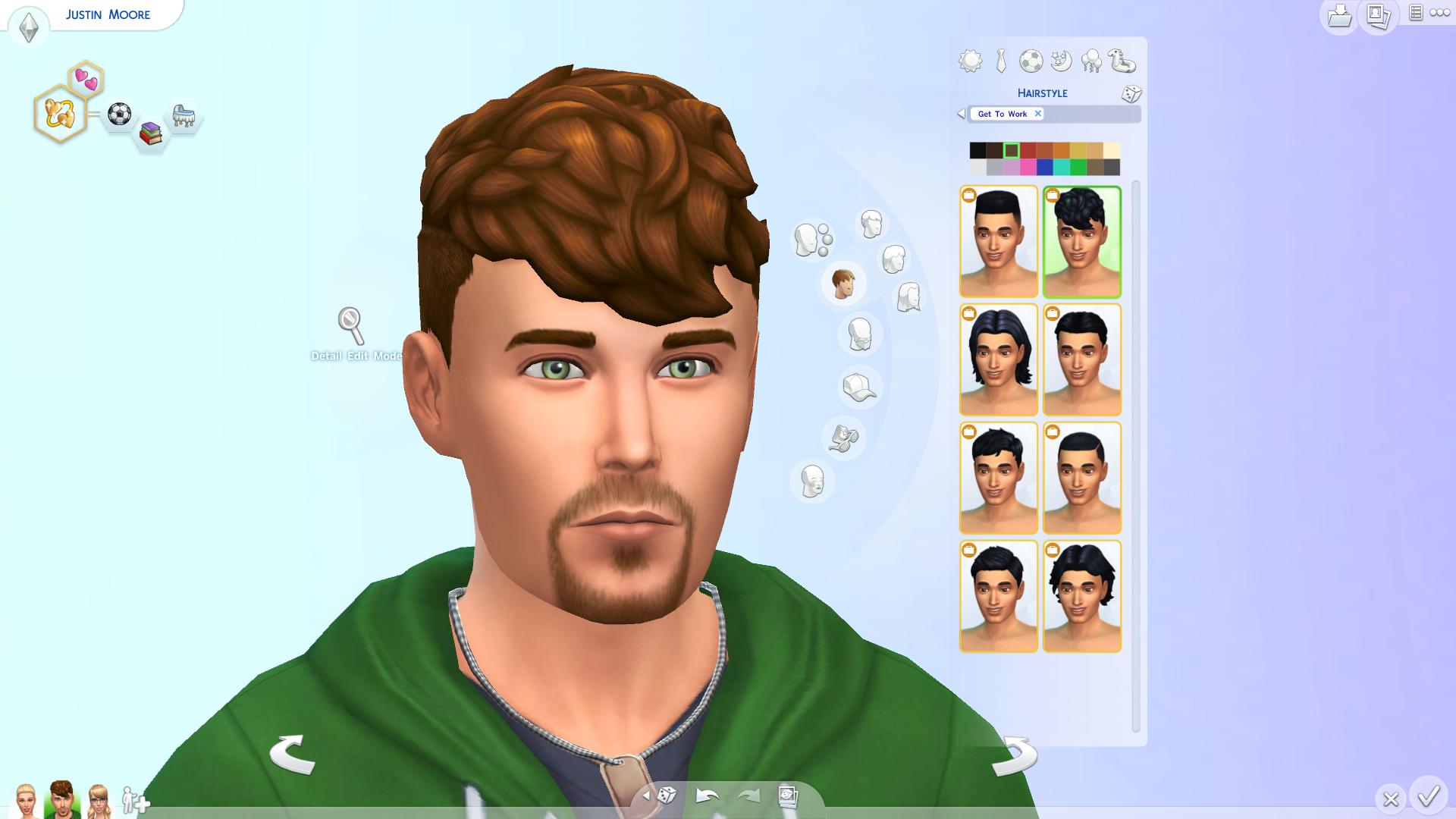
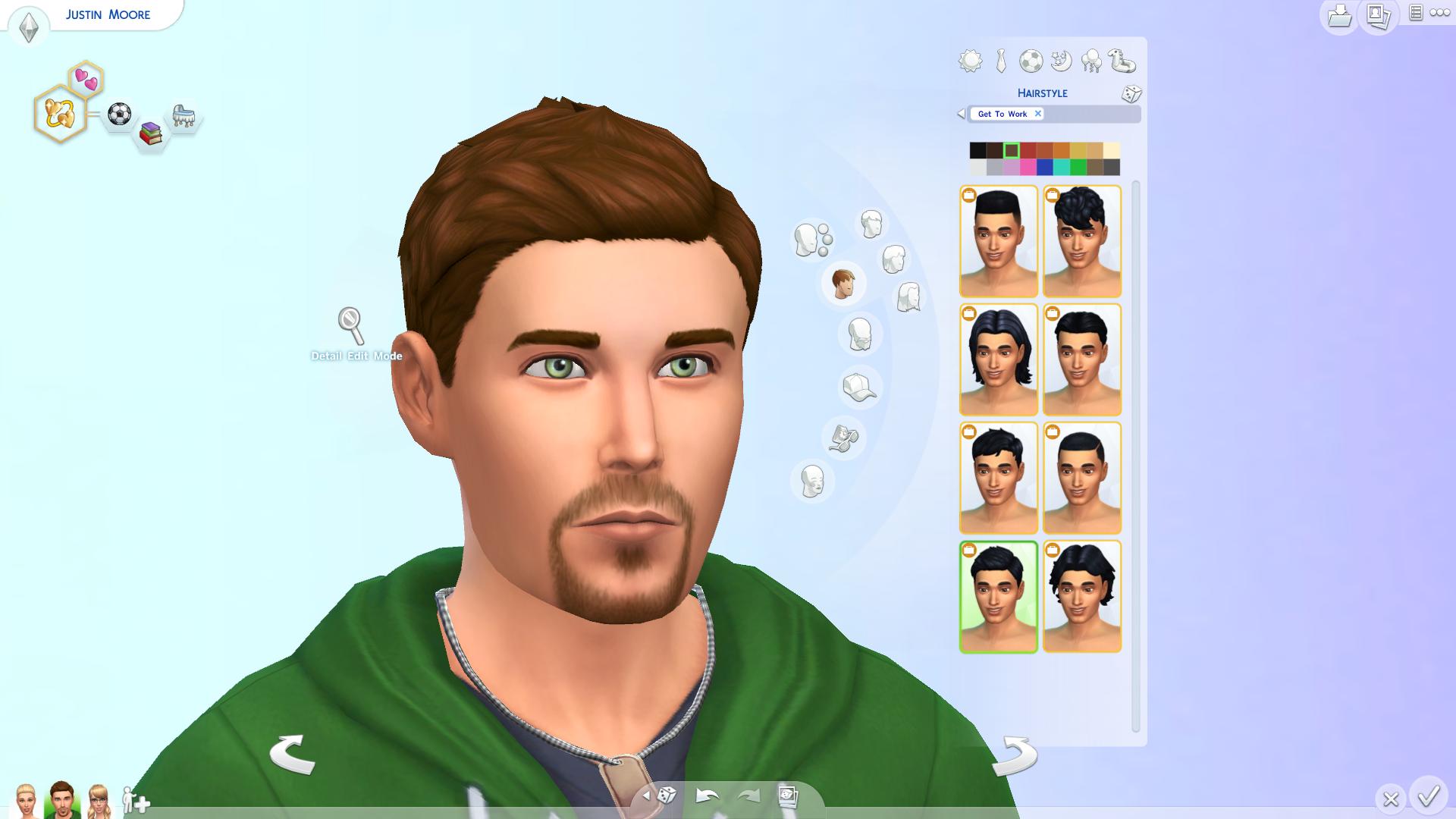
 Male Hair (8)

 TS4 2015-04-02 16-20-01-35 TS4 2015-04-02 16-20-06-17 TS4 2015-04-02 16-20-07-62

TS4 2015-04-02 16-20-09-32 TS4 2015-04-02 16-20-10-87 TS4 2015-04-02 16-20-14-39

TS4 2015-04-02 16-20-16-87 TS4 2015-04-02 16-20-18-41

Male Hats (1)

TS4 2015-04-02 16-20-30-37

Male Accessories

Necklaces (4)

TS4 2015-04-02 16-20-56-27 TS4 2015-04-02 16-20-59-92 TS4 2015-04-02 16-21-02-34 TS4 2015-04-02 16-21-03-97

Male Make-Up 

EyeShadow (7)

TS4 2015-04-02 16-21-10-85TS4 2015-04-02 16-21-13-74TS4 2015-04-02 16-21-16-02

TS4 2015-04-02 16-21-18-37TS4 2015-04-02 16-21-21-99TS4 2015-04-02 16-21-24-57

TS4 2015-04-02 16-21-26-07

Blush (4)

TS4 2015-04-02 16-21-32-57 TS4 2015-04-02 16-21-34-22 TS4 2015-04-02 16-21-36-54 TS4 2015-04-02 16-21-38-07

LipStick (3)

TS4 2015-04-02 16-21-41-72 TS4 2015-04-02 16-21-43-22 TS4 2015-04-02 16-21-44-85

Male Tops (9)

TS4 2015-04-02 16-21-55-37 TS4 2015-04-02 16-21-57-07 TS4 2015-04-02 16-21-58-34

TS4 2015-04-02 16-21-59-54 TS4 2015-04-02 16-22-00-77 TS4 2015-04-02 16-22-01-84

TS4 2015-04-02 16-22-02-87 TS4 2015-04-02 16-22-04-35 TS4 2015-04-02 16-22-05-72

  Male Bottoms (4)

TS4 2015-04-02 16-22-08-45 TS4 2015-04-02 16-22-09-69 TS4 2015-04-02 16-22-10-92

TS4 2015-04-02 16-22-12-32

Male Outfits (3)

TS4 2015-04-02 16-22-15-05TS4 2015-04-02 16-22-16-50TS4 2015-04-02 16-22-17-75

Male Shoes (7)

TS4 2015-04-02 16-22-28-90 TS4 2015-04-02 16-22-32-62 TS4 2015-04-02 16-22-34-12

TS4 2015-04-02 16-22-35-48 TS4 2015-04-02 16-22-37-28 TS4 2015-04-02 16-22-38-43 TS4 2015-04-02 16-22-39-63

 Male Accessories (3)

Bracelets (2)

TS4 2015-04-02 16-22-55-98 TS4 2015-04-02 16-22-58-99

Gloves (1)TS4 2015-04-02 16-23-03-99

Male Tattoos (7)

 TS4 2015-04-02 16-23-23-96 TS4 2015-04-02 16-23-26-37 TS4 2015-04-02 16-23-29-30

TS4 2015-04-02 16-23-31-05 TS4 2015-04-02 16-23-34-50 TS4 2015-04-02 16-23-36-30

TS4 2015-04-02 16-23-38-45 

 Female Child Hair (2)

TS4 2015-04-03 20-22-43-30TS4 2015-04-03 20-22-45-50

 Female Child Hats (1)

TS4 2015-04-03 20-22-58-40

 Female Child Accessories (6)

Earrings (2)

 TS4 2015-04-03 20-23-09-19 TS4 2015-04-03 20-23-11-10

Glasses (2)

TS4 2015-04-03 20-23-13-82 TS4 2015-04-03 20-23-15-51

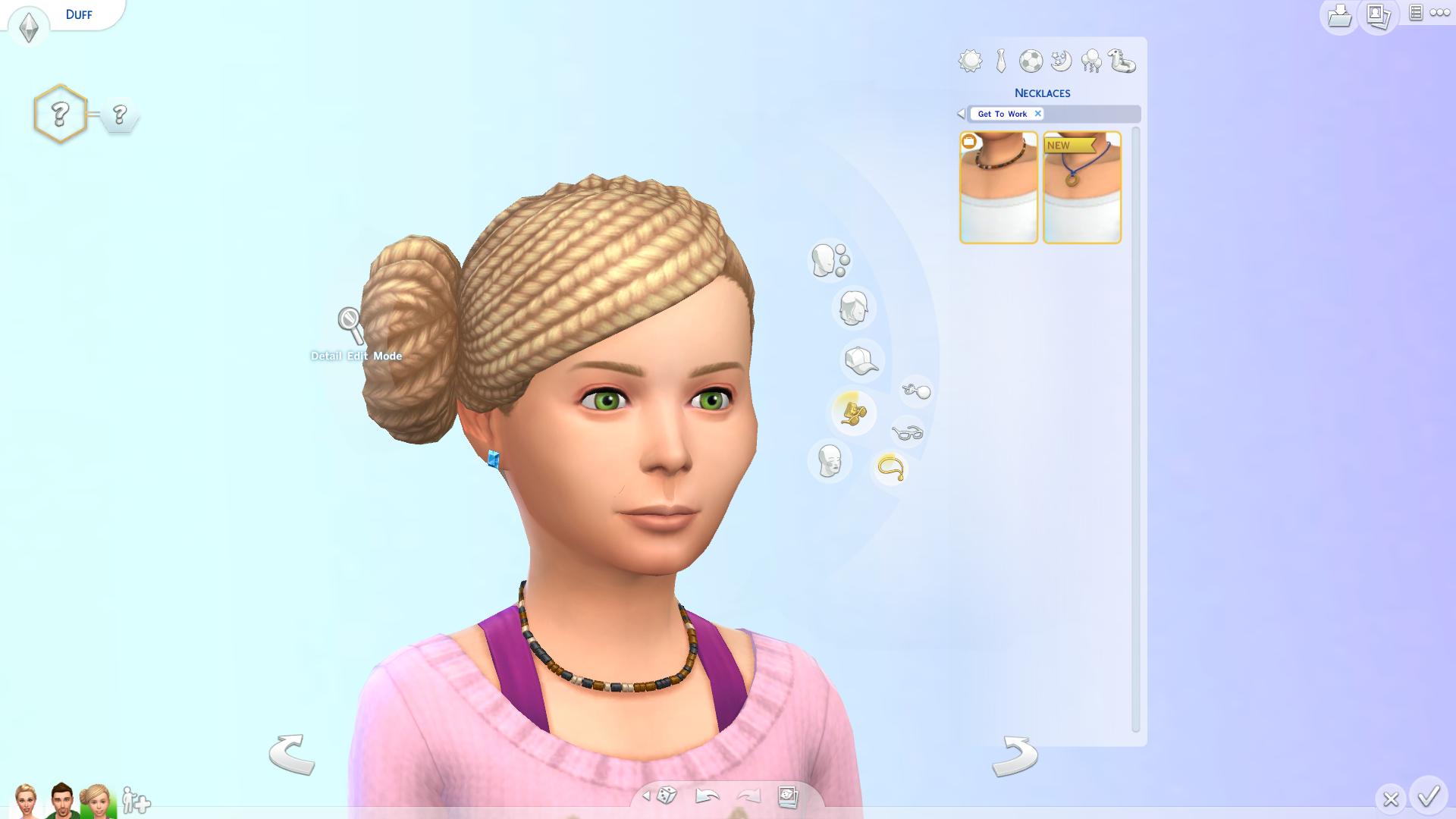
Necklaces (2)

TS4 2015-04-03 20-23-31-46 TS4 2015-04-03 20-23-59-92

 Female Child Tops (4)

TS4 2015-04-03 20-24-34-19 TS4 2015-04-03 20-24-36-10 TS4 2015-04-03 20-24-37-57 TS4 2015-04-03 20-24-39-05

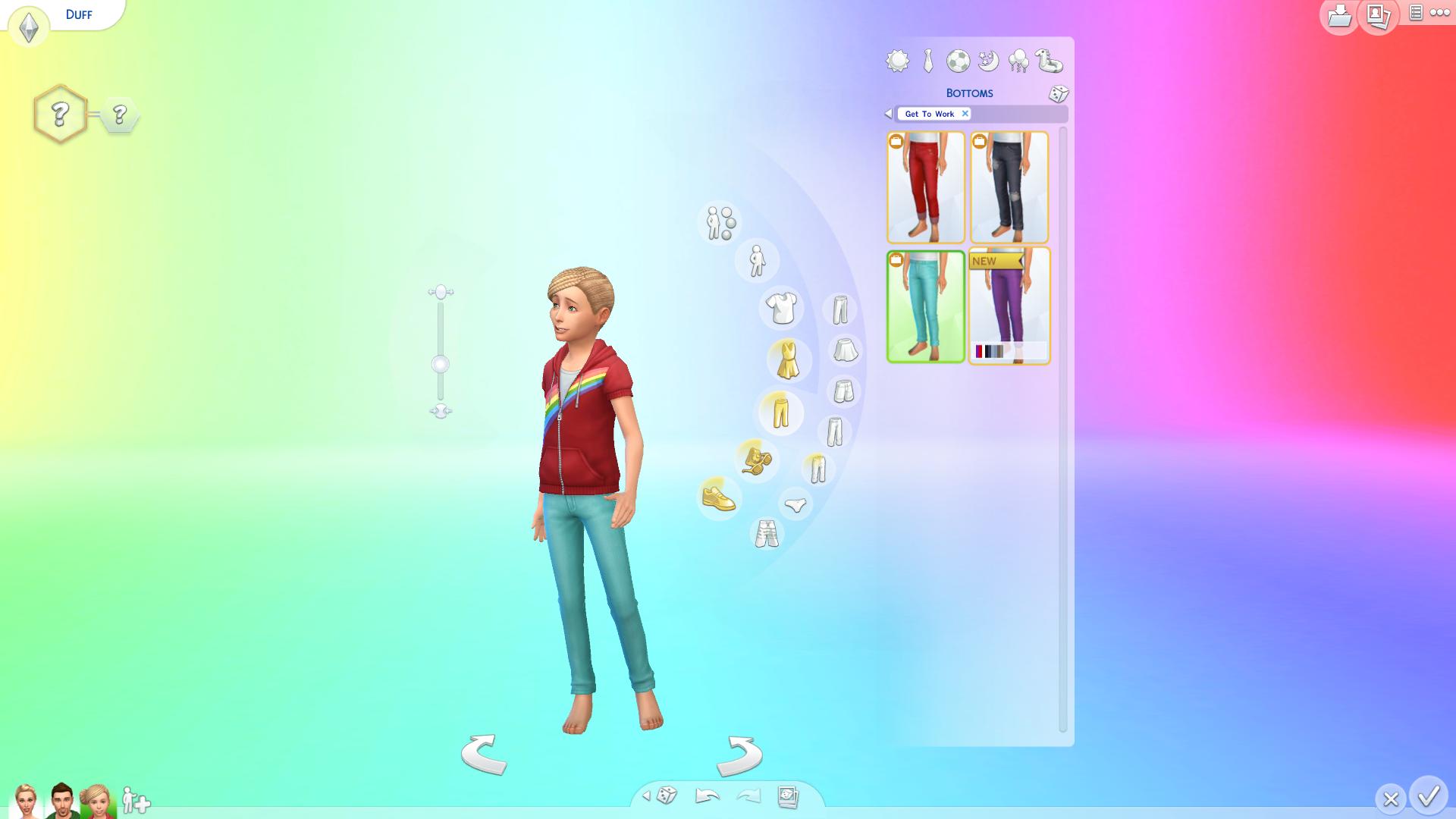
 Female Child Bottoms (4)

TS4 2015-04-03 20-24-47-07 TS4 2015-04-03 20-24-48-35 TS4 2015-04-03 20-24-49-27 TS4 2015-04-03 20-24-50-40

 Female Child Outfits (3)

TS4 2015-04-03 20-25-06-79 TS4 2015-04-03 20-25-08-52 TS4 2015-04-03 20-25-10-30

Female Child Accessories (2)

Socks (2)

TS4 2015-04-03 20-25-21-22TS4 2015-04-03 20-25-22-99

Female Child Shoes (7)

TS4 2015-04-03 20-25-30-13TS4 2015-04-03 20-25-31-65TS4 2015-04-03 20-25-33-79

TS4 2015-04-03 20-25-35-10TS4 2015-04-03 20-25-36-50TS4 2015-04-03 20-25-37-75

TS4 2015-04-03 20-25-38-87

 Male Child Hair (1) 

TS4 2015-04-03 20-25-53-93

 Male Child Hat (1)

TS4 2015-04-03 20-25-56-65


Male Child Accessories (5)

Earrings (1)

TS4 2015-04-03 20-26-00-05

Glasses (2)

TS4 2015-04-03 20-26-01-57 TS4 2015-04-03 20-26-02-85

Necklaces (2)

TS4 2015-04-03 20-26-04-09 TS4 2015-04-03 20-26-05-23

 Male Child Tops (2)

TS4 2015-04-03 20-26-14-92TS4 2015-04-03 20-26-15-90

 Male Child Bottoms (4)

 TS4 2015-04-03 20-26-19-83 TS4 2015-04-03 20-26-21-10 TS4 2015-04-03 20-26-22-00 TS4 2015-04-03 20-26-23-17

Male Child Outfits (1)

TS4 2015-04-03 20-26-25-73

 Male Child Socks (1)

TS4 2015-04-03 20-26-28-63

Male Child Shoes (5)

TS4 2015-04-03 20-26-30-72 TS4 2015-04-03 20-26-31-78 TS4 2015-04-03 20-26-32-72

TS4 2015-04-03 20-26-33-52 TS4 2015-04-03 20-26-34-48


The Sims 4 Get to Work: How to Unlock Career Objects

The Sims 4 Get to Work comes with a lot of objects, and about 30-40% of them are unlockables that can be unlocked only by finishing a certain level of a certain Career (Doctor, Detective and Scientist).

To unlock all of the Career objects, press Ctrl + Shift + C and enter the following Cheat:

bb.ignoregameplayunlocksentitlement

After that, press enter.

With this Cheat you’re able to place Career objects on both your Residental and Retail Lot (if you own one). Entering this Cheat will also unlock 3 Styled Rooms!

04-03-15_9-51 PM-3 04-03-15_9-51 PM-2 04-03-15_9-51 PM

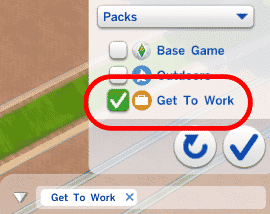
Finding all Get to Work Career objects can be done by pressing the Search button (without any search term) and selecting the Packs > Get To Work object filter. You’ll be able to find all Get to Work Career objects on the bottom side of the objects list.

careerobjects1 careerobjects2

If you want to use these Objects in your Retail Store or sell them, you’ll first have to activate this Cheat in your Household Lot before going to Build Mode on your Retail Lot or else it won’t work.

TS4 2015-04-03 21-38-29-12 TS4 2015-04-03 21-53-58-39

The Sims Blog: Singing in Simlish with Echosmith, Big Data, and More

Via TheSims.com!

Making Music, Simlish-style

You likely know a few phrases in Simlish – odds are if you took a trip to Willow Creek, you’d be able to “Sul Sul” and “Jiboo” your way around. But being able to speak it fluently… or sing in Simlish? That’s a different story, and one that several bands recently experienced while recording music for The Sims 4 Get to Work*.

We talked with Echosmith to ask about the process of turning their hit “Nothing’s Wrong” into Simlish!

But first, here’s a video showing off the recording process, and showcasing some of the songs recorded in Simlish by Echosmith, Big Data, New Politics and Katy Tiz.

So, how hard was it to record in Simlish? According to Echosmith’s Noah Sierota, who has recorded songs in a number of other languages, it’s among the most difficult. “It’s near the top. I’d give it an eight out of 10, on the difficulty,” he joked. He also talked about the reaction he gets from friends when he tells them he did a song for The Sims. “Anyone who knows about Simlish is super stoked. And a lot of people do! It’s really fun – we’d talk about how we did a song for The Sims and they’re like ‘wait, you sang in Simlish?!’ There are so many people that just know it automatically.”

Noah also joked about playing The Sims over the past 10 years, revealing that he and lead singer Sydney loved making their friends in the game. “You can do some really silly things,” he said, “and that was our favorite thing to do. To make our friends and be like ‘Hey! I made you in The Sims!’ We’d make them look funny by giving them funny outfits.”

TS4_EP01_BANDS_echosmith_01_005_1k_v1

And since we were talking to someone from a chart-topping band, we had to ask about music – and Noah had some words for any aspiring musicians out there. “The biggest thing I’d ever tell anyone is to really find a passion for music itself, and for what it can do,” he said. “Music connects people in a really cool, communal kind of way. Even if you don’t want to make super serious music, you can connect with people in silliness or happiness, or people going through hard times or taking on hard parts of life.” He explained that “once you understand what music can really do, there’s so much you can do with it. And when you have that perspective, you can really connect to more people, and write songs that connect to more people.”

Want to party with Echosmith (or Big Data, New Politics or Katy Tiz) in The Sims 4 Get to Work? We turned them all into Sims and put them on the Gallery! You can check them out, and who knows? Maybe you’ll find that your favorite musicians are pretty good Doctors, too.

Your Sims rule the workplace in The Sims 4 Get to Work Expansion Pack. You control your Sims’ every action as they tackle three active careers, whether it’s saving lives as a daring doctor, solving crimes as a fearless detective, or creating inventions as a brilliant scientist. You can also put your Sims’ entrepreneurial ambitions to the test as you create and customize unique retail businesses. Plus, there are new venues, more skills to learn, and the chance to befriend some aliens!

Stay in the conversation! Follow us on Twitter, Like us on Facebook and Instagram, and Subscribe to our YouTube channel.

The Sims 4 Get to Work: Sims Households from the Soundtrack

MaxisCreator_01 has uploaded 4 Sims Households of Artists who were featured on The Sims 4 Get to Work Soundtrack!

You can download them by clicking on the Household names below.

EchosmithNew Politics – Katy TizBig Data

TS4 2015-04-03 10-40-54-12 TS4 2015-04-03 10-40-43-92 TS4 2015-04-03 10-40-48-62 TS4 2015-04-03 10-41-00-63

The Sims 4 Get to Work is now available Worldwide! (Press Release + FAQ)

Press Release

REDWOOD CITY, Calif.–(BUSINESS WIRE)–It’s time to get to work in The Sims™ 4. Today, Electronic Arts Inc. (NASDAQ:EA) announced that The Sims 4 Get to Work* is now available on PC and Mac in North America. In this first expansion pack for The Sims 4, players can deepen their relationships with their Sims by actively controlling them in three new careers (Doctor, Detective and Scientist) as well as creating and customizing their own Sim retail business.

In the three all-new careers, players will actively control their Sims’ decisions throughout the workday. They will meet fellow co-workers, explore the new career venues and decide whether to work toward that next promotion or wreak havoc on the workplace.

Start saving lives as a Doctor – take your Sims to work at the Hospital to examine patients, run x-rays, make diagnoses, perform surgeries and even deliver babies. Doctors will also make house calls to visit sick Sims. Sims can become sick through close interactions with other ill Sims and find relief by ordering medication.

Solve crimes as a Detective – your Sims will start their days at the Police Station to pick up new cases. Then they’ll be dispatched to crime scenes where they will gather evidence, track clues and collect witness statements in order to identify suspects and make arrests. Back at the Police Station they can search suspects, take their mug shots and fingerprints; even interrogate them in hopes of a confession. Sims in the Detective career can also patrol the streets and issue tickets to neighborhood menaces.

Climb the inventive heights as a Scientist – develop your Sims’ analytical mastermind to craft diabolical creations such as the Cloning Machine or the SimRay, which gives Scientists the ability to freeze other Sims, control their minds and transform objects. Scientist Sims can also create the ElectroFlux Wormhole Generator to whisk themselves away to Sixam, the mysterious home world of fan-favorite Aliens, who make a much anticipated return to The Sims 4.

In addition, players can run their own retail business by purchasing or creating a retail location, designing the store front and selecting what items to sell. Players can set prices, hire and manage employees, customize uniforms and work to make the final sale. From clothing boutiques to art galleries, or bakeries to bookstores, there is no limit to the type of retail business that can be created. Also new are the Photography and Baking skills that give Sims new things to learn, new things to do and achieve and new creations to sell.

The Sims 4 Get to Work is rated ‘T’ for Teen by the ESRB and available on PC and Mac for $39.99 at various retail stores and for digital download. For more information, please visit www.TheSims.com/get-to-work.

*REQUIRES THE SIMS 4 GAME (SOLD SEPARATELY).

About The Sims

For more than a decade, The Sims™ has entertained millions of people across the globe and has made an indelible footprint on the interactive world. A world-renowned interactive entertainment phenomenon, The Sims has sold 175 million units to date and continues to enhance its rich multi-platform portfolio with offerings that inspire creativity and reach one of the broadest audiences in gaming. TheSims evolves its appeal by delivering gameplay experiences that are current, compelling and above all, entertaining. A microcosm of society, The Sims gives players the ability to play with life by creating and controlling virtual lives and telling meaningful stories. Hundreds of millions of players’ creations have been shared and downloaded by one of the most active player communities in the world. With a variety of unique gameplay themes, engaging content and collaborations with top brands and artists, there is something for everyone to love in The Sims and to play anytime, anywhere on the platform of their choice. For more information aboutThe Sims, visit www.TheSims.com.

About Electronic Arts

Electronic Arts (NASDAQ: EA) is a global leader in digital interactive entertainment. The Company delivers games, content and online services for Internet-connected consoles, personal computers, mobile phones and tablets. EA has more than 300 million registered players around the world.

In fiscal year 2014, EA posted GAAP net revenue of $3.6 billion. Headquartered in Redwood City, California, EA is recognized for a portfolio of critically acclaimed, high-quality blockbuster brands such as The Sims™, Madden NFL, EA SPORTS™ FIFA, Battlefield™, Dragon Age™ and Plants vs. Zombies™. More information about EA is available at www.ea.com/news.

EA SPORTS, The Sims, Dragon Age, Plants vs. Zombies and Battlefield are trademarks of Electronic Arts Inc. and its subsidiaries. John Madden, NFL and FIFA are the property of their respective owners and used with permission. Mac is a trademark of Apple Inc.

Frequently Asked Questions

What is The Sims 4 Get to Work?

The Sims 4 Get to Work is the first expansion pack we’re releasing for The Sims 4. It introduces three all-new active careers: Doctor, Detective and Scientist as well as the ability to create, customize and manage your own Sims retail business.

Do I need to own The Sims 4 game to play The Sims 4 Get to Work?

Yes, The Sims 4 game is required to install and play The Sims 4 Get to Work.

When will The Sims 4 Get to Work be available?

The Sims 4 Get to Work will be available starting March 31, 2015 in North America. Please check your local TheSims.com website for your local release date.

Do I need to purchase the PC and Mac versions separately?

Just like The Sims 4 game, one purchase gets you both the PC and Mac versions.

Will The Sims 4 release on as a physical disc?

Yes, you’ll be able to buy a physical disc for the PC version of The Sims 4 Get to Work. Within the box version, there will be a code included which will enable you to download the game on both PC and Mac through Origin™.

How do I change a lot so I can build a retail store in it?

When you’re setting up any unowned lot, click on the Lot Info Panel at the top center of the screen when in Build Mode, and change it to Retail.

Will you be able to design your own clothing/patterns/designs for items in the store?

You can design your own outfits by combining different styles in Create A Sim and dressing up a Mannequin for your store.

How do I find clues as a Detective?

When you’re at a crime scene, you can find clues around the scene and investigate them. You can also click on the floor and use the interaction “Search for Clues” – it’ll send out a pulse and highlight interactable objects within range.

How do I get to the crime scene from the Police Station?

You can get to a crime scene by interacting with the Crime Map at the Police Station.

Do I need to pay family members to work at my business?

Everyone in your household shares the same income from the business, so you don’t need to pay them separately.

Can I own and operate multiple retail stores?

Yes, you can. Though they won’t operate unless they’re staffed, so you’ll need to make sure you spend time at each of them.

How do I get to the Alien world?

You can get there by going through the Scientist Career and building an Electroflux Wormhole Generator, or you can max out your Rocket Science skill and upgrade the Rocket with the Wormhole Generator.

Can I visit the Hospital, Science Lab or Police Station if I’m not part of that career?

The Police Station and Science Lab are only able to be visited if you’re a Detective or Scientist respectively, but if your Sim is pregnant you can give birth at the Hospital.

What are the PC minimum system requirements for The Sims 4 Get to Work?

PC System Requirements

MINIMUM OS: Windows XP (SP3), Windows Vista (SP2), Windows 7 (SP1), Windows 8, or Windows 8.1

CPU: 1.8 GHz Intel Core 2 Duo, AMD Athlon 64 Dual-Core 4000+ or equivalent (For computers using built-in graphics chipsets, the game requires 2.0 GHz Intel Core 2 Duo, 2.0 GHz AMD Turion 64 X2 TL-62 or equivalent)

RAM: At least 2 GB RAM

DISC DRIVE: DVD ROM drive required for installation only

HARD DRIVE: At least 2 GB of free space (12 GB if installing with The Sims 4) with at least 1 GB additional space for custom content and saved games

VIDEO: 128 MB of Video RAM and support for Pixel Shader 3.0. Supported Video Cards: NVIDIA GeForce 6600 or better, ATI Radeon X1300 or better, Intel GMA X4500 or better

DIRECTX: DirectX 9.0c compatible

SOUND CARD: DirectX 9.0c Compatible

INPUT: Keyboard and Mouse

ONLINE REQUIREMENTS: Internet connection required for product activation.

What are the MAC minimum system requirements for The Sims 4 Get to Work?

Macintosh System Requirements

MINIMUM OS: Mac OS® X 10.7.5 (Lion)

CPU: Intel Core 2 Duo 2.4GHz Processor or better

RAM: At least 4 GB RAM

HARD DRIVE: At least 2 GB of free space (12 GB if installing with The Sims 4) with at least 1 GB additional space for custom content and saved games

VIDEO: NVIDIA GeForce 9600M GT, ATI Radeon HD 2600 Pro or better. Video RAM of 256MB or better

INPUT: Keyboard and Mouse

ONLINE REQUIREMENTS: Internet connection required for product activation.

What is The Sims 4 Get to Work rated?

The Sims 4 Get to Work is rated T for Teen by the ESRB. Please check your local TheSims.com website

The Sims 4 Get to Work: Official Live Broadcast (Replay)

The Sims Team has announced that they’ll be broadcasting The Sims 4 Get to Work live on their Twitch channel.

You can watch the live broadcast down below which starts today (April 2nd) at 12PM PST (9PM GMT +01) and we’ll make sure to post a replay of the broadcast after it’s over.

Replay

The Sims 4 Get to Work: Selfies 101

The Sims Studio always gives their best to keep up with the latest World Trends, and The Sims 4 Get to Work Expansion Pack is no exception!

This Pack allows your Sims to discover the magical World of: SELFIES!

You heard that correctly; Sims can now take Selfies of themselves, others or together (2 Sims). Click on the Phone Icon on the bottom and select Entertainment > Take Selfie.

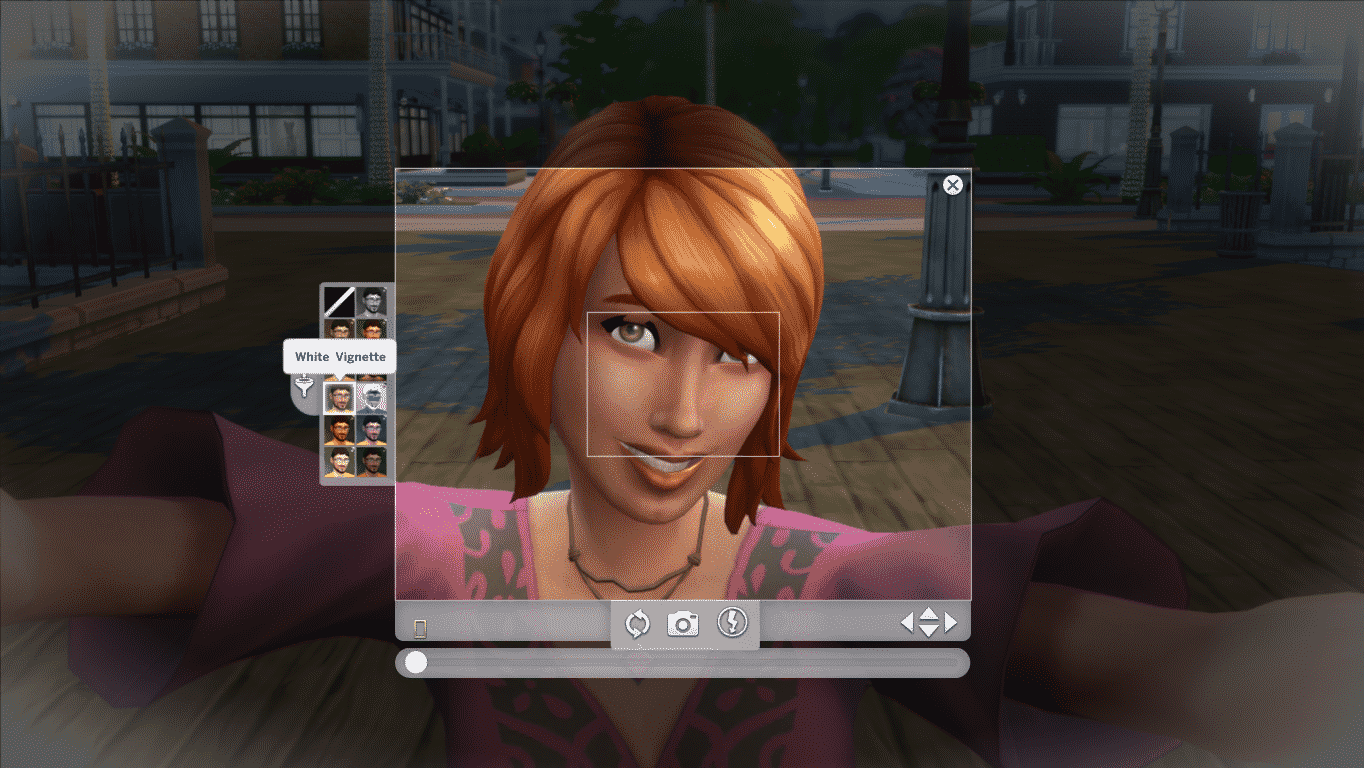
You’ll be greeted with a Photography User Interface that has tons of options.

Capture

  • Switch Orientation
  • Take Photo
  • Turn off Flash
  • Drag to rotate your Sim (1 Sim feature only)

Switch Orientation flips your Camera view to Horizontal and Vertical.

TS4 2015-04-01 23-11-40-55 TS4 2015-04-01 23-11-42-92

The ”Drag to rotate” slider allows your Sim to rotate for 360°, letting you find the perfect angle.

TS4 2015-04-01 23-15-59-77 TS4 2015-04-01 23-16-02-36 TS4 2015-04-01 23-16-05-77

To move the camera left and right, click on any part of the screen once and when you’re ready to lock your camera position, click again.

You can take selfies by clicking the Camera icon or by pressing C. Once you’re done with taking selfies you can exit by clicking the X button. Sims will change their Selfie poses each time you exit and start using the Selfie feature again. There are about 4-5 different poses and a couple of changes you might notice on your Sim’s face.

On the left side of the User Interface there are 10 filters available to decorate your Selfie: Grayscale, Sepia, Oversaturate, Undersaturate, Vignette, White Vignette, Invert, Warm, Cool, Bright, Dark.

TS4 2015-04-01 22-43-06-48 TS4 2015-04-01 22-43-08-26 TS4 2015-04-01 22-43-09-89 TS4 2015-04-01 22-43-12-76 TS4 2015-04-01 22-43-14-24 TS4 2015-04-01 22-43-15-97 TS4 2015-04-01 22-43-17-44 TS4 2015-04-01 22-43-19-23 TS4 2015-04-01 22-43-21-27 TS4 2015-04-01 22-43-23-07

Taking a picture of yourself isn’t that fun when there’s someone else to do it for you! To take a photo of another Sim, click on the Phone > Entertainment > Take Photo Of.. which will bring up the list of all nearby Sims. Once you select your desired Sim you’re able to take photos!

TS4 2015-04-01 22-47-12-76 TS4 2015-04-01 22-46-56-04 TS4 2015-04-01 22-46-38-58

Your Sim can also take photos with someone! Just select Phone > Entertainment > Take Photo With.. and select your desired Sim nearby.

TS4 2015-04-01 22-50-41-64 TS4 2015-04-01 22-51-14-79 TS4 2015-04-01 22-52-13-50

Just like Selfies, both Take Photo Of and Take Photo With interactions will show a different pose on your Sim(s) each time you bring up this interaction.

Your Selfies and Photos will be stored in your Sim’s inventory that you can place anywhere on the wall. The quality of your photos will vary depending on your Photography Skill.

04-01-15_11-02 PM

The Sims 4 Mod: Use Telescope as Observatory

This Mod has been brought to you by Mod The Sims member – Esmeralda!

Here’s a space-saving alternative to that enormous Observatory that’s too big to fit comfortably on many lots. The Observatory is okay for some purposes, but why the game ONLY included that huge monster and not a normal telescope or two as well, I can’t imagine.

It uses the mesh of the Expensive Telescope from The Sims 2, and has a 2-tile footprint as opposed to the 25-tile footprint of the Observatory. It’s found in the Activities section of Buy Mode, in the Knowledge area where the Observatory is, and costs 1000 simoleons. It comes three colours: its original white texture, black, and blue with a space galaxy graphic.

Click on the picture below to download this Mod! (Requires MTS Registration)

MTS_Esmeralda-1517924-daytimespyonneighbours

Click Here for more information on how to install Custom Content and Mods!

The Sims 4 Get to Work: Neighborhoods Overview

The Sims 4 Get to Work comes with 4 brand new Neighborhoods – Magnolia Promenade, 2 Career Neighborhoods and an Alien World!

Magnolia Promenade

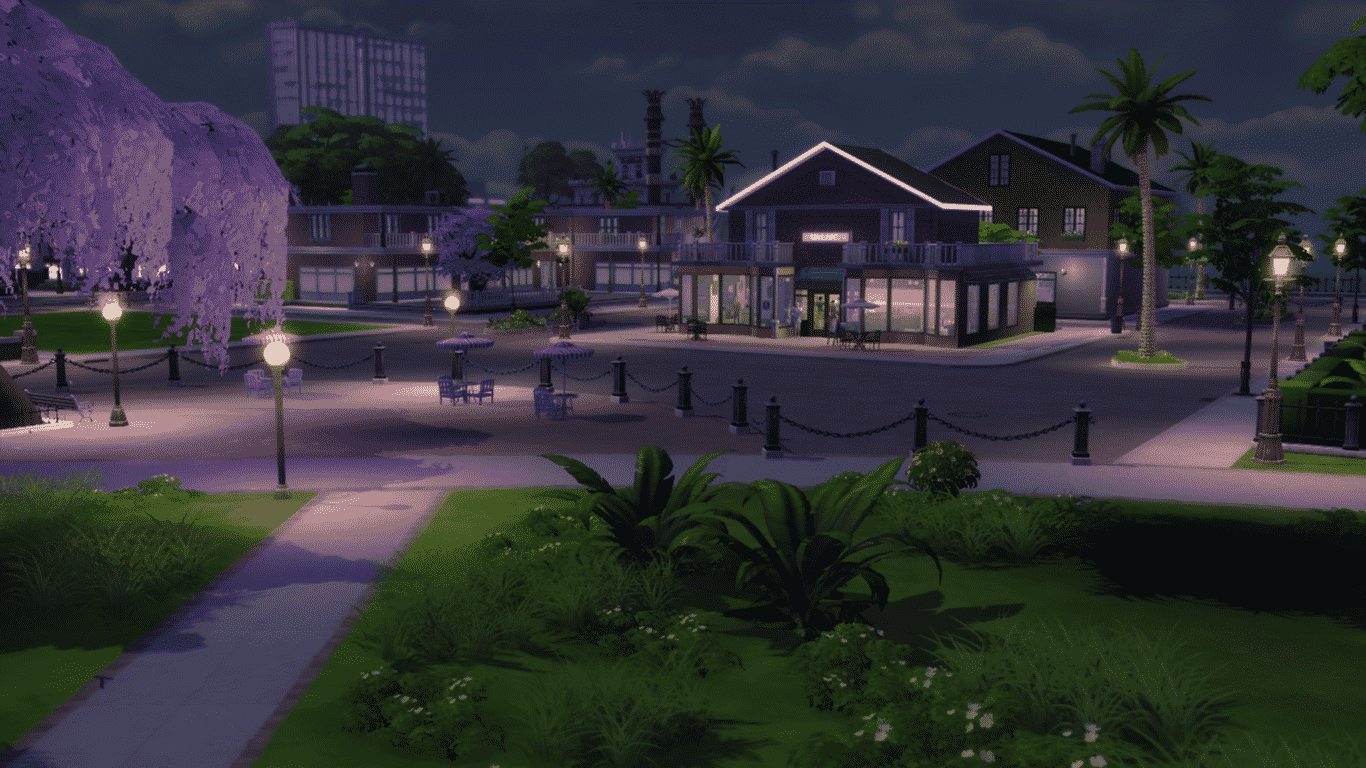
Magnolia Promenade can be easily found in the Worlds section, even though it’s not actually a World since it’s only a single Neighborhood with 4 lots (one of them is empty).

TS4 2015-04-01 20-49-20-95

04-01-15_10-46 AM 04-01-15_8-11 PM 04-01-15_8-11 PM-2 04-01-15_8-11 PM-3

This Neighborhood is made specially for Sims interested in shopping and selling, meaning that those who are interested in opening a business should do so in this Neigbhorhood as it’s environment will fit with any business theme you try to build.

04-01-15_8-12 PM-2 04-01-15_8-12 PM 04-01-15_8-10 PM-2 04-01-15_10-47 AM 04-01-15_10-45 AM 04-01-15_10-46 AM-2 04-01-15_10-48 AM-3 04-01-15_10-50 AM-2 04-01-15_10-51 AM-2

Career Neighborhoods

There are 2 Career Neighborhoods with this Expansion Pack. Each Neighborhood can be accessed only when it’s time for your Sims to Get to Work (see what I did there?).

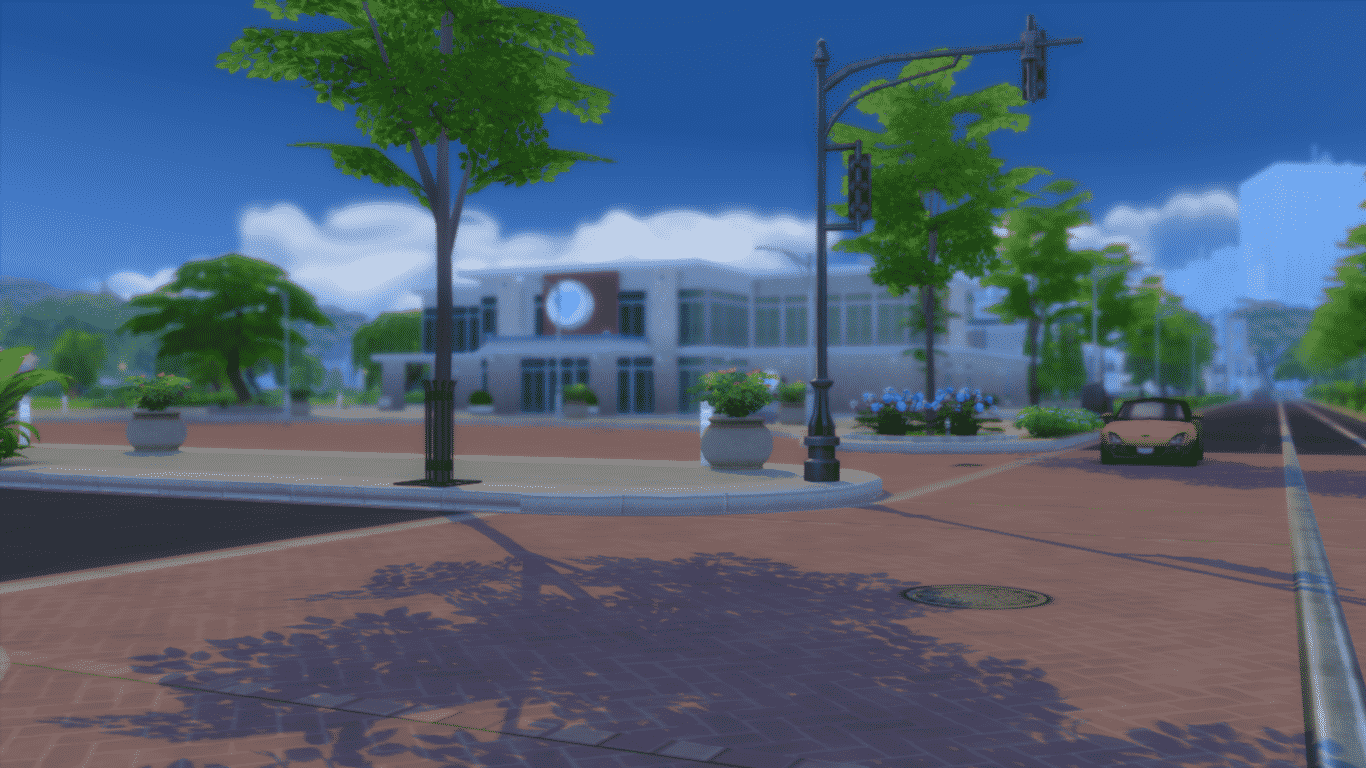
The first Neighborhood fits the Willow Creek concept and comes with 2 Lots: The Hospital and The Police Station.

04-01-15_8-19 PM-3 04-01-15_8-15 PM 04-01-15_8-20 PM-3

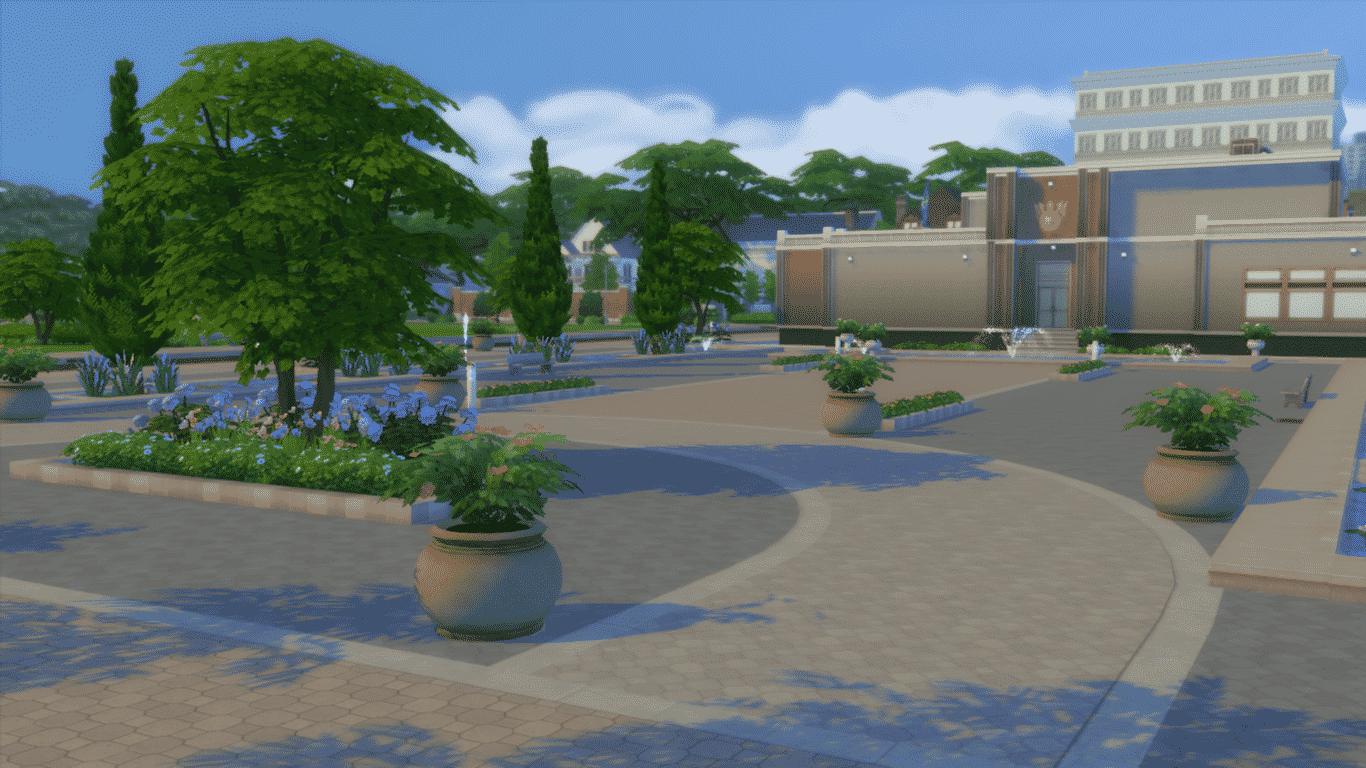
There’s also a beautiful Park for your Sim to relax from a hard day’s work.

04-01-15_8-29 PM 04-01-15_8-28 PM-4 04-01-15_8-28 PM-2 04-01-15_8-28 PM 04-01-15_8-20 PM-2 04-01-15_8-19 PM-4 04-01-15_8-19 PM-2 04-01-15_8-19 PM 04-01-15_8-18 PM-4 04-01-15_8-18 PM-2 04-01-15_8-18 PM 04-01-15_8-17 PM 04-01-15_8-16 PM-2 04-01-15_8-15 PM-2

The second Neighborhood fits the Oasis Springs concept and comes with a Science Lab and an Area for exploration. If you look closely, there’s also a huge boulder with Alien hieroglyphics.

04-01-15_8-34 PM 04-01-15_8-33 PM-3 04-01-15_8-33 PM-2 04-01-15_8-33 PM 04-01-15_8-32 PM 04-01-15_8-35 PM 04-01-15_8-34 PM-4 04-01-15_8-34 PM-3 04-01-15_8-34 PM-2

Alien World Sixam (Neighborhood)

To discover the Alien World named Sixam, you either need to build a Wormhole Generator as a Scientist and upgrade it or upgrade your Rocket with the Wormhole Generator.

Sixam is a vibrant Neighborhood full of radiant Plants and Trees, floating rocks and colorful terrain. If you look around Sixam you’ll be able to find some worthy collectables that are worth quite a lot.

04-01-15_8-44 PM 04-01-15_8-43 PM-3 04-01-15_8-43 PM-2 04-01-15_8-43 PM 04-01-15_8-42 PM-4 04-01-15_8-42 PM-3 04-01-15_8-42 PM-2 04-01-15_8-42 PM

The Sims 4 Get to Work: Official Sims from the Trailers

The Sims Team has released 4 Sims from various The Sims 4 Get to Work Trailers for you to download!

You can find these under the MaxisCreator_01 Origin ID or you can download them using the links below:

Sierra Moss (no longer available)Naomi FoyeGeorge L’ErnitageScrubs De Reve

gtwhousehold

The Sims 4 Get to Work: First Day at the Doctor Career

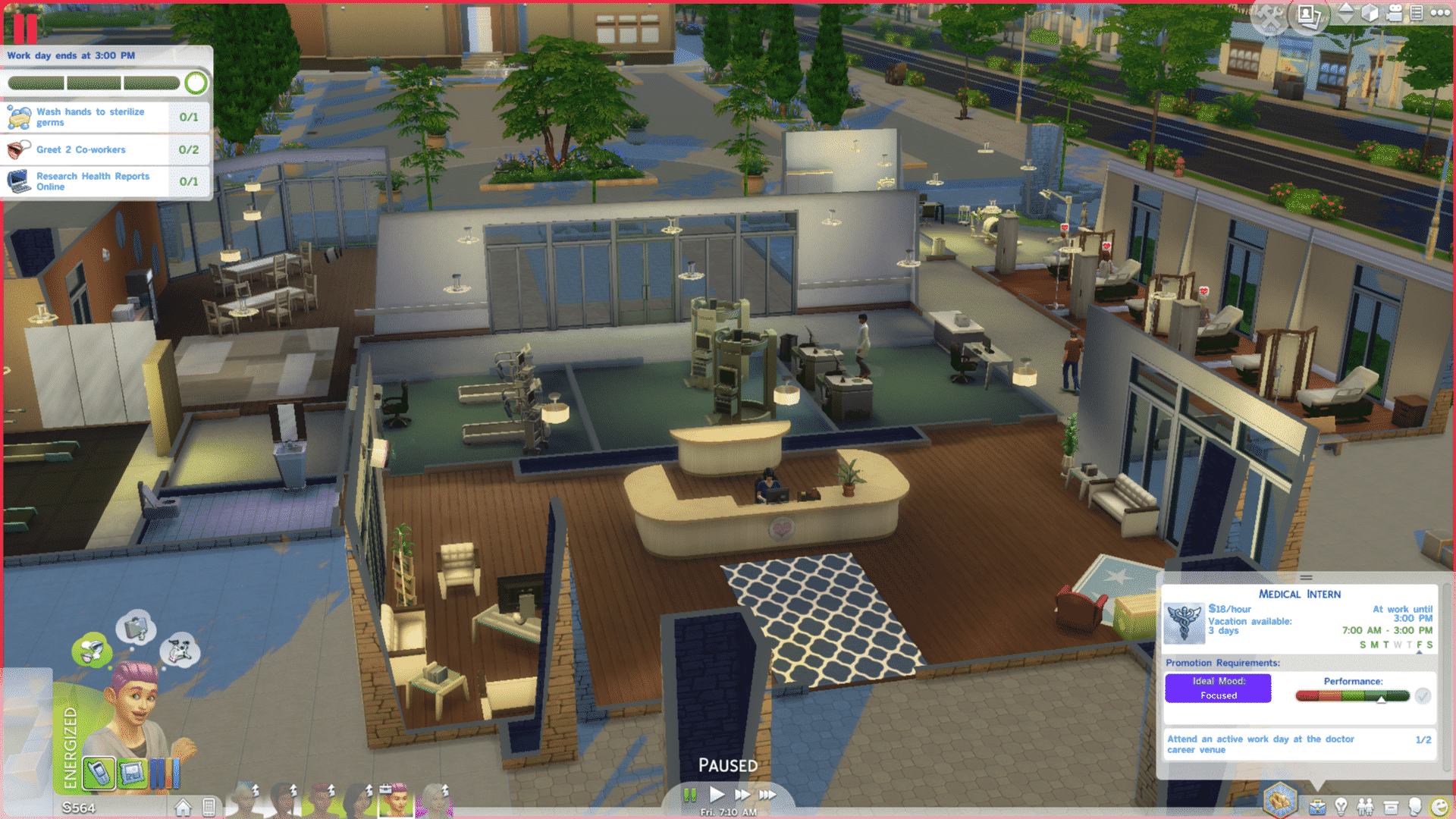
One of the new careers that comes with The Sims 4 Get to Work is the Doctor career. The first level of the Doctor career takes place between 7:00 AM and 3:00 PM. Same as the other  careers, when your Sim leaves for work, you will receive a prompt asking whether you want to follow them or send them alone. If you opt to send them alone, it will function just like a regular career. If, however, you choose to go with them, you can control them throughout the work day.

03-31-15_1-12 AM

After a short loading screen, your Sim will arrive at the Hospital. When the work day starts, your Sim will be assigned goals. Compared to the other two careers, the goals given on the first day of the Doctor career tend to be more generic and tend to be about finding your way around the hospital. These goals can include interacting with co-workers and patients, researching on a computer, having snacks, and more. Completing these goals will improve your work performance and bring you closer to getting promoted. However, you will need to actively attend work at least twice before you can get promoted.

The Sims 4: CAS CC Lookbook #5

NEWLOOKBOOK2

Hair / Skin / Skintone / Eyebrows / Eyeshadow / Outfit / Shoes (EA) / Pose 1 (creator deleted this pose pack, sorry) / Pose 2

NEWLOOKBOOK6

Hair  / Skin  / Facemask  / Eyebrows / Ear Piercings / Top / Bottoms / Shoes (EA)

NEWLOOKBOOK4

Hair / Skin 1 / Skin 2 / Facemask / Eyebrows / Eyelashes / Top / Skirt (EA) / Shoes (EA) / Pose

Click Here for more information on how to install Custom Content!

Download these Sims on The Gallery here, here and here.