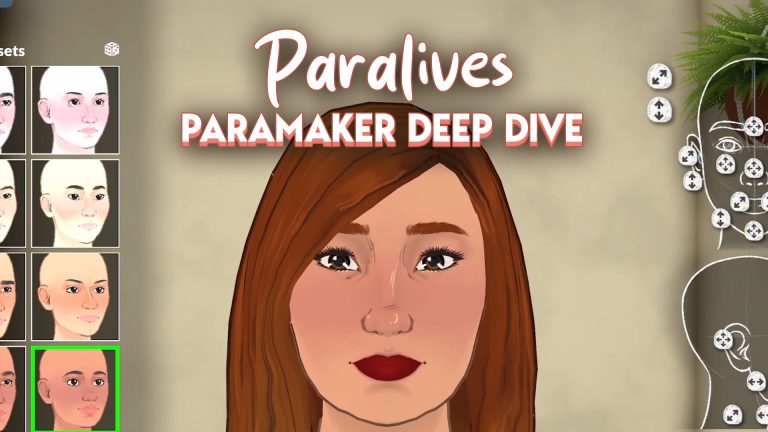
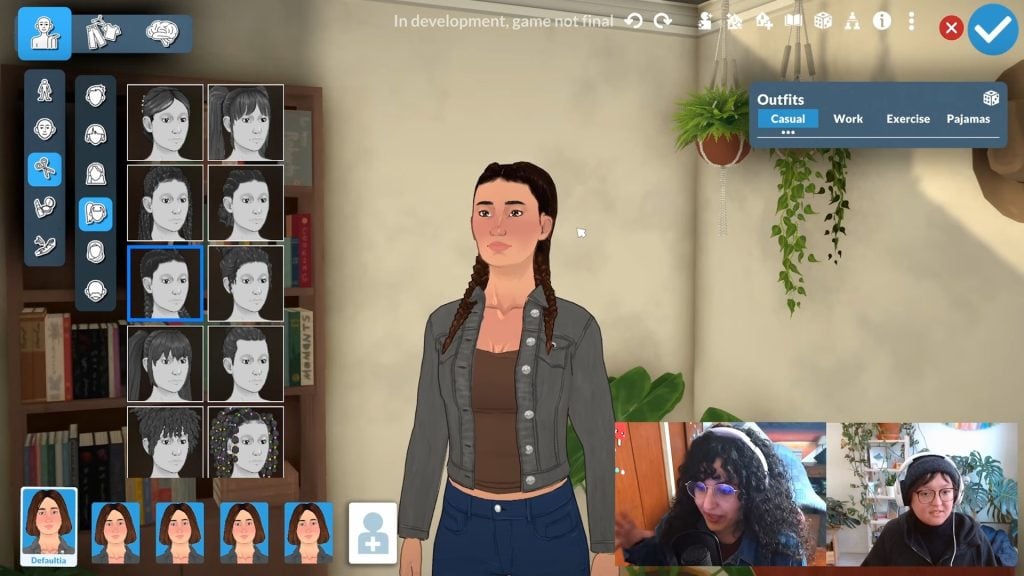
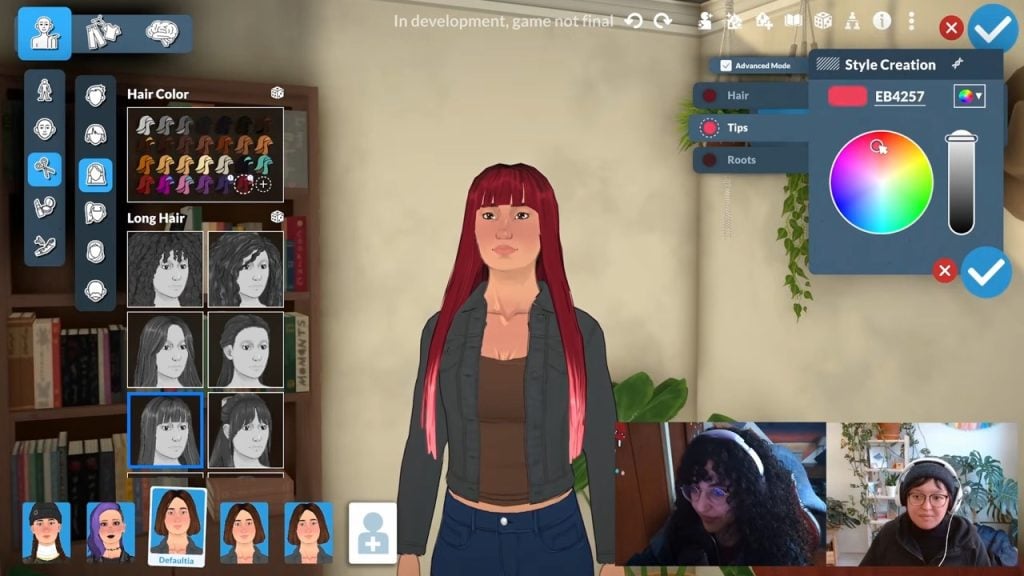
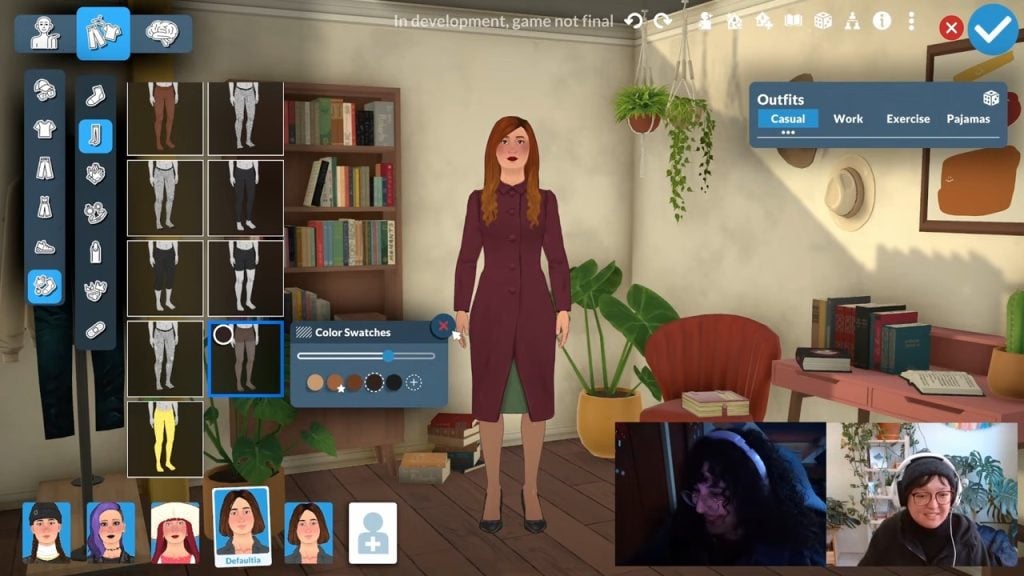
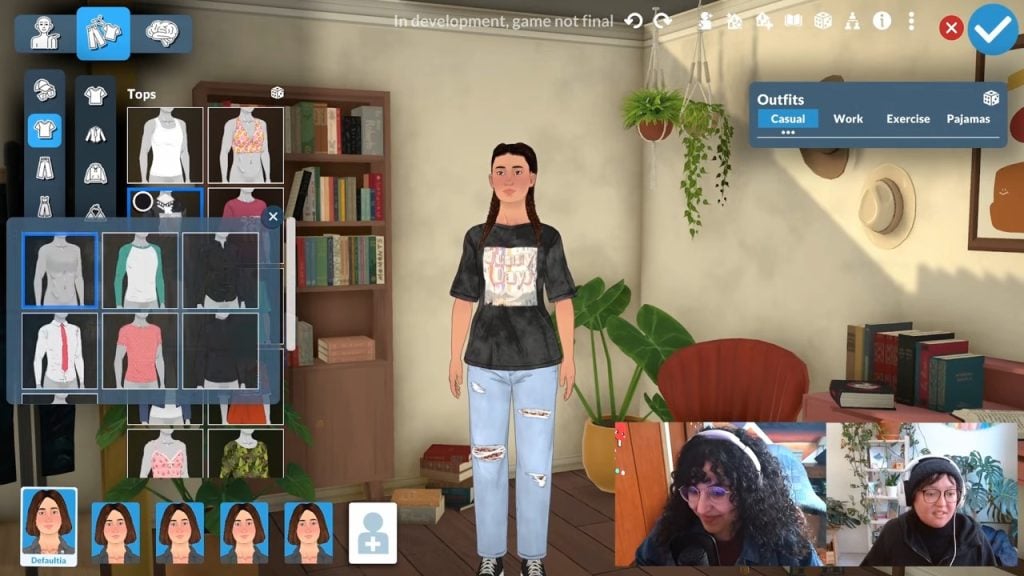
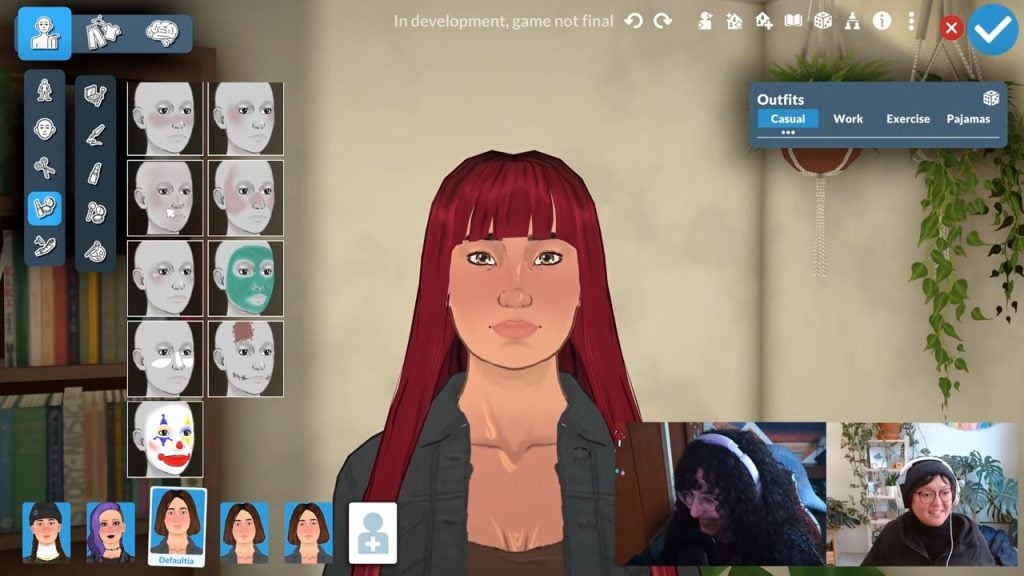
With Paralives getting closer to its early access launch, the developers have shared a detailed hour-long gameplay demo that highlights the Paramaker, the game’s character creation tool.
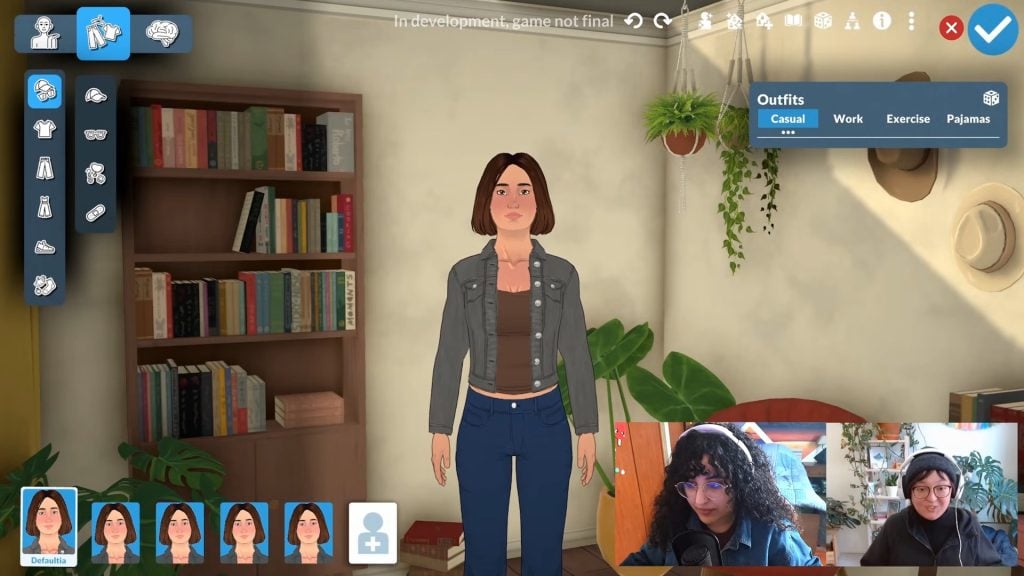
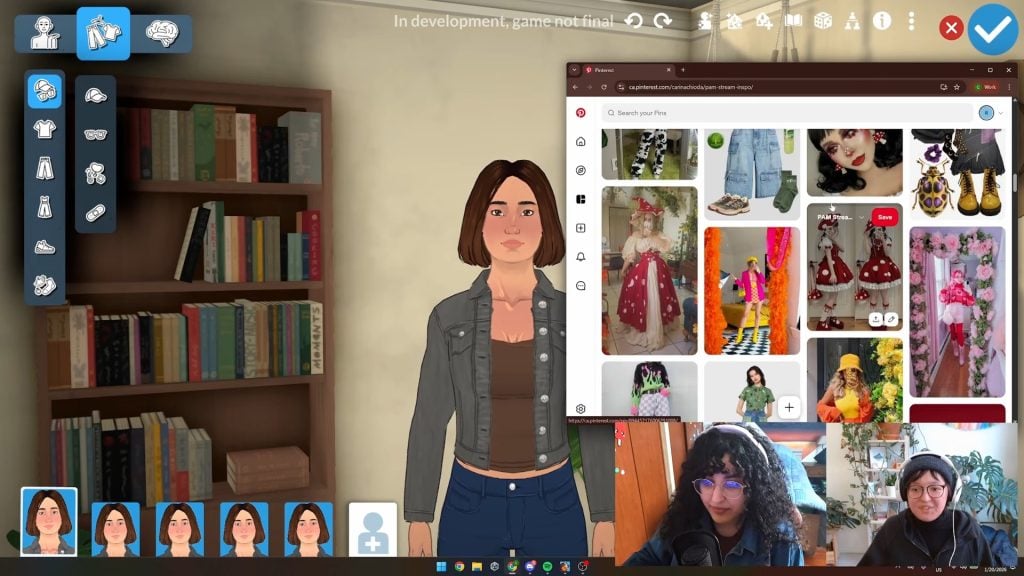
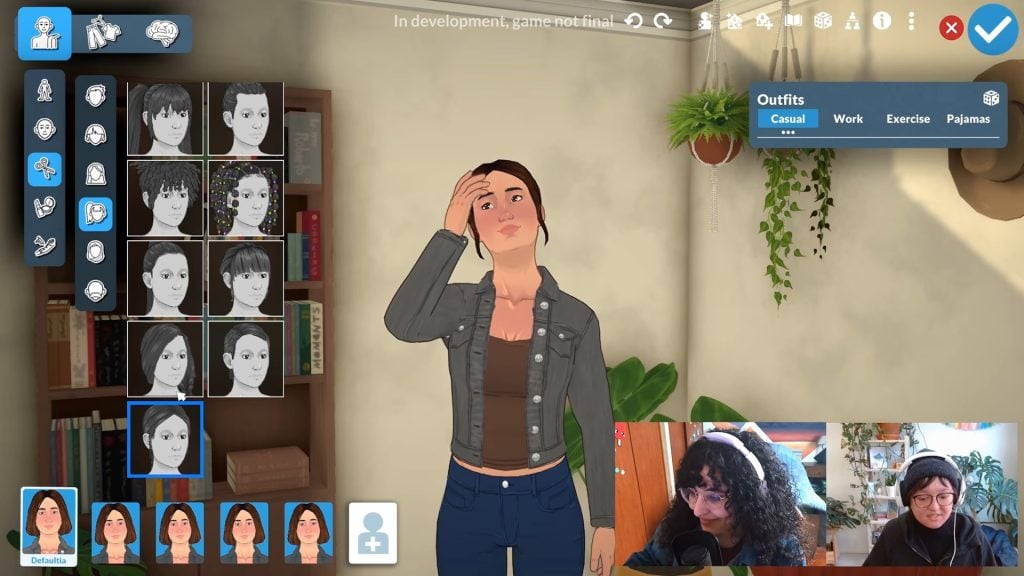
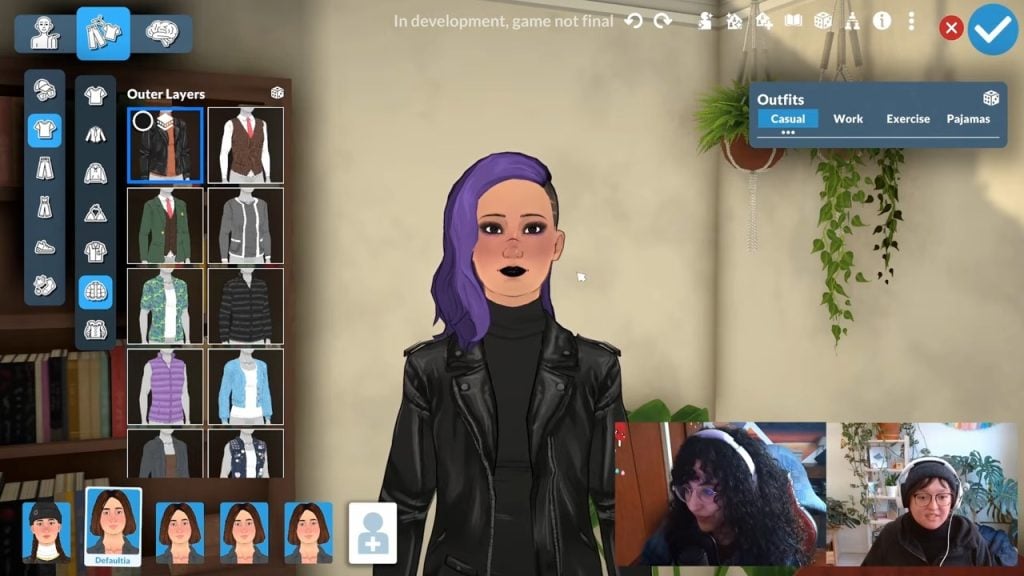
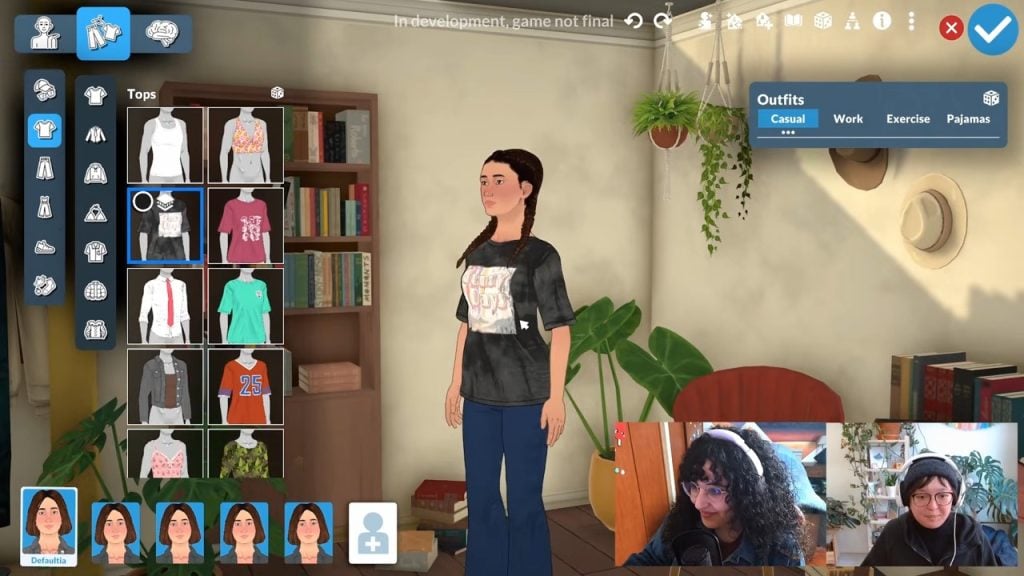
Community Manager Rina and character artist Sonia led the demonstration, using a Pinterest board made by fans to turn one base character, playfully called “Defaultia,” into five different sisters, each with their own unique style.
This stream was originally a Patreon exclusive, but has been made public recently.
The team used a Pinterest board filled with submissions from Patreon supporters as the inspiration for the outfits.
Paramaker Functionality
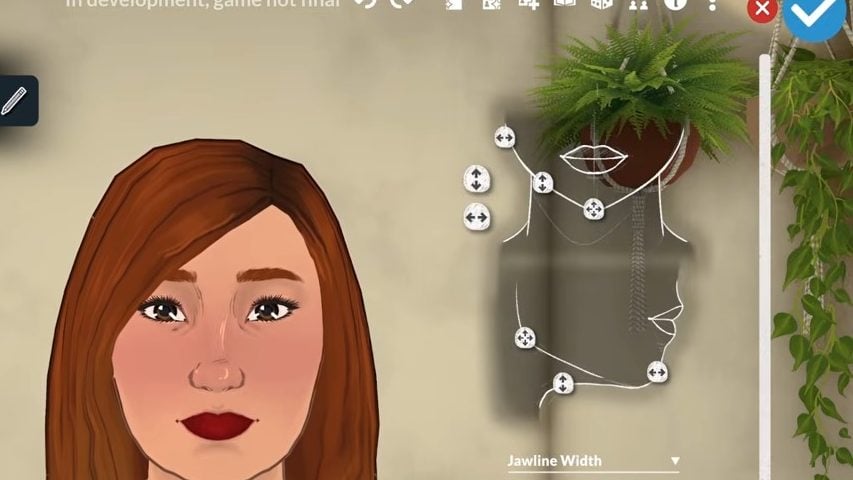
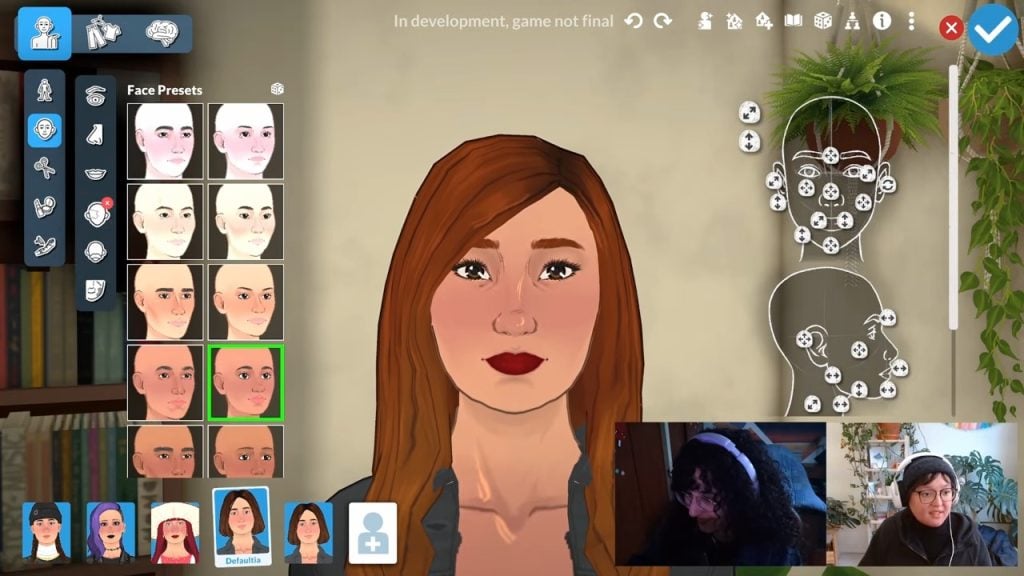
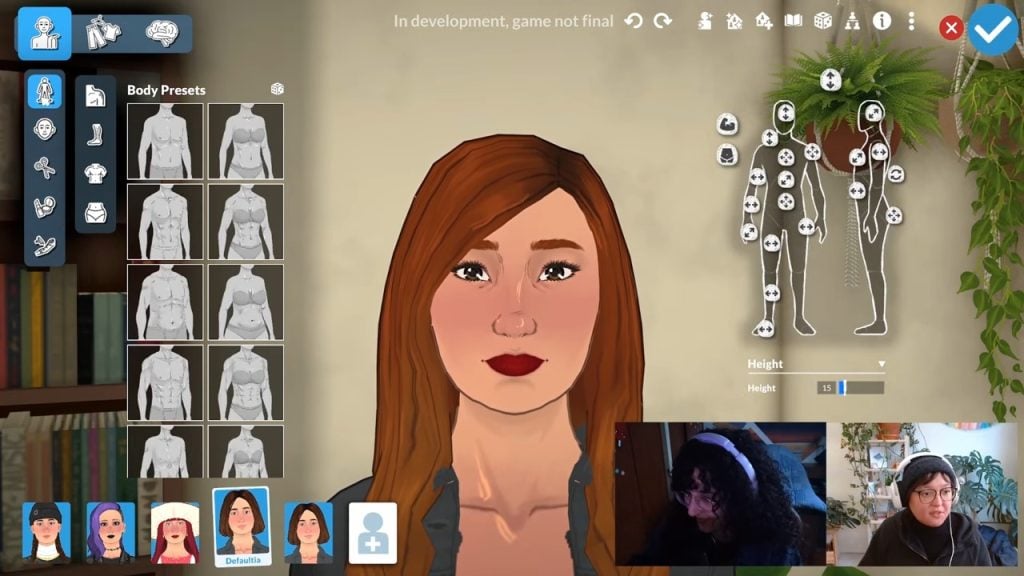
Customising Your Parafolk With Sliders
The Paramaker offers many detailed customisation features for each area of their bodies.
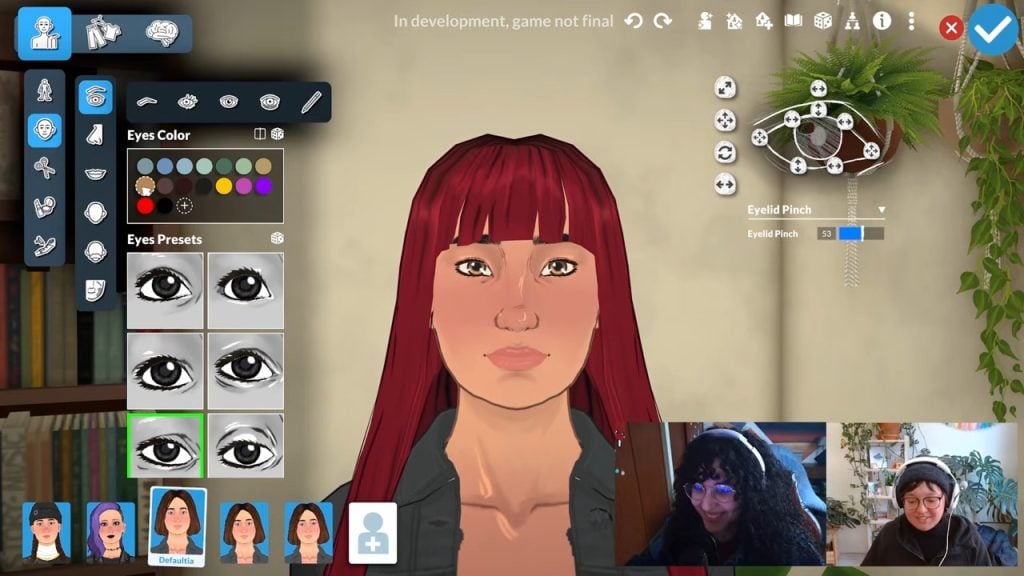
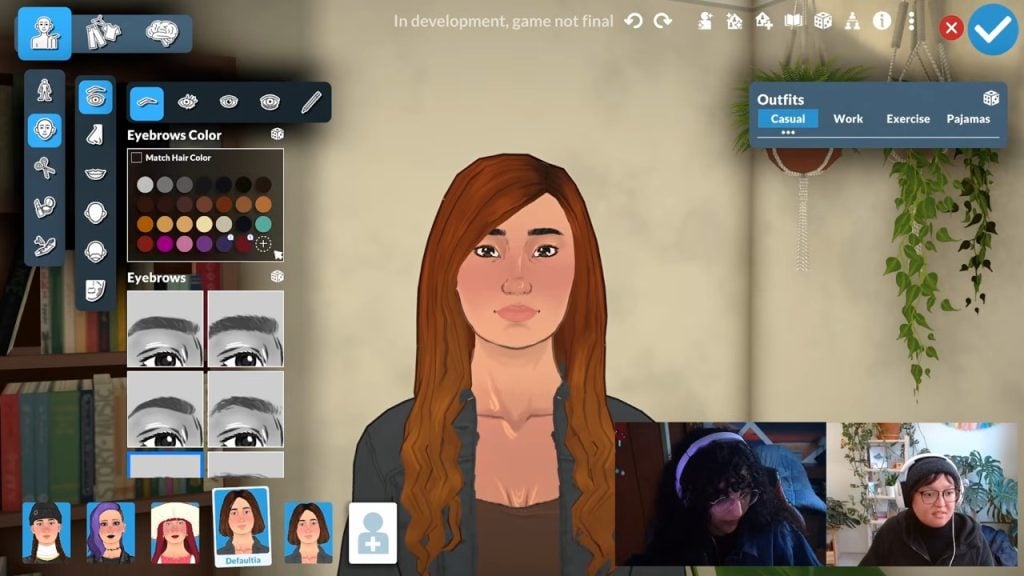
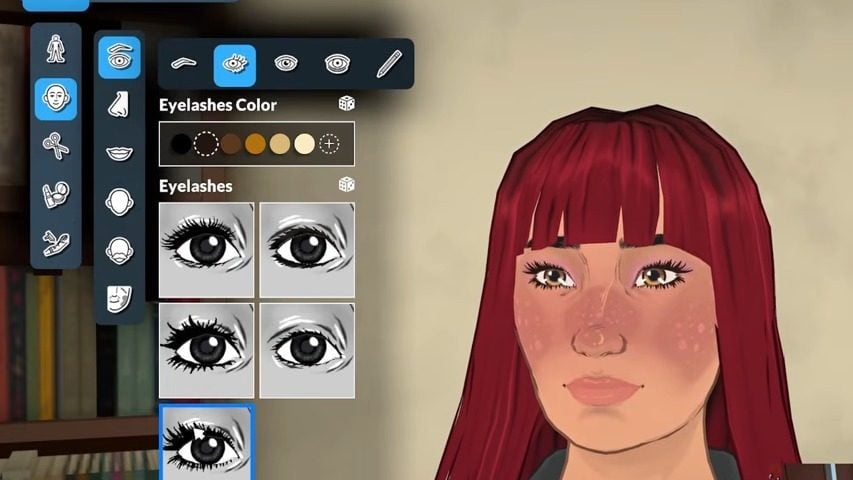
Looking at the eyes and eyeshape customisation, you can see just how much each area can be edited, as well as the range of presets.
And this is true of all of the different parts of the face and body.
If you don’t want to get this granular with your Parafolk creation, there are also plenty of presets to choose from.
Rotating Paras
You can click and drag with your mouse button to rotate the Para and see the outfits you’re creating from multiple angles.
Hair
Finding and Categorising Hairstyles
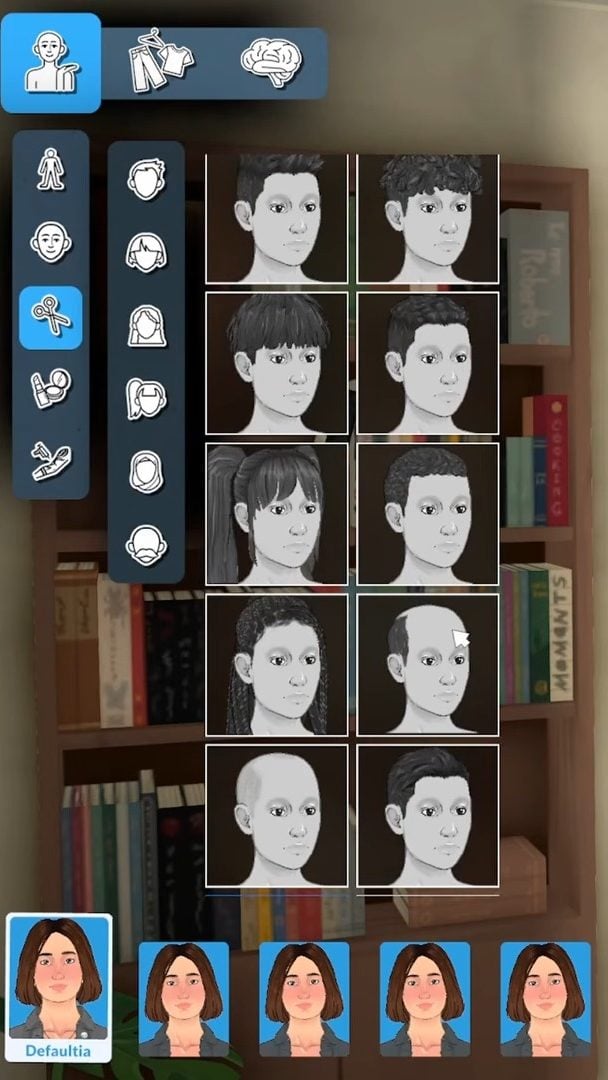
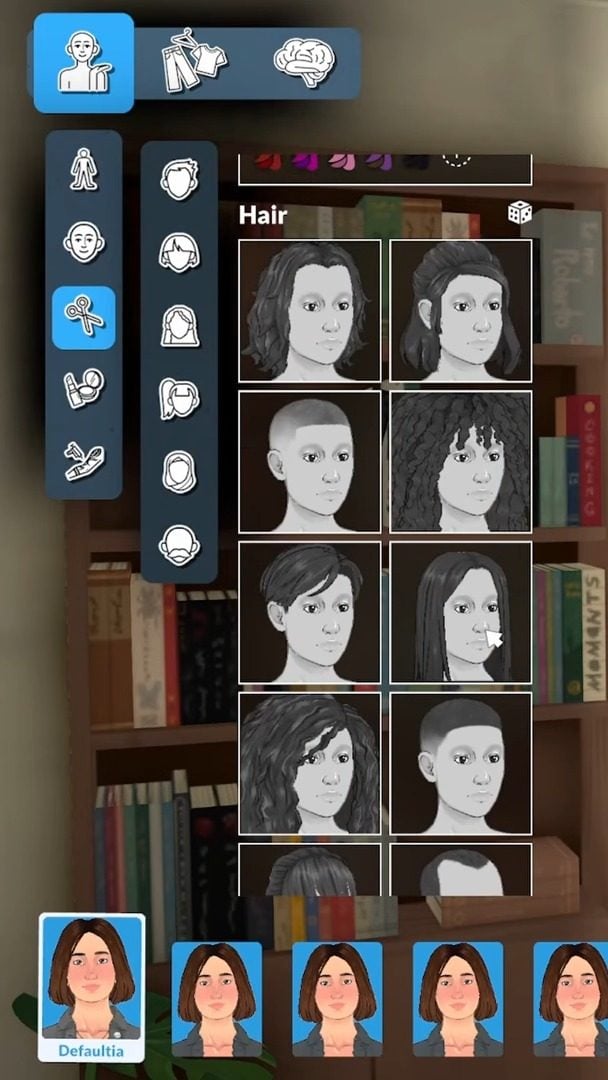
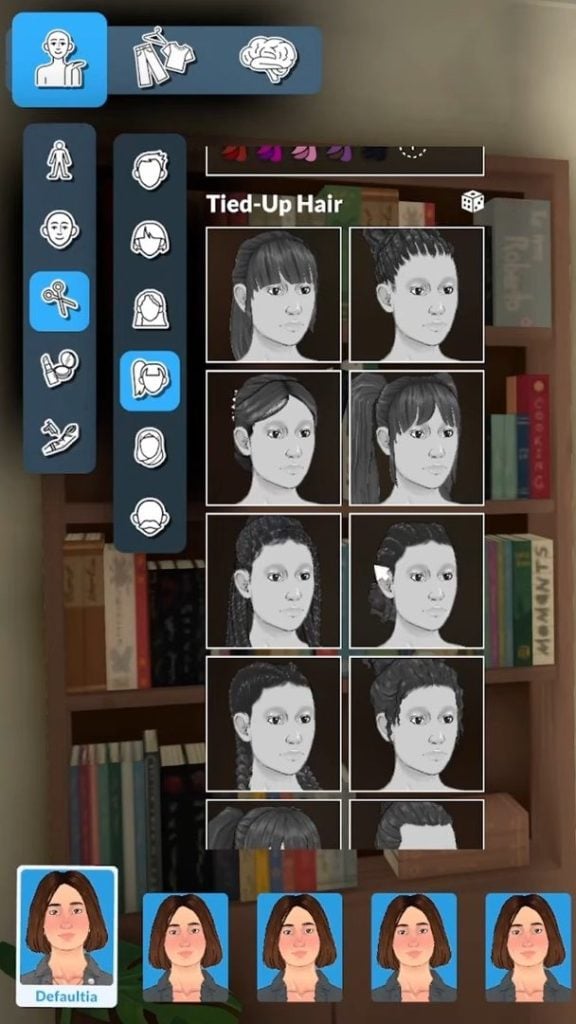
We got to see loads of new hair assets featuring lots of different lengths, textures, and styles. We also got to see how the different styles are filtered in the UI on the left-hand side, using categories such as ‘tied-up hair’.
When you change the Para’s haircut or style, they will react to the change, which is a lovely touch.
Customising Hair Colour
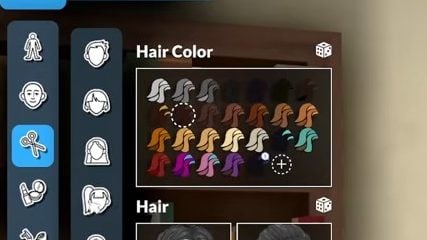
We got a closer look at the default hair swatches that come with the Paramaker.
Artist Sonia also confirmed that it is possible to give the Parafolk different colours and tones to their hair.
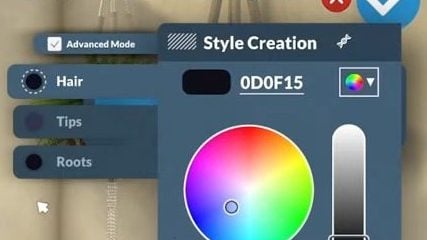
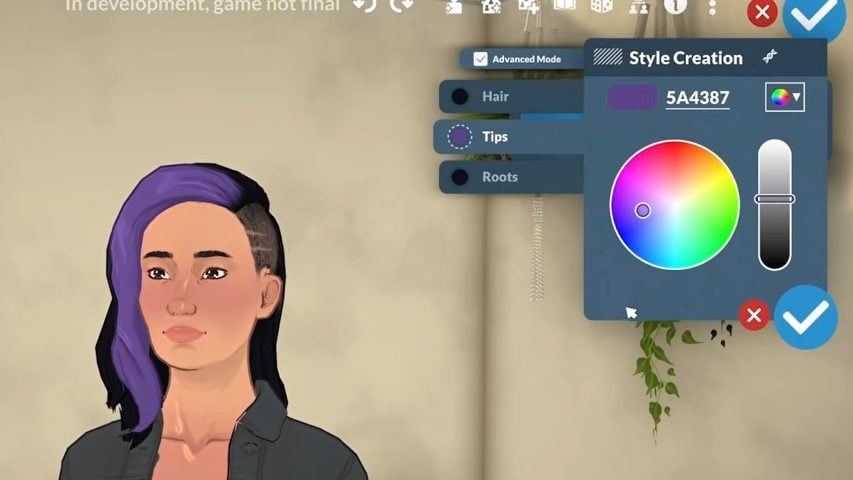
Most hairstyles they have, roots, hair , and tips that are independently recolourable so that you can change the colour.
Sonia also addressed questions about hair with highlights, saying that some assets have a lighter or thinner recolour, which could look like highlights, and not all hair will have this or look the same.
We also saw that some of the hair swatches have two built-in colours, and how this can be customised using the style creation colour wheel.
Eyebrows
You can also customise the colour and shape of eyebrows in Paramaker, including an option to make them match the hair colour you’ve chosen.
Facial Hair
Unfortunately, the stream did not cover any facial hair options as they were only making female Parafolk.
Hats
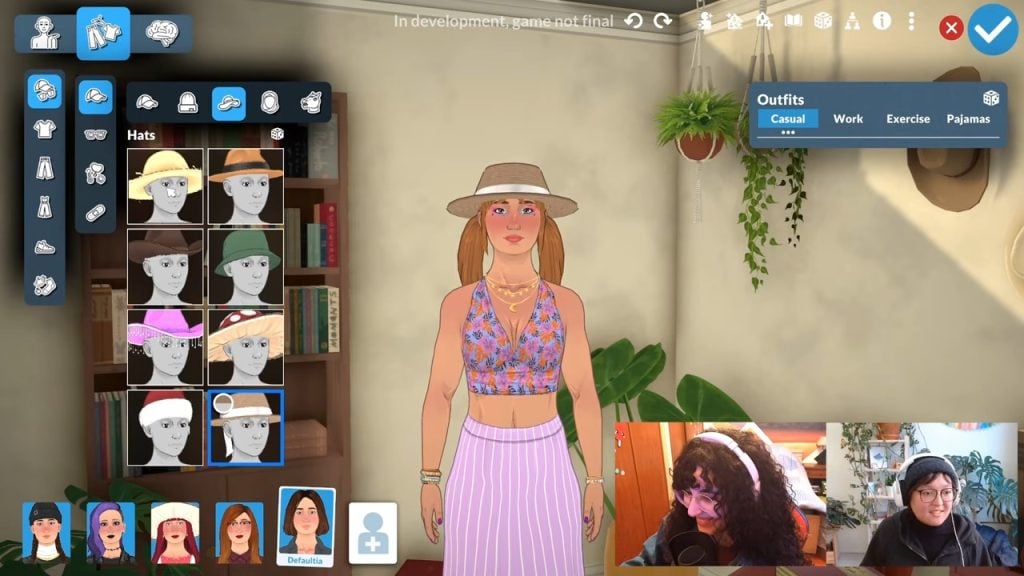
You can also see that hats fit nicely on top of tied-up hairstyles, so you don’t have to compromise.
Outfits and Clothing
Outfit Categories
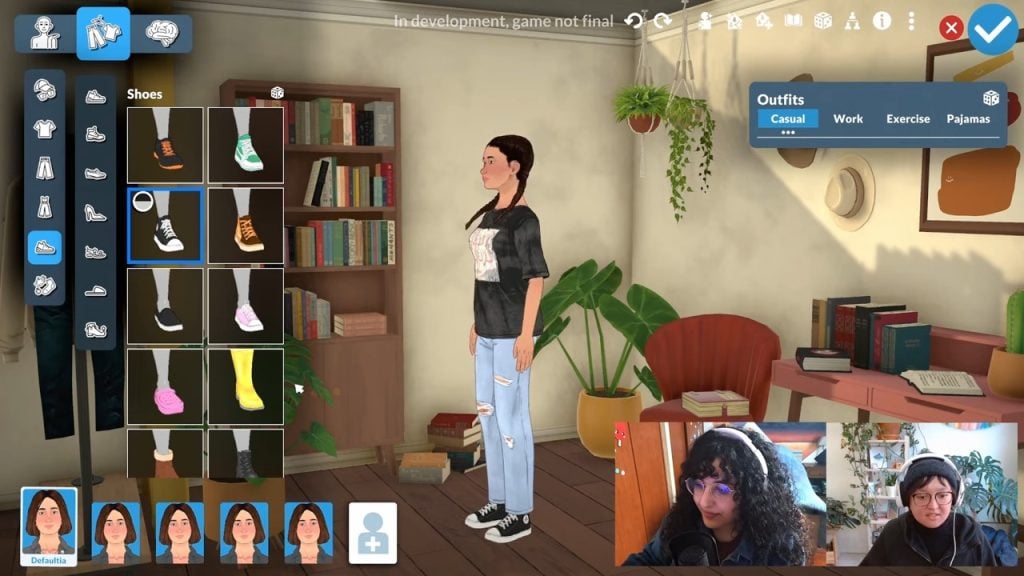
We can currently choose four different outfits for our Parafolk in the Paramaker. These are ‘Casual’, ‘Work’, Exercise’, and ‘Pyjamas’.
We can also see that there are options for creating outfits from tops and bottoms, and that full-body outfits can be customised through layering.
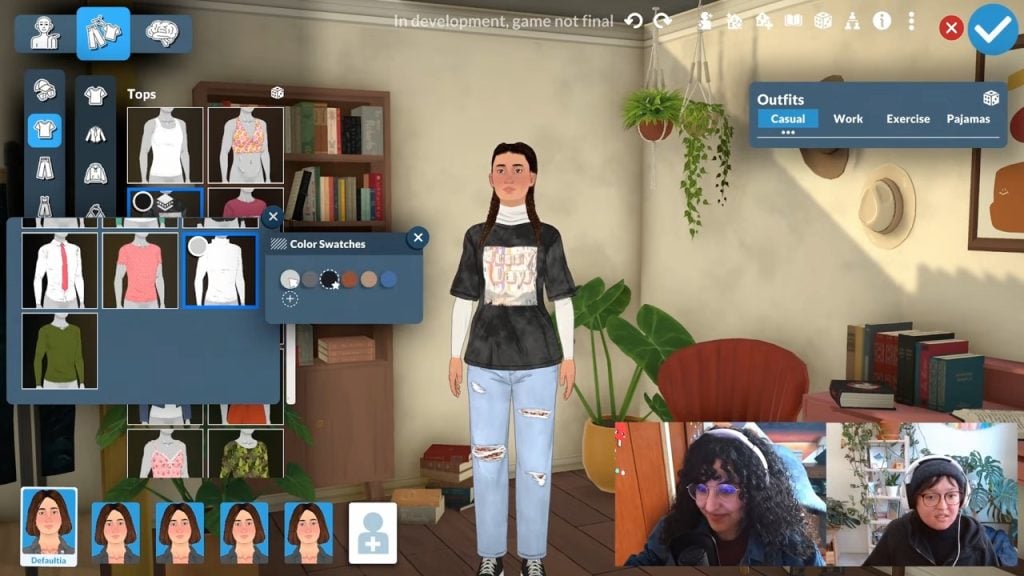
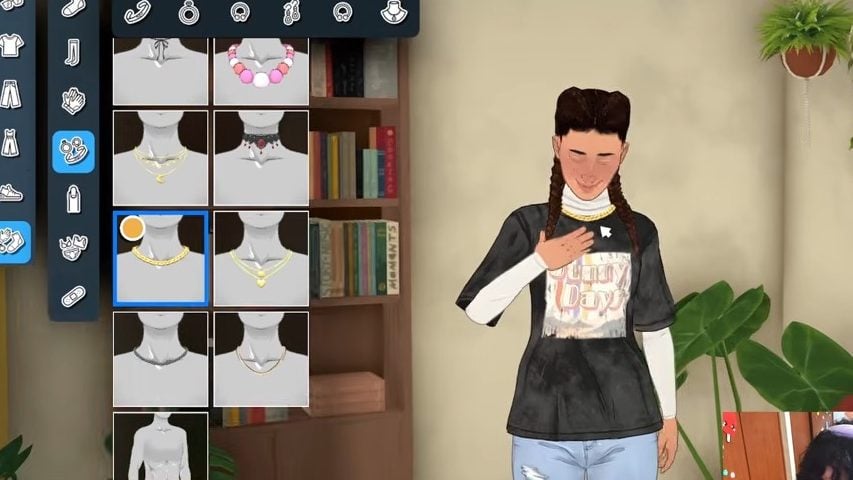
Layering Clothing
This is potentially one of the most exciting things coming with this Paramaker.
To layer clothing, such as adding long shirts under T-shirts, click the shirt you want to add a layer to, then select from the available options.
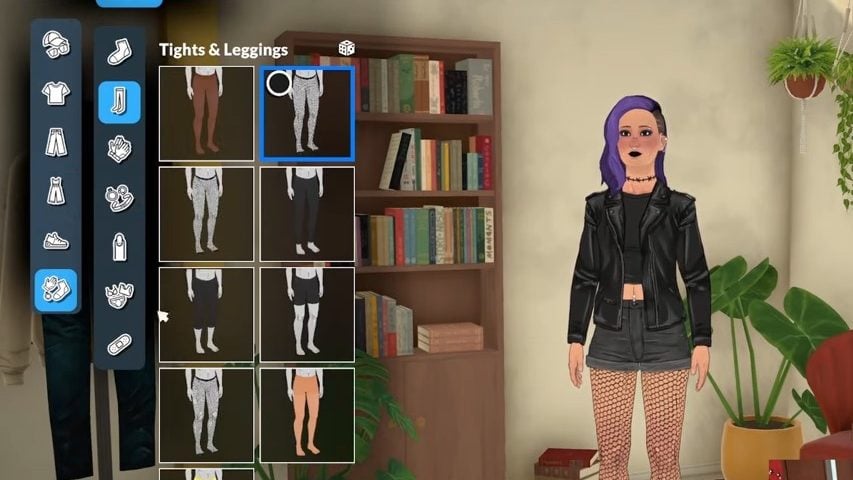
You can also layer tights and leggings under skirt and trouser options.
Things like coats are also categorised as ‘Outer Layers’, so it seems like you can add them on top of your existing outfits.
Clothing Colour Swatches
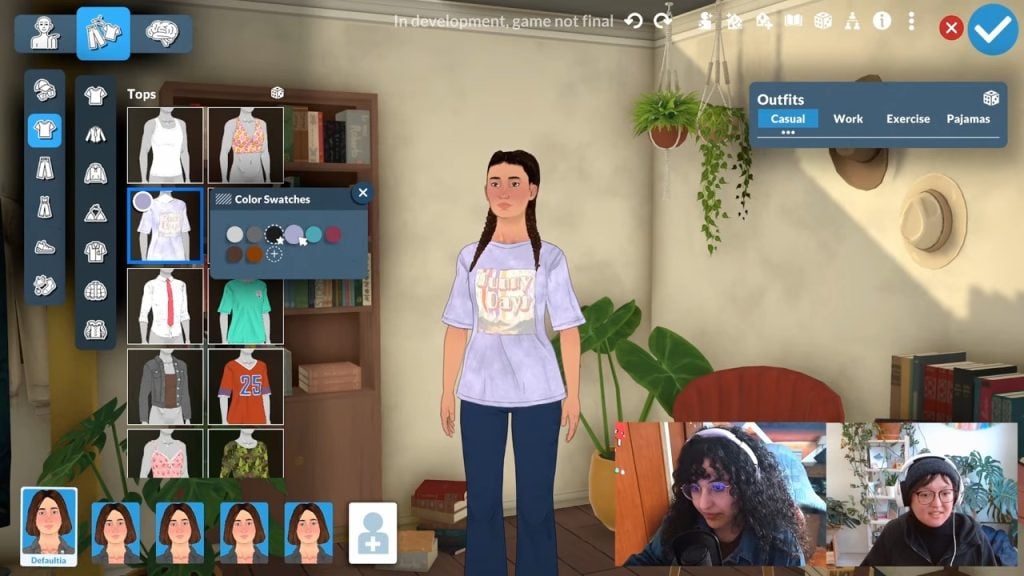
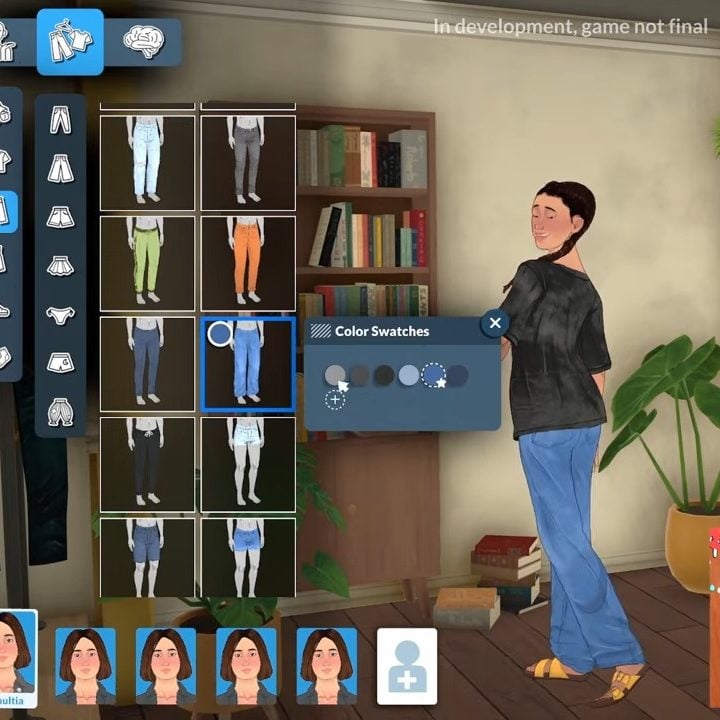
We got a glimpse of how the swatch selector will look in Paramaker, too. Once you click on a shirt or clothing item you want to wear, click the coloured circle, and from there you can pick the swatch you like.
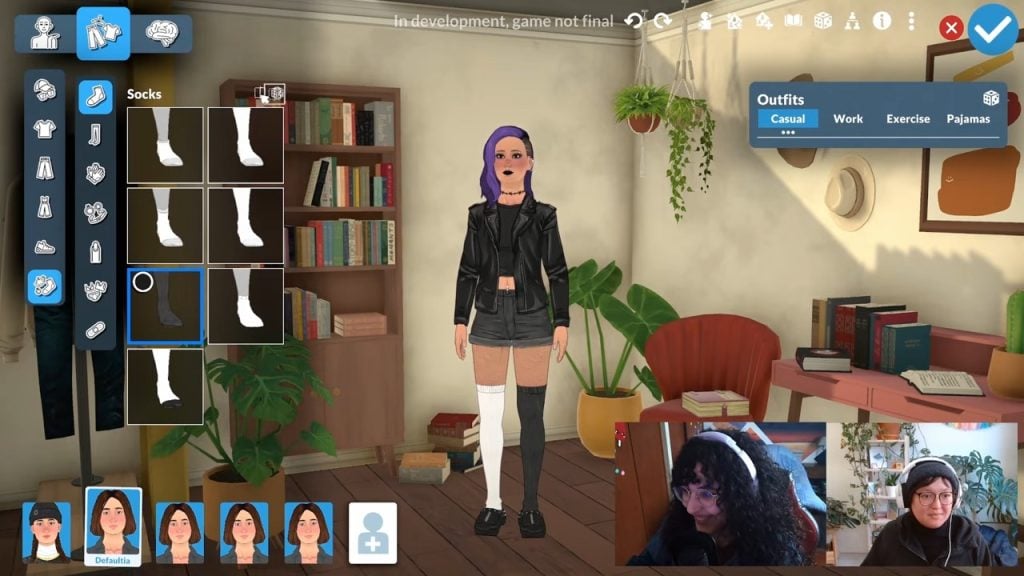
If mismatched socks are your style, you can also change sock colours individually.
Custom Swatches
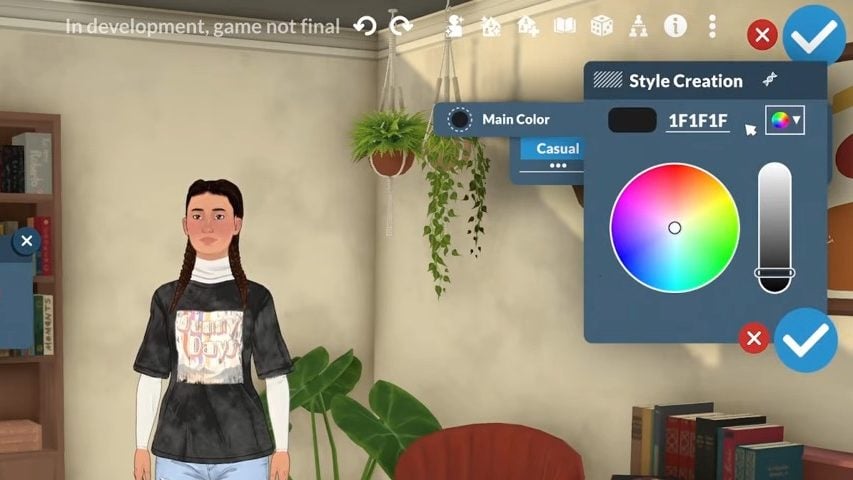
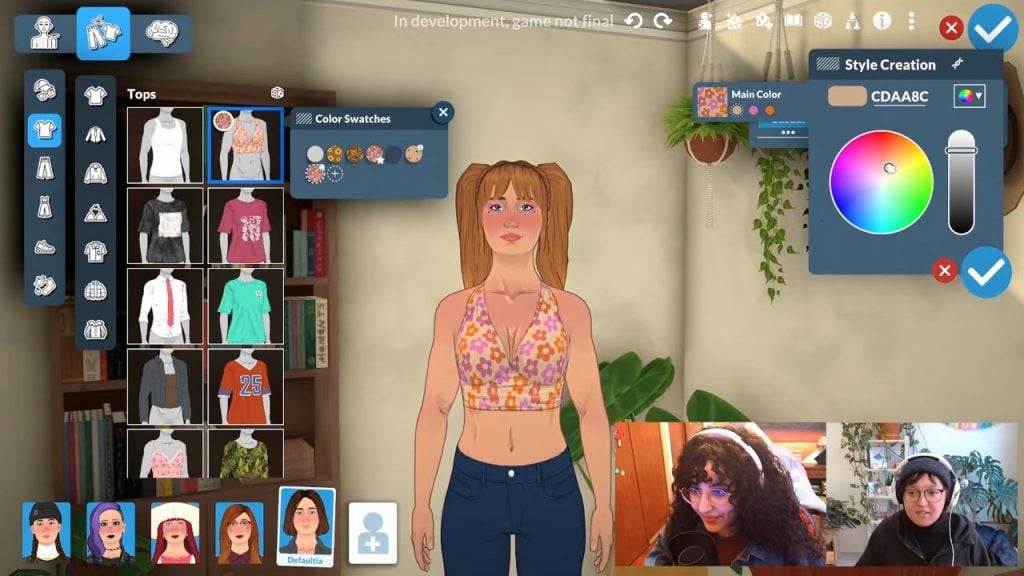
If you don’t like the colour of a pre-made item, you can change it thanks to the Style Creation menu, featuring a colour wheel and hex code box, so yo can get really detailed with your colour selection.
For some assets, you can create your own colour patterns such as stripes, but you can’t do this for all clothing items.
In this example, you can see the developers changing just the main colour on the shirt, but next to this are the other colour swatches for you to select and edit as you see fit.
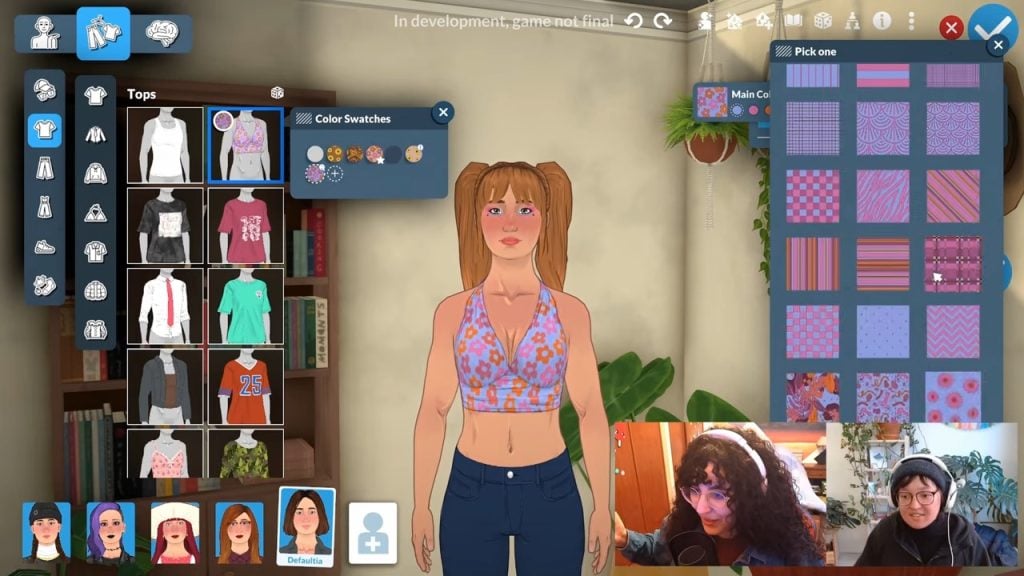
If you also want a completely different pattern, you can just click the square next to the colour options and change it to whatever you want.
Parafolk React to Clothing Options
As they do with the hair options, Parafolk will react to the clothing you dress them in.
During the stream, when new clothing options were chosen, the Parafolk would adjust their pose and model the new selection. A nice and realistic touch, and also reminiscent of The Sims 2’s create-a-sim.
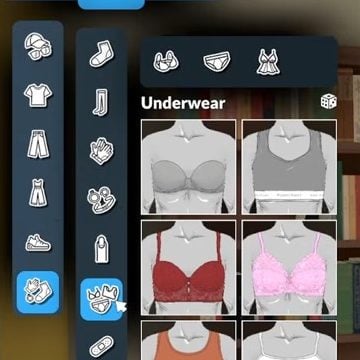
Underwear
For some reason, underwear appears to be categorised under the accessories menu.
That decision was probably made to make layering easier, or to have different underwear for different outfits, because items like socks and tights are also in the accessories menu rather than clothing.
Accessories
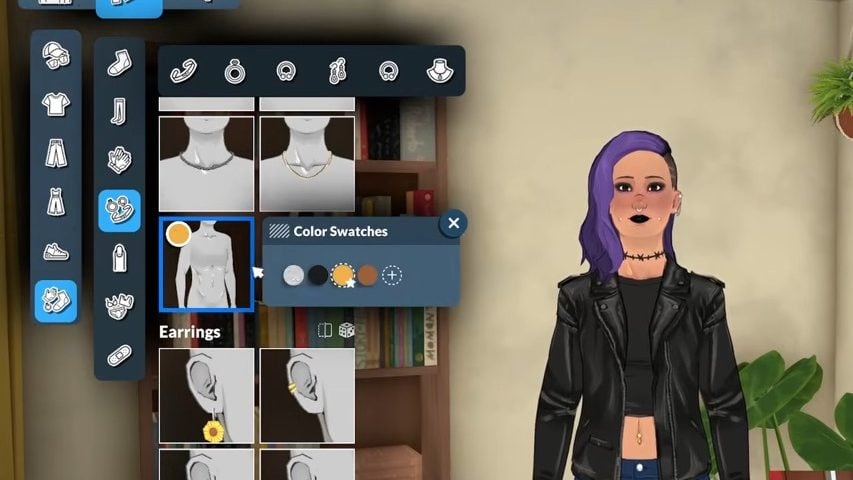
Just like with the hair and clothing options in Paramaker, once you add a new accessory to your Parafolk, they will show their appreciation for it.
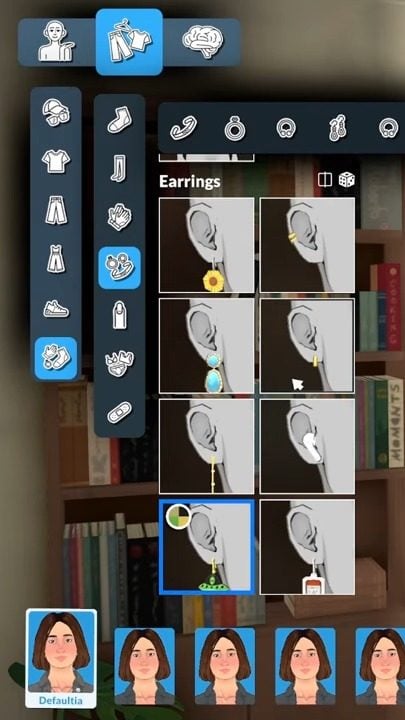
And we also got a closer look at how accessories will be categorised.
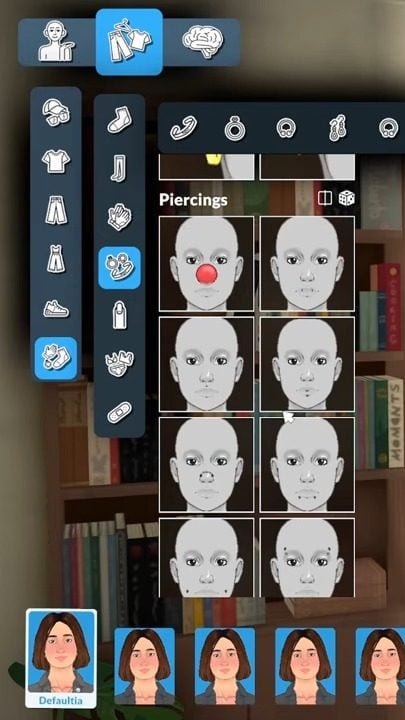
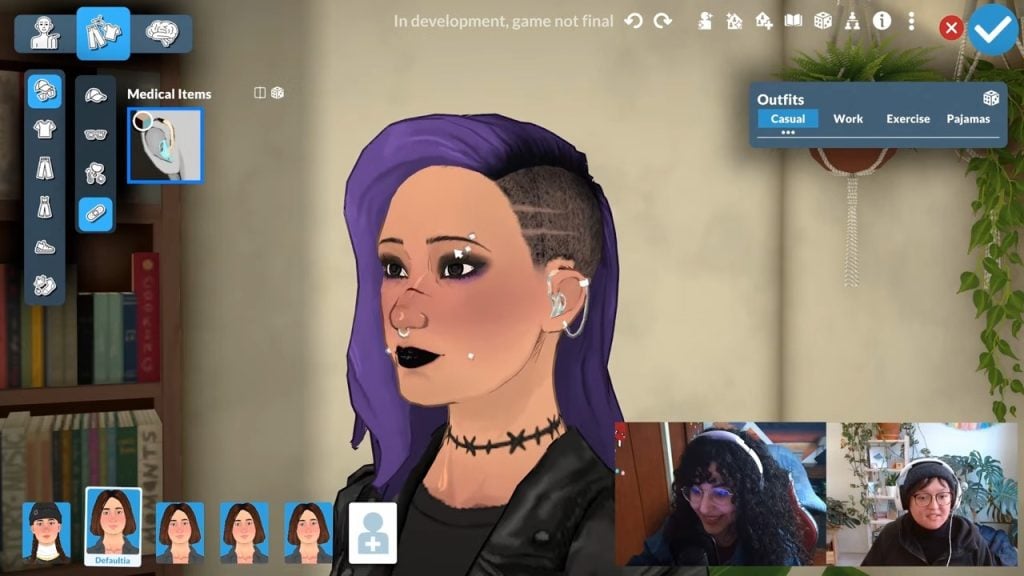
We also saw a variety of piercings, including navel/belly button, eyebrows, nose, cheek, and lip piercings.
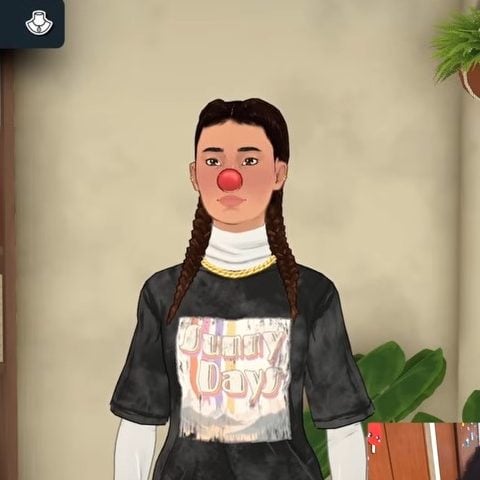
The developers also got to show off a bit of their sense of humour with quirky additions to the accessories, like a clown-nose piercing.
Accessory Placement
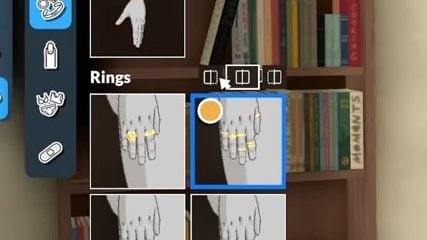
Within the Paramaker options for rings, you can select which side you want your Para to wear their jewellery on.
You can have rings on either just the left hand, just the right hand, or both. This gives you more customisation options as you can mix and match your accessories.
Medical Wearables
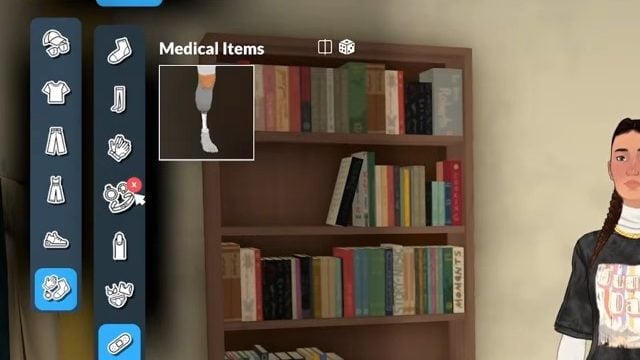
In the accessories panel, we got to see which medical items have been added to the Paramaker.
Sonia also added that things like plasters (or band-aids) would be added as development continues.
Medical wearables are seperated by where they are placed on the body. So, for example, hearing aids are in face/head accessories, and prosthetic legs are in body accessories.
They also work with earrings, so you don’t have to choose between hearing aids and jewellery.
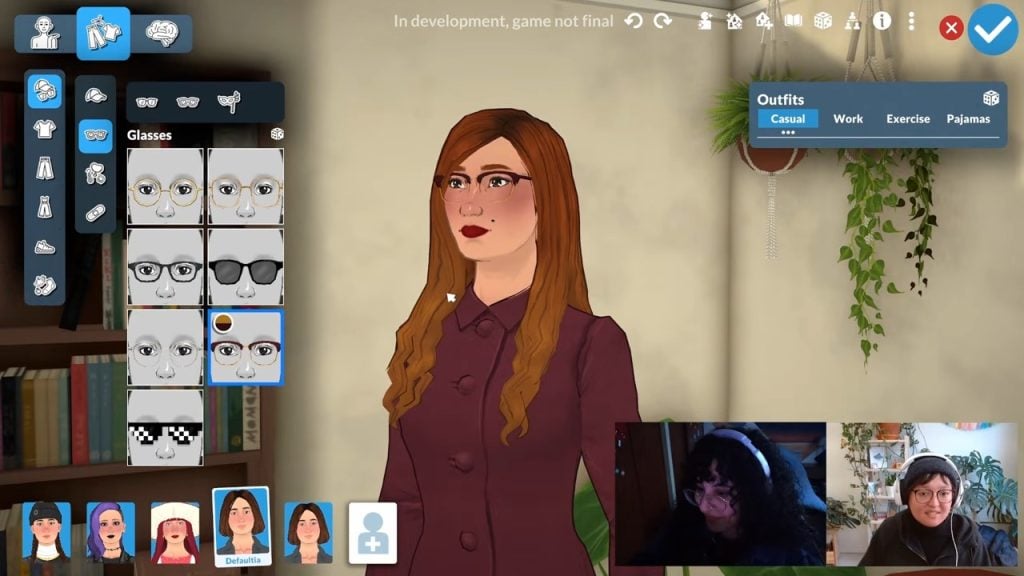
Glasses
Glasses have their own category, and the colours can be customised.
At the moment, there are only a couple to choose from, but looking at the subcategories, it looks like you can categorise them by regular wear, sunglasses, and possibly masks.
There aren’t currently any more glasses planned for launch, Sonia confirmed.
Makeup and Customisation
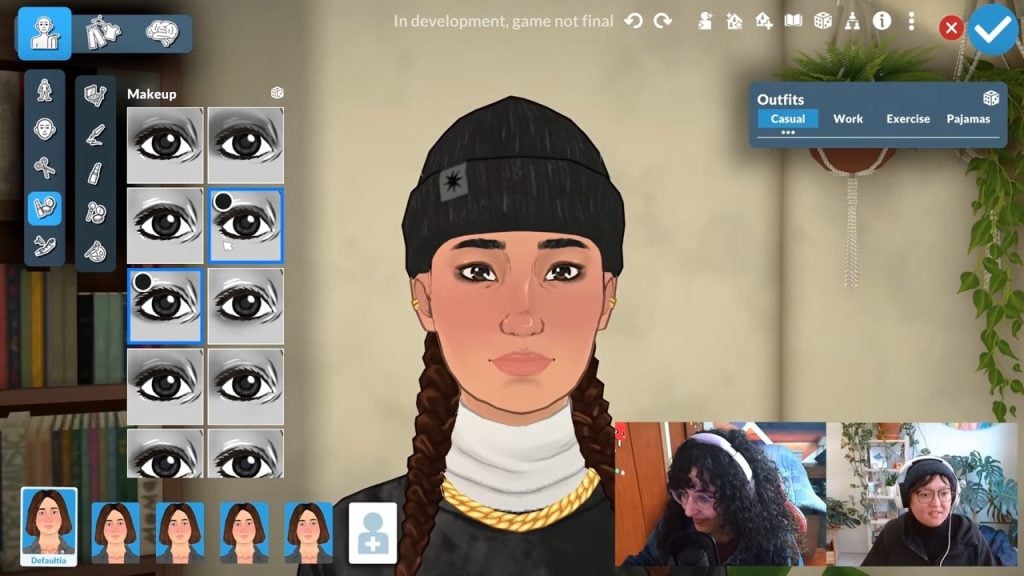
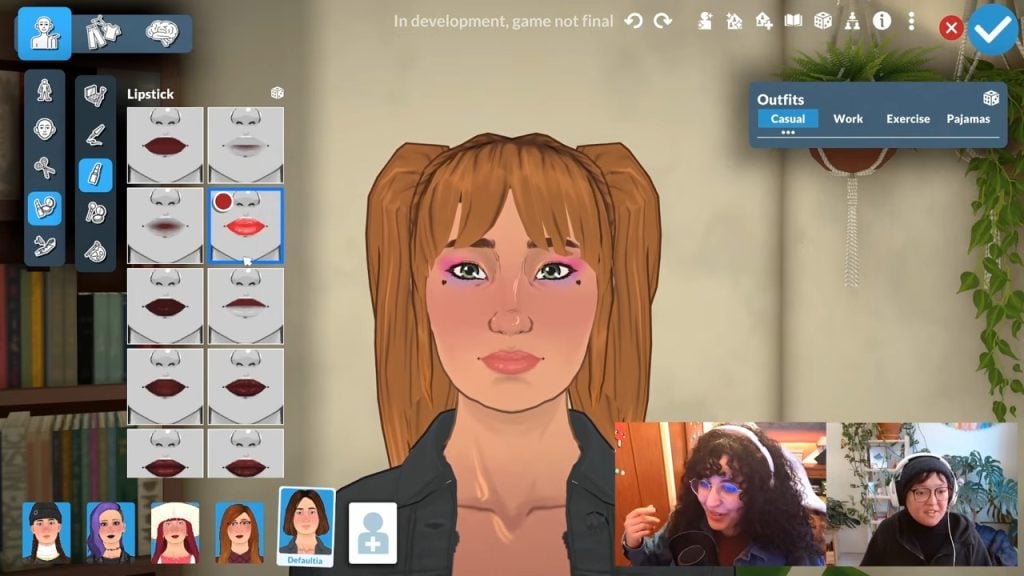
Makeup options can be layered, so you can wear more than one eyeliner at once, which is a nice touch.
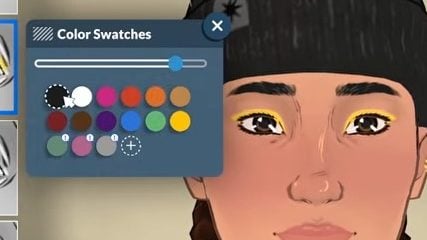
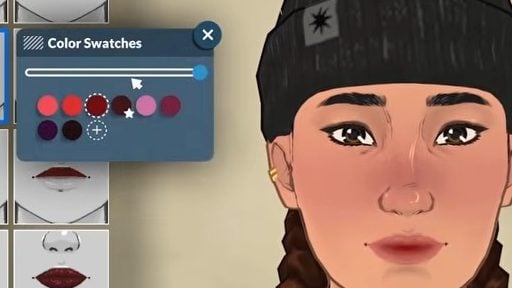
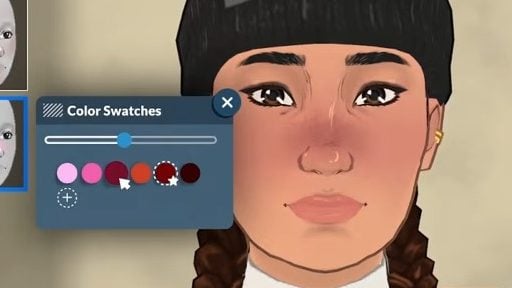
You’re also able to customise the colour and opacity of things like eyeshadows, eyeliners, lipstick, and blush.
There are also a variety of interesting full-face makeup options.
Eyelashes
There are five pre-made eyelash options in Paramaker with customisable colours.
Nails
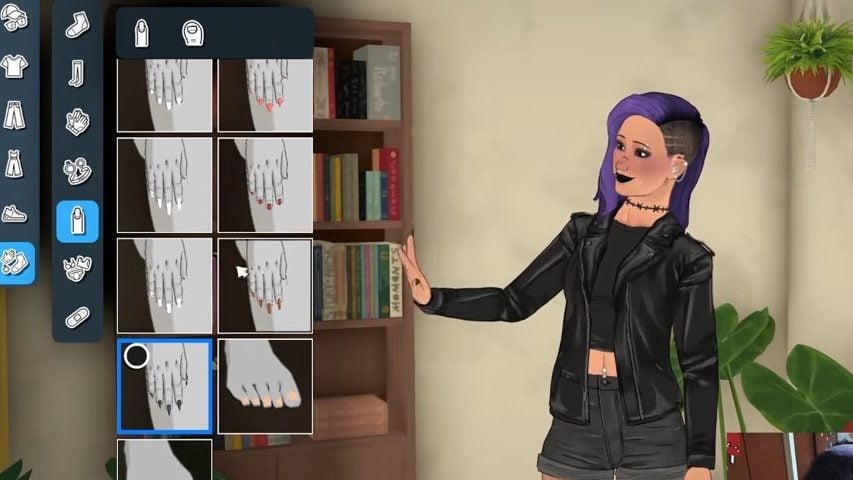
Customised fingernails and toenails are coming with Paralives and have their own category in the Paramaker.
Tattoos
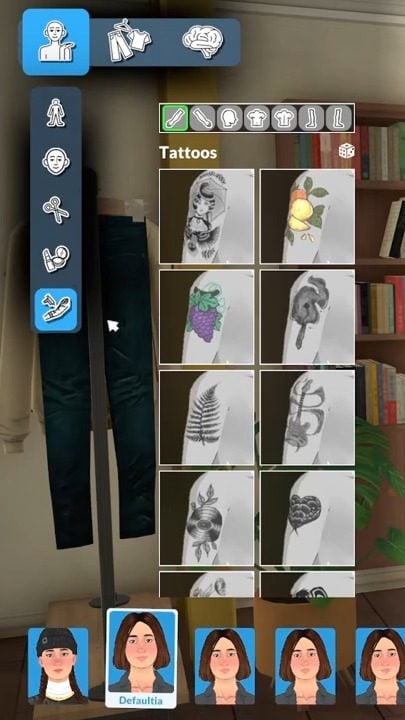
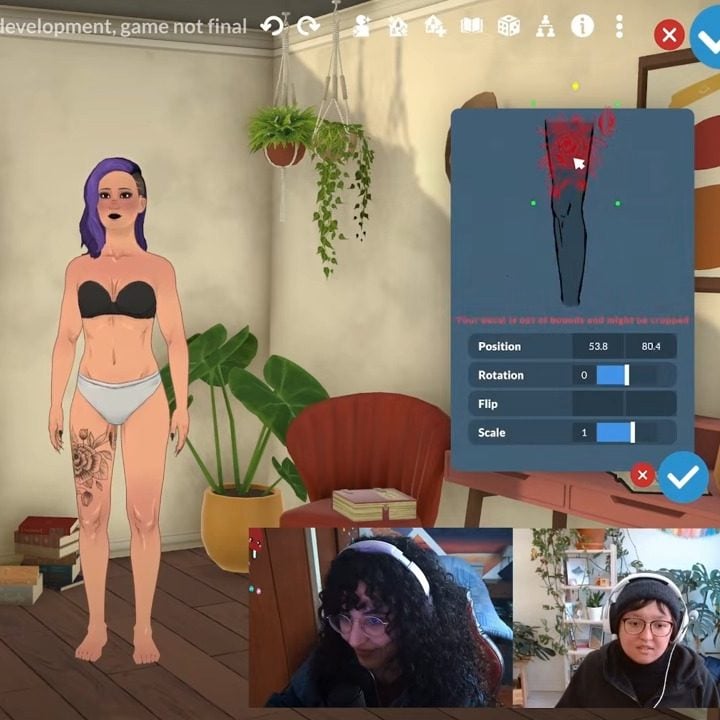
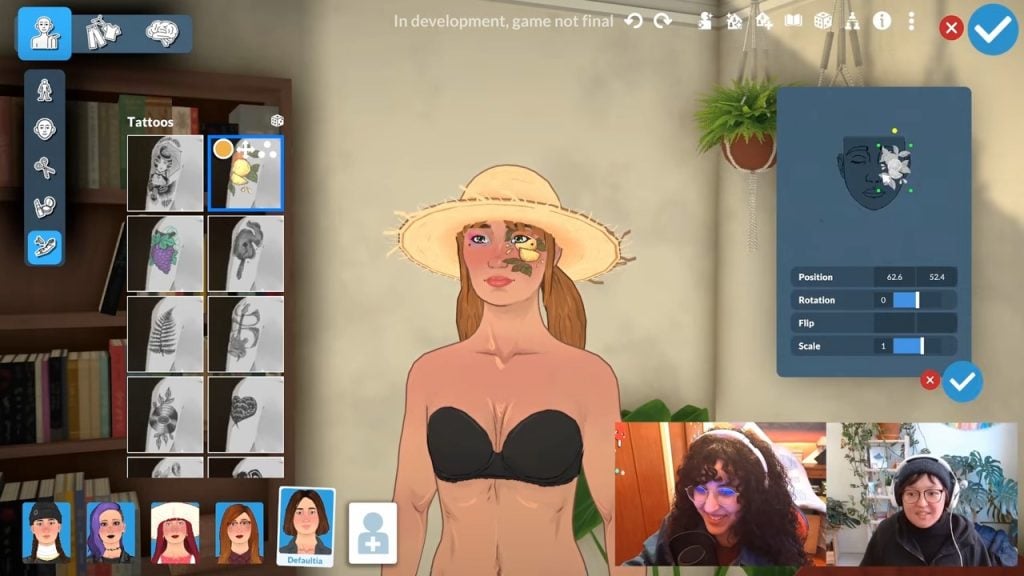
Tattoos come in a variety of styles and placements in the Paramaker, and you can even customise exactly where on your Parafolk’s body you want the tattoo, as well as how big you want it to be.
They can also be placed on your Parafolk’s face.
Mole Placement
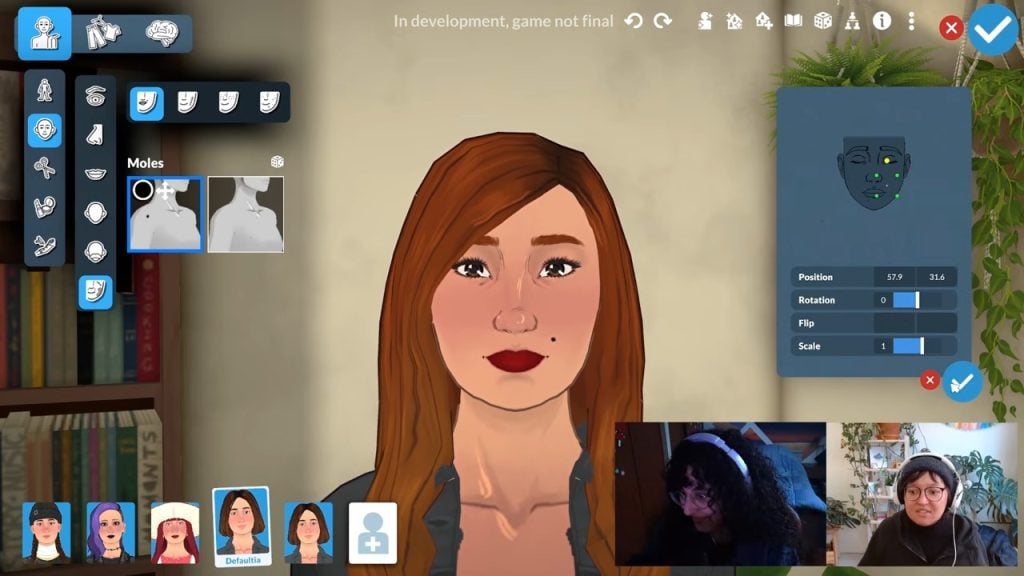
You can also add things like moles to your Parafolk, and these can be custom-placed like tattoos.
Watch The Full Video Here
Hopefully, this breakdown of the Paramaker gives you an idea of what to expect as Paralives enters early access very soon, and some inspiration to start planning your characters now.
What do you think of the Paramaker features? Are you excited to dive into character and outfit customisation? Let us know below or on social media.
Everything About Lumpinou’s Law & Disorder Mod – The Ultimate Sims 4 Guide to Crime, Law Enforcement, and Chaos
From fist fighting to streaking, misbehavior is found throughout every pack and expansion. You can’t kiss another Sim in front of Agnes Crumplebottom without feeling the justice of her coin purse. That’s why Lumpinou decided to come up with a mod where you can feel the full force of the law, and bystanding neighbors sing like canaries. Here is everything you need to know.
The Sims 4 Law & Disorder Mod Guide
Who is Lumpinou?
In 2020, Lumpinou created two of the most iconic mods in The Sims community: the Contextual Social Interactions and Rambunctious Religions. These two mods became so successful, that Lumpinou’s passion was ignited for modding, promising, “much more to come!”
Today, Lumpinou’s main job is creating mods for the Sims 4 community and is able to do so thanks to their patrons. If you would like to contribute to supporting Lumpinou in their marvelous modding magic, check out their patron account by clicking here.
Mod Installation Guide
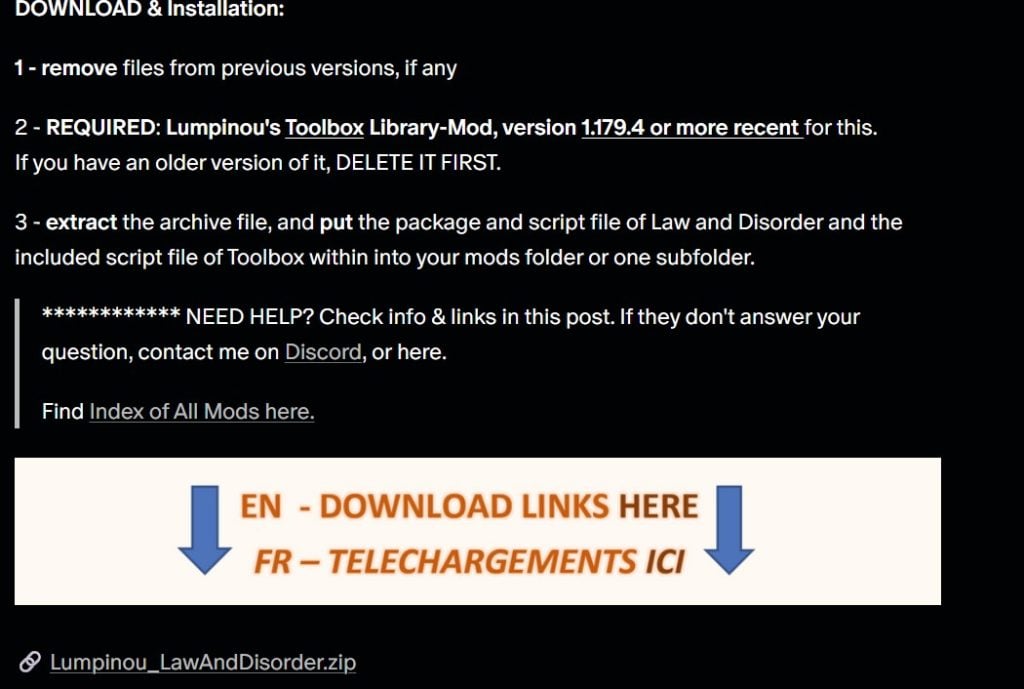
Step 1: Make sure that you have the newest version of Lumpinou’s Toolbox installed. If you have an older version of the Toolbox installed, make sure that you delete that first.
If you’re wondering what the toolbox does, it is a script that allows the mod to be compatible with the Sims 4. In addition, it reduces the number of script files needed for other mods.
Step 2: Head over to Lumpinou’s patreon to get the free link to the mod. You can also click here to go straight to the source.
Step 3: Scroll to the bottom Extract the archive file.
Step 4: You’ll need to make sure these two things are included in the script file of ‘Toolbox’ inside your mods folder:
the package
script file of Law & Disorder
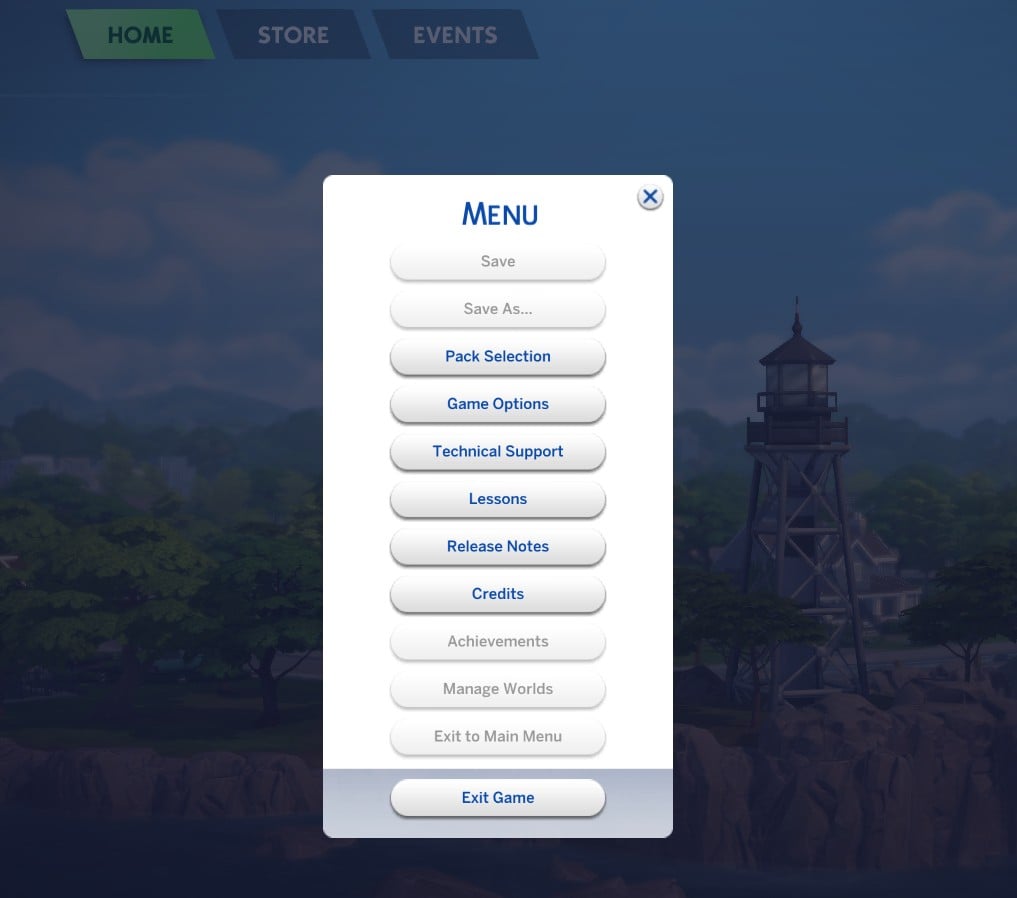
Step 5: Launch the Sims 4 and click on the ‘Menu’ in the top-right corner. Click on ‘Game Options’.
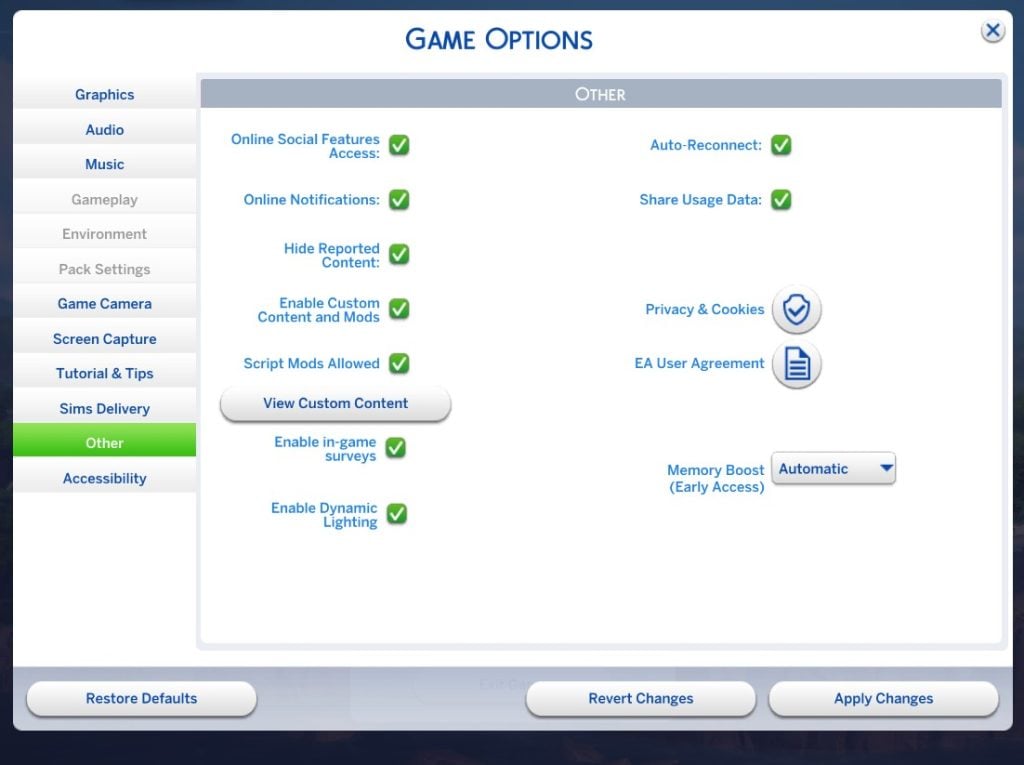
Step 6: Be sure to check ‘Enable Custom Content and Mods’ and ‘Script Mods Allowed’.
Step 7: Enjoy your game!
If you find that you are struggling to install other mods, or even this mod, you can check out our article for beginners on how to install mods.
How Does It Work?
Now that your mod is installed, you can get to work on causing chaos. Lumpinou has made the Law & Disorder mod incredibly customizable. Despite the intricacy of the options, it’s very easy set up.
Set the misbehaviors
Crimes, or “misbehaviors”, come in two types: major misbehaviors and minor misbehaviors.
Major misbehaviors – crimes that will have strong reactions by bystander sims and the courts will have heavy consequences.
Minor misbehaviors – crimes that will have light reactions by witnessing sims and the courts will have lighter consequences.
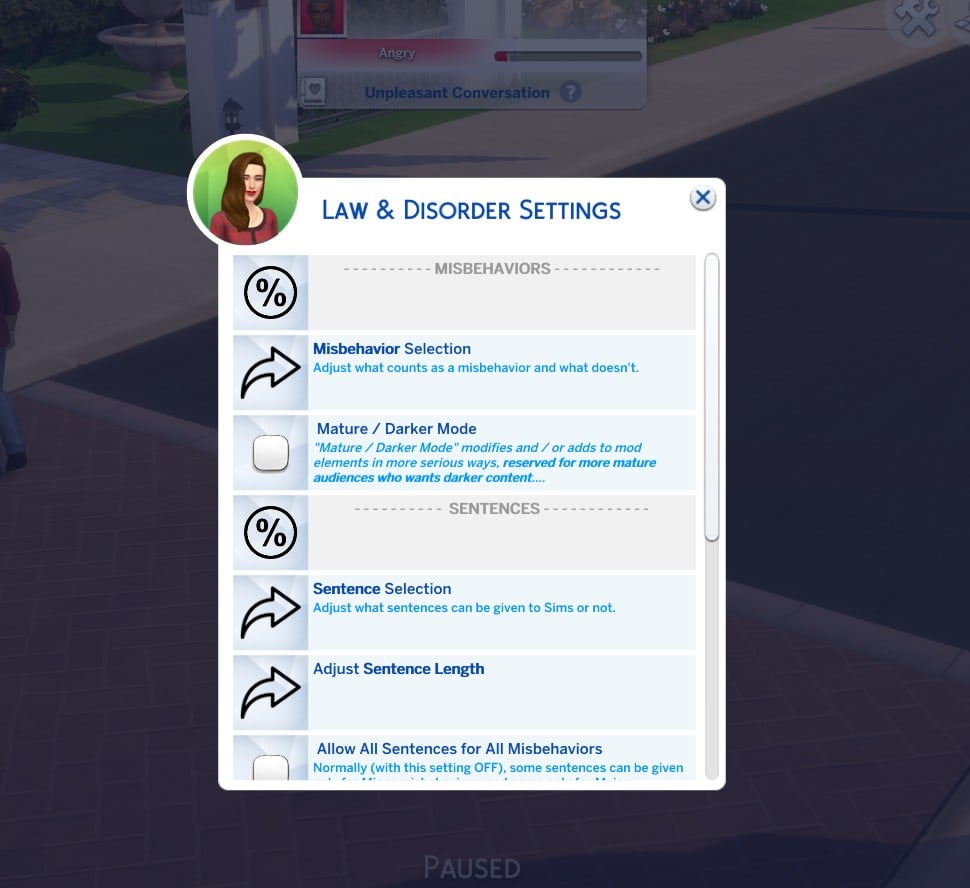
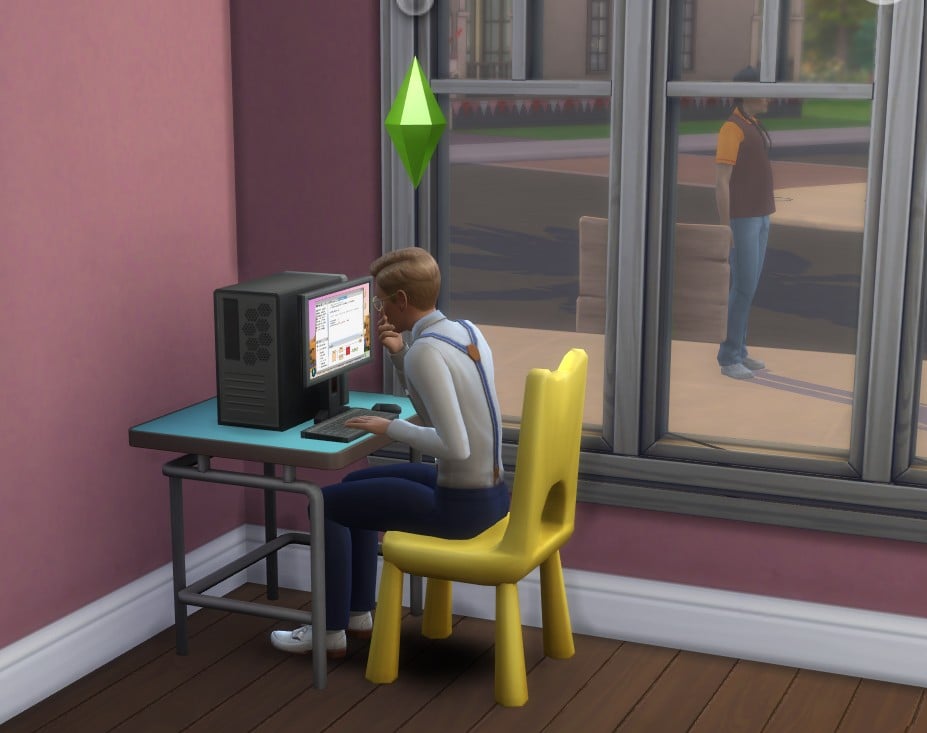
To set your misbehavior have your sim go to their computer and choose ‘Law & Disorder’. Then, click ‘Settings’. In the settings, you customize the consequences for all the crimes listed below.
Remember, any misbehavior can be turned on or off in the settings.
Some misbehaviors will happen autonomously for controlled Sims and NPCs. However, Lumpinou has all autonomy turned off by default so you can choose what you’d like to add to your gameplay.
As for Sims that are Evil or those within the criminal career, can have their behaviors toggled to whatever behaviors would normally be autonomous for those within and outside of your household.
Blackmail
Got some dirty on your enemy and running low on cash? Kill two birds with one stone and try blackmail…in The Sims of course.
To have your Sim blackmail another Sim, click on your victim of choice, choose ‘Mean’, then choose ‘Misbehaviors’, and then ‘Threaten for Money’. You can blackmail anyone from the paperboy to Mrs. Crumplebottom. Just keep in mind that anyone can report you.
Bribing
What better way to change another Sims’ mind than with a few simoleons. Being able to buy another Sims’ compliance may give your Sim a confidence boost.
To commit this crime, you’ll have to toggle it on and choose it under ‘Mean’. then choose ‘Misbehaviors’, and then ‘Bribe’.
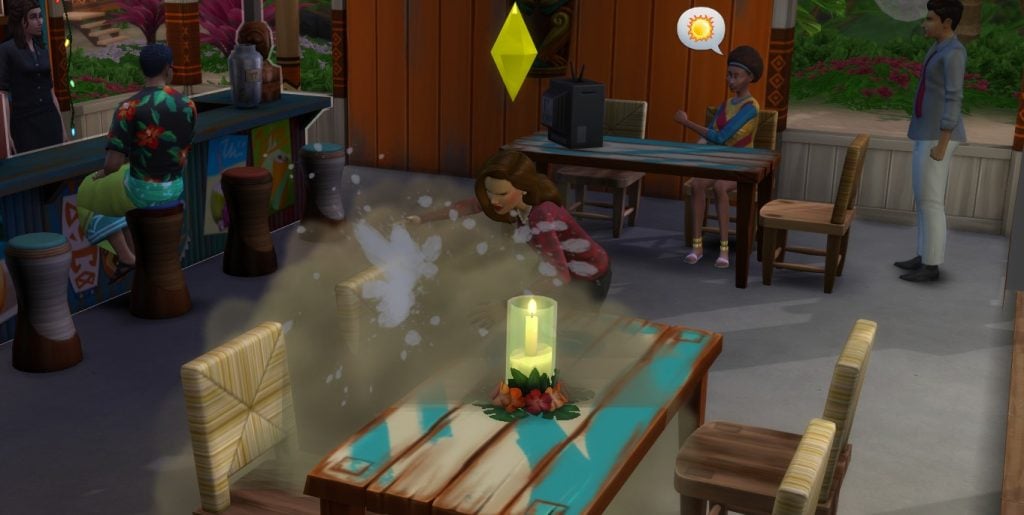
Destruction of Property
Does your Sim ever get that sudden urge to wreck something? Now, you can let you Sim really express themselves!
To make your Sim wreck something that either belongs to your Sim or their neighbor, click on the object and choose ‘Wreck Object’.
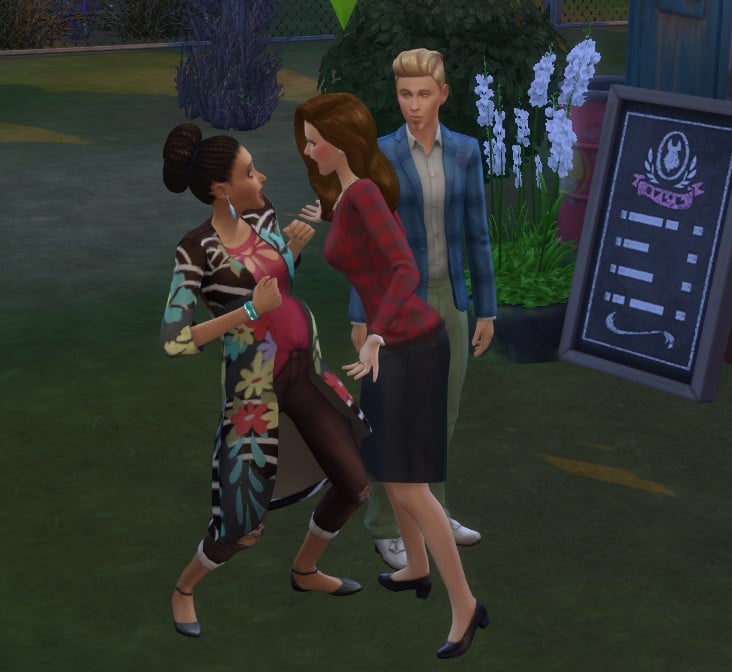
Disrupting the Public Order
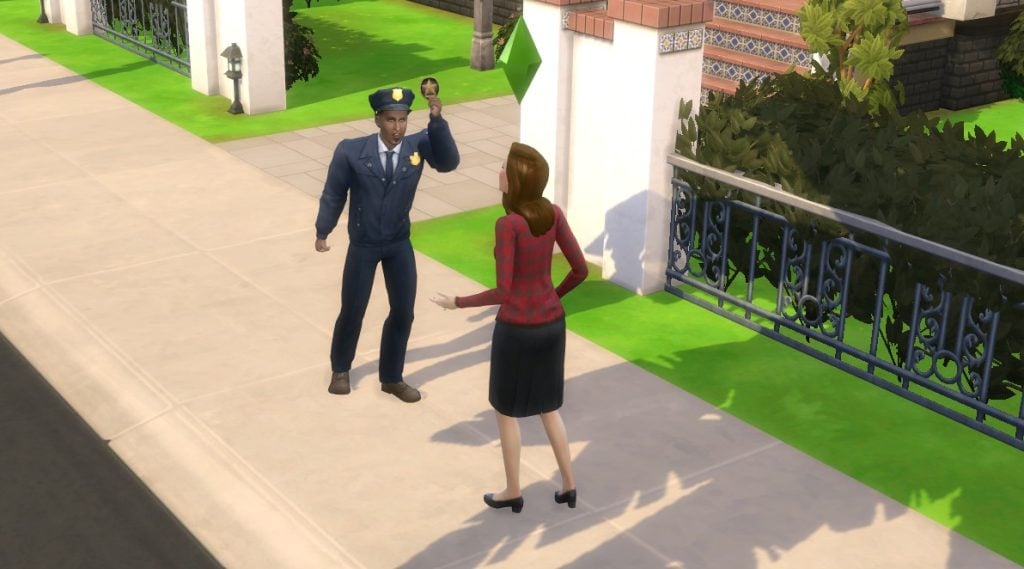
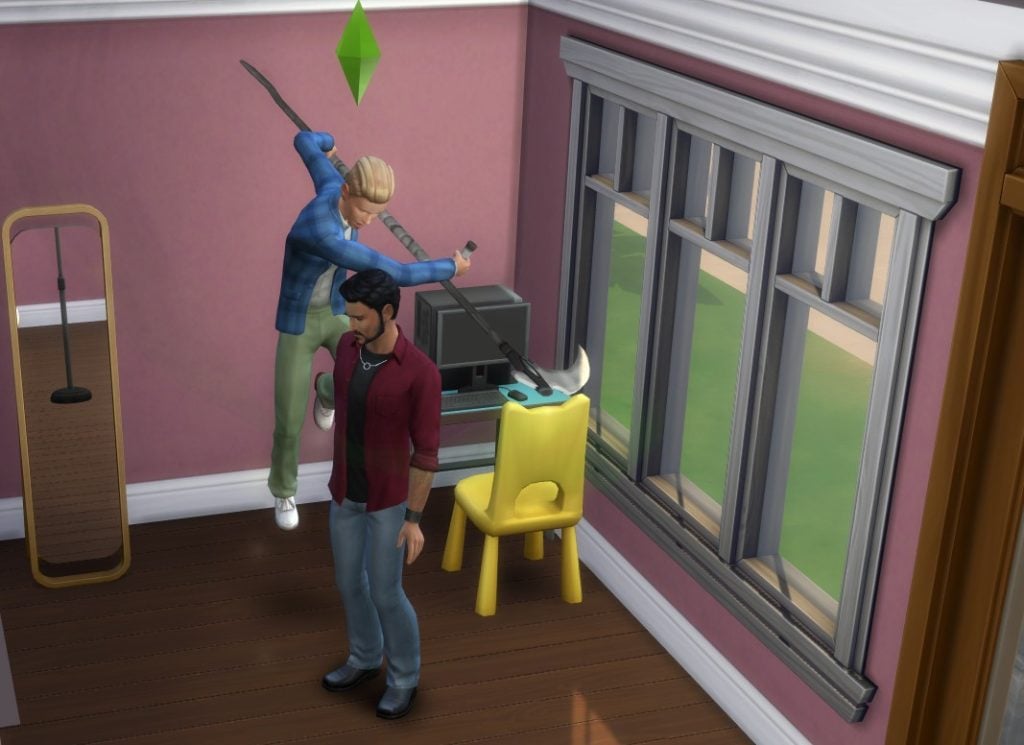
Fighting your neighbors outside of Neighborhood Brawl Day? Yeah, that might get your sim arrested for Disrupting the Public Order. If your Sim is caught committing this crime, it could lead to being reported by witnesses, police involvement, fines, and other penalties.
To commit this crime, cause a fight in public near witnesses. The more the merrier!
Hacking
Hacking isn’t a victimless crime, especially not in the Sims. It’s basically theft but through a computer. I mean, you wouldn’t down load a car, would you?
To commit this crime, click on the computer and choose ‘Hack’. It may take a couple of times for you to get caught, if that’s your goal.
Hexing
Magic can be a blessing or a curse, and if you decide to use it as a curse, then you might have to go to jail for a long time — and I’m not talking Azkaban.
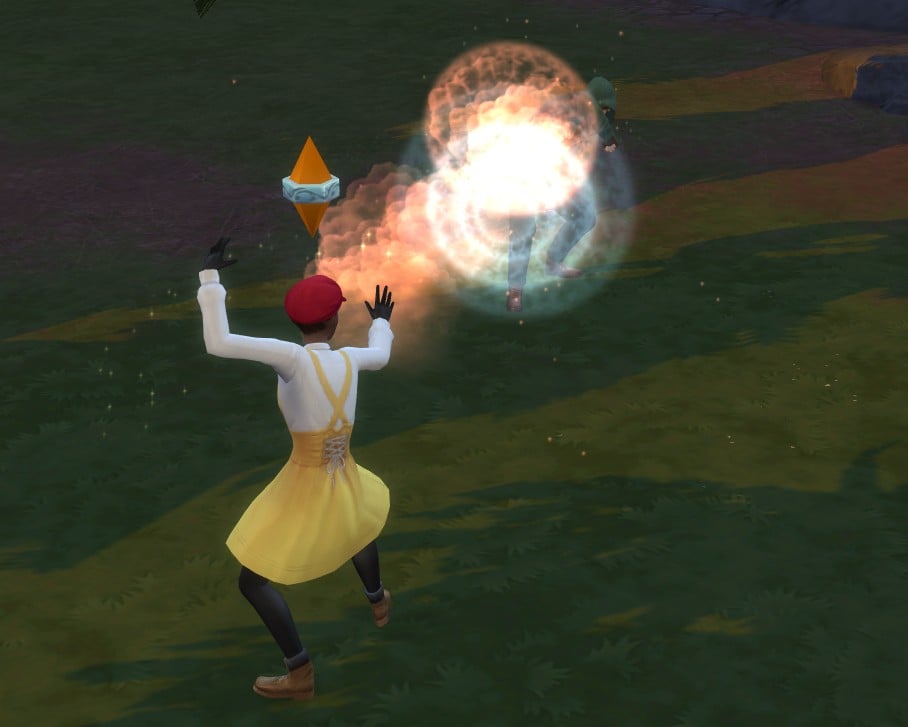
To commit this crime, make sure you have The Sims 4: Realm of Magic Game Pack installed. Once installed, have your Sim put a curse on another Sim. Want to learn more about curses? Check out our Realm of Magic Guide to Curse.
Life Reapering
Sims can now ‘reap’ the lives of other sims. Looks like the pool ladder has some competition.
To commit this crime, click on the Sim you’d like to reap, choose ‘Mean’, then ‘Reap Sim’s Life’. Before using this mod, make sure that you toggle it in the settings. If you turn the Mature Mode on, any Sim of any age can be reaped. If you turn it off, only young adults, adults, and elders can have their lives reaped.
Naturing
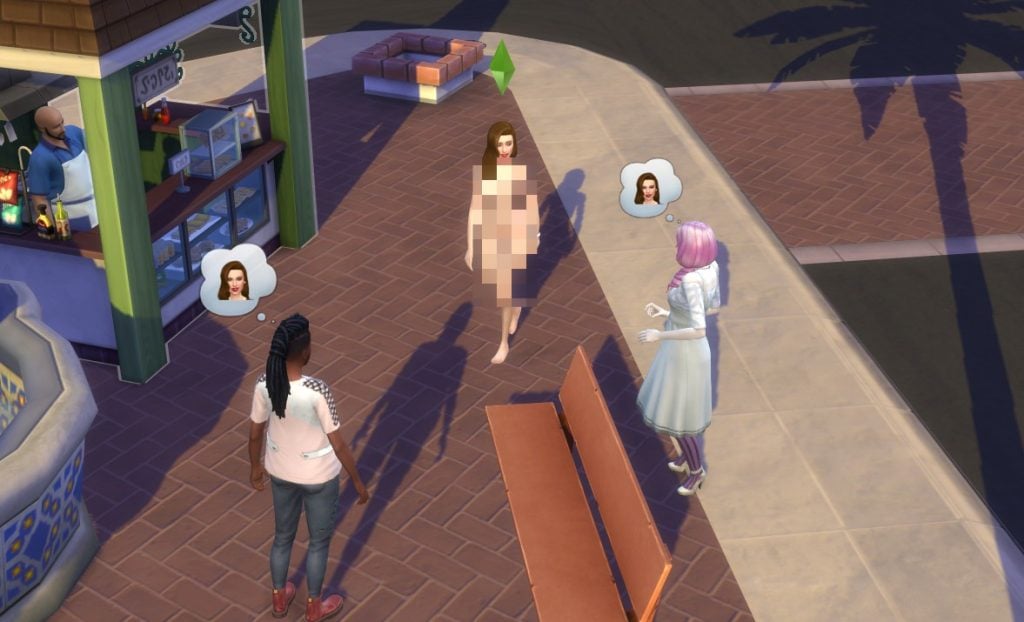
Is your Sim tired of the cloth prison known as “clothes”? Then consider putting those pixels to work by taking it all off. Just know that your neighbors might not share your same excitement.
To commit “naturing”, click on your Sim and choose “Get Naked”. Your sim can also wear don their birthday suit by choosing it in the “Outfits” section when you click on your Sim while outside. Some mischief options and woohoo related activities can cause naturing too. If your Sim is seen by others, witnesses may report your Sim.
Remember, this feature does not work on lots where clothing is optional.
Parental Negligence
Does your Sim think that now ‘potty trained’ means parenting is over? That might put them in hot water with the police. If your Sim’s child goes neglected for too long, your baby can be taken away and your Sim may end up in jail too.
Punching a Sim/Undue Violence
We all see Bob Pancakes and think the same thing. But you have to resist the urge….or not. To commit this misbehavior, click on the Sim you want to slug, then look for the “Law and Disorder” pie menu. Choose “Punch”.
Pyrocy
Causing fires isn’t just your stoves job. Any Sim, child to elder, can cause fires for fun. Just be careful not to get any “heat” from the cops.
To commit this crime, you’ll have to toggle it on in the settings. Click on an object or Sim, choose “Law and Disorder”, then choose “Start Fire/Set on Fire”. You’ll have to start a fire in front of witnesses as well so you’re caught.
Swiping
Kleptos aren’t the only ones furnishing their homes for free. Now any Sim can receive a five finger discount on any item of their choosing.
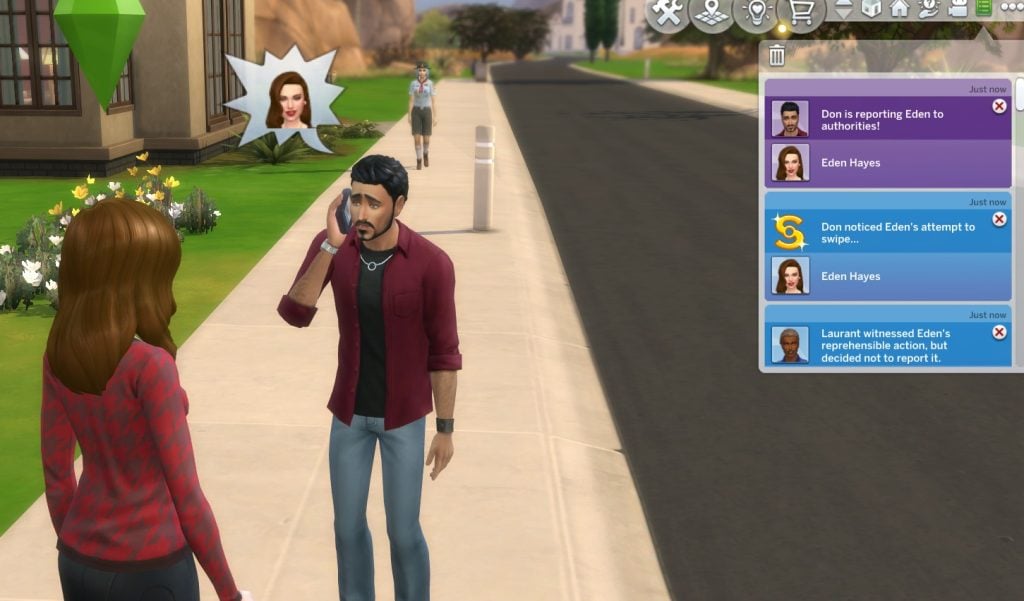
To commit this crime, click on an object and select ‘Swipe Item’. To steal from another sim, click on that sim and choose ‘Swipe Simoleons’.
Trespassing
Has your Sim ever wanted to visit someone’s home while they aren’t home? Well now they can! I’m sure the Landgraab’s won’t mind.
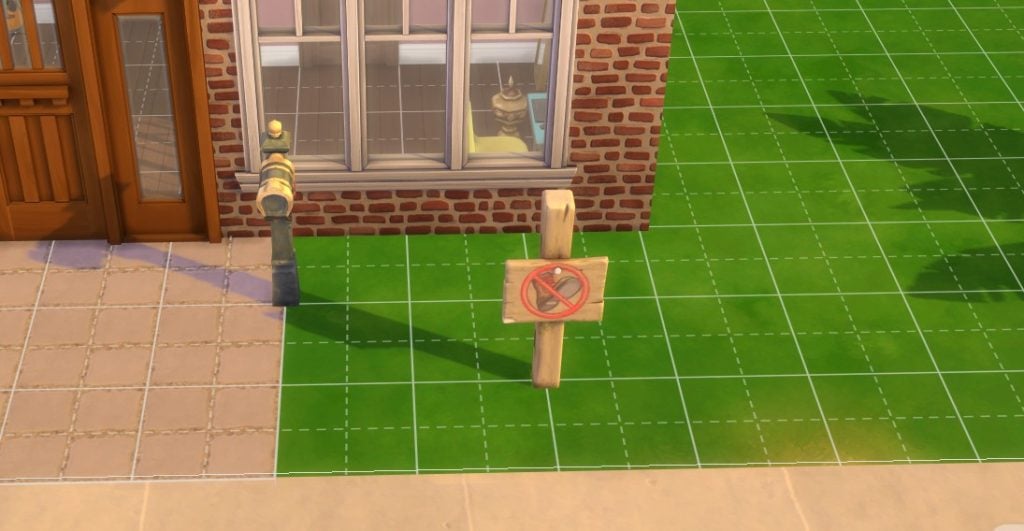
To commit this crime, make sure you’re on a protected lot. A lot is protected when it has a modded sign that says “Keep Your Feet Off My Lawn”. To get this sign, enter Build/Buy mode, search “lawn”. Have your Sim step onto the property.
To report a sim for committing this crime, click on the perpetrator and select ‘Report for Trespassing’.
Unwanted Romantic Insistence
Now you can be reported for being too pushy. To commit this crime, flirt with a Sim continuously on a low romance and low friendship relationship bar.
What are Reports and Arrests?
Once a crime has been witnessed, the offending Sim can be reported and, potentially, arrested. The default mode for all reports and arrests are set to “Auto & Manual”. Meaning that witness will autonomously choose if they want if report the offending Sim or not. In addition, it means that you can have a witnessing Sim initiate the report.
If you decide that only you want to control weather or anyone reports any crime, you’ll need to toggle your settings to “Manual Only”.
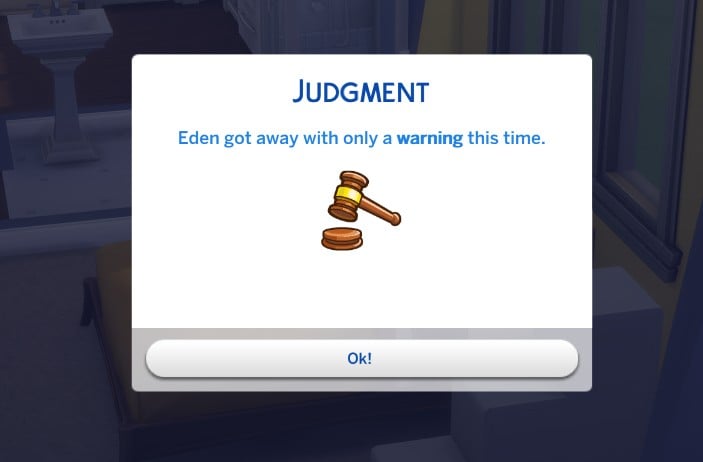
If a witness and/or victim reports a crime, the authorities are immediately alerted. If it is a minor crime, they may just be let off with a warning through a notification. However, if the crime is a major crime or if it’s several repeat minor crimes, then your Sim will be arrested.
What to Expect When Your Sim’s Reported
You committed a crime and became a suspect! You’re most likely waiting for your orange jumpsuit fitting. Well, even in the Sims, everyone is innocent before proven guilty — yes, even Vlad.
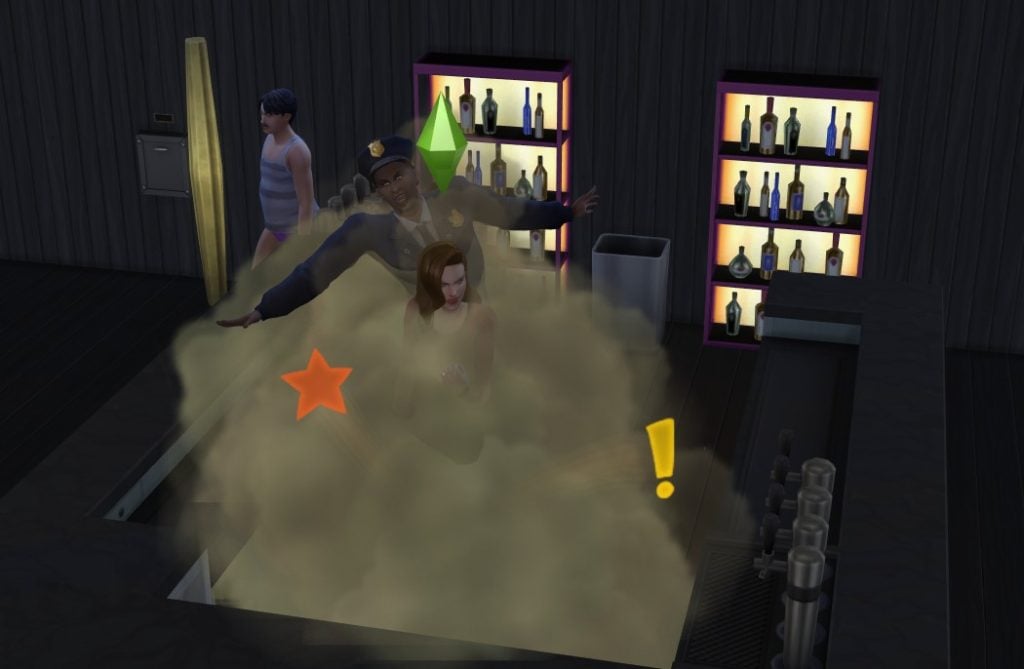
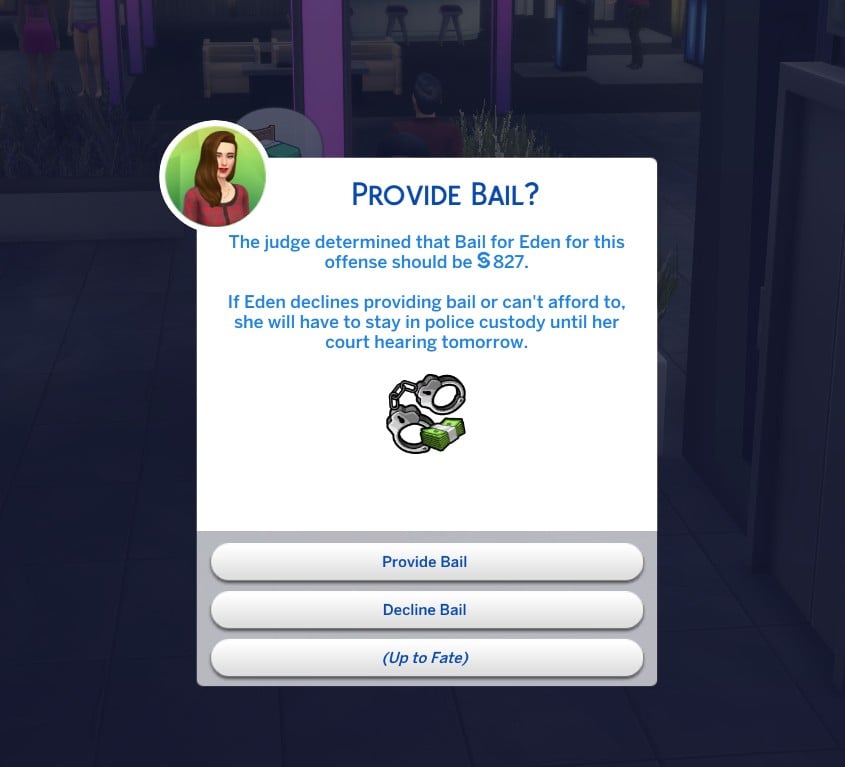
After the crime has been reported, the police will investigate the area. If they discover enough evidence, you may be considered a suspect. Don’t try running! Your sim will not be able to evade the police or flee the scene of the crime. In fact, you can expect the police to fight with you after and walk you off the lot to a rabbit hole. After being escorted away by the police, a pop-up will appear telling you how much your have to pay for bail (which varies). You can choose from the following:
Provide bail – Your Sim will be let go to await their court hearing at home
Decline bail – Your Sim will spend the night in jail until their court hearing
Up to fate – Your Sim will have their decision chosen randomly
Criminals will receive moodlets for the crimes that they commit and sentiments between the victim and the person who reported them.
Victims and witnesses are deeply impacted by crime. After the crime, they receive moodlet about the crime, they can discuss it with other Sims, and it will affect the relationship that they have with the perpetrator.
How to Wait (Patiently) for Court Hearings
Before the Hearing
You can expect to get some moodlets based on your sims personality like ‘fretting’ or ‘composure’. Your sim will get the option to discuss the situation with others, plead, charm, bribe, or intimidate the reporter to drop the case. The best way to increase your chances of success is to have high skills and a good reputation, but it’s mostly up to chance. Be warned, if your sim has a Mean or Evil trait, their chances of this going successfully will be lowered.
Skip the Hearing
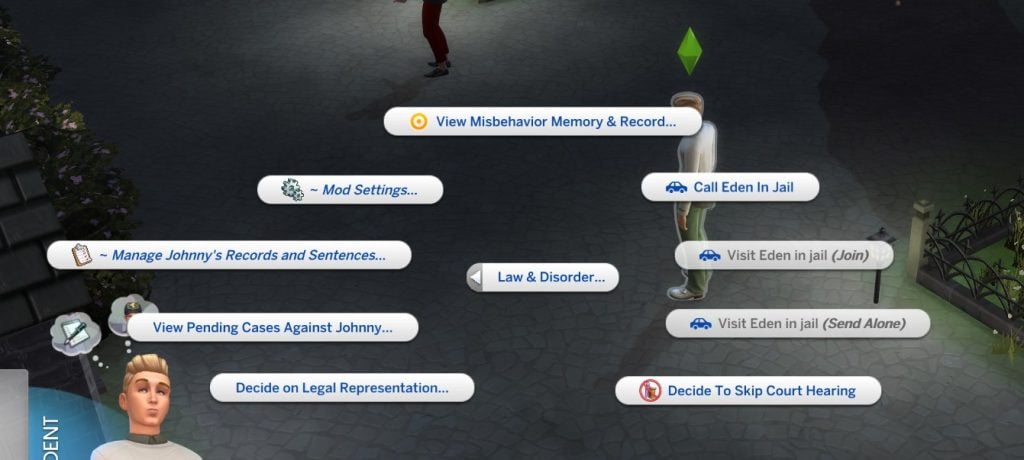
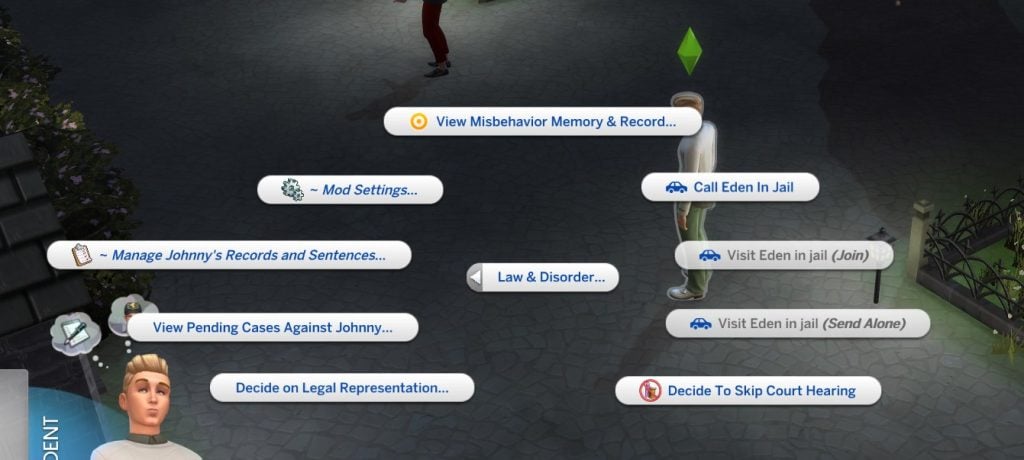
Before 8am-10am the next day, you do have time to skip the court hearing. To skip your court hearing, press the ‘shift’ key and click on your Sim. Choose the ‘Law & Disorder’ pie menu. If you don’t immediately see it choose ‘More Choices’. Once in the pie menu, choose ‘Decide to Skip Court Hearing’.
Prepare for the Hearing
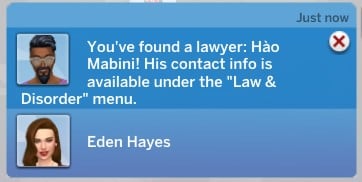
You don’t have to go in blind like lady justice. You have the option to prepare for your case with a lawyer, if chose one.
To prepare with your lawyer, Choose the ‘Law & Disorder’ pie menu. If you don’t immediately see it choose ‘More Choices’. Once in the pie menu, choose ‘Call Attorney to Prepare for Court Hearing’. There will be a pop-up as you call where they’ll give you an in-depth strategy.
To prepare alone, go to the mirror and choose to ‘Prepare for Court Hearing’.
*court hearings can be triggered manually and, depending on the crime, you may not get a court hearing.
Courts and Trials and Judgments – Oh my!
How Do Court Hearings Work?
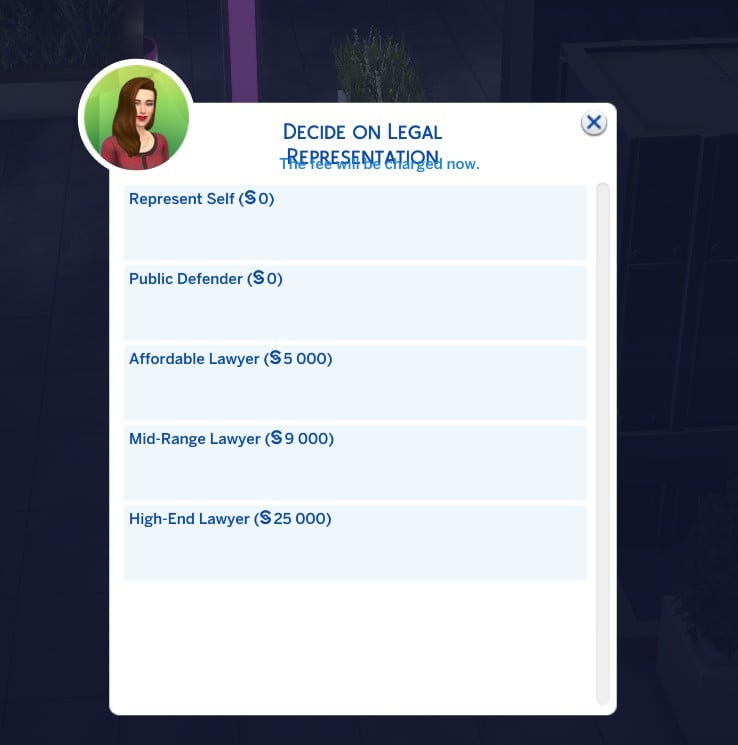
Court hearing start the day after the alleged crime starting between 8am-10am. You can expect this to be a some pop-up questions. One of your first choices, if you haven’t chosen already, will be who your legal presentation will be. You can choose between the following:
Self-presentation
Public Defender
Hired Lawyer
LAWYER TYPE
COST
FEATURES
Self Representation
Free
– Your sim can prepare for the trial alone in the mirror – No lawyer recommendations – Little to now preptime – Low success rate – Higher risk of conviction – Harsher sentences – Relies fully on Sim’s traits and reputation
Public Defender
Free
– Hired if funs allow – Can call on the phone to prep for strategy – Top tier and can potentially drop charges – Highest success rate – Usually leads to dropped charges – Minimal sentences – Outperforms other lawyers
Hired Lawyer (Affordable, Mid-range, or High Profile)
§3,000 to 25,000+
– Court appointed – You can call them on the phone to prepare for the trail – Can give you a strategy (often to admit fault and get a plea deal) – Secures a plea deal (shorter sentences and hat of shame) – Neutral performance – May not beat strong evidence
How Do Trials Work?
It’s trial time! This is the moment that will change your Sims whole life! So make your choices count. You have 2* options for how your trial will proceed:
Disputing – if you choose to dispute the claims, then there will be a trial.
Admit Fault – if you choose to admit fault, you can negotiate a please deal or get off with a warning.
If you’ve decided to dispute the claims against you, the trial will begin. You’ll receive a number of pop-ups to choose from that will effect how the outcome of the case will go.
*Lumpinou plans to add an in-person version to this trial in the future.
The Sentences
After the trial, the judge and jury will decide if you are guilty or not guilty. If you are found guilty there are a number of sentences you can expect. At that time the judge will determine how long the sentence will be and what the sentence is.
Keep in mind that some sentences are only for Major offense while other are specifically for minor offenses. But the majority can be given for both. In addition, you have the option to for acquittal as well.
Your sentencing will be determined by the following:
Reputation
Traits
What you wear to court
Representation Choice
Past Conviction History
If there is a sentences that you would like to turn on or off and the general speed of sentences. You can do so in the setting section of your Law & Disorder.
To turn off/on a sentence, have your Sim go to the computer. Click on “Law & Disorder” and choose “Settings”.
What are Fines?
If after the trial, the judge sentences you to pay a fine you’ll need to pay it within 24 hours or your Sim’s items will be repossessed.
To pay your fine, click on your mailbox and choose ‘Pay Legal Fines’.
What is the ‘Hat of Shame’?
The Hat of Shame tells other Sims that you’ve been very, very bad. This will cause other Sims to be less likely to interact with your Sim wearing this hat. In addition, it will make creating new relationships harder, cause NPCs to be shocked when they see this Sim, and the Sim wearing this hat will be embarrassed until the hat is removed.
You cannot remove the hat if you are sentenced to wear it. You must wait until the sentencing is over for it to disappear.
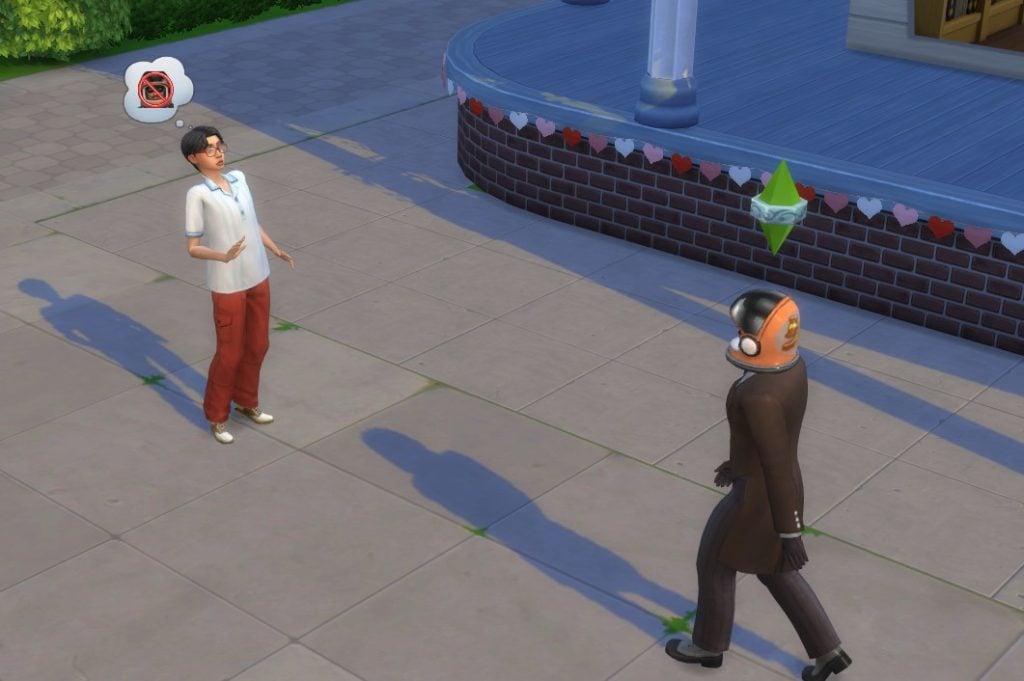
If you have the Eco Lifestyle Expansion Pack, you will receive the intended design for the Hat of Shame. Otherwise, your Sim will wear a helmet.
House Lock-Up? What’s that?
The house lock-up isn’t as fun as it sounds. Your sim will have a tracker bracelet installed as soon as the sentencing is given out. They must stay at home for the duration of the sentence.
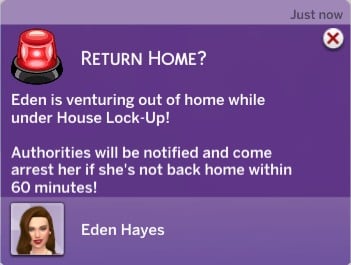
If you would like to get arrested for breaking your house arrest, you can leave your home. Your Sim will be given one hour to return home or the police will take them to jail.
Jail, Do Not Pass Go.
Your Sim did the crime, so its time to pay the crime. Here are a few things you should know about your Sim in jail.
Fun Fact: You can make your Sim’s jail sentence last as long as you want if you go to setting to choose ‘Freeze Jail Sentence’.
During Your Jail Sentence
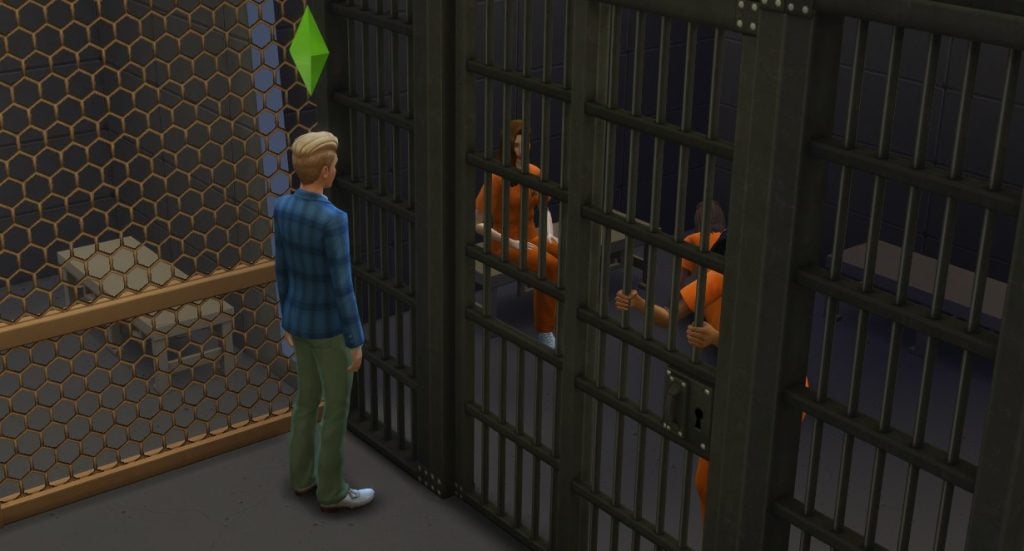
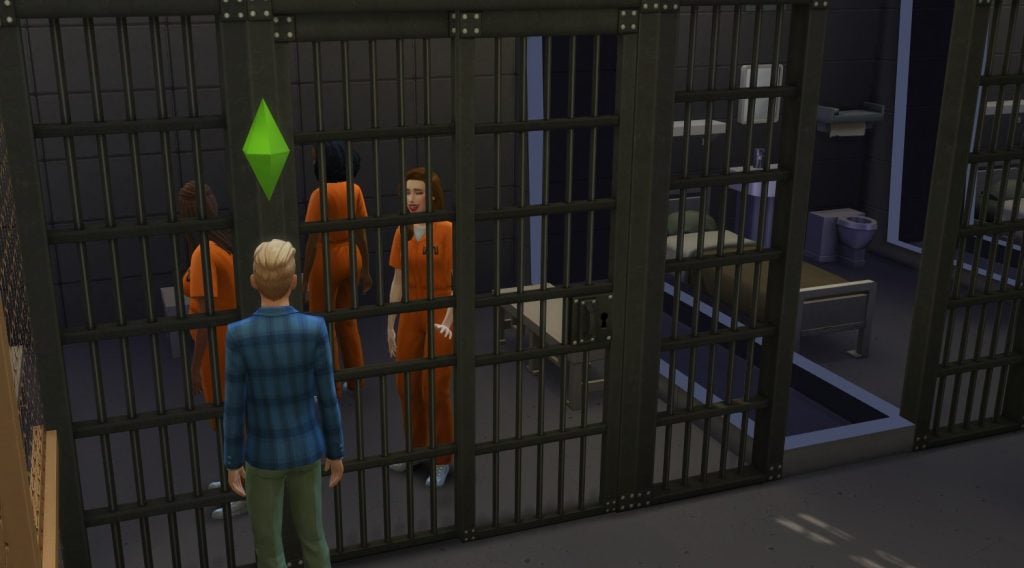
Having your incarcerated Sim gone doesn’t mean that their loved ones can’t still communicate with them. You can have your Sims contact their loved one by calling or visiting their loved ones every two days.
To call a Sim in jail, choose the Sim who wants to call the incarcerated Sim. Then click ‘Law & Disorder’. Then choose to either ‘Call [Sim] in Jail’ or ‘Visit Jordan in jail’. If you have The Sims 4: Get to Work Expansion Pack, you can go with your Sim to visit them in person. Otherwise, it’s a rabbit hole. If you go with your Sim and you’d like them to leave you’ll have to shift and click on the visiting sim, then choose ‘Go Home from Visit’.
Your Sim will be able to tell others about their loved one in jail. Keep in mind that some romantic relationship can’t last while a Sim has been incarcerated. The partner at home can choose to either stay married, pause their relationship, or end their relationship.
The Sim in Jail
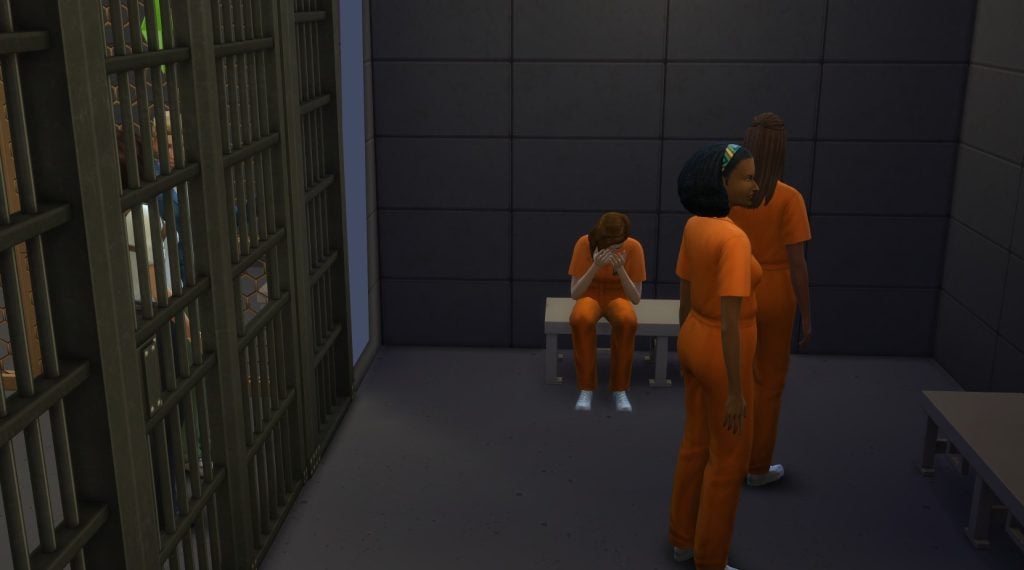
Once your Sim has officially become a jailbird, they aren’t removed from the active household, but they will be unplayable until they return from jail. You can see how your Sim is doing by checking out their moodlets detailing their lock-up lifestyle.
Released from jail
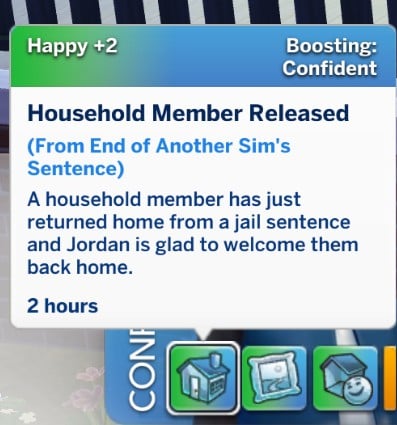
Once your jailed Sim returns, everyone in the household will receive a moodlet based on their current relationship with the returning Sim. It can either cause them to feel happy or very tense.
Mandatory Distance Order – Do You Have to Obey it?
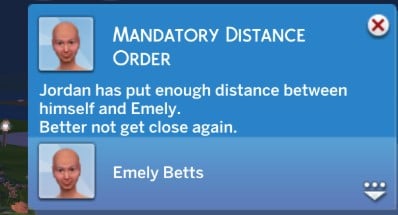
If your Sim has a mandatory distance order with someone within their active household, the perpetrating Sim will receive a notification that they need to move out.
If your Sim has a mandatory distance order with someone outside of their active household, the perpetrating Sim will have one hour to move away from the victim or the authorities will arrive.
How Does Public Work…uh…Work?
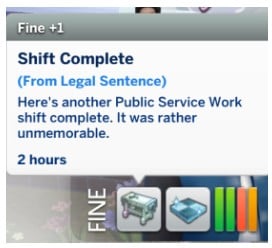
It’s time to give back to the community. If a Sim has been sentenced to public service work, they will go into a rabbit hole to serve twice a day.
Bonus: More Consequences
Sims can be effected by their jail time in a bevy of ways. They can…
Be demoted
Lose their job
Be broken up with
Pay reparations to the offended Sim
Be forced to receive special permission to adopt
Cheats & Other Special Actions
What are some other extra cheats and special actions you need to know?
Cheats
You can use cheats and special acts at any given point whether they are on their lot or not. With cheats you can:
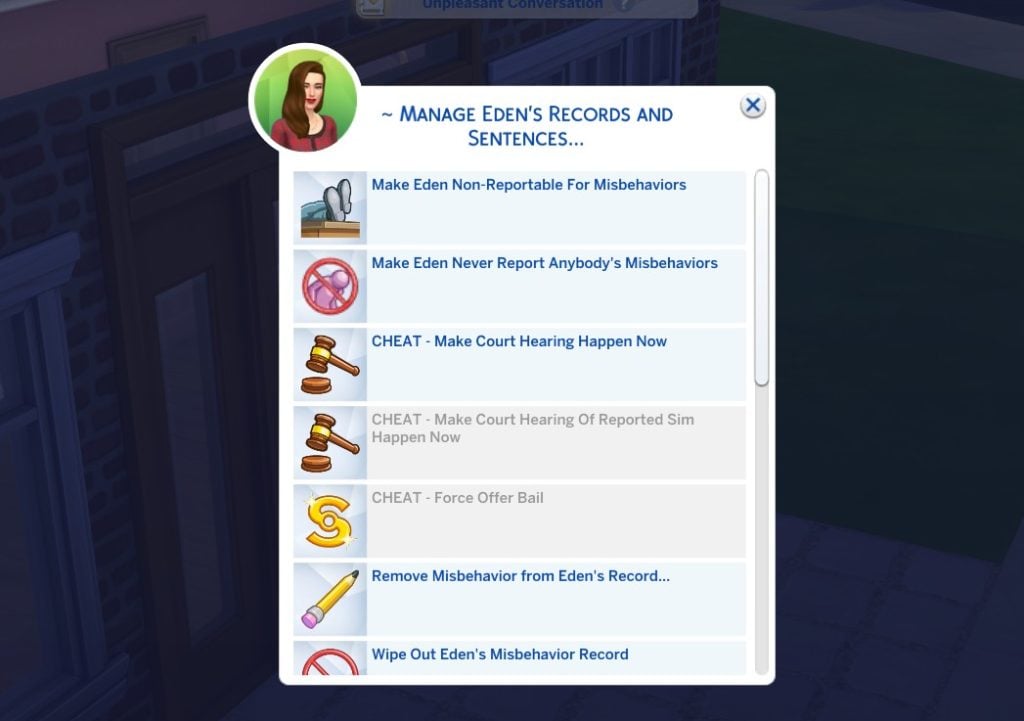
Cause the selected Sim to be able to commit misbehaviors without being reported
Freeze the progress for how a Sim is in jail
Cause a court hearing to happen now
Cause a court hearing of a reported Sim to happen now
Force the selected sim to offer bail
Add a misbehavior to the selected Sim’s record
Remove a misbehavior from a selected Sim’s record
Agree to never report any misbehaviors the selected Sim sees
To use your cheats, you can click shift + click on your Sim (or simply your mail) and choose “Law and Disorder”. Then choose “Manage [Sims] Records and Sentences”. Then choose the cheat you’d like to use.
To make a sim never report misbehaviors, click on “change relationship” in the pie menu. Then choose “agree to never report misbehaviors”.
How to Become a Lawyer
Like the lawyer lifestyle? Your Sim can become one too. Now there is a lawyer career added for some extra fun. If you have the Discover University Expansion Pack, you can go to University to become a lawyer as well to get an extra career boost.
To join the lawyer career, go to your phone or computer and choose “Careers” in the bottom-right corner of the screen. Next choose “Join career” and scroll down to “Lawyer”.
What are your thoughts on The Sims 4 Law & Disorder Mod? Let us know in the comments below and see more of our Mod Spotlights and Guides right here!
With Spring in the air, it’s the perfect time to refresh your Sims’ style, Sims 4 Spring CAS CC makes it easy to give them a seasonal makeover! From soft pastels to gorgeous florals, these custom content picks will help your Sim step into spring with a brand-new look!
Table of Contents
Flory Dress + Jane Hat by HuiEN
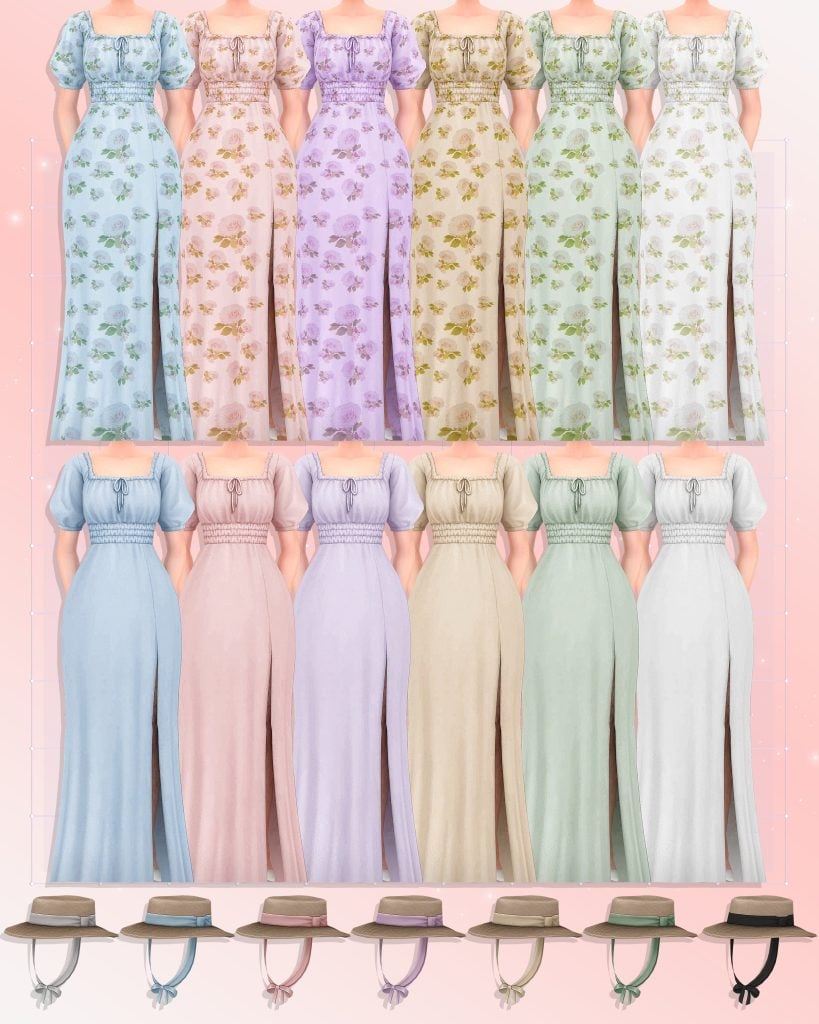
Wanting more of a cottage style decor for your Sims spring look? Check out Flory Dress + Jane Hat by HuiEn! These stunning dresses come in 12 swatches of soft solid colors and dainty florals. Cottage core or not, any Sim (female, teen-elder) will look stunning in this outfit!
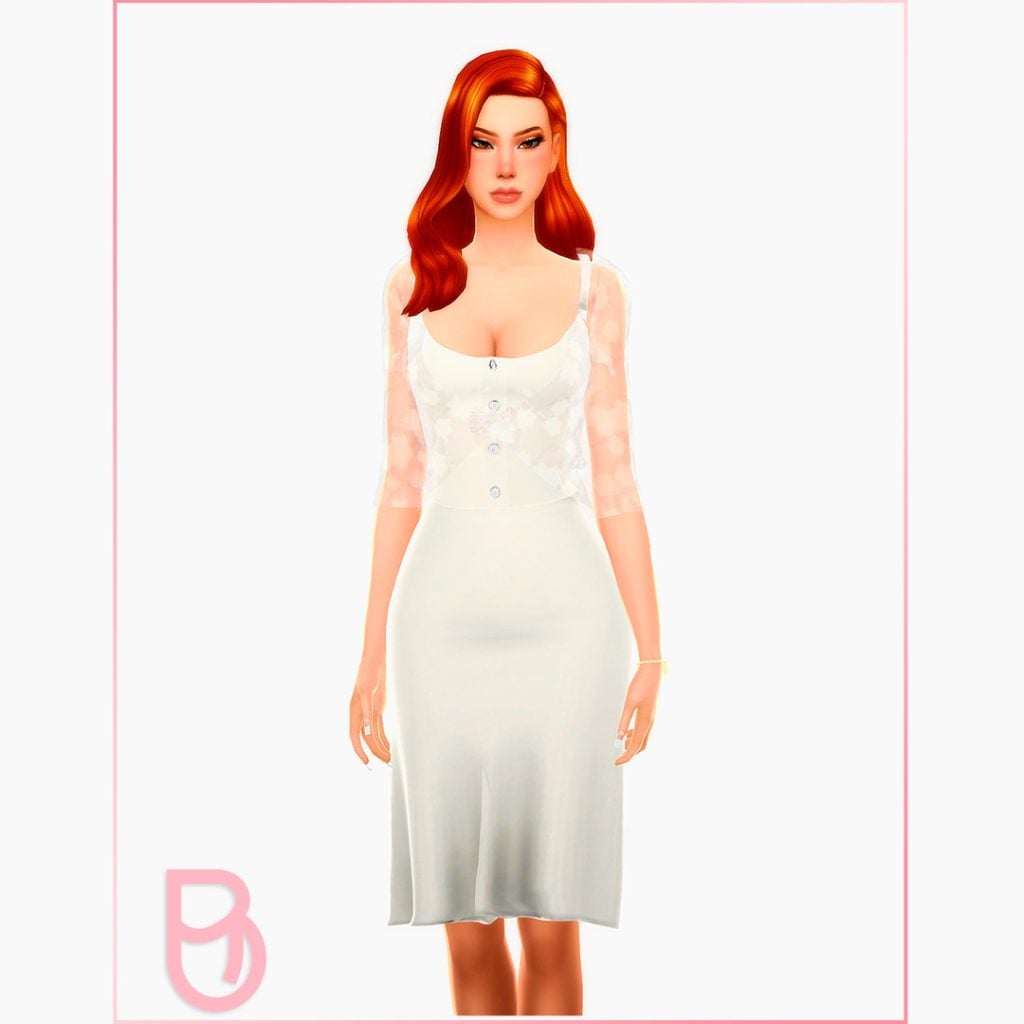
Flowers and lace are combined in this gorgeous full body, mid-length, Spring Dress by Boschiana. There are 10 swatches of this eye-catching dress with a lacey, transparent top and is base game compatible as well.
When Spring season rolls around, so does dress season! Cloud Dress by Miiko, comes in 20 different swatches ranging from lovely pastel colors, to clouds, to starry night skies! This dress features a long “ball gown” look with the cutest princess sleeves. All female Sims from teen to elder can rock this fit and will look great doing so!
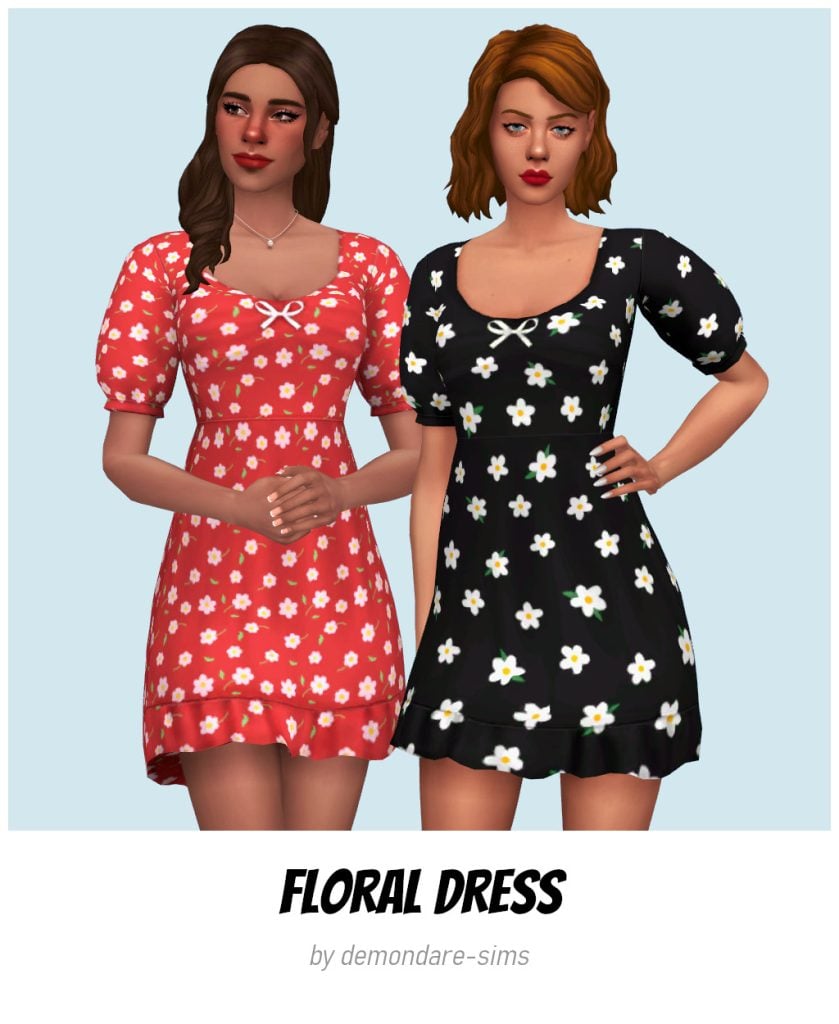
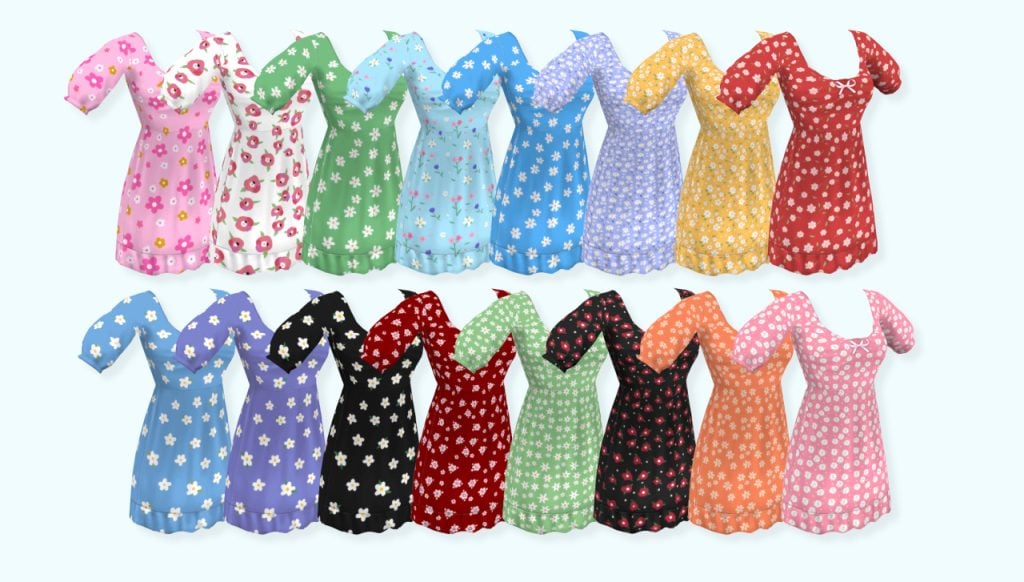
Flower power! Floral Dress by demondare-sims is a short dress with puffy sleeves that comes in 16 swatches featuring floral designs and another 19 solid color swatches. So many ways to wear this dress and keep it different every time!
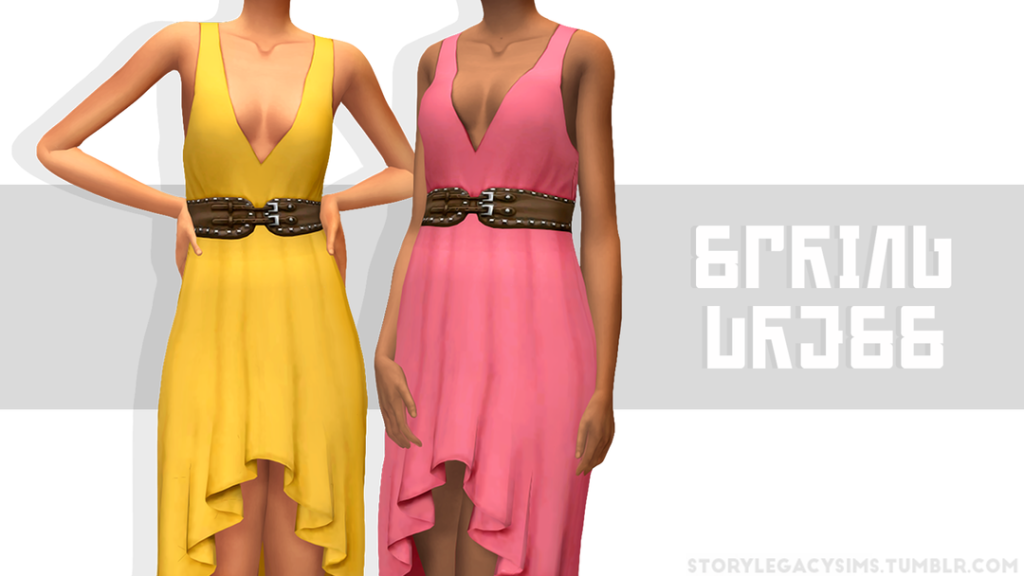
Spring Dress by storysims is a beautiful high low dress that comes in 15 total swatches including black and white. Another highlight of this dress is the adorable brown waist belt, and deep V-neck; perfect for spring!
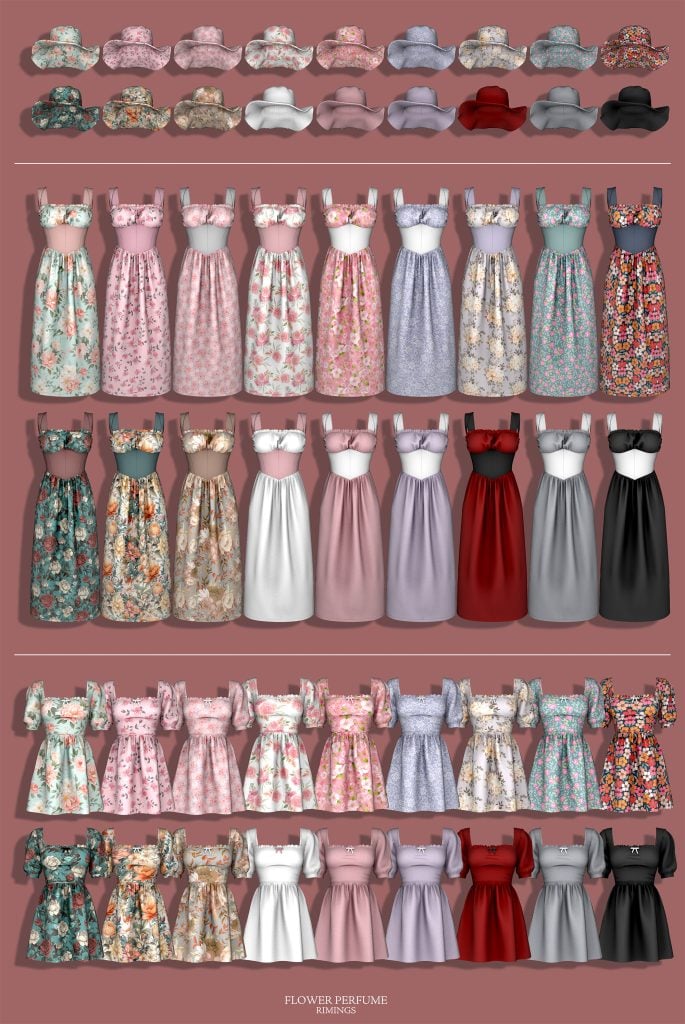
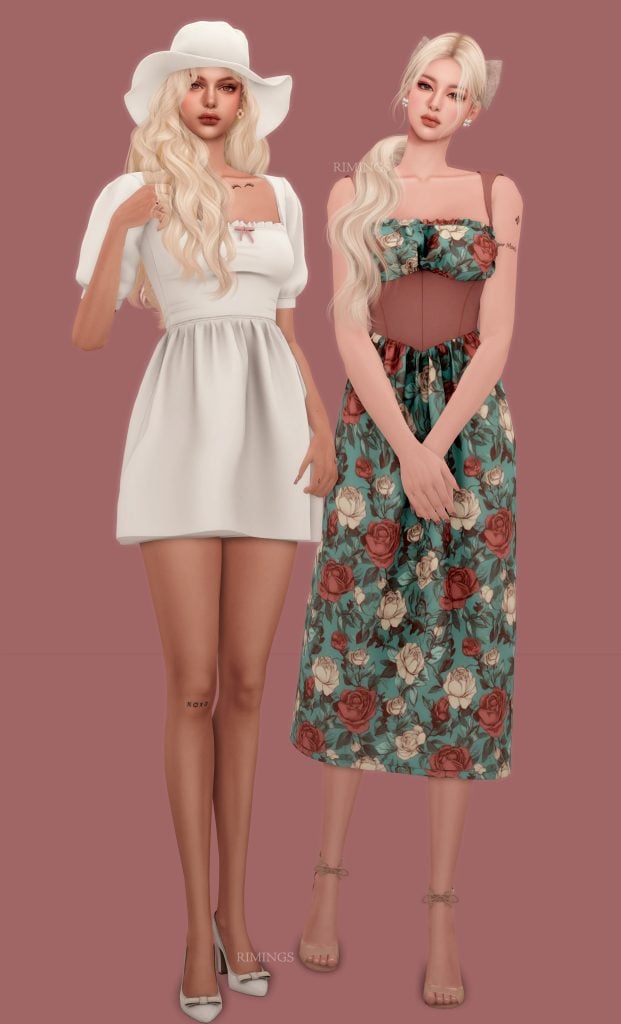
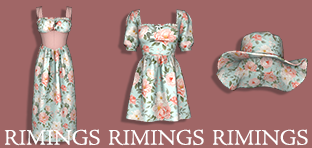
So many dresses so little time! RIMINGS has created this 3 piece set that includes 2 different dresses and a lovely sunhat. FLOWER PERFUME items all come in 18 total swatches, subtle floral designs and solid colors. One dress is knee length, with princess sleeves, while the other is a sleeveless, long dress with different fabric at the tummy and arms. If your Sim truly wants to stand out, this is the perfect outfit to add to your Sims Spring collection!
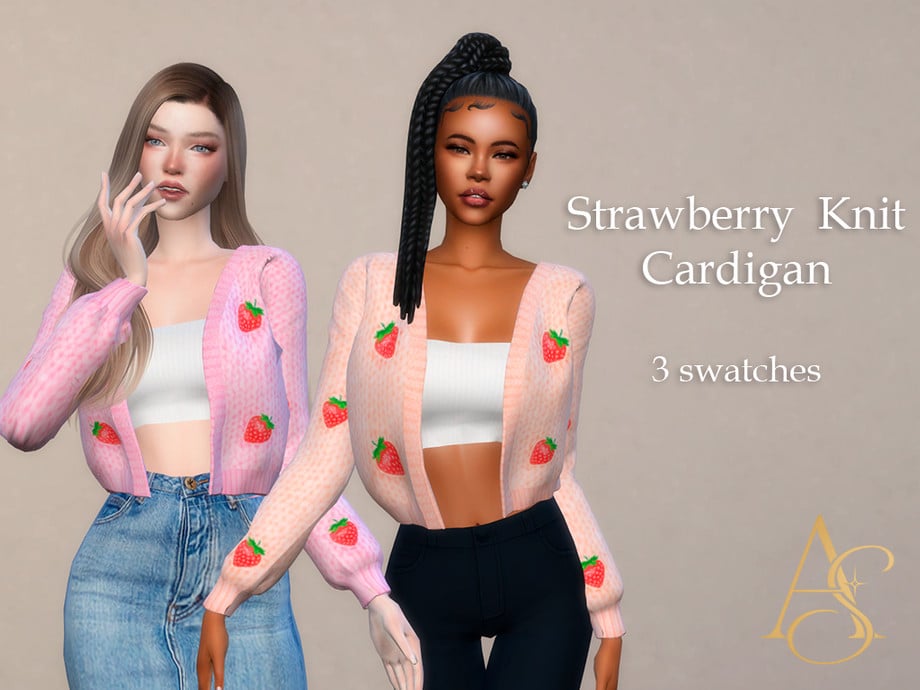
The sweetest cardigan! Strawberry Knit Cardigan created by AbendsternCC is a simple 3 swatch top that has the cutest strawberries attached to it! The colors and versatility of this top make it perfect for spring!
For the male Sim in your life, Mellow Sweater by renorasims is available in 17 total swatches and is base game compatible. The folds across the arms make it look very realistic, and it features a subtle V-neck. It maybe “basic” but will most certainly be a handsome fit for Spring!
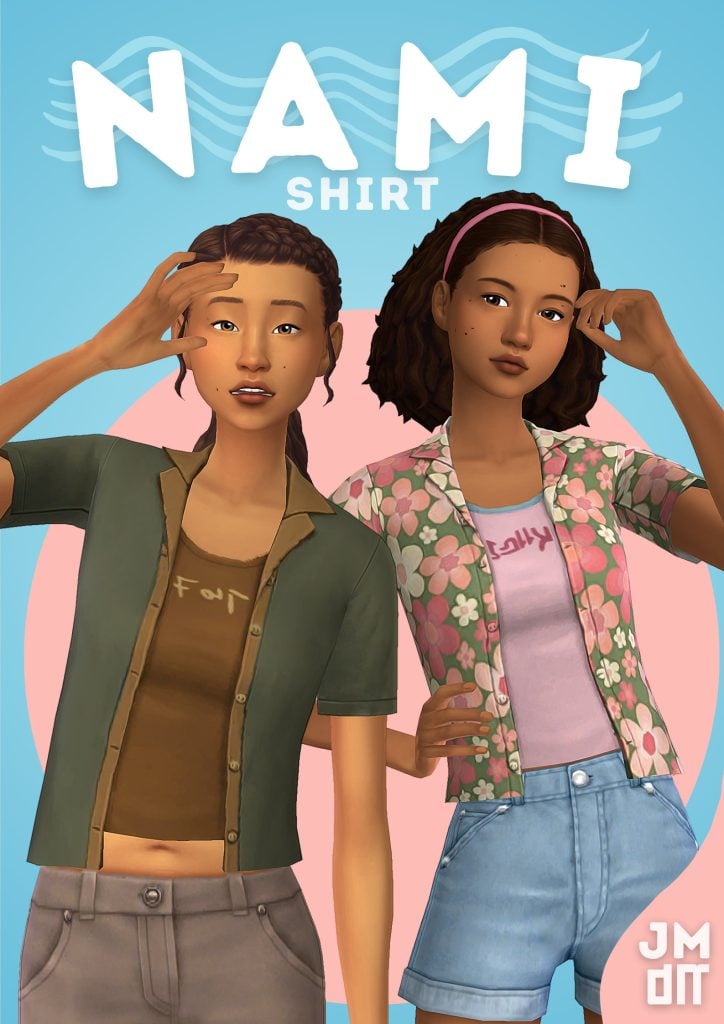
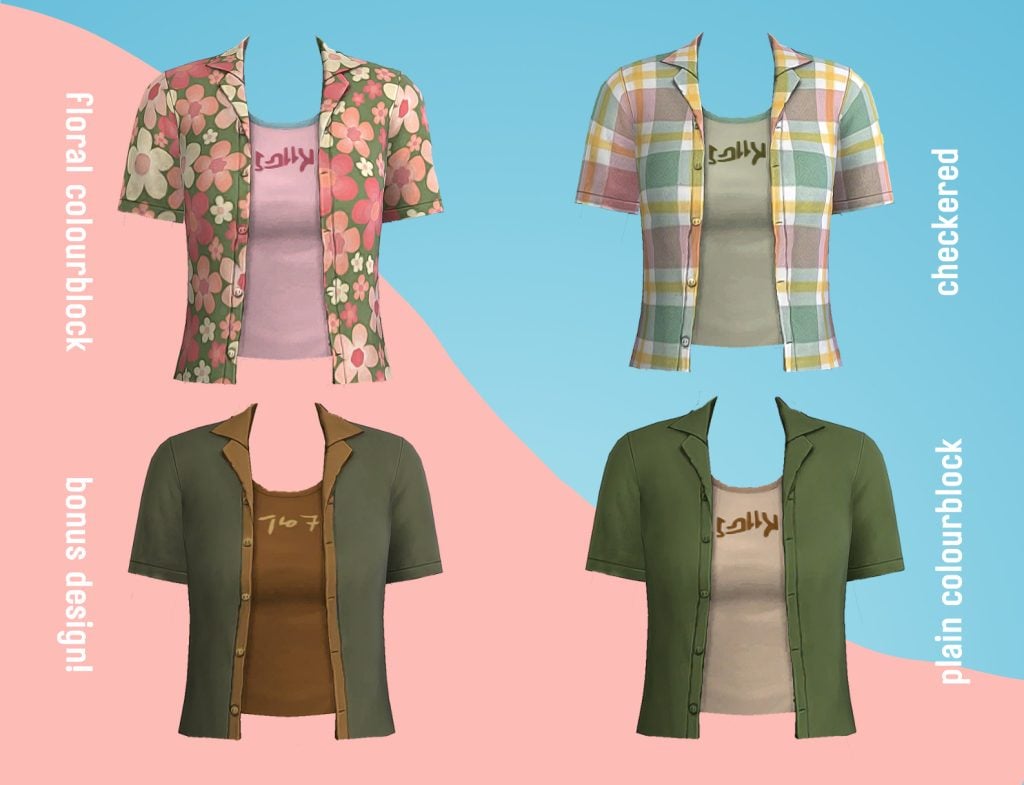
When the mornings are chilly and the afternoons are warm, over shirts are a must! Nami Shirt by jellymoo is a simple mid cut top with an open over shirt layered on top. With 20 swatches in 4 designs, you will have plenty of options when it comes to customizing this piece for your Sim!
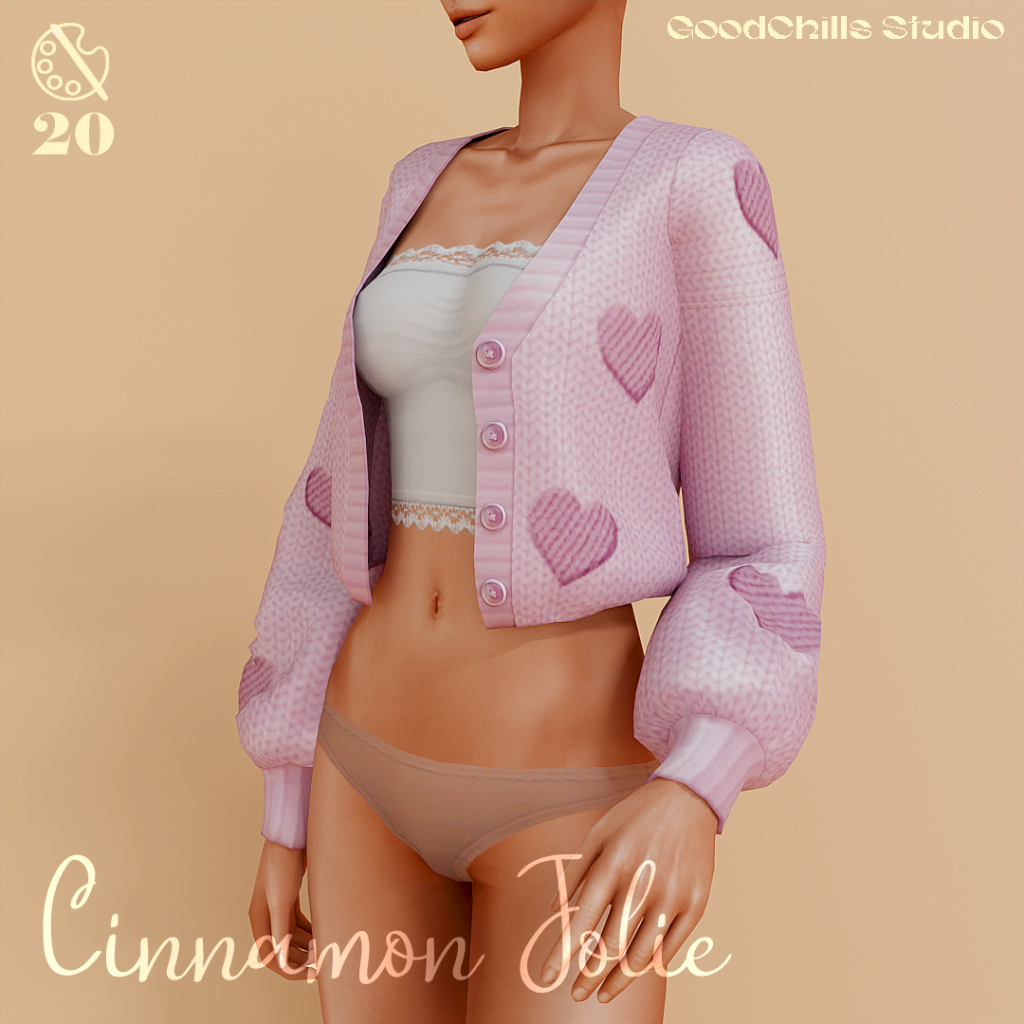
Cinnamon Jolie by GoodChillsStudio is absolutely gorgeous and is very well made! This cardigan – tank top combo comes in a whopping 20 swatches and is even base game compatible! The small hearts across the sweater are placed in very eye appealing locations, with a lacey crop top, tank top!
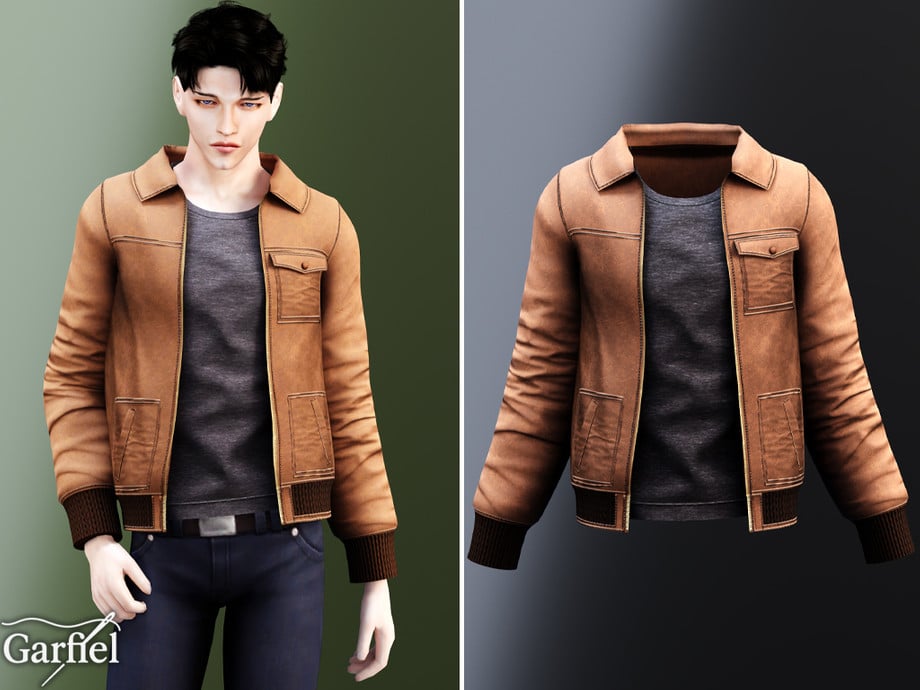
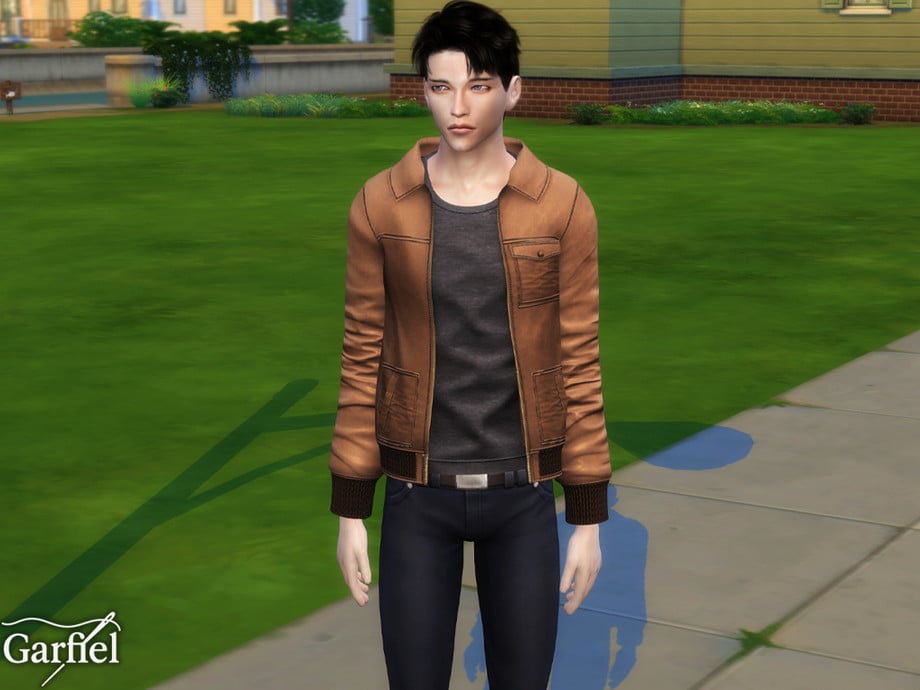
Adult – Casual utility jacket with pockets and ribbed cuffs by Garfiel
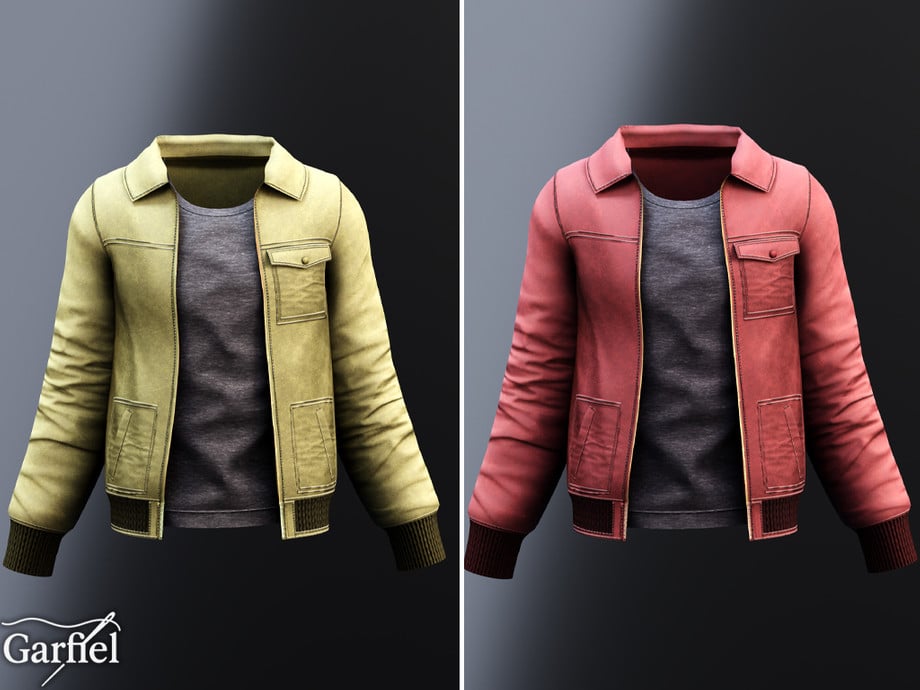
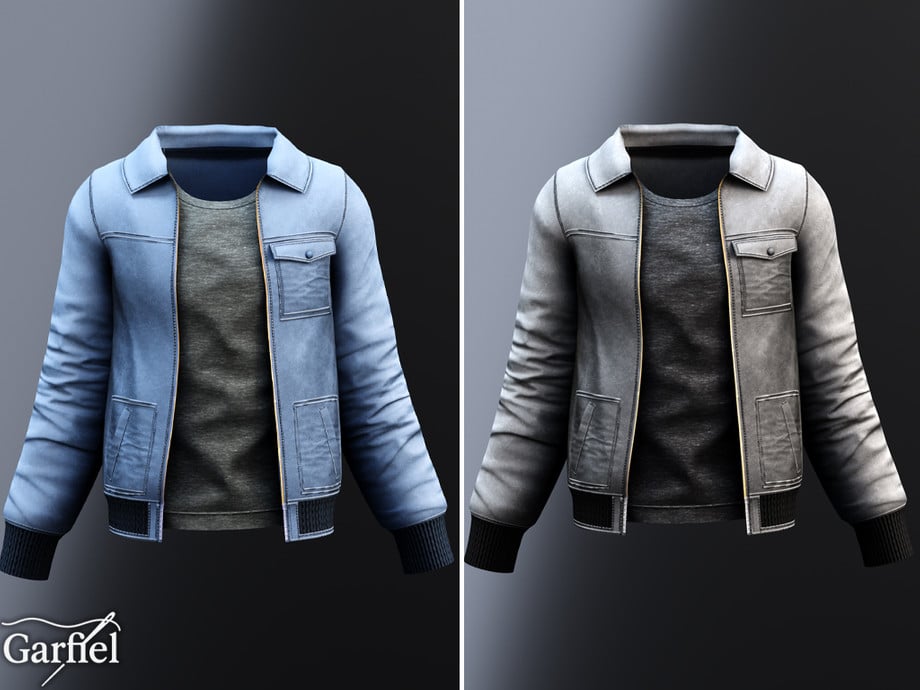
This must have top/jacket combo by Garfiel is going to be a must have for your male Sims’ Spring look. The pockets and cuffs give it a modern, and practical look and its boxy shape makes it easy to layer. The creator has also included a number of different style swatches so you are able to use this jacket for all kinds of occasions!
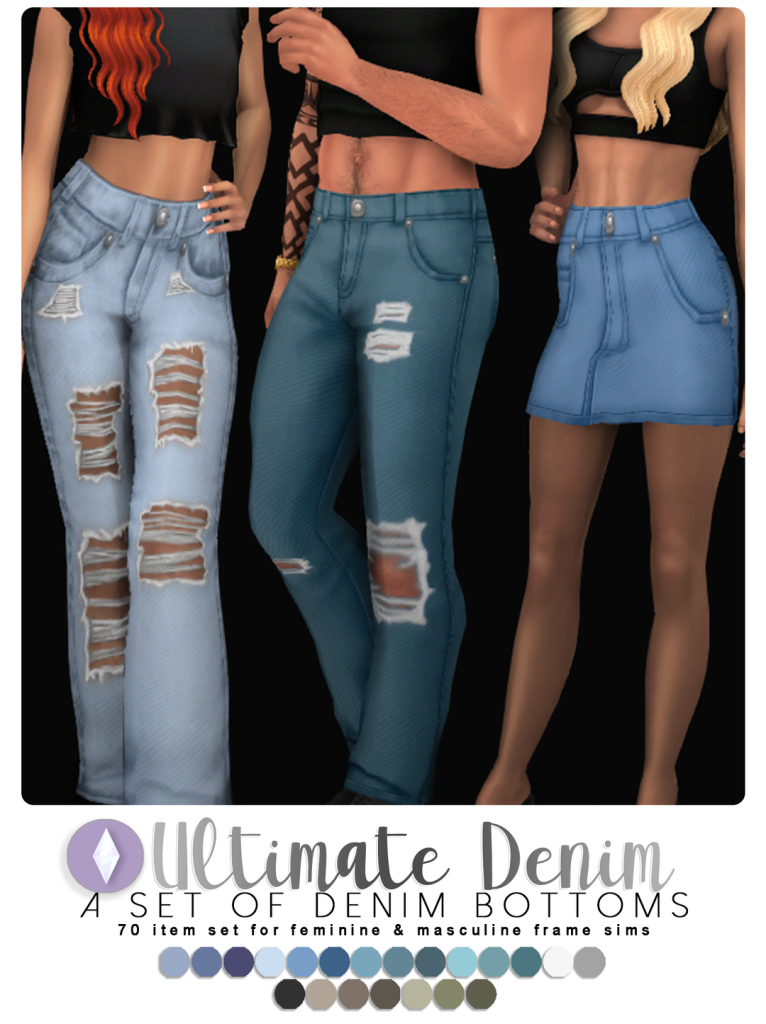
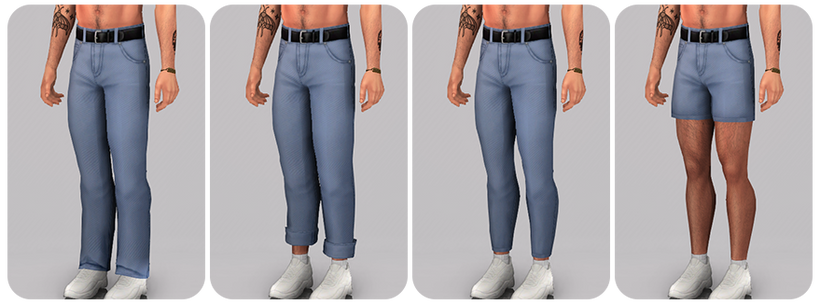
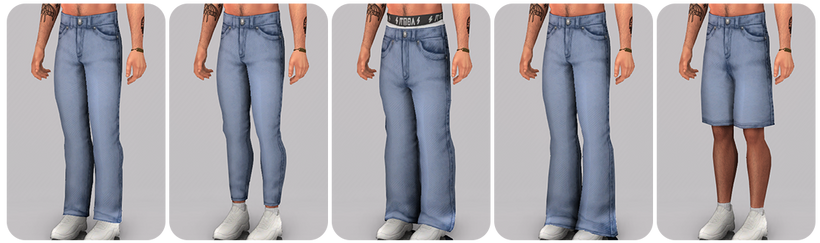
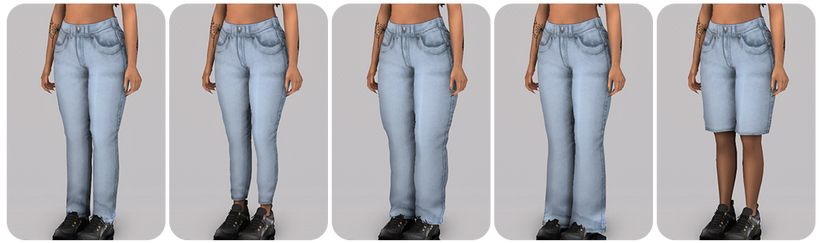
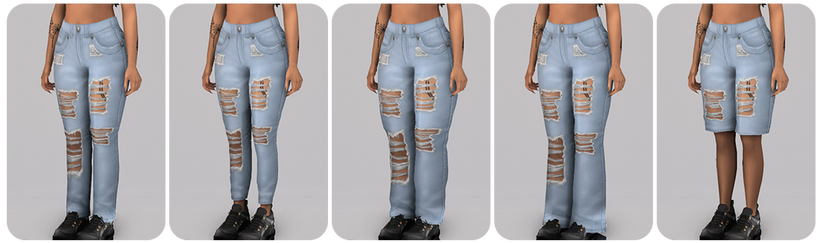
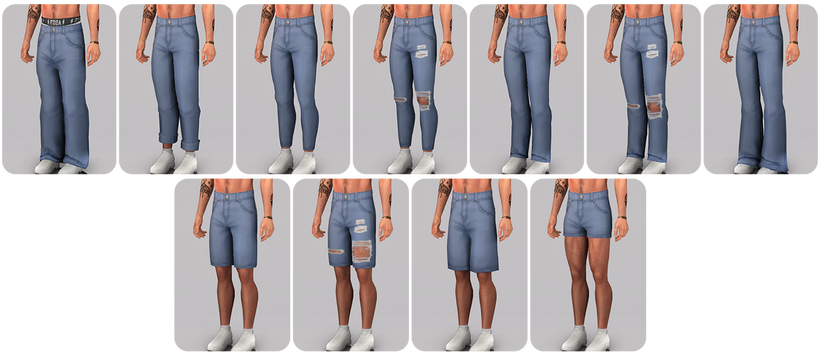
Jeans, jeans, jeans! Need a new style of jeans for Spring? Nucrests has created the Ultimate Denim Collection, and with 5 different styles it could be the only jean CC you will need! From ripped to skinny leg to shorts to baggy, this CC pack has every style of jean you can think of! Perfect for refreshening your Sims spring wardrobe.
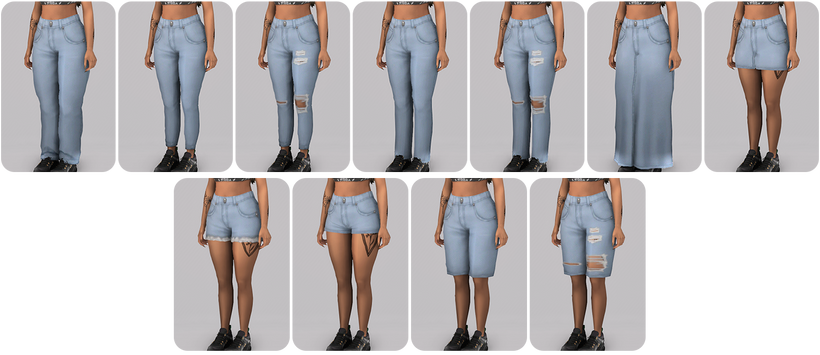
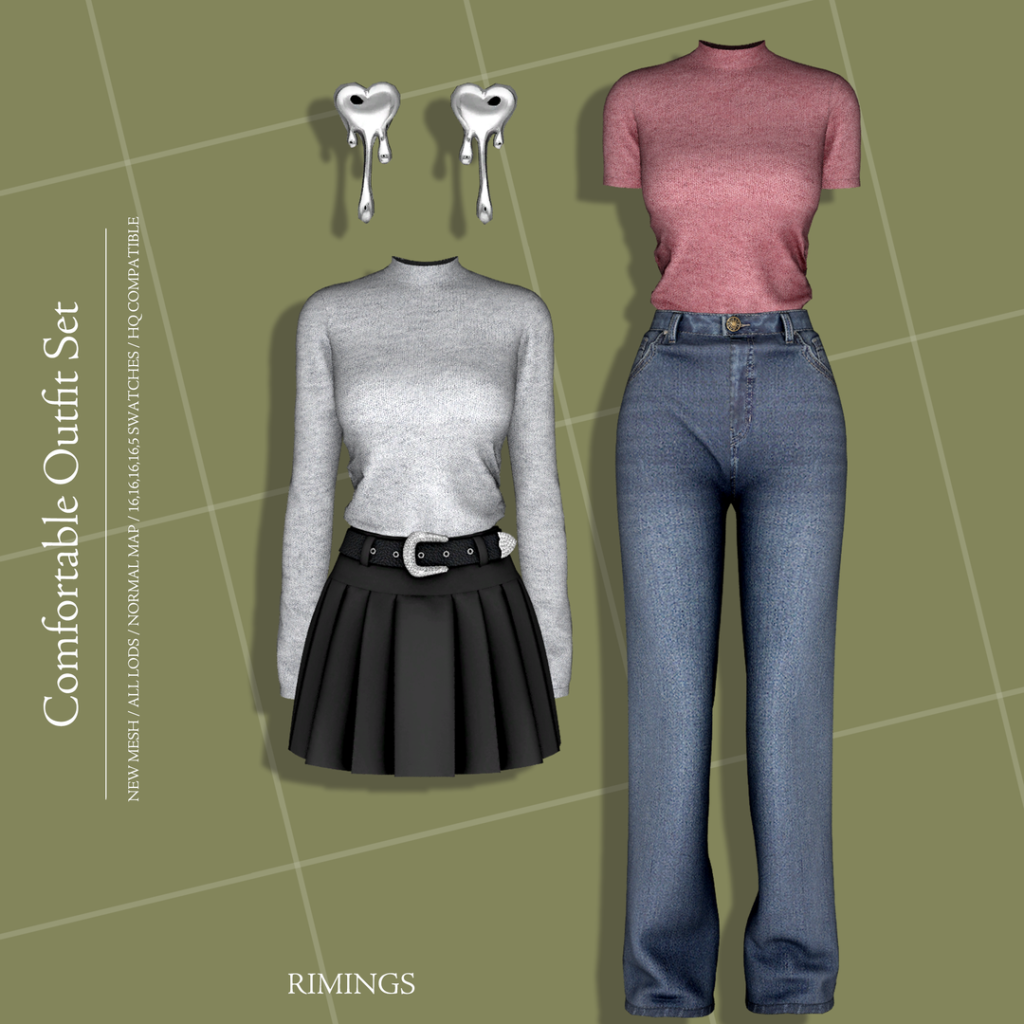
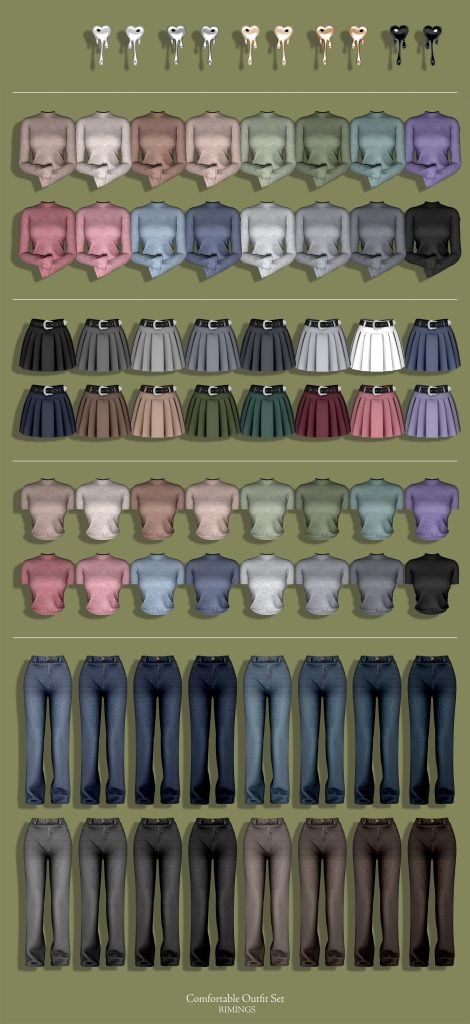
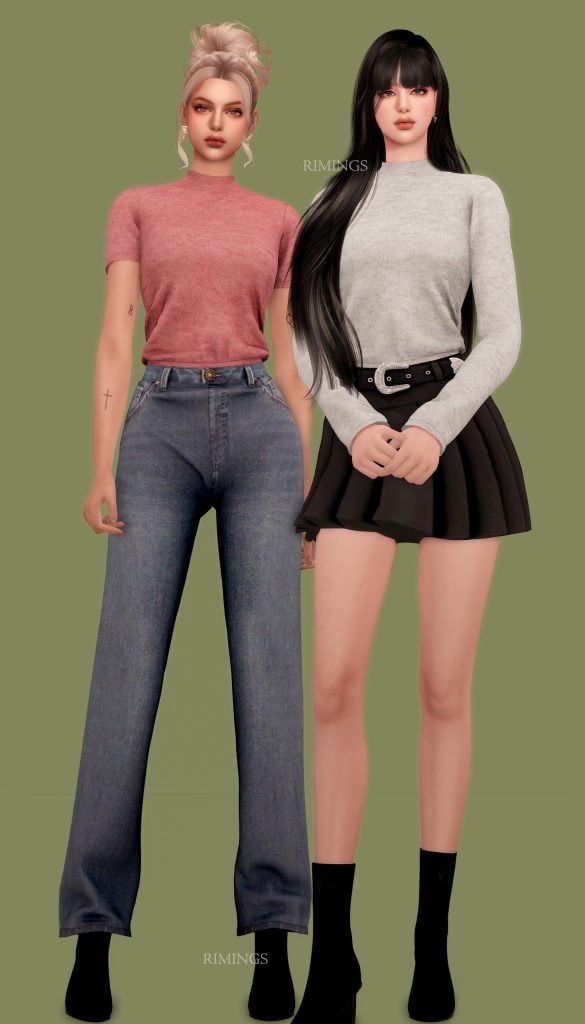
Who ever said being comfy in the Spring can’t be stylish? Comfortable Outfit Set by RIMINGS includes 2 bottoms, 2 tops, and a silver heart “drip” earring set. The skirt is adorned with a matching belt, the jeans have more of a bootleg appearance, and to match there is a fitting long sleeve or short sleeve top all available in 16 swatches. The earrings will look beautiful however you decide to mix and match these pieces! I will for sure be putting this one in my Sims Spring look!
Stranger Online Looks Collection by GoodChillsStudio
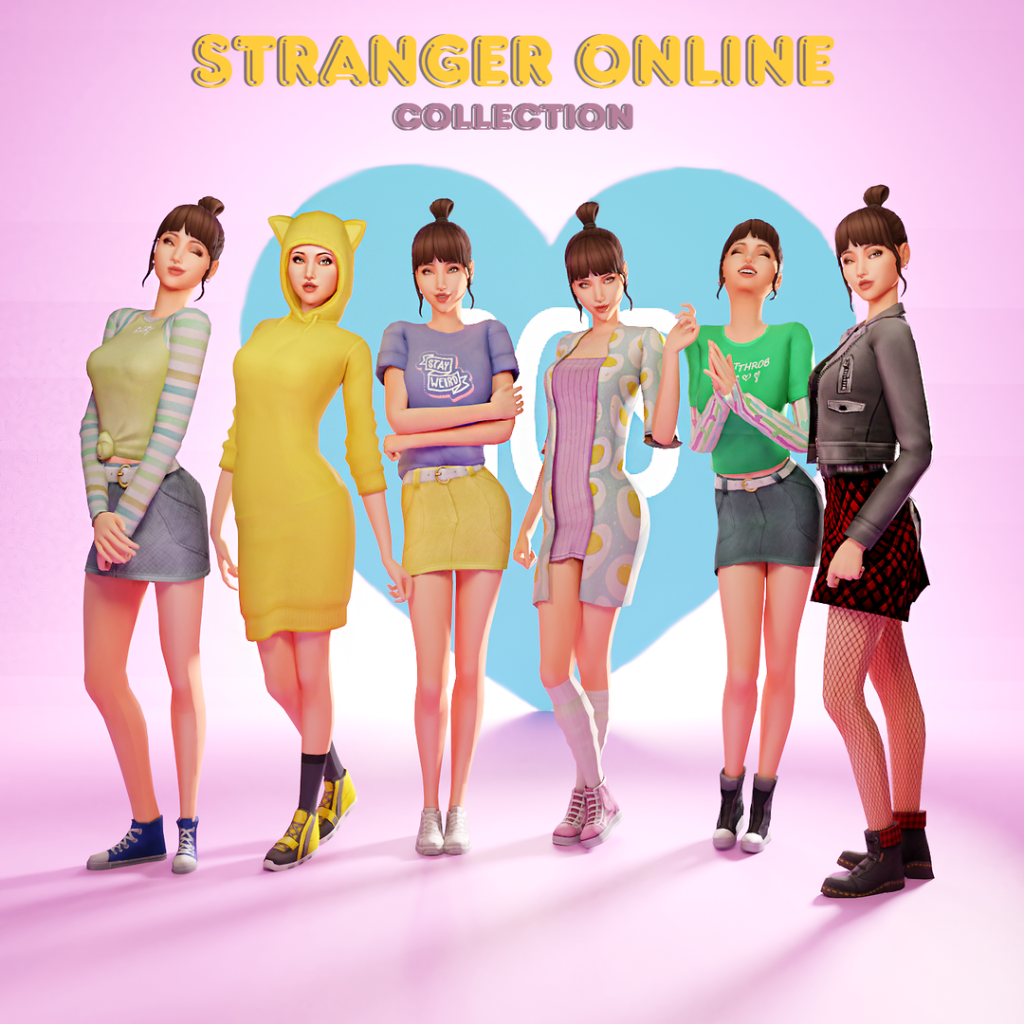
Stranger Online Looks Collection by GoodChillsStudio contains 6 different outfits that could be perfect for your Sims Spring look! There are 8 total items with multiple swatches for each; the two skirts can be paired with the 3 different tops, there are 2 dresses, and the cutest wrinkled socks! From cute to practical, this set has it all!
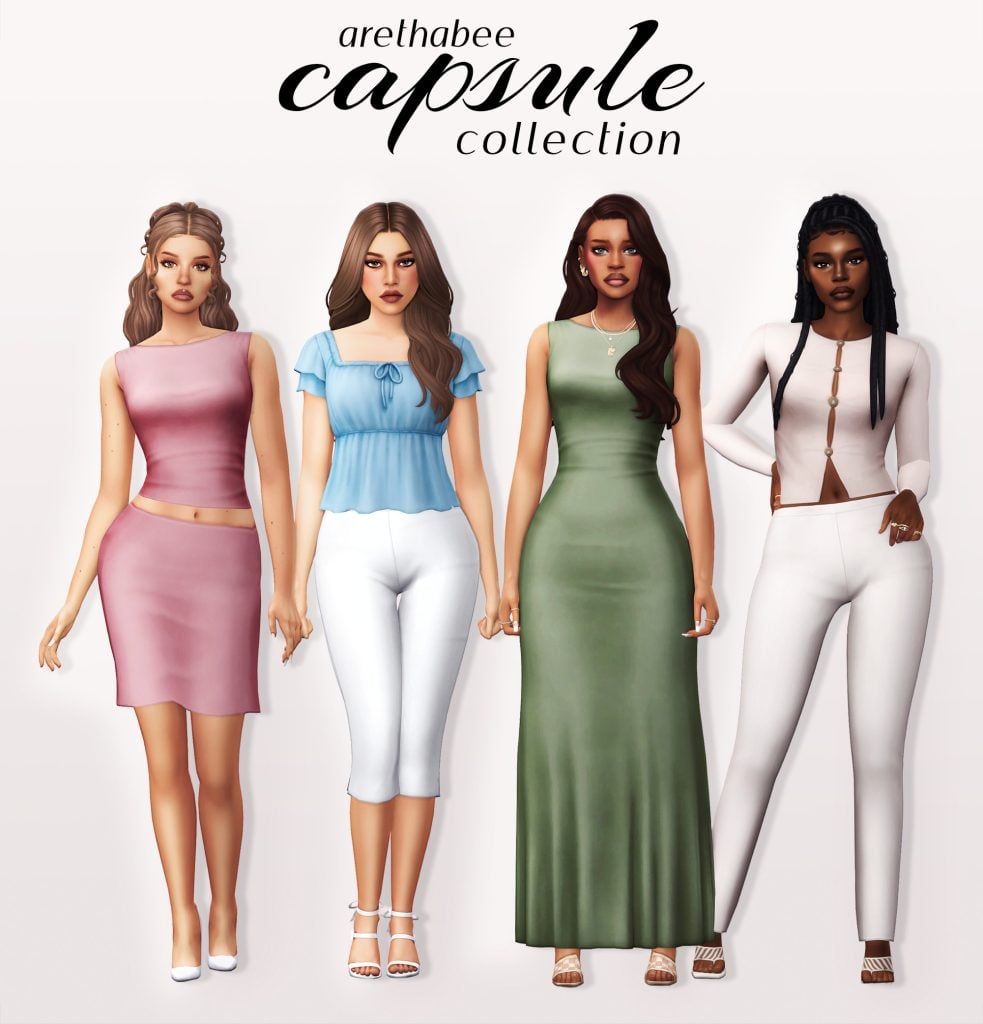
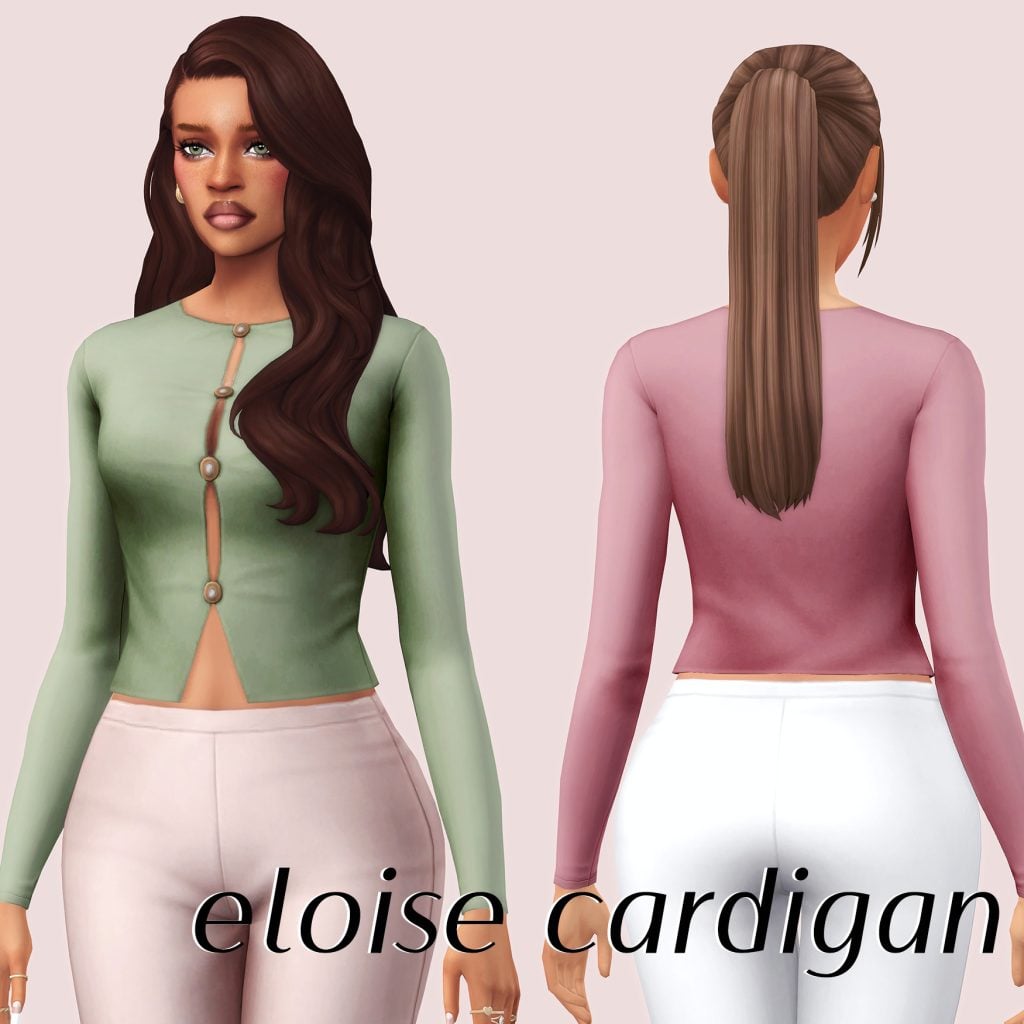
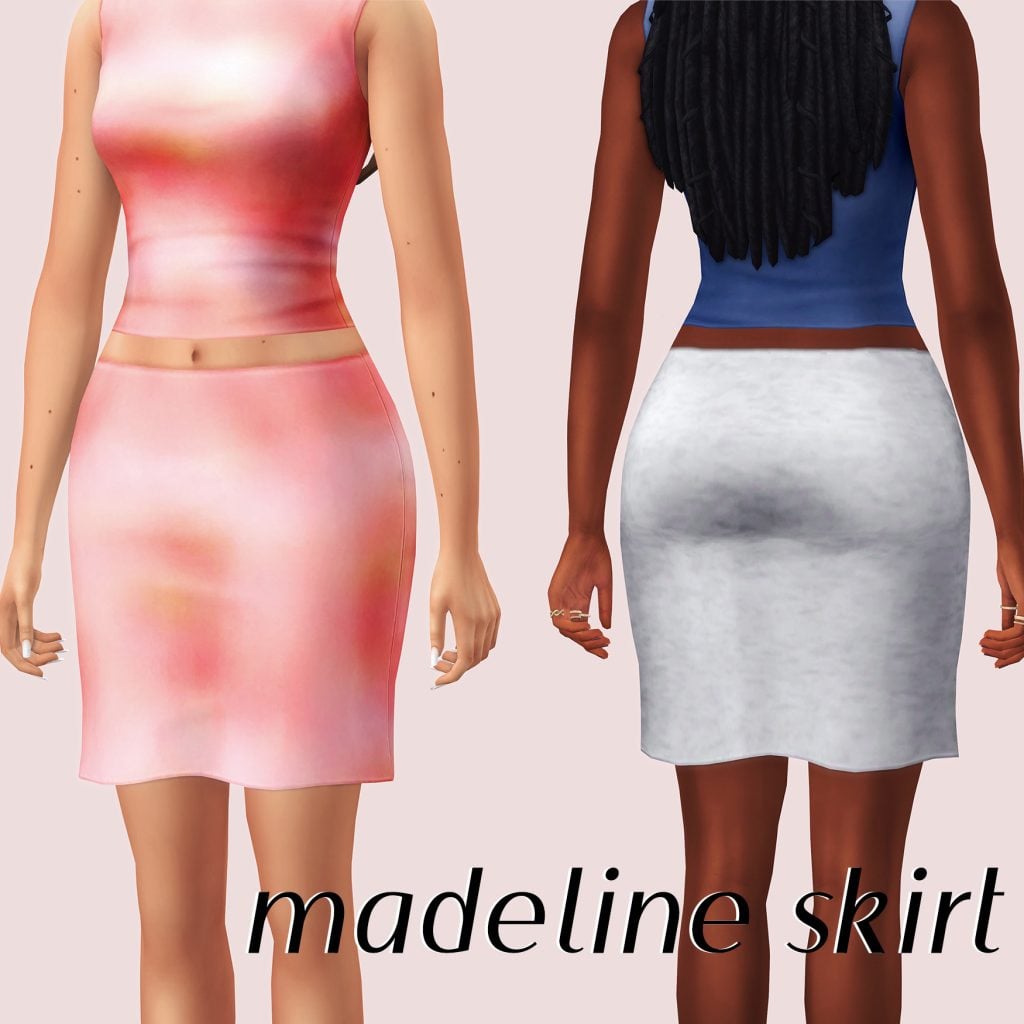
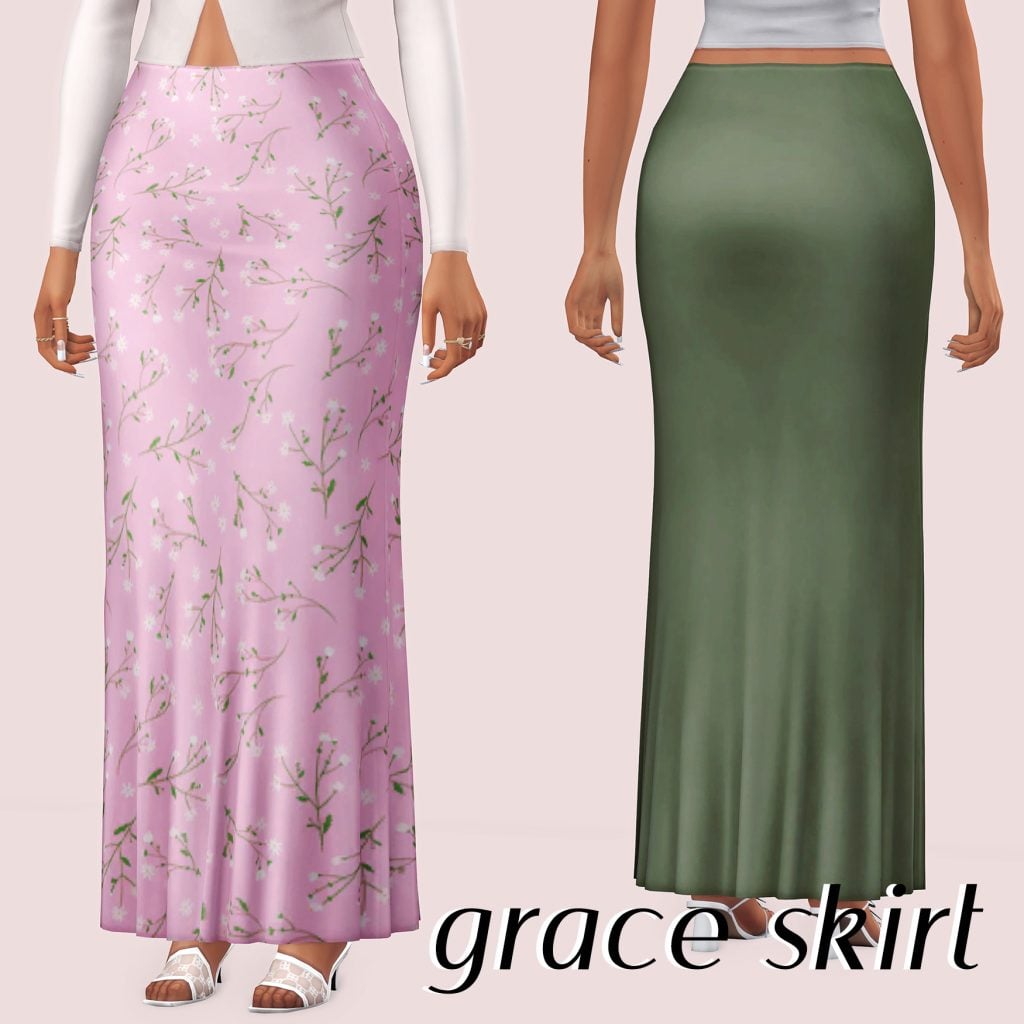
This 7 piece set by arethabee will have your Sim styling for Spring! Each item comes in 35+ swatches, featuring nude tones, as well as bright colors and patterns. The items flow very seamlessly together, creating a stunning but minimalist look. You will find 3 tops, 3 bottoms, and 1 eye-catching dress!
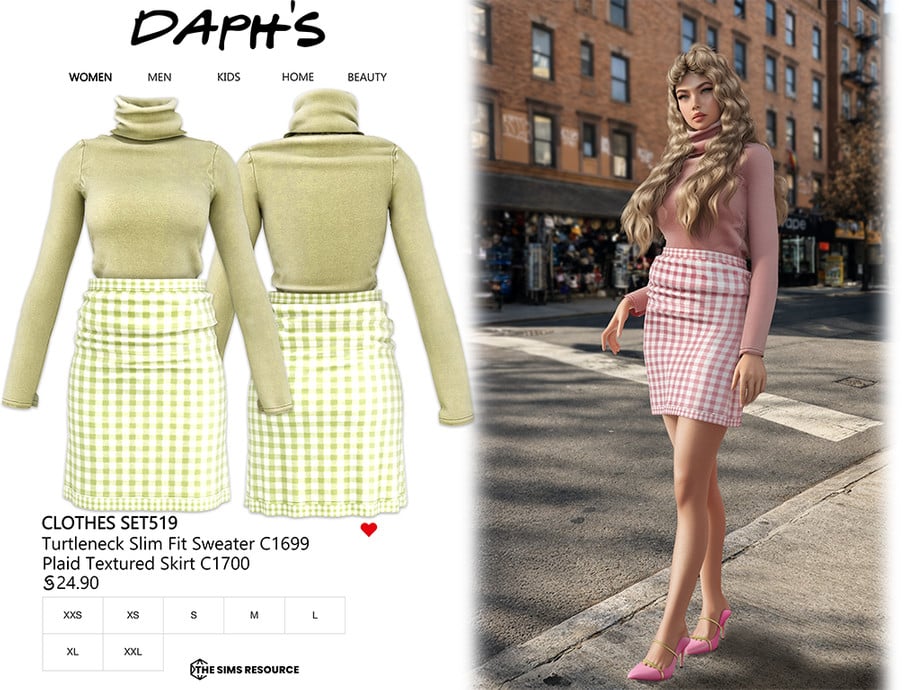
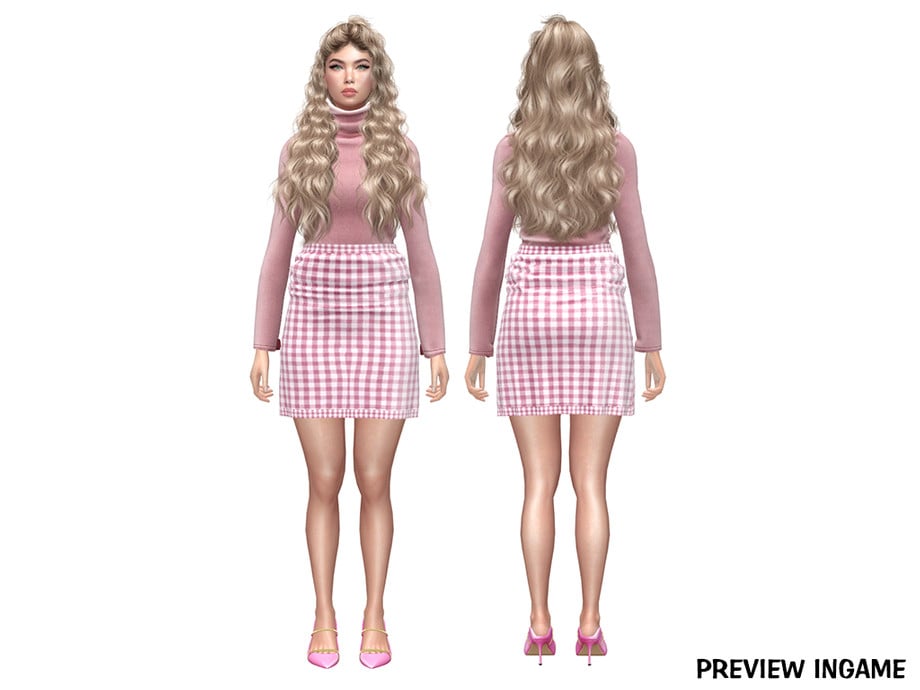
Nothing ever feels impossible in Spring, you know? Nothing will feel impossible when your Sim is wearing this heart stopping set by Daph’s. Clothes Set519 includes a lovely plaid, textured skirt, and a form fitting turtle neck top. There are 8 total swatches and all female Sims teen-elder have the ability to add this outfit to their Spring wardrobe!
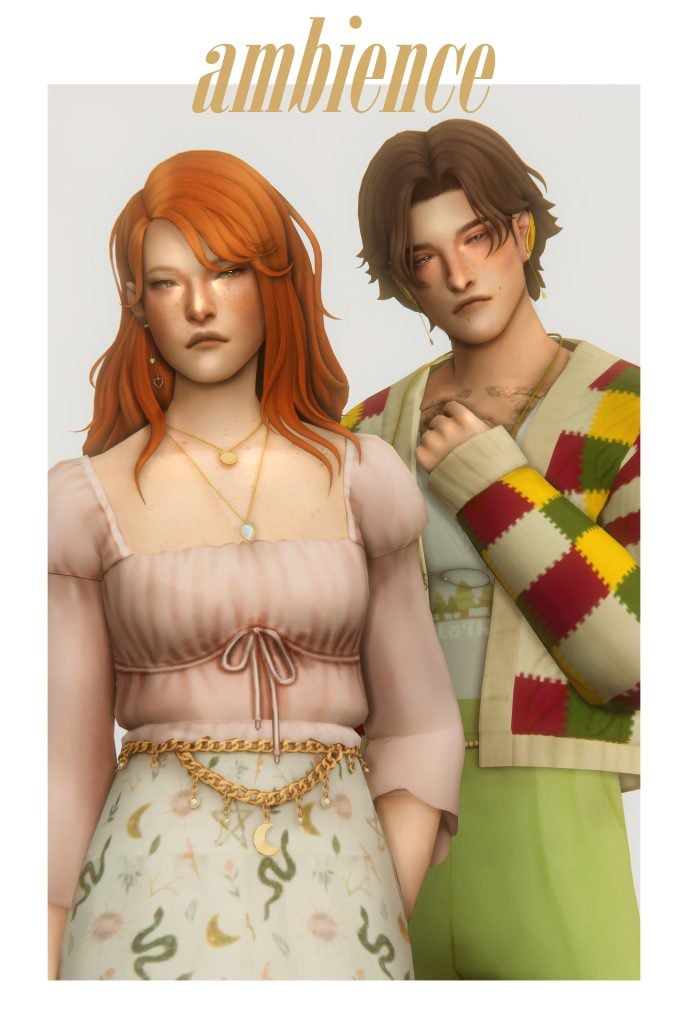
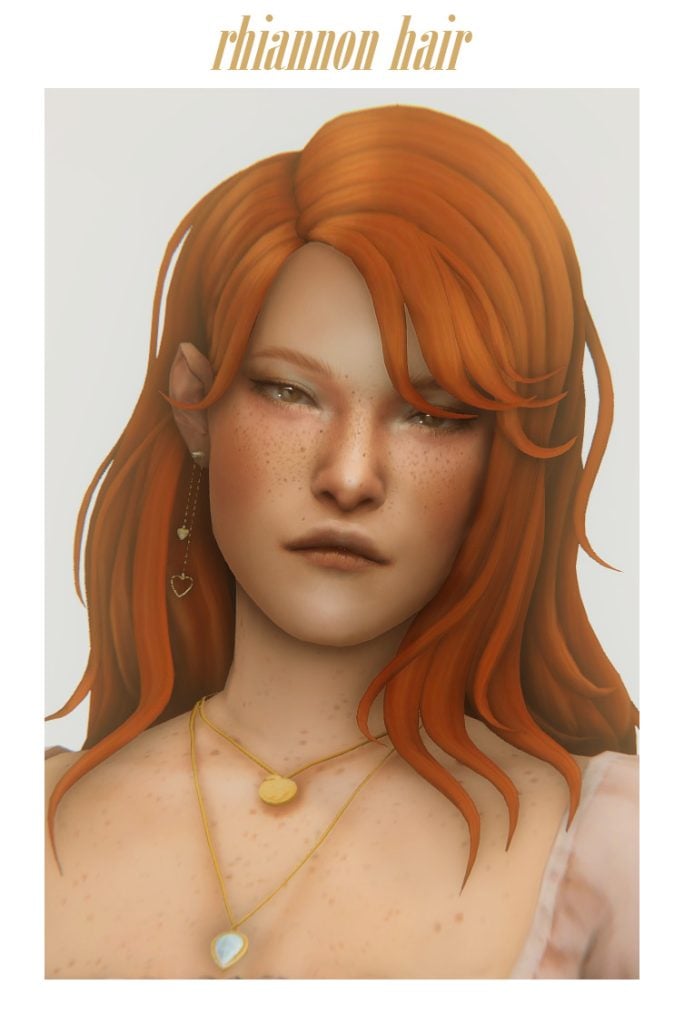
Spring outfits for both your male and female Sims in one CC pack! Ambience CC Pack by clumsyalien features 2 hairs (male & female), 2 tops, 2 bottoms, a necklace, and an earring set. A complete, modern, cottage core vibe for your Sims and the perfect matching Spring outfit for any Sim couple!
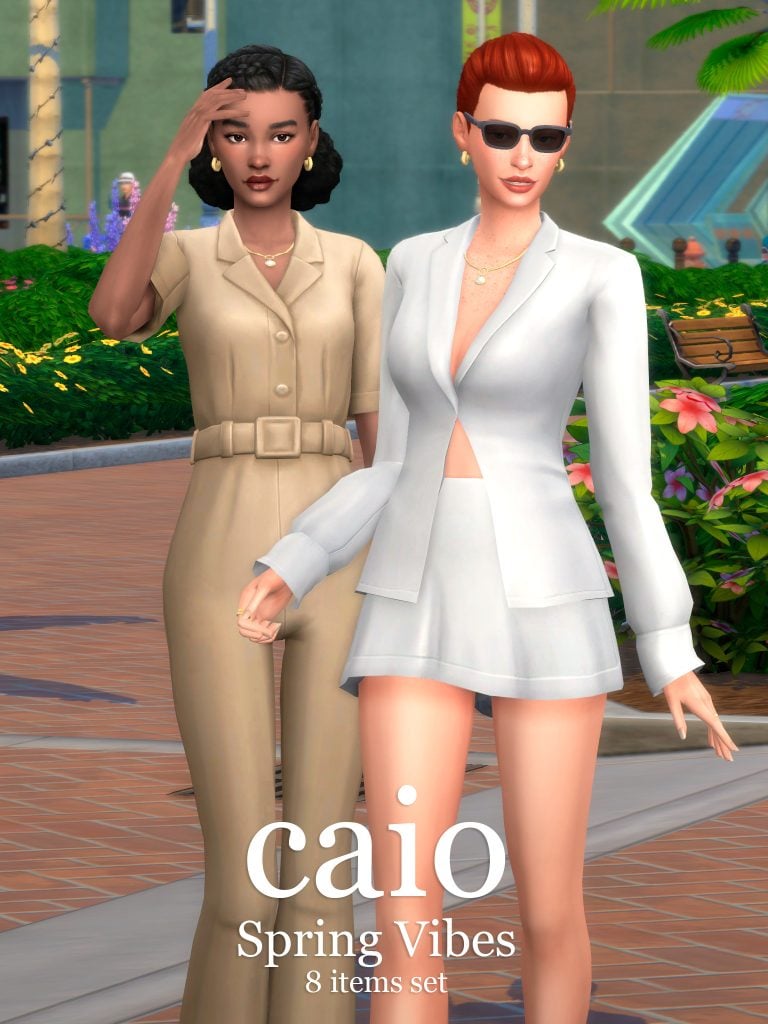
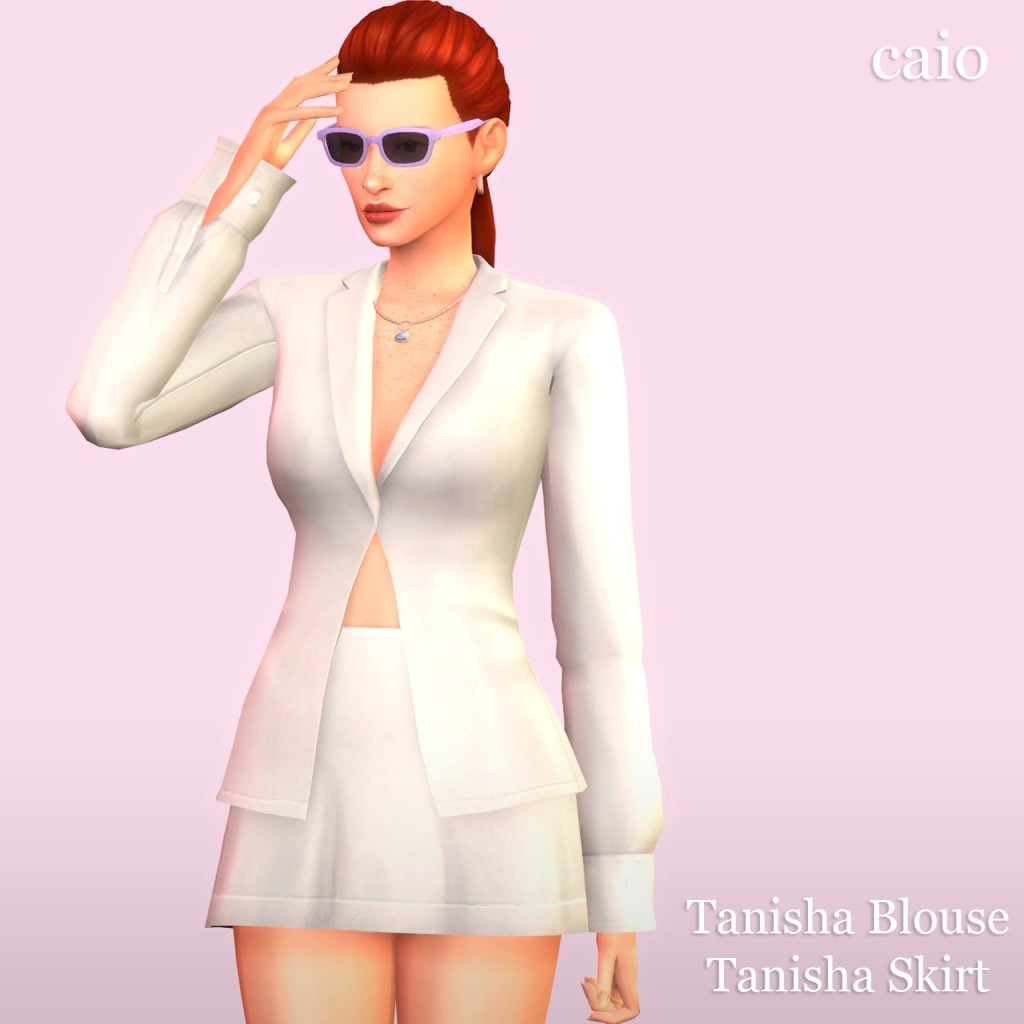
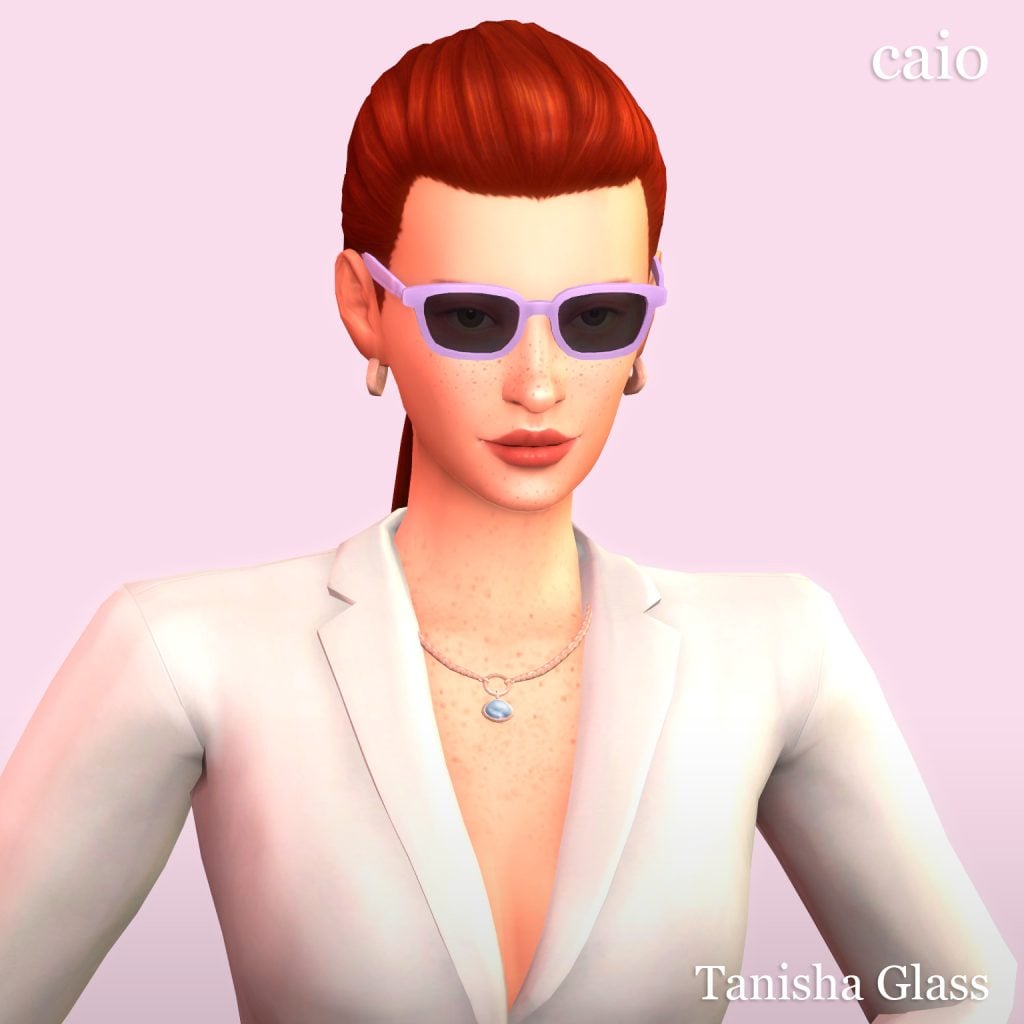
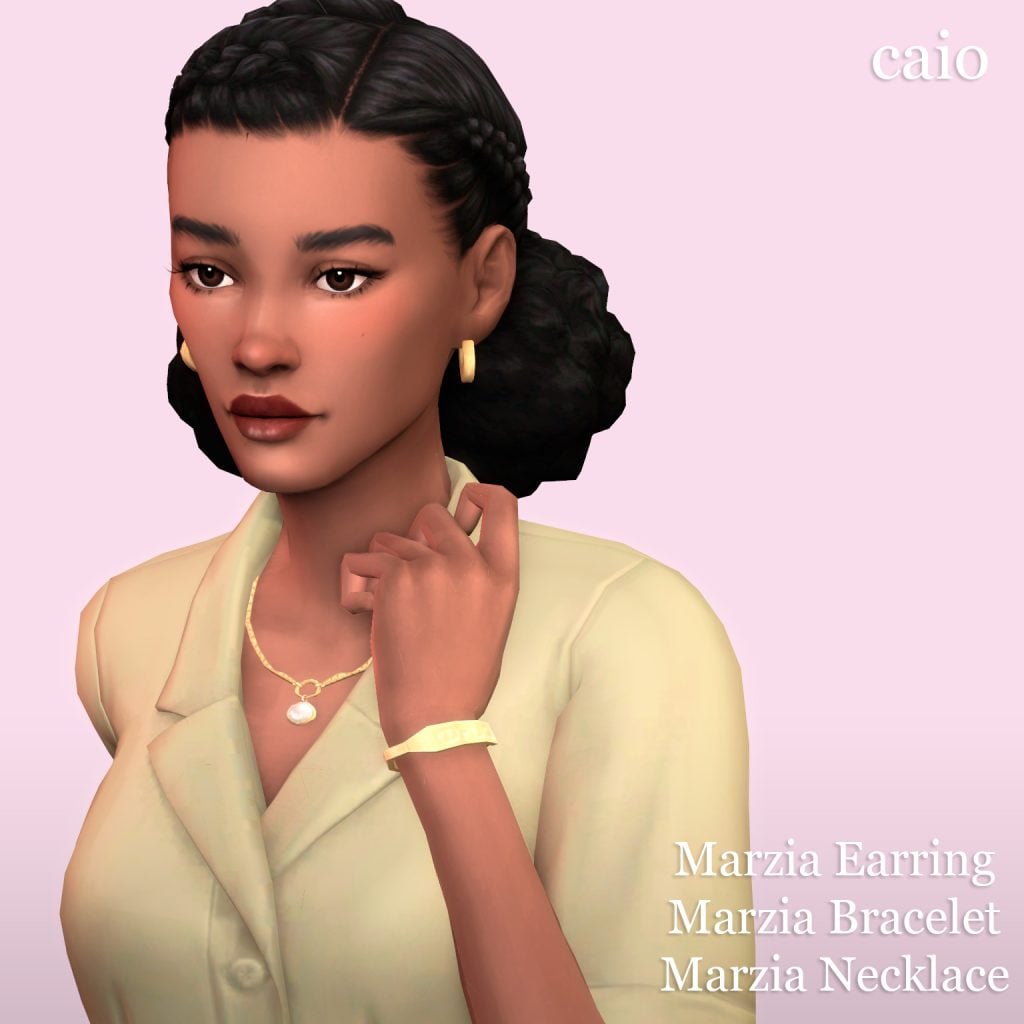
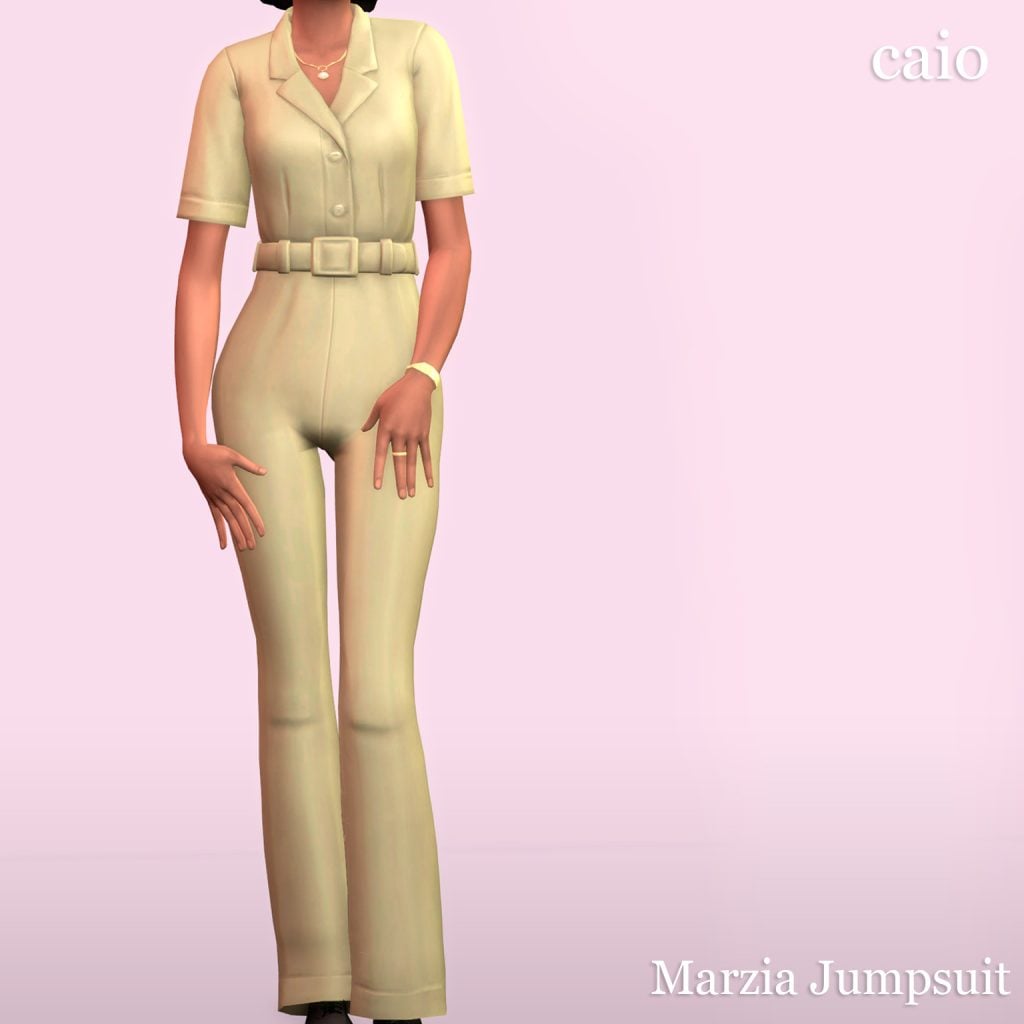
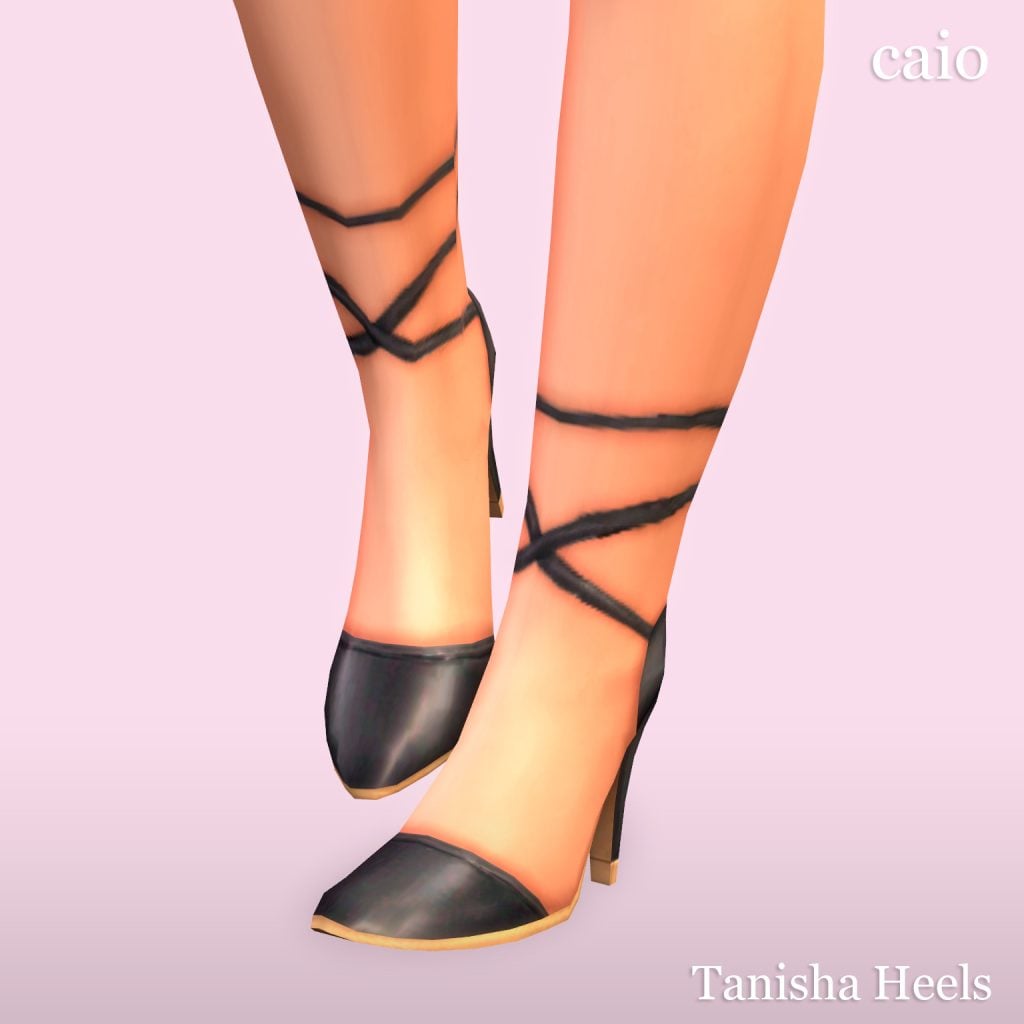
Boss Sims need boss outfits, and Spring is the perfect time to level up your Sims look! Caio has created “Spring Vibes” an 8 piece collection that comes in 36 swatches and is base game compatible as well. All the outfits can be found in either hot/cold so you will have the confidence of knowing your Sim will look amazing anytime they leave the house. You will find everything from bracelets to heels in this stunning CC pack!
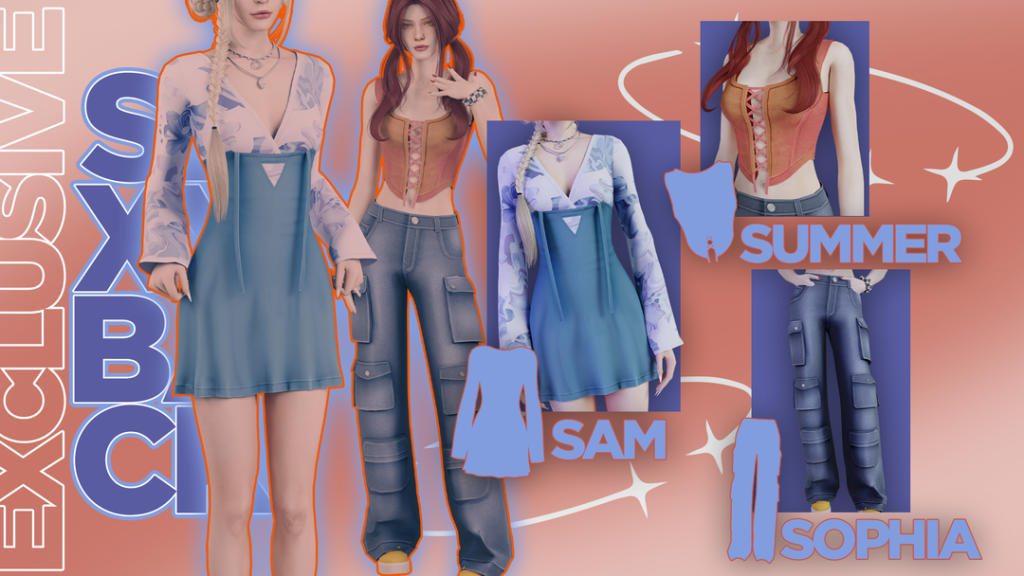
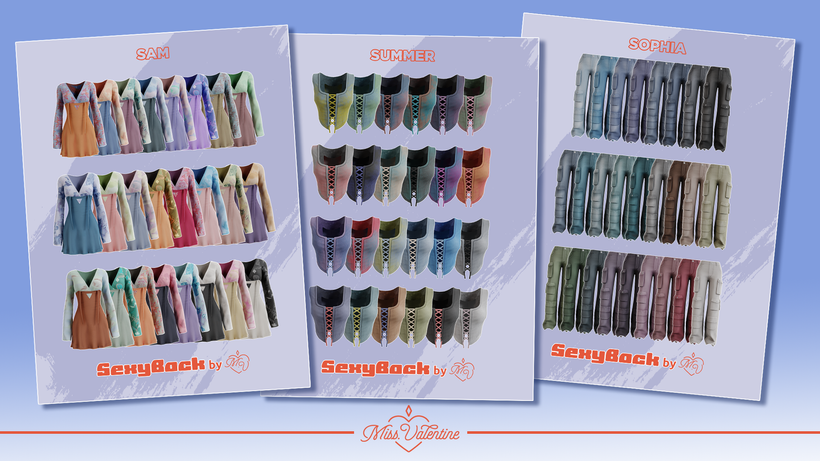
My Sims bringing sexy back, yeah! Your Sim don’t know how to act, yeah! Exclusive Pieces (SexyBack) by Miss.Valentine can provide a fresh pop of color and a new style for the Spring. This set has a short dress with a long sleeve top that has eye catching patterns, a cute corset style tank top, and flared jeans with all the pockets! Will your Sim be bringing sexy back this Spring?
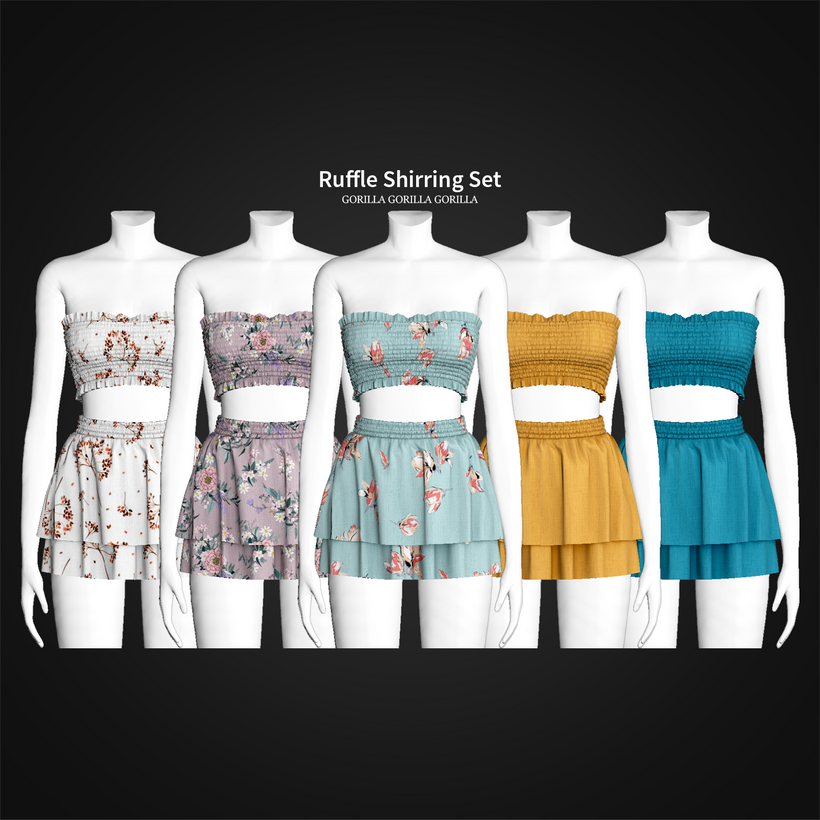
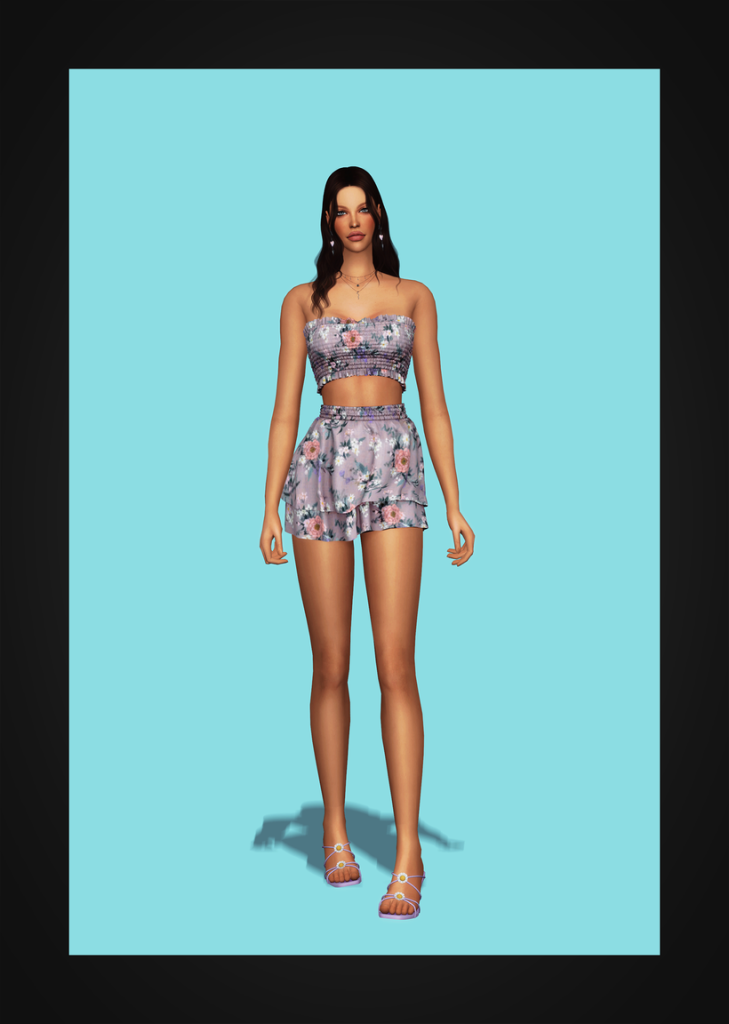
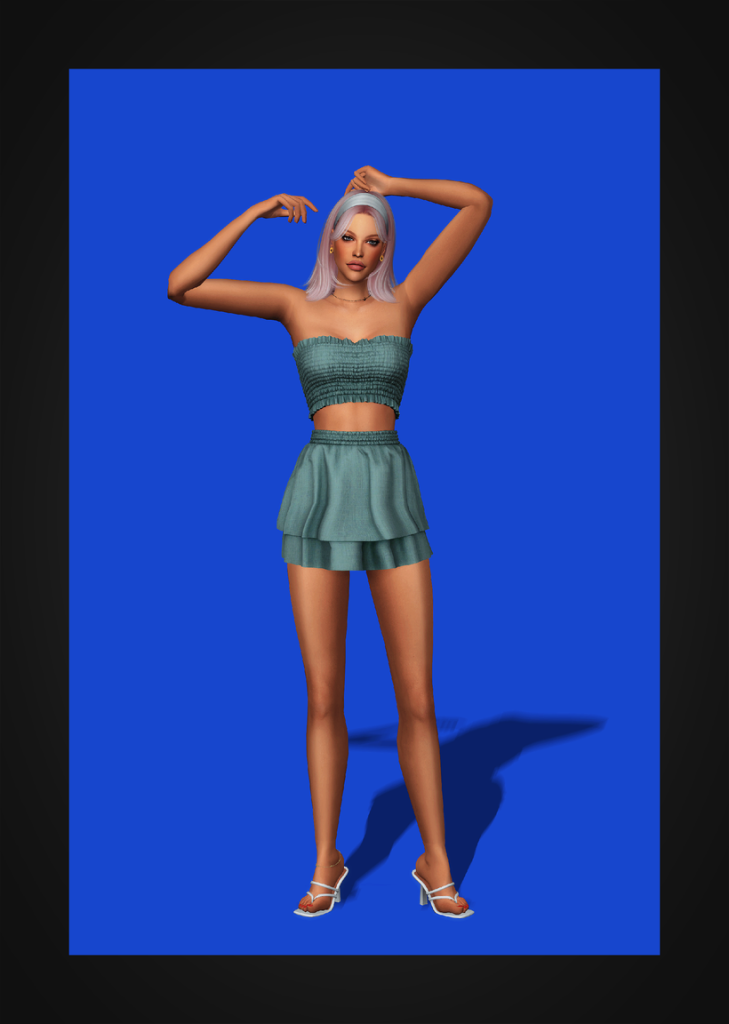
Ruffle Shirring Set by Gorilla Gorilla Gorilla features a short skirt, with a tube top style crop top, and can be worn either separately or in a single piece together. There are 35 swatches ranging from solid colors to dainty florals.
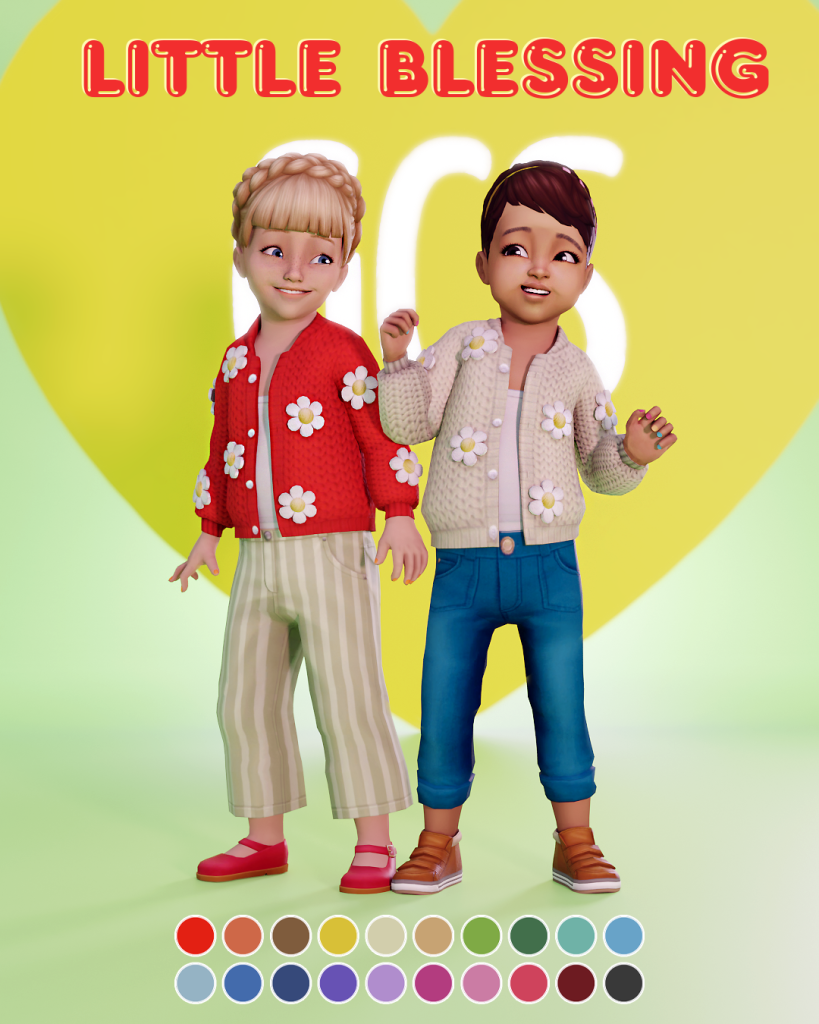
Toddlers need a little Spring look upgrade too! Puffy Flower Cardigan by GoodChillsStudio is absolutely adorable! Available for only toddlers, this cute cardigan comes in 20 swatches featuring little flowers.
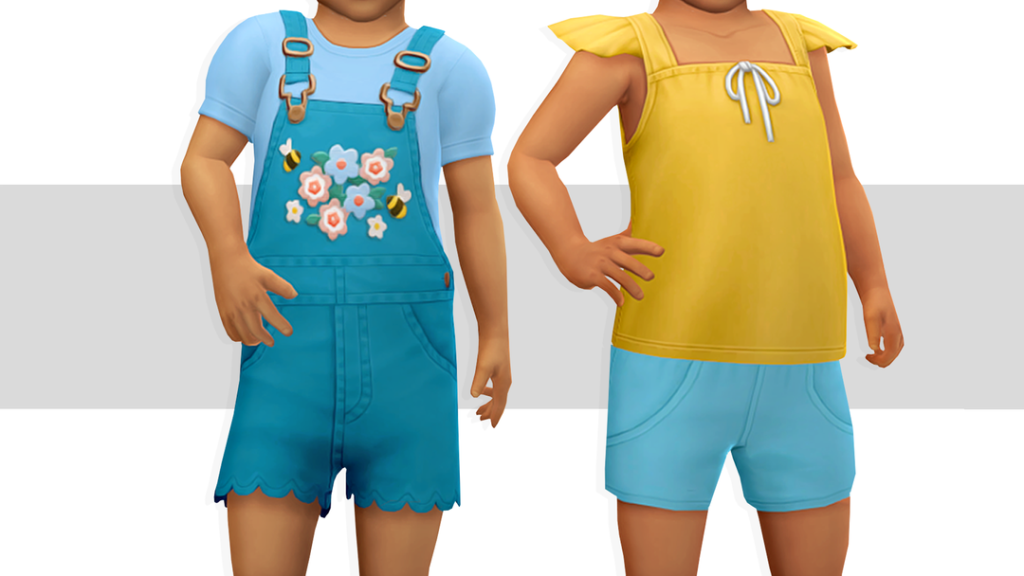
Everyone will be able to tell Spring is your toddler’s favorite season with Play Date Mini Set by storysims! This set comes with 2 different outfits; outfit one you will find an overall set with flowers and outfit two is an adorable tank top/short combo. Both will look lovely on any little Sim in Spring.
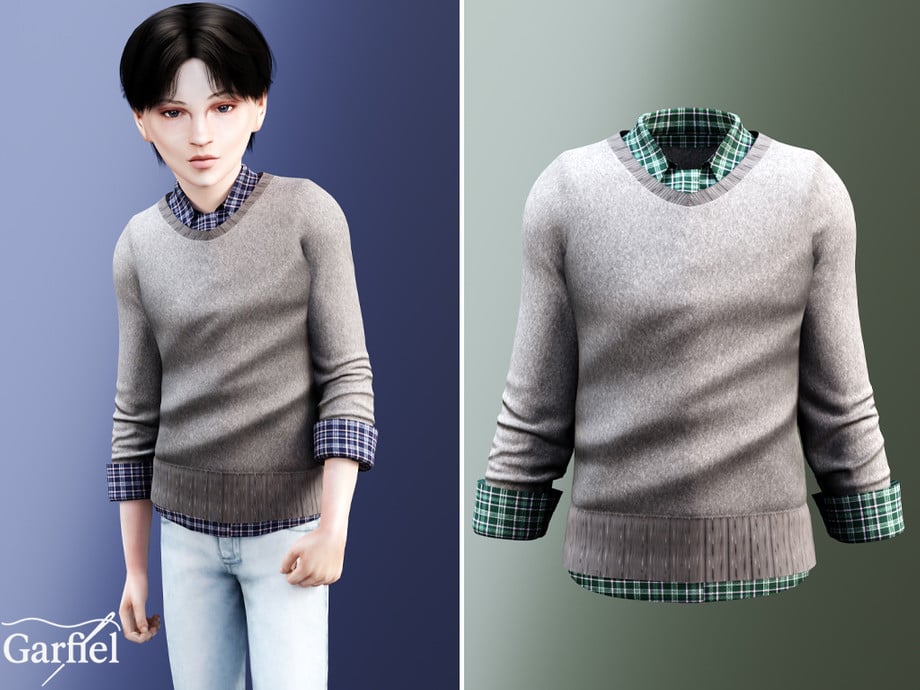
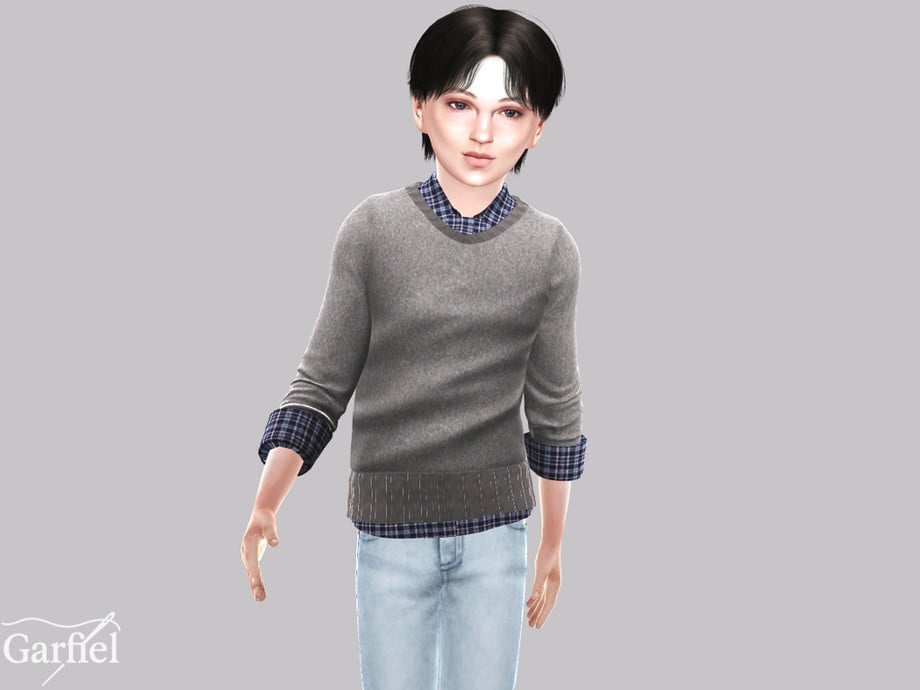
Child – Layered knit sweater with plaid shirt accents by Garfiel
This Layered knit sweater with plaid shirt accents by Garfiel will have any boy Sim looking smart and charming this Spring! Available in an array of swatches this versatile top will be easy to mix and match with!
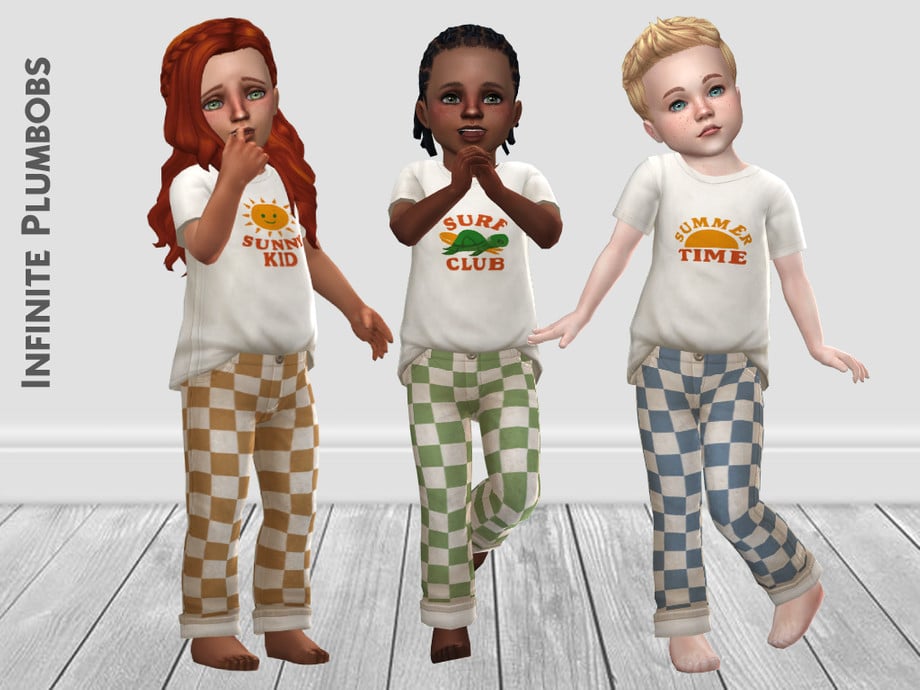
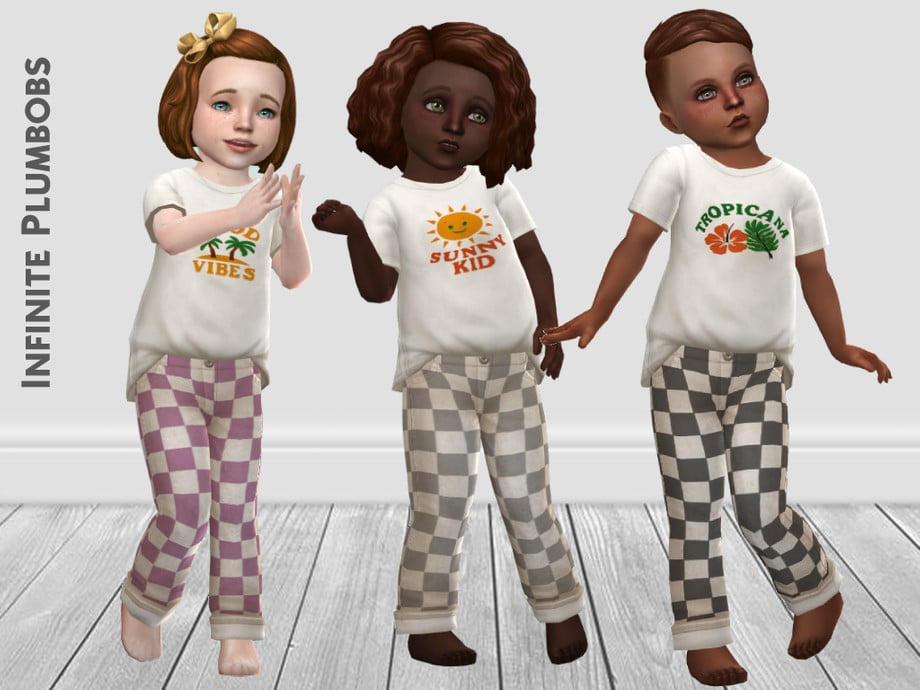
Toddler Spring Check Trousers by InfinitePlumbobs are toddler pants that come in 6 different pastel swatches. These are base game compatible and can be worn by boys or girls.
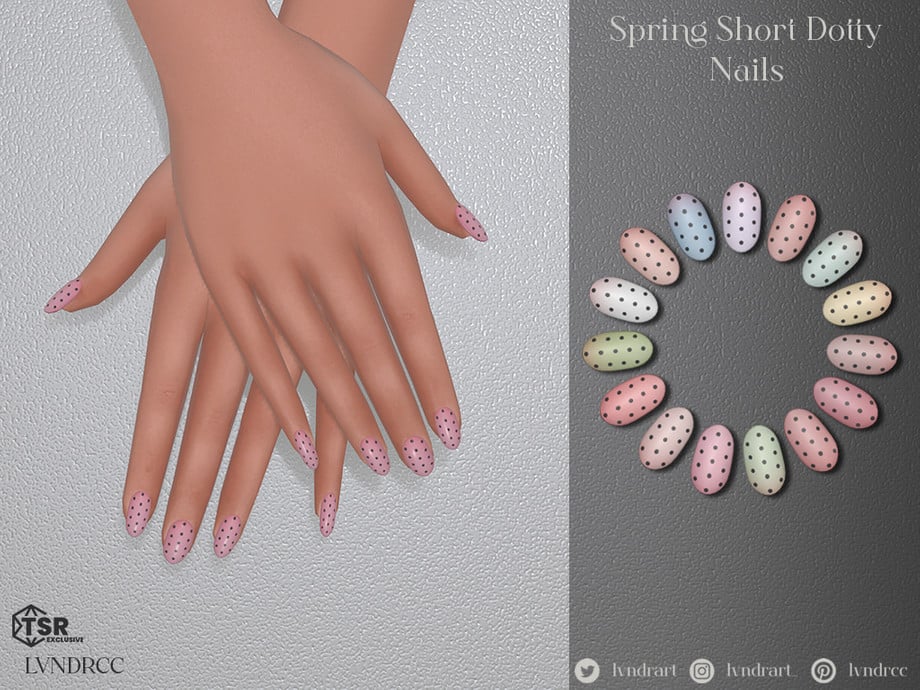
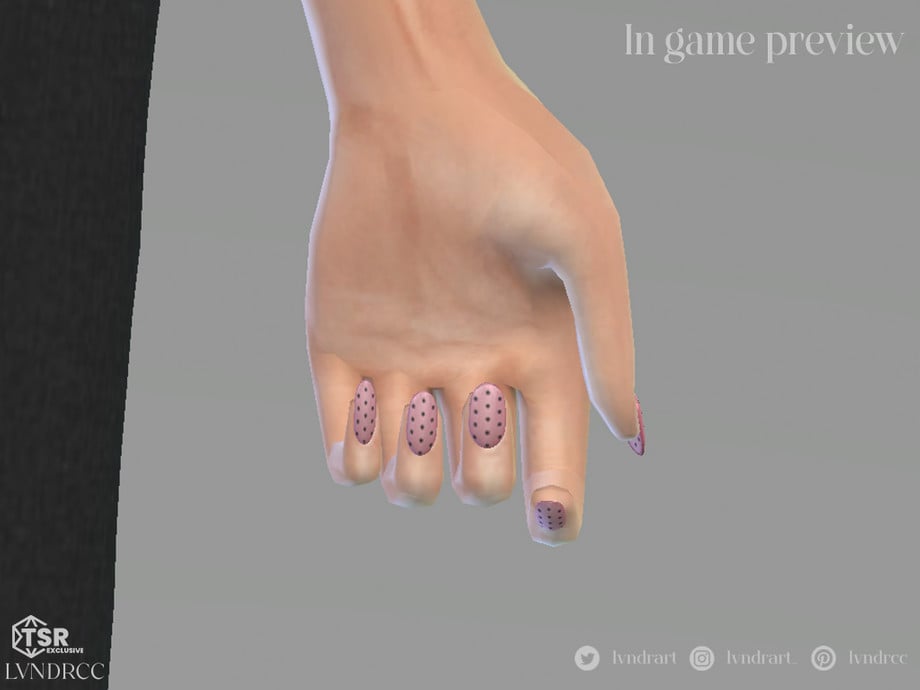
New season, new nails! Spring Short Dotty Nails by LVNDRCC are the sweetest short nails you can find for your Sims! They come in an array of pastel and neutral swatches that are best suited for Spring.
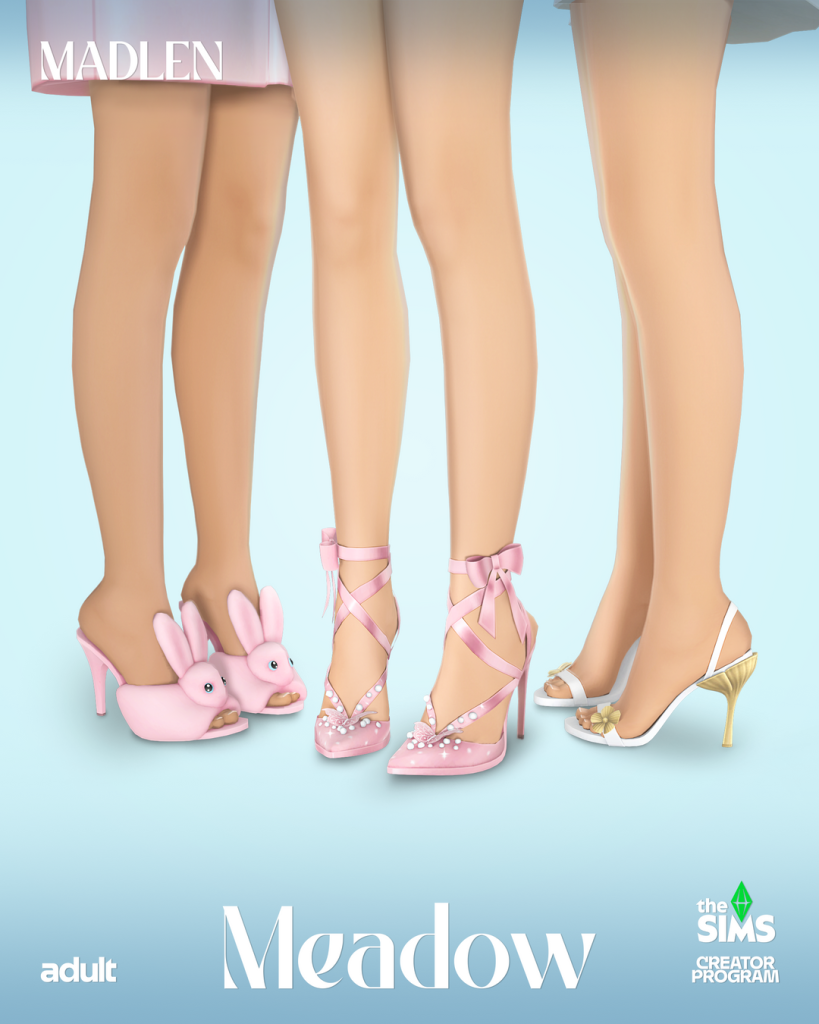
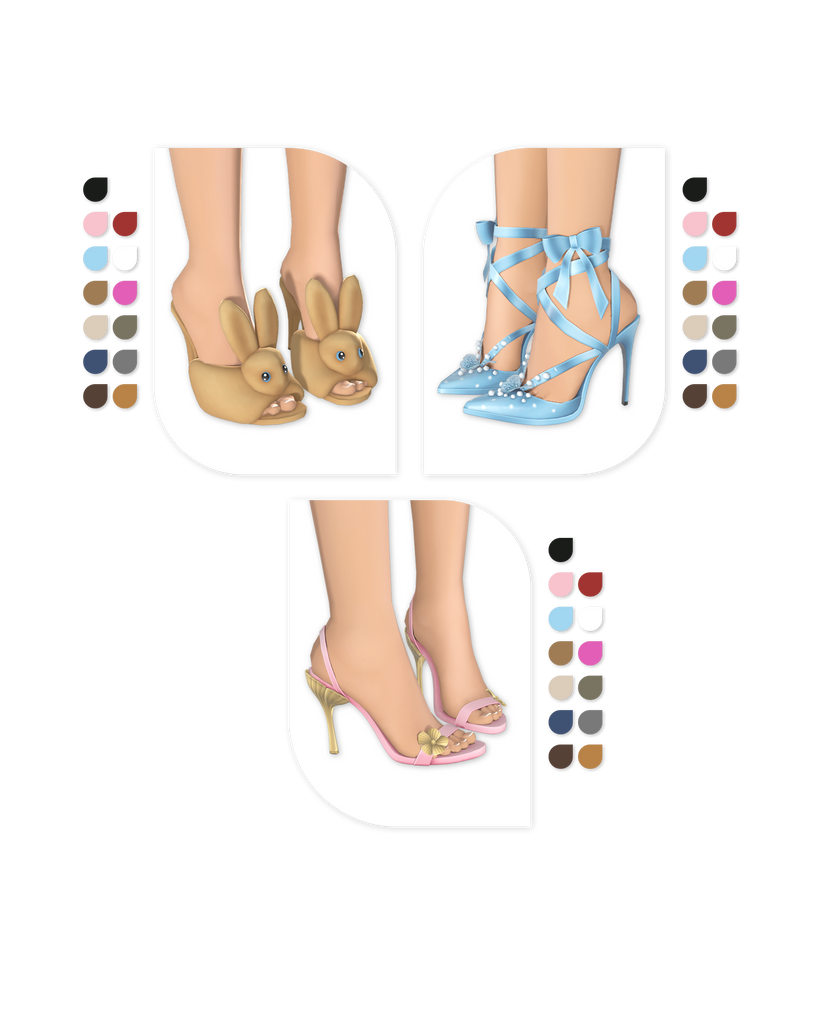
Every Spring outfit is going to need the perfect pair of shoes to complete it. Madlen has created “Meadow” , a shoe set consisting of 3 different types of heels. Cute little bunny heels, ribbon heels with butterflies, and dainty heels with flowers. This CC pack is a must!
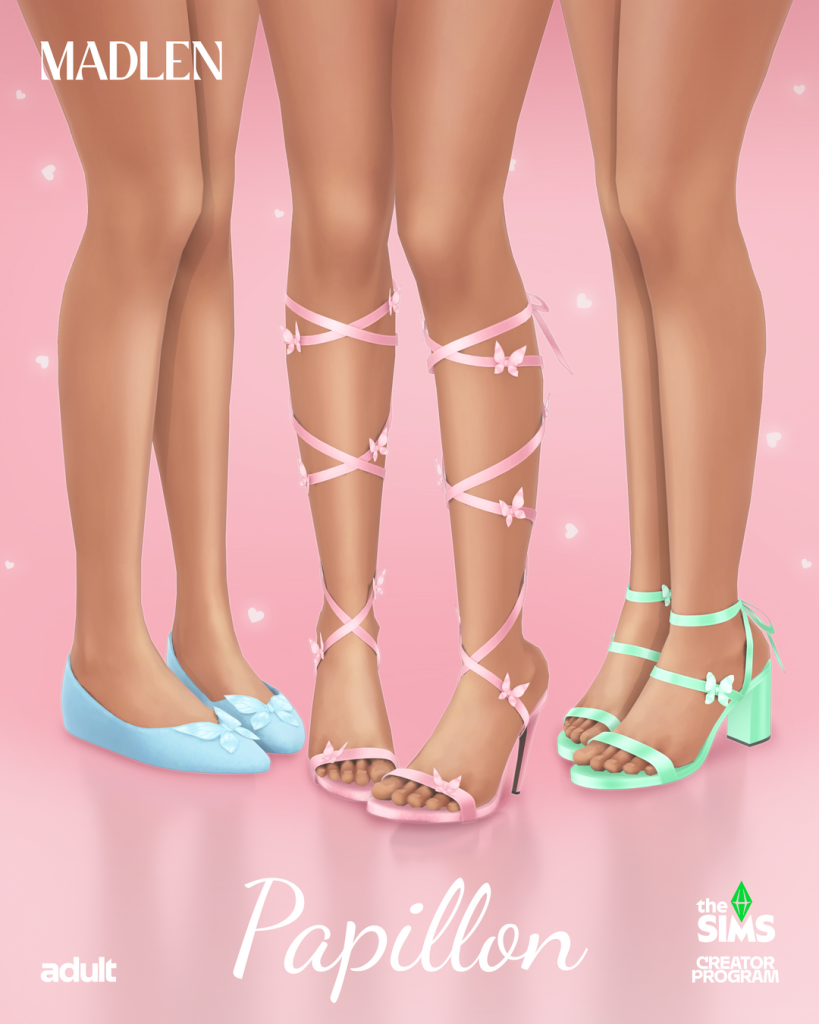
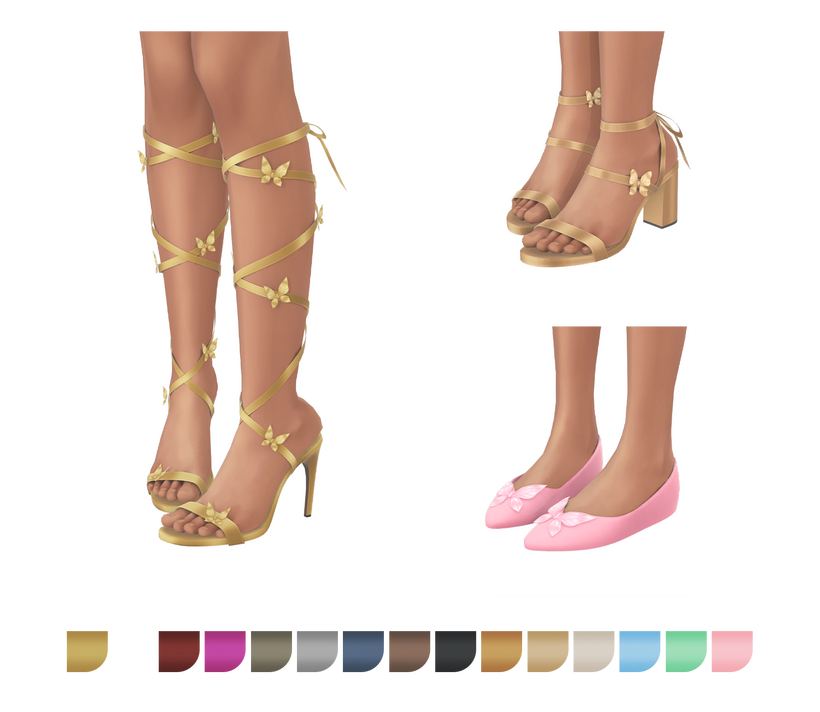
Madlen has also created Papillion Set, 2 heels and a pair of the loveliest flats! One pair of heels has ribbons that go up the calves adorned with butterflies, a shorter pair of ankle heels with a butterfly, and the flats have a large butterfly on top of each shoe.
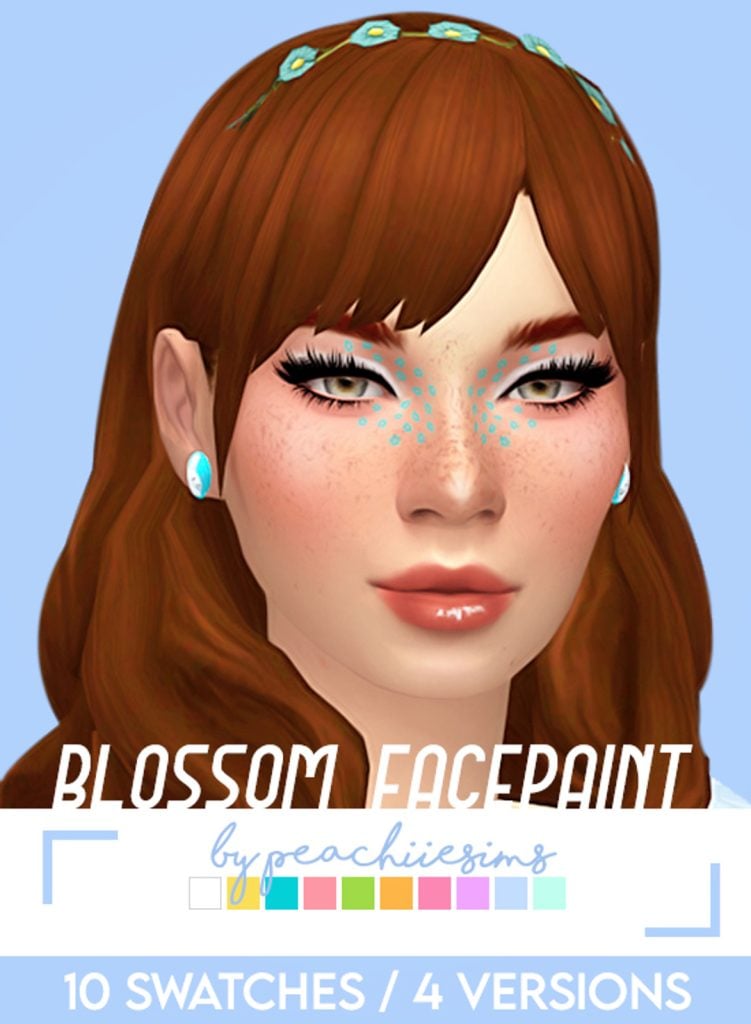
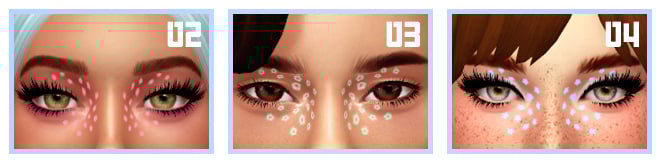
Blossom Face Paint by peachiiesims will have your Sim standing out this Spring! There are 4 different versions of this face paint with 10 swatches each. Little flowers go across your Sims face in the cutest way and is available in bright or pastel colors.
Spring outfits need Spring accessories! Dew Garlance – Necklace by Vivian Dang is absolutely stunning! This tight fitting necklace features gorgeous flowers with leaves and small pearls. Available in 16 colors, this necklace will go with just about any Spring outfit!
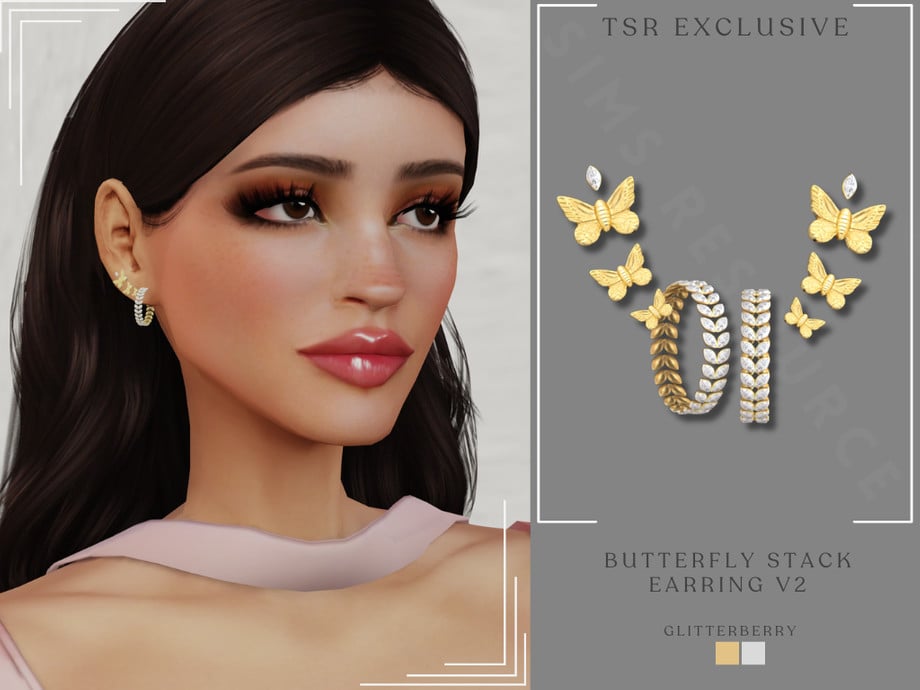
Butterfly Gold Stack Earring v2 by GlitterBerryFly
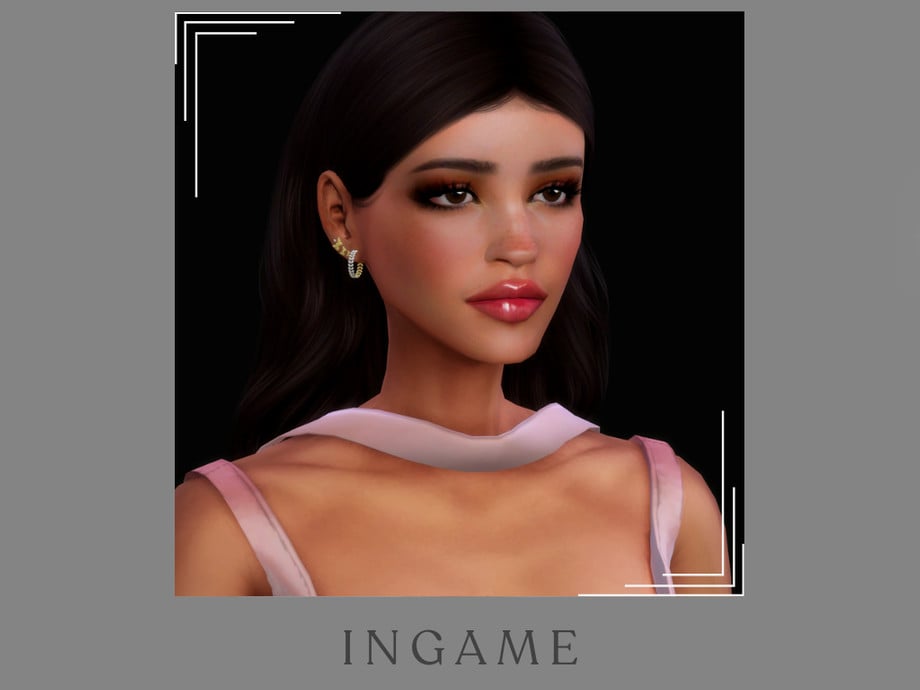
Butterfly Gold Stack Earring v2 by GlitterBerryFly features dainty butterflies and a small hoop at the base. This earring set is available in both gold and silver, and will be sure to have your Sim shining this Spring!
Spring is all about fresh starts, and updating your Sims’ wardrobes is a fun way to bring that seasonal feeling into your game. With these CAS CC picks, your Sim will be to enjoy the season in fresh, colorful looks! If you love these, check out our other great CC picks!
Rivals, Lineages, Allies, Lovers! The Sims 4 Royalty & Legacy Expansion Pack introduces several new Sims 4 premade Dynasties, many carrying generations of lore and tumultuous relationships with other families.
Table of Contents
The world of Ondarion is rife with drama-filled rumors and rivalry at the hands of the six new Dynasties: The Darong Family, The House of Thebe, The Abrantes Family, The Monty Family, The Alto Family, and The House of Capp. You may also notice that the infamous Goth and Landgraab households have become Dynasties, bringing the total to eight Sims 4 premade Dynasties! These families have beef that dates back years, and many of them have generational ties to The Sims universe.
The Darong Family Dynasty
“The Darongs are a philanthropic Dynasty who have worked tirelessly over generations to bring Dambele into a golden age of flourishing arts and wealth. Their family words are spoken throughout Dambele: Strength Through Union.”
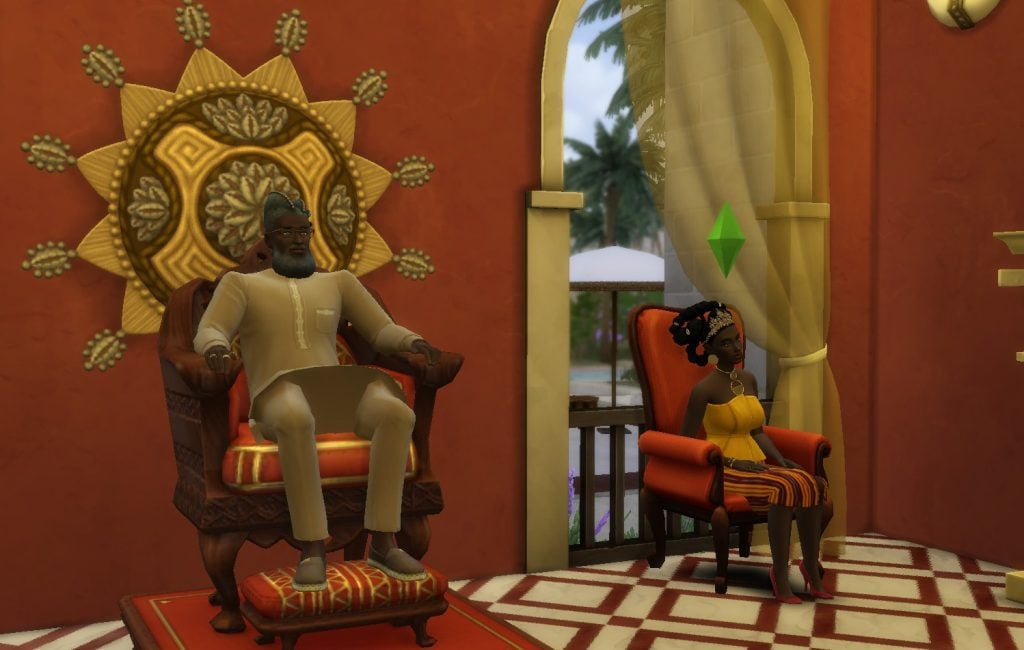
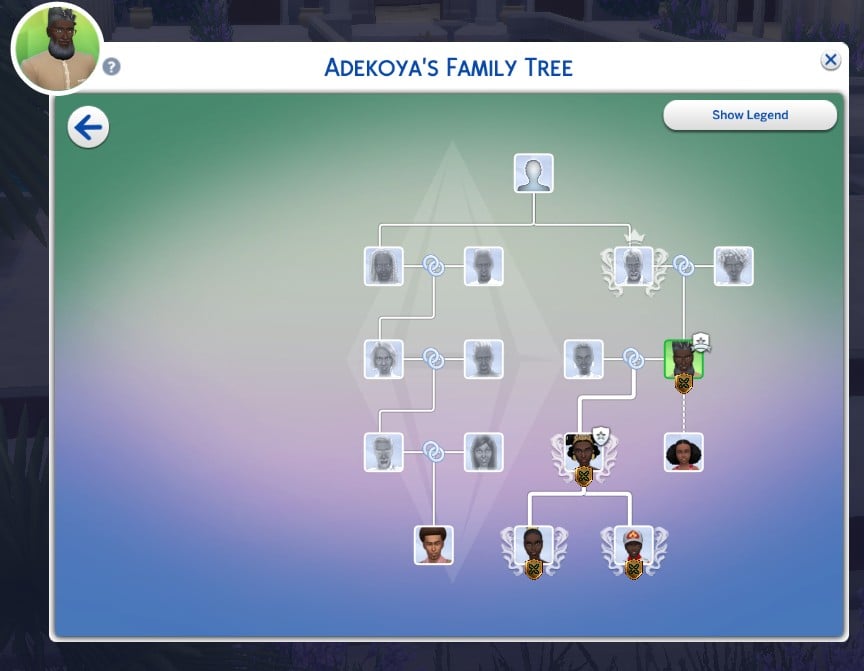
The diplomatic and creative Darong Family can be found in Dambele. This Dynasty includes five members: Adekoya Darong (Dynasty Head), Grand Duchess Jawara Darong (Dynasty Heir), Lady Amarachi Darong (Member), and Lord Obi Darong (Member). The Darongs prefer to focus their energy on Painting and Writing, and believe in the Caring, Artistic, and Scholarly Ideals.
The Darong Family Relationships
Adekoya Darong is the patriarch of the Darong Family. He is the father of Jawara and the grandfather of her children, Amarachi and Obi. Jawara is romantically involved with Akachi Onoja, a commoner introduced in The Sims 4 Royalty & Legacy.
As a family unit, the Darong Dynasty has no Allies or Rivals, but they do have a Secret. Adekoya has a Secret Child, Afua Ananou. Because he is not a present father to Afua, her maternal grandfather, Ekene Ananou is raising Afua. This tension has caused Ekene and Adekoya to become enemies.
It is also interesting to note that Dirk Dreamer is a distant relative of the Darong Family.
The House of Thebe Dynasty
“Strong as the tides, fierce as the sea, the Thebe are recognized by their family words: We Ride The Storm. This Dynasty is proud of their adventures and the treasures they’ve collected. Theirs is a mixed lineage which counts both princesses and pirates in their ancestry.”
Located in Verdemar, The House of Thebe is comprised of two members: Grand Duchess Cordelia Thebe V (Dynasty Head) and Grand Duke Thiago Abrantes (Dynasty Heir). Members of the Thebe Dynasty thrive in Mixology, Logic, and Swordsmanship, and strive to uphold the Nature-Loving, Jolly, and Bold Ideals.
The House of Thebe’s Relationships
In the Thebe family from The Sims 4 Royalty & Legacy, Cordelia and Thiago are married. Thiago is the son of Margavine Ermelinda Abrantes and the brother of Lady Sofia Abrantes. Unfortunately, a history of bad blood between Cordelia and the Abrantes women has caused Cordelia to become enemies with Ermelinda and Sofia. Despite the feuding ladies, The House of Thebe and The Abrantes Family remain allied.
Although Cordelia and Thiago seem to have the perfect marriage, Cordelia has begun a secret affair with Fia Acosta, the Royal Robber. How will this affect the Dynasty’s Prestige if people find out?
Descended from Queen Thebe and John Wilson Beard Beard, the Thebe family is distantly related to the one of The Sims 4 premade Dynasties, The House of Capp, and the Laurent family.
The Abrantes Family Dynasty
“The Abrantes have risen through the ranks to be known as the most refined Dynasty in Verdemar. But don’t be misled by appearances: they always know how to get what they want.”
This influential Dynasty located in Verdemar has two members: Margavine Ermilinda Abrantes (Dynasty Head) and Lady Sofia Abrantes (Dynasty Heir). The Abrantes Dynasty is known for its love of Mischief and desire to maintain the Connoisseur and Devious Ideals.
The Abrantes Family’s Relationships
Ermilinda is the mother of Sofia and Grand Duke Thiago Abrantes, who is married to Grand Duchess Cordelia Thebe V. This marriage has secured an alliance between two of The Sims 4 premade Dynasties, The House of Thebe and The Abrantes Family. The Abrantes Family is also allied with The Landgraab Dynasty.
The Monty Family Dynasty
“After generations of drama and conflict with the Capps, the Montys are ready to rise from the ashes and claim back their power.”
The famous family from The Sims 2 and The Sims 3 is finally back, thanks to The Sims 4 Royalty & Legacy Expansion Pack, in the form of a dramatic Dynasty. The Monty Family includes Juliette Monty, (Dynasty Head), Dante Monty (Dynasty Heir), and Romeo Monty (Member). This familial Dynasty enjoys Cooking and focuses on the Passionate and Hardworking Ideals.
The Monty Family’s Relationships
The star-crossed lovers, Juliette and Romeo, fled their feuding families and got married, starting a Dynasty of their own. Their son, Dante, is the heir to the Monty fortune and the family’s future. Juliette is the sister of Grand Duke Tybalt Capp. As Romeo and Juliette wed against their families’ wishes, they declared The House of Capp as their Rival. Consequently, Juliette is now the enemy of Tybalt and Consort Capp.
Despite the fighting between the families, cousins Dante and Lordem Celeste Capp from The Sims 4 Roylaty & Legacy have a strong bond and remain friends.
The Alto Family Dynasty
“Passionate, loving…and toxic. That’s the Alto trademark.”
Located in a Bellacorde penthouse, The Alto Family is made up of one member: Marques Enzo Alto (Dynasty Head). This Dynasty, spearheaded by a very eligible bachelor, enjoys building Charisma and strives to uphold the Connoisseur, Devious, and Passionate Ideals.
The Alto Family’s Relationships
The Alto Family is a longstanding family in The Sims universe, first being introduced in The Sims 3. According to the lore, The Alto Family is Rivals with The Landgraab Dynasty due to a feud that started between Enzo’s Aunt Vita and Uncle Nick and the Landgraab family over the Altos’ shady business practices.
Enzo’s cousin, Holly Alto, can also be found wandering in The Sims 4 universe, especially in the Del Sol Valley world from The Sims 4 Get Famous Expansion Pack.
The Alto Family Dynasty has found an Ally in The House of Capp, although Lord Virgilio Capp does not like Enzo very much.
The House of Capp Dynasty
“Everyone in Bellacorde admires the Capps and their family words, Bound By Honor. Theirs is an illustrious Dynasty known by many as romantic, chivalrous and proud. Some would also describe them as vain, elitist and melodramatic.”
Located in Ondarion’s Bellacorde neighborhood, you’ll find the iconic House of Capp, a family originally from The Sims 2. This Dynasty is made up of five members: Grand Duke Tybalt Capp (Dynasty Head), Lady Beatrice Capp (Dynasty Heir), Lordem Celeste Capp (Member), Consort Capp (Member), and Lord Virgilio Capp (Outcast). The Dynasty focuses on Piano and the Connoisseur, Diplomatic, and Artistic Ideals from The Sims 4 Royalty & Legacy.
The House of Capp’s Relationships
From The House of Capp, Tybalt is the father of Beatrice, Celeste, and Virgilio. Consort Capp is Tybalt’s grandfather and is a hauntingly playable Ghost Sim. Tybalt and Consort are enemies of Juliette Capp due to their familial strain. The House of Capp also has some internal struggles, as Tybalt and Virgilio are enemies.
The Capp Dynasty is allied with The Alto Family and Rivals with The Monty Family.
According to lore and their family trees from The Sims 4 Royalty & Legacy Expansion Pack, The House of Capp family is distant relatives with the Laurent and Thebe families through Queen Thebe and Eetion Thebe.
The Landgraab Dynasty
“The Landgraabs seem like the perfect family: wealthy, well-mannered, brilliant. Yet, under that polished surface, they hide internal conflicts and a cut-throat agenda.“
Originally from The Sims 2, the Landgraab family is now a Dynasty with the addition of The Sims 4 Royalty & Legacy. Residing in Oasis Springs, this intimidating Dynasty contains four members: Nancy Landgraab (Dynasty Head), Malcolm Landgraab (Dynasty Heir), Geoffry Landgraab (Member), and Johnny Zest (Outcast). The members of this Dynasty enjoy Mischief and Charisma and strive towards the Devious and Connoisseur Ideals.
The Landgraab Dynasty’s Relationsips
Of the Landgraab estate, Nancy and Geoffry are married with two sons, Malcolm and Johnny. Malcolm is the perfect child, while Johnny has followed his dreams of entertainment, becoming an Outcast along the way.
Due to ages of disagreements, the Landgraab Dynasty has declared The Alto Family a Rival. Oppositely, the Landgraabs adore The Abrantes Family and have formed an alliance with them.
The Goth Dynasty
“The Goths are an aristocratic family with a dreary aura and more than one skeleton in the closet. Perhaps it is their familiarity with death that fuels their deep passion?”
The Goth Family is a classic family from The Sims, with deep roots in each iteration of The Sims universe. This Dynasty, found in Willow Creek, is comprised of four members: Mortimer, Cassandra, Bella, and Alexander Goth. The family likes to focus on Writing and Charisma while upholding the Mysterious and Passionate Ideals.
The Goth Dynasty’s Relationships
Of The Sims 4 premade Dynasties, this family does not have any default Rivals or Allies.
Has your Sim interacted with any of The Sims 4 premade Dynasties from The Sims 4 Royalty & Legacy Expansion Pack? What do you think of these pre-existing relationships? Let us know your thoughts in the comments below!
Unlocking the jungle and hidden areas in The Sims 4 Jungle Adventure.
Ready to explore the wilds of Selvadorada? Join our Sim Helen Lemons and unlock the mysteries in the jungle in The Sims 4 Jungle Adventure. From secret pathways to treasure-filled chests, this jungle is full of surprises, literally. Watch out for scorpions, jaguars, and other jungle dangers lurking around!
The Sims 4 Jungle Adventure Guide: Unlocking The Jungle
Book a Vacation to Selvadorada and Visit the Local Marketplace
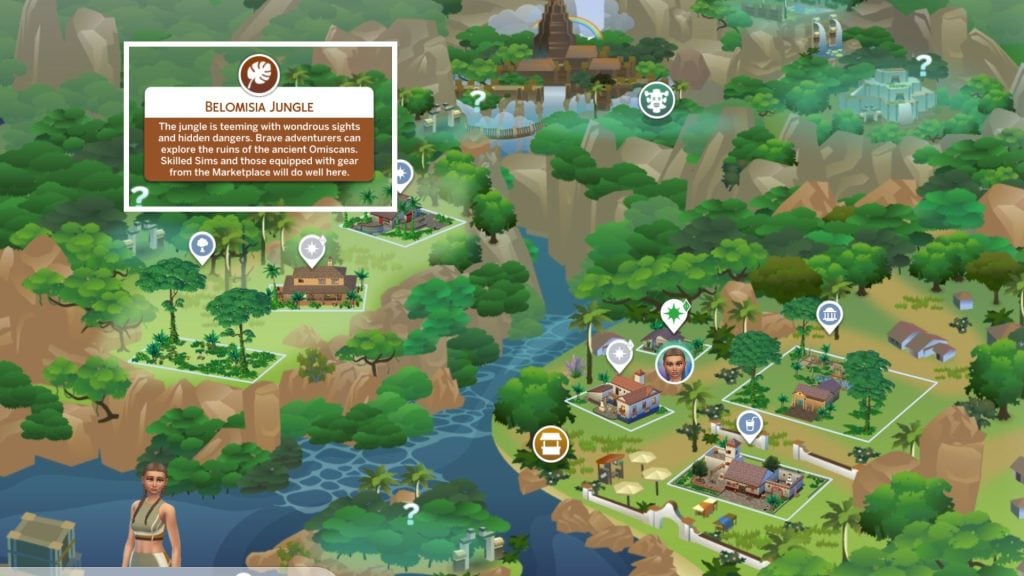
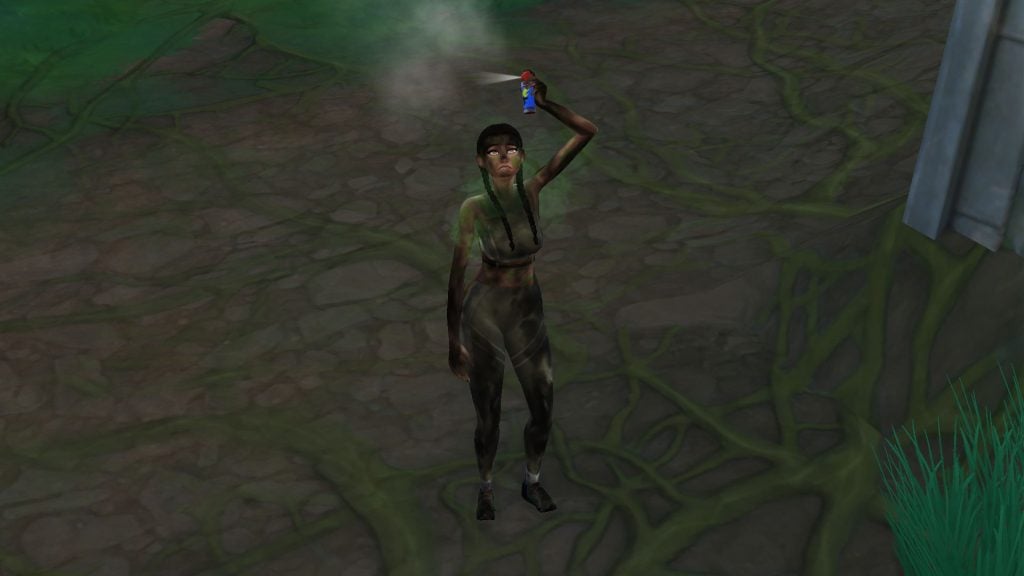
First things first, before heading into the jungle some adventure gear is needed. Like tents, insect repellent, food, and other useful supplies can be found at the local market in the neighbourhood called Puerto Llamante Marketplace.
Entering the Jungle
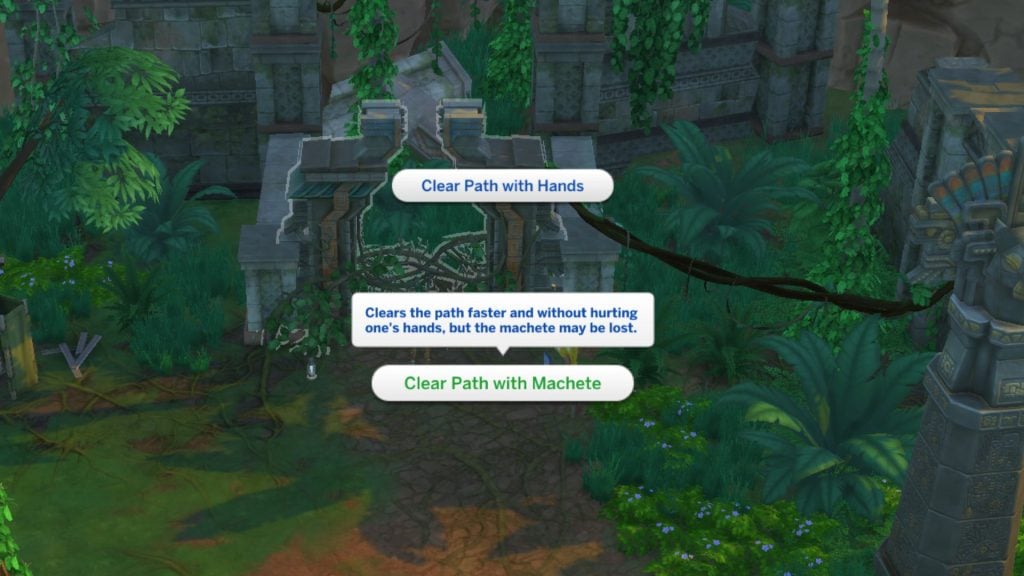
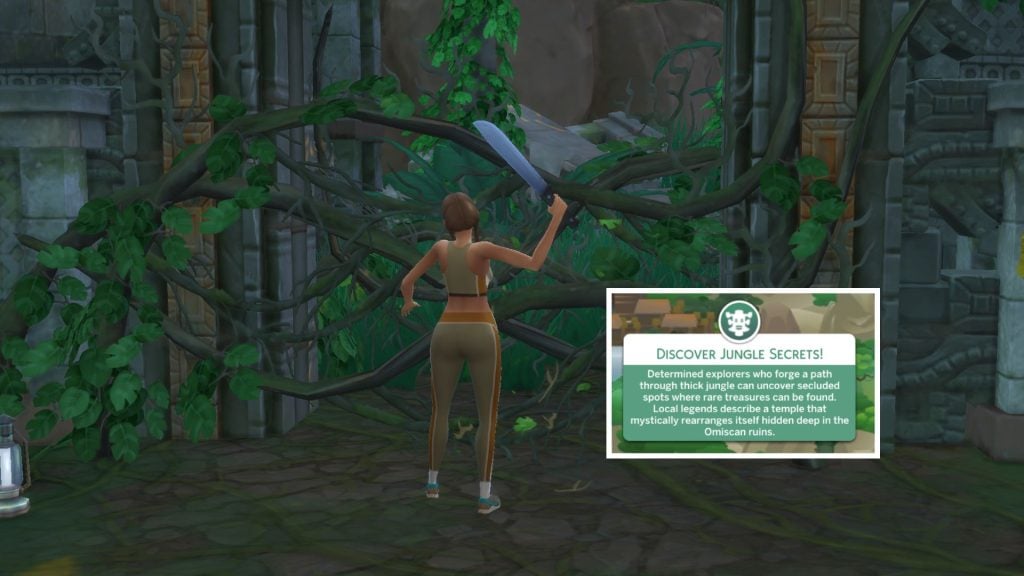
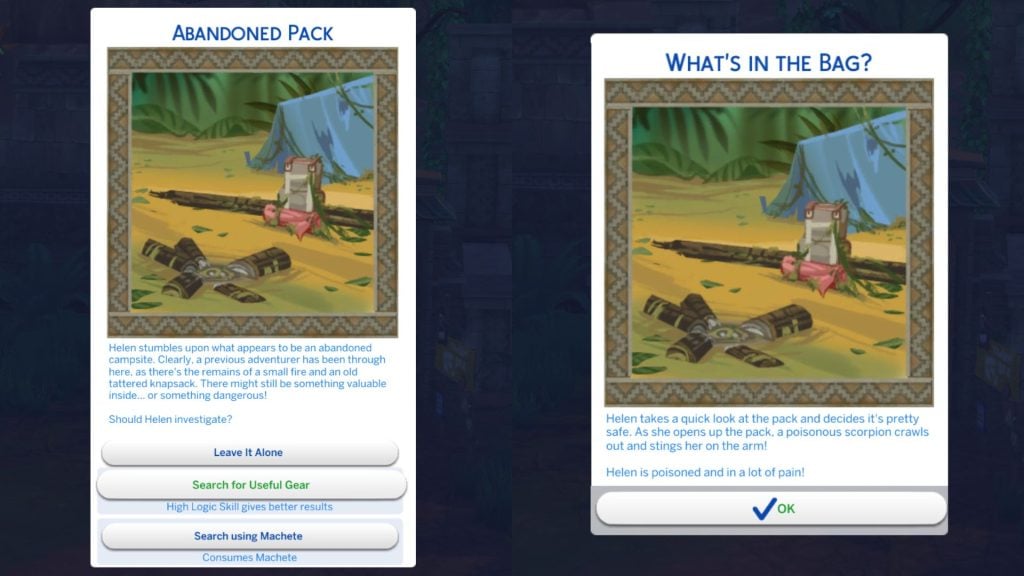
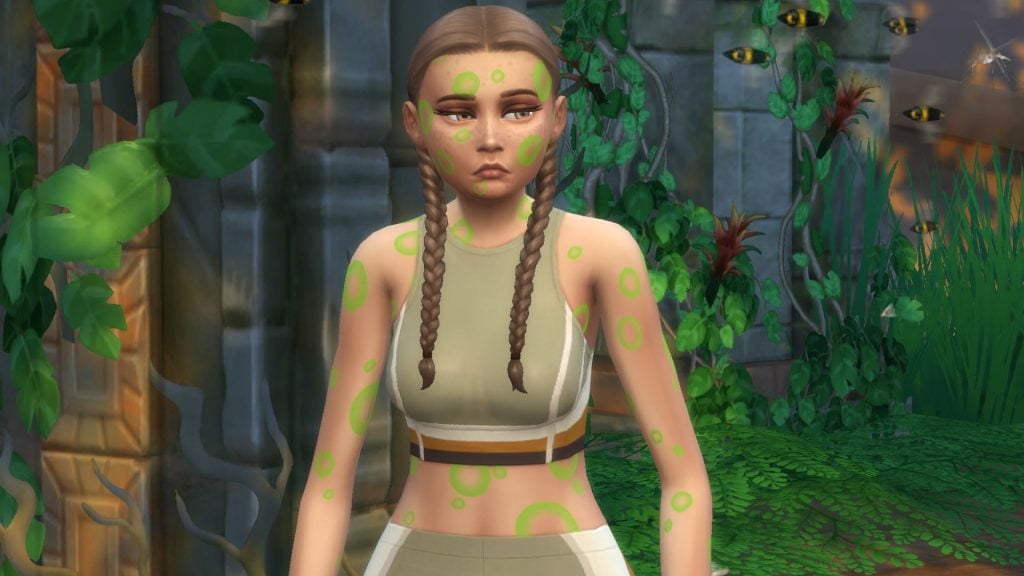
Our first stop is in the neighbourhood to the left, called Belomisia Jungle. The Logic skill would’ve been helpful when entering the first gateway… if we had any. Instead Helen ended up getting poisoned by a scorpion. Every time you pass through a gateway, different quests like these are popping up, making every exploration a little unpredictable.
Unlocking the Jungle: First Area
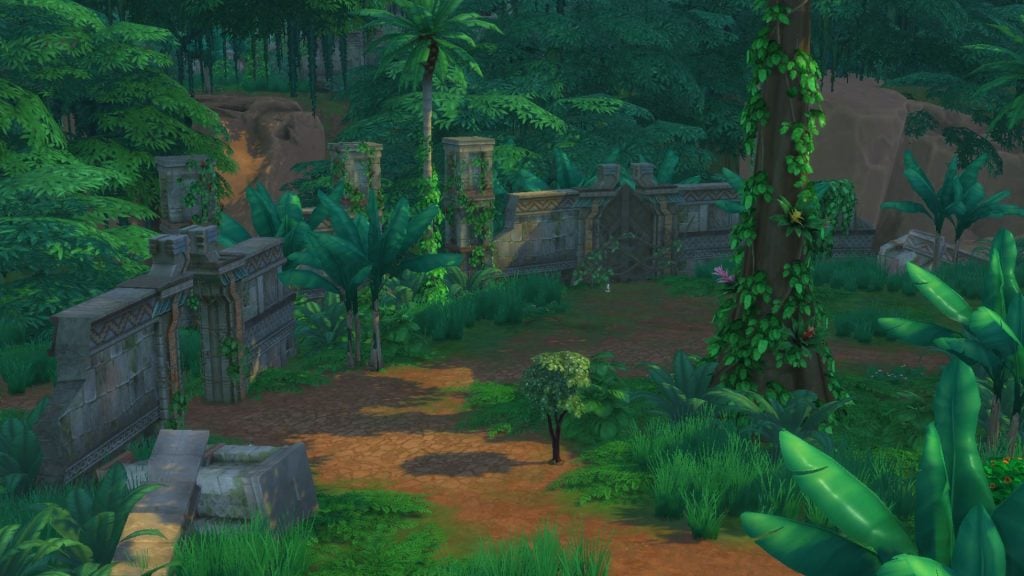
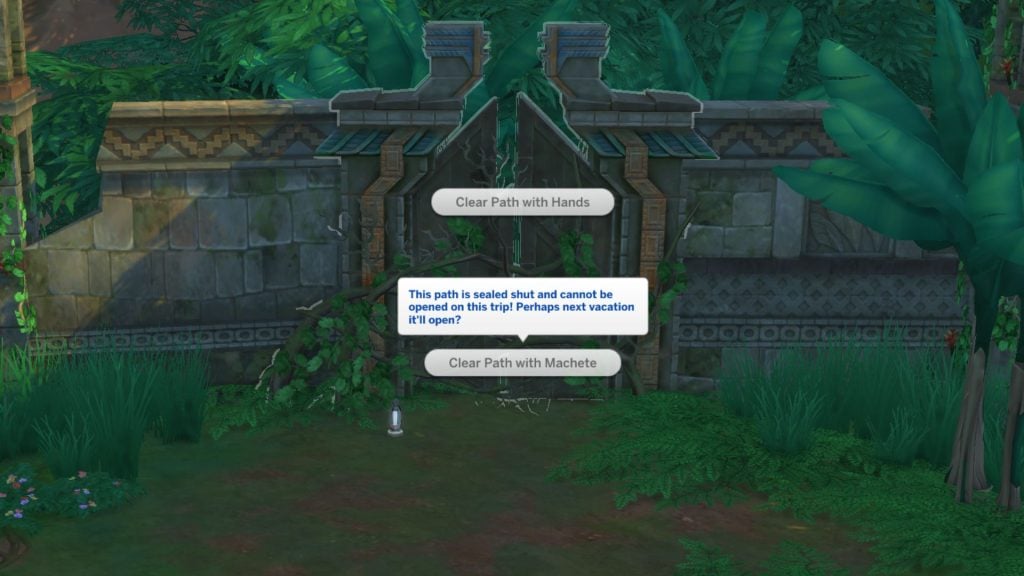
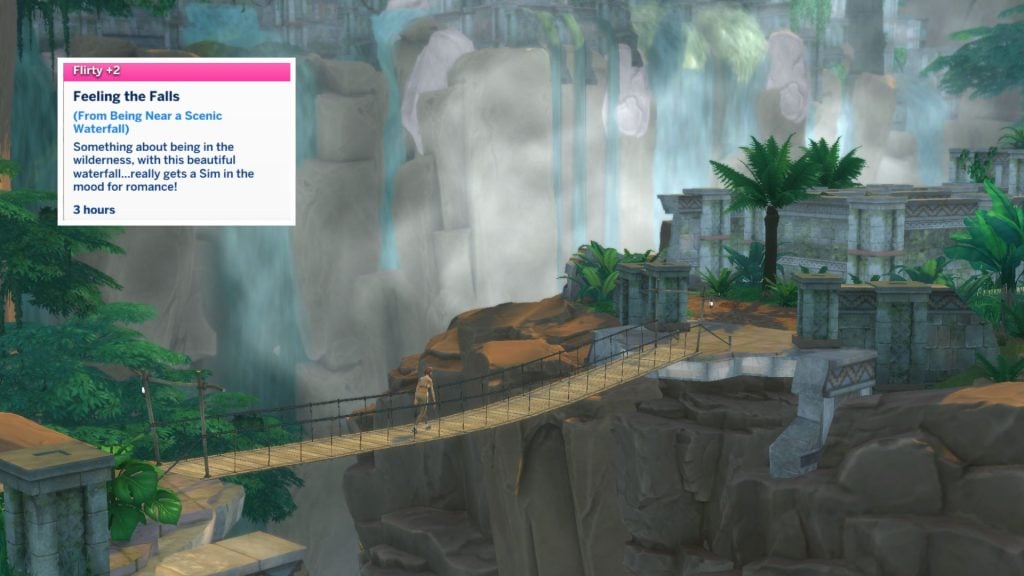
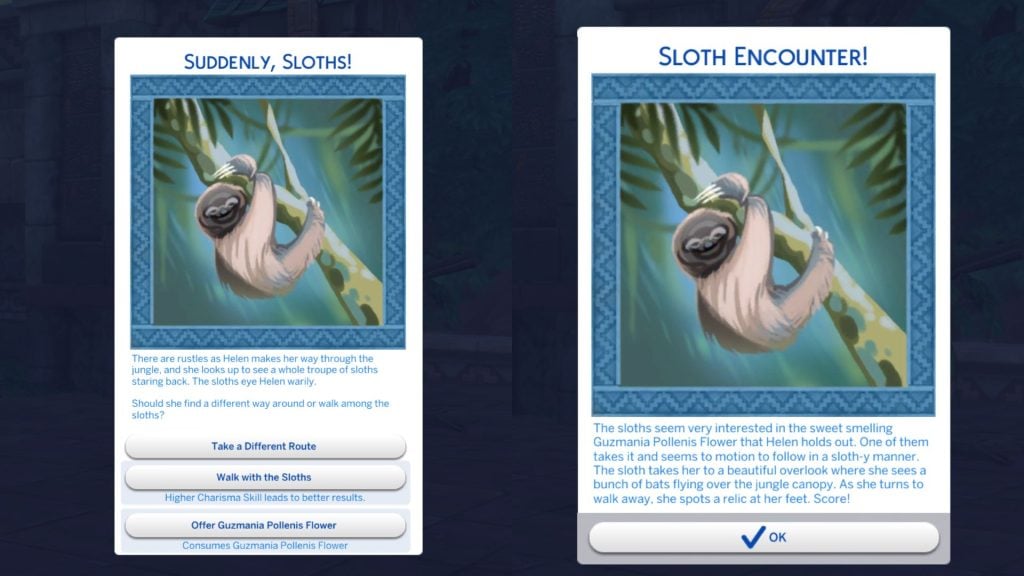
On the other side two new gateways appear, one that is locked, and another one that is located on the other side of the canyon. The locked gateway may be open on our next vacation to Selvadorada, hopefully. Our Sim Helen crosses the bridge toward the ruin area and enters the gateway. This time Charisma skill could’ve have helped in this situation, but there was also an option to offer a Guzmania Pollenis Flower that Helen bought at the stall market earlier, which helped to pass trough the sloths safely.
Locked Gate
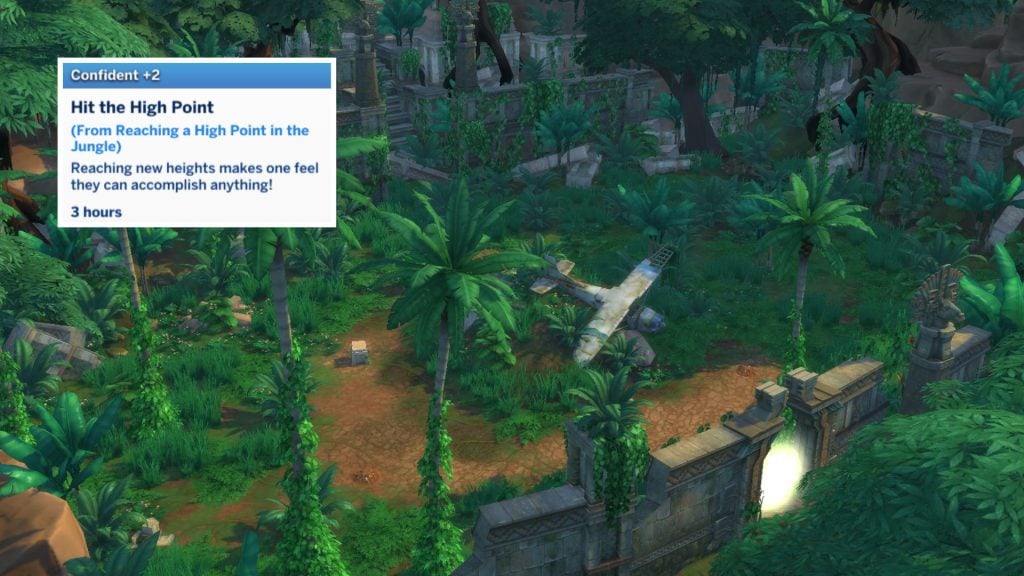
Unlocking the jungle isn’t as easy as it seems. During Helen’s fifth trip to Selvadorada, the second gateway finally unlocks. You enter a new hidden area where you’ll find an old plane that has crashed. Helen also got the moodlet “Hit the High Point” when entering this hidden area.
Unlocking the Jungle: Second Area
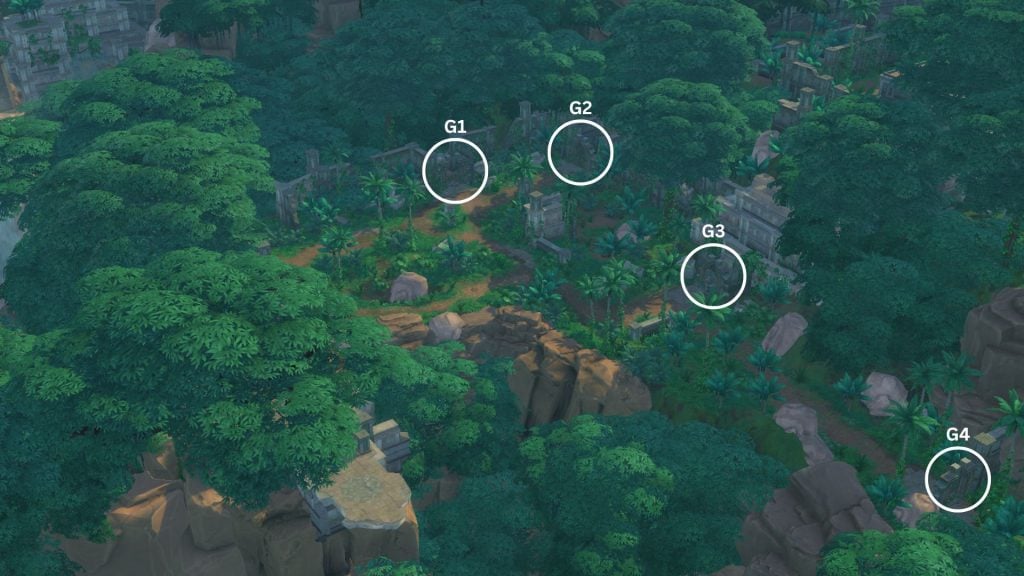
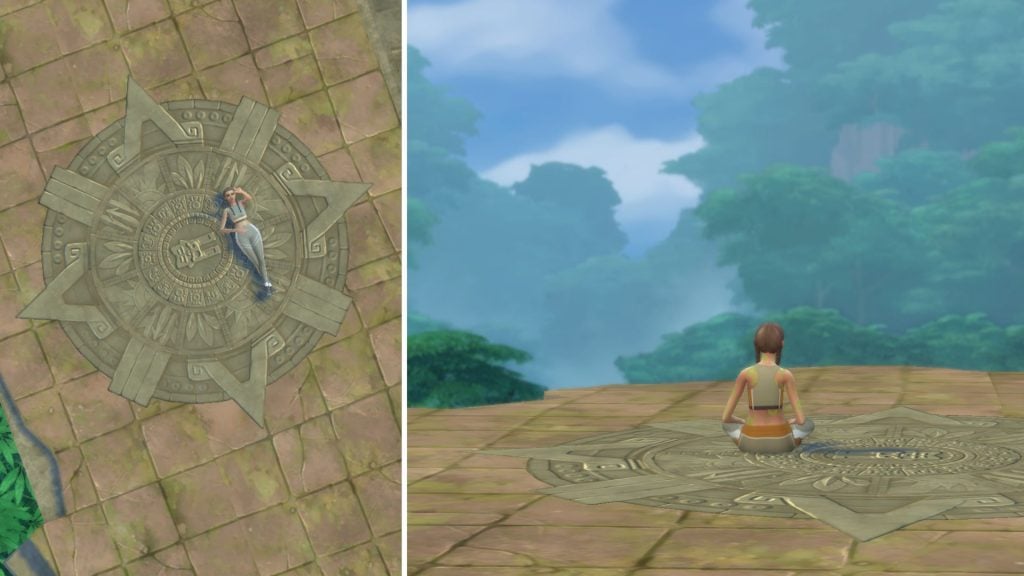
In the second area in the jungle you’ll find four different new gateways, and one beautiful viewpoint.
Gate 1 Omiscan Royal Baths
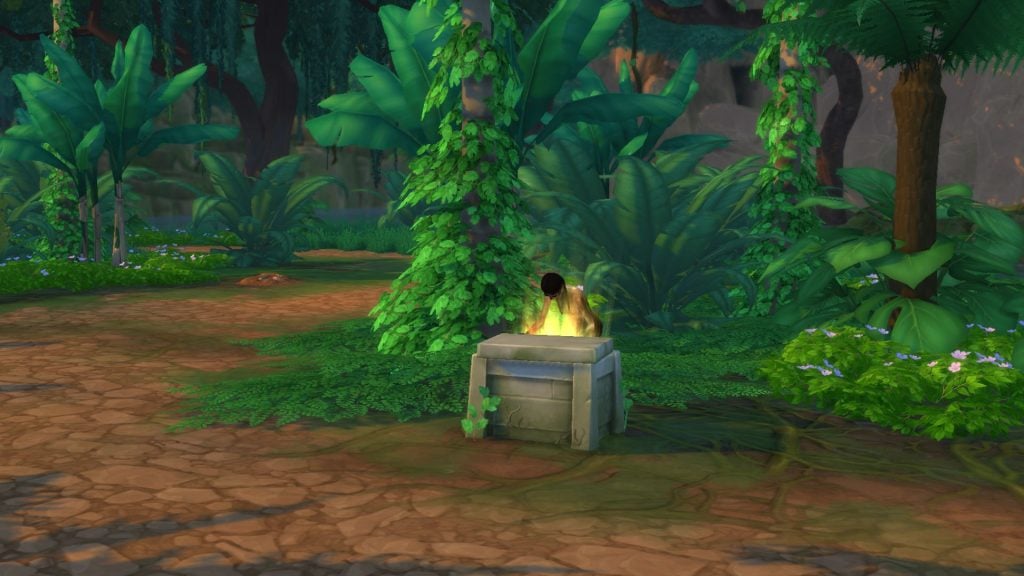
At the first gate another quest appears. Helen finds a mysterious pedestal with an option to take it, but decides not to. Despite leaving it alone, a totem becomes upset and tries to burn Helen. After this you can travel to Omiscan Royal Baths. From there, you can also travel from another gateway to a hidden area called Omiscan Gardens where you’ll find a treasure chest that holds relics, adventure gears, and artifacts.
Gate 2 Lagoon
Gateway two is sometimes locked as well, so you have to travel back an forth to Selvadorada until it is accessible. At this lagoon you’ll can find a fishing spot, treasure chest, and a dig site.
Gate 3 Omiscan Temple
Gateway three takes you to the temple.
Gate 4 Small Island
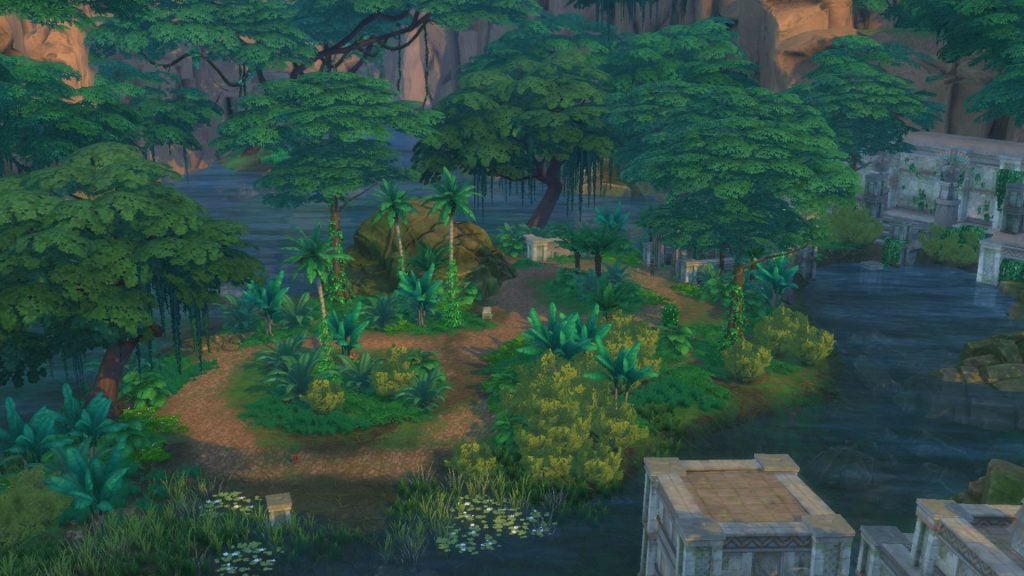
At the last gateway Helen stumbled on a jaguar and got terrified. At least we got through to the other side to a small island, and found a treasure chest which had an artifact and a few adventure gears in it. There is also a fishing spot where you can find unique fishes that can only be found here in Selvadorada.
The Omiscan Temple
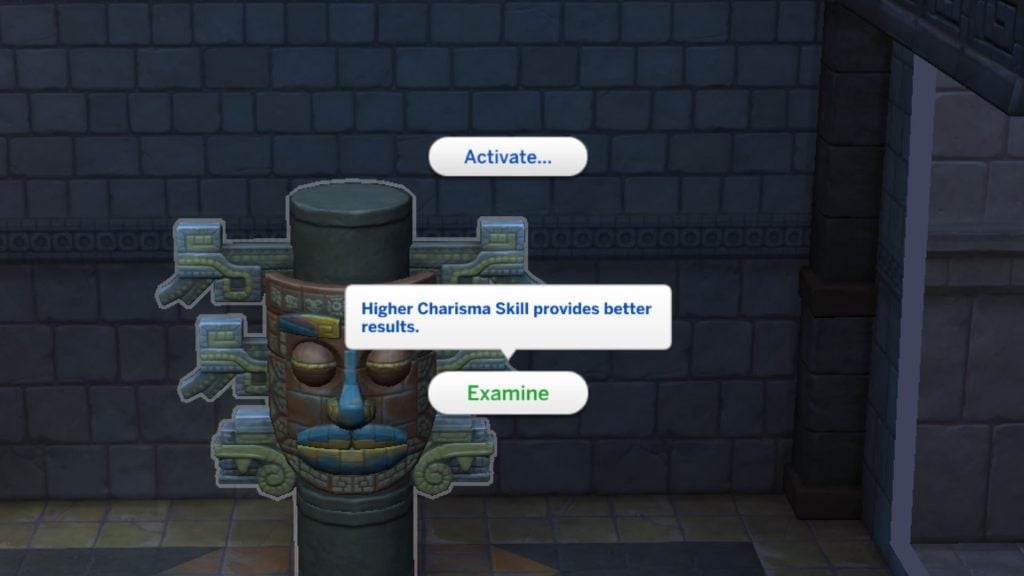
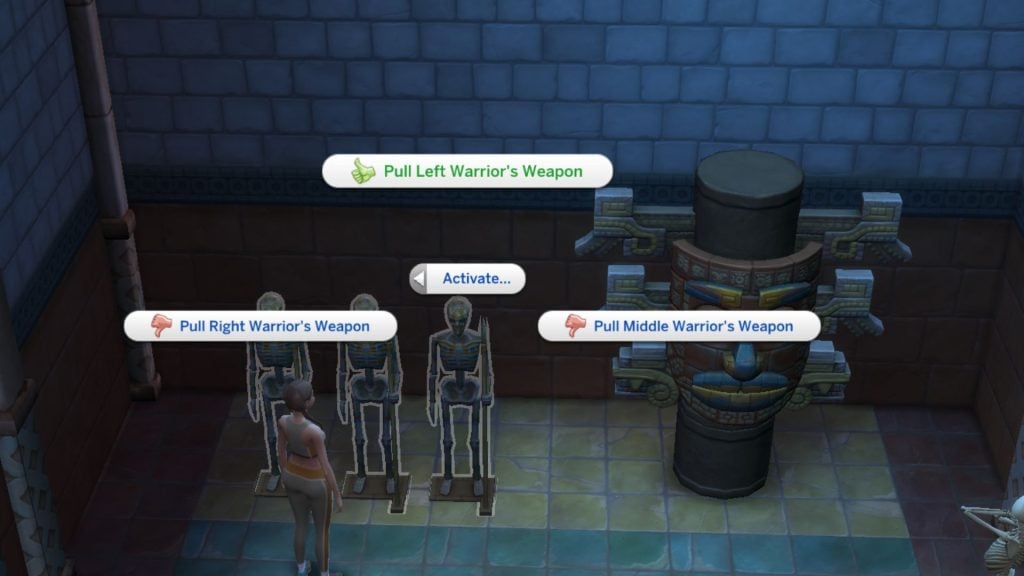
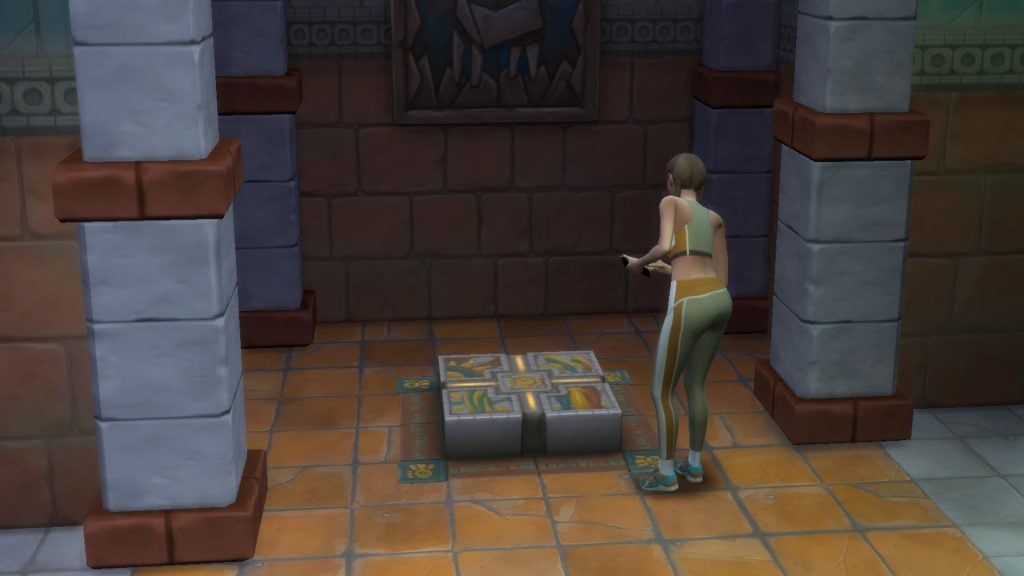
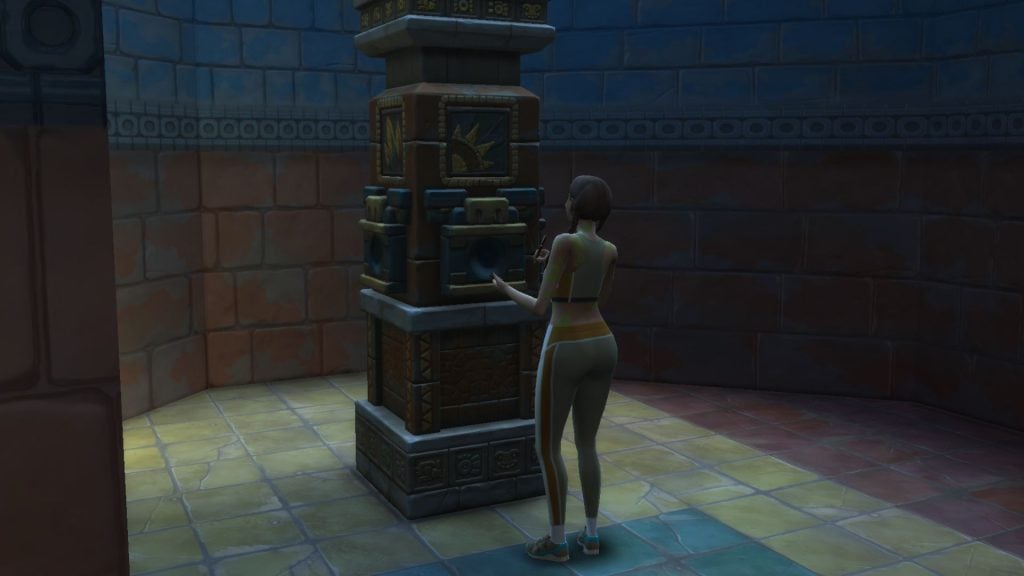
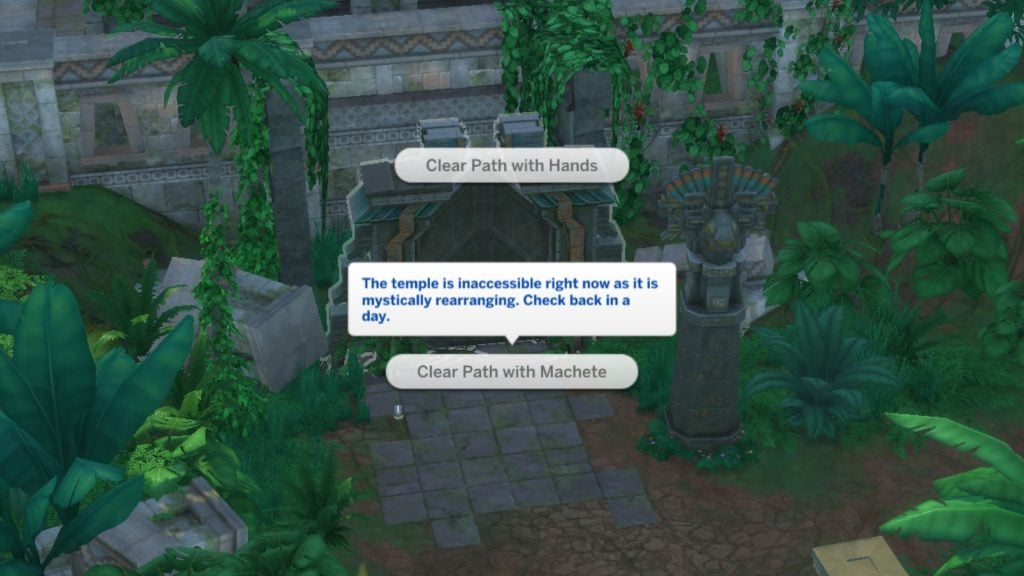
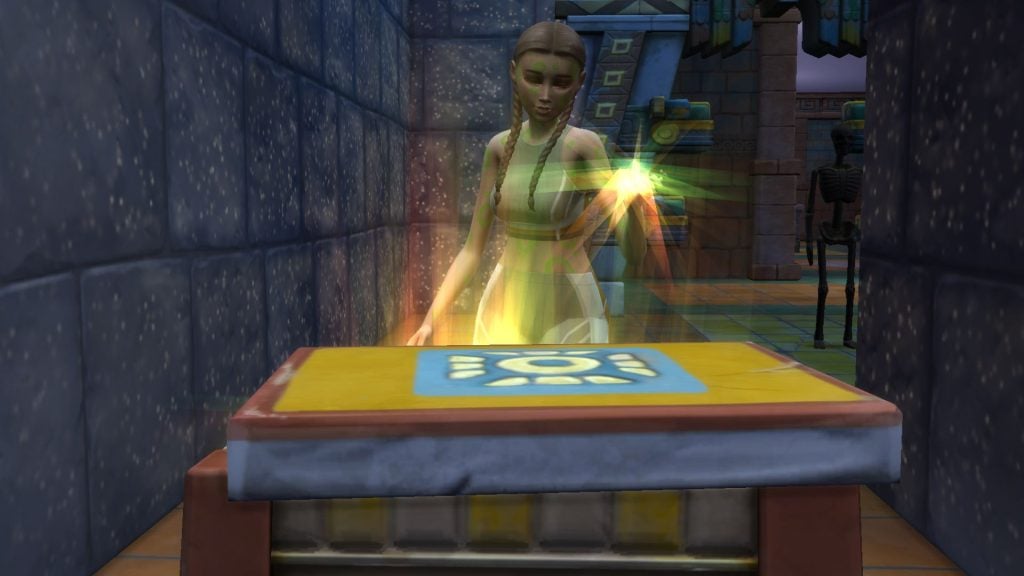
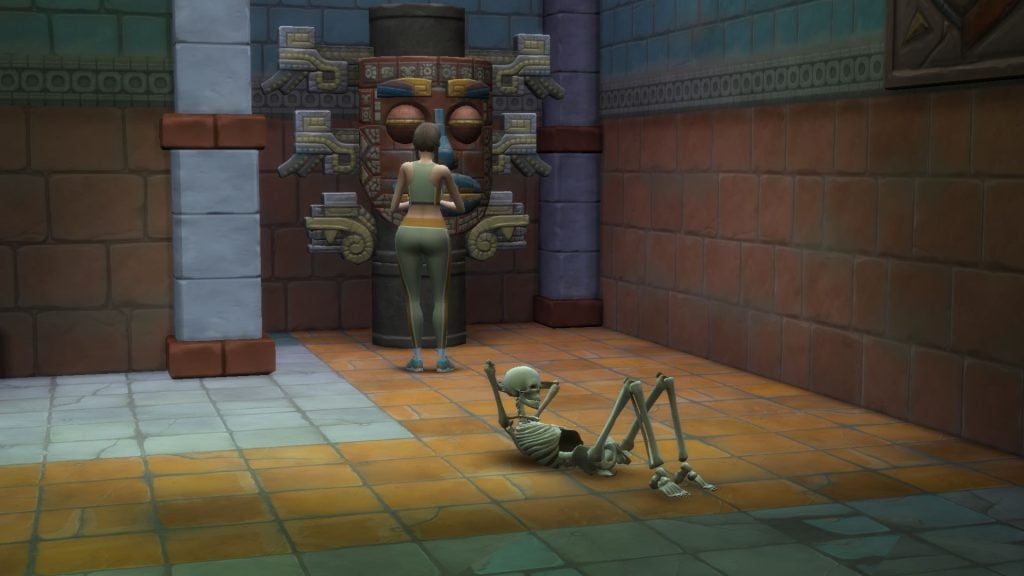
Inside the Omiscan Temple, there are statues that you can activate to open hidden paths and gates. A high Charisma, Archaeology skill, or even emotional berries helps identify the correct trigger to activate them. If you succeed with the examination the clues become clearer. The thumbs down options you should avoid clicking, while thumbs up shows the correct trigger. Other objects than statues can be examined in the temple, like skeletons and mechanisms on floor.
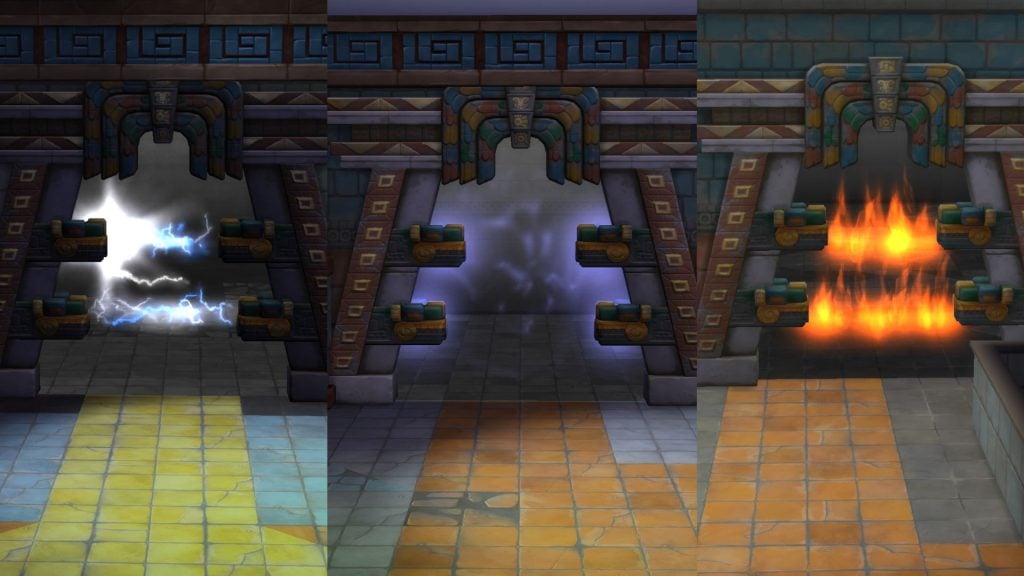
The gates are blocked with different elements, fire, poison, and electricity. You must active the statues to be able to unlock them and walk through. Don’t try to walk through as it can hurt your Sim, or even kill them.
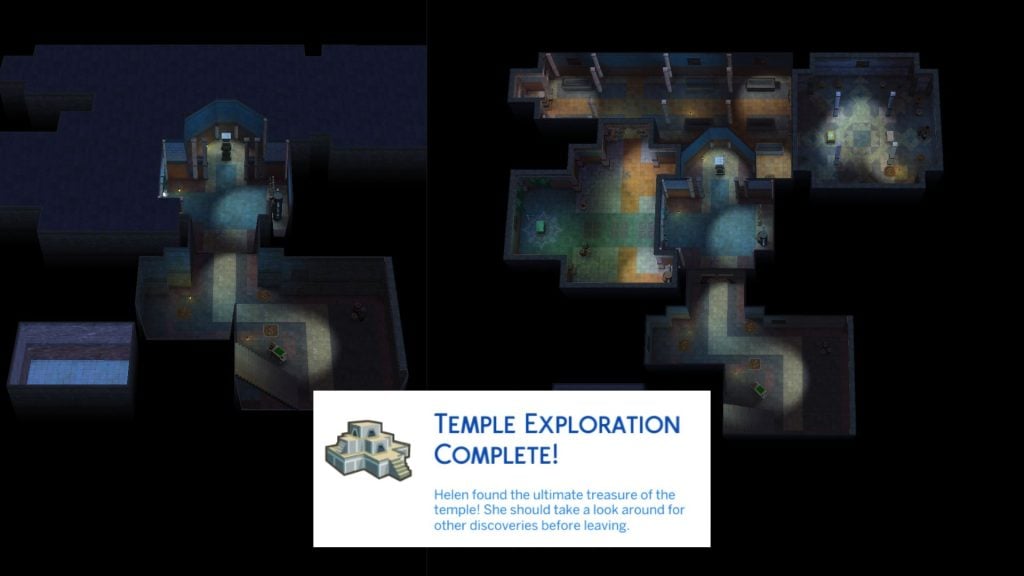
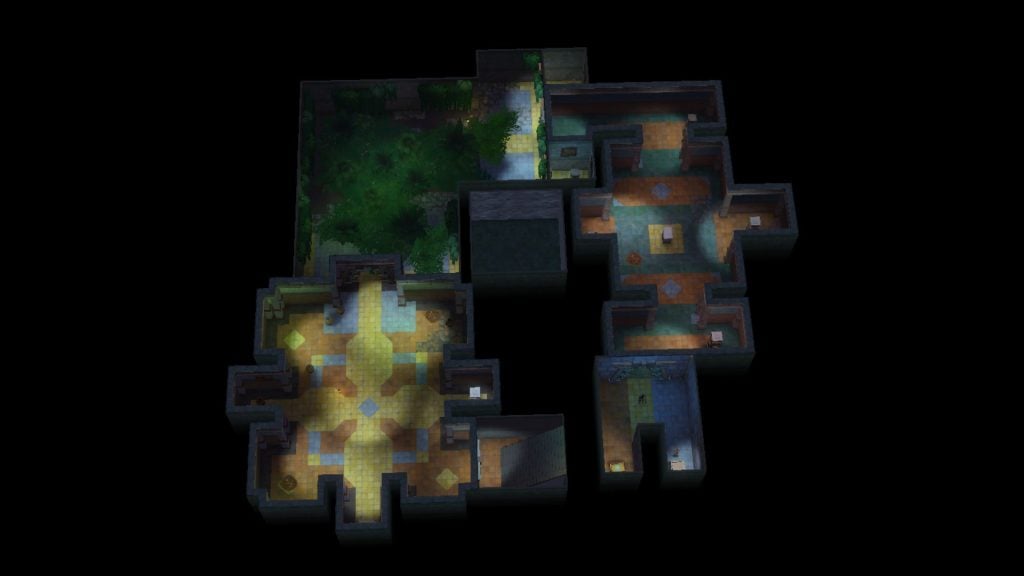
When you reach the end of the temple’s underground labyrinth you enter a room with two treasure chests. A message then pops up that the temple exploration is complete.
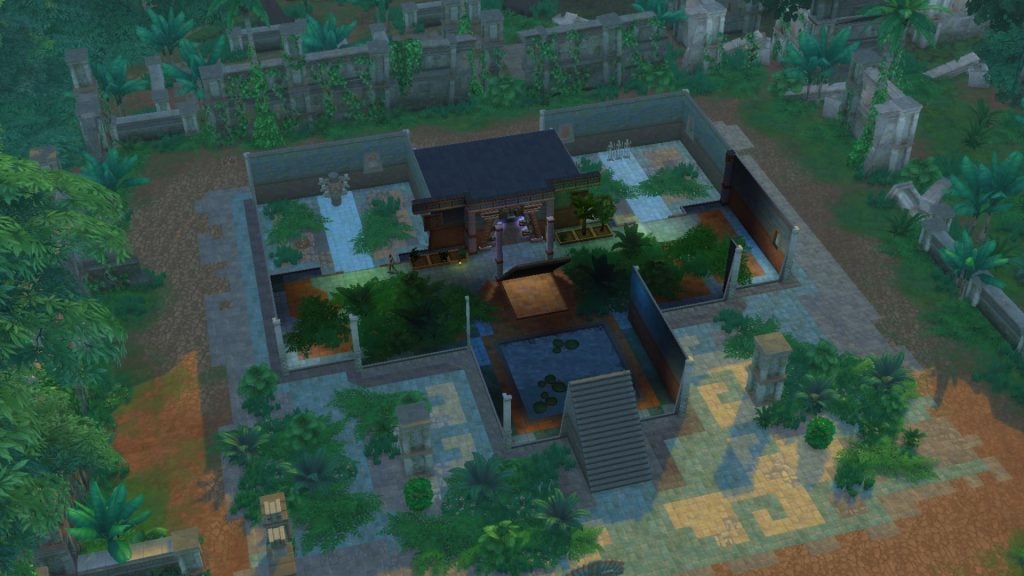
Something mysterious surrounds the temple. If Helen returns the next day, the ruins appear overgrown with plants and reveal new hidden gates to unlock and explore. Same as the other version, the underground temple leads to a final treasure chest which completes the exploration. There are five different temple versions you can explore. Read more about conquering the temple in the jungle.
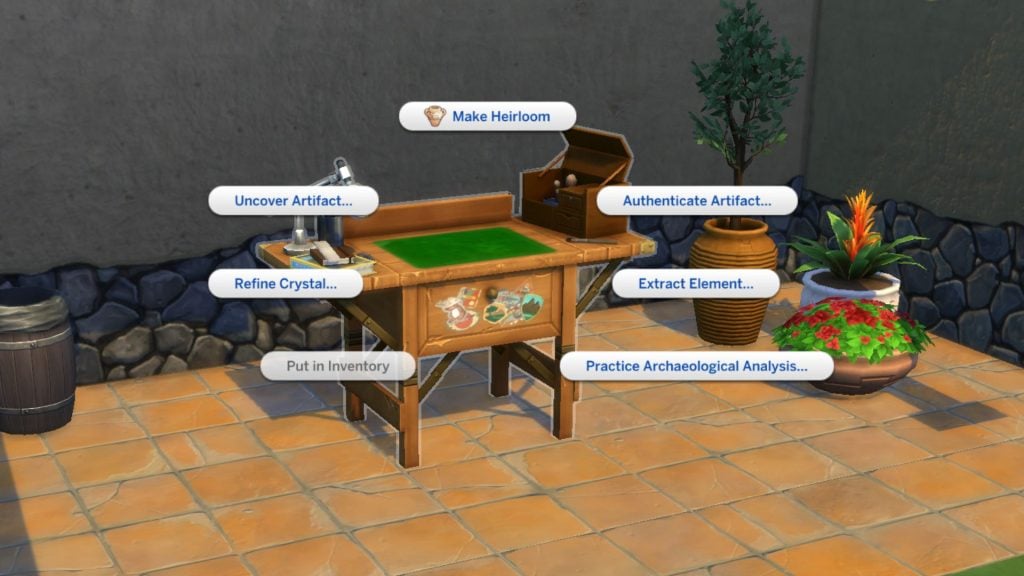
You can find artifacts and relics in chests or dig piles. If you use an archaeology table you can examine the artifacts and uncover rare relics.
Helen has faced plenty of challenges on these trips to Selvadorada while unlocking the jungle. From scorpion stings and swarming flies to angry totems trying to burn you into ashes… How did the jungle exploration go for your Sim? Any fun, or not so fun memories? Share your memories in the comments down below.
It has been over a month since The Sims 4 Royalty & Legacy expansion pack was released, and many players have already spent hours exploring its new systems and storytelling possibilities. If you’ve been playing a lot and feel like adding something fresh to your game, these Sims 4 Royalty & Legacy Mods might be exactly what you need to enhance your gameplay and expand the experience even further.
From large gameplay overhauls to smaller tweaks, the Sims 4 Royalty & Legacy Mods featured in this list expand many aspects of the new expansion. Some of them completely rethink how power works in the game, introducing new government systems ranging from monarchies to presidencies and even dictatorships. Others focus on the social life of the aristocracy, recreating the etiquette and high-society drama of the Regency era, complete with new aspirations, careers, traits, and storytelling possibilities inspired by historical settings and series like Bridgerton.
You will also find smaller mods that refine specific features of the pack, such as noble careers, swordsmanship skills, family trees, and several objects included in the expansion.
List of Mods
Sims 4 Royalty & Legacy Mods You Can’t Miss
Royalty Mod
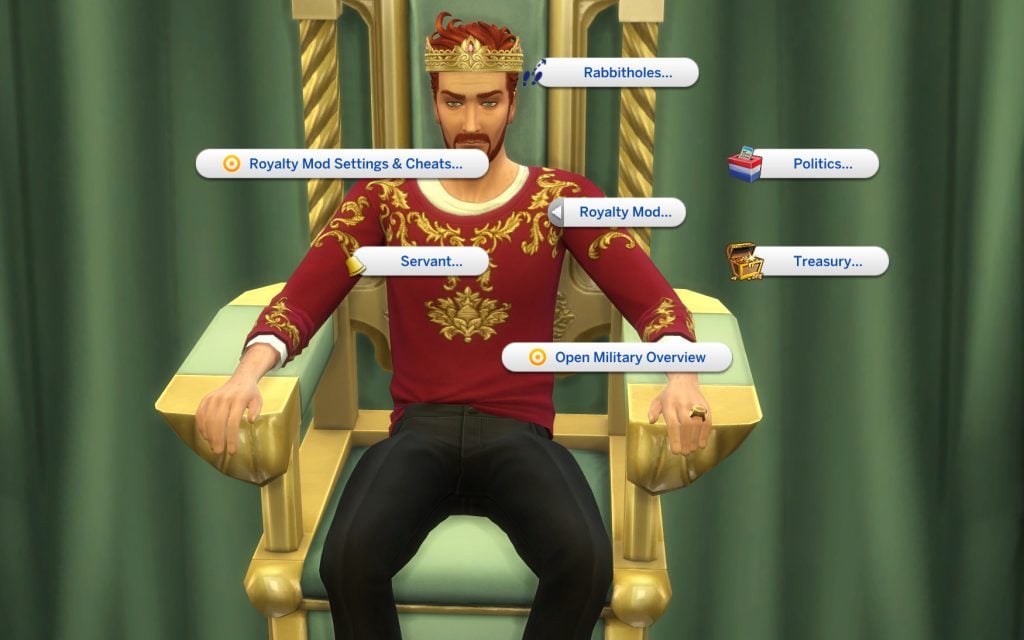
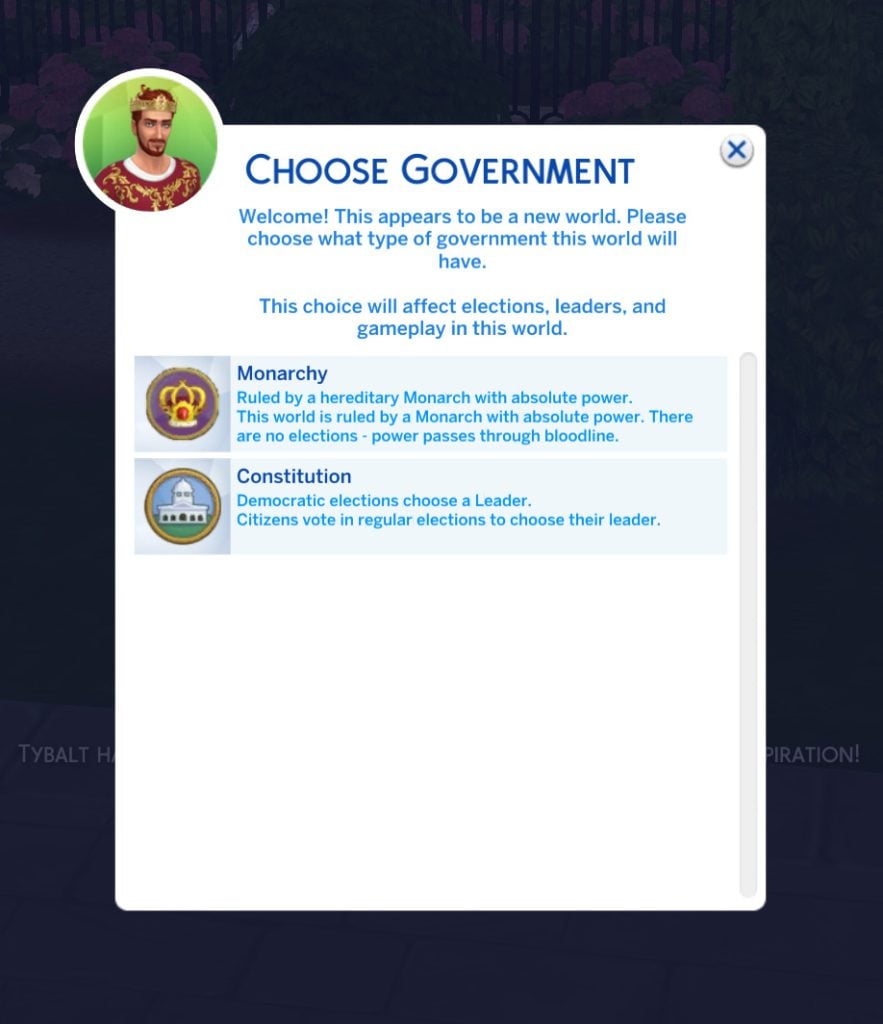
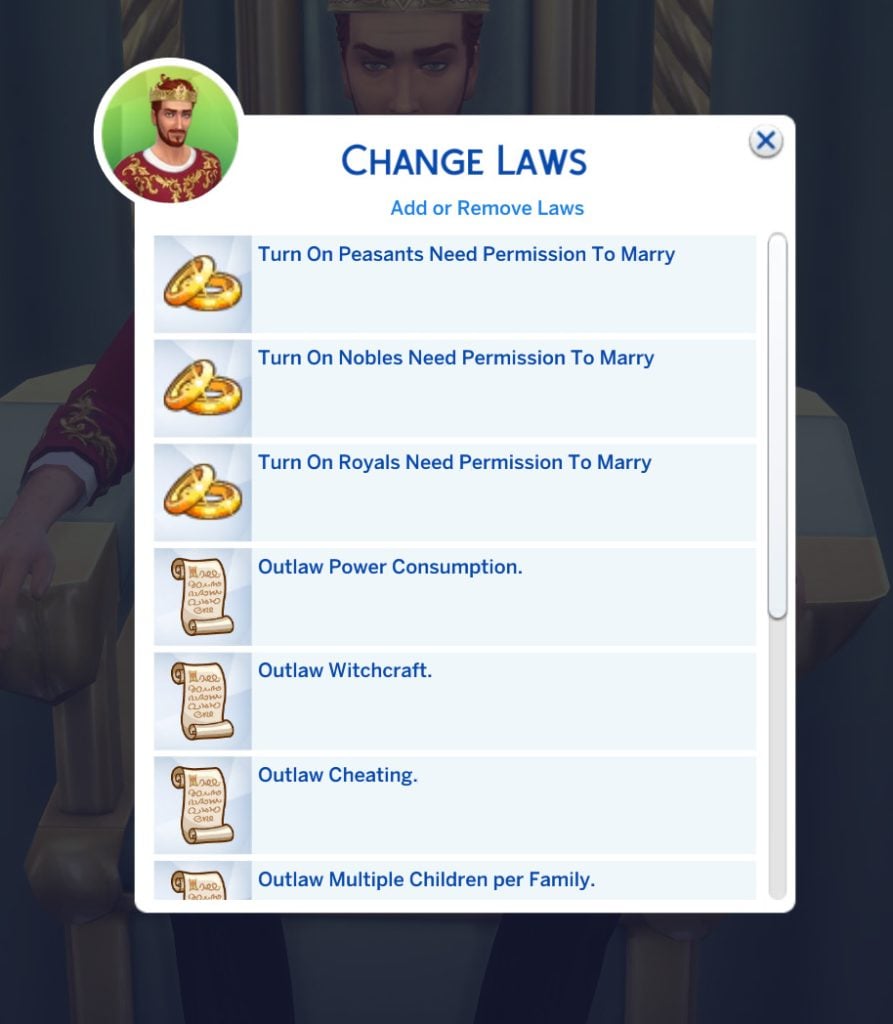
One of the most ambitious Sims 4 Royalty & Legacy Mods available right now is the Royalty Mod, a massive gameplay overhaul that introduces fully functional political systems into The Sims 4. With this mod installed, your Sims’ world can be ruled by different types of governments, from traditional monarchies to constitutional leadership — and even full dictatorships if a Sim manages to seize power. Players can organize elections, campaign for office, change laws through referendums, and manage their kingdom’s treasury while keeping order among their citizens.
Beyond politics, the mod also expands the royal fantasy that many players look for when playing Royalty & Legacy. Sims can hold noble titles such as Kings, Queens, Dukes, and Barons, build dynasties, appoint servants, knights, or advisors to their court, and host events like coronations, duels, royal weddings, or grand banquets. The system even includes public favor mechanics, meaning your actions as a ruler can influence how your citizens perceive your reign. Military service also plays an important role. Your Monarch can fund the creation of a new army, finance its training, and sponsor expeditions to strengthen the protection and influence of your kingdom.
From a gameplay perspective, this opens up many storytelling possibilities. You could run a stable constitutional kingdom where laws are voted every few weeks, create a dramatic royal family full of intrigue and succession struggles, or even roleplay a ruthless dictator controlling the population through surveillance and strict laws.
Important note: while the Royalty Mod works alongside The Sims 4: Royalty & Legacy, full integration with the expansion’s new dynasty systems is still in development. The creator has confirmed that a dedicated compatibility update will arrive after the pack’s systems are fully implemented.
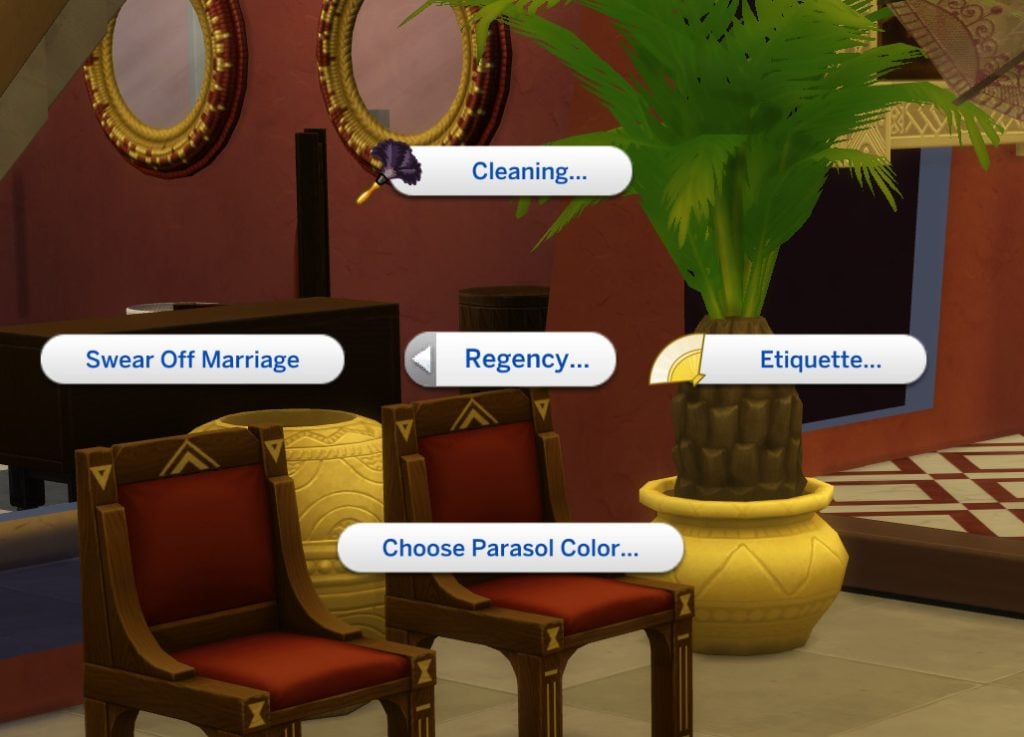
If you want to lean fully into the Bridgerton-style storytelling that Royalty & Legacy hints at, the Regency Romance Mod is one of the most immersive Sims 4 Royalty & Legacy Mods you can add to your game. Inspired by the social drama of the Regency era, this mod introduces a whole new layer of aristocratic life where reputation, etiquette, and scandal shape your Sims’ social standing.
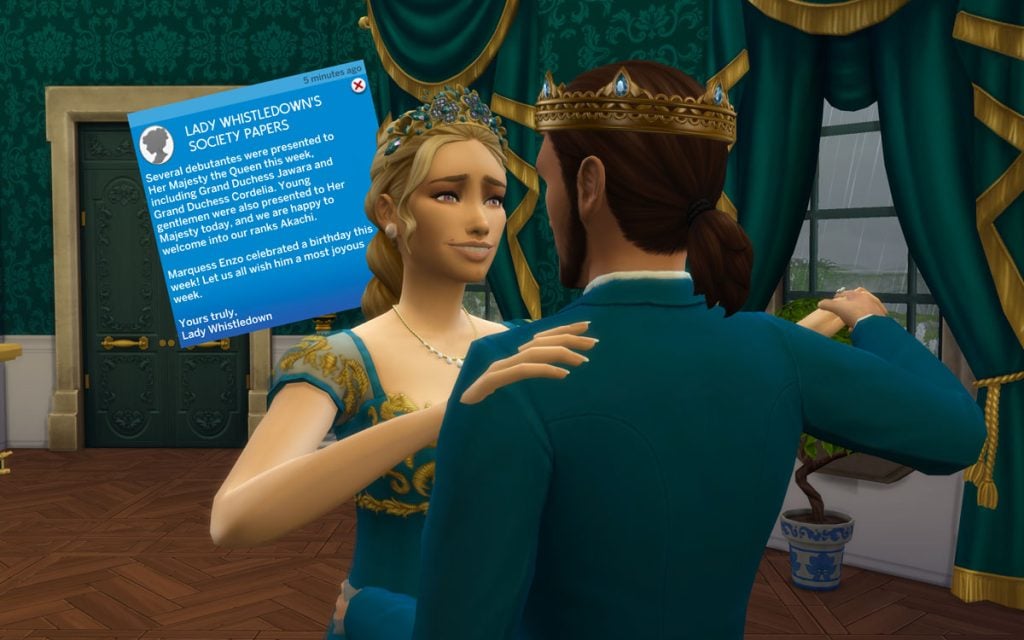
With this mod installed, your Sims can learn a new Etiquette skill, host lavish balls, inherit or purchase grand estates, and navigate the strict social hierarchy of Regency society. Wealth and lineage determine your place in the world, allowing Sims to rise from the middle class to the aristocracy through land ownership and influence. Your Sims might even find themselves mentioned in Lady Whistledown’s gossip papers, which regularly report on scandals, romances, and other dramatic events happening across your save.
This smaller mod expands the secret and scandal system introduced in Royalty & Legacy. It adds new situations that can generate secrets—such as provoking fights, extorting other Sims, or trash-talking rivals—making the court drama feel more dynamic. These scandals can affect reputation, career performance, and dynasty prestige, while other Sims may react differently depending on their personality. It’s a simple tweak, but it makes the social politics of noble life much more interesting.
This small tweak fixes one of the odd oversights in Royalty & Legacy. While the expansion allows Sims to write and publish Scandal Exposés, the game doesn’t actually reward any royalties for them. This mod simply corrects that, allowing your Sims to earn income from the gossip they publish. Once installed, newly written exposés will generate royalties just like other written works, making the whole scandal-writing mechanic feel much more rewarding.
If you felt that the noble career in Royalty & Legacy didn’t quite reflect the lifestyle of royalty, this mod offers a simple fix. The Higher Noble Salariesmod increase the daily income for every level of the noble career, with a much larger boost for the Kingdom Leader position. It’s a small change, but it makes ruling a kingdom feel a bit more… financially appropriate.
The More Noble Fame mod expands how the Fame system interacts with the noble life introduced in Royalty & Legacy. Instead of only gaining fame from a handful of major actions, this mod adds fame rewards to many more noble activities, tying them directly to your Noble Favor, career rank, and dynasty prestige. As your Sim climbs the noble hierarchy or leads a powerful dynasty, their public actions—whether political speeches, duels, or public displays of loyalty—will gradually contribute to their growing reputation.
The system also reacts to your political alignment. Sims who consistently support commoners or the royal elite can gain additional fame depending on their standing, while those who betray their previous alliances may see their reputation suffer. Over time, this makes fame feel much more connected to your Sim’s political influence and family legacy, reinforcing the fantasy of playing a well-known noble whose actions are constantly watched by the public.
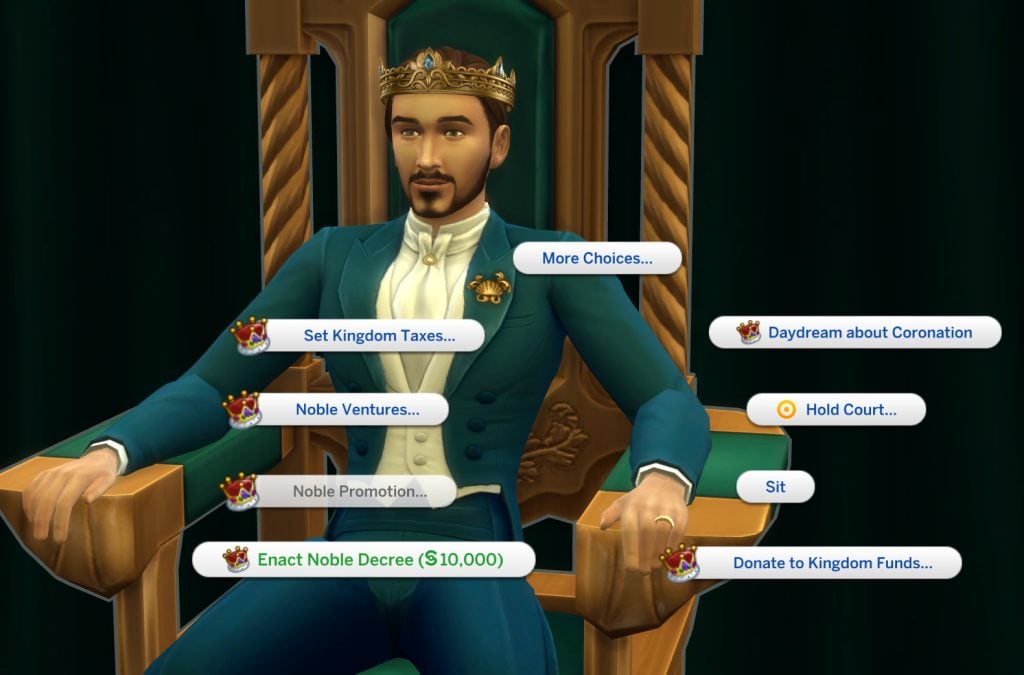
This small balancing mod makes the Noble Decree system feel more meaningful in Royalty & Legacy. Normally, players can swap decrees very frequently, which makes political decisions feel a bit too easy to change. Enact Noble Decree Tweaks adds a financial cost to the interaction—around §10,000—and increases the cooldown to 48 hours, encouraging players to think more carefully before changing laws in their kingdom.
The price is also influenced by your political alignment. Sims with higher Royal Favor will pay less to enact decrees, while those who side more with the commoners may find the process slightly more expensive. Certain reward traits can also reduce the cost, adding another layer of strategy when managing your kingdom’s policies.
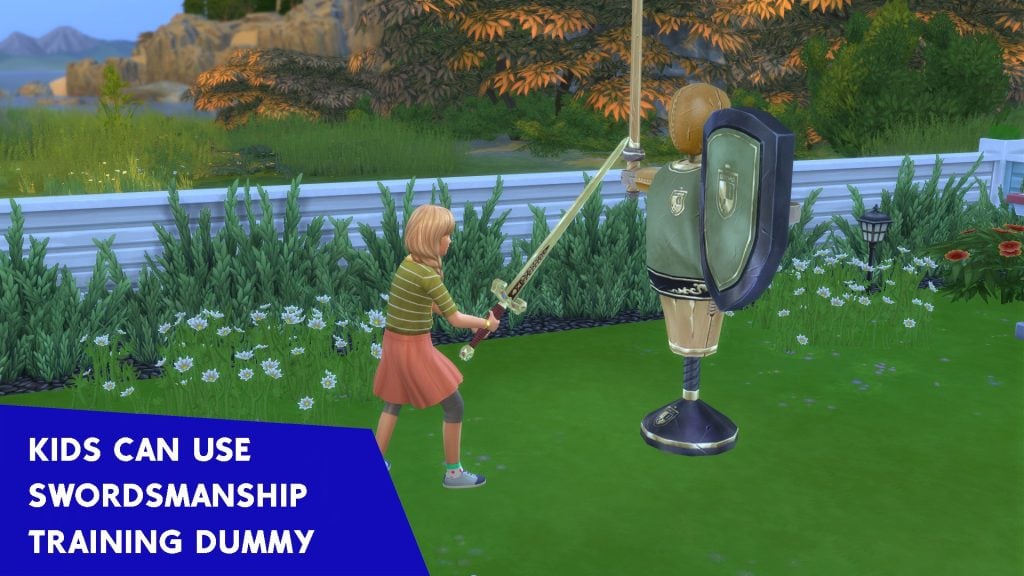
This simple mod expands the swordsmanship system introduced in Royalty & Legacy by allowing child Sims to train with the swordsmanship training dummy. Kids can now practice and gradually build their swordsmanship skill just like older Sims, making it easier to start shaping your dynasty’s future knights and warriors from a young age. It’s a small addition, but it fits perfectly for players who enjoy long generational storytelling.
If you often travel with one Sim while leaving the rest of the household at home, this small mod can make things much more convenient. This Royalty & Legacy module for the Away Actions mod allows Sims who stay at home to continue learning the Swordsmanship skill while you’re controlling another Sim on a different lot. Instead of wasting time waiting for everyone to return home, your Sims can keep progressing with their training in the background, making skill-building much smoother for large households or dynasty-style gameplay.
Note: This is an optional module and requires the Away Actions base mod to function properly.
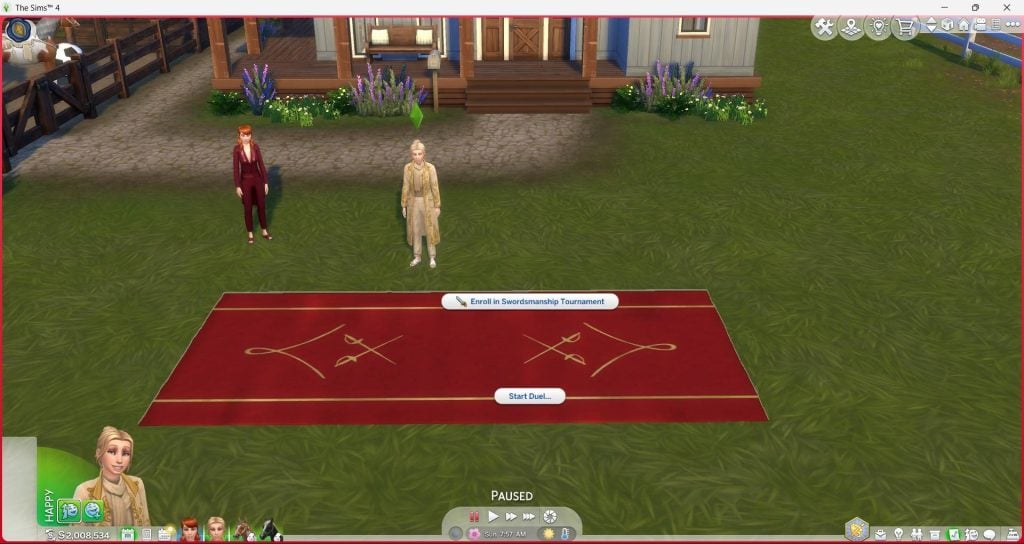
This mod makes the Swordsmanship Tournament Field from Royalty & Legacy available in Buy Mode, allowing you to place it on any lot instead of only using the one found in the Ondarion world. The field works exactly like the original, letting your Sims organize tournaments and challenge other duelists in proper swordsmanship competitions.
In addition to being buyable, the mod also adds 13 new swatches and a convenient option to directly ask known Sims for a duel.
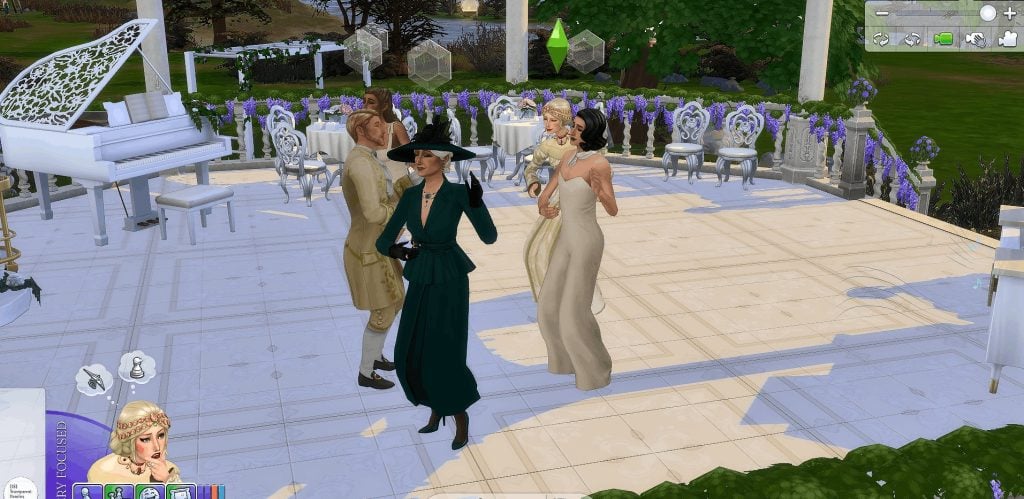
If you want more flexibility when designing ballrooms, this simple mod adds transparent versions of the Waltz Dance Floors introduced in Royalty & Legacy. The creator has made invisible versions for all three sizes—Small, Medium, and Grand—allowing you to hide the dance floor while keeping the functionality intact.
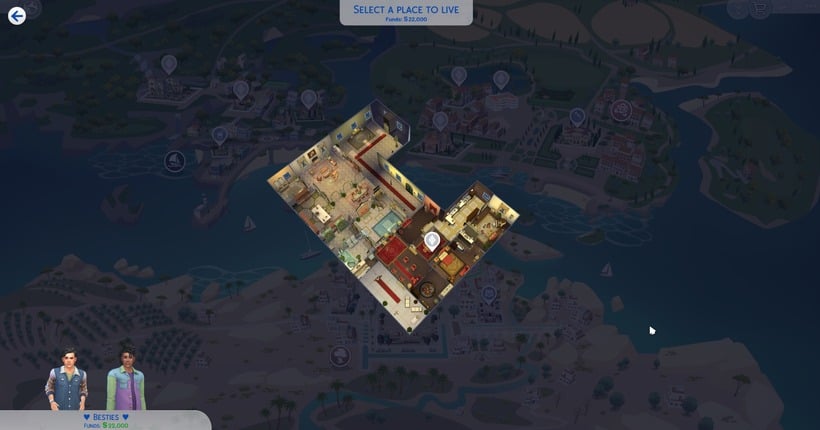
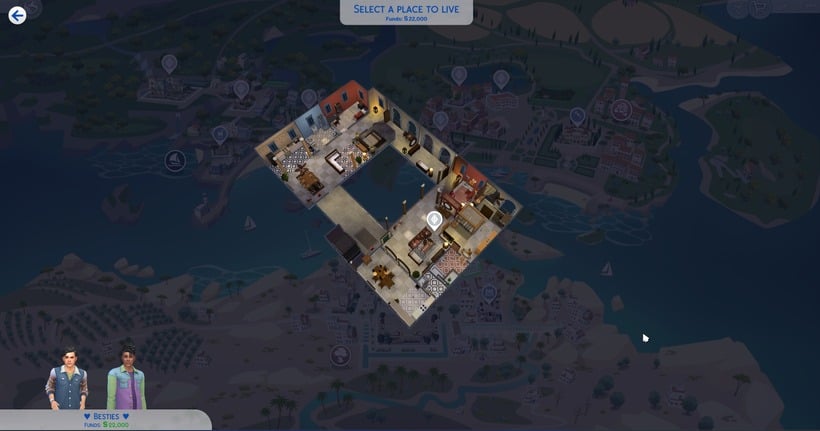
This small quality-of-life mod improves the camera view for the new apartments introduced in Royalty & Legacy. By adjusting the default camera position, it becomes much easier to see the layout and interior of each apartment when switching between them. It’s a simple tweak, but it makes exploring and decorating these new living spaces far more comfortable.
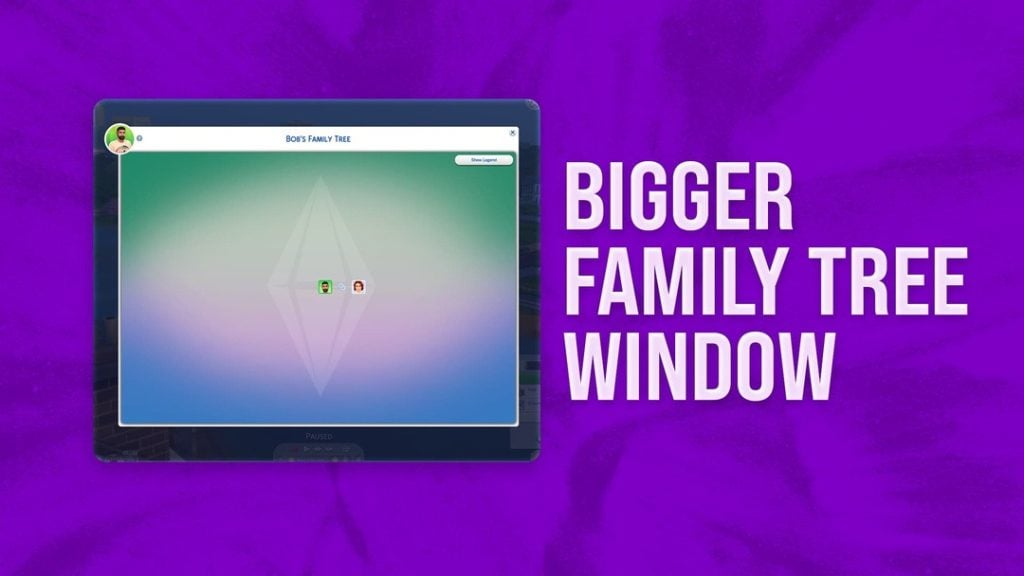
This simple mod enlarges the Family Tree window, allowing you to see more relatives and connections at once. It’s especially useful for players who enjoy long generational gameplay, making it much easier to keep track of large dynasties and noble bloodlines.
As you can see, the modding community has already started expanding the possibilities of the expansion in many different ways. From massive gameplay overhauls that introduce new political systems or Regency-era storytelling, to smaller tweaks that improve skills, careers, and quality-of-life features, these Sims 4 Royalty & Legacy Mods can completely reshape how you experience the pack.
Which of these Sims 4 Royalty & Legacy Mods are you planning to try first in your game? Let us know!
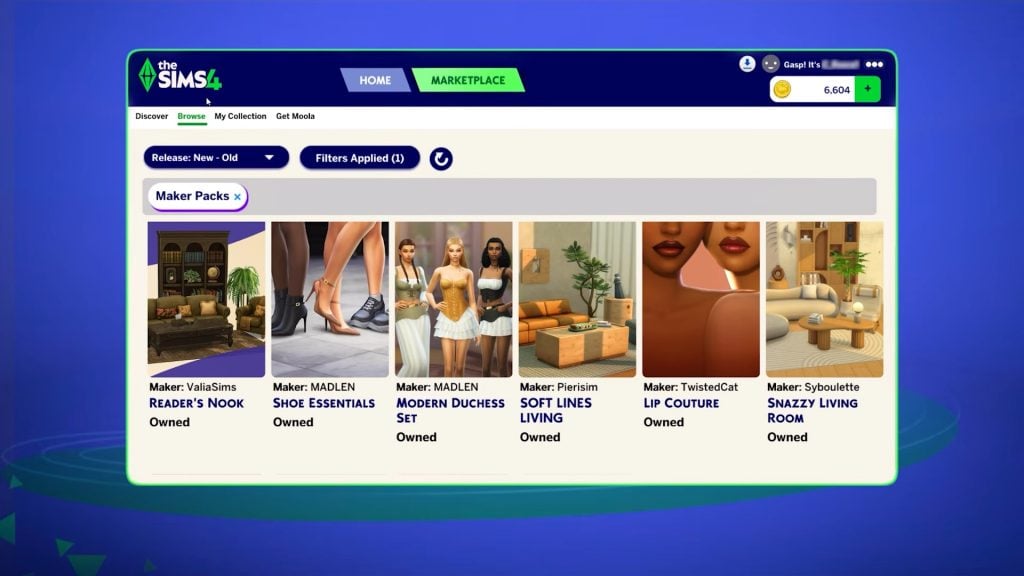
Ahead of the release of the new Marketplace, we’re getting a big update to the Sims 4. This will be available for PC/Mac on March 17th, with console updates coming in the next few months. Here, we will break down how to prepare for the update and what to expect.
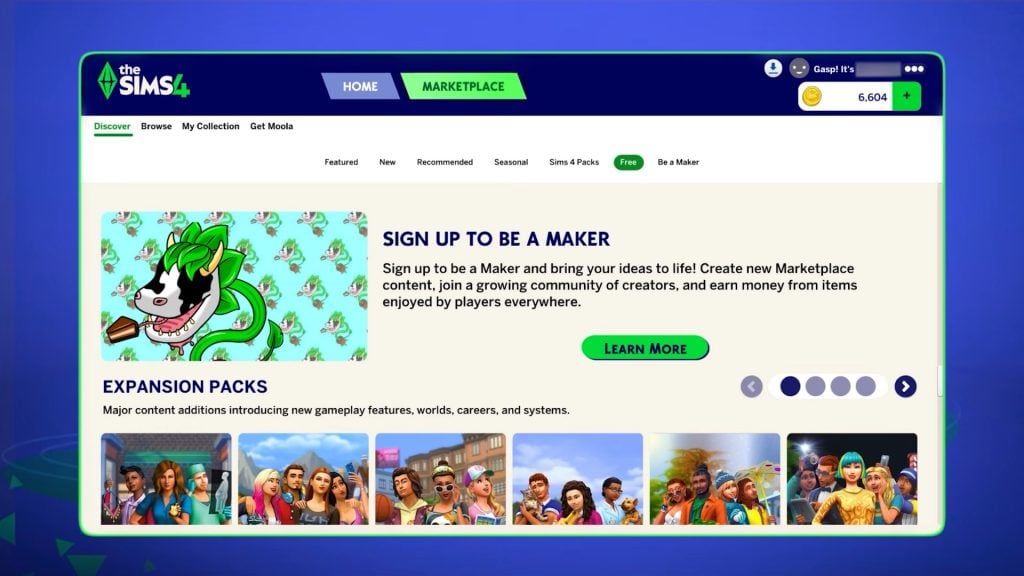
You can also find more information about the Sims 4 Marketplace on our dedicated webpage. Keep an eye here for updates on the Sims 4 Marketplace, as we will share them as they happen, including when console players can expect the Marketplace to be added to their games.
Table of Contents
What’s Coming In The Sims 4 Update?
Game Fixes
Looking at the latest Sims 4 Laundry List announced on social media and their website, we can see that the main repairs they are focusing on are those with the most community upvotes.
For this update, the main problems being addressed are with Sims’ autonomy, including inappropriate flirting with other Sims and excessive use of certain objects. The infamous autonomous push-ups and sit-ups have also been fine-tuned.
Have a look at the full list of updates coming in our recent laundry list update.
Marketplace Preparations
The introduction of the new Marketplace means a hefty update to our games, so the team can be sure that, at launch, it will work smoothly.
One of the selling points of the marketplace is that, unlike with traditional third-party custom content platforms, content is installed automatically, so you don’t have to save and reload your game to start using it. This is a major change and will impact how we access official content going forward, so a lot will need to be done behind the scenes to ensure that when we’re buying content on this marketplace, it installs correctly.
Because this is a brand new feature, we can’t be sure exactly what the update to make way for the marketplace will entail. However, for a feature this large and that impacts every player, it’s more important than ever to back up your saves and properly prepare for this update.
How To Prepare For A Sims 4 Update
Following these tips will mean you no longer have to worry about updating your game.
Back Up Your Save Files
This is probably the most important thing you can do ahead of a large update.
Regular backups are crucial to prevent data loss due to system crashes, hardware failures, or issues with mods or custom content, so it’s always important to ensure you back up your save files before any significant changes to your game. That includes base game updates.
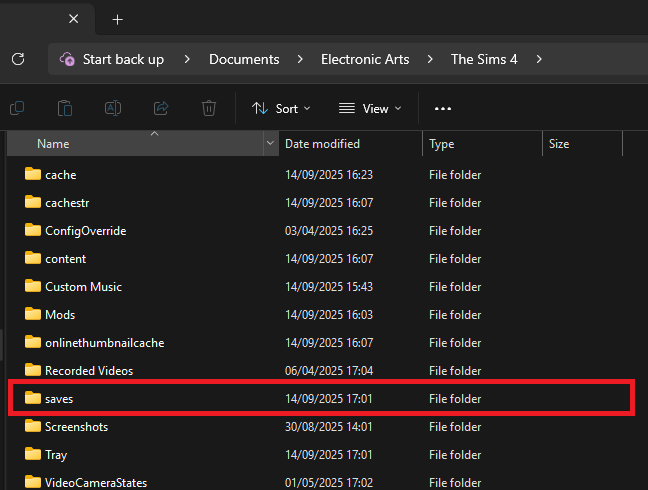
To back up your Sims 4 save files, follow these steps:
Navigate to the save files location. If you are on a Windows PC, the file path should be: Documents/Electronic Arts/The Sims 4/Saves.
Copy the save files you want to back up. The save file names are all numbers, but the most recent ones you’ve created should be the highest numbers. If you’re worried about not backing up the ones you need, copy all of your saves.
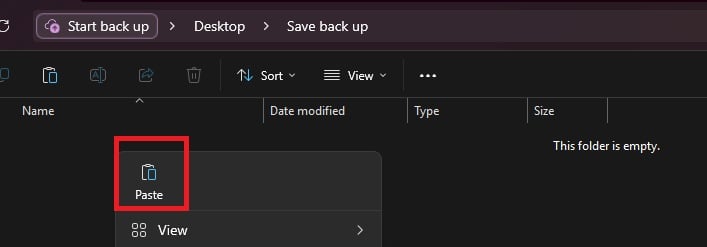
Paste the copied files into a new and secure location, such as an external hard drive or USB stick. It’s also a good idea to name the backup folder with the backup date for easy identification.
If you need to restore a save, move the copied save files back into the Sims 4 saves folder and replace the existing files.
Checking and Testing Mods
Broken mods are an unfortunate consequence of a big update to any game, but there are things you can do to make it less stressful.
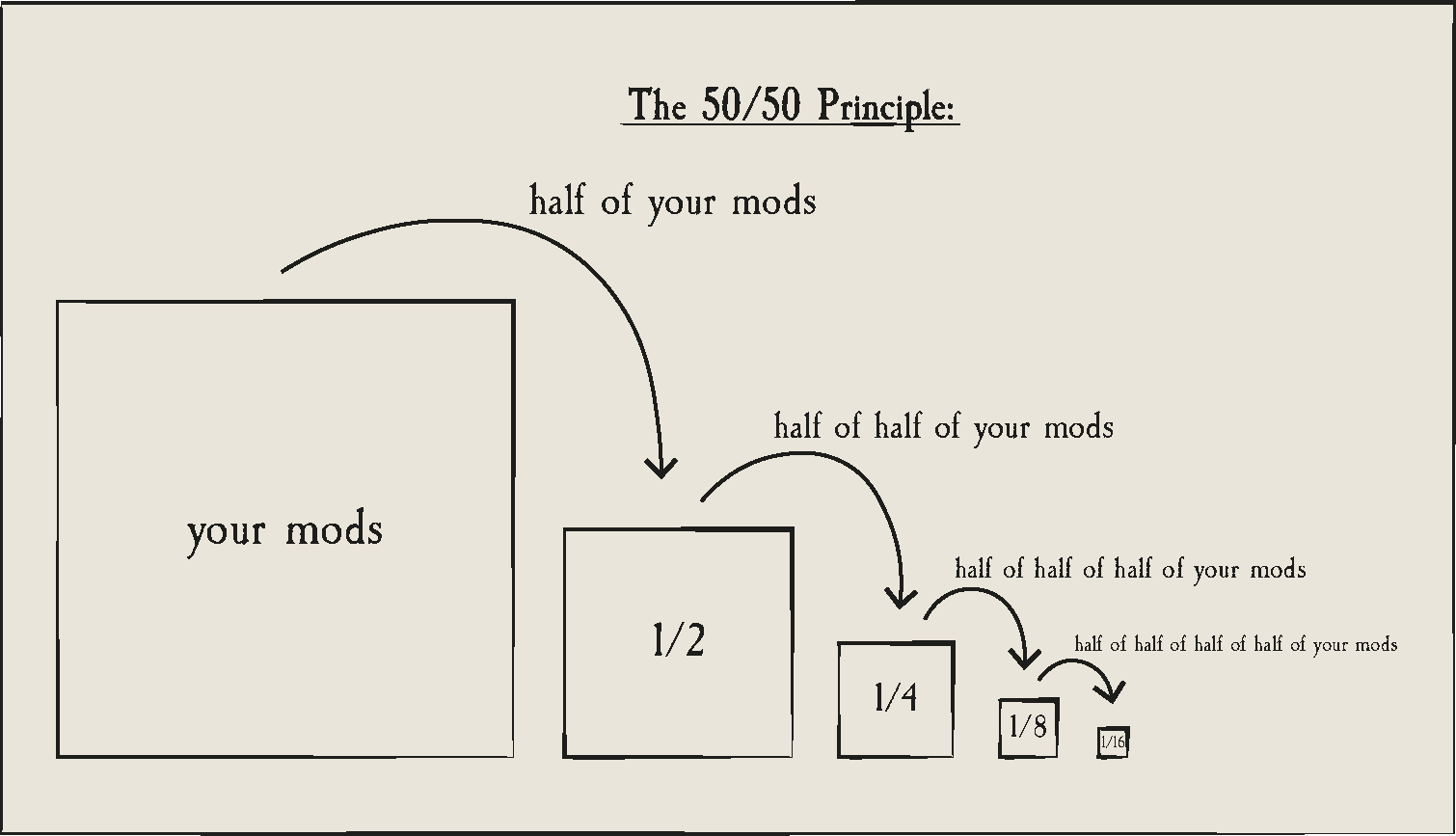
In a folder packed with mods and CC it is sometimes only one or two broken items that are causing problems, and finding it in your files can be a nuisance. Using the 50/50 rule is a good way to set up your mods folder for success and make it much easier to find broken content. If you are having game errors and think custom content/mods are to blame, sometimes the only way to find out what’s causing it is by doing a 50/50 manual sort.
Essentially, the 50/50 method involves testing half your mods folder – then half again, and again, and again – until you weed out all the broken content that needs updating. You can also read ThatSimsLady’s explanation of this method here.
Make three new folders outside your mod folder called ‘Tested clear’, ‘Tested broken’ and ‘untested’
Move all your mods to the untested folder
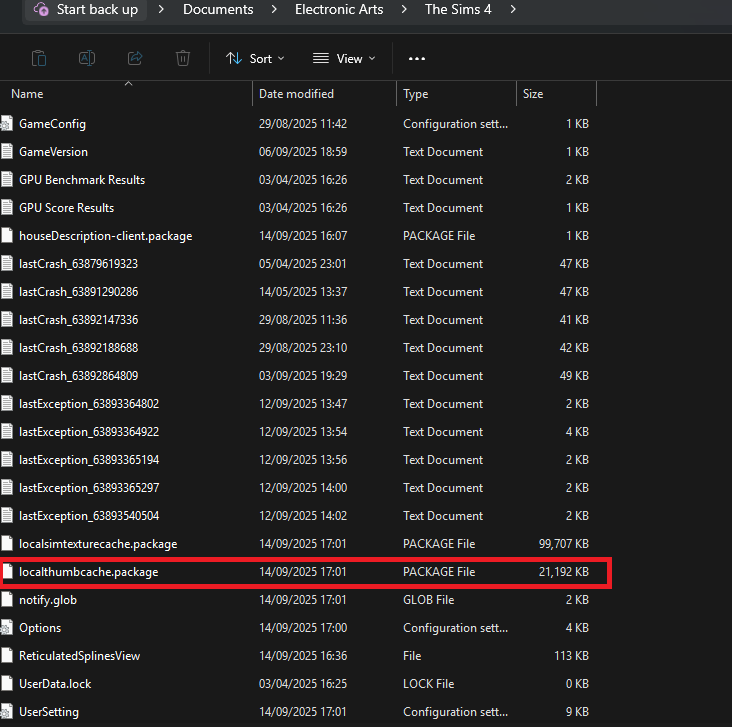
Delete your thumcache file – a package file located in your Sims 4 documents folder. You’ll need to do this each time you run a new test for your mods/cc.
Move half of your untested mods back to the mods folder, and open the game. If you use MC Command Centre, then this is a good one to test straight away, as it will alert you to any broken content/exceptions. If an error is found, test each new mod/cc you’ve added until you find the broken one, then add it to the ‘tested broken’ folder.
Keep going with this method until you’ve found all the content that needs updating.
You should ideally also test your mods in a new save and not save your game while testing them.
If you are using the 50/50 method to check your mods, make sure that you:
Never separate mod files from the same mod. That might seem obvious, but if you separate mod files and then, in testing, they show as broken, it’s more than likely going to give you a false positive.
Take note of any mods that rely on each other. If you, for example, use lots of mods that rely on an XML injector, and then separate these from it, this might be the reason they don’t work, rather than a patch update.
Countdown to The Sims 4 Update And Marketplace Release
The upcoming Sims 4 Update is set to release on March 17th 2026, at 10AM PST / 6PM CET / 5PM GBT . We’ve also made it easier to get ready for the update release with a simple countdown below.
Find out when the next Sims 4 Update release is in your area and brace your save files and Mod folders for impact:
00
Days
:
00
Hours
:
00
Min
:
00
Sec
Countdown to next The Sims 4 Update release
Are you feeling more excited or apprehensive about this update? Let us know below and on social media and stay tuned for Patch Notes when the update comes out.
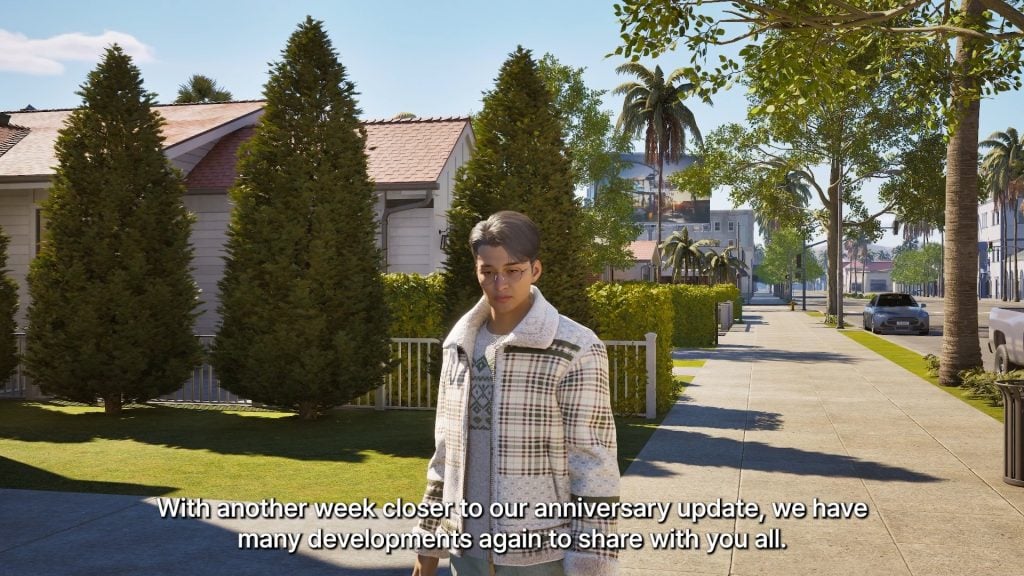
Another week, another InZOI Developer Diary from Krafton’s very own InZOI Director and Producer, kjun! After last week’s announcement of a specific date for InZOI’s next large update, Kjun asked for more feedback from players about what they were looking for and what they were excited for that had been mentioned previously.
This week, the update was a little bit of everything. More opportunities and expansion to the crime system, changing certain systems to be less tedious, and a silly little tricycle are just some of the points touched on this week! It was reiterated to expect many new systems and parts introduced last week, like more multitasking, new family gameplay actions and items, news, and more!
Currently, the next InZOI update is planned for Thursday, March 26th, 2026. This is expected to include just about everything mentioned going as far back as developer diaries from around the February update, as well as possibly some more features not touched on. We’ll be sure to keep you in the loop with the specific patch notes once they drop!
InZOI Update: Graphics Optimization, New Crime Opportunities, and Movies!
Early in Development & Upcoming Features
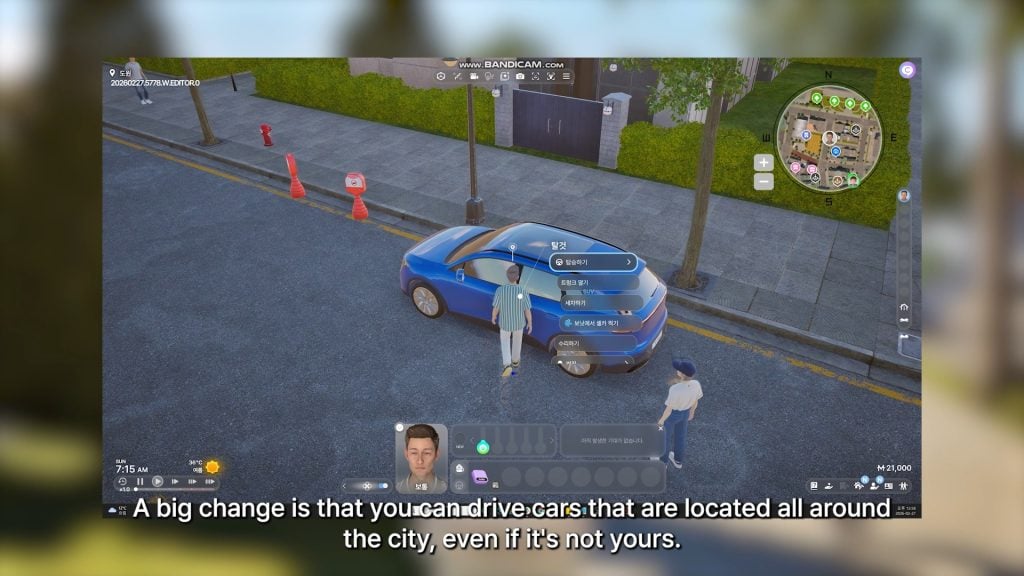
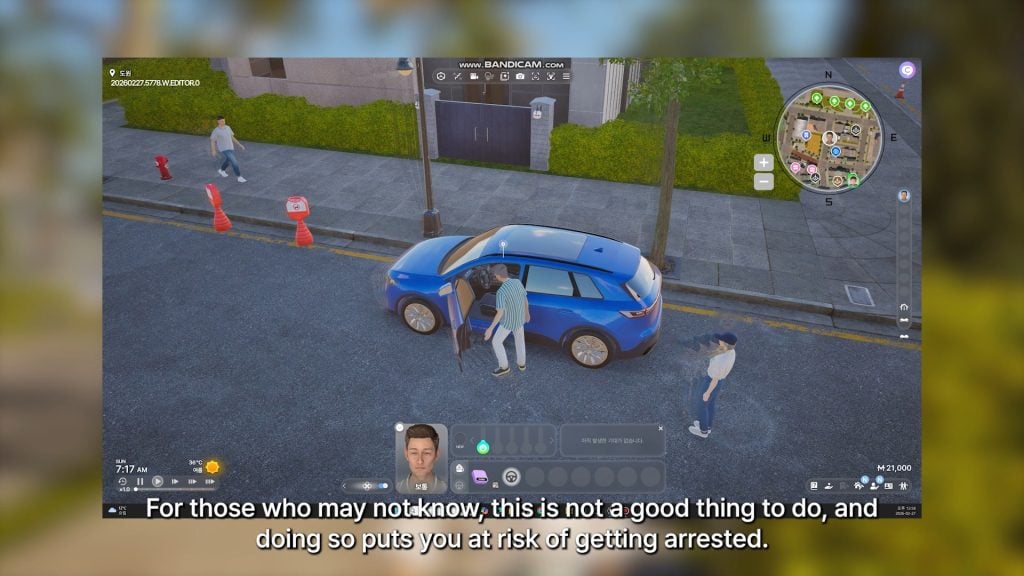
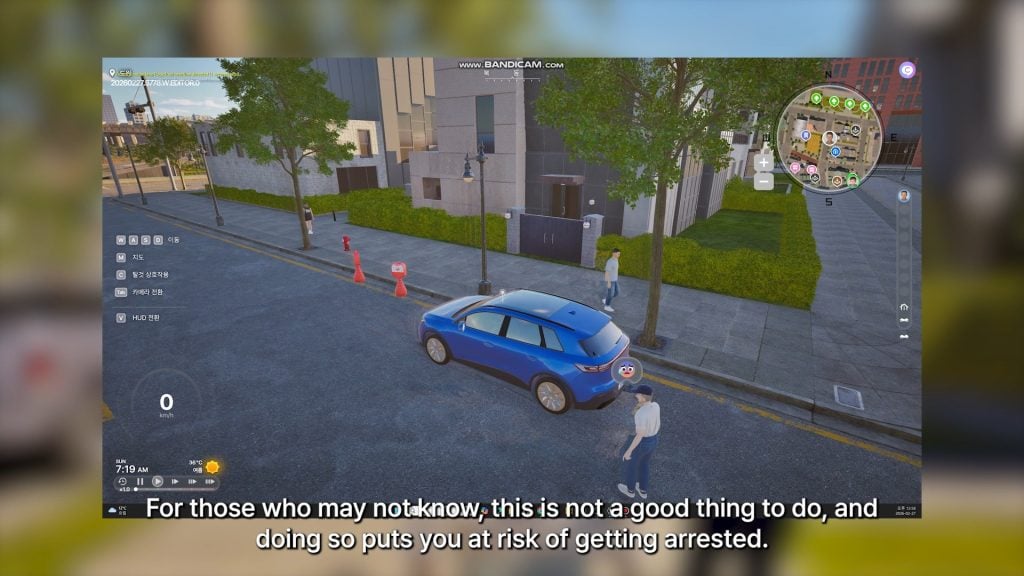
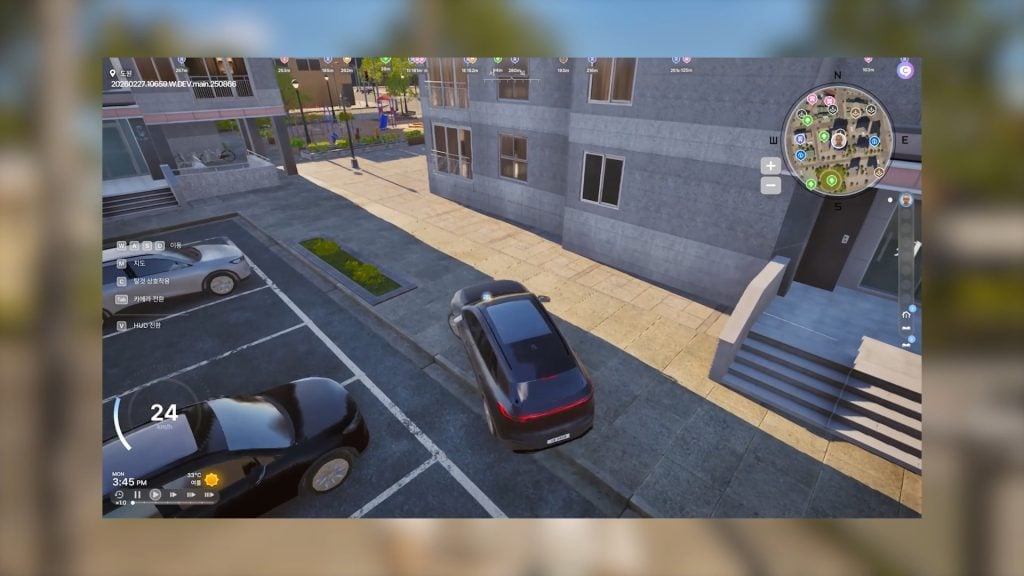
○ You can now drive any car around the city… but this is still theft, and puts your Zoi at risk of getting arrested.
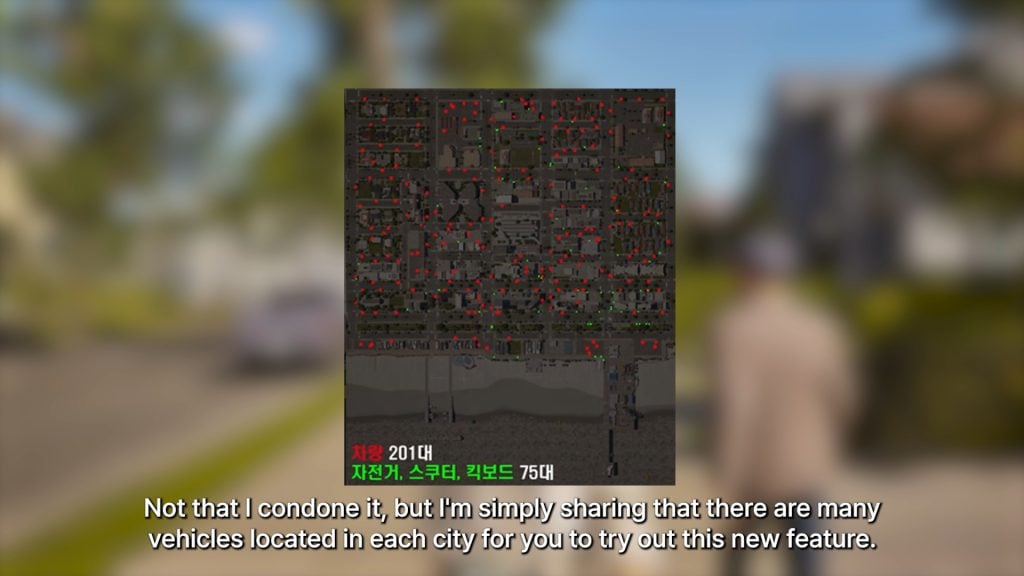
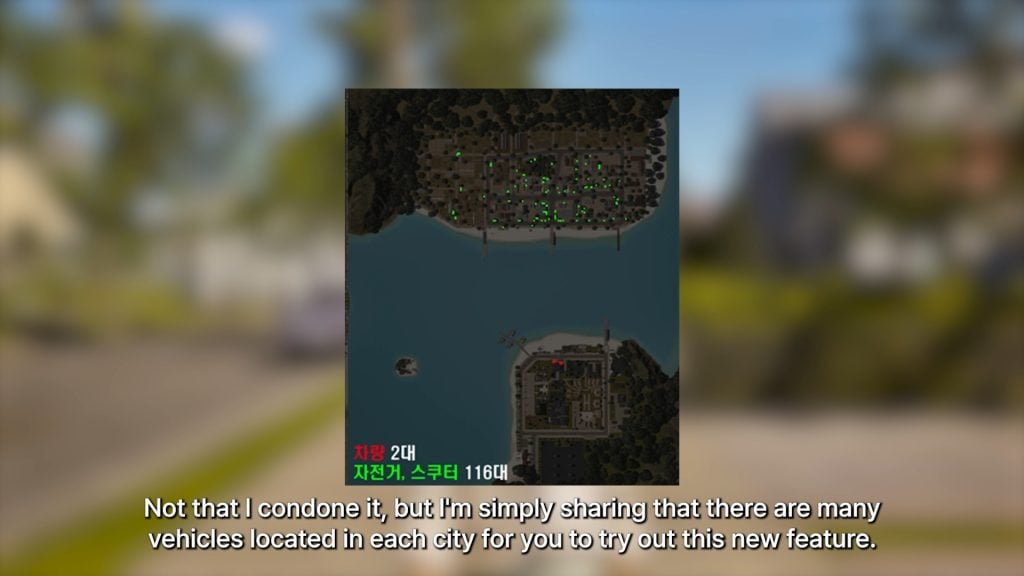
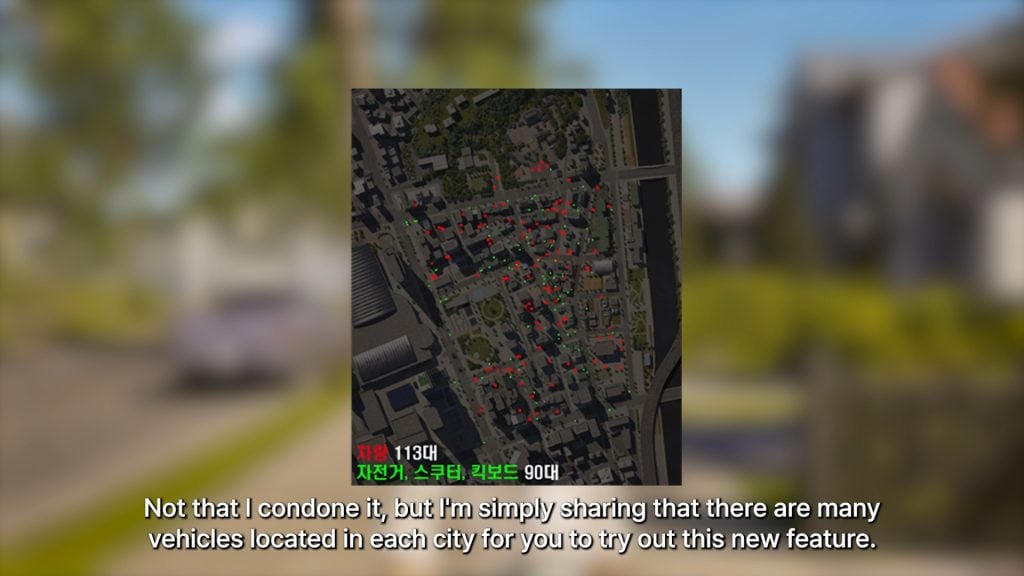
Bliss BayCahayaDowon
○ Since this feature is new, the developers also added a map showing red dots to indicate every vehicle in each city.
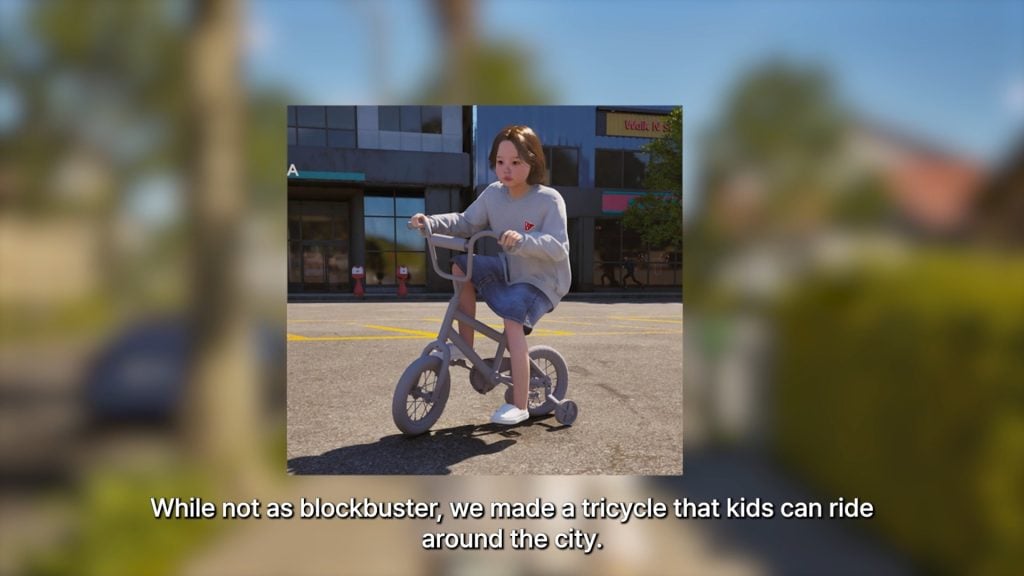
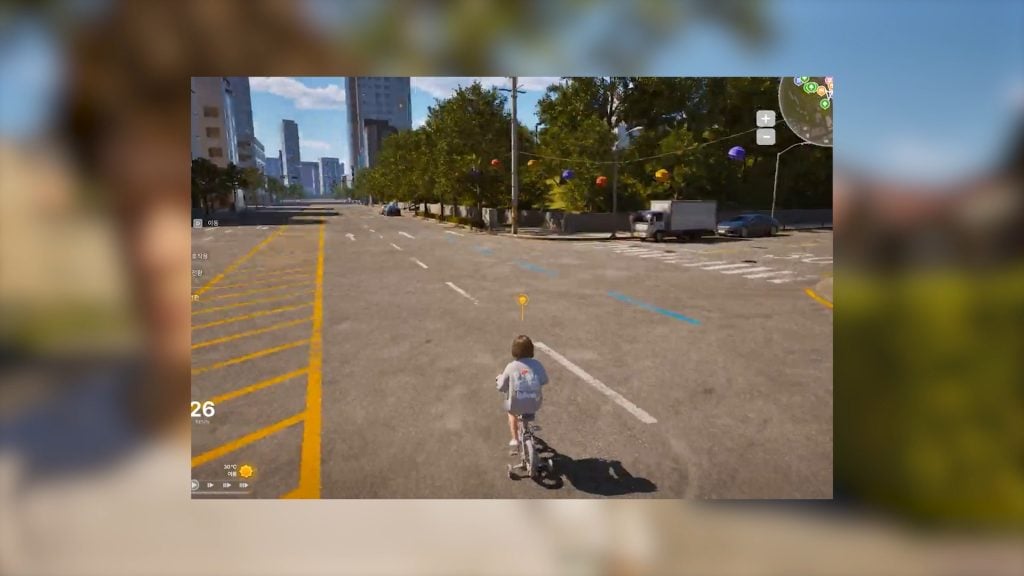
○ Kids now have a tricycle that they can ride around their home, or even traverse into the city with!
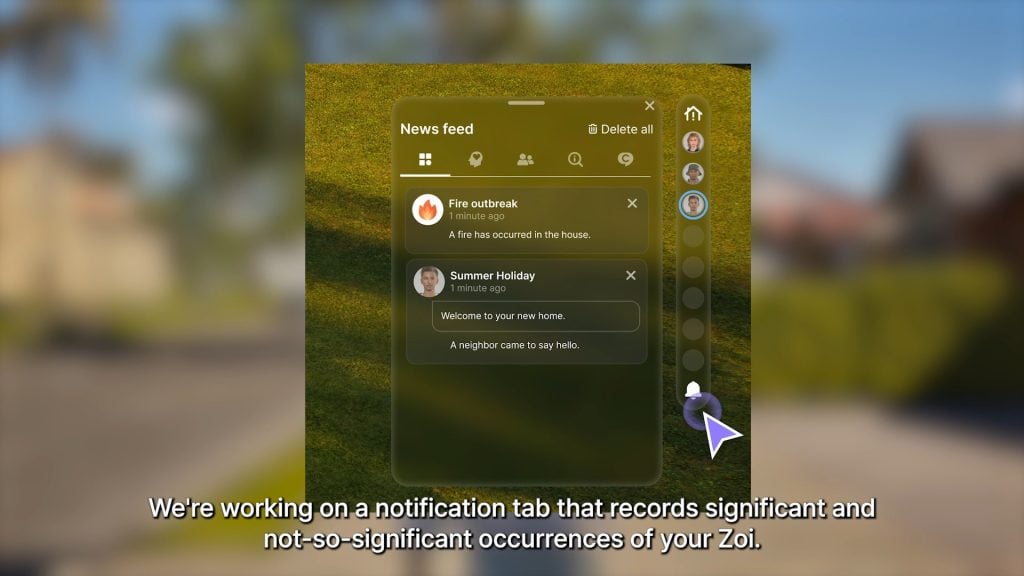
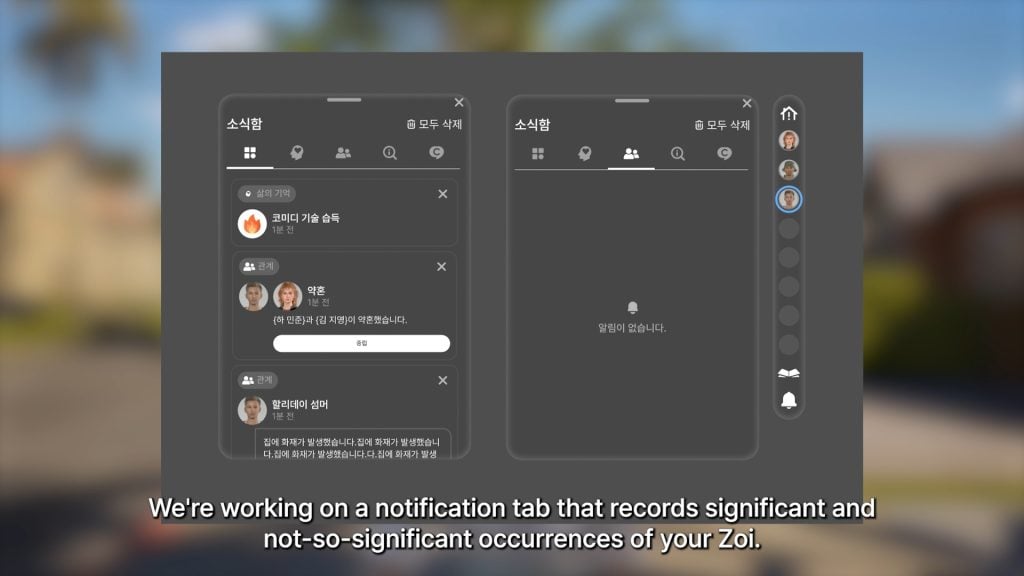
○ More progress on a notifications system that will keep a log of experiences your Zoi has, both significant and not.
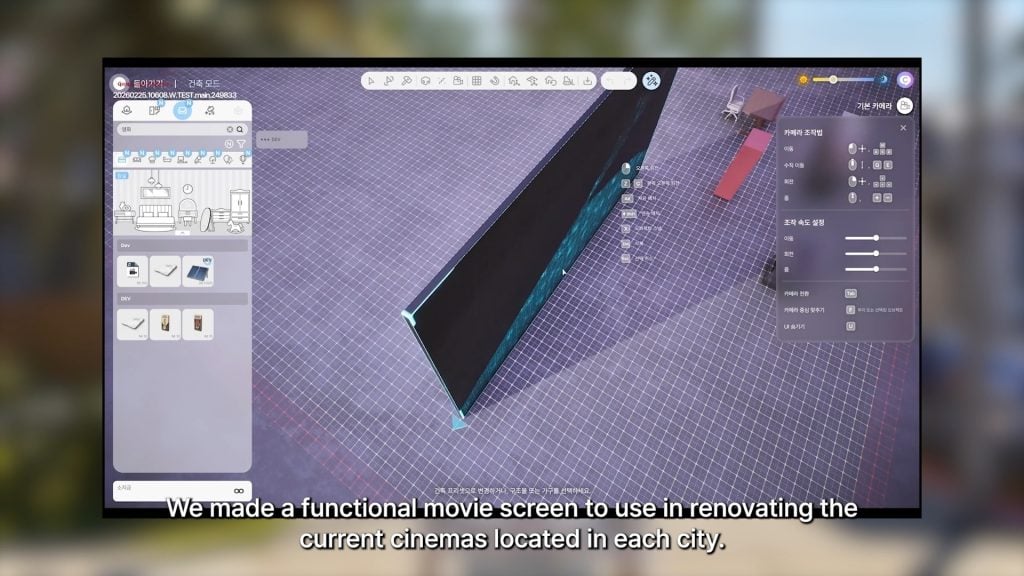
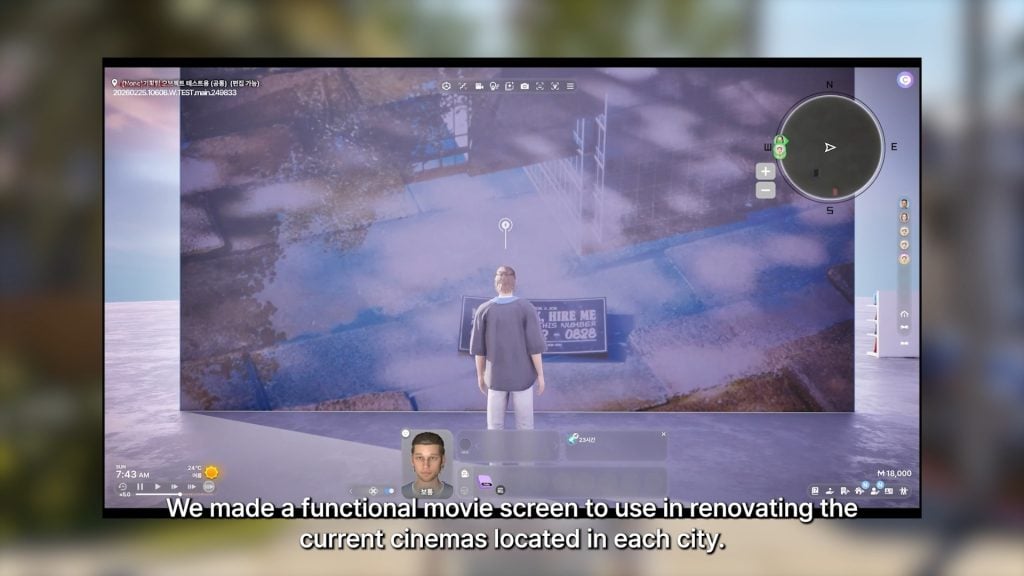
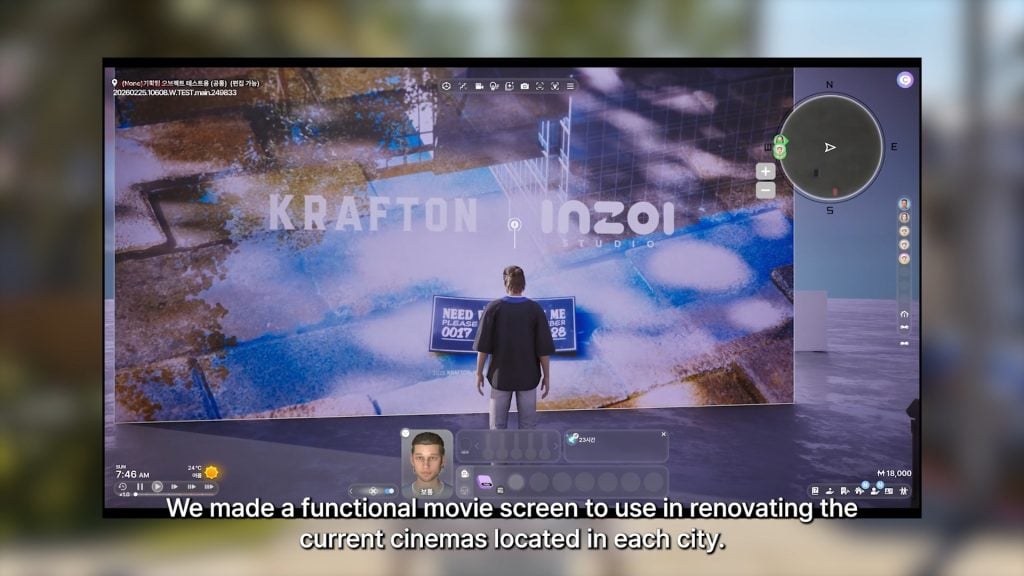
○ A functional movie screen has been made to assist with renovating existing cinemas/movie theaters around the cities.
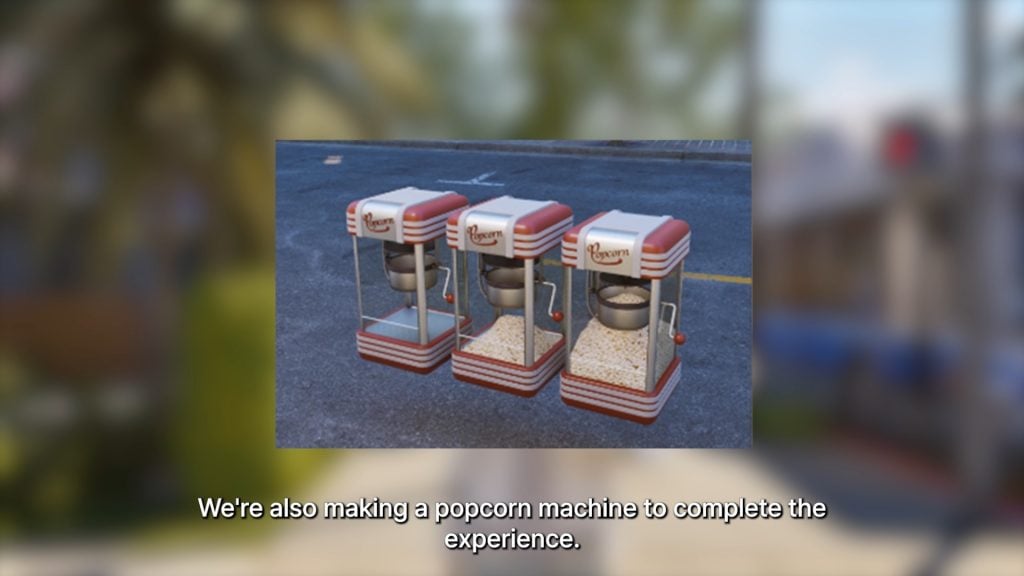
○ A popcorn machine is also being added!
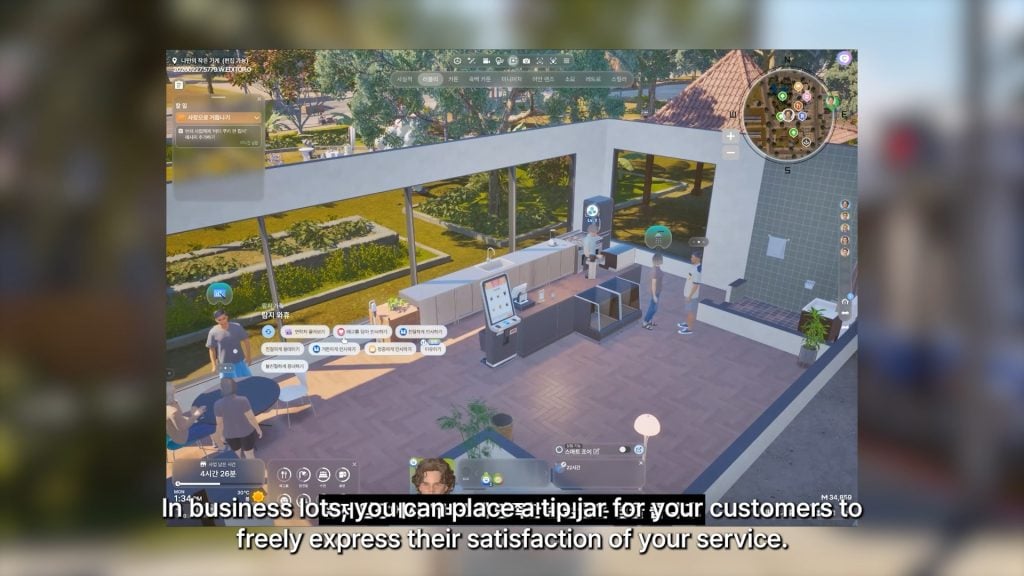
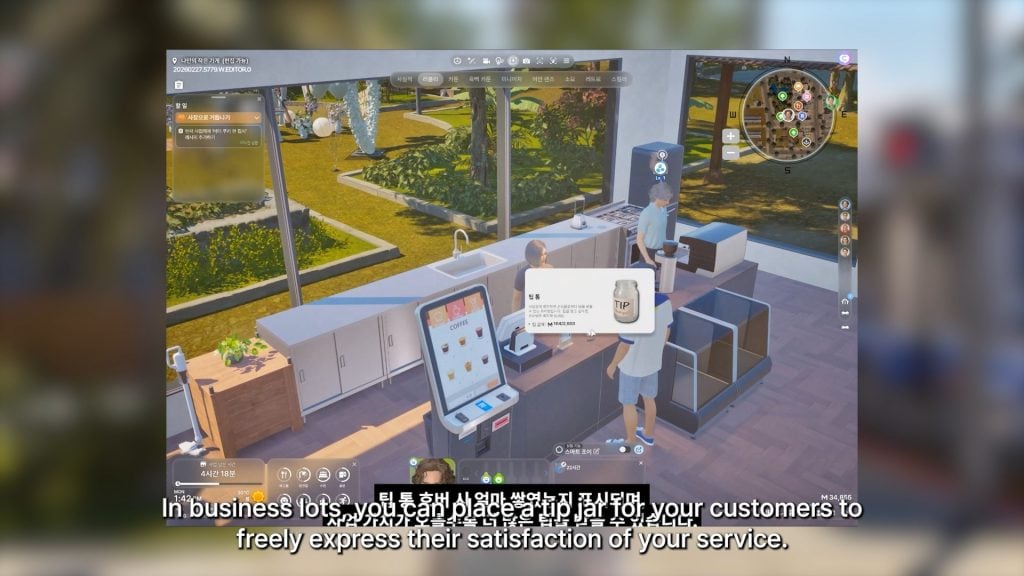
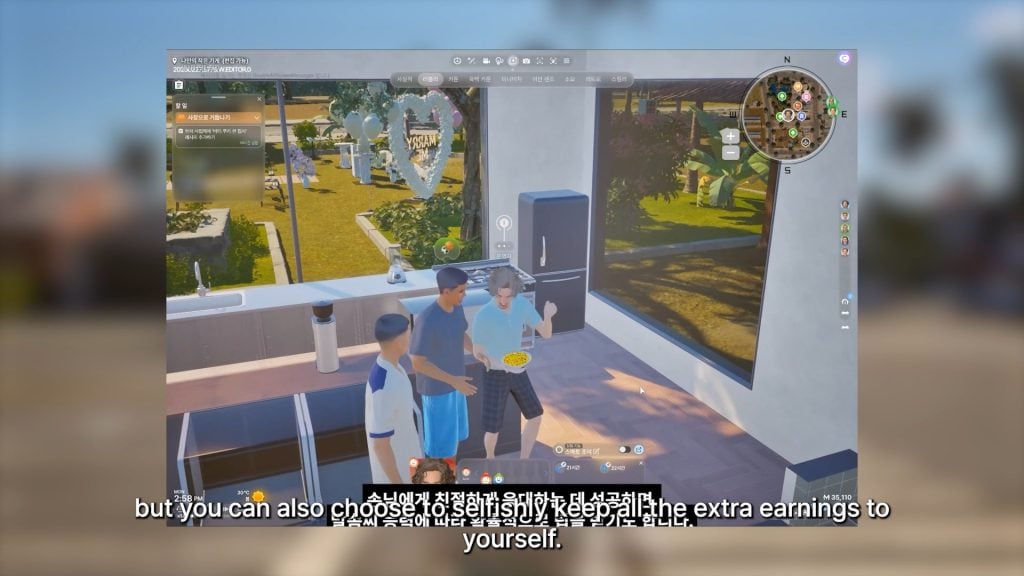
○ At your small business, you can now place tip jars so your customers can tip based on their satisfaction with the service.
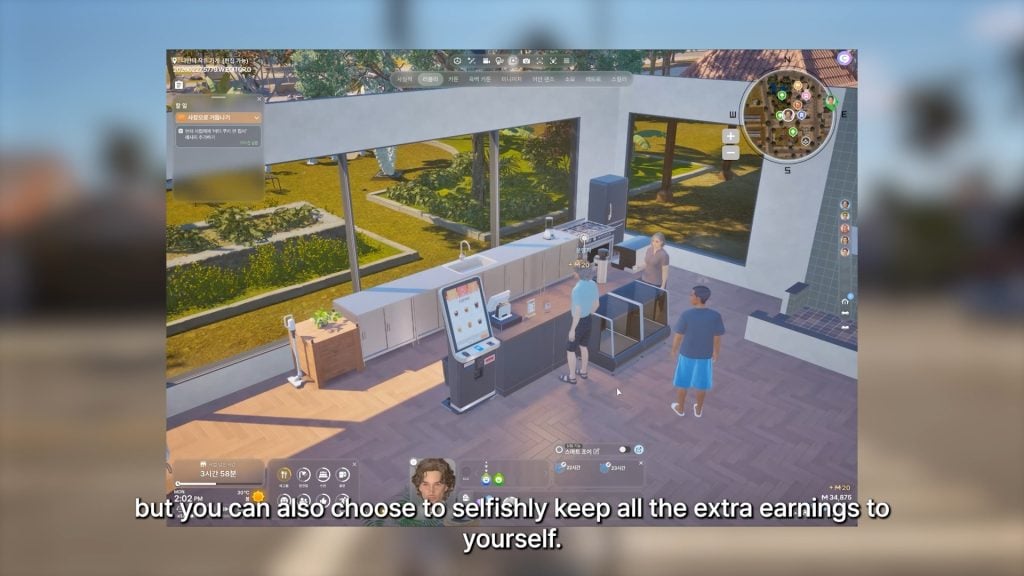
○ You can choose to divide the tips among your employees or keep the tips for yourself.
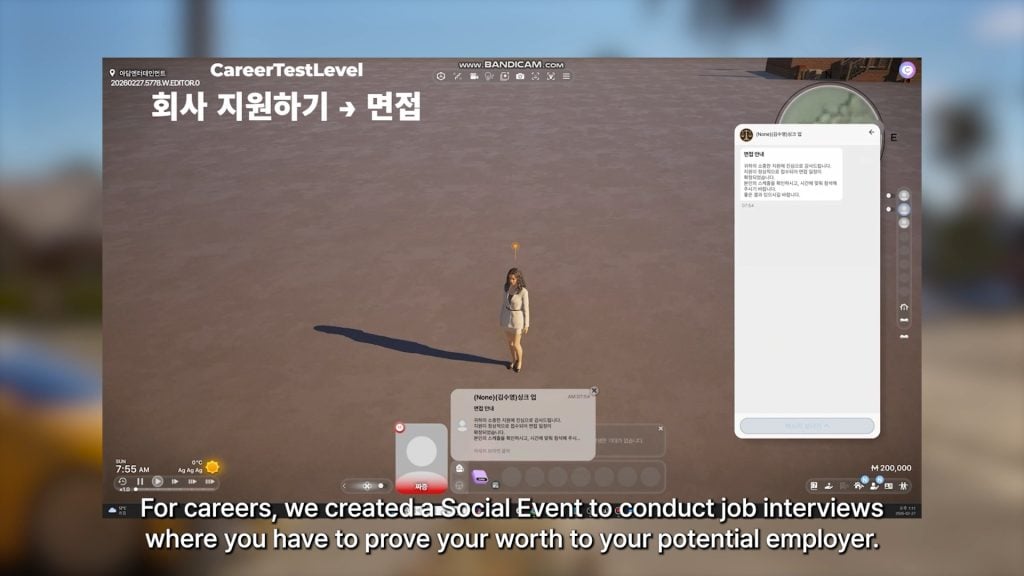
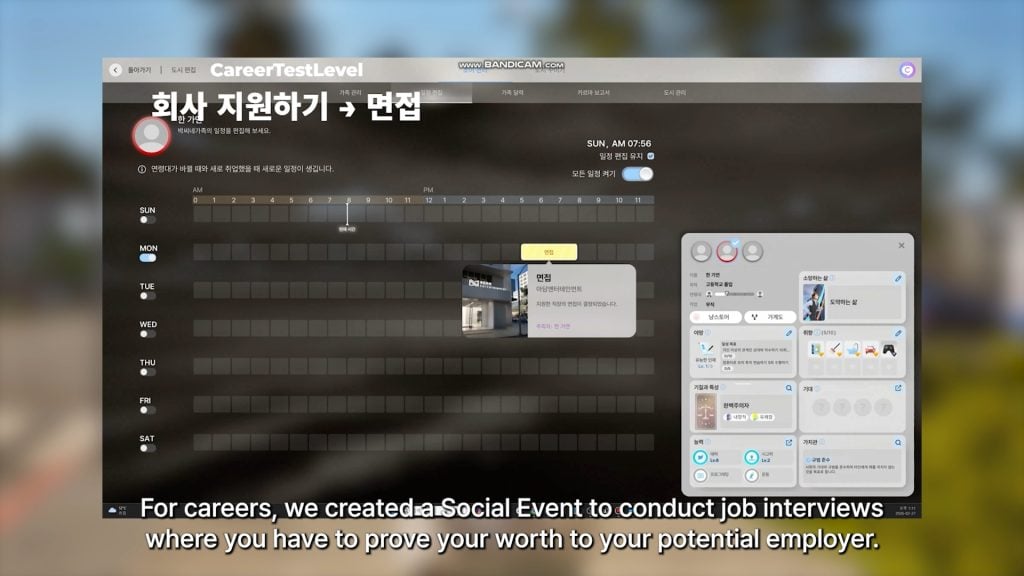
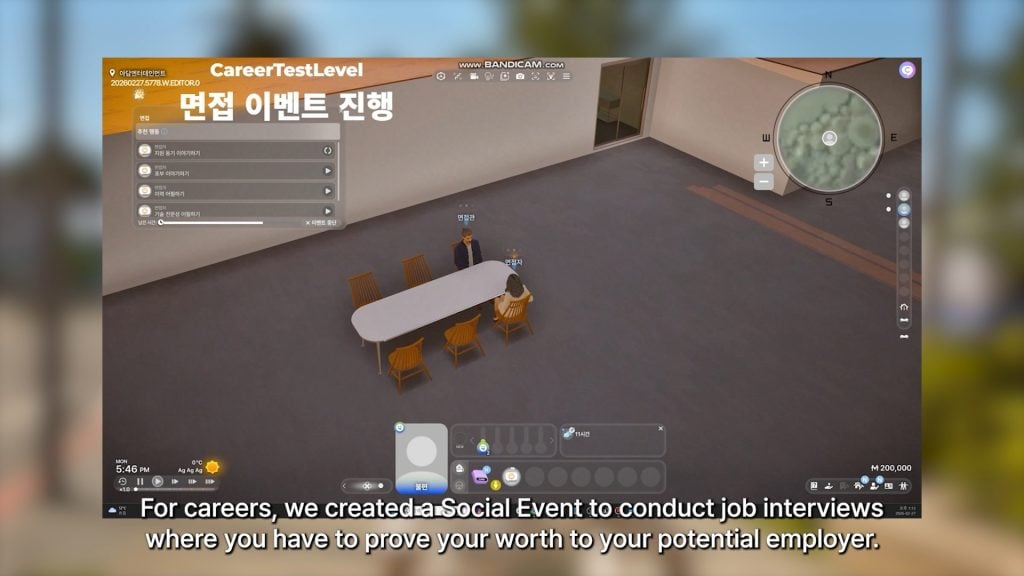
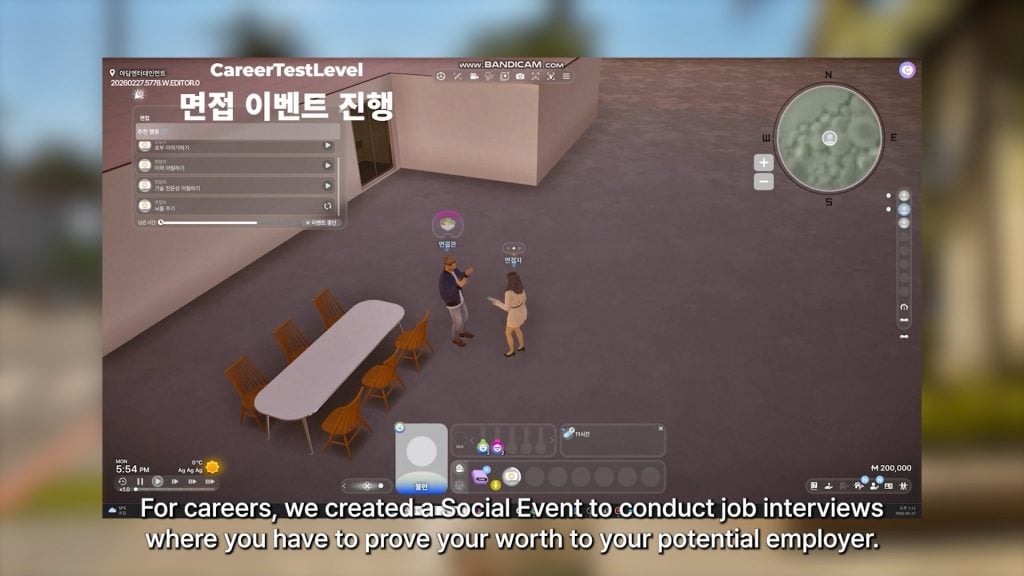
○ A social event has been created where you can attend a job interview with your Zoi, with the goals and actions focused on proving yourself a worthy fit for the role.
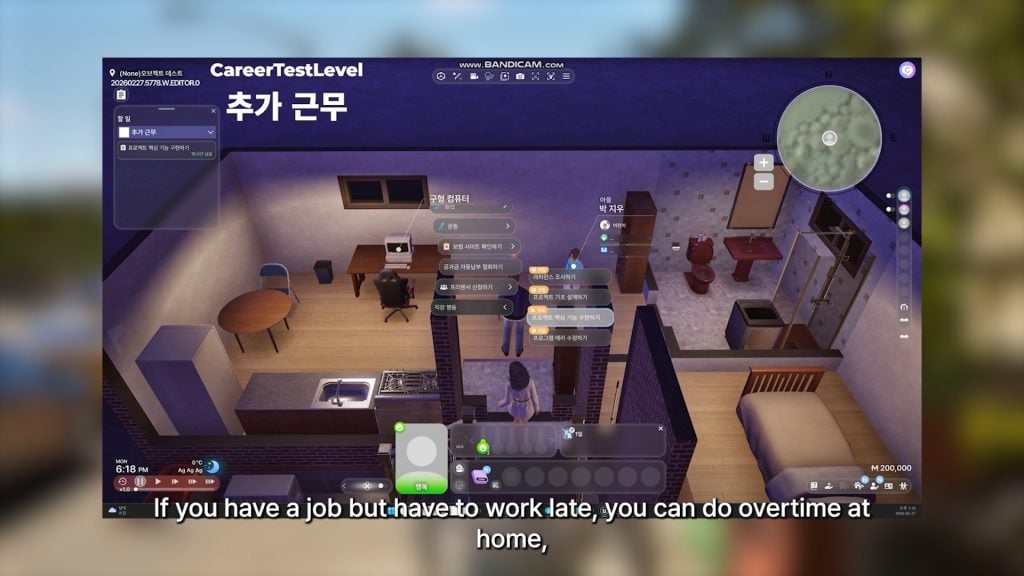
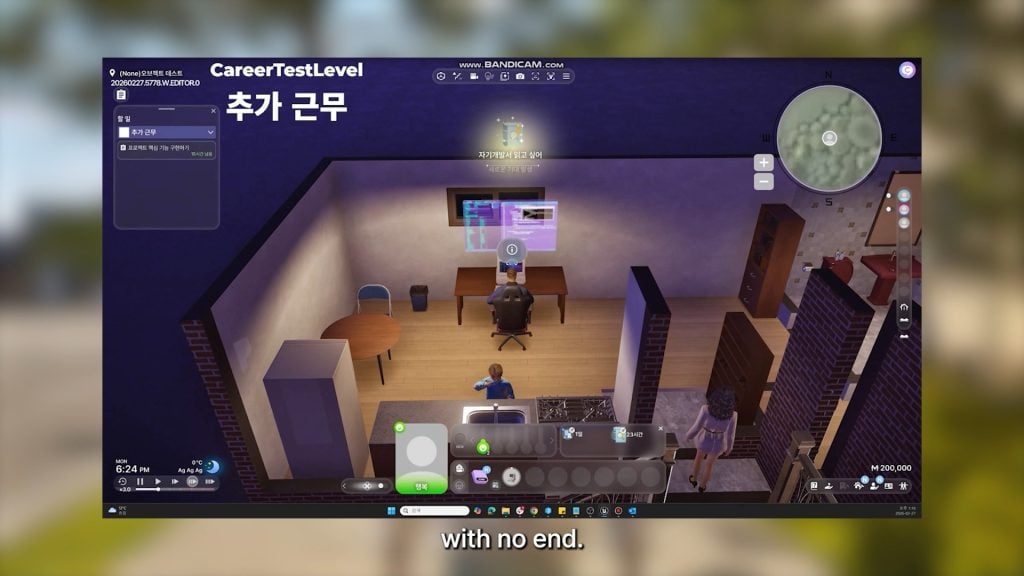
○ If you work late, you can now choose to do overtime from home without a specific end time.
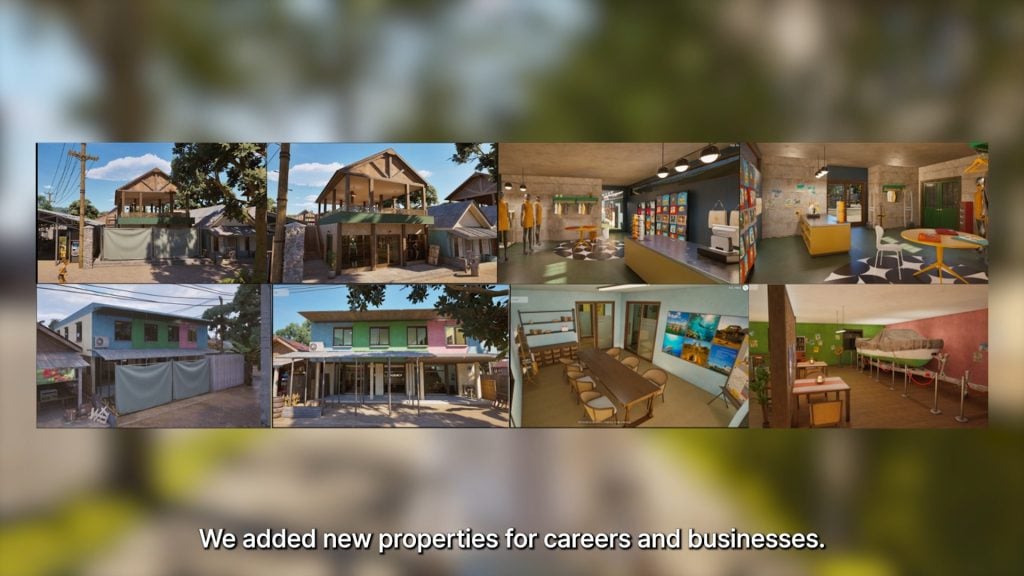
○ New properties for businesses and jobs have been added.
○ Some small new activities and general additions have been added including…
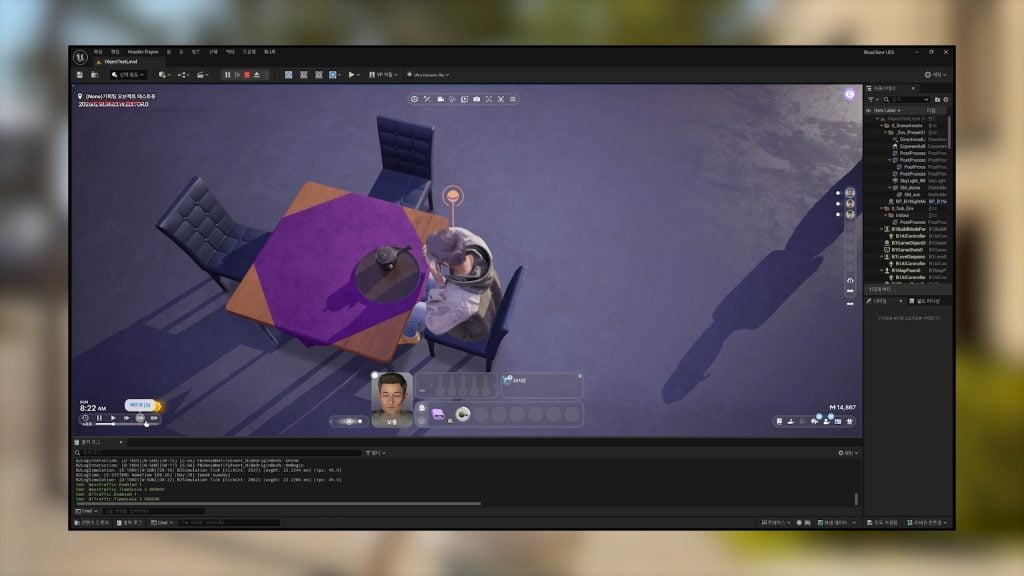
○ Drinking Tea!
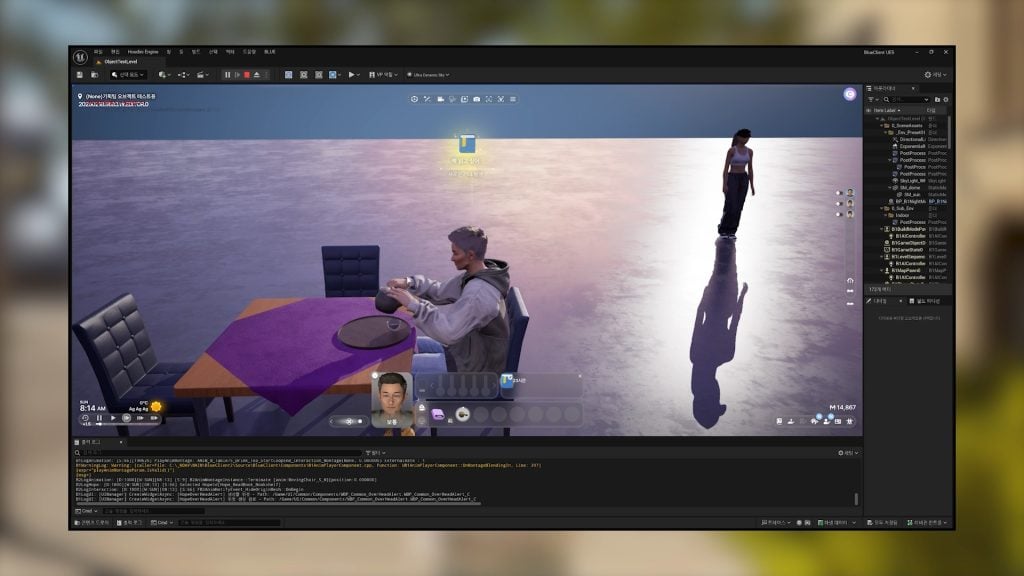
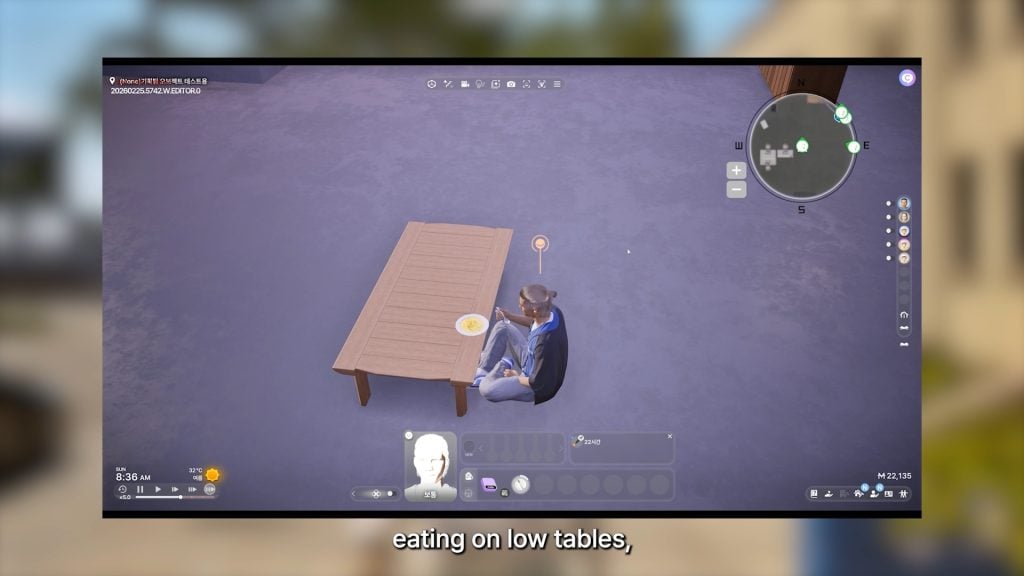
○ Eating on low tables, like coffee tables!
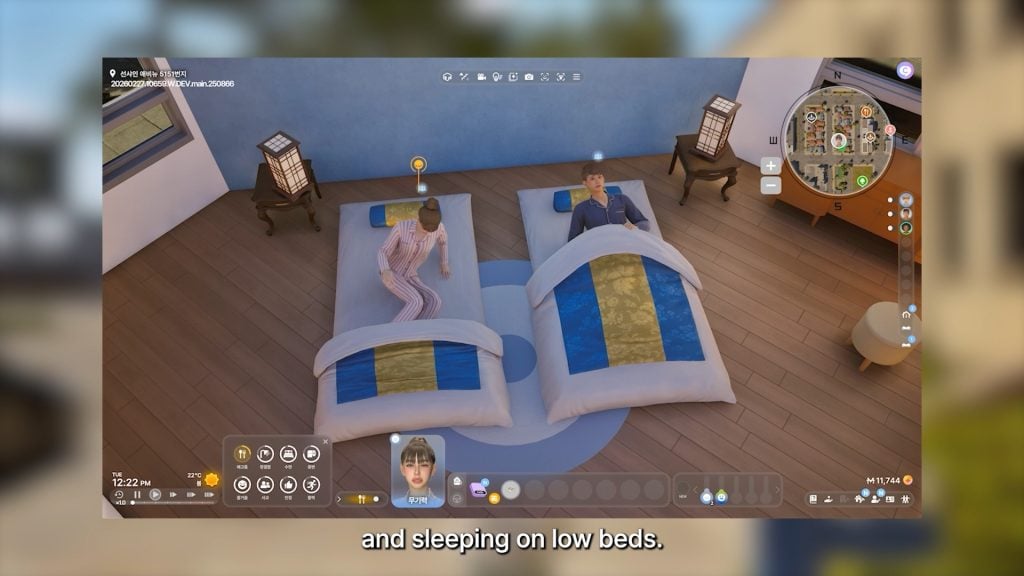
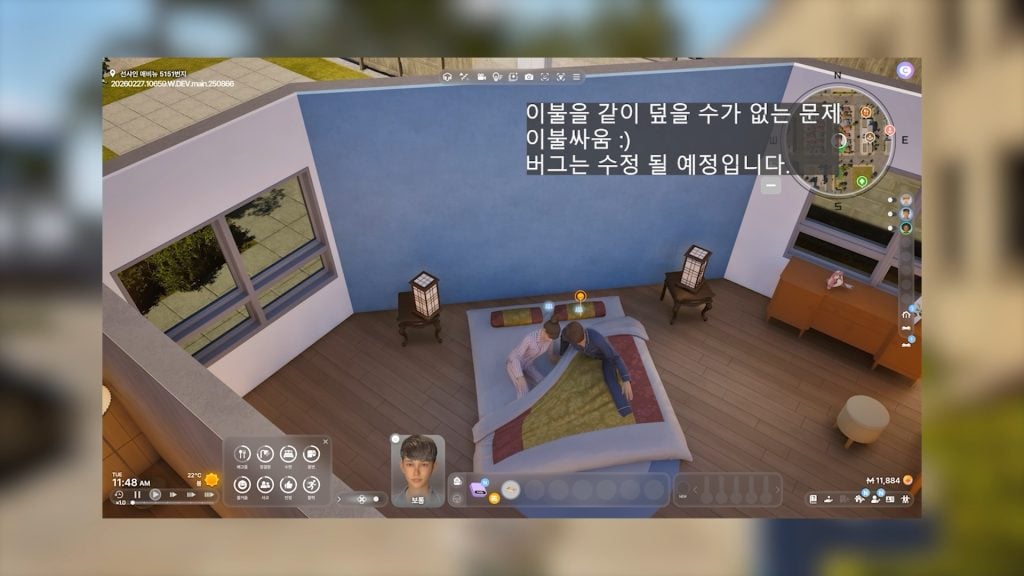
○ Sleeping on floor beds, both single and double!
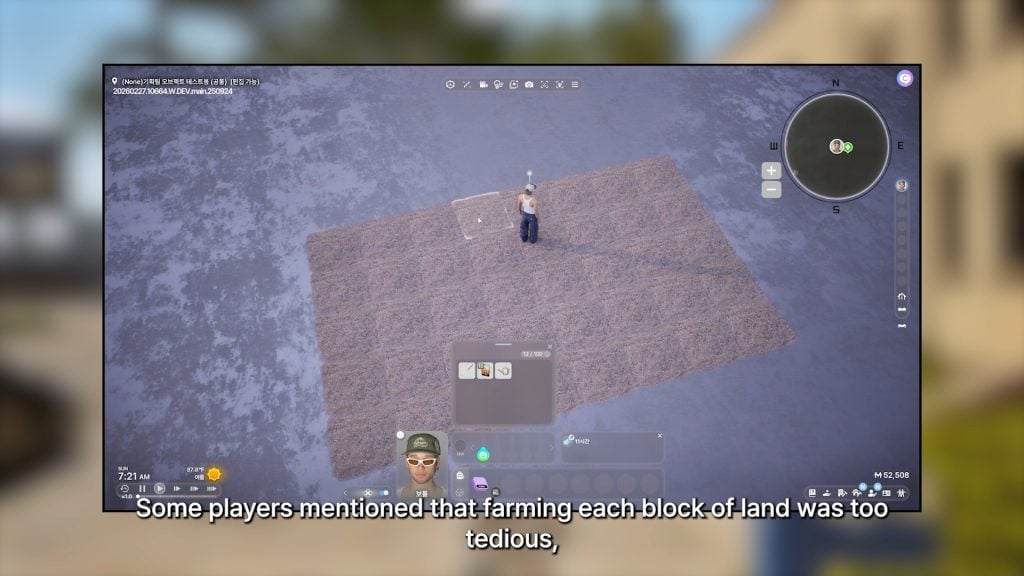
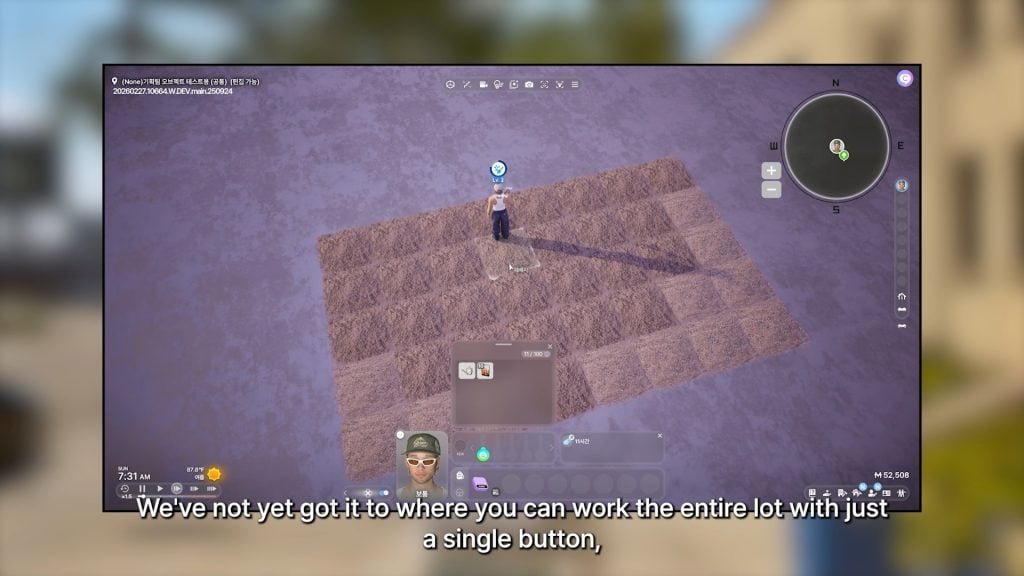
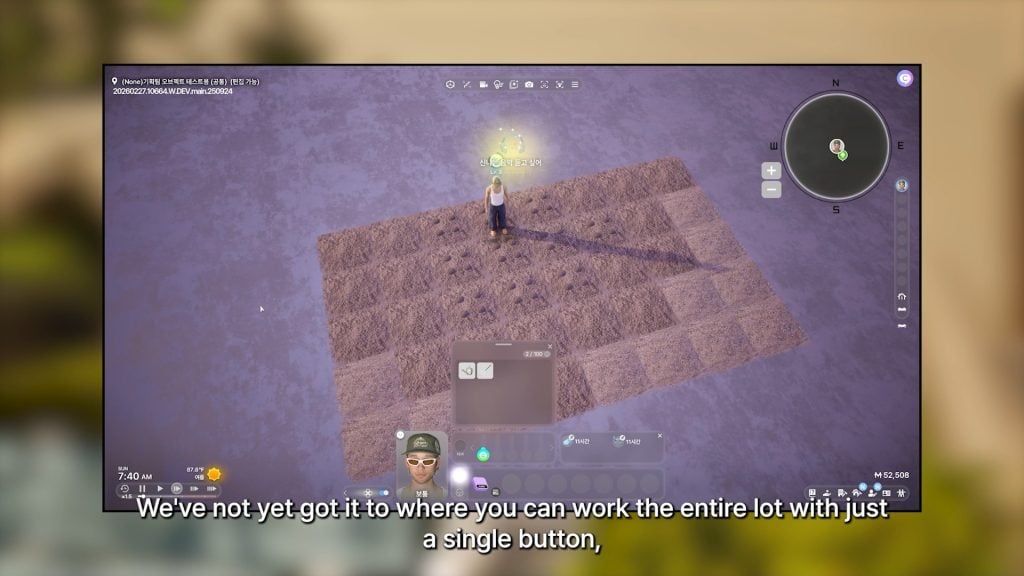
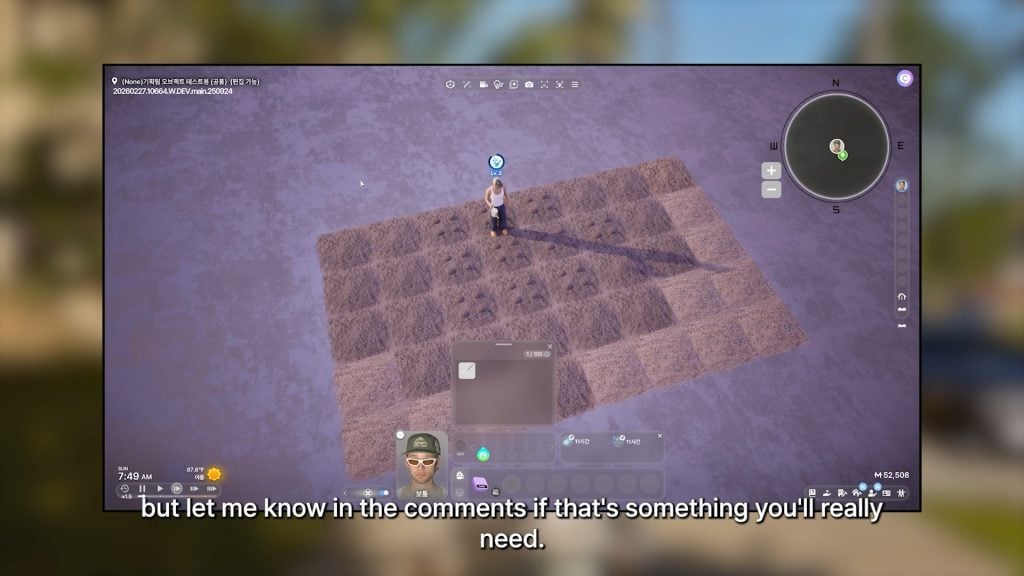
○ Due to player feedback that individually tending each plot of land when farming was tedious, a feature allowing your zoi to water many plots with a single plot is being worked on. Although, it was noted that having your zoi care for every plot with a single click has not been successfully done yet. The developers did ask for feedback on how much players actually wanted this feature.
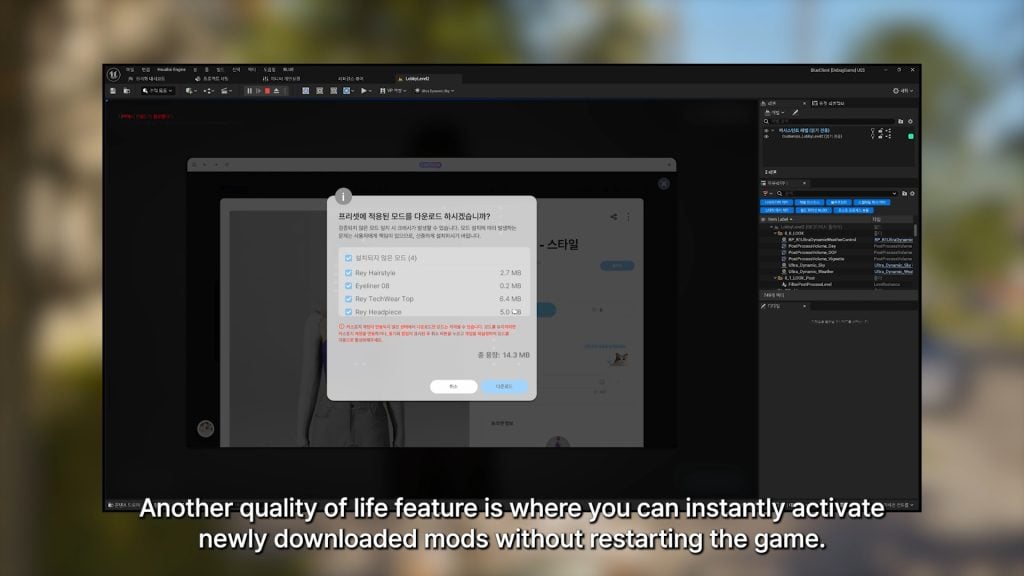
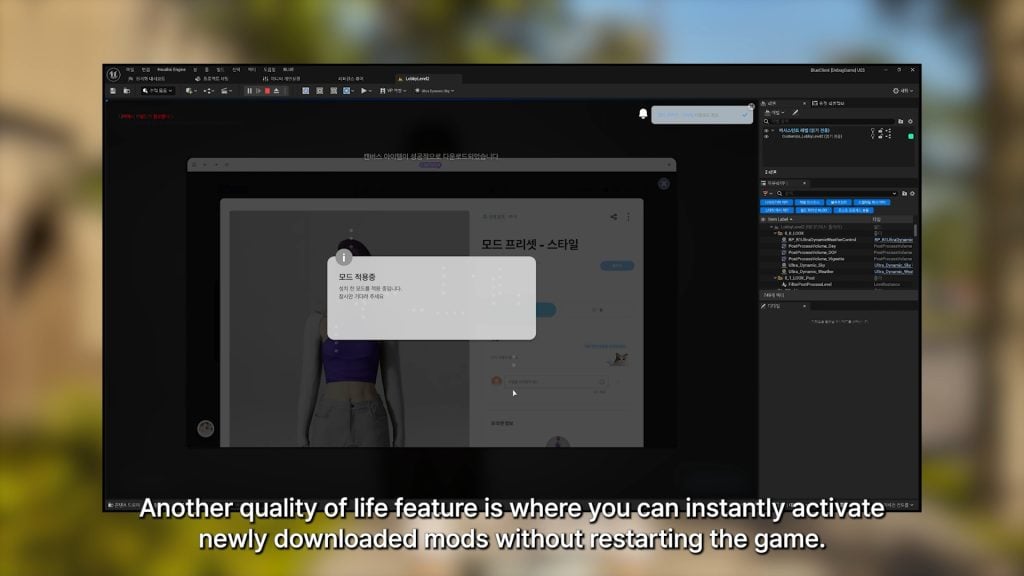
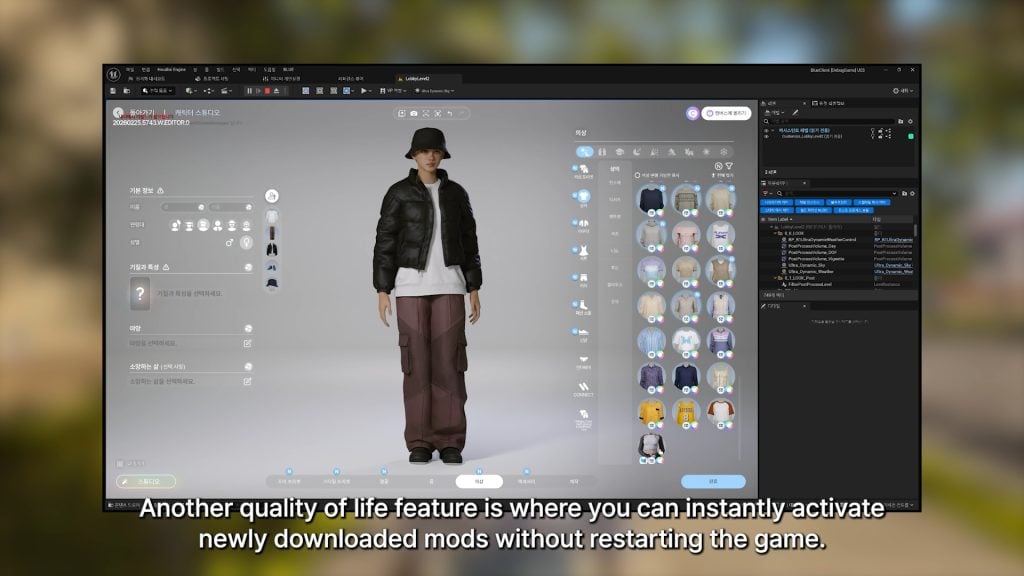
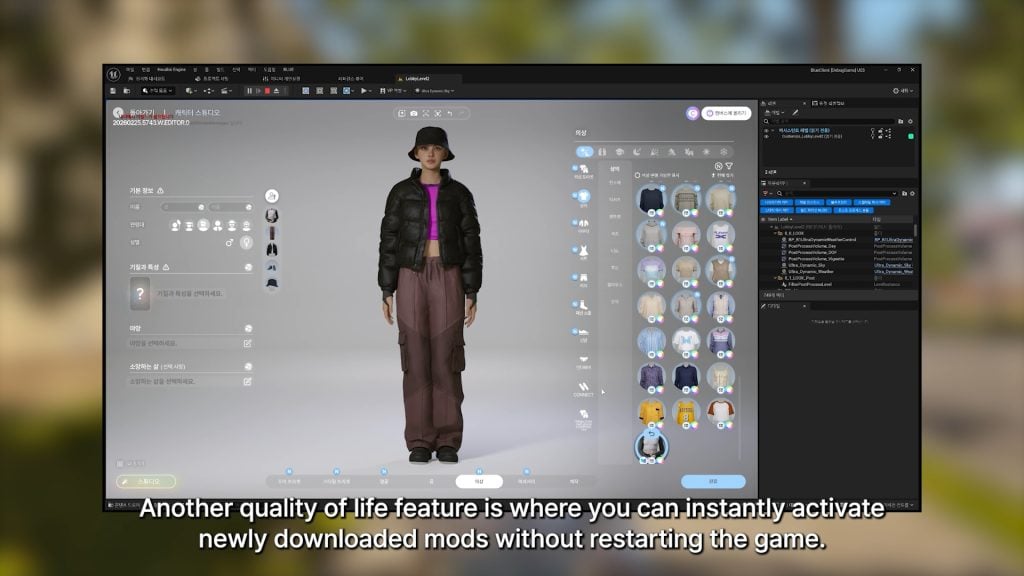
○ To make the player experience easier, you can now easily activate any newly installed mods without restarting.
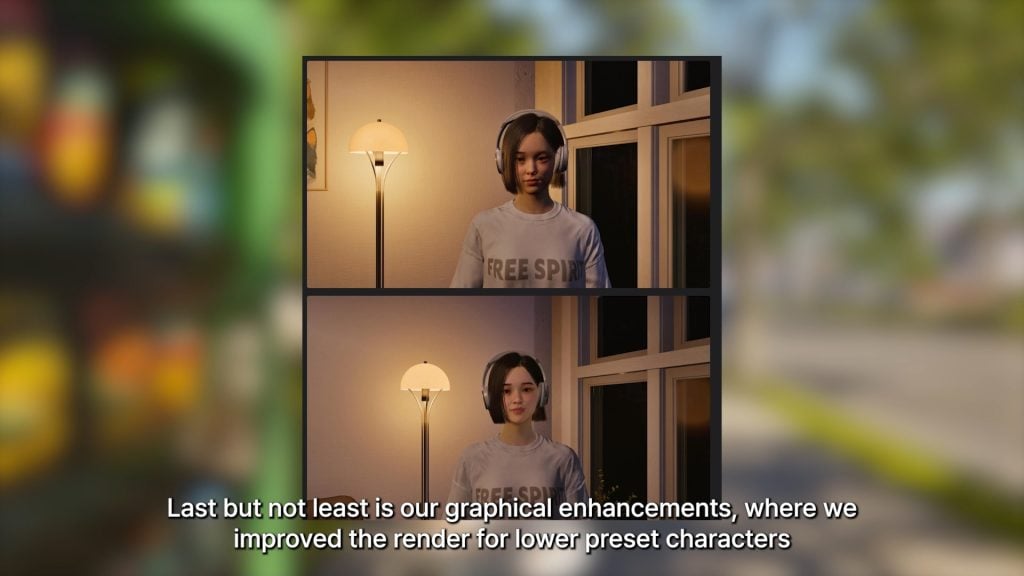
○ More progress has been made on both optimizing and improving the appearance of lower presets…
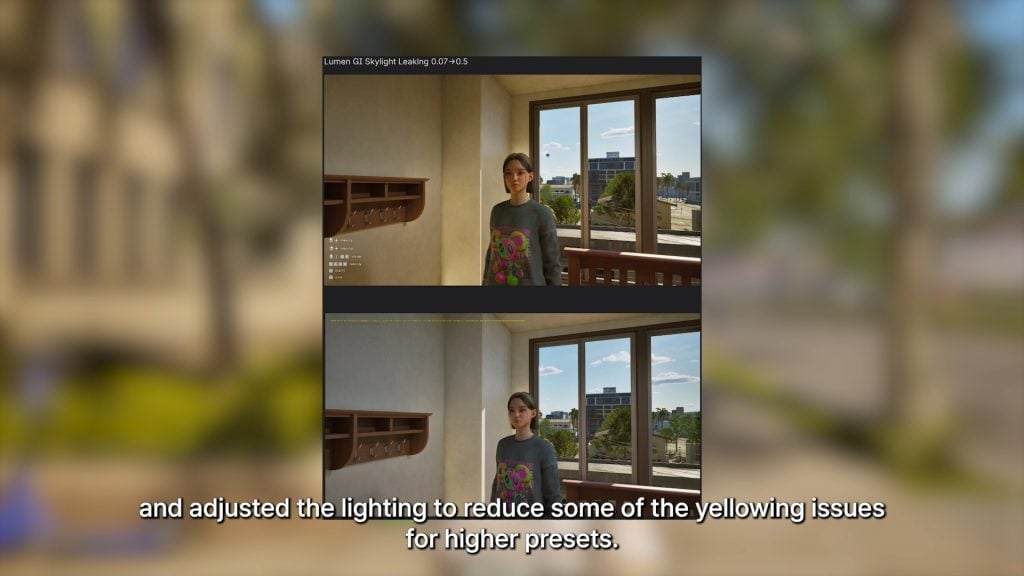
○ … And addressing issues with lighting changes, specifically yellowing of color tones, on higher graphical presets.
InZOI Developer Update, March 13th 2026 – Marching Closer to the March Update
Hello. Happy Friday!
This week as well, we’re bringing you a variety of updates about inZOI.
The video released today includes several updates planned for the March update. We had originally prepared an engine update, but unfortunately we won’t be able to release it in March. Instead, the engine will be updated to Unreal Engine 5.6 in the April update.
It’s a bit disappointing. There are still some stabilization tasks remaining, which is why we couldn’t move forward with the update sooner.
Also, the UI improvements we showed recently will unfortunately not be included in the March update. We’re preparing to present them in an improved form with the May update instead. We’ll work hard to get them ready. ^^; . . .
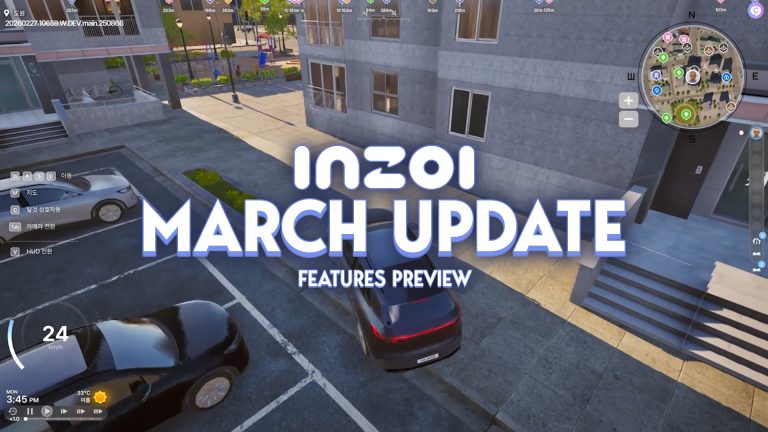
. . . However, the March update still includes many new additions, such as street parking lots, a minimap, eating while walking, dual-hand usage, baby-related interactions and outfit customization, memories, milestones, birthdays, a news feed, and much more.
We hope you enjoy today’s video, and as always, thank you for your continued support and love for inZOI.
— Kjun
What do you think of the InZOI team and Krafton’s efforts to optimize the game better for players, both existing and future?
Make sure to follow The Sims Community to keep up to date on everything in the Life Simulation genre! You can also review roadmaps and current InZOI features on their official website!
This spin-off smartphone title has been shut down by EA.
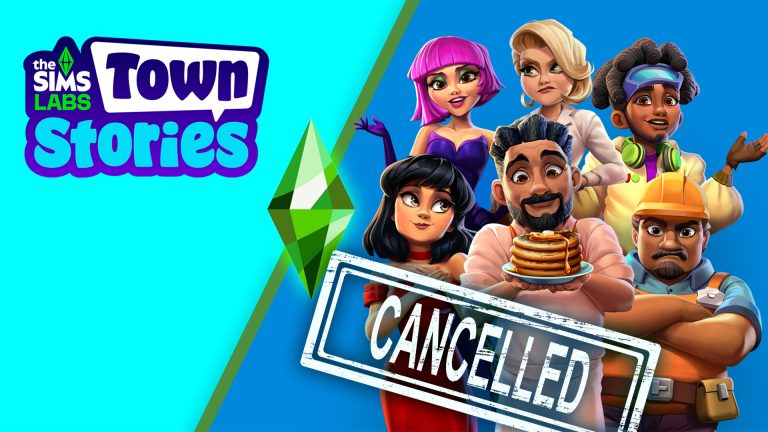
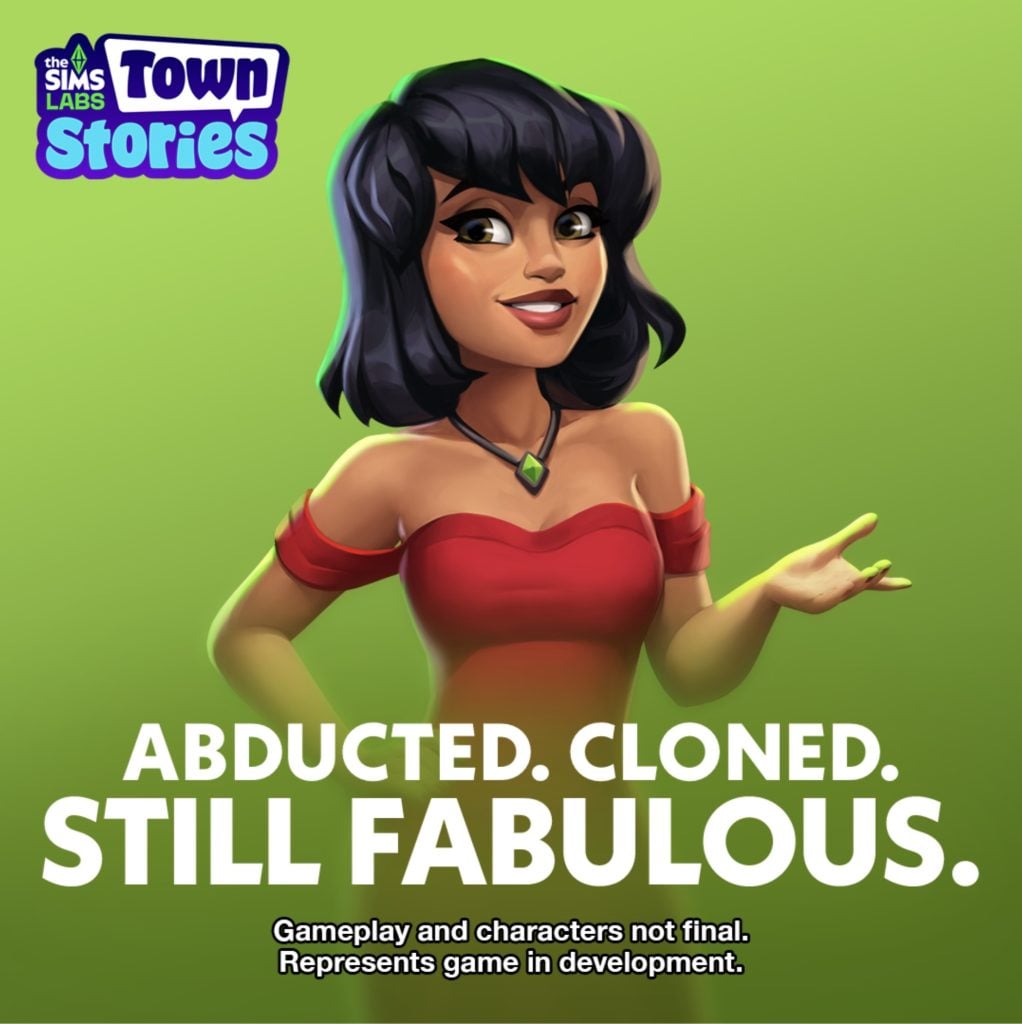
In a shocking reveal we’ve discovered that The Sims Town Stories has been cancelled. The news comes from a now former employee from EA that this spin-off smartphone title is shutting down its development.
The Narrative Designer that made this announcement previously worked on other smartphone projects before moving onto The Sims Town Stories. Read the full announcement from this designer below:
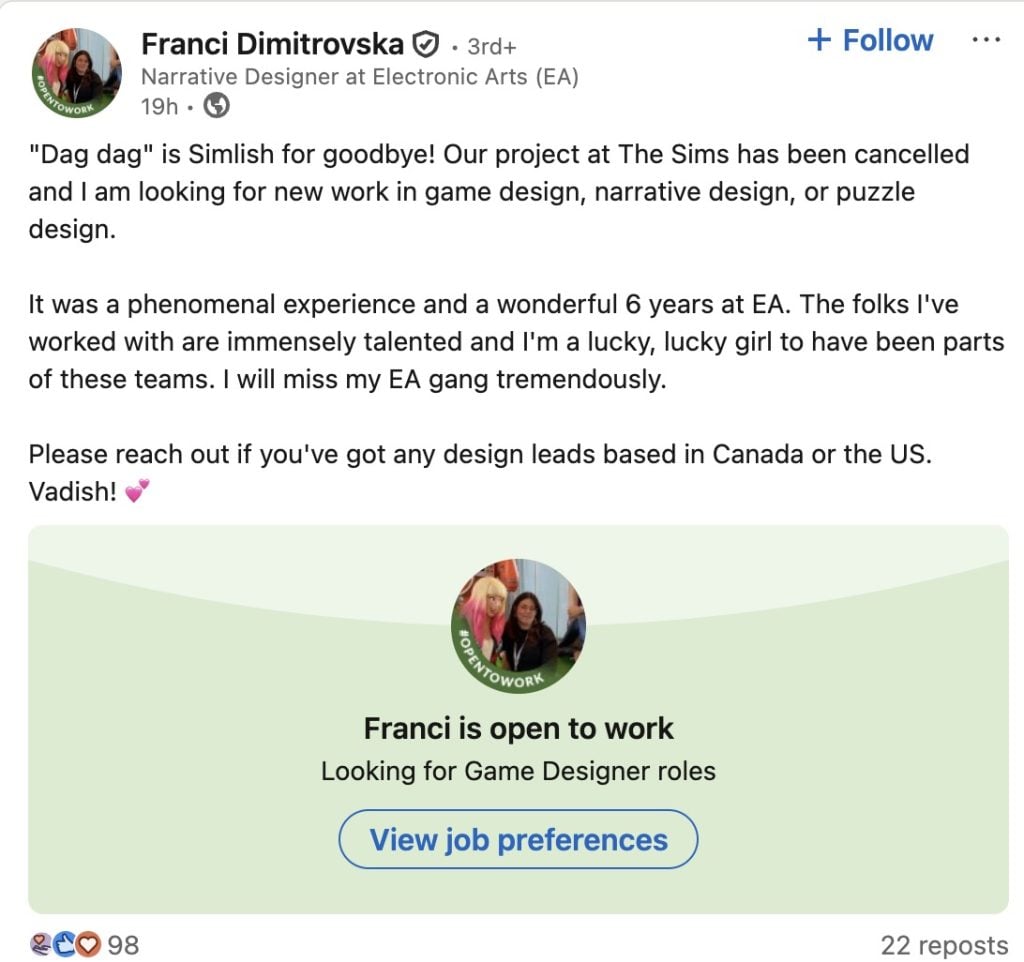
“Dag dag” is Simlish for goodbye! Our project at The Sims has been cancelled and I am looking for new work in game design, narrative design, or puzzle design.
It was a phenomenal experience and a wonderful 6 years at EA. The folks I’ve worked with are immensely talented and I’m a lucky, lucky girl to have been parts of these teams. I will miss my EA gang tremendously.
The Narrative Designer confirmed through their portfolio that they worked on this project for more than two and a half years. Before the imminent cancellation that’s been revealed yesterday.
The Sims Town Stories was first announced as “Project Stories” during the EA Investor Day presentation in 2024. Obviously, a lot of plans have changed since then but The Sims Team was always persistent about introducing it as an individual project.
There were a couple of public playtests, where The Sims Town Stories would get listed on a smartphone store in a select country for a limited time to test out new game mechanisms.
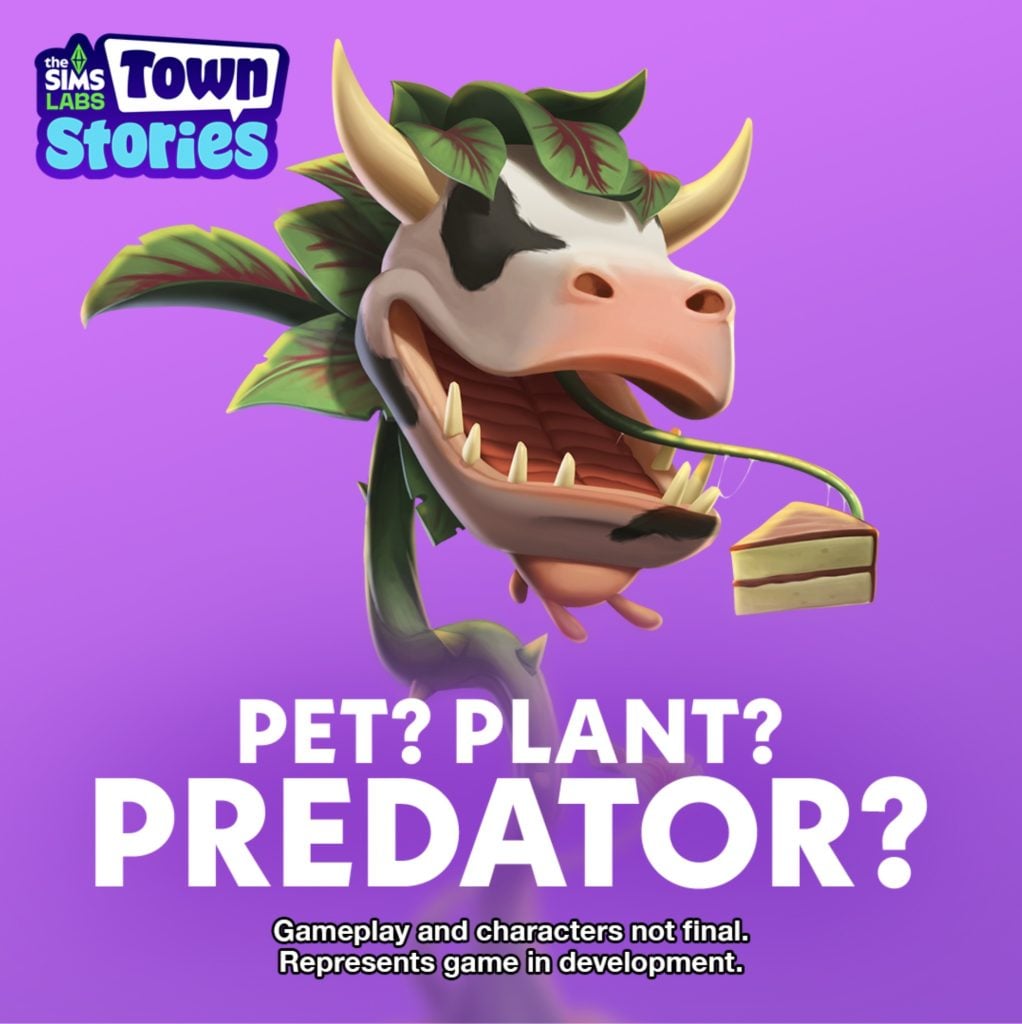
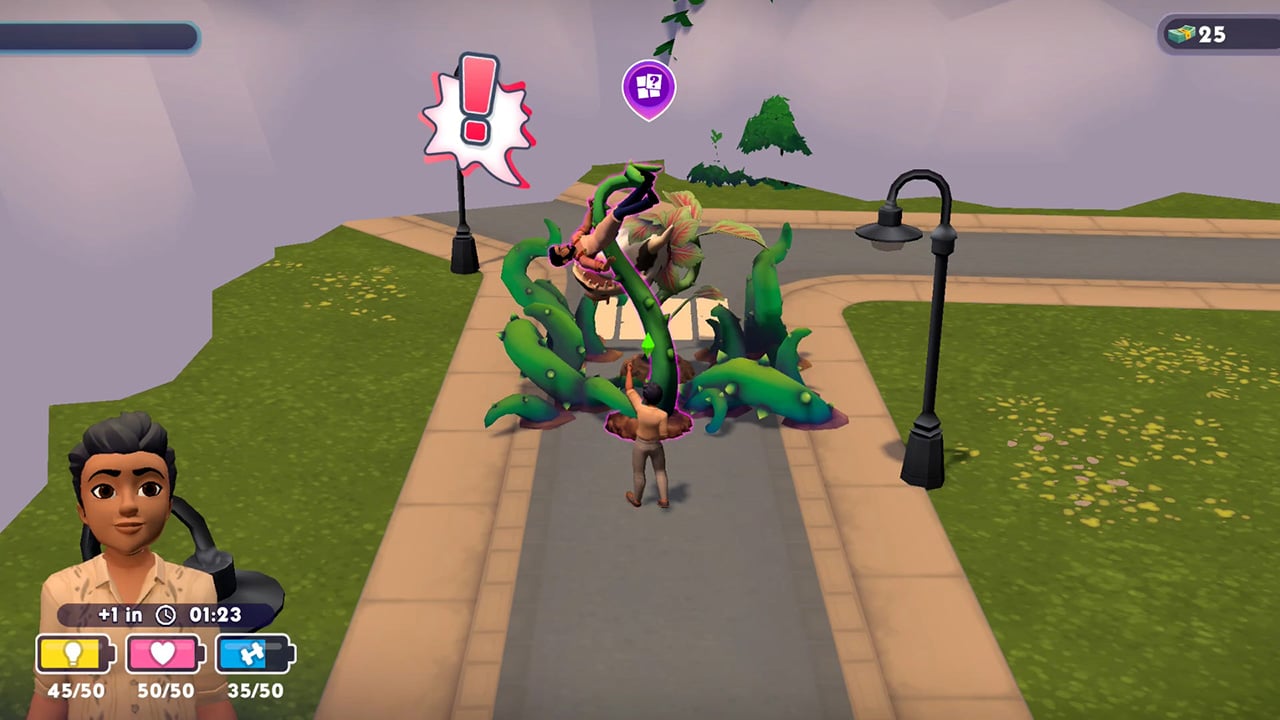
The game worked like a Gardenscape version of The Sims. Where you would play mini-games, match 3 objects, learn lore about the new smartphone town and unlock places to build houses. On top of other Sims Mobile-esque features that you would expect from another cancelled Sims mobile game.
What happened?
An internal EA 2026 Survey leaked online in January. Where Electronic Arts allowed players to pick between two mobile titles for The Sims. One being The Sims Town Stories and another being an “unnanounced mobile game”.
The Sims Town Stories
A new Sims narrative driven, town-builder mobile game where you explore the story-rich town of Plumbrook, befriend memorable characters, and unlock quests and new areas as you play. Uncover mysteries, experience meaningful moments, and discover the stories that shape the town.
Untitled Sims Mobile Game
A Sims mobile game where you begin with one household and expand into a thriving Sim Town of your own design. Build and decorate homes, customize quirky Sims, progress through careers & hobbies, and express your creativity through generations of stories.
Was another Sims game for Mobile picked in favor of already-developed The Sims Town Stories? We know that The Sims Project Rene has shifted into Mobile-only focus with the official 2026 Roadmap announcement, so all of the development might be shifted into one singular product. However, all of that is just speculation at this point. And one of the main factors that could’ve resulted in the cancellation of this project is the EA buyout and / or the general community reception of this game.
People who used to work at Electronic Arts for this project specifically have been let go from the looks of the first statement. There is currently no information or official statements from EA / Maxis regarding the game cancellation. Only Rumors & Speculation about cutting costs and a restructured internal framework within Maxis that’s been imposed by EA.
The Sims FreePlay is currently spearheading the smartphone / tablet area with consistent updates that expand both graphics and gameplay possibilities.
What are your thoughts on the cancellation of The Sims Town Stories? Let us know in the comments below!
A new feedback session for existing Sims 4 features has been opened by the EA Community Manager!
It’s time for another EA Feedback session, this time all about The Sims 4 autonomy & sim behavior. Just two weeks ago we’ve had an open discussion feedback started by EA on The Sims 4 Infants and Toddlers, and today there’s a brand new one directed more towards general adult Sim behavior!
EA Community Manager “Mindy” shared a new discussion over on the official Sims Discord and Reddit to gather feedback on out of place autonomous behaviors and preferred animations.
Hi! I’m back to gather more feedback from you all, this time to inform future updates and improvements to Sim behavior and autonomy.
Before you jump in, check out the Laundry List to see what’s already on the roadmap to be fixed and no need to share anything about infant/toddler autonomy suggestions, as we got so much great input on that last time!
Here’s what we’d love to hear from you:
What Sim or game behavior pulls you out of the experience, storytelling, or roleplaying the most?
What Sim behavior is the most frustrating to you?
What tasks do you want your Sims to complete that they fail at most often (because of bugs or autonomy)?
Is there any silly or wacky autonomy behavior that doesn’t make sense, but you’d hate to see fixed because you enjoy it? (We want to make sure we aren’t removing quirks the community loves.)
Is there an interaction that isn’t currently autonomous that you’d like to see become autonomous? If so, in what situations would you want it to happen?
Thanks for sharing your thoughts!
You can send your feedback to The Sims Team through the linked Reddit and Discord discussions above. For The Sims Discord Discussion you can find the dedicated feedback channel in #feedback-forum > Autonomy & Sim Behavior discussion.
Changes to Sim autonomy are already taking place with the next Sims 4 Update set for March 17th. Including resolution of excessive flirting, sims socializing with strangers and using certain objects obsessively. Keep in mind these notes when sending your feedback to The Sims Team!
“Sim autonomy” is one of our key focus areas based on community feedback, and this update delivers on 3 of our top autonomy issues : Sims socializing with strangers, excessive flirting, and Sims using certain objects obsessively.
[EA Forums] We’ve implemented a notable change to how Sims determine who they speak with on a lot. Now, Sims will generally prefer speaking with familiar Sims they already have a good rapport with, and Sims are less likely to engage with strangers spontaneously.
[EA Forums] We’ve addressed the issue where Sims were excessively flirting with each other.
[EA Forums] We’ve heard your feedback and wanted to address Sims using Computers and Phones too often. We’ve added a few new preferences to the Base Game including: Likes Phones, Likes Computers, Dislikes Phones, and Dislikes Computers. If you don’t want your Sims to autonomously use these objects, please give them the “Dislikes Phones” or “Dislikes Computers” Preferences. If you want them to be obsessed… you know what to do.
[EA Forums] If a Sim autonomously uses the Computer, they will receive a cooldown on wanting to do this autonomously again for half of a Sim day. This cooldown does not exist for non-active Household Sims, for Sims who are Geeks, Sims who Like Computers, or when it is a preferred interaction for Getaways, Clubs, Small Businesses, or Dynasties. Sims who Dislike Computers (a new Preference we added) will never use them autonomously anymore.
What do you plan to send to The Sims Team for General Autonomy & Sim Behavior improvements for The Sims 4? Let us know in the comments down below and stay tuned for the latest Sims 4 News and feedback sessions!
Roses are red violets are blue, flowers are blooming, and so are the deals in The Sims 4 Spring Sale for you. Not only did we already get the ongoing exclusive sale on The Sims 3. Another new sale have arrived on the EA app today. The Spring Sale offers up to 60% discount on The Sims 4 packs until March 26th, 2026.
Table of Contents
The Sims 4 Spring Sale Information
The Sims 4
Expansion Pack
The Sims 4: Royalty & Legacy is still at its full price. With the Grand Bundle that includes three kits, Regal Treasures, Silver Screen Style, Tea Time Solarium. The bundle will be available until March 15th. This time The Sims 4: Adventure Awaits is on sale, with a 20%discount. The Sims 4: Enchanted by Nature is 35% off, The Sims 4: Business & Hobbies, Life and Death, Lovestruck, For Rent, Horse Ranch, Growing Together, High School Years, and Cottage Living is 50% off, and the rest of the expansion packs is 60% off.
Game Pack
As for the Game Packs, all of them can be bought for a 30% discount during this Spring Sale.
Stuff Pack
All the Stuff Packs can be purchased for a 30% discount as well.
Bundles
There are three bundles available for this Spring sale. Decorator’s Dream Bundle with a 20% discount, Everyday Sims Bundle, and Pet Lovers Bundle with a 28% discount.
The Sims Birthday Bundle comes with a 30% discount. If you buy them separately The Sims Legacy Collection, and The Sims 2 Legacy Collection is 40% off. Which makes you save 2$ if you purchase the birthday bundle.
MySims Cozy Bundle
MySims: Cozy Bundle is on 50% discount.
How Long is the Spring Sale?
The Spring Sale will be available until March 26th, 2026. It is currently live on the EA app and Steam for PC and Mac Platforms. Are there any packs you are thinking about picking up? Or will you wait for the next sale? Comment down below which pack is your favorite of all time! Follow The Sims Community for more news.
Finding active and hybrid career mods for The Sims 4 can become quite frustrating with the constant game patches and expansion updates. Many popular mods can become outdated – leaving players stuck with error messages instead of fun new career opportunities.
If you are looking for Sims 4 active career mods, you are in the right place! In this article, I will be highlighting some working mods from some amazing Sims 4 creators. You will notice in this article that there are 2 creators who are mentioned much more than the rest, KiaraSims4Mods & midnitetech. Both of these amazing creators have stayed on top of their mods, with updates and fixes, while still bringing more new jobs to light!
Whether you are looking for realistic professions, inventive side hustles, or a completely unique job path, these active Sims 4 career mods will be sure to expand your gameplay!
Best Active & Hybrid Career Mods For The Sims 4
Mods by KiaraSims4Mods
All of these mods were created by KiaraSims4Mods. They have even provided a Careers Update download, which will keep your careers working through updates. If you are loving these mods, be sure to check out the rest of their amazing creations!
Beekeeper (Seasons Required)
Buzz Buzz! This simple, no promotion career only comes with one level, Beekeeper. The only thing a beekeeper is interested in is collecting and selling honey from their hives! With the help of this mod, you can turn your Sims’ hobby into a career.
Extra, extra! Read all about it! From paper deliverer to CEO of The Sims Journal, there are a total of 10 levels in this career. If your Sim has a degree in communications University, they will start on level 4, “Anonymous Source Handler.” There are even new social interactions, phone interactions, and computer interactions. Writing will need to be in your Sims’ portfolios, and if they continue to do well with their work, they will receive incentives on levels 6 – 10!
Have you come up with some amazing juice creations but not making enough simoleons selling it yourself? Turning a hobby into a career, Juice Creator only has one level, so you can focus on what’s truly important: juice!
Tutors can be some of the most helpful people, and with the help of this mod, your Sim can now be one too! This is a work-from-home job; your Sim will be able to “tutor” using their computer in any location. There are a total of 5 levels in this career: Elementary School Tutor, High School Tutor, Test Prep Tutor, Higher Education Tutor, and Director of Tutoring. A few different work-from-home and promotional tasks will be available, as well as getting a degree at University which will be a quick way to jump-start your promotions!
Discovery University DLC is required, as well as the XML Injector Mod.
Does your Sim love fitness and helping others at the same time? Personal Trainer has 2 different career levels: Personal Trainer Assistant and Personal Trainer. There are new computer and social interactions that all have to deal with a client’s goals or inspiring others about fitness!
Who are you? Who, who, who, who, my Sim really wants to know! For any fan of CSI, this Forensic Scientist career will be perfect to add to your game! There are 10 levels in this career, including Evidence Technician, Autopsy Technician, Forensic Engineer, and more. Your Sim will need to perfect their logic and photography skills, as well as juggling different work-from-home and promotional tasks.
Checkmate! This Chess Player career is perfect for any Sim that wants to expand their knowledge and love of the game into a full-time career. There are a total of 5 different career levels, including Chess Newbie, Regional Competitor, National Competitor, Global Competitor, and Chess Grandmaster. While gaining logic, your Sim should also be completing a total of 5 promotion tasks and 3 work-from-home tasks.
These were all created by the amazing midnitetech! I absolutely love the amount of work they put into all of their mods, and they are constantly updating to provide us with new content! Make sure you check out the rest of their mods and career content!
Literacy Publicist Career
For the book-loving Sims, the Literacy Publicist Career is a 10-level career, which consists of its own uniforms, objectives, and custom rewards, including exclusive books published by Slate & Proof Publishing House. This is base game compatible, but with the help of the expansion Get Famous, you can have fame moments built in.
From Pharmacy Assistant to Director of Pharmaceutical Services, this 10-level career has so much to offer! Among them are custom uniforms, custom interactions, daily tasks, and chance cards. Perfect for any Sim interested in the medical field and wanting to help others with advice and research.
Your Sim will start off as a tester, then work their way up the ladder to higher paychecks and unlock new interactions in the Game Developer Career mod. This is 100% base compatible, and the work can be done by going to the office or by staying at home and working on your own computer. midnitetech even included original The Sims 4 Concept Art so that everything your Sim sketches on their digital pad is actual designs from the game’s history! From cozy games to the next hit action game, your Sim could be behind it all.
Get your zen on with the Holistic Health Consultant Career, consisting of 10 amazing levels, each with its own daily tasks and assignments. Your Sims will be doing everything from planning meals and events to creating their own herbal remedies. Now you can stop by The Green Apothecary for your ingredients instead of walking around Granite Falls, all of which in your custom uniform. This semi-active career is all about helping align other Sims’ chakras and energies while making some Simoleons.
A new skill and a new freelance career!? 3D Modeler Career has over 60 gigs, ranging from small jobs to animations for film studios. The new skill “3D Visualizing” is not just locked to this career, and by progressing through it, you will unlock new interactions and the ability to create 3D models from a computer or Digitalistic Sketchpad. With this mod, you can also manage your own Simblr account and teach classes at your local university. I can see this career being a lot of fun, there is plenty to keep your Sim busy while still racking in those Simoleons!
Snap, crackle, pop! Do your Sims need back relief as I do? This 10-level career can either be a work-from-home or head-to-the-office career with unique tasks, and custom buffs tied to computer interactions. As you progress through your career, you will be rewarded with custom objects and an ever-increasing paycheck!
Go on an adventure to the library every day with this 10-level career that even has classic elements such as layoffs, work rivals, and NPC’s joining you on your journey. You will encounter daily tasks, rabbithole events, chance cards, work-from-home tasks, and different ways to get promoted! There are even custom buffs and uniforms for your new job!
Lot 51’s Core Library and midnitetech_modlibrary are required.
This small handful of mods was created by other creators and are all working at the time of writing this article. Whether you are looking for a quirky new job or something a bit more practical, these creators might have just what you’re looking for!
Donut Career Bundle by BeautifulLache
Do you absolutely love donuts? This mod by BeautifulLache will let your Sim work at two popular chains: Krispy Kreme and Dunkin’ Donuts! Each position has 4 different career levels, and will allow teens through elders to work. If you love this mod, be sure to check out this creator’s other downloads, including careers at iconic locations such as McDonald’s, Waffle House, Domino’s Pizza, and more!
The aliens can be some of the most elusive beings in The Sims 4. One minute you’re just using your Sims telescope at night, the next minute they’re being beamed up into a spaceship and carried off to who knows where! Using your Sims logic skill, they can become a UFO Hunter in this mod by anoukspieg99.
Toymaker Career by RojaCat would be the perfect job for any Sim that is heavily skilled in robotics, handiness, and programming! If your Sim loves putting smiles on younger Sims’ faces, this 8-level career will be a breeze for them. The promotions and money increase after level 2 might also be a good motivator.
Doctors might be in The Sims 4, but they skimped out on nurses. Not anymore with the Nurse Career mod by Delimaci! This very well thought-out mod contains 10 different levels, with 2 different branches available once the second promotion hits (General Nursing or Pediatric Nursing). There are objectives for every level of the career, and if you have Get to Work installed, your Sim will even be wearing a professional uniform when they go off to work!
If you’re ready to make your gameplay more immersive, these active and hybrid career mods are some of the best additions you can download for The Sims 4. They add realism, creativity, and hours of fresh gameplay to your saves! Which career are you excited to try first!? Also, if you love these, take a look at some of our other highlights!
The reliable Sims insider is back with new talks on Sims 4 Marketplace, Project X and the franchise future.
We’ve been closely reporting about informational Sims insider reports – which so far talked about The Sims 4 Marketplace Rumors a month ahead, Project X and general internal management with EA and Maxis during the course of EA Buyout.
The latest information roundup from this same insider includes information both posted last week and today. Including talks about plans for Project X neighborhoods, why Cars never happened for The Sims 4 and revealed that The Sims 4 Base Game was originally intended to be remastered. As first reported in November 2025 Rumor summary article. However, the $55 billion buyout deal that EA accepted was a driving factor for EA to order in the development of this game.
The insider also reports that the reason why The Sims 4 Marketplace is not releasing right away on Console is due to an internal investigation from Sony against EA due to The Sims 4’s general instability. Which might also be one of the driving factors why we’re getting a Quality of Life Roadmap for 2026 and Maxis actually getting a go-ahead to finally resolve game’s highly reported bugs.
Recap on new The Sims Insider Information
Project X Neighborhoods
Question: Earlier you mentioned the possibility of having just one world in Project X. That sounds like a pretty big limitation… Has there been any information about tools for creating custom worlds or neighborhoods? Or at least about editing existing towns?
Sims Insider: The last I heard they are looking into it. That you may be able to move lots around with some other tools as well. But it will be like Sims 4 neighbourhoods still. There would likely just be less asset work to allow you more places to move lots.
I do not think a Create A World tool would be on the cards though.
All of this is still being worked on but that’s the last I heard as to what they’re potentially exploring. They want enough shiny features to have people make the switch and know there’s already Create A World type mods for the Sims 4 that are likely to explode before X launches now that big shifts in the game are going to phase out.
What happened to Sims 4 Cars and Project X Wildcard
Question: Do you know if there’s any chance they port Project Rene’s buy mode to Project X? I saw a video of a leaked build a few years ago and it looked amazing
Sims Insider: I think a lot of the assets that were shown in the first preview of Project Rene were generic Unreal Engine assets.
I do not believe X will continue down that route. I am also not aware of them considering a Color Wheel for the game at this stage. Cars also I’ve been told are very unlikely to be in the game.
But they’re keeping the door open if sales end up being awful and they need wildcard features to save it. Whereas in the Sims 4, EA told them early on that Cars were a no simply because there was a lack of people who used them in the Sims 3 outside the default Taxi, and while sales for the Sims 4 were slow in the first launch month, it picked up incredibly once the Pool update launched and EA were satisfied with the sales moving forward from then which made their decision easier that Cars weren’t going to make a difference to sales.
A color wheel was decided pre launch however, as EA was determined to have The Sims 4 run on laptops and avoid heavy tasks such as Create A Style that were designed for desktop machines.
We’re in an interesting time where Desktop Gaming is cool again and laptop gaming which was where PC gaming was heading in the early 2010’s isn’t as popular. So they’re able to keep the door open on that one unlike before.
Either way, if you start seeing all these flashy features coming out for X after it launches, it’s a good sign it’s not doing well.
How The Sims 4 Remaster turned into Project X
Question: Yeah, it actually was a refresh up to about 6 months ago (more or less), when they decided to finally move the idea into a standalone release. This was probably to fully cut off content they don’t want to support and to put a solid price tag on it, rather than releasing it as a free update.
Sims Insider: Originally there was going to be a phased approach where they just updated aspects of the game like we had seen before (The lighting update or the main menu update).
Then it was decided to do one larger update that would create another legacy edition, which is why they removed the original legacy edition as to not confuse players.
Then once the acquisition was pretty much confirmed, EA ordered it be a new game entirely to sell separately and planned for Adventure Awaits to be the final Expansion before deciding they could one last Expansion to test a new idea of how they could minimise new gameplay, increase the amount of assets by bundling extra DLCs, and seeing whether they would sell just as well. This was so they could use that information in order to asses how they could sell packs moving forward in Project X.
This was a big shift as prior to the acquisition, they’d started giving more budget to Maxis with Adventure Awaits. The last few months of that Expansion were affected by changes but the majority of the work had been completed.
Overall, it had been planned to come to the Sims 4 originally as staggered free updates and the main menu and rebuilt homes in the base game were the first stages of that rollout. Maxis just had to make sure Engagement didn’t slip during this gradual rollout or the opportunity may be taken from them, which created the idea for Events. But now it’s all been pulled from them and now a seperate game being built very quickly and with the Sims 4 as being its source.
Question: if Project X is being available only online, does that mean they can shut down the game any time and people who purchased the game alongside all of the DLCs will be lost forever?
Sims Insider: They may move to an offline solution like they did with SimCity 2013 but they also may not as well. It’s a very what if situation at the moment
On how EA deals with The Sims 4 Marketplace and Sony Pause
Sims Insider: I thought this was another case that I knew was being handled, but this seems to be someone different.
Doesn’t shock me at all. EA wanted to rush this out in time for the acquisition. Ironically, they’ve had to delay it on console because of an investigation by Sony about the stability of the game and that was the platform they were mostly targeting with this storefront. So rushing creators and getting them to start making content before they fully understood the idea of what they were doing seems like perfect Karma.
The Future of Franchise is Hanging on Marketplace, Project X and Project Rene
Question: They better not shut down Sims 4 tho, image meltdowns when all those DLCs people bought vanish into oblivion. This is why we need offline mode and physical copies back.
Sims Insider: The Sims 4 can be played offline already, it’s just the EA App that requires online validation.
EA still earns millions from each year from Outdoor Retreat and Get To Work alone from the first financial year of the Sims 4 (which technically starts from April 2014 but you get what I mean).
EA don’t have a history of selling IPs but this whole new world will be a different ball game.
If this Marketplace system fails, that’s one step that may effect things and reduced interest may have EA reconsider certain things. But if Project X and Rene etc. fail too they may consider letting go of Maxis and the IP but keeping the publication rights of the previously released games. Simply because selling Maxis as a studio without the Sims brand would be pointless and it may get to a stage that EA need an instant financial resolve.
20 billion is a lot of debt and on top of that, it’s not factoring in future operating costs.
I’m sure EA absolutely know the worth of the Sims brand and that other companies would go into a form of debt themselves just to take it on.
But long story short, old EA I couldn’t see them selling the IP in a pink fit, but new EA, I don’t think even they know what they will do if their aggressive monetisation fails. They know Maxis already operate on less staff than they probably need, and how much has to be outsourced as a result.
General EA Talks and Sims 4 Game Packs
Question: I will never understand how they managed to fumble and kill such a massive, beloved franchise. That truly took special skill
Sims Insider: It’s a fumble for the consumer and for the brand, but at this stage EA don’t care about either.
They need money fast, and if there’s a risk they’ll kill beloved franchises in the process, they absolutely will if there’s a chance it could make them money.
EA also are the kind of company that will launch something like the Marketplace and know there’s millions of players who will absolutely fold. Players not folding would be an absolute wake up call to EA who look at previous things like Sims Mobile’s paid perks or Freeplay’s points and the like and assume Sims players will pay for just about anything.
You’d be surprised how quickly EA will change things up the moment they face rejection.
Game Packs were invented simply because they were worried about player engagement of the Sims 4 as a whole, even if half of them barely broke even profitwise. It was a good-will product despite them only being slightly less to develop than an Expansion.
That’s all the information we currently have from this mysterious (and usually right) ATRL insider. Still, it’s up to you to take this information as speculation until proven otherwise.
What are your thoughts on the latest Sims insider report? Let us know in the comments below and stay tuned for more Speculation & Rumor reports on Sims Community!
A Sims Game (not specified which one) is getting a snazzy motion intro from BUCK creative company.
A new announcement from Creative Company called BUCK was released yesterday, revealing all the creative input this agency has done for The Sims Motion and Design rebrand. Including some new motion graphics you might’ve seen in Laundry List, Game Tip Videos and general Video Promo footage on The Sims official channels.
This Motion Design work goes in hand with the visual rebrand done by company Collins. Putting visual new assets to life in motion graphics and After Effects work.
The company included a surprising announcement at the end, saying they’ve worked on a unique “brand mnemonic” – “the intro animation that plays every time a Sims player loads the game, that will be seen by millions for years to come.“
Read what the company has to say in their public Linkedin post:
Sul sul! We worked closely with The Sims team to bring The Sims design system to life through a vibrant motion system.
Leaning into The Sims’ tone of voice, we developed motion principles that result in a playful and wide-reaching motion toolkit that spans across logo animations, transitions, social assets, and much, much more.
Our work also includes the brand mnemonic, the intro animation that plays every time a Sims player loads the game, that will be seen by millions for years to come.
The current game intro for The Sims 4 is the old animation style from 2014. The only games that could have the new intro animation are maybe the MySims Re-Releases, but that wouldn’t fall into the “millions of players” category they’ve specified above.
UPDATE: A 4K version of the new The Sims Intro has surfaced online. Check it out below! (Thanks to @_etozheden for the tip)
The example shown above could just be a general intro animation example taken from their motion Brand identity portfolio for The Sims . Throughout which they also showed a lot other examples such as the animated Cowplant and running Freezer Bunnies, Simoleons, hand-drawn Plumbobs and more.
You can also check out the full motion video example they’ve used along with their full LinkedIn post below:
It’s currently not known for which Sims game has the company BUCK created the motion work for the game intro. Is it for The Sims 4, Project X, Project Rene or all 3? We’re just speculating at this point!
Let us know what you think of the new motion design work for The Sims from BUCK in the comments down below. Stay tuned to Sims Community for all the latest game news and updates!
Apple’s MacBook Neo is the cheapest Apple Laptop available, and it might just be the best budget option for The Sims 4!
Apple’s MacBook Neo just launched on March 11th 2026, and the question that comes to the front of a Simmer’s mind is ‘can it run The Sims 4?’ At $599, the MacBook Neo is the cheapest laptop Apple has ever released, and one of the most affordable ways to get into the Mac ecosystem. Powered by an A18 Pro chip (the same silicon found in the iPhone 16 Pro) rather than the usual M-series, it’s a genuinely new kind of Mac. But cheap doesn’t have to mean underpowered, and for Sims 4 players, the early footage looks promising. Let’s take a look at the community’s reaction and some gameplay demos on Apple’s latest MacBook!
Table of Contents
What Is The MacBook Neo?
The Neo is Apple’s most affordable Macbook to date, starting at $599. It’s a 13-inch fanless machine that runs in complete silence, and it marks the first time Apple has used an A-series chip in a Mac. The A18 Pro includes a 6-core CPU and a 5-core GPU. It’s not a gaming laptop by any normal definition, but The Sims 4 isn’t a traditional gaming benchmark either. For Simmers, what matters is: does it run smoothly, does it stay cool, and does it hold up when playing with every piece of DLC? Let’s get into it.
For context, most players consider anything above 60FPS to be smooth and comfortable gameplay. Hitting 90FPS on one of the cheapest laptops in Apple’s lineup is impressive. Over on TikTok, @Milesabovetech has posted a video, showcasing the game running at a smooth 90FPS, even when zoomed all the way out with no noticeable dips in gameplay. Take a look at his benchmark test!
For players who only run The Sims 4 base game, the MacBook Neo looks like a legitimately strong option. It’s quiet, it’s smooth, and at $599, it undercuts most comparable machines considerably.
Performance With All DLC
Base game performance is one thing. But the Sims community knows that most of us aren’t playing only the Base Game. Between Expansion Packs, Game Packs, Stuff Packs, and Kits, a fully loaded install of The Sims 4 looks very different. This is where the MacBook Neo faces its real challenge.
On X, @jackofallgames7 shared a TikTok by @juliakcrist showcasing exactly how the MacBook Neo performs with every pack installed. While they didn’t run an FPS test, it seems to run incredibly smoothly, with no noticeable frame drop. They do note, however, that the area above the keyboard can get hot, so it’s best not to play on your lap or blanket, and make sure to give it enough room to cool effectively.
Of course, not all players play vanilla; some play with mods and CC too! Depending on how much of a CC shopaholic you are, your game may slow down considerably with large amounts of unoptimized CC. As there are infinite combinations of CC and Mods, this would be impossible to benchmark; however, it is always best to err on the side of caution and play with CC responsibly.
MacBook Neo VS. The Sims 4 Recommended Specs
Take a look at the recommended specs for The Sims 4 compared to the specs of the MacBook Neo:
Graphics Card: (Nvidia)Support for Metal. Intel HD 4000 (Integrated Graphics) or better.
Hard Drive Space: At least 25 GB of free space with at least 1 GB additional space for custom content and saved games.
Recommended Mac System Requirements for The Sims 4
OS: macOS 10.15 (Catalina) or later.
Processor: (Intel)Intel Core i5 (4 cores) or better.
Memory: 8 GB.
Graphics Card: (Nvidia)Intel HD and Iris Graphics from the HD 4000 series or newer.
Hard Drive Space: At least 50 GB of free space with at least 1 GB additional space for custom content and saved games.
MacBook Neo Specs
Processor: Apple A18 Pro chip
Memory: 8 GB (Unified)
Storage: 256 GB SSD
Graphics Card: 5‑core GPU (Integrated with the CPU)
Have you got, or do you intend on getting, a MacBook Neo? Let us know your experience below, and stay tuned to Sims Community for all the latest on The Sims 4!