You Can Put Your Umbrellas Away – The Indoor Weather Bug is FINALLY Being Fixed!
After 5 long months, the Sims 4 indoor weather bug is finally being fixed in the next game patch due on July 1st. This was confirmed after the release of yesterday’s patch by Shawnee over on the official The Sims Discord channel. The main thread on the official EA Forums had over 1,900 upvotes and over 700 comments from players dealing with the same issue.
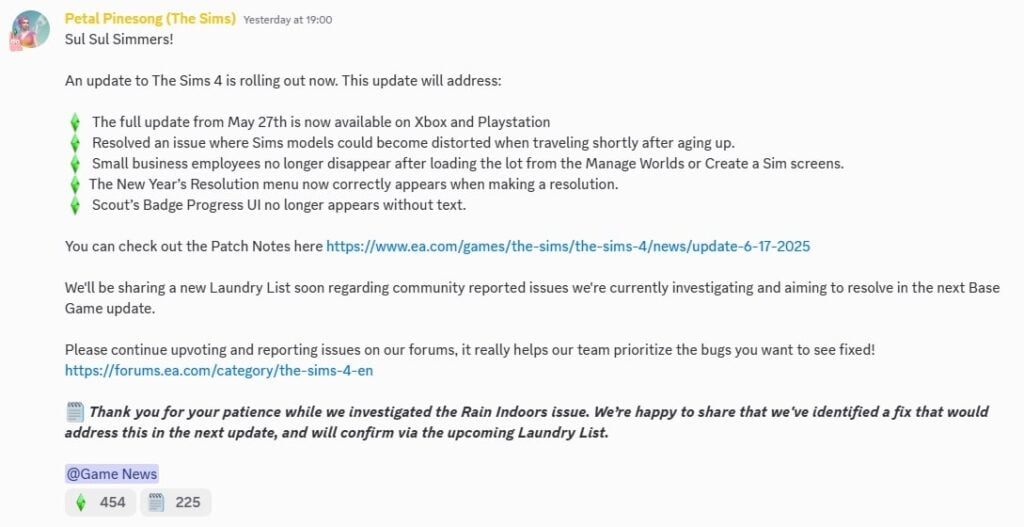
Thank you for your patience while we investigated the Rain Indoors issue. We’re happy to share that we’ve identified a fix that would address this in the next update, and will confirm via the upcoming Laundry List.
Shawnee Via The Sims Official Discord
The weather effects indoors bug was first reported after a game patch was released on January 14th. The cause of this visual bug was difficult for the team to pinpoint, as there are numerous factors that contribute to programming The Sims 4. For most players who reported the bug, it was purely visual; Sims would not get wet from rain or cold from snow, as the bug hasn’t affected the internal temperature of structures in-game. If you are annoyed by this bug, rain and snow can be turned off in the game settings until the July 1st patch is released.
u/Sinistros777 on Reddit (r/thesims)
The issue was changed from ‘reviewed’ to ‘under investigation’ very quickly over on the EA forums, and in both the April and May laundry lists, the team confirmed that they were still being investigated, and that players could submit save files for the team to replicate errors.
The message about The Sims 4 Indoor Weather Bug still remains as “actively investigated” in the official EA Forums. However the status of the issue getting fixed has been signal boosted on The Sims Direct official channels:
Thank you for your patience while we investigated the Rain Indoors issue. We’re happy to share that we've identified a fix that would address this in the next update, and will confirm via the upcoming Laundry List.
— The Sims Direct Communications (@TheSimsDirect) June 17, 2025
What has your experience been with the indoor weather effects bug? Let us know in the comments below, and make sure to stay up to date on Sims Community for all the latest news on The Sims 4 and Game Updates!
Let’s be honest – even with the Lovestruck expansion’s improvements to romance and the turn-ons/turn-offs system, The Sims 4’s relationship and pregnancy mechanics still leave much to be desired. While Lovestruck added some depth with compatibility and attraction, pregnancies remain straightforward affairs, relationship conflicts lack real emotional weight, and family planning is essentially nonexistent.
But what if I told you there’s a mod that transforms these systems into something that actually resembles the beautiful complexity of real human experiences?
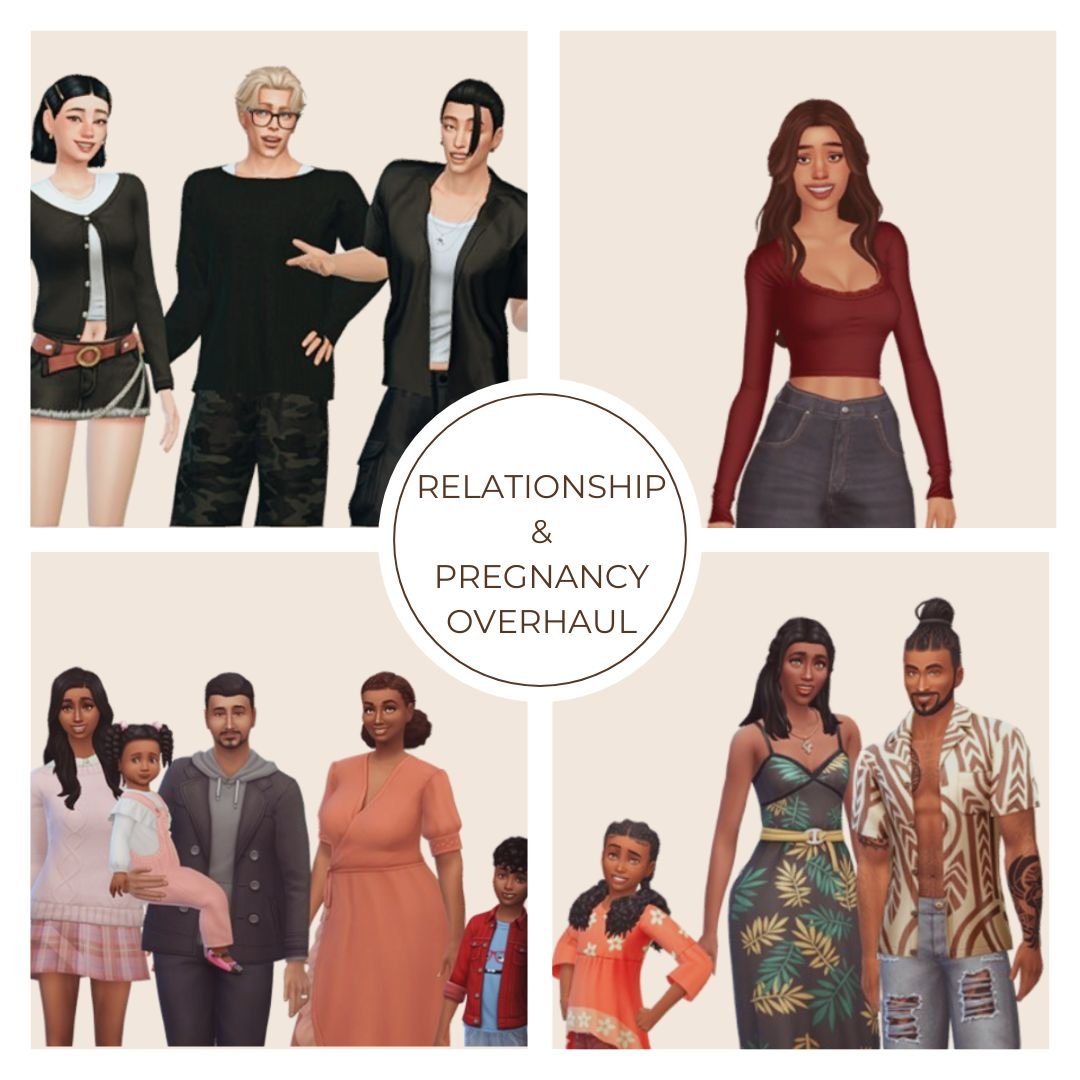
Enter the Sims 4 Relationship and Pregnancy Overhaul (RPO) mod by Lumpinou. This isn’t just another minor gameplay tweak – it’s a complete reinvention of how your Sims experience love, pregnancy, and family life. And trust me, once you try it, vanilla gameplay will feel emptier than a Sim’s friendship bar after three missed hangouts.
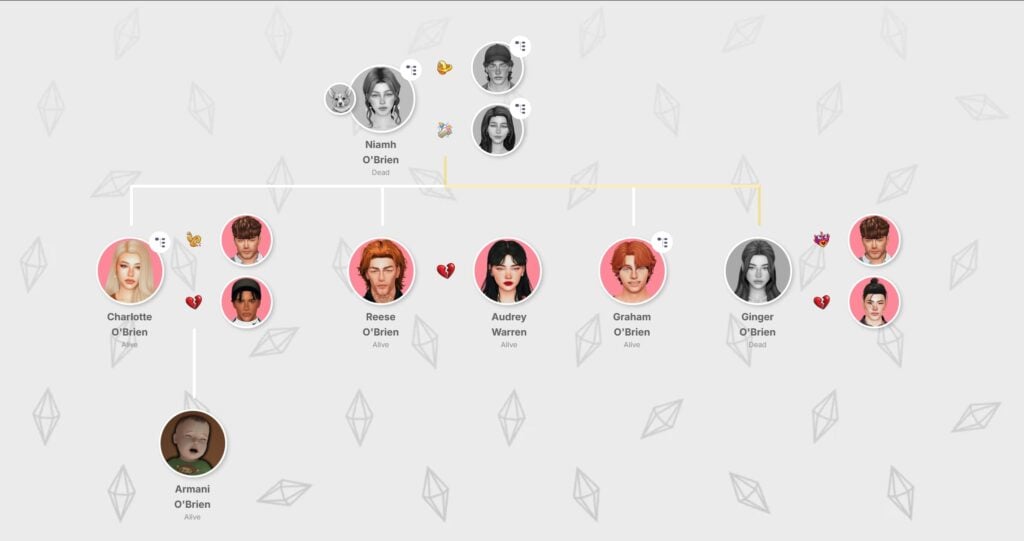
The family tree screenshot featured below is from MissLollypopSims’ Joy of Life Challenge. You can explore more of her engaging Sims 4 content on her YouTube channel.
The Sims 4 Relationship and Pregnancy Overhaul Mod Collection Guide
What Exactly is the RPO Mod Collection?
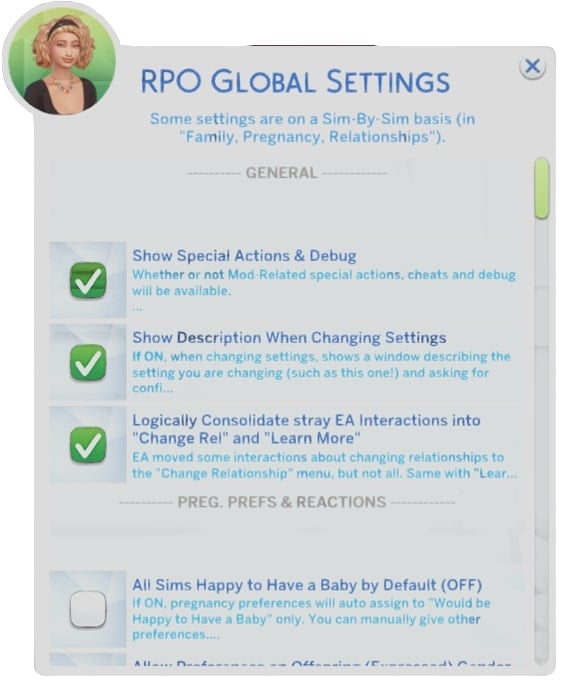
The Relationship and Pregnancy Overhaul mod (previously known as “WooHoo Wellness”) is essentially a collection of 19 interconnected modules that work together to create remarkably realistic relationship and pregnancy experiences in The Sims 4. Each module focuses on different aspects, from fertility and protection to jealousy, custody arrangements, and even WooHoo transmissible diseases.
What makes this mod special is its modular nature – you can pick and choose which features you want in your game. Not comfortable with teen pregnancy or termination modules? Simply don’t install them. Want the full dramatic experience? Download the complete package for maximum realism.
The Evolution from WooHoo Wellness to RPO
When Lumpinou first released this mod, it was called “WooHoo Wellness,” but as it grew in scope and ambition, it evolved into the comprehensive RPO collection we have today. The mod is regularly updated with new features and fixes, showing the creator’s commitment to constantly improving the player experience.
As of May 2025, the collection includes 19 distinct modules with several more planned for future releases. That’s impressive dedication from a mod creator!
Core Modules: Transforming Relationships
Module 1: Pregnancy & Family Preferences
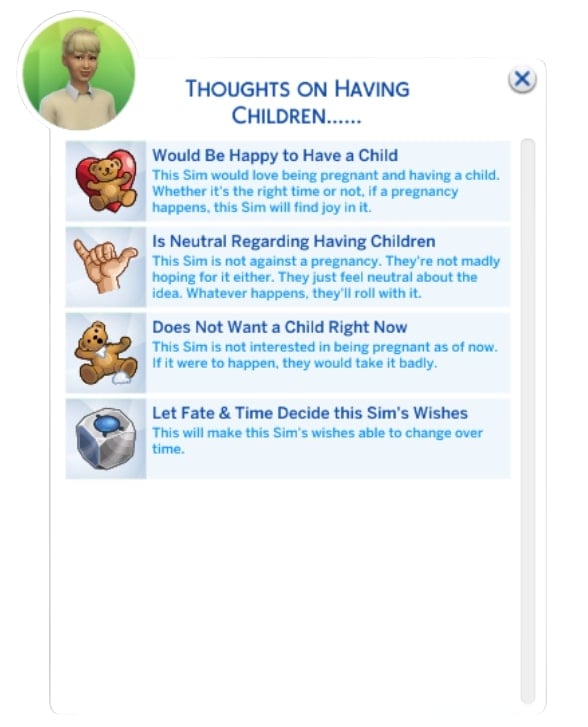
This is where it all begins. Unlike the base game where every Sim seems equally thrilled about pregnancy, this module introduces preference systems where your Sims can have distinct desires regarding children.
I recently had a Sim couple where one partner desperately wanted children while the other was firmly against the idea. This created genuine tension in their relationship that I had to navigate – something completely absent from vanilla gameplay. The preferences aren’t just for the couple either; existing children have opinions about siblings, and grandparents might pressure your Sims for grandchildren.
Module 2: Fertility and Protection
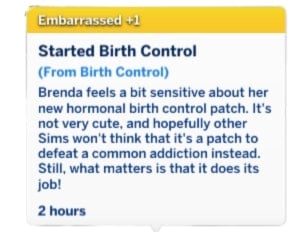
Gone are the days when “Try for Baby” automatically led to pregnancy. This module introduces individual fertility statistics, birth control options, and variable pregnancy risks that make family planning a genuine consideration rather than a guaranteed outcome.
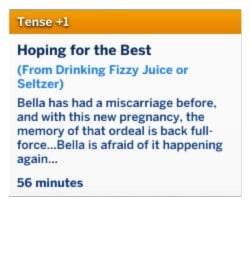
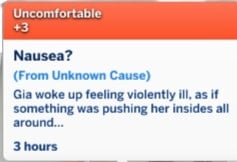
About 5% of Sims are created with infertility, which can lead to heartbreaking but realistic storylines about couples struggling to conceive. You can purchase “WooHoo Protection” or hormonal birth control, which (just like in real life) can come with side effects like nausea and headaches.
I’ve found myself actually thinking about family planning in my gameplay now – weighing the pros and cons of different contraceptive methods and dealing with the occasional unplanned pregnancy when protection fails.
Module 3: WooHoo Transmissible Diseases
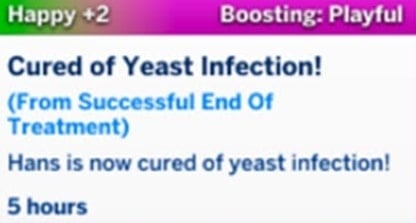
This module introduces consequences to romantic encounters that mirror real-world concerns. Sims can contract diseases through WooHoo, leading to uncomfortable conversations and medical treatments.
While potentially awkward, this module adds another layer of realism that encourages responsible behavior – or creates drama if your Sims are less careful. I’ve had Sims need to have difficult conversations with past partners, adding unexpected story complications that kept gameplay fresh.
Module 4: Paternity Testing
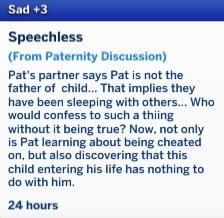
This module allows Sims to discover who fathered their child, with options to lie, tell the truth, manipulate others into marriage, or reject offspring. The process involves fathers using “Request Paternity Test” via RPO Special Actions, with results taking 24 Sim hours and appearing as notifications.
Module 5: Teen Pregnancy
If you’re creating more dramatic storylines, the teen pregnancy module adds realistic reactions including panic, parental responses (support or rejection), and social consequences. Teen parents receive special moodlets reflecting the overwhelming responsibility of parenthood, and may even receive phone notifications from NPCs expressing judgment.
I had a teen Sim whose strict parents were devastated by her pregnancy news – they ultimately supported her, but the family tension and the challenges of balancing school with impending parenthood created a genuinely compelling narrative.
Module 6: Temporary Separations
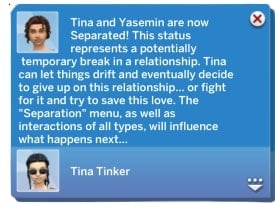
This module allows couples to take relationship breaks rather than immediately breaking up when problems arise. Sims can use this time to assess their relationship before deciding to reconcile or permanently separate. This adds a more realistic approach to relationship difficulties that mirrors real-world relationship challenges.
Module 7: Jealousy & Cheating
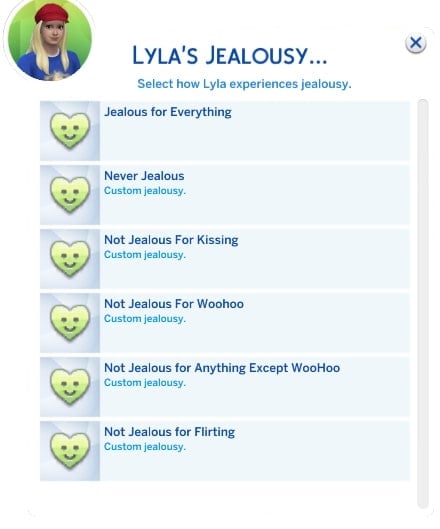
Let’s talk drama! In the base game, cheating is a simple binary – you either did it or didn’t, with predictable consequences. With the RPO mod, jealousy and cheating become multi-layered experiences with customizable settings.
Your Sims can:
Blame or forgive their partners
Lie about or confess to cheating
React differently based on whether it was flirting, kissing, or WooHoo
I had a Sim who caught her partner flirting at a nightclub. Instead of immediately breaking up (the base game way), she confronted him, they had a heated argument, and ultimately decided to work through it – but trust was damaged and took time to rebuild. This kind of emotional nuance is what makes RPO feel so real.
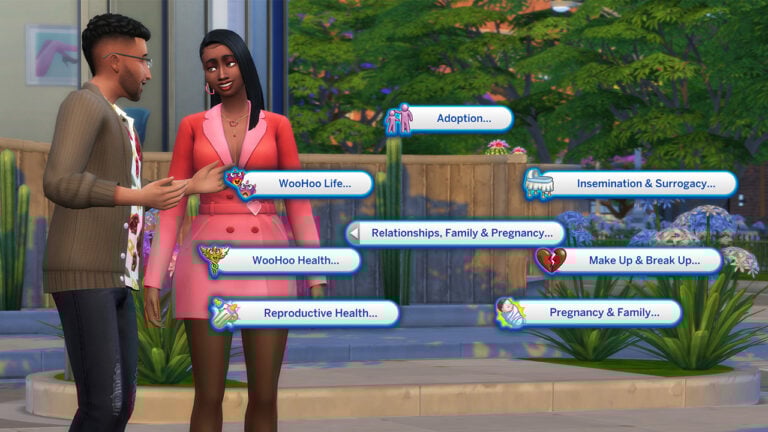
Module 8: Artificial Insemination & Surrogacy
The RPO mod recognizes that there are many ways to build a family. This module introduces artificial insemination and surrogacy options, creating complex family structures that better represent real-world diversity. I helped my same-sex Sim couple navigate the surrogacy process, and the emotional journey from finding a surrogate to finally welcoming their baby felt incredibly meaningful.
Module 9: Adoption
Instead of simply ordering a baby through a phone call (seriously, base game?), prospective adoptive parents must:
Fill out applications
Meet criteria set by adoption agents
Sometimes wait for approval
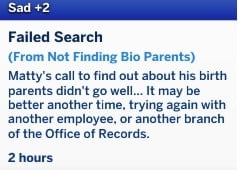
Meanwhile, Sims can put their children up for adoption (with agreement or disagreement from co-parents) and specify reasons such as financial struggles or family pressure. Additionally, adopted Sims can search for their biological parents later in life.
Module 10: Custody & Permanent Separstions
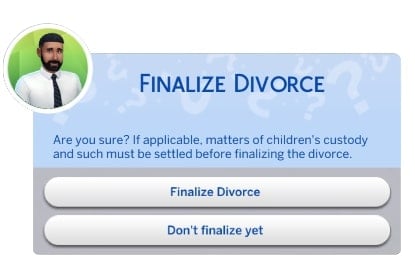
When relationships end in the vanilla game, ex-partners become little more than strangers who occasionally cross paths. With RPO, relationship endings – especially when children are involved – become complex situations requiring ongoing management.
The custody system lets you:
Arrange amicable or contentious separations
Set up visitation schedules
Navigate the complicated emotions of divorce
I’ve found this particularly meaningful for storytelling. In one of my gameplay scenarios, a divorced couple maintained a civil relationship for their children’s sake, with the kids spending weekends with dad and weekdays with mom. These small details create immersive family dynamics that simply don’t exist in the base game.
Module 11: Termination of Pregnancy
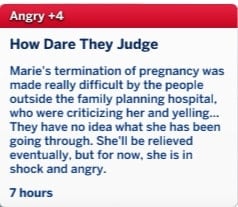
This optional module allows Sims to terminate pregnancies and experience the complex emotions associated with such decisions. Reactions vary based on the pregnancy preferences established in Module 1, and partners can accompany Sims to pregnancy termination appointments. This adds a sensitive but realistic aspect to family planning decisions.
Module 12: Pregnancy Side Effects
Pregnancy in the base game is basically just a positive moodlet and a growing belly. RPO transforms this into a truly immersive experience with:
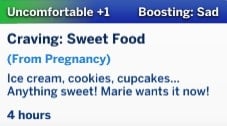
Realistic pregnancy symptoms like mood swings, food cravings, and back pain
Reactions based on whether the pregnancy was wanted
The possibility of pregnancy complications
I won’t lie – experiencing a miscarriage with my Sim was genuinely emotional, especially when her partner comforted her through the grief. It’s these kinds of deeply human moments that make RPO so special.
Module 13: Miscarriage & Pregnancy Loss
This module introduces the possibility of miscarriages and ectopic pregnancies with customizable risk levels and various contributing factors. Lost pregnancies can optionally be added to the family tree and create an urn in the Sim’s inventory, allowing them to name and mourn unborn children. This adds a deeply emotional dimension to pregnancy experiences that reflects real-world challenges.
Module 14: Pregnancy Tweaks & Special Pregnancies
This module provides various settings and tweaks for pregnancy and family life, including options to disable pregnancy walkstyles or enable cryptic pregnancies where Sims may not know they’re pregnant until later stages. These customization options allow players to fine-tune their gameplay experience.
Module 15: Romances & Friendships
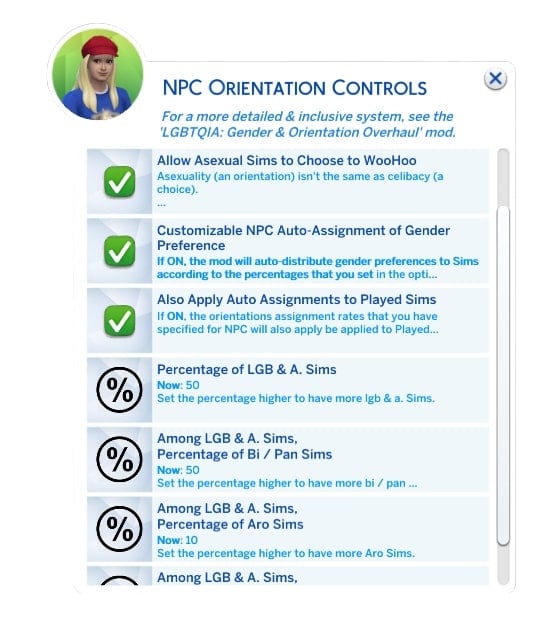
This module enhances dating life and friendships with special choices and quick controls for gender preferences and sexual orientation. It adds depth to non-familial relationships that complement the other relationship-focused modules.
Module 16: Meet&Mingle Dating App
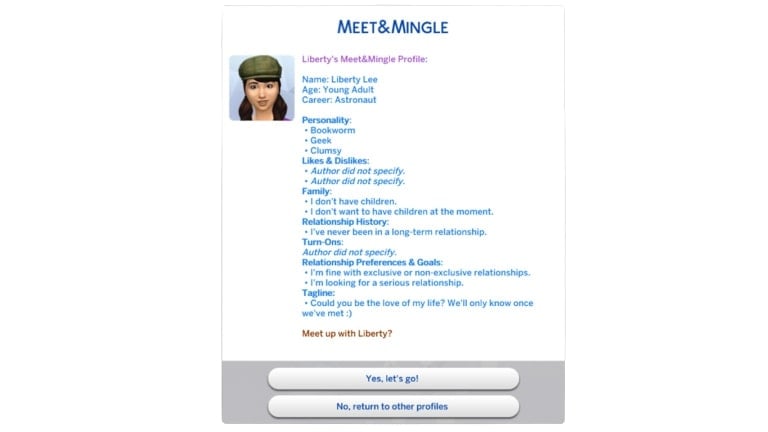
The mod introduces an in-game dating app with customizable dating profiles, relationship goals, and various date types including blind dates. Players can set filters and preferences to find compatible matches for their Sims. This modernizes the dating experience in The Sims 4 to reflect contemporary dating culture.
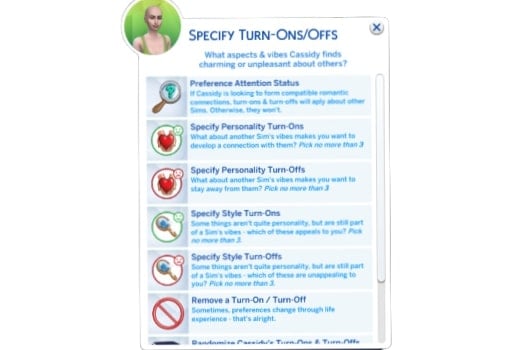
Module 17: Charm & Chemistry (Attraction System)
This module adds an attraction system based on personality, life factors, and physical appearance, making romantic connections more nuanced and realistic. This creates more organic and believable relationship formation than the base game’s simplified attraction system.
Module 18: Expanded WooHoo
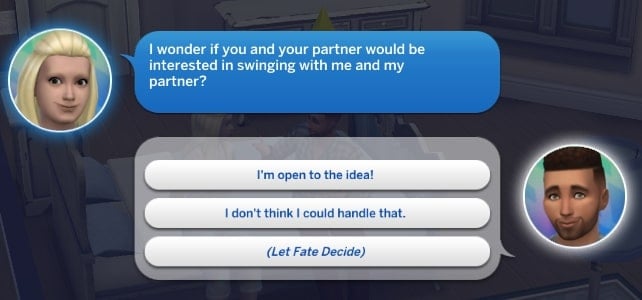
For those looking to spice things up, this module significantly expands WooHoo options, allowing Sims to WooHoo anywhere, on any object, and with multiple partners. It also introduces swinging and WooHoo parties as social events.
I threw a “WooHoo Party” in my game and was amazed at the complexity of social dynamics that emerged – jealousy from some partners, newfound connections between others, and a web of relationships that felt organic and unpredictable.
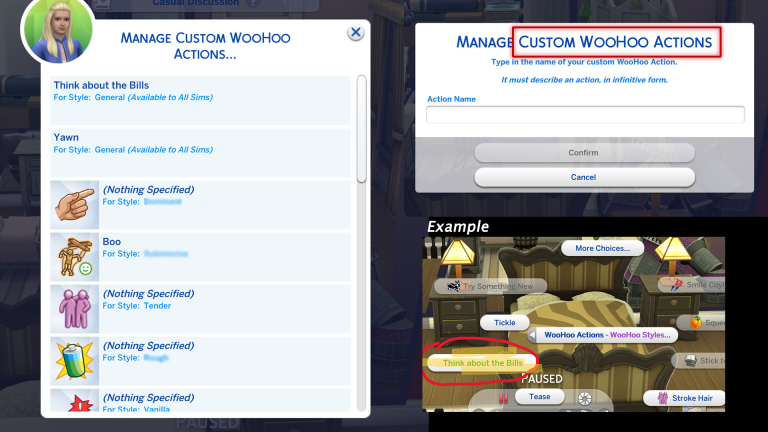
Module 19: Adult Life
This module adds WooHoo roles, drive, styles, and preferences to further enhance intimate relationship dynamics. These additions create more personalized and diverse romantic experiences for Sims.
Installation and Compatibility
Getting started with RPO is straightforward, but there are some important considerations:
Download from the source: The mod is available through Lumpinou’s Patreon page.
Mind your load order: Place RPO files directly in your Mods folder.
Check compatibility: Some modules may conflict with other relationship or pregnancy mods.
If you’re using Wicked Whims, you’ll want to disable its pregnancy and fertility systems to avoid conflicts. Similarly, Slice of Life users should remove its menstrual cycle component.
Troubleshooting Common Issues
RPO Interactions Not Appearing?
This typically happens due to improper installation or mod conflicts. Try:
Ensuring all RPO files are placed directly in the Mods folder
Enabling script mods in The Sims 4 settings
Deleting the localthumbcache.package file
Using the “Log Installed Files” utility under RPO Special Actions > Utilities
Error Code 102 When Loading Saves?
This indicates missing or outdated modules. The solution is to:
After extensively playing with the Relationship and Pregnancy Overhaul mod, I can confidently say it’s transformed how I experience The Sims 4. What was once a somewhat superficial simulation of relationships and family life has become a rich, emotionally nuanced experience that genuinely reflects the complexity of human connections.
Yes, there’s a learning curve, and yes, you’ll need to decide which modules feel right for your gameplay style. But if you’re looking for depth, realism, and storytelling potential that the base game simply can’t provide, RPO isn’t just recommended – it’s essential.
Have you tried the RPO mod? Which modules are your favorites? Let me know in the comments below and stay tuned for more Sims 4 Mod Updates and Guides!
Maxis releases a new hotfix update for The Sims 4 across PC and Consoles.
There’s a brand new Sims 4 Update available on Desktop PC, Mac computers and supported Console devices. With around 700MBs to download, you should expect minor hotfixes and feature improvements to the game. Also potentially preparing the game for The Sims 4 Nature’s Calling Live Event.
Find out what’s been improved and changed in the official patch notes below:
The Pre Event Update
Table of Contents
Installing the Latest Sims 4 Update
You can get the latest The Sims 4 Update on the following official launchers and platforms:
You can download the latest Sims 4 Update by checking for a Patch through the EA App, Steam or Epic Games launcher for Desktop. If you have Automatic Updates enabled the update will automatically download through your client program. In case your EA App is not working properly ensure you’ve cleared your app cache!
If you play The Sims 4 on Xbox Series X / S and Playstation 4 and 5 you can request a new update by checking for updates under The Sims 4 game in the Main Menu. If you’ve enabled automatic updates the Patch should download right away.
Today’s update features a handful of fixes based on community feedback. We’ll be sharing a new Laundry List soon regarding community reported issues we’re currently investigating and aiming to resolve in the next Base Game update.
-The Sims 4 Team
What’s New in The Sims 4
The full update from 5/27 is now available for Simmers on Xbox and PlayStation. Thank you for your patience!
Bug Fixes
Base Game / Multipack
[EA Forums] Resolved an issue where Sims models could become distorted when traveling shortly after aging up.
[EA Forums] Sim Portraits are now properly updated with career outfit when Sims join a career.
Businesses & Hobbies
[EA Forums] Small business employees no longer disappear after loading the lot from the Manage Worlds or Create a Sim screens.
Seasons
[EA Forums] The New Year’s Resolution menu now correctly appears when making a resolution.
[EA Forums] Scout’s Badge Progress UI no longer appears without text.
Discord Message from The Sims Team: Thank you for your patience while we investigated the Rain Indoors issue. We’re happy to share that we’ve identified a fix that would address this in the next update, and will confirm via the upcoming Laundry List.
The update is around 770MB on Mac computers.
What’s your experience been like downloading the latest Sims 4 Update? Join the conversation below!
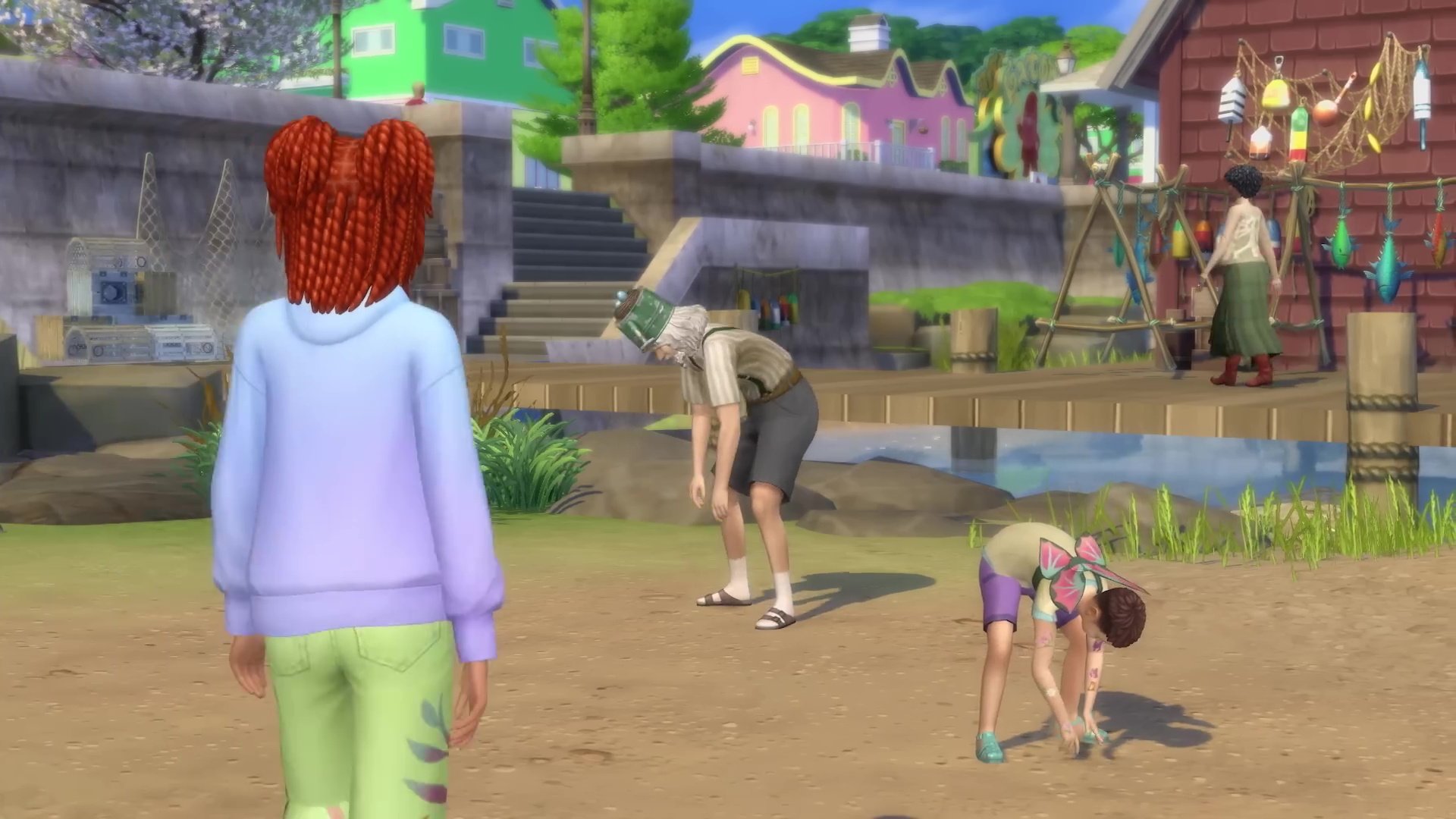
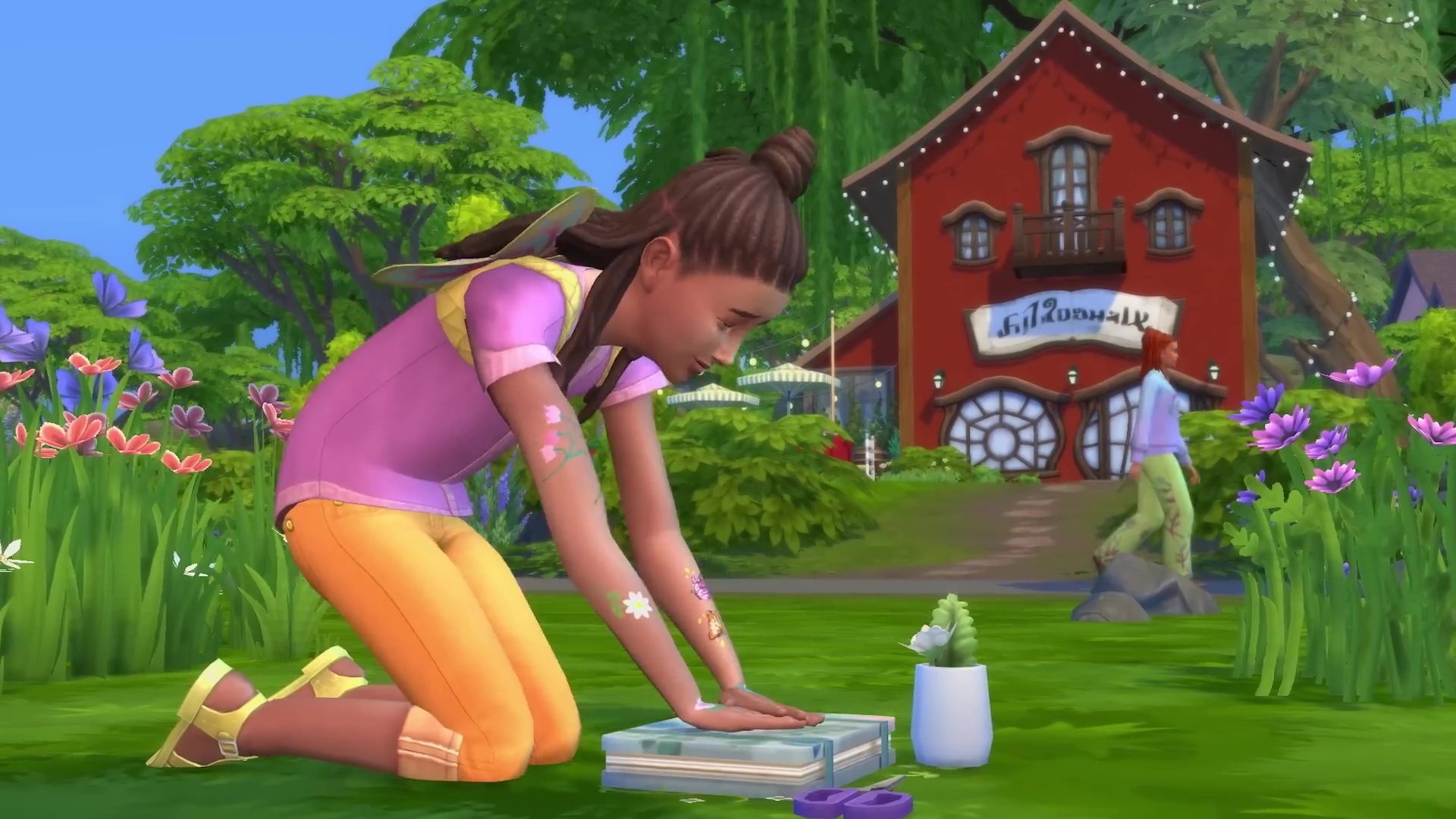
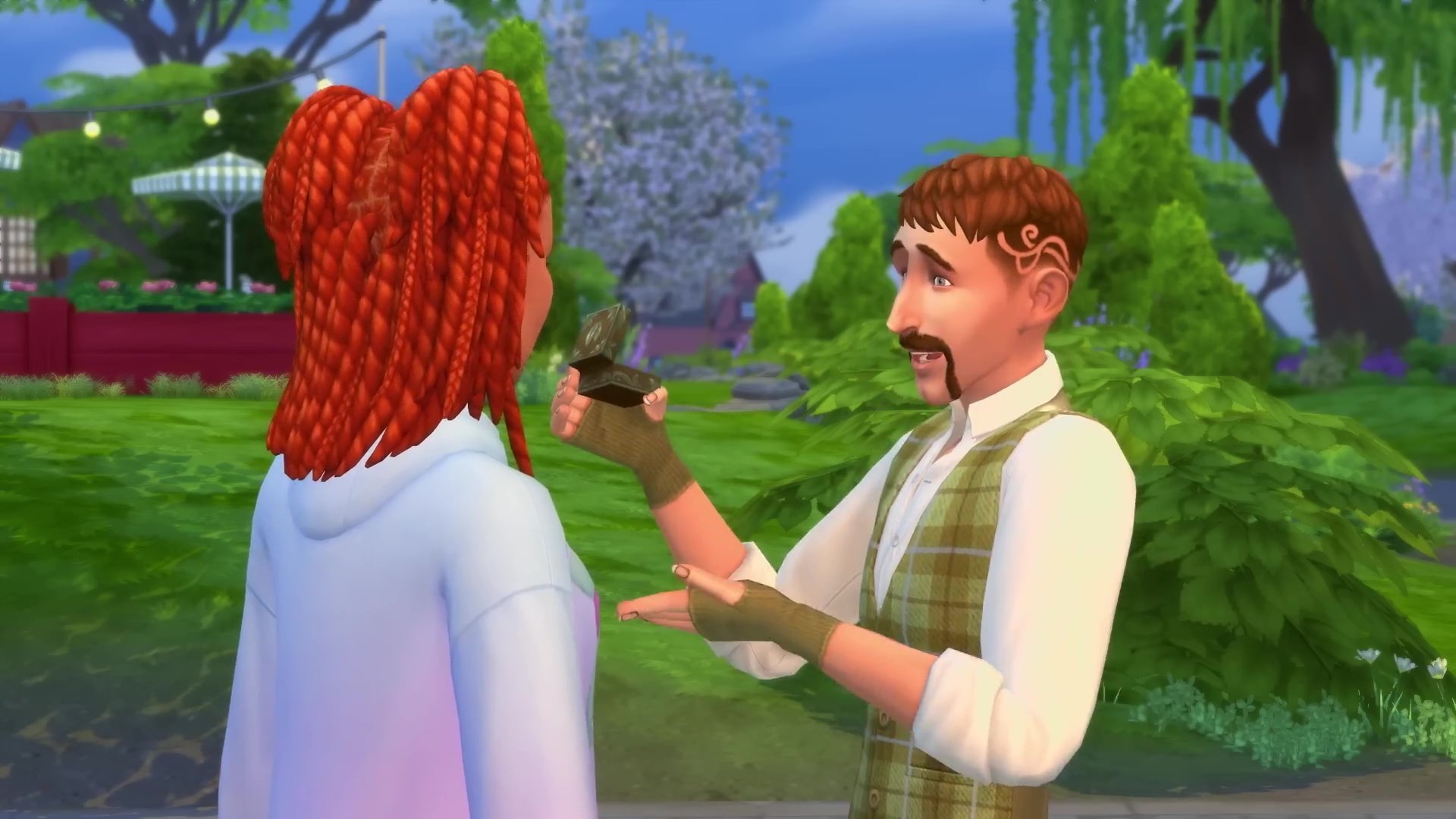
The Sims 4 Enchanted by Nature CAS trailer has been released by The Sims Team! In this trailer, we have our first look at all the new CAS items coming with the Expansion Pack, along with the new skin tones, wing customisation, and traits! More trailers are due to drop before release, covering the new world of Innisgreen and the Build-Buy catalogue before the pack livestream and release.
New CAS Items!
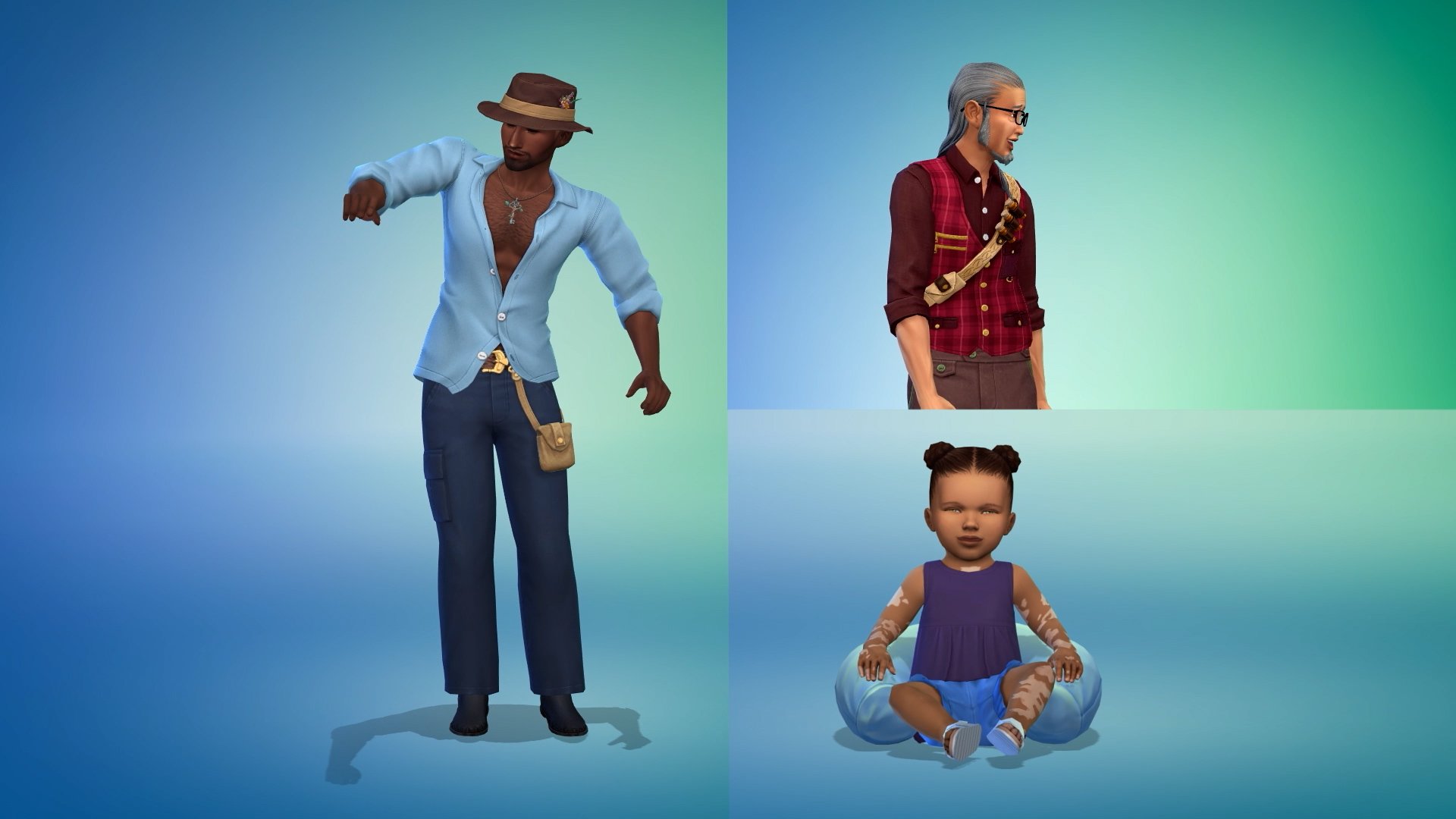
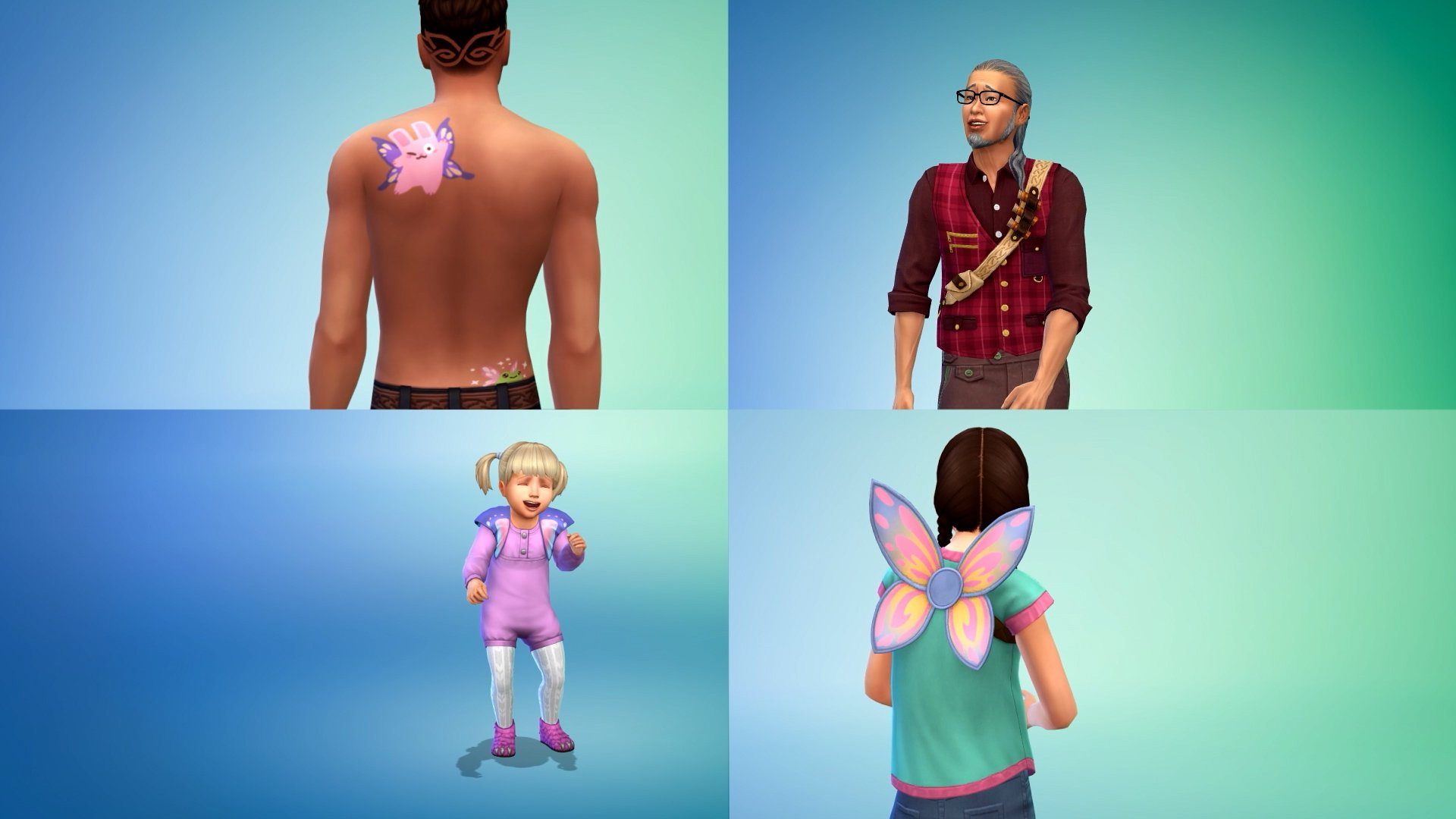
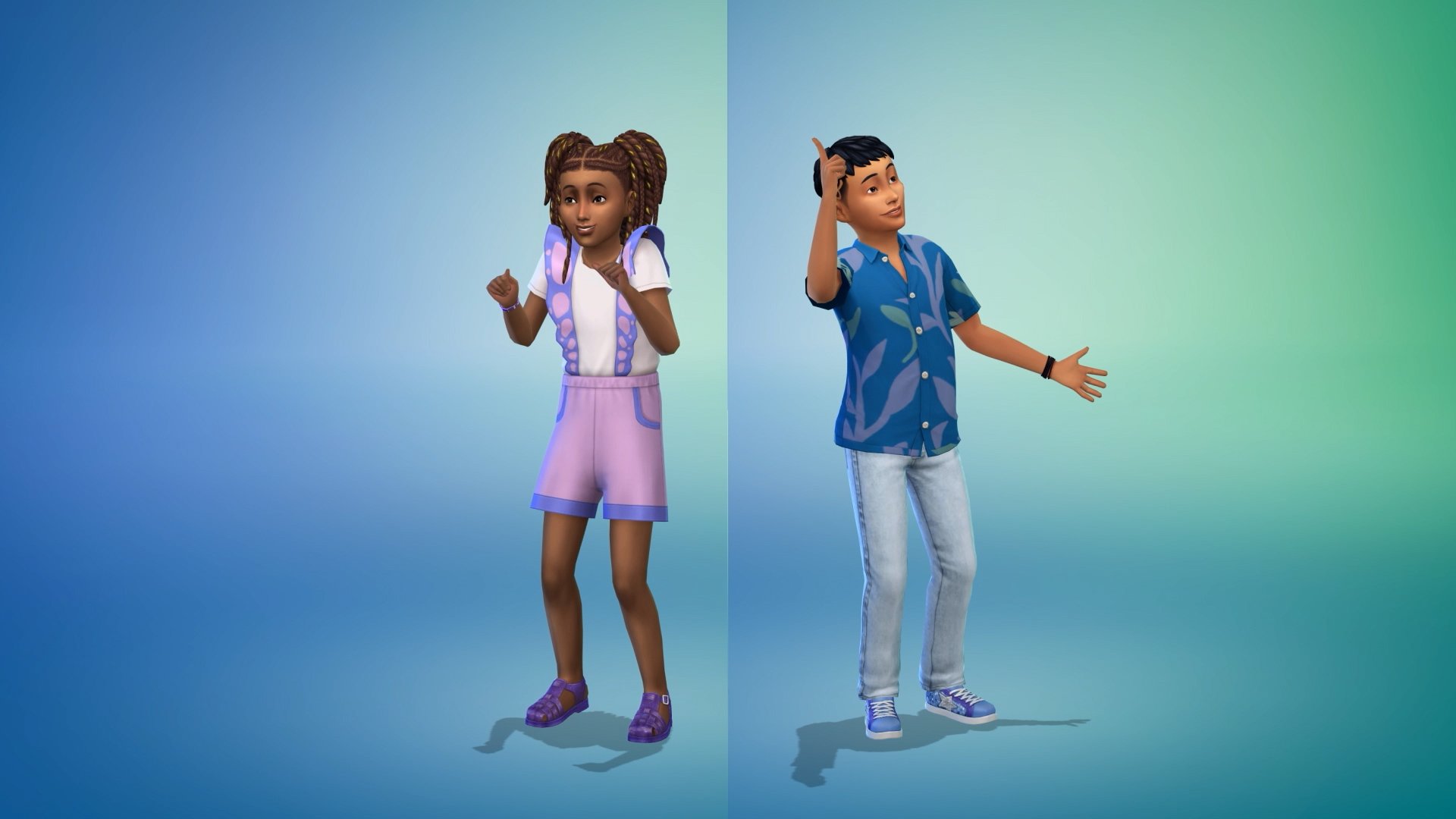
The new trailer starts showcasing some of the Male frame CAS items that Enchanted by Nature has to offer. We then move quickly on to a showcase of CAS items for infants, toddlers, and children. This includes some new tattoos as well as skin details for younger Sims.
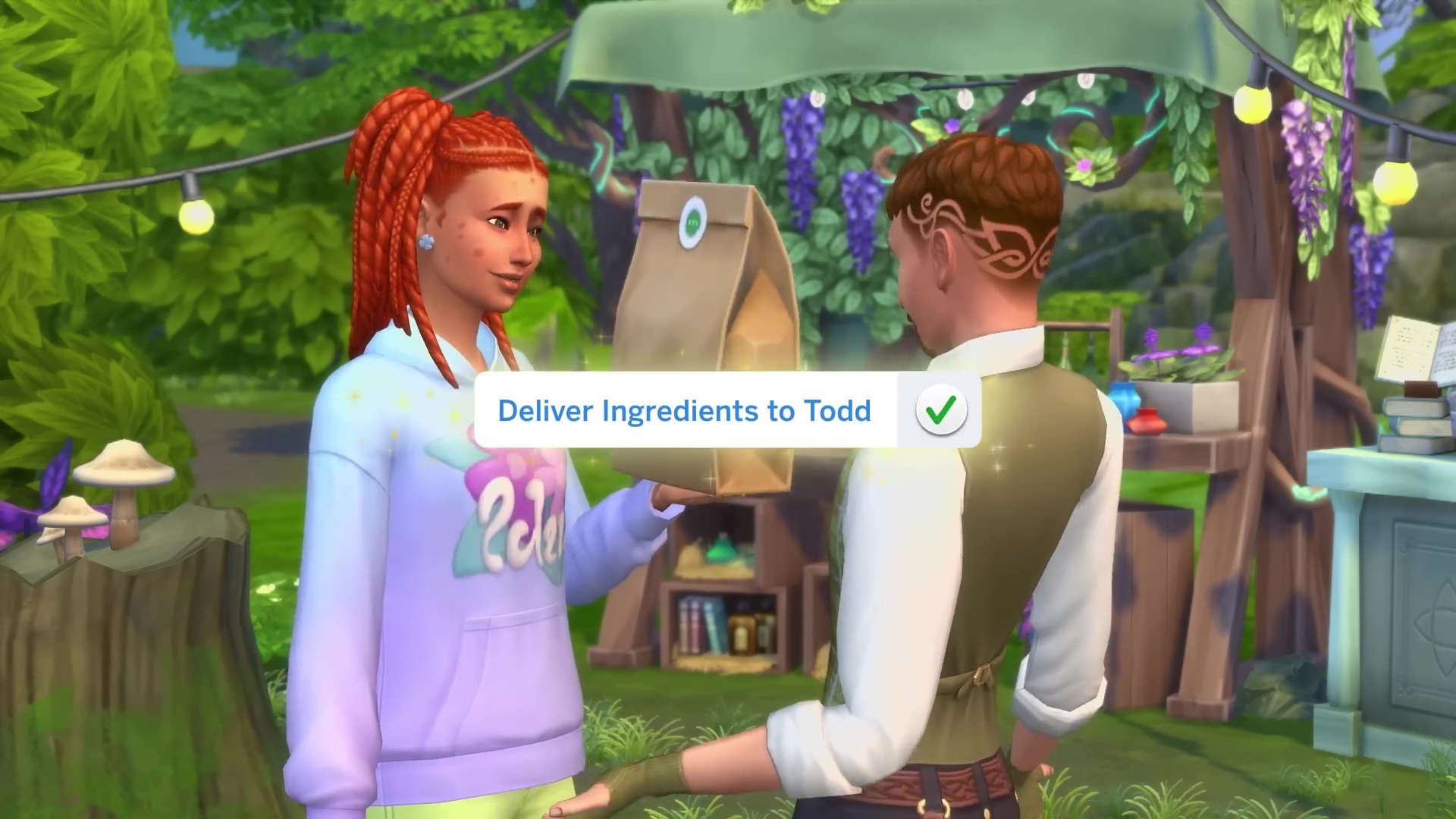
We also got our first look at the three new traits and their unique CAS animations. The three new traits are Mystical, Plant Lover, and Disruptive!
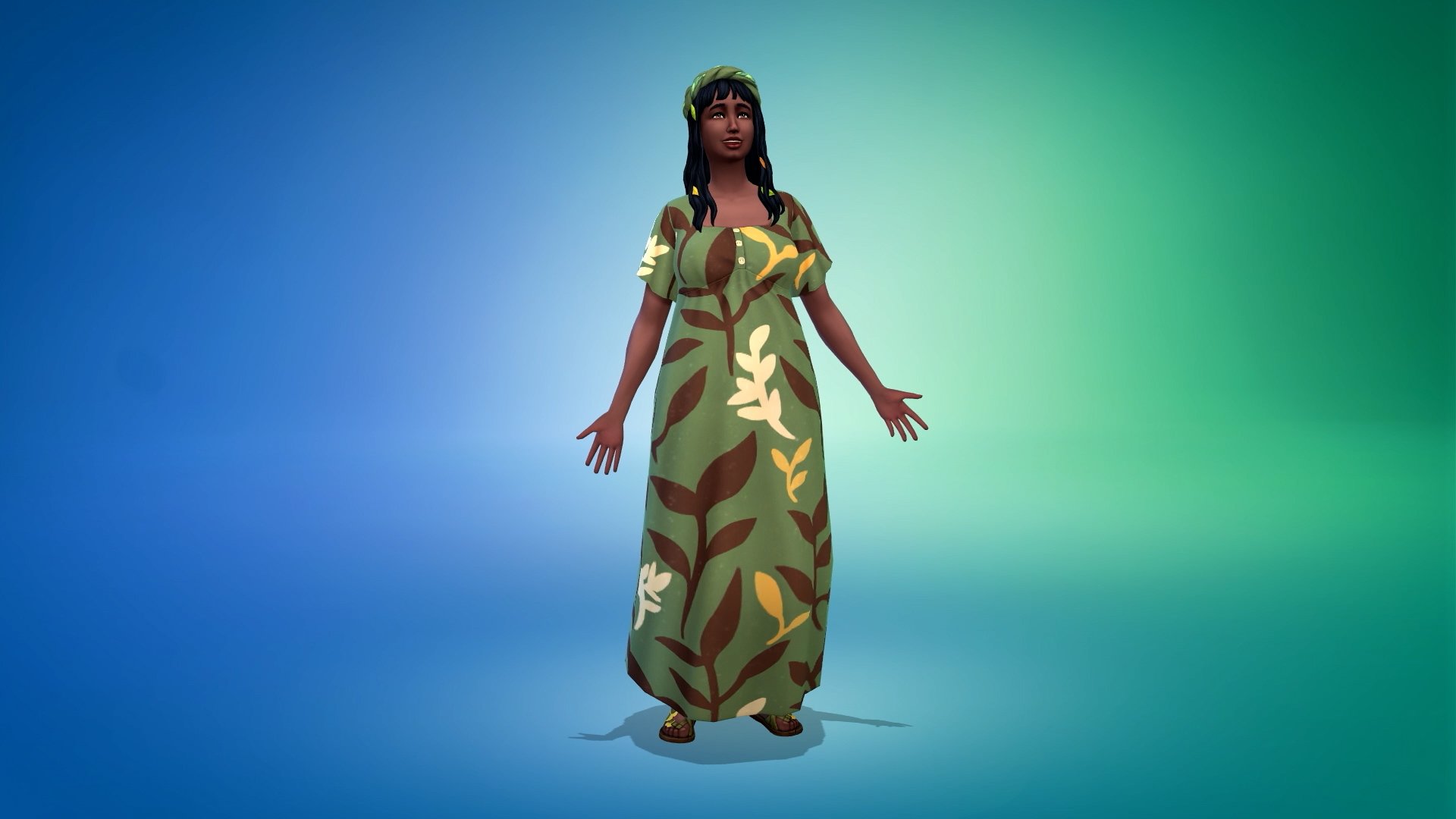
A few more female frame CAS pieces are shown off just before…
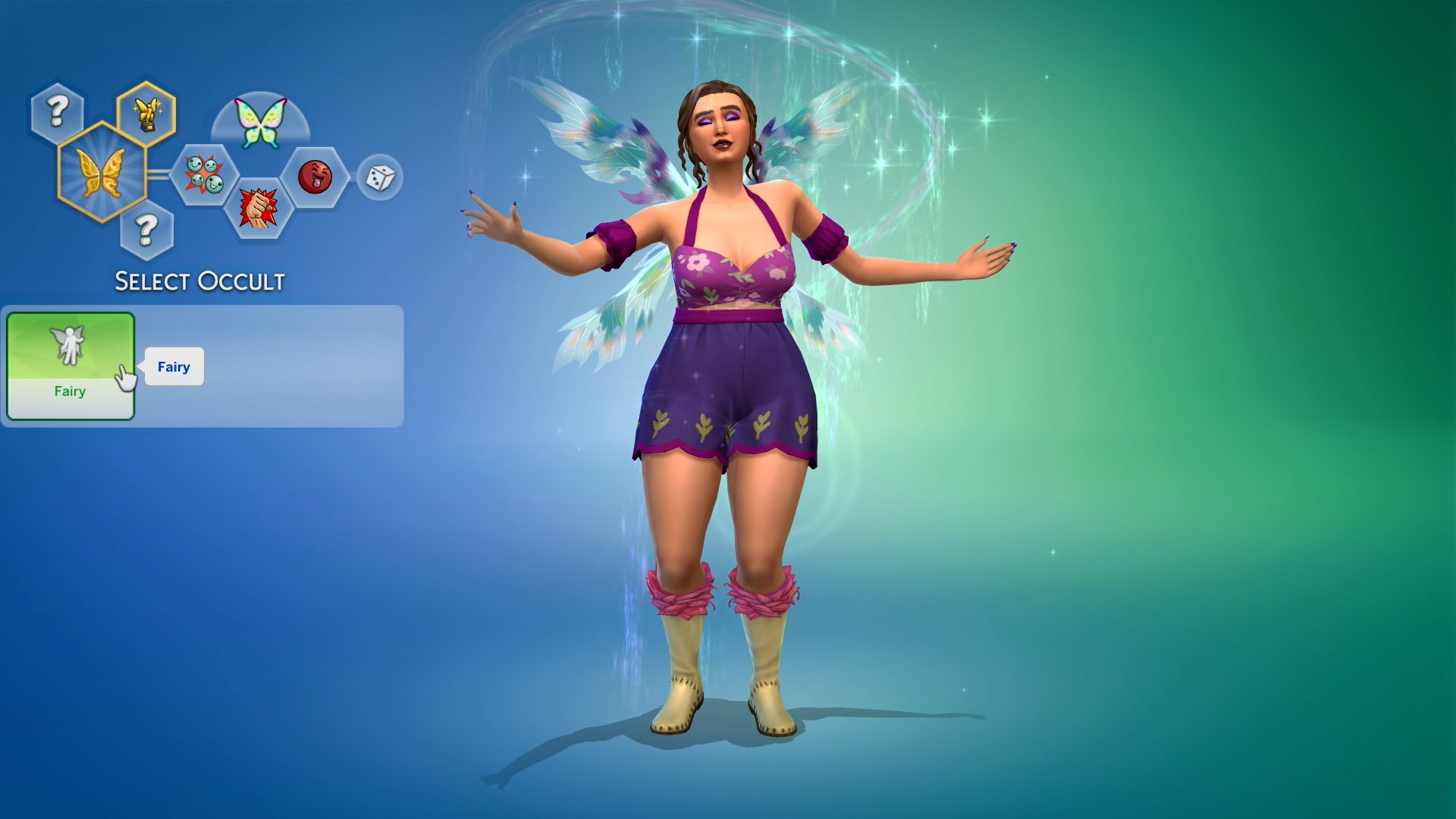
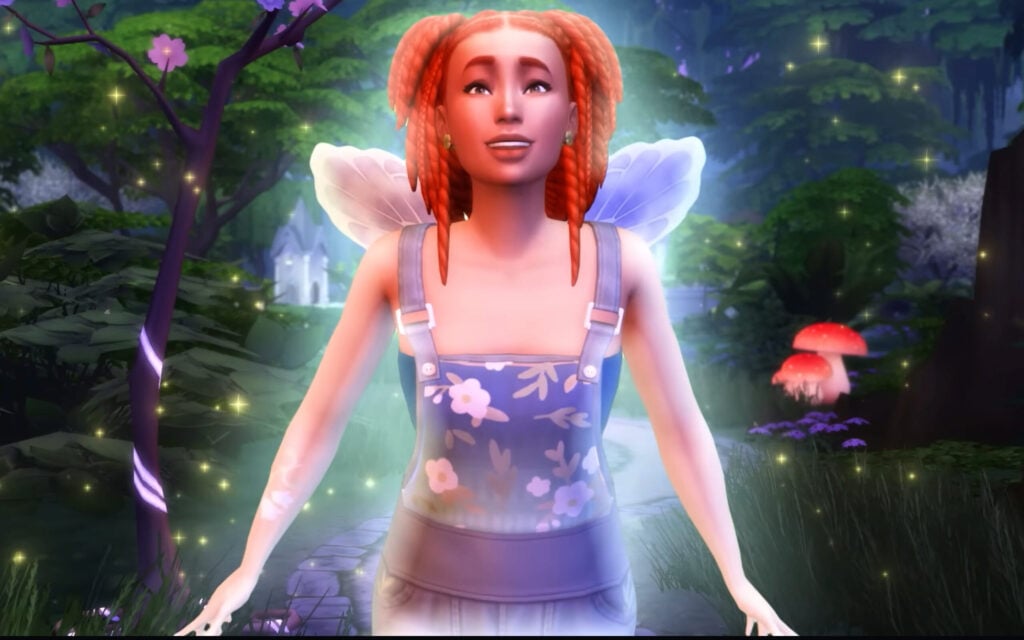
The Sim magically transforms into a fairy, showing off some of the best new features that Enchanted by Nature has to offer! The new advanced skin customisation options are featured alongside customisable wing patterns, similar to the horse and tattoo painting modes.
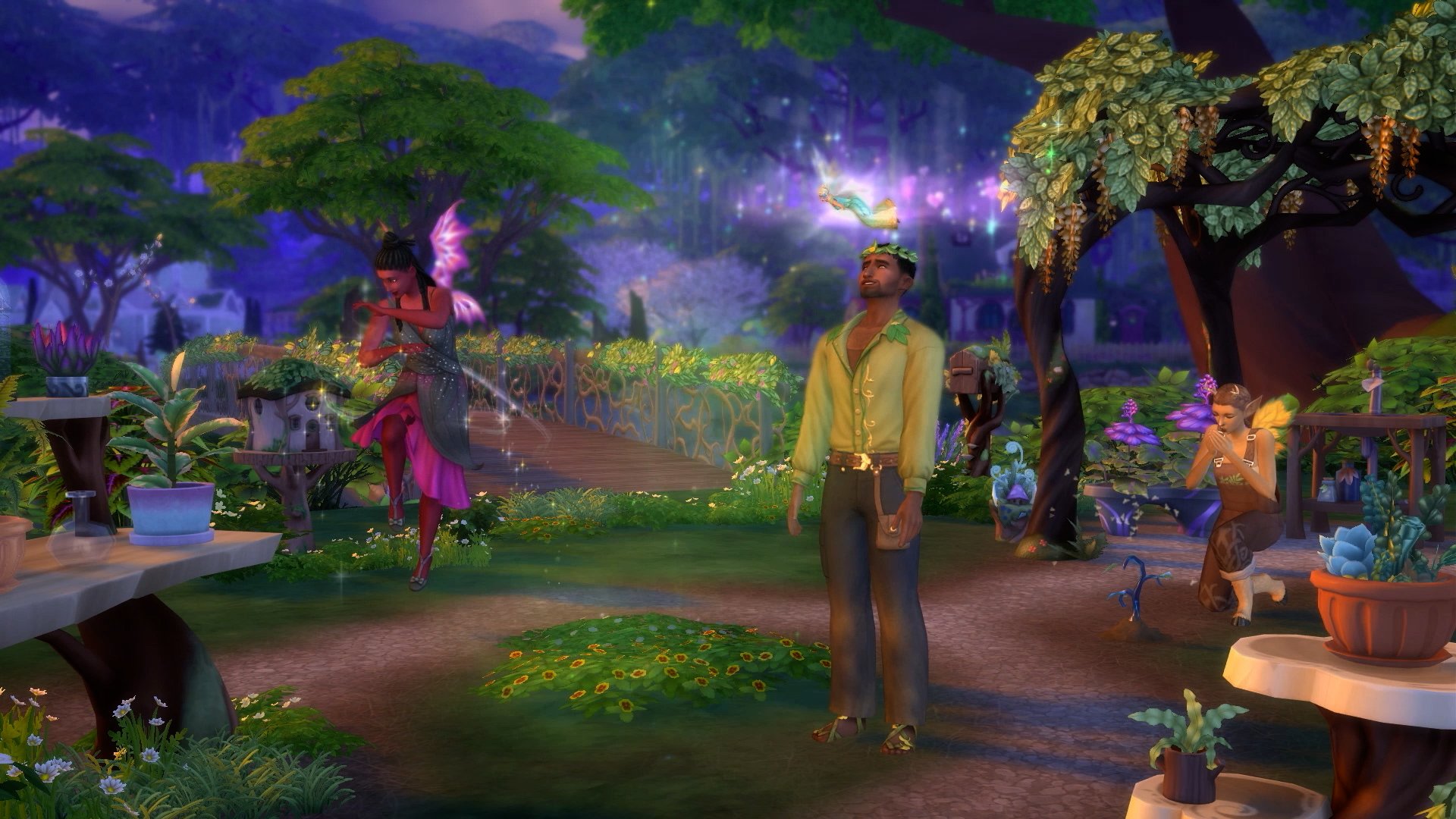
The trailer closes off with a seemingly human Sim standing in a fairy garden, potentially undergoing their transformation!
You can check out the full trailer featuring all new CAS items and features below:
What’s Next?
Well, according to the Enchanted by Nature Expansion Pack release roadmap, the Build-Buy Spotlight is next up!
What are your thoughts on the latest Sims 4 Enchanted by Nature Teaser? Stay tuned on Sims Community to be the first to know when the new pack info drops!
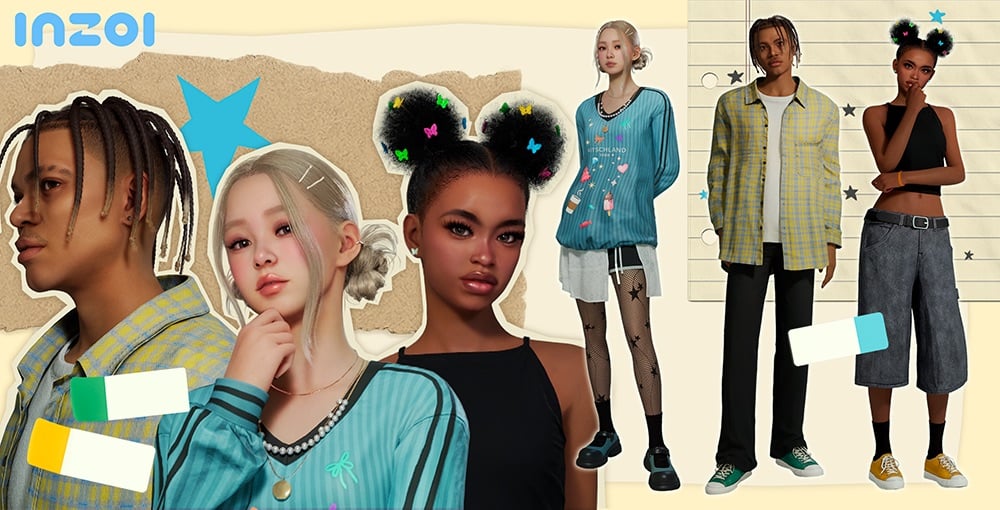
With player-suggested changes, new features, and a ModKit at the forefront, three InZOI updates have dropped between June 12th and June 16th 2025 from Game Developer Krafton for InZOI’s Early Access Build on Steam for Windows PC. These primarily consist of the main June update with everything from a modkit to brand new gameplay features, and then two following hot fix patches to address any glitches or errors that occurred with aforementioned update.
InZOI Updates Overview
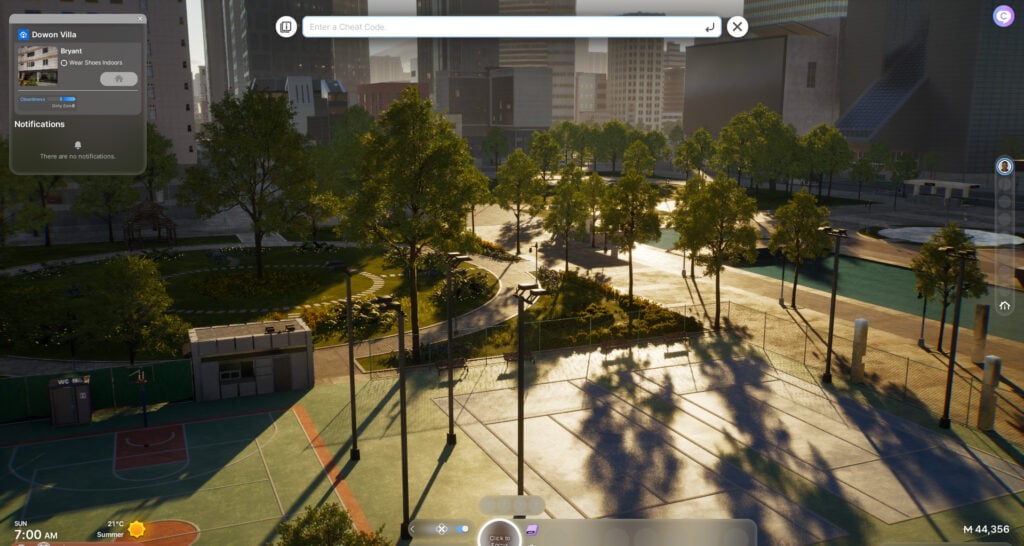
BOOK PATTERN
InZOI Update: June 13th Patch Notes
◆ Details
•Patch Date: June 13th, 2025
•Game Version: 20250612.4545.W
This update introduces the inZOI ModKit, along with over 200 new items, greatly expanding customization options.
Zois can explore a wider range of relationship dynamics with new features like adoption, non-marital childbirth, teen romance, and the ability to send the first text. Gender identity settings have also become more flexible. This update also features more realistic simulations, as well as changes that include extended young adulthood, reworks to starting funds, and improvements to the prison system. General improvements to quality of life have been made as well, with features like UI size settings, new cheat codes, and improved controls.
For more details, check the patch notes below!
Modkit
This update formally introduces the ModKit, allowing players to create and manage mods in inZOI. With this feature, Creators can now design custom outfits and furniture, and share them with the community. For more details on creating and using mods, visit the official website.
• inZOI Mod Browser
- The Mod Browser has been added to allow easier access to mods in-game. Players can manage mods using the Browser’s search, install, delete, and other features.
• Wizard-Based Modding Features
- A wizard-style UI has been added to streamline the mod creation process without the need for complex settings. Use this intuitive interface to create mods and access certain content (set outfits, objects, etc.) immediately. This feature supports the creation of set outfits as standalone items for character customization, as well as placeable in-game items like furniture and decorative objects.
• Editing Data
- Players can edit game data to add custom rules or features, including new prices, placement rules, and interactions.
• Sharing and Distribution
- Once created, mods can be shared with other players through CurseForge or extracted directly and added to the game manually.
• Content and Sample Resources
Content and Sample Resources
- Basic resources required to create mods will be provided. The Unreal assets included are based on actual in-game assets, making it easier for beginners to understand their structure. These assets can also be duplicated and used within the wizard tool.
- FBX files will be provided to allow assets to be edited with third-party tools. Sample mods will also be included to make the structure of these assets easier to understand. These samples cover features ranging from Create a Zoi (CAZ) and building to editing data.
• DCC Plugins
- Plugins for Maya and Blender are now supported. These come with tools and guidelines to help Creators make their own custom outfits for inZOI.
• Comprehensive Guide
- A comprehensive guide on using the ModKit will be provided, containing instructions and tips for using these tools, creating content, and distributing mods, all in one place.
Character
Updates have been made to character items, expanding the variety of available hairstyles. Over 20 new outfits have also been added, including entirely new outfit types such as overalls and boots, offering even more options for customization.
• 29 new items have been added.
- Hair: 5 items
- Tops: 4 items
- Bottoms: 3 items
- Outerwear: 1 item
- Sets: 3 items
- Shoes: 3 items
- Socks and Stockings: 9 items
- Accessories: 1 item
Improvements have been made to certain features in the Character Studio, making them more precise. Previously, accessories like glasses, headpieces, and earrings could only be worn in fixed positions, sometimes causing them to overlap with other objects or be hidden. Now, you can freely adjust the size and position of these accessories, allowing for more detailed and flexible styling than ever before.
• New Features
- Edit Accessory Position: Allows free placement
- Authors for Zoi Presets will always be displayed
- Authors for My Textures downloaded from Canvas will be displayed in a tooltip
- Traits and Desired Lives can now be randomly selected when creating a Zoi
Building
Updates have been made to expand furniture categories that were previously limited in options.
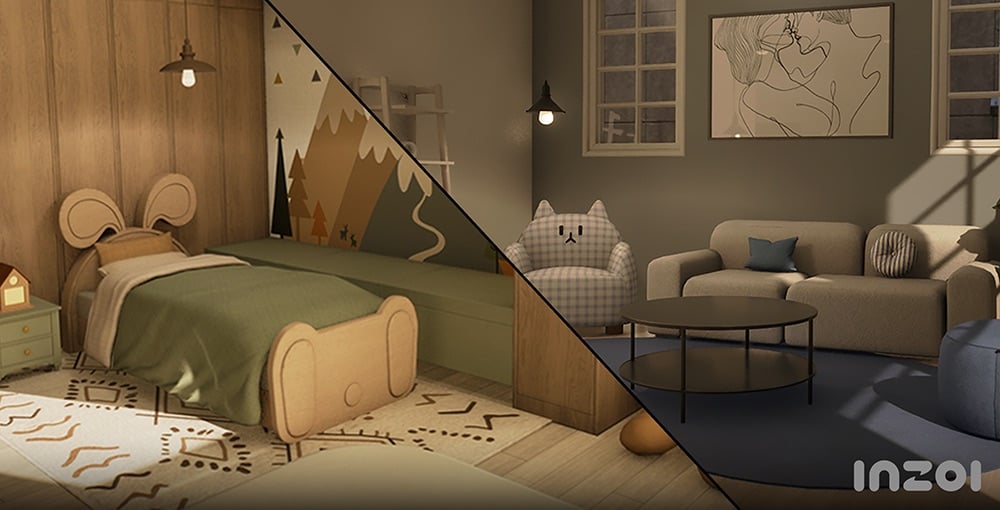
Practical additions that also allow for personal expression have been added, including single beds, kitchen furniture, various rugs and lighting, and baby and children’s furniture.
Unique items like barred windows and flashlights have also been added, making it easier to create themed settings and more visually diverse environments.
• 175 new items added.
- Bedroom: 14 items
- Living Room: 5 items
- Home Office: 4 items
- Kitchen: 52 items
- Bathroom: 2 item
- Common: 76 items
- Outdoors: 2 items
- Doors: 20 items
Updates and improvements to the building system have also been made to make building more convenient.
• Building Shortcuts
- Building shortcuts will make the building process faster and more conveniently.
Supported shortcuts will include Delete Tool (K), Edit Color and Material (Ctrl + R), Put in Inventory (B), and Move House (H).
• Auto Save
- A feature has been added that automatically loads unsaved changes while making edits in Build Mode as a property preset if the game shuts down unexpectedly.
• Improvements to Gizmo Usability
- The position and shape of the roof gizmo have been adjusted to make editing eaves more intuitive.
• Improvements to Editing Roofing and Shadow-Casting Lighting
– Lights can now be placed on ceilings and under rooms above the first floor.
- A new icon has been added in Build Mode that allows you to easily check settings for shadow-casting lighting.
• Quality-of-Life Improvements to Camera Modes
- When switching from Free Camera to Top View/Shoulder View, the viewpoint will now be adjusted automatically to prevent walls or objects from obstructing the view.
- The camera now defaults to the nearest floor level if there are no ceilings near its position, and can center its movement around a selected object. Additionally, camera rotation has been improved to move more naturally around its axis.
• Improvements to Wall View
- Wall-mounted objects (such as picture frames) will no longer remain visible when toggling between Wall View modes.
Gameplay
More Ways to Build Families and Relationships
Zois can build families and express their emotions in more varied and flexible ways. Added features like adoption, non-marital childbirth, teen romance, and new text interactions make relationships richer and more realistic.
New Features
• Adopt a Child
- With this update, Zois can now welcome a child into their family without using the Make a Baby interaction through adoption. To use this feature, go to your computer or laptop to access the Adopt a Child menu. As long as they meet the age and property requirements, anybody can bring a new member into their family!
• Create a Child with Medical Help
- You can now use the Create a Child with Medical Help interaction on a computer or laptop to have a child with the help of science. The procedure costs 1,000 Mew, and the child will have your Zoi’s genetic traits. You can also choose to partner up with another Zoi for this procedure, resulting in a child that reflects both Zois’ traits.
• Non-Marital Birth
- To promote even more diverse kinds of families, Zois can now give birth without getting married.
• Teenage Romance
- Teenager Zois can now enter romantic relationships. Look forward to shy conversations, sweet first dates, and awkwardly adorable interactions. Random choice card events, like receiving an anonymous love confession, may also occur. After school, you might even get the chance to unmask your secret admirer!
• Exchanging Gifts
- Zois can now exchange items with each other. Depending on a Zoi’s personality and preferences, the same gift may be received in different ways. A variety of new giftable items are available on Pocket Market, and you can even withdraw cash from an ATM to gift money directly.
• Visits from Other Zois
- Other Zois in the city can now make the first move to meet your Zoi. They might make plans for a meetup via text, or even show up unannounced at your doorstep. Be it longing, insecurity, or a simple whim of the heart, their reasons for visiting may vary. Whether the meeting ends with a heartwarming moment or a bittersweet goodbye depends entirely on how your Zoi responds.
• Sending the First Text
- You can now initiate a conversation by sending a text to any Zoi by using the Contacts app on your smartphone (P).
Responses will vary depending on the relationship between the two Zois and the recipient’s current emotional state. On a good day, you might get a friendly reply… but if the other Zoi is in a bad mood, expect the unexpected!
Improved Features
• Romantic Relationships with Everyone!
- New settings have been added that allow Zois to express their gender identity and romantic attraction more freely. These settings can also now be adjusted at any time. Zois who align with your identity and romantic attraction will also appear in the overworld, setting the stage for potential relationships.
• Relationship-Appropriate Conversations
- When player Zois reach a certain level in their relationship, their conversations will change to better reflect that dynamic. For example, if a relationship between two Zois progresses from Mutual Crush to Sweetheart, the tone of their dynamic will become positive, increasing the likelihood of positive conversations between them.
•UI Improvements Related to Romantic Relationships
- In response to player feedback, the message “You’re getting to know each other as romantic interests” will no longer appear. The romantic relationship gauge for Zois will now only be displayed in the Relationships menu after at least one romantic conversation has occurred.
Improvements and Updates to Simulations
Core systems that determine a Zoi’s pace of life have been rebalanced. These include changes in body weight and physique, aging, starting funds, and prison systems. From play and parenting to interactions and NPC behavior, in-game simulations have been polished to feel more realistic and organic.
New Features
• Changes to Body Weight and Muscle Mass
- Zois will now undergo changes in physique based on their lifestyle choices. Working out will cause Zois to build muscle, while overeating will cause them to gain weight. As their Fitness level increases, Zois become more resistant to aches and fatigue, allowing them to endure longer or more intense physical activity with ease.
• New Swing and Hula Hoop Interactions Added
- Swings and hula hoops can be used by Zois who are Children or older. Interacting with these items will improve a Zoi’s Fitness skill.
• Time Skip Feature for Rabbit Hole Interactions
• 8 New Pocket Market Items Added
- Four new item categories have been added to Pocket Market: Luxury, Practical, Charming, and Silly. Gifts purchased from Pocket Market can be given to or exchanged with other Zois.
• 5 New Donuts Added
- The Poison Donut, Charming Donut, Flirty Donut, Diet Donut, and High-Calorie Donut have been added.
Improved Features
• Improvements to Prison System
- Several changes have been made to simulate a more realistic prison experience. Vending machines have been removed, and meals are now only available during set meal times. Lifers will appear, casual conversations are prohibited, beds are less comfortable, and overall needs are more difficult to fulfill within prison.
※ These changes will only be available after starting a new game.
• Improvements to Starting and Move-In Funds
- Adjustments have been made to help players start their journey as homeowners more easily while giving them a sense of progression. The furniture initially provided has also been rebalanced, setting the stage for a humble beginning while leaving room to grow.
- Welfare support can now only be claimed once. Families residing in the city are now able to find jobs and support themselves financially.
※ These changes will only be available after starting a new game.
• Improvements to Age Progression
- In response to player feedback, Zois will now spend less time as Middle-Aged Zois, with the Young Adult stage being significantly extended. The time Zois spend as Infants, Teenagers, and all age groups in-between has also been extended, allowing players to enjoy more of their childhood and adolescence.
•Improvements to Fixed Schedules
- Schedules will no longer be auto-generated for player Zois.
• Improvements to Universal Text Notifications
- Zois can now receive text advisories related to severe weather conditions, such as heat waves or extreme cold.
• Improvements to Interactions Related to Newborns and Children
- New interactions such as Laugh, Cry, and Change Diaper have been added. Newborns can now gain emotion buffs or wake nearby Zois according to their needs.
• Improvements to Idle Family Options
- Aging for idle families has been disabled by default. Players can toggle this setting manually. Additional improvements have been made to idle family narratives and maximum capacity.
•Improvements to Basic Info Display
- Hovering your cursor over a Zoi will now display their age group, marital status, and the number of days left until they reach their next age group.
• Age restrictions have been added for NPC pregnancies to prevent unintended pregnancies
• Improvements to Object Interactions
- New interactions have been added, including Write Entry in Plant Observation Journal and Shower While Humming. Features related to certain objects, such as yoga mats and pots, have also been improved for smoother interaction.
• Zois with Autonomy enabled will no longer remain idle without performing any actions
• Improvements to Street Encounters
- New interactions have been added that allow Zois to look at, greet, or react to objects and other Zois on the street. Systems for avoiding pedestrians and traffic, as well as proactive NPC reactions have also been implemented.
• Fixed an issue where relationships would reset immediately after marriage, triggering negative interactions
- Fixed an issue where romantic relationships reset after marriage. A portion of the existing relationship now carries over into the family relationship score to better reflect the bond built before marriage.
• Fixed an issue where moving certain Zois into new homes caused their previous family relationships to reset
• A system message will now appear when an object cannot be used.
• When using the Read Book interaction at a bookshelf, Zois will now prioritize selecting nearby books that have been taken out of the shelf.
Animations/Audio
Updates have been made to animations, enhancing immersion and making them feel more natural.
Motions have been polished for better quality. Changes have been made to the position of microphones held by rappers, exaggerated emotional expressions have been toned down, and repetitive idle motions have been refined. The locomotion system has also been improved to feel smoother.
Characters now tilt naturally when making turns and use a Look-at feature to face their direction of movement for enhanced realism.
Additionally, Zois will make better eye contact with each other and interact more believably with objects, further enhancing immersion.
•(Animation) Fixed awkward animations that occurred during certain interactions
•(Animation) Improved animation quality for Cooking interactions to enhance immersion
•(Audio) Added Background Audio options in the Sound menu
•(Audio) Updated footsteps to reflect terrain
•(Audio) Added and refined sound effects to improve overall game immersion
•(Audio) Improved audio to prevent background music from overlapping with event-specific sounds
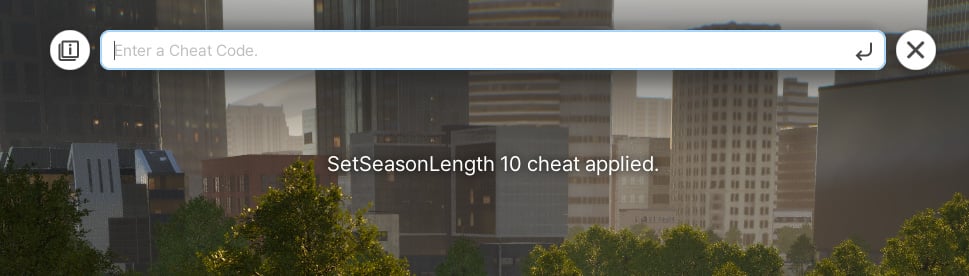
InZOI Cheats
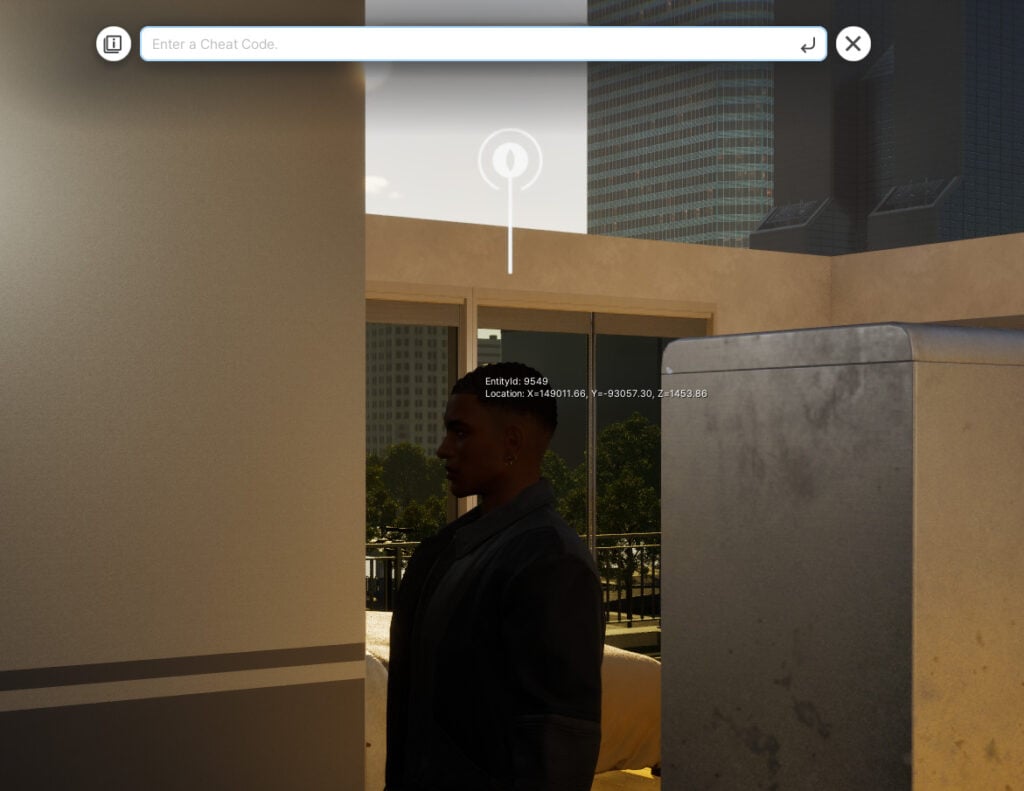
Cheats have been added to the game, letting you expand your creative horizons regardless of whether you’re just starting out or already creating. You can bring your own unique situations to life by controlling various factors, including Zoi emotions, relationships, currency, movement, and environments.
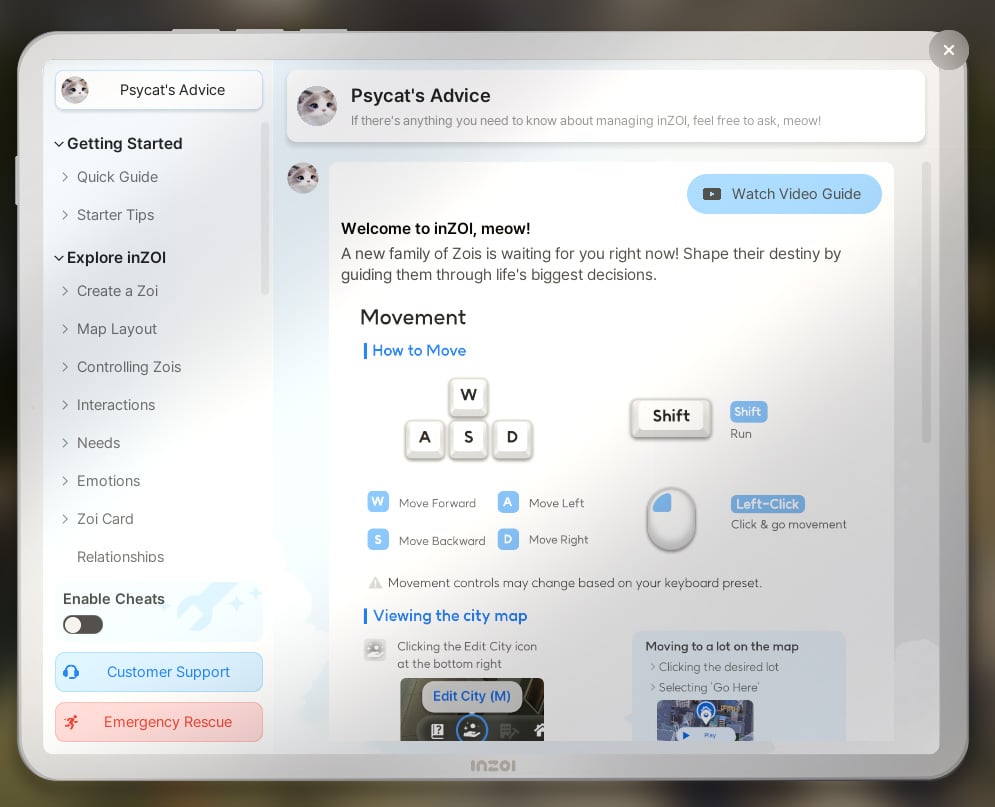
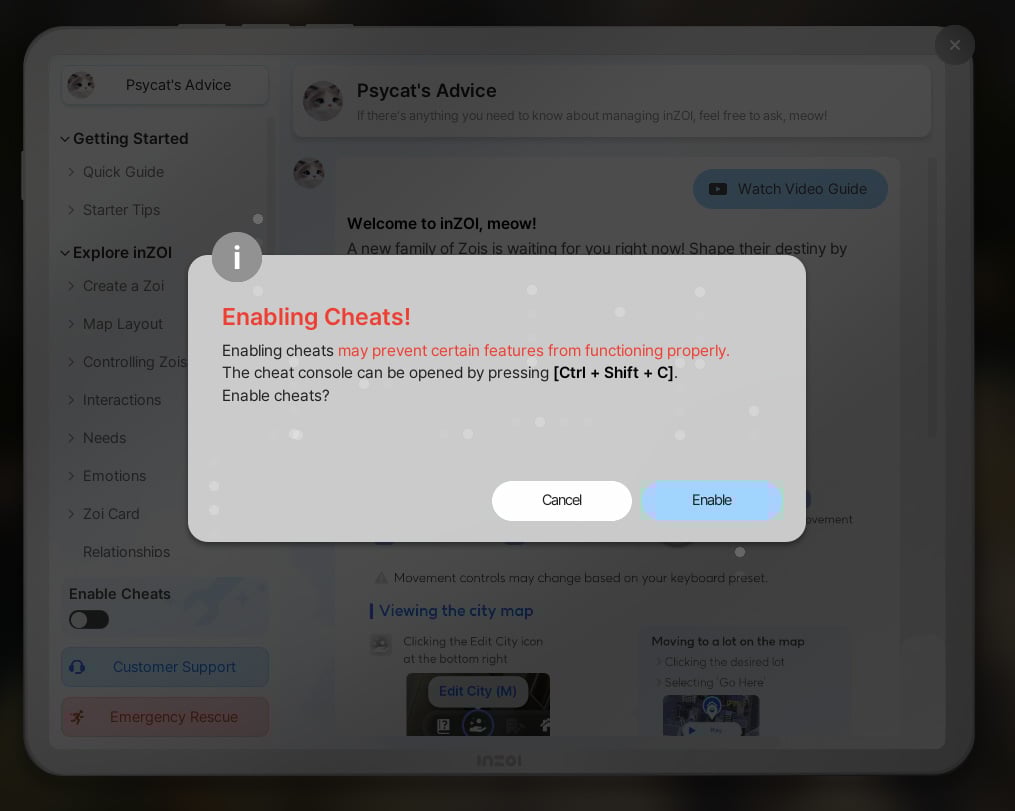
• Cheats can be accessed from the Psycat Guide by using Enable Cheats feature. A detailed list of all available cheats can be found right here!
Canvas
•Creations can now be set to Private (up to 10 creations allowed)
•Added pages that organize and display creator content by category.
•Added notification settings for Canvas interactions
• Updated and added various icons, including the Like and Heart buttons
UI/UX
•Added a setting that allows players to choose from three UI size options: Small (default, 100%), Medium (112%), and Large (125%)
• Updated choice cards to display profile images for both the sender and the receiver
Bug and Crash Fixes
•Gameplay
- Fixed an issue where your Zoi’s current outfit failed to update accordingly when using City Appearance to change the weather
- Fixed an issue where the Desired Life section in the Zoi Card did not immediately update after selecting Life of Self-Discovery
- Fixed an issue where babies in idle families failed to load properly after their families moved house
- Fixed an issue where Aging settings were not applied to newly created Zois
- Fixed an issue where the main relationship status did not update correctly after a failed divorce attempt followed by another relationship selection
- Fixed an issue where the same interaction appeared differently on desktops and laptops
- Fixed an issue where the Announce Divorce interaction did not appear for children unaware of their parents’ divorce
- Fixed an issue where visual effects related to likes and dislikes failed to display correctly during interactions related to the Washing Cars preference
•Career Interactions
- Adjusted the Junior Lawyer’s salary
- Fixed an issue where some job-exclusive interactions failed to display job-related tags during workplace-related schedule events
•Simulations
- Fixed an issue related to the Make Food interaction
- Fixed an issue where most interactions (such as Pick Up or Organize) were unavailable for certain crops, such as potatoes and corn.
•Characters
- Fixed an issue where eyebrows and beards were displayed incorrectly on Zois who are Middle-Aged or older
- Fixed an issue where certain actions caused the chin gizmo to be positioned too far from a Zoi’s chin in Detailed Editing
•Building
- Fixed an issue where certain grids on the first floor restricted movement on upper floors when creating buildings with two or more stories
- Fixed an issue where Zois were unable to use stairs installed in rooms with elevated platforms
- Fixed an issue where entering Build Mode while in the Hangyeol House property and returning to the game made doors unusable
- Fixed an issue where exiting Build Mode after applying a basic property preset occasionally caused the game to crash
- Fixed an issue where closing the UI while loading a My Texture caused the texture icon to appear white
- Fixed an issue where deleting meshes of items created using the 3D Printer left behind ghost entries in the list
- Fixed an issue where certain furniture filters were categorized incorrectly
- Fixed an issue where applying a My Texture to a stair wall caused parts of the texture to appear incorrectly
- Fixed an issue where, after changing a stair’s appearance, the Material list in the Color and Material menu failed to update to match the new appearance
•UI/UX
- Fixed an issue with the Edit Family Tree menu
- Fixed an issue where performing certain actions would cause the in-game UI to disappear
•Canvas
- Fixed an Error Code: GREEN issue that prevented players from signing in to Canvas
•Miscellaneous
- Fixed typos and inaccurate descriptions
•Crashes
- Fixed an issue that caused occasional crashes when entering the game or selecting a property
- Action for GPU crashes that may occur under certain conditions
We have improved the system so that when using a GPU of NVIDIA RTX 40 series (Ada Lovelace architecture) or higher and the “Hardware-accelerated GPU scheduling” feature is turned off, a crash may intermittently occur and a pop-up guide will now appear prompting the user to enable the feature.
InZOI Update: June 16th Patch Notes
A hotfix has been applied to improve stability and address known issues in InZOI.
Hello, Creators.
We would like to inform you that the following hotfix has been applied to inZOI. Please refer to the details below for more information.
◆ Hotfix Details
•Patch Date: June 16th, 2025 (UTC)
•Game Version: 20250616.4636.W
Bug Fixes
Fixed an issue where the popup shown in Intel 13th and 14th generation CPU environments could not be clicked
Fixed an issue where the shortcut key to open the cheat console did not work properly in certain environments
If the shortcut isn’t working properly, please try pressing the Ctrl and Shift keys first, then press the C key.
Please make sure the ‘Enable Cheats’ toggle is activated via the Psycat Guide before using the shortcut.
Fixed an issue where student-aged NPCs were being generated infinitely.
Please note that this fix applies only to newly started games via “New Game”.
Fixed an issue where a crash could occur intermittently when moving lots after ending a schedule.
Fixed an issue where changes to the class value in the Browse Mods tab were not applied immediately.
We’ll continue working to make inZOI more stable and enjoyable for everyone.
Thank you, as always, for your continued support and valuable feedback.
The inZOI Team
InZOI Update: June 16th Patch Notes
A hotfix has been applied to improve stability and address known issues in InZOI.
Hello, Creators.
We would like to inform you that the following hotfix has been applied to inZOI. Please refer to the details below for more information.
◆ Hotfix Details
•Patch Date: June 16th, 2025 (UTC)
•Game Version: 20250616.4646.W
Bug Fixes
Fixed an issue where the Q and E shortcut keys did not function properly in Photo Mode and Free Camera Mode
Fixed an issue where child Zois would not eat when attempting the ‘Eat Chinese Fried Noodles’
We’ll continue working to make inZOI more stable and enjoyable for everyone.
Thank you, as always, for your continued support and valuable feedback.
The inZOI Team
How do you feel about the latest InZOI Update for June 2025? Are there any features that you’re most excited about, or anything you’re looking forward to in the future?
Are you excited to discover more about the upcoming expansion pack? Well, here’s some more The Sims 4 Enchanted by Nature news, however this time it looks like we have a small update to the pack’s roadmap!
Shared over on X (formerly Twitter), The Sims account has given players a glimpse of what we can expect in the run-up to the launch in July and possibly beyond!
While the Gameplay Trailer and Pack Livestream are stand out moments in many recent expansion pack launches, it would appear that the Team are trying a slightly different approach this time around.
Table of Contents
The Sims 4 Enchanted by Nature News Roadmap
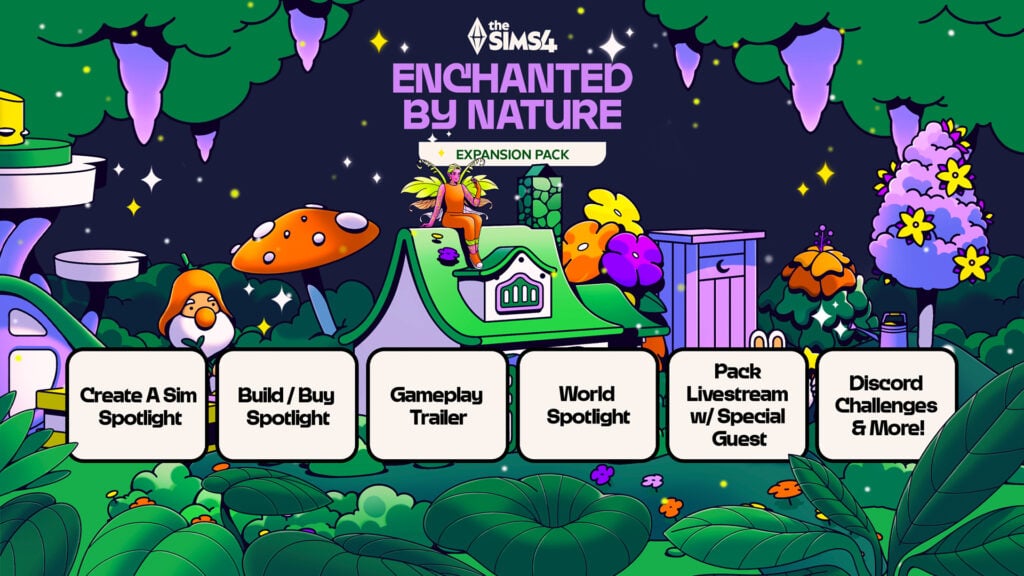
This new, updated The Sims 4 Enchanted by Nature roadmap includes the following:
Create A Sim Spotlight
Build/Buy Spotlight
Gameplay Trailer
World Spotlight
Pack Livestream with additional Special Guest
Discord Challenges & More!
Although there are no specific dates on this roadmap, we do know with the recent reveal trailer for Sims 4 Enchanted by Nature that the Gameplay Trailer for The Sims 4 Enchanted by Nature is coming June 26th. Where we’ll get to also learn more about Fairies.
Roadmap Spotlights
Rather than trying to showcase all the new features from Create A Sim, Build Buy and the new world, it appears that we will be seeing individual spotlights for each of these instead.
This will be a great way for the Team and Players to get a closer and more in-depth with each of the different segments to have a closer look at the new content ahead of time.
Currently, we don’t know specifically how these spotlights will be delivered or when, but it will only be a matter of time until we see the first one.
Discord Announcement
Over on the official The Sims Discord, an announcement was made, adding some more clarity to this The Sims 4 Enchanted by Nature news.
Here’s the announcement that the Team shared:
Sul Sul Simmers! Get Ready for Some Magic!
Now that the fairy is out the bag, we’ve got plenty of fun coming your way to celebrate the Enchanted By Nature Expansion Pack:
Gameplay Trailer: Get a first look the Expansion Pack on The Sims YouTube
Feature Spotlights: We’ll be sharing a closer look at some of the whimsical wonders coming in this Pack
Discord Challenge: A new challenge is growing… come back on Monday to learn more and we will have some Simmers joining us to share some inspiration throughout!
Special Livestream: After launch, join us for a fun-filled livestream with special guests!
If you want to get started sooner, use the fairy name finder we dropped in llama-lounge!
Happy Simming!
– via The Sims Official Discord
Gameplay Trailer & Livestream
It’s still good to see that we’ll still be getting not only the gameplay trailer which, in itself, is a great way to showcase The Sims 4 Enchanted by Nature expansion back, as well as being paired with the upcoming livestream!
It is important to note, that this livestream will be a post-expansion pack launch livestream, rather than before the release.
The question is, though, as a community, who do we think the special guest might be?
Discord Challenges & More
While we don’t quite know what the additional surprises are that The Sims have planned for The Sims 4 Enchanted by Nature launch, the official Discord Server for The Sims will be playing host to a number of challenges. Most notably, the Discord announcement states to check back on Monday (16th June, 2025) for more information.
So, if you are a member of the official Discord, keep your eyes peeled for further details about these!
However, for now, keep your eyes peeled for more The Sims 4 Enchanted by Nature News from the pack and the Sim Your Summer Roadmap!
As per usual nature with the recent Expansion Packs, EA has put up an extended version of The Sims 4 Enchanted by Nature details including all essential game features. In this version of the Pack details breakdown, we find out more about the new Luck system, Nature Press, fairy deaths (& WooHoo!) and more!
Learn all about The Sims 4 Enchanted by Nature in a detailed info breakdown below:
The Sims 4 Enchanted by Nature Details
Nature
Feel at home in nature
The Natural Living Skill is about becoming more comfortable outside, to the point where your Sim is as happy living in the great outdoors as they would be with a bed and plumbing. Sims can meet their needs in nature by sleeping on the ground, relieving themselves in a Privy Bush, talking to nature, and eating food they Forage or catch, among other things. Sims may find these things uncomfortable at first, but will become more comfortable as their skill level increases.
Try 3 new traits
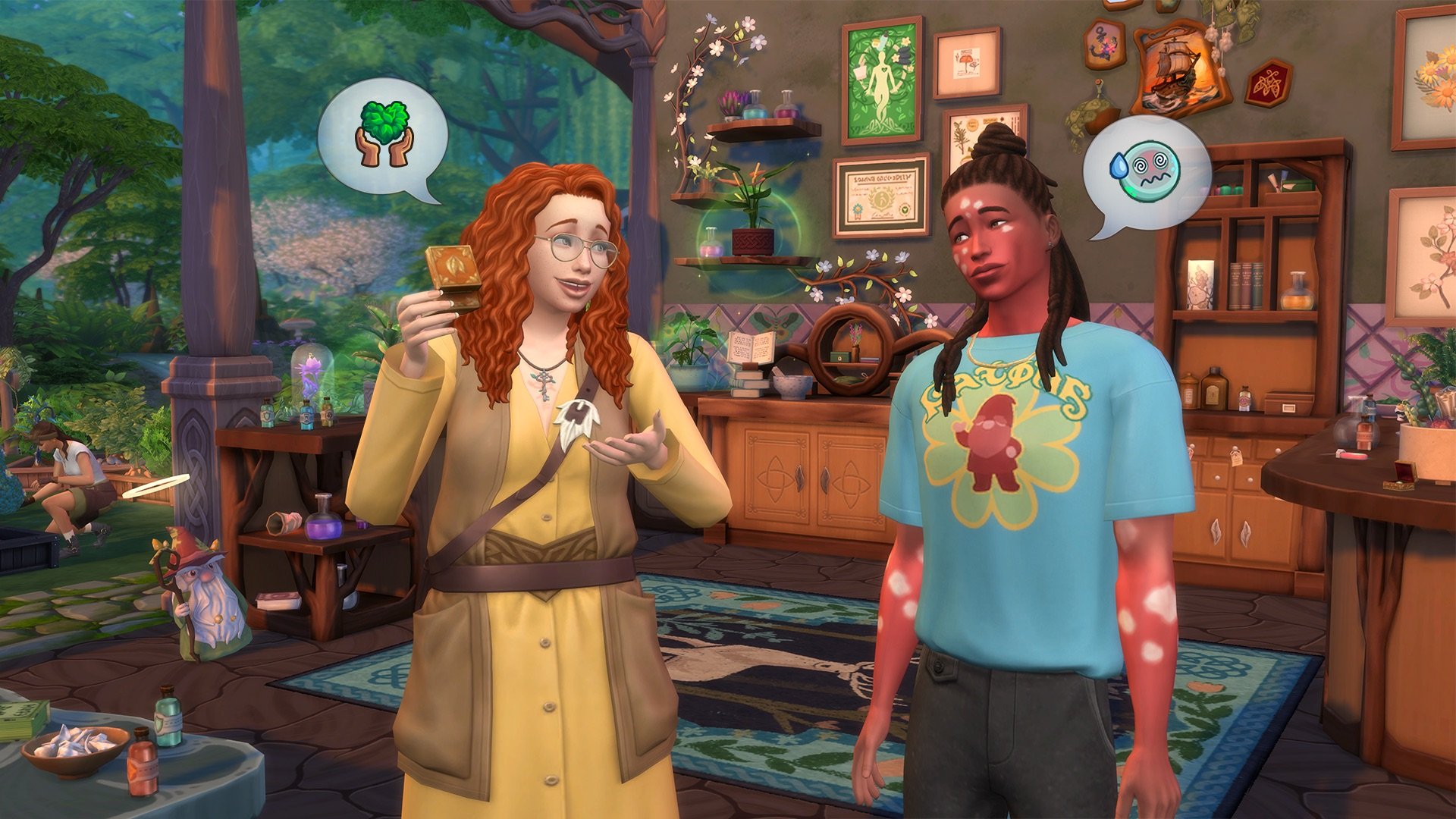
Plant Lovers are happiest surrounded by greenery and will sink into negative moods if they’re away from plants for too long. Mystical Sims are empathetic and want to guide others towards more balanced lives, so they’ll build their Apothecary and Gardening skills faster. Disruptive Sims are daring individuals who love freedom and excitement, even if their fun is sometimes at the expense of others. They’ll build Mischief, Logic and Charisma skills faster.
Bring nature inside
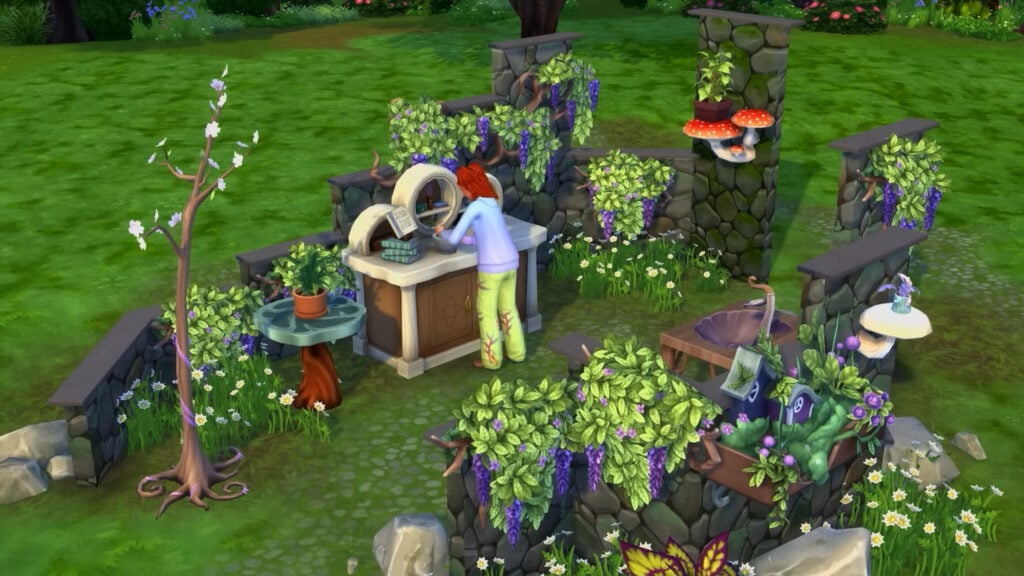
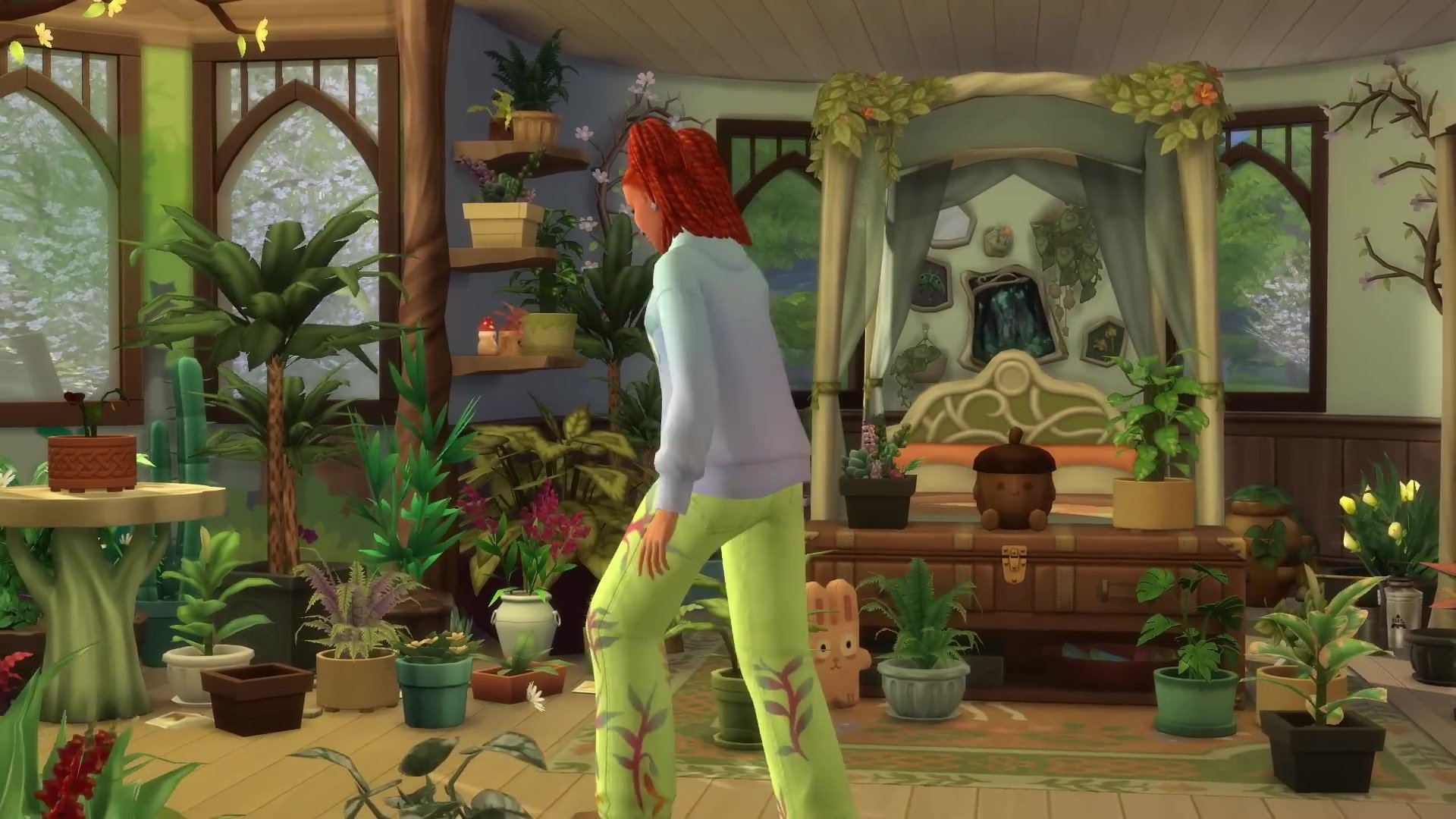
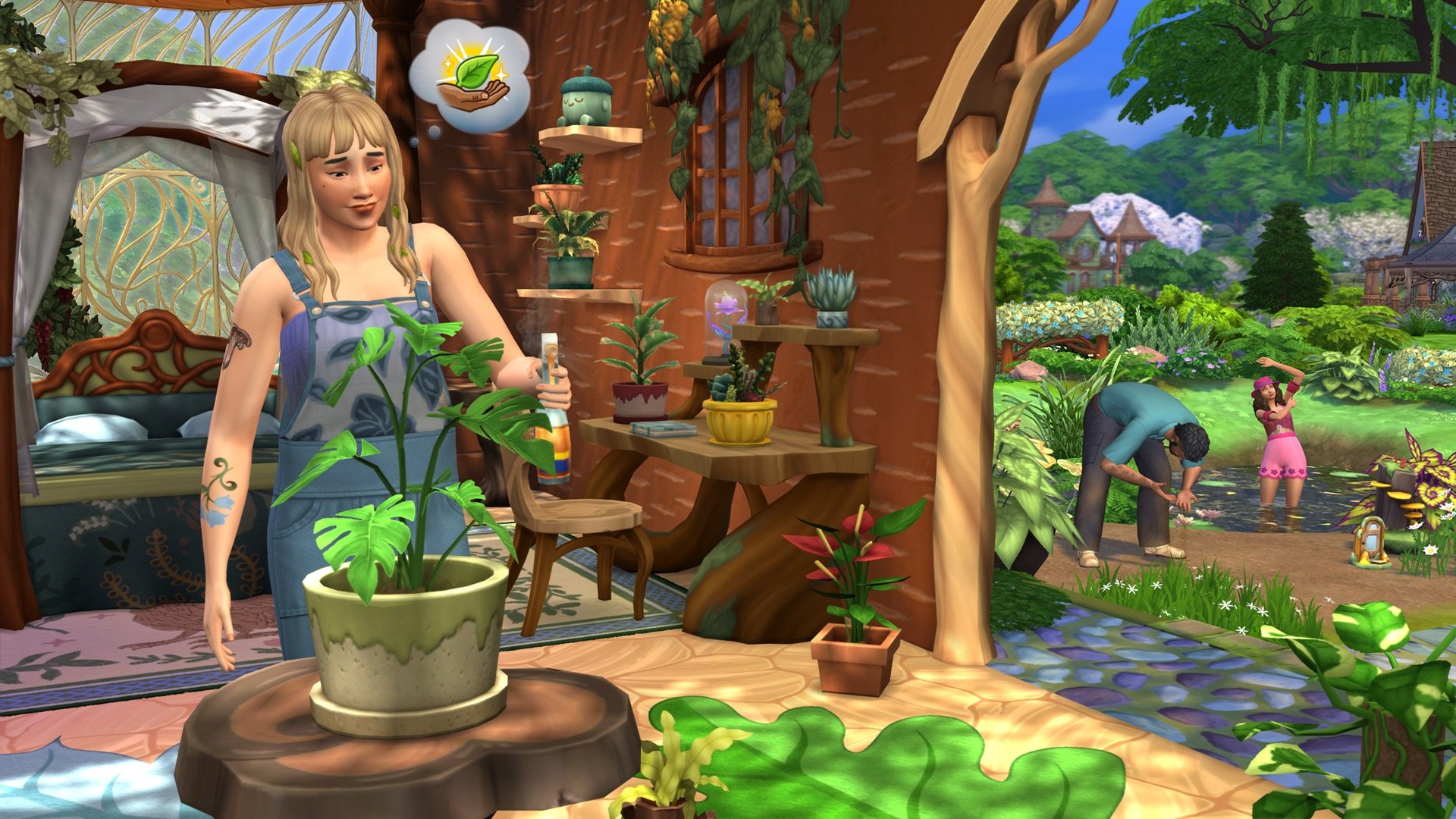
Grow just about any plant inside using 4 new Tabletop Plant Pots! These pots will fit in medium-sized spaces, like on tables or shelves, and you can use them to grow both harvestable and decorative plants. Turn your home into a lush garden. Another way to bring the outside inside is the new Nature Press, which Sims can use to create décor like candles and wall art from the treasures they find in nature.
Magic
Develop mystical powers
Fairy Sims will gain experience by using their powers or performing specific interactions. As they gain experience, they’ll be able to learn abilities, like curing Ailments or bestowing them. Changing the moods or luck of other Sims, bottling emotions, creating seeds, and making plants bloom are also examples of Fairy skills. Remember: everything has its cost! Fairies are nourished by emotion, and their abilities cost emotional energy they will need to recharge.
Style unique Fairies
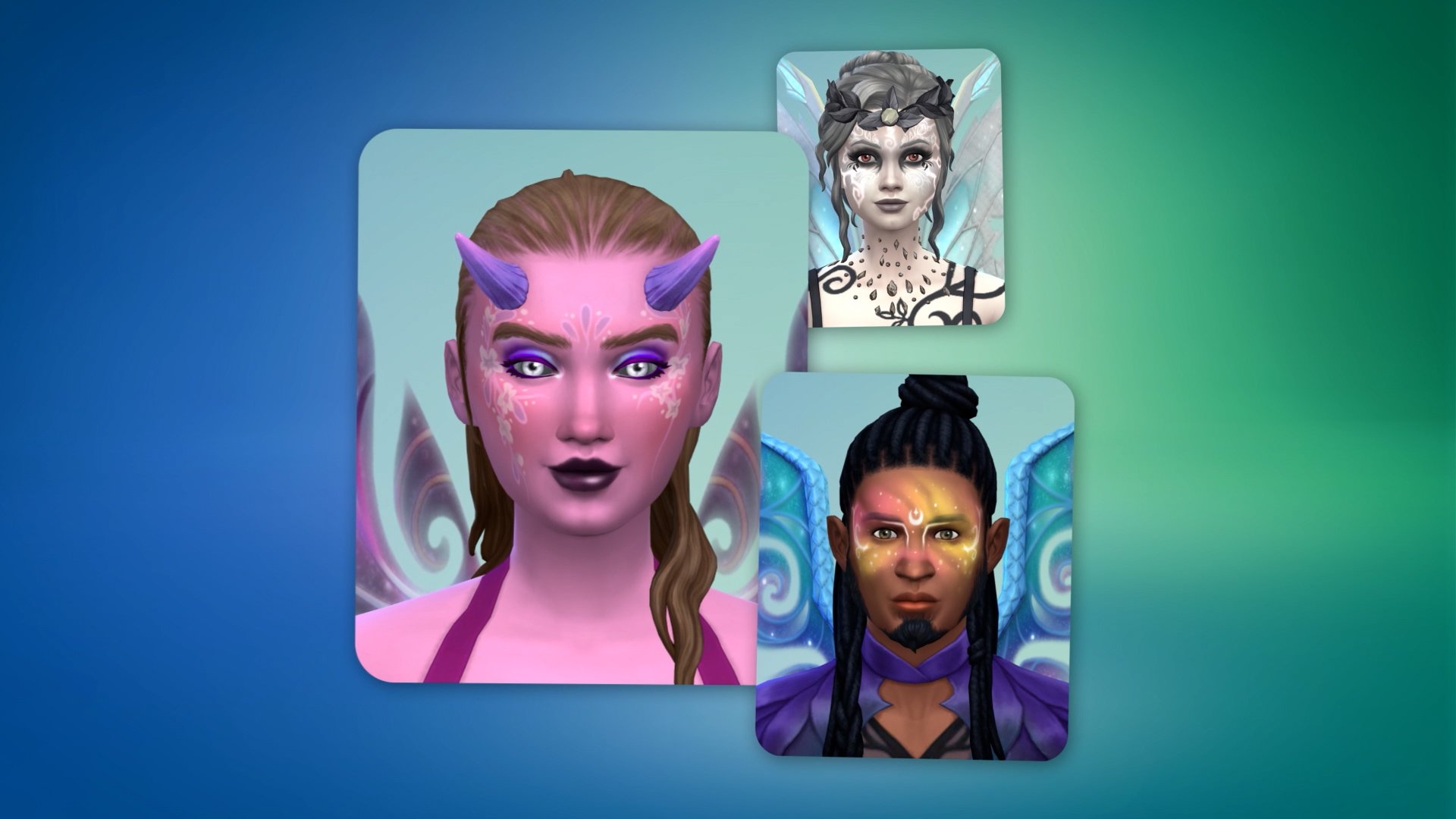
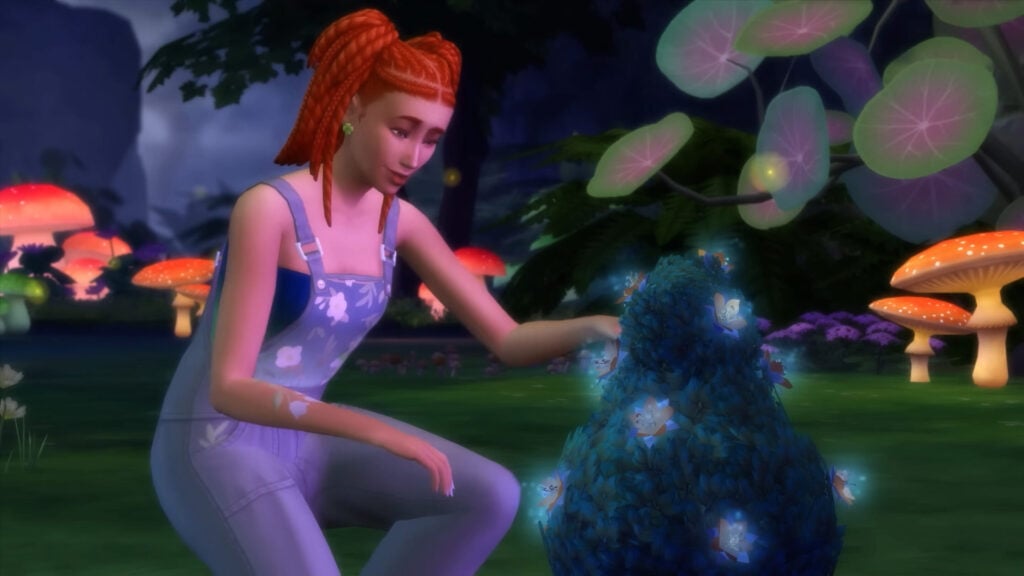
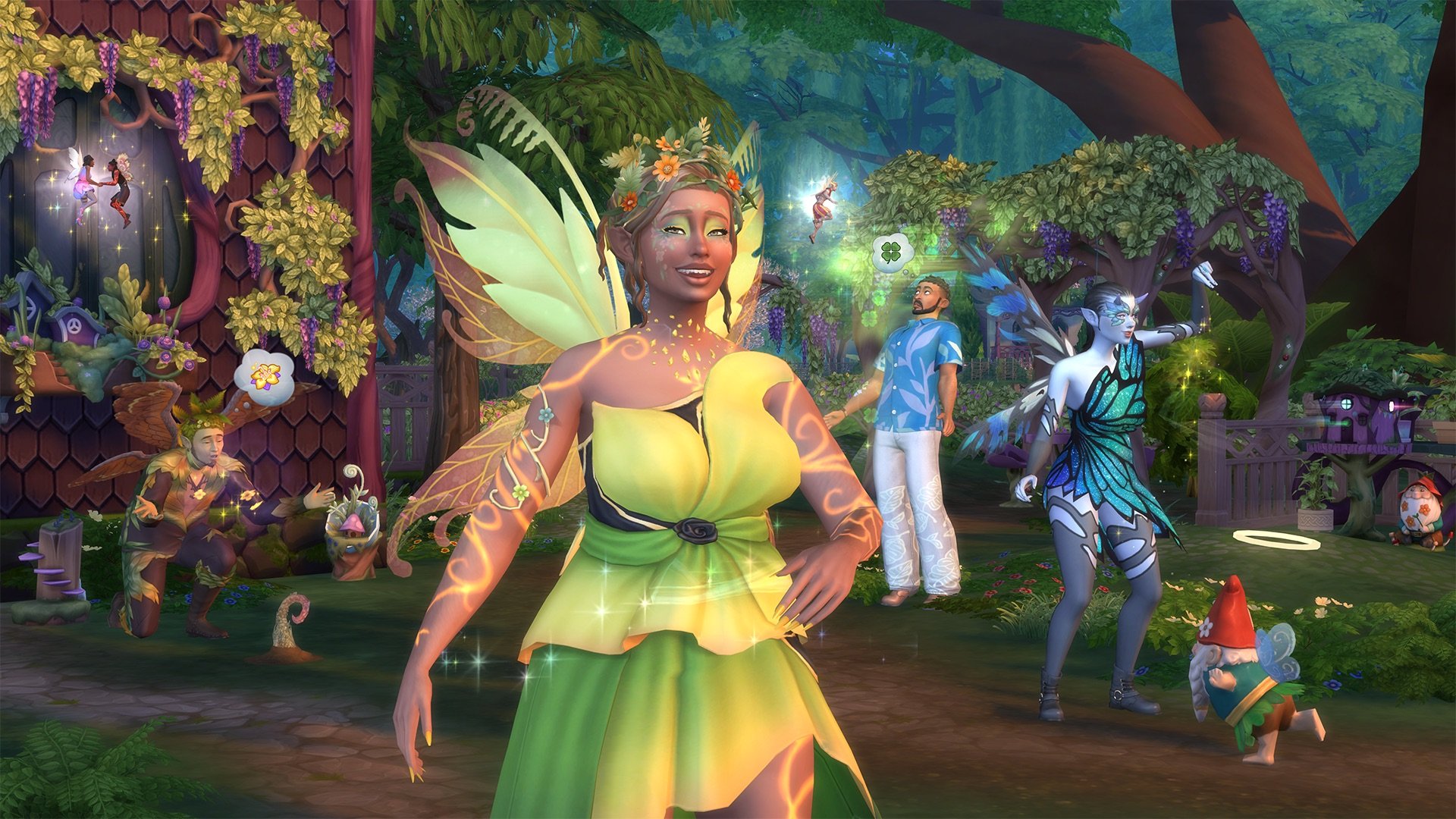
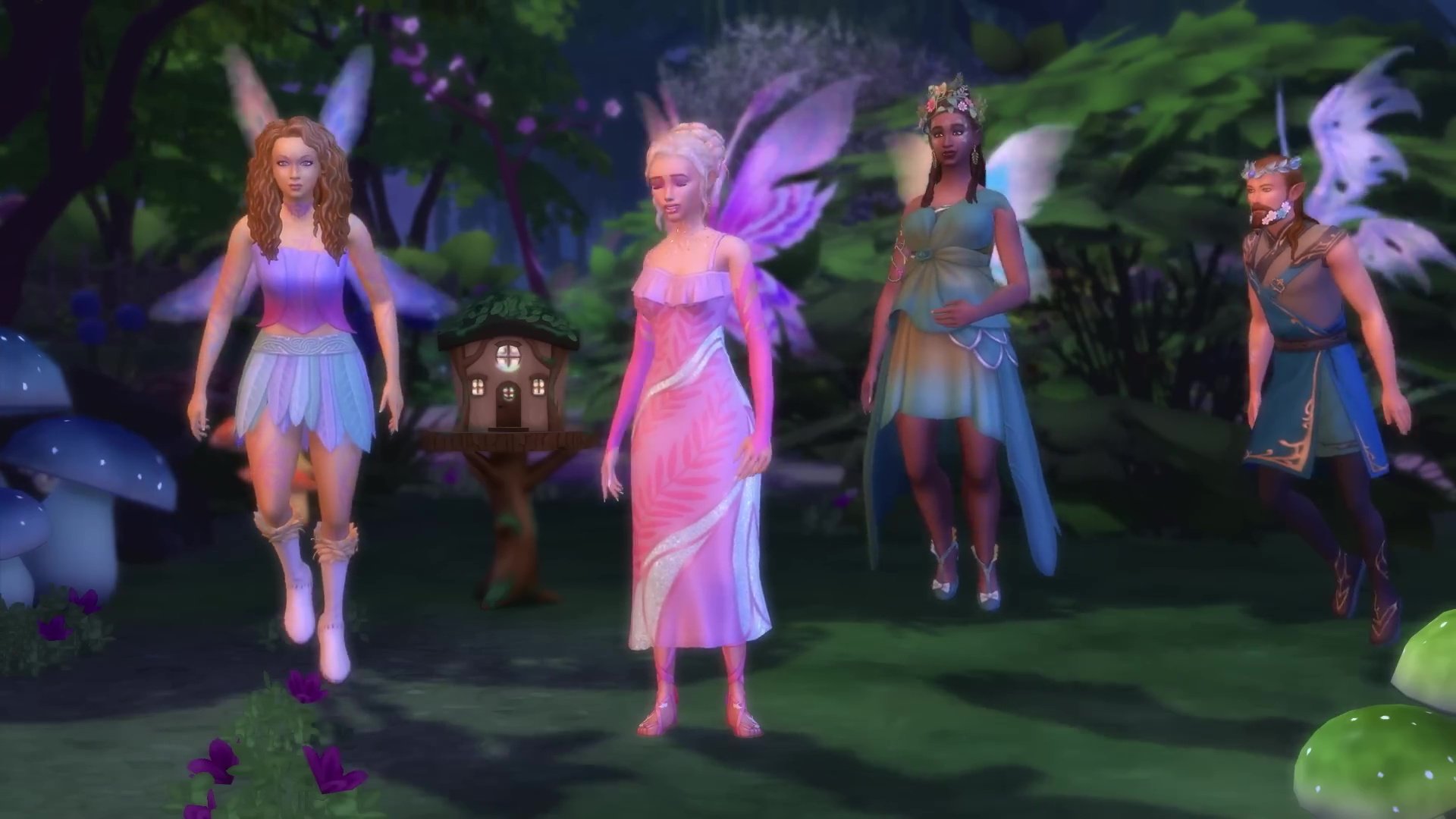
Create Fairies with beautiful wings you can paint freely! New facial presets, skin tones, glowing tattoos, and fairycore fashion will be available. Fairy Sims can have a separate Fairy Form, in addition to their normal Sim form. While Sims can start as
Fairies in CAS, they can also become Fairies through a special journey that’ll have them summoning Mother Nature and visiting the Enchanted Springs. Fairies also have a new WooHoo and a new death, Emotional Starvation.
Enchant plants, Gnomes, and more
You don’t have to be a Fairy to use Fairy Dust – it’s enchanting fun for everyone! Use it to bring Gnomes to life and have them help around your lot, or enchant plants & objects created with the Nature Press. Enchanted plants may be easier to care for or produce a bigger harvest, but they can also attract magical pests called Pixies. Fairies create their own Fairy Dust. Other Sims can ask them for it, and both Fairies and non-Fairies can find it while Foraging or pick it up at special locations.
Balance
Experience strange effects
There are 8 different Ailments, and they’re not all bad. A lot of them depend on your perspective. For example, The Luck Magnet will build up your Sim’s good luck – by stealing it from everyone around them. Another Ailment will saddle your Sim with an uncontrollable urge to create, and another will have them feeling emotionally…nothing. Ailments may be caused by Imbalance, caught from ailing Sims, or inflicted through the meddling of a Fairy.
Craft Cures & Elixirs
Use new books and the Leafy Ledge Apothecary Table to build your Apothecary skill. Craft Cures for Ailments, Elixirs that affect the Needs or emotions of Sims, and even an Emotion Stone. There are 22 recipes total. Emotion Stones are limited-use items that can siphon emotions from Sims. Emotions can be a key ingredient for some recipes, and Fairy Sims can consume them to recharge their emotional energy. That energy will decay more slowly while a Fairy Sim has an Emotion Stone in their inventory.
Play the odds
Luck affects a Sim’s chances of getting positive outcomes when Crafting, Foraging, socializing with other Sims, and more.
Luck even plays a role in whether evil Gnomes will show up on your lot. You can check a Sim’s luck by looking at their Simology panel, and it can be changed in various ways like by asking Spruce Almighty for help or being the target of a Fairy’s Play with Luck ability.
You can turn off the Luck system via your in-game settings.
Enchantment
Explore a world in bloom
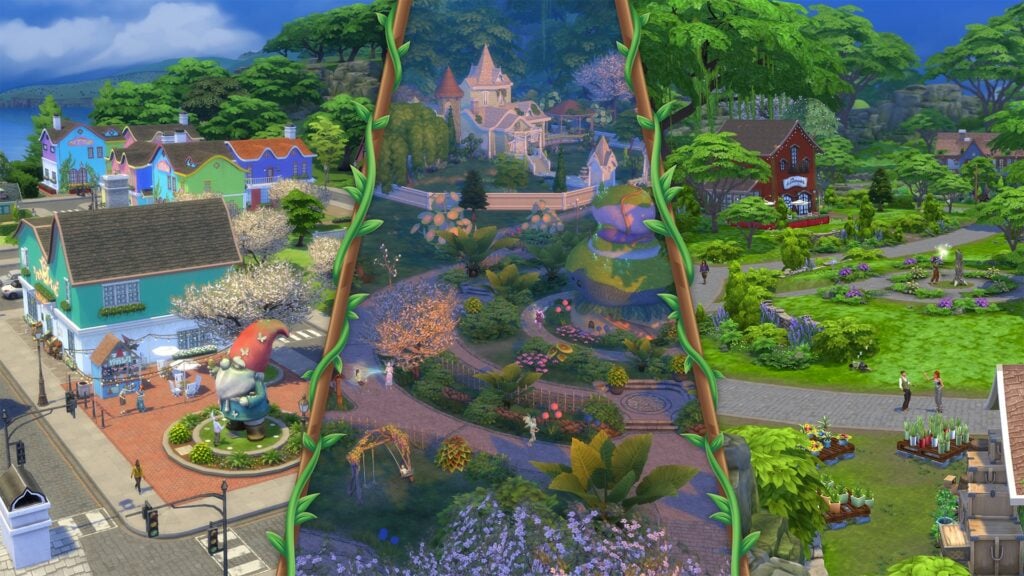
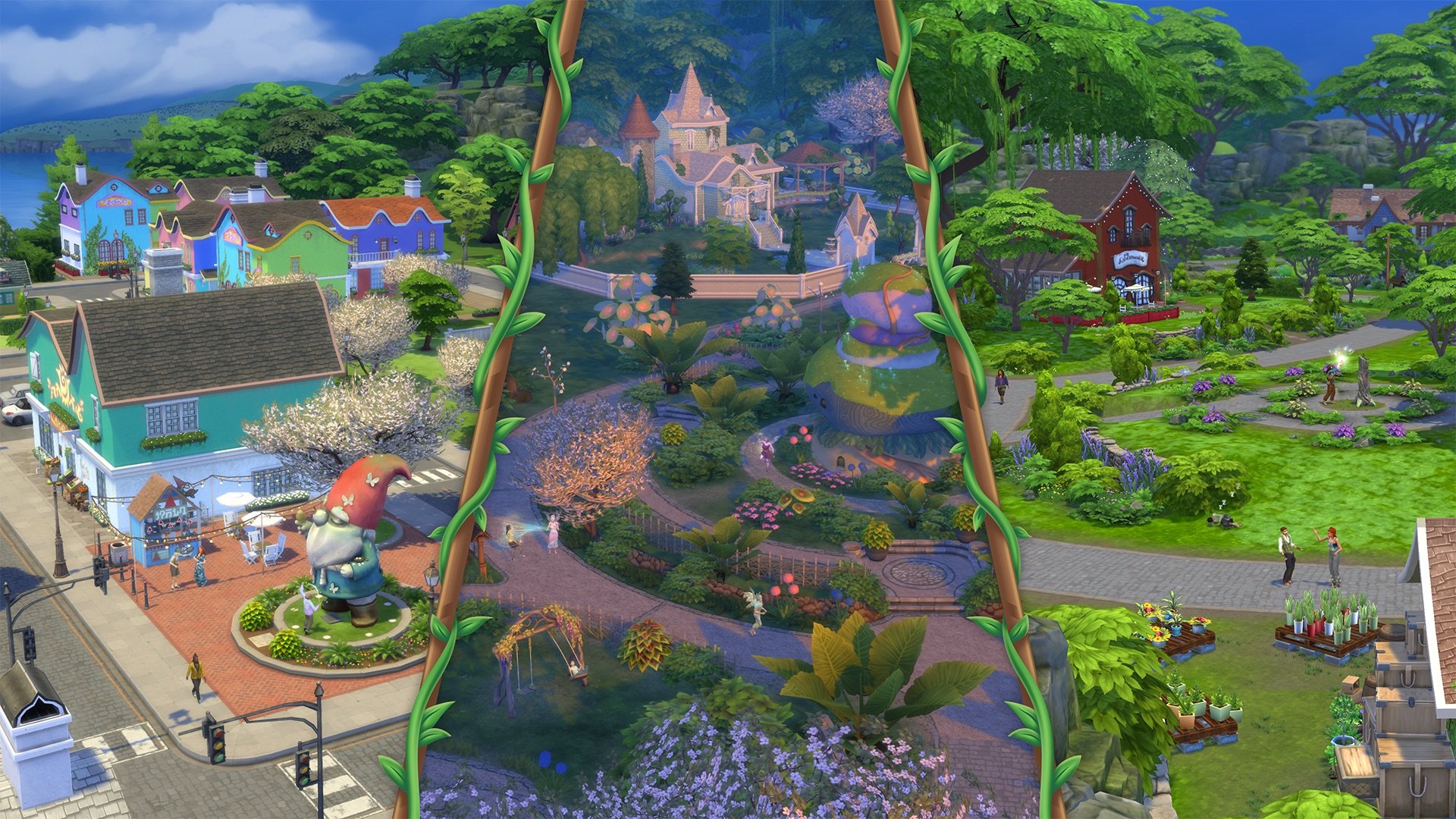
The Coast of Adhmor is a Celtic-inspired town with walkable streets, a giant gnome statue, and a lot of history. It’s the most down-to-earth of Innisgreen’s neighborhoods. Sprucederry Grove is a very nature-focused community, with a touch of the mystical thrown in. Everdew is a hotspot for Fairy activity where their powers are used openly and even the plants feel fantastical. The Mossveil Fairy Hub, a large mushroom, is located here. Explore to discover more enchanting surprises!
Meet fantastic new friends
Mother Nature can be summoned, and she can help Sims on their quests to become Fairies! There’s also a special Glaswood Tree statue that summons Spruce Almighty. This verdant fellow can help out around your lot or even improve a Sim’s luck.
You can get your own statue and place it on your lot to summon him more easily.
As announced, The Sims 4 Enchanted by Nature Expansion will be fully released on July 10th, 2025. Stay tuned on Sims Community for extensive coverage on this Expansion Pack!
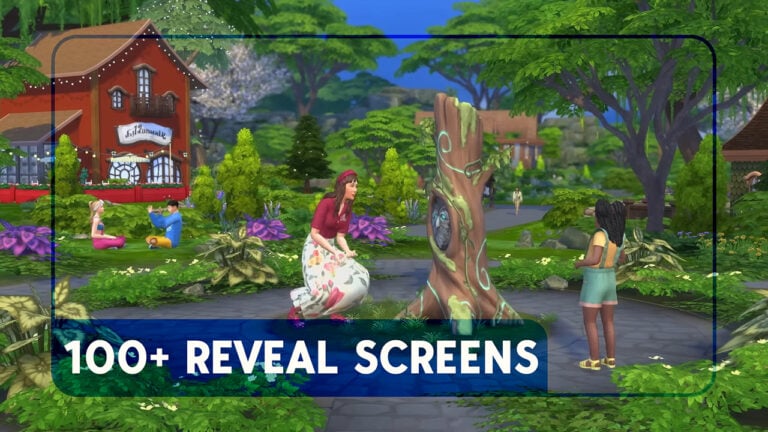
As always, we were there to capture all the best screens from the new trailer! We’ve compiled over 100 screenshots from The Sims 4 Enchanted by Nature trailer for you to see all the exciting new items and features for yourself.
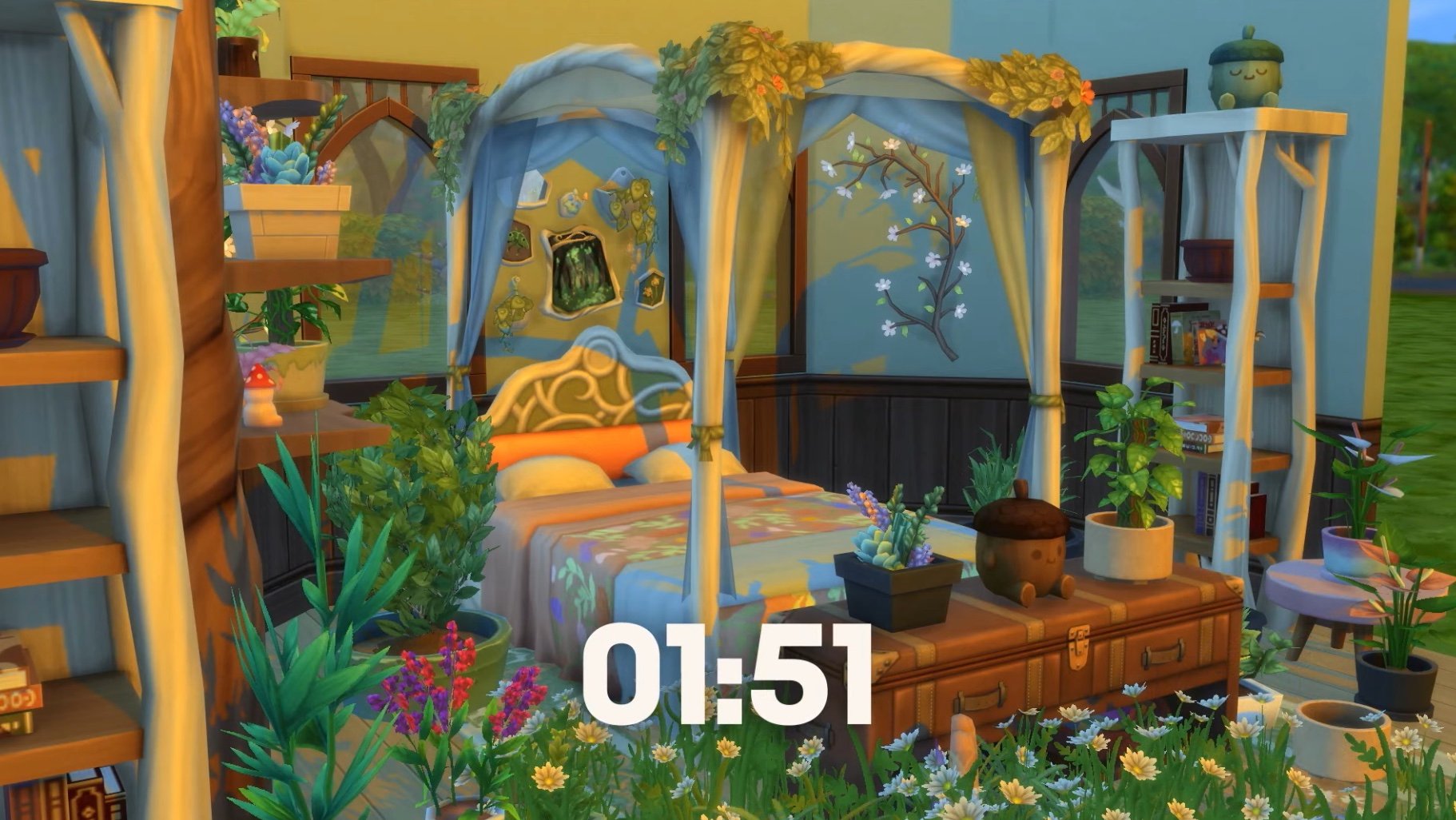
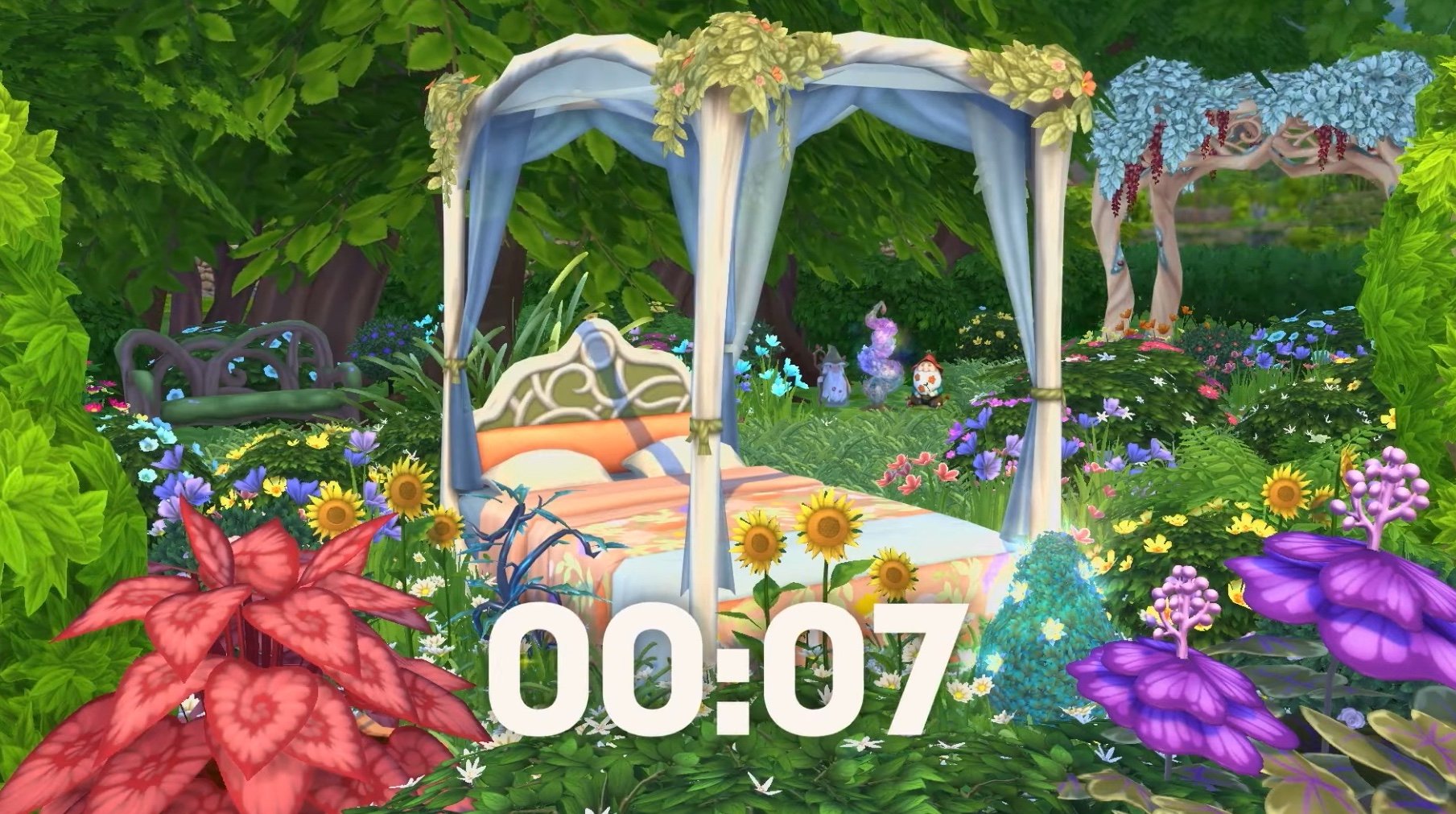
Also, how cute is this countdown screen? It showed off lots of the new furniture and slowly removed the walls of the bedroom, taking the room from inside to outside – a big link to the gameplay included in the pack.
It’s not part of the official trailer, but it’s still gorgeous. If you didn’t watch the trailer live you unfortunately can’t go back and see this. Luckily, it lives on here for you!
The Sims 4 Enchanted by Nature Reveal Screens
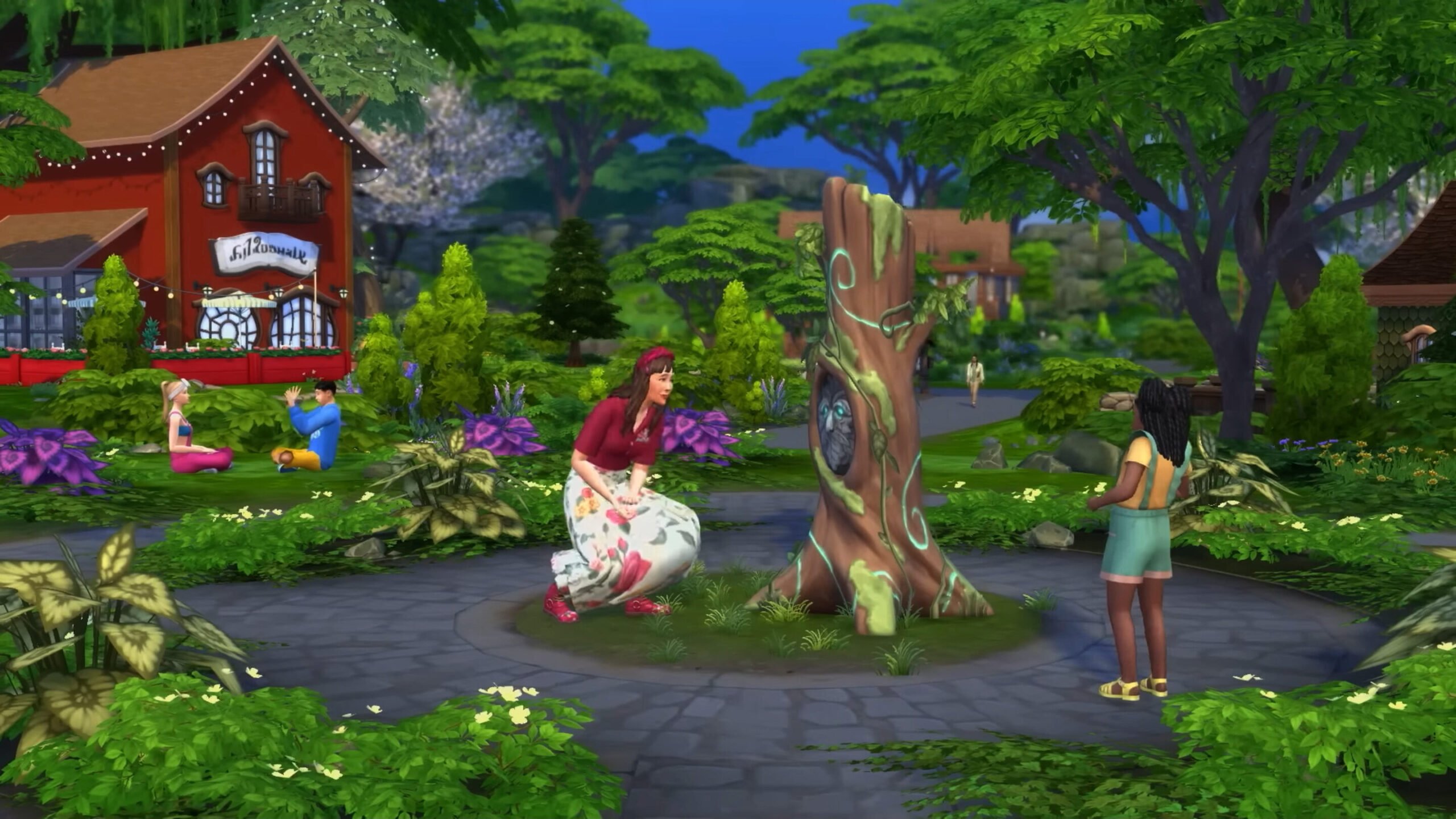
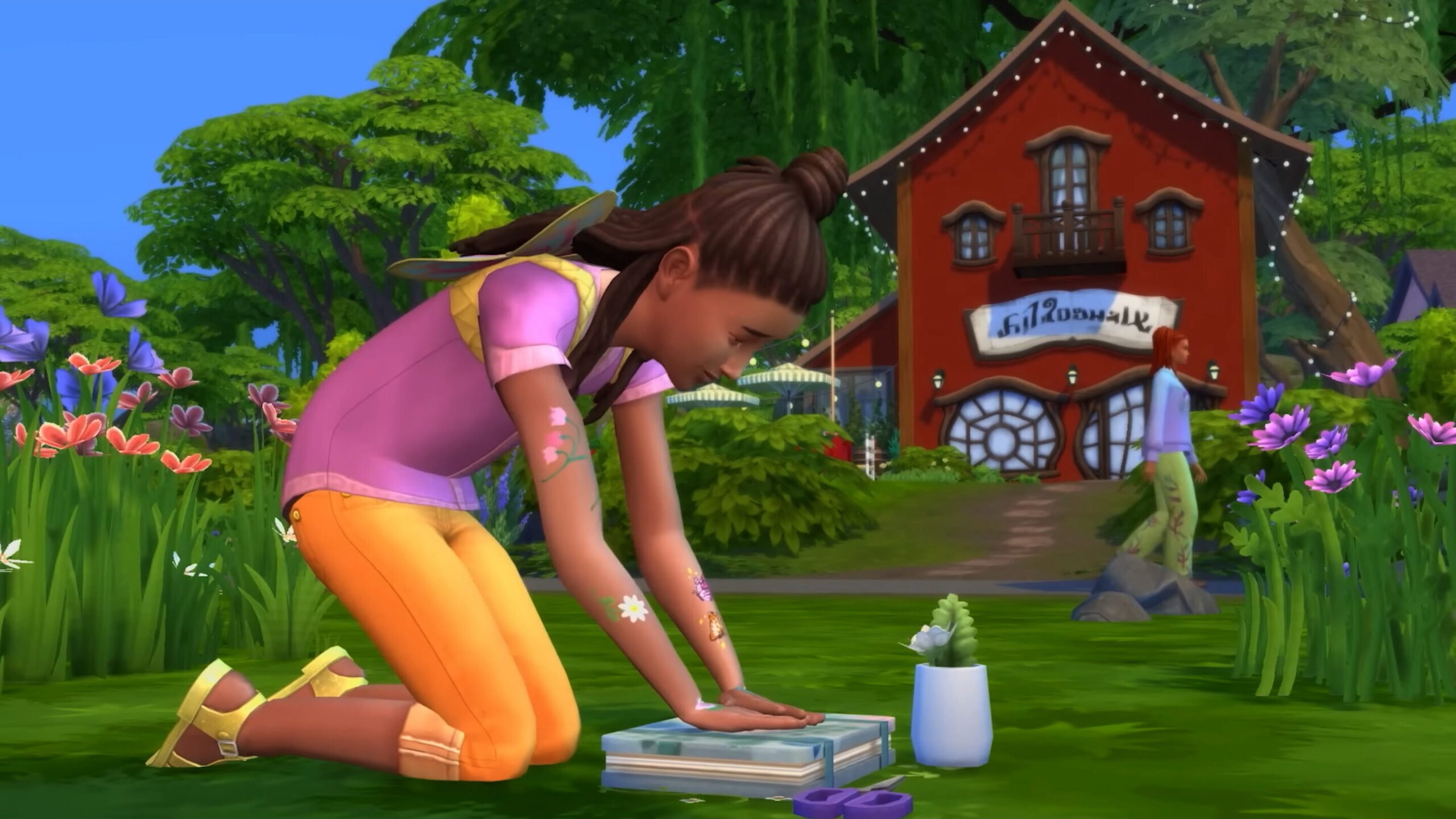
Check out the screenshots below for a good look at the new world, some of the new Build items and CAS assets coming with this expansion, as well as the new star of the show: fairies! The gameplay shown off in the trailer highlighted new NPCs, skills and interactions, and a new aspiration to name a few things, we think it will be a big hit with players who have been asking for fairies for such a long time.
If you missed the Enchanted by Nature reveal trailer, you can catch it right here!
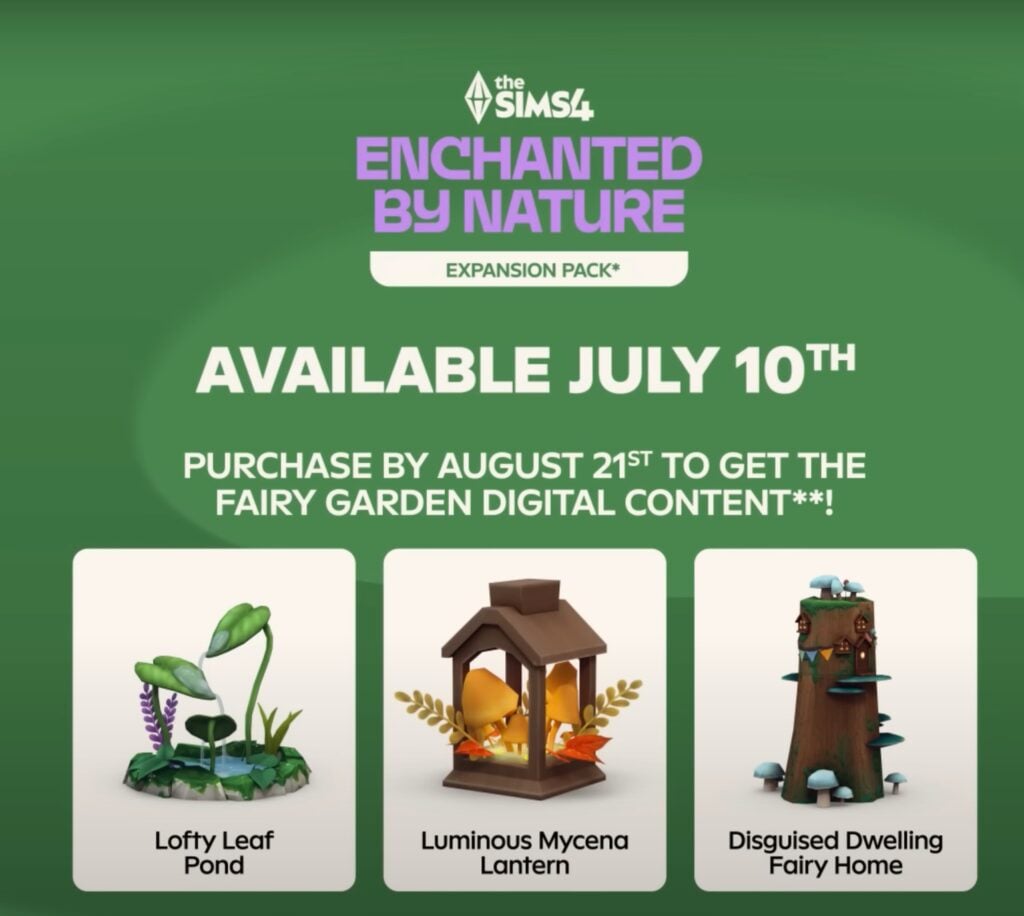
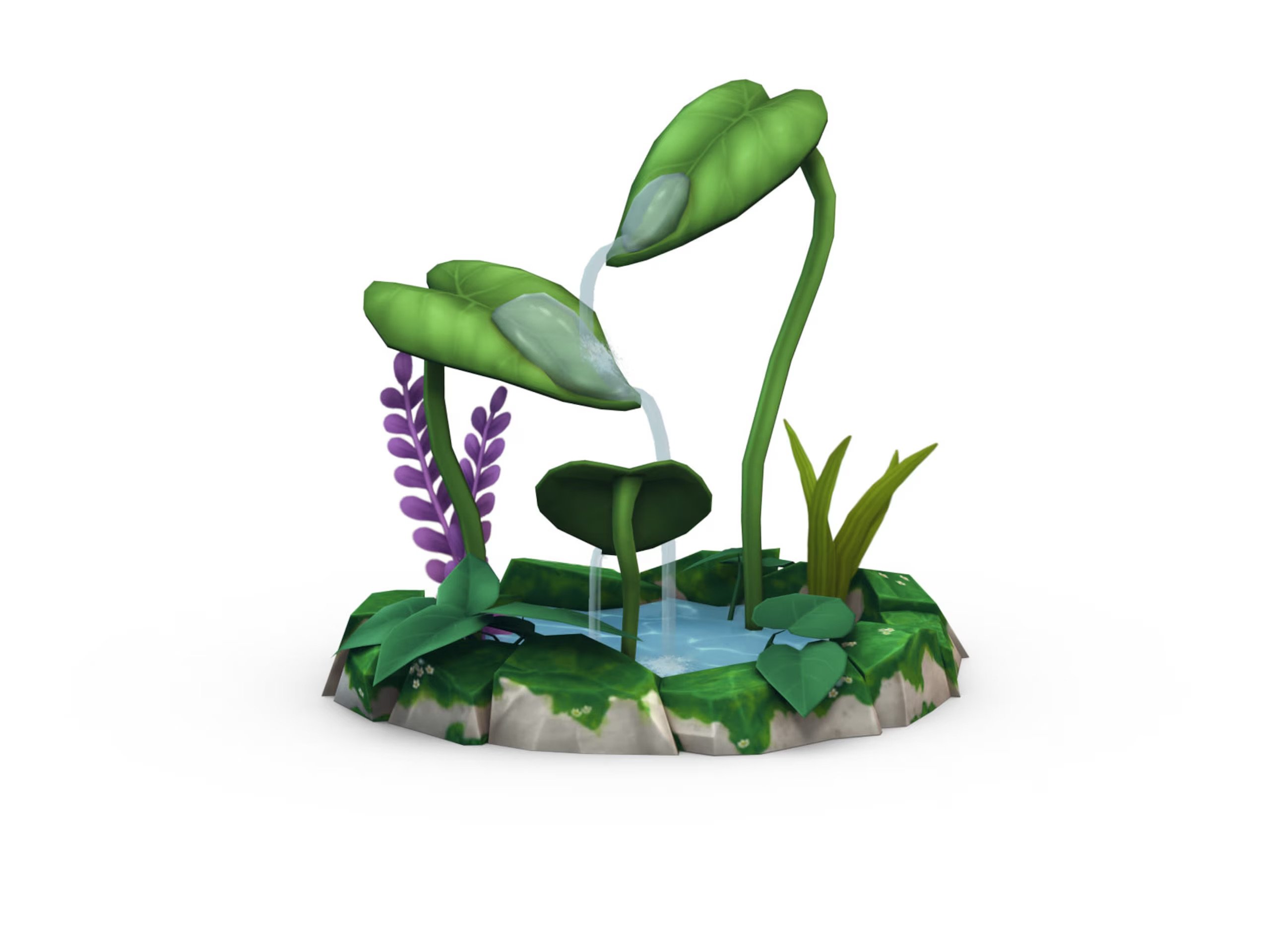
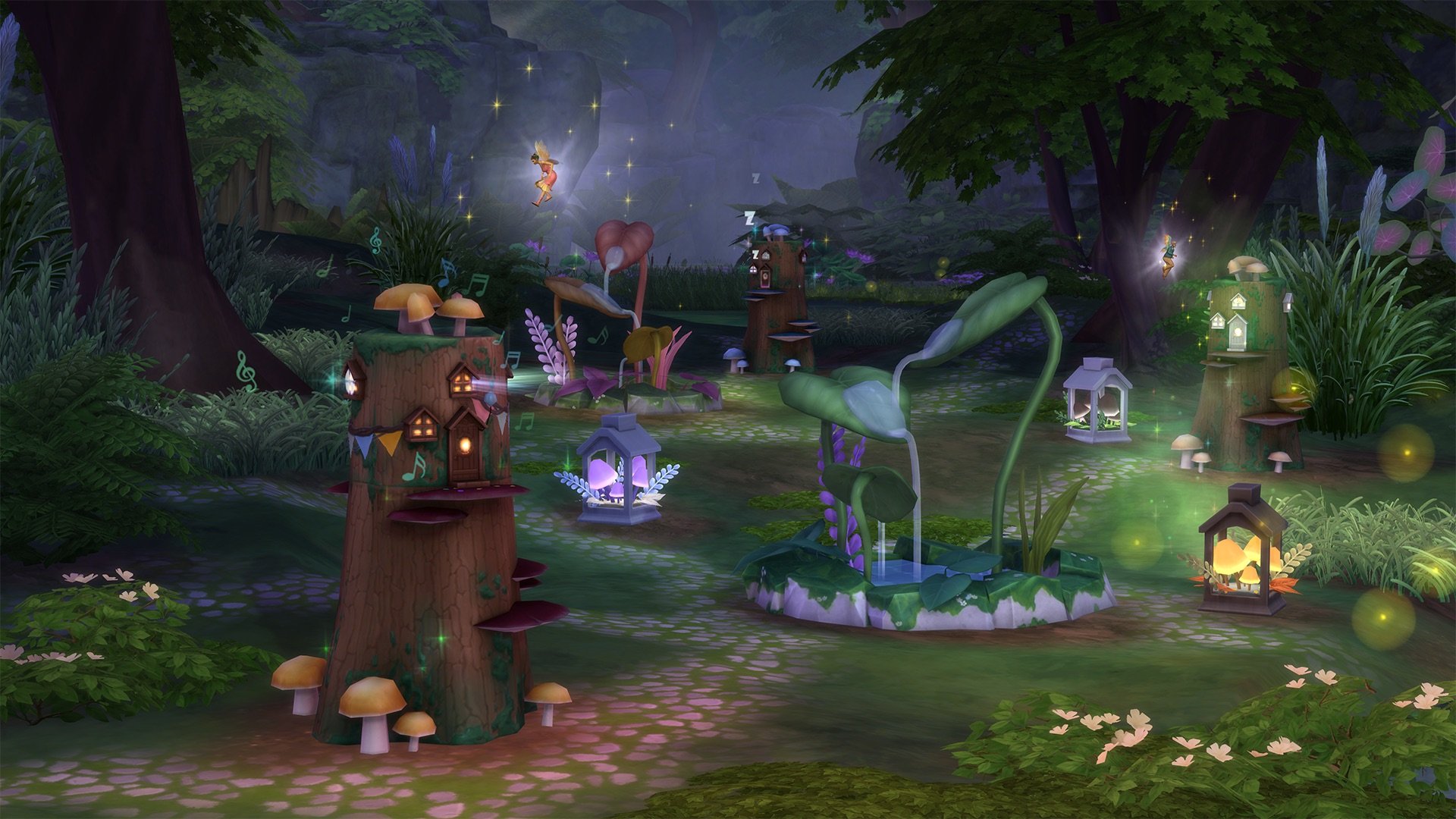
The Sims 4 Enchanted by Nature launches on PC/Mac and consoles on the 10th of July. Players who purchase the expansion before the 21st of August will receive the fairy garden digital bonus content. This includes a Lofty Leaf Pond, Luminous Mycena Lantern, and Disguised Dwelling Fairy Home.
Are you ready for the new expansion next month? I know I am!
The Sims 4 Enchanted by Nature Trailer is here – Let’s Take a Look at What we Spotted!
We’re just under one month away from the release of The Sims 4 Enchanted by Nature Expansion Pack on July 10th. After a string of teasers dropped with the roadmap and a sneak peek, we finally have our first detailed look at some of the exciting new features.
From fluttering wings and mischievous gnomes, here are 10 magical new features we spotted in The Sims 4 Enchanted by Nature trailer!
The Sims 4 Enchanted by Nature | Official Reveal Trailer
Things we spotted in The Sims 4 Enchanted by Nature Reveal
Innisgreen – Where Magic Meets Nature
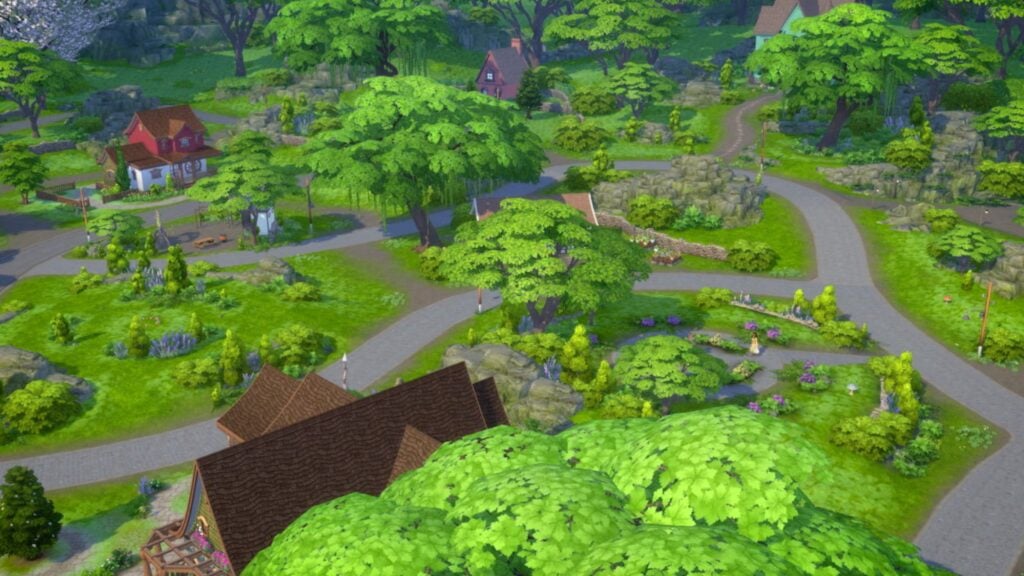
With the reveal trailer and the official blog post, we have confirmation that the new world is based on Celtic culture. Somethingisgrowing.com revealed the world title, and we finally get our first official in-game look at the town of Innisgreen! The new world is made up of three neighbourhoods: Coast of Adhmor, Sprucederry Forest, and Everwick. Each location looks like it’s bringing a unique vibe.
According to the official blog post, the world is packed full of collectable ingredients, lush forests, and cosy homes and shops. The new lots in Innisgreen were built by TheCrackedKyber, The Sim Scrolls, Ninaschmidt, and Sandra Pyka. All of whom are pros when it comes to fantasy-themed builds.
Faries – Wings, Magic, and Mischief
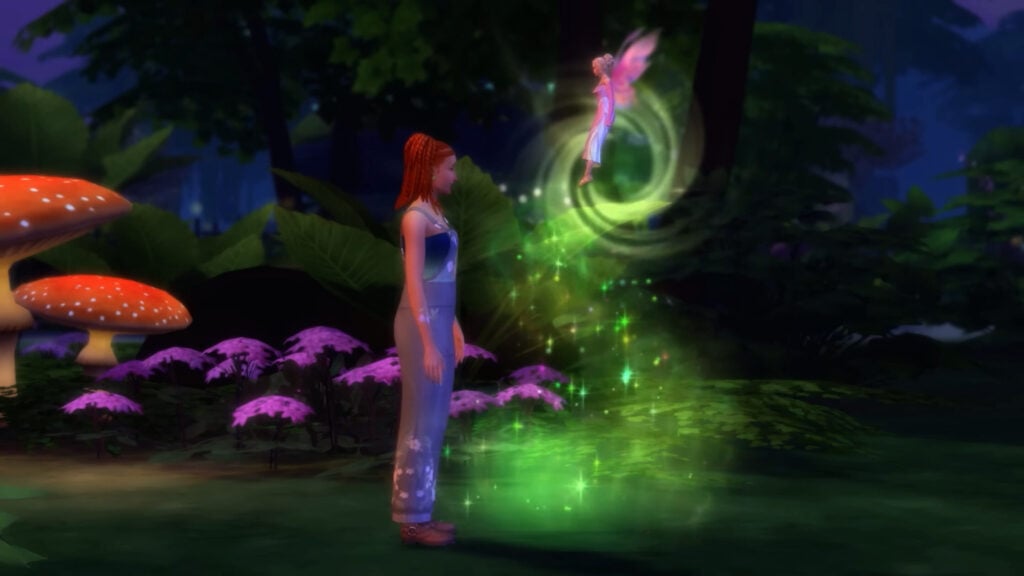
The main feature of this pack is something the community has been clamouring for over the years – FAERIES! That’s right, the long-awaited occult life-state is finally fluttering back to the franchise with a fresh coat of paint. From what we’ve seen so far, Sims can become a fairy through magic bestowed upon them by existing fairies. Fear not, however, as fairies will be added to the occults tab in Create-A-Sim for players who want to jump straight into the magic!
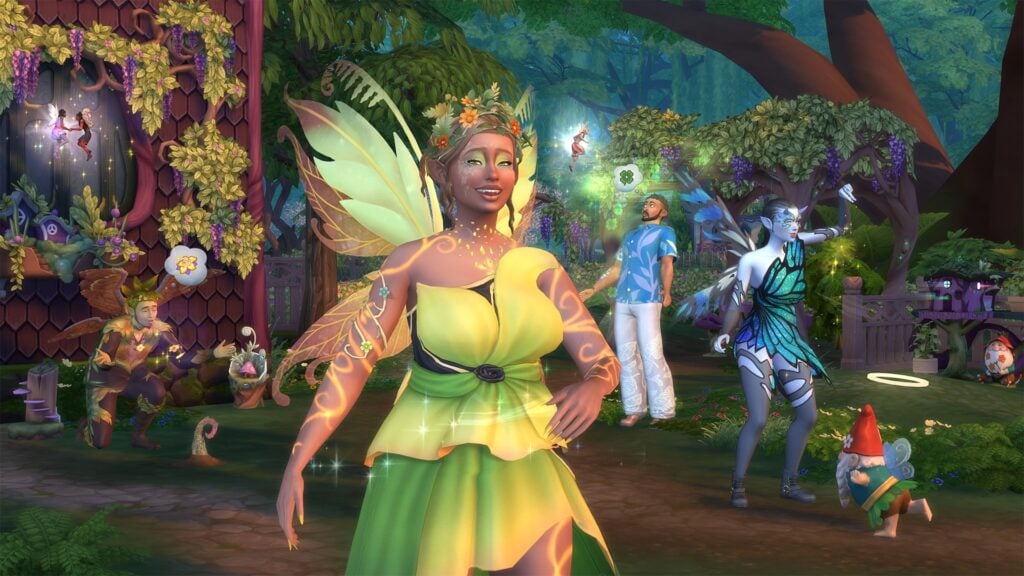
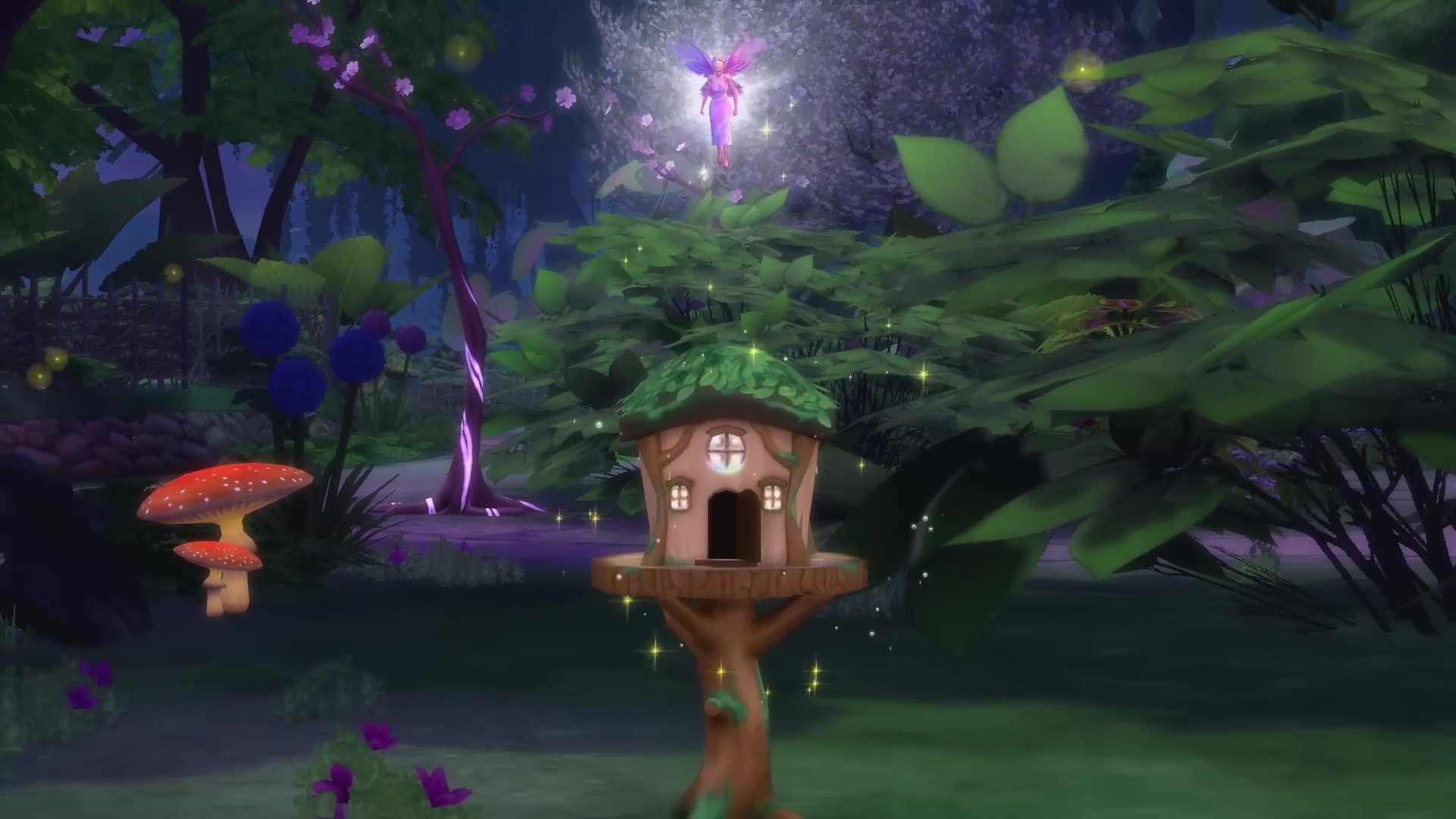
A familiar favourite also makes its return, the fairy house, last seen in The Sims 3 Supernatural. It was first revealed in the teaser released during the Hotties Play The Sims livestream. The initial teaser showed us what looked to be some fairies throwing a house party!
Living Off the Land – Tree Huggers
Previously teased on the mysterious somethingisgrowing.com, one of the most exciting new features of The Sims 4 Enchanted by Nature is the ability to fully live off the land! The new Natural Living skill rewards Sims for embracing a truly wild lifestyle – think sleeping under the stars, bathing in natural bodies of water, and foraging for food and ingredients.
This feature opens up brand new possibilities for popular challenges like the Castaway Challenge and the Rags to Riches Challenge, making them more immersive and engaging than ever before. Even better, this back-to-basics living seamlessly integrates with existing systems like the Off the Grid and Simple Living lot traits from the Base Game and Cottage Living.
New Aspiration – Chasing Magical Dreams
Two new aspirations have landed with The Sims 4 Enchanted by Nature: the Nature Nomad (As adopted by the trailer’s protagonist) and the Elixir Enthusiast! From what we can see from the trailer and blog post, the Nature Nomad aspiration will be all about embracing nature and encouraging your Sims to find the path to total self-reliance. If your Sim prefers potions to plants, then maybe the Elixir Enthusiast aspiration is more their speed. Tied closely to the new potions and cures system (more on that in a minute), it seems like Sim’s following the Elixir Enthusiast aspiration will uncover the effects of forest alchemy.
Ailments – Nature’s Curse
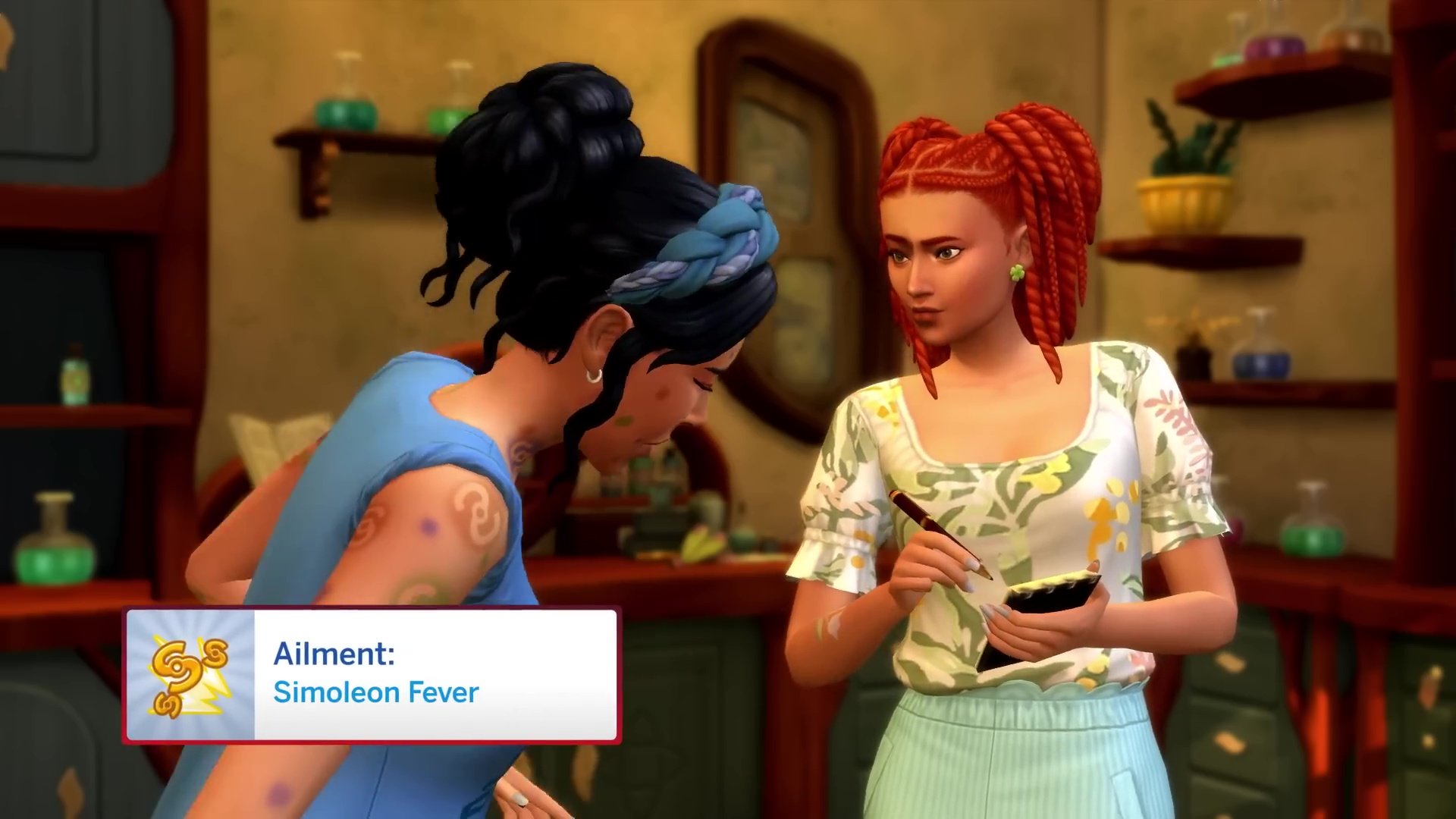
Ailments, much like The Sims 4 Get to Work’s illness system, will affect Sims in a number of ways. These unique conditions range from Sonic Sinuses, to Simoleon Fever to Creation Impulse. In keeping with the franchise’s tone, these all sound a little silly, but fit right into the Sims world. These ailments can be caught by Sims who are living imbalanced lives, adding much-needed and much-requested difficulty to The Sims 4. According to the official blog, the new luck system will also affect whether or not your Sims are susceptible to these ailments.
Elixirs & Cures – Magical Homoeopathy
While potions were introduced in The Sims 4 Realm of Magic, Elixirs seem to be more focused on mood and cures to ailments than anything else. The new apothecary table can be used to craft elixirs using ingredients found in the wilds of Innisgreen and gifted (and perhaps sold) to other Sims.
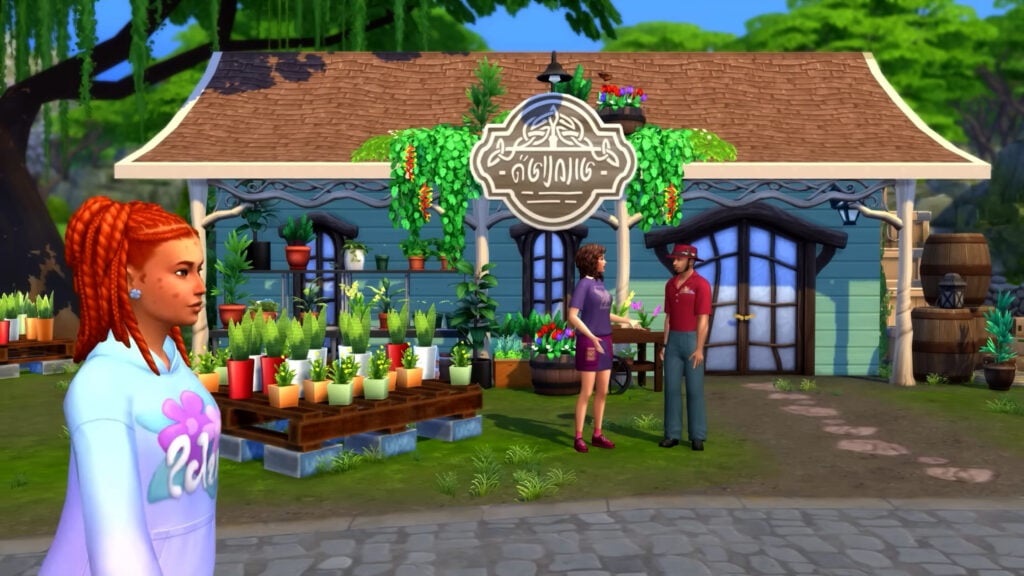
In the trailer, we see our protagonist talking to a vendor and being given a mission similar to the odd jobs found in The Sims 4 Cottage Living. It looks like this new NPC will be on hand to help cure your Sims of their ailments. Perhaps they can teach us a thing or two about crafting our own elixirs.
Potted Plants – Grow Your Own Magic
Potted plants are my favourite decoration in the Sims 4, and you will find them in almost every build I create. Empty corner? House plant! Bedside table? House Plant!
Interactable and growable potted plants are something I have wanted since The Sims 4’s launch, and finally, my prayers have been answered. From what we can see from the reveal trailer, these plants can be nurtured by way of watering and companionship. This is something the franchise has been sorely missing and I for one am glad to see it!
New Build/Buy – Journey to Middle Earth
What would a new Expansion Pack be without a range of new Build/Buy items? With the new world of Innisgreen being inspired by rural New Zealand, it’s no surprise that The Sims Team took inspiration from The Lord of the Rings and The Hobbit movies, all of which have been shot in New Zealand.
The Sims 4’s existing catalogue is no stranger to whimsical and magical designs, but this time it seems as though these objects reflect the nature they are surrounded by, allowing you to create forest getaways and Hobbit holes. With the new Nature Nomad features, it will be interesting to see what kind of beds, bathrooms, and kitchens this pack includes, as so much of your Sims’ life will be spent living in nature.
New CAS – Fairycore Fashion
As is the case with Build/Buy, an Expansion Pack for The Sims 4 isn’t complete without an array of new Create-A-Sim items. The new range seems to be on a scale from normal to complete fantasy (and maybe slightly impractical). This is nice to see as so many new items will be able to blend seamlessly with the existing catalogue of clothing, shoes, hair and hats. Speaking of hats, that watering can/birds nest is giving Erwin’s collander from The Sims 4 Strangerville Game Pack a run for its money!
Pre-Order Bonuses – Something Extra!
Love them or hate them, another consistent feature of Expansion Packs makes a return: pre-order bonus items. As always, three new items will be available in your game if you purchase the pack before August 21st. This set includes the Lofty Leaf Pond, the Mycena Lantern, and the Disguised Dwelling Fairy Home, the latter giving your fairies more choice for their private hideaways!
Release Information
The Sims 4 Enchanted by Nature is set to release on July 10th on PC, Mac, PlayStation, and Xbox consoles. Those who purchase through August 21st 2025, will unlock the Fairy Garden Digital Content.
What are your thoughts on The Sims 4 Enchanted by Nature Expansion Pack so far? Is there anything we missed? Let us know in the comments! For all Sims 4 updates and future info on The Sims 4 Enchanted by Nature,stay tuned!
EA releases the official blog post, introducing The Sims 4 Enchanted by Nature Expansion.
EA and Maxis have released the first official Sims 4 Enchanted by Nature blog post entry. Officially introducing the 19th Expansion Pack to the game series.
The latest Blog Post also reveals the new community lot builds, which you should definitely check out!
Table of Contents
The Sims 4 Enchanted by Nature Blog
Can you hear that? It sounds like the soft whisper of Mother Nature calling you to a charming new world. Oh, nevermind, that’s actually just nature calling from a privy bush.
Anyways, The Sims 4 Enchanted by Nature Expansion Pack welcomes you all to Innisgreen, a beautifully lush and wonderful land where Sims and nature live in perfect (or chaotic) harmony.
If you’re ready to answer nature’s call, let’s dig deeper into the whimsical soil of Innisgreen.
A Sprinkle of Fairy Dust, Please
Innigreen, an Emphasis On Green
It’s All About Balance & Recovery
Let Nature Living Come Naturally
You Make The Sims; Community Builds featured in Enchanted by Nature from CrackedKyber, The Sim Scroll
A Sprinkle of Fairy Dust, Please
Mother Nature has a fairy interesting proposition, should you choose to accept it. With her guidance, Sims can become the Fairy they were destined to be, and once they complete their transformation, they’ll have the choice to flutter down two fairy different paths. There’s the Harmonious Fairy, a benevolent winged helper who wants to aide other living things find health and balance; and the Discordant Fairy, a flying mischief-maker that enjoys stirring up a little chaos and making everyday life harder for the Sims around them. The Fairy Path is yours to fly — with wings to match.
Fairies can develop abilities that let them nurture plants, manipulate objects, change the moods of others, and more. But be wary of Emotional Starvation. Rather than living off food, Fairies absorb emotions to survive, either directly from other Sims or from bottled Emotion Potions. Failure to do so may welcome their untimely demise.
You’ll be able to customize your Fairy look to your own Fairy liking with an extensive array of wings, skin tones, ears, teeth, head accessories, glowing tattoos and more. Fairies can even use their Fairy charm to deliver a special WooHoo!
Don’t worry non-Fairy Sims, you can also have some magical fun with Fairy Dust, using it to enchant plants, bring Gnomes to life, and more.
So, whether your Fairy Sim chooses to sow wonder or spark chaos, or you’re a Sim with fairy interesting neighbors, it’s just the beginning of your fairytale.
Emphasis On Green
Three neighborhoods make up Innisgreen, each one connecting you to nature in their own unique way. There’s the Coast of Adhmor, a peaceful seaside village where everyday Sims enjoy life’s simple pleasures. Stepping out of town brings us to Sprucederry Grove, a vibrant blend of friendly shops, cozy homes and draping ivy that blur the line between civilization and the natural world. And finally, we venture deep into the magical forest of Everdew, a thick and mysterious woodland humming with enchanting energy.
Innisgreen is full of new adventures, skills and traits, too. You can balance moods and discover natural remedies with your Apothecary Table; seek out Mother Nature and embark on a transformative journey to becoming a Fairy; be your best plant parent and fill your home with a new array of houseplants; or unlock your inner Nature Nomad to dwell among the trees and live off the land.
It’s All About Balance
Living in tune with nature is more than playing in dirt and hugging trees; it means respecting the natural world, and promoting a balanced coexistence. Living in Innisgreen, Sims must become emotionally grounded and find that balance, or welcome the chaos.
When Sims start to lose their balance and become imbalanced, life can get a little harder to navigate. For example, one may acquire new skills at a slower rate or their everyday needs may become harder to solve; and if a Sim enters the very imbalanced territory, that’s when Ailments start to show up, like the Greenie Meanie. With this Ailment, Sims will learn and complete Gardening tasks faster than normal-yay! But, they’re constantly angry and prone to outbursts that are off-putting to other nearby Sims–eek! And that’s just one of many; there’s Emotional Void, Simoleon Fever, and Sonic Sinuses, to name a few.
But imbalance isn’t the end; it’s simply the beginning of a new journey.
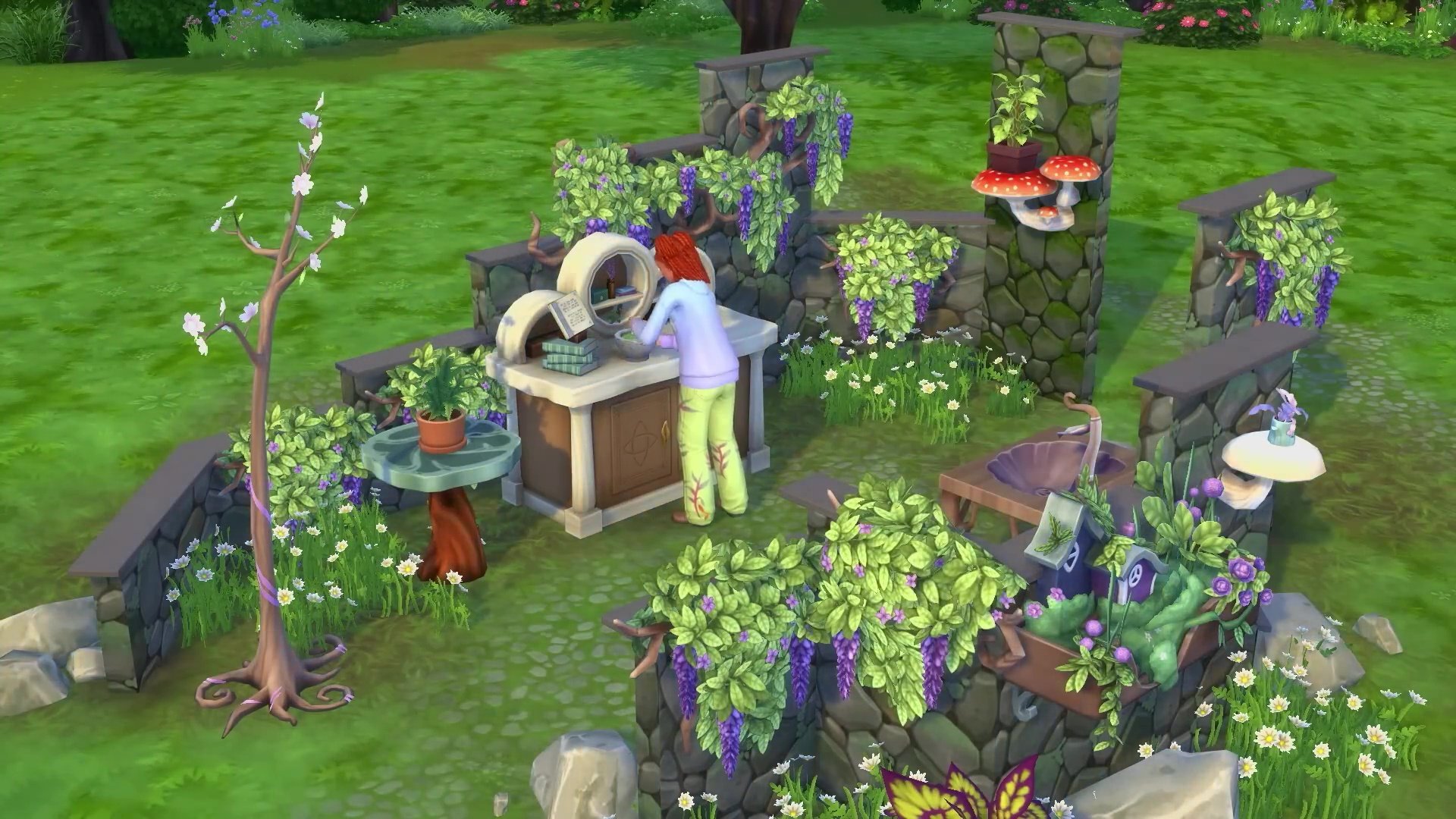
Ailments can vanish and moods can improve with cures and elixirs crafted from the new Apothecary Table. With special ingredients like the Lightning Root and Aura Blossom found while gardening and foraging, Sims can follow intricate recipes for treatments with fantastical effects. And with the right amount of practice, one can take on the Elixir Enthusiast Aspiration or become a Naturopath, a new profession that serves to cure fellow Sims of their curious Ailments.
Achieving balance, however, may require a little luck. Sims living in Innisgreen may experience good, ordinary or bad luck, which in turn may affect their career, love life, cooking, foraging and other interactions or tasks. Luckily for you, there are two luck charms that can be found, purchased or made (at the Apothecary Table), which will modify your Sim’s luck, for good or bad.
Now you have to ask yourself, will your Sim seek balance, or will they embrace the chaos of an unbalanced life in nature?
Let Natural Living Come Naturally
Step outside and make yourself at home. Whether you’re honing your Natural Living Skill or seeking the Nature Nomad Aspiration, Innisgreen gives Sims the chance to eat, bathe, sleep, and thrive entirely off the land. Forget modern comforts, this is about embracing a simpler life in rhythm–and balance–with the world around you. From eating freshly caught fish and sleeping in the grass, to foraging for apothecary ingredients and summoning a Privy Bush when nature calls, every new discovery and experience brings your Sim closer to self-reliance.
For those not quite ready to give up hot showers and cozy beds, you can try the plant parent life instead and welcome a collection of new living houseplants inside your humble abode. They’re not just decoration, like they’ve been in the past; they’ll need water, care, and constant companionship. You’ll even be able to place them on shelves, tables and floors to transform your home into a tranquil garden sanctuary.
Now, do you aspire to be an Elixir Enthusiast, a Nature Nomad, or…
The Sims 4 Enchanted by Nature Community Builds
Imagining Innisgreen: Community Builds Featured in Enchanted by Nature
The neighborhoods of Innisgreen not only draw on nature and fantasy elements, but they also take some inspiration from the architecture and aesthetics of Ireland and Celtic artistry.
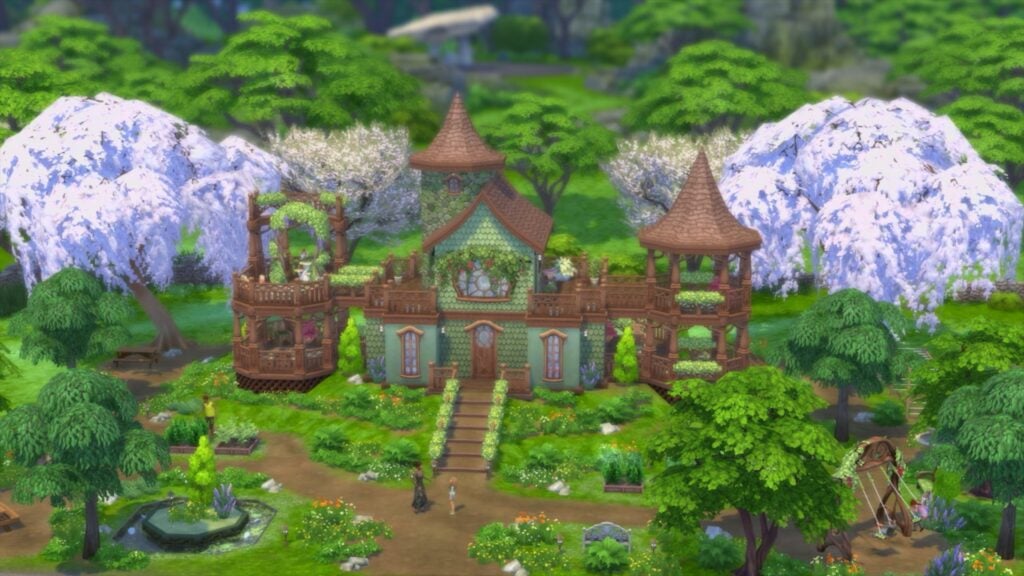
CrackedKyber, otherwise known as Megan, built community lots Whistling Thistle Gardens and the Starsong Lounge, as well as 8 Gnome Coast Street.
Catching up with Sims at the Whistling Thistle Gardens is a favorite pastime of the Sprucederry Grove residents. This community garden has been carefully curated over the years to grow all of the residents’ favorite harvests. Besides socializing and gardening, painting and photography are especially enjoyable here as the light and natural ambience ignite creativity.
“I wanted the park to be functional for a range of life stages, so I added items to make sure the whole family can spend the day there together,” said Megan. “The park is a really good representation of my building style and feels the most me.”
The Sim Scrolls designed two residential lots: Gimmley Gardensbrook and Puckitt Hall, and created The GNOM Exhibit.
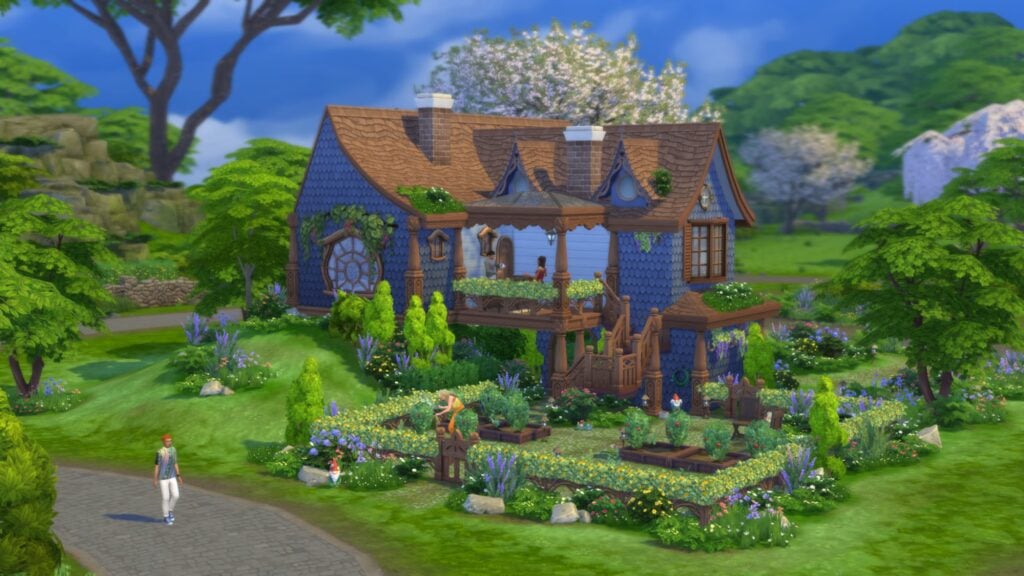
Gimmley Gardensbrook is a garden oasis filled with luscious greenery, placing residents on a hill they’ll want to die on. Plentiful plots, gracious greens, and quaint carvings all give this storybook home two green thumbs up!
“I think all the levels make it feel more organic and untamed,” said The Sim Scrolls. “I wanted it to feel wild like it was merging with nature, so having the home partially built into a hill just felt right. But I also wanted to emulate the vibes of an English Cottage Garden.”
Ninahschmidt, or Nina, designed three residential lots: Crannamor Residential, Greenwood Hamlet Residence and Bard Boulevard.
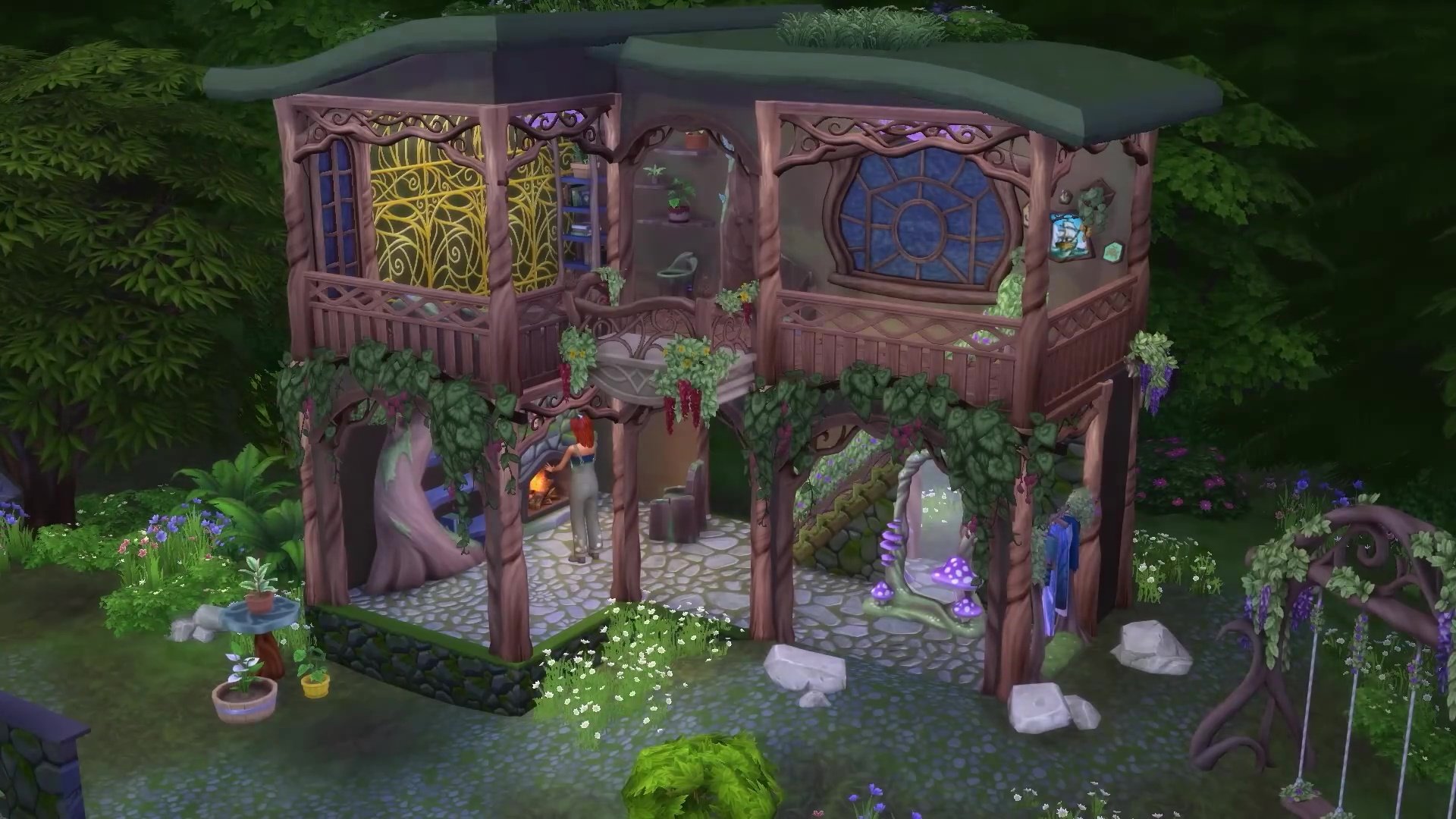
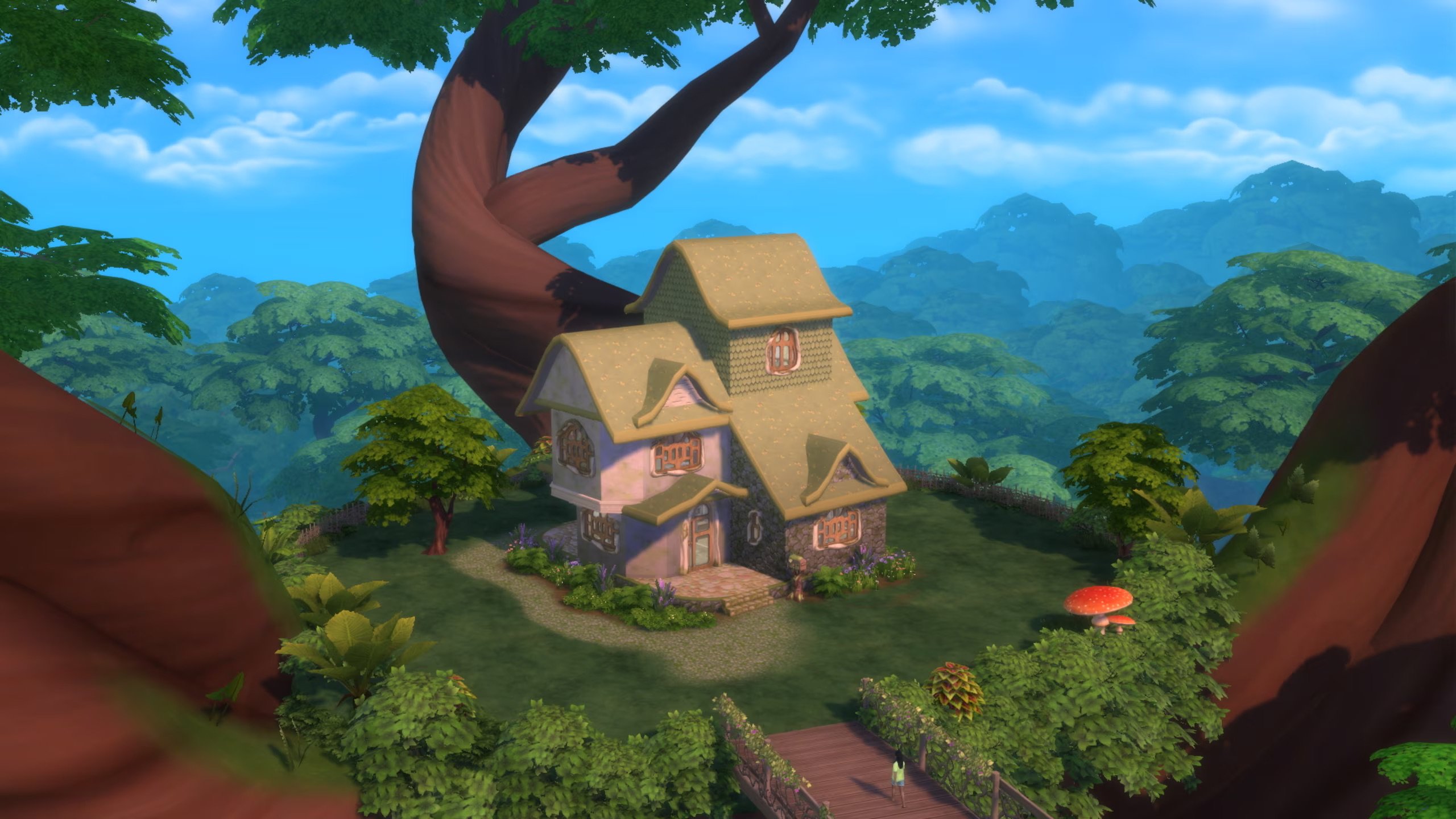
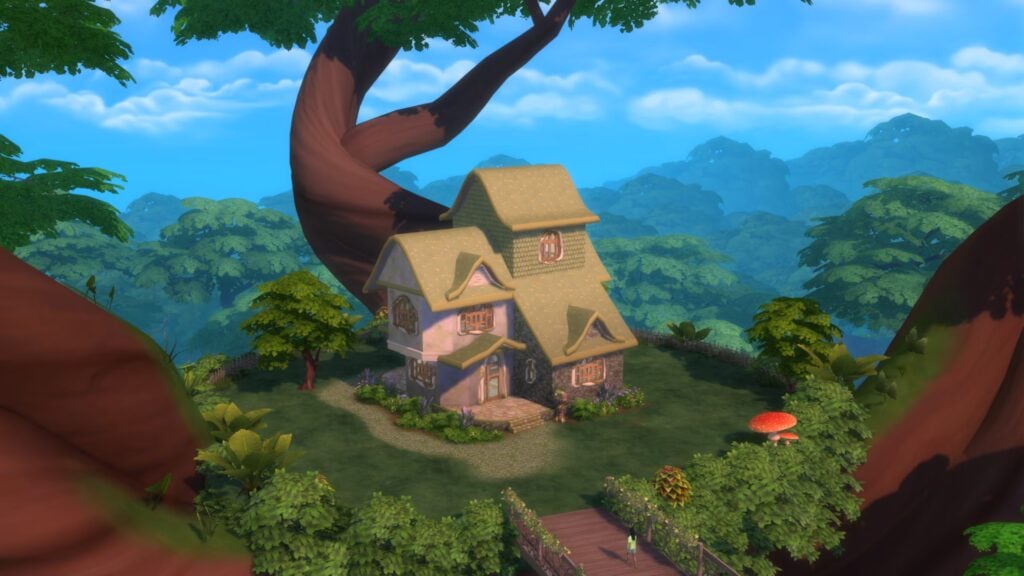
Along the outskirts of Everdew lies Grannamor Residential, a quaint home, built into one of the largest trees in the forest. The breathtaking scenery is made more beautiful by the neighborhood’s denizens, who can be seen out and about, using their enchantments on the world and Sims alike.
“It was very important for me to build something unique with a very unconventional shape that would do justice to the beautiful place where it’s located,” said Nina. “I spent a long time with this build, playing with different shapes and styles until I was happy with it.”
Nina’s advice for aspiring builders: “Adding some colorful lighting makes a big difference. And now we can place plants on roofs, which adds a lot of whimsy to a build!”
Sandra Pyka built a total of three lots for the Expansion Pack: Gringle’s, 1 Mari Shores Road and 42 Normfair Drive.
Gringle’s has been the local hot spot for Sims to enjoy a few drinks after a long day of mixing Elixirs. Located near the center of Sprucederry Grove, Sims come to take in the greenery and partake in delectable conversation.
“It’s a community space, somewhere your Sims can meet as a family, or come on a date, or venture out alone to use the chess table as an activity,” said Sandra, who hails from Ireland. “The overgrown feel of the bar is inspired by the way nature flourishes here in Ireland. To be able to bring some real-life research to this pack felt surreal, I felt very honored, and as a result, it inspired me to do the best I can for my builds!”
If you purchase The Sims 4 Enchanted by Nature Expansion Pack before August 21, you’ll be rewarded with an early purchase incentive. From the shimmering Lofty Leaf Pond to the glowing Mycena Lantern, this bonus content lets players create a cozy garden or magical hideaway, while the Disguised Dwelling Fairy Home adds even more versatility. So, whether it’s a charming statue in your home garden or a secret Fairy retreat, the choice is yours.
See the first game screenshots and official pack features of Enchanted by Nature!
The official EA Press Room have released official The Sims 4 Enchanted by Nature features and assets. Including official description and key features, pre-order bonus as well as official screens and image assets like the box cover art.
Find everything you need to know about the upcoming Expansion Pack below:
The Sims 4 Enchanted by Nature Features
Life Among the Trees
Step outside and make yourself at home in nature. With the Natural Living Skill, Sims can meet their needs outdoors without beds or plumbing! The natural world has a lot to offer, and Sims can Forage to uncover what’s hidden. Find everything from crystals to frogs to food! This way of life is perfect for Sims with the new Nature Nomad Aspiration. Sims can even bring the great outdoors inside with new pots for gardening on tables, counters, shelves, and more. The three new traits – Plant Lover, Mystical, and Disruptive – play a role in how Sims relate to their world.
The Fairest Folk
Do you feel nature’s mystical pull? Embark on a special journey and become a Fairy! Fairies can develop abilities that let them nurture plants, change the moods of others, and a whole lot more. The new Fairy Stories Aspiration will have you choosing between Harmonious and Discordant Fairy paths! Create Fairy Sims with wondrous wings and make them unique by painting! Plus, add whimsical accessories, glowing tattoos, and more. Non-Fairy Sims can also have magical fun by using Fairy Dust to enchant plants, bring Gnomes to life, and more.
A Balanced Lifestyle
Prolonged negative emotions cause imbalance, and imbalance can lead to Ailments with strange effects. They aren’t always bad (maybe you like lots of Gnomes at your house!), but if you want a Cure, you can turn to the new Apothecary Table and hone your Apothecary Skill. There’s a Cure for every one of the 8 Ailments, plus 14 more recipes with other fantastical effects. Sims who enjoy the Apothecary skill can become Naturopaths, a new 10 level career where you can cure Sims at home. They may also take on the Elixir Enthusiast Aspiration. Make sure to watch your Luck, which affects everything from cooking well to developing Ailments.
A Land of Enchantment
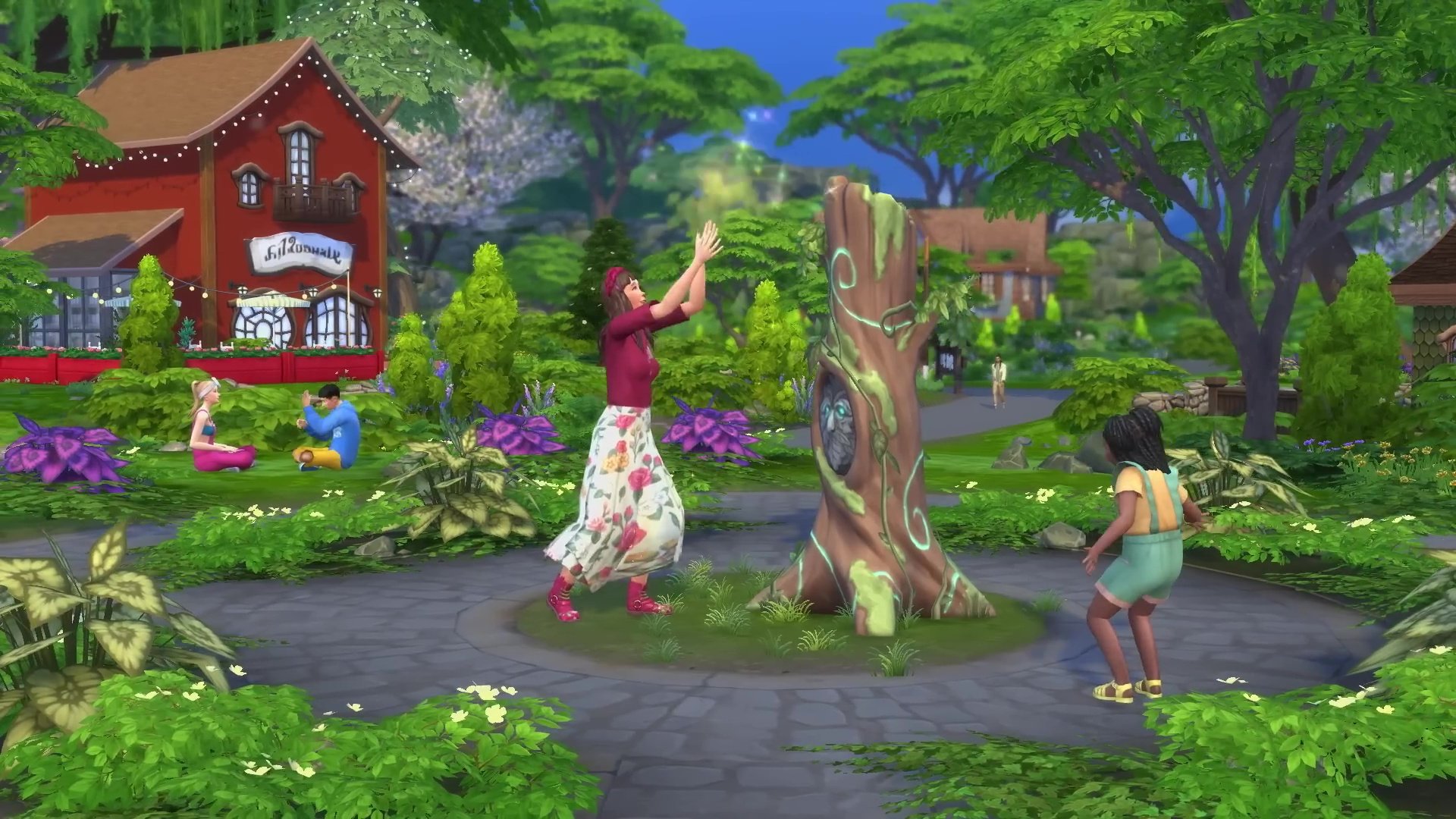
Innisgreen is a beautifully lush, green world where Sims live in harmony with nature. There are three neighborhoods: a quiet waterfront town called Coast of Adhmor where they’re all about Gnomes, Sprucederry Grove where nature and civilization blend together, and the magical forest of Everdew. From meeting Mother Nature and starting your journey towards fairydom to using the Glaswood Tree statue to summon Spruce Almighty, spectacular adventures are waiting!
Cover
Screens
Pre-Order Bonus and Information
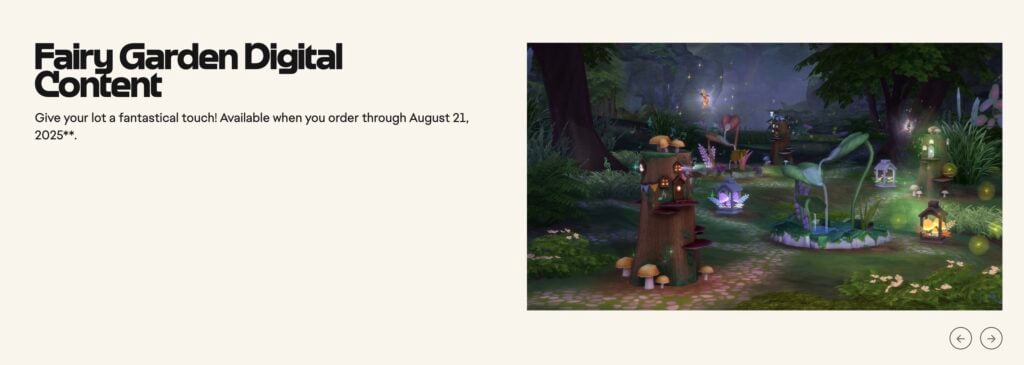
Fairy Garden Digital Content — Give your lot a fantastical touch! Make your yard feel like a magical forest with the Lofty Leaf Pond, give new meaning to “natural light” with the Luminous Mycena Lantern, and provide Fairies with their own secret spot with the Disguised Dwelling Fairy Home available when you order through August 21, 2025**.
The Fairy Garden Digital Content can be redeemed now through August 21st, 2025. It includes the following items:
Lofty Leaf Pond – Make your yard feel like a magical forest.
Luminous Mycena Lantern – Give new meaning to “natural light”
Disguised Dwelling Fairy Home – Provide Fairies with their own secret spot.
The Sims 4 Enchanted by Nature Expansion comes out July 10th, 2025 for Desktops, Laptops and supported Consoles. You can order it now for $39.99USD, or a price equivalent to your local currency.
What are your thoughts on the first Sims 4 Enchanted by Nature Expansion features? Join the comments down below and express your opinion!
The next Expansion Pack for The Sims 4 is just getting revealed!
Everyone’s seated for the worldwide premiere of The Sims 4 Enchanted by Nature Reveal Trailer. Which is set to premiere on June 12th, 2025 at 8AM PT / 5PM CET / 4PM BST.
The confirmed release date for this Expansion Pack is July 10th, 2025. Find out more about the pack features in the reveal trailer down below:
Are you looking forward to finding out more from The Sims 4 Enchanted by Nature Reveal? Stay tuned on Sims Community for the latest feature updates on this Expansion Pack!!
The wait is almost over for Life Sim fans! The heavily anticipated Paralives is gearing up for early access, and the developers have just dropped a detailed breakdown of what we can expect both at launch and in future updates.
From ultra-flexible building tools to deep character customisation and an open world, here’s your go-to guide for everything available on day 1 of the early access release, plus all the goodies coming in free updates during the early access period.
Paralives Day 1 Release: Early Access Contents
Build Mode
Right out of the gate, players will have a huge amount of control in Build Mode.
Paralives build mode showcased in new trailerParalives build mode showcased in new trailer
Coming on day 1 of early access
Coming during early access
A colour wheel for everything
Advanced roof tools
Flexible wall placement tools (curved and at any angle)
Advanced stairs tools
Optional grid for wall placement
Placing windows & doors on curved walls
Split-level platforms
Basement tools
Building multiple floors
Pools
Moving existing walls
More furniture & objects
Object resizing
Stairs & roof placement
Fences
ParaMaker Character Creator
If you’re the type of gamer who can spend hours perfecting your characters, you’re going to love the ParaMaker.
Face sliders and customisation shown in the new trailerPersonality selector in ParaMaker shown in the new trailer
Coming on day 1 of early access
Coming during early access
Colour wheel for everything
Creating and managing multiple outfits
Height slider
Creating pets in the Paramaker
Body and face sliders
Editing the genetics of a Para with advanced tools
Tattoo placement tool
More clothing items, hairstyles and accessories
Layering and mixing of tops (undershirt with a jacket)
Asymmetry (for eye color, socks and more)
Genetics system
The colour wheel in ParaCreator is something that people have been wishing for in The Sims 4 since it came out, so seeing that on this list is music to the community’s ears!
Live Mode
Para interactions shown in the new trailerLive mode interaction options
What would a life simulation game be without things to do? Here are all of the live mode features coming out during early access for Paralives.
Coming on day 1 of early access
Coming during early access
Open world town
Calendar
Day-night cycle
Family tree
Work (rabbit holes)
Dogs, cats and horses
Career progression
Cars and bikes
Personality traits
Boats and houseboats
Emotions
Swimming
Wants
Story progression for NPCs
Skills
Gardening and fishing
Needs
Organising social events (parties, weddings)
Social interactions
Tools to edit and create towns
Relationship development
More personality traits, wants, emotions, jobs, etc
Multiselecting characters and doing anything as a group
Cooking system
House fires
Bills
Having children
Aging and death
Character autonomy
Museum and collections
Modding tools to add and edit the game’s content
Seeing modding tools be something that is going to be included from day one is also really encouraging.
Final thoughts
Paralives is shaping up to be a dream come true for simulation fans who crave depth, creativity, and freedom.
As you can see, the game already has a considerable number of features, some of which are things we’ve been excited for ages to see, like fully customisable wall curves and placement. Even in Early Access, there’s so much to work with, and with free updates rolling out regularly, it’s clear the team are committed to giving players the tools to truly make their world their own.
Something for players to bear in mind is that the nature of early access means the game is still in development when it is released, so it’s natural to come across some bugs and glitches along the way!
Anyone who wants to learn more about Paralives progress can visit their Patreon page or have a look at their development roadmap.
We will also be bringing you more updates on Paralives as they happen, so keep an eye on our page here!
The MySims Cozy Bundle is a pack of two remastered games from the MySims series. While the spin-off of the Sims is a popular series in its own right, I’ve seen some hesitancy by those to dive in to MySims. As someone who has vivid memories of playing the original MySims on the family Wii, I was very excited when I heard it was coming to The Switch and PC. While I will not tell you to for sure buy or not buy it, I do believe this can help you at least know whether it will be worth it or not for you.
History of MySims
MySims was originally released by Maxis and Electronic Arts as a spin-off to the original The Sims series, which had gained incredible success and became household names with their first release of The Sims in 2000 and The Sims 2 in 2004. The MySims series differed from the mainline games in both art style and content, being rated E for Everyone while the mainline games for Windows and Mac were T for Teen. Between 2007 and 2009, MySims released for the Nintendo DS, Wii, smartphones, and mobile phones.
MySims Kingdom is to MySims as The Sims Medieval is to the Sims 3. MySims Kingdom was released for Nintendo DS and Wii in 2008, and was not the only spin-off of the spin-off series MySims. While not included in the bundle, the MySims series also includes follow-ups like MySims Racing, MySims Sky Heroes, MySims Agents, and MySims Party. (Possible future bundles? 👀)
Table of Contents
What is the MySims Cozy Bundle?
The MySimsCozy Bundle is a rerelease of two games from the MySims spin-off series of the 2000’s. The bundle is a port of the original Wii and Windows PC release versions of the games to Nintendo Switch and Windows PC. There were also DS editions, but they were different games and have not been ported or included.
The MySims Cozy Bundle is a re-release and port of the Wii version, rather than a remaster or updated version of the game. Outside of optimization so it works well on newer system, some slight control changes, and ensuring that it can look good on higher resolutions, the game is in the same state as it was when it released in 2007.
MySims Overview
You are the new resident of a town that’s fallen from grace, and you’re tasked by Mayor Rosalyn P. Marshall to build it back to its former glory and attract both new and returning residents. Using building materials and Essences collected through gardening, collecting, and even fishing, you build entire homes, businesses, and furniture for incoming Sims and build friendships along the way!
MySims CAS: 6.5/10
Create-A-Sim in the MySims series is always simplified, primarily because the style the game is in really only allows for simplified, cartoony characters. This means that it is not very extensive, but I still believe most people can create a MySim that looks or feels like them or however they want that MySim to be, even with the barriers in place.
A disappointing aspect of MySims CAS that many, including myself, hoped would’ve been fixed in a rerelease or remaster was how limited the CAS actually is. There is only three available skin tones, four default hair colors (With certain hairs having an extra color specific to them), and eye colors are assigned to different eye shapes.
While these aspects can be stunting for creativity and representing yourself in the game, the CAS is true to the MySims style and has clothing and facial accessory options to help make your character unique. It’s very cutesy and feels nostalgic for those that played the games back when they originally released in the 2000s.
MySims Build/Buy Mode: 8/10
Once you’ve spoken with Mayor Rosalyn P. Marshall, you’re brought to the empty lot where you will build your home. The MySims Build mode is entirely unique and simplified, making it overall easier to grasp for everyone but limiting what you can actually create within the boundaries of the game. Homes and buildings are created from prefabricated items in pre-existing styles, categorized and separated by their function (e.g. roofing, windows, doors, flairs, columns, etc.). Once you’ve built your home, you can then use the Paint Brush tool to adjust the color or color schemes of most items.
The interior, or “buy” mode, uses furniture you’ve collected through gifts or have built yourself, instead of a pre-existing menu of furniture like in the mainline series, and is not changed based on the exterior shape of your home. Using your nearby workshop, which you will also have to build, you can build any number of unique furniture items, either from your own imagination or based on Blueprints, which can be given as rewards from townies or obtained as you progress through the game.
As someone who has almost always primarily played the mainline PC series of The Sims, and who played a good bit of this as a child, the MySims build and buy mode stands out because it makes you build and put effort into almost everything you put in your home, and building is at the center of the actual gameplay. Even with the limitations from prefabricated building pieces, you can create a home that feels unique to you.
MySims Visuals: 9/10
It’s important to view the style and graphics of the game through a specific lens; It released in 2007, is intended to be an “E for Everyone” game rather than “T for Teen”, and it is heavily simplified to be approachable and capable of running on multiple platforms, which included the Wii, PC, and mobile phones. The lead character artist, Emmy Toyonaga, echoes this in an interview with EA Underground in 2009:
The lead designer wanted characters that appealed to the Nintendo market and the game was to be more light hearted and approachable . . . I referenced current Nintendo games and looked at urban vinyl toys as a reference . . . Since The Sims characters have always been more realistic in style, I thought a lighter-hearted version of the Sims should have characters that are small and cute, like toys coming alive.
Since MySims in the Cozy Bundle is a remaster rather than a full remake, the primary difference in the visuals from the original 2007 release to the Cozy Bundle is updated textures and resolutions. Most textures and details were made higher definition, or redone so they looked smoother since they were being released on more capable consoles and platforms.
I personally love the style of MySims and the visuals because I enjoy the cutesy and cartoony graphics with bright colors that immerse you in their world and provide a unique experience. Even with the range of aesthetics and themes, the overall feeling and vibe is cozy, warm, and overwhelmingly joyful.
MySims Story & Gameplay: 8/10
If you’re a fan of cozy games like Stardew Valley, Harvest Moon, Coral Island, etc., you’ll likely enjoy the story of MySims as much as I do because it follows the same formula of “Player character joins town, befriends the locals, and makes the town a better place”. While this sort of plot has been done in tons of games, it’s a great option because it allows players to make characters with their own backstories and without restrictions while keeping an overall goal in mind.
In MySims, you are invited to a town (that you get to name) that has fallen into disrepair and is almost entirely abandoned except for a handful of residents. The town used to have a builder who helped build furniture, homes, and businesses using Essences, but they mysteriously disappeared. Now you’re arriving in town and you have that same ability. You’re tasked with bringing in new sims, building entire buildings and furniture sets, and bringing the town from 0 Stars to a 5 Star rating.
As you progress through star levels, you receive new tools that allow you to open up new worlds. Since you’re continuously building with the goal of unlocking new areas, townies, and businesses, the game is very long-form and has hours upon hours of gameplay. While progressing and inviting more sims to live in your town, the world begins to feel more alive and busy, as you see those sims around your town and interacting with the world around them.
I love this formula and the plot of the game in general. While it is limiting in the sense that there’s little challenge when it comes to actually caring for Sims, as there can be in the mainline series, it is largely overshadowed by the constant gathering of resources and blueprints.
MySims Final Score: 7.9/10
Overall, I think that the original MySims series entry is a great start if you want to break into other Sims console and spin-off series (Other examples include Urbz, Sims Medieval, and many more) or into MySims in general. It’s also a great game if you’re a fan of cozy story games, and you want a break from the open sandbox found in the mainline series and have some guidance along the way.
I personally enjoy it, and it gives me a good break from planning out my Sims lives and trying to balance their ambitions with their ever decreasing motives. MySims feels like a breath of fresh air and a “home away from home”, “Home” being The Sims, so to speak.
MySims Kingdom Overview
You are the new Wandolier of a kingdom ruled by King Roland, rising to your rank as the most important construction worker and architect in town after a series of trials, starting off in your original position as Elmira’s lowly pig herder. Using Mana, you travel the land and assist others in building them the homes and other buildings of their dream. Essences are still present, but they’re generally used to assist with getting new powers for your Wandolier through Scrolls or Tasks.
MySims Kingdom CAS: 6.5/10
One of the biggest differences in the Create-A-Sim system for MySims Kingdom compared to MySims is that you must select either a male or female main character. Although, this doesn’t change much and primarily only changes the clothing and hair options available to you.
Some of the same issues from MySims Create-A-Sim mode did carry over to the release and re-release of MySims Kingdom, primarily with the controls and lack of in-depth customization. While there are plenty of clothing options available, skin tones are still severely lacking with three options available. There is one more voice preset available for each gender, for a total of eight. However, there is also only one slot for face accessories/decals/make-up, compared to two slots for MySims.
While it is still enjoyable, as I believe most Create-A-Sims are in their own ways, I gave it the same rating as MySims for these reasons.
MySims Kingdom Build/Buy Mode: 8.5/10
As the Wandolier, you use your trusty staff and a menu of prefabricated building pieces and sections to create homes and other buildings for your fellow citizens. Instead of the menu we saw in MySims where the pieces were laid out and you had to click through the menus individually, MySims Kingdom returns to the roots of the mainline series with a toolbar menu with icons indicating what category each button is for. These include prefabricated home structures, roofs, windows, doors, and more.
Controls are visually different but structurally the same, except you’re less limited by the bounds of your lot, and you can view the rest of the world while building without a loading screen. In MySims, you just drag items to their respective locations as the player. In MySims Kingdom, your Wandolier is actually using their staff to place the items in their locations. So it is functionally the same, but you get to see your Wandolier doing their thing and being magical.
MySims Kingdom Visuals: 9/10
Aligning itself with the same visual style as the original MySims with a new coat of paint compared to the original Wii/PC release, the Cozy Bundle edition of MySims Kingdom is cutesy with whimsical vibes, letting you immerse yourself in its world. Even though its not set in a modern town like the original MySims and the re-release, the setting of a full kingdom with nature surrounding it fits perfectly into the MySims style.
With the updated textures and resolutions, the game looks as smooth as ever. The simplified textures and cartoony vibes pair well with the very vibrant colors used in the landscaping and on the characters, staying true to both MySims as a series and other fantasy and cozy games.
MySims Kingdom Story & Gameplay: 8/10
Since, like MySims and other games in the series, it is rated E for Everybody, the gameplay doesn’t contain a lot of challenge. There is still no needs or motives to keep up with, your sims don’t have aspirations that can fail or dreams to keep track of, so on and so forth.
Your primary goal, similarly to MySims, is to revive this kingdom and bring it back to its former glory. Using essences, item scrolls, your trusty wand, and your pals Buddy and Lyndsay, you build homes and businesses for the residents of your Kingdom to raise their happiness and progress through the game. More islands and areas of the kingdom unlock as you raise happiness and gain King Points, allowing you to access more Sims, Areas, and Resources to build with and use for quests.
While in MySims, you receive Blueprints to get new furniture options, you get Scrolls that Lyndsay will read and tell you how to complete. With each completed scroll, you receive groups of furniture, prefabricated structures, and paint types. Scrolls are completed by collecting the correct essences, and tend to vary depending on the world or section of the story they’re collected in.
MySims Kingdom Final Score: 8/10
Since it came out a year later, the original release of MySims Kingdom had some time to fix or change any mistakes or unpopular features from the first MySims game, and while some features are better, others feel very similar. However, I think that this is an overall great game if you’re a cozy games player, a big Sims fan, or even someone just looking to dip their toes into something way outside the reach of the mainline series.
The story is fun, the style is adorable, and the world is full of exploration and things to unlock. I personally feel that it’s just a sliver better than the other half of the Cozy Bundle, MySims, because it feels like there is much more to do and achieve.
Final Thoughts
We have seen so many games from the 1990s, 2000s, and 2010s return in this age of re-releases, remasters, and remakes. While I do think the MySims Cozy Bundle is a great buy if you don’t have copies of the original games, don’t own a Nintendo Wii but do own a Nintendo Switch or capable PC, or you’re looking for a fresh coat of paint on an old classic, I wouldn’t recommend it if you’re expecting a significant change from the original releases.
While these two installments in the MySims series lack in a lot of areas that newer releases and the mainline series excel in, I think it is overall a great choice and has its own charm. If you’re dipping your toes into the entire MySims franchise or looking to experience some of the unique titles that came to console after the success of The Sims mainline series, this is a great starting point.
Do you have fond memories of the MySims series, or are you planning to jump into it now?
Get introduced to all the essential and pro InZOI Cheats!
With the upcoming June 13th, 2025 Feature Update, life sim players are getting introduced to the world of InZOI Cheats! This essential yet powerful feature will transform your everyday actions and let you succeed in your Zois career ambitions much quicker. Including environmental, relationship and currency cheats that will instantly let you create a life of your dreams.
In this guide, you’ll learn how to enable InZOI Cheats in your game, as well as pick from a selection of all the major cheats you can apply in InZOI. This article will be updated with more cheats as they become available.
InZOI Partner Statement
This article was made possible thanks to Krafton‘s InZOI Partner Program. We received early access to the upcoming InZOI June 2025 Update and information. We are not being paid to say anything favorable (or non-favorable) towards this product. Only report factually correct information. No financial transaction was made for the purpose of publishing this article.
InZOI Cheats: Complete List
How to Enable InZOI Cheats
There are two steps you need to follow in order to enable InZOI Cheats in your game. First, access the Psycat’s Guide from the user interface on teh bottom right. In the menu, you’ll see the “Enable Cheats” option that can be toggled on and off.
It’s important to note that enabling InZOI Cheats may trigger certain unwanted effects in your game. So certain features may go abrupt after heavy or random use of this feature.
Access the Cheats Console
The familiar way of entering cheats for all life sim players will trigger a muscle memory! You can access the InZOI Cheats console by pressing the CTRL + Shift + C combination on your Desktop / Laptop keyboard.
From the console, you can enter any of the suggested InZOI Cheats below and press enter to apply the cheat. Applying any cheat of your selection will give you a confirmation message.
Want to know what cheats you can use in your game? Here’s a teaser for the major cheats!
Receive Resort Coins equal to the specified amount (can be used at Cahaya Resort)
Gameplay
showZoiInfo [true/false]
Displays Zoi ID and coordinates • Zoi ID: Used for various cheats • Zoi Coordinates: Used for the teleport cheat
Movement
Ctrl + T + Click
Move player Zoi instantly to mouse click position
teleport [region ID or coordinates]
Move player Zoi instantly to the specified location • ex) teleport Gangnam_Residence_Free01 • ex) teleport X=73764.35, Y=24434.74, Z=246.35
goHome
Teleports player Zoi home
Needs
setNeedsFull [need ID]
Maxes out specified need Maxes out all needs if no need ID is provided
freezeAllNeeds [true|false]
Prevents player Zoi’s needs from automatically depleting (enabling the FreezeAllNeedsSystem cheat will prevent needs from automatically depleting, even when this cheat is disabled)
freezeAllNeedsSystem [true|false]
Prevents the needs of all Zois from automatically depleting
Time
timeSpeed [number]
Sets playback speed (up to 30x)
Life and Death
stopAging [true|false]
Prevents player Zoi from aging
immortalZoi [true|false]
Prevent all Zois from dying
removeZoi [Zoi ID]
Causes specified Zoi to die (can only be used on Zois who are children or older)
Appearance
CustomZoi [Zoi ID]
Changes Zoi appearance (can only be used on Zois who are Children or older)
Pregnancy and Birth
getBabyWith [other Zoi’s ID]
Causes player Zoi to become pregnant with the specified Zoi’s child (The player Zoi must be female-presenting and in a family with less than eight members, while the other Zoi must be male. Both Zois must be Young Adults or older)
removePregnancy
Disable pregnancy
helloMyAngel
Instantly gives birth (can only be used on pregnant Zois)
Skills
setSkillLevel [skill ID] [level]
Set level of specified skill
Bag
addItemToBag [object ID] [quantity]
Adds specified item to bag (up to 100)
featherBag [true|false]
Prevents player Zois from receiving debuffs caused by exceeding maximum bag capacity
Career
JobPromotion
Promotes player Zoi by one level
Quality of Life
stopCleaning [true|false]
Prevents all Zois from cleaning as an autonomous action
stopUtilitybills [true|false]
Removes utility bills for all Zois
Cleaning
FreezeCleanliness [true|false]
Prevents all properties, houses, and furniture from becoming dirty
instantClean
Cleans up player Zoi’s property, house, and furniture
Door Permissions
unlockDoor [true|false]
Allows player Zoi to pass through all doors that require permissions
Status and Health
addIllness [illness ID]
Inflicts player Zoi with specified illness
cureIllness
Immediately removes all illnesses
Relationships
setRelationshipFull [Zoi ID] [relationship ID]
Maxes out relationship with specified Zoi Maxes out all relationships if no relationship ID is provided
setRelationshipWorst [Zoi ID] [relationship ID]
Sets relationship with specified Zoi to the lowest value Sets all relationships to the lowest value if no relationship ID is provided
Sets relationship with specified Zoi to specified value (must be between -100 and 100) Sets all relationships to specified value if no relationship ID is provided
unlockProfile [Zoi ID]
Instantly unlocks all profile information for specified Zoi
Obliviate
Resets all relationship logs of player Zoi
Environment
changeSeason [season ID]
Instantly change season
setSeasonLength [days]
Sets season duration (Default: 7 in-game days)
controlWeather [weather ID][level]
Instantly change weather
controlDisaster [Natural Disaster ID]
Instantly causes a natural disaster to occur (Lasts 2 hours)
resetkarma
Resets Karma status of all Zois
apocalypseTheWorld
Sets city status to the lowest value (sets Karma status of all Zois to the lowest value, causes certain families to disappear) * Note: Zois that disappear cannot be restored. Please save your game before using this cheat.
Building
editAllSite [true/false]
Allows all properties (except roads and streets) to become editable * Note: Editing certain types of properties (such as workplaces) may cause simulations to function improperly.
showStudioCategory [true|false]
Allows studio objects to be placed on all properties
showUserDevCategory [true/false]
Unlock all unpurchasable building items * Note: Items unlocked using cheats are excluded from saved room and property presets.
Other
hideCatEye [true/false]
Hides the cat’s eye icon that appears over the player Zoi’s head
EnableFreeCamera [true/false]
Enables free camera movement * Note: Camera cannot be moved through city floors or boundaries
[Controls] Exit Free Camera Mode: ; (Keyboard) FOV Increase/Decrease: ,/. (Keyboard) or DPad Up/Down (Controller) Speed Up/Down: MouseScroll or +/- (Keyboard) Toggle In-Game UI: U (Keyboard) Orbit Selected Hit Point: O (Keyboard)
Business
SetBusinessLevel [level]
Sets level of current business
List of IDs
Region ID: Dowon
Cheat: teleport [region ID]
PROPERTY TYPE
PROPERTY NAME
ID
House
Junghwa Parkville
Gangnam_Residence_Free01
Gaya Apartments, Building 102
Gangnam_Residence_CentralAPT
Dowon Heights Building
Gangnam_Residence_SkyBD
Sandeul Villa
Gangnam_Residence_Free02
Aram Estate Property
Gangnam_Residence_Free03
Dowon Villa
Gangnam_Residence_DowonVilla
Moaville
Gangnam_Residence_Free04
Mugunghwa Villa
Gangnam_Residence_Free05
Metro House
Gangnam_Residence_Free06
Hangyeol House
Gangnam_Residence_Free07
Evergreen House Property
Gangnam_Residence_Free08
Gaya Apartments, Building 105
Gangnam_Residence_CentralAPT105
Public Facilities · Businesses
Adam Entertainment
Gangnam_Business_AdamEnt
Dowon Fire Station
Gangnam_Business_FireStation
Dowon Police Station
Gangnam_Business_PoliceStation
Dowon Medical Center
Gangnam_RabbitHole_MedicalCenter
Narae Bank
Gangnam_Business_Bank
Dowon Public Library
Gangnam_Public_Library
Youngsung School
Gangnam_Business_School
Narim Art Gallery
Gangnam_Business_Exhibition
Themed Studio
Gangnam_Business_PhotoStudio
AR Library
Gangnam_Business_AR
Shops · Retail
Resale Store
Gangnam_Business_DynamicLocalShop
Fishing Supply Store
Gangnam_Business_TackleShop1
Farming Supply Store
Gangnam_Business_FarmStore
AZ Convenience Store
Gangnam_Business_CVS
Jenna Fashion
Gangnam_Business_ClothStore
Fiorum Flower Shop
Gangnam_BusinessSite2
Leisure · Activities
Dohwa Theater
Gangnam_RabbitHole_Cinema
Arcade
Gangnam_Public_Arcade
Starrise Disco
Gangnam_Public_Club
Plesio Gaming Cafe
Gangnam_Business_PcCafe
Tarot Fortune Cafe
Gangnam_Business_SajuCafe
Coin Booth Karaoke
Gangnam_Business_Karaoke
Gongmyeong Lounge
Gangnam_Business_Restaurant
Nora Cinema Hall
Gangnam_BusinessSite8
Dining · Cafes
Dowon Deli
Gangnam_Business_Gimbab
Sodam Diner
Gangnam_Business_FamilyRestaurant
Ullim Temple – Open-Air Cafe
Gangnam_Public_TempleCafe
Cafe Gaon
Gangnam_Business_Cafe
Park
Fitplace Dowon
Gangnam_Public_FitnessCenter
Central Park
Gangnam_Public_CentralPark
Central Park – Garden Square
Gangnam_Public_CentralParkLawn
Central Park – Fountain
Gangnam_Public_CentralParkFountain
Nuri Plaza
Gangnam_Public_FleaAvenue
Harang River Park – West
Gangnam_Public_WestRiverPark
Harang River Park – East
Gangnam_Public_EastRiverPark
Harang River Park – Central
Gangnam_Public_CentralRiverPark
Harang River Park Outdoor Pool
Gangnam_Public_OutdoorPool
Amphitheater
Gangnam_Public_ConcertStage
Religious Site
Ullim Temple – Square
Gangnam_Public_TempleSouth
Ullim Temple – Grounds
Gangnam_Public_TempleNorth2
Studio
Outdoor Wedding Venue
Gangnam_Business_CutsceneStudio
Bus Stop
Airport Bus Stop
Gangnam_Public_AirportShuttle
Multipurpose Complex
Taeil Taekwondo Center
Gangnam_RabbitHole_TaeKwonDo
Funeral Home
Funeral Home & Columbarium
Gangnam_Business_TempleFuneral
Cemetery
Cemetery
Gangnam_Public_TempleCemetery
Courthouse
Dowon Central District Court
Gangnam_Court1
Business
Onsae-gil 7
Gangnam_BusinessSite1
Harangnaru-ro 64
Gangnam_BusinessSite3
Gozne Bakery
Gangnam_BusinessSite4
Jungang-ro 72-3
Gangnam_BusinessSite5
Play Forge
Gangnam_BusinessSite6
Danchum Dance Club
Gangnam_BusinessSite7
Suspicious Job Agency
Suspicious Job Agency
Gangnam_FakeAgency1
Region ID: Bliss Bay
Cheat: teleport [region ID]
PROPERTY TYPE
PROPERTY NAME
ID
House
Heaven Hill Apartments
RedCity_Residence_Low1_APT
5151 Sunshine Avenue
RedCity_Residence_Free03
6117 Sunshine Avenue
RedCity_Residence_Low3_Empty
3140 Greenway Street
RedCity_Residence_Mid1_Empty
2008 Oakridge Drive
RedCity_Residence_Free04
1011 Willowtree Lane
RedCity_Residence_Mid3_Free
City Nest Apartment
RedCity_Residence_Mid4_APT
Ocean Bliss Apartment
RedCity_Residence_Mid5_APT
510 Palm Tree Avenue
RedCity_Residence_Up1_Empty
420 Kingsbury Court
RedCity_Residence_Up2_Free
203 Somerset Place
RedCity_Residence_Up3_Free
8 Beachfront Drive
RedCity_Residence_Up5_Empty
19 Beachfront Drive
RedCity_Residence_Up6_Free
Lumiere
RedCity_Residence_Up7_Pent
Public Facilities · Businesses
Bliss Bay Police Station
RedCity_Business_PoliceStation
Southwest Bank
RedCity_Business_Bank
Lumiere Art Gallery
RedCity_Business_Museum
Bayview Library
RedCity_Public_Library
Bliss Bay Museum
RedCity_RabbitHole_Museum02
AR Library
RedCity_Business_ARLibrary
Bliss Bay High Court
RedCity_Business_Court
Themed Studio
RedCity_Business_PhotoStudio
Bliss Bay City Hall
RedCity_RabbitHole_CityHall
Bliss Bay Panacea Hospital
RedCity_RabbitHole_MedicalCenter
Bliss Bay Public School
RedCity_Business_School
Shops · Retail
Resale Store
RedCity_Business_DynamicLocalShop
Posey’s Surf Shop
RedCity_Business_SurfShop
Farming Supply Store
RedCity_Business_FarmStore
Nook’s Select Shop
RedCity_Business_ClothingStore
Mackenzie Furniture Store
RedCity_Business_FurnitureStore
Petalocity Flower Shop
RedCity_BusinessSite2
Leisure · Activities
Bliss Bay Amusement Park
RedCity_Business_ThemePark02
Oracle Fortune Teller
RedCity_Business_FortuneTeller
Elegance Hotel & Lounge
RedCity_Business_SkyLounge
Neon Tides Nightclub
RedCity_Public_SmallClub
Arcade
RedCity_Public_Arcade
Mirage Theater
RedCity_RabbitHole_Cinema
CineTitan
RedCity_BusinessSite8
Dining · Cafes
Golden Apple Burger
RedCity_Business_FastFoodRest
Cafe Mar
RedCity_Business_Cafe
Sunset Bay
RedCity_Public_SunsetBay
Park
Liberty Square
RedCity_Public_Avenue
Liberty Square – Fountain
RedCity_Public_Avenue02
Beach Playground
RedCity_Public_PlayGround
Community Playground
RedCity_Public_PlayGround02
Clover Park
RedCity_Public_Park
Beach
North Beach
RedCity_Public_BlessBayBeach01
Central Beach
RedCity_Public_BlessBayBeach02
South Beach
RedCity_Public_BlessBayBeach03
Sports Facility
Skate Park
RedCity_Public_BlessBayBeach03_2
Beach Volleyball Court
RedCity_Public_MuscleBeach
Muscle Beach – Outdoor Gym
RedCity_Public_MuscleGym
Corewave Health Spa
Redcity_Public_FitnessCenter
Studio
Outdoor Wedding Venue
RedCity_Business_WeddingStudio
Bus Stop
Airport Bus Stop
RedCity_Public_AirportShuttle
Concert Venue
Blue Ocean Pavilion
RedCity_Public_Livestage
Funeral Home
Funeral Home & Columbarium
RedCity_Business_FuneralHome02
Cemetery
Cemetery
RedCity_Public_FuneralHome
Courthouse
Bliss Bay High Court
RedCity_Court2
Business
374 Finetide Street
RedCity_Business_BusinessSite1
Breeze & Bread
RedCity_BusinessSite3
915 Ocean Crest Avenue
RedCity_BusinessSite4
Pulselight Club
RedCity_BusinessSite5
421 Sunset Cove Road
RedCity_BusinessSite6
2234 Sunset Harbor Way
RedCity_BusinessSite7
Cemetery
Cemetery
RedCity_FakeAgency1
Region ID: Cahaya
(※ Applies when the inZOI: Island Getaway DLC is installed)
Cheat: teleport [region ID]
PROPERTY TYPE
PROPERTY NAME
ID
House
Damai House
Cahaya_Residence_EmptySite1
Sari Kecil Property
Cahaya_Residence_EmptySite2
Tadu Luhur Property
Cahaya_Residence_EmptySite4
Senyap Property
Cahaya_Residence_EmptySite5
Air Asri House
Cahaya_Residence_LocalHouse1
Bayu Suka House
Cahaya_Residence_NPCSite1
Kenanga Laut House
Cahaya_Residence_NPCSite2
Bumi Indah House
Cahaya_Residence_NPCSite3
Senja Tenang House
Cahaya_Residence_NPCSite4
Lodging · Resorts
Room 115, Garden Villa
Cahaya_Residence_Resort1
Room 302, Premier Ocean View Villa
Cahaya_Residence_Resort10
Room 201, Premier Ocean View Villa
Cahaya_Business_Resort8
Room 403, Private Water Villa
Cahaya_Business_StiltHouse1
Sri Lestari Resort Lobby
Cahaya_Business_ResortLobby1
Water Villa Reception House
Cahaya_Public_StiltHouseReception1
Room 108, Garden Villa
Cahaya_Business_Resort3
Public Facilities · Businesses
AR Library
Cahaya_business_ARLibrary1
Shops · Retail
Resale Store
Cahaya_Business_DynamicLocalShop1
Fishing Supply Store
Cahaya_Business_TackleShop1
Farming Supply Store
Cahaya_Business_LocalShop1
Nana Mart
Cahaya_Business_CVS1
Asana Yoga
Cahaya_Business_YogaCenter1
Suara Dalam
Cahaya_Business_Meditation
Miatara Temple Gift Shop
Cahaya_Business_CatFoodKiosk
Ocean Gate
Cahaya_Business_TourAgency1
Central Market
Cahaya_Public_NightMarket1
Ayu Mekar Flower Shop
Cahaya_BusinessSite4
Leisure · Activities
Sri Lestari Resort Facilities
Cahaya_Business_ResortAmenities1
Dining · Cafes
Manis Smoothie
Cahaya_Business_SmoothieCafe1
Cafe Kayu
Cahaya_Business_BrunchCafe1
Cafe Satu Langkah
Cahaya_Business_CafeAndBar1
Nana Goreng
Cahaya_Business_LocalRestaurant1
Dock
Main Island Dock
Cahaya_Public_Pier2
Resort Dock
Cahaya_Public_Pier3
Deserted Island Dock
Cahaya_Public_DesertIsland2
Seaplane Dock
Seaplane Dock
Cahaya_Public_Pier4
Park
Senang Park
Cahaya_Public_Park
Studio
Wedding Studio
Cahaya_Business_WeddingStudio
Sports Facility
Basketball Court
Cahaya_Public_BasketballCourt1
Beach
Barat Beach – South
Cahaya_Public_Beach2
Barat Beach – Central
Cahaya_Public_Beach3
Turtle Sanctuary
Cahaya_Public_TurtleNest1
Serena Beach – North
Cahaya_Public_Beach6
Serena Beach – Central
Cahaya_Public_Beach7
Serena Beach – South
Cahaya_Public_Beach8
Serena Beach – Water Villa Beachfront
Cahaya_Public_Beach9
Religious Site
Miatara Temple
Cahaya_Public_Temple
Miatara Temple Interior
Cahaya_Public_TempleInside
Multipurpose Property
Multipurpose Property – South
Cahaya_Public_Field3
Multipurpose Property – Central North
Cahaya_Public_LocalBooth1
Multipurpose Property – North
Cahaya_Public_LocalBooth2
Farmland
Farmland
Cahaya_Public_Field2
Fishing Site
Fishing Site
Cahaya_Public_Pier1
Funeral Home
Funeral Home & Columbarium
Cahaya_Business_FuneralHome
Cemetery
Cemetery
Cahaya_Public_Cemetery
Courthouse
Police Station & Courthouse
Cahaya_Business_PoliceStation1
Business
Pagi Manis Bakery
Cahaya_BusinessSite5
14 Jal Surya Putih
Cahaya_BusinessSite6
Suspicious Job Agency
Suspicious Job Agency
Cahaya_FakeAgency1
Object ID
Cheat: addItemToBag [Object ID] [Quantity]
OBJECT
ID
Ordinary Rock
CarriableStone01
Aqua Core Crystal
CarriableStone01_v01
Bloodknight Crystal
CarriableStone01_v02
Soulleaf Crystal
CarriableStone01_v03
Prism Crystal
CarriableStone01_v04
Trilobite Fossil
CarriableStone01_v05
Fish Fossil
CarriableStone01_v06
Ammonite Fossil
CarriableStone01_v07
Coprolite Fossil
CarriableStone01_v08
Green Sodalite Mineral
CarriableStone01_v09
Blue Sodalite Mineral
CarriableStone01_v10
Yellow Sodalite Mineral
CarriableStone01_v11
Red Sodalite Mineral
CarriableStone01_v12
Green Lapis Lazuli Mineral
CarriableStone01_v13
Yellow Lapis Lazuli Mineral
CarriableStone01_v14
Blue Lapis Lazuli Mineral
CarriableStone01_v15
Red Lapis Lazuli Mineral
CarriableStone01_v16
Blue Mica Mineral
CarriableStone01_v17
Green Mica Mineral
CarriableStone01_v18
Red Mica Mineral
CarriableStone01_v19
Yellow Mica Mineral
CarriableStone01_v20
Grape Drink Bottle
WineBottle01
Mist
Cosmetic01
Cleanser
Cosmetic01_v01
Cleansing Oil
Cosmetic01_v02
Lotion
Cosmetic01_v03
Toner
Cosmetic01_v04
Body Wash
Cosmetic01_v05
Hand Wash
Cosmetic01_v06
Powder
Cosmetic01_v07
Cream
Cosmetic01_v08
Hand Cream
Cosmetic01_v09
Clay Mask
Cosmetic01_v10
Body Lotion
Cosmetic01_v11
Coconut Mask Pack
Cosmetic01_v12
Small Teddy Bear
TeddyBear02
Joypad
Joypad01
Laptop
Laptop01
Tablet
NotePad01
Cup of Water
ServedWater01
Glass of Sparkling Water
ServedBeer01
Glass of Soda
ServedDrink01
Tteokbokki
ServedTopokki01
Piece of Steak
ServedSteak01
Soup
ServedSoup01
Carrot Soup
ServedCarrotSoup01
Salad
ServedSalad01
Ramen
ServedRamen01
Dumplings
ServedDumpling01
Chinese Fried Noodles
ServedNoodles01
Slice of Pizza
ServedPizza01
Yukgaejang
ServedKsoup01
Piece of Fried Chicken
ServedFriedChicken01
Flatfish Sushi
ServedSushi01
Coffee Mug
ServedCoffee01
Grain Drink
ServedOatmilk01
Cola-flavored Soda
ServedCan01
Sports Drink
ServedCan02
Protein Drink
ServedCan03
Takeout Coffee
ServedCoffee02
Decaf Coffee
ServedCoffee03
Latte Art Heart
ServedCoffee04
Espresso
ServedEspresso
Americano
ServedAmericano
Iced Americano
ServedIcedAmericano
Decaf Americano
ServedDecafAmericano
Decaf Iced Americano
ServedDecafIcedAmericano
Latte
ServedLatte
Iced Latte
ServedIcedLatte
Caramel Macchiato
ServedCaramelMacchiato
Iced Caramel Macchiato
ServedIcedCaramelMacchiato
Latte Art Heart
ServedLatteArt_Heart
Latte Art Rosetta
ServedLatteArt_Rosetta
Latte Art Cat
ServedLatteArt_Cat
Latte Art Swan
ServedLatteArt_Swan
Whisker Cream Coffee
ServedWhiskerCreamCoffee
Non-alcoholic Café Royal
ServedCafeRoyal
Blue Cat Tree Coffee
ServedBlueCatTreeCoffee
Tropical Ember
ServedTropicalEmberCoffee
Feline Grace Coffee
ServedFelineGraceCoffee
Cold Brew
ServedColdBrew
Cappuccino
ServedCappuccino
Iced Cappuccino
ServedIcedCappuccino
Caffe Mocha
ServedCaffeMocha
Iced Caffe Mocha
ServedIcedCaffeMocha
Vanilla Latte
ServedVanillaLatte
Iced Vanilla Latte
ServedIcedVanillaLatte
Einspänner
ServedCaffeEinspanner
Franziskaner
ServedFranziskaner
Wiener Melange
ServedWienerMelange
Green Tea Latte
ServedGreenTeaLatte
Iced Green Tea Latte
ServedIcedGreenTeaLatte
Chocolate Cream Chip
ServedChocolateCreamChip
Iced Chocolate Cream Chip
ServedIcedChocolateCreamChip
Double Chocochip Crunch Shake
ServedDoubleEspressoChipShake
Slice of Cake
ServedCake01
Slice of Dark Chocolate Cake
ServedCake02
Slice of Red Velvet Cake
ServedCake03
Slice of Cake
ServedCake04
Bibimbap
ServedBibimbap01
Hotcakes
ServedHotCake01
Buchimgae
ServedPancake02
Steamed Fish
ServedSteamedFish01
Fish and Chips
ServedFishChips01
Pork Cutlet
ServedPorkCutlet01
Curry Rice
ServedCurry01
Blueberry Muffin
ServedBlueberryMuffin01
English Breakfast
ServedEnglishBreakfast01
Egg Omelet
ServedOmelet01
Egg Toast
ServedEggToast01
Egg Bread
ServedEggBread01
Chicken Breast Salad
ServedChickenSalad01
Burger Set
ServedBurgerSet01
Donut Set
ServedDonutSet01
Bread
ServedBreadSet01
Tomato Pasta
ServedPasta01
Rainbow Shaved Ice
ServedShavedIce01
Bakso
ServedBakso01
Grilled Shrimp
ServedShrimp01
Salmon Steak
ServedSalmon01
Mango
ServedMango01
Oyster Ceviche
ServedOyster01
Salad
Salad01
Plate of Steak
PreparedSteak01
A Whole Pizza
PreparedPizza01
A Whole Fried Chicken
PreparedFriedChicken01
A Whole Cake
PreparedCake01
A Whole Birthday Cake
PreparedCake01_v01
Pumpkin Soup
ServedPumpkinSoup01
A Whole Pumpkin Pie
PreparedPumpkinPie01
Pumpkin Pie
ServedPumpkinPie01
Calorie Bomb Handmade Burger
HandmadeBurger01
Green Alien Doll
Doll02
Bokhee Doll
Doll01_v01
Turkey Doll
Doll01_v02
Eagle Doll
Doll01_v03
Chick Doll
Doll01
Self-Help Book
Book
Parenting Book
Book_16
Happy Marriage Book
Book_15
Wedding Letter
Book_14
Postcard
Book_13
Fashion Trends
Book_12
The Answer is in the Field
Book_11
Tarot Reading, the Story of Fate and Symbols
Book_10
Secrets of the Universe Through Astrology
Book_9
Past Life, Following the Soul’s Journey
Book_8
Hidden Secrets of Math in Everyday Life
Book_7
Diary
Book_6
Wisdom of Life Through Quotes
Book_5
At the Door
Book_4
Seeing the World Through the Eyes of Art
Book_3
Small Health Habits That Change Your Life
Book_2
Computer Class with Mr. Meow
Book_17
Secret of the Wizard Family
Book_18
Run! Super Turtle
Book_19
A Happy World Made by Promises
Book_20
Getting Along with Friends
Book_21
Smart Logic Brings Good Grades
Book_22
Why Did Humans Start Thinking?
Book_23
Programming Basics in One Book
Book_24
The Power of Running: Knowing Your Body’s Limits
Book_25
On Stage, Another Me
Book_26
How to Communicate with the World
Book_27
How to Think Differently from Others
Book_28
The Mysterious World of Code
Book_29
The Philosophy of the Body Learned Through Running
Book_30
Hidden Art and Life
Book_31
Leadership That Captures the Hearts of Team Members
Book_32
The Power of Persuasion to Change the World
Book_33
7 Laws for Developing Strategic Thinking
Book_34
Advanced Programming in One Book
Book_35
Problem Solving Through Computational Thinking
Book_36
Understanding Performing Arts
Book_37
Digital Illustration Using Various Colors
Book_38
Designing the Fleeting Moment
Book_39
The Musician’s Mindset
Book_40
Life Simulation Game Zoi Life Guide
Book_41
Zoi Life Photobook
Book_42
Workbook
Book_43
Small Parcel Box
GiftBox05
Pink Parcel Box
GiftBox05_v01
Gift Frame
StoryFrame01_Story
Dirty Box
Box01_v02
Cat Doll
GiftCatDoll01
Dirty Sock
GiftSocks01
Useless Rock
GiftStone01
VIP Travel Ticket
GiftTicket01
Pine Bonsai
GiftPot02
Ticket to Hell
GiftTicket01_v01
Garbage Bag
GiftTrash01
Small Pile of Trash
GiftTrash01_v01
Large Pile of Trash
GiftTrash01_v02
Broken Bottle Trash
GiftTrash01_v03
Flower Pattern Pottery
GiftVase01
Red Rose Bouquet
GiftBouquet01
Red Rose Bouquet
GiftBouquet01_v01
Jack-in-the-Box
GiftToyBox01
Coffee Beans
CoffeeBag01_Story
Thumbs-up-in-the-Box
GiftToyBox01_v01
Gift Teddy Bear
GiftTeddyBear01
Heart Hoya Pot
GiftPot01
Gift Slippers
GiftSlipper01
Movie Magazine
Magazine01_Story
New Web Novel
Book01_Story
Several Books
GiftBook01_v01
Gift Toy Car
Gift_ToyCar01
Gift Rabbit Decoration
GiftLight01
Gift Mini Chair
GiftChair01
Frying Pan
Fryingpan01
Gift Globe
GiftGlobe01
Carp
RawFish01
Shark
RawFish02
Trumpet Emperor
RawFish03
Archerfish
RawFish04
Blue and Yellow Grouper
RawFish05
Emperor Angelfish
RawFish06
Ladyfish
RawFish07
Swordfish
RawFish08
Tuna
RawFish09
Great Barracuda
RawFish10
Longfin Batfish
RawFish11
Sweetlips
RawFish12
Striped Butterflyfish
RawFish13
Damselfish
RawFish14
Lettuce
GrowFood_Lettuce
Carrot
GrowFood_Carrot
Apple
GrowFood_Apple
Tomato
GrowFood_Tomato
Blueberry
GrowFood_Blueberry
Bell Pepper
GrowFood_Pimento
Potato
GrowFood_Potato
Sweet Potato
GrowFood_SweetPotato
Eggplant
GrowFood_Eggplant
Corn
GrowFood_Corn
Orange
GrowFood_Orange
Unknown Fruit
GrowFood_SecretFruitA
Unknown Fruit
GrowFood_SecretFruitB
Paprika Snack
Snack_Tall_v01
Potato Chips – Sour Cream Flavor
Snack_Tall_v02
Potato Chips – Spicy Flavor
Snack_Tall_v03
Pretzel Snacks
Snack_Plate_v01
Crispy Chips – Cheese
Snack_Plate_v02
Crispy Chips – Onion
Snack_Plate_v03
Bliss Bay Souvenir
ShopStall_v01
Sunglasses
SunglassHolder_v01
Fish Fillet
CI_FishFillet01
Empty Baby Bottle
FeedingBottle01
Smelly Diaper
Diaper01
Opened Movie Magazine
Toddler_GiftCommon01
Starfish Turtle Figurine
TurtleStatue02
Turtle Figurine with Glasses
TurtleStatue03
Ribbon Turtle Figurine
TurtleStatue04
Crown Turtle Figurine
TurtleStatue05
Battle Turtle Figurine
TurtleStatue06
Wizard Turtle Figurine
TurtleStatue07
Amethyst Turtle Statue
TurtleStatue_Amethyst
Aquamarine Turtle Statue
TurtleStatue_Aqua
Copper Turtle Statue
TurtleStatue_Bronz
Diamond Turtle Statue
TurtleStatue_Diamond
Garnet Turtle Statue
TurtleStatue_Garnet
Gold Turtle Statue
TurtleStatue_Gold
Black Opal Turtle Statue
TurtleStatue_OpalBlack
Peridot Turtle Statue
TurtleStatue_Paridot
Pink Diamond Turtle Statue
TurtleStatue_PinkDiamond
Sapphire Turtle Statue
TurtleStatue_Sapphire
Silver Turtle Statue
TurtleStatue_Silver
Topaz Turtle Statue
TurtleStatue_Topaz
Premium Course Ticket
SnokelingTicket01
Basic Course Ticket
SnokelingTicket01_v01
Small Trash Pile
Toddler_GiftTrash01_v01
Exploration Flashlight
Lighting06
Vintage Lantern
Lighting08
Cheering Stick
Lighting07
Mini Gold Cat Statue
Statue_GoldCat01
A Bit of Cash
Gift_Money01
Decent Envelope of Cash
Gift_Money01_v01
Slightly Thicker Envelope of Cash
Gift_Money01_v02
Visibly Thick Envelope of Cash
Gift_Money01_v03
Gold Bar
Gift_GoldBar01
Designer Bag
Gift_Bag01
Diffuser
Gift_Diffuser01
Luxury Fountain Pen
Gift_FountainPenSet01
Amor Secret Perfume
Gift_Perfume01
Medicine
Gift_Medicine01
Doll with a Story
Gift_MysteriousDoll01
Vitamins
Gift_Vitamin01
Carnation
GiftCarnation01
Wilted Carnation
GiftCarnation01_Wilted
Wilted Red Rose Bouquet
GiftBouquet01_Wilted
Wilted Pink Rose Bouquet
GiftBouquet01_v01_Wilted
Colorful Calligraphy Postcard
Gift_CalligraphyPostcard01
Intense Calligraphy Postcard
Gift_CalligraphyPostcard01_v01
Elegant Calligraphy Postcard
Gift_CalligraphyPostcard01_v02
Appreciation Plaque
Gift_RetirementGift_Professor
Secret Note
SecretLoveLetter_Empty
Secret Note with Love
SecretLoveLetter_Written
Cat Snack
CatPuree01
Starfish
SnorkelingCollection01
Mysterious Sea Conch
MysteriousSeaConch01
Harvest Spirit
Scarecrow01
3-Use Bait
FishingBait01
5-Use Bait
FishingBait02
1-Use Bait
FishingBait03
Cat Toy
CatToy01
Catnip Candy
CatLeaf01
Notarized Document Confirming No Charges
LegalOpinionLetter01
Unpleasant Envelope
Gift_HorribleBundle01
Mind Juice Focus Flavor
YellowDrink01_01
Mind Juice Curious Flavor
YellowDrink01_02
Mind Juice Confident Flavor
YellowDrink01_03
Mind Juice Excited Flavor
YellowDrink01_04
Mind Juice Fluttery Flavor
YellowDrink01_05
Mind Juice Fun Flavor
YellowDrink01_06
Mind Juice Calm Flavor
YellowDrink01_07
Mind Juice Inspired Flavor
YellowDrink01_08
Demons, Examined
DelveInto_Book
Mood-On Tea
RedDrink01
Skill Burst Energy Drink
GreenDrink01
Drowsiness Capsule
Pill04_01
Appetite Blocker Capsule
Pill04_02
Hold It Capsule
Pill04_03
Energy Capsule
Pill04_04
Odor Blocker Capsule
Pill04_05
Boredom Blocker Capsule
Pill04_06
Leave Me Alone Capsule
Pill04_07
I’m Fine Capsule
Pill04_08
Cold Killer Z
Pill03
Skill Lottery Ticket
BusinessLottery01
Need Freeze Lottery Ticket
LikeLottery01
Fatness Lottery Ticket
LoveLottery01
Old Book
OldBook01
Dirty Canned Food
OldCannedFood01
Old Key
OldKey01
Grilled Fish
ServedFishSkewers01
Boat License
BoatLicenseCard01
Stone Pitchfork
Farm_Pitchfork01
Copper Pitchfork
Farm_Pitchfork01_01
Iron Pitchfork
Farm_Pitchfork01_02
Silver Pitchfork
Farm_Pitchfork01_03
Gold Pitchfork
Farm_Pitchfork01_04
Jewel Pitchfork
Farm_Pitchfork01_05
Basic Watering Can
Farm_WateringCan01
Copper Watering Can
Farm_WateringCan01_01
Iron Watering Can
Farm_WateringCan01_02
Silver Watering Can
Farm_WateringCan01_03
Gold Watering Can
Farm_WateringCan01_04
Jewel Watering Can
Farm_WateringCan01_05
Mango Tree Seed
Farm_MangoSeed01
Banana Tree Seed
Farm_BananaSeed01
Tomato Seed
Farm_HighTomatoSeed01
Sweet Potato Seed
Farm_HighSweetPotatoSeed01
Potato Seed
Farm_HighPotatoSeed01
Corn Seed
Farm_HighCornSeed01
Carrot Seed
Farm_HighCarrotSeed01
Regular Fertilizer
Farm_Fertilizer01
Premium Fertilizer
Farm_HighFertilizer01
Regular Pesticide Pump
Farm_PesticidePump01
Concentrated Pesticide Pump
Farm_PesticidePump01_01
Highly Concentrated Pesticide Pump
Farm_PesticidePump01_02
Worm-eaten Banana
Farm_Banana01
Poor Banana
Farm_Banana01_01
Banana
Farm_Banana01_02
Large Banana
Farm_Banana01_03
Rare Twin Bananas
Farm_Banana01_04
Jewel Banana
Farm_Banana01_05
Worm-eaten Carrot
Farm_Carrot01
Poor Carrot
Farm_Carrot01_01
Carrot
Farm_Carrot01_02
Large Carrot
Farm_Carrot01_03
Rare Hugging Carrots
Farm_Carrot01_04
Jewel Carrot
Farm_Carrot01_05
Worm-eaten Corn
Farm_Corn01
Poor Corn
Farm_Corn01_01
Corn
GrowFood_Corn
Large Corn
Farm_Corn01_03
Rare Corn Bundle
Farm_Corn01_04
Jewel Corn
Farm_Corn01_05
Worm-eaten Mango
Farm_Mango01
Poor Mango
Farm_Mango01_01
Mango
Farm_Mango01_02
Large Mango
Farm_Mango01_03
Rare Heart Mango
Farm_Mango01_04
Jewel Mango
Farm_Mango01_05
Worm-eaten Potato
Farm_Potato01
Poor Potato
Farm_Potato01_01
Potato
GrowFood_Potato
Large Potato
Farm_Potato01_03
Rare Teddy Bear Potato
Farm_Potato01_04
Jewel Potato
Farm_Potato01_05
Worm-eaten Sweet Potato
Farm_SweetPotato01
Poor Sweet Potato
Farm_SweetPotato01_01
Sweet Potato
GrowFood_SweetPotato
Large Sweet Potato
Farm_SweetPotato01_03
Rare Snowman Sweet Potato
Farm_SweetPotato01_04
Jewel Sweet Potato
Farm_SweetPotato01_05
Worm-eaten Tomato
Farm_Tomato01
Poor Tomato
Farm_Tomato01_01
Tomato
GrowFood_Tomato
Large Tomato
Farm_Tomato01_03
Rare Heart Tomato
Farm_Tomato01_04
Jewel Tomato
Farm_Tomato01_05
Worm-eaten Pumpkin
Farm_Pumpkin01
Poor Pumpkin
Farm_Pumpkin01_01
Pumpkin
Farm_Pumpkin01_02
Large Pumpkin
Farm_Pumpkin01_03
Rare Star Pumpkin
Farm_Pumpkin01_04
Jewel Pumpkin
Farm_Pumpkin01_05
Stone Pickaxe
GatheringTool_Stone_Pickaxe
Copper Pickaxe
GatheringTool_Copper_Pickaxe
Iron Pickaxe
GatheringTool_Iron_Pickaxe
Silver Pickaxe
GatheringTool_Silver_Pickaxe
Gold Pickaxe
GatheringTool_Gold_Pickaxe
Jewel Pickaxe
GatheringTool_Jewel_Pickaxe
Wooden Fishing Rod
WoodFishingRod01
Iron Fishing Rod
IronFishingRod01
Copper Fishing Rod
CopperFishingRod01
Silver Fishing Rod
SilverFishingRod01
Gold Fishing Rod
GoldFishingRod01
Jewel Fishing Rod
JewelFishingRod01
Wood
Ingredient_Wood
Stone
Ingredient_Stone
Copper
Ingredient_Copper
Iron
Ingredient_Iron
Silver
Ingredient_Silver
Gold
Ingredient_Gold
Peridot
PeridotStone
Aquamarine
AquamarineStone
Garnet
GarnetStone
Topaz
TopazStone
Amethyst
AmethystStone
Turquoise
TurquoiseStone
Diamond
DiamondStone
Opal
OpalStone
Emerald
EmeraldStone
Sapphire
SapphireStone
Ruby
RubyStone
Pearl
PearlStone
Larimar
LarimarStone
Pink Diamond
PinkDiamondStone
Cymophane
ChrysoberylStone
Black Opal
BlackOpalStone
Emeraldite
EmeralditeStone
Peridot Round Cut
PeridotRoundCut
Peridot Oval Cut
PeridotOvalCut
Peridot Pear Cut
PeridotPearCut
Peridot Square Cut
PeridotSquareCut
Peridot Heart Cut
PeridotHeartCut
Peridot Star Cut
PeridotStarCut
Peridot Kitty Paw Cut
PeridotKittyPawCut
Peridot Noble Cut
PeridotNobleCut
Aquamarine Round Cut
AquamarineRoundCut
Aquamarine Oval Cut
AquamarineOvalCut
Aquamarine Pear Cut
AquamarinePearCut
Aquamarine Square Cut
AquamarineSquareCut
Aquamarine Heart Cut
AquamarineHeartCut
Aquamarine Star Cut
AquamarineStarCut
Aquamarine Kitty Paw Cut
AquamarineKittyPawCut
Aquamarine Noble Cut
AquamarineNobleCut
Garnet Round Cut
GarnetRoundCut
Garnet Oval Cut
GarnetOvalCut
Garnet Pear Cut
GarnetPearCut
Garnet Square Cut
GarnetSquareCut
Garnet Heart Cut
GarnetHeartCut
Garnet Star Cut
GarnetStarCut
Garnet Kitty Paw Cut
GarnetKittyPawCut
Garnet Noble Cut
GarnetNobleCut
Topaz Round Cut
TopazRoundCut
Topaz Oval Cut
TopazOvalCut
Topaz Pear Cut
TopazPearCut
Topaz Square Cut
TopazSquareCut
Topaz Heart Cut
TopazHeartCut
Topaz Star Cut
TopazStarCut
Topaz Kitty Paw Cut
TopazKittyPawCut
Topaz Noble Cut
TopazNobleCut
Amethyst Round Cut
AmethystRoundCut
Amethyst Oval Cut
AmethystOvalCut
Amethyst Pear Cut
AmethystPearCut
Amethyst Square Cut
AmethystSquareCut
Amethyst Heart Cut
AmethystHeartCut
Amethyst Star Cut
AmethystStarCut
Amethyst Kitty Paw Cut
AmethystKittyPawCut
Amethyst Noble Cut
AmethystNobleCut
Turquoise Round Cabochon
TurquoiseRoundCabochon
Turquoise Oval Cabochon
TurquoiseOvalCabochon
Turquoise Pear Cabochon
TurquoisePearCabochon
Turquoise Square Cabochon
TurquoiseSquareCabochon
Turquoise Heart Cabochon
TurquoiseHeartCabochon
Turquoise Star Cabochon
TurquoiseStarCabochon
Turquoise Kitty Paw Cabochon
TurquoiseKittyPawCabochon
Diamond Round Cut
DiamondRoundCut
Diamond Oval Cut
DiamondOvalCut
Diamond Pear Cut
DiamondPearCut
Diamond Square Cut
DiamondSquareCut
Diamond Heart Cut
DiamondHeartCut
Diamond Star Cut
DiamondStarCut
Diamond Kitty Paw Cut
DiamondKittyPawCut
Diamond Noble Cut
DiamondNobleCut
Opal Round Cabochon
OpalRoundCabochon
Opal Oval Cabochon
OpalOvalCabochon
Opal Pear Cabochon
OpalPearCabochon
Opal Square Cabochon
OpalSquareCabochon
Opal Heart Cabochon
OpalHeartCabochon
Opal Star Cabochon
OpalStarCabochon
Opal Kitty Paw Cabochon
OpalKittyPawCabochon
Emerald Round Cut
EmeraldRoundCut
Emerald Oval Cut
EmeraldOvalCut
Emerald Pear Cut
EmeraldPearCut
Emerald Square Cut
EmeraldSquareCut
Emerald Heart Cut
EmeraldHeartCut
Emerald Star Cut
EmeraldStarCut
Emerald Kitty Paw Cut
EmeraldKittyPawCut
Emerald Noble Cut
EmeraldNobleCut
Sapphire Round Cut
SapphireRoundCut
Sapphire Oval Cut
SapphireOvalCut
Sapphire Pear Cut
SapphirePearCut
Sapphire Square Cut
SapphireSquareCut
Sapphire Heart Cut
SapphireHeartCut
Sapphire Star Cut
SapphireStarCut
Sapphire Kitty Paw Cut
SapphireKittyPawCut
Sapphire Noble Cut
SapphireNobleCut
Ruby Round Cut
RubyRoundCut
Ruby Oval Cut
RubyOvalCut
Ruby Pear Cut
RubyPearCut
Ruby Square Cut
RubySquareCut
Ruby Heart Cut
RubyHeartCut
Ruby Star Cut
RubyStarCut
Ruby Kitty Paw Cut
RubyKittyPawCut
Ruby Noble Cut
RubyNobleCut
Pearl Round Cabochon
PearlRoundCabochon
Pearl Oval Cabochon
PearlOvalCabochon
Pearl Pear Cabochon
PearlPearCabochon
Pearl Square Cabochon
PearlSquareCabochon
Pearl Heart Cabochon
PearlHeartCabochon
Pearl Star Cabochon
PearlStarCabochon
Pearl Kitty Paw Cabochon
PearlKittyPawCabochon
Larimar Round Cabochon
LarimarRoundCabochon
Larimar Oval Cabochon
LarimarOvalCabochon
Larimar Pear Cabochon
LarimarPearCabochon
Larimar Square Cabochon
LarimarSquareCabochon
Larimar Heart Cabochon
LarimarHeartCabochon
Larimar Star Cabochon
LarimarStarCabochon
Larimar Kitty Paw Cabochon
LarimarKittyPawCabochon
Pink Diamond Round Cut
PinkDiamondRoundCut
Pink Diamond Oval Cut
PinkDiamondOvalCut
Pink Diamond Pear Cut
PinkDiamondPearCut
Pink Diamond Square Cut
PinkDiamondSquareCut
Pink Diamond Heart Cut
PinkDiamondHeartCut
Pink Diamond Star Cut
PinkDiamondStarCut
Pink Diamond Kitty Paw Cut
PinkDiamondKittyPawCut
Pink Diamond Noble Cut
PinkDiamondNobleCut
Chrysoberyl Round Cabochon
ChrysoberylRoundCabochon
Chrysoberyl Oval Cabochon
ChrysoberylOvalCabochon
Chrysoberyl Pear Cabochon
ChrysoberylPearCabochon
Chrysoberyl Square Cabochon
ChrysoberylSquareCabochon
Chrysoberyl Heart Cabochon
ChrysoberylHeartCabochon
Chrysoberyl Star Cabochon
ChrysoberylStarCabochon
Chrysoberyl Kitty Paw Cabochon
ChrysoberylKittyPawCabochon
Black Opal Round Cabochon
BlackOpalRoundCabochon
Black Opal Oval Cabochon
BlackOpalOvalCabochon
Black Opal Pear Cabochon
BlackOpalPearCabochon
Black Opal Square Cabochon
BlackOpalSquareCabochon
Black Opal Heart Cabochon
BlackOpalHeartCabochon
Black Opal Star Cabochon
BlackOpalStarCabochon
Black Opal Kitty Paw Cabochon
BlackOpalKittyPawCabochon
Emeraldite Round Cut
EmeralditeRoundCut
Emeraldite Oval Cut
EmeralditeOvalCut
Emeraldite Pear Cut
EmeralditePearCut
Emeraldite Square Cut
EmeralditeSquareCut
Emeraldite Heart Cut
EmeralditeHeartCut
Emeraldite Star Cut
EmeralditeStarCut
Emeraldite Kitty Paw Cut
EmeralditeKittyPawCut
Emeraldite Noble Cut
EmeralditeNobleCut
Family-Size Pancakes
PreparedHotCake01
Family-Size Buchimgae
PreparedPancake02
Family-Size Potato Pie
PreparedPotatopie01
Family-Size English Breakfast
PreparedEnglishBreakfast01
Family-Size Cornbread
PreparedCornbread01
Family-Size Egg Toast
PreparedEggBread01
Family-Size Dumplings
PreparedDumpling01
Family-Size Pork Cutlet
PreparedPorkCutlet01
Family-Size Candied Yams
PreparedCandiedYam01
Family-Size Roasted Shrimp
PreparedShrimp01
Family-Size Salmon Steak
PreparedSalmon01
Family-Size Fish and Chips
PreparedFishChips01
Family-Size Steamed Fish
PreparedSteamedFish01
Family-Size Oyster Ceviche
PreparedOyster01
Plate of Butter Cookies
PreparedButterCookie01
Butter Cookie
ServedButterCookie01
Plate of Strawberry-Jam Cookies
PreparedStrawberryJamCookie01
Strawberry-Jam Cookie
ServedStrawberryJamCookie01
Plate of Chocolate Chip Cookies
PreparedChocoChipCookie01
Chocolate Chip Cookie
ServedChocoChipCookie01
Plate of Matcha Cookies
PreparedMatchaCookie01
Matcha Cookie
ServedMatchaCookie01
Plate of Plain Donuts
PreparedDonut01
Plain Donut
ServedDonut01
Plate of Chocolate Donuts
PreparedChocoDonut01
Chocolate Donut
ServedChocoDonut01
Plate of Sprinkle Donuts
PreparedSprinkleDonut01
Sprinkle Donut
ServedSprinkleDonut01
Plate of Plain Muffins
PreparedMuffin01
Plain Muffin
ServedMuffin01
Plate of Chocolate Muffins
PreparedChocoMuffin01
Chocolate Muffin
ServedChocoMuffin01
Plate of Blueberry Muffins
PreparedBlueberryMuffin01
Blueberry Muffin
ServedBlueberryMuffin01_v01
Plate of Sprinkle Cupcakes
PreparedCupcake01
Sprinkle Cupcake
ServedCupcake01
Plate of Strawberry Cupcakes
PreparedStrawberryCupcake01
Strawberry Cupcake
ServedStrawberryCupcake01
Plate of Chocolate Cupcakes
PreparedChocoCupcake01
Chocolate Cupcake
ServedChocoCupcake01
Plate of Carrot Cupcakes
PreparedCarrotCupcake01
Carrot Cupcake
ServedCarrotCupcake01
Whole Cheesecake
PreparedCheeseCake01
Cheesecake
ServedCheeseCake01
Whole Chocolate Cake
PreparedChocoCake01
Chocolate Cake
ServedChocoCake01
Whole Tiramisu Cake
PreparedTiramisuCake01
Tiramisu
ServedTiramisuCake01
Whole Apple Pie
PreparedApplePie01
Apple Pie
ServedApplePie01
Whole Pecan Pie
PreparedPecanPie01
Pecan Pie
ServedPecanPie01
Strawberry Juice
ServedStrawberryJuice
Carrot Juice
ServedCarrotJuice
Mango Juice
ServedMangoJuice
Green Juice
ServedGreenJuice
Mixed Berry Juice
ServedBerryJuice
Strawberry Juice Jug
PreparedStrawberryJuice
Carrot Juice Jug
PreparedCarrotJuice
Mango Juice Jug
PreparedMangoJuice
Green Juice Jug
PreparedGreenJuice
Mixed Berry Juice Jug
PreparedBerryJuice
Lovely Glow
ServedClassicDrink01
Ruby Sunset
ServedClassicDrink02
Orange Bloom
ServedClassicDrink03
Lime Breeze
ServedClassicDrink04
Aqua Wave
ServedClassicDrink05
Dark Moment
ServedClassicDrink06
Coco Pine
ServedTropicalDrink01
Peach Sparkle
ServedTropicalDrink02
Sweet Melon
ServedTropicalDrink03
Blue Sands
ServedTropicalDrink04
Best Entrepreneur Plaque
Plaque01
Outstanding Entrepreneur Plaque
Trophy03
Lockpick
LockPick01
Holiday Festival Welcome Gift Box
HolidayFestivalCracker01
Holiday Festival Special Gift Box
HolidayFestivalHandGiftBox01_Special
Holiday Festival Gift Box
HolidayFestivalHandGiftBox01
Cookie Man Crafting Kit
DecoKit_Cookie01
Cookie House Crafting Kit
DecoKit_Cookie01_v01
Tree Cookie Crafting Kit
DecoKit_Cookie01_v02
Object ID: Cahaya
(* Applies when the inZOI: Island Getaway DLC is installed)
Displays Zoi ID and coordinatesZoi ID: Used for various cheatsZoi Coordinates: Used for the teleport cheat
Movement
Ctrl + T + Click
Instantly teleport to the clicked location of the Zoi you’re playing.
teleport [region ID or coordinates]
Instantly teleport the Zoi you’re playing to the desired location. ex) teleport Gangnam_Residence_Free01 ex) teleport X=73764.35, Y=24434.74, Z=246.35
goHome
Teleports player Zoi home
Needs
setNeedsFull [need ID]
Maxes out specified need Maxes out all needs if no need ID is provided
freezeAllNeeds [true/false]
Prevents player Zoi’s needs from automatically depleting (enabling the FreezeAllNeedsSystem cheat will prevent needs from automatically depleting, even when this cheat is disabled)
freezeAllNeedsSystem [true/false]
Prevents the needs of all Zois from automatically depleting
Time
timeSpeed [number]
Sets playback speed (up to 30x)
Life and Death
stopAging [true|false]
Prevents player Zoi from aging
immortalZoi [true/false]
Prevent all Zois from dying
removeZoi [Zoi ID]
Causes specified Zoi to die (can only be used on Zois who are children or older)
Appearance
CustomZoi [Zoi ID]
Changes Zoi appearance (can only be used on Zois who are Children or older)
Pregnancy and Birth
getBabyWith [other Zoi’s ID]
Causes player Zoi to become pregnant with the specified Zoi’s child (The player Zoi must be female-presenting and in a family with less than eight members, while the other Zoi must be male. Both Zois must be Young Adults or older)
removePregnancy
Disable pregnancy
helloMyAngel
Instantly gives birth (can only be used on pregnant Zois)
Skills
setSkillLevel [skill ID] [level]
Set level of specified skill
Items
addItemToBag [object ID] [quantity]
Adds specified item to bag (up to 100)
Career
JobPromotion
Promotes player Zoi by one level
Quality of Life
stopCleaning [true|false]
Prevents all Zois from cleaning as an autonomous action
stopUtilitybills [true|false]
Removes utility bills for all Zois
autoUtilitybills [true|false]
Automatically pays utility bills for all Zois
Cleaning
FreezeCleanliness [true|false]
Prevents all properties, houses, and furniture from becoming dirty
instantClean
Cleans up player Zoi’s property, house, and furniture
Door Permissions
unlockDoor [true|false]
Allows player Zoi to pass through all doors that require permissions
Status and Health
addIllness [illness ID]
Inflicts player Zoi with specified illness
cureIllness
Immediately removes all illnesses
Relationships
setRelationshipFull [Zoi ID] [relationship ID]
Maxes out relationship with specified Zoi Maxes out all relationships if no relationship ID is provided
setRelationshipWorst [Zoi ID] [relationship ID]
Sets relationship with specified Zoi to the lowest value Sets all relationships to the lowest value if no relationship ID is provided
Sets relationship with specified Zoi to specified value (must be between -100 and 100) Sets all relationships to specified value if no relationship ID is provided
unlockProfile [Zoi ID]
Instantly unlocks all profile information for specified Zoi
Obliviate
Resets all relationship logs of player Zoi
Environment
changeSeason [season ID]
Instantly change season
setSeasonLength [days]
Sets season duration (Default: 7 in-game days)
controlWeather [weather ID][level]
Instantly change weather
resetkarma
Resets Karma status of all Zois
apocalypseTheWorld
Sets city status to the lowest value (sets Karma status of all Zois to the lowest value, causes certain families to disappear) * Note: Zois that disappear cannot be restored. Please save your game before using this cheat.
Building
editAllSite [true/false]
Allows all properties (except roads and streets) to become editable * Note: Editing certain types of properties (such as workplaces) may cause simulations to function improperly.
showStudioCategory [true/false]
Allows studio objects to be placed on all properties
Other
hideCatEye [true/false]
Hides the cat’s eye icon that appears over the player Zoi’s head
List of IDs
Region ID – Dowon
Cheat: teleport [region ID]
Property Type
Property Name
ID
1
Residential Property
Junghwa Parkville
Gangnam_Residence_Free01
2
Gaya Apartments, Building 102
Gangnam_Residence_CentralAPT
3
Dowon Heights Building
Gangnam_Residence_SkyBD
4
Sandeul Villa
Gangnam_Residence_Free02
5
Aram Estate Property
Gangnam_Residence_Free03
6
Dowon Villa
Gangnam_Residence_DowonVilla
7
Moaville
Gangnam_Residence_Free04
8
Mugunghwa Villa
Gangnam_Residence_Free05
9
Metro House
Gangnam_Residence_Free06
10
Hangyeol House
Gangnam_Residence_Free07
11
Evergreen House Property
Gangnam_Residence_Free08
12
Gaya Apartments, Building 105
Gangnam_Residence_CentralAPT105
13
Workplace Property
Adam Entertainment
Gangnam_Business_AdamEnt
14
Dowon Fire Station
Gangnam_Business_FireStation
15
AZ Convenience Store
Gangnam_Business_CVS
16
Dowon Deli
Gangnam_Business_Gimbab
17
Narae Bank
Gangnam_Business_Bank
18
Jenna Fashion
Gangnam_Business_ClothStore
19
Plesio Gaming Cafe
Gangnam_Business_PcCafe
20
Narim Art Gallery
Gangnam_Business_Exhibition
21
Tarot Fortune Cafe
Gangnam_Business_SajuCafe
22
Coin Booth Karaoke
Gangnam_Business_Karaoke
23
Gongmyeong Lounge
Gangnam_Business_Restaurant
24
Cafe Gaon
Gangnam_Business_Cafe
25
Outdoor Wedding Venue
Gangnam_Business_CutsceneStudio
26
Themed Studio
Gangnam_Business_PhotoStudio
27
Dowon Police Station
Gangnam_Business_PoliceStation
28
Public Property
Central Park
Gangnam_Public_CentralPark
29
Nuri Plaza
Gangnam_Public_FleaAvenue
30
Harang River Park – West
Gangnam_Public_WestRiverPark
31
Harang River Park – East
Gangnam_Public_EastRiverPark
32
Harang River Park – Central
Gangnam_Public_CentralRiverPark
33
Harang River Park – Fishing Site
Gangnam_Public_RiverParkFishing
34
Ullim Temple – Square
Gangnam_Public_TempleSouth
35
Ullim Temple – Grounds
Gangnam_Public_TempleNorth2
36
Youngsung School
Gangnam_Business_School
37
Youngsung School Fitness Grounds
Gangnam_Out16
Region ID – Bliss Bay
Cheat: teleport [region ID]
Property Type
Property Name
ID
1
Residential Property
Heaven Hill Apartments
RedCity_Residence_Low1_APT
2
5151 Sunshine Avenue
RedCity_Residence_Free03
3
6117 Sunshine Avenue
RedCity_Residence_Low3_Empty
4
3140 Greenway Street
RedCity_Residence_Mid1_Empty
5
2008 Oakridge Drive
RedCity_Residence_Free04
6
1011 Willowtree Lane
RedCity_Residence_Mid3_Free
7
City Nest Apartment
RedCity_Residence_Mid4_APT
8
Ocean Bliss Apartment
RedCity_Residence_Mid5_APT
9
510 Palm Tree Avenue
RedCity_Residence_Up1_Empty
10
420 Kingsbury Court
RedCity_Residence_Up2_Free
11
203 Somerset Place
RedCity_Residence_Up3_Free
12
8 Beachfront Drive
RedCity_Residence_Up5_Empty
13
19 Beachfront Drive
RedCity_Residence_Up6_Free
14
Lumiere
RedCity_Residence_Up7_Pent
15
Workplace Property
Golden Apple Burger
RedCity_Business_FastFoodRest
16
Nook’s Select Shop
RedCity_Business_ClothingStore
17
Bliss Bay Amusement Park
RedCity_Business_ThemePark02
18
Bliss Bay Police Station
RedCity_Business_PoliceStation
19
Southwest Bank
RedCity_Business_Bank
20
Posey’s Surf Shop
RedCity_Business_SurfShop
21
Cafe Mar
RedCity_Business_Cafe
22
Oracle Fortune Teller
RedCity_Business_FortuneTeller
23
Mackenzie Furniture Store
RedCity_Business_FurnitureStore
24
Lumiere Art Gallery
RedCity_Business_Museum
25
Elegance Hotel & Lounge
RedCity_Business_SkyLounge
26
Themed Studio
RedCity_Business_PhotoStudio
27
Outdoor Wedding Venue
RedCity_Business_WeddingStudio
28
AR Library
RedCity_Business_ARLibrary
29
Bliss Bay Public School
RedCity_Business_School
30
Public Property
Sunset Bay
RedCity_Public_SunsetBay
31
Liberty Square
RedCity_Public_Avenue
32
Beach Playground
RedCity_Public_PlayGround
33
North Beach
RedCity_Public_BlessBayBeach01
34
Central Beach
RedCity_Public_BlessBayBeach02
35
South Beach
RedCity_Public_BlessBayBeach03
36
Skate Park
RedCity_Public_BlessBayBeach03_2
37
Blue Ocean Pavilion
RedCity_Public_Livestage
38
Beach Volleyball Court
RedCity_Public_MuscleBeach
39
Muscle Beach – Outdoor Gym
RedCity_Public_MuscleGym
40
Clover Park
RedCity_Public_Park
Object ID
Cheats: addItemToBag [object ID] [quantity]
Object
ID
1
Ordinary Rock
CarriableStone01
2
Aqua Core Crystal
CarriableStone01_v01
3
Blood Knight Crystal
CarriableStone01_v02
4
Soul Reap Crystal
CarriableStone01_v03
5
Prism Crystal
CarriableStone01_v04
6
Trilobite Fossil
CarriableStone01_v05
7
Fish Fossil
CarriableStone01_v06
8
Ammonite fossil
CarriableStone01_v07
9
Coprolite Fossil
CarriableStone01_v08
10
Green Sodalite Mineral
CarriableStone01_v09
11
Blue Sodalite Mineral
CarriableStone01_v10
12
Yellow Sodalite Mineral
CarriableStone01_v11
13
Red Sodalite Mineral
CarriableStone01_v12
14
Green Lapis Lazuli Mineral
CarriableStone01_v13
15
Yellow Lapis Lazuli Mineral
CarriableStone01_v14
16
Blue Lapis Lazuli Mineral
CarriableStone01_v15
17
Red Lapis Lazuli Mineral
CarriableStone01_v16
18
Blue Mica Mineral
CarriableStone01_v17
19
Green Mica Mineral
CarriableStone01_v18
20
Red Mica Mineral
CarriableStone01_v19
21
Yellow Mica Mineral
CarriableStone01_v20
22
Grape Beverage Bottle
WineBottle01
23
Face Mist
Cosmetic01
24
Cleanser
Cosmetic01_v01
25
Cleansing Oil
Cosmetic01_v02
26
Lotion
Cosmetic01_v03
27
Toner
Cosmetic01_v04
28
Body Wash
Cosmetic01_v05
29
Hand Wash
Cosmetic01_v06
30
Face Powder
Cosmetic01_v07
31
Face Cream
Cosmetic01_v08
32
Hand Cream
Cosmetic01_v09
33
Clay Mask
Cosmetic01_v10
34
Body Lotion
Cosmetic01_v11
35
Coconut Face Mask
Cosmetic01_v12
36
Small Teddy Bear
TeddyBear02
37
Handheld Console
Joypad01
38
Laptop
Laptop01
39
Tablet
NotePad01
40
Cup of Water
ServedWater01
41
Glass of Carbonated Water
ServedBeer01
42
Glass of a Beverage
ServedDrink01
43
Tteokbokki
ServedTopokki01
44
Piece of Steak
ServedSteak01
45
Soup
ServedSoup01
46
Carrot Soup
ServedCarrotSoup01
47
Salad
ServedSalad01
48
Ramen
ServedRamen01
49
Dumplings
ServedDumpling01
50
Chinese Fried Noodles
ServedNoodles01
51
Pizza Slice
ServedPizza01
52
Yukgaejang
ServedKsoup01
53
Piece of Fried Chicken
ServedFriedChicken01
54
Flatfish Sushi
ServedSushi01
55
Cup of Coffee
ServedCoffee01
56
Grain Beverage
ServedOatmilk01
57
Cola-Flavored Soda
ServedCan01
58
Ion Beverage
ServedCan02
59
Protein Beverage
ServedCan03
60
To-Go Coffee
ServedCoffee02
61
Decaf Coffee
ServedCoffee03
62
Heart Latte
ServedCoffee04
63
Espresso
ServedEspresso
64
Americano
ServedAmericano
65
Iced Americano
ServedIcedAmericano
66
Decaf Americano
ServedDecafAmericano
67
Decaf Iced Americano
ServedDecafIcedAmericano
68
Latte
ServedLatte
69
Iced Latte
ServedIcedLatte
70
Caramel Macchiato
ServedCaramelMacchiato
71
Iced Caramel Macchiato
ServedIcedCaramelMacchiato
72
Heart Latte
ServedLatteArt_Heart
73
Rosetta Latte
ServedLatteArt_Rosetta
74
Cat Latte
ServedLatteArt_Cat
75
Swan Latte
ServedLatteArt_Swan
76
Whisker Cream Brew
ServedWhiskerCreamCoffee
77
Non-Alcoholic Cafe Royal
ServedCafeRoyal
78
Blue Cat Tree
ServedBlueCatTreeCoffee
79
Tropical Ember
ServedTropicalEmberCoffee
80
Feline Grace
ServedFelineGraceCoffee
81
Cold Brew
ServedColdBrew
82
Cappuccino
ServedCappuccino
83
Iced Cappuccino
ServedIcedCappuccino
84
Caffe Mocha
ServedCaffeMocha
85
Iced Caffe Mocha
ServedIcedCaffeMocha
86
Vanilla Latte
ServedVanillaLatte
87
Iced Vanilla Latte
ServedIcedVanillaLatte
88
Einspanner
ServedCaffeEinspanner
89
Franziskaner
ServedFranziskaner
90
Wiener Melange
ServedWienerMelange
91
Green Tea Latte
ServedGreenTeaLatte
92
Iced Green Tea Latte
ServedIcedGreenTeaLatte
93
Chocolate Cream Chip
ServedChocolateCreamChip
94
Iced Chocolate Cream Chip
ServedIcedChocolateCreamChip
95
Double Chocolate Chip Crunch Shake
ServedDoubleEspressoChipShake
96
Piece of Cake
ServedCake01
97
Piece of Dark Chocolate Cake
ServedCake02
98
Piece of Red Velvet Cake
ServedCake03
99
Piece of Cake
ServedCake04
100
Bibimbap
ServedBibimbap01
101
Pancakes
ServedHotCake01
102
Buchimgae
ServedPancake02
103
Steamed Fish
ServedSteamedFish01
104
Fish and Chips
ServedFishChips01
105
Pork Cutlet
ServedPorkCutlet01
106
Curry Rice
ServedCurry01
107
Blueberry Muffin
ServedBlueberryMuffin01
108
English Breakfast
ServedEnglishBreakfast01
109
Egg Omelet
ServedOmelet01
110
French Toast
ServedEggToast01
111
Egg Bread
ServedEggBread01
112
Chicken Breast Salad
ServedChickenSalad01
113
Hamburger Set
ServedBurgerSet01
114
Donut Set
ServedDonutSet01
115
Bread
ServedBreadSet01
116
Tomato Pasta
ServedPasta01
117
Rainbow Shaved Ice
ServedShavedIce01
118
Bakso
ServedBakso01
119
Roasted Shrimp
ServedShrimp01
120
Salmon Steak
ServedSalmon01
121
Mango
ServedMango01
122
Oyster Ceviche
ServedOyster01
123
Salad
Salad01
124
Steak
PreparedSteak01
125
Pizza
PreparedPizza01
126
Fried Chicken
PreparedFriedChicken01
127
Cake
PreparedCake01
128
Birthday Cake
PreparedCake01_v01
129
Tomato Pasta
Pasta01_v07
130
High-Calorie Handmade Burger
HandmadeBurger01
131
Green Alien Doll
Doll02
132
Boki Doll
Doll01_v01
133
Turkey Doll
Doll01_v02
134
Eagle Doll
Doll01_v03
135
Chick Doll
Doll01
136
Self-Help Book
Book
137
Parenting Book
Book_16
138
Marriage Book
Book_15
139
Wedding Day Letter
Book_14
140
Postcard
Book_13
141
Fashion Trend Insights
Book_12
142
The Answer is on Site
Book_11
143
Tarot Reading: Stories of Fate and Symbols
Book_10
144
Astrology: The Secrets of the Universe
Book_9
145
Past Lives: Following the Journey of the Soul
Book_8
146
The Hidden Secrets of Math in Everyday Life
Book_7
147
Diary
Book_6
148
Life’s Wisdom Through Quotes
Book_5
149
At the Door
Book_4
150
Seeing the World Through the Eyes of Art
Book_3
151
Small Healthy Habits That Change Your Life
Book_2
152
Claws-room Computing with Purr-fessor Meow
Book_17
153
Secret of the Wizard Family
Book_18
154
Run! Super Turtle
Book_19
155
Happy World Built on Promises
Book_20
156
Get Along with Your Friends
Book_21
157
Logical Thinking That Leads to Academic Success
Book_22
158
Why Humans Think
Book_23
159
Complete Guide to Beginner Programming
Book_24
160
Learning Physical Limits Through the Power of Running
Are you looking forward to the InZOI Cheats coming with the upcoming June Feature update? Let us know your thoughts in the comments below and stay tuned for more InZOI coverage across our websites.