Home Blog Page 41

The Sims 4 Retail Essentials CC: 23 Items To Refresh Your Small Business!

Are you looking for a sleek, modern, and seamless look to refresh your sims small business? Look no further! Custom Content Creator Simspancake currently has a Sims 4 Retail Essentials CC Set in Early Access that introduces 23 Build and Buy Items to completely overhaul how your business looks AND operates. With overrides to existing items and new forms of displays, you have a multitude of business ideas at your disposal!
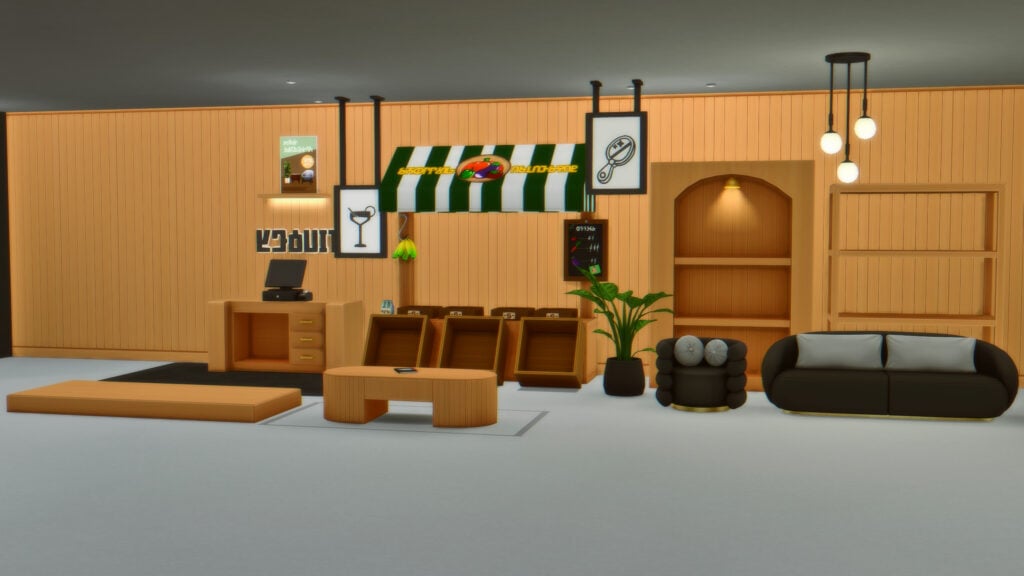
Sims 4 Retail Essentials CC Full Set

New Gameplay for Businesses & Hobbies!

Now, Simspancake didn’t just introduce an entire set of new items, wall coverings, and floors in The Sims 4 Retail Essentials CC set, but he also overrode multiple categories of items and crafting stations to allow for them or their craftable items to be sold, respectively. For furniture that can be sold, this includes items like bassinets, dining tables, coffee tables, bookcases, etc..

Installation Instructions

While we do have a guide to Mods and Custom Content Installation published, it can be helpful to go over the steps since this pack does include overrides. Overrides/Defaults are .package files that change how an in-game item functions, looks, etc. They’re most commonly found as Create-A-Sim assets, and many players are no stranger to having override/default skinblends, eyes, CAS backgrounds, etc. However, they can be created for just about any asset in the game. In the Sims 4 Retail Essentials CC set, Simspancake overrode items to allow for them to be sold in Small Businesses introduced with Sims 4 Businesses and Hobbies.

The Custom Content

On the download post on Simspancake’s Patreon, the Sims 4 Retail Essentials CC Set is split into four parts. These include the standard custom content added in parts one, two, and three. However, a fourth folder is used to separate the overrides since they are optional.

To add the items to your game on Windows, follow this folder path:
C:\Users\[USERNAME]\Documents\Electronic Arts\The Sims 4\Mods
To add the items to your game on MacOS, follow this folder path:
Macintosh HD/Users/User/Documents/Electronic Arts/The Sims 4/Mods

install

Once you’ve downloaded the files, make sure you have an extraction program installed. These can include 7Zip, Winrar, etc. After that, highlight one or multiple zipped/compressed files and select “Extract Here”. Drag the extracted contents to your Mods folder. You can also sort them into their own folders within your Mods folder, but do not place Override files deeper than one file in your Mods folder.
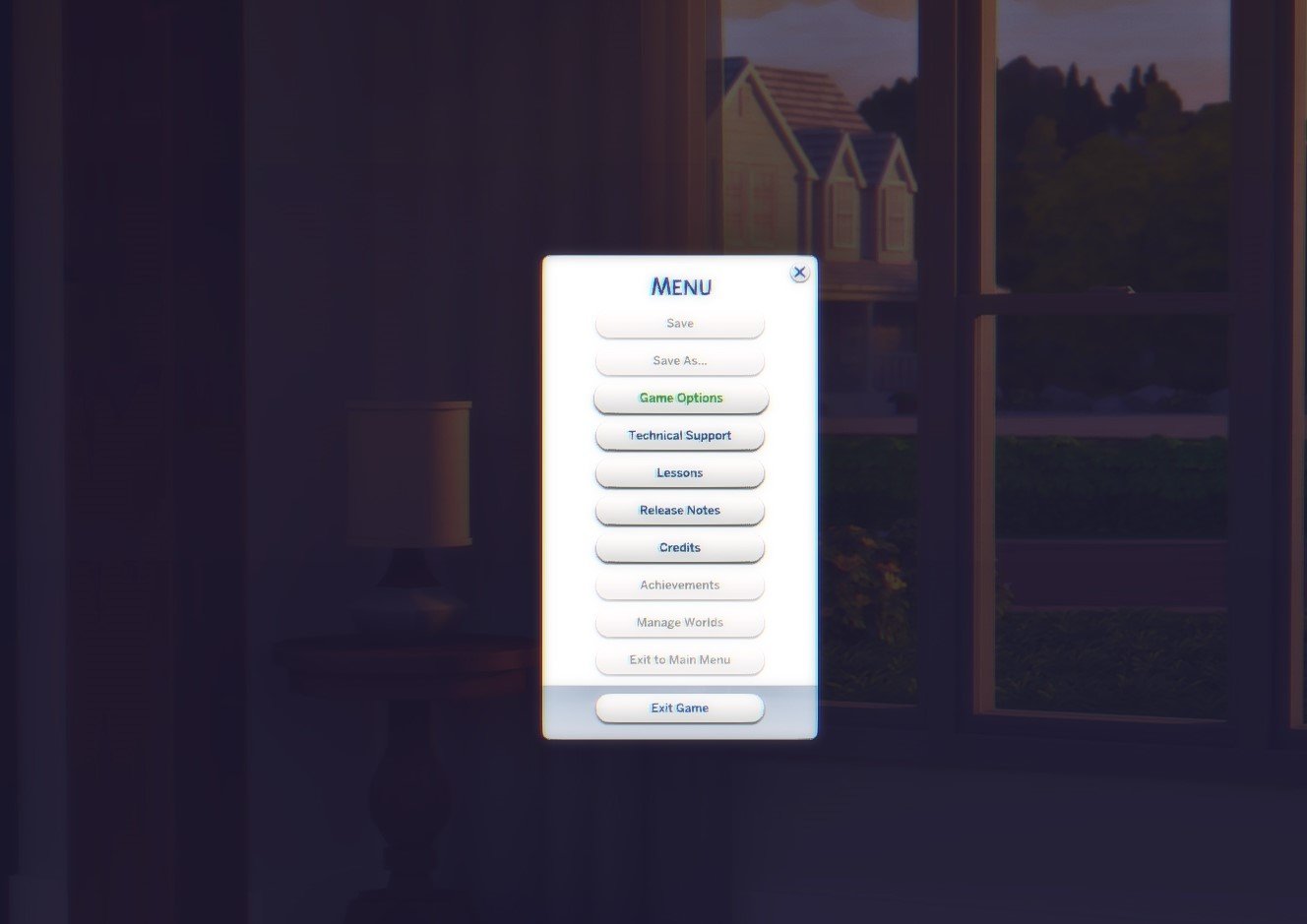
If not already enabled, open the Sims 4. Open “Game Options”, and click “Other”. Click the checkbox to Enable Custom Content and Mods AND Enable Script Mods. Custom Content and Mods will allow for general Custom Content like furniture, CAS assets, etc. Script Mods enabled allows for overrides, .ts4script files found with many large mods, etc.

Note: These overrides are NOT Gallery-Friendly. Remove them from your mod folder prior to uploading anything to the Gallery.

The Sims 4 Retail Essentials CC Set
TS4 x64 2025 06 06 18 36 39

Walls & Floors

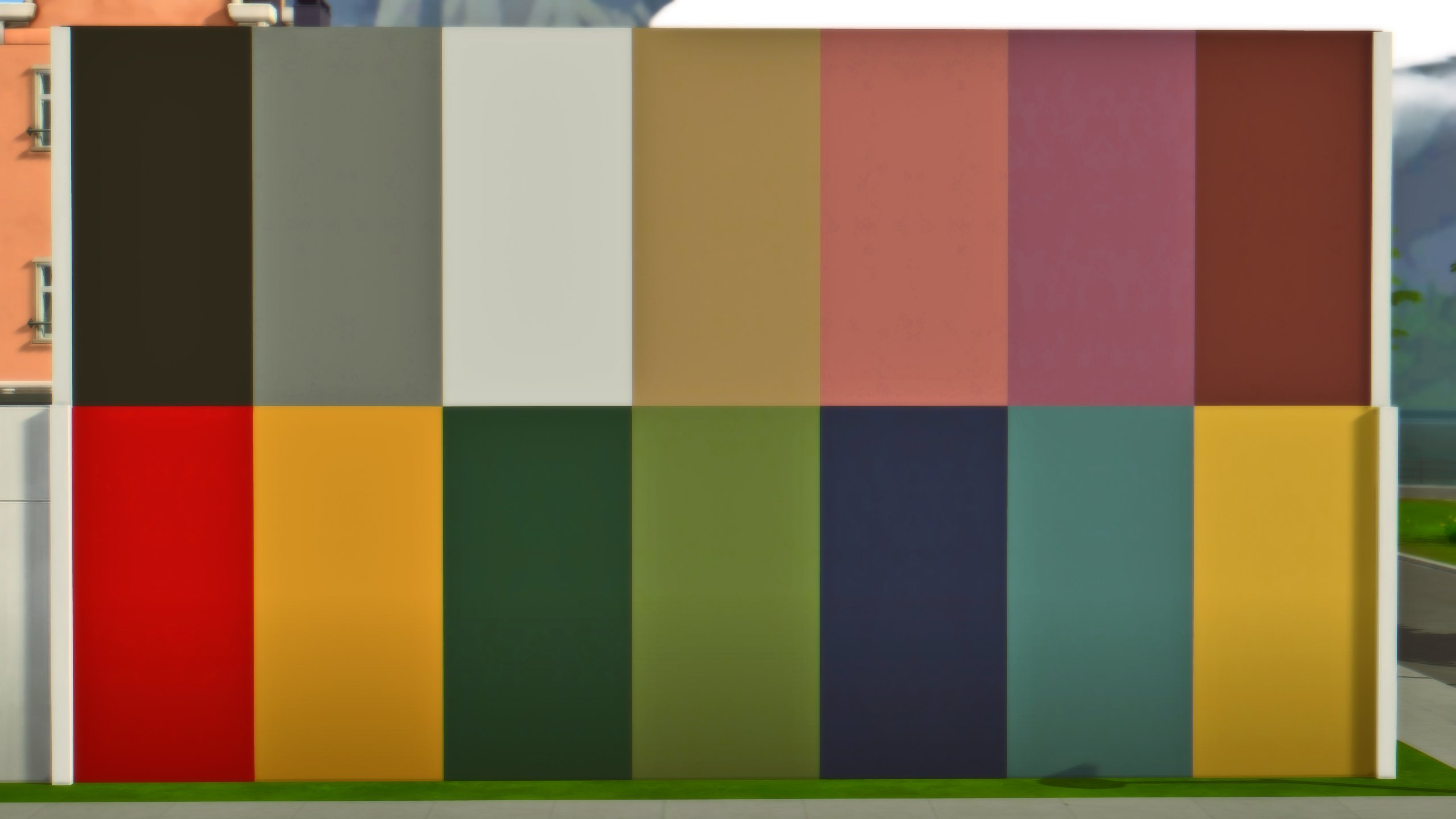
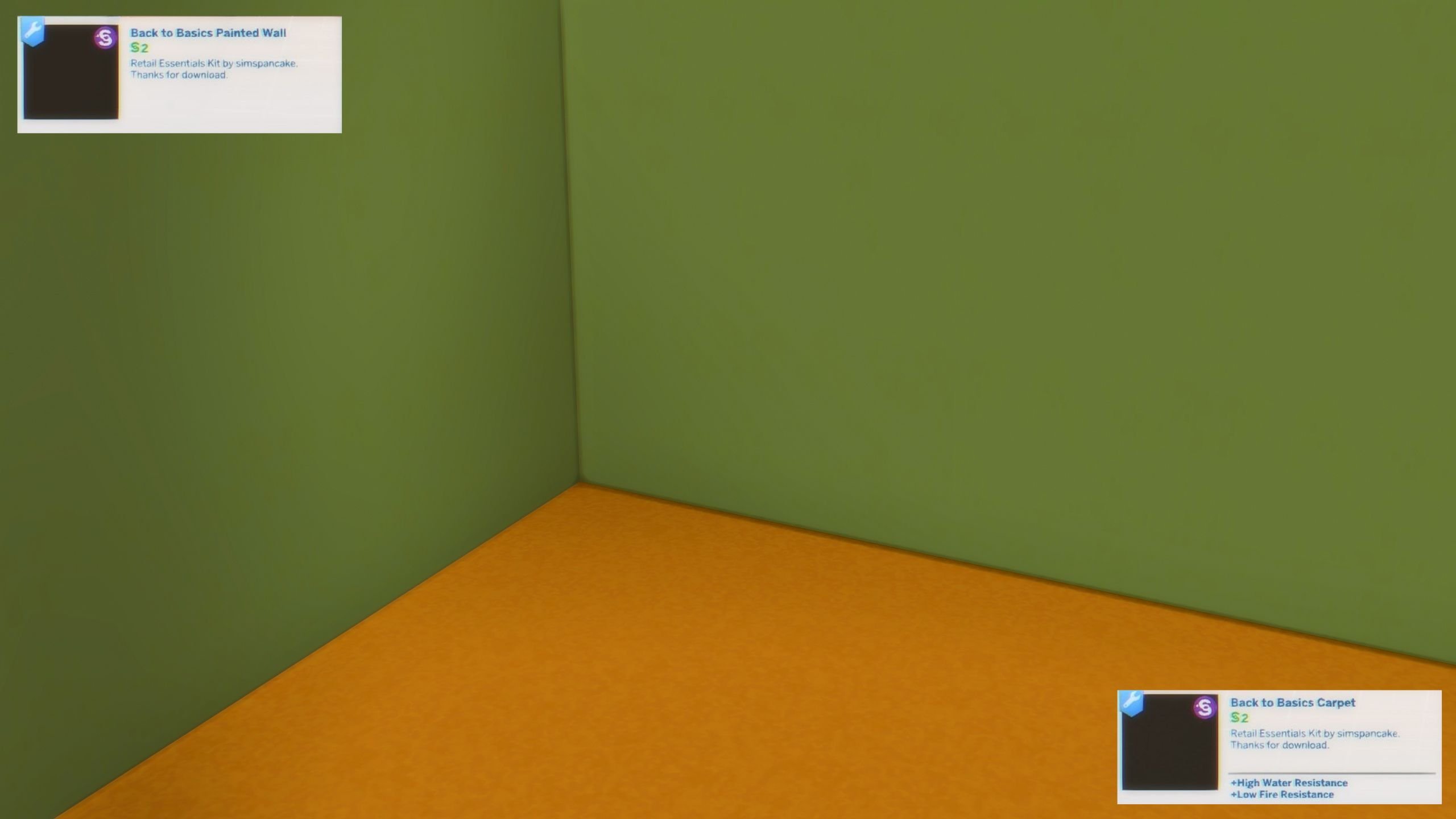
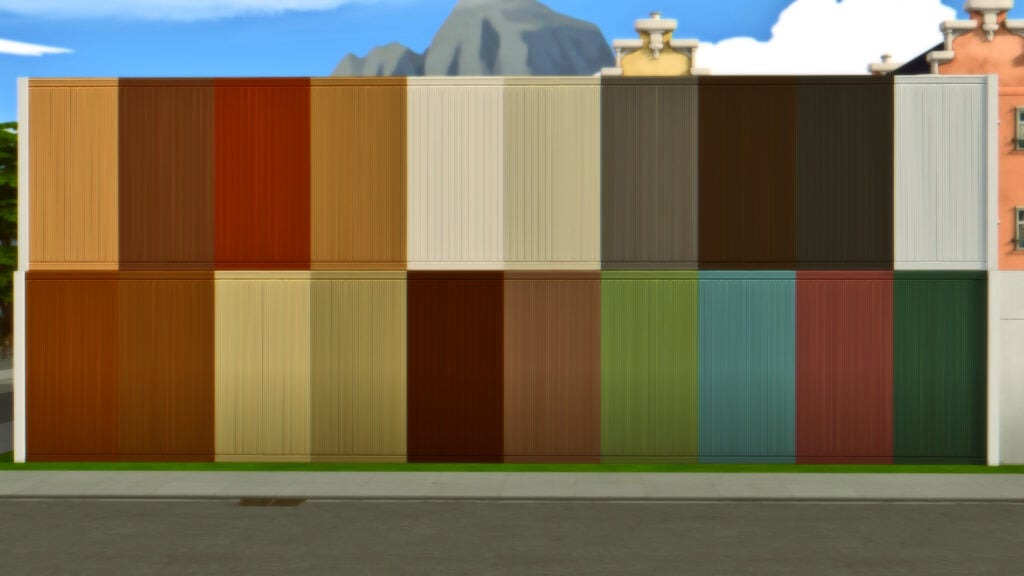
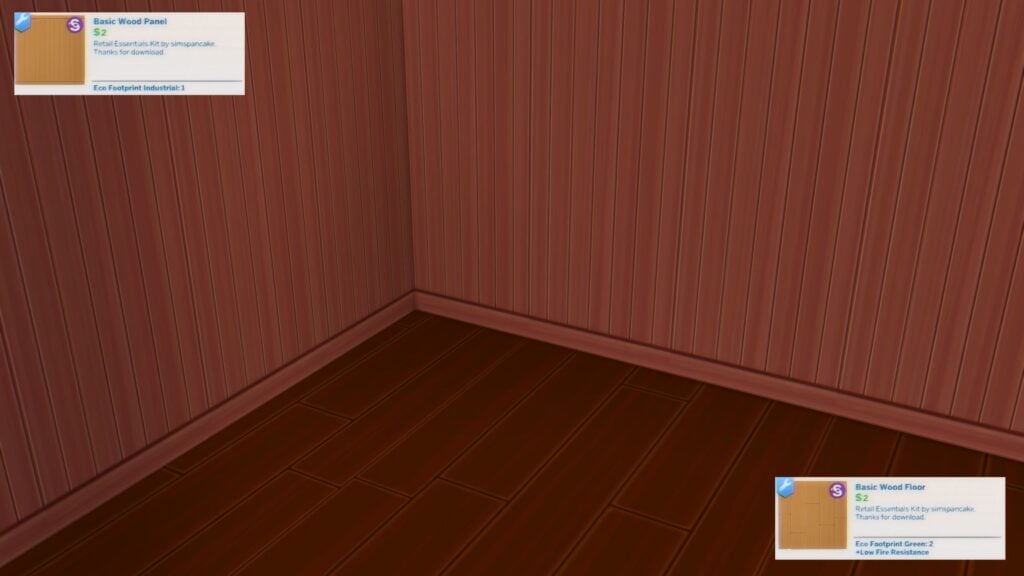
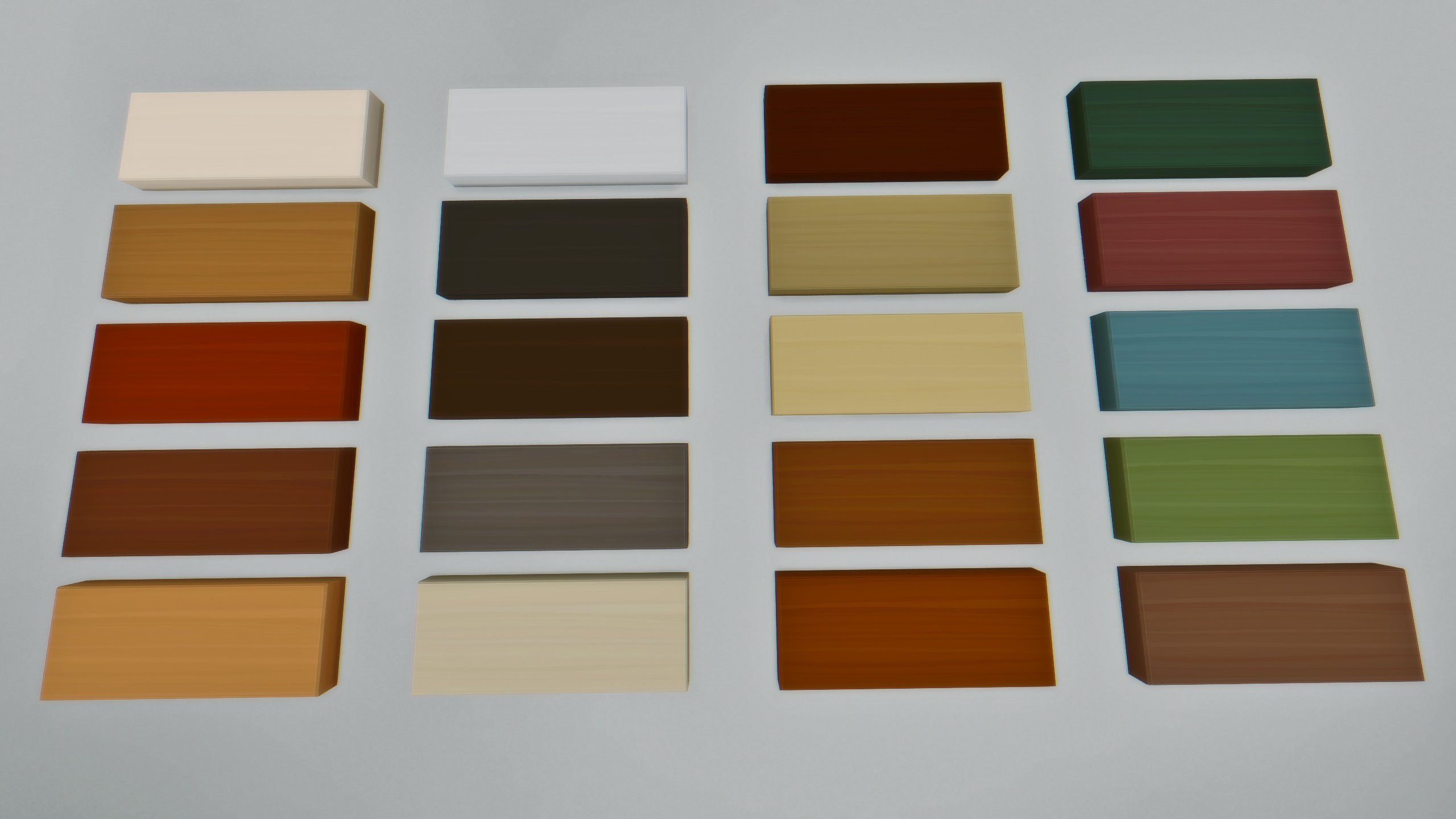
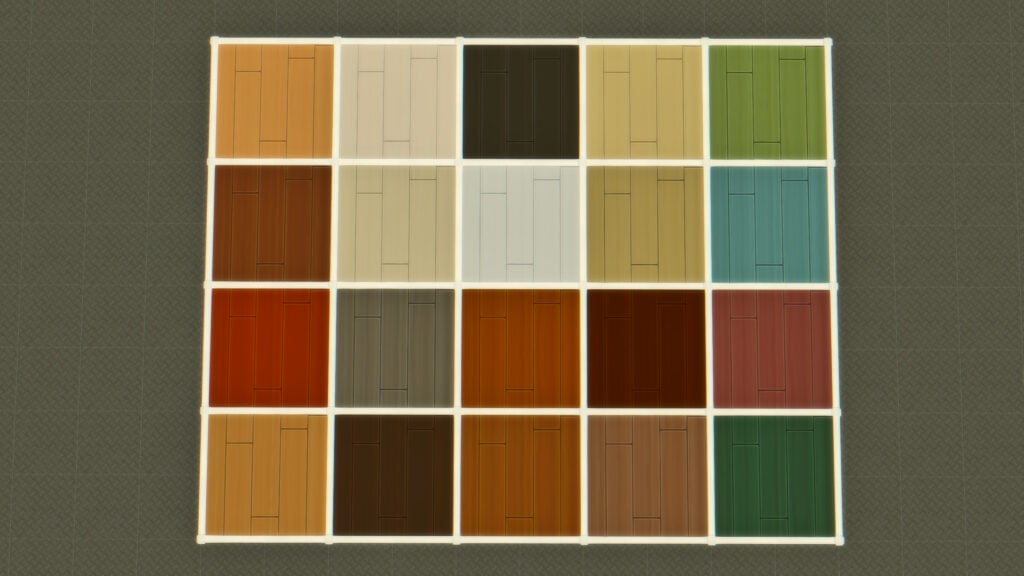
This pack includes two wall and two flooring options. They come in matching sets, with one being plain paint and carpet, and the other being hardwood and wood panel walls. The wood panel walls and hardwood floor match many Base Game and DLC wood swatches, allowing them to blend in and be used in most games.

Back to Basics Carpet & Painted Wall (14 Swatches)

Basic Wood Floor & Panel (20 Swatches)
Business Items

The Sims 4 Retail Essentials CC Set has three items specifically for your small business. While they can be placed on any lot, they’re generally best fit for stores for both decoration and functionality.

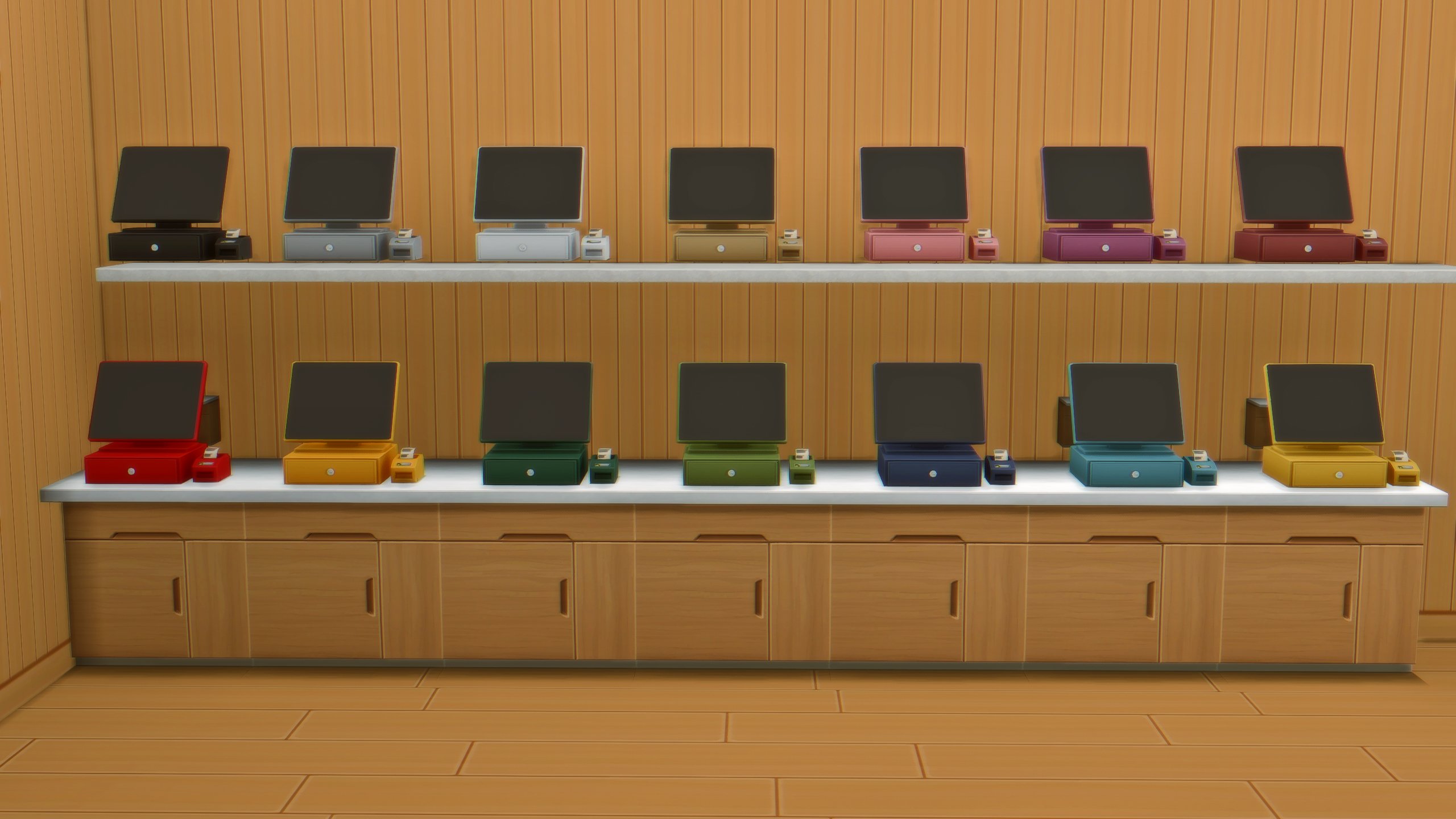
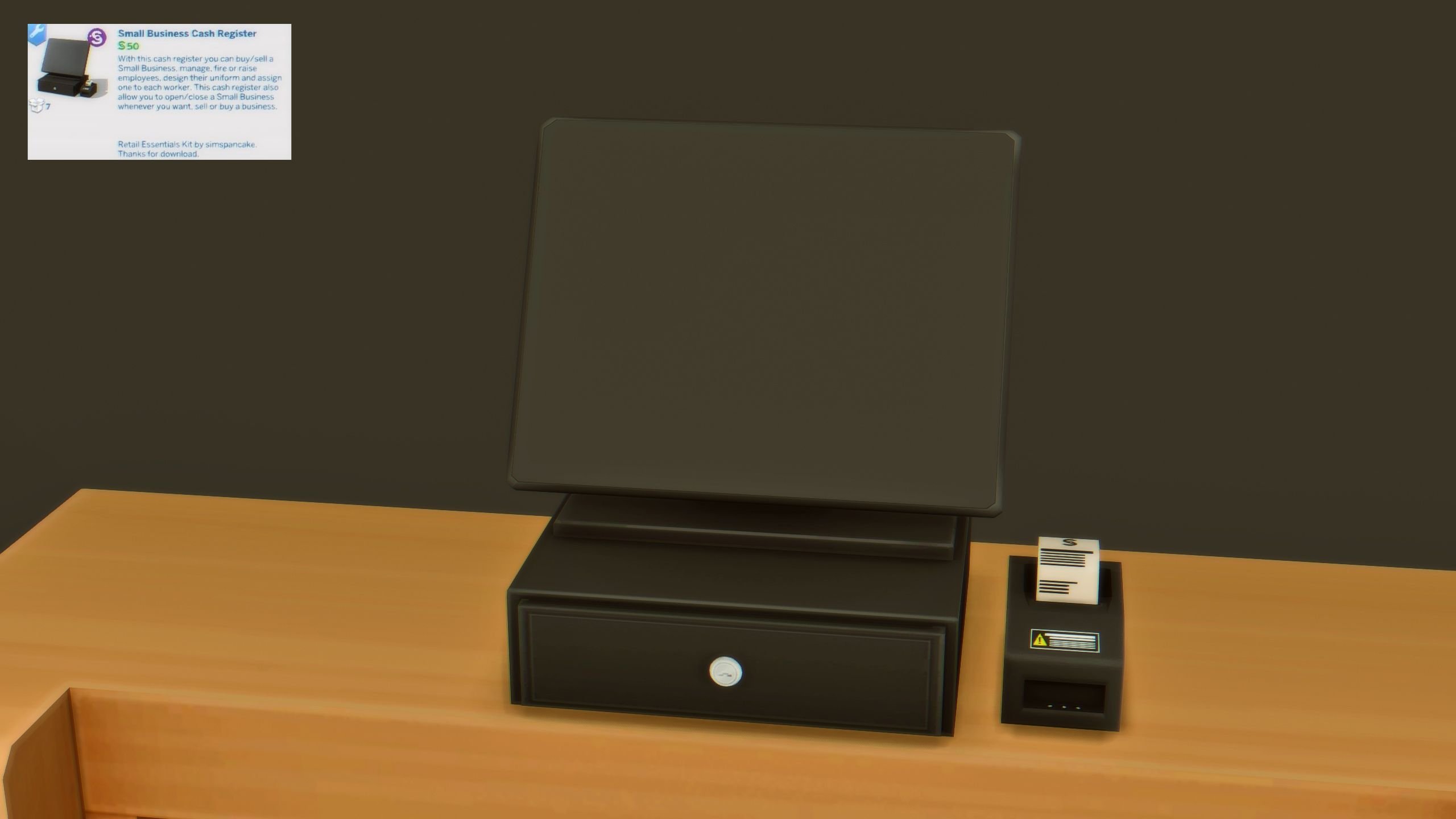
The Small Business Cash Register does not function as a cash register, but rather a hub for all interactions related to the running of your small business; This includes registering, opening, closing, selling, adjust price modifiers, and much more.

Small Business Cash Register (14 Swatches)
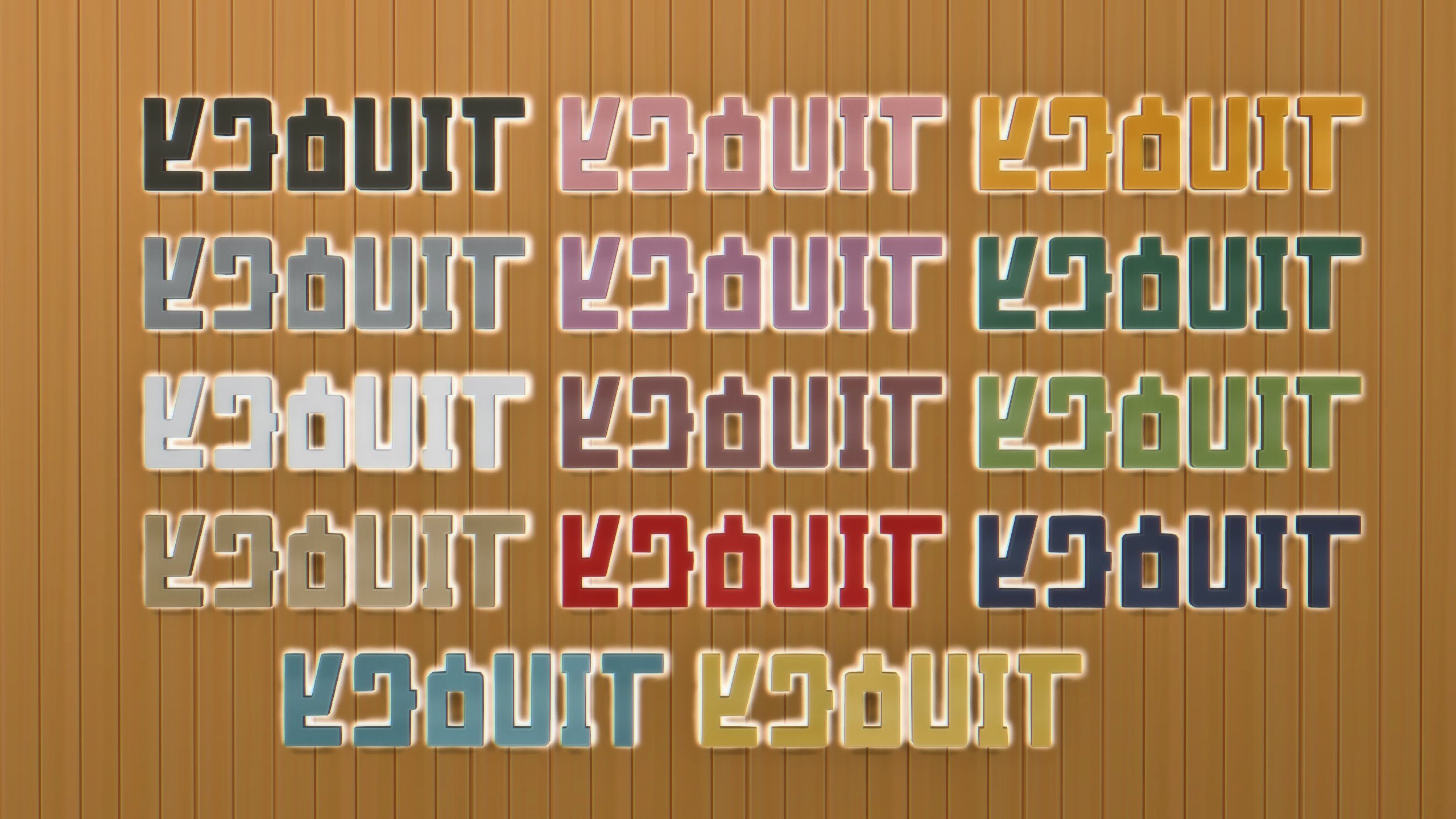
The Entrepreneurs Business Sign (14 Swatches)

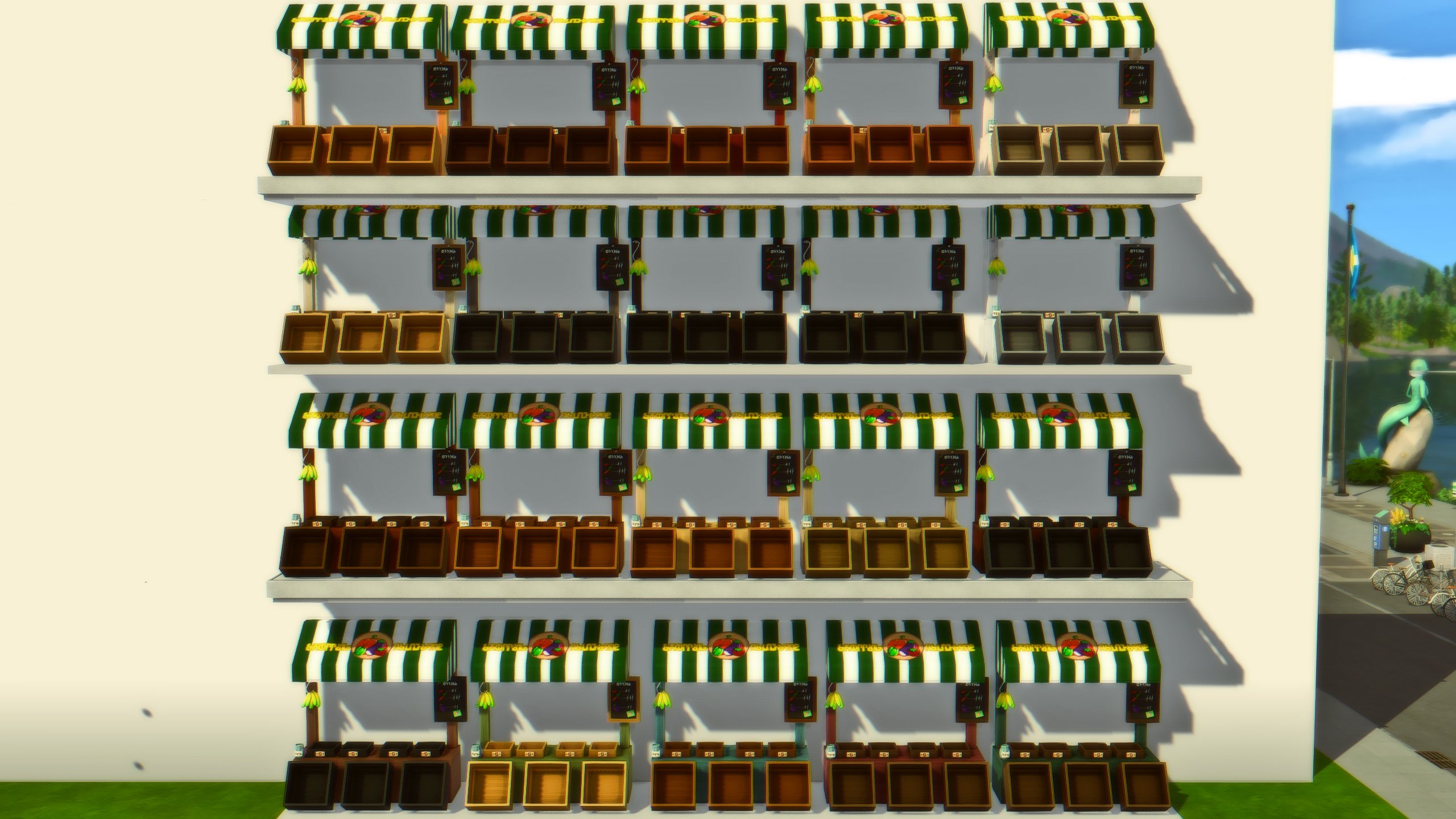
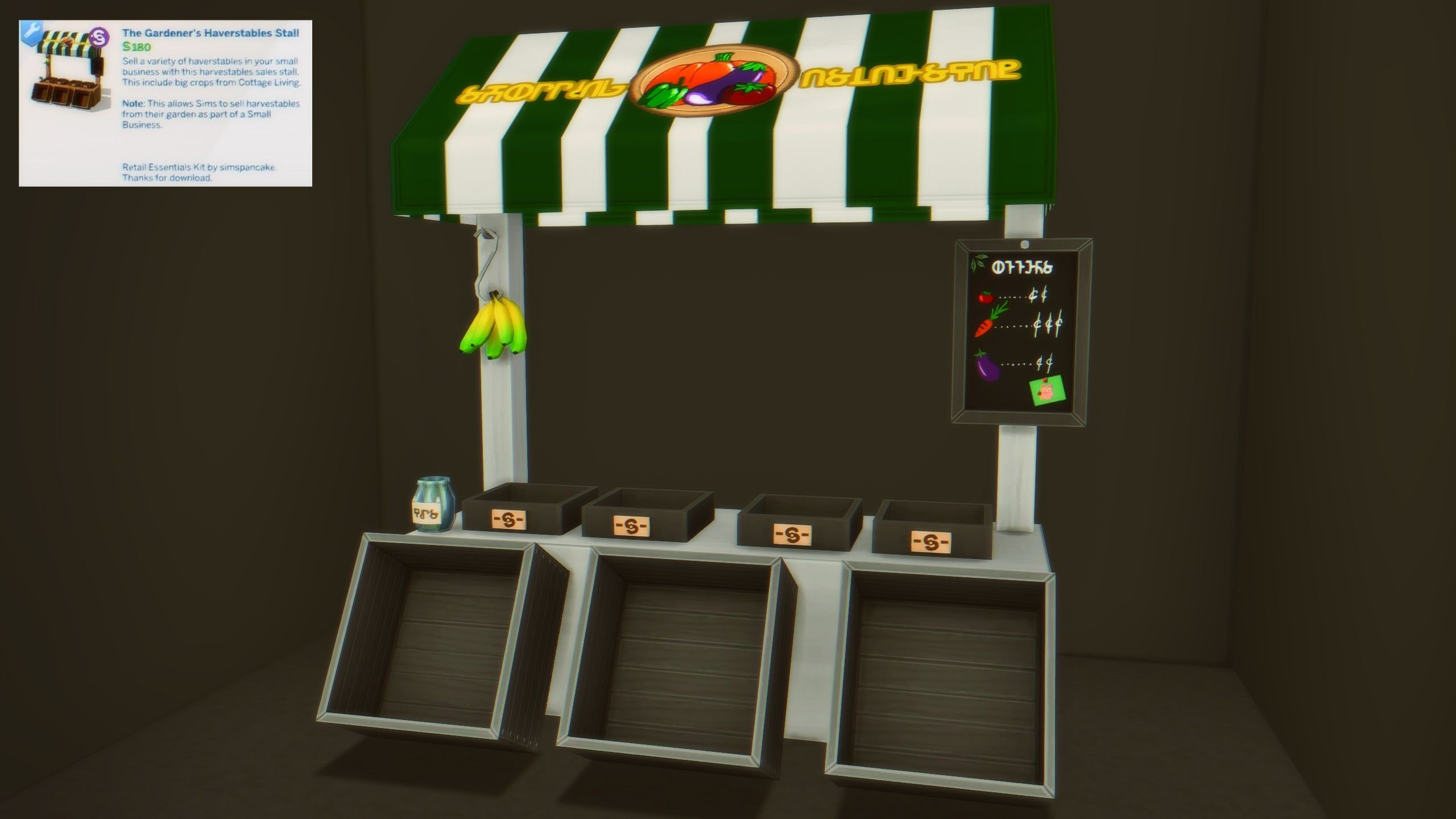
The Gardener’s Harvestables Stall (20 Swatches)
Displays & Shelving

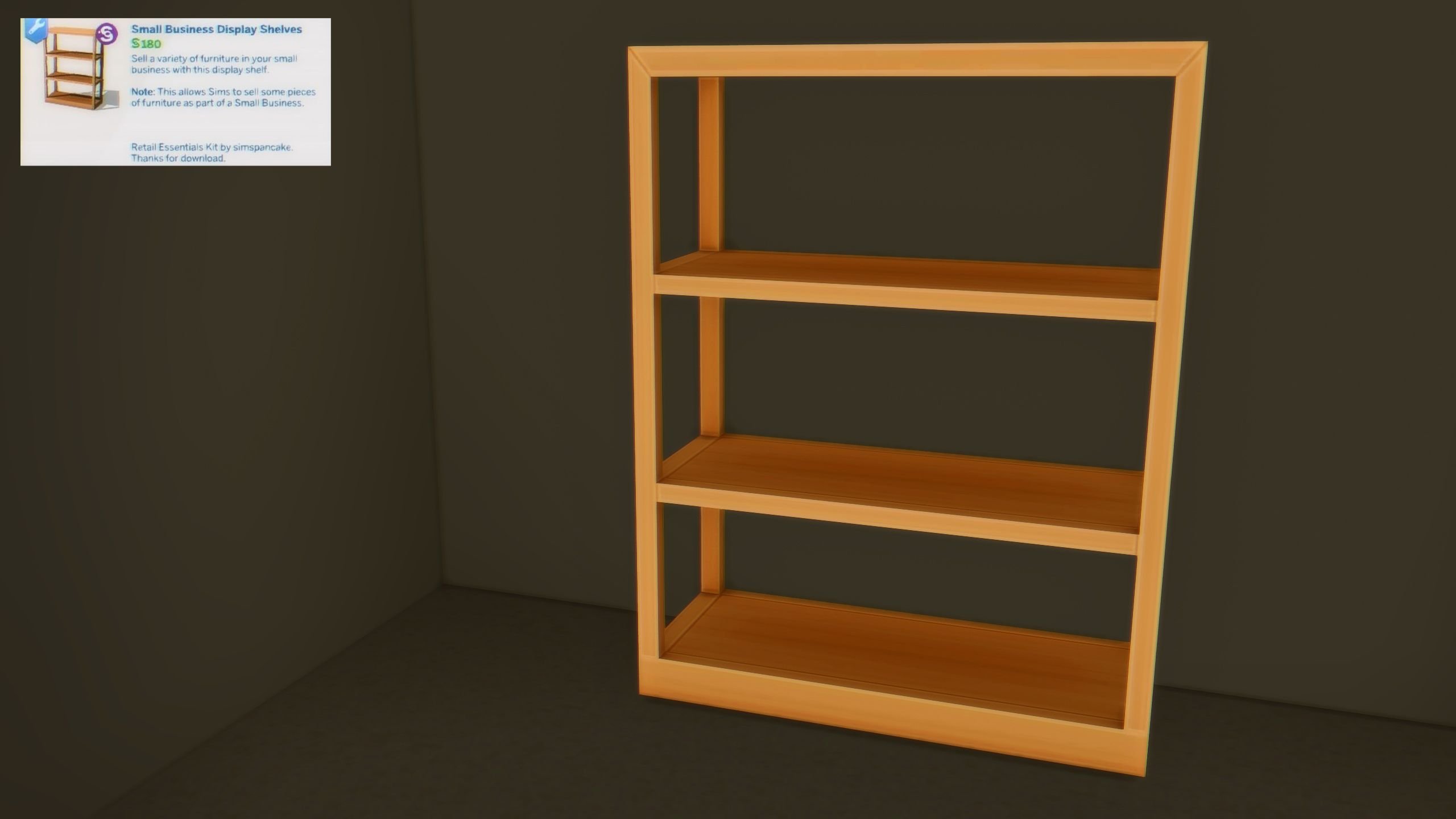
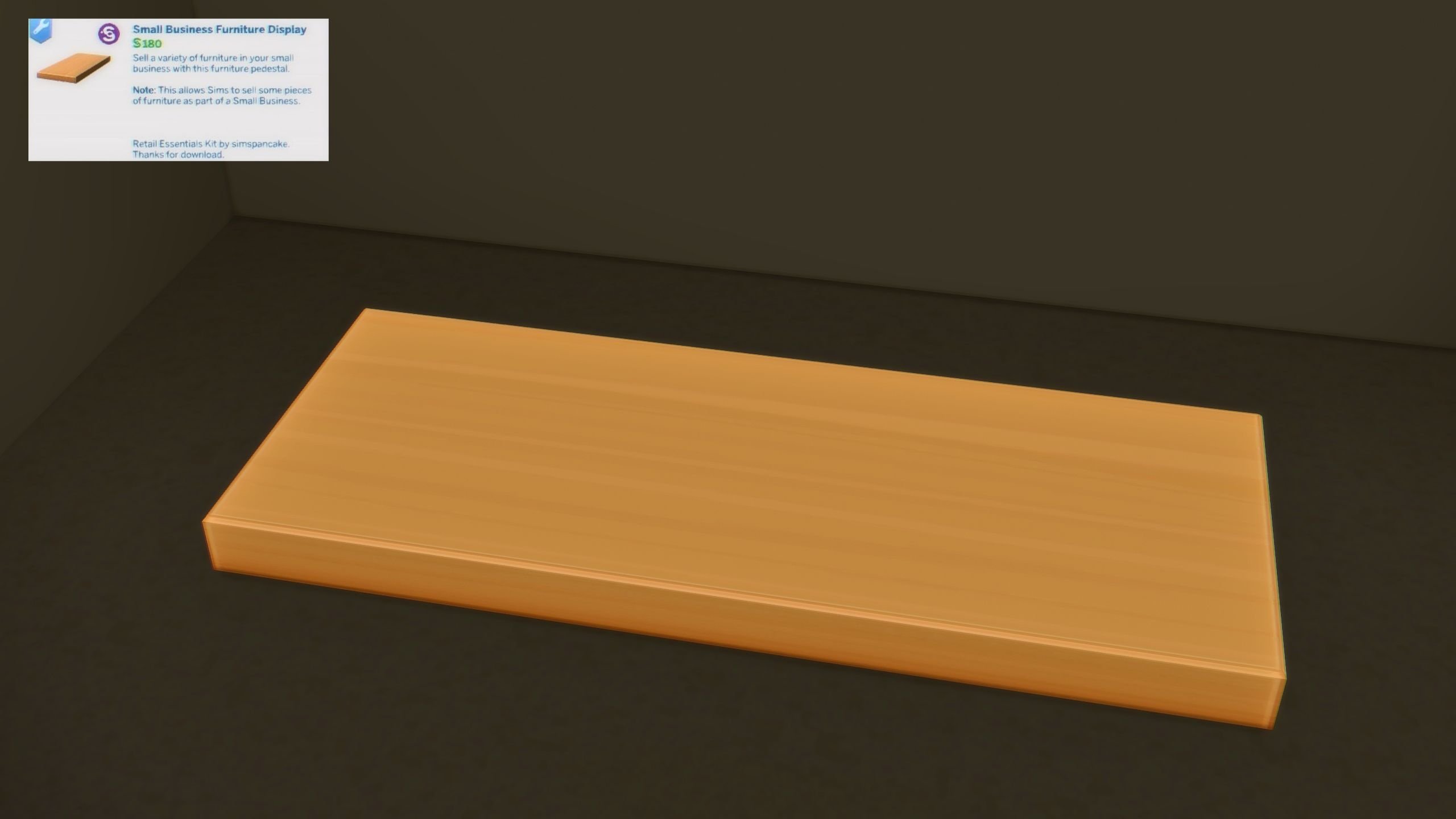
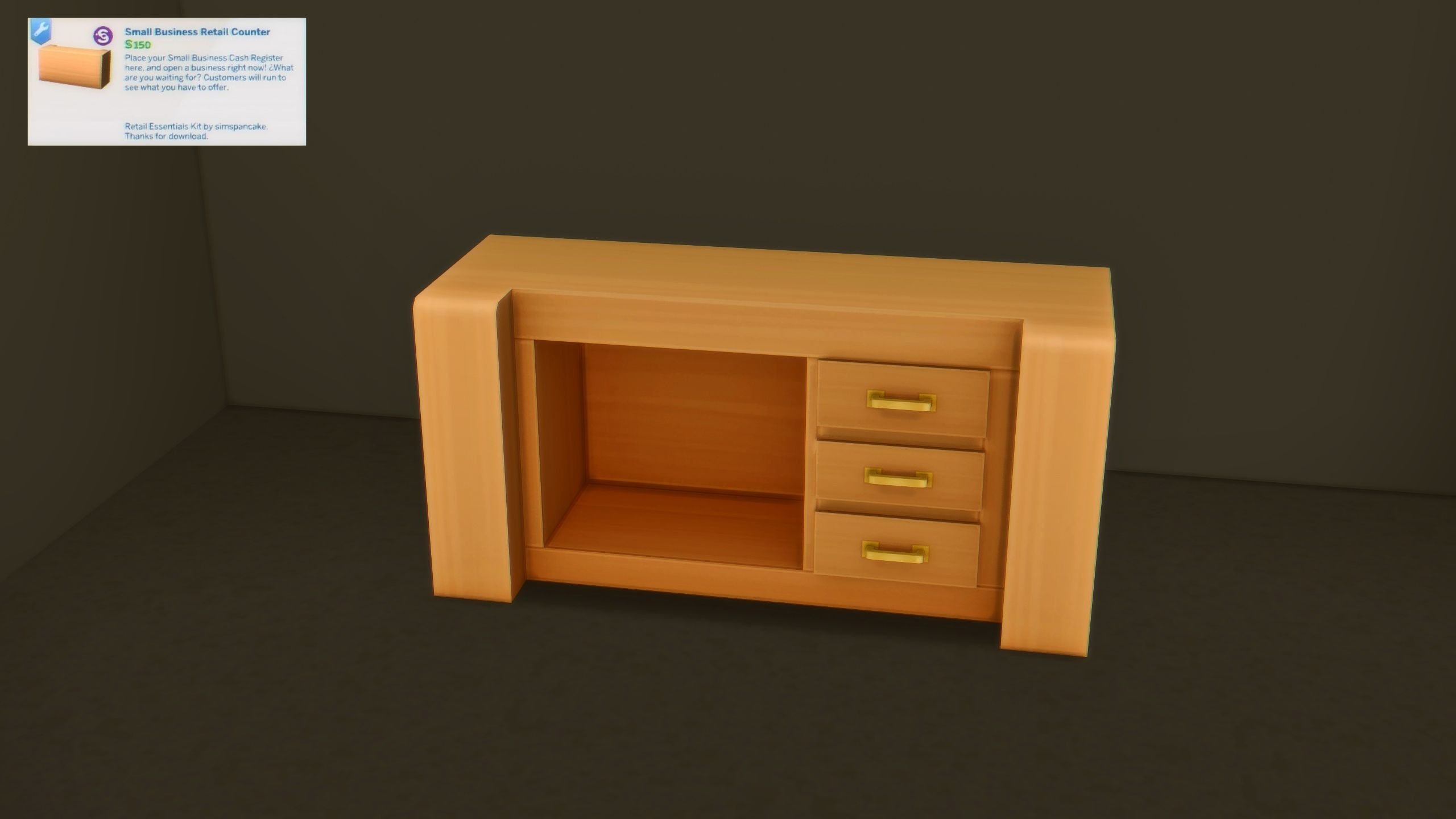
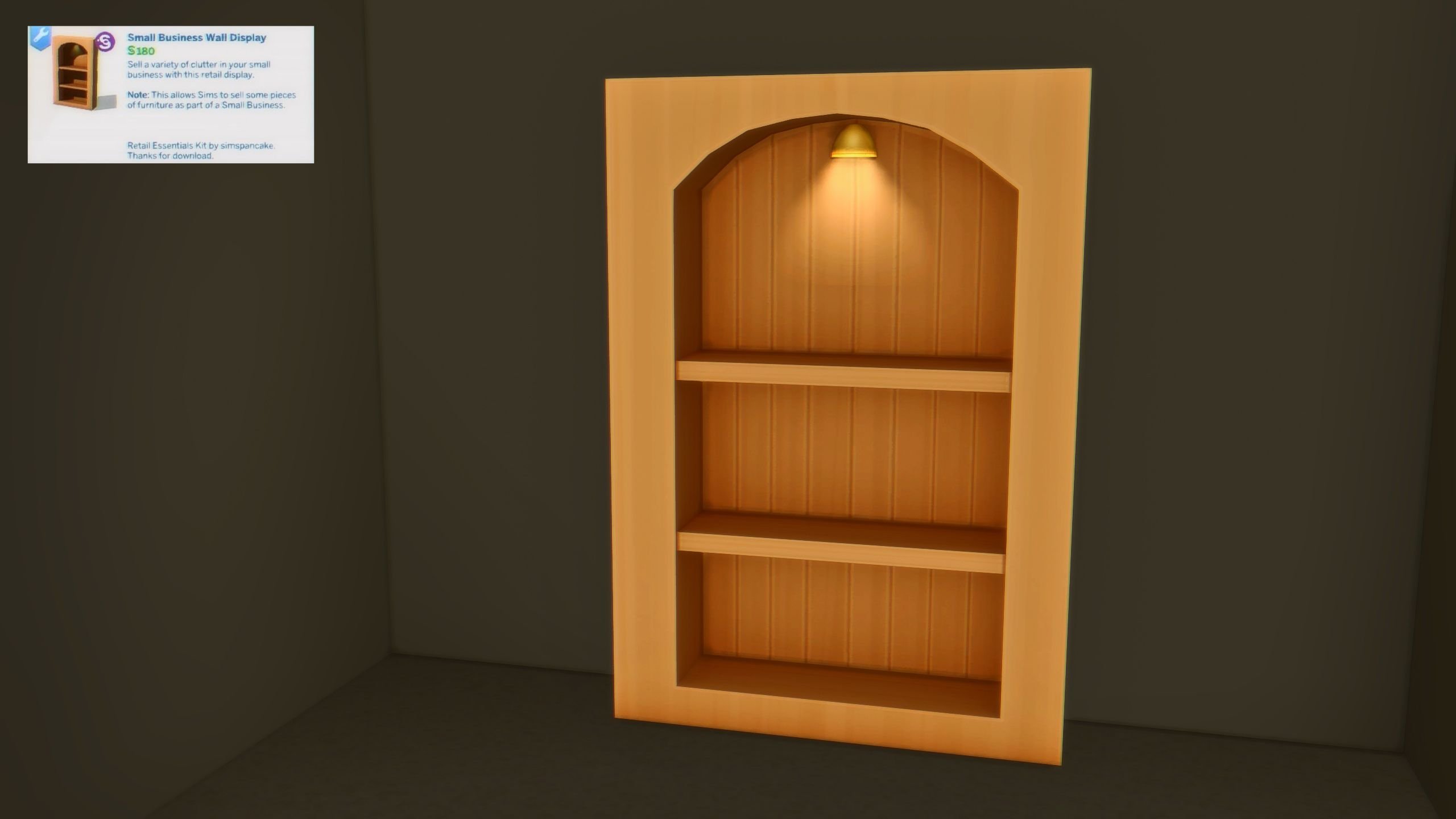
You no longer have to worry about lacking space for your small business’ inventory or the items your sim wants to sell because Simspancake provided five different display items, including multiple with their own lighting to beautifully illuminate your valuables.

Small Business Display Shelves (20 Swatches)
Small Business Furniture Display (20 Swatches)
Small Business Retail Counter (20 Swatches)
Small Business Wall Display (20 Swatches)
Small Business Wall Shelf (20 Swatches)

Tables & Surfaces

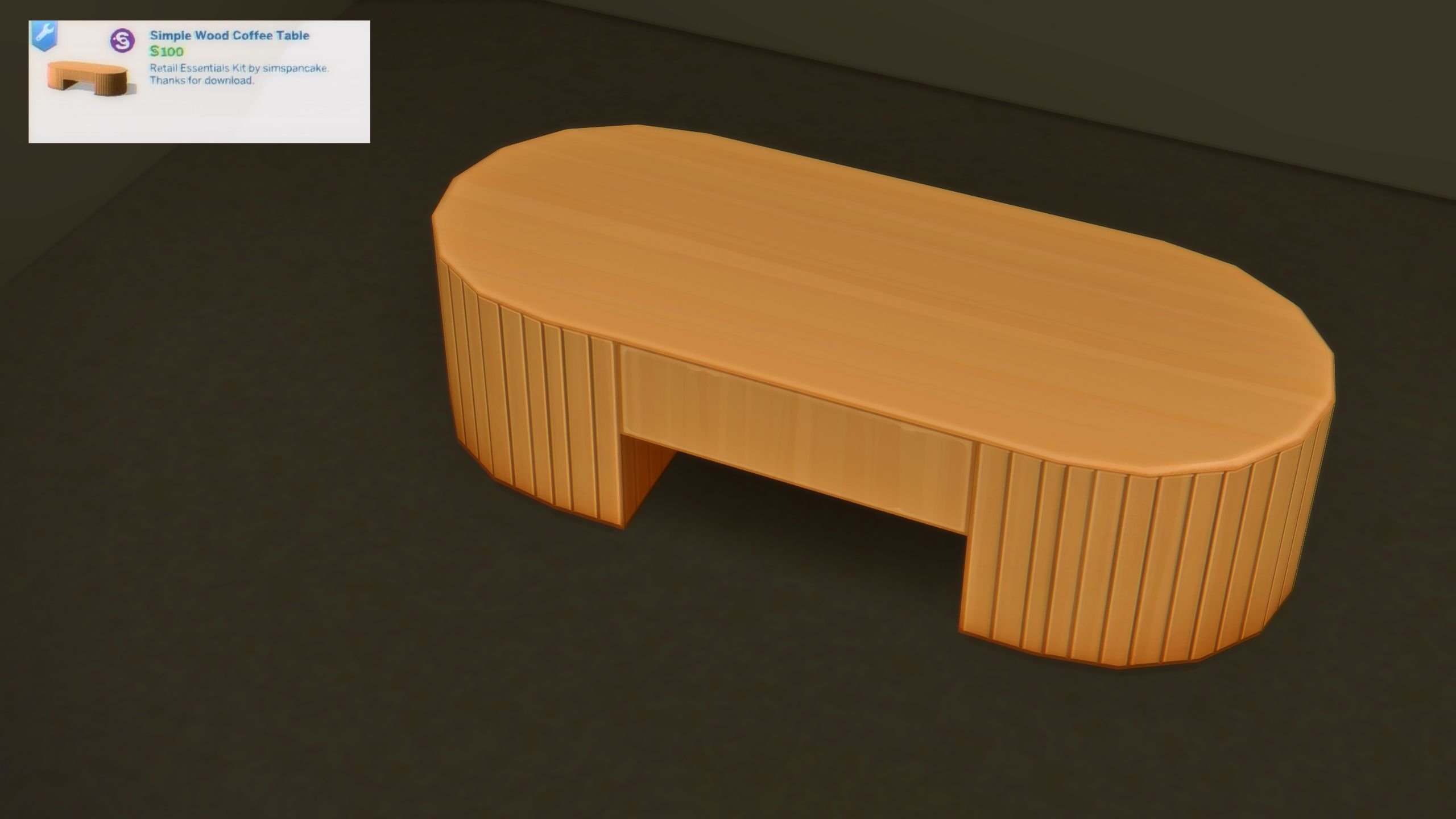
This single coffee table fits perfectly in any living room, waiting room, or small business resting area.

Simple Wood Coffee Table (20 Swatches)
Comfort

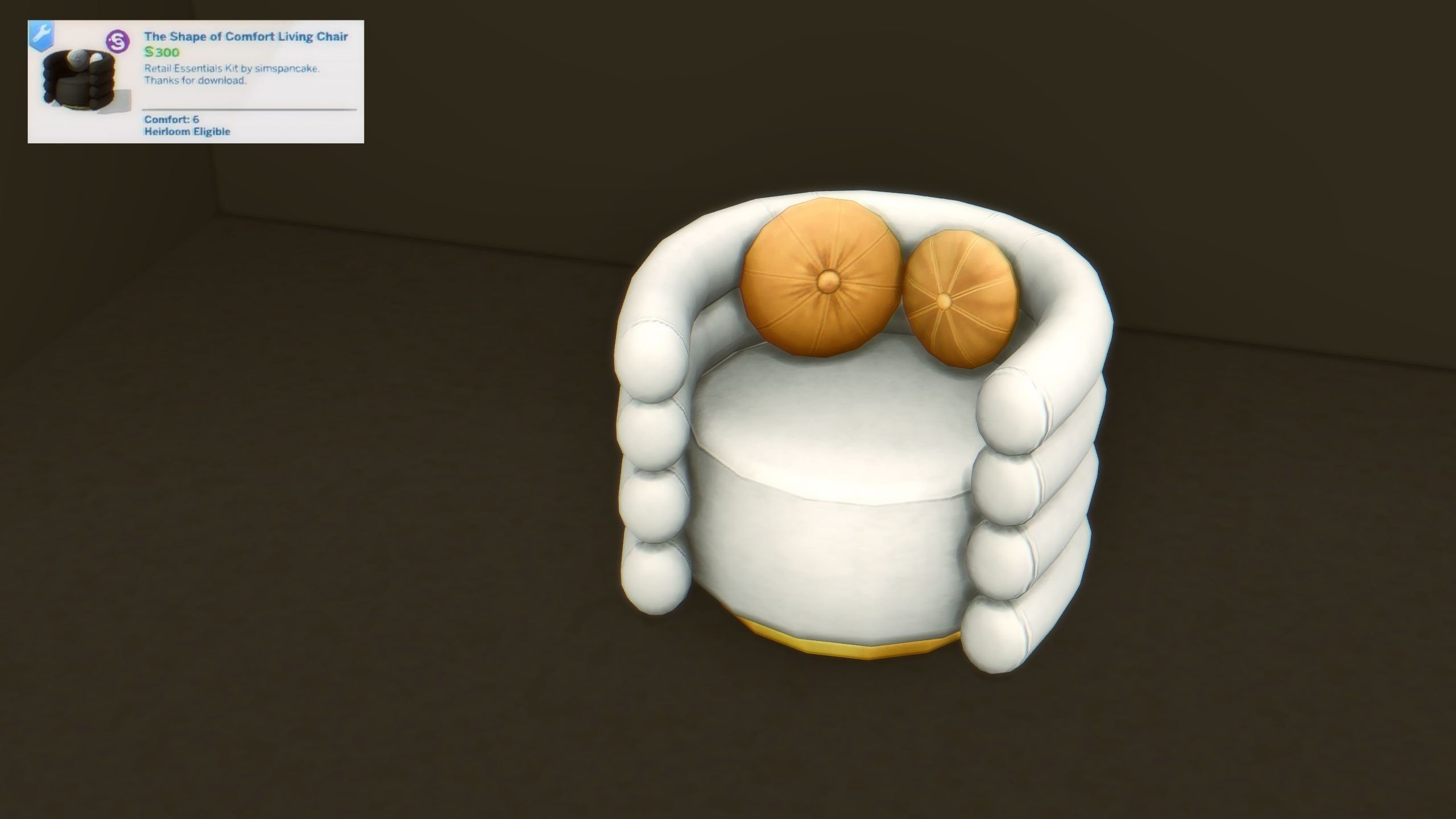
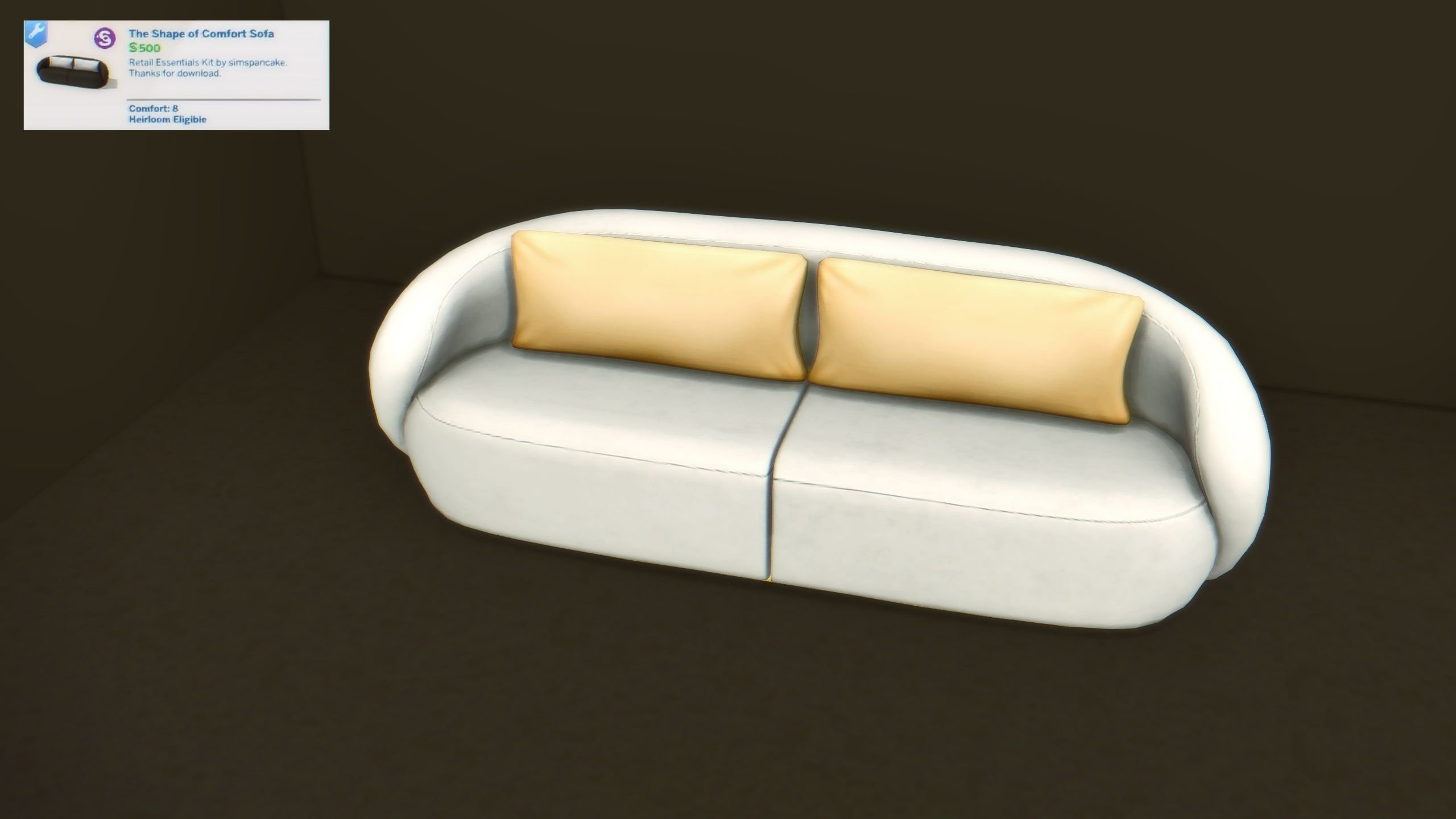
Take a load off during your break or while shopping for your next gift on these two plush comfort items, which are a matching sofa and living chair.

Shape of Comfort Living Chair (16 Swatches)
Shape of Comfort Sofa (16 Swatches)
Décor & Lighting

And last but not least, The Sims 4 Retail Essentials CC Set by Simspancake came with 8 items that are decorative or for lighting purposes. These add small bits of charm and help liven up your sims small businesses, as well as their own homes!

For Sale Hanging Poster Sign (14 Swatches) (Normal/Medium)

*Works with Mild Maxel’s Decals from Sims 4 Businesses & Hobbies

Invisible Retail Rug for Furniture (1 Swatch)

Sims 4 Retail Essentials CC Set Invisible Rug
*Used for placing furniture and large items for sale. Disappears in Live Mode.

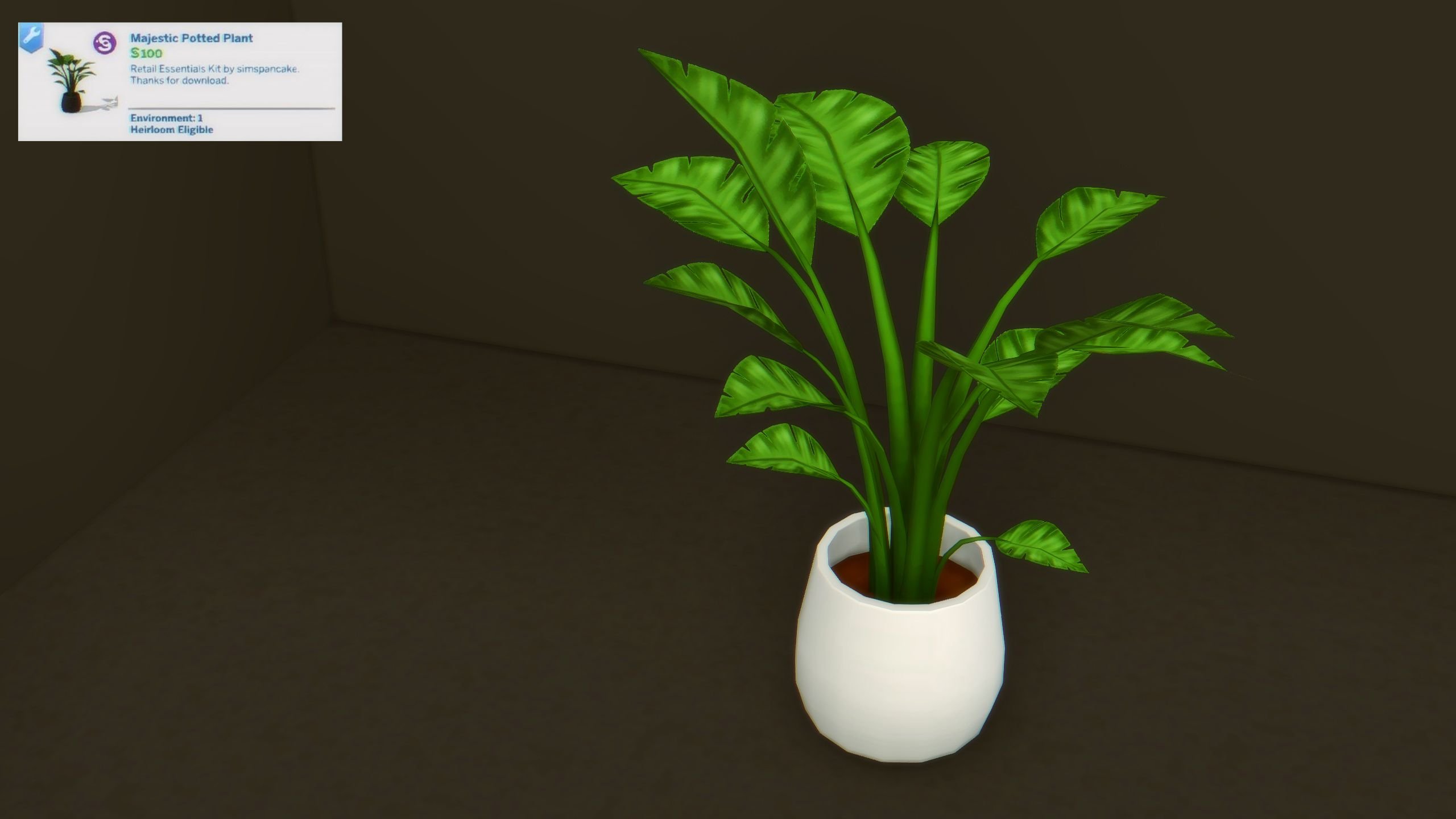
Majestic Potted Plant (14 Swatches)
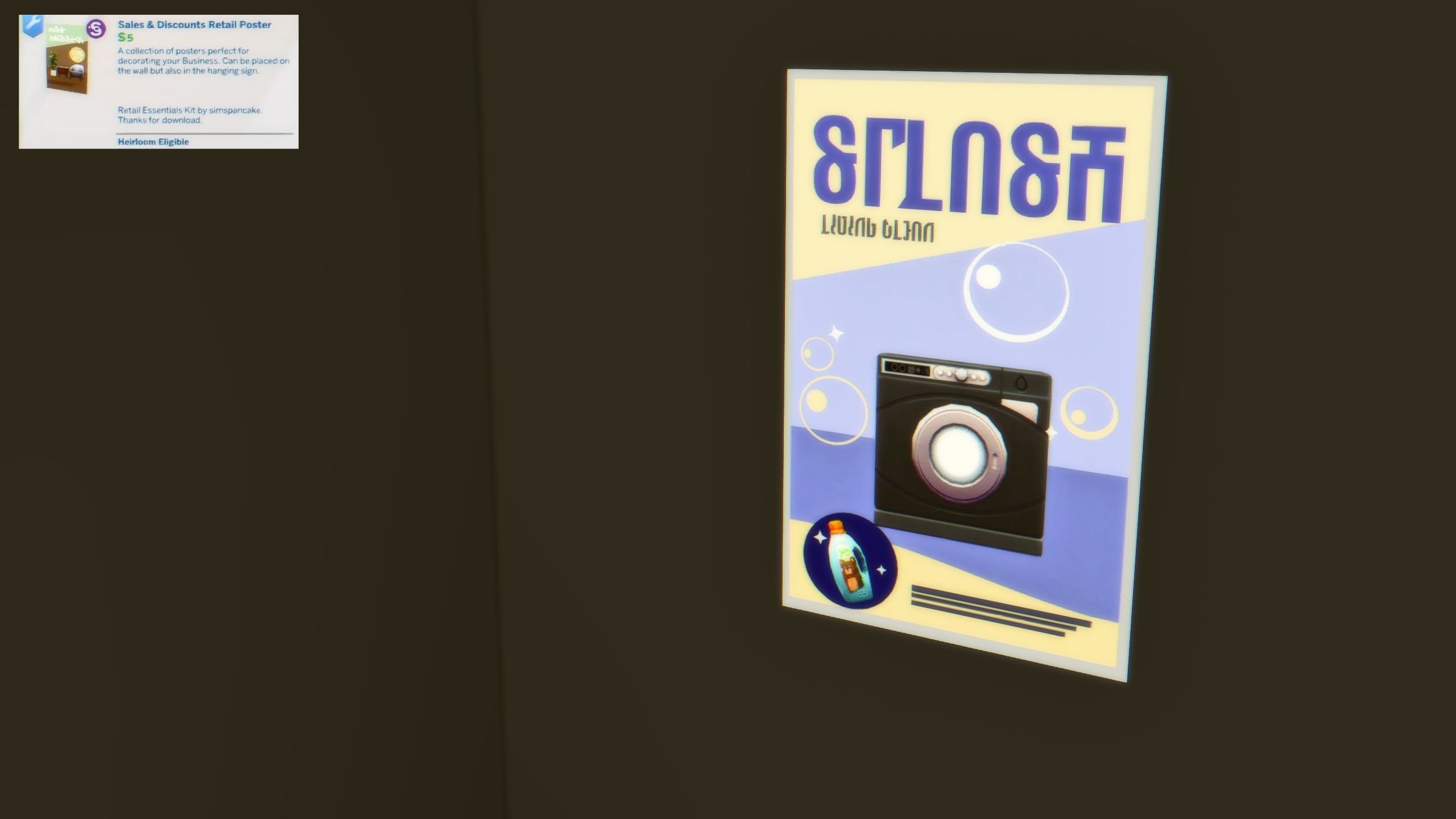
Sales & Discounts Retail Poster (11 Swatches)
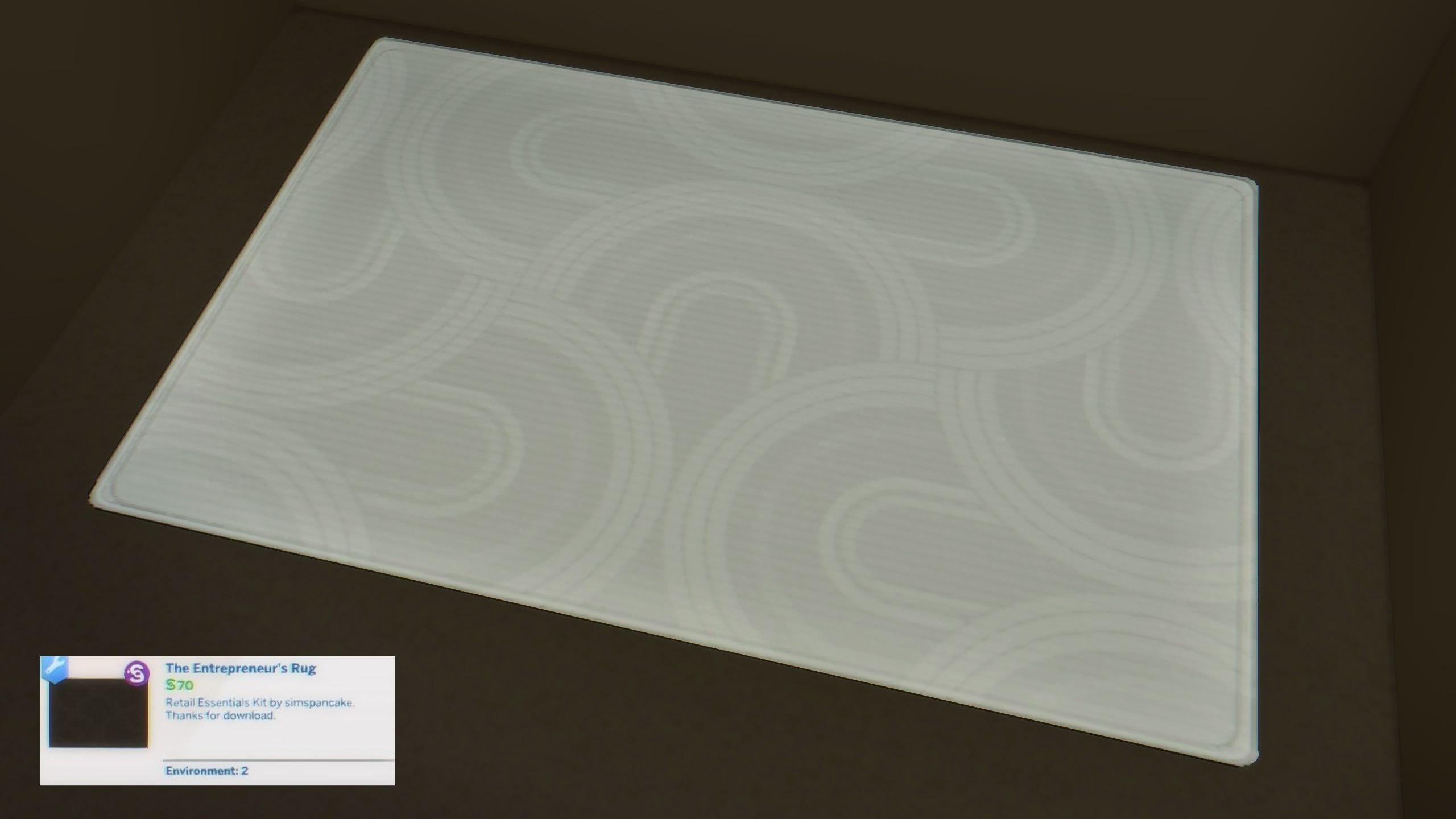
The Entrepreneurs Rug (14 Swatches)
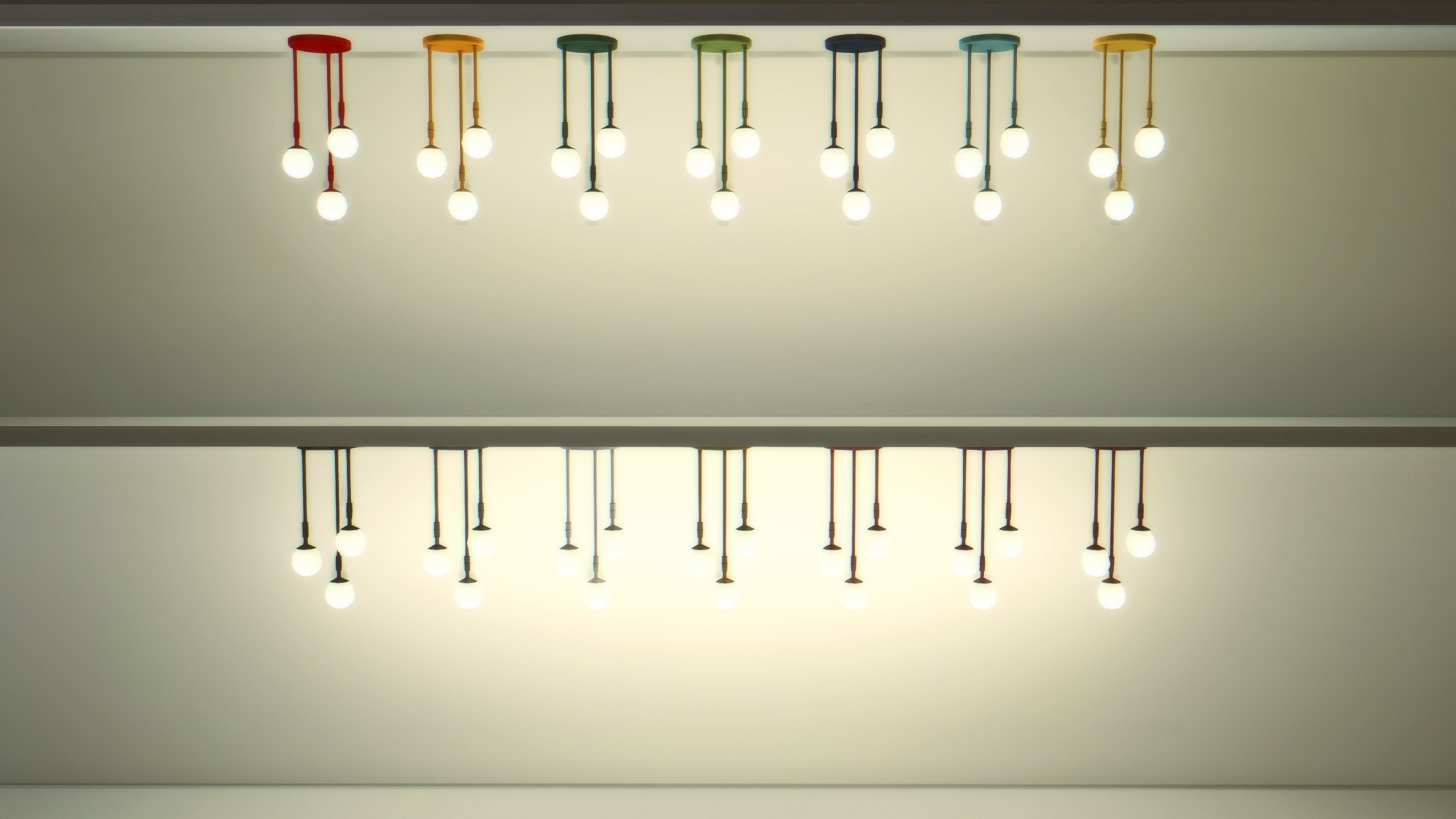
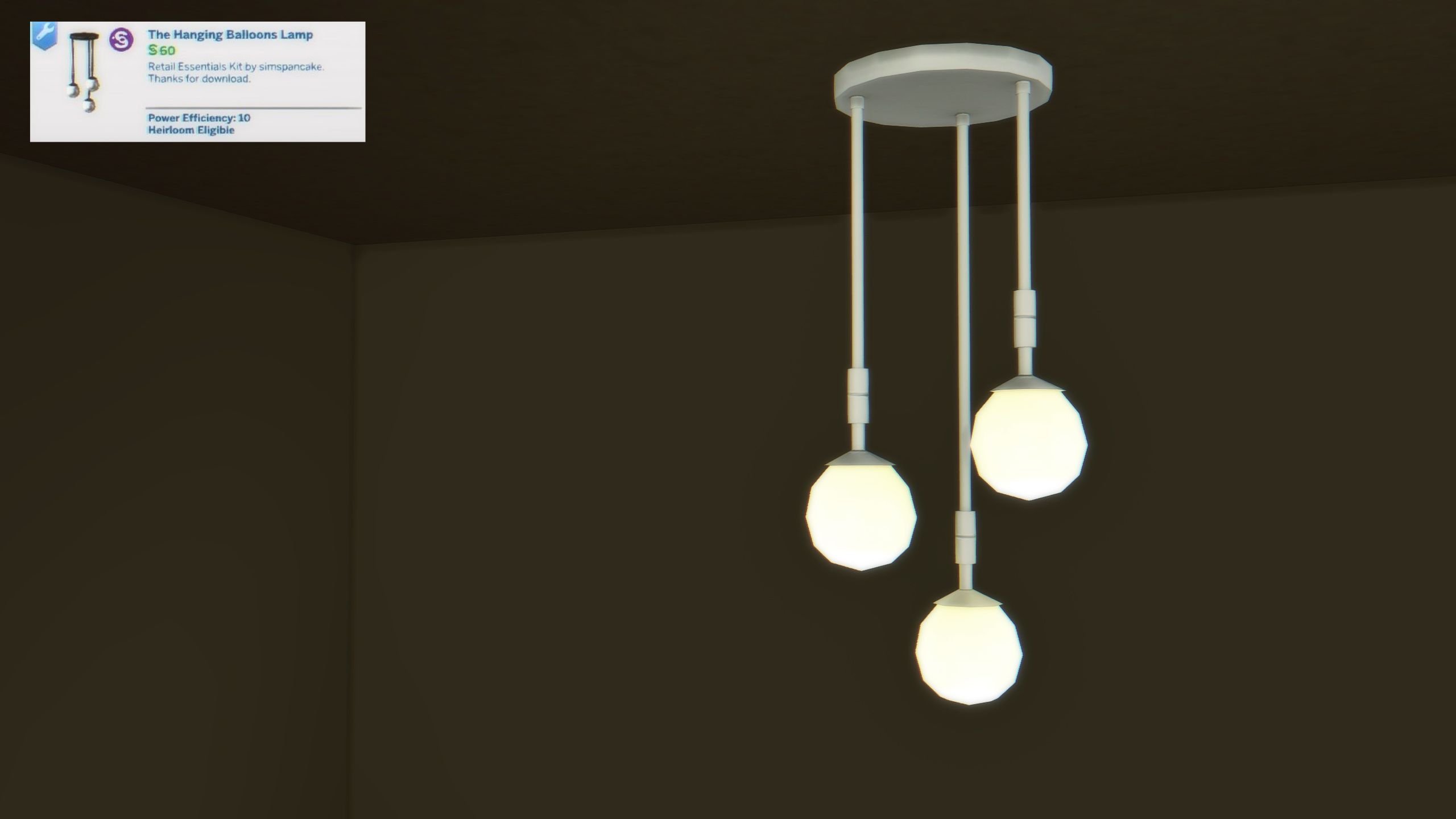
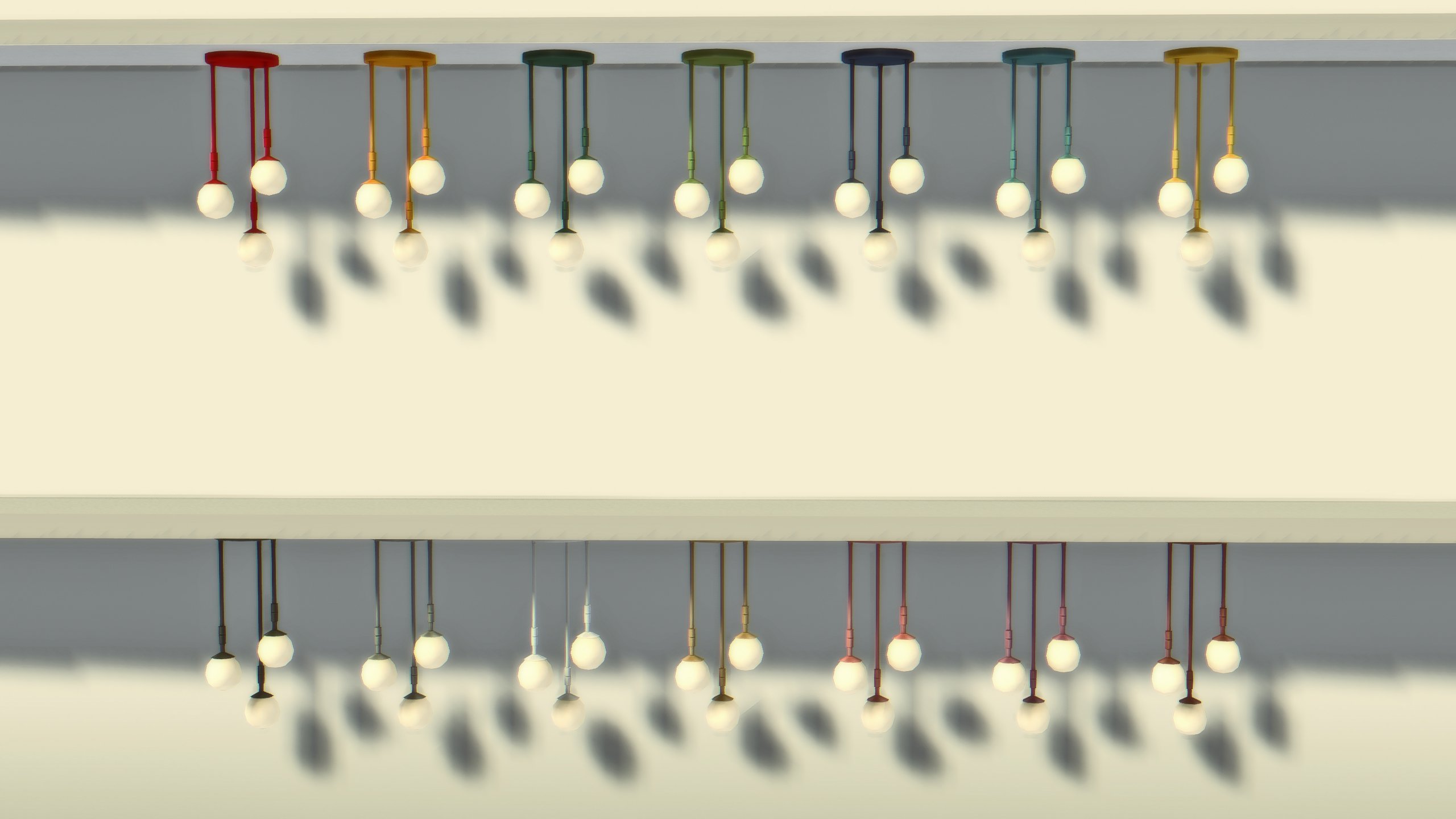
The Hanging Balloons Lamp (14 Swatches)
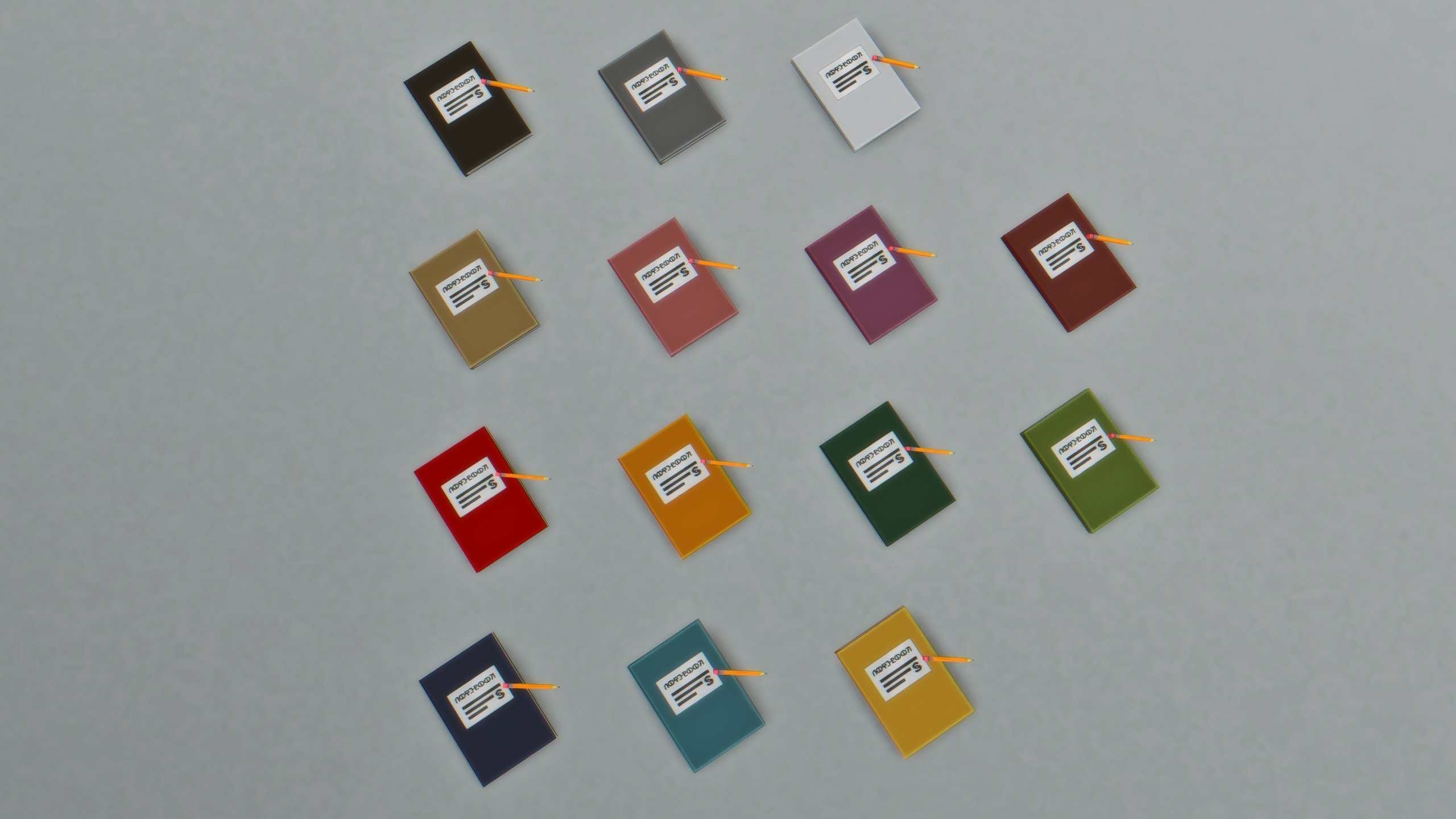
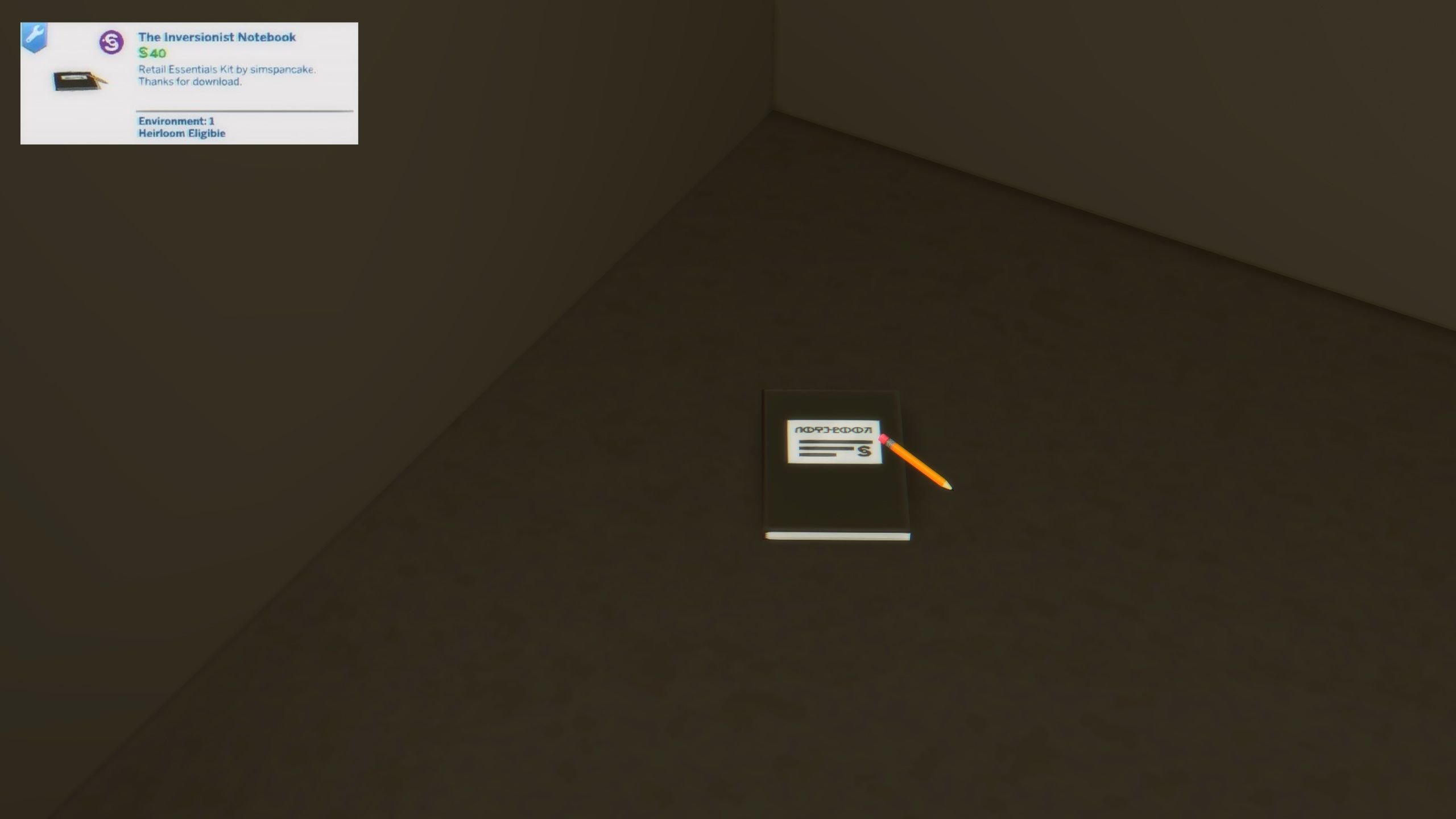
The Inversionist Notebook (14 Swatches)
The Overrides

Bassinet Changes

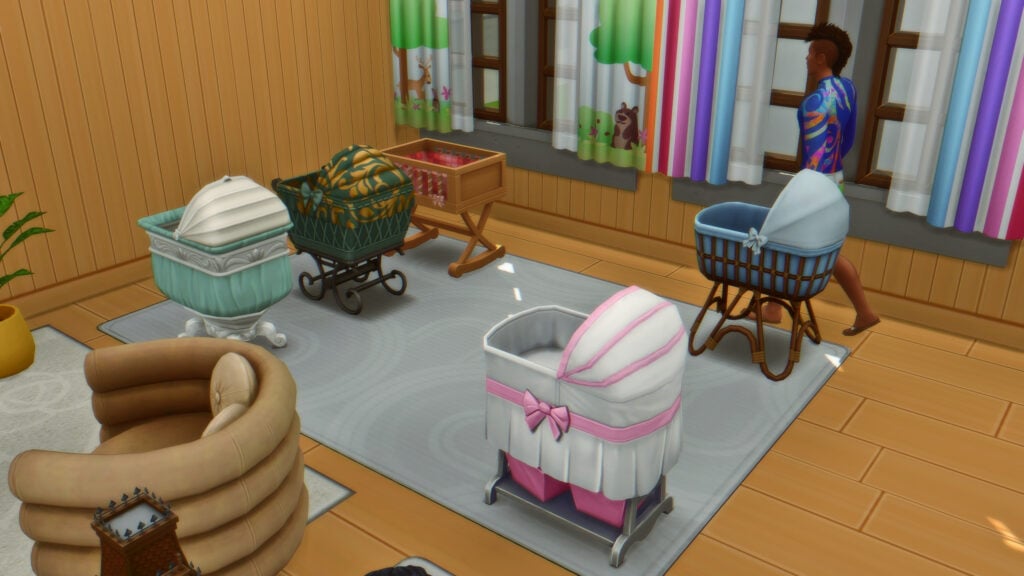
In The Sims 4 Retail Essentials CC Set Overrides folder, Simspancake adjusted the bassinets in-game very slightly. They can be sold on small business lots because they have been adjusted to go directly into your Sim’s personal inventory, rather than only being locked to the Household Inventory.

Sell More Furniture

With Sims 4 Businesses and Hobbies, businesses and their functions were primarily limited to items you could craft (but not all craftables), services your sim can provide, activities for sims to partake in, and classes for your sims to teach. With these override files, more categories of items can be sold from the base game and multiple DLC. Excluding bassinets, these include coffee tables, end tables, bookcases, and dining tables from these packs…

  • Get To Work
  • Get Together
  • City Living
  • Cats & Dogs
  • Seasons
  • Get Famous
  • Island Living
  • Discover University
  • Eco Lifestyle
  • Snowy Escape
  • Cottage Living
  • Growing Together
  • Lovestruck
  • Life & Death
  • Businesses & Hobbies
  • Outdoor Retreat
  • Dine Out
  • Vampires
  • Parenthood
  • Jungle Adventure
  • Strangerville
  • Dream Home Decorator
  • My Wedding Stories
  • Werewolves

As noted by Simspancake on the download page, these are the packs they currently own excluding any kits and stuff packs, so this may change in the future.

Crafted Item Overrides

With the overrides for crafting stations and their respective craftable items, the Woodworking Table, Fabrication Station, and Robotics Station received overrides so their recipes can be sold in stores too. This allows your sims to sell their Base Game Wood Statues, their Discover University Servos, their Eco Lifestyle furniture fabrications, and so much more.

New Business Ideas

With these overrides, I tested a few different functional businesses and all of them functioned well within the Small Business system from Sims 4 Businesses and Hobbies. These in no way encompass everything that is possible with The Sims 4 Retail Essentials CC Set by Simspancake, but its just a few ideas I threw together.

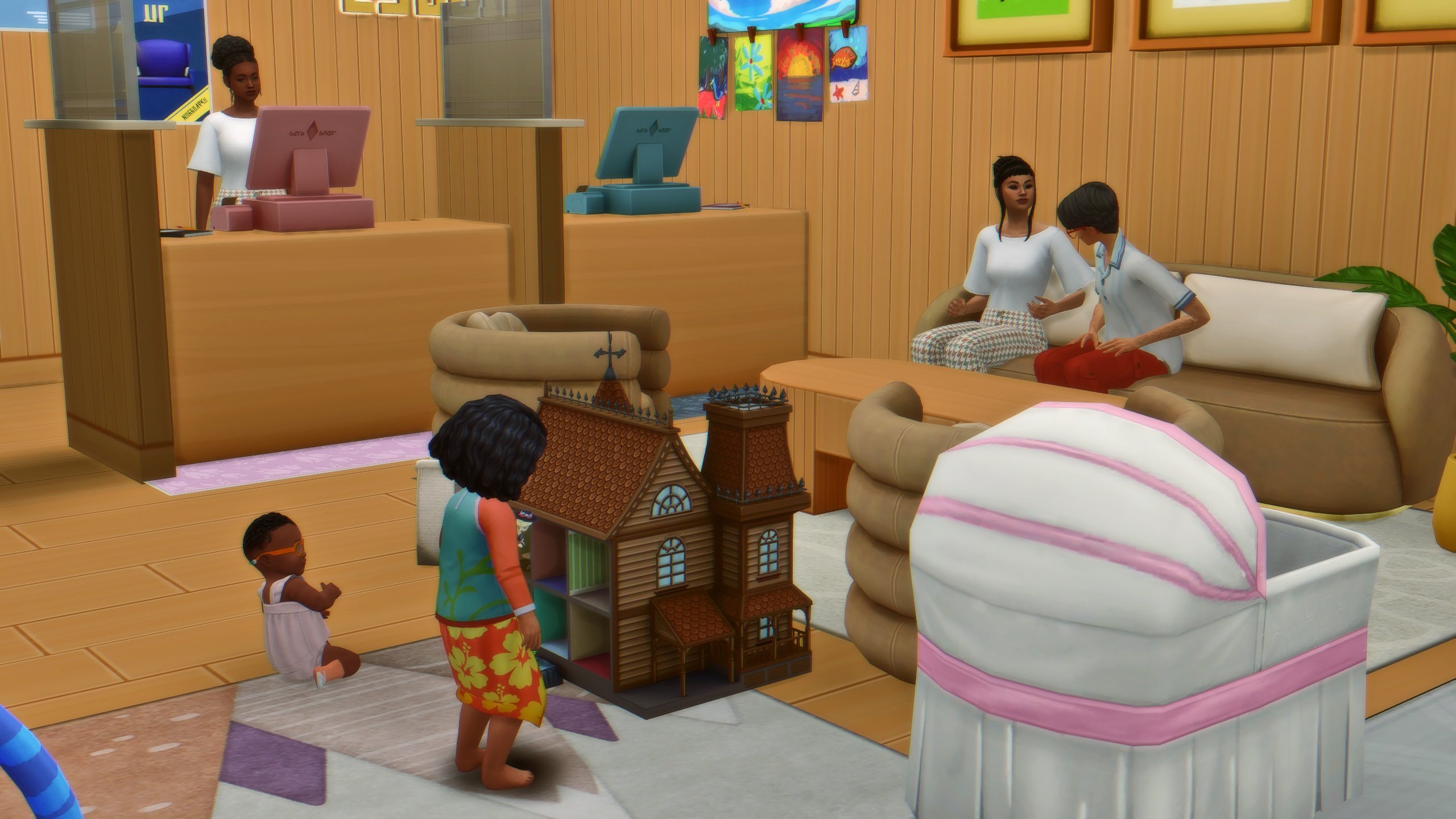
Baby Supply and Furniture Store

Using the invisible and wooden furniture displays, I was able to set up a store that sells Blarffy Toys, Cribs, Bassinets, and small toys. I set the target customer as young adult through elder, and an additional target of infants and toddlers with their caregivers. This brought in multiple parents to shop, and they set their children down to play with the dollhouse that wasn’t for sale. Mixing the wood paneling and floors with a base game children’s wallpaper, the store felt bright, cheery, and inviting.
Servos and Robotics Store

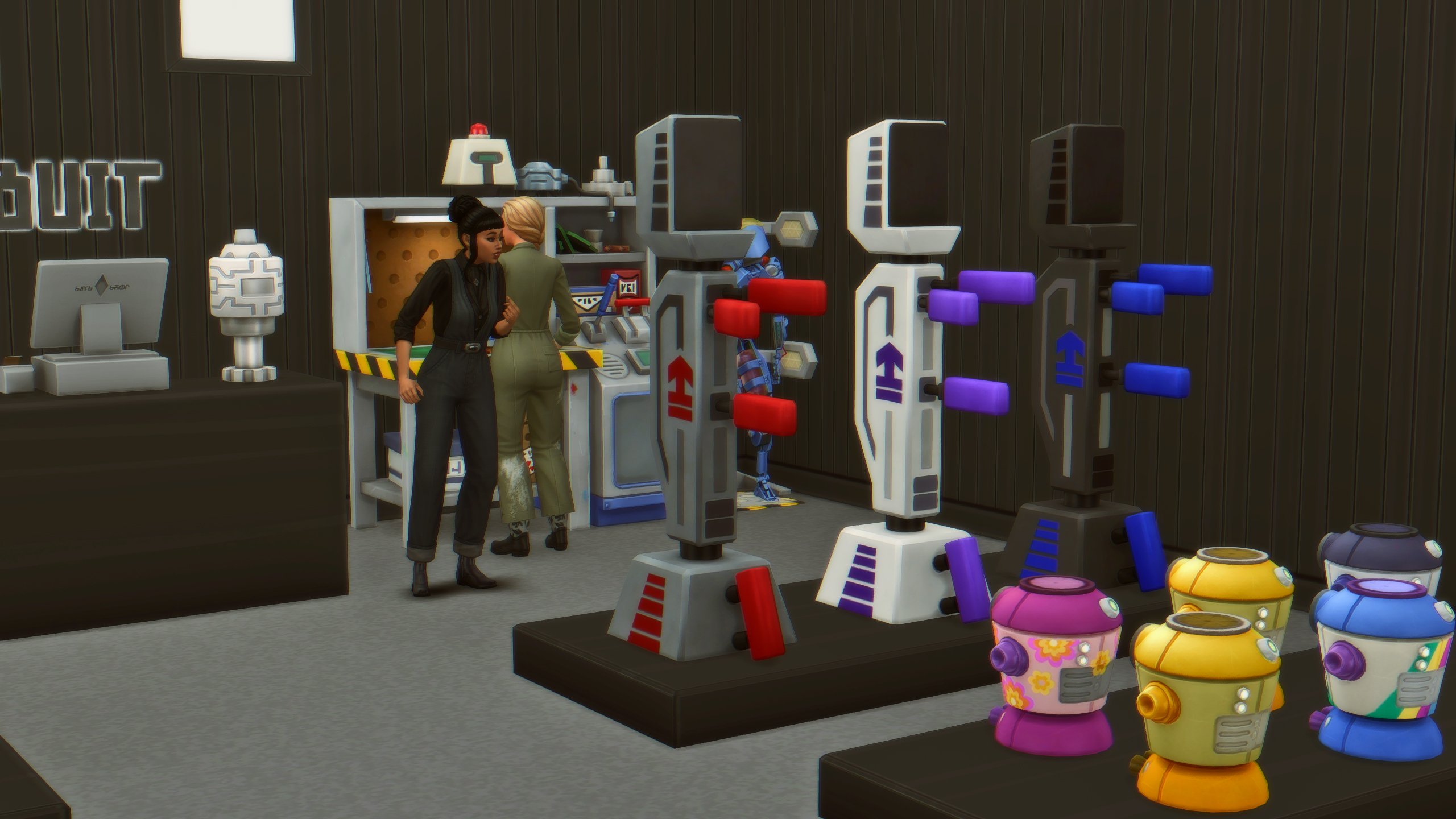
With the wooden furniture displays in the black swatch, I was able to create a modern and simplistic look for a Robotics store. This gives an entire new career path to the robotics skill from Discover University, and a new form of income instead of just selling directly from your sim’s personal inventory or their robotics station.
Cottage Living Chicken and Crops Stall

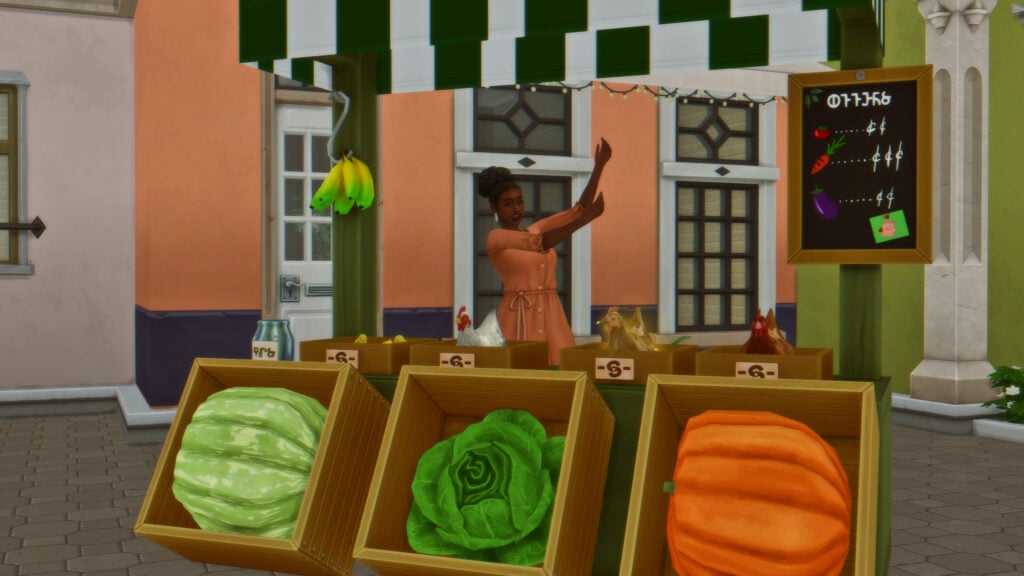
This one was very fun because it functions similarly to the stalls from multiple DLC (Jungle Adventures, Home Chef Hustle, City Living, etc.) but it allowed your sim to place their oversized crops, food craftables, and even chickens to sell. The chickens nestle down and roost in the boxes, while chicks do their standard idle animations when placed.
FarmerStall

Do you have any other ideas for new small businesses that can be created with The Sims 4 Retail Essentials CC Set by Simspancake? Follow The Sims Community for more CC Set reviews and guides!
The Sims 4 Better Simology Panel Mod Review

4

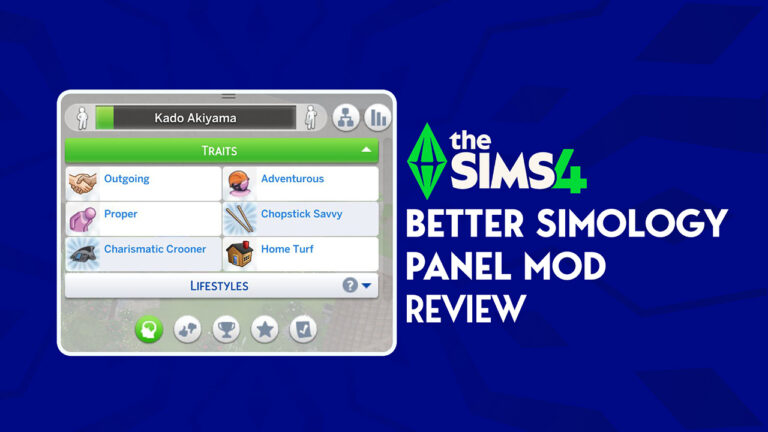
Hey Simmers! If you are anything like myself, the Simology Panel in The Sims 4 can get really overwhelming. Especially considering all of the pre-existing expansion packs that are out there for The Sims 4. We might have found the best possible solution, and it comes from for Community’s very own SimMattically, a Sims 4 Custom Content (CC) Creator. Below are some images of the original UI for the Simology Panel for The Sims 4.

Today, we are going to cover The Sims 4 Custom Content Creator (CC) SimMatically’s brand new The Sims 4 Better Simology Panel Mod. We are going jump into this wonderful Mod together, get my initial thoughts, and break down how awesome this Mod is for everybody.

For reference, please check out this article on how to download CC/Mods for The Sims 4.

Overview + First Thoughts

When I first opened my game, I pressed Y for the Simology Panel, and this is exactly how it looks when I open my game:

1 2

It has five different pages to click through; including Personality, Preferences, Accomplishments & Growth, Public Standing, and Neighborhood Action Plans.

I really love how SimMattically decided to give The Sims 4 Better Simology Panel Mod five different panels, instead of doing 2-3 panels. This is a very well-thought-out design, and clearly, SimMatically truly had us Simmers in mind to be able to do this.

This entire Mod began with a simple tweet,

I think the fact that SimMattically took it upon himself to ask the players first and his followers show a lot of respect for the Sims Community.

Personality Panel

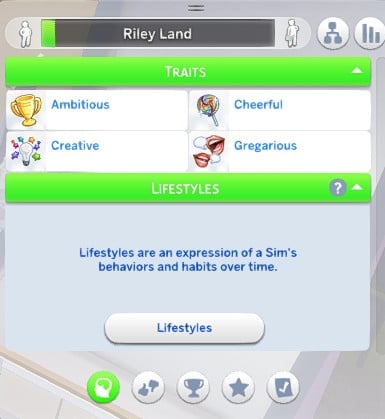
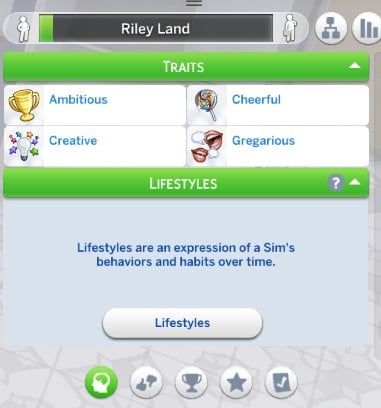
The Personality panel includes two categories; Traits and Lifestyles. The traits panel shows your Sims’ traits, and as you can see, I only have the four main traits:

personality panel

I believe that organizing the traits and lifestyles categories under the broader umbrella of personality as a very smart idea and thoughtful decision. These two subjects naturally complement one another, as both contribute to shaping a character’s overall identity, behavior, and worldview. By grouping them together, it becomes easier to create a more cohesive and intuitive system for understanding and designing your Sims’ personalities. This approach not only enhances clarity but also encourages a deeper understanding of how your Sim operates.

Preferences Panel

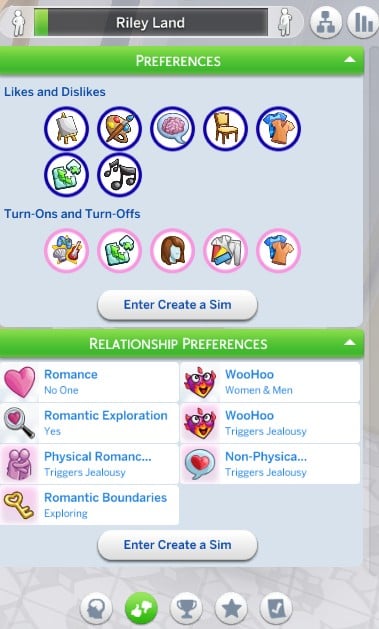
The Preferences Panel is in The Sims 4 Better Simology Panel Mod noticeably longer than the Personality Panel and divided into two distinct sections.

Screenshot 2

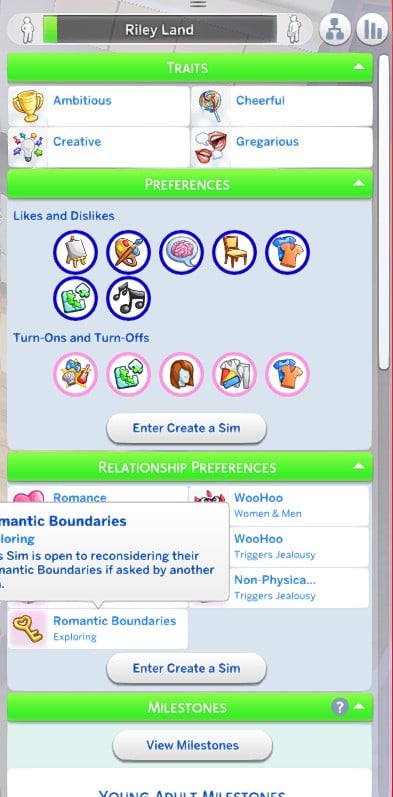
The first section, labeled “Preferences,” covers your sims likes and dislikes, ranging from favorite colors and music to preferred activities or decor styles. This is followed by a second section “Turn Ons and Turn Offs”, which allows for a more detailed look into your Sim’s romantic and physical inclinations. At the bottom of this panel, you’ll also find an “Enter Create a Sim” (CAS) button, giving you a convenient shortcut to jump back into CAS for further customization.

Following the Preferences panel is the “Relationship Preferences” category. This section delves deeper into your Sim’s approach to romantic dynamics, such as how they respond to jealousy or emotional exclusivity. It allows for more nuanced storytelling in how Sims interact in their relationships. Like the previous panel, this one also includes an “Enter Create a Sim” button for easy access to additional edits.

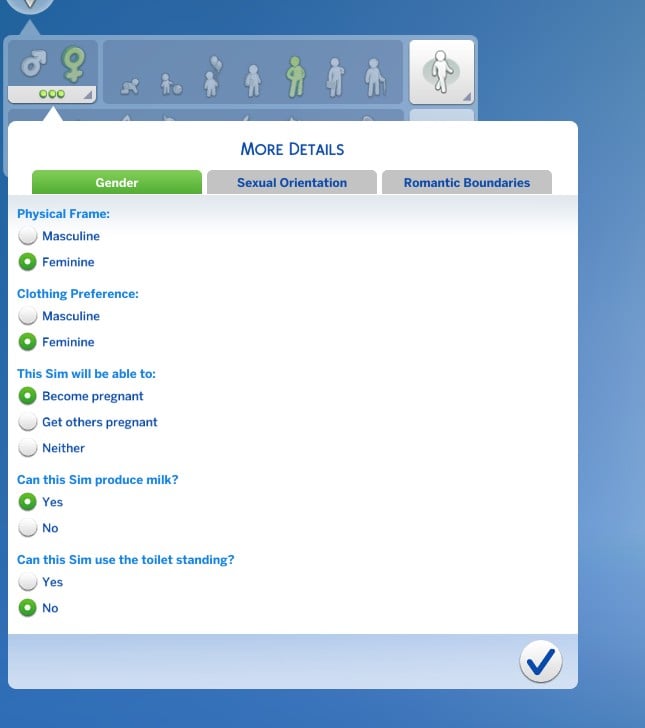
I tested the “Enter Create a Sim” button to see how it functions, and it seamlessly loaded me directly into the “More Details” tab within CAS. This made it incredibly convenient to make quick adjustments without having to navigate through the entire interface. From there, I was able to quickly modify my Sim’s Turn Ons and Turn Offs, making the process feel smooth and intuitive.

Screenshot 3

Accomplishments and Growth Panel

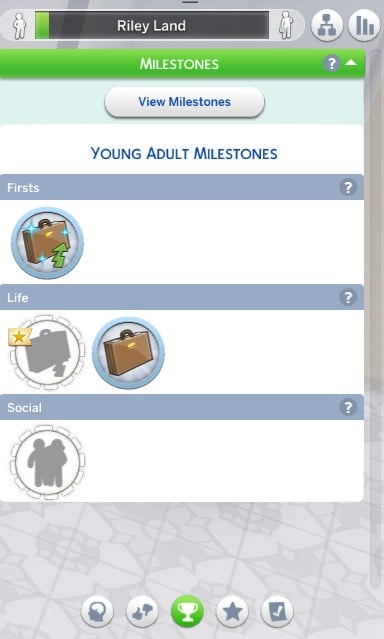
When I first opened the “Accomplishments and Growth” Panel, I immediately felt a sense of refreshment and clarity. Everything is so neatly organized under a single category called “Milestones”, which makes the panel feel cohesive and purposeful. Within this category, milestones are divided into three subgroups: “Firsts,” “Life,” and “Social.” Each subgroup highlights key moments in a Sim’s life journey, from important personal achievements to major life events and meaningful social connections.

Screenshot 4

Despite being contained in just one category, the Milestones section is impressively comprehensive. Its extended length actually works in its favor, allowing for a more immersive experience without overwhelming the player. The layout is clean and thoughtfully arranged, and it strikes a perfect balance between both informative and engaging, which adds real depth to your Sim’s life and progression.

Public Standing Panel

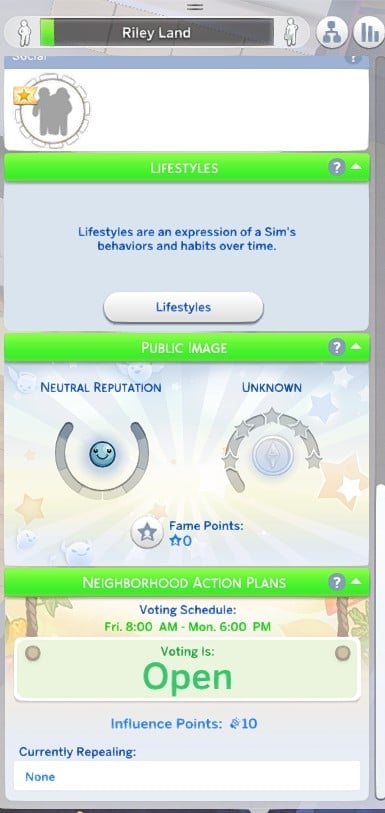
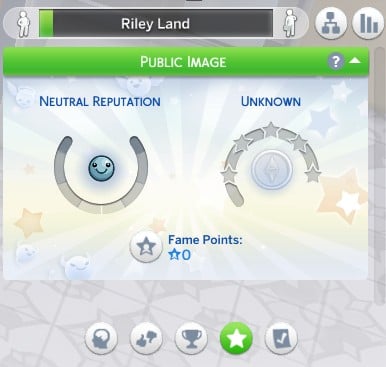
The “Public Standing” panel is very simple and easy to navigate. It centers around the “Public Image” category, which gives a snapshot of your Sim’s reputation and fame level. Reputation can fall into one of three general types—neutral, good, or bad—depending on how your Sim behaves and interacts with others in the world.

Screenshot 5

Right below that, there’s the classic 5-star celebrity scale that shows how famous your Sim is, starting from a total nobody all the way up to a global icon. It’s a quick way to track your Sim’s rise to fame. You’ll also see Fame Points here, which can be spent on perks to help shape your Sim’s celebrity lifestyle. While this panel isn’t as detailed as some of the others, it does a solid job of covering the basics of fame and reputation without feeling cluttered.

Neighborhood Action Plans Panel

The Neighborhood Action Plan panel is basically a tidied-up version of the original one from The Sims 4. It doesn’t add anything brand new, but the layout is cleaner and easier to navigate. You can quickly check the voting schedule, see how many influence points your Sim has, and keep track of which action plans they’re trying to repeal. I think the simplicity of this panel is really what makes this mod so charming!

Final Thoughts

Honestly, this Mod makes me so excited to play the game. The Sims 4 Better Simology Panel Mod cleans things up, and also completely rethinks how we think about our Sims. It pulls everything together in a way that finally makes sense, and you can tell it was designed with both clarity and this community in mind. Traits, preferences, milestones—it’s all so much easier to access, and it actually makes you want to dive deeper into your Sims’ stories.

What really impressed me is how even the more familiar sections, like the Public Standing and Neighborhood Action Plan panels, feel new again. What really stands out to me is how much more connected everything feels. As someone who’s been playing The Sims 4 for years, this mod genuinely changes how I will play with my Sims. It’s not just a nice update—it feels like the game got a fresh breath of air! Everything flows better, and suddenly I’m paying attention to parts of gameplay I used to gloss over. Sims 4 Better Simology Panel Mod is exactly the kind of change that quietly pulls you back in!

EXCLUSIVE: First Look at InZOI June 2025 Update Features

8

Get a first look into all the features coming this week to InZOI!

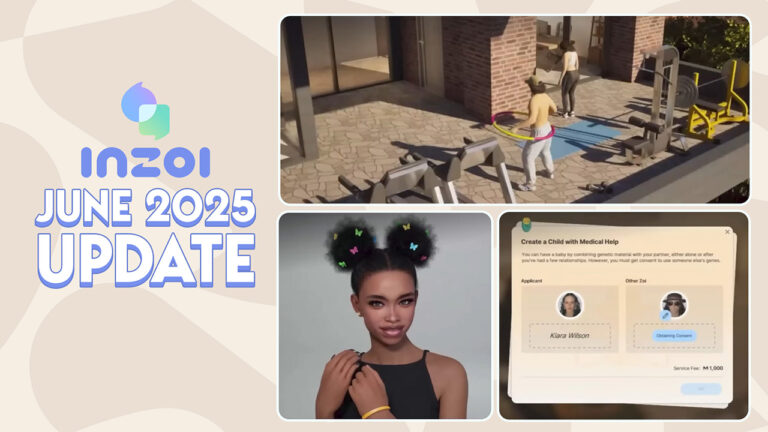
I’ve gotten a special opportunity to join Kjun’s private InZOI June 2025 Update Livestream where the developers showcased all the new features. Set to release through Steam on June 13th, 2025.

There’s plenty of features and improvements being made to InZOI. The long awaited ModKit is going to open up a world of possibilities for the new generation of InZOI CC and Mod creators. Create A Zoi is getting new items and clothing to help express your characters better. There’s 175 new Build Mode items across the catalogue of different room types. And last, but not least, Gameplay is getting improved with new Adoption Features, gift exchanges and events like visits from other Zois.

inzoi june 2025 update main features

Here’s everything you should expect in the upcoming InZOI June 2025 Update:

Primary Logo W

InZOI Partner Statement

This article was made possible thanks to Krafton‘s InZOI Partner Program. We received early access to the upcoming InZOI June 2025 Update and information. We are not being paid to say anything favorable (or non-favorable) towards this product. Only report factually correct information. No financial transaction was made for the purpose of publishing this article.


small icon highlight

First Look at InZOI June 2025 Update Features

1. ModKit

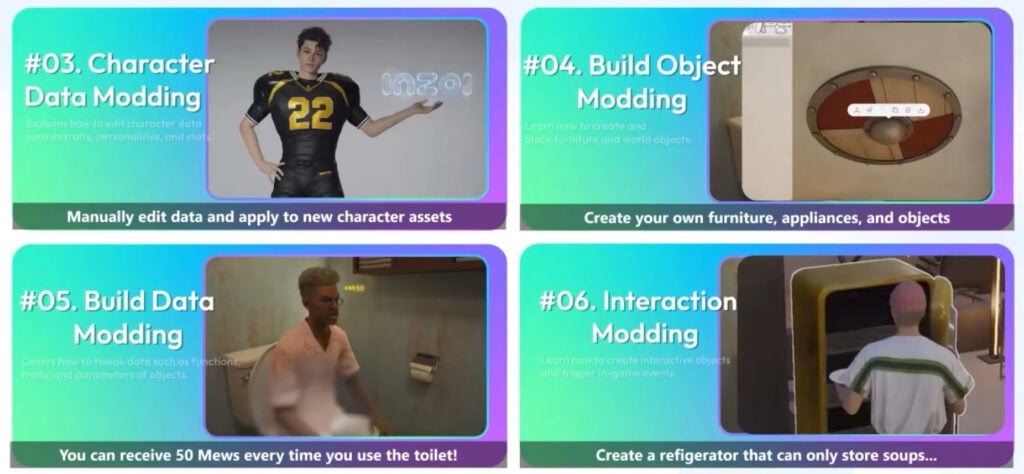
This update formally introduces the ModKit, allowing players to create and manage mods in inZOI. With this feature, Creators can now design custom outfits and furniture, and share them with the community.

inzoi june 2025 update modkit

2. Create A Zoi Additions

inzoi june 2025 update screen 2

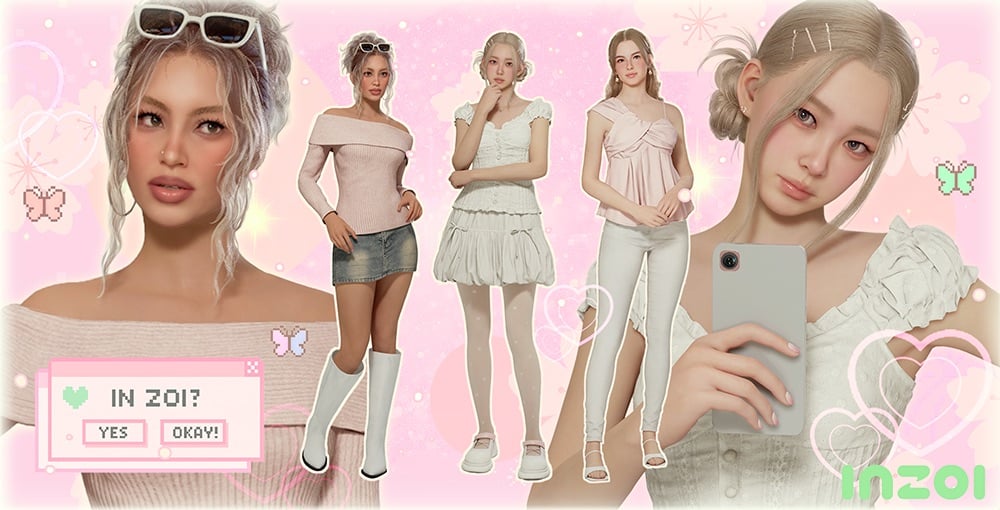
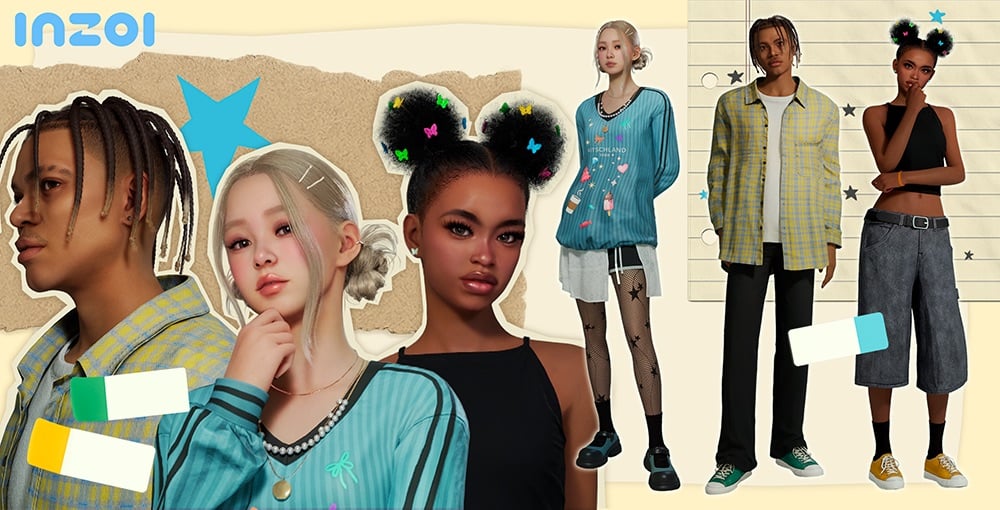
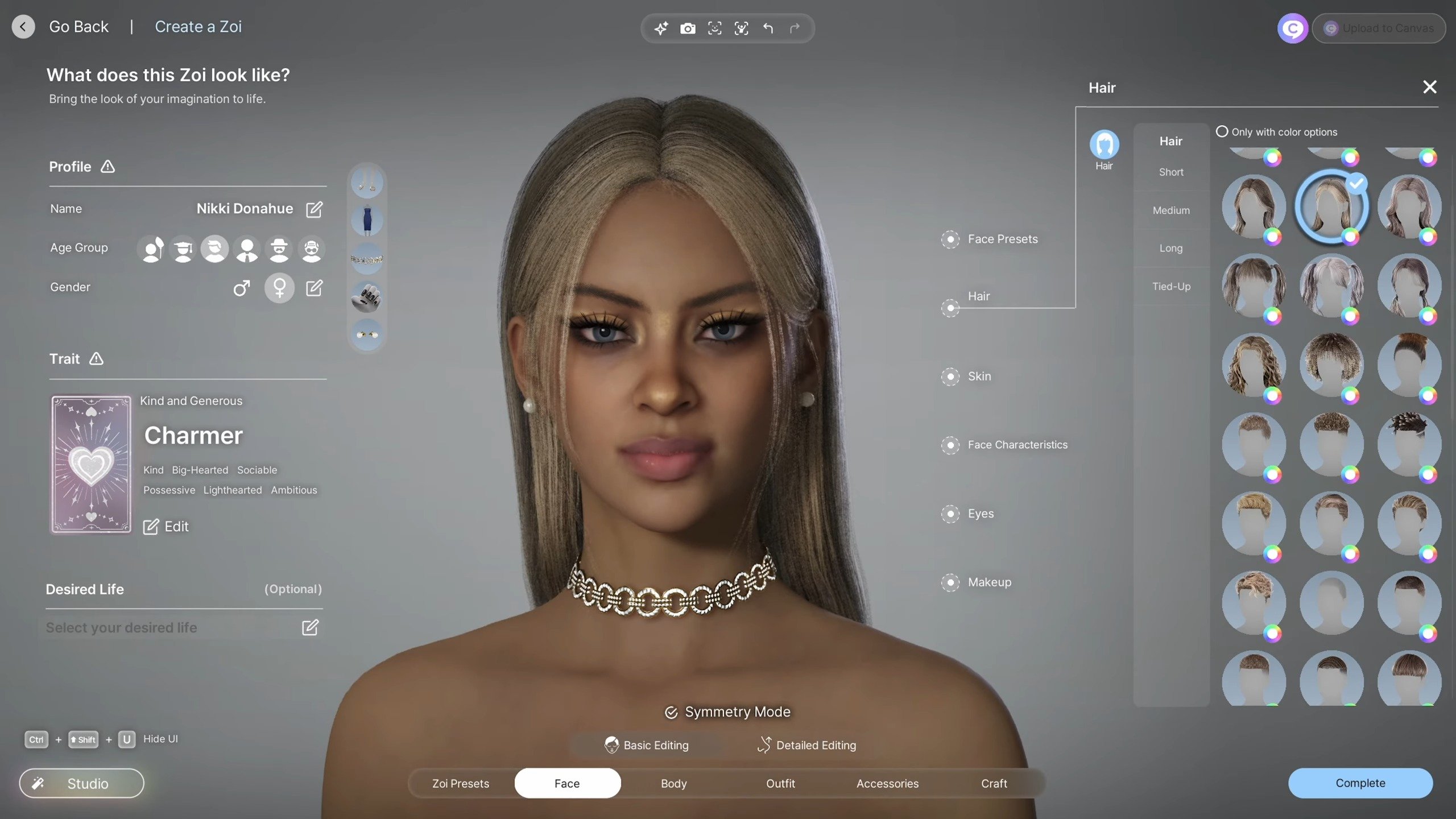
Updates have been made to character items, expanding the variety of available hairstyles. Over 20 new outfits have also been added, including entirely new outfit types such as overalls and boots, offering even more options for customization.

39 new items have been added.

  • Hair: 5 items
  • Tops: 4 items
  • Bottoms: 3 items
  • Outerwear: 1 item
  • Sets: 3 items
  • Shoes: 3 items
  • Socks and Stockings: 9 items
  • Accessories: 1 item
inzoi june 2025 update screen 3

Improvements have been made to certain features in the Character Studio, making them more precise. Previously, accessories like glasses, headpieces, and earrings could only be worn in fixed positions, sometimes causing them to overlap with other objects or be hidden. Now, you can freely adjust the size and position of these accessories, allowing for more detailed and flexible styling than ever before.

New Features

  • Edit Accessory Position: Allows free placement
  • Authors for Zoi Presets will always be displayed
  • Authors for My Textures downloaded from Canvas will be displayed in a tooltip
  • Traits and Desired Lives can now be randomly selected when creating a Zoi

3. Build Updates in InZOI

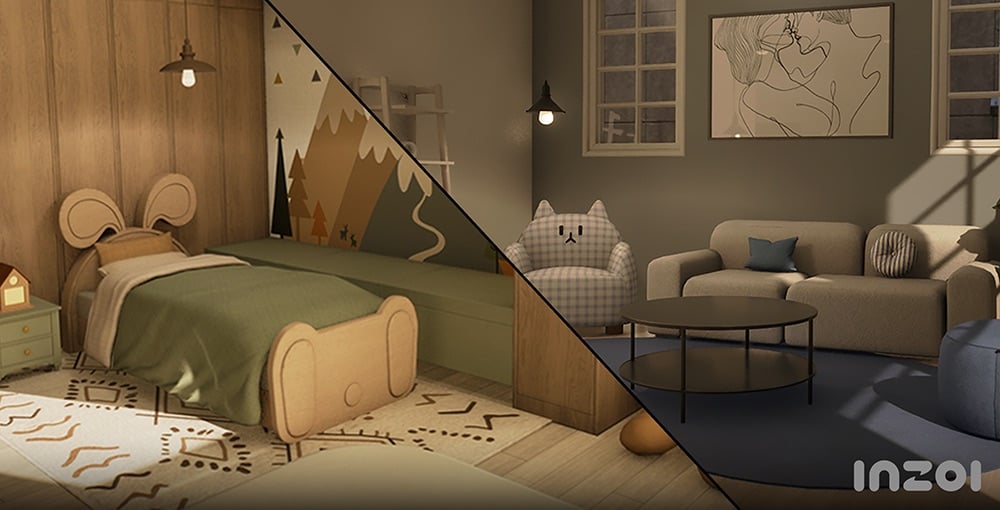
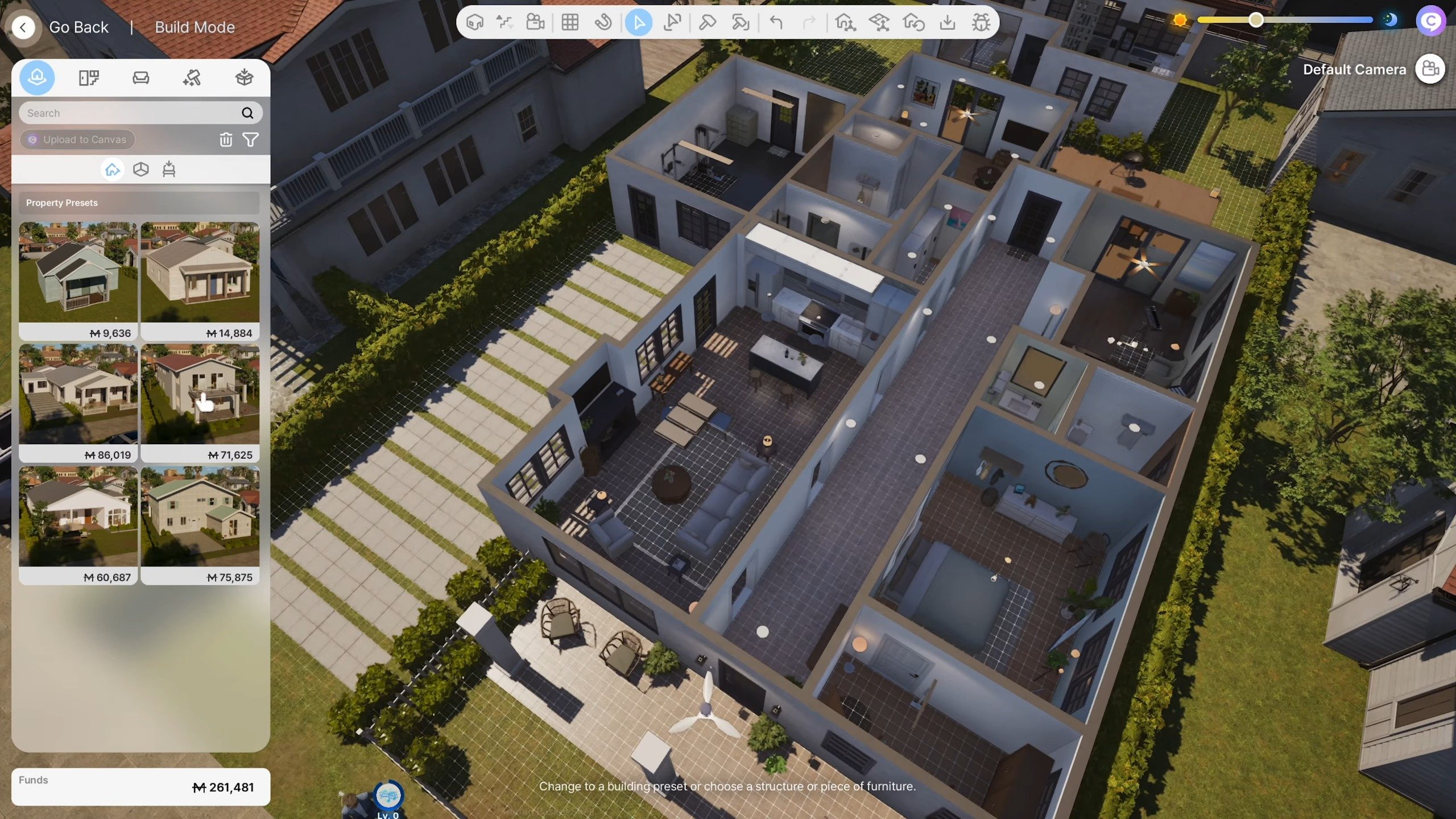
InZOI June 2025 Update in Build have been made to expand furniture categories that were previously limited in options.

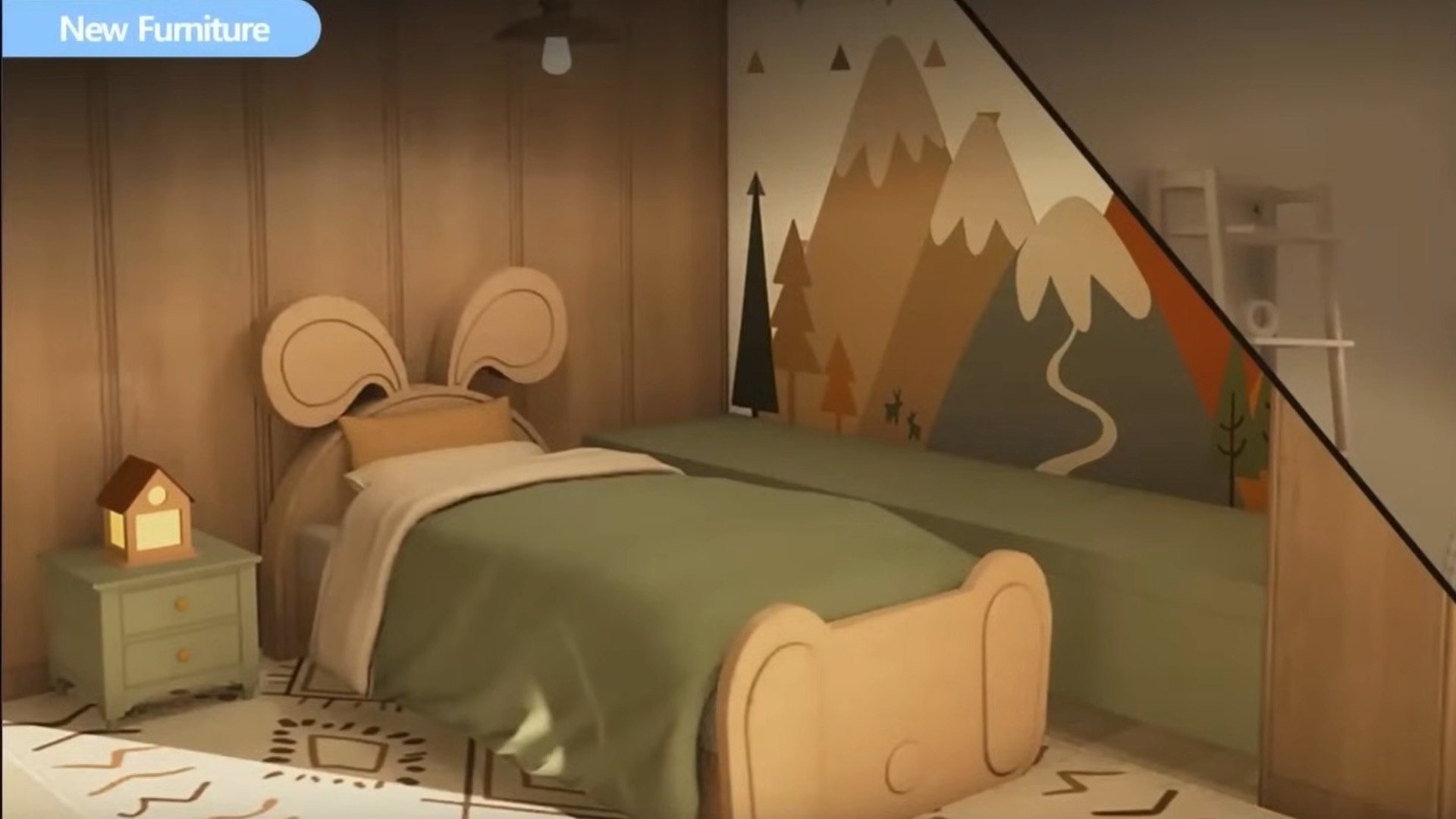
Practical additions that also allow for personal expression have been added, including single beds, kitchen furniture, various rugs and lighting, and baby and children’s furniture.

Unique items like barred windows and flashlights have also been added, making it easier to create themed settings and more visually diverse environments.

inzoi june 2025 update screen 4

175 new items have been added.

  • Architecture (Doors): 20 types
  • Bedroom: 14 types
  • Living Room: 5 types
  • Study: 4 types
  • Kitchen: 52 types
  • Bathroom: 2 types
  • Outdoor Space: 2 types
  • Others (Including Shelves, Lighting): 76 types

Updates and improvements to the building system have also been made to make building more convenient.

  • Auto Save: A feature has been added that automatically loads unsaved changes while making edits in Build Mode as a property preset if the game shuts down unexpectedly.
  • Improvements to Gizmo Usability: The position and shape of the roof gizmo have been adjusted to make editing eaves more intuitive.
  • Improvements to Editing Roofing and Shadow-Casting Lighting
  • Lights can now be placed on ceilings and under rooms above the first floor.
  • A new icon has been added in Build Mode that allows you to easily check settings for shadow-casting lighting.
  • Quality-of-Life Improvements to Camera Modes
  • When switching from Free Camera to Top View/Shoulder View, the viewpoint will now be adjusted automatically to prevent walls or objects from obstructing the view.
  •  The camera now defaults to the nearest floor level if there are no ceilings near its position, and can center its movement around a selected object. Additionally, camera rotation has been improved to move more naturally around its axis.
  • Improvements to Wall View
  • Wall-mounted objects (such as picture frames) will no longer remain visible when toggling between Wall View modes.

4. Gameplay

More Ways to Build Families and Relationships

Zois can build families and express their emotions in more varied and flexible ways. Added features like adoption, non-marital childbirth, teen romance, and new text interactions make relationships richer and more realistic.

New InZOI June 2025 Gameplay Features

Adopt A Child

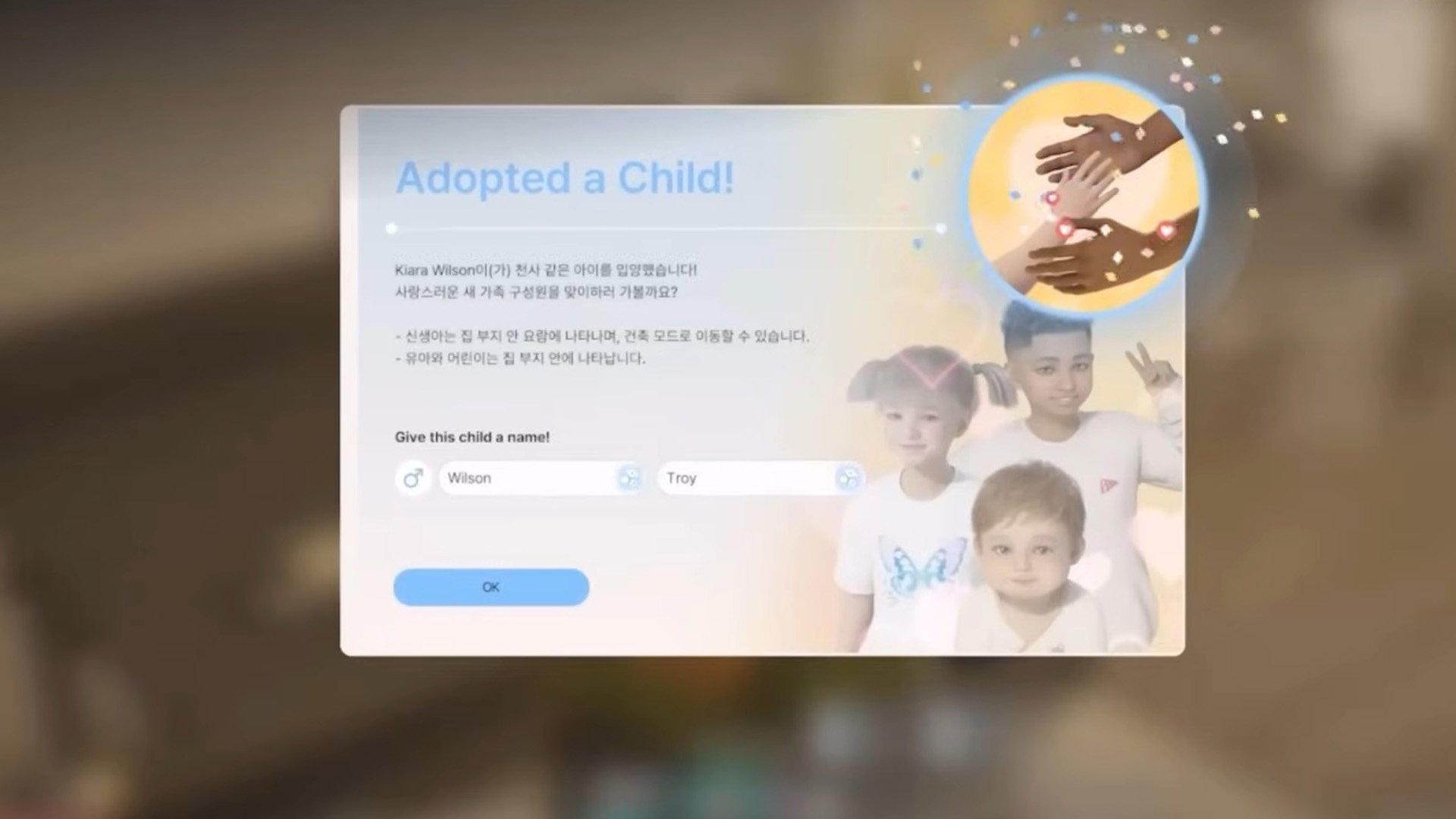
With this update, Zois can now welcome a child into their family without using the Make a Baby interaction through adoption. To use this feature, go to your computer or laptop to access the Adopt a Child menu. As long as they meet the age and property requirements, anybody can bring a new member into their family!

Create a Child with Medical Help

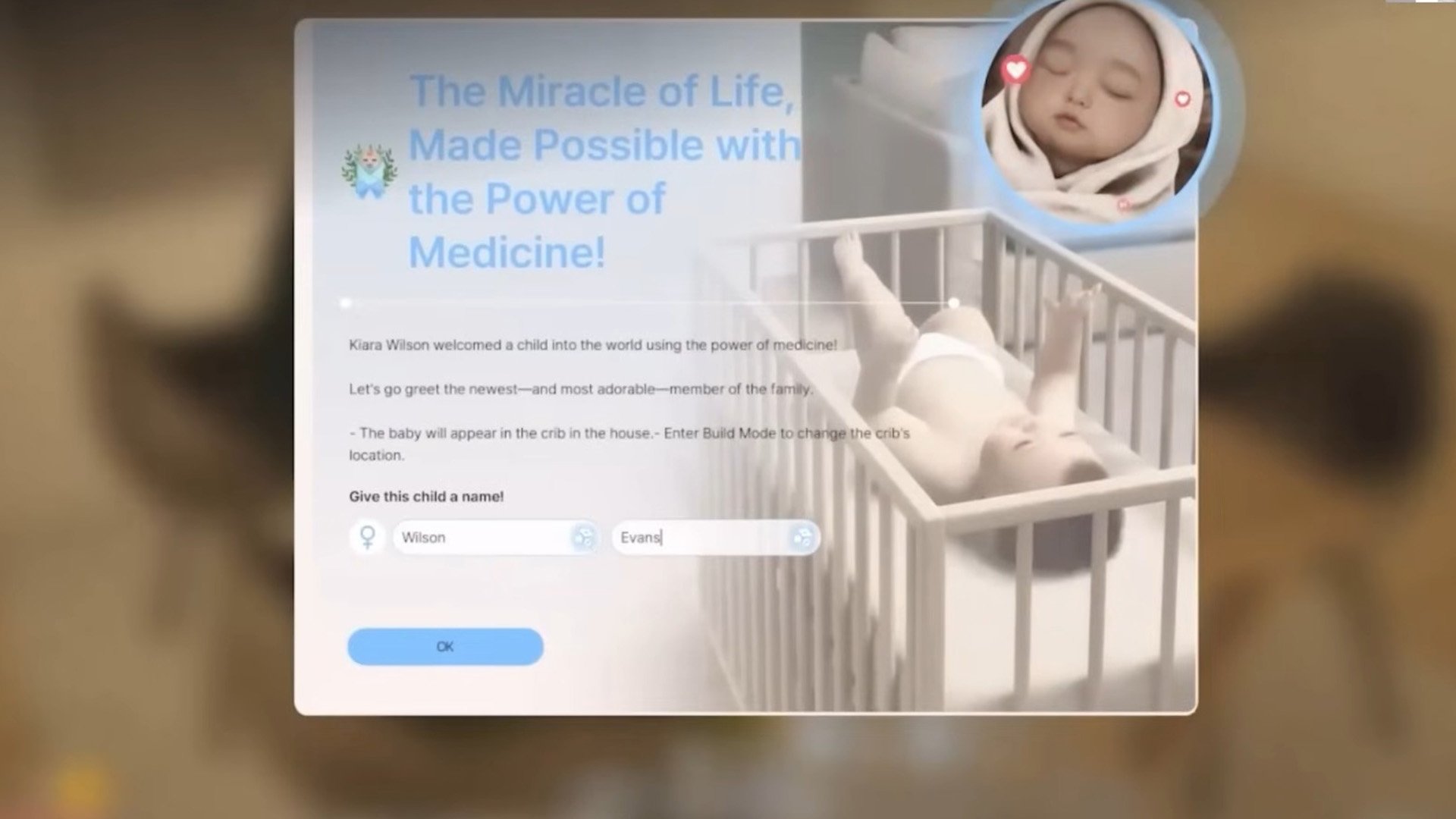
You can now use the Create a Child with Medical Help interaction on a computer or laptop to have a child with the help of science. The procedure costs 1,000 Mew, and the child will have your Zoi’s genetic traits. You can also choose to partner up with another Zoi for this procedure, resulting in a child that reflects both Zois’ traits.

Non-Marital Birth

To promote even more diverse kinds of families, Zois can now give birth without getting married.

Teenage Romance

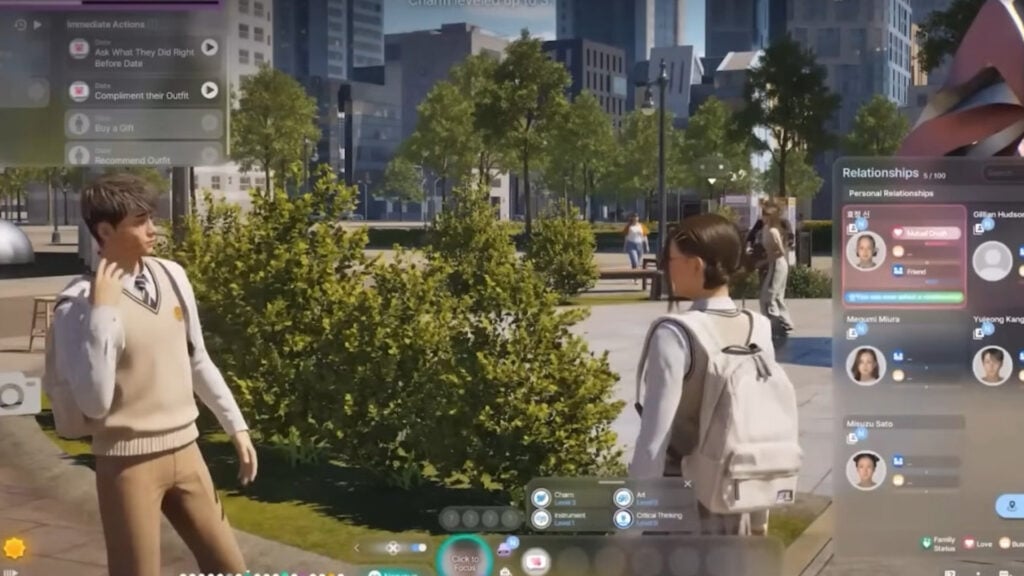
Teenager Zois can now enter romantic relationships. Look forward to shy conversations, sweet first dates, and awkwardly adorable interactions. Random choice card events, like receiving an anonymous love confession, may also occur. After school, you might even get the chance to unmask your secret admirer!

inzoi june 2025 update screen exclusive 4

Exchanging Gifts

Zois can now exchange items with each other. Depending on a Zoi’s personality and preferences, the same gift may be received in different ways. A variety of new giftable items are available on Pocket Market, and you can even withdraw cash from an ATM to gift money directly.

inzoi june 2025 update screen exclusive 5

Visits from Other Zois

Other Zois in the city can now make the first move to meet your Zoi. They might make plans for a meetup via text, or even show up unannounced at your doorstep. Be it longing, insecurity, or a simple whim of the heart, their reasons for visiting may vary. Whether the meeting ends with a heartwarming moment or a bittersweet goodbye depends entirely on how your Zoi responds.

Sending the First Text

You can now initiate a conversation by sending a text to any Zoi by using the Contacts app on your smartphone [P].

Responses will vary depending on the relationship between the two Zois and the recipient’s current emotional state. On a good day, you might get a friendly reply… but if the other Zoi is in a bad mood, expect the unexpected!

Improved Features

  • Romantic Relationships with Everyone! New settings have been added that allow Zois to express their gender identity and romantic attraction more freely. These settings can also now be adjusted at any time. Zois who align with your identity and romantic attraction will also appear in the overworld, setting the stage for potential relationships.
  • Relationship-Appropriate Conversations: When player Zois reach a certain level in their relationship, their conversations will change to better reflect that dynamic. For example, if a relationship between two Zois progresses from Mutual Crush to Sweetheart, the tone of their dynamic will become positive, increasing the likelihood of positive conversations between them.

What are your thoughts on the upcoming features coming with the InZOI June 2025 Update? Drop a comment down below and stay tuned on our website and socials for more exclusive updates on InZOI!

The Sims 4 Enchanted by Nature: First Teaser Trailer

The full premiere is set for June 12th, 2025! Take a first look.

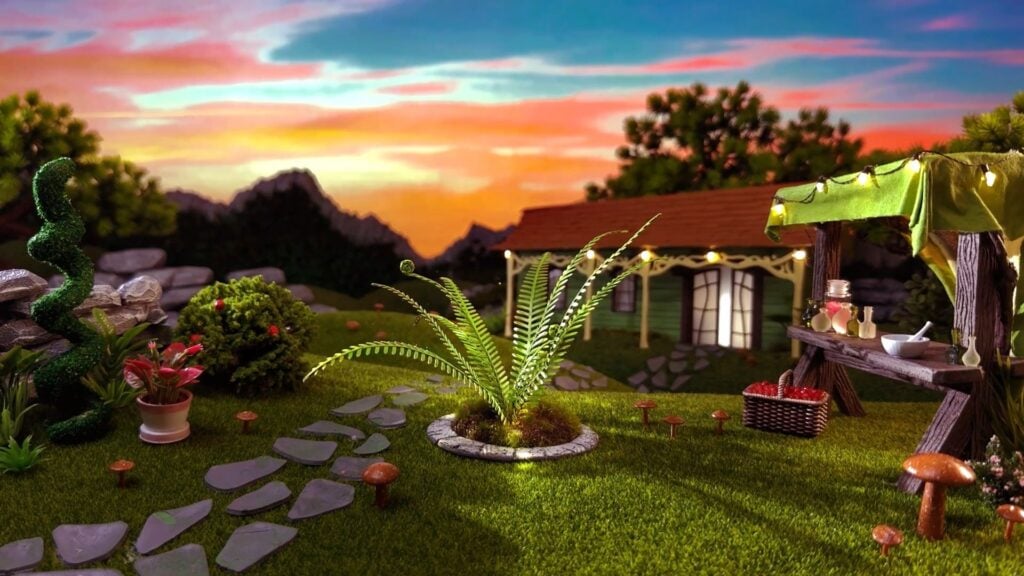
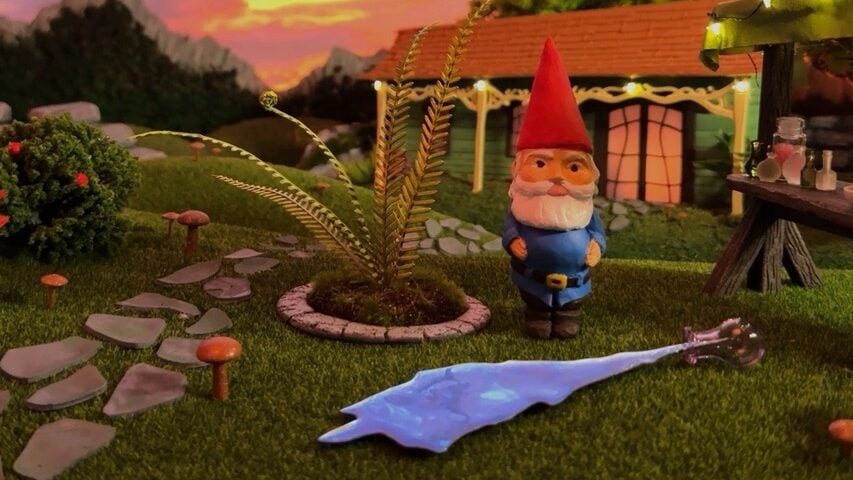
EA and Maxis have just released the first The Sims 4 Enchanted by Nature Teaser Trailer. Hyping up the community for the full reveal trailer set for June 12th, 2025! The first teaser already includes some important new frames like the relaxing waterfalls, not so menacing gnomes and the wondrous tree.

the sims 4 enchanted by nature teaser screen 4

Let’s see what’s included in the first teaser:

The Sims 4 Enchanted by Nature Teaser

the sims 4 enchanted by nature teaser screen 1

The first frame of The Sims 4 Enchanted by Nature teaser slowly zooms into the night waterfalls. As the day sets in, we get a look at the new Gnomes.

The last new frame shows a tree with a glowing face, set in the new world of Innisgreen.

the sims 4 enchanted by nature teaser screen 3

You can check out the first Sims 4 Enchanted by Nature trailer in motion below:

Full Trailer Premiere

Don’t go anywhere just yet! The Sims Team has set the full premiere for The Sims 4 Enchanted by Nature Reveal Trailer on June 12th, 2025 at 4:58PM CET / 7:58AM PT. You can see the full trailer premiere time by clicking the play button below!


What are your thoughts on the latest Sims 4 Enchanted by Nature Teaser? Stay tuned on Sims Community to be the first to know when the new pack info drops!

The Sims 4 Dungeons and Dragons CC Showcase

I’ve decided to make my Sims 4 characters become my adventurers in a Sims 4 game of Dungeons and Dragons (D&D or DnD).

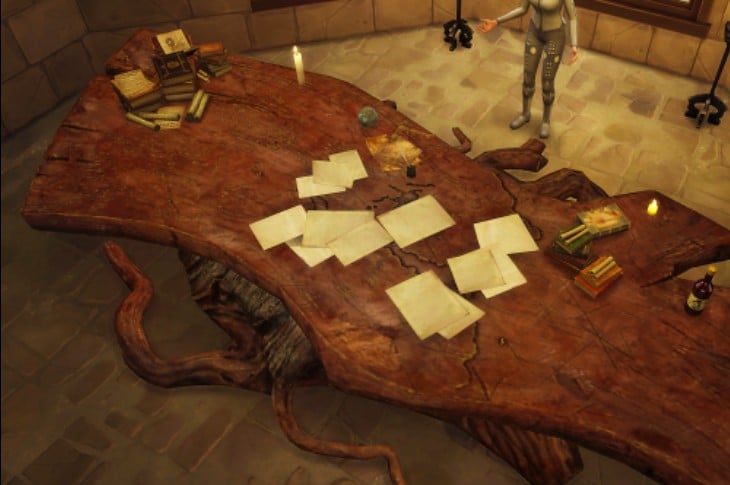
I am a wicked Dungeon Master. I enjoy planning tricks and traps and dungeon maps for players and it only bothers me if they DON’T fall into them. Sometimes I have to make them go back over the same place in the map a few (dozen) times. It’s a lot of work being a Dungeon Master.

06 05 25 11 52 38 PM

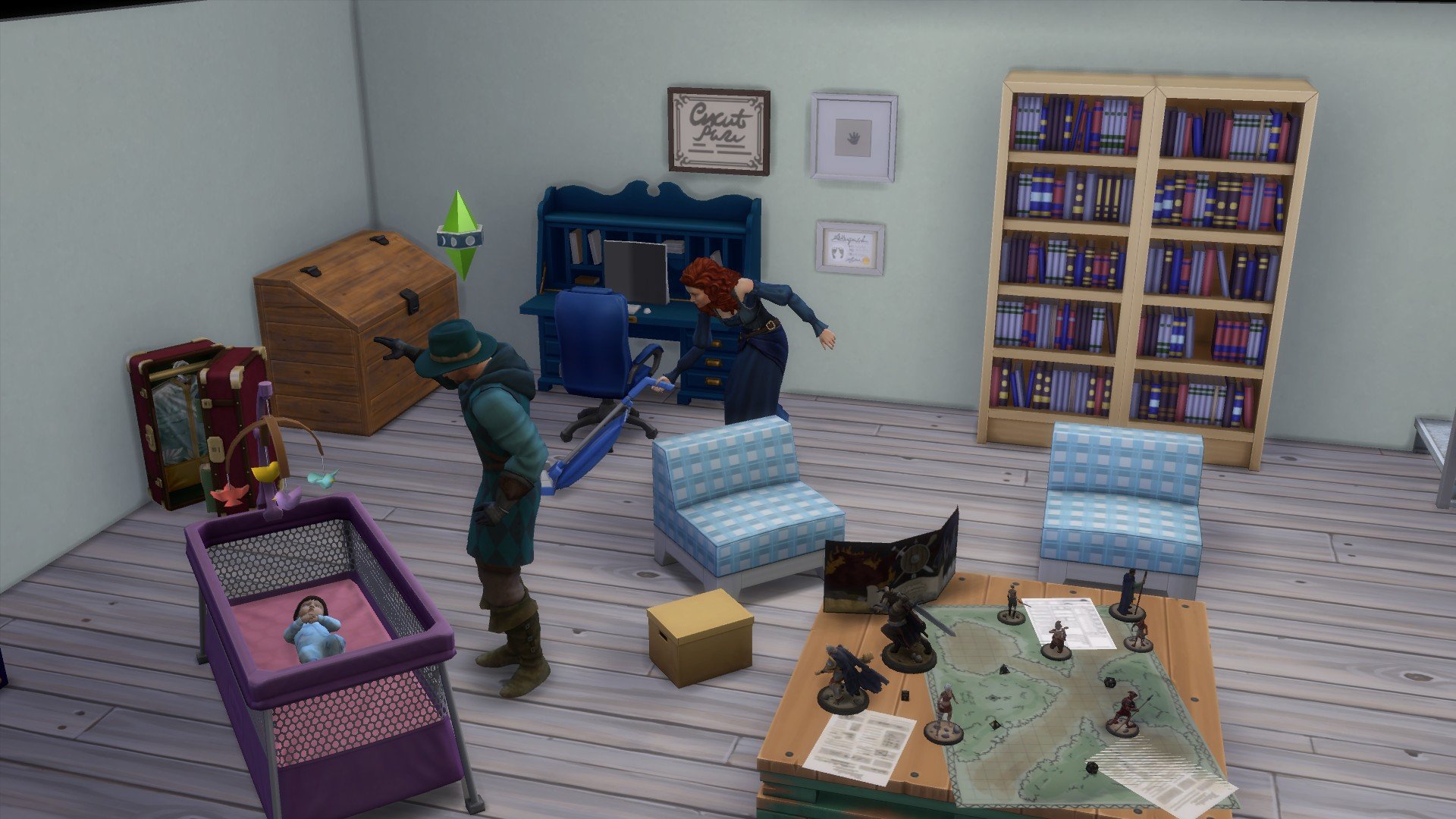
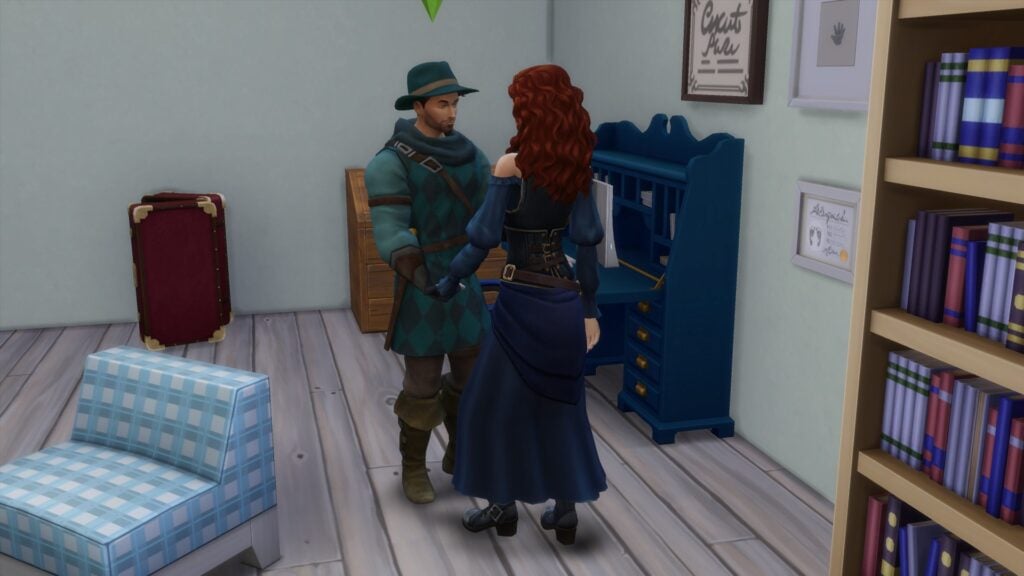
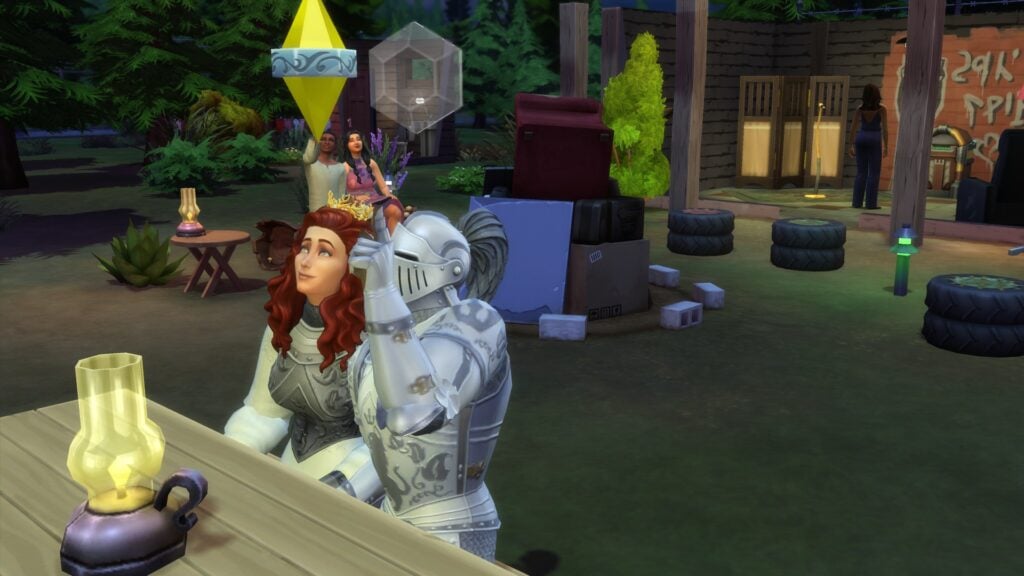
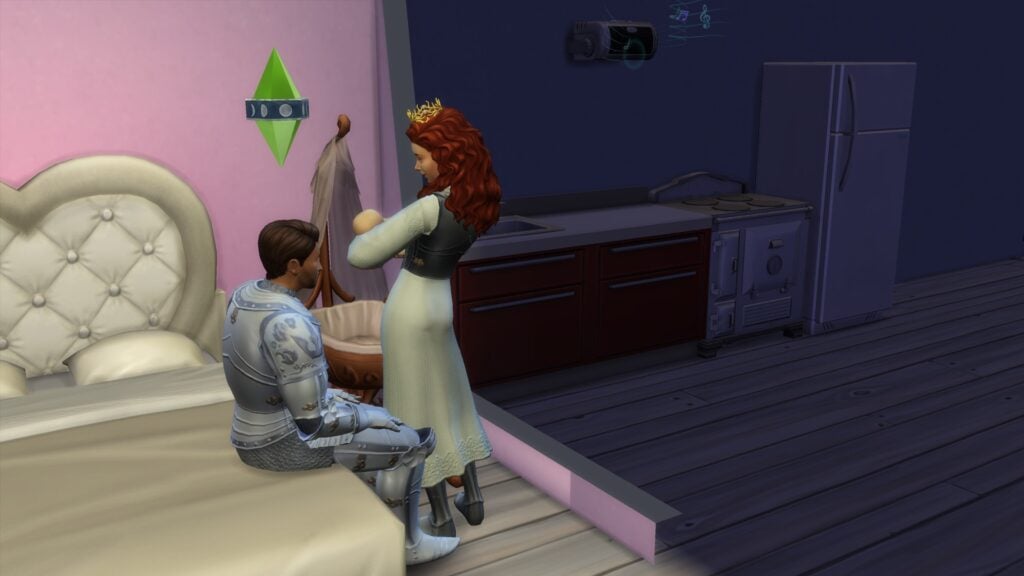
This is the Ancient Queen, Boudicca Adventurer, Witch (spellcaster) and her Consort, Howard Adventurer, werewolf. Boudicca and Howard have just had a son, Oscar.

Once upon a time… there were only a few character classes to choose from. Originally there were about five: fighter, thief, monk, cleric, and bard. I liked to play the thief, even now I still play as a rogue which is a blend of thief, fighter, and cleric (sort of). I get to use poison, sneak around, and fight with a sword rather than fighting from afar like the ranger and cleric classes.

I’m Chaotic Neutral. I even bought the shirt. Not a T-shirt, a nice thick black (not my choice of colour) sweatshirt. Do you know your own DnD (aka Dungeons and Dragons and D&D) alignment? Try the alignment test. Then read about the alignments. Tests aren’t always right – read the descriptions and decide which alignment suits the real you. I mean… your DnD character.

I Found The Sims 4 Dungeons and Dragons CC

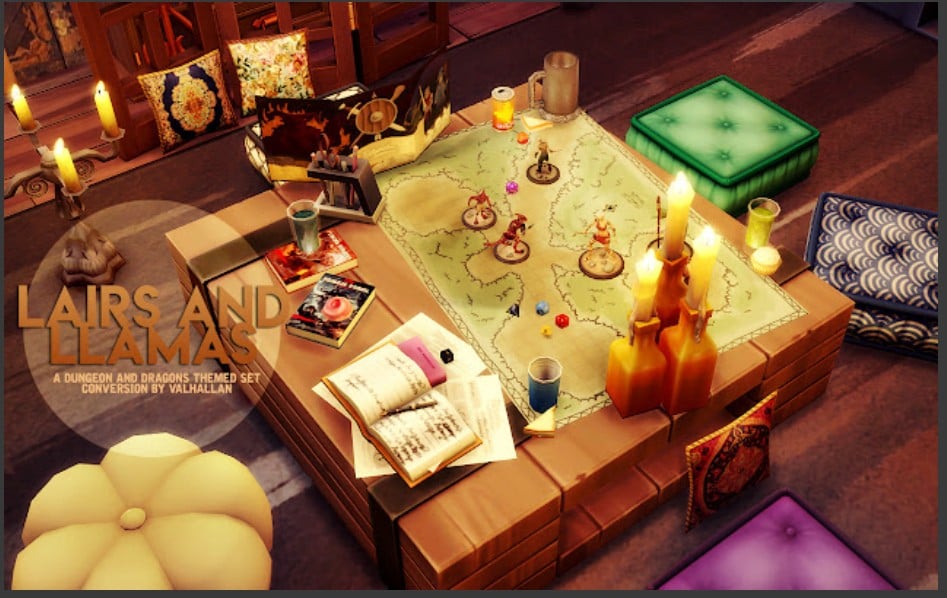
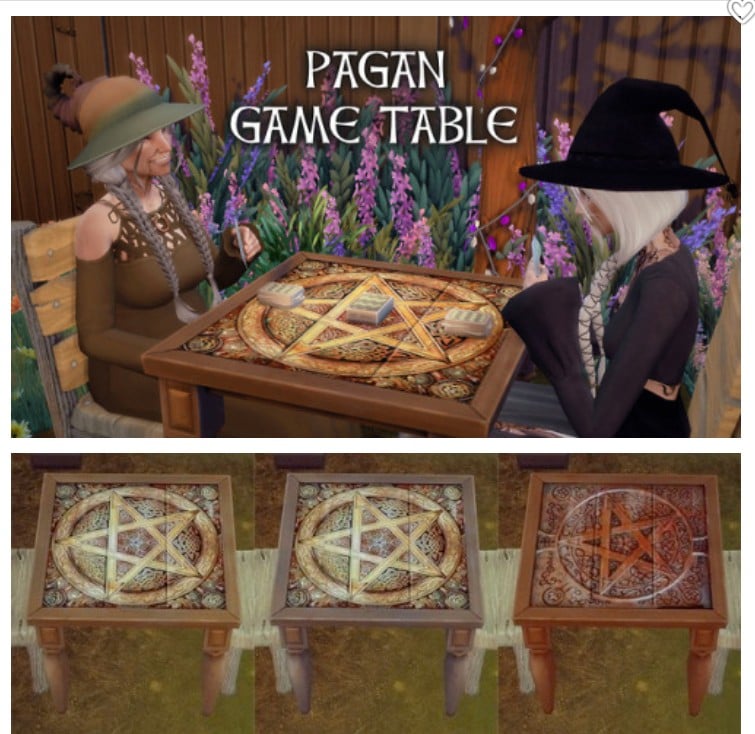
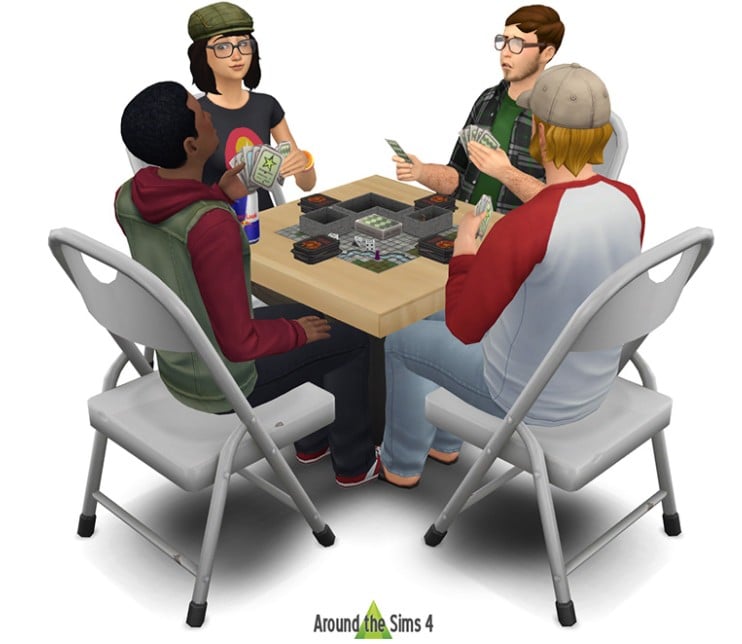
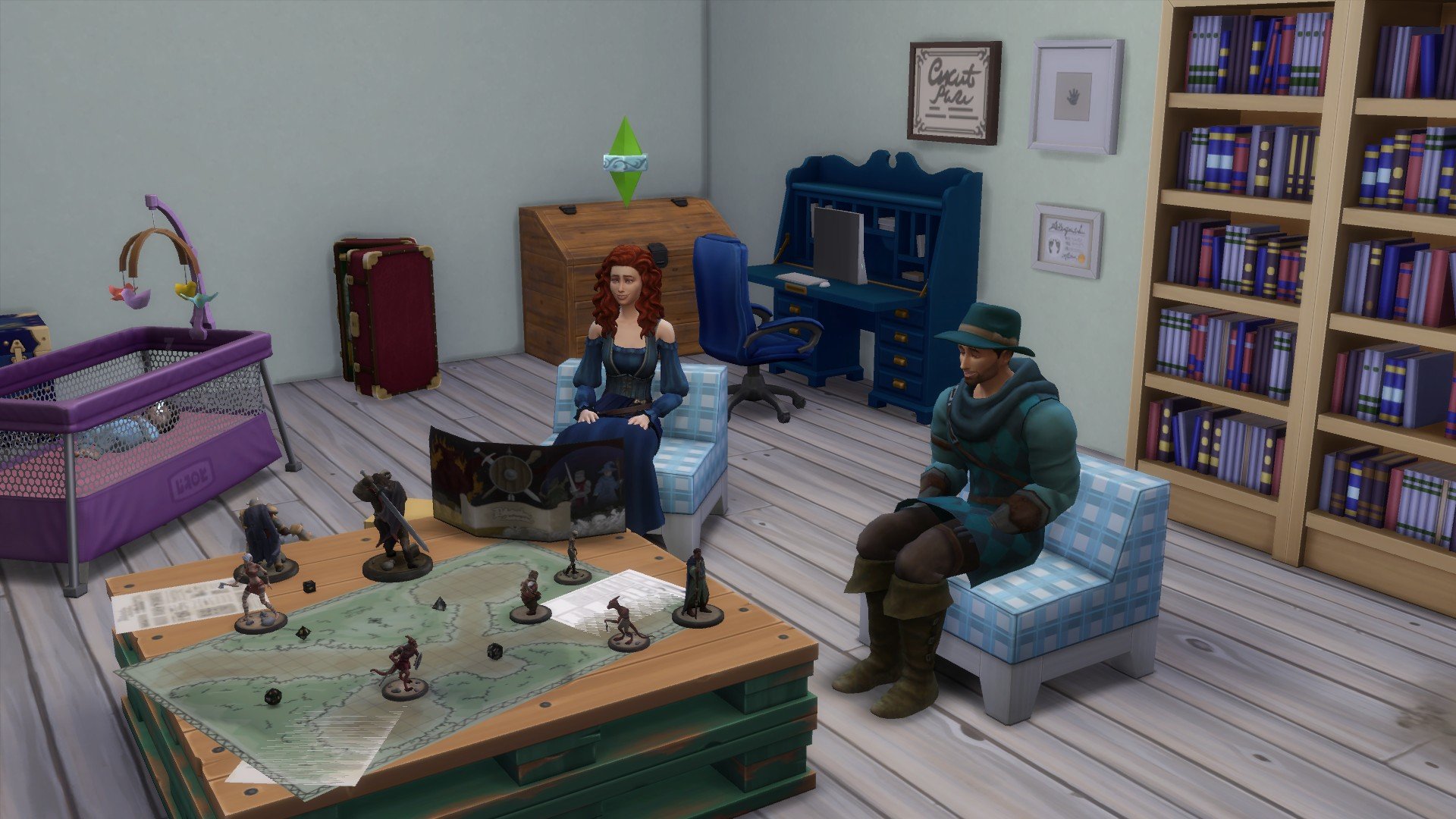
I did not find an actual functional board game for Sims to play together. But, with a mix of CC and ingenuity you can get pretty close. Meanwhile, you could build your own dungeon (see links below) and send your Sims to explore, fall into traps, fight off creatures, discover treasure. You, being the ultimate Sims Dungeon Master. Will your Sims survive?

Dungeon Building Sims 4 CC

Sims 4 Dungeons and Dragons Challenges

Continue watching the Dungeons and Dragons Challenge from RNBWgames: Episodes One and Two, on YouTube.

The Lookbook for Boudicca Adventurer

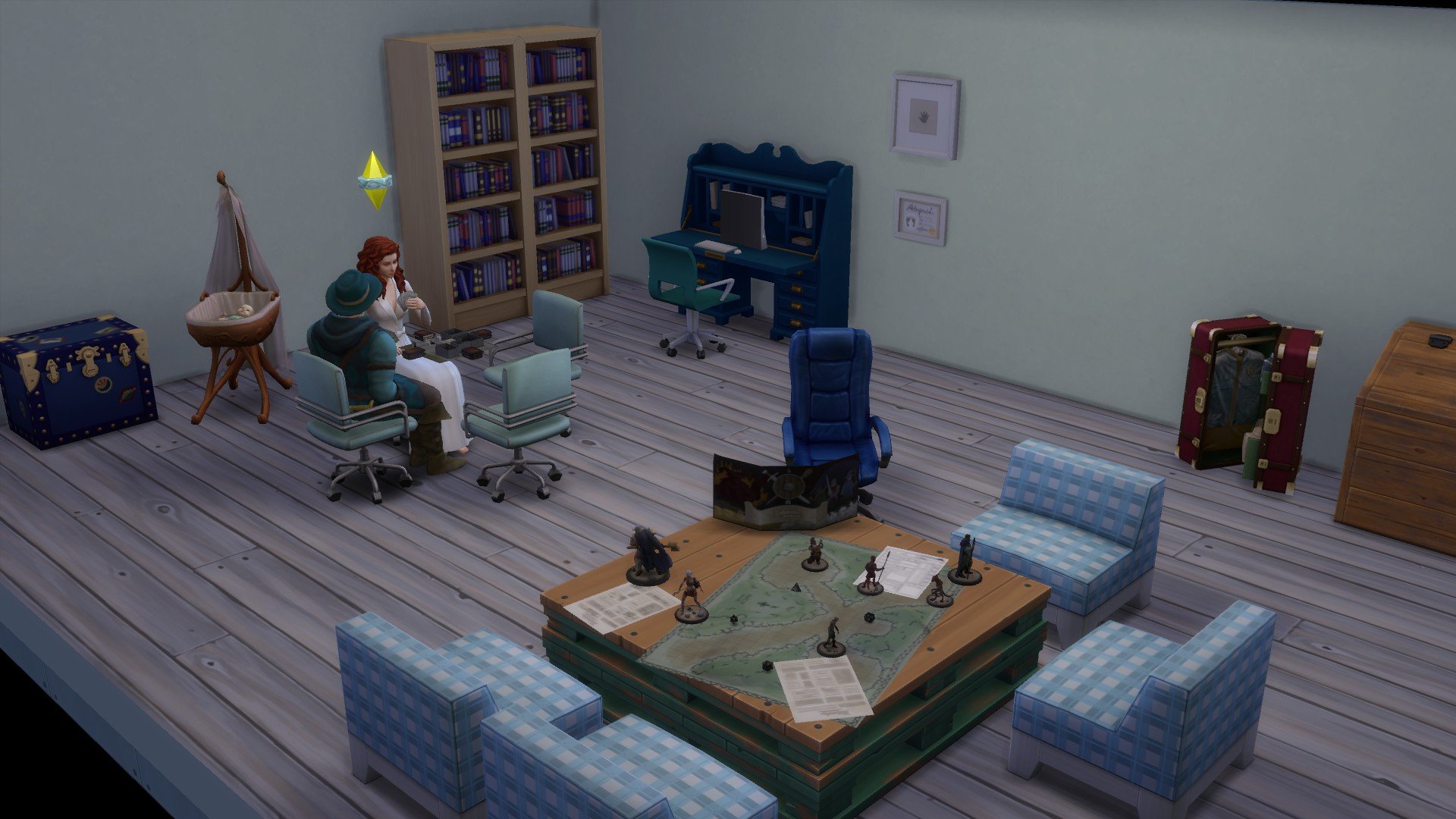
Boudicca is the Dungeon Master for their DnD group. Howard is not the easiest player to have around. Several DnD campaigns have ended suddenly with Howard’s rampages, running roughshod over everything and everyone before any treasure or secrets have been found. He is, however, great at falling into traps and blundering into big, strong monsters. Not an extremely useful skill.

06 09 25 4 30 19 AM
06 09 25 5 02 14 AM

Lately, since Oscar was born, Howard seems to be mellowing out a bit. They might even finish a campaign this time. If Oscar stays asleep long enough.

There are lots of clothing CC to find. Search for ‘Medieval’ or ‘Steampunk’ and you will have plenty to choose from. I’ve used my favourite finds so far. I made my own lot for these Sims but I found a Steampunk Dragon air ship lot which I’m going to try next. Somehow, its going to have a deep, dark dungeon in the cellars. I don’t know how an air ship has cellars… but it will.

Sims Adventurers Can Find Secret Locations to Explore

Did you know about the secret caves to explore in Sims 4? They’re not dungeons, but not bad as a solo adventure for your Sims. Will you be nice and guide your Sim through or lead them astray? You could even just leave them there awhile and make yourself a fresh coffee, maybe a snack. What’s the worst that can happen while you’re away?

Getting to Gnome You: A Relationship with Gnomes in the Sims 4

Are Sims getting more ways to interact with those pesky gnomes? You may have noticed changes to their relationship with Gnomes in a recent The Sims 4 update.

What we Know About Gnomes

Gnomes have a rich history throughout the Sims franchise of being mischievous little creatures who also have a helpful side. In the Sims 4, Gnomes are more than just mere decorations. Gnomes can repair broken items overnight through the Gnome Lot Trait and provide seasonal seeds on Holidays.

Relationship with Gnomes-Plead for Forgiveness

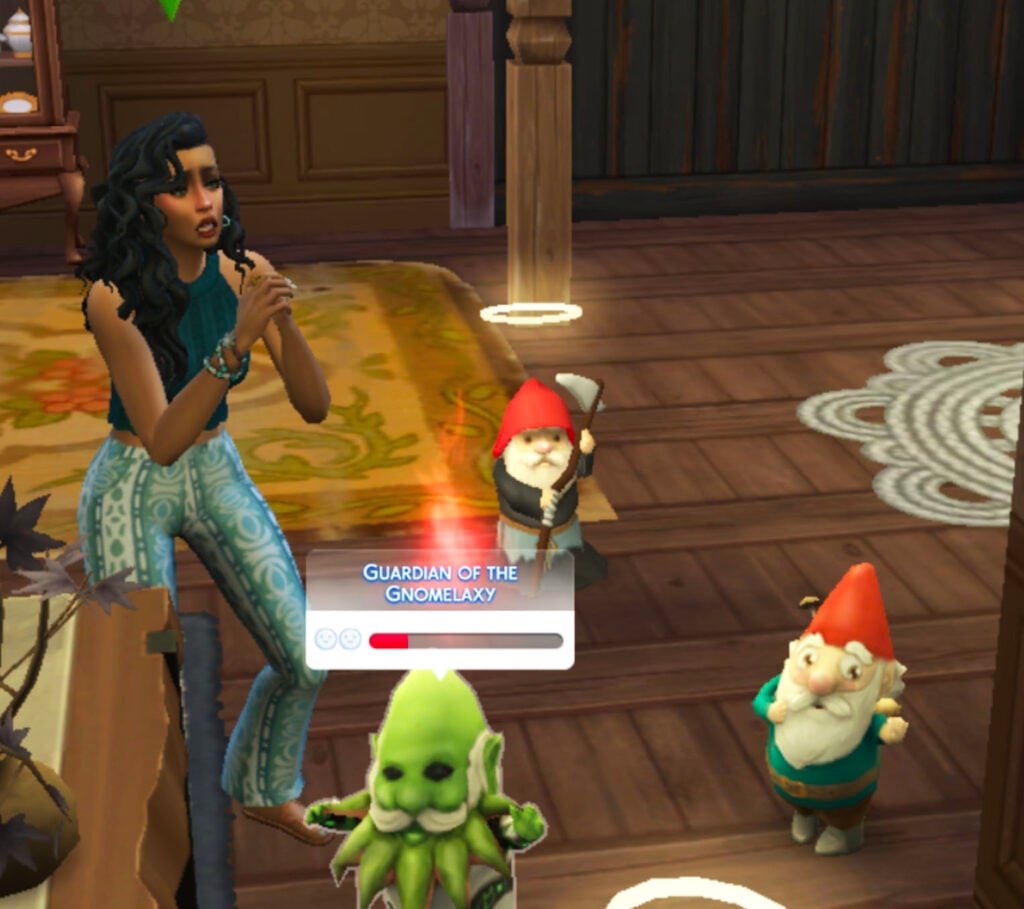
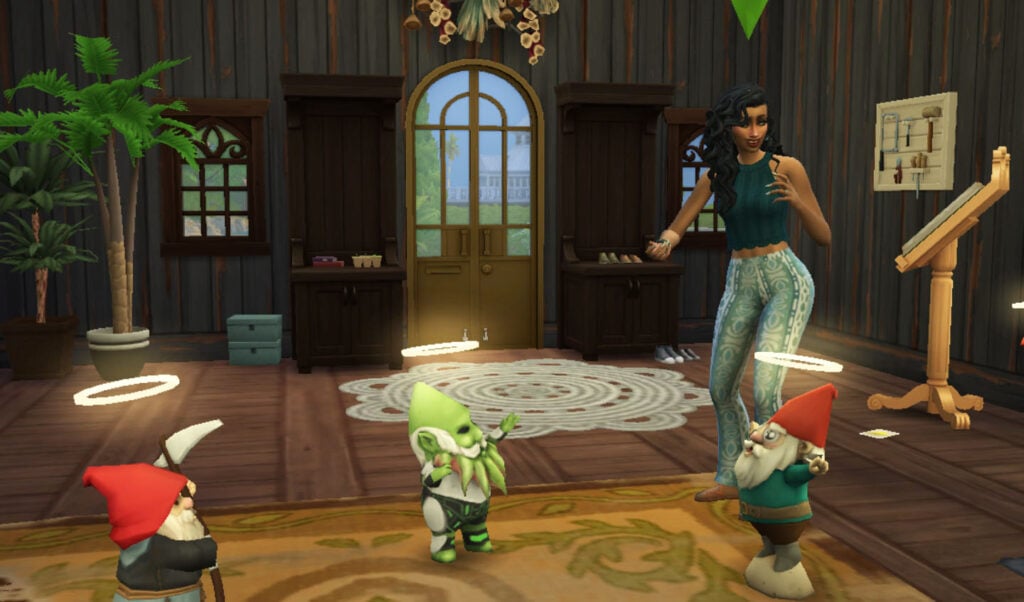
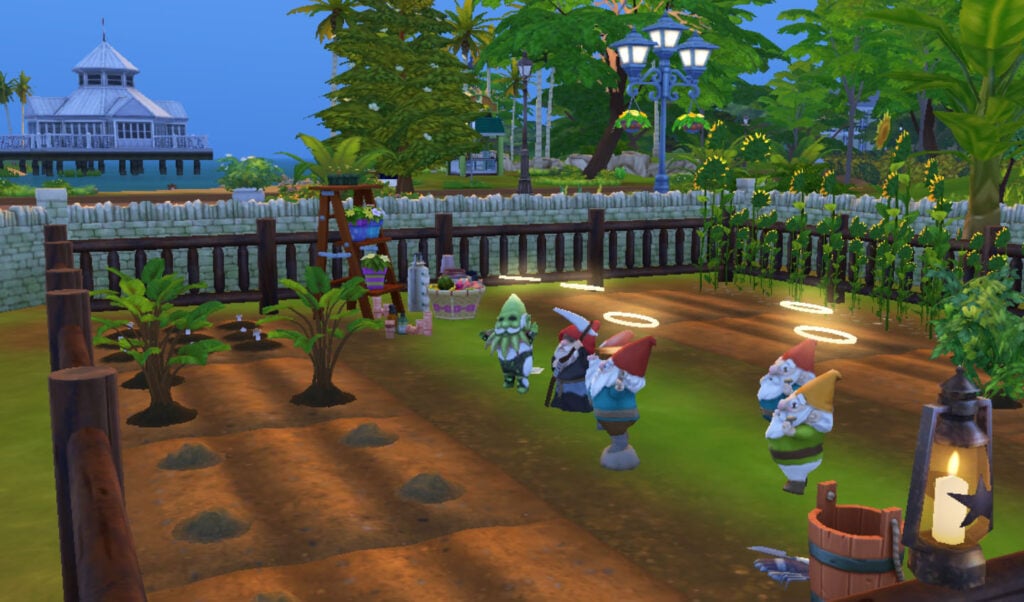
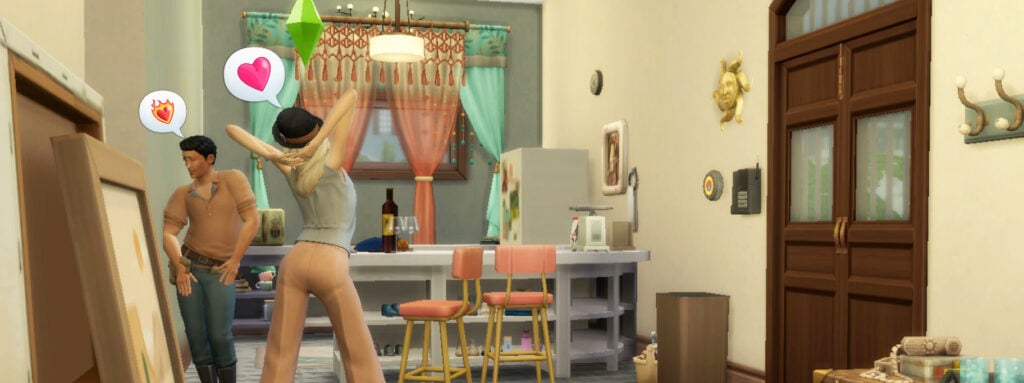
With the Sims 4: Seasons Expansion Pack, Gnomes were given more attitude and agency as they pop up (or teleport) around the house on holidays and dare your Sims to appease them with gifts. A halo will appear over the Gnome’s head if they’re happy with your gift, or, if you gave them a bad gift, the Gnome will show its rage by erupting a flame above its head. Each Gnome has their own preferred gift out of Coffee, Pie, Salad, Toy, Fruitcake, and Future Cube. Choose wisely!

Update: The Relationship Bar

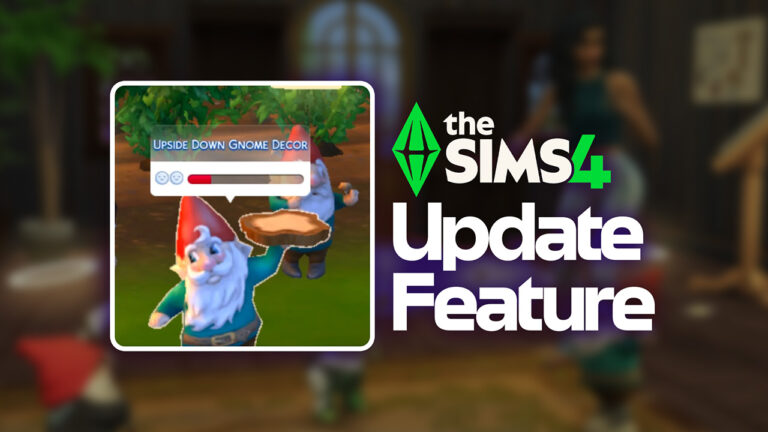
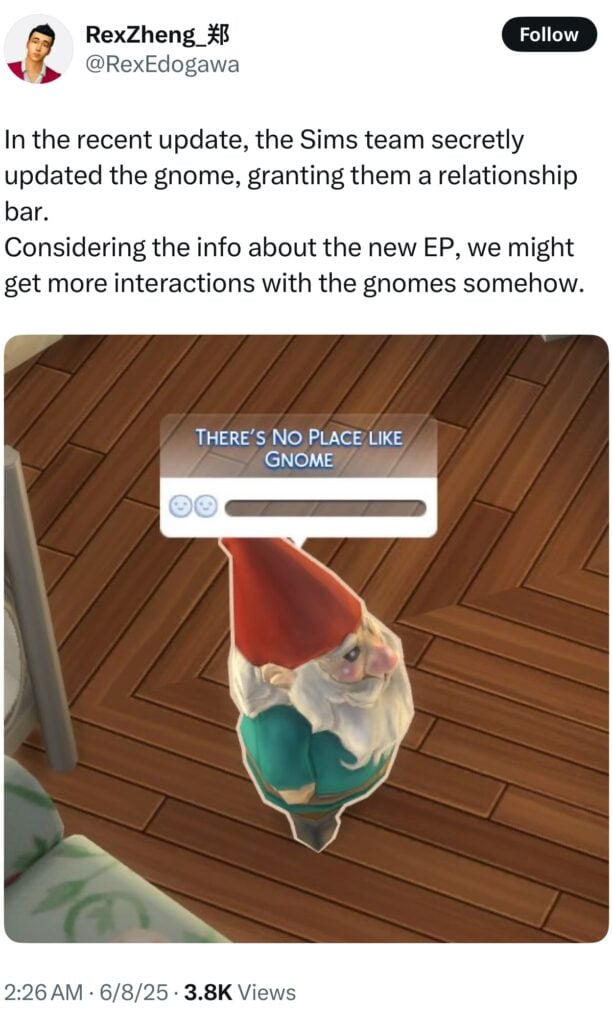
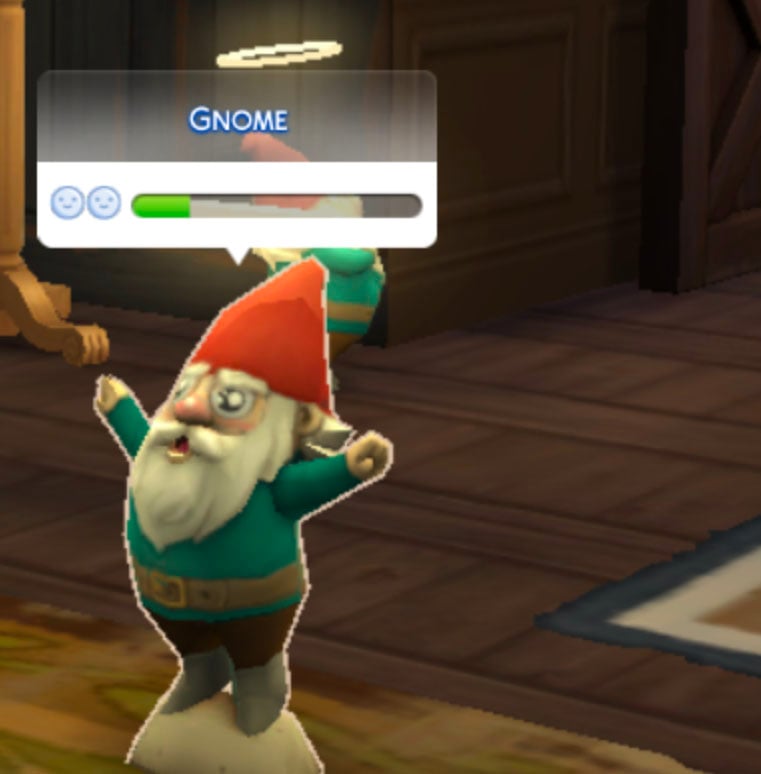
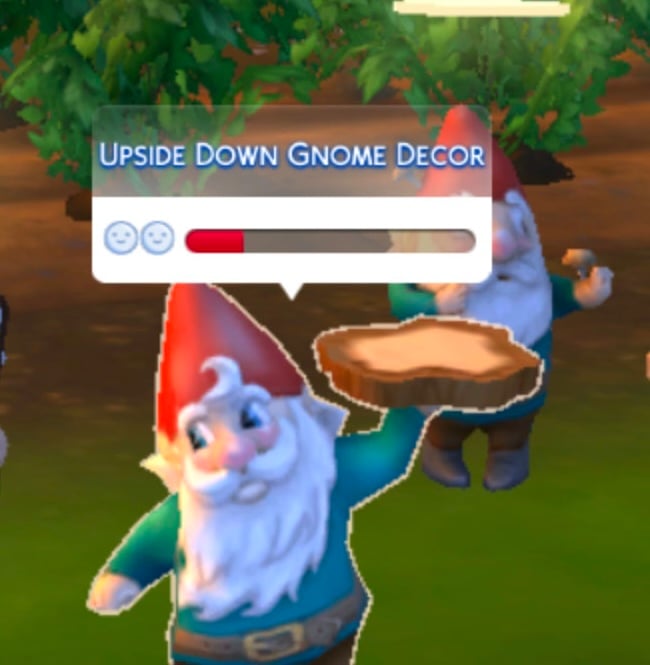
Well, it looks like our Gnome friends may have gotten an upgrade in the recent update. Simmers like X/Twitter User @RexEdogawa have noticed a relationship bar that appears above Gnomes’ heads after interacting with them.

Relationship with Gnomes-Twitter user RexEdogawa

As you’d expect, the relationship bar reflects how the Gnome feels about the gift your Sim gave them, at this point. If your Sim angered a Gnome, they can work to repair the relationship with the Plead For Forgiveness interaction. Sims can also use the Sing Together interaction with other Sims to sing to Gnomes and work on their relationship. We haven’t noticed any new ways our Sims can interact with Gnomes yet, but we have a feeling their coming soon.

Relationship with Gnomes: Hints & Guesses

The teaser website somethingisgrowing.com tells us about a Sim living in a Gnome-loving world called Innisgreen. They start to feel a little off and awake to sweet and sinister high-pitched giggles. The Sim must work on a “Cure”. This makes us wonder: what is the Cure for? Is the Gnome-heavy teaser hinting at the possibility of your Sim turning into a Gnome and needing to craft a Cure to return to their normal Sim form? Is your Sim living amongst Gnomes and being asked to Cure an illness in their town? Will Plantsims be making a comeback, and will your Sim need to enlist the help of Gnomes to Cure themselves?

The addition of relationship bars for Gnomes implies that something like this could be coming, letting us build relationships through new interactions and work with our Gnomey friends. 

Relationship with Gnomes- interaction

The website also mentions “creatures” that can do things like sway emotions and nurture plants. We know the lore of Gnomes being skilled in the garden, but this could mean they will be getting even more of an upgrade soon that will give them way other ways to influence your Sims’ world.

Relationship with Gnomes-Gardening

Will we be getting different interactions with Gnomes with the upcoming Nature’s Calling Event and the Enchanted by Nature Expansion Pack? What changes do you hope are coming to create a relationship with Gnomes in the Sims 4? Let us know what you think below!

InZOI is coming to Mac Computers This Summer, With A Console Release Confirmed

0

Apple announces the arrival of InZOI to Mac computers and Consoles.

The life simulation game InZOI from Krafton had a surprising segment today during the WWDC 2025 Presentation from tech company Apple. Who just presented the latest series of new iOS, WatchOS and MacOS features. During the presentation, Craig Federighi (SVP, Software Engineering) announced InZOI for MacOS. Which is supposedly fully embraced (and possibly requiring) with M3 and M4 chips that are the latest Mac chip processors to date.

inzoi wwdc apple9

During the latter part, Craig also announced that InZOI will arrive to Console as well. With no confirmation about the full console release date.

inzoi wwdc apple1

InZOI Coming to Mac OS – WWDC 2025 Announcement

We bring you the full InZOI Apple announcement transcribed from the official livestream down below:

TALKING

InZOI – which brings new life to player driven storytelling. With deep customization and gorgeous visuals. Apple Silicon and MetalFX make every character and light source feel vivid and real. While the neural engine delivers exceptional performance for AI models.

You can pre-order InZOI for Mac starting TODAY. And it’ll be available later this year. Alongside Consoles and PCs.

Huge thanks to @SimMattically for the news tip!

InZOI Listing on Mac OS App Store

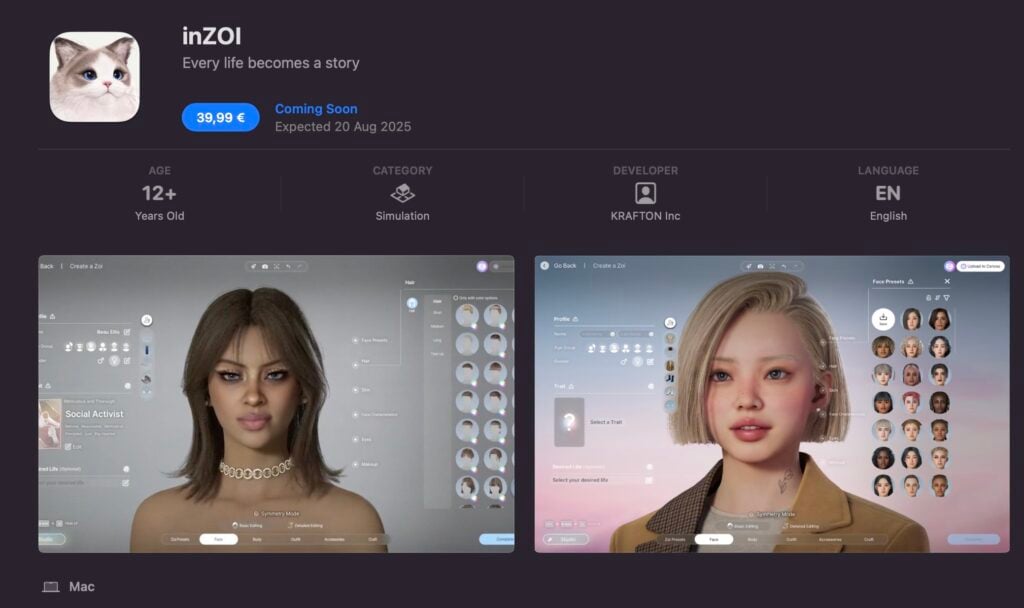
InZOI for Mac is currently listed on the official MacOS Store. With the retail price set for $39,99USD or a price equivalent to your local currency. The full release date for InZOI Mac version is set for August 20th, 2025.

inzoi mac

The Console Version is coming!

Although there’s no information when, the InZOI Console version is set to arrive in the coming months. With the InZOI Mac port getting the official stage presentation during one of the biggest presentations from Apple, we’re sure to expect some news from Playstation and Microsoft soon.

Stay tuned on Sims Community for the latest Life Sim Game news!

Paralives Early Access Release Announced!

3

A new life simulation to experience is on the horizon! The Paralives Early Access Release date has been announced to be December 8th, 2025! The team at Paralives Studio released a trailer to showcase all the hard work that has been put into the game, as well as a drop of the expected release date right at the end. Let’s walk through the big points of the trailer and what we can expect!

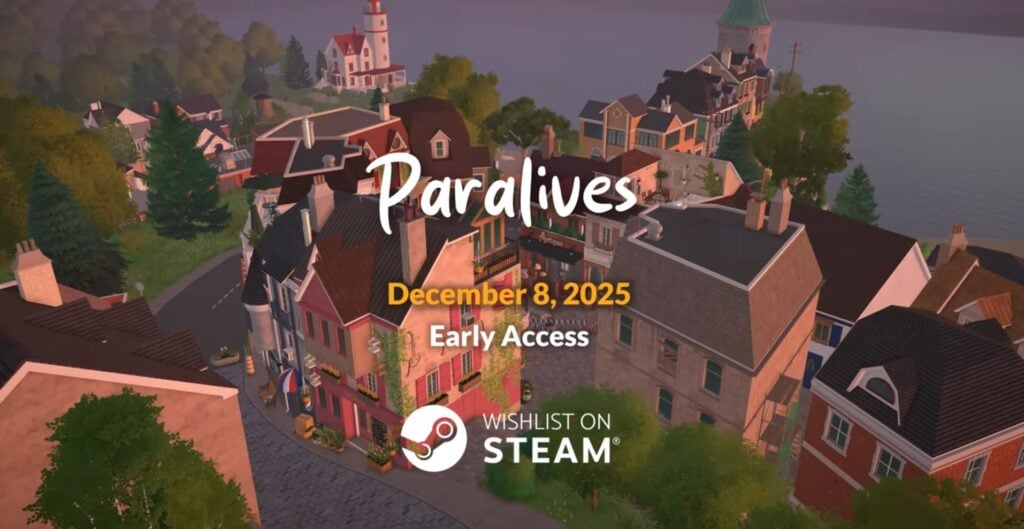
ParalivesEarlyTownBirdeye

A Forested, Coastal, and Lively Town…

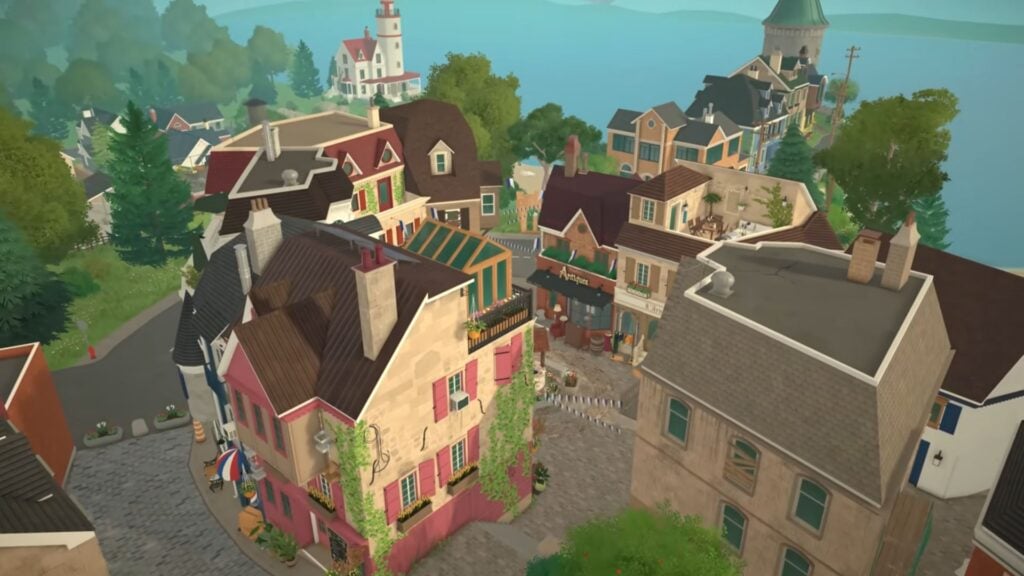
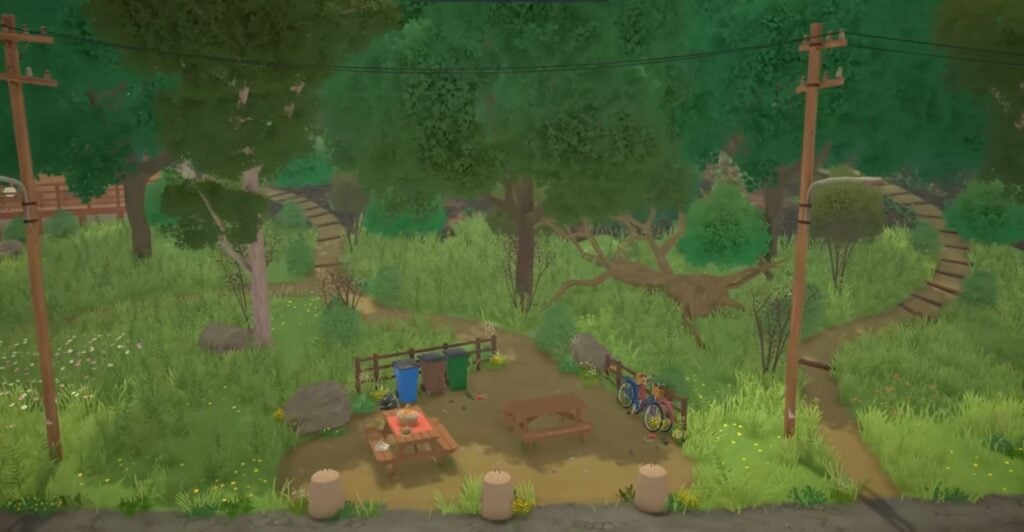
Some of the first and last overviews we get of the town show a lush and forested terrain, small brick and mortar homes and businesses, and a beautiful beach and coastline dotted with lighthouses. There seems to be a somewhat industrial side, but also a cozy cottage side, with a wide variety of architecture.

ParalivesEarlyAccessForest 1

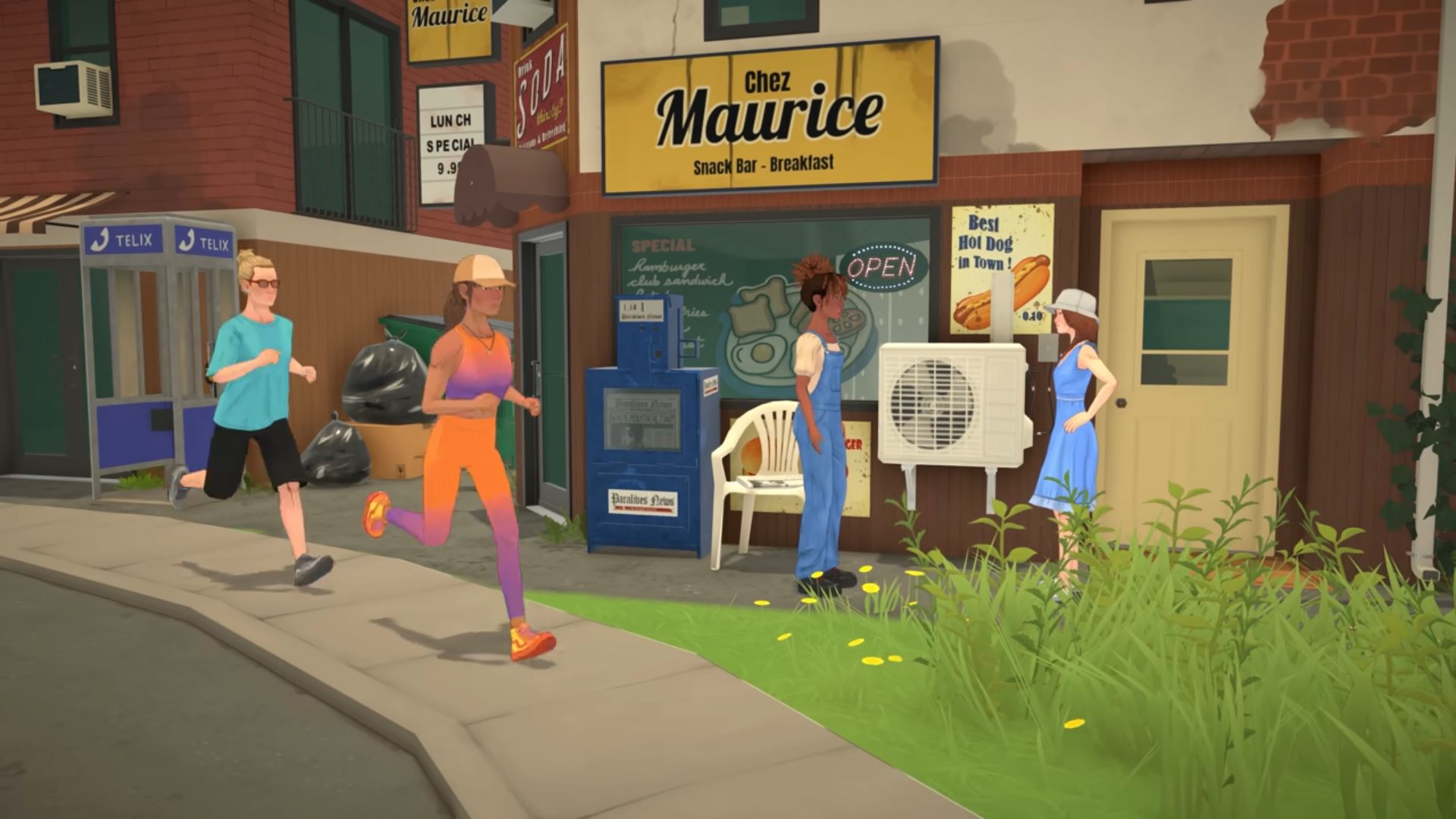
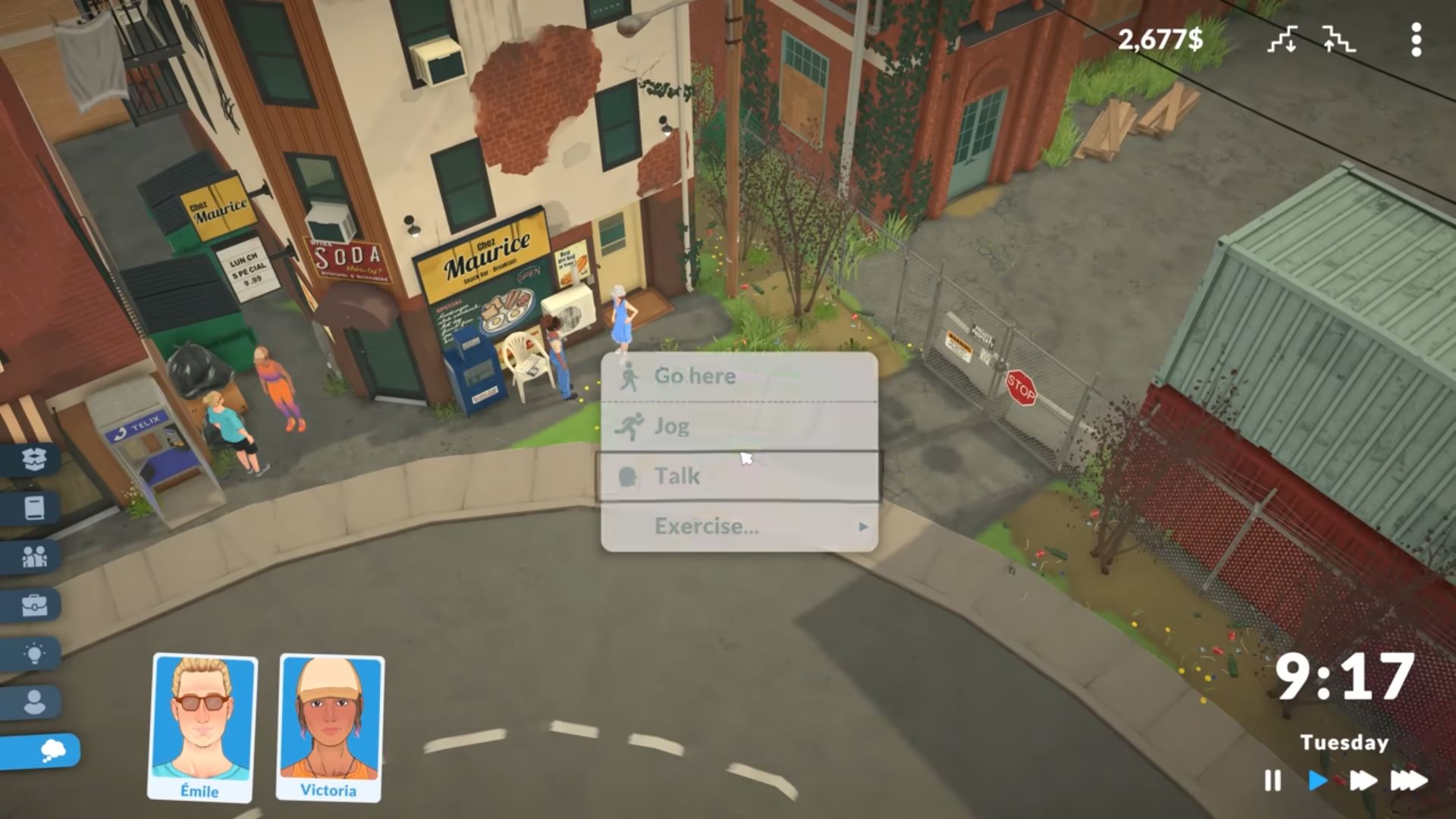
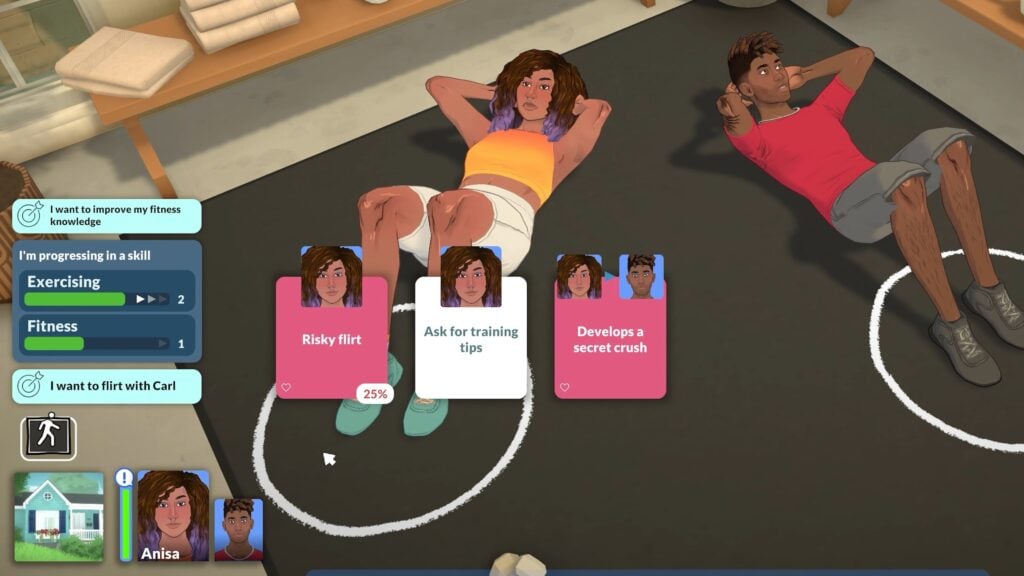
Although the town first seems quiet, we get tons of shots of Paras living their lives, socializing, and even a first glimpse at the user interface! The UI seems to be focused around a clean and easy-to-use interface, with very little opaque sections that would block your view of the game. Most sections are standalone icons with transparent backgrounds, allowing for a wide view while making control user-friendly.

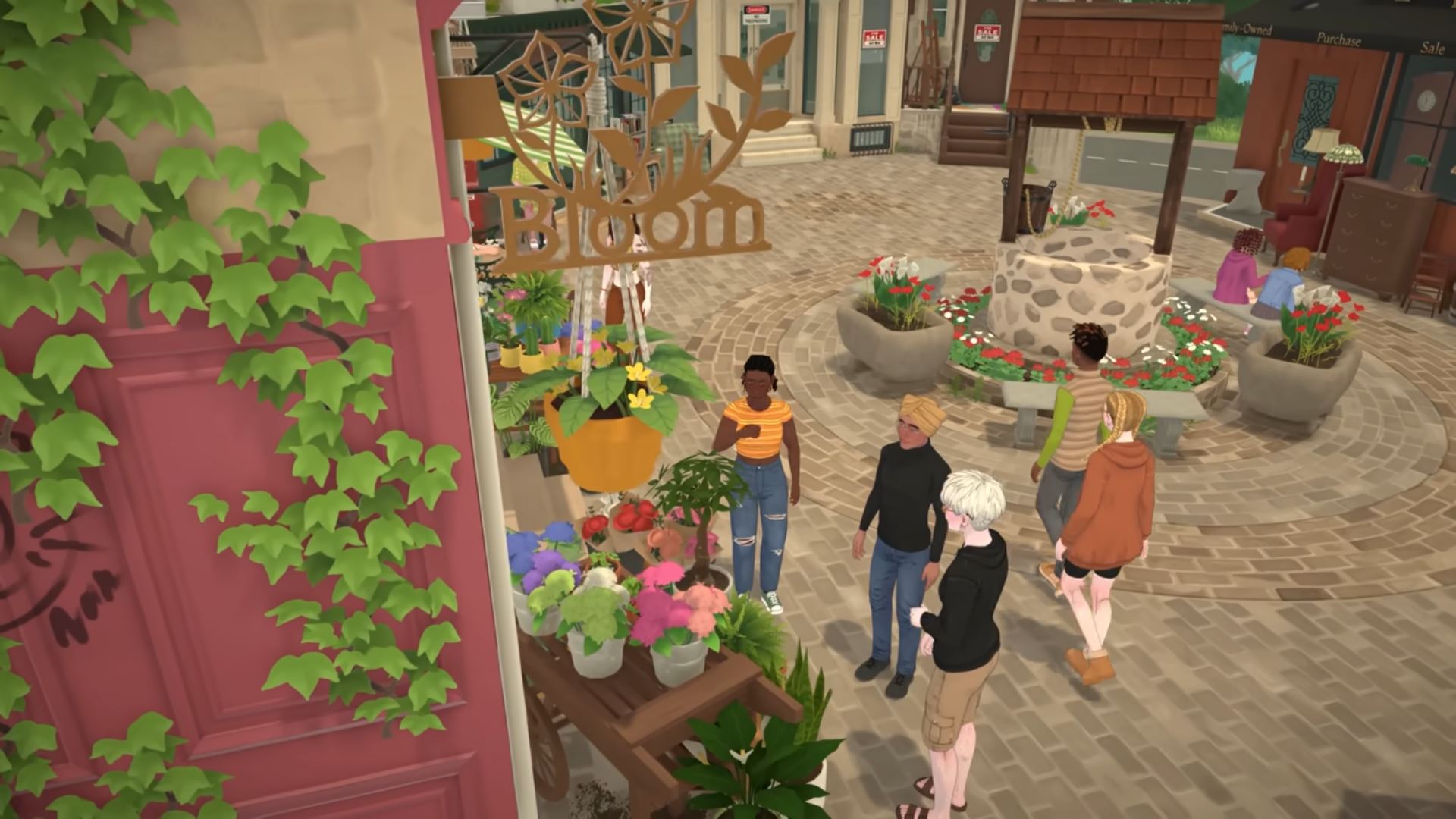
While the town looks to have a variety of areas, there seems to be a town square with a busy center for Paras to browse businesses, spend time with friends and family, and have a nice day out.

Gradual Aging and Life Progression

ParalivesEarlyGrowingUp1

From the hustle and bustle of your first job and finally being an adult, to viewing the sunset of your own life and reflecting on all you’ve done. Throughout the trailer, we get a glimpse into how aging will work with Paras by following one Para through her adult life. From finally being grown up and getting her first job…

To experiencing burn out and fatigue…

To find someone that makes her happy and refreshes her life…

To moving out and taking that next step…

To growing older together…

And lastly, to life satisfaction and looking back at her legacy.

While we don’t know what will be gradual and built into the game, and what will be player-controlled, we can expect a fully-fledged aging system through our Para’s lives!
Spending Time With Friends

ParalivesEarlyAccessCafe

We know from the Steam page that group activities will be an integral part of gameplay, and we got multiple images of groups of Paras interacting and spending time together, including while at work or out at a business, in the great outdoors, at possibly a special event, and just relaxing at home.

Love & Family

ParalivesEarlyCrowd

Relationship and Family gameplay has a huge spotlight in this trailer. A lot of work was put in to show the connections between Paras, their families, and their personal relationships. We get to see a large gathering where every Para is involved and interacting with somebody, and the image itself tells a story about the scene.

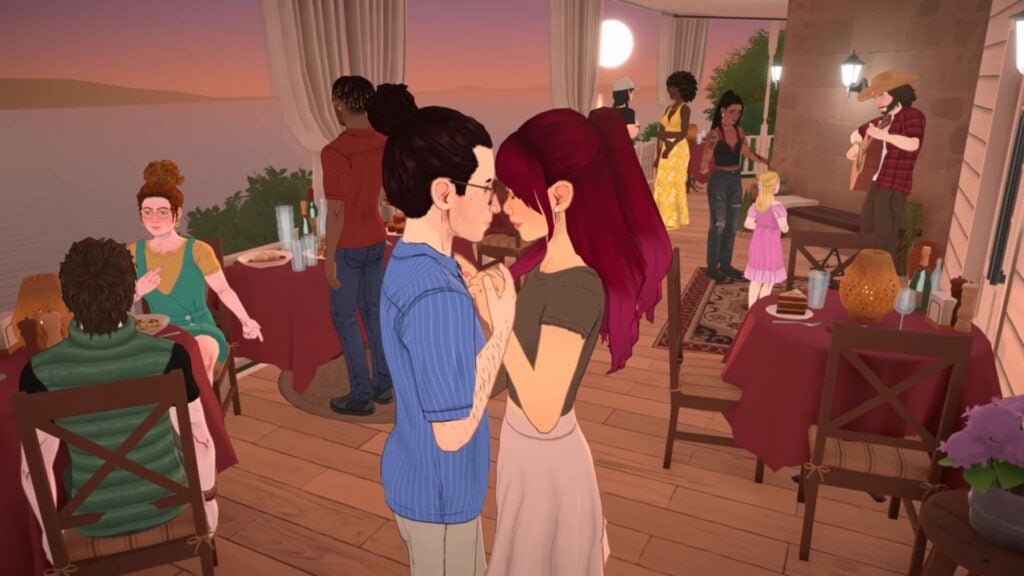
We get a great shot of a couple, showcasing the animations for romance but also the in-depth character creation, with beautiful hairs, tons of accessories, and how gorgeous the style of the game has turned out.

Every possible age stage is shown in this trailer, from the tiniest newborns and all the way to wise elders. We see a multigenerational family spending time watching a movie or show, and a young couple wrangling their little ones for bed time. Rest assured, it seems a lot of love and detail was put in to crafting these life stages and their interactions with eachother.

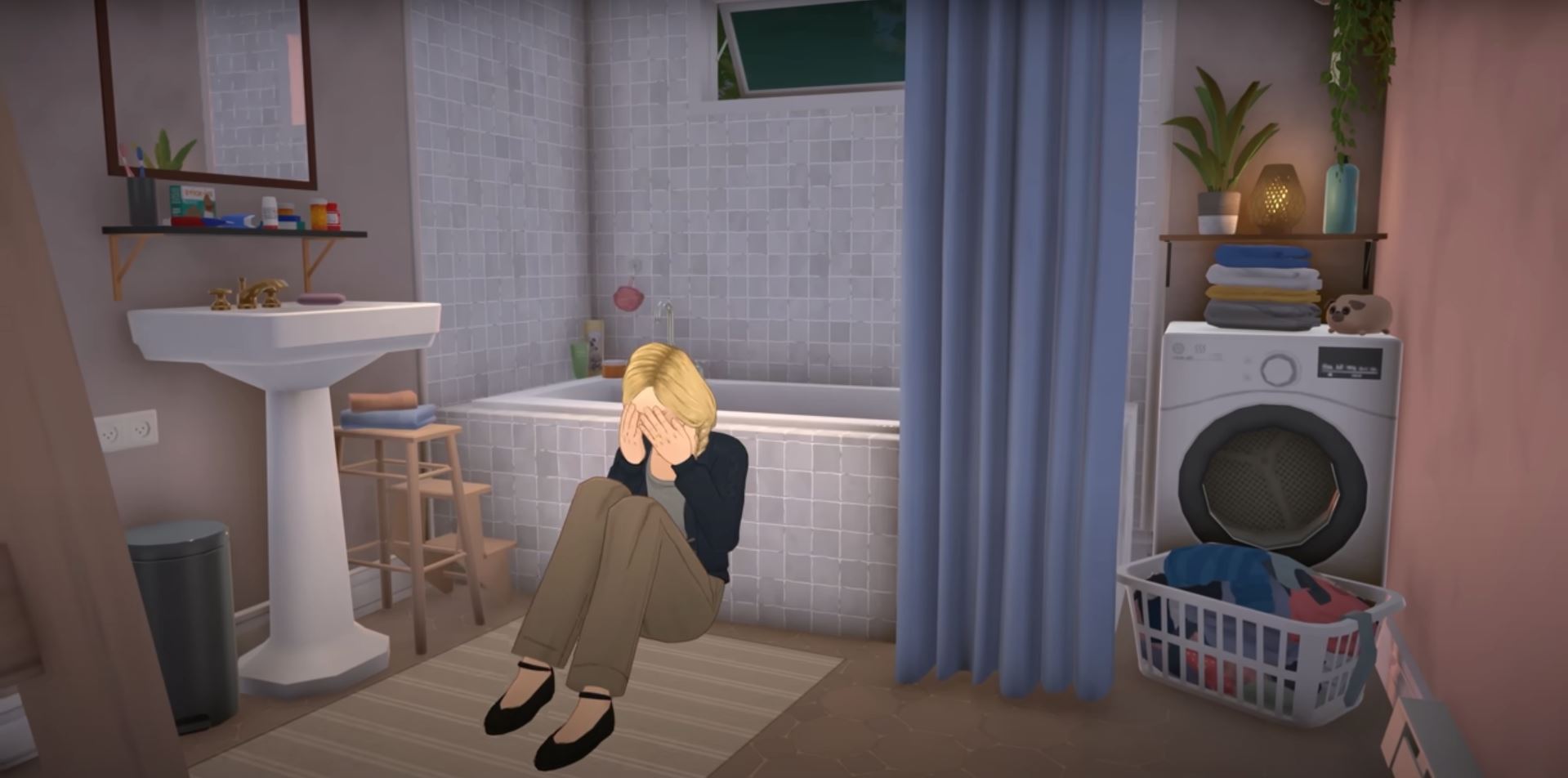
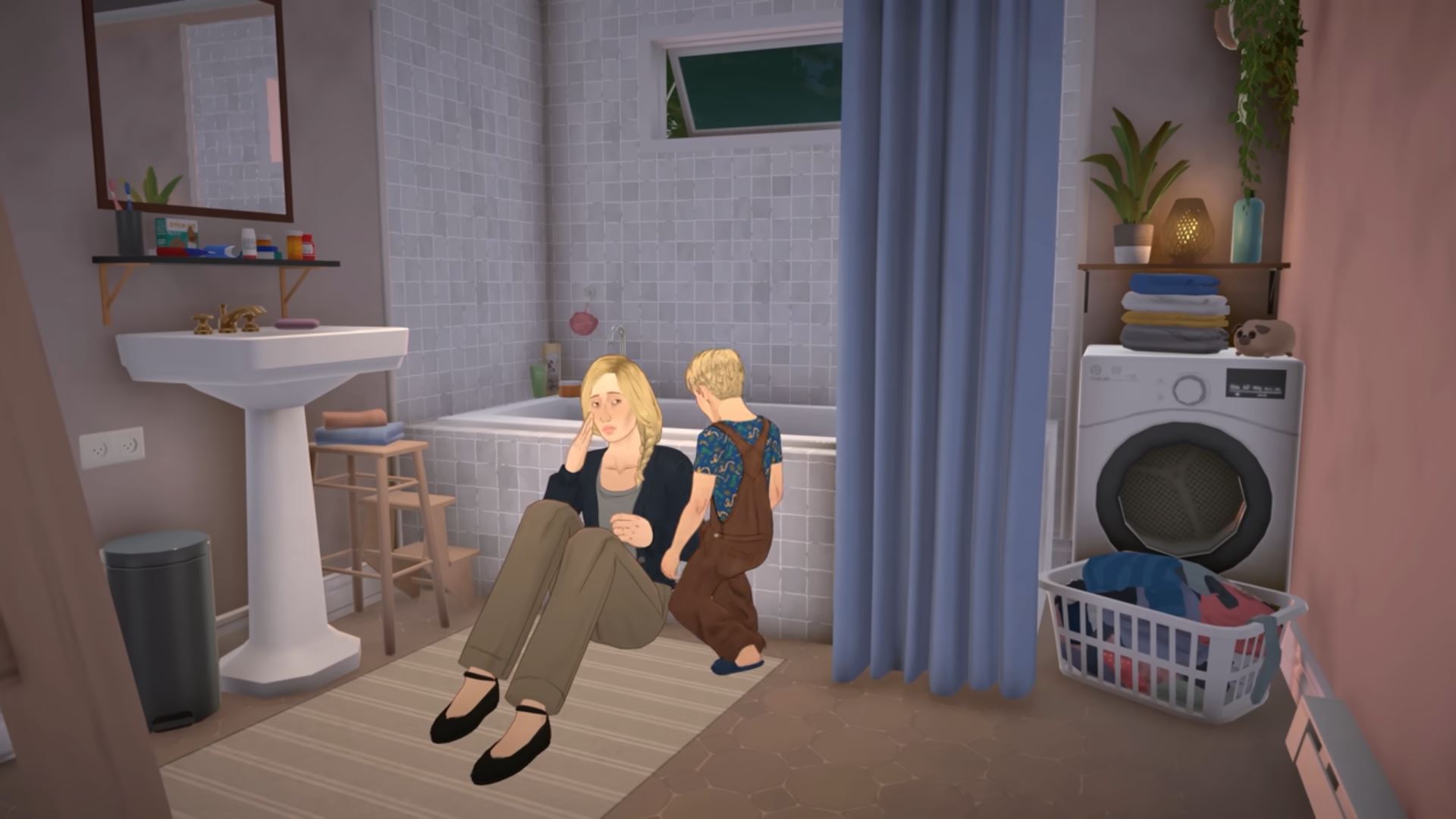
Paras show emotion and can have bittersweet feelings and moments, and the trailer gets to the root of the life simulation genre… to simulate life! This includes the good, the bad, and even the mundane.

Build & Buy Mode

ParalivesEarlyAccessFurnCustom

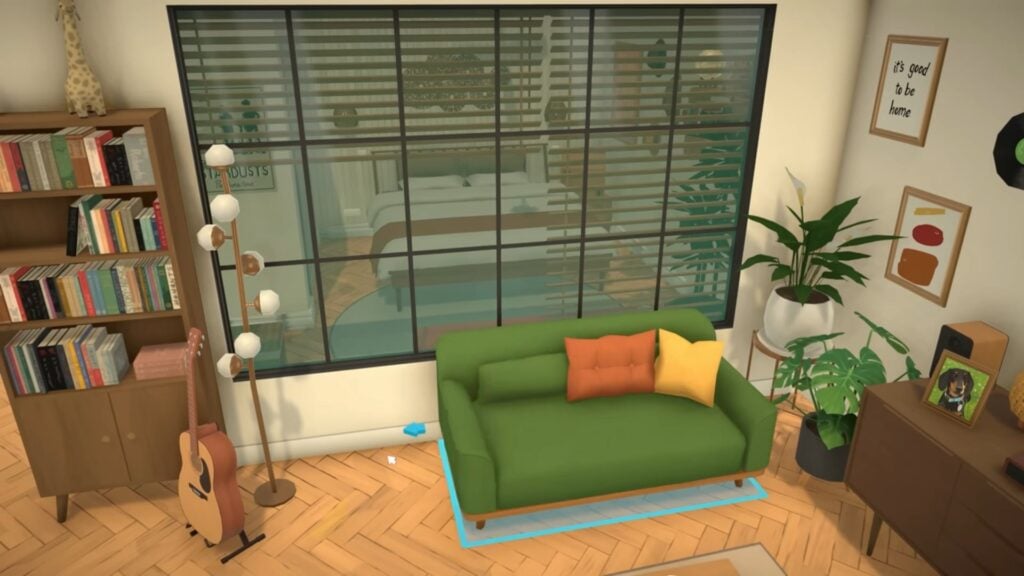
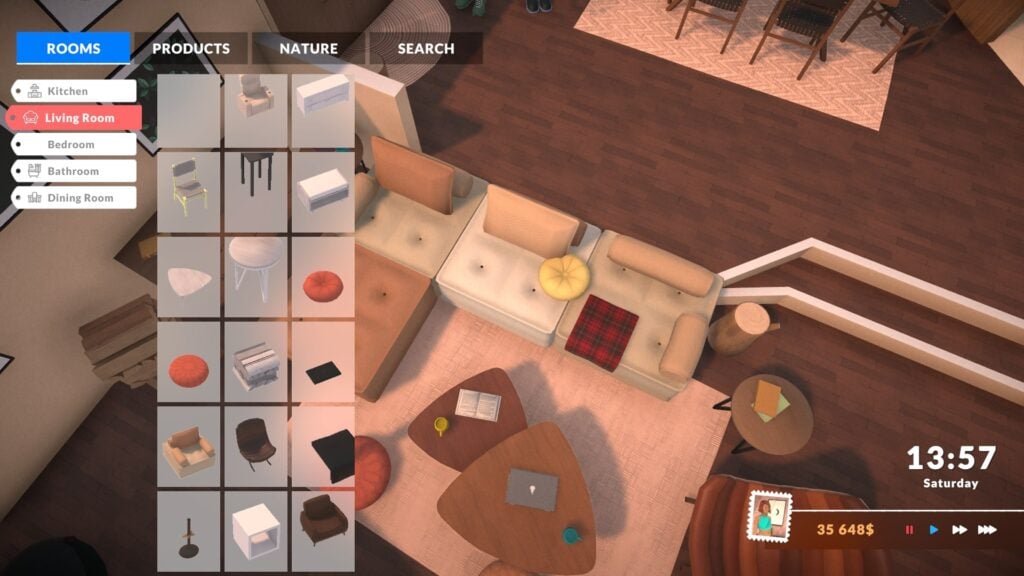
While the Build and Buy modes were not a focus of this trailer, we got some good looks into the progression and creation of these stages. With customizing furniture down to every little detail and clutter galore, Paras homes will be unique to them.

ParalivesEarlyKitchenClutter

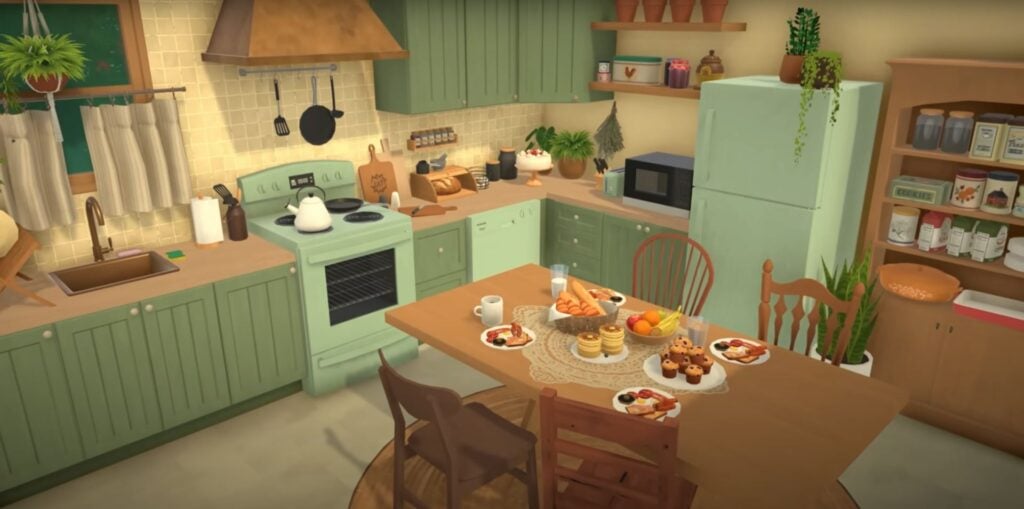
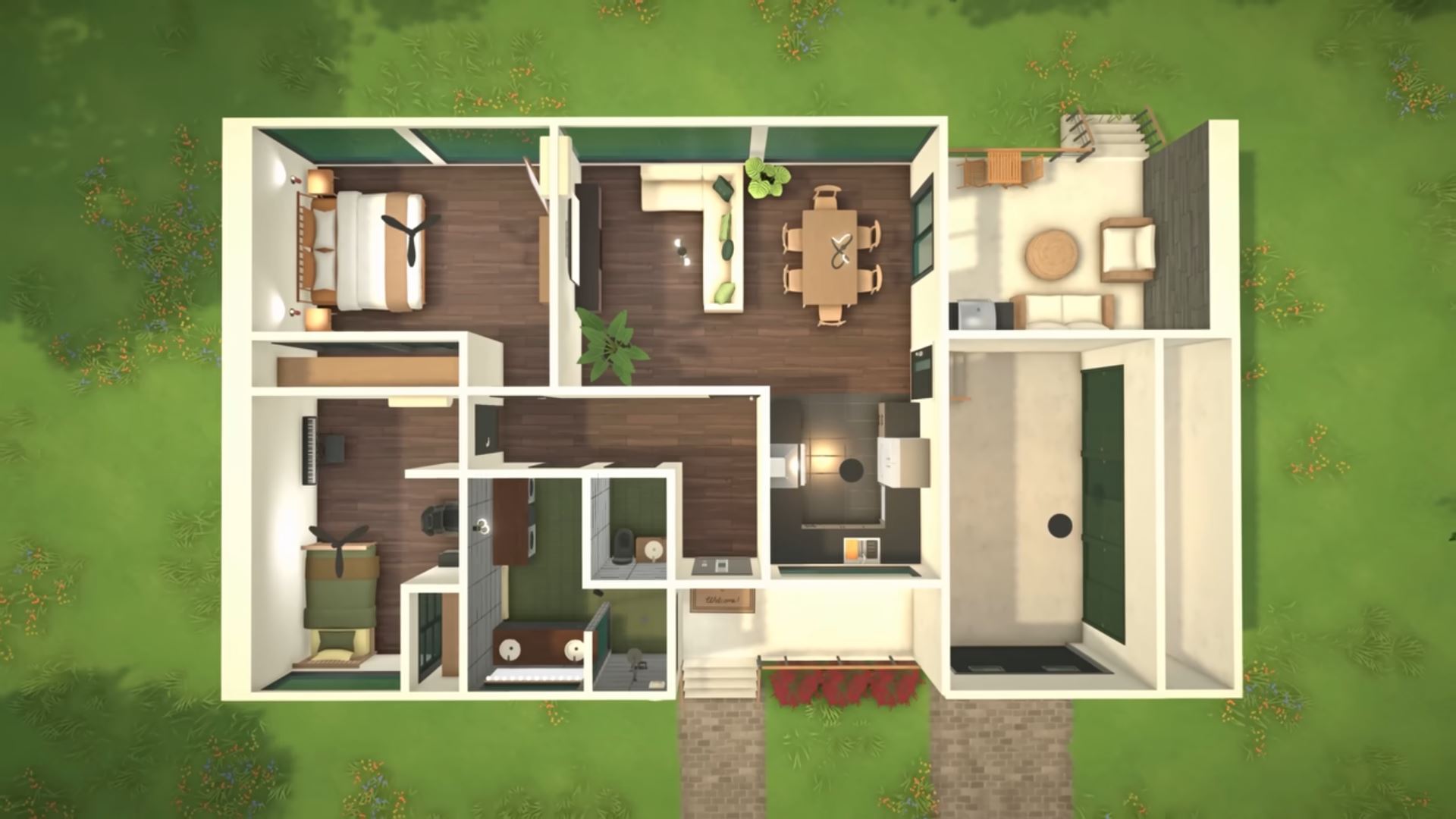
A top down view of two individual homes shows the wide range of buildings you can create, with both traditional and modern techniques and design being showcased.

Bob and Eliza… What Are You Doing Here?

ParalivesEarlyAccessBobnEliza1

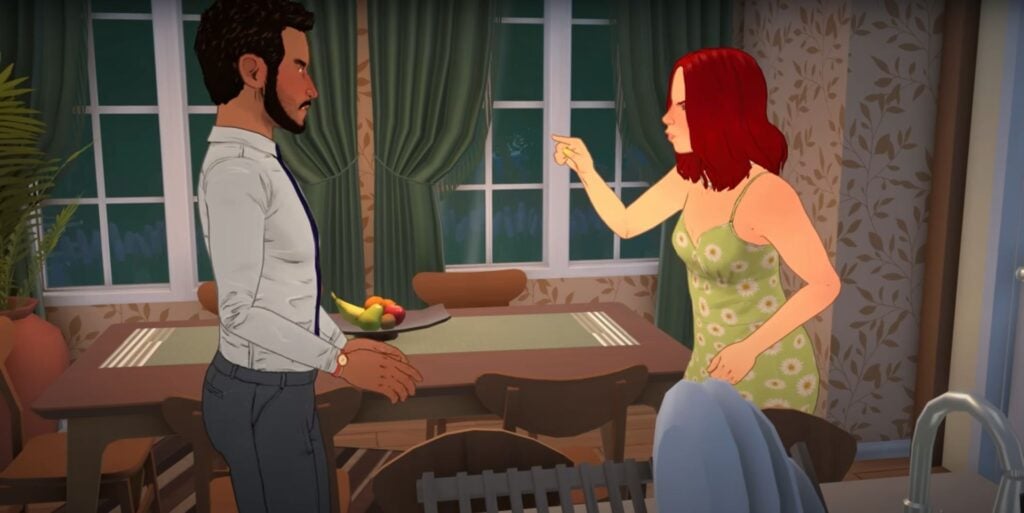
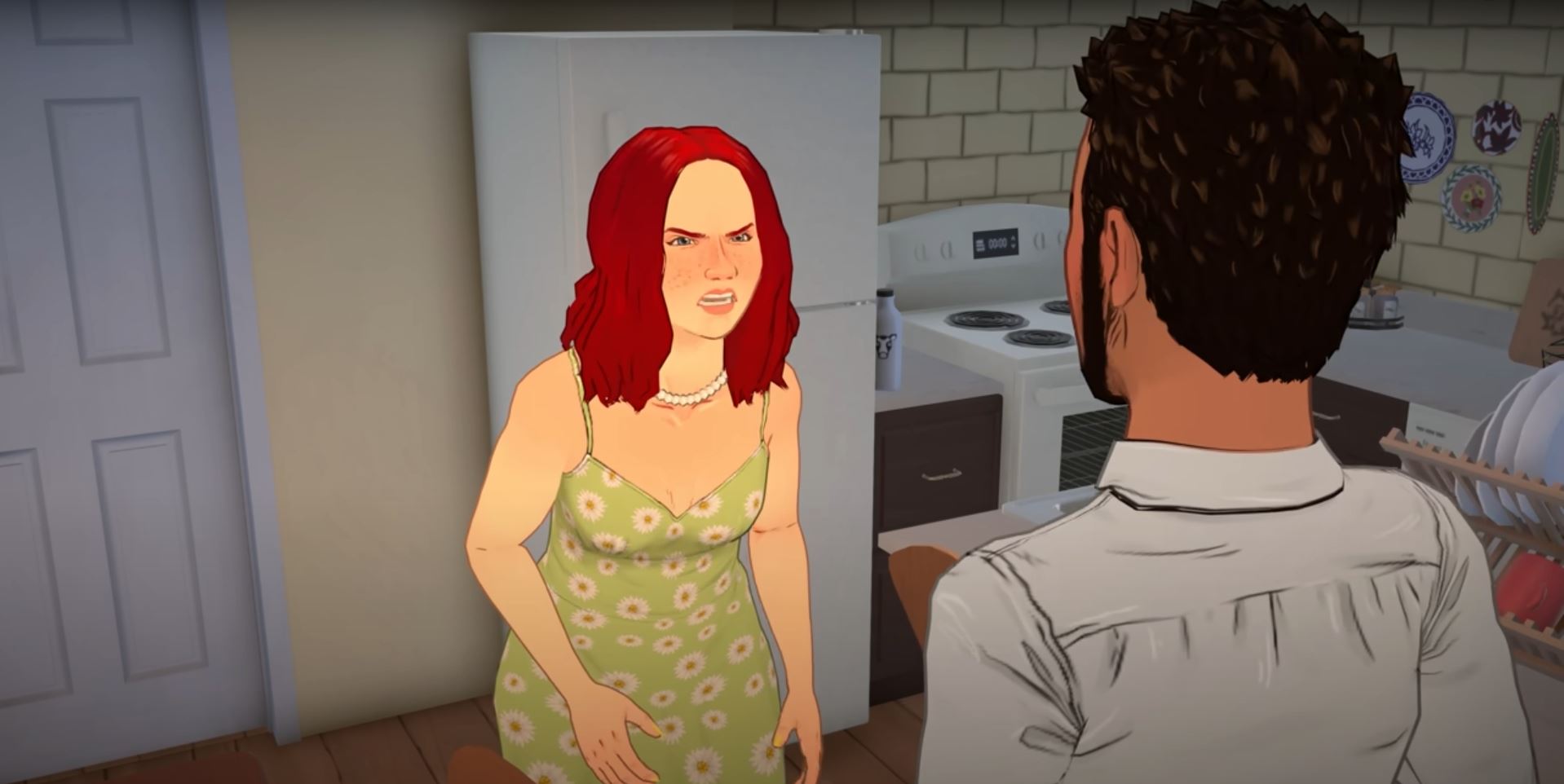
While it’s not confirmed to be them, we did get a peek at two Paras arguing that seem to be very similar to a dysfunctional married couple that we know all too well…

Paralives Early Access Release & Final Thoughts

Paralives Early Access Release Date December 8th

The Paralives Early Access Release date is December 8th, 2025, and it will be coming to Steam for both Windows AND Mac. A blog post on the Steam page from the Paralives team goes into detail about what to expect and when to expect it.

The game will release on December 8th with a $39.99 USD price tag, or your local equivalent, and the price is planned to go up once the game is completed and fully released. The teams intends this as a way to thank players who buy the game early.

They also noted that all DLC and updates will be free, both during AND after the early access period.

Paralives Press Kit Live Mode

For Live mode, Early Access should include an open world town, a full day/night cycle, jobs and career progression, aging and death, autonomy, modding tools, and more. What is planned to release during the early access period includes, but is not limited to, a calendar, family tree, animals, and story progression for NPCs.

Paralives Press Kit Build Buy Mode

For Build & Buy Mode, we should see flexible wall placement, color wheels, object resizing, and multi-leveled homes, with things like basements and pools coming later on in Early Access.

Paralives Press Kit Paramaker Maggie

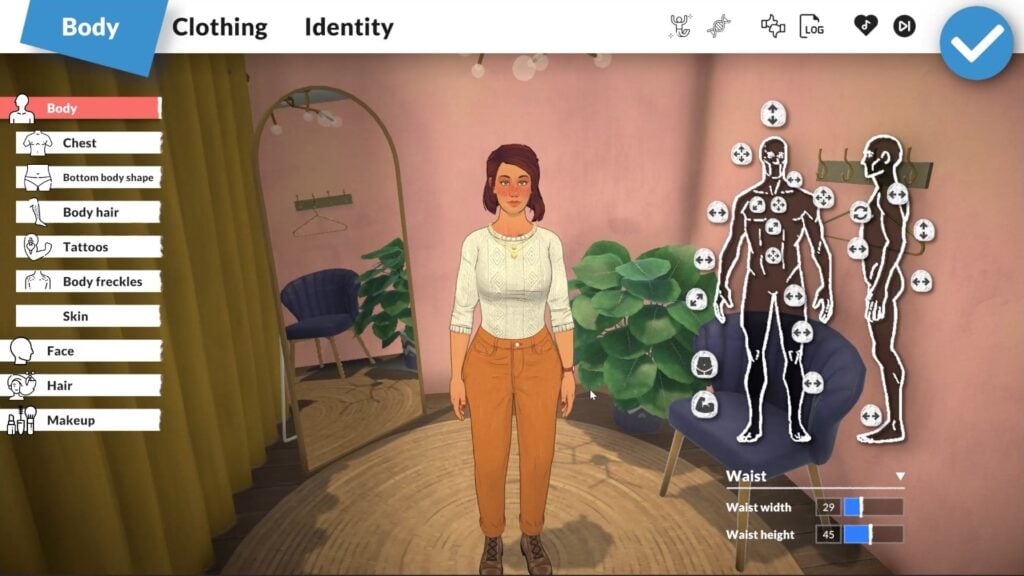
Finally, for the Paramaker, it will include but not be limited to a color wheel, height slider, clothes layering, genetics, and it is noted that it will later include multiple outfits and even “editing the genetics of a Para with advanced tools”.


What are you most looking forward to? Make sure to follow The Steam Page for Paralives and Sims Community for updates to the Early access Release!

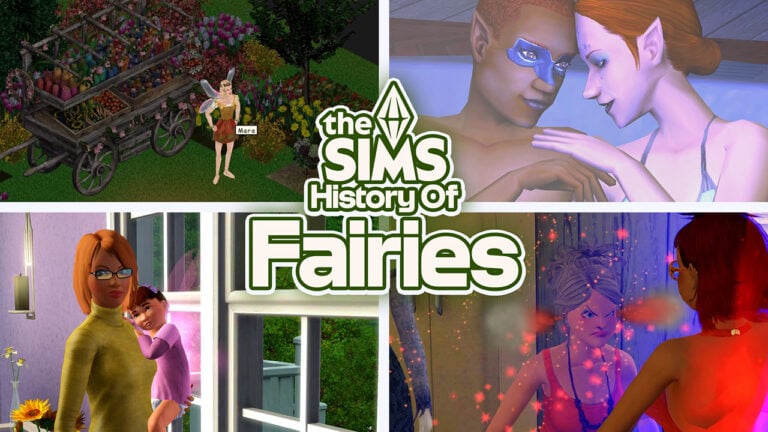
History of Fairies in The Sims Franchise

Sims 3 Fairies Flying

Do you believe in fairies? In The Sims mainline series, our mythical creatures are imbedded in their reality, and fairies are an addition to The Sims 4 that many players have been itching to see. After the recent Instant Gaming Leak of The Sims 4: Enchanted by Nature, an expansion pack rumored to be next in line on the roadmap, buzz about the little fluttering humanoids has been everywhere. With The Sims 3 Fairies being many players favorite occult type that has been missing for the past decade of The Sims 4, its no surprise how excited many players are.

While The Sims mainline series is no stranger to adding occults, with many cult classics like Vampires, Werewolves, and Aliens being somewhat present in almost every installment of the game (playable or not), Fairies are one of a handful of occult types with very little history in the series. With demand for them being at an all time high, lets take a walk down memory lane and revisit the most recent iteration of fairies and The Fae in The Sims, as well as other mentions of them in previous installments.

The History of Fairies in The Sims Series

The Sims & Fairies

magictown edited

Before the playable fairies of The Sims 3, we had very little examples of fairies in the entire Sims series. Going all the way back to The Sims, the first in the PC series, Sims could really only be standard humans if they were playable.

Sims 1 Queen Faerie Mara

Makin’ Magic, the final expansion pack for the installment, brought spells and mysticism to your Sims’ homes. This also included Magic Town, a sub-neighborhood that your sims could visit and mingle with the Strange NPCs, participate in competitions, and purchase items. One of the residents of this town is an NPC by the name of Faerie Queen Mara, the first example of a fairy in The Sims. Your sims can interact with her, verse her in games at the carnival, or purchase items from her with Magicoins, a currency used in this sub-neighborhood. She can be found at the Forest Edge Camp at 98 Calamity Forest in Magic Town.

The Sims 2 & Fairies

Sims 2 Summerdream House

In The Sims 2, while we didn’t have playable or even NPC fairies of any kind, there are references to fairies and The Fae found in Veronaville, the third base game neighborhood. Veronaville is largely inspired by The Tragedy of Romeo & Juliet, the classic play by William Shakespeare which has gone on to influence all forms of media and be rewritten many times over. It also has references to other plays written by Shakespeare, and the one I want to note is a reference to A Midsummer Night’s Dream.

Sims 2 Oberon and Titania Summerdream

In Veronaville, the Summerdream family is composed of Oberon and Titania, who live at 71 Bard Blvd with their two adoptive children, Puck and Bottom. Oberon and Titania are not married, but they are in love. These sims stick out as they all carry a trait only found on Face Template “26 Elf”, which is pointy elf-like ears. They also all, excluding the youngest child Bottom, wear various facepaint.

Their names are directly taken from characters in A Midsummer Night’s Dream, with Oberon in the play being the King of Fairies and Titania being the Queen of Fairies. Puck is a mischievous fairy, and Bottom is a weaver who had his head turned into a donkey head by Puck. So, while there are no actual fairies in The Sims 2, there is references to them and premade sims inspired by them.

Another piece of information about the Summerdream family to note, is that Oberon and Titania appear as townies in The Sims 3: Supernatural’s Moonlight Falls!
FairyOutfitBottom

Also, The Sims 2: Family Fun Stuff came with a fairy costume for female children.

The Sims 3 Fairies

Sims 3 Fairies CAS

Almost 13 years ago, The Sims 3: Supernatural hit store shelves, filled to the brim with occult types and a whole new world; Moonlight Falls. With five occult states added to the game, including Vampires (Which originally existed in The Sims 3: Late Night), Werewolves, Witches/Wizards, Zombies, and Fairies. While previous iterations of these occult types could only occur through being turned by another sim, potions, or magic, many occult types in the Sims 3 are genetic and can be inherited from parent to child! (Anyone else remember the online tutorials for ghost babies?)
Without the player creating any fairies, the world shipped with The Sims 3: Supernatural, Moonlight Falls, comes with twelve premade fairy sims, between playable families and townies.

The Goodfellow family (Flora, Pip, Dahlia, and Fawn) are all fairies except for Fawn Goodfellow, who is their adopted human child. The Rodgers family consists of Linda Rodgers and her adoptive fairy toddler daughter, Sophie Rodgers. There is hints within the game that someone, although we aren’t sure exactly who, played a prank that swapped Sophie and Fawn, leading to them being adopted by the wrong families.

TS3W 2025 05 27 16 19 42 088

The Hoppcraft family include the very successful James and Miriam who are very skeptical of supernatural Sims, without knowing that their toddler son, Alfred, was turned into a fairy accidentally by Flora Goodfellow.

TS3W 2025 05 27 16 32 29 415

As previously mentioned, Titania and Oberon of the Summerdream family are present, although they are homeless in Moonlight Falls. Weirdly enough, Titania and Oberon are married in The Sims 3: Supernatural, although their children are not present.

Other fairies found wandering the world, who can be made playable by marriage, moving them in, or switching to their household(s) in Edit Town Mode, include Branch Timbley, Marigold Maldano, and Aubrey Oviedo.

Bottled Blessing of the Fae Sims 3 Fairies
The Bottled Blessing of The Fae

Fairies are available as soon as The Sims 3: Supernatural is installed through CAS, but pre-existing Sims or newly created Human sims can become fairies through a random opportunity while “Searching for Fairies” in the Arboretum or by using the “Bottled Blessing of the Fae”, which is a potion found in stores or created by high-level Alchemist sims.

The Sims 4 & Fairies

While we’ve recently got rumors about an incoming expansion pack that will add a full-fledged fairy occult state, this is still primarily rumors. The Sims 4 does have a few references to fairies sprinkled into the base game, as well, as different packs.

TS4 x64 2025 05 27 18 05 31

Sylvan Glade, the secret lot in Willow Creek, has tiny giggling fairies that will fly around as decoration. This area is accessible via interacting with the large green tree found in the neighborhood Foundry Cove. Follow our guide to access Sylvan Glade and other secret lots here.

TS4 x64 2025 05 27 18 01 27

In The Sims 4: Spooky Stuff, a fairy costume and matching facepaint is available for adult sims.

TS4 x64 2025 05 27 18 10 44

In The Sims 4: Realm of Magic, one of the available familiars for spellcaster sims is a fairy, but it is not human-like, but more like a glowing ball of light with wings.

Create-A-Sim & Genetics

TS3W 2025 05 25 22 50 20 279

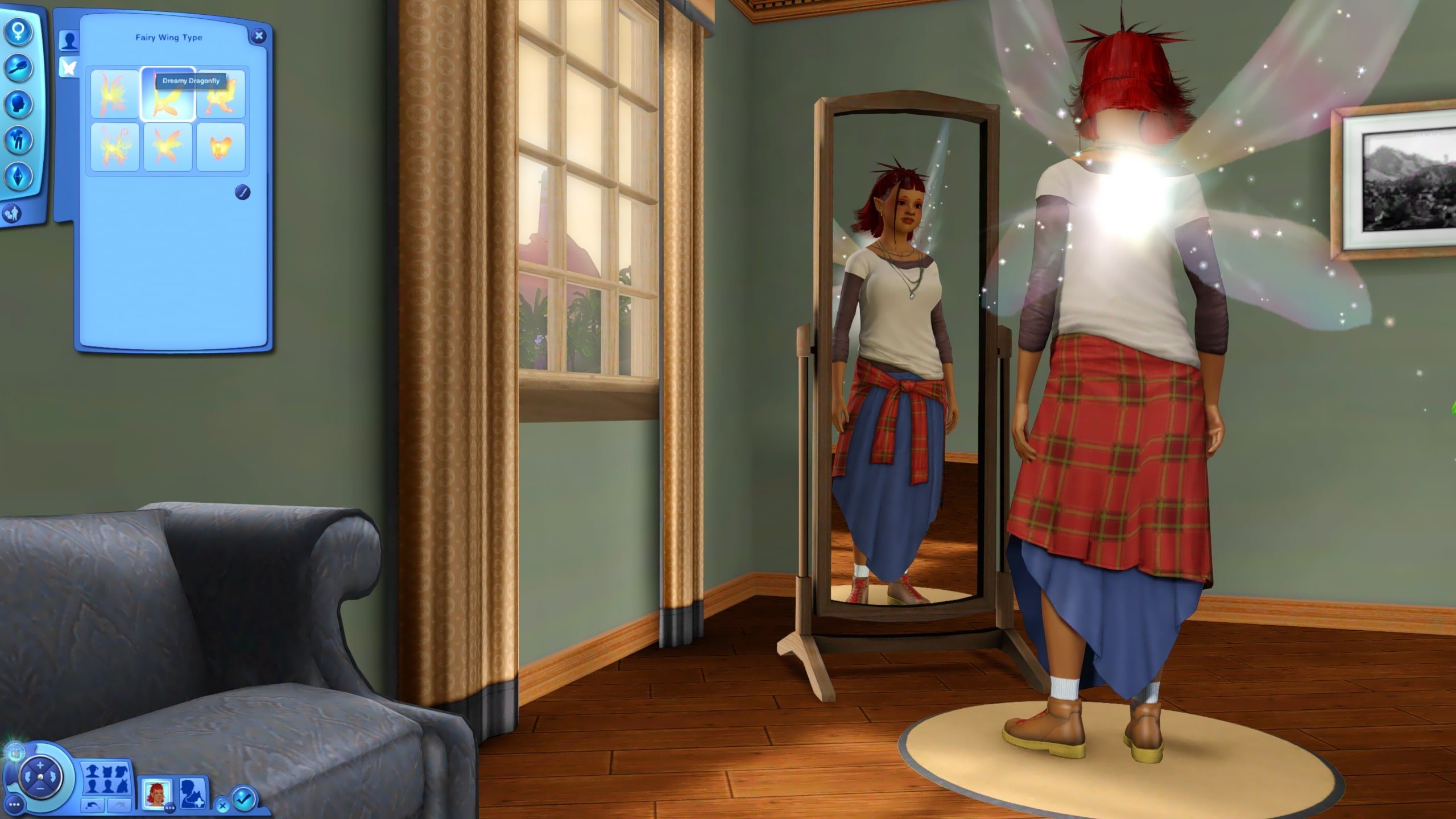
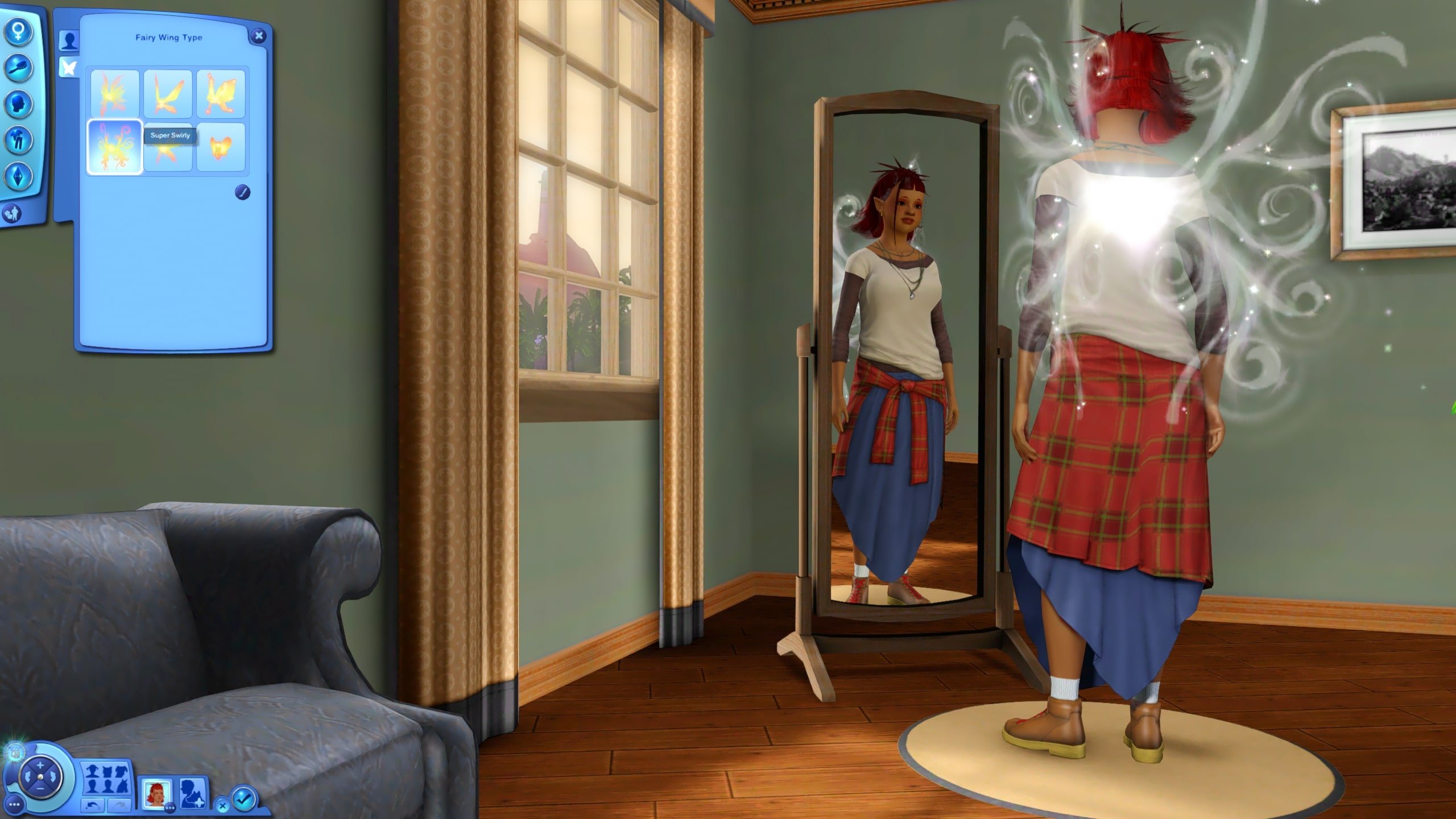
The easiest way to get a fairy is to just create one in Create-A-Sim. Sims can be changed into any basic occult type, so fairies are available once you have The Sims 3: Supernatural installed. A new tab will appear called “Fairy Basics”, that specifically allows you to change the wings and wing color of your fairy, as they are randomized when the Sim is first changed.

Sims 3 Fairies can have any wing color available on the color wheel, and they have six different wing types available. These wings are labelled, in order, as “Willowed Wisps“, “Dreamy Dragonfly“, “Fanciful Ferns“, “Majestic Monarch“, “Super Swirly“, and “Busy Bumblebee“. Outside of using clothes, makeup, hair, and accessories added that are themed for fairies but can be used by any sim, this is about the extent of customization for fairies.

When a fairy is born, which can happen from two fairies having a baby or a fairy and another non-fairy sim having a baby, it does not have wings. The wing type and color are given randomly, and you can sometimes see the color that they will be because fairy babies do sparkle like adult fairies do.

TS3W 2025 06 06 10 35 41 399 edited

Toddler fairies have wings, unique idle animations, and can interact with fairy houses, but lack any other fairy powers until they grow into children.

TS3W 2025 05 27 15 03 54 186

While Sims 3 Fairies do age at the same rate as other sims during their childhood, things change once they’ve hit their young adult years. Young Adult and Adult fairies have 100+ days in their life stages, while every other life stage, including being an elder, is the same as a Human Sim. This is the same lifespan as Vampires, as well.

Magic & Powers

TS3W 2025 05 27 14 57 41 303

Sims 3 Fairies have two forms; Their standard humanoid form, and their “natural” form, which is a tiny ball of light with sparkles that glow the same color as their wings. Their natural form is seen often when they’re using magical abilities, but is also available to allow them to access fairy homes, repair objects, and other various activities. Two examples include the Claw Machine and the Small Train Set.

The extent of their abilities, magic, and tricks is controlled by their level in the Fairy Magic skill, which becomes available as a child and by using their available abilities, can be leveled. They also have a magic meter, similar to motives and the same meter seen in Witch sims, that powers their abilities and drains as they use magic. Multiple activities allow fairy sims to regenerate their magic, including drinking the Essence of Magic elixir, relaxing or sleeping in a fairy house, drinking pollen punch, and more.

Magic abilities of Sims 3 Fairies are separated into Powers, Traps, Tricks, and Auras. Powers include flying or making other sims fly, repairing objects, and boosting plant growth. They are primarily contained to the fairy Sims self-interactions, and interactions targeted towards other sims.

TS3W 2025 05 27 15 04 41 950

Traps are targeted at objects and will “trap” the next sim to use them. They include trapping showers to dye the next sims hair, trapping mailboxes to release a swarm of bees at the next sim to open it, trapping couches to make sims get sleepy and nap, and many more.

TS3W 2025 05 27 14 55 06 873

Tricks are directly targeted at other sims and often influence their moodlets, appearance, or behavior temporarily. They include giving them a hot head, making them burp and get gassy, or even deform their face and ruin their social status temporarily, and these are only a few of the interactions.

Auras emit from the fairy sim and effect both them and nearby sims. There are only three types available; The Aura of Soothing (Blue) that slightly raises their mood and provides a happy moodlet, the Aura of Creativity (Green), which boosts creative skills (painting, writing, music, etc.), and Aura of Body & Mind (Red), which boosts physical and mental skills (body, logic, etc.).

Unique Fairy Interactions

TS3W 2025 05 27 15 07 45 021

Sims 3 Fairies also have their own unique social interactions with other sims, dependent on multiple factors. These factors can include the other sim’s age, species, traits, and more. Certain unique interactions from fairies to non-fairies include options like “Bestow Flight of Felicity”, which temporarily allows non-fairies to use the “I can fly!” interactions on themselves, or “Playfully Pester”, where the fairy enters their natural form and buzzes around another sim. If the non-fairy sim has the “Supernatural Skeptic” trait, they’ll attempt to hit the fairy with a fly swatter while this interaction is playing.

TS3W 2025 06 06 10 51 03 552 edited

When interacting with other fairies, outside of throwing parties together in the fairy bungalow or castle, fairies can “Fairy Frolic” together. They’ll change into their natural forms and playfully dance around each other. If the fairy sim is interacting with a werewolf, they can choose to play tag, and they’ll buzz around in their natural form while the werewolf bats at them.

TS3W 2025 06 06 10 53 14 449 edited

We all know too well that having The Sims 3: Supernatural installed often leads to encounters with the undead, both Zombies and Vampires. If you want a sim to be returned to their normal state after zombification, your fairy can create a jar of Fairy Dust to be used on the sim, which will cure them. Also, if your fairy sim is bitten by a vampire, the vampire will get a temporary buzz from their magical plasma!

TS3W 2025 06 06 10 02 12 050 edited

The World & Fairies

TS3W 2025 05 27 15 56 47 474

Similarly to other Supernaturals or Occult Sims, Sims 3 Fairies are influenced by the Lunar Cycle. They get energized when the moon is out, especially during a Full Moon. During a New Moon, however, they receive a debuff moodlet. Fairies also receive a general buff to their gardening skill.

The primary location in Moonlight Falls for fairies is the Arboretum, a greenhouse-like rabbithole structure that sims can visit to participate in gardening competitions, search for and play with fairies, and even woohoo in. If you are playing in a world outside of Moonlight Falls, the Arboretum must be placed manually. When using the Edit Town mode, select a community lot you would like to add it to and select Build/Buy Mode. Once you’re there, under Build Mode, look for Community Objects. All rabbithole buildings and structures are stored there. Look for the Fae Ray Arboretum and place it.

Curing a Fairy

TS3W 2025 06 06 11 02 49 068 edited

Sims 3 Fairies can be cured through two separate avenues. One is by purchasing or creating the Potent Cure Elixir. This potion is actually used for more than just curing fairies, and can cure just about any occult type and magical buffs or debuffs. After reaching Level 7 in the alchemy skill, a sim can use Wolfsbane, Glow Orbs, and a Ruby to create the potion. It can also be purchased from the Elixir Consignment Shop, which is typically auto-placed in a world if the save is not in Moonlight Falls, and has a rotating inventory.

TS3W 2025 06 06 10 41 46 020 edited

Another way to cure a fairy is through a fairy’s romantic partner or spouse. They can ask the fairy to Forsake the Fae, leading to the fairy receiving a pop-up. If they accept or you choose for them to accept, they’ll be tasked with visiting the Arboretum to forsake the fae and become a human sim.

My Thoughts and Fairy Rumors

TS3W 2025 05 27 15 10 25 273

While it is still not confirmed at the time of writing this, this revisit is largely inspired by the recent leaks indicating that The Sims 4 will be adding fairies to the list of occult sim types in the near future in an Expansion Pack called Enchanted by Nature. Also knowing that the next pack release is an Expansion Pack rather than a Game Pack helps us to gauge what we could expect from fairies.

Currently, occult sim types have been added in either Expansion Packs or Game Packs. Those added in Expansion Packs were Aliens (The Sims 4: Get to Work) and Mermaids (The Sims 4: Island Living), and those added in Game Packs were Vampires (The Sims 4: Vampires), Werewolves (The Sims 4: Werewolves), and Spellcasters (The Sims 4: Realm of Magic).

TS3W 2025 05 27 14 52 43 655

In my personal opinion, those added in Expansion Packs often feel less developed than those with their own dedicated Game Packs. While Vampires, Werewolves, and Spellcasters all have their own skill trees and unique UI, Aliens and Mermaids both lack in that category, making their gameplay much more limited. With the release of fairies likely on the horizon, I’m concerned that this could happen in the same way, even though fairies have so much potential for a huge skill tree and tons of in-depth gameplay. However, since nothing is confirmed yet, we will have to wait and see.

TS3W 2025 06 06 09 09 51 948

I also really hope that fairies in The Sims 4 will have a more in-depth CAS than they do in The Sims 3. Sims 3 Fairies CAS is incredibly limited outside of the outfits and accessories available to all sims and wing customization. When it comes to wings, while I do love the transparent and sparkly wings with the color wheel, I found that if your wings were darker than a certain shade, the sparkles around them and coming out of your sims back were just black. Adjusting this threshold or maybe having more opaque wings could help with this and lead to less customization limits. I have higher hopes for this as, historically, customization for occults in The Sims 4 has been much more in-depth than previous games.

Fairy Teasers

While I was revisiting Sims 3 Fairies and gathering all other instances of fairies or fairy-like things in previous games, we received a teaser during the Hotties Play The Sims livestream with Megan Thee Stallion & Quen Blackwell..

the sims 4 encahnted by nature screen

As well as a secondary teaser website.

Screenshot 2025 06 03 at 2.10.29 PM

While the full reveal arrives on June 12th, we also got a leaked promotional screenshot for the upcoming pack, Sims 4: Enchanted by Nature, that gives us a peak at the new Fairy Occult type that is likely coming.

sims 4 enchanted by nature screen leak 2

This is still all speculation, and it felt good to revisit The Sims 3: Supernatural, both to bask in the nostalgia of The Sims 3 Fairies and to get some ideas for what we may be looking at for the future. However, I do believe that the future for fairies in The Sims 4 is bright (and sparkly!).


Are you looking forward to how The Sims 4 will handle fairies, and do you believe the rumors and leaks? Follow The Sims Community here and on our socials to keep up to date with any news about fairies that comes out! 🧚✨

The Sims 4 Roadmap Clues: Does Something Mystical Await?

EA and Maxis have finally dropped the new and updated roadmap for the coming months, and we are ready to have a look at some The Sims 4 roadmap clues!

Even at a glance, it appears that it will be a jam packed Summer for Simmers! Of course, add the roadmap reveal into the mix of the recent expansion pack teasers and the overview for the coming months, and there is certainly a lot going on.
the sims 4 summer 2025 roadmap 2

The Mysterious Roadmap

Earlier this week, the long awaited and much anticipated roadmap was revealed. Following a series of clues to what is now known as the Enchanted by Nature expansion pack, players can finally get a glimpse of the upcoming plans for The Sims 4.

Between now and mid-August, there are six noticeable events happening that all link into this somewhat mystical and whimsical roadmap theme.

Sims 4 roadmap clues

Something Is Growing

Alongside the roadmap, the Team have released a number of teasers ahead of this roadmap specific roadmap reveal. On a special site named Something Is Growing, a series of images were released with nods to aspects of The Sims 4 Enchanted by Nature expansion pack.

Sims 4 Roadmap Clues

The Sims 4 Roadmap Clues

However, let’s jump back and take another look at The Sims 4 roadmap to see if there are any details that you may have missed first time around!
Foraging or Toadstools?

Within the new roadmap graphic, you can see a few different red and white mushrooms scattered through the image. Now, this could be one of two potential things.

Firstly, and while mentioned previously via the Something Is Growing website, foraging and mushrooms may well play a part in the new expansion and Base Game updates. Another way for your Sims to live Off The Grid and be one with nature.

Alternatively, could this play a part into the possibility of fairies? Maybe part of the world they live in?

Gnomes, Gnomes, Gnomes

Likewise, Gnomes seem to pop up when you least expect them! While we’ve seen many decorative gnomes in game in the past as well as their mischief in The Sims 4 Seasons, could they play a bigger role in this upcoming expansion pack?

You could also spot a Gnome in the Sim Your Summer graphics as well as in the Something Is Growing teasers too!

the sims roadmap summer

Potion Making Skill?

On the right-hand side of the graphic, we’ve got a potion bottle alongside some books. Could our Sims soon be introduced to a new skill and craft their own potions from scratch? Only time will tell!

New Magical Friends

Just above the box which tells us when the reveal for Enchanted by Nature will be, there’s a small bunny like creature holding what looks to be a small star wand. Could this mean we might get new companions in this upcoming expansion pack? Maybe something similar to what we saw with Familiar’s in The Sims 4 Realm of Magic.

A New Mini-World?

With two smaller, possible fairy houses, on the left-hand side of the roadmap image, could we also be seeing a smaller mini world in the new pack? Maybe something similar to that of Sixam? A magical little world where you can be enchanted by nature?

the sims 4 enchanted by nature screen leak
LEAK: First In-Game Look at The Sims 4 Enchanted by Nature

A Magical Reveal Awaits

While a lot of mystery remains surrounding this upcoming expansions since the launch of this roadmap, luckily we are now only a few days away from finding out more! Even though many of us have numerous questions and have been speculating what we could be seeing come the reveal on 12th June 2025!

So, stay tuned to Sims Community as we’ll be bringing you the latest news and information in the run-up to the next expansion pack and beyond!

LEAK: First In-Game Look at The Sims 4 Enchanted by Nature

Fairies, Huge Gnomes and an Enchanting World Awaits!

Website MoonshineSim has published the first image of The Sims 4 Enchanted by Nature. Revealing the look of 3 new Neigbhorhoods that are coming alongside the new world of Innisgreen.

As revealed in the official world teaser for The SIms 4 Enchanted By Nature, the new Innisgreen World will contain 3 new neighborhoods, including:

You peak through the leaves and see a quaint town. The sign reads Innisgreen, a beautifully lush world where Sims live in harmony with nature. You discover there are three neighborhoods to explore: a quiet waterfront town where they’re all about Gnomes, a grove where nature and civilization blend together, and an enchanting magical forest. What else awaits you here?

What else awaits in the world of Innisgreen? Check it out in the first Sims 4 Enchanted by Nature image:

the sims 4 enchanted by nature screen leak

The Sims 4 Enchanted by Nature Image Breakdown

Quiet Waterfront Town with Gnomes

A huge gnome statue is a part of one of the neighborhoods in The Sims 4 Enchanted by Nature. Sims can apparently perform special magical effects on this Statue, possibly changing the look of it in the process. There’s also a new Food Stall, or possibly the new Apothecary Stand.

screen leak 1

First Look at Fairies

We have our first look at the Fairy Occult in The Sims 4 Enchanted by Nature Expansion Pack. You can see Fairy sims flying across the map, performing special magical abilities and more. Also, look at that new adorable swingset!

sims 4 enchanted by nature screen leak 2

Off Lot Living First Look

Is that a Sim sleeping on the ground in the middle of the neighborhood? It looks like your Sims won’t need a home anymore to be themselves and satisfy their essential Sim needs.

the sims 4 enchanted by nature screen leak 3

As announced in the latest Sims 4 Summer 2025 Roadmap, Enchanted by Nature Expansion Pack is getting a full reveal on June 12th. Followed by a Gameplay Trailer on June 26th and the full release set for July 10th, 2025.

What are your thoughts on the first look at The Sims 4 Enchanted by Nature Expansion? Let us know your thoughts in the comments below and stay tuned on Sims Community for the latest breaking news and leaks!

The Sims 4 Summer 2025 Roadmap: New Expansion Pack and Free Updates Revealed

Take a look at everything coming for The Sims 4 this Summer!

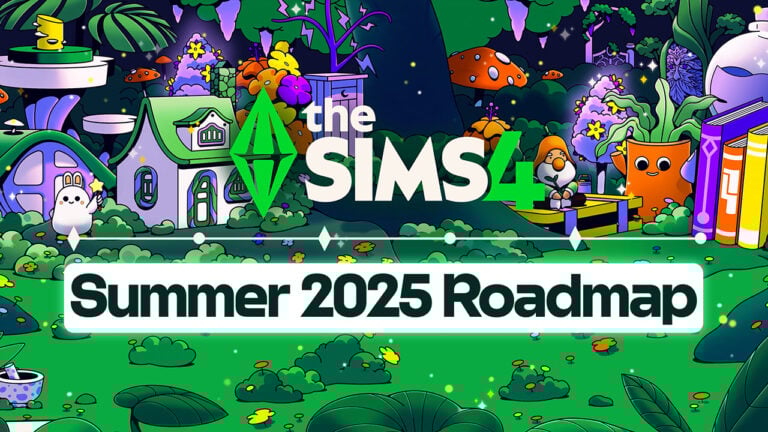
Electronic Arts and Maxis have just revealed the new Sims 4 Summer 2025 Roadmap. Covering all the new feature releases – including paid ones such as the new Expansion Pack and a free content Update.

Here’s everything you should expect for The Sims 4 from June 2025 to end of August 2025.

the sims 4 summer 2025 roadmap 2

The Sims 4 Summer 2025 Roadmap

We’re taking a break from Sims 4 Kits and other Pack types during The Sims 4 Summer 2025 Roadmap. The first thing expected on the roadmap is the reveal of the upcoming Sims 4 Enchanted by Nature Expansion Pack, which has been teased heavily throughout the last few days. The full release date for this expansion Pack is set for July 10th, 2025 across Desktop and Consoles.

The Sims 4 Nature’s Calling Limited Time Event has already been confirmed, and you can check out the list of Rewards and items right here!

the sims 4 summer 2025 roadmap Large

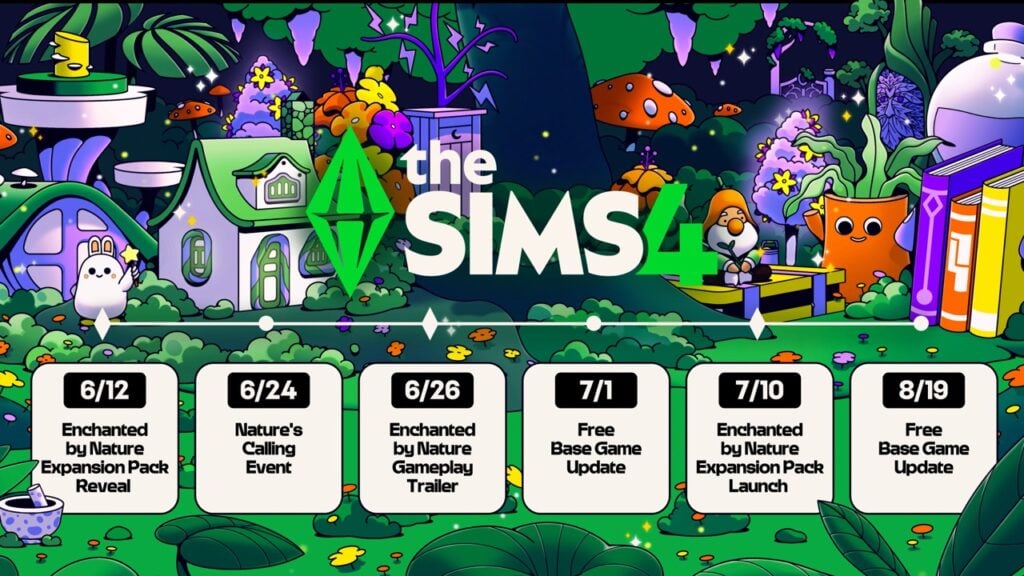
As for free Game Content updates, you should expect two: The first Sims 4 Free Base Game Update is a Pre-Expansion Pack release one set for July 1st, 2025. The second sims 4 Free Base Game Update is set on August 19th, 2025.

Bookmark your calendars for the following dates:

  • June 12 – The Sims 4 Enchanted by Nature Expansion Pack Reveal
  • June 24 – The Sims 4 Nature’s Calling Limited Event Begins
  • June 26 – The Sims 4 Enchanted by Nature Gameplay Trailer
  • July 1 – Free Sims 4 Base Game Update
  • July 10th – The Sims 4 Enchanted by Nature Expansion Pack Launch
  • August 19th – Free Sims 4 Base Game Update

Additionally, the official Sims Neswroom has shared more details on what to expect from the roadmap. Including first details about the upcoming Sims 4 Base Game Updates:

clipboard sc

Save The Dates

  • Watch for the twinkles in the forest on June 12 for the reveal of the Enchanted by Nature Expansion Pack. Get a more in-depth look at this whimsical world with a new gameplay trailer on June 26, and embrace the call of the natural world with the pack releasing on July 10
  • Venture into the great outdoors with the Nature’s Calling Event, coming to the base game on June 24. Stay tuned for more information on this limited-time Event, where you’ll hone your Sim’s handiness skill to discover a long-hidden secret of nature.
  • Bask in rays of sunlight draped in greenery descending from above with a base game update coming on July 1.  Additionally, new skin customization options will be available in another base game update on August 19! Keep an eye out for more information that will be shared in the days ahead.

Are you wondering what to expect from the general The Sims Franchise roadmap of releases this Summer? Check out the Franchise Summer 2025 Roadmap!

What are your thoughts on the latest Sims 4 2025 Summer Roadmap? Let us know your thoughts in the comments below and stay tuned on Sims Community to be in the loop for all the upcoming summer releases – and beyond!

Repair your Relationship with Cupid’s Counseling: The Sims 4 Lovestruck Guide

If your Sim is in a rocky relationship and is willing to put in the work to save it, head on over to Cupid’s Counseling, a question-based feature introduced by the Sims 4 Lovestruck.

Schedule Your Cupid’s Counseling Session

To visit the counselor with the Sims 4 Lovestruck, select the romantic partner your Sim wants to go with, click your Sim’s partner, and choose the Ask for Cupid’s Counseling interaction under the Relationship category. Your Sim doesn’t have to live with their romantic partner, but their household will need to have the 1,000 Simoleons to pay the counselor in order to unlock this interaction.

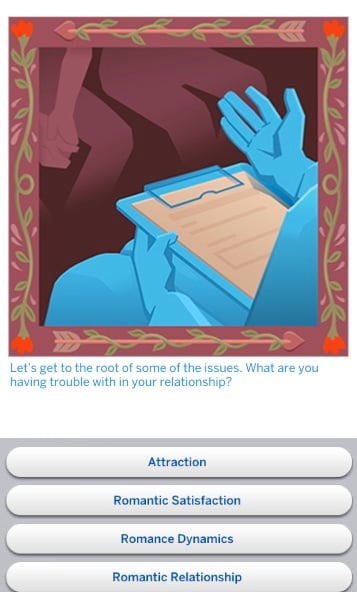
The counselor will give your Sim relationship advice and ask questions through a pop-up. Through these questions, the counselor will get to know your Sim and their intentions with Cupid’s Counseling. Are your Sims hoping to come out of this stronger and more in love than ever, or is someone looking for a way to exit the relationship?

The Sims 4 Lovestruck Cupid's Counseling-Rejection

And How Does that Make You Feel?

When you attend Cupid’s Counseling, your counselor will first ask each partner how they feel. The options you can choose from depend on your Sim’s current mood. The partner who initiates therapy will have the option to share their current mood, or simply say “I’m Ok.” if they are the more closed-off type. The second partner will always have the option to either share their current mood or say “I can’t complain” to set the tone for their therapy session.

Next, your couple will get to choose their goal for this therapy session. Your Sims will have four options to choose from in the Sims 4 Lovestruck.

The Sims 4 Lovestruck Cupid's Counseling-Goals

A Love Based on Giving and Receiving

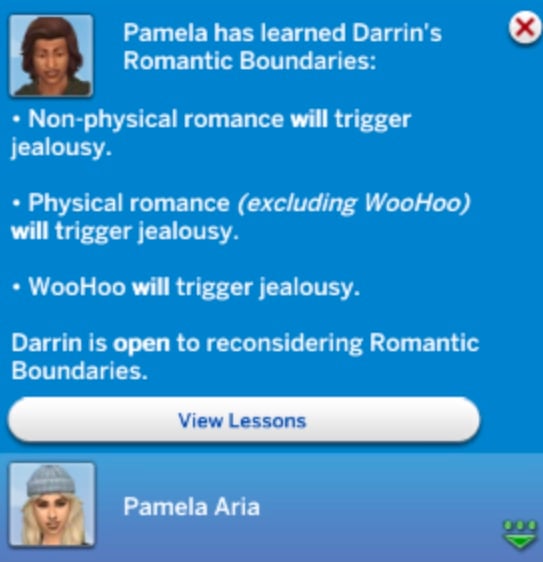
After you pick your goal, the counselor will validate your Sims and give you advice on resolving their romantic issues. This often includes tips on how to learn your partner’s Turn-Ons and Turn-Offs, ask about Romantic Boundaries, and spend time together.

The Sims 4 Lovestruck Cupid's Counseling-Romantic Boundaries

In some sessions, your Sim’s partner may speak up about something that has been on their mind, and your Sim will have to decide how they want to navigate this. They will get the option to Vent to Each Other or Ask for Advice. What you choose can be the deciding factor between a productive therapy session, or a waste of money.

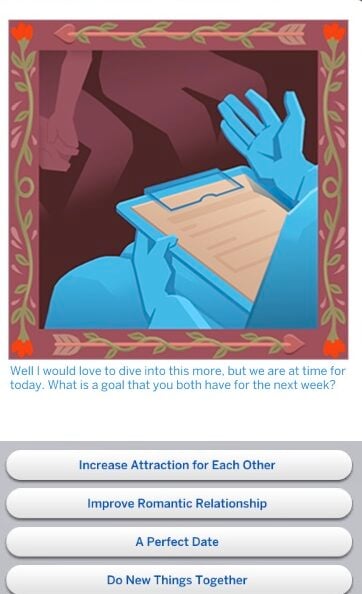
At the end of the session, your Sims will be given some homework for the week to improve whichever goal they choose. They will have four choices. Choose wisely, though, since you only get one session a week.

The Sims 4 Lovestruck Cupid's Counseling-Homework

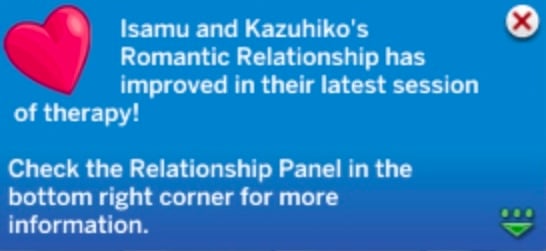
Your Sims can leave therapy with an increase in their Romance Skill, feeling refreshed in their relationship or with more questions than before.

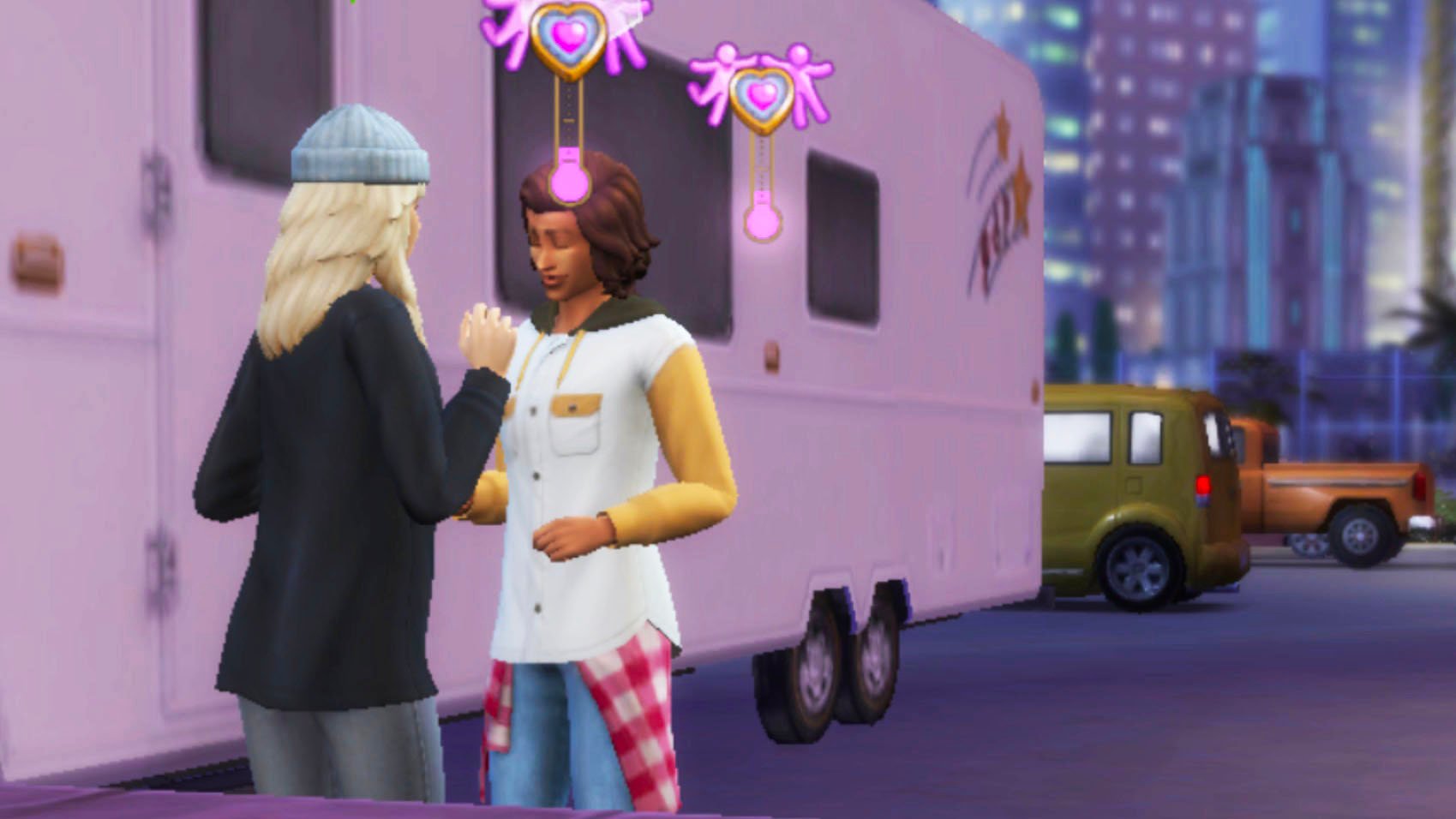
Therapy also gives your Sim the chance of having the In Therapy happy moodlet, Goal of a Perfect Date confident moodlet, They Think I’m Nuts embarrassed moodlet, Goal of Romantic Improvement romantic moodlet and more. Both Sims in the relationship will have the In Therapy relationship sentiment. This fades over time, but will last the whole week while waiting for the next Cupid’s Counseling session.

The Sims 4 Lovestruck Cupid's Counseling-Positive Reaction

Put in the Work in The Sims 4

Now, we know how therapy works, but what can our Sims really learn from it? Well, the new therapist in town has a boatload of advice for struggling couples and tips to rekindle any fading sparks.

The Sims 4 Lovestruck Cupid's Counseling-Advice

Attraction

  • “You may find all of the possibilities of Turn-Ons and Turn-Offs quite confusing…try to study more about each Turn-On or Turn-Off within the Change Sim menu on the Dresser”.
  • “Become more skilled in activities that attract your partner or even just change your wardrobe to make a difference.”
  • “Find out what attracts your partner and work towards that. I wish you both well.”
The Sims 4 Lovestruck Cupid's Counseling- Positive Relationsip

Romantic Satisfaction

  • “…We all have different expectations from one another. If we don’t make those known, we might find our boundaries being violated, which greatly affects Romantic Satisfaction.”
  • If you work on your Romantic Satisfaction hard enough, your Romantic Relationship will increase without even having to try. If you are unsatisfied, your Romantic Relationship will fall apart even faster.

Romance Dynamics

  • For a Steamy Dynamic, “a dozen Woohoos a day keeps the nosy therapist away”.
  • “If you are Yelling At each other one moment and Woohooing the next, you might find yourself with an Unpredictable Dynamic…”
The Sims 4 Lovestruck Cupid's Counseling- The Perfect Date

Romantic Relationship

  • “A little flirt here and there shows you care for one another”.
  • “…If you are listening closely to your partner, you may be able to know when the conversation has become Unpleasant or Awkward. Sometimes you just have to step away from each other and try again at another time.”
  • “…Might I suggest purchasing a Costume Trunk or Who’s Up Party Games? Things like this are fun but also allow you to get to know each other.”
The Sims 4 Lovestruck Cupid's Counseling-Date Night

Do you think your Sim will listen to the advice they learn from Cupid’s Counseling with The Sims 4 Lovestruck? Can they save their relationship?

Tim LeTourneau, Co-Creator of The Sims, Has Passed Away

Tim LeTourneau, Former Producer at Maxis, Has Passed Away

Yesterday, via a social media post from Donna LeTourneau, wife of former Maxis producer Tim LeTourneau, she acknowledged the recent passing of her husband.

Tim LeTourneau was both a producer and executive producer at Maxis, making significant contributions to games such as The Sims, The Sims 2, and MySims, as well as numerous other games throughout his career. His influence has helped shape the franchise we love, and his legacy will live on in every sim we create and house we build.

A Legacy of Innovation

Tim LeTourneau began his journey with Maxis in its early days, working closely with Will Wright (Creator of The Sims) on SimCity 3000 in 1999, before moving on to The Sims Team before the game’s original launch in 2000.

Additions such as Cars in The Sims 2 Nightlife Expansion Pack are all thanks to Tim. In an interview with Gamespot in 2005 about the Expansion, Tim said “This [was] a feature that Sims players have been requesting for five years, so we have always wanted to add them. Then you design an expansion pack about “getting your sims out of the house and out on the town.” It’s just a natural thing to include.”

TimLeT Header
Tim LeTourneau – Game Design Workshop


Some of you may not have heard Tim’s name until today. Some of you may have heard it without realising it. In The Sims 2, when playing ‘Marco Polo’ instead of saying “Marco” and “Polo”, Sims will instead say “TimLe” and “Tourneau”. This adorable easter egg will always be a reminder of how Tim helped shape the franchise. Thanks to Daniellebuilds on Facebook for sharing this. Check it out in action below!

kattana97 on Youtube

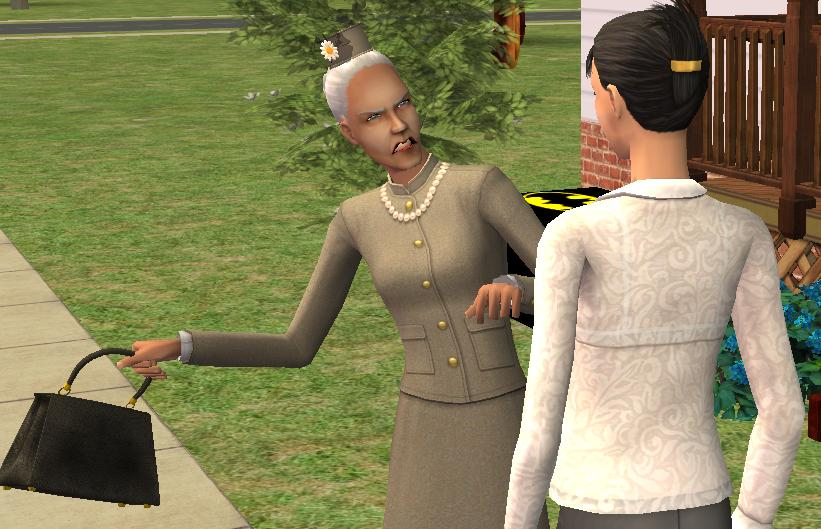
Some of you may be familiar with Tim’s Wife, Donna LeTourneau, as she voiced both child and toddler Sims in The Sims 3, as well as babies and toddlers in The Sims 2, among others. Her most iconic role was the voice of the Sims community’s favourite prude, Agnes Crumplebottom, in The Sims 2 Nightlife.

agnes 1

Over on Reddit, a Maxis employee who goes by the name ‘vertexnormal’ shared this personal anecdote about Tim LeTourneau:

On a personal note, Tim hired me at the age of 23 with no experience and no professional training just a ton of passion for making games. He changed my life in an amazing way and so much of who I am now hinged on his decision to take a chance on a nervous kid who chewed on his tie,

There is a reason why I called it the Maxis family, because it has been that for most who work and worked there. A place where we could all contribute our skills, passion, and visions while keeping our humor, our energy, and our sanity. Tim was a true father of that family.

vertexnormal – r/thesims – Reddit
newspaper2

Final Words

The online community has taken to social media to share memories, tributes, and reflections on Tim’s impact. Tim LeTourneau helped make The Sims more than a game, it became a mirror for life. Today, we say goodbye to one of the visionaries who helped shape that mirror. Our heart goes out to Donna and her four children. From all of us here at Sims Community – thank you Tim.

The Sims 4 Enchanted by Nature: Teaser Hints at a New Career, Creatures, and More!

Living at One With Nature and a Magical Presence!

With just about a week away until we get to see the reveal of the 19th Expansion Pack for The Sims 4, now seemingly confirmed to be titled “The Sims 4 Enchanted by Nature”, a brand new teaser page has dropped on the site that EA has been using to hype the incoming announcement: Somethingisgrowing.com.

Sims 4 Fairies Teaser / Sims 4 Enchanted By Nature Teaser 5

Let’s take a deep dive through what the newest teaser has to offer..

The Sims 4 Enchanted by Nature Teaser

The Sims 4 Enchanted by Nature Teaser 5

On The Sims 4 Enchanted by Nature teaser website, the fifth teaser has seemingly hinted at fairies, a new outdoor-based lifestyle, and confirmation of a new career based on the new Apothecary skill confirmed in the previous teaser.

Get lost in… Enchantment!

You’re awoken at dawn to the sound of high pitched laughter, somehow both sweet and sinister. All of a sudden, you’re met with a magical presence! You’re a little afraid at first, but you learn to embrace all the wonder and mischief these creatures’ abilities can bring—nurturing plants, influencing emotions, and a whole lot more you’re still yet to discover.

Eyes bleary with sleep, you look around at your strange and wonderful surroundings. Living at one with nature, with enchanting new friends, and even a new career… You have a feeling you’ll be right at home here.

And so your new life begins.

Where did the Gnome go?

This is now the fifth teaser dropped on the Sims 4 Enchanted by Nature promotional website, and we still have just about a week to go before we get a full reveal. Going back the past week or so, lets do a quick recap of what we’ve seen and what’s been hinted at.

the sims 4 enchanted by nature traits screen Large edited

The first teaser confirmed the world is called Innisgreen and has three neighborhoods. The second teaser hinted at new ways of living off-the-grid or off-the-lot, possibly allowing your sims to live in their world instead of being confined to just their home lot. The third teaser was huge, and confirmed the names of three brand new traits that will be coming with The Sims 4 Enchanted by Nature; Plant Lover, Mystical, and Disruptive.

Lastly, the fourth and prior most recent teaser put a focus on mysterious ailments and using the Apothecary skill to make yourself a cure, as well as using Simlish to subtly reveal that the name of the pack is confirmed to be The Sims 4 Enchanted by Nature. The last teaser also mentioned that your newfound skill could lead to a new career, and that new career is brought up for a second time in the fifth teaser.

Although, there may be something awry in this mystical world as the gnome has disappeared from the scene in the most recent teaser…

The Sims 4 Fairies Confirmed?

The Sims 4 Enchanted by Nature Teaser 5

While they’re not named directly, the hints at fairies are absolutely glaring in this teaser. Fairies are known for having somewhat two-sided nature, like how the teaser hints at them being “sweet and sinister” and coming with both “wonder and mischief“. Words like “enchanting new friends” and “creatures” are also used to describe these mysterious beings.

Community Thoughts

the sims 4 encahnted by nature screen

While opinions on teaser, reveals, and upcoming DLC for The Sims 4 have always been varied, many fans seem to be ecstatic about the idea of fairies being added to The Sims 4. With every new teaser, posts crop up across social media platforms, discussing what each hint could mean. Currently, without confirmation yet, many are debating how fairies will be implemented; Will they be full occult states (e.g. Vampires, Werewolves, Mermaids, etc.), will they be a state your sim can become after Create-A-Sim (like Plantsims), or will they be NPCs you can interact with in gameplay? For now, we don’t know and likely won’t until the full reveal on June 12th.


What are you most looking forward to that’s been hinted at so far? Follow The Sims Community for updates to The Sims 4 Enchanted by Nature teaser website and release information!