

The Sims 4 Backyard Stuff comes with over 40 new items! That includes new objects that can be found in Build Mode.
Down below you can find screens of the 3 new styled rooms, and even more down below you will find a full list of new items. Enjoy!


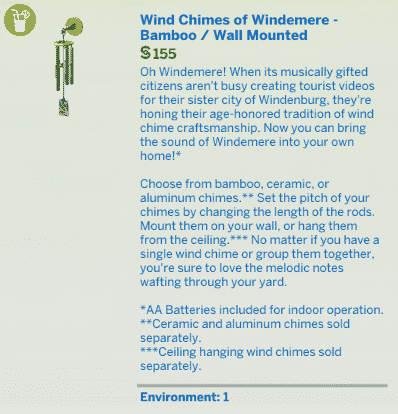


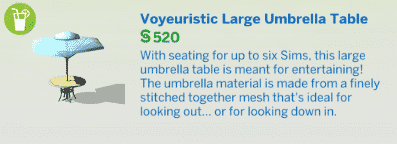


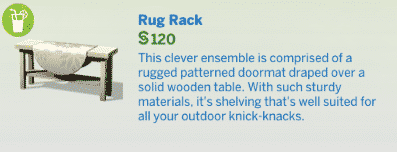


The Sims 4 Backyard Stuff comes with over 40 new items! That includes new objects that can be found in Build Mode.
Down below you can find screens of the 3 new styled rooms, and even more down below you will find a full list of new items. Enjoy!
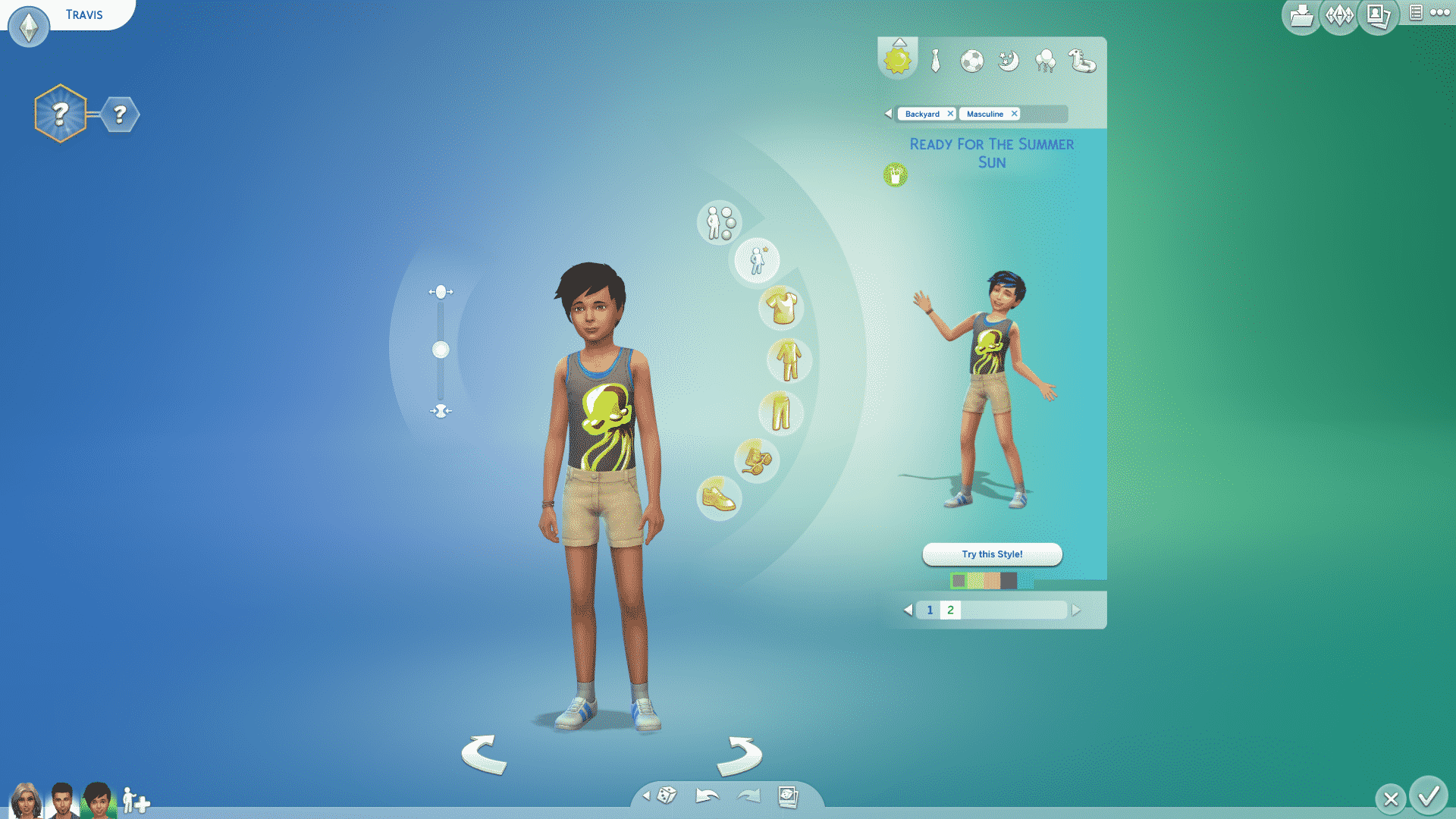
The Sims 4 Backyard Stuff comes with 36 new CAS items for Children, Teens, Young Adults, Adults and Elders!
Down below you’ll find a full list / gallery of all the new items in CAS. You can enlarge any image by clicking on it.




Click below to purchase The Sims 4 Backyard Stuff on Origin!

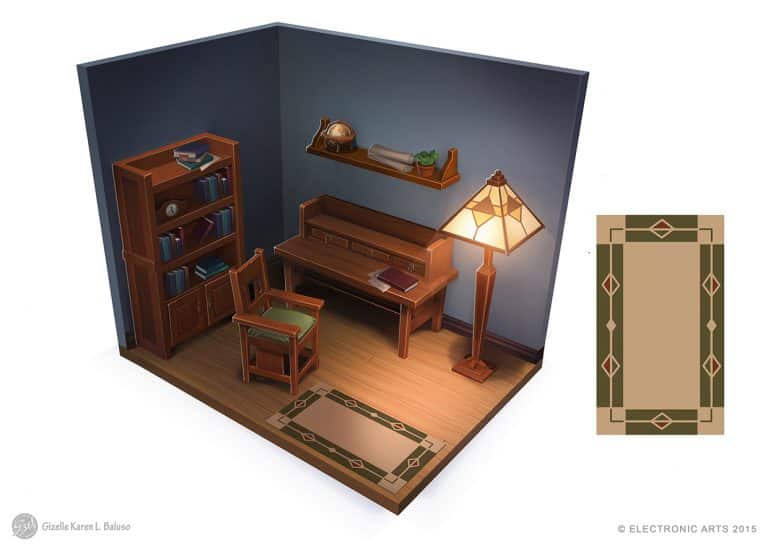
Gizelle Karen Beluso posted some of the Room Concept Art pieces she made for The Sims 4 Base Game. Check them out!


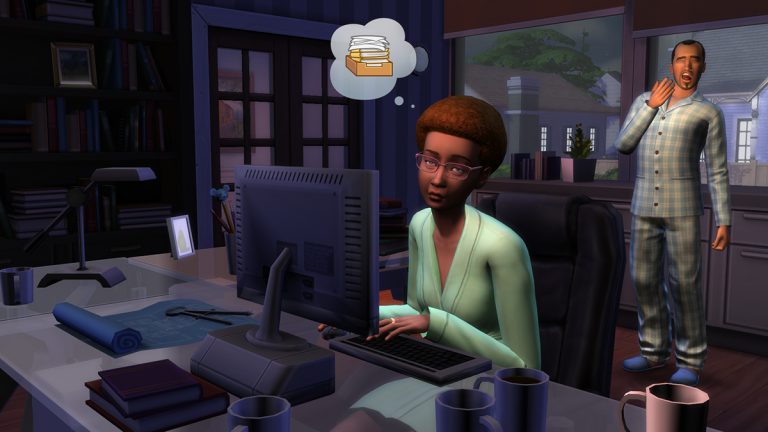

The Sims Team has released a brand new Update for The Sims 4, fixing the loading times bug.
To download the latest version of The Sims 4, simply open your Origin program and if the game doesn’t update automatically, right click on The Sims 4 and select ”Update”.
In case you have Mods or Custom Content, the game will automatically disable them for you after first launching The Sims 4 after the update. To re-enable all your Mods and Custom Content, select the Settings option in the Menu and select Settings. Under the”Other” section you’ll find the ”Enable Custom Content and Mods” option. Check it and restart your game in order for it to take effect!
Patch Notes
Update: 07/18/2016 – PC Version 1.21.37.1020 / Mac Version 1.21.37.1220
• Fixed long load times on startup when many screenshots are saved

The Sims Poland released a clip from The Sims 4 Backyard Stuff, showing off the water slide and the trick slides!
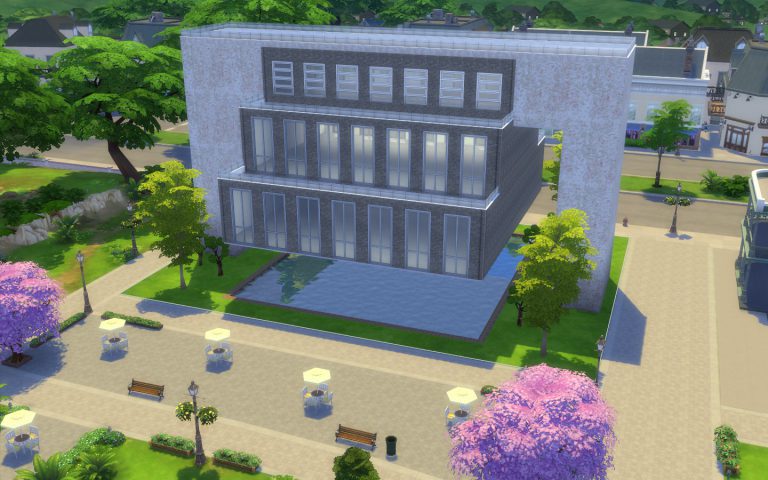
Do you want a striking library, museum, restaurant, shop or a very sophisticated home? You should try a suspended building!
 Today you’ll be able to learn two styles: simple and elaborate.
Note: If any of the instructions is complicated, take a look at the images. They show every step in detail.
Let’s use the Room Tool.

Build a rectangle on one of the sides of the lot. In order to accommodate stairs further into the construction, it needs to be at least 7×2. The one in the image below is 8×4.

Build an identical room on the other side of the lot.

The next step is to build what will be our main space, so it should be large. It also needs to connect to the two rooms we previously made.

Now move to the floor above and build the exact same three rooms again, on top of the ones we already have.

This is a good time to check the height of the walls on both floors. For maximum impact, set them to tall.

Select the larger room on the first floor…

…and use the Delete key on your keyboard to get rid of it. Our building is now officially suspended!
 Now we are going to select the Room Tool in half-walls.
 Build a room on the third floor connecting the two towers, just like in the image below.

Our structure is completed.

Let’s now paint the walls of the suspended room. Hold the Shift key to paint the outside of the whole room.

Choose a different wall pattern or a contrasting colour within the same pattern to paint the structure supporting the suspended building. This contrast will make your creation pop.

Using the same concept, select distinct tile patterns or colours on the top of the construction.

Choose a half-wall trim that matches your design.

The outside of the suspended area will really benefit from friezes…

…and trims.

On the second floor, open the towers to the main area by deleting their inside walls.
Tip: Use the Hammer Tool.

The result.

You can add wall and floor patterns now or later. I’d rather add them now.
 Next, put stairs inside the first floor of the towers…

…on both sides, leading up to the suspended area.

Don’t forget to add doors to the towers. They are our entrances.

A great idea is to add a fountain to the gap beneath the building.

A nice touch is adding trimming to the edges.

Tip: You can and should also apply floor and wall patterns to the inside of your fountain.
Time to finish decorating your creation.

After you try the Simple one, you might want to create something a bit more advanced. Several of the steps are the same, therefore, let’s focus on what is different. First, when you are creating the third room on the ground floor, leave some space between it and the bases of the towers.

On the second floor, you will create three identical rooms on top of the ones on the first floor.
 Do the same on the third floor, creating a new set of rooms on top of the ones on the second floor. However, the room in the middle should be a bit smaller, like in the picture below.

On the fourth floor, instead of half-walls, use full walls and create a room connecting the two towers.

Delete the large room on the ground floor and the final structure will look like this.

When placing stairs inside the towers, use only half of the available width…
 …because you will need stairs all the way up to the fourth floor, so you will alternate the side you put them on from floor to floor.

Note: When creating the interiors, you’ll need stairs that go down from the fourth to the third floor and down from the third floor to the second floor inside the suspended structure.
Everything else is pretty much the same as in the Simple Suspended Building.

UPDATE: The servers are back up. If you’re still experiencing issues, give it a few more minutes.
When opening up Origin to play The Sims 4 or any other game, you’ll probably be greeted with this message:
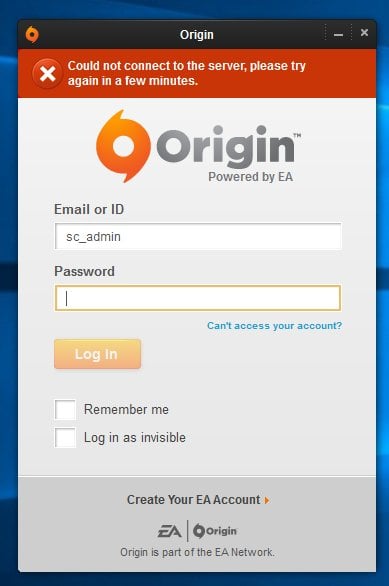
You can bypass this error by trying to log in a few more times, which will switch your Origin to Offline Mode.
Electronic Arts is aware of the issue and has released the following statement:
EA is currently experiencing an outage. EA games, services & support may be impacted. We’re working to resolve as fast as possible.
— EA Support (@AskEASupport) July 16, 2016
We’ll keep you updated as things change!
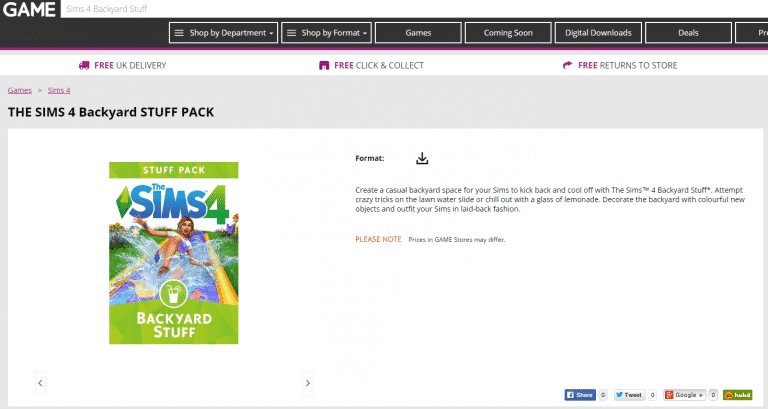
GAME UK is now offering The Sims 4 Backyard Stuff for purchase!
Those who purchase it from here will get the game in form of a digital code in their email inbox.
Click below to purchase!

The Sims 4’s latest update brought the official description for The Sims 4 Backyard Stuff, along with the key features.

Create a casual backyard space for your Sims to kick back and cool off with The Sims 4 Backyard Stuff. Attempt crazy tricks on the lawn water slide or chill out with a glass of lemonade. Decorate the backyard with colorful new objects and outfit your Sims in laid-back fashion.
Some Simmers (including myself) are experiencing long waiting times on the startup screen of The Sims 4 after the latest update.
Anyone having an issue where you can’t go past this screen? I tried removing my mods and “Repair Game” but nothing pic.twitter.com/7gvSDIG5eX
— Sims Community (@TheSimCommunity) July 14, 2016
However, there is a quick solution to this problem!
Open up your save game folder (Documents > Electronic Arts > The Sims 4) and locate the Screenshots folder. If you’re experiencing the freezing issue, then your Screenshots folder is probably full of screens and videos, just like mine was (over 6GB of screens!).
If you don’t want to lose your screenshots from the folder, you can rename the folder to something else or move the entire folder to a different location and let the game create a new one after you start the game.
As confirmed by SimGuruArvin, this is only a temporary fix and it could happen again once your Screenshots folder fills up.
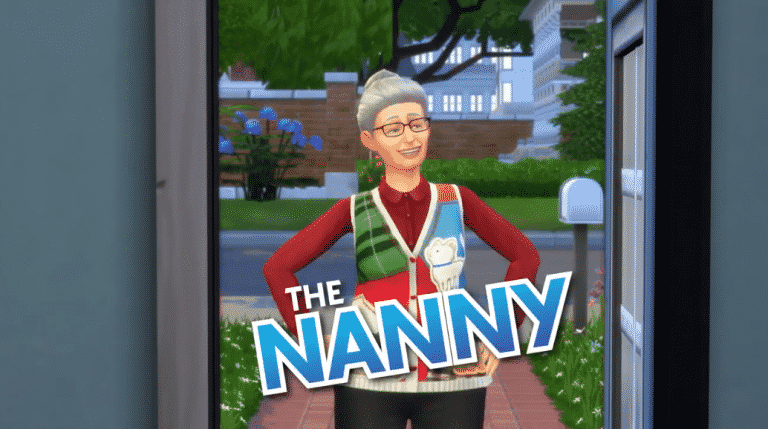
The Sims Team released a short Trailer, celebrating the release of their latest Nanny Update!
For more information about the latest Update, CLICK HERE!
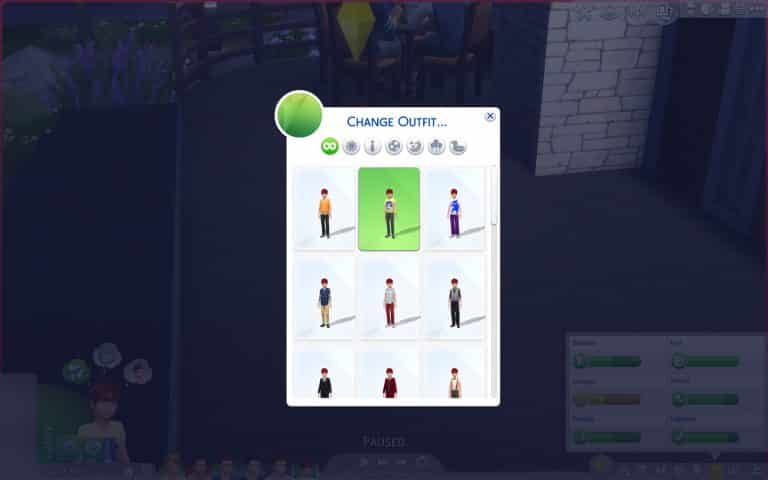
In addition to nannies and new per room lighting options, the July 14th patch has also added an improved outfit picker to make it easier for you to change your sims on the go. Select Change Sim…
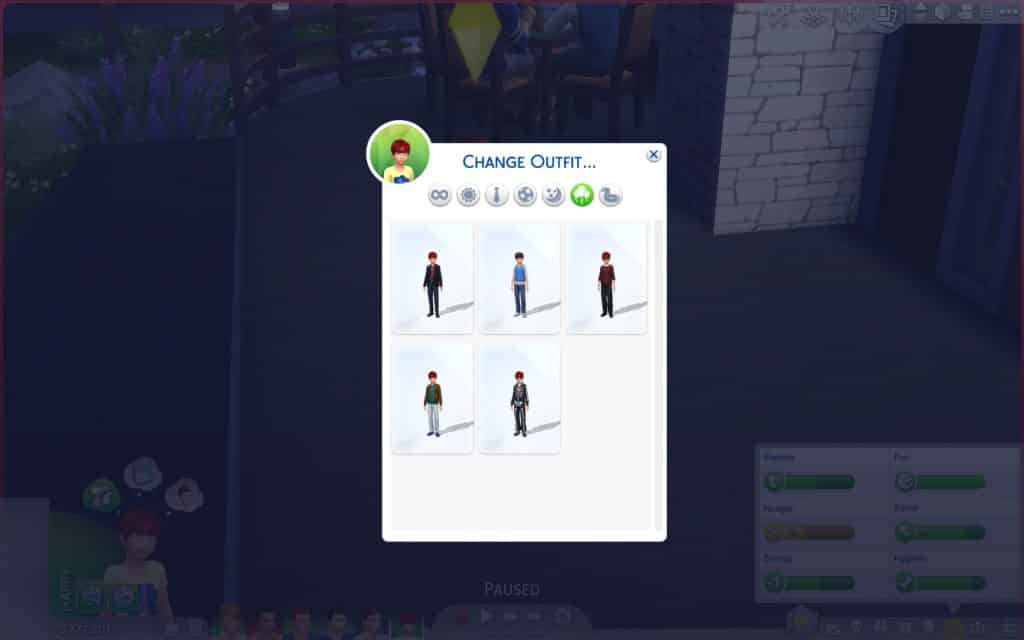
 …and there you will have access to the revamped picker! You can see your choices more clearly, instead of having to remember what was Everyday 1 or Everyday 2.
 You can also filter by outfit category, since each category can have up to 5 different outfit and a single sim can have up to 30 individual outfits across all six categories.

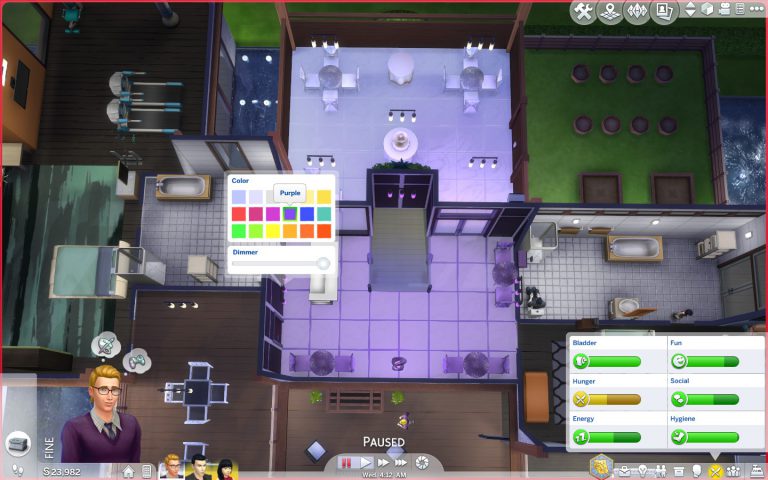
The July 14th patched a couple of extra things, besides NPC nannies. You can now set the lighting per room, in addition to previously being able to set per light and for all lights. When clicking on a light fixture, you get the usual options…
 …but now, when you choose your desired option, you also have the brand new possibility of adjusting lighting per room.

You can change colours…

…and you can also change intensity.
 I hope this piece of news was enlightening!
The Sims Team has released a brand new Update for The Sims 4, adding nannies and fixing some bugs in the game.
To download the latest version of The Sims 4, simply open your Origin program and if the game doesn’t update automatically, right click on The Sims 4 and select ”Update”.
In case you have Mods or Custom Content, the game will automatically disable them for you after first launching The Sims 4 after the update. To re-enable all your Mods and Custom Content, select the Settings option in the Menu and select Settings. Under the”Other” section you’ll find the ”Enable Custom Content and Mods” option. Check it and restart your game in order for it to take effect!
Patch Notes
Update: 07/14/2016 – PC Version 1.21.32.1020 / Mac Version 1.21.32.1220
Hello Sim fans, Simmers, Simians, and Simsters,
We have a couple of new bits of this and that…
Nannies have arrived!
The nanny is now available to hire from the phone (Hire a Service, in the Career/Household menu). The nanny will take care of your little ones when you don’t have time to… they will play, mentor, and care for their needs.
Hired nannies will stay for up to 24 hours, or until dismissed. They do charge an hourly rate, but for the parent with a need for a nap, no price is too high.
Some smaller new’s
- Lights can now have their color and intensity modified per room. In addition to the “this light” and “all lights” option, you can now modify lights via the “this room” option.
- Changing outfits will now bring up a visual outfit picker to choose your Sims outfit.
- Click on the active Sim and choose “Outfits…” and then “Change Outfit…” – this will open up an outfit picker that you can choose from between all your available outfits on that Sim, or filter using the filter options in the dialog.
- No longer will you have to say “what was Everyday 4?” – Now you can see what each and every outfit is that you have created for your Sims.
And even smaller than small new’s
- You can now use the space bar to cycle between Sims in Create a Sim.
General Issues
- You should now be able to complete the ‘Feed a Cowplant’ whim by feeding a Cowplant.
- Mounted fish with an emotional décor rating will now be able to have the emotional aura turned on and/or off.
- And now… a Grammar Corner moment…
- It turns out, that is an invalid use of the ‘and/or’ grammatical conjunction. As much as I believed the ‘/’ was a replacement for ‘or’ (thus resulting in the phrase being ‘and or or’) it is actually x or y or both (or… And or Or or And and Or).
- This Grammar Corner moment has been brought to you by The Internet. The Internet, serving brains for over 30 years.
- Sounds like a zombie café…
- We addressed an issue with “in progress” Sim inventory items (such as the songbook that is in your inventory when you are composing a piece of music) that allowed them to be dragged to the ‘sell this item’ option in the inventory panel, and resulted in a broken inventory state.
- Those items will no longer be draggable, and instead have an option that appears when clicked on them to remove them from the Sims inventory (if you so wish).
- Woodworking sculptures should now have a proper appearance when placed into your Sims inventory, and will no longer appear as a non-informative star, in a black and white circle.
- If your mom told you and your sibling to use the cup on the table,
- …and you both poured your OJ into the glass at the same time without realizing the other was also doing so,
- …then you might wonder what this has to do with texture space, and the problem caused by cfTop_EP01HoodieShortSleeve and cuShoes_SP07Sneakers.
- Let me just say, the hoodie asset will no longer cause the wrong color to appear on the heel of the sneakers asset.
- And you should always make sure your sibling isn’t pouring their OJ into your cup.
- We have addressed an issue with stacked rugs, where they were not respecting their sort order on non-active (your neighbor’s lot) lots.
- Rugs now remember their order no matter how you view them. Unless you are viewing them in a mirror, then they will be reverse vertical order but the same horizontal.
- Placing a Drink Tray on your lot will no longer satisfy the ‘Own a Bar’ goal for Sims with the mixologist aspiration.
- Curtains will now appear properly lit depending upon their interior or exterior placement, rather than as a result of the orientation of the window they are placed upon.
- We fixed an issue that resulted in see through walls.
- This had to do with the wallpaper disagreeing with the visibility state of the wall, and thus turning itself and the resulting part of the wall invisible.
- We fixed an issue that could result in male children not being able to change their eye color in Create a Sim.
- We fixed an issue that was causing the dancing shoes (unlocked at level 5 of dancing) to be non-wearable for some Sims.
- Children should now get social motive when being read to by an adult.
- Yes it was broken, and we fixed it’s “was broken” state, but then it’s “was broken is fixed” state was broken, and now it’s “was broken was fixed is broken” state is fixed.
- In case you were curious… “was broken was fixed was broken is fixed” is the resulting state.
- BTW… since we are on the subject, we also re-addressed an issue that was preventing relationship from being gained when chatting with other Sims on the Slablet.
- That issue is also “was broken was fixed was broken is fixed.”
Hope you have/had a happy July (if you’ve been following along up to this point… have or had or both July).
-SimGuruGnome