Home Blog Page 434

The Sims 4 Get Together: Club Perks

Along with the new Clubs system, The Sims 4 Get Together comes with Club Perks that allow you to customize your Club the way you want – from your Sims’ behavior to unique clothing and objects.

TS4_x64 2015-12-06 21-17-14-20

Each Club Perk requires a certain amount of Perk Points. You can earn Perk Points by spending time with your club and performing Club Activities.

Club Status (Only 1 Allowed)

gticon (124) Infamous Club (100 Points) – While in a Infamous Club, Sims will react to your Sims in fear. Your Sim will also start with lower relationship when they first meet others.

gticon (95) Obscure Club (0 Points) – While in an Obscure Club, your Sims will have a neutral relationship effect when you first meet other Sims.

gticon (131) Popular Club (100 Points) – While in a Popular Club, Sims will react to your Sims in awe. Your Sim will also start with higher relationship when they first meet others.

Club Handshake (Only 1 Allowed)

gticon (88) No Handshake – This will remove the Club’s Handshake.

gticon (141) High Low Flip (100 Points) – Unlocks the Club Handshake High Low Flip. This will replace any other handshake you have selected.

gticon (134) Cross Cross Point (100 Points) – Unlocks the Club Handshake Cross Cross Point. This will replace any other handshake you have selected.

gticon (93) Front Back High Low (100 Points) – Unlocks the Club Handshake Front Back High Low. This will replace any other handshake you have selected.

gticon (102) Fist Bump (100 Points) – Unlocks the Club Handshake Fist Bump. This will replace any other handshake you have selected.

Club Size

gticon (77) Capacity Upgrade 1 (250 Points) – Allow up to 7 Sims into  your Club.

gticon (122) Capacity Upgrade 2 (500 Points) – Allow up to 8 Sims into  your Club.

Social Bonuses

gticon (97) Friendly Bonus (300 Points) – This will improve the chance of success when using friendly socials while in a Club Gathering.

gticon (32) Funny Bonus (300 Points) – This will improve the chance of success when using funny socials while in a Club Gathering.

gticon (2) Mean Bonus (300 Points) – This will improve the chance of success when using mean socials while in a Club Gathering.

gticon (103) Mischief Bonus (300 Points) – This will improve the chance of success when using mischief socials while in a Club Gathering.

gticon (35) Romance Bonus (300 Points) – This will improve the chance of success when using romance socials while in a Club Gathering.

Skill Bonuses

Cupcake Baking Boost (400 Points) (Get to Work Required) – This will boost the speed at which your Sim gains Baking Skill while in a Club Gathering.

DrinkShaker Mixology Boost (400 Points) – This will boost the speed at which your Sim gains Mixology Skill while in a Club Gathering.

gticon (117) Charisma Boost (400 Points) – This will boost the speed at which your Sim gains Charisma Skill while in a Club Gathering.

Microphone Comedy Boost (400 Points) – This will boost the speed at which your Sim gains Comedy Skill while in a Club Gathering.

gticon (11) DJ Boost (400 Points) – This will boost the speed at which your Sim gains DJ Skill while in a Club Gathering.

Fishing Fishing Boost (400 Points) – This will boost the speed at which your Sim gains Fishing Skill while in a Club Gathering.

Muscles Fitness Boost (400 Points) – This will boost the speed at which your Sim gains Fitness Skill while in a Club Gathering.

GardeningTools Gardening Boost (400 Points) – This will boost the speed at which your Sim gains Gardening Skill while in a Club Gathering.

HatChef Gourmet Cooking Boost (400 Points) – This will boost the speed at which your Sim gains Gourmet Cooking Skill while in a Club Gathering.

GuitarAcoustic Guitar Boost (400 Points) – This will boost the speed at which your Sim gains Guitar Skill while in a Club Gathering.

Wrench Handiness Boost (400 Points) – This will boost the speed at which your Sim gains Handiness Skill while in a Club Gathering.

FryingPan Cooking Boost (400 Points) – This will boost the speed at which your Sim gains Cooking Skill while in a Club Gathering.

ChessPawn Logic Boost (400 Points) – This will boost the speed at which your Sim gains Logic Skill while in a Club Gathering.

gticon (155) Mischief Boost (400 Points) – This will boost the speed at which your Sim gains Mischief Skill while in a Club Gathering.

gticon (132) Painting Boost (400 Points) – This will boost the speed at which your Sim gains Painting Skill while in a Club Gathering.

Piano Piano Boost (400 Points) – This will boost the speed at which your Sim gains Piano Skill while in a Club Gathering.

ComputerKey Programming Boost (400 Points) – This will boost the speed at which your Sim gains Programming Skill while in a Club Gathering.

gticon (59) Rocket Science Boost (400 Points) – This will boost the speed at which your Sim gains Rocket Science Skill while in a Club Gathering.

gticon (7) Video Gaming Boost (400 Points) – This will boost the speed at which your Sim gains Video Gaming Skill while in a Club Gathering.

Violin Viano Boost (400 Points) – This will boost the speed at which your Sim gains Viano Skill while in a Club Gathering.

WritingPaper Writing Boost (400 Points) – This will boost the speed at which your Sim gains Writing Skill while in a Club Gathering.

Berries Herbalism Boost (400 Points) (Outdoor Retreat Required) – This will boost the speed at which your Sim gains Herbalism Skill while in a Club Gathering.

ZenGarden Wellness Boost (400 Points) (Spa Day Required) – This will boost the speed at which your Sim gains Wellness Skill while in a Club Gathering.

Camera Photography Boost (300 Points) (Get to Work Required) – This will boost the speed at which your Sim gains Photography Skill while in a Club Gathering.

DiscoBall Dancing Boost (300 Points) – This will boost the speed at which your Sim gains Dancing Skill while in a Club Gathering.

gticon (3) Homework Boost (100 points) – This will increase the speed at which your Sims will complete their homework during a Club Gathering.

Creative Creativity Boost (200 Points) (Child) – This will boost the speed at which your Sim gains Creativity Skill while in a Club Gathering.

Brain Mental Boost (200 Points) (Child) – This will boost the speed at which your Sim gains Mental Skill while in a Club Gathering.

Engine Motor Boost (200 Points) (Child) – This will boost the speed at which your Sim gains Motor Skill while in a Club Gathering.

Talking Social Boost (200 Points) (Child) – This will boost the speed at which your Sim gains Social Skill while in a Club Gathering.

Club Vibe

gticon (84) Stronger Comradery Moodlet (300 Points) – The Stronger Comradery Moodlet will boost the base happy buff you receive for being in a Club Gathering.

gticon (152) Strongest Comradery Moodlet (400 Points) – The Strongest Comradery Moodlet will boost the base happy buff you received for being in a Club Gathering to the max.

gticon (149) Angry Club Vibe (100 Points) – The Angry Club Vibe can be used to make all Sims in your Club Gathering Angry!

gticon (119) Stronger Angry Club Vibe (200 Points) – The Angry Club Vibe can be used to make all Sims in your Club Gathering Angry.

gticon (143) Strongest Angry Club Vibe (300 Points) – The Angry Club Vibe can be used to make all Sims in your Club Gathering Angry.

gticon (146) Confident Club Vibe (100 Points) – The Confident Club Vibe can be used to make all Sims in your Club Gathering Confident.

gticon (22) Stronger Confident Club Vibe (200 Points) – The Confident Club Vibe can be used to make all Sims in your Club Gathering Confident.

gticon (87) Strongest Confident Club Vibe (300 Points) – The Confident Club Vibe can be used to make all Sims in your Club Gathering Confident.

gticon (150) Energized Club Vibe (100 Points) – The Energized Club Vibe can be used to make all Sims in your Club Gathering Energized.

gticon (135) Stronger Energized Club Vibe (200 Points) – The Energized Club Vibe can be used to make all Sims in your Club Gathering Energized.

gticon (83) Strongest Energized Club Vibe (300 Points) – The Energized Club Vibe can be used to make all Sims in your Club Gathering Energized.

gticon (28) Flirty Club Vibe (100 Points) – The Flirty Club Vibe can be used to make all Sims in your Club Gathering Flirty.

gticon (29) Stronger Flirty Club Vibe (200 Points) – The Flirty Club Vibe can be used to make all Sims in your Club Gathering Flirty.

gticon (23) Strongest Flirty Club Vibe (300 Points) – The Flirty Club Vibe can be used to make all Sims in your Club Gathering Flirty.

gticon (98) Focused Club Vibe (100 Points) – The Focused Club Vibe can be used to make all Sims in your Club Gathering Focused.

gticon (40) Stronger Focused Club Vibe (300 Points) – The Focused Club Vibe can be used to make all Sims in your Club Gathering Focused.

gticon (120) Strongest Focused Club Vibe (300 Points) – The Focused Club Vibe can be used to make all Sims in your Club Gathering Focused.

gticon (144) Inspired Club Vibe (100 Points) – The Inspired Club Vibe can be used to make all Sims in your Club Gathering Inspired.

gticon (145) Stronger Inspired Club Vibe (200 Points) – The Inspired Club Vibe can be used to make all Sims in your Club Gathering Inspired.

gticon (91) Strongest Inspired Club Vibe (300 Points) – The Inspired Club Vibe can be used to make all Sims in your Club Gathering Inspired.

gticon (105) Playful Club Vibe (100 Points) – The Playful Club Vibe can be used to make all Sims in your Club Gathering Playful.

gticon (142) Stronger Playful Club Vibe (200 Points) – The Playful Club Vibe can be used to make all Sims in your Club Gathering Playful.

gticon (1) Strongest Playful Club Vibe (300 Points) – The Playful Club Vibe can be used to make all Sims in your Club Gathering Playful.

gticon (101) Sad Club Vibe (100 Points) – The Sad Club Vibe can be used to make all Sims in your Club Gathering Sad.

gticon (48) Stronger Sad Club Vibe (200 Points) – The Sad Club Vibe can be used to make all Sims in your Club Gathering Sad.

gticon (116) Strongest Sad Club Vibe (300 Points) – The Sad Club Vibe can be used to make all Sims in your Club Gathering Sad.

Club Management

gticon (100) Rally the Troops (500 Points) – Unlocks the Rally the Troops social interaction to keep your Club partying all night long.

gticon (121) Networked Club (500 Points) – This will increase your performance gain at work while your Sim is part of this Club.

Clothing and Décor

gticon (34) Leather Jacket (200 Points) – Represent your Club with this stylish Leather Jacket. Once purchased don’t forget to apply it to your Club’s uniform from the Club Panel.

gticon (158) Track Jacket (200 Points) – Represent your Club with this stylish Track Jacket. Once purchased don’t forget to apply it to your Club’s uniform from the Club Panel.

gticon (133) Trucker Hat (100 Points) – Represent your Club with this stylish Trucker Hat. Once purchased don’t forget to apply it to your Club’s uniform from the Club Panel.

gticon (66) Club Pennant (300 Points) – Represent your Club allegiance with your very own Club Pennant. Once purchased don’t forget to put one in your house!

gticon (71) Friendship Bracelets (100 Points) – Show who your true friends are. Once purchased don’t forget to apply it to your Club’s uniform from the Club panel.

gticon (109) Club Door (400 Points) – Use this door to create a Club hangout and keep out those rival Clubs.

gticon (56) Club Seal (600 Points) – This Club Seal is the ultimate display of Club pride. Display it proudly in your Club hangout or house.

gticon (80) Club Flag (300 Points) – Show your Club spirit by hanging this flag proudly in your Club hangout or house.

gticon (79) Club Banner (500 Points) – Represent your allegiance with this Club Banner. Once purchased don’t forget to put on in your house.

gticon (148) Club Rug (300 Points) – Cover your Club hangout with thsis oft one of a kind custom rug and display your Club’s Crest proudly! Once purchased don’t forget to place one in your Club’s hangout or house.

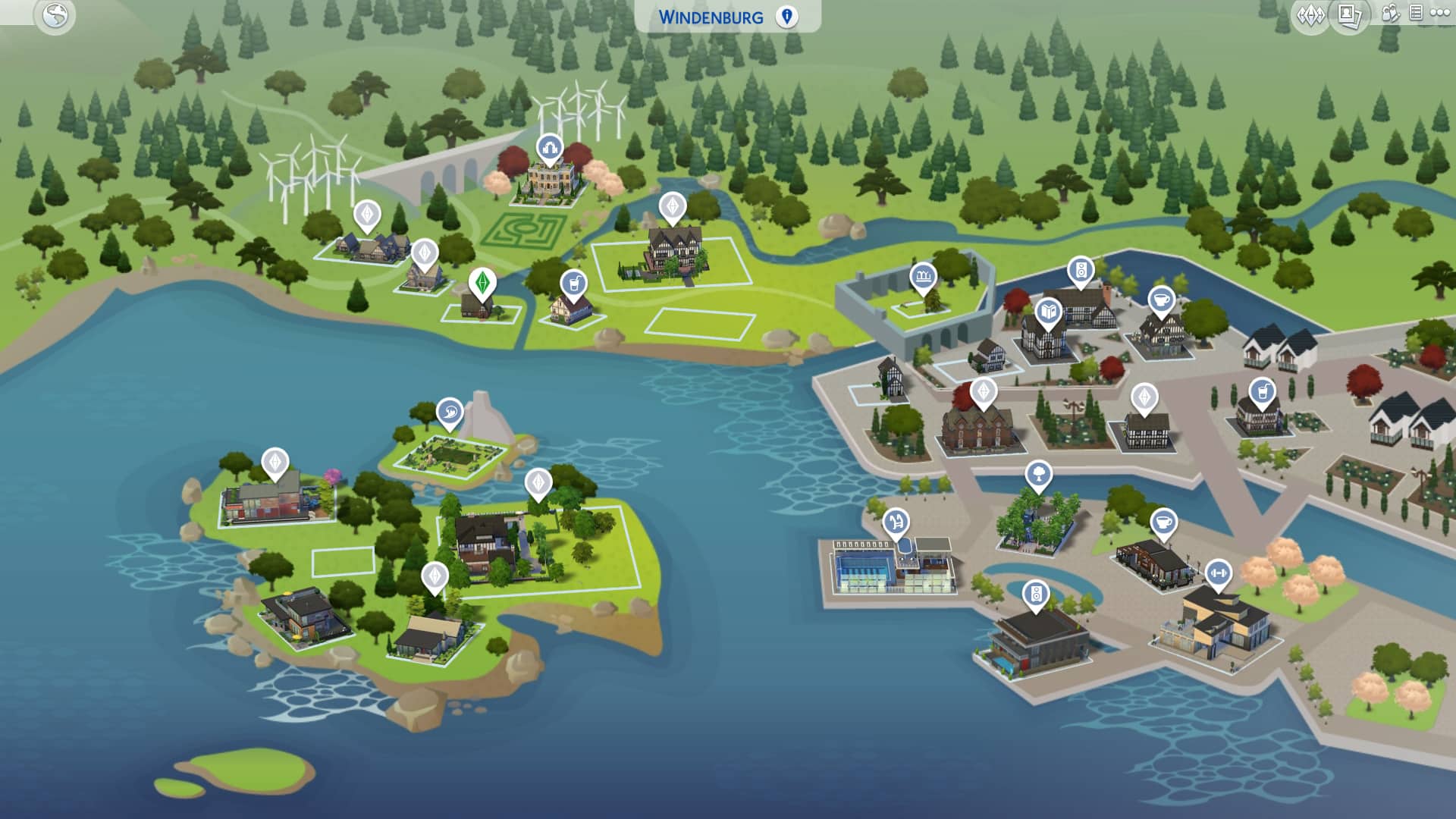
The Sims 4 Get Together: Windenburg Interactive Map

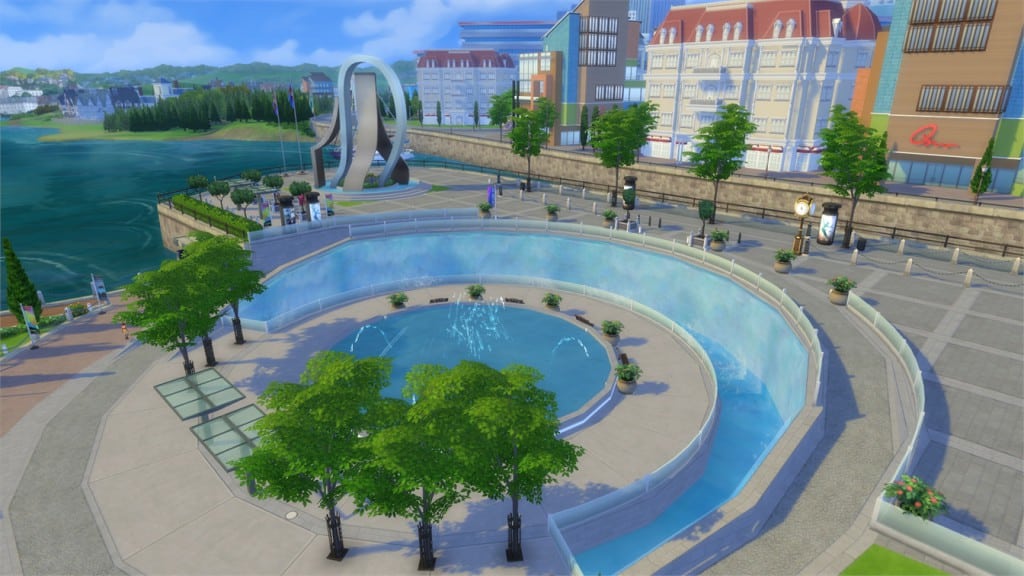
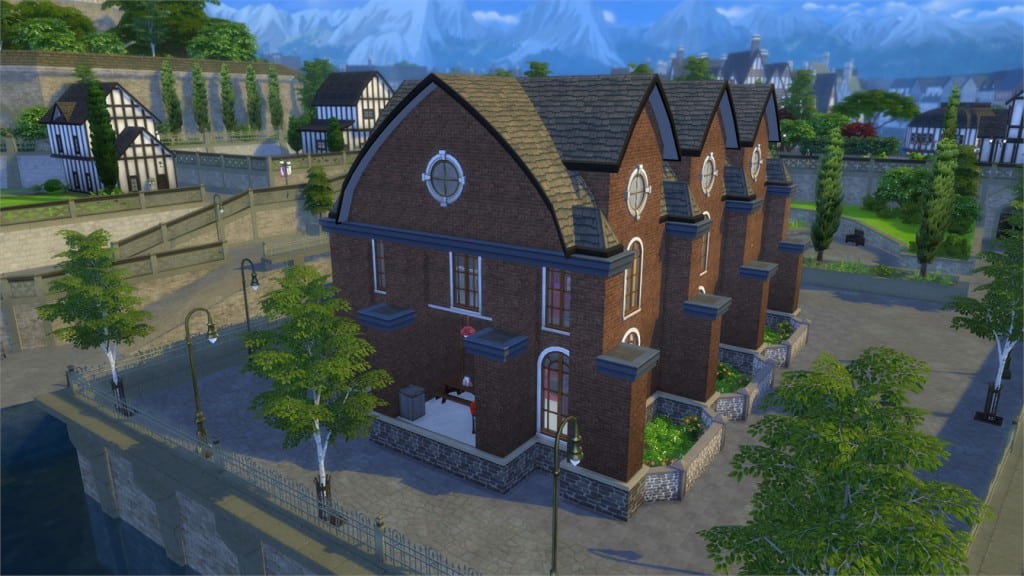
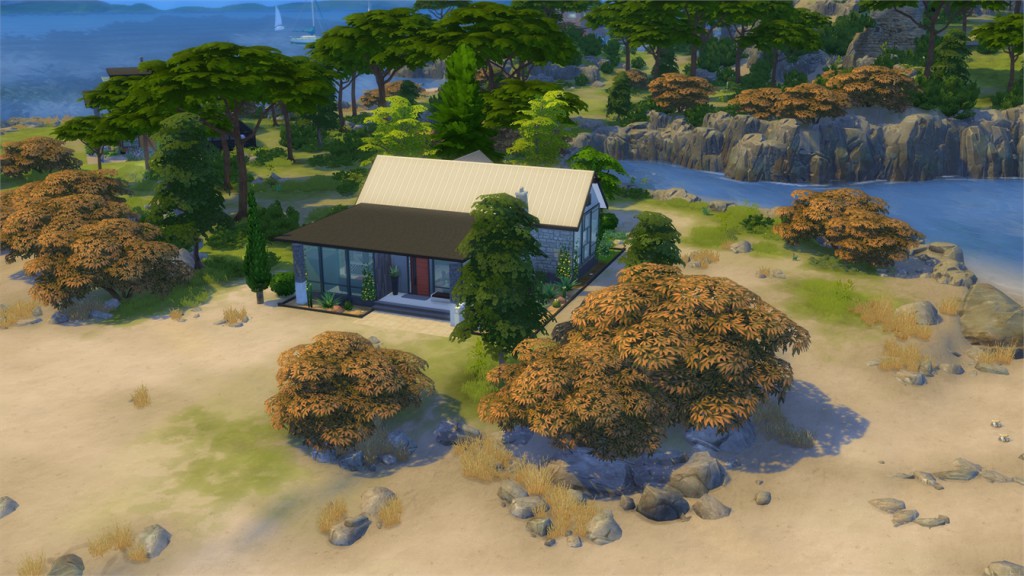
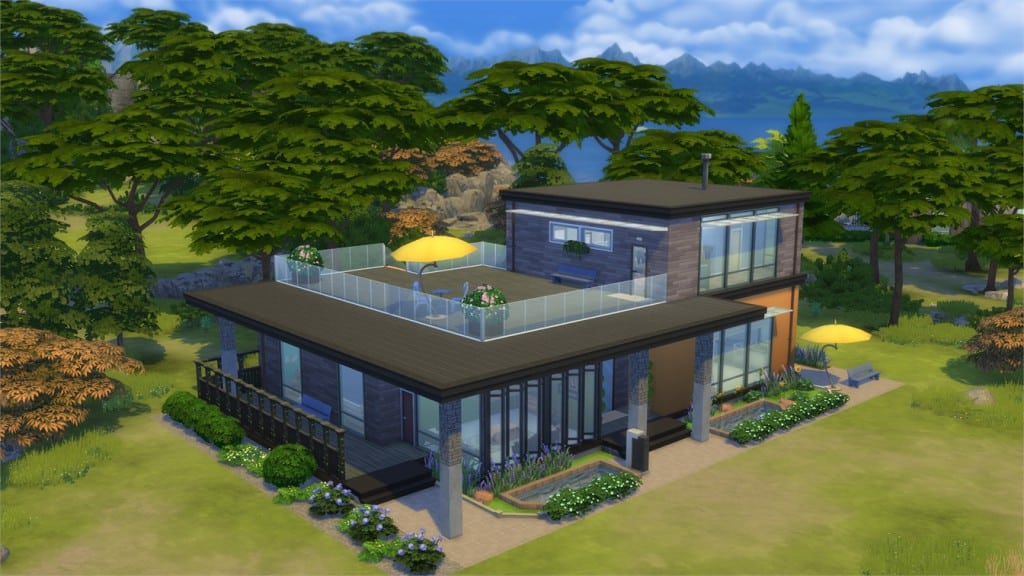
The Sims 4 Get Together comes with a brand new European-styled World called Windenburg. As you can see in the map below, it’s divided into several different neighborhoods. Those include 4 main neighborhoods and 3 special lot neighborhoods.

windenburgmap

Down below you’ll see an interactive overview of each neighborhood individually. Each area of a certain neighborhood will have a pulsing Plumbob that will show an image of that area after being hovered. Please note that this works best on desktop and laptop-sized computer screens.

[ult_hotspot main_img=”42996|https://simscommunity.info/wp-content/uploads/2015/12/12-05-15_3-52-27-AM.jpg”][ult_hotspot_items icon_type=”custom” icon_img=”37721|https://simscommunity.info/wp-content/uploads/2015/08/plumhotspot.png” img_width=”26″ tooltip_custom_color=”#1e73be” tooltip_custom_bg_color=”#ffffff” tooltip_width=”500″ enable_bubble_arrow=”off” tooltip_continuous_animation=”on” hotspot_position=”17.850519287833826,44.480383973288816″ tooltip_custom_border_size=”border-style:solid;|border-width:2px;border-radius:5px;|border-color:#81d742;”]
12-05-15_4-55-53 AM

[/ult_hotspot_items][ult_hotspot_items icon_type=”custom” icon_img=”37721|https://simscommunity.info/wp-content/uploads/2015/08/plumhotspot.png” img_width=”26″ tooltip_custom_color=”#1e73be” tooltip_custom_bg_color=”#ffffff” tooltip_width=”500″ enable_bubble_arrow=”off” tooltip_continuous_animation=”on” hotspot_position=”37.388724035608305,22.086289649415694″ tooltip_custom_border_size=”border-style:solid;|border-width:2px;border-radius:5px;|border-color:#81d742;”]

12-05-15_4-56-10 AM

[/ult_hotspot_items][ult_hotspot_items icon_type=”custom” icon_img=”37721|https://simscommunity.info/wp-content/uploads/2015/08/plumhotspot.png” img_width=”26″ tooltip_custom_color=”#1e73be” tooltip_custom_bg_color=”#ffffff” tooltip_width=”500″ enable_bubble_arrow=”off” tooltip_continuous_animation=”on” hotspot_position=”30.892989614243323,80.18311769616027″ tooltip_custom_border_size=”border-style:solid;|border-width:2px;border-radius:5px;|border-color:#81d742;”]
12-05-15_4-56-44 AM

[/ult_hotspot_items][ult_hotspot_items icon_type=”custom” icon_img=”37721|https://simscommunity.info/wp-content/uploads/2015/08/plumhotspot.png” img_width=”26″ tooltip_custom_color=”#1e73be” tooltip_custom_bg_color=”#ffffff” tooltip_width=”500″ enable_bubble_arrow=”off” tooltip_continuous_animation=”on” hotspot_position=”28.495919881305635,67.66224958263774″ tooltip_custom_border_size=”border-style:solid;|border-width:2px;border-radius:5px;|border-color:#81d742;”]

12-05-15_4-56-52 AM

[/ult_hotspot_items][ult_hotspot_items icon_type=”custom” icon_img=”37721|https://simscommunity.info/wp-content/uploads/2015/08/plumhotspot.png” img_width=”26″ tooltip_custom_color=”#1e73be” tooltip_custom_bg_color=”#ffffff” tooltip_width=”500″ enable_bubble_arrow=”off” tooltip_continuous_animation=”on” hotspot_position=”54.85905044510386,48.463585141903174″ tooltip_custom_border_size=”border-style:solid;|border-width:2px;border-radius:5px;|border-color:#81d742;”]

12-05-15_4-56-30 AM

[/ult_hotspot_items][ult_hotspot_items icon_type=”custom” icon_img=”37721|https://simscommunity.info/wp-content/uploads/2015/08/plumhotspot.png” img_width=”26″ tooltip_custom_color=”#1e73be” tooltip_custom_bg_color=”#ffffff” tooltip_width=”500″ enable_bubble_arrow=”off” tooltip_continuous_animation=”on” hotspot_position=”37.54172848664689,56.6438856427379″ tooltip_custom_border_size=”border-style:solid;|border-width:2px;border-radius:5px;|border-color:#81d742;”]12-05-15_4-57-16 AM[/ult_hotspot_items][ult_hotspot_items icon_type=”custom” icon_img=”37721|https://simscommunity.info/wp-content/uploads/2015/08/plumhotspot.png” img_width=”26″ tooltip_custom_color=”#1e73be” tooltip_custom_bg_color=”#ffffff” tooltip_width=”500″ enable_bubble_arrow=”off” tooltip_continuous_animation=”on” hotspot_position=”54.19603115727003,40.11633973288814″ tooltip_custom_border_size=”border-style:solid;|border-width:2px;border-radius:5px;|border-color:#81d742;”]

12-05-15_4-56-23 AM

[/ult_hotspot_items][ult_hotspot_items icon_type=”custom” icon_img=”37721|https://simscommunity.info/wp-content/uploads/2015/08/plumhotspot.png” img_width=”26″ tooltip_custom_color=”#1e73be” tooltip_custom_bg_color=”#ffffff” tooltip_width=”500″ enable_bubble_arrow=”off” tooltip_continuous_animation=”on” hotspot_position=”4.826594955489615,57.6455550918197″ tooltip_custom_border_size=”border-style:solid;|border-width:2px;border-radius:5px;|border-color:#81d742;”]

12-05-15_4-55-38 AM

[/ult_hotspot_items][/ult_hotspot]

[ult_hotspot main_img=”43011|https://simscommunity.info/wp-content/uploads/2015/12/12-05-15_4-59-17-AM.jpg”][ult_hotspot_items icon_type=”custom” icon_img=”37721|https://simscommunity.info/wp-content/uploads/2015/08/plumhotspot.png” img_width=”26″ tooltip_custom_color=”#1e73be” tooltip_custom_bg_color=”#ffffff” tooltip_width=”500″ enable_bubble_arrow=”off” tooltip_continuous_animation=”on” hotspot_position=”36.053412462908014,50.602566777963276″ tooltip_custom_border_size=”border-style:solid;|border-width:2px;border-radius:5px;|border-color:#81d742;”]

12-05-15_4-59-54 AM

[/ult_hotspot_items][ult_hotspot_items icon_type=”custom” icon_img=”37721|https://simscommunity.info/wp-content/uploads/2015/08/plumhotspot.png” img_width=”26″ tooltip_custom_color=”#1e73be” tooltip_custom_bg_color=”#ffffff” tooltip_width=”500″ enable_bubble_arrow=”off” tooltip_continuous_animation=”on” hotspot_position=”23.479228486646882,58.198560100166944″ tooltip_custom_border_size=”border-style:solid;|border-width:2px;border-radius:5px;|border-color:#81d742;”]
12-05-15_5-00-13 AM

[/ult_hotspot_items][ult_hotspot_items icon_type=”custom” icon_img=”37721|https://simscommunity.info/wp-content/uploads/2015/08/plumhotspot.png” img_width=”26″ tooltip_custom_color=”#1e73be” tooltip_custom_bg_color=”#ffffff” tooltip_width=”500″ enable_bubble_arrow=”off” tooltip_continuous_animation=”on” hotspot_position=”14.822885756676557,92.38313856427379″ tooltip_custom_border_size=”border-style:solid;|border-width:2px;border-radius:5px;|border-color:#81d742;”]
12-05-15_5-01-05 AM

[/ult_hotspot_items][ult_hotspot_items icon_type=”custom” icon_img=”37721|https://simscommunity.info/wp-content/uploads/2015/08/plumhotspot.png” img_width=”26″ tooltip_custom_color=”#1e73be” tooltip_custom_bg_color=”#ffffff” tooltip_width=”500″ enable_bubble_arrow=”off” tooltip_continuous_animation=”on” hotspot_position=”25.338464391691396,66.84056761268782″ tooltip_custom_border_size=”border-style:solid;|border-width:2px;border-radius:5px;|border-color:#81d742;”]

12-05-15_5-00-04 AM

[/ult_hotspot_items][ult_hotspot_items icon_type=”custom” icon_img=”37721|https://simscommunity.info/wp-content/uploads/2015/08/plumhotspot.png” img_width=”26″ tooltip_custom_color=”#1e73be” tooltip_custom_bg_color=”#ffffff” tooltip_width=”500″ enable_bubble_arrow=”off” tooltip_continuous_animation=”on” hotspot_position=”14.285051928783382,63.5016694490818″ tooltip_custom_border_size=”border-style:solid;|border-width:2px;border-radius:5px;|border-color:#81d742;”]
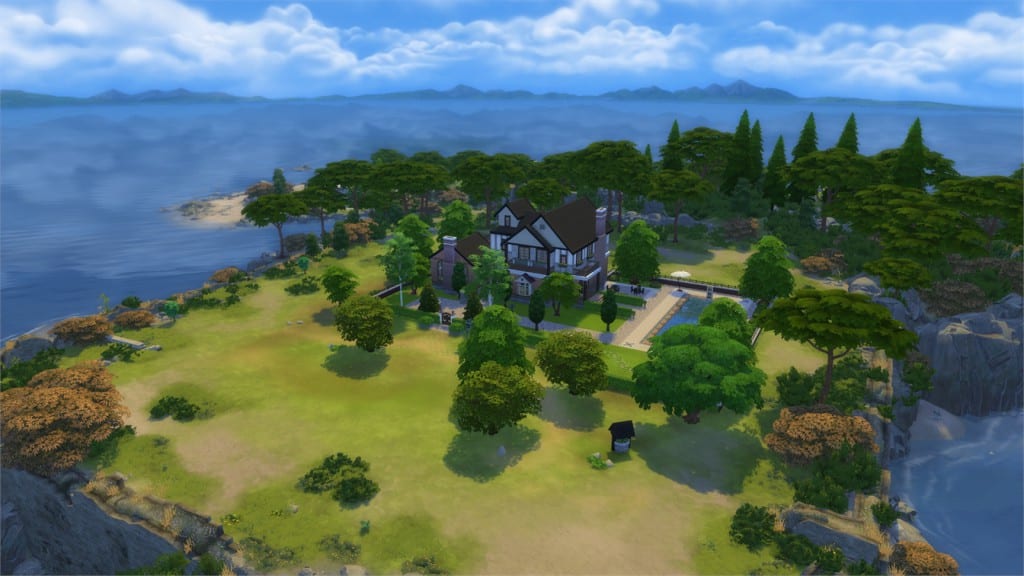
12-05-15_5-00-27 AM

[/ult_hotspot_items][ult_hotspot_items icon_type=”custom” icon_img=”37721|https://simscommunity.info/wp-content/uploads/2015/08/plumhotspot.png” img_width=”26″ tooltip_custom_color=”#1e73be” tooltip_custom_bg_color=”#ffffff” tooltip_width=”500″ enable_bubble_arrow=”off” tooltip_continuous_animation=”on” hotspot_position=”21.235163204747774,89.37813021702839″ tooltip_custom_border_size=”border-style:solid;|border-width:2px;border-radius:5px;|border-color:#81d742;”]
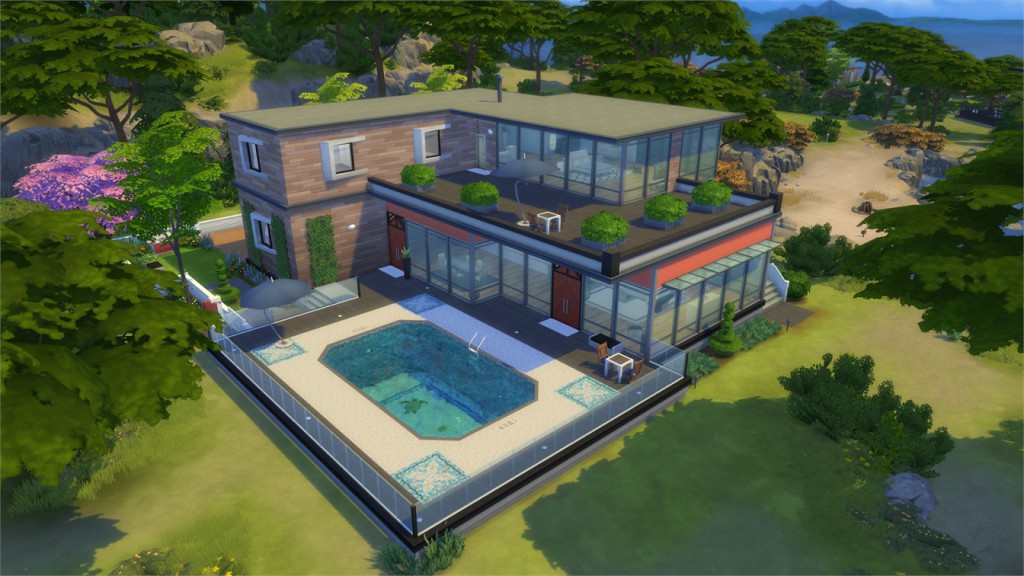
12-05-15_5-00-54 AM

[/ult_hotspot_items][ult_hotspot_items icon_type=”custom” icon_img=”37721|https://simscommunity.info/wp-content/uploads/2015/08/plumhotspot.png” img_width=”26″ tooltip_custom_color=”#1e73be” tooltip_custom_bg_color=”#ffffff” tooltip_width=”500″ enable_bubble_arrow=”off” tooltip_continuous_animation=”on” hotspot_position=”3.0229970326409497,77.02420701168614″ tooltip_custom_border_size=”border-style:solid;|border-width:2px;border-radius:5px;|border-color:#81d742;”]
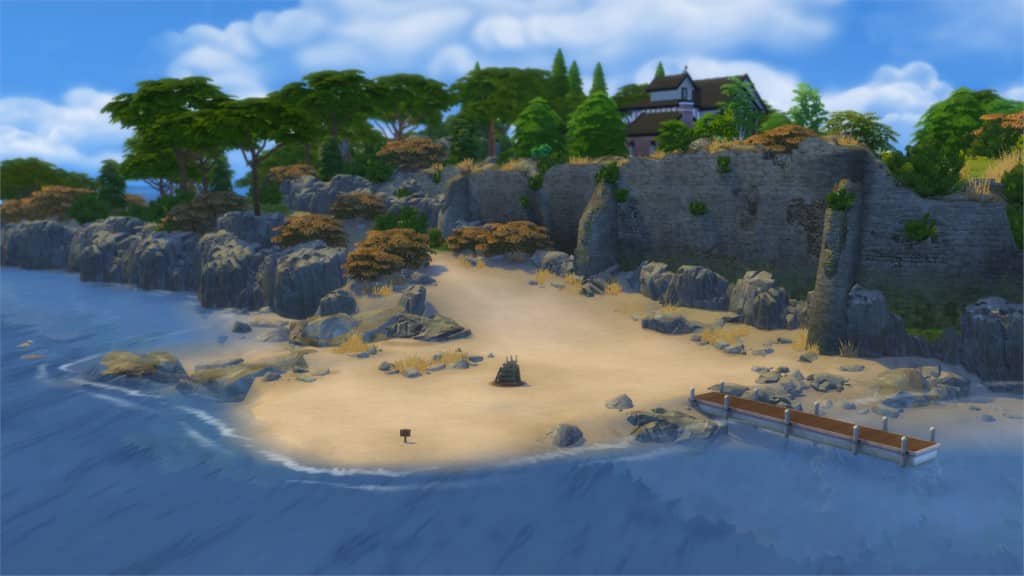
12-05-15_5-01-20 AM

[/ult_hotspot_items][ult_hotspot_items icon_type=”custom” icon_img=”37721|https://simscommunity.info/wp-content/uploads/2015/08/plumhotspot.png” img_width=”26″ tooltip_custom_color=”#1e73be” tooltip_custom_bg_color=”#ffffff” tooltip_width=”500″ enable_bubble_arrow=”off” tooltip_continuous_animation=”on” hotspot_position=”3.0229970326409497,77.02420701168614″ tooltip_custom_border_size=”border-style:solid;|border-width:2px;border-radius:5px;|border-color:#81d742;”]
12-05-15_5-01-20 AM

[/ult_hotspot_items][ult_hotspot_items icon_type=”custom” icon_img=”37721|https://simscommunity.info/wp-content/uploads/2015/08/plumhotspot.png” img_width=”26″ tooltip_custom_color=”#1e73be” tooltip_custom_bg_color=”#ffffff” tooltip_width=”500″ enable_bubble_arrow=”off” tooltip_continuous_animation=”on” hotspot_position=”70.40522997032642,28.9440734557596″ tooltip_custom_border_size=”border-style:solid;|border-width:2px;border-radius:5px;|border-color:#81d742;”]

12-05-15_4-59-26 AM

[/ult_hotspot_items][/ult_hotspot]

[ult_hotspot main_img=”43021|https://simscommunity.info/wp-content/uploads/2015/12/12-05-15_6-29-24-PM.jpg”][ult_hotspot_items icon_type=”custom” icon_img=”37721|https://simscommunity.info/wp-content/uploads/2015/08/plumhotspot.png” img_width=”26″ tooltip_custom_color=”#1e73be” tooltip_custom_bg_color=”#ffffff” tooltip_width=”500″ enable_bubble_arrow=”off” tooltip_continuous_animation=”on” hotspot_position=”74.19324925816024,58.3889816360601″ tooltip_custom_border_size=”border-style:solid;|border-width:2px;border-radius:5px;|border-color:#81d742;”]
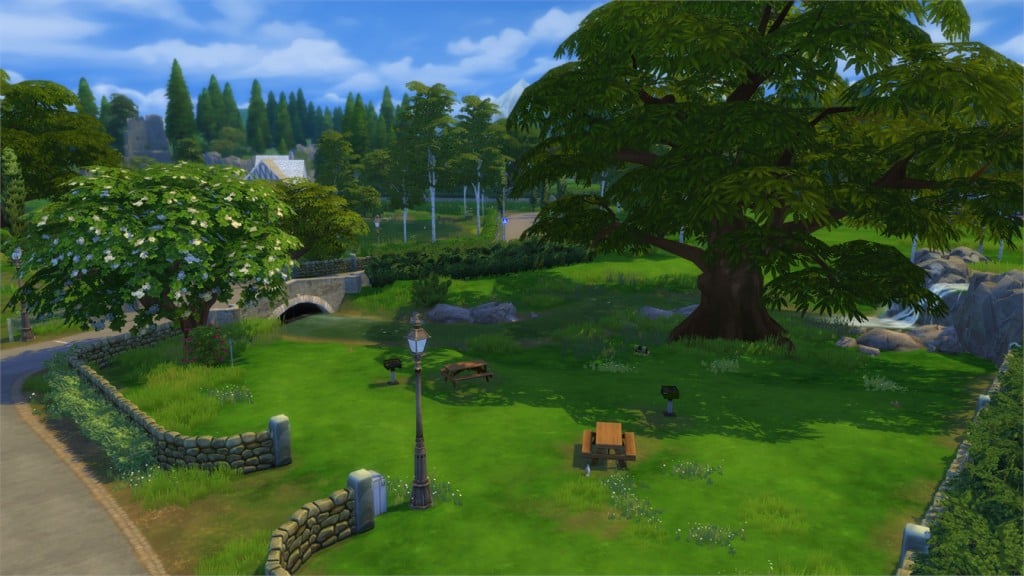
12-05-15_6-29-43 PM

[/ult_hotspot_items][ult_hotspot_items icon_type=”custom” icon_img=”37721|https://simscommunity.info/wp-content/uploads/2015/08/plumhotspot.png” img_width=”26″ tooltip_custom_color=”#1e73be” tooltip_custom_bg_color=”#ffffff” tooltip_width=”500″ enable_bubble_arrow=”off” tooltip_continuous_animation=”on” hotspot_position=”52.45270771513353,8.545492487479132″ tooltip_custom_border_size=”border-style:solid;|border-width:2px;border-radius:5px;|border-color:#81d742;”]

12-05-15_6-29-58 PM

[/ult_hotspot_items][ult_hotspot_items icon_type=”custom” icon_img=”37721|https://simscommunity.info/wp-content/uploads/2015/08/plumhotspot.png” img_width=”26″ tooltip_custom_color=”#1e73be” tooltip_custom_bg_color=”#ffffff” tooltip_width=”500″ enable_bubble_arrow=”off” tooltip_continuous_animation=”on” hotspot_position=”29.177485163204746,25.073038397328883″ tooltip_custom_border_size=”border-style:solid;|border-width:2px;border-radius:5px;|border-color:#81d742;”]

12-05-15_6-30-10 PM

[/ult_hotspot_items][ult_hotspot_items icon_type=”custom” icon_img=”37721|https://simscommunity.info/wp-content/uploads/2015/08/plumhotspot.png” img_width=”26″ tooltip_custom_color=”#1e73be” tooltip_custom_bg_color=”#ffffff” tooltip_width=”500″ enable_bubble_arrow=”off” tooltip_continuous_animation=”on” hotspot_position=”12.064169139465877,78.82929883138564″ tooltip_custom_border_size=”border-style:solid;|border-width:2px;border-radius:5px;|border-color:#81d742;”]
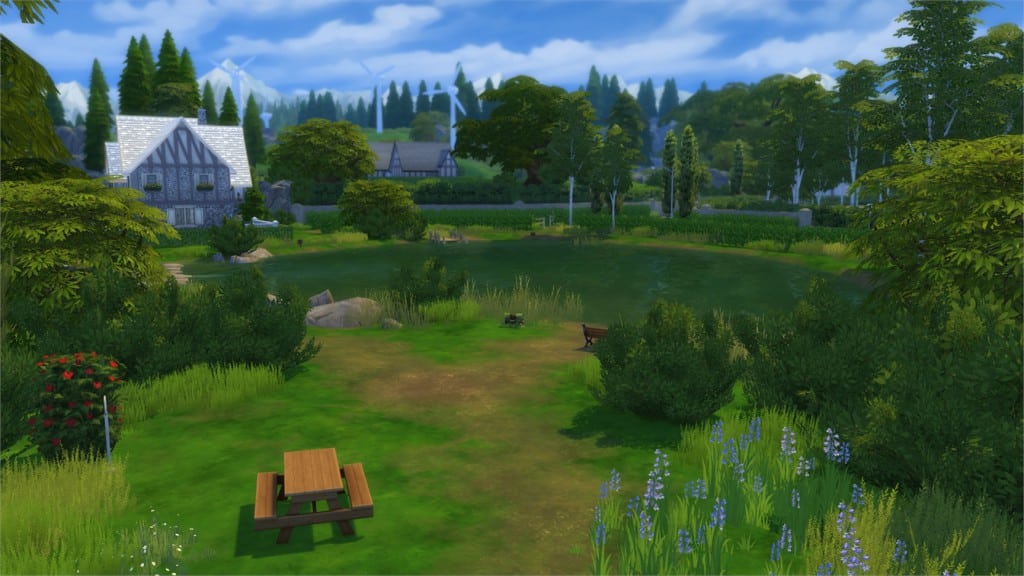
12-05-15_6-35-47 PM

[/ult_hotspot_items][ult_hotspot_items icon_type=”custom” icon_img=”37721|https://simscommunity.info/wp-content/uploads/2015/08/plumhotspot.png” img_width=”26″ tooltip_custom_color=”#1e73be” tooltip_custom_bg_color=”#ffffff” tooltip_width=”500″ enable_bubble_arrow=”off” tooltip_continuous_animation=”on” hotspot_position=”15.490541543026707,22.068030050083472″ tooltip_custom_border_size=”border-style:solid;|border-width:2px;border-radius:5px;|border-color:#81d742;”]

12-05-15_6-35-03 PM

[/ult_hotspot_items][ult_hotspot_items icon_type=”custom” icon_img=”37721|https://simscommunity.info/wp-content/uploads/2015/08/plumhotspot.png” img_width=”26″ tooltip_custom_color=”#1e73be” tooltip_custom_bg_color=”#ffffff” tooltip_width=”500″ enable_bubble_arrow=”off” tooltip_continuous_animation=”on” hotspot_position=”30.56843471810089,89.01293823038398″ tooltip_custom_border_size=”border-style:solid;|border-width:2px;border-radius:5px;|border-color:#81d742;”]
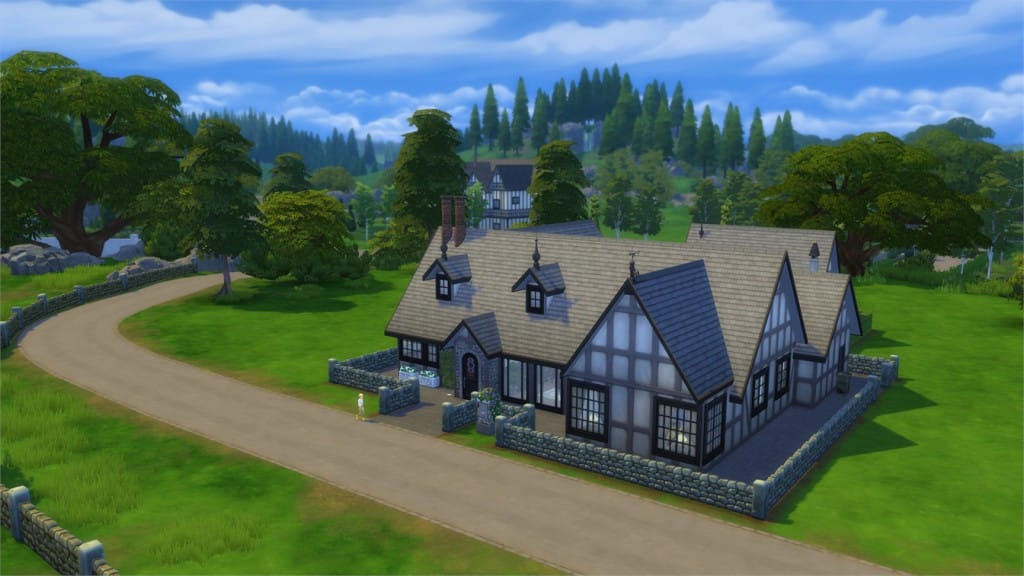
12-05-15_6-36-12 PM

[/ult_hotspot_items][ult_hotspot_items icon_type=”custom” icon_img=”37721|https://simscommunity.info/wp-content/uploads/2015/08/plumhotspot.png” img_width=”26″ tooltip_custom_color=”#1e73be” tooltip_custom_bg_color=”#ffffff” tooltip_width=”500″ enable_bubble_arrow=”off” tooltip_continuous_animation=”on” hotspot_position=”30.24387982195846,39.26335559265443″ tooltip_custom_border_size=”border-style:solid;|border-width:2px;border-radius:5px;|border-color:#81d742;”]

12-05-15_6-30-25 PM

[/ult_hotspot_items][/ult_hotspot]

[ult_hotspot main_img=”43031|https://simscommunity.info/wp-content/uploads/2015/12/12-05-15_7-25-38-PM.jpg”][ult_hotspot_items icon_type=”custom” icon_img=”37721|https://simscommunity.info/wp-content/uploads/2015/08/plumhotspot.png” img_width=”26″ tooltip_custom_color=”#1e73be” tooltip_custom_bg_color=”#ffffff” tooltip_width=”500″ enable_bubble_arrow=”off” tooltip_continuous_animation=”on” hotspot_position=”63.10738130563798,40.98758347245409″ tooltip_custom_border_size=”border-style:solid;|border-width:2px;border-radius:5px;|border-color:#81d742;”]
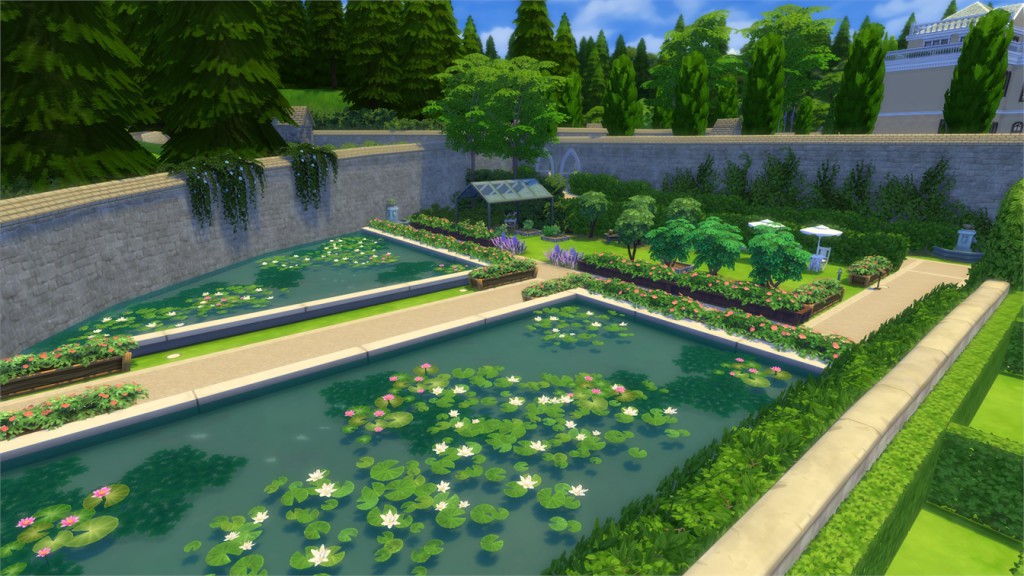
12-05-15_7-26-23 PM

[/ult_hotspot_items][ult_hotspot_items icon_type=”custom” icon_img=”37721|https://simscommunity.info/wp-content/uploads/2015/08/plumhotspot.png” img_width=”26″ tooltip_custom_color=”#1e73be” tooltip_custom_bg_color=”#ffffff” tooltip_width=”500″ enable_bubble_arrow=”off” tooltip_continuous_animation=”on” hotspot_position=”72.27837537091987,49.167883973288816″ tooltip_custom_border_size=”border-style:solid;|border-width:2px;border-radius:5px;|border-color:#81d742;”]
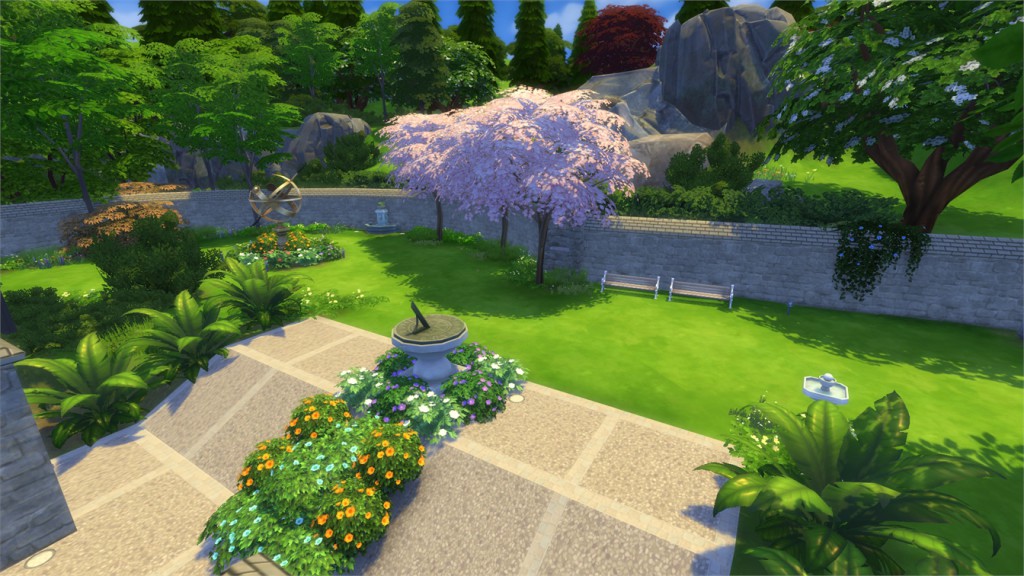
12-05-15_7-25-50 PM

[/ult_hotspot_items][ult_hotspot_items icon_type=”custom” icon_img=”37721|https://simscommunity.info/wp-content/uploads/2015/08/plumhotspot.png” img_width=”26″ tooltip_custom_color=”#1e73be” tooltip_custom_bg_color=”#ffffff” tooltip_width=”500″ enable_bubble_arrow=”off” tooltip_continuous_animation=”on” hotspot_position=”31.671921364985163,53.00761686143572″ tooltip_custom_border_size=”border-style:solid;|border-width:2px;border-radius:5px;|border-color:#81d742;”]
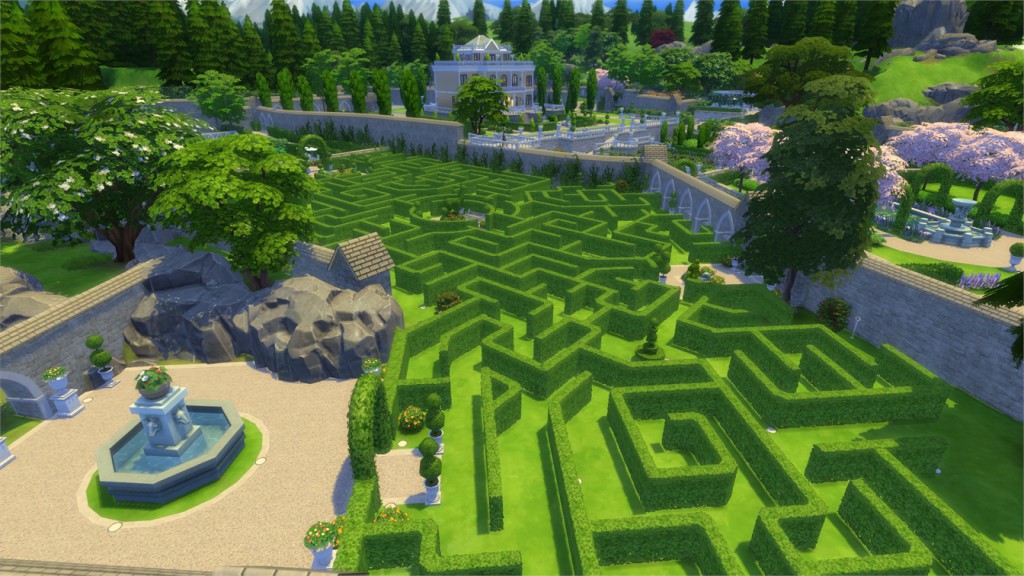
12-05-15_7-26-04 PM

[/ult_hotspot_items][ult_hotspot_items icon_type=”custom” icon_img=”37721|https://simscommunity.info/wp-content/uploads/2015/08/plumhotspot.png” img_width=”26″ tooltip_custom_color=”#1e73be” tooltip_custom_bg_color=”#ffffff” tooltip_width=”500″ enable_bubble_arrow=”off” tooltip_continuous_animation=”on” hotspot_position=”49.049517804154306,23.004486644407347″ tooltip_custom_border_size=”border-style:solid;|border-width:2px;border-radius:5px;|border-color:#81d742;”]
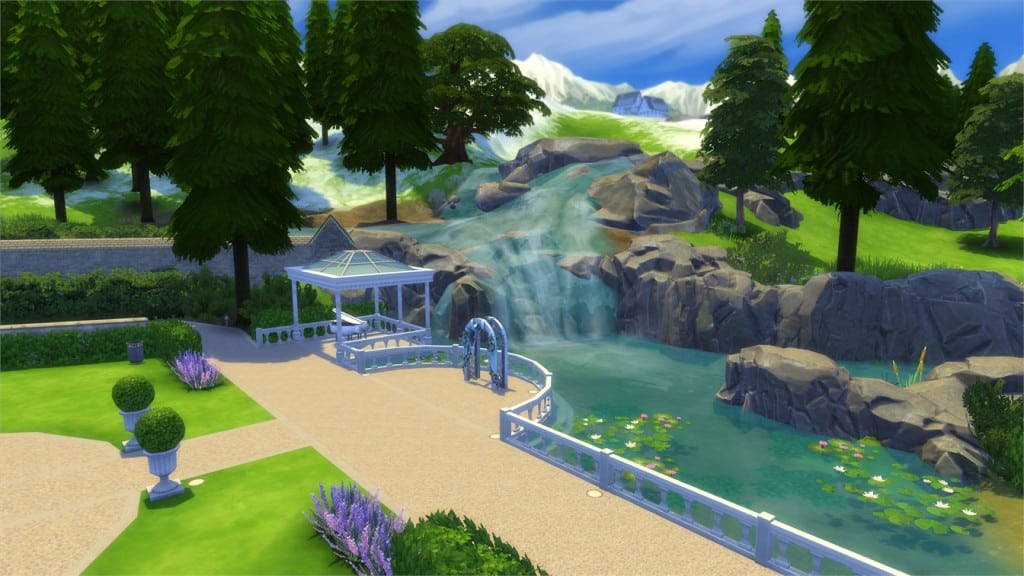
12-05-15_7-27-19 PM

[/ult_hotspot_items][ult_hotspot_items icon_type=”custom” icon_img=”37721|https://simscommunity.info/wp-content/uploads/2015/08/plumhotspot.png” img_width=”26″ tooltip_custom_color=”#1e73be” tooltip_custom_bg_color=”#ffffff” tooltip_width=”500″ enable_bubble_arrow=”off” tooltip_continuous_animation=”on” hotspot_position=”47.403560830860535,36.326168614357265″ tooltip_custom_border_size=”border-style:solid;|border-width:2px;border-radius:5px;|border-color:#81d742;”]
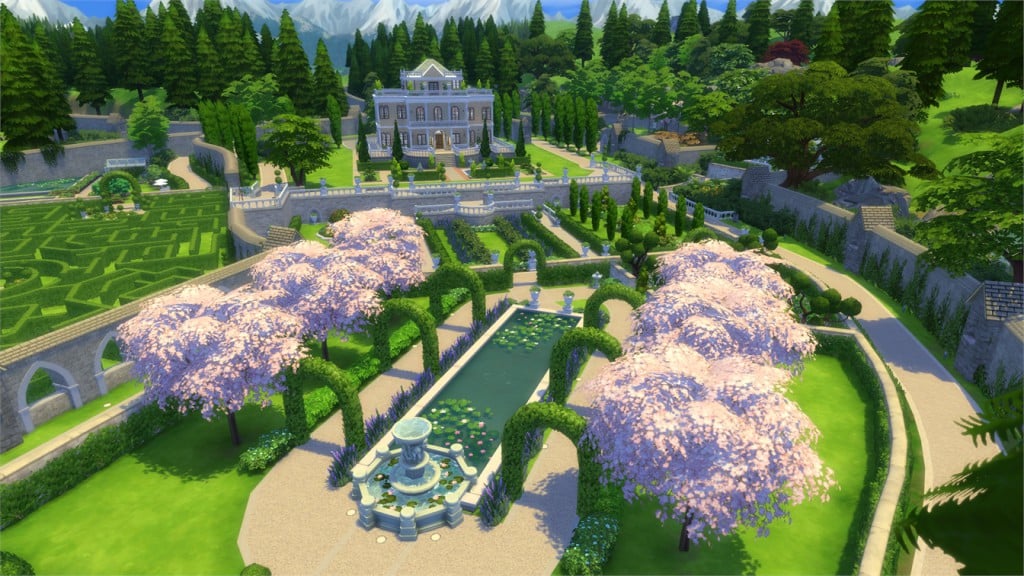
12-05-15_7-27-40 PM

[/ult_hotspot_items][ult_hotspot_items icon_type=”custom” icon_img=”37721|https://simscommunity.info/wp-content/uploads/2015/08/plumhotspot.png” img_width=”26″ tooltip_custom_color=”#1e73be” tooltip_custom_bg_color=”#ffffff” tooltip_width=”500″ enable_bubble_arrow=”off” tooltip_continuous_animation=”on” hotspot_position=”28.069362017804156,80.40223288814691″ tooltip_custom_border_size=”border-style:solid;|border-width:2px;border-radius:5px;|border-color:#81d742;”]
12-05-15_7-28-13 PM

[/ult_hotspot_items][ult_hotspot_items icon_type=”custom” icon_img=”37721|https://simscommunity.info/wp-content/uploads/2015/08/plumhotspot.png” img_width=”26″ tooltip_custom_color=”#1e73be” tooltip_custom_bg_color=”#ffffff” tooltip_width=”500″ enable_bubble_arrow=”off” tooltip_continuous_animation=”on” hotspot_position=”17.929339762611278,56.52650250417363″ tooltip_custom_border_size=”border-style:solid;|border-width:2px;border-radius:5px;|border-color:#81d742;”]

12-05-15_7-32-51 PM

[/ult_hotspot_items][ult_hotspot_items icon_type=”custom” icon_img=”37721|https://simscommunity.info/wp-content/uploads/2015/08/plumhotspot.png” img_width=”26″ tooltip_custom_color=”#1e73be” tooltip_custom_bg_color=”#ffffff” tooltip_width=”500″ enable_bubble_arrow=”off” tooltip_continuous_animation=”on” hotspot_position=”60.223479228486646,92.75354757929884″ tooltip_custom_border_size=”border-style:solid;|border-width:2px;border-radius:5px;|border-color:#81d742;”]
12-05-15_7-28-36 PM

[/ult_hotspot_items][/ult_hotspot]

[ult_hotspot main_img=”43042|https://simscommunity.info/wp-content/uploads/2015/12/12-05-15_7-34-06-PM.jpg”][ult_hotspot_items icon_type=”custom” icon_img=”37721|https://simscommunity.info/wp-content/uploads/2015/08/plumhotspot.png” img_width=”26″ tooltip_custom_color=”#1e73be” tooltip_custom_bg_color=”#ffffff” tooltip_width=”500″ enable_bubble_arrow=”off” tooltip_continuous_animation=”on” hotspot_position=”35.45066765578635,70.7376878130217″ tooltip_custom_border_size=”border-style:solid;|border-width:2px;border-radius:5px;|border-color:#81d742;”]
12-05-15_7-34-24 PM

[/ult_hotspot_items][ult_hotspot_items icon_type=”custom” icon_img=”37721|https://simscommunity.info/wp-content/uploads/2015/08/plumhotspot.png” img_width=”26″ tooltip_custom_color=”#1e73be” tooltip_custom_bg_color=”#ffffff” tooltip_width=”500″ enable_bubble_arrow=”off” tooltip_continuous_animation=”on” hotspot_position=”48.363316023738875,21.67936143572621″ tooltip_custom_border_size=”border-style:solid;|border-width:2px;border-radius:5px;|border-color:#81d742;”]

12-05-15_7-35-51 PM

[/ult_hotspot_items][ult_hotspot_items icon_type=”custom” icon_img=”37721|https://simscommunity.info/wp-content/uploads/2015/08/plumhotspot.png” img_width=”26″ tooltip_custom_color=”#1e73be” tooltip_custom_bg_color=”#ffffff” tooltip_width=”500″ enable_bubble_arrow=”off” tooltip_continuous_animation=”on” hotspot_position=”24.304525222551927,58.240296327212015″ tooltip_custom_border_size=”border-style:solid;|border-width:2px;border-radius:5px;|border-color:#81d742;”]

12-05-15_7-34-41 PM

[/ult_hotspot_items][ult_hotspot_items icon_type=”custom” icon_img=”37721|https://simscommunity.info/wp-content/uploads/2015/08/plumhotspot.png” img_width=”26″ tooltip_custom_color=”#1e73be” tooltip_custom_bg_color=”#ffffff” tooltip_width=”500″ enable_bubble_arrow=”off” tooltip_continuous_animation=”on” hotspot_position=”23.33086053412463,48.55749165275459″ tooltip_custom_border_size=”border-style:solid;|border-width:2px;border-radius:5px;|border-color:#81d742;”]
12-05-15_7-34-56 PM

[/ult_hotspot_items][ult_hotspot_items icon_type=”custom” icon_img=”37721|https://simscommunity.info/wp-content/uploads/2015/08/plumhotspot.png” img_width=”26″ tooltip_custom_color=”#1e73be” tooltip_custom_bg_color=”#ffffff” tooltip_width=”500″ enable_bubble_arrow=”off” tooltip_continuous_animation=”on” hotspot_position=”19.677299703264094,39.54246661101836″ tooltip_custom_border_size=”border-style:solid;|border-width:2px;border-radius:5px;|border-color:#81d742;”]
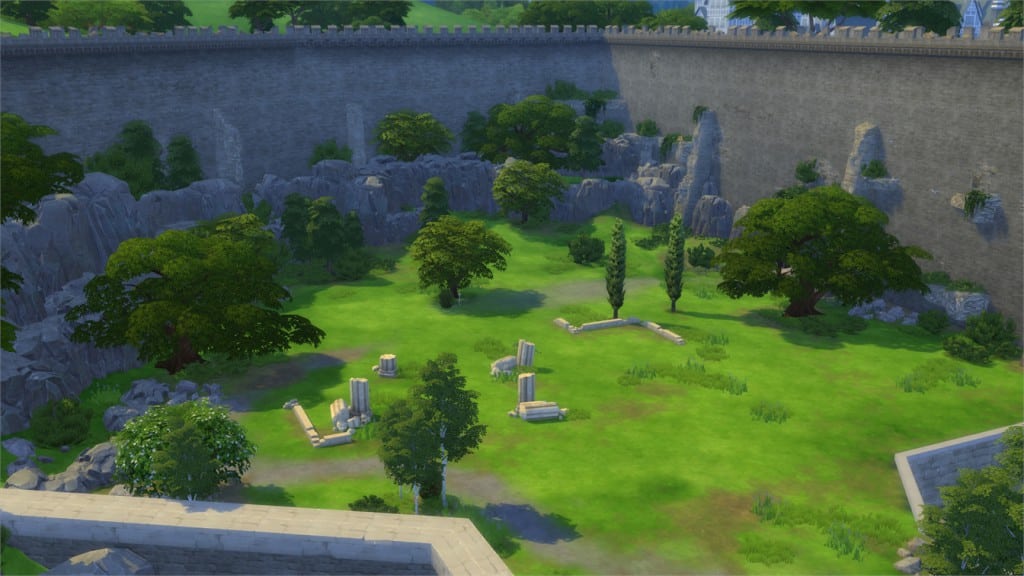
12-05-15_7-35-07 PM

[/ult_hotspot_items][ult_hotspot_items icon_type=”custom” icon_img=”37721|https://simscommunity.info/wp-content/uploads/2015/08/plumhotspot.png” img_width=”26″ tooltip_custom_color=”#1e73be” tooltip_custom_bg_color=”#ffffff” tooltip_width=”500″ enable_bubble_arrow=”off” tooltip_continuous_animation=”on” hotspot_position=”36.76279673590505,29.859661936560933″ tooltip_custom_border_size=”border-style:solid;|border-width:2px;border-radius:5px;|border-color:#81d742;”]

12-05-15_7-35-32 PM

[/ult_hotspot_items][/ult_hotspot]

[ult_hotspot main_img=”43052|https://simscommunity.info/wp-content/uploads/2015/12/12-05-15_7-37-13-PM.jpg”][ult_hotspot_items icon_type=”custom” icon_img=”37721|https://simscommunity.info/wp-content/uploads/2015/08/plumhotspot.png” img_width=”26″ tooltip_custom_color=”#1e73be” tooltip_custom_bg_color=”#ffffff” tooltip_width=”500″ enable_bubble_arrow=”off” tooltip_continuous_animation=”on” hotspot_position=”62.147626112759646,32.42904841402337″ tooltip_custom_border_size=”border-style:solid;|border-width:2px;border-radius:5px;|border-color:#81d742;”]

12-05-15_7-37-20 PM

[/ult_hotspot_items][ult_hotspot_items icon_type=”custom” icon_img=”37721|https://simscommunity.info/wp-content/uploads/2015/08/plumhotspot.png” img_width=”26″ tooltip_custom_color=”#1e73be” tooltip_custom_bg_color=”#ffffff” tooltip_width=”500″ enable_bubble_arrow=”off” tooltip_continuous_animation=”on” hotspot_position=”58.00259643916914,61.313126043405674″ tooltip_custom_border_size=”border-style:solid;|border-width:2px;border-radius:5px;|border-color:#81d742;”]

12-05-15_7-37-54 PM

[/ult_hotspot_items][ult_hotspot_items icon_type=”custom” icon_img=”37721|https://simscommunity.info/wp-content/uploads/2015/08/plumhotspot.png” img_width=”26″ tooltip_custom_color=”#1e73be” tooltip_custom_bg_color=”#ffffff” tooltip_width=”500″ enable_bubble_arrow=”off” tooltip_continuous_animation=”on” hotspot_position=”44.552114243323444,23.41663188647746″ tooltip_custom_border_size=”border-style:solid;|border-width:2px;border-radius:5px;|border-color:#81d742;”]

12-05-15_7-37-30 PM

[/ult_hotspot_items][/ult_hotspot]

[ult_hotspot main_img=”43057|https://simscommunity.info/wp-content/uploads/2015/12/12-05-15_7-38-40-PM.jpg”][ult_hotspot_items icon_type=”custom” icon_img=”37721|https://simscommunity.info/wp-content/uploads/2015/08/plumhotspot.png” img_width=”26″ tooltip_custom_color=”#1e73be” tooltip_custom_bg_color=”#ffffff” tooltip_width=”500″ enable_bubble_arrow=”off” tooltip_continuous_animation=”on” hotspot_position=”30.56379821958457,42.023163606010016″ tooltip_custom_border_size=”border-style:solid;|border-width:2px;border-radius:5px;|border-color:#81d742;”]
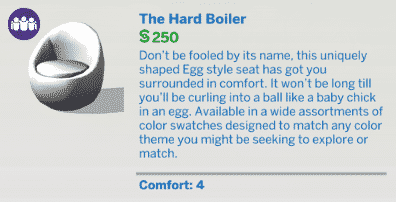
12-05-15_7-38-48 PM

[/ult_hotspot_items][ult_hotspot_items icon_type=”custom” icon_img=”37721|https://simscommunity.info/wp-content/uploads/2015/08/plumhotspot.png” img_width=”26″ tooltip_custom_color=”#1e73be” tooltip_custom_bg_color=”#ffffff” tooltip_width=”500″ enable_bubble_arrow=”off” tooltip_continuous_animation=”on” hotspot_position=”20.293954005934715,27.564169449081806″ tooltip_custom_border_size=”border-style:solid;|border-width:2px;border-radius:5px;|border-color:#81d742;”]

12-05-15_7-39-02 PM

[/ult_hotspot_items][ult_hotspot_items icon_type=”custom” icon_img=”37721|https://simscommunity.info/wp-content/uploads/2015/08/plumhotspot.png” img_width=”26″ tooltip_custom_color=”#1e73be” tooltip_custom_bg_color=”#ffffff” tooltip_width=”500″ enable_bubble_arrow=”off” tooltip_continuous_animation=”on” hotspot_position=”83.57752225519289,60.82794240400668″ tooltip_custom_border_size=”border-style:solid;|border-width:2px;border-radius:5px;|border-color:#81d742;”]

12-05-15_7-39-25 PM

[/ult_hotspot_items][ult_hotspot_items icon_type=”custom” icon_img=”37721|https://simscommunity.info/wp-content/uploads/2015/08/plumhotspot.png” img_width=”26″ tooltip_custom_color=”#1e73be” tooltip_custom_bg_color=”#ffffff” tooltip_width=”500″ enable_bubble_arrow=”off” tooltip_continuous_animation=”on” hotspot_position=”39.90170623145401,49.14179883138564″ tooltip_custom_border_size=”border-style:solid;|border-width:2px;border-radius:5px;|border-color:#81d742;”]

12-05-15_7-39-19 PM

[/ult_hotspot_items][/ult_hotspot]

The Sims 4 Get Together: Build Items Overview

The Sims 4 Get Together comes with over 350 new Items! That includes new Objects, Wallpapers, Floor Tiles, Fences, Terrain Paints and basically everything else that can be found in Build Mode.

Down below you can find a scattered collection of all the new Items, and even more down below you will find a full list of new Items. Enjoy! 🙂

Brief Overview

items8 items3

New Items


Styled Looks

The Sims 4 Get Together: CAS Overview

The Sims 4 Get Together brings over 120 new Create A Sim items for Sims of all ages!

Down below you’ll find a full list / gallery of all the new items in CAS. You can enlarge any image by clicking on it.

Adult Male

Hairstyles (5)

12-05-15_1-27-35 AM12-05-15_1-27-40 AM12-05-15_1-27-27 AM12-05-15_1-27-45 AM12-05-15_1-27-51 AM

Facial Hair (1)

12-05-15_1-29-16 AM

Headwear (2)

12-05-15_1-29-36 AM12-05-15_1-29-45 AM

Tops (15)

12-05-15_1-31-26 AM12-05-15_1-31-09 AM12-05-15_1-31-35 AM12-05-15_1-31-14 AM12-05-15_1-31-19 AM12-05-15_1-31-30 AM12-05-15_1-31-52 AM12-05-15_1-31-39 AM12-05-15_1-31-44 AM12-05-15_1-31-48 AM12-05-15_1-31-57 AM12-05-15_1-32-08 AM12-05-15_1-32-04 AM12-05-15_1-32-13 AM12-05-15_1-32-17 AM

Bottoms (3)

12-05-15_1-32-41 AM12-05-15_1-32-46 AM12-05-15_1-32-51 AM

Outfits (4)

12-05-15_1-33-01 AM12-05-15_1-33-05 AM12-05-15_1-33-10 AM12-05-15_1-33-16 AM

Shoes (4)

12-05-15_1-33-49 AM12-05-15_1-33-44 AM12-05-15_1-33-53 AM12-05-15_1-33-58 AM

Accessories (6)

12-05-15_1-34-18 AM12-05-15_1-34-26 AM12-05-15_1-34-31 AM12-05-15_1-34-09 AM12-05-15_1-34-38 AM12-05-15_1-34-13 AM

Styled Looks (5)

TS4_x64 2015-12-05 01-35-05-38TS4_x64 2015-12-05 01-35-10-64TS4_x64 2015-12-05 01-35-27-28TS4_x64 2015-12-05 01-35-22-73TS4_x64 2015-12-05 01-48-30-13

Adult Female

Hairstyles (8)

12-05-15_1-37-22 AM12-05-15_1-37-27 AM12-05-15_1-37-32 AM12-05-15_1-37-37 AM12-05-15_1-37-56 AM12-05-15_1-37-48 AM12-05-15_1-37-43 AM12-05-15_1-38-08 AM

Headwear (2)

12-05-15_1-38-44 AM12-05-15_1-38-50 AM

Head Accessories (3)

12-05-15_1-39-38 AM12-05-15_1-39-08 AM12-05-15_1-39-46 AM

Makeup (3)

12-05-15_1-41-26 AM12-05-15_1-41-37 AM12-05-15_1-41-31 AM

Tops (15)

12-05-15_1-42-10 AM12-05-15_1-42-15 AM12-05-15_1-42-21 AM12-05-15_1-42-27 AM12-05-15_1-42-31 AM12-05-15_1-42-37 AM12-05-15_1-42-46 AM12-05-15_1-42-50 AM12-05-15_1-42-41 AM12-05-15_1-43-00 AM12-05-15_1-43-05 AM12-05-15_1-42-56 AM12-05-15_1-43-11 AM12-05-15_1-43-17 AM12-05-15_1-43-22 AM

Bottoms (8)

12-05-15_1-44-59 AM12-05-15_1-44-50 AM12-05-15_1-44-55 AM12-05-15_1-45-03 AM12-05-15_1-45-12 AM12-05-15_1-45-16 AM12-05-15_1-45-20 AM12-05-15_1-45-07 AM

Outfits (12)

12-05-15_1-46-38 AM12-05-15_1-46-46 AM12-05-15_1-46-42 AM12-05-15_1-46-50 AM12-05-15_1-46-54 AM12-05-15_1-46-58 AM12-05-15_1-47-02 AM12-05-15_1-47-09 AM12-05-15_1-47-13 AM12-05-15_1-47-18 AM12-05-15_1-47-27 AM12-05-15_1-47-23 AM

Accessories (7)

12-05-15_1-45-45 AM12-05-15_1-45-41 AM12-05-15_1-45-38 AM12-05-15_1-45-54 AM12-05-15_1-45-35 AM12-05-15_1-45-49 AM12-05-15_1-46-00 AM

Shoes (2)

12-05-15_1-46-10 AM12-05-15_1-46-14 AM

Styled Looks (5)

TS4_x64 2015-12-05 01-47-53-55TS4_x64 2015-12-05 01-47-47-78TS4_x64 2015-12-05 01-47-57-83TS4_x64 2015-12-05 01-48-15-73TS4_x64 2015-12-05 01-48-10-68

Child Male

Hairstyles (2)

12-05-15_1-54-14 AM12-05-15_1-54-17 AM

Tops (5)

12-05-15_1-54-39 AM12-05-15_1-54-42 AM12-05-15_1-54-46 AM12-05-15_1-54-50 AM12-05-15_1-54-55 AM

Outfits (3)

12-05-15_1-55-07 AM12-05-15_1-55-11 AM12-05-15_1-55-16 AM

Shoes (1)

12-05-15_1-55-25 AM

Styled Looks (1)

TS4_x64 2015-12-05 01-55-44-85

Child Female

Hairstyles (4)

12-05-15_1-50-02 AM12-05-15_1-50-14 AM12-05-15_1-50-10 AM12-05-15_1-50-06 AM

Tops (2)

12-05-15_1-50-47 AM12-05-15_1-50-51 AM

Outfits (5)

12-05-15_1-51-09 AM12-05-15_1-51-28 AM-212-05-15_1-51-16 AM12-05-15_1-51-20 AM12-05-15_1-51-23 AM

Shoes (3)

12-05-15_1-52-07 AM12-05-15_1-52-11 AM12-05-15_1-52-15 AM

Accessories (1)

12-05-15_1-52-25 AM

Styled Looks (2)

TS4_x64 2015-12-05 01-52-39-53TS4_x64 2015-12-05 01-52-48-42

The Sims 4 Get Together: Simlish Soundtrack Preview

0

I have to admit – the first thing I did after installing The Sims 4 Get Together was checking out the Simlish Soundtrack in Options, and I must say that The Sims Team’s selection of songs did not disappoint me!

Other than that, Get Together also features new CAS, Build and Map View Soundtrack.

List of new Simlish Songs in Get Together:

  • Carly Rae Jepsen – Run Away With Me
  • Zedd – Beautiful Now
  • The Vamps – Wake Up
  • Tori Kelly – Expensive
  • Tribe Society – Ego
  • The Royal Concept – Fashion
  • Givers – Record High Record Low

List of new original Soundtrack created for Get Together:

  • 6 new Soundtrack pieces composed by Illan Eshkeri
  • 20+ DJ Soundtracks

Down below you can check out 5 snippets from Get Together’s Soundtrack, featuring Beautiful Now, Run Away With Me, Expensive, Wake Up and a DJ Tune. All soundtrack featured in this snippet video are property of their respective owners!

Now updated with Beautiful Now and Run Away With Me in full Simlish!

The Sims 4: Little_Crude’s Build Advent Calendar

2

Little_Crude’s Build Advent Calendar!

12-01-15_12-33-51 PM

Everyone is so happy about the community’s giveaway! I see so many thank you’s, so many simmers that really appreciate the effort, so many simmers wishing each other good luck, so many simmers saying congratulations to those who win! And I think that is so nice!

I want to say thank you too! Thanks to everyone who follows me on the Gallery, thanks to everyone who compliment my work, and thanks to everyone who uses my creations while making amazing sim stories -And even share them with us!

I am not a true simmer, I don’t play the game like many of you do. I build, and that’s it. I build and build and build. It makes me happy that people can use it, it gives it a great purpose that YOU are using my house, club, room, or park in your game!

as a fun holiday thing, I wanted to join in on the giving!

So each day for 24 days (20 left), I will upload creations to The Gallery for everyone who wants it!
-It’s not much, but hey, it’s fun!

12-02-15_11-22-26 AMrrr12-03-15_8-30-30 PM

I upload pictures and links to the calendar here:
Little_Crude’s Christmas Calendar


I still have my
Does anyone want a custom build? thread open, so if you request now, there’s a chance your request becomes a calendar creation!

The Sims 4: World Map Visual Improvements!

1

With The Sims 4’s latest Update, all Worlds got a special, colorful treatment!

Down below you’ll see Map View Screenshots of Willow Creek, Oasis Springs, Magnolia Promenade, Newcrest and Granite Falls!

 TS4_x64 2015-12-04 19-41-51-39 TS4_x64 2015-12-04 19-41-56-71 TS4_x64 2015-12-04 19-42-03-99 TS4_x64 2015-12-04 19-42-09-51 TS4_x64 2015-12-04 19-42-36-91

The Sims 4 Get Together: Game Club Screenshot

0

Just created my Game Club and started a gathering. I hope my weekend turns out to be this much fun!

SimGuruNinja

CVZgvrqUEAAVXQZ

The Sims 4: New Group Features!

2

In preparation for The Sims 4 Get Together, The Sims Team overhauled the Group Feature and added some new features with the latest update! Screens and text that you’ll find down below are taken from in-game Lessons.

Sims love to do things together, and what better way than to do them in a Group? Group behavior is much easier to control and more visible than ever.

groupsimage2

Sims in a Group will be represented by a clear icon over their head. You can have up to eight Sims in a Group.

groupsimage4

You can start a Group by selecting another Sim, selecting Actions, and Add to Group. Disbanding the Group or Removing Sims from the Group can also be found in Actions.

groupsimage

Groups will automatically be formed when you travel with other Sims, or invite them over the current lot. Dates will also form an exclusive Group for the duration of the date!

groupsimage3

The Sims 4: Mods and Custom Content Automatically Disable with future updates!

13

The Sims 4’s latest Update brought tons of new features! Now when you open up your game for the first time after updating The Sims 4, all your Mods / Custom Content that you may have installed in your Mods folder will automatically disable!

TS4_x64 2015-12-04 19-40-19-30

To re-enable all your Mods and Custom Content, select the Settings option in the Menu and select Settings. Under the ”Other” section you’ll find the ”Enable Custom Content and Mods” option. Check it and restart your game in order for it to take effect!

TS4_x64 2015-12-04 19-41-08-43

The Sims 4: Choosing the 64bit Mode in Origin

0

The Sims 4’s latest patch allows you to play the game in 64bit Mode – meaning that, if you have a computer that has more than 4GB of RAM, you’ll be able to play the game with less lag and less crashes.

To enable the 64 Mode, open your Origin progam, right click on The Sims 4 and select ”Game Properties”. Under the ”When launching this game” you’ll see 2 options: The Sims 4 32bit and The Sims 4 64bit. Pick the 64 Bit option and select ”OK”.

Now you’re ready to play The Sims 4 in 64bit mode! 🙂

Capture

The Sims 4: New Update Now Available!

SIMS4_Logo_Final_rgb

The Sims Team has just released a long awaited Update for The Sims 4, bringing some new features, new Map Colors and most importantly – 64bit version for Windows users!

Before updating, please note that it’s recommended that you remove all your Mods / Custom Content.

Via The Sims Forums

Simmers!

How is everyone? It’s the holiday season… have you been good?

…you know, nobody ever really defined for me the limits of good in the context of the holiday seasonal question of naughty or nice. I was mostly good… I hope.

Anyway, given that I have also failed to define “good” for you, we have plenty of gifts to pass around no matter what your naughty/nice standing may be with the polar ice powers.

So, on with the unwrapping… what’d you get?
THE NEW!

  • There is now a 64 Bit executable for 64 bit Windows users.
  • For those players that use Mods and may not realize that an update has occurred, or that their Mods may conflict with the new update, we now automatically Disable Mods when we patch.
    • To turn them back on, open up Game Options, select the Other tab, and check on the Enable Custom Content and Mods option.
    • Please use caution when re-enabling your Mods, as Mods have been known to modify your game.
    • To learn more about this update, visit this FAQ – http://help.ea.com/article/mods-and-the-sims-4-game-updates
  • We have made significant changes to the behavior of groups.
    • You will now have the option to add (or remove) Sims to groups.
    • When a Sim is added to a group you will be able to pull groups of Sims around with ease.
    • In addition when you travel with a group of Sims they will automatically be put into a group with each other.
  • Create A Sim has had the underlying structure of how relationships are built and remembered overhauled.
    • This has allowed us to close many issues that could result in the relationship data becoming lost or corrupted, which could break existing relationships (brothers could forget their sisters) and allow invalid relationships to exist.
  • There is a new Hire [NPC] interaction available on several objects, such as Hire Bartender (on the bar), Hire Caterer (on the fridge), or Hire Masseuse (on the massage table).
  • Sims will have more relevant greetings. You now may see parents and children hug each other when they greet, or Sims might shake hands if they are acquaintances.
  • We have spent some time fixing up the Fire and Death reaction systems. Sims will now behave in a more expected manner when either occurs near them.
  • Looking forward to spending the holiday season with your Sims? Good news! We’ve updated the free* Holiday Celebration Pack with new snowflake decals, a lighted tree, piles of presents, a tree centerpiece, and new formal outfits that are perfect for wearing to holiday parties.
    • *Requires internet connection, The Sims 4 (sold separately) and all game updates to play.
      • The Sims 4 – sold separately at participating sellers of things and stuffs.
        • Sellers and cellars – homonyms
          • Homonyms, hymns, and yeoman… not the same.
            • Yeoman reminds me of yeti…
              • We had a yeti in MySims™ Agents…
                • Sold separately.
  • There is a new venue type: Pool Venue
  • There is a new option to color your pool water – default or purple! Because… purple!
    • That’s such a weird word… puuur’pull, purple, purple, people, purple, purple people. Weird.
  • We have made several interface updates:
    • The World Maps have been updated!
      • First and probably the most noticeable, they are now in glorious color.
      • In addition we have also updated all of the interface elements of the map! (pst… the play button is in the bottom right… I know right, it took me FOREVER to remember).
      • There is also a Return to Map button in Live Mode.
    • The relationship inspector (when two Sims are talking, it is the UI that appears in the middle top of the screen) has been updated.
      • You can also right click on the Sim portrait in the inspector to center the camera on that Sim.
    • We have updated the Screenshots & Memories interface.
      • We have also improved the quality of pictures your Sims take, so that they look better when in the screenshot viewer.
    • The interface used when an NPC calls your Sim has had been updated.
      • As well as… Sims may now call to offer condolences, or congratulate you on that new job or promotion.
    • We have updated the Events display for non-goal oriented events. They will now have a bar with the event name and the remaining time countdown.
      • This should help with those stealth Welcome Wagon events that would suddenly yell at you for not paying attention to them.
    • The camera controls have a new button option to swap between Sims 3 and Sims 4 camera styles.

But wait… there’s more!
More, Billy?
…we have a few issues we have been looking into as well.
But that’s not all?

Issues Fixed

General Issues

  • Sims who are sitting next to each other (such as at a 2×1 table or picnic table) can now converse with other Sims directly next to them without feeling the need to reposition themselves.
  • We fixed an issue that could result in all saved games disappearing if an individual save slot was found to be corrupted. We now ignore the corrupted save, allowing the remaining save to be available.
  • Players who use IME, will now find that that it works properly with Windows 10.
  • We fixed an issue that could result in employees not showing up for work.
    • Do you think they were watching ‘Kung Fu’?
  • Doc Sweet’s Luke-Warm Tonic Dispenser (from Get to Work) and The Chillbox 2100 (from Spa Day) will now properly appear broken when they are broken, rather than being stealth broken. Because broken is broken, no matter how the visual broken’ness may appear.
  • Convincing a Sim to leave their spouse while the spouse is present, will now cause the ‘leaved’ spouse to lose relationship with the ‘leaving’ spouse, should the action succeed.
  • We fixed an issue that could result in event timers becoming out of synch with the actual time remaining.
  • Super speed 3 will no longer trigger when there are still NPCs present during an active event.
    • In addition, super speed 3 will no longer attempt to run when there are NPCs on the active lot.
  • Bring Here is now an available option on household ghosts when traveling… Because Ghosts are Sims too!
  • Should the TV turn off when the Sim is no longer watching or should it stay on? The polls are in, the votes counted, and … I lost. Sims will now turn off the TV when they are finished watching.
  • It turns out that a dancing tense Sim was not performing some crazy move called the “hold the invisible box.” They were actually attempting to rub their temples from the stress… they just couldn’t reach them. We have helped them out and allowed them to reach their temples.
    • So long “hold the invisible box” dance move… you were a good friend when I needed one.
  • The BLT will no longer sit in a pile of unappetizing grey when on your plate.
    • Grey food and unappetizing grey food… pretty much the same thing.
  • We fixed an issue where Sims would occasionally react to fire once, then just watch it burn.
    • I suppose this is just an issue in a game… but it feels like a societal commentary put forth by the engineer. Life isn’t about just sitting back and letting it happen. You have to get out there, dig your feet in, and put forth some effort.
    • Of course… I may be reading too much into it.
  • Sims should now appear surprised to see the Grim Reaper.
    • Unless of course the Grim Reaper is there to see them… and then they will appear dead.
  • Instant Upgrade and Insta-Repair interactions are now available on the Dishwasher.
  • We fixed an issue that could result in an unplayable Sim when switching between Sims who are on and off lot.
  • You can now put your Grills in your inventory.
    • The kind you cook on, right? Great, online chat has ruined my ability to understand the basics of language…
  • We fixed an issue that could result in the game freezing when a Sim attempts to repeatedly socialize with another Sim who is currently unable to multitask a socialization action (such as showering or bathing).
  • You will no longer be allowed to ask a working bartender, to star or cloud gaze with you. They just have no idea how to multi-task the action, and found themselves flailing about in conflict with the desire to gaze, and the desire to mix drinks… it wasn’t pretty. Don’t do it!
    • Interesting note, this action violated the forgotten rule #4 of the provisos (or quid pro quos) “you can lead a bartender on, but you can’t make him mix and gaze.”
  • Sims with a significant other, will now lose the relationship with both the initiater and the initiated when they observe a jealous action betwixt their SO and their SO’s not so SO.
  • We fixed an issue that could result in low fat Sims not properly displaying muscle tone when going from Create A Sim to Live Mode..
  • We fixed an issue that could result in teens, sometimes, holding their cellphone backwards when using it.
    • “Hey Marge! This here phone is telling me to ‘afpao a;lodu3’ myself.”
    • “That’s just Alexander backwards texting you again George!”
    • “Dern that whippersnapper and his backwards cellphone!”
  • We fixed an issue that could result in a Sim seated at desk, near a wall, first walking outside when performing their next action.
  • We fixed an issue where Sims returning home with low motives, could cause them to fail to perform autonomous actions and just stand idle.
  • Loading a saved game will properly focus the camera on the currently active Sim. This was primarily an issue when the Sim was on a floor other than the ground floor.
  • Ambient critter effects (insects, fireflies, or similar) will no longer play on the buildable portion of the Comfy Cubby lot.
    • We have vigorously applied ample amounts of bug spray in order to keep them at bay*.
      • *no actual bugs were harmed in the eradication of the bugs on the Comfy Cubby lot.
  • Sims were floating above ground on parts of the Crick Cabana lot in Willow Creek. We have addressed this issue by attaching gravitational stabilizers to the bottoms of all Sims feet which should keep them more firmly attached to the ground. Should the problem persist, please replace the batteries in yours Sims gravitational stabilizers. Thank you.
  • Adding the Repair Service or Maid Sim to your household while in the performance of their duties could leave the “work tone” icon permanently attached to their portrait. This issue has been fixed.
  • Sims will no longer spin in place when attempting a sneak up on (approach from the side) an ice cream machine.
  • Also, it is not true that food that is unaware of your presence will not add to your waist line. Eating from someone else’s plate does not equal zero calories. And eating after midnight will not cause Stripe to get “grumpy”.
  • The reach level 5 of the Tech Guru career goal for the Computer Whiz aspiration will no longer complete when you reach level 6… it will now complete when you reach level 5.
  • You know, we could have just changed the text but that would change the whole dynamic. And if you haven’t got your dynamic, then you haven’t got anything.
  • Previously the maid misunderstood the concept of Sunday and Monday, and turned their Sunday into a Monday, which meant their Monday was their Sunday… and really the whole point of a weekend is to have TWO days consecutively in order to refresh and recharge… breaking up and reversing your Monday and Sunday is just unfortunate… for all involved.
  • Sims should no longer flash light and dark while washing dishes at the Pure Simplicity sink.
    • …who washes dishes? I just throw them away.

General (Build)

  • Objects (such as ceiling lights or cabinets) will no longer pop out of the view of the camera when dragging them to a lot edge.
  • Cabinets are no longer sent to the household inventory when an action would cause them to change models (such as moving them from a corner to a flat wall) while automatic counters is on.
  • Sims will no longer ignore the existence of the foundation when attempting to use a door along a diagonal wall on a raised foundation.
    • Creatures with the power of flight however, will be able to enter the door without issue… so long as they are able to open the door, exist in the game, and have the proper permissions to enter.
  • Rugs will no longer appear above the fog.
    • Fog being the highly technical term used to denote the “greyish fuzziness” that occurs when the game graphics settings are set to low (greyish fuzziness is also highly technical…).
  • Corner Cabinets can now be placed on left wall corners that are adjacent with right wall corners.
    • Fun Fact: A corner adjacent to a corner, depending upon direction, is also called a U-turn.
  • Placing a tall window on a roof wall should no longer cause an empty space to appear beneath the window
    • I did that once, was not easy to fix… Of course, I also had an empty space where the window was… and a lot of glass shards on the ground.
  • Circular Neon Tiki Sign and Neon Parrot Sign are now visible from both sides.
  • Floor tiles placed in a block that has had its floor removed can now be removed with the sledgehammer tool.
  • Placing a basement should now only clobber the objects on the floors above it that should be clobbered when a clobbering action is warranted.
    • Clobber: to pound merci… no, um… to defeat overwhelm… no. Maybe go with “to defeat easily”? That one is pretty close… but it is definitely not “someone’s clothes, supplies, or equipment” – because that would just be weird.
      • “Did that basement just clobber your room?”
      • “Yes, and I had no idea it would look so good in a dress.”
  • Wall decoratives placed in a room that is above a basement, will no longer vanish when changing wall heights.
    • Spellchecker does not like the word decoratives. What does it expect the plural of a decorative to be? Decoratice?
  • Several build objects that are available pursuant to the bb.showhiddenobjects cheat, were only available on specific lots. We have removed the lot restrictions for these objects
    • I’ve always wanted to misuse the word ‘pursuant.’
  • Dishwashers will no longer tell you that they “must be placed on a larger surface” when attempting to place them in an invalid location. Now they will tell you “must be placed on specific objects.”
    • It’s much clearer this way…
  • The flat square block named “Rounded Deck” in the build catalog will no longer be known as the flat square block named “Rounded Deck”. It will hence forth be known as “Flat Square”, or, if you favor nostalgia, the flat square block formerly known as “Rounded Deck.”
  • Rugs placed on the ground on certain lots will no longer disappear as the camera was brought closer to them.
    • A shy rug… huh… I’ve seen stranger.
  • The audio during Build Mode will now play even when the audio quality is set to low.
  • The Quaking Aspen tree is now visible at all angles on low graphics settings.
  • Using MOO to place objects will no longer improperly position the objects when moving the lot/room to a larger sized lot.
    • MOO – move objects… on, except that we don’t use the “on” part in the current cheat. So, it’s really more of a MO.
  • We fixed an issue where sometimes when deleting the deck of a home, it would leave behind floating objects, which would then allow the Sim to use those floating objects and get into all sorts of odd animation situations.
  • Basement dirt floor is now an available floor pattern in Build Mode, named Bottom of the Basement.

General (Create A Sim)

  • Changing the hair color of an alien child will no longer also change their eye color.
    • I suppose, being a color, one might be confused as to the intent of the desired outcome. After all, being an alien, it is hard to determine the motivations behind the color change… perhaps the desire was indeed to change all colors to be uniformed. Well, we’ll never know now, will we?
  • We fixed an issue, whereupon resizing the male Aliens feet, their pinky toe would not resize.
    • Not kidding… their pinky toe would not resize.
  • Randomizing your Sims sleepwear will no longer add a hat (or cap) to your Sims sleeping attire.
    • We will also not be applying a kerchief to your mother no matter how quickly you throw up the sash.
  • The yfTop_BlazerRound is once again tucked in.
  • cfHair_longStraight is now available for male and female children.
  • Randomizing Sims from the gallery should no longer result in a baby being added to the household… surprise!

General (Gallery)

  • Uploading a room to the gallery with a raised foundation will no longer cause the foundation pattern to appear floating in the preview image.
  • We fixed an issue with objects outside of a room, being uploaded to the Gallery as part of the room if the MOO (MO?) cheat had been used.
  • You will no longer be able to upload a lot to the Gallery if it is on fire.
    • For your safety while using the Gallery, please keep your flames and embers inside your game at all times. Young children should not be playing with burning lots, unless accompanied by an adult. Please honor curated content. Also, for the comfort of those who seek to download your lot, we request that there be no flash photography, eating, or drinking while uploading. Thank you, and enjoy your game.
  • In the case that a player replaces a Sim in a household with a gallery Sim, or randomizes a Sim from the gallery into their household, and then re-uploads the household the original ‘created by’ data will be remembered.
  • Shared items with Custom Content will now show in the Player Profile.
  • Lots will no longer be allowed to be saved as rooms.
    • Turns out there is a difference between a room and a lot… and in California that is small fortune.
  • Rooms cannot be placed from the Gallery if created using MOO (MO!) when wall height is set to short and the cheat is not enabled.
    • This change fixes a general issue where users could not place a room whenever a parent object would be suppressed. An example being, windows are not allowed on exterior walls of a basement room. If you attempted to place a room in the basement with windows and curtains, you would find you were unable to do so – because the curtain’s parent object (the window) was being suppressed.
  • Players will no longer become stuck in Create A Sim, when downloading Sims from the Gallery who have traits that are not present in that player’s game.

General (Interface)

  • Adding custom mp3 music files will now properly display in and play from the options panel.
  • Exiting the game without closing the Game Options panel after applying changes, will no longer not apply the changes upon restart.
  • You will no longer need to zoom all the way out in order to use the Design Tool on the rocket ship.
  • We now allow edge scrolling along ALL of the edges!
    • Discriminatory bottom edge practices have been outlawed, and those practicing the practices shall find no safe haven within our borders.
  • The cursor shall no longer flicker when you hover over the Play with Genetics button in Create A Sim.
  • The Reset Tutorial option has been moved from the Gameplay tab to the Other tab. Why?
    • A fundamental question posed to development… are tutorials gameplay? or are they interruptions prior to gameplay? As you can tell we are still in debate over this one… however the result of the latest internal debate has given victory to the Not-Gameplayers Party, and has pushed their agenda to the forefront. Thus the shift in the options panel. Ultimately we are lucky the Marketeers Party (an independent third faction) didn’t get ahold of the victory, or this would be a modal interruption upon relaunch, asking “What are your thoughts of the tutorial system?” with a 5 part multiple choice question, and optional essay.
  • We have made various updates to the lessons in the Lessons panel.
  • You will no longer be informed that “A maid cleaned your house while you were away…” when your hired NPC was the repair service.

The Sims 4 Get to Work

  • Alien mannequins now also have access to the styled looks… just like their human counterparts.
  • Downloading a retail room from The Gallery, with mannequins placed inside, will no longer have a chance to crash your game.
    • Mannequins in a retail space… how absurd!
  • We have addressed several issues when placing hats (or helmets) on the mannequins that could result in transparency or missing texture issues.
    • It’s odd that every time I write hat (or lid), I feel compelled to offer an alternate form of the word.
  • Doctors that are at work, will no longer leave work to go to work, preventing others at work from asking the Doctor to take care of their patient because they aren’t at work.
    • Aka: If you were unable to transfer a patient to a doctor, you should no longer run into this issue.
  • We fixed an issue that could prevent the user from entering Build Mode, or saving their game, if they had 11 or more mannequins on their lot, and had deleted several of them with the Sledgehammer Tool.
    • That’ll teach you to sledgehammer a mannequin… everyone knows you are supposed to take them to your nearest nuclear test facility for set dressing… or was that just the 1950s?
      • …I’ve been playing too much in the post-apocalyptic wasteland…
  • The “For Your Protection Chain Link Fence” no longer has a reversed texture on one end.
  • Sims in the Science Career will now find they can properly order their co-workers to invent, rather than the coworker having the option to ignore the issued directive.
  • Replacing the rounded fence portion of the rounded fence deck with the “Be Prepared Security Fencing” will now appear as expected.
  • Out of stock objects will no longer cast a shadow.
    • The Shadow will still cast a shadow however.
    • However it should be noted that only The Shadow knows why The Shadow casts a shadow.
  • We have added the alien plants as additional collectibles to the gardening collection.
  • Visual effects will no longer persist for the following objects after they have been sold: Stereo, Bonfire, Fireplace, Dartboard, Frogs, Butterflies, Tiki bar, Cloning machine, Waterfall, and the Arcade machine.
    • It should be noted that one of the above items exists in the game. As well as the other items. In fact, all of the above items exist in the game. There is no item above that doesn’t exist in the game. If there were an item above that didn’t exist in the game, then it wouldn’t be there… as it doesn’t exist.
  • Sims tending bar will no longer be allowed to use the Sim Ray on the bar…
    • If you didn’t like tending bar, you could just walk away… you don’t have to ruin it for the rest of us.
  • It will now cost you 875 Simoleons to purchase the Crime Map.
  • We fixed an issue that could result in the APB guilty Sim not matching the Sim described in the notebook.

The Sims 4 Outdoor Retreat

  • Sims should now be able to join a game of horseshoes when attempting to Join a Game… of horseshoes.
  • The Bee, Walking Stick, and Blue Morpho Butterfly insects can now be found.

The Sims 4 Spooky Stuff

  • Light Candle and Extinguish actions on a pumpkin worn by a ghost are now available Everywhere.*
    • *Everywhere is limited to places the ghost can actually travel, walk, or otherwise route to. Everywhere is exclusive to locations within The Sims. Everywhere does not include different game modes, such as Create A Sim, Build Mode, or the Gallery. Everywhere is a trademark of the Everywhere for All and All for Everywhere slogan corporation.
  • Skeleton face paint will no longer paint on top of a Sims beard.
  • Sims should find themselves to be far more comfortable in the hot tub once they have situated themselves, and will decide to reposition themselves far more infrequently.
  • The Spooky Party will now count towards the Throw 3 Parties objective of the Welcoming Host milestone for Party Animal aspiration.

MAC

  • Fixed several lot seam issues when on low graphic quality setting.
    • It may seem odd, but if you leave a seam un-seamed, it is unseemly, and it seems, can allow a Sim to fall through the seam, into a seemingly endless void. Seems like a good stitch.

Well, that’s about it for now… I hope that you have a wonderful December.

[/sappiness warning] Remember that it is better to give than to receive. Go out and give. [/end of sappiness]

Thank you for your time and attention… and Happy Holidays to you!
-SimGuruGnome


Oops, I guess there is more… some post Release Notes notes…

Hey folks,

I wanted to take a moment to speak directly to one of our most important issues.

We have listened to your feedback on culling and performance. And we have been, and will continue to address these issues, and have a group dedicated to them.

Some of the work they have been doing recently has been focused on optimizing load times, reducing memory usage, and increasing performance… but what about culling? Well, it turns out culling happens because of the need of those three items: load times, memory usage, and performance.

  • Outdoor Retreat was over using our compatibility region filters (when a Sim is requested for a “thing” we use a filter to determine who). Such that when the filter failed to find someone that fit the requirements exactly (male, bartending skill 5, young adult), it created a new Sim to fit the role rather than allowing for some flexibility (bartending 4 or 6 is probably just as well).
    • Along the same lines, we took the above fix and made it general – rather than always creating exactly what was requested by the game, we allow flexibility. Reducing the number of new Sims being created, that more often than not, would just come and go without the player realizing.
  • Get to Work added aliens, and one of the requests of the spawning system was to create disguised aliens. Turns out we were creating A LOT of disguised aliens. Not on purpose, but there was a cool down assigned to the spawned Sim that would then prevent them from spawning again in a given period of time. Sadly, the system was requesting ‘in disguise’ aliens more frequently than the cooldown’s timer… and thus creating brand new Sims on each request. We adjusted the tuning, and saw an increase in performance.
  • We have spent some time optimizing lighting draw calls, to assist with framerate issues while in Build Mode.
  • We removed some data duplication between the game side code and Create A Sim code, saving around 50kb per Sim data (also known as SimInfos).
    • The smaller the size of a SimInfo, the faster it is to load a given Sims information.
  • We discovered a large memory and performance spike as a result of inventories. Turns out that NPCs, who don’t need to know exactly what is in their inventory when they are an NPC, were carrying around large amounts of data and in some cases could have many hundreds of inventory objects, resulting in slow load times, and memory/performance spikes when the NPC was created.
    • Now NPCs do not instantiate most of the objects in their inventories until needed. This provides a much needed relief in the runtime performance spikes in our test environment.

These are some of the specific issues we have addressed recently, all with the goal of making the game stable, performant, and enjoyable. Please know that we are always looking at performance, culling, memory, and load time optimization issues among our highest priority issues. And while we can’t always speak to them, we are always appreciative of your feedback.

Thank you,
SimGuruGnome

Posted on behalf of SimGuruGnome who went on vacation to Windenburg to check out the new sites.

The Sims 4 Blog: Celebrate the Holidays With New Items in The Sims 4

1

Via The Sims

Deck the halls

Looking forward to spending the holidays with your Sims family? Good news: we’ve updated the free Holiday Celebration Pack* for The Sims 4. Joining the decorations and outfits we released last year are some brand new items! There are new snowflake decals, a lighted tree, piles of presents, a tree centerpiece, and new formal outfits that are perfect for wearing to holiday parties.

If you already downloaded the Holiday Celebration Pack, you’ll find the new content waiting for you the next time you boot up The Sims 4. Otherwise, you can add it to your game for free*.

TS4_638_HOLIDAY_PACK_02_002a

All of the items included in the pack originally are still there, too. There’s a Menorah, Kinara, Snowman Lawn Ornament, Christmas Tree, Christmas Lights, Kwanza Painting, Wreath, Holiday Wall Speaker, and plenty more, including festively ugly sweaters, and winter-themed décor items.

Happy holidays, everyone – and be sure to send us pictures of your Sims celebrating the holiday season on Twitter and Instagram!

Looking for more information on The Sims 4? Learn how to make cool basements in the game, and find out how to customize your own Club in The Sims 4 Get Together.

Stay in the conversation! Follow us on Twitter and Instagram, Like us on Facebook, and Subscribe to our YouTube channel.

*REQUIRES THE SIMS 4 GAME (SOLD SEPARATELY) AND ALL GAME UPDATES TO PLAY.

The Sims 2 Life Stories: Now Available for Mac!

2

It may have taken them more than 8 years but they have finally did it! Team from Aspyr has just published an official Mac version of The Sims 2 Life Stories!

If you’re looking to spend some quality, nostalgic time with this game, you can get it on the Mac App Store for $19,99.

If you were just thinking, “Gee, I sure wish there were some more Sims games on the Mac App Store,” then we have some very good news for you: The Sims 2 Life Stories is now available!

Formerly known as The Sims Life Stories back in the medieval days of brick and mortar stores and disk drives, The Sims 2 Life Stories has been fully updated to work on modern Mac hardware and OSes. In addition, there have been a few additional tweaks to the game, including support for HD resolutions like 4k and Retina, a new renderer for improved performance, gesture support, and various bug fixes and tweaks.

For those unfamiliar with Life Stories, it’s similar to any other typical game of The Sims, in that you’re free to guide your sim in however you see fit. It has a Classic open-ended mode, but it also features a Story mode (hence the title) that will have you navigating various sims through the game to reach specific goals. It’s a pretty great way to introduce yourself to the series if you’re new.

The Sims 2 Life Stories is exclusive to the Mac App Store and can be purchased for $19.99. If you have any questions about the game, be sure to check out our posted FAQto learn more. Also note that, while most modern Macs should be able to play the game without any trouble, the system requirements have been increased since the aforementioned disk days; you can visit the game’s product page to use GameAgent’s Mac Match feature before purchasing to ensure you’ve got the necessary hardware.

Click on the picture below to visit The Sims 2 Life Stories’ official Mac Page!

Capture

Tip: PeterSims

The Sims 4 Get Together: Carly Rae Jepsen Render

0

Guys, @ has a track on The Sims 4 Get Together’s soundtrack! Excited to hear her sing in Simlish?

The Sims

CVUc0mfWcAAesll