This Set has been brought to you by The Sims Resource member – ung999!
This modern and elegant bedroom set has 12 new items:
2 sets of curtains for low and medium wall, each set has 3 pieces: left, right and close
double bed
end table
living chair
coffee table
a decor built-in wardrobe (with gloss surface)
a table lamp
Click on the picture below to download this Set!
Click Herefor more information on how to install Custom Content!
By now, hopefully you’ve heard about the release of POOLS and have had a chance to jump in and experience them in game. If you haven’t yet, I really encourage you login to Origin to update The Sims 4* and check them out. You’ll find that there’s a lot of great stuff to explore, from a brand new “Swimwear” category in Create A Sim to flexible build options in Build Mode and fun Sim interactions – such as my favorite, the ability to Splash Sims sitting on the edge of a pool!
However, as the Build Producer, I thought it would be most helpful to provide you with some of my favorite tips for creating amazing looking pools. I hope you find them useful!!
SimGuruSteph’s 10 Tips
1.) You can build pools on terrain and on different floor-levels. To build a pool on different floor-levels, simply select the pool shape and place it within an existing room.
2.) Similar to room building, once a pool is placed and selected, use the HORIZONTAL ARROWS to resize it, the CURVED ARROWS to rotate it and the MULTI_ARROW button to move it.
3.) If you build floor-level pools don’t forget to add a pathway so your Sims can get to it.
4.) You can add a foundation to floor-level pools. If you remove the walls you can have a pool above the terrain with a little extra height!
5.) When using the Pool Tool, hold CONTROL to quickly delete pools. Note if you hold CONTROL on terrain pools you can easily delete parts of the pool and even add an island.
6.) Want your pool to have different depth? No problem, select the pool and on the context menu chose from the three different depths.
7.) You can build glass pools by simply adding windows to any floor-level pool. It’ll add a touch of opulence and a beautifully lit pool into your home.
8.) Place lights in the pool and set the mood by adjusting the intensity and color.
9.) When your pool or pools are complete, don’t forget to add accents from the “Pool Objects” sort and other decorative objects to pull your look together. Whether it’s a Pool Bar, Trees or Outdoor Lighting it will further enhance the space for your Sims to enjoy. Don’t forget about the Poolside Gnome if you have not found her.
10.) You can share your pool or entire home with pools on the Gallery!
With a big number of possibilities in The Sims 4’s Live Mode, finding the right, fun thing to do in your game may be hard.
Here are 8 ways we prepared for you that will definitely raise your Fun need bar!
1. No cheating!
If you think you’re going to have a good time in your game by pasting the motherlode cheat over and over, you definitely won’t! The Sims 4 is about seeing your Sim succeed or fail with your help and guidance. The progress of leading your Sims to a better, more expensive home is what makes the game fun. The more challenges you give to your Sims the more you’ll remember the story of how your Household went from rags to riches – or conversely!
2. Give your Sims an unique personality.
Giving your Sims the perfect traits like Good, Creative, Active, Outgoing and more just doesn’t feel right. After all, nobody’s perfect! Try to mix things up a bit by giving your Sim some flaws too such as Evil, Clumsy, Childish, Hot-Headed and others.
3. A Full House is a Fun House!
Having only 1 Sim in your Household is too much boring for you and that poor, single Sim. Kick it up a notch by adding more than 4 Sims (8 is a Maximum) into your Households in Create A Sim, or just download some Households from The Gallery and merge them with your existing one.
Controlling multiple Sims isn’t an easy thing – but it can bring you more Simoleons and more company for your Sim. It’s also a known fact that more random things will happen in your filled Home – both good and bad!
4. Nobody likes a do-gooder
Being a good friend, helping out others, following the laws – you’ve probably followed all of these things in Real Life, then where’s the fun in doing all of those things in The Sims as well?
Creating a few enemies and even pranking them is guaranteed to make you laugh. Some Sims may take it as a friendly gesture, but you have to prove them otherwise by doing a few more interactions from the Mean social section!
11 06 14 10 41 PM
11 06 14 10 45 PM
5. Challenges
Simmers are very creative when it comes to thinking of new ways to play The Sims 4. If you’re out of ideas, check out our collection of The Sims 4 Challenges made by other playerse!
6. Fulfill Whims
Fulfilling your Sim’s Whims and Wishes is like gifting a Child a toy they’ve always wanted. That warm feeling in your heart that you’re listening to your Sim’s wants is just amazing.
Depending on your Sim’s emotional state, they’ll get different Whims. The things you and the things you buy all affect your Sim and it might just help him or her out on deciding what they want to wish for next.
7. Know Sims!
Being around other Sims isn’t good enough – you have to know them and their traits as well! The more Sims you know, the more crying shoulders or helping hands your Sim will have. Having Friends that you can rely on is always good to Vent your Anger or Tense Emotional state.
The best way to meet and greet other Sims is to visit other Community Lots.
Community Lot created by Cinderellimouse. You can download it in The Gallery under the ”Lucky Palms Resort’‘ name.
8. Earn Simoleons – at Home
Giving your Sim a Career is only good when you really need a big amount of money in order to purchase something really expensive, but if your Sim wants to gain Skills, raise their Need bars and socialize, the best way is to earn money at Home.
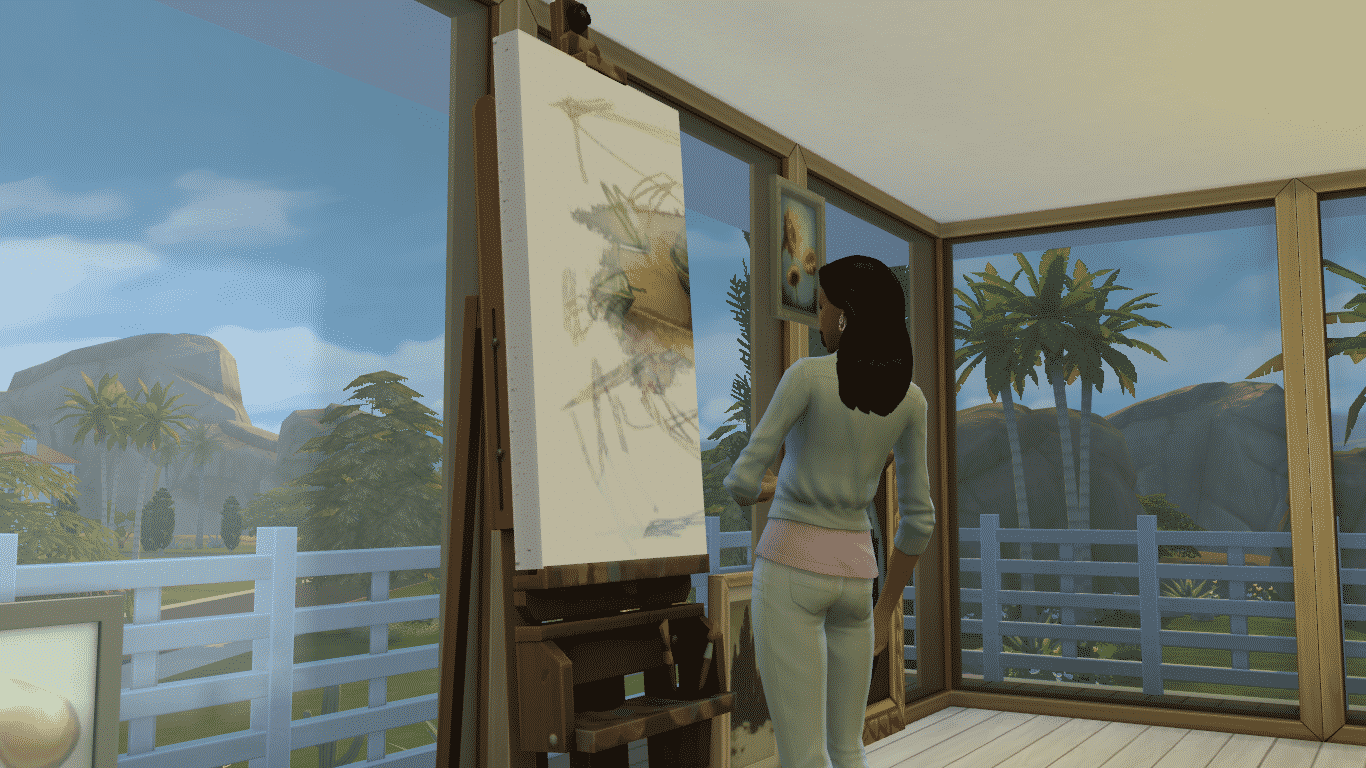
Probably the best way to earn money at Home is to Paint. As your Painting Skill levels up, you’ll create better quality paintings that you can sell for a big amount of Simoleons or just hang them around your rooms to make them prettier.
There are also some other ways of earning money at Home such as Programming, Hacking, Grafting, Gardening, Woodworking and collecting Gems & Collectibles around the Neighborhoods.
It’s a pretty good week to be a Sim. Pools have been added for free to The Sims 4, and they’re cooler than they’ve ever been. How cool? We snuck over to Maxis’ lair to experiment and see exactly how creative we could get.
The results were, well… you’ll need to see them to believe them.
Semi-lazy River. Ever go swimming and then immediately decide you need a sandwich straight away? It’s terrible. You need to get out of the pool, and it’s cold, and you have to walk around while soaking wet, and… yeah. Wouldn’t it be better if you could just swim from the pool to the kitchen? We thought so too! The Sims of this house ended up using this pool as a sort of highway, jumping in and swimming from room to room instead of walking because, let’s be honest – walking is for chumps.
This set has been brought to you by The Sims Resource member – jomsims!
I’m inspired by ron tangler and love iron set sims 3 for this bathroom and of course lemingstone living same serie.
1 oval bathtub texture solid and metal. solid grey and 1 white color. 1 ottomane. 3 colors.1 shower 2 colors and metal texture.1 products deco for bathroom .1 wall shelf deco with towels and bathroom products. 4 paintings. 1 floor wood . 1 sink 2 colors and metal texture. 1 mirror very metal texture. towels deco 6 differents colors with effigy lemingstone. candles decorativ in 3 colors variation. and 1 deco clothes basket 2 colors.
A very modern bathroom with metal texture very realistic.
All items have been tested in the game sims 4
Click on the picture below to download this Set!
Click Herefor more information on how to install Custom Content!
This set has been brought to you by The Sims Resource member – BuffSumm!
My first Set for Sims 4 -party- finally done 🙂
I made a Kids room in 3 Colour options like you see on the pictures. You will get 24 new objects for your Sims:
– Singlebed
– Desk
– Dresser
– Shelf
– Bookshelf
– Two Tablelamps
– Ceilinglight
– Wallclock
– as usual a lot of clutter and deco stuff
This set has been brought to you by The Sims Resource Member – Angela!
Pure Living, a new set with a modern feel for your sims homes.
This set has some old pieces coming over from Sims3, but also brand new ones.
the set includes the following items: Bookshelf, Sofa, Chair, Coffeetable, Lamp, 3 sizes shutters and a decorative Bowl.
Click on the picture below to download this Set!
Click Herefor more information on how to install Custom Content!
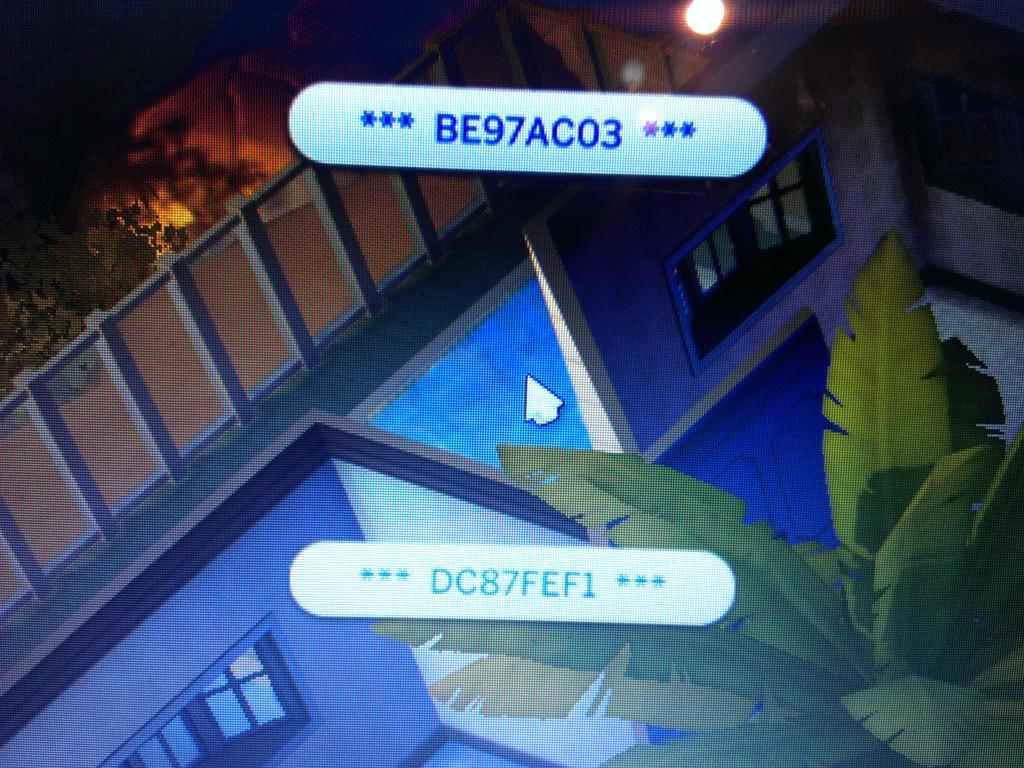
Since the release of The Sims 4’s New Update, some players started experiencing weird glitches where some text lines in the game wouldn’t appear normally.
Simmer @JaaySimmer sent us a screenshot of what this issue looks like:
SimGuruRusskii made a post on The Sims Official Forum explaining how to get rid of this issue:
Update:It seems that Step 3 is not helping out players at all. If first 2 steps don’t work, the best way you can fix this issue is by reinstalling the game completely!
There are some things you could try before re installing the whole game and patches.
1. If you have custom content (mods) run with the command line -ignoreMods or remove the mods from the Mods dir and see if this still happens. If the problem is fixed, can you give us a list of mods? that way we can determine which one may be causing the issue.
2. Run “Repair Game” in Origin. if that fixes it great!
3. Delete the file C:Program Files (x86)Origin GamesThe Sims 4DataClientStrings_ENG_US.package. Note: the strings file must be the one you are running with, I’m using EN_US as example. Then Run “Repair Game” in Origin.
If the problem persists try reinstalling the game and if it doesn’t get fixed. Please contact Costumer Support they should be asking for some files from you so we can troubleshoot.
For more information about The Sims 4 Pools Update, Click Here!
There are 26 new Clothing/Makeup in CAS. All the new clothing from Swimwear category can be used as Everyday clothing as well – there are no limitations! You can use other Everyday clothing for Swimwear as well by deleting the Swimwear filter in the Swimwear category.
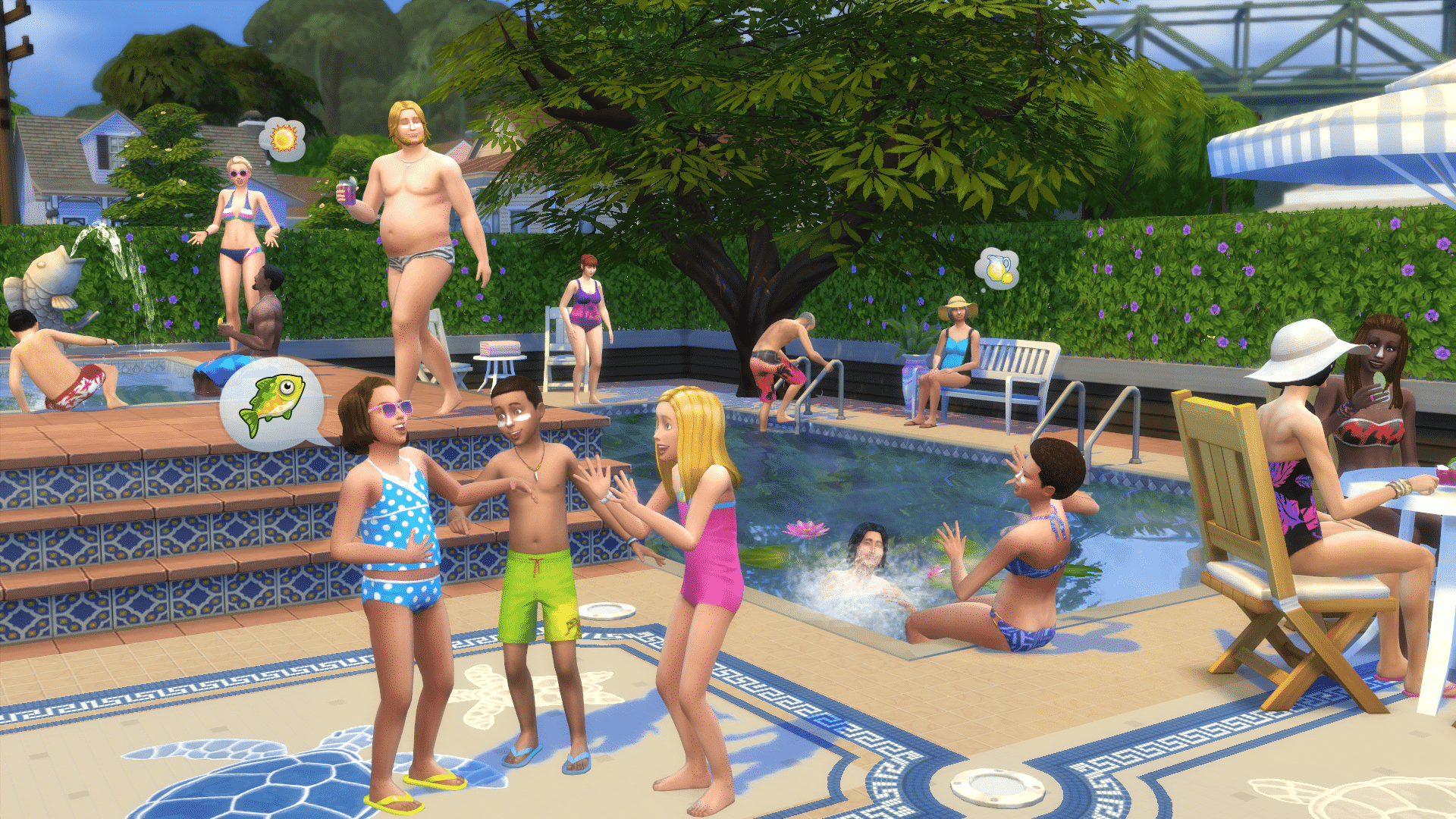
Zerbu, a talented modder for The Sims 4, created an outstanding Mod (and in a short period of time) that lets you host Pool Parties in The Sims 4!
POOL PARTIES ARE HERE! I bring to you a mod that adds a brand new Social Event type to the game. We have pools, so why not pool parties?
Pool Party is cloned from House Party. Sims will show up to Pool Party events in their swimwear, and the main goal is to splash Sims.
You can throw a Pool Party on a community lot, as well as your home lot or the lot of one of your guests. Have a community pool, resort or other venue containing a pool? Pick up the phone to organize your party!
In Kotaku’s phone conversation with Ryan Vaughan, The Sims 4 Producer, Ryan clarified some information about the December patch and what should we expect from it.
Vaughan also offered me a bit more clarity about the new career options that The Sims 4 will get (again, for free for all existing players) next month. Vaughan told me that there will be two new career paths added to the game: “Business” and “Athletic.” As with the current career options, both of this come with two different branches that Sims can pursue—“management” and “investor” for the business one, and “bodybuilder” or “professional” athlete for the athletic one.
The Sims Team has finally released the long awaited Pools update for The Sims 4! Open your Origin and if automatic updates for your games are not set, right click on The Sims 4 and select update to get new Pool features!
It’s time to go swimming! November, sunshine, swimming, splashing, the warmth of the su… well, we are international, so it’s sunny for some. Anyway, Pools are here! And your Sims are ready to jump in and splash around!
Jump into Create a Sim to customize your Swimwear!
Choose from the Styled Looks to quickly swim up your Sim; or choose the perfect one or two-piece bikini, swim trunks or budgie smugglers!
Top off your creation with a hat, some sandals, and a dab of sunscreen down the bridge of your nose, and you are ready to go!
Build out your pool in Build Mode by clicking on the Build tab, and the Pools image in the home portrait
You can place pre-fashioned pool blocks (triangle, square, diagonal, or octagon), or you can use the Pool Tool to draw your own pool.
Pools can be built on any floor of your home or venue.
Decorate and enhance your pool with pools lights, install a ladder, customize the wall and floor textures to your liking then plop down some decals or add some windows for that aquarium’esque experience!
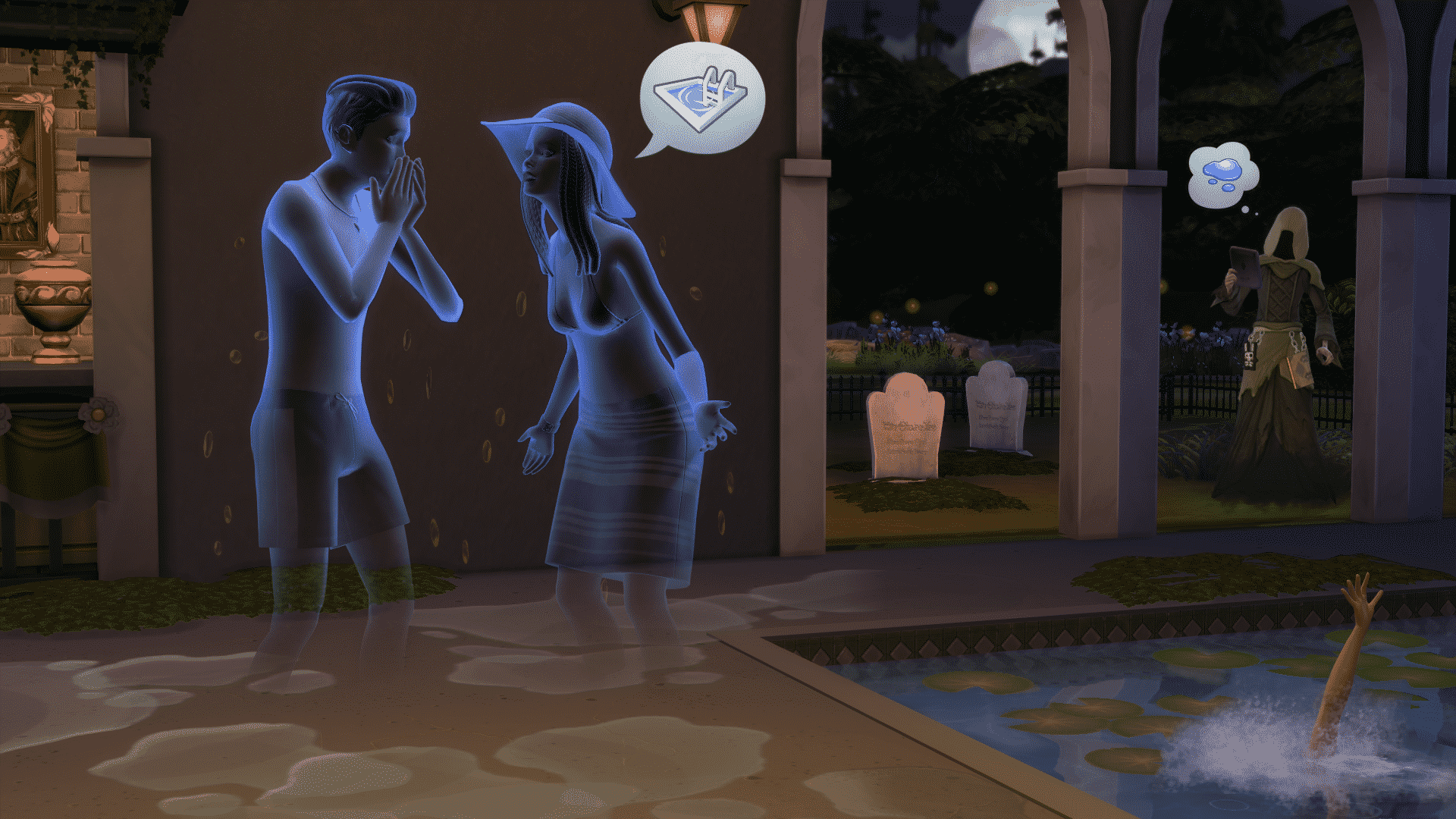
Sims can enjoy the comforts of your newly built pool, whether they are socializing as they dangle their digits in the water, splashing the kids, or putting themselves out after being set on fire by an angry ghost who had died from a tragic poolside grilling accident.
Be wary of the hungry and fatigued, a moment too long in the pool has been known to cause a lack of living. The Reaper will gladly accept your pleas, though he may not always oblige them.
Build out your dream home (with pool included) or head to the Gallery to find the wondrous creations of your fellow S(w)immers , and spend the day with your Sims by the poolside!
In addition to releasing Pools in this update, we have also spent time fixing some bugs and continuing to enhance the game:
Our players have been instrumental in helping us track down the small eye, wide jaw issue that was interfering with some Sims as they aged up both in Live Mode and in Create a Sim. Working with the community, and our internal quality assurance group, we have reverted the tuning as Sims changed ages that resulted in a shrinking of the eyes, and a widening of the jaw. It is intentional that Sims change slightly as they age but the tuning we were using wasn’t performing as we expected as of yet. Thank you once again for your patience and diligence in helping us resolve this
Crashes / Performance
Several performance issues were found and addressed with this release, and we will continue to look into improving performance across the board.
Fixed an issue that could result in the player being unable to place a room from the gallery if it contained a slotted object.
Fixed an issue that would prevent you from loading an older save with an updated version of the game.
Sometimes the game crashes in a completely logical fashion and sometimes…
We fixed an issue that would cause household members to delete themselves, but only if a household of more than one began their existence at the Potters Splay lot, one member of the household then traveled to visit the Pique Hearth or Rindle Rose household, and then returned home to find their other household members have gone missing. The Potters Splay lot has been thoroughly exorcised and made safe for Sim living once again.
On a similar note, there was a counter and an oven at Yuma Heights that could cause a crash, these too have been fixed.
We fixed a freeze that could occur when attempting to move in with a homeless Sim if you changed your mind (having realized they don’t have a home) and attempted to back out of the move-in flow.
Rejoice! You can once again choose to move in with the homeless even though they don’t have a home. You can decide to not move in to their homeless home, but rather choose to move into a new home with them, or move the homeless Sim into your home.
Tuning / Graphics
Fixed an issue that resulted in a placed counter sink being deleted when the player moved the counter.
You can now search for “TV” in Build Mode, because it turns out nobody uses the word television.
Fixed an issue with newly created Sims made from an older shared household overwriting the original household.
Fixed an issue where Sims refused to clean up books if the action was initiated through the bookshelf. It seems Sims prefer to be told directly, rather than the bookshelf leaning over and whispering “Hey, my books are showing.”
Fixed an issue that resulted in elder female Sims forgetting they had two legs, and instead walking with a one-legged stutter step, “Pardon me m’lady, but you have two legs.”
Fixed an issue that could occur during the swapping of the Urn and Tombstone models that would result in the urn/tombstone forgetting what it was and losing all functionality.
On a side note, why use the word “could”? It turns out that bugs do not occur for all people, often due to the complexity of what is happening in the code. In this issue, the reproducible case that allowed us to verify the issue as resolved required you to perform an action an unreasonable number of times in succession, in order to see the issue occur once.
Fixed an issue where Sims were choosing to kneel at improper moments, being socially awkward, kneeling at the dining table, or similarly strange occurrences.
Children will no longer levitate when attempting to blow out the candles of a cake on a counter. Nobody believed the levitation really occurred anyway, and those who “saw” the levitation are no longer available for comment.
Fixed an issue with Ghosts possessing Grills, that would cause them to open the grill, examine the contents, close the grill, and then jump in. We have informed the ghosts that the contents of the grill will have no bearing upon their dietary preferences, nor will they be viewed any differently for choosing to possess a grill when they just feel like possessing a grill.
Fixed an issue that would result in multiple Sims standing in the same place when they chose to play as sea monster.
It was noted that this bug made them look like a sea monster, so… an internal debate rose regarding the believable nature of the issue. Were the Sims expressing their inner monster as they played Sea Monster? Should we take that away from them? Did we even have the right to? As the producers were busy debating the philosophical merits involved, planning meetings, and contemplating the social ramifications… the engineer fixed it. And well here we are, with our Sims sea monsterly expression ripped from them.
Build Mode
The simple way to state it: We fixed an issue where auto counters would stop working correctly after modifying the nearby architecture.
The not so simple way: When placing a counter perpendicular to a wall, and placing a second counter opposite to it, then placing a third counter positioned in front of the second one as if you were attempting to create a corner with auto-counters, then deleting the wall, and then once again attempt to create a corner piece, was resulting in auto-counters losing functionality. We fixed this.
Fixed an issue that would cause undo and redo to stop working if the undo action undid a foundation doing.
Fixed an issue when deleting an object with other objects slotted to it, with the sledgehammer that prevented undo from returning the slotted objects (or, if you deleted a table with a vase on it, and then chose to undo the action, the vase would not come back).
Fixed a “quick-click” issue. Delete floor, exit Build Mode, Sim is floating! Ta-dah!
Fixed an interface issue with the remove ceiling button flickering when the cursor hovered over it.
Fixed an interface issue that would result in the Build Mode catalog failing to properly open when switching between Build and Live Modes.
Learning time: By the way, in case you were curious on the correct pronunciation of Live, simply say to yourself “I Build in Build mode, and I Live in Live mode.”