

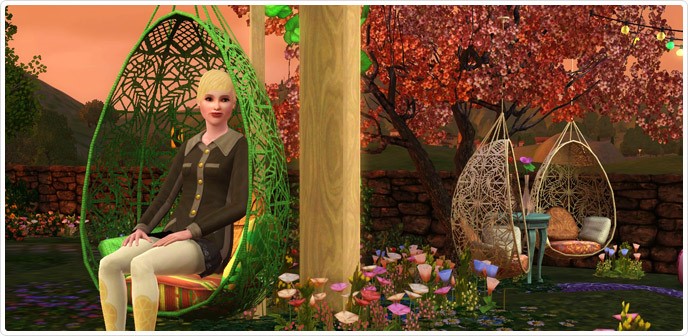
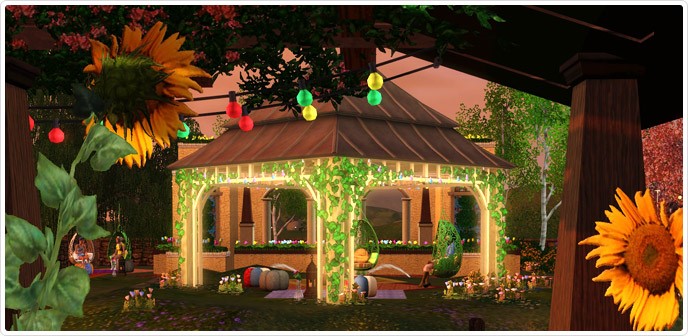
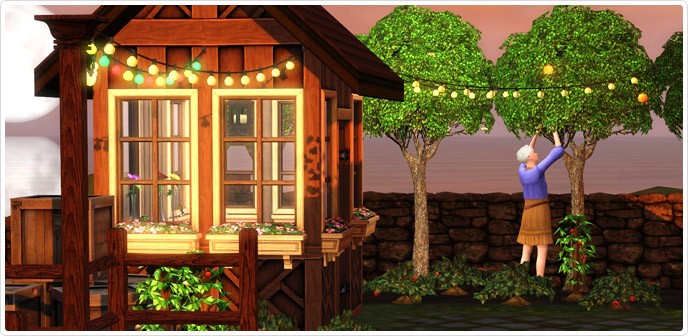
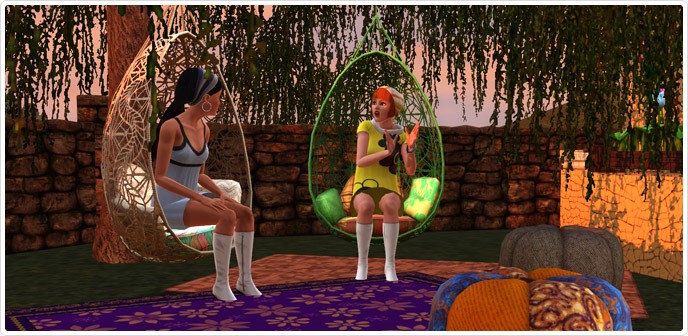
Hey Simmers!Rejuvenate your senses and discover your green thumb this spring in the Bohemian Garden! In this whimsical palace, let your inner free spirit run free!Try your hand at landscaping and plant an array of different colored flowers!When full in bloom, the garden also includes an exciting selection of Bohemian Fruits and Nuts! Yes, the rumors are true. You can tend your garden and produce strawberries, raspberries, blueberries, blackberries, peaches, chocolate beans, pecans and pears! That’s 8 different premium items!There’s also room for you to relax. Wouldn’t you love to sit and hang out in one of these?I love how the lights hang in this canopy! Can you imagine all the different ways you can style this?In my opinion, it’s the perfect place for the best chair on The Sims 3 Store. For those of you who follow me on Twitter, you’ll know I’m dying to have this!The Bohemian Garden has been one of my favorite sets to design. I’ve reimagined some fan favorites and some of these items will tie directly into items in the next couple of releases!Stay Tuned,SimGuruCopeland
TS3 Blog Post: Store’s Bohemian Garden!

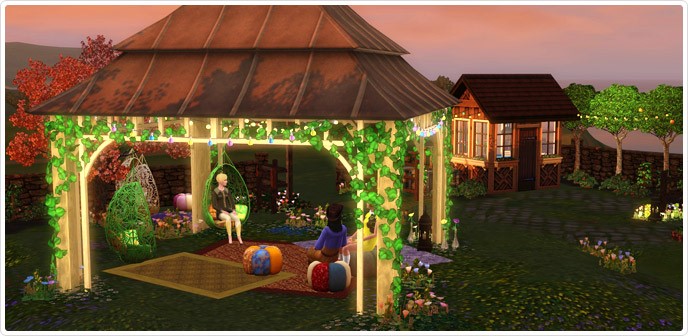
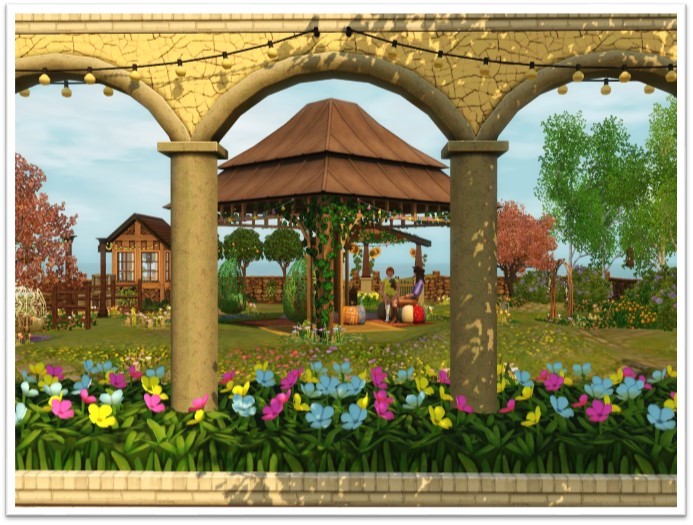
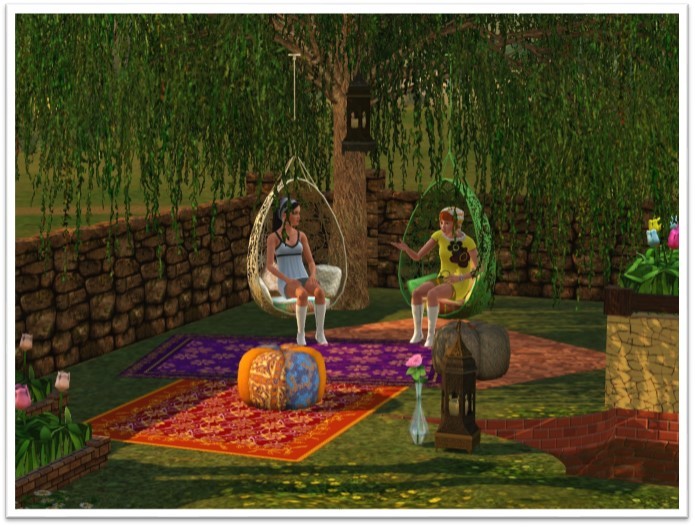
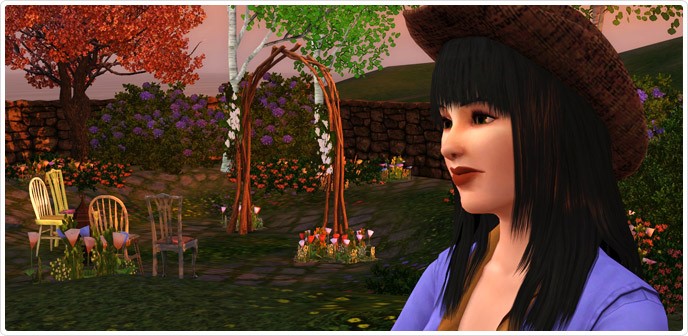
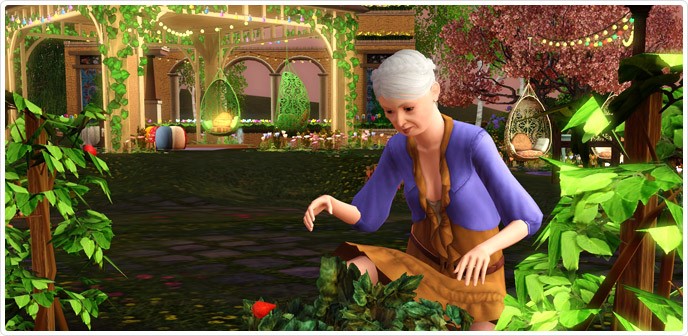
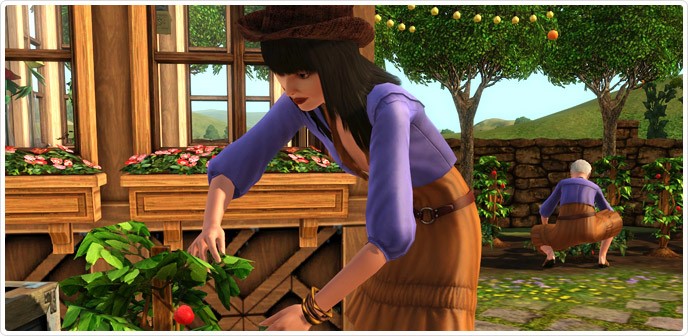
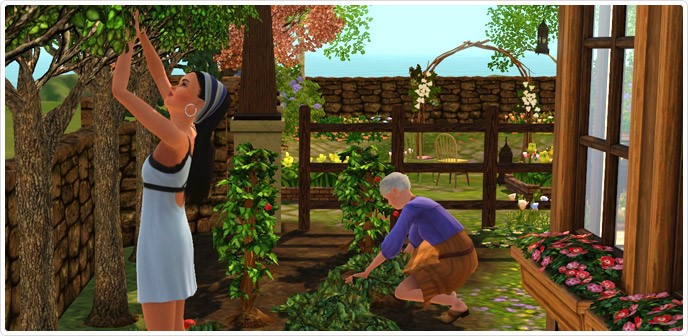
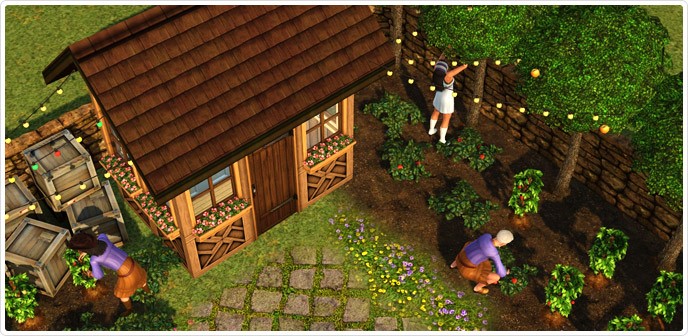
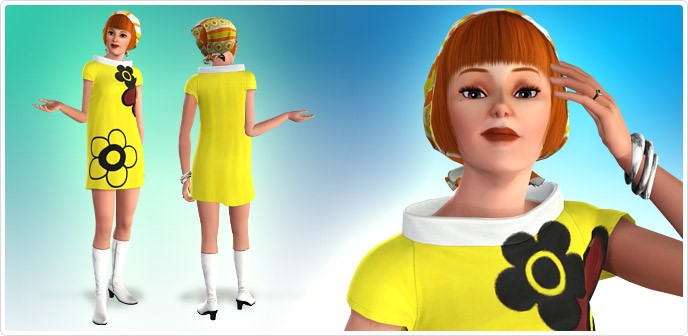
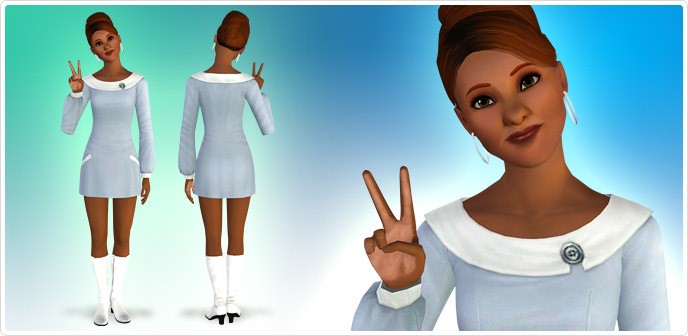
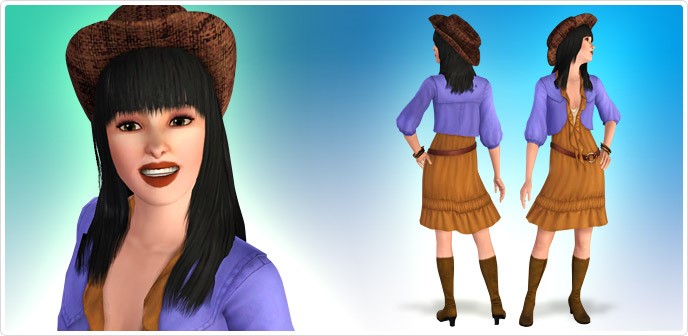
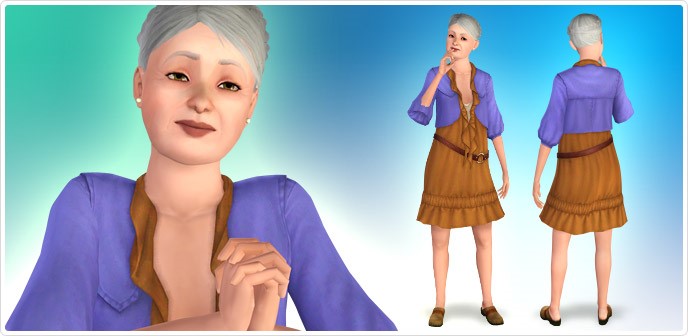

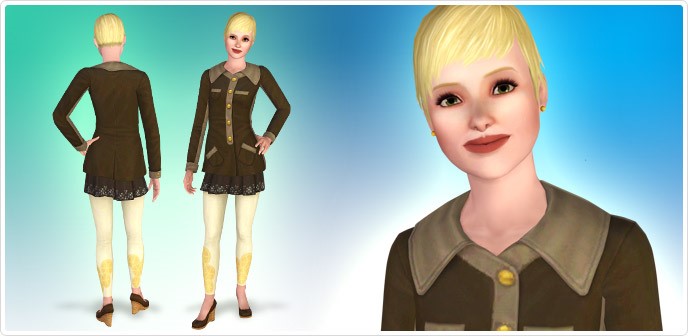
The Sims 3 Store – Bohemian Garden now available!
Release your Sims inner Bohemian! Spend a spring morning planting a variety of new harvestables and an afternoon lounging under a flower-covered canopy. What free-thinking spirit doesn’t want to take off their retro-styled boots and walk among the wildflowers?
Click on the picture below to check out this set!
The Sims FreePlay – Life Dreams Update Coming Soon!


Live out your perfect Sims story! Watch your Sims grow through their full life-cycle, move onto the afterlife and pass on legacies from one generation to the next. Complete the “Life Dreams and Legacies” Quests at Level 24+ to get your Sims ready for their next exciting adventure!

The Sims 4 Cover Recreations by Sims Soul

Inspired by old The Sims Covers, Sims Soul created Sims 4 covers in The Sims 1, The Sims 2 and The Sims 3 Style!
Enjoy 😀


The Sims 2 Open For Business – Toy Workbench Concept Art

Learn all the steps it took to create the Toy Workbench object in The Sims!
– The Sims Official Facebook Page


Lauren Mclemore is back to The Sims 4 Team!

Approx 1 month ago, SimGuruLauren stated that she’s no longer working for The Sims 4. Today, she announced that she’s back in The Sims 4 Team! 😀
Hey everyone!!! I’m back working on The Sims 4! At least for a while longer 😉
— Lauren McLemore (@GamingLauren) March 3, 2014
The Sims 4 Wallpaper by Sims Soul

Sims Soul made an incredible The Sims 4 wallpaper! It comes in 16:9, 16:10 and 4:3 dimensions. To download it, select the resolution you want and click on ”Descargar”.
Click on the picture below to download this wallpaper from Sims Soul!

The Sims 4 – Arrival Trailer Concept Art

Thom McKay Price, Concept Designer – Ultrafine Artist, shared his Concept Art from The Sims 4 Arrival Trailer. These Concept Arts are in High Definiton, so you can use them to decorate your desktop!


The Sims 4 – SimGuruGraham on Multitasking

SimGuruGraham is very active on Mod The Sims forums – especially when it comes to explaining new The Sims 4 features (as far as TS4 marketing team allow him to say). Here’s what he said about Multitasking!
ani_ (Mod The Sims Member): Multitasking is doing two different interactions together.
SimGuruGraham: FYI, that’s exactly what we mean when we discuss multitasking in The Sims 4. It is not a single interaction that’s just animated differently. It is multiple independent interactions being executed simultaneously.
Unfortunately this highlights some of the difficulty that arises when doing previews when we don’t share the same native language with the interviewer, and then those previews are ran back through an online translator. The high level stuff makes it through, but a lot of the subtle (but important) details can get scrambled. In this particular case I don’t think the interviewer even misunderstood, just the way it’s phrased there unintentionally suggests something that isn’t true. I know you’re all eager for information, I’d just generally suggest keeping that in mind before over-analyzing the minutiae in these previews.
Inge Jones (Mod The Sims Member): Graham, will a sim who you have told to paint a picture be able to take a quick bathroom break and go back to painting without the player have to tell them to paint again?
SimGuruGraham: Nope, that would be a sequence of tasks and not a form of multitasking. As in previous games, you could direct a Sim to paint, then use the bathroom, then resume painting, and the extra interactions would wait in the queue until they could execute.
Alternatively you could ask me, “Graham, will Sims be able to multitask by painting a picture while using the bathroom?” to which I would also, sadly, have to answer “no”.
Source: Avenida Sims, Sims Soul
SimCity Franchise – 30% off on Origin

Click on the picture below to check out this offer – expires on 4th of March, 2014!
The Sims 4 Arrival Trailer – Director’s Cut

Rincon Del Simmer found 2 people behind the great TS4 Arrival Trailer – Parker and Schrieber, who together worked on the Sleeping Dogs trailer for Xbox 360. Take a look at Director’s Cut that includes some never-before seen footage of The Sims 4 Trailer down below and compare it with the original trailer!
Something is on a collision course with Earth. Luckily it’s just the new Sims! Inspired by Summer Blockbusters, DFCB surprised and delighted fans with “The Arrival,” The Sims 4 announce trailer. To celebrate the fans and their eye for detail, DFCB also included some of fans’ favorite Sims lore into the trailer as secret extra content.
TheSims3.com Update!

SimGuruRusskii and The Sims 3 Web Team updated TheSims3.com with new features – such as accept all friend requests, studio improvements and bug fixes.
Hello there!
New maintenance, new thread.
Apologies for not being around, my duties offline are taking a bit of a toll. I still try.
Today we have for you guys:
My Page:
1. Adding/Declining/Blocking multiple requests from the “Request to add” section.
This is good news for us who struggle with a lot of requests (I know who you are).
In the “Requests to add” section where you see your friend requests, you will now see checkboxes on all the requestors picture.
Similar to the new and improved Purchase History, you can choose several requests to Accept, Decline, Block. You can also Select all requests (per page basis) and perform one of these actions.
Fields to notice:
1. Checkboxes to choose people =)
2. Select action drop down menu, you must choose one to proceed.
3. Check All: This is the Select All checkbox. once selected it will mark all request in that page.
4. Submit button: Once you have chosen your options, click on it to proceed.
Note: I’m working on changing the text in some of this, my apologies so you guys are not confused.Note that also clicking each request to bring up the “player card” and accepting that request the “old way” still works, so whatever is best for you.
My Studio:
This again is a blessing for those who handle a high volume of items in their studio. But this new addition is not just for exchange items such a sims or lots. This option appears on all tabs on My Studio: Exchange, Memories, Media, Movies and more and Greeting cards.
You can choose select all (it works per page basis) or several at a time and click the delete button and you are done.
Note that clicking Delete on each item individually still works in case you dont want to delete several at a time. The “old way” is still supported.
Note: I’m working on changing the text in the disclaimer, my apologies so you guys are not confused.Super note: even though when you delete items in your personal my studio list you can see them deleted right away. It takes about 15 minutes to be reflected in all servers, so some people might say “hey,I still see it”.
3. Bug fixes.
4. Stability work.
5. Backend things you can’t see yet and some you can’t see.Note: I can’t speak of anything store side, I can only tell you that we did backend things.
Stuff I’m currently on:
1. Performance on emails (gifting, Friend requests). these can suffer from site traffic there is no bug with them currently. We are working on helping them not to be affected by site traffic.
2. Site performance ,my page performance
3. Offline things
4. Emails related to base game.If you have questions, issues let me know.
Thanks!
The Sims 4 – ”New” Concept Art leaked by Origin!

Update: SimGuruGraham confirmed that the concept arts below are from The Sims 4 – but not from the current version!
It’s ancient Sims 4 concept art (so *technically* not the game); it doesn’t 1:1 reflect the current game.
Origin Insider posted a very interesting photo on 13th of May, 2013 – 7 days after The Sims 4 was announced. These Sims may look like Sims from The Sims Freeplay, but if you take a closer look, there are a lot of things that remind of TS4.

First of all, let’s take a look at the emotions these Sims are showing. I’m pretty sure that they’re not that alive in The Sims Freeplay. One Sim even seems to jump exactly the same like Sims in TS4 when they’re extremely happy!
Second of all, two Sims seem to have same hairstyles like the ones we saw on The Sims 4 Concept Arts.


You can also notice some other similarities when looking at their facial expressions.
Origin Insider said ”This is not Sims 4, this is just a picture of some of our Sims”. They did not mention that these are sims from The Sims FreePlay, just ”this is a picture of some of our Sims”.
Are these Sims from The Sims 4 or not? You decide!
New The Sims 4 Info coming this March!


Gamer Headlines revealed that during the Game Developer Conference, we will get new information about The Sims 4! This will probably happen between 17th and 21st of March, 2014.
The Sims 4 will be available in Fall 2014. More information on the game will be released at the annual Game Developer’s Conference, scheduled from March 17 to 21.
At the GDC (Game Developer Conference), developers will learn more about Interactions, Multi-tasking, and new changes in The Sims 4.
SimCity (2013 Version) was also announced at GDC, so we can expect EA to announce new The Sims 4 informations as well.