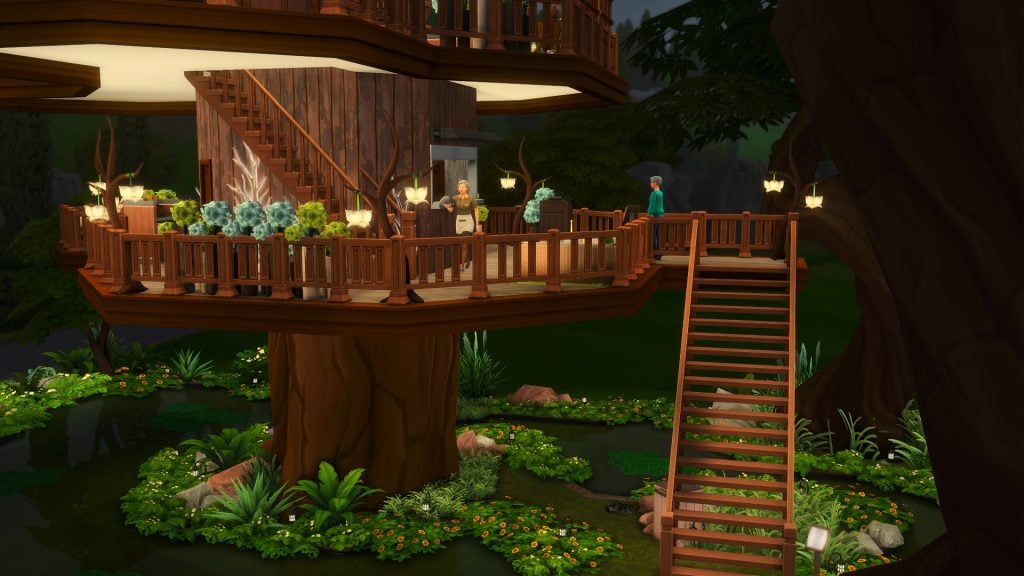
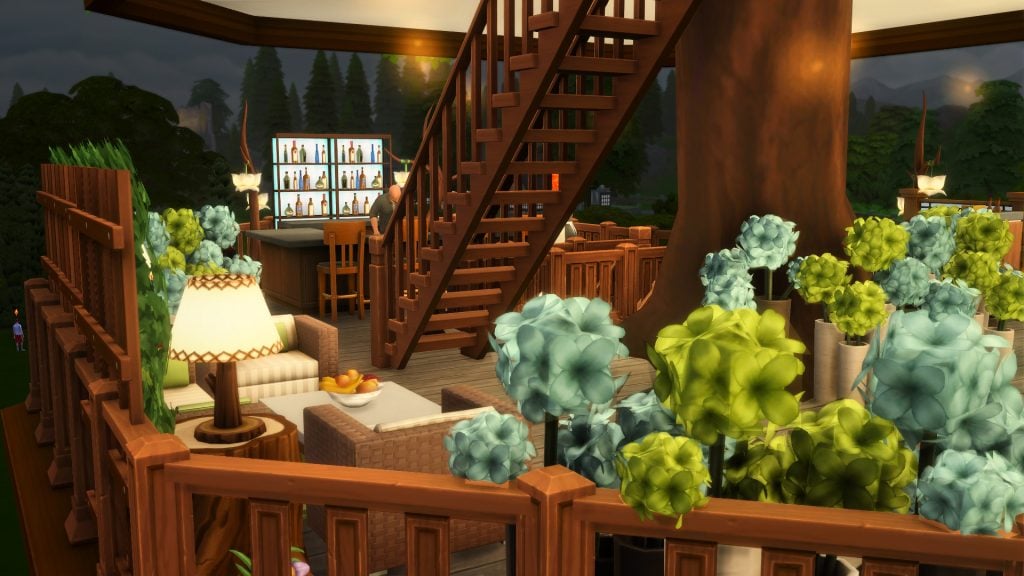
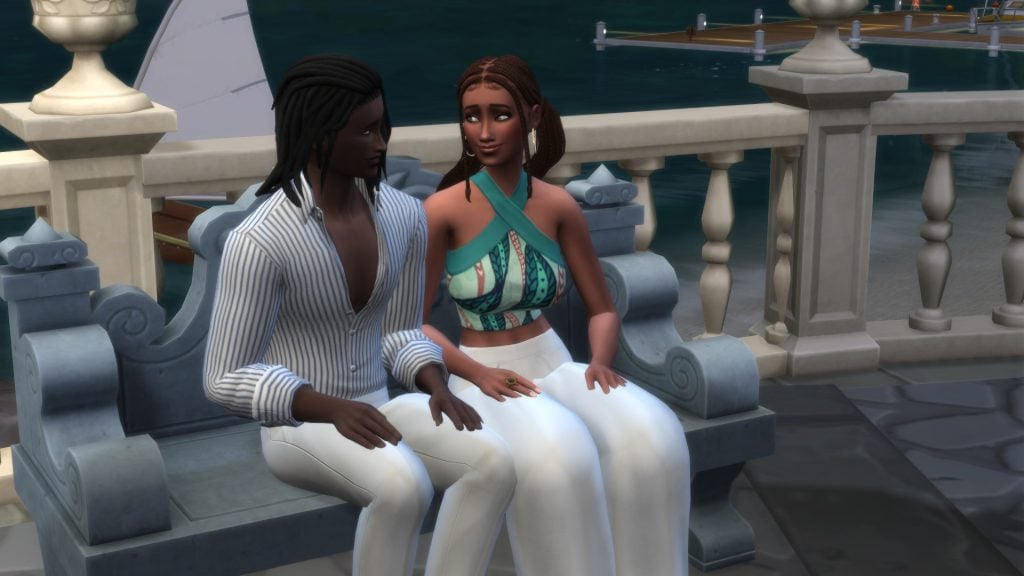
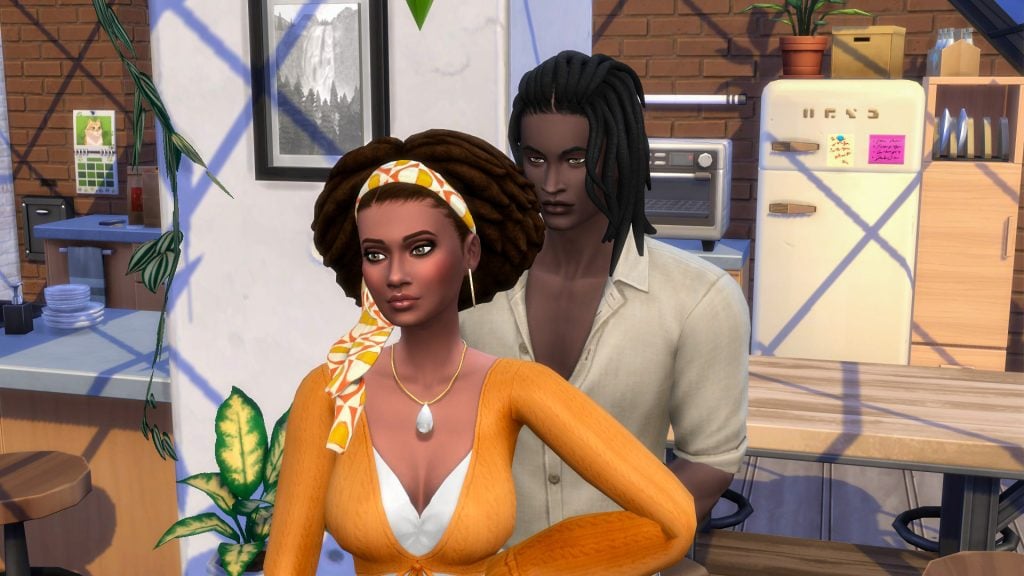
If you love immersive family gameplay in The Sims 4, the Sims 4 Baby On The Way CC Pack is about to become a must-have in your Mods folder. Created by the incredibly talented SIXAM CC, this pack focuses on realistic nursery design, heartfelt storytelling moments, and beautifully crafted build/buy items that make preparing for a new Sim baby feel truly special.
Designed with family players and legacy challenges in mind, the Baby On The Way CC Pack adds depth to pregnancy gameplay by letting your Sims slowly build and decorate their nursery, right down to assembling the crib in-game.
Currently, the pack is in Early Access on Patreon, meaning players who want it now will need to subscribe for immediate download.
Table of Contents
What Is the Sims 4 Baby On The Way CC Pack?
The Baby On The Way CC Pack is a thoughtfully designed nursery-focused custom content series by SIXAM CC that brings realism, storytelling, and cozy family moments into your gameplay. Part 1 includes a beautifully crafted set of 18 decorative and build/buy items, while Part 2 introduces a special gameplay mod that allows you to fully assemble the crib in stages.
Inside the pack, you’ll find a variety of scene-setting details — from moving boxes and painting supplies to baby essentials waiting to be unpacked — perfect for creating realistic pregnancy storylines and nurseries that slowly come together over time. The crib is designed in unassembled stages inspired by flat-pack furniture, making it ideal for storytelling builds.
Players can also build and customize the baby mobile, choosing between two décor themes: birds or space. As your Sim family grows, the crib can even be upgraded and converted into a toddler bed, adding long-term value for legacy gameplay.
Important note: The Part 2 crib-building mod requires the The Sims 4 Parenthood Game Pack in order to function properly.
Build & Buy Catalog Preview
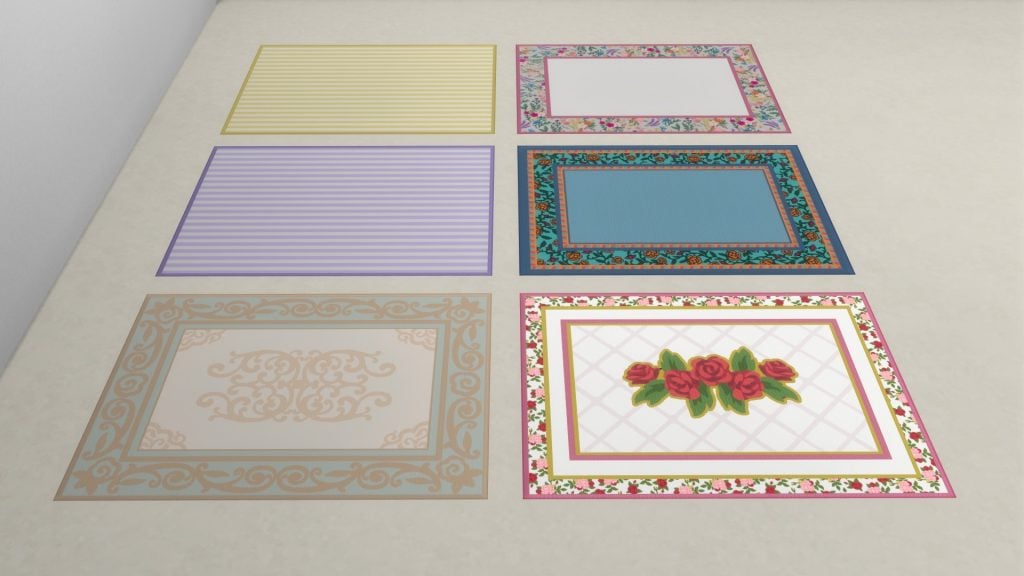
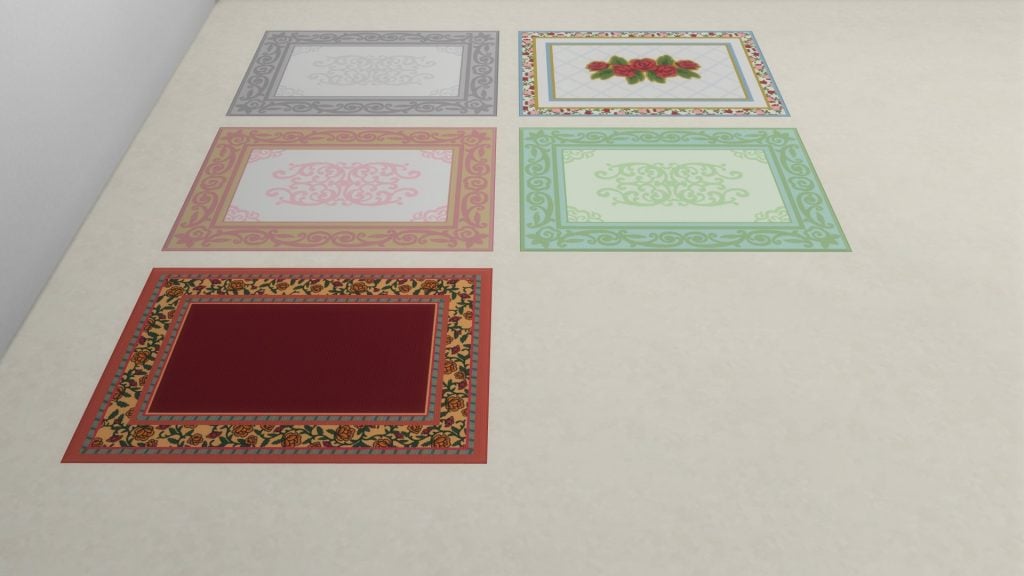
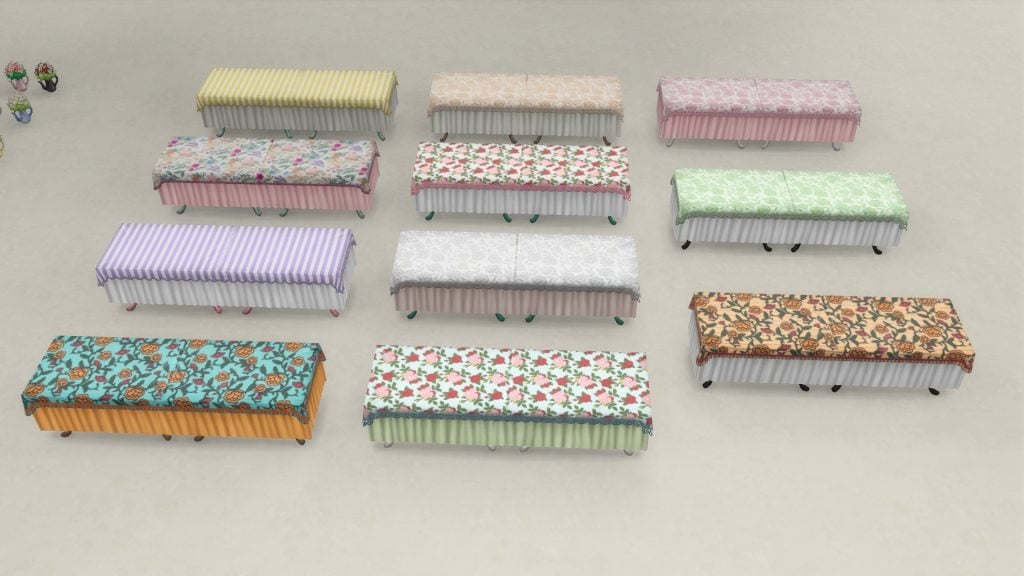
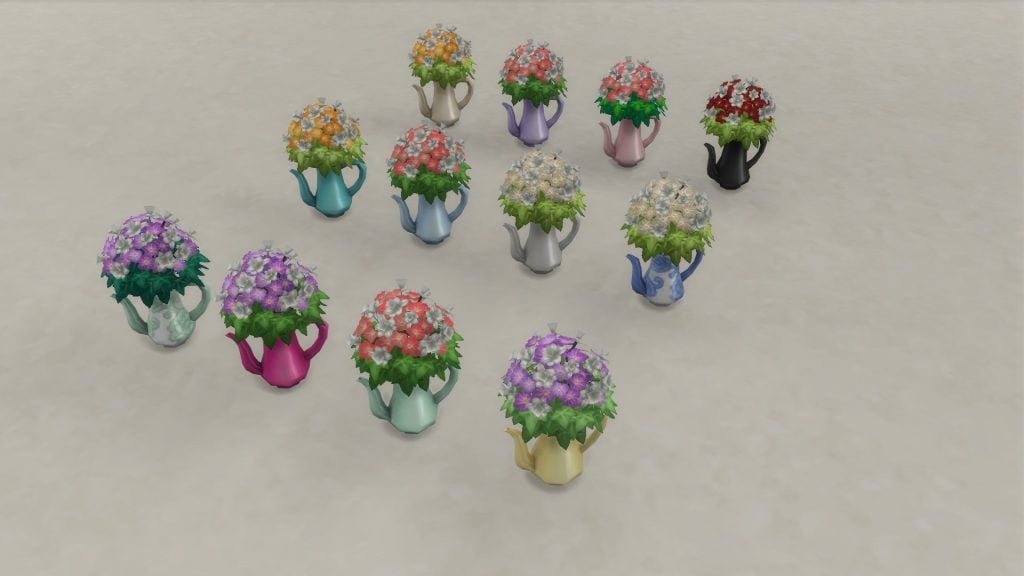
Below is a complete catalog of every item included in the Sims 4 Baby On The Way CC Pack, along with detailed preview images for each piece.
Swatch Previews
Take a closer look at every object in the set, showcasing all available color variations and design options.
How You Can Build Your Own Baby Crib In-Game
One of the most unique features of the Sims 4 Baby On The Way CC Pack is the ability to fully build your baby’s crib through interactive gameplay instead of instantly placing a finished object. Once your Sim is ready, they can interact with the “Build the Crib” box and select “Start Working Carefully.” As they work, building the crib also boosts both Mental and Handiness skills.
The crib begins in unassembled stages inspired by flat-pack furniture, allowing your Sims to gradually put it together across two phases as the pregnancy progresses. This creates realistic preparation moments that feel immersive and rewarding.
Interestingly, chatting with a partner or another Sim in the room slows the process down, making it take noticeably longer than building alone. During the interaction, Sims receive a Focused moodlet labeled “Working on a School Project.” A partner can even assist with the build (though the animation does clip slightly).
Once the crib is complete, you can add a lovely baby mobile that spins gently and plays soft lullabies, bringing even more warmth and realism to the nursery space.
Overall, it takes around 3–6 in-game hours (if including the mobile) to complete the crib depending on whether your Sim works solo or with help, which feels surprisingly realistic for such a hands-on project.
A Cozy First Time Parent Apartment That Showcases the Pack Beautifully
One of the most charming showcases of the Sims 4 Baby On The Way CC Pack comes from Sims content creator Gryphi, who built the most adorable First Time Parents Apartment using items from SIXAM CC’s collection.
The build perfectly captures that early-parenthood energy with cozy, realistic, and thoughtful details that make gameplay feel warm and lived-in.
Gryphi also shared a full build video and uploaded the apartment to the Gallery, so players can download it directly into their game.
Important note: To experience the build exactly as shown, you’ll need to download several of SIXAM CC’s currently free custom content collections in addition to the Baby On The Way CC Pack.
Once everything is installed, the apartment looks absolutely stunning in-game.
Early Access Details – How to Download It Now
The Sims 4 Baby On The Way CC Pack is currently available in Early Access on Patreon. Linked in the button below!
• A subscription is required to download it right now • Supporters get immediate access • It will be released publicly later, typically a month after the initial Early Access release
If you love high-quality CC and want to support amazing creators, Early Access is a great way to do both.
Our Final Thoughts – Is the Baby On The Way CC Pack Worth It?
Absolutely!
The Sims 4 Baby On The Way CC Pack is one of those additions that quietly transforms gameplay. It doesn’t just add furniture, it adds emotion, realism, and storytelling depth.
If you enjoy:
• Family gameplay • Legacy challenges • Cozy builds • Realistic life moments
This CC pack is a perfect fit for your save files.
Between the modular nursery pieces, adorable decor, and in-game crib assembly, it’s easy to see why this pack feels so special.
Discover even more Sims 4 CC packs, custom content reviews, and gameplay-enhancing mods in our Sims Community CC articles, where we regularly feature new releases, in-game previews, and other family-focused gameplay inspiration.
Maxis announces a new The Sims 4 Patch drop for this week!
The Sims Team has announced through their official Discord channels that there is going to be a new Sims 4 Hotfix Update. Set to release for this Thursday – February 19th, 2026! Here’s what you can expect from the latest hotfix patch:
The Sims 4 Hotfix Update Announcement
The Sims Community Manager EA_Cade shared a new message, revealing a new Sims 4 Hotfix Update for this Thursday. In this update you should expect fixes for issues with Sims freezing during marriage, as well as “additional Family Tree fixes”.
Sul Sul, Simmers, We’ll have a small Base Game update available this Thursday, February 19th containing fixes for issues with Sims freezing when getting married as well as additional Family Tree fixes.
What’s up with Family Trees?
A lot, in fact! Players who have never used CC / Mods have started reporting several issues with The Sims 4 Family Trees ever since the recent Sims 4 Updates hit the game this February. With reports on wrong connections, a family tree layout that’s way too stretched out and overlapping relations and interface that just makes no sense.
EA Forums member ToutouXL reported five different examples of how Family Trees have broken down in their game:
The new family tree is not working at all! Now I can’t understand nor use this family tree function! PS I didn’t use any mod nor cc!
The biggest problems lie in the overlap of the family members, I can’t see clear connection of any family. Besides, some of sims are married with kids in the family tree which are obvious image expression error! Not to mention that I am not able to tell who are the kids or siblings of one family. I show some pictures below, can you tell me HOW CAN I UNDERSTAND?
Example 1, the sim marries with a kid in family tree( actually not)! Plus a mess and serious overlap.
Example 2, unable to recognize one family.
Example 3, what does this white stripe mean? I can’t even tell the latest generation relationships.
Example 4, I pressed the little kid in the end of family tree, next thing I see is without this kid and all the people irrelevant to neither mother nor kid.
If the bugs is too time-consuming to fix, can you just return to the old logic and design which functions super well?! Thanks.
The upcoming Sims 4 Hotfix Update is expected to fix only two game issues, so you shouldn’t expect your recently-updated Sims 4 Mods and CC to break again with the upcoming Update release. We’ll keep you posted if that’s not the case though!
You can keep track of all the current Sims 4 Patch release notes right here.
Are you ready for the 3rd Game Patch for The Sims 4 for this month? Let us know in the comments down below and stay tuned on Sims Community for the latest news on the upcoming Sims 4 Updates!
How to Earn All Rewards in The Sims 4 Lost Legacies Event Week 2!
Welcome to The Sims 4 Lost Legacies Event Week 3! Make sure to check out our previous guide for week 2 if you haven’t completed it yet before jumping straight into week 3. Players have until March 16th 2026 (subject to extension) to complete all quests and claim all the rewards before they are gone for good. Let’s dive straight in and see how to unlock all of the rewards in The Sims 4 Lost Legacies Week 3!
Table of Contents
The Sims 4 Lost Legacies Event Week 3 Introduction
Another week, another Ondarion family to research and uncover their mysteries. This week, we will be getting further insight into Princess Cordelia and the Thebe family. You can check out the new quests and this week’s rewards either by selecting ‘Event’ on the main menu, or by clicking the Event icon in the top-left corner of the screen in Live Mode!
‘The Pirate Princess’ Quest Walkthrough
With a new key found and the Envoy’s behavior growing stranger by the moment, it’s time to find out about the last family mentioned: the Thebes.
The first quest pop-up of The Sims 4 Lost Legacies Event Week 3 may take a moment to show, but once it does, hit ‘OK’ to continue. The first steps will be listed in the top-left corner of Live Mode. The Envoy should now appear at your lot, and you need to select ‘Ask About the Thebe Family’. The Envoy will then tell your Sim that she is setting a challenge. Time to prepare for whatever the challenge entails.
Our first task in preparation for the challenge is to research the Thebe family. Head to any computer and the interaction will appear on the first page of the pie menu.
We’re told that Cordelia Thebe has an interest in paintings and stolen treasure. Interesting. The next task is to train our chess skills. Head to any chess table and select ‘Ponder Moves’.
Our final of the three tasks is to ask another Sim about Cordelia. To undertake this piece of market research, select any Sim and choose ‘Ask About Cordelia’
Now we’re ready for our challenge. The Envoy said that once we are prepared, we should meet her in ‘the park’. The specific park is Magnolia Blossom Park in Willow Creek!
NOTE: Some players have reported issues with the task not completing when travelling to non-default lots.
Once at the park, either find Marina the Envoy at a chess table, or choose a chess table and select ‘Play With…’.
Now that our Sim has beaten Marina, she storms off and promises to tell us what she knows later.
After a tense chess match, frustarted by the loss, the Envoy abruptly stormed off. The Envoy’s behavior continues to grow stranger.
‘The Pirate’s Treasure’ Quest Walkthrough
After overreacting to a defeat at chess and storming off, the Royal Envoy is on the move again.
Return home to begin the next quest in pursuit of knowledge (and Event Points!) Our first task of the second quest of The Sims 4 Lost Legacies Event Week 3 is to watch the News on a television. The News report tells our Sim that paintings from the Thebe family’s collection are being displayed at the Municipal Muses Museum.
As instructed previously, we need to call the Envoy once we are ready to know more. You can either call Marina via the phone or find her portrait in the relationships tab on the UI, select it, and choose ‘Call’. She is insistent that we check out Municipal Muses Museum, the same place mentioned on the news.
And the Municipal Muses Museum is exactly where we’re heading next. As with the travel destinations found over the last couple of weeks, Municipal Muses is located in the Crawdad Quarter of Willow Creek.
At the Museum, we are tasked with examining three paintings on the lot. Select any painting and choose ‘Inspect Painting’. Tough luck though, as our Sim will find absolutely nothing of note in the paintings…
Did you know that there is a statue of Cordelia in the museum? Neither did I, and our next goal is to inspect it. The statue can be found to the right of the ground-floor entrance. Unlike the paintings, the statue is of note! There is a code concealed at the base of the statue!
Now that we’ve found a mysterious code, it’s time to call the Envoy again. Select the envoy from the phone or via the relationship tab. The Envoy will tell us that she already knows of the code, and she tried it on a bench. Perhaps we should do the same?
Time to search a bench, I guess. Select any bench and choose ‘Search Bench’. Once searched, your Sim will discover a box… but it’s empty? I guess this is a case for the final set of quests next week.
Once complete, your Sims are free to do whatever they want for another week without being harassed or judged by the Royal Envoy.
The Envoy has dissappeared and taken a treasure! Were they trying to take it for themself this entire time?
That’s it for The Sims 4 Lost Legacies Event Week 3! Make sure to claim your rewards in the Event tab!
The Sims 4 Lost Legacies Event Week 3 Rewards
For week 3 of The Sims 4 Lost Legacies Event, there are a total of 6 rewards up for grabs with your newly earned points. Let’s take a look!
Small Rewards
This week’s small rewards are two books: Logic Vol 1 and Piano Vol 2. These books will be added to your active Sims inventory when you claim the reward.
Creepy But Cool Skeletal Key
Only one key can be claimed this week, and this time it’s all about pirates! You can display the key alongside the others in the Antique Curio Display Table we claimed in week 1.
Regal Residence Lot Trait
With this lot trait, your Sims’ needs will decay at a much slower rate, allowing them to pursue hobbies and relationships undisturbed. Sims living on this lot will be able to use the ‘Brag About My Luxe Life’ social interaction!
Embossed Filigree Eyepatch
The eyepatch actually comes in two varieties in Create-A-Sim, one for the left eye and one for the right! Both eyepatches come with 7 swatches that loosely match the robes and rings from prior weeks.
Ceremonial Dedication Fenestra For Cordelia Thebe I
The Ceremonial Dedication Fenestra For Cordelia Thebe I is a new window that comes in 9 swatches, with three stained glass designs in total, each in 3 variations of woodenframes. These can be found in the ‘Windows’ category of Build/Buy Mode.
9 swatches
§ 30
Future Event Rewards
You can check out the promotional image below to sneak a peek at the future rewards up for grabs in The Sims 4 Lost Legacies Event.
That’s all for this week, but make sure to check back next Tuesday for our full walkthrough of The Sims 4 Lost Legacies Event week 4!
What reward are you most excited for in the latest event? Let us know in the comments below, and stay tuned to Sims Community for all the latest on Live Events in The Sims 4!
The 21st Sims 4 Expansion pack brings an exciting new swordsmanship 10-level skill for your Sims. While you can challenge any Sim to a duel wherever you please, official tournaments are locked to the gazebos in Ondarion‘s three neighbourhoods: Dambele, Verdemar, and Bellacorde. But don’t sheath your sword yet – there’s a clever vanilla workaround to host them on any lot in any world! Here’s your full step-by-step guide.
The Sims 4 Royalty & Legacy Guide: Swordsmanship Tournaments in All Worlds
Swordsmanship tournaments in Ondarion
The Sims 4: Royalty & Legacy introduces three distinct Swordsmanship tournament types, live events where your Sims battle it out to prove they’re the ultimate blade master. These live competitions spawn opponent Sims for duels, building tension round by round as your Sim climbs the ranks. Different amount of simoleons are given as a reward to a Sim who finishes up 1st, 2nd or 3rd place. You can launch a tournament anytime during Sim time (no waiting for schedules!). Just interact with one of the two special objects:
Gazebos (found in each of Ondarion’s three neighborhoods: Dambele, Verdemar, and Bellacorde).
Duel carpets (also scattered in those same spots for dramatic showdowns).
These objects can be used to enroll, start the next round, duel an opponent, or forfeit if things get too heated for your Sim. Both objects can be used for these interactions, but the duel carpet is where the duel will happen, so its presence is mandatory.
What The Sims team forgot to do
Like most gameplay objects in The Sims 4 worlds, I fully expected the gazebos and duel carpets from Royalty & Legacy to appear in the pack’s debug catalogue, the hidden build/buy catalogue full of collectibles, books, nature decorations, functional items and more. To access the debug catalogue (on PC/Mac or console), open the cheat console:
PC/Mac: Ctrl + Shift + C
Console: Press all four back triggers at once
Then enter these cheats one by one:
testingcheats true
bb.showhiddenobjects
bb.showliveeditobjects
To my surprise, several gazebo variants appeared – but only one is actually functional for starting tournaments (just like in Ondarion). The duel carpet? Completely absent from the list. Worse still: even with the functional gazebo placed, Sims simply stand frozen during a duel attempt – no swords clashing, no action whatsoever – because the interaction depends on the duel carpet being present.
A quick look at the objects’ code revealed that the duel carpet had been flagged differently (likely an oversight in categorisation or visibility), so it remained locked away. This isn’t the first time we’ve seen something similar. Remember The Sims 4: High School Years? The iconic ice cream stall in Copperdale appears as a decorative façade in debug, but the functional vendor side (where the vendor actually serves) is still hidden to this day – requiring similar tricks to unlock properly.
Fortunately, a simple vanilla workaround exists to get tournaments working anywhere (no mods or CC required) — and that’s precisely what this guide covers next!
Host Swordsmanship Tournaments outside Ondarion
The steps for hosting a swordsmanship tournament on any lot in any worlds are quite simple, and 100% vanilla, so this works on consoles as well.
Keep in mind that you do not need the gazebo to host tournaments, only the duel carpet is essential. Here’s what to do:
Select the lot where you want to host tournaments and go to build mode.
Go to the gallery and search for my profile: Plumbocat.
You’ll find the following room I have uploaded, which includes the duel carpet inside it.
I recommend saving the room to your library (second button on the bottom left) in case you need the object in the future without needing to access the gallery.
Click on the install room button (on the bottom right) then place the room anywhere you want on your lot.
Select the carpet and place it where you need it.
You can safely delete the entire room, you don’t need it anymore.
It is worth noting that:
Since this is a debug item, you will not be able to use the eyedropper to copy the object.
You can place more than one duel carpet on your lot if you wish (handy for larger tournament setups or aesthetics), but bear in mind: only one tournament can run at a time. No simultaneous duels or overlapping events – your Sims will use one single carpet at a time.
This works on any residential or community lot type in your game.
You will not be able to host a tournament while another event is already taking place on your lot.
If you want to install the gazebo as well, simply use the debug cheats from the previous paragraph.
Once you click on the carpet or the gazebo and start the tournament, the regular goals for this event will show up as they would in Ondarion.
And now, your Sims can duel in any world you want, like mine is doing right now in Nordhaven (from The Sims 4 Businesses & Hobbies).
Hopefully, the Sims team will flag the duel carpet correctly in a future update so it appears properly in the pack’s debug catalogue, just like the functional gazebo variants. What are your thoughts on hosting swordsmanship tournaments in other worlds? Will you be using this workaround to set up epic duels in worlds like Willow Creek, Sulani, or even Forgotten Hollow? Or are you sticking to Ondarion for that authentic renaissance feel?
Let’s get right to the point; The Sims 4: Royalty and Legacy expansion pack introduces a the Swordsmanship skill, an edgy new combative feature. Is your Sim ready to take a stab at it?
Table of Contents
Commoner and Royal Sims alike can all pick up a blade and learn the Swordsmanship skill in The Sims 4: Royalty & Legacy expansion pack. Previously seen in The Sims Medieval, this classic form of combat lets your sim battle for their cause through Duels and Swordsmanship Tournaments.
All Swordsmanship Skill Levels
The Swordsmanship skill is available to all Sims ages Teen and older, with the exception or pregnant Sims. It is unlocked by using the Practice Swordsmanship interaction on a Practice Dummy and has 10 levels. Sims can also Purchase Books on the Swordsmanship skill, compete in Duels, and try their hand in Swordsmanship Tournaments to increase their skill level.
[table id=136 /]
Of course, if you’re not interested in working your way to the top, you can always cheat your way there.
Does Your Sim Duel Well Under Pressure?
As your Sim progresses through the Swordsmanship skill in The Sims 4: Royalty & Legacy expansion pack, they’ll unlock several exciting types of duels they can use on other Swordsman: Duel for a Sim’s Heart, Duel for Permission to Marry, Duel for Simoleons, Duel for Noble Rivalry, Duel for Fun, Duel for Dynasty Headship, and Duel for Career Promotion. Sims with higher Swordsmanship skill and better mood will be more likely to win the Duel.
Not every Sim will be interested in a Duel, however. Your Sim’s Duel may be denied if the other Sim knows your Sim has a higher skill level or if the Duel has very High Stakes. Sims with high Charisma skill, Noble Sims, and Sims who are members of an important Dynasty will have a better chance of their Duels being accepted.
Swordsmanship Tournaments
The Swordsmanship skill is not just for Dueling other Sims and taking out frustrations on a Practice Dummy. This skill also unlocks the ability for your Sim to put their skills to the test and compete in world renown Swordsmanship Tournaments.
There are three tournaments to choose from: the Gunther Goth’s Cup, the Regional Ondarion Invitational, and the SimNation Grand Masters. Each tournament is comprised of three rounds of Duels with Break Periods in between each Duel. Break Periods allow your Sim some time to rest up, or complete optional challenges such as Stretch, Insult an Opponent, and more.
Unlike other Events, Swordsmanship Tournaments do not have a time limit and will end when all Duels have been completed or when your Sim Gives Up. Select the Gazebo or Rug to Enroll in a Swordsmanship Tournament, Start a Duel, or Give Up. There are three Swordsmanship Tournament locations across Ondarion:
Verdemar: Located behind Ye Olde Voyager Bar and next to the Blacksmith.
Dambele: Located between the Darong residence and the Hardcover backroom.
Bellacorde: Located at the La Vivace lounge.
Gunther Goth’s Cup
This beginners friendly cup is open to all Swordsman with the Swordsmanship skill levels 2 and up, with an entry fee of 25 Simoleons. The cup was founded by the great Gunther Goth, who had a passion for the sport.
Gunther Goth’s Cup Rewards:
1st Place Reward: 250 Simoleons
2nd Place Reward: 125 Simoleons
3rd Place Reward: 75 Simoleons
Regional Ondarion Invitational
The intermediate Swordsmanship Tournament is available for Sims with the Swordsmanship skill level 6 or higher, with an entry fee of 50 Simoleons. While winning this Tournament leads to a bigger reward, losing it to a commoner may lead to an even bigger Scandal.
Regional Ondarion Invitational Rewards:
1st Place Reward: 500 Simoleons
2nd Place Reward: 250 Simoleons
3rd Place Reward: 125 Simoleons
SimNation Grand Masters
The most difficult of Swordsmanship Tournaments is the SimNation Grand Masters. Sims with the Swordsmanship skill level 9 or higher may enroll in this tournament, with an entry fee of 100 Simoleons.
1st Place Reward: 1000 Simoleons
2nd Place Reward: 500 Simoleons
3rd Place Reward: 250 Simoleons
The Complete List of Swords
As your Sim increases their Swordsmanship skill level in The Sims 4: Royalty & Legacy, they’ll unlock different swords to use in combat. Once your Sim has started down the Path of the Sword by Practicing Sworsdmanship, a Sword will be automatically added to their inventory.
Your Sim can purchase more swords at the Blacksmith shop in Verdemar, earn a sword from the Noble career, pull one from the stone in Verdemar, and find hidden swords around Ondarion for a total of 11 possible swords. Your Sim can choose from the different swords in their inventory for different tournaments.
Crafted by Blacksmith
There are a total of 5 swords available at the Blacksmith’s shop:
Noble Career Reward
The Royal Golden Sword is granted to those who have worked their way up through the Noble Career. This Uncommon sword can be used by Sims with the Swordsmanship skill level 3 or higher and can be sold for 660 Simoleons.
The Sword and the Stone
In the Verdemar neighborhood, you may notice a sword sticking straight out of a stone. Your Sim can Attempt to Draw the Sword if they dare. Successful Sims will get to take home the rare Simcalibur Sword, but Sims who anger the stone may face an embarrassing demotion.
This sword can be used by Sims with the Swordsmanship skill level 5 or higher.
Hidden Treasure
For Sims willing to go on a few adventures, there are 4 swords hidden in pirate chests across Ondarion: The Power of Many Saber, Vorpal Blade, Sentry of the Sea Falcata, and the Thorns and Roses Rapier. Each of these swords can be weilded by a Sim with the level 5 or higher Swordsmanship skill.
These pirate chests have a possibility of containing rare swords for your Sim to add to their collection. Each neighborhood has its own hidden treasure locations, and they are marked by a cluster of rocks with a red X and two red arrows.
Verdemar:
Behind the Casa Do Corsario lot and to the left of the stairs, the treasure chest can be found at the foot of the one statue that is not blocked off by gates.
Near the Thebes household, you’ll find an overlook with a chess table and bench. The treasure chest can be found near the statue behind the chess table.
Behind the Ye Olde Voyager Bar and down the ramp towards the sea, you’ll find the treasure chest near the lantern on the ground.
To the left of The Lair in the Open-Air lot near the Verdemar Swamp, you’ll find the treasure chest.
Bellacorde:
Behind the Monty residence, slightly to the left on the street near an orange tree, you’ll find the treasure chest.
To the left of the big tree and the easel, go down the stone stairway and you’ll find the treasure chest in front of the bench near the sea.
Dambele:
Travel to the left of the Hardcover backroom, and you’ll see a secluded shore with a small dock. Between the dock and the fence, you’ll find the treasure chest.
Has your Sim had a chance to grab a blade and try out the Swordsmanship skill from The Sims 4: Royalty & Legacy expansion pack? How do you feel about this new skill? Let us know your thoughts below!
The Sims 4: Royalty & Legacy introduces a wide range of new systems built around its kingdom theme. After spreading secrets and fueling scandals between dynasties, someone has to take control of the realm, and that’s where your Sim steps in. In this guide, we’ll show you how to customize your kingdom, whether you want to improve your Sims’ daily lives or plunge the world into absolute chaos.
Through features like Noble Decreesand the adjustableKingdom Tax, players can directly influence how their world operates. From imposing stricter policies to increasing household bills across the realm, these mechanics allow you to shape the social and economic balance of your kingdom. Combined with the ability to assign Kingdom Titlesfrom the Manage Worlds screen, The Sims 4 Royalty & Legacy gives players unprecedented control over their domain.
The Sims 4 Royalty & Legacy Kigdom Taxes and Kingdom Titles Guide
How to Start Customizing Your Kingdom: Kingdom Taxes and Noble Decrees
The first step is — drum roll — joining the Noble career! But don’t expect to start ruling immediately. At the lower ranks, the kingdom isn’t exactly yours to command, so you’ll need to climb a few levels before gaining access to the tools that let you shape its laws and taxes. All of these features are accesible thought the new thrones available in the expansion.
It’s at Level 5, Opulent Overseer, when your Noble Sim unlocks the first customizable feature: Kingdom Taxes! From this point on, you can decide how heavily to tax your citizens, choosing between several options that directly affect how many simoleons your household earns. Whether your goal is to keep your commoners content or slowly drain their wallets for the sake of royal prosperity is entirely up to you.
Warning: Any Kingdom Tax changes you impose will affect all households in that world — including your own active Sims. If your Noble decides to raise taxes, your other played families won’t be exempt. Make sure you’re ready to deal with the financial consequences before tightening the royal purse strings!
The available Kindgom Taxes options and their official descriptions are:
Very High: Noble Salaries and Household Bills in the region increase by 20%. All Noble families gain Royal Favor over time.
High: Noble Salaries and Household Bills in the region increase by 10%. All Noble families gain Royal Favor over time.
Normal: Noble Salaries in the region and Household Bills will be normal, neither increasing nor decreasing.
Low: Noble Salaries and Household Bills in the region decrease by 10%. All Noble families gain Commoner Favor over time.
Very Low: Noble Salaries and Household Bills in the region decrease by 20%. All Noble families gain Commoner Favor over time.
The next feature unlocks at Level 7, Influential Liege, when your Sim gains the ability to issue Noble Decrees. These function similarly to the Neighborhood Action Plans from The Sims 4: Eco Living, but with one key difference: their effects apply to the entire world and are not subject to public voting.
You can have up to three active Noble Decrees in your kingdom at the same time, with a total of eight different decrees available to enact.
The Cradle Accord:
Higher chance for a pregancy to result in twins / triplets.
Skill gain for Infants and Toddlers.
Try for Baby has an increased chance of resulting in pregnacy.
The Artisan’s Proclamation:
Skill gain for Painting, Photography, Guitar, Piano, Violin & Writing.
Busking gives more Simoleons.
Career Performance increase for Entertainer, Painter & Writer.
Skill gain for Singing & Career Performance gain Art Critic. (City Living)
Career Performance gain Actor. (Get Famous)
Skill gain Cross-stitch. (Cottage Living)
Skill gain Pottery & Tattooing. (Businesses & Hobbies)
Skill gain Pipe Organ. (Vampires)
Skill gain Knitting. (Nifty Knitting)
The Silver Charter:
Elders have inscreased skill gain.
Elders Woohoo-ing have no chance of death from overexertion.
The Verdant Accord:
Increased rate of plant growth
An increased chance to find rarer frogs, crystals , metals and fossils.
Bigger, rarer and more fish when Fishing.
The Doctrine of Vitality:
Sims in the Kingdom will gradually increase their Fitness skill.
Career Performance increase for Athlete.
Career Performance gain Doctor. (Get to Work)
The Edict of Enlightenment:
Sims will finish homework and school projects faster.
Easier to achieve good grades in Schools.
Sims will complete Presentations & Papers faster. It will also be easier to achieve good grades at University. (Discover University)
The Culinary Edict:
Foods and Drink created in the Kingdom will be higher quality, including food sold at market stalls.
Career Performance increase for Culinary.
Career Performance gain Food Critic. (City Living)
The Technorats Mandate:
Skill gain for Handiness, Logic, Rocket Science & Programming.
Career Performance increase for Tech Guru & Astronaut.
Career Performance gain Scientist. (Get to Work)
Skill gain for Robotics & Career Performance gain Engineer. (Discover University)
Screenshot
As you can see, there is a wide variety of Noble Decrees your Sim can ordain, each one offering meaningful advantages for your gameplay. Unlike similar systems in other packs, such as Eco Living, these decrees don’t restrict your Sims’ daily lives or force them into specific behaviors. Instead, they focus on boosting opportunities: faster skill gain, improved career performance, better-quality crafted items, and even smoother progress toward completing collections. Some of them can even help your Sims avoid death itself.
Customize Noble Titles in The Sims 4 Royalty & Legacy
Beyond Kingdom Tax and Noble Decrees, Sims 4 Royalty & Legacy also lets you fully customize your kingdom’s hierarchy through Kingdom Titles. From Manage Worlds, you can select View Kingdom Management to check the current tax level, active Noble Decrees, and see every noble Sim within that realm. It’s essentially your control panel for how the entire kingdom is structured.
When it comes to Noble Titles, it’s worth remembering that nobility has never been universal. Different cultures and historical periods have used completely different systems. While traditional Europe is often associated with titles like Duke, Count, or King, other regions have had their own equivalents with different meanings and ranks. That flexibility is reflected in the expansion.
You can modify noble ranks from level 1 all the way up to level 10, and each title can be customized separately for masculine, feminine, and neutral versions. There is also an option to apply these changes to all kingdoms in your save. This means you’re not locked into traditional labels; you can adapt your Kingdom Titles to fit a fantasy setting, a culturally inspired monarchy, or even a completely original political structure.
In the end, The Sims 4 Royalty & Legacy brings several ways to personalize our gameplay and gives us new advantages when it comes to telling our stories. They may not be as deep as the systems found in more specialized titles like The Sims Medieval, but they certainly introduce fresh opportunities to create both harmony and chaos—like raising taxes on your poor commoners… and seeing how they deal with it.
How are you customizing your kingdom so far? Let us know in the comments below, and don’t forget to check out our other The Sims 4 Royalty & Legacy guides to make the most of every feature the expansion has to offer!
When building in The Sims 4, a kitchen can make or break the home. When you grow tired of the same styles and sets, custom content creators can help you build a cooking space that feels unique, modern, or lived-in. From hyper-realistic to decorative clutter, this Sims 4 custom content list we have created of 20 pieces will be sure to spice up your cooking space!
The Sims 4 Kitchen CC Sets List
Flat Top Cast Iron Stove by Naunakht
Take a trip back to when times were simpler, with this Historical Flat Top Cast Iron Stove by Naunakht. This off-grid stove comes in 7 neutral, dark swatches, from black to green to tan to white.
This Traditional Tea Pot by Icemunmun is both functional and beautiful. The tea pot itself comes in eight different swatches and can be found in the small appliance category. Five new teas have been added as well: Macha Green Tea, Gyokuro Green Tea, Sencha Green Tea, Longjing Green Tea, and Burdock Root Tea.
This bit of custom content not only looks great in your Sims kitchen but is functional as well! Available in an array of swatches to best match your Sims style. There are 13 recipes included in this, as well as being able to cook many of Icemunmun’s own recipes. Using this item can give your Sim one of two buffs: Air Fried Sweet and Air Fried Savory. Be sure to download the latest CustomFoodInteractions mod for this CC to work; it is also available on the download page.
Looking for a more modern fridge for your kitchen? SIMcredible! has created a “Smart Fridge” for your Sims that comes in 3 neutral swatches: black, white, and silver. The screen is just for looks, but it does look great!
Wanting a new, adorable, and modern vibe for your Sims Kitchen? This CC pack by Air includes 5 different items, 2 of which are functional. The rice cooker comes in 8 different swatches. This item does need another mod downloaded, “Konansock Rice Cooker”, which can be found on the download page as well. There is also a functional bookcase, two curtains adorned with hearts, and a quaint coffee machine decoration.
Sunshine Kitchen by siomisvault is a vintage decor collection of 8 items to give your Sim’s kitchen a homestead feel. Some of the items included are a cappuccino with a lovely milk heart on top, a cream-coloured set of bowls, and a delicious, realistic-looking loaf of bread to top your Sims’ counters.
Not enough pastels in your Sim’s kitchen? Check out the Pink Pastels Kitchen Clutter Set by YannaSims4CC, with 12 different items in 8 different pastel swatches. You will find a cookie jar, spices, utensils, crockpot, soup pot, teapot, frying pan rack, French press, cutting board with a knife, plate stack, bowl stack, and coffee mug.
A bakery isn’t a true bakery without a little clutter! By SimmerKate, Baking Stuff is a CC collection of 4 bakery-style clutter items. Included are 3 milk containers with different colored lids, a little flour bag, a pink mixing bowl with a spoon, and a carton of brown eggs.
Pastels and polka dots! Homestyle Haven Set by SNOOTYSIMS, includes 7 different items, with 5-6 different swatches each. In this pack, you will find a cutting board, a knife with a cutting board, spices, a stand with spices, a tea set, toaster decor, and utensils.
The Kitchen Decor Stand created by Sims House is the perfect addition to any kitchen! It comes with 6 decor items that can be placed on it, such as a cutting board, 2 plates, 2 cutting boards, a round serving board, a cookbook, and a tray. Sims House also included 8 different paintings to hang on your kitchen walls.
Cozy Cube by gokcemsims consists of a cube-style countertop with 7 aesthetically pleasing swatches. Perfect for any Sim wanting to modernize their kitchen, or for those who need a splash of color.
For the Sims that love florals, the Flora Kitchen Surfaces Set by Woodies includes cabinets adorned with flowers and the matching counters. This set comes in two swatches: a black/red and a white/yellow. The red swatch has bright red/orange flowers with a blue background, while the white/yellow features dainty red and blue flowers along with pink roses.
Stylish marble countertops and deep, realistic colors await you in the Kitchen Cabinets & Counters CC pack by Scodee Yodee. There are a total of 9 objects in this pack, which include cabinets in 6 different swatches. Counters and a sink in 18 different swatches, and a fridge placement nook in 6 swatches.
Kitchen Country – Counter Curtain n Drawers by ShinoKCR
Kitchen Country – Counter, Curtain n Drawers by ShinoKCR will look great in any Sims country homestead! These flat, wood-toned cabinets come in 5 swatches, and each has a different styled curtain that hangs in front.
If you ever find it a hassle that multiple Sims can use the island counter at once, Kitchen Anukoi – Counter Island by ung999 has you covered. This clever piece of custom content, available in 4 different swatches, provides a cooking/prepping area on one side, with a round table at the other. If you love this, make sure you check out the complete Kitchen Anukoi set, which can be found on the download page as well.
Check out this Young Way kitchen set by Simcredible! This set features 11 items and comes in 4 different swatches as well. With the help of two other CC sets from this series, you can even create the ultimate snack bar for your Sims!
In this pack, you will find a bar, cart, ceiling lamp, counter, frames, fridge, stool, stove, wall cabinet, wall sign, and dishwasher.
The Pacific Heights Kitchen by NYNAEVEDESIGN provides a retro, but clean look, with two styles to choose from: either a bright red or mossy green with the same black checkerboard pattern. There are 11 items in this CC pack, and it is BG compatible!
This set contains a kitchen counter, counter island, kitchen cabinet, kitchen shelf, fridge, range, range hood, dishwasher, kitchen sink, bar stool, and a food print.
With Spring coming, does your outdoor kitchen need a little sprucing up? This beautifully done set by Simsational can be used both indoors and outdoors. There are a whopping 40 items in this set, with a range between 3 and 36 different color options.
A simple kitchen can be absolutely beautiful when the right colors and decor are used. Haute Cuisine by Syboulette includes 35 different items, with 8 different swatches, and all are base game compatible; except for a few appliances that will need certain packs, such as the waffle maker (Home Chef Hustle).
The Appliance Collection created by bbygyal123 includes 11 functional items that will be sure to spice up your Sim’s kitchen! 9 of the items do require packs such as Movie Hangout, Dream Home Decorator, Home Chef, and For Rent. There are 6 gorgeous swatches for each appliance, and 3 different styles of cookbooks!
The appliances included are a microwave, a coffee machine, a popcorn maker, an ice cream maker, a mini oven, a pizza oven, a waffle maker, a stand mixer, a cookbook, a kettle, and a pressure cooker.
What are your thoughts on our list of 20 Sims 4 Kitchen CC sets for the game? Let us know your thoughts in the comments below and check out more of our Sims 4 CC spotlights!
With the release of The Sims 4 Royalty & Legacy we’ve not only bore witness of the introduction of a new world and a new gameplay system to The Sims 4, but become privy to the first instance of the two (yes, two!) new kits that were bundled with in its premiere release. With this unprecedented event, you know the team at Sims Community is here to give our two cents on whether these new kits are as regal as The Sims Team want you to believe they are.
You could say I’m here to…spill the tea? Badum tsss
You can learn more about The Sims 4 Silver Screen Kitand all of it’s contents in another review already up on the site. It’s a quite princely, if I do say so myself. Both The Sims 4 Silver Screen Kit and The Sims 4 Solarium Tea Time Kit are currently available to purchase now for 4.99$ USD if you don’t want to snap them up with the latest expansion if you’re waiting for a sale.
If you are interested, and want to enjoy the splendor of The Sims 4 Royalty and Legacy along with it, be sure to snap up The Royalty & Legacy Grand Bundle as it (and it’s included bonus digital content) are only available until March 15th.
Table of Contents
Pack Description – At a Glance
Where else to start but from the official pack information? It reads;
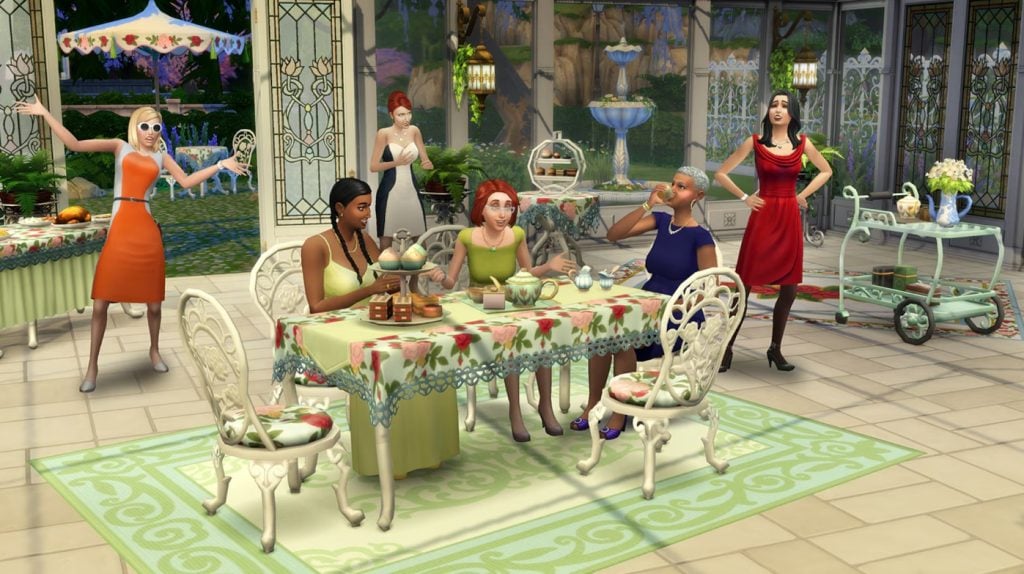
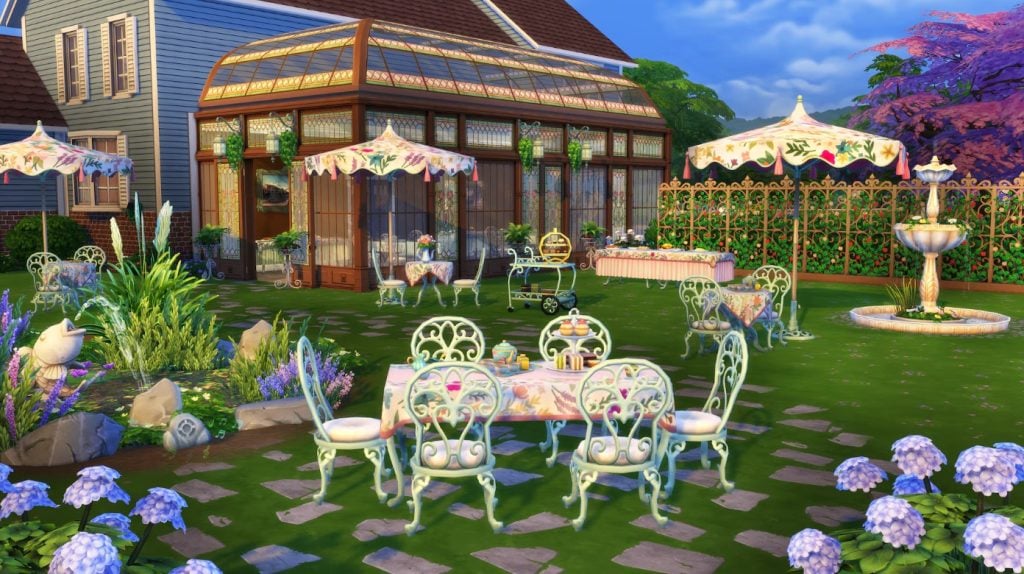
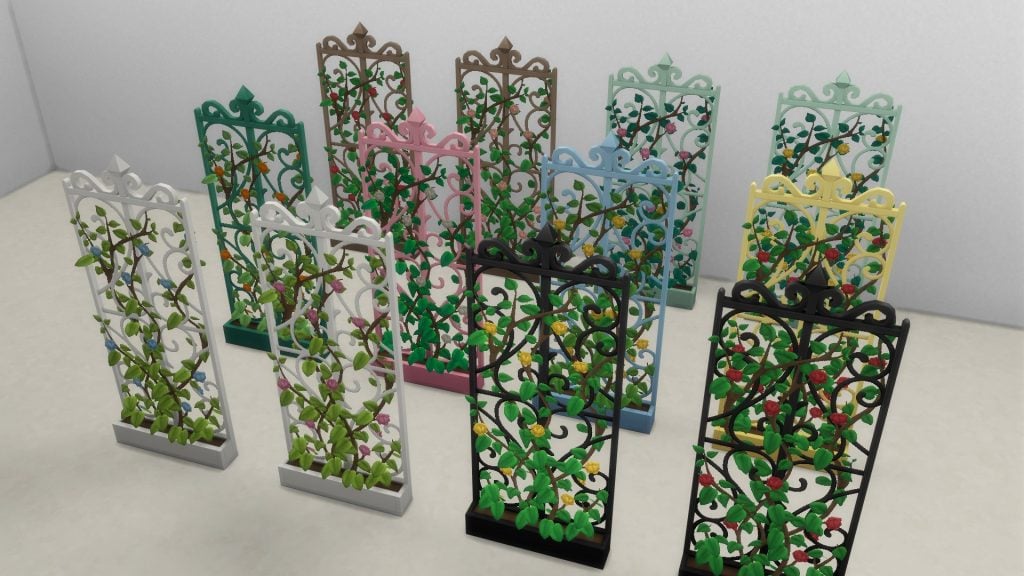
The Sims™ 4 Tea Time Solarium Kit. Gatherings in Glass – Design a social space that is not quite outside, and yet still separate from the daily bustle of your main house. With windowed walls, a flowering trellis, a discrete speaker shaped like a rock, and furniture fit for a garden or sitting room, you’ll craft the perfect spot to spill the tea with friends.
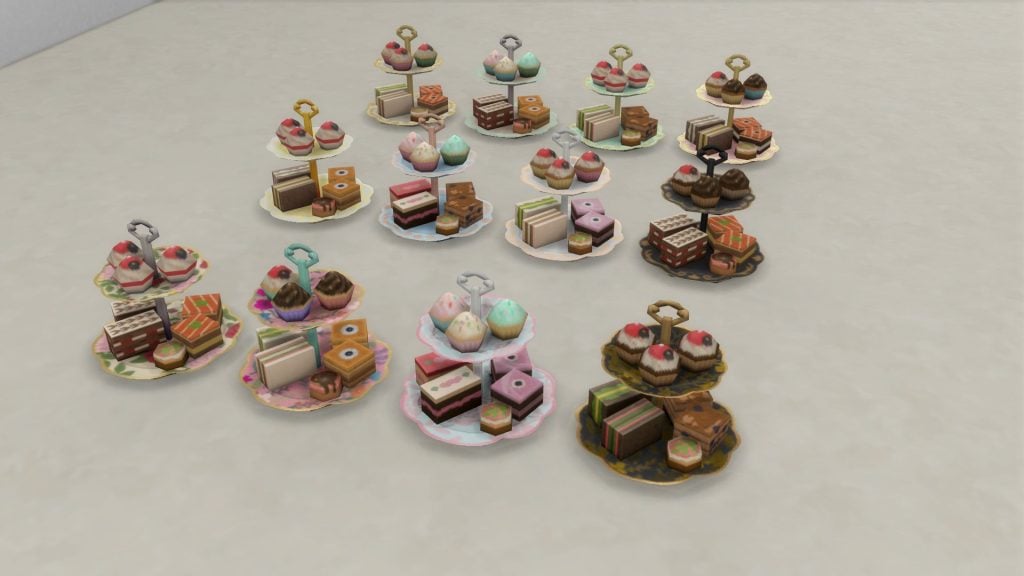
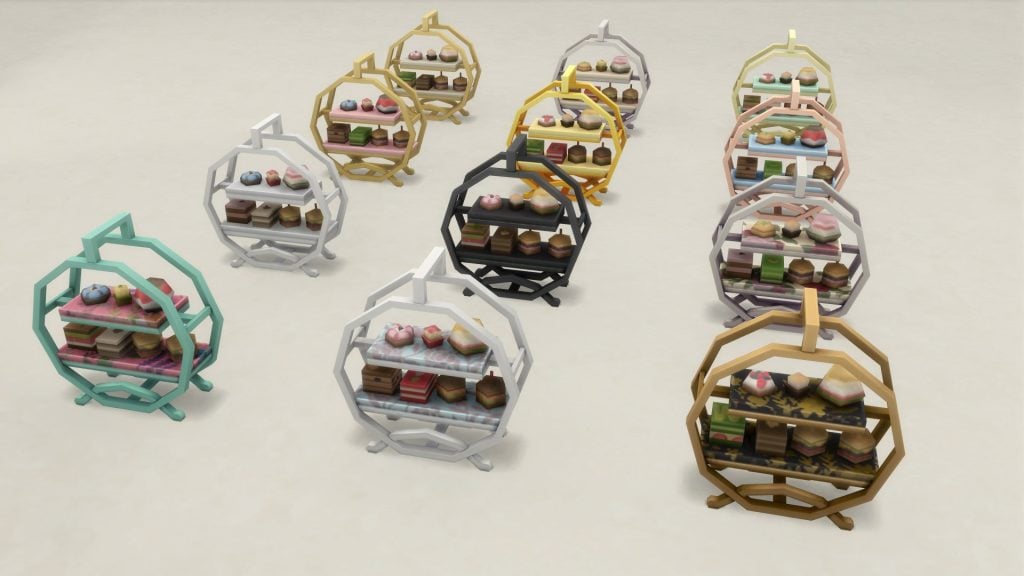
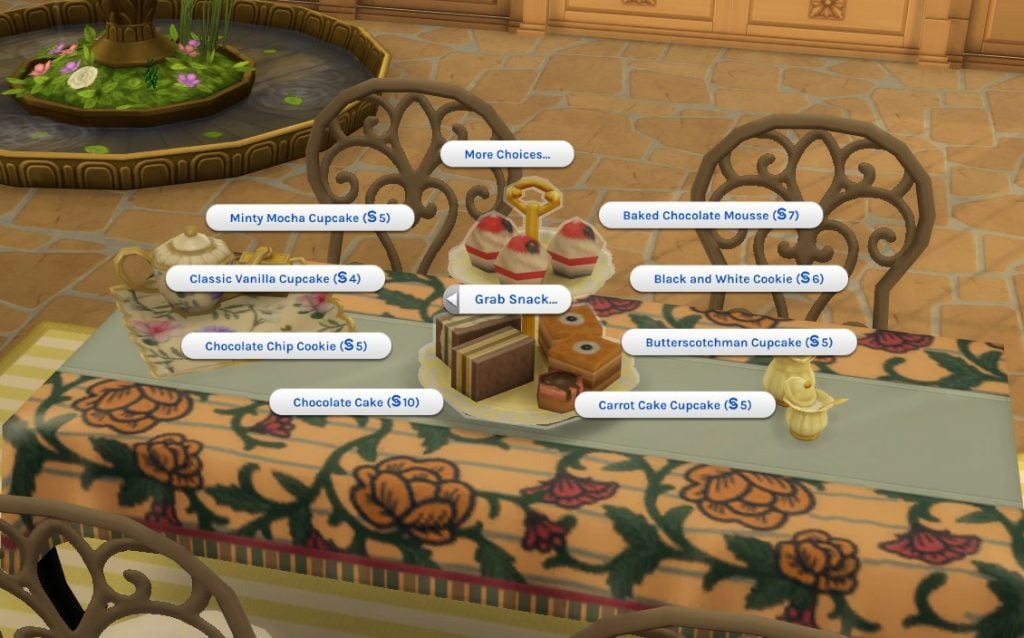
Tasteful & Tasty – An elegant tea party requires a beautiful space, good conversation, and – of course – tea, as well as other refreshments. This collection features a delicate tea set and treat tray that are both functional and lovely to look at, as well as a new banquet table.
Build Buy Objects Catalogue
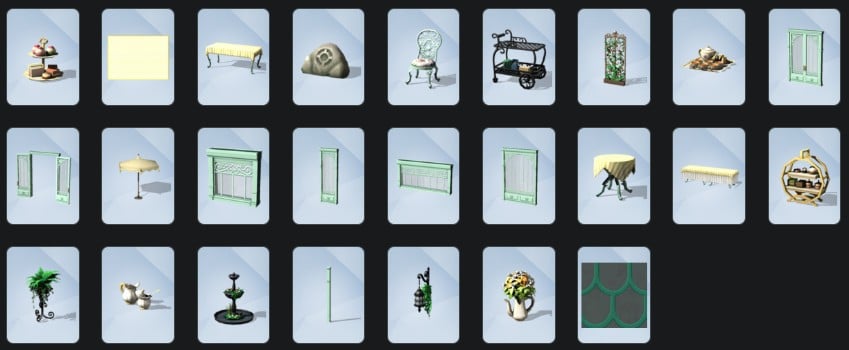
In the new Kit we’re given 25 new assets to incorporate into our gameplay. Four of these items also come with accompanied gameplay functionality so if you are intrigued by this new kit, it isn’t just a pretty face, their the whole package.
Everything here is perfectly suited for the creation of a lovely sunroom, but I know you creatives out there can probably thing of other applications of the contents of this pack.
Objects Overview
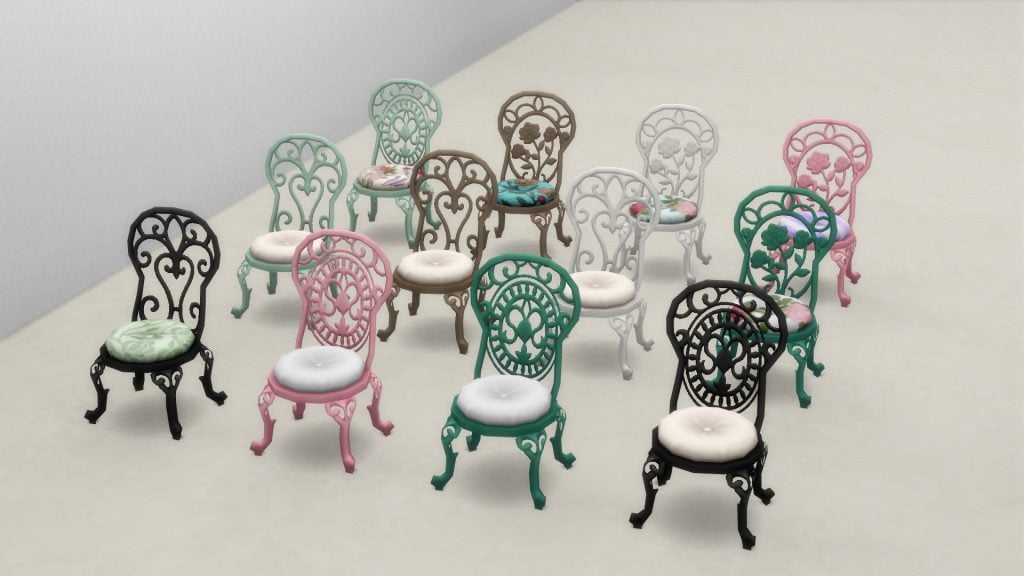
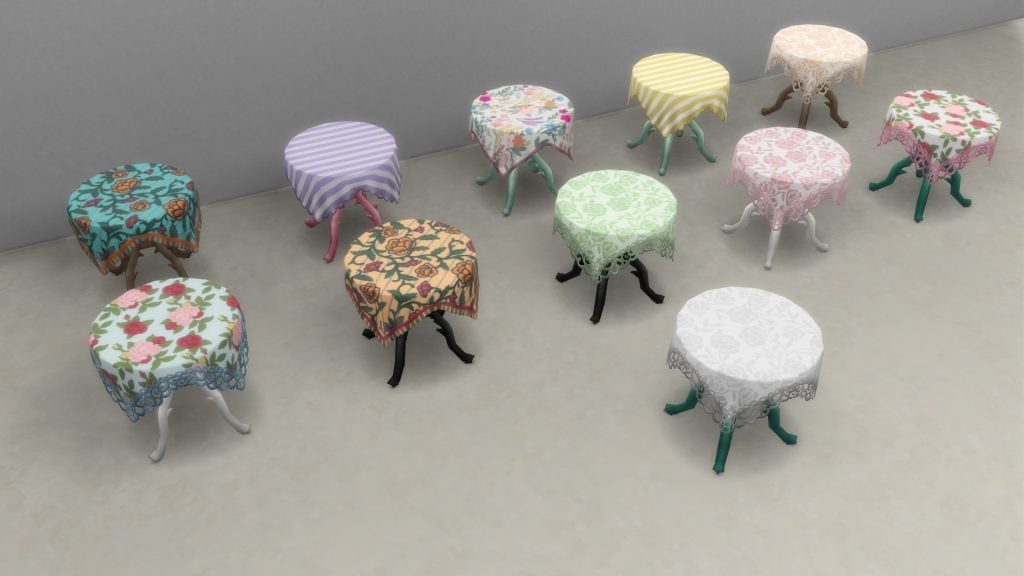
Object Swatches
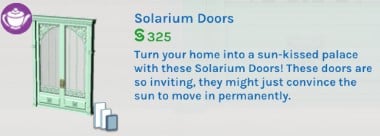
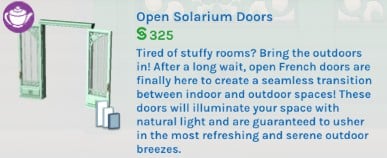
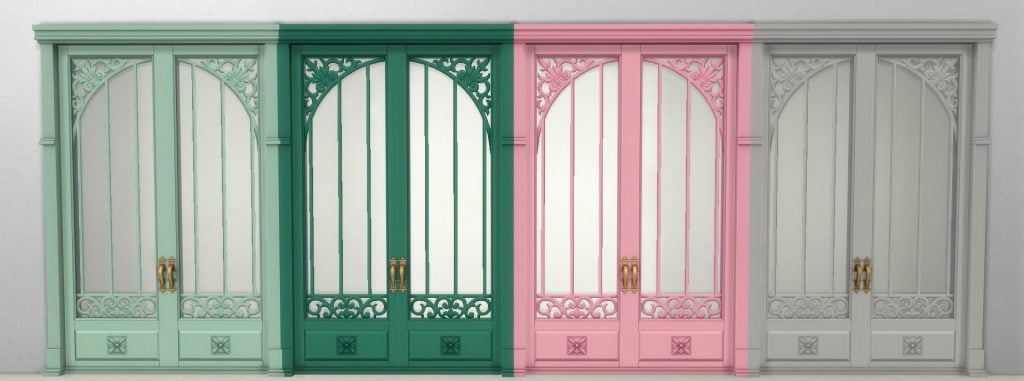
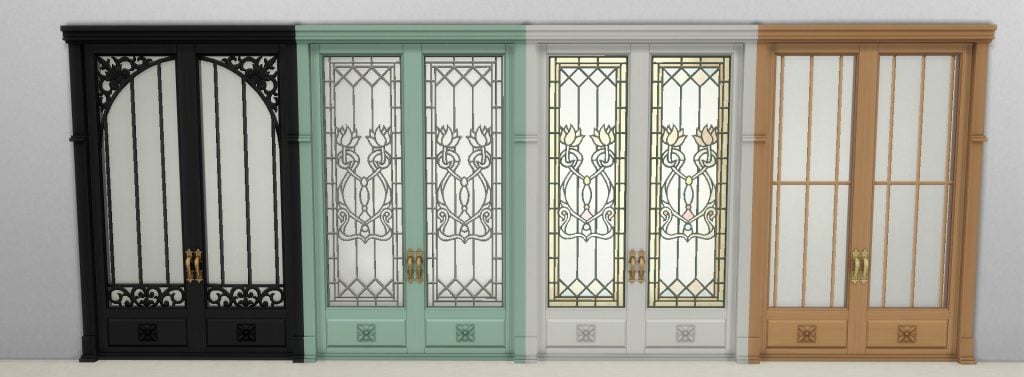
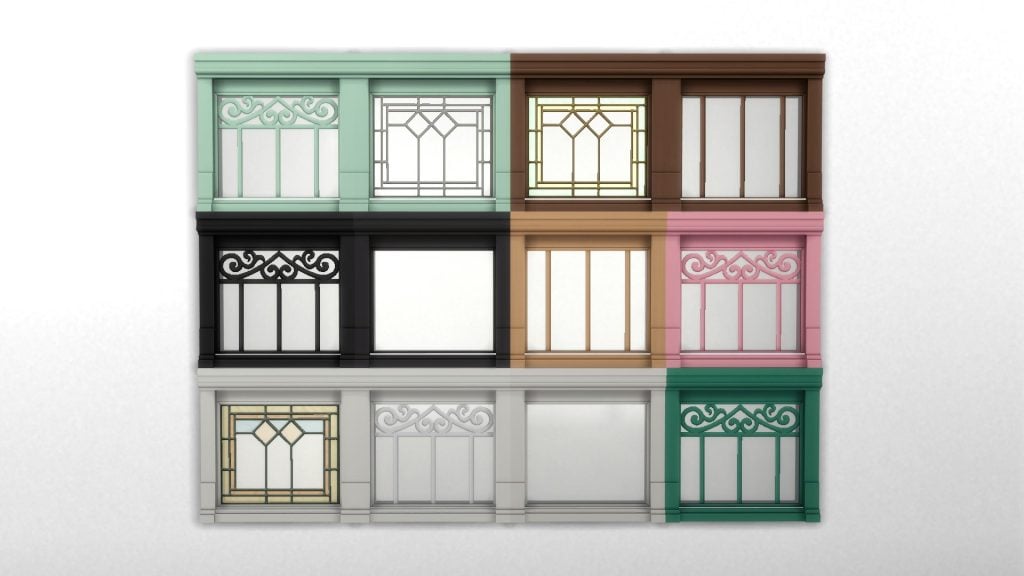
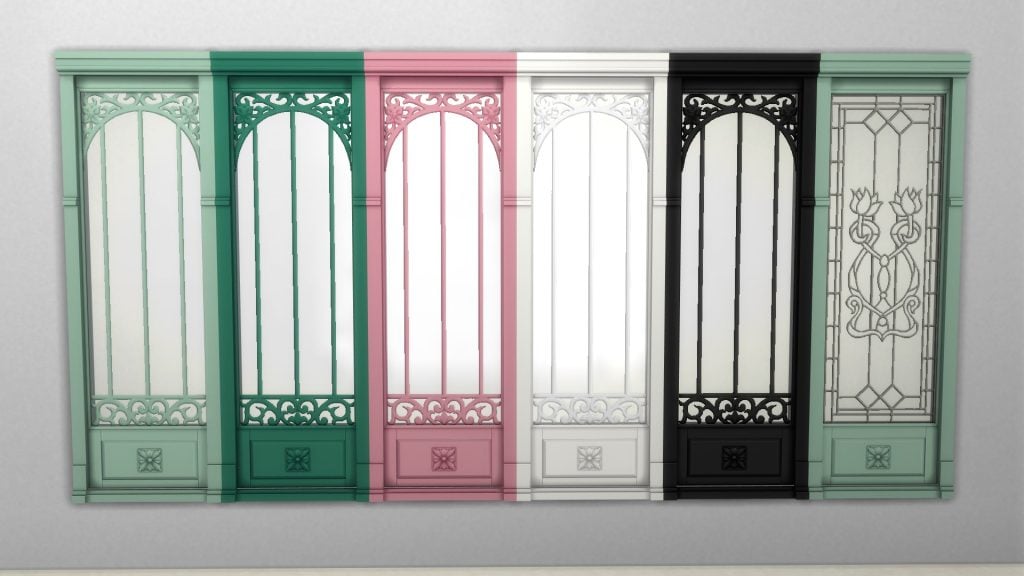
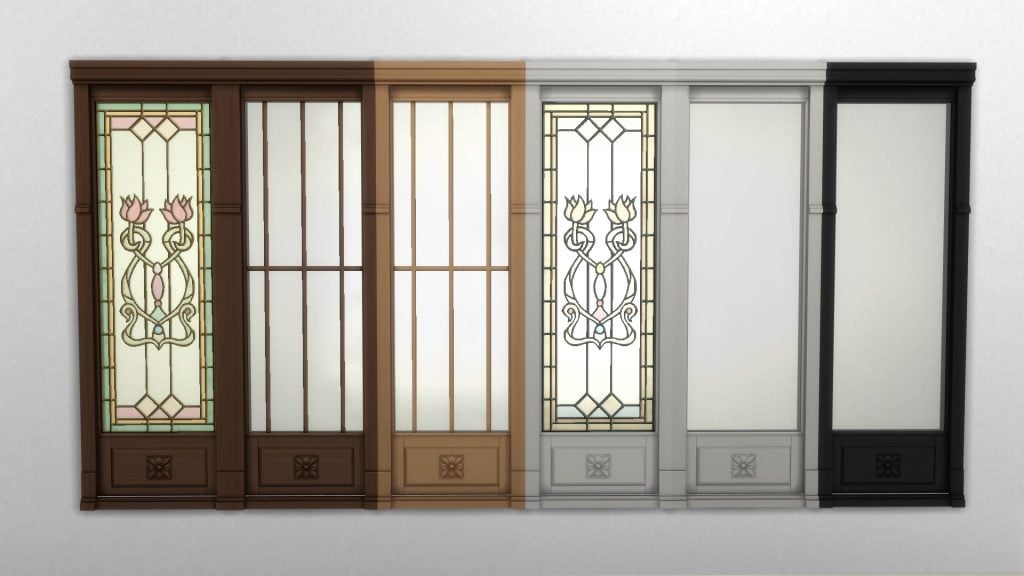
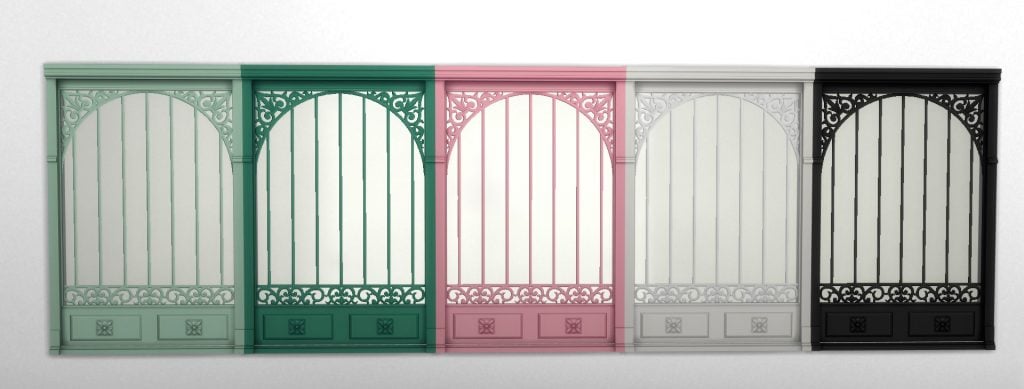
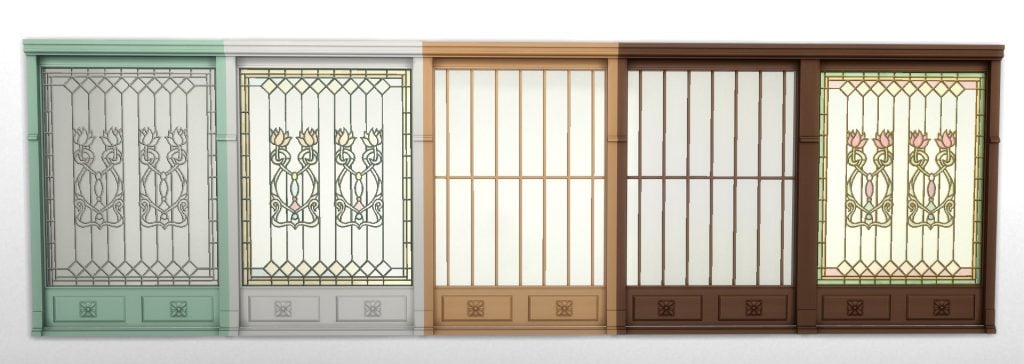
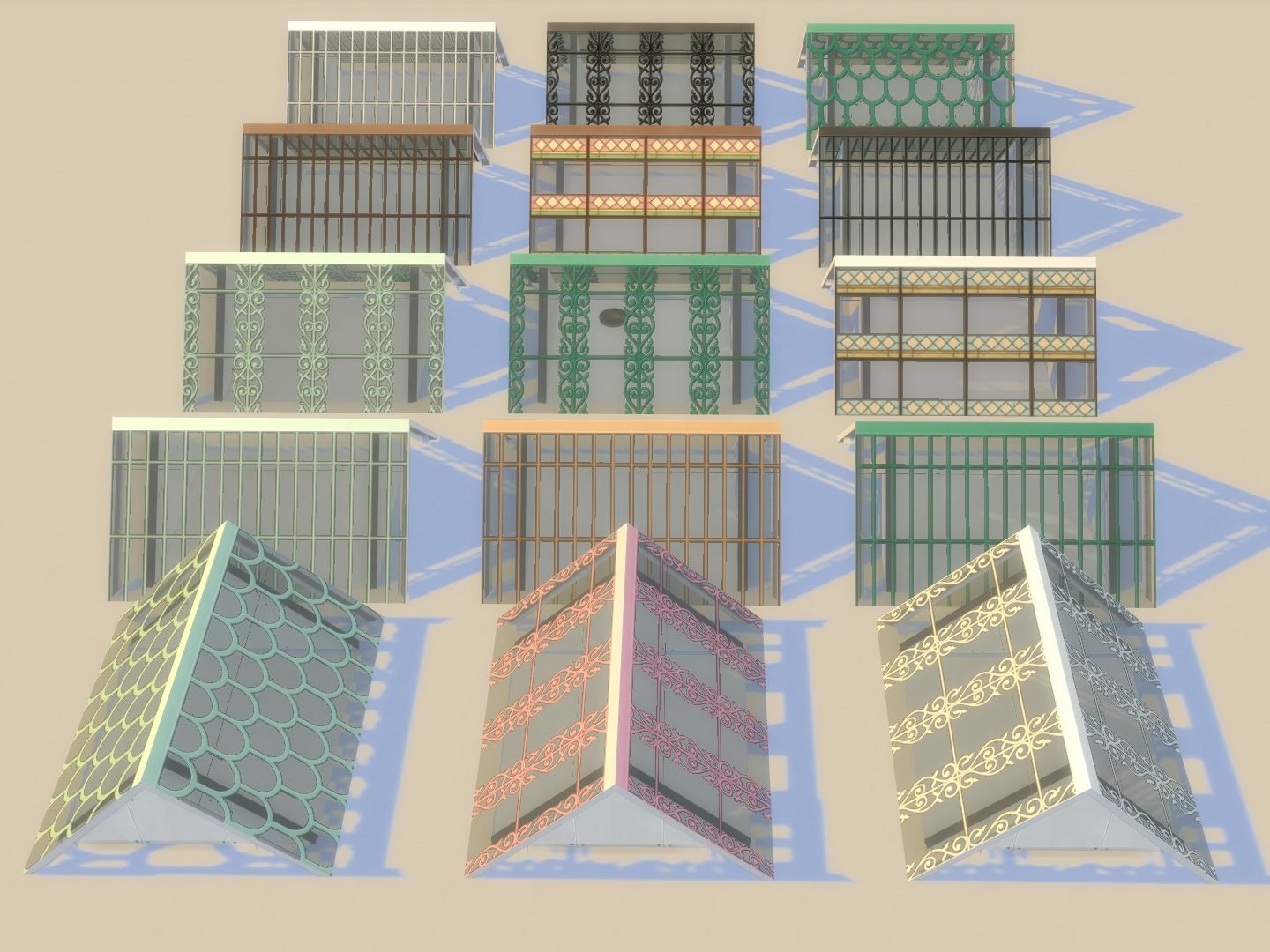
Solarium Doors
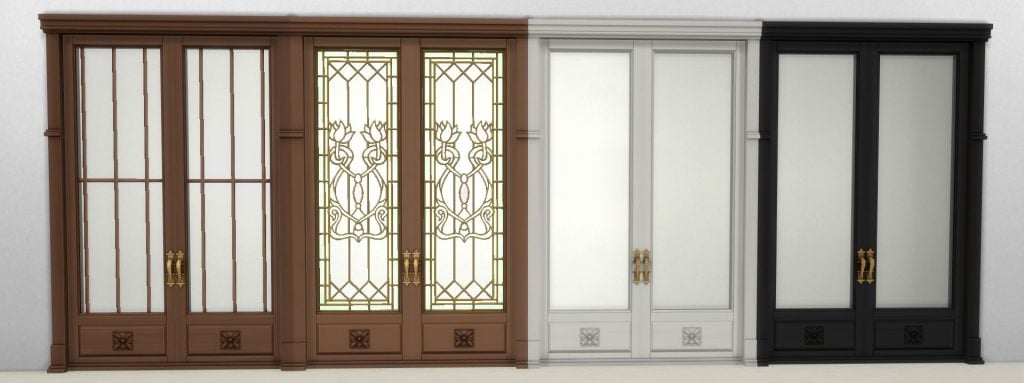
Open Solarium Doors
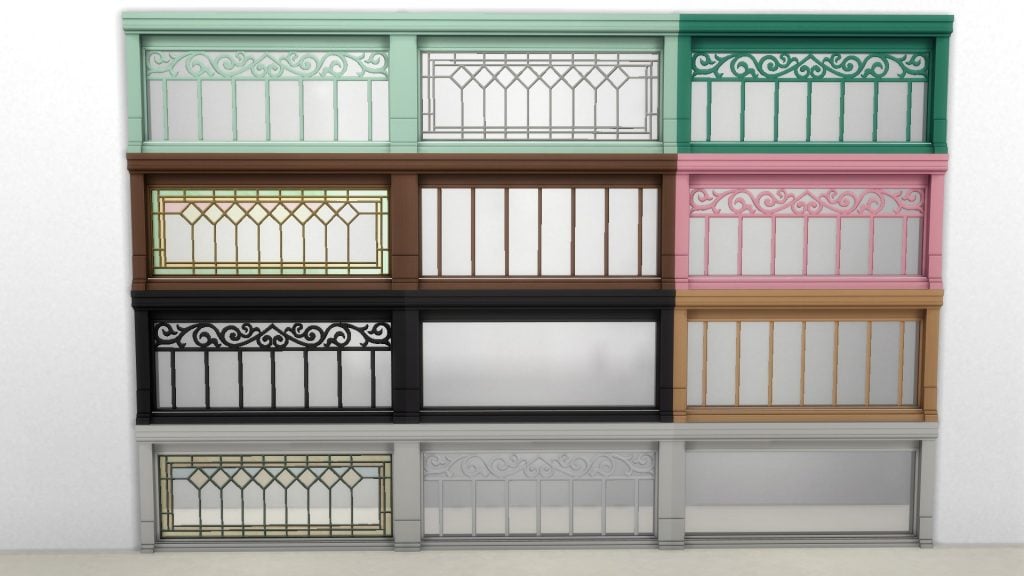
Solarium Window
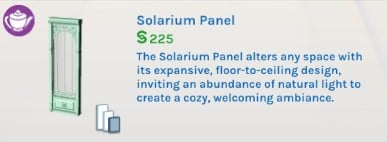
Solarium Panel
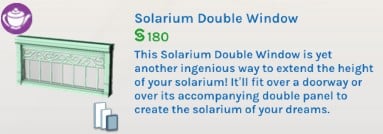
Solarium Double Window
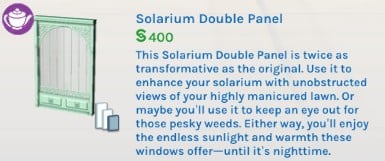
Solarium Double Panel
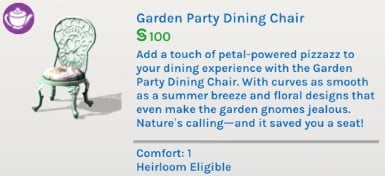
Garden Party Dining Chair
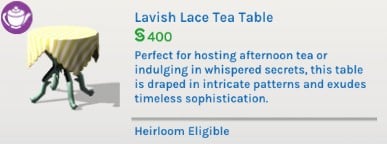
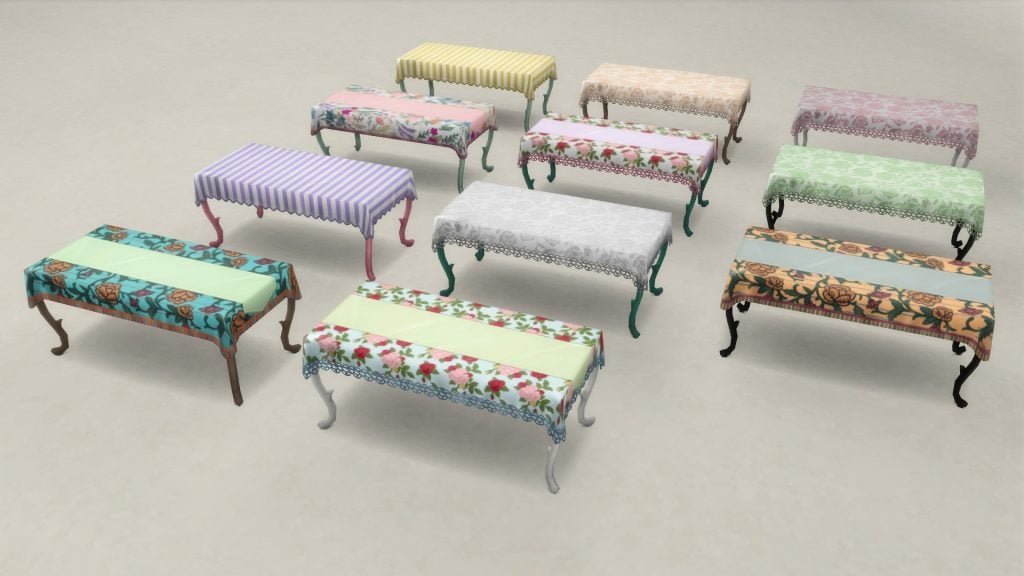
Lavish Lace Tea Table
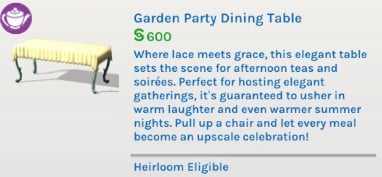
Garden Party Dining Table
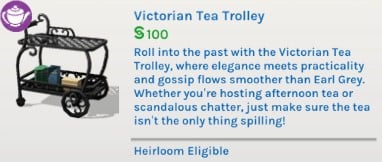
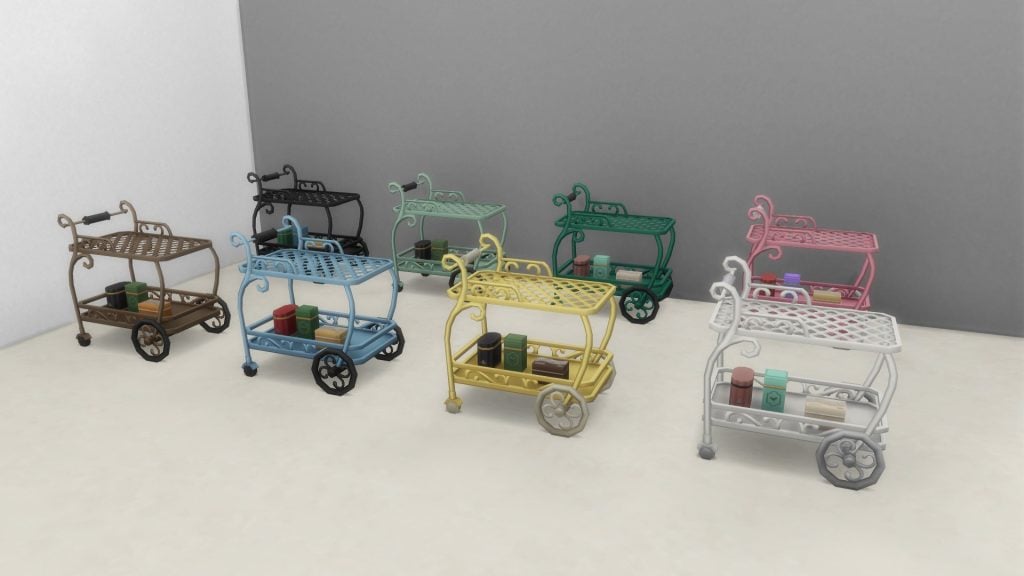
Victorian Tea Trolley
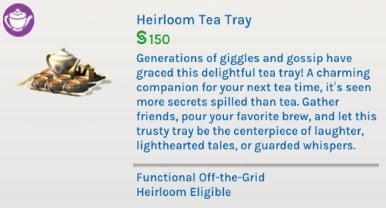
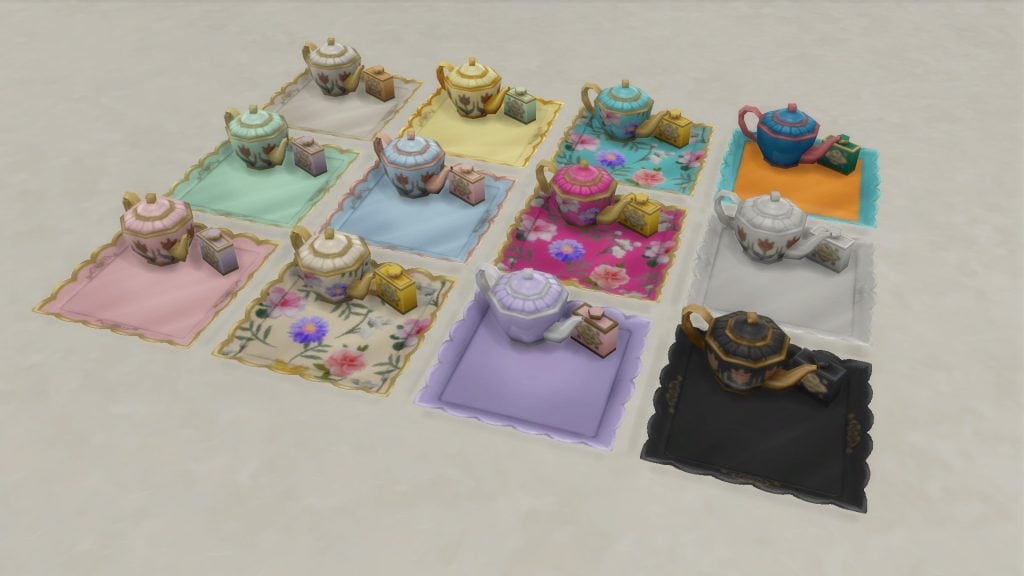
Heirloom Tea Tray
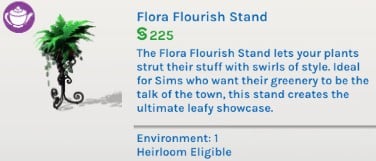
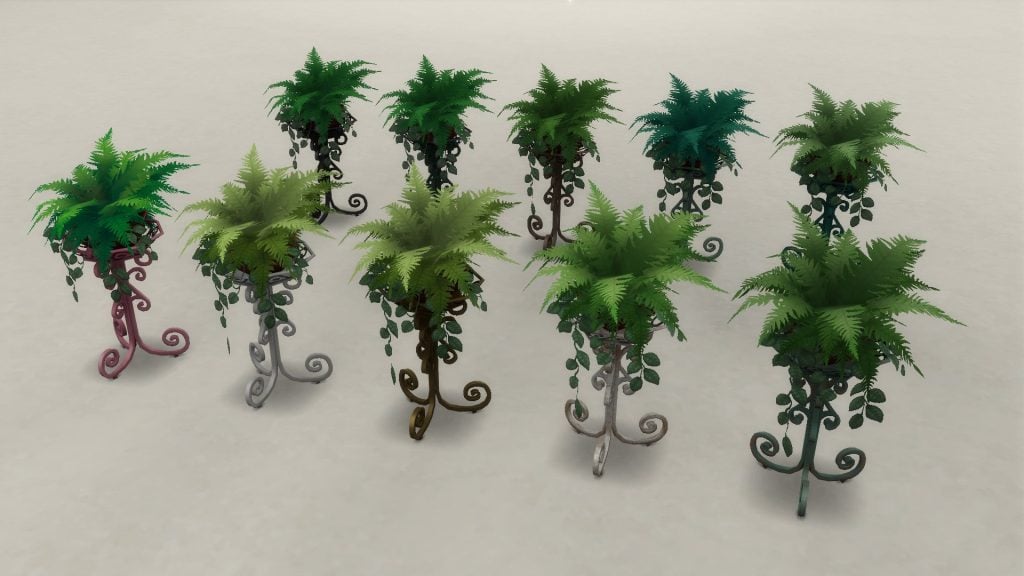
Flora Flourish Stand
Brew-Tanical Bliss Rug
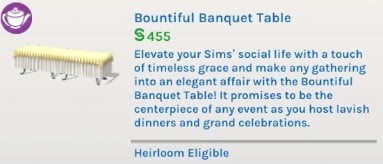
Bountiful Banquet Table
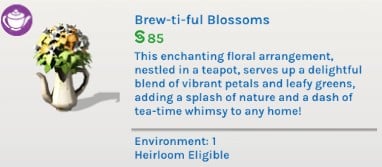
Brew-ti-ful Blossoms
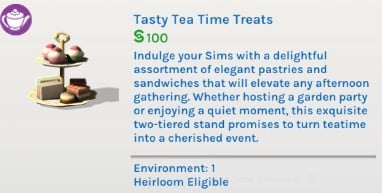
Tasty Tea Time Treats
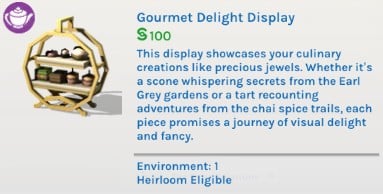
Gourmet Delight Display
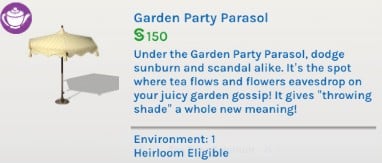
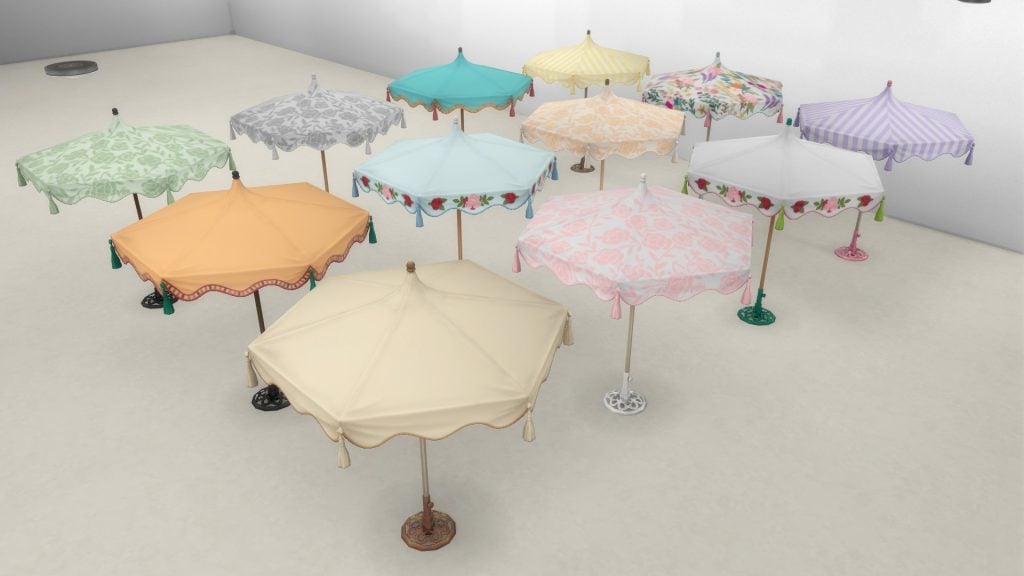
Garden Party Parasol
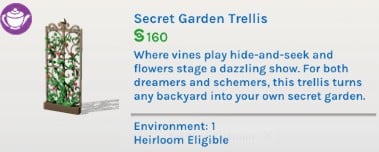
Secret Garden Trellis
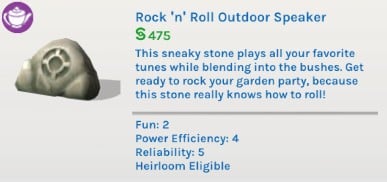
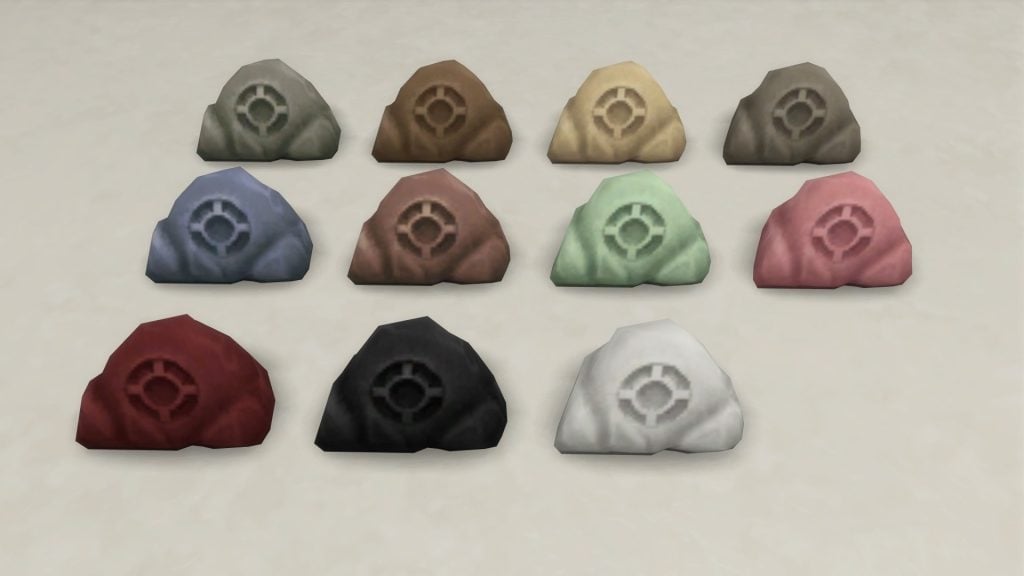
Rock ‘n’ Roll Outdoor Speaker
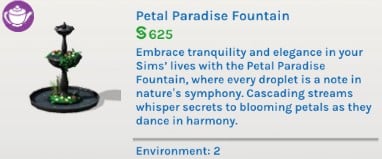
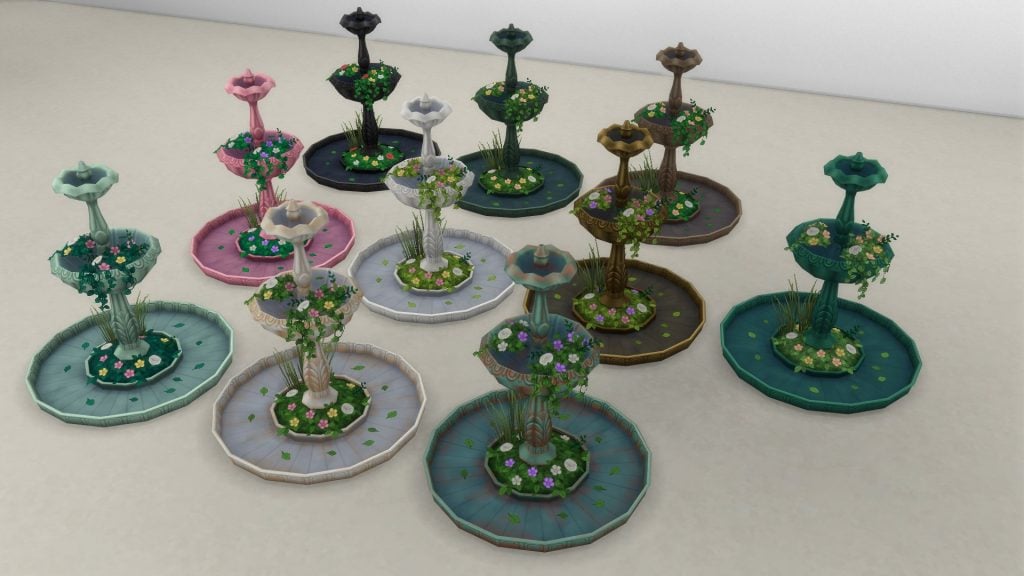
Petal Paradise Fountain
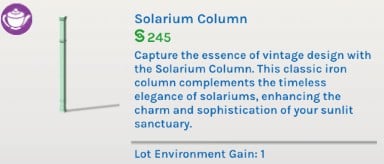
Solarium Column
Solarium Serenity Roof
Our Review of The Sims 4 Solarium Tea Time Kit
Credit where credit is due…this pack is gorgeous. Despite everything, I feel that The Sims Team has being upping their asset making game in the years since release. The comparison between older base game content and the ones that have come in the last few years proves that, and The Sims 4 Solarium Tea Time Kit is no exception. I love it when The Sims Team allows themselves to fall headfirst into the campiness of a concept. Sometimes things don’t need to be completely contemporary; sometimes? They can just be a bit fun.
Which this pack very much is. The Sims Team were trying to go for a “Elegant, but make it whimsical” vibe that I personally find very charming. It’s all very twee without cresting over the hill into the realm of being too much.
I am also pleased that the pack has gameplay functionality. It isn’t all just pretty things for decoration. There’s substance. Something tangible that will have you actually remembering the name of the pack instead of just “binge purchase 14# for this month.”
Which perhaps is a bit of a heavy word when it comes to a kit, but there’s something.
Though, I have some reservations.
Is “tea time in a sunroom” really worth 4.99$ USD? It’s a very cute concept, yes, and the items are lovely, but this doesn’t truly scream “essential purchase” all-caps, with exclamation points on top.
It feels like it was (and, honestly, it could very well be) a cast off set of concepts for The Sims 4 Royalty & Legacy. All the swatches co-ordinate near perfectly with the color story specific to the expansion pack. If you hold up the assets of Solarium Tea Time Kit and Royalty and Legacy together? You’d think it’s all part of the same pack. They’re pretty close. Too close.
Of course, you could argue that it was made to co-ordinate with The Sims 4 Royalty & Legacy…which, okay, sure, but why? Why make a kit to co-ordinate with a pack? We all remember the uproar around The Sims 4 My First Pet Stuff, but it also seemed to have turned a decent profit, so who knows. It just feels somewhat odd to make two fresh kits that just so happen to mesh well with a fresh out of the oven expansion. I mean, The Sims 4 Castle Estate Kit very much exists, but isn’t included in the bundle.
My concern isn’t really for the Simmers like me who pre-ordered and/or bought the bundle before the cut off date. It’s more for the principle of it all. Yes, the bundle is a good deal in my eyes, but there should be a balance. So it feels a bit unfair to a kit as part of a limited time bundle as it feels like artificially halving the content of the expansion. So, there’s that.
“Is she done yapping yet?” You all, probably
But, in terms of the kit in it’s entirety? I would it’s lovely as part of the bundle, or on sale. While it feels like a lovely extension to The Sims 4 Royalty & Legacy‘s roster of content it is far from essential. The pack, by default, comes with it’s own tea set, and a variety of other packs also have snack trays and banquet tables. The hero items here are just a cute twist on an old concept. Enjoyable, but average. I personally wouldn’t have bought this kit if not for the bundle, though I do like it now that I have it.
The ultimate decision on what you need or don’t, as ever, falls in your hands, dear reader. I just hope I was able to give you a broader perspective before you wipe out your debit card and have to remember those three numbers on the back.
Have you already picked up The Sims 4 Royalty & Legacy Grand Bundle? Or are you just letting it mellow till a sale. Let us know in the comment section down below, and always know that The Sims Community will keep you up-to-date on The Sims 4 and other LifeSim games! Make sure to check out our other The Sims 4 Kits reviews if you’re still down for a read.
With the drop of InZOI’s recent update yesterday, February 12th, lots of new features were added. However, that didn’t mean the developers didn’t have more plans and work-in-progresses to show off this week. The weekly InZOI Developer Update has been a way of InZOI’s team, the team working on the game from the studio Krafton, to connect with players and get consistent and almost immediate feedback on current features, planned future features, and what players want to see next.
Since this InZOI developer update was dropped just after the February patch, some items are already in-game, some are planned for the next patch when that does come, and some still don’t have a planned release date either because they are unfinished or because they don’t fit into anything just yet.
InZOI Developer Update:Animation Smoothing, Lunar New Year items, and NEW Baby Stuff!
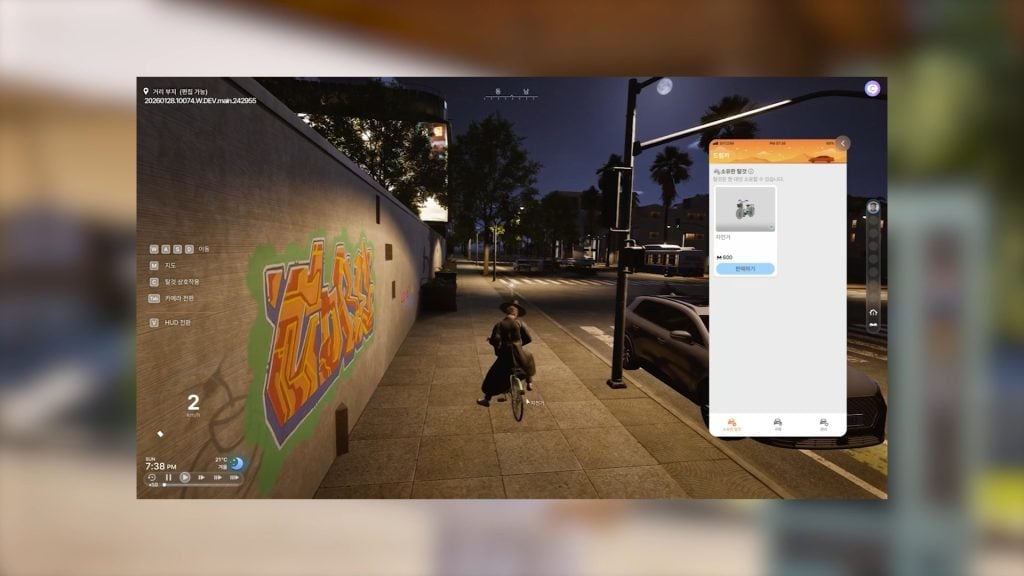
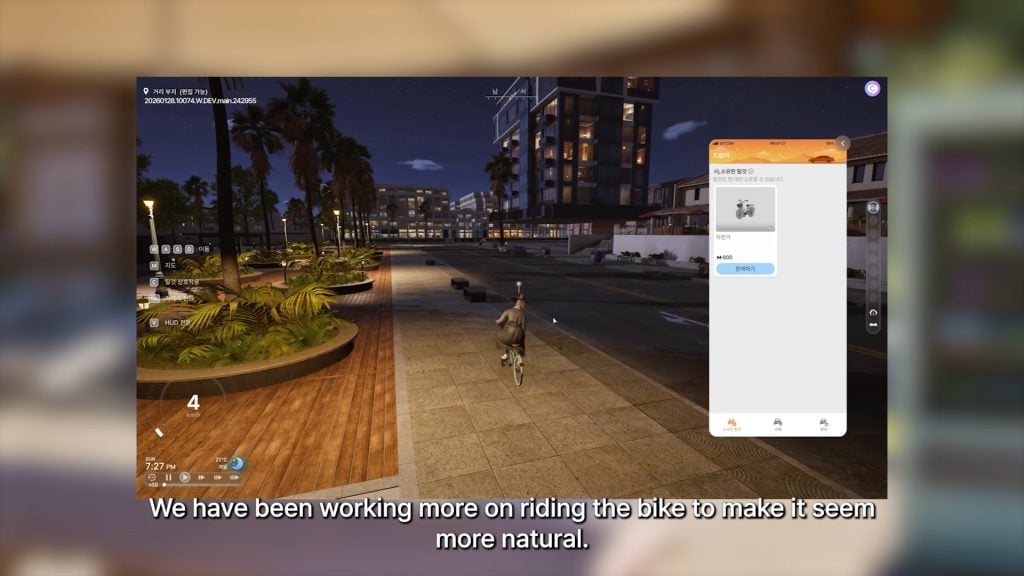
○ The team has done more work towards bike riding to smooth out the animation, making it more natural-looking.
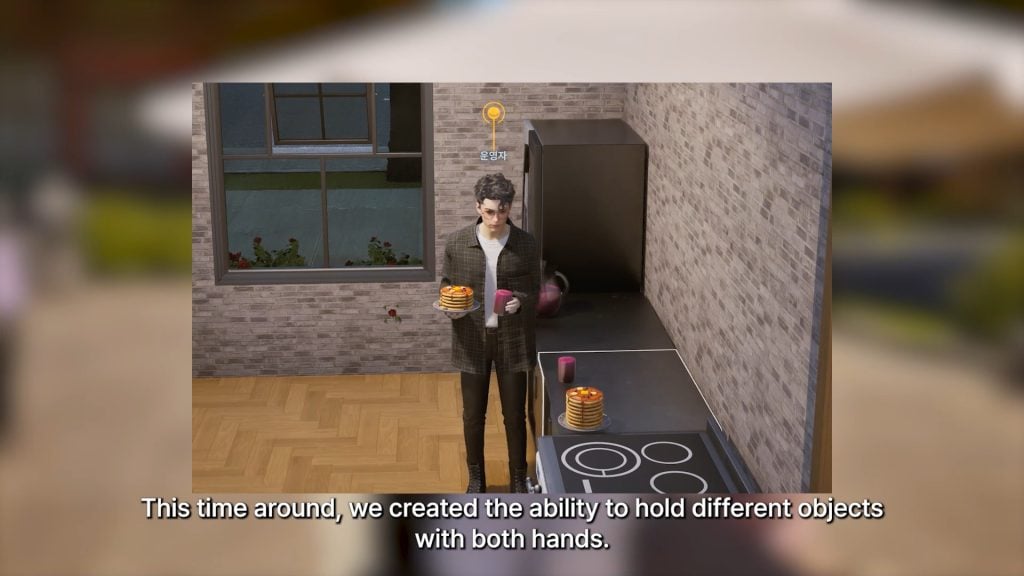
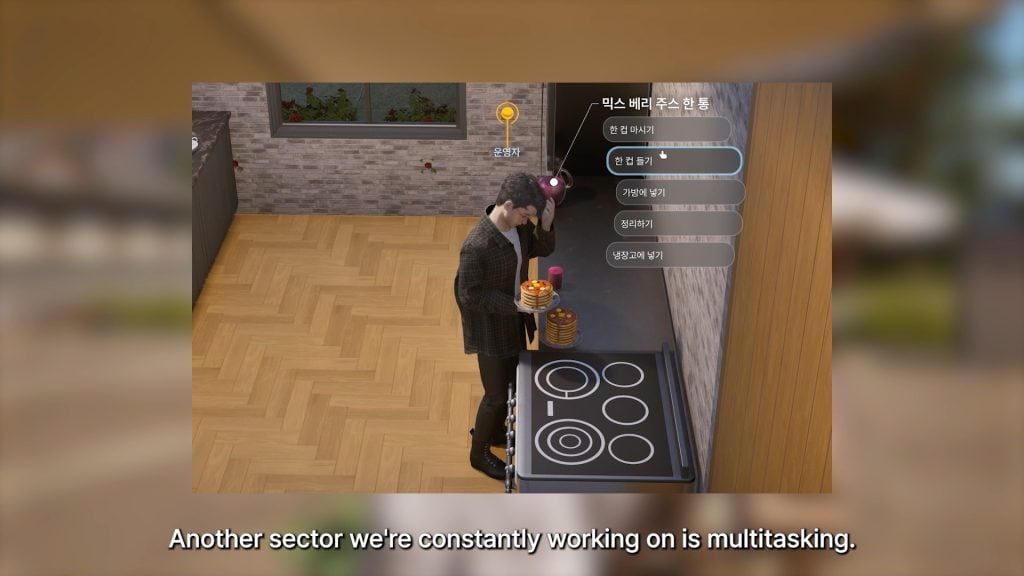
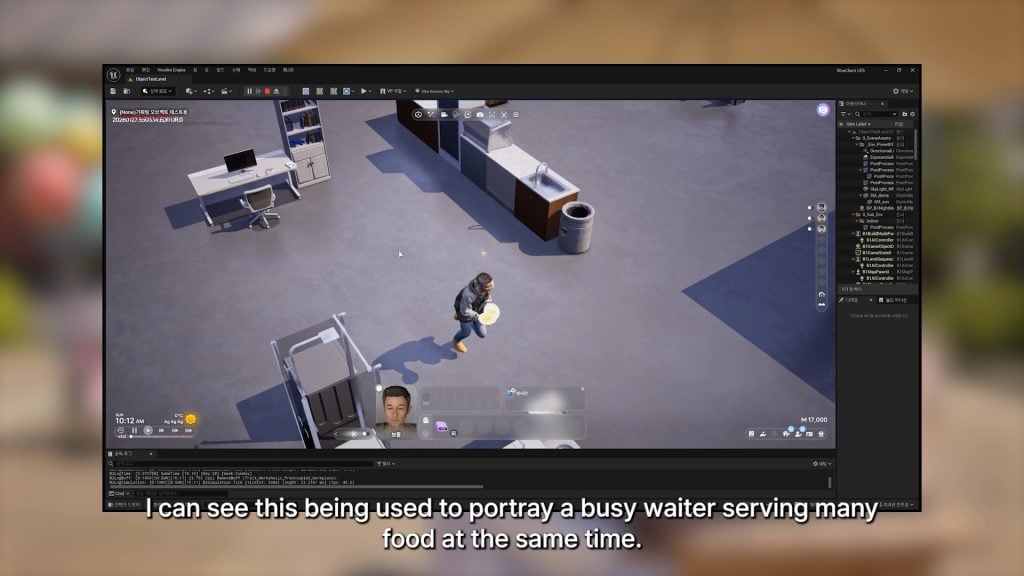
○ There has been more work on multitasking, allowing Zois to handle different objects using both of their hands.
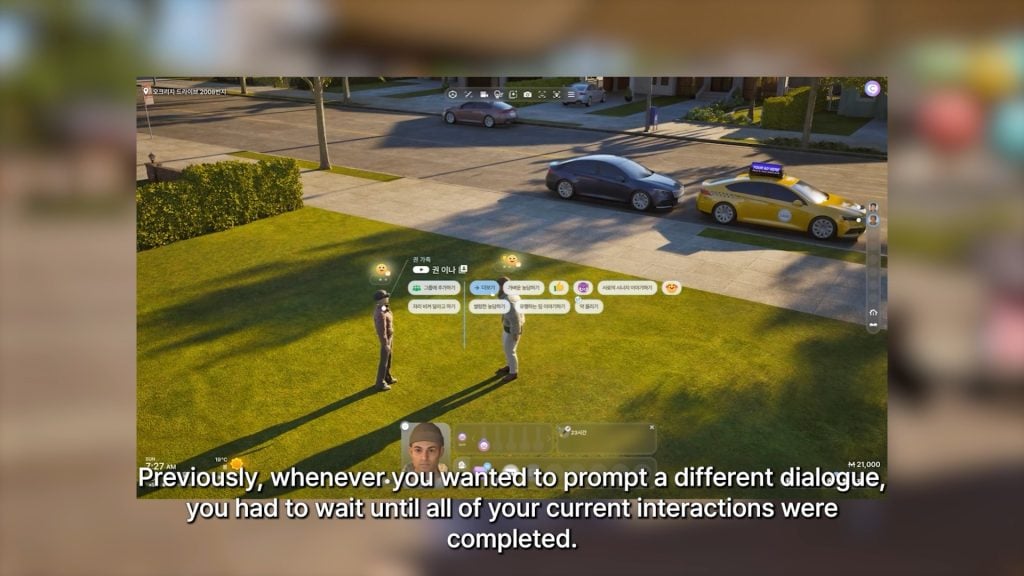
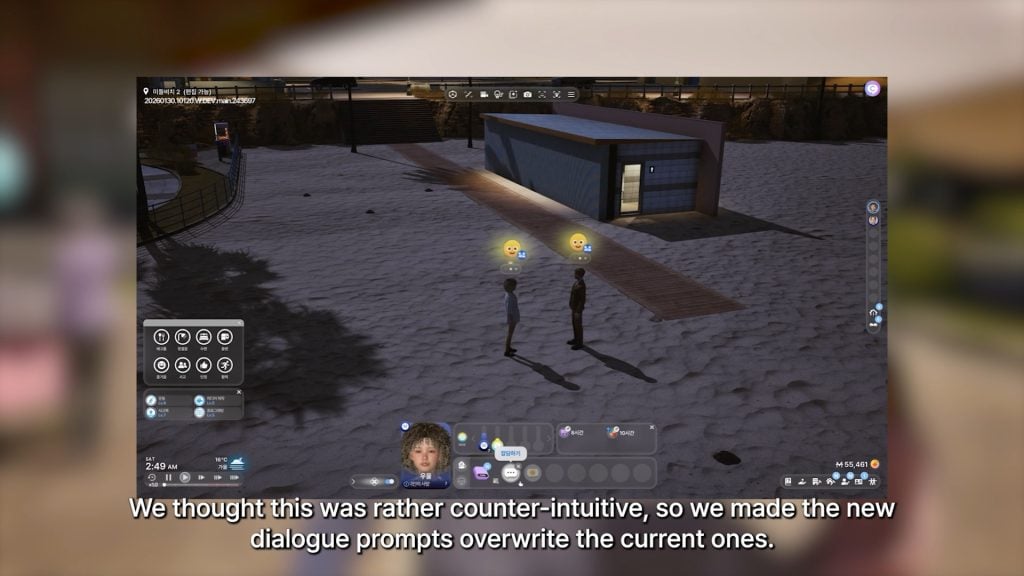
○ New changes to dialogue prompts and the action queue; New choices will override older queued options, instead of having to wait for interactions to fully complete.
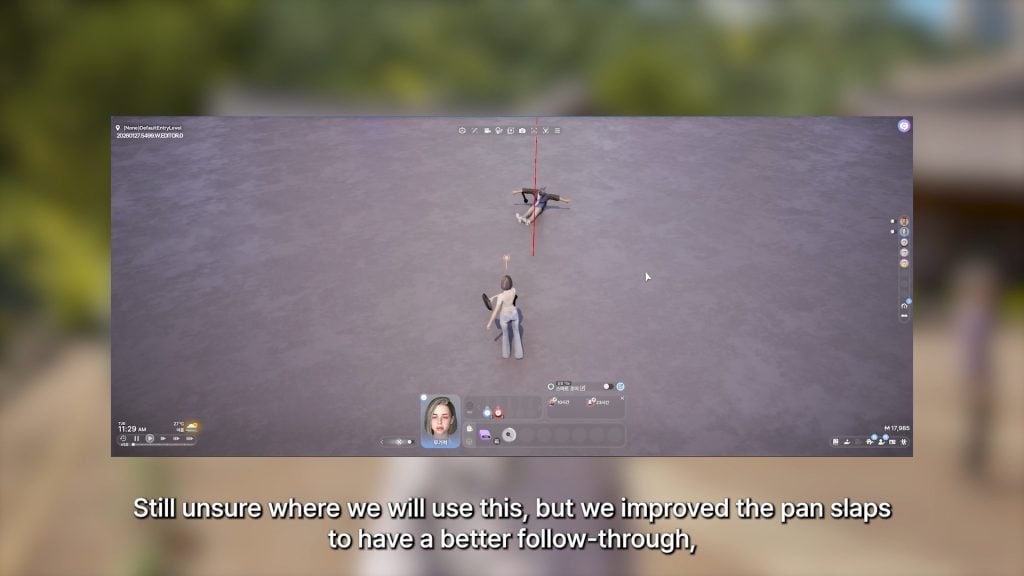
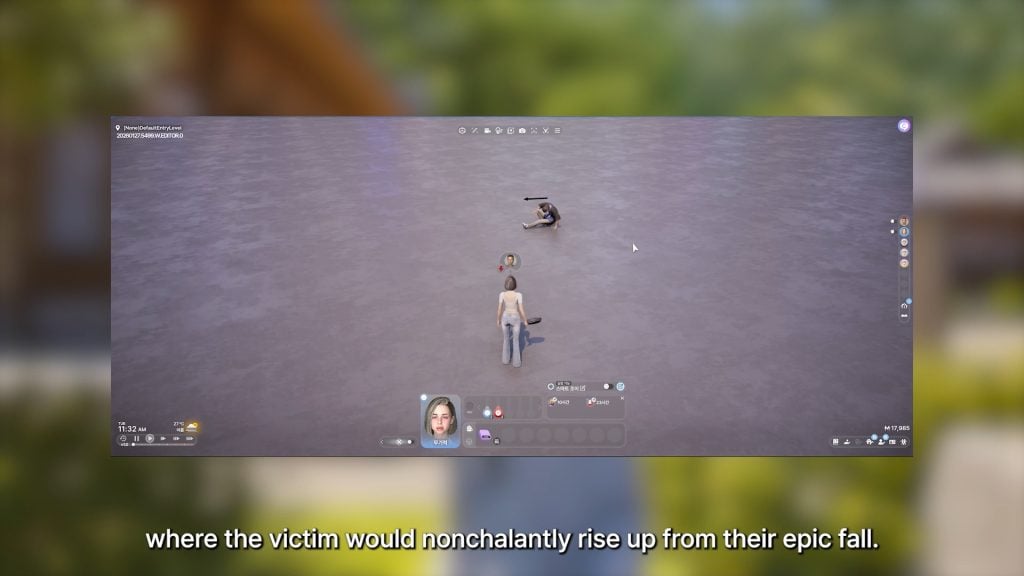
○ There is a now a smoother, more natural “pan slap” animation with a better follow through. Victim now “nonchalantly rises up” after being hit. (Kjun is still not sure where or if this will be used).
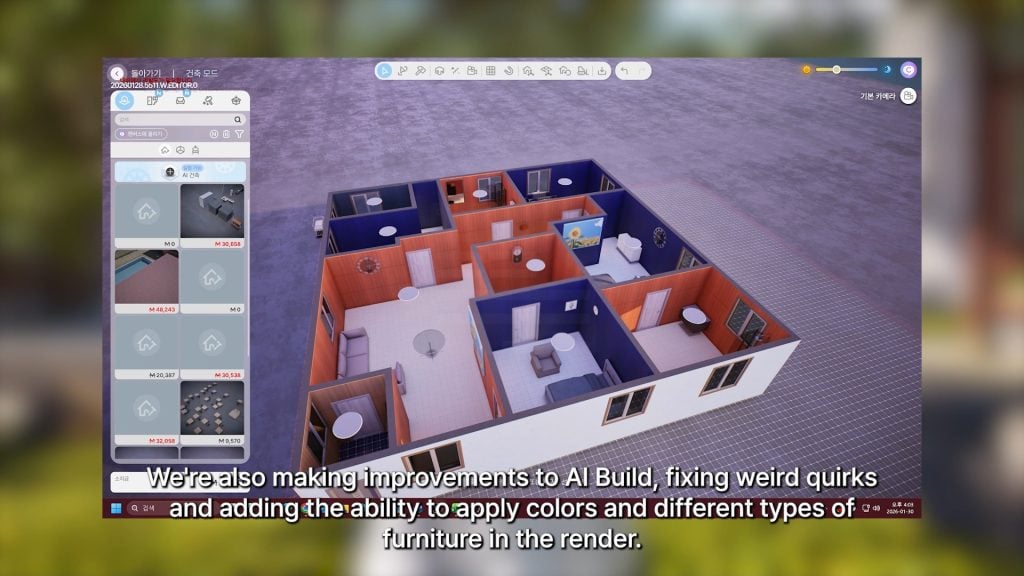
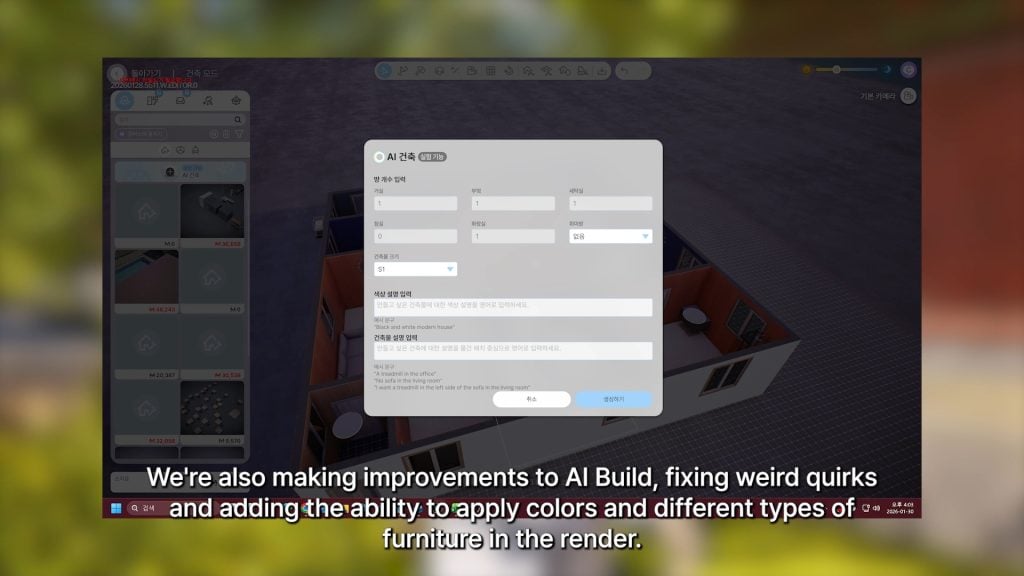
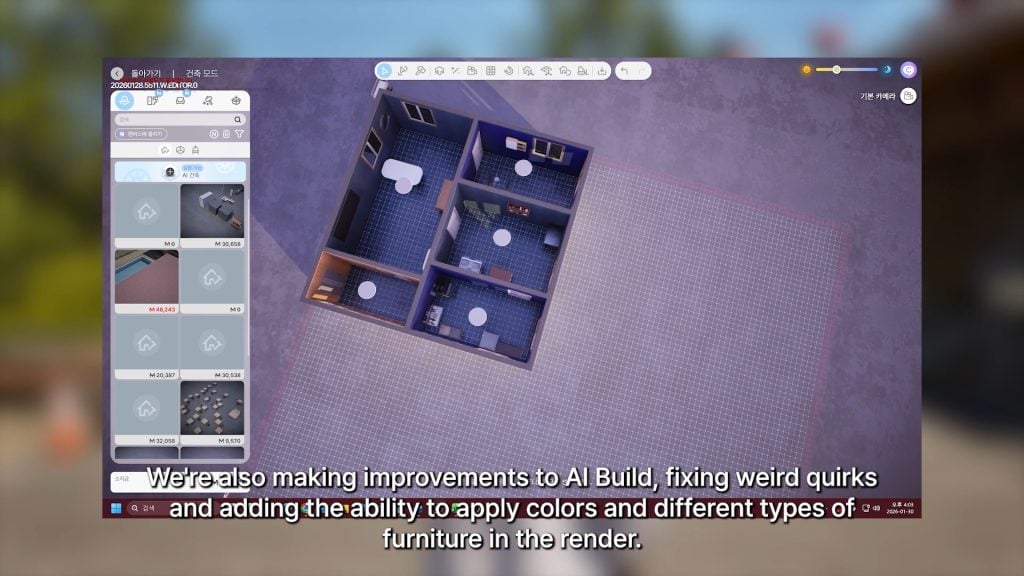
○ Improvements and adjustments being made to the AI Build mechanic. They’re fixing weird glitches/issues, and adding the ability to apply colors and change the types of furniture in the render.
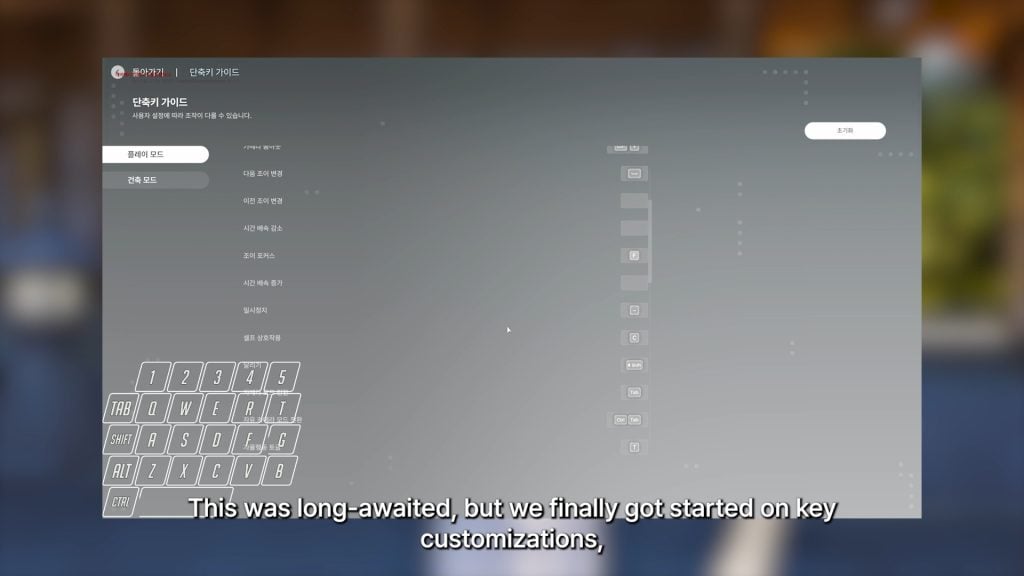
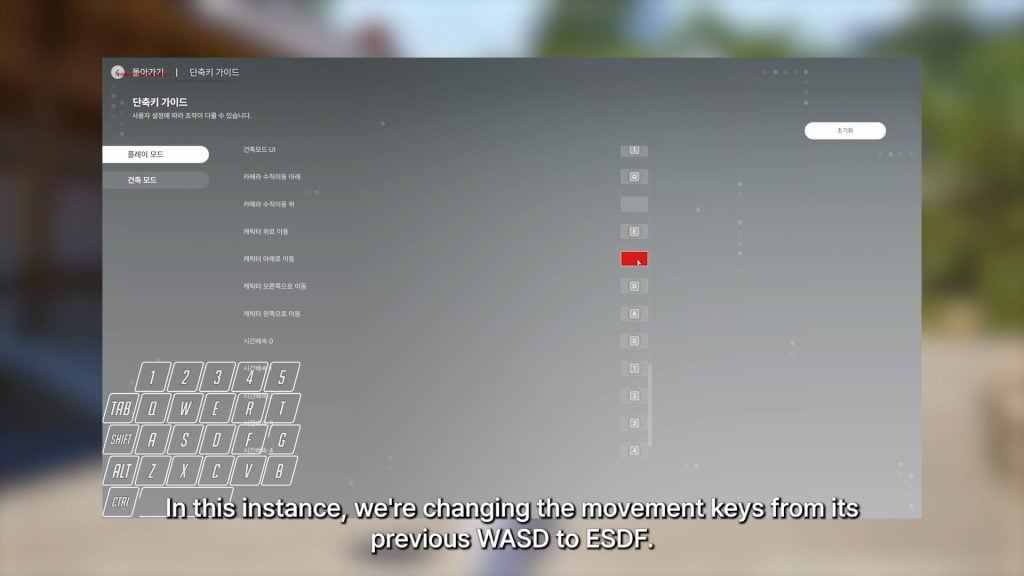
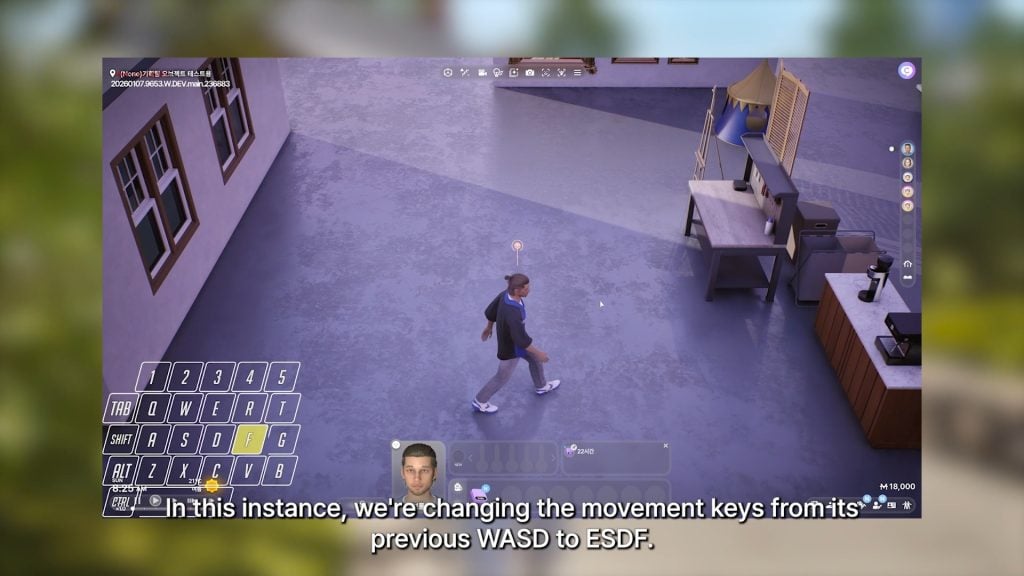
○ Key customization has now been added; You can add single keybinds, as well as different combinations with shift keys and other alternatives. Example shown in video is changing movement from WASD to ESDF. Also using shift and control keys to change Zoi movement speed, or swap to different Zois.
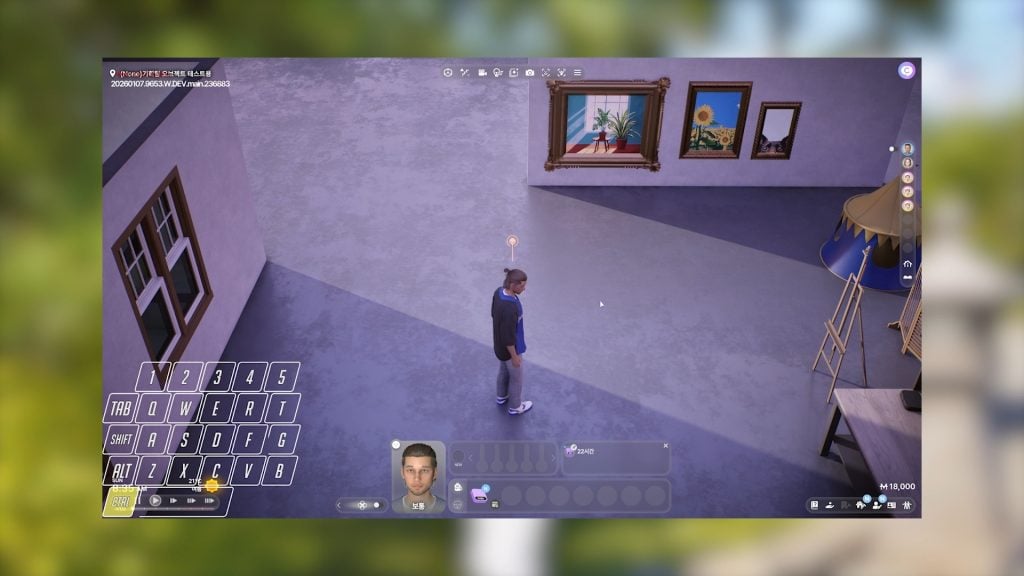
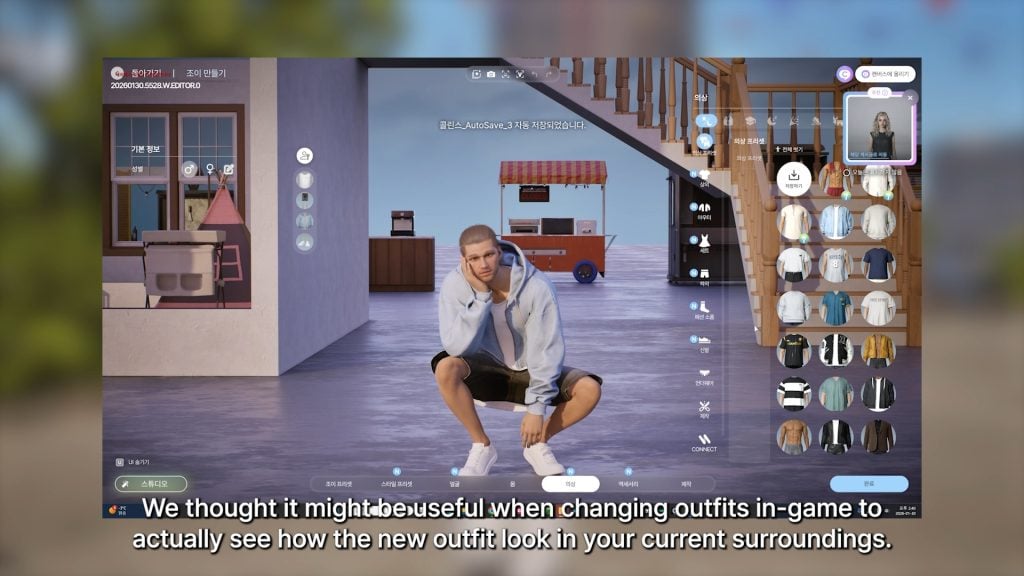
○ When changing outfits in-game, the background can now be your Zois current surroundings so you can see what the outfit will look like in that situation.
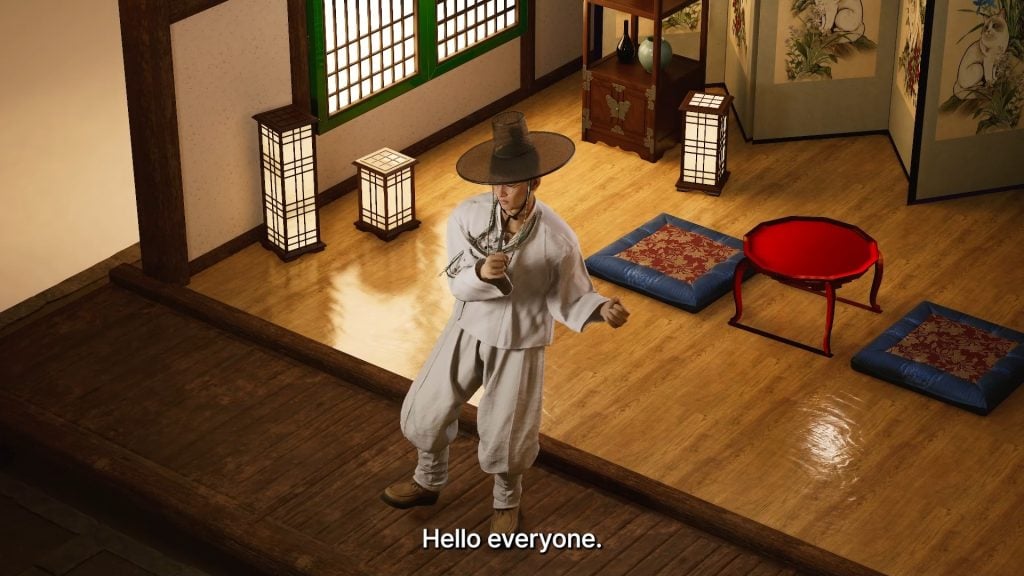
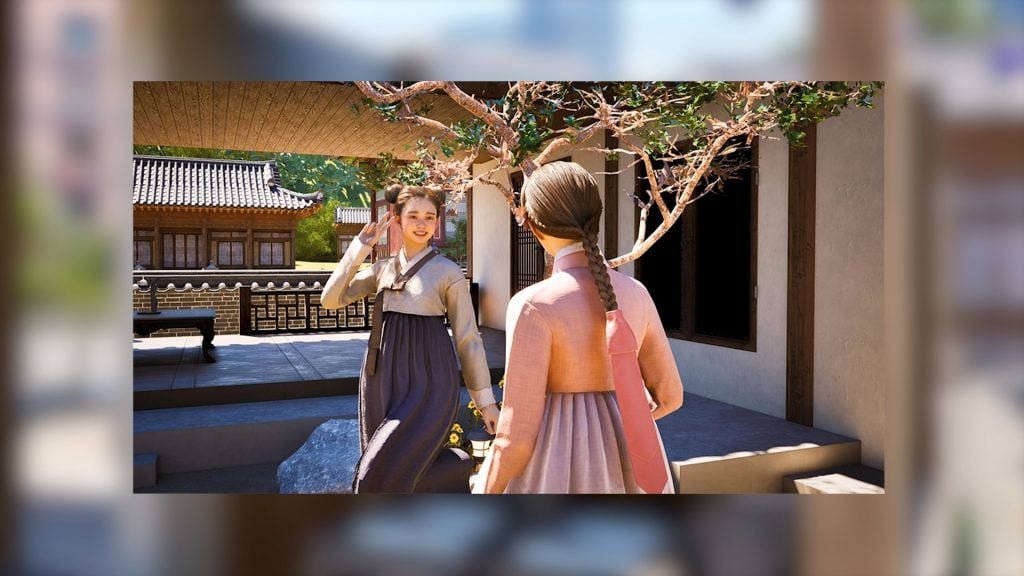
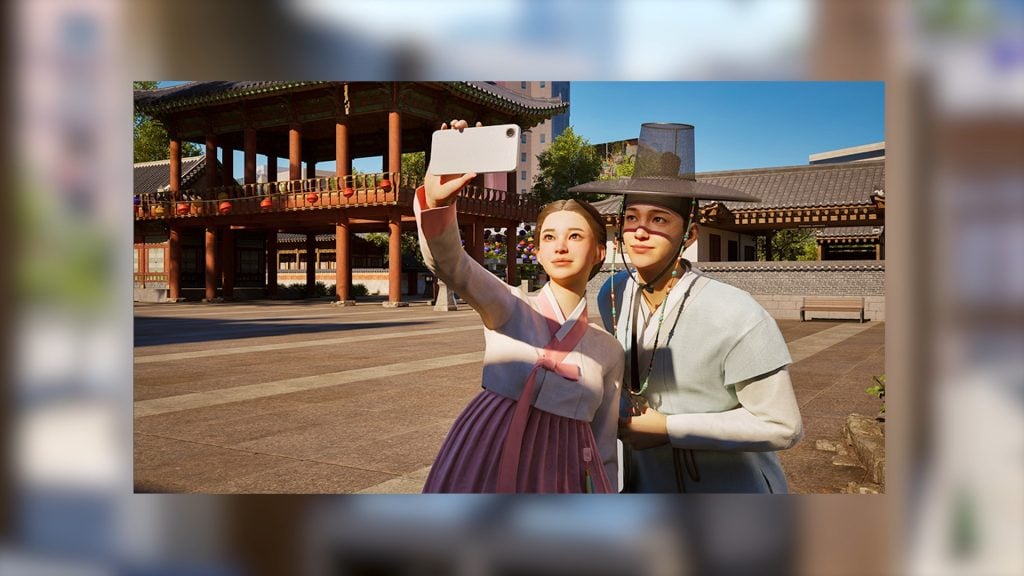
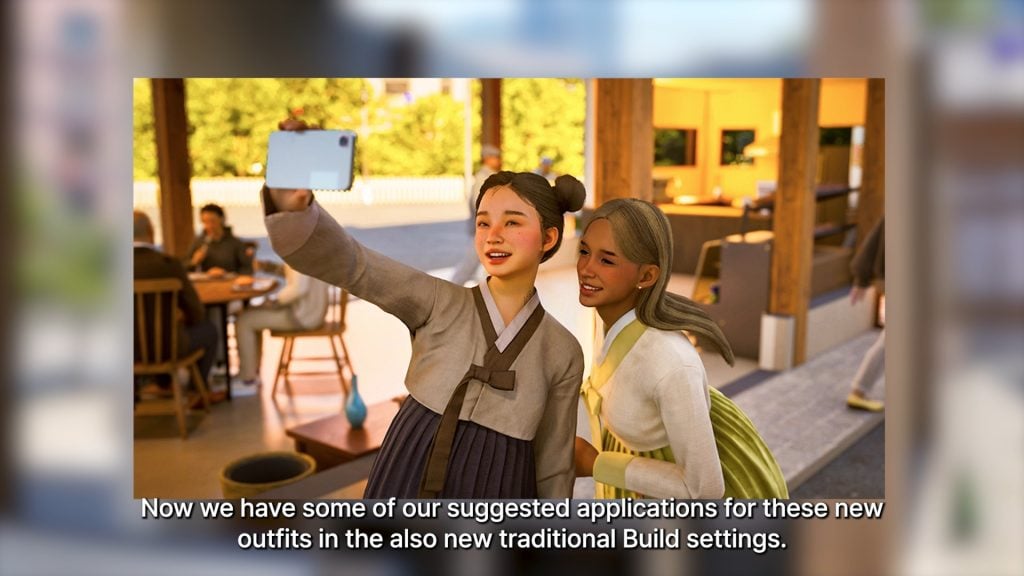
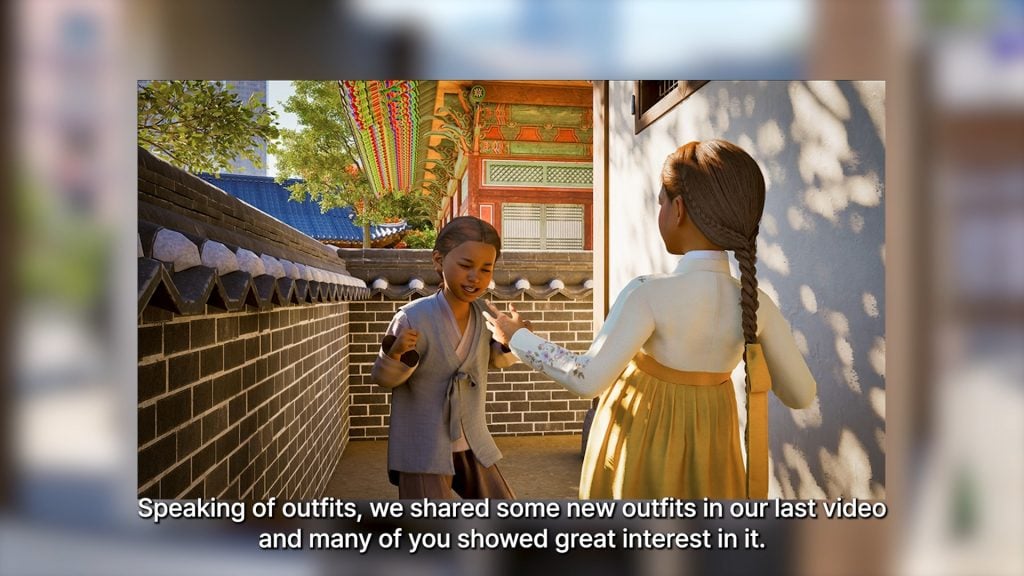
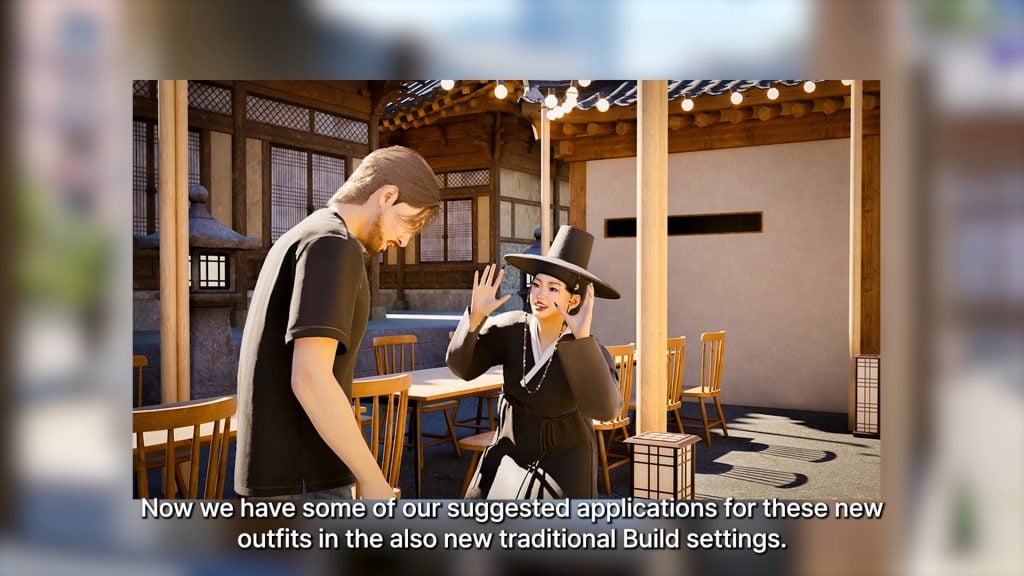
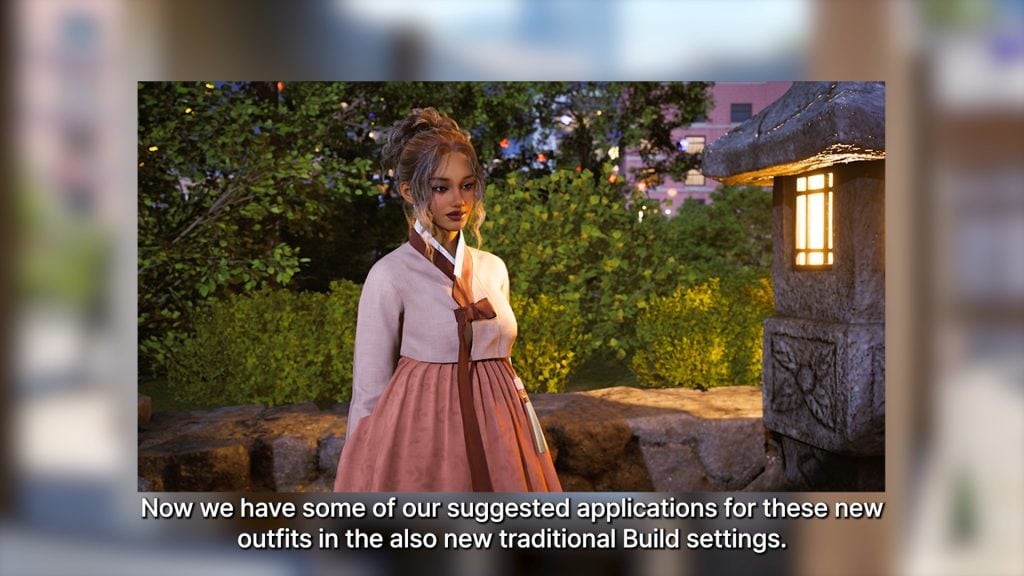
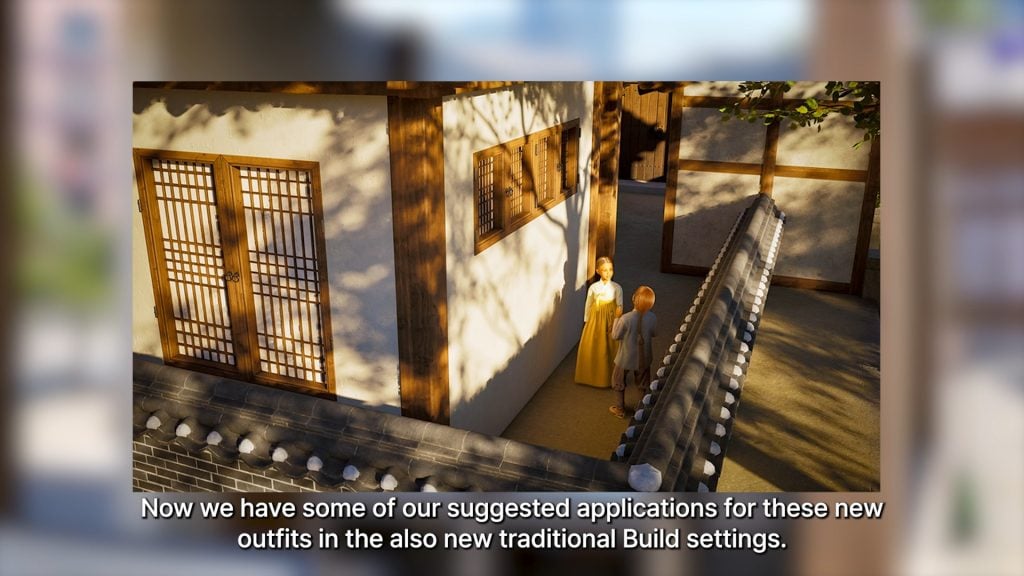
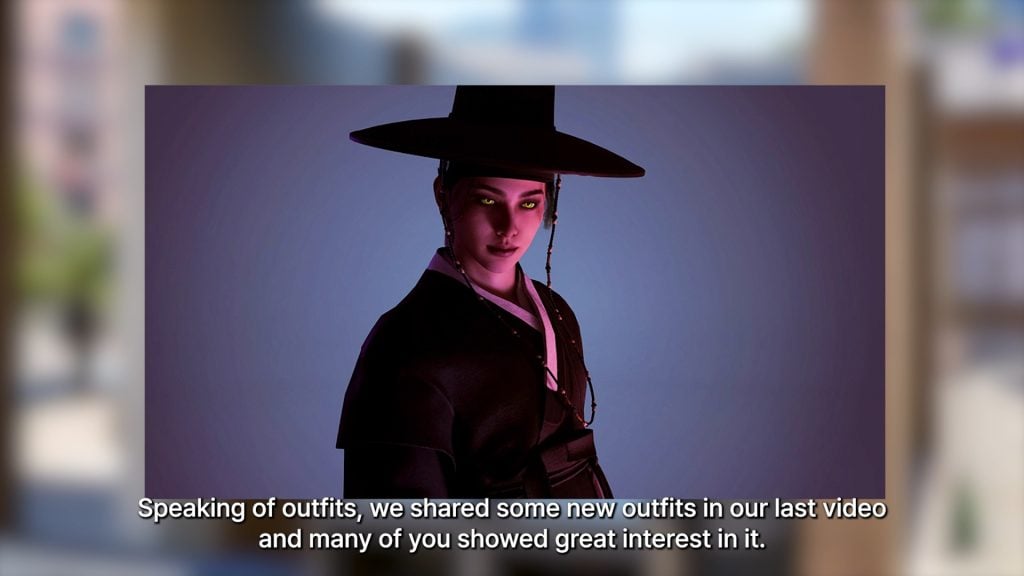
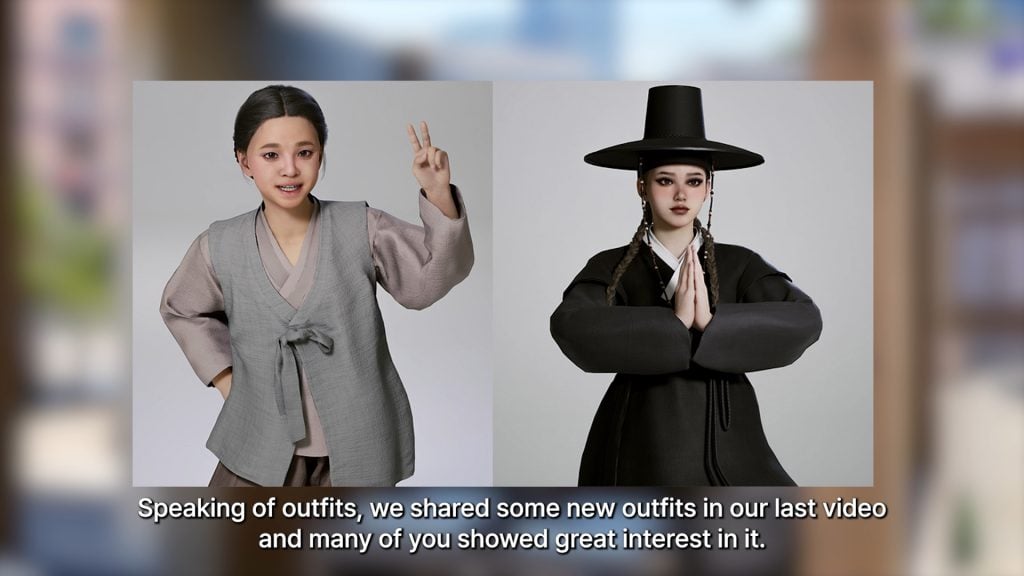
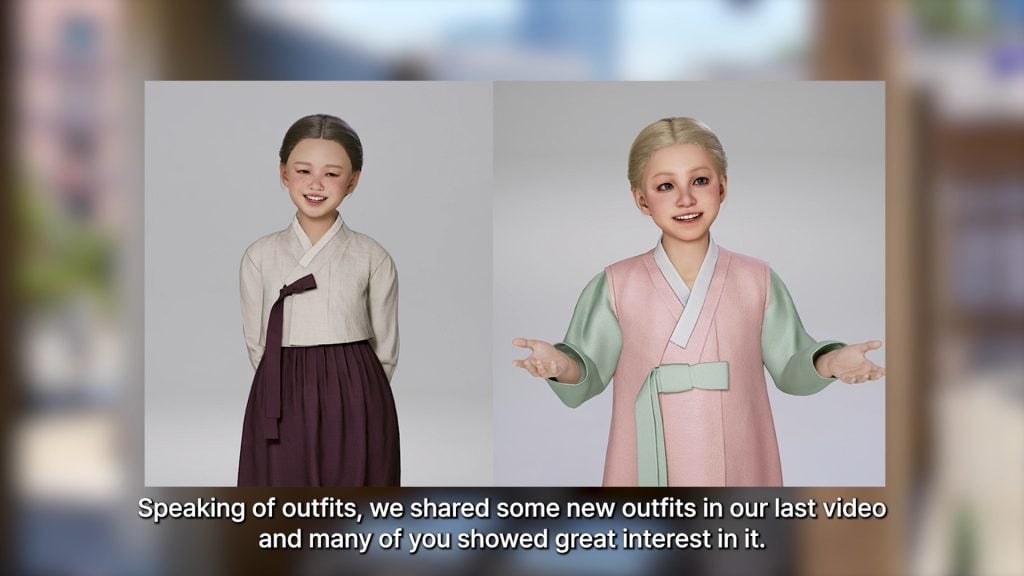
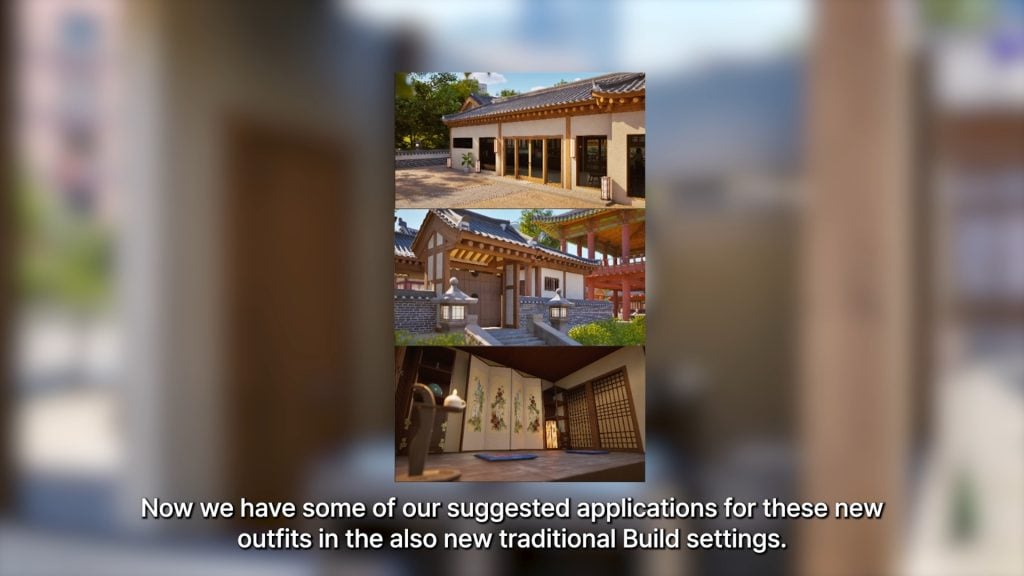
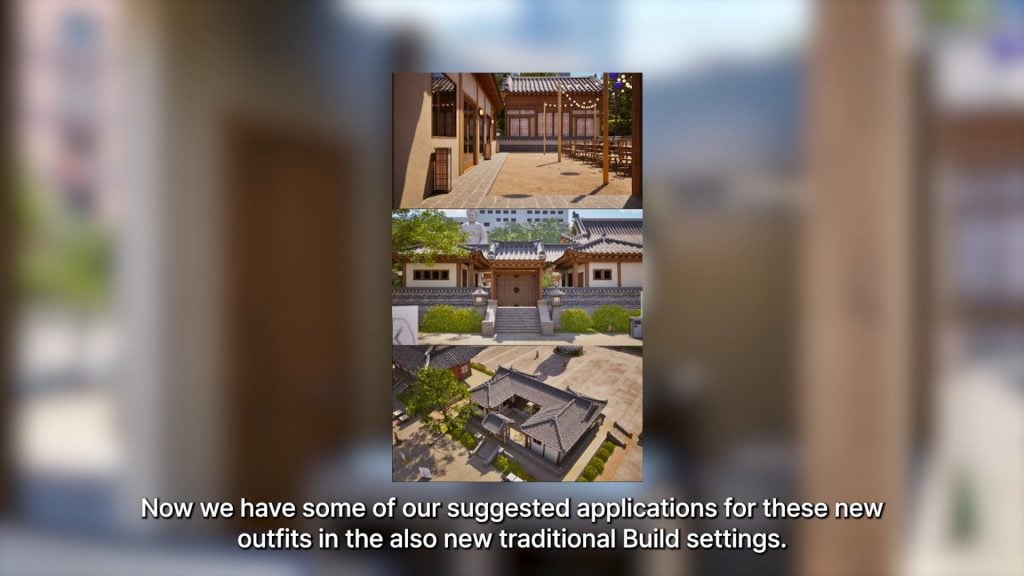
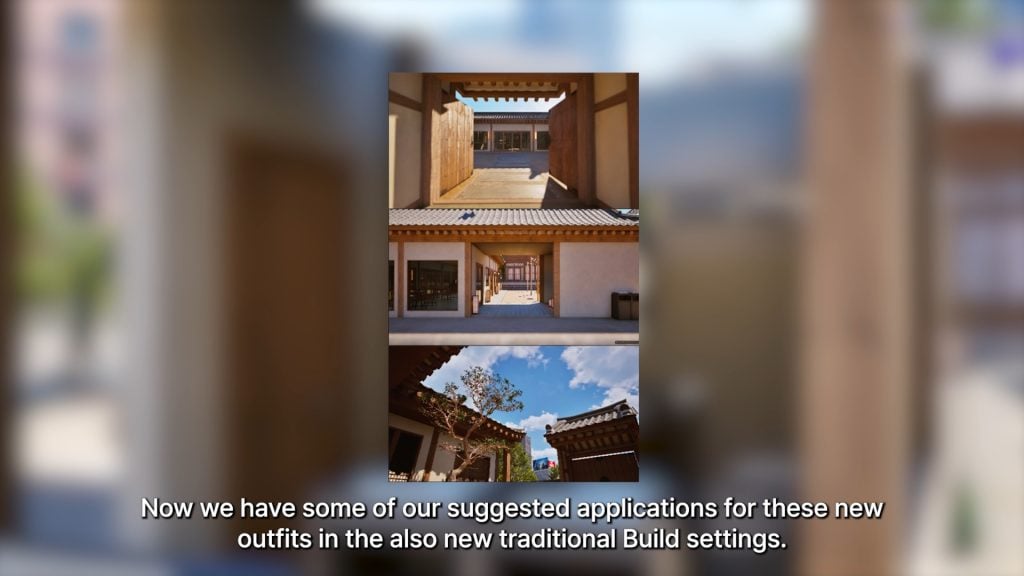
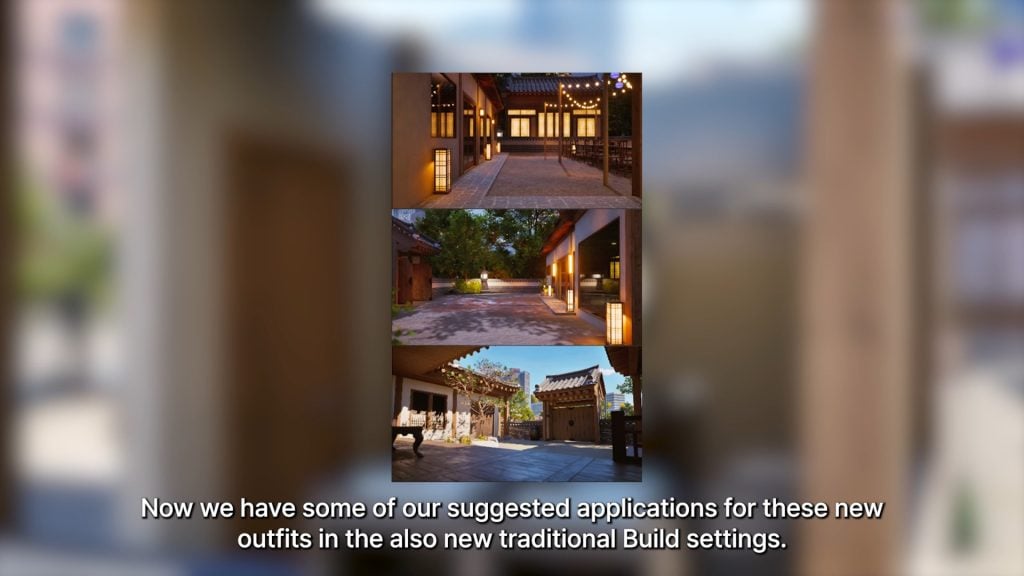
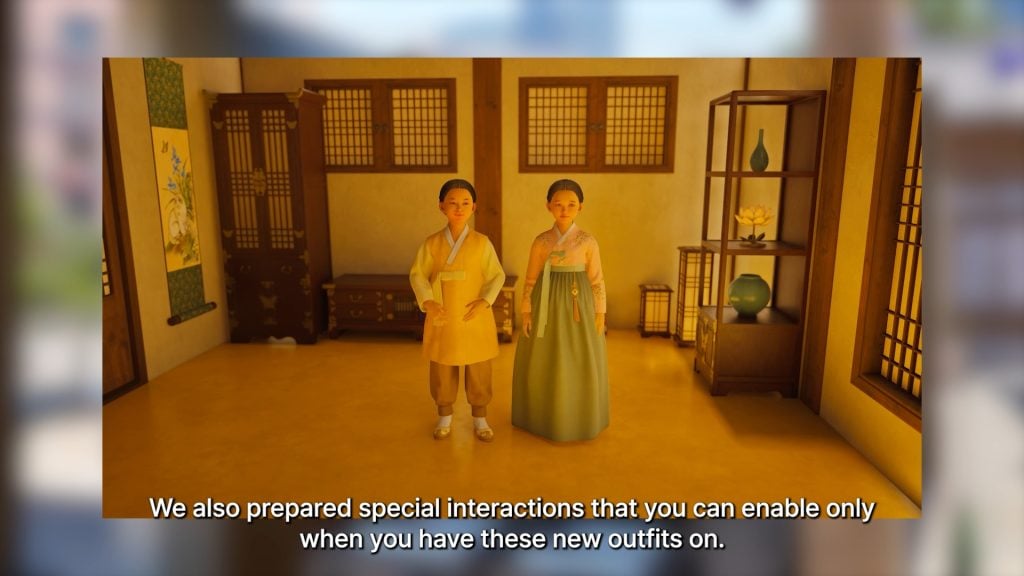
○ Lots more traditional outfits and build mode expansions have been added in traditional styles for Lunar New Year.
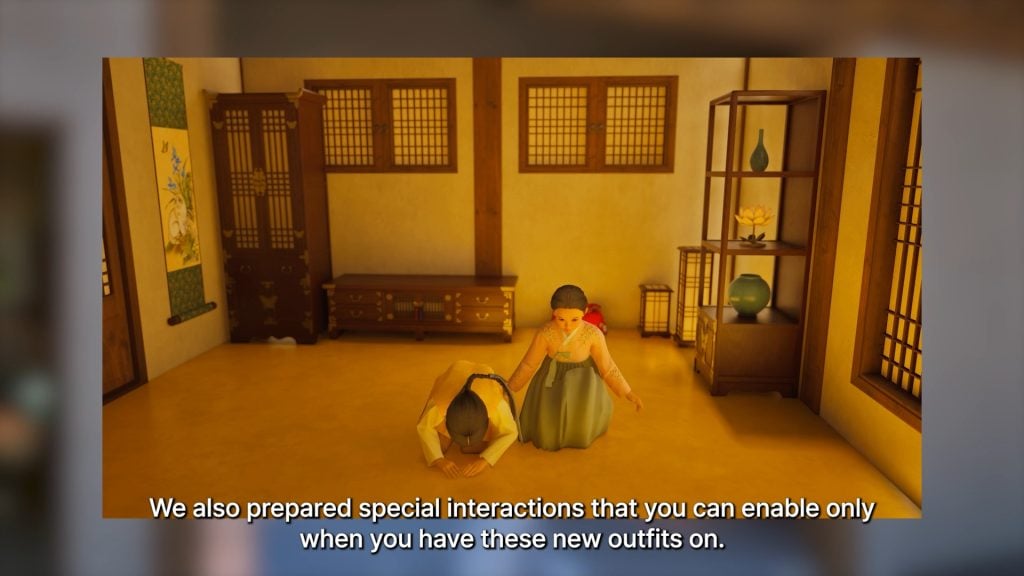
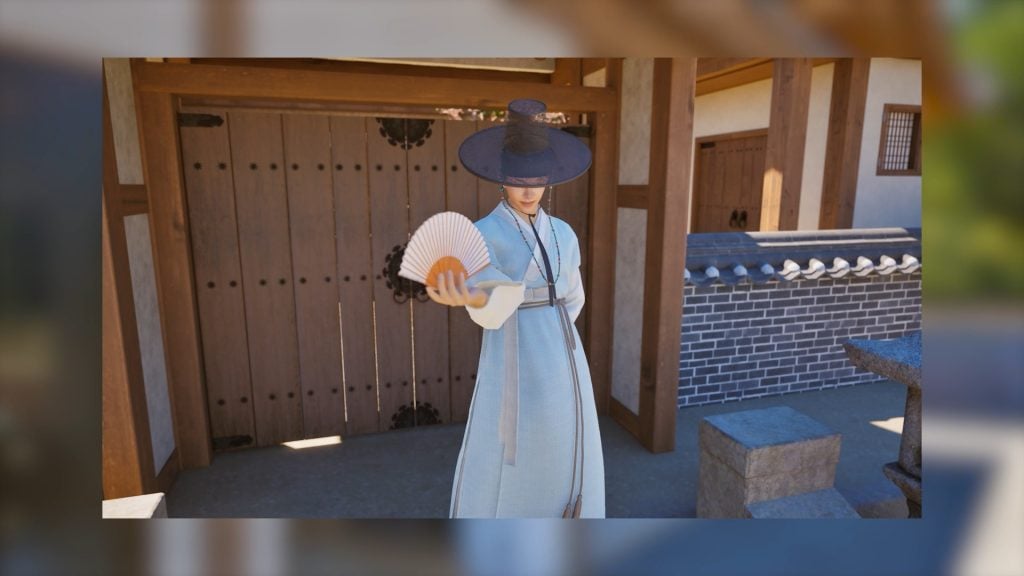
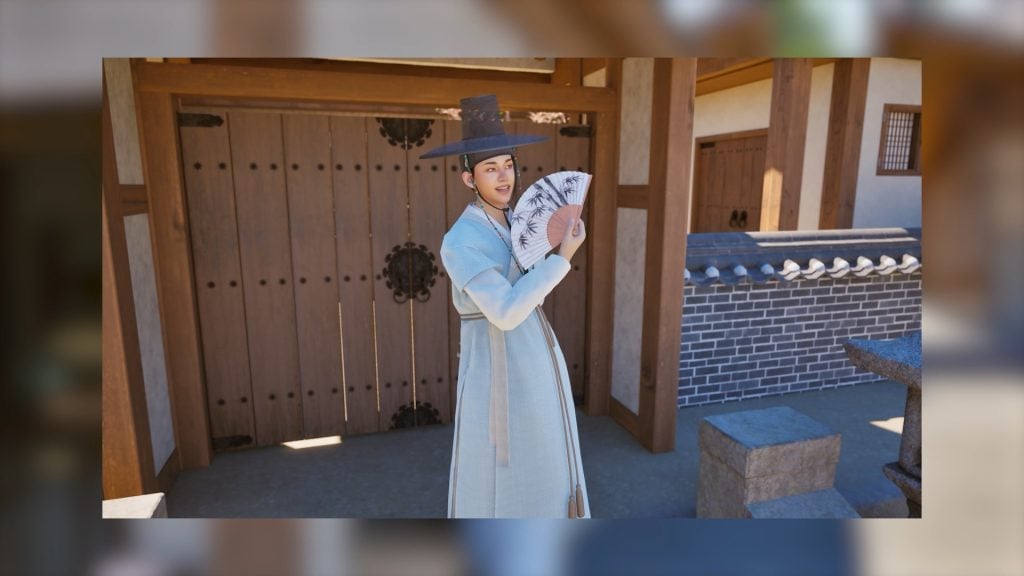
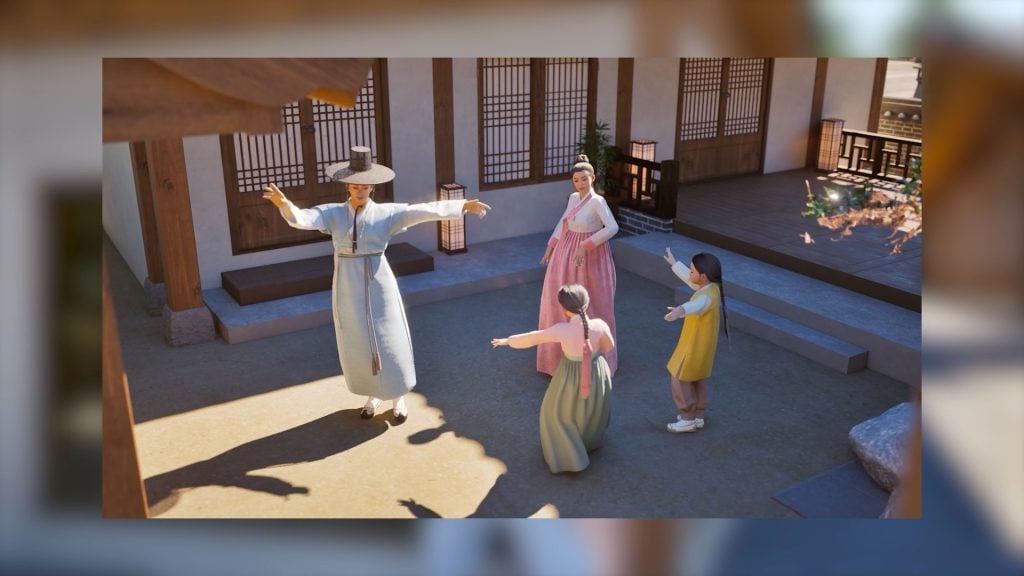
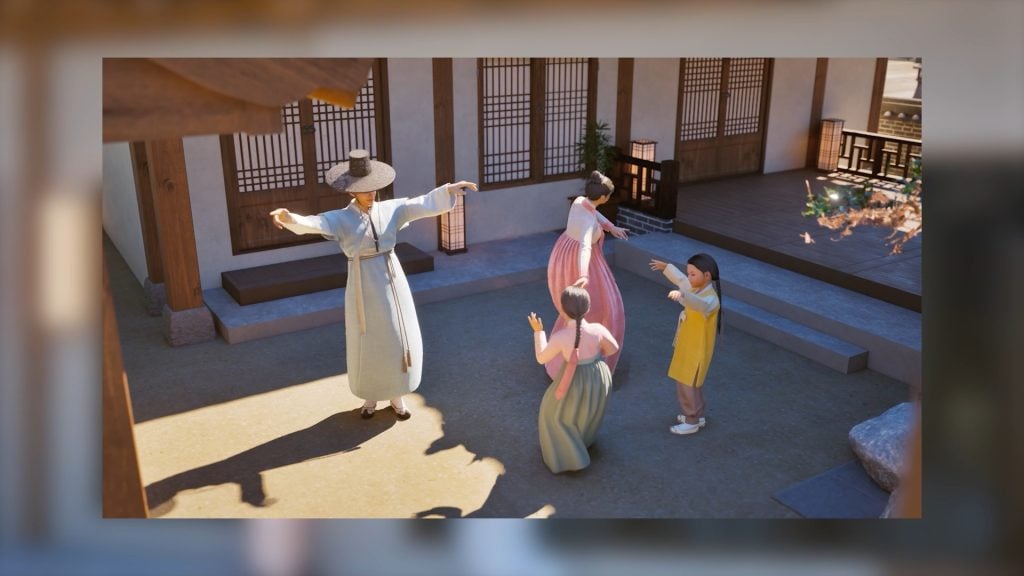
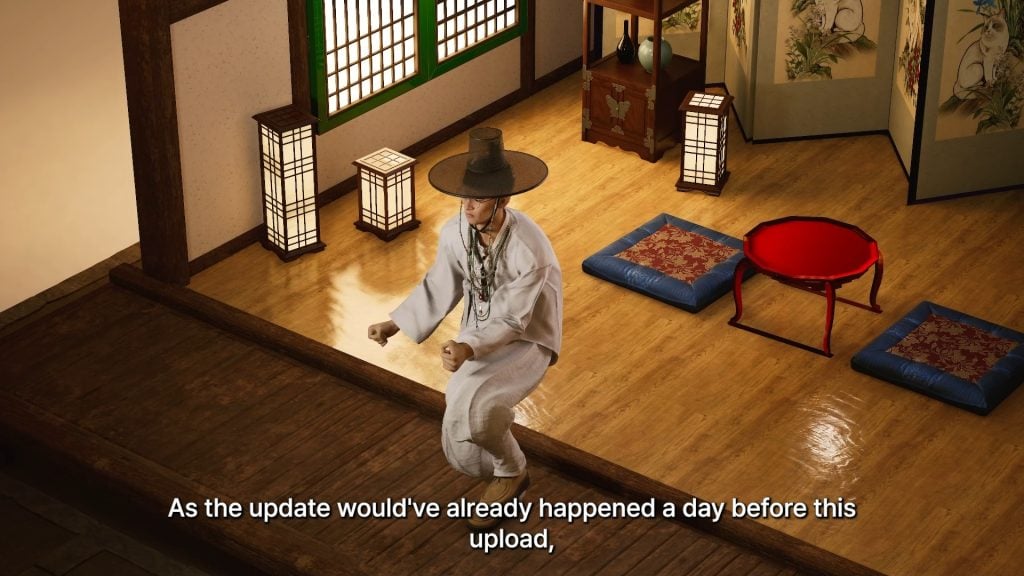
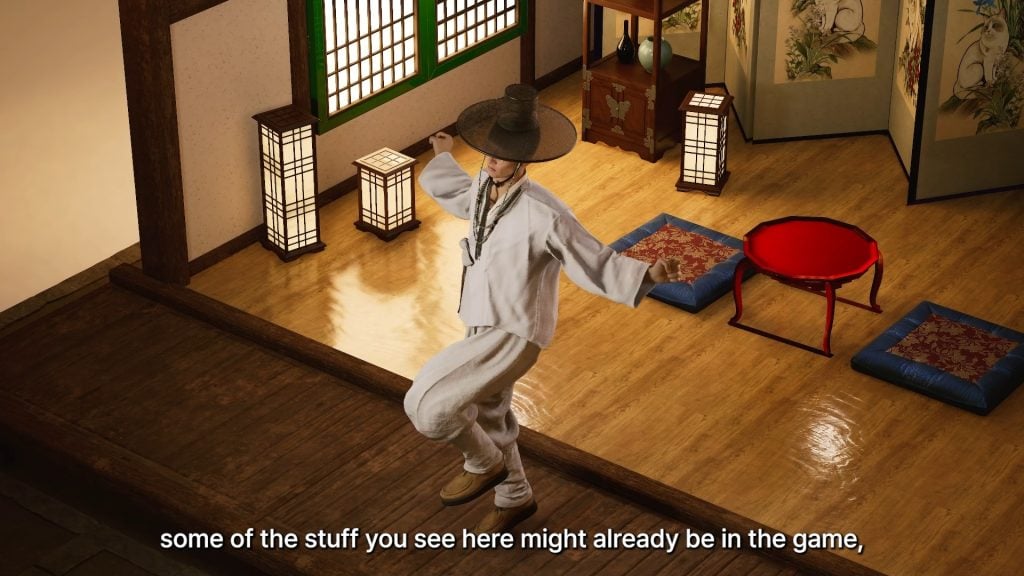
○ With some of these outfits added, special interactions only enabled when these traditional outfits are on. These include bowing animations, using fans, and new traditional dances.
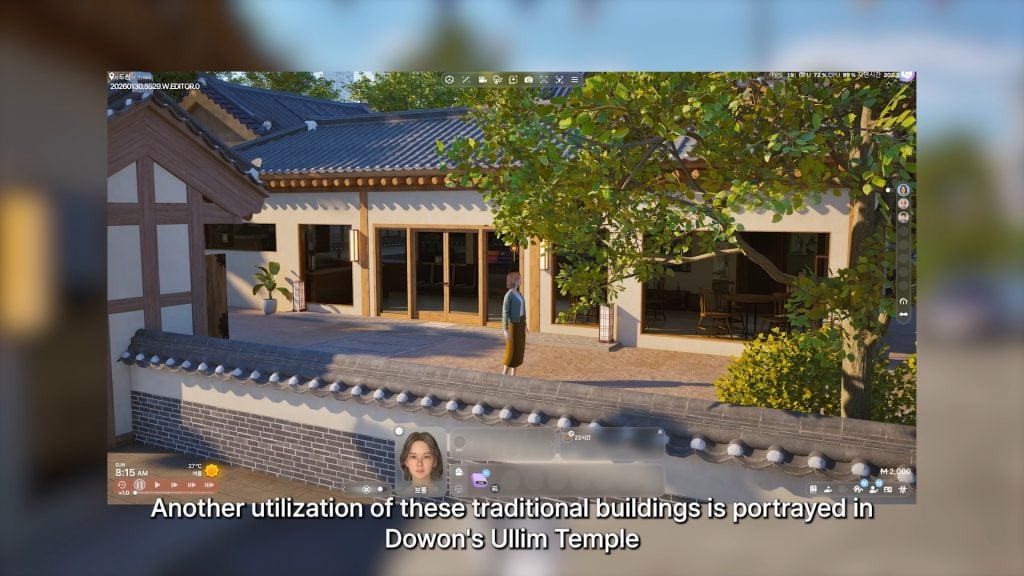
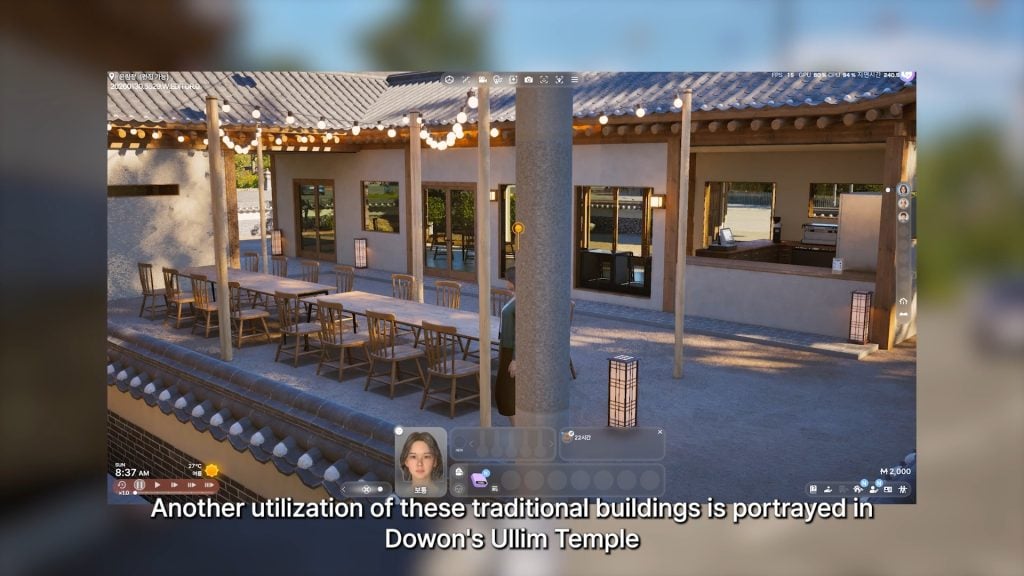
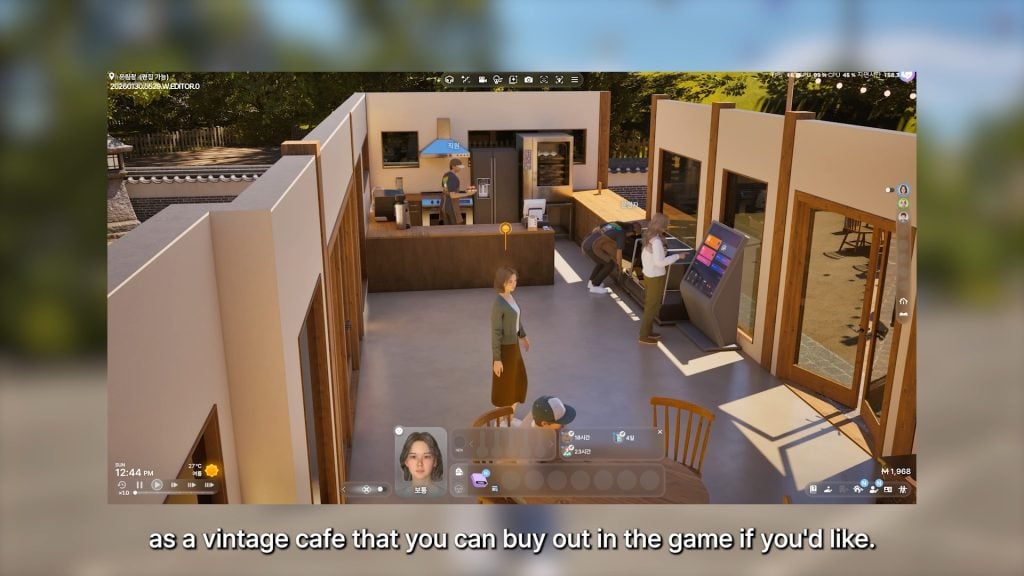
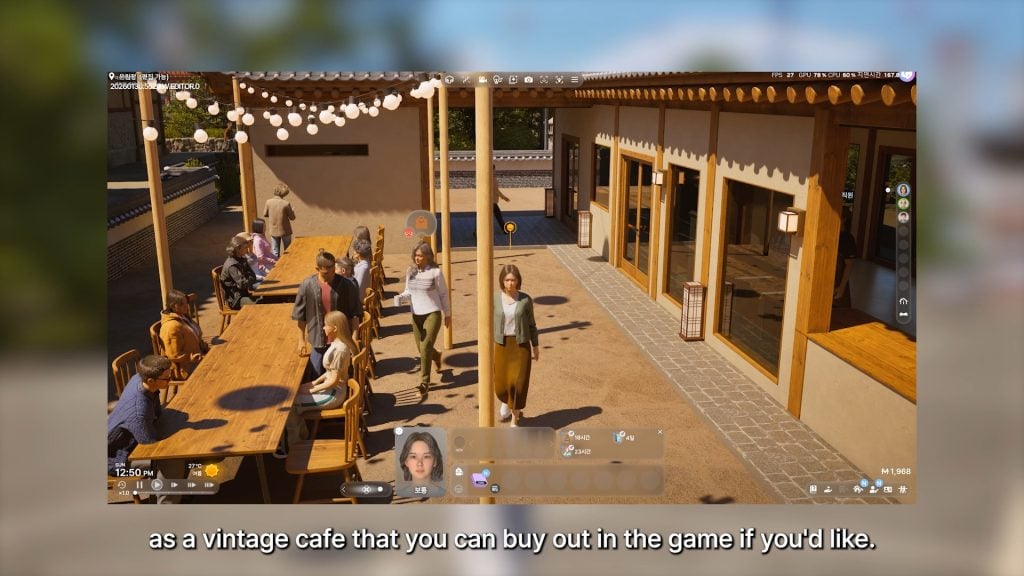
○ These traditional build tools and assets have also been used to create a vintage cafe in Dowon’s Ullim Temple, which can be purchased and worked out of using the small business system.
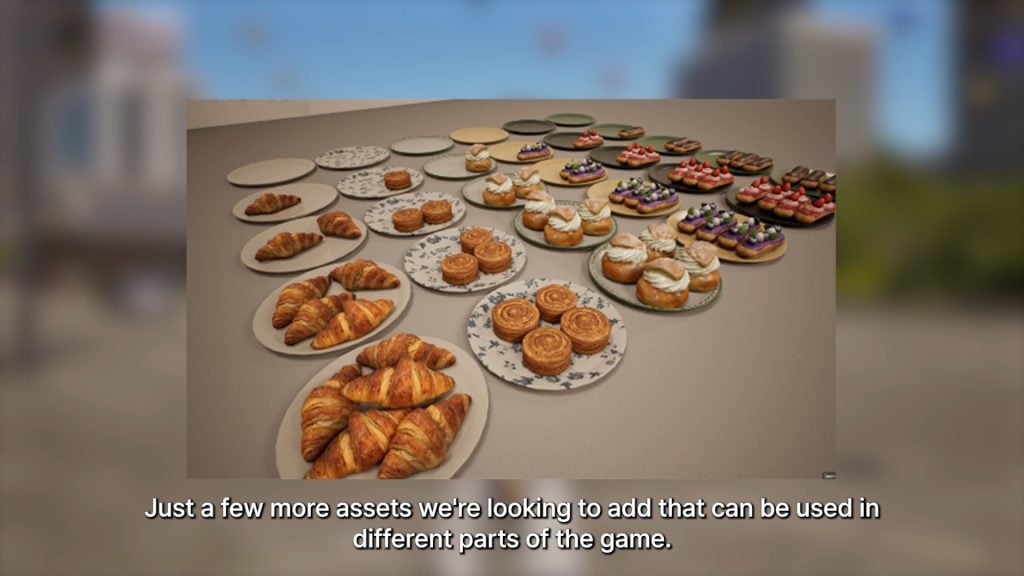
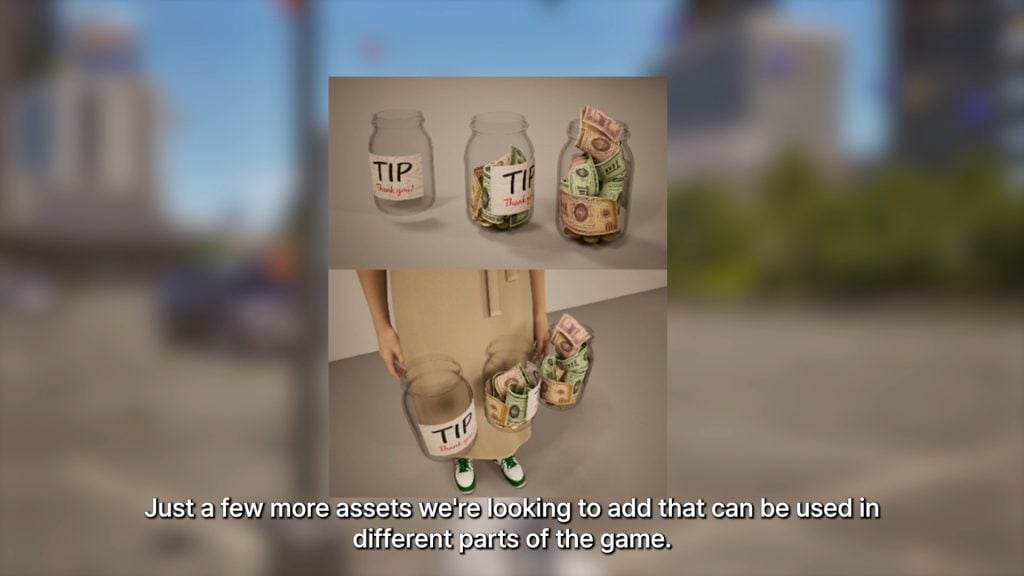
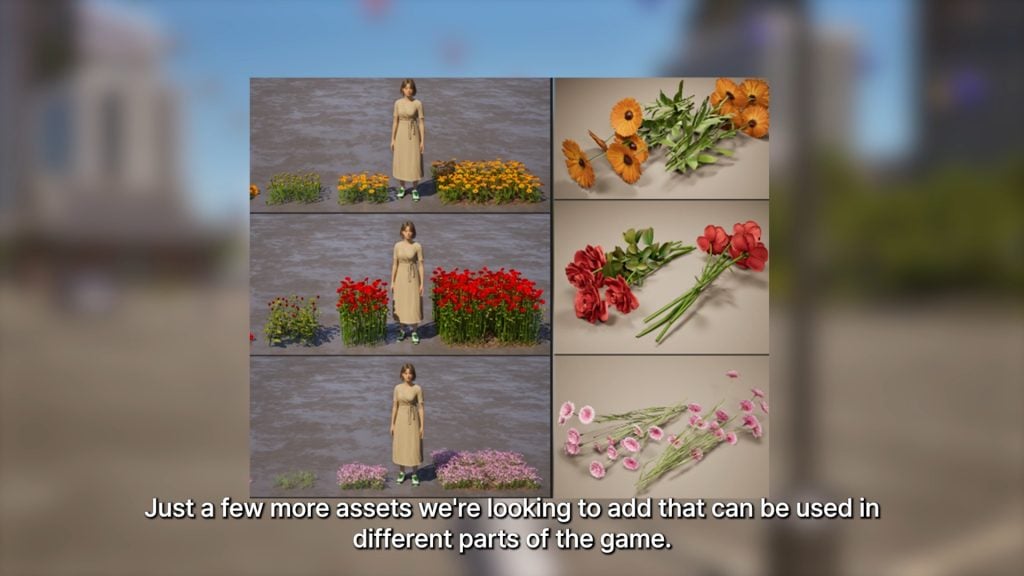
○ There are various new assets to be added into the game, through multiple parts and sections of the game. It was not specified exactly where these were going to be implemented, but they seem like an expansion on the baked goods and baking system, new assets for small businesses, as well as possibly landscaping and bouquets.
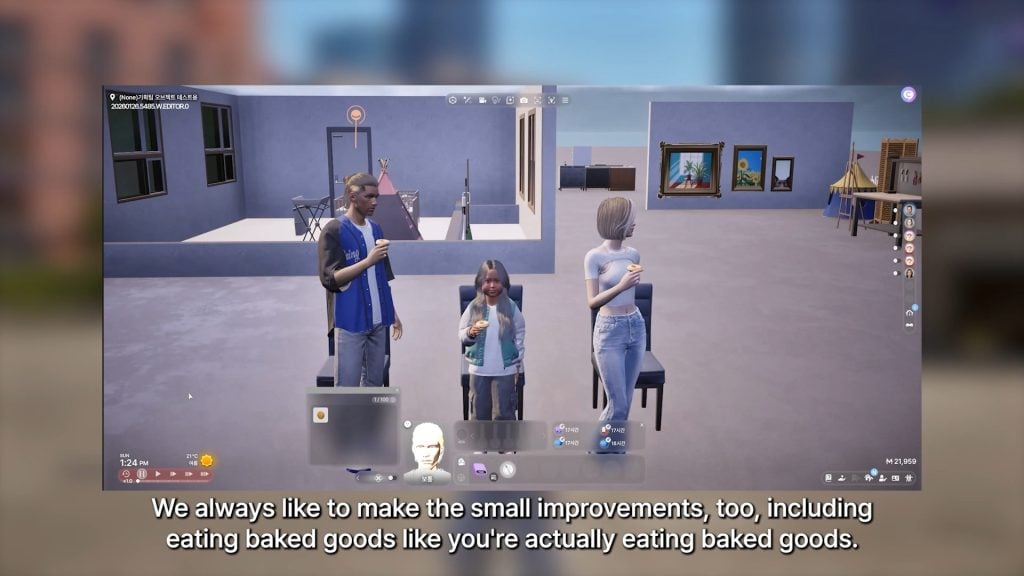
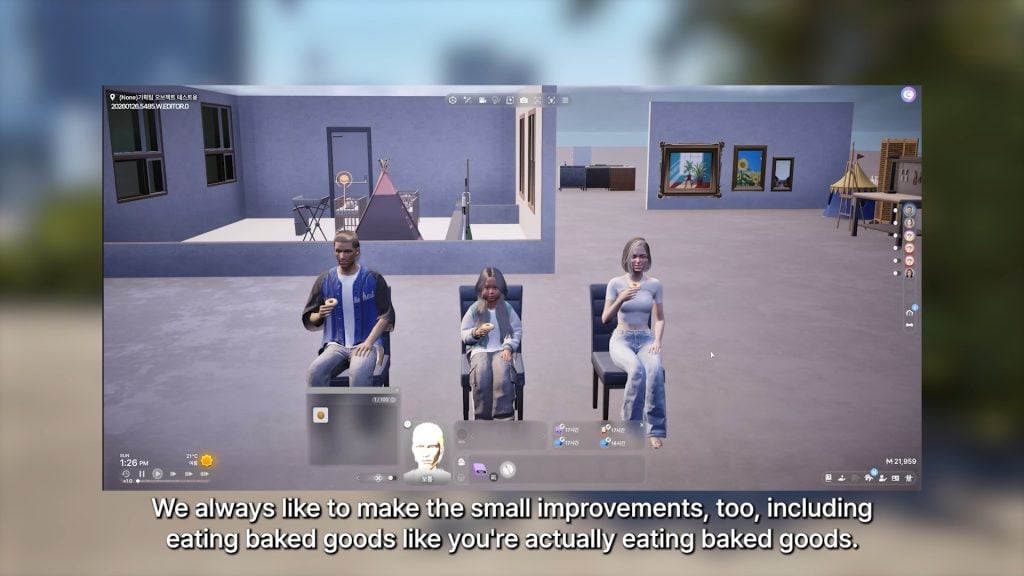
○ Adjustments and improvements to the animations for Zois eating baked goods.
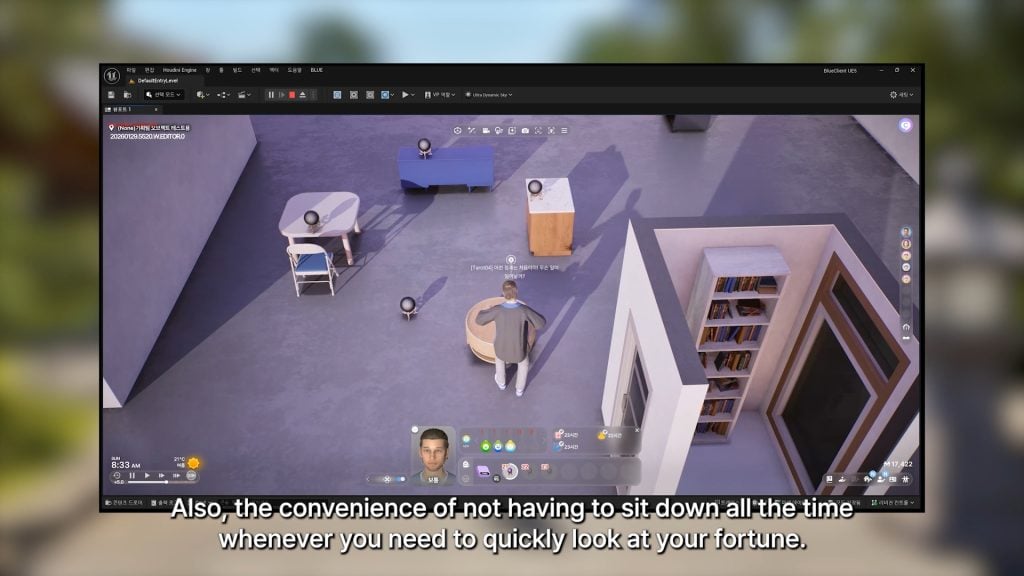
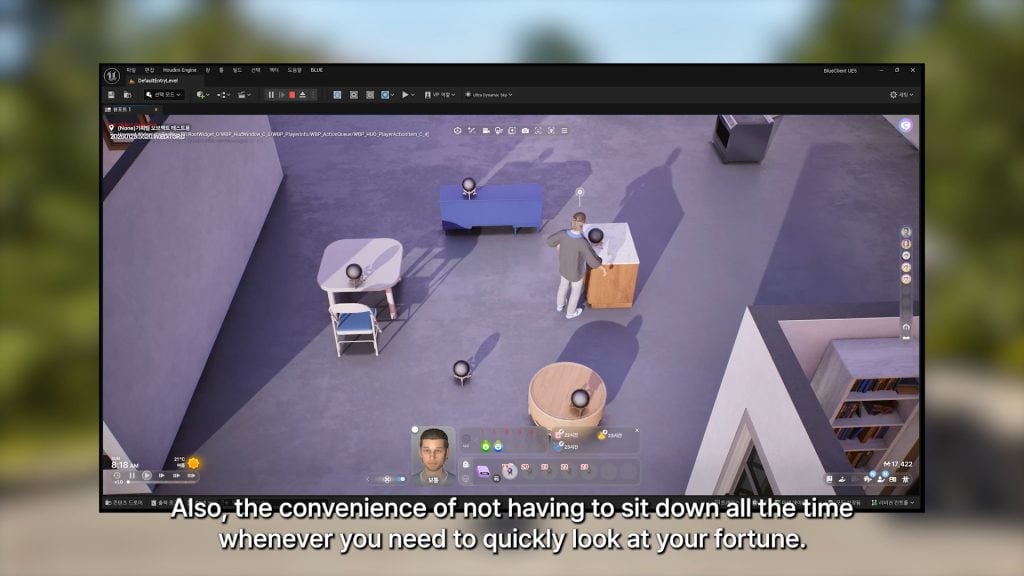
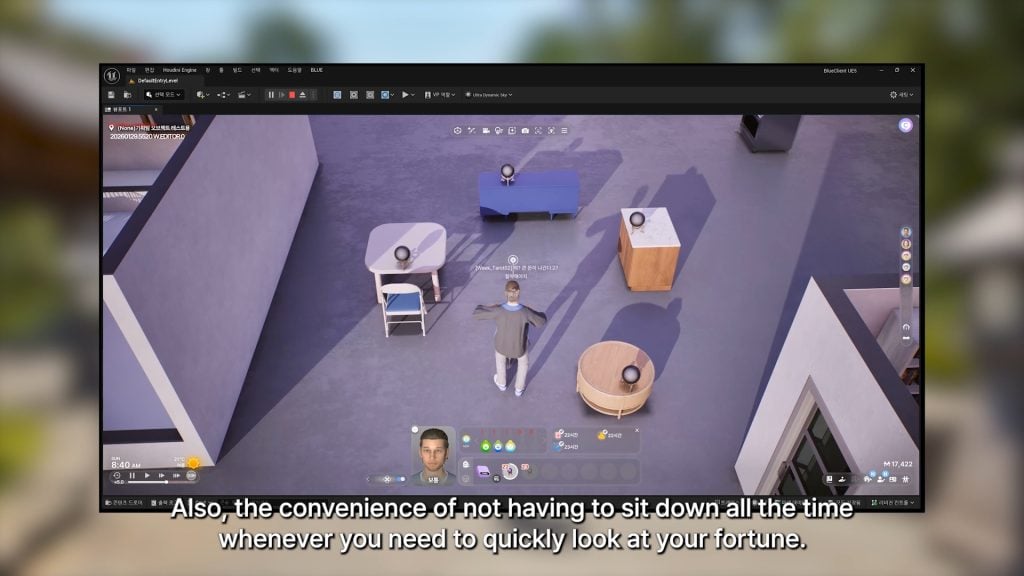
○ Zois no longer have to sit down to read their fortune, and can read it on any surface it is placed on.
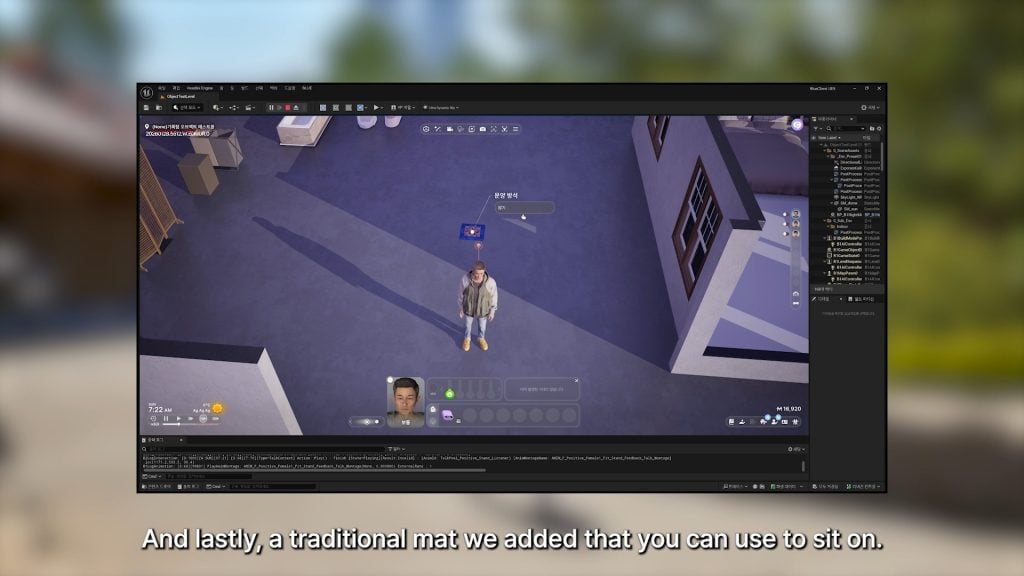
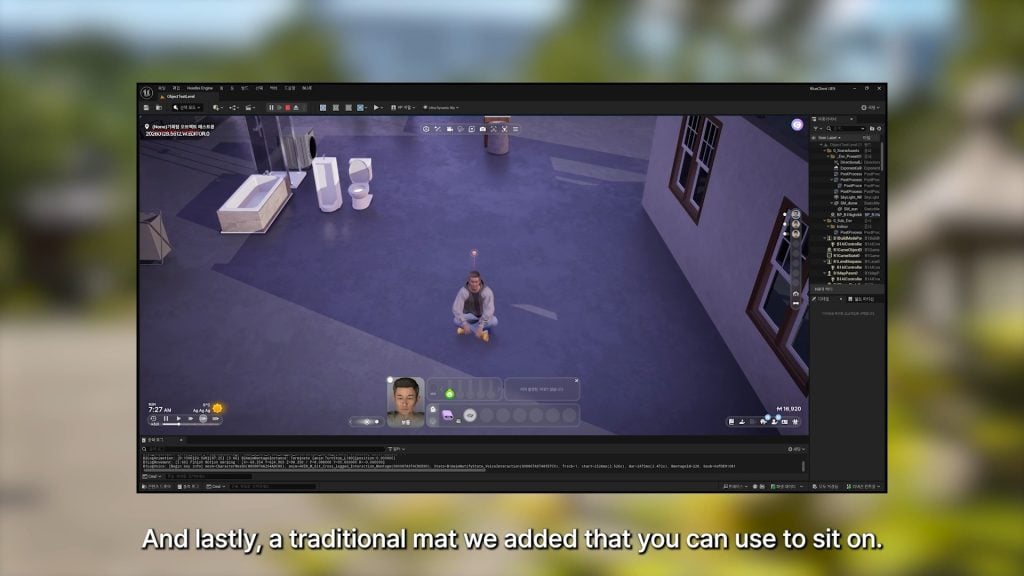
○ A traditional floor mat Zois can sit on has been added.
○ Newborn babies will now be toothless, rather than having teeth visible right after birth. They will regain their teeth once they’ve grown a bit more.
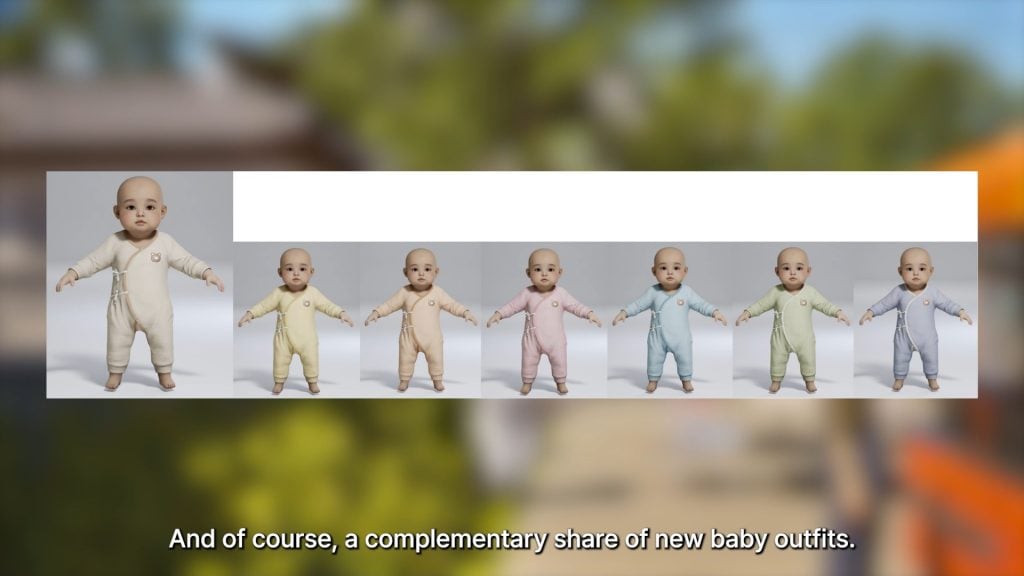
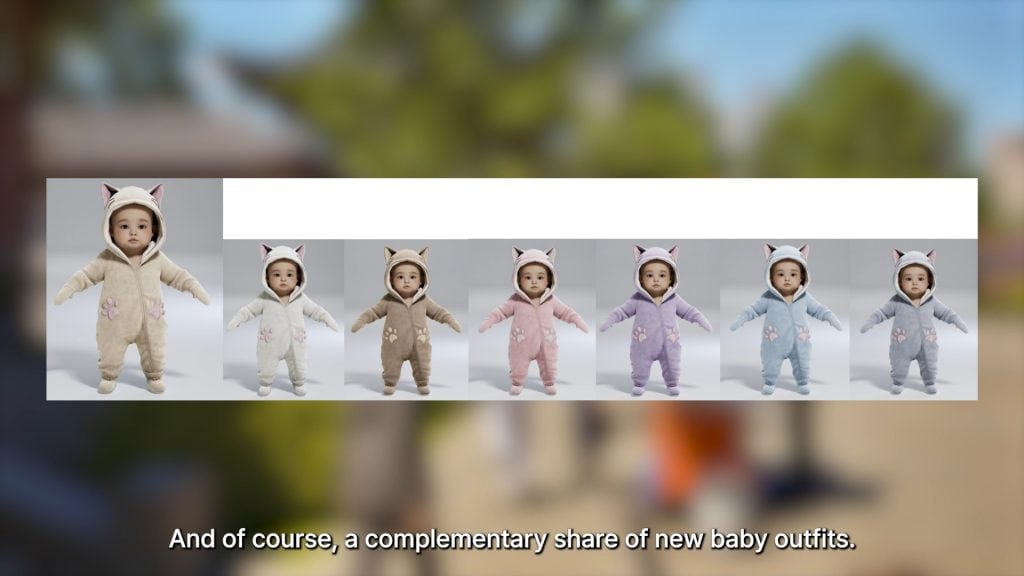
○ Two new outfits for newborn and infant Zois are being created and added.
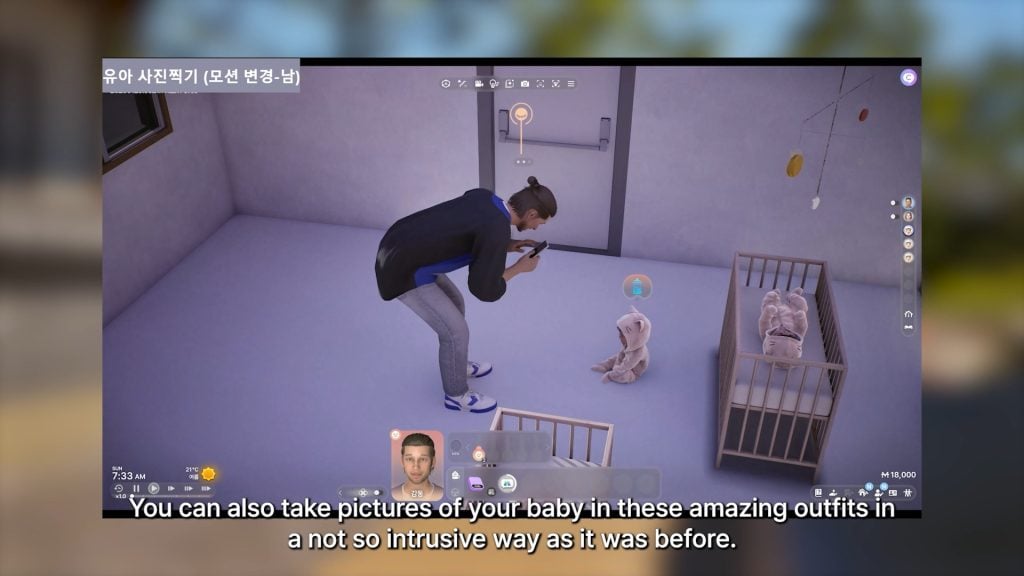
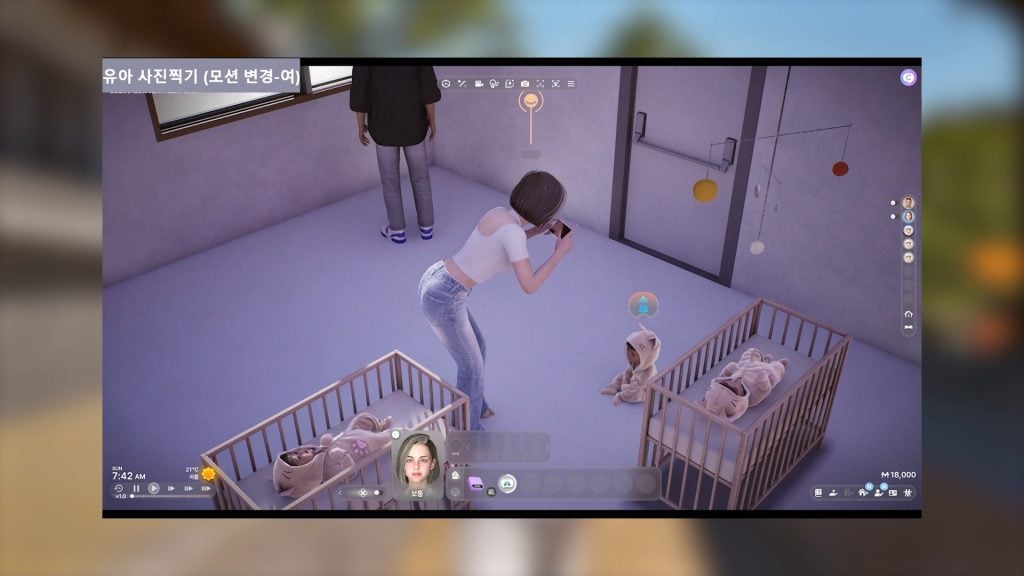
○ There are new animation adjustments to the interaction of Zoi’s taking pictures of their babies, making them “less invasive”.
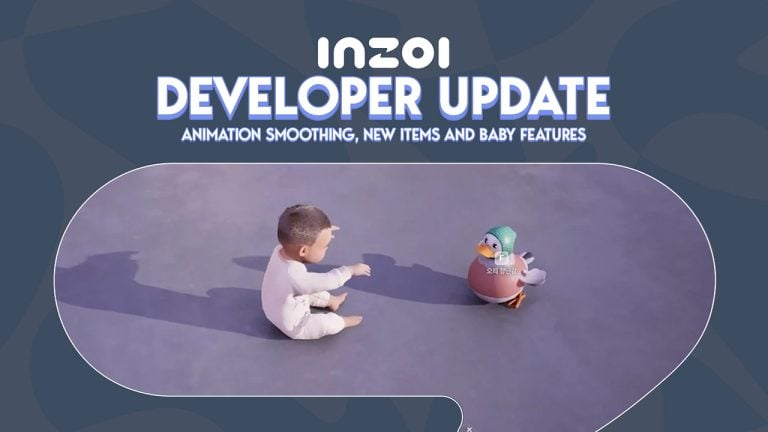
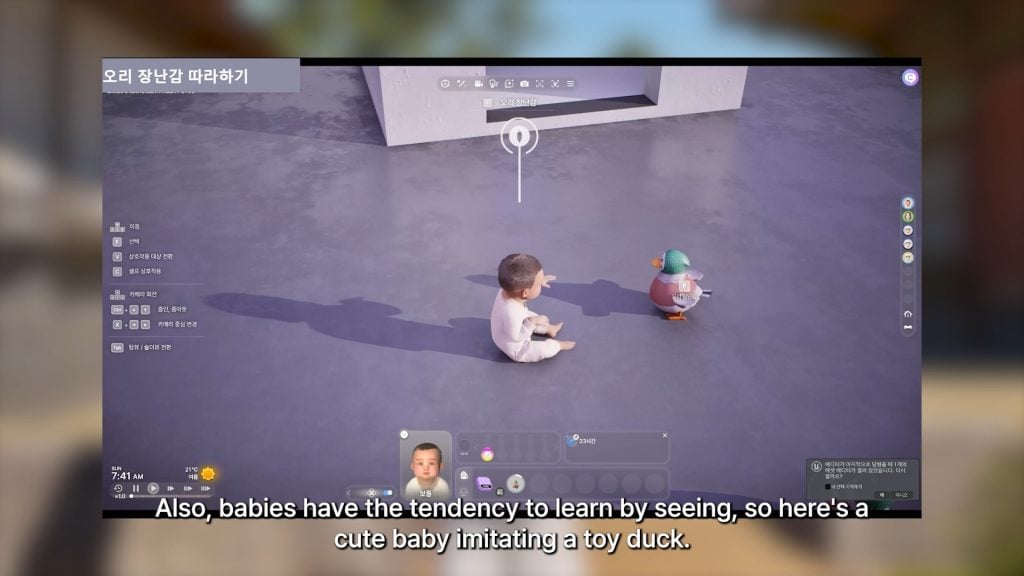
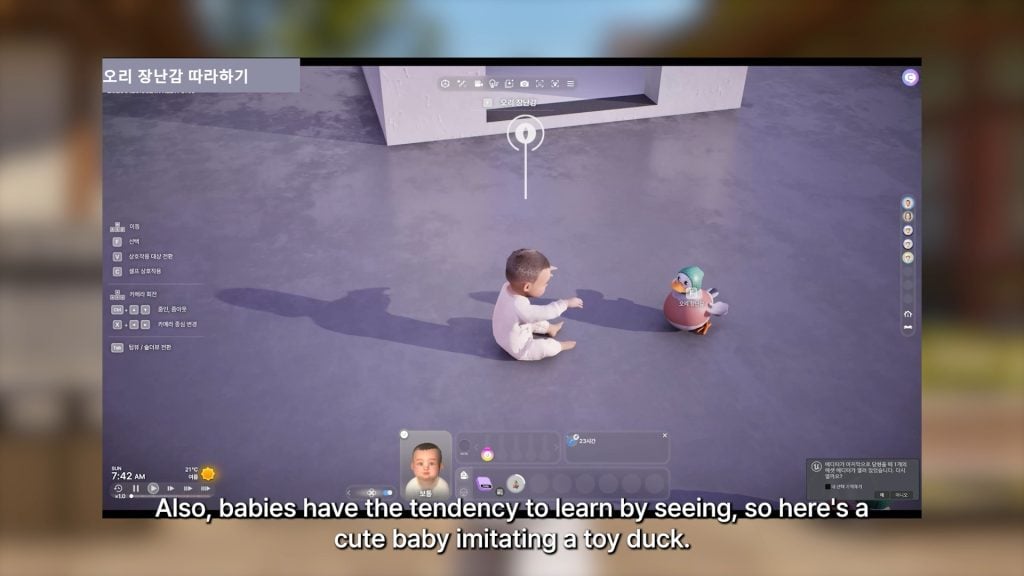
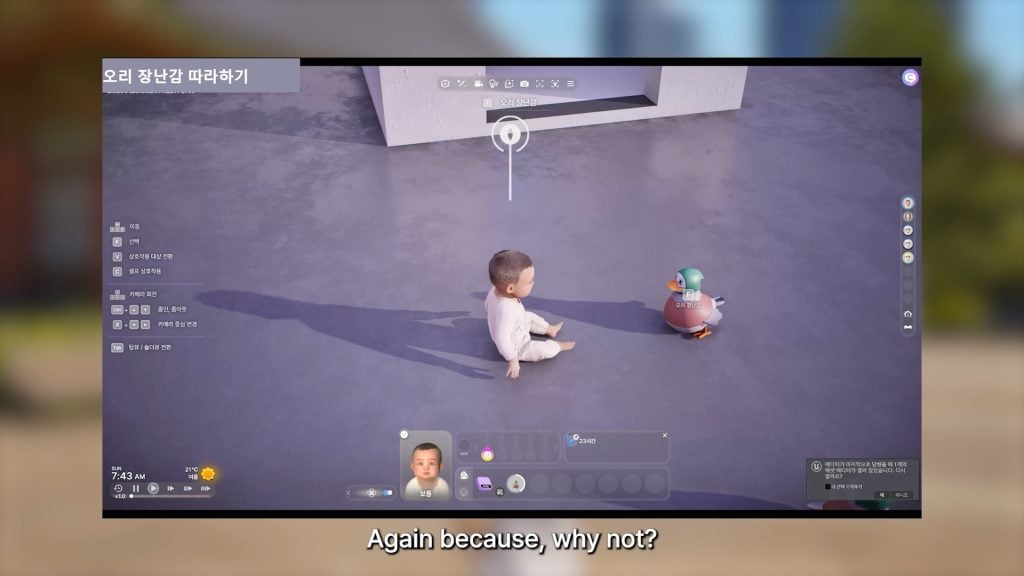
○ Babies are being given animations to indicate them imitating toys, since they learn via sight and example. The example given was a baby imitating the flapping wings and motions of their duck toy.
InZOI Developer Update – February 13th, 2026
Hello, This Friday marks the beginning of a long holiday weekend here in Korea. So I’m posting this update and video a little earlier than usual before heading home to my beloved wife and son.
If you take a close look at this week’s video, you’ll notice that many of the improvements I mentioned at the beginning of the year have been implemented in inZOI. The game still has many shortcomings, but I truly believe that with continued dedication throughout 2026, it will become something much better.
Recently, we have been developing an in-game GUI system to make cheats easier to use. However, cheats by nature cannot guarantee perfect stability, and they can increase the likelihood of unexpected behavior in the game. Since inZOI already has its share of bugs, we were concerned that adding cheats might create additional confusion, which is why we postponed this feature for some time. That said, through ongoing communication with you, we clearly saw the strong demand for cheat functionality, and we are now actively working on it. The upcoming update will include several new cheats.
Regarding modding, we have assigned additional team members to accelerate support for script modding. The key challenge is connecting all systems through Lua scripts. inZOI has accumulated a large number of functions and systems over time, and linking them one by one requires more effort and cost than initially expected. Even so, please know that modding remains one of our top priorities this year.
I hope you all enjoy the long holiday, and I will return next week with more updates. Please also enjoy the development video prepared by the inZOI team this week. Thank you.
kjun
Are there any new features or assets you’re excited for, or anything you’ve been enjoying since it was added or adjusted in the patch yesterday? Let us know!
Make sure to follow The Sims Community to keep up to date on everything in the Life Simulation genre!
Could be just another insider placeholder title until we get an official name, though.
If you think that the news about The Sims Franchise’s future post-buyout couldn’t get any better, we now apparently know that EA has been doing an internal playtesting and surveys for a new The Sims Virtual Currency. Titled “Mooca”, the new virtual Sims currency doesn’t just mean that we might get a new game currency. But also a new place to get premium Sims content, items and possibly even extra features for the game.
Unofficial Mooca Coin Concept
Table of Contents
Current Reports about The Sims Virtual Currency
Yesterday we reported about a new Rumor of The Sims Franchise’s future and internal new frameworks that EA is allegedly imposing onto Maxis team. Including EA’s direct control into the game’s monetization, involvements in creating digital storefronts, subscription models, paid and virtual reward currency and more. Here’s what the statement said:
The new framework will restructure the franchise to heavily involve EA into the day to day operations, and rather than Maxis coming up with ideas to meet the targets set by EA, sections of EA will now be more involved in the game from how content is created, distributed and monetised. Plans include subscription models, digital storefronts with paid and virtual reward currency, deeper engagement events, creative direction and more. This will include creative control on execution of ideas to minimise development costs, with EA being more involved in working with game designers.
New “Mooca” Sims Currency Mentioned
Following the report, Sims creator and insider @lunar_britney shed some more light about what’s been going on behind the scenes with user research into the new digital currency. Alleging that EA had an internal survey “months ago” for a new Digital Currency for The Sims titled “Mooca”.
if you think THIS is too much DLC, if EA’s buyout goes through in Summer, 2026 – prepare for worse. There were surveys months ago about a digital currency coming into the sims called Mooca (the cowplant icon)
There’s currently no information if the new “Mooca” currency is just a placeholder name, and if the currency will be used for The Sims 4, Project X or both.
Previous Mentions of Subscriptions and Passes
Just last month we reported about a new type of Subscription Pass mentioned in the backend of EA’s site servers. Which seems to hint at a possible “Collector’s Pass” which would grant player access to the entire DLC catalogue for The Sims 4.
“value”: “Cancel The Sims 4 Collector’s Pass – Electronic Arts”
“key: “CANCEL_MEMBERSHIP_TEXT_BODY”,
“value”: “Before you go, how about taking your membership for a last spin with one of these Packs?”
Back in December 2014 we reported about EA’s first considerations about a “Sims 4 Premium” experience, which apparently was put to rest…until now.
The initial “Sims 4 Premium” experience promised players access to new Pack releases along with exclusive content that the Premium membership would provide.
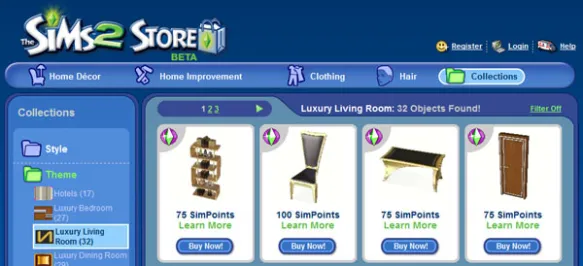
If the rumors of a new Sims Digital Currency are titled “Mooca” are true, we wouldn’t just be getting new forms of subscriptions. But a whole new experience similar to what we had with The Sims 2 Store and The Sims 3 Store.
What do you think?
Would you ever indulge in spending your real money on virtual The Sims currency? How about playing The Sims 4 DLC through a subscription monthly pass? Let us know what you think of these concepts in our unofficial community poll below and see how others voted!
[totalpoll id=”192628″]
What are your thoughts on the latest Sims Mooca Digital Currency reports? Let us know in the comments below and stay up-to-date on all the latest Sims News & Rumors right here on Sims Community!
In The Sims 4: Royalty & Legacy Expansion Pack, new gameplay features directly impact how family dynamics work. Players can now create forged connections between Sims who are not biologically related, adding a new layer of intrigue to genealogical storytelling. This Forge A Connection feature opens the door to drama, manipulation, and unconventional family structures, reshaping how family trees can evolve within the franchise. In this guide, we’ll explain how Forge A Connection works and explore the different possibilities it brings to your gameplay.
How to Forge A Connection
Beyond the new drama scenarios you can create, this feature also opens the door to starting a Noble career in a not-so-legitimate way. It introduces an alternative path to power, one built on manipulation rather than heritage.
How to start Forging a Connection
The Forge A Connection feature may seem confusing at first, especially since there are a few key details to understand before trying it out. In this guide, we’ll break down everything you need to know to start creating family trees full of drama and unlock new storytelling possibilities.
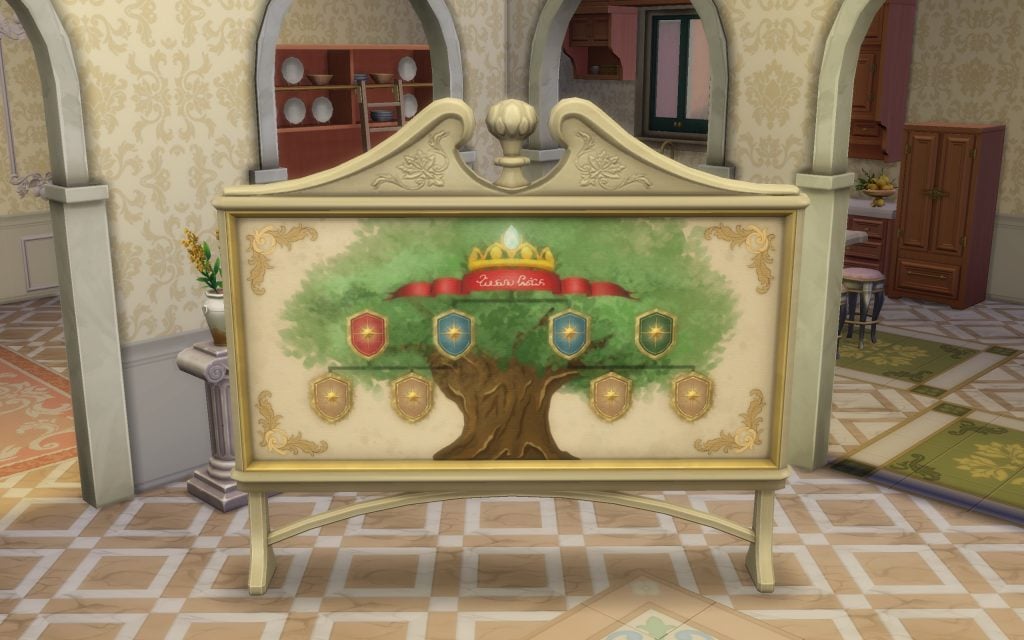
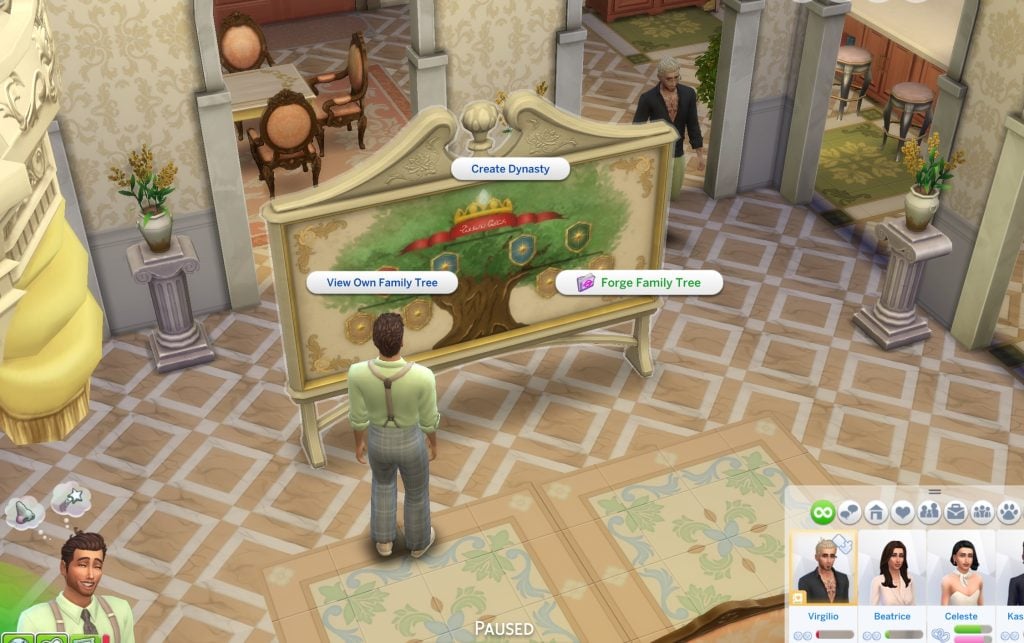
First of all, you’ll need the new Family Tree Tapestry introduced in The Sims 4: Royalty & Legacy. This object gives you access to several options, including View Own Family Tree, Create a Dynasty, and Forge A Connection.
Now that we have the only object that allows you to do this, the next step is relationships (of course). Forging a connection works differently depending on whether the Sims involved are part of the nobility or not, so we’ll break down both scenarios.
Warning! Before using Forge A Connection, make sure the Sim you are trying to connect does not have a romantic relationship with any member of the family you want to link them to. Keep in mind that certain forged relationships require an intermediate relative to work properly. If you want to create a fake grandparent–grandchild connection, for example, you’ll first need to establish a parent between them.
Forge A Connection with No-Nobility Families
This is the simplest way to use the feature, as forging a connection with a regular Sim can trigger scandals and unwanted attention. It’s a much more accessible and controlled way to experiment with the system.
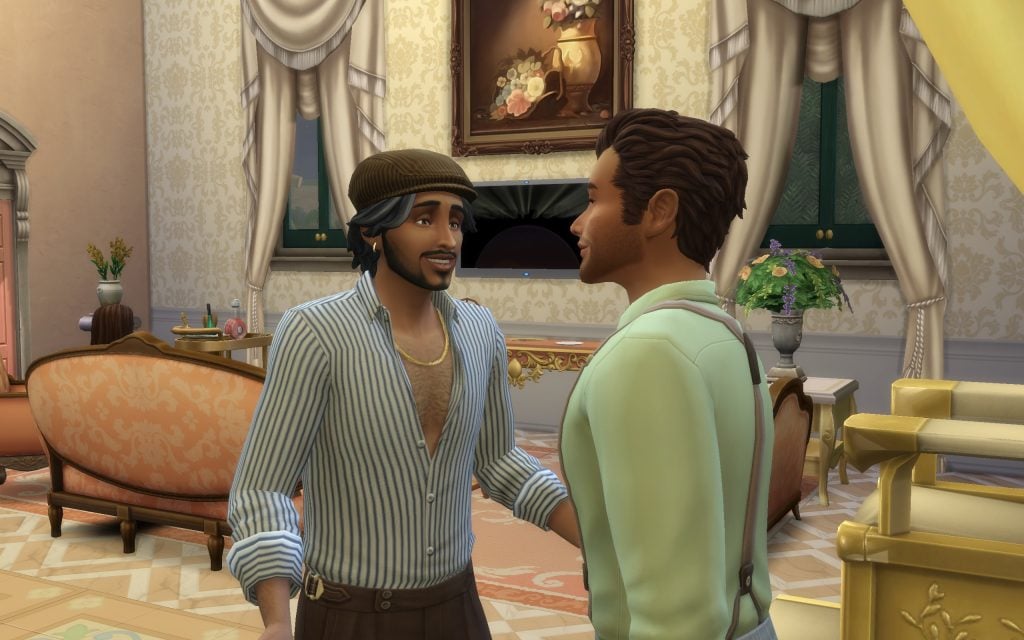
The first thing to keep in mind is that you need to meet the Sim you want to become related to.
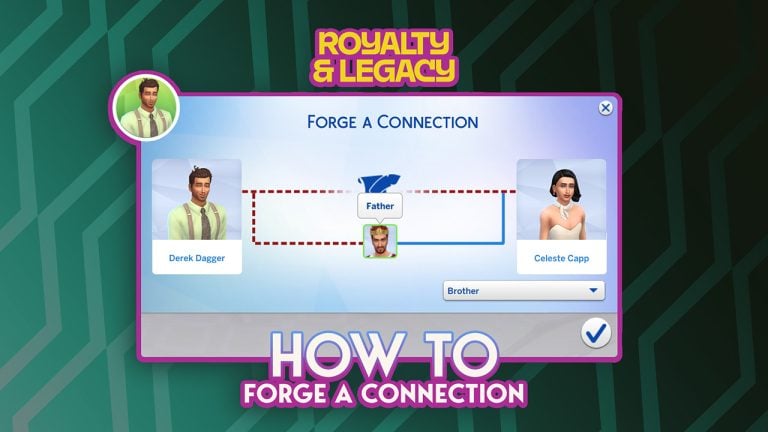
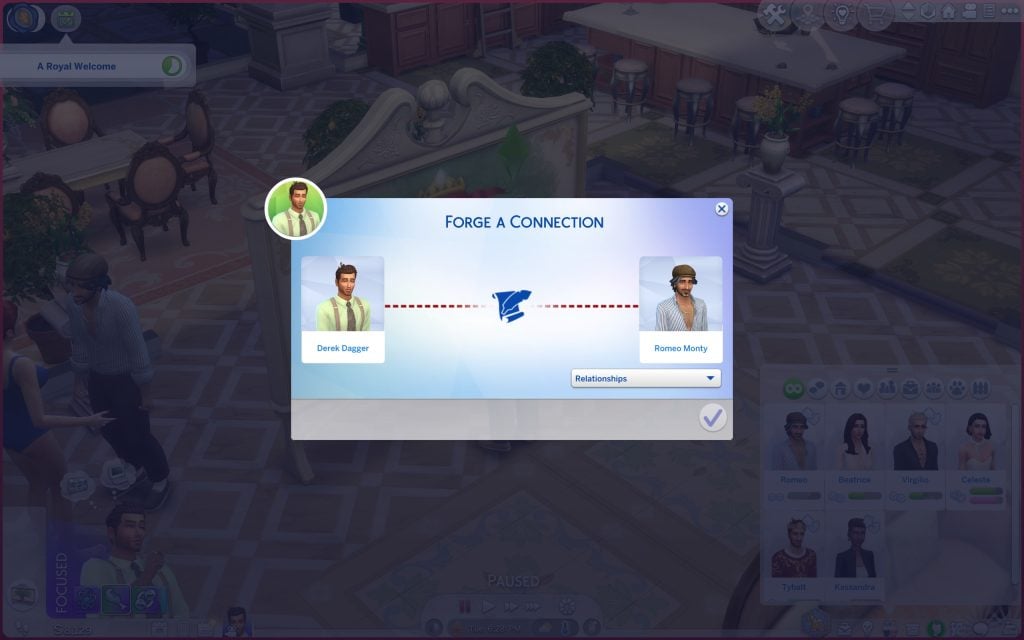
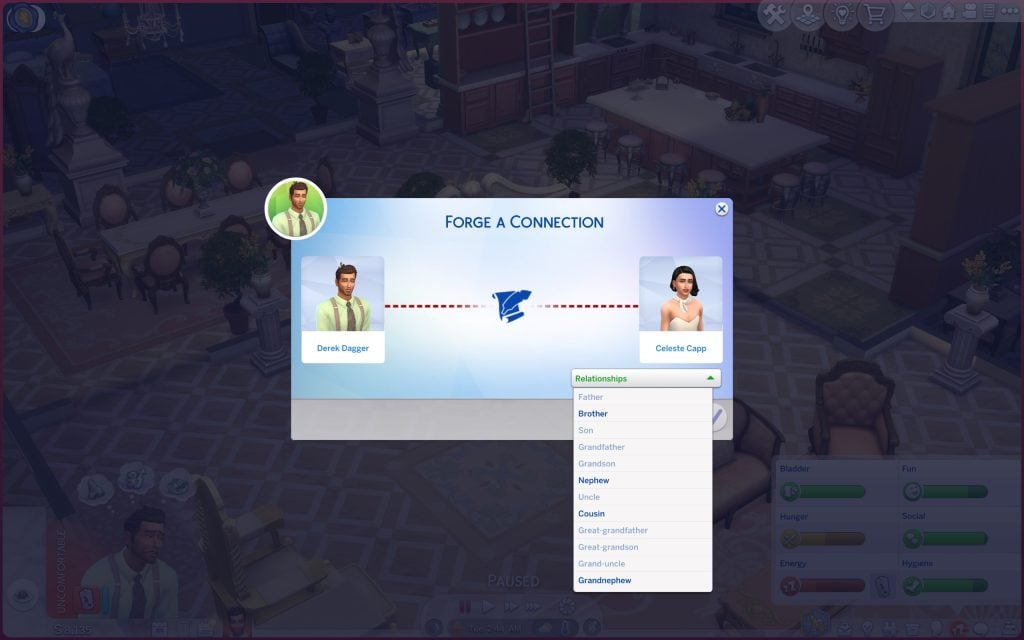
It’s also recommended to meet the other members of their close family beforehand. Once that’s done, interact with the new tapestry object and select the Forge a Connection option. A new panel will appear, displaying two portraits: one for your active Sim and one for the Sim you’re attempting to connect with.
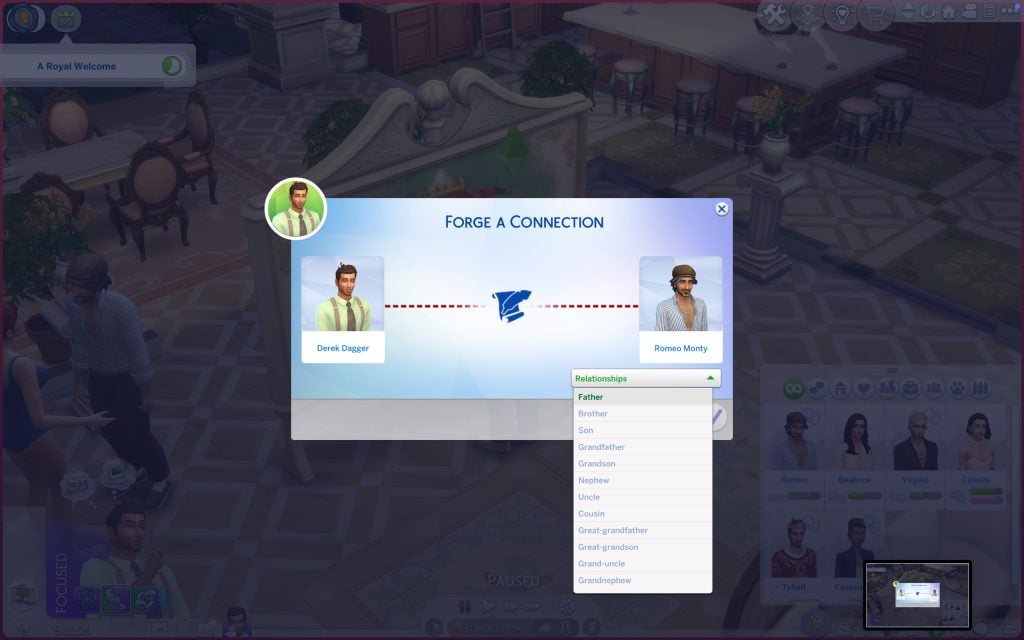
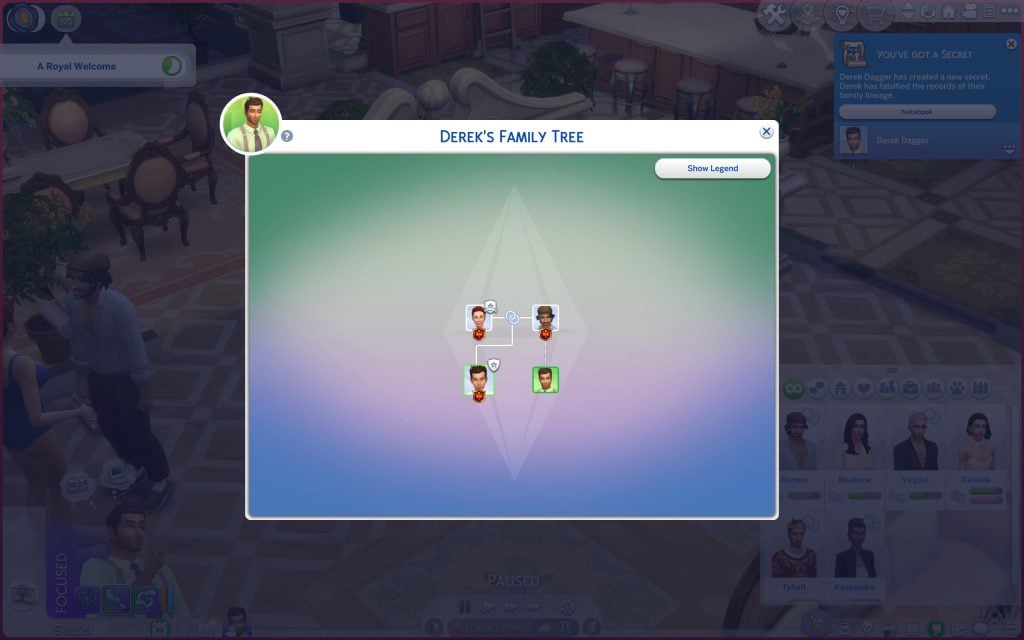
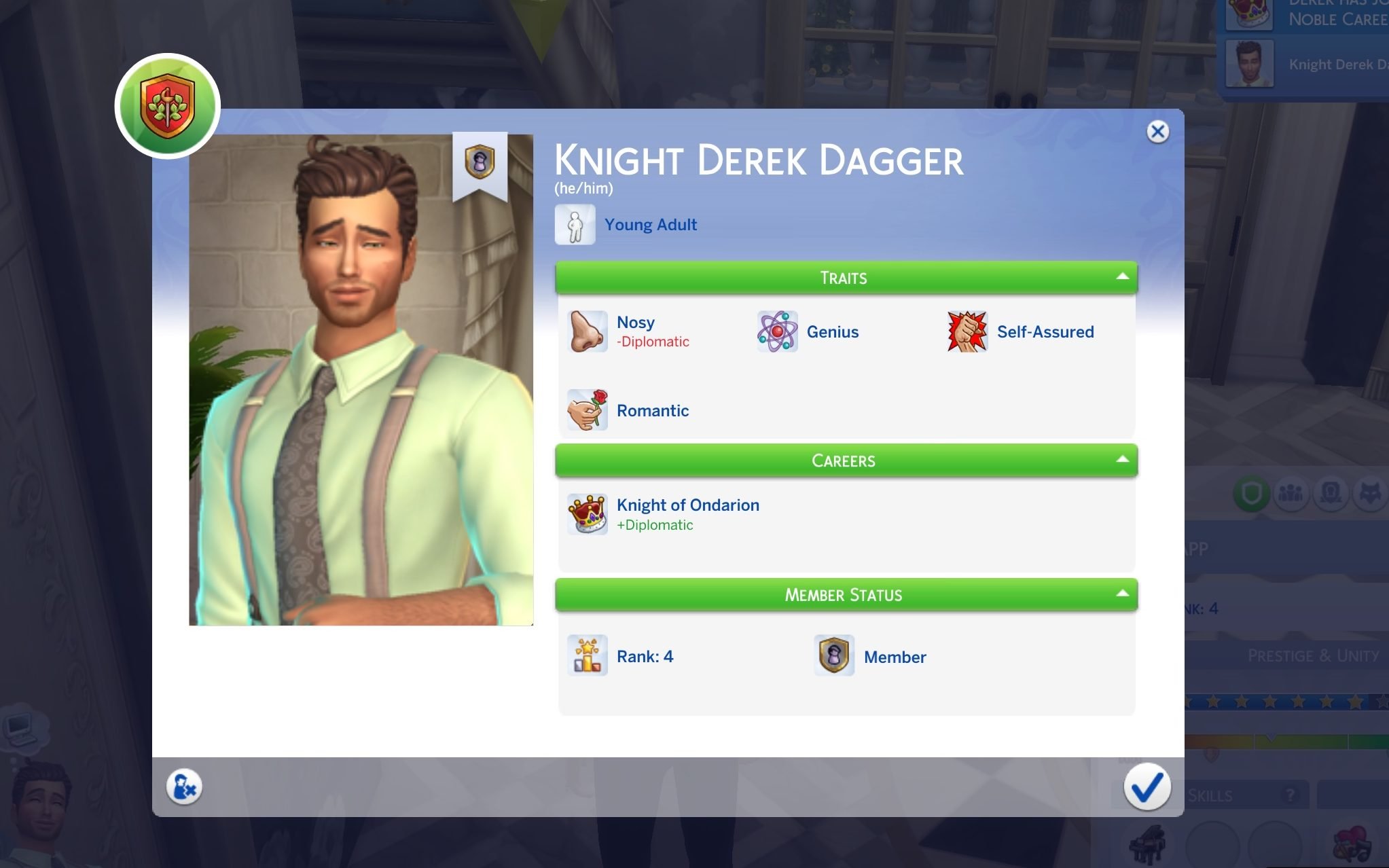
Choose the relationship you want to create, but keep in mind that some options may be restricted depending on the Sims’ ages. In this case, my Sim Derek can only be assigned as the son of Romeo Monty. Once you confirm the selection, the game will display the updated Family Tree, showing your Sim as part of their new (and entirely fabricated) lineage.
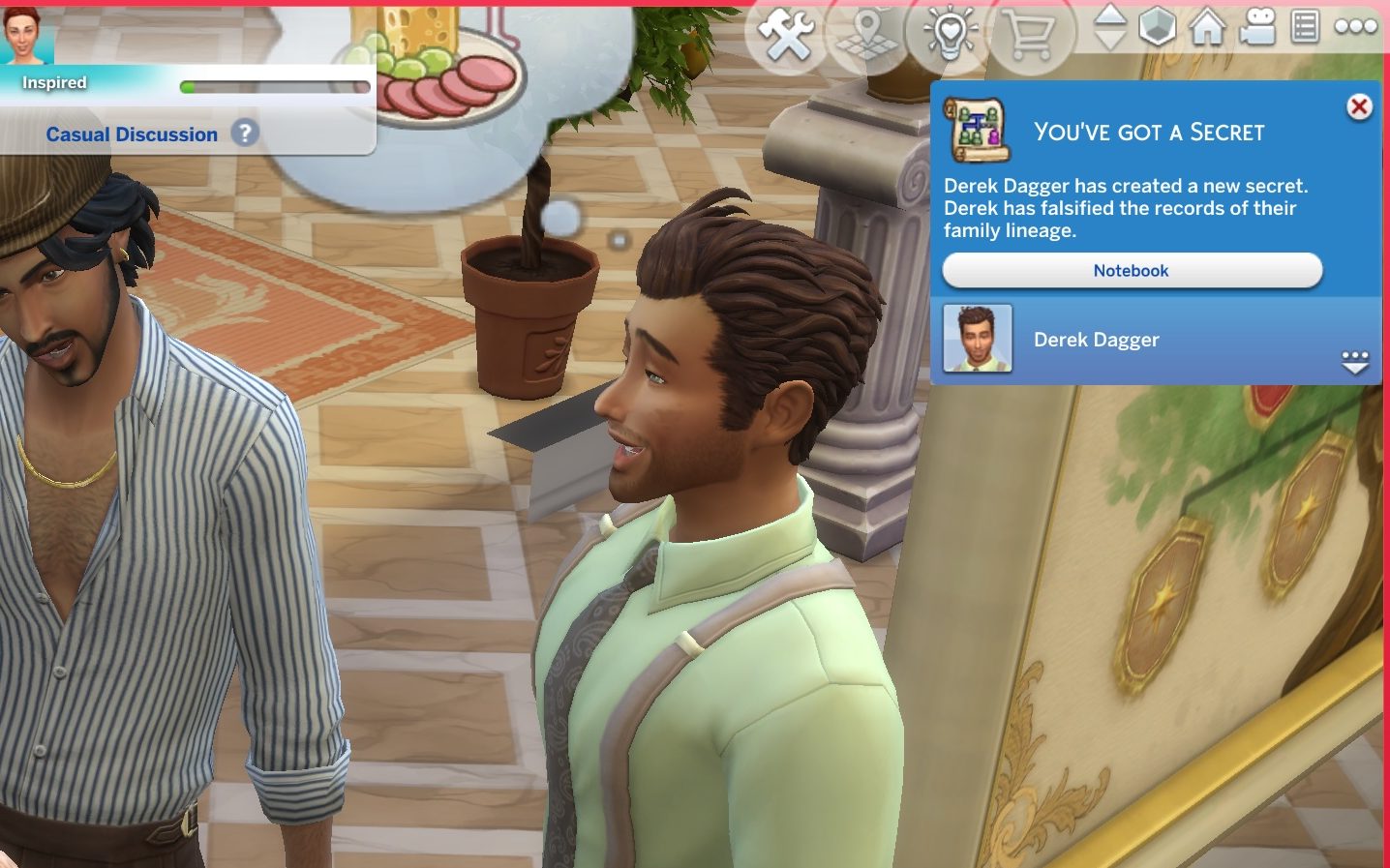
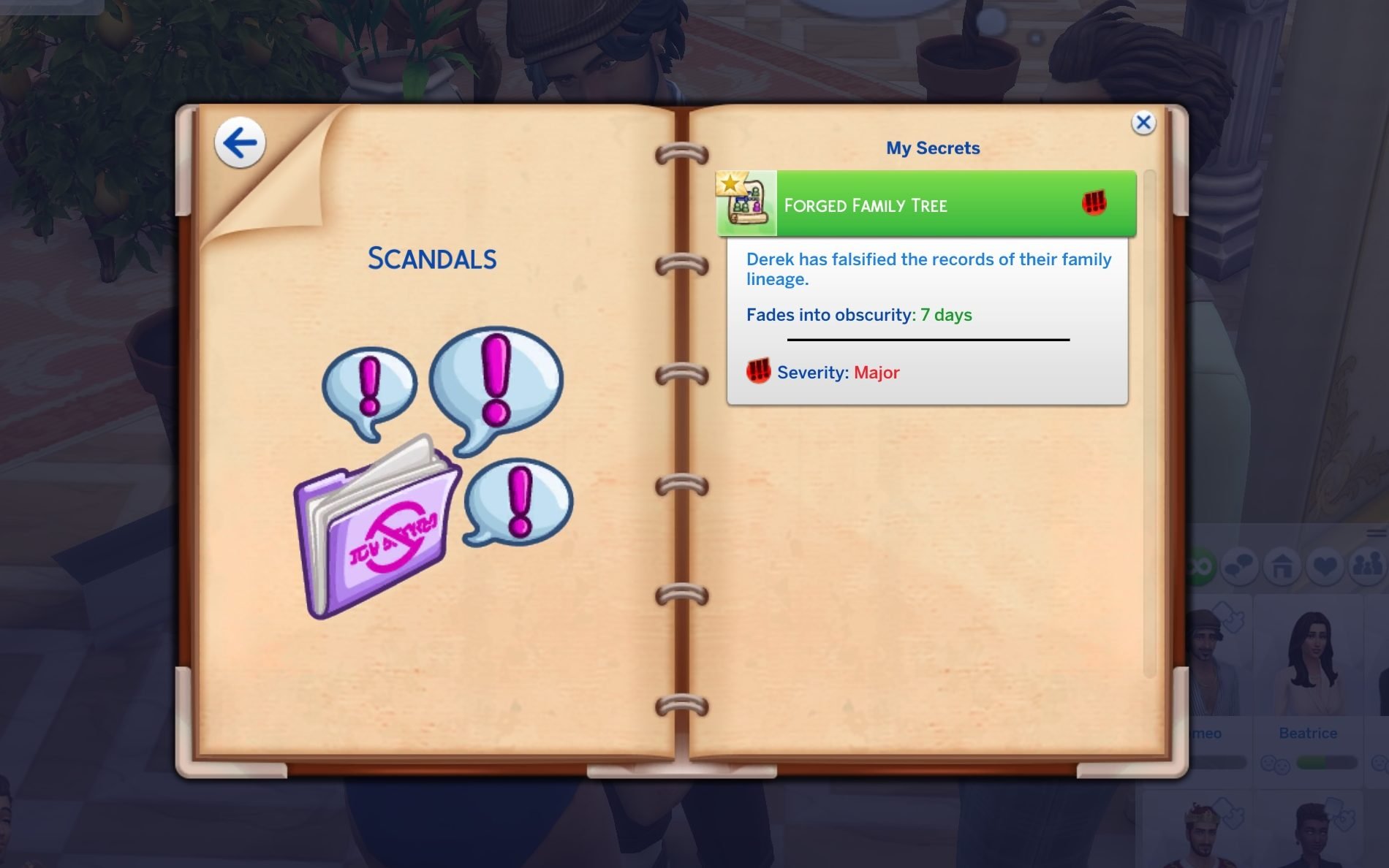
Yay! You’ve just committed a potential scandal. Your Sim has now forged fake relationships with every member of the target Sim’s family tree.
Beyond avoiding scandals, forging a connection with a non-noble Sim can actually be used strategically. For example, players who own The Sims 4: Life & Death could use it to fabricate a family tie and potentially secure an inheritance. Likewise, in The Sims 4: Get Famous, creating a connection with a prestigious or well-known family could help a Sim climb the celebrity ladder faster, leveraging their “new” lineage to boost their public image and social opportunities.
Enter the noble dynasty by using the Forge A Connection feature
This part is a bit trickier. While the procedure itself remains the same, becoming related to the patriarch or matriarch (or King / Queen) without being their direct child requires a bit more strategy. You’ll also need to avoid creating any romantic relationships with them or their children, as that can block certain forged connection options. It’s an entirely different approach to entering the royal family.
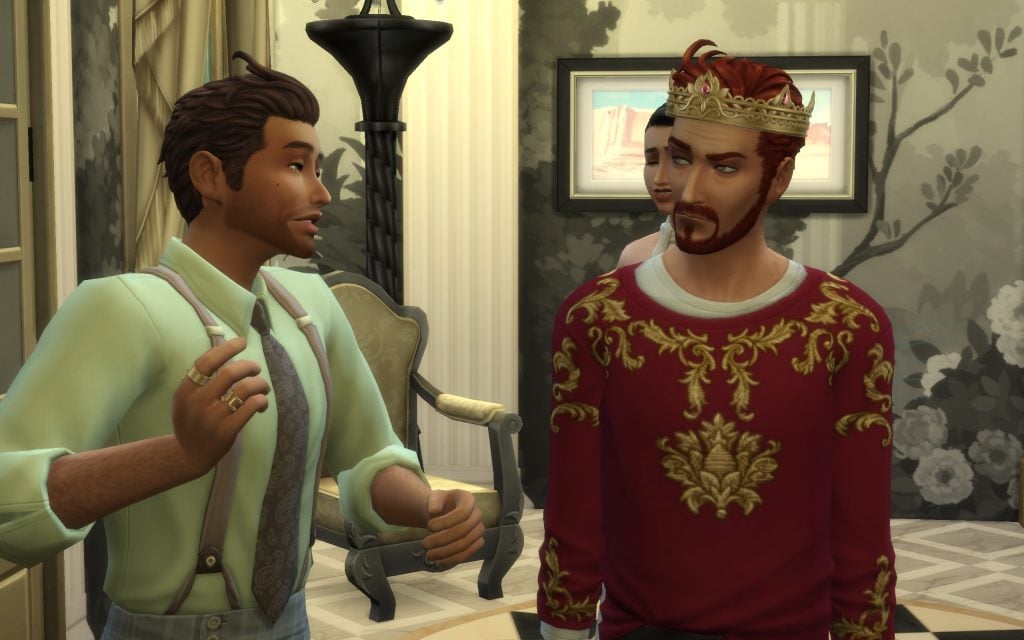
In this case, my Sim wanted to forge a fake relationship with Tybalt Capp by becoming the brother of one of his children. Since you need to meet the parent before creating the connection, you must first introduce yourself to the patriarch. This can take several attempts, as he behaves similarly to a celebrity and isn’t always immediately accessible. If you own The Sims 4: Get Famous, the process can be even more challenging due to the fame system restrictions.
To increase his chances, my Sim Derek also introduced himself to Tybalt’s daughter, Celeste, making it easier to establish the necessary family links before attempting the forged connection.
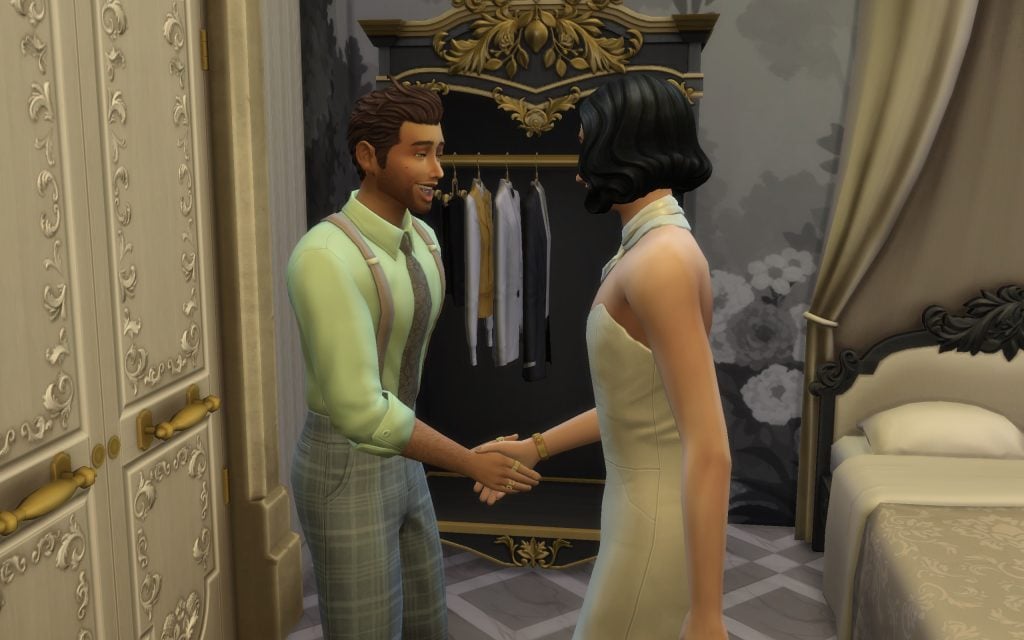
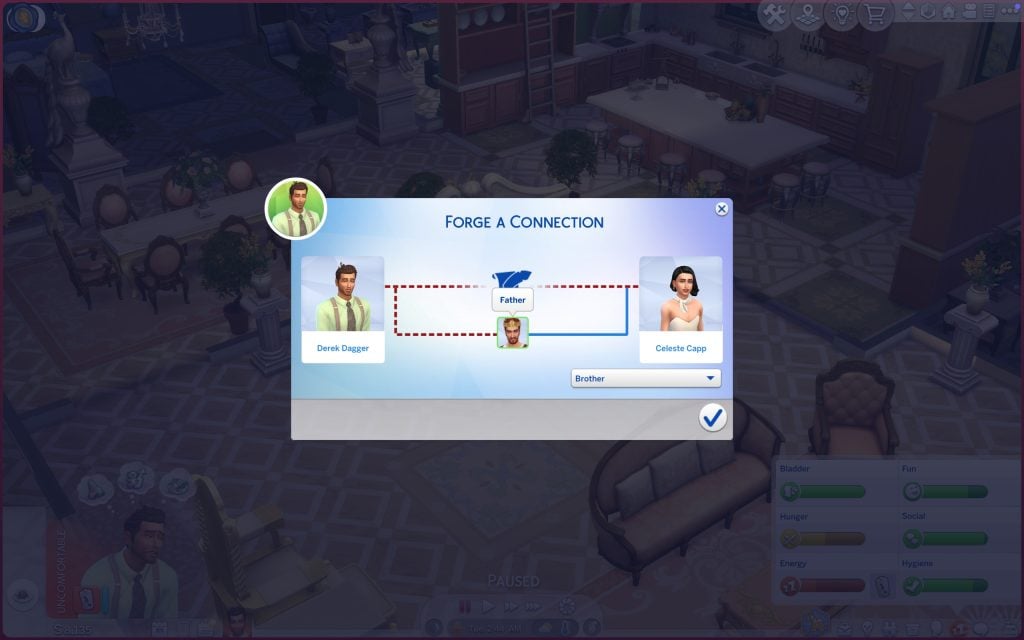
Then, when I succeeded in improving Derek’s relationship with Tybalt, I could Forge A Connection as usual.
As you can see, the panel will ask you to choose the type of relationship between the two Sims. Once you confirm your selection — congratulations!
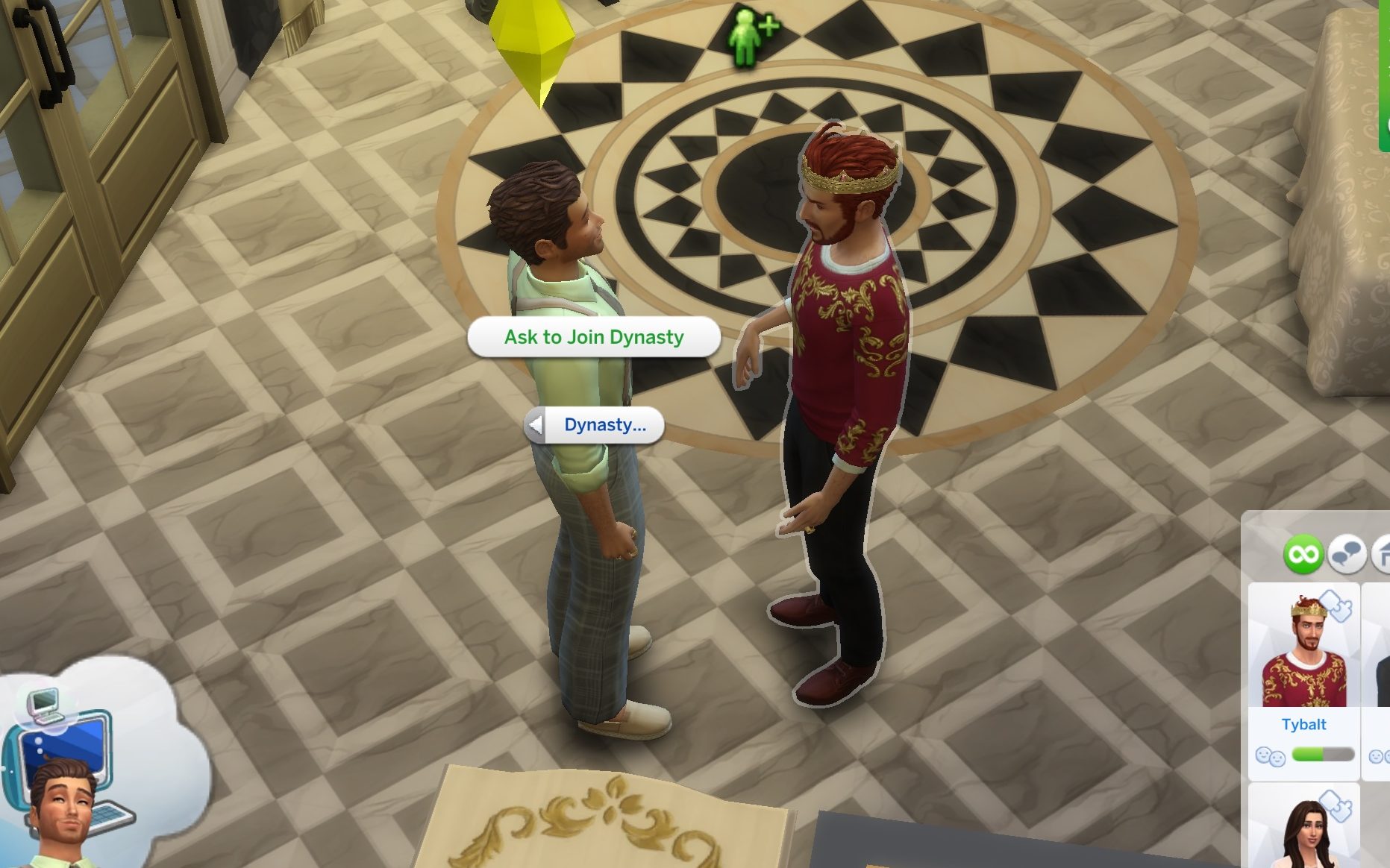
If the household belongs to an established dynasty, you can then ask the patriarch or matriarch to join it. However, acceptance isn’t guaranteed, as your chances will depend on your relationship level and overall standing with the family.
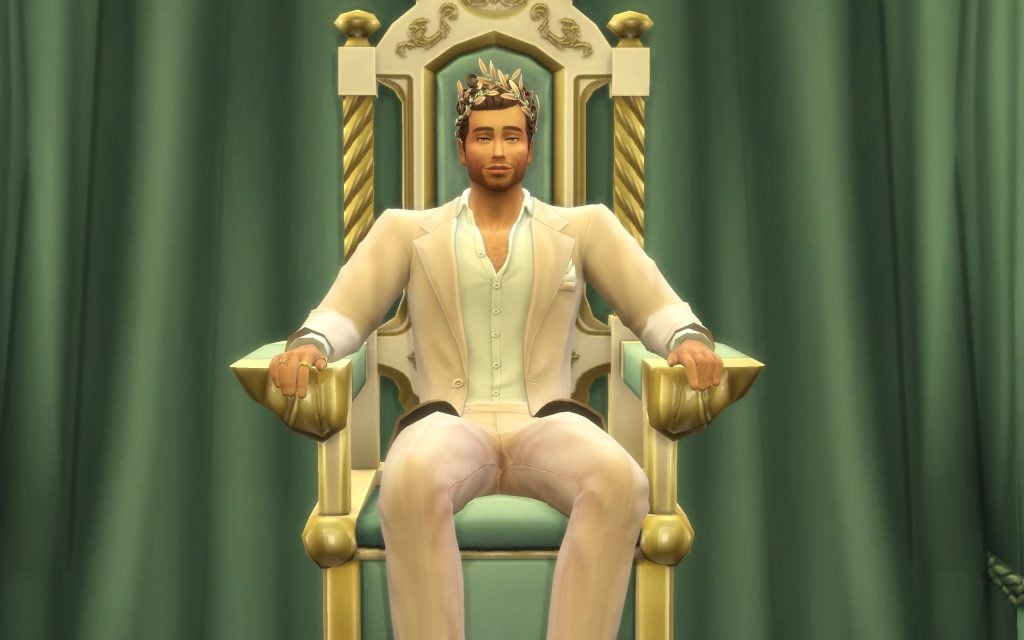
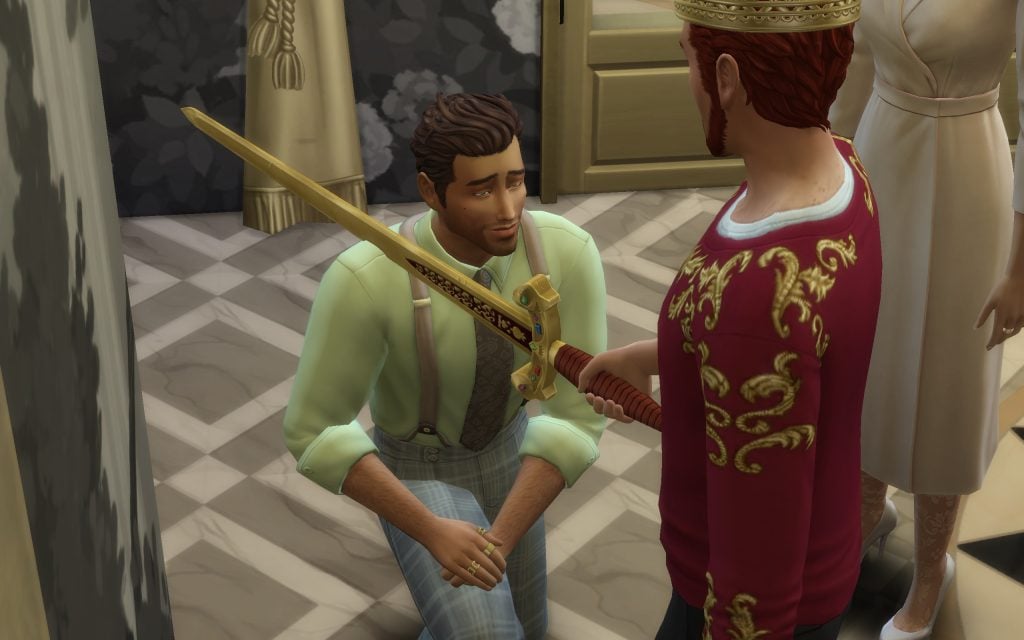
You can also gain access to the Noble career path by forging a connection as the monarch’s fake child.
And just like that, your Sim can create fake relationships with almost anyone and completely reshape the family tree to their advantage. Whether you’re looking to spark drama, secure an inheritance, or climb the Noble ranks through less-than-honest means, Forge A Connection opens up new storytelling possibilities that go far beyond traditional genealogy.
Now it’s your turn. How would you use this feature? Would you create secret heirs, fabricate royal bloodlines, or build the ultimate scandal-filled dynasty? Let us know in the comments and stay tuned for more Royalty & Legacy Guides!
Take A Look At All The New Way To Breeze You Way Through Nobility, With The Sims 4 Royalty & Legacy Cheats
Who wants to spend their precious time climbing up the ranks to get the crown? Fortunately, there are cheats for that! Below you will find all the new The Sims 4 Royalty & Legacy Cheats, from buffs, to milestones, to careers!
Table of Contents
Opening the Cheat Console
Enabling cheats can vary depending on what device you are playing The Sims 4 on. No matter which cheat we cover below, you will have to have access to the cheat console
PC: CTRL + Shift + C Mac: Command + Shift + C Console: All 4 shoulder buttons simultaneously
Enabling ‘Testing Cheats’
Before being able to use several cheats covered in this article, you will need to first enable what is known as ‘Testing Cheats’
Cheat
Description
testingcheats true/False
Activates Cheat Access
The Sims 4 Royalty & Legacy Cheats
Royalty & Legacy Cheat Menu
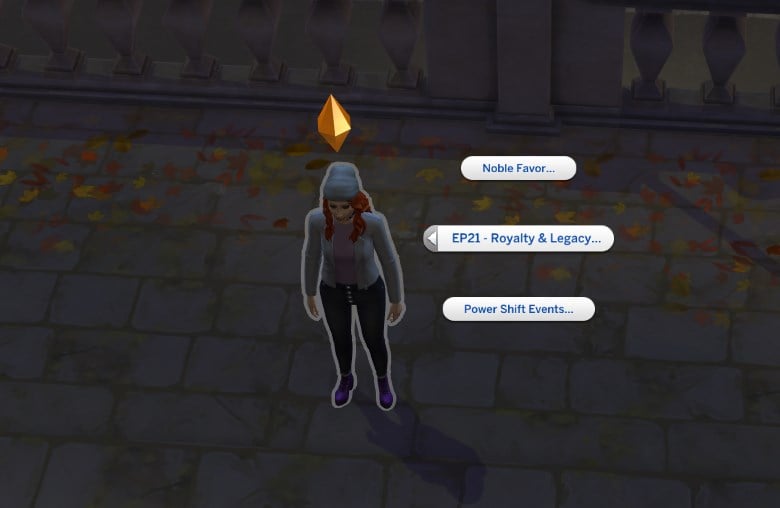
With Testing Cheats now enabled, Shift + Click on your Sim and select ‘EP21 – Royalty & Legacy…’ From here, you can edit two sections:
Noble Favour: Use this menu to align your noble Sim with either the Commoners or Royals.
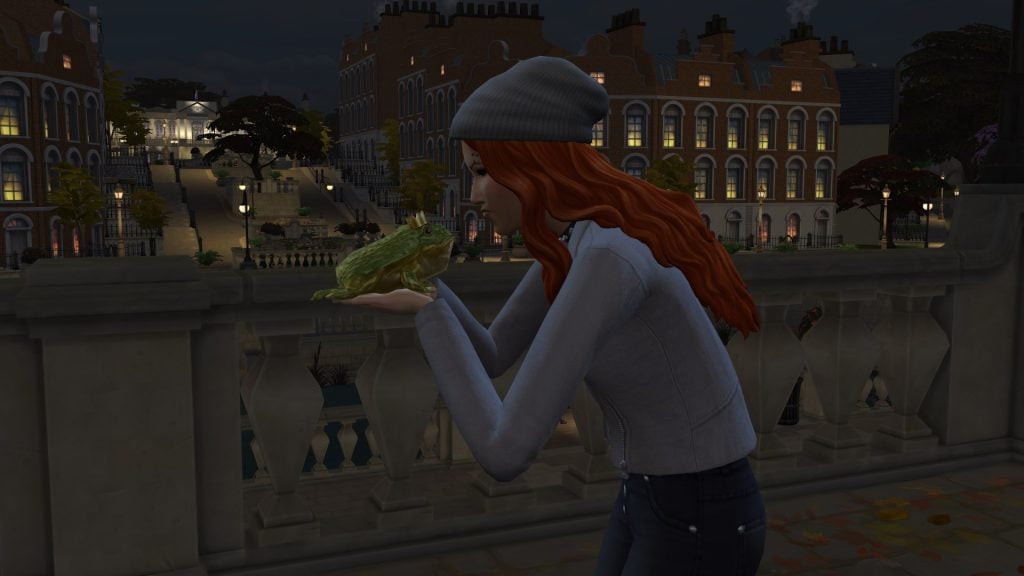
Power Shift Events: These are the fantasy-based gameplay items and events that come with the pack. You can choose ‘Create Crystal Slippers’, which will automatically place the Crystal Slippers in your Sim’s inventory, which can be worn and grant special effects at Grand Balls. If you choose ‘Create Noble Frog’, the frog will be added to your inventory. Your Sim can kiss this frog to turn it into a potential partner, and if you own Enchanted by Nature, you can eat the frog!
Aspiration Cheats
There is only one new Aspiration with The Sims 4 Royalty & Legacy, that being the Social Puppeteer Aspiration. To progress in your Sim’s chosen aspiration (in this case, Social Puppeteer,) use the following cheat:
Cheat
Description
aspirations.complete_current_milestone
Completes current aspiration goal
Career Cheats
The Sims 4 Royalty & Legacy features one new career, and it’s a big one! Despite working differently from other careers in-game, the Noble career has the same framework as other careers, so the same cheat format can be used:
Cheat
Description
careers.add_career Noble
Gives your Sim the Noble Career
careers.promote Noble
Promotes your Sim
careers.demote Noble
Demotes your Sim
Skills
The major new skill with this Expansion Pack is the Swordsmanship skill, which sees your Sim work through 10 levels to become the ultimate swordfighter. If you don’t want to struggle through the grind, use this cheat:
Cheat
Description
Stats.set_skill_level major_Swordsmanship X
Swordsmanship Skill (Level 1-10)
Deaths
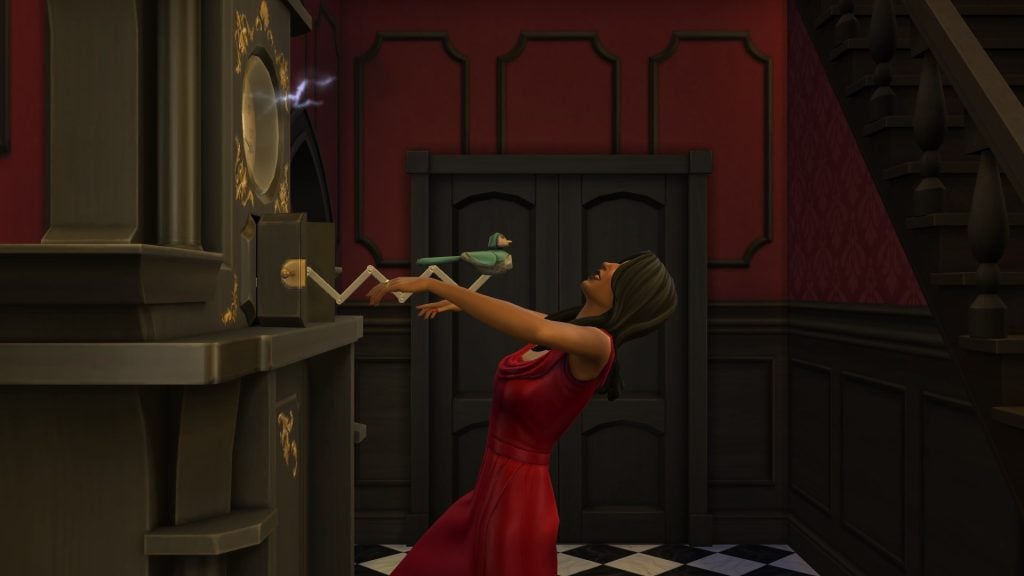
Only one new death type in this pack, and no, it’s not from duelling with swords. It’s the Death by Malfunctioning Cuckoo Clock, activated by the new Secret Passageway gameplay object. Use this cheat to kill your Sim using this method:
Cheat
Description
Traits.equip_trait trait_Ghost_SecretPassageway
Death by Malfunctioning Cuckoo Clock
Traits
While there are no new traits that can be selected from CAS, there are multiple that can be earned through noble gameplay. Check out the list below.
Important: Type ‘Traits.equip_trait’ before listing which trait you wish to add. Example: ‘Traits.equip_trait trait_noblecareer_BlueBlood’ for the Blue Blood trait.
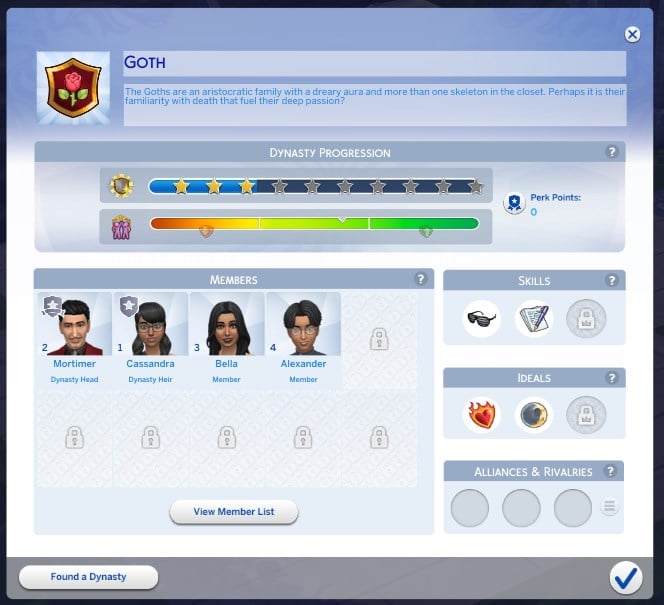
Prestige is what measures your dynasty’s success and influence, the level of which is affected by the behaviour of its members, both positively and negatively. You can raise or lower the Dynasty Prestige level using the following cheat:
Dynasty Perk Points are gained by raising the Prestige level and can be used to buy several Dynasty Perks. Don’t want to go through the effort of unlocking the perks? Use these cheats instead:
There are plenty of new milestones for your Sims’ to unlock through gameplay, or you could just instantly unlock them with these cheats! Make sure to check out our full list of Milestone cheats!
NOTE: You will require TwistedMexi’s ‘AlLCheats’ Mod for this to work
IMPORTANT: You must type ‘developmental_milestones.unlock_milestone‘ before each cheat. Example: ‘developmental_milestones.unlock_milestone Lifemilestone_Dynasty_KickedOut’
Cheat
Milestone Name
Lifemilestone_Dynasty_BlackSheepStart
Became a Dynasty Outcast
Lifemilestone_Dynasty_BlackSheepStart
Restored Status in Dynasty
Lifemilestone_Dynasty_Founded
Founded a Dynasty
Lifemilestone_Dynasty_HeadLost
Usurped as Head of Dynasty
Lifemilestone_Dynasty_HeadStart_Default
Became Head of Dynasty
Lifemilestone_Dynasty_HeadStart_Chess
Became Head of Dynasty (Earned Through Chess)
Lifemilestone_Dynasty_HeadStart_Demand
Became Head of Dynasty (Earned Through Demand)
Lifemilestone_Dynasty_HeadStart_Fight
Became Head of Dynasty (Earned Through Winning a Fight)
Lifemilestone_Dynasty_HeadStart_Sword
Became Head of Dynasty (Earned Through Sword Duel)
Lifemilestone_Dynasty_HeadSteppedDown
Stepped Down as Dynasty Head
Lifemilestone_Dynasty_HeirStart
Became Dynasty Heir
Lifemilestone_Dynasty_HeirEnd
Stopped Being Dynasty Heir
Lifemilestone_Dynasty_Joined
Joined a Dynasty
Lifemilestone_Dynasty_KickedOut
Kicked Out of Dynasty
Lifemilestone_Dynasty_Left
Left a Dynasty
Sentiments
There are plenty of new Sentiments that revolve around noble life and dynasties. Check them out below! Make sure to check out our full list of Sentiment cheats!
NOTE: You will require TwistedMexi’s ‘AlLCheats’ Mod for this to work
IMPORTANT: You must type ‘modify relationship FIRSTNAME1 LASTNAME1 FIRSTNAME2 LASTNAME2 100‘ before each cheat. Example: ‘modify relationship Bob Pancakes Eliza Pancakes 100 sentimentTrack_Actor_FuriousAt_Target_ST_Dynasty_EncouragementFailure’
Buffs are what your Sims gain through gameplay that guide their overall emotion and future autonomous actions. Take a look at our full list (divided up by category):
NOTE: You will require TwistedMexi’s ‘AlLCheats’ Mod for this to work
IMPORTANT: You must type ‘Sims.add_buff‘ before each cheat. To remove the buff type ‘Sims.remove_buff‘ Example: ‘Sims.add_buff buff_NobleFavor_FlubbedCritique’
Ballroom Buffs
Cheat
Buff Name
buff_Ballroom_PartneredUp
Partnered Up
buff_Ballroom_ReadyToWaltz
Ready to Waltz
Noble Buffs
Cheat
Buff Name
buff_NobleCareer_Abdication_Normal
Time For Change
buff_NobleCareer_Abdication_Pressure
Noble Pressure
buff_NobleCareer_Abdication_Seduce
Flirty Suggestions
buff_NobleCareer_Abdication_Blackmail
Honor Before Duty
buff_NobleCareer_AtonementComplete
Public Shame
buff_NobleCareer_CoronationComplete
Coronation Celebration
buff_NobleCareer_DeniedTitleInheritance
Denied Title Inheritance
buff_NobleCareer_FulfillingDestiny
Fulfilling My Destiny
buff_NobleCareer_GenerousDonation
Generous Donation
buff_NobleCareer_HeartfeltSpeech
Heartfelt Speech
buff_NobleCareer_InsultingAdvice
Insulting Advice
buff_NobleCareer_NobleInheritor
Promised Inheritance
buff_NobleCareer_NobleLeadership
Noble Leadership
buff_NobleCareer_NoPromiseCanInherit
Noble Legacy Lost
buff_NobleCareer_NoPromiseCannotInherit
Noble Legacy Lost
buff_NobleCareer_PressDisaster
Press Disaster
buff_NobleCareer_PromotionComplete
Noble Promotion
buff_NobleCareer_ThroneCalling
Nobility Is Calling
buff_NobleCareer_VeryGenerousDonation
Very Generous Donation
buff_NobleFavor_FlubbedCritique
Flubbed Critique
buff_NobleFavor_LaughsInWealthy
Laughs in Wealth
buff_NobleFavor_NobleGifts_Rejection
Noble Rejection
buff_NobleFavor_NobleGifts_Treats
Noble Treat
buff_NobleFavor_RankUp_Commoner_Level1
Champion of the People
buff_NobleFavor_RankUp_Commoner_Level2
Trusted Ally
buff_NobleFavor_RankUp_Commoner_Level3
Champion of the People
buff_NobleFavor_RankUp_Royal_Level1
A New Face to Royalty
buff_NobleFavor_RankUp_Royal_Level2
Courtly Acquaintance
buff_NobleFavor_RankUp_Royal_Level3
Royal Radiance
buff_NobleFavor_ScepterSnub
Scepter Snub
Dynasty Buffs
Cheat
Buff Name
buff_Dynasty_AllianceEndedActor
Broken Bonds
buff_Dynasty_AllianceEndedTarget
Betrayed Alliance
buff_Dynasty_AllianceNew
Formed Alliance
buff_Dynasty_BlackSheepUndeclaredHappy
Back to the Fold
buff_Dynasty_BlackSheepUndeclaredAngry
About Hecking Time
buff_Dynasty_ChangeValue_Artistic
Questioned Ideals
buff_Dynasty_ChangeValue_Caring
Questioned Ideals
buff_Dynasty_ChangeValue_Connoisseur
Questioned Ideals
buff_Dynasty_ChangeValue_Mysterious
Questioned Ideals
buff_Dynasty_ChangeValue_Vicious
Questioned Ideals
buff_Dynasty_ChangeValue_Scholarly
Questioned Ideals
buff_Dynasty_ChangeValue_Devious
Questioned Ideals
buff_Dynasty_ChangeValue_Nature
Questioned Ideals
buff_Dynasty_ChangeValue_Passionate
Questioned Ideals
buff_Dynasty_ChangeValue_Jolly
Questioned Ideals
buff_Dynasty_ChangeValue_Hardworking
Questioned Ideals
buff_Dynasty_ChangeValue_Diplomatic
Questioned Ideals
buff_Dynasty_ChangeValue_Bold
Questioned Ideals
buff_Dynasty_BlackSheepDeclarationSad
Cast Out Sorrow
buff_Dynasty_BlackSheepDeclarationConfident
The Right Thing
buff_Dynasty_BlackSheepDeclarationTense
Difficult Decision
buff_Dynasty_Encouraged_AntiFriendship
Discouraged Friendship
buff_Dynasty_Encouraged_AntiRomance
Discouraged Romance
buff_Dynasty_Encouraged_CareerChange
Change Calling
buff_Dynasty_Encouraged_CareerPerformance
Career Hustle
buff_Dynasty_Encouraged_AntiIdeal
Break the Rules
buff_Dynasty_Encouraged_Friendship
Chosen Companion
buff_Dynasty_Encouraged_Ideal
Duty Bound
buff_Dynasty_Encouraged_Rivarly
All Rivaled Up
buff_Dynasty_Encouraged_Romance
Suitable Match
buff_Dynasty_Encouraged_Skill
Mastery Mindset
buff_Dynasty_JoinedDynasty
Dynastic Pride
buff_Dynasty_MockInferior
Dynastic Inferiority
buff_Dynasty_MockSuperior
Dynastic Superiority
buff_Dynasty_NewHeadConfident
Stepping Into Power
buff_Dynasty_NewHeadTense
Heavy Responsibilities
buff_Dynasty_RivalryEnded
Buried the Hatchet
buff_Dynasty_RivalryEndFailActor
Stay Mad About It
buff_Dynasty_RivalryEndFailTarget
Too Little Too Late
buff_Dynasty_RivalryNewActor
I Bite My Thumb
buff_Dynasty_RivalryNewTarget
Upstart Rivals
buff_Dynasty_RivalryRejectedDeclaration
Small Fry?
buff_Dynasty_StandingCritique
Dynastic Diss
buff_Dynasty_StandingCompliment
Dynastic Respect
buff_Dynasty_WorkEmail_FailTense
Over-stuffed Inbox
buff_Dynasty_WorkEmail_FailEmbarassed
Unsend! UNSEND!
buff_Dynasty_WorkEmail_Success
Mailbox Maestro
Swordsmanship
Cheat
Buff Name
buff_Swordsmanship_InspiringDuel
Scintillating Swordplay
buff_Swordsmanship_DuelRejected_LowStakes
Blunt Rejection!
buff_Swordsmanship_DuelRejected_HighStakes
Blunt Rejection!
buff_Swordsmanship_LoseTournament
Lost a Tournament
buff_Swordsmanship_SurrenderTournament
Surrendered the Tournament
buff_Swordsmanship_ThatwasHOT
That was HOT
buff_Swordsmanship_WinningDuel_LowStakes
Spectacular Swordplay
buff_Swordsmanship_LosingDuel_HighStakes
Humiliating Duel Loss
buff_Swordsmanship_LosingDuel_HotHeaded
LOST!!!!!! A DUEL!!!!!
buff_Swordsmanship_LoseTournament_Ambitious
LOST A TOURNAMENT?!?!
buff_Swordsmanship_LosingDuel_LowStakes
Humiliating Duel Loss
buff_Swordsmanship_WinningDuel_Ambitious
The Greatest Duelist!
buff_Swordsmanship_WinningDuel_HighStakes
To the Victor go the Spoils!
buff_Swordsmanship_RefinedTechnique
Refined Technique
Power Shift Buffs
Cheat
Buff Name
buff_PowerShifts_Frog_EnchantedEncounter
Enchanted Encounter
buff_PowerShifts_Frog_FroggyRejection
Froggy Rejection
buff_PowerShifts_Frog_SlimySurprise
Slimy Surprise
buff_PowerShifts_Mirror_BlessingOfTheMirror
Blessing of the Mirror
buff_PowerShifts_Mirror_BurdenOfTheMirror
Burden of the Mirror
buff_PowerShifts_Mirror_CurseOfTheMirror
Curse of the Mirror
buff_PowerShifts_Mirror_DimHorizons
Dim Horizons
buff_PowerShifts_Mirror_FeelingNosy
Feeling Nosy
buff_PowerShifts_Mirror_GiftOfTheMirror
Gift of the Mirror
buff_PowerShifts_Mirror_RadiantReflections
Radiant Reflections
buff_PowerShifts_Shoes_DanceOfDestiny
Dance of Destiny
buff_PowerShifts_Shoes_EnchantedSteps
Enchanted Steps
buff_PowerShifts_Shoes_FindingMyOwnPath
Finding My Own Path
buff_PowerShifts_Shoes_LonelySteps
Lonely Steps
buff_PowerShifts_SpiderWell_CommonersThread
Commoner’s Thread
buff_PowerShifts_SpiderWell_CourtWhispers
Court Whispers
buff_PowerShifts_SpiderWell_DestinySpun
Destiny-Spun
buff_PowerShifts_SpiderWell_EliteSchemer
Elite Schemer
buff_PowerShifts_SpiderWell_HumbledByTheSpider
Humbled by the Spider
buff_PowerShifts_SpiderWell_LostThread
Lost Thread
buff_PowerShifts_SpiderWell_RoyalsWeave
Royal’s Weave
buff_PowerShifts_SpiderWell_TrialWalkerDeceit
Trial Walker: Deceit
buff_PowerShifts_SpiderWell_TrialWalkerMilestone
Trial Walker: Creation
buff_PowerShifts_SpiderWell_TrialWalkerSecret
Trial Walker: Secret
buff_PowerShifts_SpiderWell_TrialWalkerStory
Trial Walker: Story
buff_PowerShifts_SpiderWell_TrustedByTheWeb
Trusted by the Web
buff_PowerShifts_SpiderWell_WebOfShame
Web of Shame
buff_PowerShifts_SpiderWell_WovenVoice
Woven Voice
buff_PowerShifts_Sword_HumbledByTheStone
Humbled by the Sword
buff_PowerShifts_Sword_SelflessSpirit
Selfless Spirit
buff_PowerShifts_Sword_SwordbearersAura
Radiant Aura
buff_PowerShifts_Sword_TarnishedTitle
Tarnished Title
buff_PowerShifts_Sword_WorthyOfAMonarch
Worthy of a Monarch
Make sure to check out our other Cheat Guides here at Sims Community!
Ahh The Sims 4 restaurants, a story in itself really. Dining out in The Sims 4 isn’t just about filling hunger bars – it’s also about a deep rooted patience for The Sims 4: Dine Out to work as intended and for your Sims to get their meal within an 8 hour period. Not only that but maybe you never even get your food! Yet Simmers prevail and, as one myself, we still keep sending our Sims out to fabulous restaurants in The Sims to wine and dine to, hopefully, their hunger bars content…
Taking your Sims out to restaurants in The Sims is also about the atmosphere, the storytelling aspects that comes with the whole adventure that is The Sims 4: Dine Out, and the digital worlds The Gallery creators dish up for us. From candlelit rooftops to ice cream parlors on those heatwave days, The Gallery is overflowing with The Sims 4 restaurants that feel more like destinations than lots.
I went hunting for the best builds I could find, and discovered a buffet of creativity all over The Gallery. The Sims 4: Dine Out has been a hot topic in The Sims community, and not in a good way, but with these top tier builds the chaos that comes with restaurants might just be worth it.
The Sims 4 Restaurants
Gourmet Restaurant – paszerine
Lot Type: Restaurant Lot Size: 20×20 Price: §348,890
First up on the menu is this gourmet restaurant by paszerine. Gourmet restaurant indeed, this build doesn’t serve food it serves main character energy! Starting off strong with a title that encompasses everything you need to know about this extremely luxurious establishment, this place has everything your Sims might need, they even have a whole roof top section for those clear starry nights. Luckily meteors don’t just fall randomly from the sky so your Sims should be safe.
Ever wanted your own personal booked off area in The Sims? The middle floor has a whole private section off to the side with a private balcony, a stage to have performers come entertain you on your snazzy night out and plenty of space for the whole family. The rest of the floor is done up to the nines, with fancy tables and chairs set out, and this section also has a balcony. And that’s just the upstairs!
On the ground floor we have seating areas and bar spots for socializing and dining as your heart or stomach desires. A grand entrance, a beautiful large curved bar area and beautifully laid out dining spots, what more could you ask for?
Lot Type: Restaurant Lot Size: 20×20 Price: §348,890
Standing tall and proud, our next reservation takes us to this gem, with well placed and colored lighting on the signage to really make it pop. Not only is this build scrumptious to gaze upon both day and night, it has two rooftop areas that bring a whole vibe to the space. One side of the rooftop area has spots for live music for all your entertainment needs and on the other side some outdoor seating to take in the crisp breeze while nibbling some delectable food.
The use of lots of tall windows helps make the space feel bigger, and with all that glass there is sure to be plenty of light streaming in during the day. And the cherry on top? This build is base game only which means every Simmer gets to use it and enjoy it when paired with The Sims 4: Dine Out! A real treat if I do say so myself.
Lot Type: Restaurant Lot Size: 30×20 Price: §130,353
Imagine dining with the soundtrack of the waves and ocean, with indoor seating spilling effortlessly outside. This Sims 4 restaurant feels like a postcard come to life, if there was a second Brindleton Bay postcard then this would be the main highlight! A seaside escape that truly is a picture perfect build with the lighthouse anchoring this whole lot. With the combination of white and blue this build creates a palette pulled straight from the sea and sky making it light, airy and timeless. Indoor and outdoor seating makes the options for dining vast, with panoramic views that steal the spotlight.
This restaurant instantly relaxes the mood and draws the eye in, with both restaurant and bar on one lot it expands the opportunities for gameplay. Whether your Sims come for a bite to eat, then stay for some sundowners and a drink or two over looking the views, this spot has it all. A two-story seaside retreat designed around the lighthouse, every view, on every floor, offers a new perspective of the beautiful surroundings. You can’t help but spot this lot and be pulled in. Designed for sunsets and slowing down, it feels calm and endlessly scenic.
Lot Type: Restaurant Lot Size: 20×20 Price: §348,890
This street side sushi restaurant gives off a fast-paced and full of energy vibe. From it’s warm tones, to its in-door and outdoor seating, this restaurant feels like a slice of city street culture. It’s functional, vibrant, and designed to keep Sims moving. With beautiful landscaping all around and two story’s, this lot would be a perfect stop on your way home after a long day. Pop in for a bite, treat yourself to some California rolls and wind down in the Zen feeling of it all.
As an extra treat there is even a table overlooking the chef so you can see the master at work as they slice and dice your food for that added experience. Hopefully no ear picking or food falling on the floor involved… The Sims 4 restaurants can have such charm and personality when Simmers get their hands on the build buy catalogue. A themed restaurant just adds that extra bit of sparkle to an already fun build.
Lot Type: Restaurant Lot Size: 20×20 Price: §348,890
Speaking of themed builds who doesn’t love a good taco? Taco Tuesday? Mexican Monday… Friday Fiestas! Ok maybe not everyone is a fan but this restaurant is a great find. This Mexican restaurant feels like a little pocket of sunshine tucked into the neighborhood. Almost as if golden hour lives here permanently. From the layout, to the colors and décor, who doesn’t love a splash of culture, with staff dressed to match the restaurants festive heartbeat. This Sims 4 restaurant has a warm and inviting, homey vibe.
The lighter browns of the walls and accent pieces along with the terracotta flooring give off toasty earth tones that anchor the whole build. It feels grounded and comforting, a cozy cantina glow wraps around the room into the atmosphere of this build. Booths that practically invite long conversations and extra margaritas. Cherry-red booths at that, they almost pop like chilis giving you a feeling of something spicy – a pop of spice in your burrito is always a welcoming flavor. The room practically hums with spice and chatter. Are you ready to say Sul Sul to your next salsa and guacamole mix?
Lot Type: Restaurant Lot Size: 20×20 Price: §348,890
This Sims 4 restaurant runs on coffee and nostalgia. A bold roadside sign calls out to passing Sims, giving out a glowing promise of something warm, something homey and something comforting. The kind of place that never really closes – and because it’s The Sims it never does! There are red vinyl booths that practically invite gossip and milkshakes, with floors straight out of a 1950s postcard. The booths are bold and picture perfect for a diner, giving the space a creative and lived-in feeling. Fritosaurio has even added a makeshift gas station to add to the atmosphere and gives that classic ‘rest stop from a road trip movie’ vibe.
A checkerboard stage for sizzling breakfasts and refills, this diner combines layering colours, textures, and personality into every corner. The counters with the bar stools feel like the heart of the diner’s rhythm and this place definitely runs on coffee and jukebox music. Here is where the coffee is endless and the pie never runs out.
Lot Type: Restaurant Lot Size: 20×20 Price: §348,890
Serving something slightly different, this lot isn’t just a restaurant, it’s that and so much more. This venue is giving the kind of vibe that says you need to book this out a year in advance. This one is also built using only the base game and The Sims 4: Dine Out. According to Simchic0077 it is the perfect venue for a formal wedding and I might have to agree. With two main dining rooms, private lounges and even a basement bar – this lot really encompasses everything.
There is a heart shaped fountain! Just past the gorgeous wedding area, framed by the wedding arch, there is a fountain shaped like a heart filled with petals and red water – try not think Friday 13th and more Valentines Day. There are gorgeous landscaped gardens for your Sims to relax under the shade of an umbrella during the day with a toasty fire lamp at night. So if your Sims happen to be getting married, thinking about it, or just want a really fancy spot to have a day or night out – keep this one in mind.
Lot Type: Restaurant Lot Size: 20×20 Price: §348,890
This build is the architectural equivalent of comfort food. Colorful and warm, you can picture the menu before you have even sat down. Not only can you picture the menu but you can also almost taste the food – comfort food; tasty, delicious. A cozy build, definitely found in the countryside, with the fabulous scents of herbs and spices floating in the crisp air. This lot is filled with character and personality and would fit in beautifully in Windenburg, Henford-on-Bagley, even Willow Creek would do for this one!
With stone walls and timber beams, natural and unrefined materials, it gives off a rustic feel. This build combines the use of warm neutrals like browns, whites, and tans, and complements it with pops of greenery and muted greens/blues. Another two-story build, with plenty of seating both upstairs and downstairs. There are spots on the balcony to take in the cool night air and listen to the sounds of nature… or the sounds of other Sims at the bar downstairs. Who knows, maybe your Sims stay after their dinner to enjoy a drink or two. The options are there!
Lot Type: Restaurant Lot Size: 20×20 Price: §348,890
Good food mixes with gorgeous weather and time slows down on this lot… unless it rains – we all know the one day we don’t want it to rain in Sulani it inevitably rains. But imagine the days it doesn’t. Imagine the light breeze as your Sims sit or lounge on this lot waiting for their finely plated food. Something light and full of flavor to keep with the light and breezy atmosphere. With white and wooden accents this build looks clean, refreshing, almost like an exotic tropical destination.
With private cabanas to sit at and gaze out over the ocean, this is seaside dining at its finest. The relaxed rhythm of the ocean pours into the atmosphere of this lot where all Sims are here for both a good time and a long time. With natural wooden textures helping this blend into it’s environment more and your line of site being open to the ocean almost every angle feels permanently in holiday mode. And who doesn’t love a good holiday mode, I sure do!
Lot Type: Restaurant Lot Size: 30×30 Price: §245,000
Simmers, feast your eyes on this sparkly number. This Sims 4 restaurant has crystal like stalactites hanging low from the ceiling creating elegant shimmers, like fairy lights dancing across the walls and floor. The crystal lights cascading down could almost blend in with the night sky through the glass ceiling, creating twinkling beauty as you dine adding to the already magical ambience. A large wall of glass helps merge the outside with what is going on within. Pair that with a large skylight which brings the night sky right to your table.
By day or by night, this lot is glorious. It too has indoor and outdoor seating, as well as upstairs seating. There is room for entertainment on each floor, so if the atmosphere isn’t enough then rest assured there are more options on the table.
Lot Type: Restaurant Lot Size: 20×20 Price: §348,890
This restaurant blends raw industrial bones with refined luxury finishes. Exposed structures meet soft furnishings, creating contrast at every turn. These materials, like the exposed concrete and metal beams, give off a more warehouse-like aesthetic. A very high end warehouse mind you. It emphasizes open-plan spaces that are functional and great for gameplay. No routing issues here as far as I can see with minimalist furniture, and structural elements being the main eye catching pieces. Large-scale greenery, like near the entrance of this build, adds to the contrast with the hard, raw materials.
A one story build with everything you might need from a Sims 4 restaurant. The camera angles speak for themselves, and would be great for storytelling. As with most of the others this too has both indoor and outdoor seating for both those sunny days and starry nights but also the colder winter days or stormy rainy nights.
Lot Type: Restaurant Lot Size: 20×20 Price: §348,890
Time to clear the plates and make room for dessert! This build looks like pure joy and is as sweet as it appears. Designed with comfort and accessibility in mind, this ice cream parlor feels welcoming to Sims of all ages. Soft pastel pinks and baby blues wash over the space like scoops of strawberry and blueberry ice cream, instantly creating a cheerful, carefree atmosphere. Open seating keeps the layout easygoing and relaxed, making it the perfect spot for family outings, after-school treats, or spontaneous late-night sugar cravings. I can just picture your teen Sims hanging out here after school. Everything about the space feels light, friendly, and unapologetically sweet.
Step inside and the whole build feels like walking into a candy-colored daydream. The palette is straight out of an ice cream display case, with colors that feel whipped, sprinkled and served with extra joy. It’s the kind of place where Sims linger over sundaes, celebrate small wins with milkshakes, and leave with colorful smiles and sticky fingers. Playful and bright this parlor feels less like a restaurant and more like a little scoop of happiness tucked into the neighborhood.
Lot Type: Restaurant Lot Size: 20×20 Price: §348,890
Serving something a little more magical than the usual menu, this treetop restaurant lifts dining quite literally to new heights. Wrapped around a towering tree like a storybook hideaway, this three-story build feels less like a restaurant and more like a secret destination waiting to be discovered. Suspended among leaves and branches, the entire lot feels like a peaceful escape from the bustle of everyday Sim life.
This glorious build is like a three tiered cake – made of wood and bark and leaves, but you get the idea. It is a masterpiece crafted from warm wood, leafy greens and calming natural tones, all the way from the bottom of the trunk to the tippy tops of the tree. At ground level, cool water invites Sims to take a refreshing dip before wandering up the staircase. The first floor offers cozy dining surrounded by greenery, while the second floor shifts the mood into evening relaxation with a fully stocked bar. At the very top, entertainment spaces invite friendly competition, group games and lingering conversations under the night sky and tree canopy.
As the sun sets, the entire treehouse transforms into a glowing lantern, it helps the chosen anchor tree has built in lanterns. Soft lights twinkle between branches and the views become nothing short of magical. Every level offers photo-worthy corners making the whole lot feel like a hidden retreat where nature and nightlife meet. It’s the perfect place for Sims to make memories, share stories and spend an evening feeling completely at one with the outdoors.
Lot Type: Restaurant Lot Size: 20×20 Price: §348,890
Clean lines and open space set the tone for this sleek downtown dining spot. Nestled perfectly into the busy streets of San Myshuno, the Old Salt House blends modern city style with just enough character to feel warm and inviting. Concrete, exposed brick and wide glass panels come together in that effortlessly cool industrial way, creating a space that feels both polished and relaxed at the same time.
Inside, the design leans into neutral tones and uncluttered layouts, letting texture do the talking. Raw brick walls bring warmth, concrete adds a modern edge, and expansive windows pull the energy of the city straight into the dining room. It’s the kind of restaurant that feels equally suited for casual lunches, after-work dinners and long evening conversations as the city lights start to glow outside.
True to lilsimsie‘sknack for functional builds, the lot balances style and practicality with ease. Form and function share the spotlight here, creating a space that feels realistic, usable and effortlessly urban. The Old Salt House fits seamlessly into the downtown skyline — a contemporary restaurant that feels right at home among the buzz of city life.
Can you picture any or all of these lots fitting seamlessly somewhere in your Sims worlds? Let us know which Sims 4 restaurant you would want to try out!
All of these restaurants, and many more, deserve their own chef’s kiss and definitely get a solid 5 star rating! As we have seen before, Simmers don’t just design spaces, they create a whole experience for your Sims to enjoy. From a romantic date night, to a casual diner visit or simply to sit sighing at your screen while none of your Sims sit at the same table – these restaurants are sure to turn your everyday gameplay into something delicious. The Gallery is the menu and the menu is endless. Simmers, reservations are officially open, your Sims’ next favorite table is waiting. Stay tuned to The Sims Community for all future Community Spotlights!
Custom content creators continue to expand representation in the game with beautifully crafted Sims 4 textured hairstyles and natural afro-hairstyles that bring depth, realism, and cultural authenticity to Sims storytelling.
From soft curls and voluminous afros to detailed braids and protective styles, these textured hair creations give players more ways to reflect real-world hair diversity across legacies, neighborhoods, and character builds.
Today’s showcase highlights over 18 textured hairstyles from five talented creators who are elevating the CC community with thoughtful design and incredible detail.
The Sims 4 Textured Hairstyles CC Showcase
Textured Hairstyles by Simstrouble
Simstrouble blends soft realism with clean, intentional shaping. Their braids, locs, twists, and curls feature defined texture, polished edges, and balanced volume that feels authentic, wearable, and effortlessly detailed.
make_it_sizzle’s textured hairstyles celebrate natural hair in all its forms, from playful space buns and soft afro puffs to defined twists, locs, and wave styles. Their creations focus on bold texture, full volume, and everyday natural looks for Sims of all ages and vibes.
aharris00britney focuses on modern, polished textured hairstyles that blend realistic detail with fashionable, wearable silhouettes that are perfect for both everyday Sims and stylish storytelling moments.
JohnnySims creates modern textured hairstyles with precise shaping, clean fades, and realistic strand detail, with this collection offering multiple styles to choose from for more versatility in your Sims styling.
EH Sims focuses on ultra-realistic textured hairstyles with defined strands, natural movement, and clean shaping that brings authentic depth to Sims’ natural hair representation.
Alongside these gorgeous hairstyles, recent updates to The Sims 4 have improved how hair textures are categorized in Create-A-Sim. Some textured hairstyles that previously appeared under generic “Curly” tags are now being correctly labeled as Afro-Textured, making them easier to find and better represented.
Simstrouble recently updated their files to reflect these changes. They encouraged players to redownload and replace older versions to ensure CC appears in the correct category moving forward.
This shift is an important step toward:
Better CC organization
Improved representation
Easier browsing for textured hair styles
More authentic storytelling tools
As more creators follow suit, players can expect an even smoother experience when building diverse Sims households and legacy saves.
Textured Hair Creators Featured
All hairstyles featured in this showcase were created by the following talented custom content creators:
These 18 textured hairstyles really show how far Sims CC creators have come when it comes to representing natural hair with detail, realism, and care. From everyday looks to styles perfect for legacy storytelling and culturally inspired worlds, each creator brings something special to Create-A-Sim.
With improved hair tagging now rolling out in the game, it’s also a great time to refresh your CC collection — making it easier than ever to find and enjoy beautifully made Afro-textured hairstyles for a more inclusive Sims experience.
Which textured hairstyle is your favorite from this showcase and are there any CC creators you’d love to see featured next? Stay tuned to more Custom Content spotlight and showcases on Sims Community!
New Rumors Have Emerged Regarding The Future Of The Sims Franchise Post-Buyout, How Rene Is Now Mobile-Only, And How EA Intend To Battle Piracy.
New rumors have already emerged to stoke speculation, and not even a full day has passed since the release of The Sims 4: Royalty & Legacy. This latest batch comes from the same source we reported on two weeks ago, who claimed insight into missing features, cut content, and, most importantly, the future of The Sims franchise.
ATRL, a popular pop‑culture forum with its own dedicated Sims section, is once again the origin of speculation. While we can’t verify the claims made by user “gloamingtheplain”, some details do line up with aspects of the latest Expansion Pack, such as its noticeably rushed Build/Buy catalogue. With that in mind, let’s dive into the newest round of rumors.
Table of Contents
The Latest Rumors
User ‘gloamingtheplain’ has provided some detail into multiple bullet points covering different aspects of development.
Been speaking with a few people and this is bits and pieces from different people so some info may slightly may slightly contradict as (incase you’re not aware) decisions get made for different reasons and depending on what area someone works in, they may have a different understanding of why something has come to be, while another person knows of something for a different reason.
The Sims Hub idea has been sort of referred to but no one seems to be actively working on it. The people I used to work with at Firemonkeys know very little of it.
The Sims 4 on PlayStation 4
The Sims 4 has been quietly improving aspects of the game to improve performance on PlayStation 4 with both graphics and CPU driven tasks, because Sony lodged an internal review due a large amount of complaints about the games performance on the standard PlayStation 4. These changes were rolled out and while performance has improved on the PlayStation 4 (and subsequently PS5 via backwards compatibility), other platforms have taken a hit with performance and EA is willing to wear that rather than be pushed to stop supporting PlayStation 4 as it’s a significant revenue driver for the game. The updates have been rolled out over the last 12 months.
The Development of Adventure Awaits
The Businesses & Hobbies Expansion sold incredibly well, beyond the top end expectations – influencing future Expansions. Adventure Awaits was originally going to be focused more on a Summer Camp theme, but was opened up to be more diverse in response in the last few months of development.
EA Cracking Down on Piracy
EA are aware of a large influx of players playing pirated copies of the Sims 4 since the announcement of the Buyout, and will be taking this into consideration for future products. Shutting down the Sims Mobile frees up severs that EA can utilise with future products.
More Creator Involvement
Expect a huge push for Creator Content for The Sims franchise, beyond Creator Kits. This will be part of a new framework that EA have been setting up, to officially launch in March.
Maxis’ Restructured Framework
Following the release of Royalty & Legacy, The Sims franchise will be shuffled into a new major framework for the first time since 2000. The new framework will restructure the franchise to heavily involve EA into the day to day operations, and rather than Maxis coming up with ideas to meet the targets set by EA, sections of EA will now be more involved in the game from how content is created, distributed and monetised. Plans include subscription models, digital storefronts with paid and virtual reward currency, deeper engagement events, creative direction and more. This will include creative control on execution of ideas to minimise development costs, with EA being more involved in working with game designers.
Royalty & Legacy
While this new framework hasn’t officially begun, EA have already been implementing aspects of it with its 2026 content, including Royalty & Legacy. The Royalty & Legacy Expansion was conceived to test this new framework, and was developed predominantly in Europe, but had heavier involvement from established leads from the US to work with the team to meet these new requirements, and to help with any challenges. The team formed a “council” of specific Creators to gather their input on representation, however was utilised to gauge their feedback on the new development approach on minimising development costs, predominately in Animation and Engineering.
Adventure Awaits was poised to be the final Expansion in development, before plans changed to trial a new framework. It was considering internally as a last hurrah before a pause on larger DLC. A survey was sent out of concepts, and Royalty proved popular while also allowing them to repurpose already built systems and features.
Repurposing Old Content
This extends to other products in the Sims umbrella, but has been currently built to focus on The Sims 4 moving forward, and the development of Project X. EA want the upcoming game to be as cost effective as possible. Visual quality and Asset creation isn’t a huge jump cost for EA, and this can be largely maximised without changes in budget. EA want this to be a large focus while other areas can be repurposed from the games large back catalogue.
Project Rene as a Mobile Exclusive
Project Rene being scaled down to an online only game and now to a mobile title exclusively was simply because there was no need for its originall purpose now that X exists.
EA want The Sims brand to be available on every popular device, mobile, tablet, PC/Mac and consoles.
Official Mod Partnership
EA are considering having popular mods be incorporated into games as unofficial “Creator DLCS” so that Maxis and/or the creator are responsible for managing ongoing compatibility, to help manage ongoing issues of mod related bug reports.
EA’s Revenue Stream
EA do not have faith a singular product will be able to replicate The Sims 4’s success, and hopes multiple revenue streams will aid in a shortfall.
Pets as Future Base Game Content
The Sims 4 Cats & Dogs Expansion has outsold The Sims 1, 2 and 3 base game figures combined. EA will be considering making Pets base game in the future to allow monetisation across every DLC for Pets. The launch for the Expansion was the largest sales for any Sims product in franchises history, and is what promoted EA to trial DLC for the Expansion, which ultimately failed. Other Expansions that have also out-performed previous base game sale figures will be included in upcoming base games to take on this new approach of creating DLC for popular content ongoing, rather than creating individual DLCs.
MySims Sales Expectations
MySims sold very well on Switch, but didn’t perform as hoped on other platforms.
Future Announcements
EA are reluctant to make any concrete announcements until it’s under new ownership, and can confirm the plans will go ahead.
Maximising Profit by Subsidising Costs
EA wants has designed the new framework so that the Sims can be part of a cross-subsidisation strategy, where budgets for the Sims are as minimal as possible, to maximise profit to allow other projects to be less risk adverse in order to allow EA to grow other franchises.
Potential Discontinuation of The Sims Freeplay
Freeplay may be discontinued if modernisation pushes don’t increase player count.
The Cost of Recent Packs
Adventure Awaits was the most expensive Expansion Pack to develop of all time, while Royalty & Legacy was the cheapest of the Sims 4 (they didn’t know if it was the cheapest of all time)
Sorry there’s not much positivity, but my overall opinion is that the vibes at Maxis are very low at the moment, and some even said it was the worst it’s ever been.
Firemonkeys are happy overall though Freeplay development is very positive. I won’t go into that much more in-depth because most of that conversation was private.
However, many peeps at Maxis simply don’t care if this information leaks as almost all of them have been cut off from communicating with fans under the EA’s increasing involvement.
It’s more behind the scenes than Info about the actual games internally.
What Are The Key Takeaways From The Latest Set Of Rumors?
Taken together, these rumors paint a pretty clear picture of where things stand behind the scenes. None of it suggests The Sims is in trouble. If anything it shows the opposite. The franchise is still a major earner. The shift we’re seeing is about control. EA seems to be pulling the series into a tighter and more centralised structure. One where efficiency and cost‑management matter more than creative ambition.
A lot of what’s mentioned lines up with that. The push to repurpose old systems. The sudden interest in creator‑driven content pipelines. The way Royalty & Legacy was used as a test case rather than a traditional Expansion. Even the talk of subscription models and storefronts fits the pattern. It all points to a future where The Sims is treated less like a single game and more like a long‑term service EA can shape to its needs.
The part that stands out most is the suggestion that Maxis is losing autonomy. Instead of pitching ideas and steering the franchise, the team may soon be working to meet EA’s broader business goals. That would explain the low morale mentioned, likely because they’re being boxed out of the decisions that actually shape the series. If these claims are even half‑true, the future of The Sims is being shaped by corporate structure more than creative vision.
Keep in mind this is all unverified chatter from behind the scenes, not confirmed information. It’s worth paying attention to, but it should still be taken with a sizeable pinch of salt.
What are your thoughts on the latest rumors? Let us know in the comments below, and stay tuned for all future speculation and rumors.


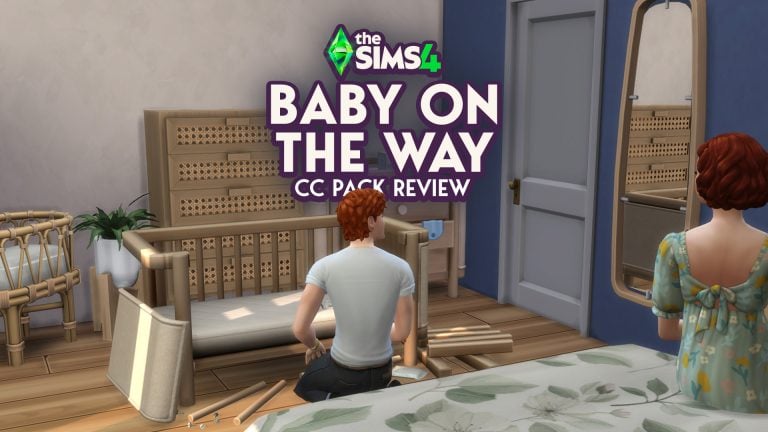
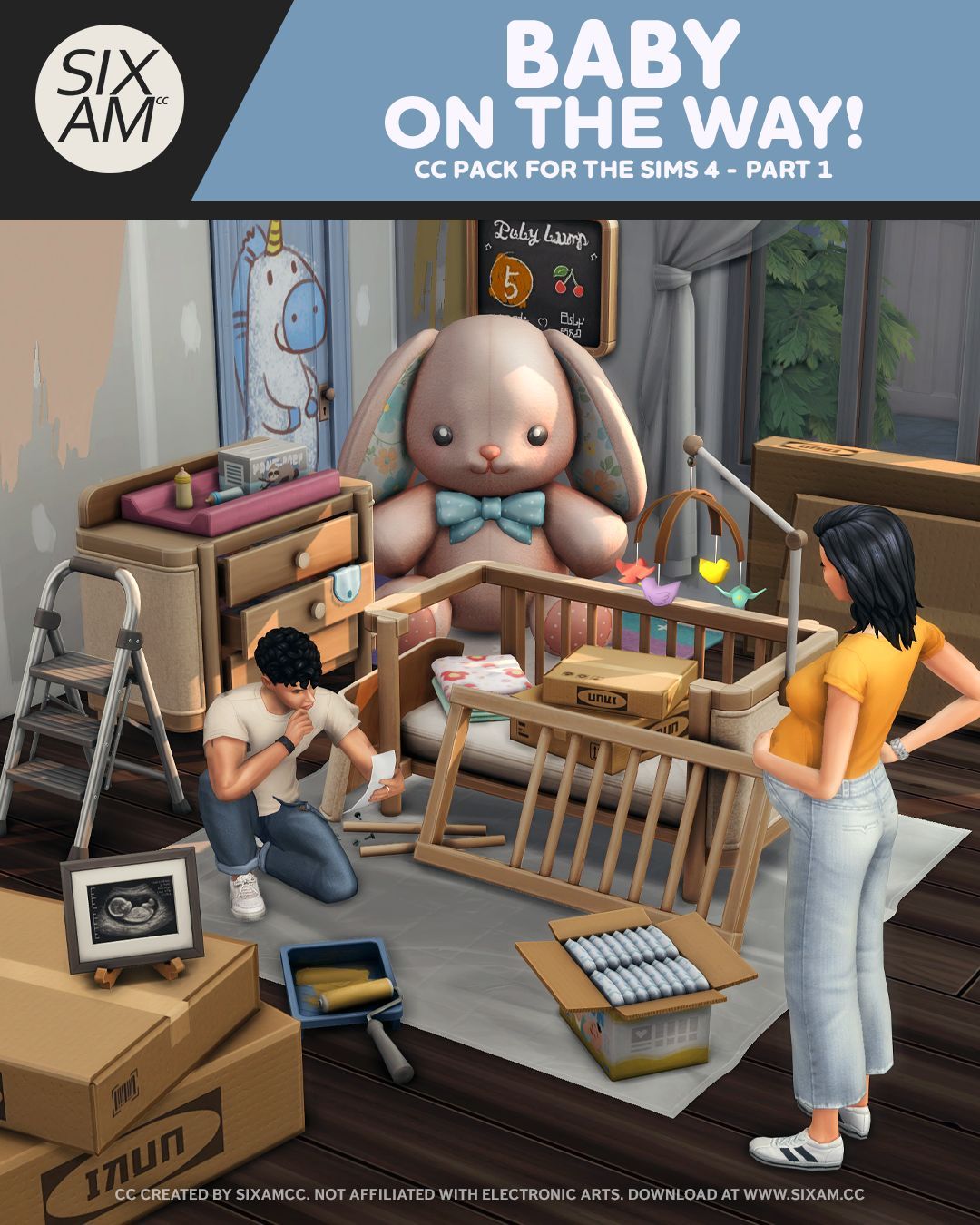
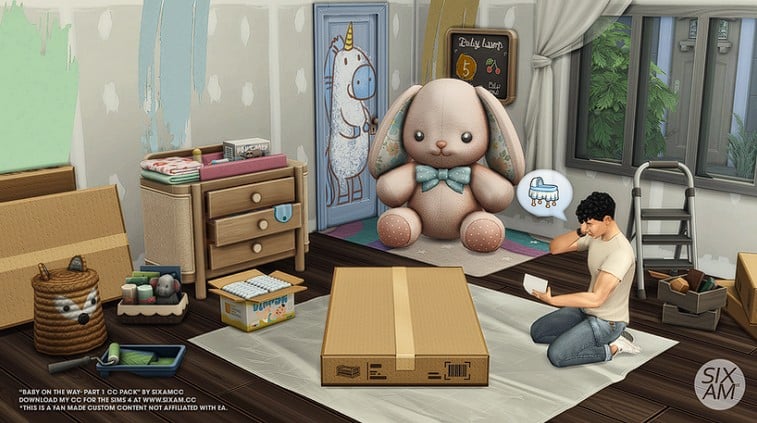
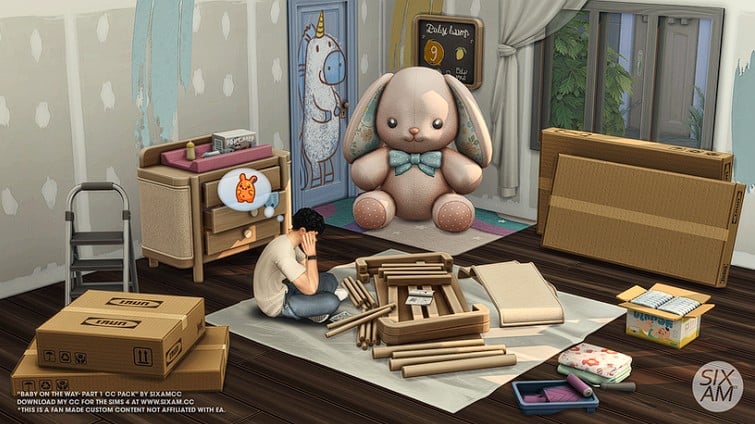
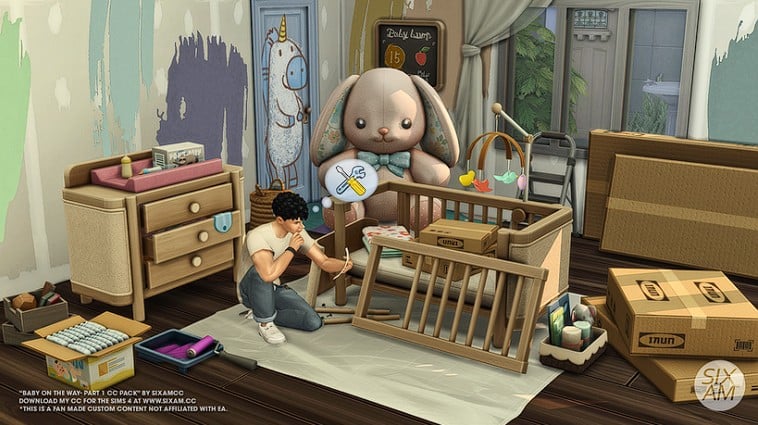





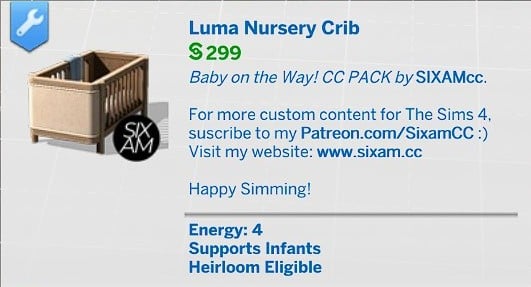


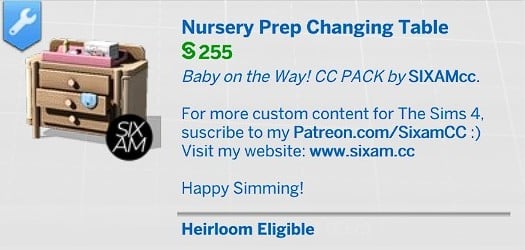








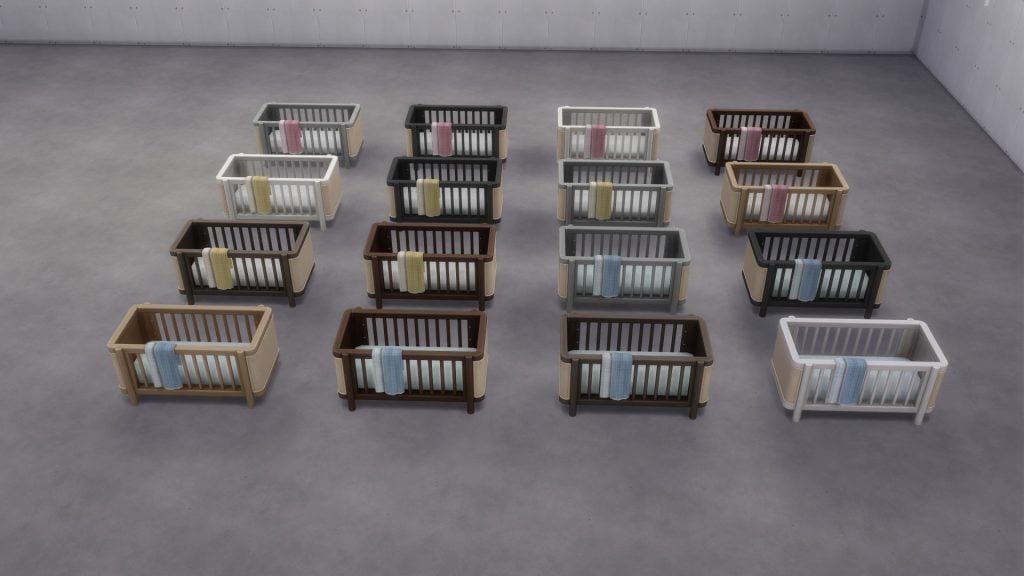
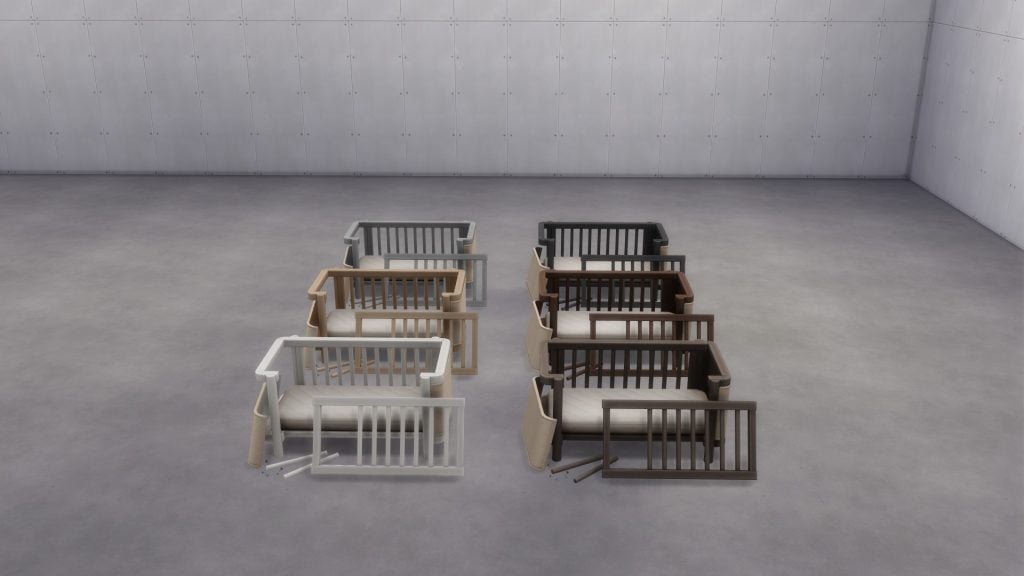
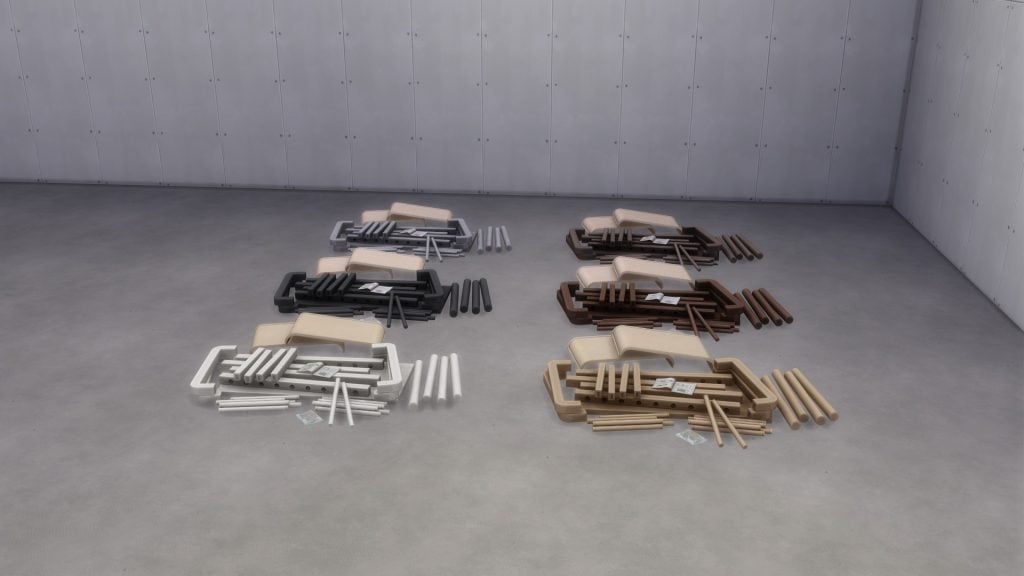
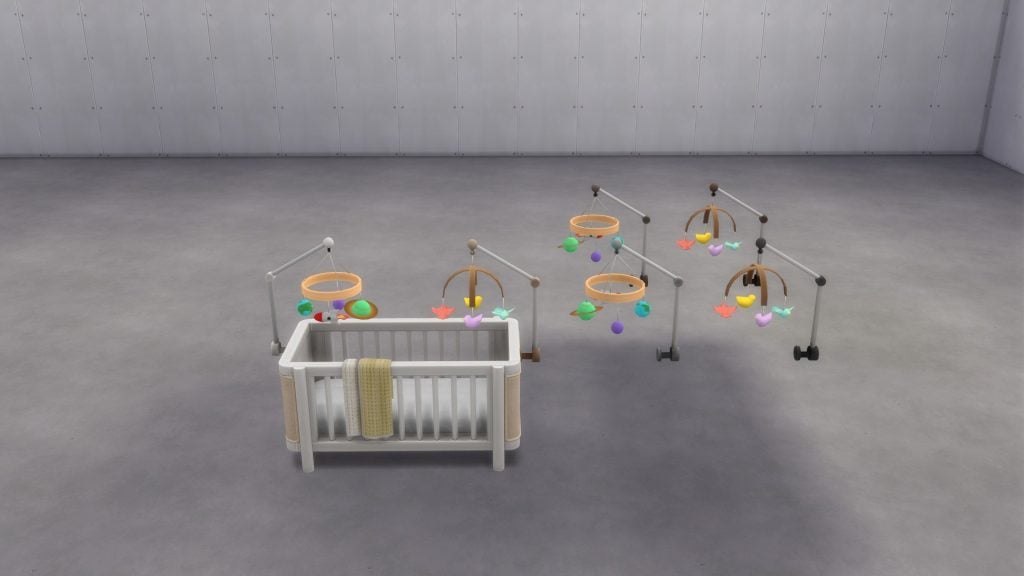
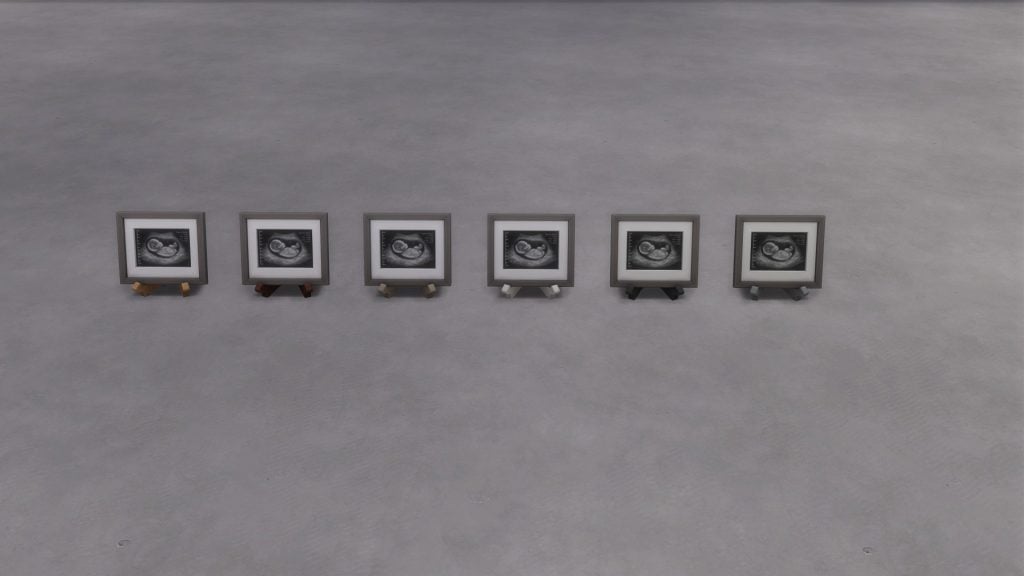
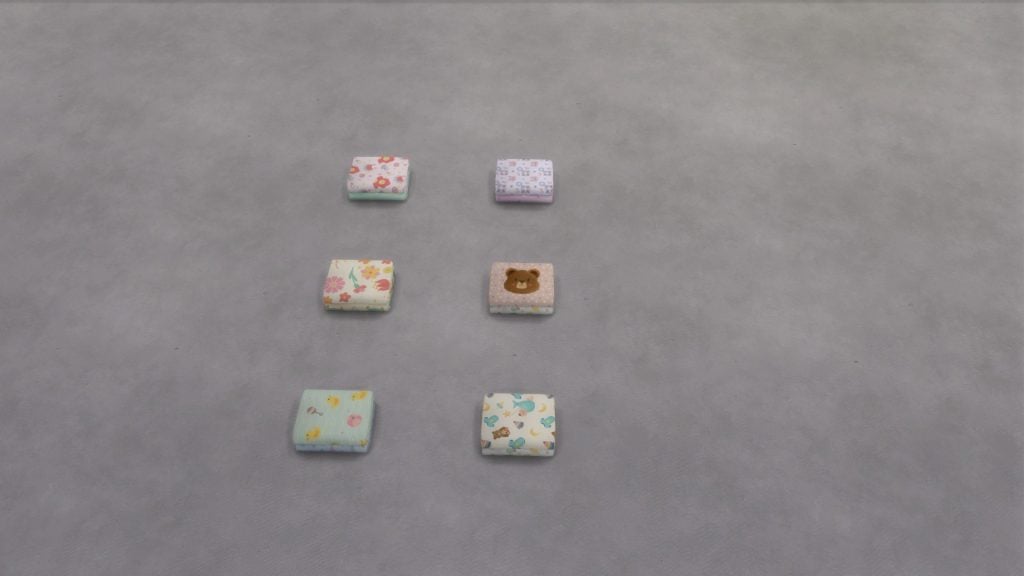
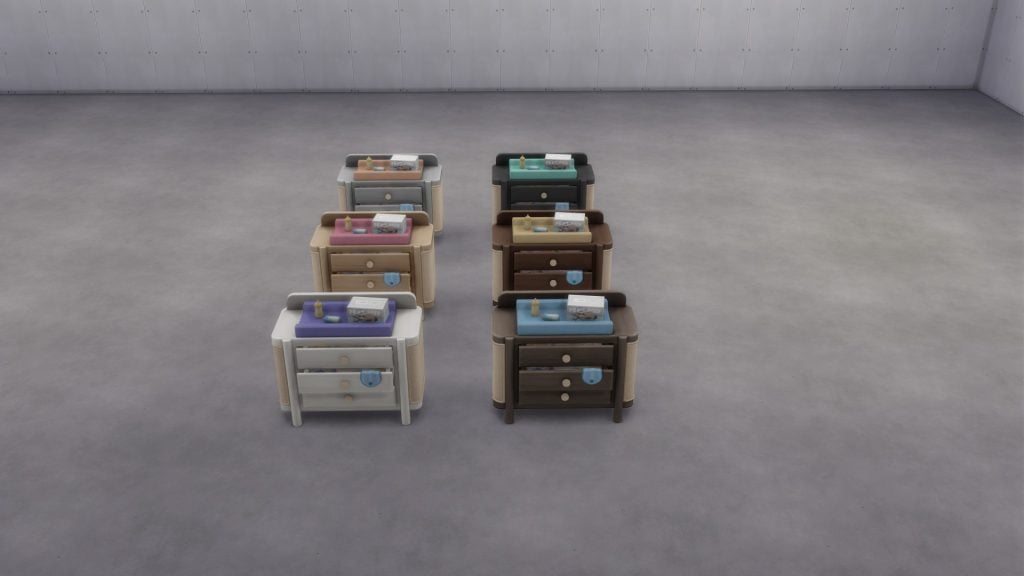

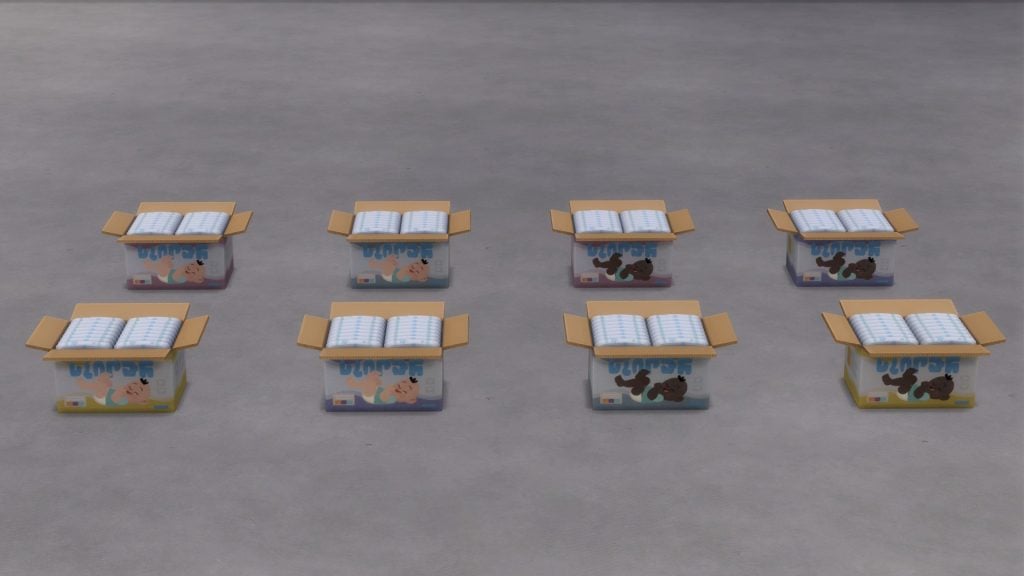
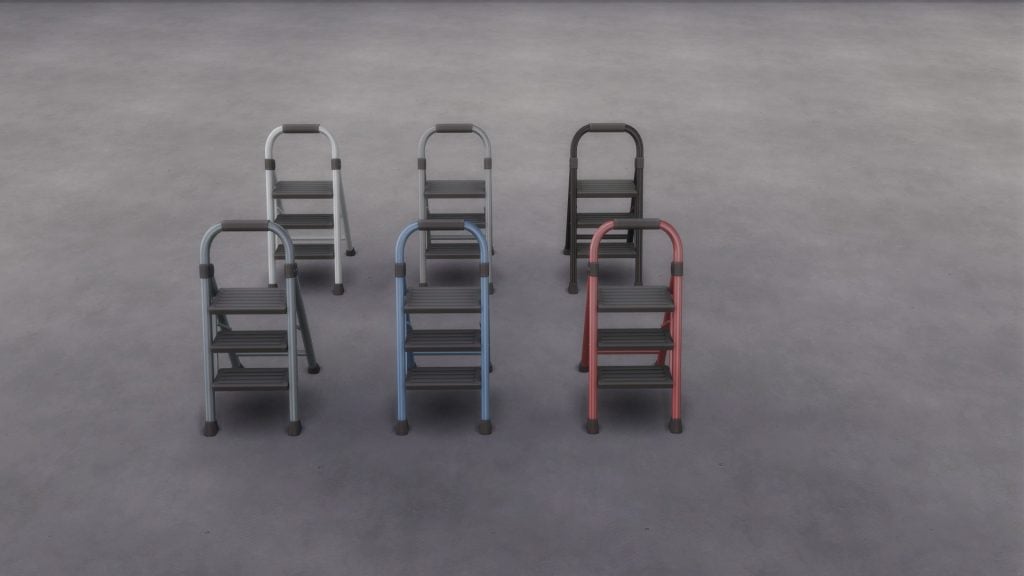
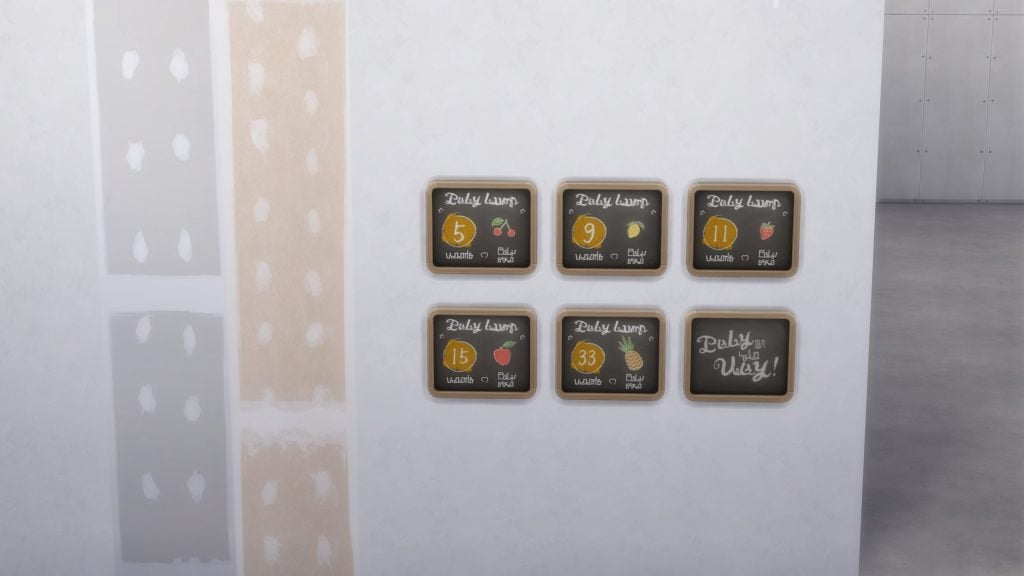
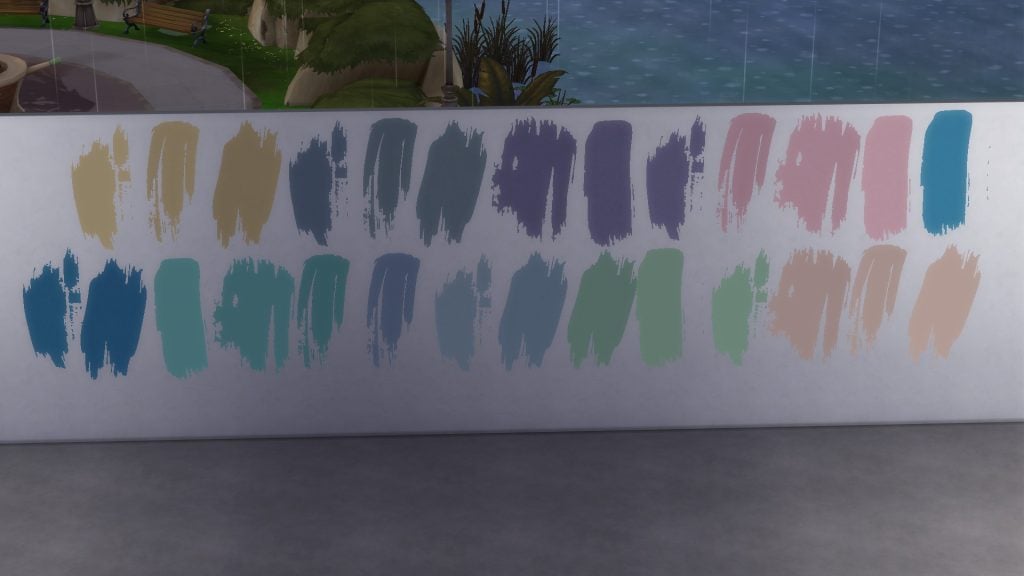
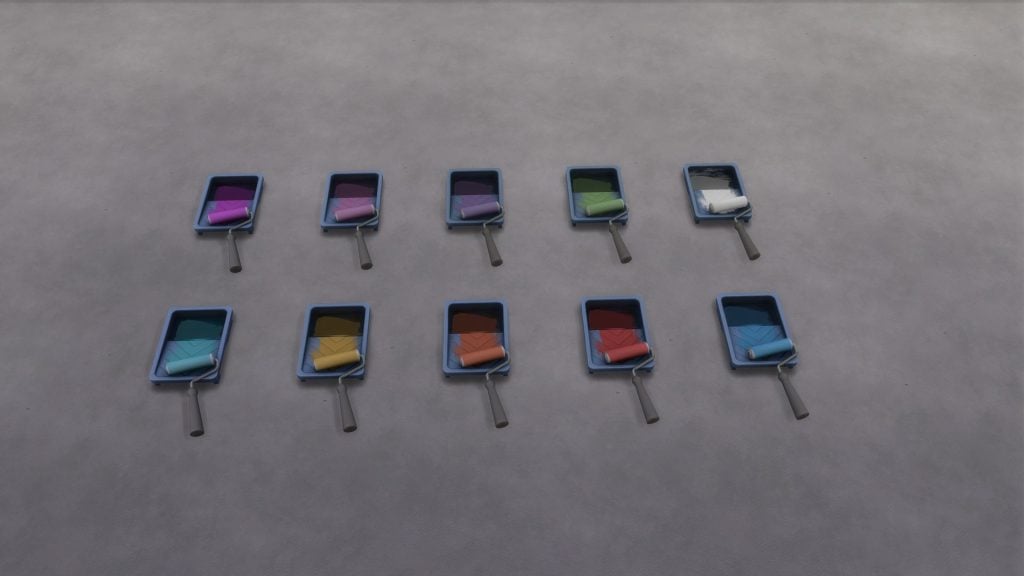

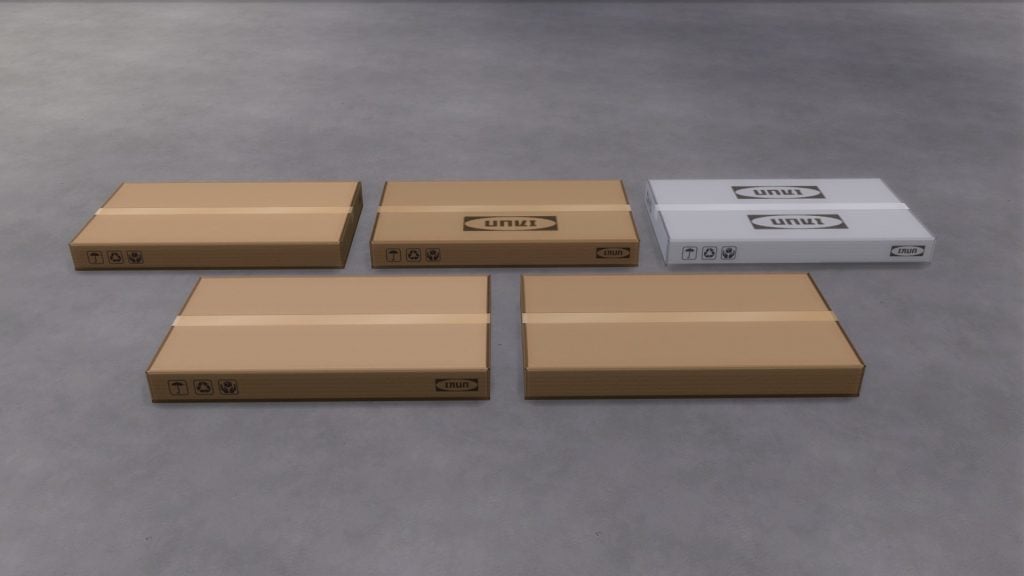
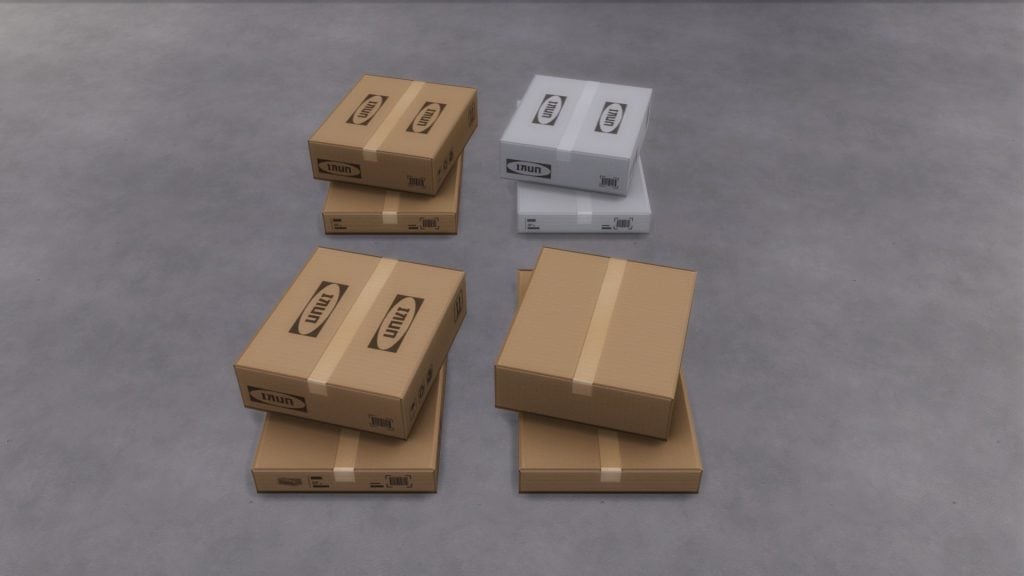
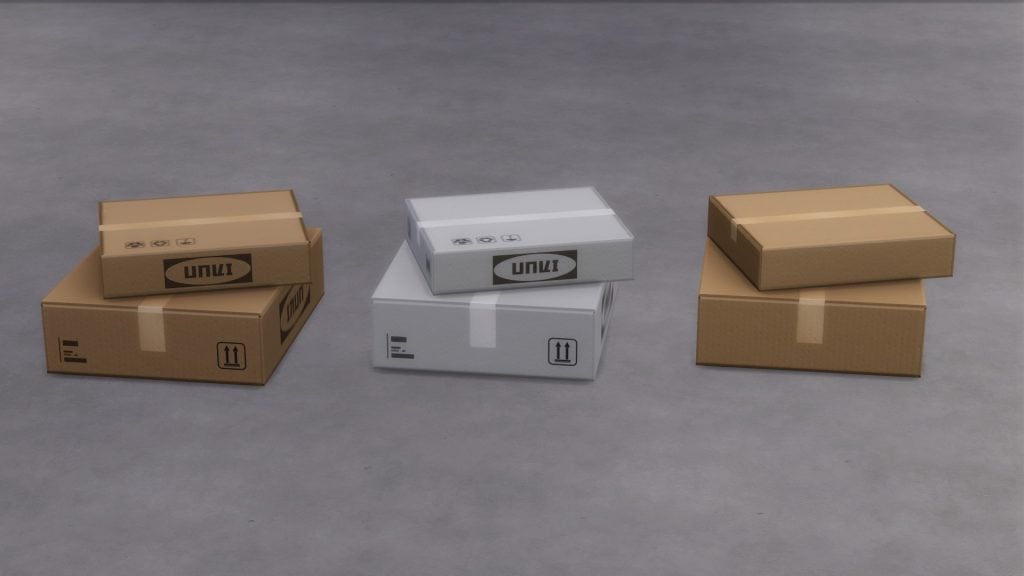
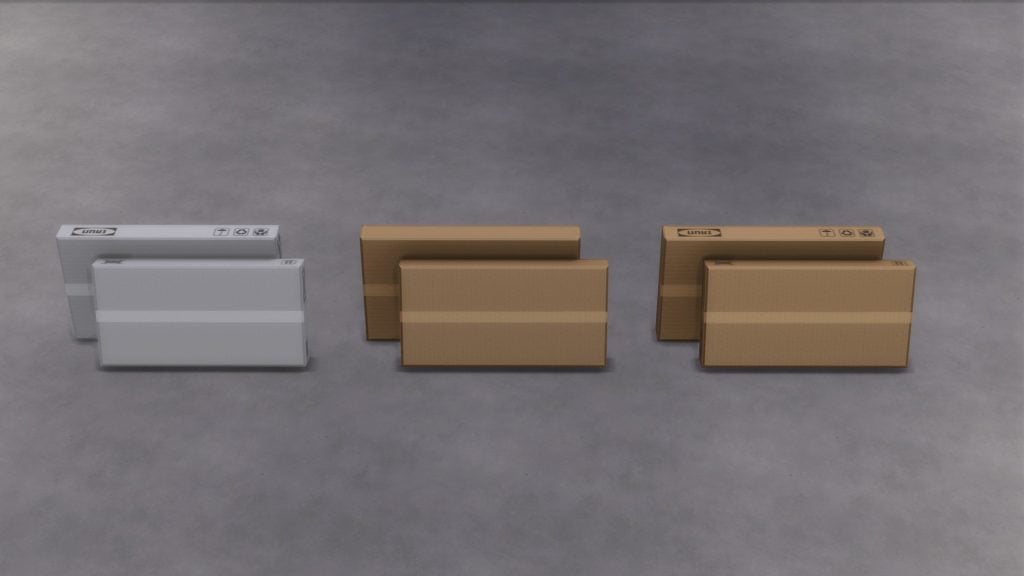
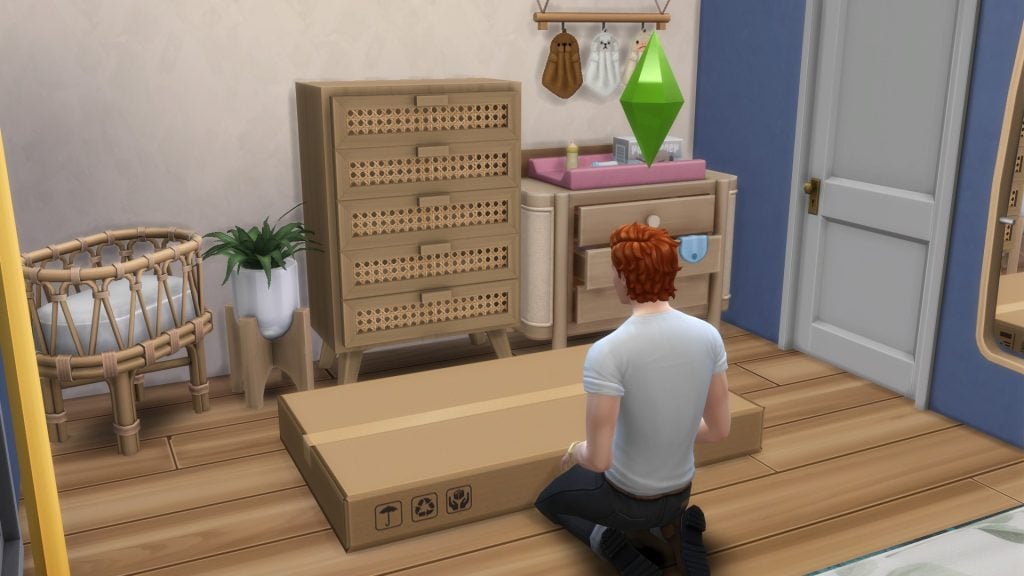
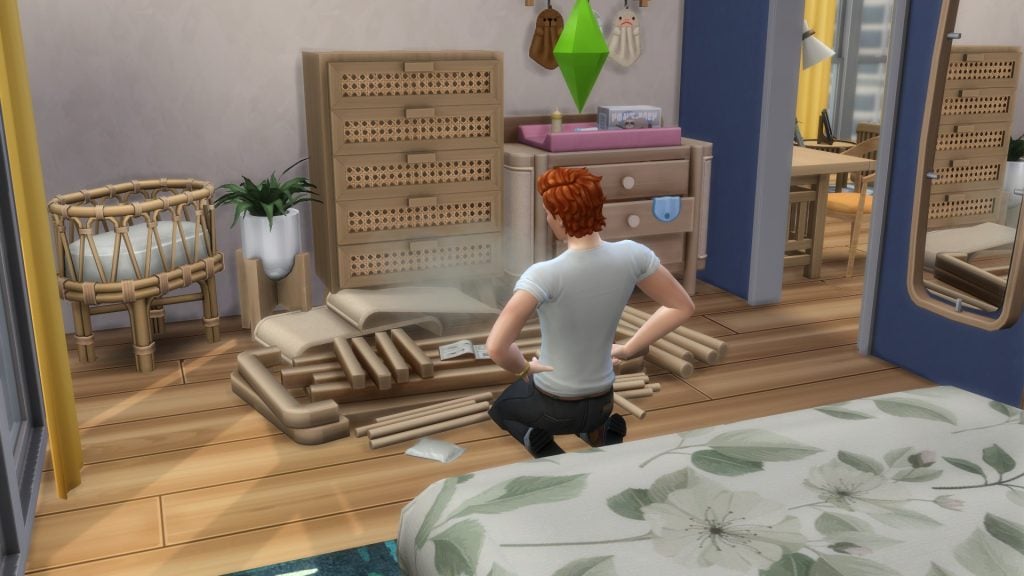
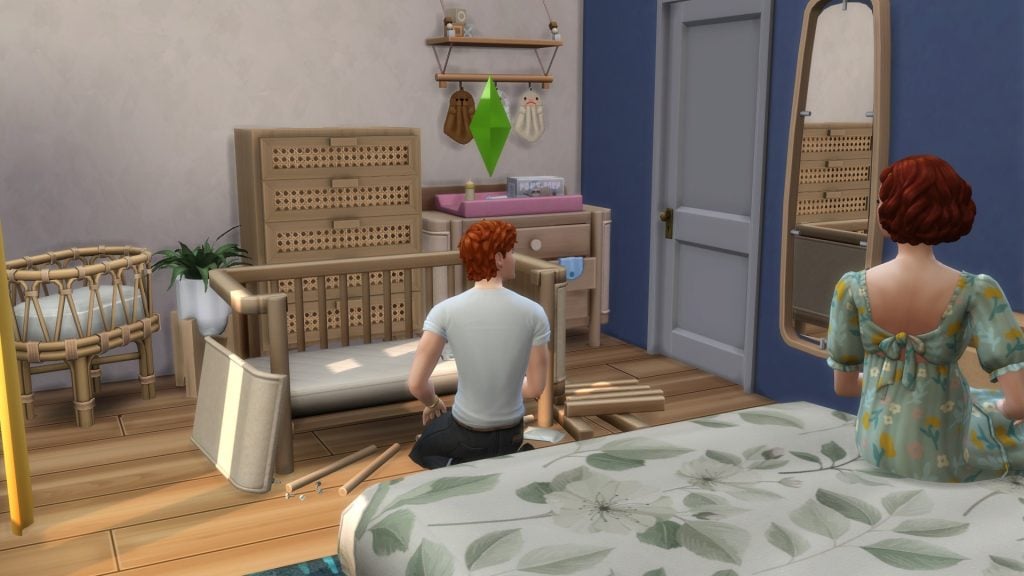
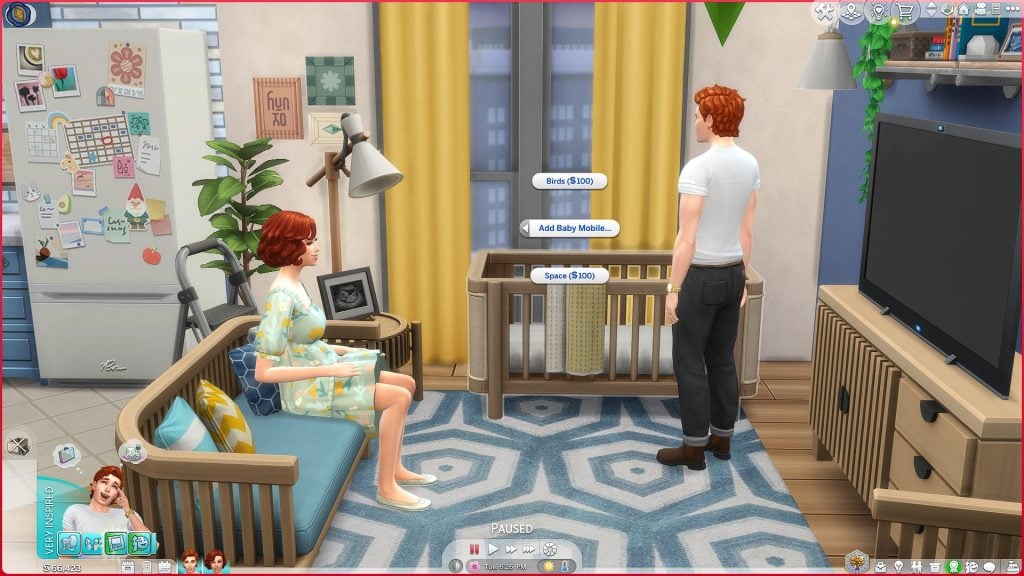
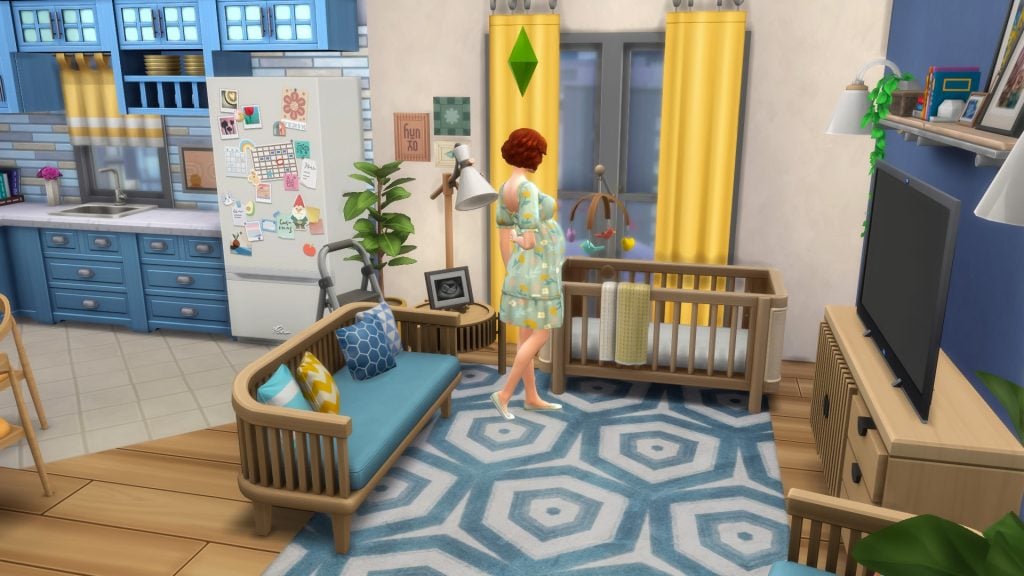
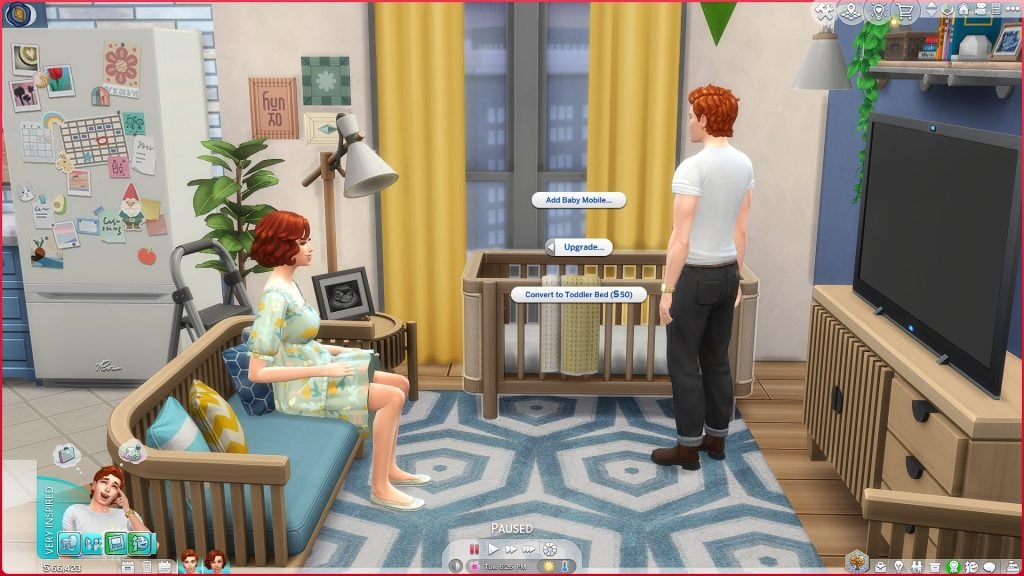
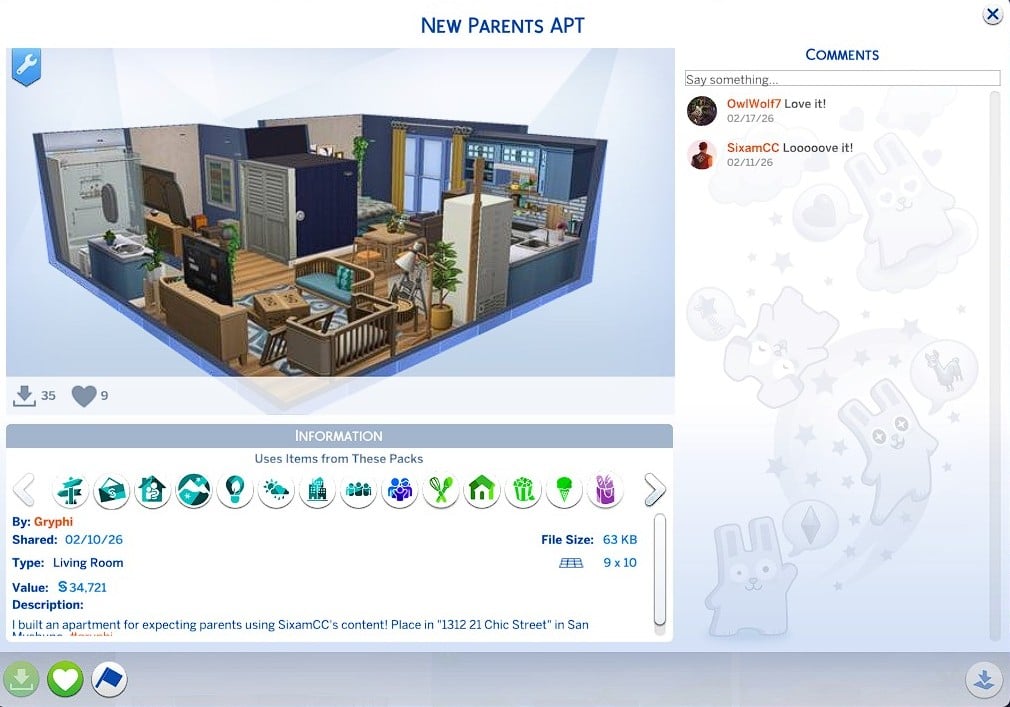
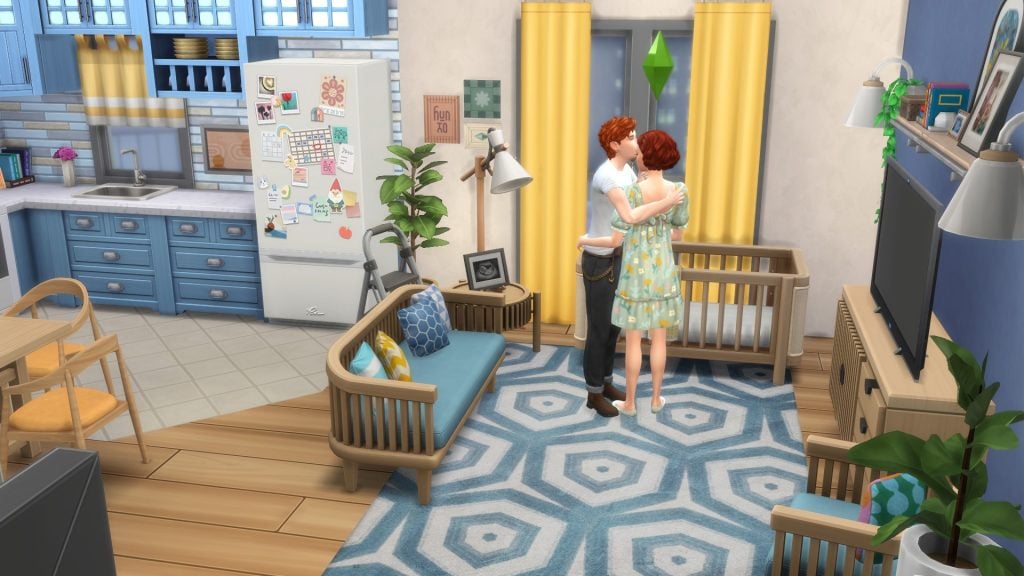


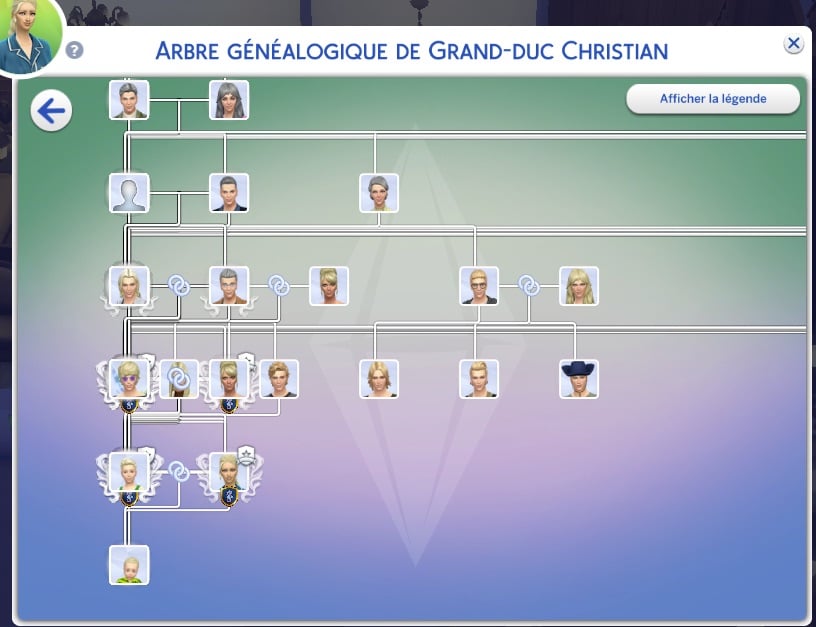
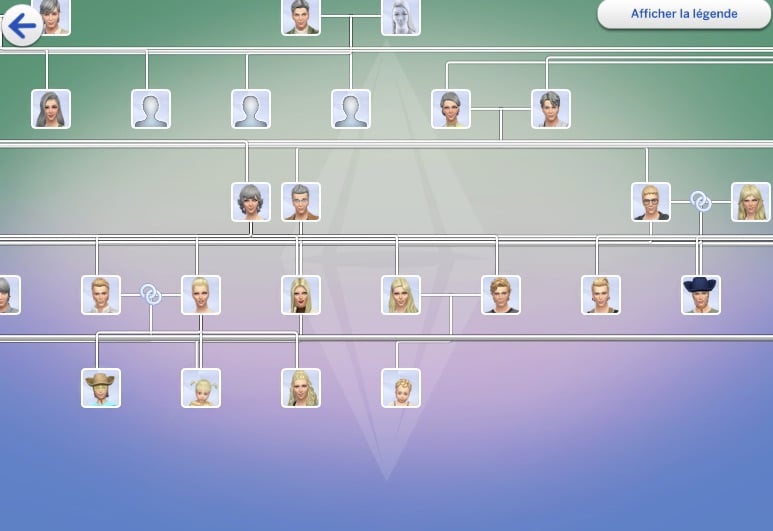
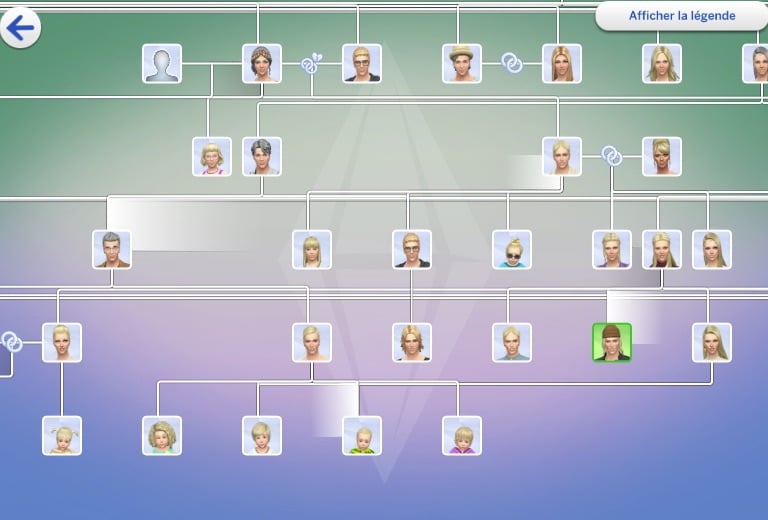
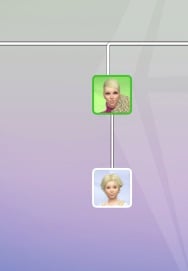
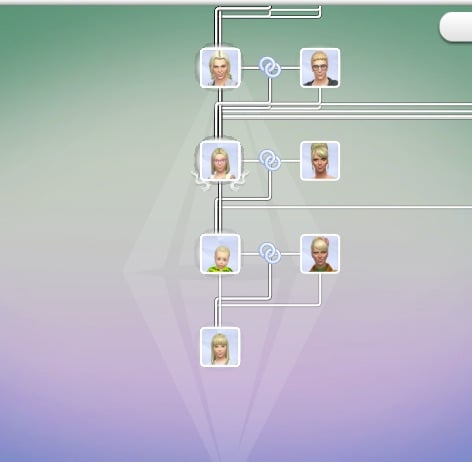
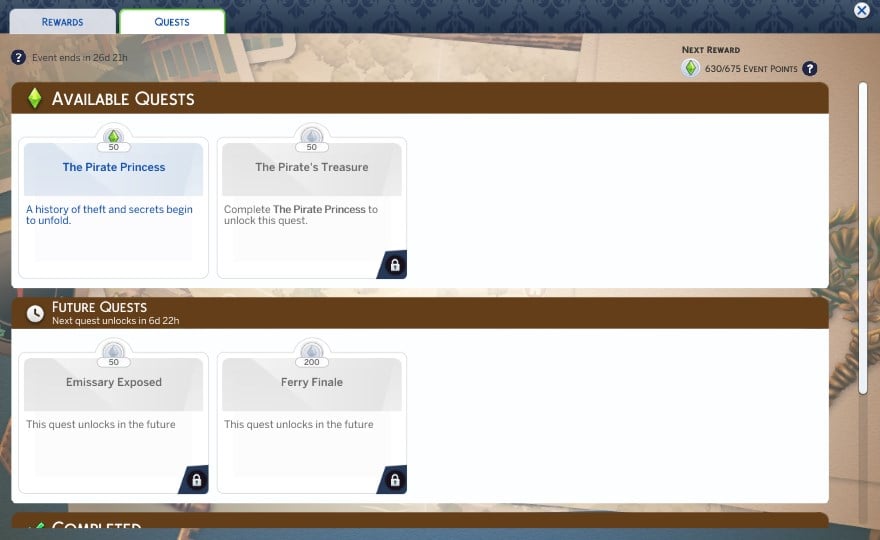
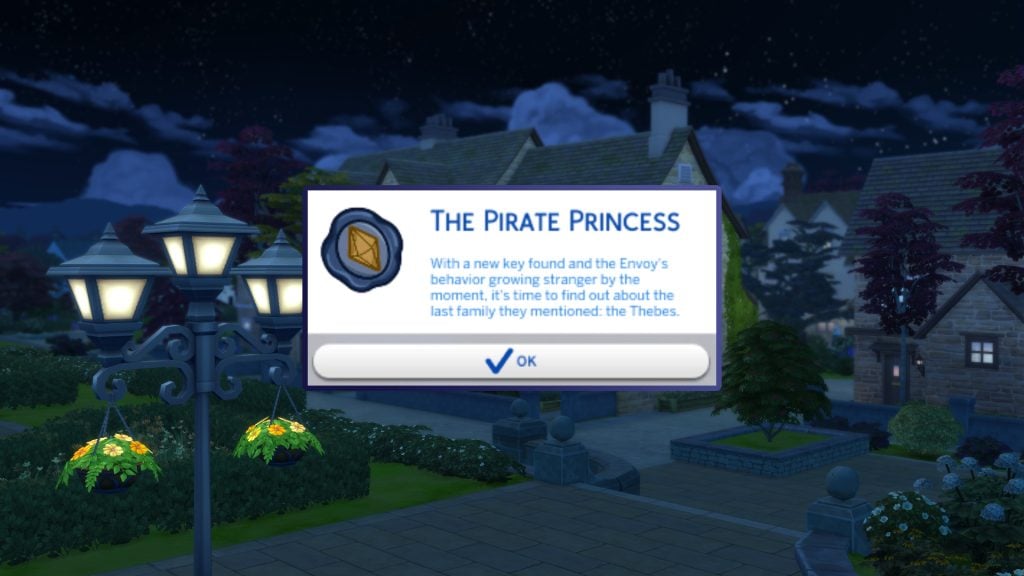
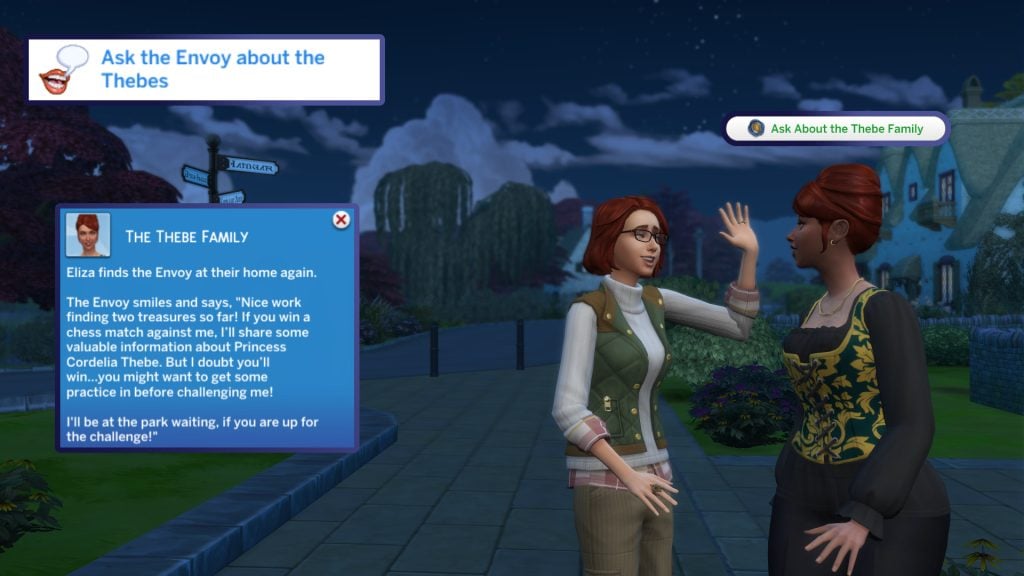
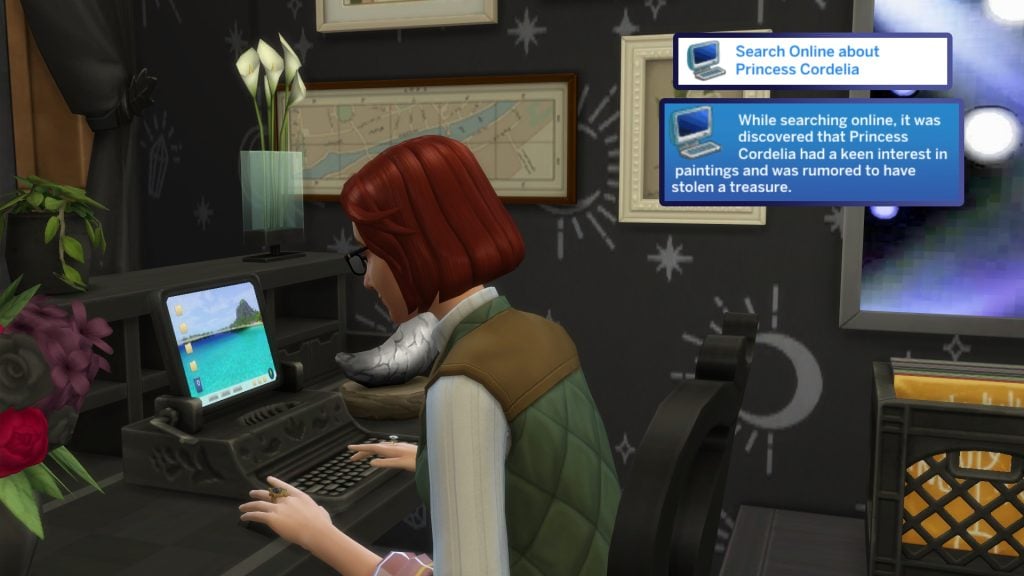
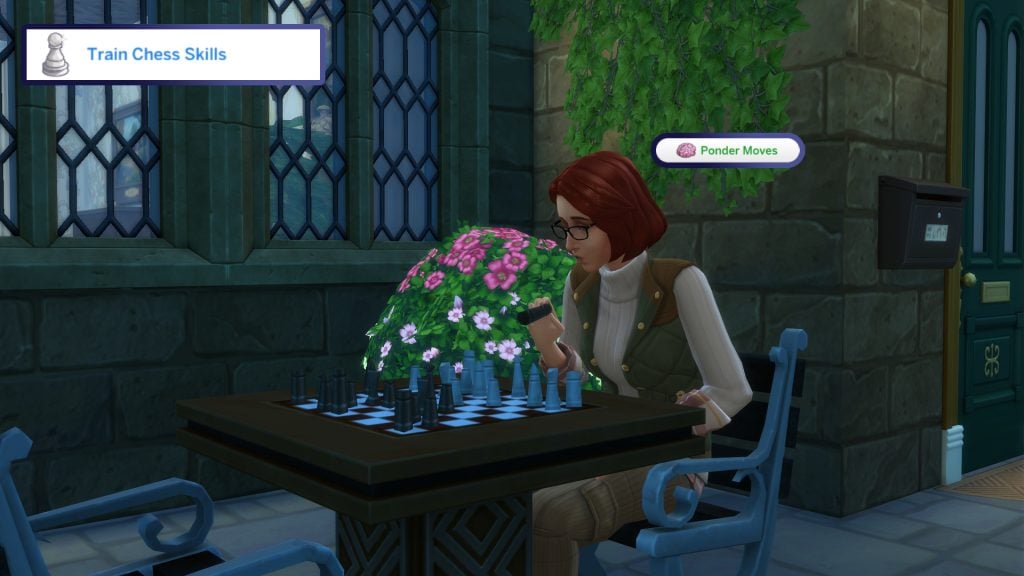
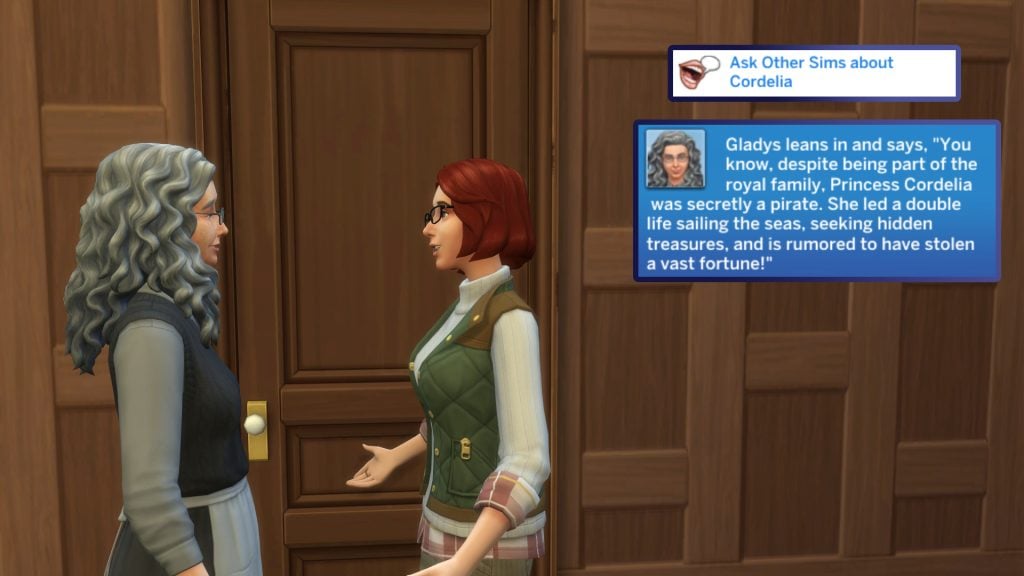
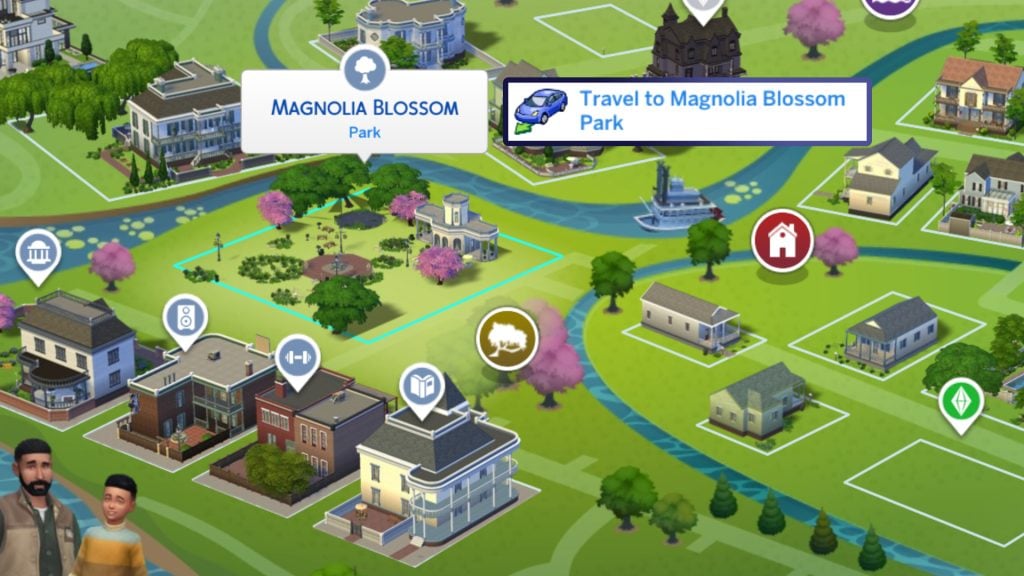
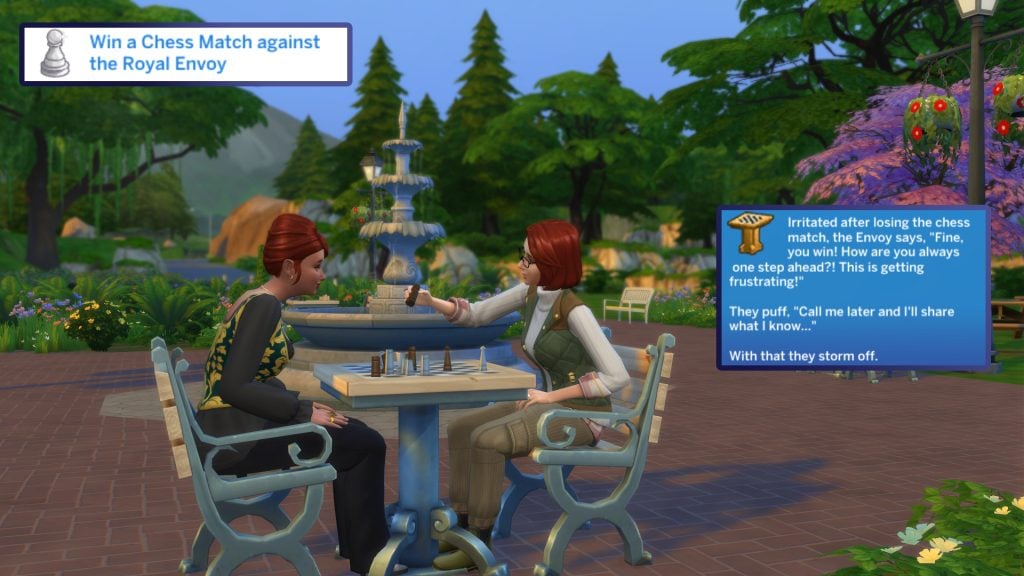
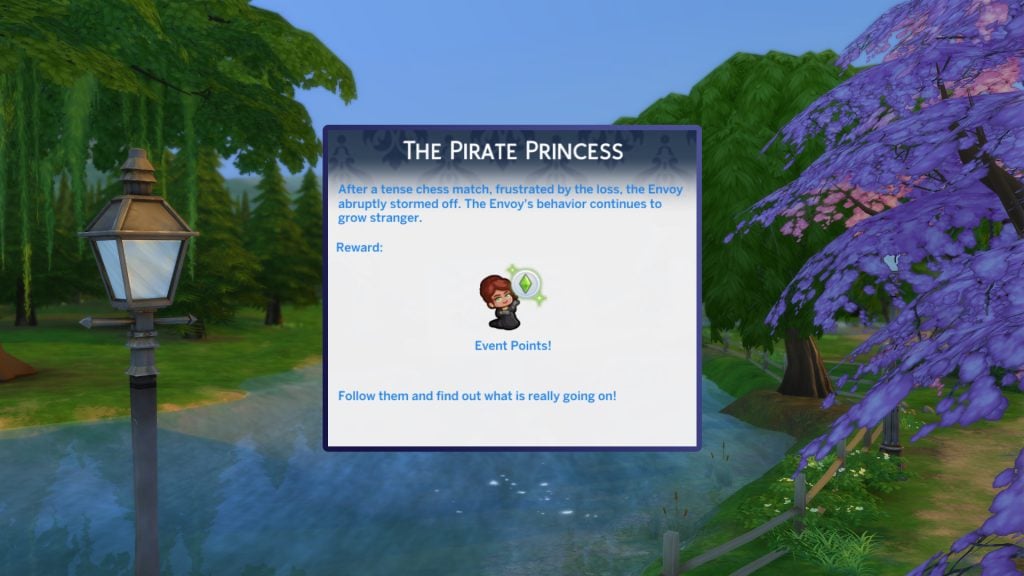
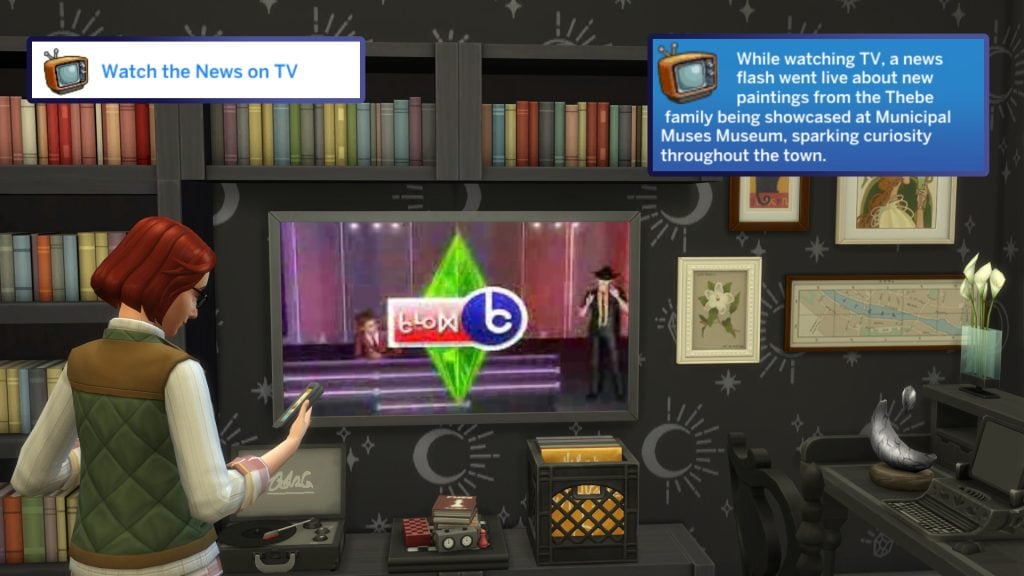
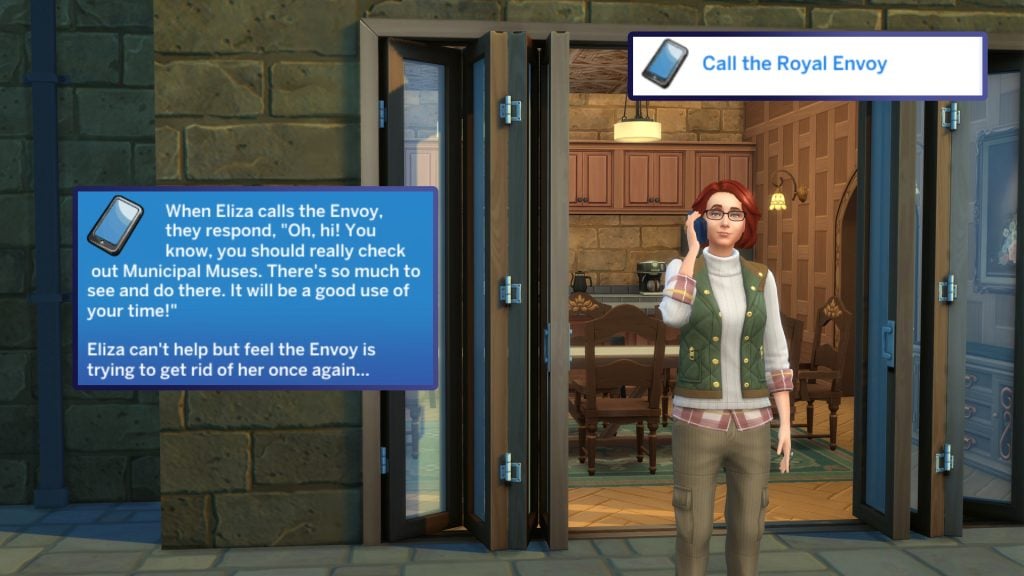
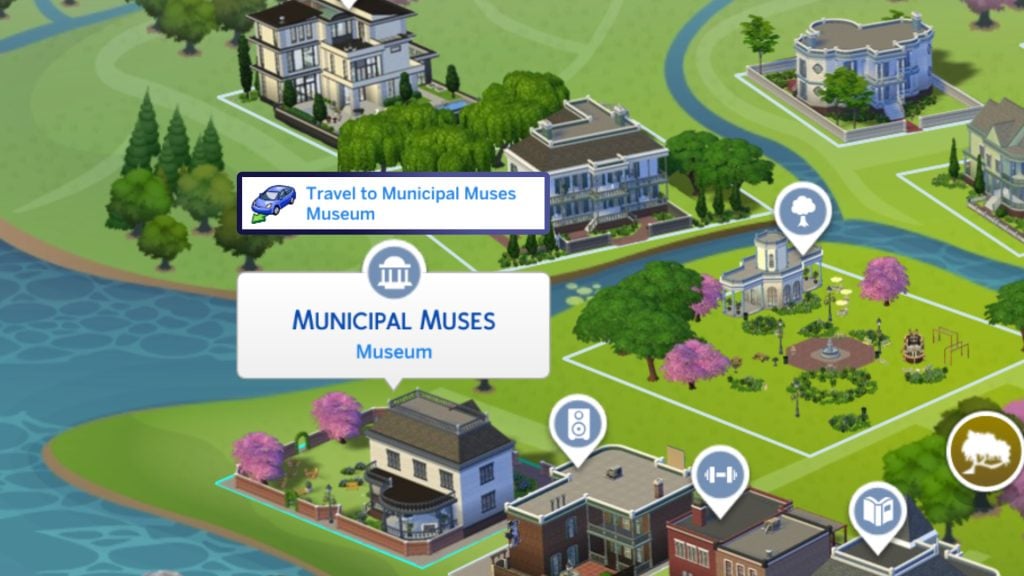
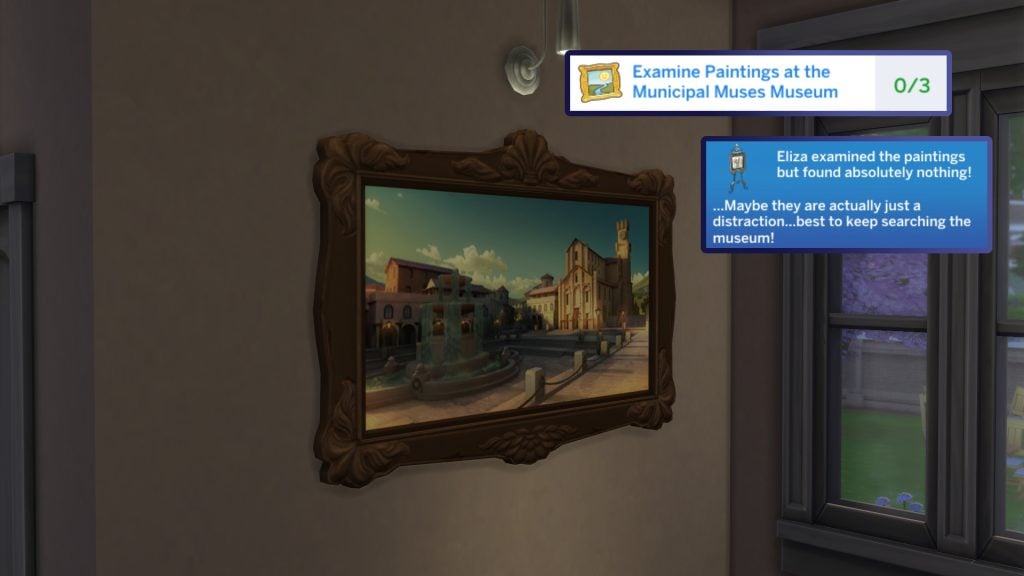
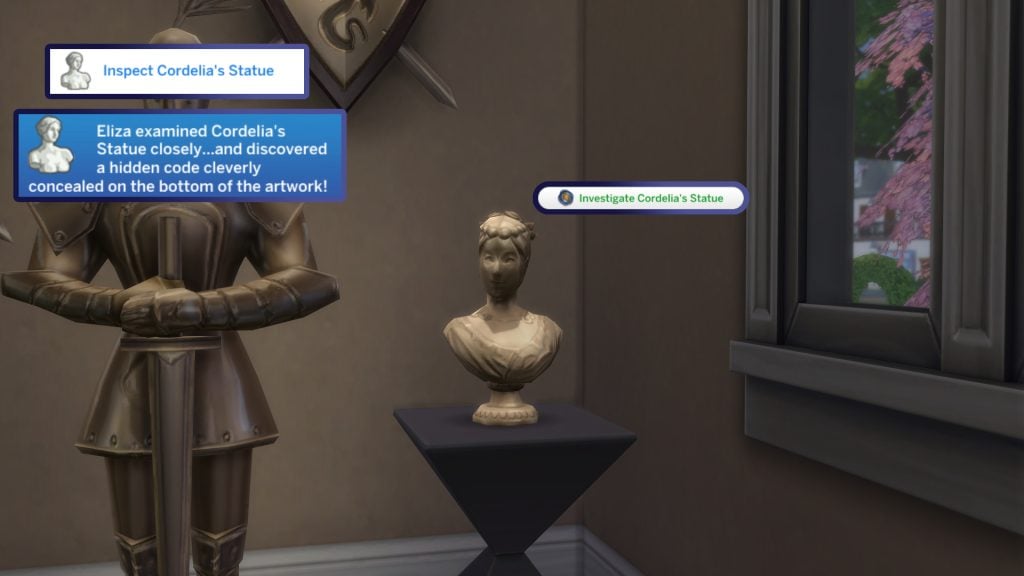
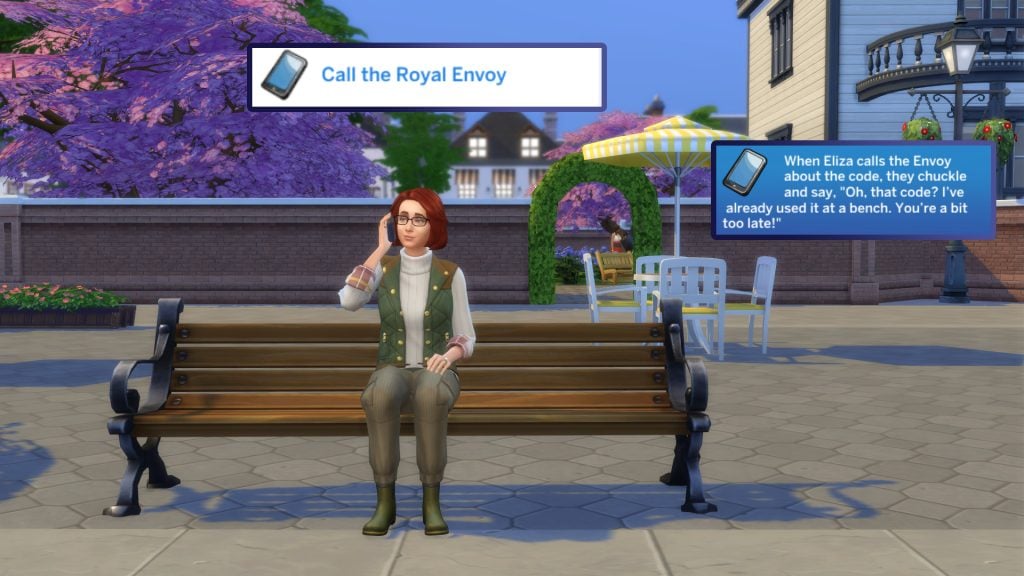
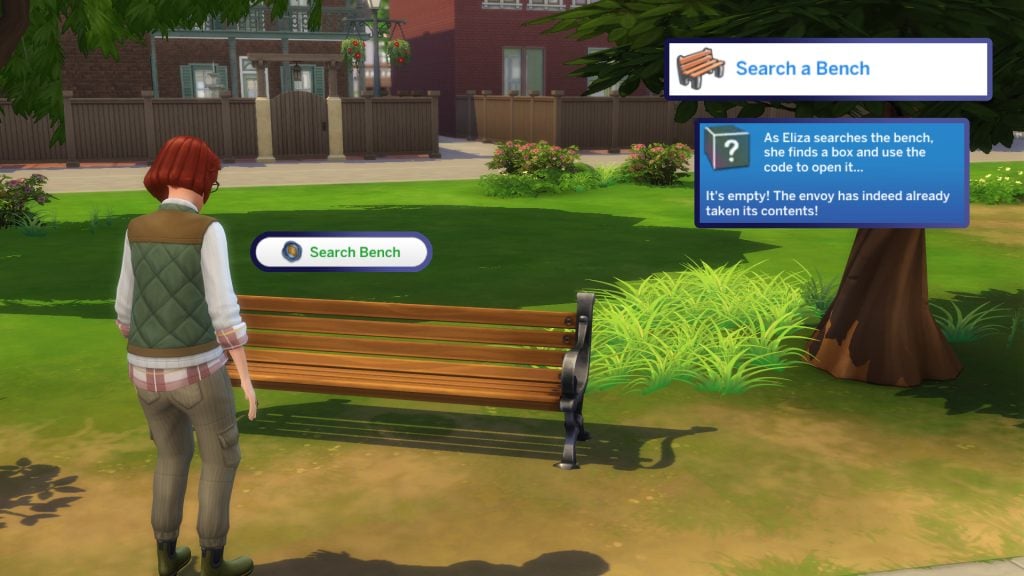
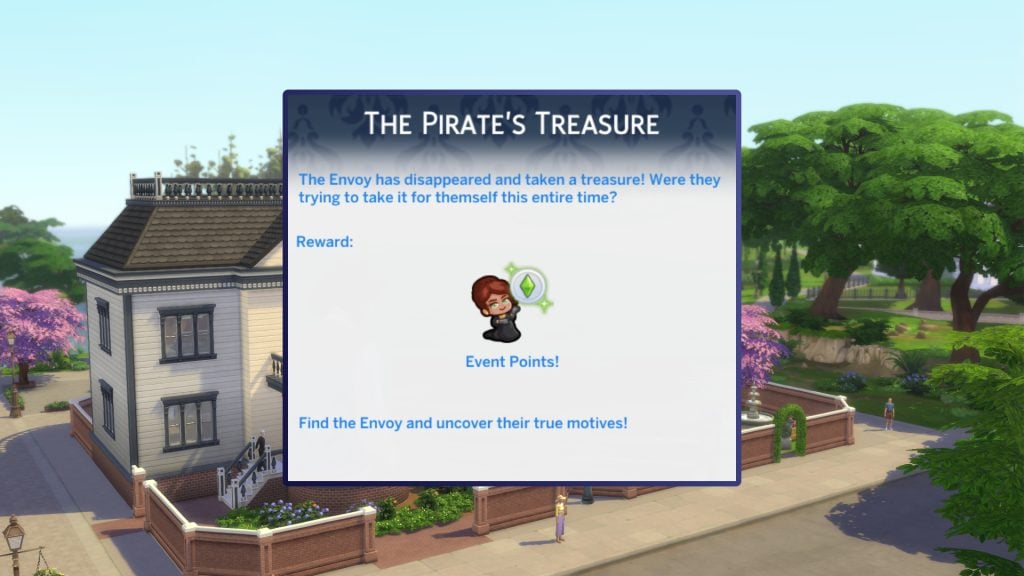
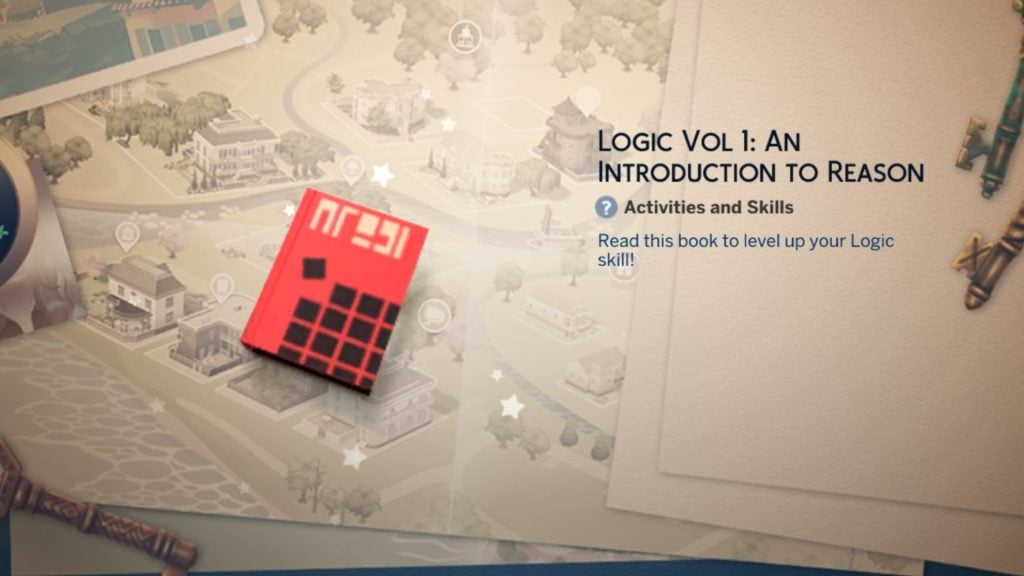
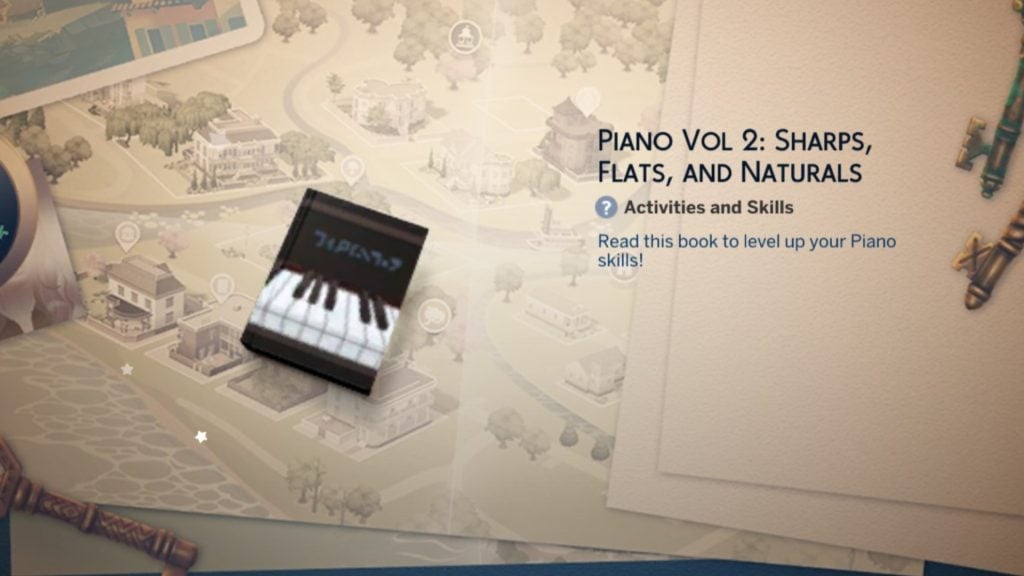
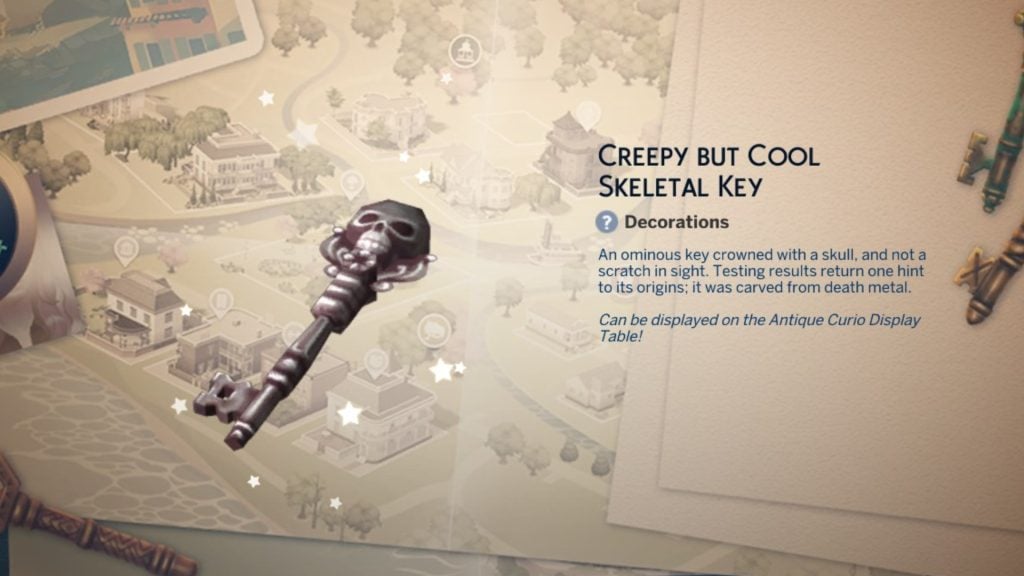
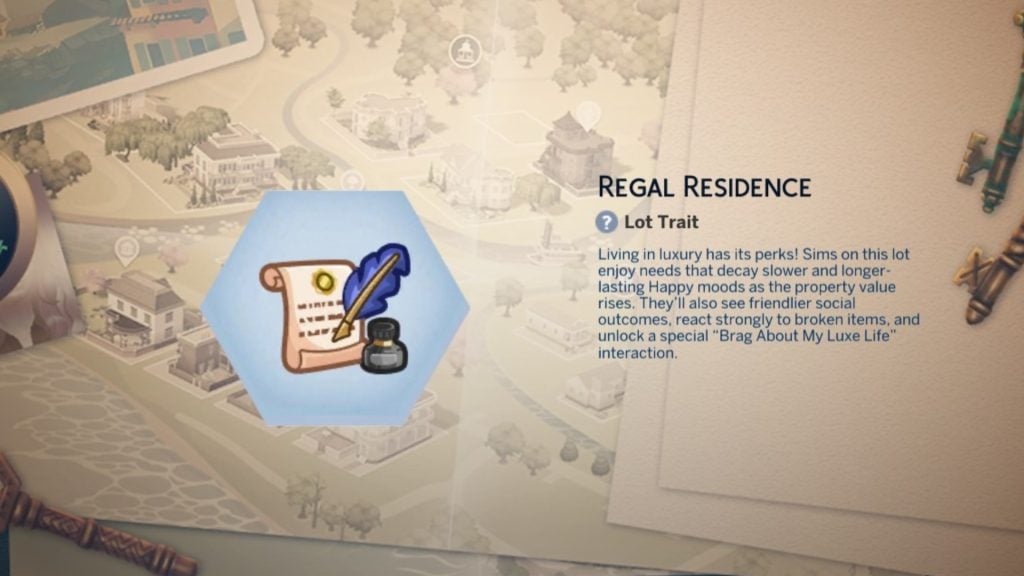
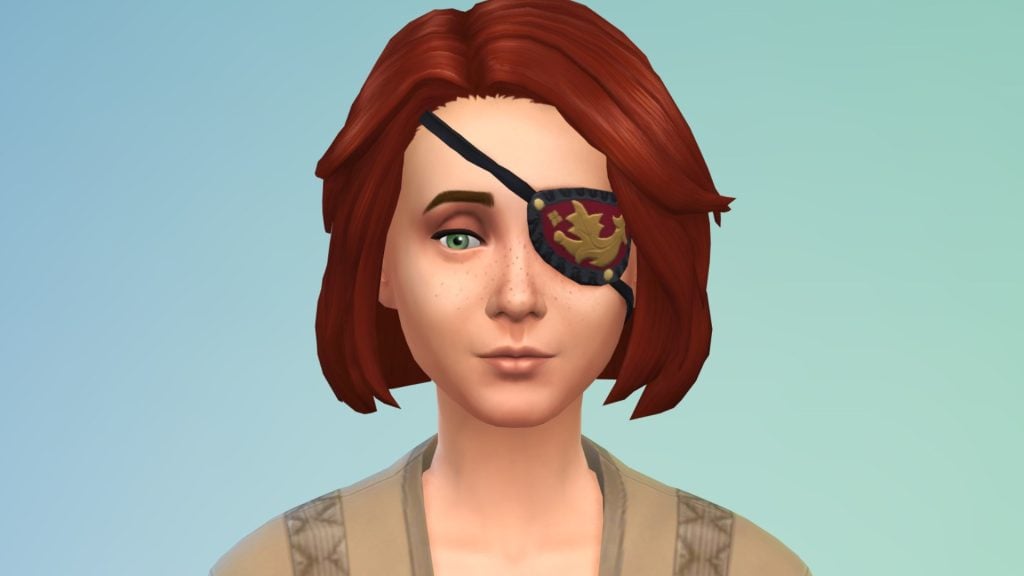
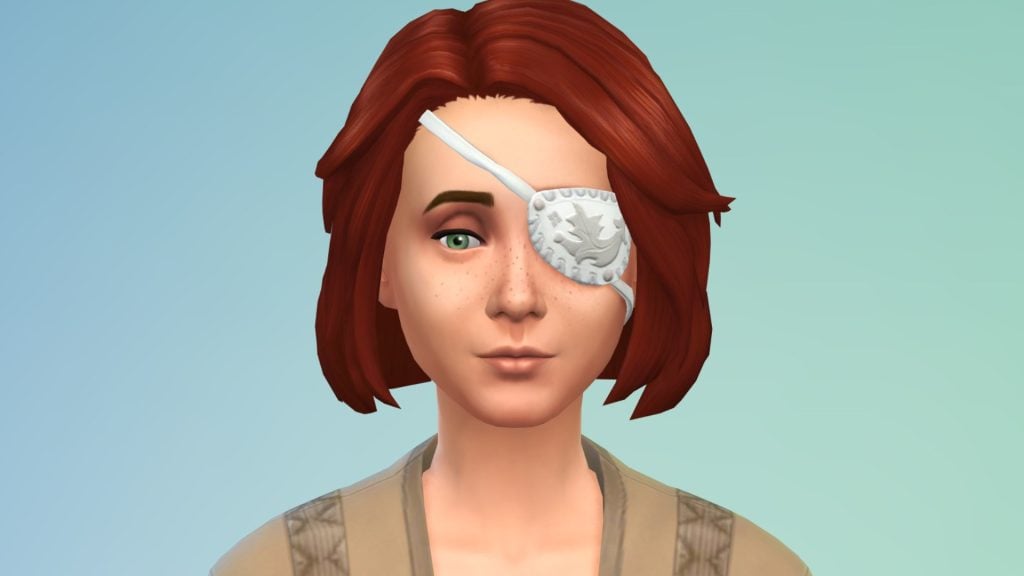
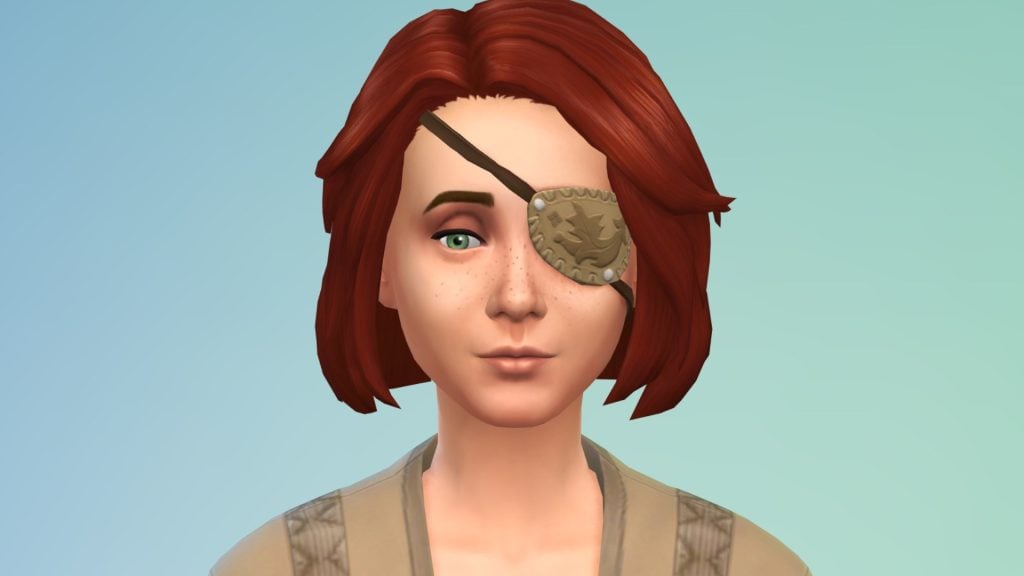
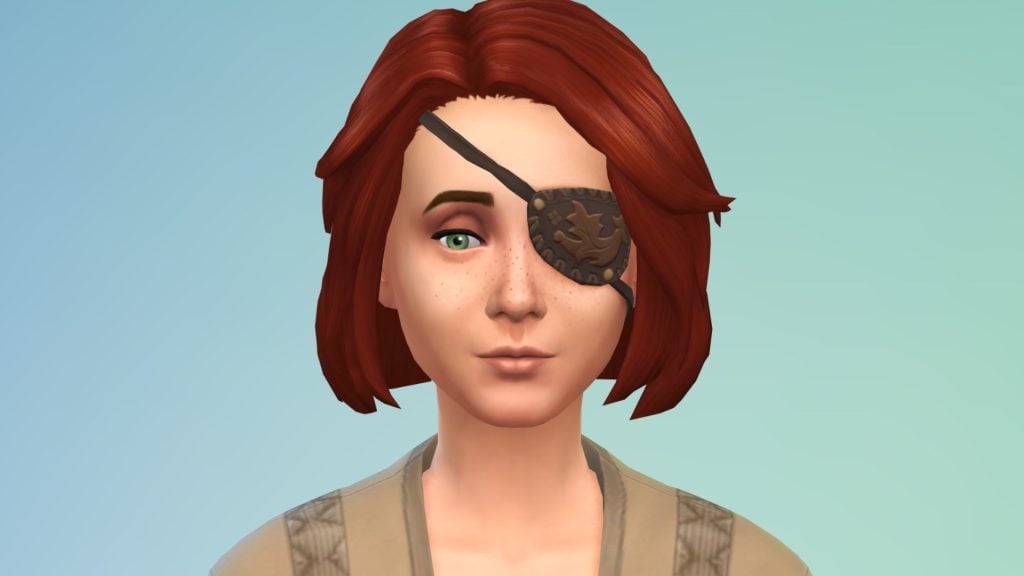
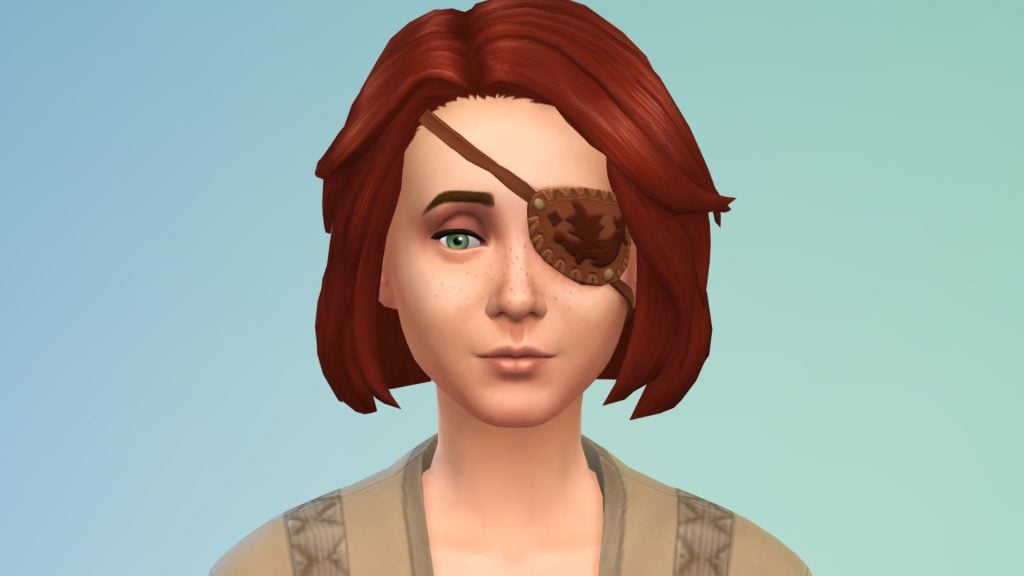
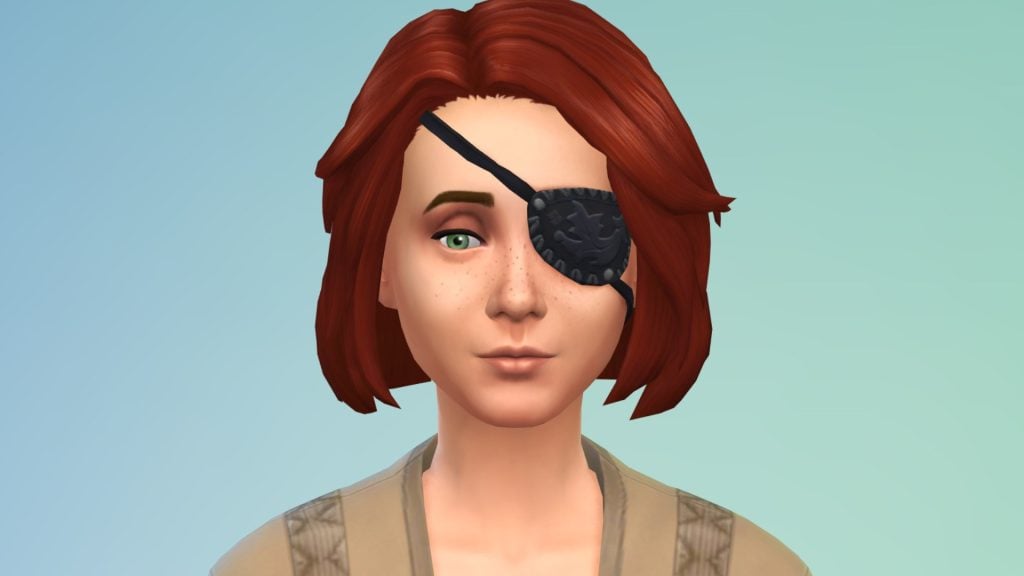
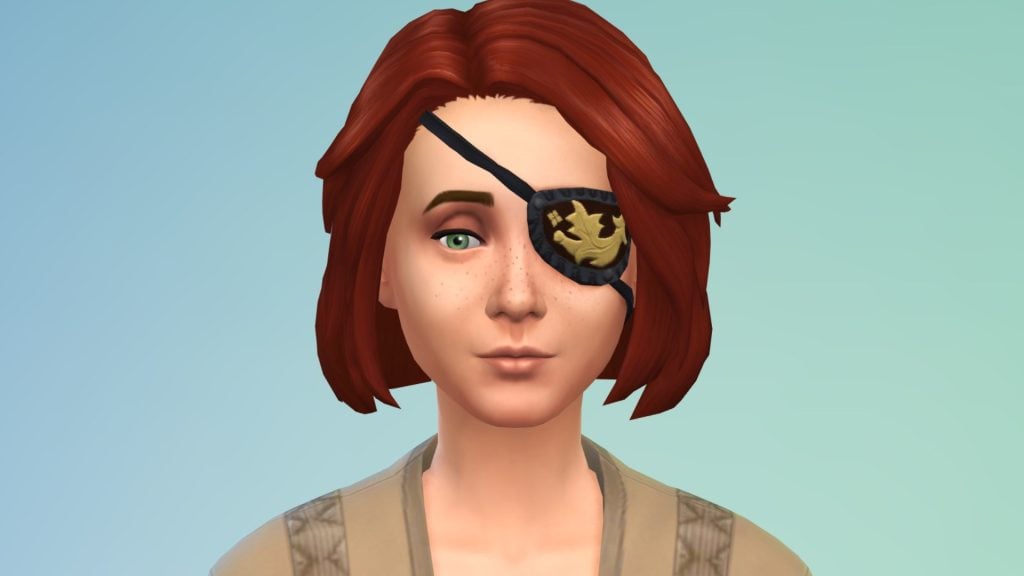
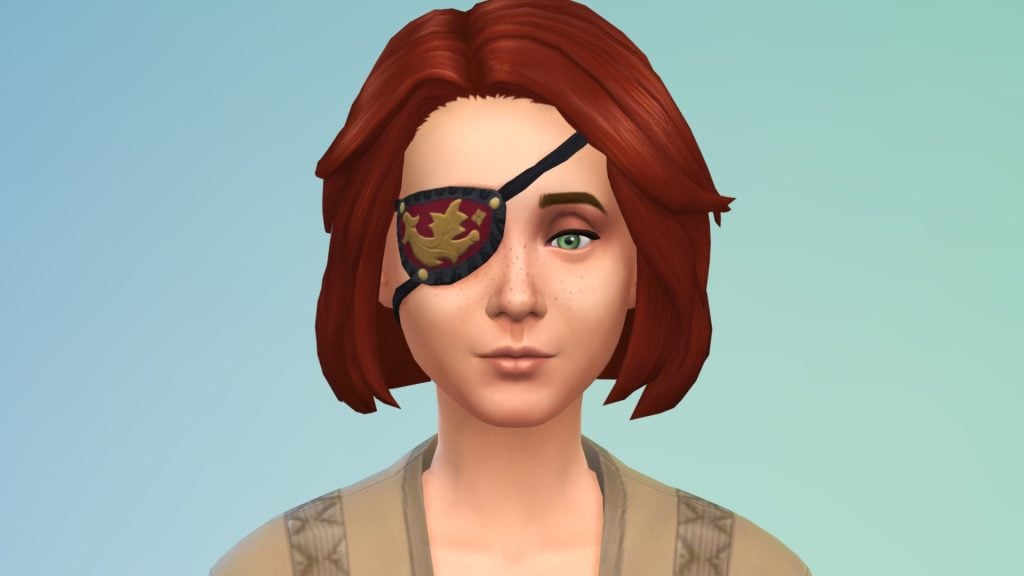
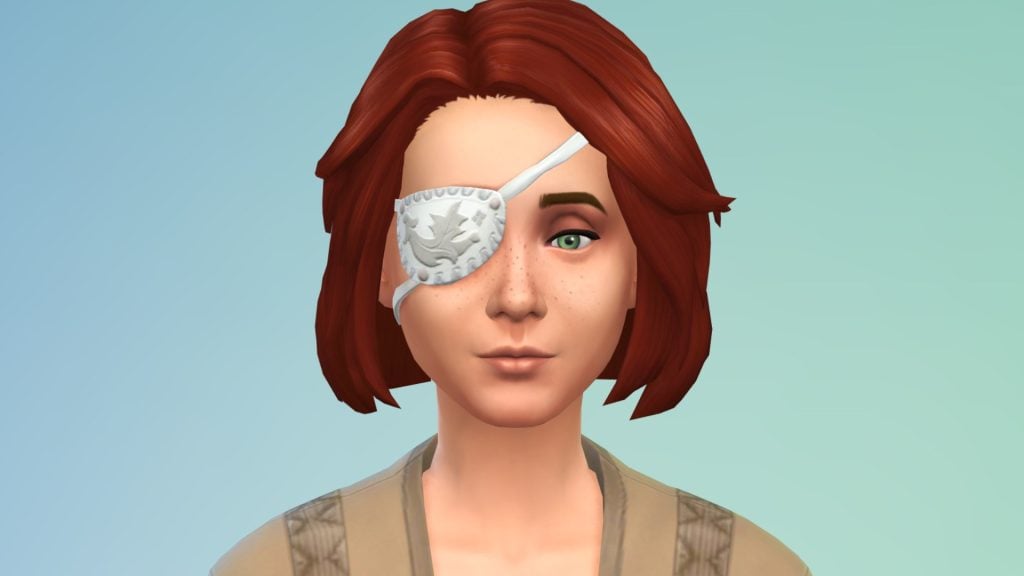
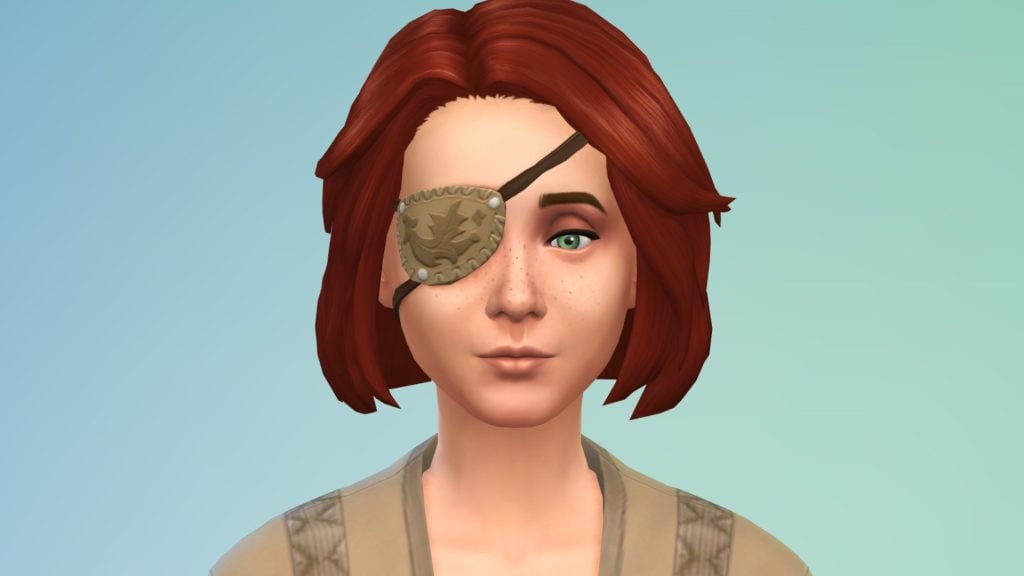
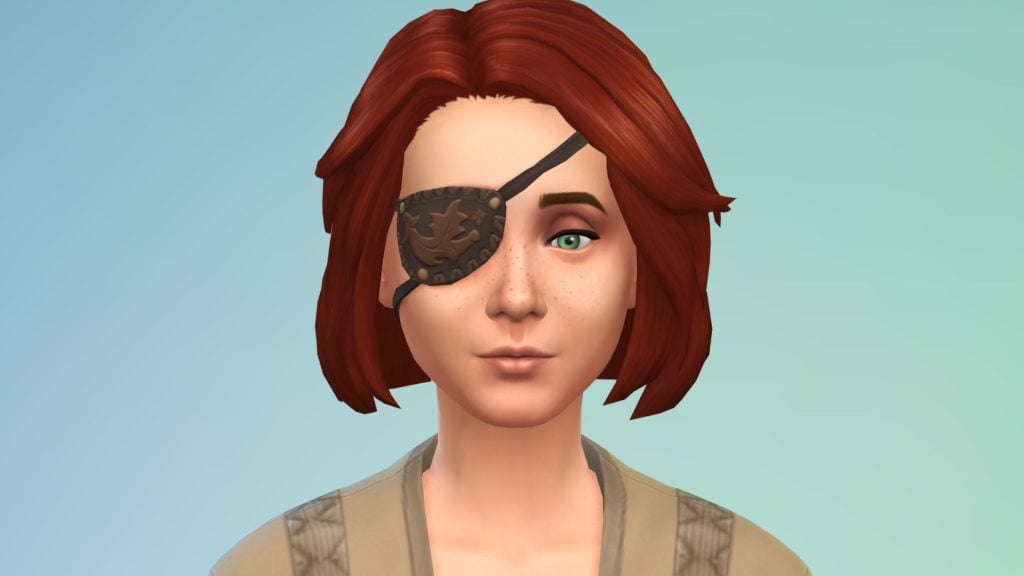
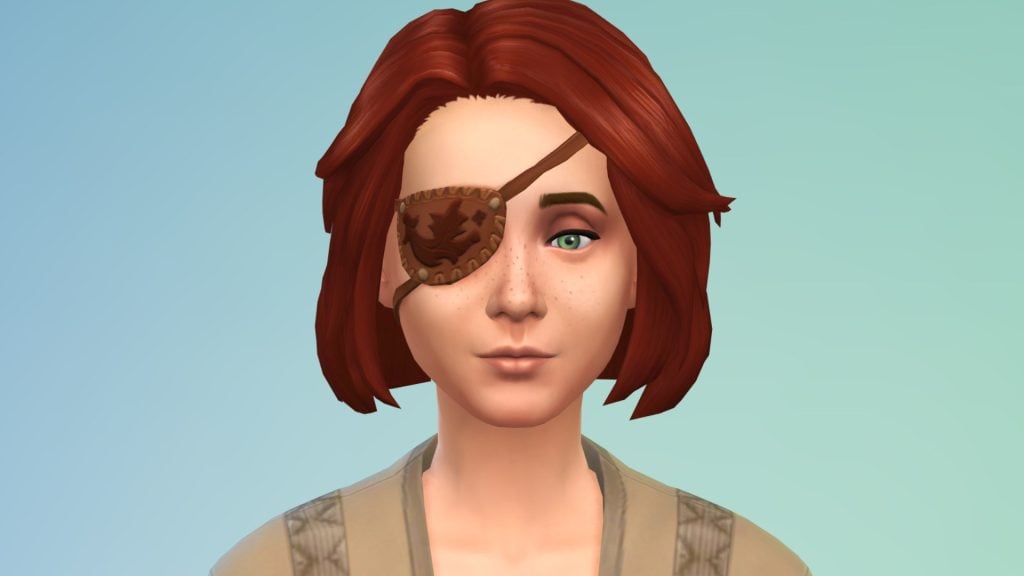
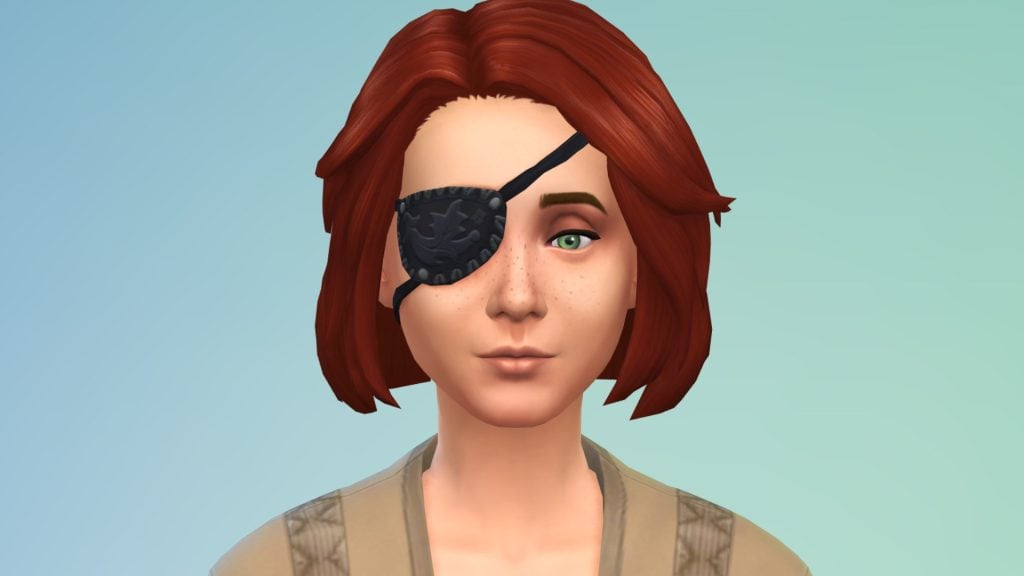
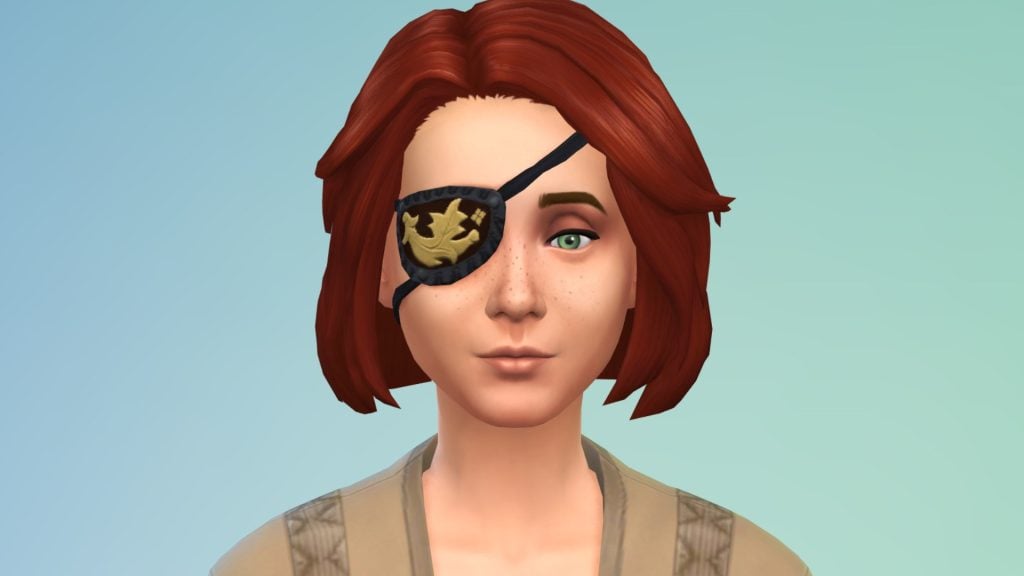
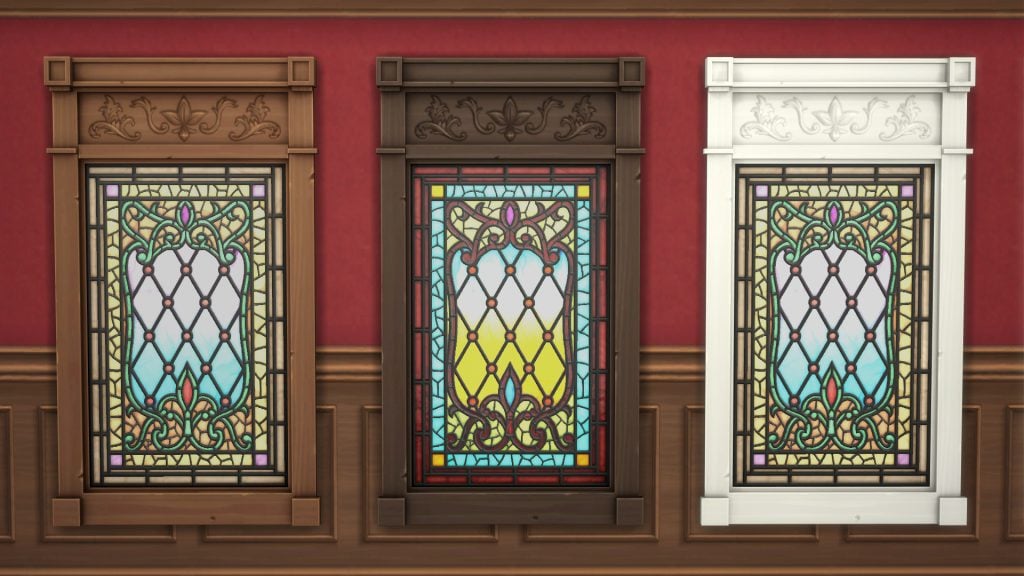
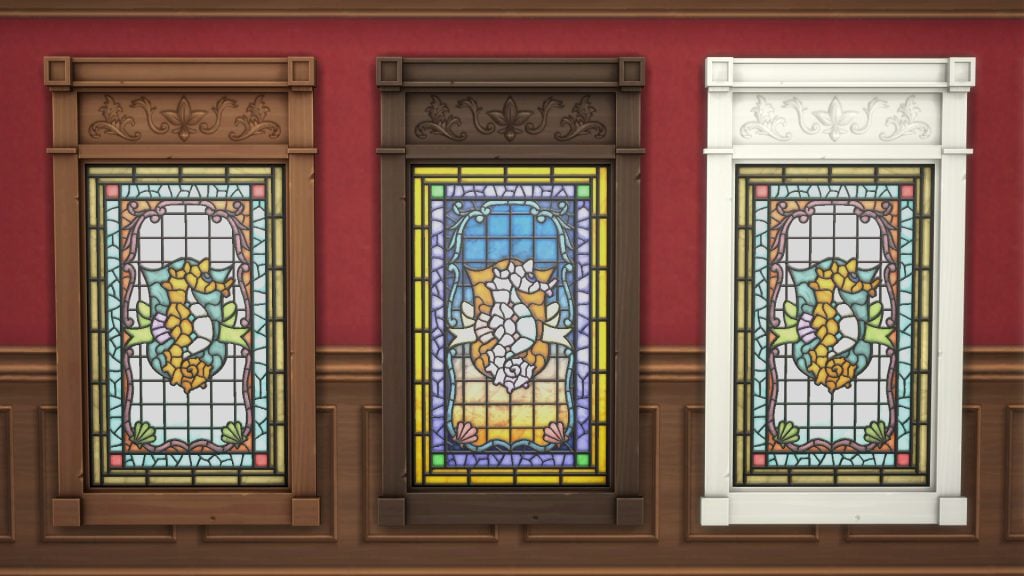
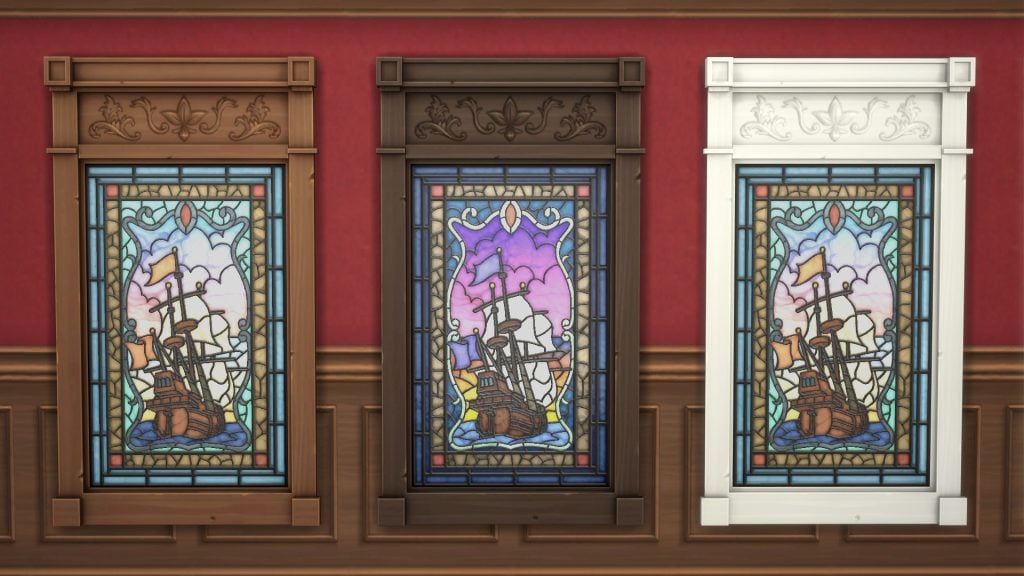
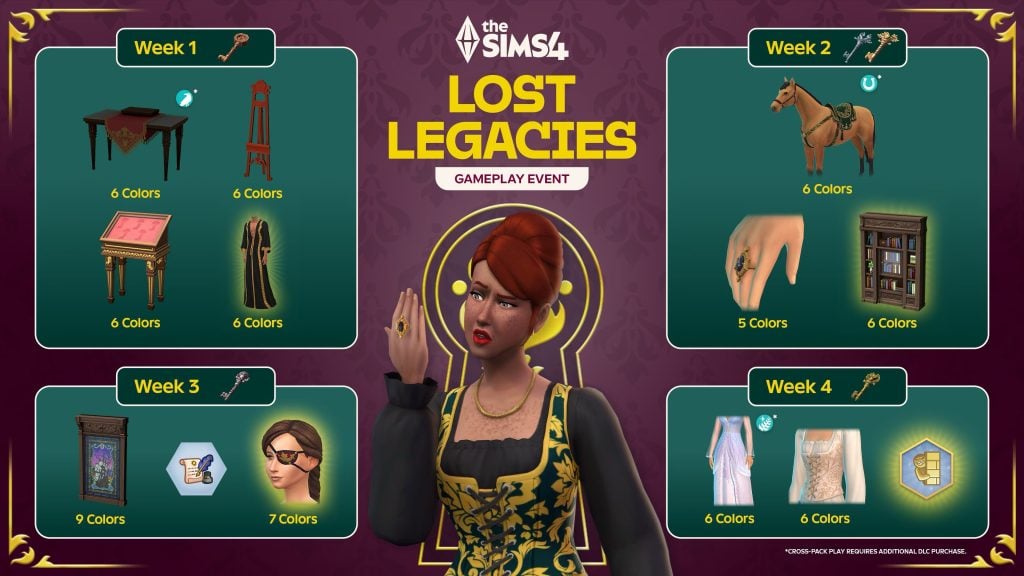
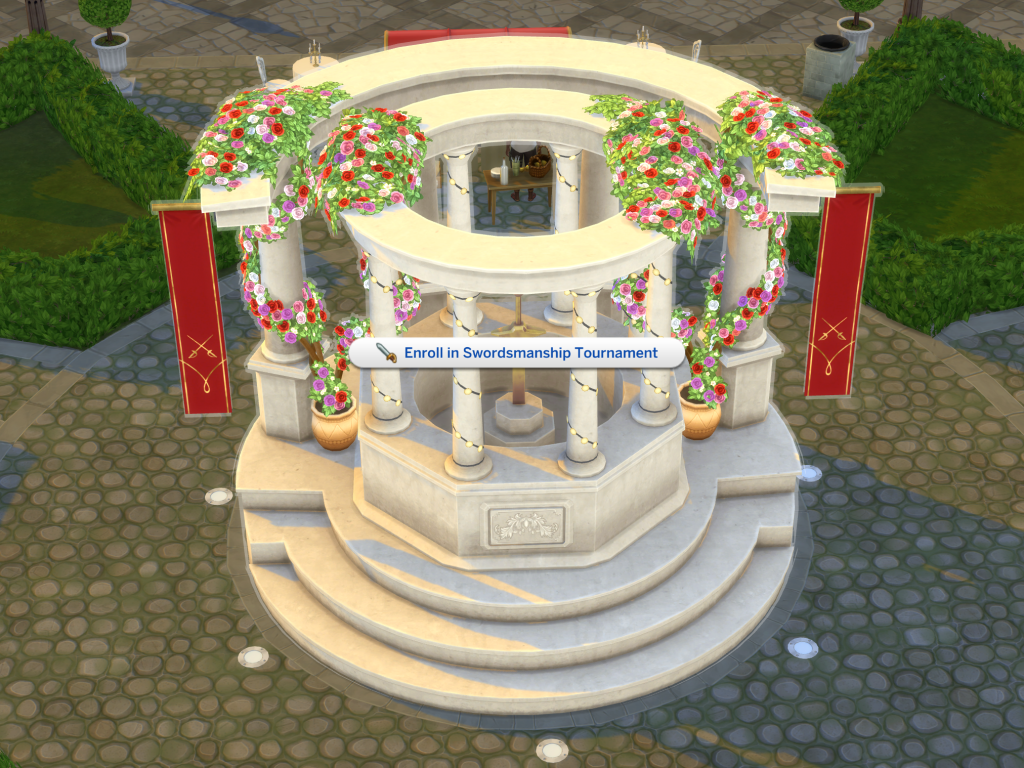
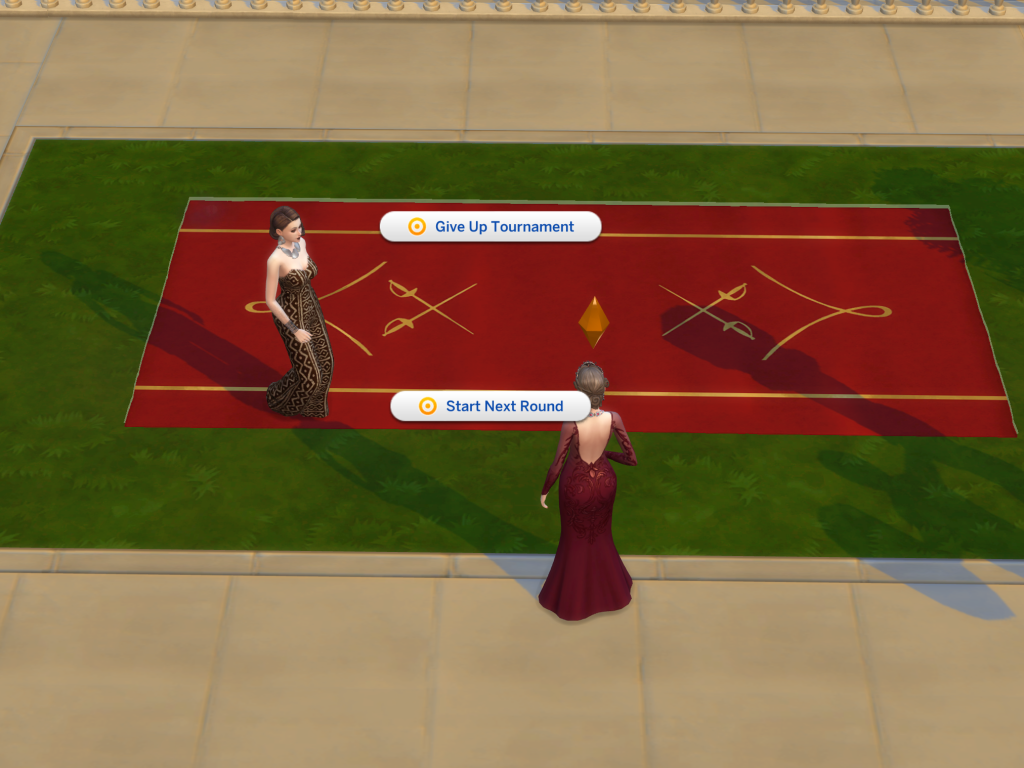
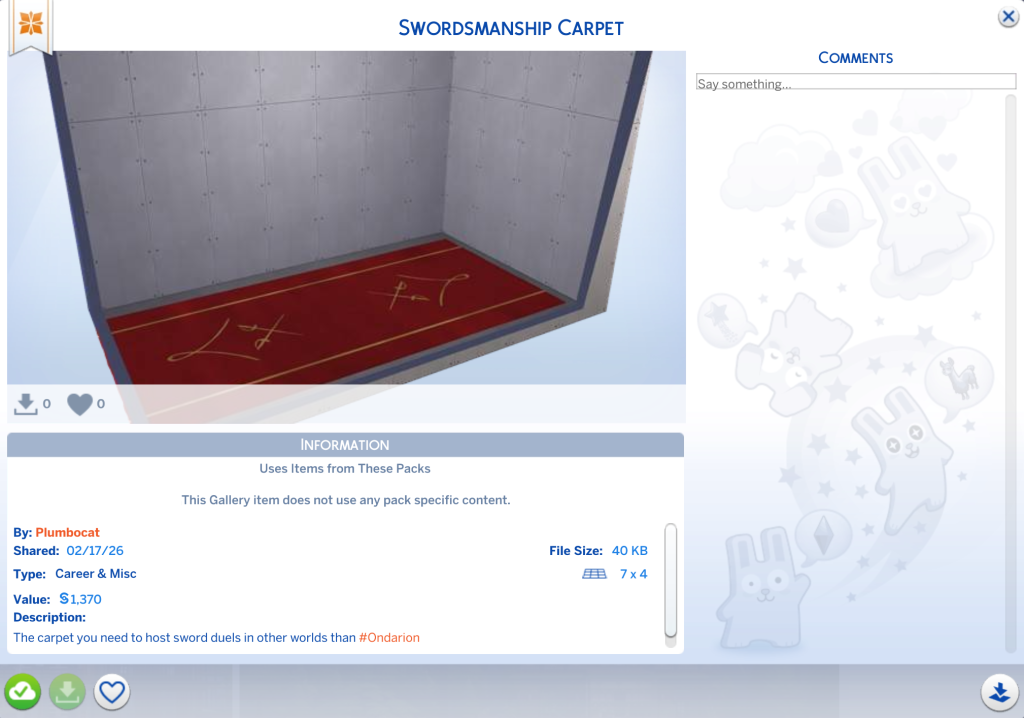
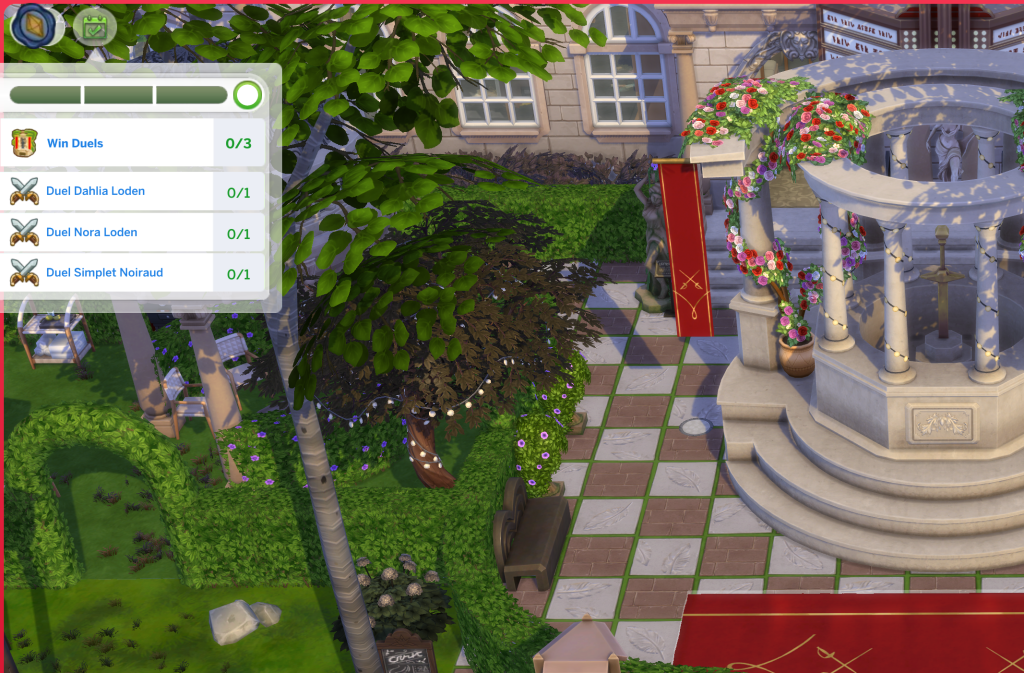
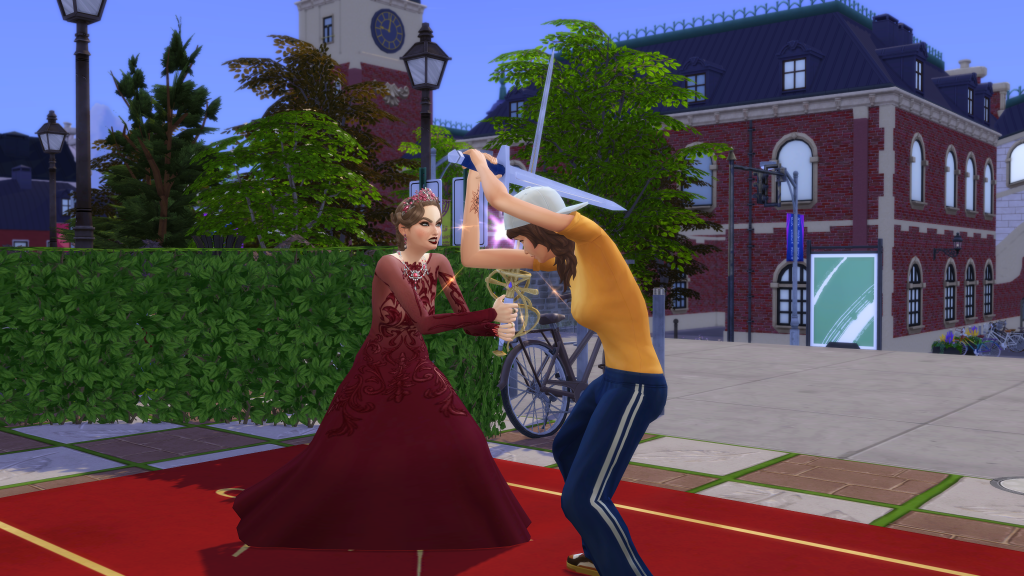
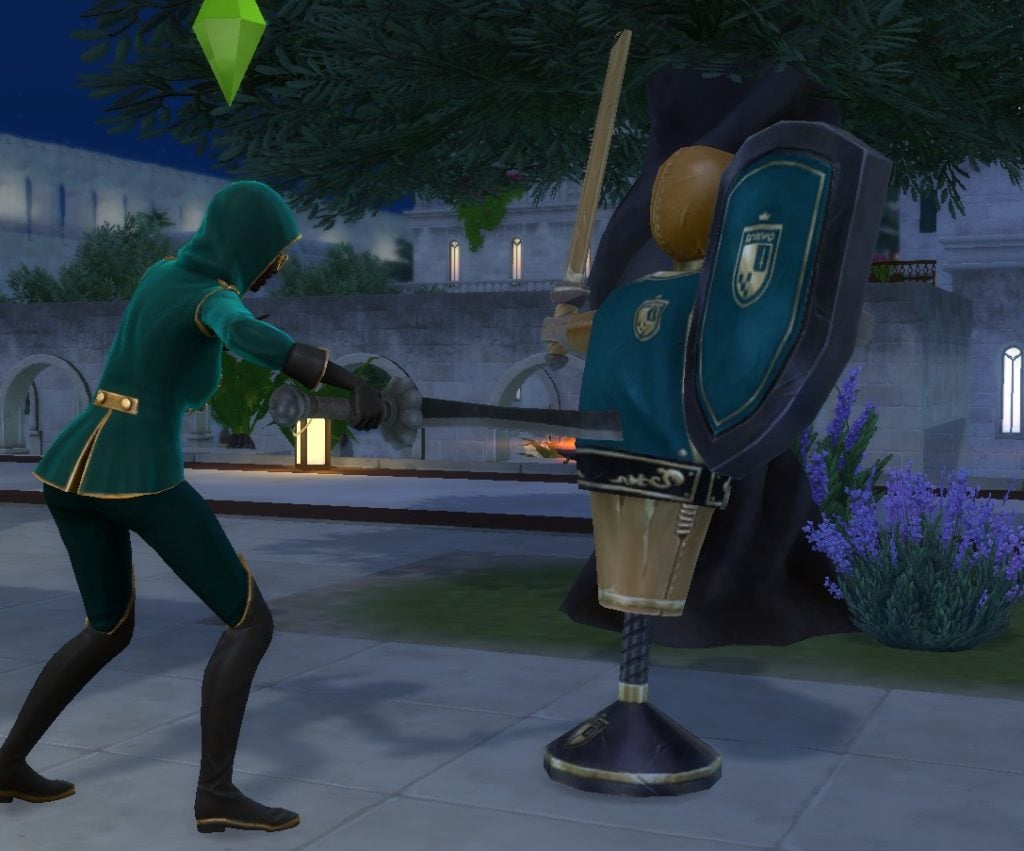
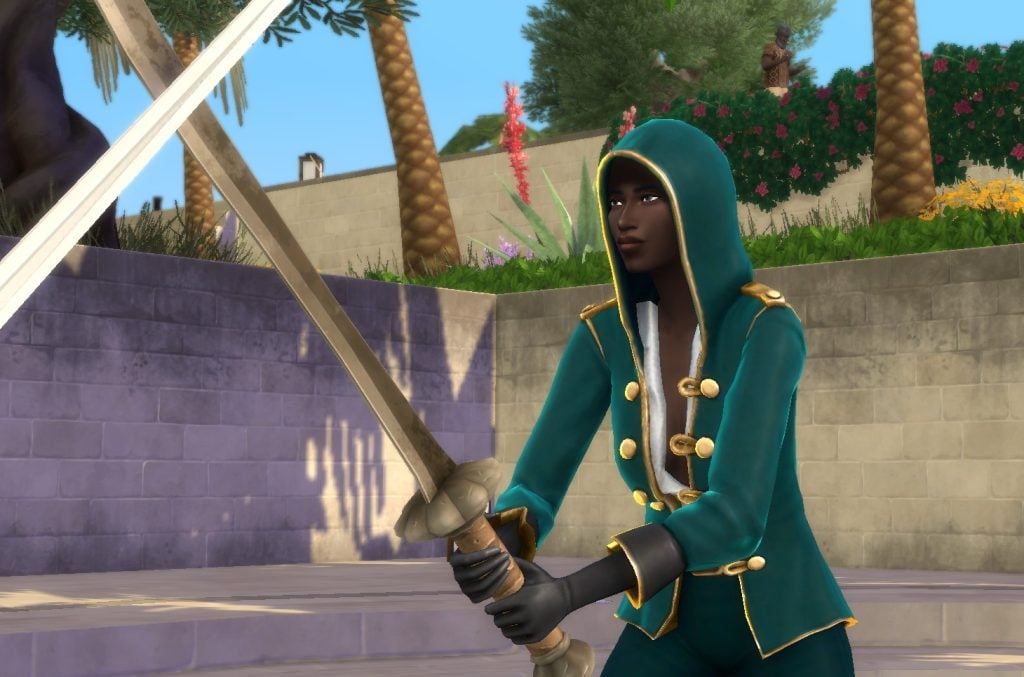
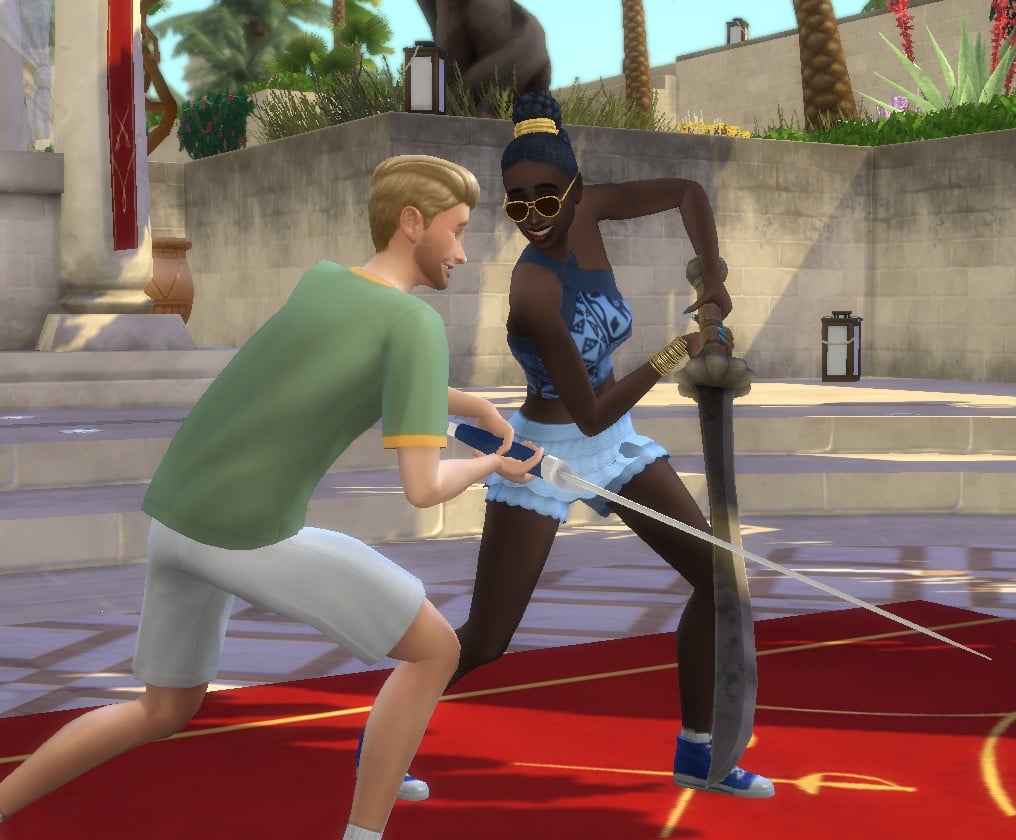
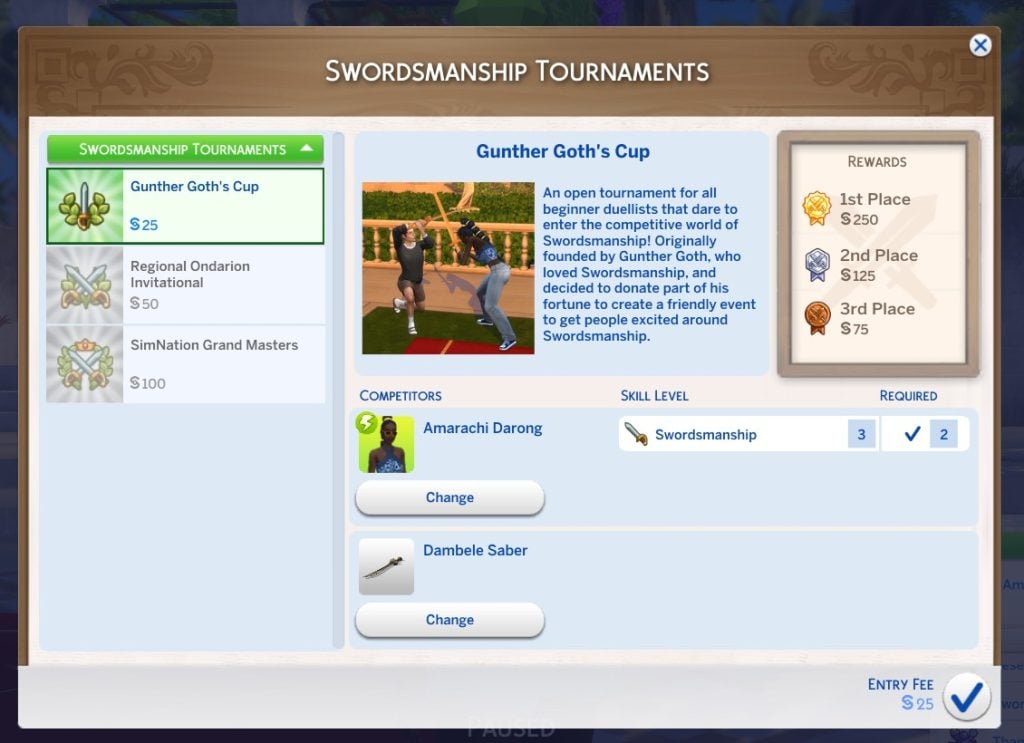
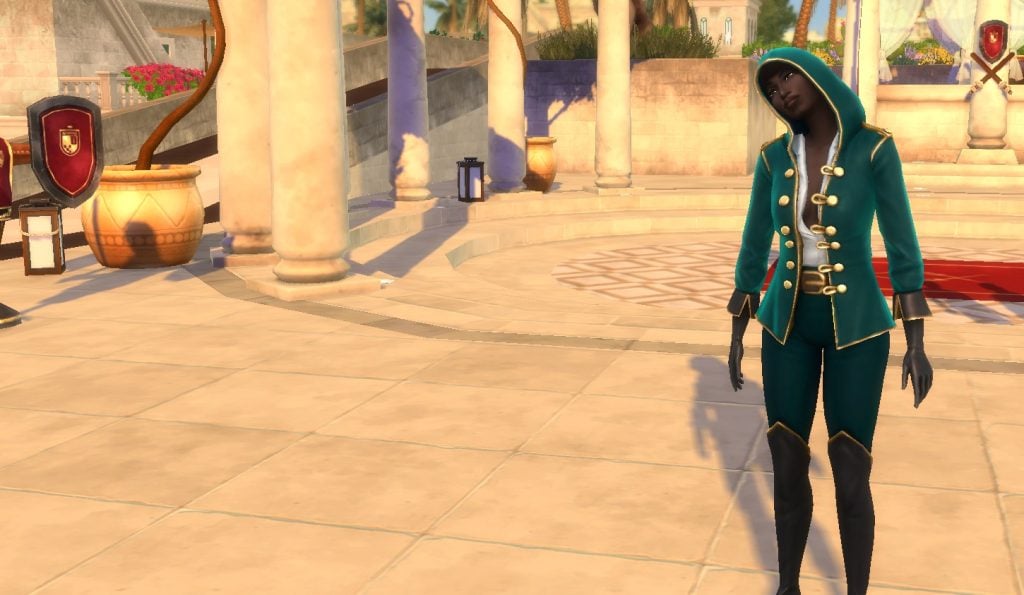
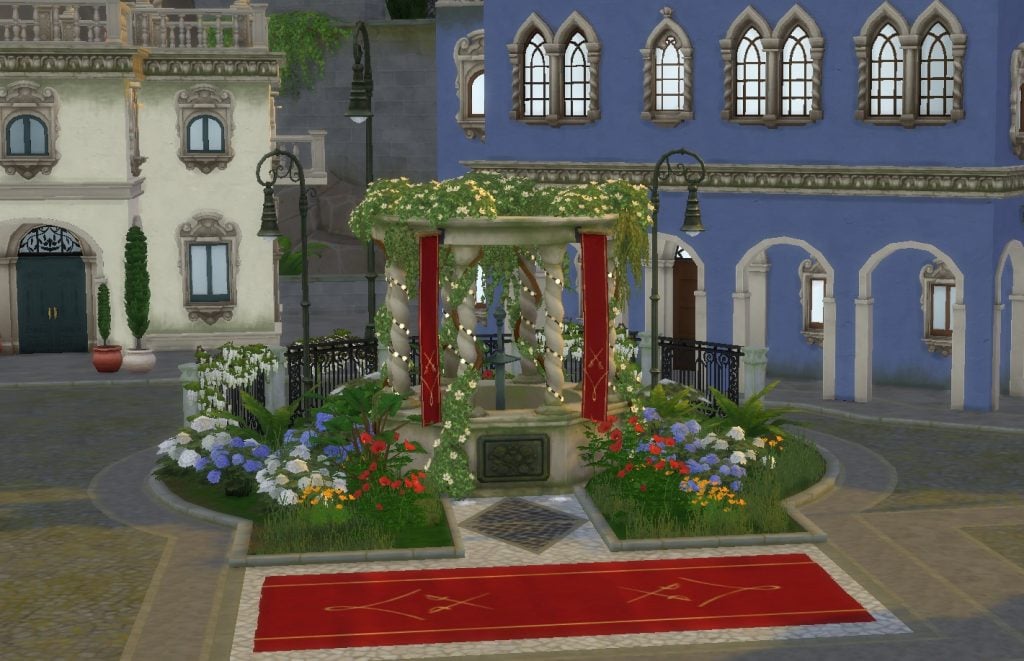
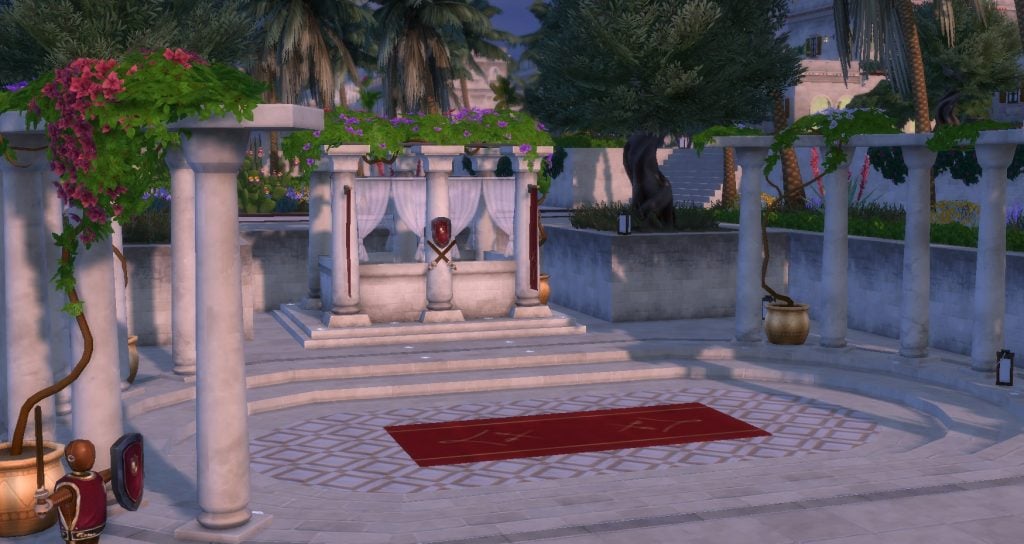
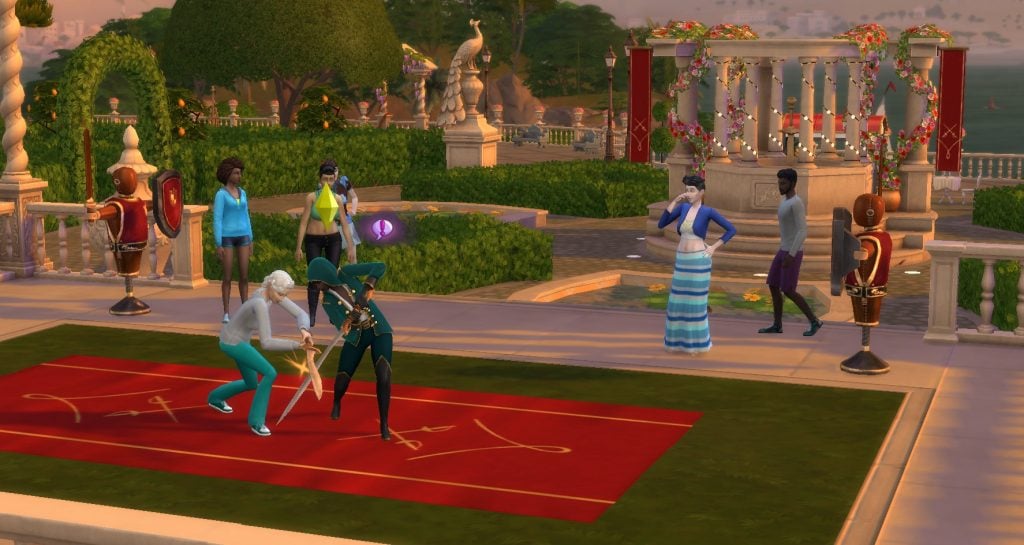
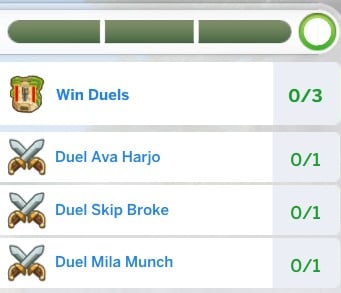
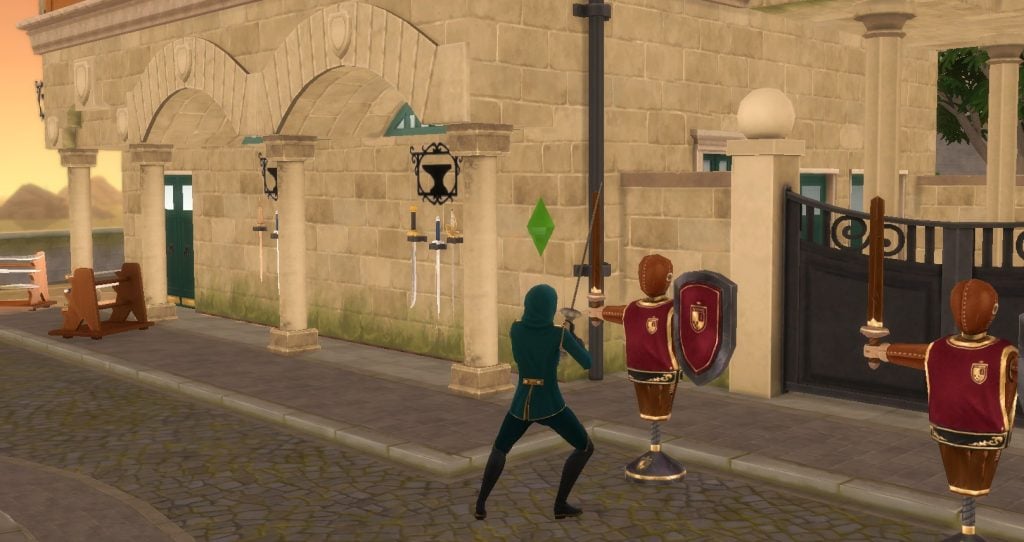
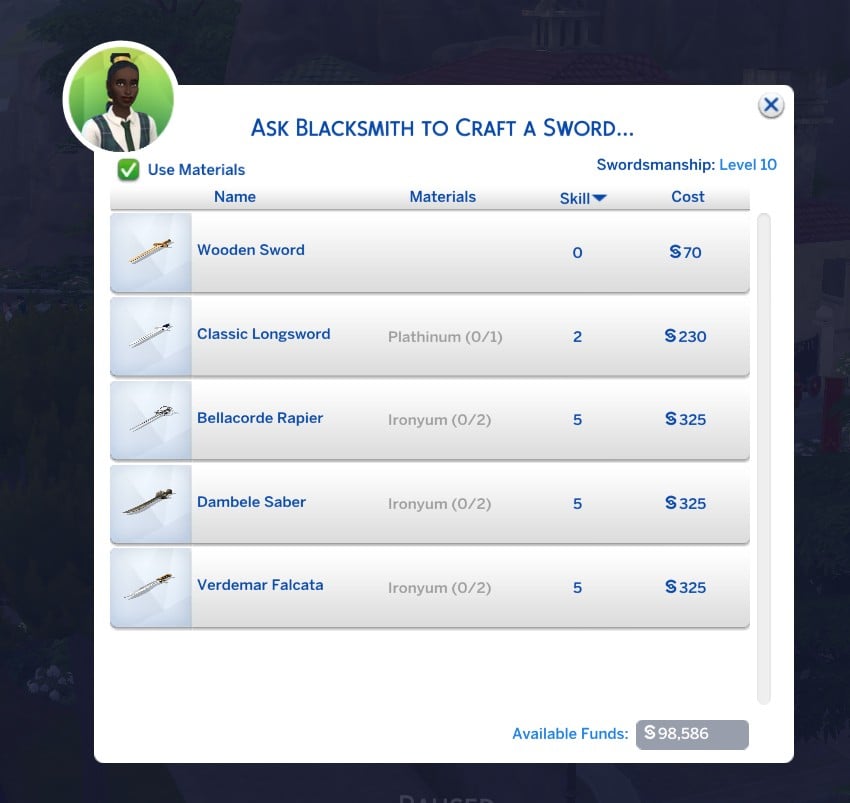
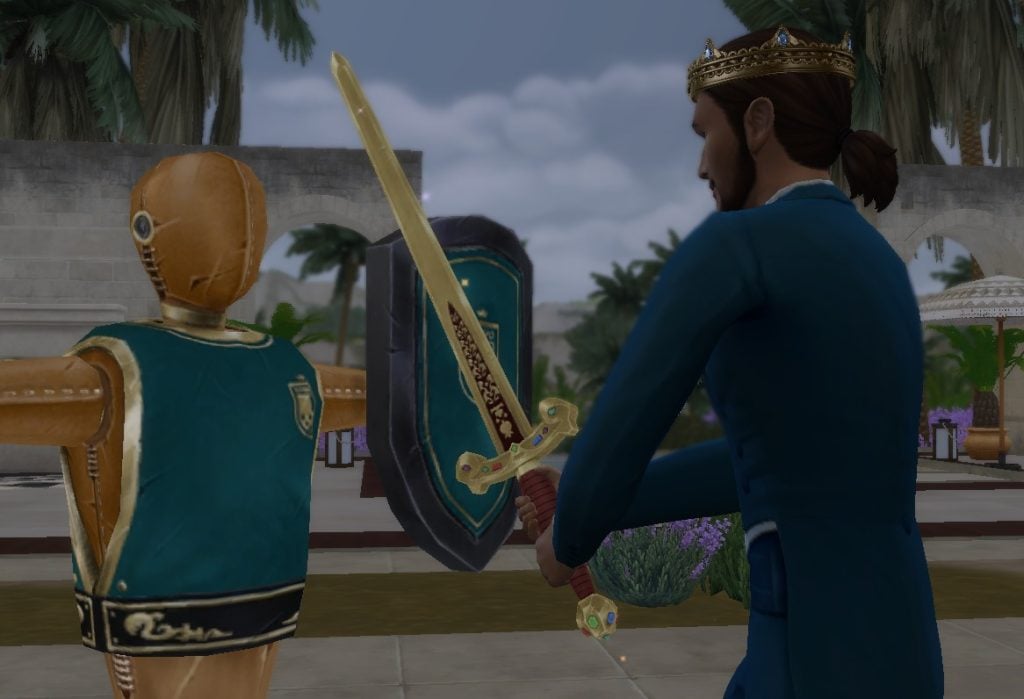
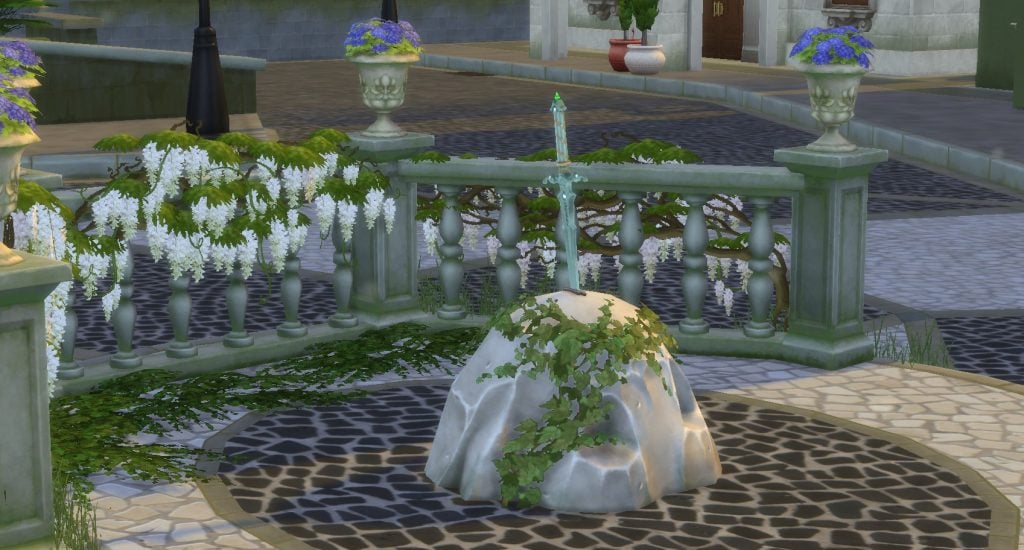
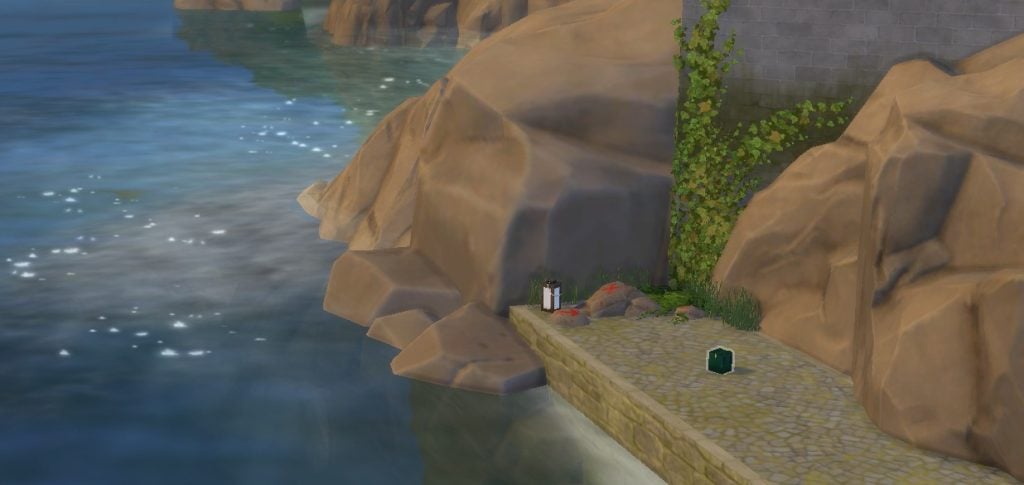
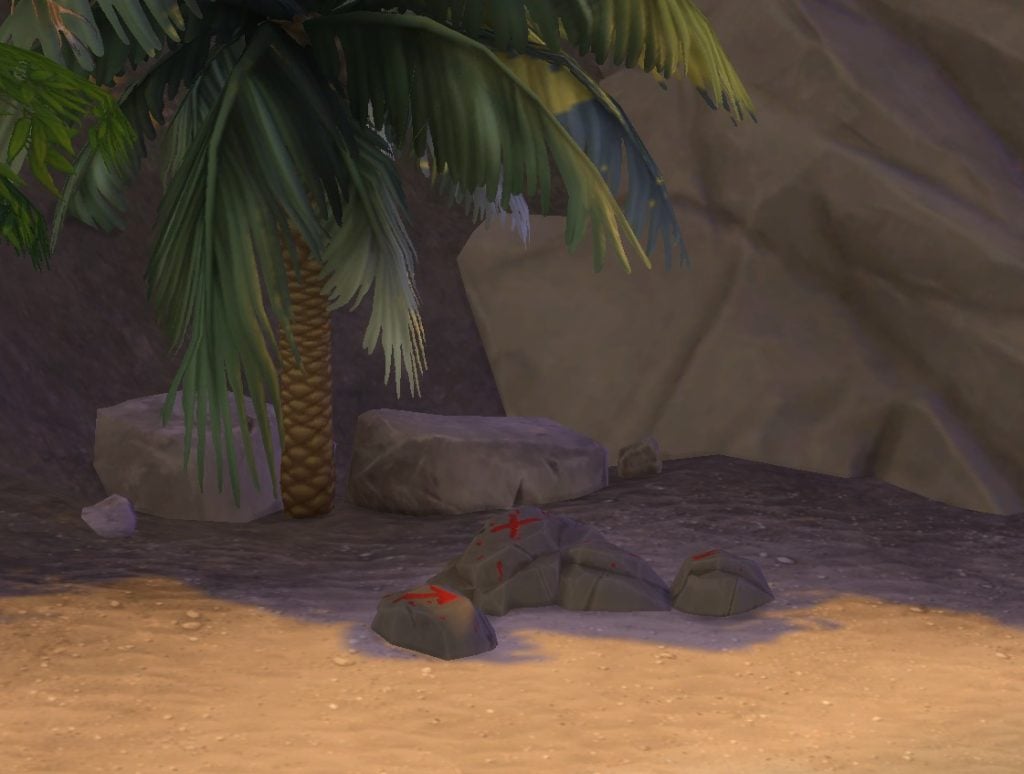
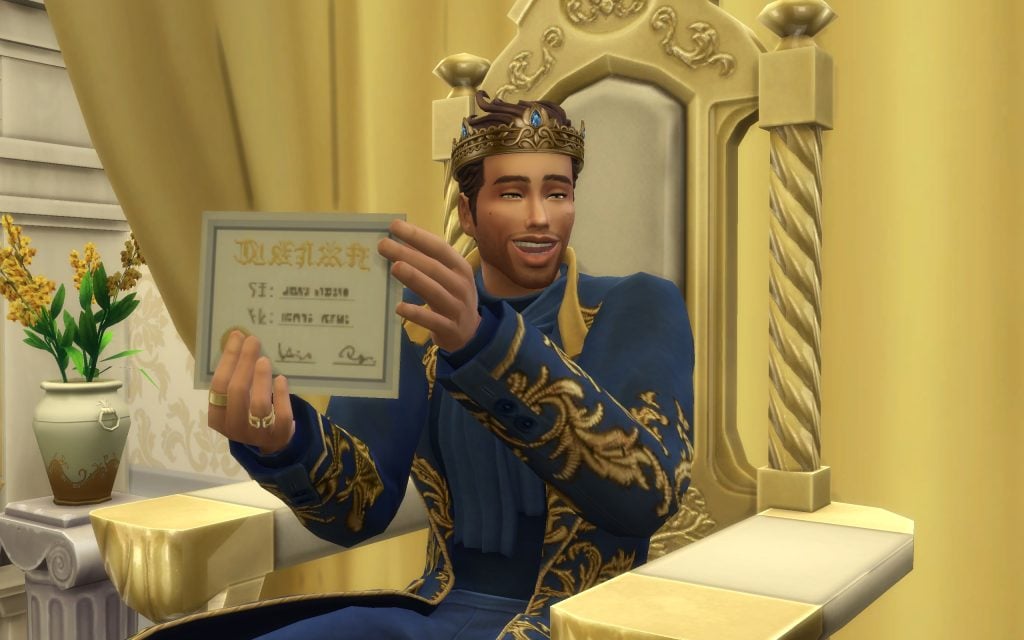
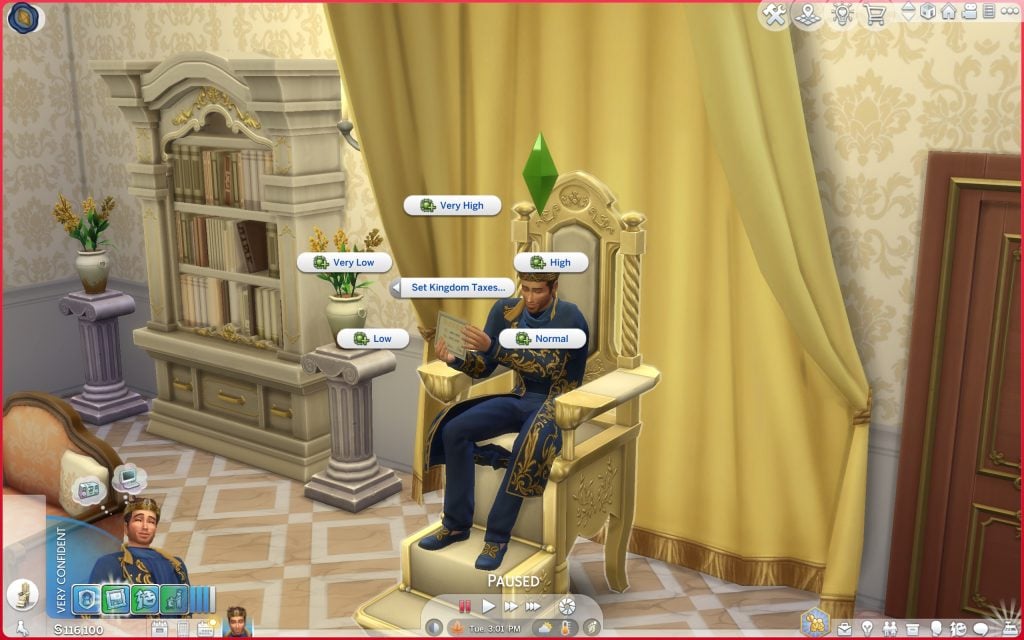
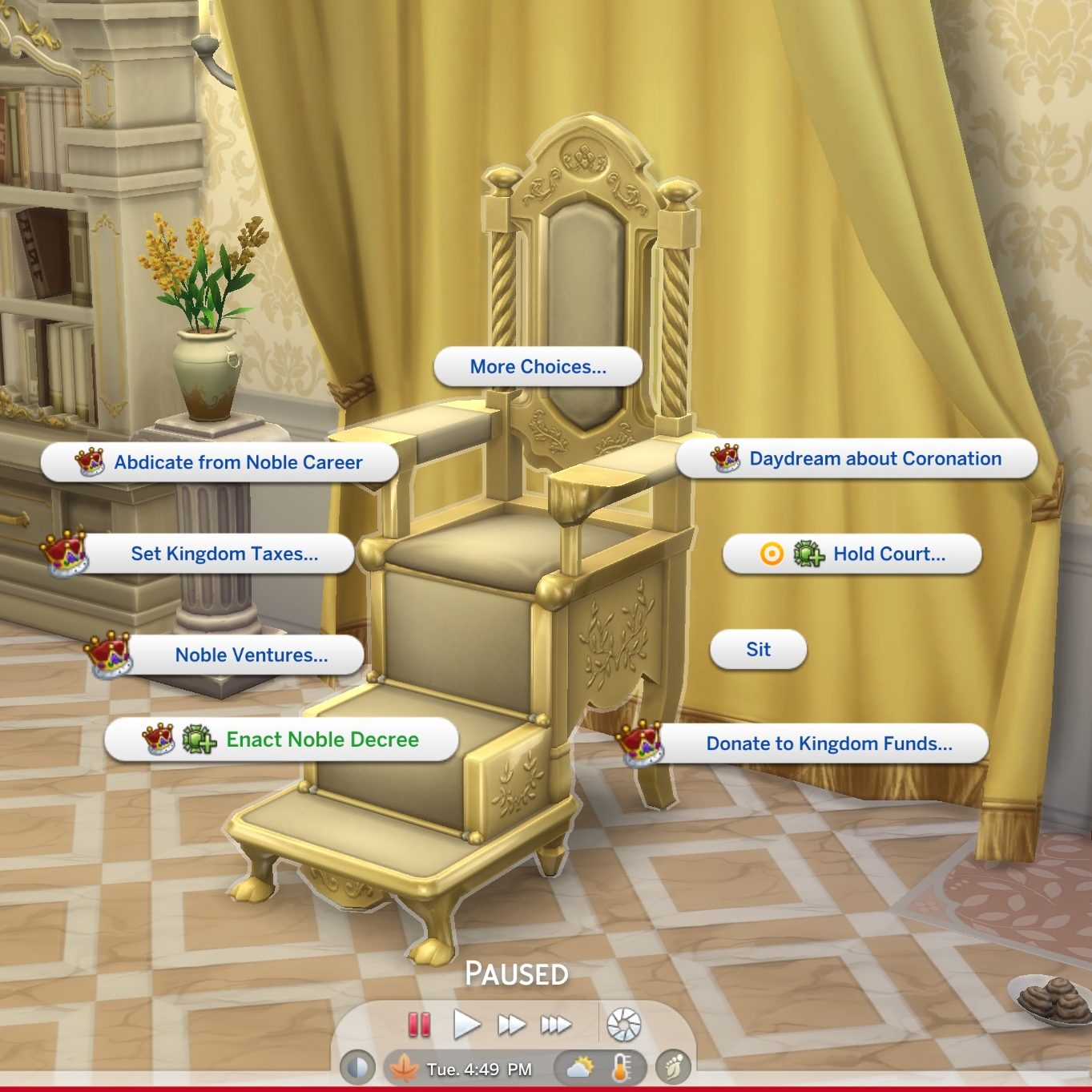
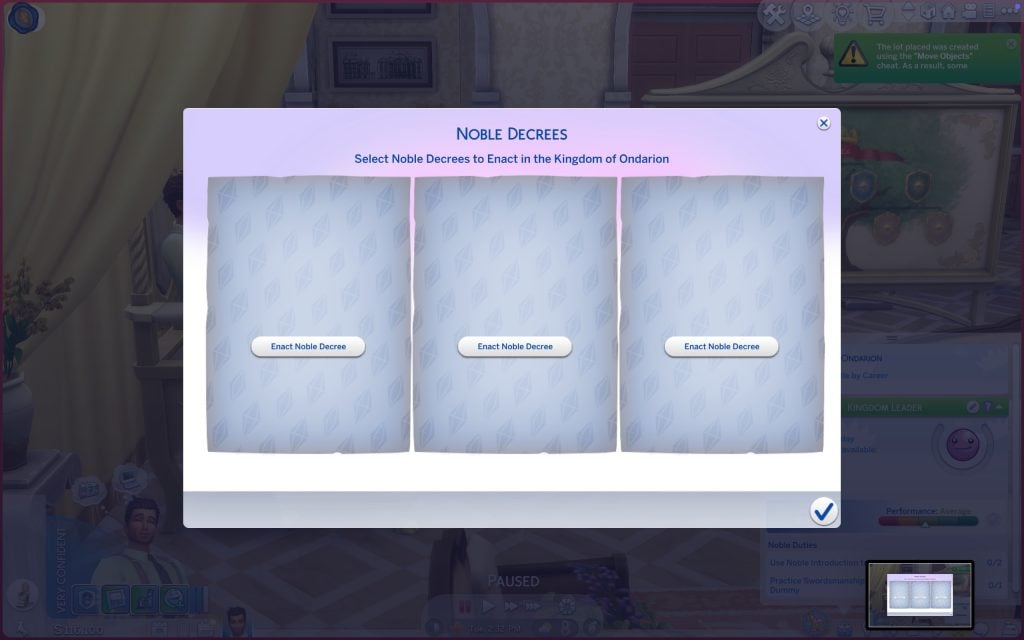
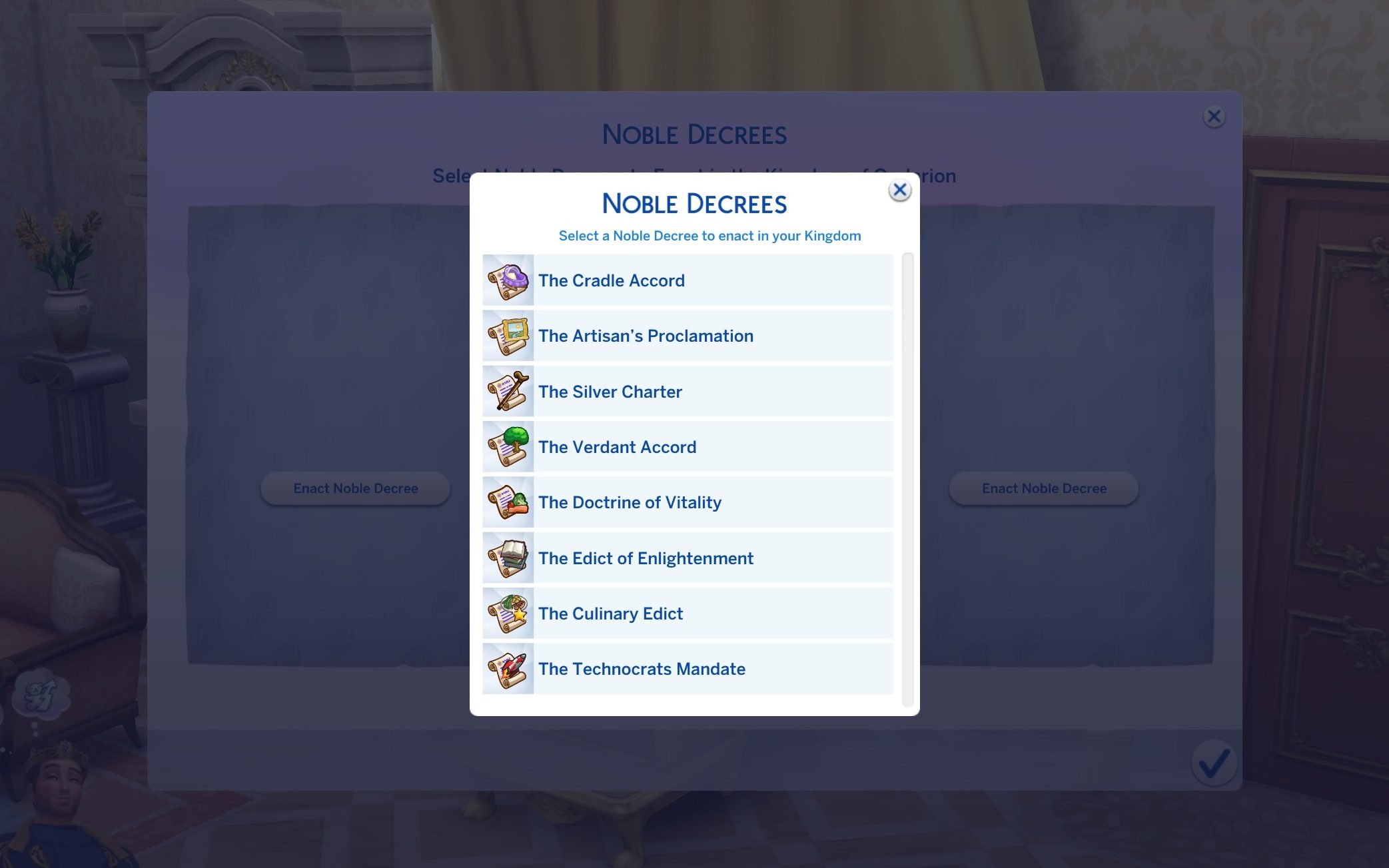
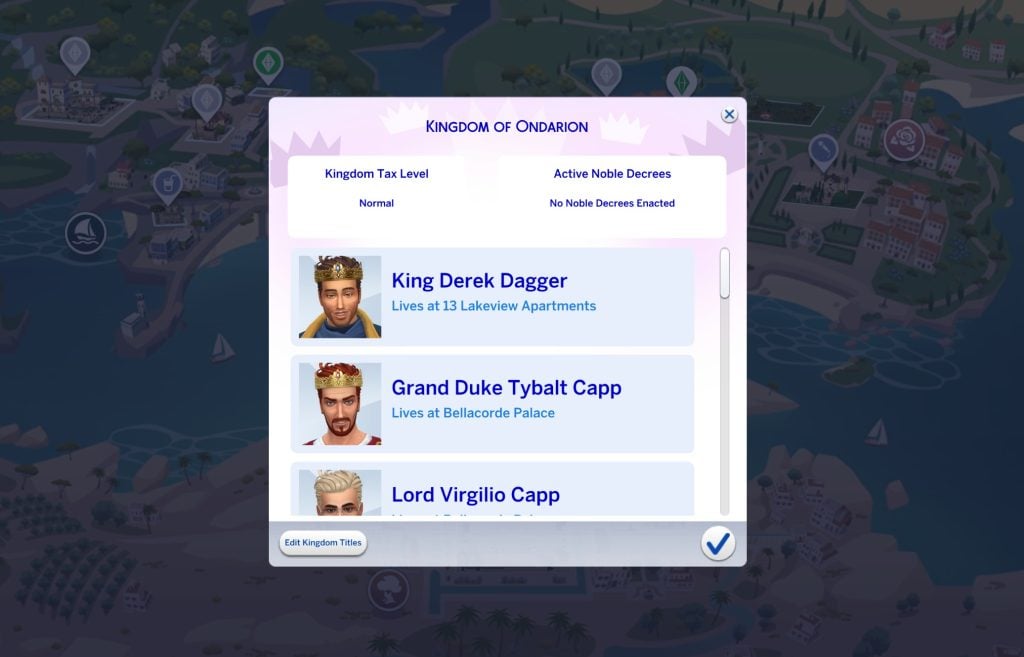
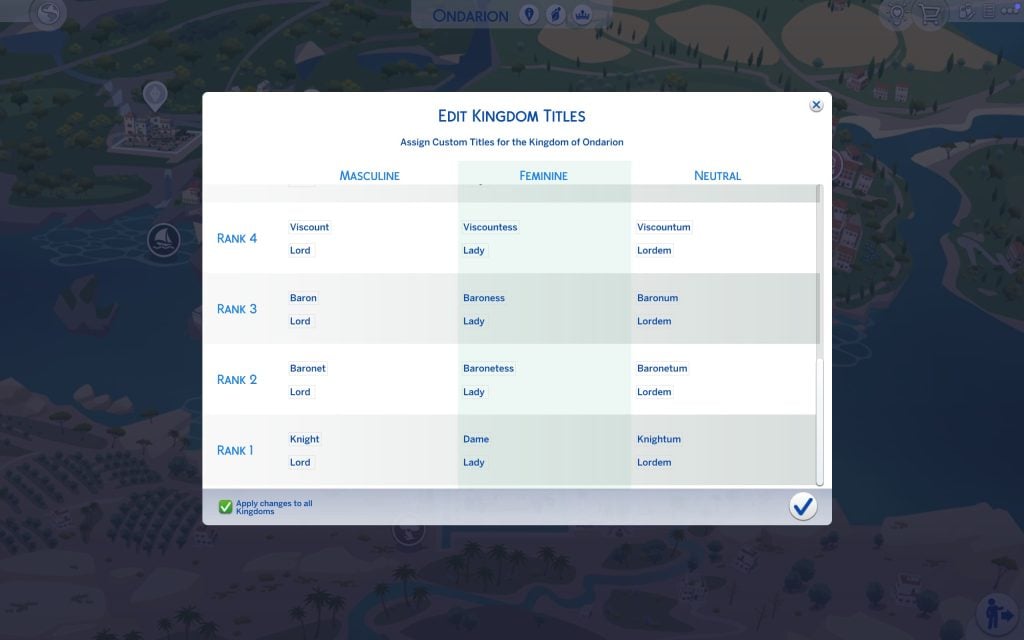
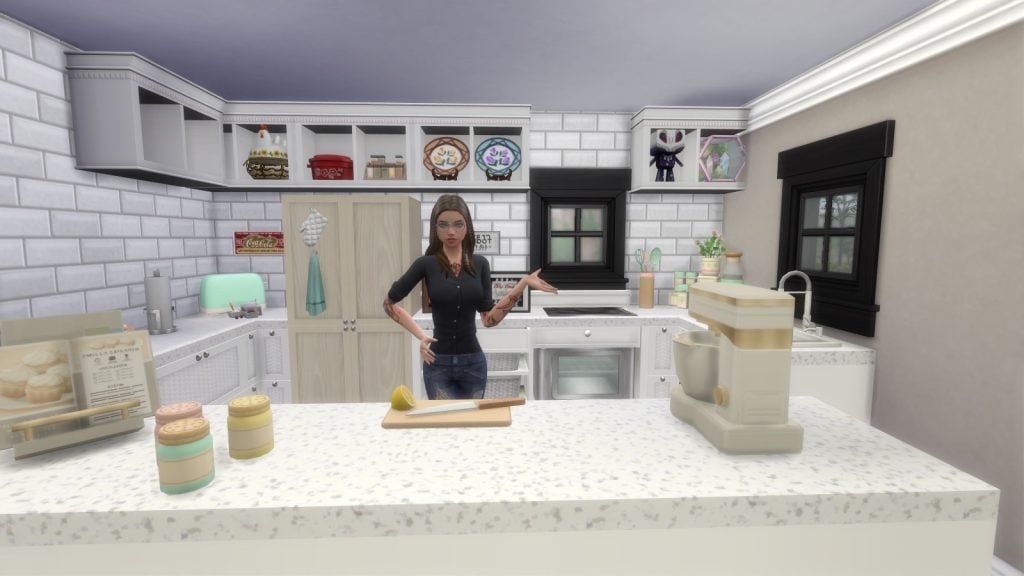
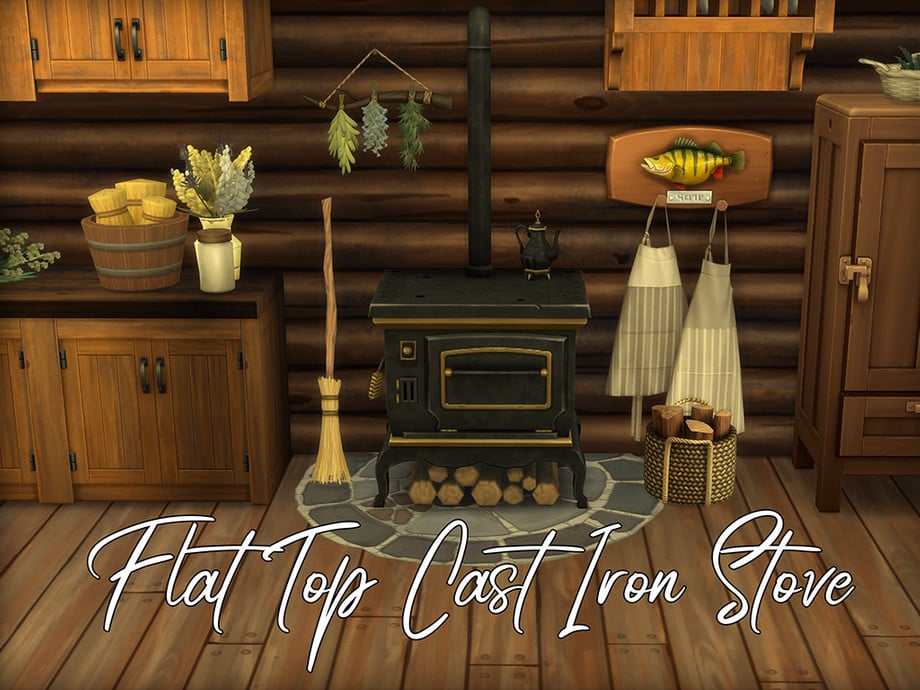
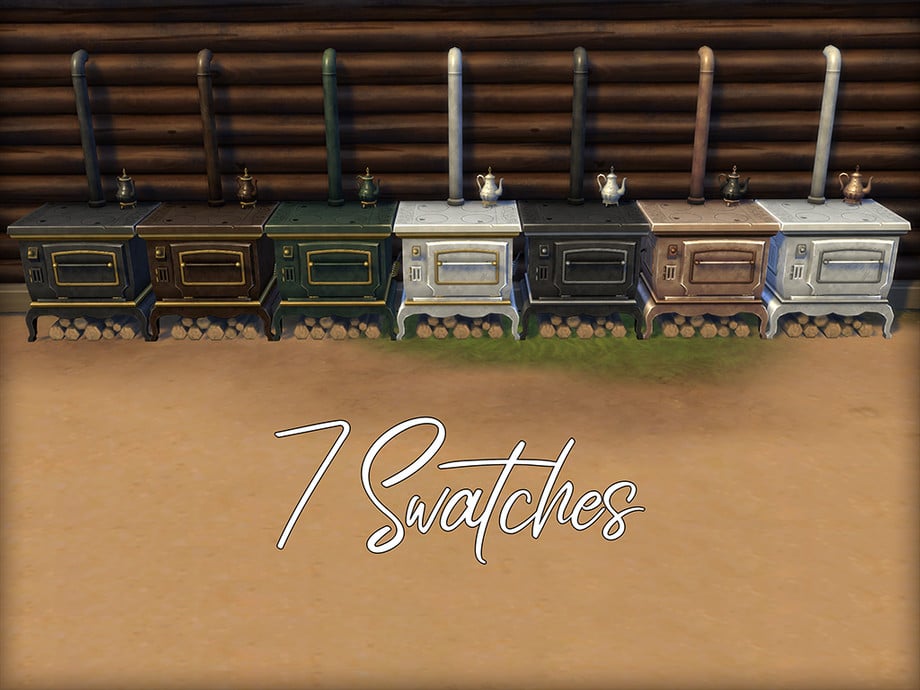
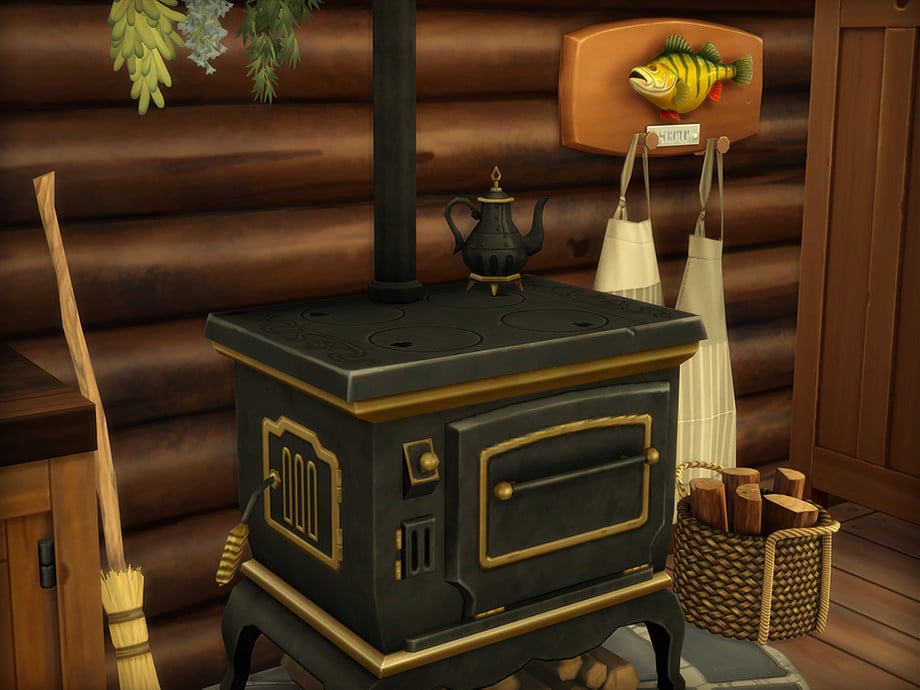
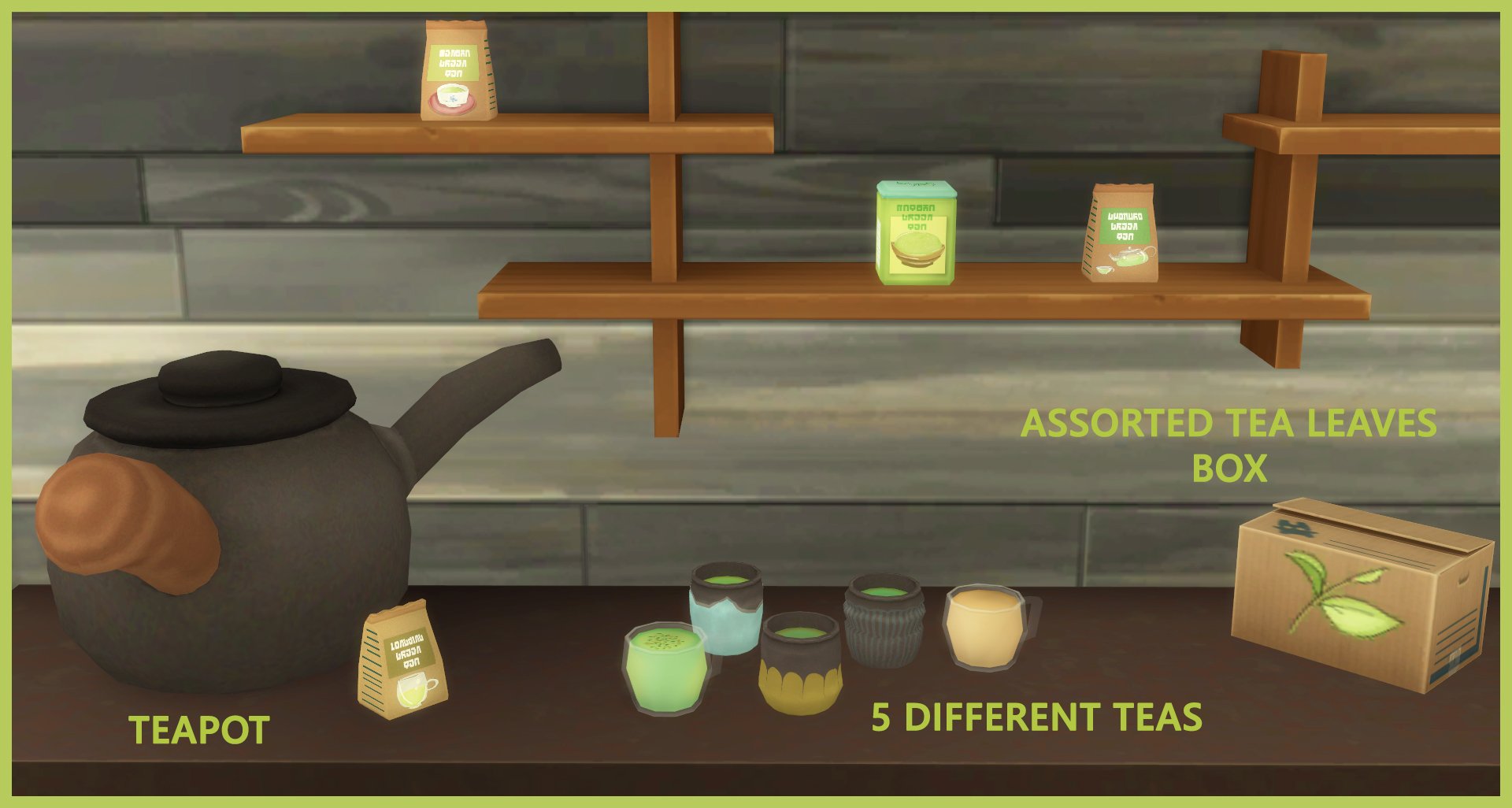
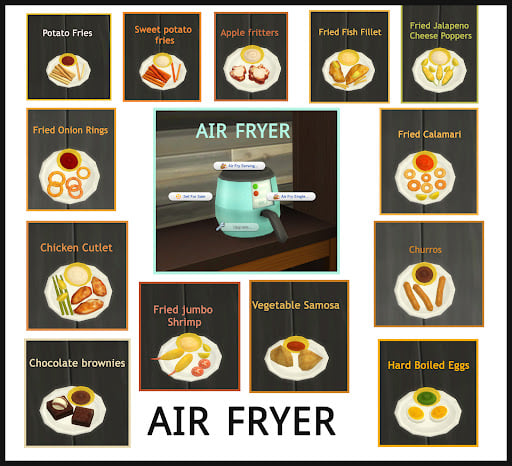
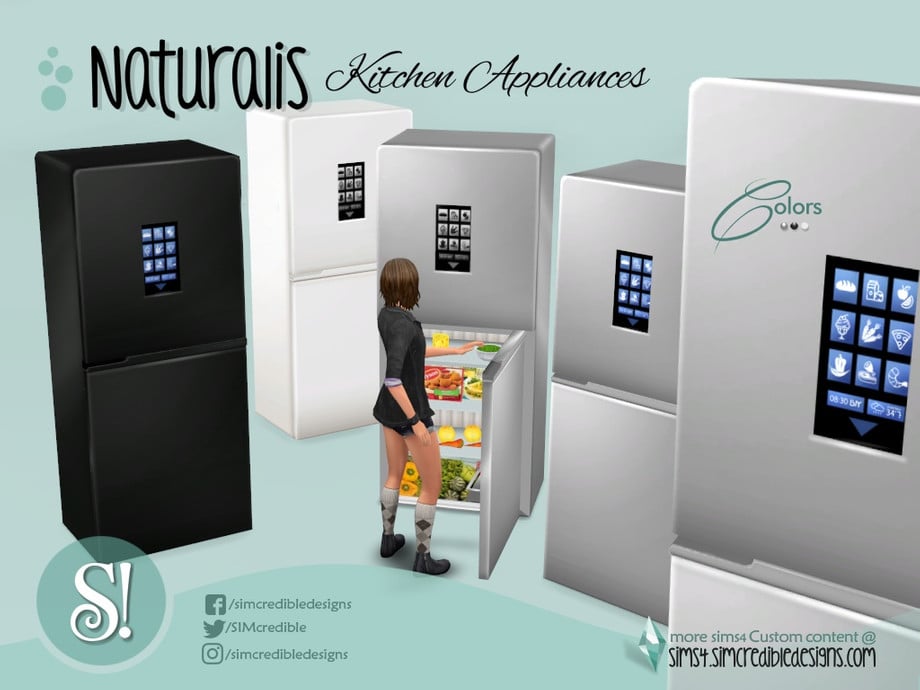

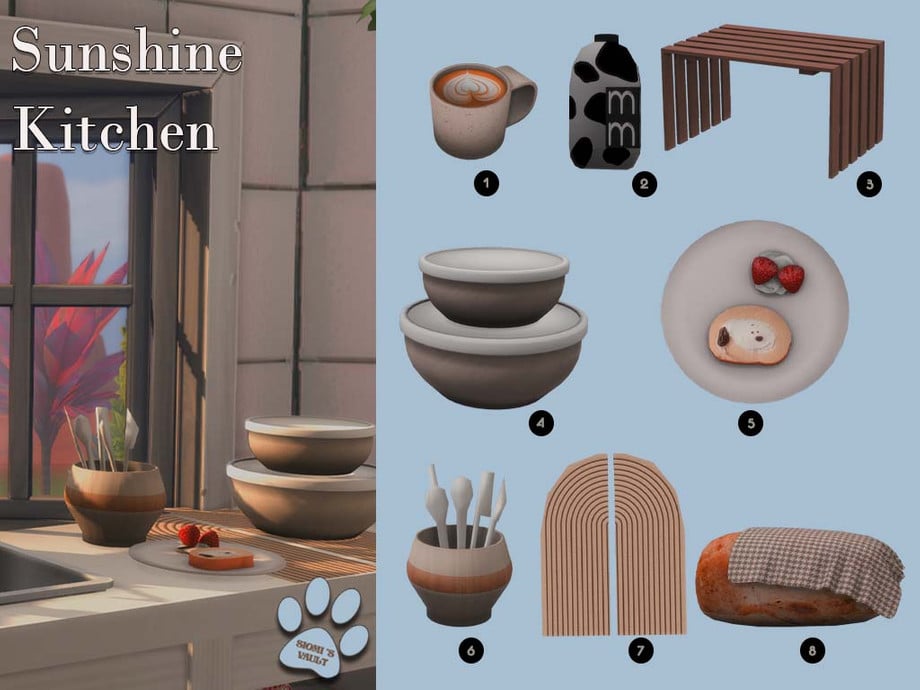
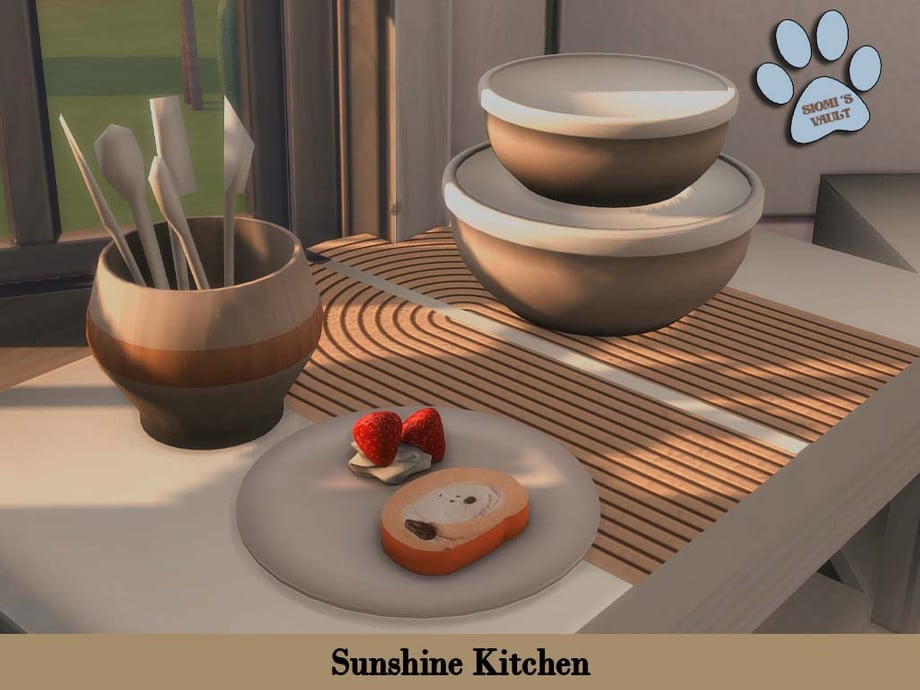
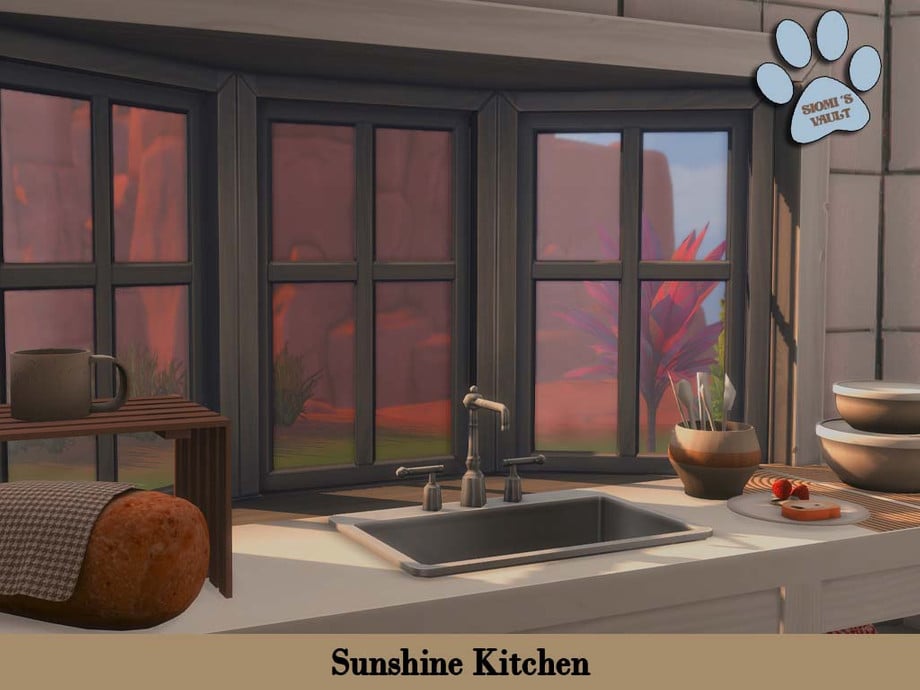
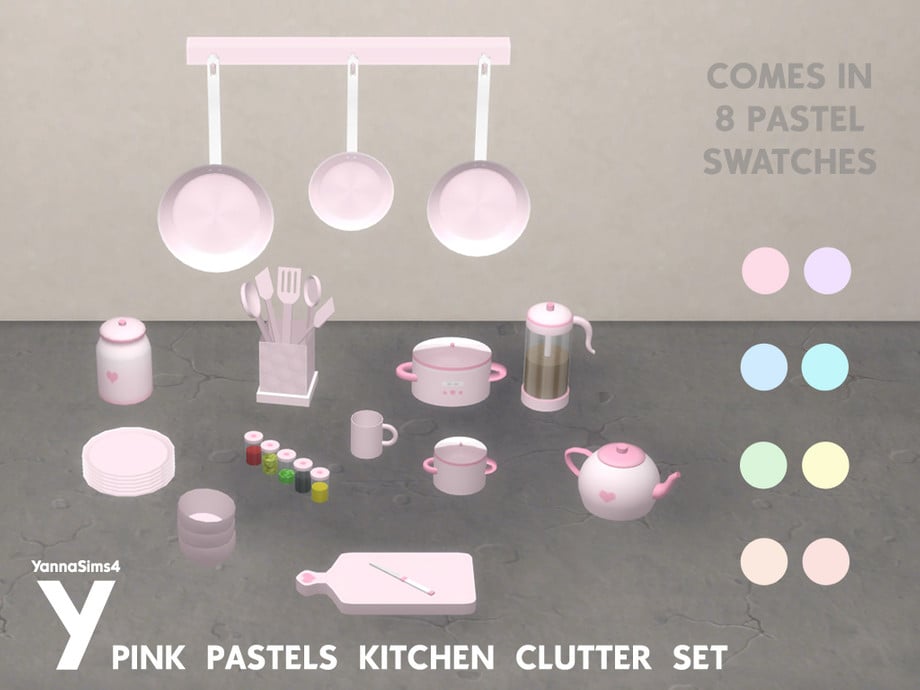
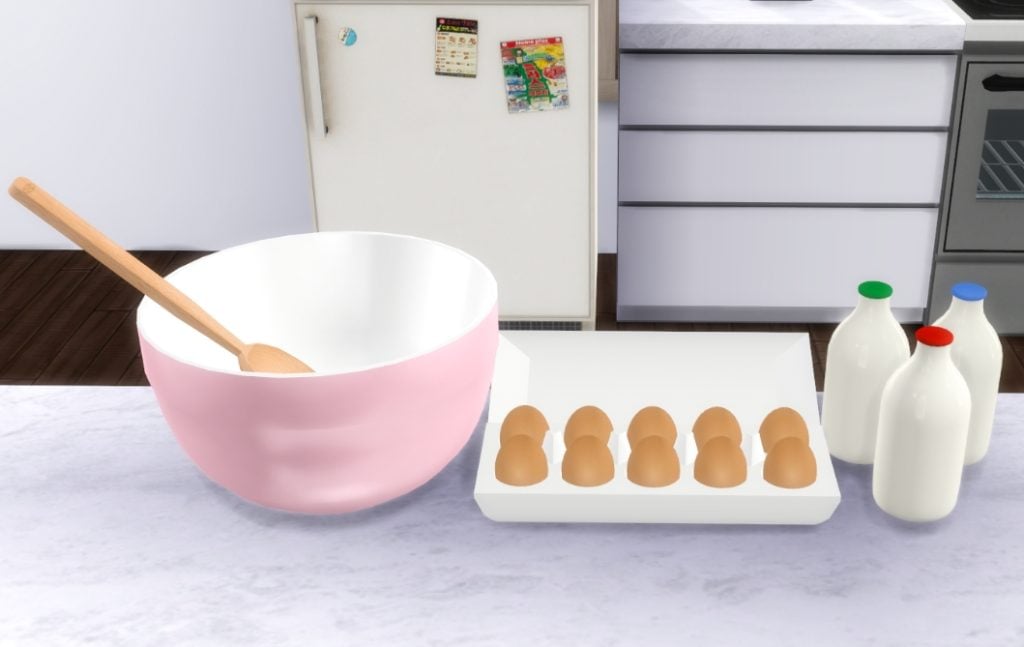
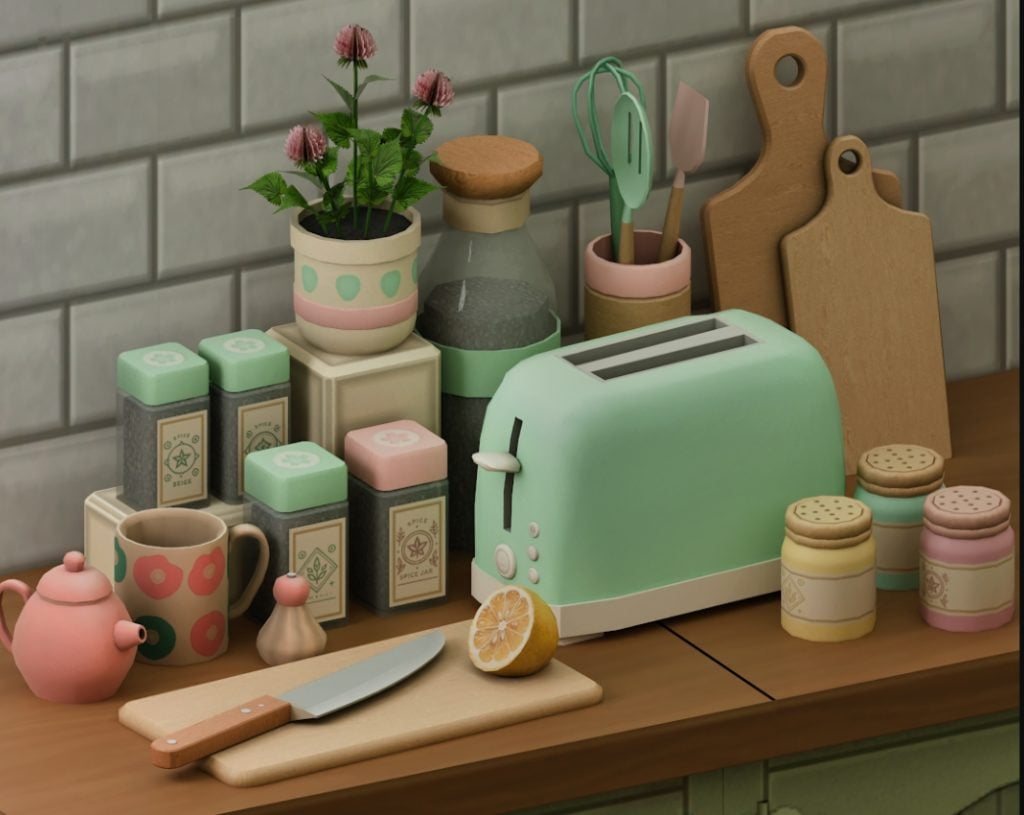
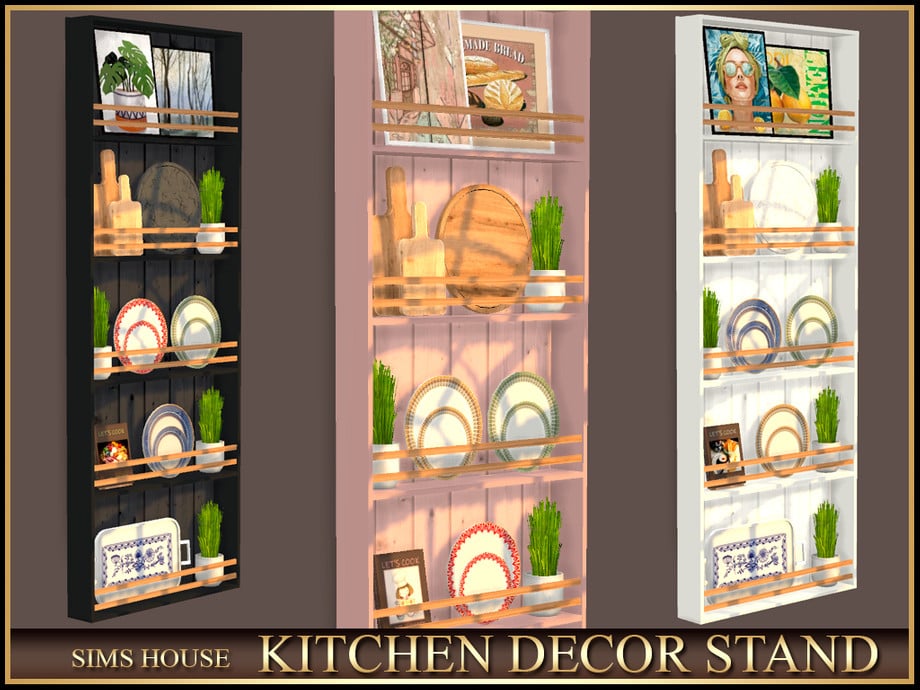
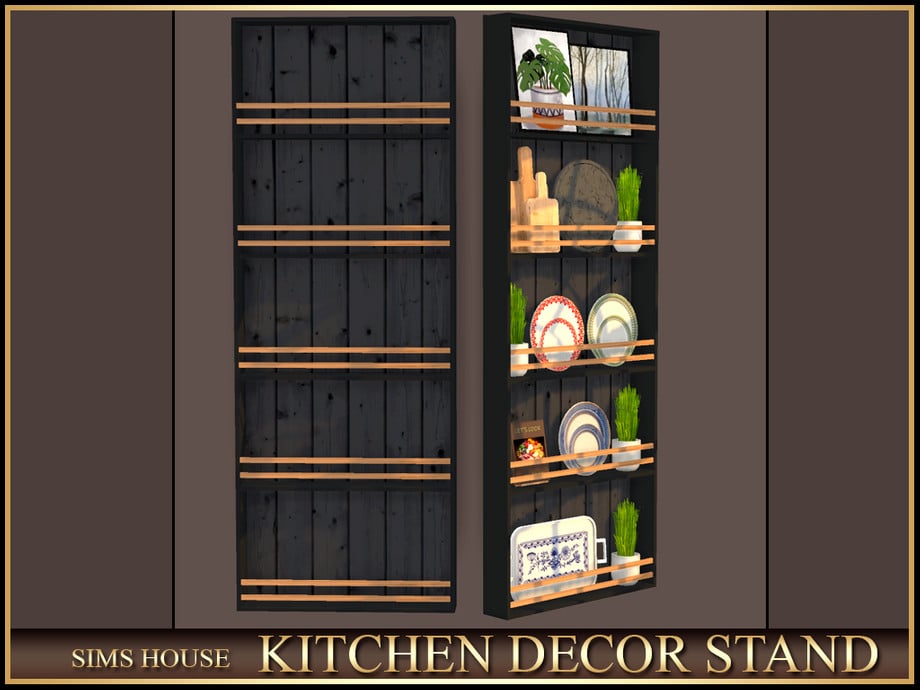
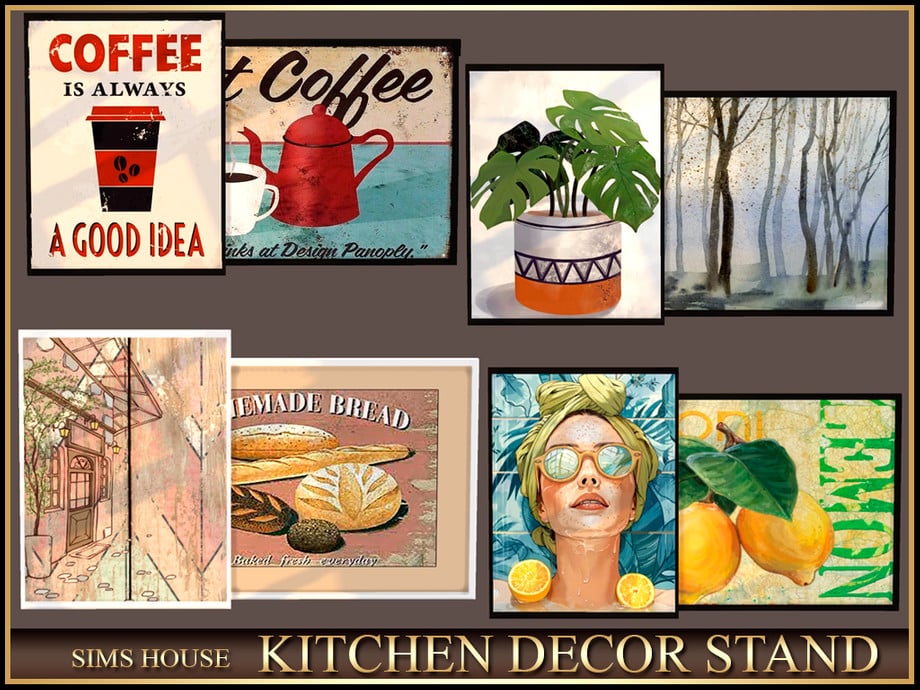
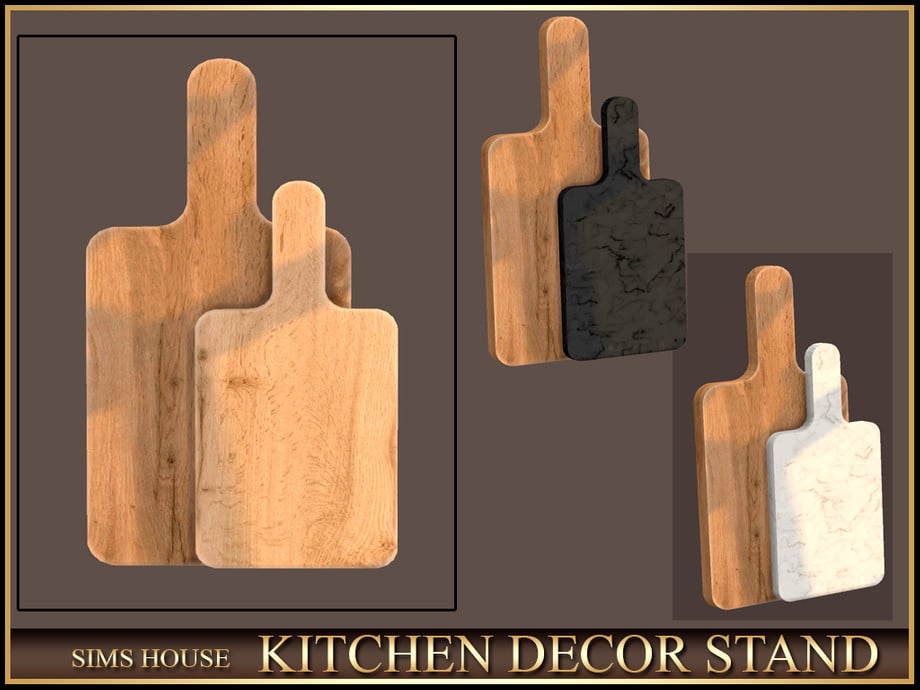
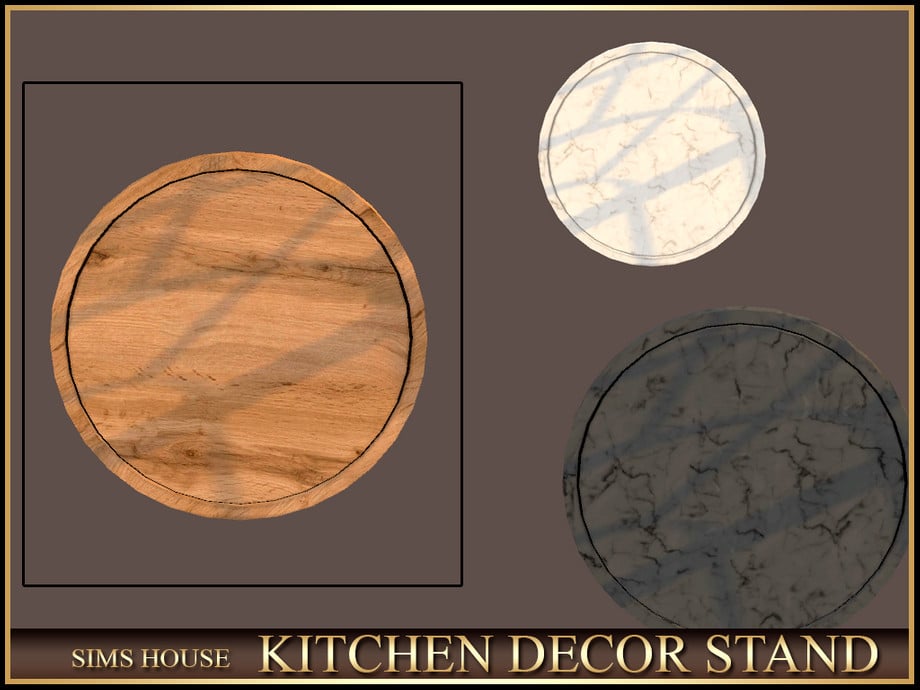
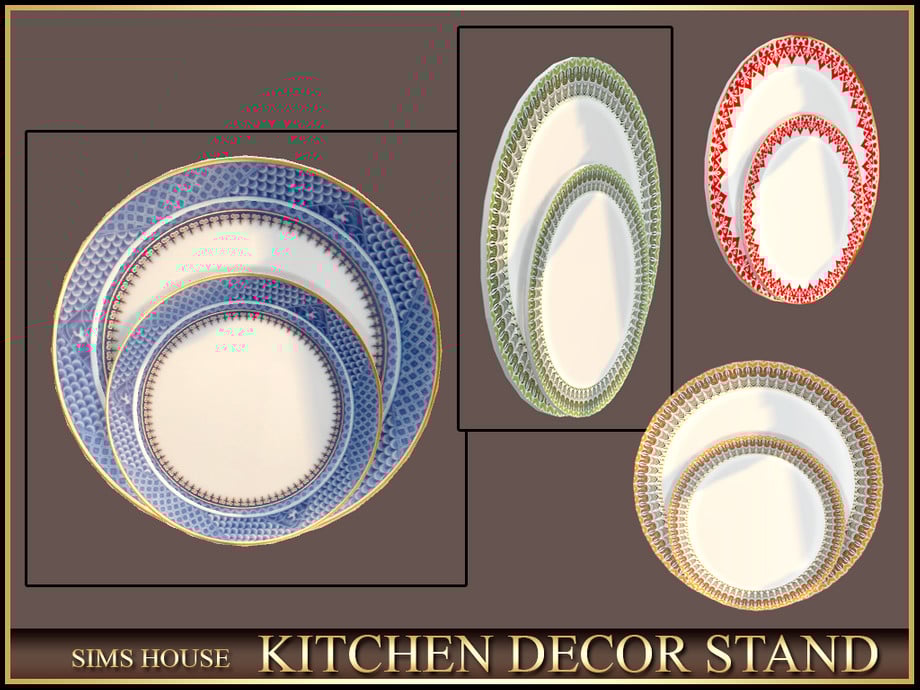
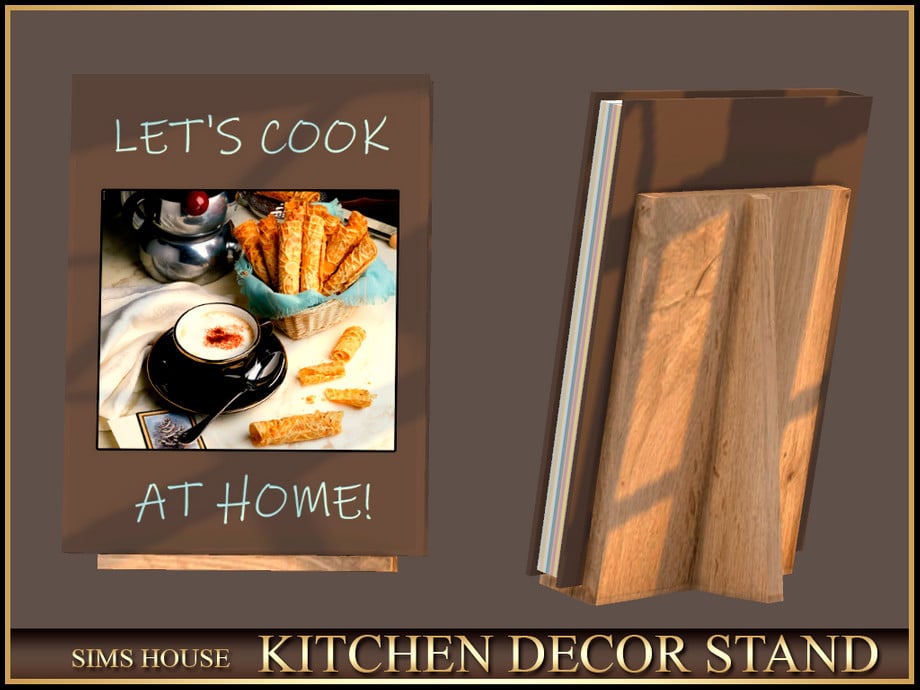
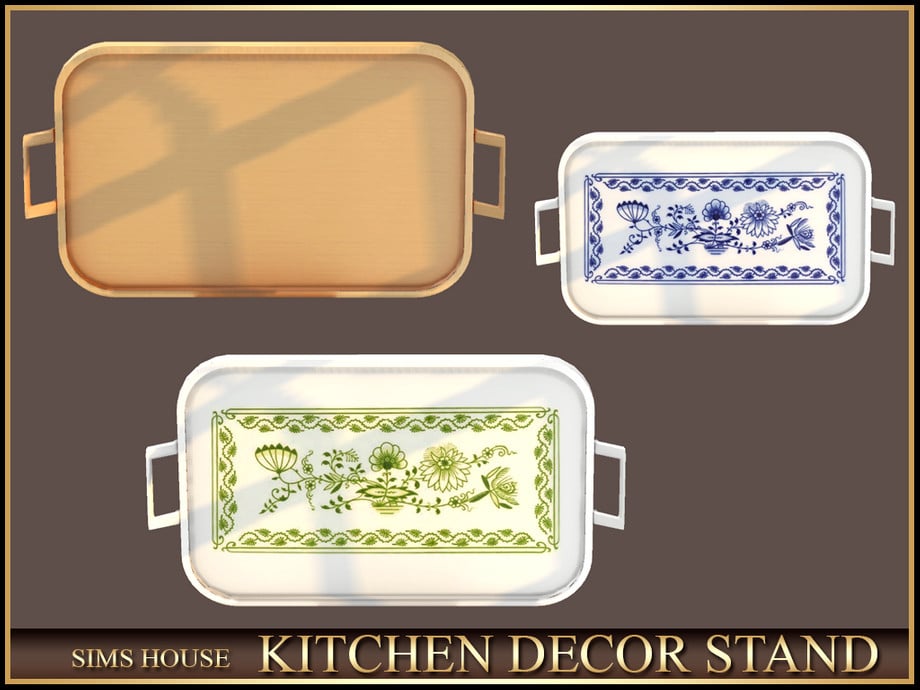
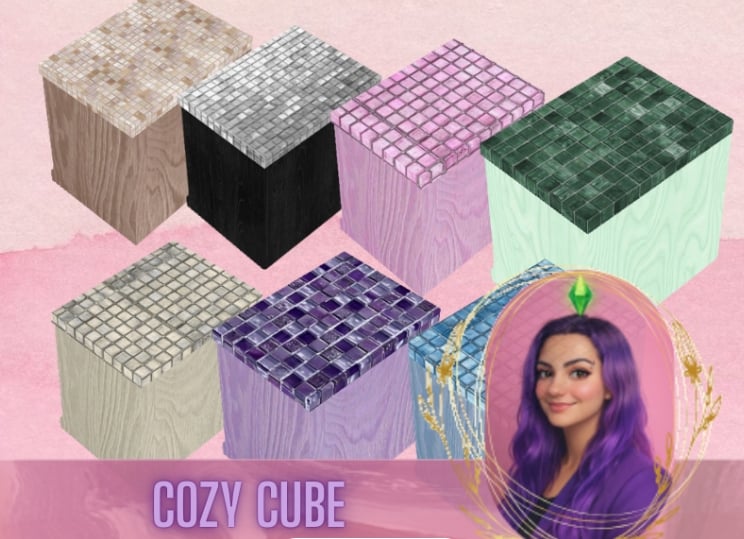
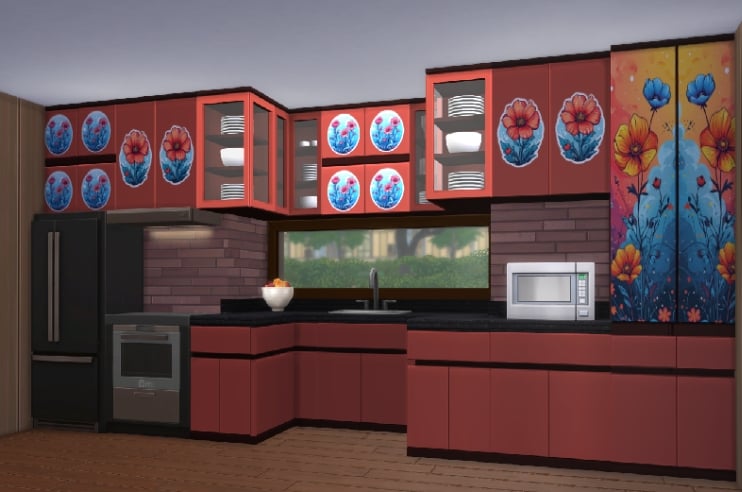
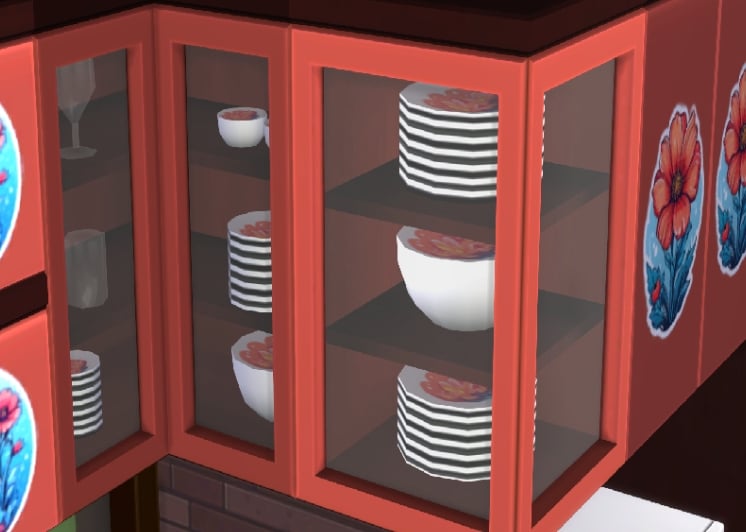
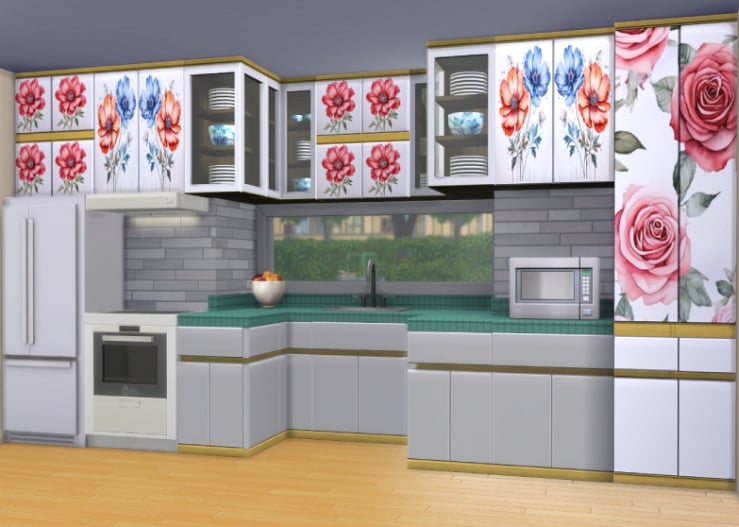
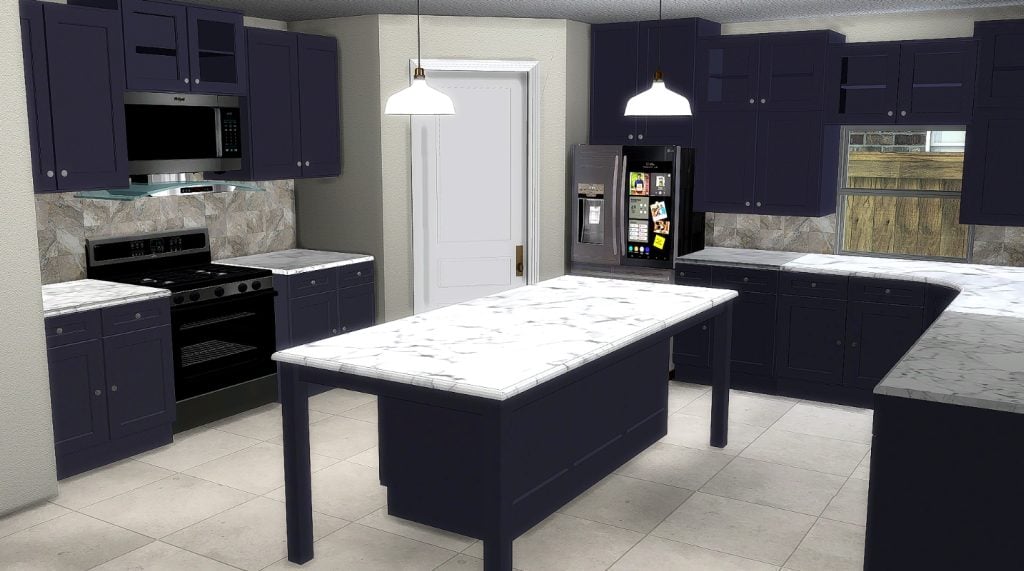
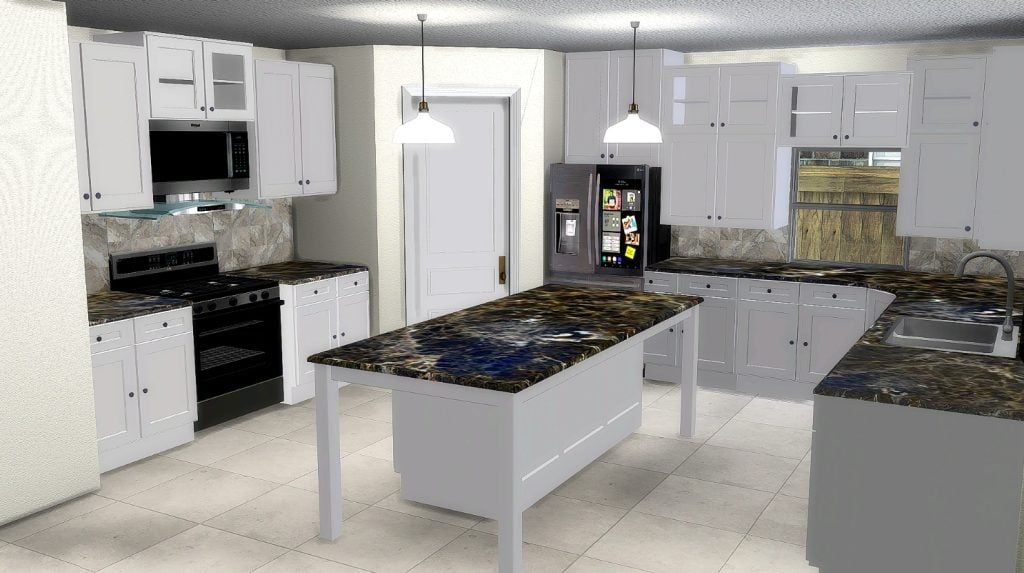
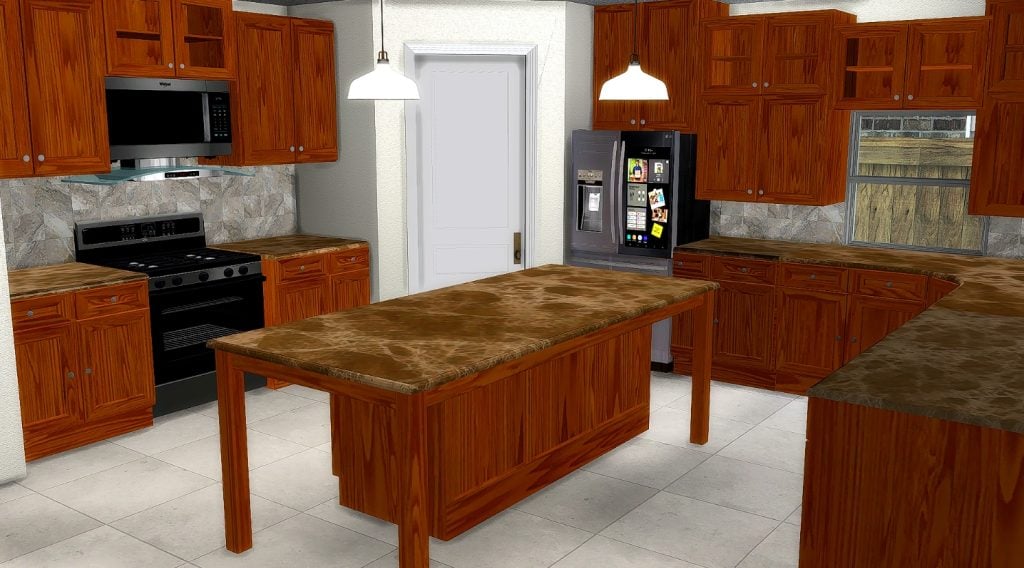
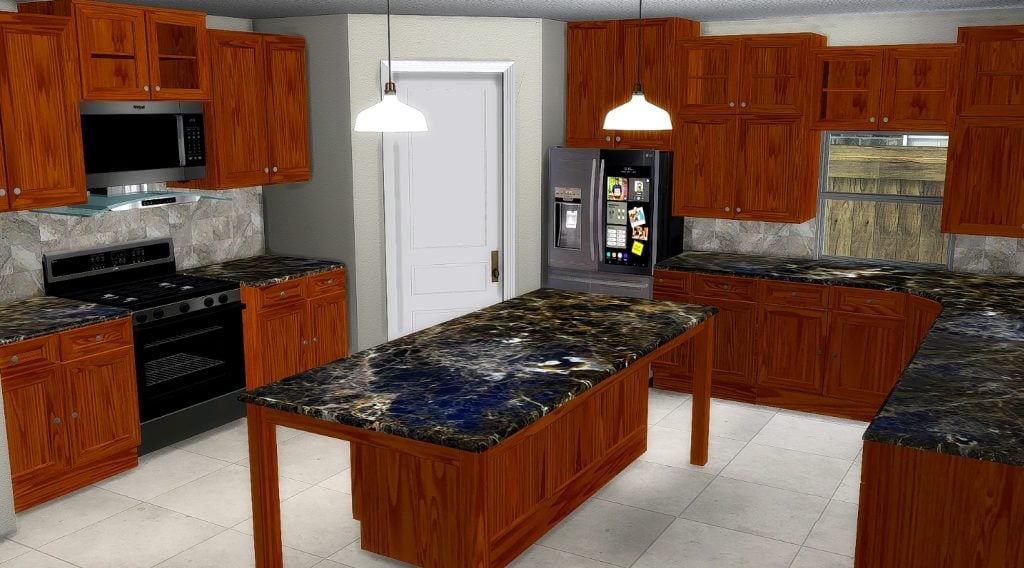
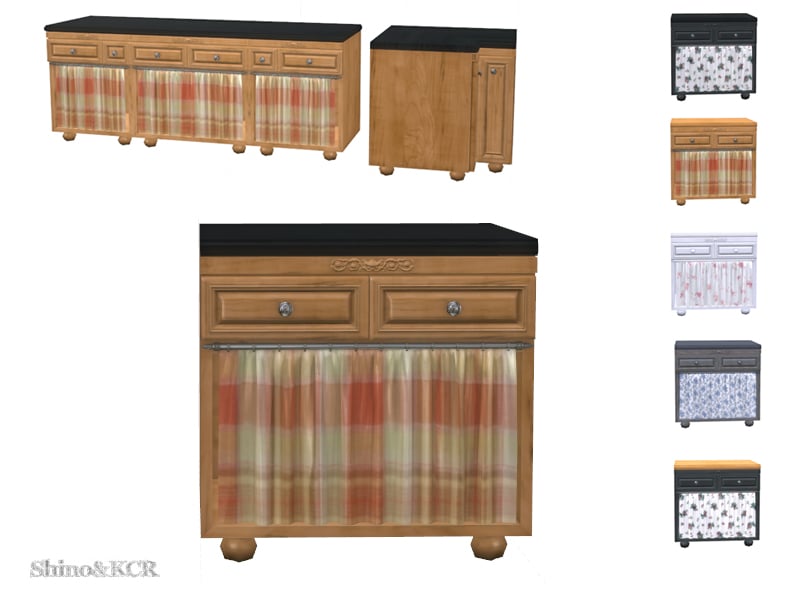
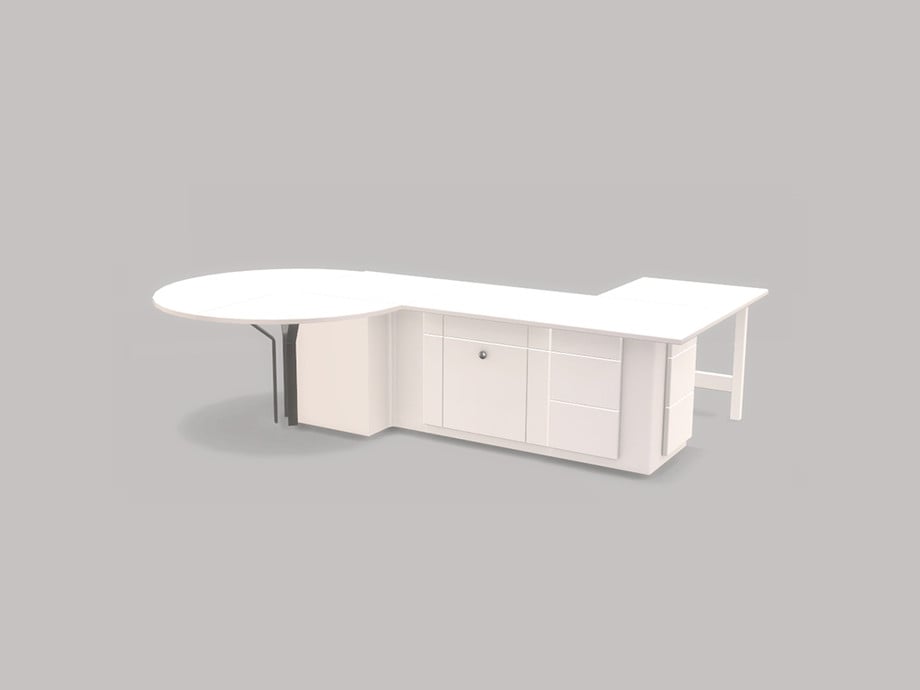
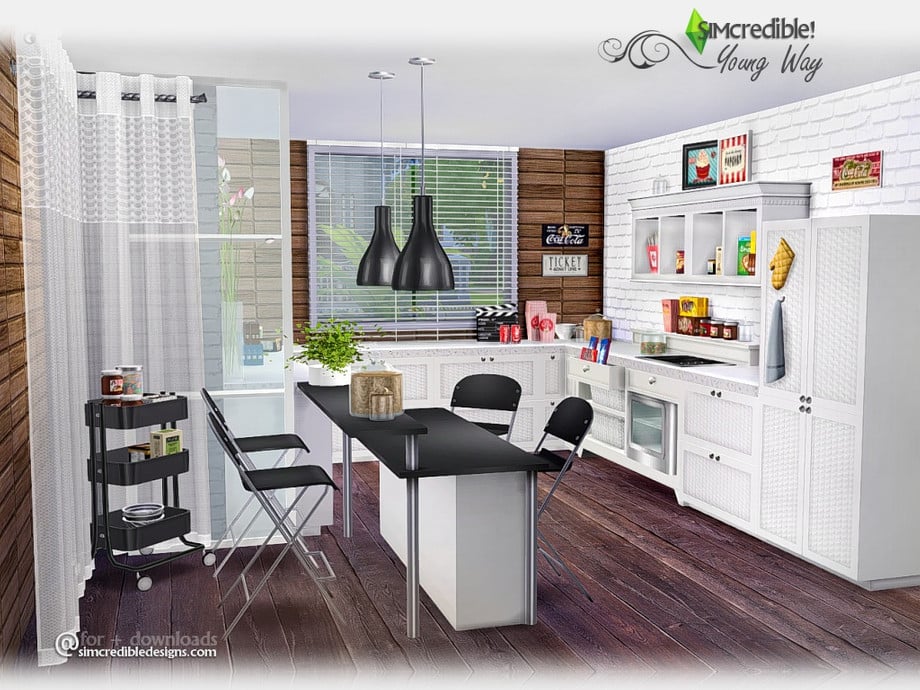
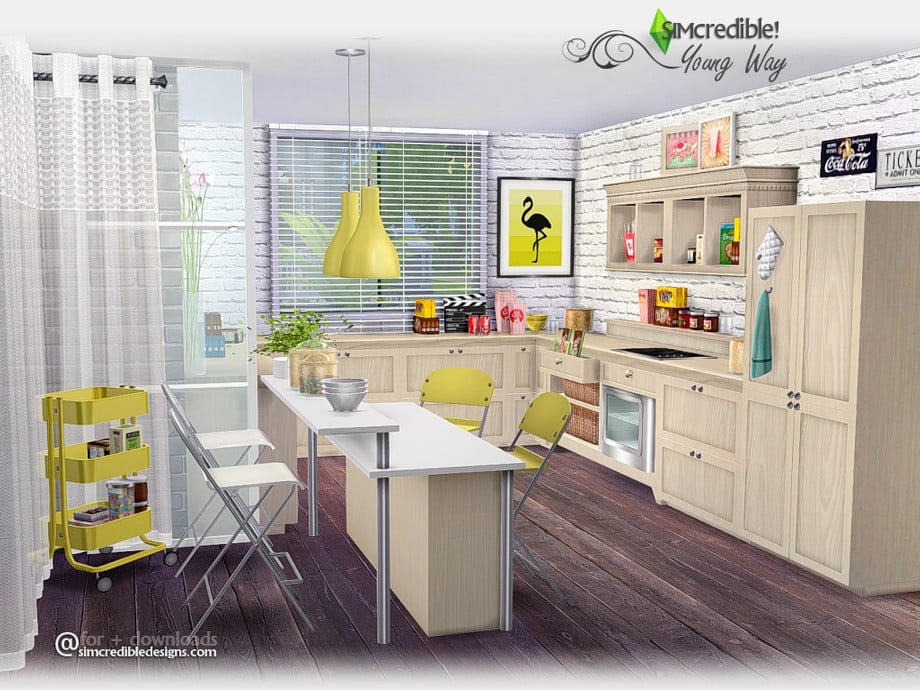
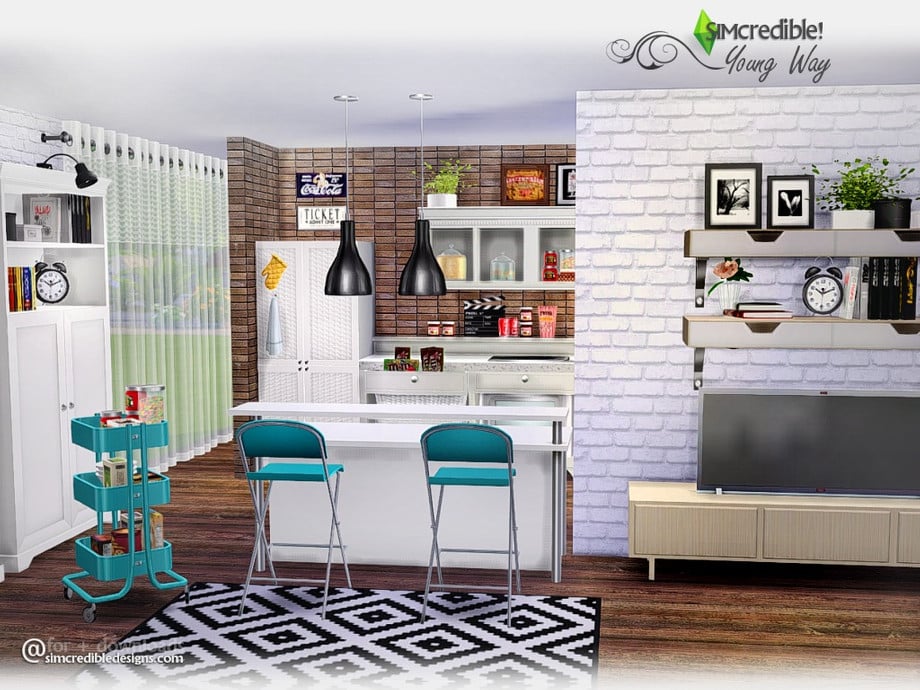
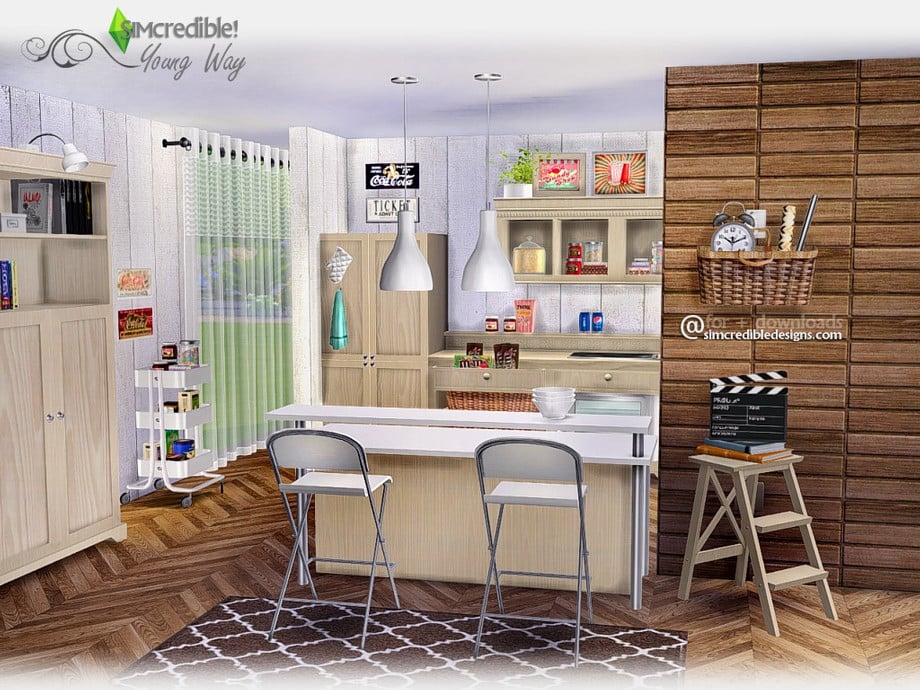
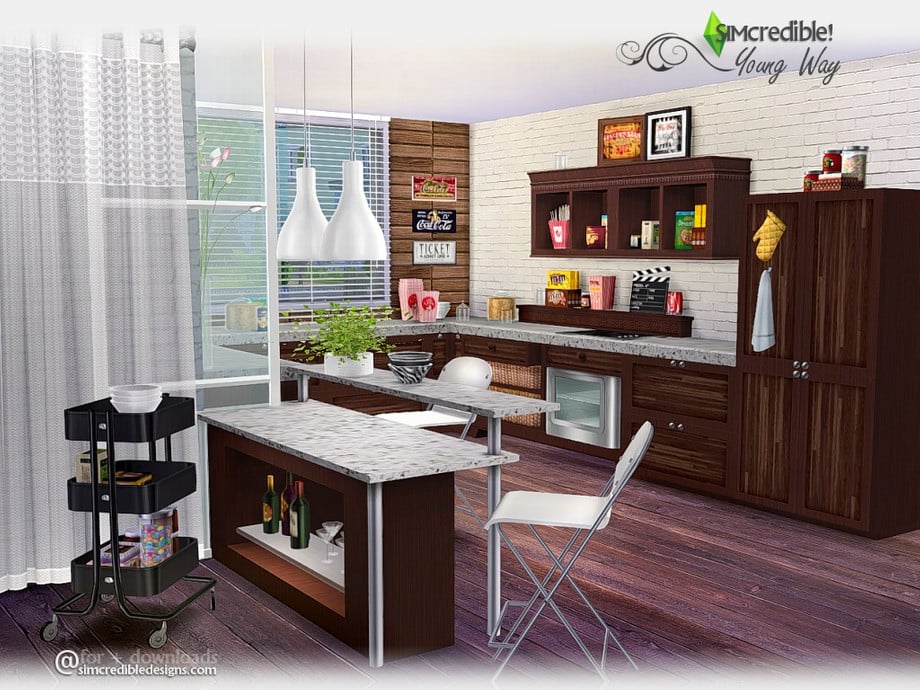
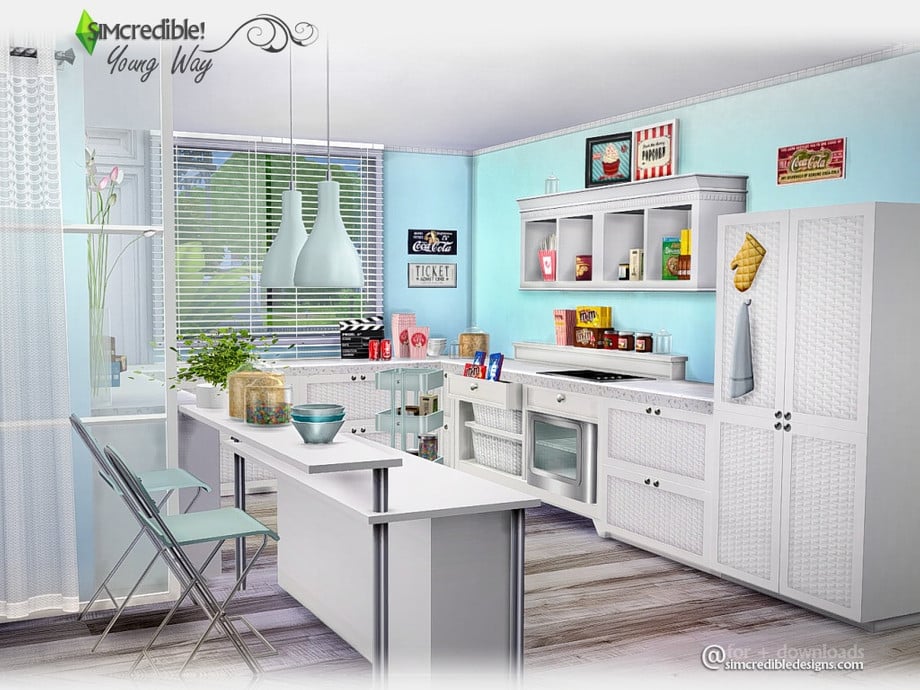
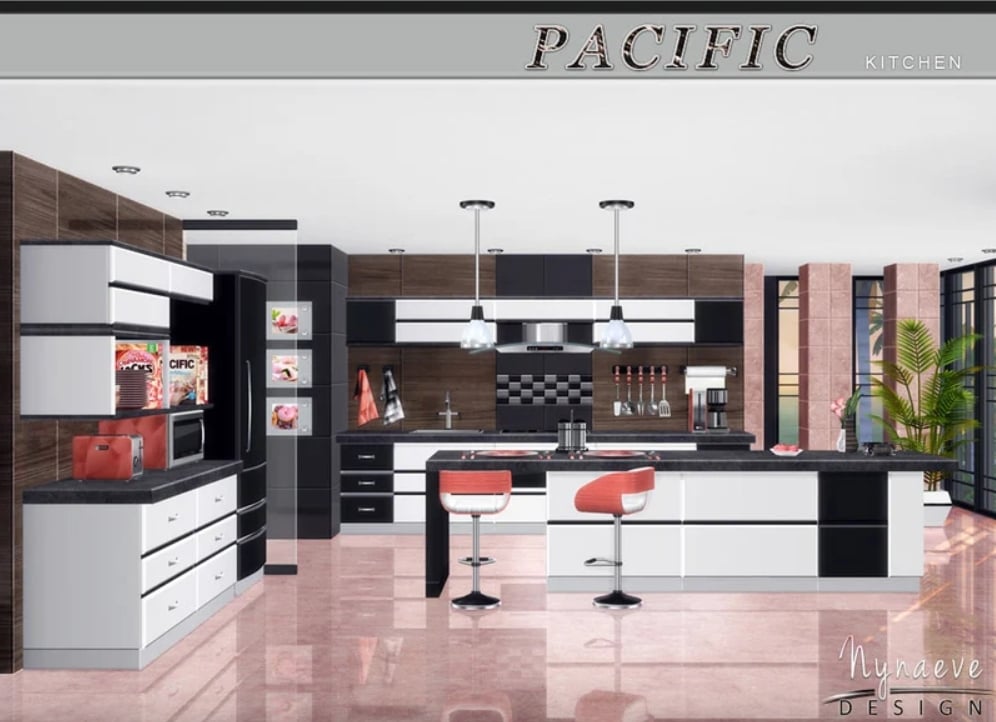
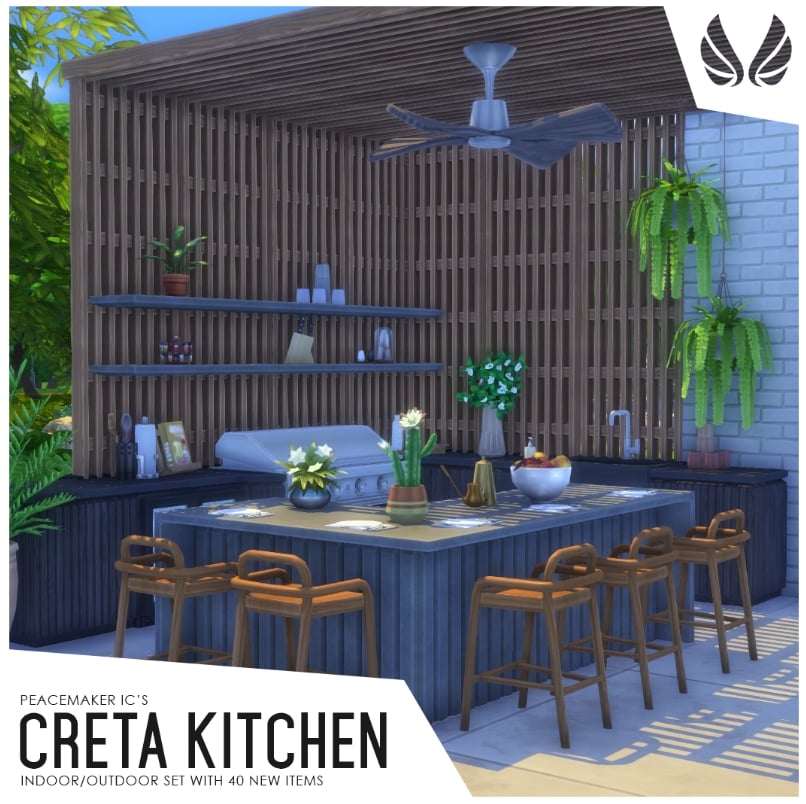
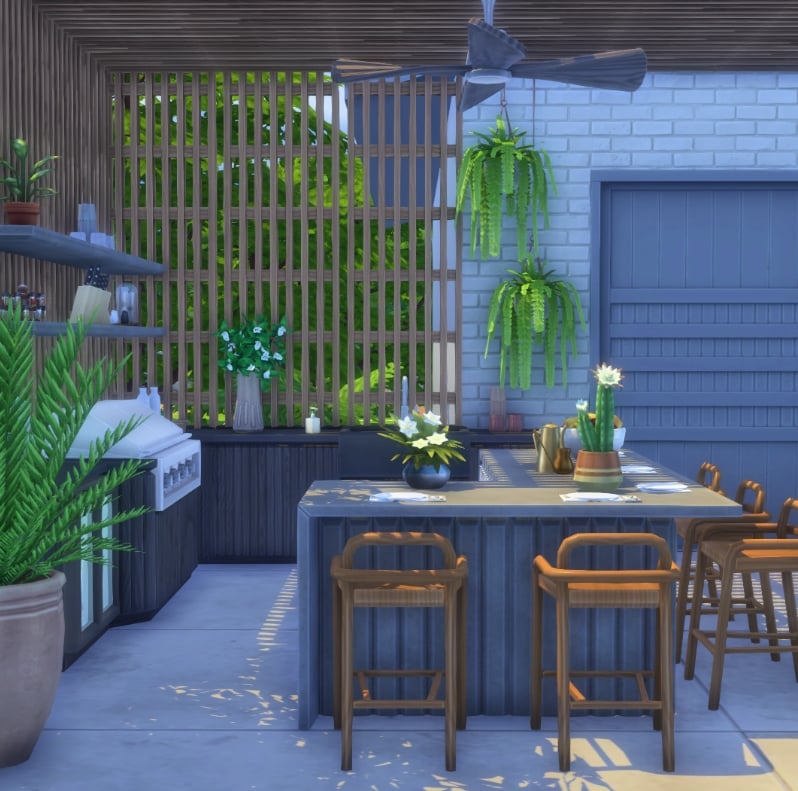
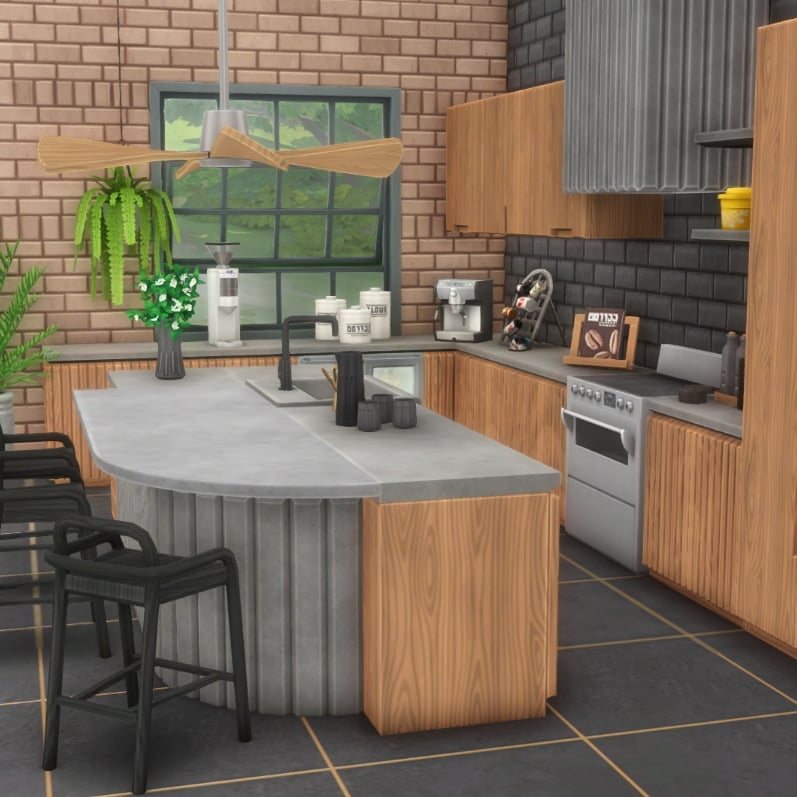
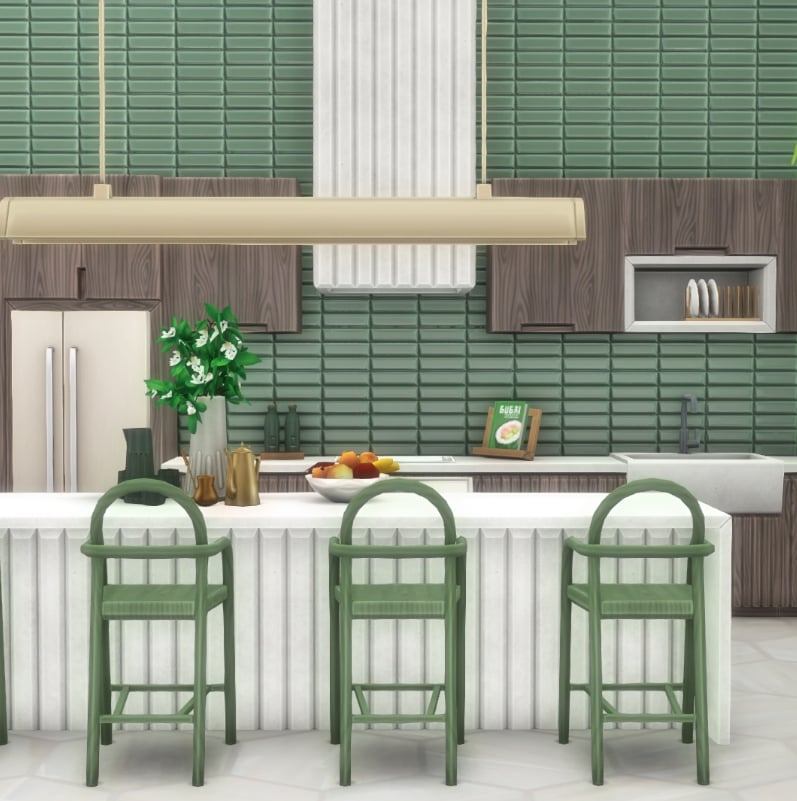
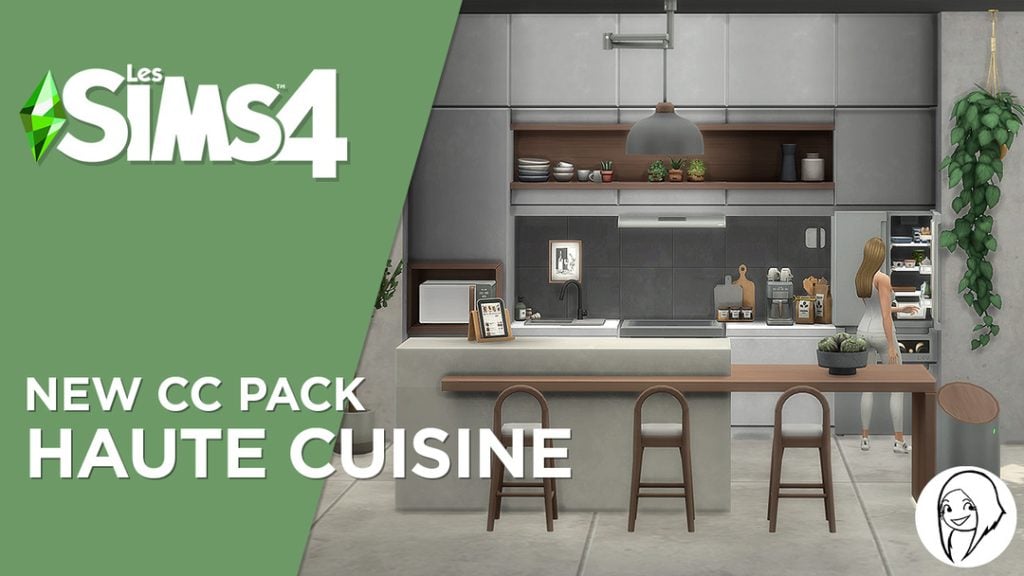
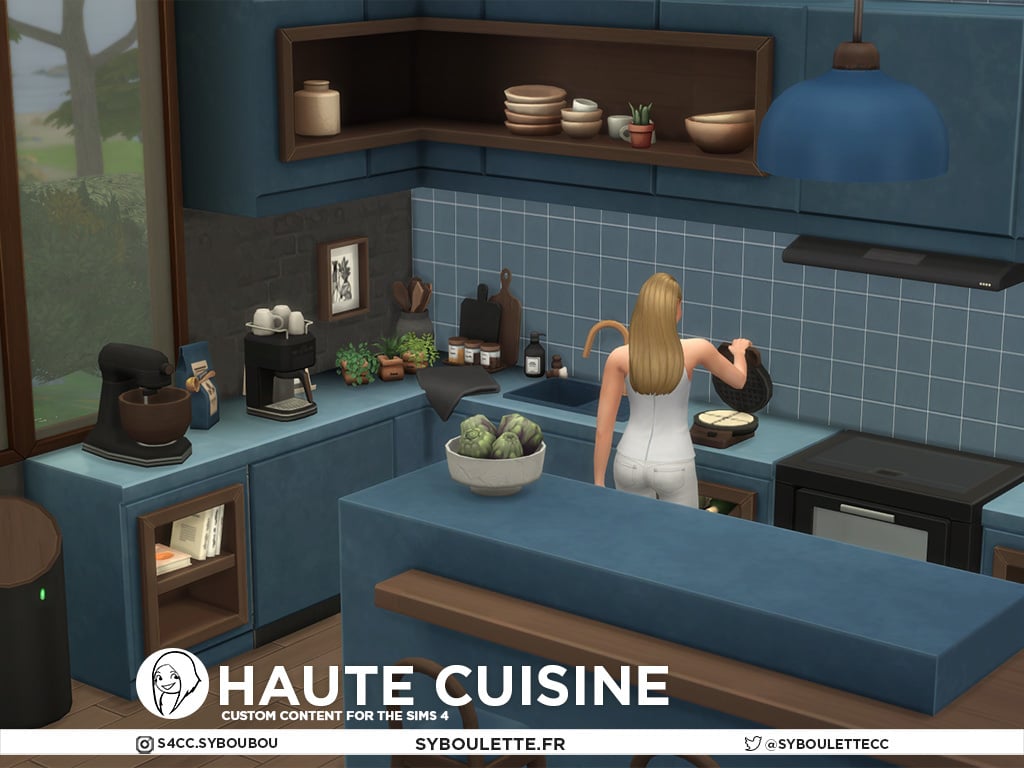
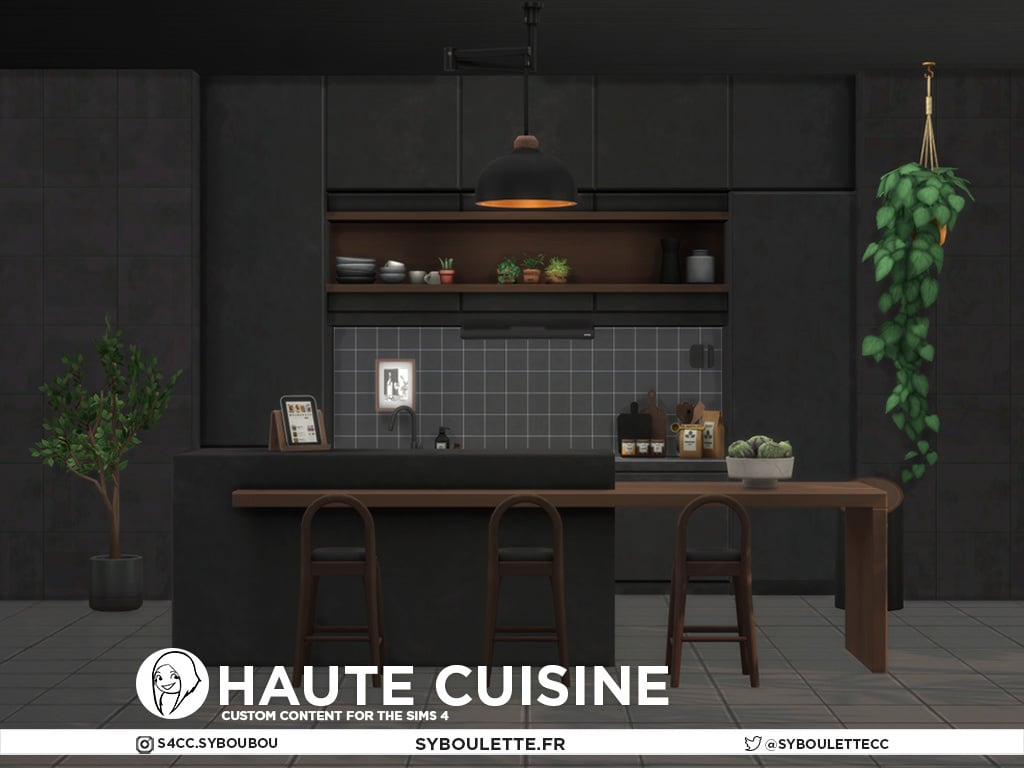
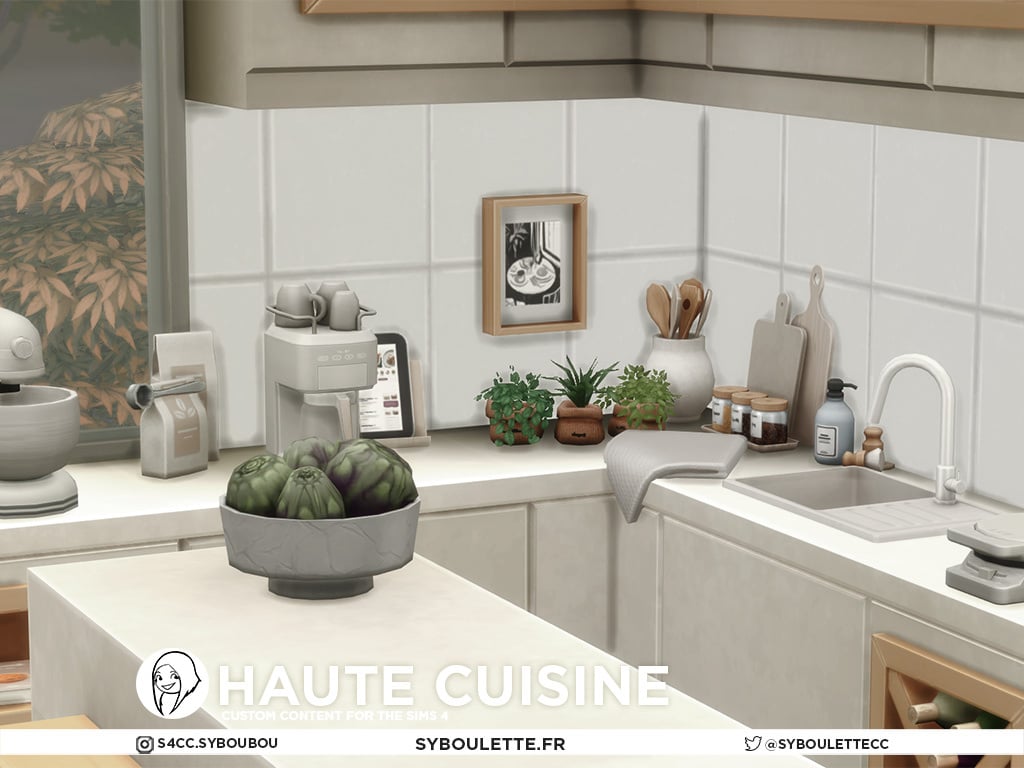
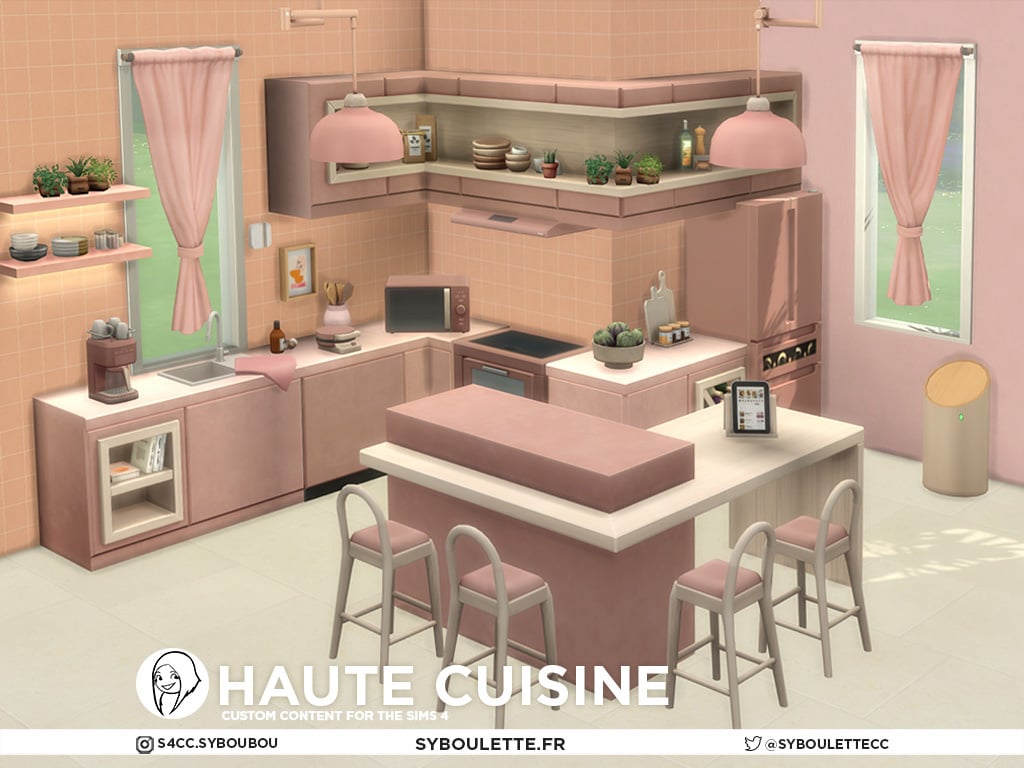
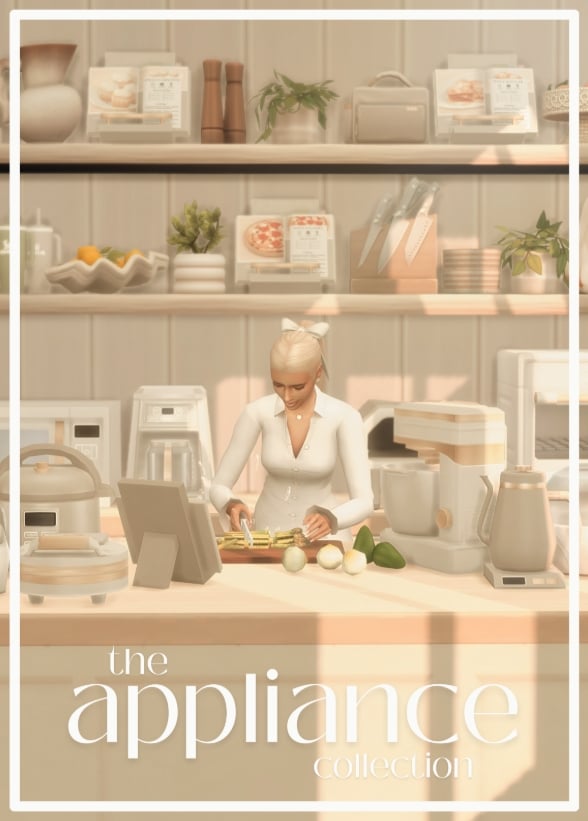
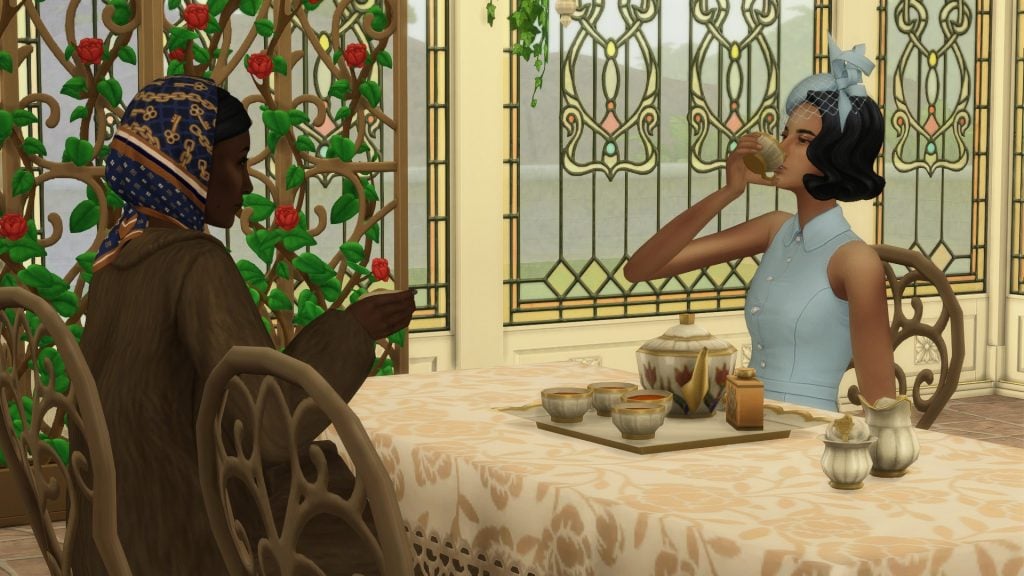
,xPosition=0.5,yPosition=0.5;Resize=(1280)&q=85 "The Sims 4 Tea Time Solarium Kit Review: Fancy A Cuppa? 175")