Home Blog Page 9

The Sims 4 Royalty & Legacy Review: Is The Price Tag Worth It?

The Sims 4 Royalty & Legacy Is In The Hands Of Players, But Is It Worth the Price Tag? Here’s Our Full Review!
trailerheader

When Royalty and Legacy was announced, I wasn’t convinced it would suit the way I play. The concept felt distant, almost theatrical, and I assumed the systems would be too prescriptive. In hindsight, that reaction came from unfamiliarity rather than disinterest. We’ve never had anything quite like this in The Sims 4, and stepping into a new style of play takes a moment to settle.
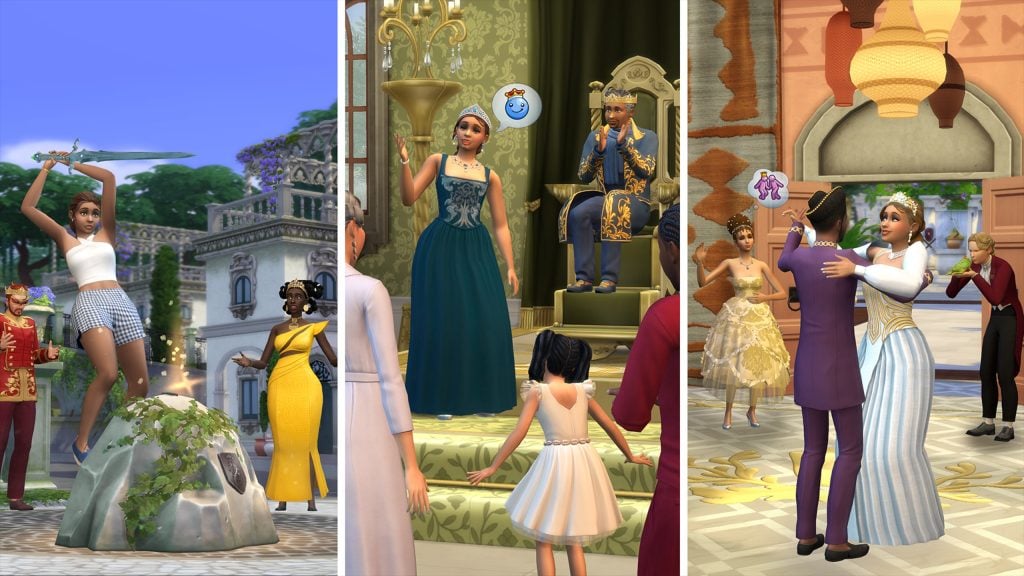
Sims 4 Royalty & Legacy Full Review Header

Royal Gameplay

The royalty mechanics themselves are where the pack struggles to find its footing. Noble decrees sound dramatic on paper, but in practice they don’t carry much weight. Their effects on the world are minimal, and the tax system mostly nudges your Sim’s reputation between commoner and royal without shaping the wider experience. Noble ventures are presented as opportunities to engage with the community, yet they play out as rabbit holes, which makes the feature feel detached from the world it’s meant to influence.

Legacies & Dynasties

The legacy systems are a different story. Dynasties alongside their chosen Ideals and Skills give long-term players something substantial to work with. I’m not a legacy player myself, but I can see how these mechanics will reshape generational storytelling. Choosing Ideals or Skills as a focus creates natural tension within families, whether that leads to closer bonds or rebellious streaks. It’s one of the few times in recent years where The Sims 4 has introduced a system that genuinely shifts how people might play.

What makes these systems stand out is the way they encourage players to think beyond the immediate household. Dynasties give structure to families that span multiple generations, and the Ideals and Skills chosen for each branch create a sense of identity that carries forward.

Even for someone who doesn’t typically play legacy saves, it’s easy to appreciate the potential here. The systems feel considered, and they integrate smoothly with the rest of the pack without overwhelming it. They offer a level of depth that encourages players to think about the long term, and they do so without adding unnecessary complexity. It’s a feature that enhances the game’s storytelling potential in a way that feels both natural and impactful, something I have felt missing from Expansion Packs in the past.
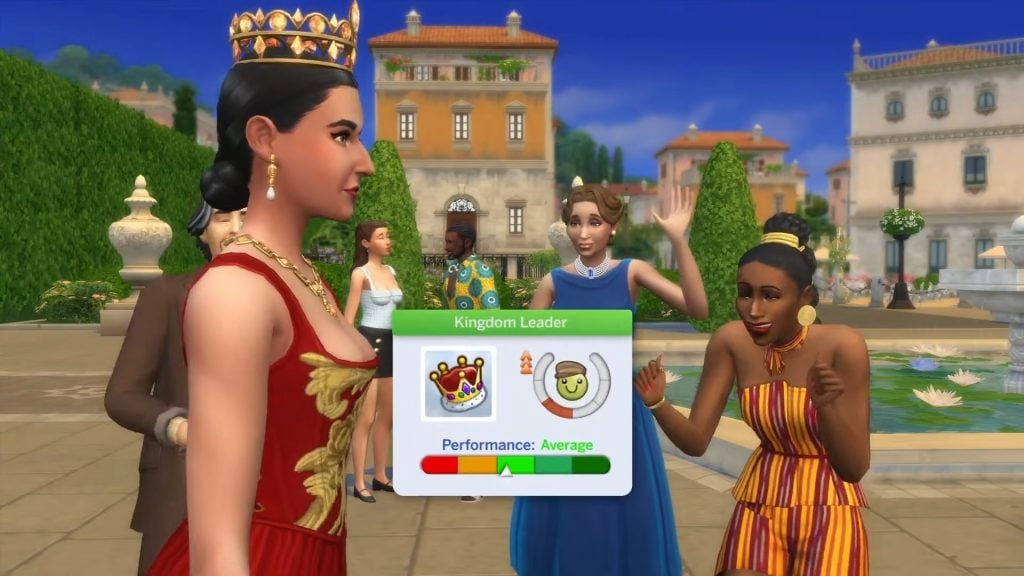
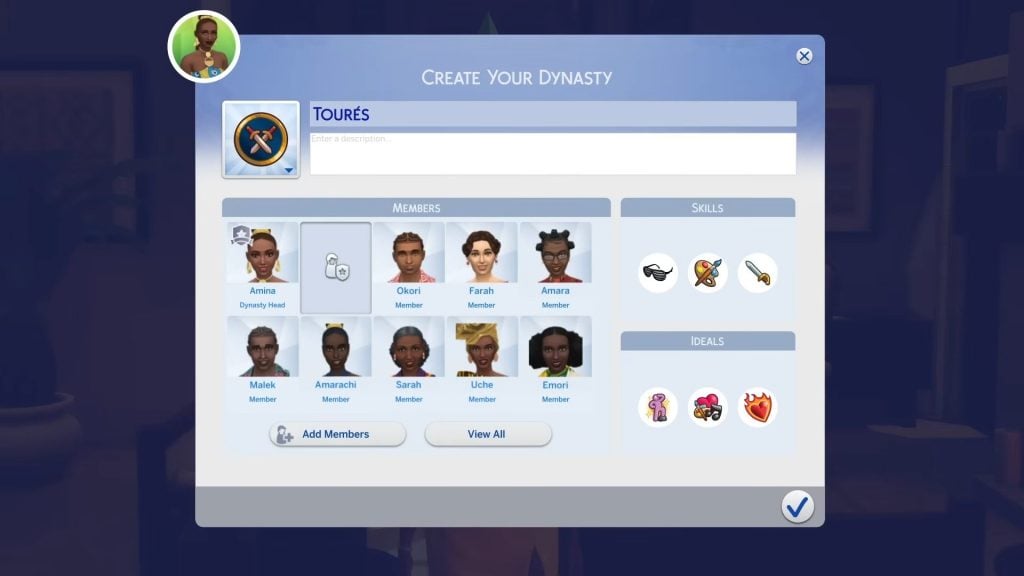
Scandals

Scandals are another pleasant surprise. There are twenty-seven in total, including a handful tied to occult gameplay, and they strike the right balance between flavour and restraint. They feel like actual scandals rather than everyday mishaps dressed up as drama. It would have been easy to overdo this feature, but the team showed a level of judgement that keeps it from becoming intrusive.

What stands out most is how considered the selection feels. Each scandal has a clear narrative weight without tipping into melodrama, and none of them interrupt the flow of ordinary play. They appear at a pace that feels manageable, and when they do surface, they add a small ripple of tension rather than derailing whatever you were doing.

It’s a rare example of a reactive system in The Sims 4 that understands its place in the wider experience. The game acknowledges your Sim’s behaviour without punishing it, and the tone stays consistent across the different categories, including the occult-specific ones. It’s one of the few features here that feels fully thought through, and it adds a welcome sense of texture to everyday play.
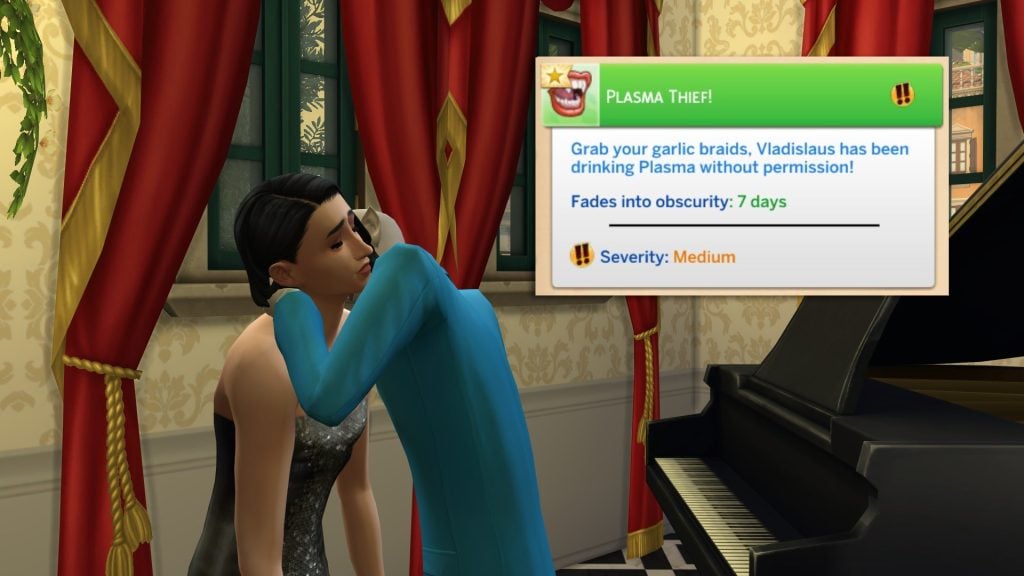
plasma theif

Ondarion

Ondarion is visually impressive. The three regions each have a distinct identity, and Dambele stands out as only the second African-inspired world we’ve received. The views are some of the strongest in the game, although when zoomed out, the world suffers from noticeable lag, and building LOD transitions appear inconsistent at mid-distance zoom. Players on lower-end machines may experience frame dips in more densely decorated areas.

What makes Ondarion memorable is the way each region feels as though it has been shaped by its own climate. Dambele, in particular, brings a warmth and richness that The Sims 4 has rarely explored, and it is refreshing to see a space that draws from African influences without diluting them. Bellacorde and Verdemar hold their own with more traditional European vistas that we have seen before, and the contrast between the three helps the world feel broader than its map size suggests.

Despite these issues, Ondarion remains one of the more thoughtfully designed worlds in recent years. The variety between its regions, the care taken with its cultural influences and the strength of its visual identity make it a standout addition. With a bit more optimisation, it could have been close to perfect, but even as it stands, it offers a setting that feels fresh.

allworldstriangle 1

Create-A-Sim & Build/Buy

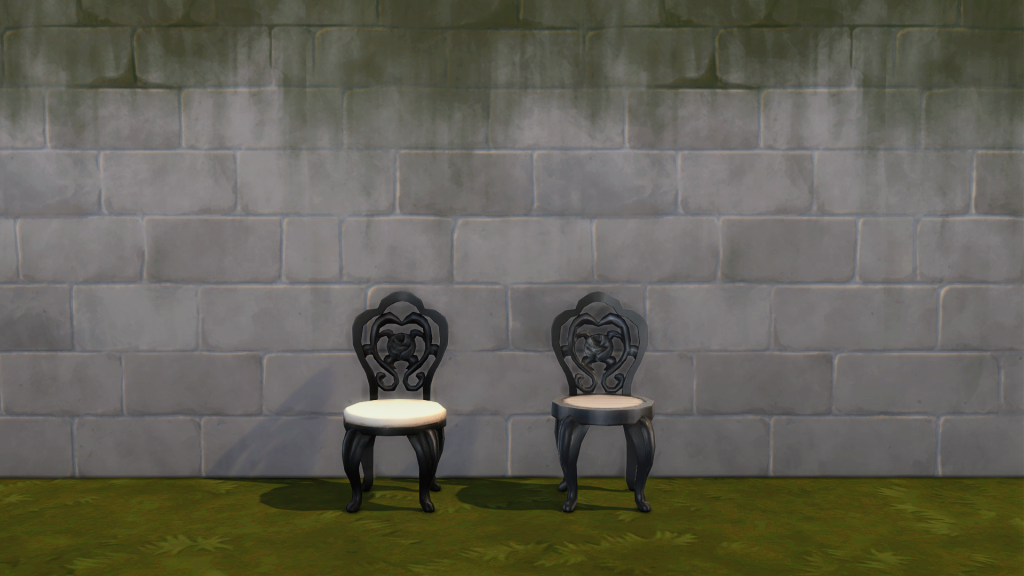
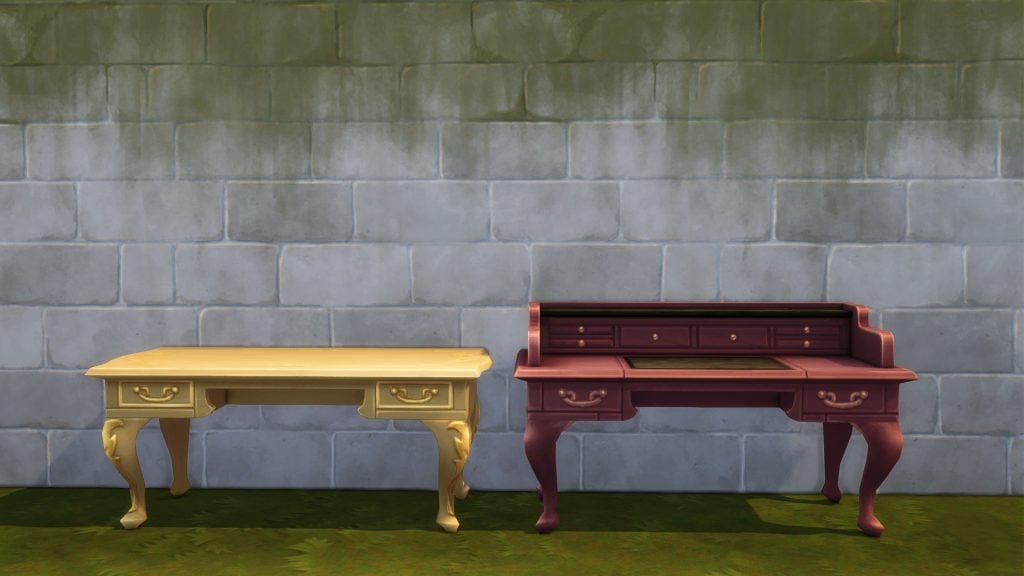
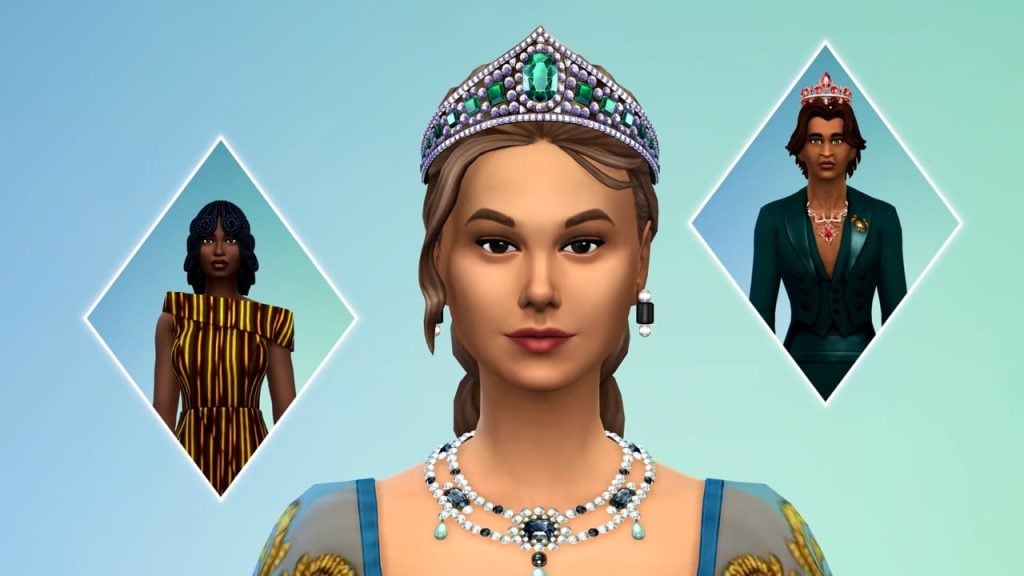
The aesthetic direction across Create-A-Sim and Build/Buy is handled with care. The African-inspired clothing and objects feel integrated rather than tokenistic, and the overall balance between the different styles is well considered. Build/Buy includes some lovely assets with generous swatch variety, but there are issues with originality. A noticeable portion of decorative and functional objects reuses existing meshes with minor revisions. An expansion pack should expand the game, not recycle a significant portion of its catalogue. It’s difficult not to feel short-changed when so many objects are familiar. With a stronger commitment to new meshes, this could have been one of the more memorable visual additions to the game. As it stands, it offers a solid selection with some standout pieces, tempered by a noticeable amount of reused content.
The Noble Career

The Noble Career is one of the more enjoyable parts of the pack. It’s engaging enough, and the integration with the Get Famous fame system adds a layer of progression that suits the theme. Where it falters is in resistance. Advancement is steady and largely uninterrupted, with few trade-offs or setbacks. Rising to lead a kingdom should introduce instability. Power should strain relationships, divide social classes, and heighten scrutiny. Instead, progression feels procedural. The journey to the top is smooth, but in a life simulation built on emergent tension, smoothness isn’t always strength.

Despite these shortcomings, the Noble Career remains a solid addition. It captures the aesthetic and thematic elements of nobility well, and it offers enough structure to feel distinct from other careers in the game. With more emphasis on consequence and instability, it could have been a standout feature. As it stands, it delivers a polished but predictable experience that complements the pack’s theme without fully realising its potential.
sims 4 royalty legacy cas trailer screen 61

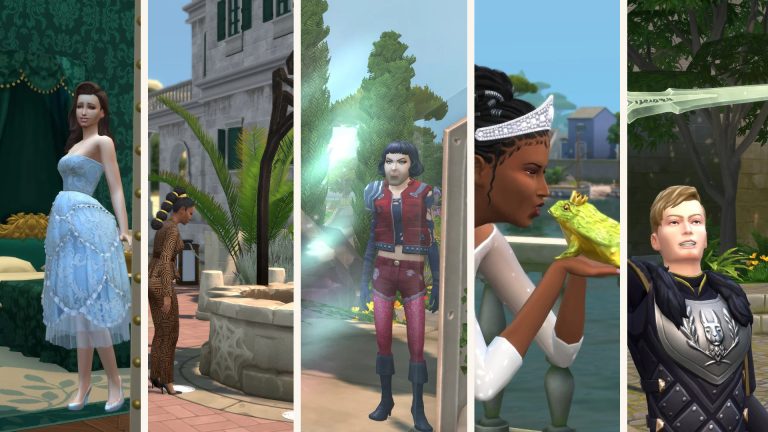
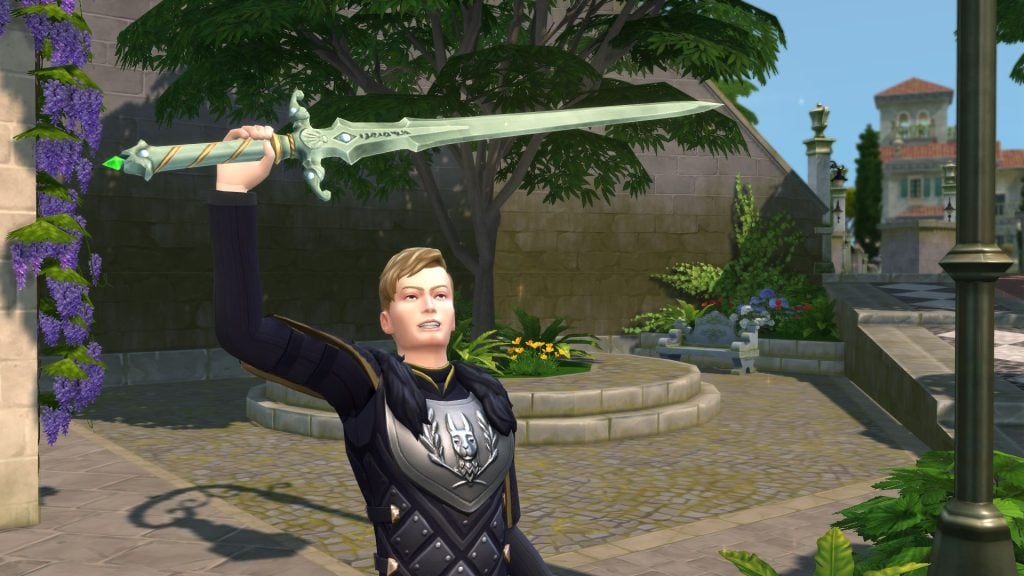
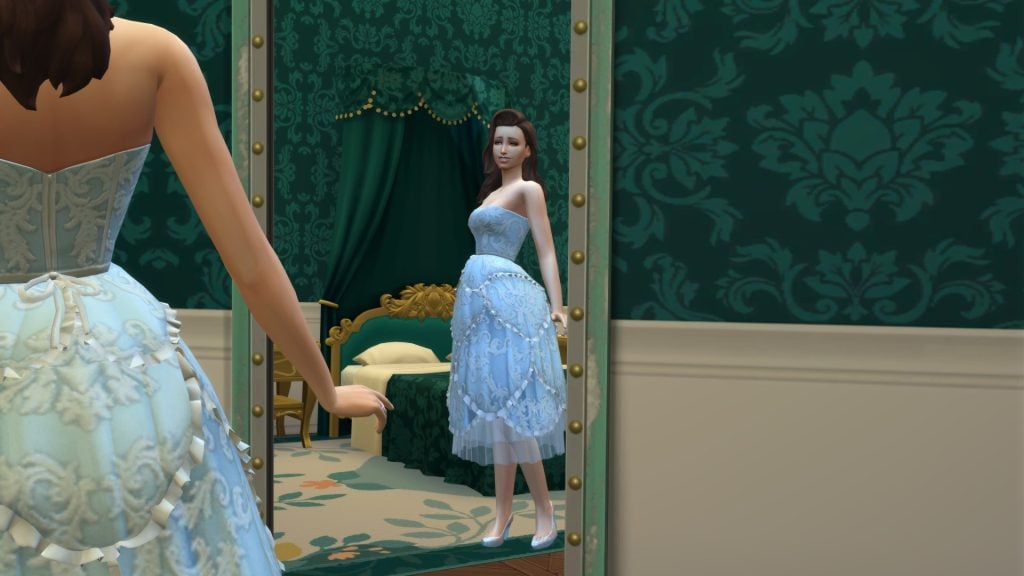
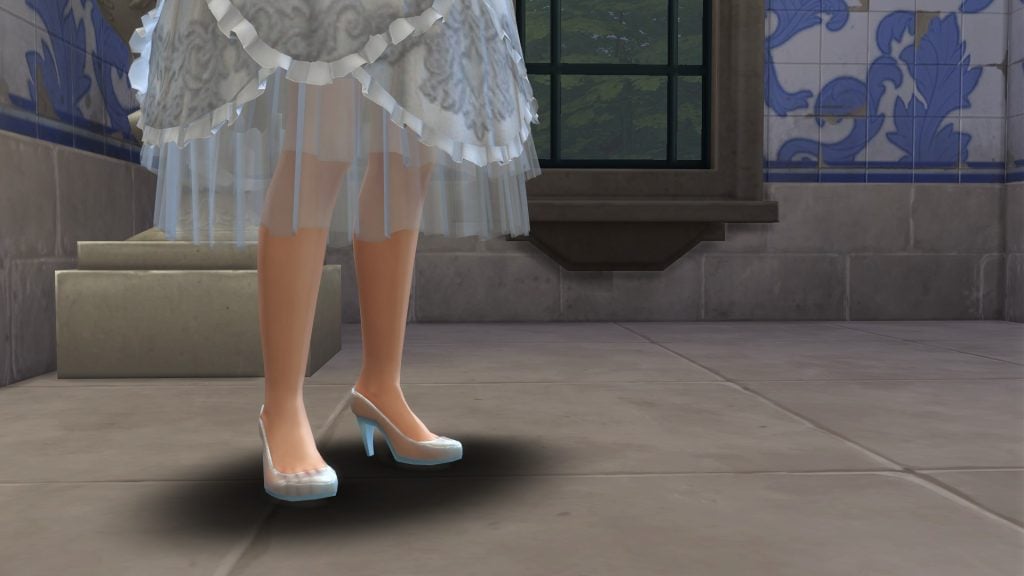
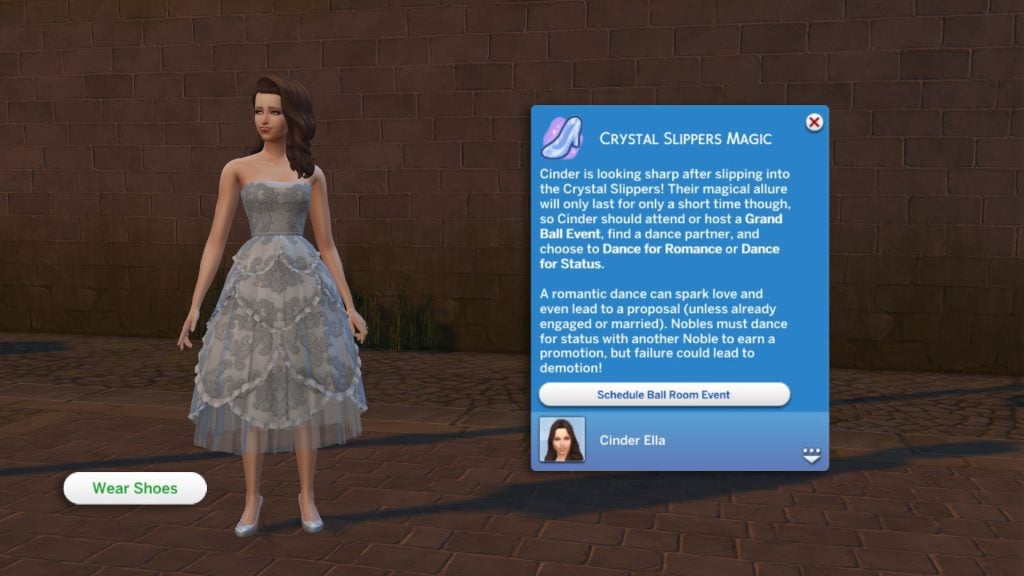
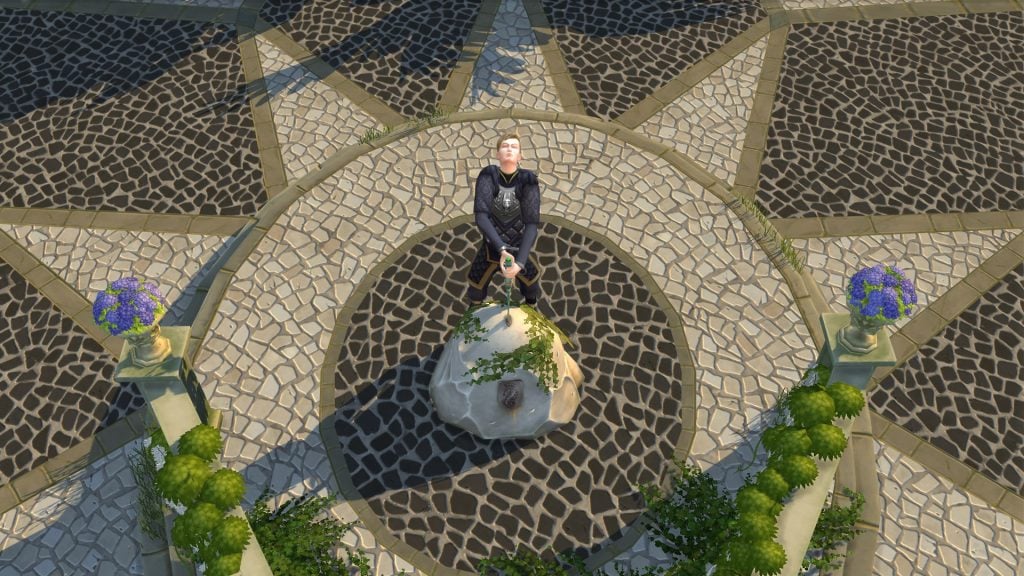
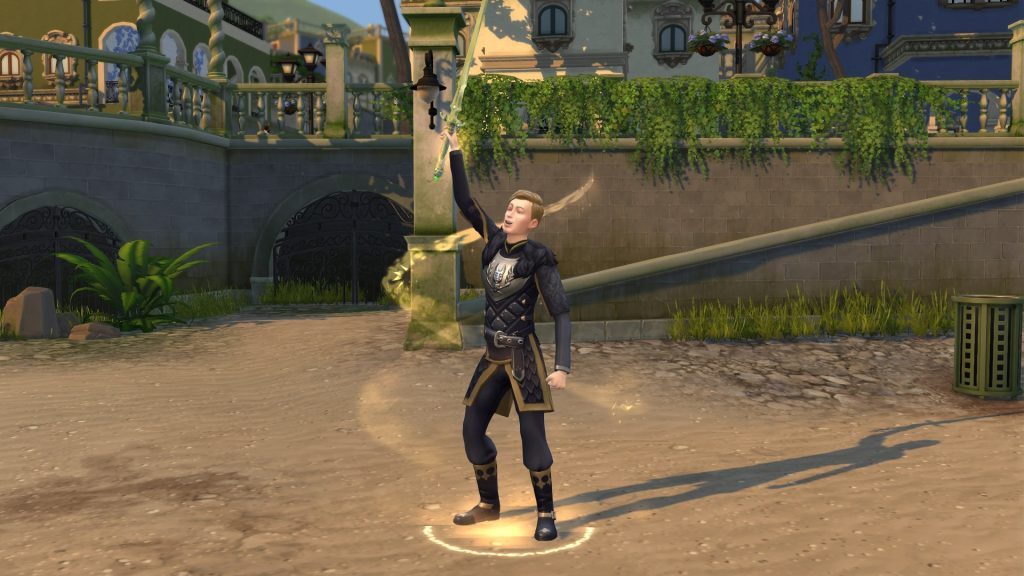
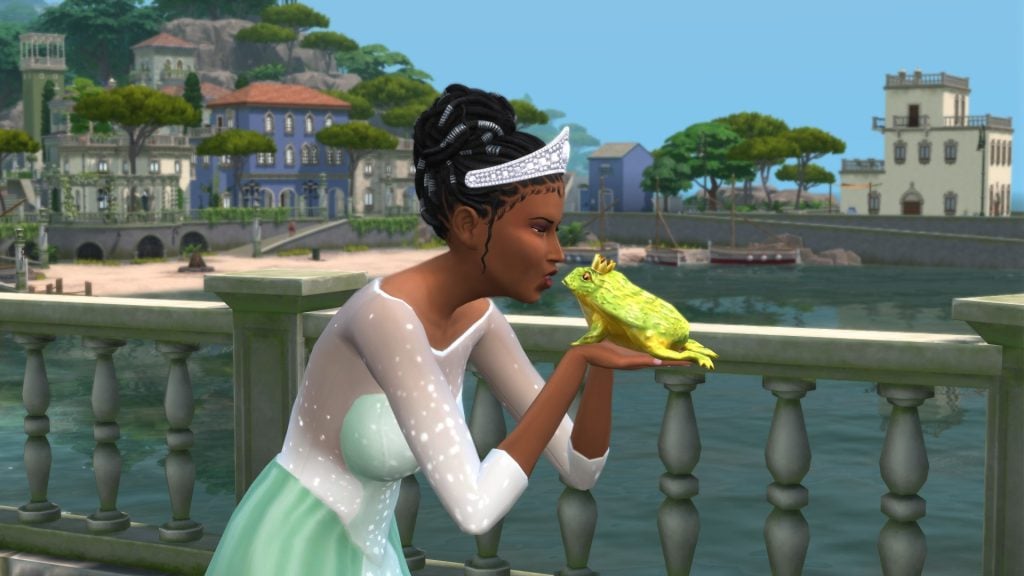
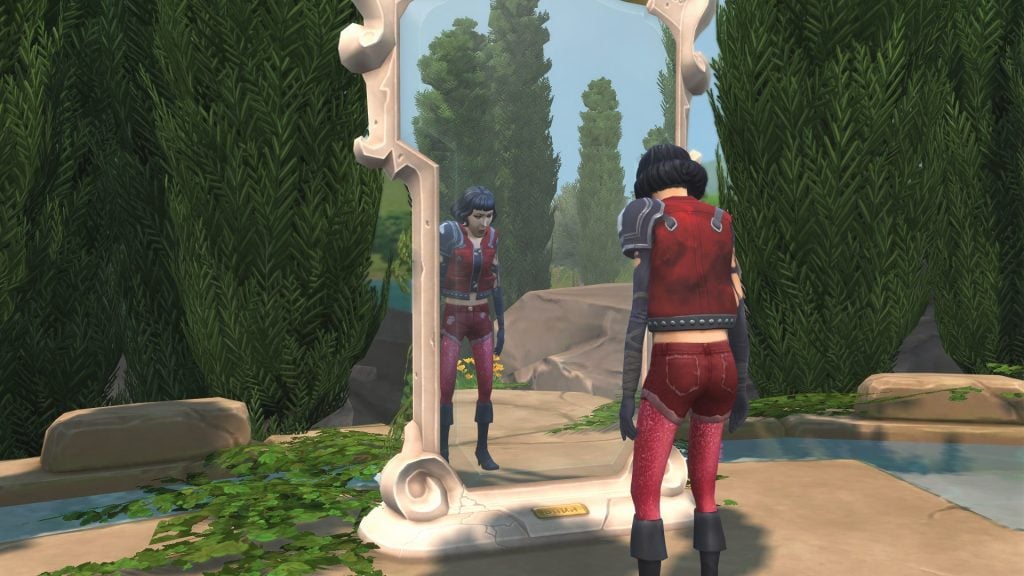
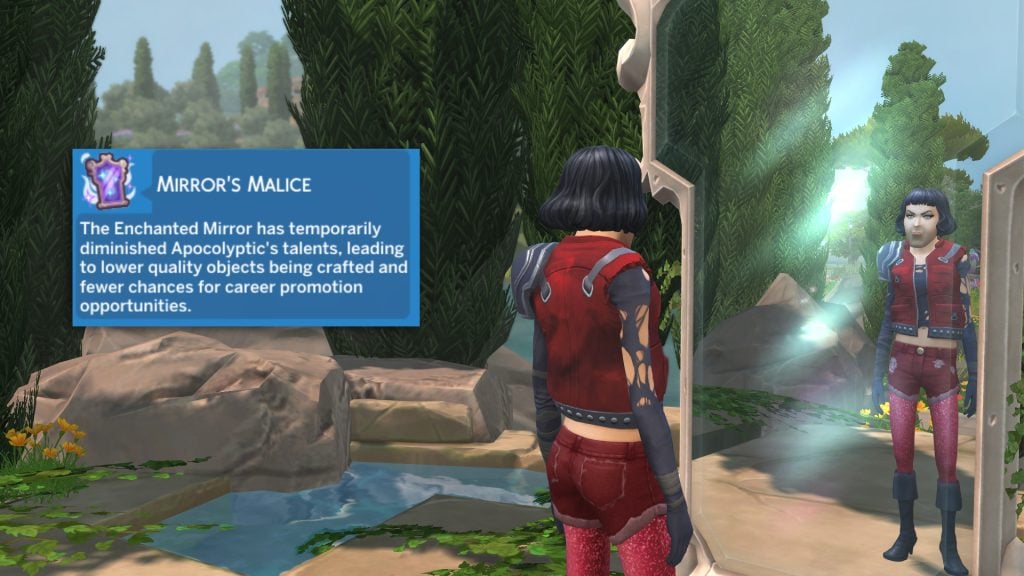
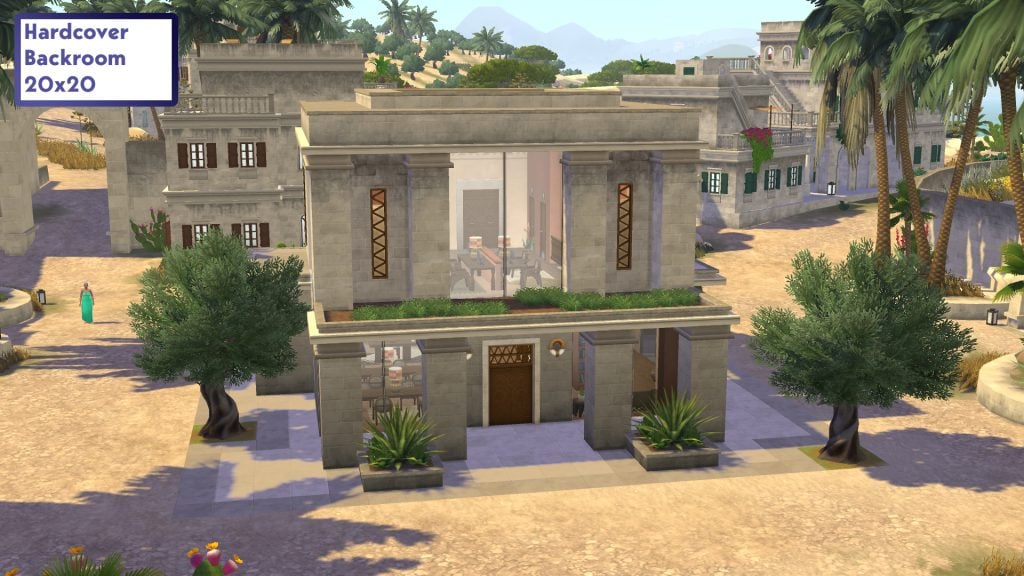
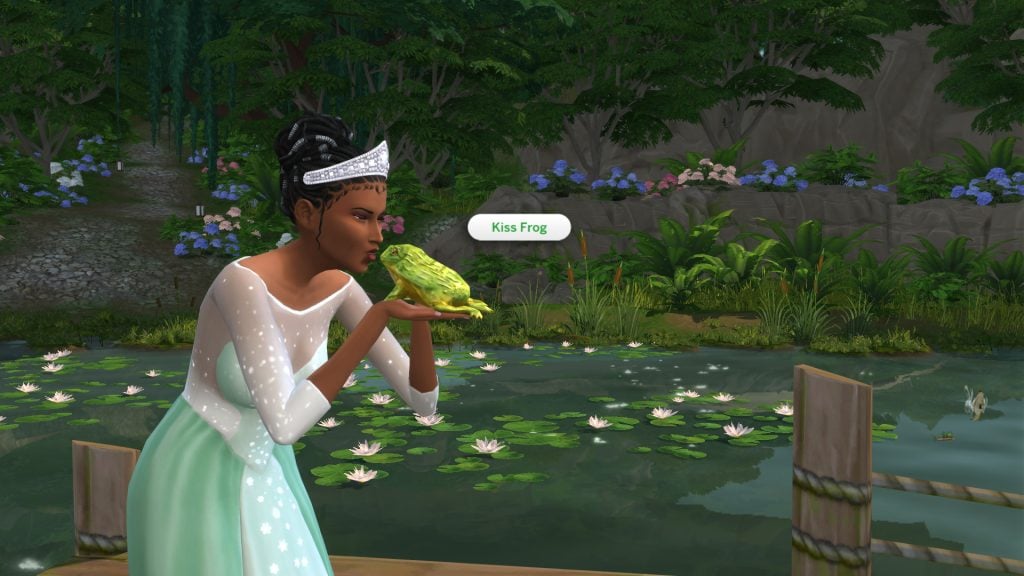
Not every feature lands. Power Shifts, including the enchanted mirror, glass slippers and sword in the stone, all feel similar in practice. After trying them once, I didn’t feel compelled to revisit them. The new Back Room lot type also struggles to justify its inclusion. Functioning as a library by day and nightclub by night, it resembles the kind of venue flexibility introduced through last year’s custom venue tools in The Sims 4 Adventure Awaits, making it feel redundant rather than innovative. In practice, Sims routinely wander into quiet library spaces during nightclub hours, which breaks the intended atmosphere.
Is It For Me?

Royalty and Legacy offers a strong foundation for players who enjoy long-term storytelling, and the team has handled the thematic balance with care. The problem lies in the execution. Many of the systems lack the polish needed to make them feel consequential. I often found myself waiting for a reaction or a repercussion that never arrived. The ideas are ambitious, but the follow-through is inconsistent.
It’s a pack with clear strengths, particularly for legacy players, but it stops short of delivering the depth its concept promises.

At its current price, the value of the pack depends heavily on how much you enjoy legacy gameplay. Until 15 March, players can purchase Royalty and Legacy with the Tea Time Solarium and Silver Screen Style Kits included at no extra cost, which does help justify the initial offerings. Once that window closes, the expansion will need to stand on its own, and the uneven depth of its systems becomes more noticeable. There is plenty here for dedicated legacy players, but the pack would benefit from stronger consequences and a firmer sense of progression to fully support its theme.
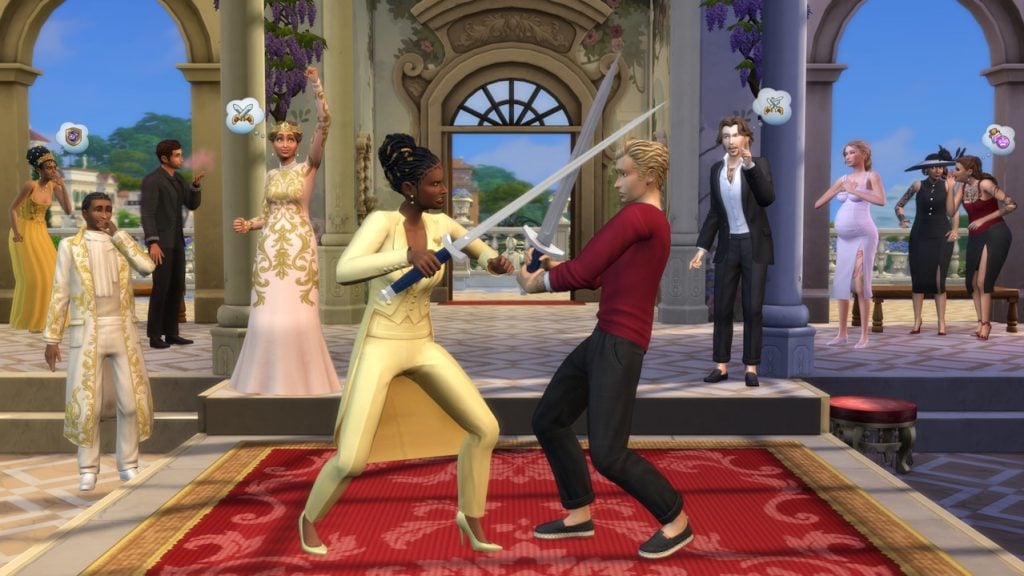
image3

What are your thoughts on The Sims 4 Royalty & Legacy Expansion Pack and our review? Let us know in the comments below, and stay tuned for all news and guides on Royalty & Legacy.
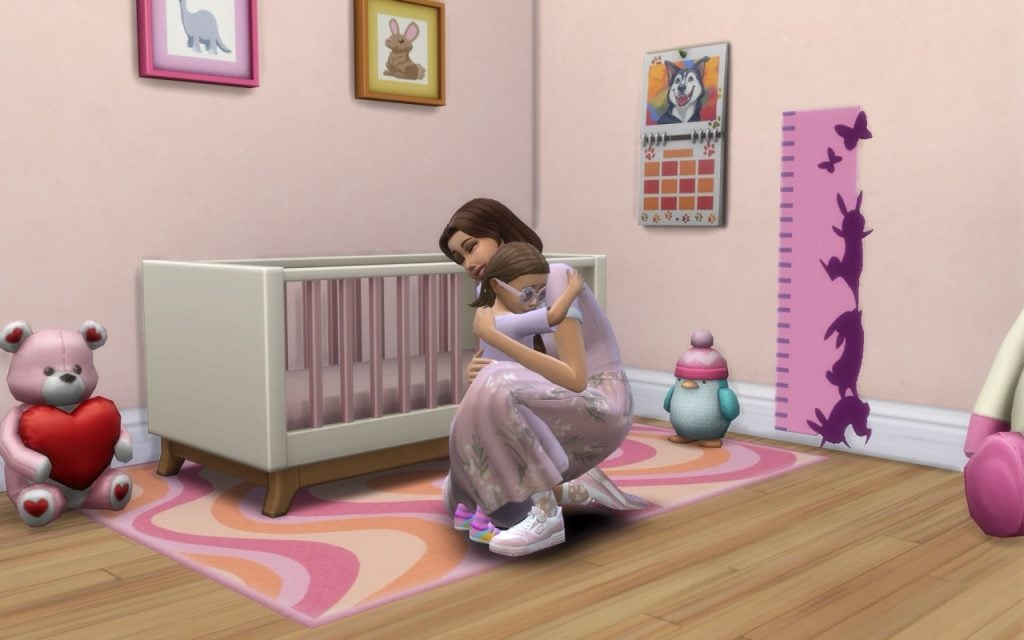
20 Essential The Sims 4 Mods to Transform Your Gameplay: 2026 Edition

20 Essential The Sims 4 Mods that add meaningful storytelling to your gameplay and legacy stories.

Do you want your game to feel more meaningful and story-driven in The Sims 4? This guide highlights 20 essential The Sims 4 mods for 2026 that add depth, realism, and new storytelling opportunities for your legacy stories. These mods will change your gameplay experience and make your forever save file full of memorable stories worth telling.

First Impression Mod by Lumpinou

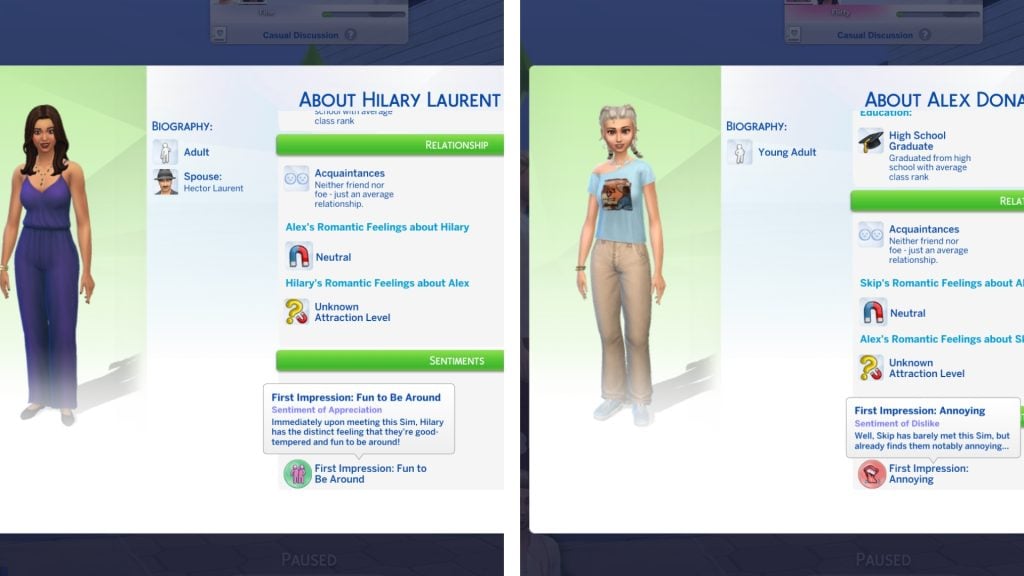
Uh oh! Your Sims can no longer hide what they’re feeling when meeting another Sim for the first time. With Lumpinou’s First Impressions Mod, you can instantly see what they think about another Sim, both positive and negative first impressions that can shape friendships, rivalries, and romances.

First Impression Mod 1

Mirror Selfie Mod by Simkatu

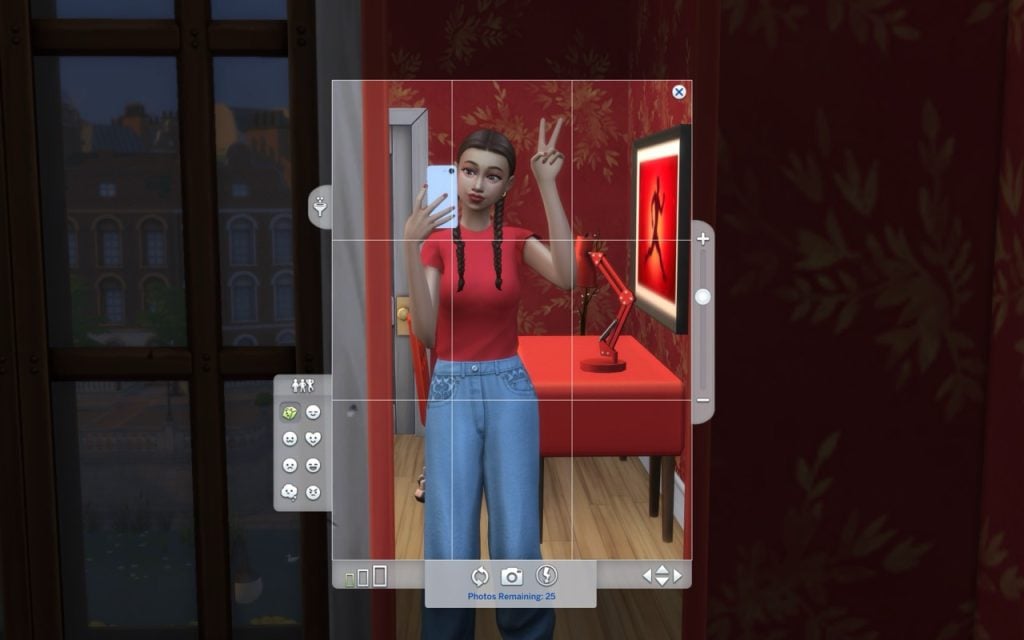
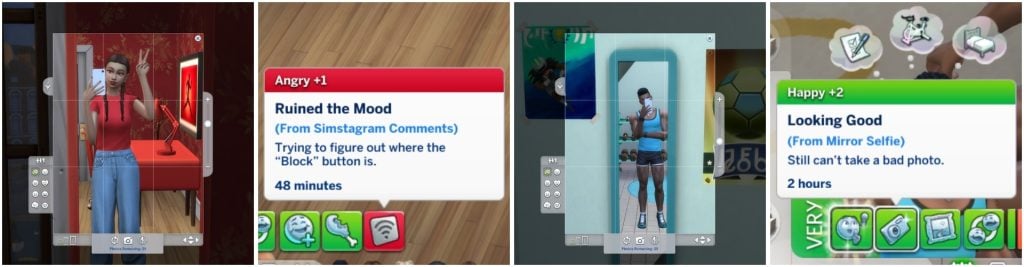
Lights, camera, selfie! The Mirror Selfie Mod by Simkatu lets your Sims take stylish mirror selfies in different poses and share them on Simstagram. Watch their follower count grow, read comments, and see their mood change depending on the reaction—fame isn’t always easy!

SC BANNER 4

Seasonal Emotions Mod by Ellesimsworld

Have you ever wondered what your Sim is feeling during different seasons?
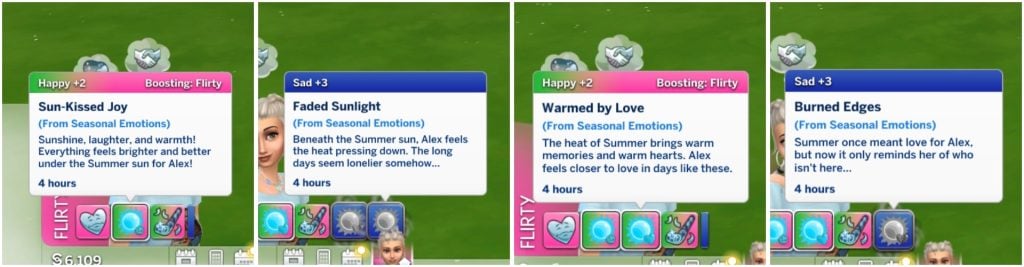
With Ellesimsworld’s Seasonal Emotions Mod, your Sims can experience deeper emotional changes tied to each season. Maybe fall reminds them of a heartbreak, or a sunny summer day makes them happier than a cold, dark winter. You simply pick a trait/emotion for your Sim that gives them mood buffs and memory-based emotional reactions, meaning your Sims react not only to the current season, but also to memories from previous ones.

SC BANNER

SNBank Mod by SimRealist, roBurky, Victor Andrade

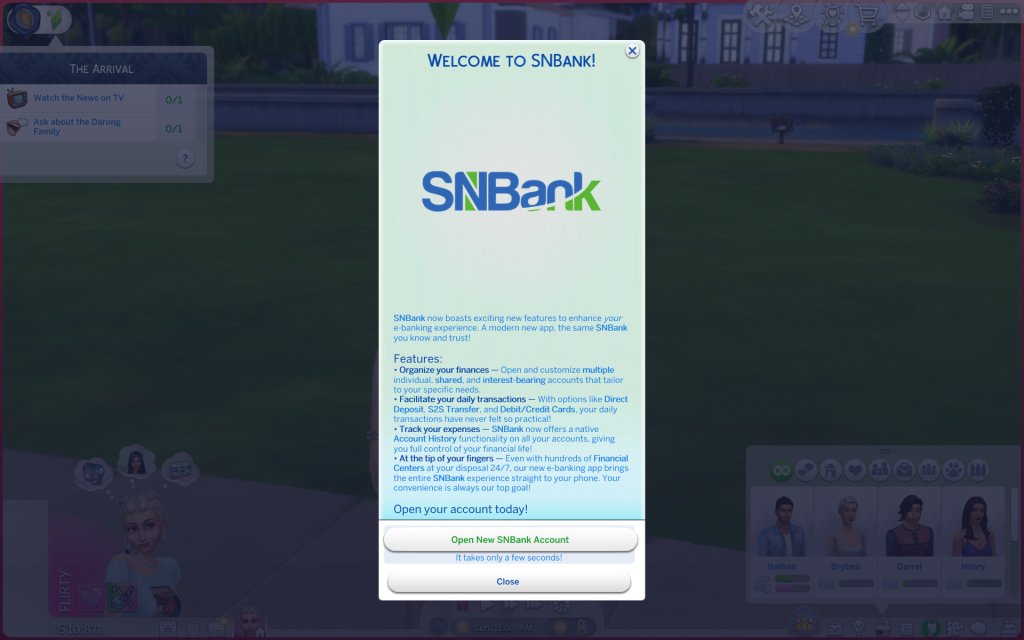
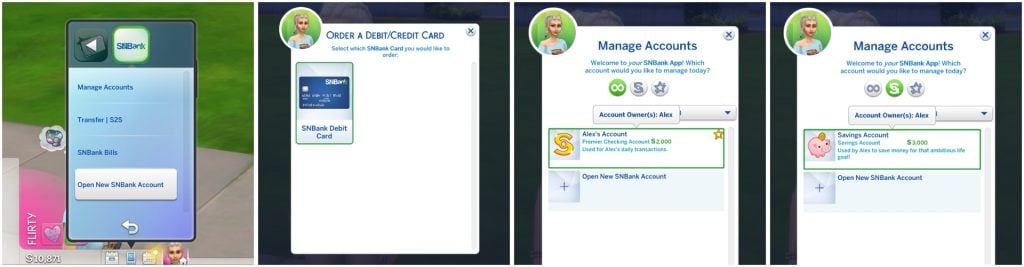
SimRealist creates some of the most realistic mods out there. Maybe dealing with banks and money in real life is enough for you, but if not, you can also make your Sims deal with them at SimNationalBank! SimRealist, roBurky, and Victor Andrade created SNBank Mod, to turn money management into a realistic part of your gameplay experience.

TS4 x64 2026 02 20 21 05 40 331
SC BANNER 1

You can even order your own debit/credit card! There are two types of accounts, one Regular account and one Premier account. The SNBank Premier account lets your Sim earn interest and get exclusive offers.

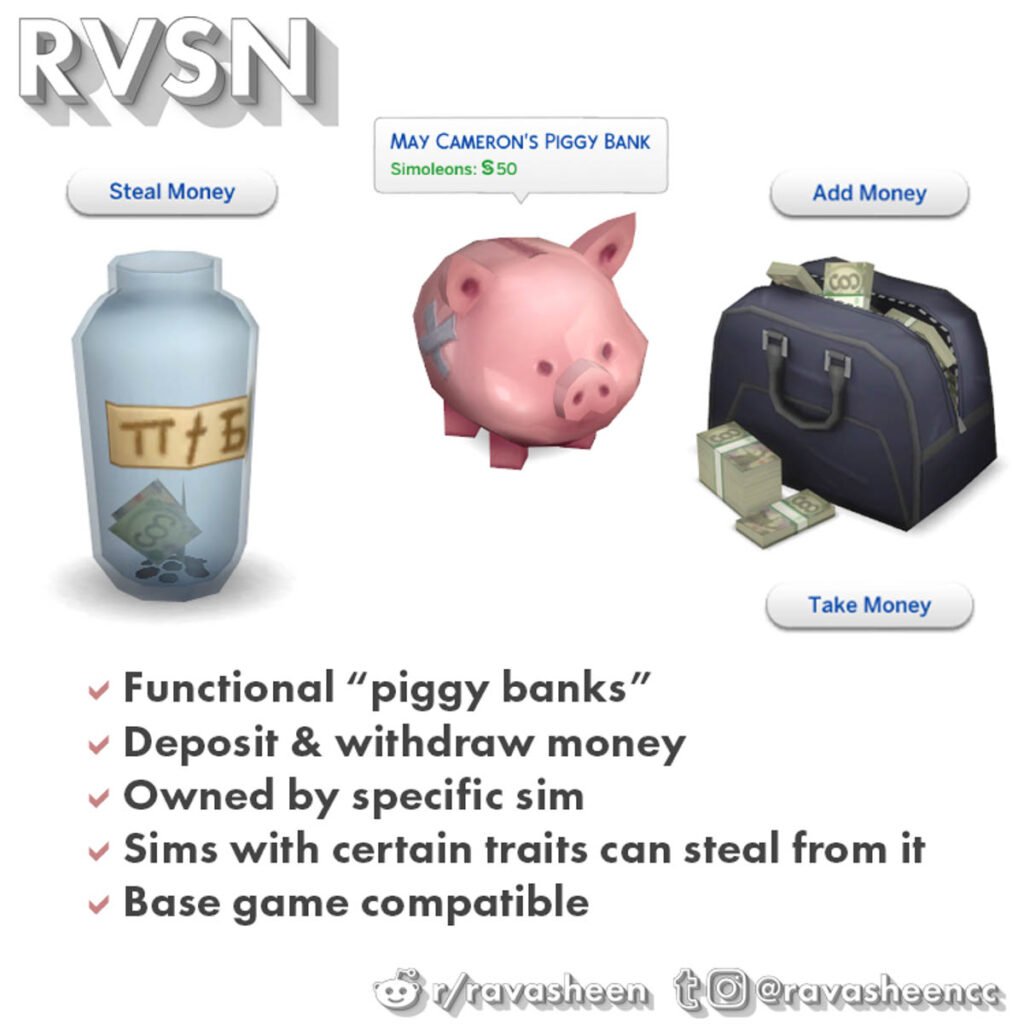
Safe Piggy Banks Mod by Ravasheen

It’s the little things that make a huge difference. Your Sims can now save money in three different build/buy objects with Ravasheen’s Safe Piggy Banks Mod. When your Sim puts money into a jar, piggy bank, or a bag it becomes their personal saving stash. But watch out for mischievous Sims, they might steal it all!

Ravasheen is also known for their recent collab with The Sims 4 where they released a creator kit called The Sims 4: Yard Charm Creator Kit.

RVSN Sims In Your Safe Piggy Banks 1024x1024 1
Picture made by Ravasheen.

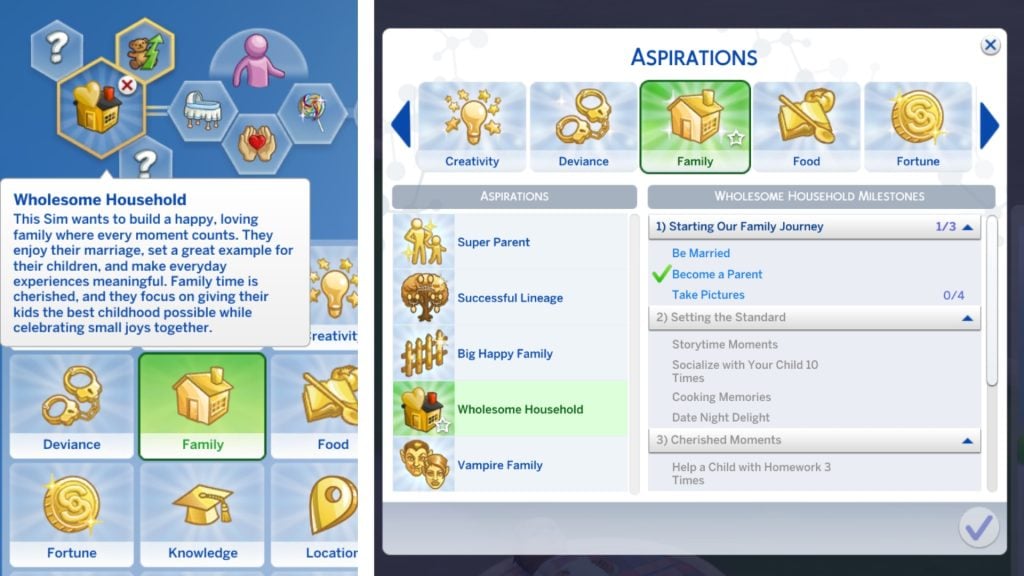
Wholesome Household Aspiration Mod by CassitySimmer 

Create more memories with your Sims family instead of just checking off boxes. The mod creator CassitySimmer brings memories back with the Wholesome Household Aspiration Mod. This new aspiration encourages you interact more with your Sims family and adds deeper storytelling to your gameplay.

Wholesome Household

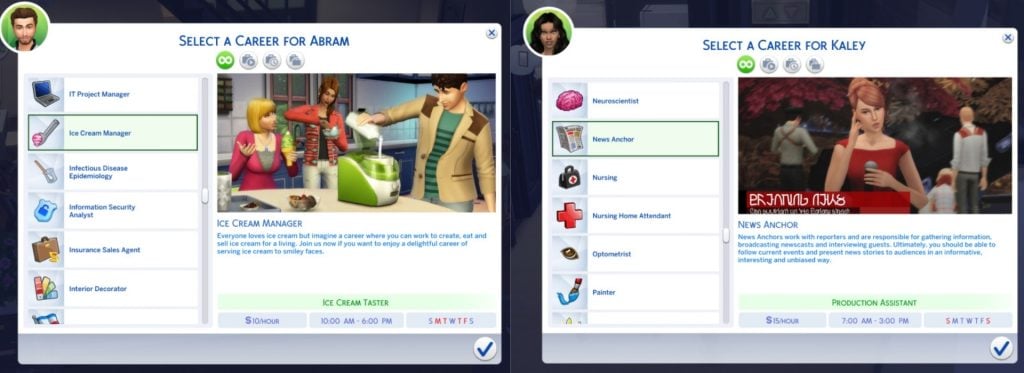
More Career Opportunities Mod by KiaraSims4Mods

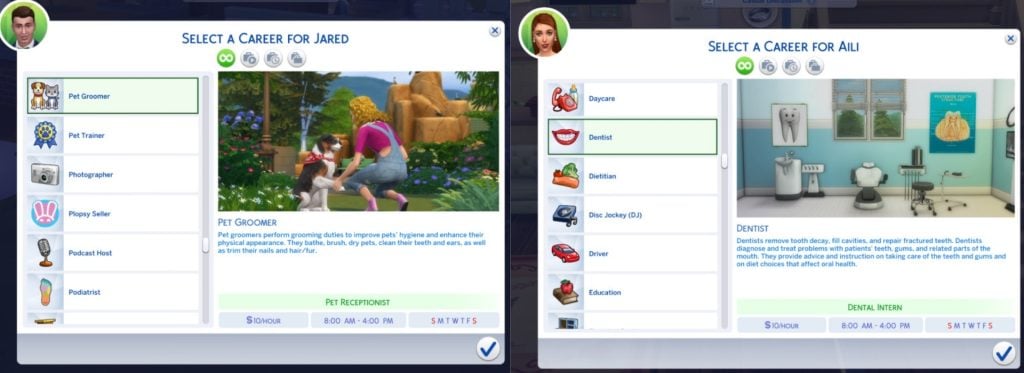
What is your Sim’s true dream job? KiaraSims4Mods More Career Opportunities Mod adds a huge variety of new careers to your game. Your Sims can work as an ice cream manager, dentist, pet groomer, or news anchor, giving you even more ways to shape their stories and daily lives. And that’s just a small selection—this mod adds many more careers for you to discover!

1 3
Pictures taken by KiaraSims4Mods.
2 3
Pictures taken by KiaraSims4Mods.

SimCare Mod by Plumlace

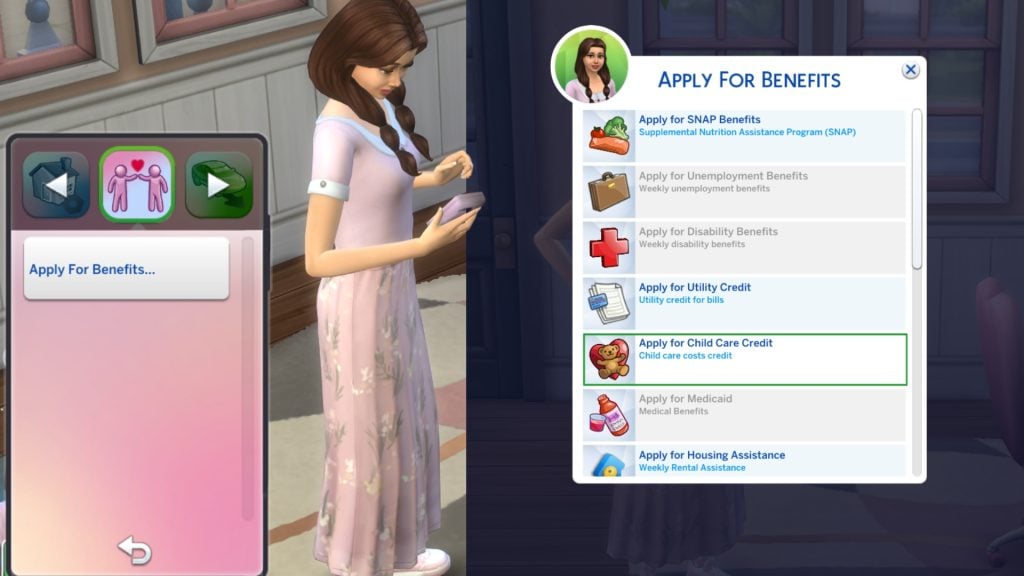
This mod is a real game changer! Plumlace’s SimCare Mod adds realistic benefits you can apply for in The Sims 4. For example, your Sims can apply for Child Care Credit on their phone and instantly find out if they qualify. If your Sim has a disability, are unemployed, or in need of a housing assistance, they can apply for support too. The mod has much more to offer, and adds tons of realism. The good news is that it’s still in development with new features planned.

1920x1080 2

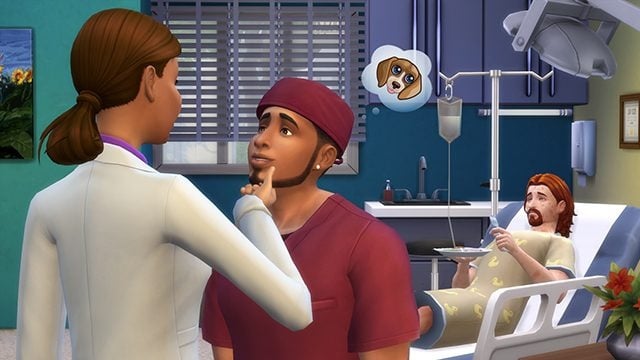
Dental Care Mod by A.deep.indigo

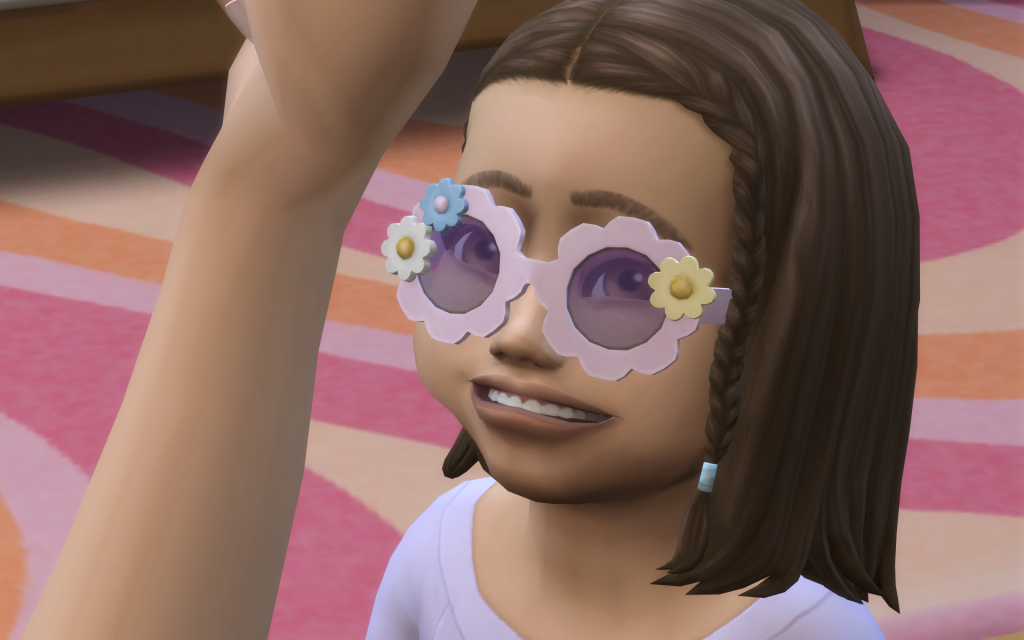
When was the last time your Sims visited the dentist? That’s what I thought. With a.deep.indigo’s Dental Care Mod, your Sims get realistic dental gameplay. They can get cavities, deal with bad breath, wear braces, have wisdom teeth removed, and even go through teething as toddlers. This mod gives your Sims a reason to show off their smiles again!

Photo Taken by A.deep.indigo.

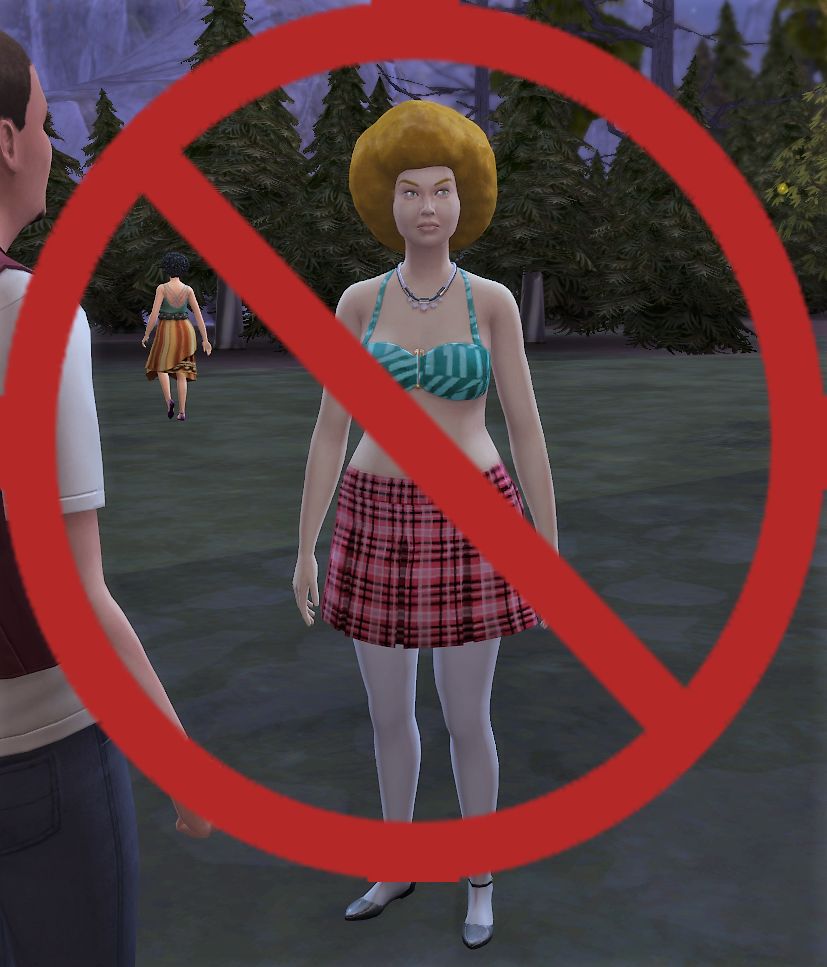
No New Random Townie Generated Mod by Cepzid Ferdiana Creation

Working on your forever save file, but random townies keep showing up and making a mess? If you want to keep only the original NPCs, Cepzid Ferdiana Creation’s No New Random Townie Generated Mod stops new random townies from spawning, so your world stays exactly how you designed it. Let your forever save file begin!

dh6204a0e9721
Picture taken by Cepzid Ferdiana Creation.

Timelines: An Age Assignment Mod by Ellesimsworld

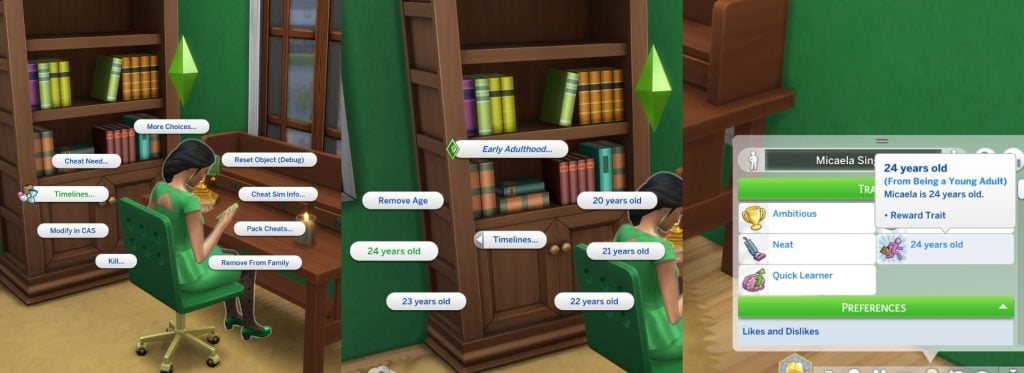
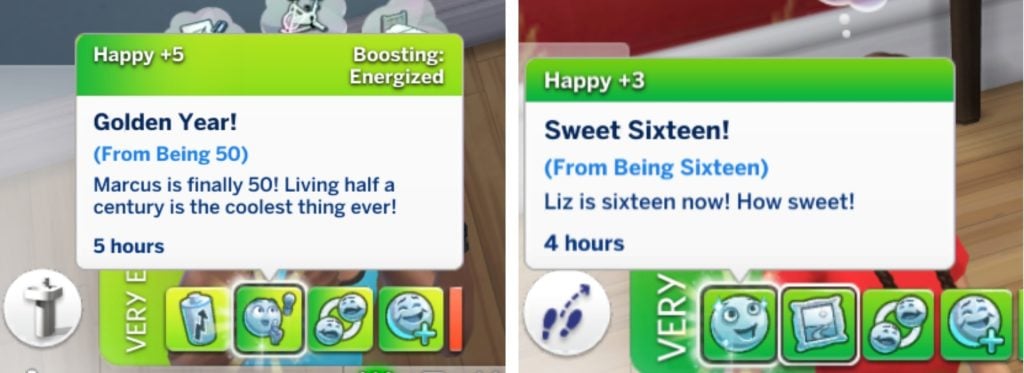
Another famous mod by Ellesimsworld is the Timelines: An Age Assignment Mod. This mod lets you see your Sims’ exact age and adjust it yourself to better fit their life story. You assign their age through a timelines pie menu based on their life stage, and the mod displays it in the Simology panel as a reward trait. It works for infants all the way up to elders. Your Sims can also receive special buffs for milestone ages, like 16, 18, 25, and 50. This mod is the perfect cherry on top of your gameplay, adding those little extra storytelling moments to their lives.

jobs
jobs 1

Teen Aspiration Bundle Mod by ilkavelle

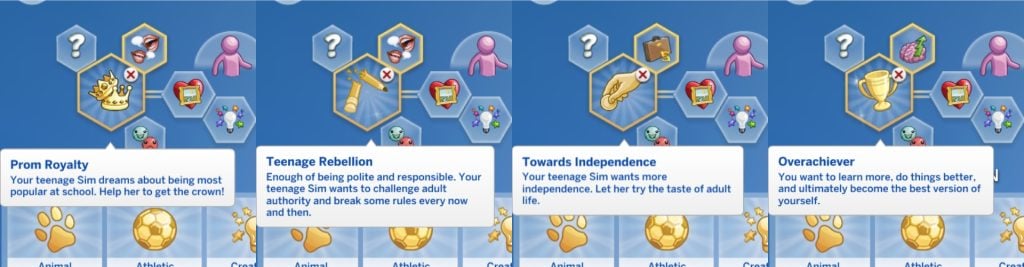
Want your teens to have big dreams (and big drama)? The Teen Aspiration Bundle Mod created by ilkavelle introduces four brand new teen aspirations. Prom Royalty, Teenage Rebellion, Towards Independence, and Overachiever. Finish them to unlock unique reward traits and add extra personality to your Sims teenage years.

SC BANNER 3

Elders Expanded Mod by Llazyneiph

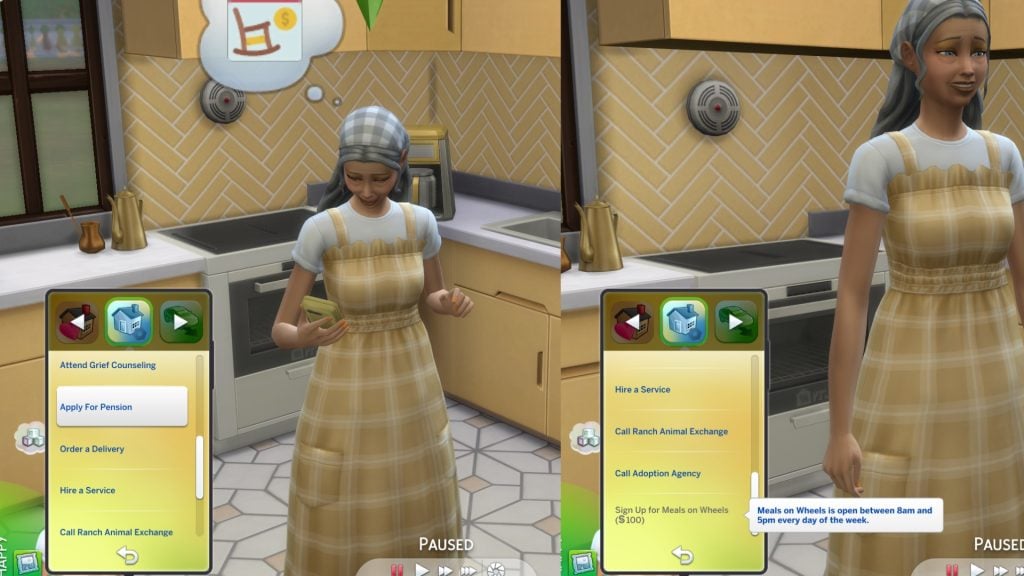
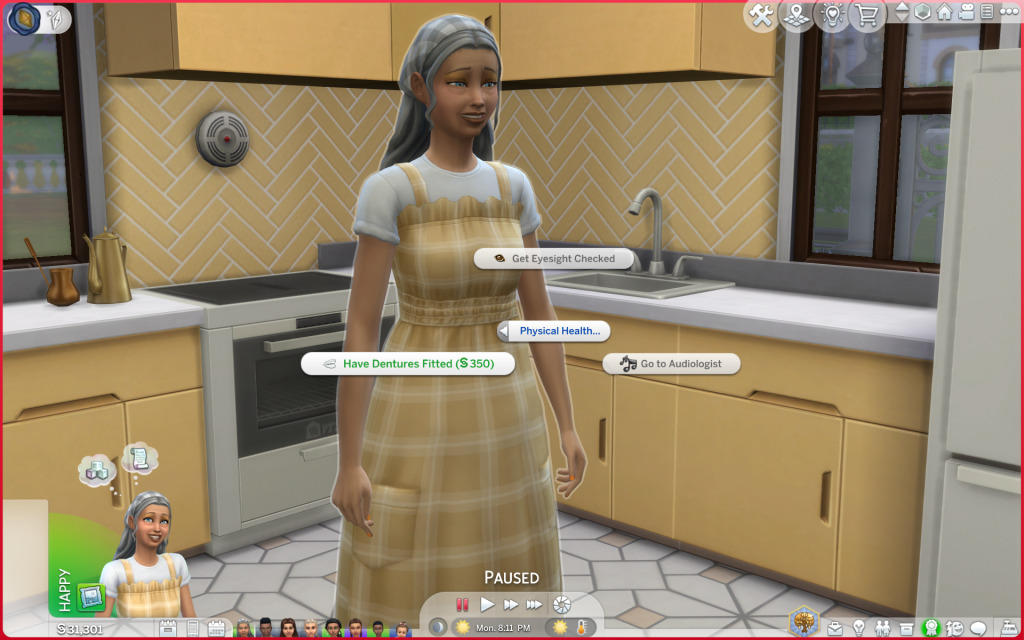
After you have tried this mod your gameplay experience will never be the same again. Add more realism to your elderly Sims with the Elders Expanded Mod by Llazyneiph. With this mod aging really affects your Sims. When your Sim becomes an elder they have a chance to develop issues with their sight, hearing, or teeth—sometimes even all three! Luckily, there’s a caretaker who can help. You can also apply for pension, and order meals from Meals on Wheels.

1920x1080
TS4 x64 2026 02 21 20 16 27 705

Foster Family by LittleMsSam

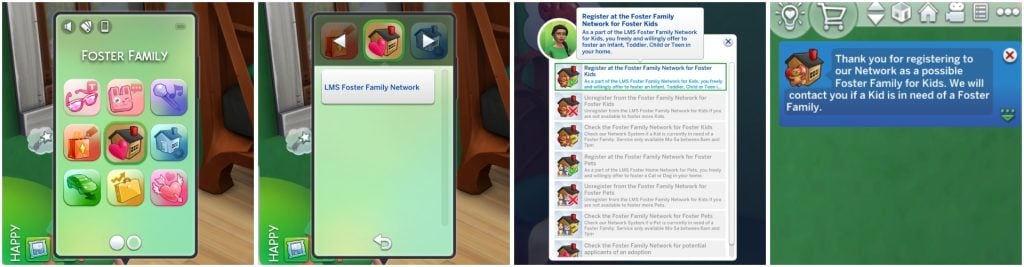
Ever wanted your Sim to become a foster parent and change a child’s/pet’s life? With the Foster Family Mod by LittleMsSam it’s possible! Your Sims can open their home to kids and pets in need and become official foster parents! Children/Pets can be placed into your household temporarily, giving you the chance to care for them, raise them, and shape their story before they move on to their forever home.

SC BANNER 5

Growing Pains Preschool Module Mod by Thatssojordy

The mod we didn’t know we needed! Thatssojordy Growing Pains Preschool Module Mod you get way more involved in your child’s early years. You can choose from four different preschools, send parents to parenting classes, go back-to-school shopping with your kids, and spend quality time together through special activities. This mod makes raising Sims feel even more meaningful.

1920x1080 1
TS4 x64 2026 02 21 22 16 11 398

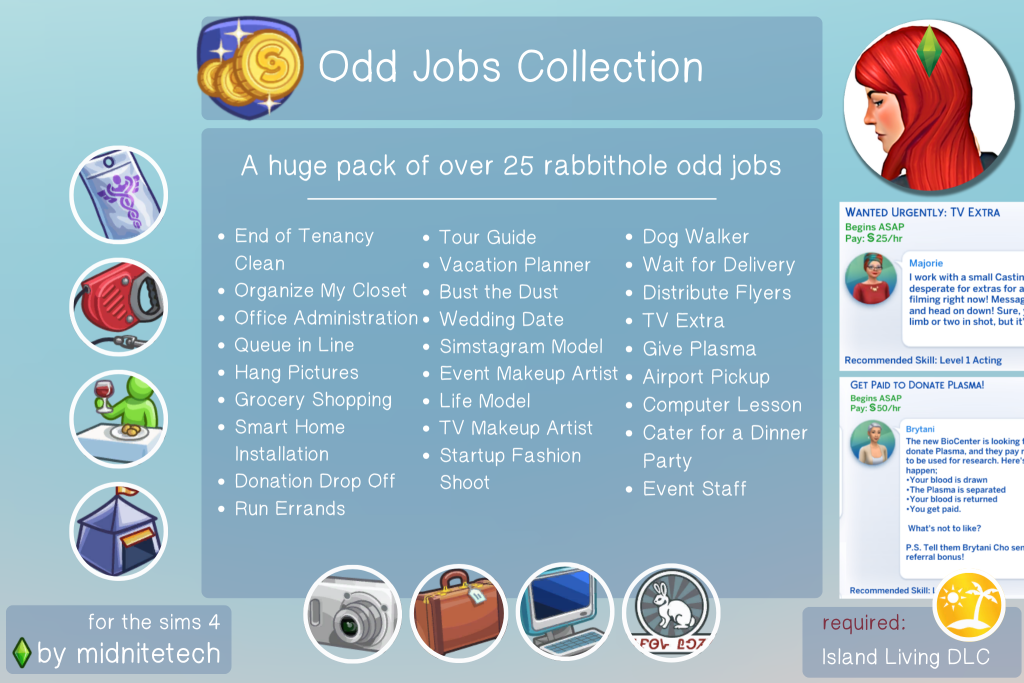
Odd Jobs Collection Mod by Midnitetech

Don’t want to commit to one full-time career? Midnitetech has a solution for that with their Odd Jobs Collection Mod. 25 new different odd jobs are added, like Dog Walker, Tour Guide, Run Errands, Simstagram Model, Airport Pickup, Computer lesson and more. Your Sims will always have a way to earn quick money—say goodbye to unemployment!

OddJobs
Picture made by Midnitetch

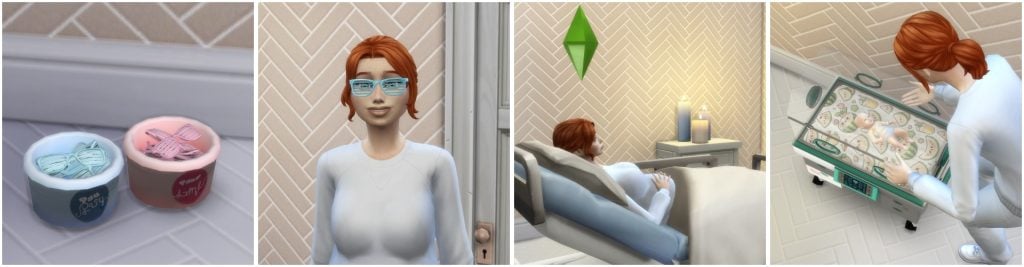
Child Birth Mod by PandaSama

One mod we never get tired of? The famous Child Birth Mod created by PandaSama. It turns pregnancies in The Sims 4 into a full experience with tons of realistic details, interactions and events. Not only can you do ultra sound checkups and give birth at the hospital, or at home. You also get a few build/buy objects, like a gender reveal setup. If you place the glass buckets down nearby Sims will automatically put on pink or blue glasses to guess the baby’s gender. This mod shares the beauty of real life to your Sims, with both happy and sad moments along the way.

SC BANNER 6

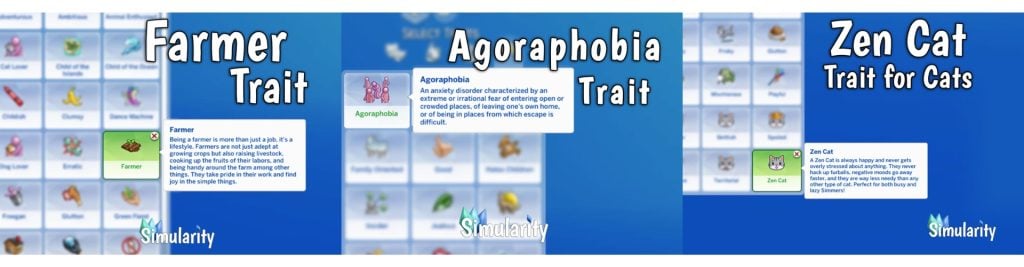
Alter Your Sim’s Personality with custom made traits by Simularity

Want even more personality for your Sims? Simularity’s Alter Your Sim’s Personality Traits Mod adds fun and realistic custom traits to explore—including a few for pets! You can give your Sim a Farmer trait who sees farming as a lifestyle, or make them a Techie who loves all things technology, another one is the Homemaker who prefers family life over chasing a career. There’s so many more traits to discover!

SC BANNER 7
Pictures made by Simularity

Connected Sims Mod by A.deep.indigo

Want your Sims social life to feel more alive? The Connected Sims Mod Sims made by A.deep.indigo adds over 50 new ways friends and family can interact with your Sims. They can invite your Sims to brunch, spa days, baby shower, family BBQs, and even rabbithole activities like Paintball. Invitations can happen all year around, seasonally, or on weekends, giving your Sims a busy and dynamic social calendar. It’s time to schedule some plans!

All Worlds are Residential Mod by Zerbu

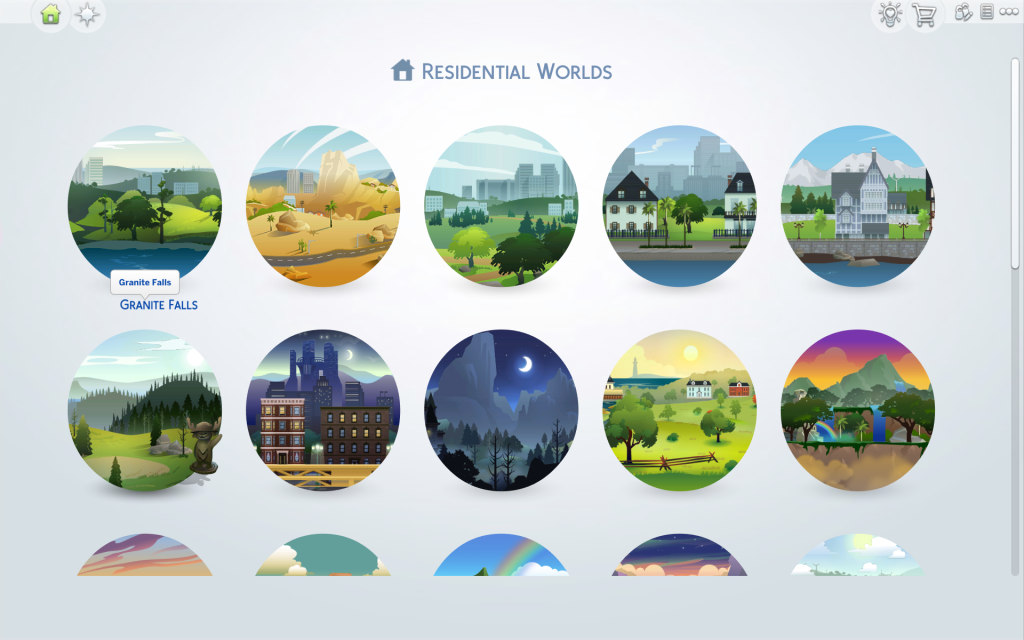
The last mod is All Worlds are Residential Mod by Zerbu. Your Sims can finally move into destination Granite Falls and Selvadorada and freely travel between them. These stunning locations are longer a short vacation—you can now build your own legacies, and stories there.


Try a few of these mods and see how your gameplay changes. Which ones are already in your mods folder, and which will you download first? Let us know in the comments below and see more of our Sims 4 Mods highlights. Happy Simming!

Guide to Cross Pack Features in The Sims 4 Royalty & Legacy

A Comprehensive Guide On All Cross Pack Features Available In The Sims 4 Royalty & Legacy!

As with every Expansion Pack released, The Sims 4 Royalty and & Legacy is chock full of new cross pack features to expand your noble and dynastic gameplay. Before release, The Sims Team confirmed that there would be several notable cross-pack features. That being said, other packs are not required to play Royalty & Legacy. Let’s take a look at the cross pack features available with the latest Expansion Pack!
TS4 x64 fpb 8IZTNzv2W7

Occult Dynasties & Royalty

The majority of Cross pack features regarding occults comes down to how you choose to play. With each world being able to have its own noble leader, towns such as Forgotten Hollow, Moonwood Mill, Innisgreen, and Glimmerbrook are all eligible for rule. At the same time, no Noble Decrees specifically benefit occult Sims, the way you choose to mould your dynastic occult Sims can!

Cross Pack Dynasty Ideals & Skills

Ideals and Skills are what shape your dynasties. They can dictate how your Sims act autonomously, and how certain actions can increase your clan’s prestige. All skills from every pack can be used as a focal point for your dynasties, such as Pipe Organ from Vampires, or the Medium skill from the Paranormal Stuff Pack.
Ideals are the rules that your dynasty members will live by faithfully, or choose to ignore if they’re feeling rebellious. Here’s a comprehensive list of all the ways Ideals incorporate features from previous packs:

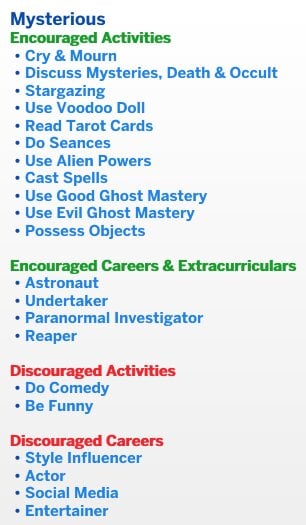
While there are many cross-pack careers, interactions, and hobbies included, the best Ideals for occults are Vicious (For evil occult gameplay) and Mysterious. The latter focuses on all kinds of occult abilities and is compatible with Base Game-only play.

Cross-Pack Scandals

The list of scandals included with The Sims 4 Royalty & Legacy isn’t extensive; however, the limited number of triggers for a scandal is just enough to not constantly get in the way of regular gameplay.
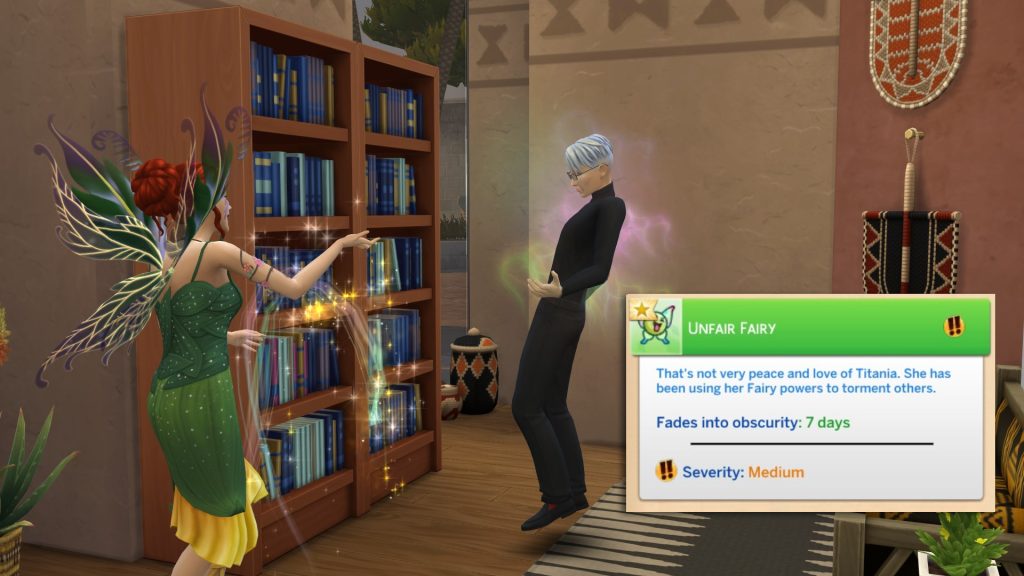
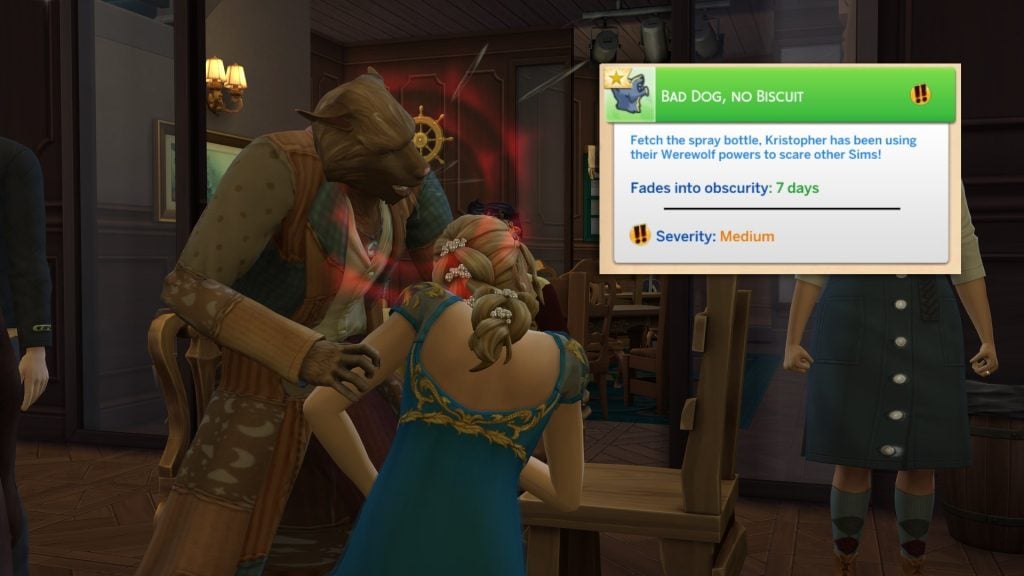
There are only three cross-pack exclusive scandals in the latest pack, focusing only on Fairies, Vampires, and Werewolves. Spellcasters have been left in the dust, and using Mischief or Untamed Magic on Sims will not trigger scandals. I don’t even have to mention the lack of Mermaid integration at this point.

Sims can earn the following Occult-specific cross-pack scandals:

  • Unfair Fairy – Using Fairy Abilities on unsuspecting Sims (Enchanted by Nature Expansion Pack)
  • Bad Dog, No Biscuit – Biting Sims and using Mean Werewolf interactions (Werewolves Game Pack)
  • Plasma Thief! – Drinking Plasma from unsuspecting hypnotised Sims (Vampires Game Pack)

Nobility & Fame (Get Famous)

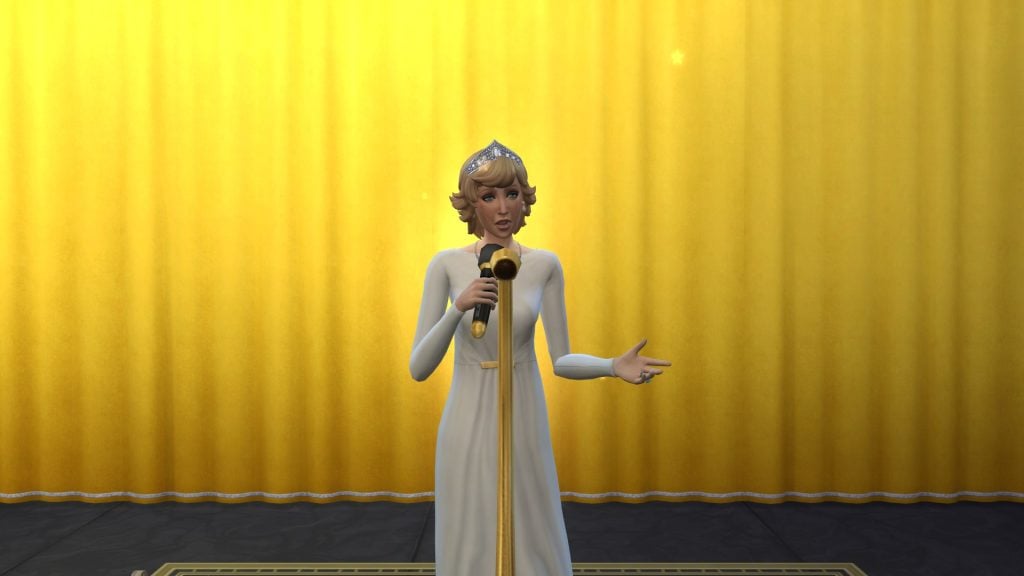
Sims in the new Noble Career in The Sims 4 Royalty & Legacy will automatically gain fame as they progress in the career, allowing them to reap the same benefits as other celebrity Sims. Giving Speeches at the new Podium will allow Sims to gain fame quickly, as well as boost the Charisma skill, vital for progression within the career.

TS4 x64 fpb xz6BDIby7a

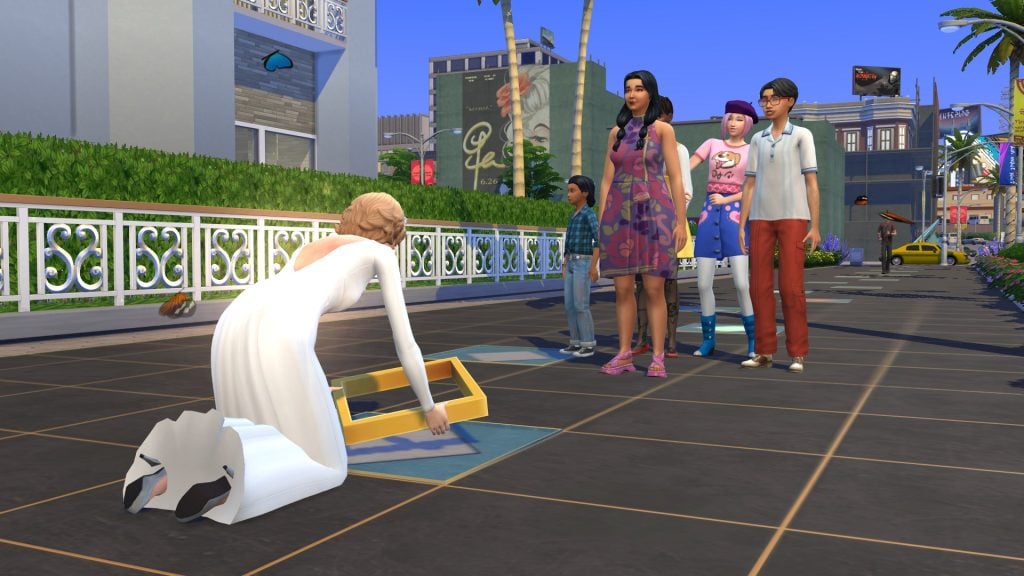
At level 5 of Fame, noble Sims will earn a Celebrity Tile that can be placed in a ceremony on Starlight Boulevard in Del Sol Valley. Without many day-to-day duties, Noble Sims may find themselves with spare time to build skills and pursue new hobbies, allowing for ample opportunity to gain fame through skills such as painting or writing.

Sims who have been involved in scandals can also write books that reveal scandals, and when published, they will gain a significant amount of fame. Our noble Sims can write Her True Story – In Her Own Words.

If a famous Sim experiences a scandal and it is revealed or witnessed by another Sim the target of the scandal will lose both Fame and Reputation.

TS4 x64 fpb A8HPrqAeeH

Reputation & Charity Benefit Parties

Speaking of Reputation, good deeds go a long way when you’re in the spotlight.
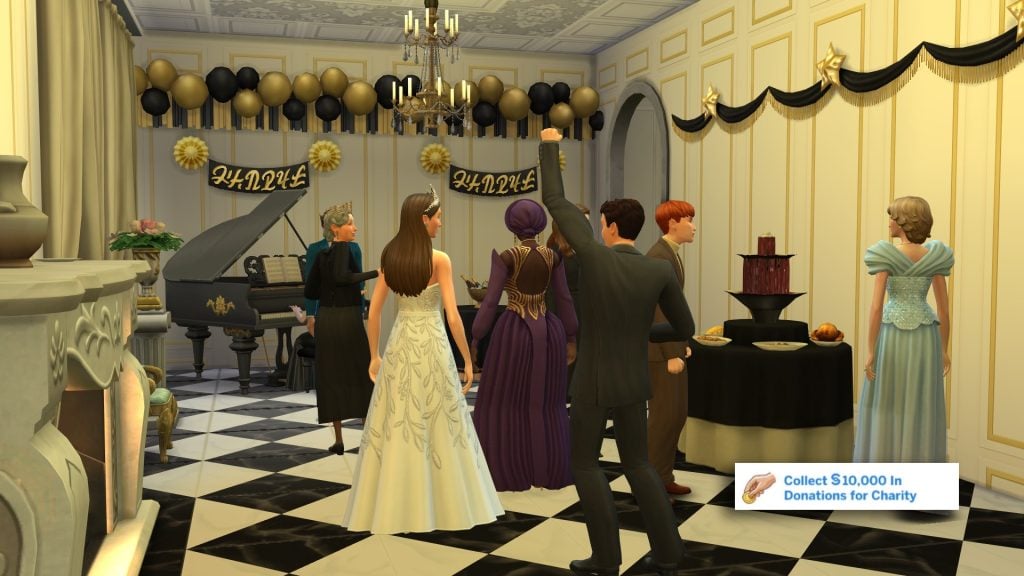
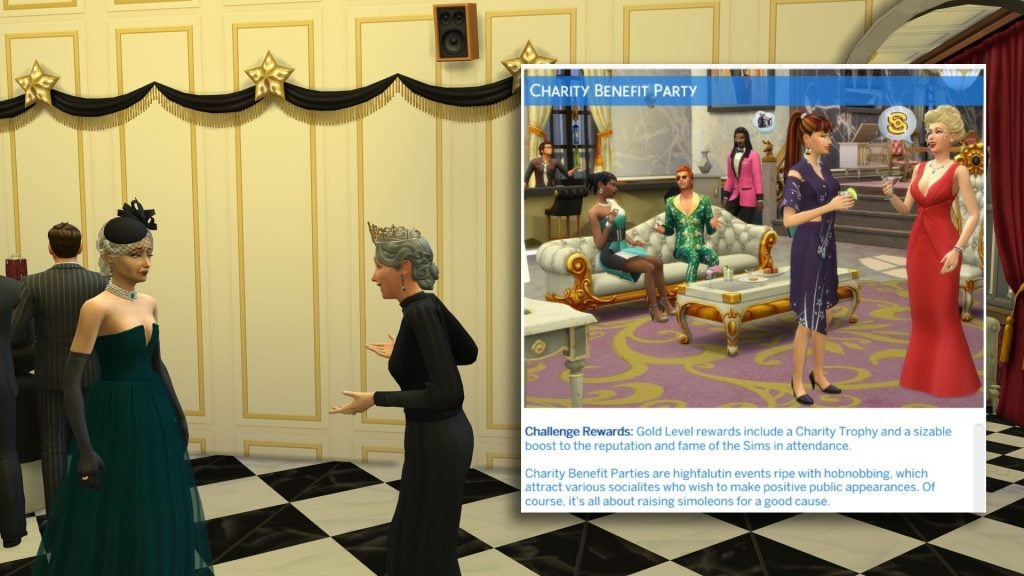
Actions such as being mean and causing misfortune to others will lower a Sim’s reputation, and performing good deeds and donating to charity or fans will increase it. At the ‘Pristine’ rank of the reputation system, Sims will be able to throw Charity Benefit parties, bringing together nobles and celebrities for a good cause.

Community Market Lots

Discord Lp7zMX65As

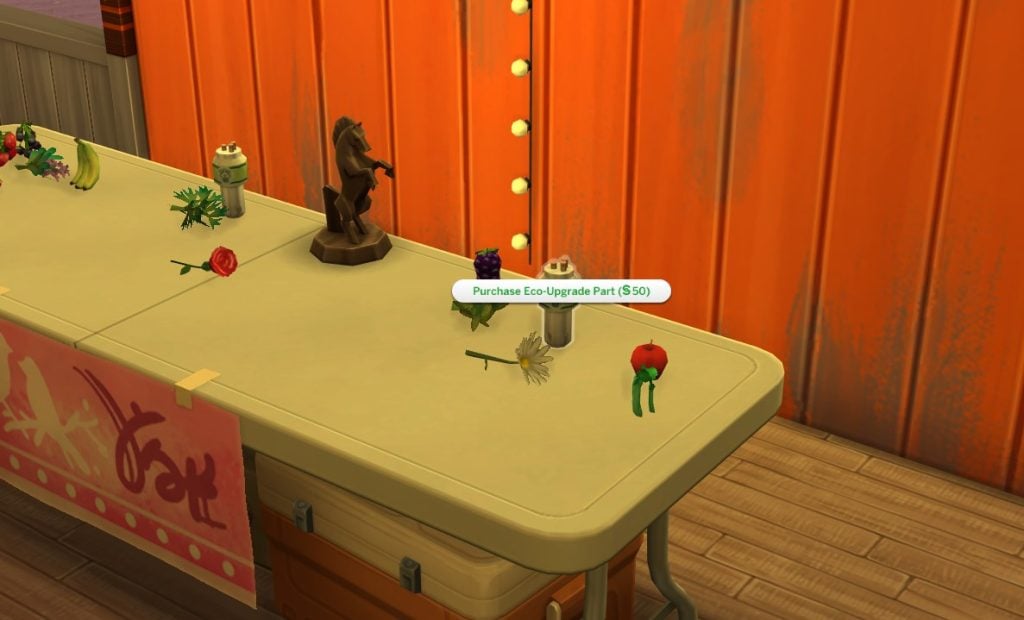
The new Community Market lot type comes with The Sims 4 Royalty & Legacy, and when vistied your Sims may find items only available through crafting and foraging, and this includes items from other parks, including the Upgrade Parts from The Sims 4 Eco Lifestyle Expansion Pack.

Players who own Eco Lifestyle may be familiar with the concept of Market lots through the Community Space system. This lot works the same, but will not need to be triggered by neighbourhood voting.

When building a lot, 3 selling tables will be required for the lot to be marked as complete, and luckily, any selling table from any pack can be used for this. Examples of selling tables from other packs include City Living, Eco Lifestyle, Businesses & Hobbies, Home Chef Hustle, and Jungle Adventure.

Sword Retail Shops (Get to Work/Businesses & Hobbies)

Since the release of Businesses & Hobbies, I have found myself neglecting the retail store system that shipped with the Get to Work Expansion Pack. While bare bones in comparison to the Small Businesses system, the new swords sparked an idea!

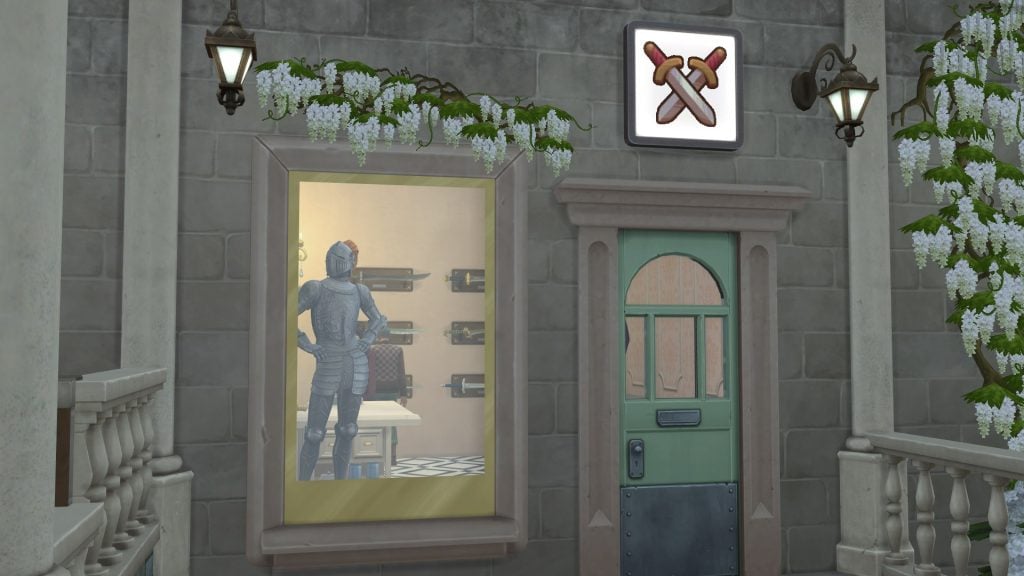
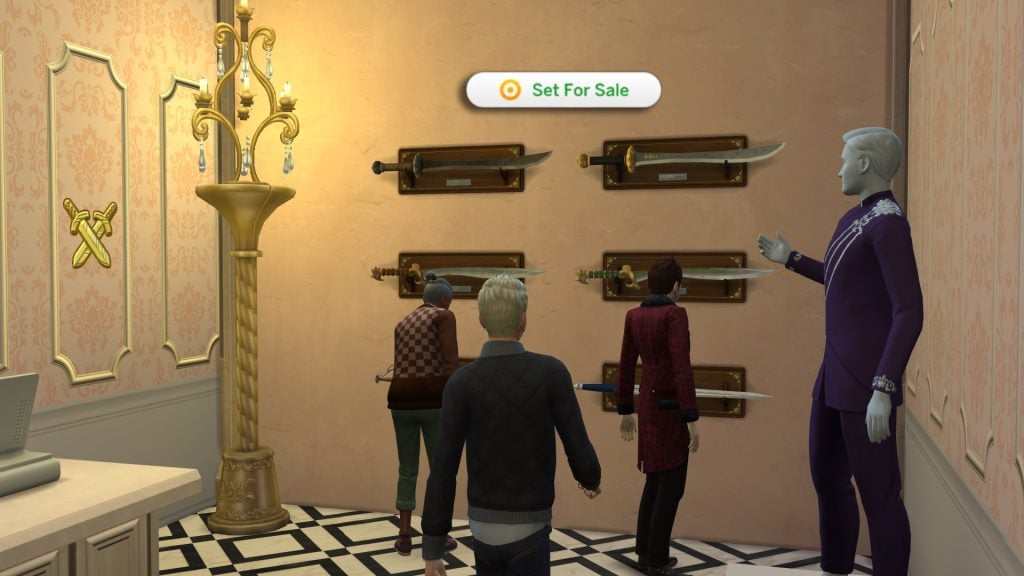
Swords are a new collectable type in Royalty & legacy and can be displayed on walls for all to see, and you can even find them for sale at the new Community Market lot type. If placed on a wall on a lot designated as Retail, these can be set for sale.

swordsale 1

If your Sim owns a retail lot, click the sword and select ‘Set for Sale’. These swords can only be purchased at the blacksmith shop in Verdemar, at the Market lot, and through a few other means for the rarer types. These can then be sold at a markup for profit!

Small Business Residential Palaces & Small Business Activities (Businesses & Hobbies)

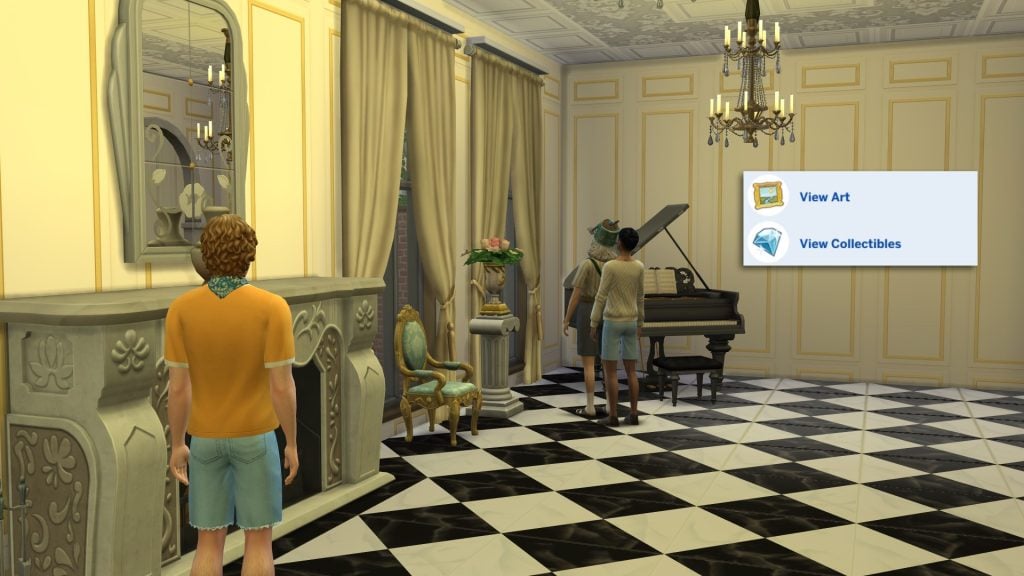
Similar to Retail lots, Small Business lots from The Sims 4 Businesses & Hobbies prove profitable for Sims in the Noble career. Your noble Sim is most likely the owner of a resplendent palace, full of valuables, paintings, and sculptures. If so, this is the perfect opportunity to charge the public an entry fee to enter and explore.

If you don’t want members of the public roaming your private chambers, simply designate the areas you wish to be private as ‘Residential’ by using the outline system found in the top bar in Build/Buy (Can also be accessed by pressing ‘O’ on PC and Mac).

palace tour 1

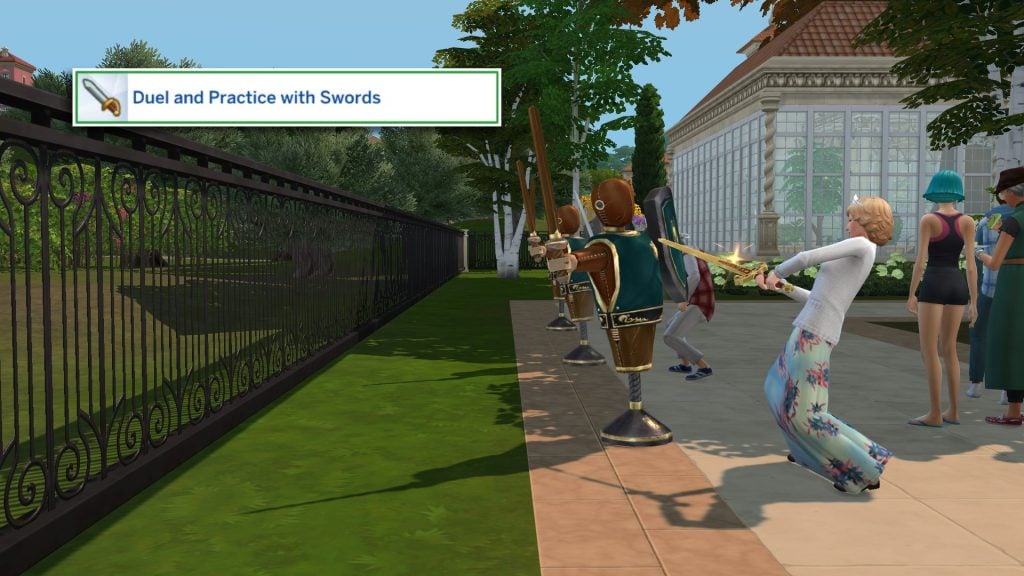
With new hobbies and skills introduced with Royalty & Legacy, they would have missed a trick not adding those activities to the Small Businesses activities list! Thankfully there are two new activities perfect for any Sim who wants to be the owner of a grand Ballroom or a Sword-fighting Academy. The two new Small Business Activities:

  • Dual and Practice with Swords
  • Waltz
TS4 x64 fpb PcVFGyBeqp

If you want to attract the cream of the crop to your venue, you can set the Noble Career as a target customer type in the Target Customers section when editing your Small Business venue.

Cats Exploring Secret Passageways (Cats & Dogs)

The new secret passageway item allows your Sims to travel from one place to another via a hidden tunnel system, or arm it as a trap to keep curious Sims away. The secret tunnels can also be used as a new woohoo location.
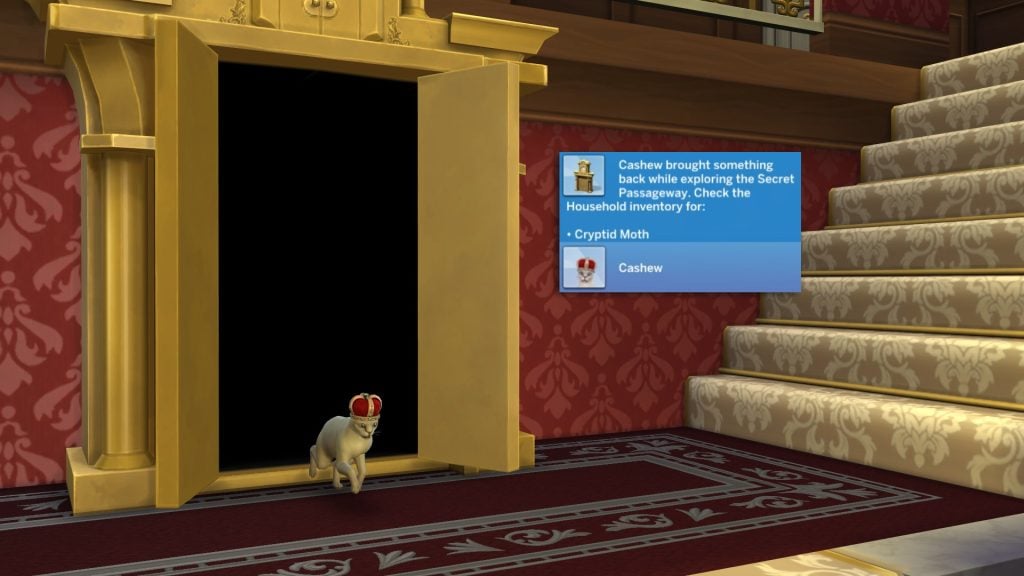
One of the hidden benefits of the secret passageway is that it can be used as a new exploration opportunity for Cats to go foraging and pick up (potentially rare) items for your Sims. As Pets arent able to be directly controlled by players, this will happen autonomously, and is more likely to happen if your Cat has the Curious, Free Spirit, or Playful traits.

pet passage

New Cat CAS Crown

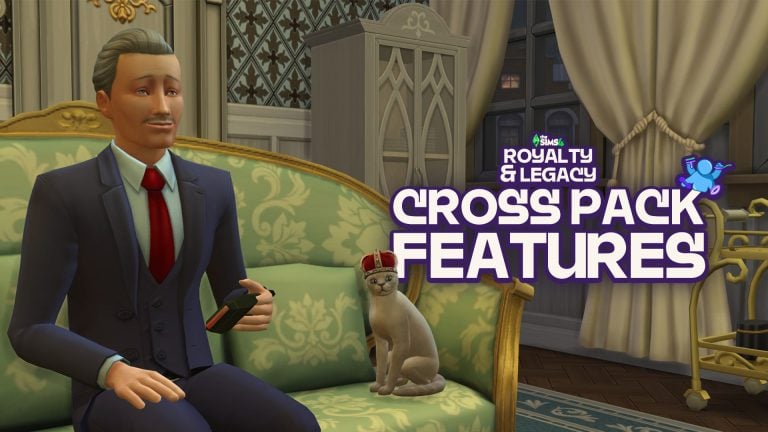
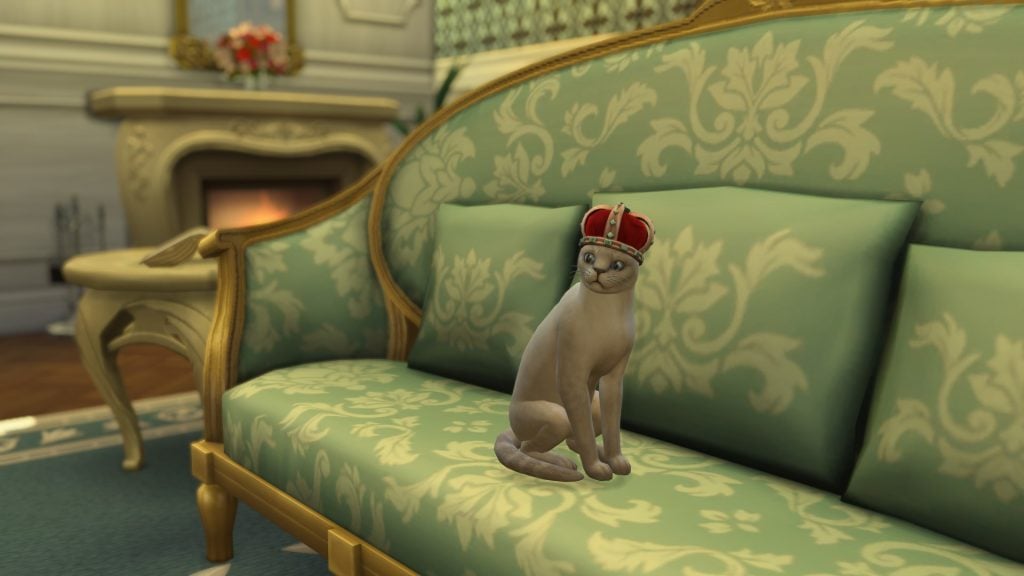
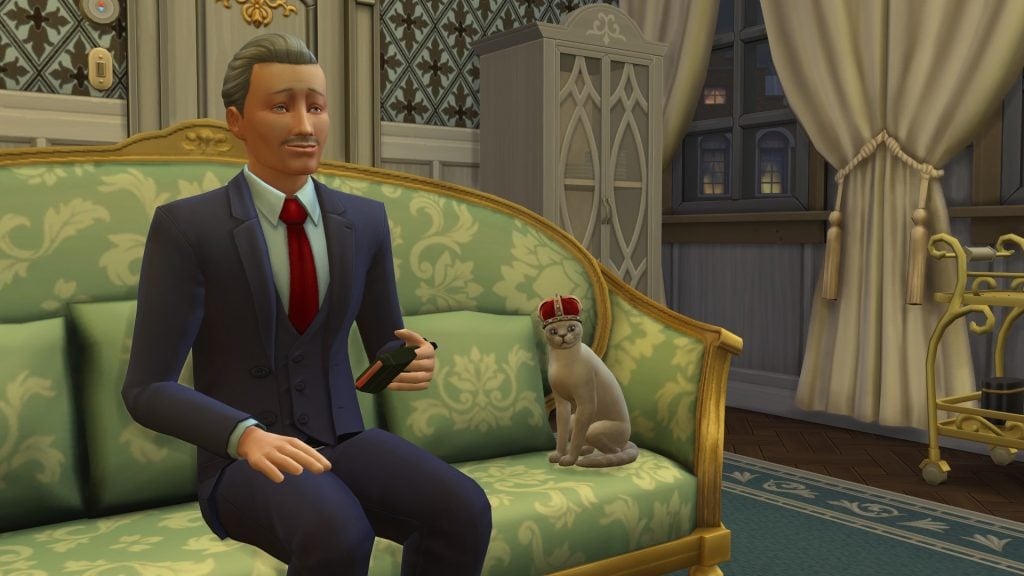
Cats also get an exclusive cross-pack CAS item! If you own both Royalty & Legacy and Cats & Dogs, make sure to check out Create-a-Sim (Or I guess Create-a-Pet), go to the clothing section, and under the hat,s you will find a crown that comes in 7 swatches.

TS4 x64 fpb rD9MfIYh6j

Swordsmanship & Waltzing Custom Getaway Activities (Adventure Awaits)

Swordsgetaway 1

Similar to the new Small Business Activities, the list of available Getaway activities has also been expanded! Both swordsmanship and waltzing can be assigned as a getaway activity, meaning any Sim on the getaway will focus on battling it out with one another or build their skill with the training dummy. The two new Getaway/Custom Venue activities:

  • Dual and Practice with Swords
  • Waltz

Creator Cinderellimouse had the right idea for their video, showcasing the new possibilities given to us by creating a Finishing School for Noble children to learn all the skills they need when they are next in line to the throne.

New Club Activities (Get Together)

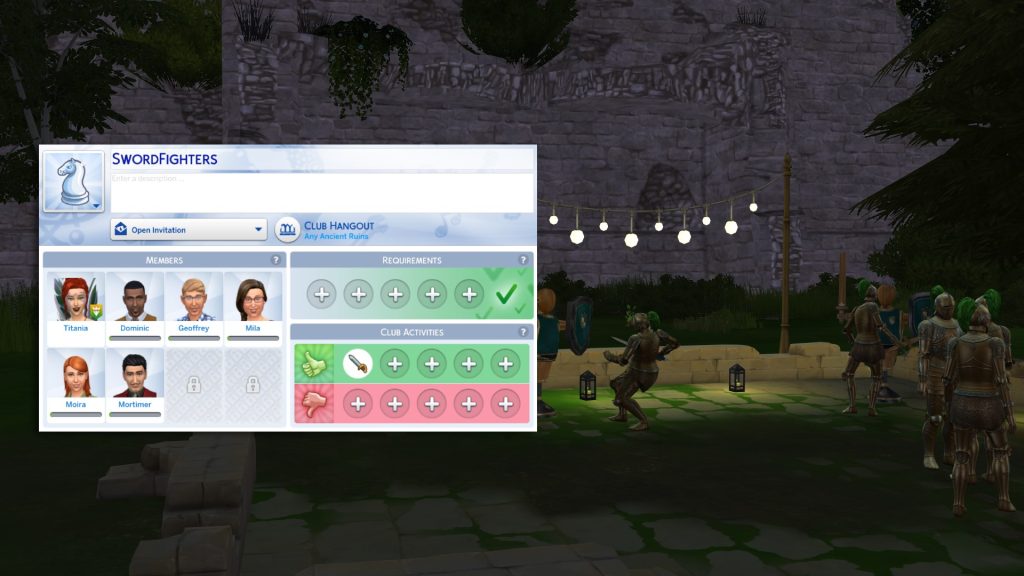
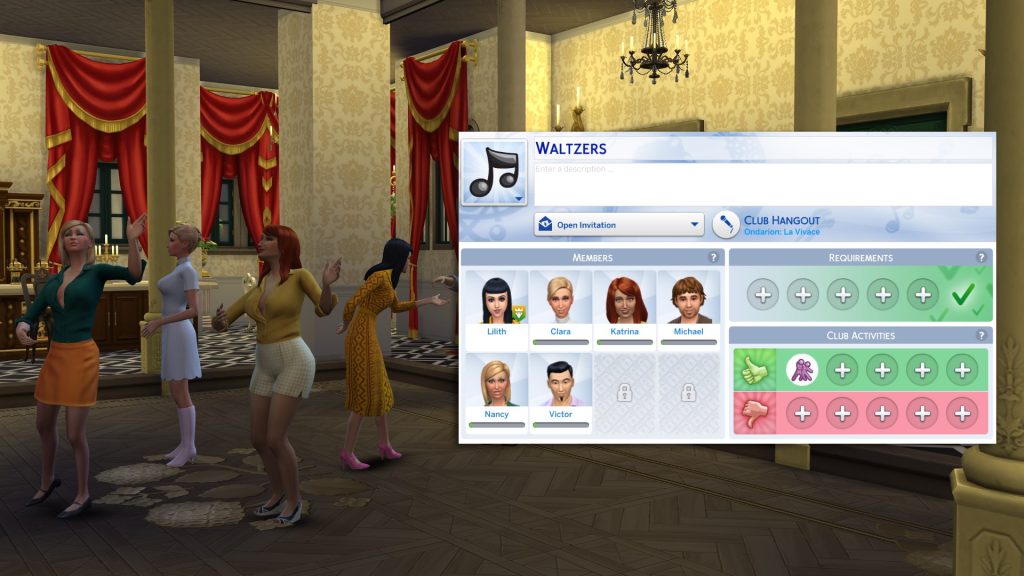
As with the Getaway/Custom Venue, and Small business systems, the club system from Get Together has had both waltzing and duelling added to the activity roster, as well as the ability to set the club requirements to just Sims in the Noble Career if you so wish. This is the perfect way to get royal connections without having to scope every noble out in Ondarion one-by-one.

New Bucket List Activities (Life & Death)

As cross pack features go, this feels like an oft-forgotten one. There is one new bucket list item for players who also own the Life & Death Expansion Pack. If your Sim is seeking new thrills, they may gain the goal “I’d like to WooHoo in a Secret Passageway”.
To complete this, the Sim must have knowledge of at least one secret passageway, and you can choose either ‘WooHoo’ or ‘Try for baby’.

TS4 x64 fpb Oan7l7M31f

Noble Decree Benefits

Decrees

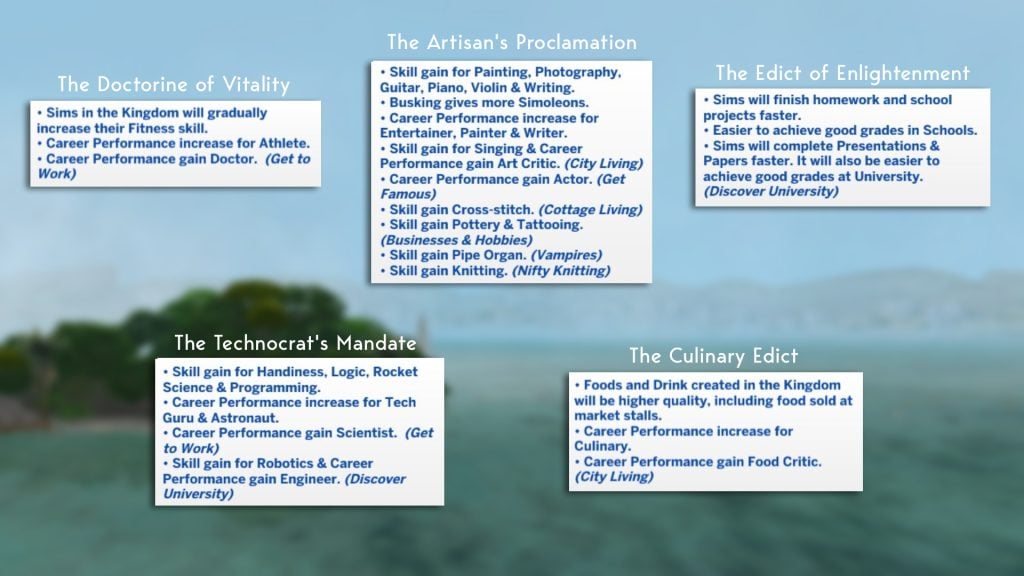
There are 8 Noble Decrees your Noble Sims can issues once they reach level 7 of the Noble Career. 6 of these have cross-pack compatibility and will affect different skills, careers, and interactions. The following Noble Decrees have pack-specific benefits:

The Doctrine of Vitality

  • Career Performance gain Doctor. (Get to Work)

The Artisan’s Proclamation

  • Skill gain for Singing & Career Performance gain Art Critic. (City Living)
  • Career Performance gain Actor. (Get Famous)
  • Skill gain Cross-stitch. (Cottage Living)
  • Skill gain Pottery & Tattooing. (Businesses & Hobbies)
  • Skill gain Pipe Organ. (Vampires)
  • Skill gain Knitting. (Nifty Knitting)

The Edict of Enlightenment

  • Sims will complete Presentations & Papers faster. It will also be easier to achieve good grades at University. (Discover University)

The Technocrat’s Mandate

  • Career Performance gain Scientist. (Get to Work)
  • Skill gain for Robotics & Career Performance gain Engineer. (Discover University)

The Culinary Edict

  • Career Performance gain Food Critic. (City Living)

That’s all for our list of Cross-Pack features for the latest pack. Have you discovered any yourself? Let us know in the comments below, and stay tuned to Sims Community for all the latest on The Sims 4 Royalty & Legacy.
The Sims 4 Party Essentials Kit Review: Life’s a Party!

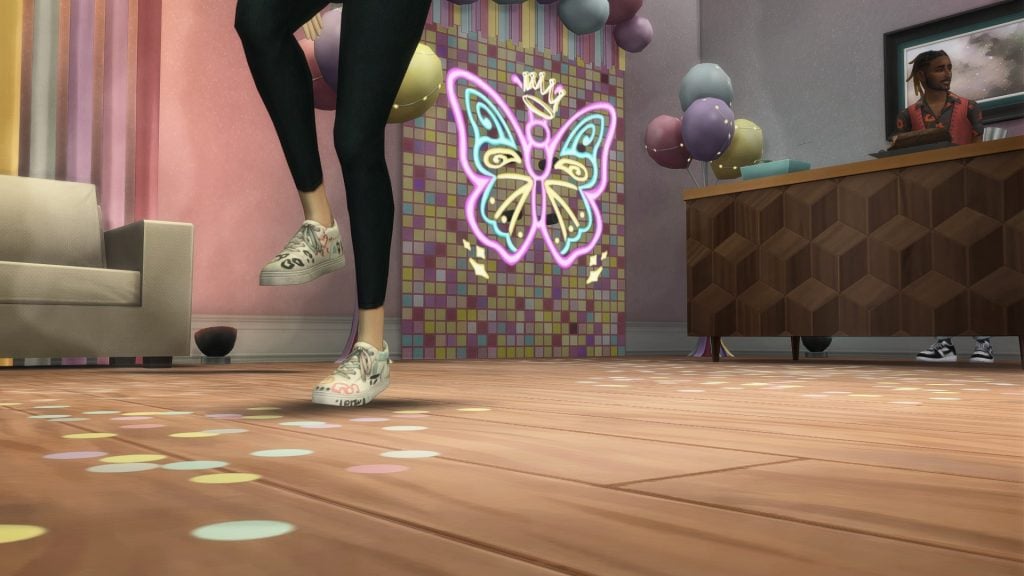
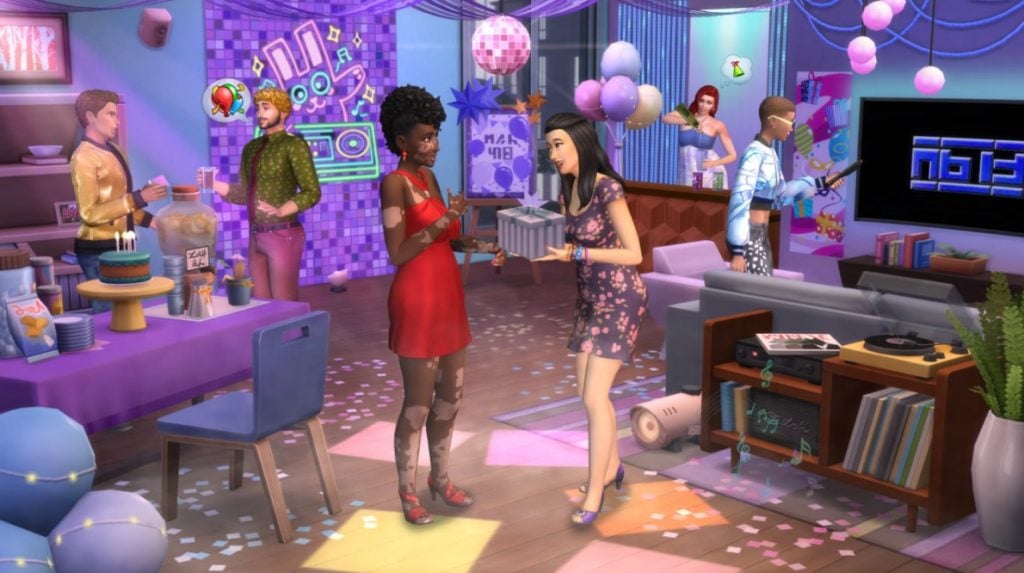
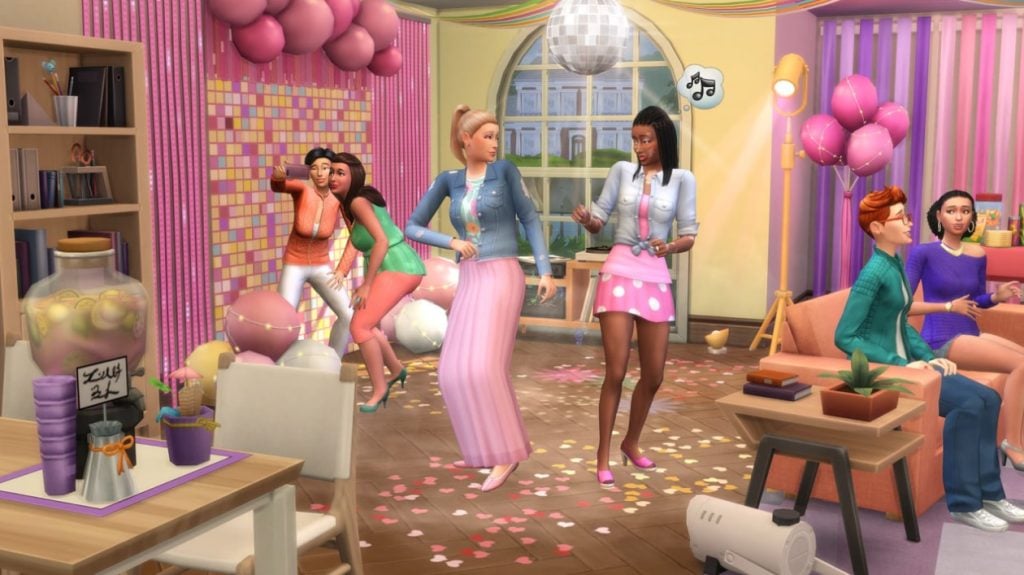
With hype of the recently released The Sims 4 Royalty & Legacy, you’d think that the party would stay in the new world of Ondarion? Maybe in a room you’d have to venture through a secret passageway in order to reach. Well, if you’re a bit weary of scandals for the moment, then come with me to a party out of the kingdom, back in mainstream Simerica, as we take a look at The Sims 4 Party Essentials Kit.

TS4 x64 fpb 2026 02 22 15 18 05

The Sims 4 Party Essentials Kit became available on April 18th, 2024 and costs 4.99 USD to purchase.

Pack Description

The official kit information is the best place to start! It says,

beeep

Coordinate your décor to build the perfect party atmosphere with The Sims 4 Party Essentials Kit. Set the mood with matching decorations that come in swatches perfect for any party you want to throw, plus a disco ball to add some sparkle and a fog machine to add some mystery. These decorations don’t just fade into the background – not even the backdrops! Coordinate with matching pieces or mix and match to create the perfect mood for any occasion.

This kit has all the essentials your Sims need to share some good times. Throw a birthday party, a big bash complete with a disco ball, or a chill hangout session with friends.

booop

Object Overview

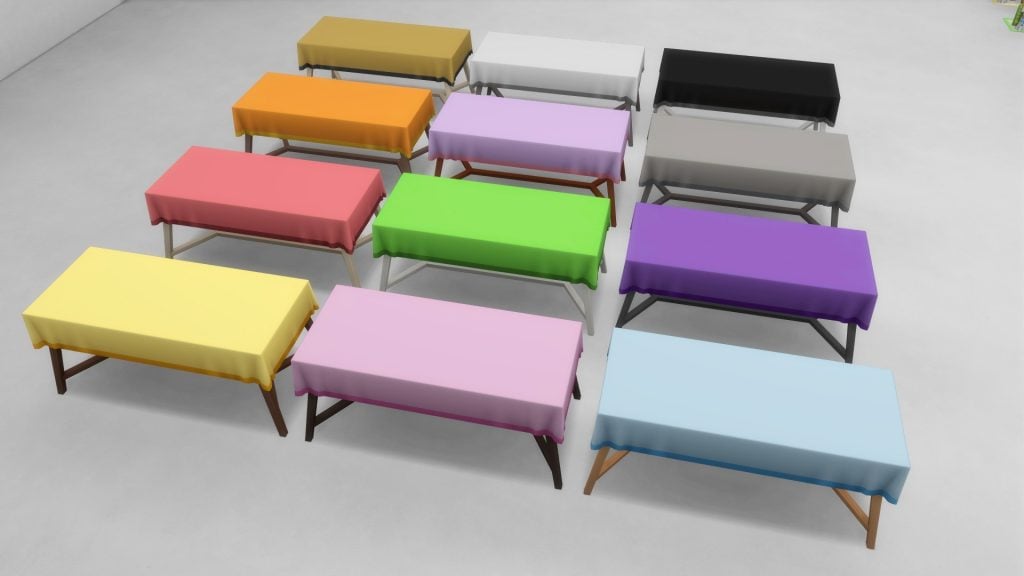
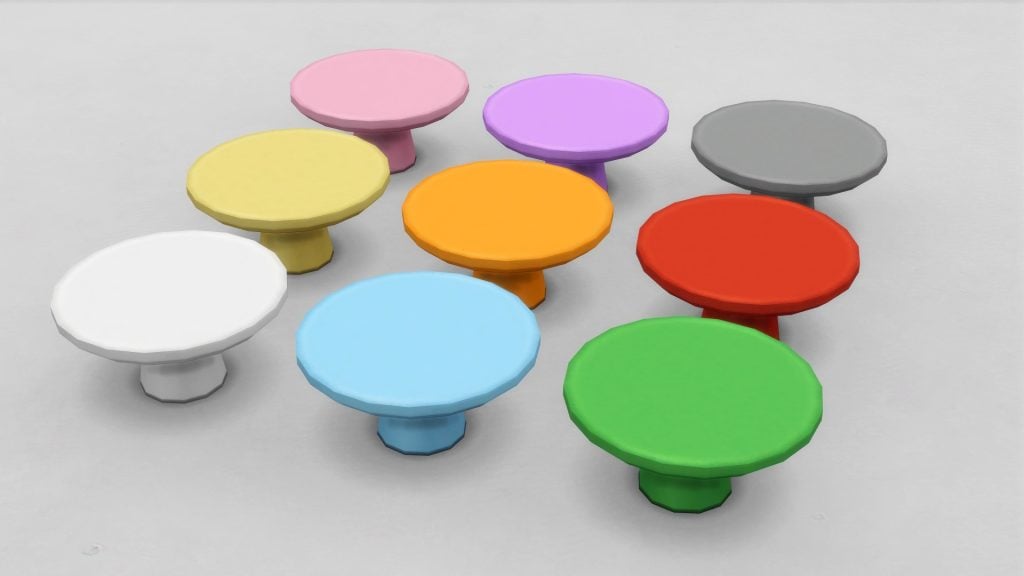
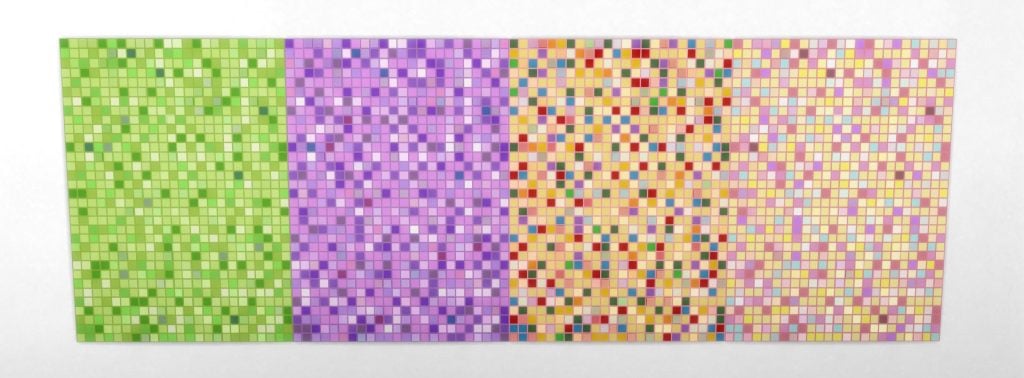
Object Swatches

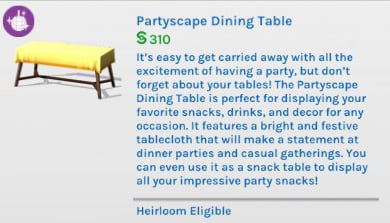
Partyscape Dining Table

TS4 x64 fpb 2026 02 21 17 02 31

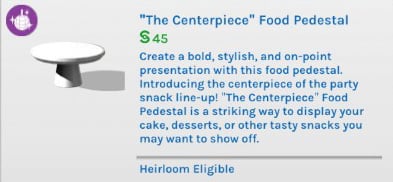
“The Centerpiece” Food Pedestal

TS4 x64 fpb 2026 02 21 17 03 20

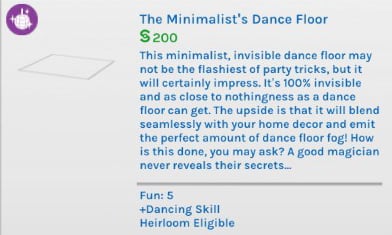
The Minimalist’s Dance Floor

TS4 x64 fpb 2026 02 21 17 01 40

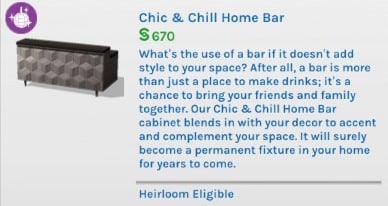
Chic & Chill Home Bar

TS4 x64 fpb 2026 02 21 18 10 34

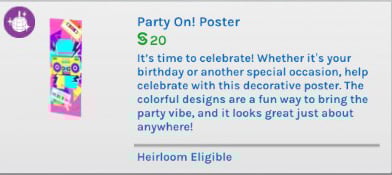
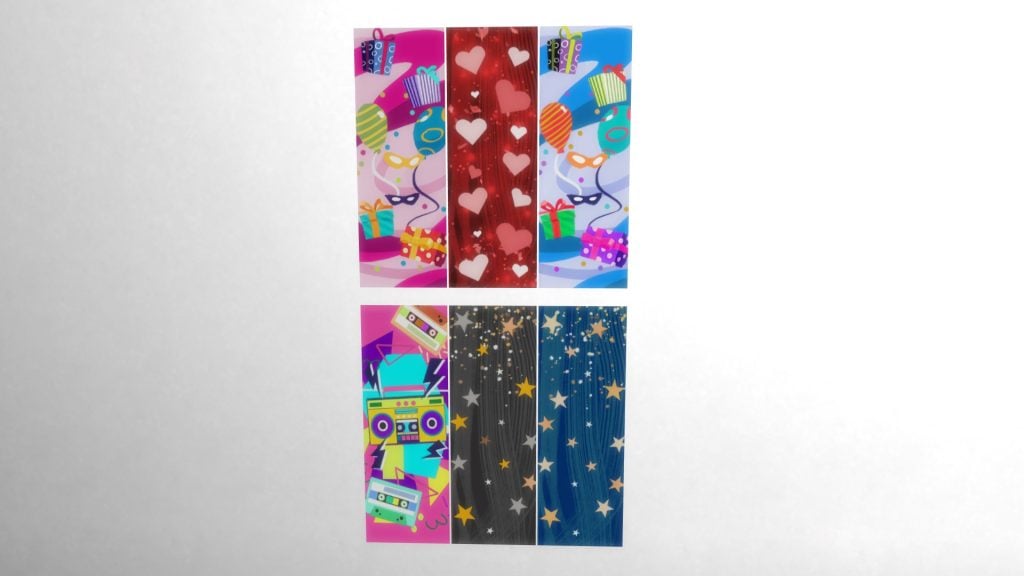
Party On! Poster

TS4 x64 fpb 2026 02 21 17 19 44

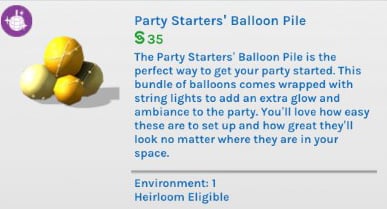
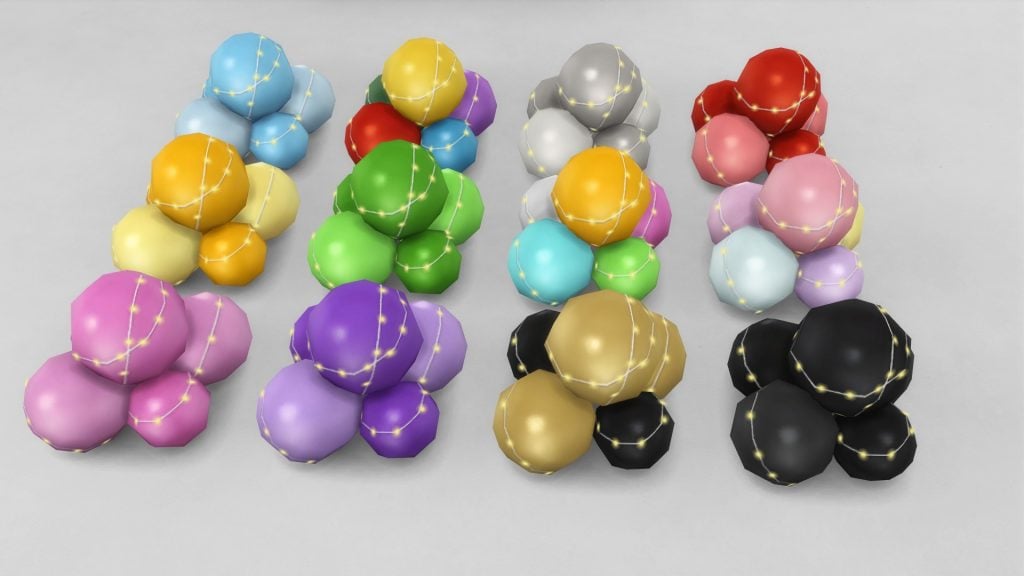
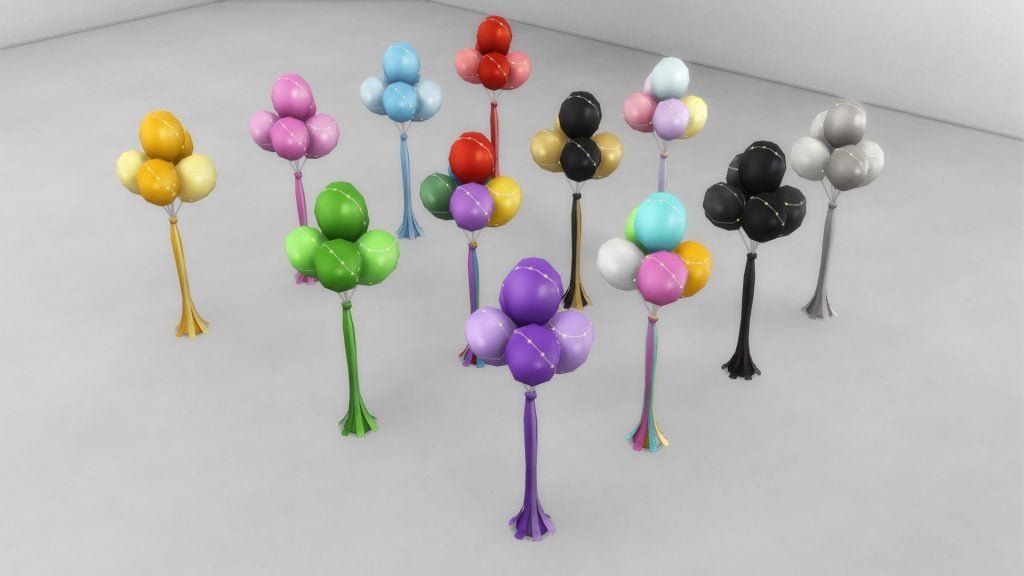
Party Starters’ Balloon Pile

TS4 x64 fpb 2026 02 21 17 03 09

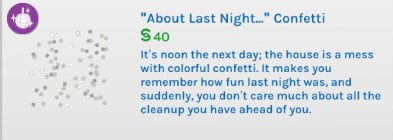
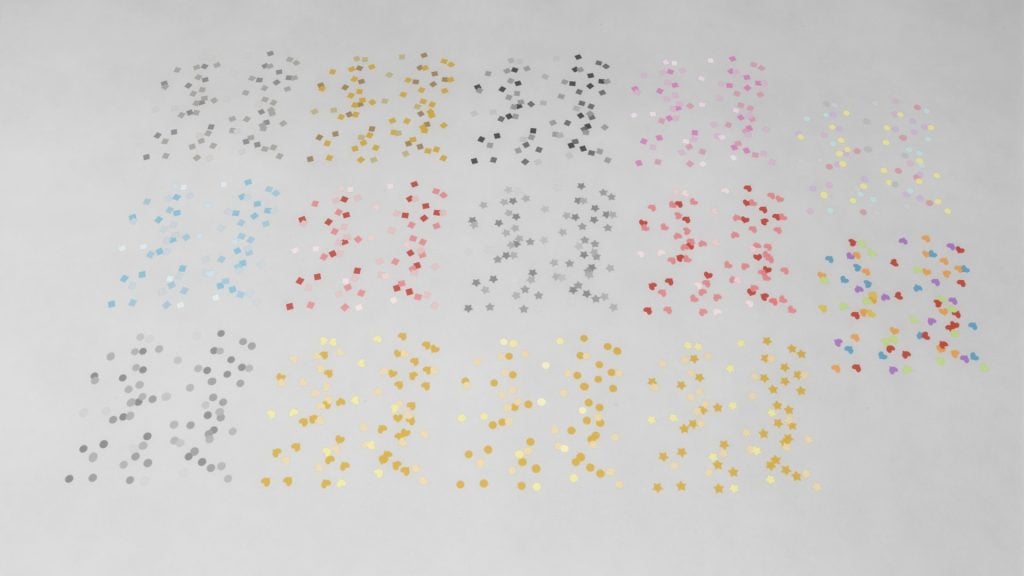
“About Last Night…” Confetti

TS4 x64 fpb 2026 02 21 17 17 23

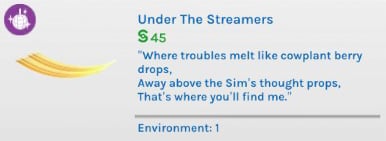
Under The Streamers

TS4 x64 fpb 2026 02 21 18 17 25

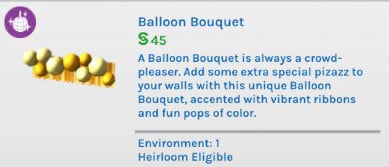
Balloon Bouquet

TS4 x64 fpb 2026 02 21 17 01 31

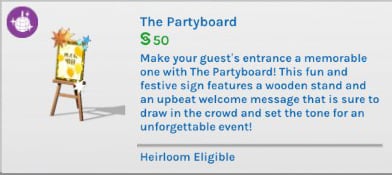
The Partyboard

TS4 x64 fpb 2026 02 21 17 32 55

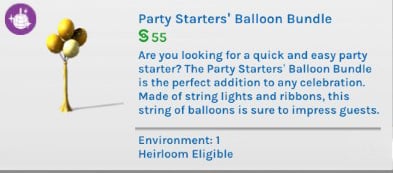
Party Starters’ Balloon Bundle

TS4 x64 fpb 2026 02 21 17 34 48

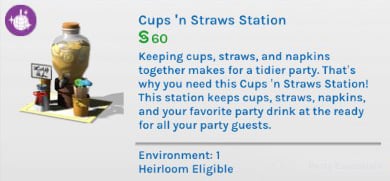
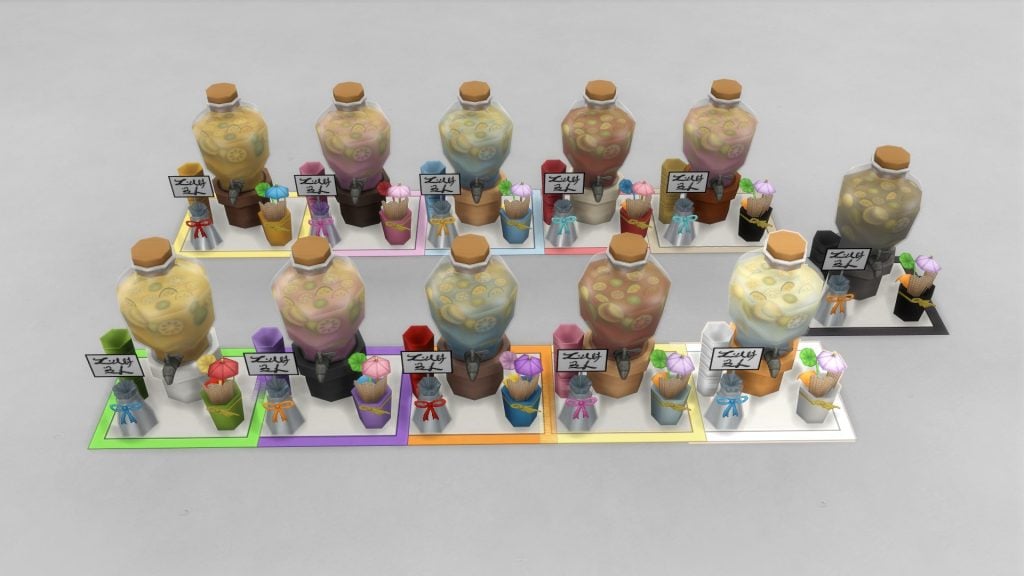
Cups ‘n Straws Station

TS4 x64 fpb 2026 02 21 17 02 50

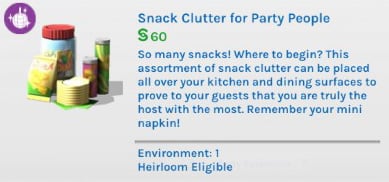
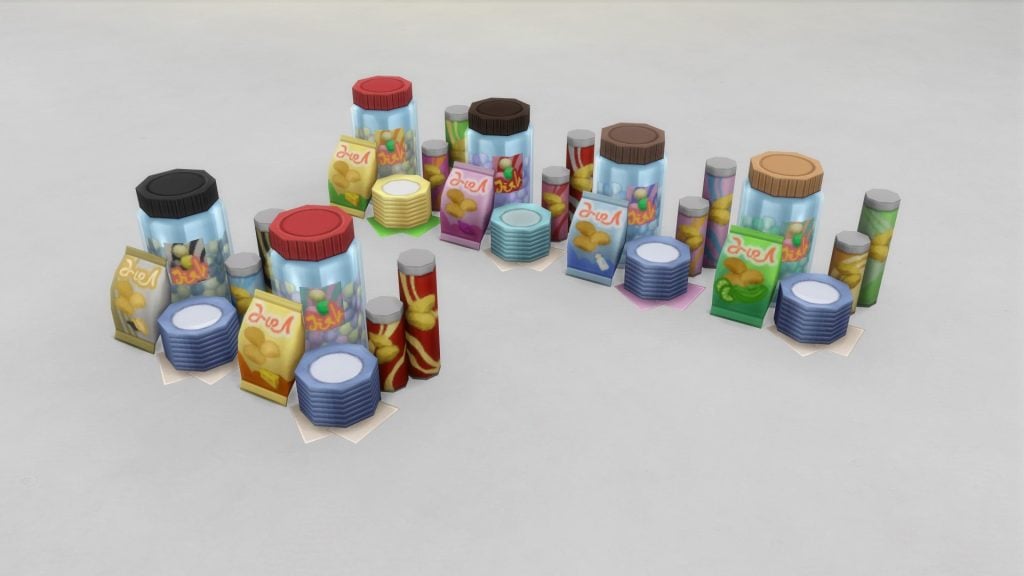
Snack Clutter for Party People

TS4 x64 fpb 2026 02 21 18 15 34

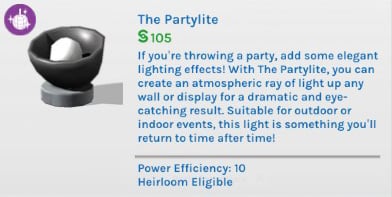
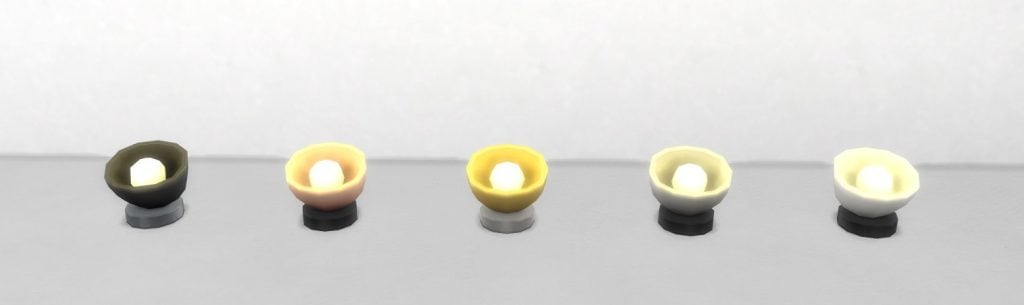
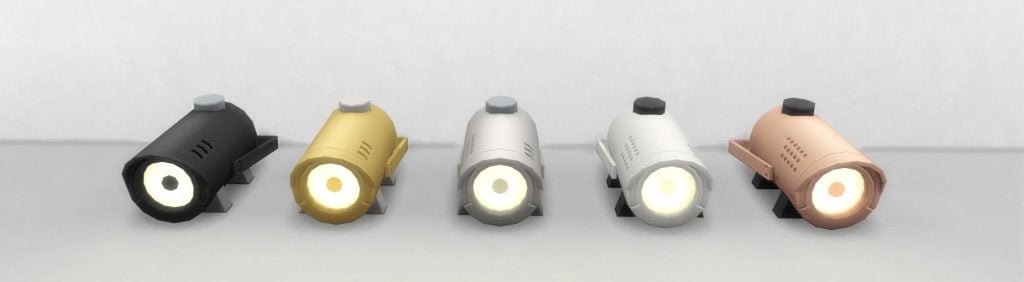
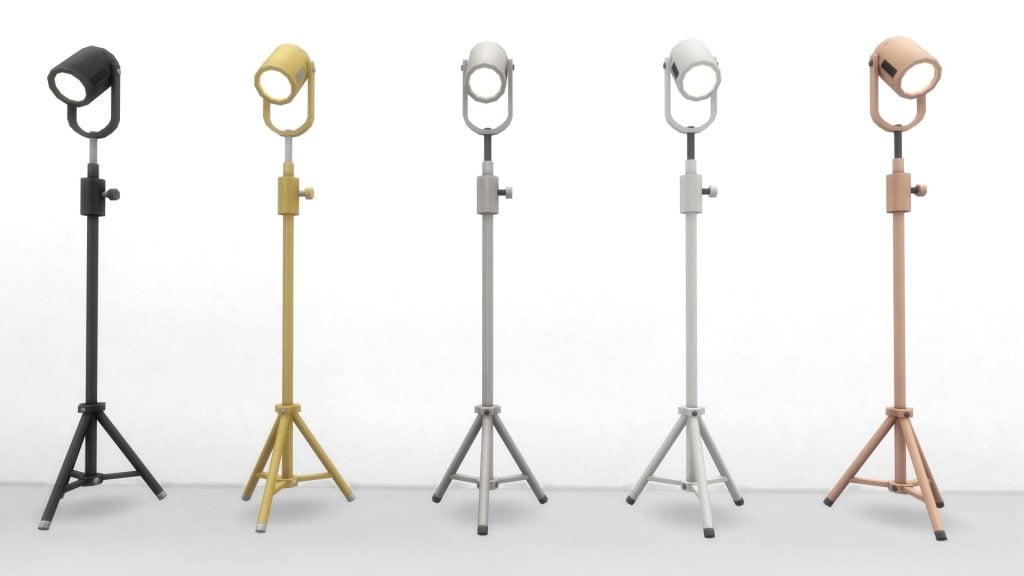
The Partylite

TS4 x64 fpb 2026 02 21 17 20 08

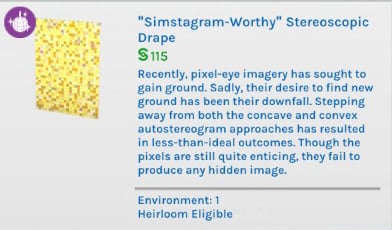
“Simstagram-Worthy” Stereoscopic Drape

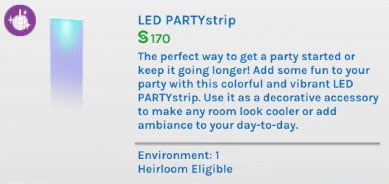
LED PARTYstrip

TS4 x64 fpb 2026 02 21 18 07 12

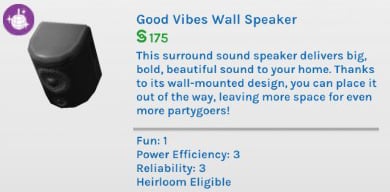
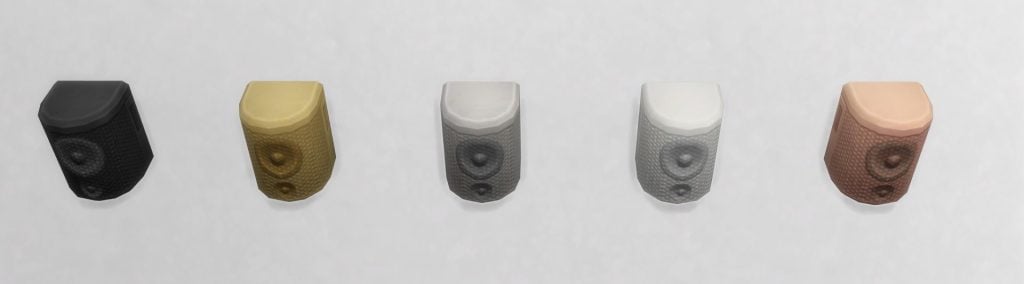
Good Vibes Wall Speaker

TS4 x64 fpb 2026 02 21 17 31 58

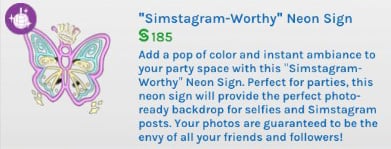
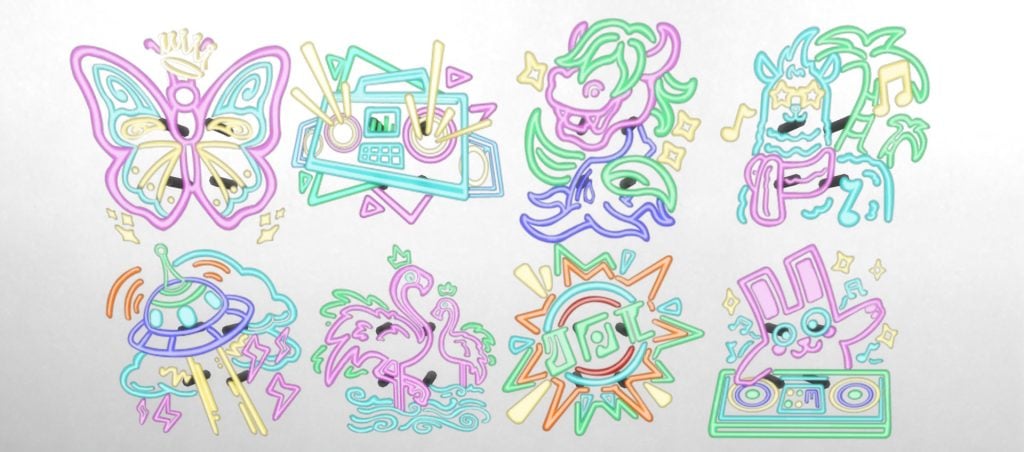
“Simstagram-Worthy” Neon Sign

TS4 x64 fpb 2026 02 21 17 19 28

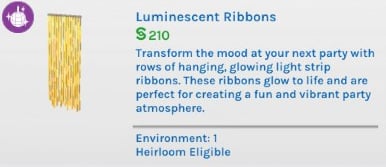
Luminescent Ribbons

TS4 x64 fpb 2026 02 21 17 07 12

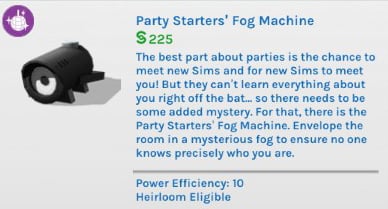
Party Starters’ Fog Machine

TS4 x64 fpb 2026 02 21 17 20 14

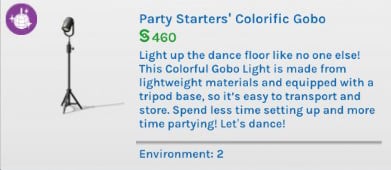
Party Starters’ Colorific Gobo

TS4 x64 fpb 2026 02 21 17 29 45

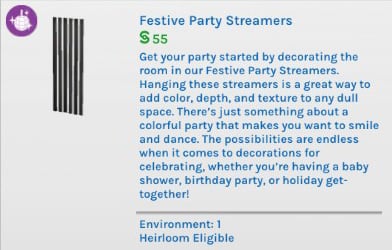
Festive Party Streamers

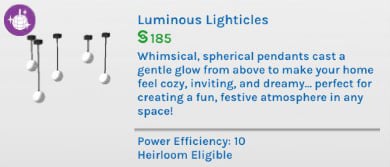
Luminous Lighticles

TS4 x64 fpb 2026 02 21 18 02 52

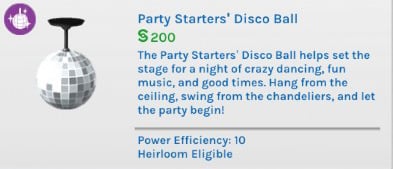
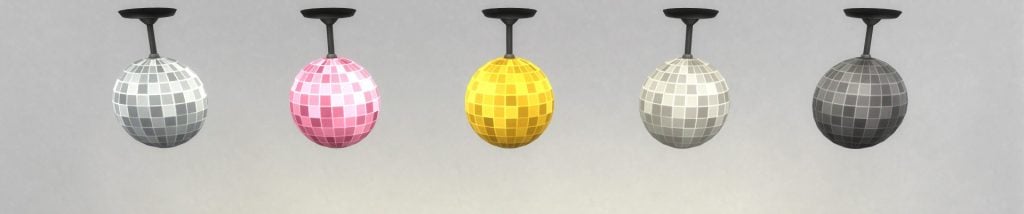
Party Starters’ Disco Ball

TS4 x64 fpb 2026 02 21 18 03 45

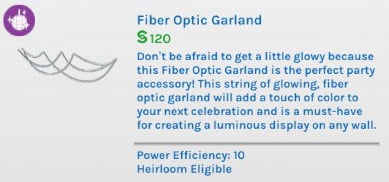
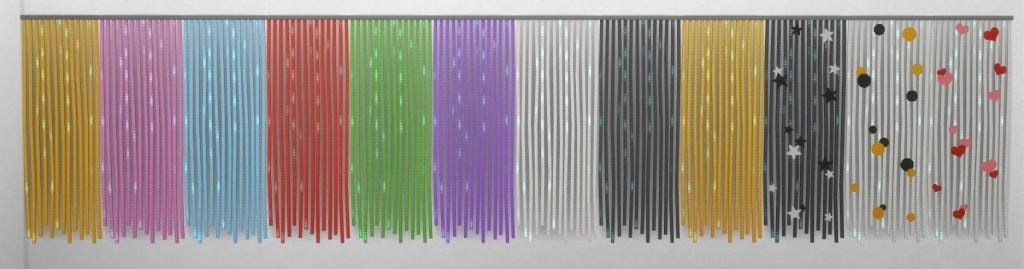
Fiber Optic Garland

TS4 x64 fpb 2026 02 21 17 30 15

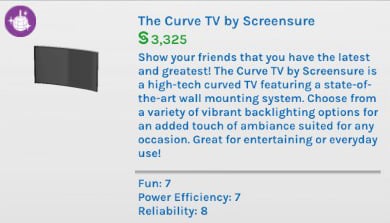
The Curve TV by Screensure

TS4 x64 fpb 2026 02 21 18 05 31

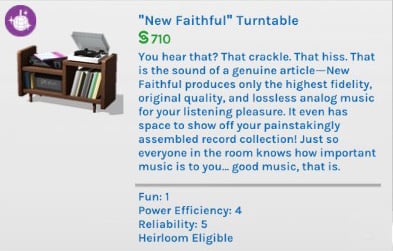
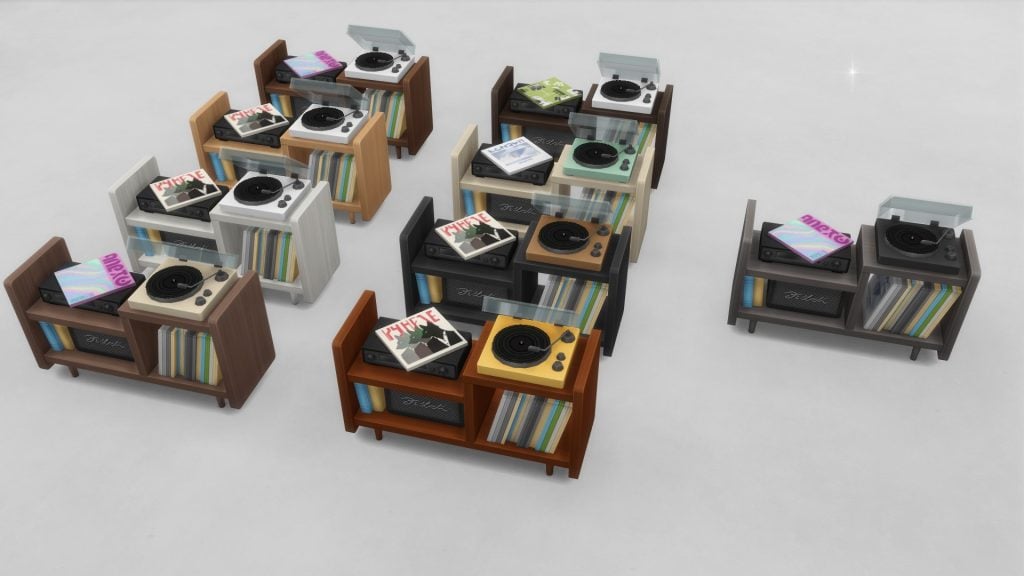
“New Faithful” Turntable

TS4 x64 fpb 2026 02 21 17 03 40

Sims 4 Refined Living Room Kit Review

Our Review of The Sims 4 Party Essentials Kit

Honestly? This Kit could have been an SDX drop.

I could go on ad nauseum about how the textures are nice (they are) and how, of course, I’m not the personal arbiter of your fancies and/or finances (definitely not), so you could love this kit and that would be absolutely fine and lovely (truly), but…what is this?

Kits, fundamentally, have the unique position of giving us that concepts that could be too risky for a general audience. Over the course of a couple of my kit reviews I have reiterated that I expect kits to have more—some kits have really interesting, and fun themes that I feel like are worth the fiver to be in my game. The Sims 4 Party Essentials Kit is not one of those kits. The nicest way I can describe it is catalogue filler. It’s a cute idea, with cute execution, but it’s the DLC equivalent of junk food.

I love junk food, but I don’t need junk food. Especially junk food like this that isn’t even filling.

TS4 x64 fpb 2026 02 22 15 12 53

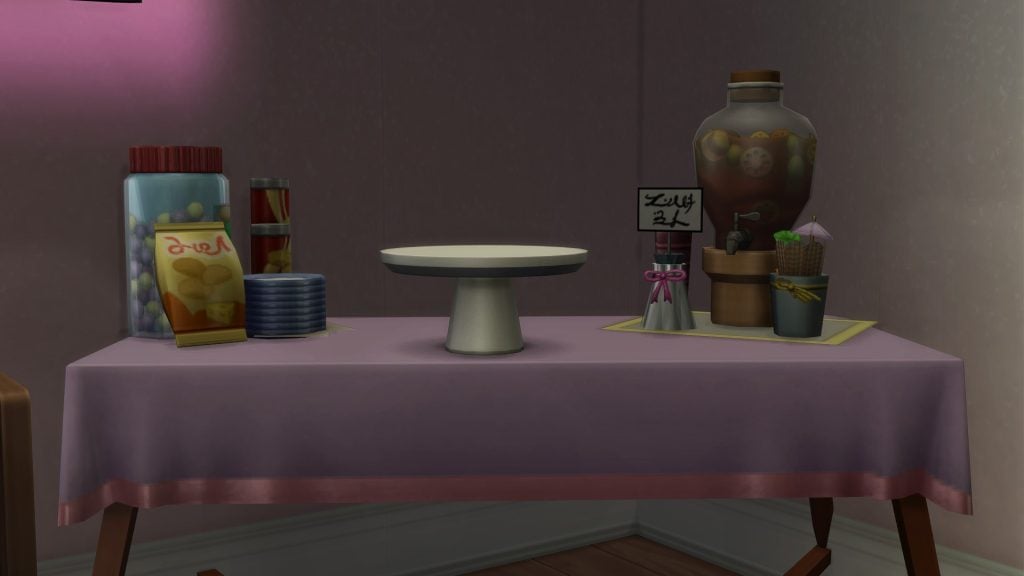
The only thing in this shot that’s functional is the Food Pedestal and the table. Yes, the punch jug is just clutter. Usually I’m not the kind of person to get fussy about clutter being just for, well, clutter…but y’all couldn’t make the juice jug dispense juice? Really?

I don’t want to be negative in a way that’s pedantic—I’m not being “brutally honest” here for clicks and views. Your money matters to me. I don’t know your life, your expenses, and whatnot, and so I can only speak with best practices in mind. This isn’t a kit I would recommend to a friend or associate that’s on a tight budget but wants to treat themselves with a cheap digital delight. Not by a country mile. The only person I would recommend this kit to would be someone whose gameplay is locked on a console and they can’t mod their game. Then, and only then, would I say get this kit on a deep discount if it isn’t your immediate “Oh, I love this and I need this!” jam.

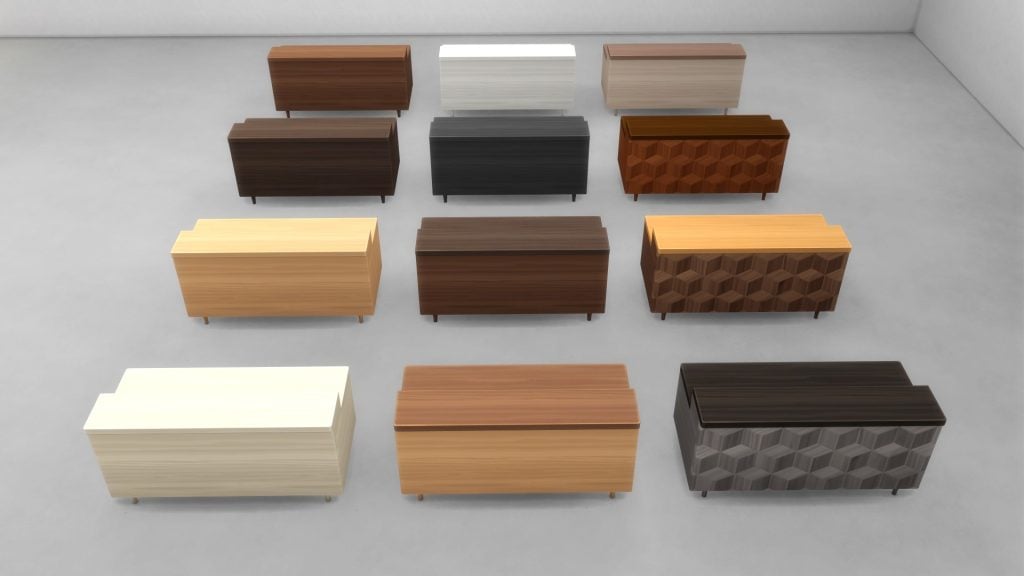
Of course, I’m going to use items from this kit now that I’ve spent 4.99 USD (plus taxes) on, but I feel like that isn’t good enough? There are things I do quite like about the kit that are exclusive to it. The curved TV with the LED light? Yup, I’m using it. The sideboard with the record player and the records stored under it? Most definitely, I have the build and Sim in mind for that particular item.

It’s just very frustrating that, despite previous claims, it feel like kits are just there to squeeze blood from a stone.

TS4 x64 fpb 2026 02 22 15 27 56
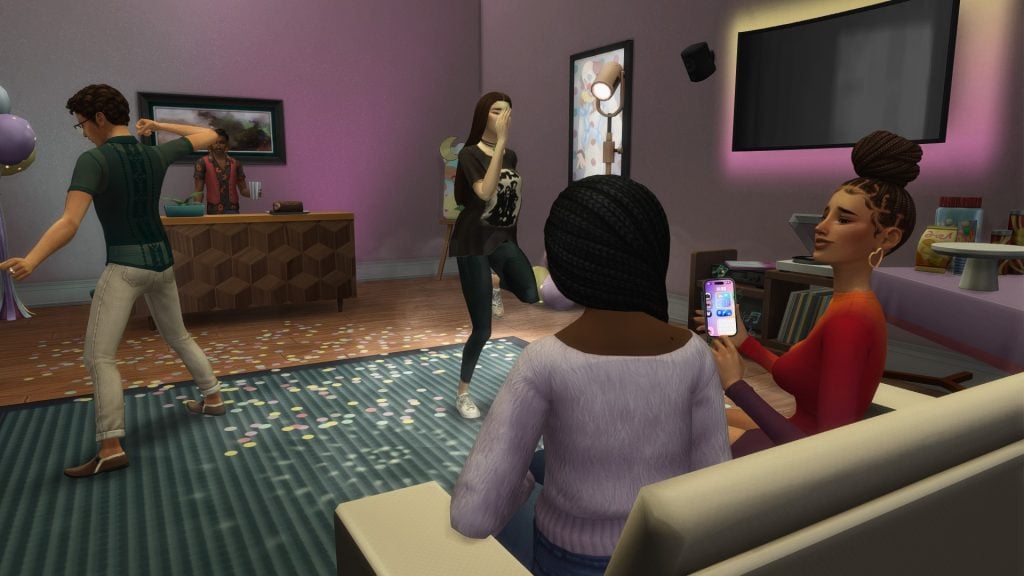
At least they seem happy…right?

My previous review on The Sims 4 Solarium Tea Time Kit touched on my own personal frustrations with The Sims 4 seemingly becoming a content mill. If kits have to exist I want them to be bold, interests concepts. I want them to be worth the extra five dollars, and I also want them to feel like their original “pick and play” concept. I don’t want every kit to appeal to everyone! I want them to be variety and zany so everyone can get a chance to pick the one they vibe with, or simply go “meh” and pass up on it.


Do you already own The Sims 4 Party Essentials Kit? If so, how do you feel about it? Let us know in the comment section down below, and always know that The Sims Community will keep you up-to-date on The Sims 4 and other LifeSim games! Make sure to check out our other The Sims 4 Kits reviews if you’re still down for a read.

InZOI Updates from Developer: Incoming Hotfix This Week, New In-Development Features and More!

0

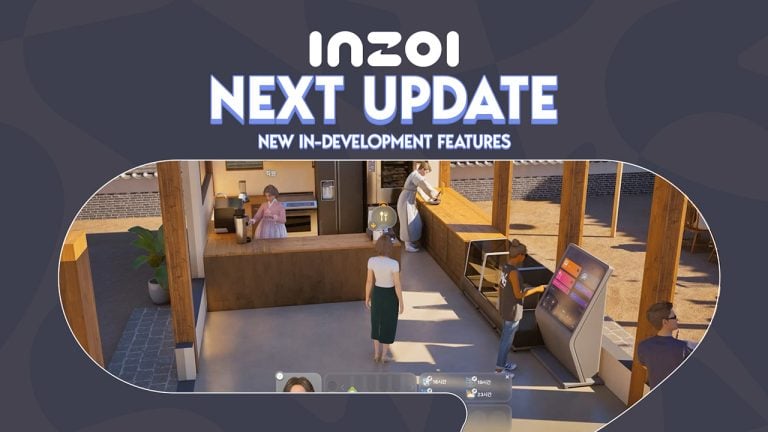
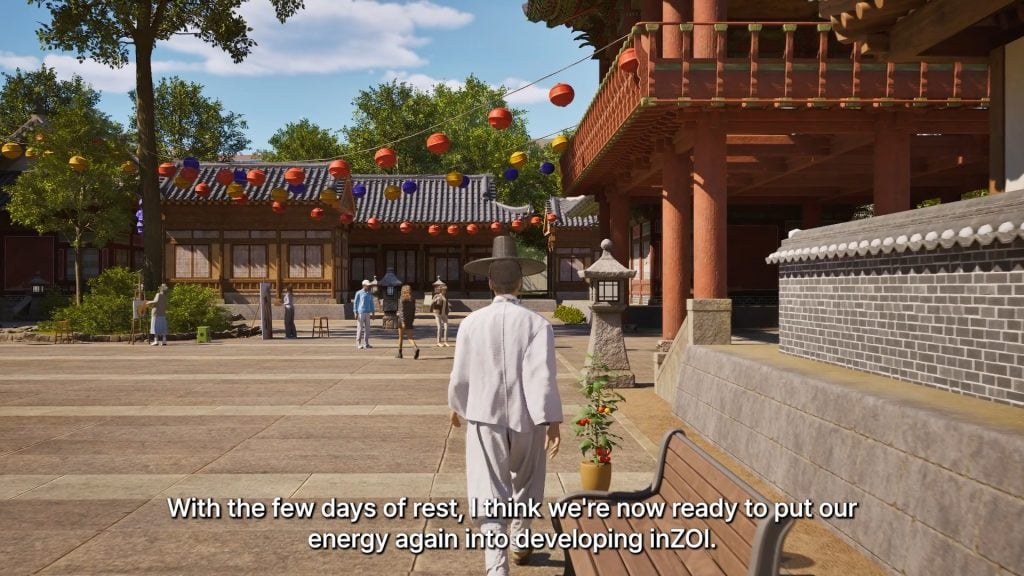
After a quick Lunar New Year break to rest, relax, and celebrate, the team of Developers on InZOI have put their noses to the grindstone to collaborate with the community on new updates and developments for InZOI, only a little over a month before the one year anniversary of InZOI’s early access release. March 28th is coming quickly, so let us dive into what the developers have been working on and putting together for both the upcoming and later future updates!

inzoi updates

InZOI Updates from Developer: Incoming Hotfix, New In-Development Features, and More!

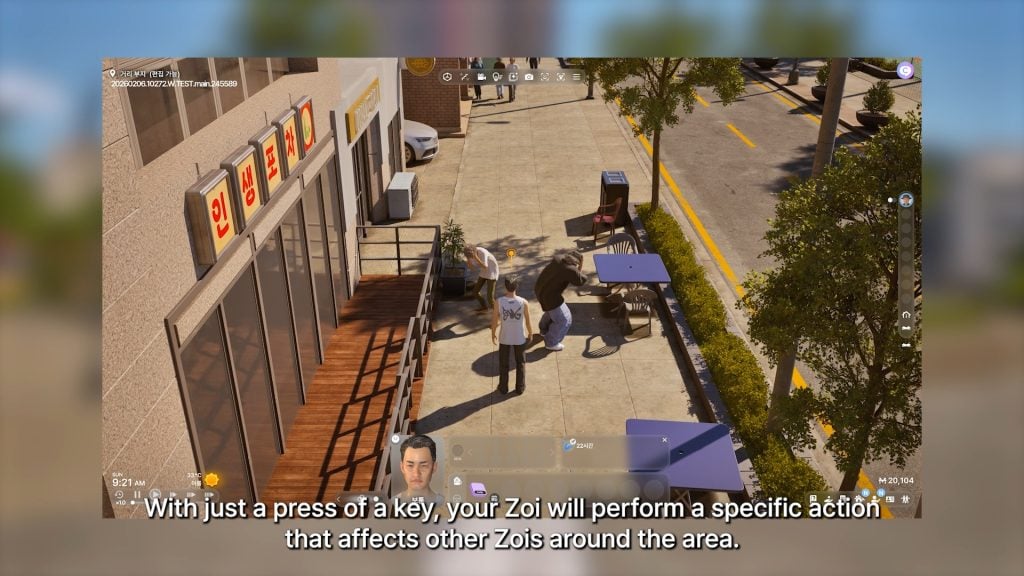
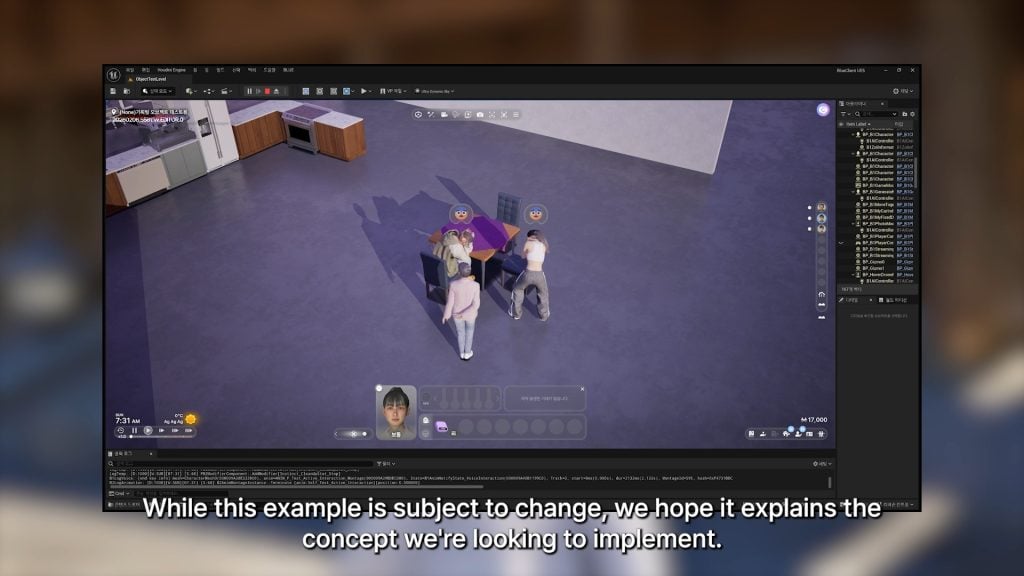
○ Zois will perform specific actions that influence the zois around them, called “Active Actions” currently. While not described more, it seems to be actions like startling or scaring groups of other Zois.

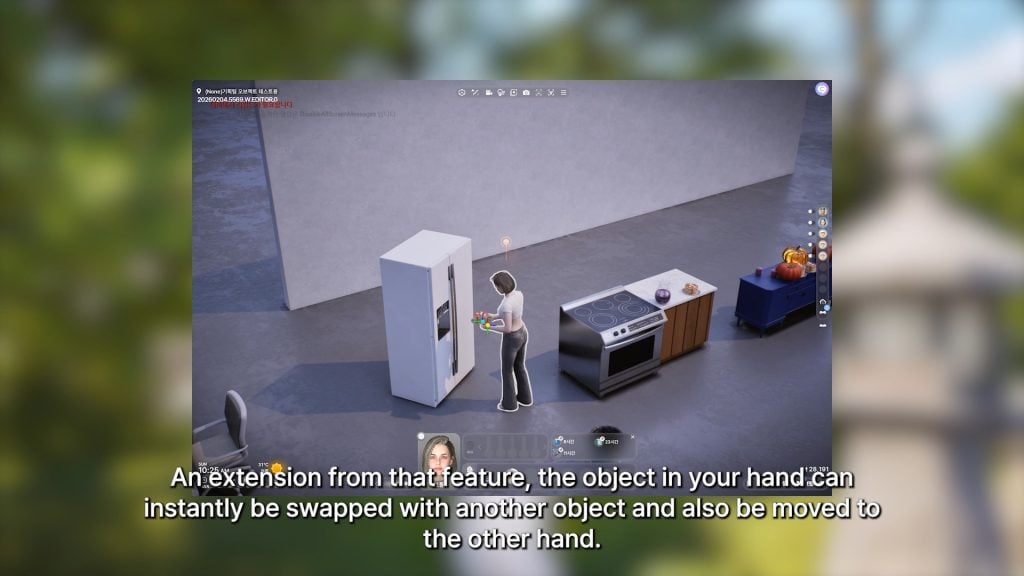
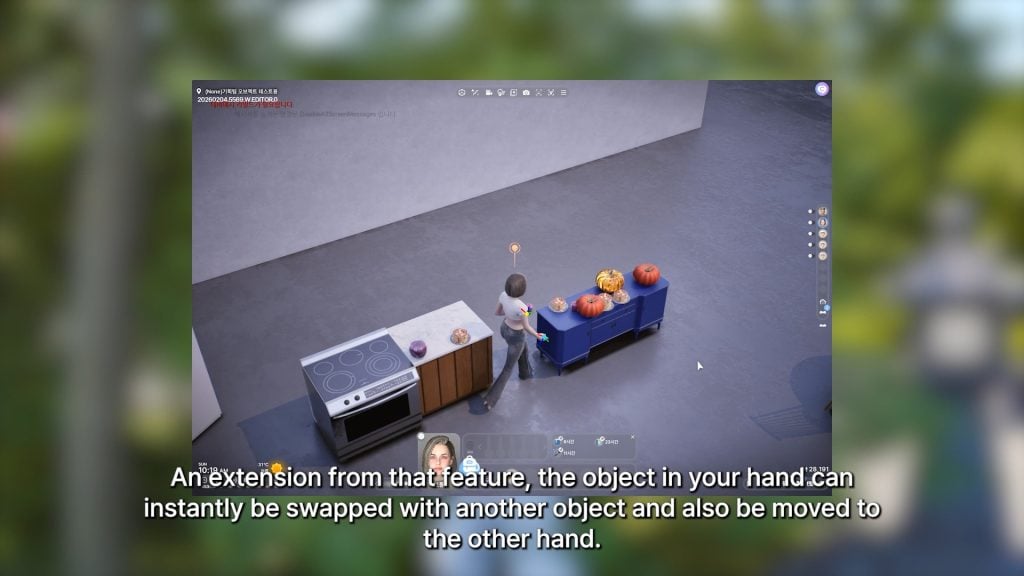
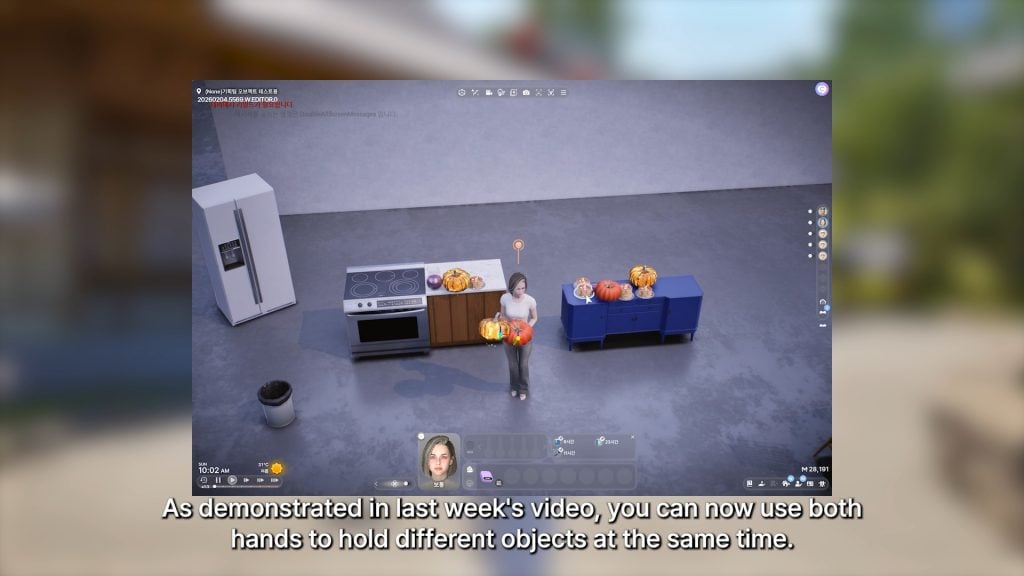
○ An extension of last week’s feature that included being able to hold different objects in each hand, is that object that your zoi is holding can be quickly swapped between hands, or swapped with another object.

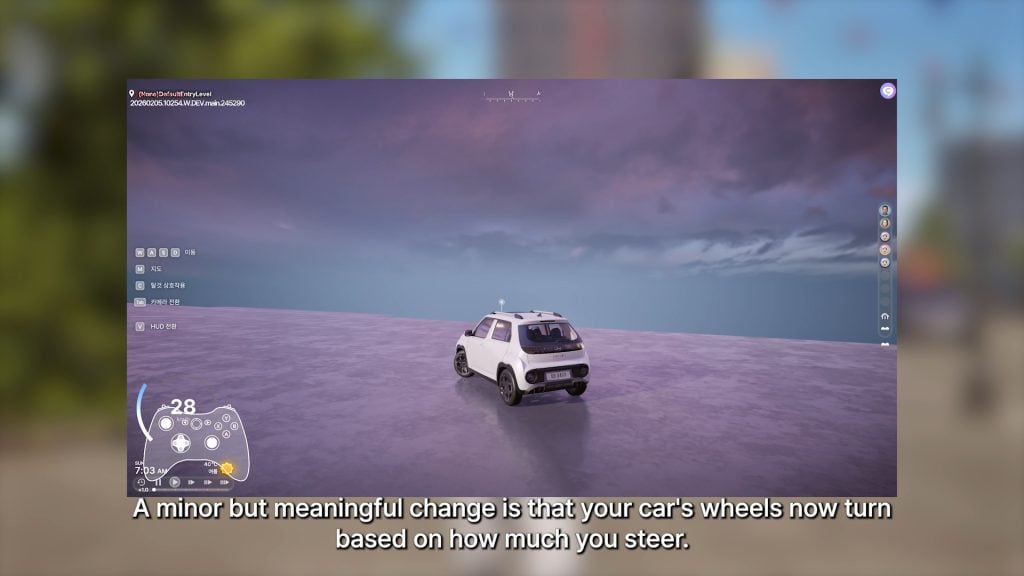
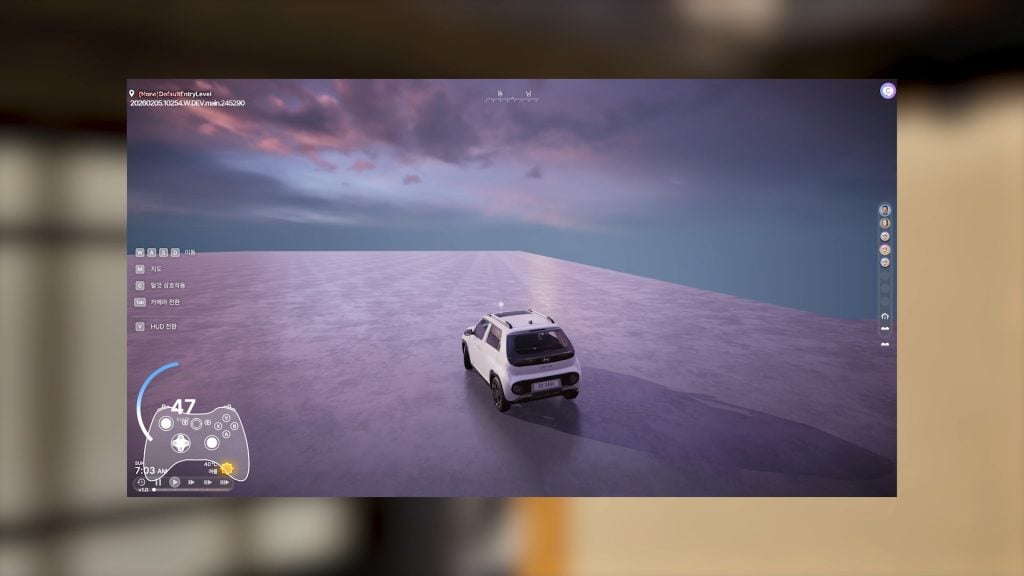
○ Car wheels will now turn based on how much you’re steering.

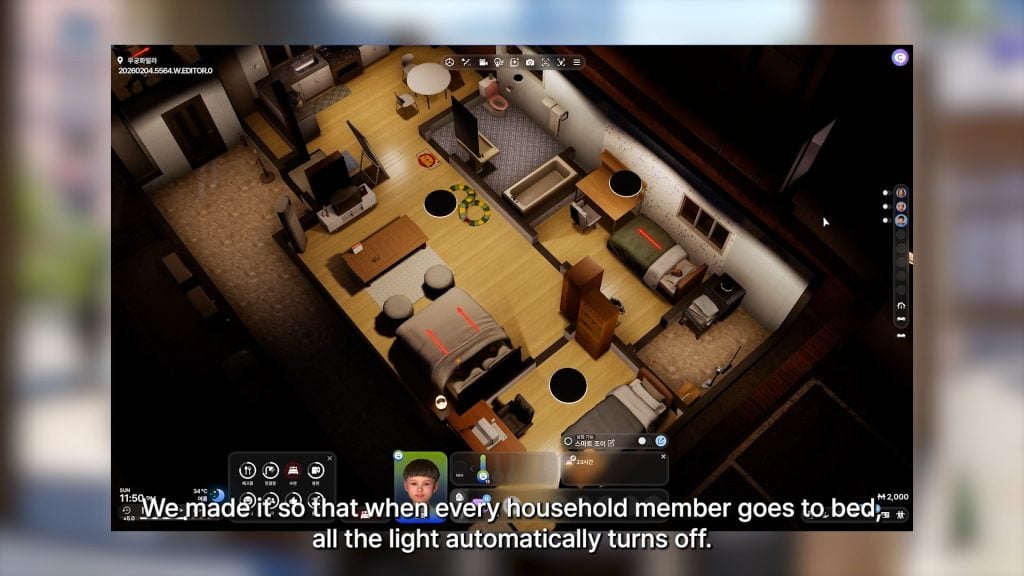
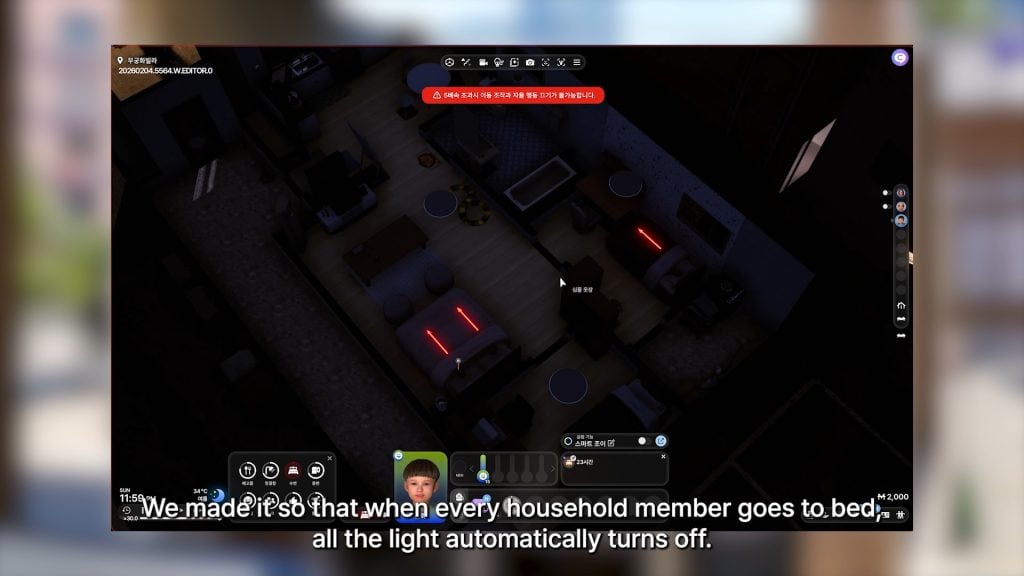
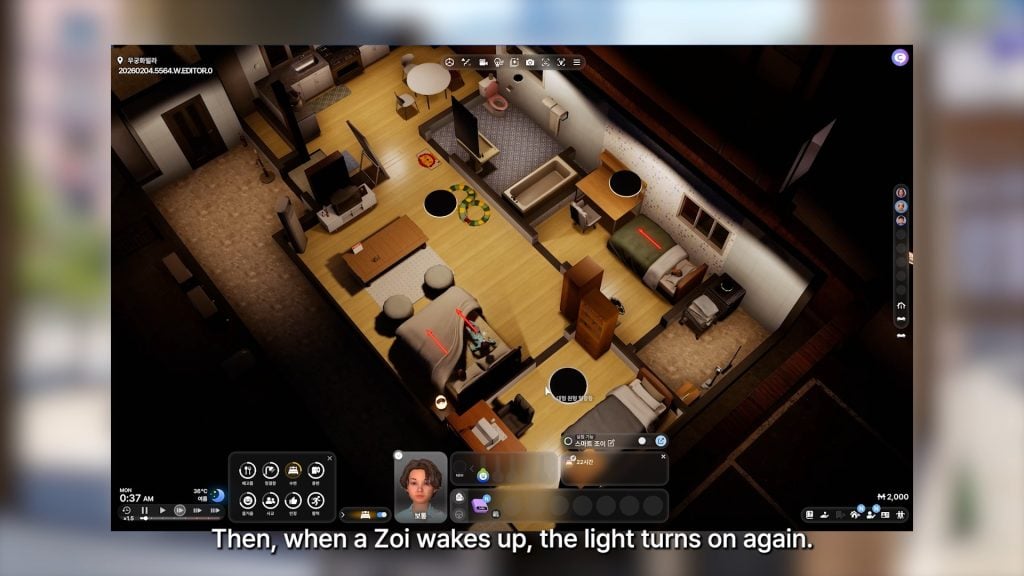
○ Lights will not automatically turn off when every household member is sleeping. They will turn on again when one Zoi wakes up.

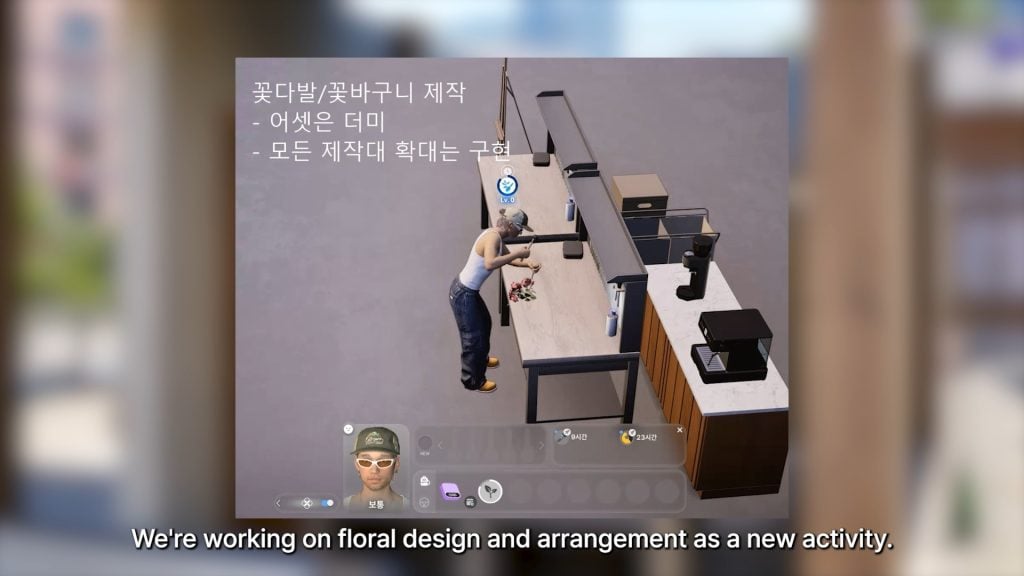
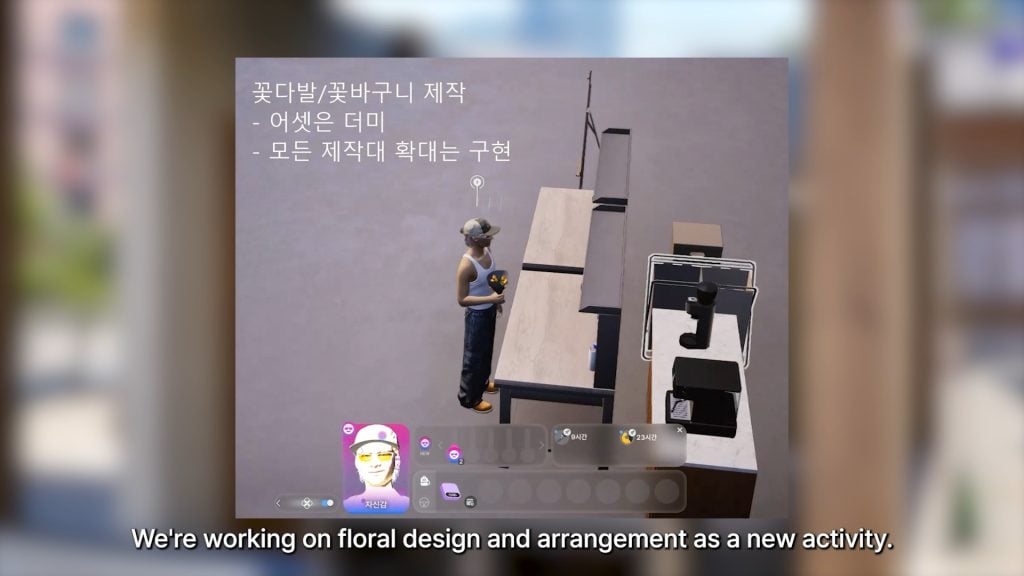
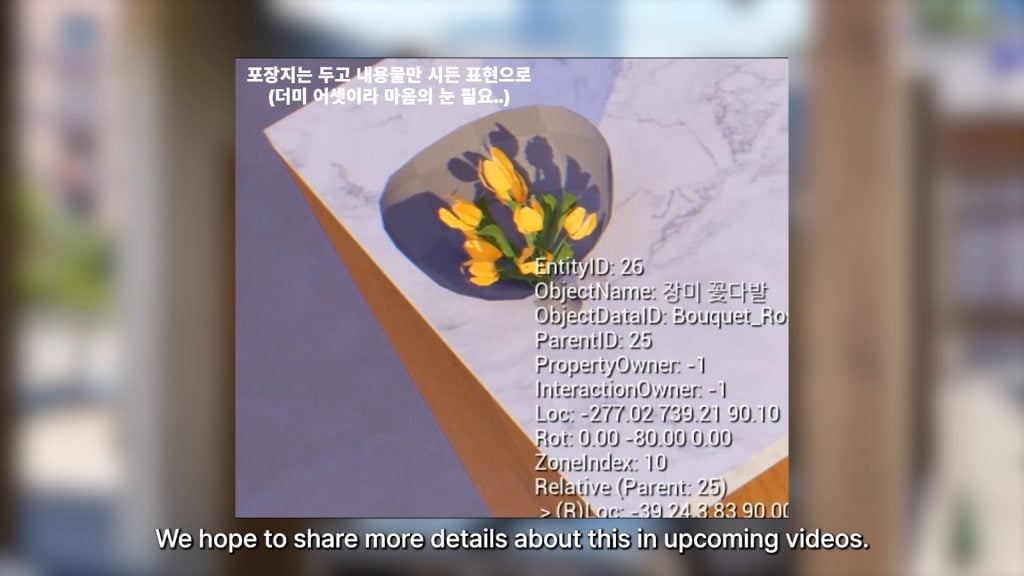
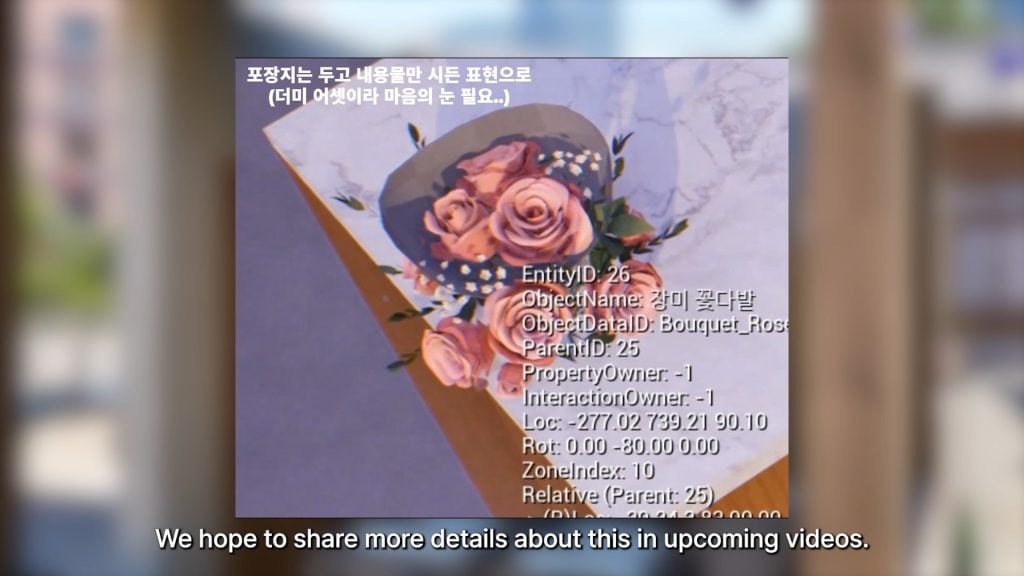
○ Floral Design and creating Floral Arrangements like bouquets is now in-development

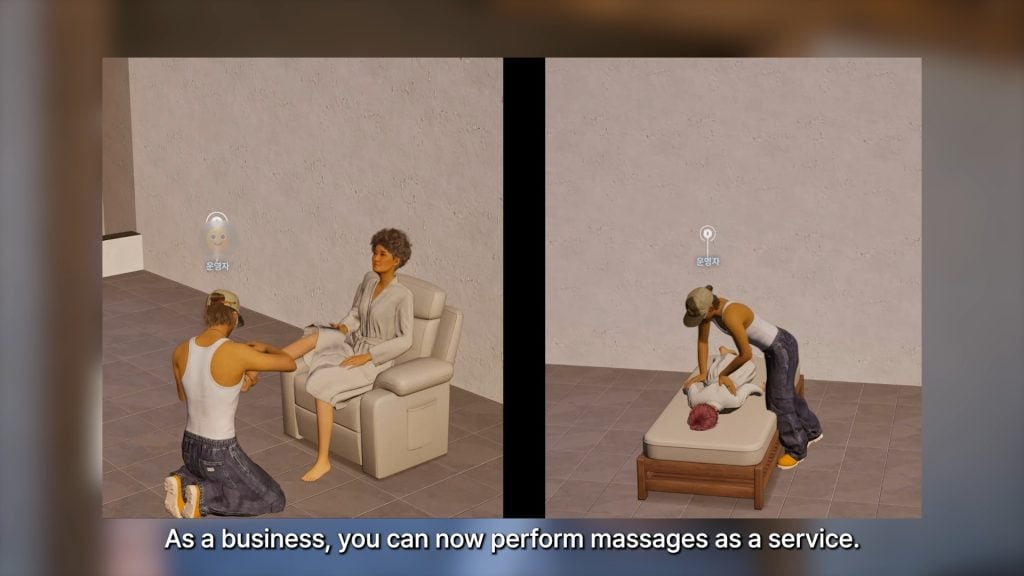
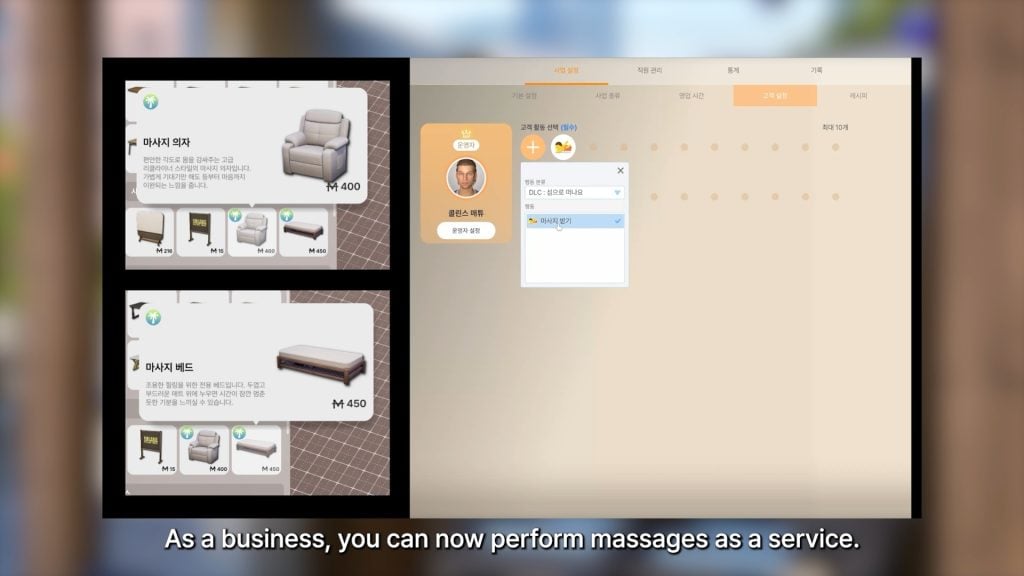
○ You can perform massages as a small business.

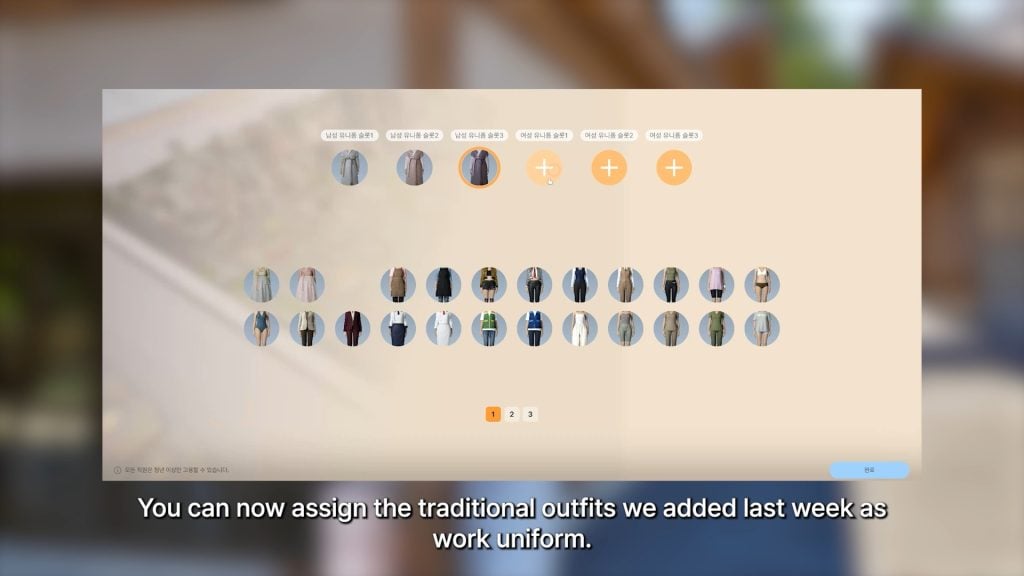
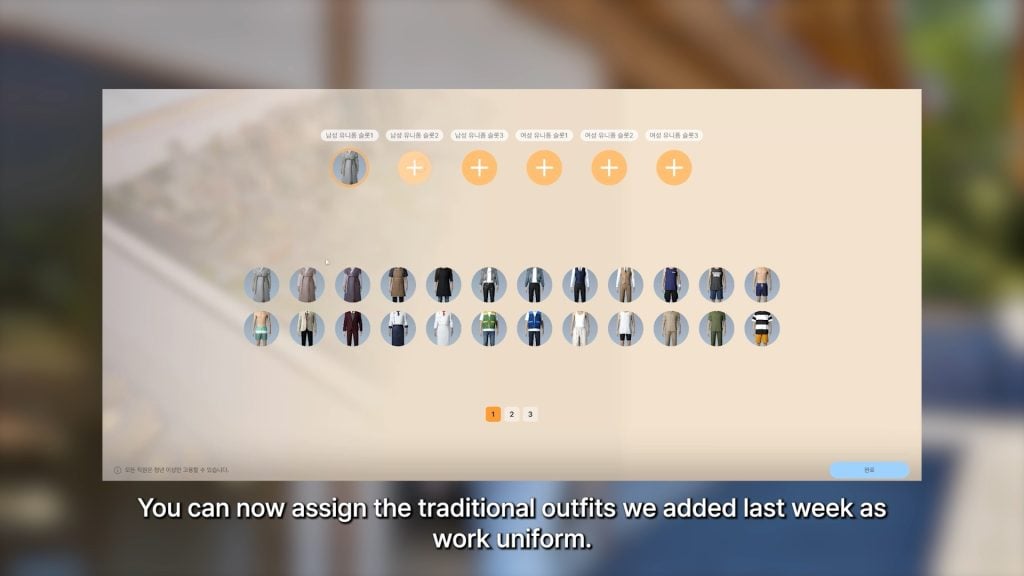
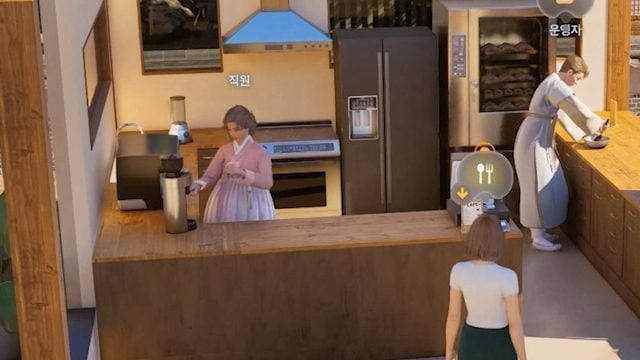
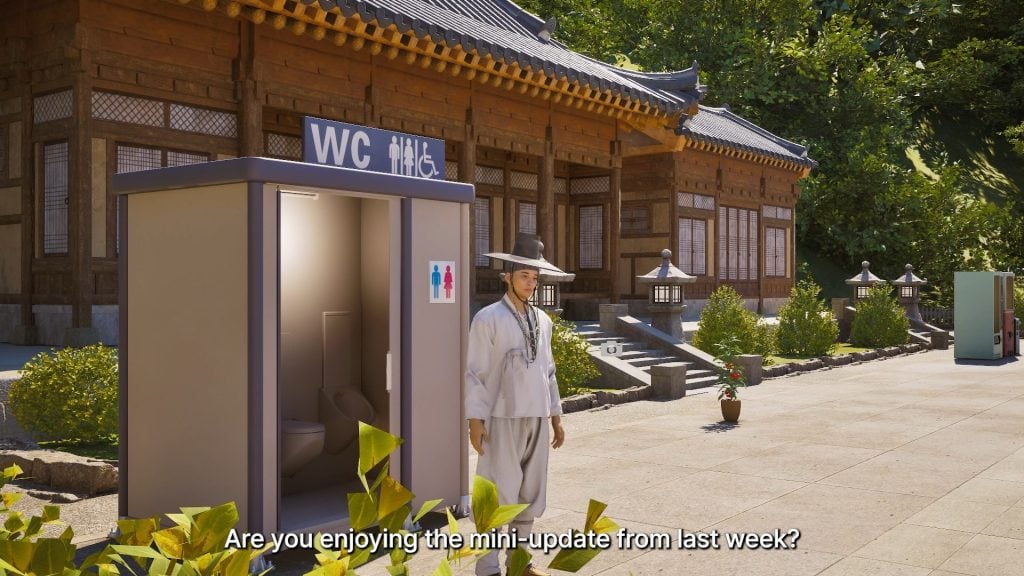
○ The traditional outfits applied in last week’s update have been adjusted to be available for small business work uniforms.

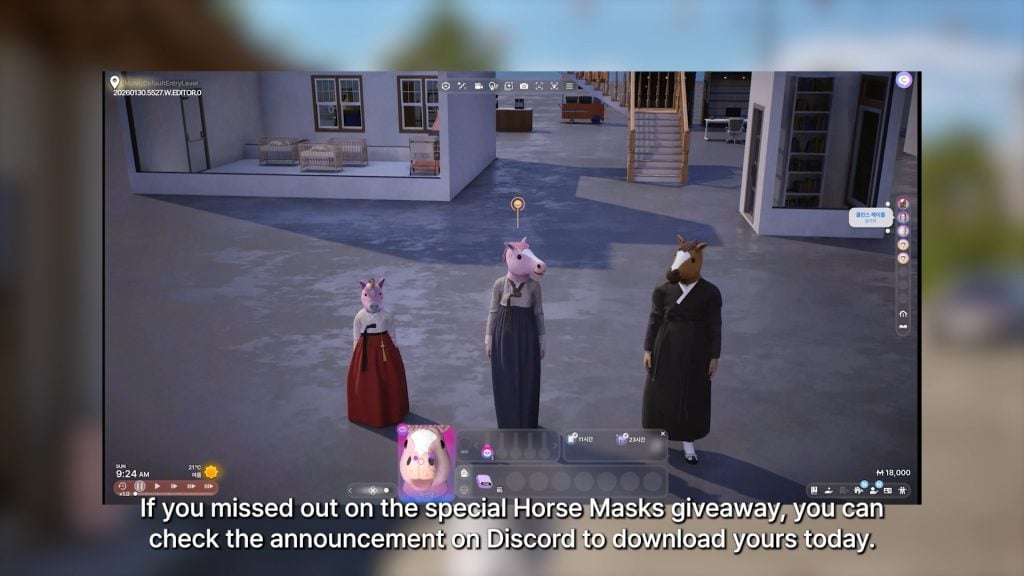
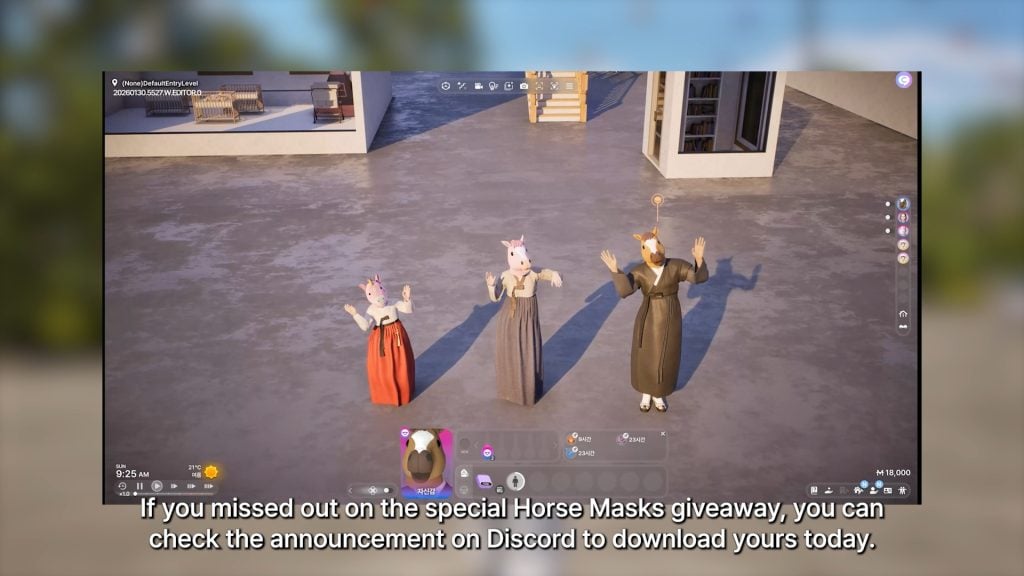
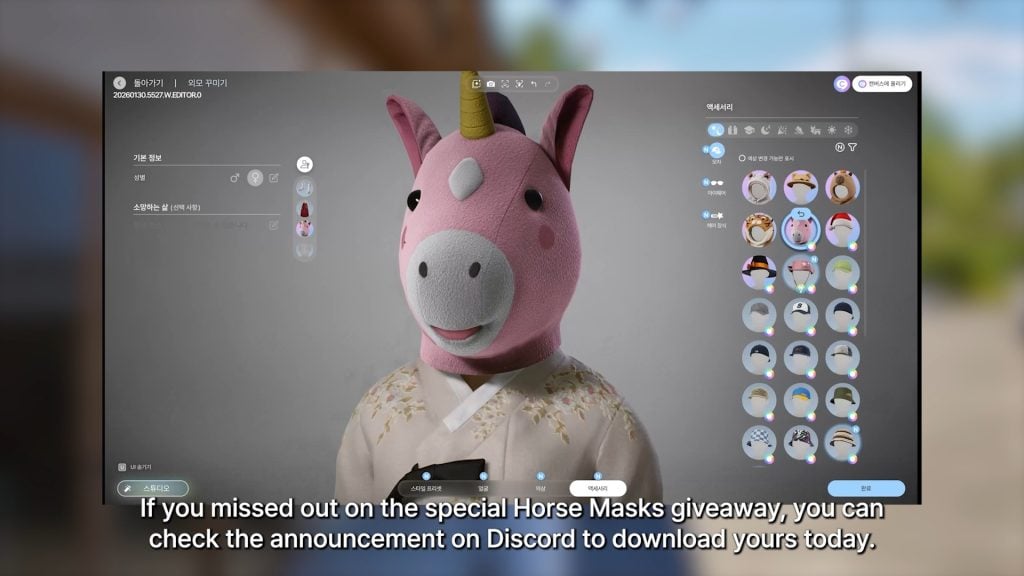
○ The announcement on the InZOI Official Discord also includes a way to receive a new horse mask item for Zois child and older that was previously included in a giveaway!


CONVERSATION 2

InZOI Developer Update – February 20th, 2026

Hello. I’m posting a little earlier than usual today.

This week is a long holiday period in Korea, so there isn’t much to show in a video. Instead, I’d like to share what will be updated next week.

Next Week Hotfix

  • Reduced the frequency of natural disasters and adjusted disaster compensation.
  • Fixed an issue where Zoi would continuously walk into walls or objects and get stuck.
  • Fixed an issue where “Refill Fruit Drink” would not restock the display when the business was closed.
  • Fixed an issue in CAZ where some character Zoi presets could not be saved.
  • Fixed an issue where underwear was exposed when worn with certain outfits.
  • Fixed an issue where the cushion in the Hanok Studio background appeared abnormally thick in Customize mode.
  • Fixed an issue where certain areas of the rattan drawer cabinet could not be customized in Build mode.

Improvements Decided and Currently in Development

  • Improving an issue where infant needs and interactions were not processed correctly.
  • Adding a user option to adjust rotation/movement and zoom-out speed.
  • Lights will automatically turn off when everyone is asleep.
  • Improving the issue where conversations would prioritize sitting if chairs/benches were nearby.
  • Adding the ability to save makeup and hairstyle per outfit situation.
  • Adding an option to lock outfits by situation.
  • Graphic improvements for high-end users and fixing awkward distant vehicle movement.
  • An emotion system to better show feelings/relationships between two Zoi.
  • More variety in bed/sleeping motions.

We are continuously reviewing all the feedback you send us, and it truly helps a lot. I honestly believe that without your feedback, inZOI would not have developed this far. This genre is complex—fixing one thing can sometimes break another. Since it functions similarly to a tool, there are countless possible interactions. For example, adjusting a single window frame can cause unexpected issues depending on its position and surrounding objects.

That’s why we chose to keep refining the game based on your reports and suggestions. Please enjoy this week’s video as well. Thank you.

kjun


Do you have features in-development that you’re hoping to see sooner rather than later, or anything that has been previously discussed in the past that you’re hoping to see this year? Let us know!

Make sure to follow The Sims Community to keep up to date on everything in the Life Simulation genre!

All About The Sims 4 Dynasties in Royalty & Legacy

If you’ve ever wanted to turn your household into a lasting legacy built on influence and ambition (and a little bit of drama), the dynasty system that comes with The Sims 4 Royalty & Legacy delivers exactly that. It’s a layered progression system that blends prestige, politics, relationships, and generational power into one cohesive framework.

the sims 4 dynasties guide screen

Here’s everything you need to know about how The Sims 4 dynasties work and how to rise to the top.

What Is A Dynasty?

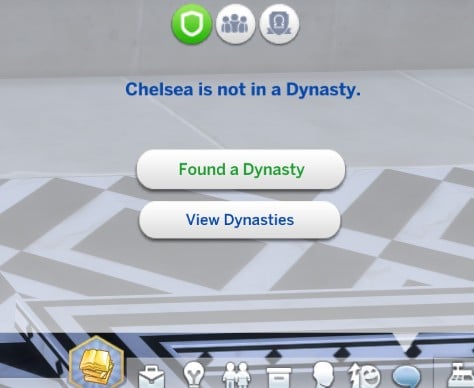
Dynasties are essentially a formal family power structure. As well as founding your own, you can find them through the Social Groups menu, marry into one, or join through family connections.

found dynasty

Creating a Dynasty

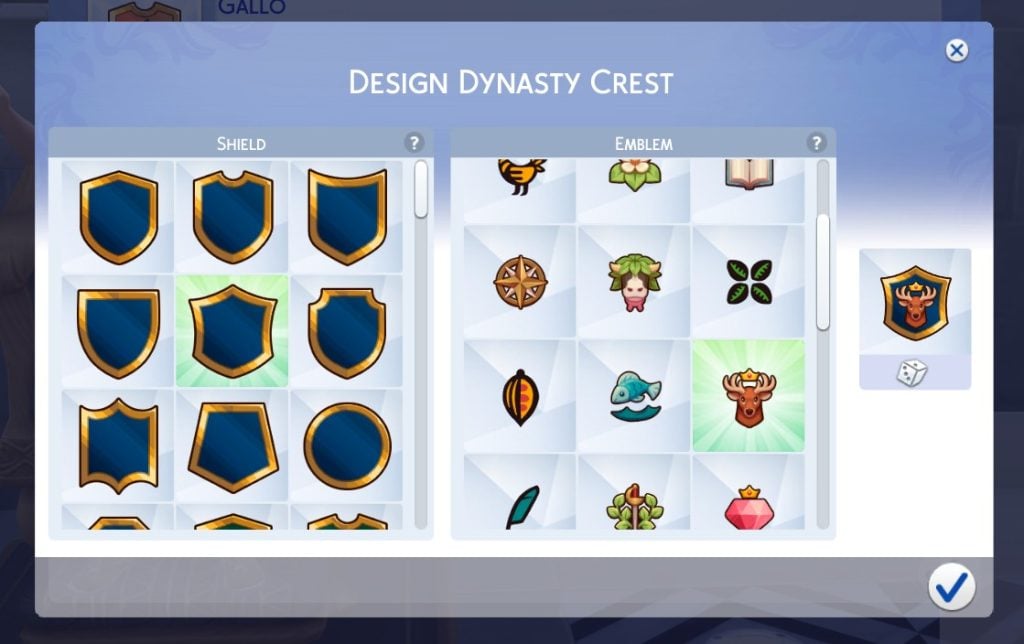
When you create your family dynasty, you’ll become the first dynasty Head and get to choose the name, crest, and, most importantly, the values for dynasties to live by.

dynasties crest design UI

Values

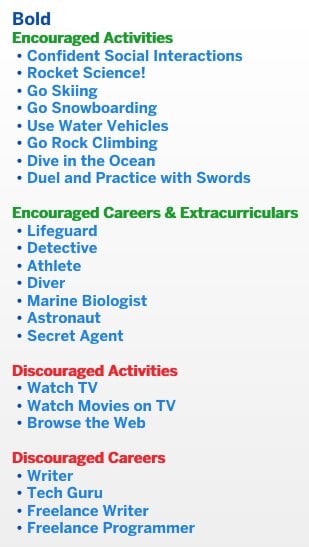
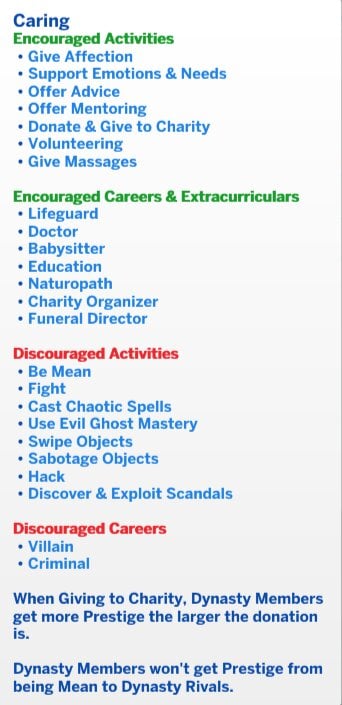
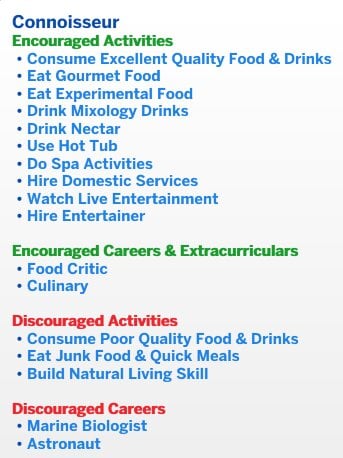
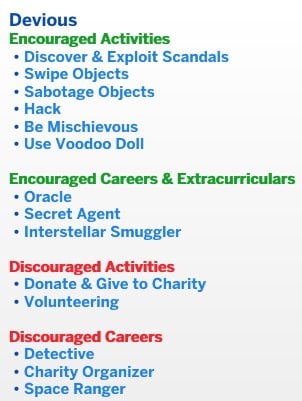
Values define what your dynasty stands for and what it discourages.

They determine which activities and careers are encouraged and which are discouraged. This directly impacts how your Sims behave and how your dynasty earns (or loses) prestige.

There are two types of values: skill values and ideal values. You can choose up to three of each type.

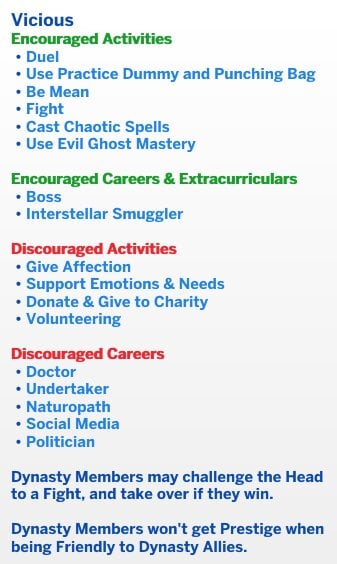
Certain values unlock special ways for members to challenge the dynasty Head. Depending on your chosen philosophies, leadership can be decided through duels, chess matches, or outright fights.

Skill Values

Members who engage in the encouraged skill activities will generate prestige for the dynasty.

Members will engage in these activities more often on their own, but only if autonomy is set to full in your settings. If their preferences are set to dislike that skill/activity, that will also stop them from doing it autonomously.

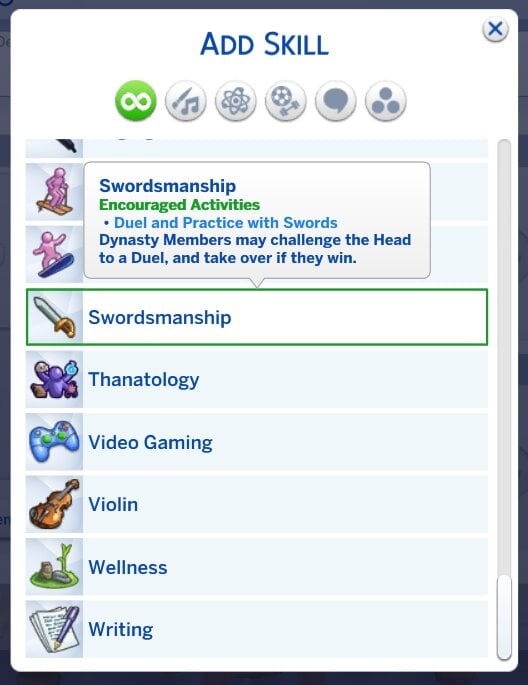
Screenshot 2026 02 20 132912 1

The more packs you have, the more skills you will have to choose from. Hovering over the skill will also tell you which activities are encouraged for your dynasties.

Ideal Values

These are the values that will sit at the core of your dynasty.

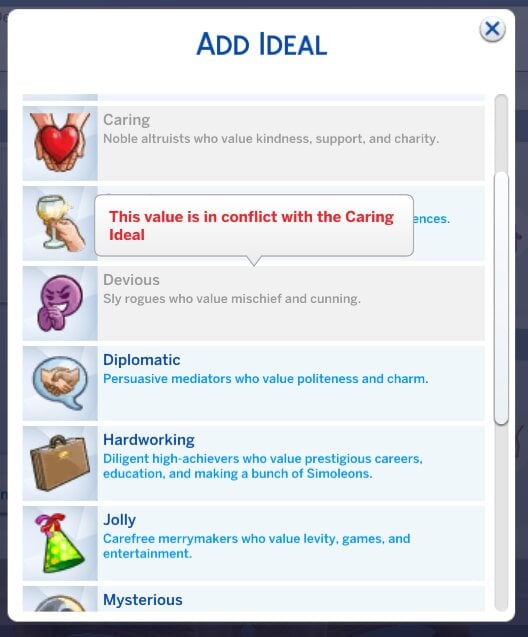
Choosing certain options will also limit your ability to pick others – you can’t have conflicting ideals.

Screenshot 2026 02 20 133148

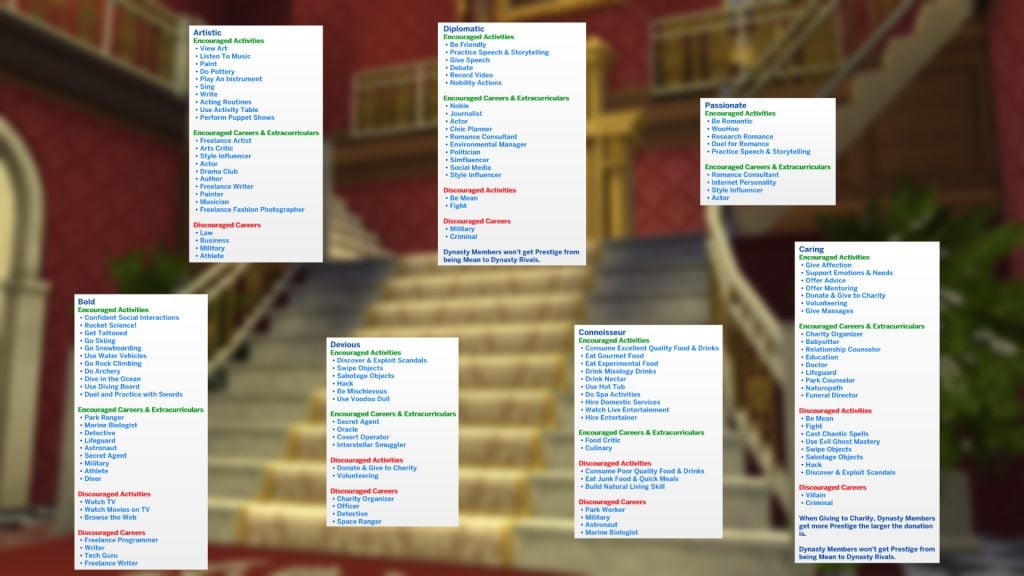
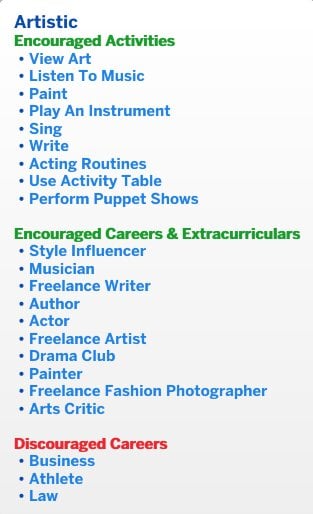
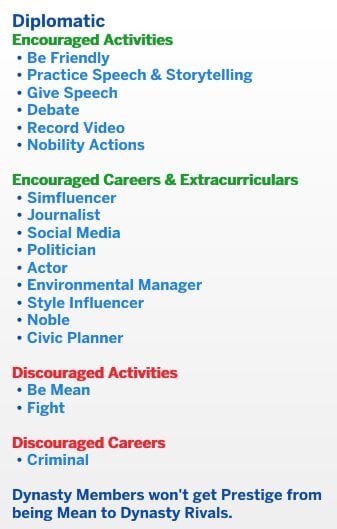
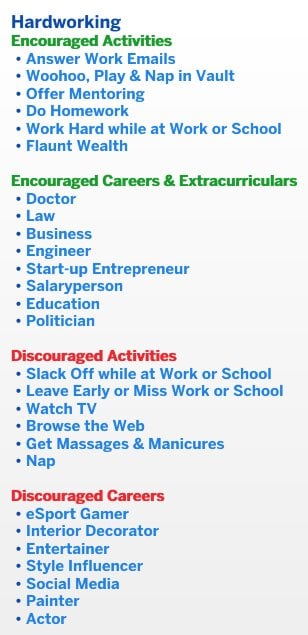
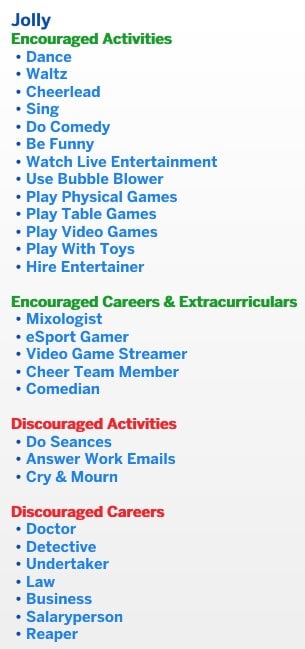
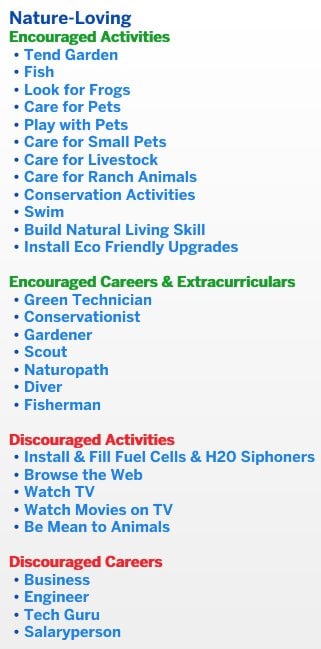
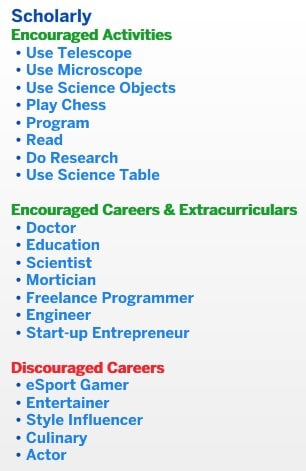
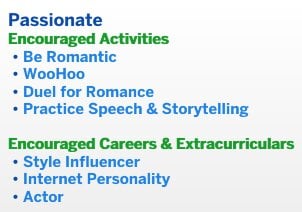
Here is a breakdown of all the different ideals, as well as their encouraged/discouraged activities.

Not all members will agree with you

Each dynasty member has their own personality traits and preferences. Some will fully support your chosen values. Others may secretly (or openly) hate them. Sims who support a value are more likely to perform encouraged activities, and Sims who dislike a value may actively engage in discouraged behaviour.

Changing values isn’t just a button click; it’s a political decision. Make too many unpopular changes, and you could trigger a unity crisis within your dynasties.

Prestige: A Dynasty’s Reputation

Prestige is the main measure of your dynasty’s success and influence.

Every member contributes to prestige through their actions, but the dynasty Head and Heir have a much bigger impact. Their wins (and mistakes) carry more weight.

When your dynasty reaches a new prestige level, two things will happen: the Head earns dynasty perk points, and those points unlock dynasty perks that benefit all members, except outcasts.

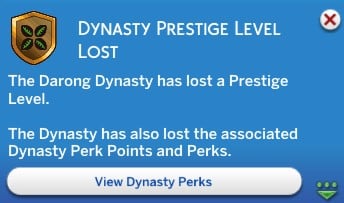
But be careful: if members behave poorly, you can lose prestige levels along with the perks you unlocked from them.

prestige level drop

How to Gain (Or Lose) Prestige

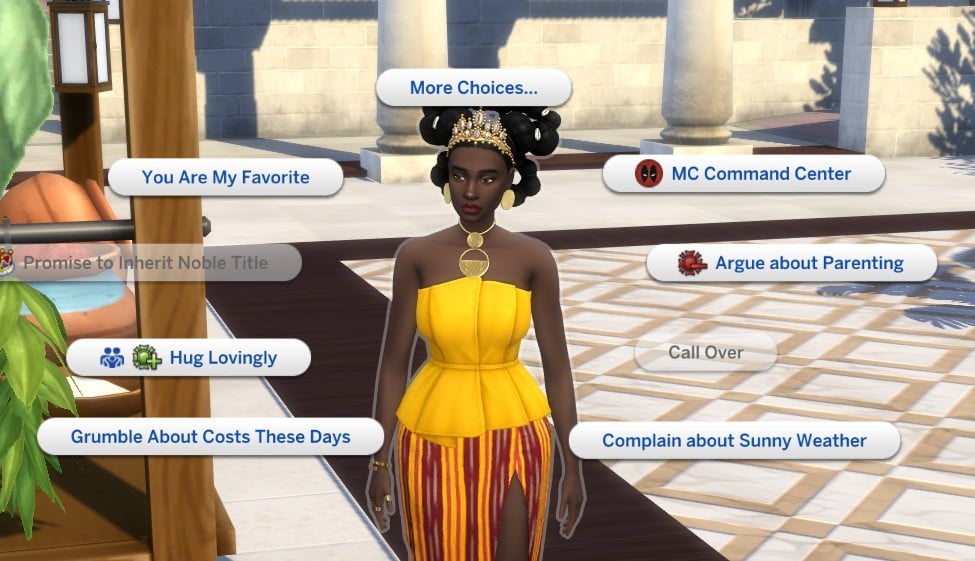
When an interaction option has an impact on prestige level, you will see either the green or red symbol

positive and negative interaction

You’ll gain prestige when your dynasty acts in alignment with its values. Some of the main ways include:

  • Doing encouraged activities
  • Working in encouraged careers
  • Getting good grades
  • Making friends (the higher the friendship the better)
  • Hosting social events
  • Marrying into other dynasties
  • Starting alliances or rivalries

The higher the members’ career level, grades, or event scores, the greater the reward. Interacting with high-prestige dynasties also boosts your own.

perks going up

Prestige can drop if your Sims:

  • Perform discouraged activities
  • Work in discouraged careers
  • End alliances or rivalries
  • Get caught in scandals

More severe scandals and higher-level discouraged careers mean bigger losses.

perks going down

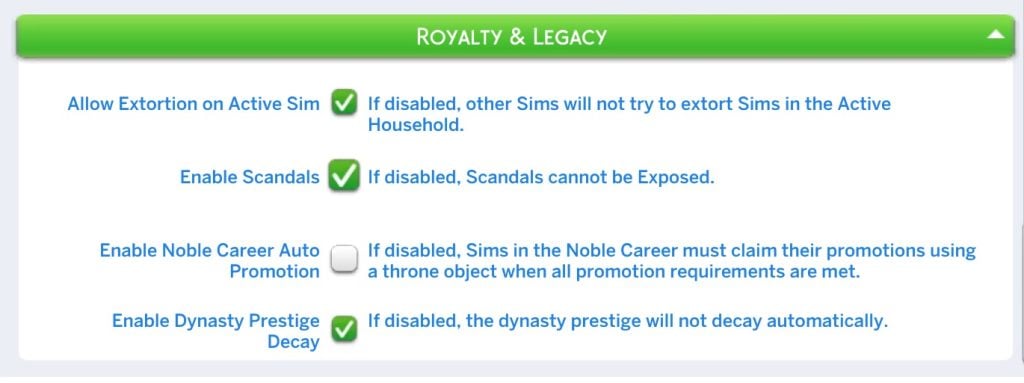
Prestige also slowly decays over time, so your dynasty can’t just coast forever (but this can be disabled in the game settings).

Dynasty Perks & Inheritable Traits

Perks for dynasties are much harder to unlock than perks from similar systems like the clubs from Get Together. Every prestige level unlocks dynasty perks, rather than points accumulating the more you do a certain action.

Some perks require certain prestige thresholds, and many have three upgrade tiers with stronger bonuses at each level.

Also, only the dynasty Head can purchase these perks. If you open the perks panel using another member of the dynasty, it will all be greyed out.

cant buy perks edited

If you manage to reach maximum prestige, you will be given enough perk points to unlock all of the rewards, so don’t worry about choosing which ones you prefer; they’ll all be yours with enough hard work (or cheats).

Here is what each perk unlocks.

Good Grades

All students will make faster progress with their grades.

good grades

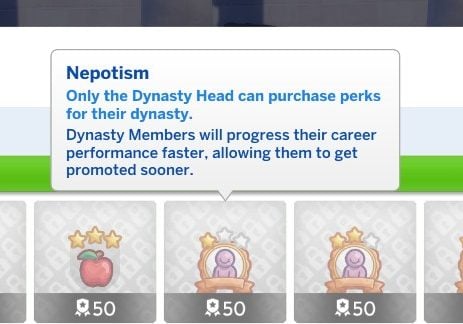
Nepotism

Members progress in their careers faster, so they get more frequent promotions.

nepotism

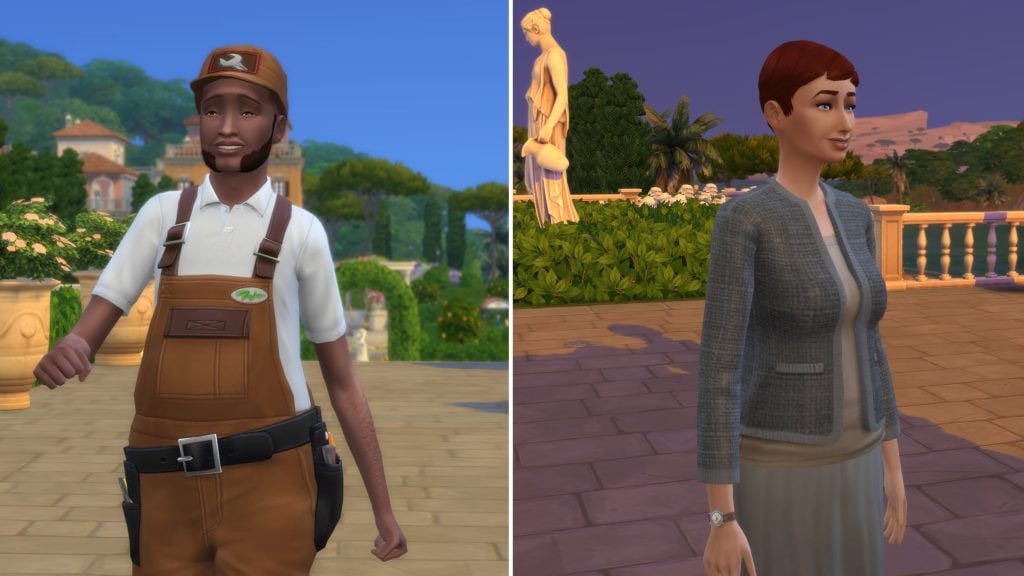
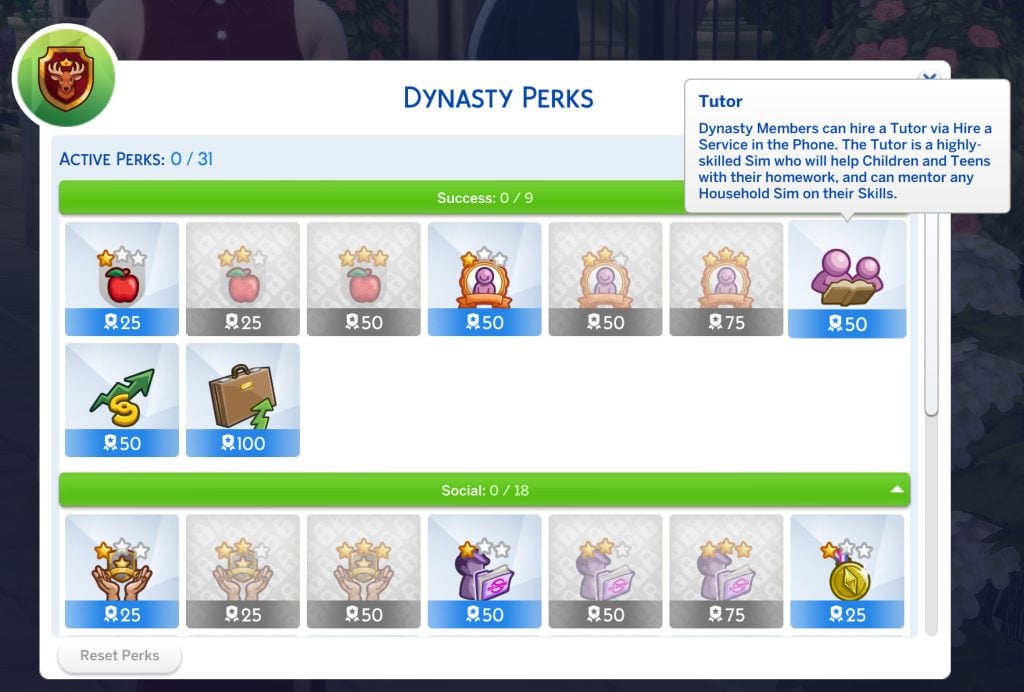
Tutor

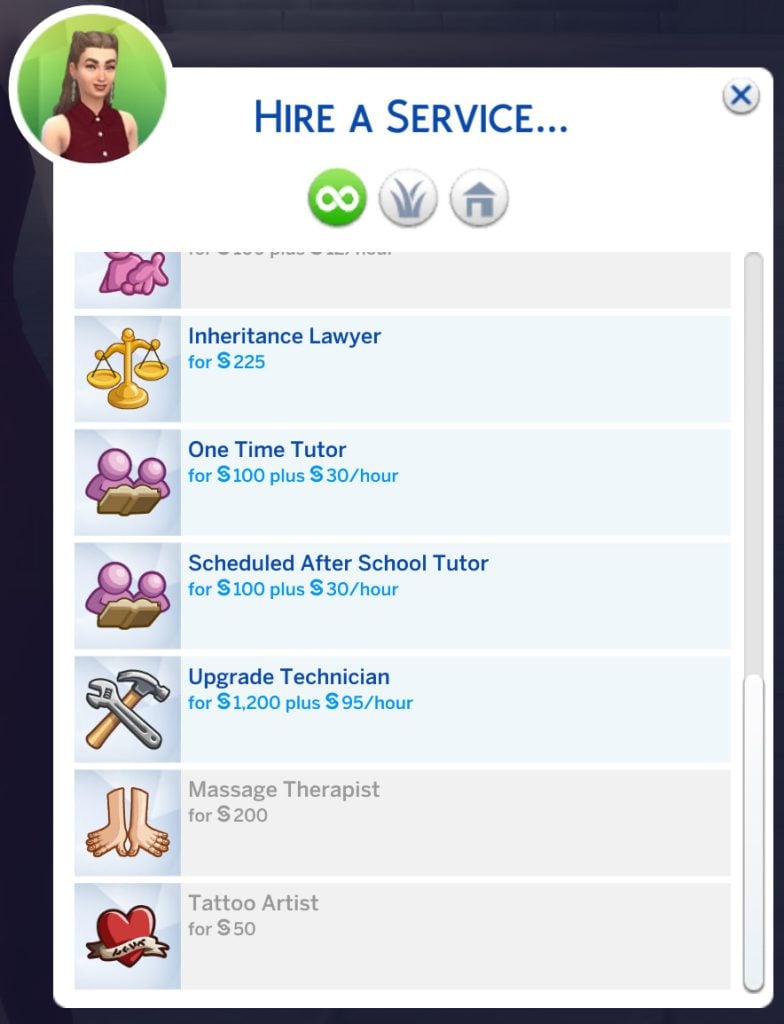
You can now hire a tutor from the services menu on the phone. This is a Sim with a lot of high-level skills and can mentor other Sims in the household as well as help children and teens with homework.

tutor

Market Manipulator

Members will have a new PC interaction available, which allows them to increase the value of their stocks.

market manipulator

Arrange Promotion

The head of the dynasty can arrange a promotion for any dynasty member through this phone interaction.

promote

Respected Head

Heads of dynasties with this perk have more successful interactions with each other.

dynasty head

Discreet

Dynasty members will have a higher chance to find other Sims’ secrets, experience shorter scandals and have reduced information broker fees.

discreet

Gracious Host

Dynasty members will have an easier time reaching gold in social events.

gracious host

Easier Alliances

The dynasty’s Head will have an increased chance of success when asking the Head of another dynasty to form alliances.

easier alliances

Matchmaker

Dynasty members will have an easier time building romantic relationships, a better chance of proposal success and an increased prestige gain from marriage.

matchmaker

Friends In High Places

All members will build friendships faster, and those relationships will decay more slowly.

freinds in hihgh places

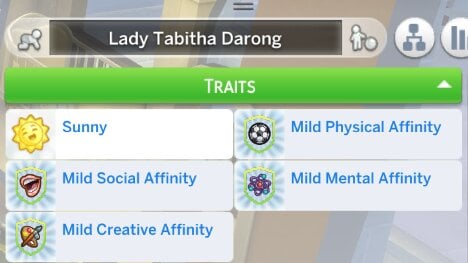
One of the most exciting features is inheritable traits. These are legacy gameplay taken to the next level, as these special perks give babies born into the dynasty a chance to receive unique affinity traits. Over generations, these traits grow stronger, reinforcing the idea of a powerful bloodline.

Unfortunately, these don’t apply to any children who are part of the dynasty before you purchase these perks.

Screenshot 2026 02 20 145431

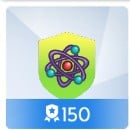
Mental Affinity

Babies born to dynasty members while this perk is active will gain the Mental Affinity Level 1 Trait and will build Mental Skills faster. The level increases for their children, and so on.

mental

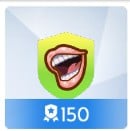
Social Affinity

Babies born to dynasty members while this perk is active will gain the Social Affinity Level 1 Trait and will build social skills faster.

social

Physical Affinity

Babies born to dynasty members while this perk is active will gain the Physical Affinity Level 1 Trait and will build physical skills faster.

active

Creative Affinity

Babies born to dynasty members while this perk is active will gain the Creative Affinity Level 1 Trait and will build creative skills faster.

art

Leadership: Heads, Heirs, and Power Shifts

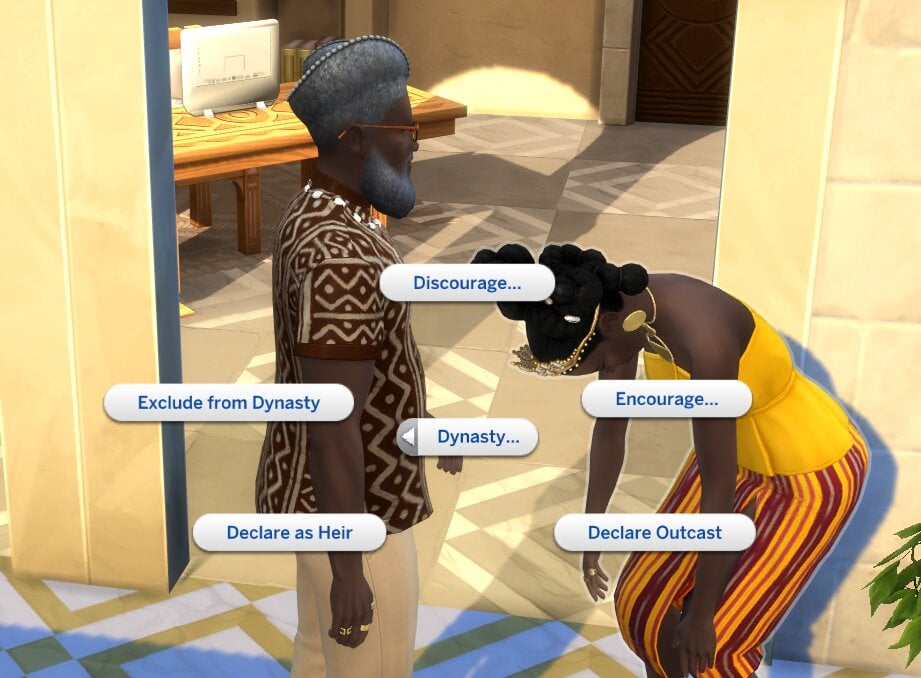
The Dynasty Head is in charge. They’re the only Sim who can:

  • Change values
  • Purchase perks
  • Assign an Heir
  • Designate outcasts
  • Invite or remove members

Their actions have increased prestige impact, and they receive social advantages within the dynasty.

The Head keeps their role until they die, lose a challenge, or step down. If they die without naming an Heir, the highest-ranking eligible member automatically takes over.

Dynasties with no members left will end, so you need to select a dynasty heir and keep memberships up if you want to keep it going. Dynasty heirs, as your next-in-line, also experience increased prestige impact and social benefits.

unmake heir

Unity: Stability Or Crisis

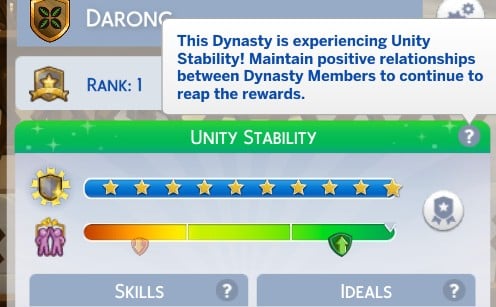
Unity measures how well members get along.

When relationships are strong, the dynasty reaches stability, and friendships build faster.

When relationships break down, a unity crisis can occur. During a crisis:

  • Relationships grow slower
  • Friendships change to average level
  • Members struggle to get along
  • Some may make demands or even threaten to leave

Spending quality time together helps maintain unity, but controversial decisions (like excluding members or changing the values of dynasties) can quickly destabilise everything.

You can also use this cheat stats.set_stat rankedStatistic_Dynasty_Unity 130 to max your unity level. Or change the number to any number between 1 and 130 to change how balanced dynasties and their unity levels stay. This cheat also only works if you have the dynasty Head selected and you have enabled cheats.

Outcasts: Exile, Revenge, or Redemption

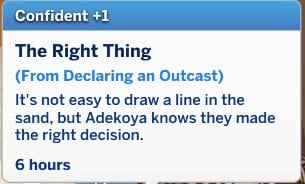
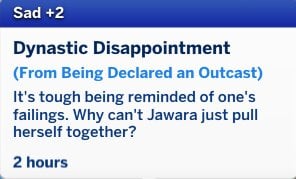
If a Sim repeatedly harms the dynasty and refuses to comply, the dynasty head can declare them an Outcast. This will result in them:

  • Having reduced prestige impact
  • Being unable to become the heir
  • Losing access to all dynasty perks
  • Struggling to influence others

Some may try to redeem themselves. Others may grow resentful and attempt to blackmail or extort the dynasty head to regain their status.

Screenshot 2026 02 20 153744

Dynasties turn your household into something bigger than just a family; they become institutions.

They give us lots of new potential for gameplay – while they are useful for the noble active career, they aren’t limited to activities from this pack, any family can be dynasties and have a set of core family values and priorities.

This is a gameplay feature we can see being used and utilised in tons of generational gameplay and legacy challenges.

What do you think about the new dynasty features? Is there anything we missed? Let us know! You can also read our other Royalty & Legacy guides here.

Complete List of Sims Scandals in The Sims 4 Royalty & Legacy

Be careful who you trust, because Sims Scandals and Secrets now travel through the streets, altering relationships, tainting Dynasties, and exposing confidential information with The Sims 4 Royalty & Legacy!

Sims Scandal- The Sims 4: Royalty & Legacy, Share Own Secret

Sims Scandals VS Secrets

Scandals and Secrets bring a whole new aspect of gameplay to relationships for Teens, Young Adults, Adults, and Elders in The Sims 4. Actions now have greater and longer lasting consequences that your Sim won’t be able to ignore. You might want to think carefully next time your Sim wants to mischievously send a letter, absorb an emotion, vandalize a statue, or WooHoo with their Maid.

Sims Scandals are born out of hidden Secrets. A Sim can try to keep their Secret to themselves and Undiscovered until it Fades into Obscurity, but if it is Discovered it could become a full on Sims Scandal. Secrets are triggered by specific actions depending on the Secret. View the table below to learn the trigger for each Secret/Scandal!

[table id=137 /]

Got a Secret, Can You Keep It?

In The Sims 4 Royalty & Legacy Expansion Pack, your Sim can be a Secret Holder or a Secret Keeper, depending on which end of the Secret they’re on. Each role has different choices they can make.

Secret Holder

Once a Secret has been created, the Secret Holder Sim runs the risk of it being discovered by other Sims. The Secret Holder may be a little more Tense than usual as they try to hide their guilt. To ease their mind, they can confide in a trusted Sim with the Share Own Secret Gossip Social Interaction.

Sims Scandal- The Sims 4: Royalty & Legacy, Choose a Secret

Secret Discoverer

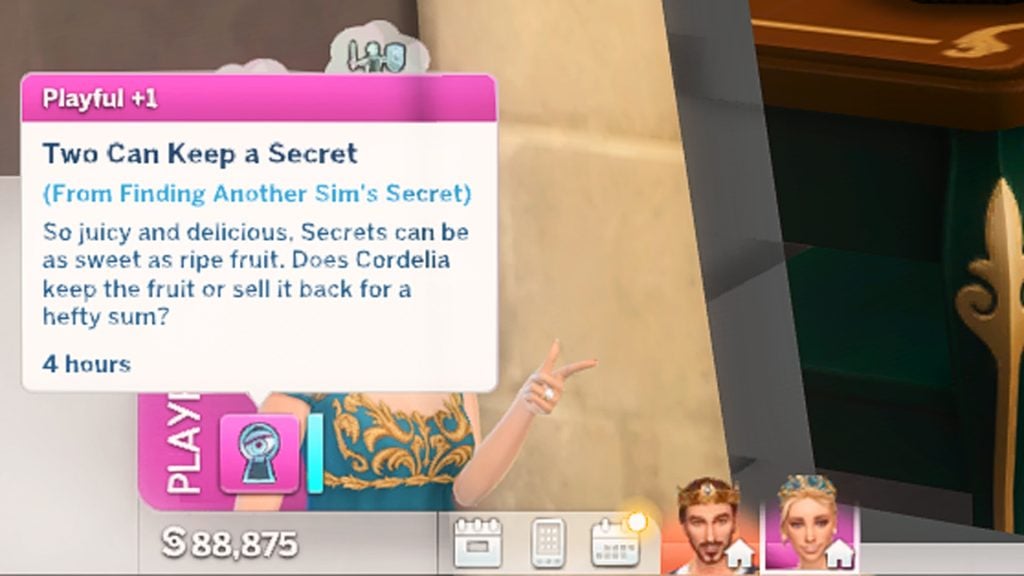
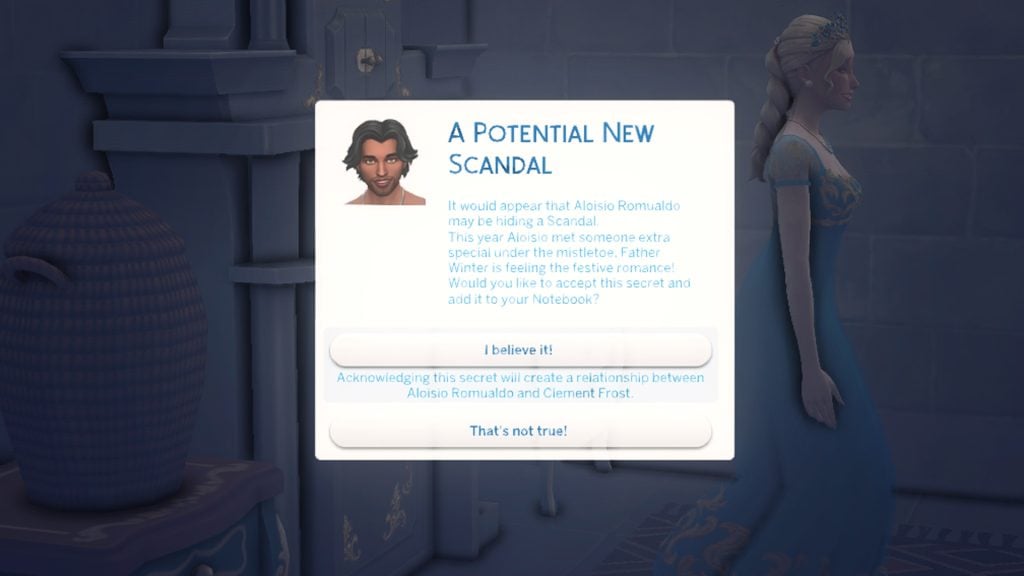
If your Sim has stumbled upon a Secret, they have several different ways they can handle this information. Sell Secret to the Information Broker, Expose the Secret on Social Media, Expose the Secret or Extort the Sim through Malicious Social Interactions, Share the Secret to other Sims through the Gossip Social Interaction.

Sims Scandal- The Sims 4: Royalty & Legacy, Extortion

Sims can be Extorted for Simoleons, relationships at work, Dynasty decisions, and more. If the Secret Holder doesn’t give the Sim what they want, they might just expose their Secret as a Sims Scandal.

Digging Up The Dirt in The Sims 4 Royalty & Legacy

Curious Sims who want to innocently learn more about their neighbors, have a handful of ways to scour their world for Secrets waiting to be turned into Sims Scandals.

The easiest way to discover Secrets about other Sims is via the Computer and contact the infamous Information Broker. The Information Broker is willing to sell a Secret for the fair price of only 2,000 Simoleons. If your Sim well versed in the Programming skill by having a skill level 2 or higher, they can also Hack for Secrets about the Sims in their life.

Sims Scandal- The Sims 4: Royalty & Legacy, Computer

Sims may also discover Secrets other ways, including:

  • Gossiping with other Sims through the Ask for Secret About… Social Interaction
  • Exploring Secret Passageways
  • Talking to Connie Fidential, the Information Broker
  • Using the Enchanted Mirror in Bellacorde
  • Witnessing a scandalous act taking place
Sims Scandal- The Sims 4: Royalty & Legacy, Connie Fidential

It’s a Scandal! It’s an Outrage!

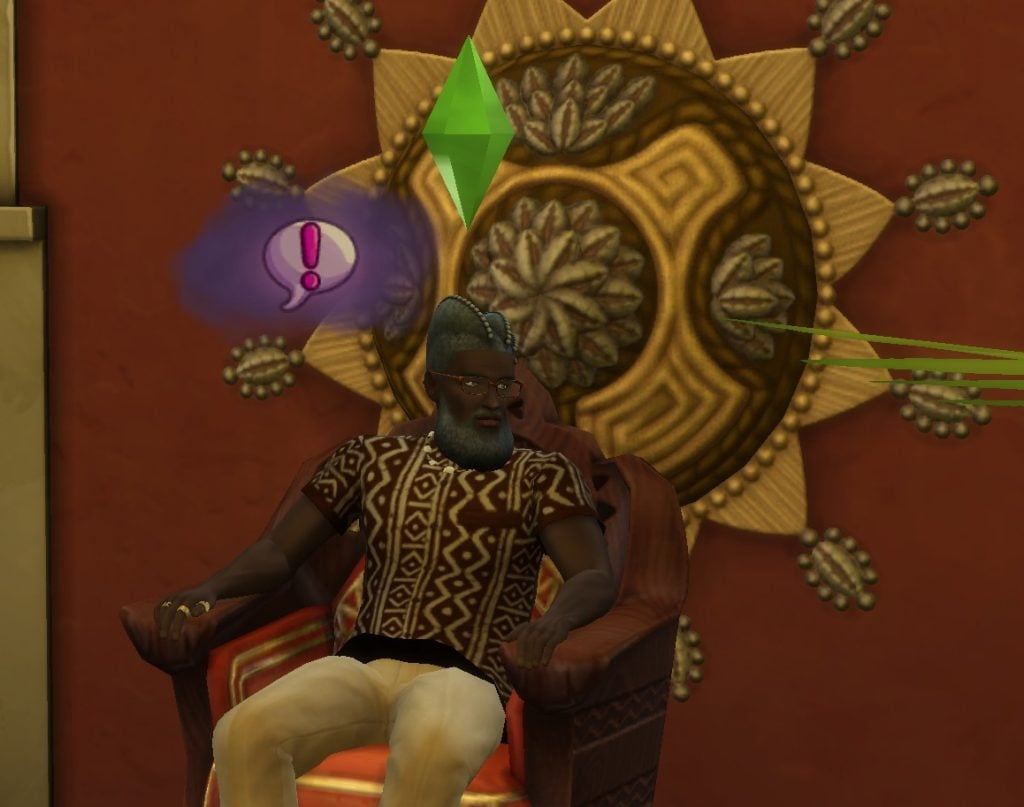
With The Sims 4 Royalty & Legacy, an exposed Secret quickly spirals into a massive Sims Scandal. Scandalized Sims become social outcasts and dynastic disasters as they wander the world with their sad, gloomy, dark cloud hanging above their head as long as their Scandal is active; an ever-present reminder of their shame.

Sims Scandal- The Sims 4: Royalty & Legacy, Dark Cloud

Annoyed by the dark cloud hanging over your guilty Sim’s head? Don’t worry! This can be toggled off by selecting the Sim, and Scandals can be disabled altogether in Game Options.

sims 4 scandals list guide

Own It or Bury It

A scandalized Sim has two options: accept or deny responsibility. Using the Computer, your Sim can choose to Write a Scandal Denial Statement or Write a Scandal Apology Statement. If they write a statement of denial, it may be accepted by the public, or it may enrage them even further. Similarly, the apology statement can be accepted, easing tensions slightly, or denied.

The Notebook

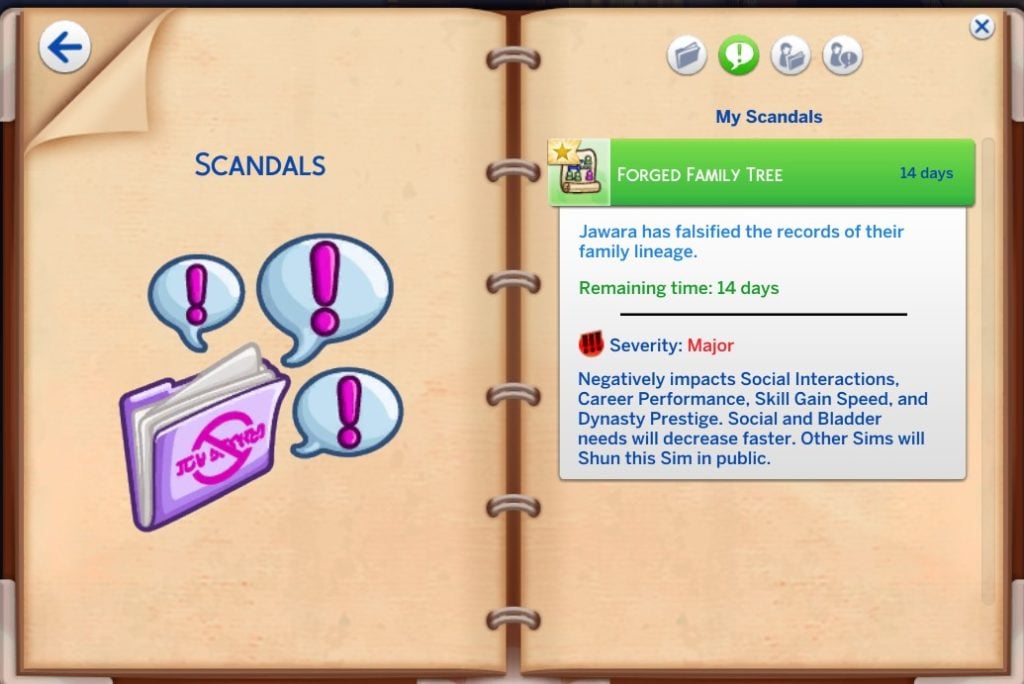
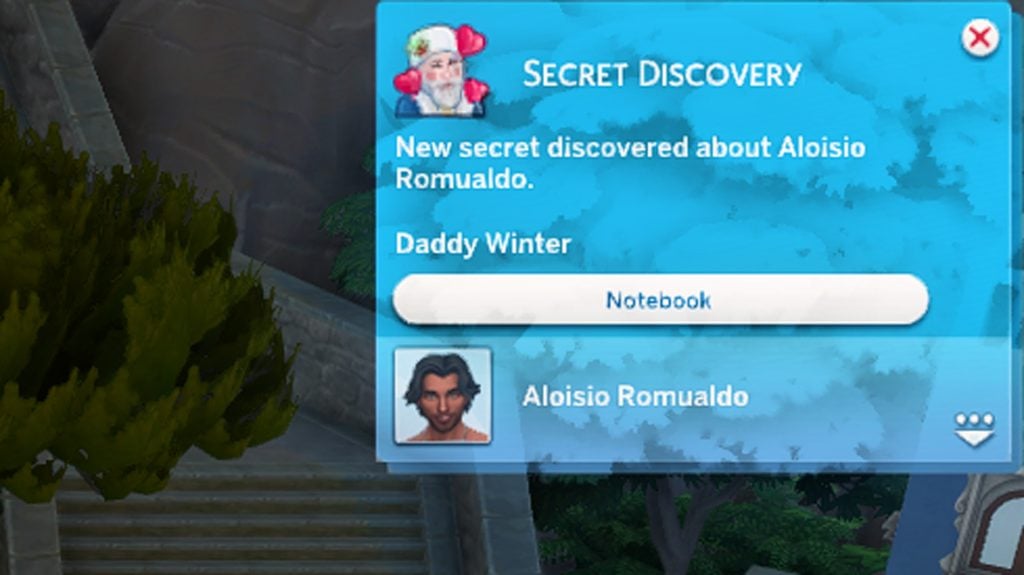
In The Sims 4 Royalty & Legacy, all Secrets and Scandals are kept in your Sims’ Notebook, found next to the Phone and Calendar. Depending on the Secrets and Sims Scandals your Sim has or knows, there can be up to four tabs: My Secrets, My Scandals, Other Sims’ Secrets, and Other Sims’ Scandals. From here, you will be able to see the time remaining, severity, and impact of your Sim’s Scandal or Secret.

Sims Scandal- The Sims 4: Royalty & Legacy, The Notebook

Have your Sims been caught in any Sims Scandals or dug up any Secrets? What are your thoughts on the Secret and Scandal system in The Sims 4 Royalty & Legacy? Let us know your thoughts below!

New Life Sim Game, Co‑Developed by Former Maxis Director, Has Been Cancelled

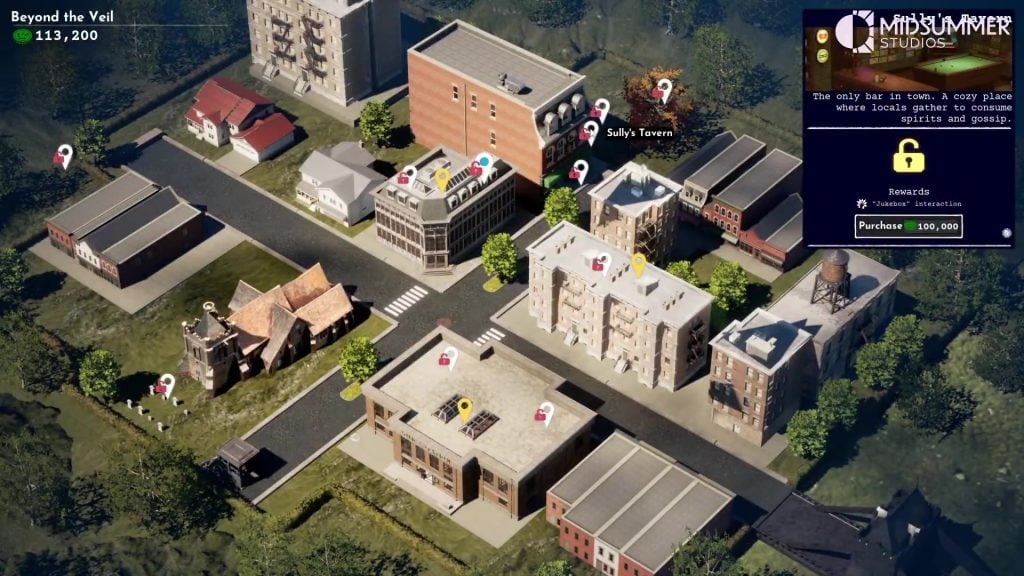
Midsummer Studios, Co‑Founded by Former Maxis and The Sims Director Grant Rodiek, Has Closed, Bringing Its Life‑Sim Game Development to an End.

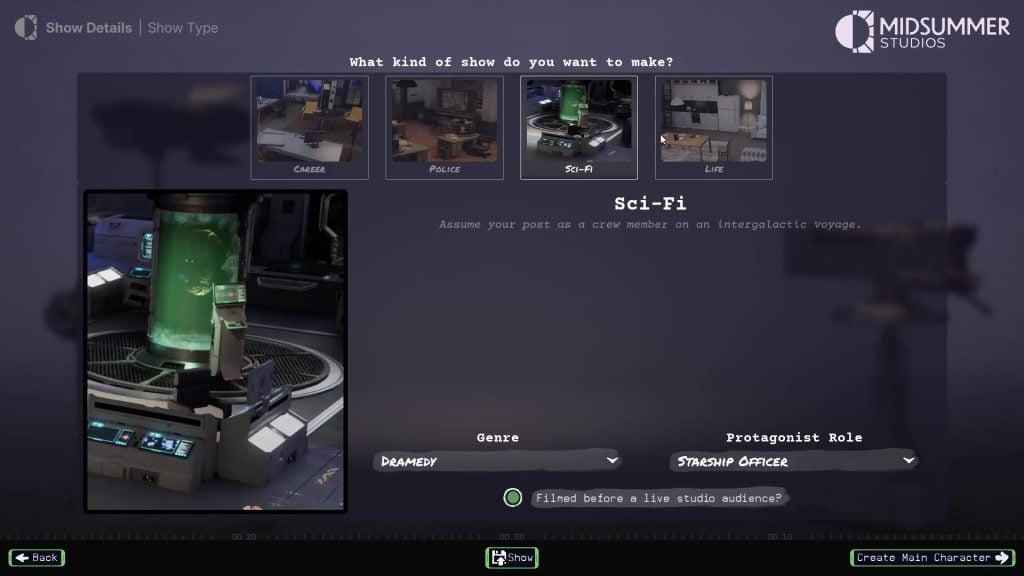
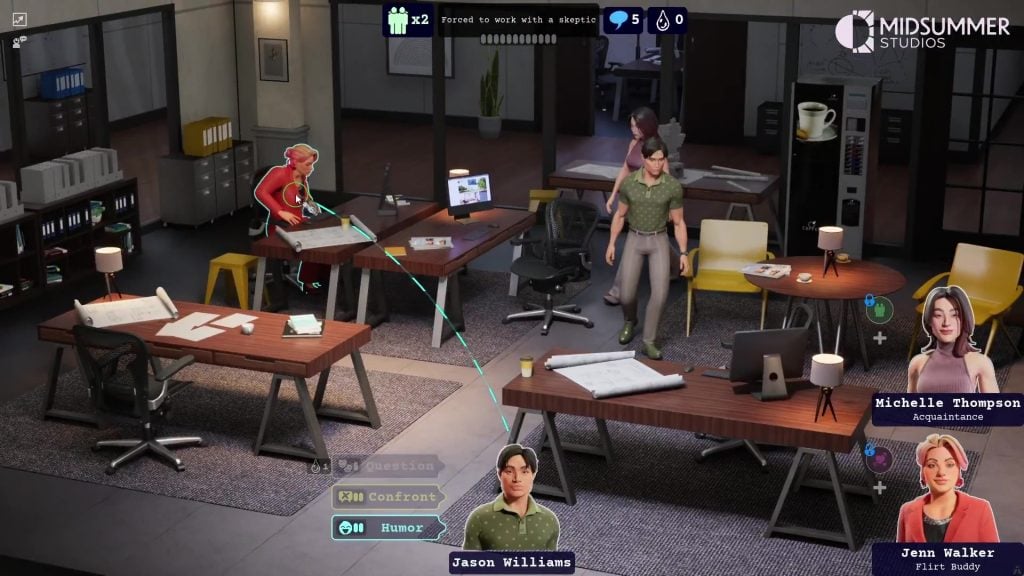
Midsummer Studios, co-founded by former The Sims Director Grant Rodiek, has announced it is closing its doors in a statement from founder Jake Solomon. Solomon confirmed that they were working on a new Life Sim game, or more accurately, “life sims + Truman Show”, titled Burbank. A brief trailer for the canned project has also been shared, giving us a glimpse at what could have been. No details on why the studio is being closed have been announced as of the writing of this article. Grant Rodiek, Former lead on The Sims 4 (Who you may know as SimGuruGrant), left Maxis last year to join this new Studio and to work on Burbank.

Rodiek’s last project at Maxis was Project Rene as a Game Director. The game evolved since his last work in early 2024 into a mobile exclusive project, with Grant’s involvement in Burbank being the next project that lasted for almost two years.

vlcsnap 2026 02 20 17h49m04s537

Midsummer Studios Statement of Closure

We built a studio, we made a game, and I’m really proud of both. Before we close the doors at Midsummer Studios I’d like to share a glimpse of Burbank, the game we poured our hearts into. It’s like “Life Sims + The Truman Show,” but it’s more than that. I believe people are storytellers, and I want them to share whatever stories and characters they can dream up. Burbank let’s you do that. We have moments playing this game where characters come alive in a way we’ve never experienced. And for an old game developer like me that’s special. What you’re about to see is definitely pre-alpha. But this game was a dream of mine, our team made it come true, so watch and dream with us.

What Was Burbank?

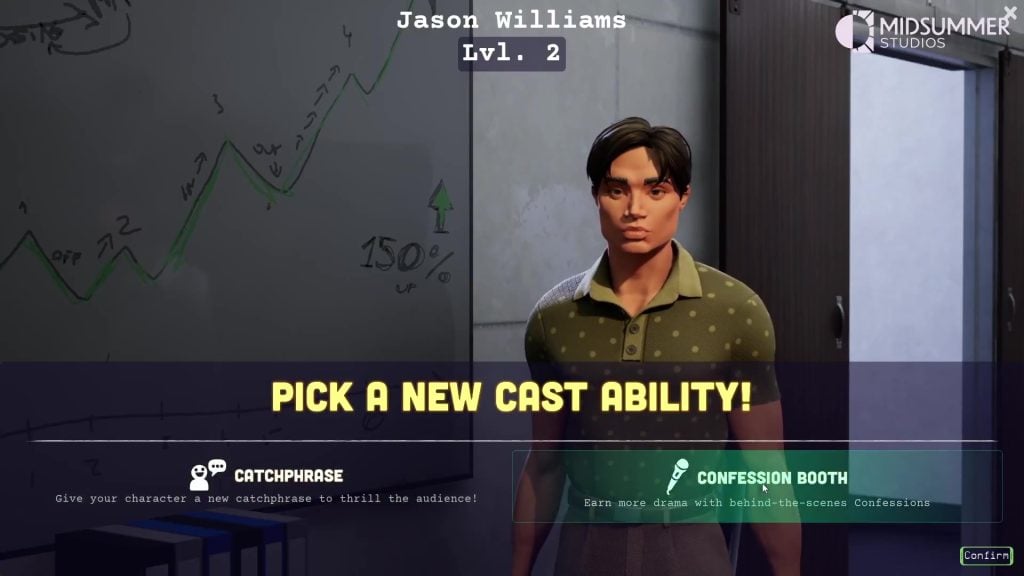
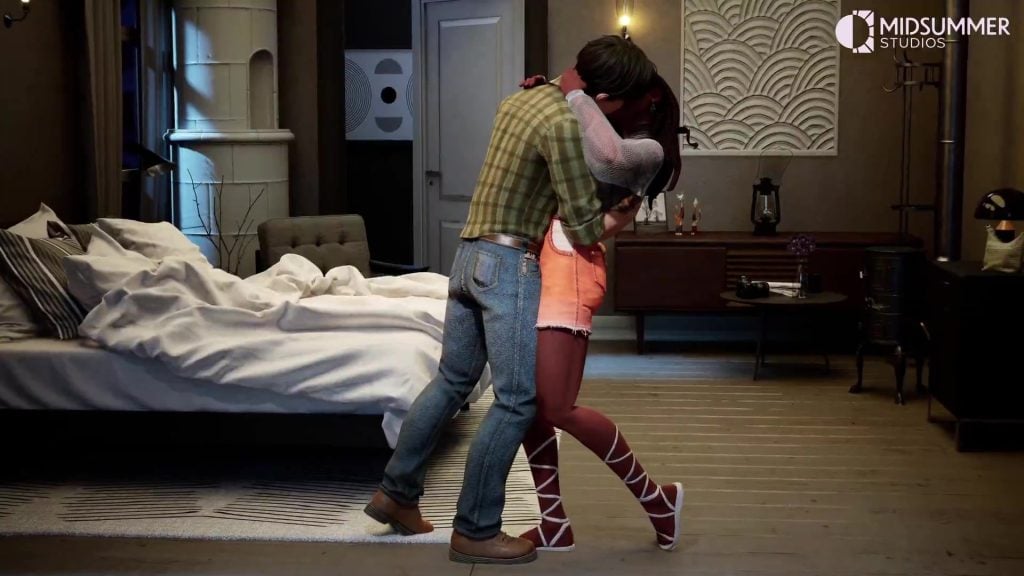
Burbank was slated to be a cross between a Life Sim Game and The Truman Show, allowing players to direct their own TV show, choose a cast, define a plot, and upgrade cast abilities. It seems as though this was somewhat of a spiritual successor to Lionhead Studios’ The Movies. The actual Life Sim Game elements involve the personal lives of your cast, and how they interact and build relationships with fellow cast members.

AI Confirmation Statement

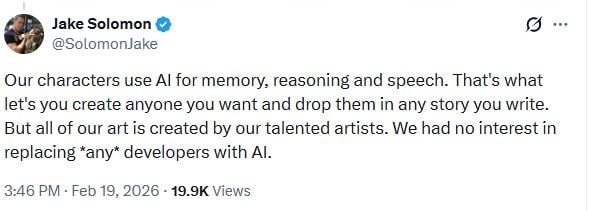
Solomon followed up the post with a statement confirming that Artificial intelligence was used for some aspects of gameplay within Burbank, all artwork was created by a dedicated art team, and they had no intention of ever replacing human creatives with AI.

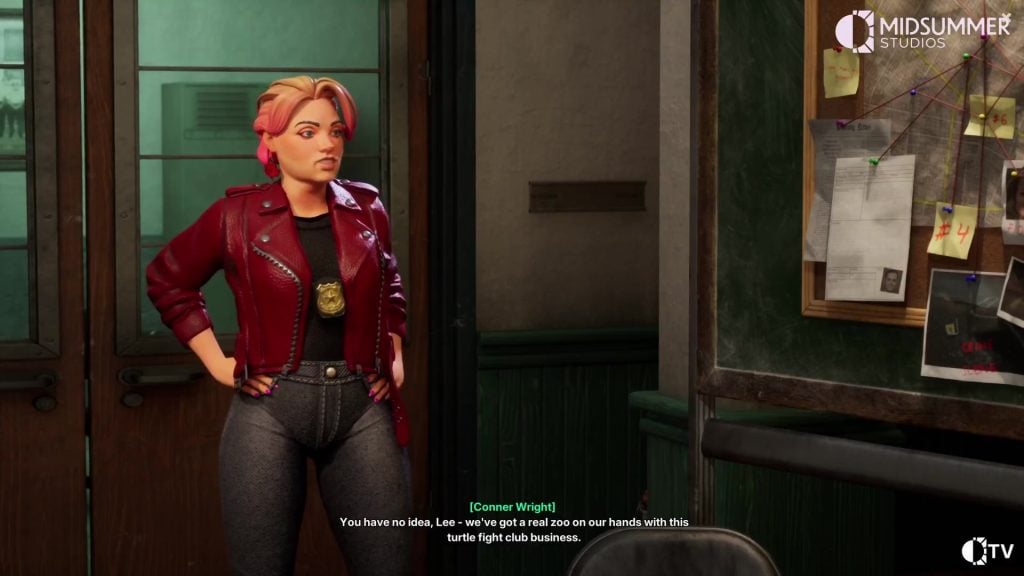
Contrary to this statement, the trailer does, however, seem to confirm that they were using AI-generated voice models to voice the characters, replacing hard-working voice actors who would have otherwise been hired for their talents. It also seems the writing in the game is generated from user-defined prompts, generating responses as part of the in-world TV show. It seems as though this would lead to some bizarre and rather nonsensical responses.

vlcsnap 2026 02 20 17h40m32s036

What are your thoughts on Burbank? Let us know in the comments below, and stay tuned to Sims Community for all the latest on upcoming (or cancelled) Life Sim Games!

Creating a Secret Passageway in The Sims 4 Royalty & Legacy

Tick tock, what’s behind the clock?! With the new The Sims 4 Royalty & Legacy expansion pack comes an interesting new gameplay object with a whole spectrum of opportunity to go with it… secret passageways!

TS4 x64 2026 02 19 19 02 20

As much as some Simmers might love the idea of actual underground passageways to travel along, others don’t want to deal with how long it would take the Sim to walk down into the tunnel and across the map just to be greeted by a loading screen to slowly and painfully go into the next lot anyway. So as much as snooping around tunnels may have been fun, this is sadly a rabbit hole/a way to travel between lots… or maybe not sadly as it still brings some fun gameplay!

TS4 x64 2026 02 19 19 59 06
Her Majesty Whatshername – Puddlef00t

Our beautiful model for todays article is Her Majesty Whatshername made by Puddlef00t and of course her royal highness Princess Cordelia with a guest appearance by Bella Goth!

What is a secret passageway?

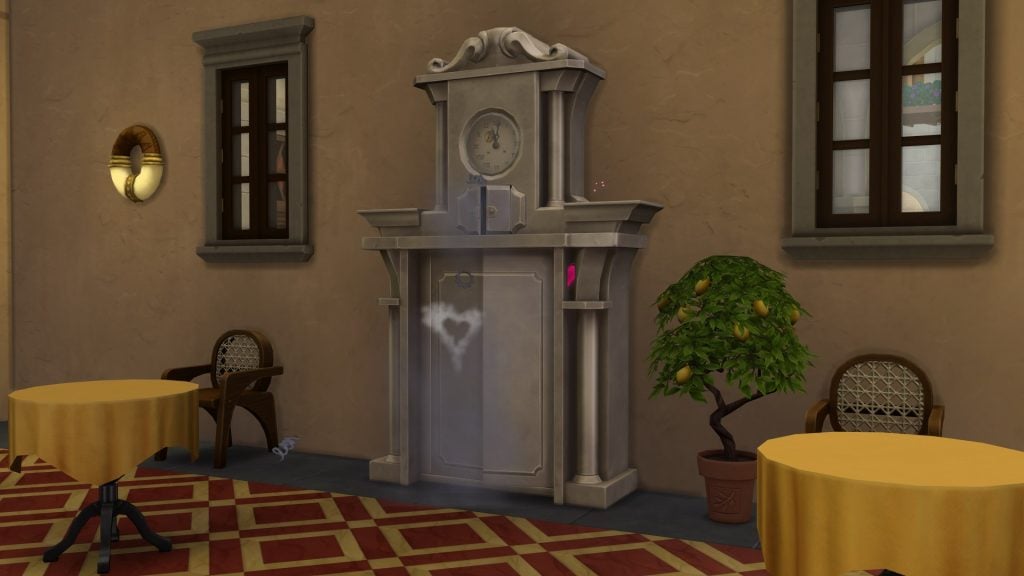
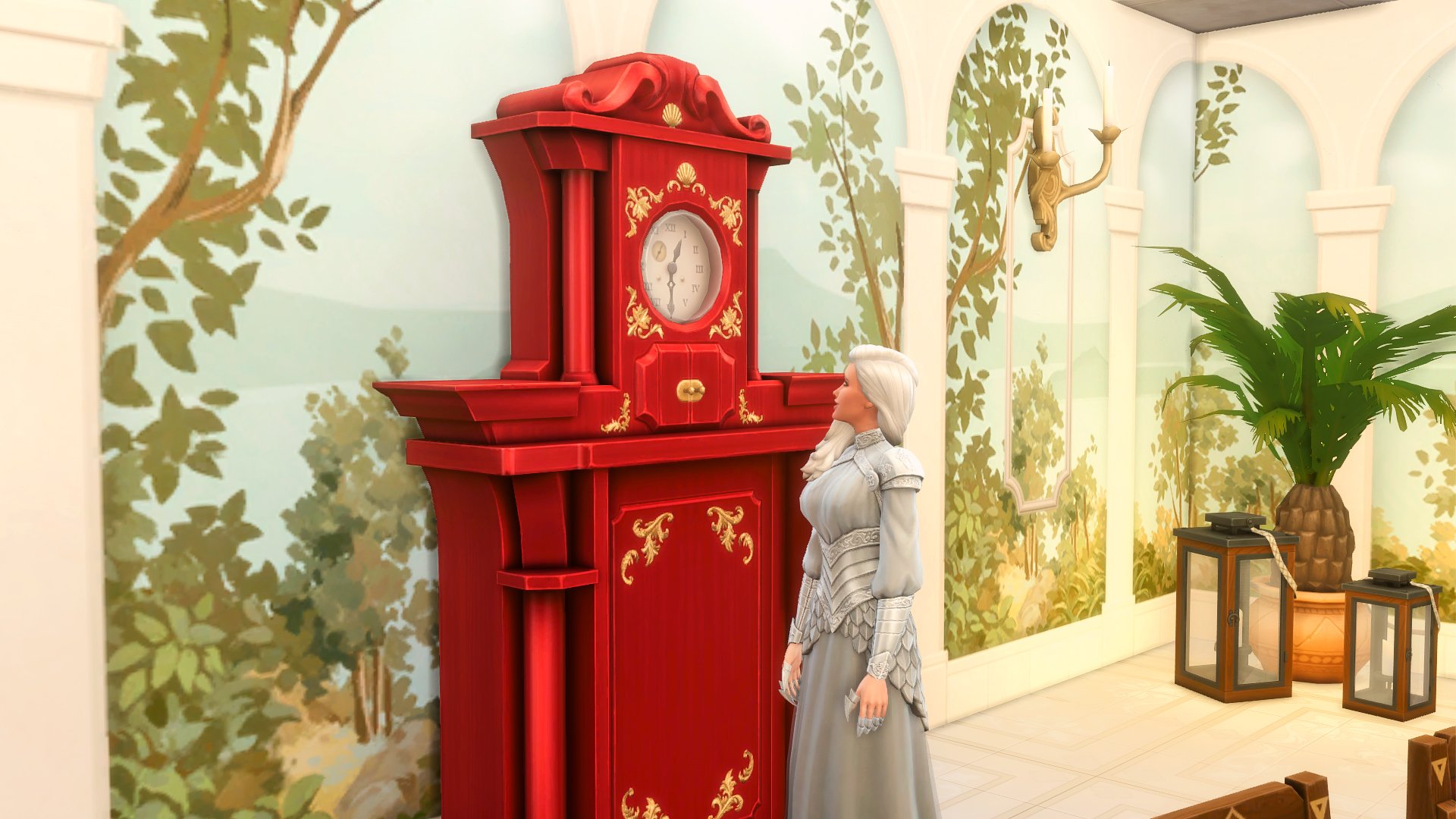
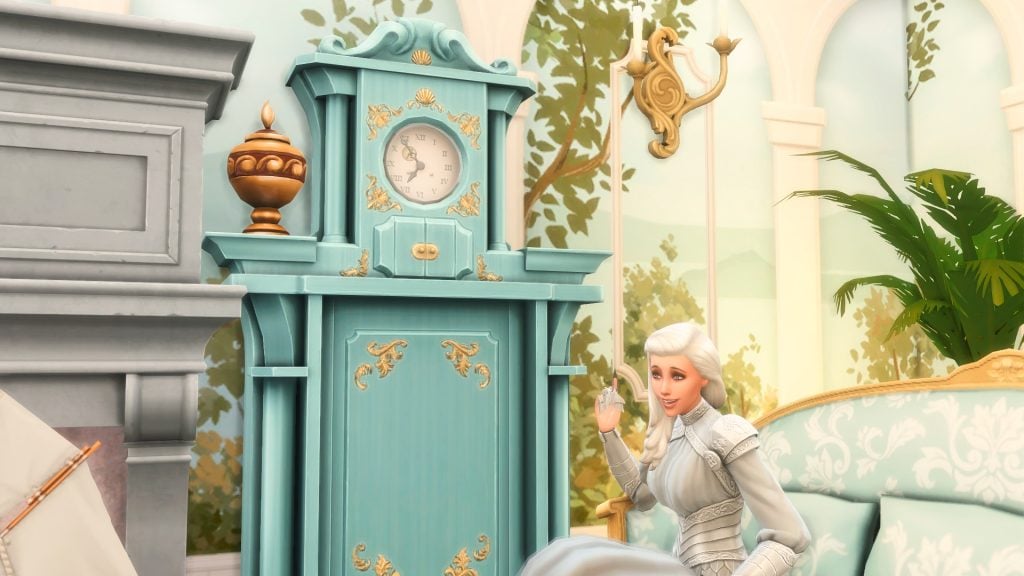
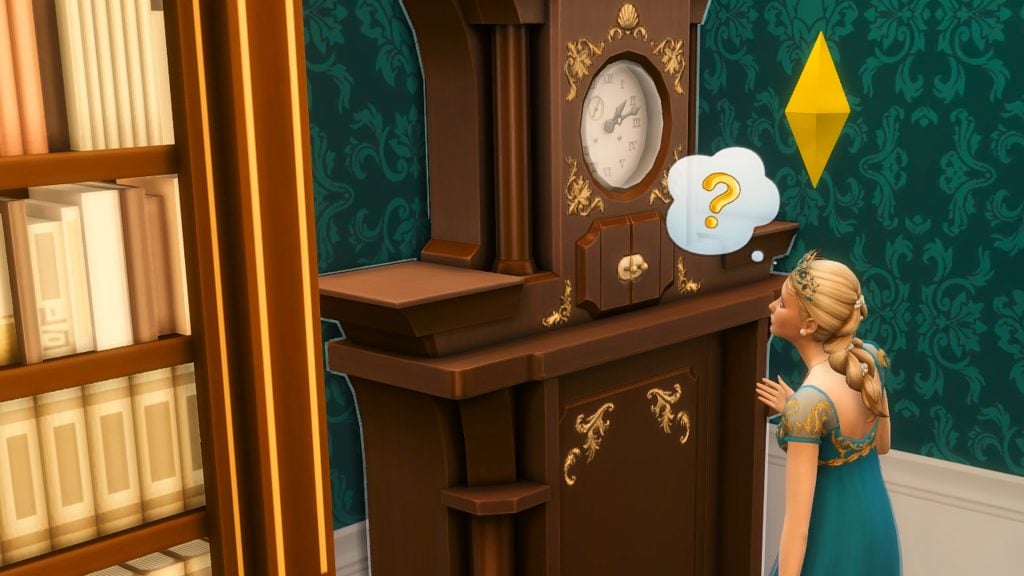
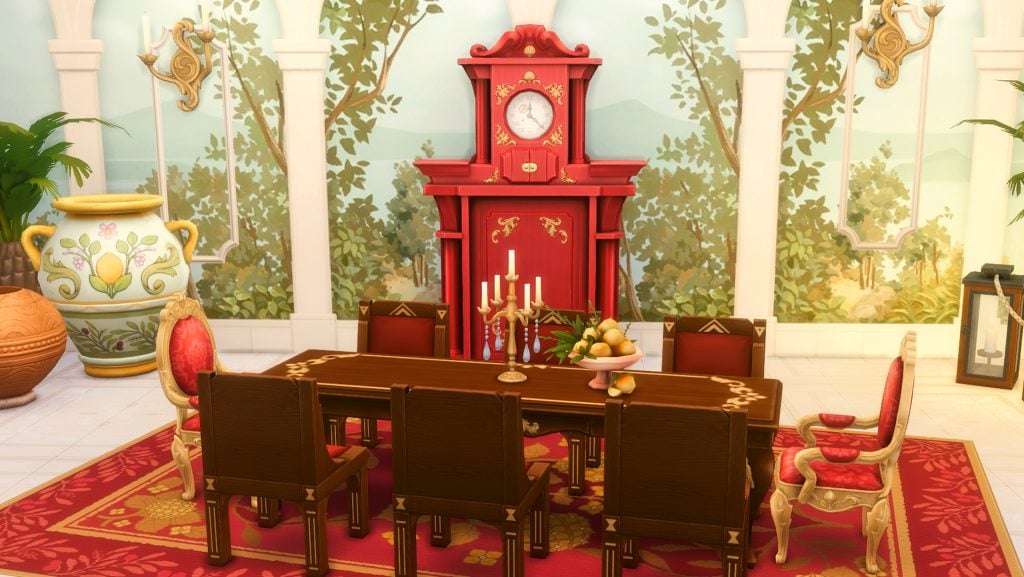
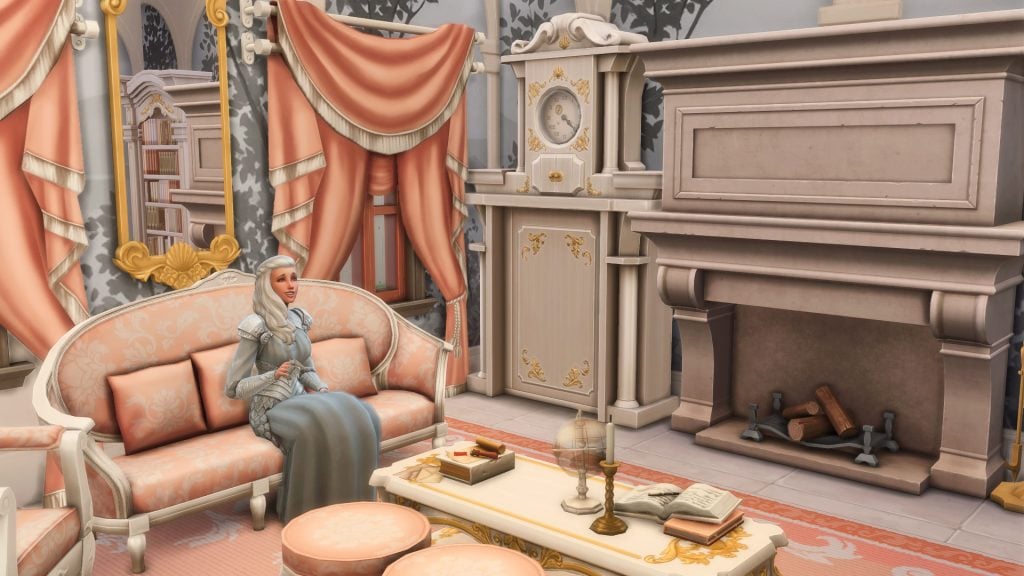
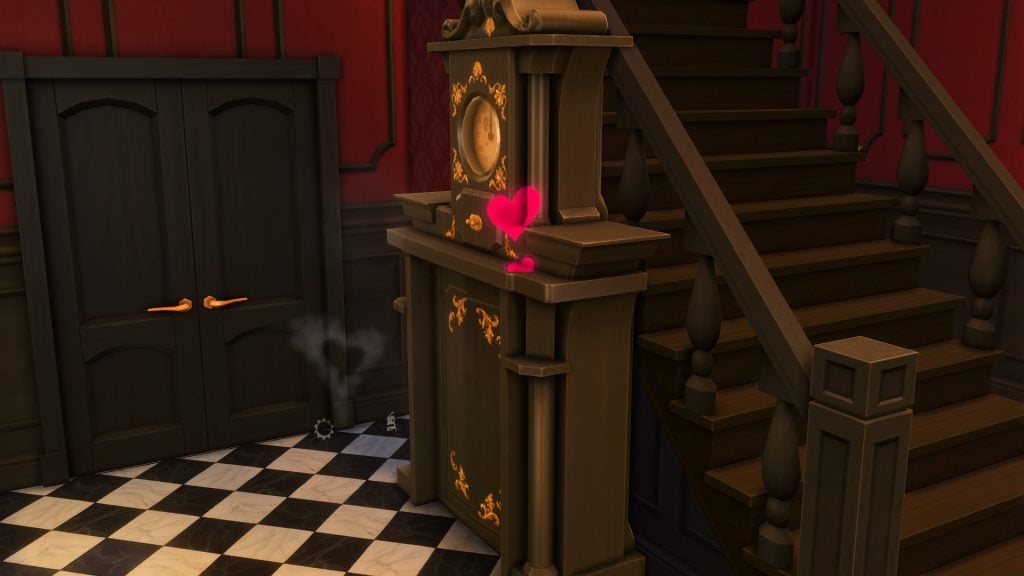
Well, what is a Sims 4 secret passageway you might ask? Secret Passageways are a new build/buy and gameplay hybrid system designed for castles, palaces and legacy homes, but they can be used pretty much anywhere. It is an object with more uses than meets the eye, subtly (or not so by the sheer size) in the form of a grand father clock with a variety of beautiful and fabulous colors.

TS4 x64 2026 02 19 19 21 00

Not just a bookcase door like we have seen before (though the bookcase doors could lead into a some-what secret room which could be locked…), but a proper hidden passageway to another area in your Sims world. This brings proper castle intrigue, hidden corridors and scandal-filled storytelling to your fingertips and lets you play out some rather fun scenarios.

If The Sims 4: Royalty & Legacy expansion becomes part of your game, it delivers the most advanced hidden architecture system The Sims 4 has ever seen. These are not just decorative doors, they are a fully integrated gameplay mechanic tied to secrets, scandals and royal intrigue. For the first time, Sims don’t just walk through hidden doors – they use secret routes for gameplay reasons and vanish into the unknown to discover a world of possibilities. This is next level secret trees, werewolf tunnels and overgrown jungles.

But how does it work?

Secret passages function as a hidden routing network, you may not be able to see it but I promise it is there. Once your Sim has discovered more than one secret passageway they may travel between them, much like going from lot to lot. The only difference here is that it is linked directly to an area, room, or lot where the opposite secret passageway resides. Think Sylvan Glade and Forgotten Grotto vibes, how going through a tree or mine shaft brings you out to a secret lot, only the lots you come out onto are made or placed entirely by you opening up a world of storytelling.

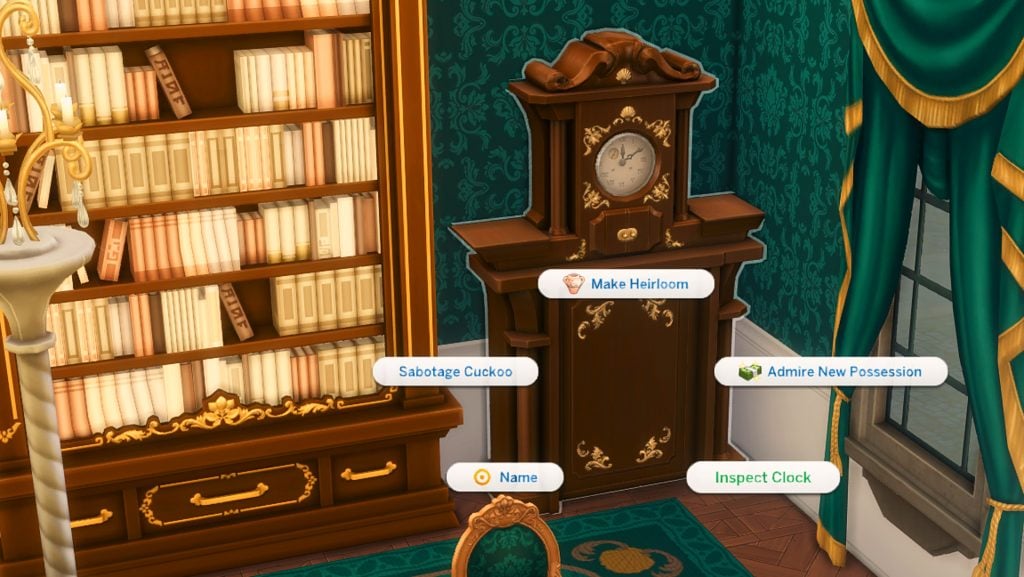
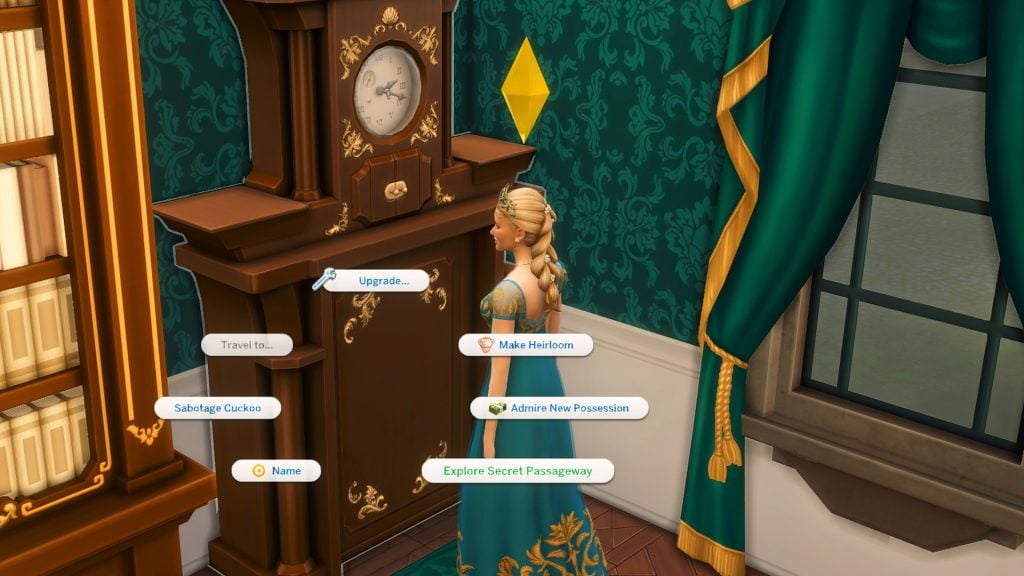
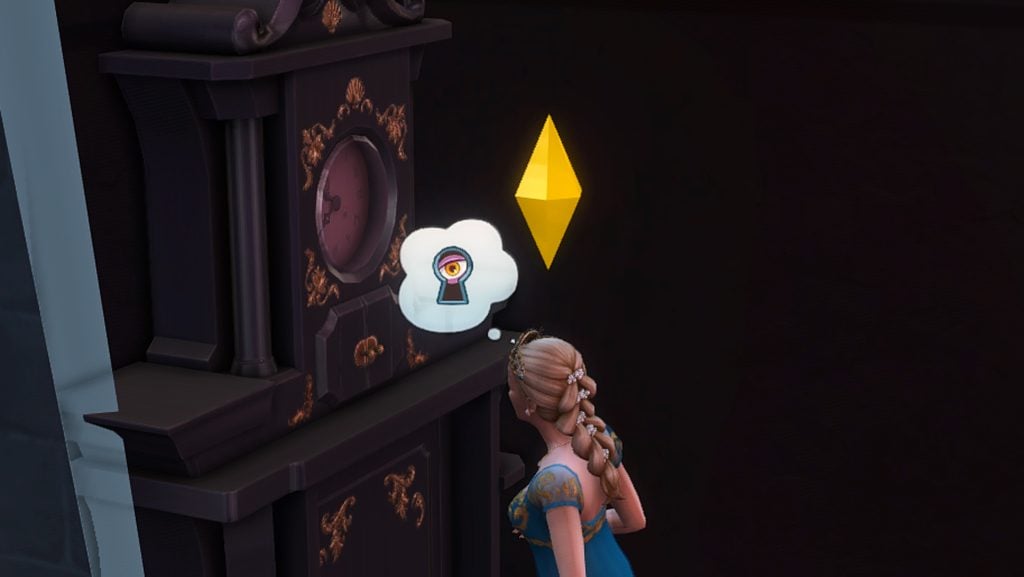
First up is to “inspect clock” on any of the very large, very intimidating grand father clocks that can be found on any particular lot of your (or Maxis) choosing. Currently in game there are about 6 for your Sims to find and ‘unlock’ in the world of Ondarion.

Unlocking the passageways

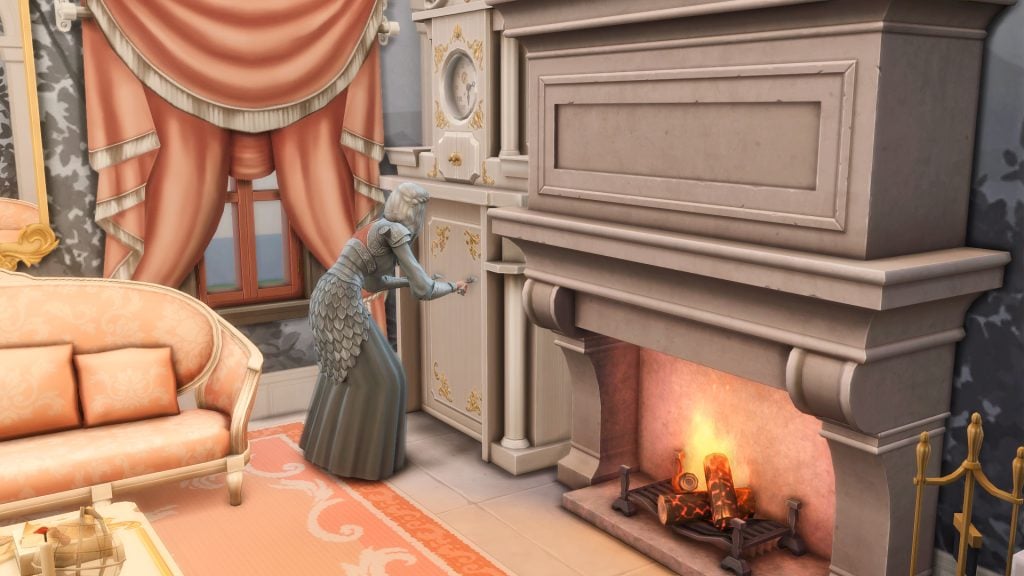
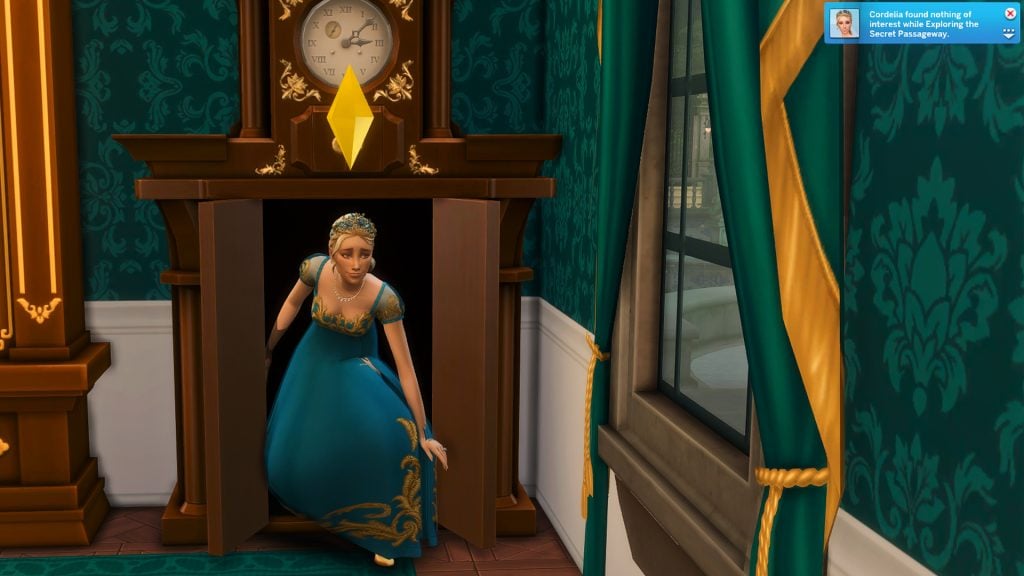
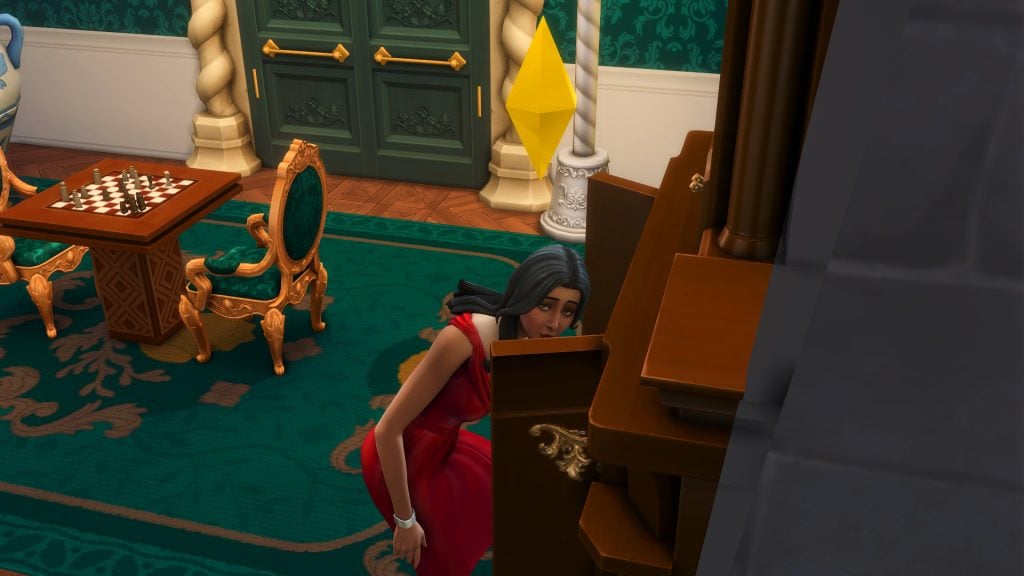
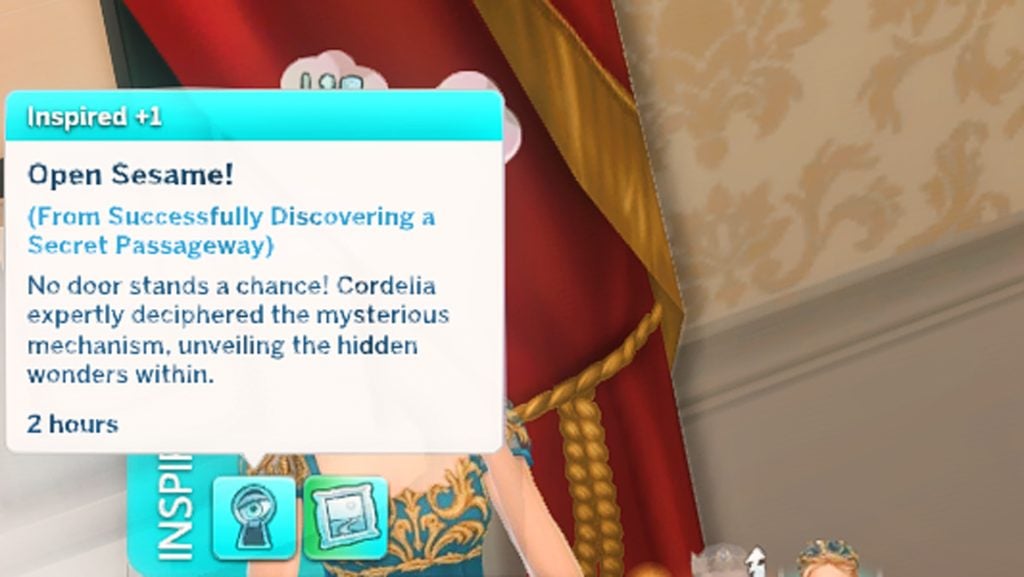
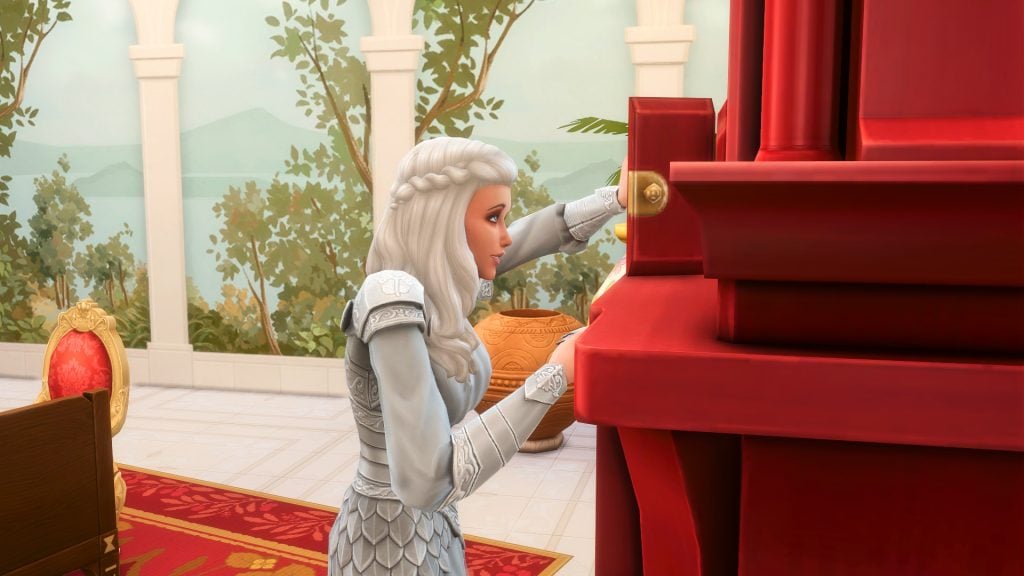
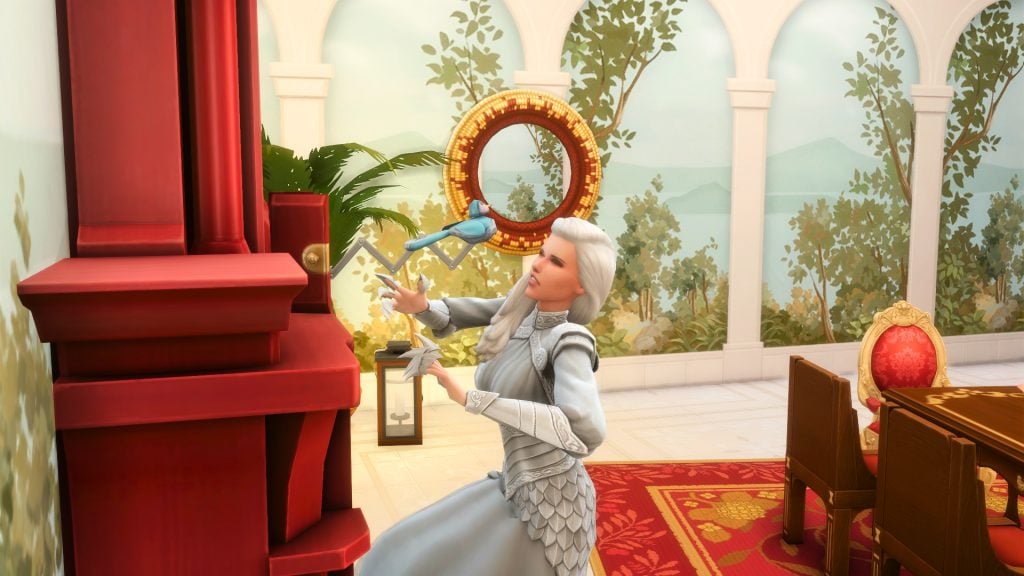
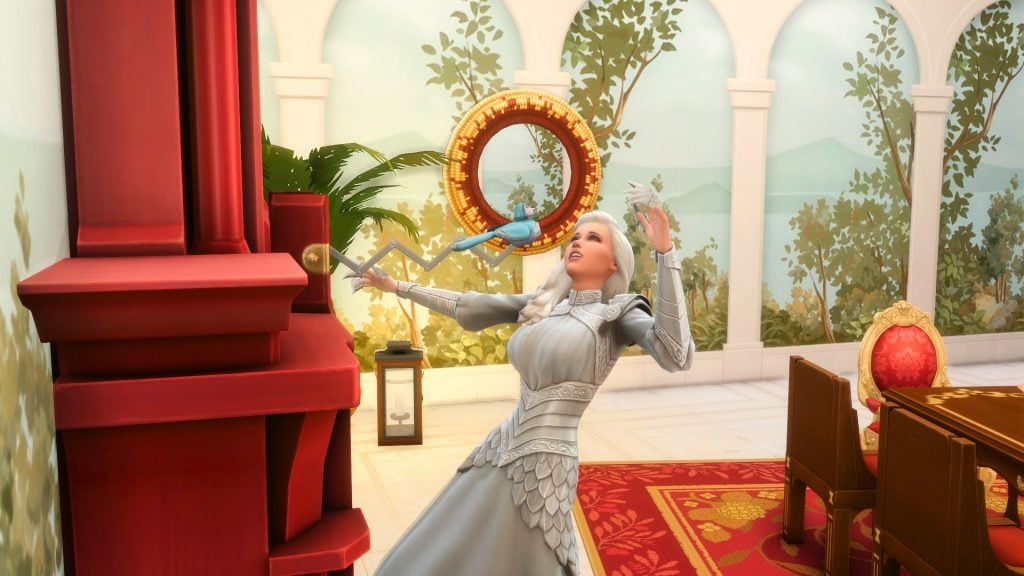
To use The Sims 4 secret passageways your Sim needs to follow the next prompt that appears after inspecting the clock – “explore secret passageway“. It really is, unfortunately, as simple as that. First inspect then explore. No pop up menus on which way your Sim should go or what path your Sim should follow, like in The Sims 4: Jungle Adventure. Simply ‘explore’ and off they go. The animation is somewhat fun, your Sim um’s and ah’s around the clock before pressing onto two hidden panels and voila – the doors open! Then off they sneak into the unknown.

It is not hard to unlock, it isn’t even remotely difficult. In my opinion this is unfortunate, and a missed opportunity in terms of making players work a bit more or try figure out some kind of puzzle before moving ahead. But either way, here we are, any old Sim could use a secret passageway whenever they like if they find it (and with it being such a large object it’s not hard to miss).

Using the passageways

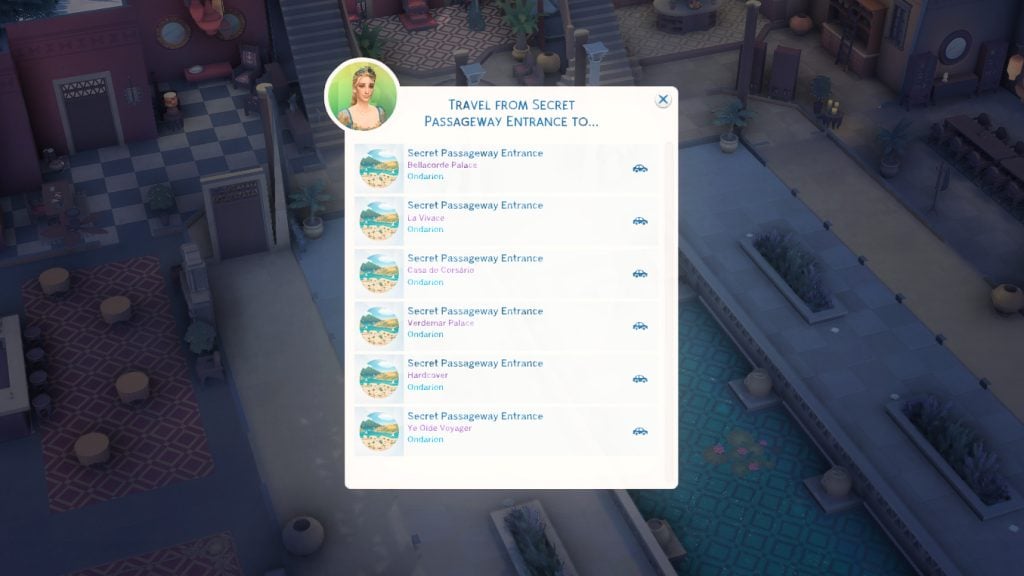
To use the passageways as a form of transporting your Sims from one particular point to another, your Sim needs to find two points in order to travel between them. Found more than one grandfather clock – ire. a destination point? Your Sim can choose where to travel to when clicking on the clock and selecting “travel to“. Even if the two clocks are on the same lot! Think about that for a second and let it sink in… same lot… same prison/tower/secret room…

Using the passageways for secrets or other things is as simple as going exploring, there is no secret formula, there are no prompts to follow, just go explore the secret passageways. You simply enter and hope for the best on your travels if you are looking for anything in particular, some juicy news about your neighbor pehaps?

Be careful of exploring too many times as your Sim will become dazed after too many attempts at finding all those hidden secrets.

What you may discover

Secret passageways tie directly into the new secrets and scandals gameplay system that comes with The Sims 4: Royalty & Legacy expansion pack. Using these ‘hidden’ passageways your Sims may discover a very steamy yet very secretive romance amongst your neighbors. Hidden heirs might be hiding out in plain, or not so plain, sight. Of course there is always the blackmail element that comes with the new secrets & scandals system and maybe even some political conspiracies.

Beware the coocoo clock!

Being struck while repairing the clock is not just funny, it’s fatal! It may be a darkly comedic nod to aristocratic mansion accidents, but also a very entertaining interaction to witness. Your Sim will try their hardest to dodge the coocoo clock bird but fail more than once until they are hit with the final blow. The minute your Sim attempts to fix/repair a sabotaged clock is the minute their fate is decided. No cancelling out unless it is queued up, no second guessing – your Sims final breath is sealed by a tiny electronic birds beak.

But what’s the point?

Well have you ever started a story line where there is a secret affair? Or perhaps a secret heir exists out there in the world that no one knows about. Hidden princesses in castles? Sounds like a Disney movie in the making… or some kind of horror film – you are the narrator, you tell us! As a fun side note, once the secret passageway has been discovered the door to one of the rooms can be deleted, making a secret room only accessible by the secret passageway. You see the potential right?!

Whether you want hidden lovers sneaking through corridors to secret hidden getaways, secret heirs tucked away in a far off neighborhood, or full-scale palace conspiracies that you have hiding up your sleeves, the secret passageway system adds a whole new layer of storytelling and gameplay.

Your Sims can also share the secret knowledge of finding secret passageways with other Sims by selecting the “gossip” option from the friendly social category and then “share secret passageway access“.

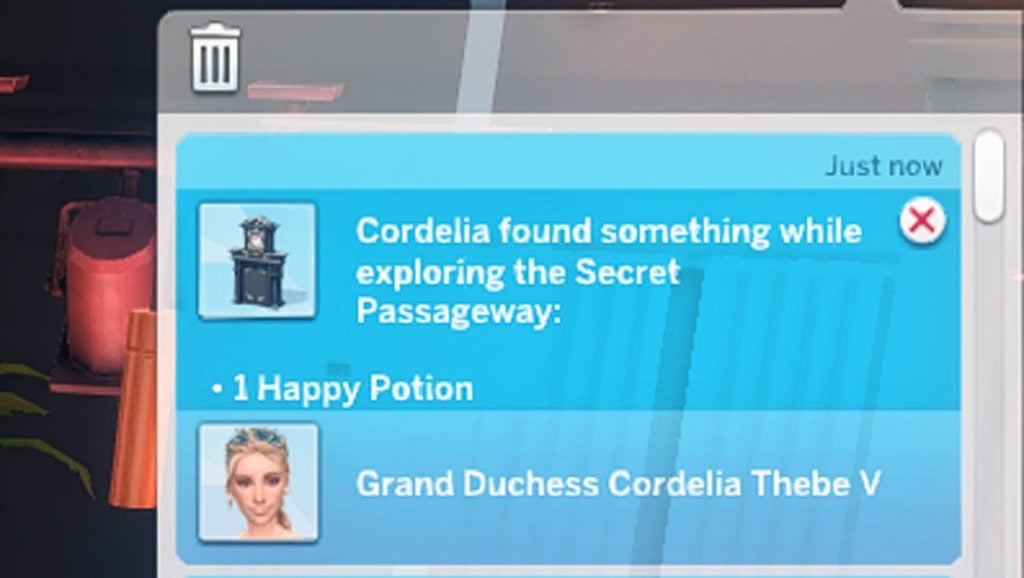
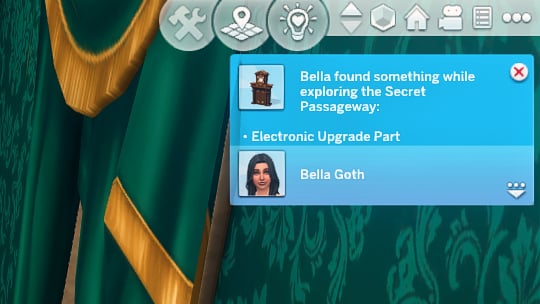
Ontop of all of that, your Sims can find some super random items along the way while they are out on their exploring adventures. From potions to parts, your Sims could come across some ‘treasures’ instead of secrets, but who are we kidding – we are here for the secrets!

Your Sims’ homes are no longer just houses, they could now be full blown houses full of secrets. No one wants their super secret, super hidden, room of treasures discovered! Your homes are now a connected system made up entirely of your wildest dreams, like tree roots snaking out into the world. Hide and seek for your neighbors to sniff out. So Simmers let your imaginations loose and let them run wild. A whole new adventure awaits, and we aren’t talking about the previous expansion!

And to top it all off?? This new grand father clock is also a new woohoo spot, as if we weren’t spoilt enough with just this one object being full of surprises. At this point we all know simmers love when the team adds new deaths AND woohoo spots! So this new grandfather clock is definitely a top tier item.

For more information about The Sims 4: Royalty & Legacy expansion pack have read through all of our other articles covering the latest pack, and let us know what fun things you have concocted with the new secret passageways in the comments below!

Romance & Scandal: Players Tell Their Own The Sims 4 Royalty & Legacy Stories

Here are 4 stories about Romantic Royals from Players like you!

Valentine’s Day might have passed, but the drama in The Sims 4: Royalty & Legacy Expansion Pack has just begun. Released on February 12th, 2026, just in time for Valentine’s Day, this pack lets players build dynasties, create allies, and spread scandal across the land. Players have been eager to tell their stories of scandal and romance ever since The Sims 4 Royalty & Legacy first dropped. Here are a few racy royal romance stories from the community that will get your heart pounding:

Long Time Rivals, Unknown Lover, Future Scandal – Annabelch’s story (Reddit)

Annabelch retells the story of Daryl and Callum of Ondarion, two men from a long-standing, royal lineage. Growing up, Daryl and Callum were close friends. Sadly, in their pursuit for prestige, their relationship was corrupted. Annabelch writes, “They quickly became bitter rivals and constantly sabotaged each other.”

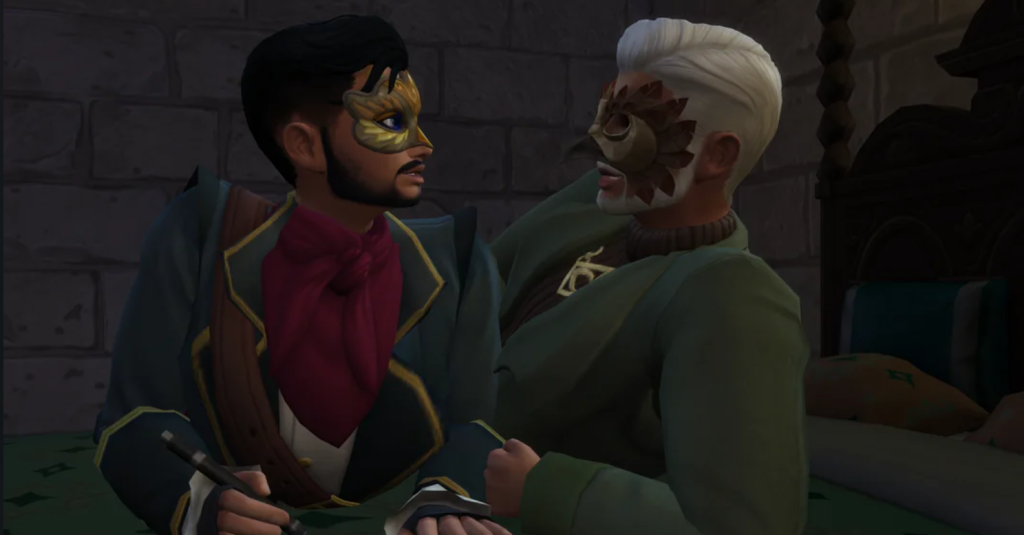
Masquerade Masks from The Sims 4: Royalty & Legacy
Callum and Daryl having a midnight tryst in disguise. They are wearing masquerade mask from The Sims 4: Royalty & Legacy Expansion Pack. Photo by user Annabelch.

Daryl utilized the brawn of his magic skills while Callum fought back with wits. Shockingly, fate had other plans for them. Annabelch writes, “They unknowingly ended up becoming lovers. So while they sabotaged each other during the day, they were each other’s best friends and confidants at night.” Midnight trysts in disguise, each unaware the other was his bitter enemy. Unexpectedly, they fall in love. But what happens when their masks fall off? How does their devastating dalliance end? You’ll have to read the story to find out.

Enemies Who Don’t Know They’re Also Lovers: The Complete Saga
by u/Annabelch in Sims4

Local Neighbor Drops Off Some Sugar — Foxxybox’s story (Reddit)

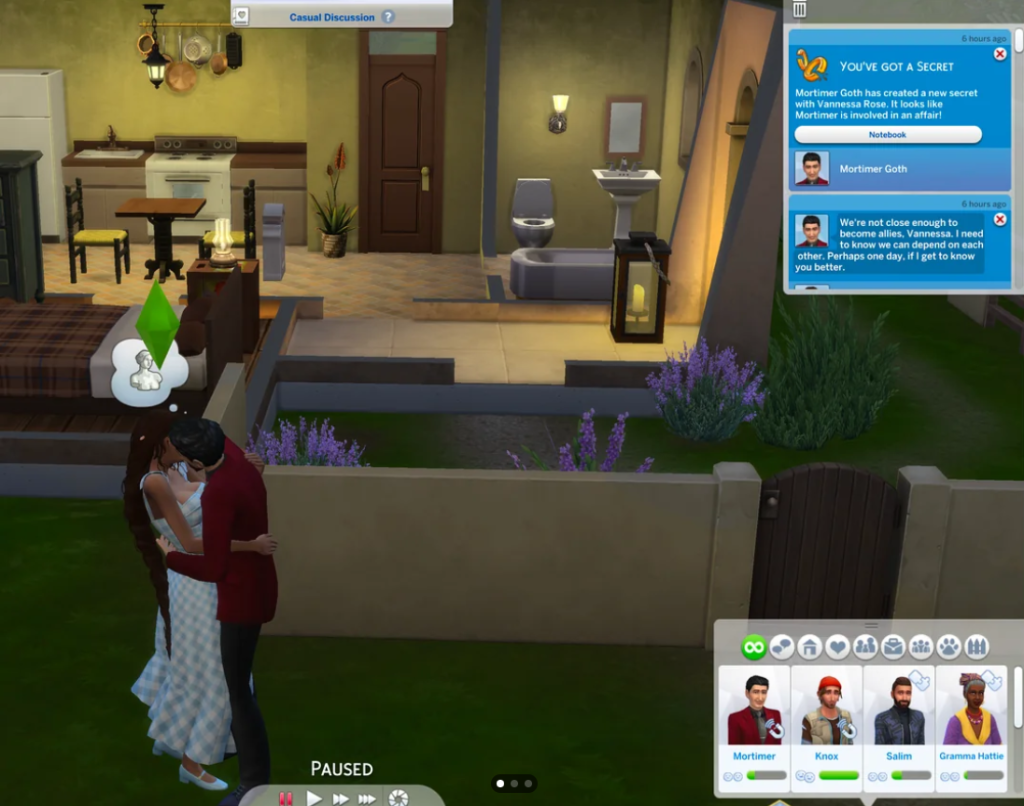
As beautifully orchestrated as some stories may be, most Simmers find that their romantic playthroughs tend to act a bit more…chaotic. No one was as surprised as Foxxybox when Mortimer arrived with unexpected intentions –  “like a good neighbor”, indeed. Foxxybox writes, “I’m honestly shocked.” Foxxybox posts a picture of Mortimer Goth passionately kissing Vanessa (Foxxybox’s Sim) in a deep and fiery embrace.

Unexpected Scandal from The Sims 4: Royalty & Legacy
Mortimer becomes a little too friendly with his new neighbor. Photo by user Foxxybox.

There were no hints at all that Mortimer was dating, let alone interested in Vanessa before this kiss. Foxxybox states that Mortimer wanted to “just talk” to help their dynasties. Now she’s earned the Valentine’s Day secret ‘Unfair Affair’ with Mortimer Goth. So, who is going to tell Bella?

Posts from the sims4
community on Reddit

Royalty & Legacy: Vampire Edition – Crafty-Sun1734’s story (Reddit)

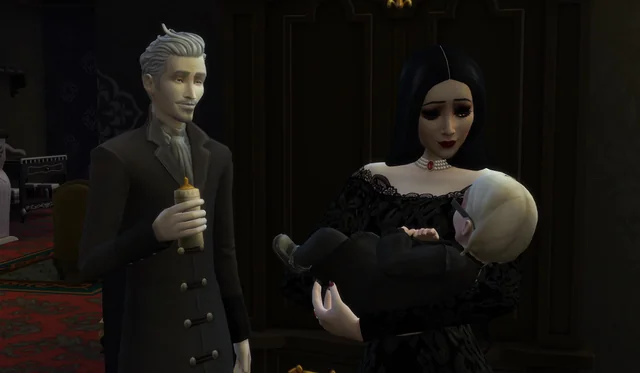
As if some romances aren’t haunting enough, Crafty-Sun1734’s playthrough of the new royals pack involves Vlad and his beautiful blushless bride – can’t blush if you’re undead. The two are the heads of a dynamic dynasty and have given birth to their first heir, a girl.

Vampire choose heir for his legacy
Vlad and his queen gaze lovingly at their new child, Organa. Photo by user Crafty-Sun1734.

Crafty-Sun1734 tells readers a bit about their bundle of darkness, “A baby girl I named after Vlad’s first love. Meet Organa [Staud sic].” Will she become the rightful head of the Straud’s haunting hierarchy or will they replace her with a male heir in the future?

Remember Vlad and his Queen? They had a baby!
by u/Crafty-Sun1734 in Sims4

Does Blue Blood Taste Better than Red? – AresValley’s story (Reddit)

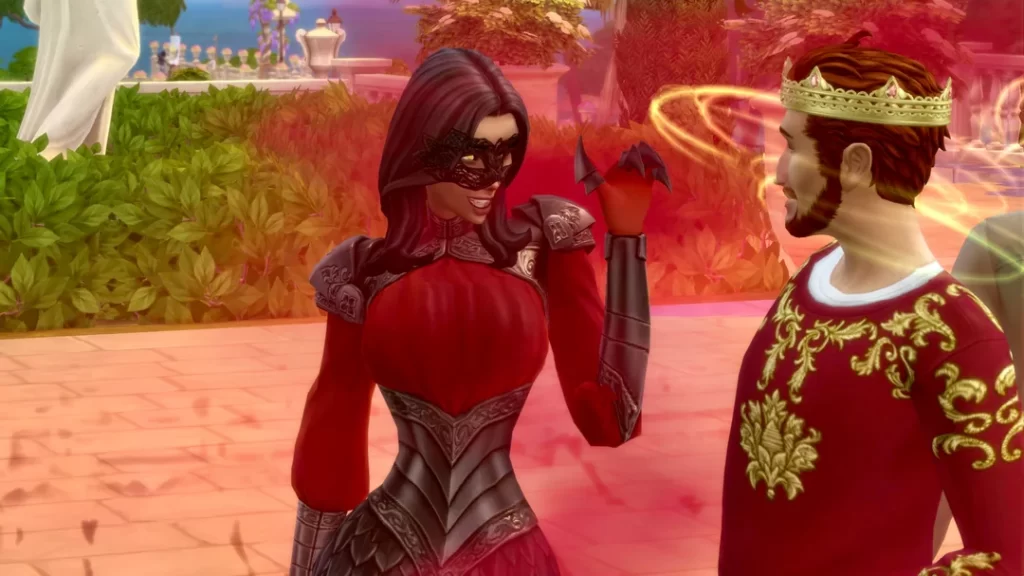
A picture is worth a thousand words, and I like what this story is saying. A regal king stands in his courtyard with a noble crown upon his brow. Before him, stands a mysterious woman dressed in matching scarlet gown and gloves. Though her face is elegant and appealing, the onyx talons on her fingers and armor on her shoulders imply that she is ready for war. Her weapon of choice? Seduction.

Vampire Countess tries to gain prestige in The Sims 4: Royalty and Legacy
Vampire Countess seduces her way to the top. Photo by user AresValley.

She flirts with the king, leaving him enraptured in the lady’s glowing eyes. He is fully convinced that he has found the object of his affection, while she is convinced that she has found the source of her power. She nuzzles the king’s neck, plunging her fangs into his jugular, but quickly escapes when she sees that the paparazzi have arrived – not scared but satisfied. What are her plans for when she takes the throne?

A mysterious vampire countess is luring her way into nobility…
by u/AresValley in Sims4

So many amazing stories are being uploaded to social media every day. The Sims 4 community is filled with a plethora of playful players ready to tell a tantalizing tale.


You can share your own dynasty disasters or romantic conquests in the comments, tag us on socials (@TheSimCommunity), or submit via Gallery/Reddit spotlights – we’d love to feature you next!

The Sims 4 Tattoos CC and Piercings: 30 Bold Sets To Level Up Your Sims’ Look

If you’re looking for the best The Sims 4 tattoos CC and piercings CC, check out this list of amazing content I have compiled from some of the best creators! When it comes to expressing individuality and creativity in The Sims 4, few things let your Sim stand out like custom tattoos and piercings. While the base game offers a handful of body art options, why settle for a small star on the wrist when your Sim could be rocking a full sleeve of neon dragons, or a septum ring that screams “I am the one and only”!

Tattoos

2000s Tattoo 1 by bbtaylor19

2000s Tattoo by bbtaylor19

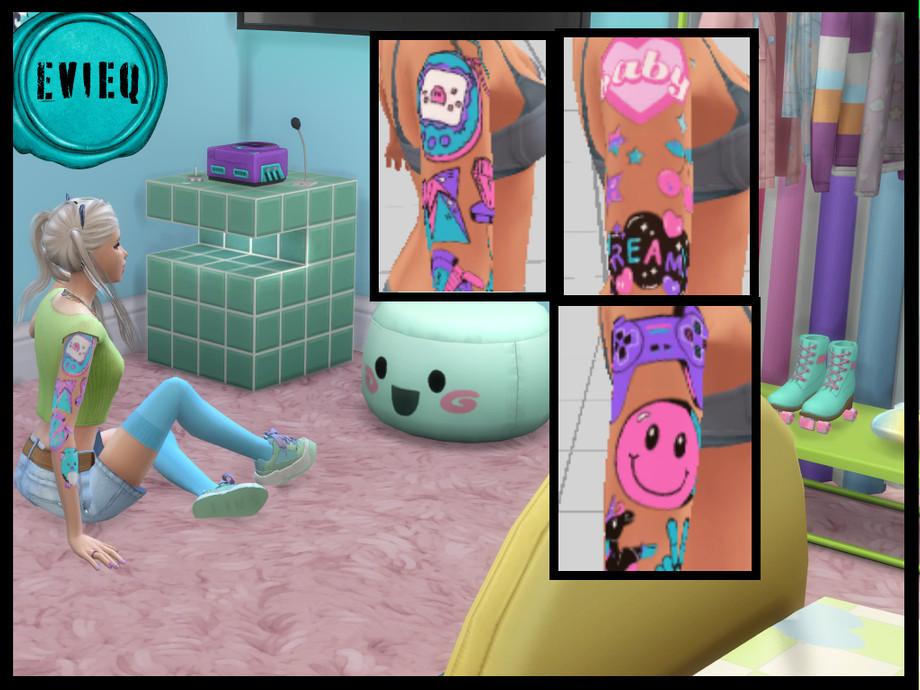
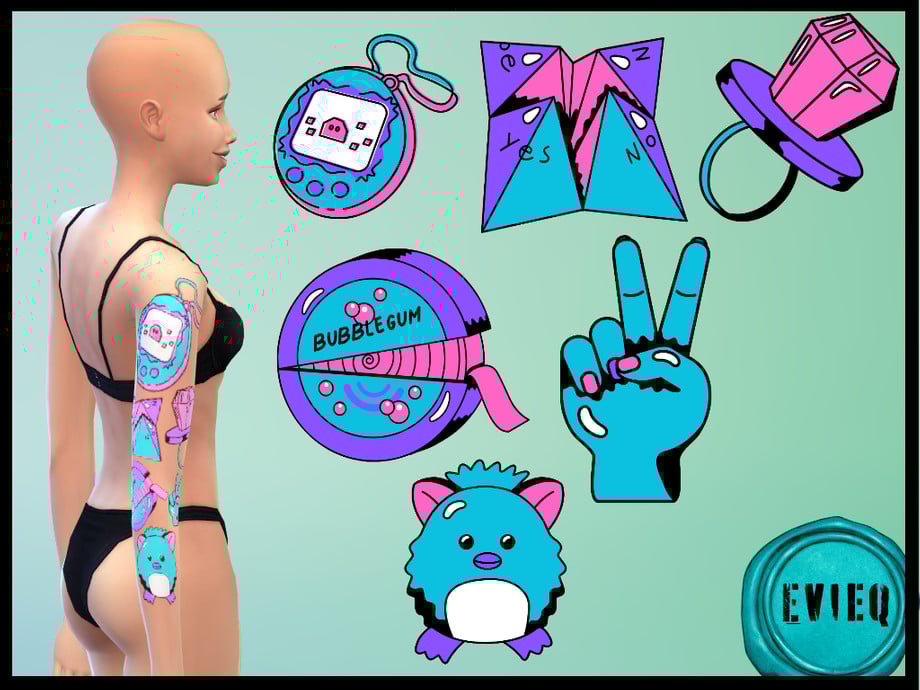
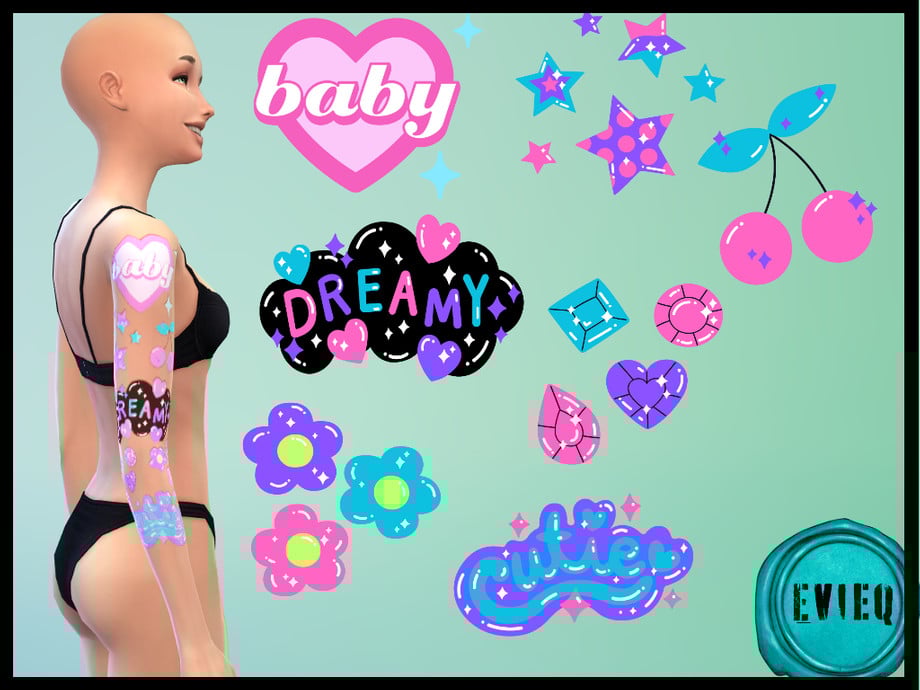
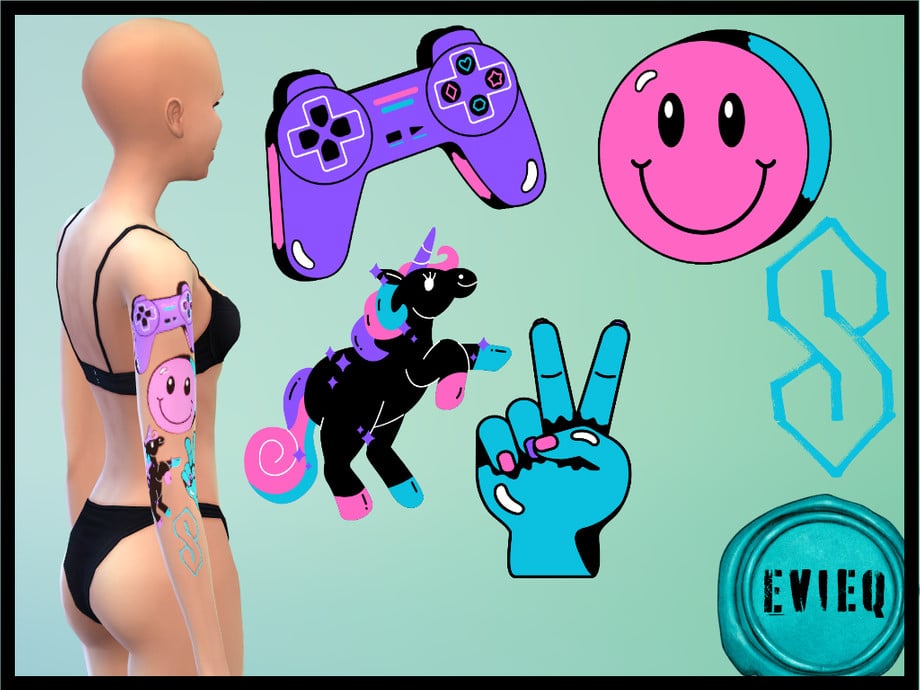
Splashes of pink, purple, blue, and black await you in the 2000s tattoo 1 pack by btaylor19. This right upper arm sleeve features many different 2000s graphics, such as video game icons, nostalgic candies, and sparkly gems. This sleeve set comes in 3 different swatches and is base game compatible.

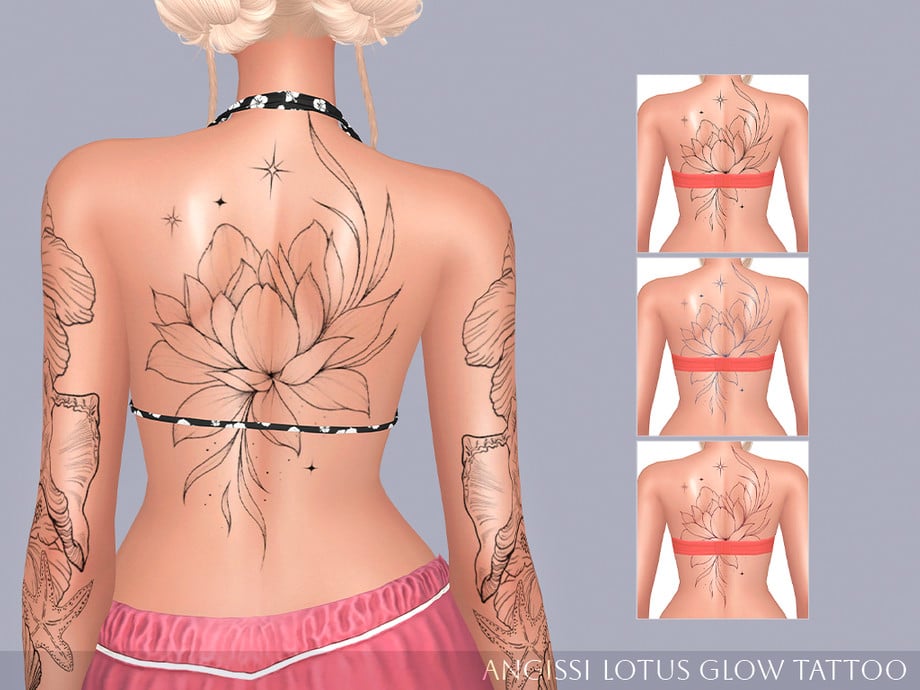
Lotus Glow Tattoo by ANGISSI

Lotus Glow Tattoo by ANGISSI

The Lotus Glow Tattoo created by ANGISSI is a full back tattoo for both men and women. There are 3 different swatches available, and works with all skin tones. Each swatch features a giant, beautiful lotus flower with a few sparkles!

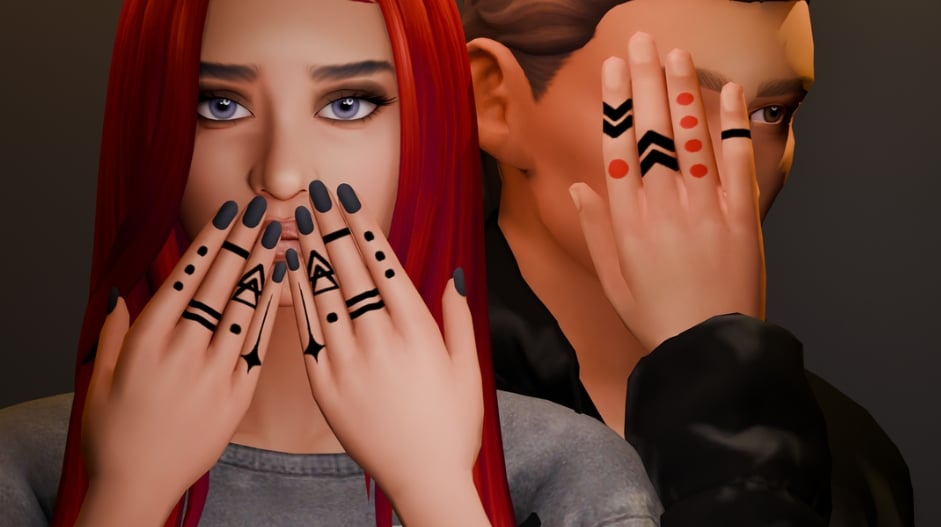
Knuckles Ink Tattoo Set by SNOOTYSIMS

Knuckles Ink Tattoo Set by SNOOTYSIMS

Not enough finger tats for your Sims? Check out the Knuckles Ink Tattoo set by SNOOTYSIMS! These tattoos come in 6 different swatches, featuring different geometric patterns and lines.

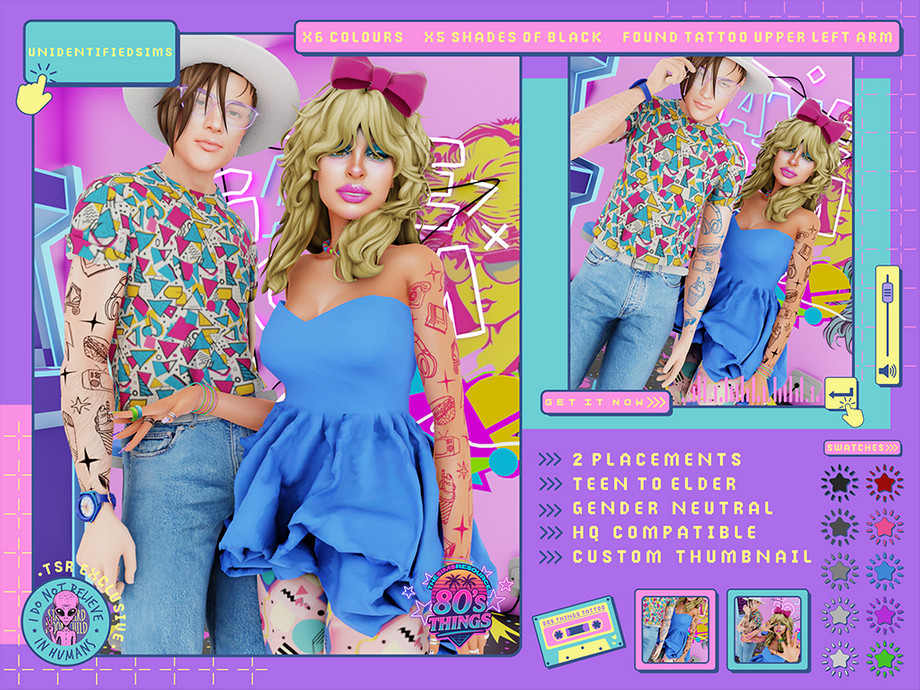
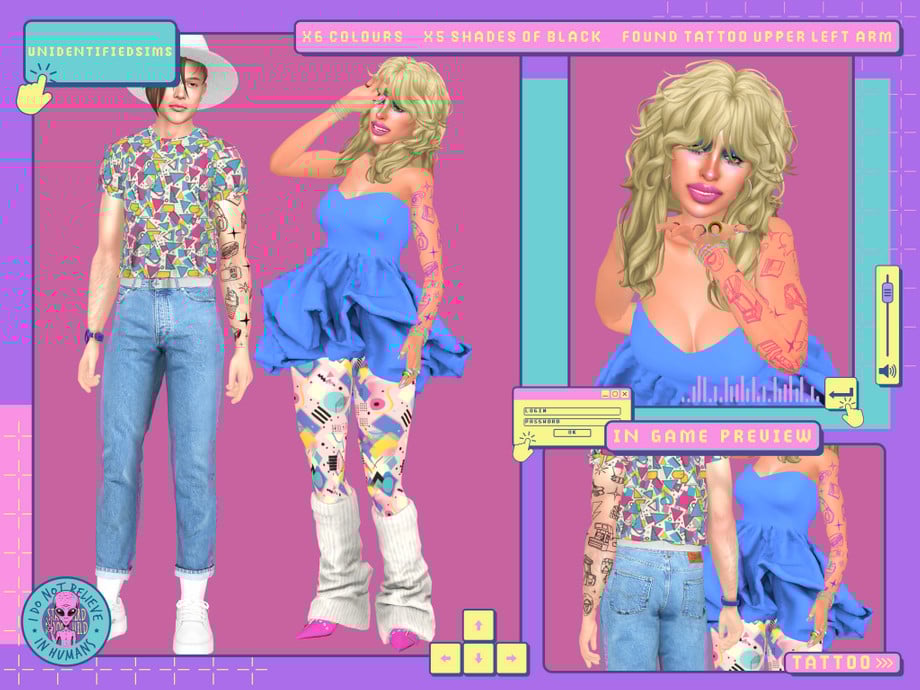
80s Things Sleeve Tattoo by unidentifiedsims

80S Things Sleeve Tattoo by unidentifiedsims

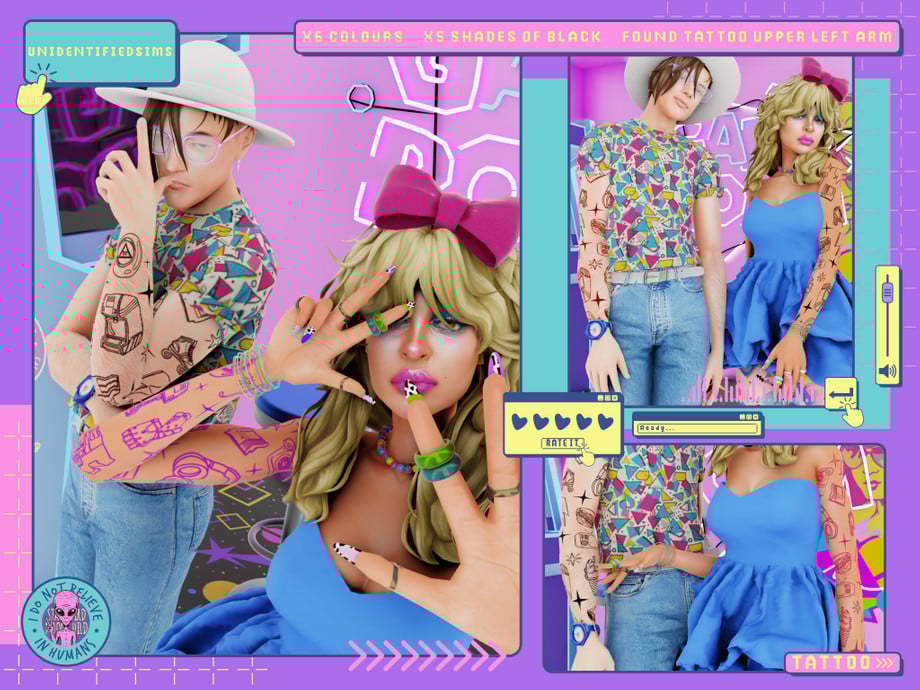
Party like its the 80’s with the 80s Things Sleeve Tattoo by unidentifiedsims! Classic 80’s symbols such as computers, milkshakes, and headphones all create a very unique sleeve for your retro Sim. There are a total of 6 different colors, 5 different shades of black, and it is available for all genders; teen to elder.

Melody-Rose Tattoo by fairyreese

Melody-Rose Tattoo by fairyreese

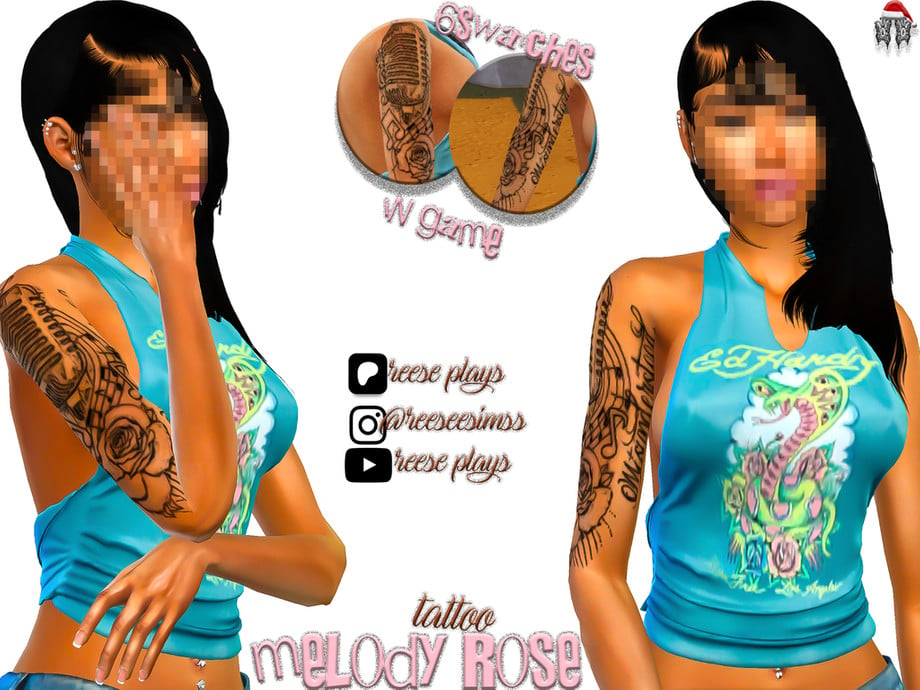
For your music-loving Sims, Melody-Rose Tattoo by fairyreese is a quarter-sleeve tattoo that comes in 6 swatches. In this tattoo, you will notice a microphone surrounded by music notes, a rose beneath, and the word “Misunderstood” on the inner bicep. This piece will look amazing on any Sim strumming a guitar or stepping up to the microphone, and could work great for storytelling!

Full Sleeve Tattoos by demondare-sims

Full Sleeve Tattoo by demondare-sims

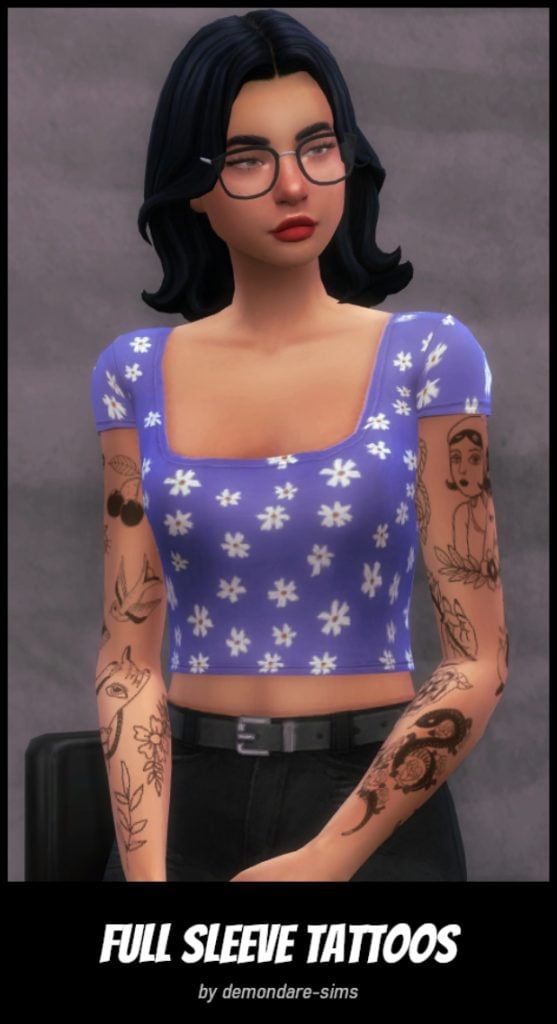
Randomness and adorableness are combined in Full Sleeve Tattoos by demondare-sims. Available for left, right, or both arms and features American traditional tattoos like a snake with roses, cherries, and sparrows. There is even a lovely lady wearing a bonnet and mystical hands!

Tattoo Pack N1 by emmibouquet

Tattoo Pack N1 by emmibouquet

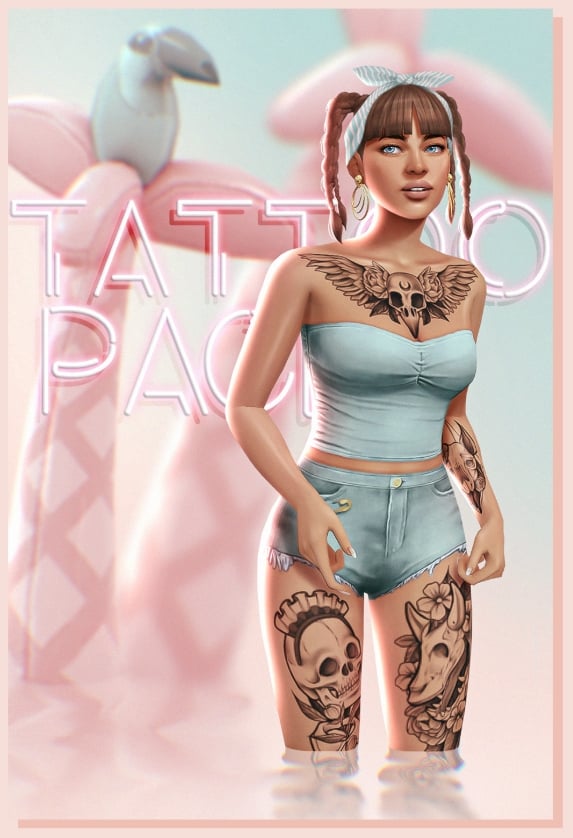
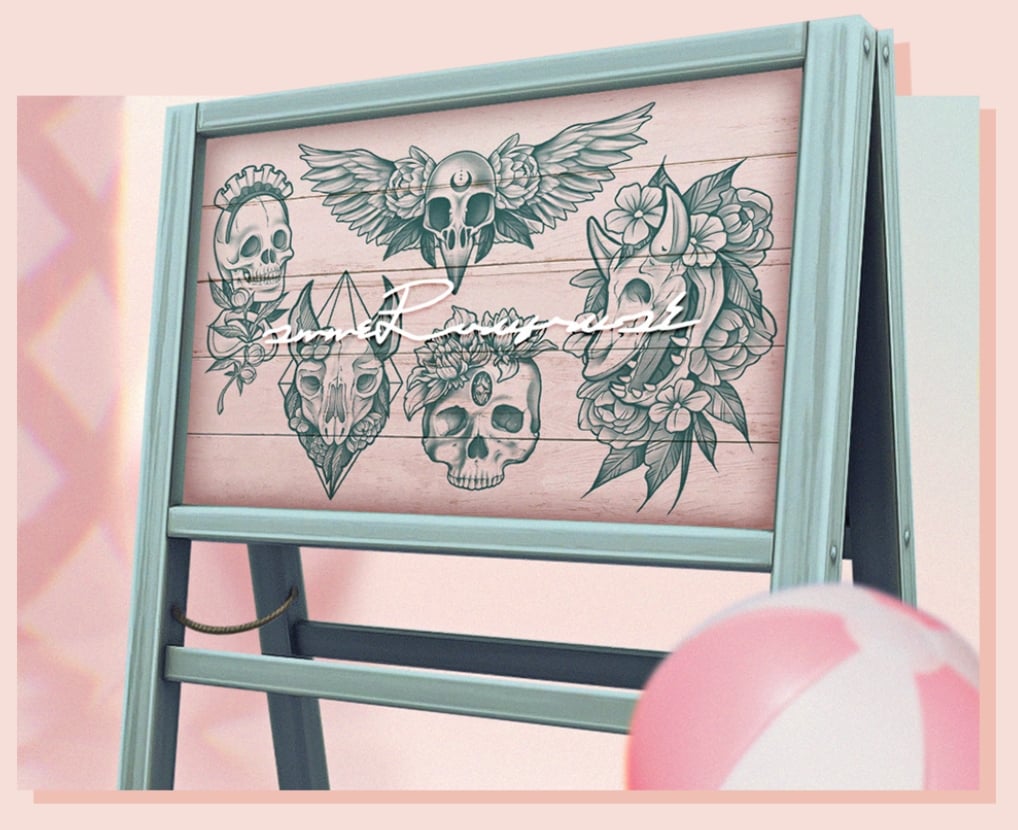
Tattoo Pack N1 by emmibouquet is completely customizable; there are 5 designs located on different body parts with two package files, so you are able to mix and match different designs. They all feature animal skulls (Even a Cow Plant!) with flowers, and some have geometric patterns or symbols. This set will look amazing on any Sim!

Hand Tattoos #1,2 by BYDIV.studios

Hand Tattoos #1, 2 by BYDIV.studios

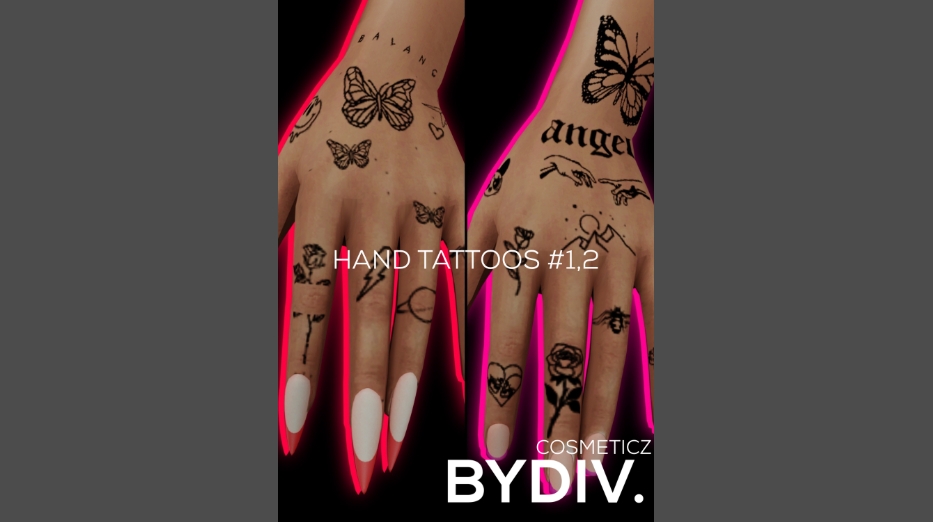
When your female Sim needs a little something extra, HAND TATTOOS #1,2 by BYDIV.studios will be sure to make her hands stand out! There are a total of 6 swatches, and features small details such as, flowers, butterflies, smiley faces, and bees.

Caroline Tattoo by myshunosun

carolinetattoo

This beautiful American traditional sleeve of flowers and sparrows by myshunosun comes in 6 different swatches for all genders. The different color hues all match perfectly, whether you want a pop of color or black and grey.

Old School Tattoo Sleeve, Right Arm (American Traditional) by Venerian

Old School Tattoo Sleeve by Venerian

Bats, cowgirls, skulls, spiderwebs, and more await you in the Old School Tattoo Sleeve CC pack by Venerian. This tattoo set is found in the lower right arm category with 6 swatches, and has no gender restrictions. American traditional maybe considered “Old School”, but this set will definitely have you standing out in the crowd!

TuPu Art Collab Vintage Pinup V1 Tattoo by unidentifiedsims

TuPu Art Collab Vintage Pinup V1 Tattoo by unidentifiedsims

Pinups may be vintage, but they never go out of style! TuPu Art Collab Vintage Pinup V1 Tattoo by unidentifiedsims features two cute pinups, with other small designs like flowers and sparrows. There are 2 colors with 5 different shades, and you will find this amazing piece in the upper left arm tattoo category. This is also base game compatible and will work with both Alpha and Maxis Match skins!

Roger Tattoo by Theasimzcc

Roger Tattoo by Theasimzcc

Aye Aye, Captain! Roger Tattoo by Theasimzcc features nautical designs as well as skulls and roses. Perfect for any skin tone, this download will be a perfect addition to your male Sims tattoo collection.

Ravyn Tattoo by NekoChan-Simmer

Ravyn Tattoo by NekoChan-Simmer

Knee tattoos are not for the weak! Show others how tough your Sim is with Ravyn Tattoo by NekoChan-Simmer. You will find 4 different swatches that include 2 different placements and sizes of an awesome, realistic skull with its mouth wide open.

Laurie Tattoo by NekoChan-Simmer

Laurie Tattoo by NekoChan-Simmer

For the gothic style Sim, Laurie Tattoo by NekoChan-Simmer features a mystical tattooed hand holding the Lovers tarot cards. There are 6 different swatches to let you place this in multiple different areas, and it is not gender locked. These would look fantastic on any magical Sim!

Full Sleeve Tattoos For Men by VHSync

Full Sleeve Tattoos For Men by VHSync

Wanting to switch up your male Sim’s style a bit? VHSync has also created Full sleeve tattoo, a collection of 14 full arm tattoos for male sims, all in black ink! There are many different styles to choose from, including simple, American traditional, and flash sleeves.

Traditional Cat Tattoo by VHSync

Traditional Cat Tattoo by VHSync

For Sims who just love their cats! Traditional Cat Tattoo by VHSync features 12 different kitty and American traditional designs that make up a full sleeve. Some of the designs you will find are a cowboy cat, a mystical cat, skulls, and a skydiving penguin! This can be worn on the left or right arm by either gender.

Random Back Tattoos by Shanverse

Random Back Tattoos by shanverse

Random Back Tattoos by shanverse features 4 swatches with different designs like an owl, a sun/moon, a dragon, and a sword. These tattoos fill the entire back, but they are located in the lower back in CAS. Whether you are looking for thin lines or an entire piece, this set might just have the tattoo for you!

Back Tattoos by IZZIEMCFIRE

IMF Back Tattoos by IZZIEMCFIRE

Back tattoos can be the statement that every stylish Sim did not know they needed! IMF Back Tattoos created by IZZIEMCFIRE includes 6 different designs in black ink, including a mermaid and a dazzling rose!

Youngbloods Tattoo Set by SIMSNECTAR

The Youngbloods Tattoo Set by Simsnectar

The Youngbloods Tattoo Set by Simsnectar is a black and grey realism sleeve featuring a heart with a dagger, dice, a dragon, and more! Available in 3 swatches: upper half, lower half, and full sleeve.

Heartline Tattoos by myshunosun

Heartline Tattoos by myshunosun

Roses, flowers, lemons, moths, and more await you in Heartlines Tattoos by myshunosun! There are 3 different placements for tattoos: the chest, left arm, and right arm, and they are all base game compatible. Whether you want black and grey or all the colors, there are between 3 and 12 swatches for each tattoo, giving you a little more freedom to customize how your Sim looks!

Piercings

GROOVE Cheek Piercings by PralineSims

GROOVE Cheek Piercings by PralineSims

This piercing set is a statement piece that will set any Sim apart from the rest. GROOVE Cheek Piercings by Pralinesims has the option of wearing the left, right, or both sides, as well as a double cheek piercing! This amazing set comes in 15 different colors and is available for all genders.

Gothi is Rock Collection – Piercing Set by Blue Craving

Gothi Is Rock Collection - Piercing Set by Blue Craving

Spikes and rings for the hardcore Sims! Gothi is Rock Collection by Blue Craving featuring 4 different piercings: a spiked bridge, a lower lip spike, 4 mouth rings, and an asymmetrical septum piercing! These can all be combined as well to give your Sim the look of your dreams.

Dahlia Tongue Piercing by Pitted0live

Dahlia Tongue Piercing by Pitted0live

The one piercing missing from The Sims 4? The tongue ring! Dahlia Tongue Piercing by Pitted0live fills this gap with this lovely little ring that has a small diamond on top. This would look amazing on any Sim and with its coloring could be paired with any outfit!

Ava II Lip Piercing by WisteriaSims

Ava II Lip Piercing by WisteriaSims

The Sims 4 has added lip rings, but not nearly enough of them. Ava II Lip Piercing by WisteriaSims includes a double lip ring on both sides of the lower lip and is available in 2 colors: silver and gold.

JEKYLL & HYDE Piercings by Pralinesims

JEKYLL & HYDE BY PRALINE SIMS

This CC set by PralineSims is absolutely stunning! JEKYLL & HYDE has 2 piercings, anti-eyebrows, and lip corner piercings. These piercings are very unique, and to make things even better, they come in 15 colors each! These can all be combined and work well with facial movement and sliders!

BLASPHEMY Eyebrow Stud Piercing Selection by PralineSims

Sims 4 cc tattoos and piercings

PralineSims has also brought to life BLASPHEMY Eyebrow Stud Piercing,s which includes 12 total piercings, 6 for the left and 6 for the right. These options also allow you to play with the piercings in multiple eyebrow spots. This set, as well, comes in 15 colors and would look great combined with their other creations!

Happy tummy! ring collection by Mewo-ita!

happy tummy! by Mewo-ita!

Belly button piercings have also been forgotten by The Sims 4, but thankfully, we have amazing CC creators to help us fill our game out. Happy tummy! Ring collection by Mewo-ita! features 11 different super cute unisex belly rings! You will find charms like lollipops, a rubber ducky, a donut, a strawberry, and many other cute designs. These will be perfect for Summertime looks or trips to the beach!

Nawany Septum Piercing by Maxi Moons

Nawany Septum Piercing by Maxi Moons

Nawany Septum Piercing by Maxi Moons is such a beautifully crafted piece! Available in 5 swatches, this septum ring features 1 larger colored heart trailed by 2 smaller metal colored hearts. Perfect for any occasion!

Caliope nose rings by Overkill Simmer

overkill

Sometimes the most subtle piercings can make the biggest statements! Calliope nose rings created by Overkill Simmer feature a metal septum hoop, followed by a lovely chain septum adornment that transfers over to the side nose ring. These piercings come in 5 swatches, perfect if you want to pair with your Sim’s different outfits.

Bridle piercing set by Blahberry Pancakes

Bridle Piercing Set by Blahberry Pancakes

Bridle piercing set created by Blahberry Pancakes is definitely a standout and unique piece for any alternative Sim. This set features 4 different piercings: Septum, High Nostril, Double Nostril Piercing, and Septum. These pieces stack absolutely stunningly together, and with a whopping 28 different swatches, the possibilities are endless!


What are your thoughts on our list of recommended The Sims 4 Tattoos CC and Piercing Sets? Let us know in the comments down below and see more of our Sims 4 Custom Content spotlights!

New Service NPCs in The Sims 4 Royalty & Legacy: Upgrade Technician and Dynasty Tutors Guide

The Sims 4 has introduced many helpful service NPCs over the years, from butlers and nannies to ranch hands and inheritance lawyers. Now, with The Sims 4 Royalty & Legacy expansion pack, players get not one, but three exciting new service options to elevate gameplay with any household, not just the royals ones. An Upgrade Technician, a One-Time Tutor, and a Scheduled After-School Tutor are the new services you can expect! In this guide, we will walk you through exactly how to hire each one, what they do in your game, and why they’re game-changers for making your Sims’ lives run smoother than ever.

NPC presentation

A new Upgrade Technician

What is an Upgrade Technician

Tired of forcing your Sims to grind their Handiness skill at a woodworking table just to upgrade household objects? Imagine them focusing on what really matters instead: climbing the career ladder, unwinding with friends, or heading out on that perfect date. Enter the long-awaited Upgrade Technician, the newest service NPC from Royalty & Legacy that’s here to handle those tedious upgrades so you never have to touch a Handiness book or woodworking table (unless you want to for the fun of it!).
Don’t confuse this service with the base game’s Repair Service, which your Sims call when appliances break down. The Upgrade Technician has one clear mission, right there in the name: improving the quality of appliances, plumbing, electronics and furniture, freeing up your Sims’ time for bigger ambitions in any household.

18 02 2026 100049

How to hire an Upgrade Technician

The great news? This service isn not exclusive to dynasties or nobles, any Sim from any world can hire the Upgrade Technician! Just like other services, access it easily from your Sim’s computer (via the Household menu) or phone (in the Home app). Any teen Sim and up can make the call, no need for an adult to handle it.

Word of caution: Time is money here, and this is the priciest service NPC yet, at §1,200 upfront + §95 per hour. Make sure your Sims have deep pockets (or a hefty household fund) before calling in the pro!

Capture decran 2026 02 18 a 20.51.07

You can call and ask for an Upgrade Technician at any time in the game, though it is worth noting that if you call starting 9:00 PM, the Upgrade Technician will not come before 7:05 AM the next day. If you call during the day, expect him to arrive in the next 15 minutes.

Important:

  • you cannot hire more than one Upgrade Technician at a time.
  • you cannot hire another Upgrade technician as long as the other one is still working. As soon as you get the pop-up telling you they are done, you are good to call again, even if the technician is still on your lot.
Capture decran 2026 02 18 a 21.00.35

What happens when the Upgrade Technician comes

As mentioned above, the Upgrade Technician‘s main job is to boost the quality and reliability of your Sims’ household objects so they break less often (or never), stay cleaner longer, or provide extra moodlets and perks (just like manual Handiness upgrades, but without the skill grind!). Once the Upgrade Technician arrives on your lot, a prominent pop-up appears asking you to select a preferred upgrade category. Your options include:

  • Electronics
  • Furniture
  • Kitchen
  • Plumbing
  • No preference (the Upgrade Technician will randomly start upgrading any available object).

If you pick one of the first four categories, they will prioritise objects in that group at first. However, you cannot specify an exact item to start with, they will choose what needs upgrading within the category.

Capture decran 2026 02 18 a 21.15.42


A few handy notes on how it works in practice:

  • If your chosen category has no eligible objects left (e.g., everything’s already maxed out) or none exist on the lot, the Upgrade Technician will move on to other available objects.
  • Even if there aren’t enough items in your selected category to fill their time, they will happily upgrade other types if present, so you get the most value from their visit!
  • Not happy with them branching out? You can dismiss or fire them at any moment to stop the process (handy for controlling costs or preferences).
  • Like other service NPCs, you can also give them a §100 tip for great service.
  • If your lot is packed with eligible objects (especially in a royal estate or big legacy home), don’t expect the Upgrade Technician to upgrade everything in a single visit. They typically stay for 3–4 hours (depending on how much there is to do), focusing on as many items as time allows within your chosen category (or randomly if “No preference” is selected). Once their time is up and they leave, you will need to hire the service again if you want them to continue upgrading the remaining objects. This makes it a premium, ongoing investment, perfect for phased improvements, but it does mean budgeting for multiple calls on larger lots.
  • Once the Upgrade Technician has upgraded an equipment, all eligible upgrades will be applied at once.
  • Pro tip: Prioritise high-impact categories first (like Kitchen or Plumbing for daily use) to get the biggest bang for your simoleons early on. And remember, you can always dismiss them mid-visit if costs start adding up or priorities change!

Complete list of eligible upgrades by Technicians

Here is a complete list of all eligible objects divided by category.

  • Electronics:
    • Burglar Alarm
    • Computers
    • Dew collectors (Eco Lifestyle)
    • Dr. June’s Weather Control Device (Seasons)
    • Drones (Get Famous)
    • Dryers (Laundry Day)
    • Fireplaces
    • Gaming consoles
    • Gaming mats
    • Heaters (Snowy Escape)
    • Karaoke machines (City Living)
    • Radiators (For Rent, Vampires)
    • Radios & Speakers
    • Robot Vacuums (Cats & Dogs); both the base and the robot get upgraded, except for The Mold -Buster Dehumidifier upgrade.
    • Solar panels (Eco Lifestyle)
    • Tablets
    • Televisions
    • Trash chutes (Discover University and Lovestruck)
    • Vacuums (Bust The Dust)
    • Video stations (Get Famous)
    • Washers (Laundry Day)
    • Water generators (Eco Lifestyle)
    • Wind turbines (Eco Lifestyle)
  • Furniture:
    • Beds
    • Fire lamps (Dine Out and Adventure Awaits)
    • Treadmills
    • Vertical gardens (Eco Lifestyle)
  • Kitchen:
    • Coffee machines
    • Espresso machine (Get Together)
    • Grills
    • Microwaves
    • Pizza ovens (Home Chef Hustle)
    • Refrigerators
    • Stand mixers (Home Chef Hustle)
    • Stoves
    • Waffle makers (Home Chef Hustle)
  • Plumbing:
    • Bathtubs
    • Hottubs
    • Saunas (Spa Day)
    • Sinks
    • Showers


Oddly enough, it seems that most of the functional items from For Rent and some other packs are not upgradable by Upgrade Technicians, although the items themselves are upgradable.
The list includes:

  • Blenders (Adventure Awaits)
  • Bowling alleys (Bowling Night)
  • Fuze boxes (For Rent and Restoration Workshop)
  • Kettles (Adventure Awaits and For Rent)
  • Pressure cooker (For Rent)
  • Water heaters (For Rent and Restoration Workshop)

Another key limitation we have noticed: the Upgrade Technician will not apply eco-upgrades that come with The Sims 4 Eco Lifestyle. Those still require manual Handiness work.
Despite this (and a few other non-upgradable items), this NPC is a total lifesaver for all play-styles, especially no-cheat players! Upgrading can eat up hours of your Sims’ day, but now they can hire a specialist to handle most of it. For the rare items the Upgrade Technician skips, a quick manual upgrade does the trick. Overall, we were thrilled with their efficiency and your household will thank you!

Two new dynasty-exclusive Tutors

Unlike the universally available Upgrade Technician, the two new Tutor services are exclusive to Dynasty members and unlocked via a specific Dynasty Perk (typically starting at Level 2 Prestige). The two types of Tutors are:

  • One time tutors.
  • Scheduled After-School tutors.
18 02 2026 173948 2

Their have identical roles: once hired, the NPC simply appears with a Tutor role with no visual distinction. These multi-talented pros teach skills to Sims of all ages (from kids to elders) and provide targeted homework help for children and teens. Perfect for busy parent Sims juggling home and work tasks, or even adults needing a quick boost in career-critical skills like Charisma, Handiness, Logic, Cooking, Painting, and more (covering a good amount of in-game skills with exceptions will cover later). Whether it is acing school reports or maxing out that promotion requirement, Tutors bring expert mentoring straight to your lot, no rabbit holes required!

So what’s the difference? They both teach skills and help with homework, the only difference is the time at which they will visit your Sims’ lot, that’s it.

One Time Tutors:

  • Come every day of the week, weekends included.
  • If you call between 9:00 AM and 8:59 PM, your Tutor will come in the next 15 minutes.
  • If you call after 9:00 PM, you will have to wait until 9:05AM of the next day for your Tutor to come.

Scheduled After-School Tutors:

  • Come from on business days, so from Monday to Friday starting 3:35PM.
  • If you call on weekdays between 3:30PM and 8:59PM, the Scheduled After-School Tutor will come in the next 15 minutes.
  • If you call on weekdays after 9:00 PM, you will have to wait until 3:35 PM of the next business day for your Scheduled After-School Tutor to come.
  • If you call during the weekend, you will have to wait until Monday 3:35 PM until the Scheduled After-School Tutor comes.

How to hire the dynasty-exclusive Tutors

As mentioned earlier, this service is exclusive to dynasty members.
Quick Dynasty refresher: Every time your Dynasty hits a new Prestige Level, the Head receives Dynasty Perk Points to spend. Access the perks via the Dynasty menu (under Social or Household tabs). The Tutor Perk costs 50 Perk Points and unlocks both hire options. Here’s the official description:
Dynasty Members can hire a Tutor via Hire a Service in the Phone. The Tutor is a highly-skilled Sim who will help Children and Teens with their homework, and can mentor any Household Sim on their Skills.
Without this perk, Tutors won’t appear on phones or computers. Resetting perks also removes them from the available services list.

Capture decran 2026 02 19 a 17.45.45 2

Key notes:

  • Only teens and up can hire Tutors.
  • Dynasty outcasts cannot hire Tutors.
  • Like other services, you can hire Tutors via computers as well (Household menu).
  • If you hire a One time Tutor, you can hire an After-School Tutor as well, but if you hire an After-School Tutor first, you cannot hire a One time Tutor.
  • Keep in mind that you cannot have both Tutors at the same time on your lot, as the game considers them as one type of NPC.
  • Both kinds of Tutors cost §100 upfront + §30 per hour, which is much more affordable than Upgrade Technicians.
  • At any point before the Tutor comes, you can cancel your tutor service via the phone. Depending on how much time there is left before the NPC comes, you might still be billed §100 even when canceling.
Capture decran 2026 02 19 a 18.00.49

What happens when the Tutor comes

Once the Tutor arrives on your lot, they will automatically seek out Sims engaging in mentorable activities, like children and teens tackling homework, or any Sim practicing skills (e.g., rehearsing a speech for Charisma, cooking in the kitchen, playing chess for Logic, and more).
Want to direct them to a specific Sim? Click the relevant skill object (e.g., a mirror), select Mentor > Ask for [Skill] Mentoring (like Charisma), then choose the Tutor from the pie menu. Tutors will generally stay a couple of hours but never all day long.

Key notes for homework:

  • For faster help, have your young Sim sit or stand right next to the Tutor, or use “Come Here” to bring them over. Speed up those straight-A’s in your dynasty!
  • Children and teens cannot actively ask the Tutor for help, but once they start their assignment, the Tutor will autonomously swoop in to assist.

Like any other Service NPC, at any point you can:

  • You can dismiss or fire Tutors to stop the process (handy for controlling costs or preferences).
  • Like other service NPCs, you can also give them a §100 tip for great service.

What can Tutors really do

To confirm these Tutors are the real deal (and not just for show), we cheated one into our household for a closer look. We are pleased to report they come packed with high-level skills, many maxed out at level 10! While exact levels vary slightly between Tutors, the core skill set remains consistent, ensuring reliable mentoring every time. Skills Tutors can cover include:

  • Charisma
  • Comedy
  • Cooking
  • Fitness
  • Gourmet cooking
  • Guitar
  • Logic
  • Mixology
  • Painting
  • Piano
  • Programming
  • Research & Debate (Discover University)
  • Singing (City Living)
  • Swordsmanship (Royalty & Legacy)
  • Violin
  • Writing
Capture decran 2026 02 19 a 19.06.36

Tutors appear to be modelled after real-life private tutors, emphasising skills typically taught in structured lessons or academic settings, so practical, hands-on “craft” skills like Handiness, Flower Arranging, or Gemmology seem to be intentionally left out. Your Sims will still need to level those up the old-fashioned way: practicing manually, reading skill books, or, if you have The Sims 4 Businesses & Hobbies installed, attending Lectures for a more guided boost.

Even with these limitations, the service proves incredibly useful in tons of scenarios, whether it’s speeding up homework for the kids, pushing adults toward career promotions, or giving your dynasty heirs that extra edge. It’s exciting to see more specialised NPCs added to The Sims 4, even if this one’s got a touch of elitist exclusivity reserved for Dynasty members only!


What are your thoughts on these new NPCs with The Sims 4 Royalty & Legacy? Are you excited to hire them? Have you already done so? What are your thoughts? Share with us in the comments down below.

EA Announces New Changes to The Sims Creator Program

Electronic Arts boasts new benefits for The Sims Creator Program.

Electronic Arts and Maxis have released a brand new The Sims Blog post entry today, talking more about the new benefits coming to the already existing The Sims Creator Program. Which is just another way of naming The Sims subdivision within the EA Creator Network!

Within this blog announcement the team revealed some new benefits for the closed circle of players who are in The Sims Creator Program. Including new workshops and classes throughout the year for channel building and doing your own fundraisers through livestreaming. Sounds like a good way to forget about that EA buyout deal!

See what the team revealed in their latest blog post announcement:

CONVERSATION 2

The Sims Creator Program is Evolving: Official The Sims Blog

Sul Sul! 

We’ve got some big updates to share about The Sims Creator Program, our global creator community made to support, uplift and collaborate with creators across our family of Sims experiences. 

the sims creator program announce 1 Large

This program is all about celebrating your creativity, your ideas and opening the door to exciting opportunities with The Sims

As part of the program, creators can receive things like early access to new expansion packs and opportunities to collaborate with The Sims team, all while continuing to build your own unique voice.

Now we are opening things up even more.

We’re expanding the program to welcome more creators, more perspectives and more play styles! Players connect with The Sims in so many different ways, beyond traditional gameplay, and we want to celebrate all of it.

In-game screenshot of a open area with Sims performing various activities and interacting with each other.

New or Established, Your Voice Belongs in The Sims

We’re inviting creators of all kinds who express themselves through play, storytelling, design, identity, culture, humor and world-building — both inside and outside The Sims. Whether you’re just starting out, an established creator, have something new to say or are SIMply passionate we are excited to hear from you.

You may be a builder, storyteller, custom content (CC) creator or community leader. Orrrr… you may be a cozy gamer, artist or lifestyle influencer. 

Even if you’re new to The Sims or create other kinds of content, you’re welcome here.

Join us to help shape stories, build community and influence how The Sims grows next!

In-game screenshot of a Sim taking a selfie of herself in front of a mural on a wall. The mural has various Sims all posing next to each other.

Perks, Support, and Possibilities for Every Type of Creator

When you join, you’re not only getting our support, you’re getting access to exclusive content, opportunities and perks. These activities and offers are our way of thanking you for your continued passion and creativity in The Sims community. No matter what kind of creator you are, we’ll meet you where you’re at, and support you during exciting moments and milestones.

Here’s what that includes:

Access

  • Free game codes at new launches for you and your community
  • Early access to new launches (where applicable)
  • Occasional sneak peeks and early previews, including opportunities to preview content with Sims developers
  • Chances to receive Sims swag or other physical goodies during key Sims milestones
  • Access to a private Discord where you can chat with The Sims team and fellow creators
  • Access to the EA Creator Network platform, for opportunities across The Sims and other EA titles
  • Access to the Support-A-Creator (SAC) program, where you receive your own Creator Code to earn a commission 
  • [New] SAC Community reward discounts during select windows
  • [New] Exclusive creator discounts at Shop The Sims

Collaboration

  • Opportunities to take part in campaigns, livestreams and activations
  • Opportunities to collaborate with us both in-game and out, such as live events, workshops and more
  • Opportunities to join virtual and in-person feedback and beta playtesting

Support

  • A direct connection with a Sims team member in your region
  • Regular creator feedback surveys, sessions and listening opportunities
  • Resources to support safety, well-being and platform best practices
  • [New] Learning and education sessions throughout the year to help you grow as a Sims creator 
  • [New] Opportunities to apply for support to facilitate tech needs or creator-led events and charity fundraisers
Image of 4 Sims all standing next to each other in front of various buildings with mountains in the background.

A Place to Create, Be Seen, and Be Supported

Our creators inspire us every day, and we know that creativity looks different for everyone. That’s why we aim to support your unique vision in a way that feels right to you. Your voice matters to us, and that individuality is what makes our community special. 

We’re committed to fostering a welcoming space where creators feel respected, valued, supported and celebrated for who they are. As creators grow their online presence, we provide guidance and encouragement to help navigate the journey. We’re here to ensure everyone feels safe and empowered to show up as themselves.

Supporting diverse voices is not just something we care about; it’s a core value of The Sims and where we are headed in the future. 

We hope you’ll join us. We can’t wait to build that future with you.

Ready to join?

Visit The Sims Creator Program website to check eligibility requirements and learn more.


creator program lockup horizontal

How do I request to join?

Request to join through the EA Creator Network and select The Sims as your primary franchise. If you don’t see a fitting description for yourself, don’t worry; choose whichever describes you best. We believe there’s a creator in everyone!

Do I need to only create Sims content?

No. We welcome creators who make Sims and Sims-related content, as well as those whose content is adjacent (cozy games, lifestyle, design, storytelling, humor). If you’re creatively aligned with The Sims, you can request to join.

I haven’t posted in a while — can I still request to join?

As long as you’ve created Sims or Sims-related content in the last 90 days, you can request to join. We encourage creators to engage at a pace that feels sustainable and authentic to them.

Does follower count matter?

Not as much as you think! Creativity, tone, involvement, and consistency matter more.

What is the difference between The Sims Creator Program and the EA Creator Network?

They work in tandem! The Sims Creator Program is built with Sims creators in mind. The EA Creator Network is home to creators across all EA games, but it’s also where we share perks and opportunities tied to The Sims Creator Program. Once approved as a Sims creator, you can expect to hear from us there.

I’m already a member of the EA Creator Network, but not of The Sims Creator Program. How can I request to join The Sims Creator Program?

If you are a member of the EA Creator Network and have The Sims listed as your primary franchise, you’re already in The Sims Creator Program! You can also adjust your primary franchise at any time. Please reach out to your local point of contact to find out what opportunities and perks you can access.

How often do you review spots for The Sims Creator Program?

We value every creator who requests to join The Sims Creator Program, and we carefully review each request. Reviews are ongoing at the team’s discretion. You can expect new creators joining every month or two.

Who is not eligible for The Sims Creator Program?

The Sims Creator Program is not open to anyone who has violated the terms of any previous EA creator program (e.g. EA Game Changers), the EA User Agreement, or the EA Creator Network Trust and Safety Guidelines, or who is employed by another game developer or publisher. Those removed from any previous EA creator program are also not eligible to rejoin or be reinstated.

I requested to join the The Sims Creator Program and meet all the requirements, does that mean I’ll get in?

Participation in the The Sims Creator Program is at EA’s discretion. Meeting eligibility criteria does not guarantee acceptance or continued participation. EA and The Sims team do not provide individual feedback on selection decisions.

I’m a parent, talent manager, or agency representative and I represent a creator that wants to be a part of this program. Can I be a part of the program on their behalf?

Unfortunately we don’t allow talent agencies, talent managers, or parents to apply or take part in this program on behalf of individual creators.

I’m not a traditional streamer or Youtuber but I run a Sims fansite/fan community. Can I apply to The Sims Creator Program?

Yes, creators who operate fansites or fan communities dedicated to The Sims are welcome to apply, and will be required to sign the same agreements as other EA Creator Network creators.

What opportunities are available?:

Early access, livestreams, content spotlights, UGC showcases, campaigns, Creator Grants, educational resources, and more!

Do I need to be an on-camera creator to be accepted?

No! Off-camera creators (builders, storytellers, custom content creators, community leaders, etc) are equally welcome.

Is the program global?

Yes — and we’re expanding to more regions over time.

What is the Support-A-Creator initiative?

Support-A-Creator is an optional program where Sims community members can support creators by purchasing eligible EA content. Participating creators can apply for a unique Creator Code. Players who use the code during eligible purchases on the EA App, EA.com, or in-game may earn the associated creator a commission under the program’s terms.
To join, creators must review and accept a separate Support-A-Creator agreement, which is distinct from the EA Creator Network and The Sims Creator Program agreements. Participation is not automatic; eligibility, setup, and terms are shared with invited or applying creators.

Are Sims Creator Program members paid?

The Sims Creator Program members may participate in unpaid and paid opportunities. Receiving early access or creator benefits does not automatically mean content is paid or commissioned. When creators participate in paid, sponsored, or commissioned campaigns, this will always be clearly communicated in advance and requires appropriate paid disclosures based on region and platform.

Are there expectations around how creators talk about The Sims?

No. Creators are encouraged to share their honest feedback — positive or critical — as long as it complies with EA’s Trust & Safety Guidelines and is applicable platform rules. Participation in the program does not dictate opinions.

As a member of the The Sims Creator Program, do I have to participate in every opportunity that I’m invited to?

Not at all! Creators can choose to participate in as many or as few opportunities as they like.

Am I required to make content for every opportunity or hit a content quota to remain in the program?

No! While we always love seeing Sims content from you, creating content while you’re in the program is never mandatory unless you’re participating in a paid brand partnership, which are typically short-term sponsorships. We want you to create on your terms — there is never any content quota from us.

I requested to join but was not successful or my submission wasn’t reviewed. Can I reapply?

If you received an email inviting you to reapply, you can do so 90 days from when you received that email. If you don’t receive an email from us after 90 days, please log back into the EA Creator Network site to check your status and eligibility to resubmit a request again.

Do creators need to disclose when their content is part of The Sims Creator Program or EA Creator Network?

Members of The Sims Creator Program are expected to follow disclosure policies and applicable law for content that reflects their relationship with EA. Clear disclosures keep things transparent, honest, and healthy between creators and their communities. Creators are responsible for including clear and prominent disclosures in accordance with applicable laws, platform rules, and EA guidance.

Do creators’ actions outside of EA games affect their participation in The Sims Creator Program?

Yes. If you see a creator who is part of The Sims Creator Program behaving in a way that you believe may break our Trust & Safety Guidelines or The Sims brand values, whether directed toward other creators, community members, or EA, you can report them here.

Can I participate in third party paid sponsorships while being a member of The Sims Creator Program?

You may receive sponsorship or promotional opportunities from companies outside of EA. That’s generally permissable, and EA doesn’t object to you pursuing them. However, you aren’t permitted to use or feature EA brands, logos, or games (like The Sims) in those campaigns. The only exception is if a third-party paid sponsorships violates our EA Creator Network guidelines. If you’re unsure whether a sponsorship requires prior approval, we recommend reaching out to us before proceeding.

As a creator, can I use The Sims IP in third party paid sponsorships?

In most cases, no – not without prior approval.

If a paid sponsorship involves:

  • The Sims game footage
  • The Sims characters, worlds, or gameplay
  • EA or The Sims logos
  • Any official EA or The Sims branding

You must request permission before proceeding. You can submit a request through EA’s Content Permission process here: https://help.ea.com/en/articles/security-and-rules/ea-content-policy/

How can I, a representative of a third-party organization, collaborate with EA and/or The Sims and The Sims Creator Program participants? Who should I reach out to first?

We appreciate you taking interest in The Sims and the amazing creators we collaborate with. Please see our ‘How to request permission to use EA content’ article here. https://help.ea.com/en/articles/security-and-rules/ea-content-policy/


Is The Sims Team preparing for something that aligns with the recent rumors about new types of releases coming to The Sims 4 and The Sims Franchise in general? Time will tell.

the sims franchise future post buyout

What are your thoughts on the new The Sims Creator Program benefits and updated rules? Let us know in the comments down below and stay tuned for all the latest Sims news right here on Sims Community!

The Sims 4 Update: February 19th, 2026 Hotfix Patch Notes

Freezing during marriage and Family Tree fixes should be fixed with the latest Sims 4 Update!

A new Sims 4 Update has been released across PC, Mac, Xbox and Playstation supported platforms, just a week after the previous Hotfix Update release. As stated this Tuesday, the latest Sims 4 Update is a hotfix for two issues: Freezing during Marriage events and additional fixes to the Family Tree layout, overlapping and more.

sims 4 hotfix update family trees4
Source: ToutouXL on EA Forums

Find out what’s been fixed and improved in the official Patch Notes below:

The Sims 4 Update Logo

Another Hotfix Update

IInstalling the Latest Sims 4 Update

You can get the latest The Sims 4 Update on the following official launchers and platforms:

  • PC: EA App, Origin, Steam, Epic Games
  • Mac: Origin, Steam
  • Playstation: PS4 and PS5
  • Xbox: Xbox One and Xbox Series X / S

You can download the latest Sims 4 Update by checking for a Patch through the EA App, Steam or Epic Games launcher for Desktop. If you have Automatic Updates enabled the update will automatically download through your client program. In case your EA App is not working properly ensure you’ve cleared your app cache!

If you play The Sims 4 on Xbox Series X / S and Playstation 4 and 5 you can request a new update by checking for updates under The Sims 4 game in the Main Menu. If you’ve enabled automatic updates the Patch should download right away.

There’s also a handy official guide to Mods and CC maintenance, as well as backing up your Saves! Click here to learn all about healthy upkeep of your The Sims 4 files.

The Sims 4 Update

Official Sims 4 Patch Notes

Update 2/‌19/‌2026

PC: 1.121.372.1020 / Mac: 1.121.372.1220

Console: Version 2.30

Sul Sul, Simmers!

Here is a small update to address some important fixes related to Royalty & Legacy. Thank you so much for your continued reports via the EA Forums!
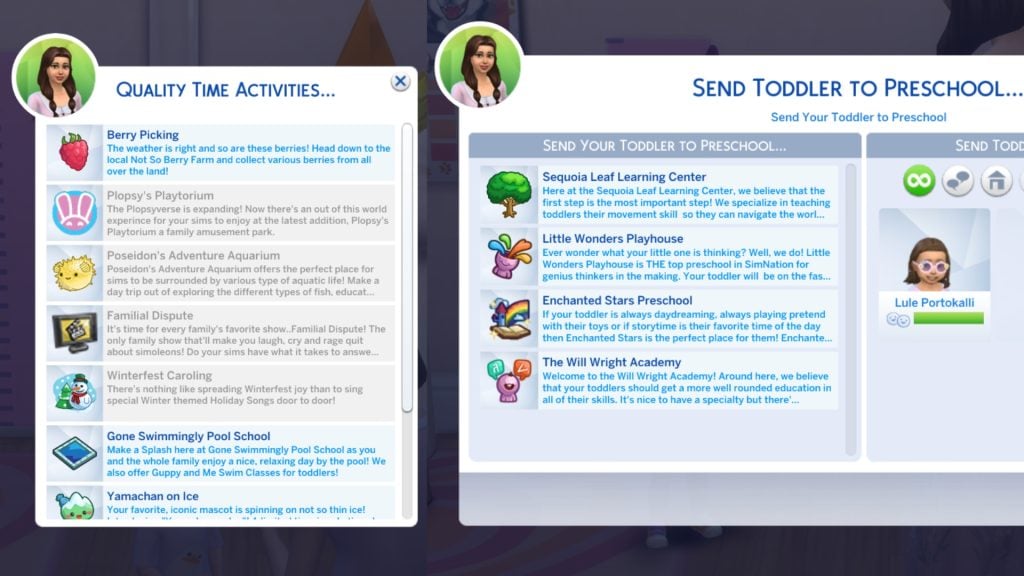
-The Sims 4 Team

Bug Fixes

Base Game / Multipack

Live Mode

  • [EA Forums] Resolved an issue found in some save files where the game would freeze when Sims are getting married.
  • Family Tree portraits will no longer overlap after a Spouse’s death when there’s a Secret Child.
  • [EA Forums] Resolved an issue in some saves where missing connections were appearing in the Family Tree and Sims portraits were not highlighted when selected.
  • [EA Forums] Resolved an issue where the game would stop responding when clicking on a Sim from the Family Tree in some save files.


What’s your experience with downloading the latest Sims 4 Update on your platform? Let us know in the comments below and stay tuned for the latest Sims News!

The Sims 4 Royalty & Legacy: Power Shifts Guide

Power Shifts in The Sims 4 Royalty & Legacy: The Magical Moments That Can Crown You… Or Curse You!

The Sims 4 Royalty & Legacy Expansion Pack contains FIVE new ‘Power Shift’ moments, gameplay opportunities that can either launch your Sim to the peak of nobility… or completely ruin their lives! There are many ways for your Sims to take the crown, and Power Shifts are by far the quickest, but not always easiest, way. Let’s take a look at all the storybook moments to discover in the new world of Ondarion!
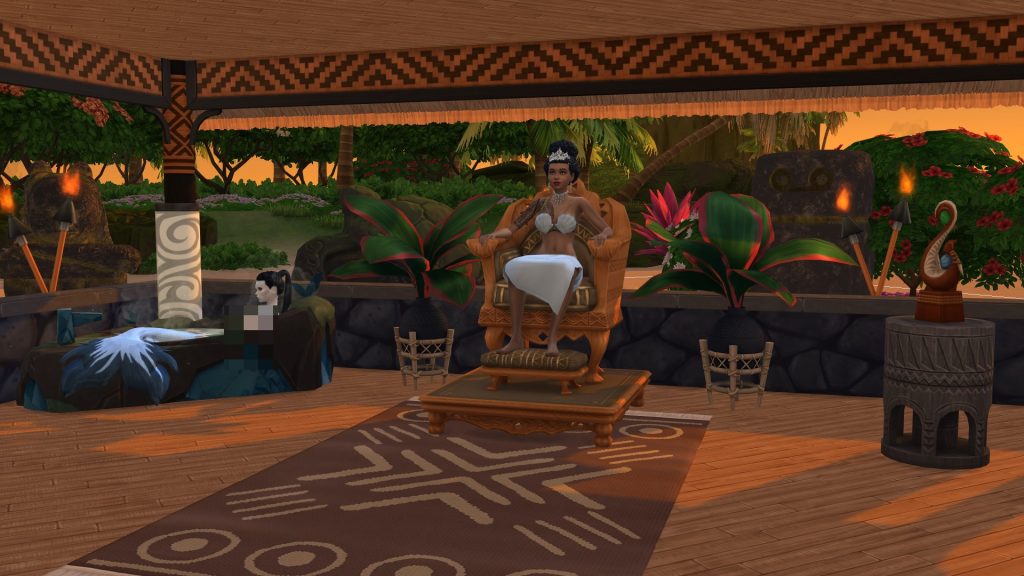
TS4 x64 fpb OwhgiKKaXY

The Crystal Slippers – On The Steps of the Palace

TS4 x64 fpb sqXFrQ4q6p

These exquisitely crafted, magical shoes bring elegance to every step. Slip them on and any Sim is instantly swept into dazzling finery. Those who dance the Grand Waltz in these shoes may find new love or see their fortunes change among the Nobles. If a dance falters, even a Noble may face unexpected twists of fate.
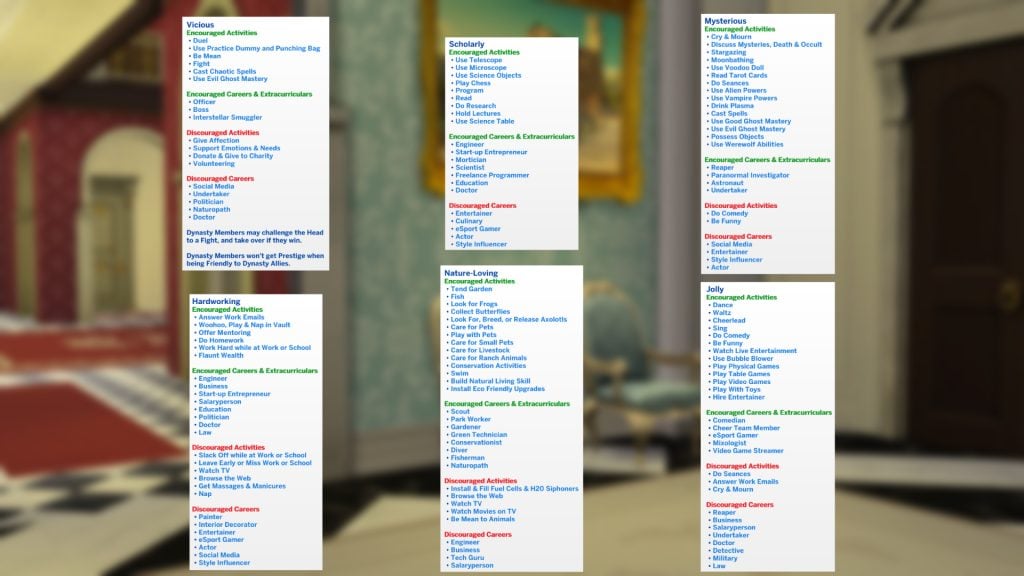
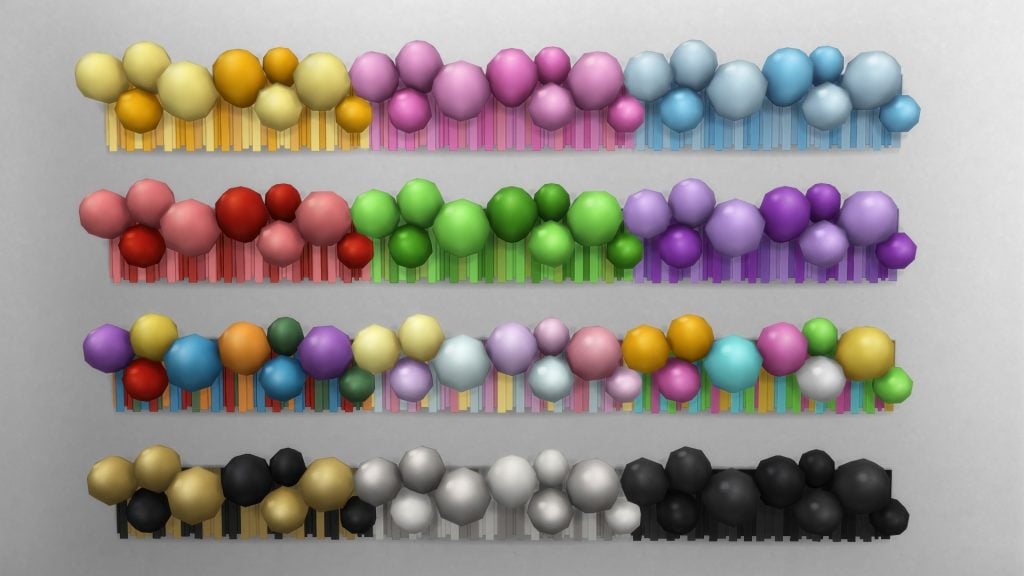
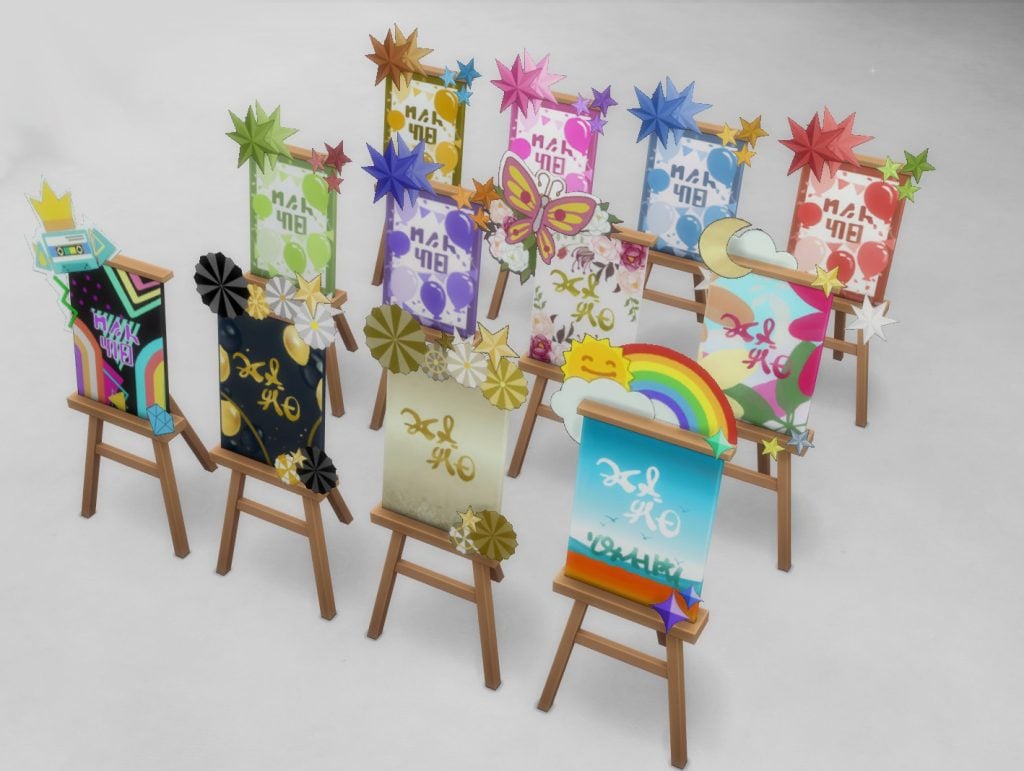
The first of the five power shifts is the Crystal Slippers, enchanted shoes that are sure to woo any noble at a Grand Ball. Getting your hands on a pair of these slippers doesn’t have to be Agony, so let’s take a look at where to nab a pair for yourself!

TS4 x64 fpb IVVfntMk0P

The Crystal Slippers can be found in treasure chests throughout the world. These spawn next to the rocks marked with an X and an arrow. If you are struggling to find these treasure spots, make sure to check out our Ondarion World Guide! If lucky, your Sims will receive a pair of Crystal Slippers.

You can also cheat the Crystal Slippers in by enabling ‘testingcheats’, Shift + Click on your Sim, Select ‘EP21 – Royalty & Legacy’, ‘Power Shift Events’, and ‘[DEBUG] Create Crystal Slippers.

Once your Sim has a pair, you can enable the Power Shift Event by selecting them in your Sim’s inventory and choosing ‘Wear Shoes’. This will have your Sim instantly change into formal attire and their newfound slippers. You will also receive a notification encouraging you to plan a Ballroom Event, perfect for meeting Nobles in Ondarion!

slippers dialogue 1

At the Ball event, make sure to find an eligible Noble and choose either ‘Dance for Romance’ or ‘Dance for Status’, the latter granting your Sims the title of the chosen dance partner. Be warned, a failed dance can lead to upset and a broken heart!

Simcalibur – The Sword in the Stone

TS4 x64 fpb U7XPUcD1AA

Simcalibur beckons a Sim trusted and true,
Adept with a blade and ready to pursue.
A Kingdom awaits their guiding hand,
where Commoners trust and understand.
But if they fail to prove their worth,
The Sword’s displeasure shall quake the earth.

Simcalibur is the rarest sword in The Sims 4 Royalty & Legacy, and there is only one in existence in your save. Be careful who you choose to pull it! The sword is located next to Ye Olde Voyager bar in the region of Verdemar (see below)!

swrodloc

You can select ‘Examine Prophecy’ to learn more about the sword. The prophecy claims that only Sims with great standing with common people, and a proficiency in Swordsmanship are worthy of pulling the sword from the stone. If successful, the sword will be added to your Sims’ inventory.
The sword acts as any other sword does in-game; it can be used in duels, to be trained with, or mounted on the wall. You can also perform two interactions unique to Simcalibur: ‘Ascend to Kingdom Leader’, and ‘Simcalibur’s Radiance’.

TS4 x64 fpb owbY7R9rfm

Choosing ‘Ascend to Kingdom Leader’ does exactly what it says on the tin: the chosen Sim will be instantly granted rank 10 of the Noble Career and will depose any Sim with that rank. The ‘Simcalibur’s Radiance’ interaction will grant your Sims an 8-hour confidence moodlet. You will need to wait for Simcalibur’s power to recharge before performing it again!

Noble Frogs – Kiss (Or Eat?)

TS4 x64 fpb y8Y4VTciUE

Among the frogs that hop and roam,
Some once called a Sim-life home.
Twisted by a trickster’s curse,
From Noble lines to fates far worse.
Yet only true love, pure and warm,
Can break the spell and shift their form.

When kissed, these amphibians have a chance of transforming into Noble Sims, all ready for romance. As a noble, the transformed Sim will recognise your status and may instantly propose. Commoner Sims, on the other hand, have a chance of being rejected.

frog search

Frogs found in logs or water pumps in any world can be kissed! Simply click on a frog either in your Sims inventory, or one they have in a tank on the active lot, and select ‘Kiss Frog’.

You can also cheat the Noble Frog in by enabling ‘testingcheats’, Shift + Click on your Sim, Select ‘EP21 – Royalty & Legacy’, ‘Power Shift Events’, and ‘[DEBUG] Create Noble Frog.

kissfrog

Regular frogs are not noble, and will not grant your Sims the same benefit; they will still result in an instant engagement if you choose to accept the suitor’s proposal.
Noble Frogs can be distinguished from regular frogs by the pillow they sit on and the crown on their head. Both types of frogs can be found in the usual places. Noble Frogs have a much rarer chance of appearing.

frogresult

If you have The Sims 4 Enchanted by Nature and your Sim is Level 5 or higher in the Natural Living Skill, they can choose to eat the noble frog if they so wish.

eat frog

The Enchanted Mirror – Pick Number 3 My Lord

TS4 x64 fpb g3deg9i5KW

Gaze within to test your chance,
Blessed ascent or shadowed stance.
Rise in rank or fortune’s glow,
Or watch your luck and rivals grow.
Seek a truth the glass may stir,
But risk the fate it may confer.

The Enchanted Mirror can be found in a small island in the lake found in Bellacorde. This mirror can be interacted with, and if you choose ‘Examine Enchanted Mirror’, you will be given a poem (see above) tempting your Sim to seek their fortune, along with a healthy dose of warning.

Choosing to ‘Investigate Secrets on…’ will allow your Sim to uncover a scandal that another Sim is hiding, allowing you to find dirt on a rival that you can use to your advantage. Be warned, as this can backfire, leaving your Sim with a +1 Embarrassed moodlet that lasts 4 hours.

TS4 x64 fpb 7ZTftlU5Yj

You can also choose to ‘Gaze into the Future’, either granting a boost in noble rank or increased career performance if your Sim is in any other profession than Noble. As with investigating secrets, this too can backfire, leaving your Sims with a penalty in career performance, and the quality of any crafted items being lowered.

Mirror Fail

Anansi’s Well – Spider Senses

TS4 x64 fpb rLSu4R4aUj

Anansi, sly weaver of tales untold,
Calls forth a Sim both curious and bold.
To enter his Trials is to dance with the sly,
Where riddles twist under the spider’s eye.
The wise earn boons from challenges met,
But careless Sims find tangled debt.

Anansi’s Well can be found between Zanbira Market and Dambele Palace in the region of Dambele urrounded by spiders crawling along the ground. Anansi is a trickster god from West African and Carribbean folk lore, so take his advice with a pinch of salt.

You can ‘Ask for Anansi’s Advice’, which costs one Simoleon and will result in an advice notification popping up, with helpful hints on how to become a noble, how to help those around the world, and how to generally get by in Ondarion.

welladvic

You can also choose to undertake four different trials set by Anansi. You must do these trials in order and they will see your Sim undertake challenges of skill to earn rewards. Take a look below at how to complete each trial:

TrialClueAction
Trial One: Weave a StorySpin a tale with wit and weight.
Speak a story, and let Anasi decide your fate.
Learn a secret and share it with others.
Trial Two: Offer a SecretWhisper what hides beneath your smile.
Hold a secret too tightly and the web may twist, but share it and Anasi’s favor finds you.
Learn a sceret and share it with others.
Trial Three: Spin the WebWeave a trick.
Twist a thread.
Let another stumble while you rise.
Let Anasi judge if you are clever enough to dance in the web.
Successfully perform Deception interactions under the Mischief category.
Trial Four: Fulfil the ThreadGather the words that linger in your mind, and bind them to the page.
If written with excellence, it will endure gracefully in Anansi’s web.
This is your final trial.
Write a book with Excellent Quality.

You will have 3 days to achieve each task successfully to avoid a penalty. Upon completing the final trial, you will be granted the ‘Threadshifter Trait’ that will allow your Noble Sims to change their alignment between Commoner and Royal.

anansi trait

Are you going to take the risk for the chance to change your Sims’ lives? Let us know in the comments below, and stay tuned to Sims Community for all guides on The Sims 4 Royalty & Legacy!