Home Blog Page 11

The Sims 4 Update: Official Hotfix Release Notes (Feb 12th, 2026)

EA drops a new hotfix patch for The Sims 4.

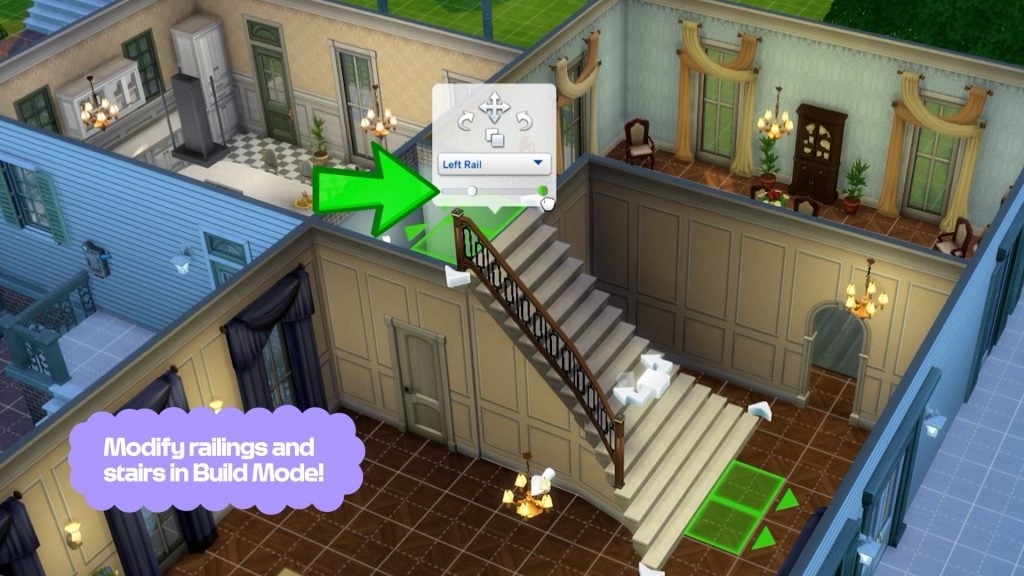
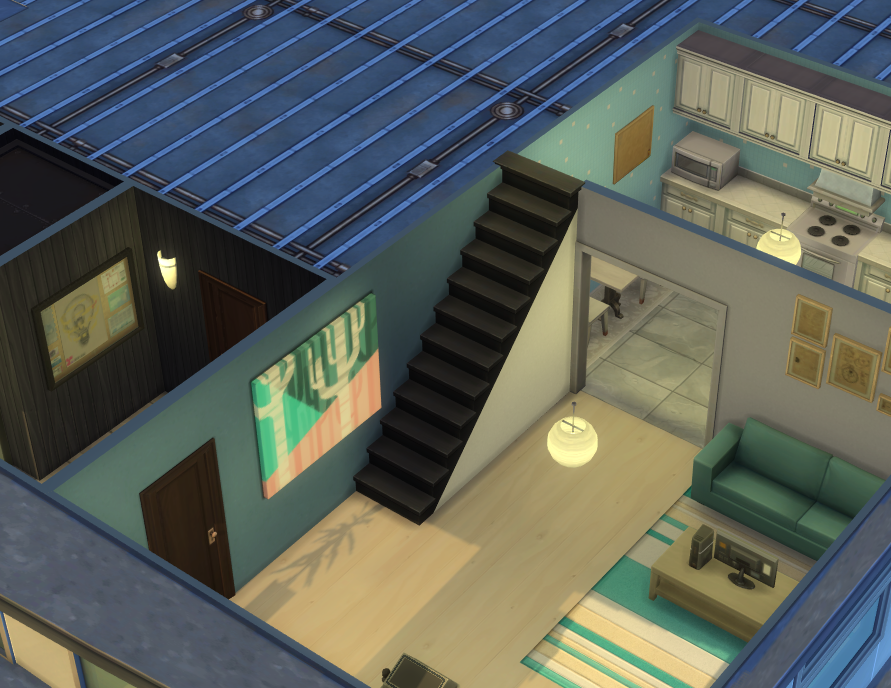
There’s a new The Sims 4 Update across PC, Mac and Console platforms Xbox and Playstation. The latest patch is bringing a hotfix solution to the missing stair rails bug, as announced last week by The Sims Team.

Find out what’s been improved and changed in the official patch notes below:

The Sims 4 Update Logo

The Hotfix and Day 0 Royals Update

IInstalling the Latest Sims 4 Update

You can get the latest The Sims 4 Update on the following official launchers and platforms:

  • PC: EA App, Origin, Steam, Epic Games
  • Mac: Origin, Steam
  • Playstation: PS4 and PS5
  • Xbox: Xbox One and Xbox Series X / S

You can download the latest Sims 4 Update by checking for a Patch through the EA App, Steam or Epic Games launcher for Desktop. If you have Automatic Updates enabled the update will automatically download through your client program. In case your EA App is not working properly ensure you’ve cleared your app cache!

If you play The Sims 4 on Xbox Series X / S and Playstation 4 and 5 you can request a new update by checking for updates under The Sims 4 game in the Main Menu. If you’ve enabled automatic updates the Patch should download right away.

There’s also a handy official guide to Mods and CC maintenance, as well as backing up your Saves! Click here to learn all about healthy upkeep of your The Sims 4 files.

The Sims 4 Update

Official Sims 4 Patch Notes

Update 2/12/2026
PC: 1.121.361.1020 / Mac: 1.121.361.1220
Console: Version 2.29

Sul Sul, Simmers!

This is a small patch to address a few player-reported issues since our last Base Game update. Thank you so much for your continued reports via the EA Forums!

-The Sims 4 Team

Bug Fixes

Base Game / Multipack

Live Mode
  • [EA Forums] Stair railings will no longer be missing on premade lots, Gallery Lots, and player-created lots.
  • Resolved an issue where Distant Relative and Distant Relative-In-Law relationship labels were showing up inconsistently.
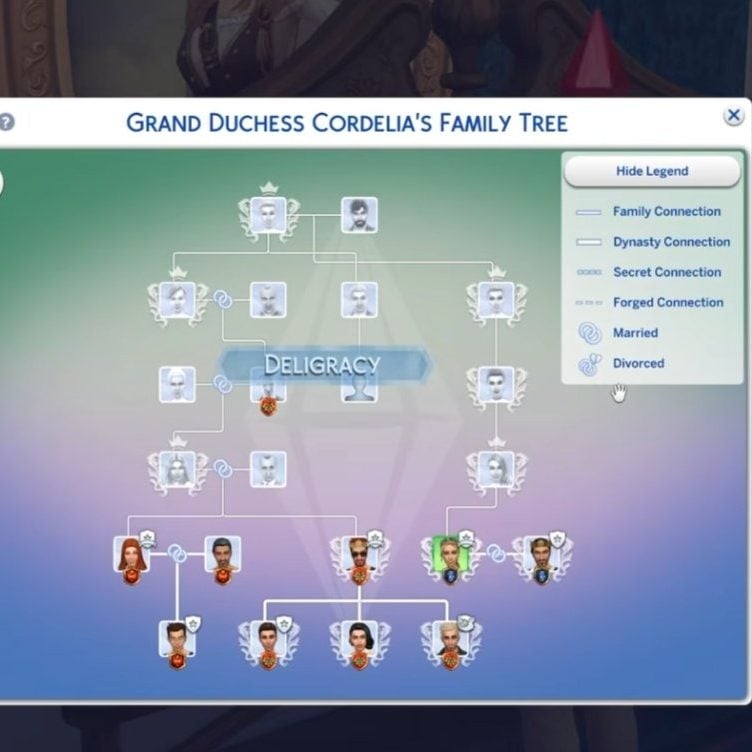
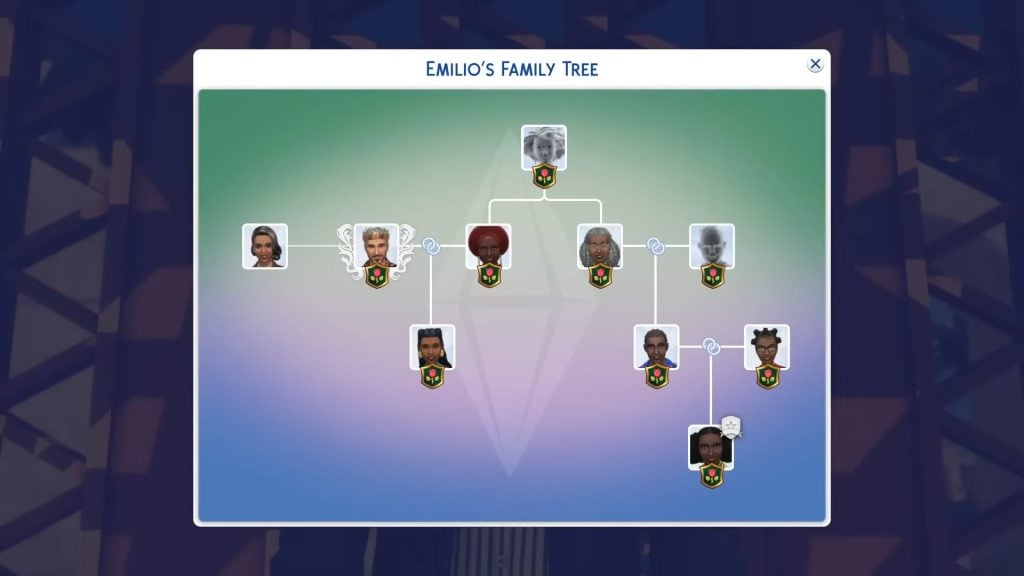
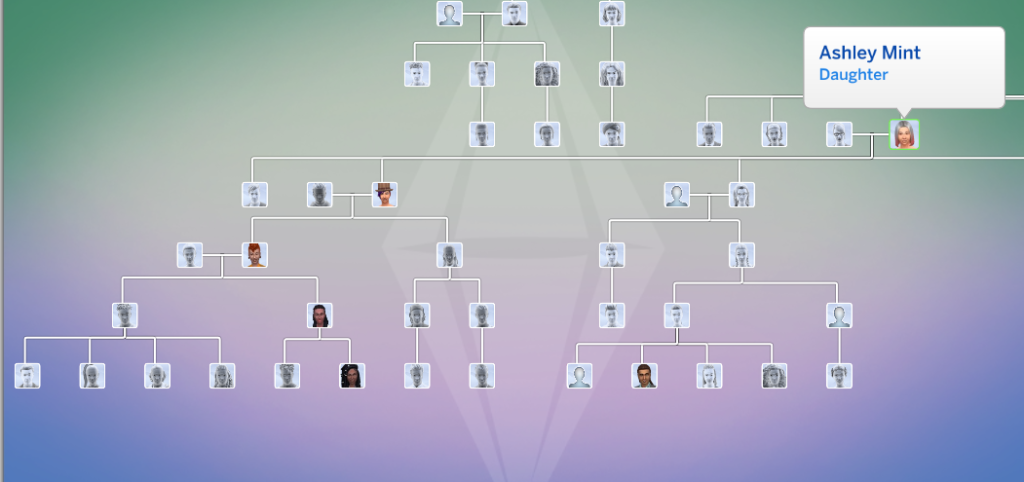
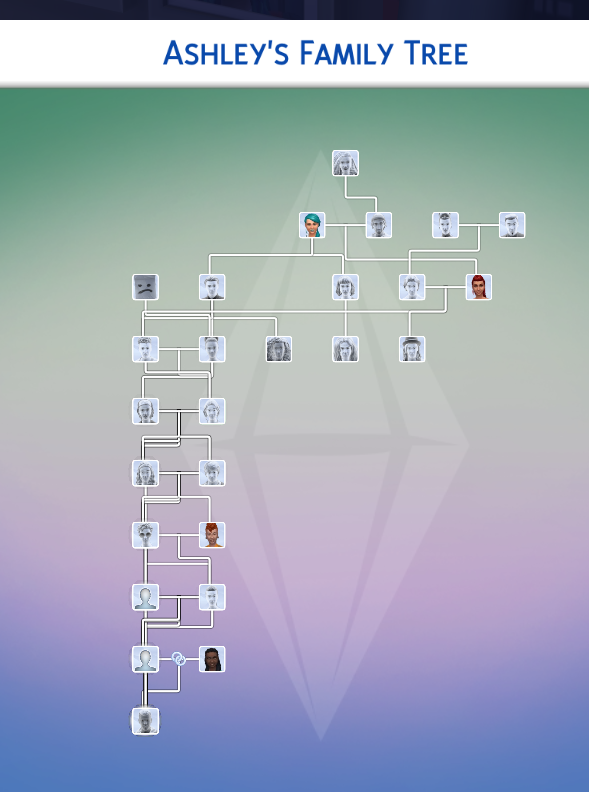
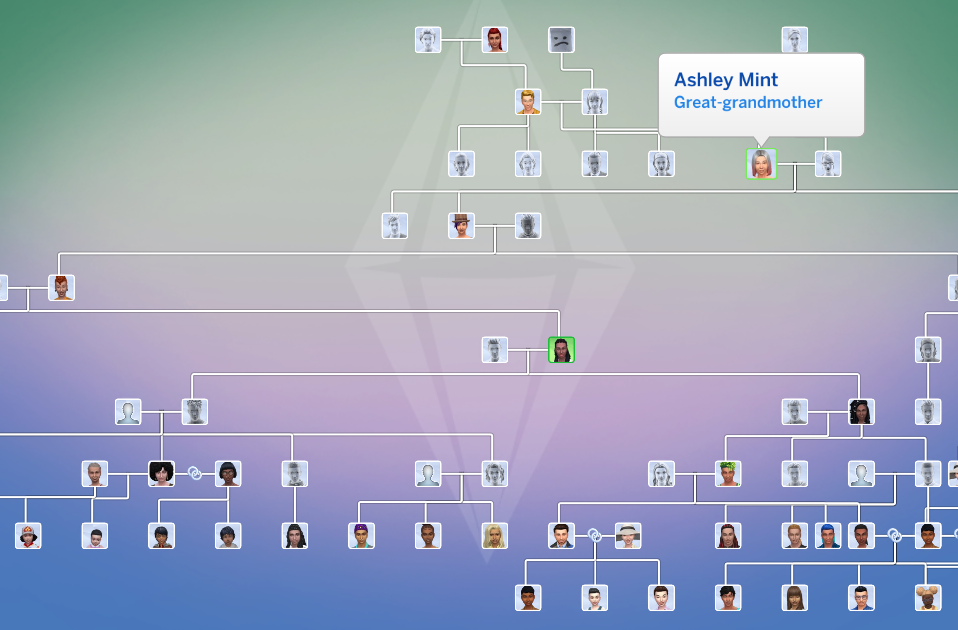
  • Resolved an issue where newly adopted Sims failed to appear in the Family Tree after exceeding a certain number of children.
  • The same Sim will no longer show up as a part of different generations in the Family Tree.

Apparently the update is just 675MB on Windows. No idea why the size difference is drastic, but my original download report includes a filesize of 7.8GB on Mac.

sims 4 update size feb 12


What’s your experience with downloading the latest Sims 4 Update hotfix on your platform? Let us know in the comments below and stay tuned to Sims Community for more Royalty & Legacy release coverage!

The Sims 4 Lost Legacies Event Week 2: Quests & Rewards

A Full Walkthrough to Earning Rewards in The Sims 4 Lost Legacies Event Week 2!

Welcome to The Sims 4 Lost Legacies Event Week 2! If you haven’t caught up on last week’s quests and rewards, make sure to check that out first before jumping into everything week 2 has to offer. Players have until March 16th 2026 (subject to extension) to complete all quests and claim all the rewards before they are gone for good. Let’s take a look at how to complete week 2 of the Lost Legacies event!

The Sims 4 Lost Legacies Event Week 2 Introduction

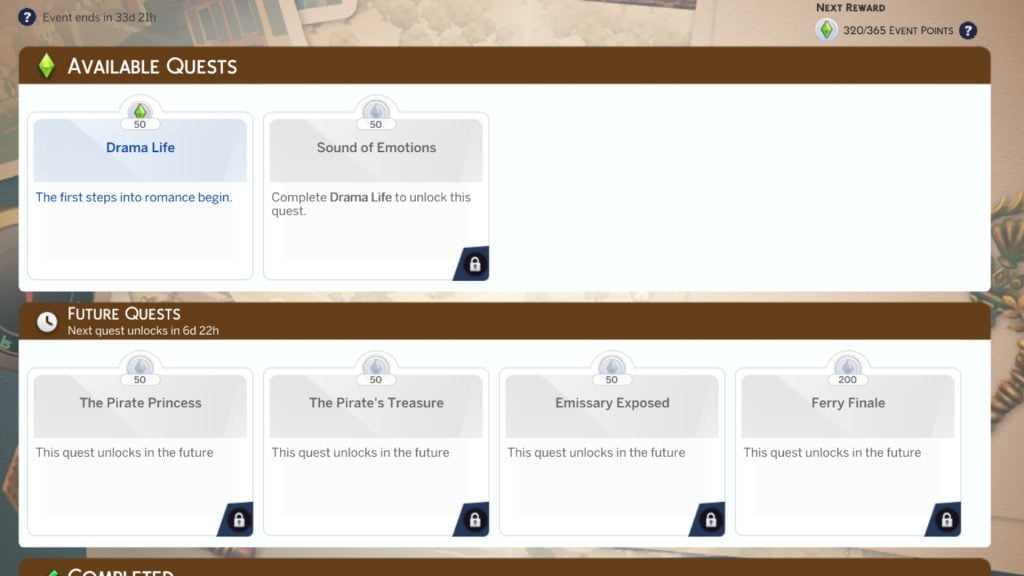
After last week’s quest, there is still much to uncover about the mysterious Envoy searching for (possibly) family keys that tie into The Sims 4 Royalty & Legacy Expansion Pack. You can check out the new quests and this week’s rewards either by selecting ‘Event’ on the main menu, or by clicking the Event icon in the top-left corner of the screen in Live Mode!

Week 2 Quest screen

‘Drama Life’ Quest Walkthrough

q1star

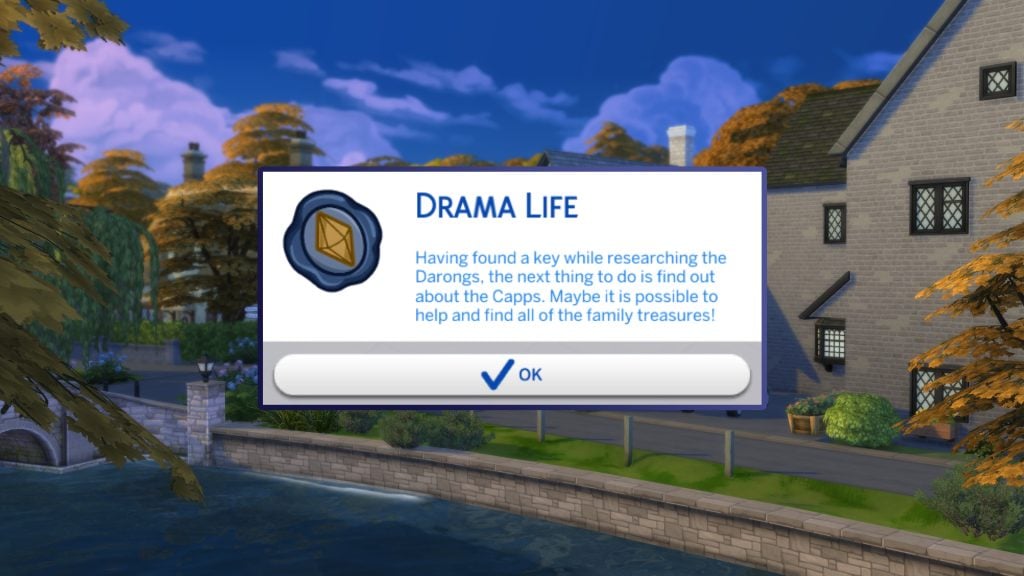
Having found a key while researching the Darongs, the next thing to do is find out about the Capps. Maybe is is possible to help find all the family treasures!

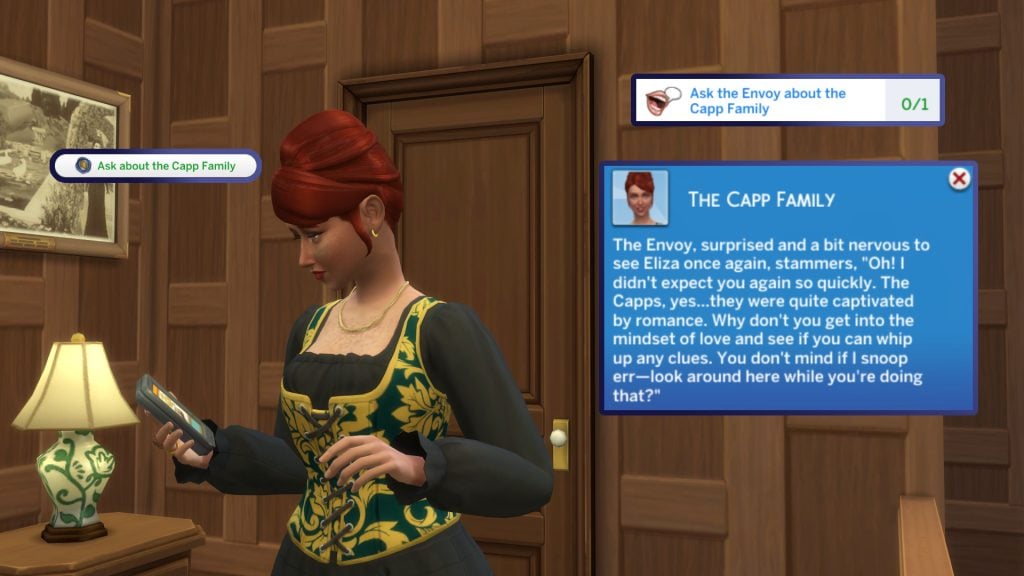
As with the start of every quest, this pop-up may take a while to appear in-game. Once you select ‘Ok’, the quest will begin, and we will be given our first set of quest goals! Our first goal is to ask Marina, the Envoy, about the Capp family. She replies with surprise and hesitation, and asks to look around.

askcapp

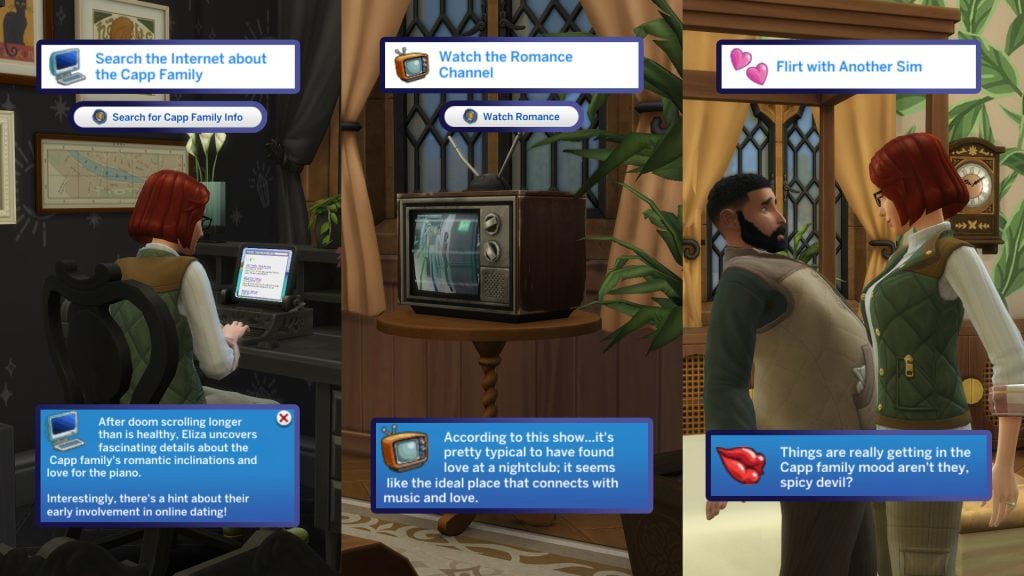
We now need to get our Sim in the Capp family spirit. I am, of course, talking about romance.
I would recommend doing these three steps in the order listed, as it makes most sense, and also gets your Sim in a real flirty mood!

3 steps 1 1

Searching for Capp family Info is pretty simple. Head to any computer, and the interaction should appear on the first page of the pie menu. It is revealed that the Capps have ‘romantic inclinations’ and a love for the piano!

The second task is to watch the Romance channel on any TV on your lot. Depending on how many packs you own, this channel can be buried quite deep in the menu. We’re now in the perfect mood for some romance!

The final task is to flirt with another Sim 3 times. Manogomy be damned, as this can be done with three separate Sims if you so wish. Only the ‘Flirt’ interaction counts towards the goal, rather than any interaction under the flirtation category.

quets end

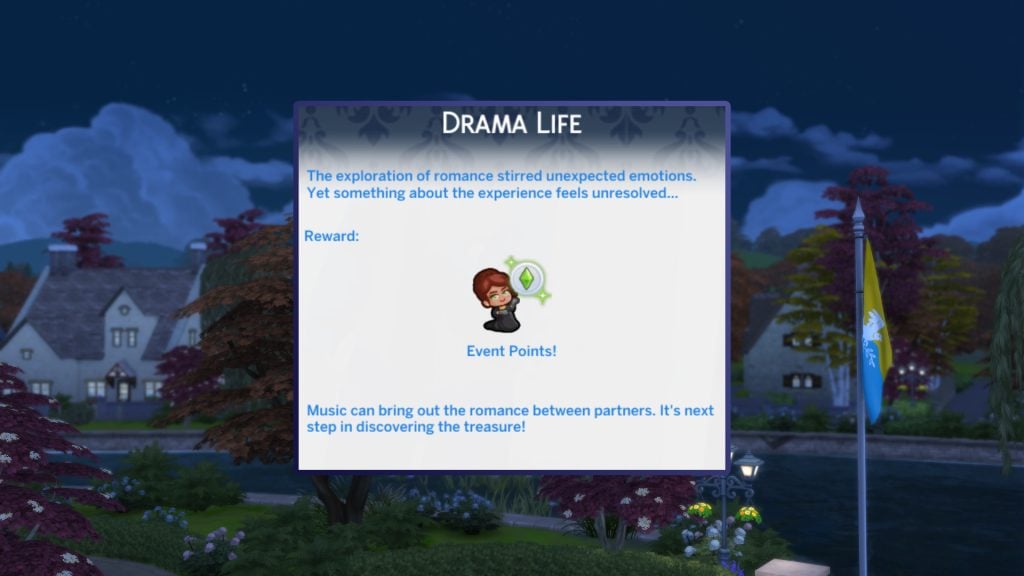
A very short quest to start off The Sims 4 Lost Legacies Event week 2! You can either claim the rewards unlocked with the points or save them until the end of the second quest!

The exploration of romance stirred unexpected emotions. yet something about the experience feels unresolved…


‘Sound of Emotions’ Quest Walkthrough

Q2 start

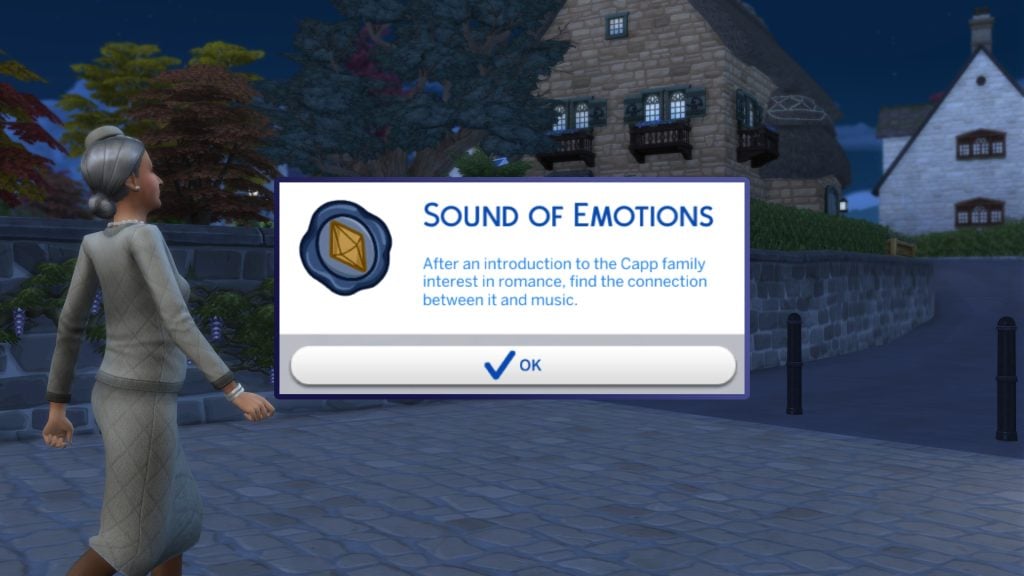
After an introduction to the Capp family interest in Romance, find the connection between it and music.

Patience is a virtue, wait a few moments and the pop-up beginning our second quest of week 2, ‘Sound of Emotions’, will begin.

discussromanmus

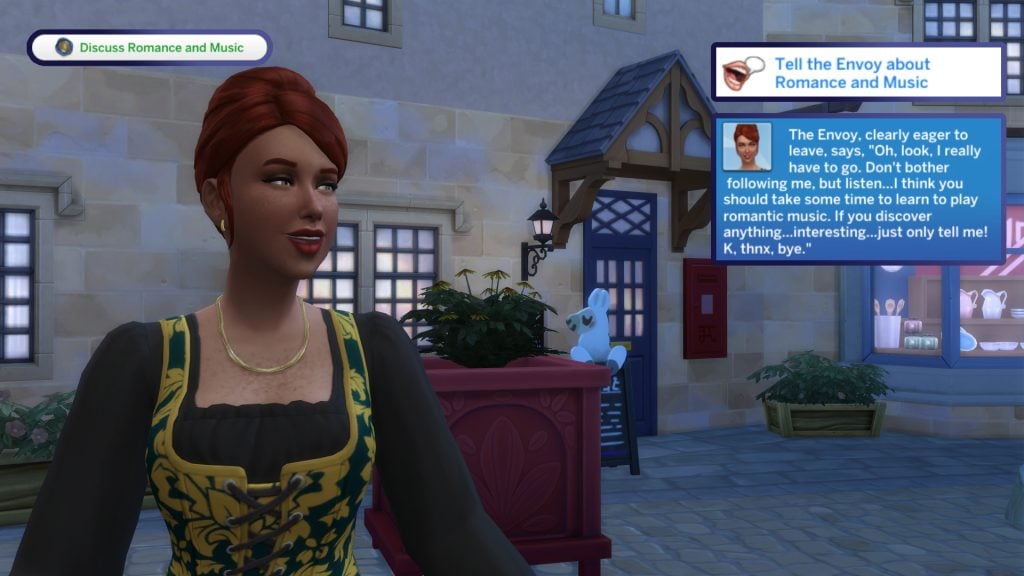
Let’s discuss our findings with the Envoy! If she isn’t on your lot, you can call her to your lot in the relationship panel, and if she is somewhere in the neighbourhood, you can select ‘Focus the Camera’.

After talking to her about music and romance, she rushes off in a hurry, telling us to pursue learning to play romantic music, which leads us nicely into the next few steps of the quest!

piano1

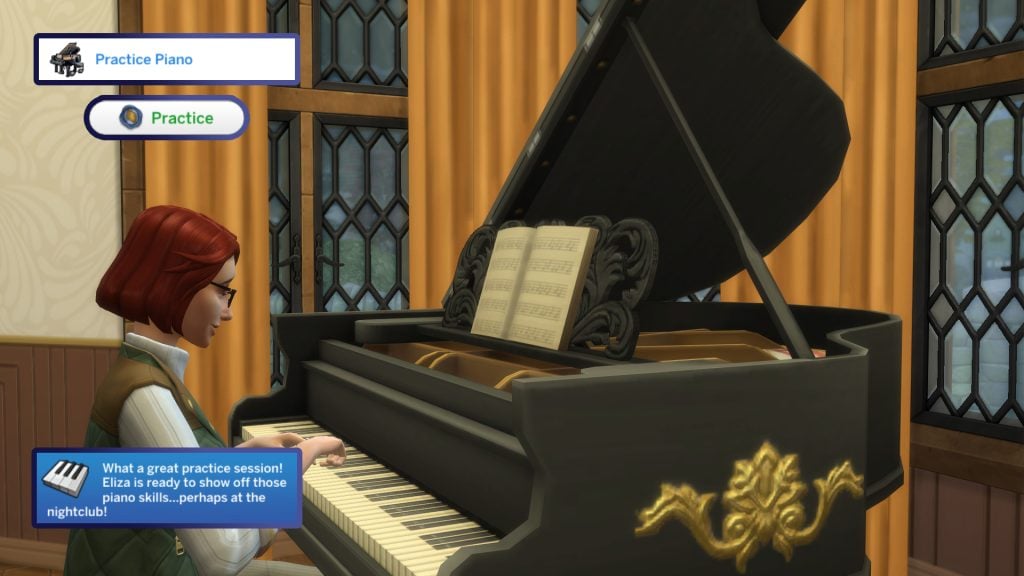
The next step in the second quest of week 2 is to ‘Practice Piano’. This can be done on any piano available in the Build/Buy catalogue. If your Sim can’t afford a piano, they can be found at community lots around the world, notably at lounges and nightclubs!

bvnightclub

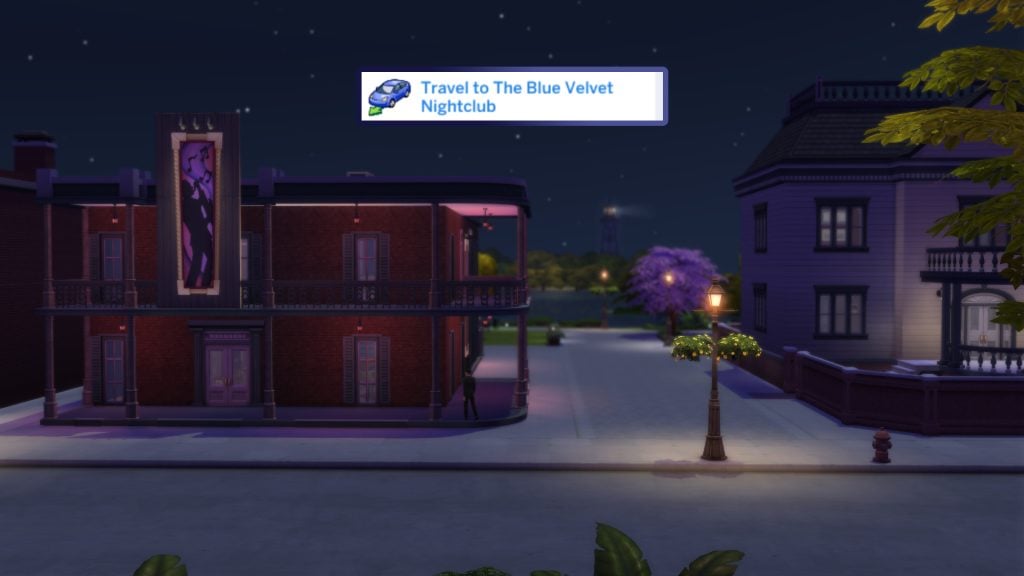
And the Nightclub is exactly where we’re heading next, The Blue Velvet nightclub to be precise! The Blue Velvet can be found in the Crawdad Quarter of Willow Creek, next to the Library we visited in last week’s quest!

nightvlubplaychat

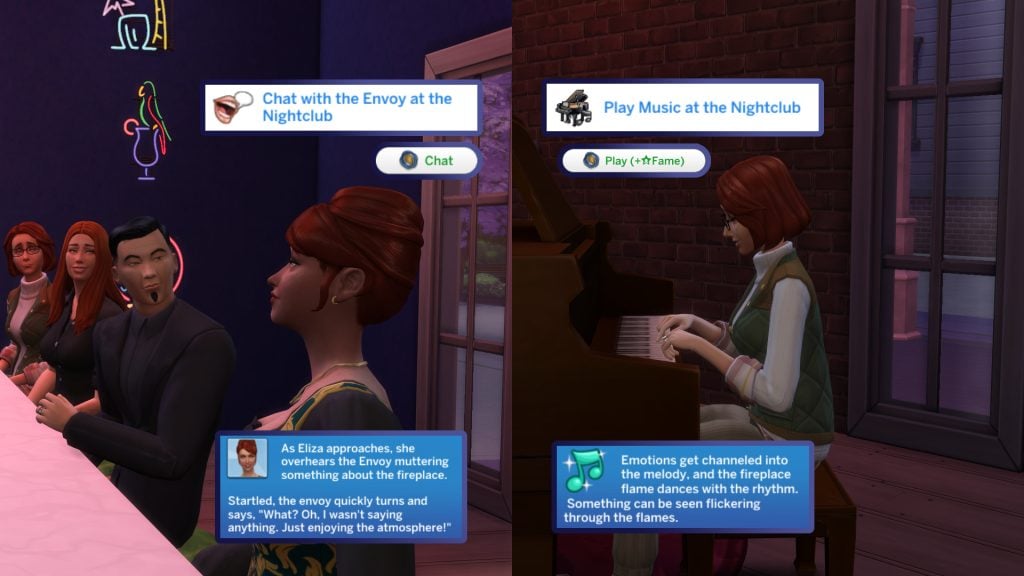
Marina the Envoy will be at The Blue Velvet when you arrive (Even Envoys need time off!). Choose ‘Chat’, and she will be surprised to see your Sim.

With our newfound talents, let’s tickle those ivories and play for the patrons of the club. Your Sim can even earn a little money from this.

fireplace search

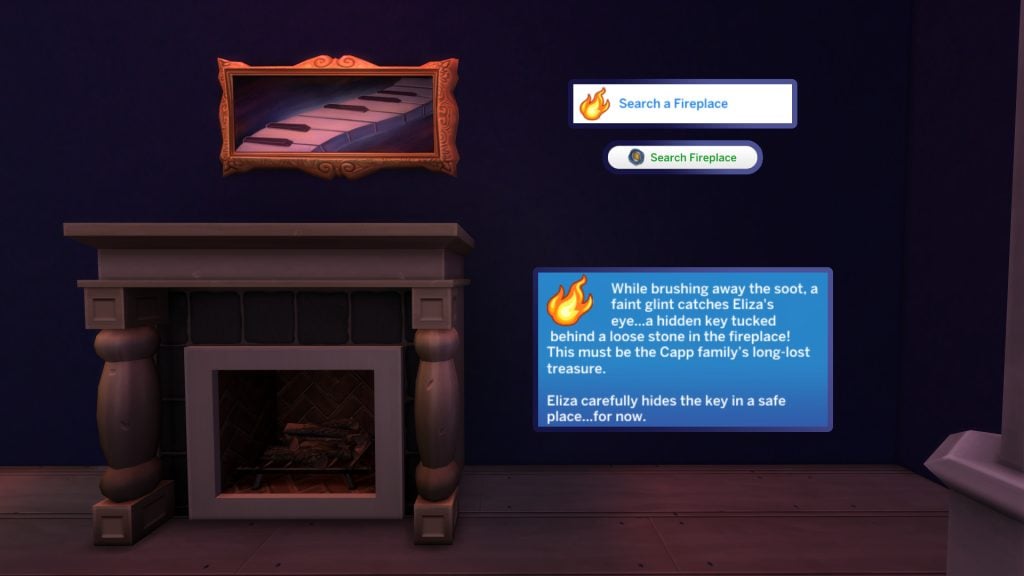
Similar to last week’s bookshelf hunt just down the street, this time our Sim is tasked with searching the fireplace. The closest fireplace can be found in the Blue Velvet Nightclub, so no reason to travel home!

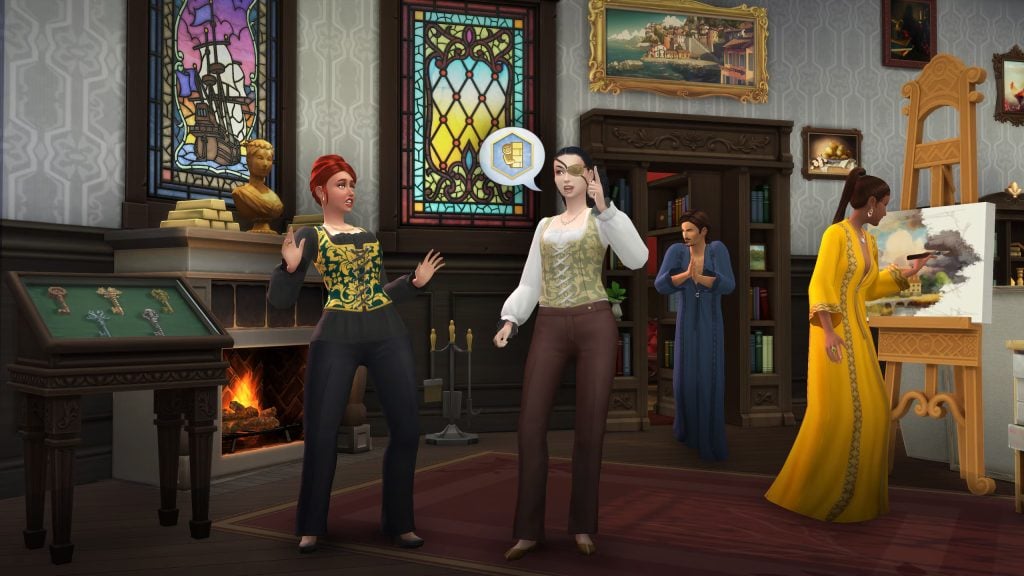
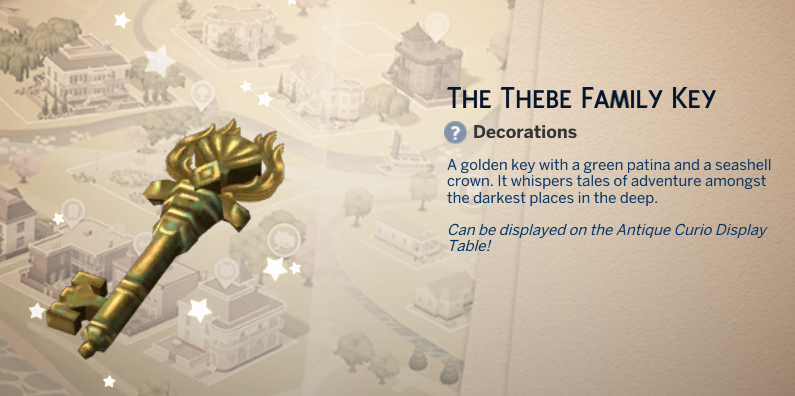
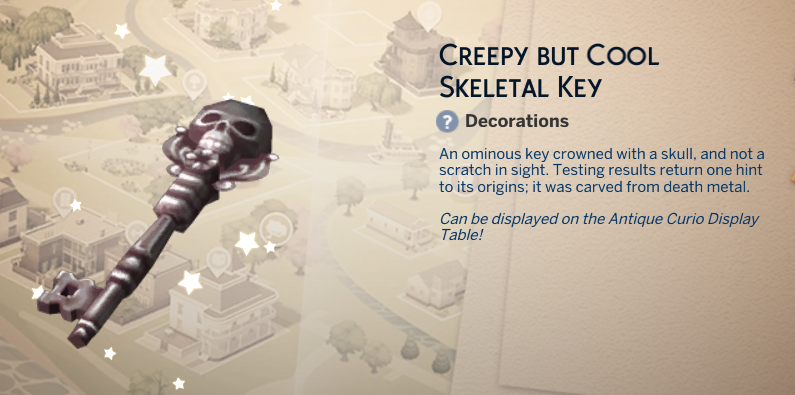
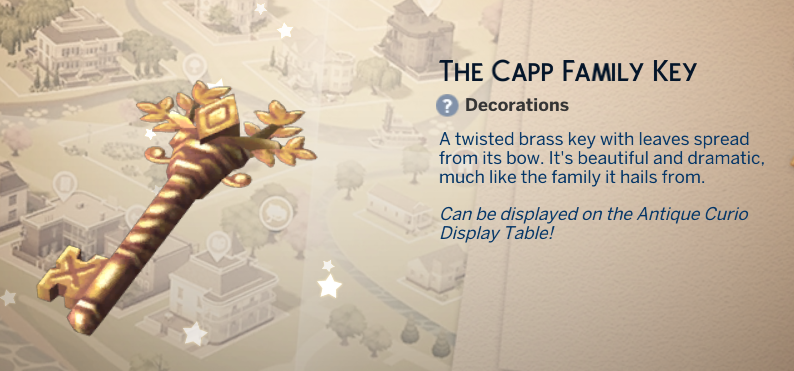
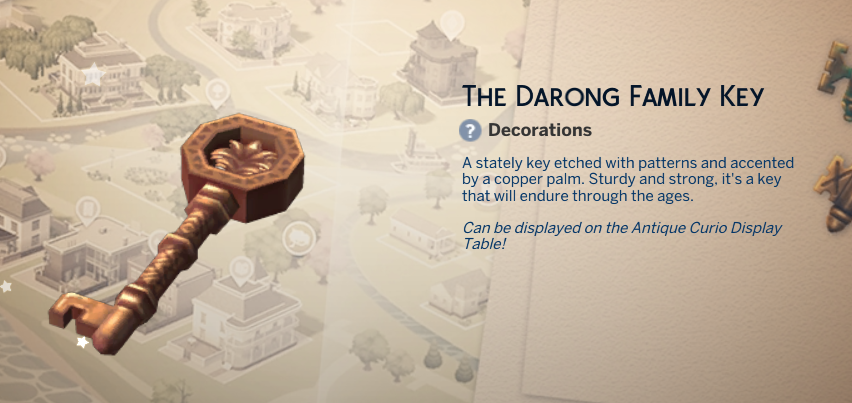
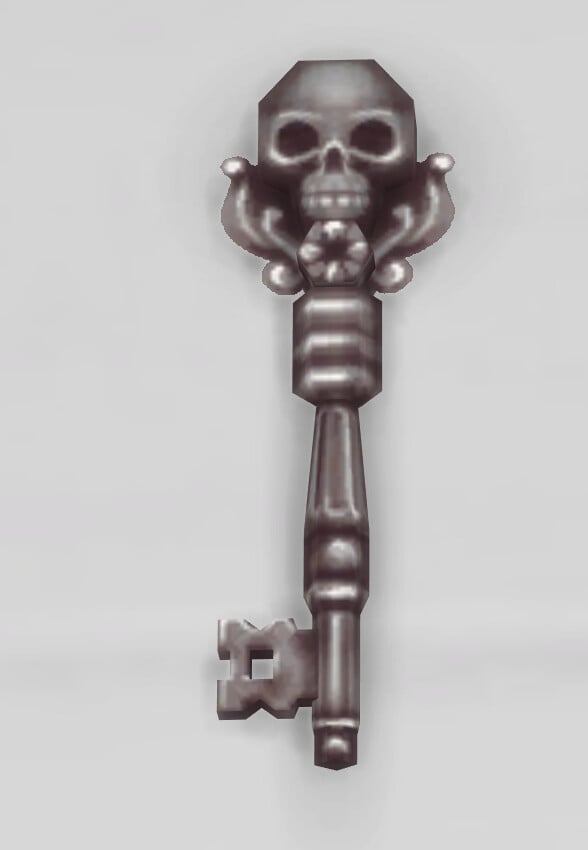
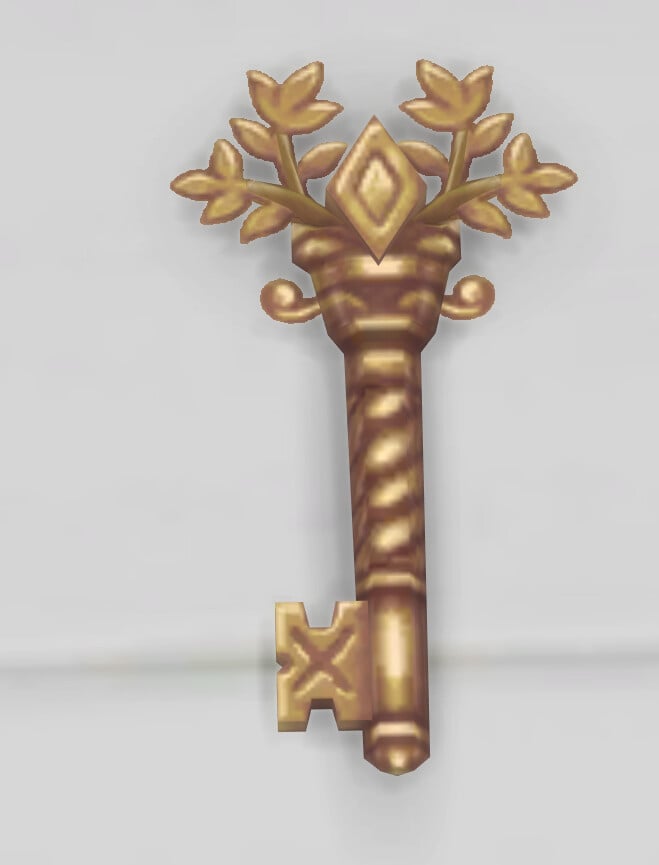
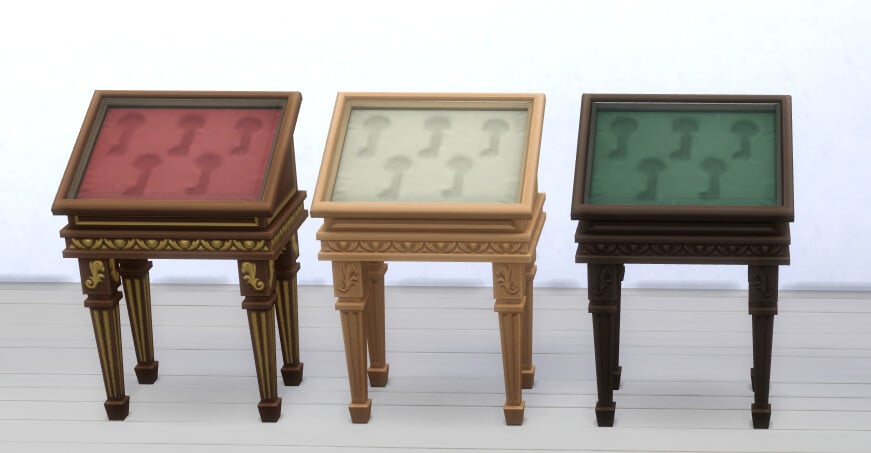
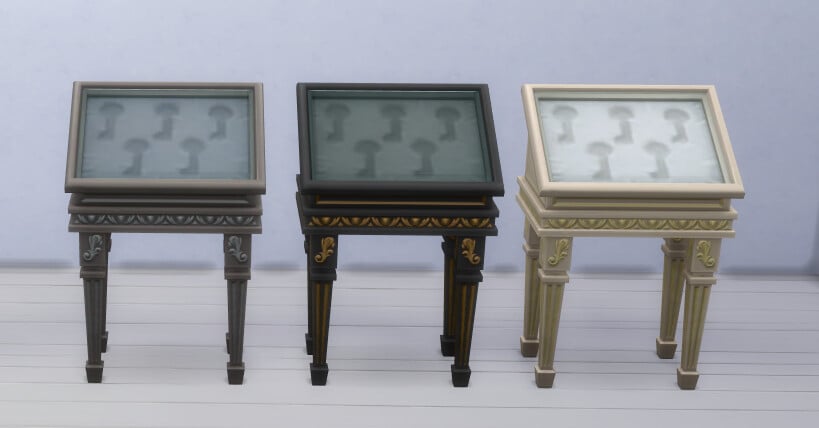
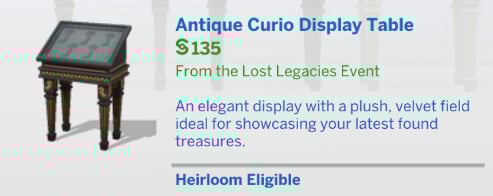
After searching it, you will discover the second key of The Sims 4 Lost Legacies Event, this time a key belonging to the Capp family! You can display this key next to the Darong family key in the new key cabinet object.

ravel home1

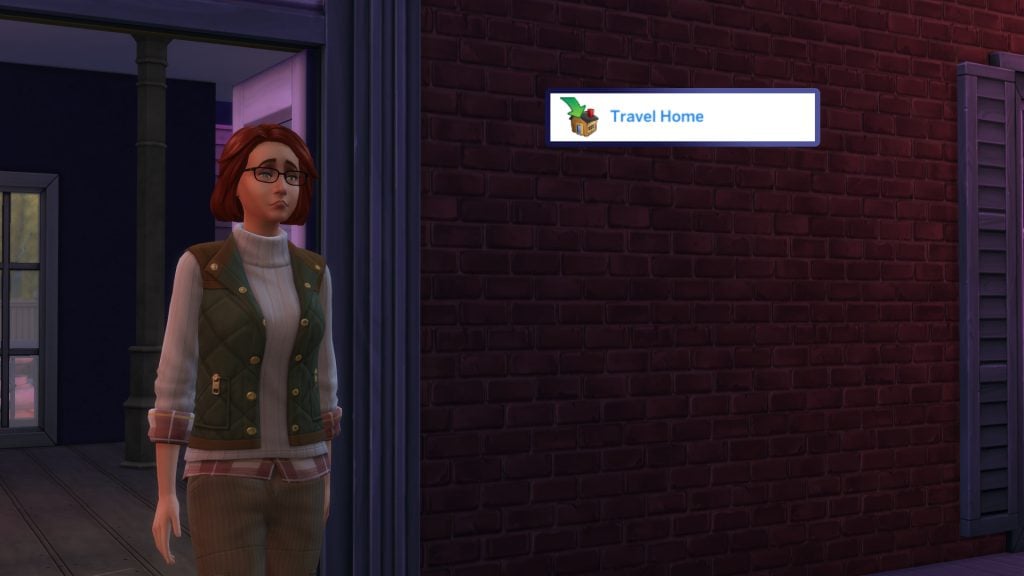
And finally, it’s time to travel home to end the quest! Either travel via map view (M on PC/Mac) or click the home icon next to your Sim’s portrait.

q2end1

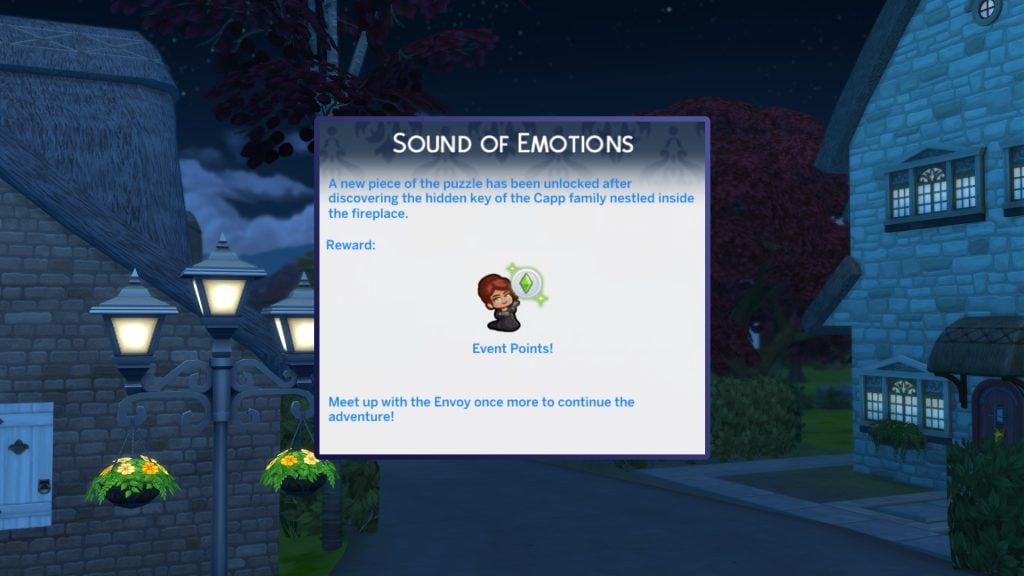
A new piece of the puzzle has been unlocked after discovering the hidden key of the Capp family nestled inside the fireplace.


The Sims 4 Lost Legacies Event Week 2 Rewards

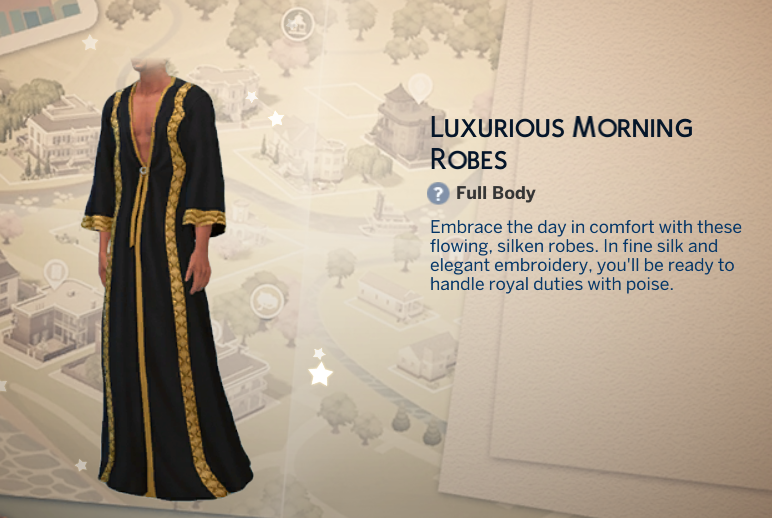
For week 2 of The Sims 4 Lost Legacies Event, there are a total of 7 rewards up for grabs with your newly earned points. Let’s take a look!

Small Rewards

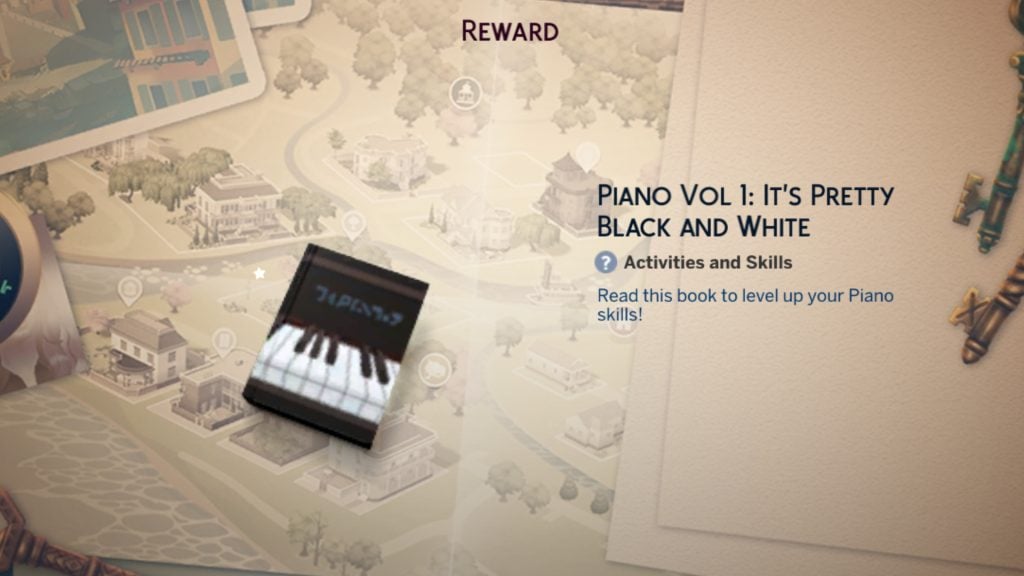
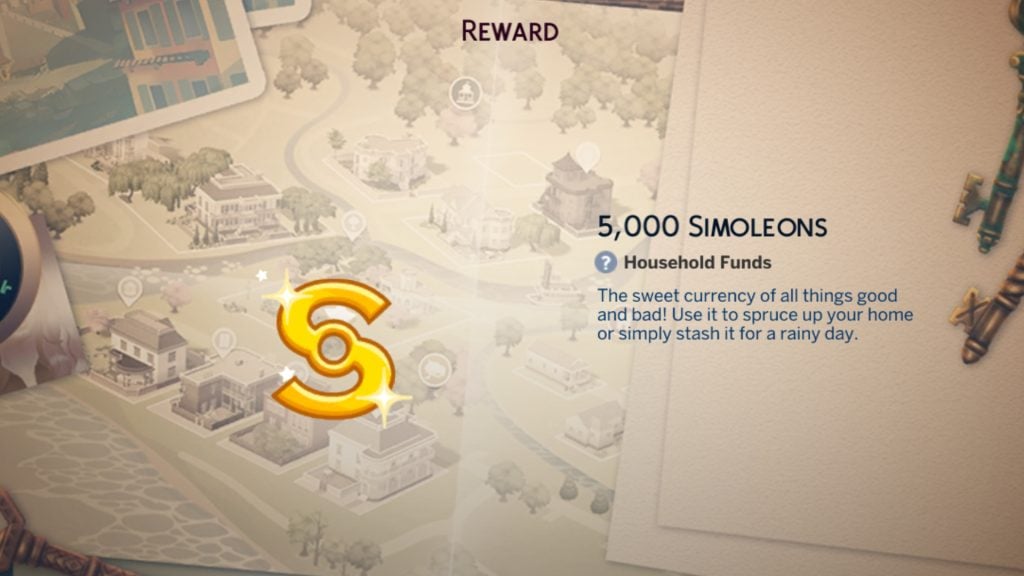
The two small rewards this week are a bundle of 5000 simoleons for the current household, and a copy of ‘Piano Vol 1: It’s Pretty Black and White’, handy for levelling up our Sim’s piano skill.

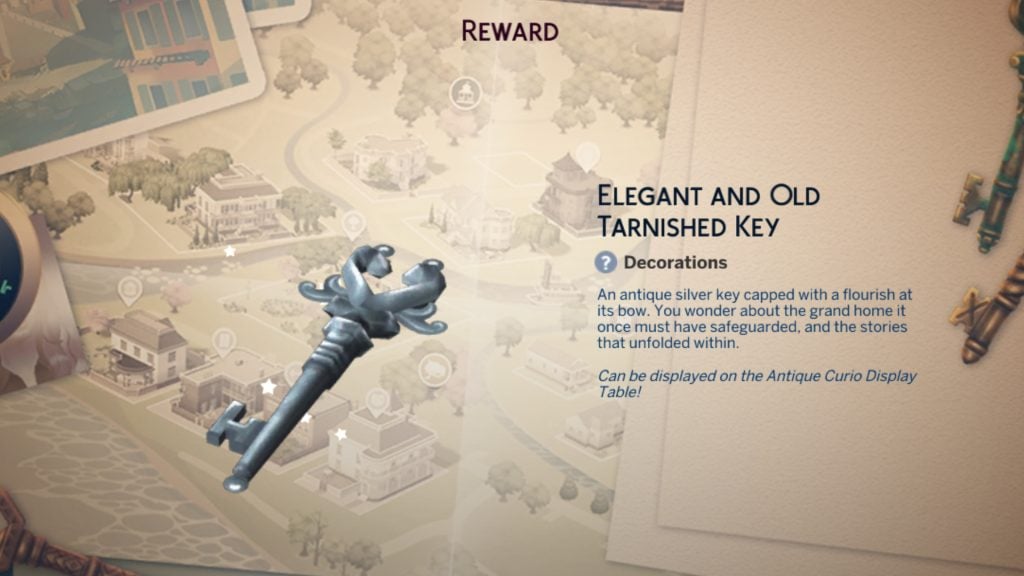
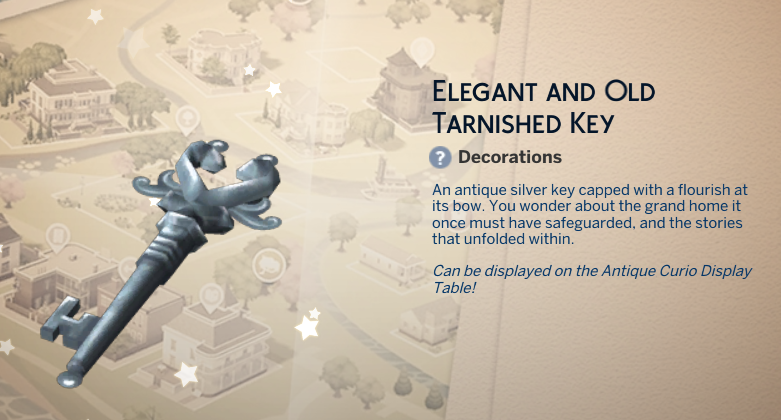
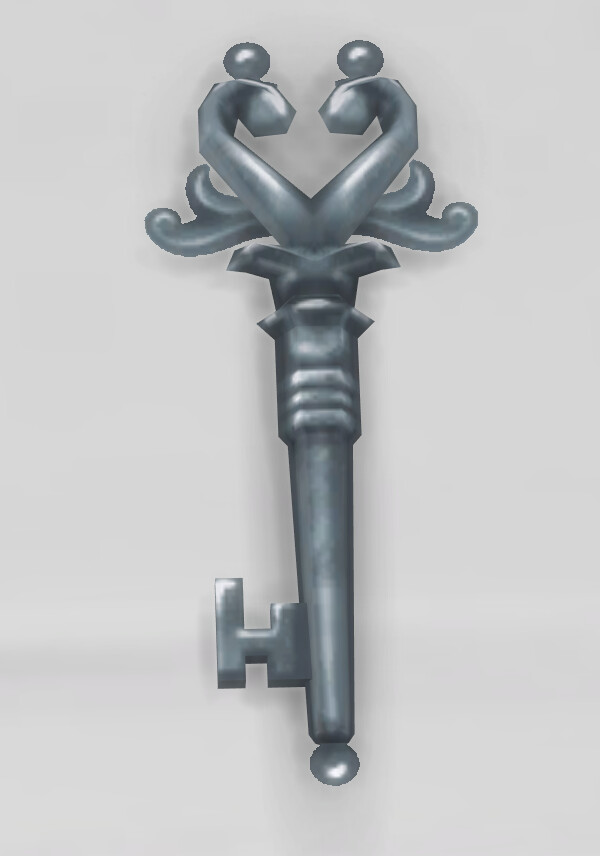
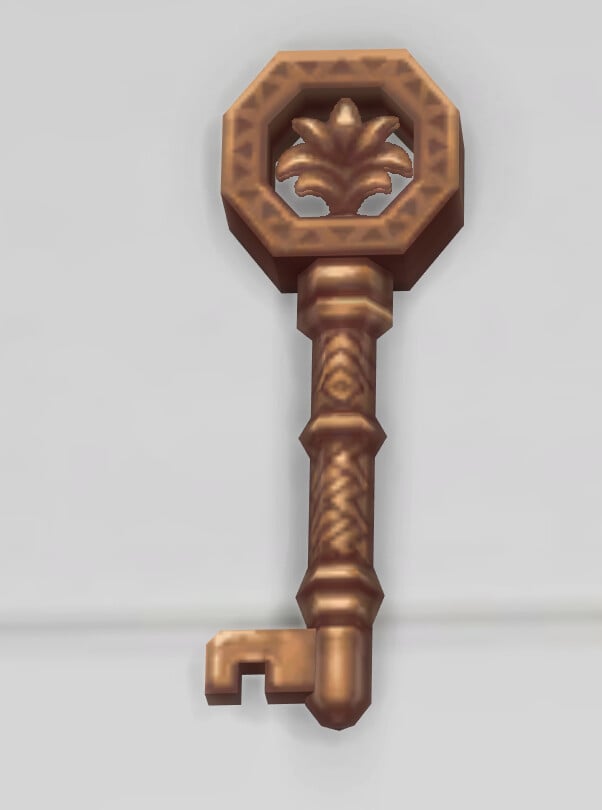
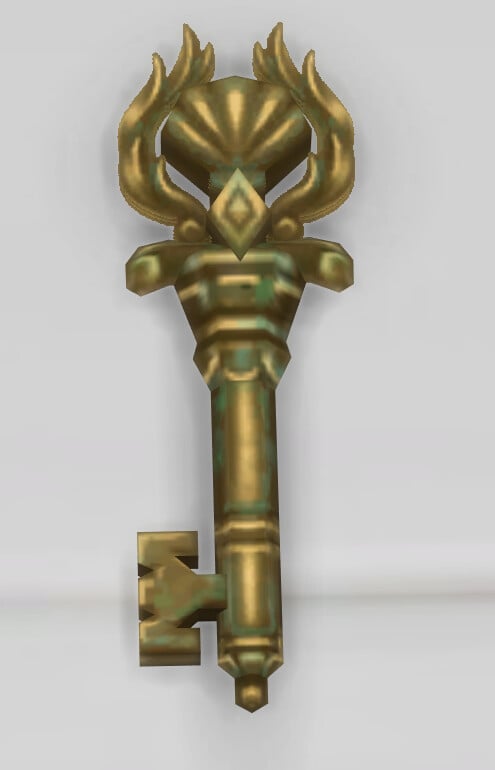
Elegant and Old Tarnished Key

old key reward

The first of this week’s two keys can be unlocked after the first quest is complete. It costs §0 if you wish to repurchase from the Build/Buy catalogue.

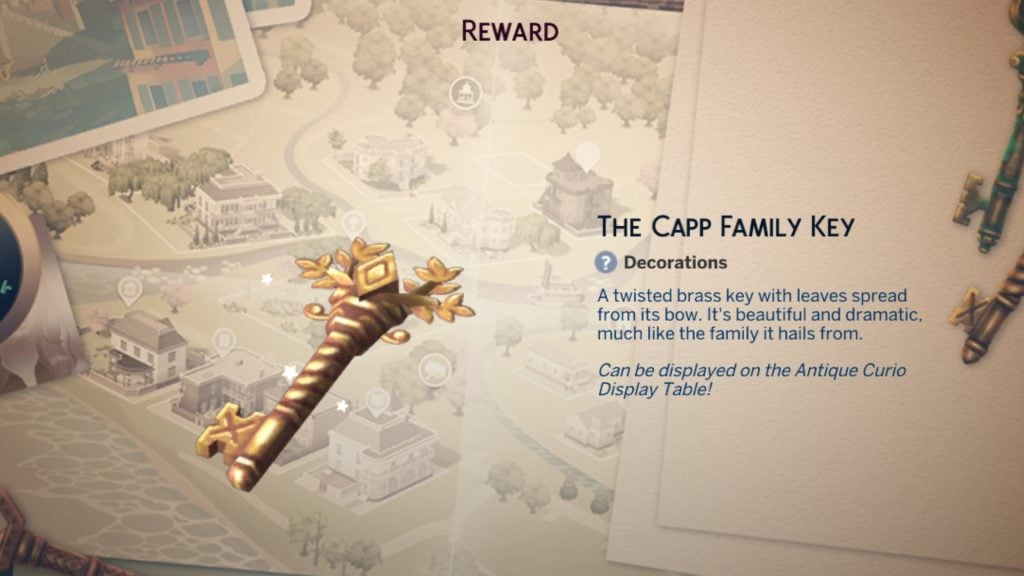
The Capp Family Key

capp family key reward

The Capp Family Key will be added to your Sim’s inventory upon finding it in the fireplace and can be unlocked from the Event rewards store. As with the other keys, this too costs §0.

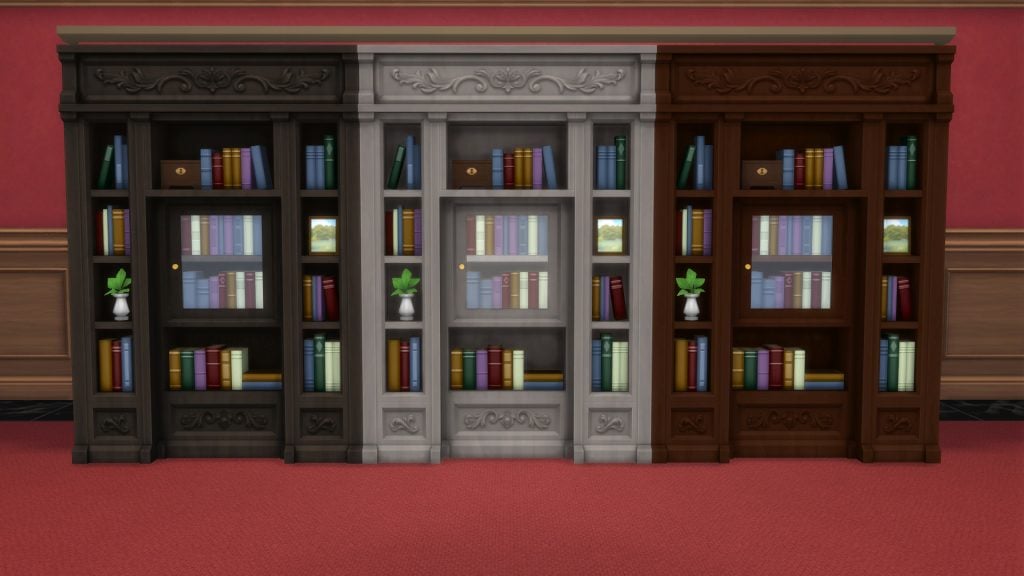
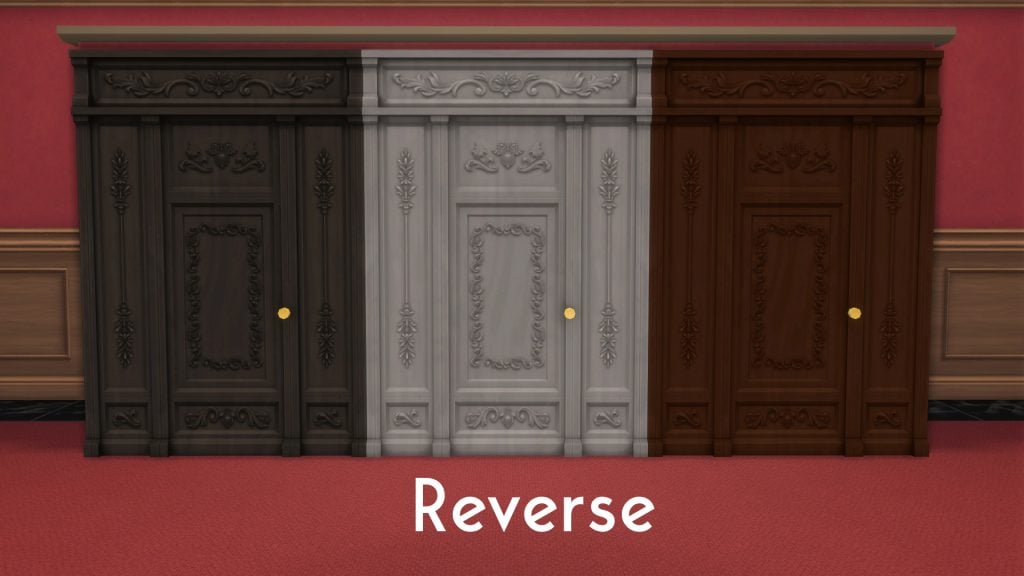
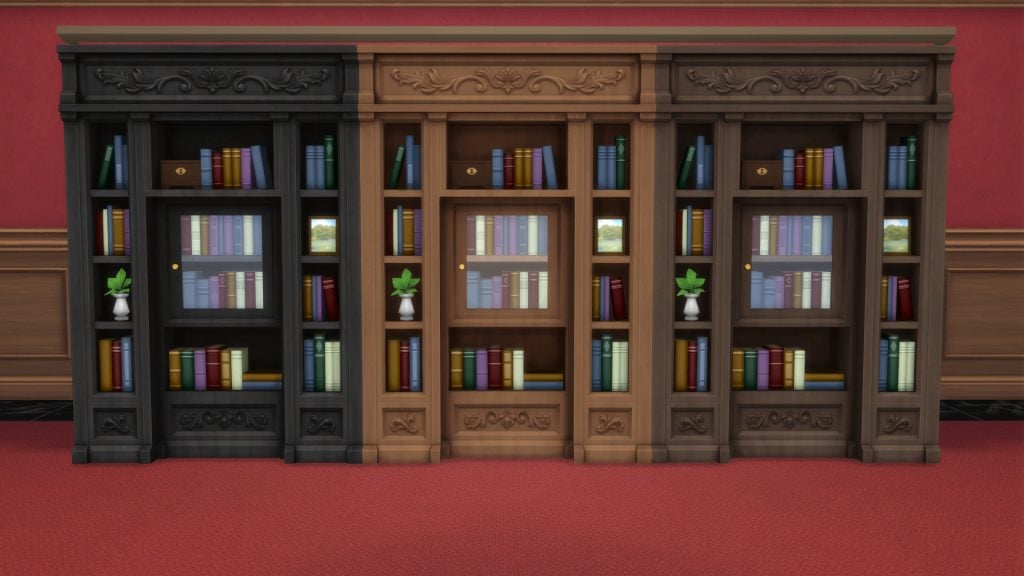
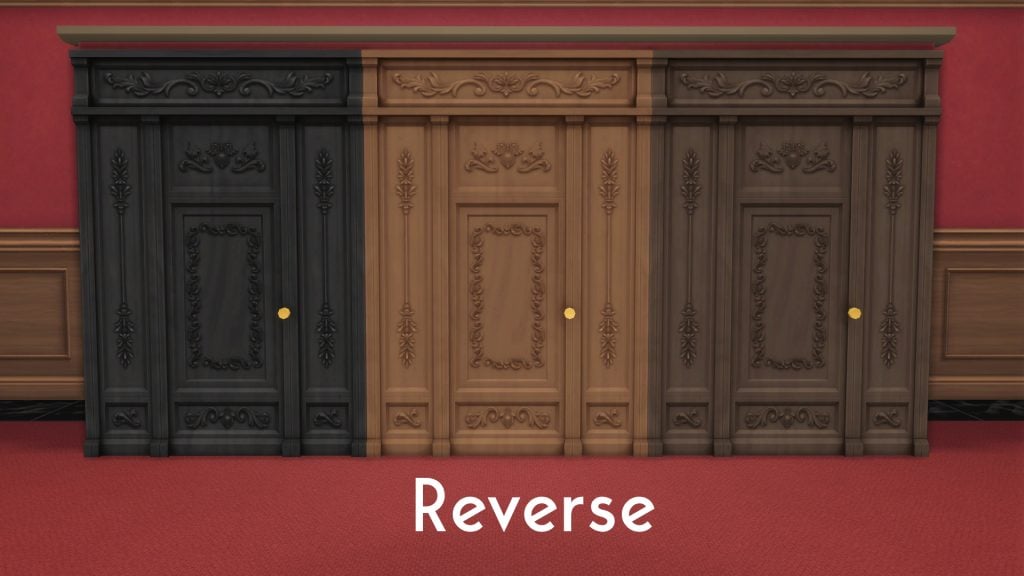
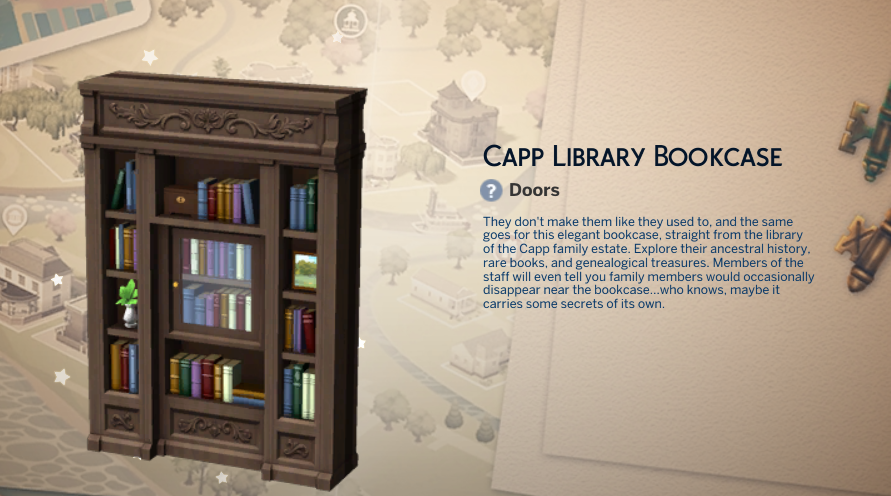
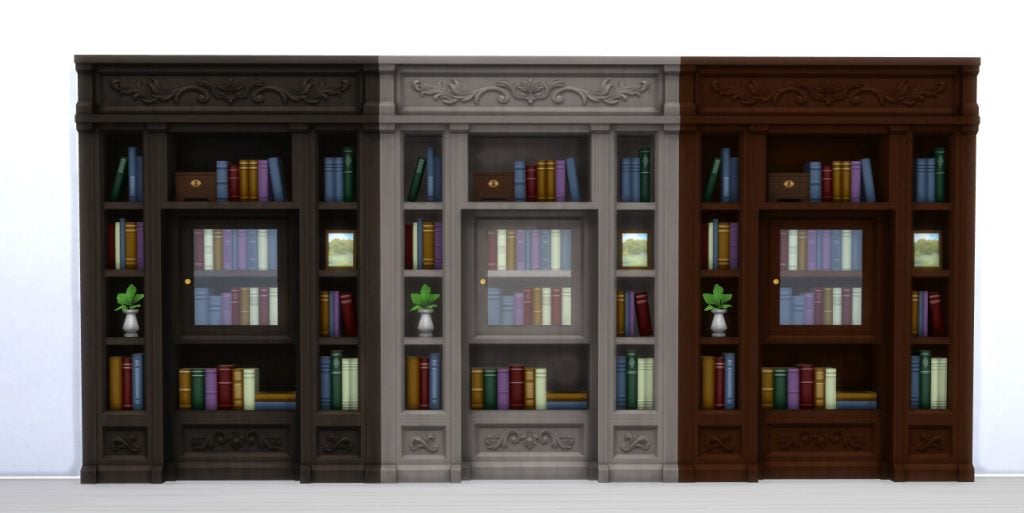
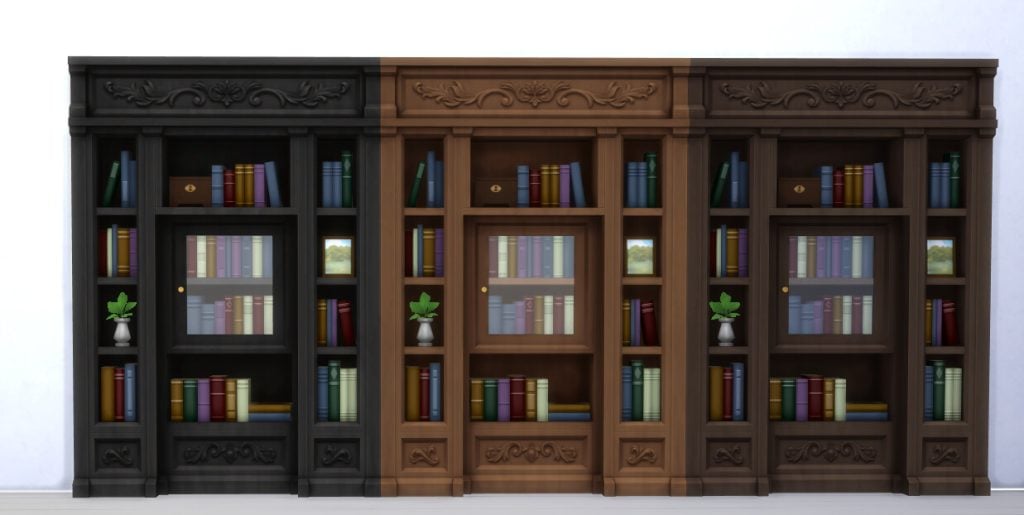
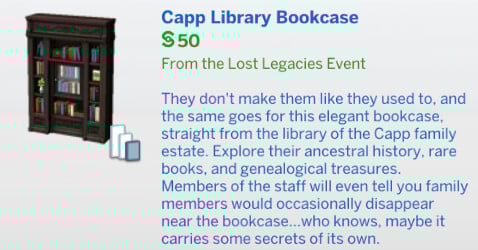
Capp Library Bookcase

The only Build item in today’s bundle of rewards is a pretty special one. This bookcase is not a bookcase at all, infact it’s a secret doorway used for all sorts of passageways and secret tunnels.

  • 6 Swatches
  • § 50

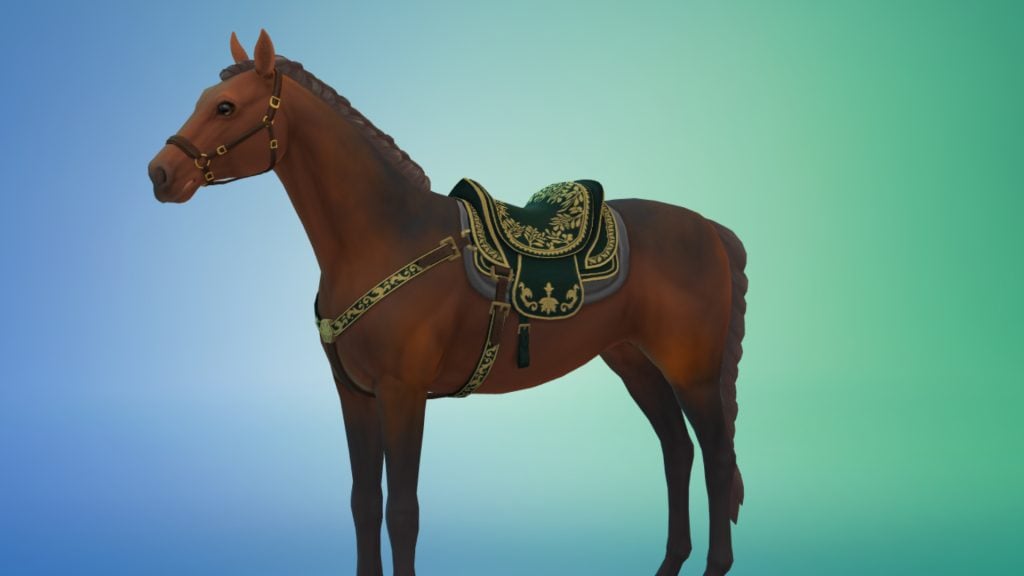
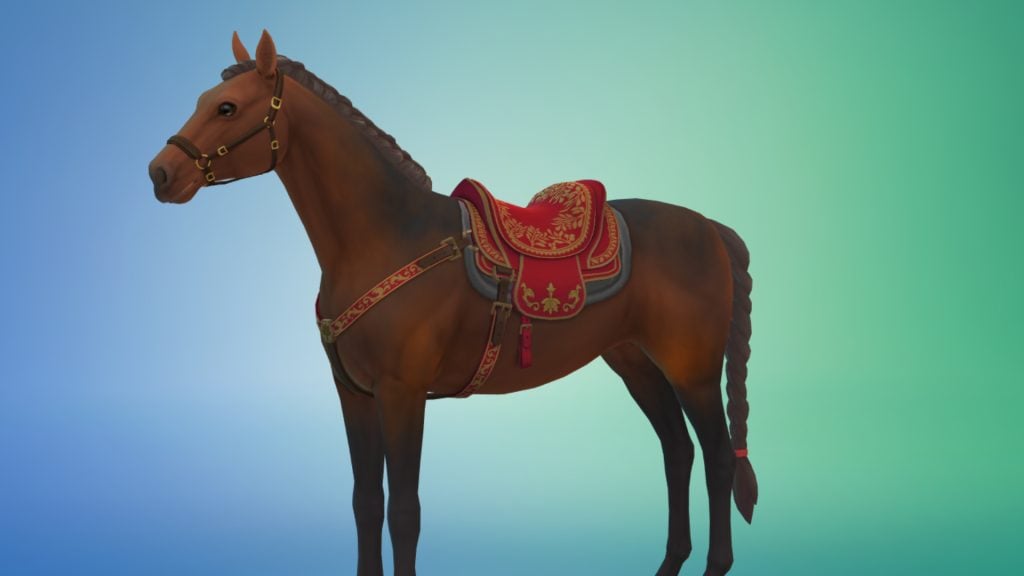
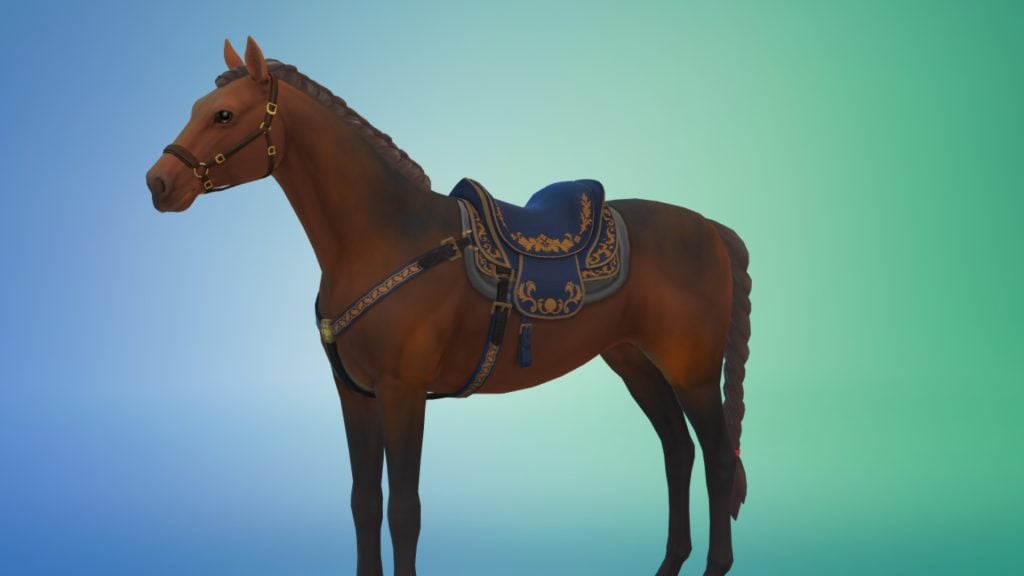
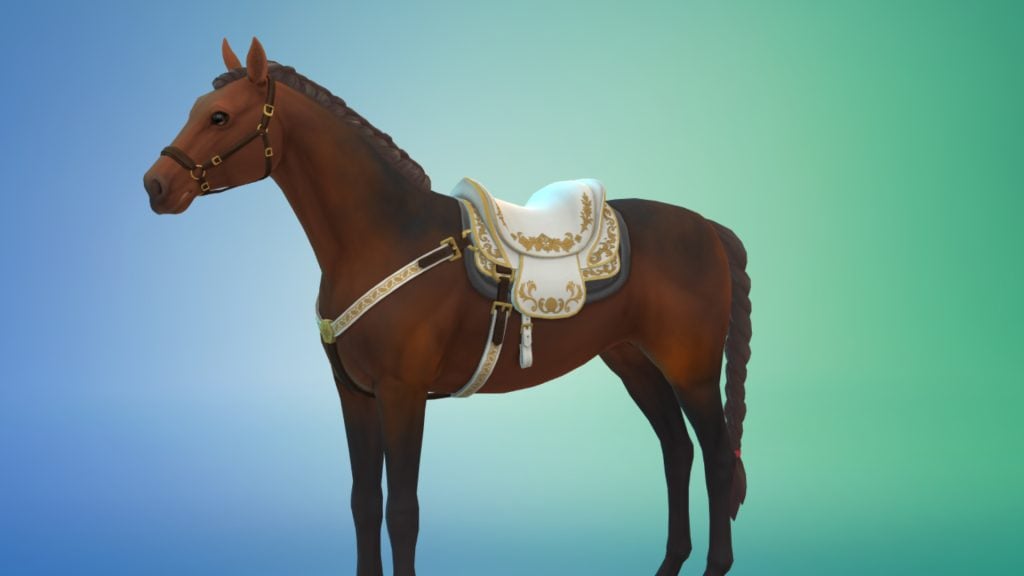
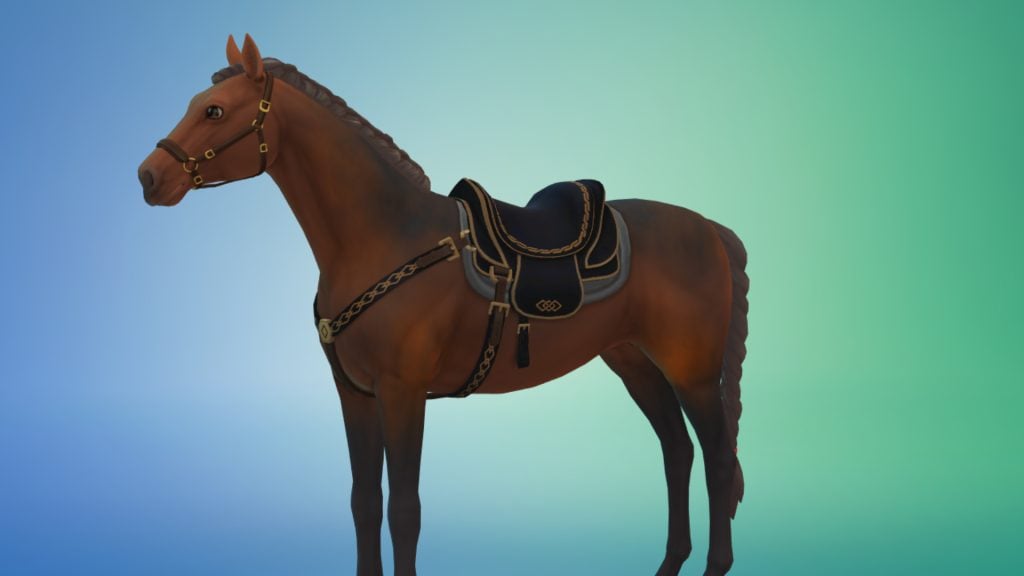
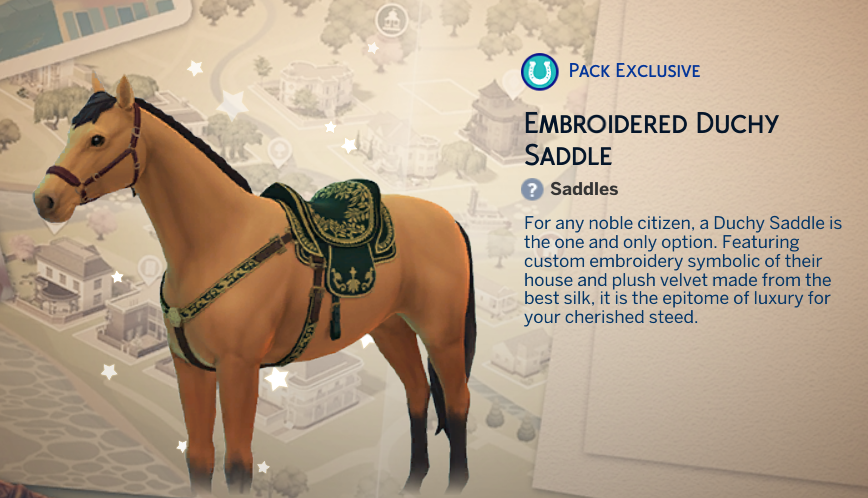
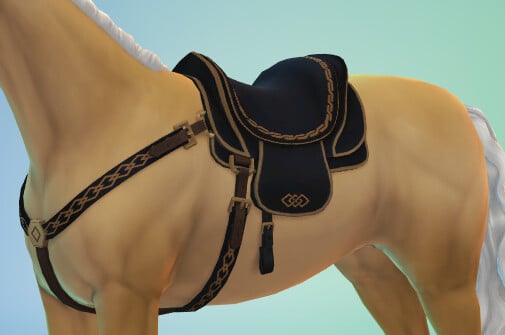
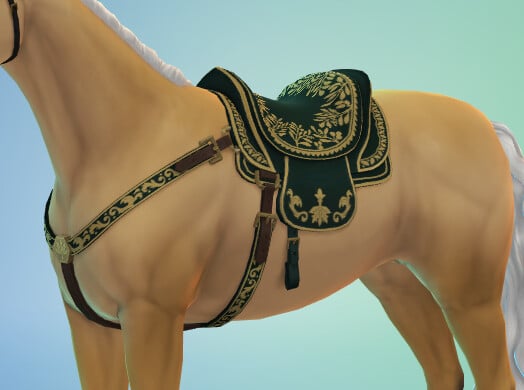
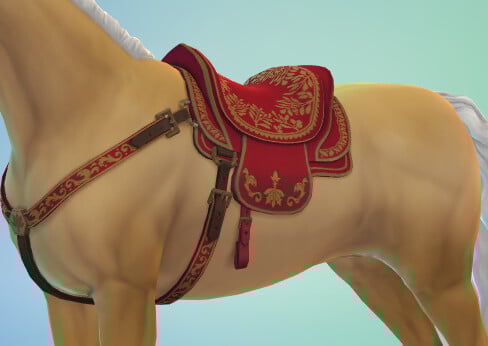
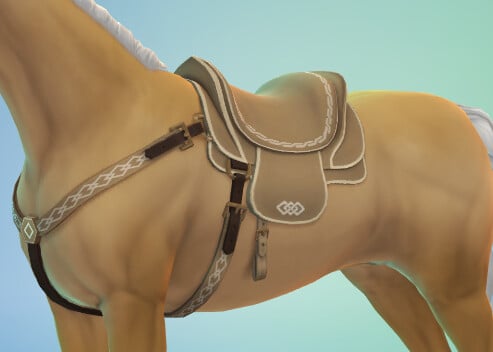
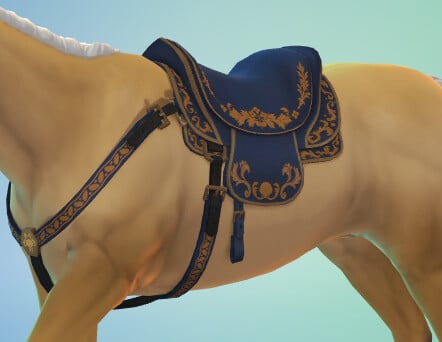
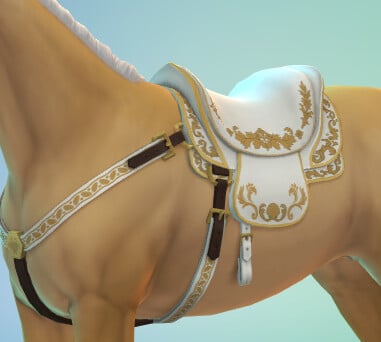
Embroided Duchy Saddle (Horse Ranch Expansion Pack Required)

As with last week’s altar, the trend of requiring packs for rewards continues. This saddle can be found under the Riding category in Horse Outfits.

  • 6 Swatches

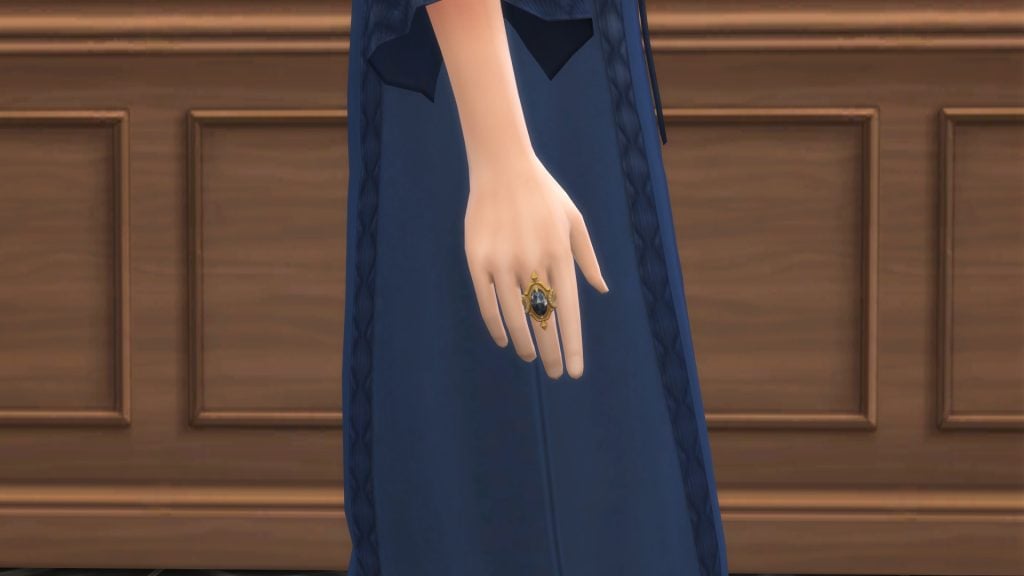
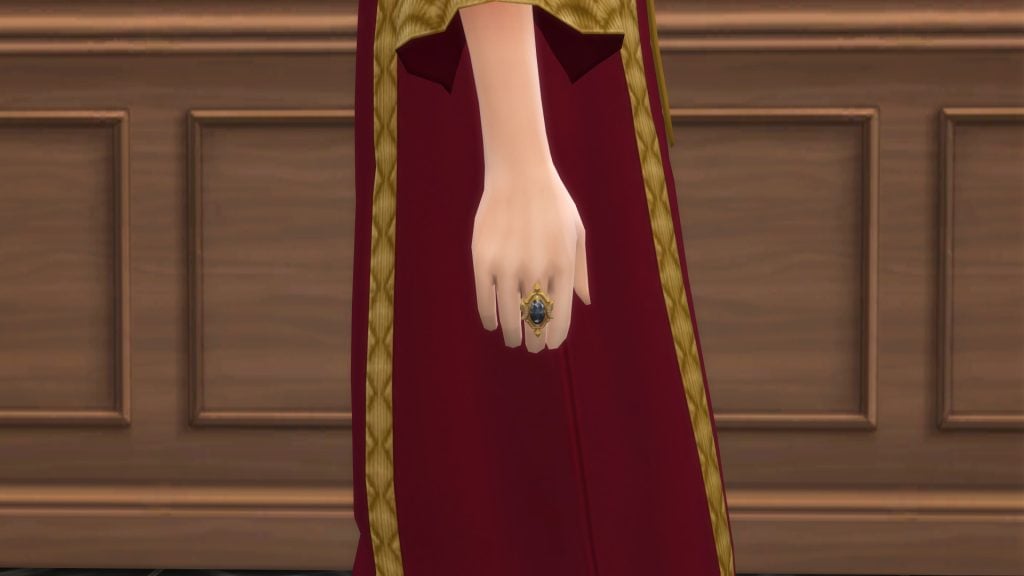
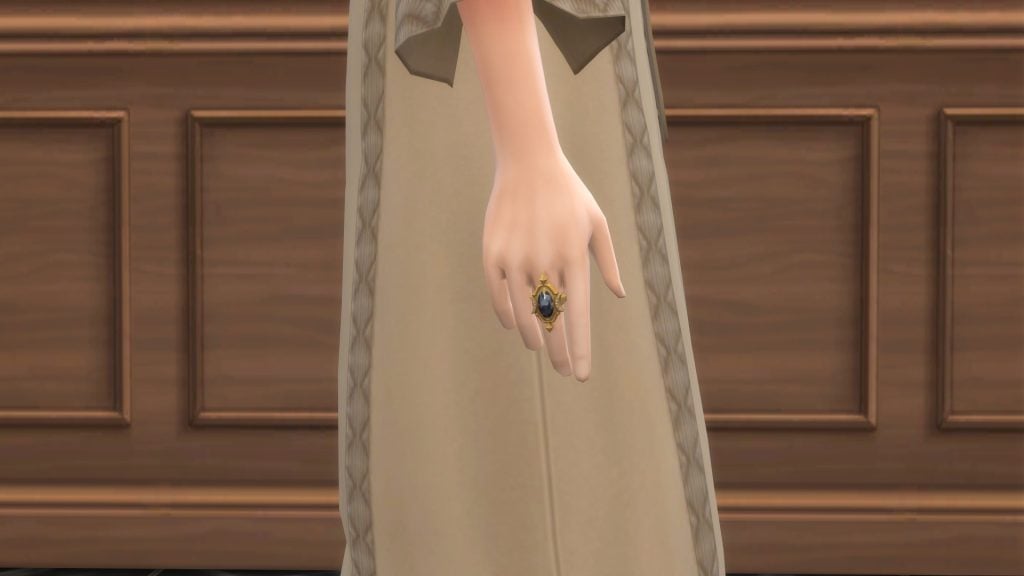
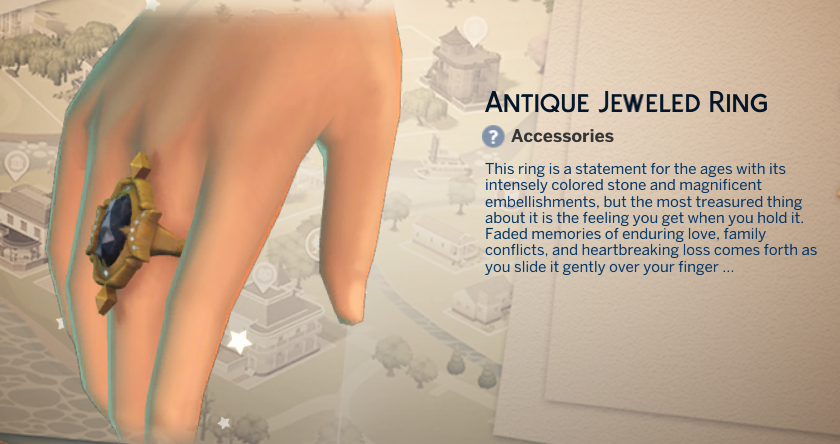
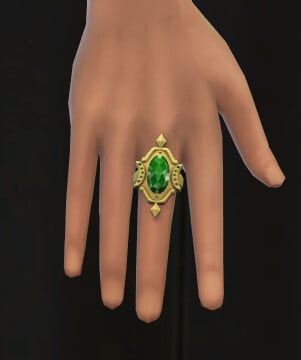
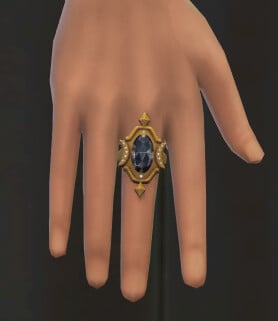
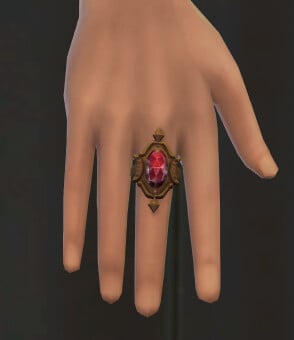
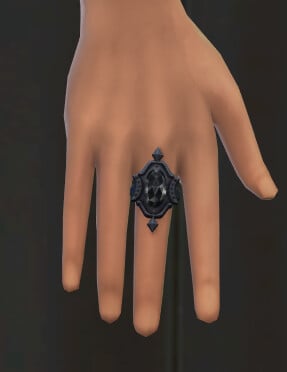
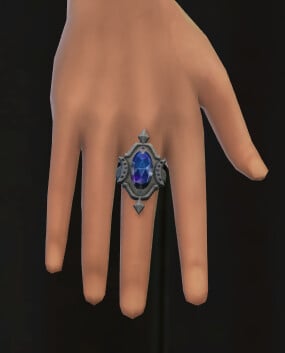
Antique Jeweled Ring

The Antique Jeweled Ring can be found under the rings category of Create-A-Sim and is unisex

  • 5 Swatches

Future Event Rewards

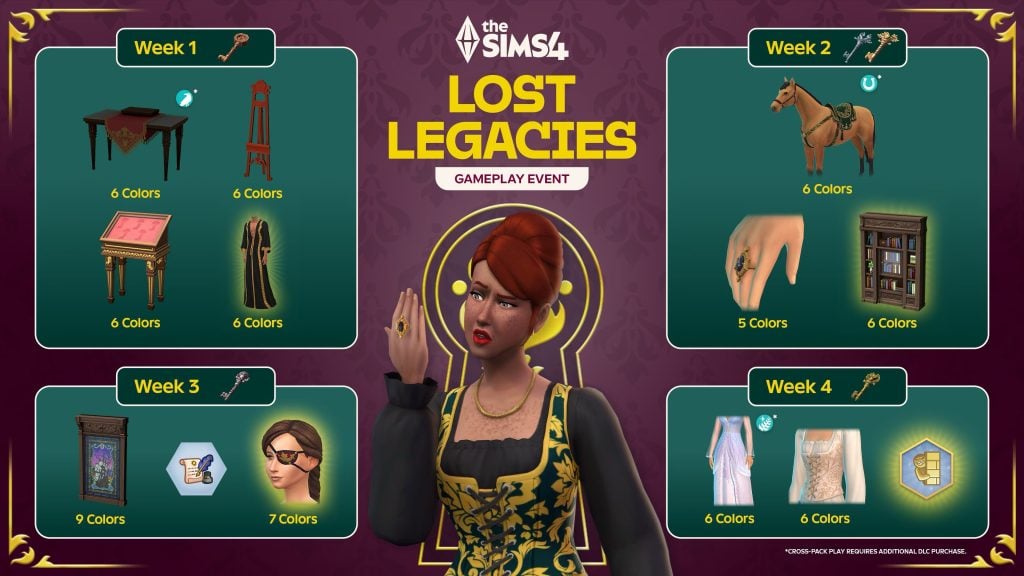
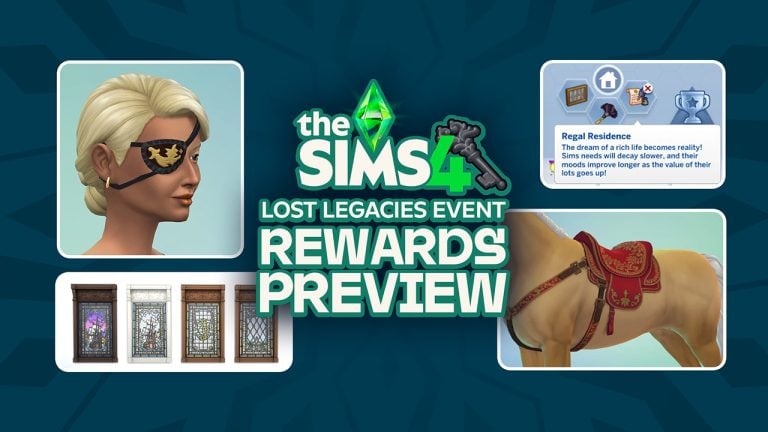
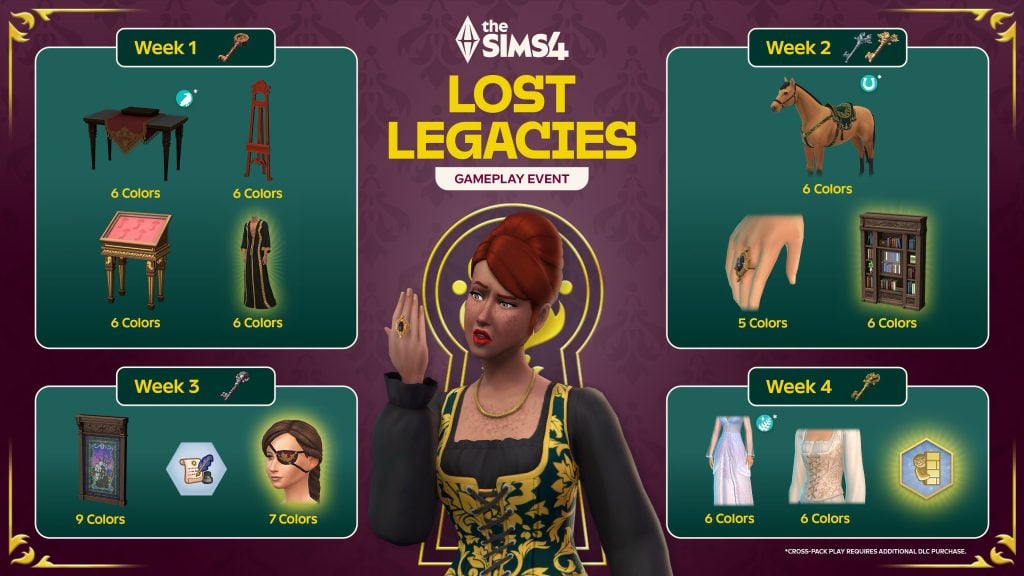
You can check out the promotional image below to sneak a peek at the future rewards up for grabs in The Sims 4 Lost Legacies Event.

the sims 4 lost legacies event r

That’s all for this week, but make sure to check back next Tuesday for our full walkthrough of The Sims 4 Lost Legacies Event Week 3!


What reward are you most excited for in the latest event? Let us know in the comments below, and stay tuned to Sims Community for all the latest on Live Events in The Sims 4!

Making Creator Recipes: The Sims 4 Royalty & Legacy Blog

0

Electronic Arts spotlights Sims Creators who worked on Recipes for The Sims 4 Royalty & Legacy!

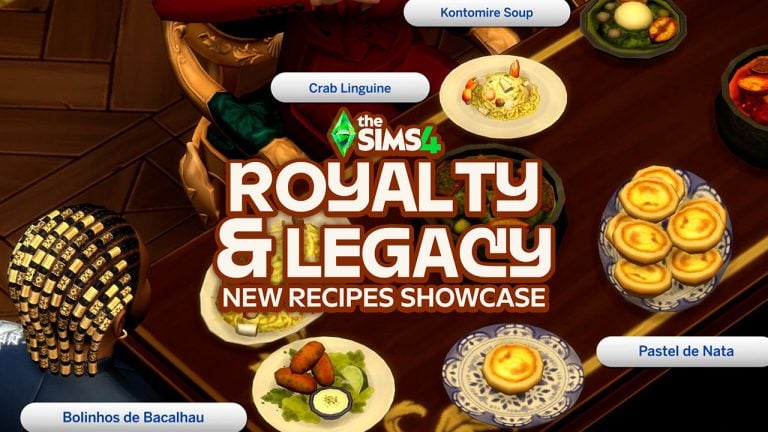
EA has updated their blog entry with new information about Creator Recipes coming with The Sims 4 Royalty & Legacy Expansion Pack. The social media team also showcased a new video, featuring these new recipes at the royal dining table. Check it out below:

In case you’ve been out of the loop, two Sims Creators icemunmun and Littlebowbub worked on some of the new food recipes coming with this week’s EP release. The two creators explain their inspiration, work process and finishing results for these new Pack recipes!

See it all in the latest blog update entry below:

CONVERSATION 2

The Sims 4 Royalty & Legacy: Creator Recipes

When it came to cooking up new recipes for Royalty and Legacy, we teamed up with IceMunMun and Littlbowlbub, who specialize in food-focused custom content, to bring delicious new treats to Sims’ lives, drawing inspiration from West Africa, Portugal and Italy.

We spoke with them about their approach to creating content and why food holds a special place for them in The Sims, as well as the advice they have for aspiring custom content creators.

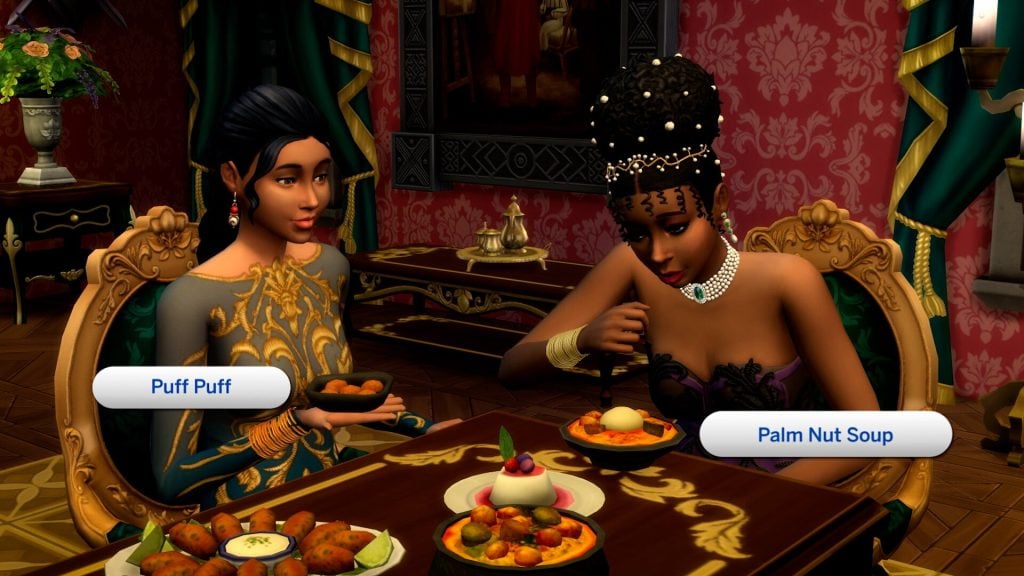
Two Sims in elegant outfits share traditional dishes labeled Puff Puff and Palm Nut Soup at a richly decorated dining table.

IceMunMun – MunMun Chattopadhyay

MunMun Chattopadhyay, also known as IceMunMun, is a medical doctor based in India by day and a passionate Sims creator by night, and has been creating custom content for The Sims 4 for more than eight years. Her creations bring depth and flavor to gameplay, adding new ways for players to cook, craft and interact with their Sims’ worlds.

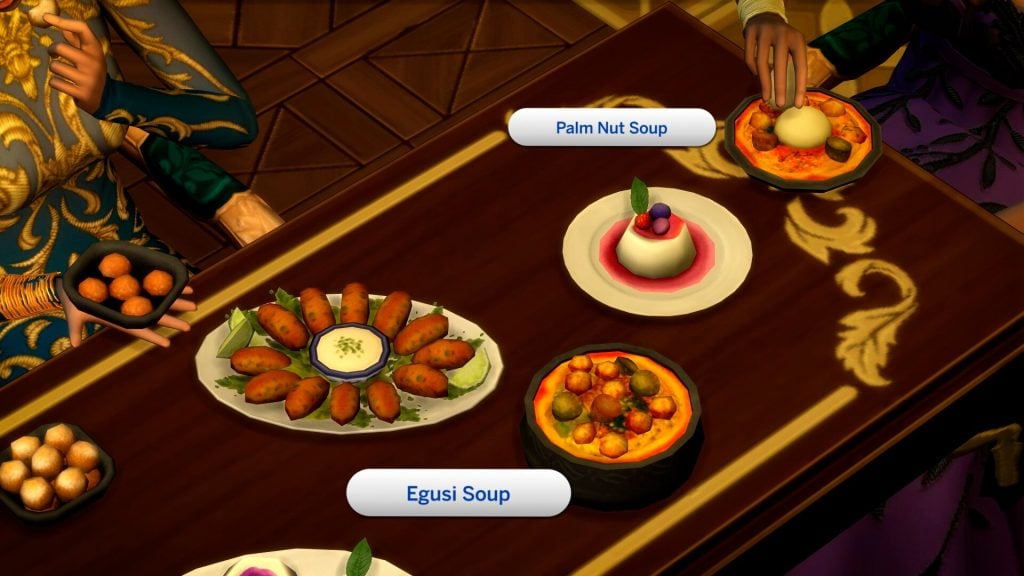
MunMun helped create rich and comforting recipes, including Egusi SoupKontomire Soup and Palm Nut Soup, as well as the decadent Panna Cotta.

Close-up of a dining table with traditional dishes labeled Palm Nut Soup and Egusi Soup, alongside appetizers and dessert.

❔THE SIMS TEAM: Which recipe are you most proud of, and what about it makes it special to you?

MUNMUN: I love them all, how could I possibly choose one! What I dearly love are all the cultural foods I have made to date, because the process allowed me to learn so much about the cuisine and cultural practices of different parts of the world. For this pack, I loved making the Egusi Soup with Fufu.

❔THE SIMS TEAM: How did you get into making Sims content, and why do you like to focus on food?

MUNMUN: I have been a Sims player since 2005, and have spent all my adult life playing The Sims, so it is a big part of my life. Being of a creative bent in real life, I gravitated towards making custom content and mods for The Sims 4 because I wanted to fully customize the game. We all know that playing The Sims is a deeply personal experience for everyone, and I wanted to fully express my creative self!

Food for me is an expression of love! I love food and I love The Sims, so naturally I combined two of my passions and ended up spending my days researching food, learning about new cultural practices, brainstorming design choices and recreating them for Sims. I also love seeing my Sims making the food and eating them in-game.

❔THE SIMS TEAM: What advice do you have for others who want to get started on Sims custom content creation?

MUNMUN: For anyone wanting to delve into custom content creation for The Sims, I would advise the person to pick a niche or aspect of life that you genuinely love and try to recreate the experience in game. Research the idea, draw up plans first. The technical parts will come later. It’s all trial and error at first, and you may get frustrated, but you will soon get the hang of it if you keep doing what you love.

Littlbowbub – Jess

Jess, known in the community as Littlbowbub, has been creating custom content for The Sims 4 for over six years, with a focus on richly detailed, food-inspired mods. She is best known as the creator of Grannies Cookbook, along with a collection of medieval-inspired creations. Jess’s content adds warmth, nostalgia and personality to Sims’ kitchens and worlds, giving players new ways to create cozy, imaginative experiences into their gameplay.

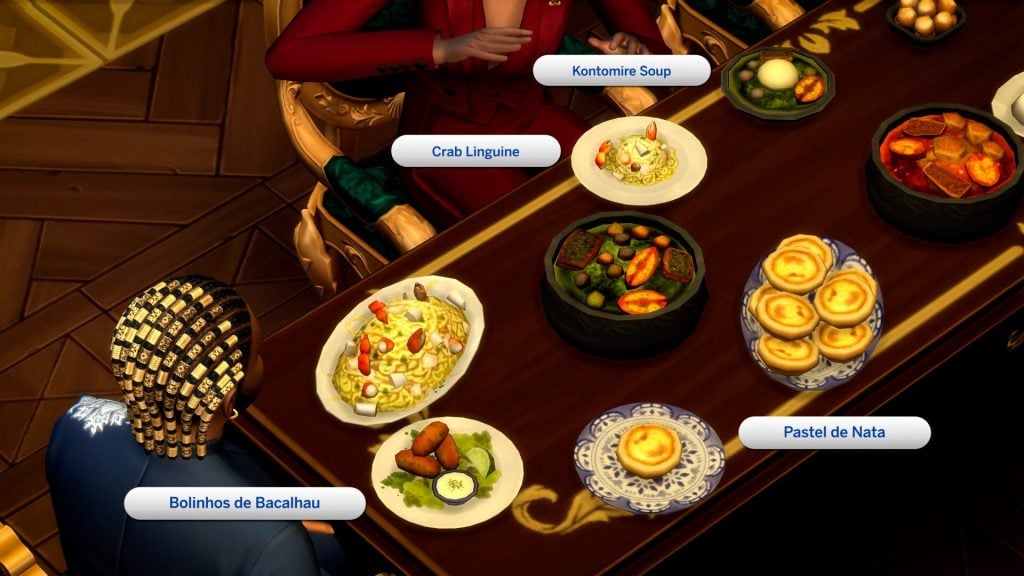
Jess helped create the delicious finger food snacks Puff PuffBolinhos de Bacalhau, and Pastel de Nata, as well as a hearty Crab Linguine recipe.

Overhead view of a dining table with labeled dishes including Kontomire Soup, Crab Linguine, Bolinhos de Bacalhau, and Pastel de Nata.

❔THE SIMS TEAM: Which recipe are you most proud of, and what about it makes it special to you?

JESS: One of the recipes that is most special to me is quite an old recipe now. I was commissioned to replicate a real-life wedding cake which I still feel very honored to have been asked to do. Being able to bring a piece of their special day into the game for them was such an incredible moment in my creative journey!

❔THE SIMS TEAM: How did you get into making Sims content, and why do you like to focus on food?

JESS: There was a lot of trial and error over the years before I finally figured things out, but what really sparked me into making content was an event Simblreen held on Tumblr: every year it came around, and I wanted so much to create something and participate. I was a little stubborn about it and was adamant I would finally join – so I spent (probably far too much) time putting together some frankenmeshed items, which is ironic seeing as it was Halloween! I also must thank IceMunMun for helping me with the first piece of content I made: a candy apple cart, which hit a bump at the very end, but she was so helpful in getting me unstuck. In fact she was (and still is) a huge inspiration to me for delving into making custom foods, I’m always in awe with her creations and I’m especially excited to have been able to work alongside her in this amazing collab!

I think food is a fun and interesting thing to create. We have to eat, but food can be more than just basic sustenance, it can help tell a story, from special events or even just day to day life. One of the parts I really enjoy is deciding what the theme for a particular recipe is going to be. The same recipe can end up telling a completely different story depending on how it’s plated. Everyone has a favorite recipe or a food they dislike and that food can stir up memories and emotions. A lot of the requests I get are of someone’s favorite recipe or a food that is an important part of where they are from and they’d like to see it in the game so that they can have their Sims enjoy it too! 

There are so many different recipes from all around the world, and in many places food is a big part of the culture. If you ever visit someplace new, one of the first things you want to do is explore the food. I love hearing from my community how excited they are when I have made a recipe that they enjoy in real life or that originates from their homeplace!

❔THE SIMS TEAM: What advice do you have for others who want to get started on Sims custom content creation?

JESS: I recommend just having a play around at first without setting any expectations. Start with small edits for existing meshes and just nosey around to get a feel for how things work. Definitely check out the Sims4Studio forums. There are so many helpful guides and chances are if you bump into a problem, someone has already had the same issue and has received help. Don’t be afraid to reach out to a cc creator for some advice if you get a little stuck somewhere!


Are you looking forward to trying out these new Creator Recipes in The Sims 4 Royalty & Legacy? Let us know your thoughts and stay tuned to the latest news and updates on Sims Community!

From CAS to Candlelight: The Best Sims 4 Valentine’s Day CC for the Perfect Love Day

Valentine’s Day in The Sims 4 has always been about more than exchanging roses and chocolates — it’s about creating unforgettable moments. With the right Sims 4 Valentine’s Day CC, Love Day turns into a full romantic experience filled with romantic outfits, cozy builds, and dreamy décor.

image

This year, I decided to give my Sims a complete Valentine’s makeover using custom content found through CurseForge and Patreon. I had an absolute blast discovering a variety of creative, unique, and beautiful CC. Let’s just say… Love Day has never looked this good!

Sims 4 Valentine’s Day CC cozy cottage build
Because every great love story deserves a dreamy home to match.

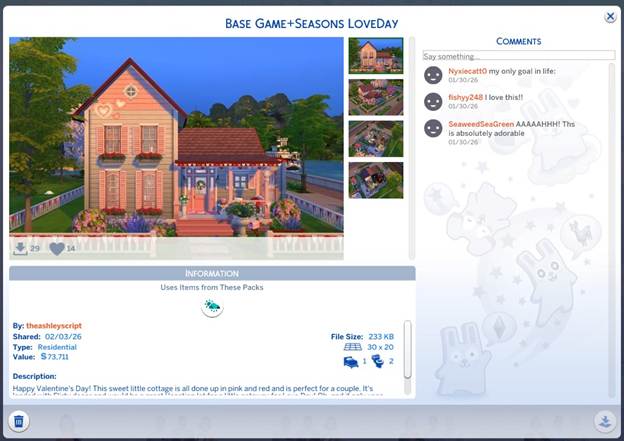
Before the outfits, dates, and cozy moments even began, the first step in this Valentine’s makeover was finding the perfect Love Day cottage — and the Sims 4 Gallery absolutely delivered. The build titled Base Game + Seasons Love Day by Gallery creator theashleyscript felt like it was designed specifically for romantic storytelling.

What made it even better was that it uses only Base Game items along with The Sims 4: Seasons Expansion Pack — no massive CC folder required. Thoughtful décor, festive details, and cozy spaces made the entire home feel warm and inviting.

You can easily turn it into your Sims’ forever home or convert it into a vacation rental for a romantic weekend escape filled with candlelit dinners and slow mornings. Treating Love Day like a mini holiday instantly made gameplay feel more immersive and special — the perfect setup for everything that followed.

Creating the Ultimate Valentine’s Day Outfits with Sims 4 Valentine’s Day CC

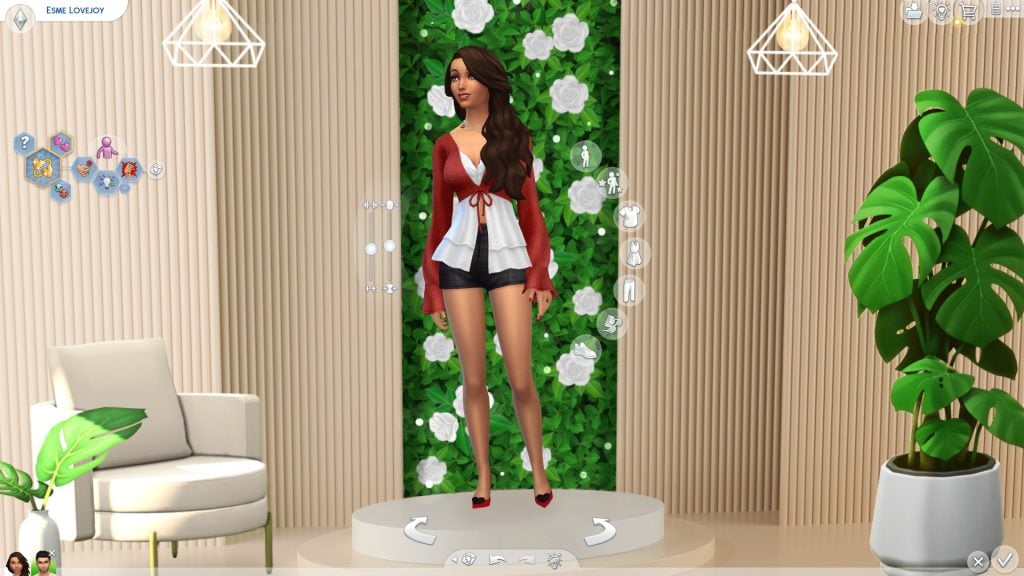
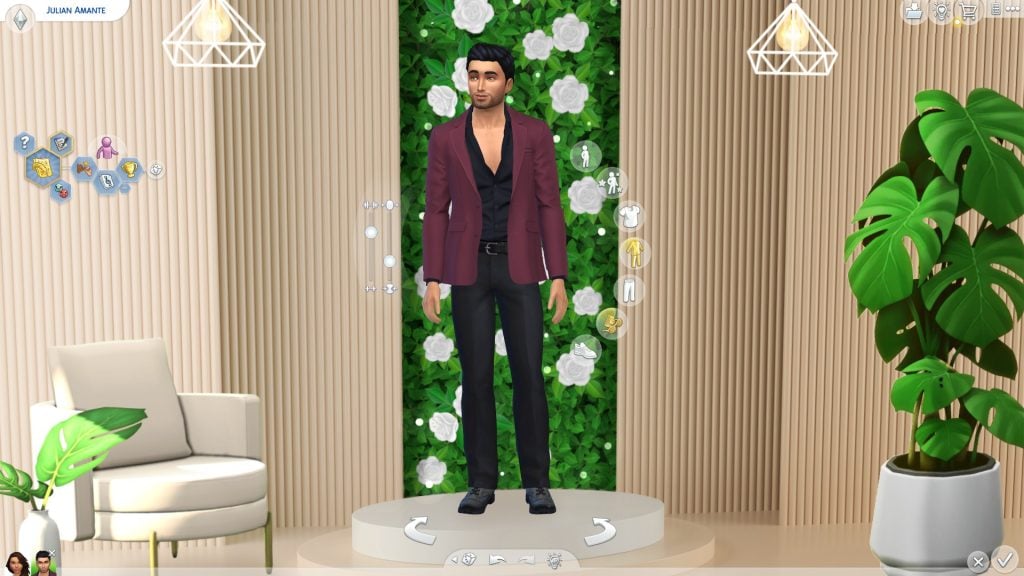
Once the cottage was ready, it was time to head into Create-a-Sim and bring the Valentine’s aesthetic to life. Mixing Base Game favorites with Sims 4 Valentine’s Day CC made it easy to design outfits that felt cozy, romantic, and full of personality.

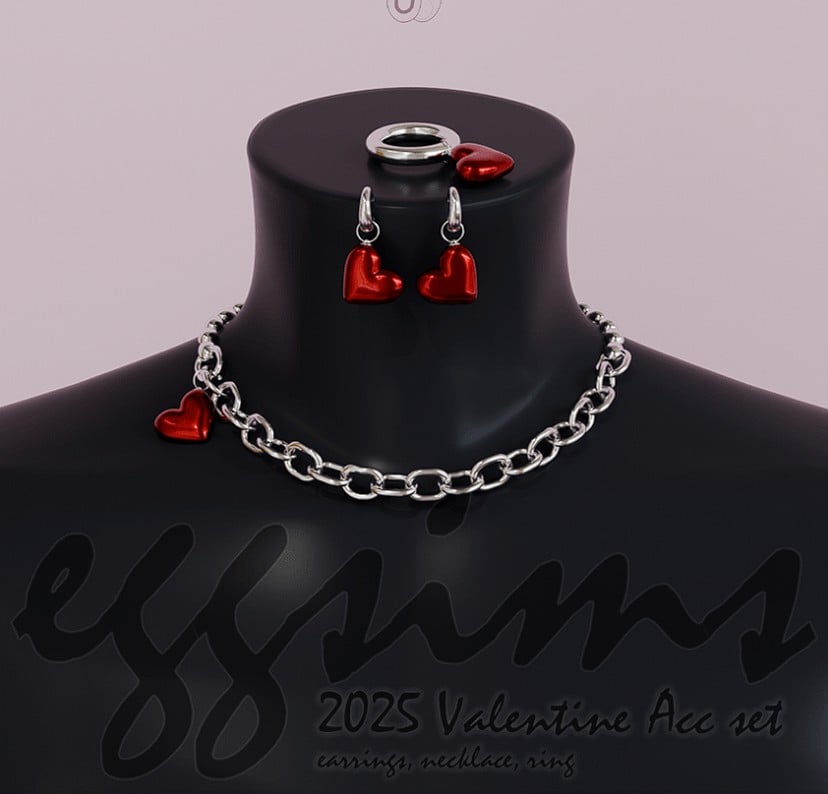
From heart-themed accessories to soft glam makeup and elegant hairstyles, custom content elevated every look. Whether you’re dressing your Sims for a romantic date or a cozy night in, CC allows you to personalize every detail in a way the Base Game alone simply can’t. One of the best parts of this makeover was how easy it was to find beautiful, high-quality content — especially through CurseForge and creator Patreons. These outstanding Sims 4 Valentine’s Day CC looks can be downloaded at:

[EGGSIMS] 2025 Valentine Acc set

Created by eggu_sims

EggSims 2025 Valentice Acc set 1

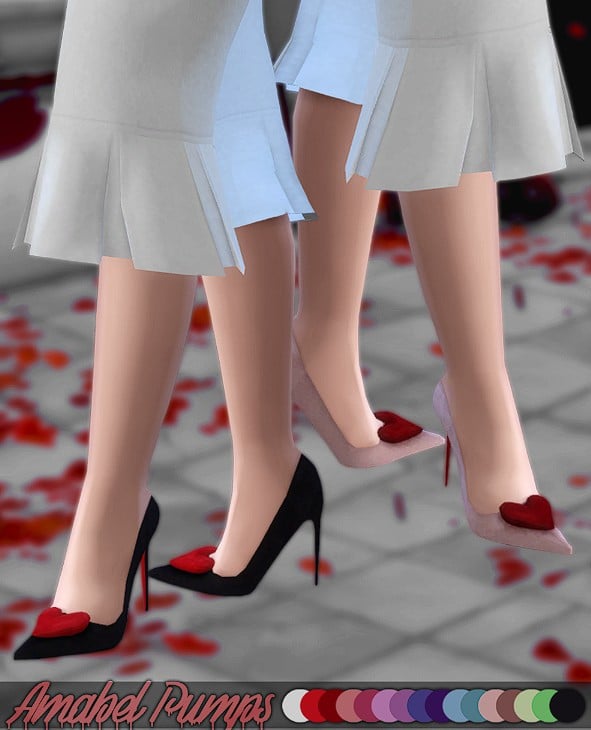
Amabel Pumps (Bloody Valentines Collection)

Created by elloneandreea

Amabel Pumps

Be My Valentine Nail

Created by aithsims

Be My Valentine Nail

Especially 4U | Sims 4 Valentine’s Day Set

Created by SnootySims

Especially4u sims valentines set

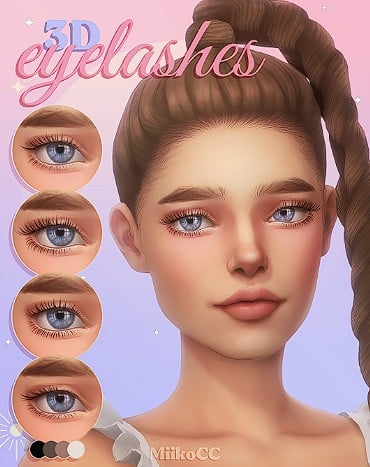
Eyelashes ~ Part 4

Created by miikocc

Eyelashes Part 4

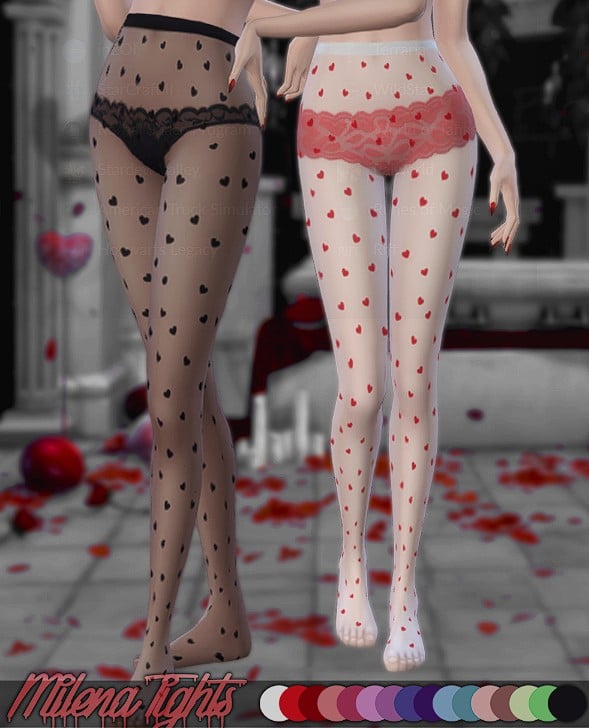
Milena Tights (Bloody Valentines Collection)

Created by elloneandreea

Milena Tights CC collection

CurseForge:

  1. EGGSIMS 2025 Valentine Acc Set
  2. Amabel Pumps (Bloody Valentines Collection)
  3. Be My Valentine Nail
  4. Especially 4U Sims 4 Valentine’s Day Set
  5. Miiko 3D Eyelashes Part 4
  6. Milena Tights (Bloody Valentines Collection)

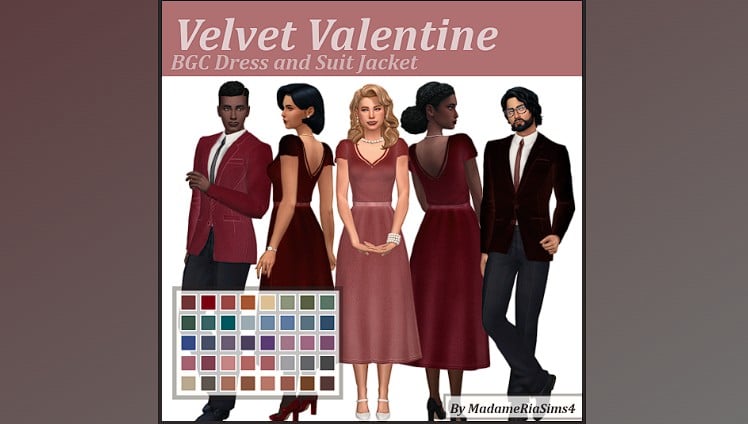
Velvet Valentine Mini CC Set

Created by MadameRia

Velvet Valentine CC set

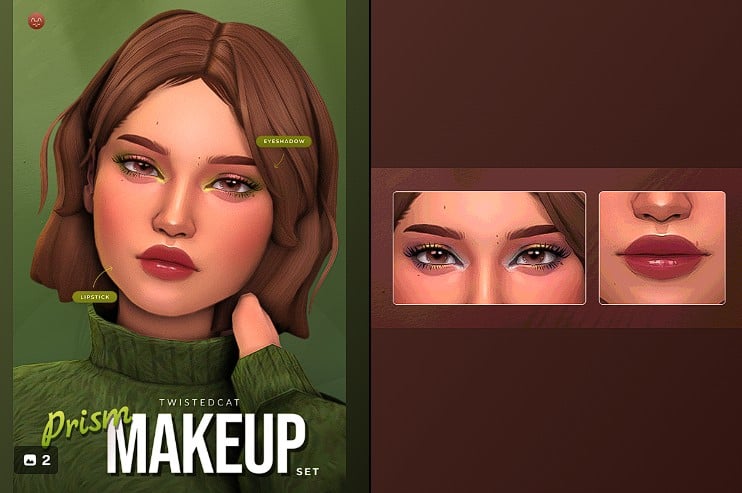
Prism Makeup Set

Created by TwistedCat

Prism Makeup Twisted Cat

Heidi Hair(Download)

Created by TwistedCat

Heidi Hair TwistedCat

[KK] Suit set 03

Created by KK’s creation

KK Creation Suit Set

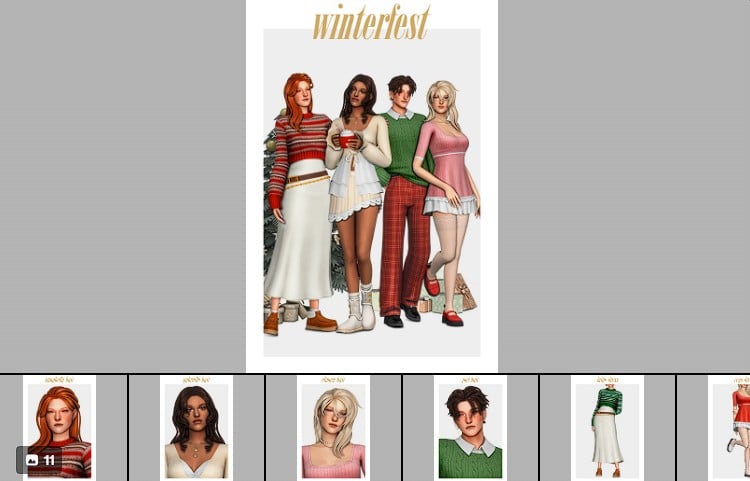
«winterfest» cc pack

Created by clumsyalien

Winterfest

Patreon CC:

  1. Madame Ria Velvet Valentine
  2. Twisted Cat Prism Makeup Set
  3. Twisted Cat Heidi Hair
  4. KK’s creation KK Suit set 03
  5. ClumsyAlien

Cozy Love Day Moments at Home

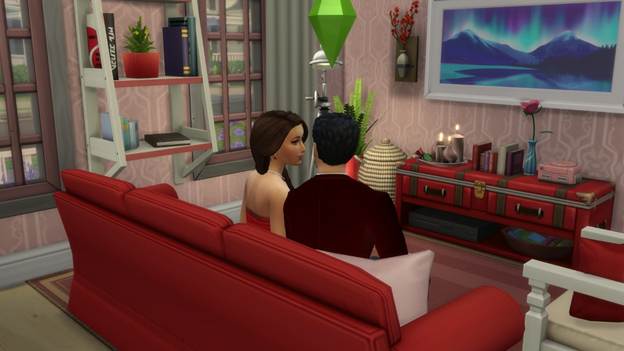
image 2
Not every Valentine’s moment needs fireworks — sometimes it’s all about cozy vibes.

After the initial love day prep excitement, the couple settles into a candlelit living room filled with soft lighting and romantic décor. These quiet scenes feel just as meaningful — the kind of moments that make gameplay feel like storytelling instead of simple interactions. Custom content adds warmth without overpowering the space, making everything feel intentional and personal. theashleyscript’s wonderful build sets the tone and makes these moments feel effortless.

Romantic Love Day Date Ideas for Your Sims

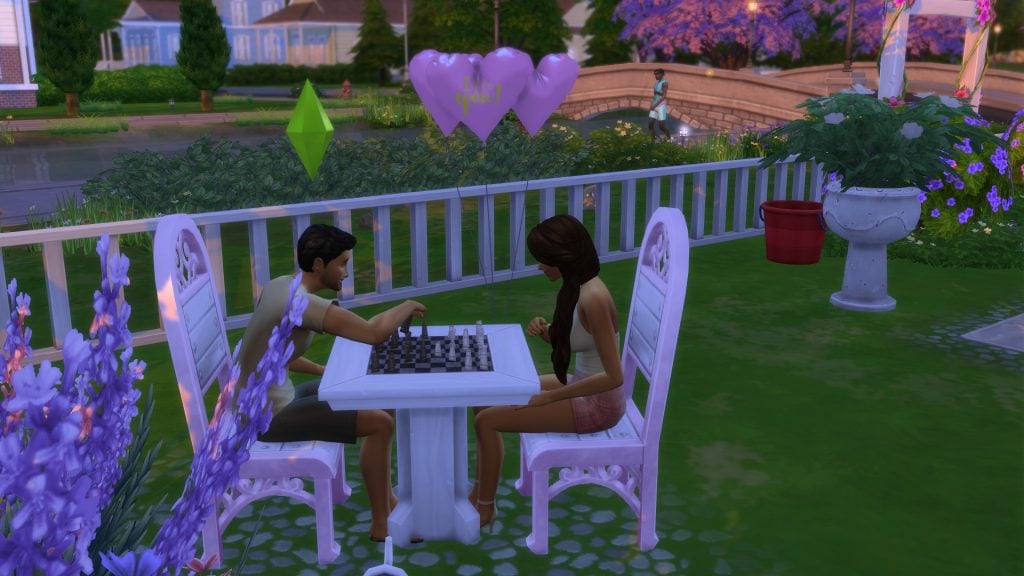
One of the sweetest moments turned out to be a simple outdoor chess match surrounded by heart balloons and blooming flowers. It was proof that even small interactions can feel magical with the right décor and ambiance.

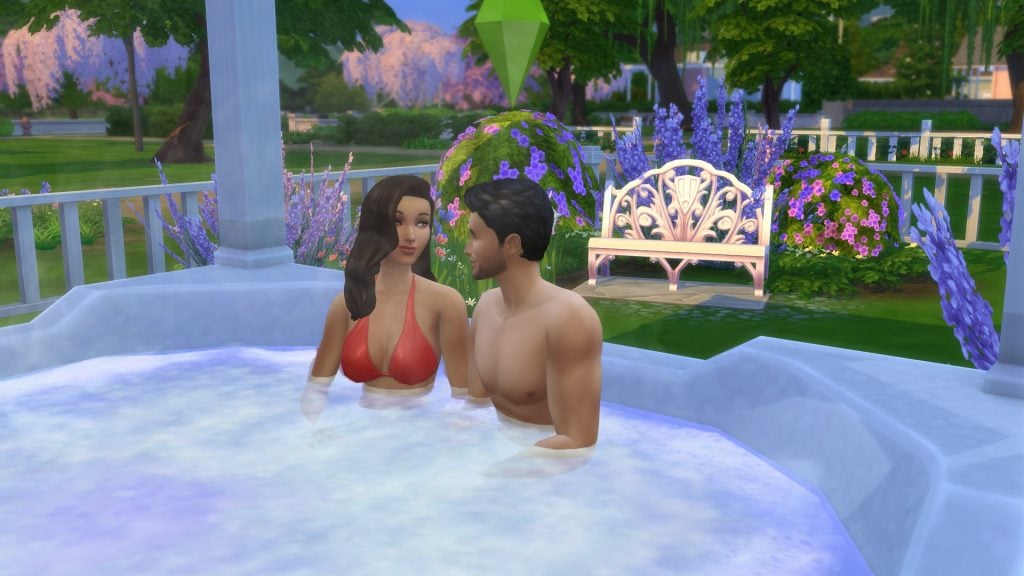
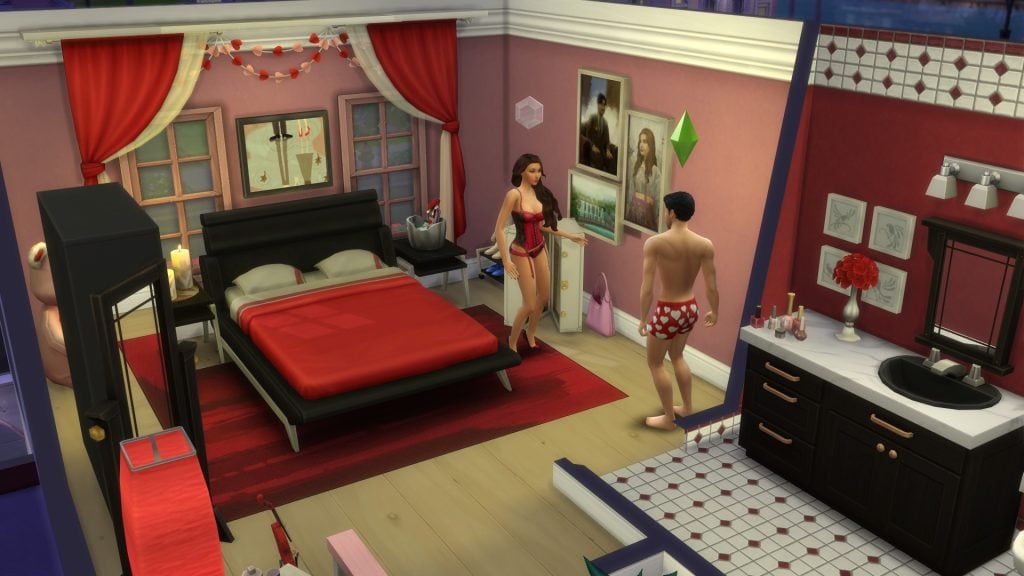
As the evening wound down, the couple relaxed in the hot tub before ending the night in a softly lit Valentine’s bedroom filled with warm romantic touches. These little storytelling moments are what make Love Day in The Sims 4 feel so special — and Sims 4 Valentine’s Day CC enhances every second of it.

Where to Find the Best Sims 4 Valentine’s Day CC

One of my favorite parts of putting this Valentine’s makeover together was how easy the entire CC hunt felt. I ended up pulling custom content from both CurseForge and Patreon, which gave me the perfect mix of festive décor and romantic outfits.

Everything downloaded smoothly and worked perfectly in-game after the February 3, 2026 Base Game update — making the experience stress-free and fun. Whether you’re new to CC or a longtime player, both platforms make discovering custom content incredibly accessible.

Final Thoughts on Transforming Love Day with Sims 4 Valentine’s Day CC

From cozy cottages and candlelit bedrooms to romantic outfits and heartfelt moments, Sims 4 Valentine’s Day CC completely transforms how Love Day feels in-game. It’s not just about adding new items — it’s about creating atmosphere, emotion, and memories.

Whether it’s that rare Gallery find that feels like it was designed specifically for Love Day storytelling, or the perfect Valentine’s custom content, those creative touches are what turn simple gameplay into unforgettable romantic experiences.

How do you like to celebrate Love Day in The Sims 4 — and are there any CC creators or Gallery builds you can’t play without?

Valentine’s Day CC for the Perfect Love Day
Valentine outfits Sims 4 Valentine’s Day CC in CAS

The Recycling Problem With The Sims 4 Royalty & Legacy Objects and Features

Throughout its lifespan, it has become well known that The Sims 4 often reuses assets from the base game and older expansion packs to create “new” objects. In many cases, this form of recycling has felt justified or even clever, such as the kitchen set from City Living, which presents a cheaper, more worn-down alternative to the base game’s standard kitchen.

However, the latest expansion seems to take this strategy a step further. With The Sims 4 Royalty & Legacy Objects, a significant portion of the newly released content appears to rely heavily on recycled assets from older kits and packs, sometimes with minimal changes. Pointed out first by player @lunar_britney, and later explored in more depth in a video by @CozyMarccu. This increased level of recycling makes the reuse far more noticeable than in previous releases and has sparked discussion among players about how much of the pack truly feels new.

The Sims 4 Royalty & Legacy Objects Appear to Be Recycling
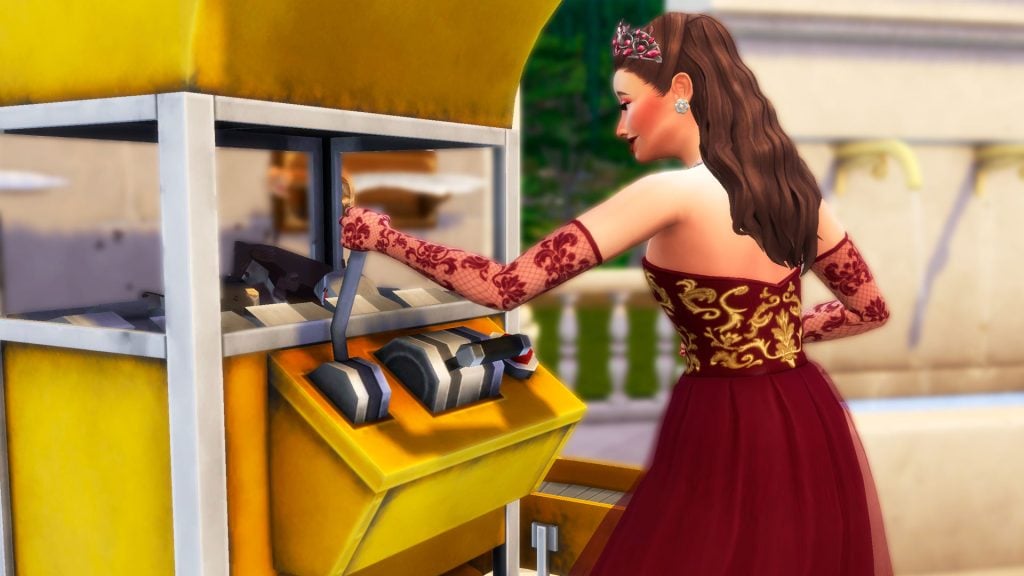
A royalty member using Eco Living’s Recycler Machine

Since the first gameplay trailers for The Sims 4 Royalty & Legacy were released, the Sims community has speculated that the brand-new Dynasties system might be built on top of the existing Clubs system from Get Together. This suspicion was later confirmed with the release of early-access gameplay videos from content creators.

Reusing systems or assets is not necessarily a bad thing, and recycling has long been part of how The Sims 4 evolves. When handled well, this approach can be cost-effective and allow developers to focus on polishing other areas of the game. However, with The Sims 4 Royalty & Legacy Objects, the extent of this recycling feels far more noticeable, raising questions about how much of the expansion truly brings new content to the table.

Build & Buy Recycling in The Sims 4: Royalty & Legacy Objects

Here are all the new Expansion Pack items that appear to reuse or closely replicate assets from previous packs and the base game.

Thanks to The Sims Creator Program for the early access code

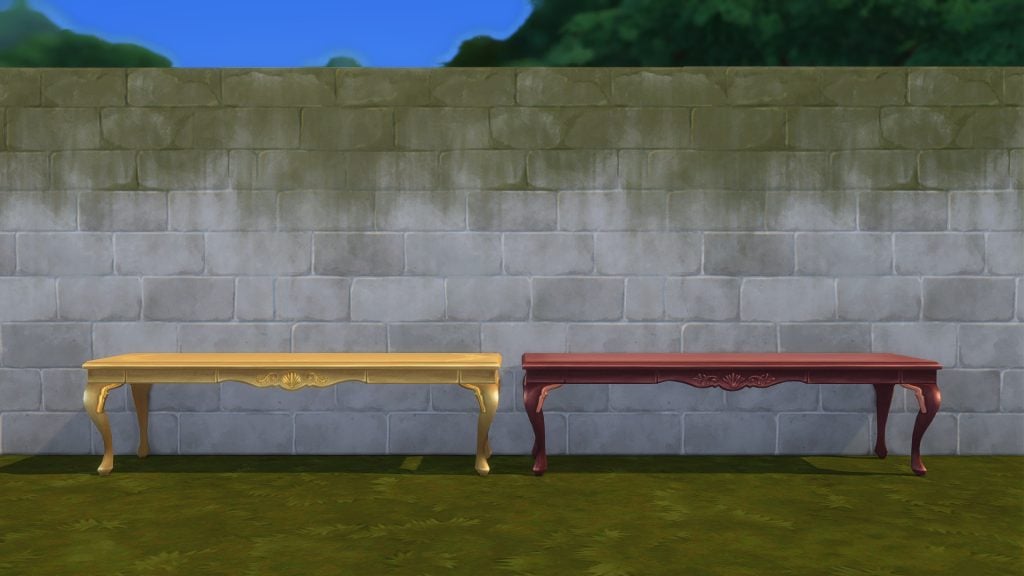
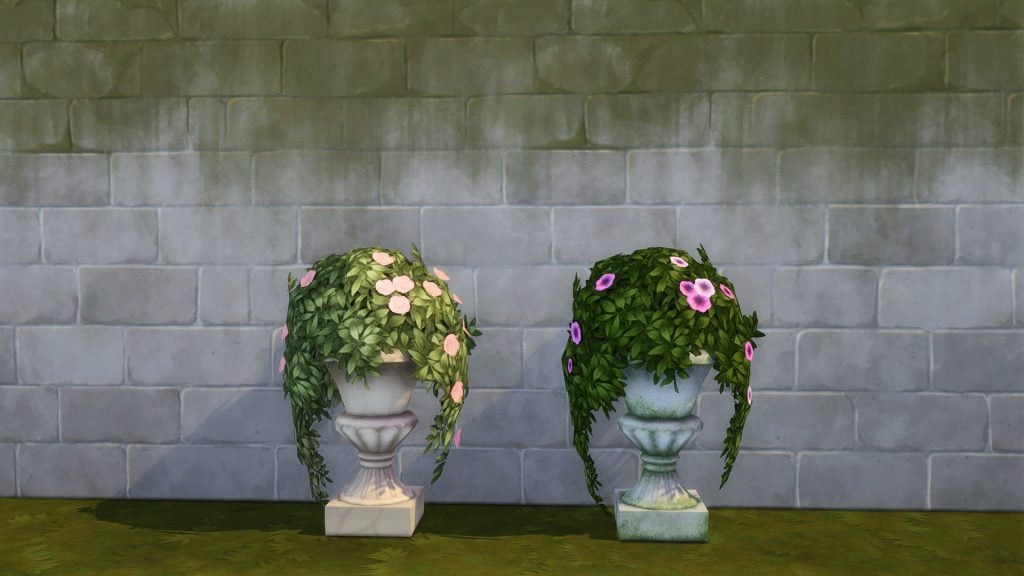
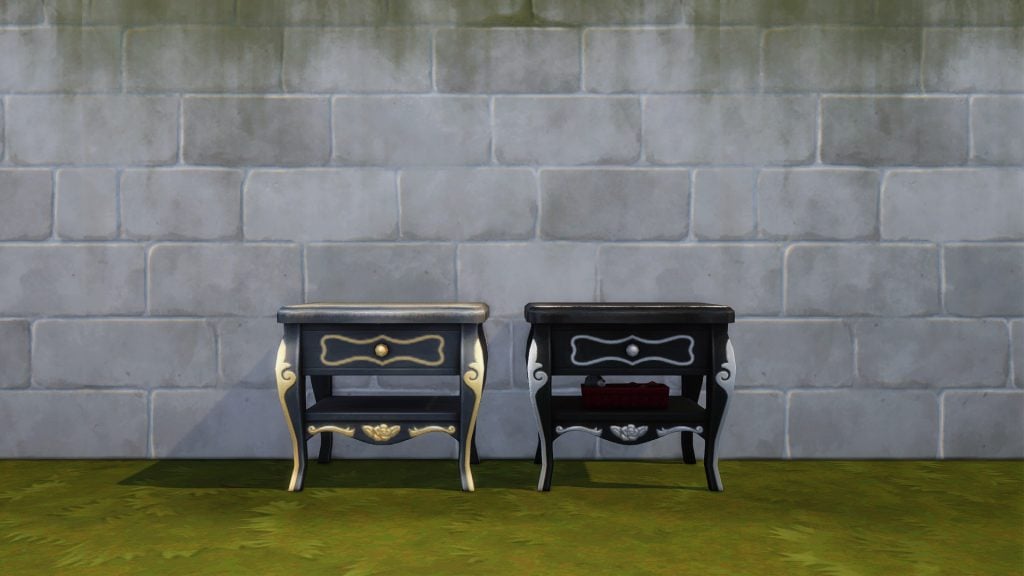
After comparing multiple objects side by side, a clear pattern starts to emerge. While asset reuse has always been part of The Sims 4’s development strategy, the Royalty & Legacy objects feel far more noticeable due to how closely many of the new objects mirror existing ones. In several cases, the silhouettes, proportions, and decorative details remain almost unchanged, with differences relying mainly on recolors, minor texture tweaks, or small ornamental additions.

This makes the reuse feel less like a clever reinterpretation and more like straightforward recycling, especially when multiple items follow the same approach. On their own, these similarities might be easy to overlook, but taken together, they raise valid questions about how much of the pack’s object catalog truly offers something new versus repackaging what players already have.

The Sims 4 Royalty & Legacy Continues Recycling Gameplay Features

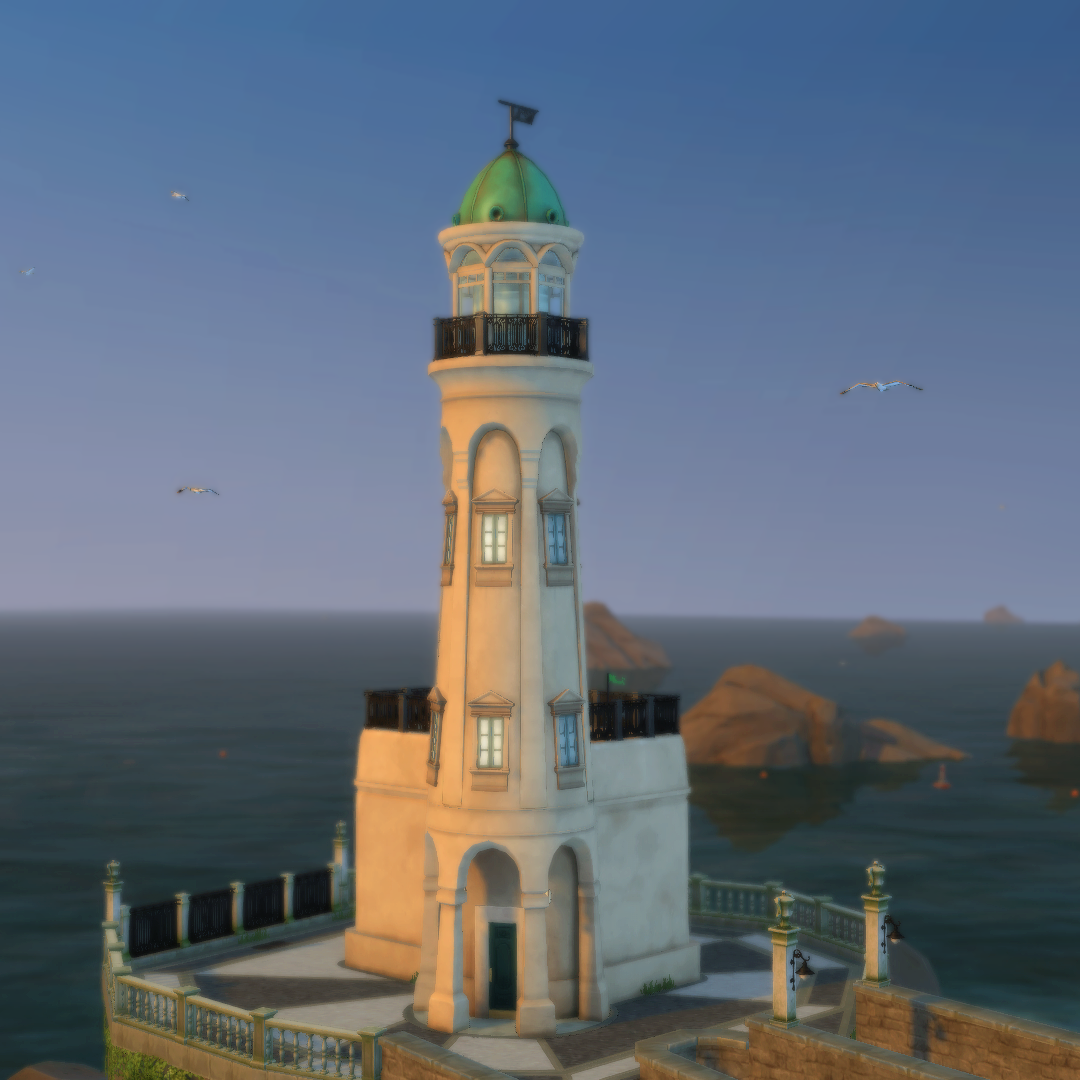
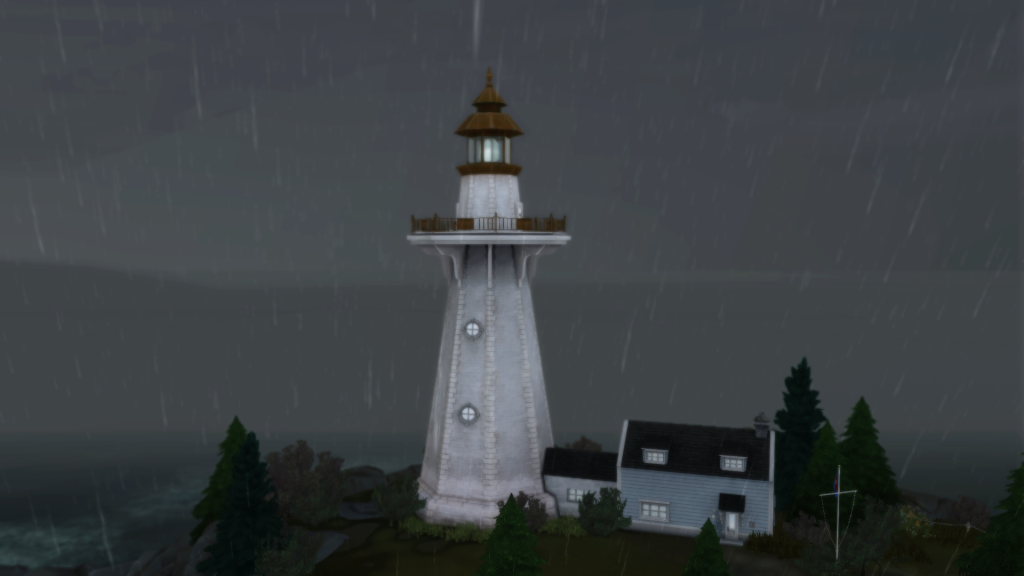
The “gameplay” found in some The Sims 4 Royalty & Legacy buildings, such as the lighthouse located in Verdemar, is literally the same as the one in Brindleton Bay. We already know both lighthouses are the same build, but it would have been nice to see at least some new interaction or unique feature to justify its return, right?

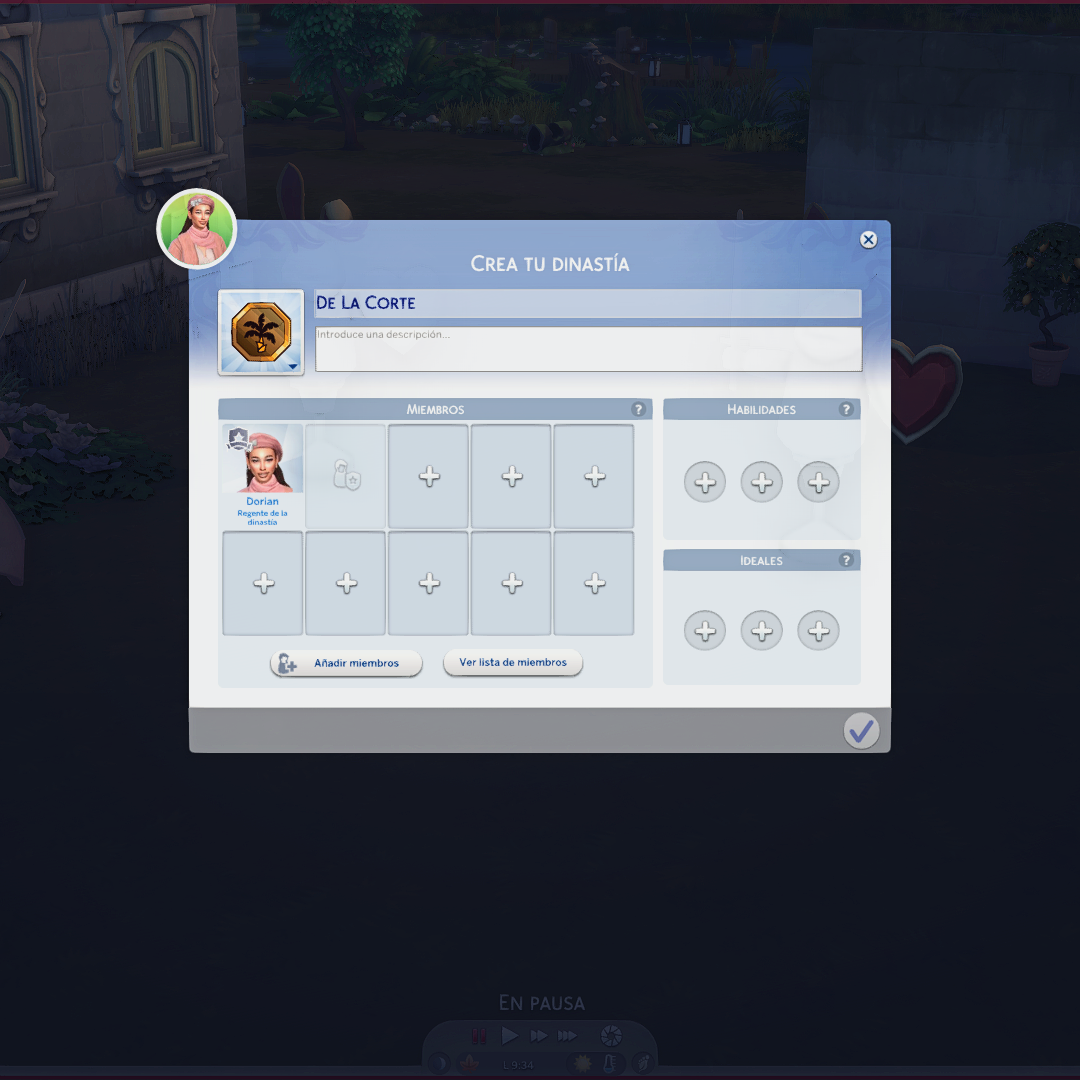
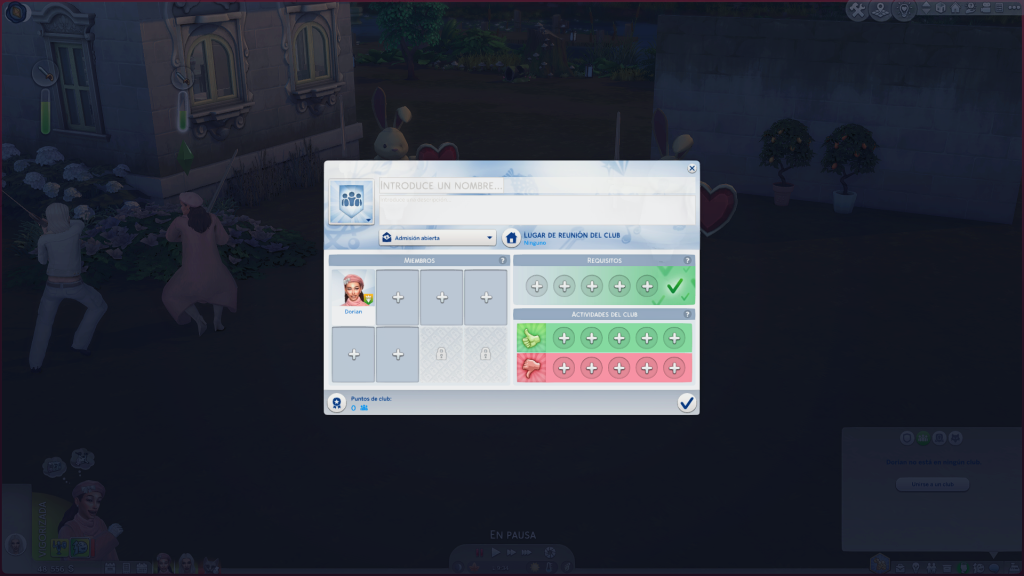
When looking closely at the Dynasties system introduced in The Sims 4 Royalty & Legacy, it becomes difficult not to draw parallels with the Clubs system from Get Together. Both systems rely on a very similar foundation: a structured group of Sims, defined membership, specific values or behaviors, and passive bonuses that influence how Sims act while part of that group.

In the case of Clubs, these mechanics made sense as a flexible social tool, but with Dynasties, one of the core features of the expansion, the expectations were naturally higher. While reframing the system to represent noble lineages and family power works thematically, the underlying mechanics and interface feel strikingly familiar, giving the impression that this is more of a recontextualized Clubs system than a fully new gameplay layer built from scratch.

In the end, recycled content isn’t the issue on its own; how it’s leveraged makes all the difference. In The Sims 4 Royalty & Legacy, reused systems and features don’t always translate into noticeably richer gameplay, often feeling familiar rather than expanded. By contrast, The Sims 4: Adventure Awaits showed how existing frameworks could be pushed further, introducing a wide range of gameplay-focused objects and new skills, even when some mechanics, like retreats, closely mirrored business systems from packs such as Businesses & Hobbies. When recycling is used as a foundation for deeper interaction and progression, it can enhance the experience; when it isn’t, it simply becomes more visible.


Do you feel that recycled content in The Sims 4 Royalty & Legacy is being used to meaningfully expand gameplay, or does it feel more like familiar systems repackaged? Let us know what you think in the comments.

The Sims 4 Ondarion Lore Q&A: Developers Tell New Royalty & Legacy Secrets

7

The complete summary of The Sims 4 Ondarion Lore Q&A is here!

The Sims Team hosted a special Sims 4 Ondarion Lore Q&A session on Discord today for the upcoming release of The Sims 4 Royalty & Legacy Expansion Pack.

The Sims 4 Royalty Legacy Official Dynasty Gameplay Trailer 2 4 screenshot

Developers SimDevFiore and SimDevXènia answered players’ questions about the new world Ondarion, Lore and the new Secrets feature. Check out all of the answers shared by the developers!

CONVERSATION 2

Question: Hi, do you know what Ondarion’s climate will be? Will it be different for each neighborhood?

SimDevFiore: Hello! indeed each neighborhood has slightly different climates in Ondarion, you can expect more rain in Verdemar, more sun in Dambele, and more temperate climates in Bellacorde

Question: I want to know everything you can tell us about Princess Cordelia and her legacy through the Thebe dynasty! XD

SimDevXènia: princess cordelia seems to have been taking some potion to keep her alive through so many years! her first mention in Sims lore dates to medieval times. it’s all explained in her journals in the game!

Question: Tell me everything about pirates please

SimDevXènia: we don’t have classic pirates in royalty & legacy, but we do have a trio of individuals who run operations outside of the law. their identities are concealed, you’ll have to discover who they are and what do they do

Question: Medieval? I thought the potion suspended her aging for at 20 years

SimDevXènia: she must have drank a lot of it, then! so much that it maybe even changed her genetics and gave her a very characteristic eye color in life and death there’s a tarot card that links her to medieval times!

Question: Tell me everything about Virgilio!

SimDevFiore: Where to begin with Virgilio… Well, he’s one of the 3 sons of Tybalt Capp, he’s very much single, and despite being a high ranking noble he’s a bit of an outcast in the Capp family as he really dislikes Noble life. He’s highly critical of the way Nobles live, especially in Bellacorde where everyone can be very vain… His closest friend (and perhaps the only real one) among the nobles is his sibling, Celeste Capp

Question: What was the reason behind excluding hermia Capp from the family tree? There certainly is a lot of Monty’s and Capps Missing and I Assume It’s Because We’re Focused Directly with Tybalt, but I’m curious of the official answer

SimDevXènia: yes, unfortunately there is a limit on the amount of sims we can ship per pack, even if they’re ancestors. we had to be very careful with who we wanted to prioritize. but that doesn’t mean that hermia will never return to the franchise

Question: According to her family tree, her Queen Thebe are the same person.

SimDevXènia: that is correct, in her journals she explains that after drinking so much potion people started gossiping and whispering about her longevity. she had to come up with a new identity to continue reigning!

Question: Will there be Arab stuff coming in this back alongside the African stuff?

SimDevFiore: There’s no focus on Arab content with this pack – for the Dambele neighborhood, its townies, lore, CAS and BuildBuy we specifically worked with PAGG (Pan African Gaming Group) to focus on bringing West African culture into an Royal setting with a Sims style

Question: How many noble families are there?

SimDevXènia: upon install, there’s 5 – Thebes (where Cordelia is) and Abrantes in Verdemar, Darongs in Dambele (which are connected to the Dreamers from TS2) and Enzo Alto and the Capps in Bellacorde. They’re all pretty different whent it comes to narrative tropes and family values

Question: Will we hear about Hermia or Tybalt’s aunts and cousins?

SimDevXènia: not in this pack I’m afraid :/ there’s a limit on the amount of sims we can ship per pack. if it were for me, I’d bring them all back!

Question: Are there any Monty members besides Romeo and Juliet

SimDevFiore: Perhaps Romeo and Juliet may have had a son

Question: Is Cordelia V pregnant when starting the game?

SimDevFiore: No!

Question: Are there any Monty members besides Romeo and Juliet

SimDevXènia: their son Dante, who happens to be secret friends with Tybalt’s child.

Question: Another question about the Capp: is also Tybalt single, right? Did he ever married someone in the past?

SimDevXènia: Tybalt is single at the moment, and he’s a catch tbh. Whoever marries him can insta-upgrade to grand-duchess of Ondarion (they’d have to deal with their problematic children too though)

Question: what do the magic mirror and crystal slippers do and how do you obtain them?

SimDevFiore: The Enchanted Mirror can be found upon a lake in Bellacorde, you may use it try and glimpse into possible futures! The Crystal Slippers can be obtained in many different ways, especially by interacting with the unique points of interest across Ondarion – they can make you incredible successful at a Grand Ball event

Question: Is there a gossip feature for Ondarion’s residents? Such as in past packs

SimDevXènia:
there’s a whole scandals feature in which you can ask for specific secrets and expose them. it’s not limited to ondarion though, you can use it anywhere. However, Ondarion Sims come with secrets of their own upon install, so you can start digging and decide if you’ll become their confidant… or not!

Question: Hi! It’s not a lore question but I was wondering if there’s a list somewhere or if you could tell me all the Noble Titles that are coming in the pack?? (Grand duchess, Duke, Princess, etc!)

SimDevXènia: knight, baronet, baron, viscount, margrave, count, marquess, duke, grand duke and king! (they’re different depending on the sim gender, and you can also write custom ones)

Question: will the old nobles become dowagers when the next generation noble is crowned? can the same sim inherit multiple titles if multiple nobles set them as heir?

SimDevXènia: they can just inherit one title!

Question: For sword duels – can occults duel in their way? I.e magic duels for casters, vampire duels for vampires,…

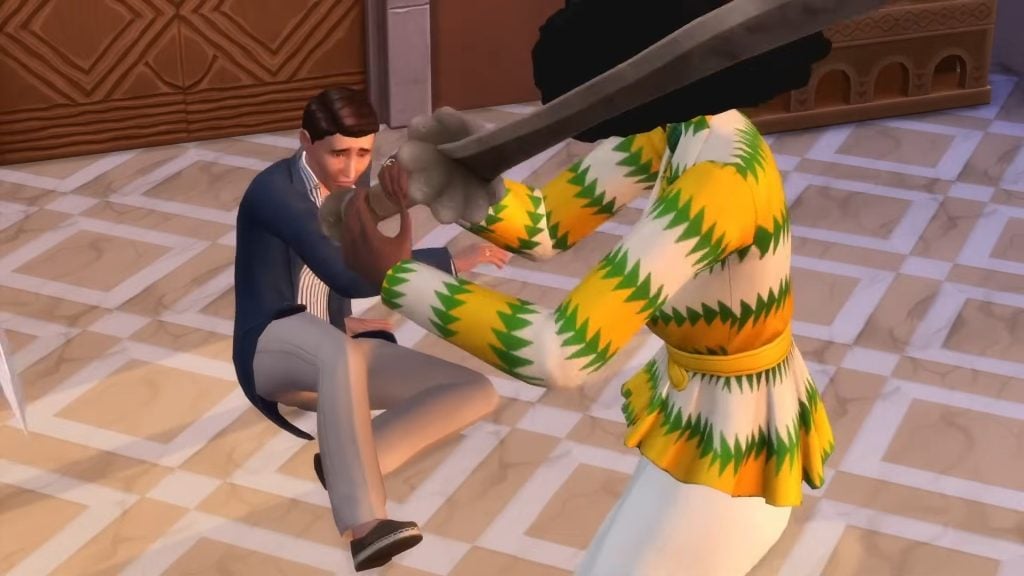
SimDevXènia: well occults have their own duels already when they use their powers, this is why when they duel with swords they only use the swordsmanship skill

Question: Is there any specific LGBTQIA+ representation in the Townies?

SimDevFiore: So much! To be fair most of the Nobles in Ondarion are LGBTQIA+ hahah. Some that come to mind immediately are Celeste Capp who is a non-binary noble, they have a penchant for chivalry and a ‘traditionalist’ aesthetic, which is not the most common way to represent non-binary people and we really wanted to explore that space in our representation We also have Akachi Onoja who is written as an intersex character! And… so many more, I could talk about them for hours!

Question: Is this limited to female sims or can all sims marry him? (Tybalt)

SimDevFiore: Tybalt is bi

Question: Even though they’re rivals now, do Tybalt and Juliette still love each other? Their bond in Sims 2 was so sweet

SimDevFiore: Their relationship is really, really strained in Ondarion after Juliette got ousted from the Capps… but it’s never too late to repair it in your game if you want them to be friends again

Question: Saw a Capp household description and wondering — Will Celeste have an Idealist trait if I have a Businesses & Hobbies pack?

SimDevXènia: no, but gameplay wise you could go through a self-discovery moment and gain the trait for them! you could also use a re-traiting potion or… cheat

Question: is Swords in the lore of sims 4 royalty and legacy have spellcaster vampire werewolf lore for swordsmanship skill like with the Moonwood Wand for spellcasters?

SimDevXènia: no, swords are not linked to occults. they’re a collectible for everyone to use in a fair way! (no advantages for supernaturals!)

Question: can you have vampire spellcaster werewolf fairy mermaid alien ghost occult dynasty crest?

SimDevXènia: you can make your own dynasty crests, and include a family member of each occult nature, so yes technically it’s possible

Question: can we banish the unlawful from our game? (is there a toggle to turn the unlawful npcs like Robin Hood on or off)

SimDevFiore: We don’t have a toggle for that!

Question: Is there a way to stop them? Like with burglar alarms?

SimDevFiore: Of course! Burglar alarms still work (on top of throwing hands and fighting them yourself)

SimDevXènia: yes, alarms and all the previous burglar mitigation methods work as well. There’s a new method to fend off the burglar, which is by swordsmanship duel of course

Question: Sorry for the spam but I really hope I can get an andswer; Can occult monarchs be challenged to occult duels instead of sword duels for the throne?

SimDevFiore: No, if you’re looking to challenge for the Throne, you would have to specifically challenge them to a sword duel

Question: can you pick a journey to batuu first order resistance scoundrel Dynasty crest i want two family one first order and one resistance to go conquer worlds for their faction and the first order is winning for drama?

SimDevXènia: there are no batuu specific icons for the crests, but you can create any that you want. You can make two dynasties for them and make them rivals

Question: can you use a lightsaber instead of a normal looking sword for Swordsmanship skill i want to dueling a disgrace family members Dynastys with a lightsaber not on batuu and not a normal looking sword they don’t deserve it would be cool if they add journey to batuu lightsaber for royalty and legacy sword Swordsmanship skill i literally made Stormtroopers and a Tie Pilot and a first Order Officer and using normal swords is a waste of a inventory slot for Swordsmanship skill for drama?

SimDevXènia: no, swordsmanship uses only the swords shipped in Royalty and Legacy

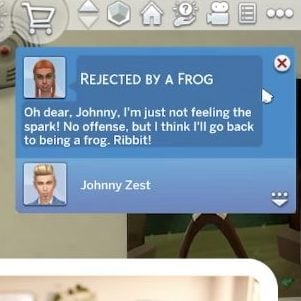
Question: And is there a possibility for your sim to be turned into a frog?

SimDevFiore: Not within Royalty & Legacy but I love the way you think haha!

Question: I notice there’s a lot of single parenthood in the pre-made families from this pack. Who’s the mother of the latest gen of Capp? Who’s the father of the latest gen of Darong? Who’s the father of Thiago and Sofia? Can these be discovered through the game?

SimDevXènia: we have a lot of single parents in ondarion due to limitations of how many sims can be included per pack. We wanted to offer drama in both the current and newer generation of sims, and also have powerful royals who were eligible to marry. only cordelia is in a commited relationship at the moment, and maybe not for long…

Question: are there any scandels that will always happen or is it a bit random? for example secret children?

SimDevFiore: The Nobles in Ondarion already come with a few secrets Cordelia V may or may not have a secret lover… and Adekoya Darong is rumored to have a secret child who may have a claim to the Darong Dynasty… These kind of secrets may or may not get revealed in your game, depending on your actions!

Question: What happens if two reigning monarchs marry each other? Or two heirs that both live in the same world and inherit titles

SimDevXènia: two reigning monarchs can only marry eachother if they are in different worlds (the game prevents two level 10 nobles being in the same map). if they continue living in different worlds after the wedding, then nothing will change. If they move in together, the one who moves to the world will be demoted a level.

Question: Are there many different types of Balls we can throw? Or is it just one, and we kinda set a dress code?? I was wondering since there was Masquerade Masks in both CAS & BB

SimDevXènia: You can organize a ball without dress code (which will have sims appearing in their assigned formal outfits), or with dress code, which allows different degrees of formal plus a color. There’s also the option to request masks on the guests

Question: Do your kids automatically get ranked higher whenever you get promoted in the noble career?

SimDevXènia: kids will be ranked lord, lady or laird unless their parent becomes a king, queen or monarch. in that moment their inherited title changes to prince, princess or princem!

Question: Any lore facts about Beatrice, Virgilio’s sister?

SimDevFiore: Beatrice is the eldest of Tybalt’s kids, and the expected heir of the Capp’s Dynasty Across Ondarion she’s seen as the perfect daughter, and she does indeed come across as the ‘idealised’ noblewoman What her admirers don’t know is that deep down Beatrice does find Noble life in Bellacorde to be a bit shallow, and she actually would love to have a deeper connection with someone All of Tybalt’s kids are painfully single and very romanceable, just throwing it out there

Question: hey, so….how did yall pick the world’s name? (sorry if i missed that one)

SimDevXènia: Onda means wave in some latin-based languages, and we wanted this world to feel very maritime… the arion bit just added a bit ‘fantasy’ to it

Question: Any drama between the Darongs and the other families?

SimDevFiore: The Darongs are quite diplomatic and have been pretty good at staying out of drama with the other high ranking Nobles of Ondarion… However they may indeed have some history with one of the commoner families in Dambele, the Ananous

Question: Hey I’m sorry for asking again but what about if an heir to a royal throne is in another world? Do they get the chance to move back to be enthroned?

SimDevXènia: of course, noble sims can continue moving just like non-nobles. if moving causes a title conflict, the game will warn you with a pop-up so you can proceed in your preferred way

Question: How are alliances made? Did you just click “make an alliance” or are there specific actions

SimDevXènia: there’s a dynasty option in the social menu where you can choose to ask for alliances or declare rivalries, amongst other options. Not everyone will accept alliances from the get go however! if the dynasties are not matching in terms of prestige, it might get declined

Question: who can host a ball? only the monarch? other nobles? or any sim?

SimDevFiore: Any sim can host a ball! It is quite an expensive event to run (as you would expect!), and you’re going to need some specific objects like the dance floor specific for Waltz You can host at your home, or at venues, and we also have an outdoor prebuilt area for Balls in each of Ondarion’s neighborhoods

Question: Also any interesting bits of lore that you haven’t been asked about yet that you’d like to share?

SimDevXènia: Enzo and Holly are cousins! You can have him invite her to the Alto dynasty if you want to want to have a proper rival to the Landgraabs

Question: Can you ask to be a noble advisor, or can that only be asked by the noble seeking advice

SimDevXènia: All nobles can request any other Sim to become their noble advisor, but not the other way around!

Question: will there be scandals available that are related to other packs such as maybe a scandal about a sim who is a detective taking bribes?

SimDevXènia: there are scandals from other packs! For example, sims do not approve it when vampires drink from others without permission

Question: Will townies react to nobels in a similar way they do to famous sims? as in do they recognise they are with royalty? will the curtsey or greet or freak out in any way?

SimDevXènia: nobles who are high up in the nobility ladder will gain fame gradually for players who own get famous, which will then make townies react.

Question: Also any interesting bits of lore that you haven’t been asked about yet that you’d like to share?

SimDevFiore: There’s a place in Dambele where you can undergo a series of trials for Anansi the Spider! This is a figure from African folklore we were able to bring into the game, it was such a good match for the vibe of the Sims and it was a lot of fun to collaborate on this one with the Pan African Gaming Group! Looking forward to people trying the Spider’s trials

Question: Is public woohoo a scandal

SimDevFiore: Indeed it is!

Question: can we have a full list of potential scandals?

SimDevXènia: this is not all the list, but off the top of my head we have: public woohoo, secret affairs, secret babies, non-consent plasma drinking, forging breakup letters, woohooing with staff…

oh I almost forgot about my favorite one: having your spouse die after a few days of getting married…. very, very suspicious. also stealing, romancing the grim reaper… there are plenty!

Question: Also is there a possibility of any form of republicanism lol like sims who might possess anti monarchy sentiments.

SimDevFiore: You will find that there’s a few characters in Ondarion that feel very strongly like that haha! There’s rumors of a band of pirates that like to steal from the rich and give to the poor, and if you’re rich you may indeed fall victim to this… but if you’re poor you may get some special gifts from them There’s a lot of humour about this, and if you play as a Noble you can actively choose to align yourself to favor Commoners instead of other Nobles

Question: if you play “by the book”, will other sims make up a rumor/lie or can you avoid having scandals by the worldpeace play?

SimDevXènia: no! it was one of the goals that sims were not able to make up ‘secrets’ that were not canon in the player’s mind. If you were to ask around and dig up dirt on specific sims, the game can propose a secret to which you can reply ‘I believe it!’ if you want it to become true, or ‘that doesn’t sound like them….’ if you want that gossip to be discarded

Question: is there a way to dismantle the monarchy through gameplay, then?

SimDevFiore: If you want to get all the Noble sims to either give up their titles, or ‘accidentally’ get caught in fires… who are we to stop you!

SimDevXènia: you can also seduce them to abdicate, or duel them into abdicating… or extort them into abdicating. man so many different ways to make someone abdicate

SimDevFiore: we have two new radio stations, Afrobeats and Waltz!

Question: is this more or less how it works for secret parentage of kids, too? I saw something about picking the fathers but wasn’t too clear what that means

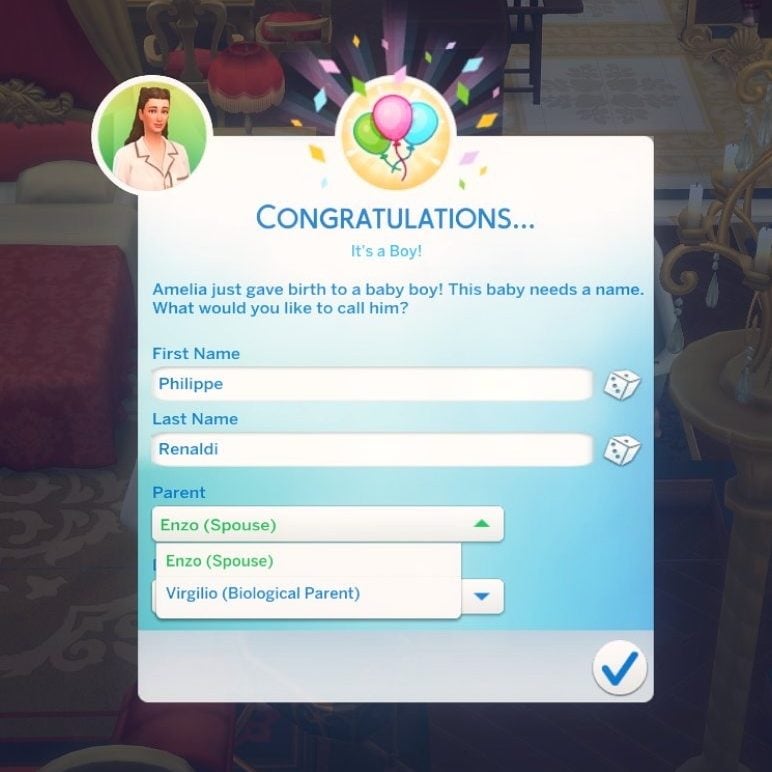
SimDevXènia: that’s a bit different, upon birth, a sim can choose to claim the bio-dad identity with a drop down menu. drama is served lol

Question: I know that but I mean a specific title for the heir, can that also be arranged?

SimDevXènia: yes because the heir is just another sim related to your noble. and since we allow editing titles for family members, the kingdom manager UI will serve that purpose

Question: I saw it mentioned that there’s lore in the notebooks, was this regarding secrets or are there sims 2 style blurbs about them in there?

SimDevFiore: You’ll find a bunch of books in Ondarion which go a bit further into the history of the world and its Noble families There’s also various pages from journals and other chronicles that you can find scattered through the lots of Ondarion, they contain a lot of extra lore

Question: Any lore related to the lots you found interesting? I love the idea of a mixed use lot and how that might have come about

SimDevXènia: hmmm not lore but there is a new lot trait called clandestine! for any potential woohoo club venue where you don’t want the scandals mechanic to be active.

Question: I have a question about the Darongs: are they all royal blood or there’s someone who aren’t?

SimDevXènia: there’s a secret in the previous ruler of darong. take a look at his notebook!


What are your thoughts on the latest Sims 4 Ondarion Lore Q&A session? Let us know in the comments down below and stay tuned on Sims Community for the latest Sims 4 News!

More on The Next InZOI Update: Upcoming Animation Changes and Lunar New Year Assets!

Next InZOI Update Intro Kjun

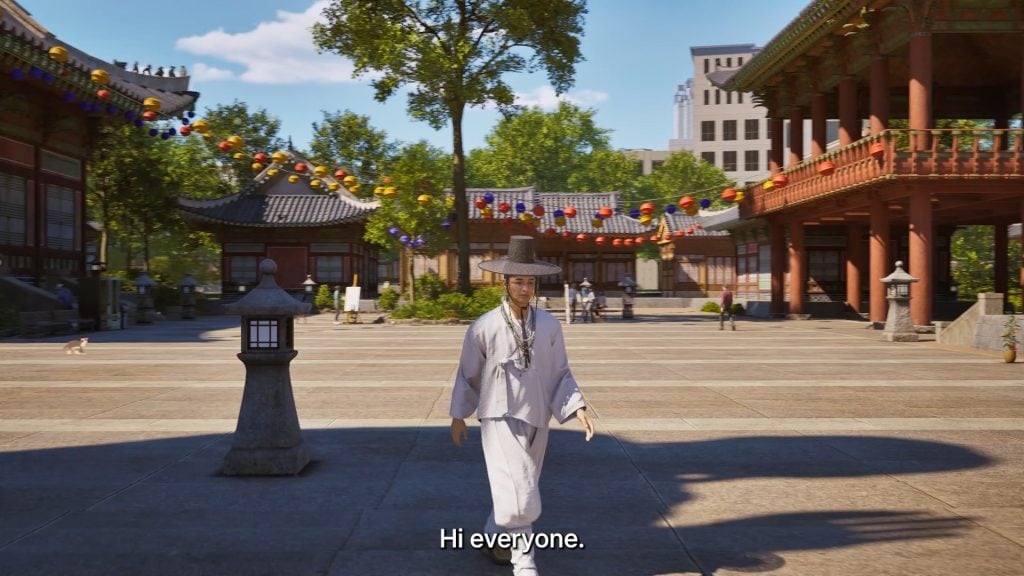
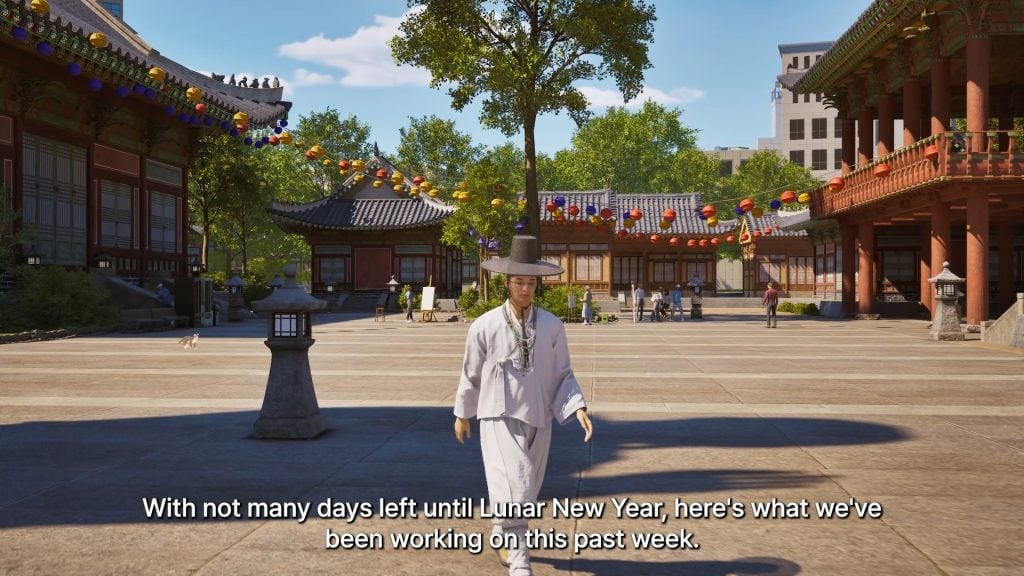
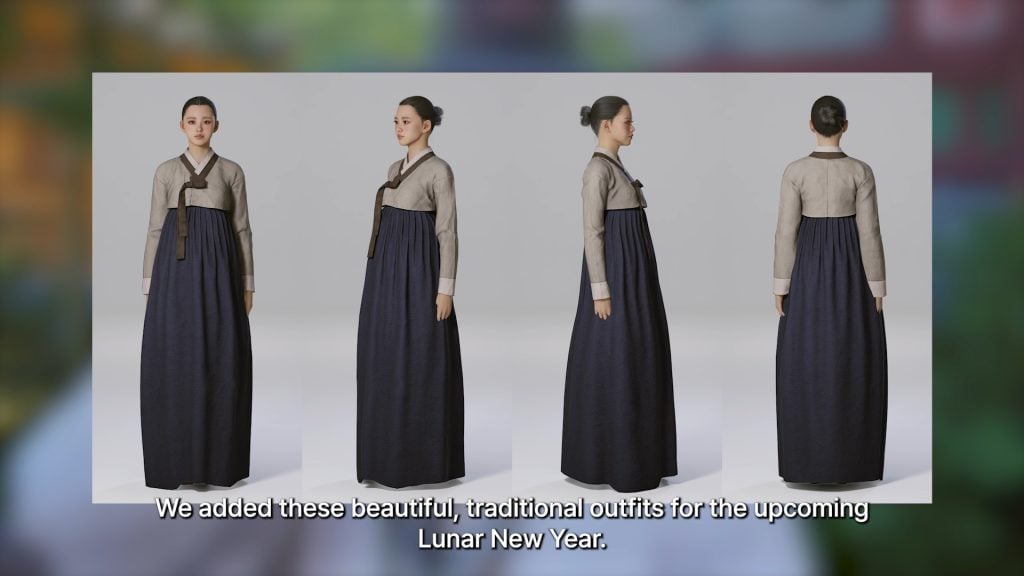
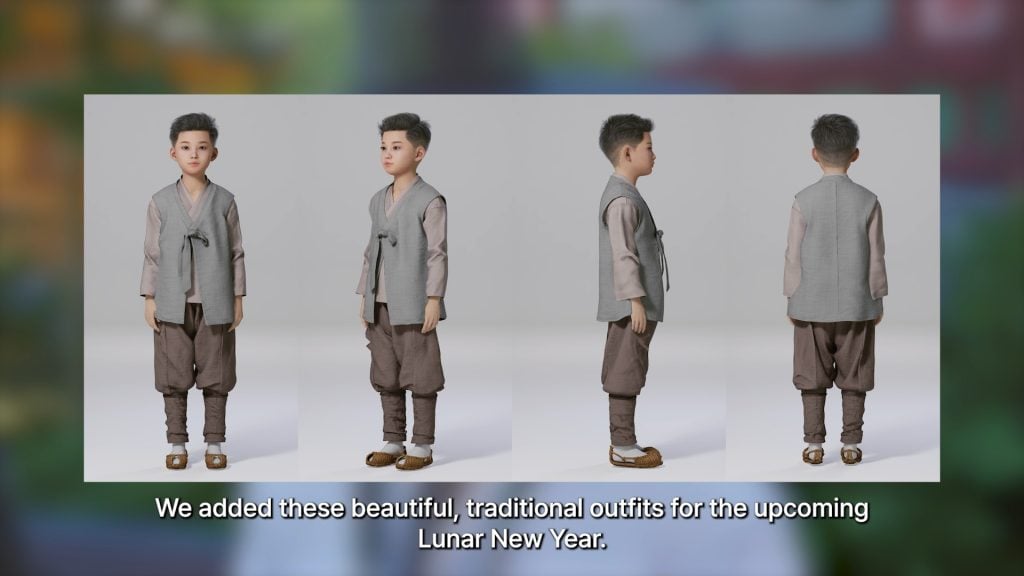
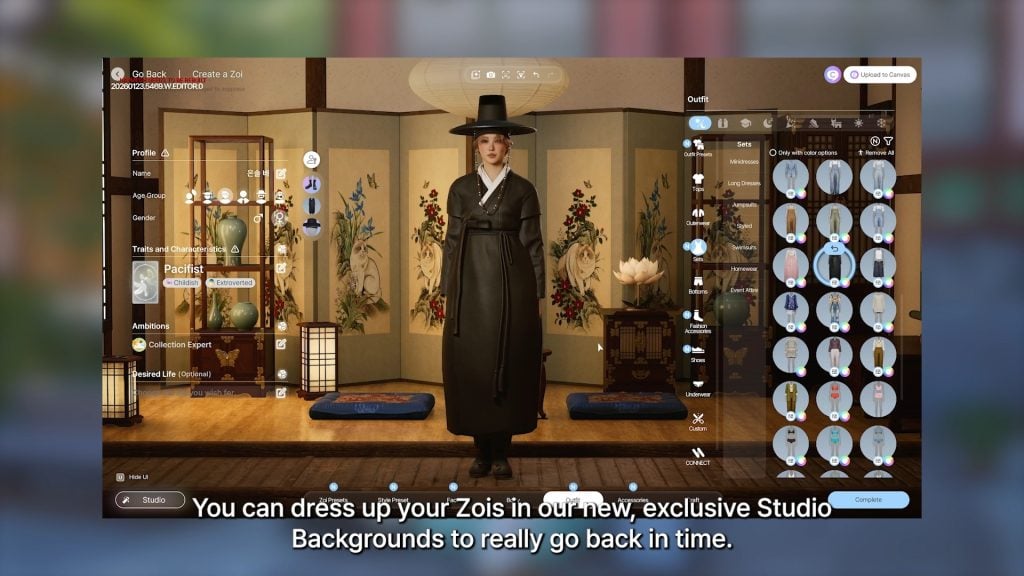
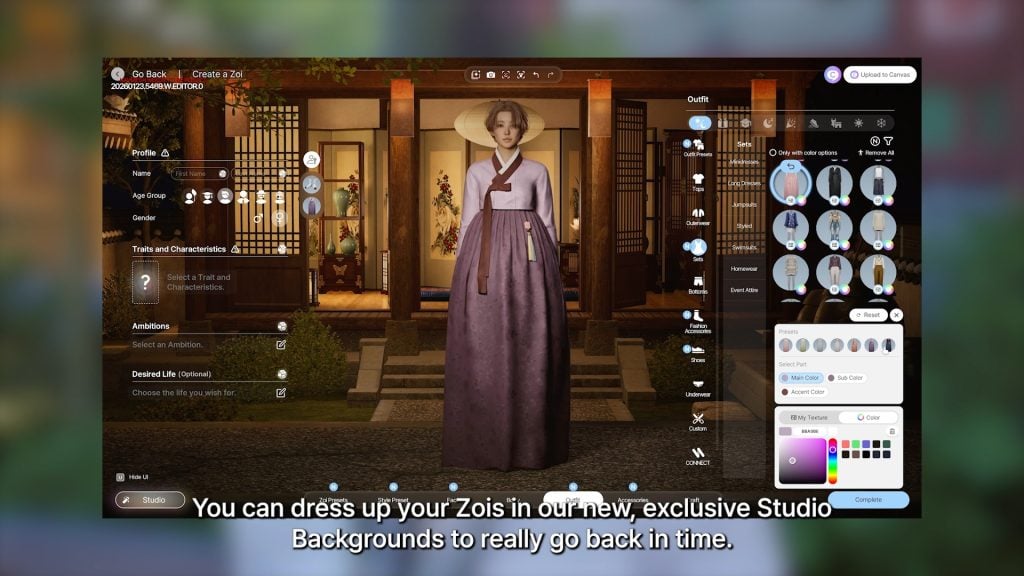
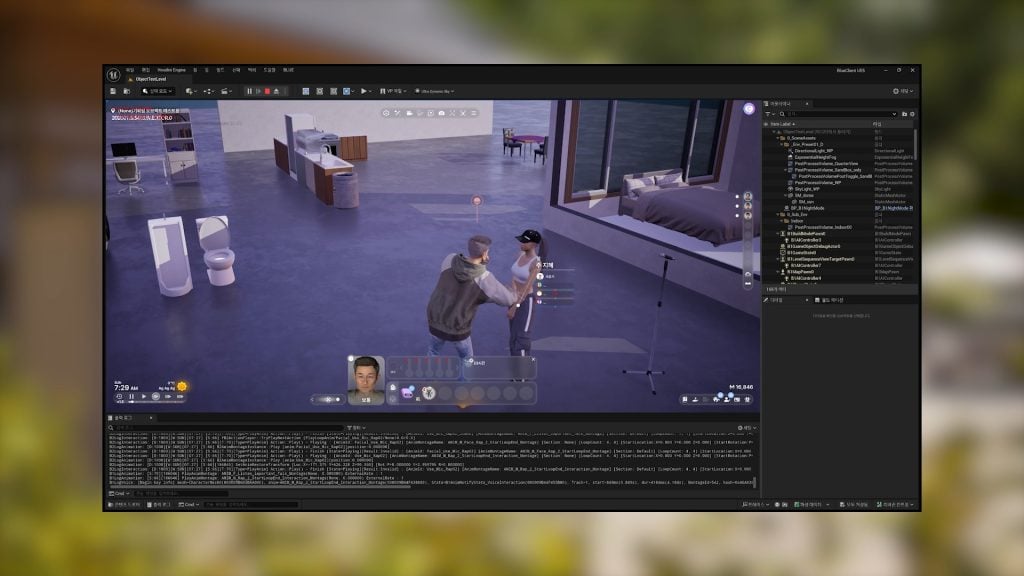
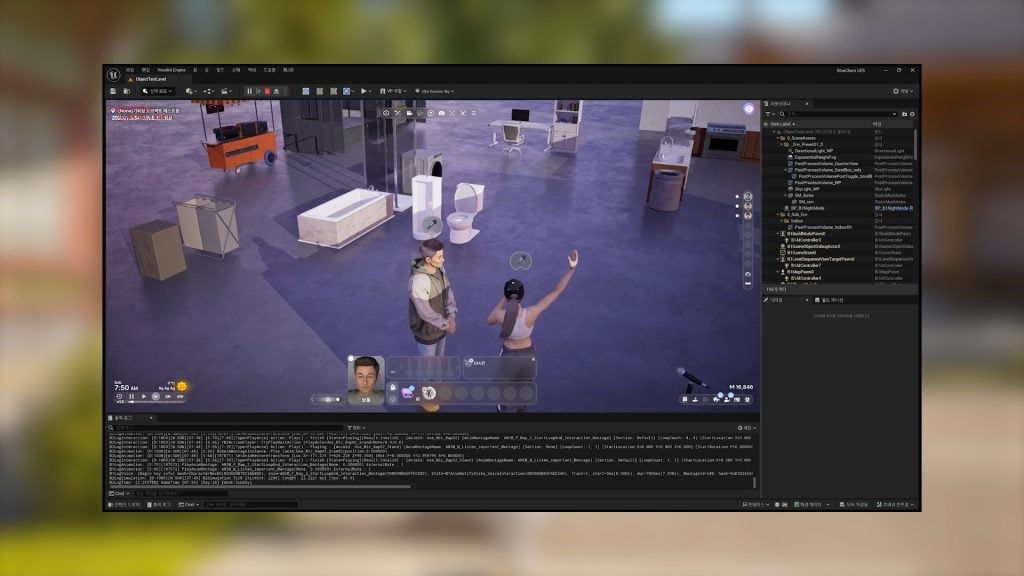
Just about a week after the previous one, Director & Producer of InZOI, Hyungjun “Kjun” Kim, has released a new brainstorming updates video, discussing items to expect in the future, as well as what is to be expected with the next InZOI update on February 12th, 2026. Per the last video diary and a few prior to that, most of the work since the previous update has been focused on building more integral features to the life simulation rather than working on new content, smoothing out animations and gameplay features, and some slight work on adding a Lunar New Year event and additional assets.

Next InZOI Update: More Lunar New Year Assets and Upcoming Animation Changes!

intro2

Many changes from this update have a focus on the upcoming Lunar New Year event, as well as improvements to existing features either in the UI (User Interface), in-game interactions, or animations.

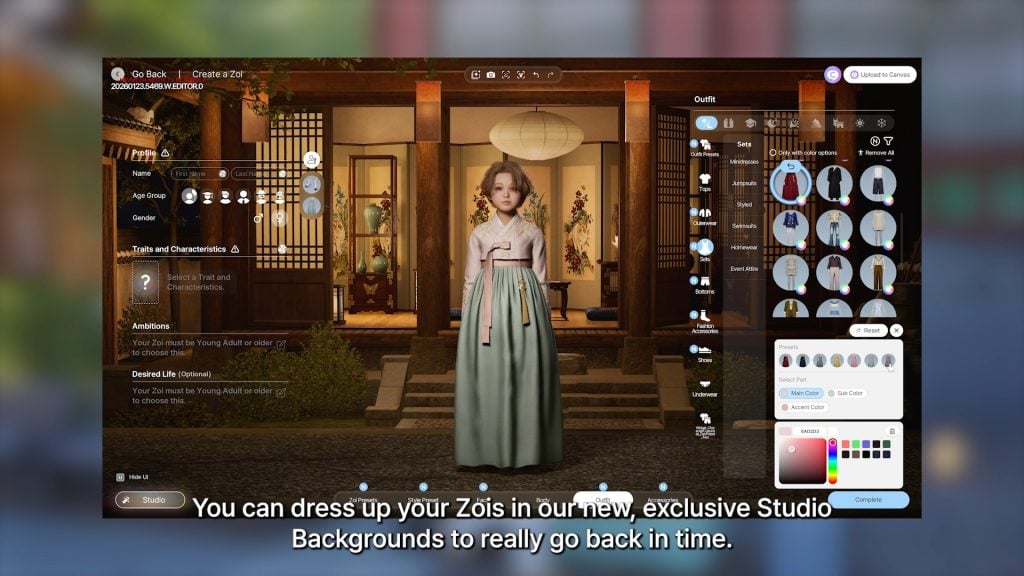
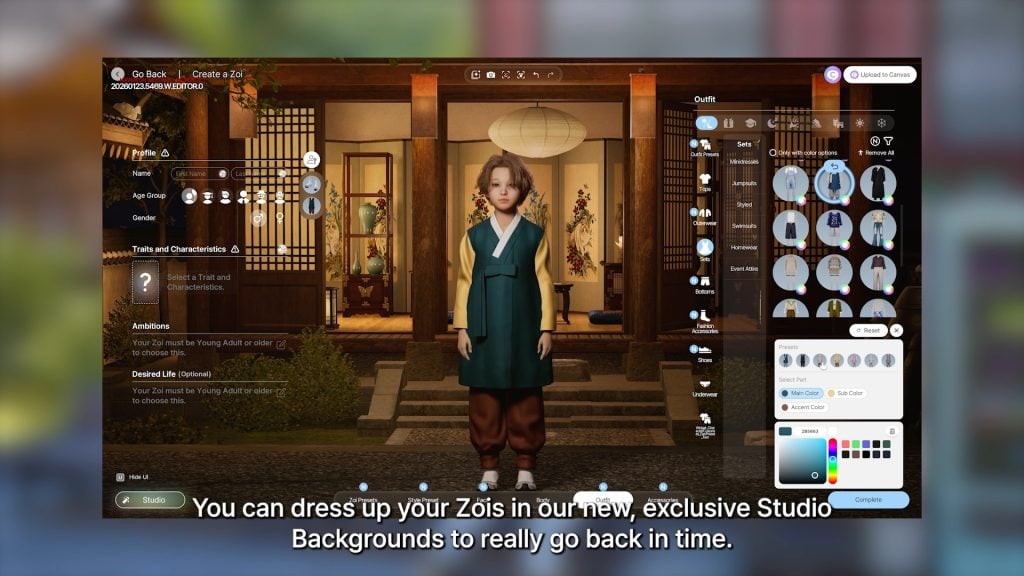
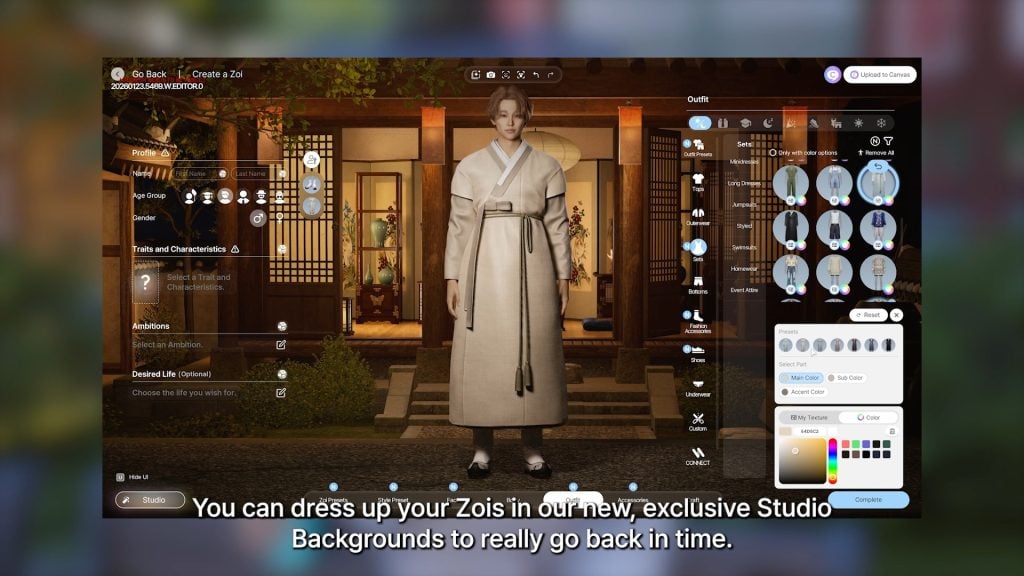
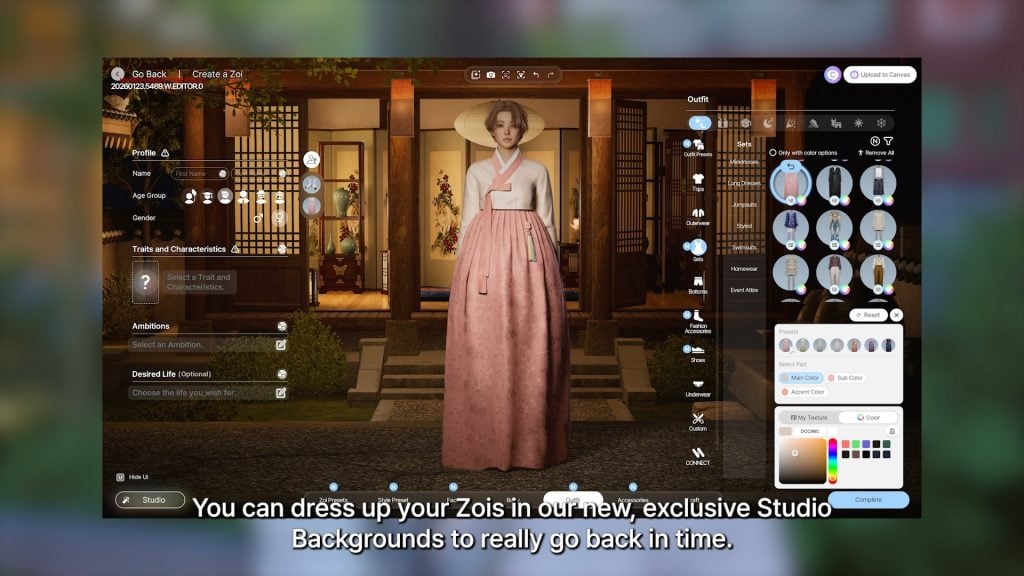
○ New traditional outfits added for Lunar New Year.

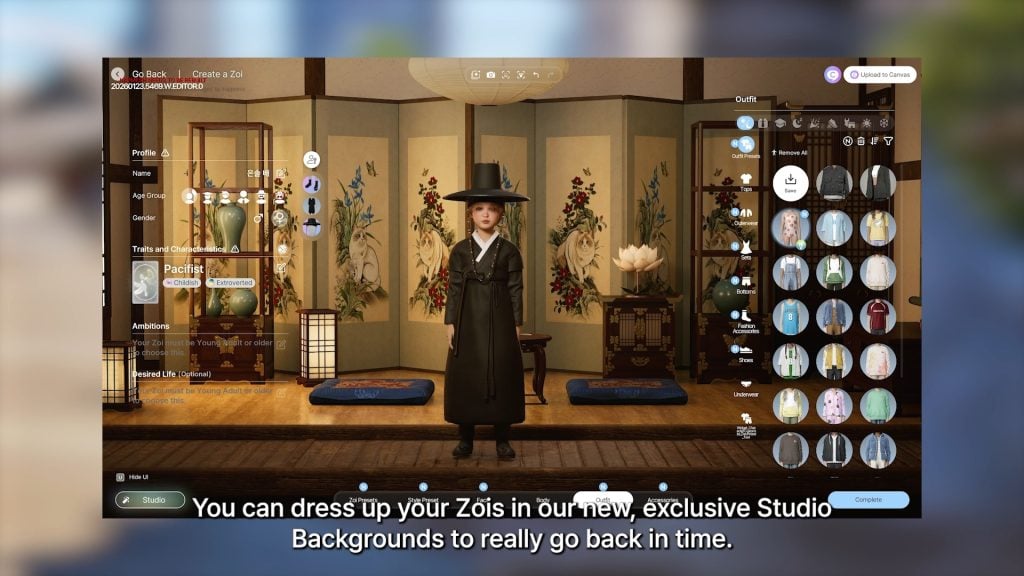
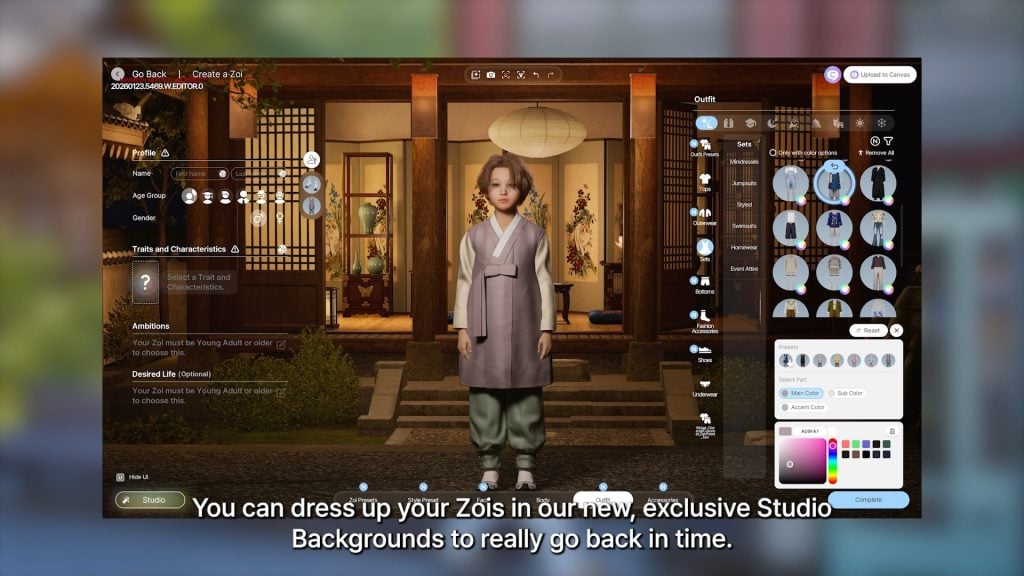
○ New studio background in a Traditional Lunar New Year theme.

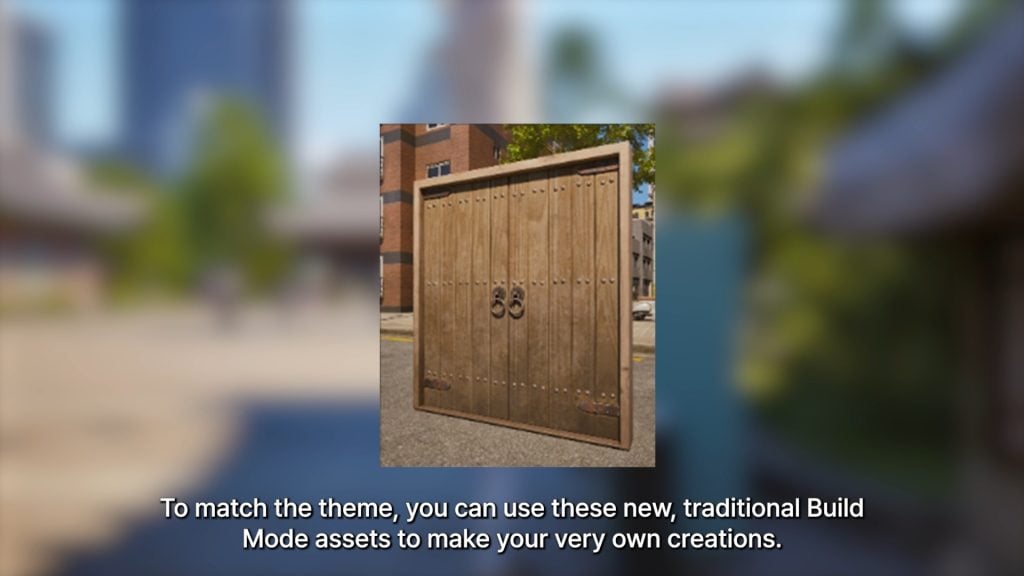
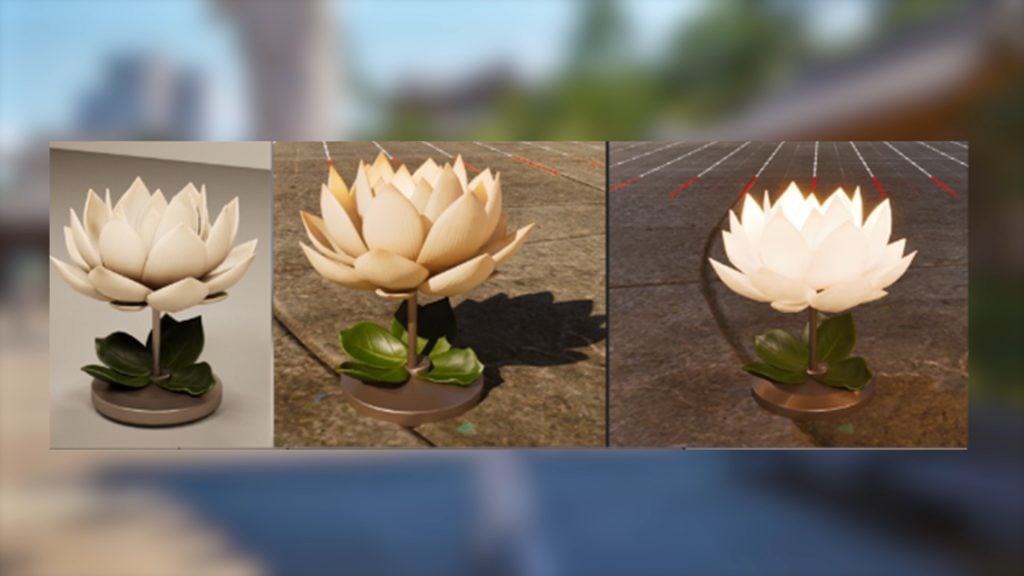
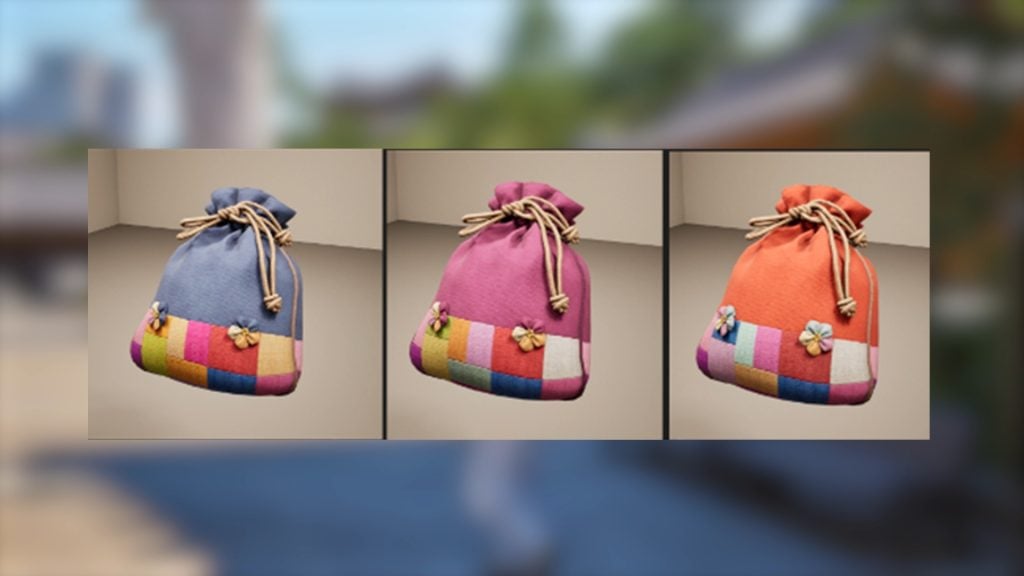
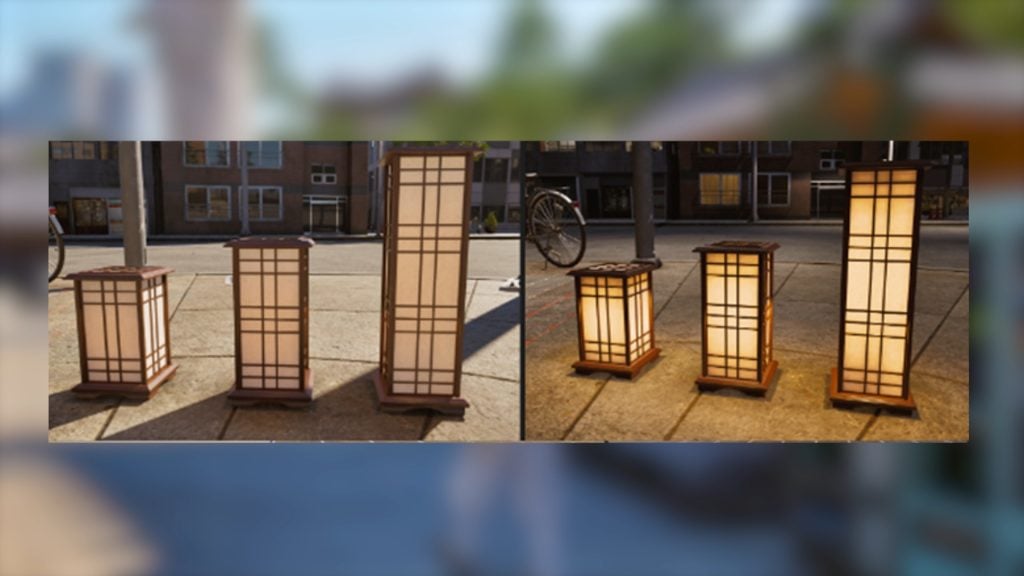
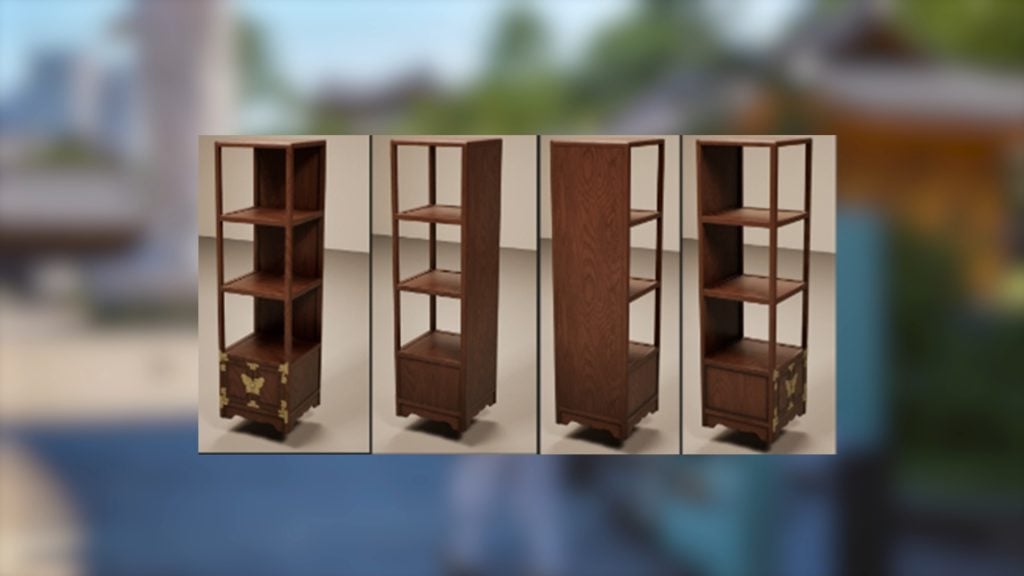
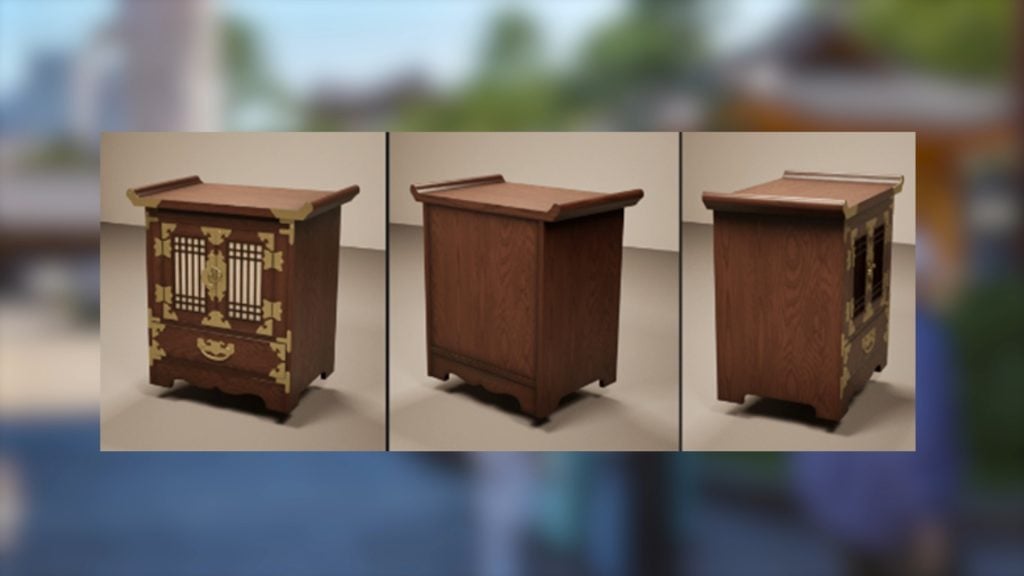
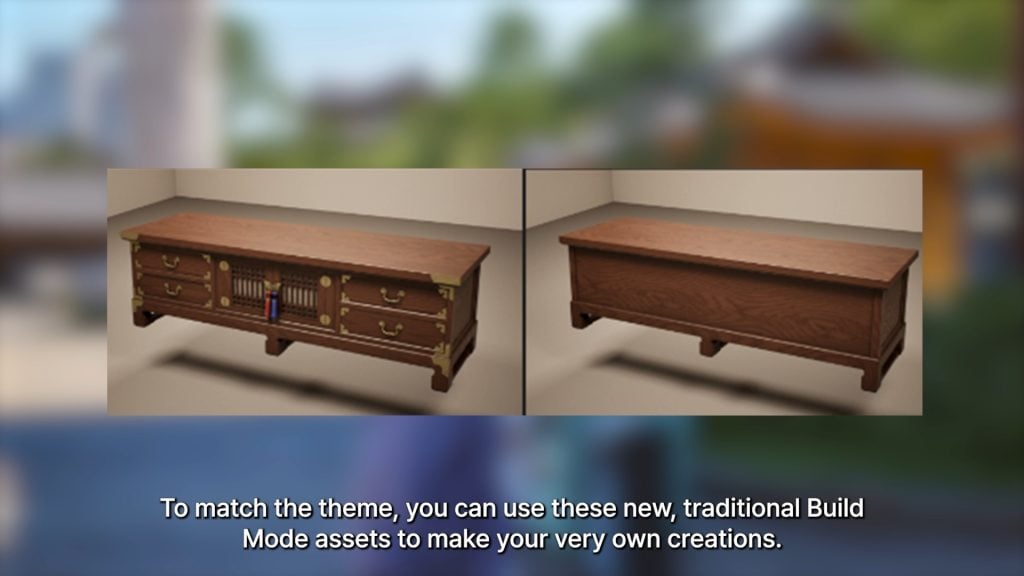
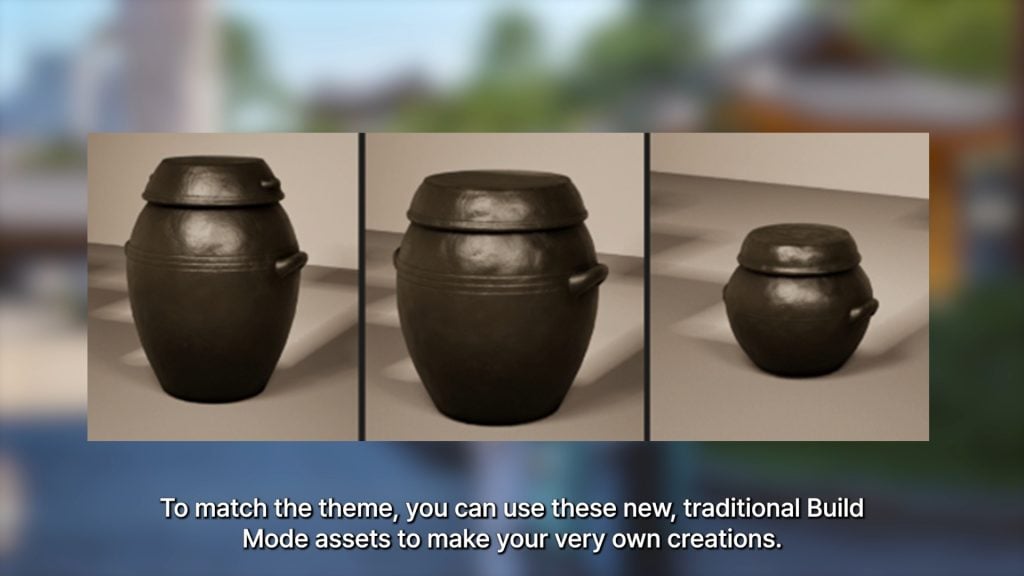
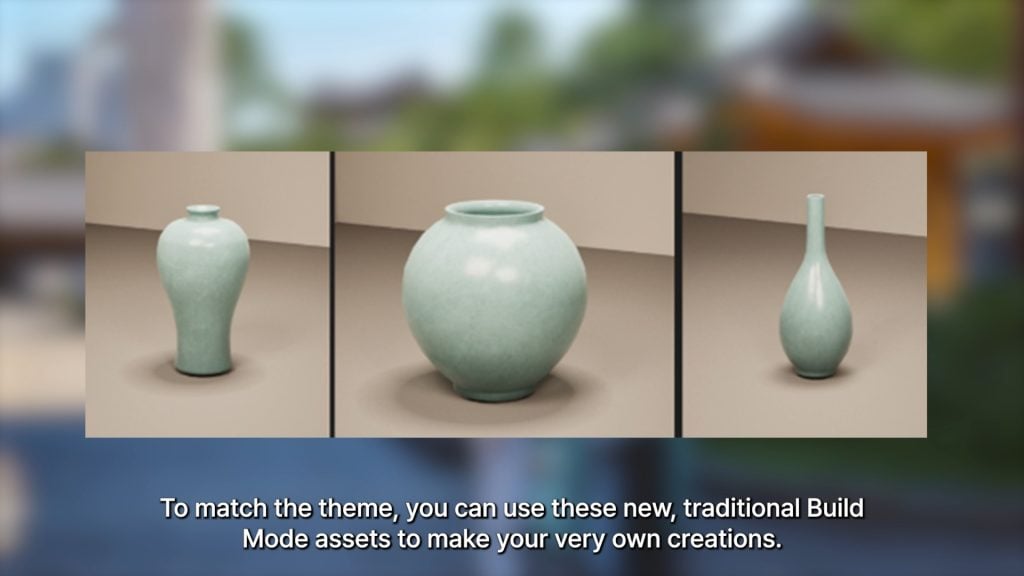
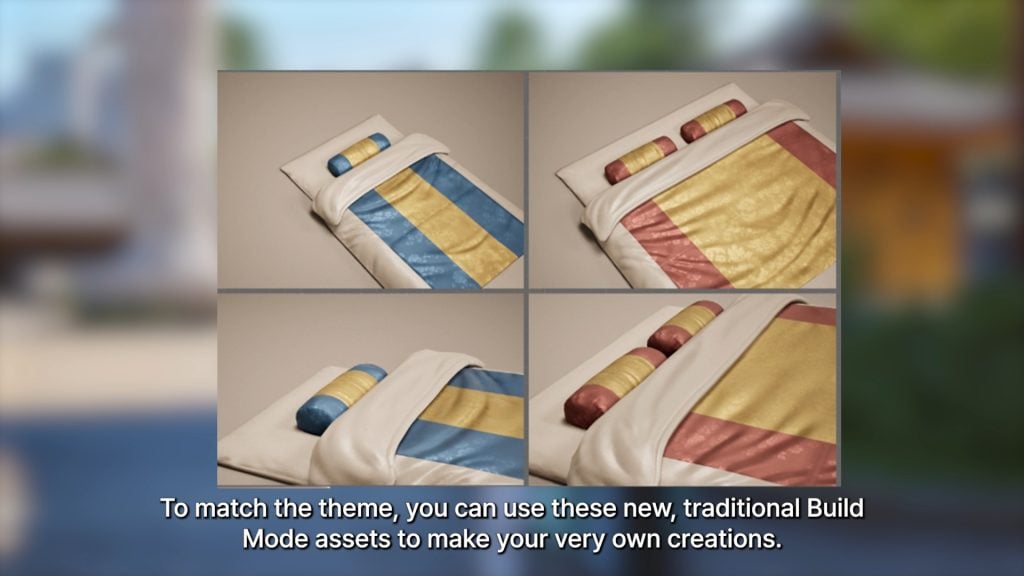
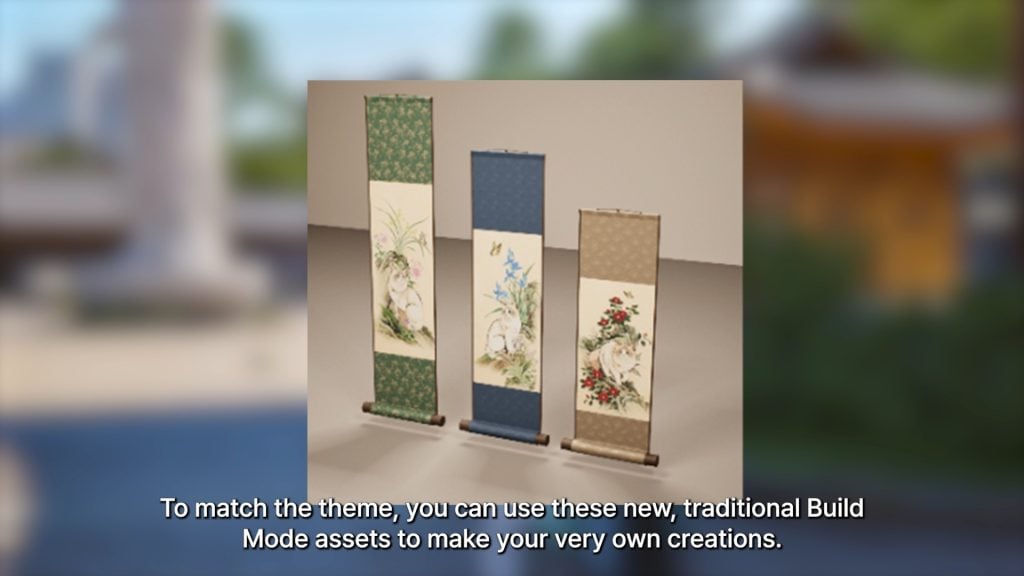
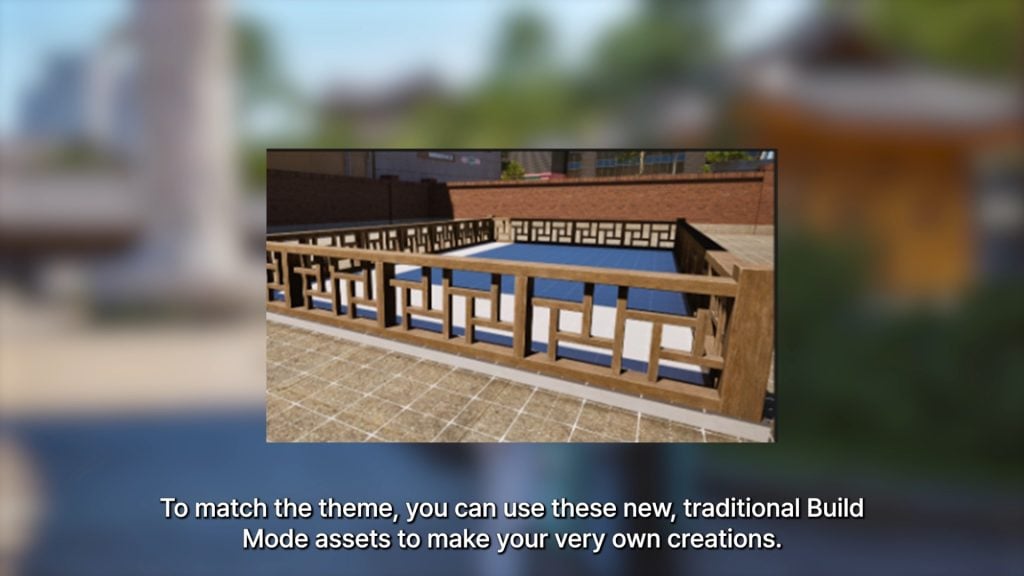
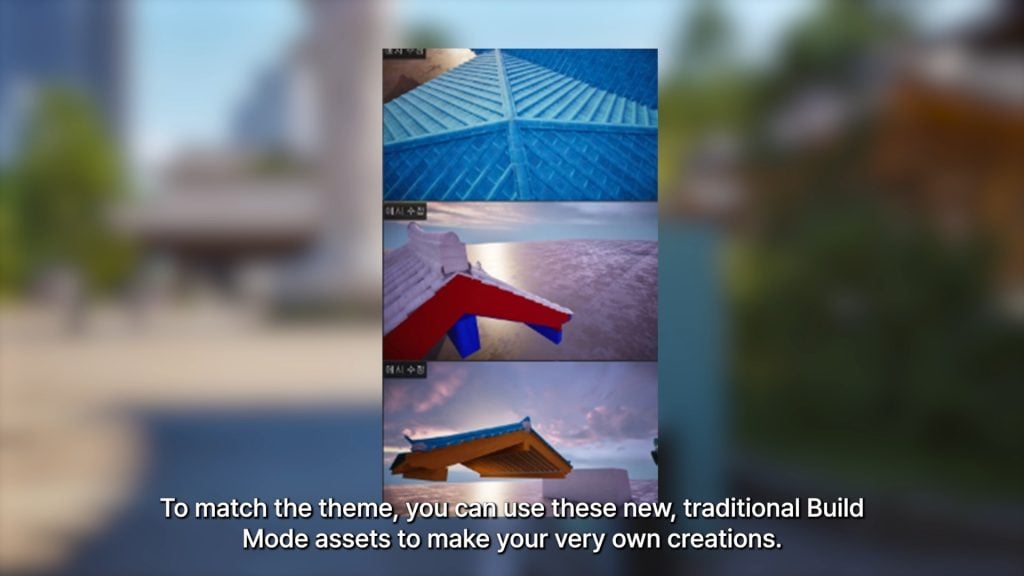
○ New traditional Build Mode assets to match Lunar New Year theme.

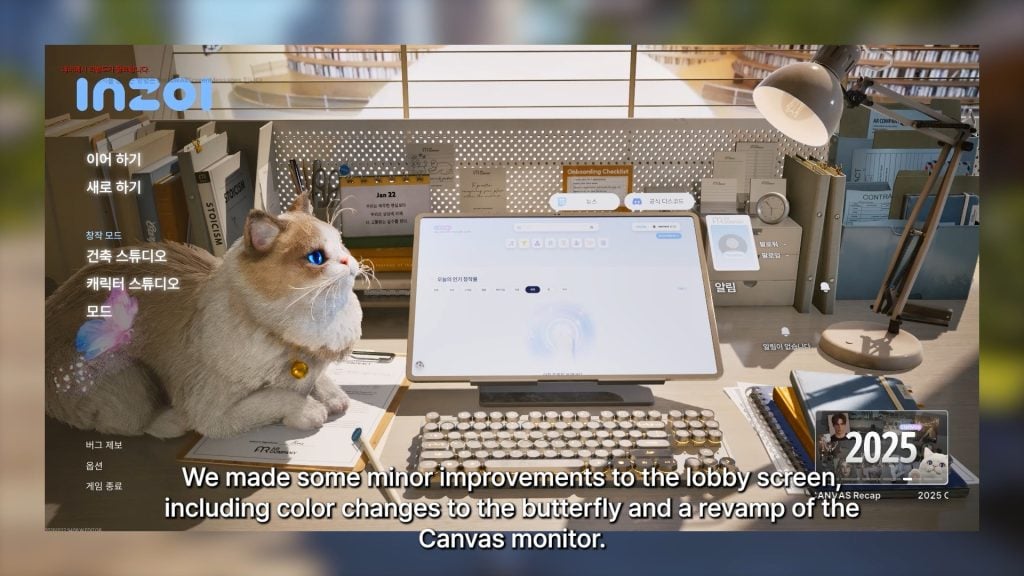
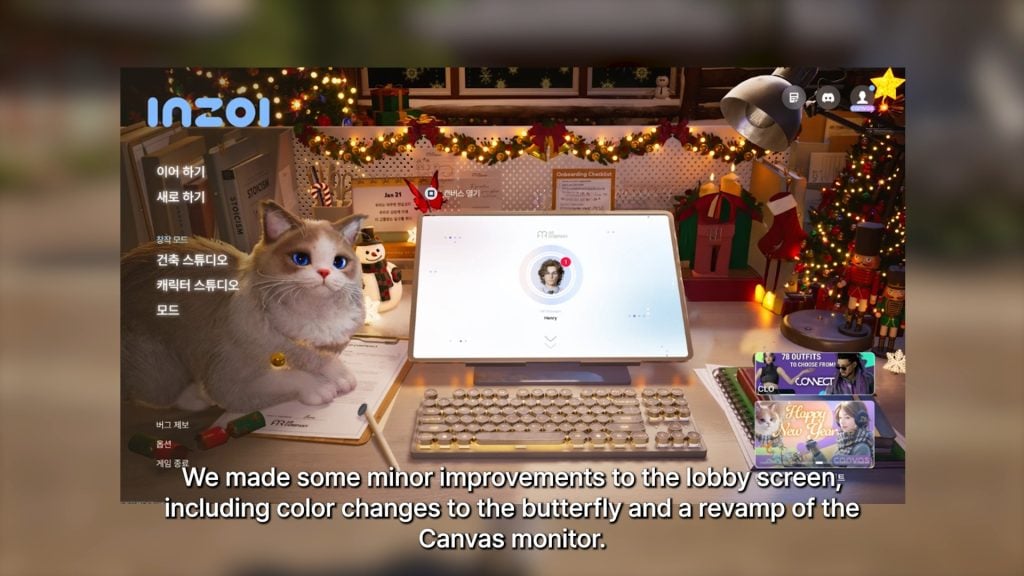
lobbyscreen

○ Some graphical improvements/changes have been made to the lobby or home screen..

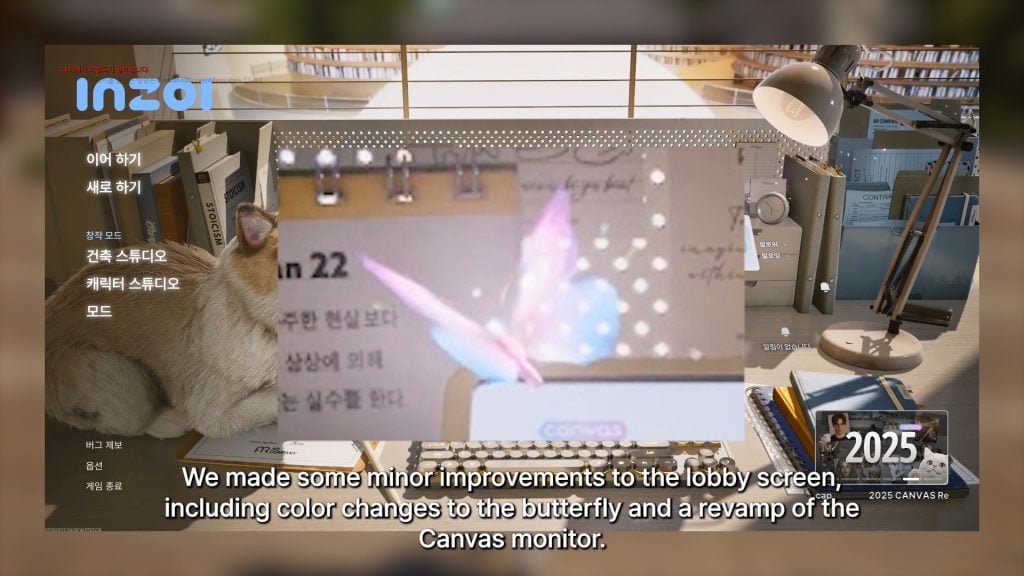
○ Changes were made to the color of the butterfly who flutters by upon loading the game.

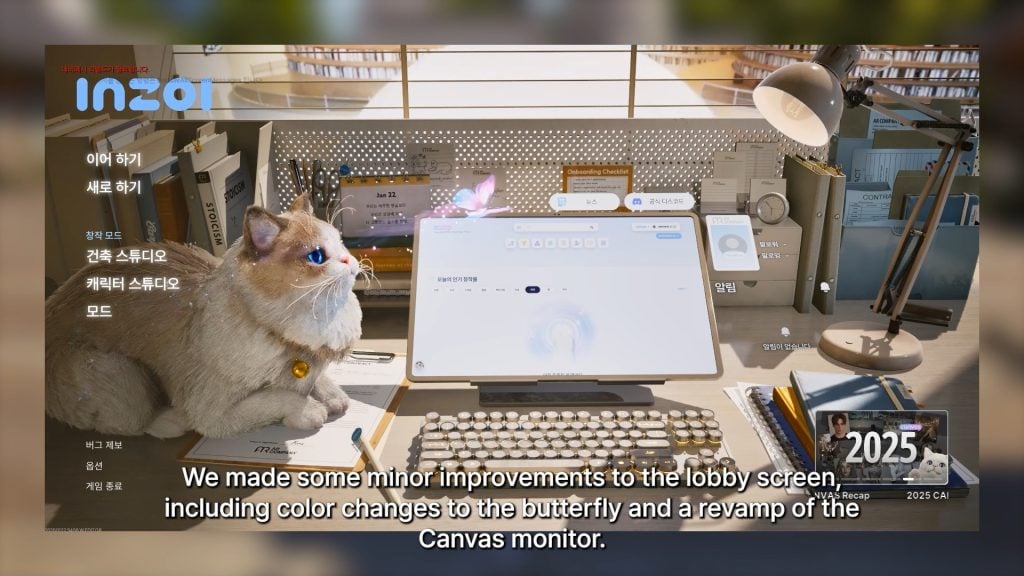
lobbyscreen4

○ A revamp has been made to the Canvas monitor on the home screen.

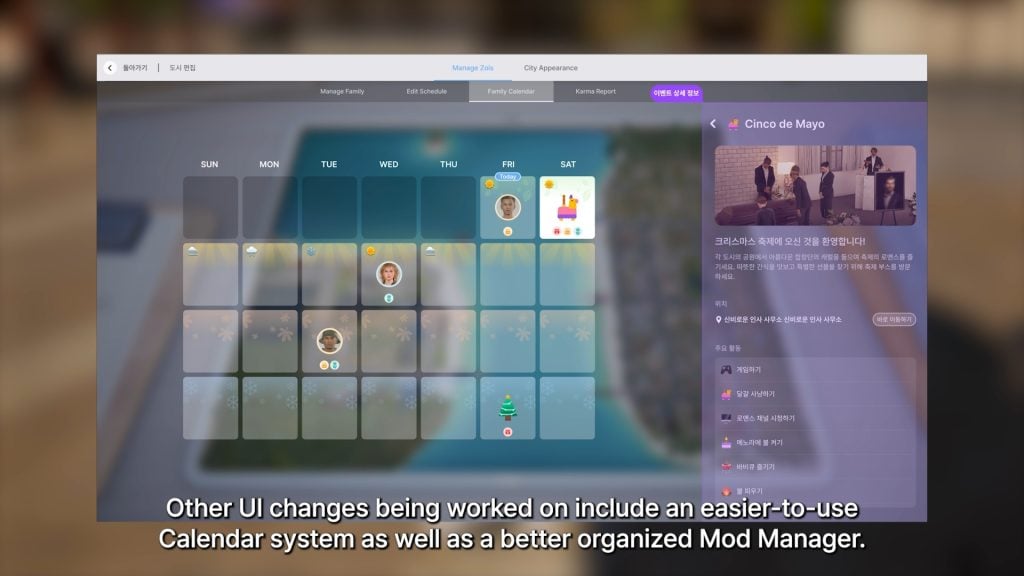
○ Other New UI changes being worked on, although they were not confirmed to be in the next update.

newcalendar

○ A more user-friendly interface for the in-game calendar.

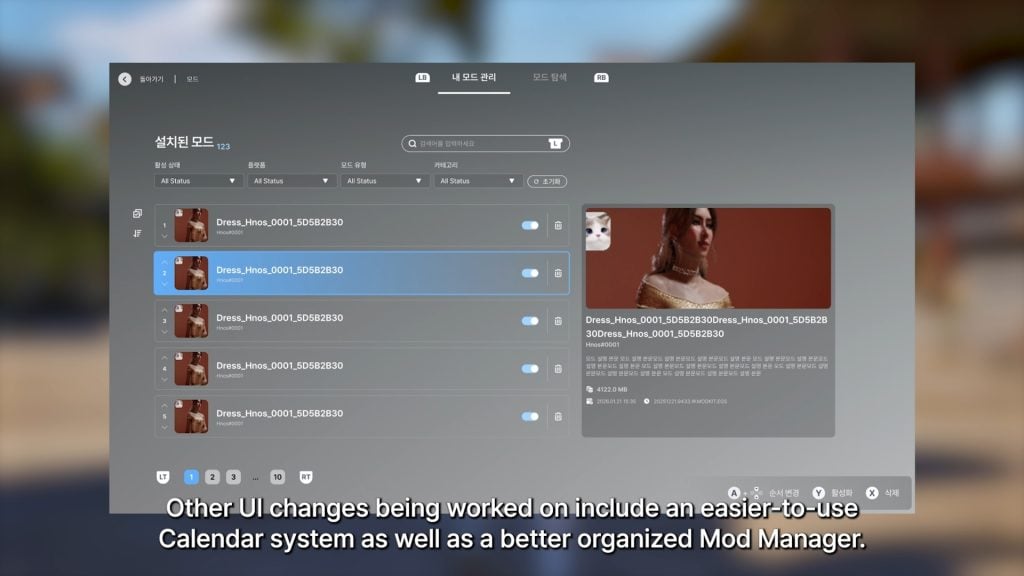
modmanager

○ A simpler-to-use and better organized mod manager.

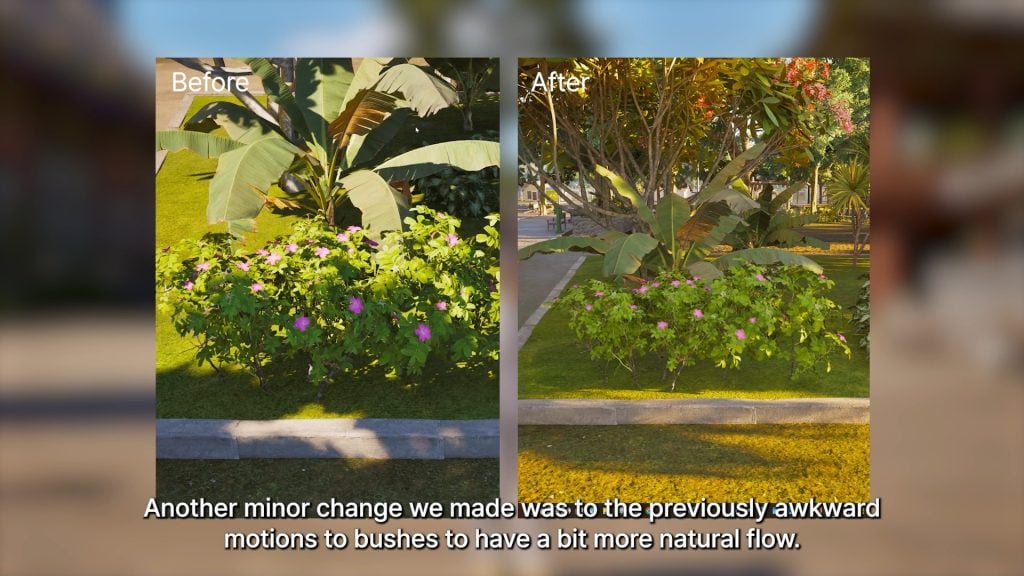
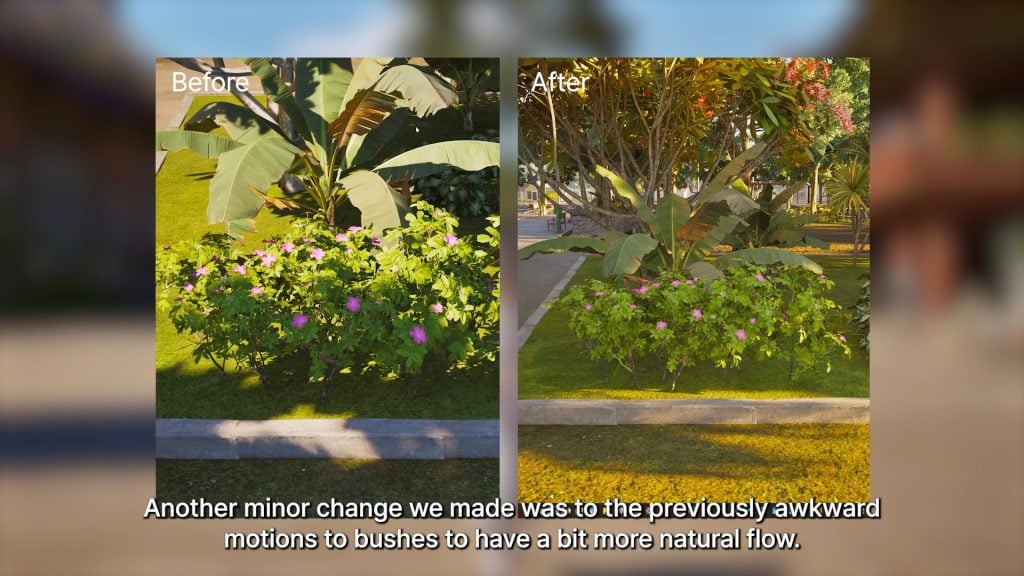
○ In-game bushes found around the world have been updated to have a more natural or smooth movement with the wind.

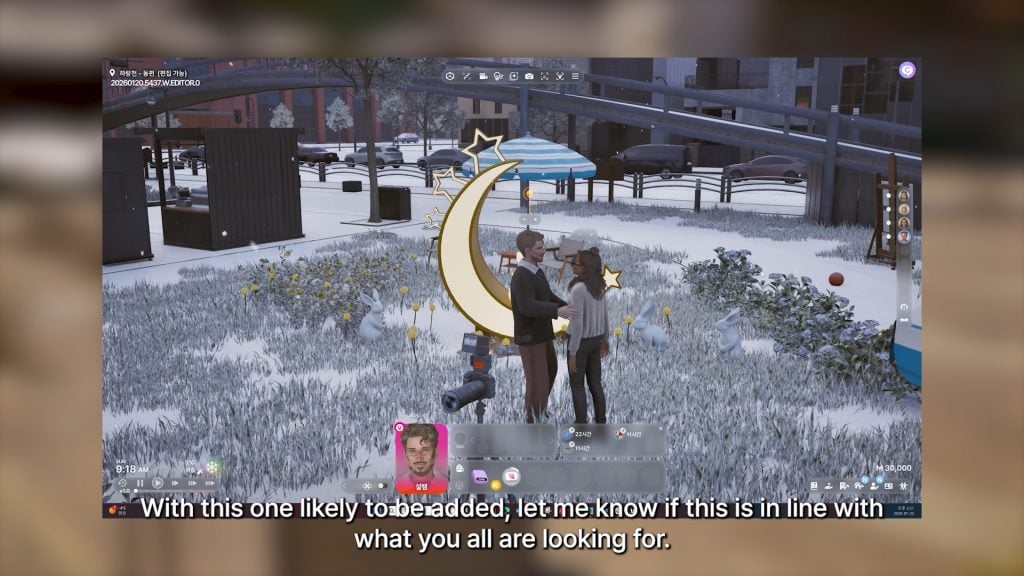
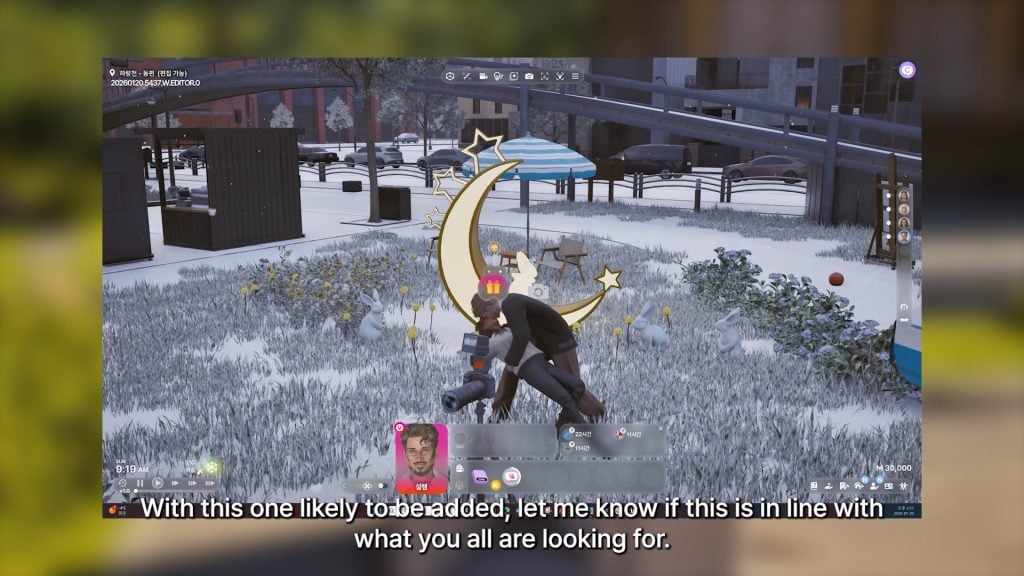
○ A new romance animation has been added, and Kjun noted that they are working on more interactions for romantic relationships per player request.

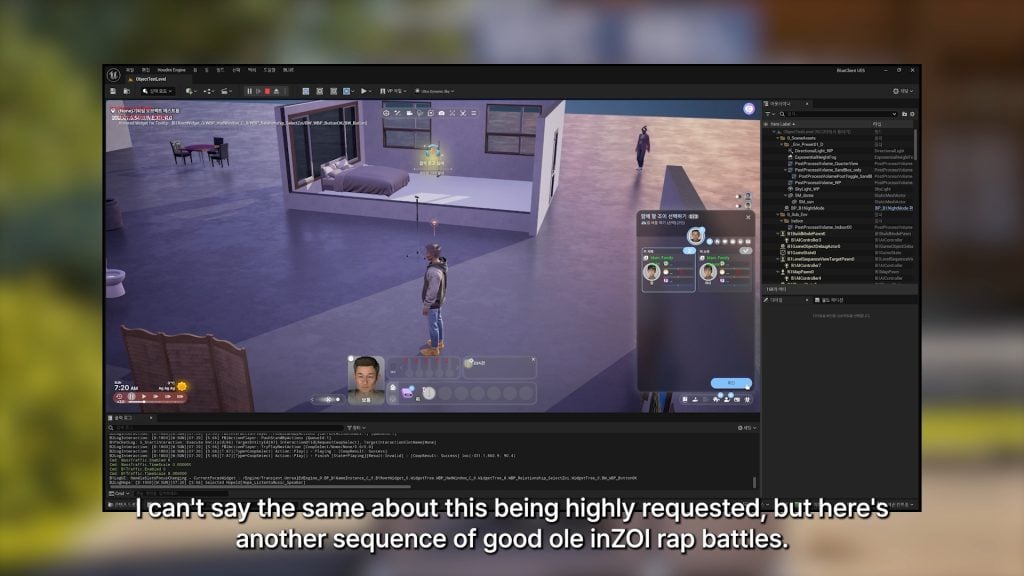
○ Animations for rap battles between your Zois are currently being worked on.

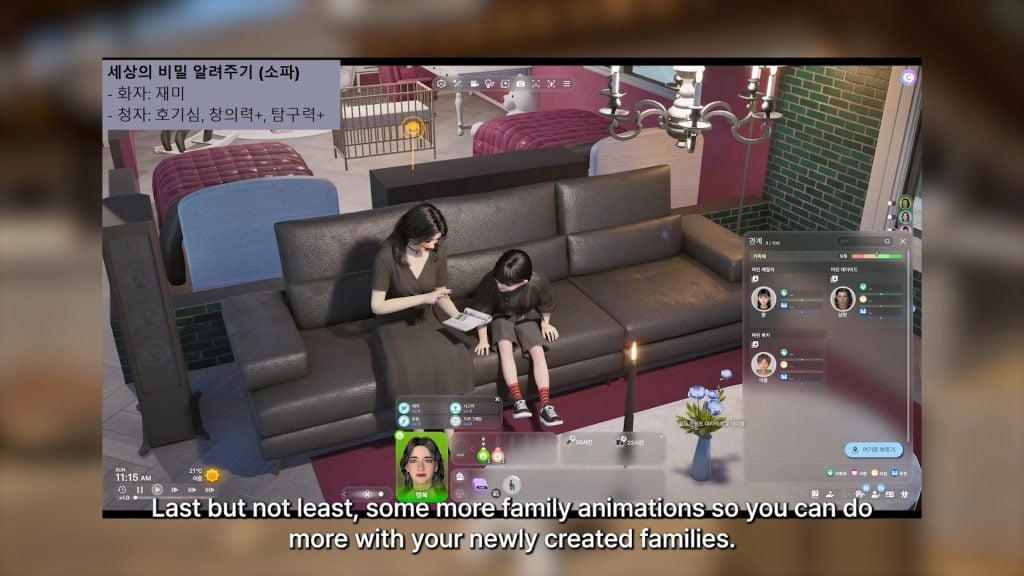
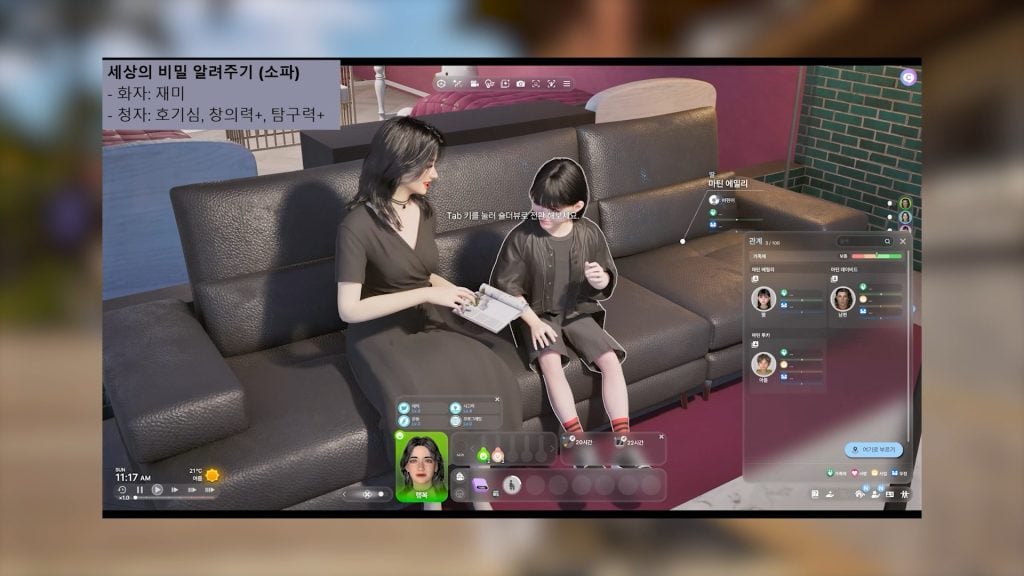
○ Many new family animations are being worked on or added, also per player request.

○ A new animation showcasing an adult reading with a child.

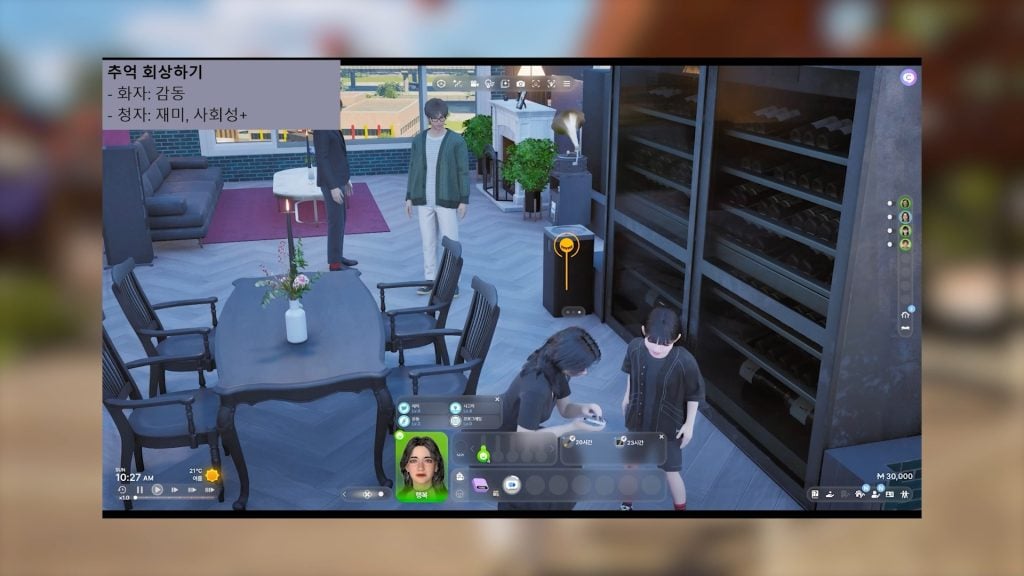
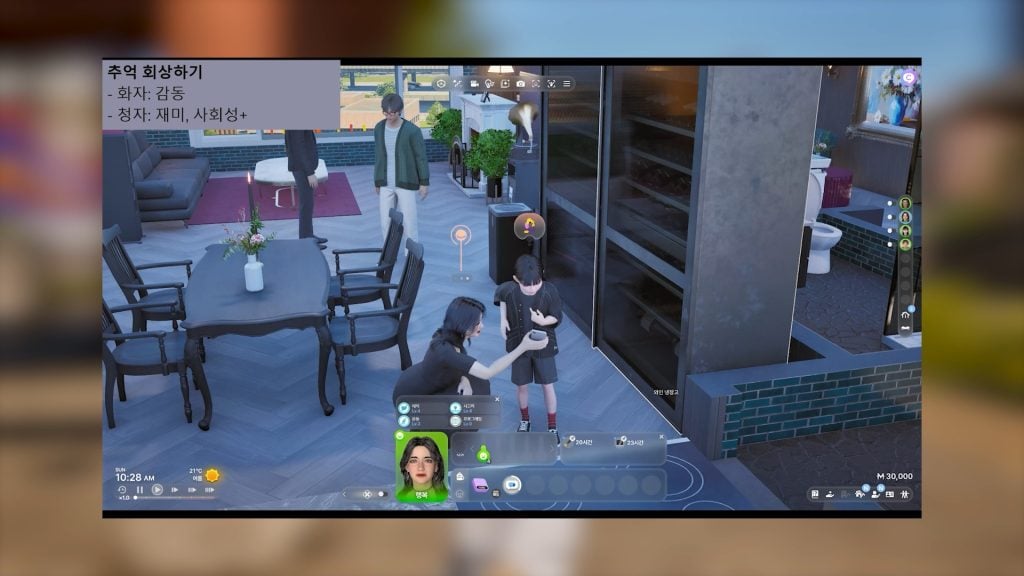
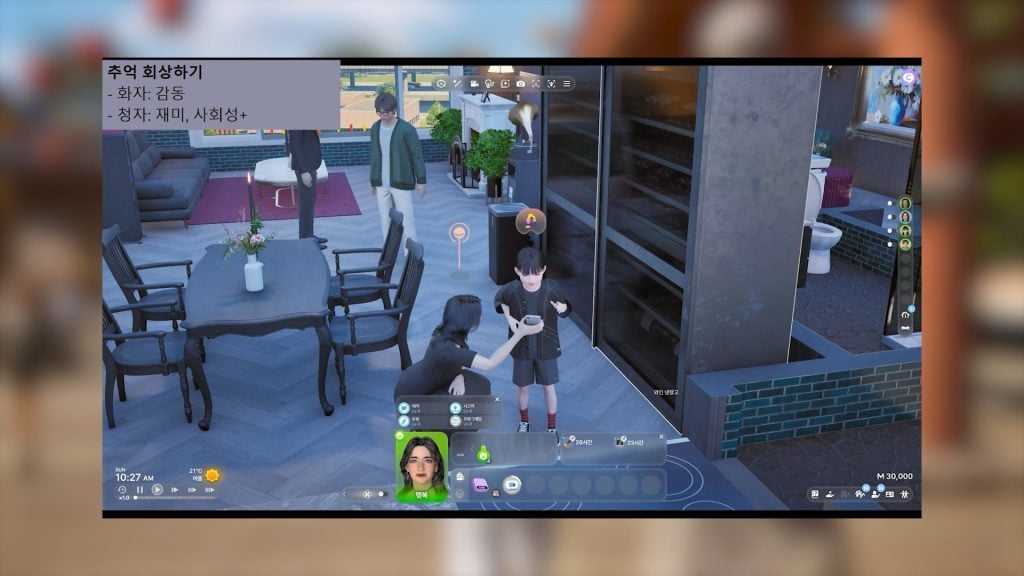
○ Another new animation of an adult crouching down to show a child something on their phone.

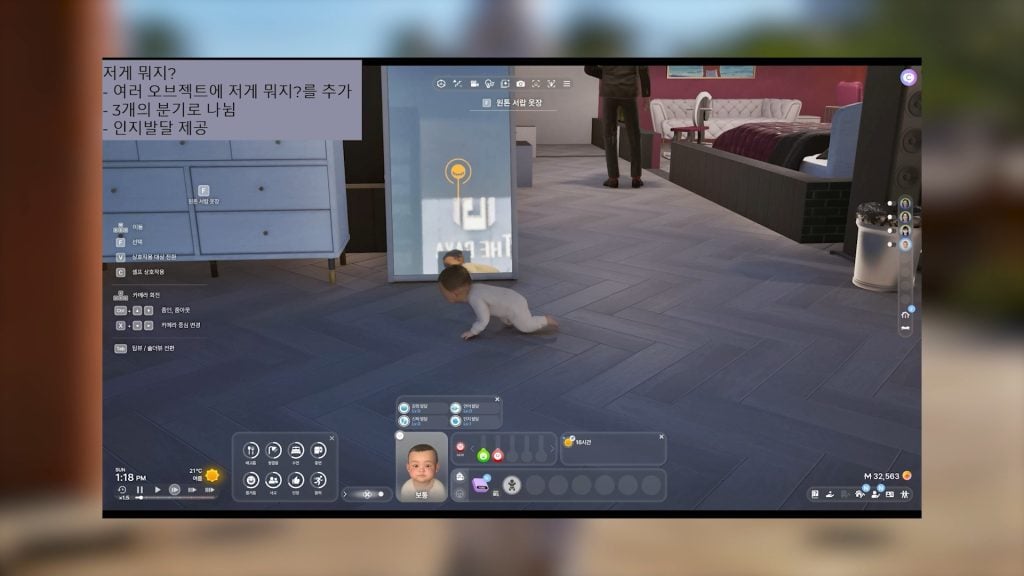
○ A new animation for infants of approaching a mirror to stare at their own reflection.

○ Another new animation for infants approaching a fridge to ask for food.

familyanimations babyandfamily

○ Another new animation that was not as clear; It seemed to showcase a baby sitting up, but in the background, you can see a child zoi and adult zoi seemingly cheering at a television or something else.

CONVERSATION 2

Kjun’s Brainstorming Letter – February 6th 2026

Hello! Today, we’d like to share another development update from the inZOI team. As always, we’ve prepared a video showcasing what the team has been working hard on this week. If you’ve been following our videos closely, you’ll know that the inZOI team has been putting a lot of effort into refining the game’s fundamentals, while also creating new decorative items. As we mentioned before, rolling out everything in a single large update has posed some stability issues, so we plan to release content gradually across multiple updates instead. With that, our next patch is scheduled for Monday, February 12 at 15:00 (KST)1.

Sorry for always announcing these things a bit late! It will include new outfits and Build Mode assets as well as several bug fixes and improvements. We’re currently aiming for around 7–8 updates throughout 2026. Wishing you all a wonderful weekend, and thank you always! Kjun —

🕹️In-Game

  • Smart Zoi improvements
  • New “Sit on Floor Cushion” interaction
  • Reduced chance of catching a cold when walking in the rain without an umbrella
  • New lobby banner and new free outfit added to the CONNECT clothing store

🖼️Canvas

  • Canvas filter improvements
  • Unified in-game mod management UI added

🧱Build Assets: Total 51 items

  • Stairs: 2 types
  • Pillars: 1 type
  • Windows: 2 types
  • Doors: 3 types
  • Fences: 1 type
  • Gates: 1 type
  • Railings: 1 type
  • Materials: 17 types
  • Props: 6 types
  • Furniture: 4 types
  • Wall Decorations: 1 type
  • Floor Cushions: 2 types
  • Lighting: 6 types
  • Other: 4 types

👤Character Items: Total 19 items

  • Hair: 2 styles
  • Outfit Sets: 9 types
  • Shoes: 4 types
  • Hats: 4 types
  1. This date is partially incorrect. The next InZOI update is coming Thursday, February 12th 2026. Monday is the 9th. ↩︎

The next InZOI Update with February 12th 2026! Are there any features you are especially excited for, or something you hope they expand upon? Let us know!

Make sure to follow The Sims Community to keep up to date on everything in the Life Simulation genre, and check in on InZOI’s official website for their roadmap and plans!

Sims Creators Give Exclusive Look Into The Sims 4 Royalty & Legacy Gameplay

5

On Wednesday, February 4, several members of The Sims Creator Program began uploading their reviews of the upcoming The Sims 4: Royalty & Legacy Expansion Pack, set to release on February 12. Thanks to these early Sims 4 Royalty & Legacy gameplay previews, we now know more about the pack’s gameplay features, new Build Mode items, hidden lore and dynasties, as well as the new Create-a-Sim content.

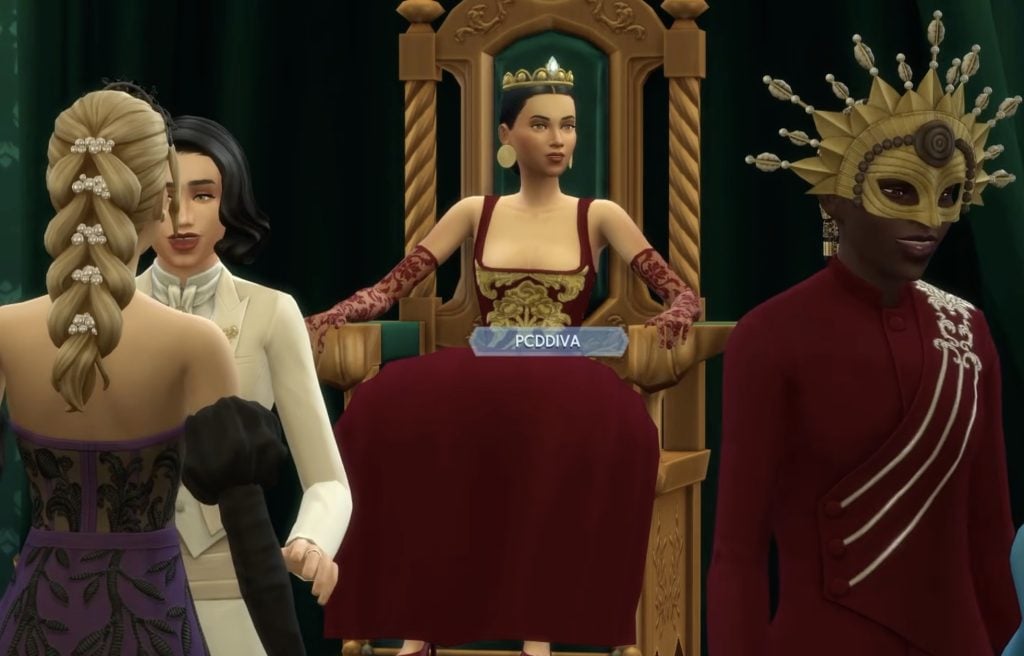
queen pcdiva
Gameplay fragment of SandraPyka‘s video

We have compiled some of the new features you might not know about to give you a clearer picture of what The Sims 4: Royalty & Legacy brings to the table ahead of its release.

Beyond Its Visuals, the New World Is Full of New Things to Do

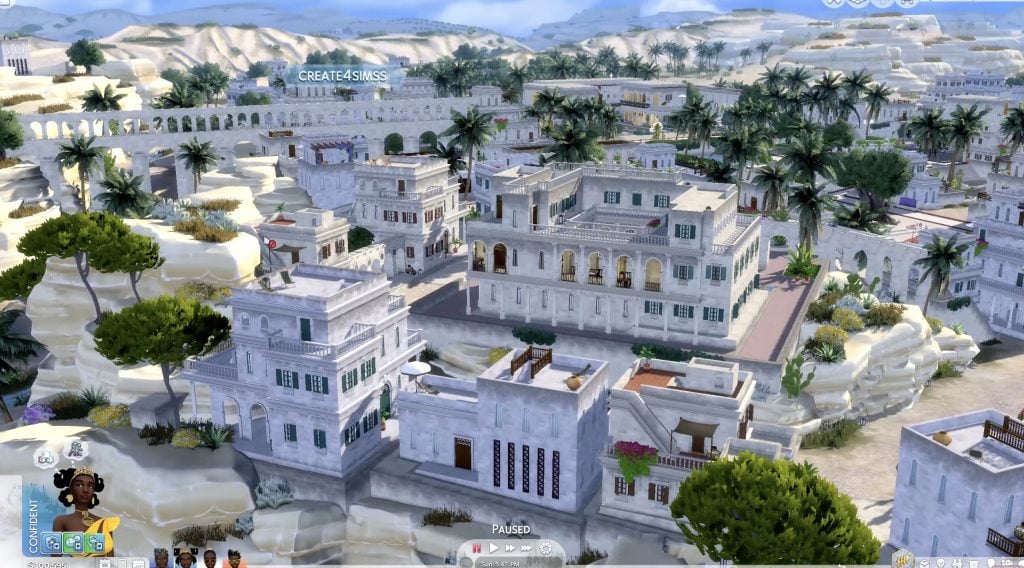
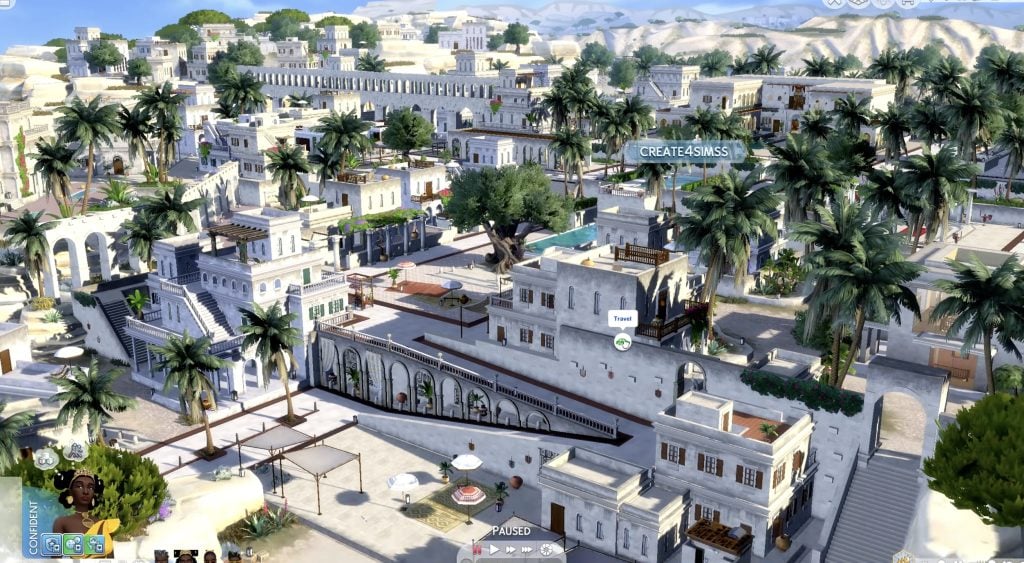
Before diving into the gameplay preview systems, dynasties, or royal intrigue, The Sims 4: Royalty & Legacy makes a strong first impression through its world design. Each of the three neighborhoods has a distinct visual identity, drawing inspiration from different real-world cultures and architectural traditions. Together, they create a cohesive world that feels rich and carefully detailed from the very first look.

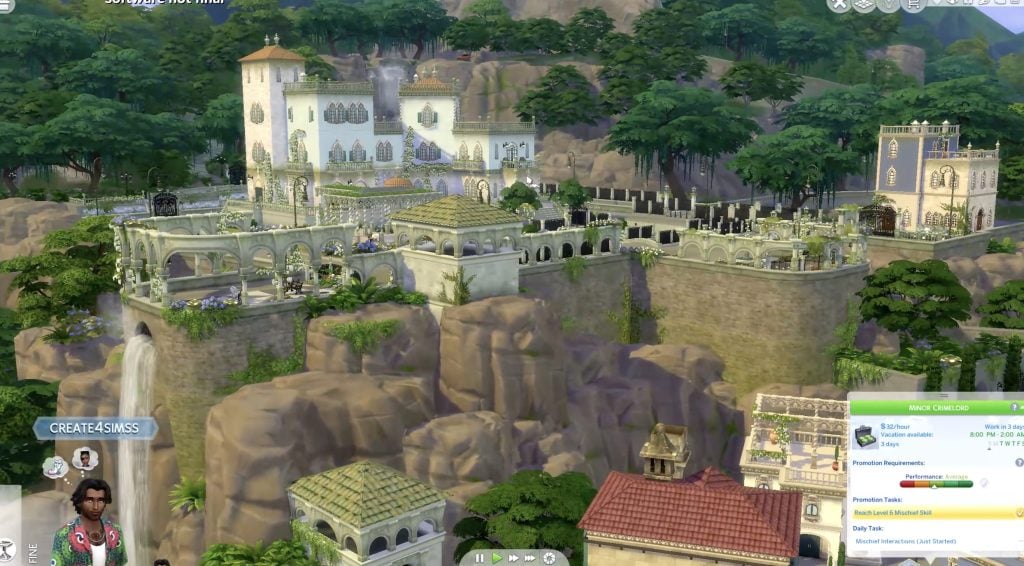
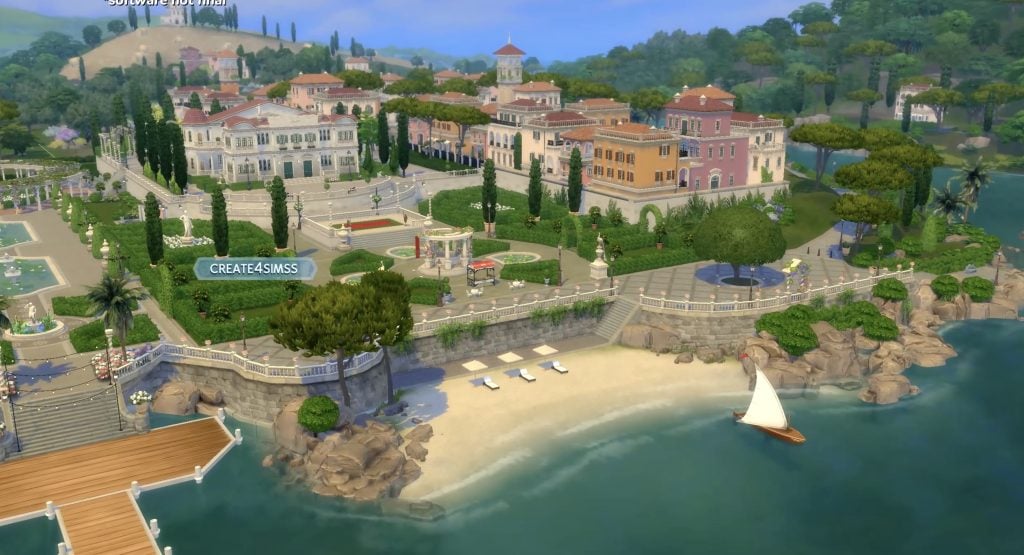
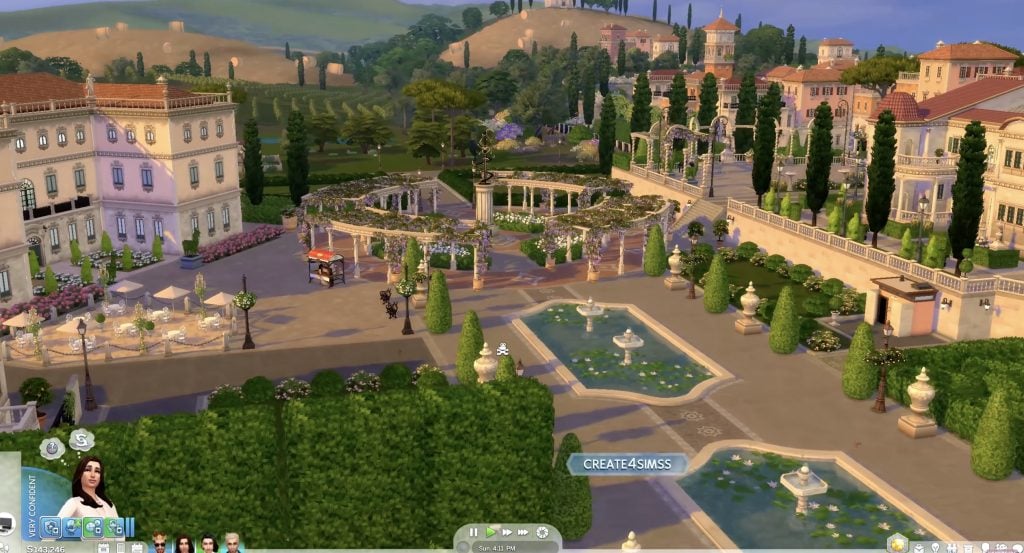
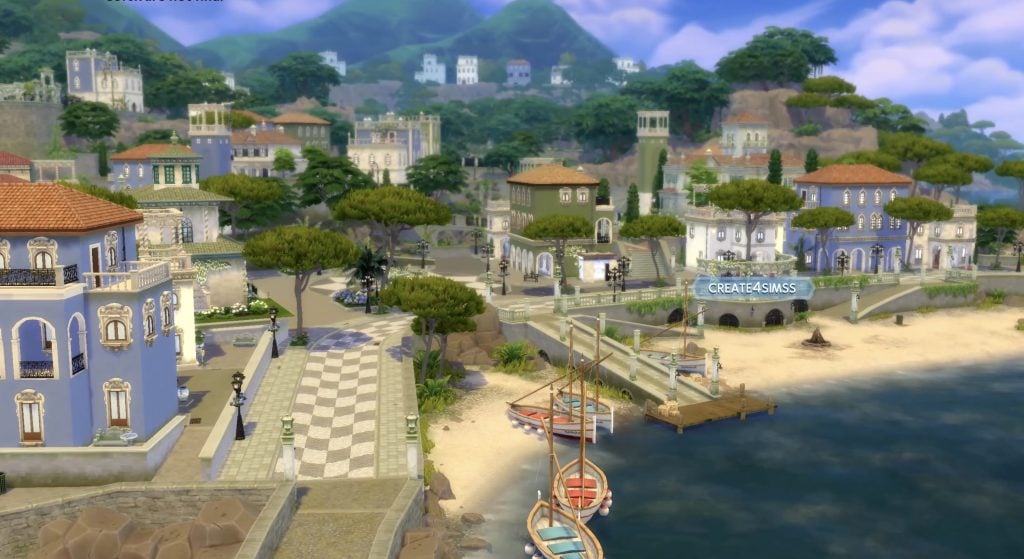
Thanks to create4sims for these stunning visuals!

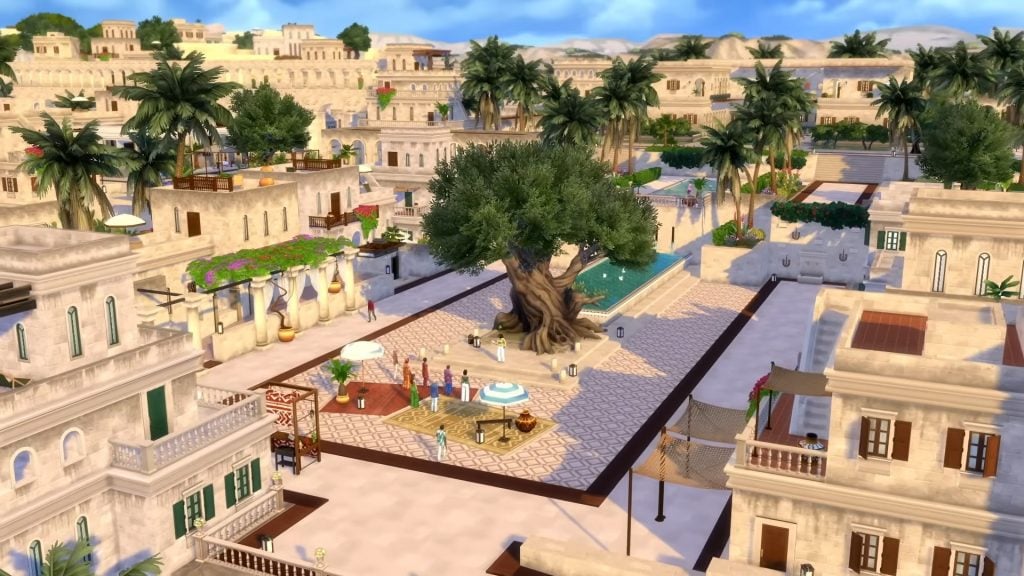
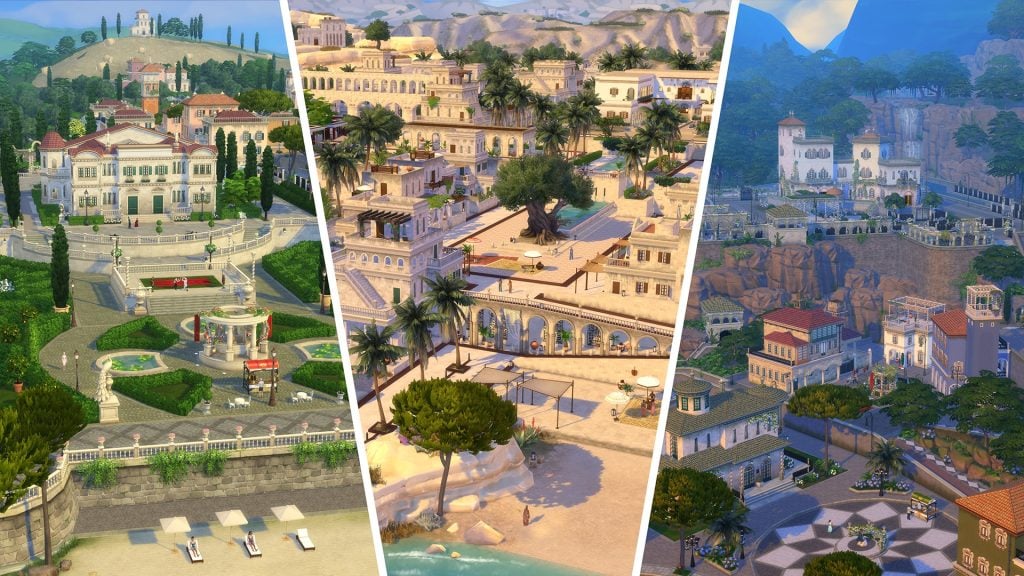
Verdemar serves as the ceremonial and cultural core of the world with Portuguese-inspired architecture. Bellacorde leans into elegance and refinement, with formal gardens, pastel façades, and architectural cues inspired by Northern Italy. Dambele stands out with its sunlit stone buildings, palm-lined streets, and dense urban layout inspired by West African. Together, these neighborhoods add depth and value to the expansion, reinforcing its themes of power, lineage, and dynastic influence through their distinct and stunning visual identities.

New Recipes!

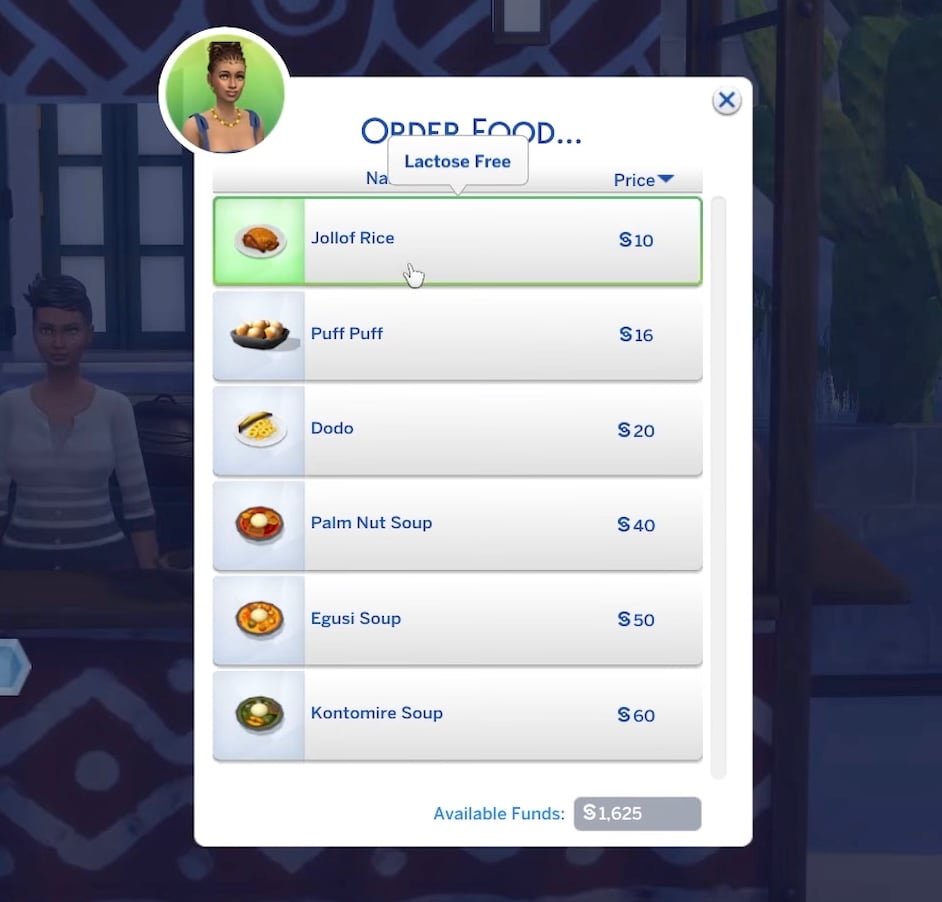
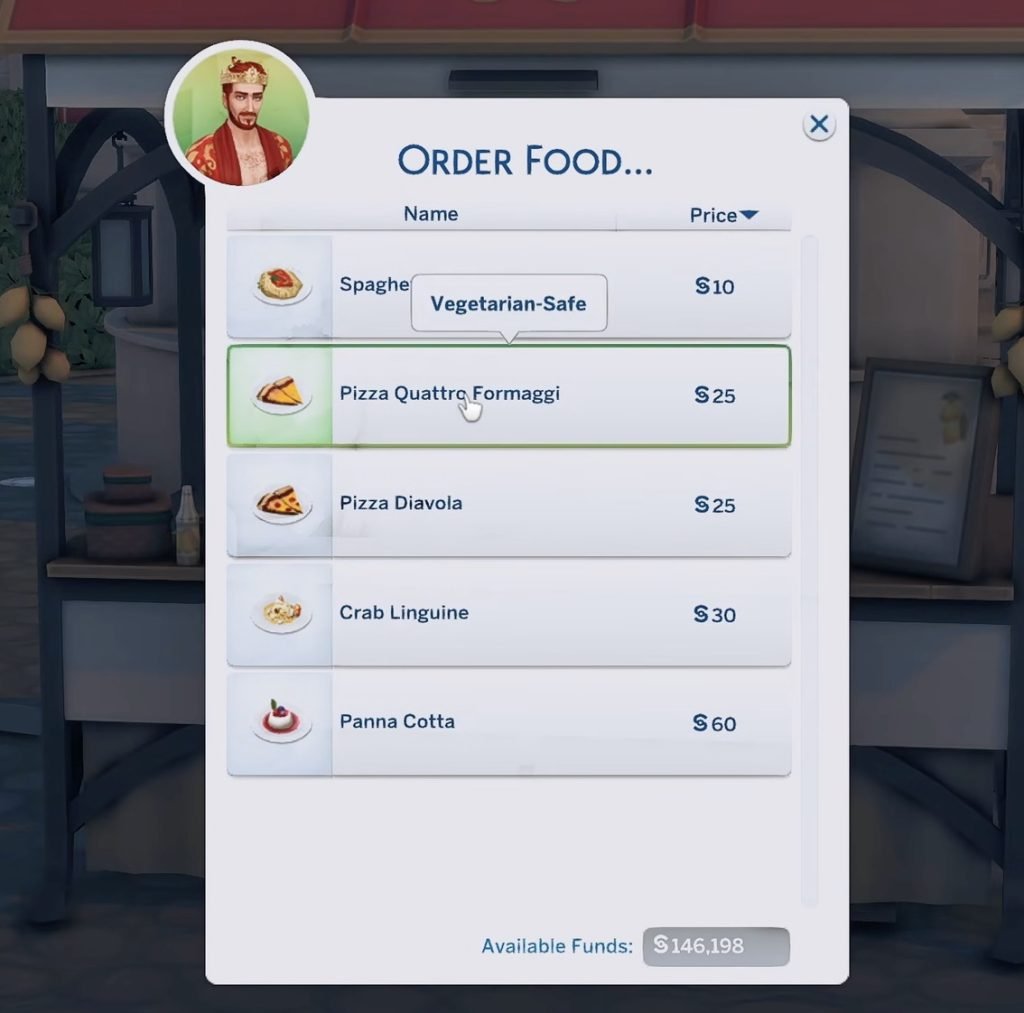
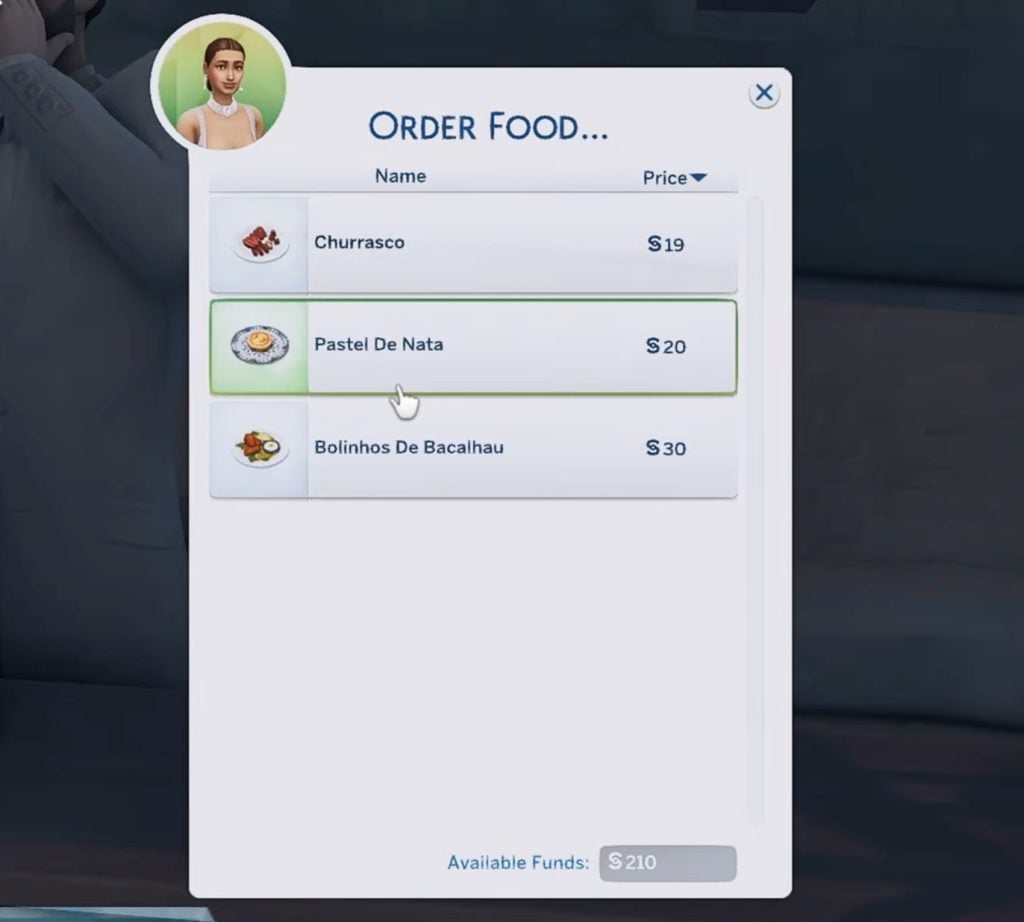
Across all three neighborhoods, Sims can grab a bite at new street food stalls offering recipes inspired by different parts of the world.

Besides the Backroom Lot Type, there is ONE MORE!

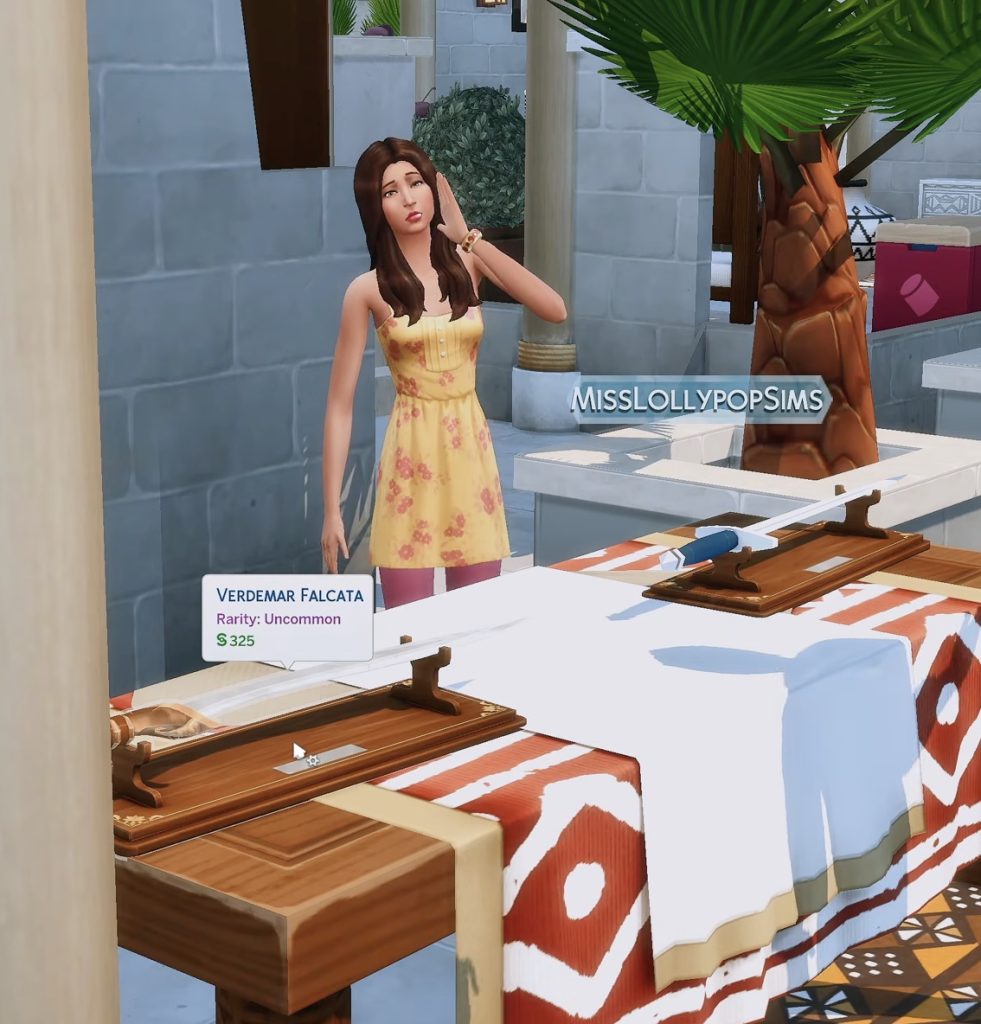
Thanks to early gameplay preview videos from creators, we know that a new Community Market lot type is being introduced, allowing Sims to shop for Base Game and Expansion Pack items, as well as objects added with Royalty & Legacy, including swords.

Community Market jpg
Screenshot from MissLollypopSims‘ video

Rabbit Holes and Other Secrets!

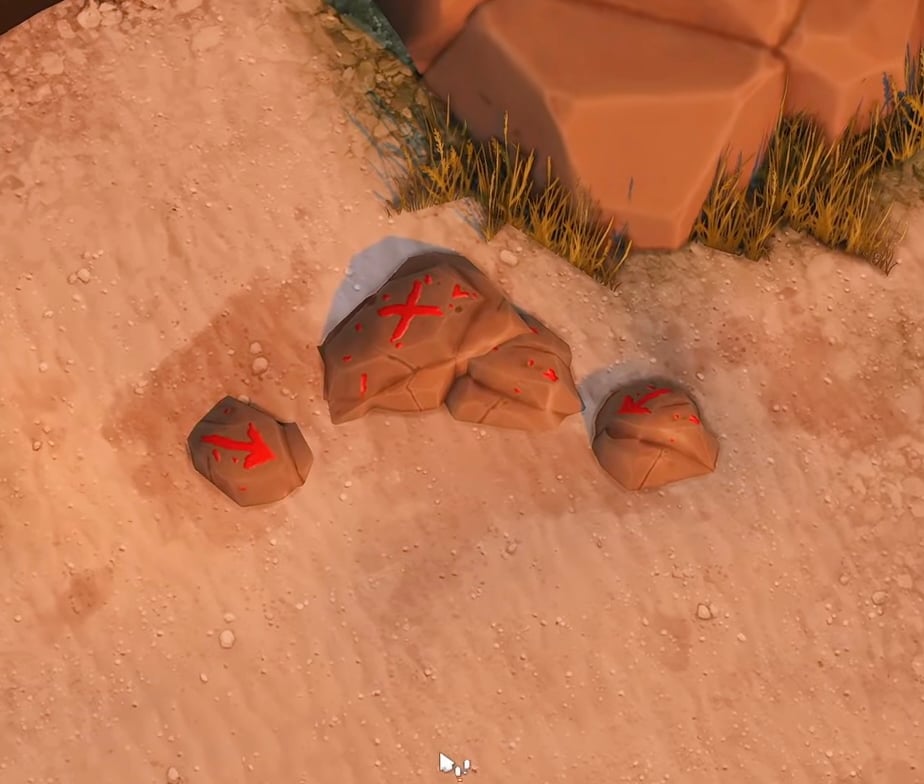
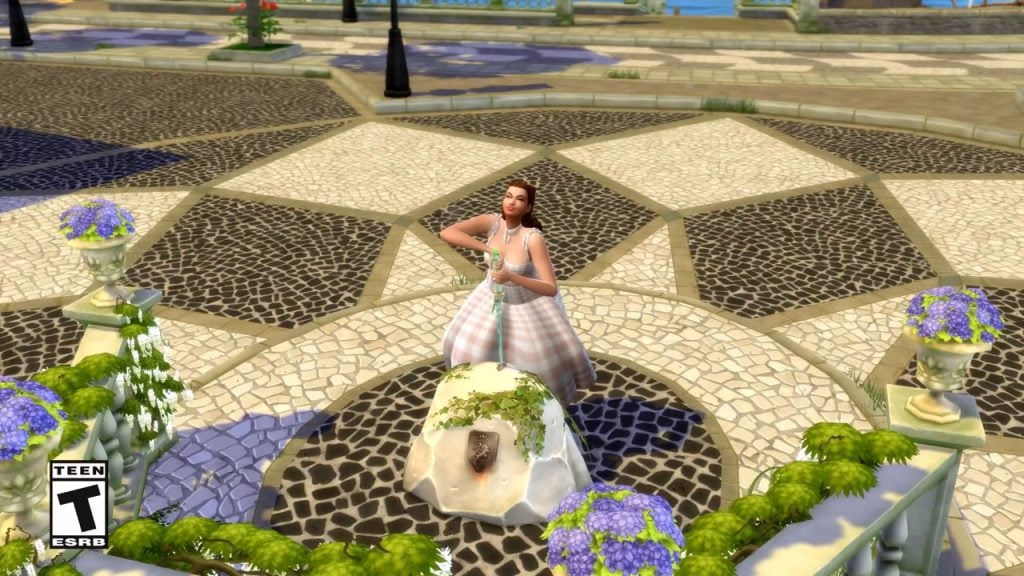
At these early gameplay previews, we are seeing that exploration is encouraged through some new rabbit holes scattered across the neighborhoods. In Verdemar, Sims can interact with the Blacksmith to have a sword forged, while other environmental details, such as rocks marked with an “X”, invite players to search for hidden secrets and discover what pirates might have hidden. Have you heard about the Simcalibur legend? Your Sim can attempt to pull the sword from the stone and, if successful, earn the legitimate right to claim the throne!

rocks with x jpg 1
Screenshot from MissLollypopSims‘ video

The Ancestors’ Tree in Dambele

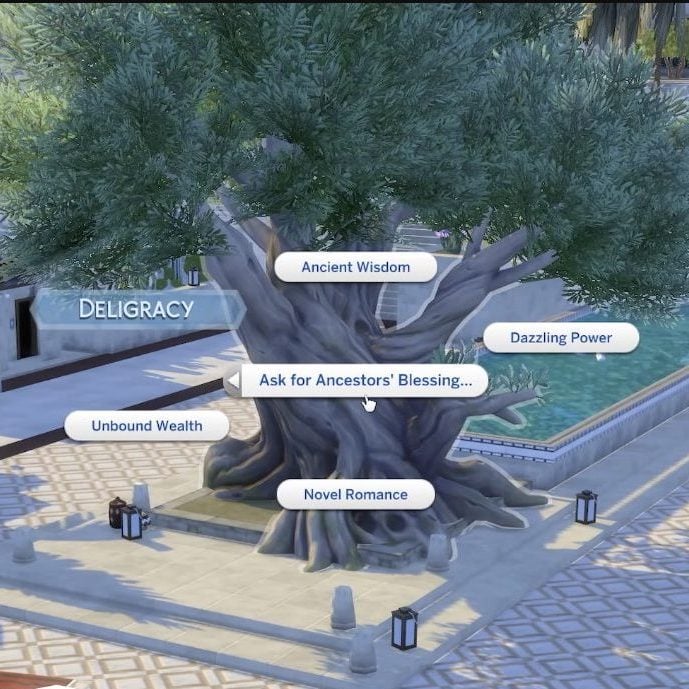
At the heart of Dambele stands the Ancestors’ Tree, a monumental and sacred location tied to the world’s spiritual identity. Sims can visit this ancient tree to ask for their ancestors’ blessing, choosing from several options that grant different effects.

dambele treen ancestors blessing jpeg edited 2
Capture from Deligracy’s video.

Swordsmanship Tournaments Across All Neighborhoods

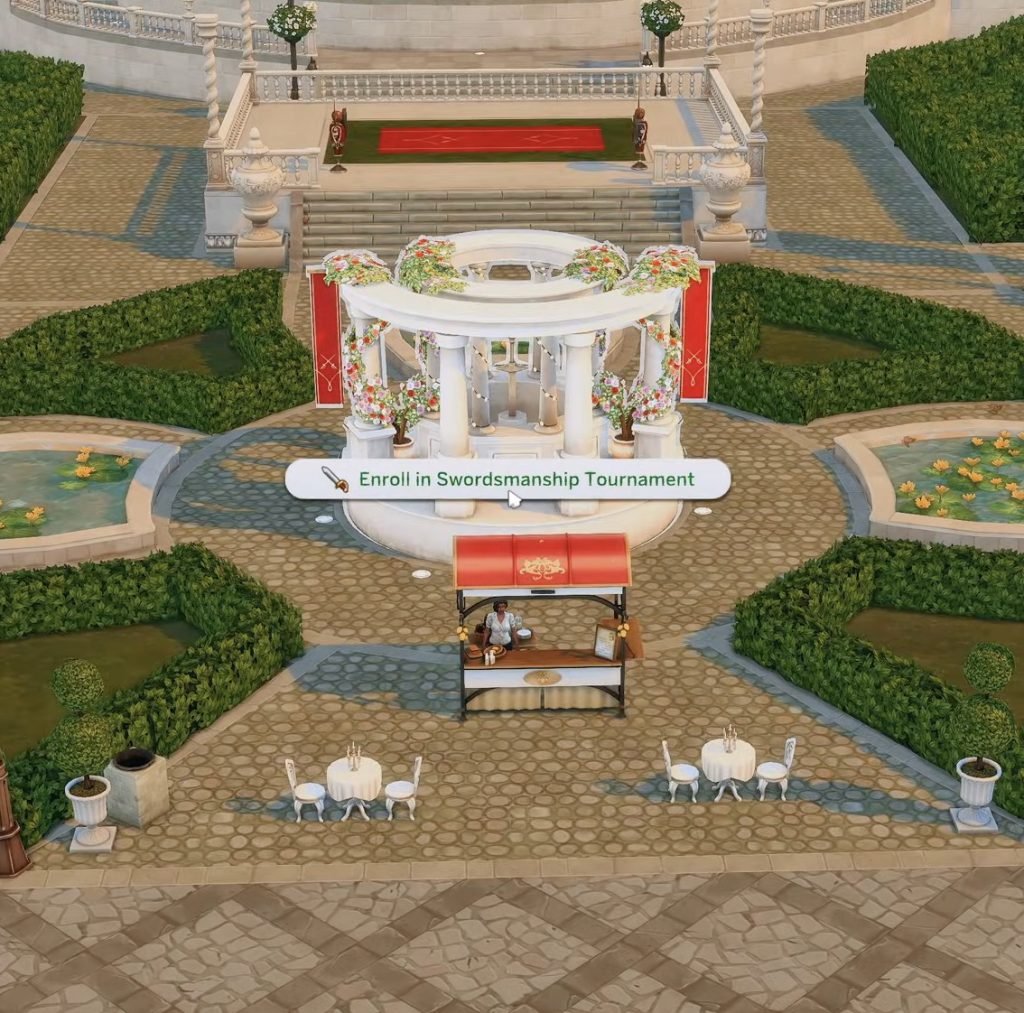
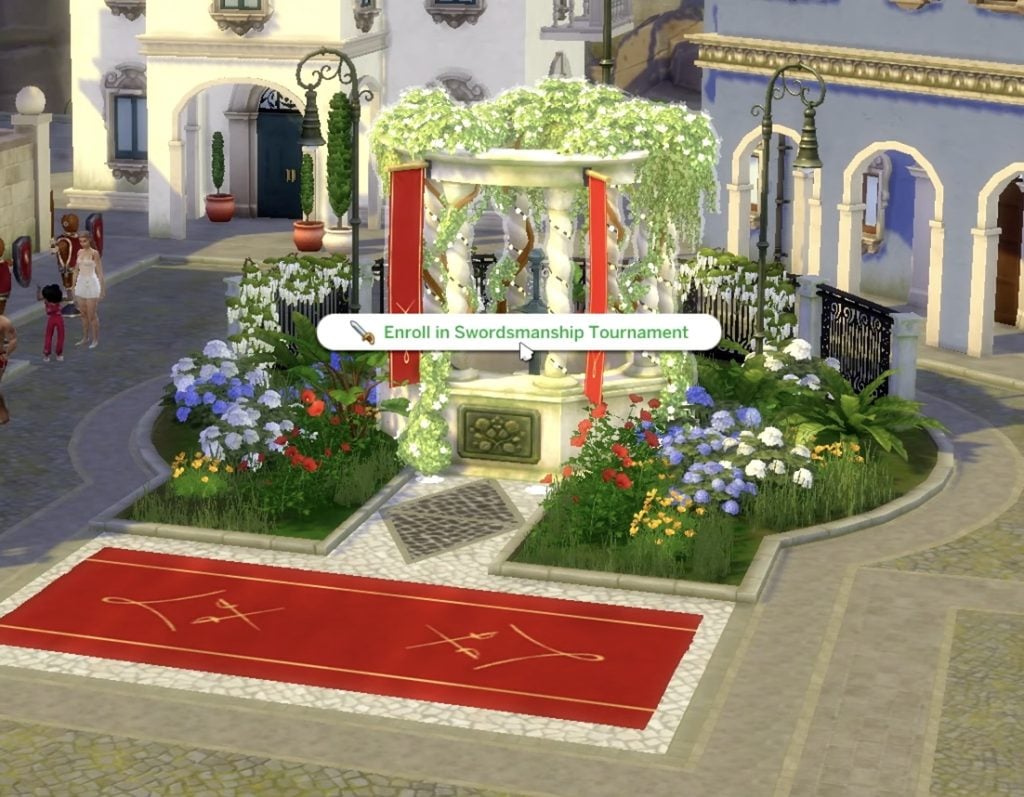
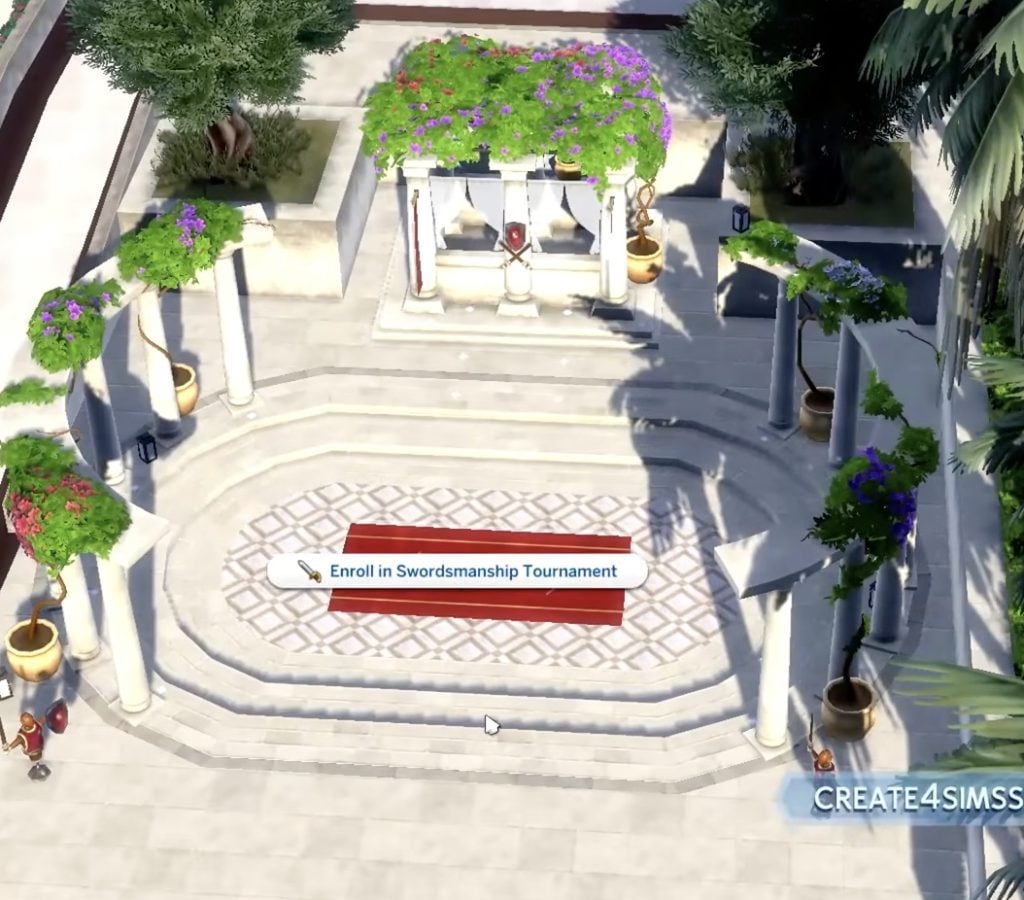
Each of the three neighborhoods features a dedicated location where Sims can take part in swordsmanship tournaments, each tied to the cultural identity of its world. In Verdemar, tournaments are held around a ceremonial chafariz, a Portuguese-inspired civic fountain. Dambele hosts its tournaments in an ancestral pavilion, while Bellacorde offers a refined garden pavilion.

Technical View from the World Manager

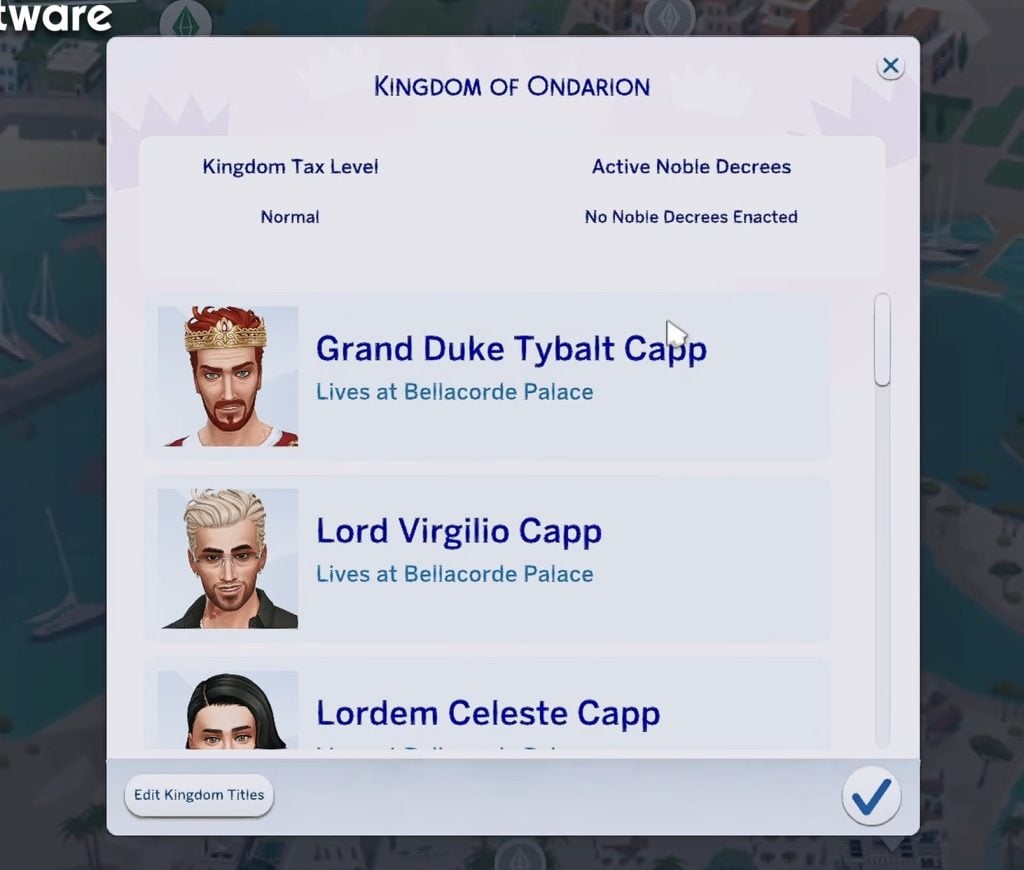
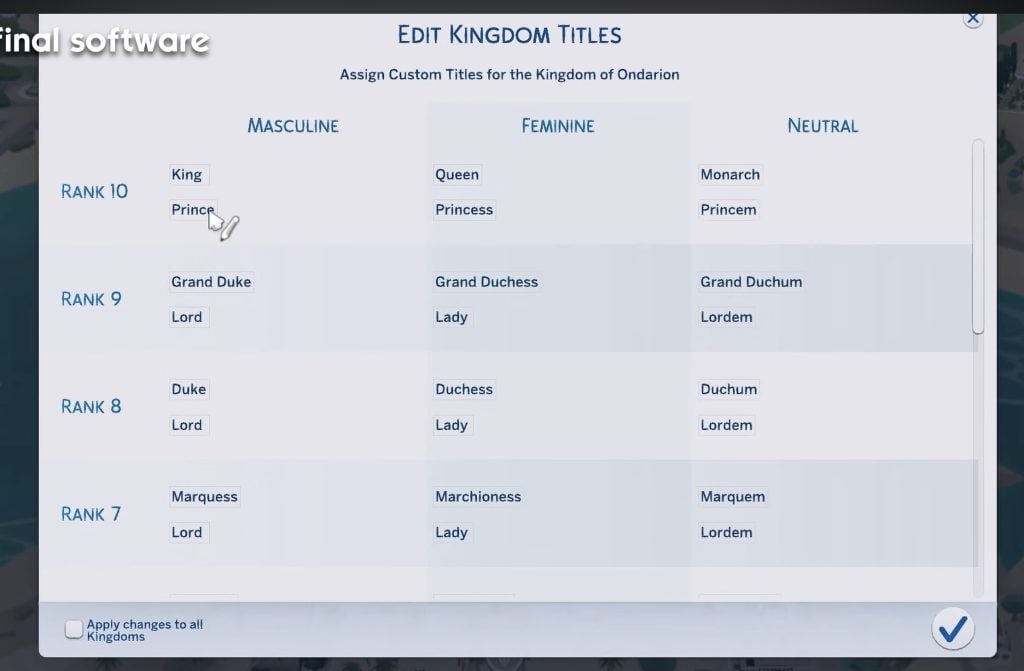
From the World Manager, players can access the Kingdom Manager, a dedicated panel that provides an overview of the kingdom’s current state. From here, it’s possible to check the Kingdom Tax Level, see which Noble Decrees are currently active, view all Sims holding noble positions, and customize their titles. These titles are not limited to traditional roles like kings or queens, and can be adapted to better reflect each Sim’s gender identity or their specific role within the dynasty.

view kingdom manager jpg 1
Capture from create4sims‘ video
edit titles jpeg
Capture from create4sims‘ video

Being a Noble Comes with Its Own Set of Perks

Nobility gameplay received its own Gameplay Trailer with plenty of reveals, but there are always some secrets that only come to light once we see real gameplay in action.

Private School with Unique Uniforms!

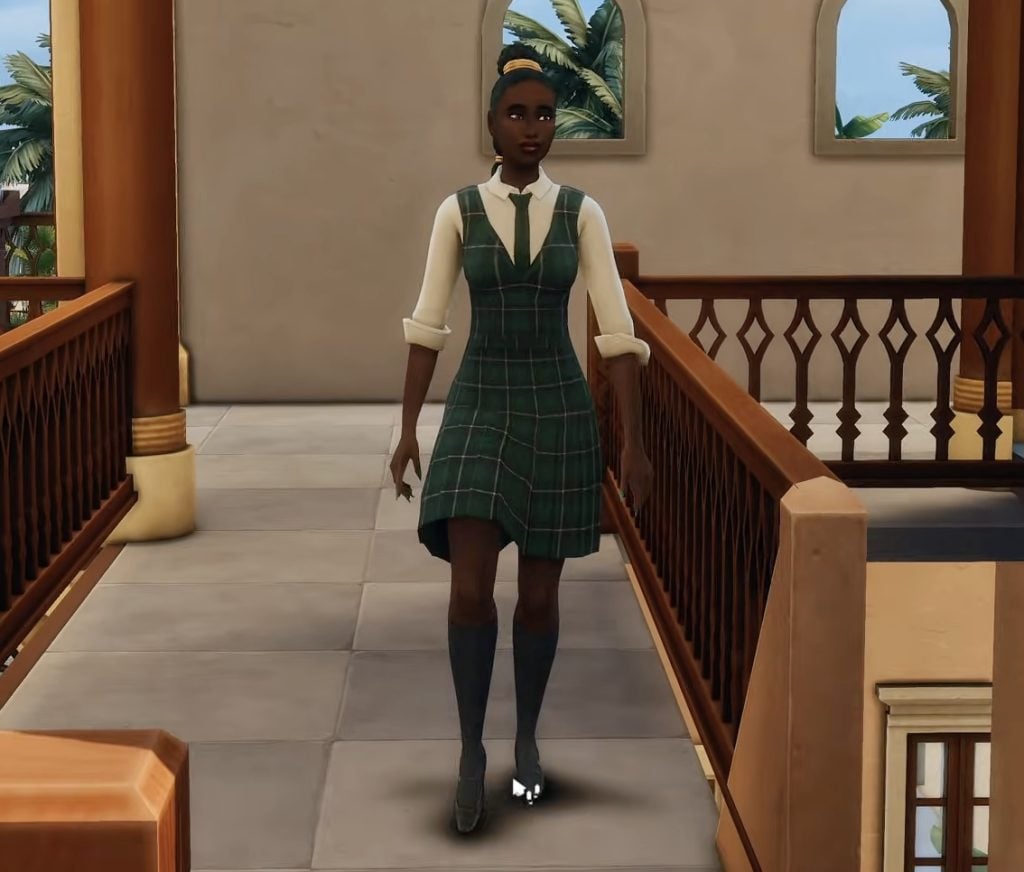
In gameplay previews, we have seen how noble families also come with exclusive social advantages. Children born into nobility attend elite schools and wear special uniforms, reinforcing their elevated status from an early age.

uniforms jpeg
A teenager sim wearing a new uniform while going to school / create4sims

Curious Interactions Exclusive to Nobles

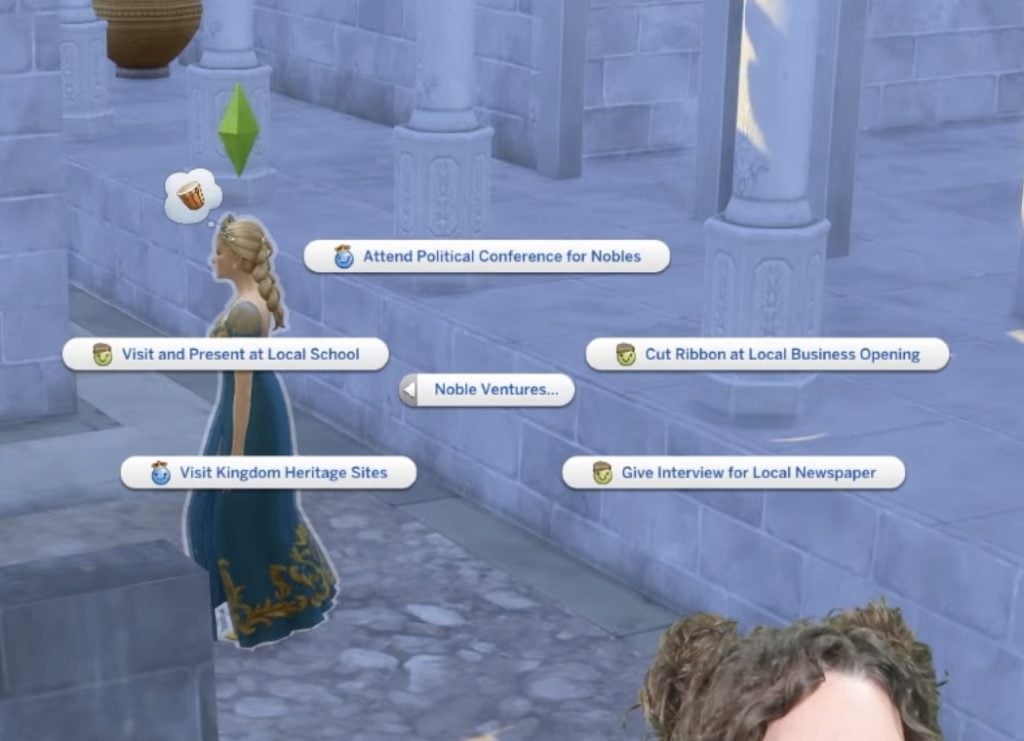
Noble Sims gain access to unique activities known as Noble Ventures, including interactions such as Visit Kingdom Heritage Sites, Visit and Present at Local School, and Give Interview for Local Newspaper. These ventures help expand a dynasty’s influence beyond the household.

noble ventures options jepg
Zefrine

Forge A Connection to Gain Power

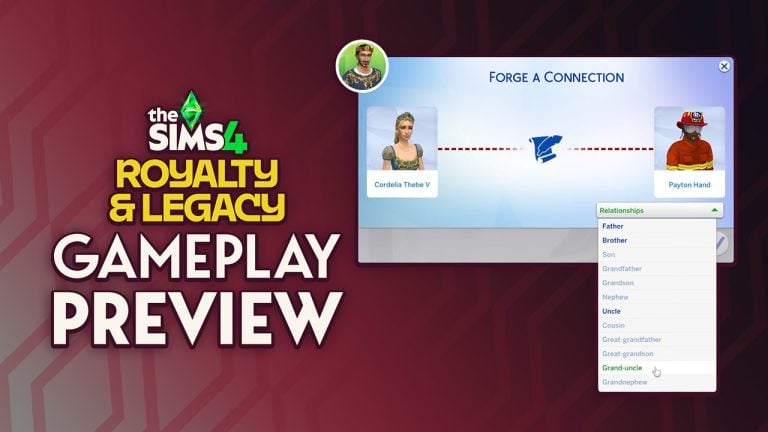
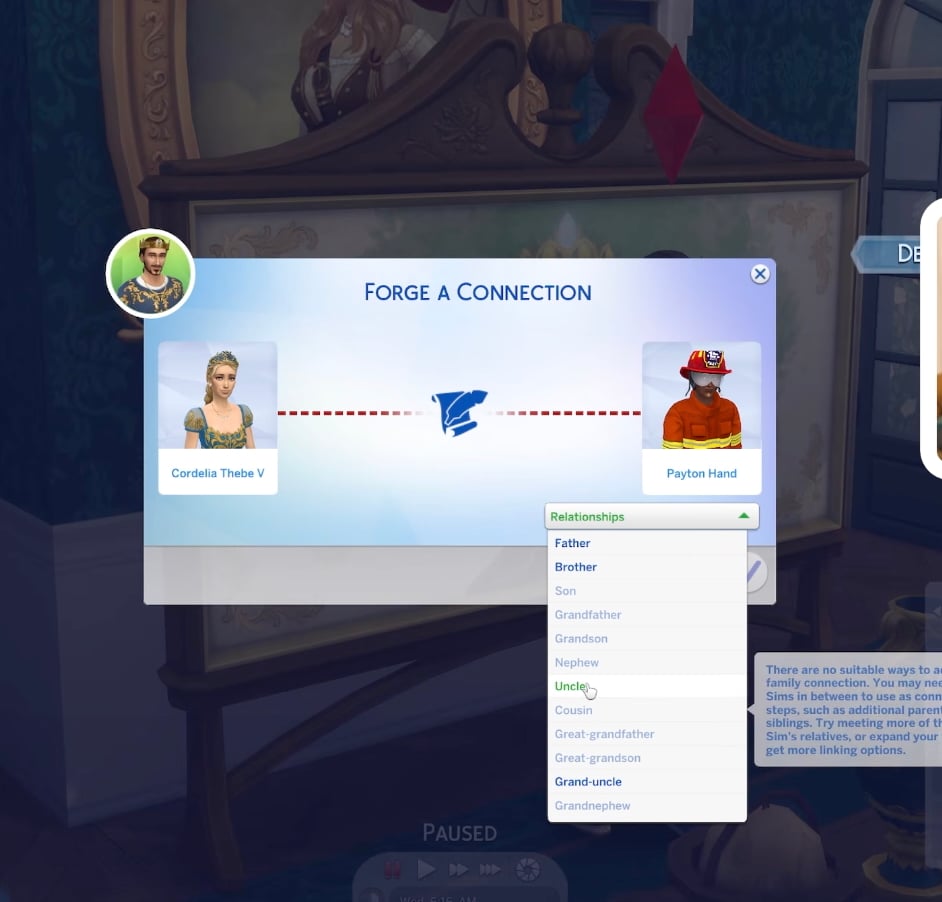
Forge a Connection is a brand-new feature that is tied exclusively to the scandals system. While many players have long asked for expanded CAS relationship options, this functionality is instead locked behind a gameplay mechanic that revolves around secrets. As a result, what could have been a flexible relationship tool becomes situational, raising questions about why such a highly requested system is restricted to scandals rather than being available as a broader family management feature.

Nobles Doesn’t Do Repairs Works

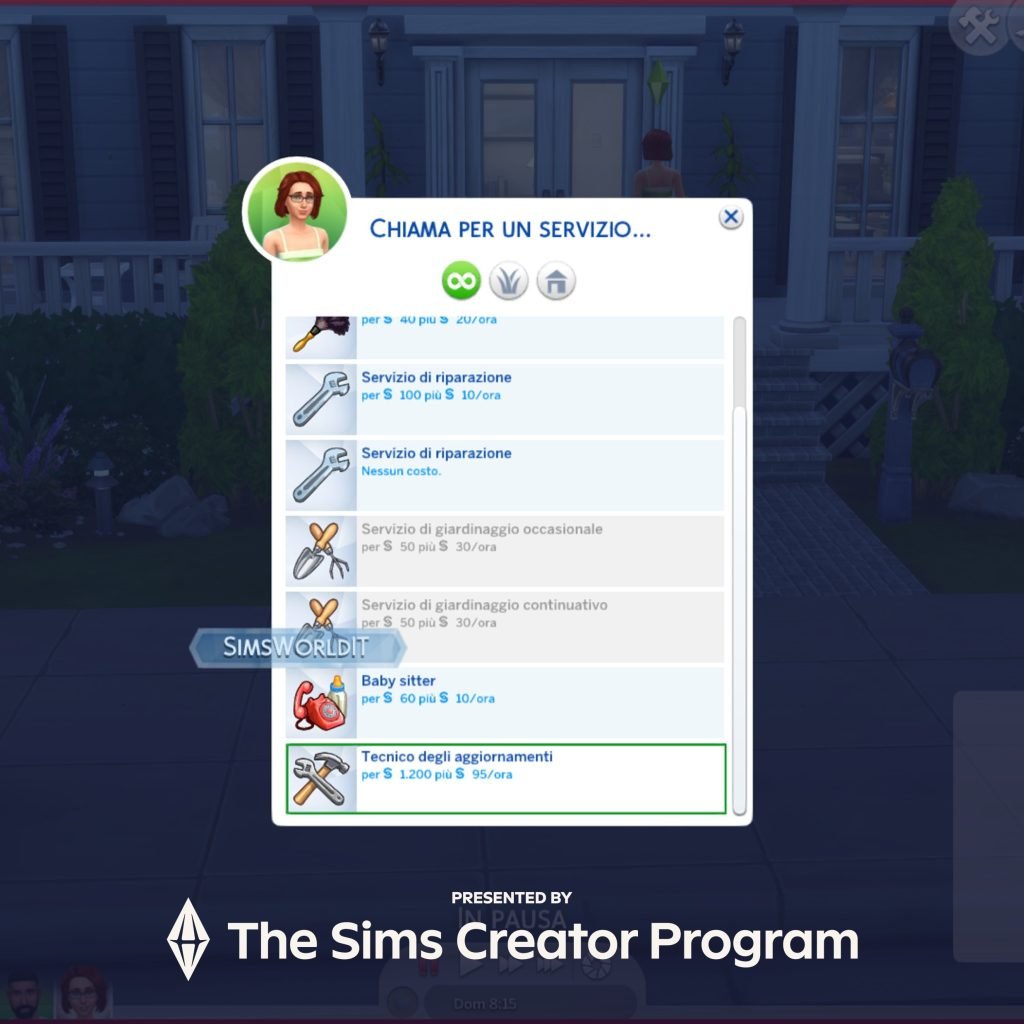
The expansion also adds a new phone service that lets Sims hire a technician to upgrade household objects for them. After all, nobles don’t get their hands dirty improving fridges or toilets; that kind of work is clearly beneath them and best left to someone “more qualified.” And yes, that’s probably why this feature didn’t arrive in a Base Game update.

More Dynasties Features!

Just like Nobility, Dynasties received another Gameplay Trailer. Dynasties sit at the very core of The Sims 4: Royalty & Legacy, introducing a system that places family lineage, control, and long-term influence at the center of gameplay. Rather than focusing solely on individual Sims, the expansion encourages players to think in terms of bloodlines, succession, and generational power, with dynastic ideals acting as inherited traits that help define each family’s identity and values across generations.

You are (NOT) the Father!

When a baby is born, players can choose the father, directly shaping the family’s lineage. Hiding the baby’s true parent from a spouse can create a new relationship status: Secret Child.

Control Your Dynasty

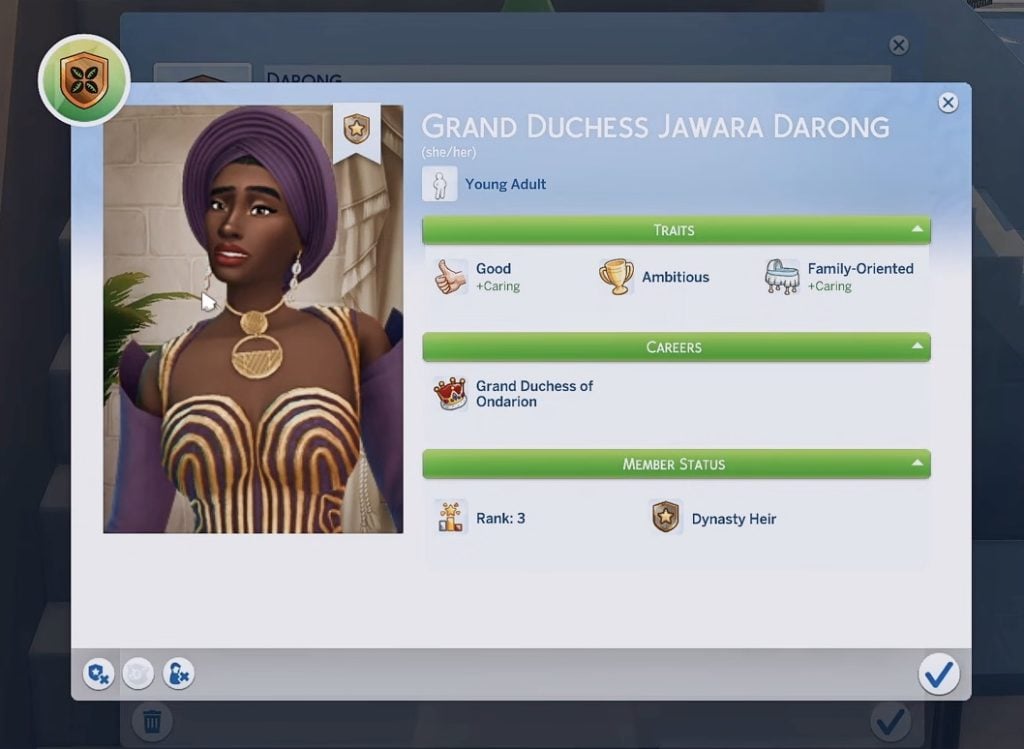
The Dynasty Management menu provides a detailed overview of each family member, offering specific information tied to their role within the dynasty. Within this panel, players can view a custom portrait, a Sim’s traits, current career, and overall status.

dynasty profile picture jpeg
Capture from MissLollypopSims‘ video

Keep Your Allies Close — and Your Enemies Even Closer

As the head of a dynasty, Sims gain access to special dialogue events designed to manage relationships between allied and rival dynasties. These interactions allow players to negotiate disputes, resolve tensions, or escalate conflicts, reinforcing the idea that dynastic power is maintained not just through titles but through diplomacy and influence.

Together, these systems transform family gameplay into a long-term strategy, where every decision, from parenthood to political alliances, can have lasting consequences for the dynasty’s future and your Sims’ storytelling!

Secrets and Scandals Can Make, or Break, a Dynasty

Power in The Sims 4: Royalty & Dynasty isn’t built on titles alone. Secrets, rumors, and scandals play a crucial role in shaping relationships between Sims, families, and entire dynasties. Information becomes a valuable currency, and using the right scandal at the right time can cost rivals their careers, destroy their reputation, or even strip them of the crown!

What’s your darkest secret?

Players can actively seek out secrets by questioning other Sims, uncovering hidden truths that can later be used to gain leverage, manipulate outcomes, or protect their own dynasty from public disgrace. At the same time, Sims may approach your household searching for information of their own, turning every conversation into a potential risk.

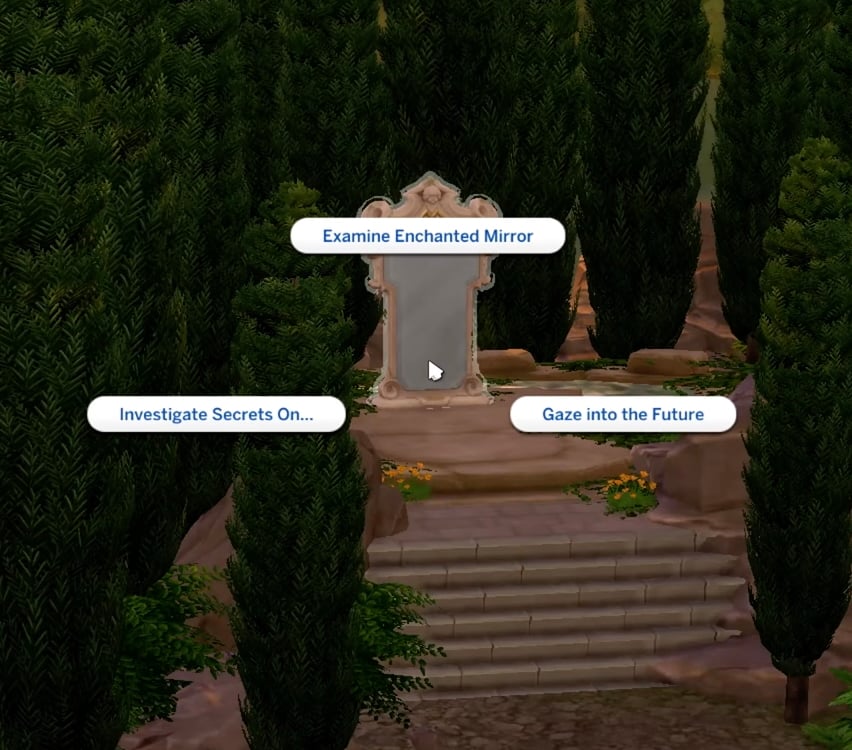
More unconventional methods are also available. Players can hack systems to dig up secrets or consult the Magic Mirror, which offers insight into hidden truths.

Control your DRAMA!

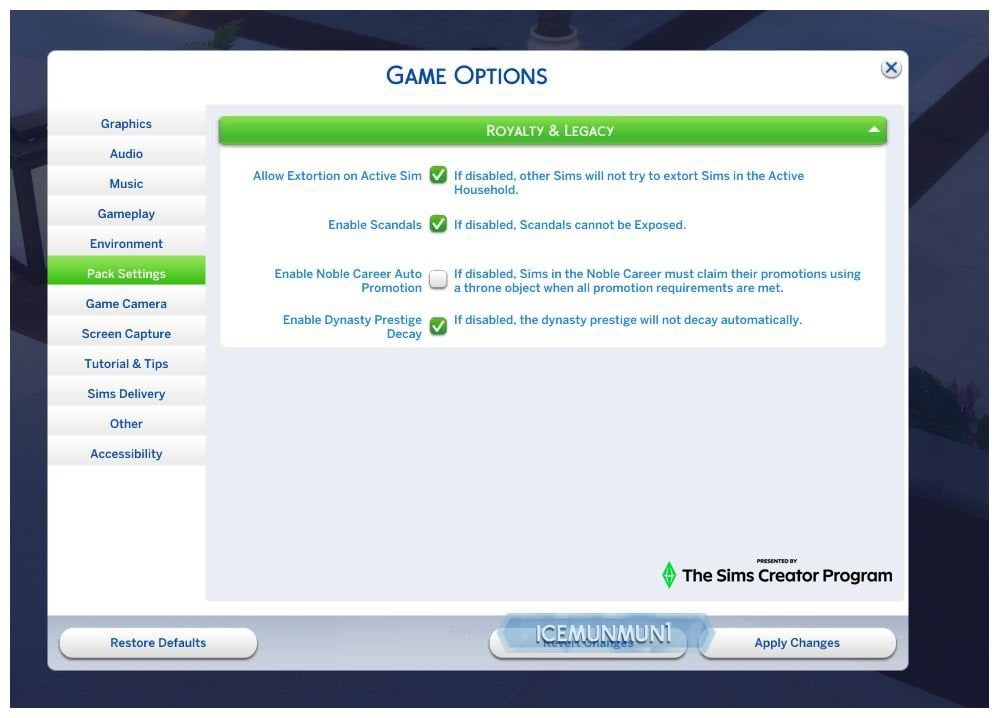
All the major gameplay systems introduced with The Sims 4: Royalty & Legacy come with dedicated toggles in the game settings, allowing players to customize their experience. The Sims team has clearly learned from community feedback during the Enchanted by Nature era, where gameplay systems like ailments, the luck system, and stability mechanics could feel frustrating for some players.

options
Screenshot from icemunmun’s X account

There’s Space for Fantasy Gameplay, Too!

Fantasy elements play an important role in The Sims 4: Royalty & Legacy, blending mysticism with the expansion’s political and social systems. As previously mentioned, the Magic Mirror is a powerful tool for uncovering secrets, but it can also be used to peer into what lies ahead.

Mirror, Mirror on the Wall

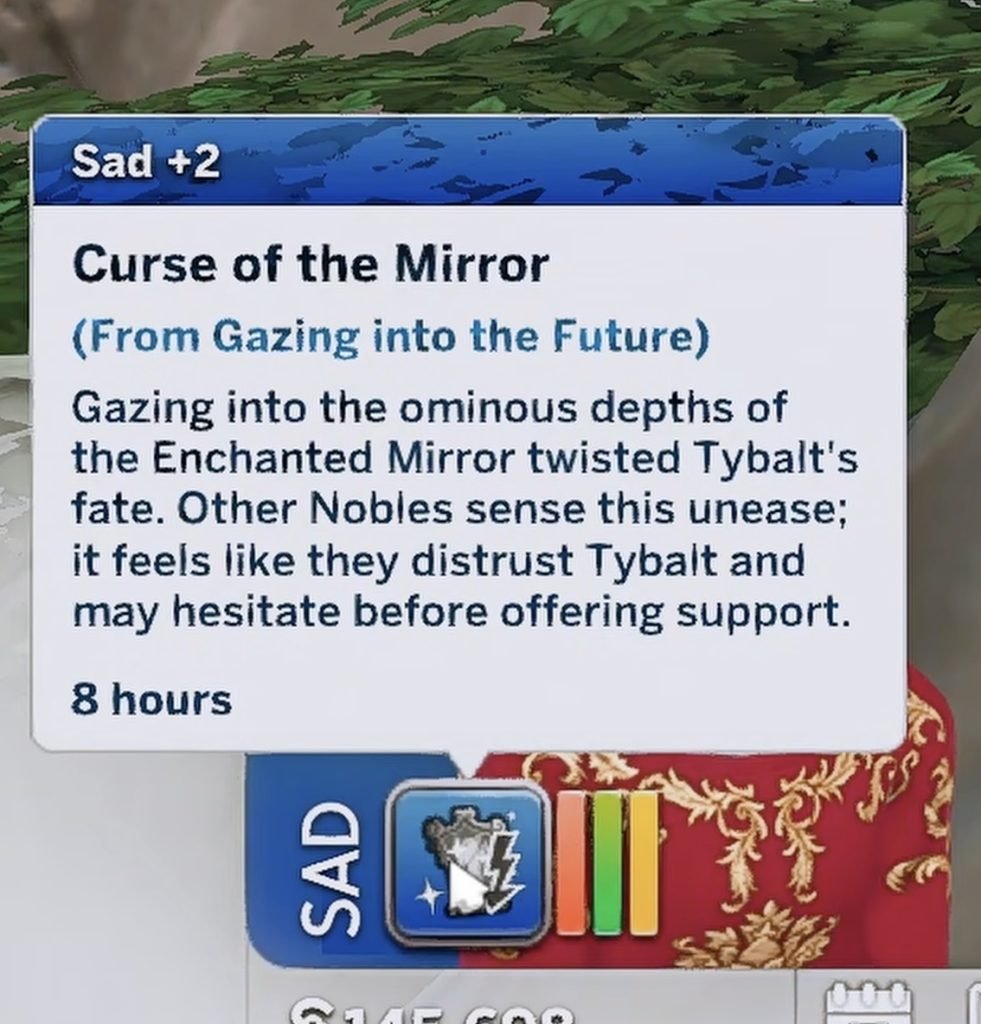
When Sims choose the Gaze into the Future interaction, they may receive insight into what awaits them. However, this knowledge comes at a price: the mirror can curse the Sim, preventing them from advancing in their career and hindering their ability to craft objects.

And They Lived Happily Ever After…?

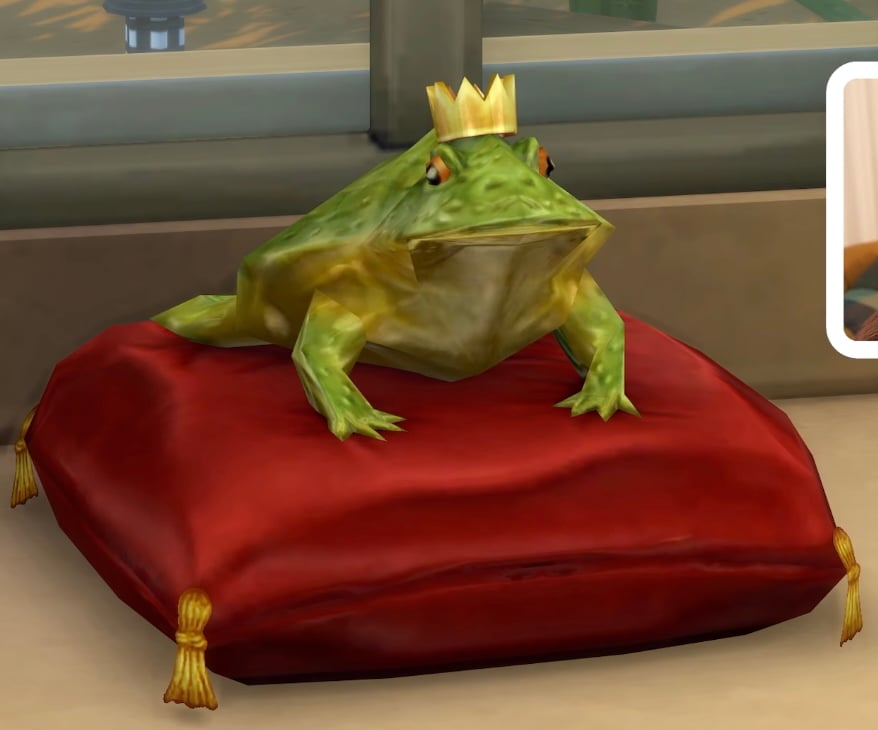
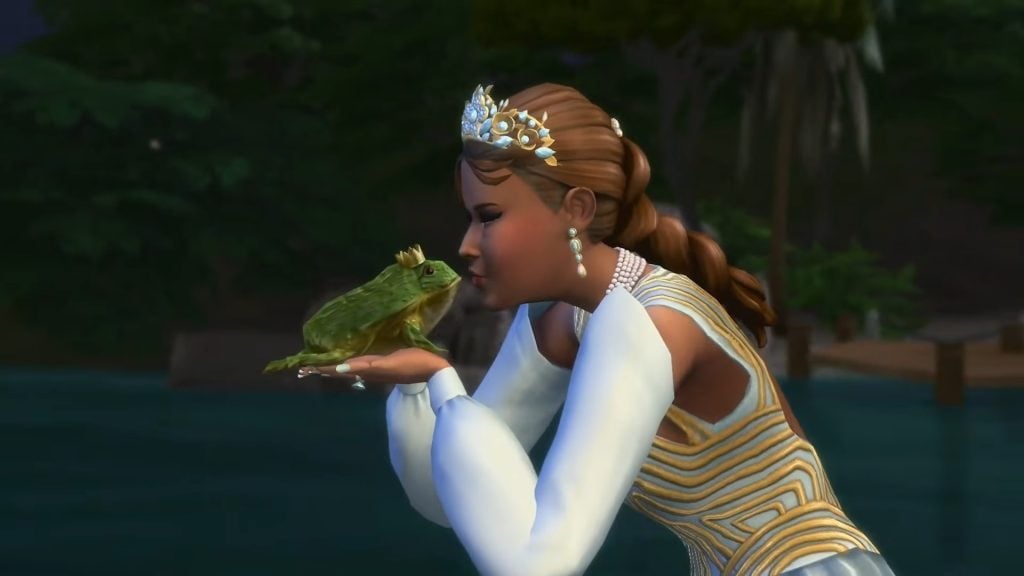
Fantasy gameplay also introduces fairytale-inspired elements, such as the iconic glass slippers. However, one of the most surprising additions is the Noble Frog. Sims can interact with this mysterious creature by kissing it, triggering a transformation into a human Sim who may react positively or with clear disappointment.

These whimsical mechanics strongly recall the magical tone and playful unpredictability of The Sims: Makin’ Magic Expansion Pass, bringing that classic fantasy feeling back into the franchise.

Some interesting additions to Build Mode!

Build Mode in The Sims 4: Royalty & Legacy brings several surprising additions to the game. Early gameplay previews has allow us to see new builds made by new, surprising features.

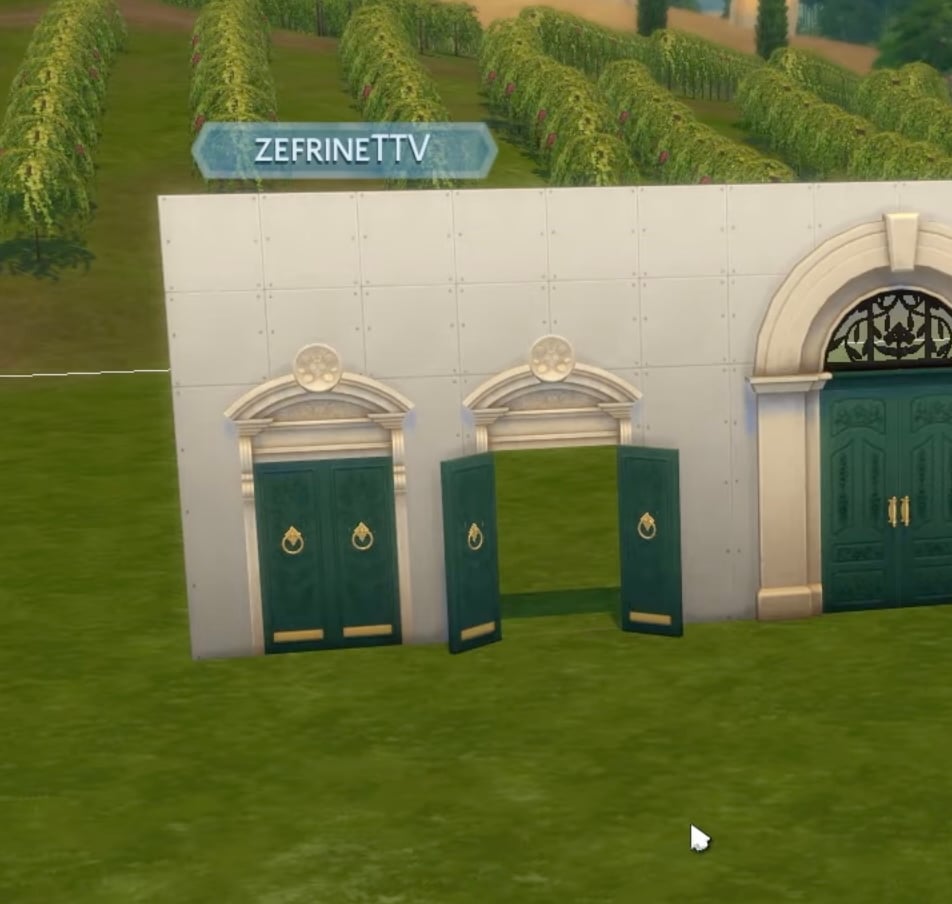
Opened Variations of Doors!

This new pack introduces a wide selection of door variants that are permanently open, allowing builders to create more natural transitions between spaces without relying on cheats. Hopefully, this system will become a standard option for most doors in future updates.

open doors variant jpeg
Screenshot from Zefrine’s video

DIY Family Shields

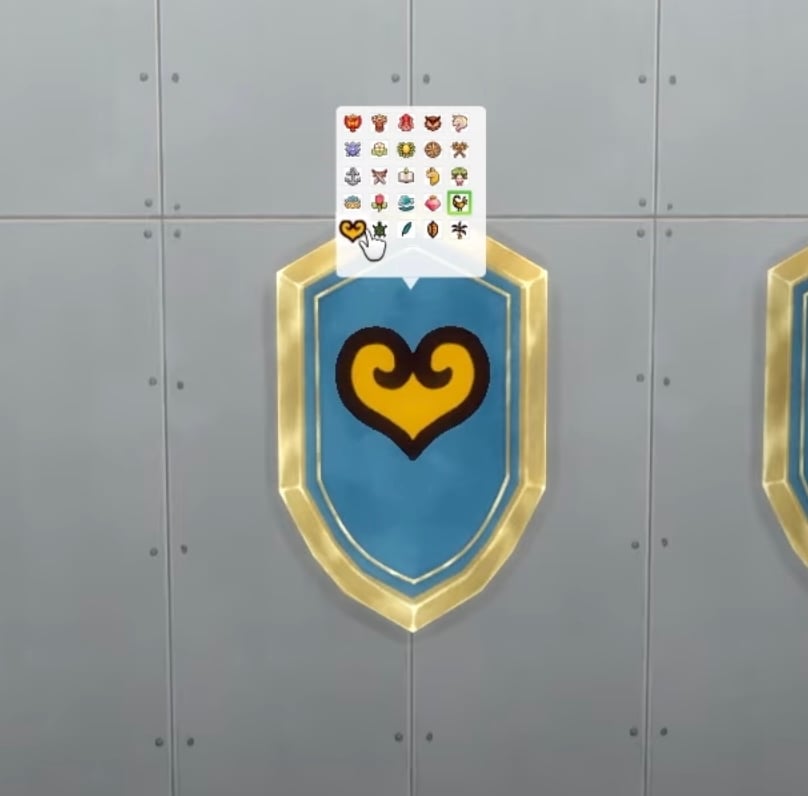
Just like the customizable signs introduced for rental businesses in The Sims 4: Businesses & Hobbies Expansion Pack, Royalty & Legacy adds custom shields that allow players to decorate their Sims’ castles with their family’s emblem.

dynasty shields jepg
Screenshot from Zefrine’s video

For the First Time in Forever…

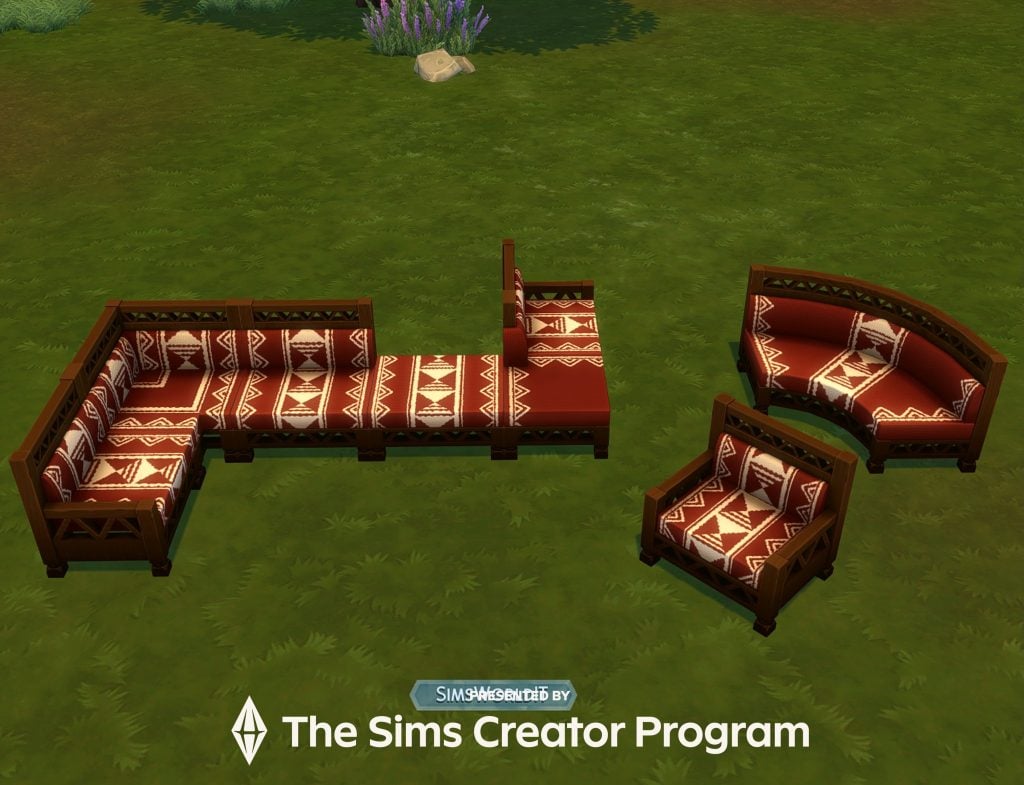
The Sims 4: Royalty & Legacy FINALLY introduces MODULAR sofas again! This time, they come with designs inspired by African textures and patterns, as far as we’ve seen in gameplay previews.

simsworld IT modular sophas jepg
Image from SimsWorld_IT’s X account

Based on what has been shown so far through early access gameplay preview and official videos, The Sims 4: Royalty & Legacy introduces a wide range of systems centered on dynasties, noble roles, social power, and new hidden features.

The expansion combines new worlds, fantasy-inspired mechanics, and quality-of-life improvements to support long-term, story-driven, and large families gameplay. These early previews offer a clearer picture of how The Sims 4: Royalty & Legacy approaches themes of lineage, influence, and status, giving players a better idea of what to expect when the pack releases.


What are your thoughts on The Sims 4: Royalty & Dynasty Expansion Pack, based on what content creators have shared in their gameplay previews? Let us know in the comments!

Latest Paralives Update Shows Clothing Store Speed Build

1

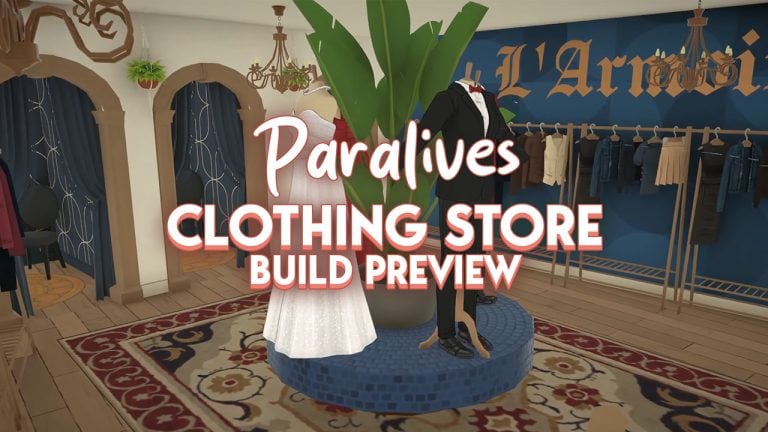
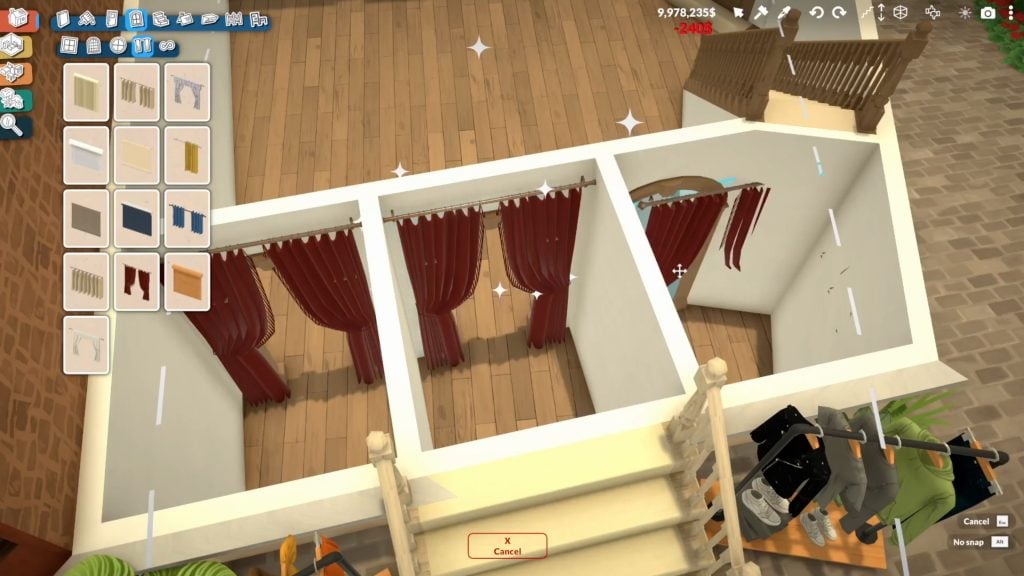
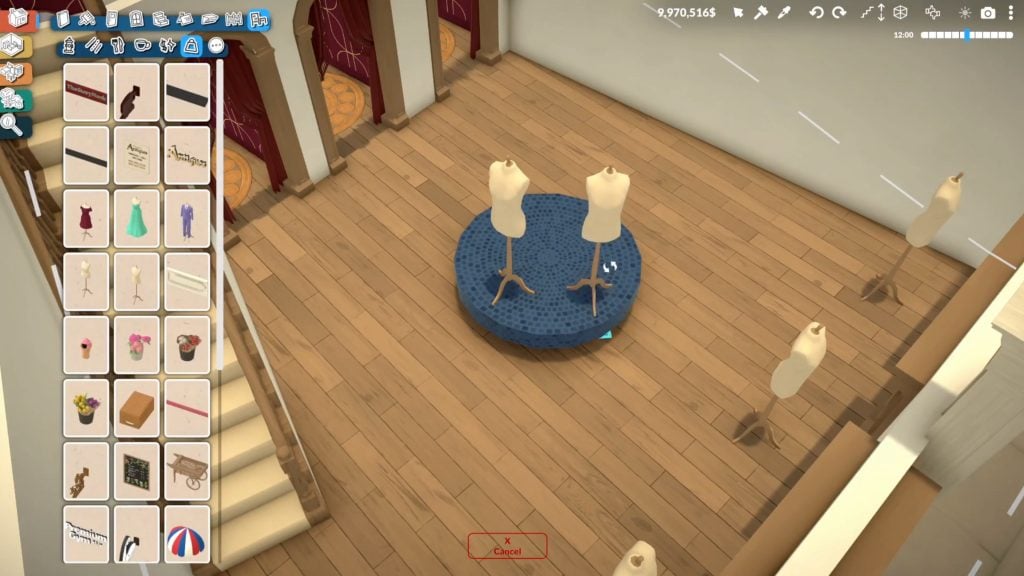
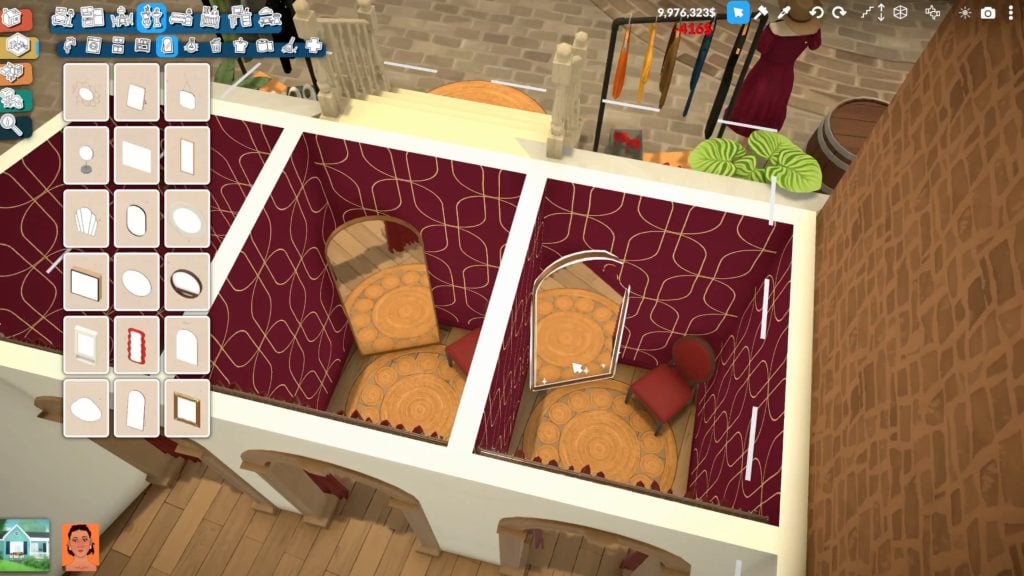
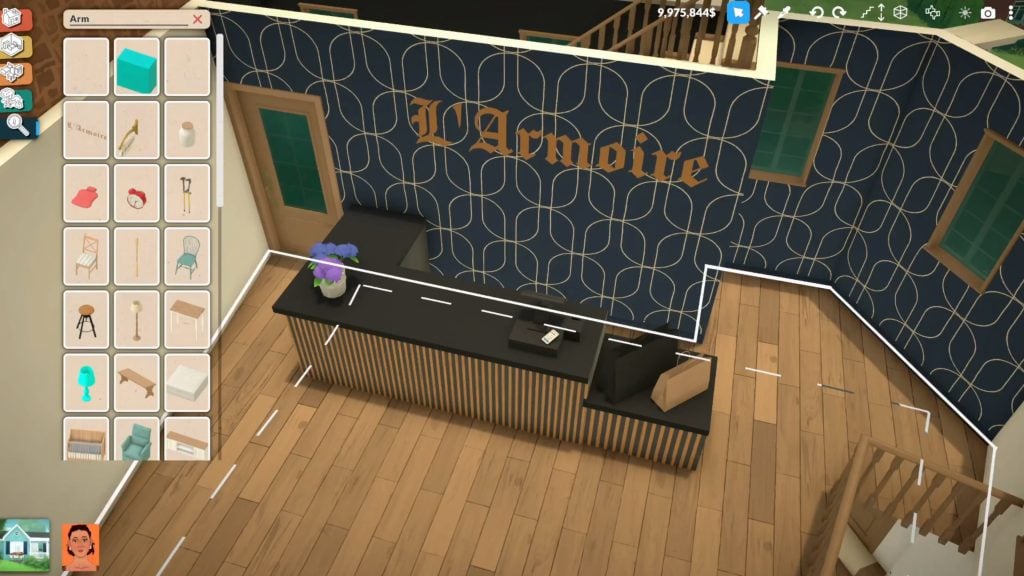
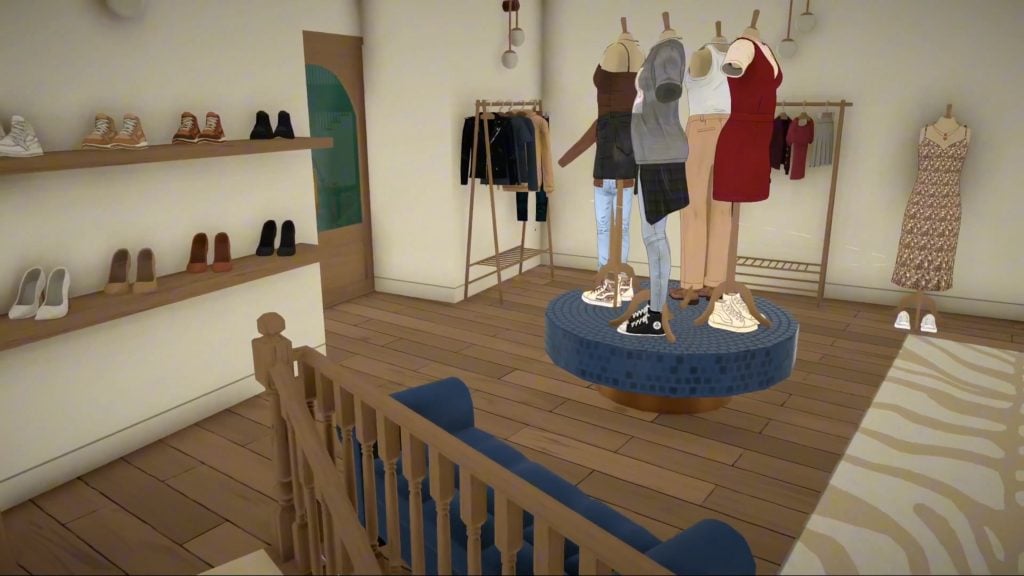
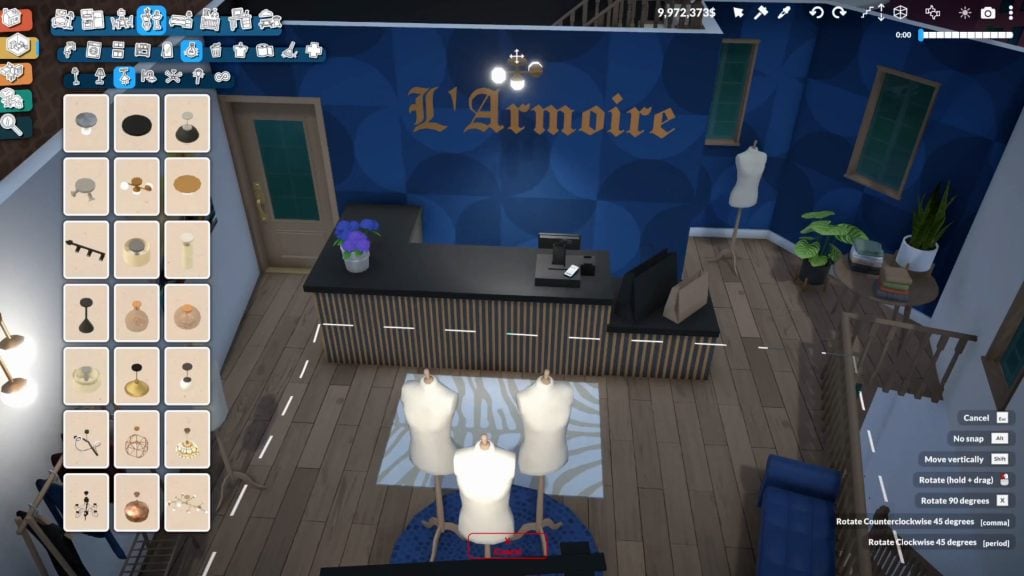
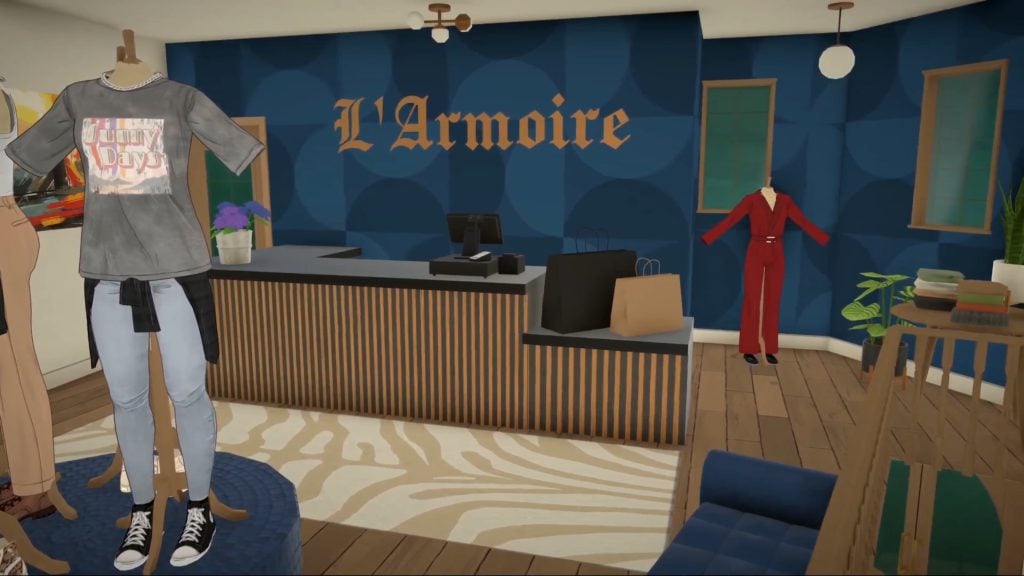
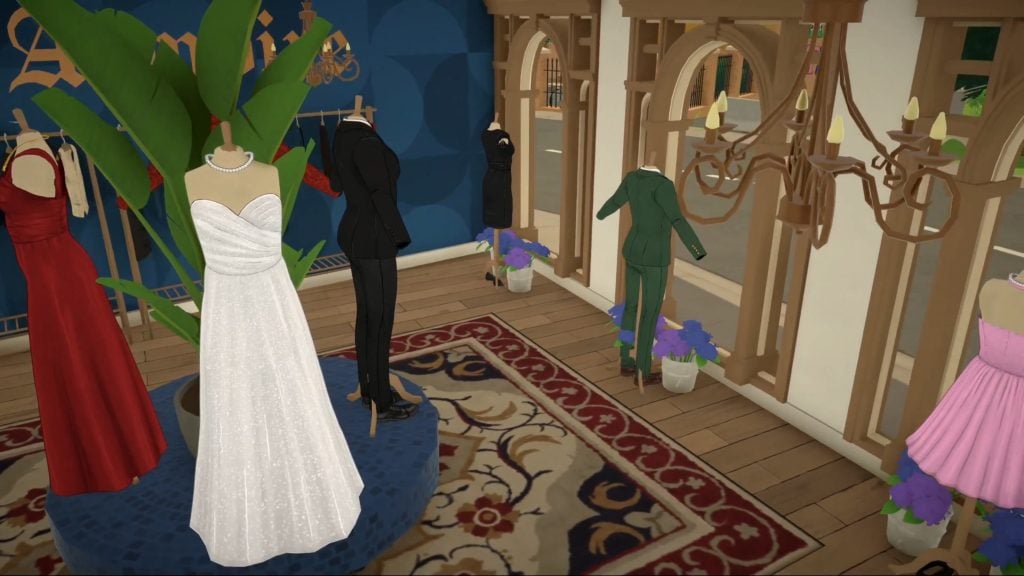
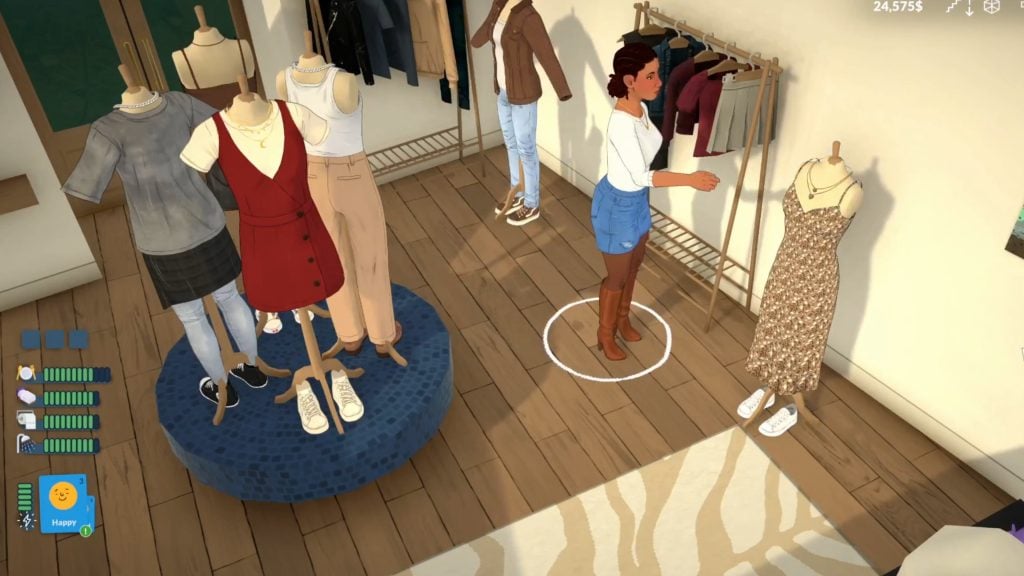
Paralives team members Léa and Alejandro have unveiled a speed-build video on Patreon showcasing the completed interior of L’Armoire, a clothing store located in the game’s Old Town, including updates to how your Parafolk will be able to buy and display clothing.

The video highlights a new outfit system that allows players to purchase clothing directly from mannequins displayed in the store. 

I had a lot of fun creating this space! All the other stores in the plaza have items for purchase or gifts available every day. This store needed its own system to encourage visitors to explore the city’s many public spaces.

Léa, Paralives developer
Paralives watch this speed build of the town s clothing store L Armoire paraf. fryvtk.00 03 30 10.Still017 scaled

The post also welcomed their new team member, and community manager, Carina.

We have also done lots of other articles covering Paralives updates as they happen. You can view all of these here.

L’Armoire’s 

The team uploaded a full speed-build video on their Patreon and then later released it across their social media.

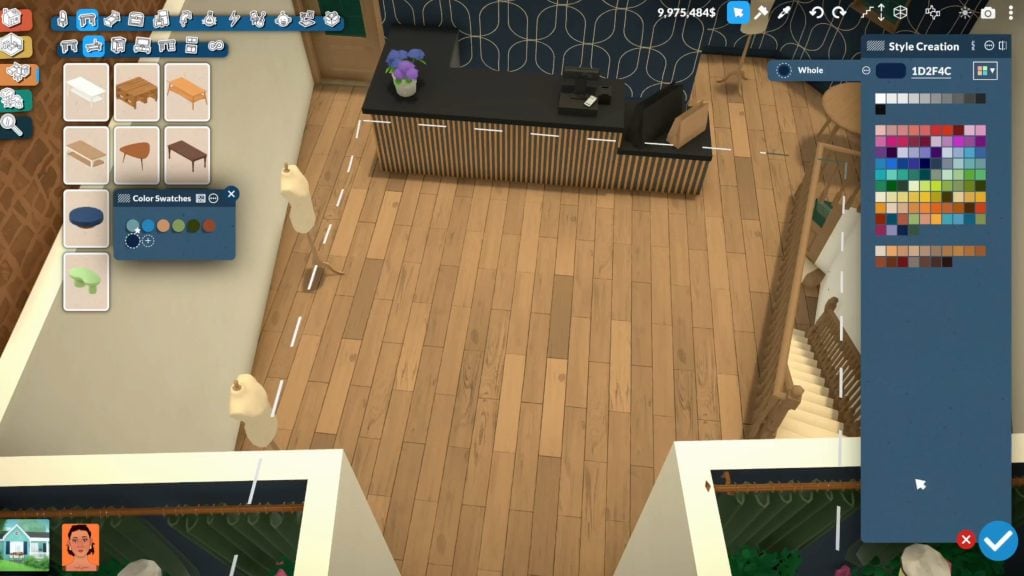
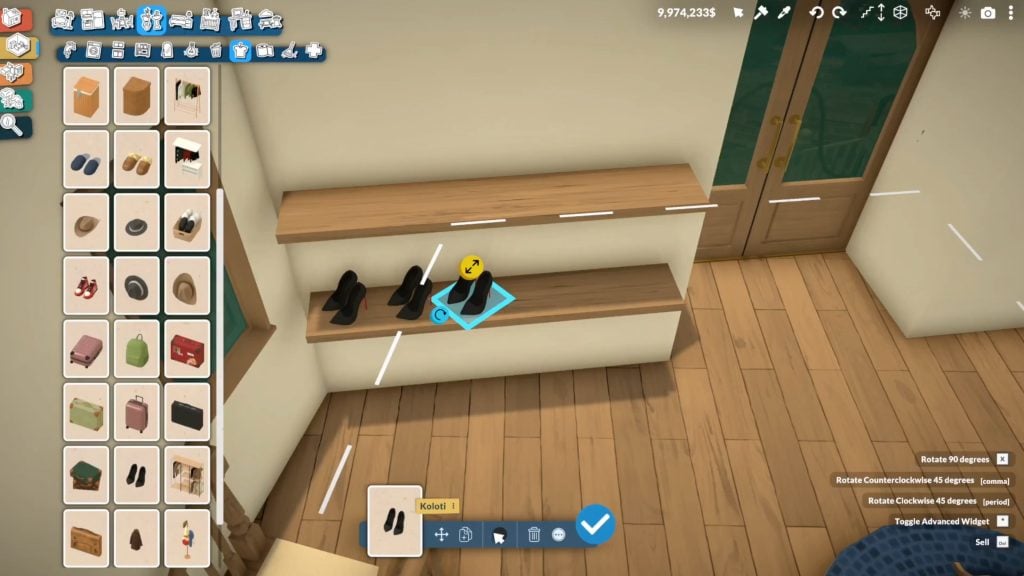
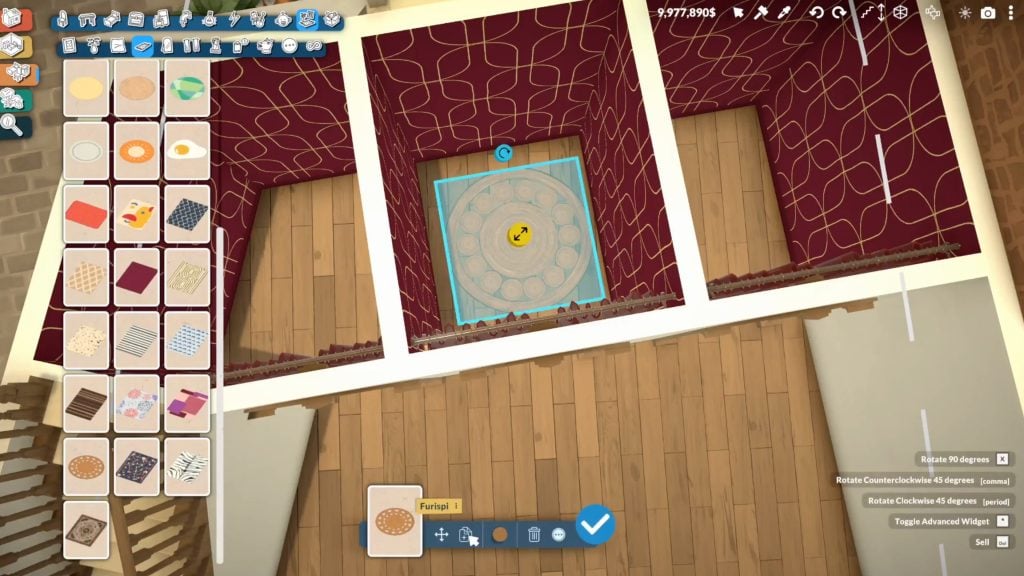
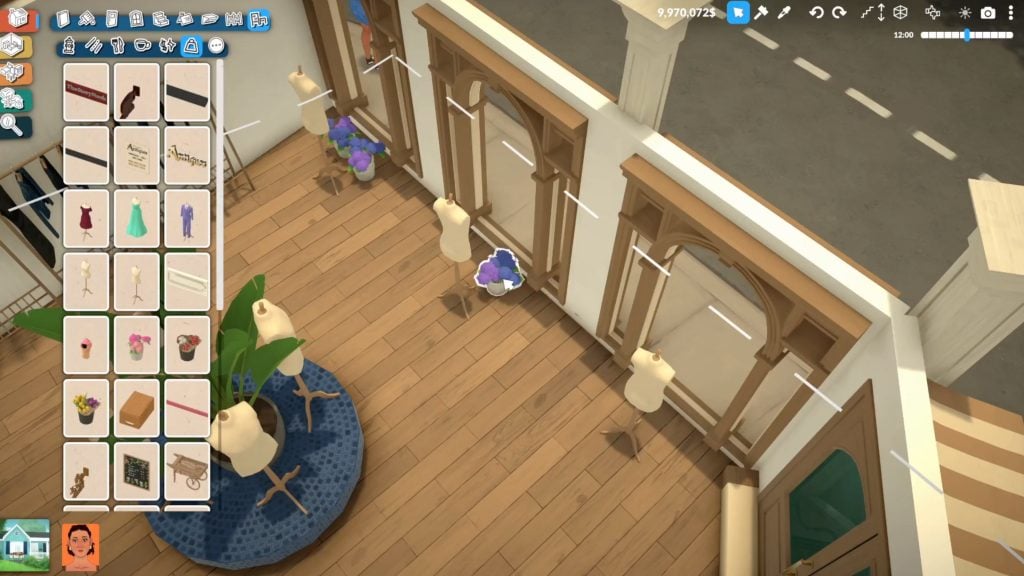
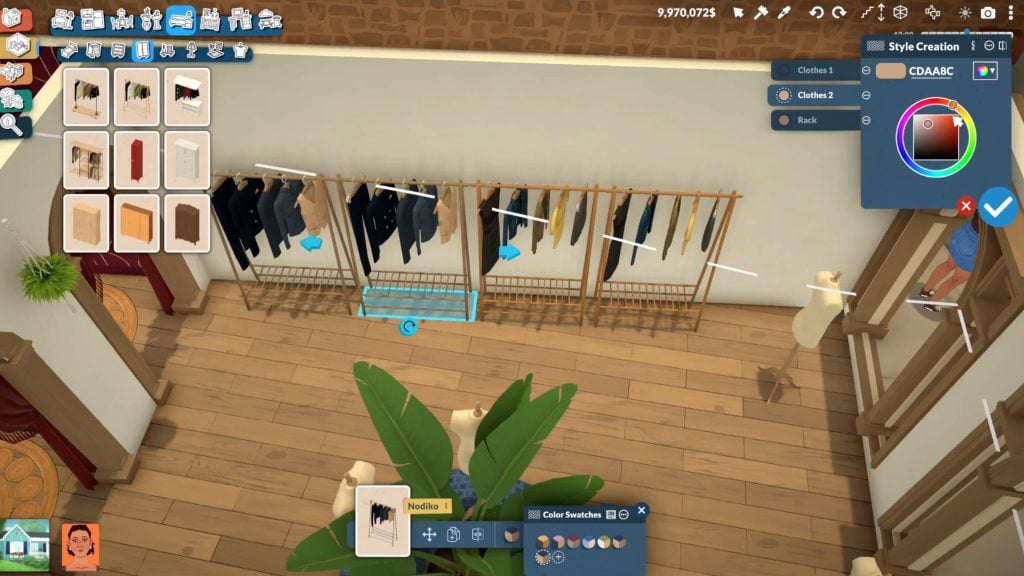
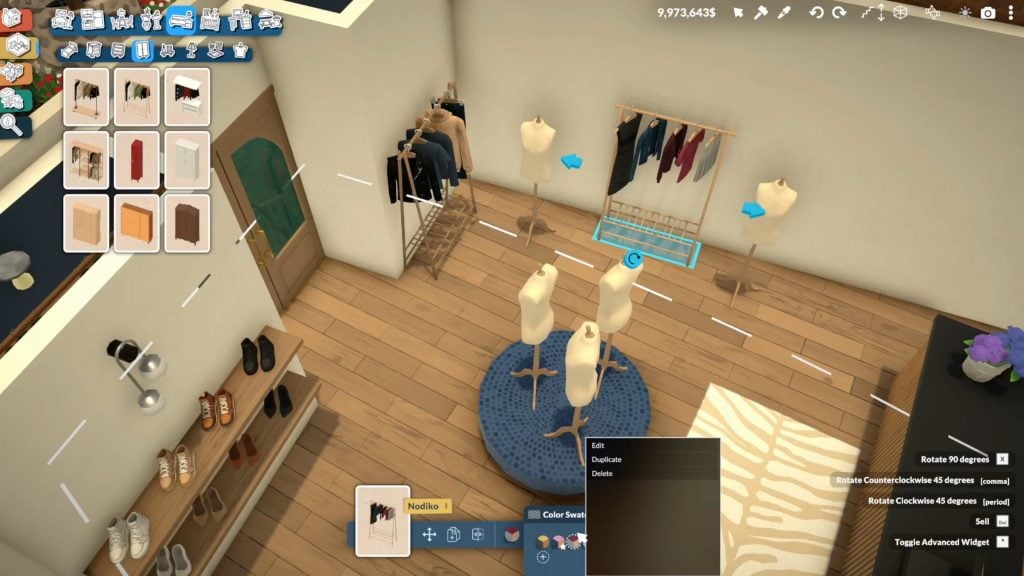
In this build video, you can see lots of the new objects featured in the store, like shoes, shelving, mirrors, individual changing rooms, and pouffes being used to display the mannequins, as well as general decorations like plants.

This video also showed off things like a colour wheel being used to change individual items, 360 degree rotation of items when being placed, as well as individual swatches of items you can choose from.

Have a look at some of the highlights from this speed build below.

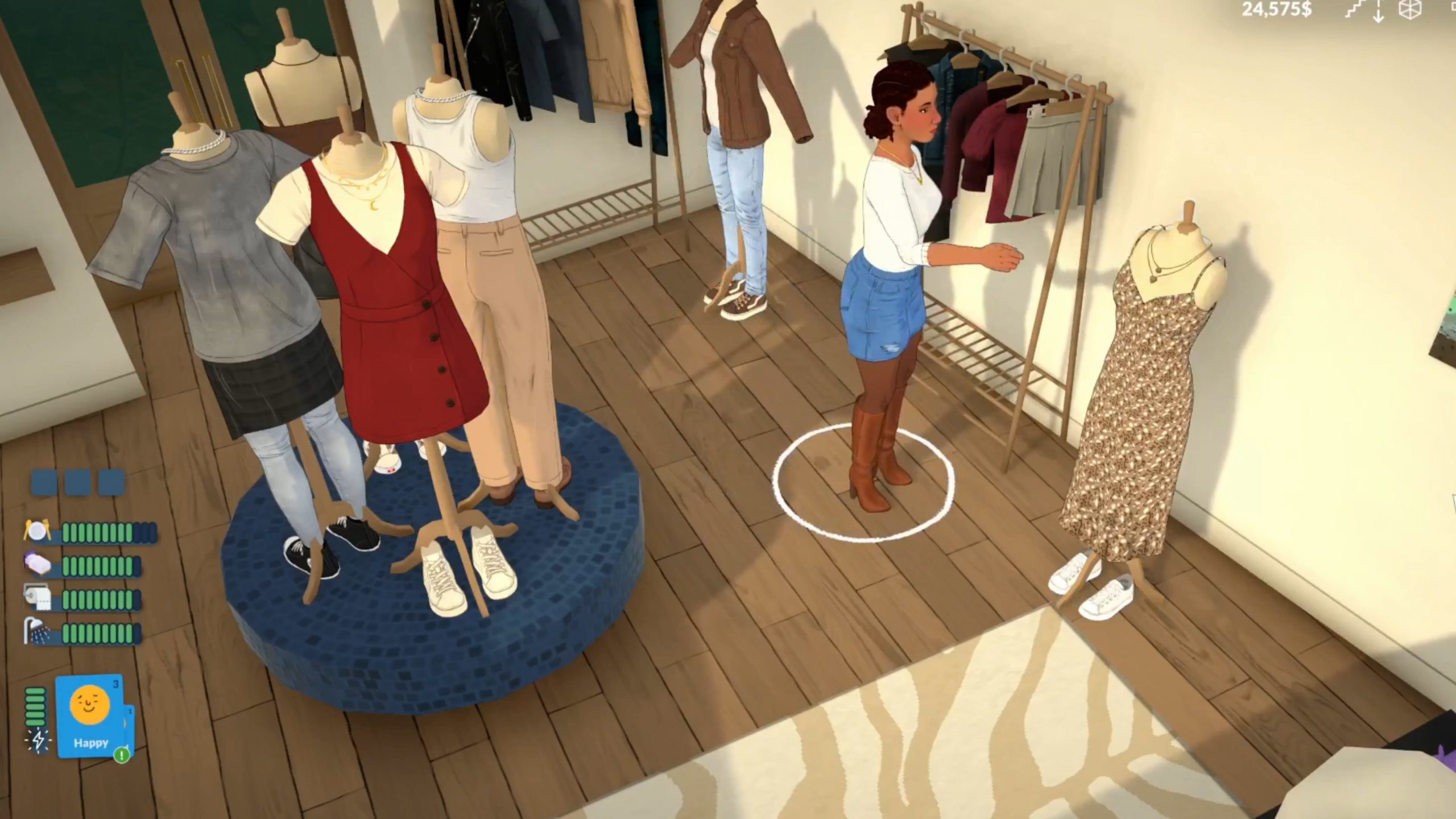
It also gave us a closer look at the different clothing styles available. The video showed off everything from casual T-shirts and jeans combinations, summer dresses and pinafores, and more formal outfits like tuxedos and wedding dresses.

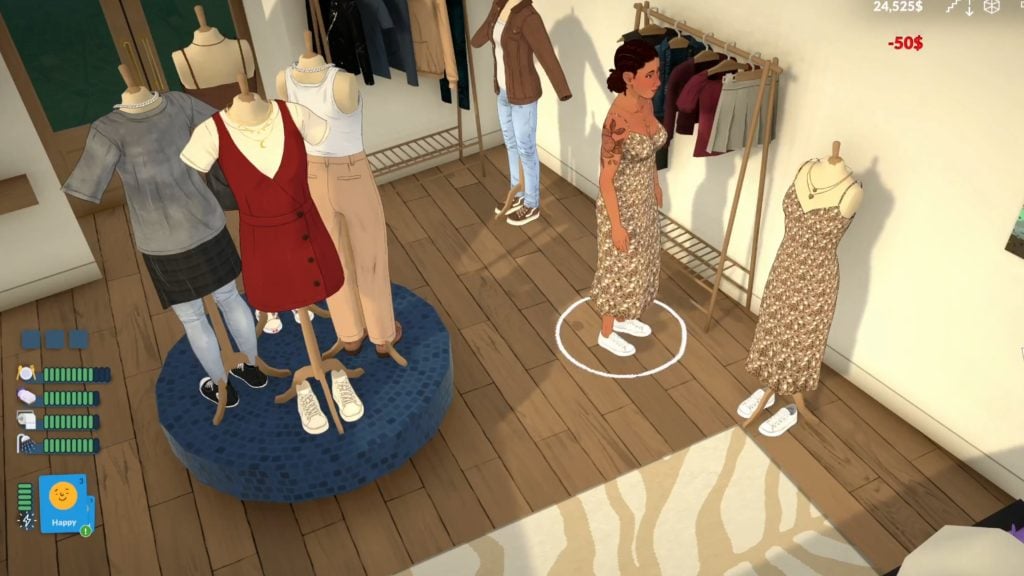
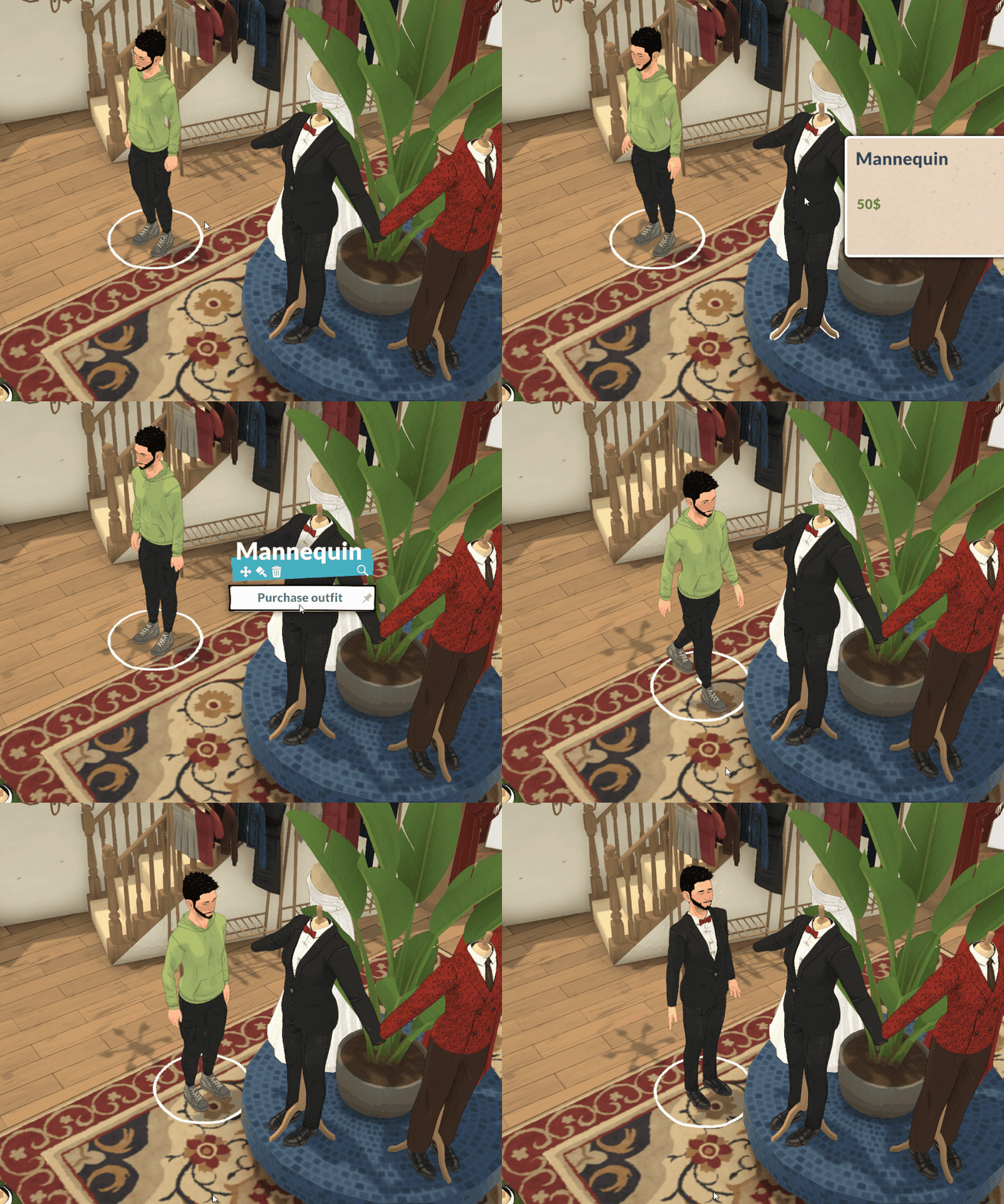
Right at the end of the video, we also see a Para purchasing an outfit from the mannequin directly, spending 50 Paradimes, the Paralives in-game currency, and putting their new outfit on straight away.

You can also watch the full video on their Patreon or social media.

https://twitter.com/i/status/2019474334264312037

How To Buy And Display Clothes

To display outfits, Parafolk will use a mannequin item, which will be available in the item catalogue to use in any build.

You can put any outfit you own on this to show off, as demonstrated by this Para here. The team also clarified that this mannequin object is not the final design, and when the game is released, it will look different.

paralives mannequin

If this is an item which can be purchased from the catalogue and used in any build, there are lots of opportunities for fashionista Parafolk to display all of their clothing.

Inside the shop itself, you can purchase outfits directly from the mannequin and put them on. Your Para will grab the item they want and put it on as soon as it is purchased, like we saw being demonstrated in the speed-build video.

1

The mannequin item will be available in the item catalog to use in any build. You will be able to dress it with your current outfit by interacting with it.

Alejandro, Paralives developer

Community Reactions

People on the Paralives Patreon are really excited to see this new clothing store and the updates that the team have made to make Parafolk shopping experiences more interesting and seemless.


Paralives is shaping up to be a great life simulation game, and the team are putting lots of effort into small experiences that your Parafolk can enjoy like shopping for new clothes. Simple details like your Parafolk putting on the outfits they purchase as soon as you buy them will make buying new outfits a seamless experience and mean you can change up your Para’s look as often as you want (so long as you have enough money for all these new outfits).

What do you think about this new update?

The Sims 4 Hotfix Update Expected For February 12th

The Sims Team is wrapping up final testing for a retroactive missing rails fix.

It just wouldn’t be an eventful new Sims 4 feature release without that feature breaking everything on day 1. EA has just announced today a new Sims 4 Hotfix update, aimed for a February 12th, 2026 release.

The team has acknowledged the missing stair railings in save game builds. What would be a celebration of the new Stair Tools release turned into players fixing all of the lots in their worlds. But worry not, the upcoming patch is expected to fix that for you! As the team states, “if everything checks out” the patch solution should be delivered to your game launcher on February 12th.

the sims 4 base game update features 15

Read the full statement from The Sims Direct Team about the upcoming Sims 4 Hotfix Update:

Simmers, we’re wrapping up final testing on a retroactive fix for the missing railing issue. If everything checks out, it should ship in a small update on Feb 12, we’ll confirm once it’s locked in.


There’s more Sims 4 bugs that came with the recent game patch than just missing stair rails. Players have also reported the black photos issue returning in their games, issues with family trees and more that we covered in our latest Sims 4 Bug Report.

Stay tuned on Sims Community for latest coverage about the upcoming Sims 4 Hotfix Update release!

The Sims 4 Kits Items Preview: Tea Time Solarium and Silver Screen

2

We now know the full contents of the extra two Kits coming February 12th!

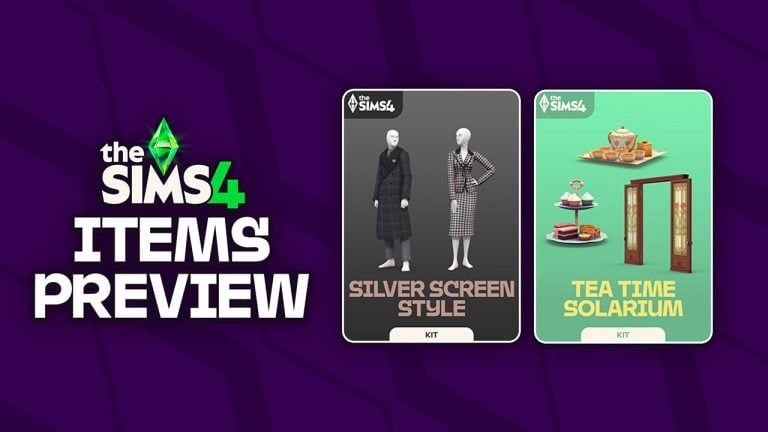
In case you’ve been out of the loop, The Sims Team is releasing two new The Sims 4 Kits titled Silver Screen and Tea Time Solarium on February 12th, 2026. These two Kits will be available for purchase individually on release day for 5USD each, or bundled together for free with the upcoming Sims 4 Royalty & Legacy Grand Bundle release for 40USD.

Thanks to Sims modder @lunar_britney on X we have a full preview of all new Sims 4 Kits items coming to digital shelves next Thursday. Let’s take a deep dive!

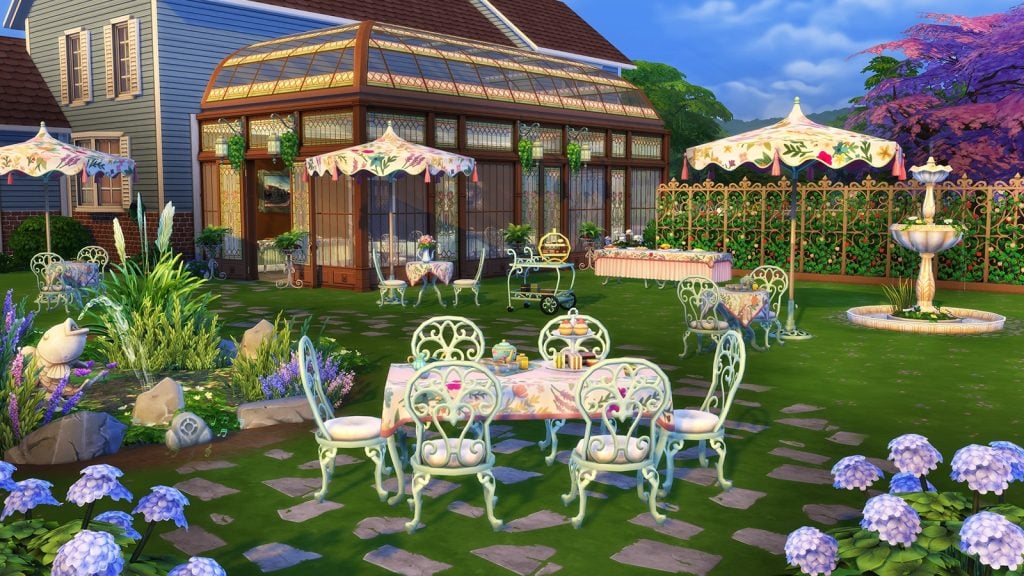
The Sims 4 Tea Time Solarium Kit

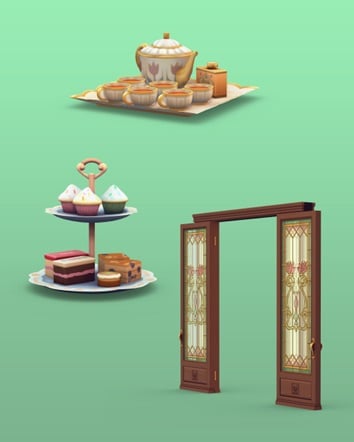
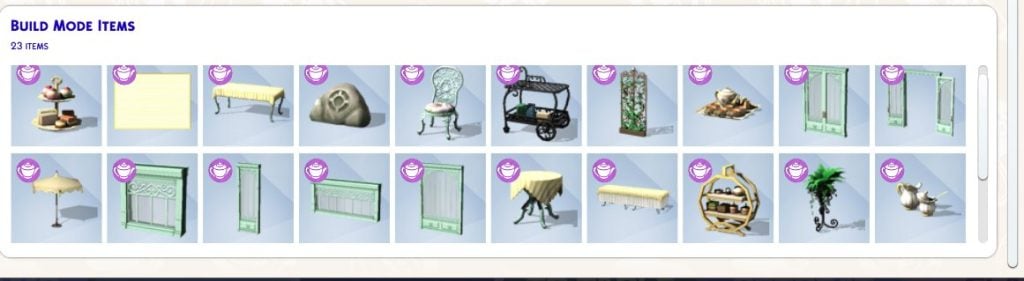
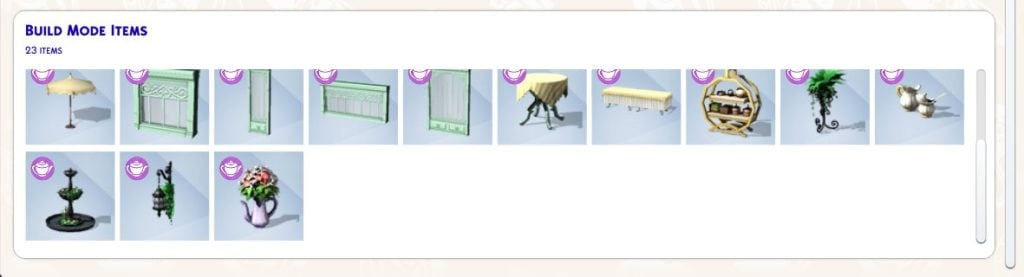
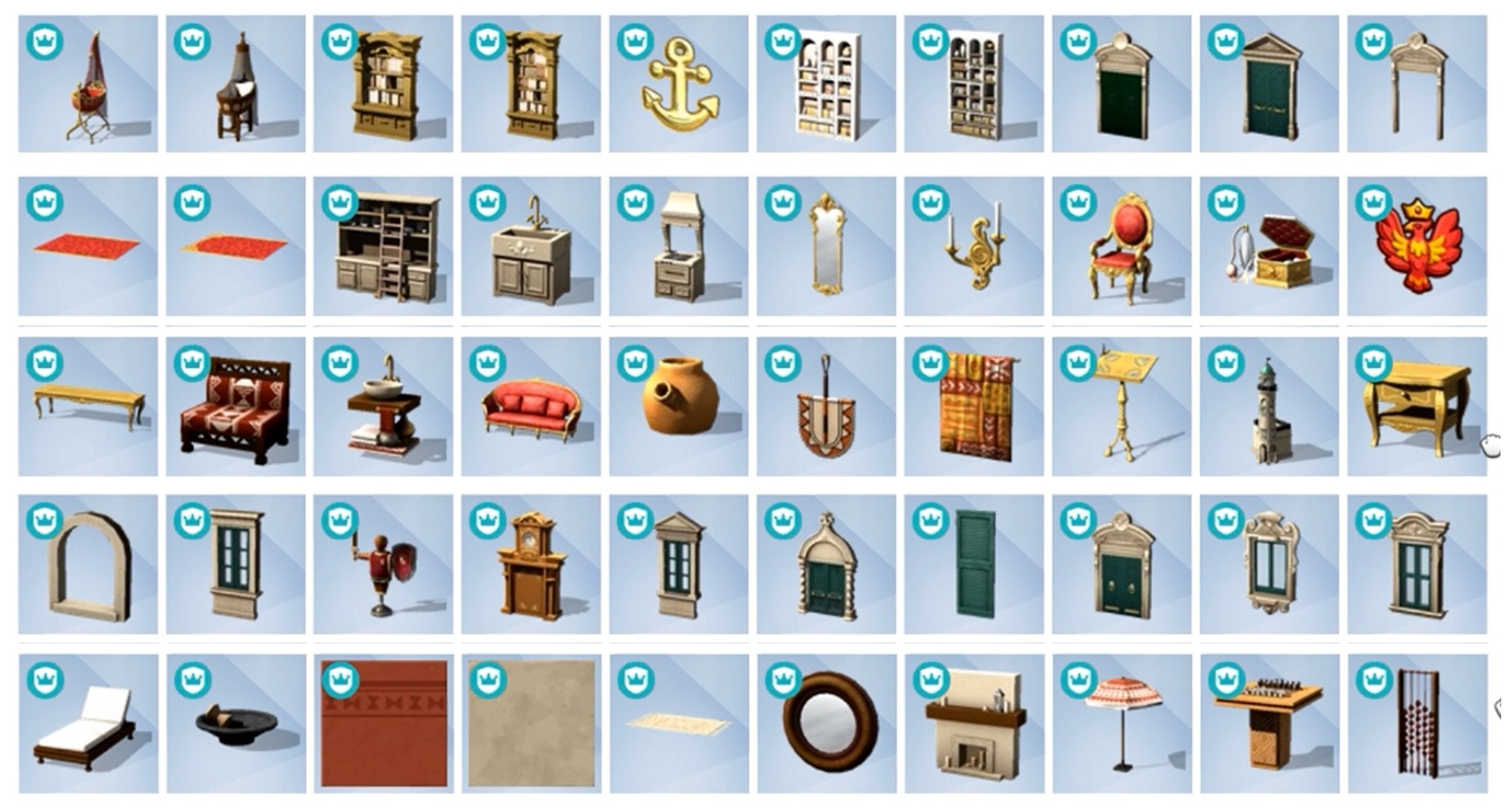
The Sims 4 Tea Time Solarium comes with 23 new build objects in total. There’s new outdoor seating furniture, a tea set and tray, set of new windoows and entrances, along with some decorative fauna.

See all the Tea Time Solarium items below:

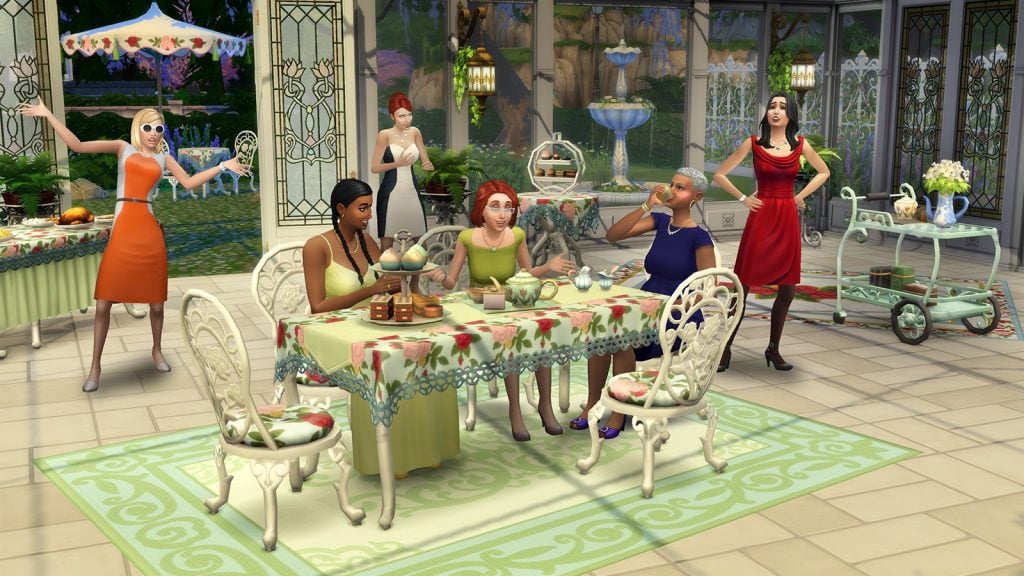
See what these Kit items look like in the official screen gallery below:

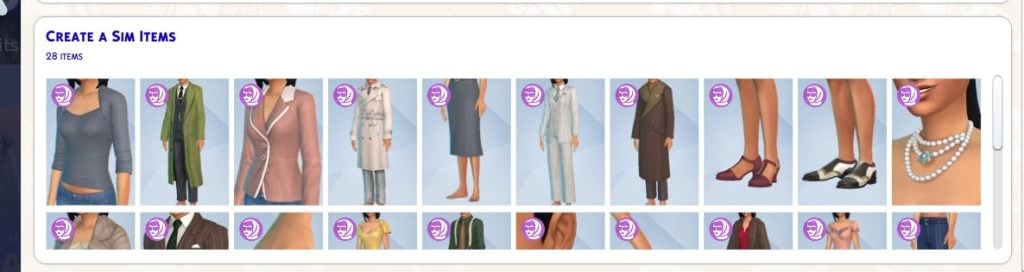
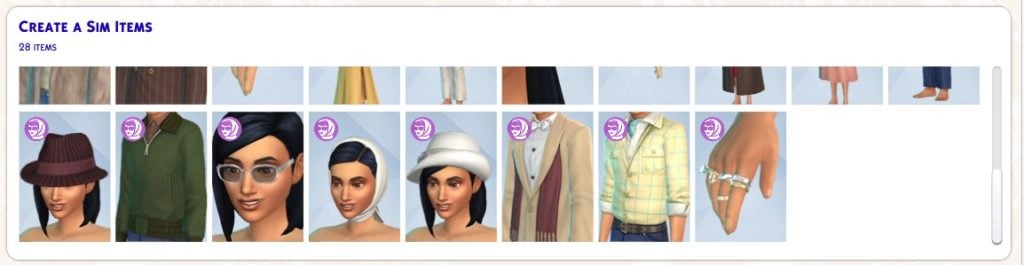
The Sims 4 Silver Screen Kit

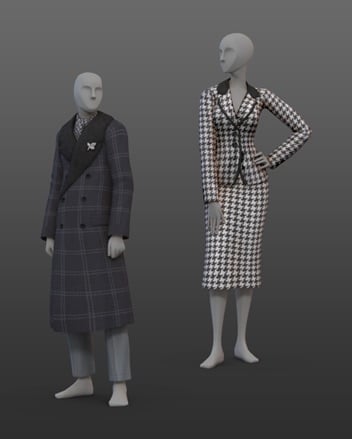
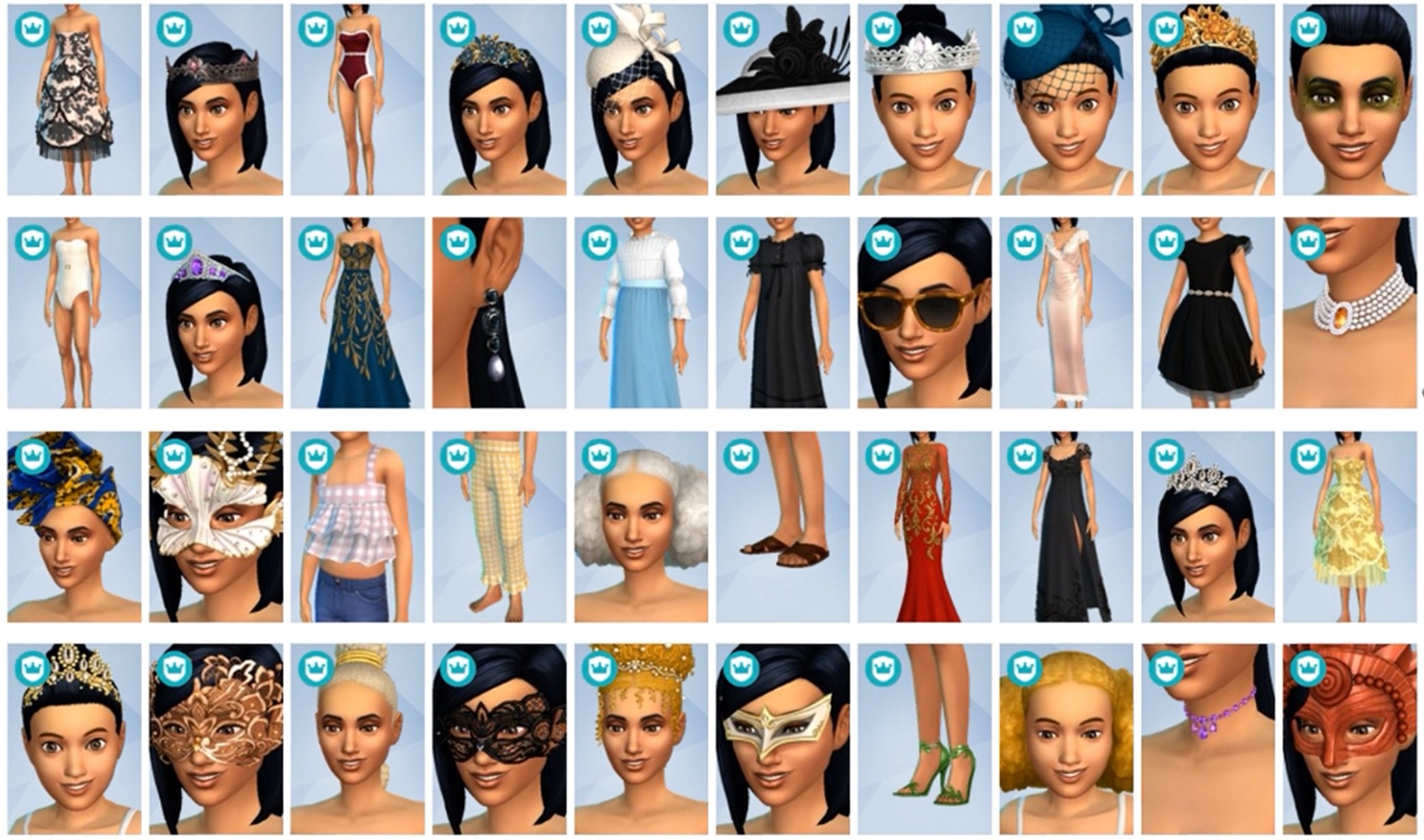
The Sims 4 Silver Screen Kit comes with 28 Create A Sim items. Including some new shoes, jewelry, head accessories and glamorous outfits. See the items preview below:

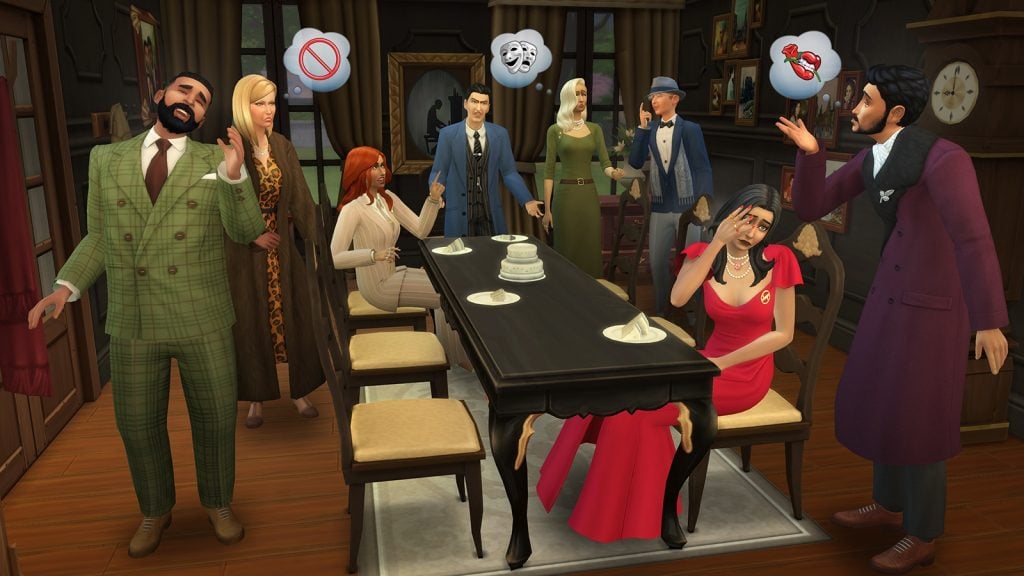
Take a look at what the Silver Screen fits look like in the official gallery preview:


Community Poll

We want to know what you think about The Sims 4 Kits items for Silver Screen and Tea Time Solarium. Are you satisfied with the Kit catalogue offer for these two, do you have a preference or are they both not up your alley? Let us know in this unofficial community poll:

[totalpoll id=”190222″]


Want to know what CAS and Build items are included in Royalty & Legacy Expansion Pack? We have a full preview!

Let us know what you think of the new Sims 4 Kits items in the comments down below and stay tuned on Sims Community for the latest Sims 4 Kit Reviews!

Countdown to The Sims 4 Royalty & Legacy Release

Find out when the latest Sims 4 Royalty & Legacy Grand Bundle drops in your area!

We’re only a few days away until The Sims 4 Royalty & Legacy release across PC, Mac, Xbox and Playstation supported platforms. The latest Sims 4 Expansion Pack is set to release on February 12th, 2026 along with a special “Grand Bundle”. Which includes two free Kits and a limited Digital Content Package. Just like previous Expansion Pack releases, this one is retailed at $39.99USD, or a price equivalent to your local currency. That counts for the Grand Bundle as well!

the sims 4 royalty legacy grand bundle banner

There’s a lot of information to cover about the upcoming Expansion release – let’s get started!

Countdown to The Sims 4 Royalty & Legacy Release

The Sims 4 Royalty & Legacy Expansion Pack is set to release across Computers and Consoles on the same date at the same time. Set for a February 12th, 2026 release at 10AM PT / 7PM CET / 6PM BT, we’ve decided to keep you informed about when the Pack precisely unlocks in your area.

sims 4 royalty legacy screens7

Down below is a countdown timer that counts to the exact moment of The Sims 4 Royalty & Legacy Grand Bundle getting unlocked for download. As soon as the timer turns to zero you should be able to get the latest EP release!

00
Days
:
00
Hours
:
00
Min
:
00
Sec
Countdown to The Sims 4 Royalty & Legacy Grand Bundle Release

All Releases for February 12th, 2026

The Sims 4 Royalty & Legacy release isn’t the only new Sims 4 DLC that’s being brought to storefronts on February 12th. There are going to be two additional Kits titled Tea Time Solarium (Build) and Silver Screen (CAS) Kits, along with the limited Digital Content bonus for Royalty & Legacy titled Regal Treasures. Let’s take a look at all the extra DLC coming on the same day before we dive into Royalty & Legacy’s main features!

The Sims 4 Tea Time Solarium Build Kit

The Sims 4 Tea time Solarium Kit is a new Maxis Build Kit releasing on February 12th, 2026. You’ll be available to get this Kit release for individual purchase for 5USD, or bundled together with the Grand Bundle for 40USD. See the official Kit features below:

the sims 4 update patch images 5

Sip tea in sunlight while surrounded by elegant décor and close friends with The Sims 4 Tea Time Solarium Kit. Host tasteful, elevated gatherings with tea sets, treat trays, and ample natural light streaming in through large, beautiful windows as well as glass doors and roofs.

Kit Features:

  • Gatherings in Glass – Design a social space that is not quite outside, and yet still separate from the daily bustle of your main house. With windowed walls, a flowering trellis, a discrete speaker shaped like a rock, and furniture fit for a garden or sitting room, you’ll craft the perfect spot to spill the tea with friends.
  • Tasteful & Tasty – An elegant tea party requires a beautiful space, good conversation, and – of course – tea, as well as other refreshments. This collection features a delicate tea set and treat tray that are both functional and lovely to look at, as well as a new banquet table.

Kit Screens:

The Sims 4 Silver Screen Kit

The Sims 4 Silver Screen Kit is a new Create A Sim Kit, featuring vintage clothing and accessories for Sims. Just like with the Tea Time Solarium Kit, you’ll be available to get this Kit release for individual purchase for 5USD, or bundled together with the Grand Bundle for 40USD. Here are the official Kit features and assets:

the sims 4 update patch images 4

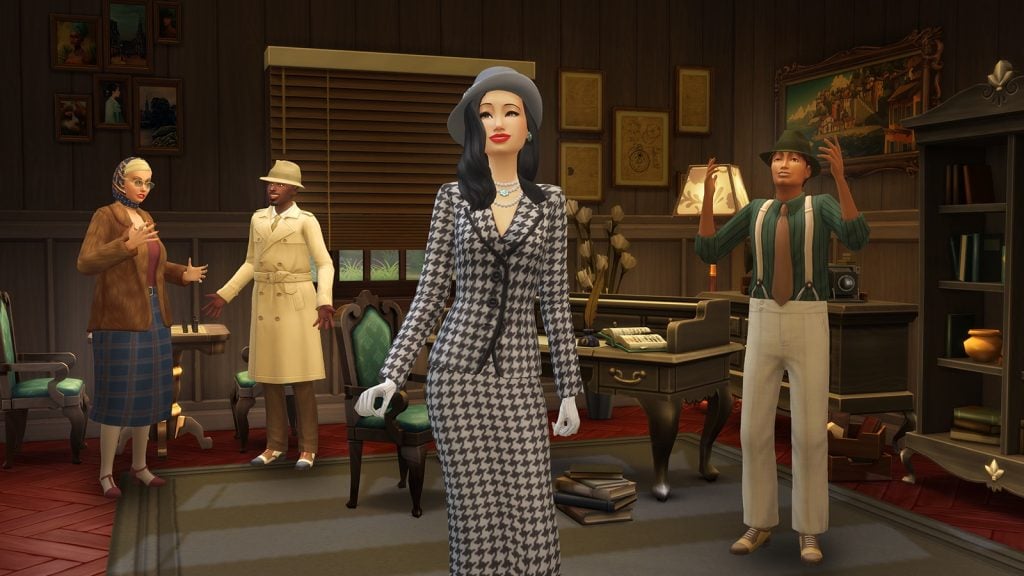
Cut a bold figure in striking styles inspired by the mystique of a classic era with The Sims 4 Silver Screen Style Kit. Exude graceful power as head of the family by pairing a dramatic gown with bold accessories, or go for the iconic, intriguing look of a trench coat and hat, to hide your eyes while you search for secrets. This kit is about stepping into the roles of larger than life characters.

Kit Features:

  • Bold, Beautiful, and Dangerous – Look confident and capable in sparkling jewelry, a faux fur-trimmed coat, and sleek shoes in addition to gowns and suits that create classic silhouettes.
  • Look the Part – Embody an unstoppable persona. Dress for the moment you discover a scandal, reveal your secret plot, or get away with your prize. These are dramatic looks for when you want to feel iconic.

Kit Screens:

Both The Sims 4 Silver Screen and Tea Time Solarium Kits are available for free with the purchase of Royalty & Legacy Grand Bundle for 40USD. You can also get the Kits individually following the full release on February 12th, 2026.

The Sims 4 Regal Treasures Digital Content

Unlike the last two Kits mentioned above, The Sims 4 Regal Treasures Digital Content is a limited-time release. Featuring 3 objects, you’ll be able to get this exclusive digital set from now until March 15th, 2026.

sims 4 regal treasures

The set includes these following items:

  • A Crown of Leaves and Sparkles
  • Enemies to Lovers Practice Dummy
  • Under the Stars Lantern
Screenshot 2026 01 15 at 17.20.51

What’s Included in The Sims 4 Royalty & Legacy

The Sims 4 Royalty & Legacy release is the main star of this bundle! The 21st Expansion Pack for The Sims 4 series introduces a new world called Ondarion, filled with 3 Neighborhoods: Verdemar, Bellacorde and Dambele. With 16 Lots (and 18 Lots if you count new Apartments), you can enjoy building a long lasting Dynasty, or choose to pursue the Nobility Active career.

There’s also a new system with Values and Prestige, perks and quirks of being a Noble Sim and a new Swordsmanship Skill to acquire. The feature that’s also been a talk of the town are Scandals, where numerous rumors can tarnish your prestige and rank. It’s best that your Sims avoid having any secret children!

EA provided an extended description of all the features that you should expect in this Expansion Pack. Take a look at the features rundown below:

sims 4 royalty legacy features cover Large

The Sims 4 Royalty & Legacy: Extended Description and Key Features

Dynasty

Dynasty Head

Lead your family to greatness – Any Sim (Young Adult or older) can start a Dynasty, and as Head they are the only ones who can set the Dynasty’s Values, purchase Perks, choose their Heir, or designate Outcasts. They also decide which family members can be a part of the Dynasty, and they can expel members. If a Sim is in a Dynasty and breaks away to start their own, they’ll inherit some Prestige from the original Dynasty. When you start a Dynasty, you’ll be able to name it & customize the crest and motto.

The Sims 4 Royalty Legacy Nobility Gameplay Trailer 3 58 screenshot 1

Values & Prestige

Rise to prominence – A Dynasty’s Values are set when the Head chooses up to 3 Ideals and 3 skills that are important to them. Ideals reflect how Dynasty members are expected to behave and are tied to different activi-ties, careers, and actions. When members live up to their Values – by working on the right skills or choosing an aligned career, for example – the Dynasty gains Prestige. There are 10 levels of Prestige, and the higher the level the more Perks – like Private Tutors & inheritable traits – can be unlocked.

The Sims 4 Royalty Legacy Official Dynasty Gameplay Trailer 1 9 screenshot

Roles & Unity

Rally together – There are two more Dynasty roles to keep in mind: Heirs and Outcasts. Heirs inherit the Headship, and their actions affect Prestige dramatically. Outcasts barely affect it at all. Members may be declared Outcasts because their actions do not align with the Values and are dragging Prestige down. Dynasty Unity is the average relationship between members. Having Unity Stability means more positive events, like alliance proposals, will occur while a Unity Crisis spells trouble and division.

The Sims 4 Royalty Legacy Official Reveal Trailer 2 42 screenshot

Nobility

Duties & Favor

Rule your realm – Nobility is an active 10 level career, and it’s also a way of life. Daily tasks may include Holding Court using a Throne, holding Press Conferences using Podiums, reading and replying to Noble Mail, donating to the Kingdom Fund, adjusting Kingdom Taxes, granting Noble titles, enacting Decrees, and more. As you perform your daily tasks, you’ll have chances to court either Commoner Favor or Royal Favor. What kind of Favor you gain shapes your rule, unlock interactions & even win you Noble Gifts.

The Sims 4 Royalty Legacy Official Reveal Trailer 0 36 screenshot

Rivalries

Best your rivals – Rising through the noble ranks isn’t only about performing your duties. There may already be Sims holding the titles you want to advance to – these are your Noble Rivals. There are three ways to get around them: diplomacy, scheming, and Duels. Diplomacy will involve encouraging (or pressuring) your Rival to abdicate, scheming involves learning about your Rival’s scandal and extorting them, and Dueling them means challenging them to a contest of Swordsmanship.

sims 4 royalty legacy cas trailer screen 71

Powershifts

Experience storybook moments – There are 5 Powershifts that can affect a Noble’s rank or Favor. Sims can seek out a mystical sword in a stone and – if the sword deems them worthy – become the Kingdom Leader. They can also kiss frogs – maybe they’ll find a Noble Frog! – or experience a special Ballroom Dance in crystal shoes. Both of these can lead to an upgrade in title, as well as love! Sims can also take on Anansi’s Trials, or find the Enchanted Mirror and take their chances – it may reward or punish them.

The Sims 4 Royalty Legacy Nobility Gameplay Trailer 4 22 screenshot 1 1

Scandal

Breaking Scandals

Thicken the plot – Is your Sim being watched? If they do something scandalous, like have a secret child, it won’t be a scandal right away. If they can keep it to themselves, things might blow over. Or, rumors might swirl. Other Sims might witness the deed or discover the secret by hacking, rummaging through trash, or asking around. They may choose to extort the Sim and expose the Scandal if they don’t comply, or they could just expose it. The Notebook will update automatically to track Scandals & potential Scandals.

sims 4 royalty legacy screens5

Managing Scandals

Face the music – When a Scandal breaks, the Sim at the center will be affected. Depending on the Scandal they could face judgement from other Sims and lose romantic relationships, friendships, career progress, or even Swordfighting Duels. If the Sim is in a Dynasty, their Prestige will suffer. Nobles can lose titles. To manage these situa-tions, Sims can post apologies or denials using a computer. Nobles can hold Press Conferences. Sims can also profit from their scandals by uploading videos or writing books.

The Sims 4 Royalty Legacy Official Reveal Trailer 4 3 screenshot 1

Extortion

Plot and scheme – If a Sim learns a secret, they can threaten to expose it to create a Scandal. Depending on who they are extorting, an active Sim may ask for Simoleons, abdication, Dynasty Heirship or Headship, approval of a relationship, Favor, for an Alliance to be broken, a truce called, or for someone to be declared an Outcast.

The Sims 4 Royalty Legacy Official Dynasty Gameplay Trailer 4 47 screenshot 1

The World

Ondarion

Experience opulence and culture – Verdemar is a great place to hone your Swordsmanship skill or collect secrets. The bar is a popular hangout for Sims who like to gossip. Dambele is a warm, artistic neighborhood where you can browse a bustling market or recite writings under the Zanbira Tree. Bellacorde has a history of chivalry and drama – it is home to the returning Capp and Monty families, and their feud. Ondarion has a number of Secret Passageways that let you move between lots, and Treasure Chests with rare finds.

sims 4 royalty legacy screens4

Swords & Swordsmanship

Prepare to Duel – Honing your Swordsmanship skill can have a variety of benefits. Sims can Duel for fun, Simoleons, promotions, and even to resolve a love triangle. There are Tournaments in every neighborhood, and 11 different swords that can be added to your Collection. Purchase them from Verdemar’s Blacksmith or the Community Market in Dambele, or find them in chests. Simcalibur is a one of a kind sword lodged in a stone. It can only be claimed by a Sim it deems worthy and instantly makes that Sim Kingdom Leader.

The Sims 4 Royalty Legacy Official Dynasty Gameplay Trailer 5 8 screenshot 1

Families & Family Trees

Know your neighbors – All 3 of Ondarion’s neighborhoods have Dynasties and Nobles with their own lore to uncover. Verdemar has the adventurous Grand Duchess Cordelia V. Dambele’s Dynasty comes from a long line of artists and is known for being philanthropic. Bellacorde’s Capps and Montys have a longstanding rivalry. There are many contenders for the crown. Families can get complicated, and you can check the expanded Family Trees to track these relationships. You can view Family Trees in the new Tapestry or Compedium.

The Sims 4 Royalty Legacy Official Dynasty Gameplay Trailer 4 26 screenshot 1

If you’re wondering what’s new with Create A Sim and Build Mode in this Expansion Pack release, we got you covered right here!

Where to Get

You can get The Sims 4 Royalty & Legacy with the Grand Bundle in the official links provided below. The Sims 4 Royalty & Legacy Grand Bundle will turn into a regular Sims 4 Royalty & Legacy Expansion Pack offer after March 15th, 2026 at 10AM PT.


Release Poll

We want to know what you think about the upcoming Sims 4 Royalty & Legacy release, which is why we’ve conducted a fun, unofficial community poll down below. Are you excited about this era of The Sims 4, do you like the Grand Bundle offers and is the Pack even something you plan on getting? Let us know down below:

[totalpoll id=”190169″]


That’s everything you need to know about the upcoming Sims 4 Royalty & Legacy release on February 12th, 2026, along with the Grand Bundle. Let us know your thoughts about the experience with getting the game and downloading it on release day in the comments section down below.

Stay tuned on Sims Community for all the upcoming coverage, reviews and guides coming for The Sims 4 Royalty & Legacy and the new extra content!

BUG REPORT: Newest The Sims 4 Update Brings Some Royal Bugs and Issues

As usual, new updates for The Sims 4 bring a mix of fixes and unexpected issues. This latest patch prepares the game for the release of The Sims 4: Royalty and Legacy Expansion Pack on February 12 and introduces several exciting, long-awaited features.

bugsissuesfeatured

The Sims 4 patch released on February 3 is version 1.121.342.1030 on PC, 1.121.342.1230 on Mac, and version 2.28 on consoles. While the update addresses several long-standing issues, including a fix for cases where entering or exiting Build Mode during Scenarios could cause the UI to disappear or the game to become unresponsive, reports suggest that the photo-related bug introduced in previous patches may persist for some players. The update also introduces several new features, such as the new curved stairs tool, expanded stair rail customization, and an update to Family Trees.

Railings are missing on lots created before the Patch

Stair railings are missing on any lot created before the February 3 patch after updating the game. This affects all premade lots, Gallery lots, and existing player saves. Any staircase that previously had railings now appears without them once the lot is loaded in the neighborhood view.

The issue is retroactive, meaning it also impacts existing saves when older lots are opened after the update. Lots created after the patch do not appear to be affected.

Railings missing on lots created before Patch 1.121.342

Any lot created before the February 3rd patch that had stairs with railings, no longer have them after updating. This includes all premade lots, gallery lots and lots in saves. Any lot created by a player or Maxis before the update no longer has railings. This is also retroactive in exisiting saves when a lot is loaded in the neighborhood.

I would have expected any lot created before the patch to automatically have double railings applied.

forum user – Kalliker

Photo by Kalliker

Forum user karaiarai indicates that the issue does not affect lots built after the update, nor lots that were modified and saved once the patch was installed. Additionally, lots saved to the Gallery after the update retain their stair railings correctly when placed. The problem appears to be strictly limited to stair railings created before the patch, suggesting an issue with how legacy stair data is handled under the new system.

Additional note:
This issue does not occur in lots that were built after the update, nor in lots that were modified and saved after the update.
Lots that were saved to the Gallery after the update also do not experience railing disappearance when placed.
This issue is strictly limited to stair railings that were created before the update.

Hold Lecture Doesn’t Work Autonomously on Custom Venue

Another issue reported by players affects the “Hold Lecture” interaction introduced in the new update. While the feature was added for Getaways, it currently only works autonomously when a getaway event is active. Sims assigned to this role do not function correctly on Custom Venues, and players are unable to select which lectures can be performed from the lecture board.

[AA] [BH] Hold Lecture Doesn’t Work Autonomously on Custom Venues

The new 1.121.340 patch added Hold Lecture for getaways, but the issue is that they only work autonomously if there’s a getaway. Custom Venues alone don’t function on sims with that role. You can’t pick what lectures they can do on the board either (make the existing locker available on any lot as a fix)

Forum User – sunshinestation1

image 7 1
Photo by sunshinestation1

Family Trees Collapsing or not appearing correctly

Players have also reported issues with legacy Family Trees following the update, particularly in long-running saves spanning multiple generations. When opening older files, selecting certain Sims can cause the Family Tree to partially collapse or overlap, with entire branches temporarily disappearing from view.

While the issue does not affect all Sims, it appears to occur inconsistently across specific family members within the same lineage. In affected cases, hovering over portraits still displays the correct relationships, but key Sims may be missing entirely from the tree until another relative is selected. Notably, other branches of the family (including earlier and later generations) often remain unaffected, suggesting a selective visualization issue rather than missing genealogy data.

I opened up an older file that I played thru 11 generations just to test out the new family tree. It doesn’t happen for all sims but sometimes I will select a sim and they disappear and the whole tree collapses. 

image 13

So this is the way the tree looks like when i have ashley’s father selected (he’s off to the right out of frame). If i click on her portrait it looks like this 

image 5 1

So some of the relatives are still there but plenty are missing. This is the whole tree that shows, quite collapsed. Hovering over the portraits does display the correct relation to Ashley but as you can see, she isn’t there at all. If i select her great-granddaughter it comes back

image 6 1

This is happening with Ashley and all four of her children. Her sister and her sister’s children show up normally. Every generation before and after appear to be fine, but i have not clicked every portrait. 
Forum User – meamouse926

In addition to the visual issues affecting legacy Family Trees, players have also noticed inconsistencies in how certain canonical relationships are represented. Agatha Crumplebottom and Agnes Crumplebottom are canonically cousins, yet Agatha does not appear in the Family Tree at all.

While Agnes Crumplebottom is now correctly listed as Mortimer Goth’s aunt following the update, Agatha remains absent from the genealogy panel.

Canonically, Agatha Crumplebottom and Agnes Crumplebottom are cousins. Looking at her family tree, Agatha is the on Sim in her family tree. Agnes is now correctly noted as Mortimer’s aunt, but there’s no sign of Agatha. Can this be rectified in a future patch?

Forum User – LyxaOmaris

Screenshot 2026 02 03 141819
Photo by HollownessDevour

Also, player HollownessDevour reports that Nyon doesn’t have Grim Reaper as his father either

Vatore Family alive

Forum user HillyPlays reports that the ancestors of the Vatore siblings appear to still be alive, despite canonically being deceased or otherwise unaccounted for.

[V] Vatore Family Tree anchesters showing alive

Are the sims in the Vatore family tree supposed to be dead, or are they also vampires?

Forum user – HillyPlays

Photo Cataclism

Despite previous attempts to address the issue, players continue to report problems with in-game photos turning black after being placed on lots. Photos taken with either phones or cameras appear to function normally while stored in a Sim’s inventory, but once framed and placed in a home, they may permanently turn black after exiting and reloading the game.

Photos turning black/Paintings turning white (Patch 1.121.342)

When I place photos taken with phones or cameras in my Sims’ house, they turn black when I exit the game and come back to play!!!!

Every time I take a photo with my Sims, the picture works normally while it is in my inventory. However, whenever I place it in my Sims’ house with a frame—for example, hanging it on the wall—once I exit the game and load it again, the photo turns completely black and there is no way to recover it. This is extremely frustrating, as I am losing all the important memories of my Sims.

Forum user GiuliaValerio19

Issues with Lost Legacy Event Quests

The “Visit the Willow Creek Archive Library” objective in the First Week of the Lost Legacy Event Quest does not complete when using an edited version of the library.

[LLQE] Issues with tasks

Visit the Willow Creek Archive Library: Not fulfilling with edited library

Forum user – crinrict

Photobooth and graduation photos are turning black (too)

According to players, photos stored in saves made prior to the January update remain intact and can be safely preserved by saving them inside a room and uploading them to the Library. However, when that room is placed into a newer save after the February patch, certain images, specifically graduation portraits from High School Years and Discover University, as well as photo booth pictures still turn black while other photos display correctly.

After the February 3rd update I was able to retrieve photos taken with the sims camera from a previous save to put into my new one via the library however the portraits generated from High school years and University turn black. Also any photos taken with the photo booth turn black. 

Forum user LyssSimpatico

Have you encountered any new or ongoing bugs since the February 3 update, or noticed issues that may have carried over from previous patches? If so, be sure to perform standard troubleshooting steps — such as removing mods or custom content — before reporting them on the official bug report forums. Doing so helps administrators and developers identify widespread issues, prioritize fixes based on their impact on gameplay, and assess how many players are affected.

Make sure to follow The Sims Community for the latest updates on new patches, fixes, and ongoing issues in The Sims 4.

The Sims 4 World Modding Guide: How To Add New Objects To Your Worlds

Create a World is Back (Kinda): Add New Objects or Overide Existing Ones With Our Sims 4 World Modding Guide!

Believe it or not, world modding in The Sims 4 is possible! Tutorials on how exactly world modding works are few and far between, spread across forums and Discord channels. Well, I’m here to save the day with a simple starter world modding on, covering how to replace existing objects in your Sims worlds, and how to override existing ones. Let’s jump in and take a look!
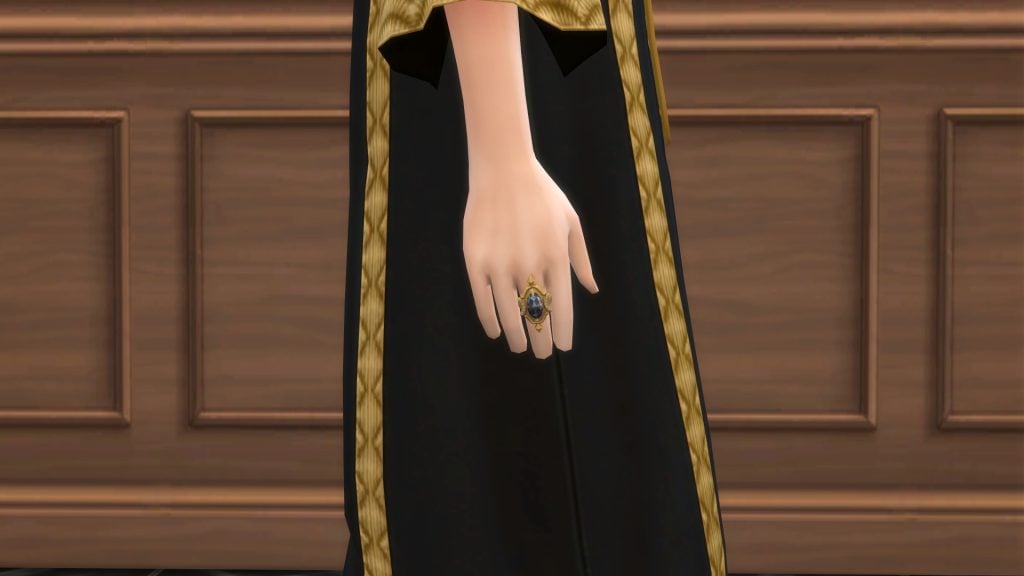
plumdon1

How Do Custom World Mods Work?

If you are active on various Sims-based communities online, you may be familiar with the concept of ‘custom saves’. These are usually created with the assistance of the T.O.O.L mod by TwistedMexi, and can be downloaded straight into your game, ready to play.
World mods, on the other hand, allow you to play with new custom worlds in any past and future save! Creators such as NANDO have created worlds based on the African Savanna, the Fjords of Scandinavia, and the Greek islands.
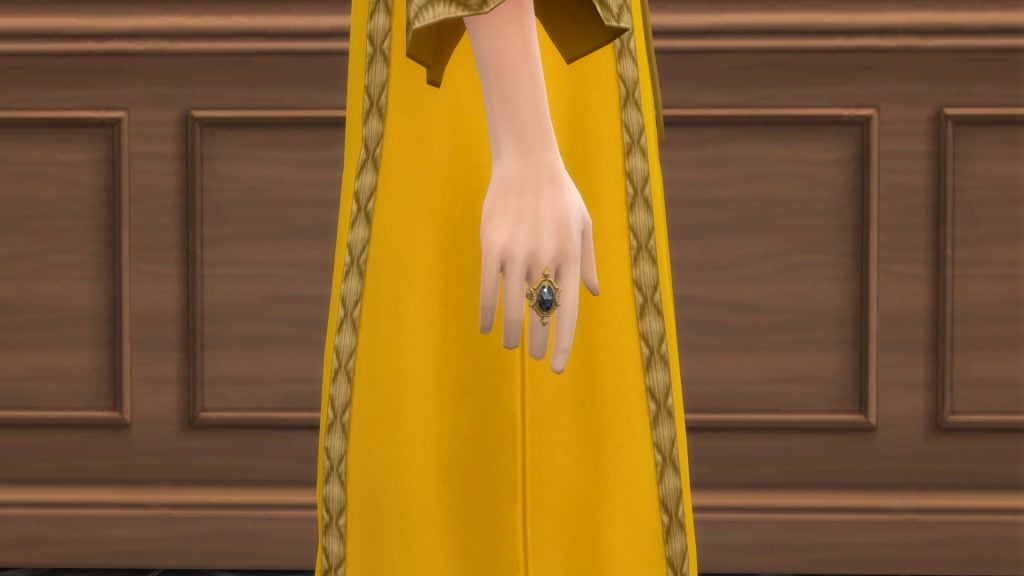
Even I get up to world modding from time-to-time! You may know me online as CBXSims, and I’ve been creating world mods for the Sims 4 for almost two years now. My first project was based on London, transforming Magnolia Promenade into a busy city centre. My latest world mod transforms Innisgreen into a Caribbean city inspired by Santo Domingo, the capital of the Dominican Republic.
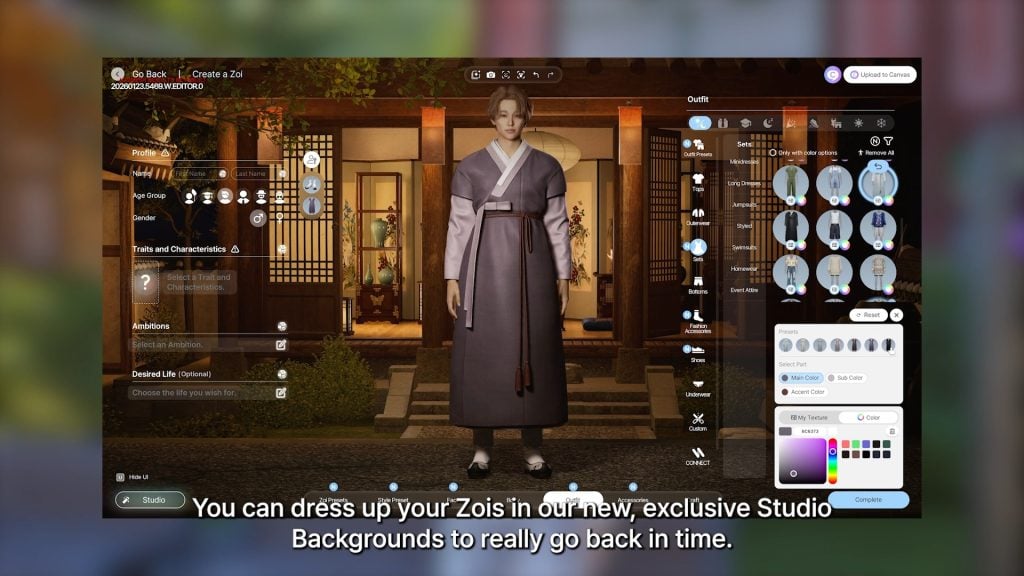
But how exactly do we make these worlds? Let’s take a look at everything you need to get started with world modding!

Getting Started

Unlike The Sims 3, The Sims 4 doesn’t have an official world modding tool. This is where the folks at Sims 4 Studio come to the rescue. Sims 4 Studio is a modding tool that allows us players and modders to directly edit ‘.package’, ‘.script’, and ‘.save’ files.

  • If you are a Windows user, download the version labelled ‘Wishes’
  • If you are using a Mac, then choose the ‘Candy Apple’ version
Sims4studiodownload1

Setting Up Sims 4 Studio

Launch Sims 4 Studio and head to the ‘Settings’ tab in the top-left corner of your screen. Here, you will need to set up a few things. You can choose your language, input your creator name, locate your Sims 4 folder (usually under ‘Documents/Electronic Arts/The Sims 4’), and finally, your Blender path. If you don’t intend to use Sims 4 Studio to create custom CAS or Build/Buy objects, you can leave that blank.

studiosetup

Locating the World Files

When editing worlds in The Sims 4, we will be directly editing the ‘.world’ files. These are the files that the game stores all information about the individual neighbourhoods in-game, including objects, lot sizes, weather, lighting, and more!

Base Game Worlds

To find Base Game world files, head to your Sims 4 install location (NOTE: This is separate from your Sims 4 documents folder). This is usually located under the hard drive or SSD that you installed The Sims 4 on. To find base game files, head to:

The Sims 4/Data/Shared/Worlds/Areas

Take a look at the visualisation below for assistance:

Findingworldfiles 1

These world names can look a little confusing at first. ‘.world’ Files in The Sims 4 represent what we would likely call neighbourhoods. The in-game world of Willow Creek is made up of 7 .world files, one for each neighbourhood, including the hidden area of Sylvan Glade. Take a look at the table below to get a sense of which world is which:

WorldNeighbourhoodFile Name
Willow CreekPendula ViewGD_GardenCommunity_01_LL.world
Sage EstatesGD_GardenEstate_02.world
Magnolia Blossom ParkGD_GardenPark_01.world
Courtyard LaneGD_GardenSuburbs_01_LL.world
Foundry CoveGD_GardenWard_01_LL.world
Crawdad QuarterGD_wardVenue_01.world
Sylvan Glade (Hidden)GD_RBH_glade_01.world
Oasis SpringsBedrock StraitSO_CactusBeach_01.world
Mirage CanyonSO_CactusVenus_01.world
Acquisition ButteSO_celebrityEstates_01.world
Desert Bloom ParkSO_DesertPark_01.world
Parched ProspectSO_retroSuburbs_01.world
Skyward PalmsSO_SkywardPalms.world
Forgotten Grotto (Hidden)SO_RBH_Cave_01.world
NewcrestRidgeline DriveBG_Engagement_01.world
Llama LagoonBG_Engagement_02.world
BridgeviewBG_Engagement_03.world
Create-A-Sim Create-A-Sims (Hidden)CAS_GCW.world

Expansion / Game Pack Worlds

World files that belong to worlds from both Expansion and Stuff packs are located in a different folder. Go back to your install location for The Sims 4 and go to the following path:

The Sims 4/Delta/[Pack Number]/Worlds/Areas

PackNeighbourhoodFile Name
Get To Work (EP01)Magnolia PromenadeEP01_Retails_01.world
Science Lab (Hidden)EP01_ScienceLab.world
Police Station (Hidden)EP01_CivicCenter_01.world
Hospital (Hidden)EP01_CivicCenter_02.world
Sixam (Hidden)EP01_AlienWorld_01.world
Get Together (EP02)Lykke CentreEP02_Business_01.world
Von Haunt EstateEP02_ChaletGarden_01.world
The Crumbling IsleEP02_Island_01.world
Olde PlatzEP02_OldTown_01.world
WindslarEP02_Rural_01.world
Ancient RuinsEP02_OldTownRuins_01.world
The BluffsEP02_IslandBluff_01.world
City Living (EP03)Arts QuarterEP03_ArtsQuarter_01.world
Spice MarketEP03_Docklands_01.world
Fashion DistrictEP03_fashionDistrict_01.world
UptownEP03_Uptown_01.world
Myshuno MeadowEP03_CentralPark_01.world
Cats & Dogs (EP04)Cavalier CoveEP04_Coastal_01.world
Whiskerman’s WharfEP04_Harbor_01.world
Sable SquareEP04_TownSquare_01.world
Deadgrass IsleEP04_Island_01.world
Get famous (EP06)Mirage ParkEP06_EastHollywood_01.world
The PinnaclesEP06_HollywoodHills_01.world
Starlight BoulevardEP06_StarsBlvd_01.world
Plumbob PicturesEP06_Studio_01.world
Island Living (EP07)Ohan’ali TownEP07_LocalIsland_01.world
Lani St. TazEP07_ResortIsland.world
Mua Pel’amEP07_Natural_Island_01.world
Discover University (EP08)Gibbs HillEP08_CollegeTown_01.world
University of BritechesterEP08_ArtsCampus_01.world
Foxbury InstituteEP08_STEMCampus_01.world
Eco Lifestyle (EP09)Port PromiseEP09_Industrial_01.world
Conifer StationEP09_InnerCity_01.world
Grims QuarryEP09_Suburbs_01.world
Snowy Escape (EP10)WakabaEP10_TouristTown_01.world
YukimatsuEP10_SummitTown_01.world
SenbamachiEP10_MountainTown_01.world
Mt. Komorebi Base Camp (Hidden)EP10_BaseCamp_01.world
The Croft Icefall (Hidden)EP10_BaseCamp_02.world
Mt. Komorebi Peak (Hidden)EP10_BaseCamp_03.world
Cottage Living (EP11)The BramblewoodEP11_Forest_01.world
FinchwickEP11_Village_01.world
Old New HenfordEP11_Rural_01.world
High School Years (EP12)Prescott SquareEP12_TownSquare_01.world
Plumbite CoveEP12_Pier_01.world
Rockridge Heights (School)EP12_HighSchool_01.world
Growing Together (EP13)Hopewell HillsEP13_AcrossTheBay_01.world
Gilbert GardensEP13_ThePark_01.world
Anchorpoint WharfEP13_WaterFront_01.world
Horse Ranch (EP14)Galloping GulchEP14_Park_01.world
New AppaloosaEP14_Town_01.world
Riders’ GlenEP14_Ranches_01.world
For Rent (EP15)Koh SahpaEP15_RiverDelta_01.world
MorensongEP15_Urban_01.world
Lovestruck (EP16)Plaza MariposaEP16_CentralSquare_01.world
Vista HermosaEP16_Suburban_01.world
Nuevo CorazónEP16_Downtown_01.world
Life & Death (EP17)MourningvaleEP17_Afterlife_01.world
Whispering GlenEP17_Countryside_01.world
Crow’s CrossingEP17_Village_01.world
Netherworld Department (Hidden)EP17_Grim_01.world
Businesses & Hobbies (EP18)IverstadEP18_NewTown_01.world
GammelvikEP18_OldTown_01.world
Enchanted by Nature (EP19)Coast of AdhmorEP19_Coastal_01.world
EverdewEP19_Forest_01.world
Sprucederry GroveEP19_Grove_01.world
Adventure Awaits (EP20)Crystal ValleyEP20_GoldenRetreat_01.world
Wanderwood WildsEP20_Wilderness_01.world
Jellyfish JunctionEP20_SeabreezeSpa_01.world
Outdoor Retreat (GP02)CampgroundGP01_Campground_01.world
Granite Falls ForestGP01_Forest_01.world
Hermit’s House (Hidden)GP01_HermitDwelling_01.world
Vampires (GP04)Forgotten HollowGP04_VampireWorld_01.world
Jungle Adventure (GP06)Puerto Llamante MarketplaceGP06_Marketplace_01.world
Belomisia JungleGP06_Jungle_01.world
Strangerville (GP07)StrangerVille PlazaGP07_Downtown_01.world
Shady AcresGP07_Outskirts_01.world
The ____ LabGP07_CraterBase_01.world
Realm of Magic (GP08)Glimmerbrook VillageGP08_Village_01.world
The Magic Realm (Hidden)GP08_MagicRealm_01.world
Journey to Batuu (GP09)Black Spire OutpostGP09_SMG_01.world
Resistance EncampmentGP09_RES_01.world
First Order DistrictGP09_FOO_01.world
My Wedding Stories (GP11)Porto LuminosoGP11_Coastal_01.world
Terra AmorosaGP11_Inland_01.world
Werewolves (GP12)Moonwood MillGP12_Town_01.world
You can find more details on the world files in the World Modding Documentation

Opening and Navigating the .World File

  • Now that you’ve chosen the world you wish to edit, right-click, copy, and paste into a separate folder (The desktop is the best place for this!). For this tutorial, I will be editing Foundry Cove in Willow Creek (GD_GardenWard_01_LL.world). Make sure to save a backup of this .world file so you can revert any changes later.
  • On the Sims 4 Studio home page, click ‘My Projects’ to bring up the file explorer. Now navigate to where you copied the world file.
  • In the bottom right-hand corner, click the drop-down that reads ‘Sims 4 Package’ and select ‘Sims 4 World’.
  • Double-click the .world file you copied earlier to open it.
openingworld

Locating World (Off-Lot) Objects

Now that you have the .world file open, it’s time to find a list of all objects in the world:

  • In the search bar in the top-left, search for ‘Data’
  • This will bring up 5 files that all contain the word ‘Data’
  • There are two sections we will be looking at: ‘World Data’ and ‘World Object Data’.
  • Explanation of what these are:

World Object Data – All objects within the playable space
World Data – All objects outside the playable space

datafiles

REQUIRED MOD: T.O.O.L

Now it’s time to open up our game and start placing objects. Before we do this, there is one mod we will require to place objects off-lot. That being, of course, the fan favourite T.O.O.L mod by TwistedMexi. You can find the download for this below:

toolmod

REQUIRED MOD: Better Cheat Console

The second mod we need, also by TwistedMexi, will allow us to copy the object’s coordinates from the cheat console so we can add the position correctly.

Placing New Objects In-Game

Once installed, open up the Sims 4.
I would recommend starting a new save, as we don’t want to run the risk of breaking any older saves!

  • Head into Build/Buy Mode on a lot in the world you intend on editing.
  • Place any object (Can be either a gameplay or deco object)
  • Go into Live Mode
  • Shift+ click on the object
  • Select ‘T.O.O.L’
  • Select ‘Toggle Active Object’
  • The object will now be highlighted green
moving objs
  • Navigate to the area of the world you wish for this object to be in
  • Click on the ground to move the highlighted object into position
  • Click on the object again to un-toggle it
Object placed

Finding an Object’s Position

Now that we have an object in-position, it’s time to find the object’s position coordinates and add it to our world file.

  • Open the cheat console with Ctrl + Shift + C (Command + Shift + C on Mac)
  • Shift+click on the object
  • Select ‘T.O.O.L’
  • Select ‘Move’
  • Do not input any coordinates, and click ‘Cancel’
  • The cheat console should now have “Object moved to X: number Y: number”
  • Copy these and paste them into your notes
Tool1

Adding Our New Object

We’re almost done collecting everything we need, but there is one last vital step to make sure our object appears correctly in the world.

  • Return to the home screen of Sims 4 Studio (Click the house icon in the top-left)
  • In the options at the top, click ‘Tools’
  • In the drop-down, click ‘Hash Generator’
hashgen1
  • The Hash Generator window should now open
  • At the bottom, next to ‘Mode:’ select ‘decimal’
  • In the text box, type whatever you want; you don’t have to remember what you typed
  • Copy the number next to ‘FNV64’
  • In the box at the top labelled ‘Decimal’, paste the FNV64 number there
  • Now copy the new string of letters and numbers you have just generated from the ‘Hexadecimal’ box.
  • Paste this number in your notes
hash gen 2

We need to find what is known as the ‘footprint’. This determines how big the area around the object is and how close your Sims can get. We also need to find the objects ‘Definition’. This is a string of numbers that the game uses to identify which object is there.

  • Go to ‘Tools’
  • Hover over ‘Browse Game Content’
  • Select ‘Objects’
  • Search for the object you moved with T.O.O.L. (You can use filters and search to narrow it down)
  • Select the object
  • In the window on the right, click ‘Warehouse’
  • Go to ‘Object Definition’
  • Copy the number next to ‘Instance’ to your notes.
warehouse1
  • Still in the Warehouse tab, go to ‘Footprint’
  • Copy the number after ‘Instance’ to your notes
foot1 2

Now we can add all this info to our .world file!

  • Open up your .world file, the same way we did last time
  • Type ‘Data’ in the search bar
  • Choose ‘World Object Data’
  • In the right-hand window, next to ‘Lots’, click ‘Edit Items’
  • This will bring up a list of ‘Lots’, one of these ‘Lots’ is a collection of all off-lot objects (confusingly)
  • In the right-hand window, you will see a few different buttons. There are two types of objects we can edit

Objects – items that your Sim can interact with (e.g. benches, gardens, playgrounds)

ObjectsNoScript – Items your Sim cannot interact with (e.g. trees, streetlights, bollards)

  • As I’m placing a telescope in the world, I will want my Sim to be able to interact with it. I am going to choose ‘Edit Items’ next to ‘Objects’
  • If you are having trouble finding which ‘Lot’ the off-lot items are on, keep clicking through each one until an ‘Edit Items’ list is populated with objects
  • Select any object and click copy
  • The copied item will now be at the bottom of the list; scroll down and select it
copyobject

Now it’s time to use our notes!

  • Paste the ‘Object Definition’ number from your notes into the box marked ‘DefinitionInstance’
  • Paste the second number we collected into ‘Instance’ under ‘ FootprintKey’ (This is the footprint, the routable area)
  • Paste the Position coordinates into the ‘Position’ box
  • And finally, paste the string of letters and numbers we made using the Hash Generator
addingall1
  • You will now notice an error with the coordinates. This is normal, and we will fix this.
  • Select any other object above
  • Look for the position coordinates of the other objects
  • Copy the middle set of coordinates (e.g. xxxxx,zzzzz,yyyyy) This is the elevation at which your object sits
  • Go back to your object and add this between the coordinates you collected using the cheat console.
  • Click ‘Save’ in the bottom right, then save again on the ‘Editing Lots’ window
  • Now, in the main screen of your .world file, hit ‘ Save’ in the bottom-right
  • Go to the location where you have your edited .world file.
  • Right-click and ‘Copy’
  • Go to:

Base Game: The Sims 4/Data/Shared/Worlds/Areas

DLC: The Sims 4/Delta/[Pack Number]/Worlds/Areas

  • Paste the file and overwrite the existing one
  • Launch your game and start a new save (otherwise, your objects will overlap)
object done

Overriding an Existing Object

Overriding an existing object is much easier, with many fewer steps:

  • Go to ‘Tools’ at the top of Sims 4 Studio
  • Hover over ‘Browse Game Objects’ and select ‘Objects’
  • Find the item you want to have in your world
  • Go to the ‘Warehouse’ tab
  • Scroll down to find ‘Object Definition’ (There is one for each swatch)
  • Copy the instance
warehouse1
  • Select an object in your world file under the editing lots section we previously visited
  • Paste this definition into ‘DefinitionInstance’ when editing objects

World Modding Resources

As previously mentioned, it’s hard to find solid tutorials on world modding, so I have collated a few for those interested in learning more or having a play around!

World Documentation – Kallixer & NerdyDoll

Both Kallixer and NerdyDoll are pros when it comes to world editing, and thankfully, they have collated a number of resources that can help you better understand what some of the files do and how to edit them. They have also included a tutorial on permanently editing the hallways of City Living and Eco Lifestyle Apartments!

kallizernerdydollmoddingguide

Other Modders & Mods

As a modder myself, I am always happy to answer any queries, so please do drop me a DM over on Twitter. Likewise, I am sure other creators will be happy to help.
Also, feel free to crack open one of my world mods to see how I pulled some of this wizardry off. Please do not outright steal my work, though, but make sure to show me what you’ve done with your worlds. I love seeing what others do!


What worlds do you want to create in The Sims 4? Let us know in the comments below and stay tuned to Sims Community for all the latest on The Sims 4!

The Sims 4 Lost Legacies Rewards Preview: Live Event CAS, Build and Gameplay

The newest live event for The Sims 4 is here, and thanks to this mod from LunarBritney we are able to bring you all the Sims 4 Lost Legacies items including their information and swatches.

This event will run between February 3rd and March 15th and events can be unlocked through gameplay. You’ll have to go through different quests over a four week period and complete tasks to earn enough points to unlock all of the items.

sims 4 lost legacies official screen

This set of quests revolve around a mysterious Royal Envoy and will have you uncover the truth about them and the three royal families who are coming to the game with the next expansion.

We have already done a step-by-step guide to completing week 1 of the quests which you can read here, and will be publishing more once the new quests are revealed.

sims 4 lost legacies items roadmap

All Sims 4 Lost Legacies items

There is a mix of clothing, accessories, decorative items and furniture included in this login event, as well as satisfaction points and simoleons. You’ll also gain two skill books by completing this event – so presumably any Sims you go through this story with will have to raise their piano and logic skill.

Three of the items are pack specific: a horse saddle, a memorial table, and a fairy gown, but according to the EA help team on YouTube you will be able to claim these even if you don’t have the required packs – you just won’t be able to use them unless you purchase the DLC they go with. There also doesn’t seem to be any CAS items for teens or younger (surely this is the ideal login event for a child/toddler princess costume?) and it is mostly designed for female frames.

Let’s take a closer look at each item.

All Exclusive Item Descriptions And Event Menu Images

Below are all of the swatches for each item so you can see exactly how they will look.

Create-a-Sim (CAS)

Luxurious Morning Robes

Ladies Front Lacing Corset

Embossed Eyepatch

Fairy Princess Gown

Requires Enchanted by Nature

Antique Jewelled Ring

Embroidered Horse Saddle

Requires Horse Ranch

Build / Buy

Capp Library Bookcase

This item has six swatches and costs §50, making it much cheaper than the other secret doorway bookcase we have in game.

Screenshot 2026 02 04 084547

Ceremonial Dedication Fenestra For Cordelia Thebe I

This item has nine swatches and costs §30.

Screenshot 2026 02 04 084735

Draped Memorial Display Table

This is an item you can only use if you have Life & Death installed.

It adds a new memorial display table to the game and will cost Sims §215.

Screenshot 2026 02 04 085606

Heirloom Easel of the Darong Family

This easel adds some lore to the Darong family and new world coming with the latest expansion pack.

It will cost your Sims §300.

Screenshot 2026 02 04 085957 1

All event keys

Get a closer look at the keys you will unlock through the Sims 4 Lost Legacies gameplay. All of these are free to place from build mode once unlocked. These are also classed as a new collectible with a rarely rating of common.

Antique Curio Display Table

This is the display case for the collectible keys from this event, beyond that it doesn’t have much use.

It will cost your Sims §135.

Screenshot 2026 02 04 091239

Gameplay

This login event comes with two rewards that impact gameplay, a new aspiration and a new lot trait.

Regal Residence Lot Trait

Screenshot 2026 02 04 083345

Master of Grudges aspiration

this new aspiration comes under the Deviance category and is all about getting vengeance on enemy Sims.

image 12 e1770191291273

Here are all of the different levels and tasks you’ll need to do to complete the Master of Grudges aspiration.

Once you complete the aspiration you earn the reward trait Merciless, which allows you to level up the mischief skill faster, have more successful fights with enemies, and declare a truce.

Screenshot 2026 02 04 083106

Activating The Curse

When you are wearing the antique ring, you can activate its curse. This will make your Sim feel tense.


Do you think you will be using these items in gameplay? Are you going to be playing through the event as it comes out? Let us know in the comments below, and stay tuned to Sims Community for all the latest on Live Events in The Sims 4.