Home Blog Page 16

10 Regal New Features We Noticed in The Sims 4 Royalty & Legacy Trailer!

The Sims 4 Royalty & Legacy Trailer Has Been Unveiled – Here’s Every Detail You May Have Missed!

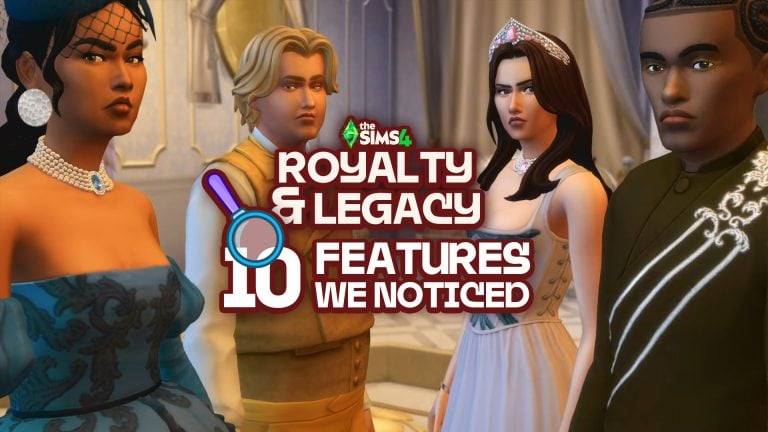
The Sims Team has released a brand new announcement trailer for the next Expansion Pack, The Sims 4 Royalty & Legacy! The 21st (and rumoured last) Expansion Pack brings royal families, rivalries, secrets, and gorgeous new locations to The Sims 4. There’s a lot to take in, so we’ve collated a list of things you may have missed in The Sims 4 Royalty & Legacy trailer. Let’s take a peek at what this pack may offer!

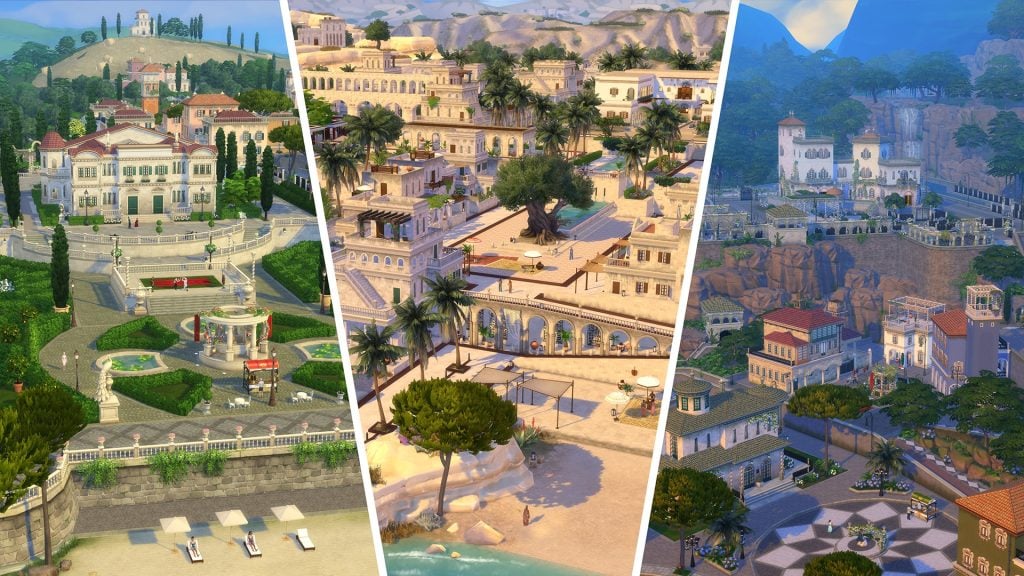
Three New Kingdoms – Unique & Vibrant

image 3

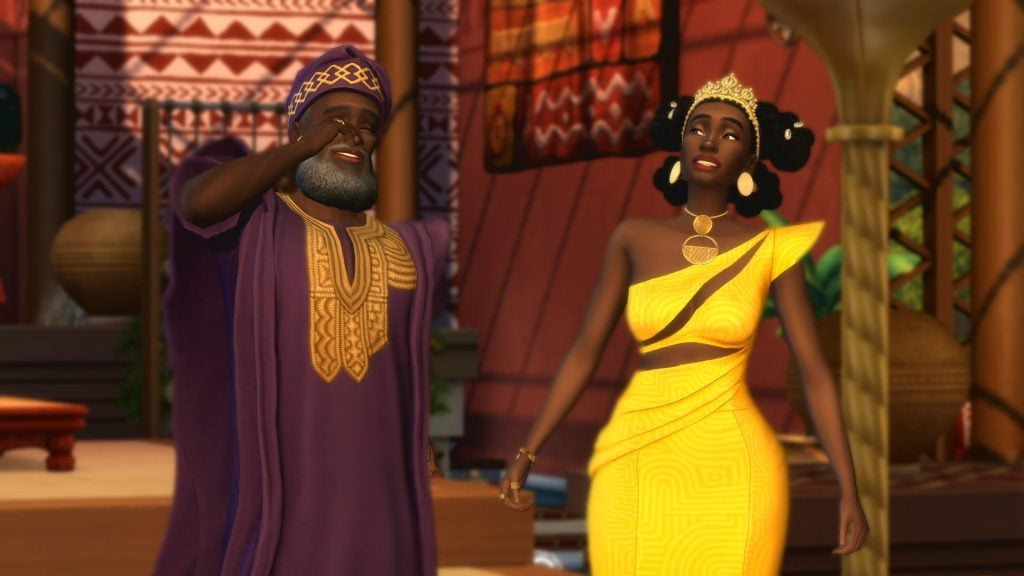
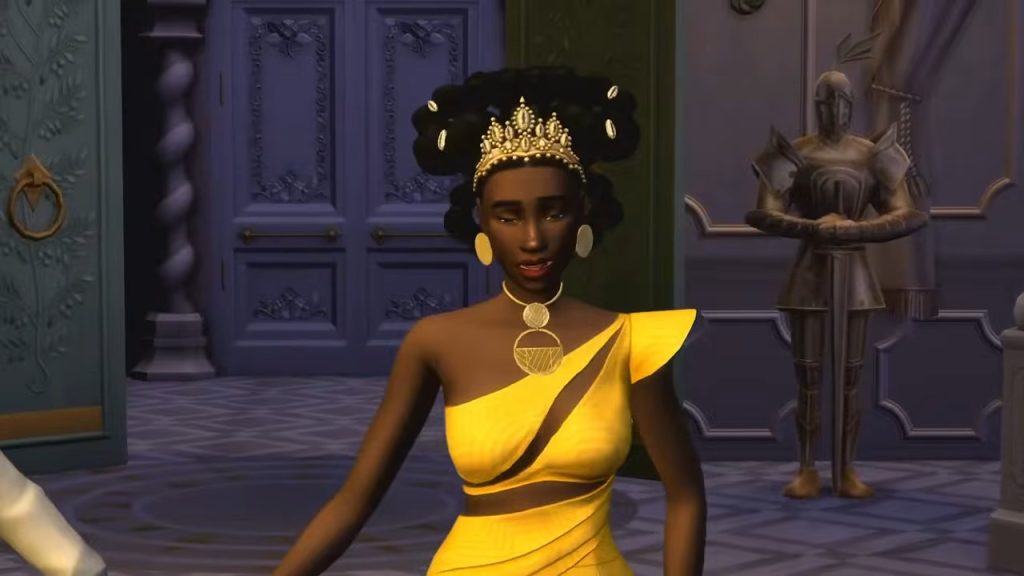
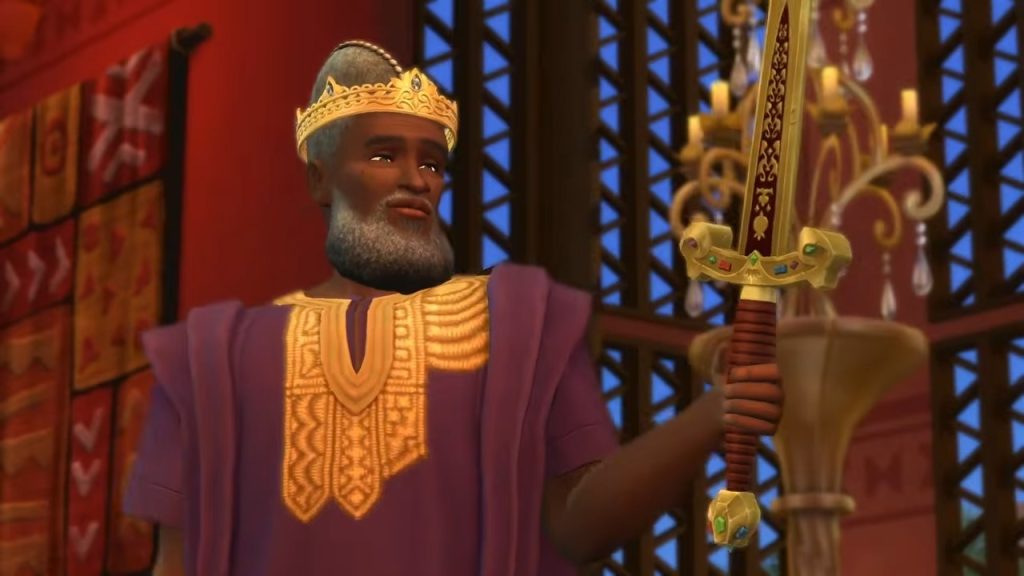
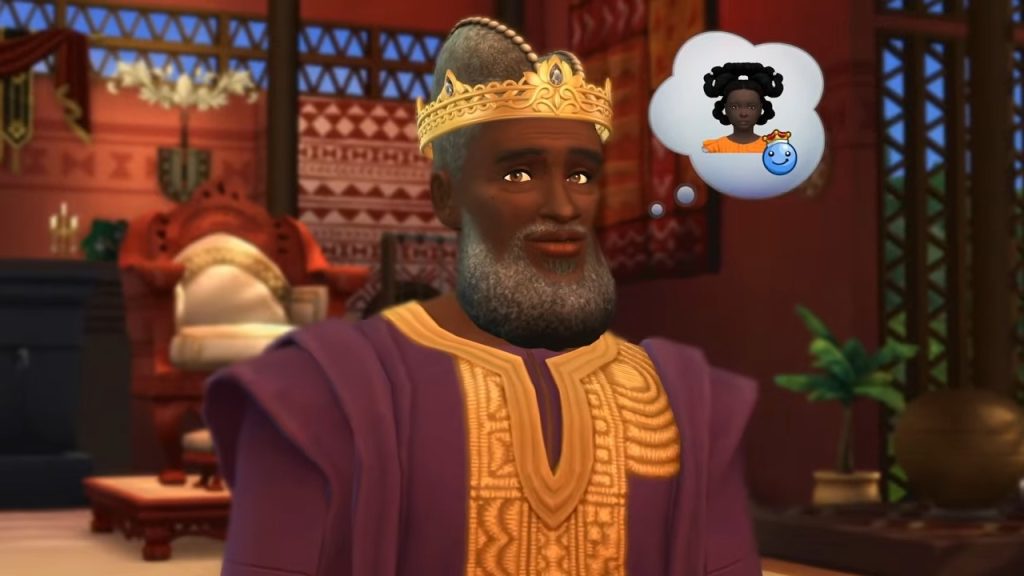
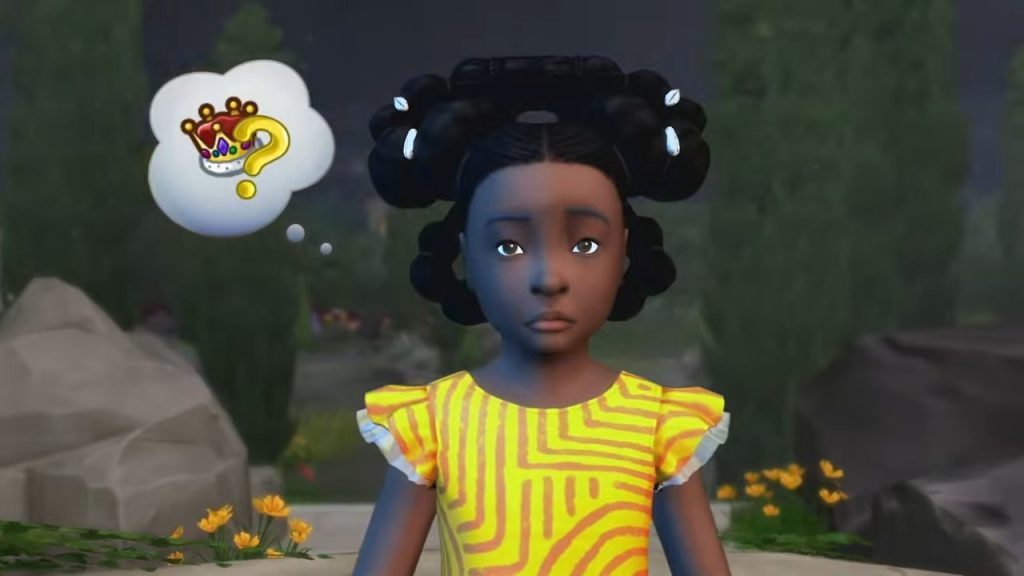
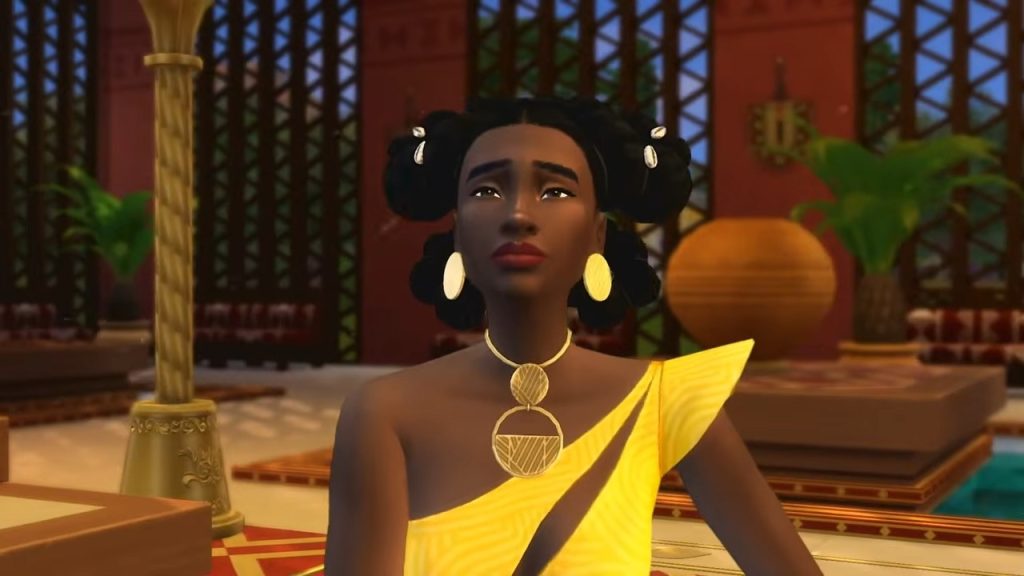
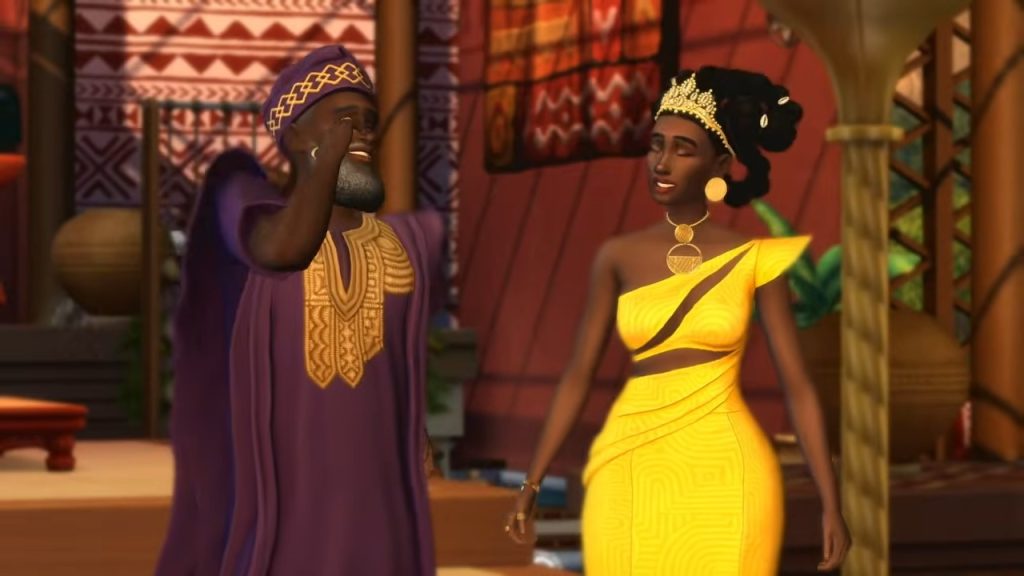
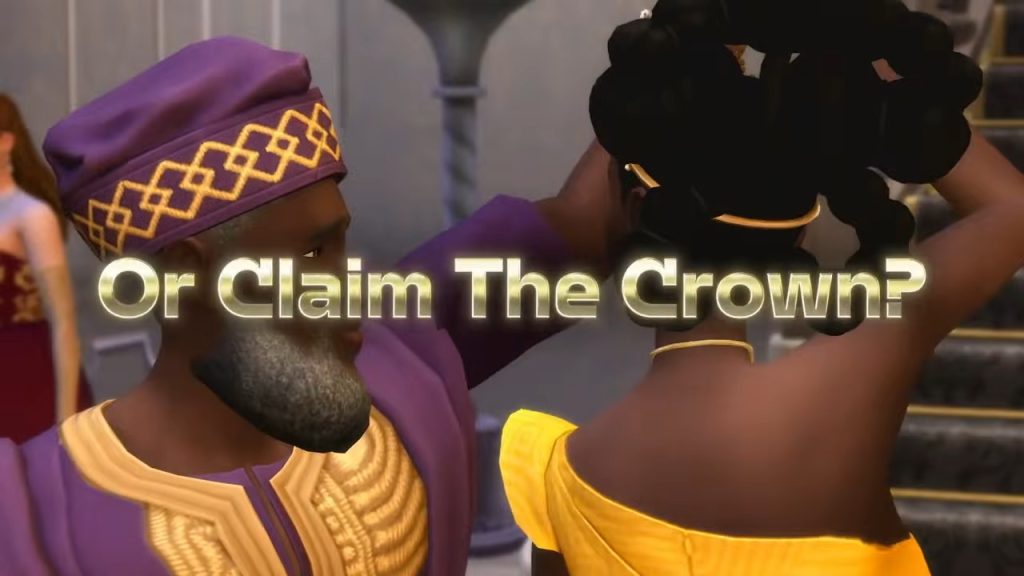
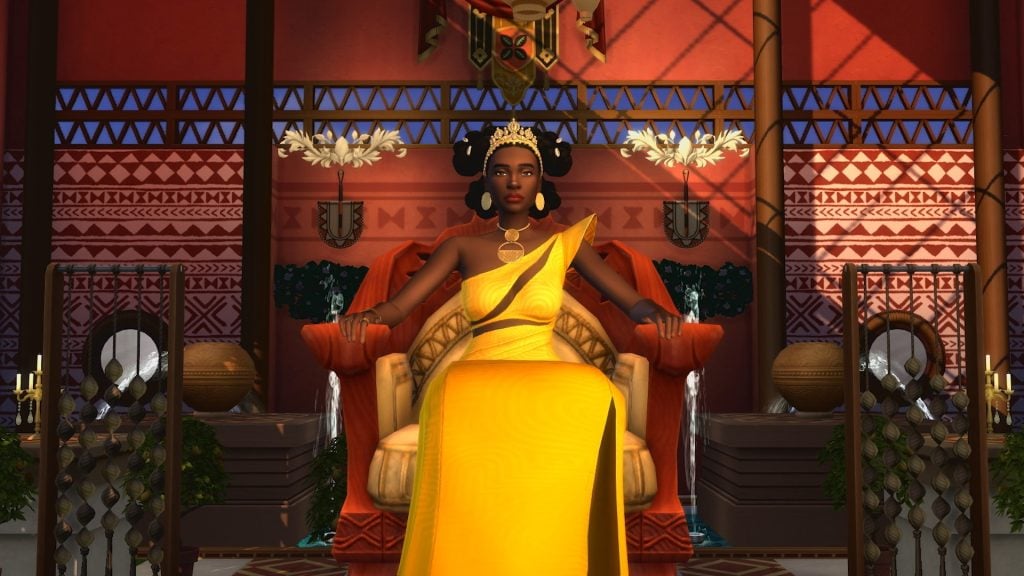
All the rumours are true! It was said that at least one of the new neighbourhoods within the new world of Ondarion would be inspired by an African nation, something fans have been asking for for a LONG time. Until now, the only African world in the franchise was Al Simhara from The Sims 3 World Adventures Expansion Pack. Unlike Al Simhara, your Sims aren’t just vacationing, they can live there too… and even rule over it!

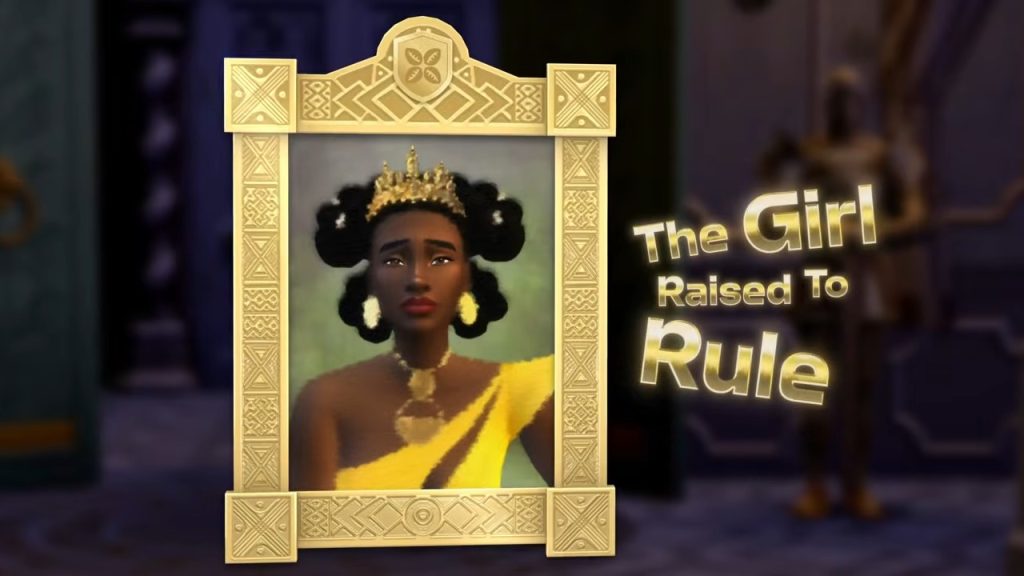
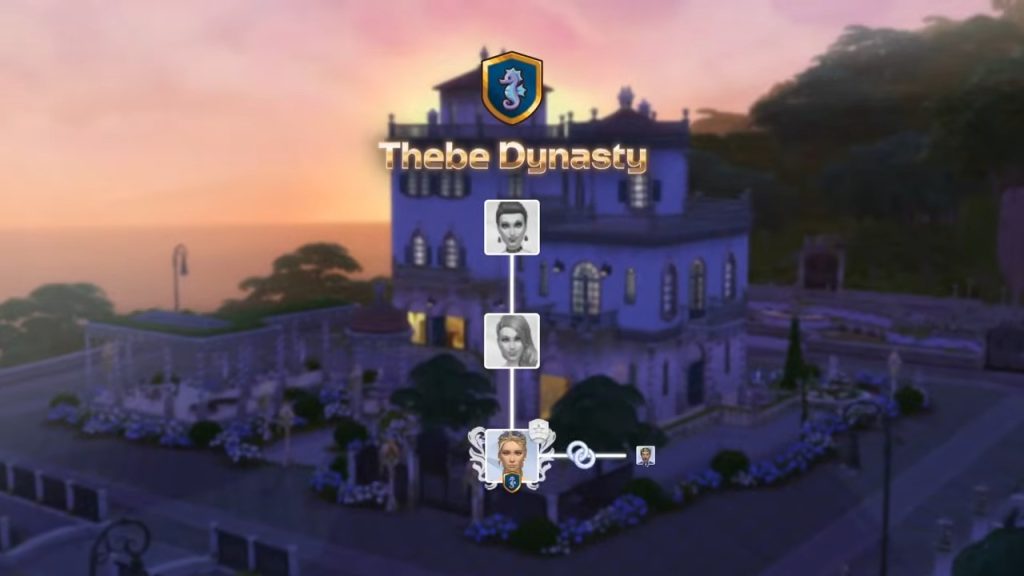
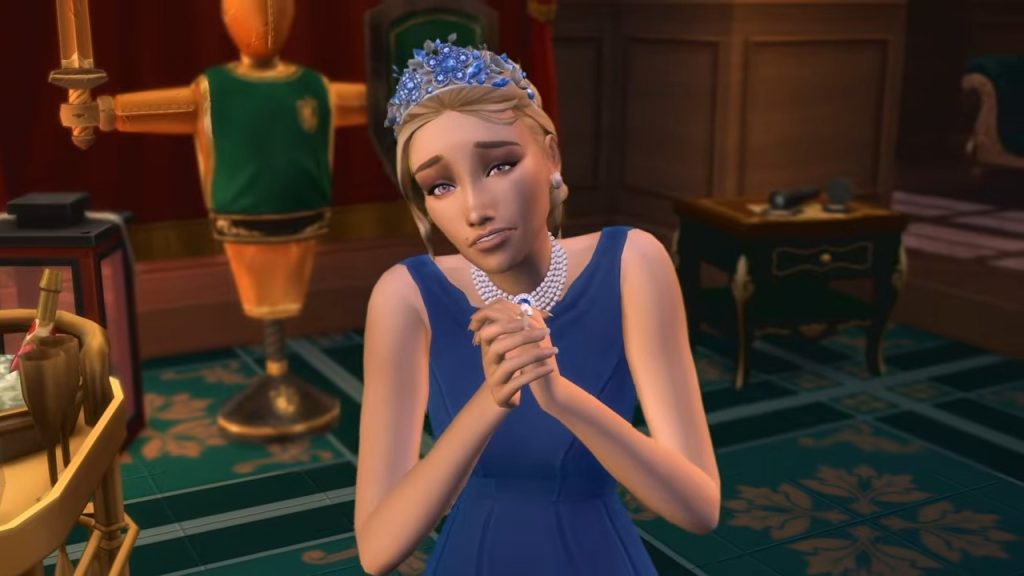
It’s safe to say the neighbourhoods look stunning, and make a nice change from the former-mining-town-blue-suburban worlds we are used to. The world is made up of three Kingdoms: Dambele, Verdemar, and Bellacorde, the former being the African-inspired world. Each world is home to a distinct royal family, with the Thebe Dynasty ruling over Verdemar (The family of Princess Cordelia)!

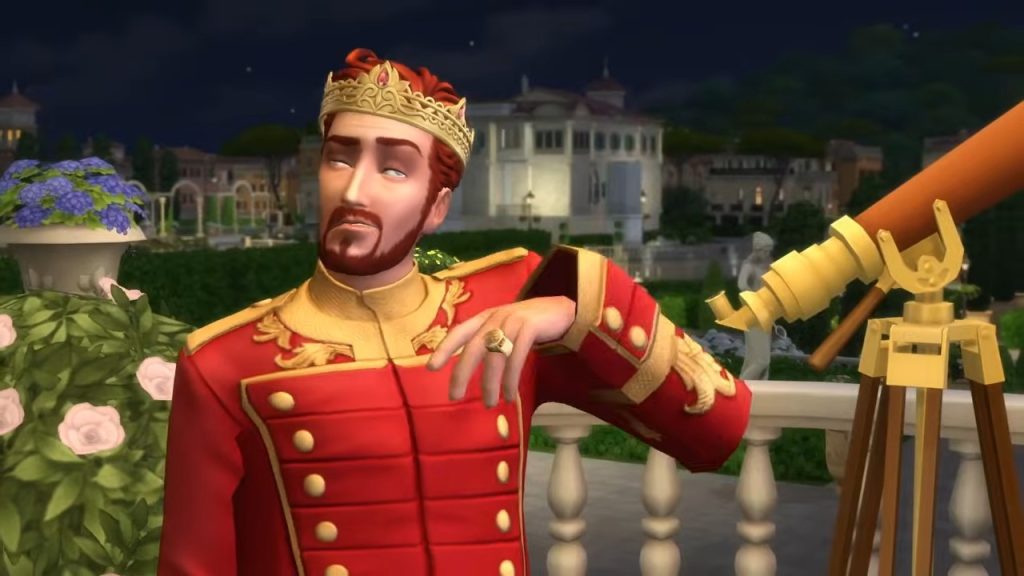
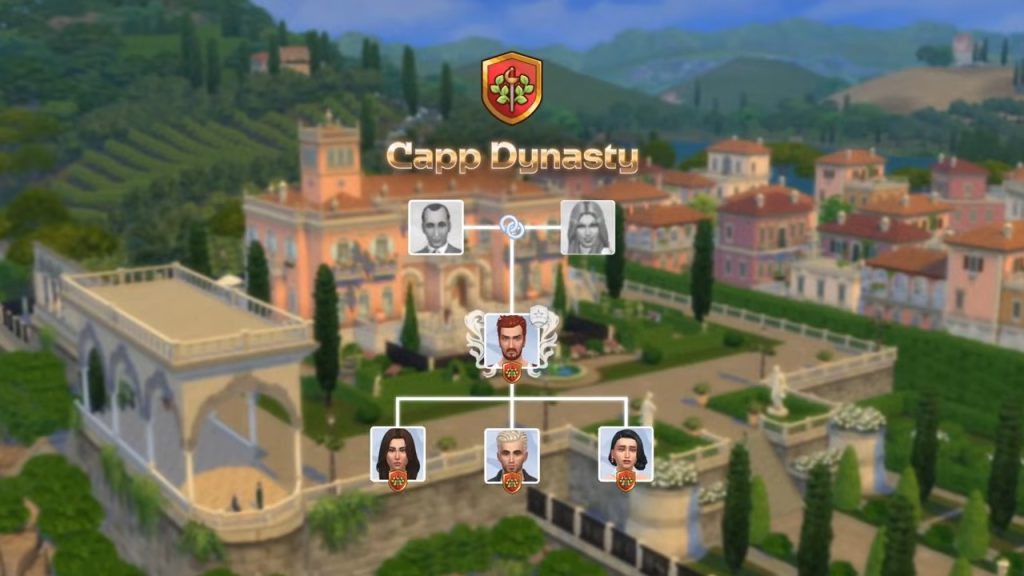
The store page describes Verdemar as being “lush and vibrant”, and from the looks of things, the forests surrounding the royal residents resemble something akin to a jungle. Each neighbourhood/kingdom has its own distinct feel, vibe, and stories hidden within it. The Capp family rules over Bellacorde, which seems to have taken a Mediterranean inspiration in its design. It’s certainly reminiscent of the sun-kissed Principality of Monaco.

Prestige & Values – Another Name For Fame?
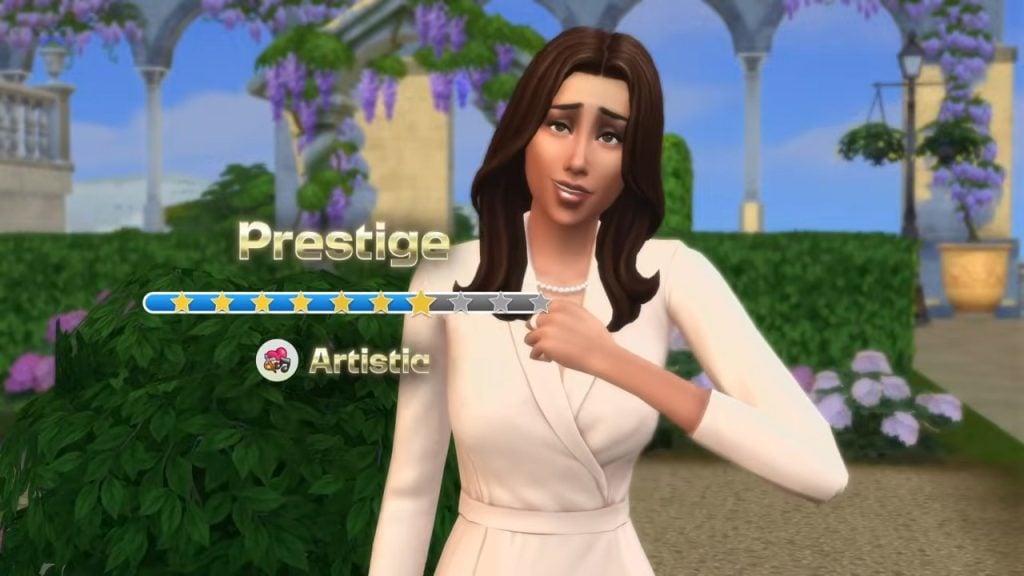
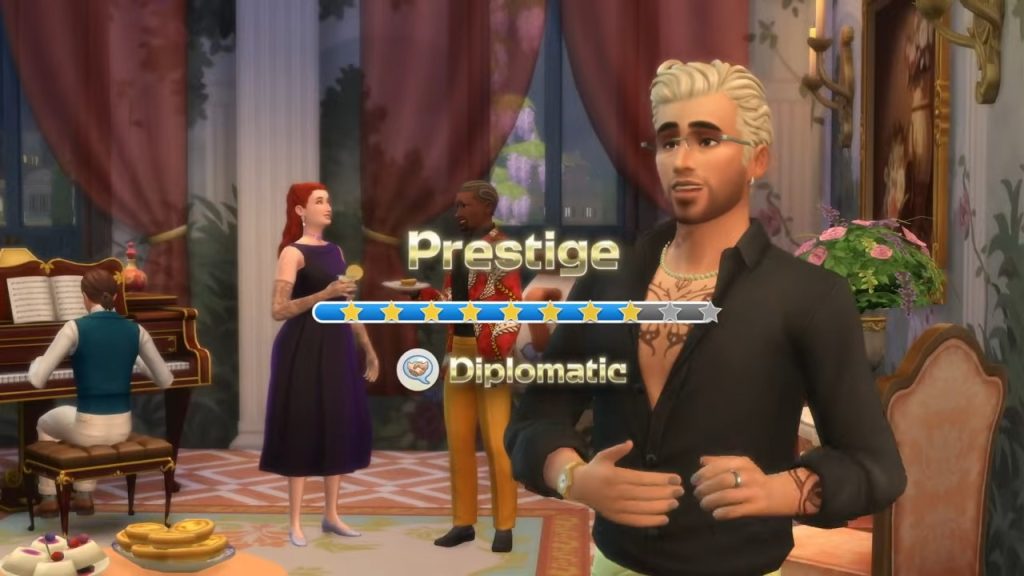
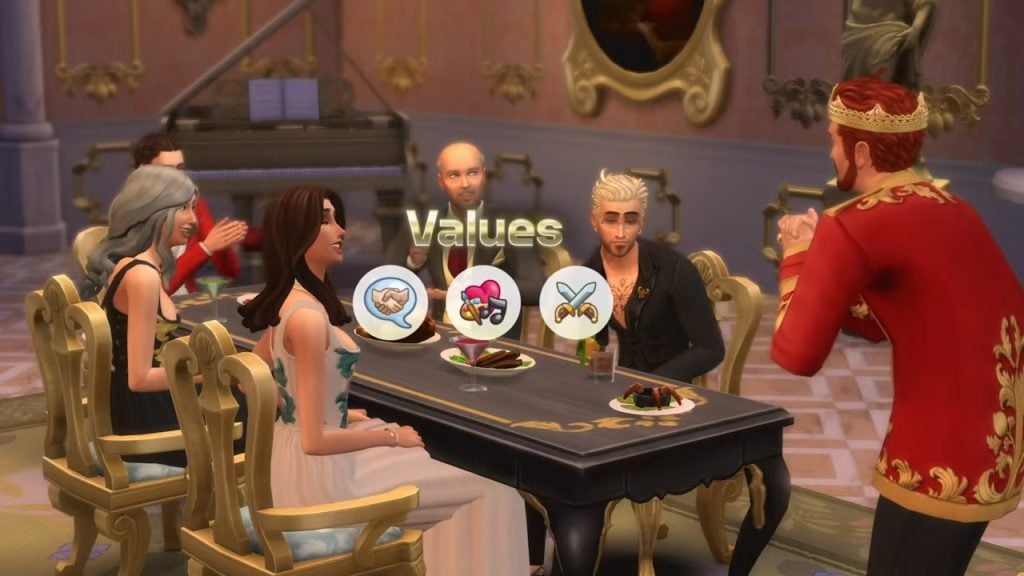
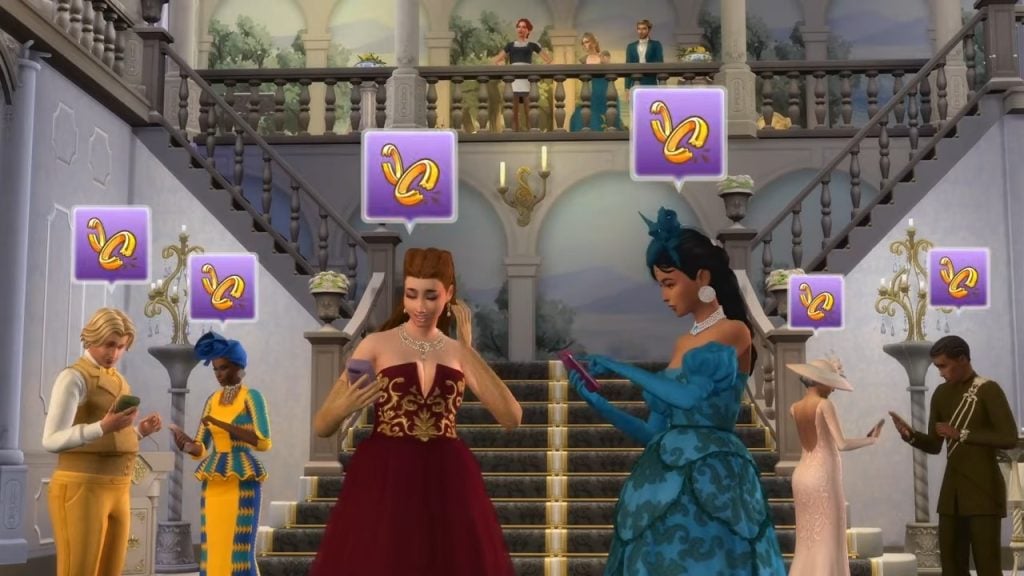
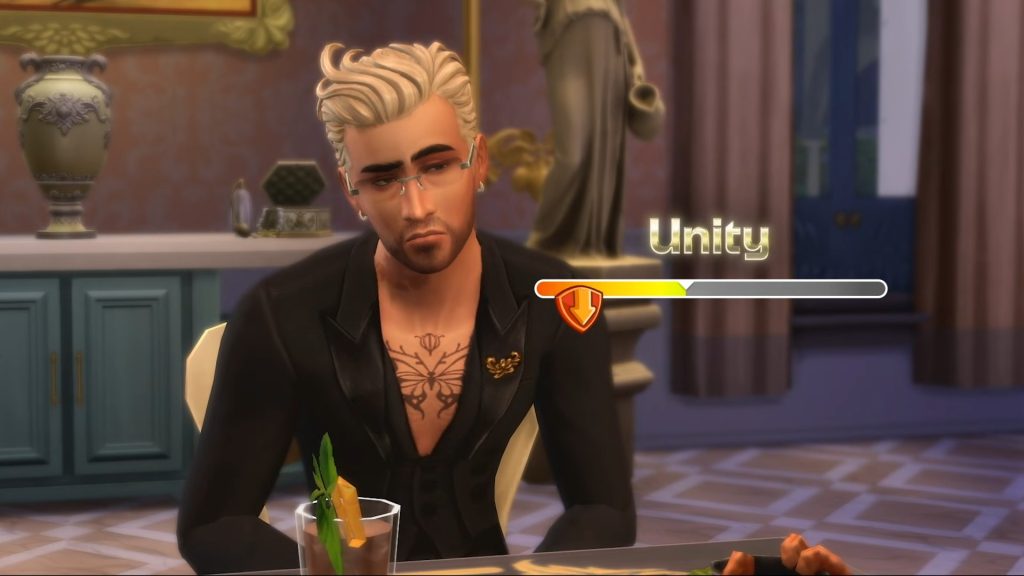
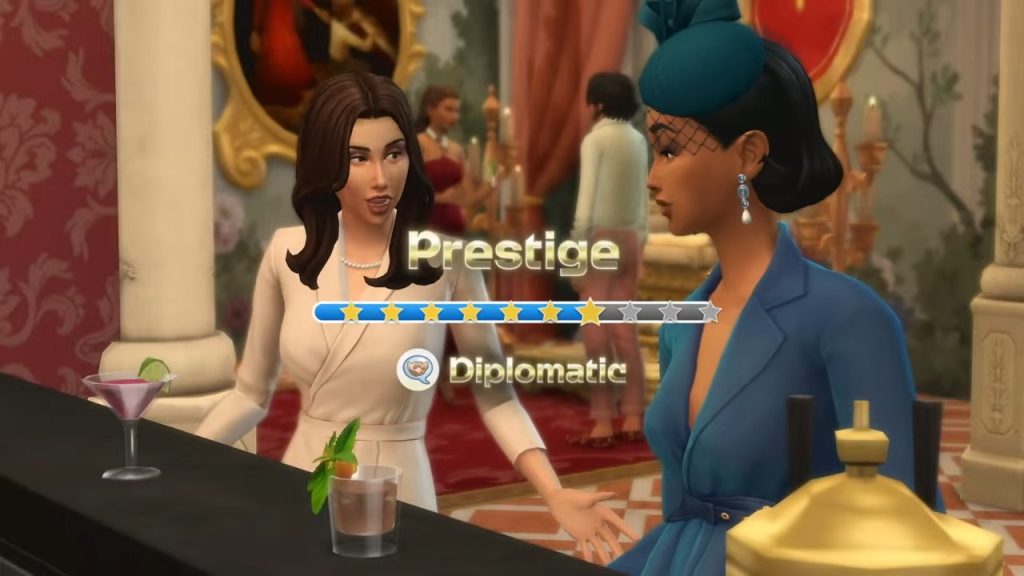
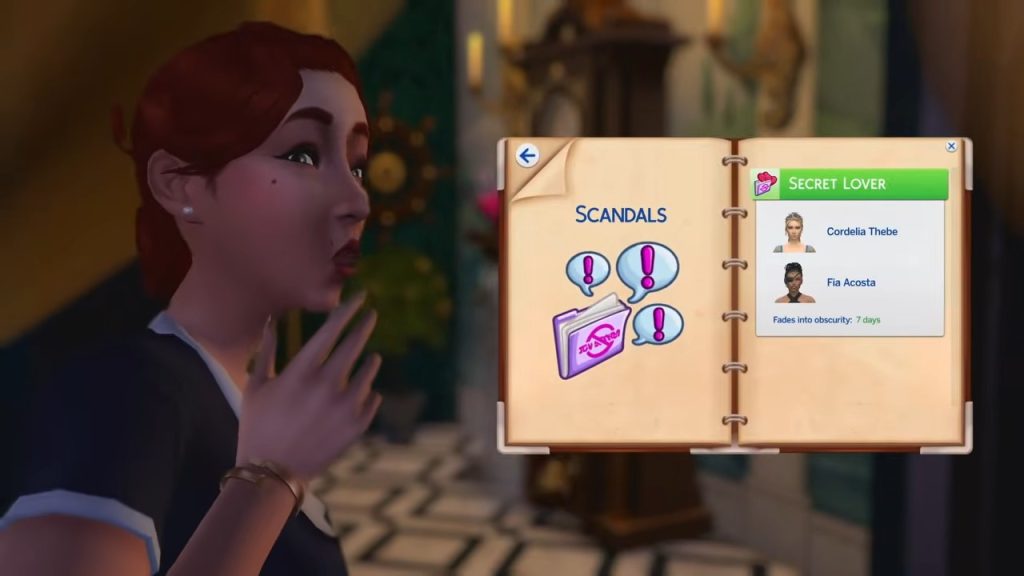
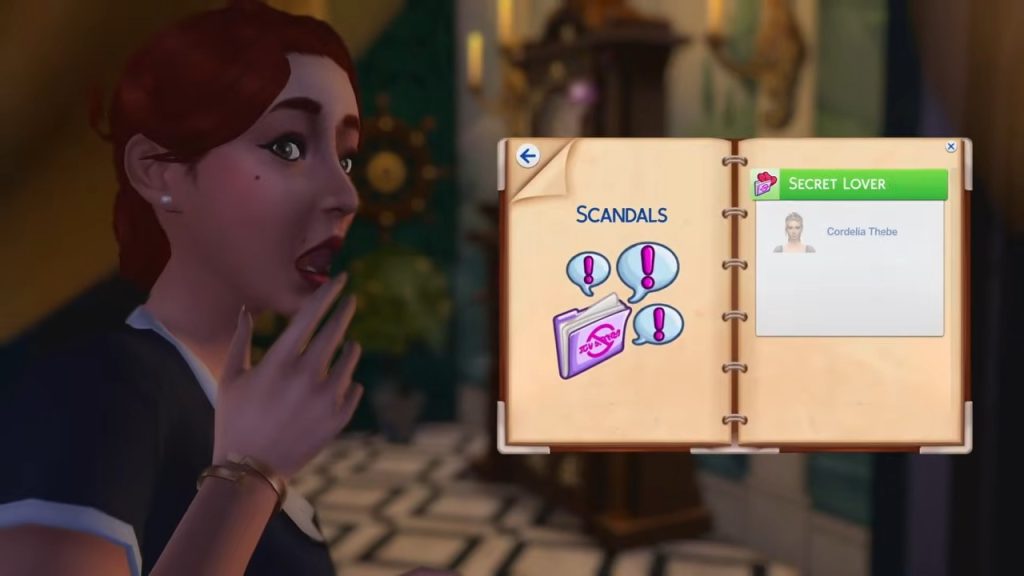
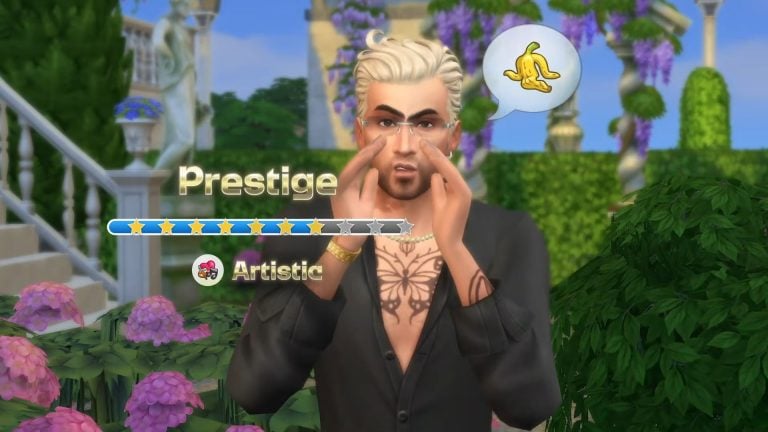
The trailer, blog post, and store page don’t seem to give us any insight into what the new Prestige system may entail, but from the look of things, this is yet another addition to the Simology panel (Collective sigh). Scandals seem to be a big player in affecting your families Prestige raiting, and also ties in to the values system which allows your family to live by a set of rules and ideals.

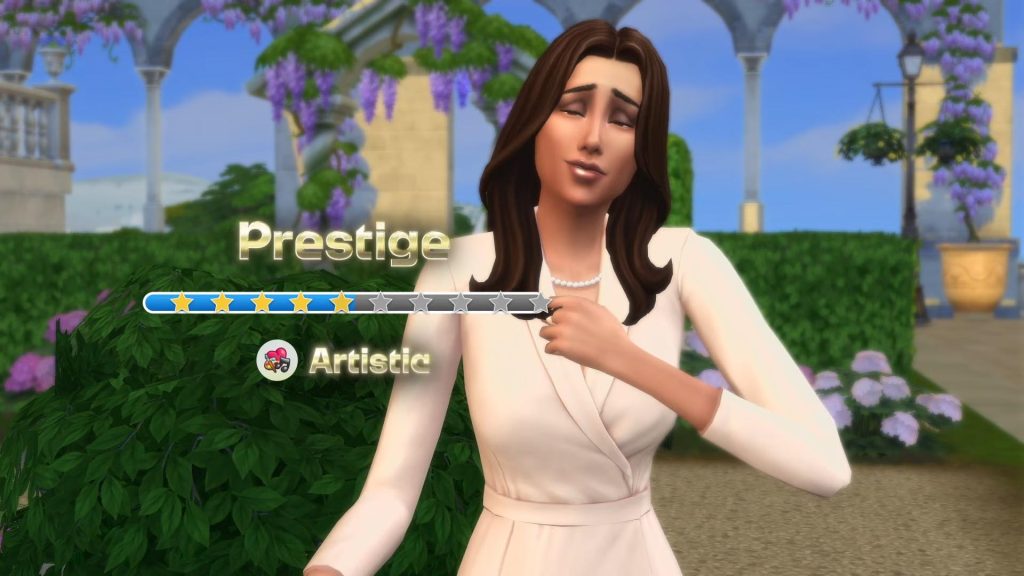
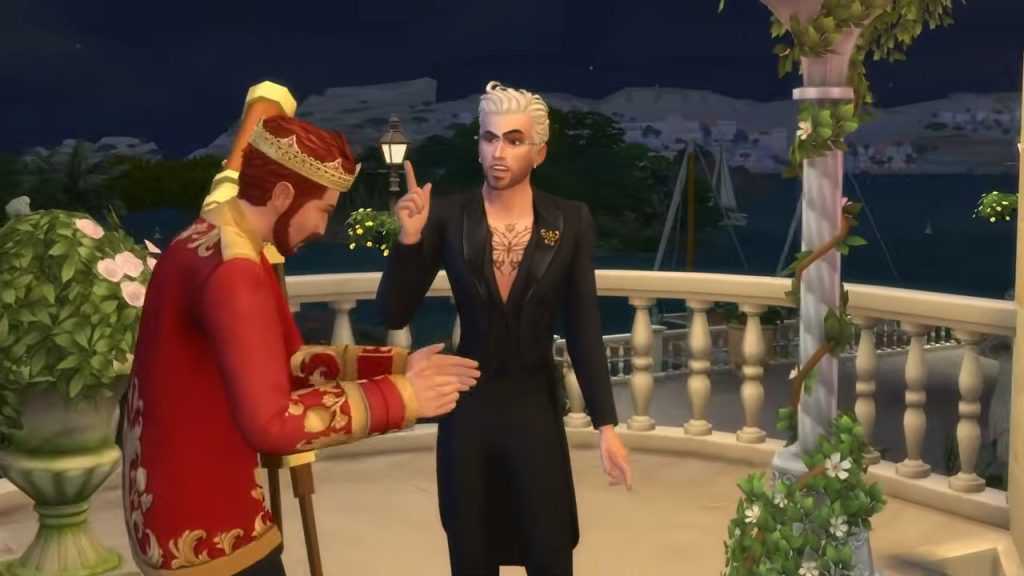
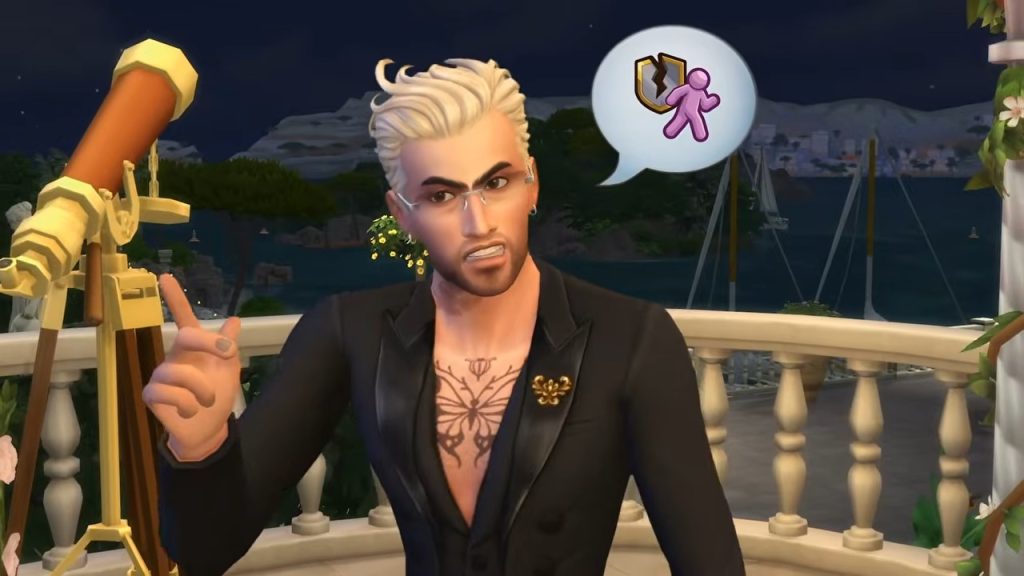
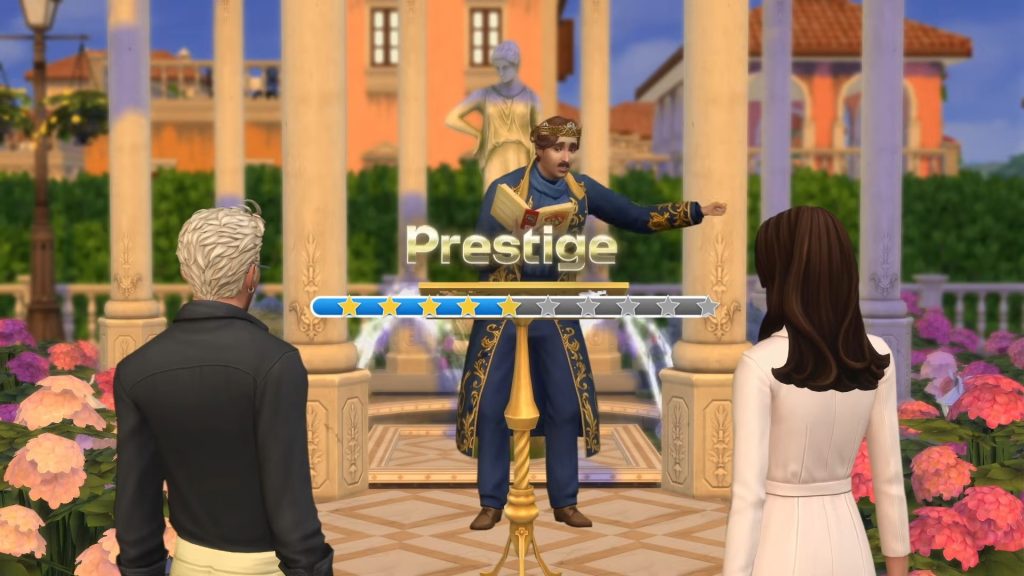
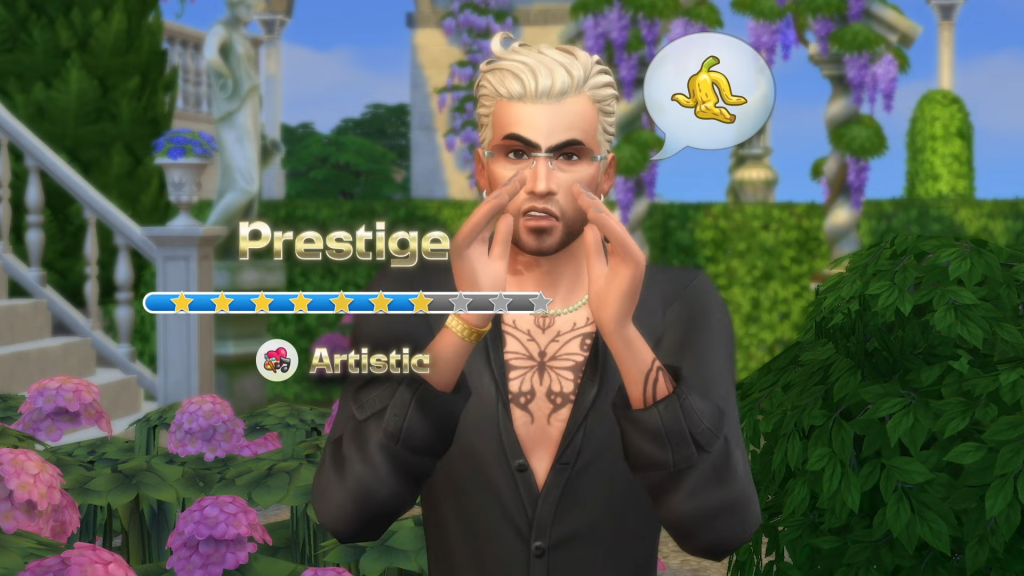
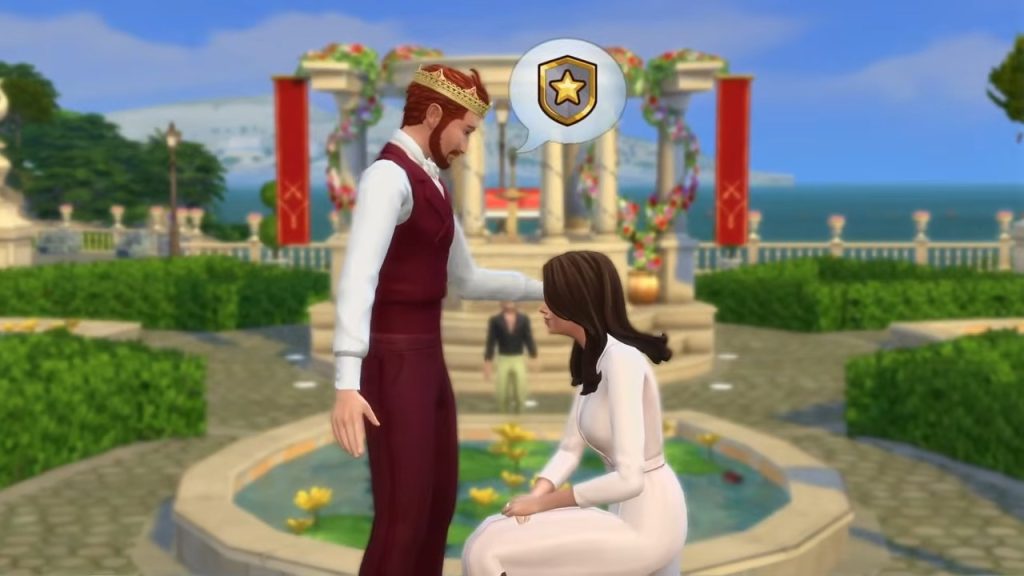
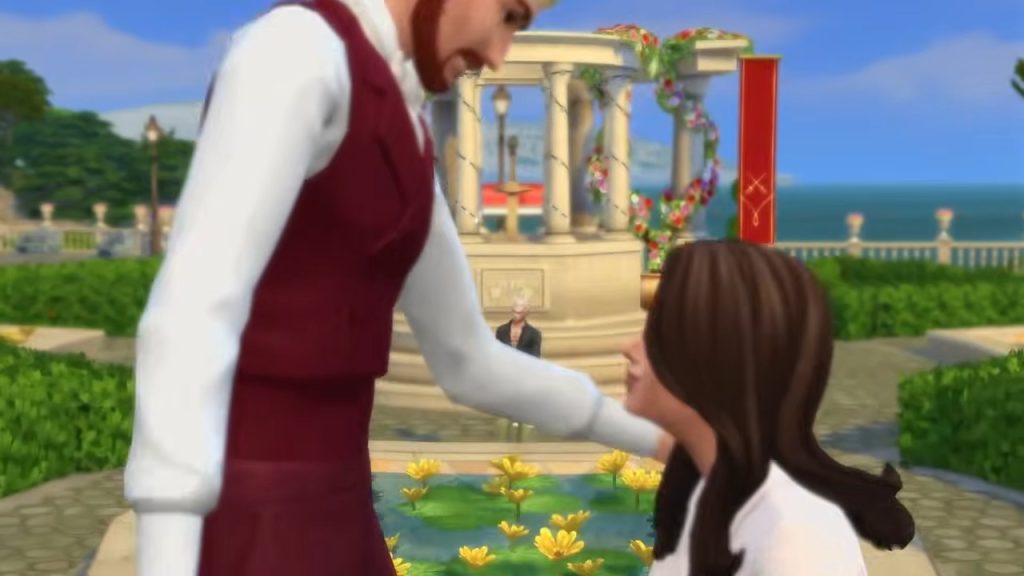
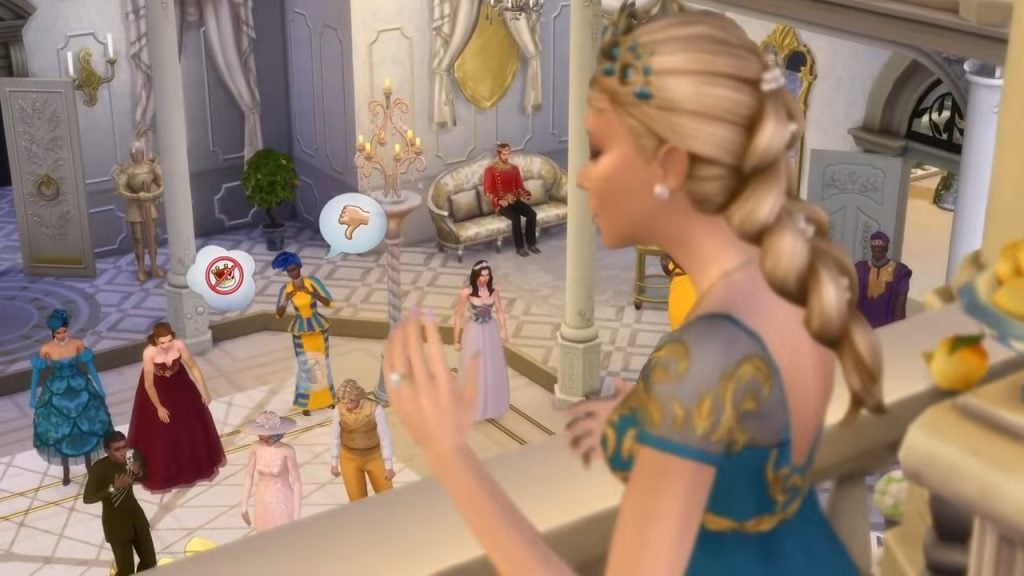
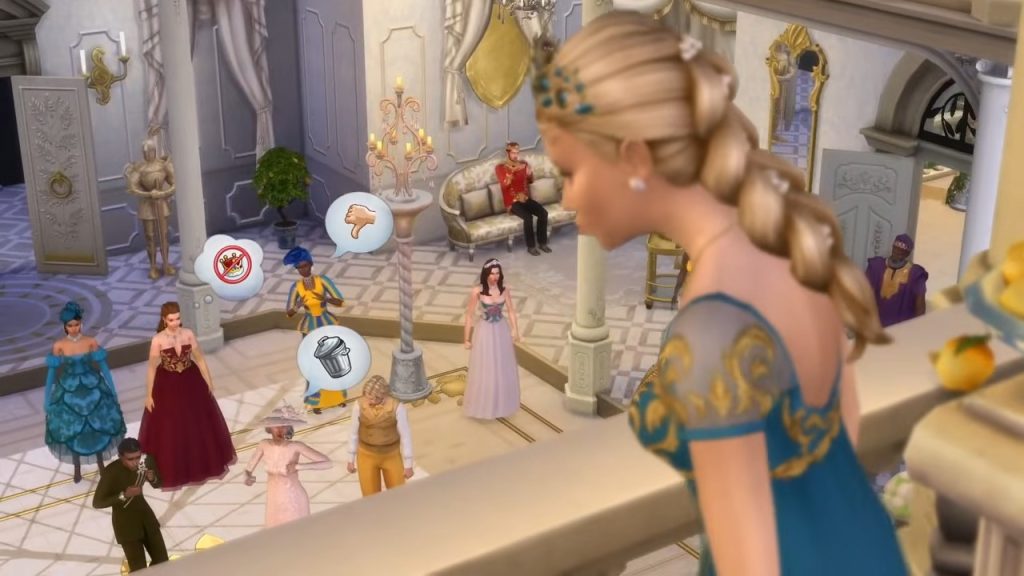
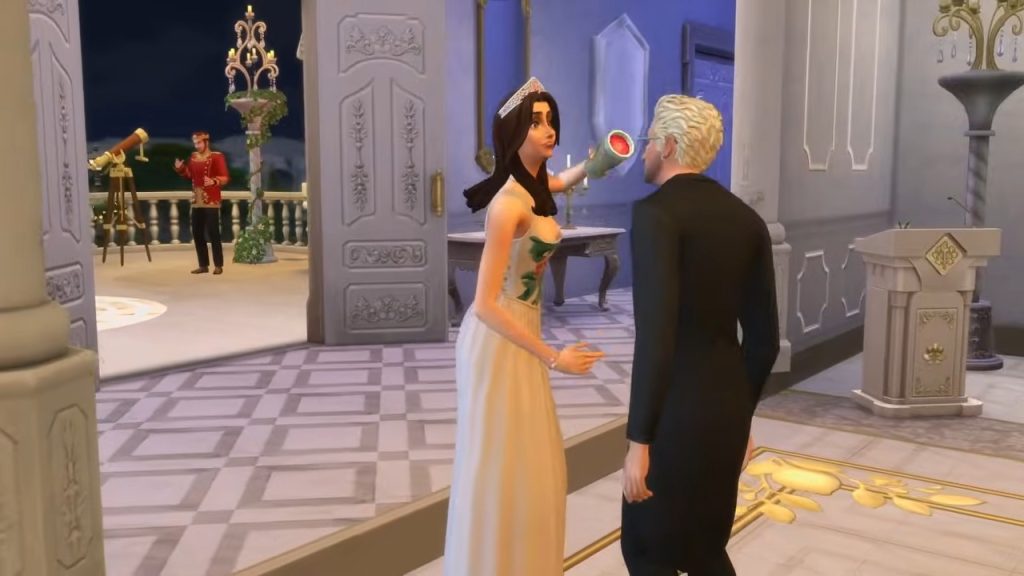
Whether or not this will be similar to the Fame system in The Sims 4 Get Famous is yet to be seen, or if the paparazzi will stalk your royal Sim’s every move. The trailer does show us that the system works on a 1 to 10 star scale, being affected by your Sims’ behaviour. Bad behaviour does seem to have a bad impact on the Prestige rating, as we see one of the Capp Dynasty men lose themselves a star after acting in a disrespectful manner.

Disownment – A New Shift In Family Dynamics
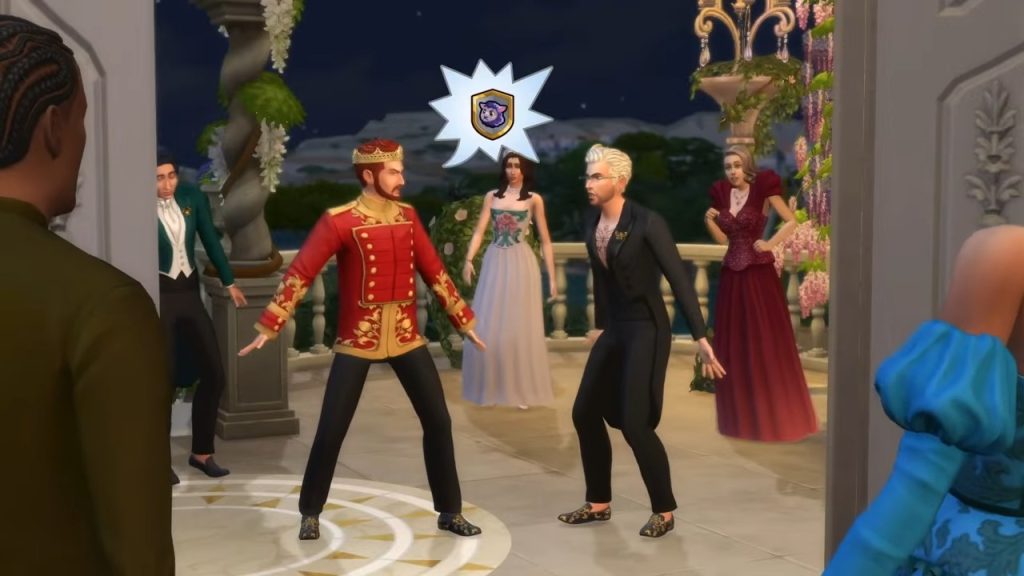
The Sims 4 Royalty Legacy Official Reveal Trailer 3 18 screenshot 1

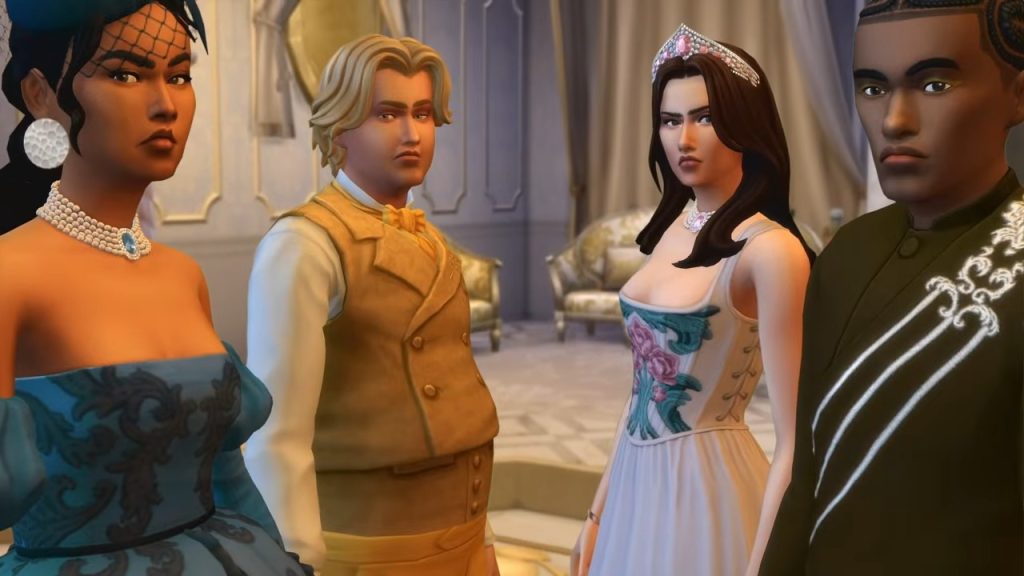
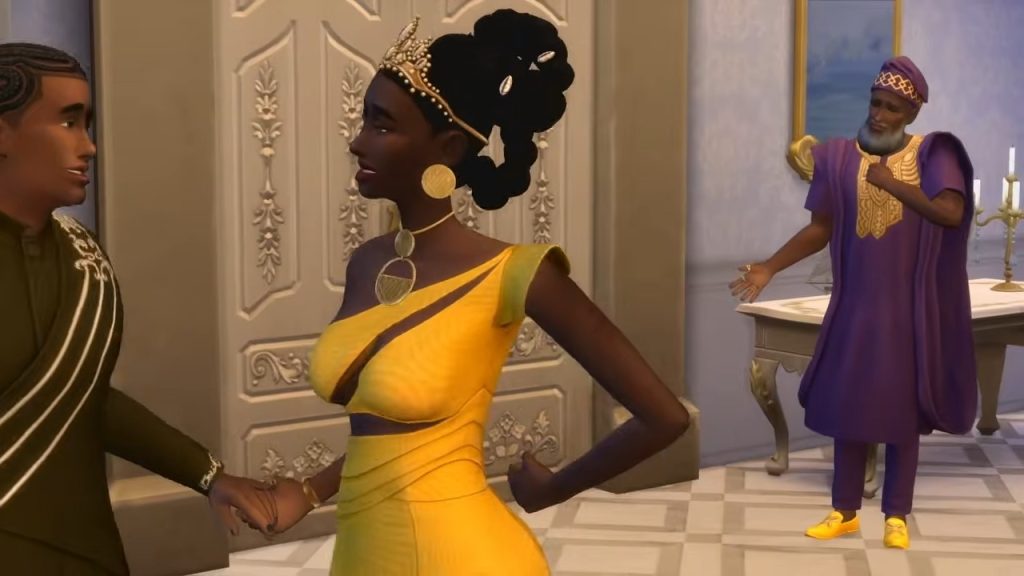
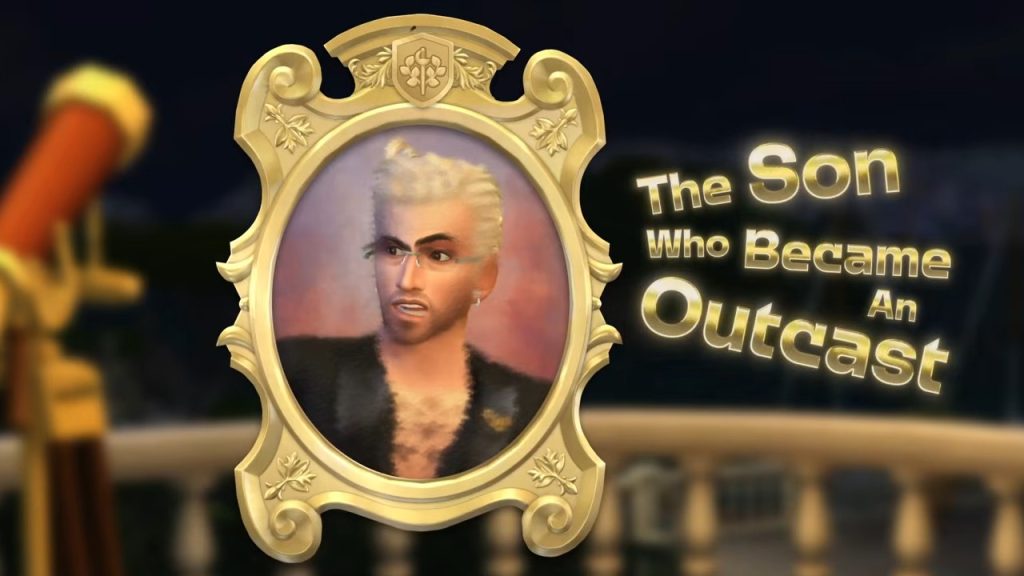
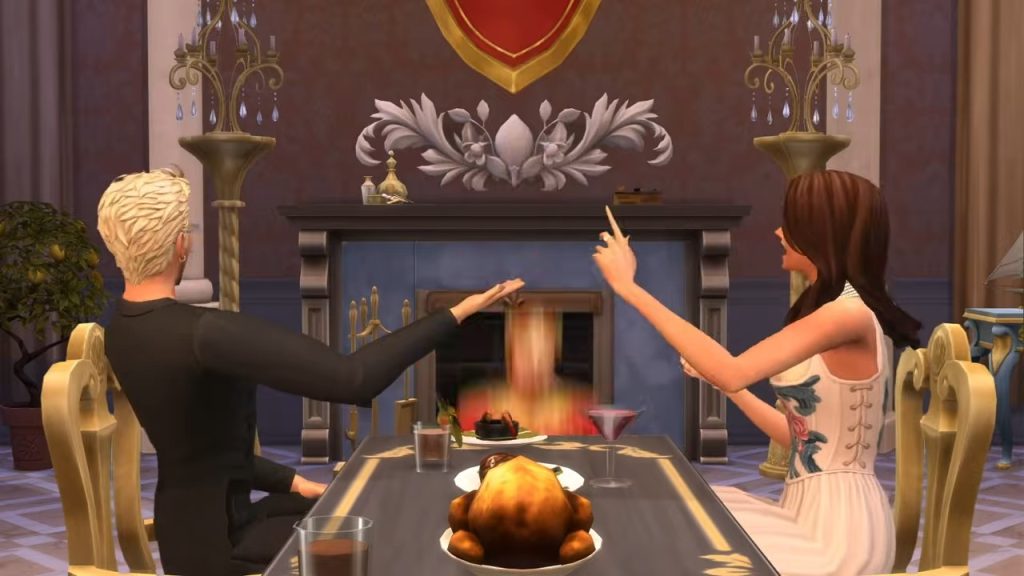
Trouble is brewing in the Capp Dynasty! After a string of bad behaviour and trashing the public image of the family, one of the members is disowned by a Sim who looks to be the current Monarch. This is just one of many ways your Sims can regain public support post-scandal. They can write books, apologise publicly, or cause dramatic departures. As noted in the section above, all of this can be done to maintain your family’s prestige, or ruin a rival family’s public standing!

Secrets & Rumours – The Staff Know It All

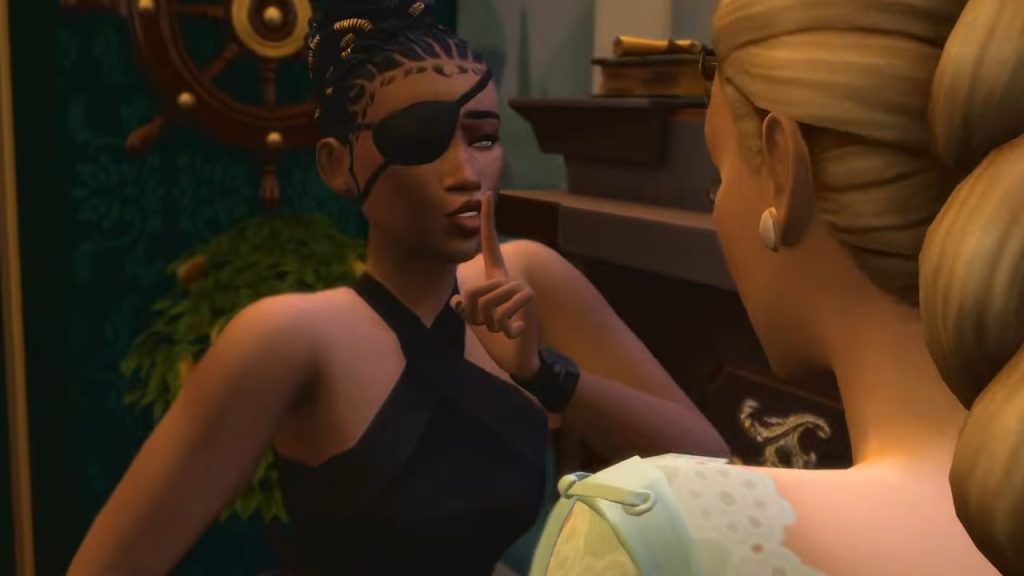
Hopefully, your palace staff would know to keep their mouths shut; it seems as though they may play an integral part in your family’s image and legitimacy. Royal families throughout history are sometimes best known on the world stage for their scandals and crimes (Hey, British people), and the leaking of these stories to the press can topple family relationships and even end monarchies entirely. Maybe your Sims are going through a messy divorce, maybe “there are three of us in this marriage”, or maybe your Sims have been caught plotting against another Kingdom!

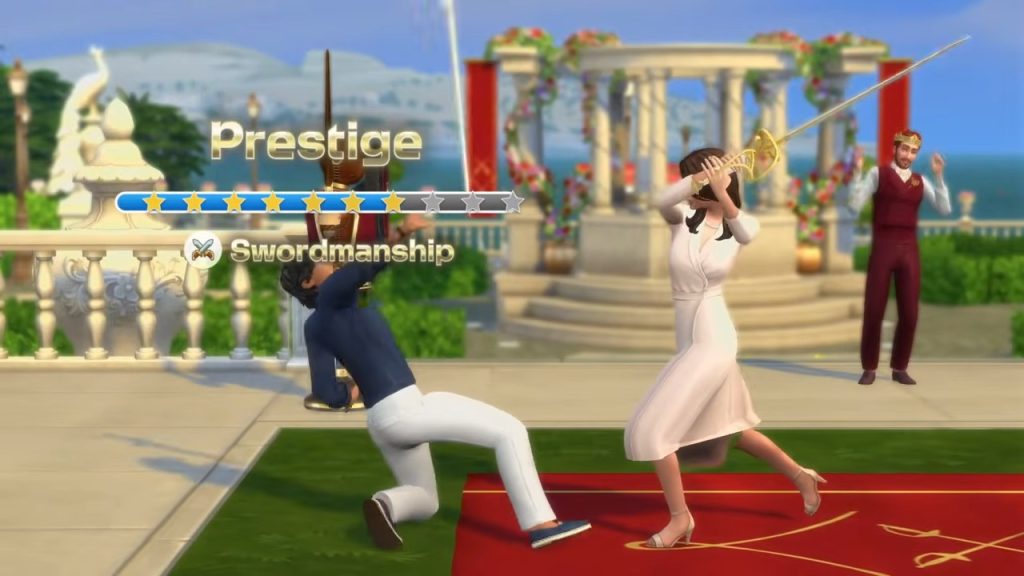
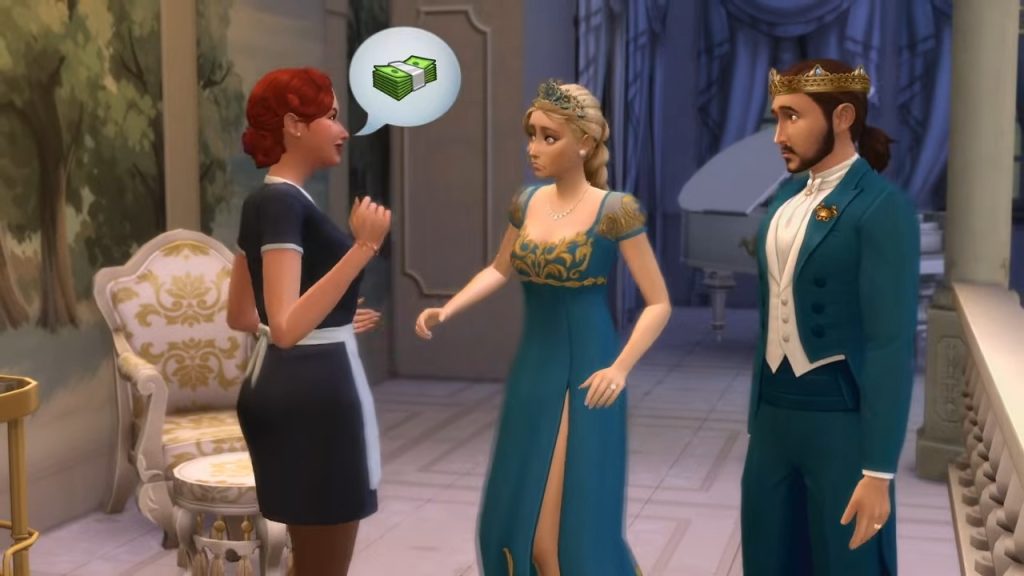
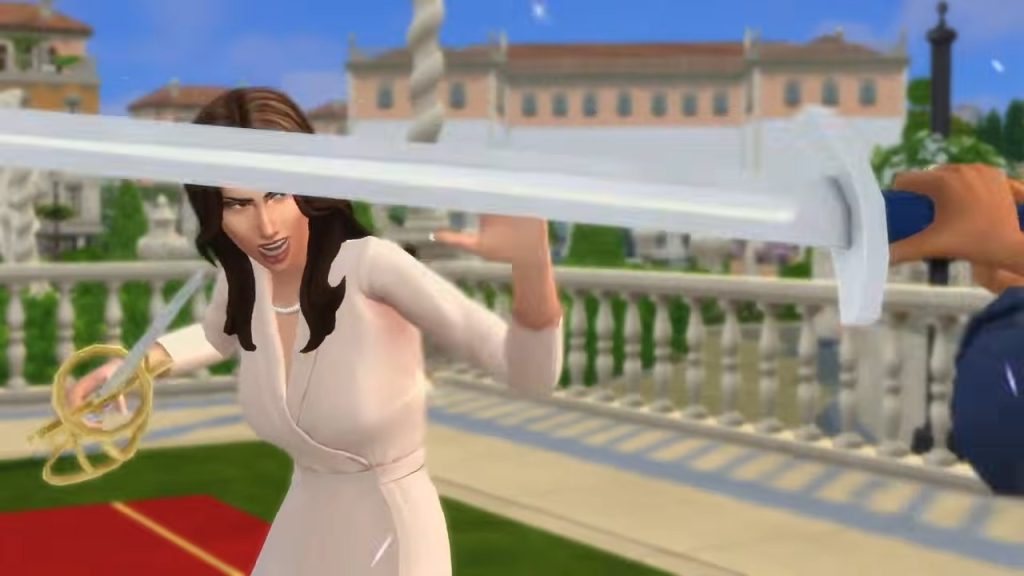
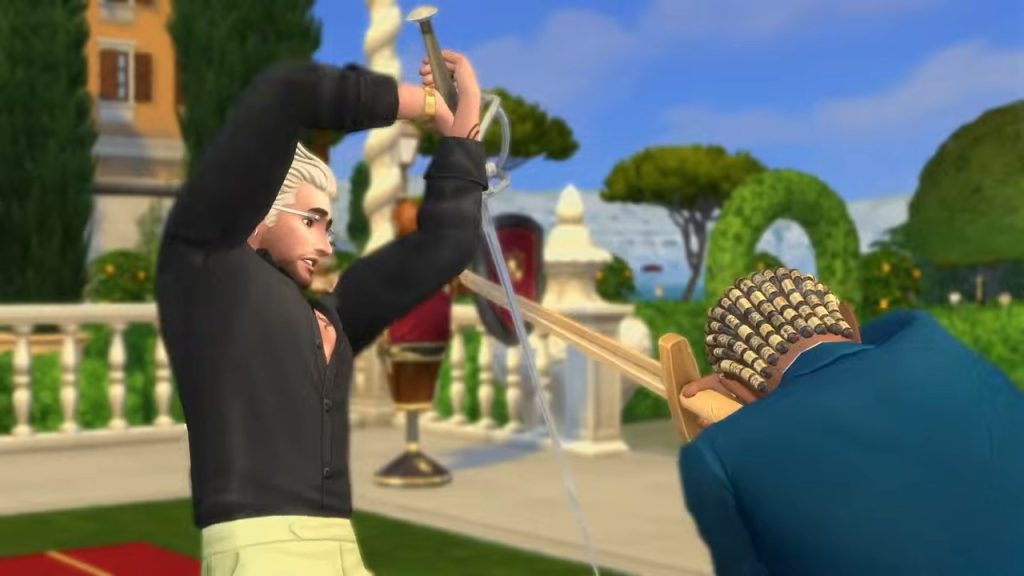
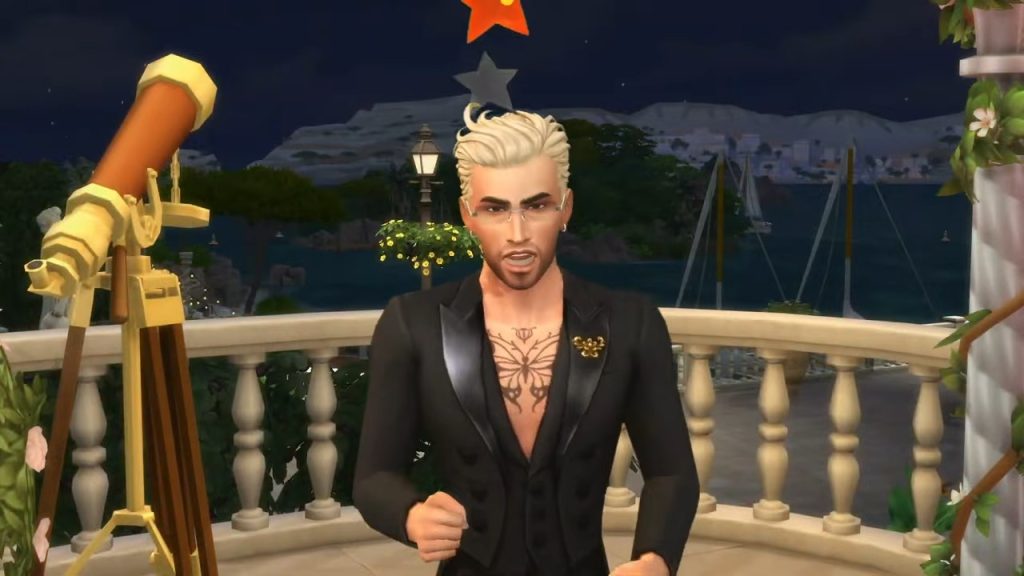
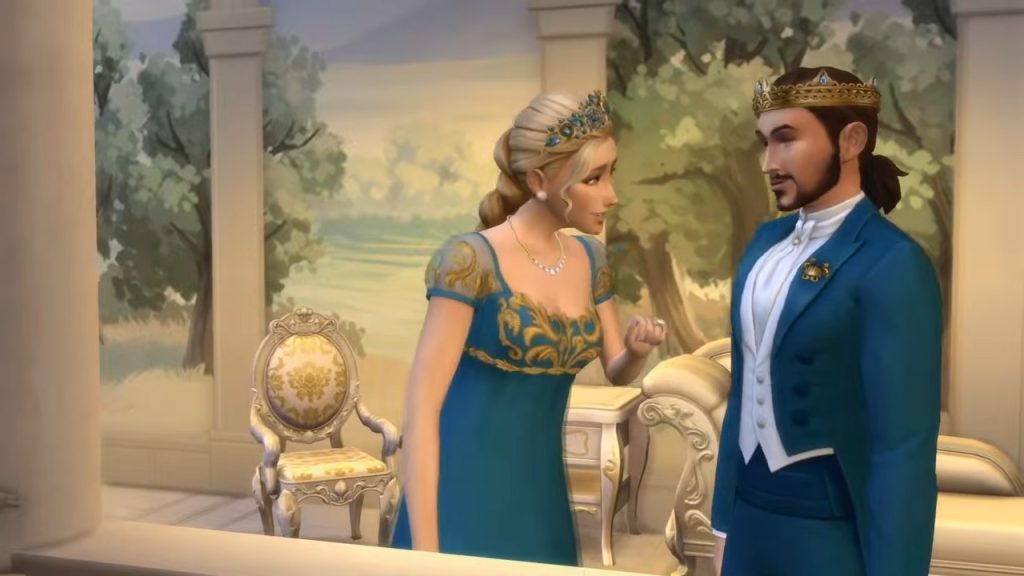
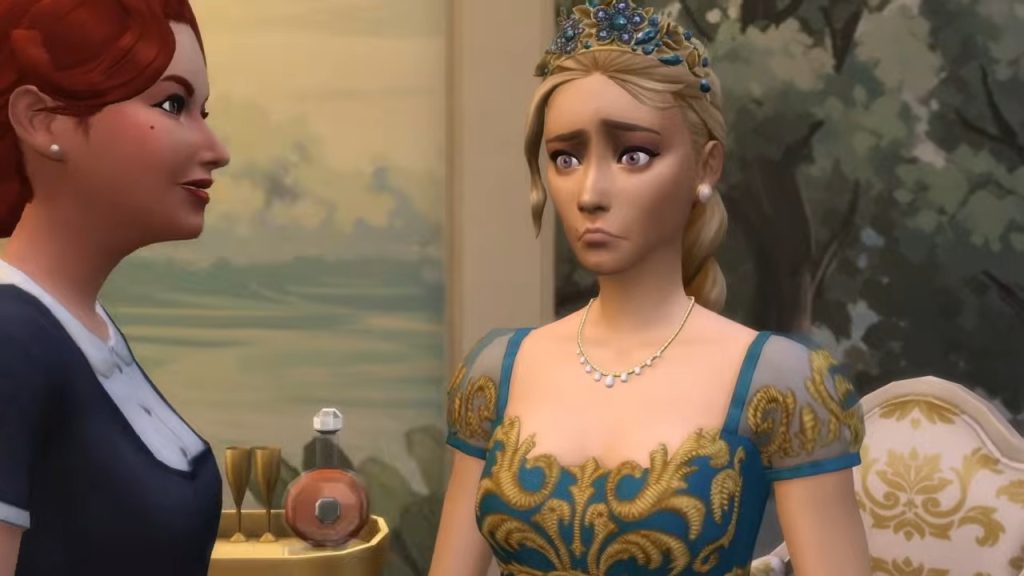
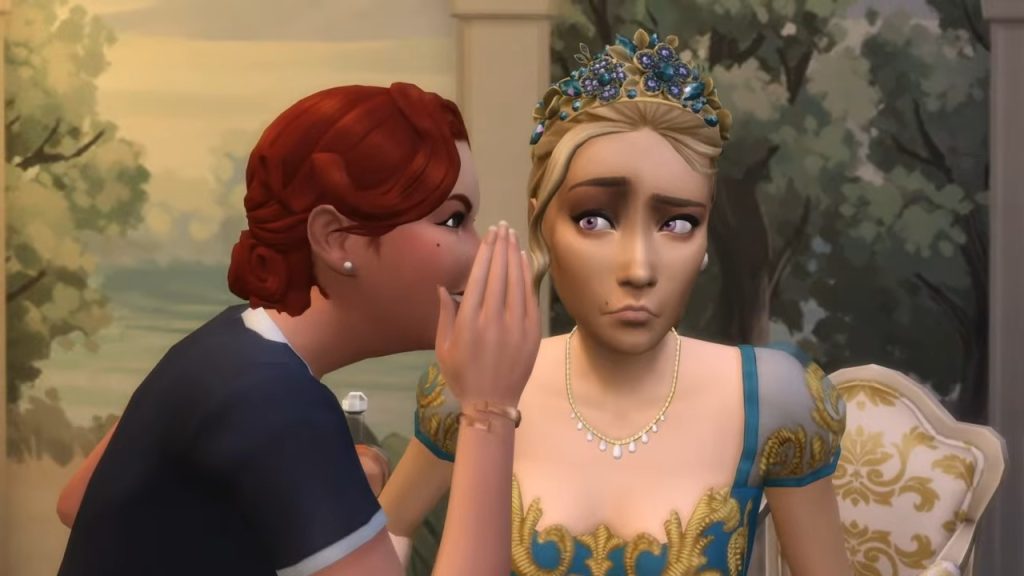
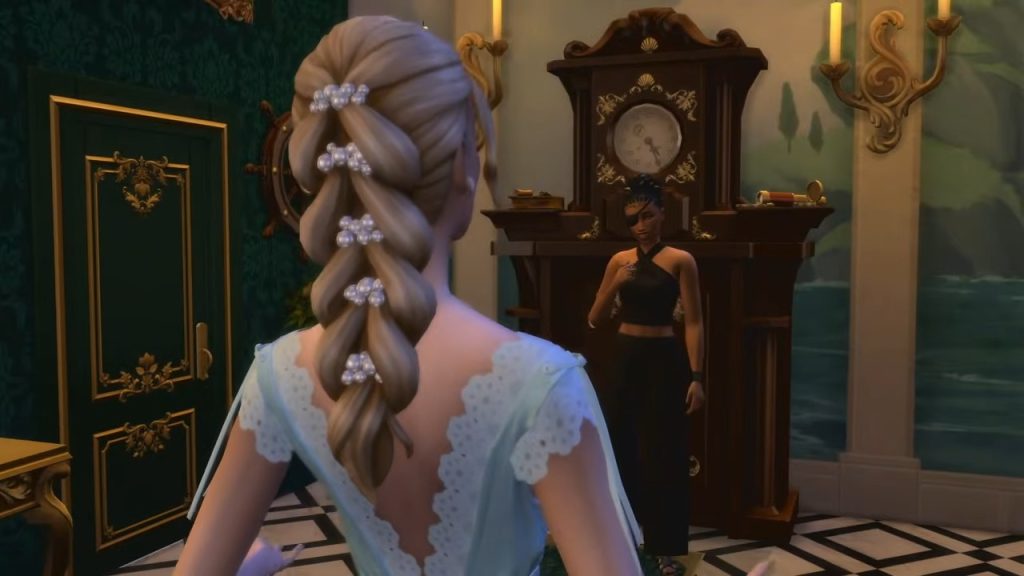
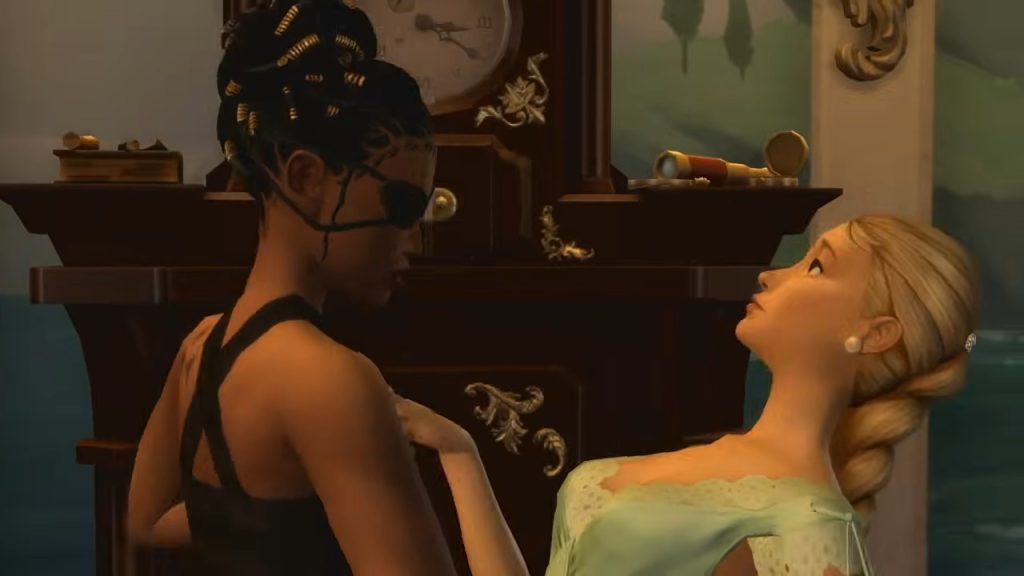
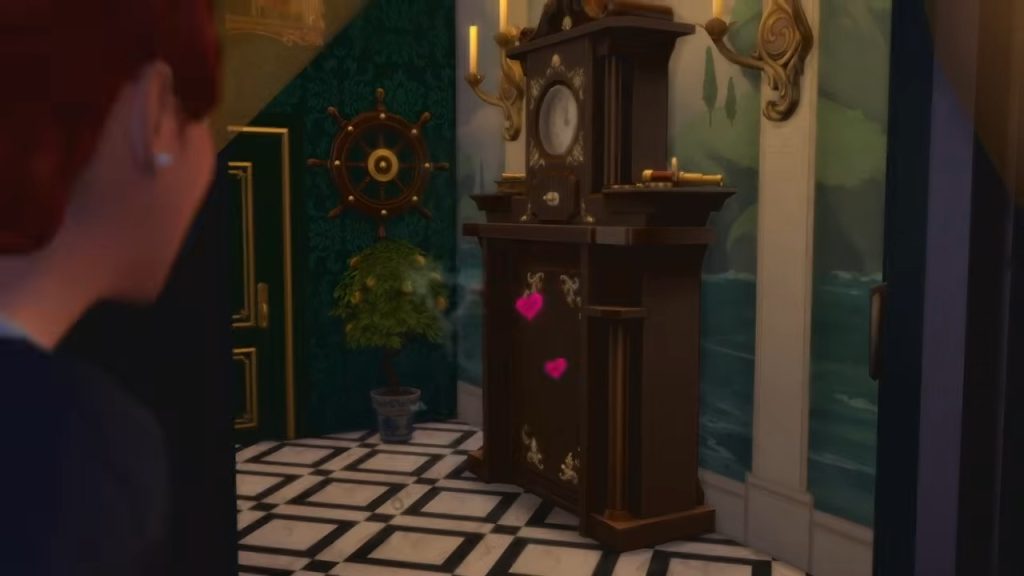
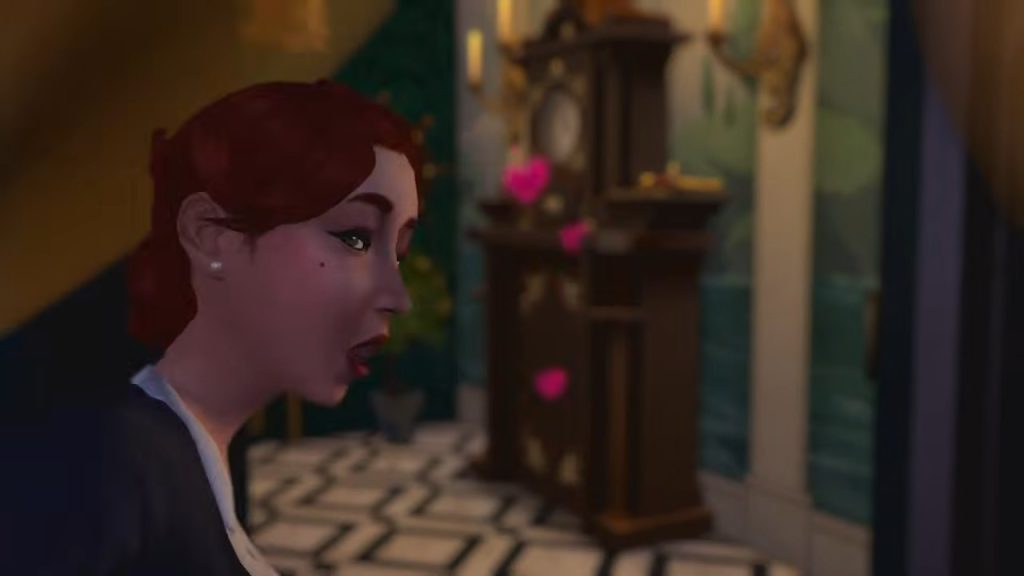
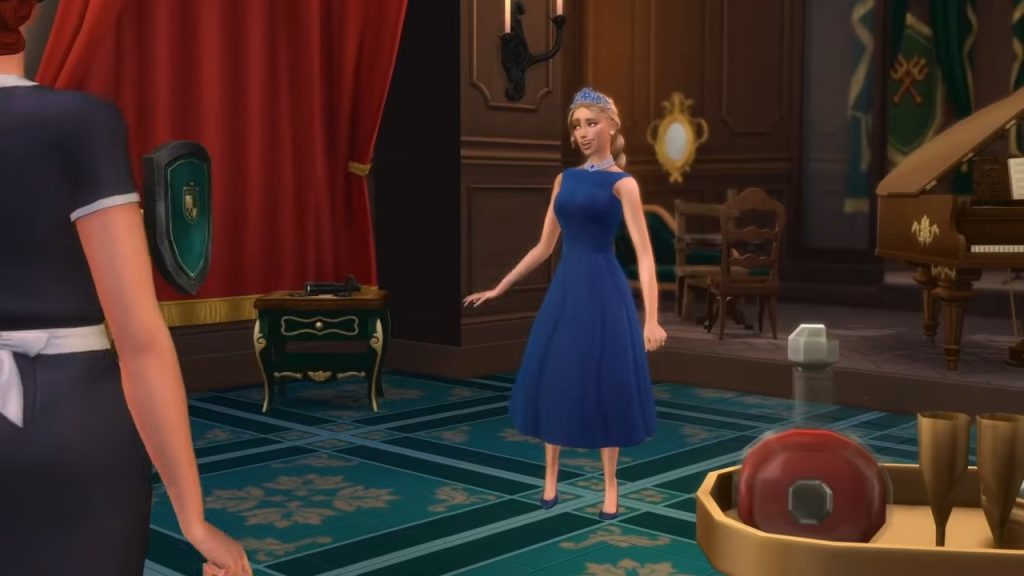
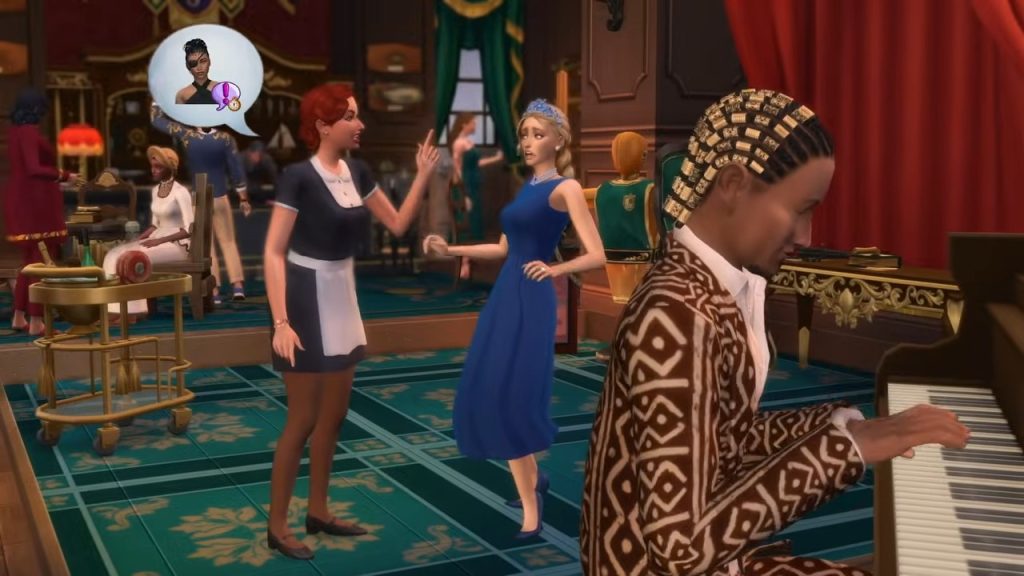
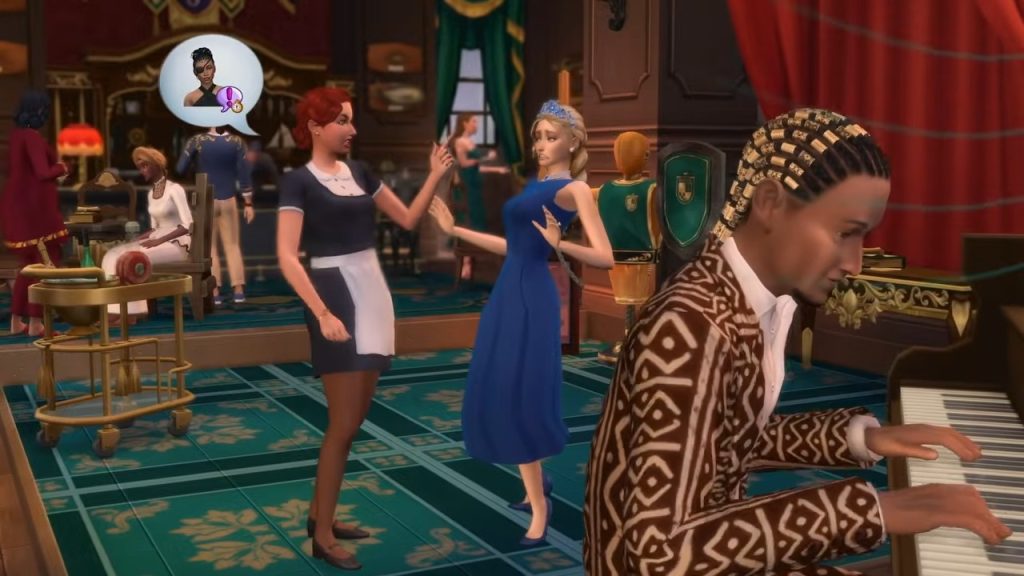
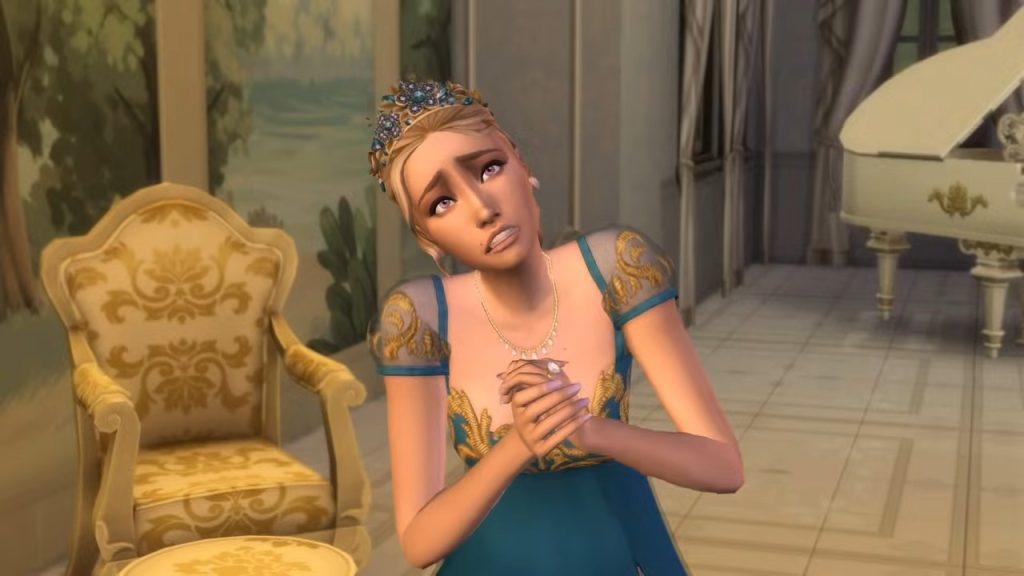
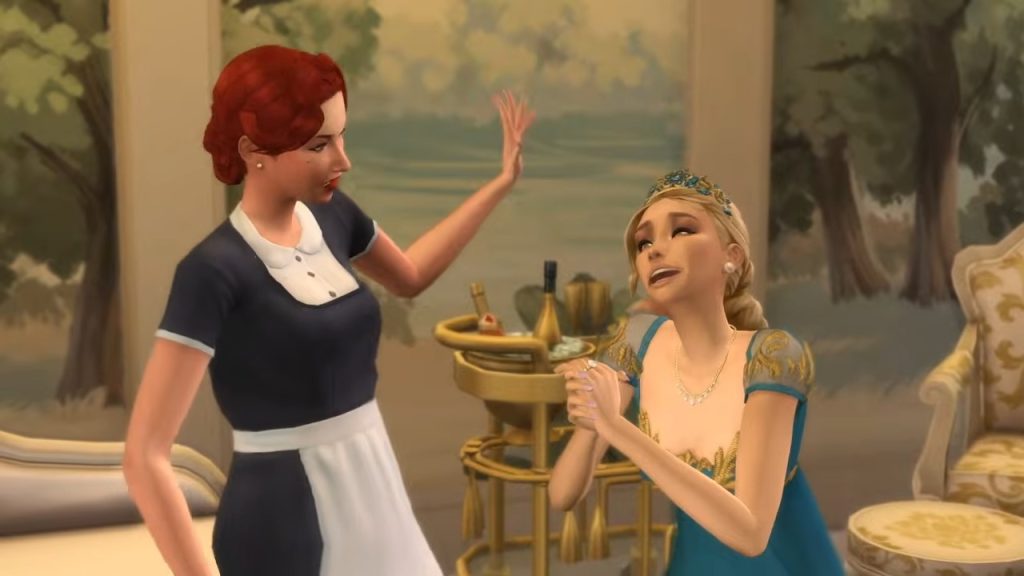
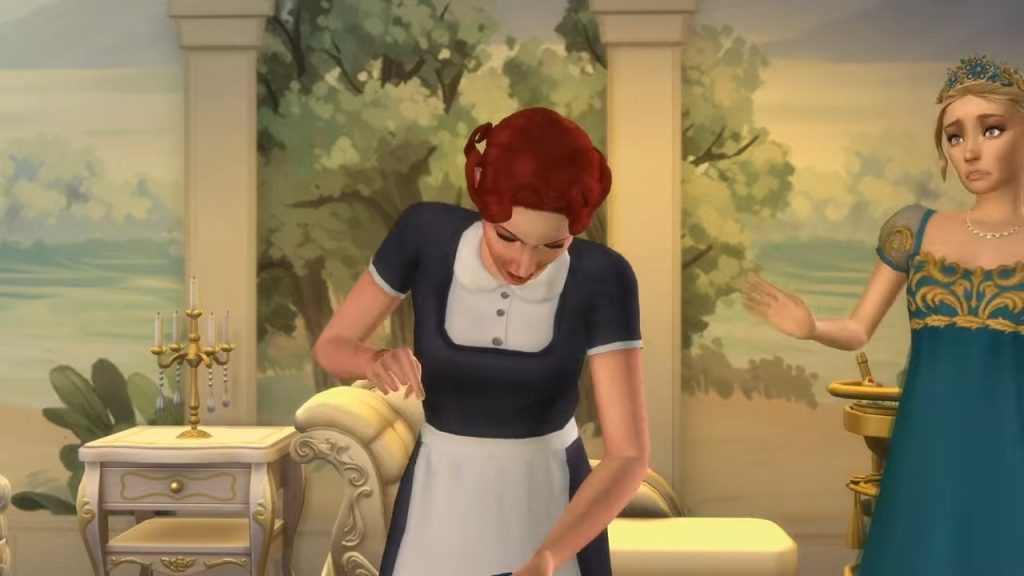
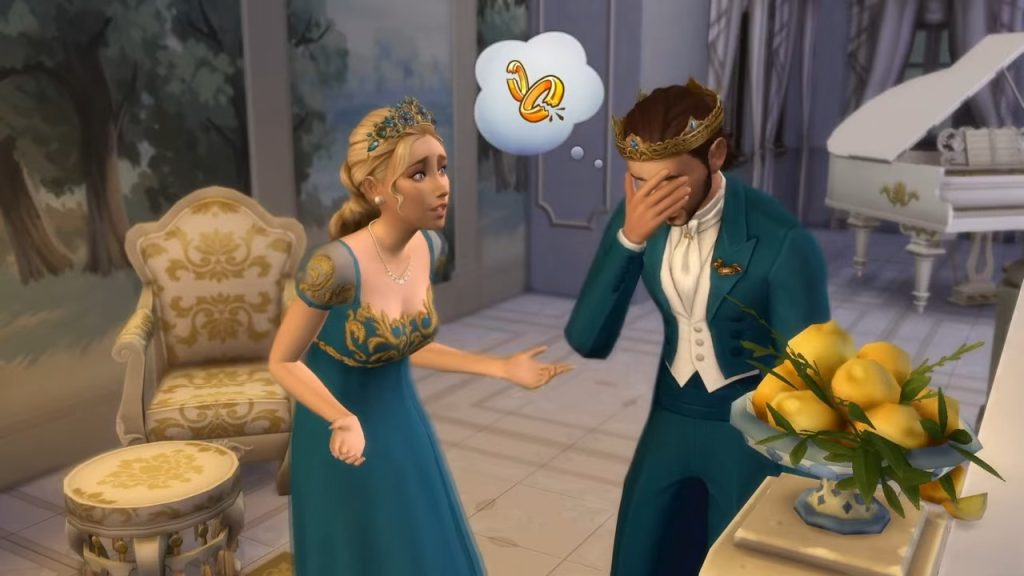
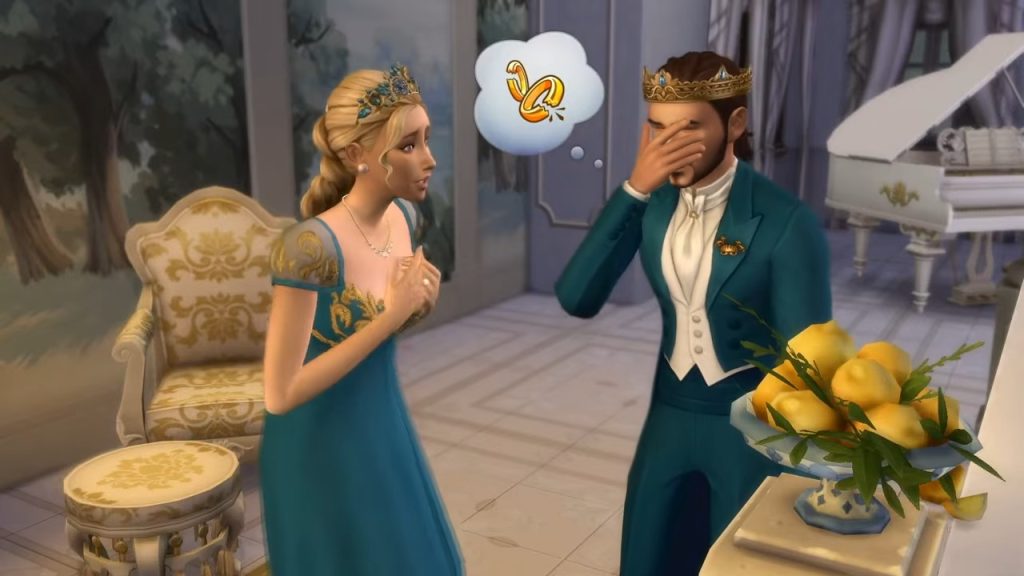
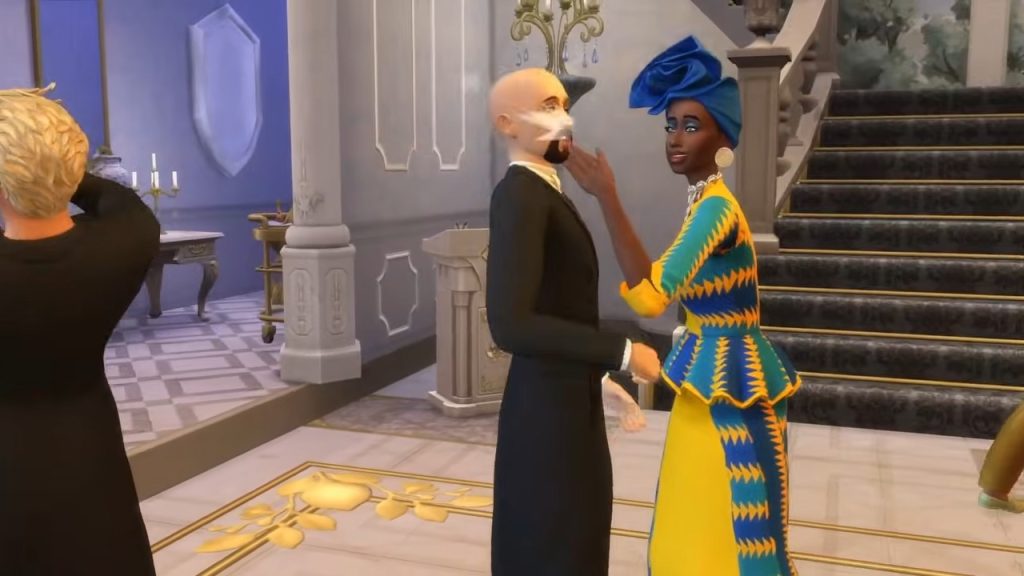
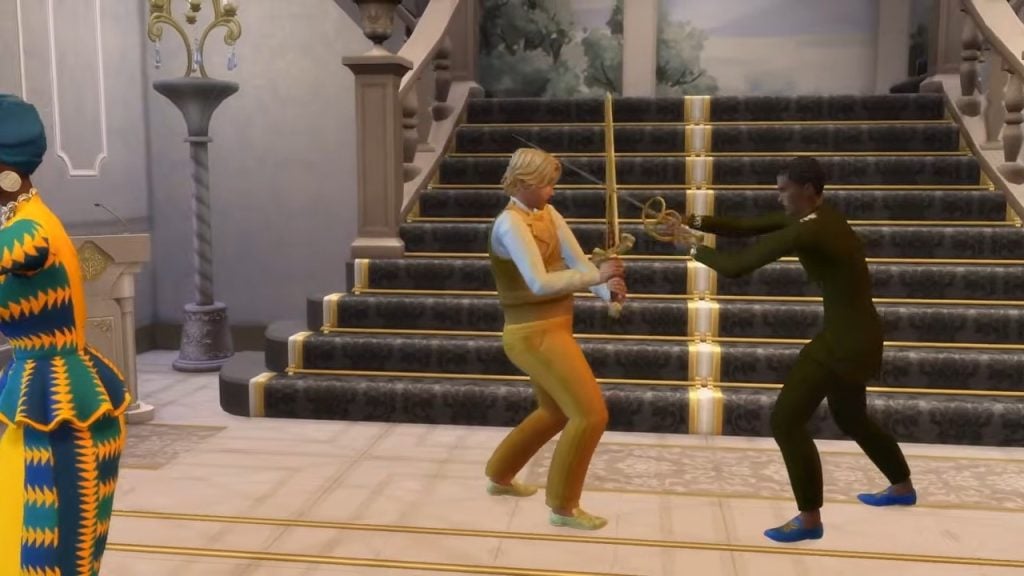
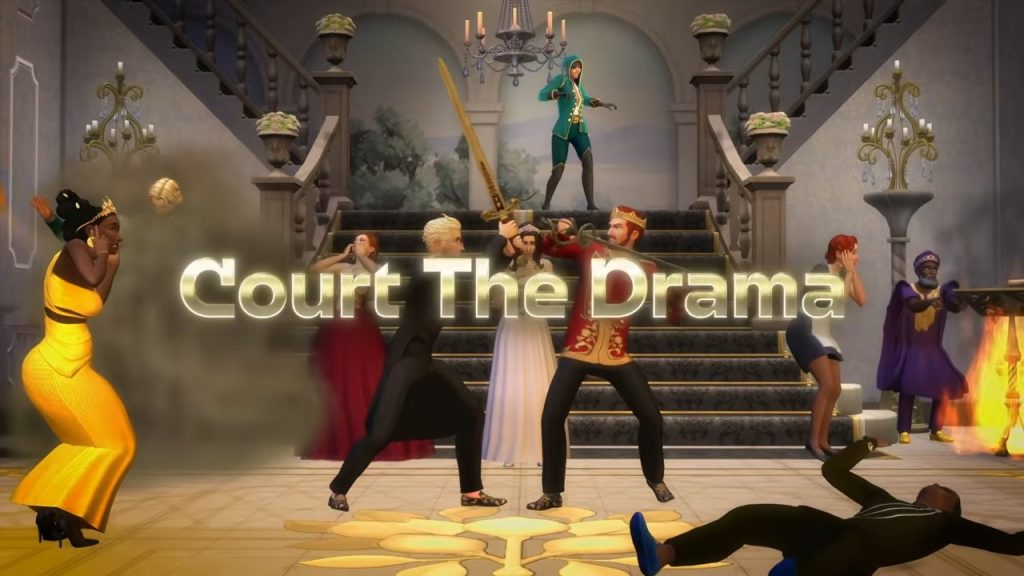
In the trailer, we see a housekeeper potentially bribing the Queen of Verdemar to keep her secret safe. What is this secret? Well, it seems as though there is another lover on the scene, how scandalous! After denying to cough up her, undoubtedly endless, stacks of Simoleon,s the housekeeper unleashes the rumour on the public. With rumours comes chaos, and being the Sims, that means fistfights, and now, SWORDFIGHTS!

Swordfighting – A Right Royal Rumble
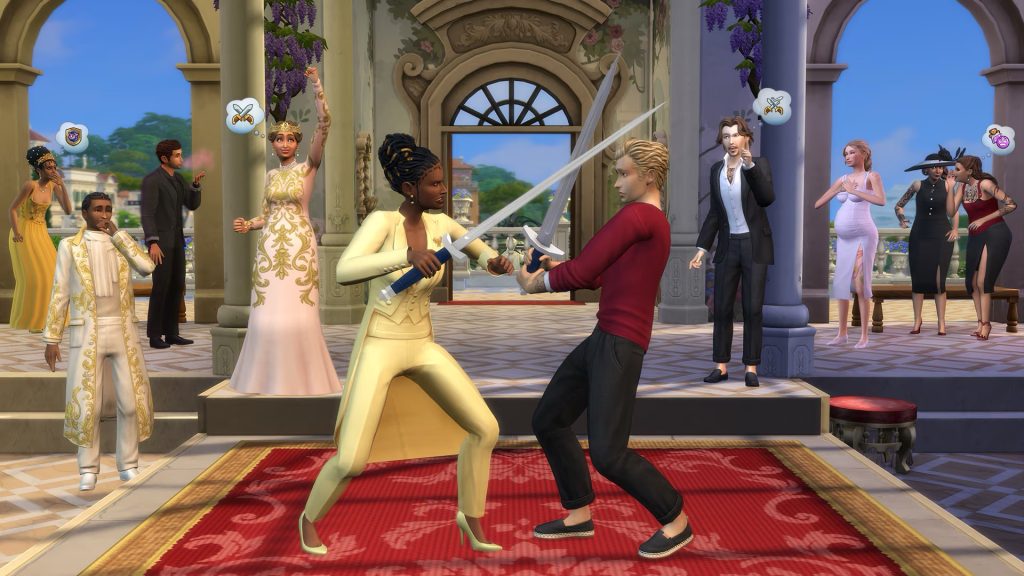
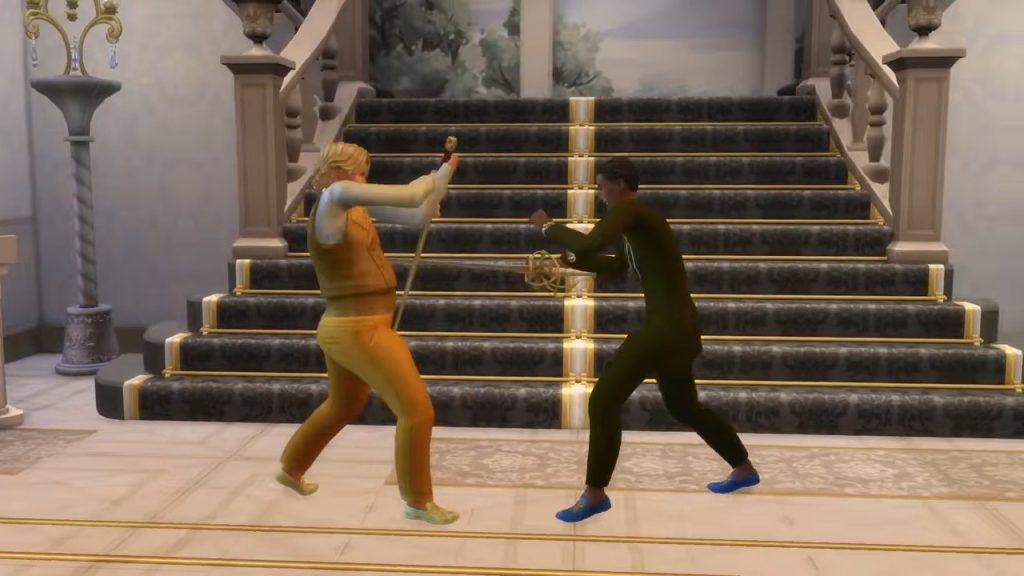
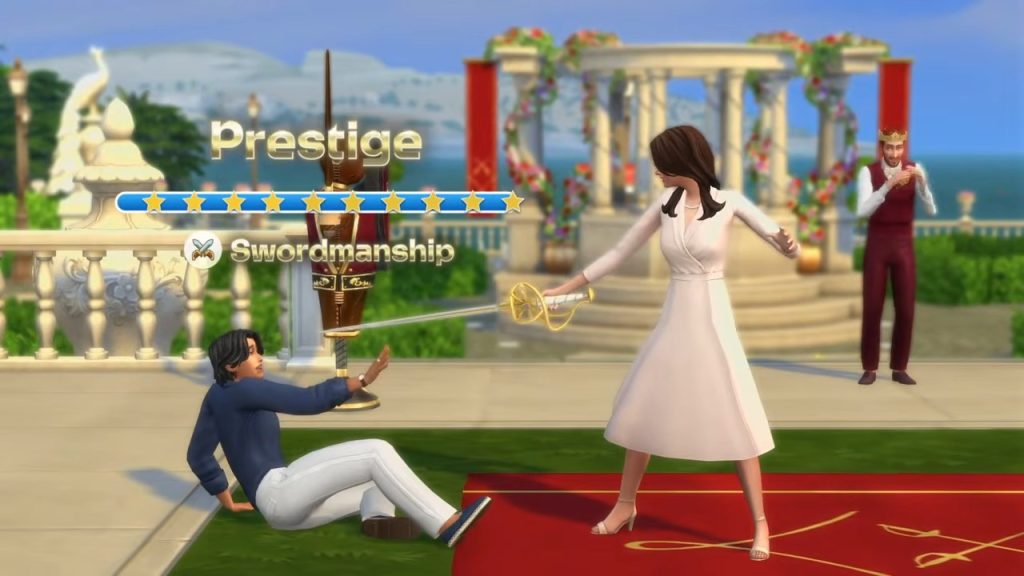
Speaking of swordfighting, it’s pretty hard to miss! While it may only be undertaken as a sport now, in the past, many quabbles would be settled by a duel, and sometimes to the death! While it’s unlikely to be a new death type, it’s the perfect way to end a feud or settle a debate that got a little too out of hand. The blog post expands on this new activity, as Sims can enter tournaments and even win prize money for their efforts!

Hosting A Ball – This Is So Bridgerton!
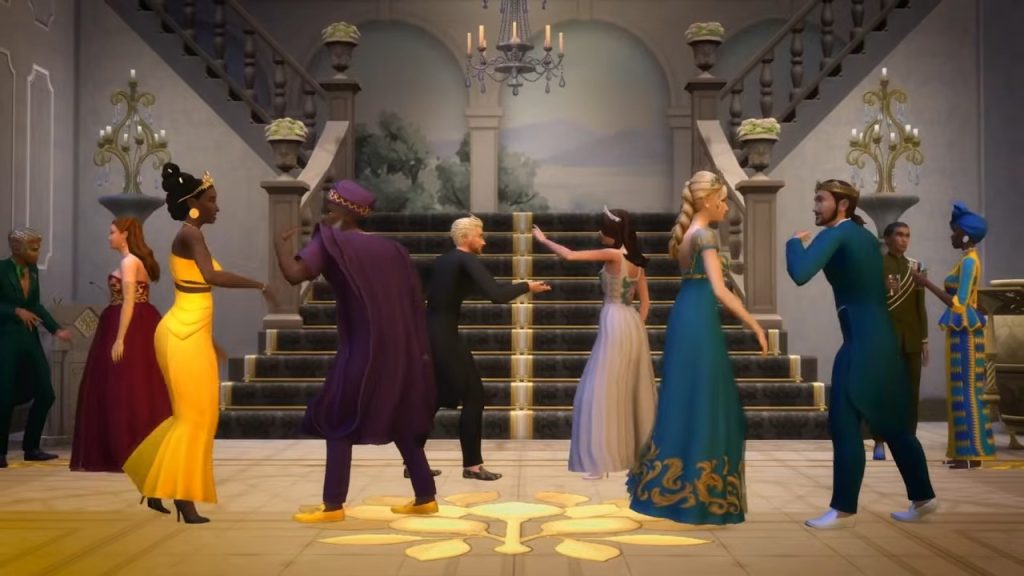
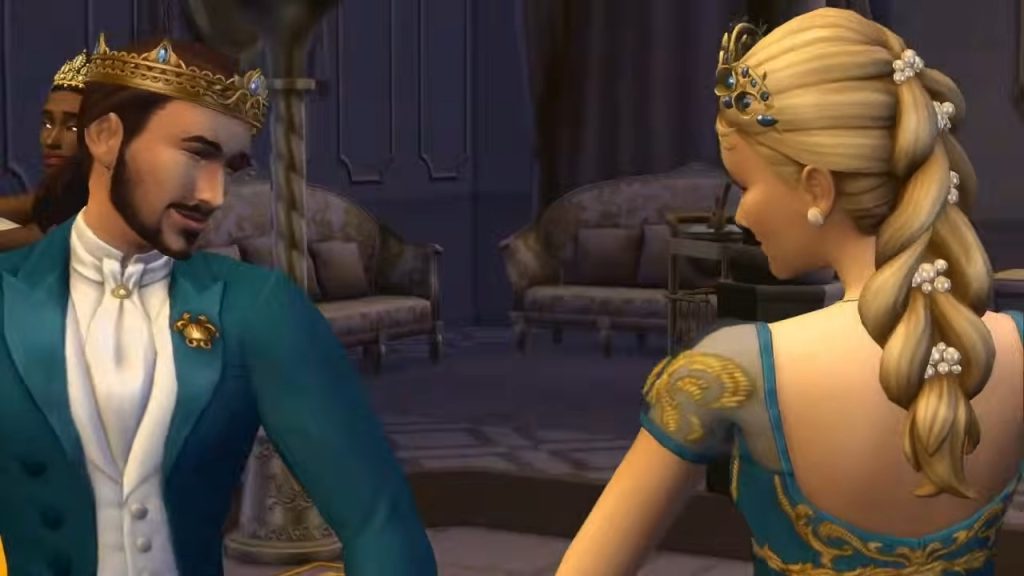
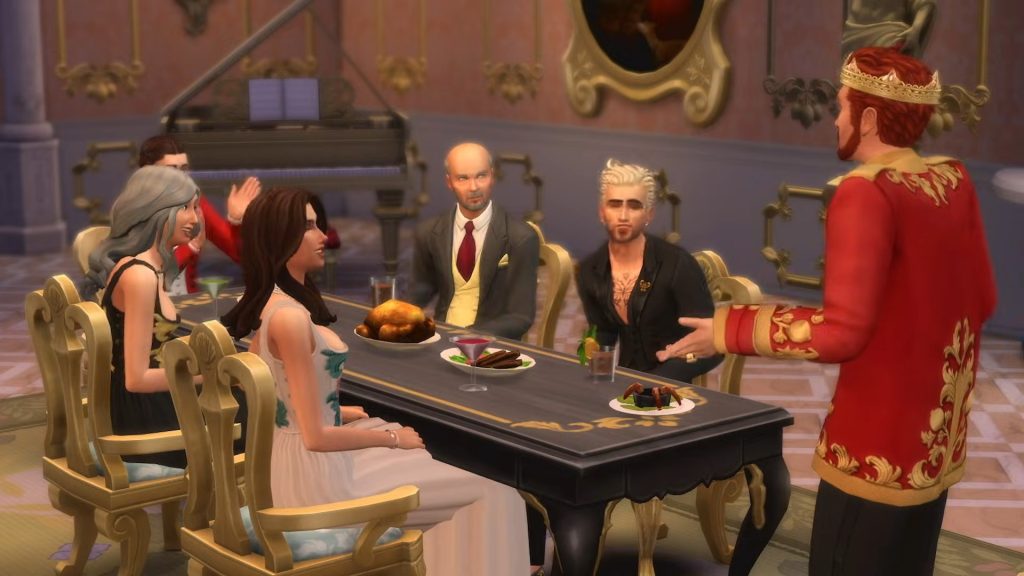
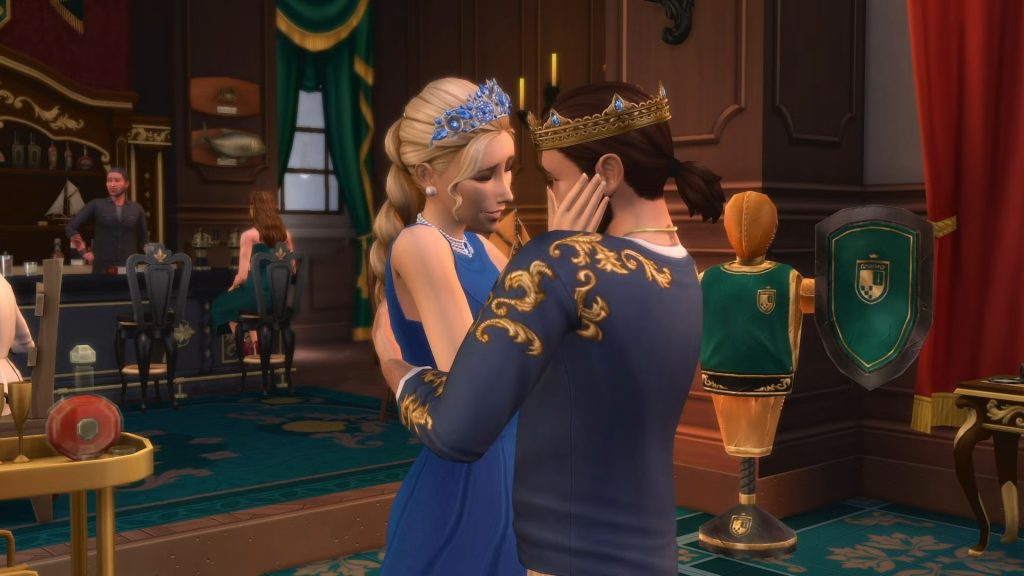
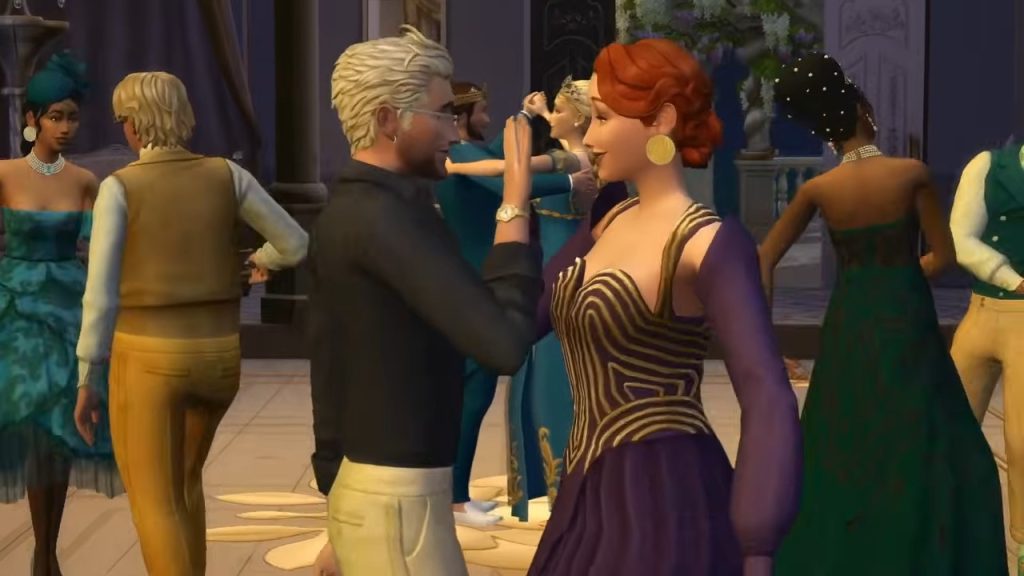
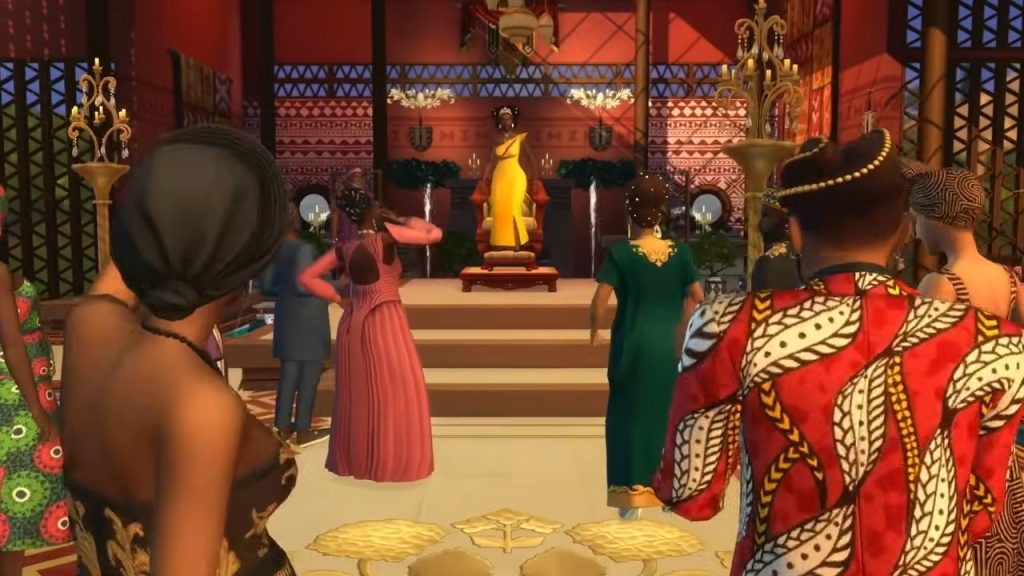
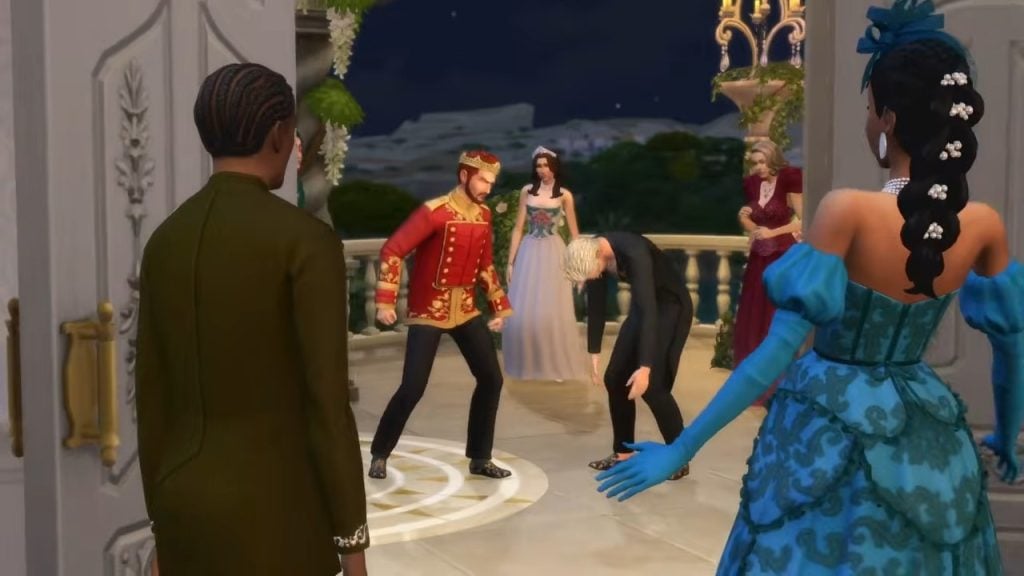
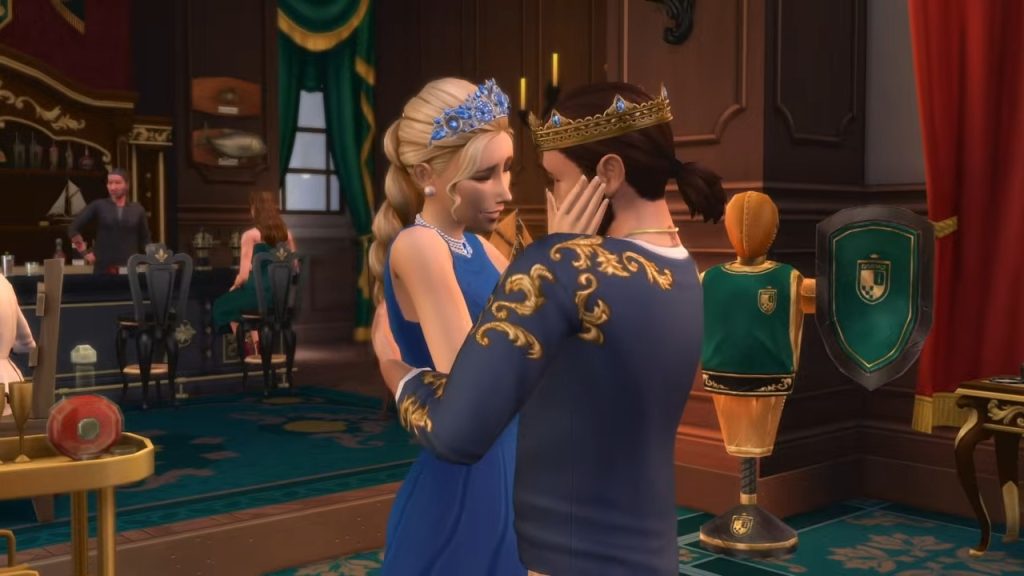
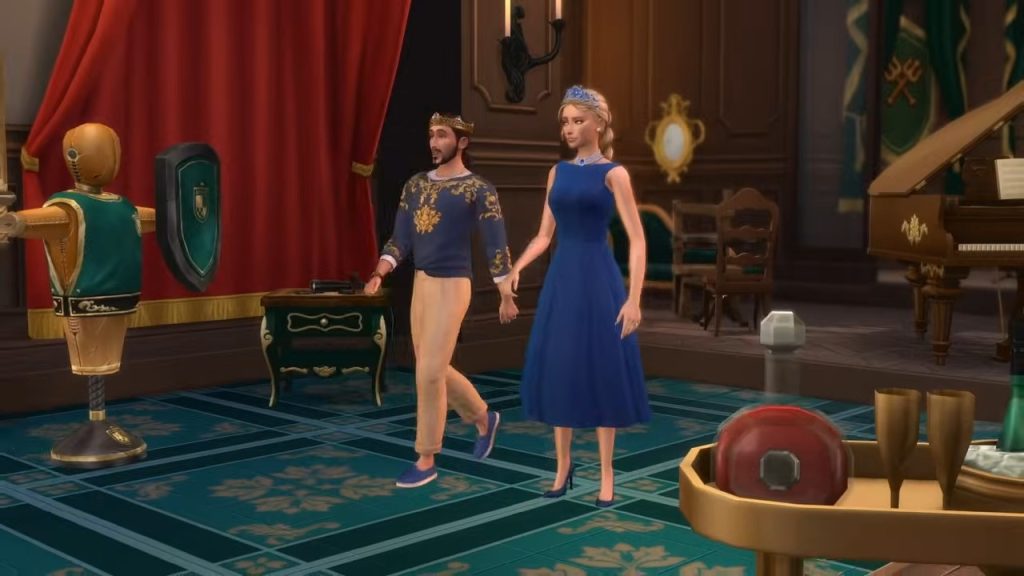
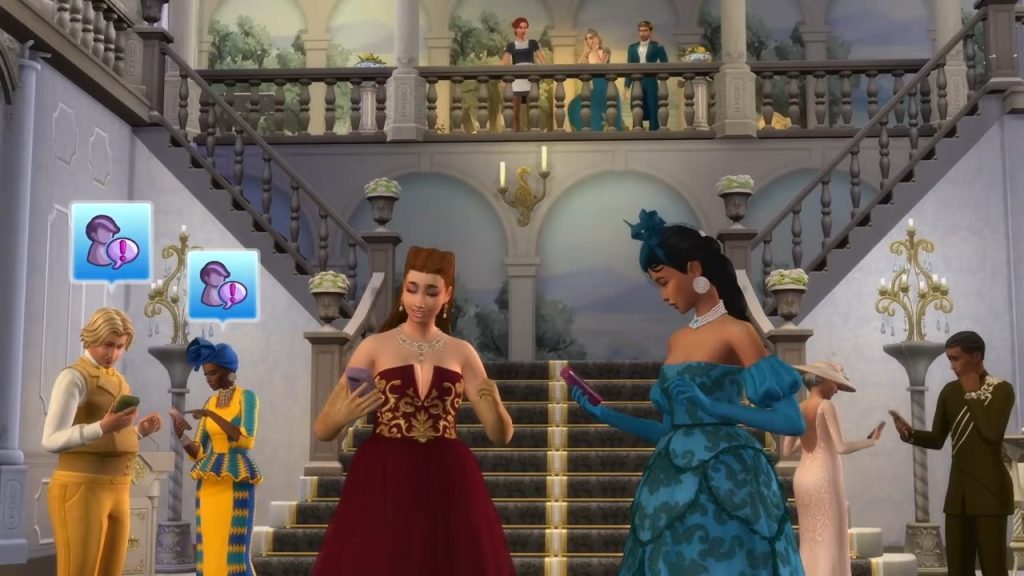
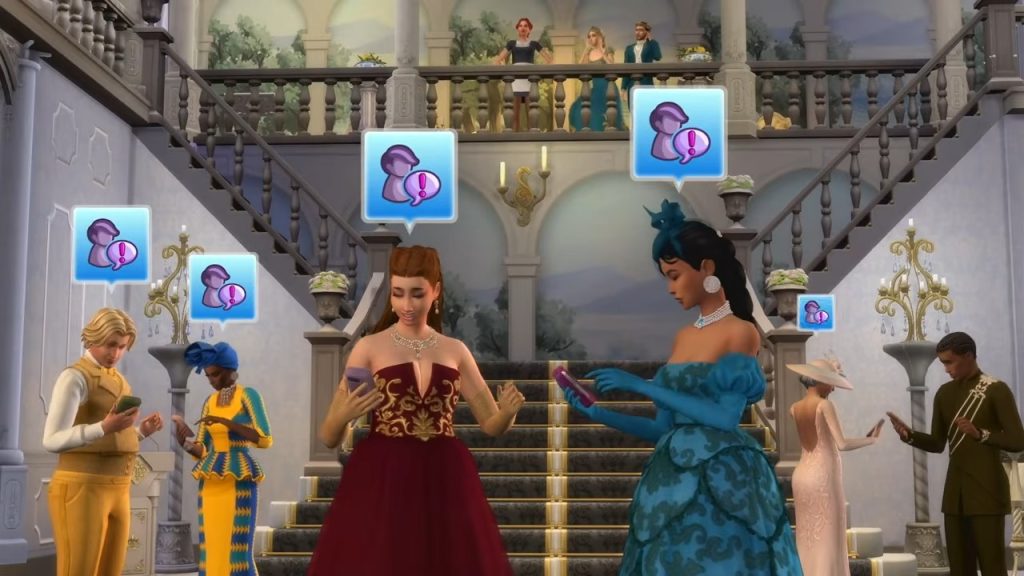
What’s the point of having all that space in a palace and not throwing a good party? Your Sims can now throw ‘Grand Balls’ and invite the glitterati to dance the night away. Alos included is a new Waltz style of dance for your Sims to partake in with a partner of their choosing. Although this is The Sims 4, so it is likely Eliza Pancakes will be throwing it back in the background.

New Food – Bon Appétit
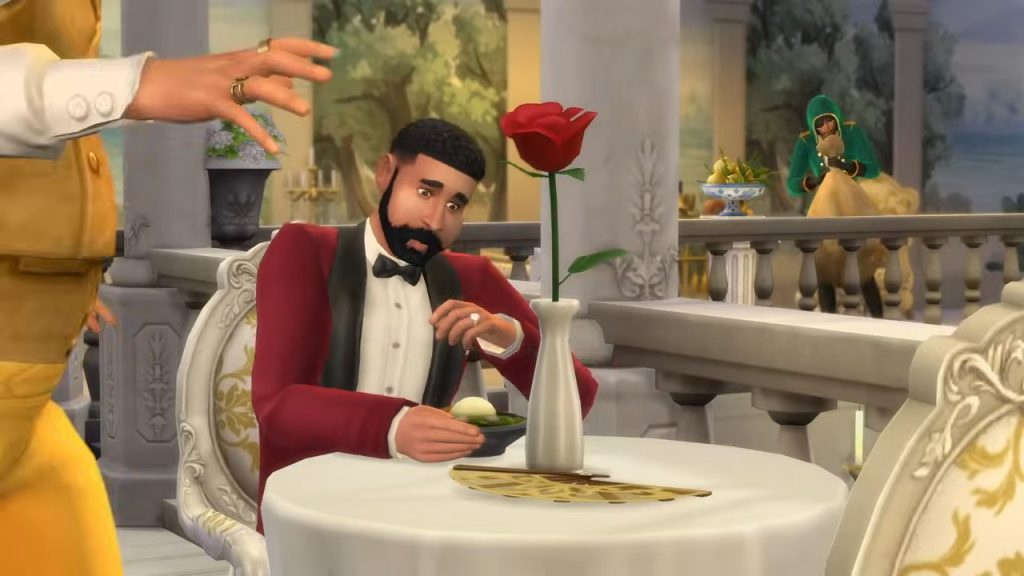
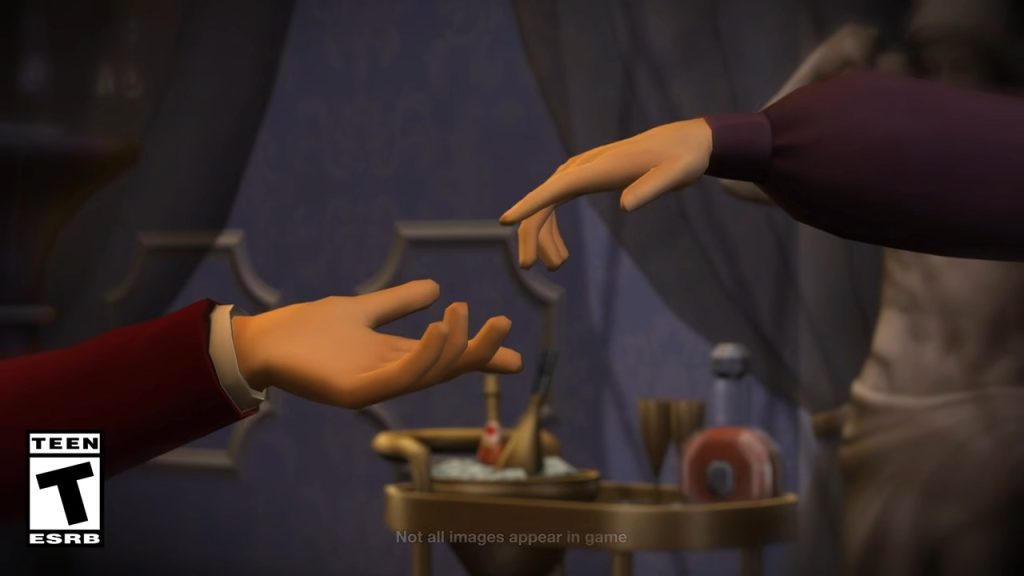
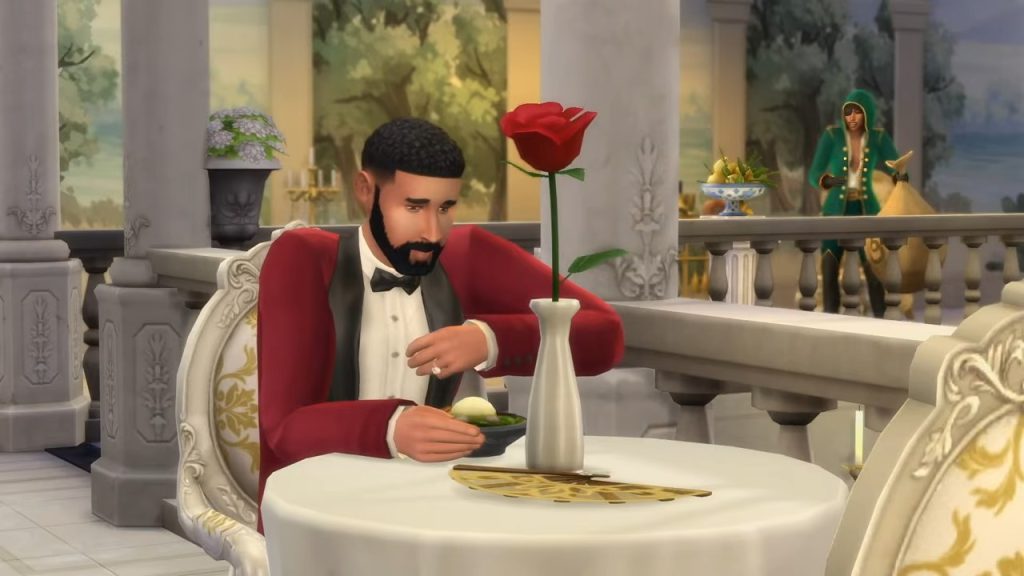
As with Grand Balls, what would the cream of the crop’s dinners be without an abundance of food to chow down on? The Sims team have collaborated with IceMunMun and LittleBowBub to bring new recipes fit for a king. Both creators are known for their mouthwatering custom food. From what we can see, one of the new dishes is a fancy prawn cocktail platter, as well as a new cocktail type drink. Eagle-eyed Simmers may have already spotted the bar-cart in the trailer!

New Gameplay Objects – Fill Your Palace With Stuff
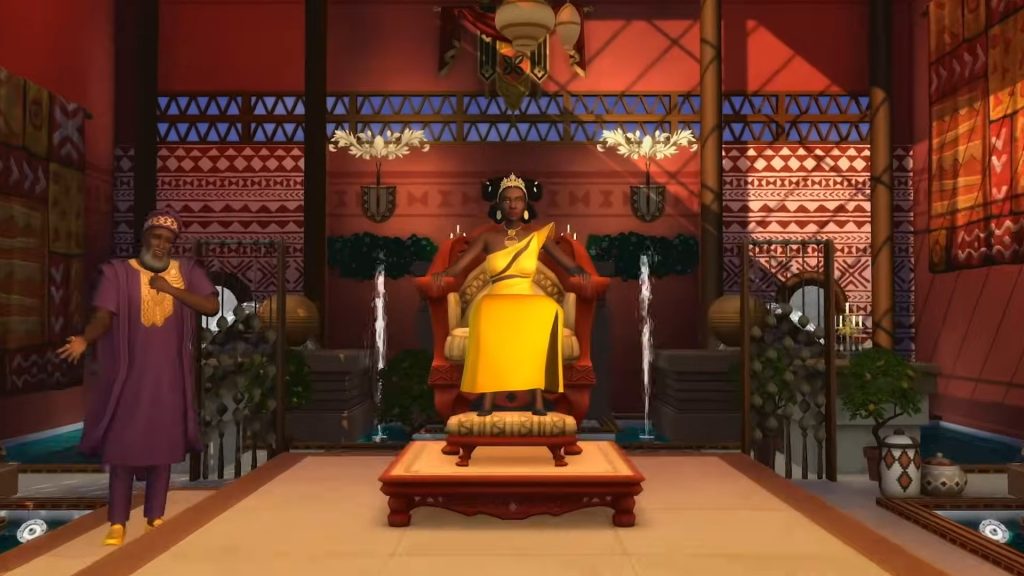
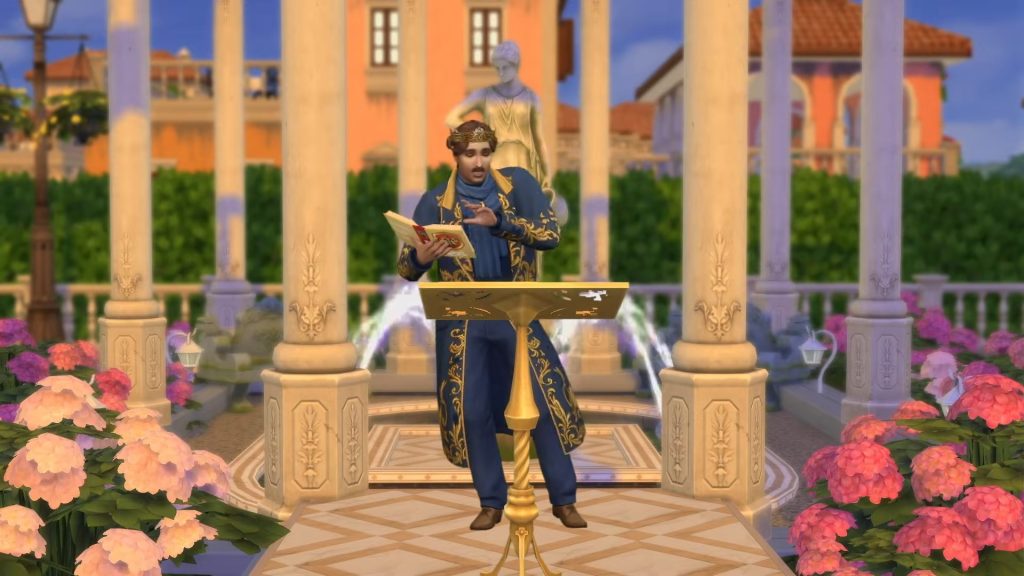
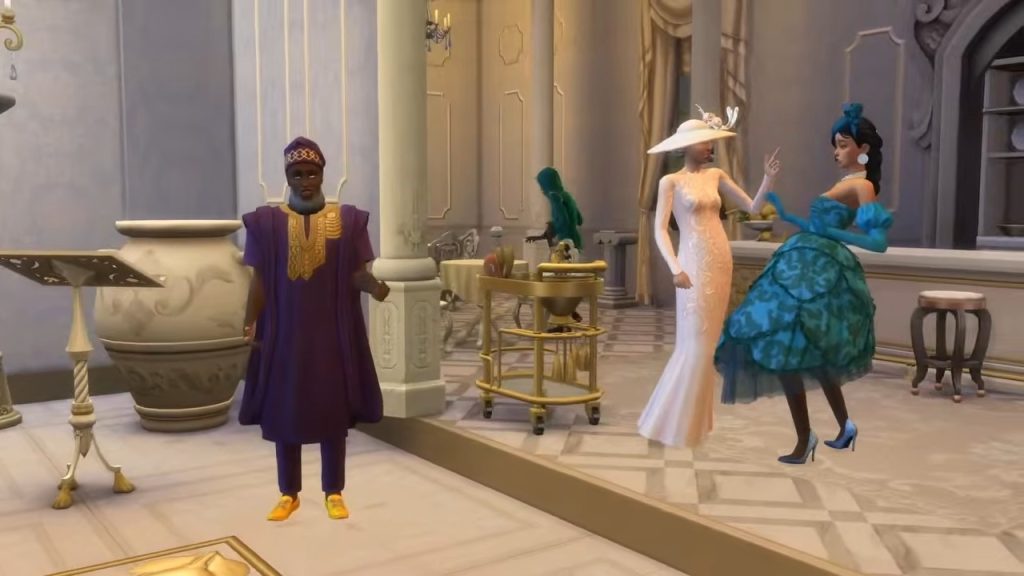
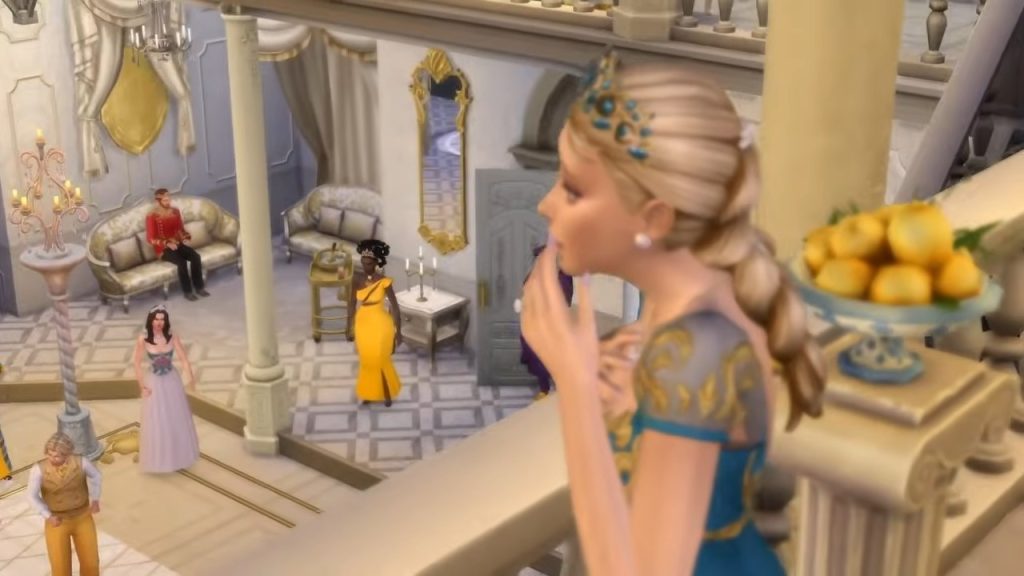
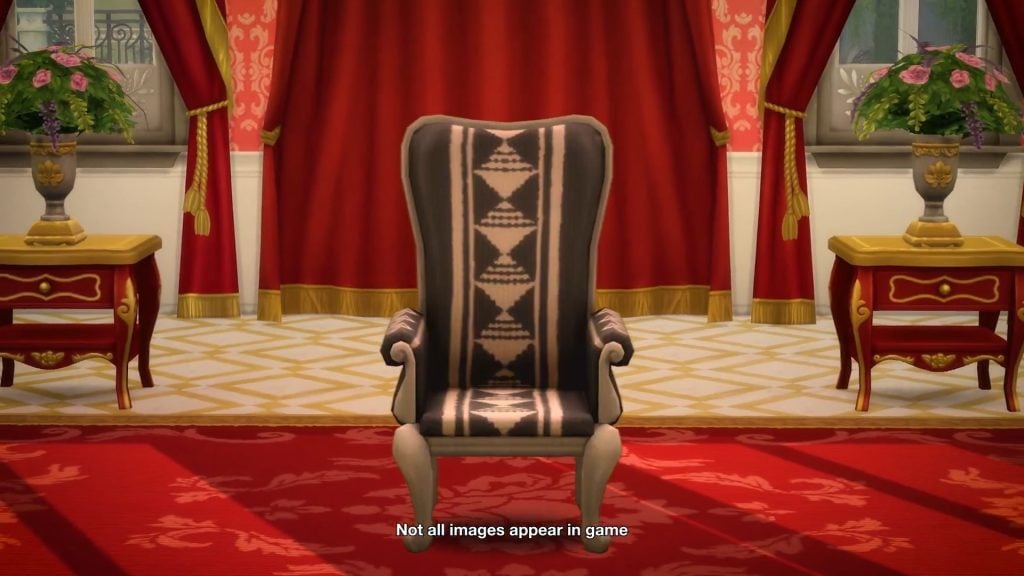
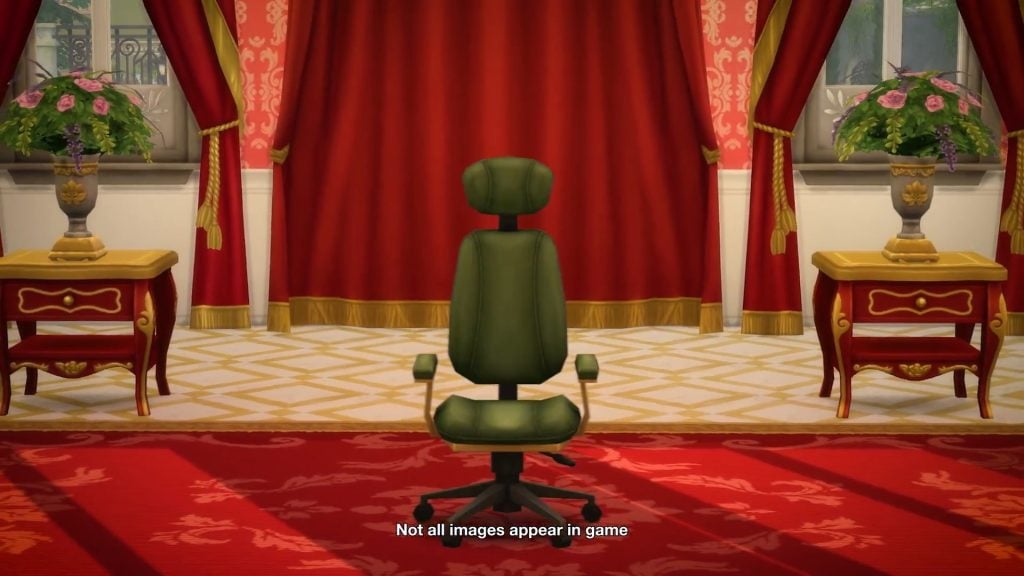
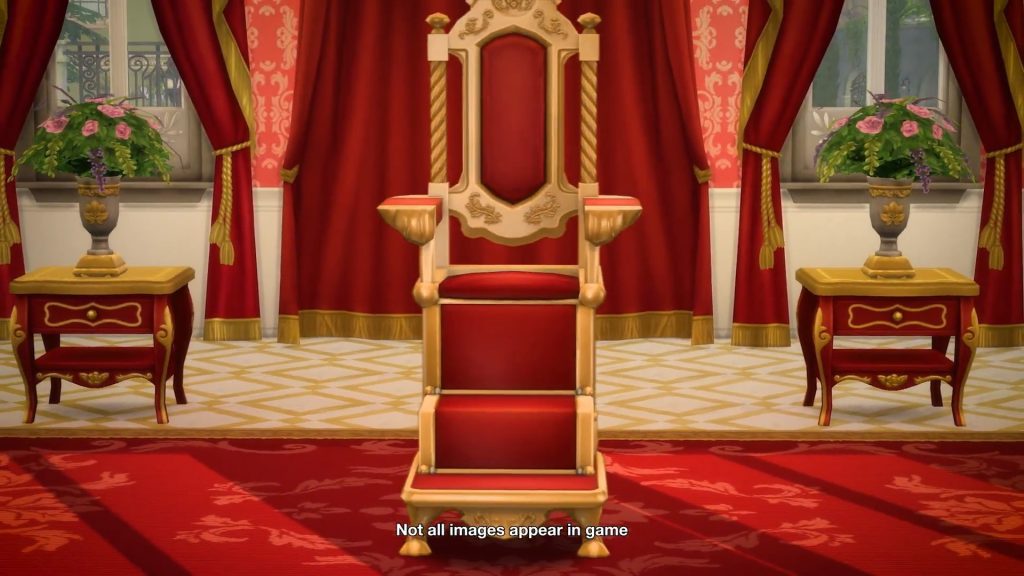
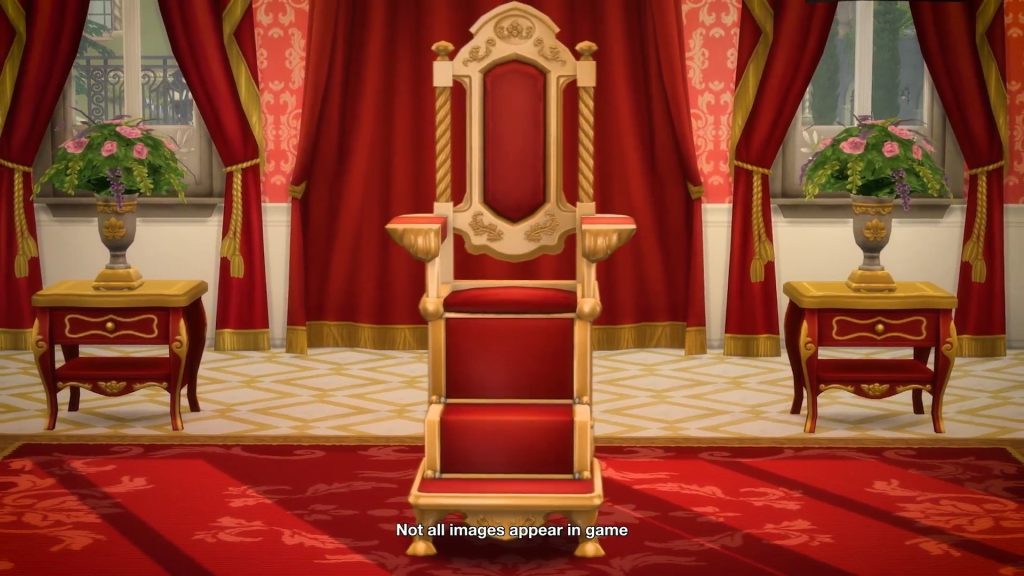
Every Expansion comes with several new focal gameplay objects, and The Sims 4 Royalty & Legacy is no different! Every ruler needs a throne to look down upon their subjects, and fro both the teaser and reveal, we have now seen two thrones that are available to us, matching various styles. Also available is what looks to be a speaker’s stand. This stand seems to be available for Sims who wish to tell stories or recite poetry; perhaps we can also make public declarations here, too!

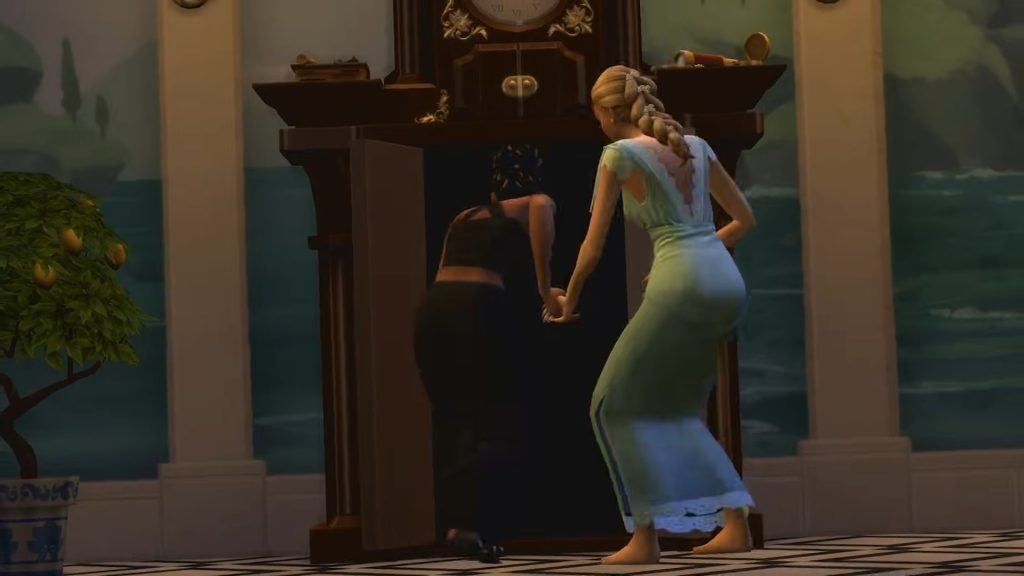
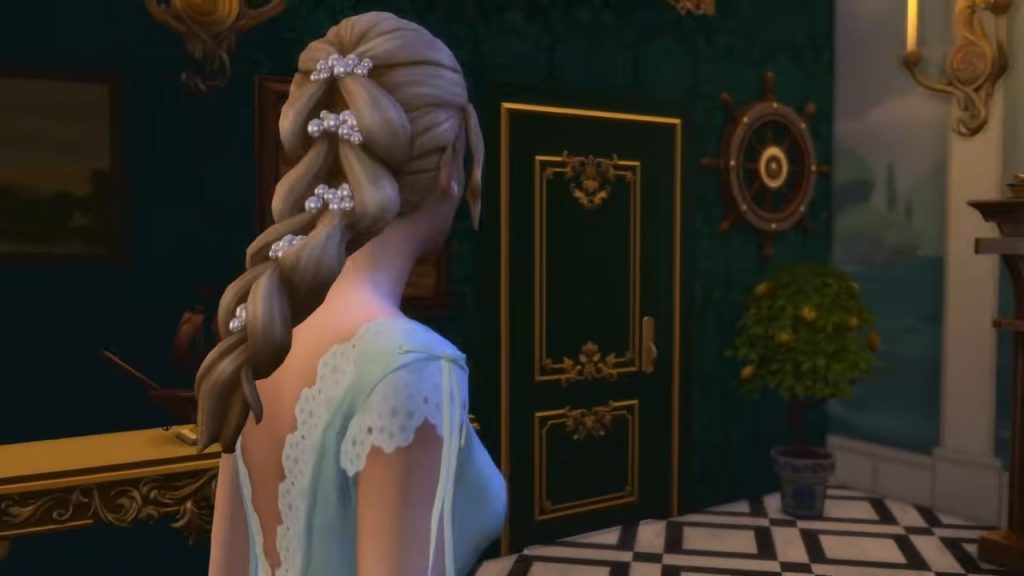
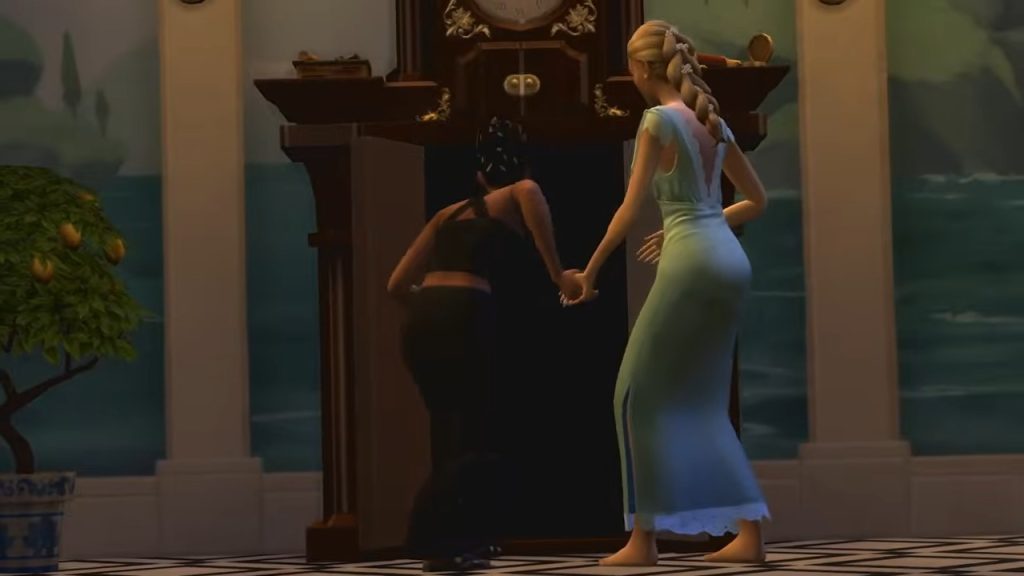
A new woohoo location was also shown off in the trailer: the cuckoo clock! The blog post explains that this can be used as a secret passageway, and a little tampering can put a new death type upon an unsuspecting Sim! Sims into swordfighting will need a place to train, and what better apparatus to use than a training dummy?

New Fashion – Fit For A Queen
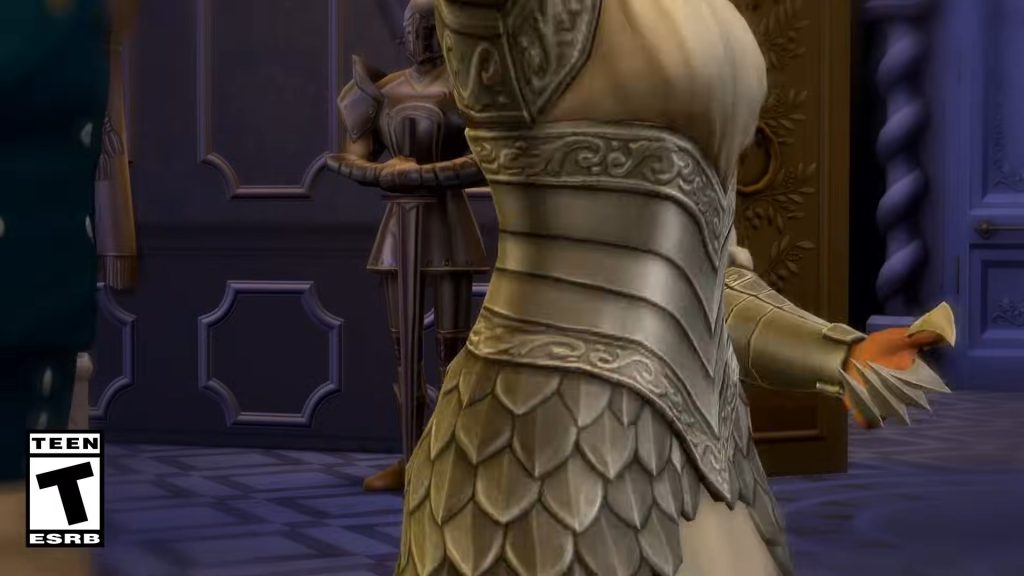
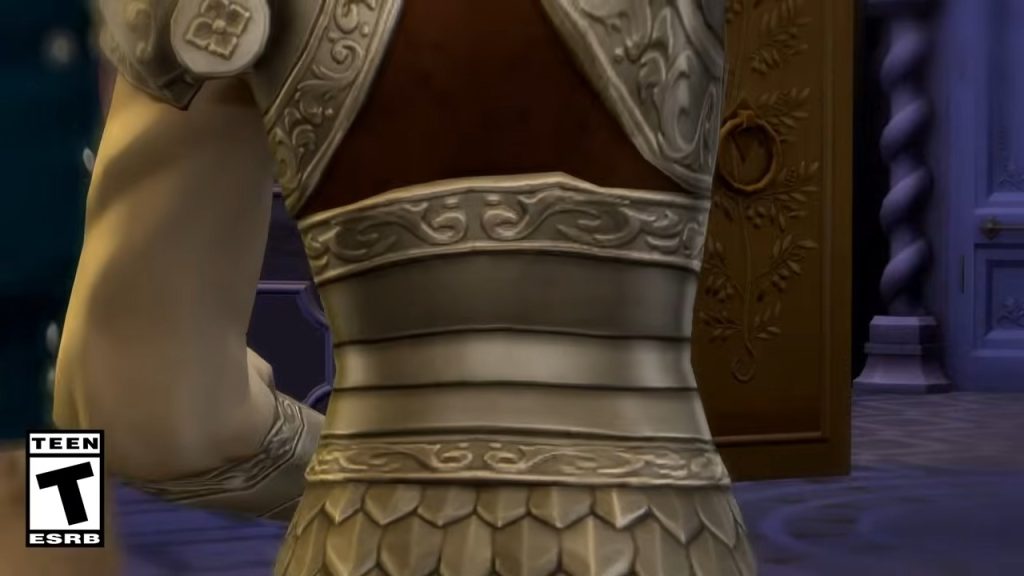
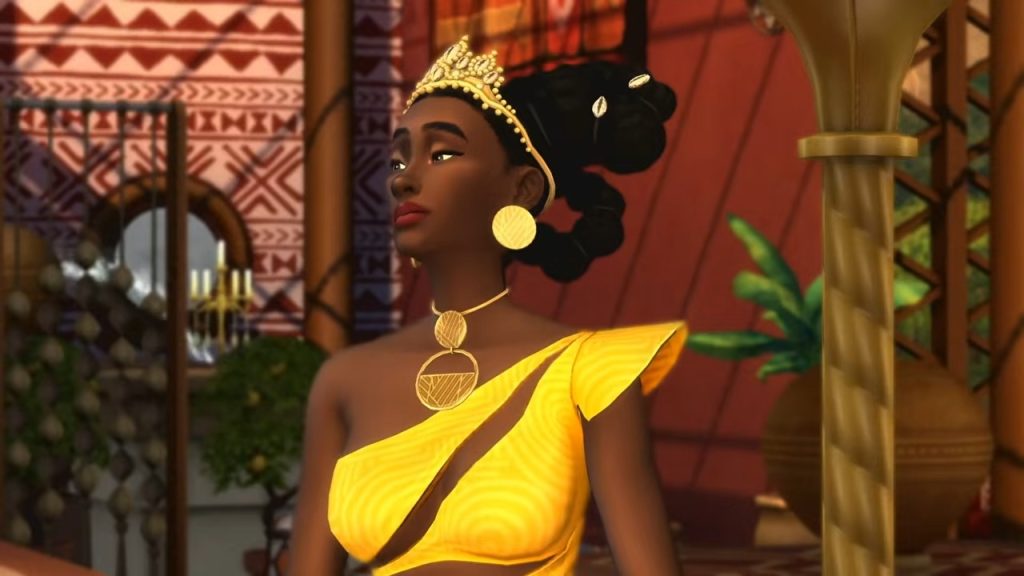
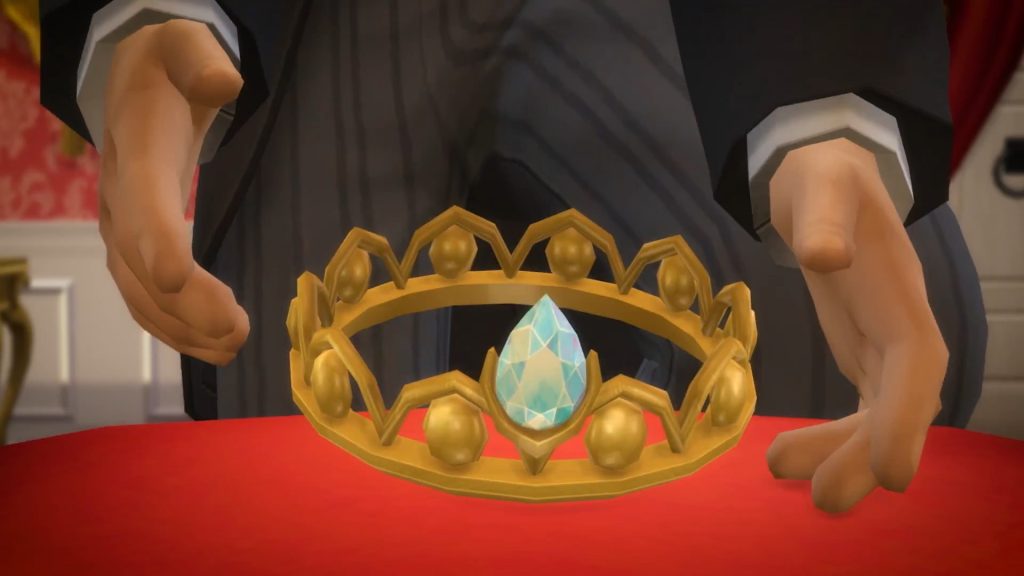
You’ve got to dress to impress if you want to be the ruler of a kingdom! With three unique locatiosn there are plenty of inspirations for the team to use for their new catalogue of Create A Sim items. The Pan African gaming Group (who assisted with the West African update) have also collaborated on some of the cultural aspects of Royalty & Legacy. New robes, gowns, suits, and crowns are all on offer. Let’s hope there’s an iconic revenge dress in there somewhere.

Fantasy Features – A Happily Ever After?
TS4 EP21 OFFICIAL SCREENS 02 004

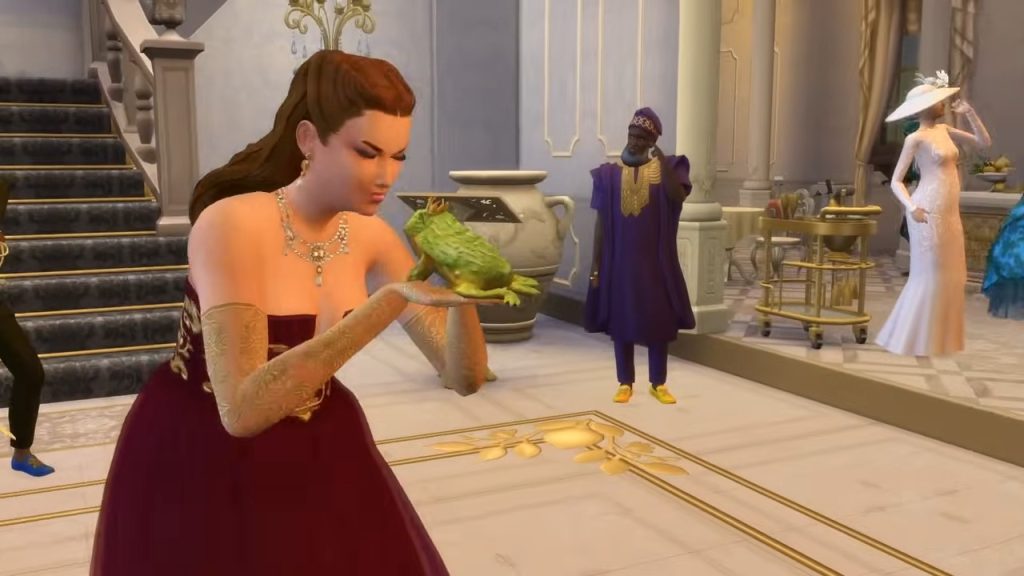
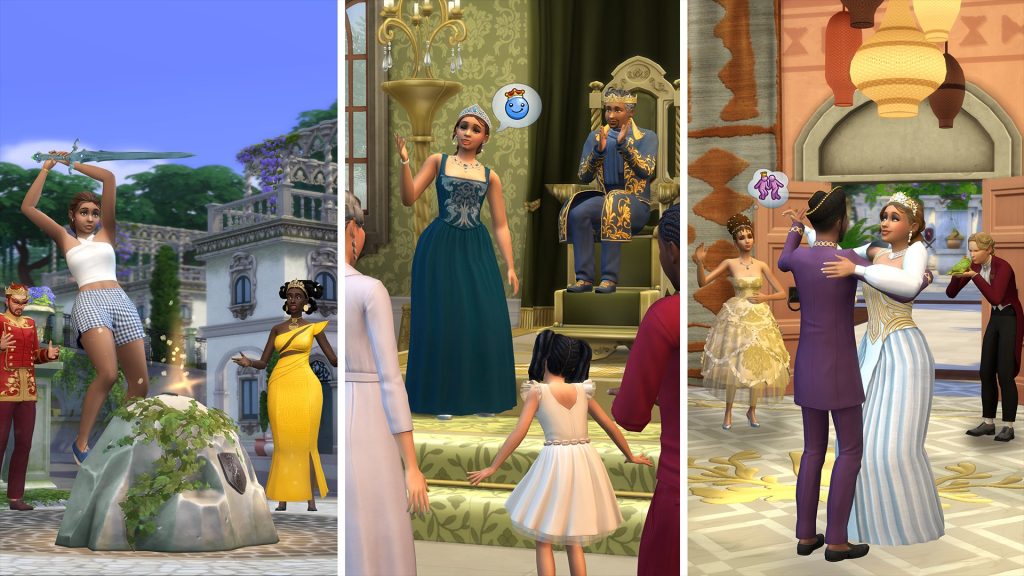
Even though the focus may be on modern royalty, that doesn’t mean there can’t be aspects of fantasy thrown in for good measure. As seen in the trailer, Sims can kiss frogs, as the classic story goes. We don’t know what the outcome will be yet, but will it deliver your Sims a handsome prince, or an awkward, slimy kiss? While not seen in the trailer, Sims can pull a sword from a stone, just like Arthur, who proved himself worthy to be king.

What other fantasy features will The Sims 4 Royalty & Legacy contain? We will have to wait for subsequent trailers and the release on February 12th 2026!


What did you spot in the trailer? Let us know in the comments below, and stay tuned to Sims Community for all the latest on The Sims 4 Royalty & Legacy Expansion Pack!
EA Drops New The Sims 4 Limited Kits Bundle

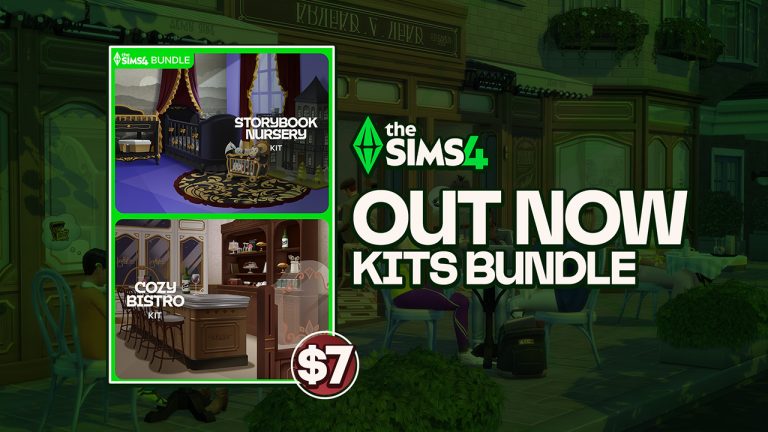
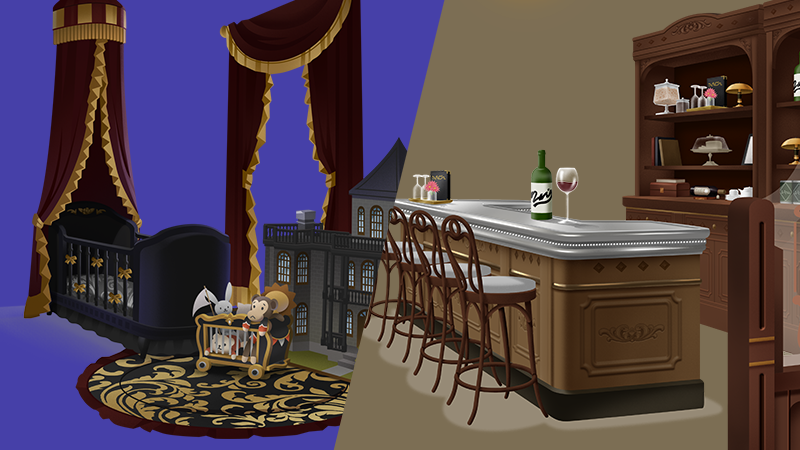
The Warm Beginnings Bundle includes Storybook Nursery + Cozy Bistro for a smaller price!

It appears Electronic Arts is back with The Sims 4 Limited Kits Bundles. We’ve had an opportunity to see several limited Kits Bundles such as the Playdate Bundle and Gothic Grandeur Bundle.

Now EA is back with another Kits Bundle, and we’re not talking about the two new Kits coming with Royalty & Legacy. The latest Sims 4 Limited Kits Bundle packs together Storybook Nursery Build Kit and Cozy Bistro Build Kit into one Bundle deal. Smaller for the price of $6.99USD – or a price equivalent to your local currency.

sims 4 limited kits bundle

EA and Maxis didn’t announce for how long The Sims 4 Warm Beginnings Kit Bundle is going to be available for. Assuming the latest Kit Bundle offering follows the previous Kit bundle release patterns, it’s going to be up for a week…or maybe two. Since it’s a discount don’t expect it to last forever!

clipboard sc

The Sims 4 Warm Beginnings Bundle

Decorate your own captivating bistro or elegant nursery with The Sims™ 4 Warm Beginnings Bundle† featuring The Sims™ 4 Cozy Bistro Kit and The Sims™ 4 Storybook Nursery Kit. Create a welcoming atmosphere with awnings, classic furniture, and wood panels. You can also instill a sense of refinement a with ornate furniture and whimsical toys.

sims 4 warm beginnings bundle kits

KEY FEATURES:

A Neighborhood Favorite – Craft a space that’s all about good Nectar and great company. Decorate with all the trappings of a treasured local bistro including wood paneled walls, polished metal accents, and vintage furniture that has been beautifully maintained.

Nectar Bar Stories – Serve the finest Nectar by night and the richest coffee by day. Fill your bistro with candlelight and classic décor to create the perfect spot for Sims to connect.

A Touch of Whimsy – Inspired by classic fairy tales and the elegance of ages past, this collection features delicately crafted toys, pleasant wallpaper, a dreamy mobile, and a dollhouse modeled after the traditional home of an old, prominent family.

A Legacy of Elegance – Raise your little one among ornate furniture including shelves and a changing table. Some of these items, like the crib with the sweeping canopy and the tasteful chandelier, may have been passed down through the generations.


You can get the latest Sims 4 Limited Kits Bundle from the following official online retail stores:

BUG REPORT: New The Sims 4 Bugs Spring Up After Latest Patch

Another month, another update! The Sims Team released a new patch on January 13th. While it did intend to fix quite a few issues that have sprung up in the forums over the years and years of The Sims 4’s run, it was an unexpectedly minor patch, not even automatically disabling mods and custom content for players upon launch. However, this new patch that intended to only bring fixes, instead brought more Sims 4 bugs. While some of these are completely brand new issues that have popped up only in the past day or so, others are reminiscent of pre-existing problems, like black or missing photos, and white or missing paint from reference paintings.

Sims 4 bugs

The Sims 4 Patch released on January 13th is patch 1.120.140.1020 on PC/Windows, and patch 1.120.140.1220 on Mac. This patch has a primary focus on fixing bugs like certain save corruption instances, endless loading, and some instances of black or missing photos. It also included a bit of new content, in the form of The Sims 4 x COACH Collaboration, adding new Create-A-Sim and Build/Buy Mode items to the game.

Make sure that if you’re experiencing these bugs or anything else in The Sims 4, to test without CC/Mods and make a report to the forum. They will often be able to assist you and if not, you can contribute to getting that bug to EA and The Sims Team in hopes that they’ll prioritize fixing it in the next path.

Official EA Statement

EA has addresed the recent new Sims 4 Bugs in a new official statement shared:

Simmers, We have identified a fix for the issue causing photos to turn black that was reported after our recent Base Game update. You can expect to see this fix in our next Base Game update in early February.

The issues for Black Photos Bug are expected to be fixed in early February.

Sims 4 Bugs After January 13th 2026 Patch

Photos Turning Black

While the patch highlighted the intended fixing of issues with photos, particularly special event photos like Graduation and Memorial photos, turning black, it seems that it may have caused more harm than good. Users are reporting that upon saving their game, photos placed in their save are turning black irreversibly still. It was later noted in the same forum thread, by user Mehphy, that photos in storage or in sim inventories did not turn black.

When loading into my game from my last save from last night (January 12), all my photos across the save are there. Now when I try to save today after the update, upon logging back into the game all the photos have turned black! I had to load back to the previous save from last night to get my photos back. But now I can no longer play/ save the game!! The photo system is completely broken. I don’t know what code they put into this new update, but I cannot play anymore without the pictures turning black after saving. Please help fix it, I don’t know what else to do other than ask for help. I tried making a new save, but photos still turn black. 

I’ve no mods/cc installed. The update today mentioned “fixes” with photo system items like graduation photos, celebrity photos, memorial photos, but I have a feeling somewhere within that coding something has gone wrong for existing photos.

– Forum User mehphy

Screenshot 213
Forum user JuniperWhimsy

Another user, forum user JuniperWhimsy, also reported an issue like this. More specifically, that any items stored in their Sims inventory were safe and could be placed as normal, but anything present in the game world, hung on walls, sitting on tables, etc., had turned black.

Yesterday I played in my Legacy save a couple of hours after I’d updated my game with the newest patch and all my photos in the save were fine.  In fact, one of my sims attended her High School graduation and her photo appeared as it should which was brilliant, because when I last played the save a few months ago and attended graduation her photo came out blank. 

Today however I opened the same save and ALL the photos out on display, whether on the walls or sitting on surfaces, have turned black.  It’s devastating. The photos in personal inventories are unaffected though.  I’m at a complete loss to understand why everything was showing correctly after directly the patch had been installed in my game and now 24 hours later some of the photos are now black?!  

– Forum User JuniperWhimsy

link

sims 4 bugs black photos

Painting by Reference Paintings Turning White

Painting by reference Turns white (Patch 1.120.140/2.26)

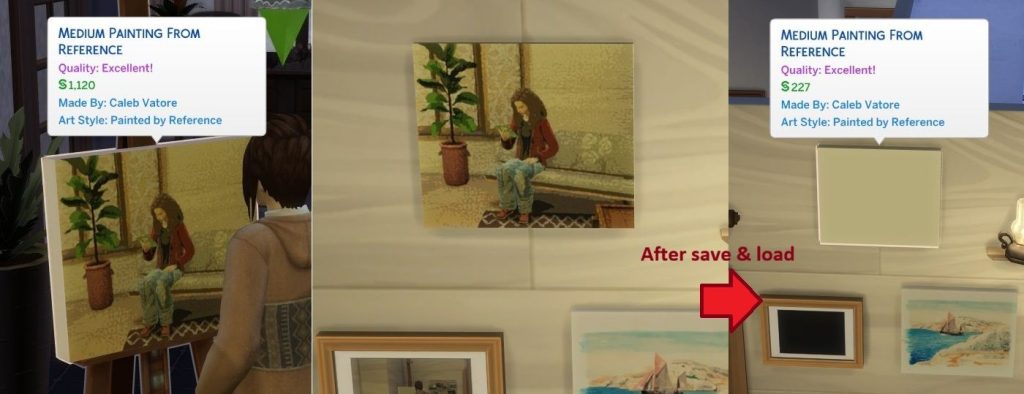
Paint by reference all turned white.  (both in modded and unmodded games).  Trying to make a copy of them did not work – instantly white.  Previously completely paint by references are still white, the “fix” in the patch notes was not retroactive nor did it work. 

– Forum User ElliSims

2026y01m15d 032927281
Forum user Pick-a-boo_doo

And as per usual with many bug reports, ElliSims was not the only user to experience this problem. User Pick-a-boo_doo posted their own example, showing that image and paint by reference images were breaking after a save and reload of the game.

I played using save data that I hadn’t used since playing in October 2025 until this update.

When I played in October, any pictures my Sim drew with ‘Paint by Reference’ while playing were returned to blank when I resumed playing, but any drawings my Sim had made before that remained.

However, when I checked after January update, all of the Paint by Reference drawings, including the right painting in the pic above, had been blank. 

And I checked new painting by refernce, that turned blank too after load game.

– Forum User Pick-a-boo_doo

link

sims 4 bugs white canvas

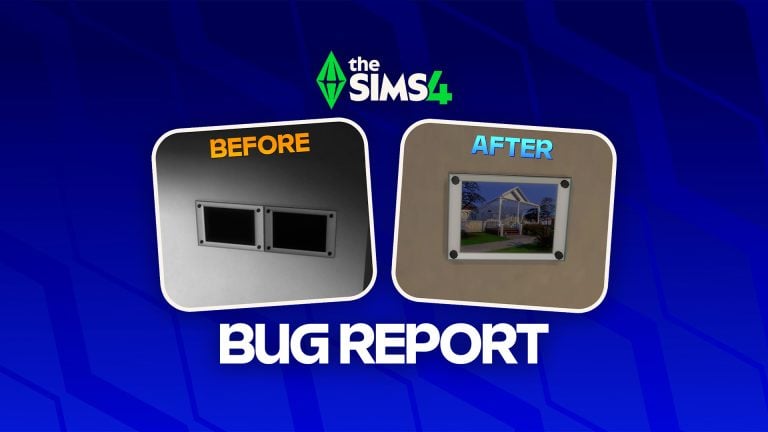
Incorrect Thumbnail for Get Famous Wall Trim

Screenshot 447
Forum User SproutLee

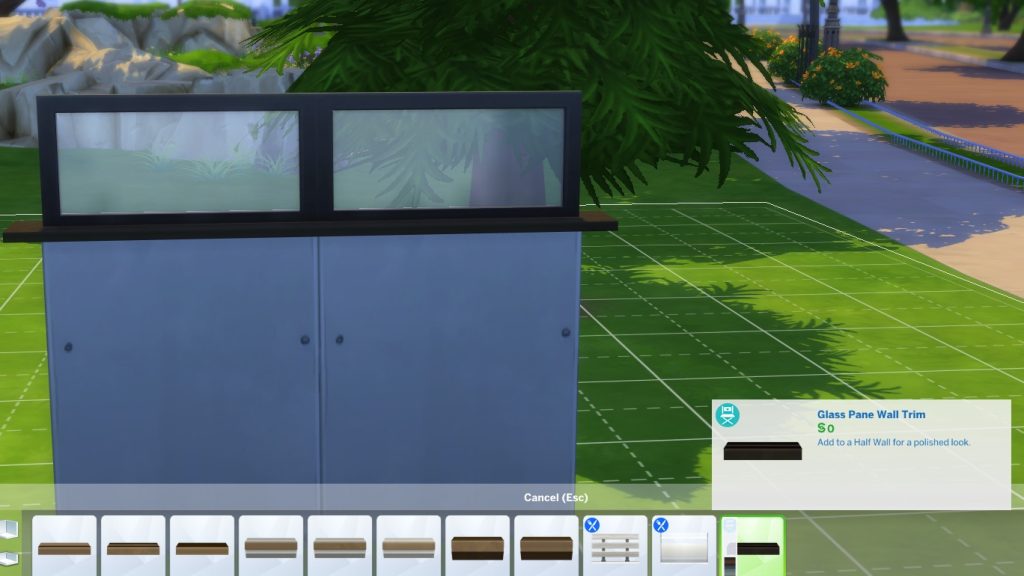
While perusing wall trims and items added by certain DLC, forum user SproutLee also found that the thumbnail for the pictured wall trim, the “Glass Pane Wall Trim” added by The Sims 4 Get Famous, uses an incorrect thumbnail. The thumbnail pictured seems to show the wall trim item as a flat black piece, rather than a full window as it is in-game.

The thumbnail isn’t showing properly for this wall trim. 

– Forum User SproutLee

link

Pressure Cooker Turning Vegetarian Meals to Non-Vegetarian

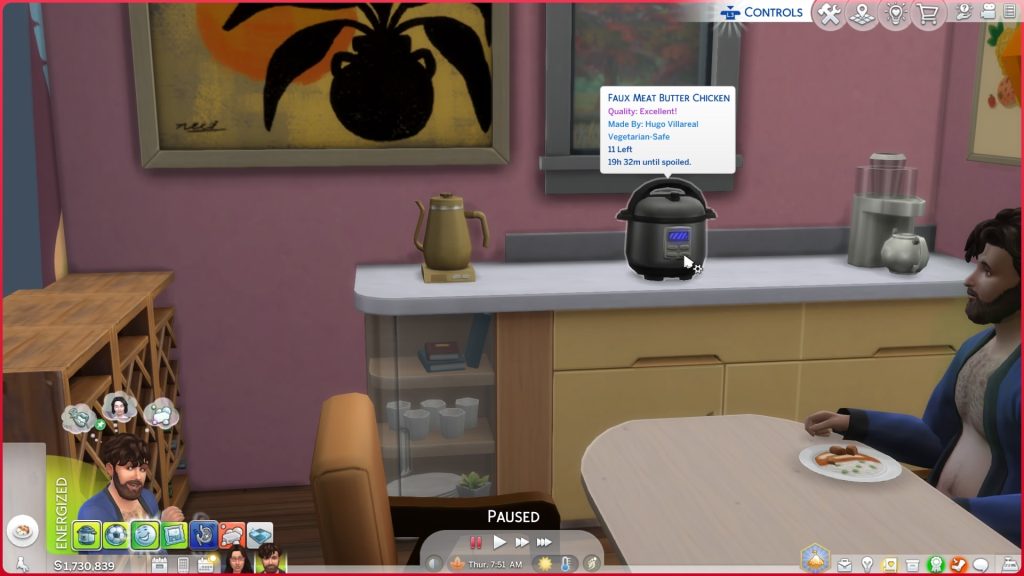
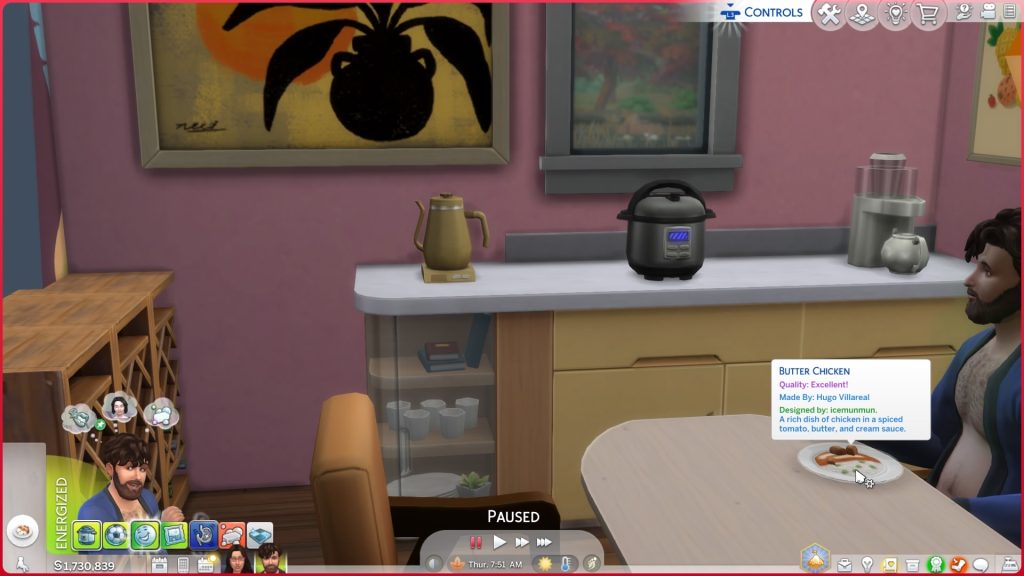
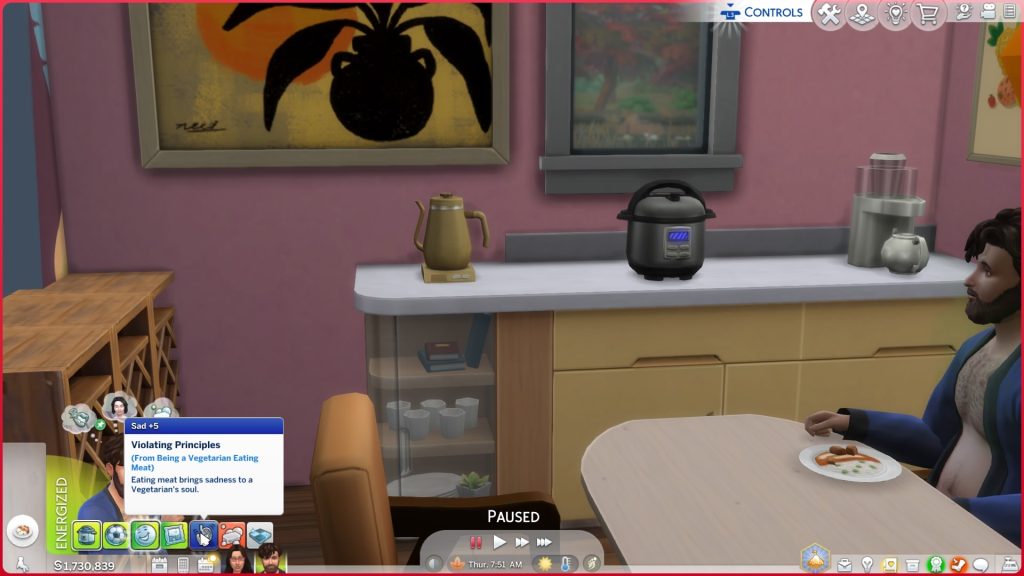
While playing with the pressure cooker item added in The Sims 4 For Rent, forum user PickensPlay noticed that their sim, while eating what was supposed to be “Faux Butter Chicken”, was getting a sad moodlet for eating meat and therefore, going against their value and assigned personality trait, as the food once plated had turned into standard, meat-containing Butter Chicken.

Hello. Cooking Faux Butter Chicken in the Pressure Cooker when my sim goes to grab a serving it shows us as regular butter chicken. With my sim being a vegetarian they got the moodlet which is how I was able to see said discrepancy.  Unaware if this happens with all the veggie options in the pressure cooker. 

– Forum User PickensPlay

link

Gallery Lots Cannot be Deleted or Bulldozed

While the Gallery feature in The Sims 4 is quite well-loved and often used by the large majority of players, forum user hinahina21 found that after placing a build after the recent update, the process seemed to bug their Build/Buy mode almost entirely. Items nor structures could be deleted, nor can the lot be bulldozed or cleared.

After the recent Sims 4 update, I am experiencing a serious issue with lots downloaded from the Gallery. When I place a Gallery lot on a world, I cannot delete anything from it. Furniture cannot be removed, and even the bulldozer tool does not work. The entire lot cannot be deleted or cleared at all. This issue did not happen before the update. It occurs even with no mods or CC installed. Is anyone else experiencing this problem?

– Forum User hinahina21

link

Sims Profiles Not Opening on Playstation

IMG 4475
Forum User PickensPlay

Also from forum user PickensPlay, who experienced the faux chicken turning to real chicken due to a pressure cooker bug, also found that while playing on Playstation, sim profiles in the relationship tab could not be accessed.

Hello. At first when I went to open a sims profile it would be completely blank. Now same play session after traveling to another lot the profiles do not open at all. This comes after the latest patch update as of 1/13/2026. I have included two images of the profiles bot loading fully and a video of them not opening at all. 
also discuss interest and get to know are not fulfilling the info in the relationships for my sims. 

when opening the profiles (blank) I was in a restaurant from the gallery

when trying to open the profiles and they wouldn’t at all I was at the romance festival. 

– Forum User PickensPlay

link


Are there any new or pre-existing bugs you’ve been experiencing since the January 13th 2026 patch, or any other issues? Make sure that if you spot anything, do some standard troubleshooting by removing any mods or customer content that you have, and posting in the bug report forum. This helps admins and developers see prevalent issues in the game for the majority of players, and allows them to prioritize fixes depending on how detrimental they are to gameplay, as well as how many players are being effected.

Make sure to follow The Sims Community as we keep you updated on new patches and new bugs for the Sims 4!

Community Reacts to The Sims 4 Royalty & Legacy Reveal

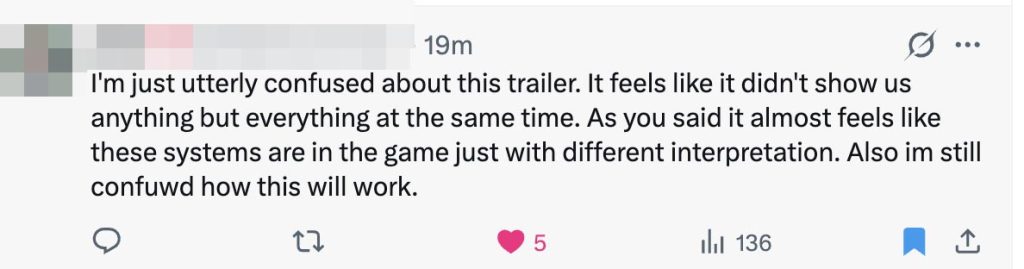
We’re feeling all different types of emotions as The Sims 4 Royalty & Legacy Community Reactions spread (like wildfire) across all the different social media platforms (X/Twitter, Instagram, so on!) following the latest Sims 4 Expansion Pack trailer reveal. From excitement over lavish aesthetics to confusion and concern about how these new systems will actually function in gameplay, players are sharing a wide range of perspectives on what this expansion pack means for long-term storytelling in The Sims 4.

The Sims 4 Royalty Legacy Official Reveal Trailer 0 58 screenshot

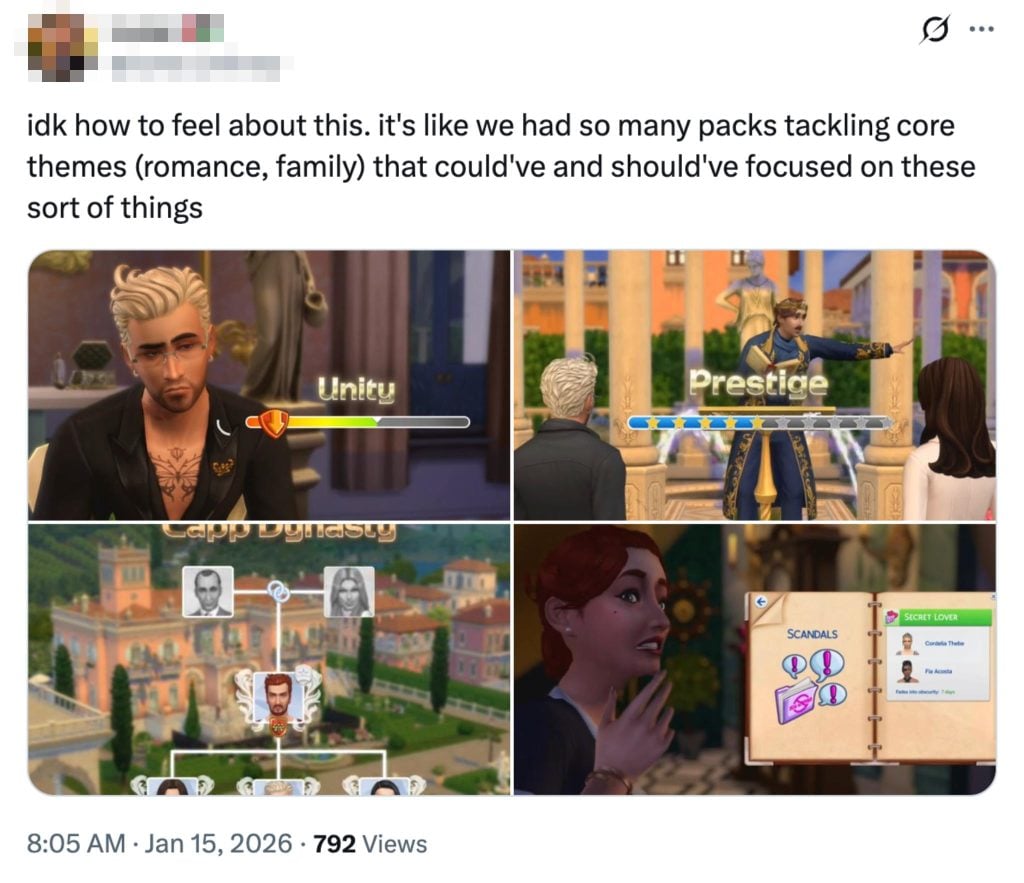
Across platforms, many members of the community are questioning whether the new mechanics that are being teased truly expansion legacy gameplay, or is it just simple repackaged existing systems in a new thematic form? Some reactions highlight uncertainty about how features like scandals, prestige, and social hierarchy will integrate with system that are already established (such as family, romance, and reputation systems!). Others have expressed disappointment that similar (previous) concepts were not explored in past packs as deeply that focused on relationships and generational play.

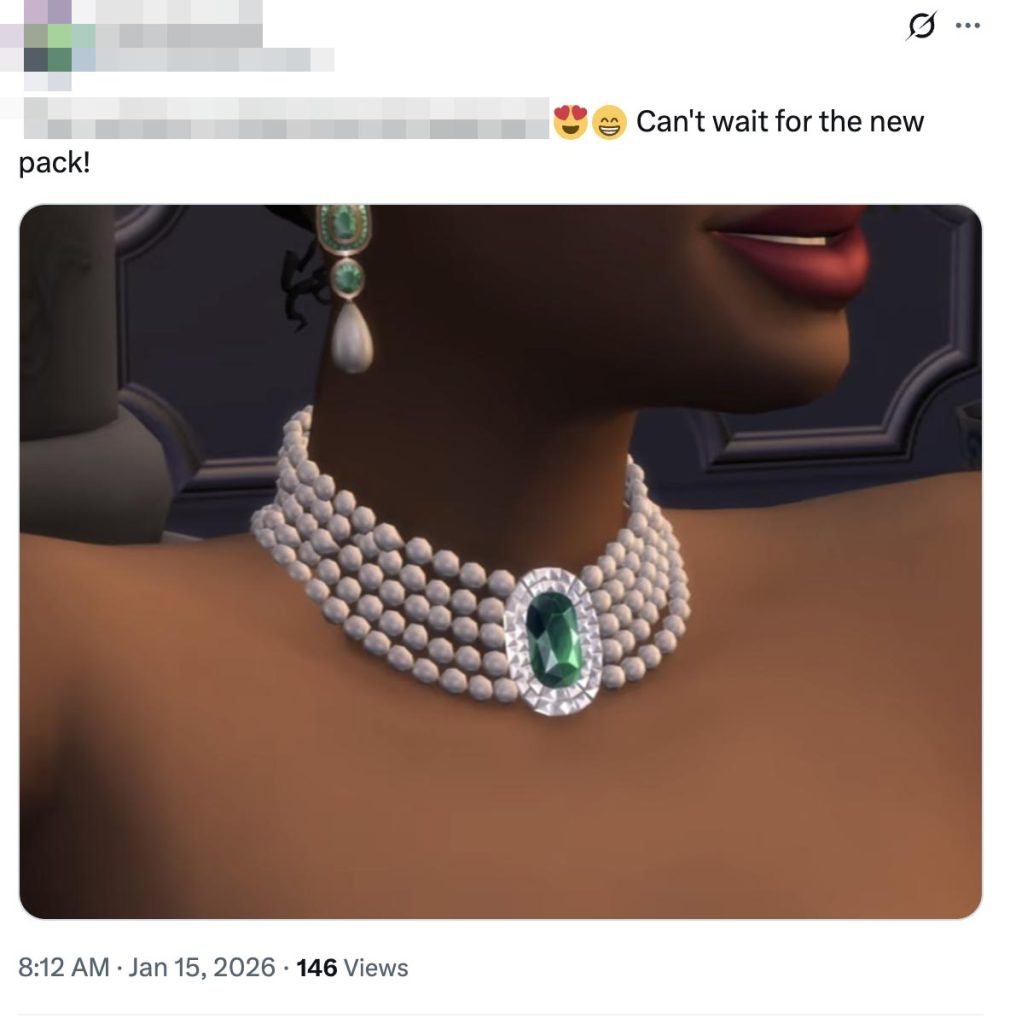
At the same time, not ever response is critical. Several players have embraced the visual direction of The Sims 4 Royalty & Legacy, praising details such as the new jewelry, royal-inspired fashion, and the drama-filled tone of the new content. These posts showcase the community’s continued love for storytelling, even when there are valid questions about gameplay depth.

Mixed Emotions Regarding Gameplay Direction

One of the most prominent themes within The Sims 4 Royalty & Legacy Community Reactions is certainly about whether the new content truly expands on new, fresh, and long-standing gameplay systems, or does is simply reframe ideas that players feel they already have?

In one widely shared post, a player said they were unsure about how to feel about reveal, explaining that it felt like “we had so many packs tackling core themes like romance and family that could’ve and should’ve focused on these sorts of things.”

reviw 2

This reaction reflects a broader concern among legacy players: mechanics tied to long-term storytelling, inheritance, and family progression were often over looked in previous expansions that were said to be centered on relationship and legacy gameplay. For many players in the community, I’m noticing that players are thinking royalty-style features feel less like a brand-new concept and more like an overdue evolution of gameplay that already (kind of) existed.

review 4

Praise for Visual Design and Storytelling Aesthetics

While the game mechanics themselves have sparked debate, the visual presentation of the pack has honestly received a lot of praise.

In one post, a player focused ont he fashion and accessories shown in the trailer, expressing their excitement over the detailed jewelry and elegants design elements while stating they “can’t wait for the new pack.”

review 3

This is one response that highlights another side of The Sims 4 Royalty & Legacy Community Reactions: an appreciation for the art style of the latest expansion pack. Even among the players who have seemed unsure about gameplay depth, many are already excited be the visual identity of the pack.

What These Reactions Reveal

The reactions paint a clear picture of our community. While we are unsure of how the direction of the expansion pack will go, and even the Sims 4 Franchise, we are still so very deeply invested and thoughtful of this game. Simmers are eager for mechanics that give long-term storytelling features such as possibly inheritance, status, reputation, and consequences, but they are also cautious about features that may feel familiar or repetitive.

Some reactions question (valid) why these systems were not previously deeply explored in earlier packs that focused on family and relationships already. Others are hopeful that this iteration will deliver the generational depth legacy players have been asking for. Many are simply excited just to see something new.

1 1

Unofficial Community Poll

What are your thoughts on the Expansion Pack approach in The Sims 4 Royalty & Legacy? Let us know in this unofficial community poll below:

[totalpoll id=”187272″]


Whether viewed as long overdue, reimagined, or truly exciting, one thing is super clear to me: We are a community that cares deeply about this franchise and we are super invested in the future and the longevity of this game.

Over 100 Sims 4 Royalty & Legacy Screens From The Reveal

7

As always, we’re bringing you the best Sims 4 Royalty & Legacy Screens from the new reveal trailer.

This regal installment to the Sims franchise is long anticipated, and the visuals were clearly worth waiting for.

We’ve compiled over 100 screenshots from The Sims 4 Royalty & Legacy Trailer for you to see all the exciting new items and features for yourself. As more news comes out about The Sims 4 Royalty & Legacy expansion pack, we will be adding the latest coverage to our site. To see all the news first, click here.

The Sims 4 Royalty & Legacy Screens

Countdown Art

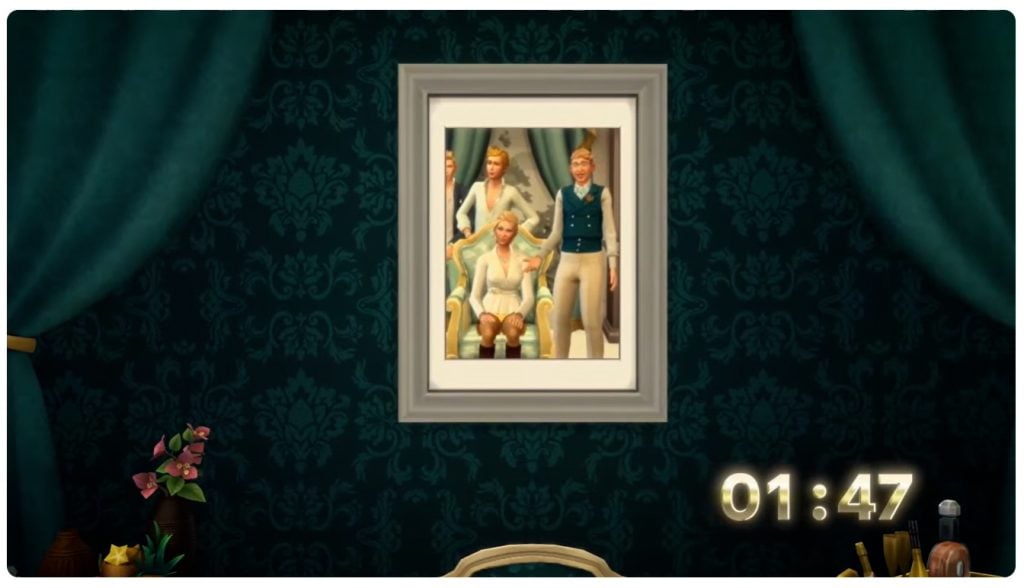
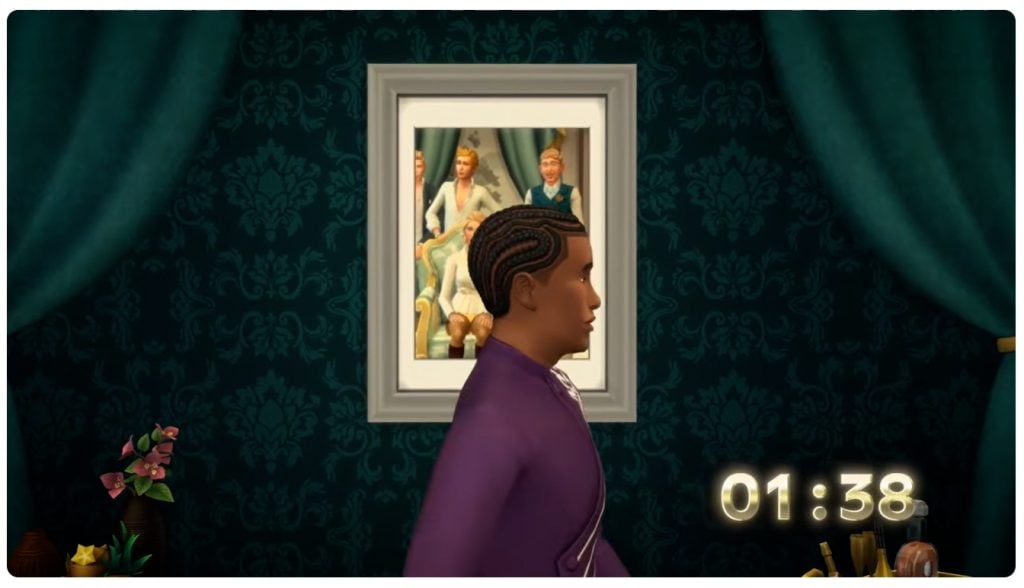
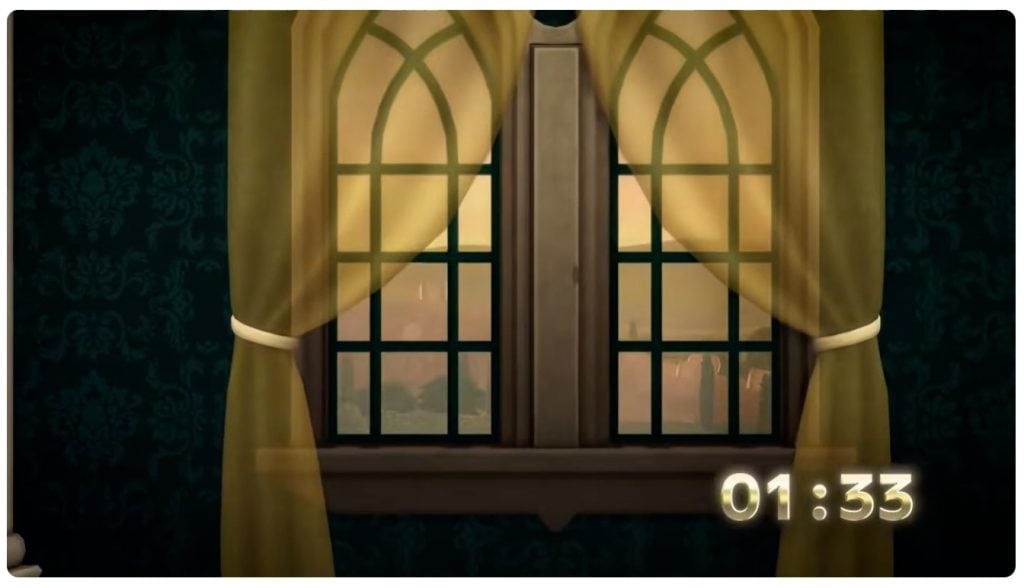
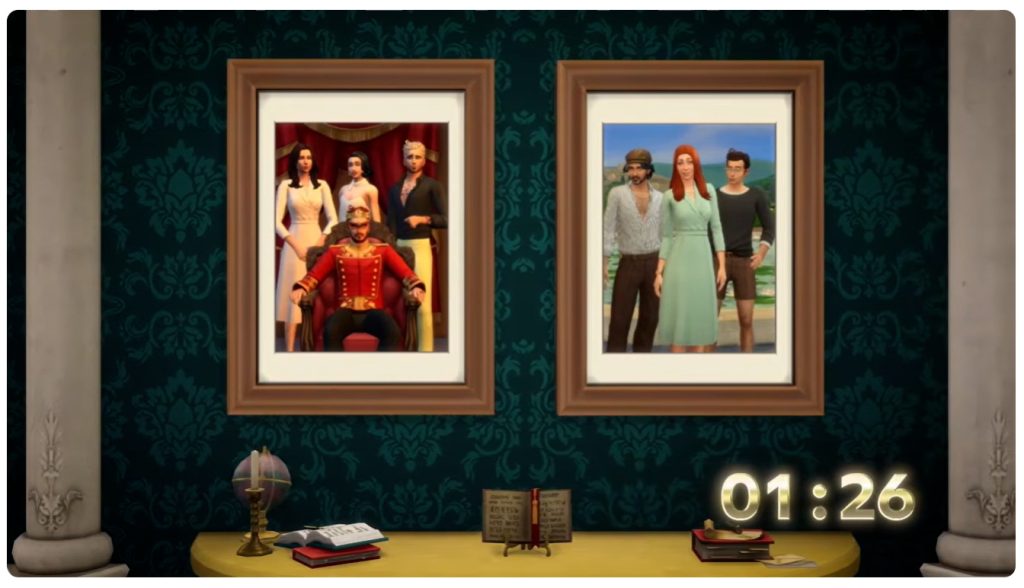
If you didn’t watch the trailer live, you will have missed the countdown art used. Luckily, we’ve saved it for you here.

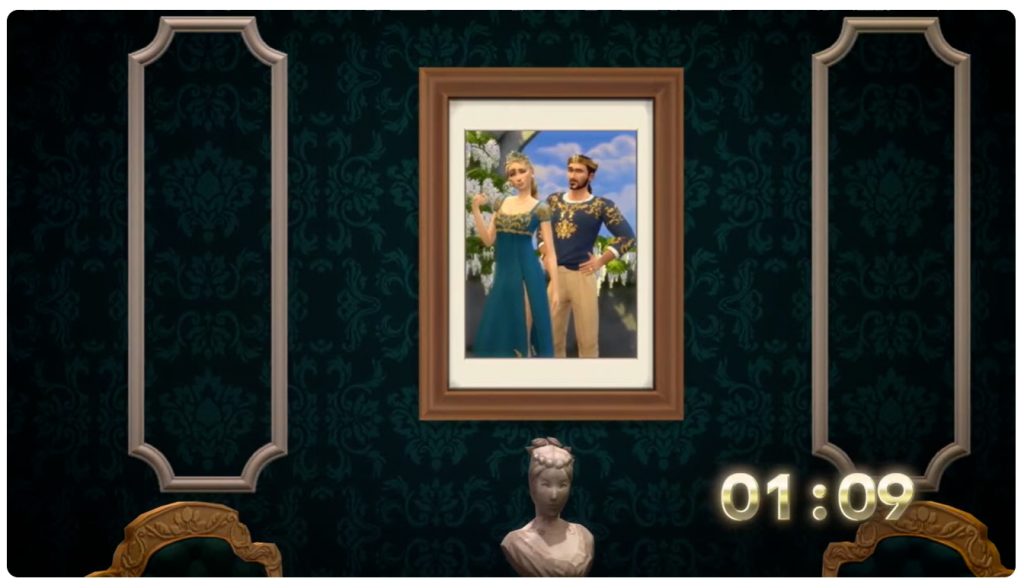
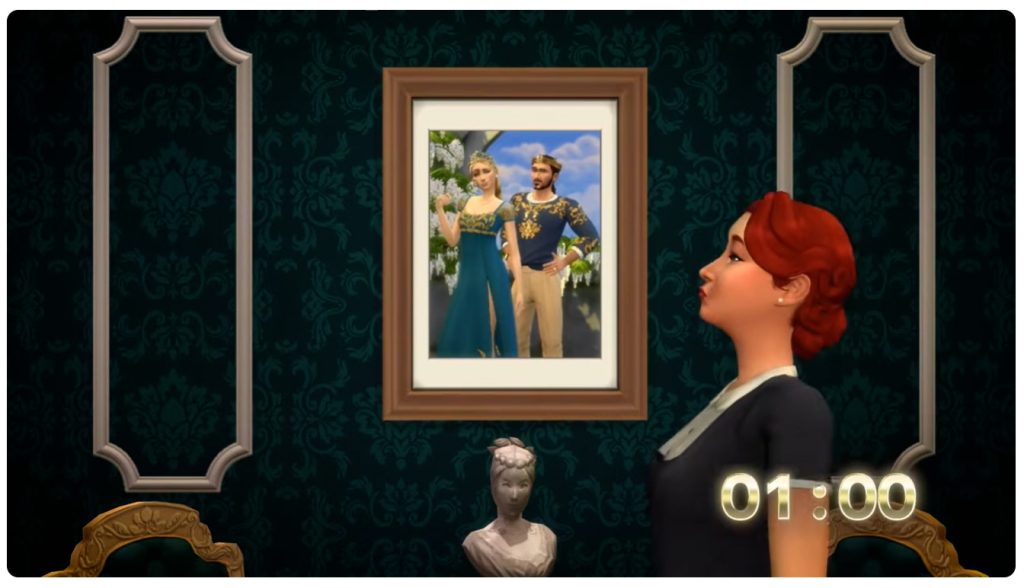
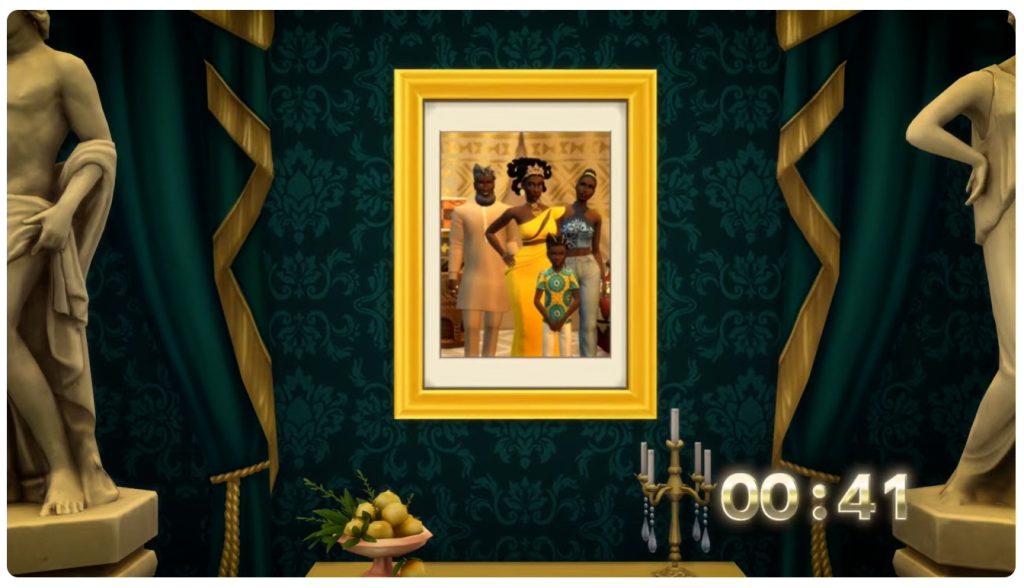
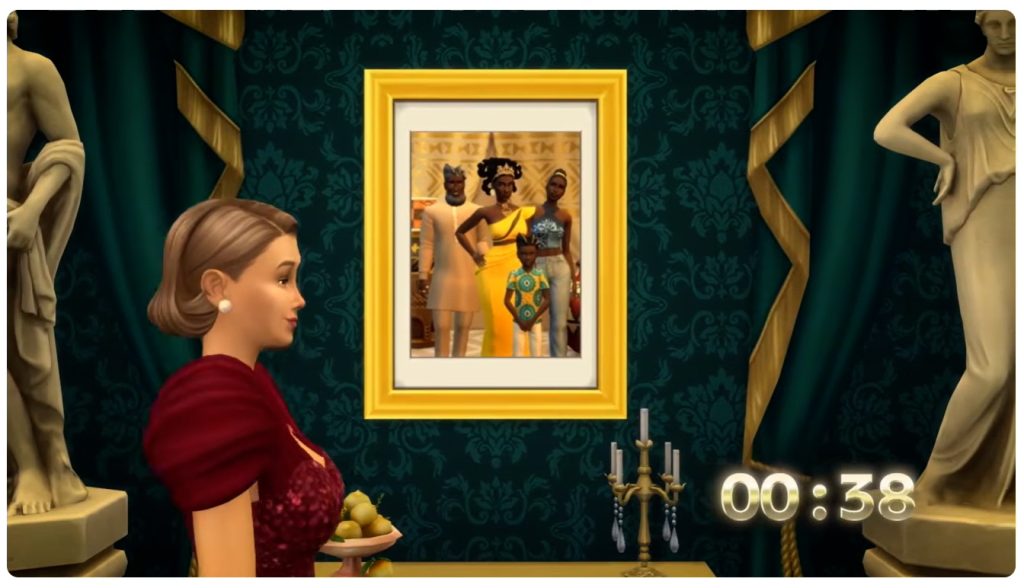
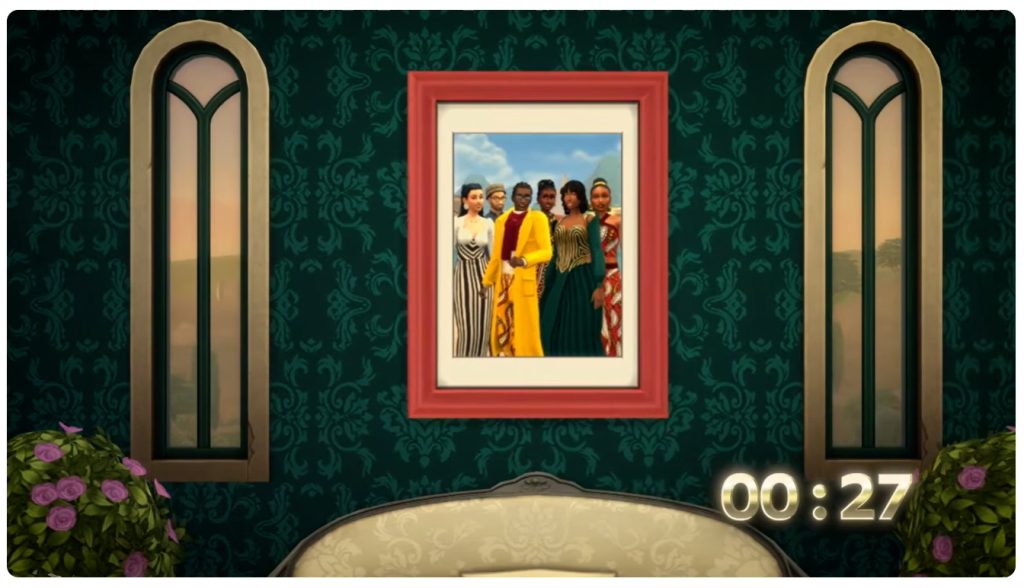
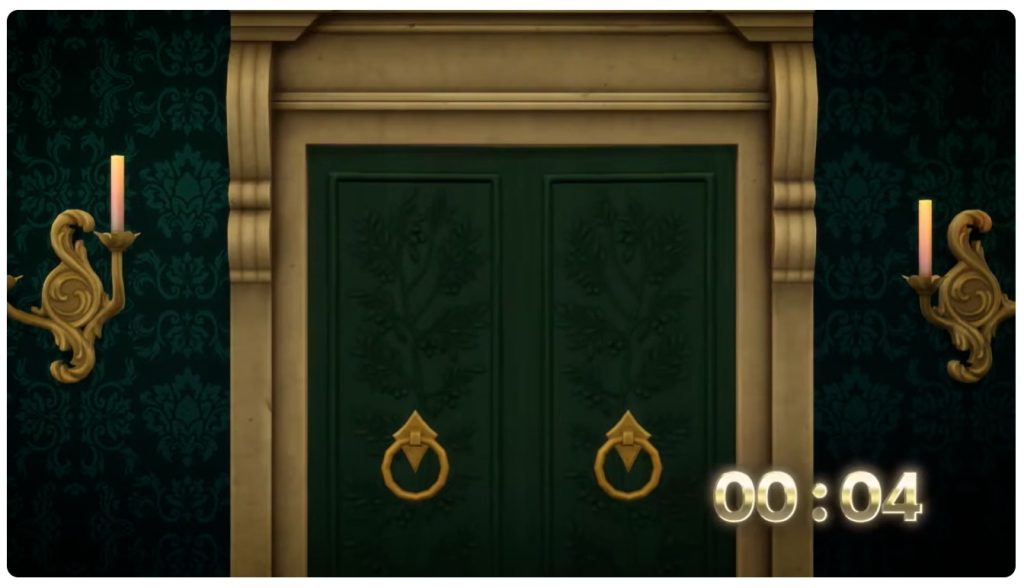
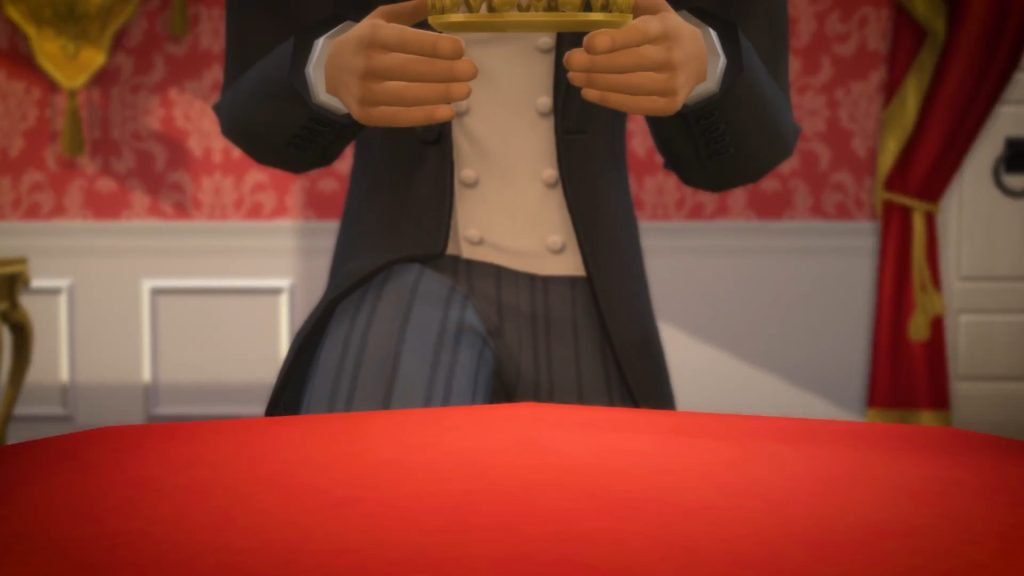
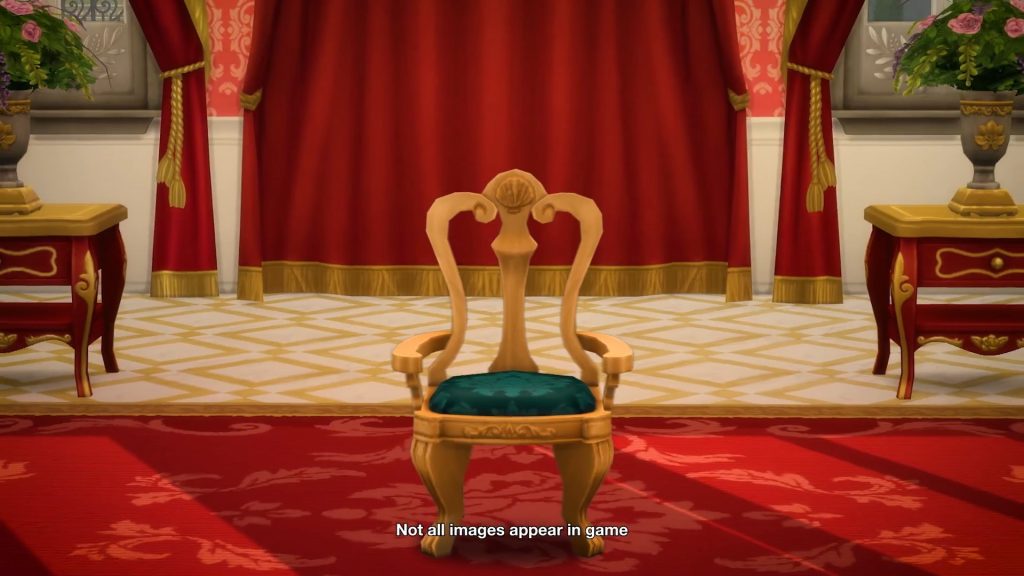
The countdown took us on a walk through a castle, admiring some formal royal portraits of both new and familiar faces. We also got a sneak peak at some new assets like transparent curtains and regal dresses.

Trailer Screens

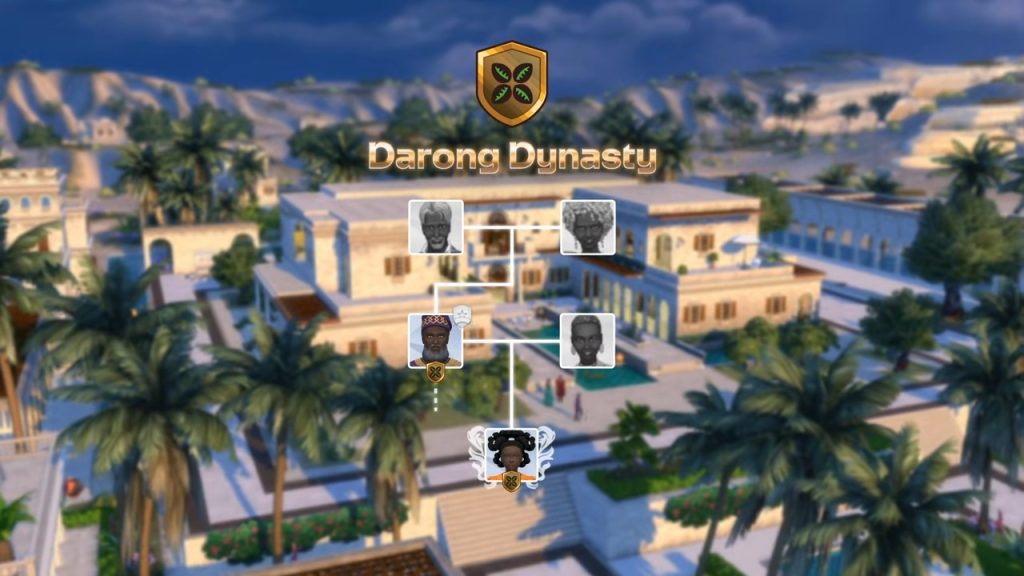
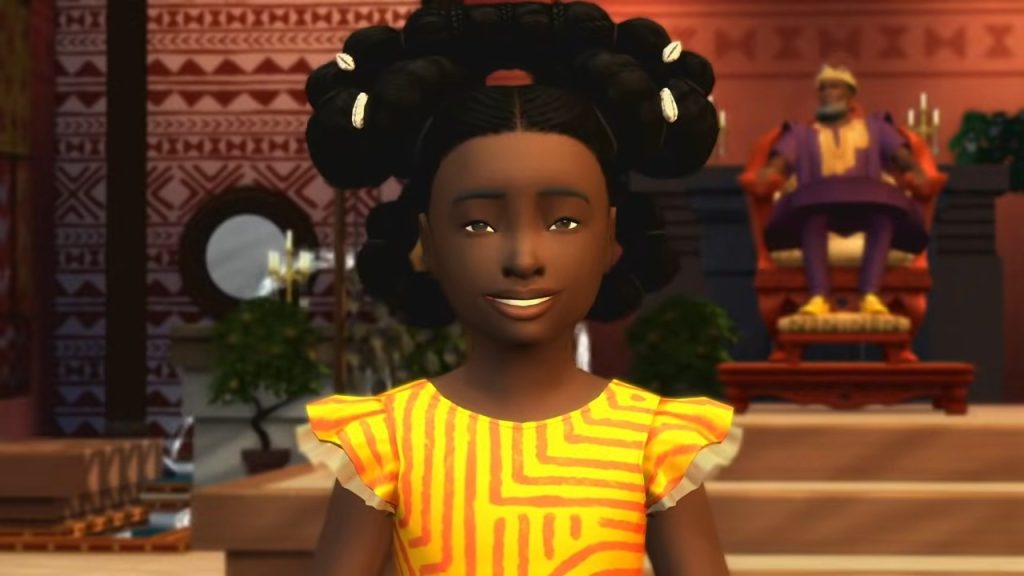
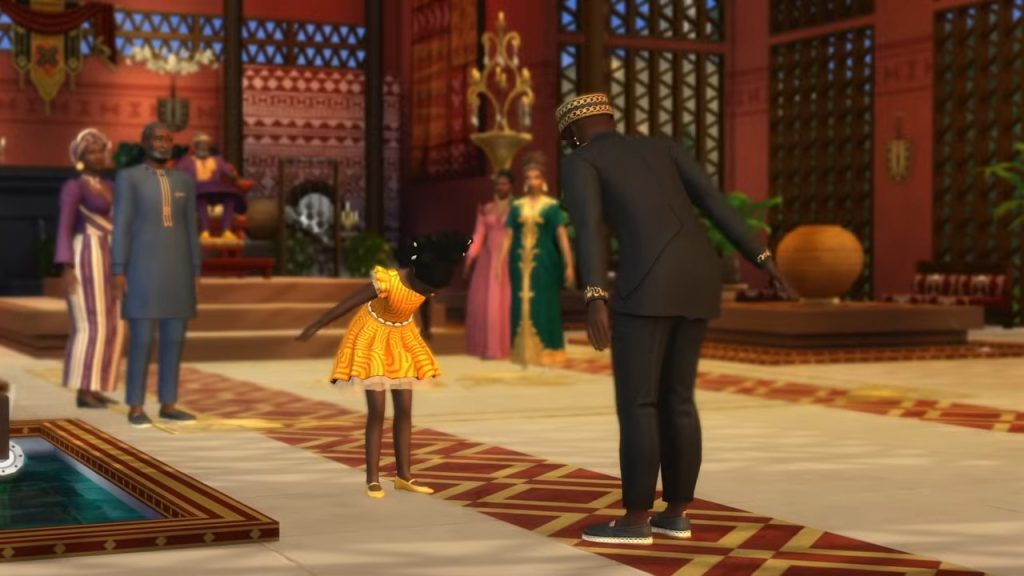
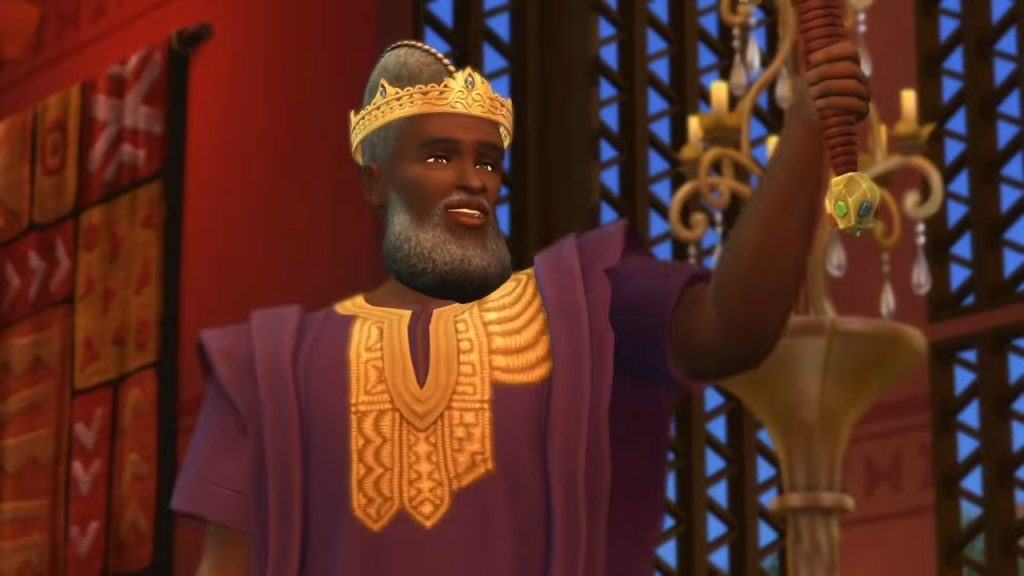
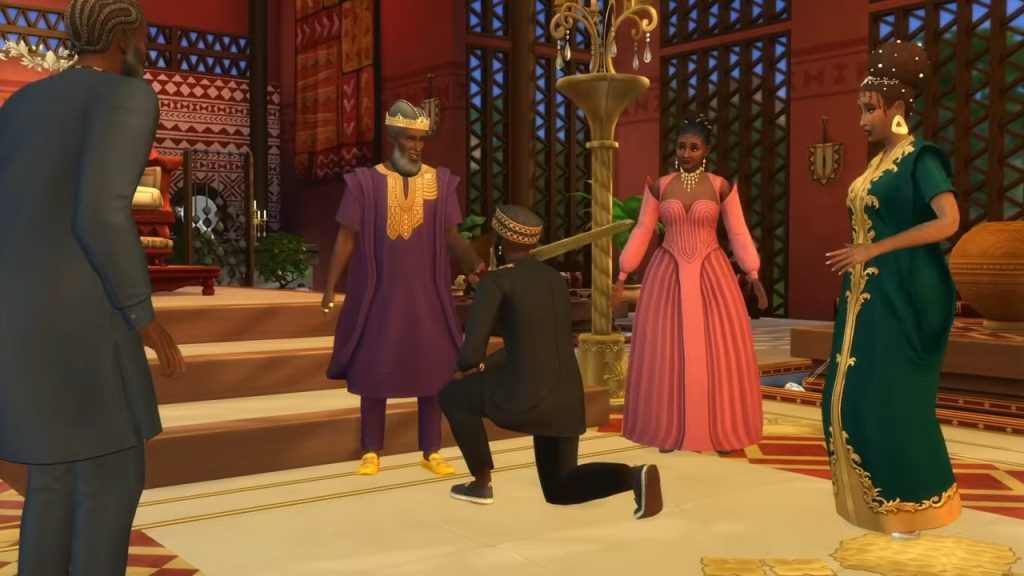
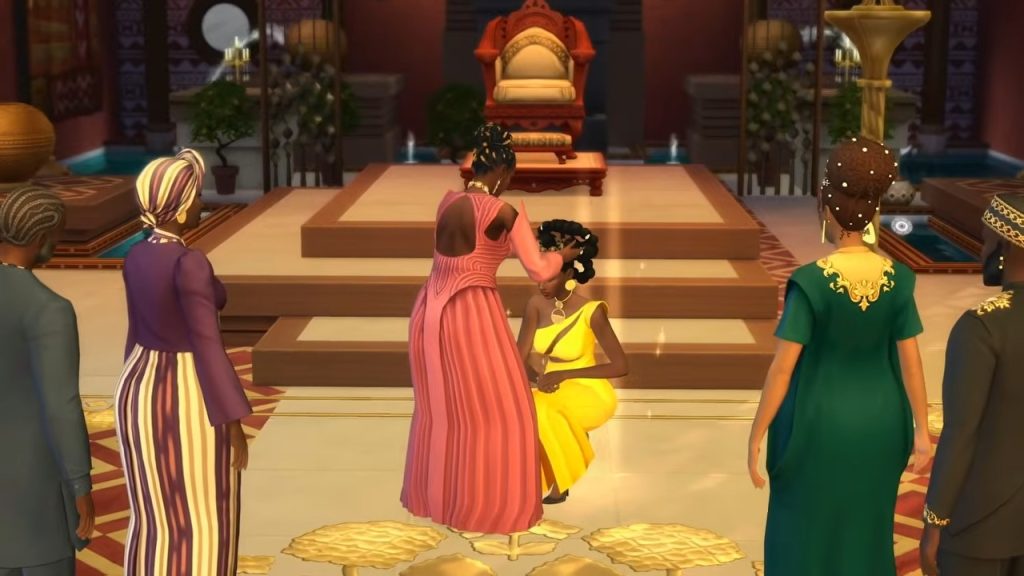
The trailer followed the antics of three royal families, the Darongs, the Capps, and the Thebes, to unveil new activities like swordfighting, knighting subjects, and getting coronated – as well as royal scandals.

Watch the trailer

Want to watch the full trailer? You can watch it on YouTube here.


Do you think the new expansion pack looks worthy of royalty? Let us know below.

The Sims 4 Royalty & Legacy Blog: Official Introduction to Expansion Pack Features

10

Get an official first look in the first Sims 4 Royalty & Legacy blog!

The Sims Team introduces you to the new world and features with their latest official The Sims 4 Royalty & Legacy blog entry. The upcoming 21st Expansion Pack for The Sims 4 is set to release on February 12th, 2026 across Computers and Console supported platforms. Along with two Kits and Digital Content Bundle, which has been more explained in the official Features and Bundle Assets announcement!

The Sims 4 Royalty Legacy Official Reveal Trailer 3 20 screenshot 1

See the first information about The Sims 4 Royalty & Legacy down below:

BOOK PATTERN

Official The Sims 4 Royalty & Legacy Blog

Behold Ondarion: a splendid coastal kingdom (aka world) where legacies are forged, scandals brew, and fables come to life. 

In this chapter of its storied history, Ondarion will crown a new King or Queen, as familial dynasties vie for the throne. 

The question you and your Sim now have to ask: what role will we play in this story?

In The Sims 4 Royalty & Legacy Expansion Pack, Sims can craft multigenerational lore through the new Dynasty and Nobility systems, uncover and ignite shadowy Scandals, encounter enchanted Powershifts, and explore a world of intrigue, prestige, and scandal. 

The Sims 4 Royalty & Legacy Expansion Pack launches on February 12, 2026. You can learn about the Grand Bundle below, available from January 15 through March 15, 2026.

So, are you ready to write your own Sims’ legend?

SIMS4 EP21 Royalty and Legacy Master RGB 3840x2160

A World of Possibilities

Three vibrant regions (aka neighborhoods) shape Ondarion, each ruled by a powerful Dynasty (with more on these families coming in our Meet the Sims article on January 27, 2026). Every region is steeped in historic charm, rich culture, and the occasional whisper of scandal.

  • Dambele is a community where the arts are cherished, and shared spaces such as the open palace gardens and communal market embody its culture of generosity and togetherness.
  • Verdemar, populated by heroic outlaws and cunning nobles, is as unpredictable as the sea that surrounds it.
  • Bellacorde is defined by romance, opulence, and candlelit corners that invite illicit rendezvous.

The Backroom Lot, a new Lot type, leads a double life. By day, it functions as a Library, Gym, or Museum depending on how you build it, but when night falls, it transforms into a Night Club. Sims can experience this shift in Dambele, home to a premade Backroom Lot that trades quiet study for nightlife after dark.

Three distinct Sims worlds are shown side by side, featuring grand villas, desert-inspired palace cities, and cliffside towns surrounded by lush landscapes.

In Ondarion, Sims can reside in lavish, palace-inspired estates, and host resplendent Grand Balls. Every region is home to several noble dynasties, but the royal throne of Ondarion stands unclaimed.

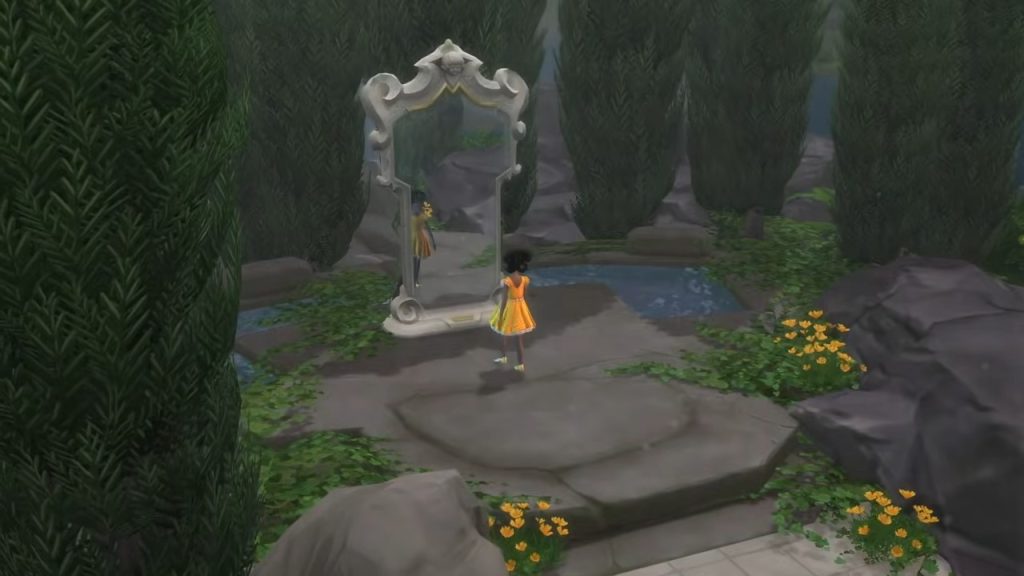
Throughout this kingdom, Powershifts add fantasy, storybook twists to your royal tale. Sims may pull the legendary Sword In Stone, waltz into love at a magical Ballroom Dance in dazzling Crystal Slippers, woo a Noble Frog with unpredictable results, or consult the Enchanted Mirror to reveal hidden truths.

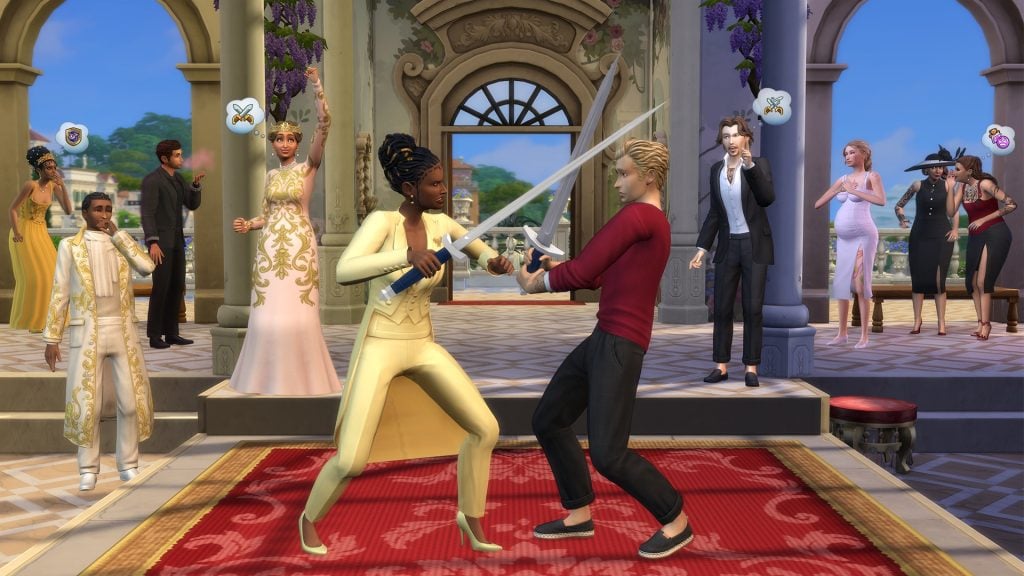
Master the art of Swordsmanship, a new level 10 Skill that lets your Sims duel for love, Simoleons, career promotions, noble rivalries, and more, with Swordsmanship Tournaments held at Gazebos found throughout every neighborhood in Ondarion as a Goaled Event, where opponents gather and players complete event tasks through duels.

Secret Passageways are the kingdom’s most mischievous shortcut. They let Sims teleport between connected passageways on their lot, or any other lots in the world that they place or discover. Add a Secret Passageway to a hallway, secluded courtyard, your secret lover’s study or your rival’s residence for stolen moments, secret romances, and dramatic entrances no one saw coming.

Beyond speeding up routing, Secret Passageways can unlock a new WooHoo location and offer chances to uncover other Sims’ secrets. Sims can also tamper with the Cuckoo Clock, located on the outside of the passageway, causing a mishap with the potential to trigger the newest dramatic demise: Death by Cuckoo Malfunction.

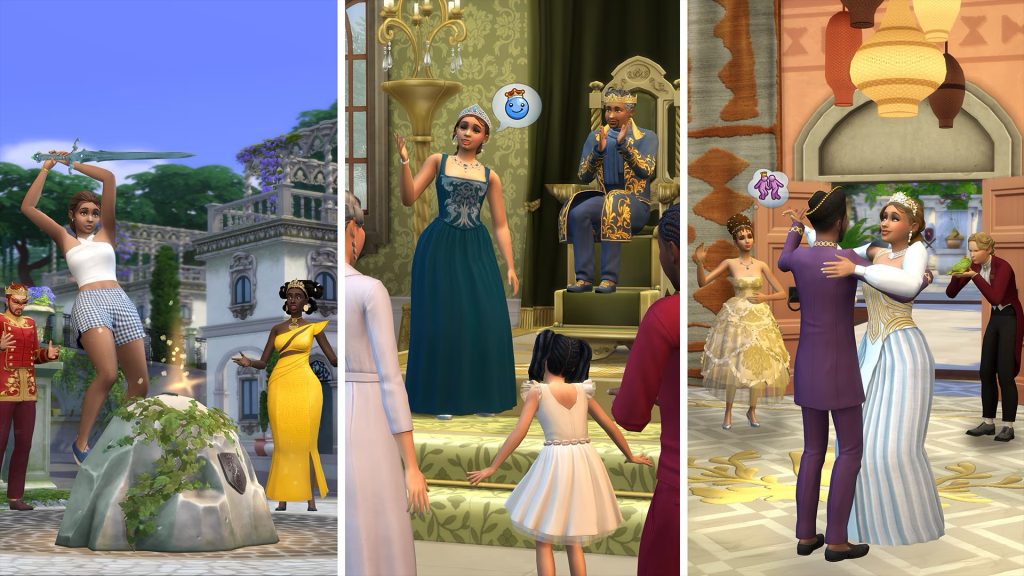
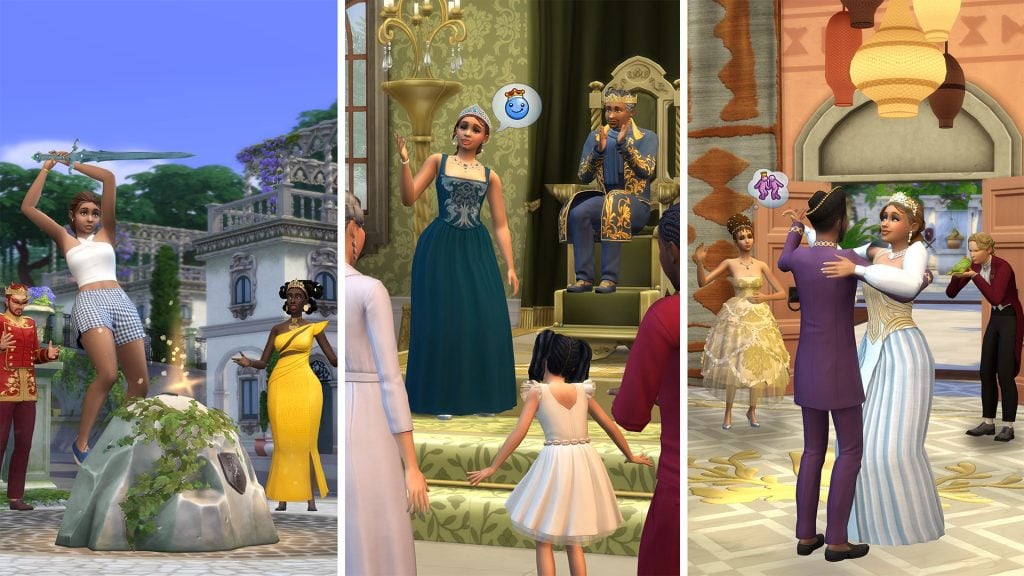
Three scenes show Sims in royal settings: a dramatic sword pose outdoors, a coronation speech before nobles, and couples dancing at a grand celebration.

The Price of Power

The Noble Career invites your Sim into a storybook world of courtly intrigue, lavish pageantry, and dramatic power plays. From Noble Newcomer to Kingdom Leader, your Sim can rise through the noble ranks and claim the Throne as Monarch of many Kingdoms (thanks, cross-pack play!*). 

Advance Noble Rankings by earning favor at court, forging powerful alliances, or pursuing bolder paths through clever schemes and strategic marriages. And yes, your Sim’s spouse and children inherit those shiny titles, too. Power is scarce (each Kingdom can only have one true ruler). And yes, your Sim’s spouse and children inherit those shiny titles, too.

Your Sims can rule through grand decrees, rousing speeches, and generous donations, or win over fellow Nobles by collecting Favor, a new two-sided resource earned through choices that appeal to either Nobles or Commoners. Power can breed rivalry, and the further you rise up the ranks, the more likely you will face Noble rivals looking to taint your name and image. Convince them to abdicate or meet them blade-to-blade in a Duel of Swordsmanship. Diplomacy or chaos, it’s your call.

Whether your Sim becomes a gracious monarch, a charismatic socialite, or a cunning climber powered by gossip, power demands attention. There are no fixed hours in this career; performance hinges on completing Royal Duties each day.

And power is never permanent. One misstep–a flirtation in the wrong hallway, an ill-placed insult, a heated Duel, or a Powershift–can send influence skyrocketing, or wipe it out overnight.

Two Sims duel with swords on a red carpet at a wedding ceremony, while formally dressed guests watch in surprise under a grand outdoor arch.

For Dynasties Great and Quaint

Ondarion is where familial dynasties of all sorts rise and fall. Your Sim can join one or start their own, and with the Dynasty System (cross-pack play!*), they can shape their house’s identity: defining values, appointing heirs, and creating lore future generations will brag (or cry) about. Any Sim can become head of their own Dynasty, they can cast someone out entirely OR designate someone as an outcast to stop them from damaging the Dynasty’s Prestige. 

New interactions like Designate Heir, Designate Outcast, Usurp Family Headship or Expel a Sim from a Dynasty transform generational storytelling into active, playable moments. Every triumph and scandal ripples through the family tree, turning your house into a truly living, evolving legacy.

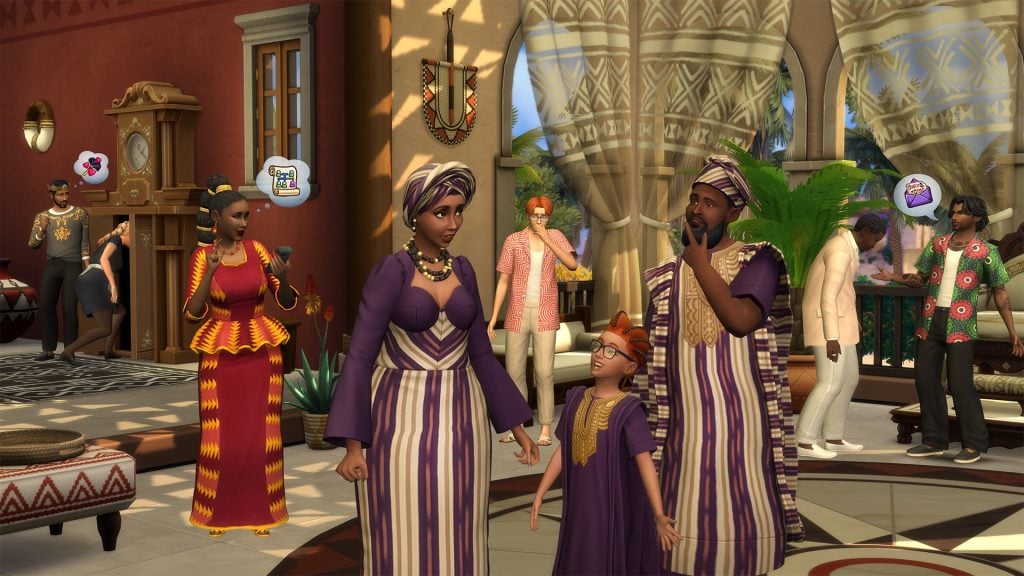
A family of Sims in coordinated purple and striped formal outfits stands together at a lively wedding venue as guests mingle in the background.

Scandals

In Ondarion, even hushed words can topple dynasties. With the new Scandals System (cross-pack play!*), a quiet suspicion or rumor can erupt into a kingdom-shaking event.

Scandals range from minor missteps, like defacing a monument, to explosive revelations involving forbidden romances, illegitimate heirs, or forging a family tree. The bigger the scandal, the more you’ll notice its effect on the Sims around you.

When a Scandal comes to light, it can impact a Sim’s relationships, career, and even Dynasty Prestige. How your Sim responds to a Scandal is up to you: issue a public apology, deny the accusation online, they can even write a book about it and earn profits. 

For those who crave maximum drama, potential Scandals can also be weaponized. Use them to extort rivals, fracture alliances, and climb the social ladder. NPCs can even seek atonement and ask for a noble pardon.

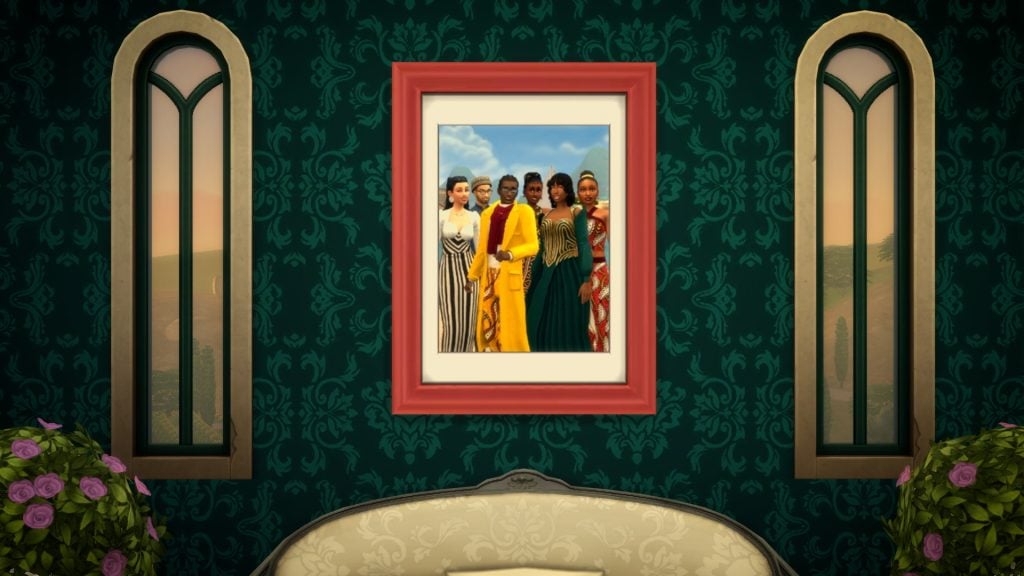
A framed portrait of a group of Sims in elegant formal outfits hangs on a patterned wall between two tall arched windows.

Creating With Community

To bring the world to life, the team began close, collaborative concepting over a year ago with the Pan African Gaming Group (PAGG)* and a group of Simmers with direct ties to West African countries and lived experiences across the Black diaspora in the UK and North America. This collaboration helped ensure that cultural inspirations were thoughtful, authentic, and deeply rooted. 

Their guidance helped shape Create a SimBuild/Buy, the world’s lore, and the Dambele neighborhood itself. These groups also contributed to last year’s West African update, which introduced new, free Create a Sim and Build/Buy items.

Simmers were involved directly in the development of the pack too! We were thrilled to bring on talented builders Plumbob KingdomEva RotkyEmeraldStories, and Studio Gabri to create lots throughout the world, and IceMunMun and Littlbowbub to create mouthwatering dishes. 

You can learn more about how The Sims work with players and PAGG in upcoming articles on January 19 and 20, 2026.

New Bundle and Kits

The Realm Awaits, Your Majesty: A Grand Bundle

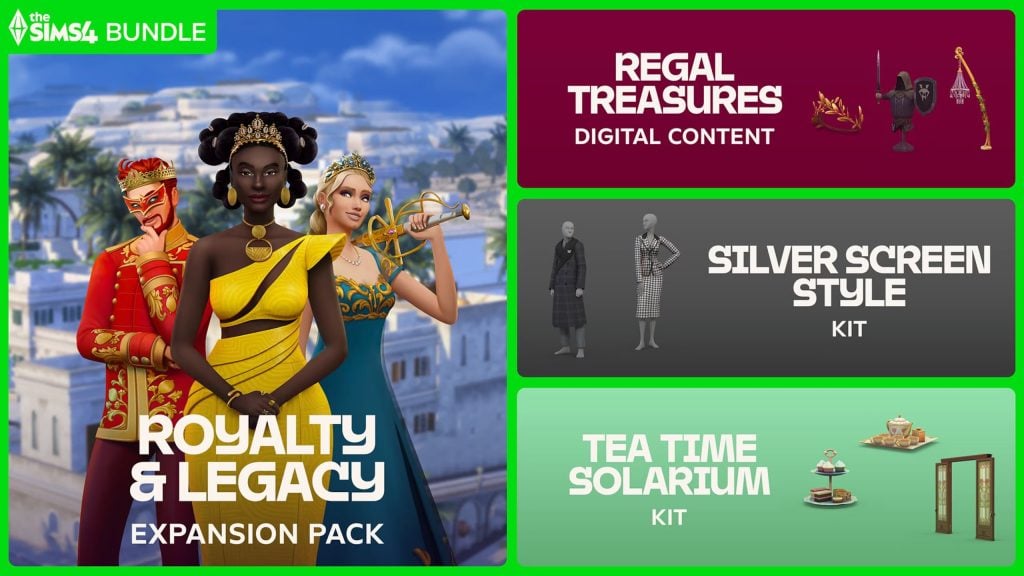
You’re royalty now, and that comes with some major perks. Every purchase of The Sims 4 Royalty & Legacy includes a FREE upgrade to the Grand Bundle, because everyone deserves the royal treatment. This bundle has everything you need to plot the drama and spill the tea. From January 15 through March 15, 2026, you’ll receive The Sims 4 Royalty & Legacy Expansion Pack, the Regal Treasures Digital Content, and two new kits: Tea Time Solarium and Silver Screen Style

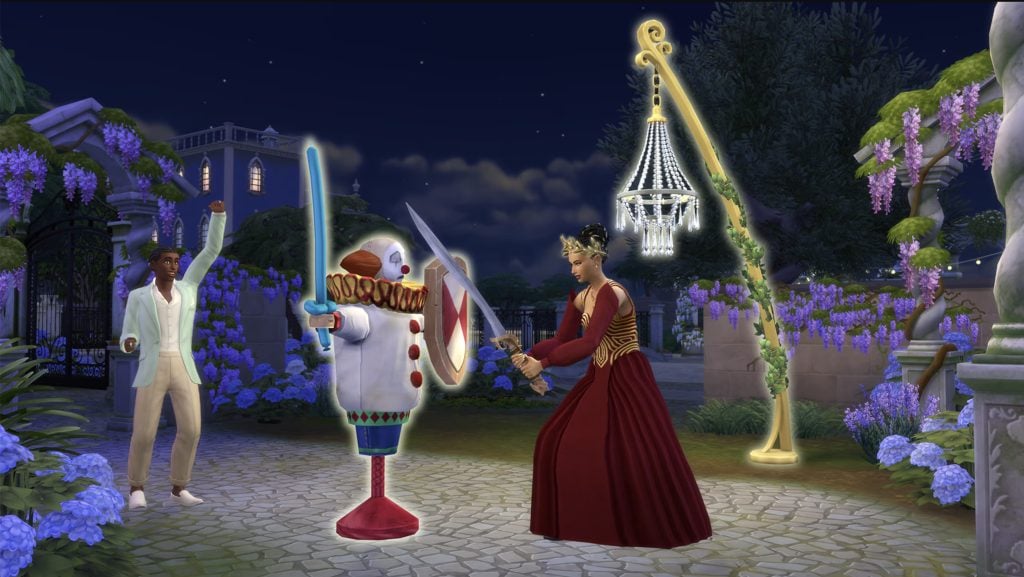
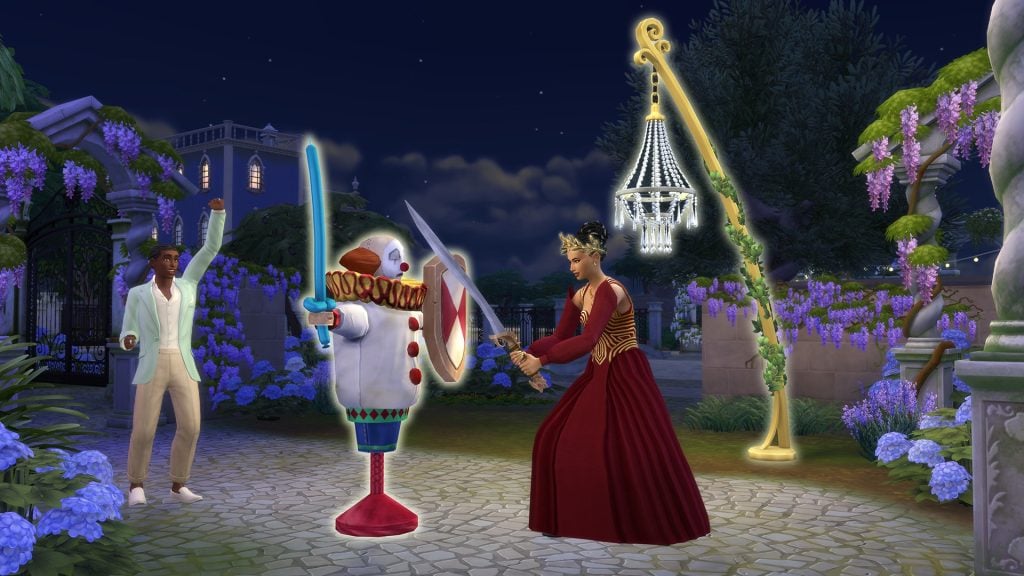
A crowned Sim in a red gown practices sword fighting at night against a training dummy, while another Sim cheers in a lantern-lit garden.

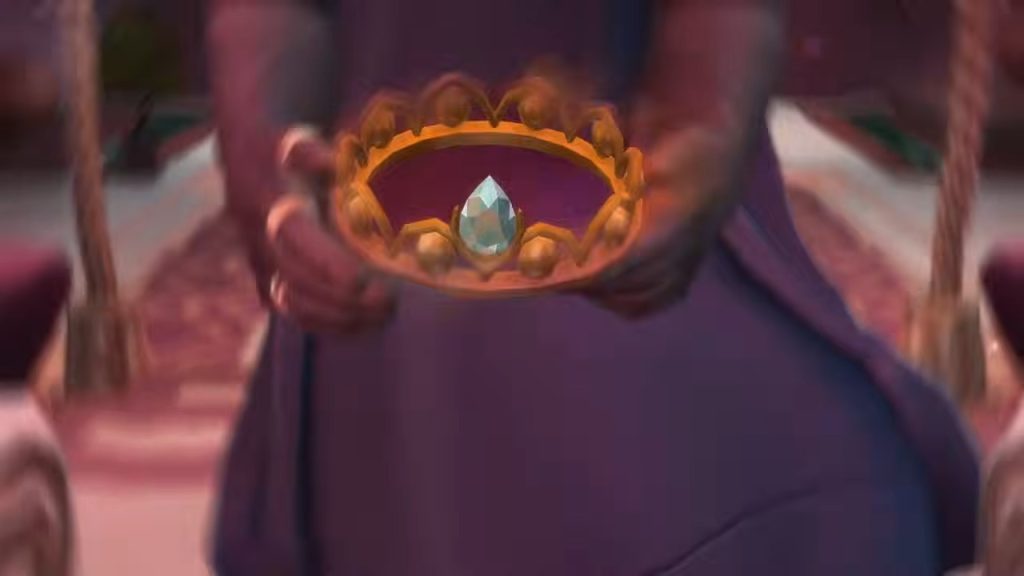
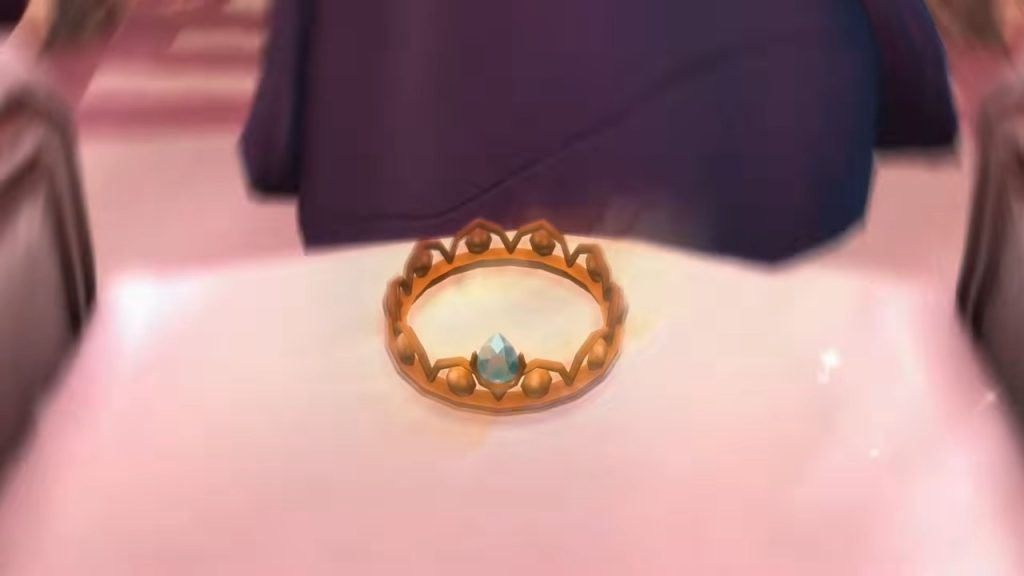
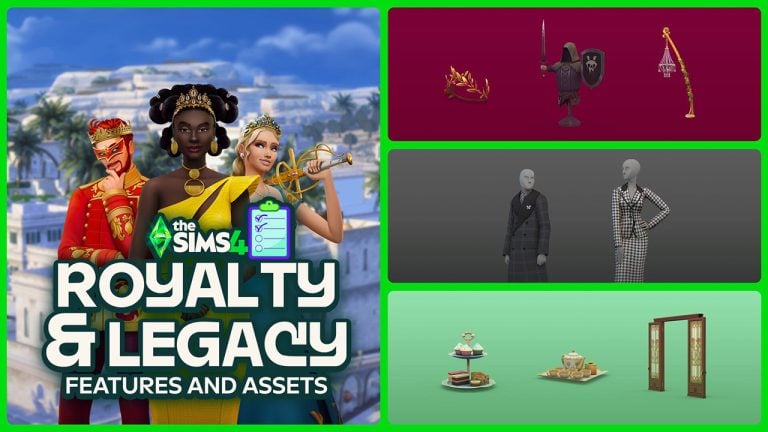
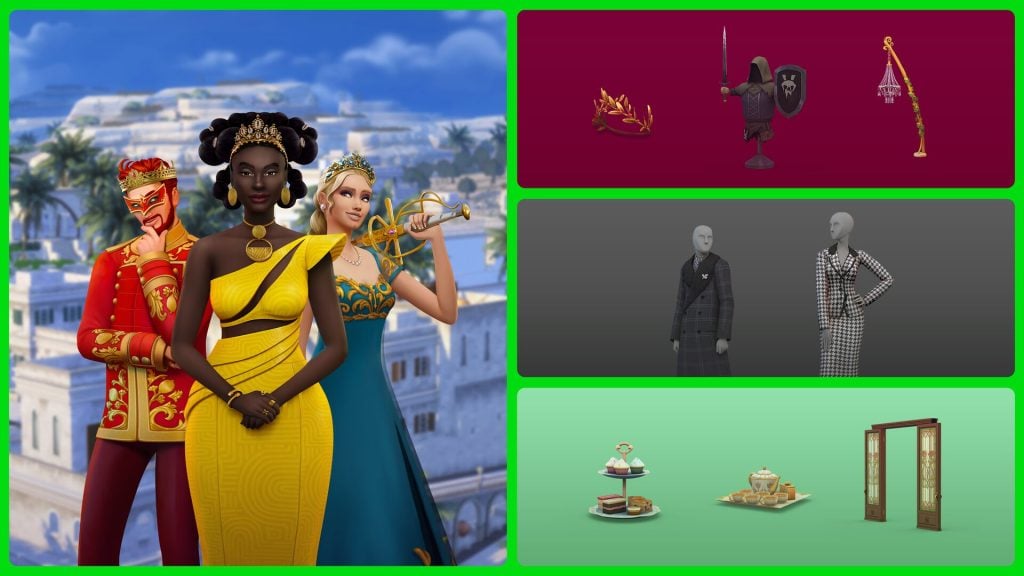
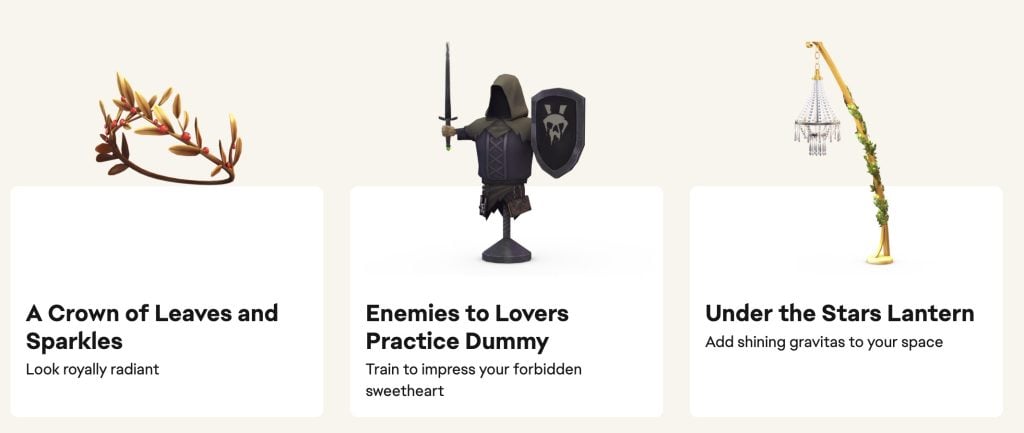
Look royally radiant in A Crown of Leaves and Sparkles, train to impress your Sim’s forbidden sweetheart with the Enemies to Lovers Practice Dummy, and add shining gravitas to your Sim’s space with the Under the Stars Lantern with the Regal Treasures Digital Content.

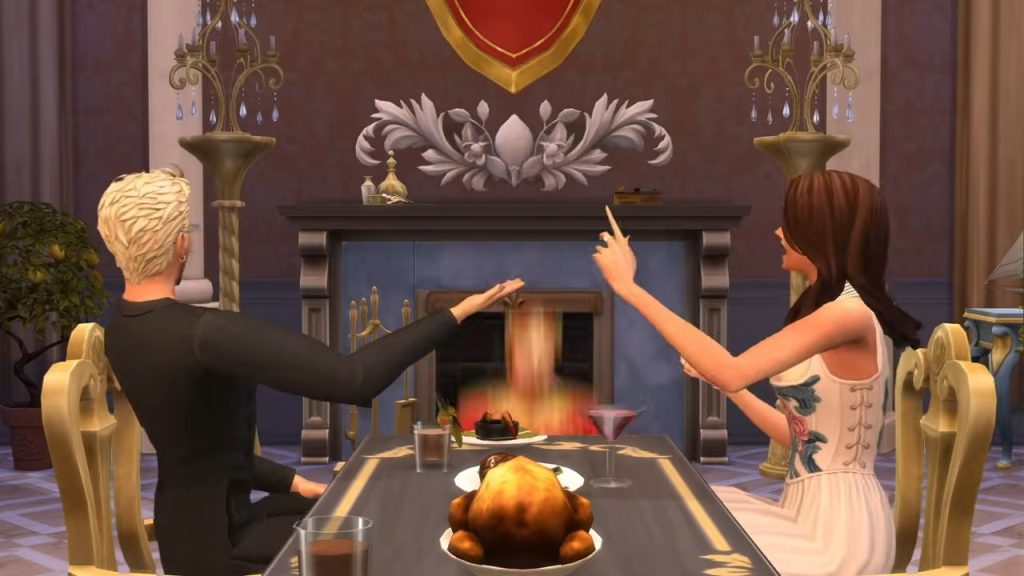
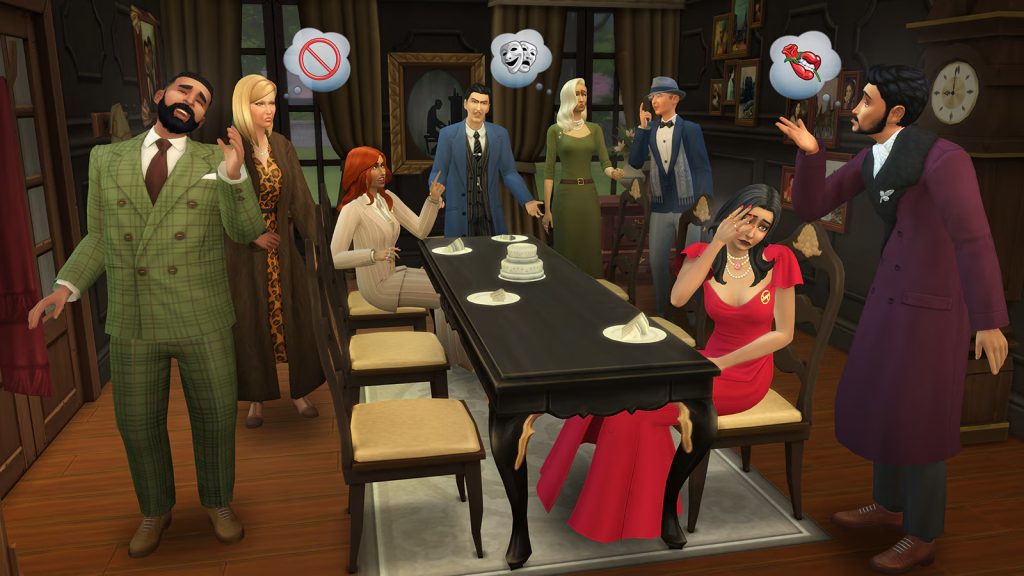
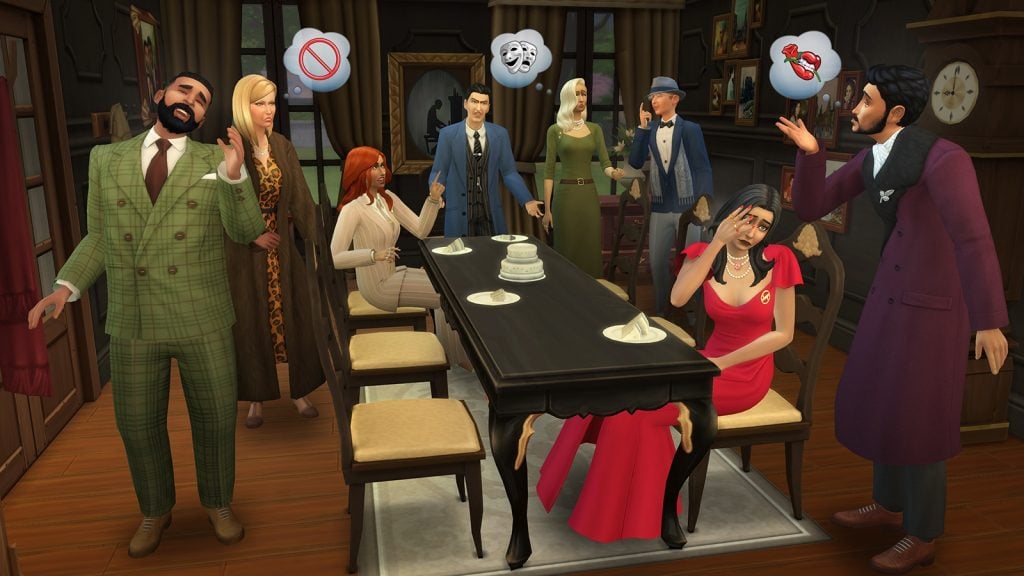
Sims argue around a dining table during a tense gathering, with dramatic gestures, thought bubbles, and a distressed Sim seated at the table.

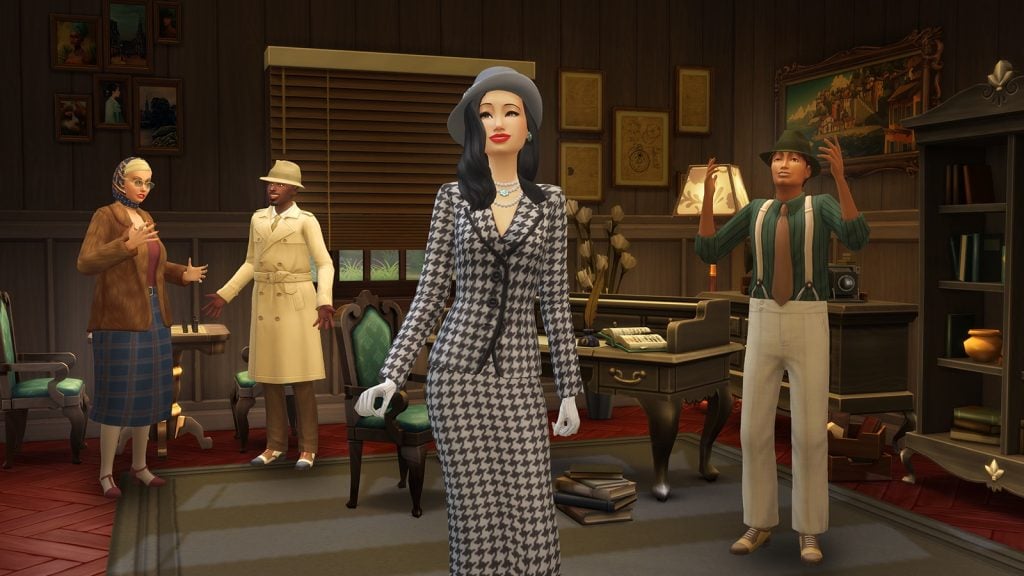
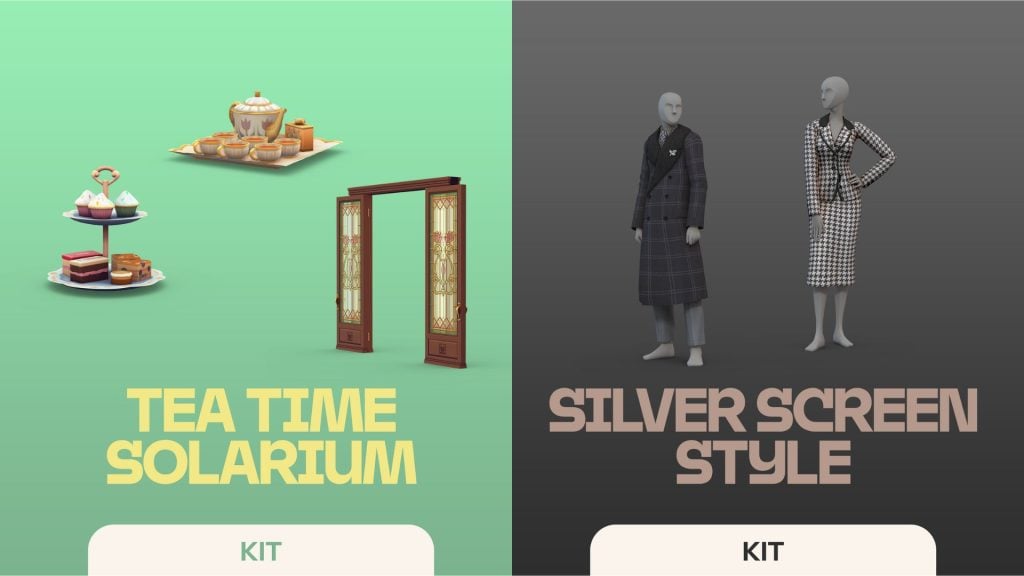
The Silver Screen Style Kit lets Sims step into roles worthy of the spotlight. Inspired by the mystique and glamour of a classic era, this collection features dramatic gowns, sharp suits, bold accessories, and iconic outerwear. From sparkling jewelry to trench coats made for intrigue, these looks are designed for powerful entrances, secret plots, and unforgettable moments.

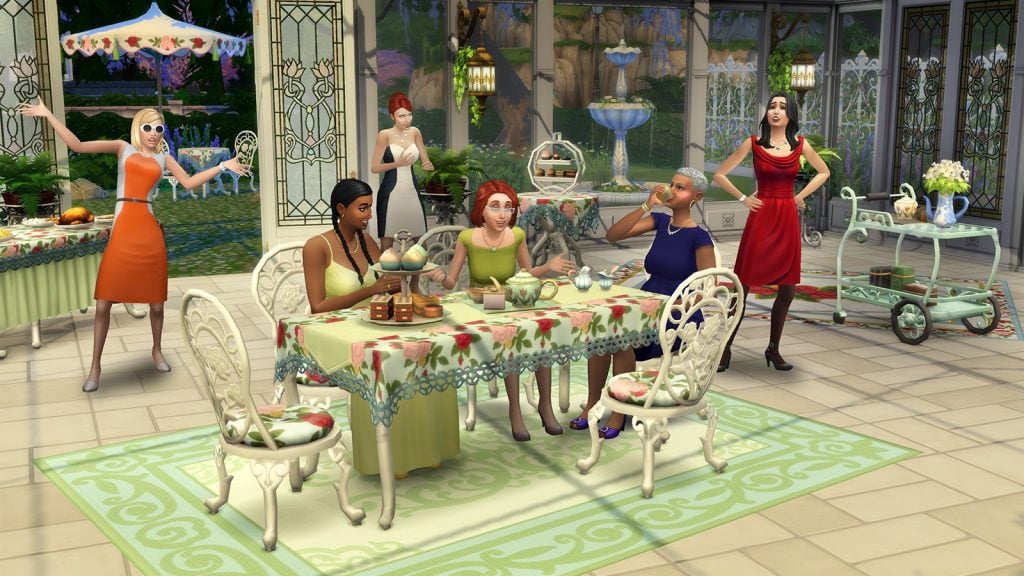
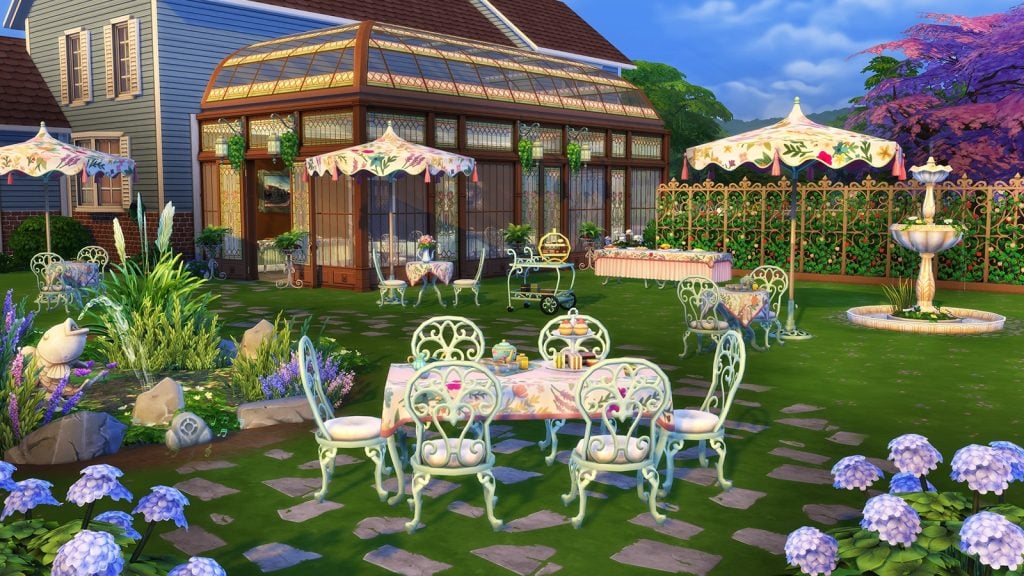
Sims gather for an elegant afternoon tea in a sunlit garden room, chatting animatedly around a floral table while others react dramatically nearby.

The Tea Time Solarium Kit creates a refined retreat bathed in sunlight and elegance. With expansive glass walls, graceful windows, and garden-inspired furnishings, Sims can host elevated gatherings that feel both intimate and open to the outdoors. Complete with delicate tea sets, treat trays, and a banquet table, this serene solarium is the perfect place to sip, snack, and spill the tea in style.


What are your thoughts on the first official The Sims 4 Royalty & Legacy blog entry? Let us know in the comments below and stay tuned for all the latest Royalty & Legacy News!

The Sims 4 Royalty & Legacy Grand Bundle: Official Features and Assets

EA and Maxis reveal the official features and promotional material for The Sims 4 Royalty & Legacy Expansion and three new Kits.

The Sims Team announces an exclusive new The Sims 4 Royalty & Legacy Expansion Pack, along with an unexpected bundle of TWO New Kits and Expansion Pack Bonus Content. All for the price of one Expansion Pack that is $39.99USD.

See the first look of the description and features down below, including The Sims 4 Royalty & Legacy Expansion Pack and Regal Treasures Bonus Content, as well as Silver Screen and Tea Time Solarium Kits.

This Bundle is available right now through March 15th, 2026. The full contents and release date are set for February 12th, 2026.

Read the full pack announcement of features and content below. You can dive deeper into the Expansion Pack features with the first official blog post entry!

clipboard sc

The Sims 4 Royalty & Legacy Bundle Official Description and Features

the sims 4 royalty legacy kits

Do it all for the plot with The Sims™ 4 Royalty & Legacy Grand Bundle*. Get The Sims™ 4 Royalty & Legacy Expansion Pack, Regal Treasures Digital Content, The Sims™ 4 Tea Time Solarium Kit, and The Sims™ 4 Silver Screen Style Kit available when you order through March 15, 2026**.

The Sims™ 4 Royalty & Legacy Expansion Pack

Do it all for the plot with The Sims 4 Royalty & Legacy Grand Bundle*. Get The Sims 4 Royalty & Legacy Expansion Pack, Regal Treasures Digital Content, The Sims 4 Tea Time Solarium Kit, and The Sims 4 Silver Screen Style Kit available when you order through March 15, 2026**.

Your Family, Your Legacy – A Dynasty dominates through devotion to shared Values – like being Passionate or Mysterious. Build up Prestige, maintain Unity, and be the powerhouse family everyone wants to keep up with. Any Sim can become Head of their own Dynasty, and as Head they have the power to choose their Heir or declare family members Outcasts. But remember, elevated status means elevated drama: an Outcast might rebel, or an Heir might be overwhelmed by pressure. Relationships can get complicated, and how it all plays out is up to you.

Claim Your Crown – Many worlds can be kingdoms, but only one Sim can wear the crown. Make decisions that will win you the hearts of the people – or court the approval of other Nobles with choices that benefit them. Favor with either group can earn you higher titles, but rivals may block your path to the top. Encourage them to abdicate, face them in Duels of Swordsmanship, or go the cunning route and expose their Scandals. How you ascend is up to you – there are even Powershifts pulled right out of fantasy stories. Woo a Noble Frog, dance in dazzling glass shoes, or claim a mythical sword as part of your path to power.

Do It for the Plot – Forbidden loves, secret children, and froggy kisses are just a few situations that can become saucy Scandals. When a Scandal erupts, it can impact a Sim’s relationships, career, Dynasty Prestige, and even Noble Favor. A Noble’s title could be put at risk! Power and prominence are fickle things, and sometimes a fall from grace is needed to make a change. When faced with a Scandal, Sims can apologize, atone, wait it out, or deny everything.

Your Kingdom Awaits – Ondarion is a world with rich history, powerful Dynasties, and complex relationships where opulence and culture are around every corner. Sims can live in palace-like residences, hone their Swordfighting skills, and even attend Grand Balls. There are three distinct neighborhoods: warm and inviting Dambele, lush and vibrant Verdemar, and elegant, romantic Bellacorde. Each neighborhood has its own Nobles, and the throne of Ondarion is empty. The stage is set and the stories of ascension are yours to tell.

The Sims™ 4 Regal Treasures Digital Content

Screenshot 2026 01 15 at 17.20.51

Look royally radiant in A Crown of Leaves and Sparkles, train to impress your forbidden sweetheart with the Enemies to Lovers Practice Dummy, and add shining gravitas to your space with the Under the Stars Lantern.

sims 4 regal treasures

The Sims™ 4 Silver Screen Style Kit

The Sims™ 4 Silver Screen Style Kit. Bold, Beautiful, and Dangerous – Look confident and capable in sparkling jewelry, a faux fur-trimmed coat, and sleek shoes in addition to gowns and suits that create classic silhouettes.

The Sims™ 4 Tea Time Solarium Kit

The Sims™ 4 Tea Time Solarium Kit. Tasteful & Tasty – An elegant tea party requires a beautiful space, good conversation, and – of course – tea, as well as other refreshments. This collection features a delicate tea set and treat tray that are both functional and lovely to look at, as well as a new banquet table.

Expansion Pack Screens

New Kits Screens

Covers

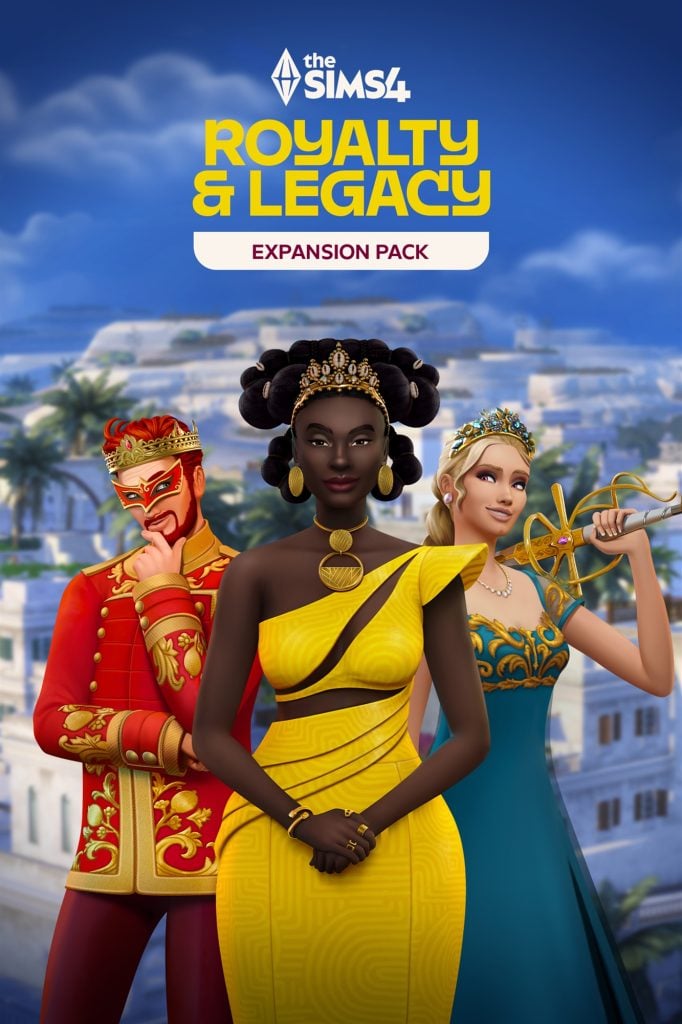
sims 4 royalty legacy cover
the sims 4 kits preview

Unofficial Facts About The Bundle

It appears that some extra clarification about The Sims 4 Royalty & Legacy Grand Bundle is required, considering it’s a first of its kind.

It hasn’t been clarified anywhere as of now whether or not the Two Kits including Tea Time Solarium and Silver Screen Style will become available independently. There’s no information if after March 15th you’ll be able to get them independently – or if they’re just an exclusive addition with the Royalty & Legacy Expansion Pack. Both options seem possible so we’ll keep you updated once we know more about the Bundle availability.

The Sims 4 Royalty & Legacy Expansion Pack is being released alongside these two bundles on February 12th, 2026. Getting the Pack from now until March 15th will also grant you access to the Regal Treasures digital content. This one is confirmed to be limited and will be gone for good after March 15th passes.

Where to Get

The Sims 4 Royalty & Legacy Expansion Pack is releasing through the Grand Bundle first and will be available on February 12th, 2026. You can get The Sims 4 Royalty & Legacy Grand Bundle for $39.99USD (or a price equivalent to your local currency) at the following official online retail stores:

the sims 4 royalty legacy grand bundle banner

What are your thoughts on the official promo and features for The Sims 4 Royalty & Legacy Expansion Pack? Let us know in the comments below and stay tuned for more Royalty & Legacy coverage on Sims Community!

The Sims 4 Royalty & Legacy Official Reveal Trailer

6

First official trailer for The Sims 4 Royalty & Legacy Expansion arrives!

Maxis has published the official Sims 4 Royalty & Legacy reveal trailer on their YouTube channel. This Expansion Pack is expected to release on February 12th, 2026 across PC, Mac, Xbox and Playstation supported platforms.

Get a first look with the official trailer below and stay tuned for all the latest Sims 4 Royalty & Legacy News!

EA Wants Your Save Files For a New The Sims 4 Feature

The Maxis team is testing a new feature and needs your help!

The Sims Team has posted a new message on The Sims 4 Help forum, asking players for their Save Files as they look into a new feature. They’ve specificalyl requested “save files with multi-generational families”, so we’re assuming it’s something to do with The Sims 4 Royalty & Legacy Expansion Pack.

See the full message below and how you can participate:

CONVERSATION 2

Hey Simmers,

 We’re currently testing a new feature and are looking for save files with multi-generational families to help us with testing. Ideally, these saves would include several generations with family connections such as marriages, children, cousins, aunts, uncles, and great grandparents.

sims 4 save files

 What we’re looking for:

  • Save files with 3+ families spanning 3–5+ generations.
  • Lots of interconnected family relationships (cousins, aunts/uncles, great-aunts/uncles, etc.)
  • Bonus if larger families have intermarried, linking family trees.
  • Any packs are welcome, including base game! Mods are fine to include!

If you’d like to share your save file with us, please send me a private message with a link to the file. Instructions on how to send your save files can be found here: [INFORMATION] How to Send User Files to The Sims 4 Team 

Thanks so much for your help, we really appreciate you supporting our testing efforts!


Will you be submitting your save files for this Sims 4 Feedback process? Let us know in the comments below and stay tuned for the full Expansion Pack reveal information!

The Sims 4 “Collector’s Pass” Mentioned in Official Site URL

12

Is EA preparing a new form of subscription services for The Sims 4?

We discovered today upon the official announcement of The Sims 4 Royalty & Legacy Expansion Pack that there’s going to be a Bundle along with the Expansion Pack release. The website doesn’t mention anything useful on the frontend as it lands to a “404” page and reveals the new Bundle name.

We then received an email from one of our readers about new information discovered in the backend. Specifically mentioning several official EA pages with a “Collector’s Pass”. There’s also an instance that mentions “taking a spin” with one of the Packs. No idea what’s EA and Maxis preparing with this one for The Sims 4, but you can take a guess from the URL instances and descriptions mentioned below:

CONVERSATION 2

I have found multiple references to a “The Sims 4 – Collector’s Pass” which i believe has not been mentioned as of yet? I think it seems to be some sort of subscription service. All of these mentions are loaded internally on EA’s website, either by accessing backend APIs (which they accidentally return these). 

Usually EA would obfuscate this, but loading the Grand Bundle page you showed us on the website returns many references. I have sent a screenshot with the references together with the e-mail 🙂 

It even mentions an EA Help article that 404’s as of now, linked at “https://help.ea.com/articles/the-sims/the-sims-4/managing-collectors-pass-membership/

 Any more information, please ask!

“key: “CANCEL_MEMBERSHIP_FEEDBACK_TS4_SUBSCRIPTION_TEXT_URL”,

“value: https://help.ea.com/articles/the-sims/the-sims-4/managing-collectors-pass-membership/”

“key”: “CANCEL_MEMBERSHIP_META_TITLE”,

“value”: “Cancel The Sims 4 Collector’s Pass – Electronic Arts”

“key: “CANCEL_MEMBERSHIP_TEXT_BODY”,

“value”: “Before you go, how about taking your membership for a last spin with one of these Packs?”

sims 4 collectors pass membership

I’m following up with this extra information, which says the following:

“key”: “CANCEL_MEMBERSHIP_CONFIRMATION_MODAL_BODY”,
“value”: “Your Sims 4 Subscription is now canceled, but you’ll have full access to your games until your billing period ends on {subscriptionEndDate}. Keep an eye out for a confirmation email.\n\nIf you change your mind, rejoining is super easy — and all of your games and play progression will be right here waiting for you. \n”

This is a key for showing up on the website that EA’s server is returning. It does cite “Sims 4 Subscription”. I don’t think The Sims 4 has a subscription model outside of EA Play, but EA Play is usually reserved outside of the entire part of Sims 4’s section on the server response. I do believe they’re announcing a Sims 4 Subscription service soon. Not sure how it might work, the file doesn’t seem to cite much more apart from this lol but i will contact again in case i find something else.

Tip: @simbasonline

It’s currently not known when The Sims 4 Collector’s Pass will become available publicly, and even if it will become available to the players. We know by the tone of the official Sims Franchise Roadmap that the team is continued to delivering single player experiences, but no words about subscriptions for them as of now.

If this aspect turns to realization it’s expected that players can access the entire Sims 4 Catalogue of DLCs using a Collector’s Pass subscription. That’s all based on the URL code discovery above and doesn’t contain any other confirmations as of now.

We’ll make sure to keep you posted once we know more!


What are your thoughts on the new URL mentions of a Sims 4 Subscription service and “Collector’s Pass”? Let us know in the comments below and stay tuned for all Sims 4 News and Updates on Sims Community!

The Amazing Hidden Lore of Princess Cordelia in The Sims 4

Pick up your heads, besties. Your crown is slipping down.


With the dawning of this new year, we’ve been given a rush of new information from The Sims Team on their plans moving forward in 2026. From attempting to clear up some of the confusion online with the latest content roadmap, to the newest teaser for the upcoming The Sims 4 expansion. It seems like 2026 is bound to be an exciting year for The Sims 4.

Doubly so if you’d read our article covering the teaser reveal, you would know that, not only will we seemingly be getting some form of monarchial/royalty system, but

Screenshot 2026 01 10 at 12.45.59 edited 1

It will come with the mark of someone who has been in the shadow of our gameplay since The Sims 4‘s release. A character that all The Sims 4 players will know from their time sifting through Build/Buy for just the right bed to tie together a room, or even taking a walk across the sun-kissed beaches of Sulani.

I’m referring, of course, to Princess Cordelia—patron of the arts, sailor of the high seas, and lover of many, many pirates. This article gives a brief overview of this enigmatic figure in light of her potential proper introduction into the series. Be that physically, finally, be included in our ever-expanding roster of premade townies, or, maybe, as a beloved founder (or figure) of whatever new World our Sims may soon rule over.

The People’s Princess – The Timeline of Cordelia Thebes

TS4 x64 fpb 2026 01 11 22 07 05

Princess Cordelia is a recurring Easter Egg that has been in The Sims 4 since its inception. Her lore is scattered through the Build/Buy catalogue, from paintings to statues to beds to staircases, and even deeper still into Debug, where Cordelia’s mythology can be found in a variety of collectables.

What I’m getting at is that she’s everywhere; you’ve mostly seen her name paging through Build/Buy, or your Sim’s own inventory. Eyes scanning for images and not reading the paragraph(s) in the description. Which? It makes sense. Maybe you’re deep into a challenger, or trying to puzzle out if this item is the one to you finally needed to complete your collection.

That’s why I’m here to geek out and give you the lowdown in detail. No Build/Buy skimming required.

Our Intrepid Cast (Available for Download Now!)

The princess and her crew of merry men (and cook, and butler) are available to download from the gallery. This household was created by Maxis, but is unfortunately not exclusively base game, as everyone’s outfits (and traits) are equally spread across Vampires, Get Famous, Island Living, City Living, and several miscellaneous stuff packs. Obviously, you can download them regardless, and redress them to your heart’s content.

Don’t let the potential lack of pack “needed” inhibit your creativity. It’s your game, dudes, have fun!

The Many Pirate Boyfriends of Princess Cordelia

Before going into the deeper, the life of the people’s princess; first? You have to know a bit more about her love life. While poor Matilda the Cook and Bob the Butler’s stories ended on the steps of the Eppsilon (spoilers),

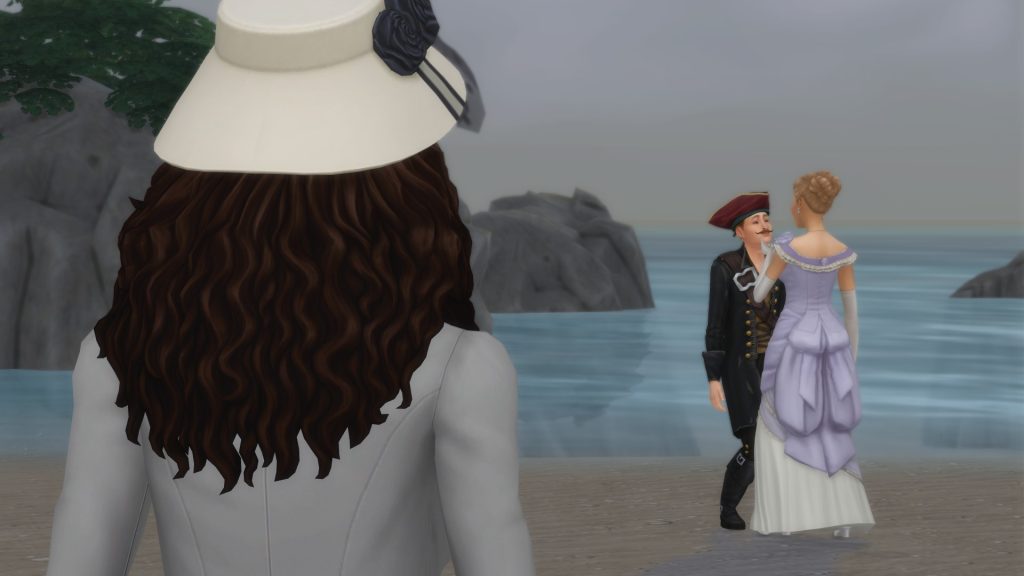
Long John Buttercups was Princess Cordelia’s first pirate boyfriend and, unfortunately for him, most certainly not the last. He was the first boyfriend to be moved into the Elippson along with his crew, and the two of them were together for a time. A majority of the furniture bearing his namesake is because she claimed it looked like his old ship. Cordelia dumped him because he was a bit too delighted by her corset and bustle. Which? Not to yuck his yum, but yikes. When she dumped him, as she’d had to fire Matilda, she kept the cook from his crew as part of her staff on the submersible. It’s also heavily implied he’s the “stinky pirate” boyfriend. Specifically, the one she built the ‘Last Resort Sink’ for along with emergency cologne stations. Double yikes.

Chaz MacFreeling was the princess’s second pirate boyfriend and, frighteningly, had the best hygiene of the bunch. This unfortunately paired with the fact that he was exceptionally vain. So vain, in fact, that Princess Cordelia dumped him due to his unnerving habit of constantly staring at his reflection in every mirror he came across. She was kind enough to send him packing with some citrus for his scurvy, though. The princess would go on to name every mirror she ever designed after him.

Rodrigo De Pablo was Cordelia’s clumsiest boyfriend. Sinking his own galleon in a mishap involving kelp, a mermaid, and a dolphin, and then going on to lose his leg in an accident on the Eppsilon. Despite this, Rodrigo was considered to have been the love of Cordelia’s life. As of The Sims 4 Adventure Awaits, we learn that he was also the greatest lepidopterist of all time, and would go on to (accidentally) discover all 14 of the available butterflies in Gibbi Point. One he, of course, would name after Princess Cordelia: The Cordelian Butterly. He was quoted to have written that as the Cordelian Butterly fluttered by “its wings echo the lilac depths of her gaze and the silken grace of her gown, a tribute to my cherished princess.”

Cordelia’s Lost Kingdom

TS4 x64 fpb 2026 01 12 12 09 37

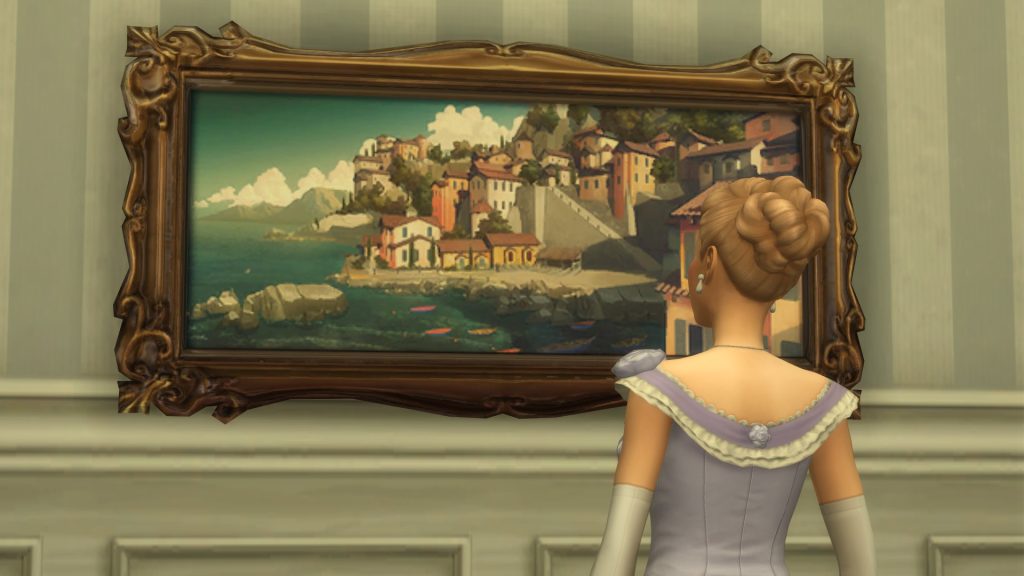
Cordelia was a member of the Royal House of Thebe, though, curiously, none of the items that share her history seem to mention her surname (which was unknown until her submission to the gallery). She was said to have lived in a “grand palace” which was on the coast of a “vast kingdom” though, unfortunately, the name of said kingdom was never given. The above painting, ‘Land-Light Coral’, found in Base Game, shows a quaint costal village. According to Cordelia, the residents of her kingdom were known to dress formally; with men wearing top hats, and women in gowns. She also mentions that the many cats living in the kingdom were not to her taste, as they often made her sneeze.

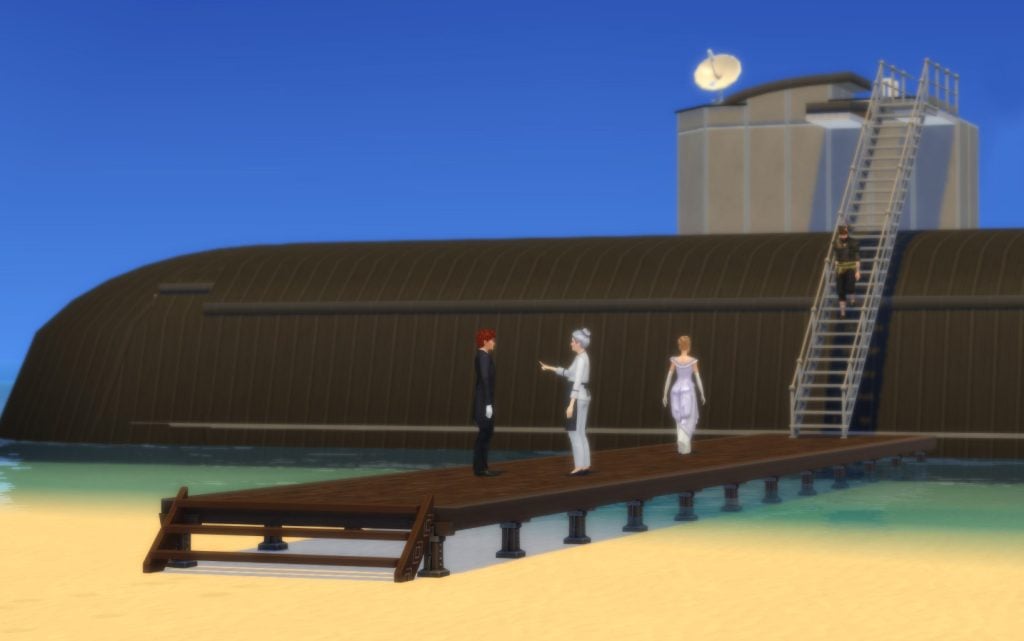
This all seems lovely…but it all came to an end when the Sloths attacked. The Great Sloth Invasion was a tragedy that struck the princess’s kingdom and forced its inhabitants to evacuate, lest they perish to the claws of the invading Giant Sloths. Thankfully, she was able to escape just in the nick of time into her submersible, The Epsilon, with her current pirate boyfriend, Captain Long John Buttercups, and his motley crew.

Unfortunately, though she was able to most everything she could carry into her sub, despite The Eppsilon having 48 rooms onboard, there wasn’t enough room for her beloved personal Jazz band, or her butler Bob, and her personal chef Matilda. All of whom she unfortunately had to let go before setting off into the unknown. It’s said that the pianist in her jazz band rolled his piano atop the Eppsilon and “played until it went under” so that his name might live on. Which, despite him being a jazz muscian, that was pretty metal, honestly.

Under The Sea (in the Submersible)

ljdkledwddw
Build used: SubMarine by mathewcharlesca on the gallery

As the Princess is a “Child of the Ocean” and loved the outdoors, her life in confinement on The Eppsilon was most likely difficult. Most of her time in the submersible was spent in her workshop; advising her furniture artisans in crafting furniture pieces inspired by her personal experiences of the ocean, and drawing inspiration from the sea life she would watch in the windows of her sub.

It’s said that when Cordelia would spin the globe in her room and, whatever country it landed on, that’s where she told the pilot to sail toward. To make money, she would regularly sell the furniture they crafted at the port of the latest city they visited.

A Cottage in Henford-on-Bagley

TS4 x64 fpb 2026 01 12 11 59 46

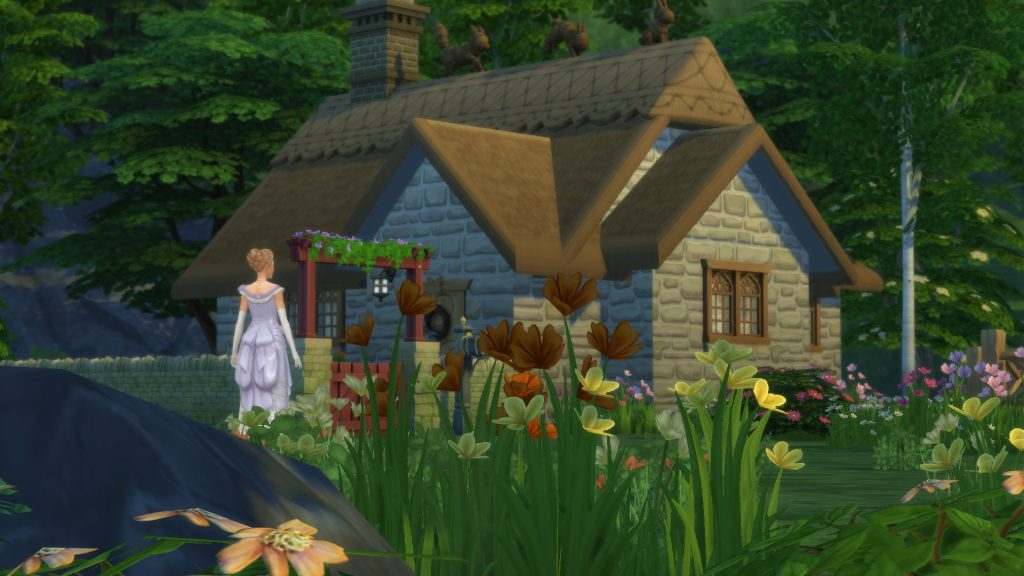
She initially settled in Henford-on-Bagley, where she enjoyed life in the countryside and the pastoral lifestyle that came with it. Possibly staying in the cottage at the base of the falls in The Bramblewood, both of which bearing her name. Cordelia was believed to have enjoyed her time exploring the area and swimming in the brisk waters of the River Bagley.

A rather novel experience for came about when, due to the absence of her staff, specifically that of her stair butler, whom efficiently carried her up and down the stairs, she had to navigate climbing stairs on her own. Cordelia would go on to write about such “peasant stairs” in her diary, as the experience was that memorable.

Sailin’ through Sulani

TS4 x64 fpb 2026 01 13 10 18 35

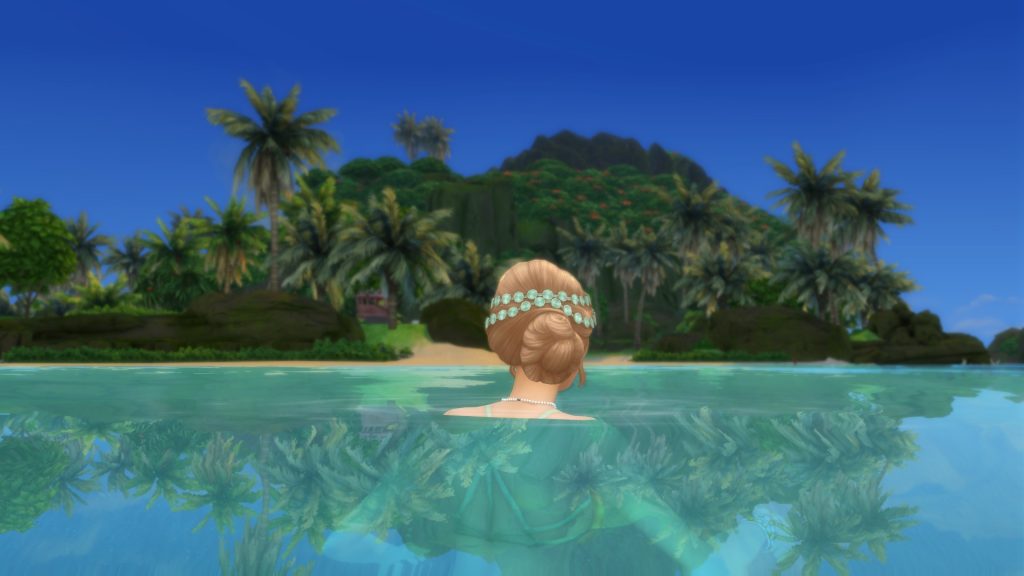
In Sulani, the Princess and her current boyfriend, Rodrigo De Pablo, experienced a battle of attrition with the Dread Pirate Morgan. She and Cordelia fighting a battle of wits as one sought to protect the denizens of Ohan’ali Town, and the other cared only for the bountiful treasures to be plundered from its people.

In the end, the Dread Pirate Morgan sailed into the unknown with said treasure in the hold of her ship, The Red Annie, and Ohan’ali Town’s port was left ablaze in her wake after her and Princess Cordelia’s climatic final parley. The princess would go on to aid the islanders in rebuilding their lives from the ashes. Gaining the title of “Princess Cordelia the Bold” by them for her efforts, and helping Ohan’ali Town to become what we know of it in-game in the present day.

As, to Princess Cordelia, the treasure of Sulani was never a chest full of gold, but that of the islands themselves.

Tarts and Tea in Tartosa

TS4 x64 fpb 2026 01 13 09 27 06

One of the final locales visited by Princess Cordelia, it’s stated in Grapevine Gossip that she may have been drawn in by the distinctive glow of Tartosa’s waves. The princess would go on to develop a close bond with Lady Tartosa lounging on the beach, sailing on the seas, and devouring moutains of fruit tarts. Their relationship would eventually sour; be from a potential affair with Rodrigo (how scandelous) or being stiffed an especially sweet fruit tart, who knows.

Despite this insult, Cordelia and her beau would go on to leave a permanant mark on Tartosa as the famous Lover’s Tree would sprout from wood originally carved into the shape of Princess and Cordelia and Rodrigo De Pablo as a ship’s figurehead. When the ship sank the people of Tartosa, moved at the memory of their love, brought the effigy at the top of the hill by Hideaway Falls. When, a year passed, and the wood magically sprouted leaves and branches. Growing into the Lover’s Tree that stands in Tartosa in the present day, and forever serving as a reminder of the love of these two adventerous travellers.

A Tartosan Sim, named Rodrigo Thebe, claims to have been her son. A final reminder of her long lost love. Due to the resemblance between Arnessa Thebe, his descendent (a pre-made living in Tartosa), and the uploaded version of Princess Cordelia on the gallery, I’d say that rumor is most definitely confirmed.

Princess Cordelia’s Fun Facts

As a send-off, here’s a variety of fun facts on our beloved princess that more miscellaneous and don’t neatly fit into the timeline I’ve presented above.

  • Princess Cordelia was a world-renowned marble champion as a child, and once won a marble while playing with a mermaid who lived in the tide pools near her home.
  • Princess Cordelia helped design the buildings of the University of Britechester during her years at the school. It also houses a collection of her diaries about staying at a nearby castle.
  • The item description for the ‘Captain Rodrigo De Pablo Ottoman’ seems to imply that he died with the final quip “At least he never suffered a broken heart.” As we know that he’s Princess Cordelia’s last pirate boyfriend, it implies that they never broke up, and he instead passed away.
  • Cordelia used the fire spat of the kraken that regularly attacked the Eppsilon to fire the porcelain of the ‘Princess Cordelia’s Bathtub’
  • Cordelia’s second pirate boyfriend, Chaz Macfreeling, is a reference to the MySims character, Chaz McFreely. Though the two look nothing alike and have no similar characteristics save the name. Oh, well.
  • Cordelia’s surname, Thebe, seems to be a reference to Queen Thebe; a deceased maternal ancestor of the Veronaville family the Capps.
  • Princess Cordelia’s lore is spread across 86 items throughout the many expansions of The Sims 4! This is only referencing Build/Buy items. Including collectables, it’s closer to 100.

So that’s it! Were you surprised at the depth of Cordelia’s lore, or are you just hyped at the idea of royalty coming to The Sims 4? Always remember that The Sims Community is your one-stop shop for all things The Sims 4 and the latest and greatest in LifeSim news!

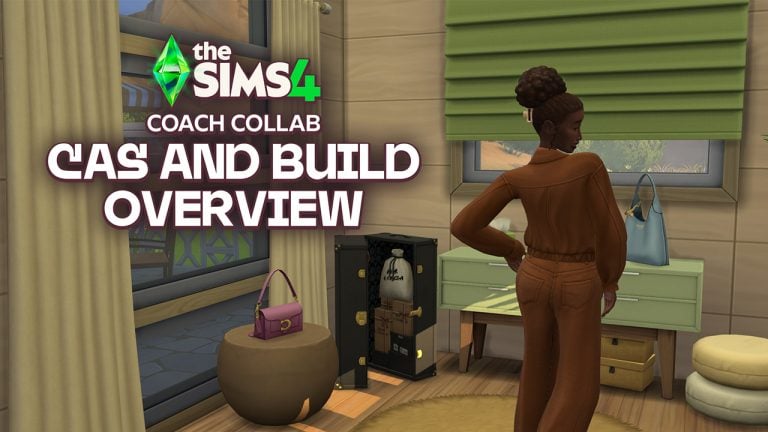
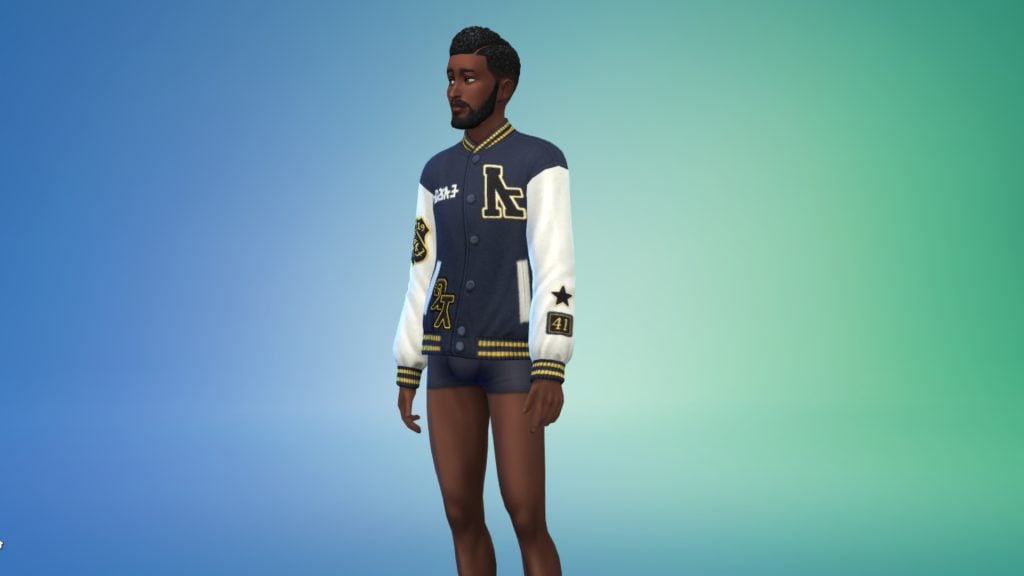
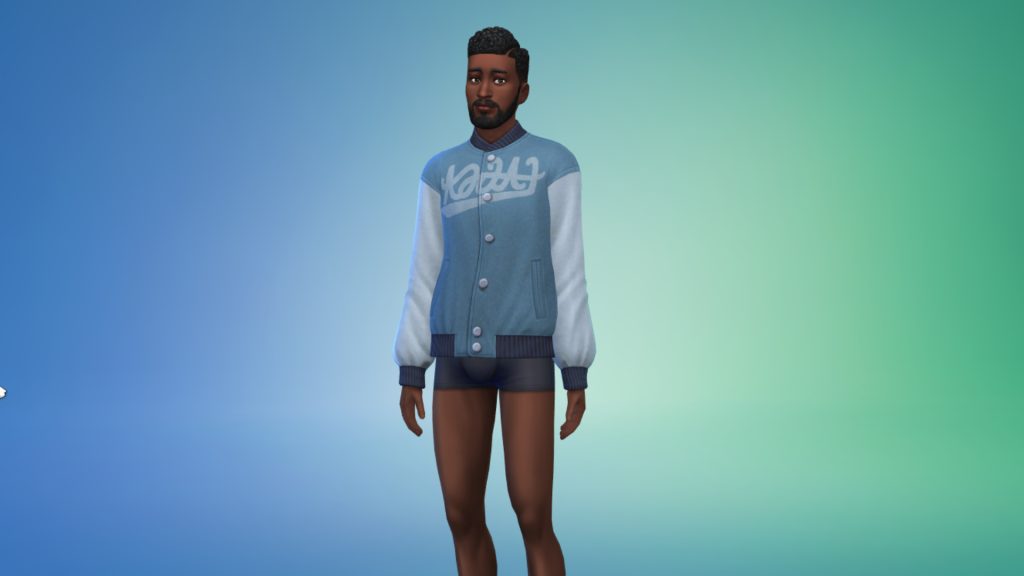
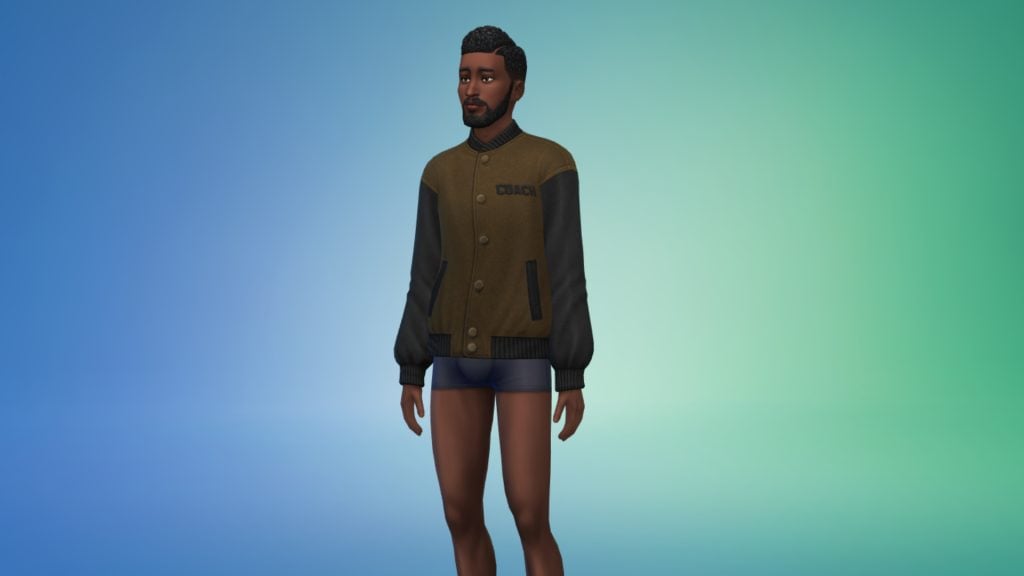
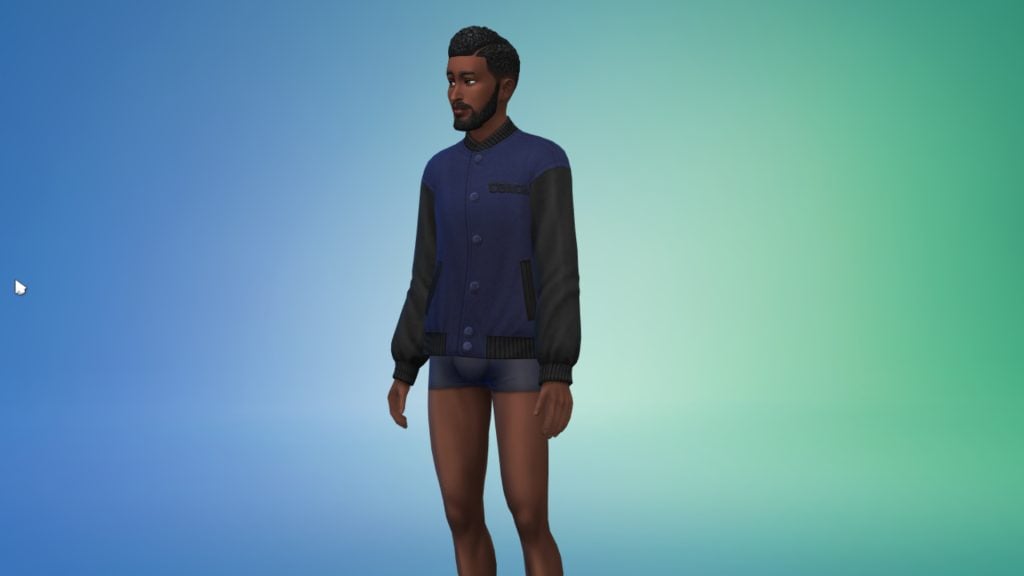
Inside The Sims 4 Coach Update: All New Designer Looks & Items

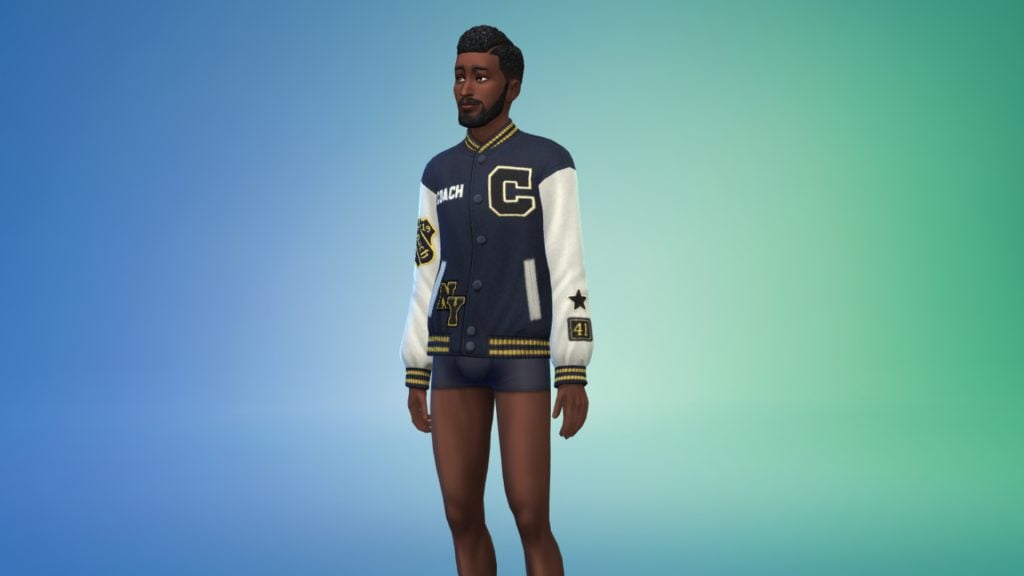
Today’s Update Brings A Luxury Brand to The Sims 4. Take A Look At Everything New in The Sims 4 Coach Update!

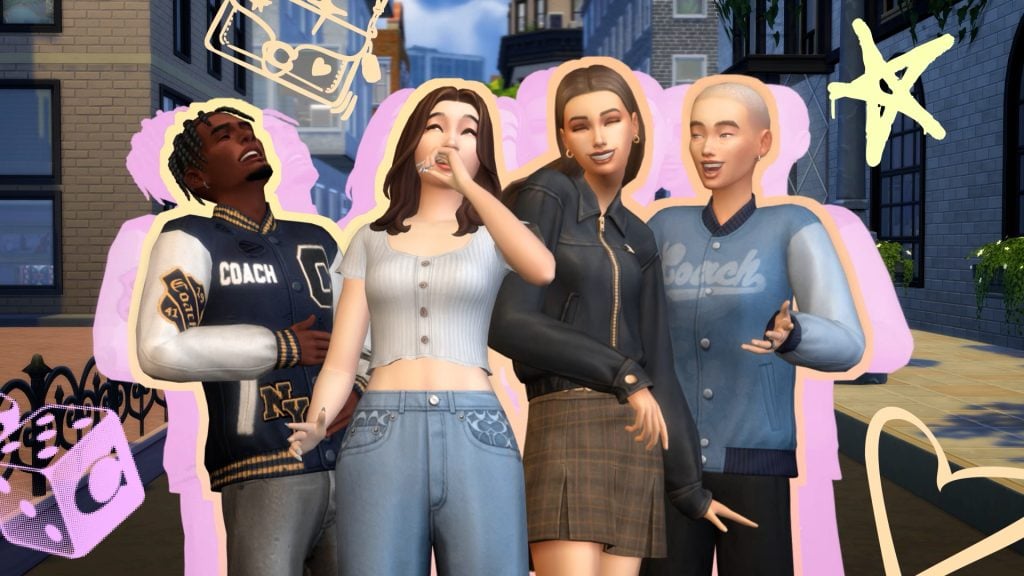
A new update for The Sims 4 has landed today, bringing with it new Create-A-Sim and Build/Buy items as part of a collaboration with American luxury brand Coach! The update comes just ahead of the reveal of The Sims 4 Royalty & Legacy Expansion Pack, which is certain to have another update before its release next month. Let’s take a look at everything included in The Sims 4 Coach update!

The Sims

Create-A-Sim Overview

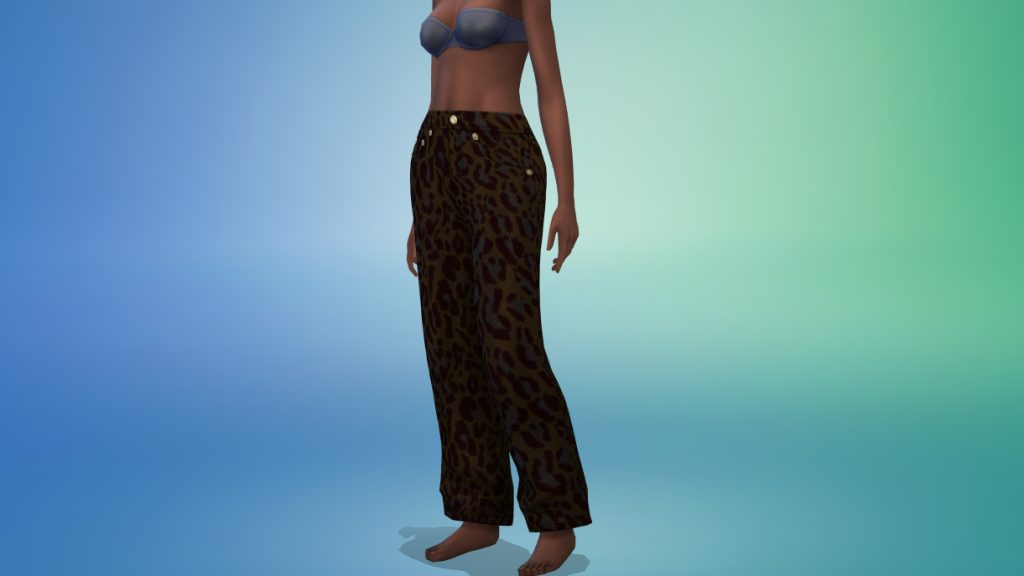
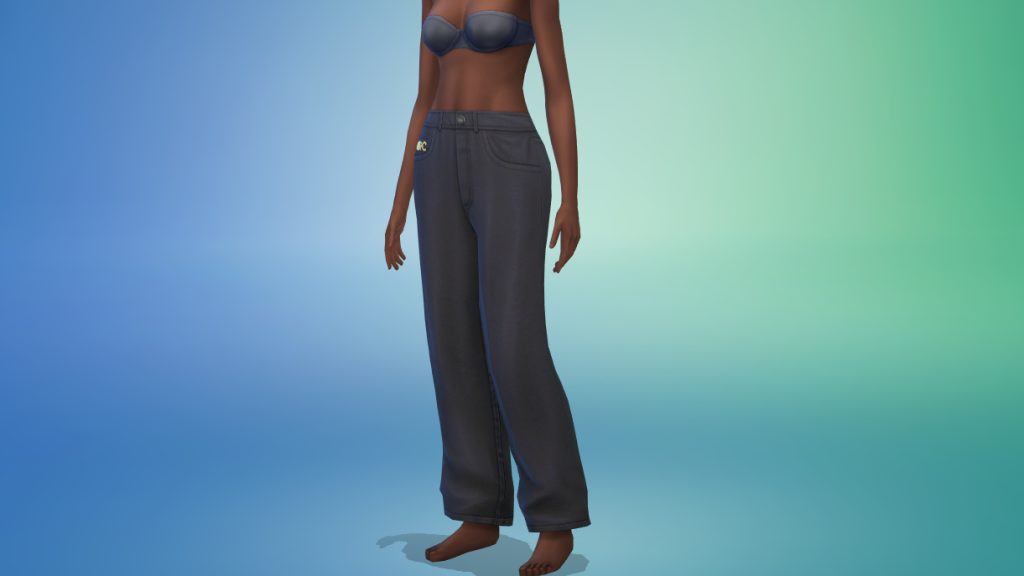
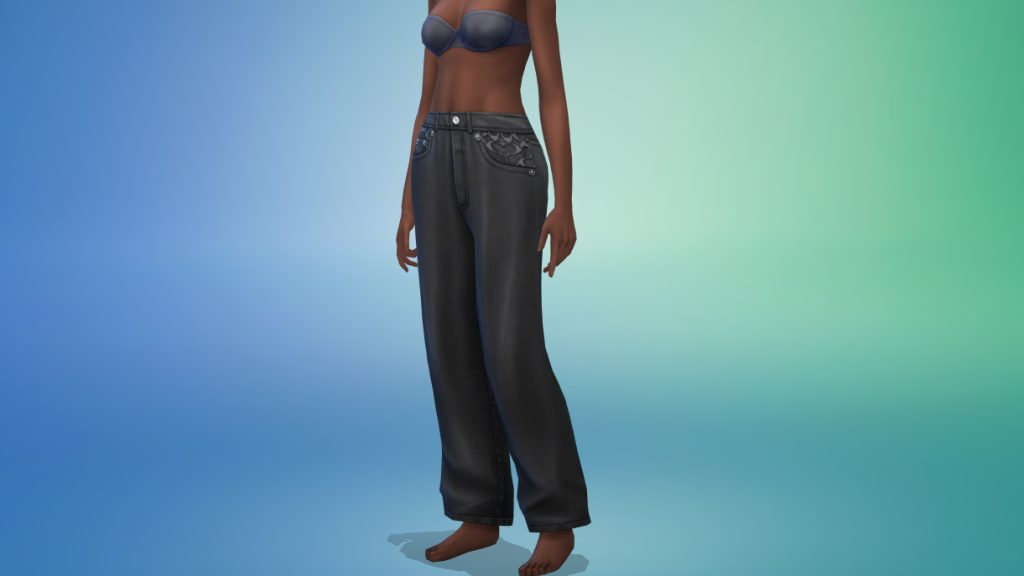
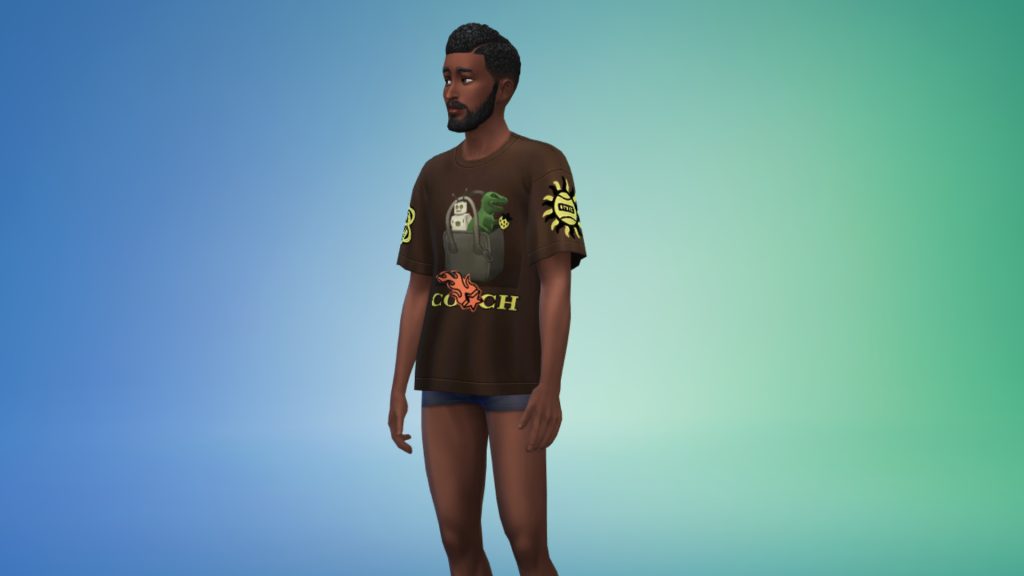
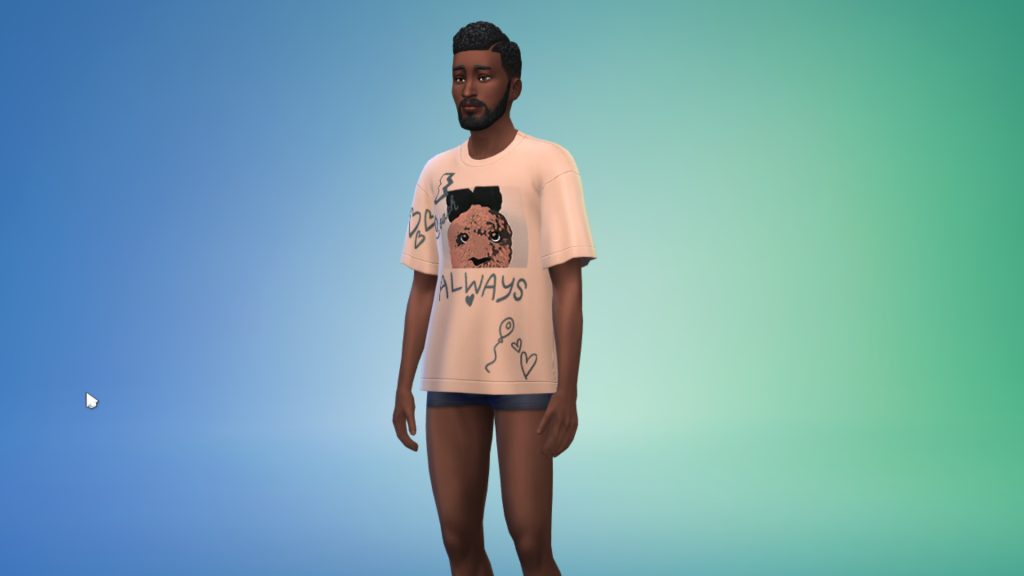
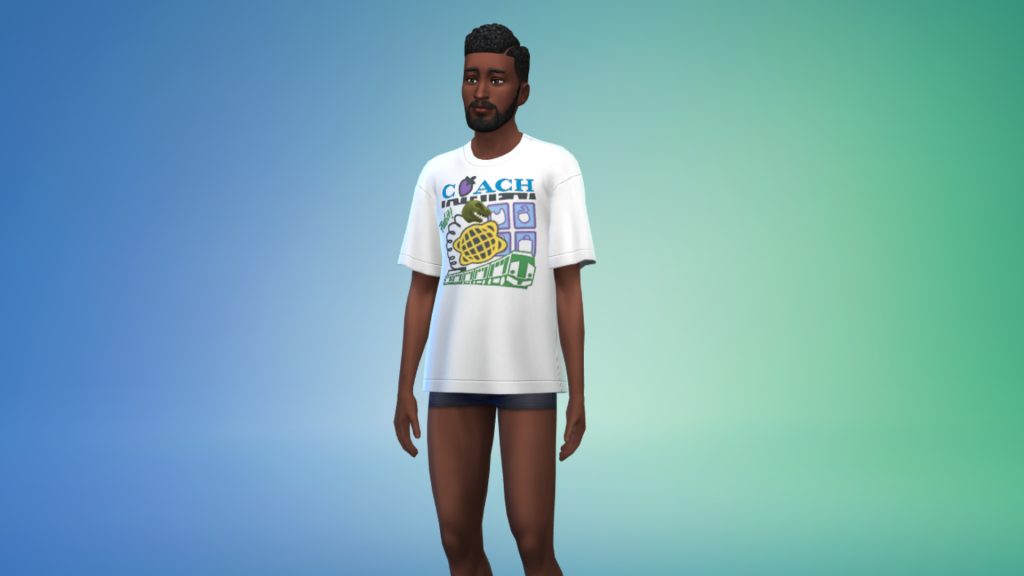
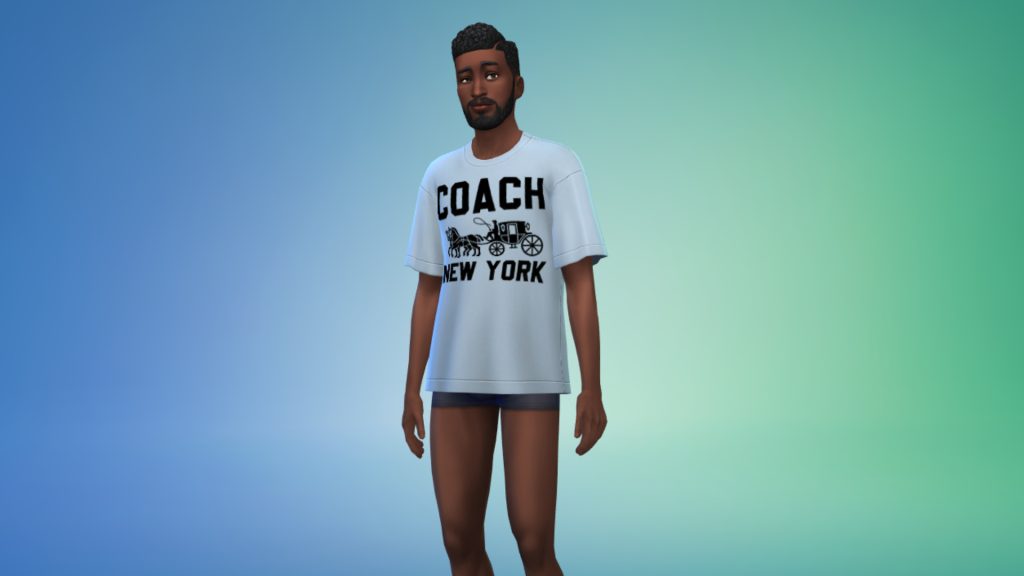
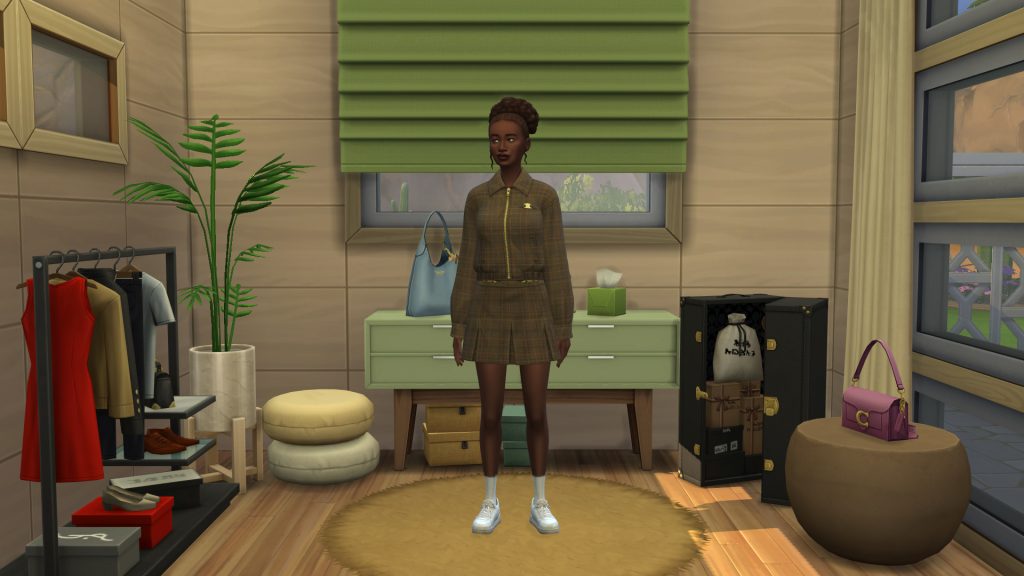
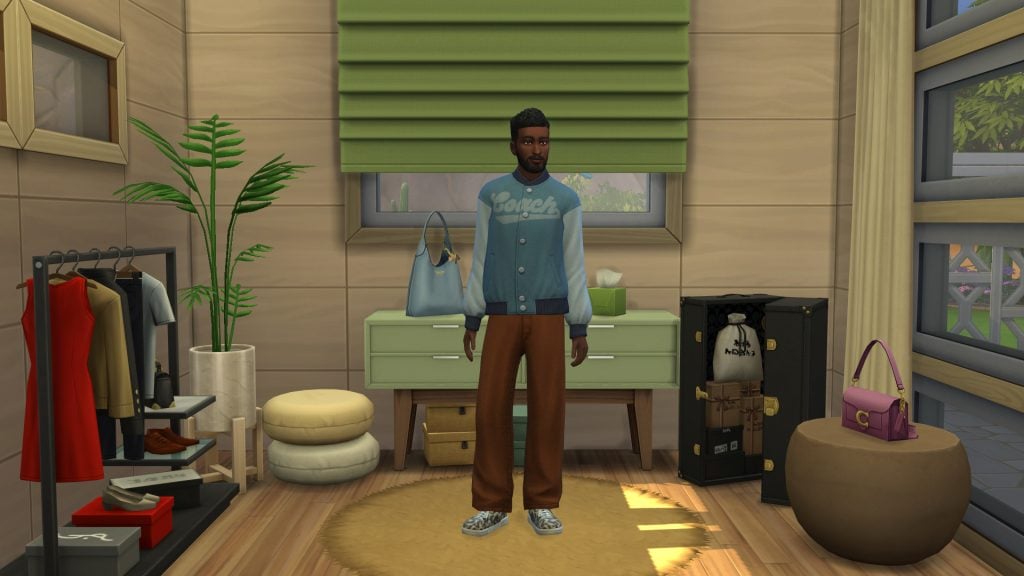
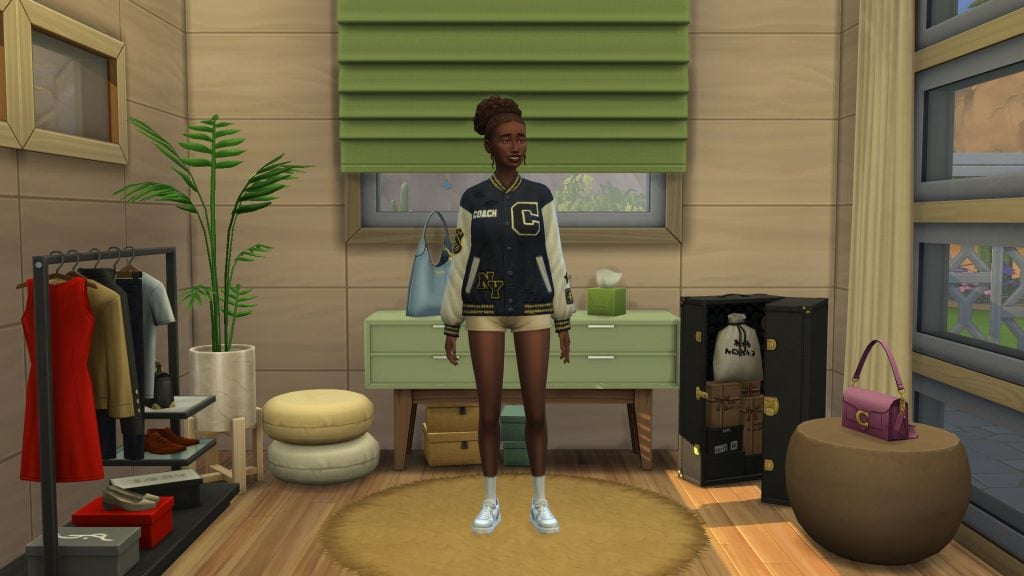
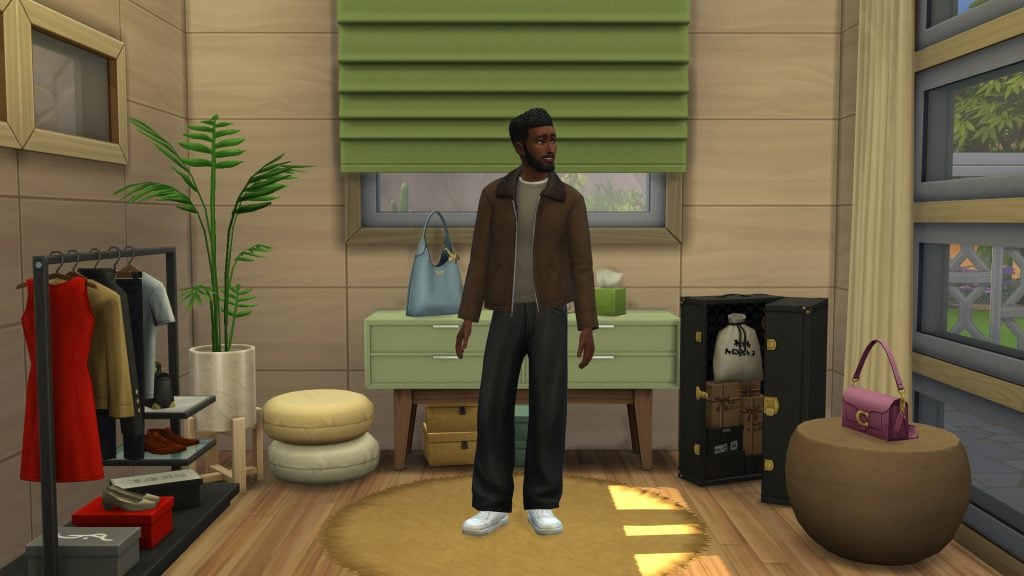
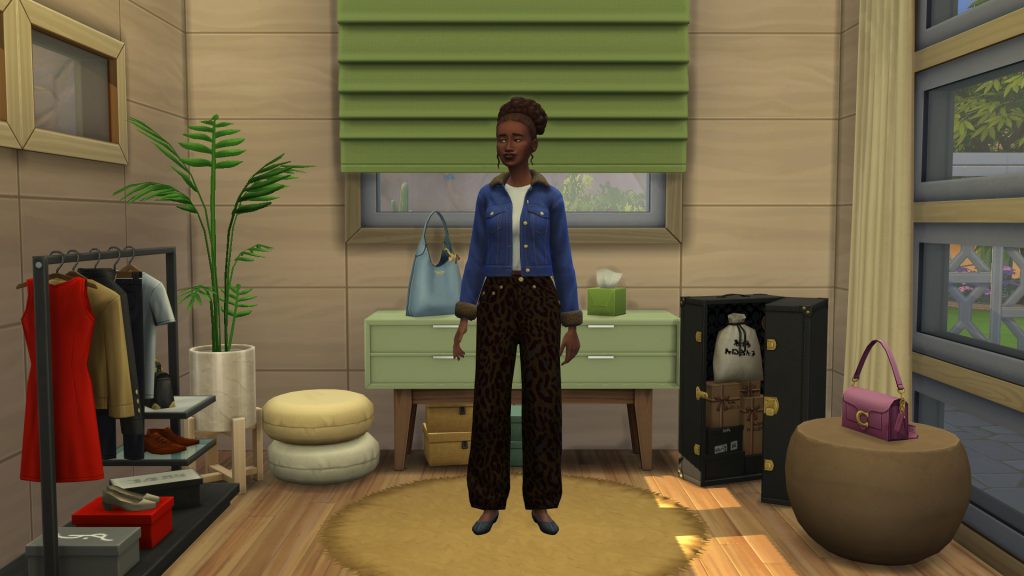
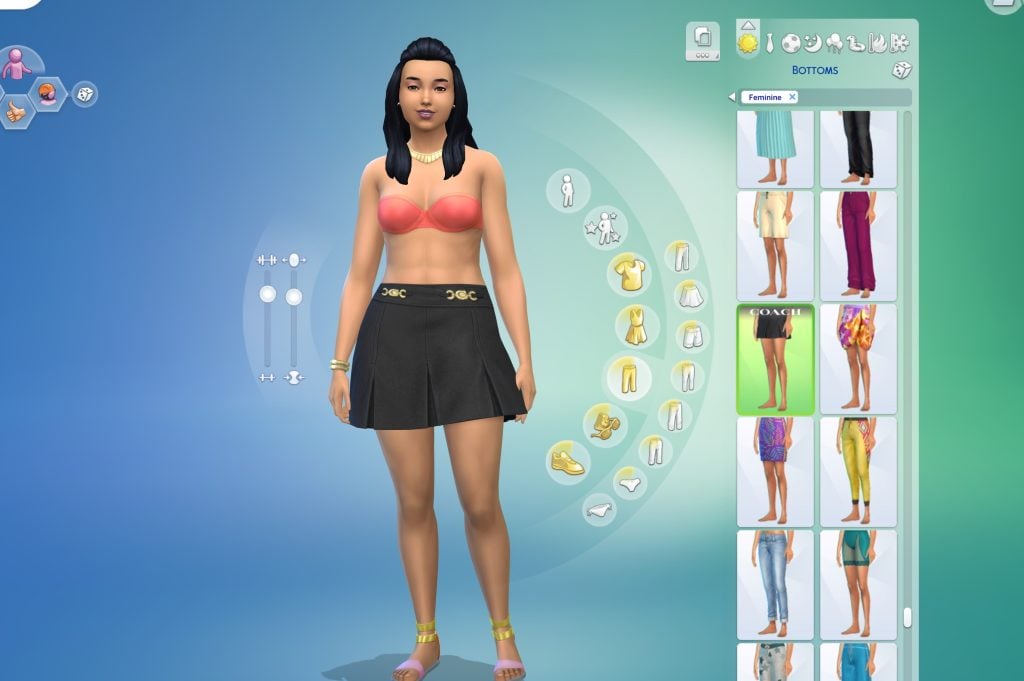
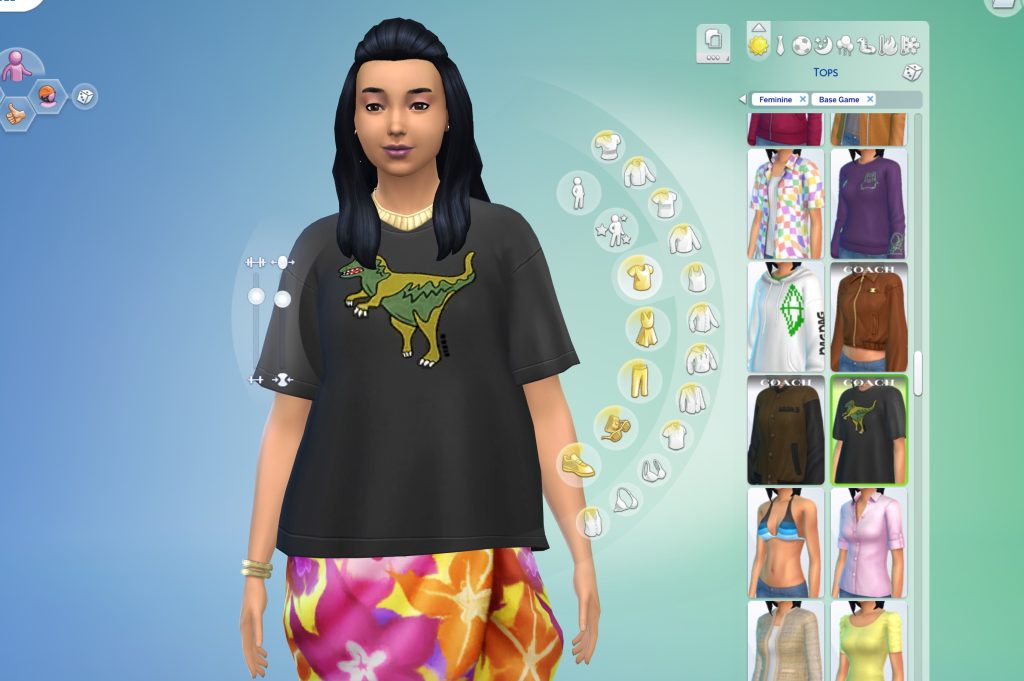
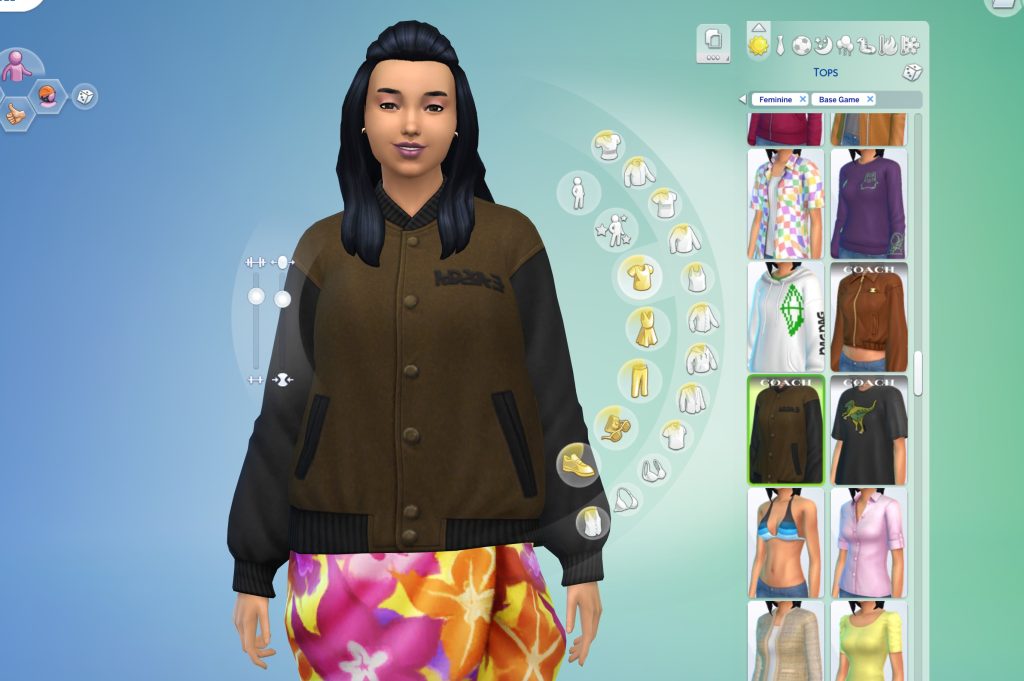
Take a look at all 5 brand new CAS items included with The Sims 4 Coach update! Each Item comes in several swatches inspired by Coach’s real-life collection.

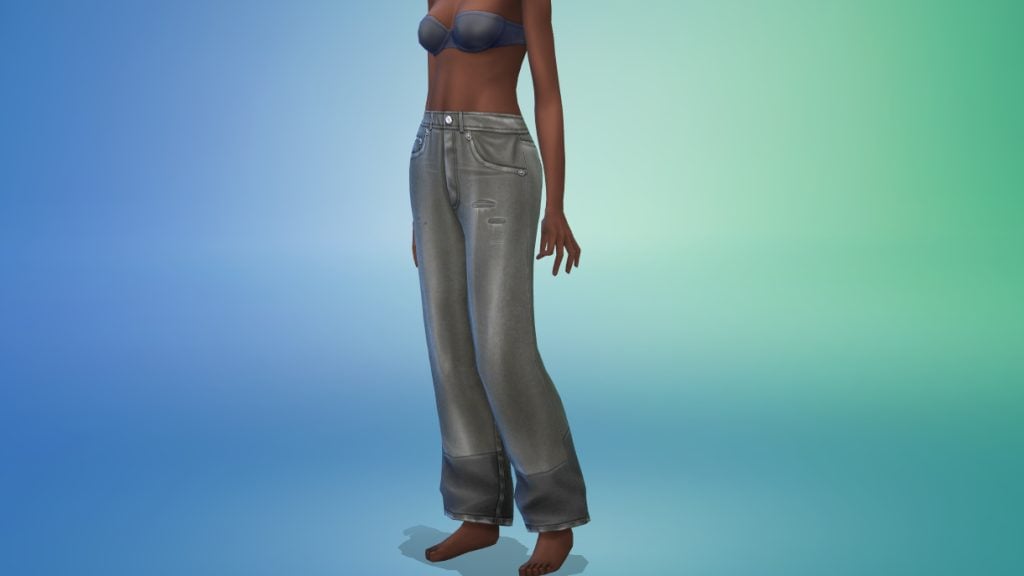
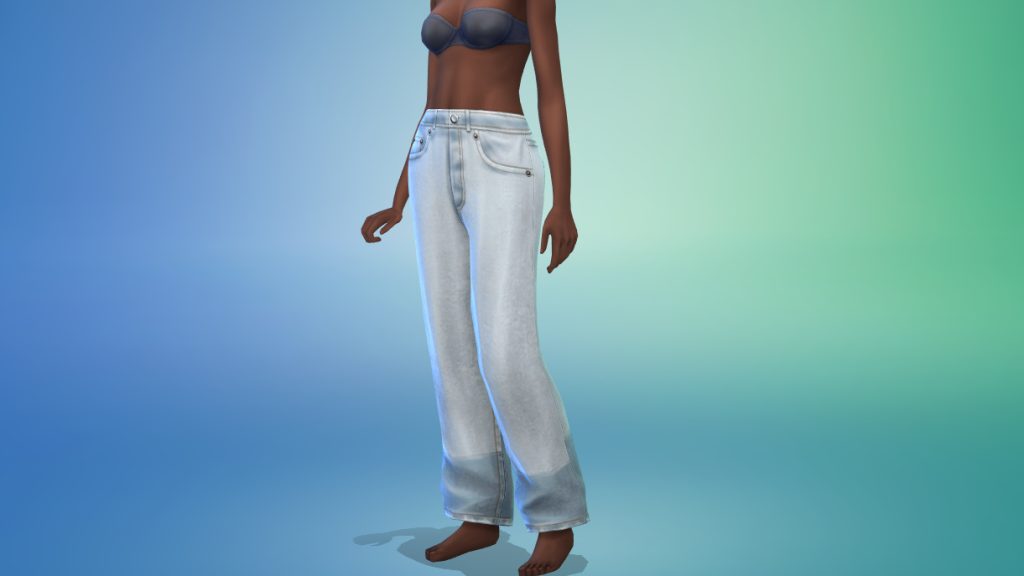
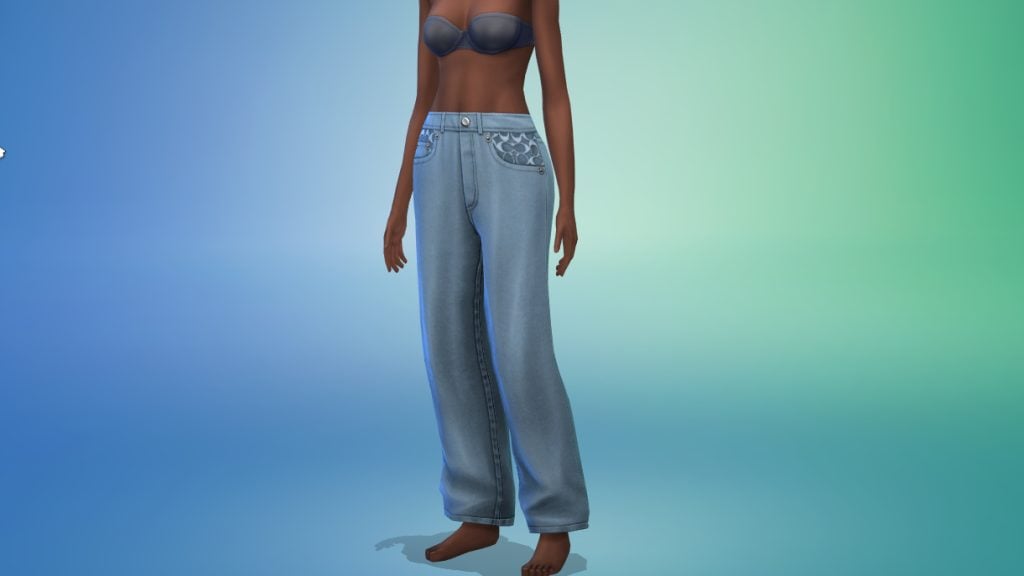
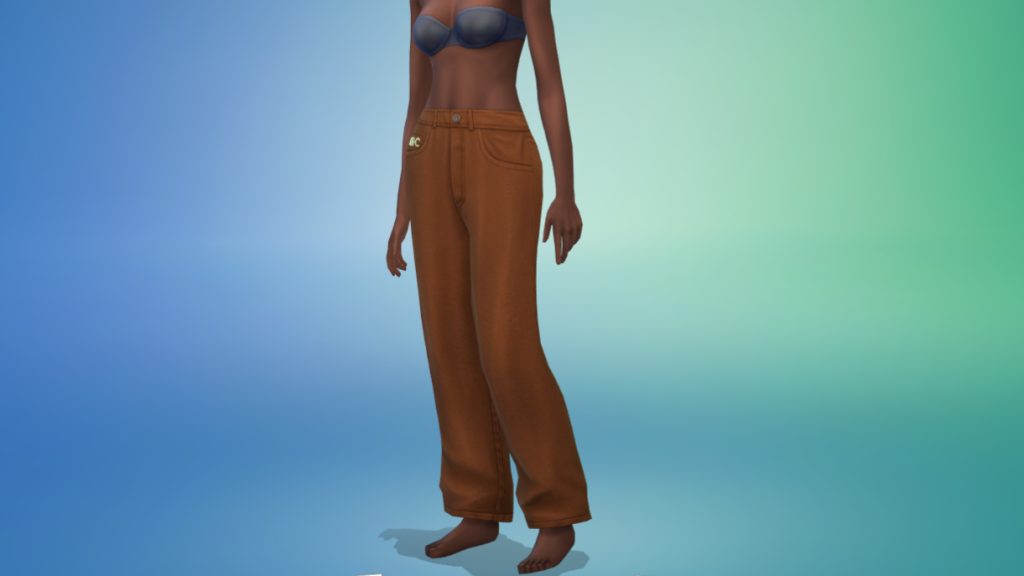
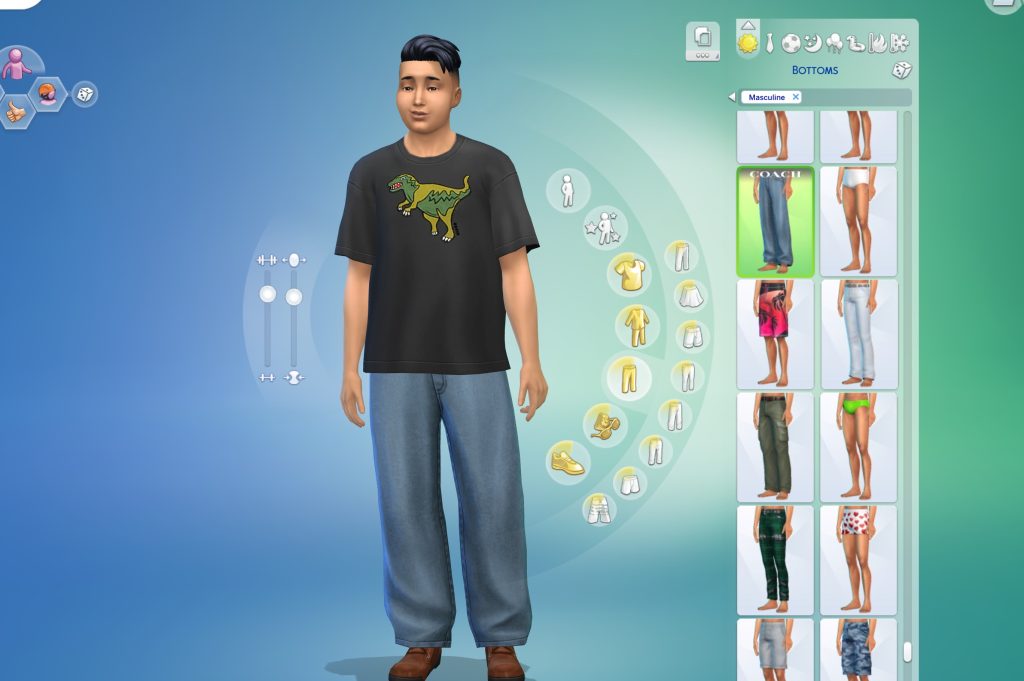
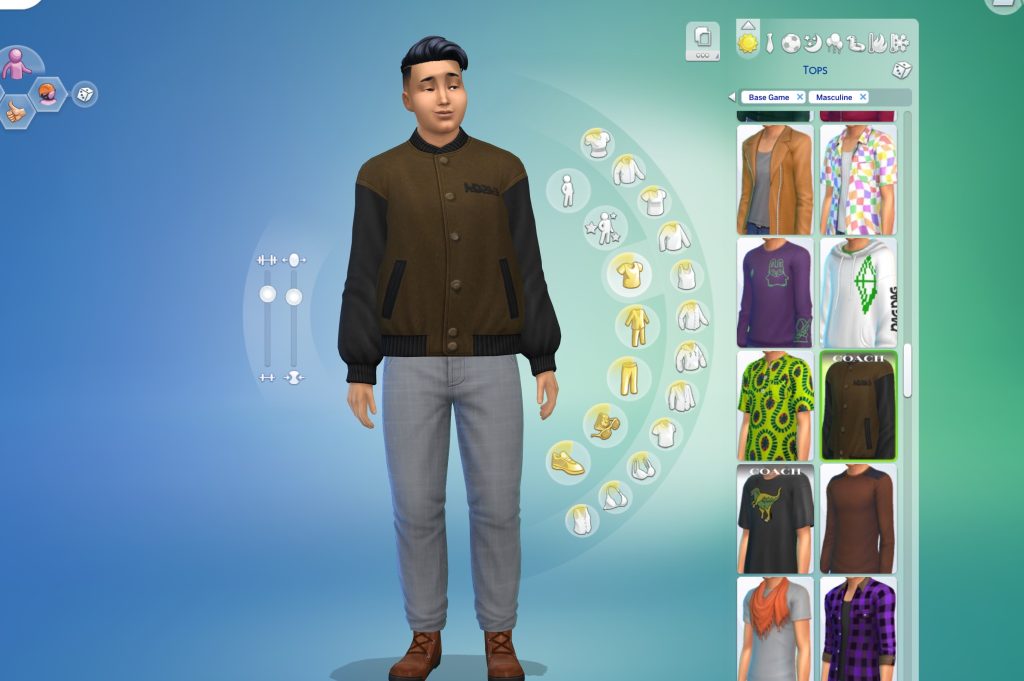
Loose Fit Jeans / Moleskin Pants (Unisex)

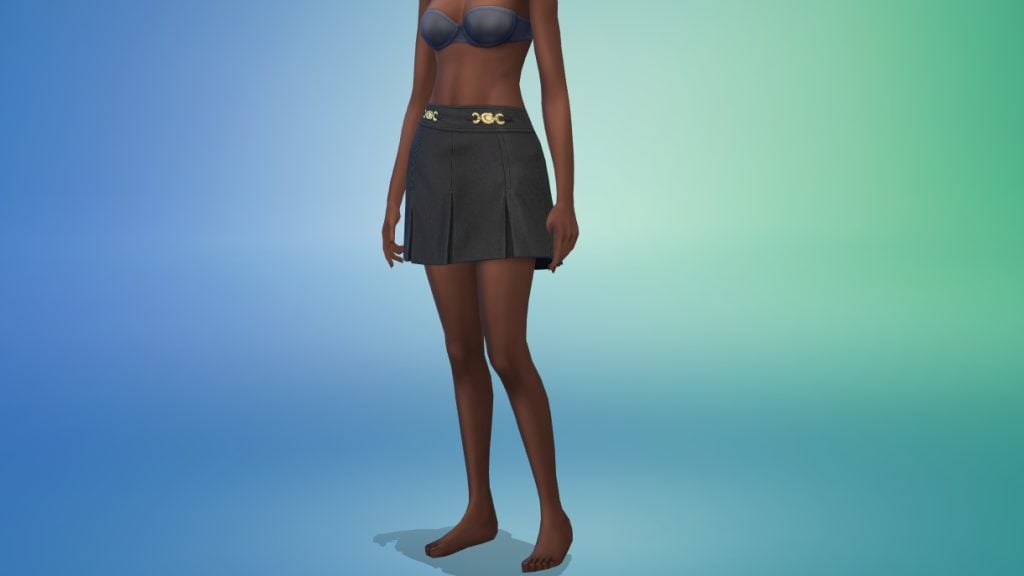
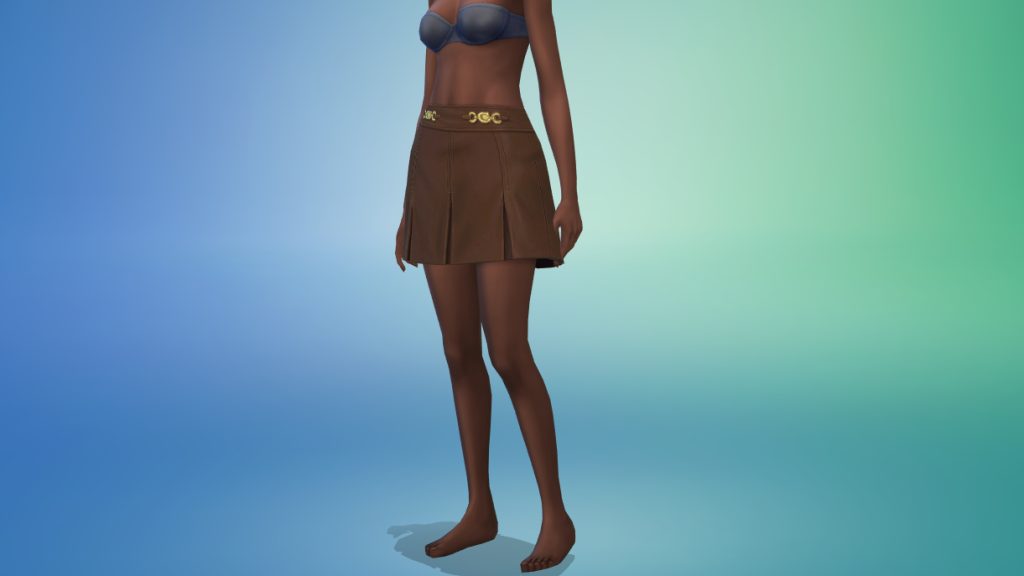
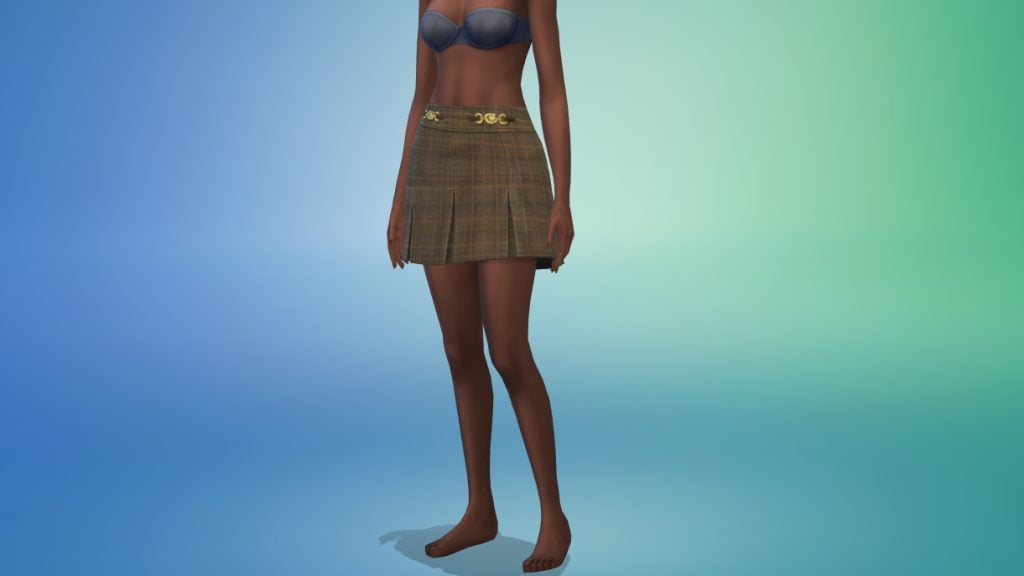
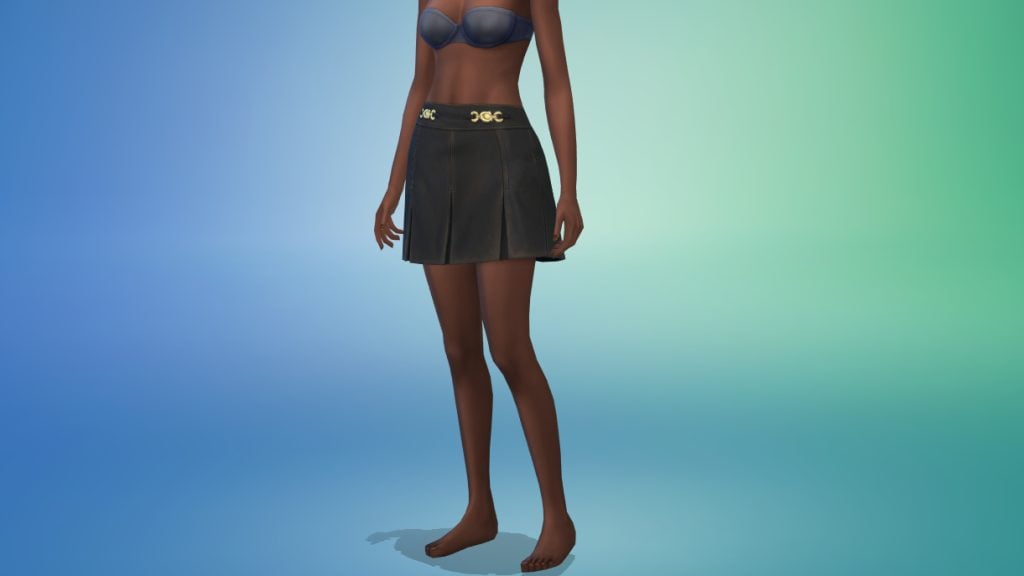
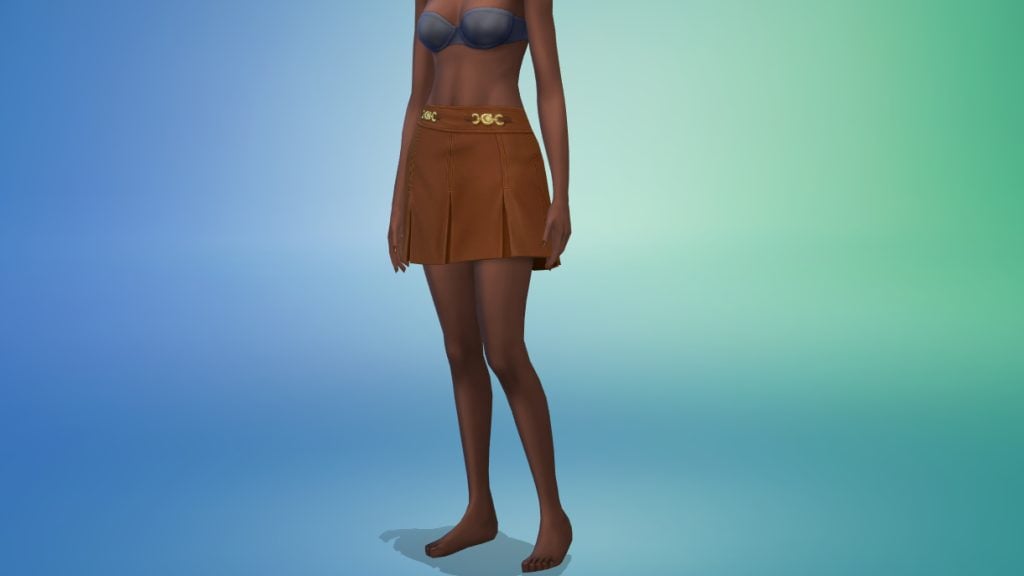
Sculpted Plaid Skirt (Female Frame Only)

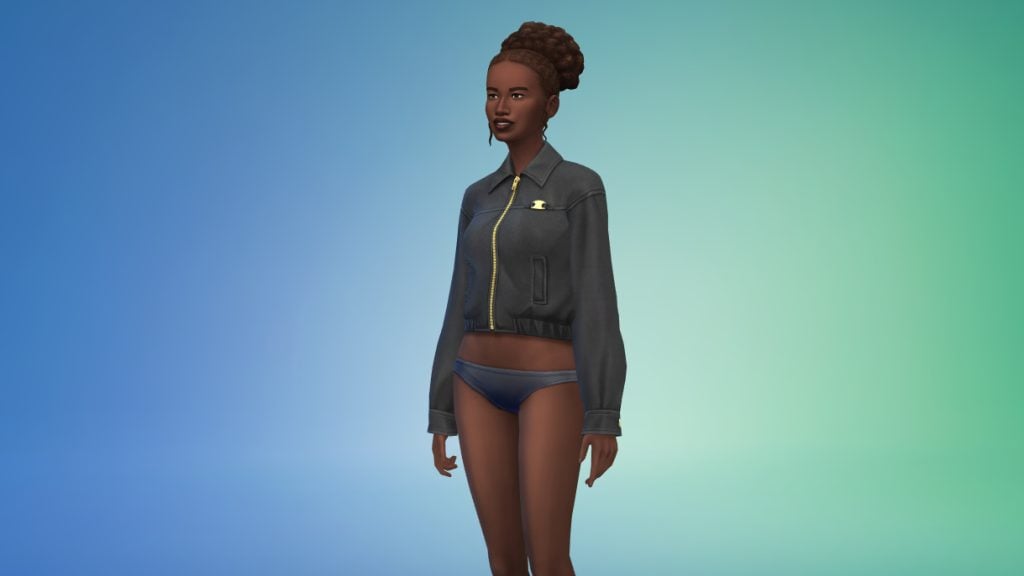
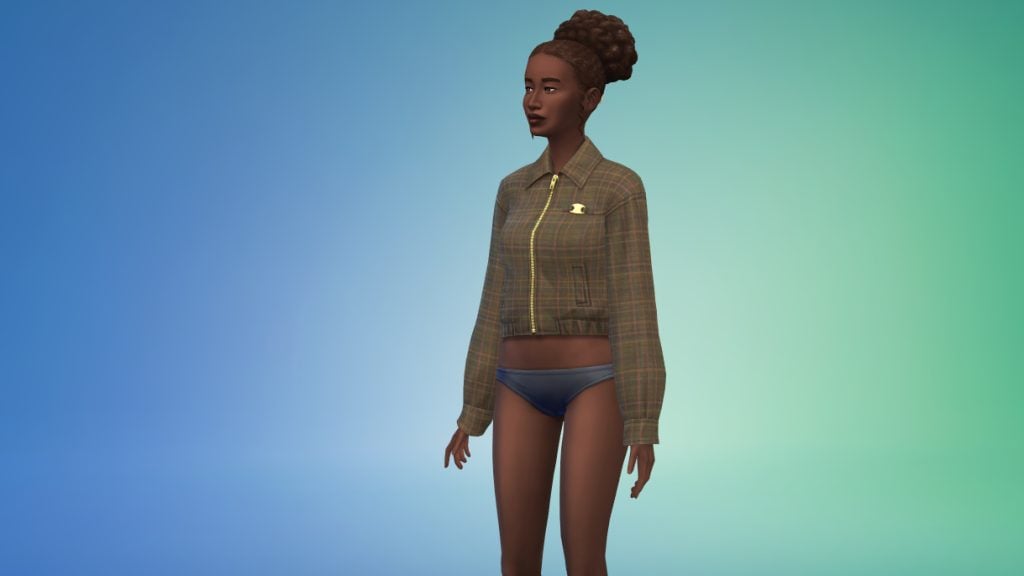
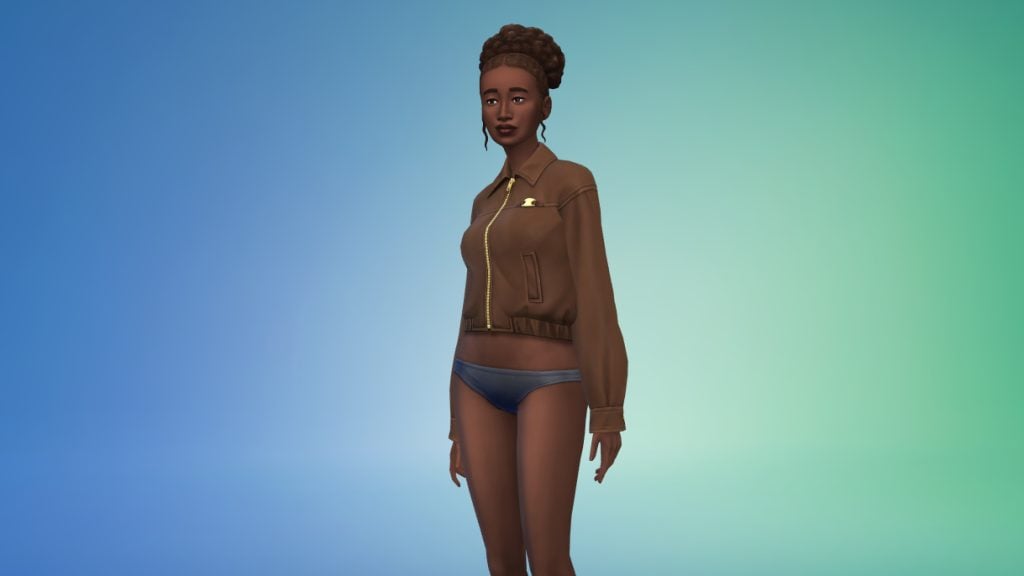
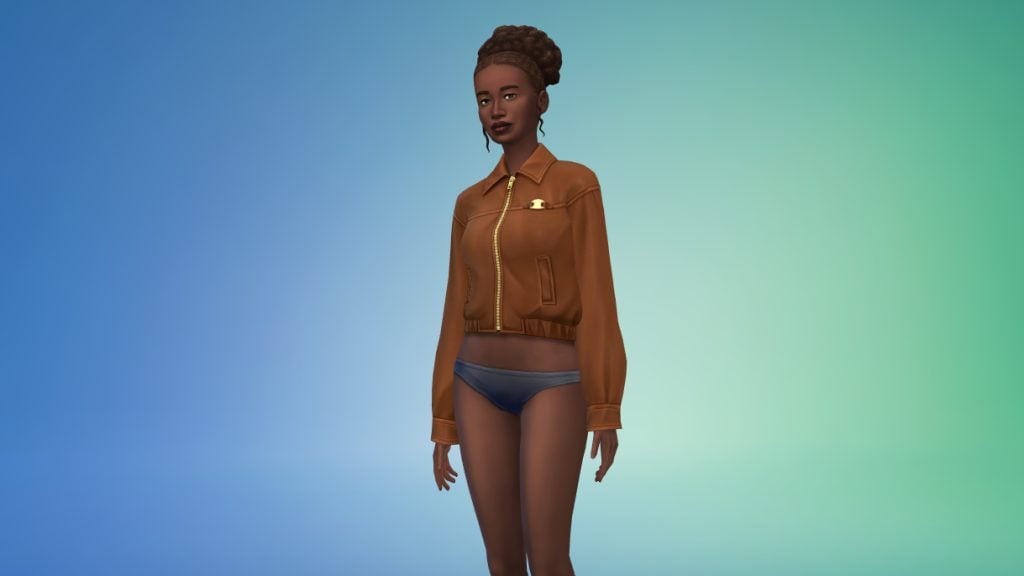
Heritage Blousen Jacket (Female Frame Only)

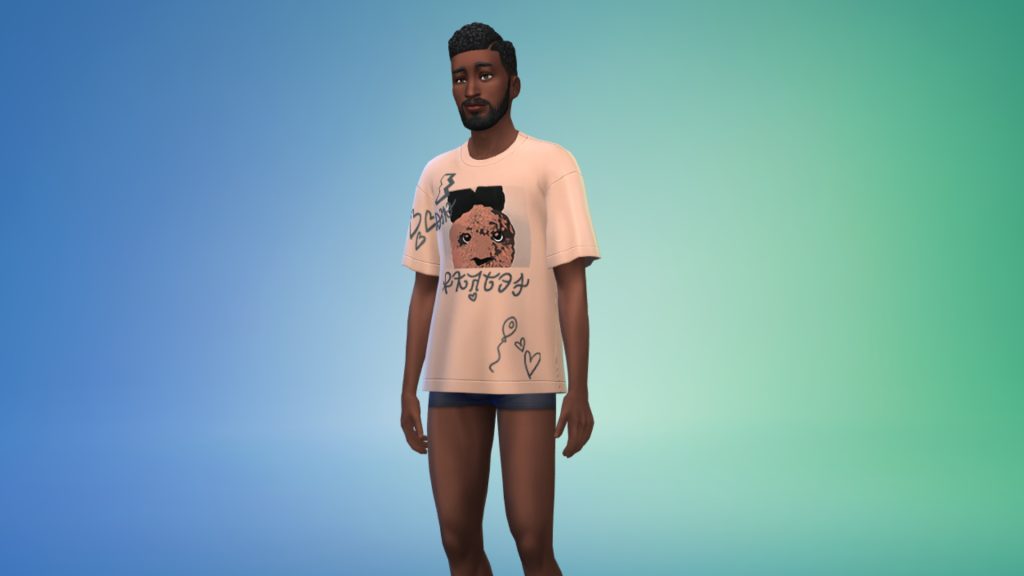
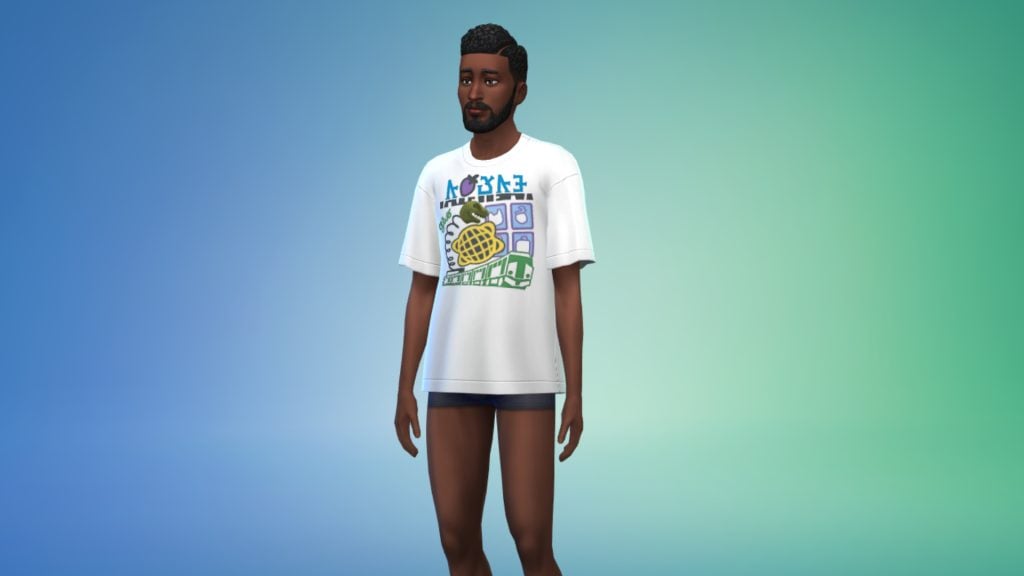
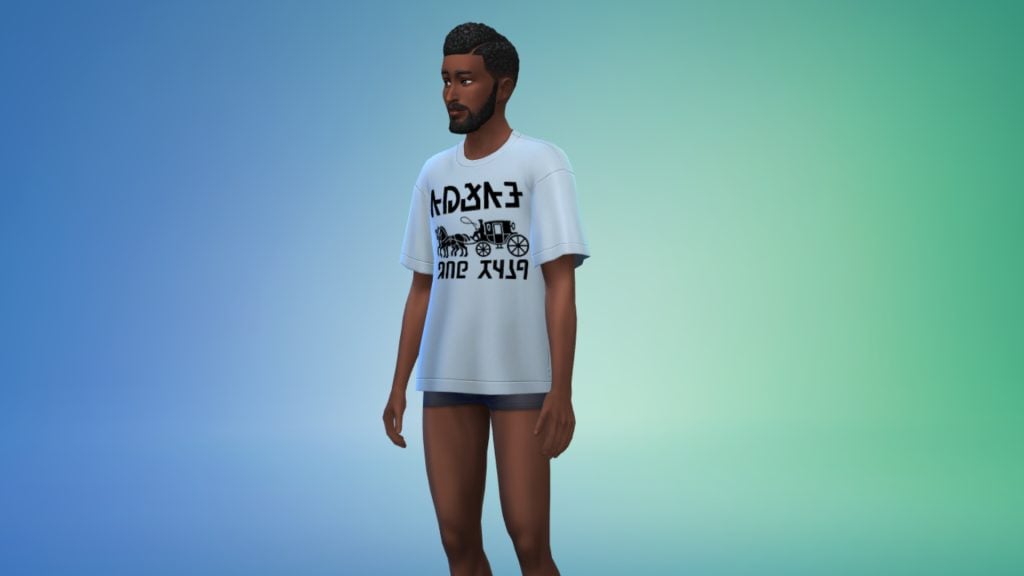
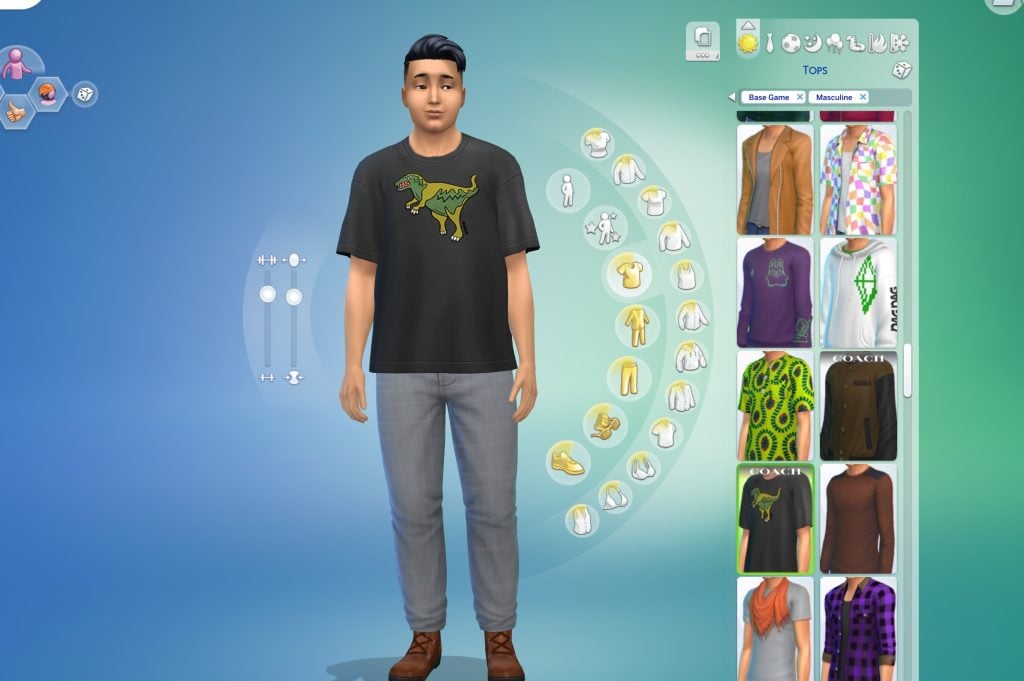
Relaxed Fit T-Shirt (Unisex)

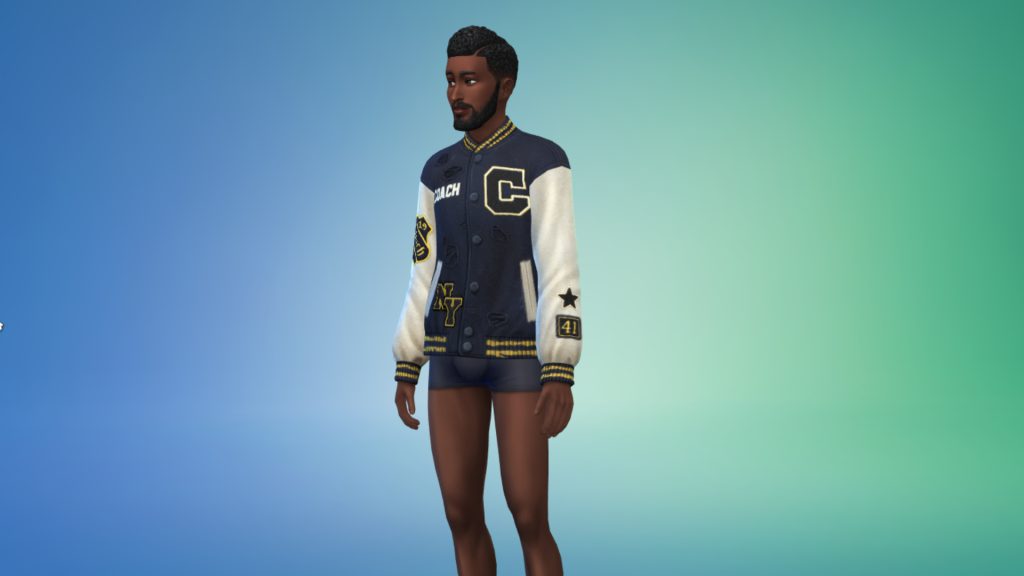
Varsity Jacket (Unisex)

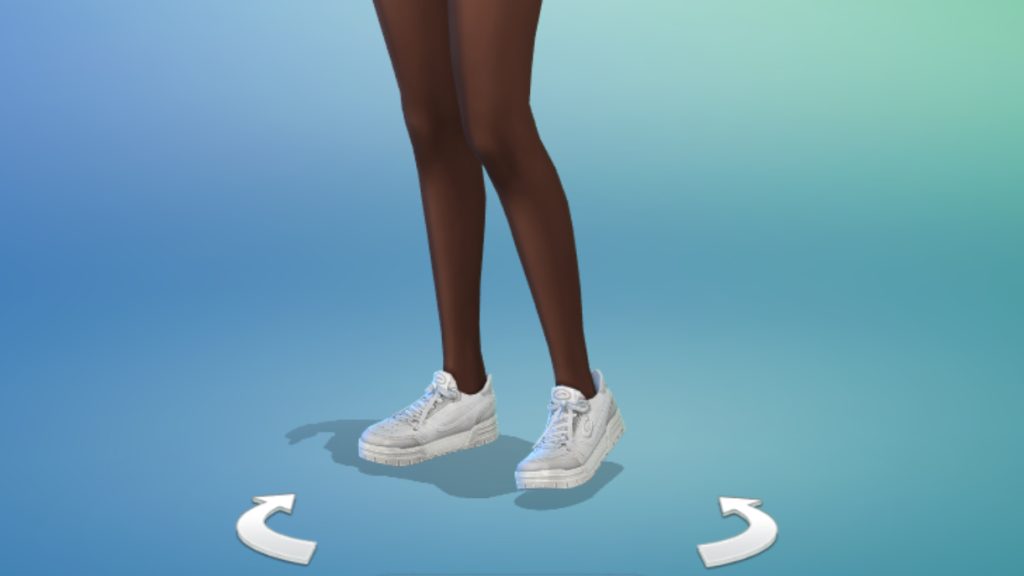
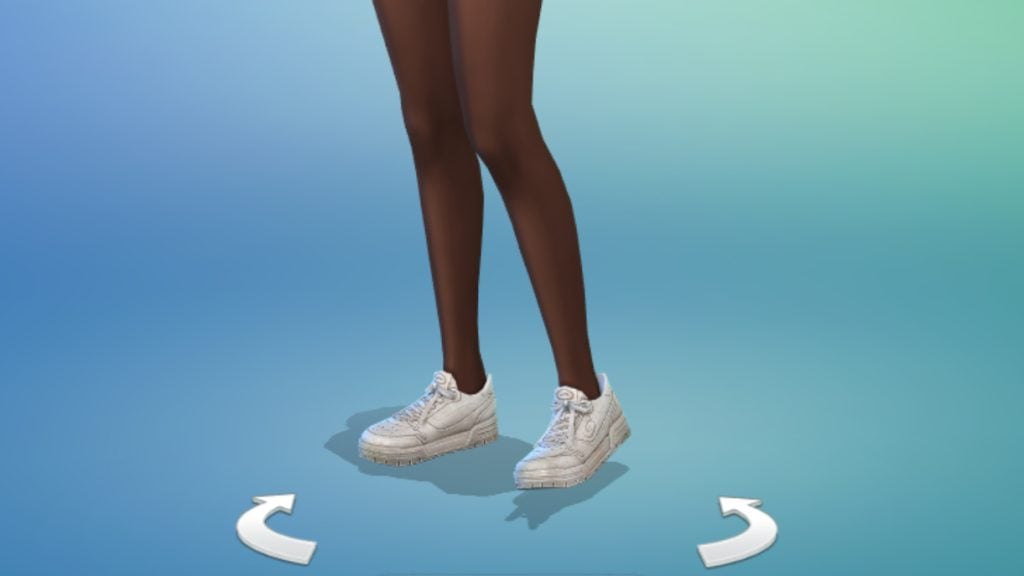
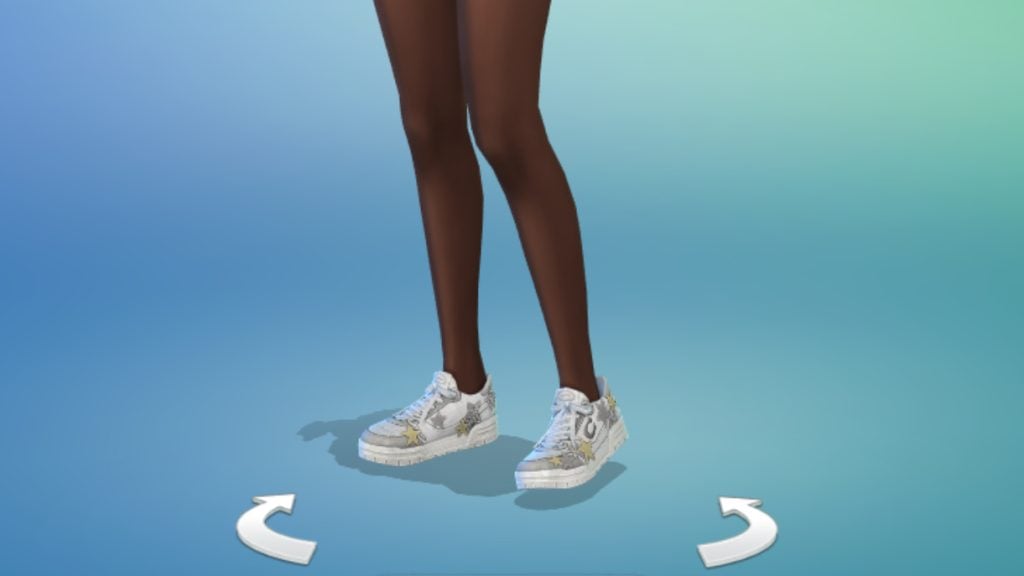
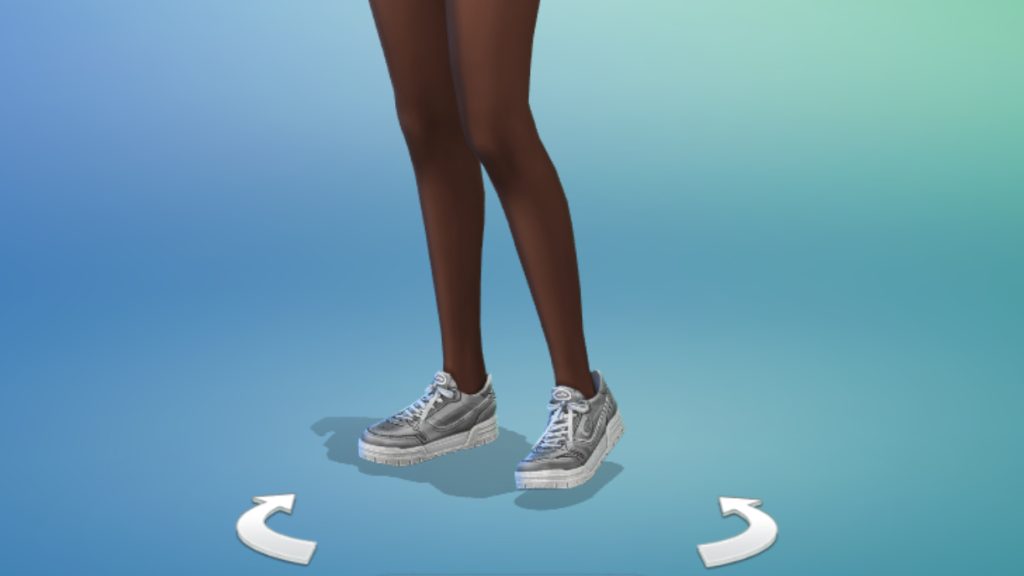
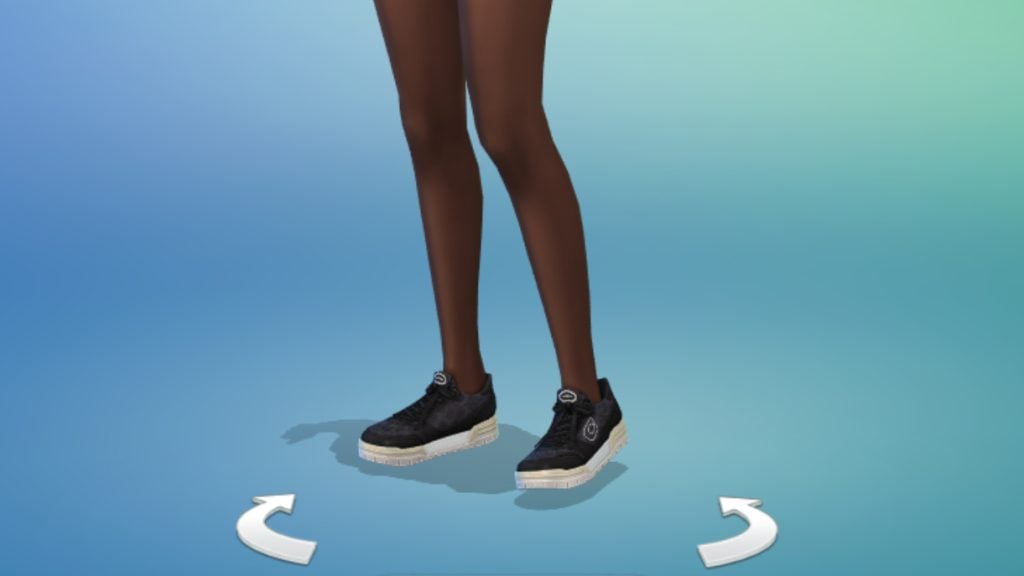
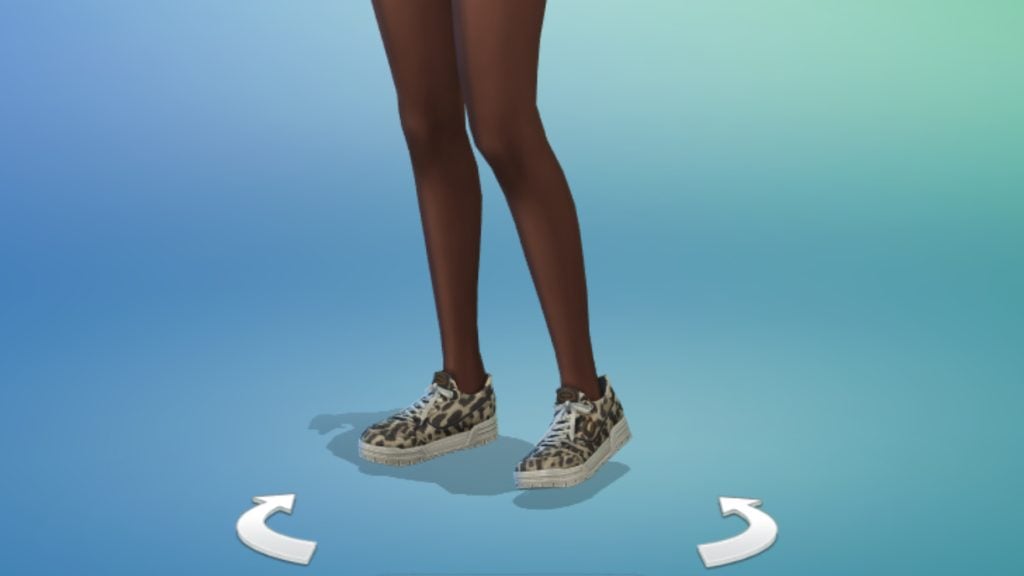
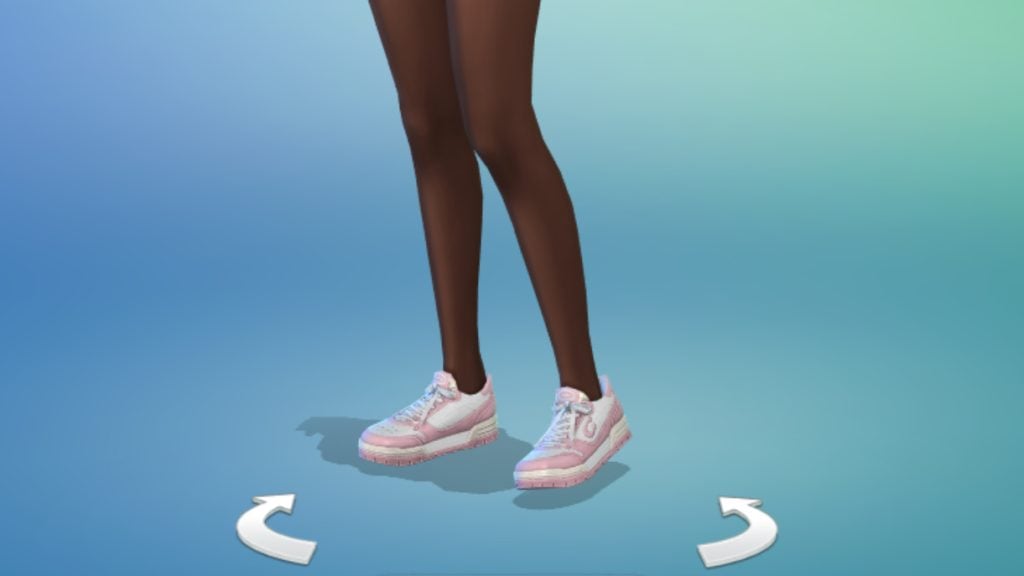
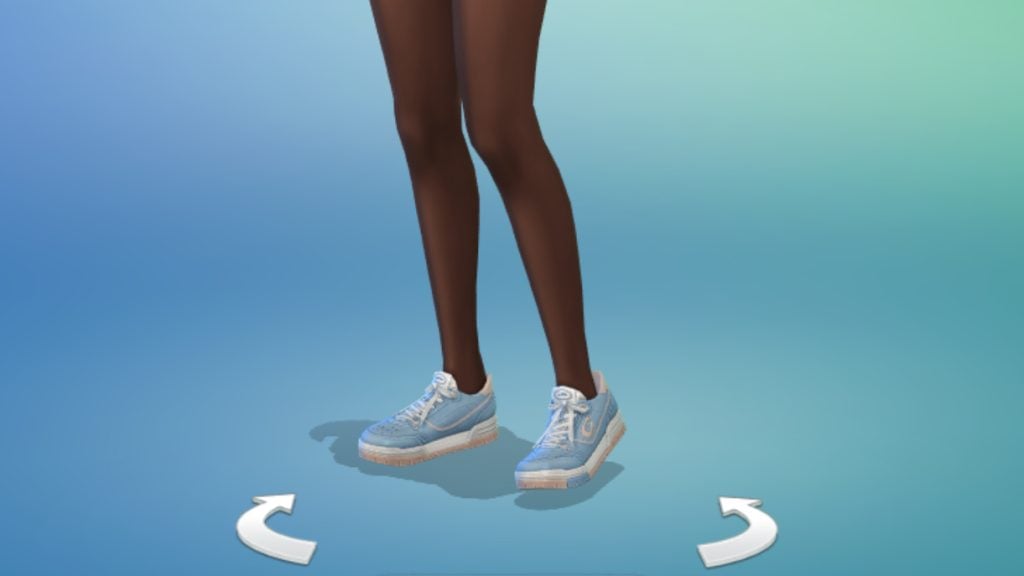
Soho Sneaker (Unisex)

Build/Buy Overview

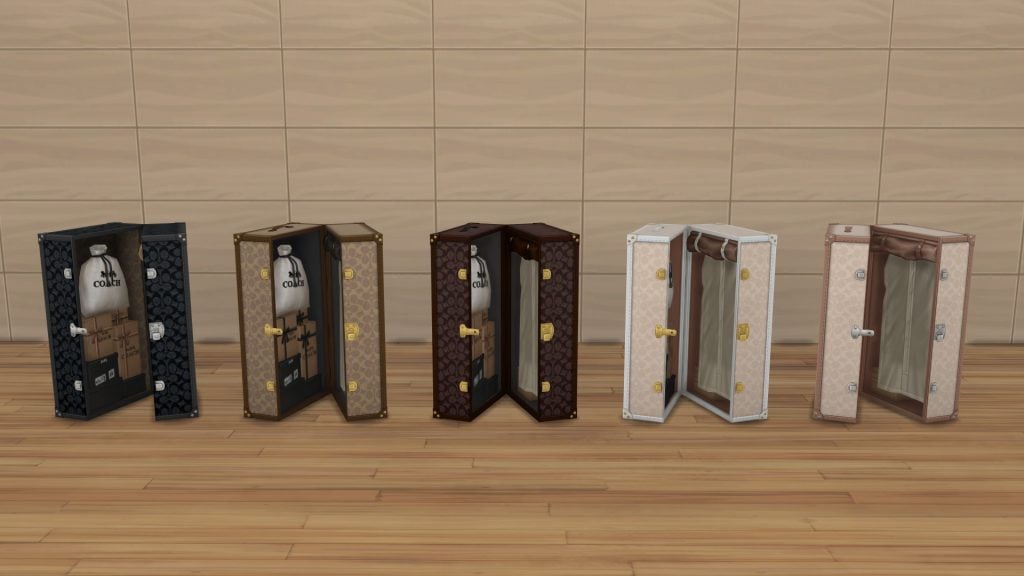
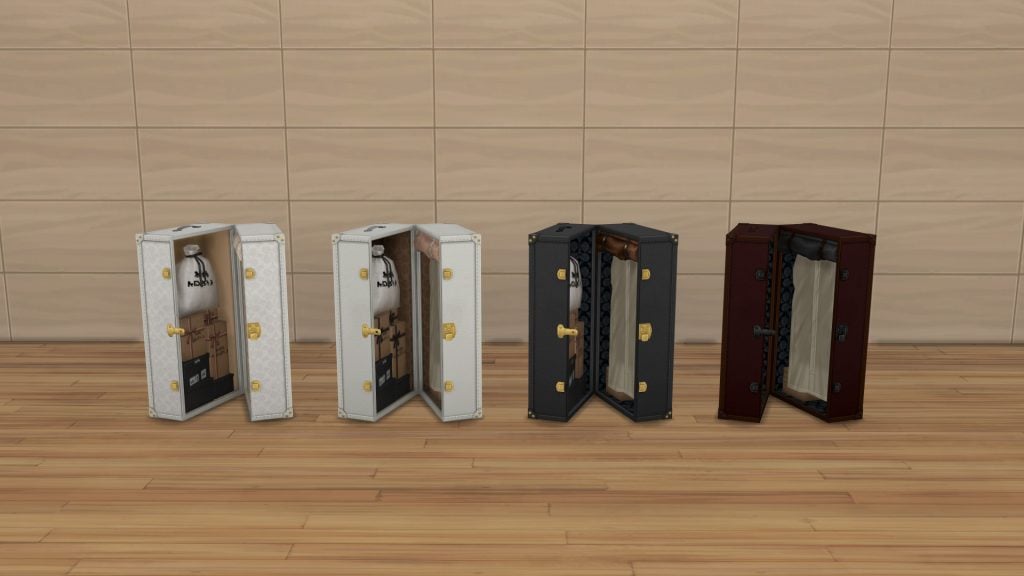
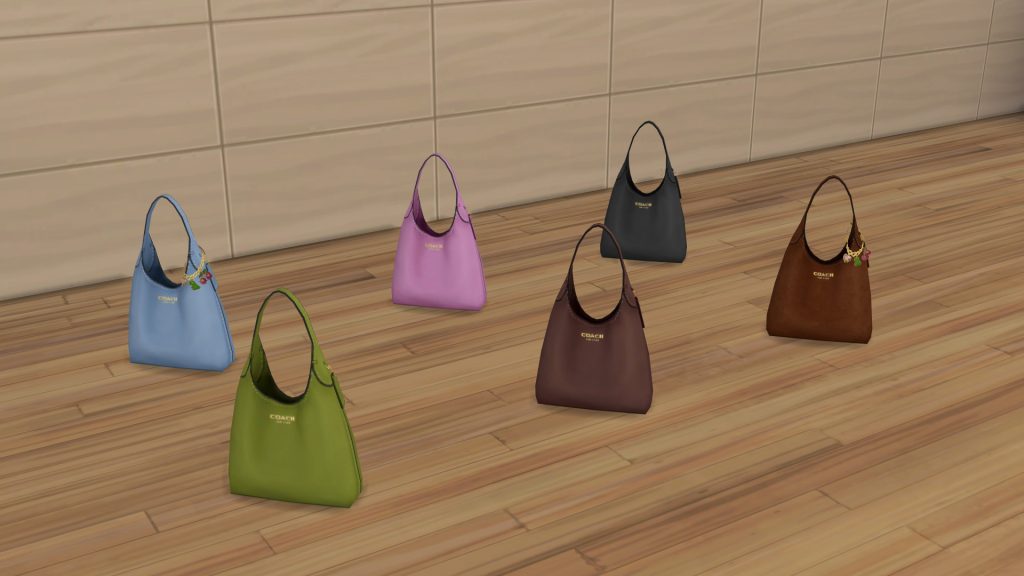
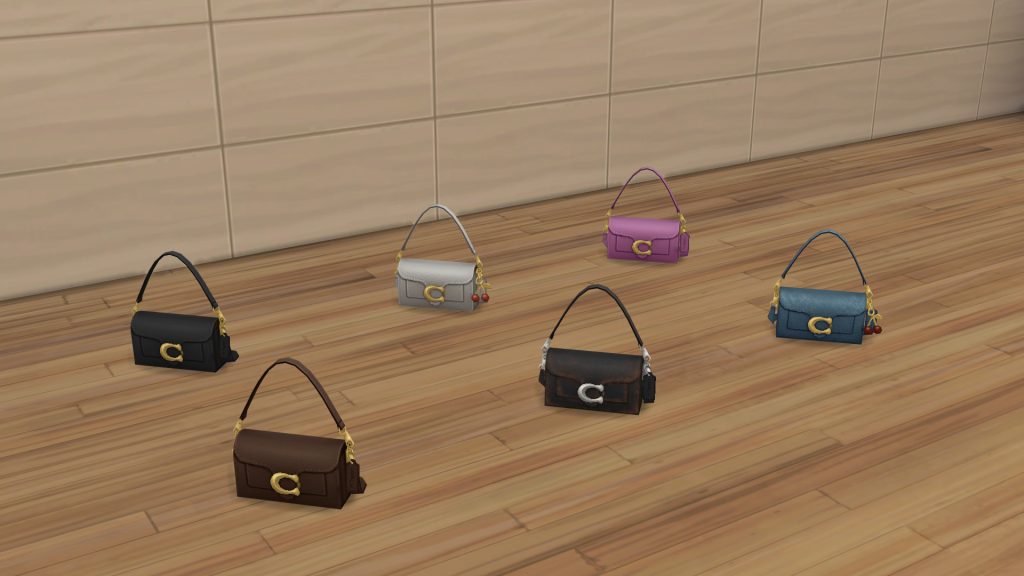
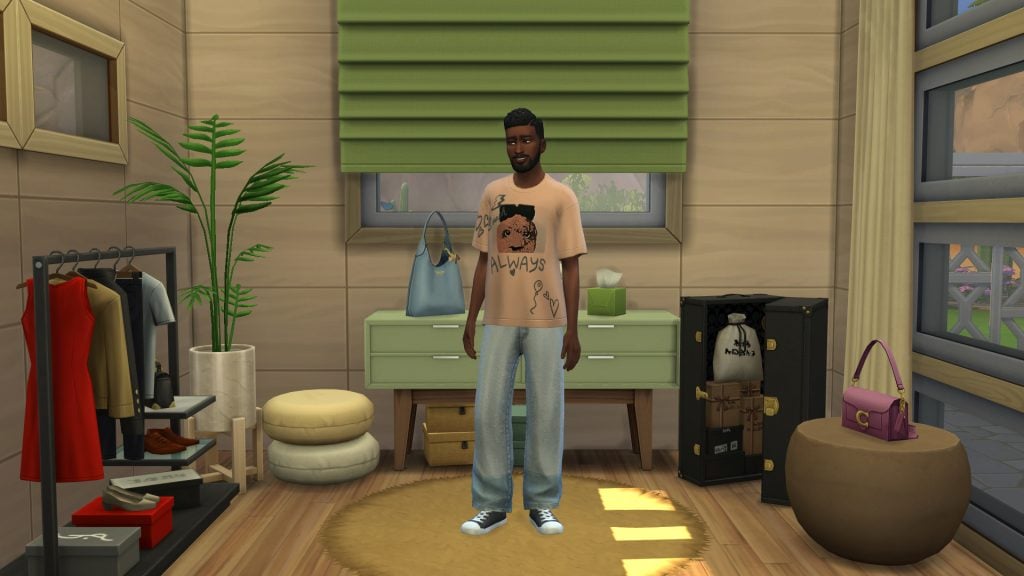
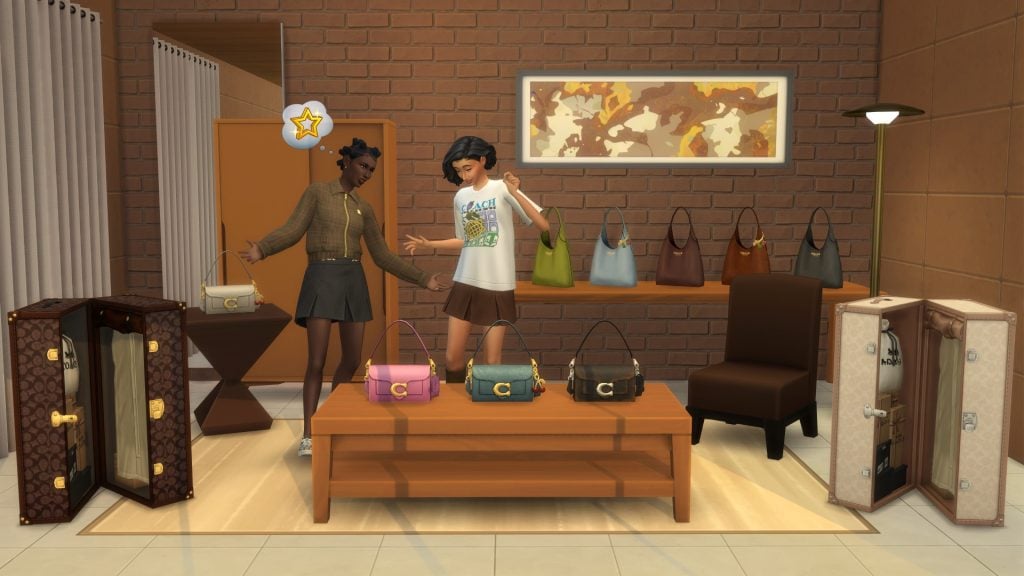
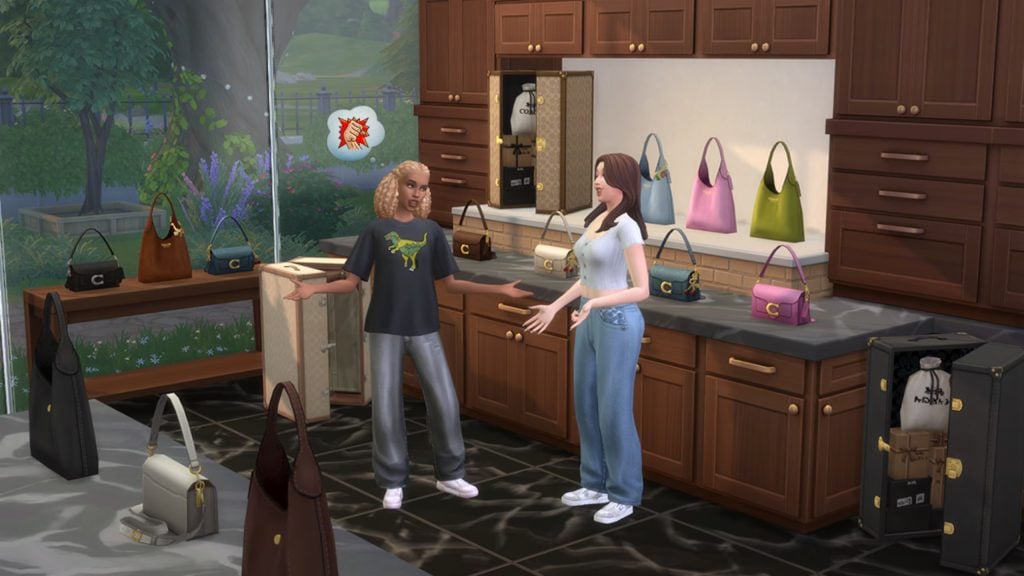
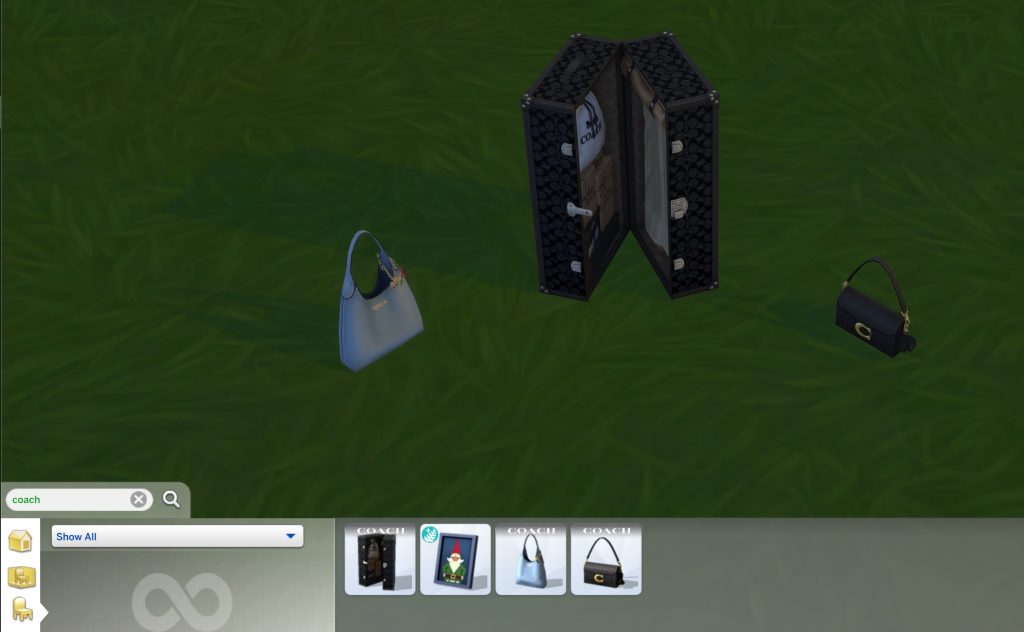
The Coach Trava Trunk

The Coach Brooklyn Bag

bag2

The Coach Tabby Bag

bag1

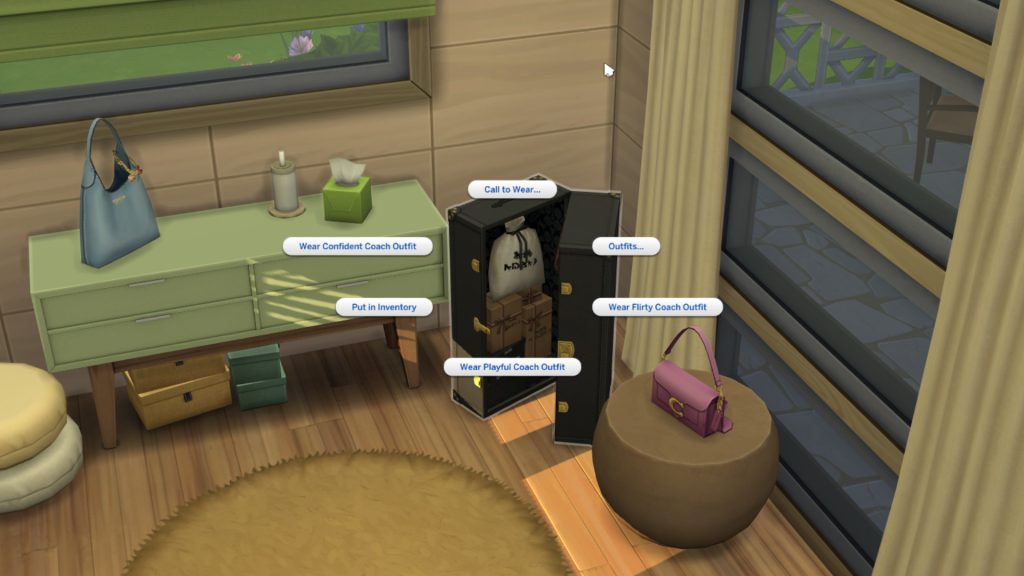
The Coach Trava Trunk Functionality

Coach trunk

The most surprising part of The Sims 4 Coach Update is the functionality of the Coach Trava Trunk! Those who own The Sims 4: Lovestruck will be familiar with the costume trunk, and this Coach trunk works similarly. When selected, you will be able to change like with a regular wardrobe, add to inventory, and also wear a selection of 3 premade Coach outfits! Depending on the outfit you choose, your Sim will receive a buff that corresponds to the style. Take a look at the Male and Female variations below!

Confident

Flirty

Playful


What do you think of The Sims 4 Coach update? Let us know below, and stay tuned to The Sims 4 for all the latest on The Sims 4 Updates!

The Sims 4 Update: Official Patch Notes (January 13th, 2026)

A new Sims 4 Patch has just dropped across Computer and Console platforms!

EA and Maxis have just released a brand new The Sims 4 Update across PC, Mac, Xbox and Playstation supported platforms and consoles. The latest game patch introduces 9 fashion items in collaboration with Coach Brand, bug fixes such as no more black photos and more!

Find out what’s been added and improved in the official patch notes below:

The Sims 4 Update Logo

The Coach Fashion Update

Sul Sul, Simmers! Today’s update brings new Coach items, fixes for paintings and photos, 40+ tagging fixes, Gallery improvements, a new changelog for modders, and more!

Please note that in today’s update hairs in the Afro Textured CAS category were renamed to Curly. This is a temporary change; our next update in early Feb will have both Curly and Afro Textured hair style tags to make finding the right look easier than ever!

The Sims Direct Team

Installing the Latest Sims 4 Update

You can get the latest The Sims 4 Update on the following official launchers and platforms:

  • PC: EA App, Origin, Steam, Epic Games
  • Mac: Origin, Steam
  • Playstation: PS4 and PS5
  • Xbox: Xbox One and Xbox Series X / S

You can download the latest Sims 4 Update by checking for a Patch through the EA App, Steam or Epic Games launcher for Desktop. If you have Automatic Updates enabled the update will automatically download through your client program. In case your EA App is not working properly ensure you’ve cleared your app cache!

If you play The Sims 4 on Xbox Series X / S and Playstation 4 and 5 you can request a new update by checking for updates under The Sims 4 game in the Main Menu. If you’ve enabled automatic updates the Patch should download right away.

There’s also a handy official guide to Mods and CC maintenance, as well as backing up your Saves! Click here to learn all about healthy upkeep of your The Sims 4 files.


The Sims 4 Update

Official Sims 4 Patch Notes

Sul Sul, Simmers!

We hope you had a cheery holiday! While Father Winter might be settling in back home, we’re back from break to bring you a big ol’ bag of presents, overflowing with some free Coach assets and a bunch of bug fixes. The following fixes are part of our continued commitment to regularly fix top voted community issues

Today we’re shipping improvements to 5 of the top voted Community Concerns, including: the notorious Gallery Upload Error, finalizing fixes for Sims no longer wearing clothes under their privacy mosaic, an update for Sims standing around with Infants, a fix for the Miss Work/School pop up, and a swath of fixes for Photos and Paintings losing data! 

Thanks for all of your continued reports; your feedback is instrumental to our work. 

Happy Simming!

– The Sims 4 Team

What’s New?

Coach Collection

The Coach Collection, featuring nine new items, drops for free in The Sims 4. Give your Sims the style upgrade you didn’t see coming.

Expect bold statement pieces, wearable staples, and iconic decor with that signature Coach polish, bringing everyday luxury to Create a Sim and Build Mode. Learn more in The Sims newsroom

The Coach Collection 3

Bug Fixes

Top 5 Most Voted Fixes:

  • [EA Forums] We addressed the top reported issue: Server Error while Uploading to Gallery/Library. This was primarily a Console issue but could occur with PC. (Base Game)
    • This error is a valid error that should occur under certain circumstances, but we fixed the flow so that it is more forgiving to player systems and far less likely to occur. The Upload button will not be available until all thumbnail issues have been generated.
    • When this error does occur, we have updated the generic “Server Error” message, and players will now receive a dialogue that provides more information and says “Time out during upload. Please check internet connection or try again in a minute.”
  • [EA Forums] In our 12/2/25 Update, we fixed an issue where Child, Teen, Young Adult, Adult, and Elder Sims no longer had clothing visible under their privacy mosaic. We are now addressing this issue for the remaining age groups, fully resolving the issue. (Base Game)
  • [EA Forums] We fixed a notable instance of Sims standing around and not caring for their infants. While holding Infants, Sims were playing an idle animation that delayed responsiveness to queued interactions. This idle was removed. We hope to further address additional Infant issues in future updates. (Base Game)
  • [EA Forums] We fixed an issue where Memorial Portraits and Graduation Photos would no longer display a Sim’s image and appear blank. This fix does not address Portraits and Photos that were already broken, but will work on old saves for future gameplay with these objects. (University, Life & Death)
  • [EA Forums] Household, Small Business-employed Sims will no longer receive a ‘Miss Work/School’ UI pop up when opening a Small Business while the Sim is at the Work/School Rabbit Hole. (Multiple Packs)

Save Corruption

As part of our ongoing efforts to address Save Corruption, we have two Save Corruption bugs that we’re addressing in this patch. 

  • [EA Forums] We fixed an issue where open street objects were being ‘shelved’ and never removed when traveling to an apartment building. (Multiple Packs)
  • We fixed a case of Save Corruption where the player could become stuck in an endless load or be returned to Manage World after setting a custom venue’s schedule to include a Romantic Orientation Role criteria. (Adventure Awaits) 

Photos/Paintings Losing Data

For this patch, we knew that “Memorial Portraits and Graduation Photos no longer displaying a Sim’s image” was a top community concern. We wanted to address as many bugs in this category as we could. Here are all related issues we fixed:  

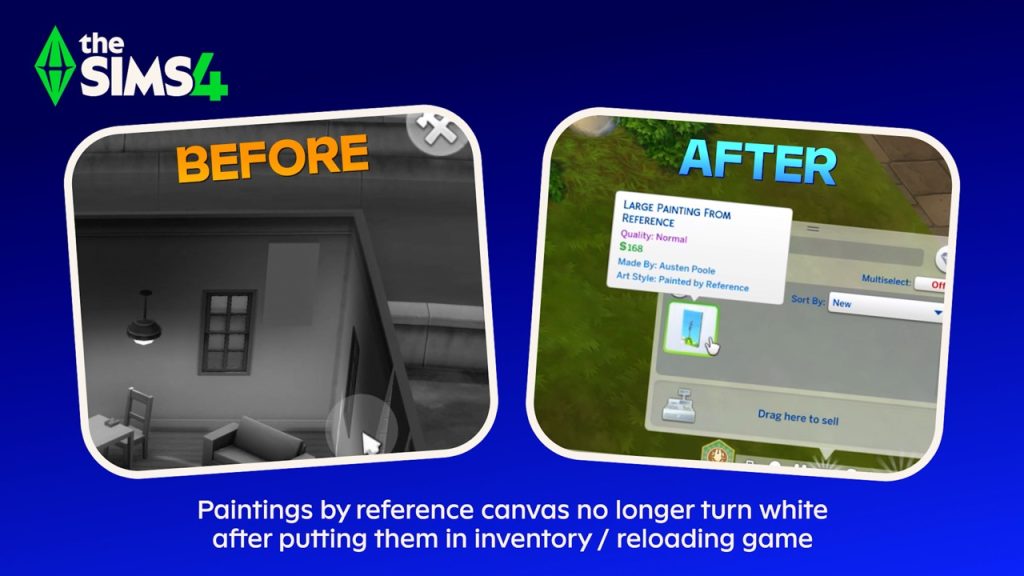
  • [EA Forums] Paint by Reference Paintings will no longer turn white after they’ve been put in a Sim’s inventory and the game has been relaunched. This fix is retroactive and should be fixed in previous saves where it occurred. (Base Game)
  • [EA Forums] Photos captured with Phone/Camera will no longer turn black once they’ve been mounted on a wall and the game is relaunched. This fix is not retroactive and will not address instances where photos were already missing data, but the fix will prevent this from happening in the future (even in old saves). (Base Game)
  • [EA Forums] Photos captured with Phone/Camera will no longer turn black once they’ve been put in Sim’s Inventory or placed in storage chests and the game is relaunched. This fix is not retroactive and will not address instances where photos were already missing data, but the fix will prevent this from happening in the future (even in old saves).  (Base Game)
  • [EA Forums] The “Create Copy” interaction on a painting no longer will result in a blank, white painting canvas when placed on the wall.  This fix is retroactive and should be fixed in previous saves where it occurred. (Base Game)
  • [EA Forums] Celebrity Autographs will no longer appear blank after they’ve been hung on a wall and the game is relaunched. This fix is not retroactive and will not address instances where photos were already missing data, but the fix will prevent this from happening in the future (even in old saves). (Get Famous)
  • [EA Forums] As noted above in the Top 5 Fixes, we fixed an issue where Memorial Portraits and Graduation Photos would no longer display a Sim’s image and appear blank. This fix is not retroactive and will not address instances where photos were already missing data, but the fix will prevent this from happening in the future (even in old saves). (University, Life & Death)

Now Available CAS Items!

We fixed four instances where CAS items were being hidden from players, so you’ll now have them available for your enjoyment.

Please note that in today’s update hairs in the Afro Textured CAS category were renamed to Curly. This is a temporary change; our next update in early Feb will have both Curly and Afro Textured hair style tags to make finding the right look easier than ever.

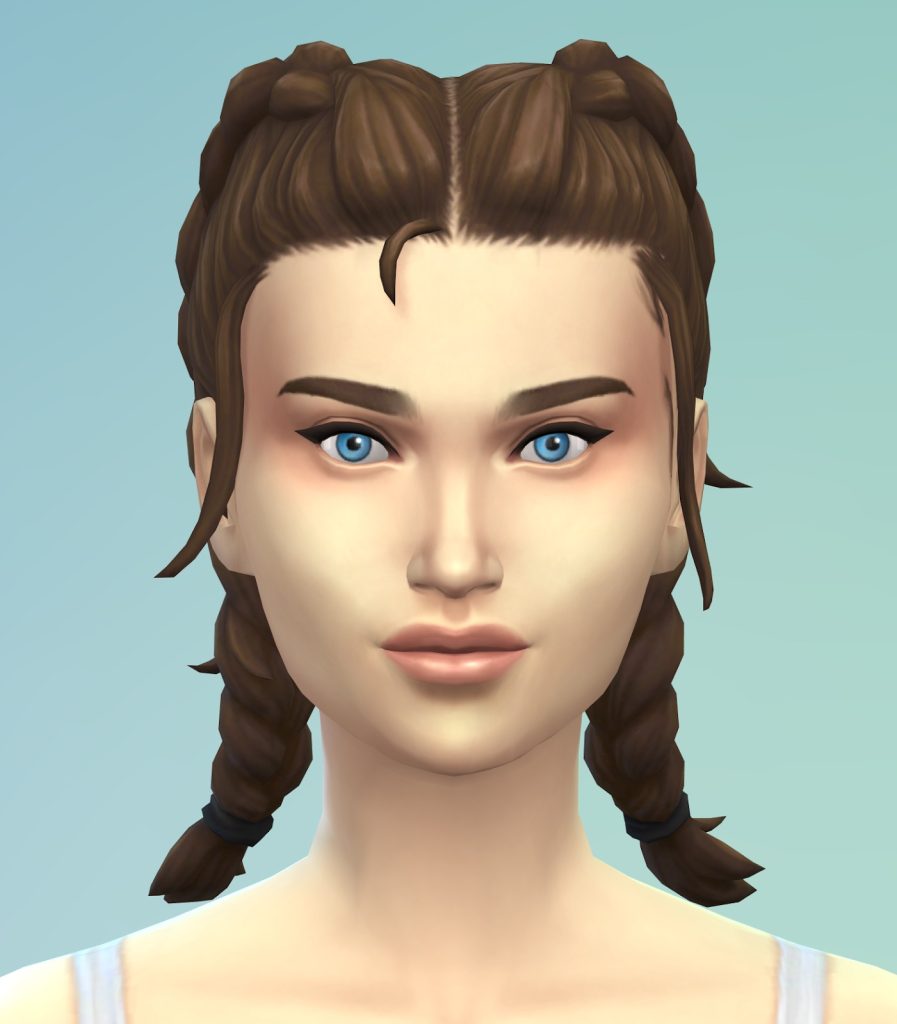
  • [EA Forums] (yfHair_EP20DoubleDutchBraid_LightBrown) now properly appears brown, rather than being an exact copy of the Light Blonde variant. (Adventure Awaits)
SIMS 4 Update New
  • [EA Forums] The (cuBody_EP20RashGuard_LogoNavy) variant is no longer missing. (Adventure Awaits)
sims 4 update new adventure awaits
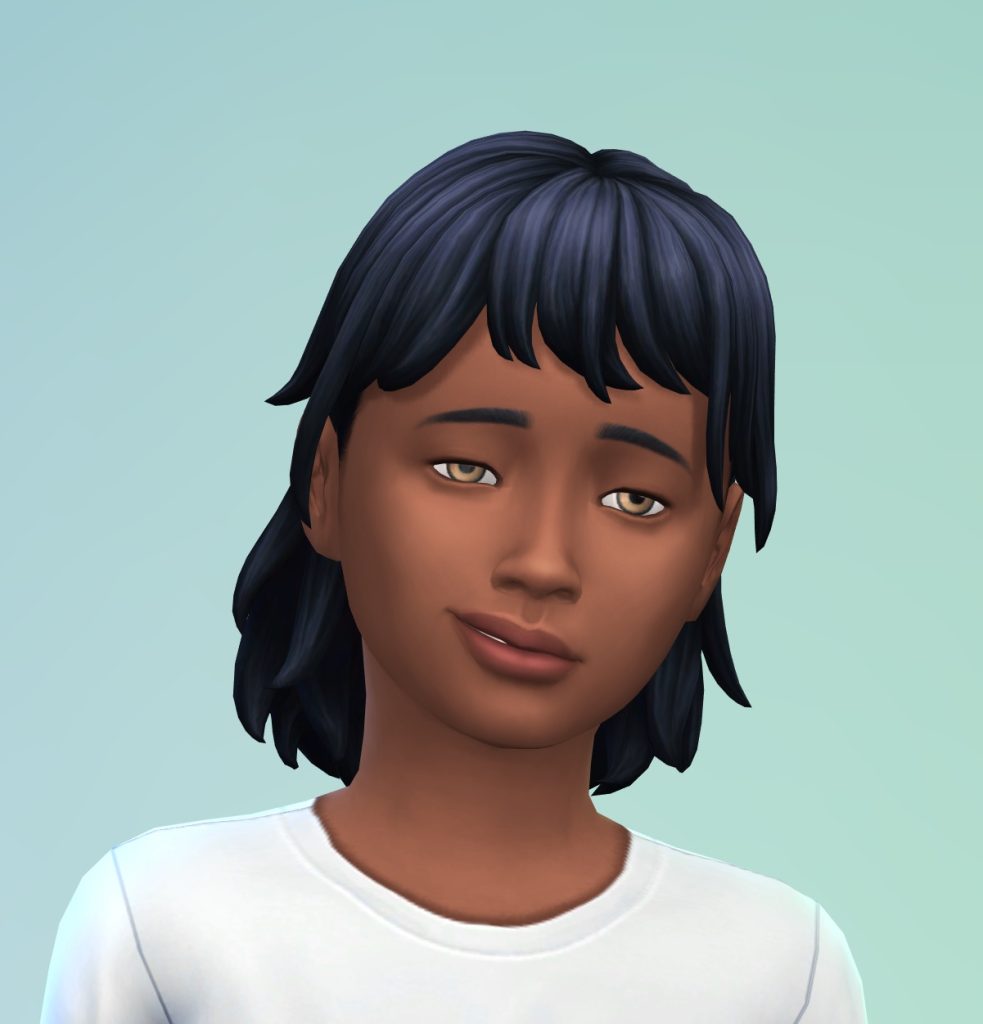
  • The (EP14BangsMedium) hair (and all variants) are now also available for Child Sims. (Horse Ranch)
sims 4 update features new1
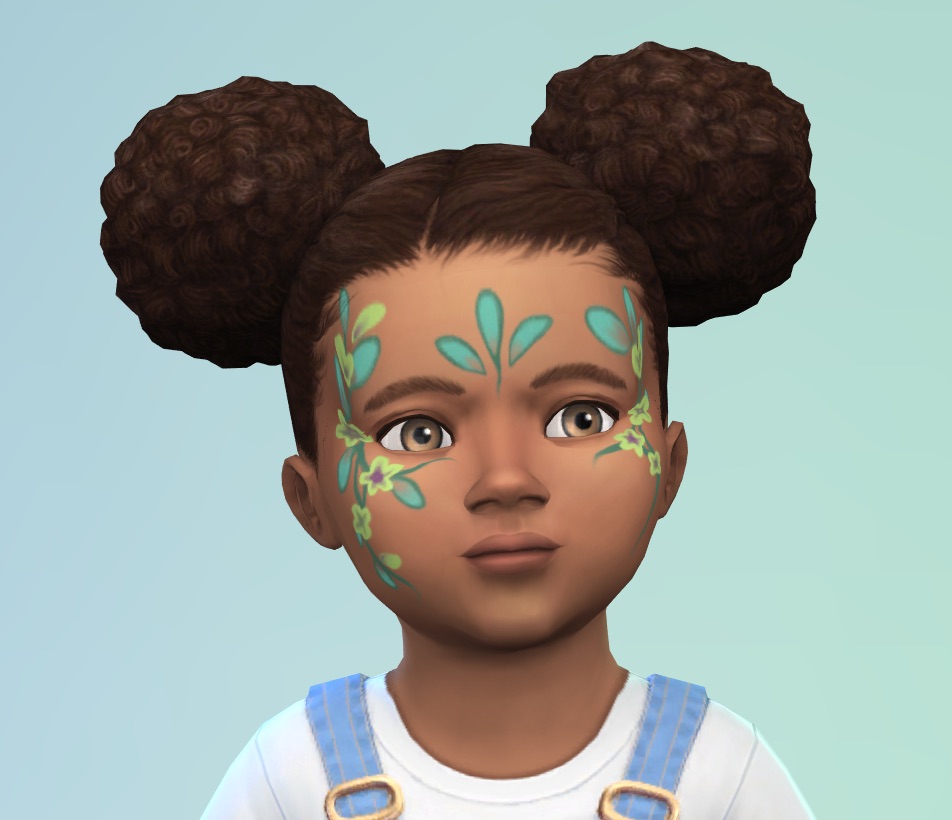
  • While investigating an issue with the Toddler Makeup category, we discovered the (puMakeupFacepaint_EP19Floral) asset was hidden, and we have unlocked it for your use. (Enchanted by Nature)
sims 4 update features new5

General Bug Fixes

We addressed a handful of other important issues that were quickly rising, particularly problematic, or easy fixes to get in. 

Base Game

  • [EA Forums] We addressed a rather significant issue where Away Actions at work were causing Sims to never receive Need gains while at work or school due to a change that was made during Adventure Awaits to how Away Actions at work function.
    • We fixed an additional bug pertaining to this where Toddler and Infant Needs will now increase while at Daycare properly. Bladder, Hunger, Energy, and Attention should receive large increases, Fun a small but tapering increase, and Hygiene no increase. 
  • [EA Forums] We addressed an issue where the “Fight” interaction was available on all Sims, even if they had a positive relationship. Now, it should only appear if the Sims have a negative relationship. 

Seasons

  • [EA Forums] Sims will no longer sometimes die of overheating while wearing the correct clothing. Blame the ghosts: this bug was due to the Overheating Ghost type and the aura they emanate.
  • [EA Forums] In a previous patch we addressed an issue where sand sculptures were auto-generating on beaches when it rained a lot. We’re submitting the remaining portions of this fix to ensure it’s now fully fixed in all cases.

Growing Together

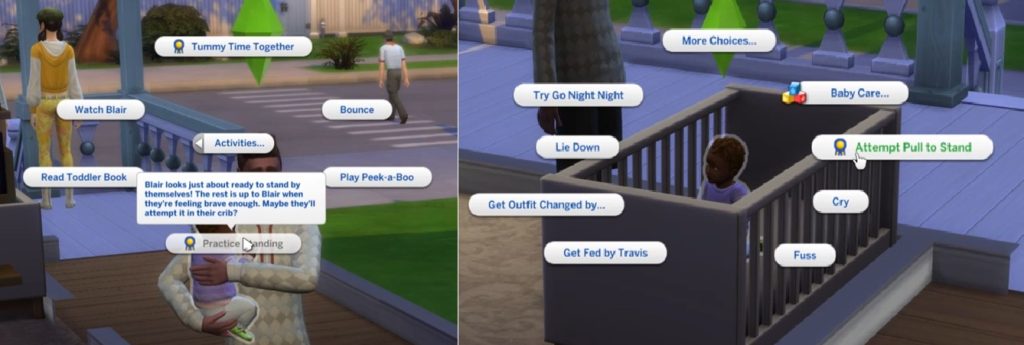
  • [EA Forums] We’ve addressed an issue where it was difficult to unlock the Pull to Stand Milestone. The problem is that Infants need to be near certain specific objects to pull themselves up for the first time, but this is never indicated to the player and sometimes infants aren’t located near these objects. They can still unlock this Milestone as they could previously, but to address the concerns with this not being obvious in many cases, we’ve added a greyed out interaction and hovertip that directs the player to place the Infant in the Crib. While in the crib, the Infant can pull themselves to a stand, and (as an additional option) we’ve added a new interaction to Infant Sims in the crib to pull themselves up once they are ready to unlock the Milestone. This interaction is available on the Infant Sim when the Infant is the Active Sim.
sims 4 update features new4

Business & Hobbies

  • [EA Forums] We fixed an issue where Small Business Employees were leaving early (only 2-3 hours after opening) if a business was 5-Star and selected customer criteria was supervised customer only. Now, all hired employees should stay on a small business lot while it is open.

Adventure Awaits

  • [EA Forums] (yfTop_EP20VNeckTee) no longer has a visible seam on the shoulder when worn by Sims downloaded from the Gallery.
  • [EA Forums] Imaginary Friends will no longer reset and disappear from the Relationship Panel after returning from another lot. 
  • [EA Forums] Custom Venues will now save Roles and Schedules with a custom role containing a Romantic Orientation criteria. This issue was resulting in a case of Save Corruption as well that was addressed and is noted above in that section.

Werewolves

  • [EA Forums] We fixed an issue where Werewolf offspring of Werewolves had black textures and no pelts upon aging to Teen. Our fix should apply a texture to any Werewolf Sim who is lacking one upon entering CAS and should address old instances of this occurring.

Multiple

  • [EA Forums] We fixed all reports of the camera being obstructed by trees in Gallery preview views of lots.
  • [EA Forums] Maids and Butlers will now once again try to mop puddles instead of vacuuming them fruitlessly for hours. We assure you they were trying their best, and we appreciate your patience with them.

CAS & Build Mode Tagging Updates

We had the opportunity to address a large swath of simpler tagging bugs, making CAS and Build Mode sorting more accurate overall. The Lump of Clay (Base Game) and Stack ‘o Books (Cats & Dogs) objects also acquired some new gameplay functionality. Here are related issues we fixed:

Base Game

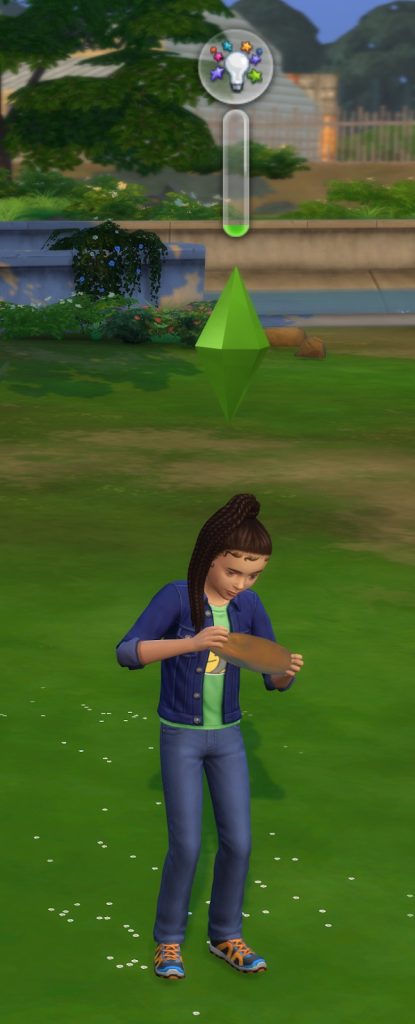
  • Lump of Clay now sorts as a Kids Activity and also sorts in the Creative Skills Section. It has also been updated to provide Creativity Skill gain for Children Sims.
sims 4 update features new3
  • The In Full Bloom Centerpiece is now sorted as an Indoor Plant. 
  • Wedding Pillar with Floral Basket is now sorted as an Indoor Plant. 
  • (sitDining_EF07IRN02), (sitDiningIRN_01), and (SitDiningGENChess) now sort under Outdoor Seating and will filter for Park venues.
  • The Men’s Shoe Rack and Women’s Show Rack objects now sort under the Storage Misc Category.
  • The Bonsai Tree now sorts as an Indoor Plant.
  • PenguinVision Children’s Television Set now sorts as a Kids Activity. 
  • (yfHair_EP08BraidedPonyTail)  now sorts as Afro-Textured. 
  • (cfHair_SP10ShortPinCurlLoose) now sorts as Wavy.
  • (yfHair_EF90WaveMedium) now sorts as Wavy.
  • (yfHair_EF90FiveFivePerm) now sorts as Straight for all ages.
  • (yfHair_EF03TragicClown) now sorts as Straight.
  • The (pmHair_SP12TightCurls) hairstyle now also appears as a Feminine Fashion Choice.
  • (cuTop_Shirt) now properly sorts as a Button up instead of a T-Shirt.

Get to Work

  • (cfHair_EP01BraidsBunSide) now sorts as Afro-Textured.

Cats & Dogs

  • The Stack ‘o Books object now sorts as a bookshelf, and it is also now functional as a bookshelf.  
sims 4 update features new2
  • Outdoor Patio Piece now counts as a Picnic Table.
  • (ymHair_EP04Pompadour) now sorts as Wavy. 
  • (yfHair_EP04CurlyLongMiddlePart) now sorts as Wavy. 
  • (yfHair_EP04LowLoopWavy) now sorts as Straight. 
  • (cmHair_EP04WavyHawkDetail) now sorts as Afro-Textured.

Seasons

  • The Bow-tiful Candlelight is now properly sorted in the Off the Grid Lighting Category.

Island Living

  • (yfHair_EP07FlowerCrown) now sorts as Straight.

Cottage Living

  • (pfBottom_EP11ShortsDrawstring) was moved from the Cropped category and into the Shorts sub-category.
  • (cfBody_EP11Jumpsuit) was moved from the Short Dresses to Jumpsuits sub-category for sorting.
  • All (EP11CurlyBun) hairstyles now sort as Wavy for all age groups.

Horse Ranch

  • All three Horse Ranch facial hairs have been sorted into their respective Beards and Moustache sub-categories.

Eco Lifestyle

  • (yfHair_EP09CurlyBun) now sorts as Wavy.
  • (yfHair_EP09BunFade) now sorts as Straight. 

Snowy Escape

  • The Komorebi Shrubbery no longer sorts as an Indoor Plant.
  • The Lantern in a Paper Cylinder and Stone Tōrō Lantern lights are now properly sorted into the Off the Grid Lighting Category.
  • The (EP10ShortBuzzed) hairstyle is now consistently tagged between all age groups.
  • (yfHair_EP10LongBraidedWavy) now sorts as Afro-Textured.
  • (EP10LongBraidedWavyHighlight) now sorts as Afro-Textured.
  • (yfHair_EP10LongBraidPony) now sorts as Straight.
  • (EP10BunBangs) now sorts as Straight.

Growing Together

  • The (EP13LongBraids) hair now sorts consistently across all age groups.
  • (EP13WavyMed) now sorts as Straight for all age groups.

Lovestruck

  • Makeup from Lovestruck will now appear for Cold and Hot Weather Outfits as an option.
  • The Elongated Zebra Pothos Plant now sorts as an Indoor Plant. 

Business & Hobbies

  • (ymHat_EP18Beanie) now sorts as a Brimless Hat.
  • (yfHair_EP18_SlickBun) now sorts under Updo and Medium Length Hair.
  • (yfHair_EP18Hattie) now sorts as a Long Length Hair.
  • (yfHair_EP18FingerCurls) now sorts as an Updo.

Spa Day

  • The Foot Illumination System and Foot Illumination Corner Edition lights have been added to sort in the Lighting Category in Build Mode.

Parenthood 

  • The Hanging Lights – long length and Hanging Lights – short length lights have been added to sort in the Lighting Category in Build Mode.

Jungle Adventures

  • (yfHair_GP06ShortPony2Tone) will now appear for Male and Female Sims for both fashion choice options.

Realm of Magic

  • The following lights will now be properly sorted in the Off the Grid Lighting Category:
    • Light of the Marasenna
    • Sconce For Little Light
    • Totally Lit Bug Light

Dream Home Decorator

  • (cuBottom_GP10Shorts) were removed from the Skirts sub-category, added to the Shorts sub-category, and also added as a Hot Weather option.

Holiday Celebration Pack

  • The String of Snowflakes lights have been added to sort in the Lighting Category in Build Mode.

Movie Hangout

  • (SP05LongBraidCurled_DirtyBlonde) is now sorted as Wavy for all age groups.

Moschino

  • The Photo Drape, Fashion Studio Backdrop Curved, and Fashion Studio Backdrop Straight objects have been added to the Creative sub-category in Build Mode’s Activity and Skills category.

Paranormal

  • (SP18AngleBootsToeOpen) now sort as Wedges.

Little Campers

  • We fixed a text error where the Light My Way to the Moon Lamp object had a “Functional Off-the-Grid 10” typo error. 
  • The Light My Way to the Moon Lamp has been sorted into the Off the Grid Lighting Category.

Goth Galore

  • All makeup from Goth Galore  will now appear for Cold and Hot Weather Outfits as an option. 

Autumn Apparel

  • [EA Forums] The (ymBottom_SP69PantsLong) now sort as a Masculine Fashion Choice.

Changelogs for Modders

As part of this update, we’ve tested adding a dedicated change log for mod authors directly within the patch notes. This section below highlights technical changes that may affect mods, including updates to tuning, scripting, data structures, and supported workflows. The goal is to help mod authors quickly understand what’s changed, evaluate potential impacts, and update their work with confidence. We’d really value feedback from the modding community – what’s clear, what’s missing, and what would make this more useful. 

Changelog for Modders:

Fixed IssueChange log
Updated sorting tags for 47 CAS and Build Buy assets.Updated sorting tags for 47 CAS and Build Buy assets. 
We fixed an issue where Memorial Portraits and Graduation Photos would no longer display a Sim’s image and appear blank. This fix does not address Portraits and Photos that were already broken, but will work on old saves for future gameplay with these objects.Updated texture compositing method to match DX11 performance optimization.
In our 12/2/25 Update, we fixed an issue where Child, Teen, Young Adult, Adult, and Elder Sims no longer had clothing visible under their privacy mosaic. We are now addressing this issue for the remaining age groups, fully resolving the issue.Added OutfitCategory_Bathing tag to iuBottom_Nude and puBottom_Nude and removed the tag from iuBottom_Diaper and puBottom_Diaper
Photos captured with Phone/Camera will no longer turn black once they’ve been mounted on a wall and the game is relaunched. This fix is not retroactive and will not address instances where photos were already missing data, but the fix will prevent this from happening in the future (even in old saves).Saved photo texture with camera filters upon saving the game.
Photos captured with Phone/Camera will no longer turn black once they’ve been put in Sim’s Inventory or placed in storage chests and the game is relaunched. This fix is not retroactive and will not address instances where photos were already missing data, but the fix will prevent this from happening in the future (even in old saves).Saved photo texture inside of storage chest upon saving the game.
Paint by Reference Paintings will no longer turn white after they’ve been put in a Sim’s inventory and the game has been relaunched. This fix is retroactive and should be fixed in previous saves where it occurred.Force update painting textures when the painting object is moved from inventory to the lot.
Celebrity Autographs will no longer appear blank after they’ve been hung on a wall and the game is relaunched. This fix is not retroactive and will not address instances where photos were already missing data, but the fix will prevent this from happening in the future (even in old saves).Updated texture compositing method to match DX11 performance optimization.
The “Create Copy” interaction on a painting no longer will result in a blank, white painting canvas when placed on the wall.  This fix is retroactive and should be fixed in previous saves where it occurred.Updated texture compositing method to match DX11 performance optimization.
We fixed an issue where Werewolf offspring of Werewolves had black textures and no pelts upon aging to Teen. Our fix should apply a texture to any Werewolf Sim who is lacking one upon entering CAS and should address old instances of this occurring.Generate werewolf pelt preset for a teen or older werewolf when entering CAS if they don’t have one initially.
Progress towards a fix to address Eyelids not closing completelyRebuilt base game animation assets.
We addressed the top reported issue: Server Error while Uploading to Gallery/Library. This was primarily a Console issue but could occur with PC.Updated ActionScript code to require all thumbnails to be loaded before unlocking the Gallery Panel
We fixed a notable instance of Sims standing around and not caring for their infants. While holding Infants, Sims were playing an idle animation that delayed responsiveness to queued interactions. This idle was removed. We hope to further address additional Infant issues in future updates.Removing an idle mixer from playing while holding an Infant.
We addressed a rather significant issue where Away Actions at work were causing Sims to never receive Need gains while at work or school due to a change that was made during Adventure Awaits to how Away Actions at work function.Adding new periodic motive loots while at school. This is part of a CareerTone folder refactor.
We addressed an issue where the “Fight” interaction was available on all Sims, even if they had a positive relationship. Now, it should only appear if the Sims have a negative relationship.Fixing a test on the general fight availability test set reference.
We’ve addressed an issue where it was difficult to unlock the Pull to Stand Milestone. The problem is that Infants need to be near certain specific objects to pull themselves up for the first time, but this is never indicated to the player and sometimes infants aren’t located near these objects. They can still unlock this Milestone as they could previously, but to address the concerns with this not being obvious in many cases, we’ve added a greyed out interaction and hovertip that directs the player to place the Infant in the Crib. While in the crib, the Infant can pull themselves to a stand, and (as an additional option) we’ve added a new interaction to Infant Sims in the crib to pull themselves up once they are ready to unlock the Milestone. This interaction is available on the Infant Sim when the Infant is the Active Sim.Adding a fallback interaction for Pull to Stand incase it didn’t happen autonomously. This interaction is available on cribs for Infants to manually Pull to Stand. Also preventing the ability to endlessly Practice Pull to Stand by adding a tooltip.
Lump of Clay now sorts as a Kids Activity and also sorts in the Creative Skills Section. It has also been updated to provide Creativity Skill gain for Children Sims. PenguinVision Children’s Television Set now sorts as a Kids Activity. The Stack ‘o Books object now sorts as a bookshelf, and it is also now functional as a bookshelf.  Child Creativity is now provided by playing with Lump of Clay, plus additional BB Sorting tagging is done on Lump of Clay and PenguinVision Children’s Television Set.
Maids and Butlers will now once again try to mop puddles instead of vacuuming them fruitlessly for hours. We assure you they were trying their best, and we appreciate your patience with them.Adding a test to prevent Sims from vacuuming puddles to New_VacuumCleaner_Start_Object
In a previous patch we addressed an issue where sand sculptures were auto-generating on beaches when it rained a lot. We’re submitting the remaining portions of this fix to ensure it’s now fully fixed in all cases.Fixing an issue where rain caused unfinished sand castles to change into a deteriorated state, instead of simply destroying itself. Changing loot_SandActivities_SandSculpture_Rain
We addressed a rather significant issue where Away Actions at work were causing Sims to never receive Need gains while at work or school due to a change that was made during Adventure Awaits to how Away Actions at work function.Adding new periodic motive loots while at daycare. This is part of a CareerTone folder refactor. Any instance with the name CareerTone has these changes.
(yfHair_EP20DoubleDutchBraid_LightBrown) now properly appears brown, rather than being an exact copy of the Light Blonde variant.Hair color texture Blond was incorrectly saved over as LightBrown, fixed with the correct color.
(yfTop_EP20VNeckTee) no longer has a visible seam on the shoulder when worn by Sims downloaded from the Gallery.Moved the yfTop_EP20VNeckTee asset’s shoulder textures so there is no conflict with some fingernail accessory texture space
We fixed all reports of the camera being obstructed by trees in Gallery preview views of lots.Hindquarter Hideaway: Scaled down the the trees that were blocking the lot camera. Dachshund Creek: Scaled down the the trees that were blocking the lot camera. Tails End lot: Deleted the 3 talls trees & the light ( sitting on top of the wall) that were blocking the lot camera. Bedlington Boathouse lot : Scaled down the the trees that were blocking the lot camera.
We fixed an issue where open street objects were being ‘shelved’ and never removed when traveling to an apartment building.Objects on the open street should no longer be “shelved” (and subsequently un-shelved) by the plex system.
Save File Integrity work.For some users, the scratch folder will move from the Documents folder to AppData. This change will be rolled out in the months following the patch release.
The (cuBody_EP20RashGuard_LogoNavy) variant is no longer missing.Changed applicable body type for cuBody_EP20RashGuard_LogoNavy outfit from Teen, Young Adult, Adult, Elder Sims to Child Sims like it was for the other variants.
The (EP14BangsMedium) hair (and all variants) are now also available for Child Sims.Updated tagging for EP14BangsMedium so that it properly appears for players in CAS Catalog.
The Stack ‘o Books object now sorts as a bookshelf, and it is also now functional as a bookshelf.Updated sorting tags for “Stack ‘o Books” and added tags to provide bookshelf functionality to asset.
While investigating an issue with the Toddler Makeup category, we discovered the (puMakeupFacepaint_EP19Floral) asset was hidden, and we have unlocked it for your use.Tagged puMakeupFacepaint_EP19Floral to appear in game as visible and had thumbnails regenerated.
The (cuBody_EP20RashGuard_LogoNavy) variant is no longer missing.Marked cuBody_EP20RashGuard_LogoNavy Asset to have thumbnails regenerated with build.
Imaginary Friends will no longer reset and disappear from the Relationship Panel after returning from another lot.Whenever a child Sim travels back home alone, the Imaginary Friend is not destructed if it is inside child’s inventory.
We fixed an issue where Small Business Employees were leaving early (only 2-3 hours after opening) if a business was 5-Star and selected customer criteria was supervised customer only. Now, all hired employees should stay on a small business lot while it is open.Decreased the “importance level” of small business customers to be lower than employees, so that in cases where the number of sims on a lot gets too large, customers will leave first (and employees will now always stay at the business for the entire duration it is open)
Custom Venues will now save Roles and Schedules with a custom role containing a Romantic Orientation criteria. This issue was resulting in a case of Save Corruption as well that was addressed and is noted above in that section.Fixed a typo in the python code for saving the Romantic Orientation role in custom venue schedules
We fixed a case of Save Corruption where the player could become stuck in an endless load or be returned to Manage World after setting a custom venue’s schedule to include a Romantic Orientation Role criteria.Fixed a typo in the python code for saving the Romantic Orientation role in custom venue schedules

Update Preview

The new Coach CAS items can be found with a “Coach” tag in the thumbnail preview of the item. See the new Masculine and Feminine options below:

You can find the new Coach collaboration items in Build Mode by simply searching for “Coach”. There you’ll find three new Build items including the Coach Tava Trunk, Coach Brooklyn Bag and Coach Tabby Bag.

sims 4 update preview

The update is 1.3GB on Mac devices!

The Sims 4 Update Filesize

What’s your experience so far with the latest Sims 4 Update? Let us know in the comments down below and stay tuned for a full Patch overview article on Sims Community!

New The Sims 4 Royalty & Legacy Teaser: The Throne

Get ready for the reveal trailer with a new preview of the next Sims 4 Expansion Pack!

The Sims Team has just published a new teaser trailer for The Sims 4 Royalty & Legacy Expansion Pack. Both confirming the name and showcasing some of the new features through a teaser.

The full reveal trailer and event is expected for January 15th, 2026. Don’t worry though, we have a countdown for that!

Let’s look at the new things shown in the teaser:

The Sims 4 Royalty & Legacy Video Teaser

A Sim goes through several throne options before the final throne object appears. The Sim approaches the stand and puts down the crown, revealing the January 15th reveal event. Nothing much to spot for now. But we’ve still extracted some important frames for you!

You can tune in for the YouTube Trailer premiere here!

Are you interested in the next Sims 4 Expansion?

Let us know through our unofficial community poll down below!

[totalpoll id=”186703″]


What are you expecting from The Sims 4 Royalty & Legacy Expansion Reveal? Let us know in the comments down below and stay tuned for all the latest updates on this EP release right here on Sims Community!

The Guide to The Sims 4 Occult Lifespans

0

The Sims 4 has 6 different Occults across various game and expansion packs. Keep reading to learn about each of The Sims 4 Occult lifespans!

As of January 2026, there are 6 Occult options in The Sims 4. These Occults don’t exist in The Sims 4 base game, but are included in game and expansion packs, such as The Sims 4: Vampires and The Sims 4: Get to Work. Many of these Occult Sims have different lifespans than Human Sims, with each changing based on the lifespan determined in your gameplay settings.

There are three lifespan options: Short, Normal, and Long. Adjusting these settings will change the lifespan length for all Sims in your game. This can be adjusted at any time.

Short Lifespans

For quicker story and life progression, you can choose to the Short lifespan option in your gameplay settings.

[table id=130 /]

Normal Lifespans

If you want more time to achieve aspirations and help your Sim work through personal goals, you can choose the Normal lifespan.

[table id=131 /]

Long Lifespans

For those looking to spend the most time possible with their Sims and Sims worlds, the Long lifespan is the one to pick!
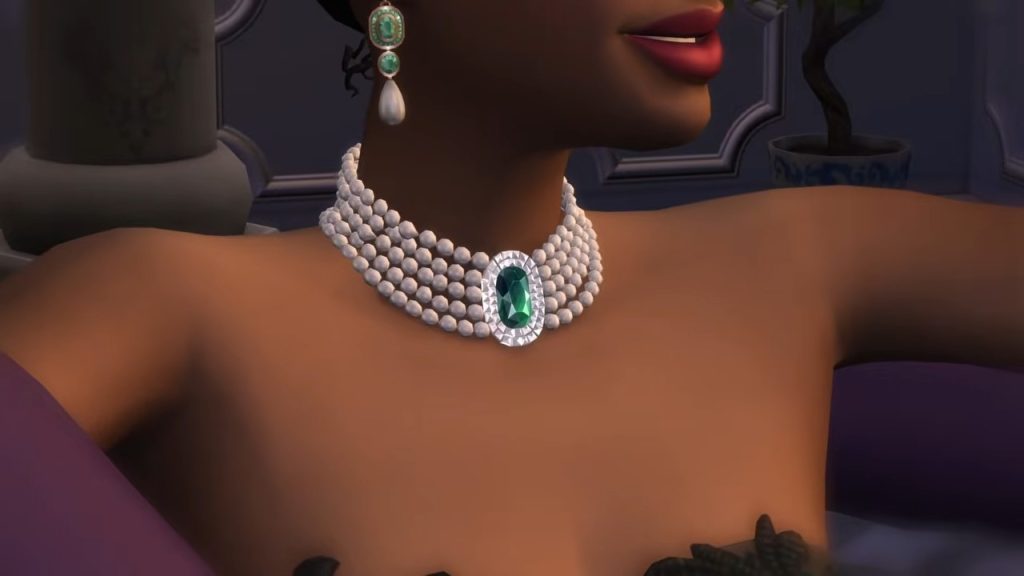
[table id=132 /]

Extending The Sims 4 Occult Lifespans

While all Sims can extend their lifespans with things like the Potion of Youth from the Rewards Store, or the Essence of Life from a Cow Plant, a few Occults have special ways to make sure Occult Sims live longer.

Sims 4 Occult Lifespans, Birthday

Spellcaster

Sims who have mastered their Spellcaster abilities can craft the Potion of Immortality. Taking this potion will allow your Sim to become immortal once they’ve aged up to Elder.

Sims 4 Occult Lifespans, Spellcaster Adult

Werewolf

Werewolf Sims who wish to extend their lifespan can unlock the ability to Live Forever with the Immortal Wolf ability at the Apex level.

Sims 4 Occult Lifespans, Immortal Werewolf

Vampire

Vampire Sims are immortal and can live forever! Just make sure they avoid the sun and their Needs are met. Occult Sims in The Sims 4 who are born into vampirism will stop aging once they reach Young Adult. Sims who are turned into a Vampire as an Adult or Elder will stay this age as a Vampire.
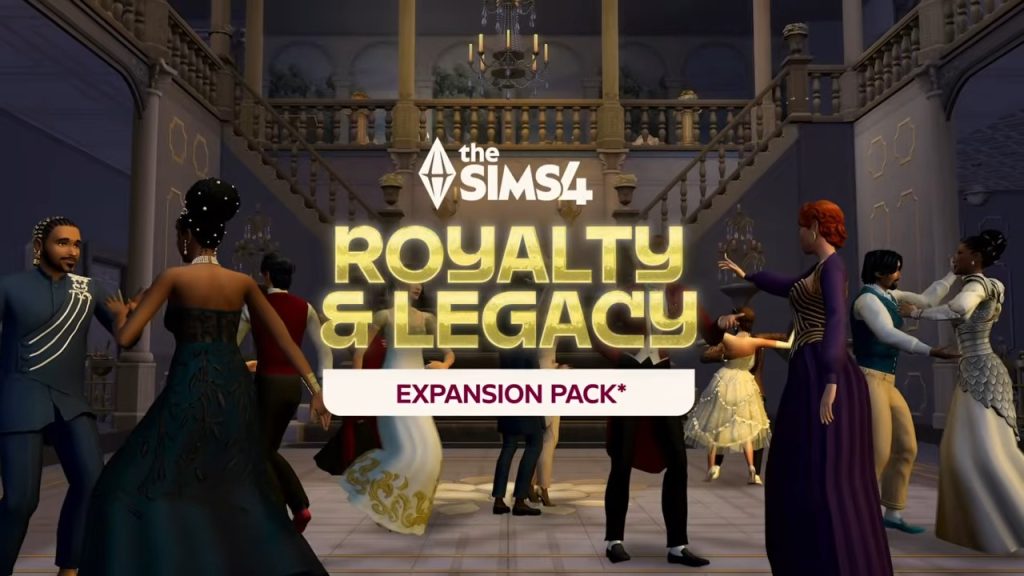
Sims 4 Occult Lifespans, Vampire Child

Honorable Mention Occult: PlantSims

PlantSims were revamped through The Sims 4: Enchanted by Nature Expansion Pack, but they aren’t your typical Occult Sims. Similar to other Occults, PlantSims have special Needs that need to be tended to; specifically, these Sims have the Water Need. These Sims need Water to complete their photosynthesis process and prevent wilting.

Sims 4 Occult Lifespans, PlantSims

What sets PlantSims apart from other Occults is the fact that the PlantSim lifespan only lasts five days. To remain a PlantSim, your Sim will need to eat a Forbidden Fruit and reset the lifespan.


What are your thoughts on The Sims 4 Occult lifespans? Would you want any other life stages added to The Sims 4? Let us know in the comments below!