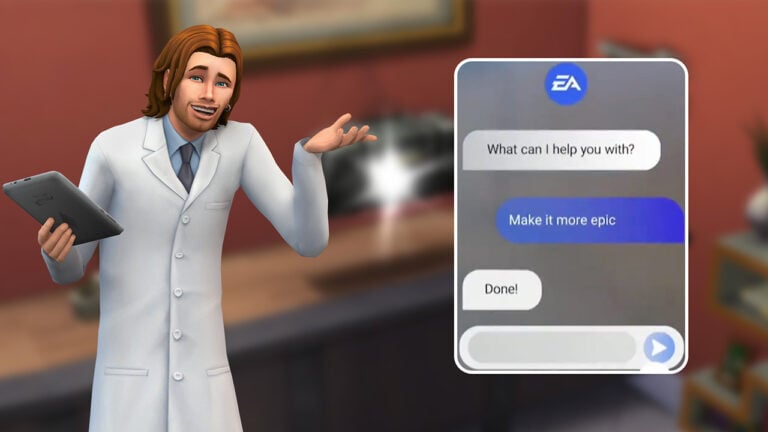
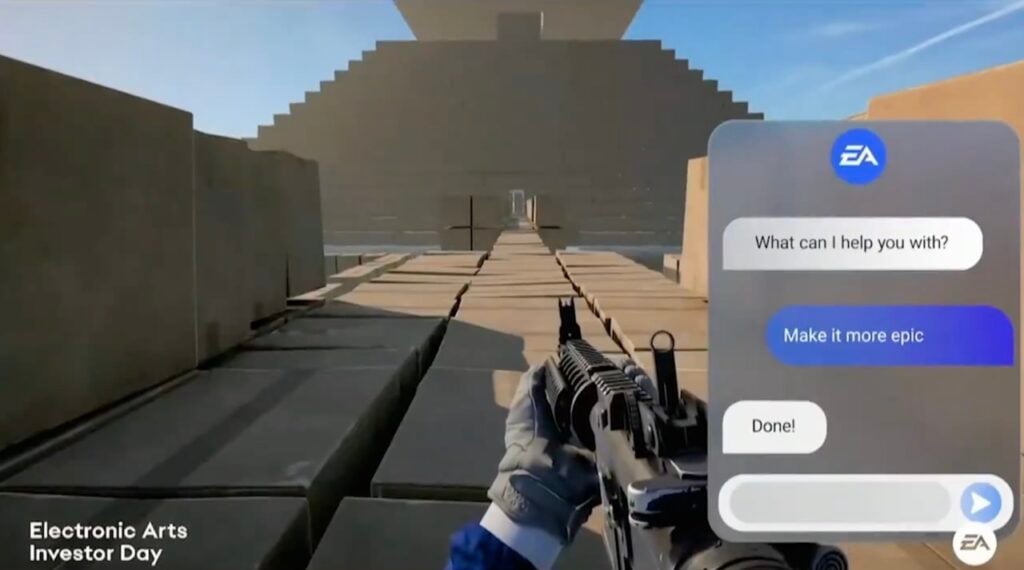
It’s reported that executives are forcing EA employees to use in-house AI tools, only to correct its flaws and hallucinations.
A new report from Business Insider has revealed the challenges and extra work that EA employees are met with when using Electronic Arts’ new AI development tools.
Described by executives as a “thought partner”, the EA AI tool called ReefGPT is riddled with faulty code and “hallucinations” that EA developers have to fix themselves. Costing additional resources and money rather than developing from scratch.
Some Electronic Arts staffers who spoke with Business Insider under the condition of anonymity say the AI tools they’re encouraged to use, including the company’s in-house chatbot ReefGPT, produce flawed code and other so-called hallucinations that they need to correct. Others say that creative staff are expected to train AI programs on their own work, and that they fear the technology will ultimately slash demand for talent, such as character artists and level designers.
Considering that the integration of AI tools within the EA development studios has only started last year, it’s expected that it would cause major mistakes. Especially as the AI tools are only getting started with harvesting EA’s creative team input and work. Causing fear that the technology would only get better and replace demand for game development talent.
At Electronic Arts, maker of “The Sims,” “Madden NFL,” and several other megapopular video-game franchises, leadership has spent the past year urging its nearly 15,000 employees to use AI for just about everything — from creative projects like cranking out code and concept art to managerial work like scripting conversations with direct reports about sensitive topics such as pay and promotions, Business Insider has learned.
If you’re wondering if this has any impact on the quality control and assurance of EA’s games – it does. A person who worked at EA was recently laid off after being replaced by AI that was able to continue his part of the work – reviewing and summarizing feedback from playtesters.
One recently laid-off Electronic Arts employee, who held a senior quality-assurance design position, says that AI was able to perform a key part of his job — reviewing and summarizing feedback from hundreds of play testers. He suspects that this was at least partly why he was among about 100 of his colleagues who were let go this past spring from the company’s Respawn Entertainment studio.
There are still major mistakes that EA’s ReefGPT AI Chatbot is making. Essentially being affirmative to negative situations and vice versa:
Employees in some areas of the business are expected to complete multiple AI training courses, use AI tools daily to accelerate their work, and view generative AI as a “thought partner,” internal documents show. One sample chatbot prompt advises managers on how to talk to a direct report whose performance is negatively affecting business results but who believes otherwise. Another guides employees on how to phrase constructive questions when a sought-after promotion is denied.
You can read the full report from Business Insider about the state of AI in EA’s development team and more professional research regarding it here.
It can only go more downhill from this point on for the developers. Two days ago it was announced that EA is partnering with Stability AI to enroll more tools and options for feeding artificial intelligence with developer’s own work.
What are your thoughts on the latest report? Let us know in the comments and stay tuned for more EA news.
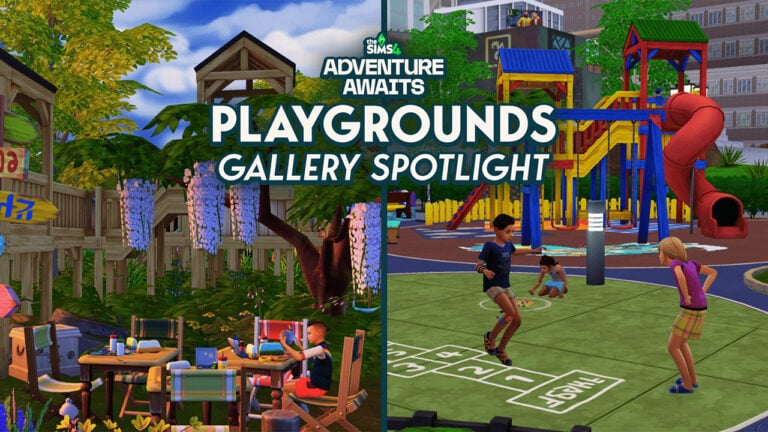
There’s never been a better time to embrace your inner child in The Sims 4 Adventure Awaits! With the recent improvements to Sims 4 playgrounds building tools and a treasure trove of kid-friendly creations in the Gallery, Simmers everywhere are turning ordinary backyards and public parks into vibrant zones of creativity. Whether your Sims are tiny tots or just young at heart, there’s something special about the joy of playtime—and the community has taken “playgrounds” to new heights.
I have scoured the gallery to spotlight some picks to share with you!
The Sims 4 Playgrounds Gallery Spotlight
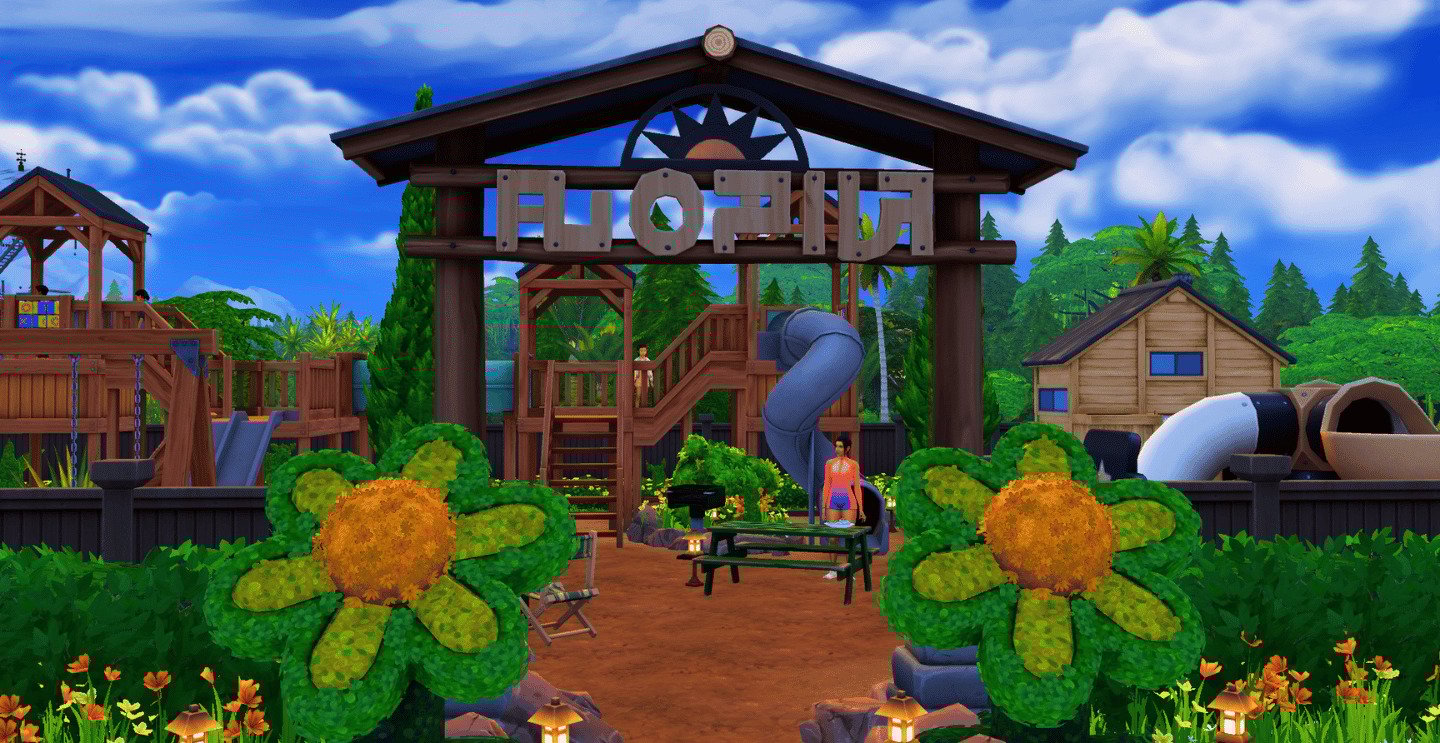
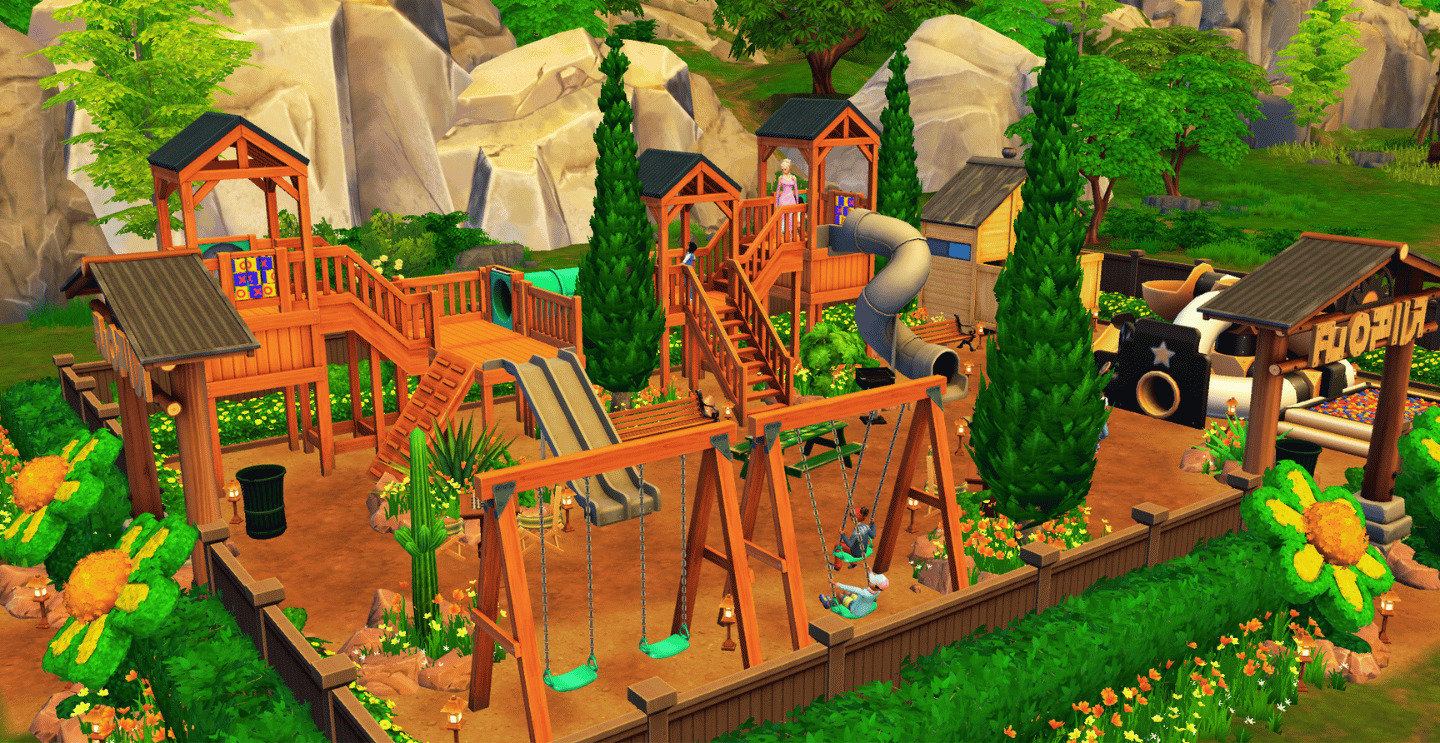
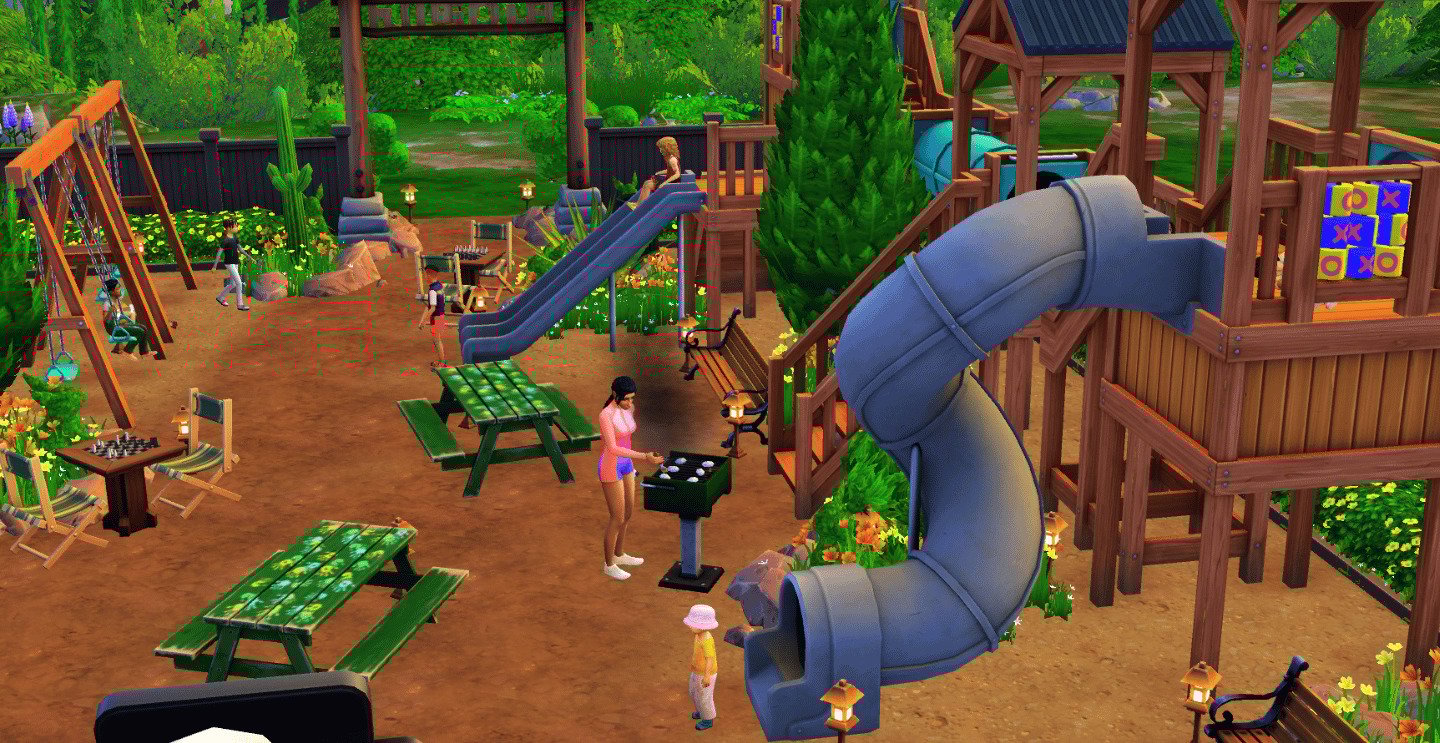
Compact and Charming “Daisy Playground” by Marshybook
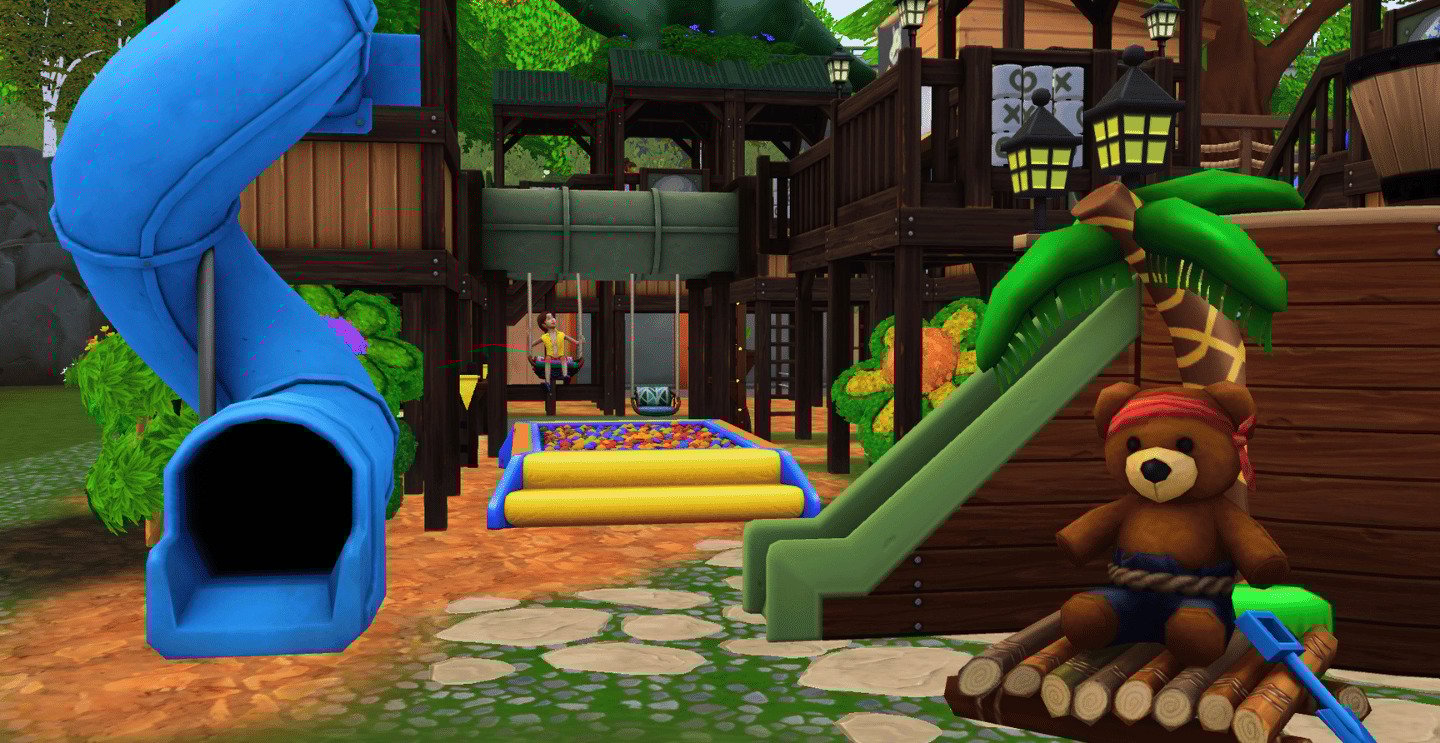
First in this gallery spotlight is “Daisy Playground” by Marshybook, a 30 x 20 daisy themed wonderland blooming with floral charm. Imagine wooden forts and natural play tunnels that dance with flower-lined paths and a swing set. Marshybook has decorated from Adventure Awaits, Horseranch, Cottage Living, and Toddler Stuff, crafting a playground that’s multi-layered, compact and charming.
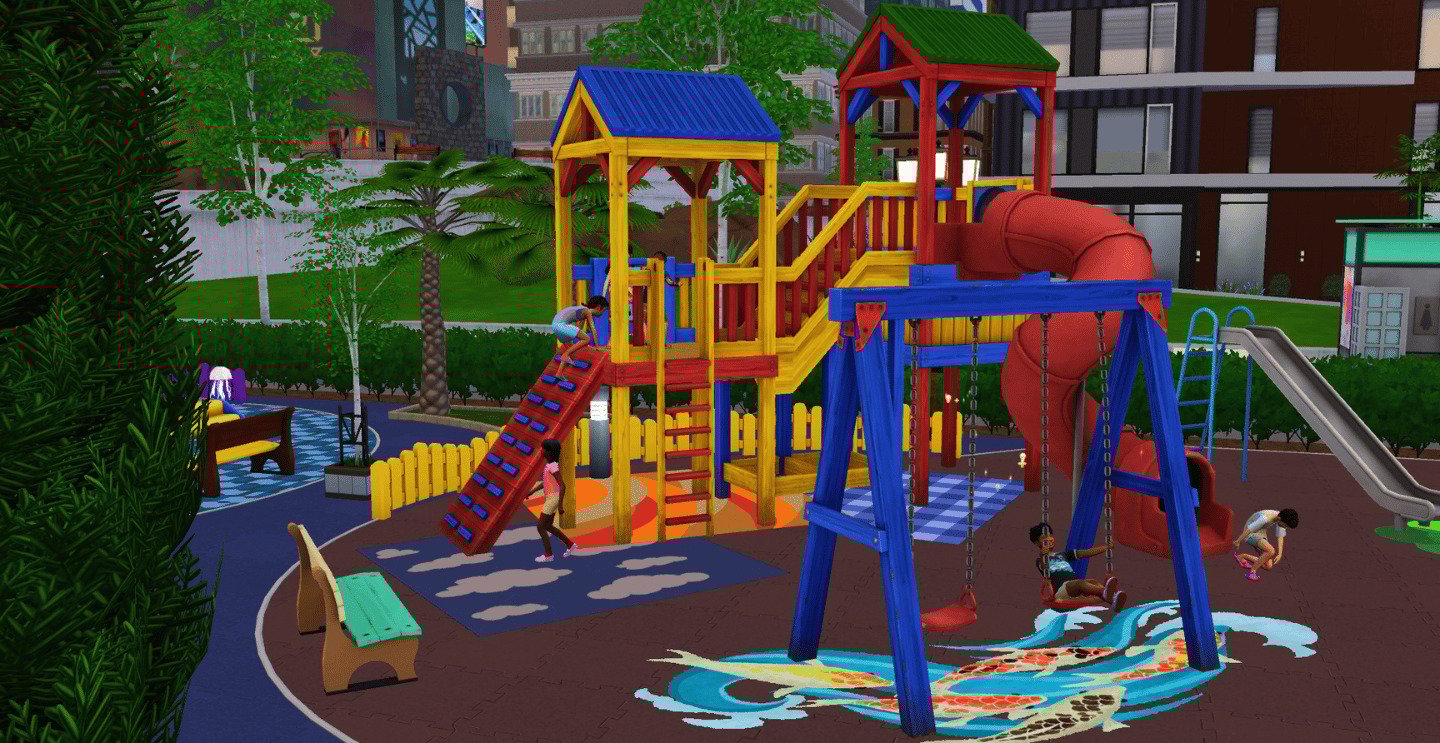
Colorful and Urban “Parque Infantil Urbano” by Fritosaurio
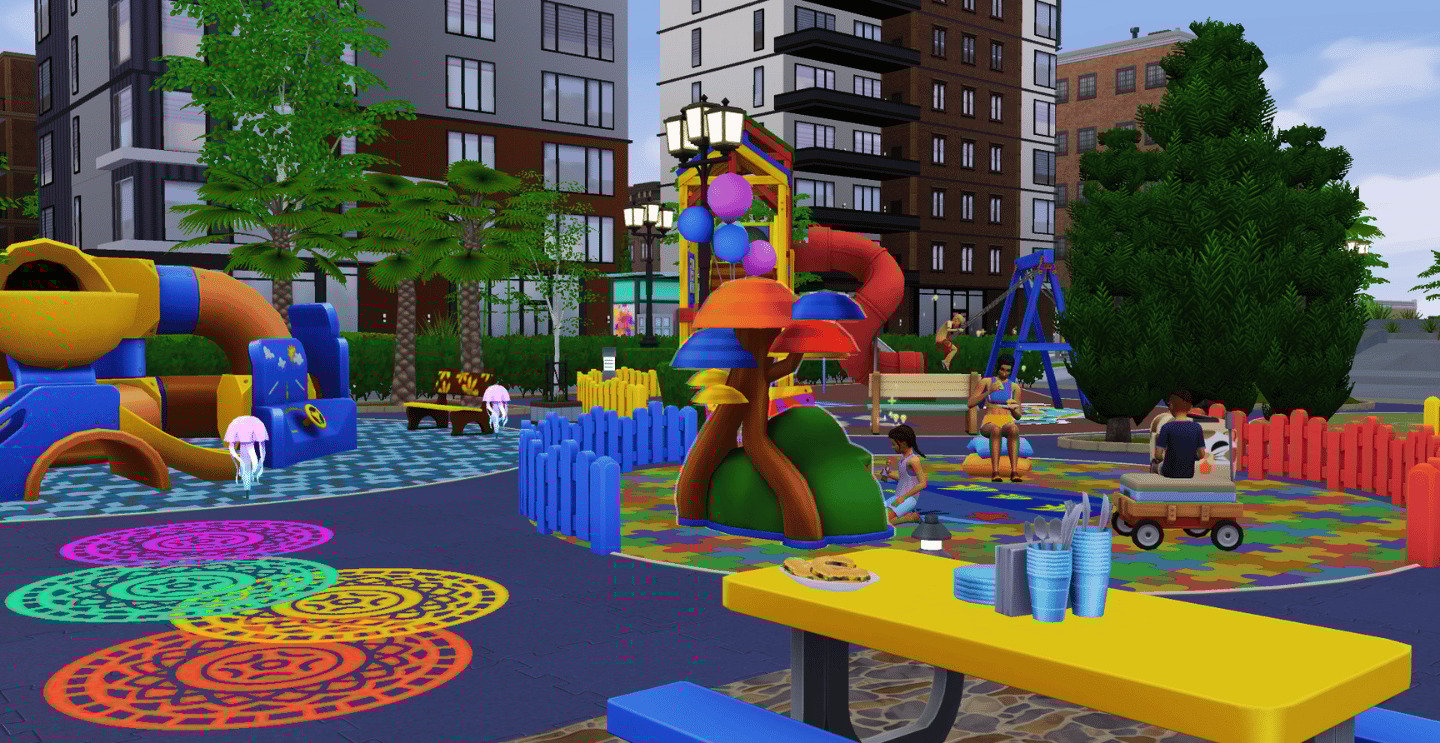
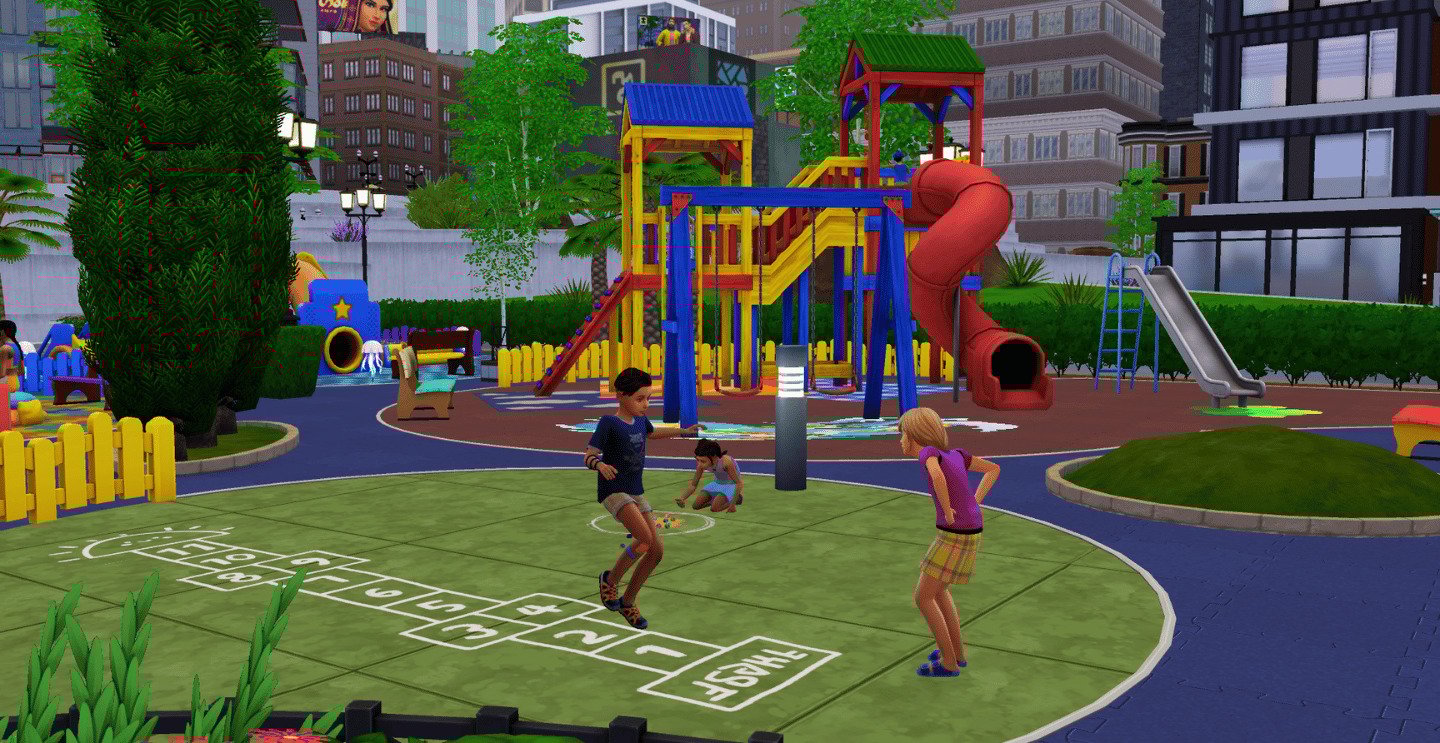
Next, check out “ParqueInfantil Urbano” by Fritosaurio, a delightful 40×30 wonderland that creatively incorporates Adventure Awaits, For Rent, City Living, Get to Work, and Toddler’s Stuff. This vibrant and whimsical playground features designated zones for toddlers, children, and adults, along with a barbeque area and restrooms, making it the perfect Sims 4 playground for your urban neighborhoods!
Sparking Children’s imagination “Dinosaur Playground” by saltylittlebeach
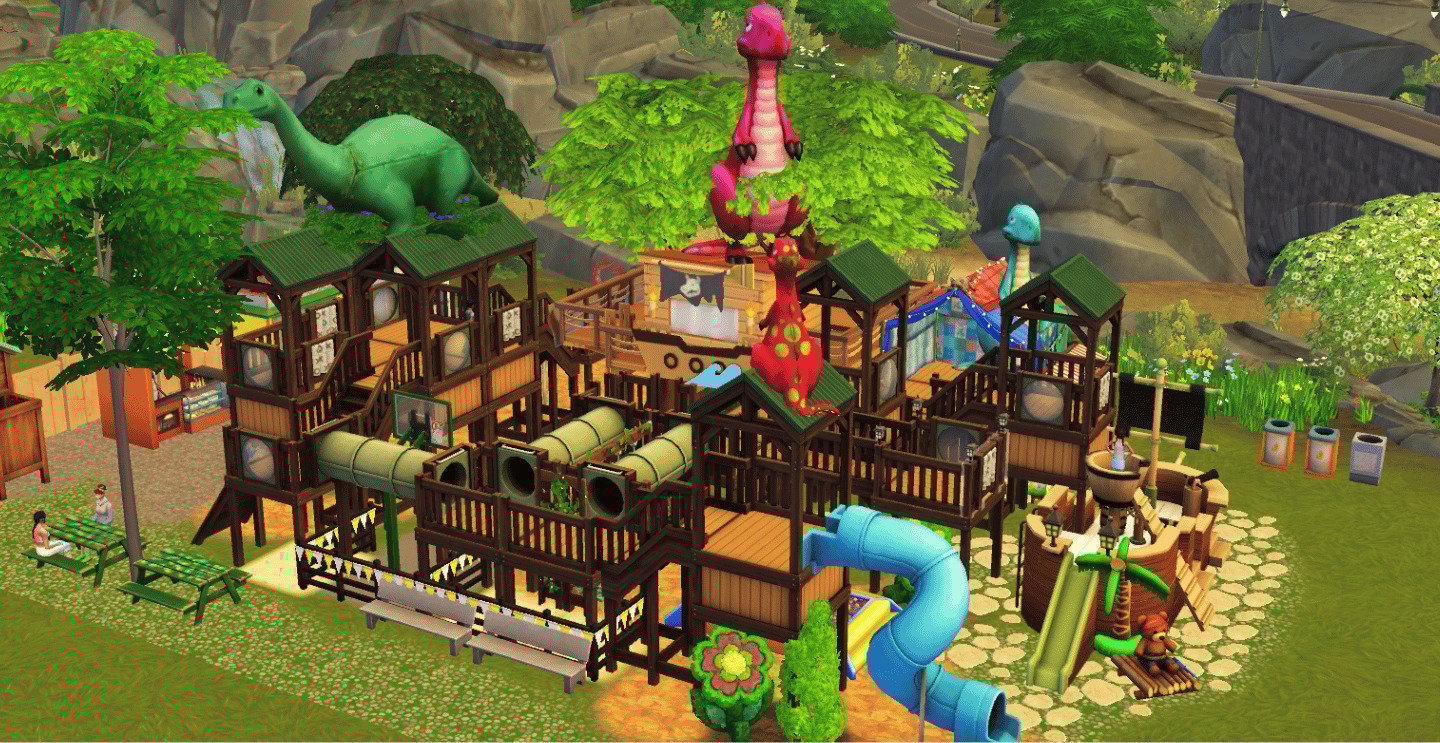
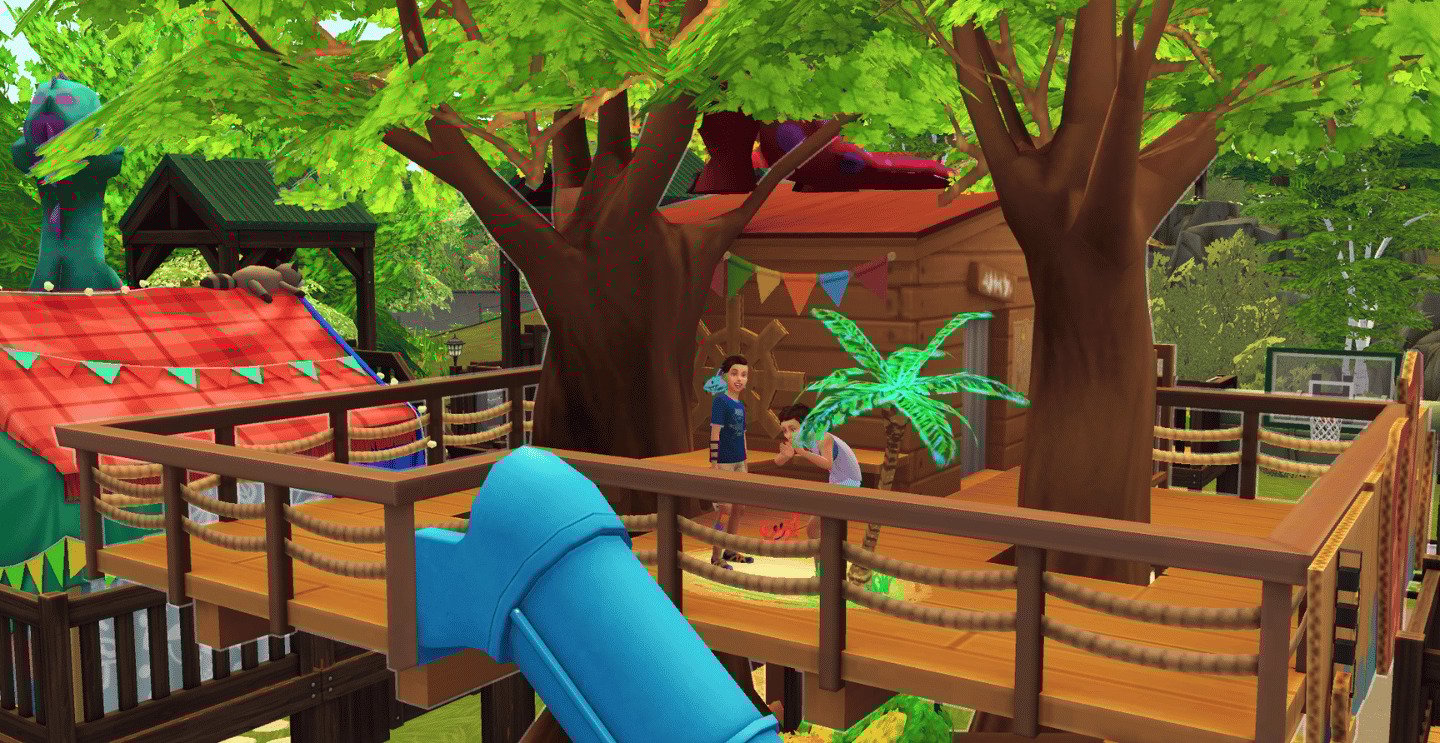
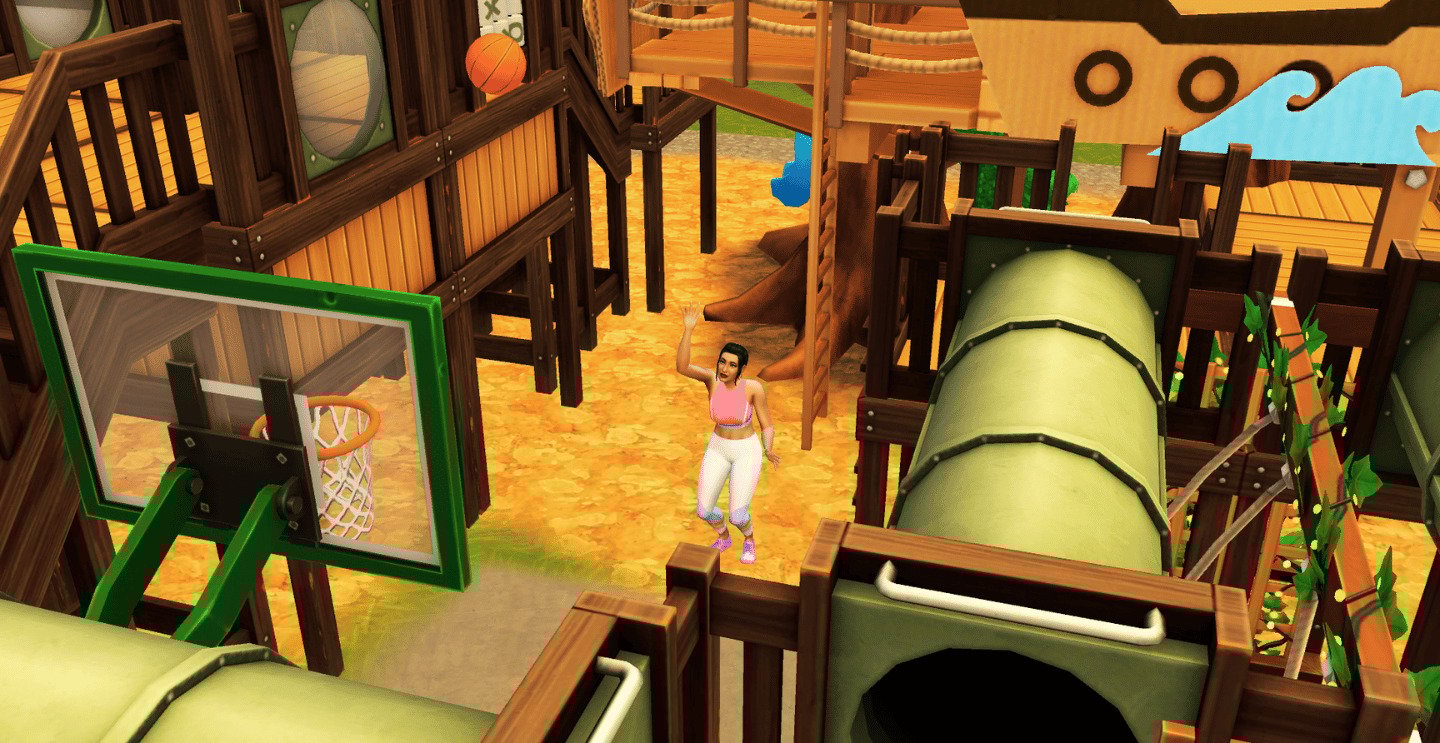
Unleash your child Sims’ imaginations at this 30×20 dino-tastic Sims 4 playground, “Dinosaur Playground” by saltylittlebeach! This playful build boasts delightful details, with vendors tucked away at the back, a cozy blanket fort from the Little Campers kit, and a treehouse that seamlessly blends into the fun. Adults won’t be left out—there’s a basketball hoop smack dab in the middle and a swing set for some high-flying fun!
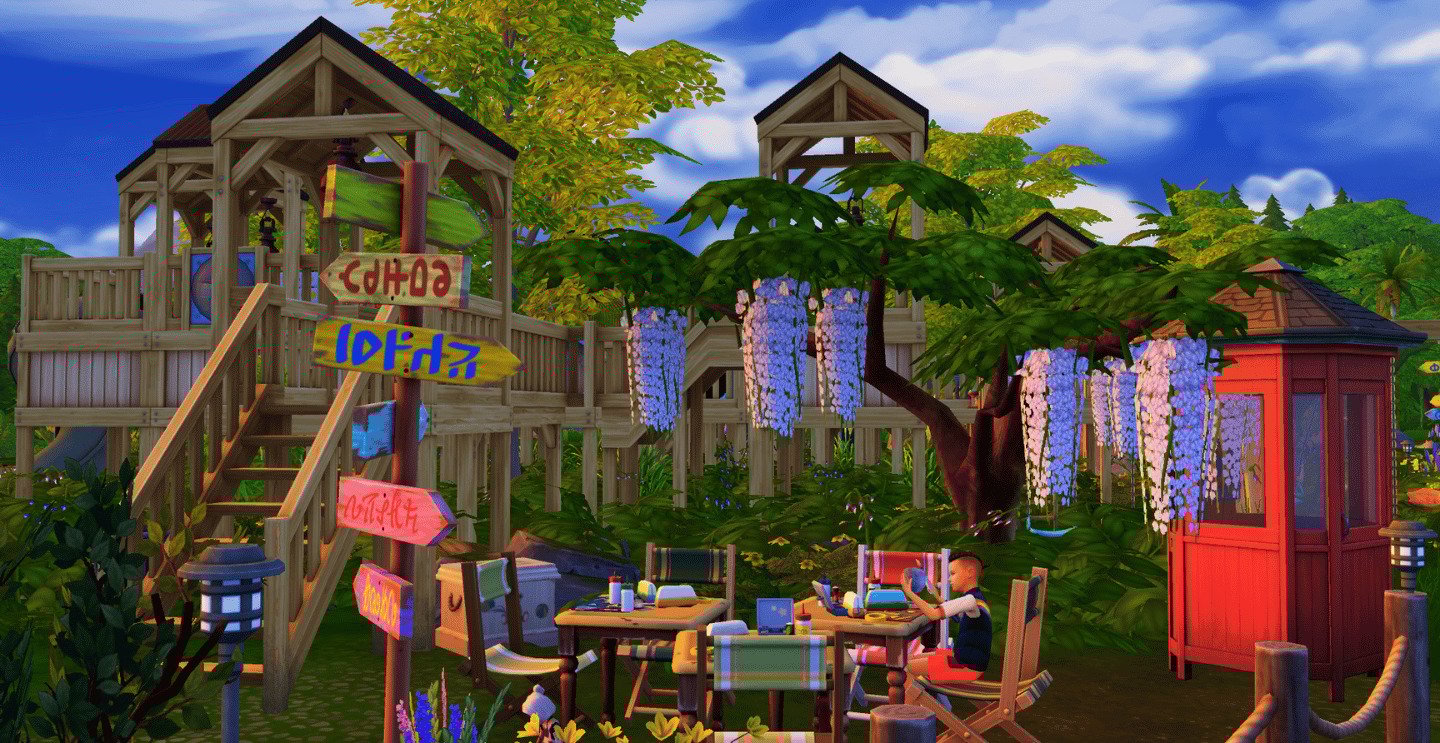
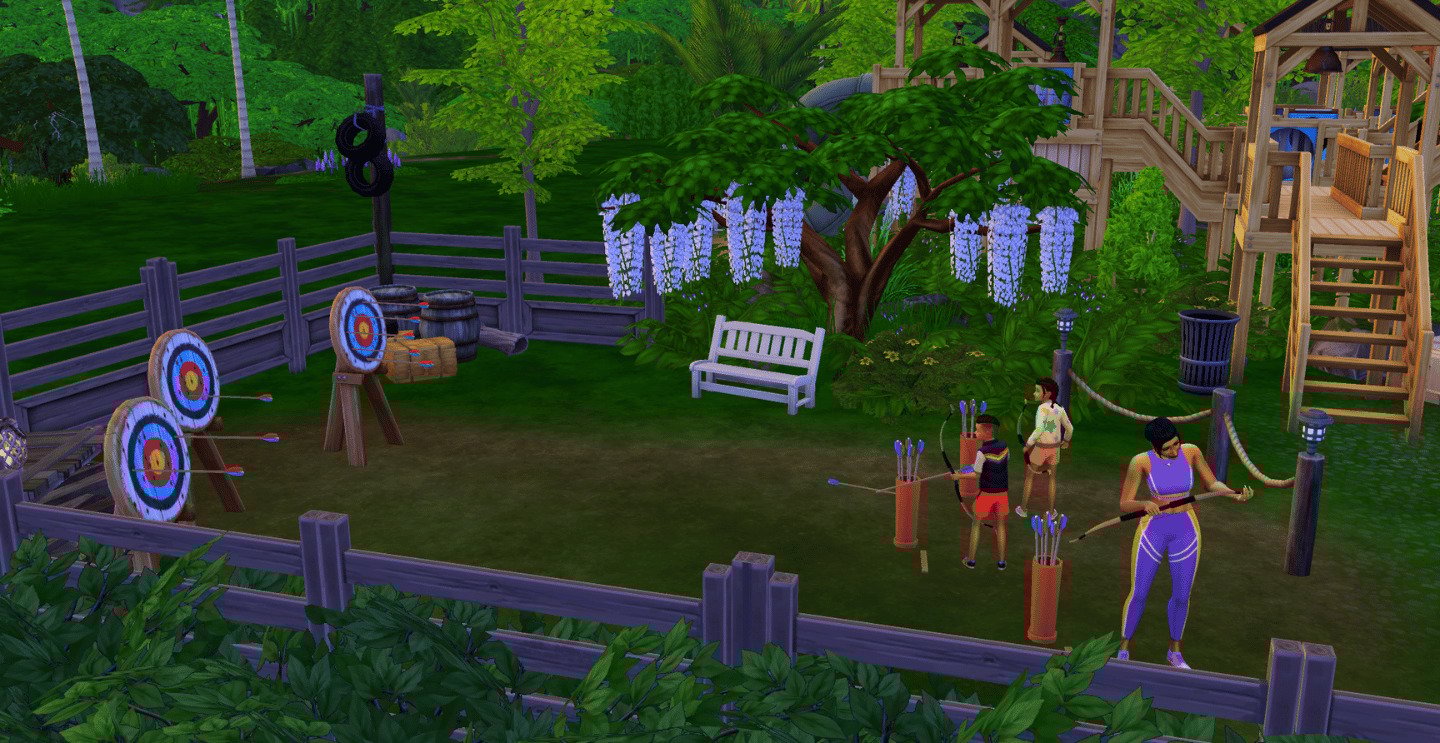
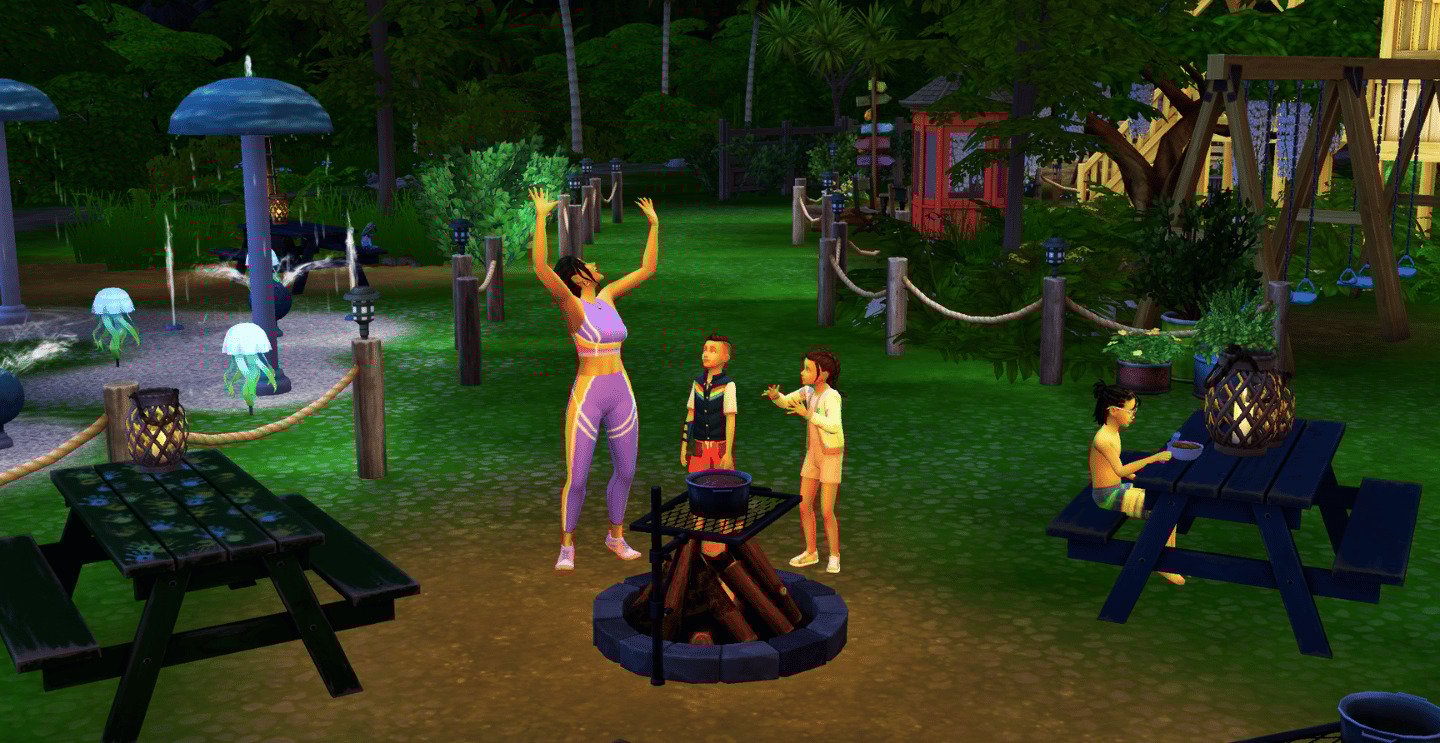
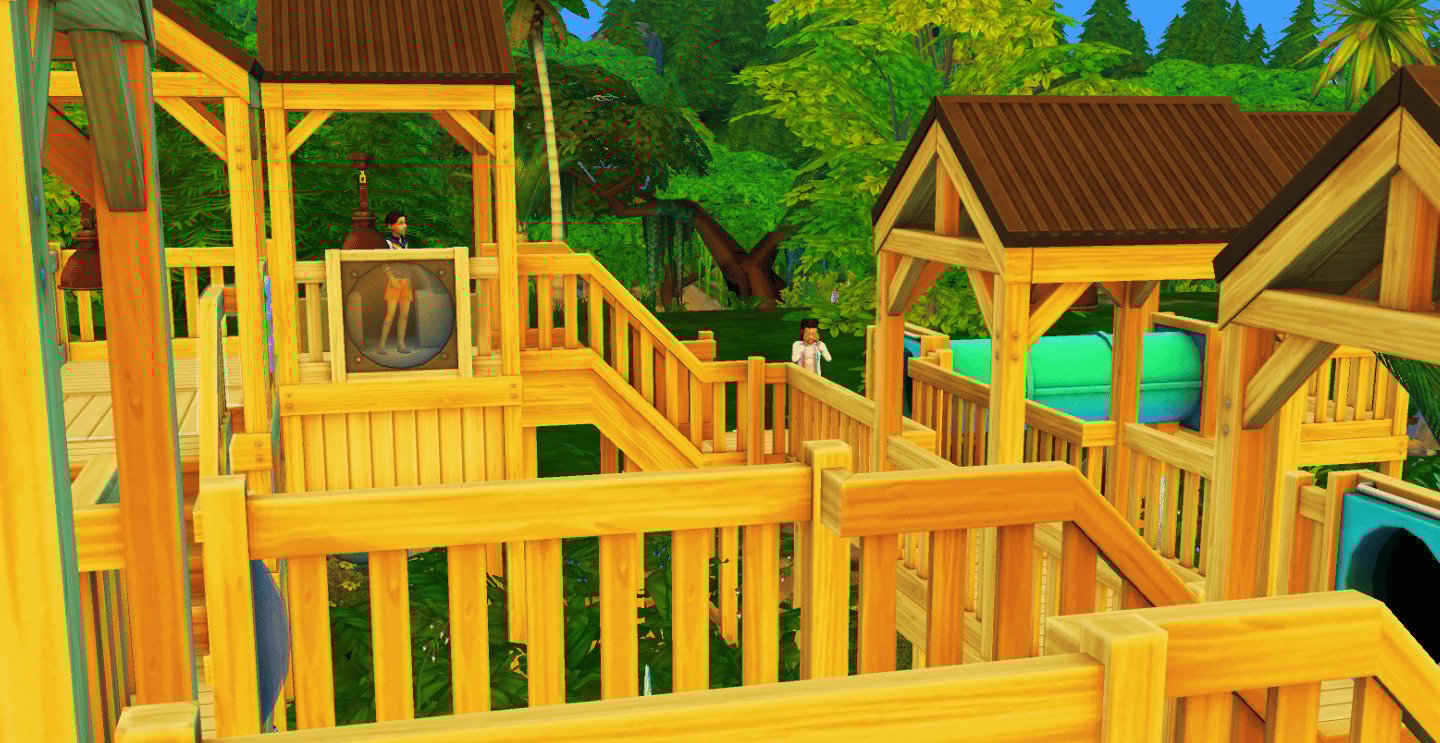
Next up in the gallery spotlight, “Jungleplay” by Sihoms, a 40×40 jungle-inspired adventure playground! It’s your go-to destination for family frolics and community cheer. Using only expansion packs Adventure Awaits and Growing Together, this playground is a kaleidoscope of fun: a crafty corner, a splash-tastic water park, a snug bonfire spot for epic storytelling with your little and big Sims, a labyrinthine playground, and even archery! Sihoms has nailed the jungle vibe, creating a stunning, peaceful, and oh-so-functional escape.
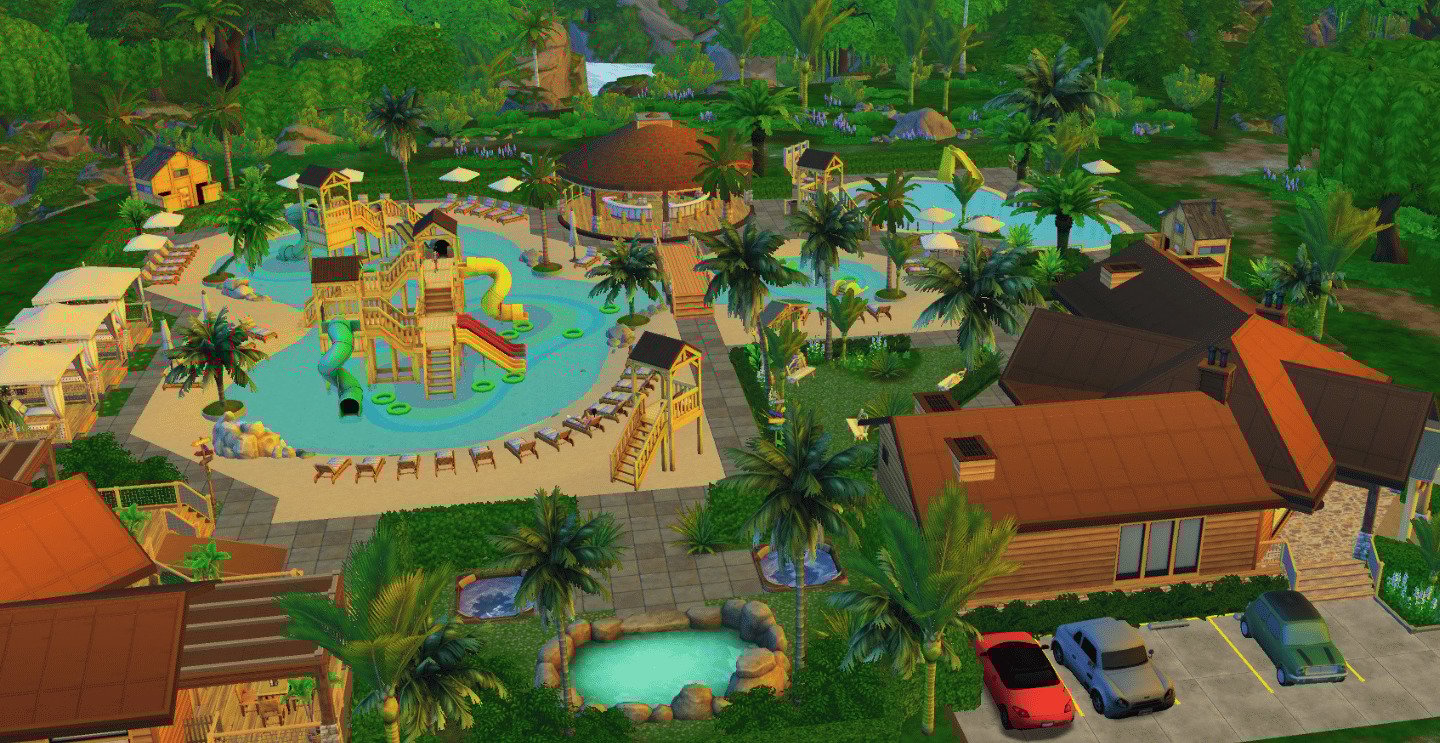
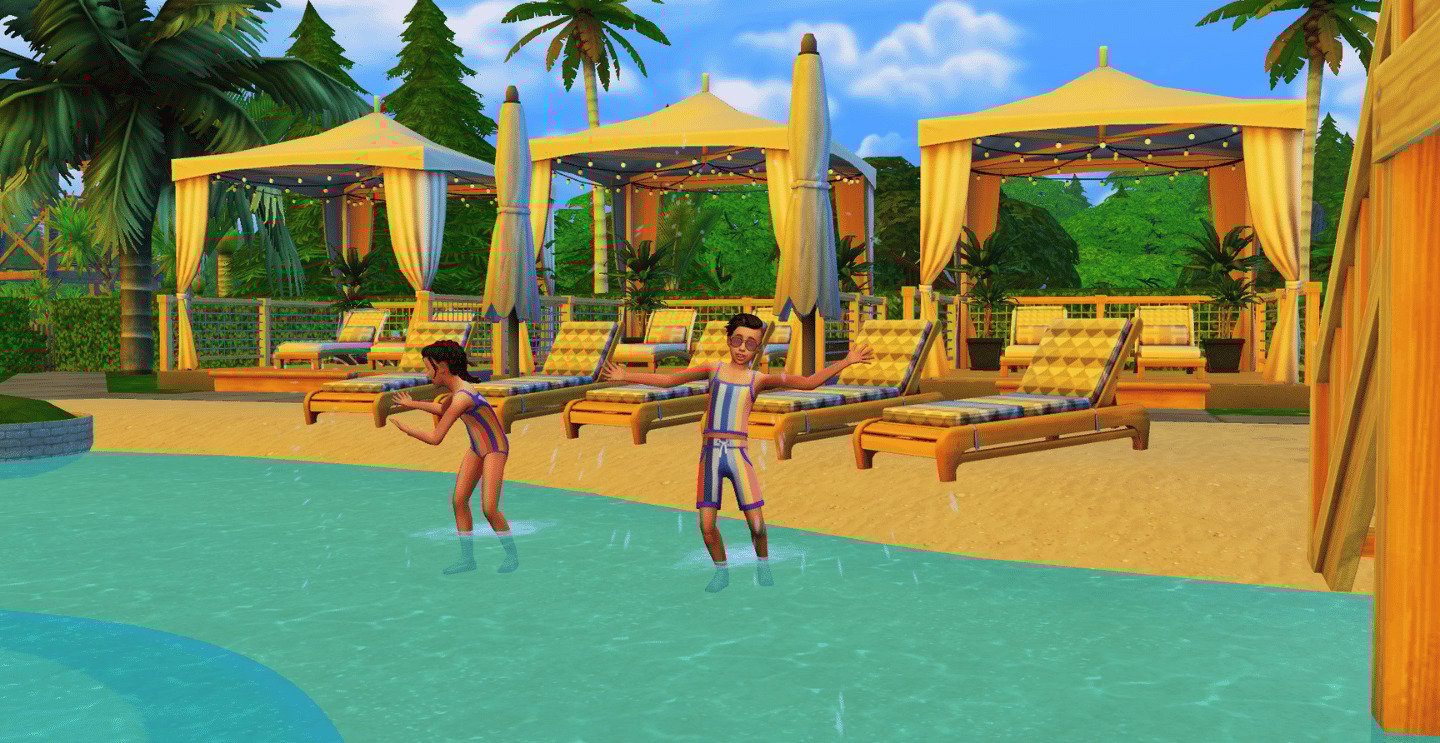
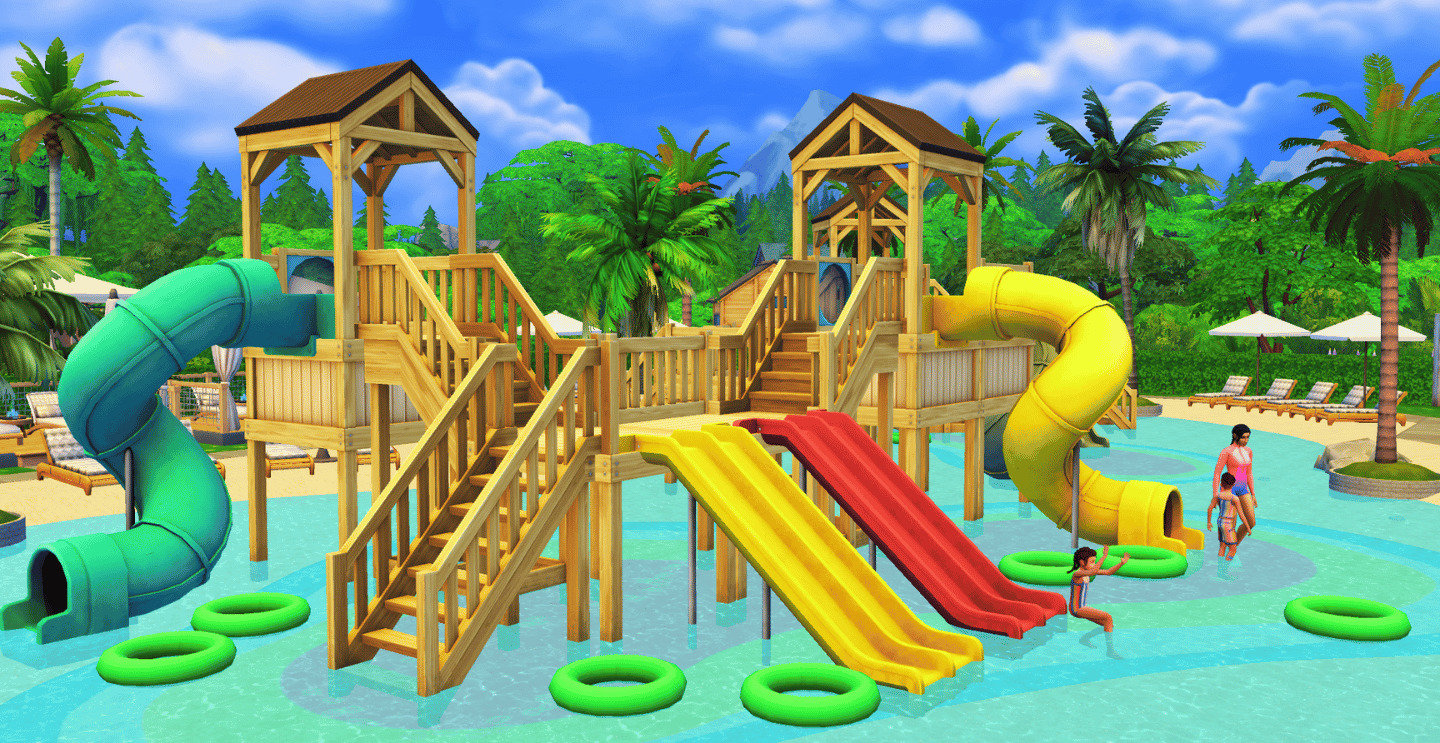
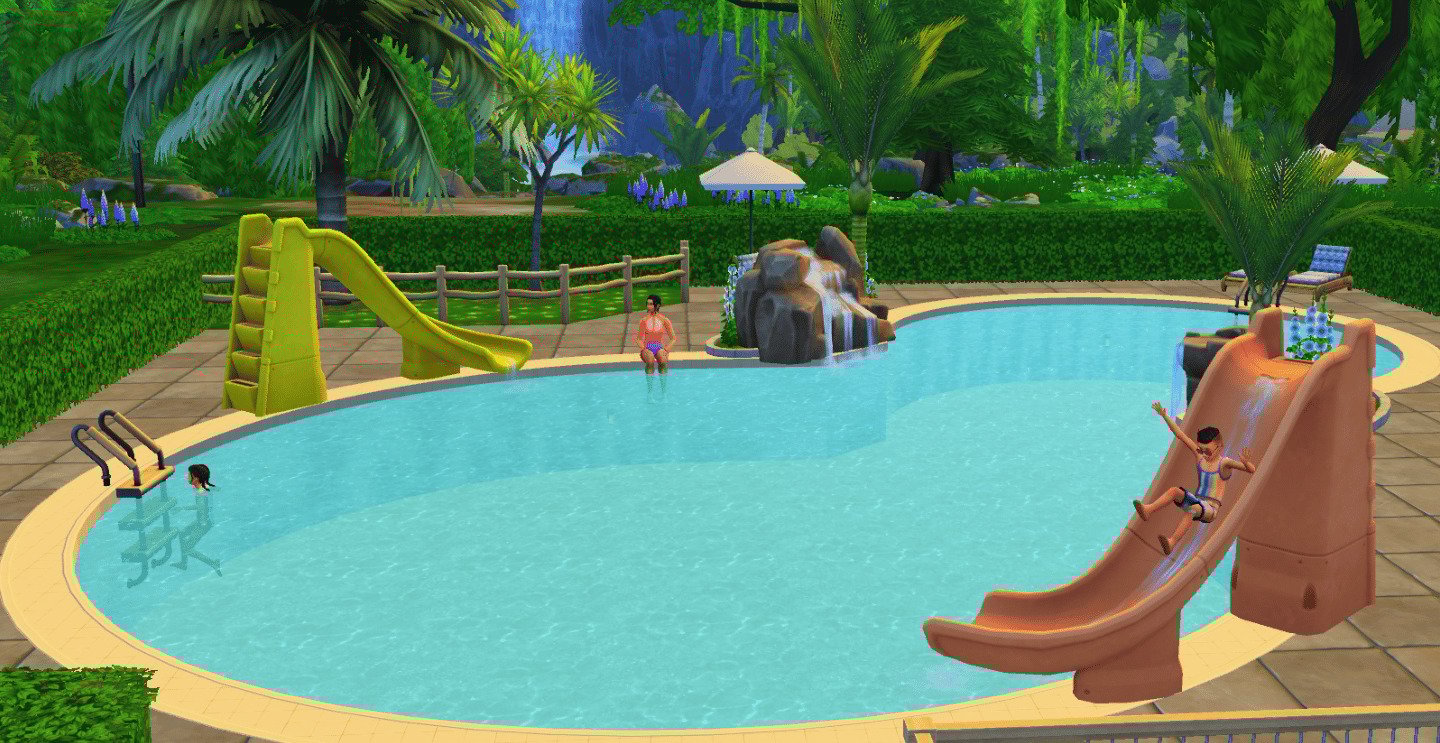
I was so excited when I came across this build in the Sims 4 Gallery and had to spotlight it! Dive into the splash-tastic excitement of the ultimate “Perfect Waterpark” community lot sized 64×64 with almost every Sims pack this season! Crafted by MrOlkan for Sims of all ages, this vibrant lot boasts whirling waterslides, sparkling pools, sun-drenched cabanas, and a thrilling central water play structure. Kiddos and grown-ups can slip, splash, and lounge in style, while lush greenery and cozy chairs deliver vacation vibes with every visit. Whether it’s a family fiesta, birthday blowout, or simply the quest for the neighborhood’s coolest hangout, this waterpark is your ticket to unforgettable fun in The Sims 4!
Ravenwood Ready “Little Ghouls Playground” by BleuRainnDesigns
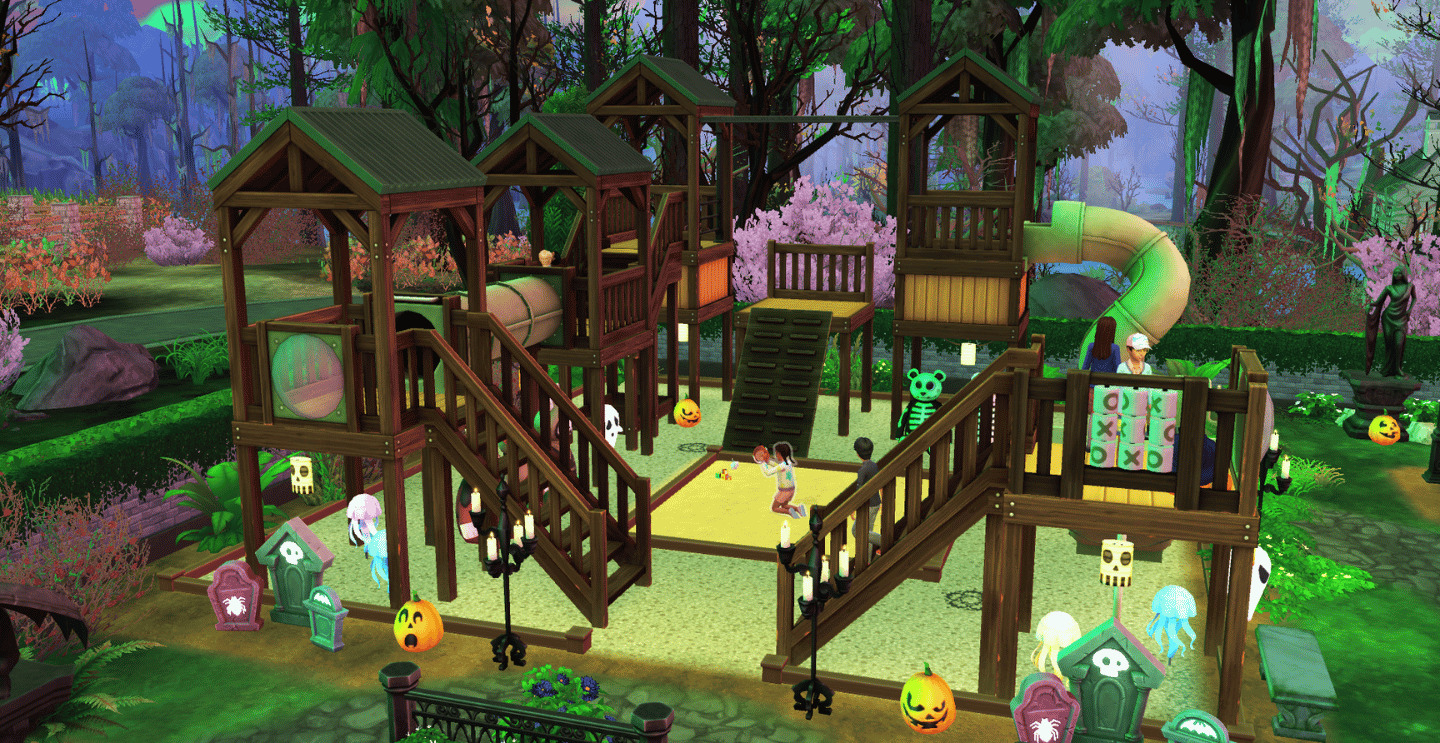
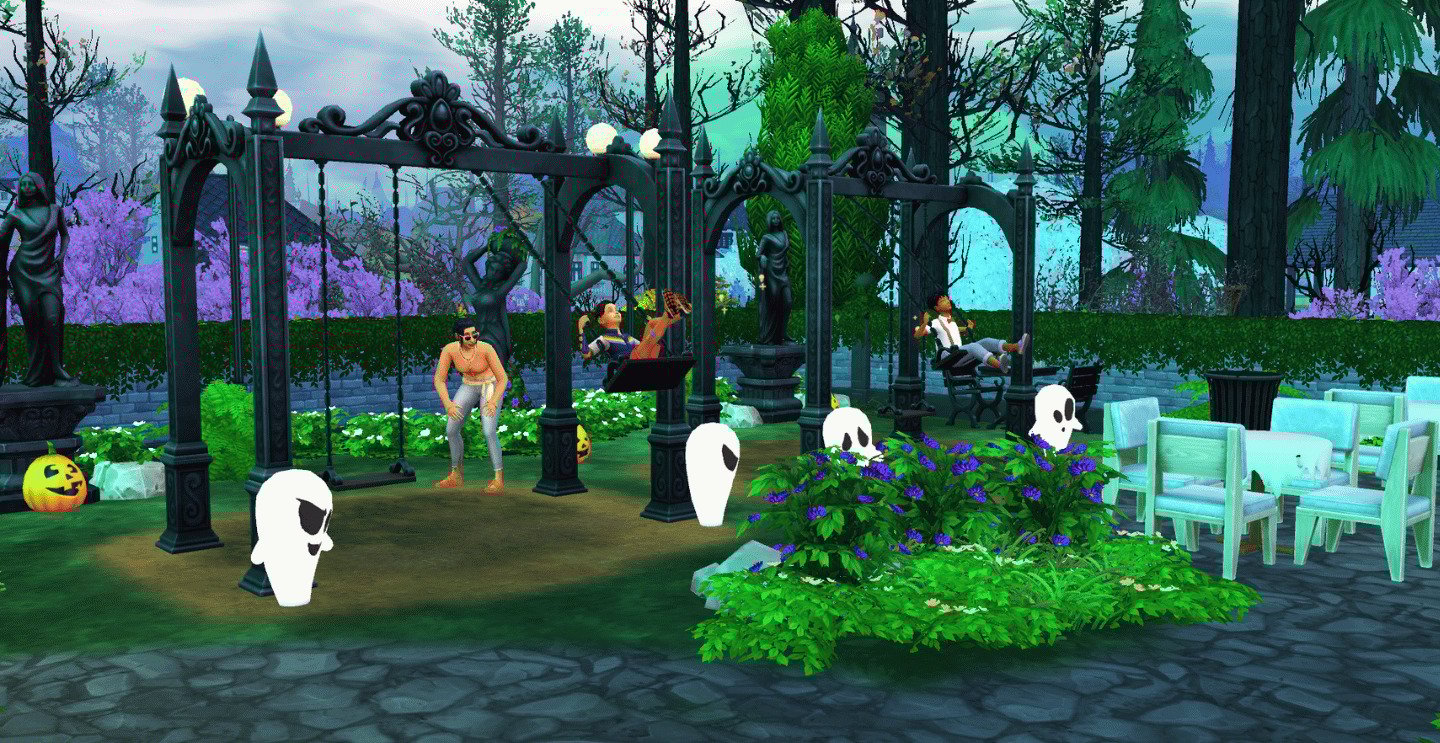
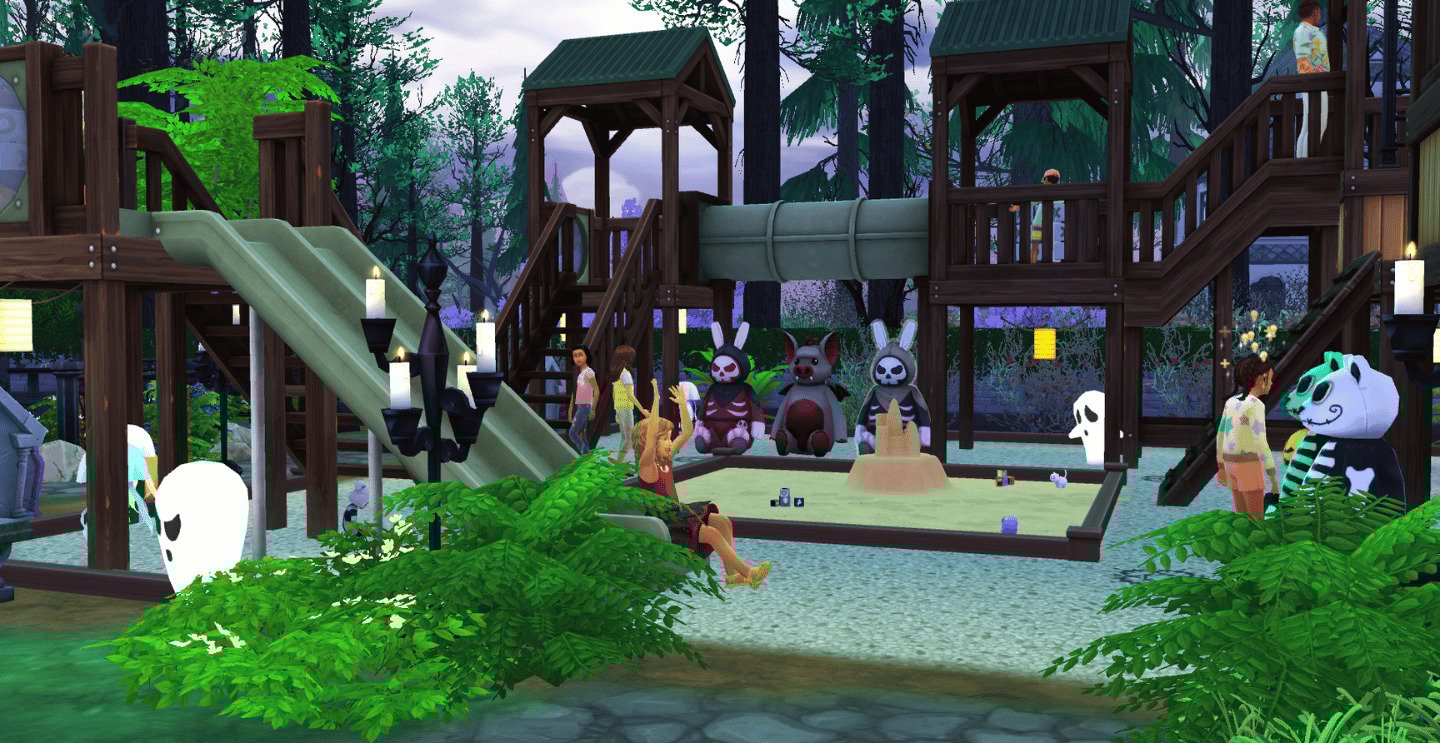
Finally for this Sims 4 Gallery Spotlight and for those who are getting ready for October. Step into the spine-tingling fun at “Little Ghouls Park”by BleuRainnDesigns, the ultimate haunted playground for pint-sized poltergeists and junior ghostbusters! This delightfully creepy 30×30 community lot turns the mundane into the mystical with gothic swings, shadowy slides, pumpkin pizzazz, and spooky surprises lurking in every nook. Whether your Sims are soaring under candelabra arches or scaling playground towers watched over by enigmatic statues. This playground is the best choice for Sims who love a dash of playful scare all year round—ideal for family frolics, Harvestfest shenanigans, or a unique spooktacular fun!
That’s a wrap for this gallery spotlight on Sims 4 Playgrounds, hope you enjoy the builds! Until next time!
Have an idea for a future spotlight? Let us know in the comments down below and stay tuned for more Sims 4 Gallery Spotlights coming your way!
Gibbi Point Has Plenty Of Lore To Dig Your Talons Into With Brand New Adventure Quests!
The Sims 4 Adventure Awaits Expansion Pack’s new world of Gibbi Point is stuffed with lore that is just waiting to be discovered! The latest Expansion Pack includes several quests that help players uncover hidden secrets. In this guide, I will show you how to discover new quests, how to complete them, and earn a bit of money on the side. Let’s take a look at what the new Adventure Quests have to offer!
Table of Contents
How To Find Adventure Quests
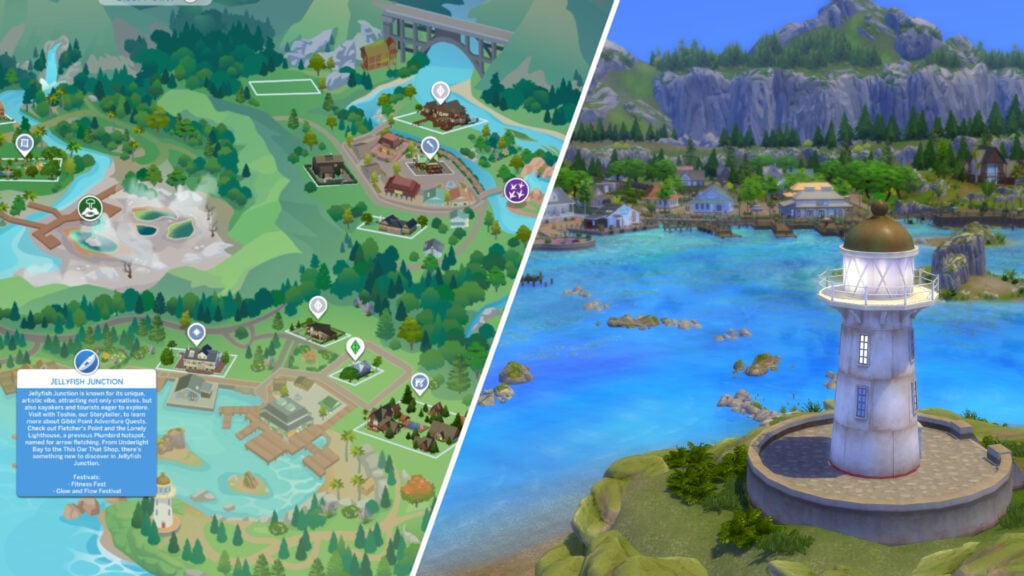
To begin your search for new Adventure Quests to follow, the most obvious place to start would be in Gibbi Point. Travel to the Jellyfish Junction neighbourhood, which can be found towards the south of the world map.
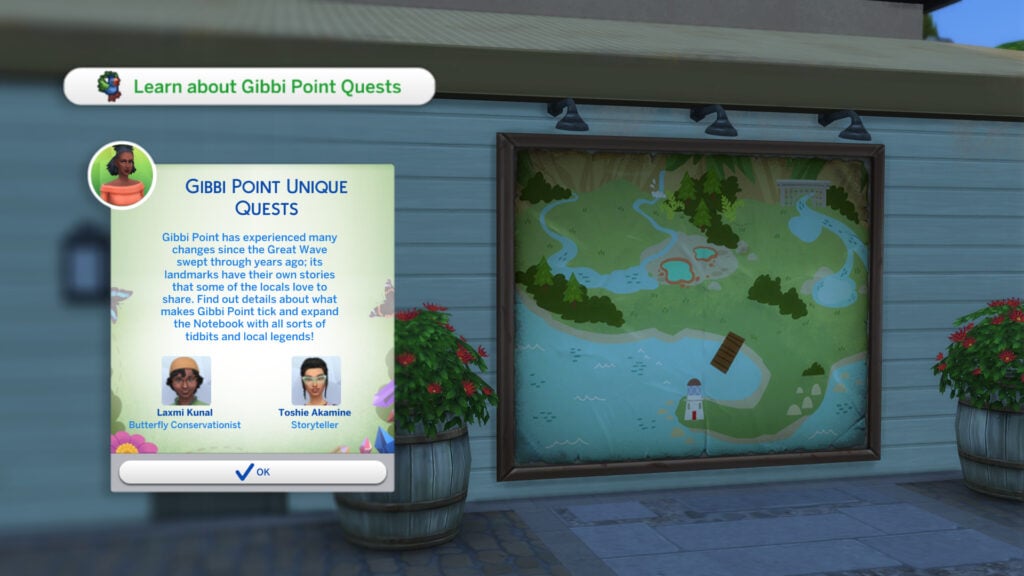
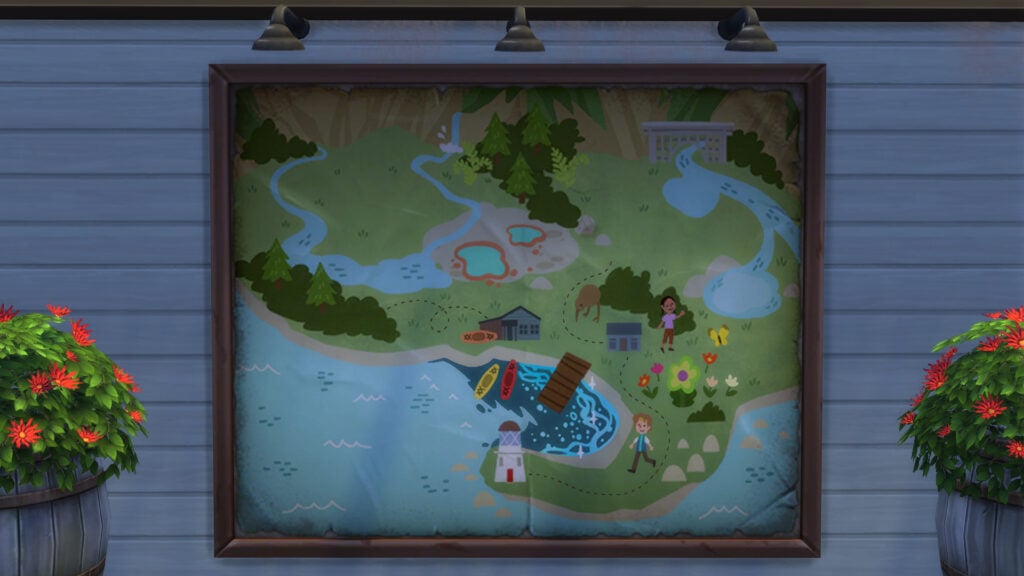
In the town centre of Jellyfish Junction, there is a building with a light beige coloured roof. On the side of this building is a blank map of Gibbi Point. Select the map and choose ‘Learn About Gibbi Point Quests’.
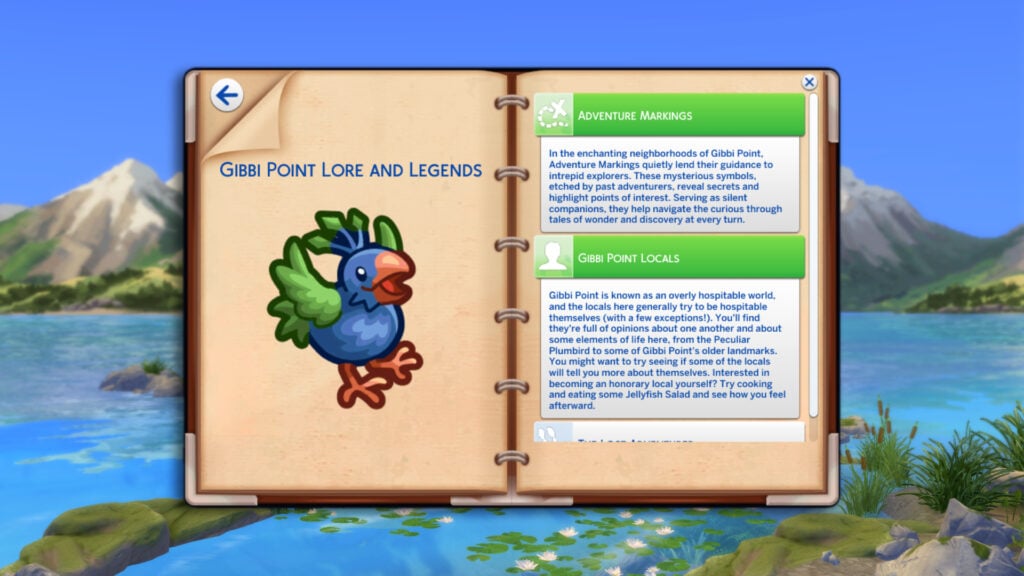
Gibbi Point has experienced many changes since the Great Wave swept through years ago; its landmarks have their own stories that some of the locals love to share. Find out details about what makes Gibbi Point tick and expand the Notebook with all sorts of tidbits and local legends!
The board will give you some insight into the history of Gibbi Point. Below the text, you will see two Sims, Laxmi Kunal, the Butterfly Conservationist, and Toshie Akamine, the Storyteller. These two Sims will be crucial in providing your Sims with new quests to follow. Let’s go and see what Toshie has to offer!
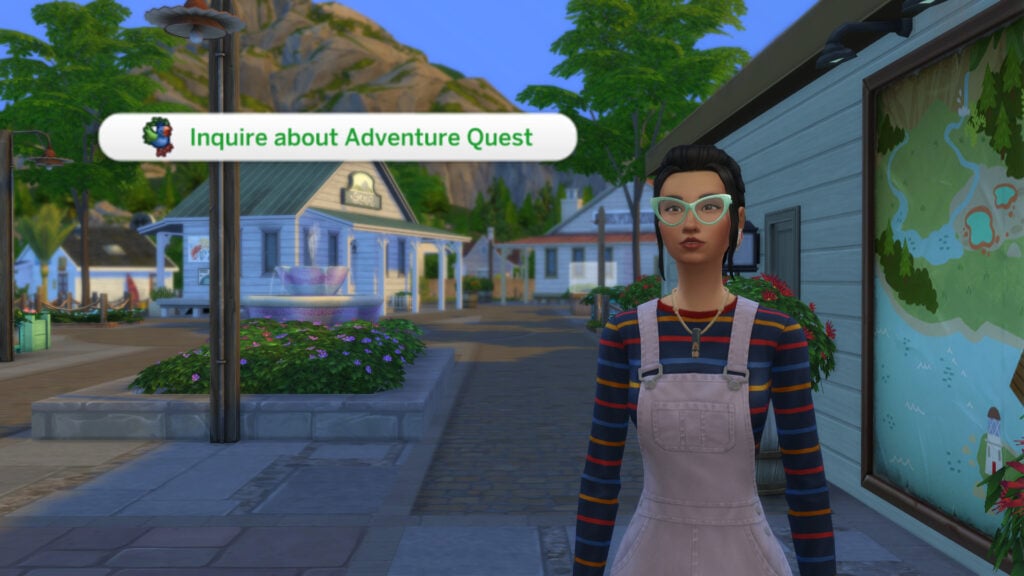
Toshie can be found next to the interactive Story Map. If you have added her to the household via marriage or cheats, then she will be replaced by another randomly generated NPC. Greet her and select ‘Inquire About Adventure Quests’.
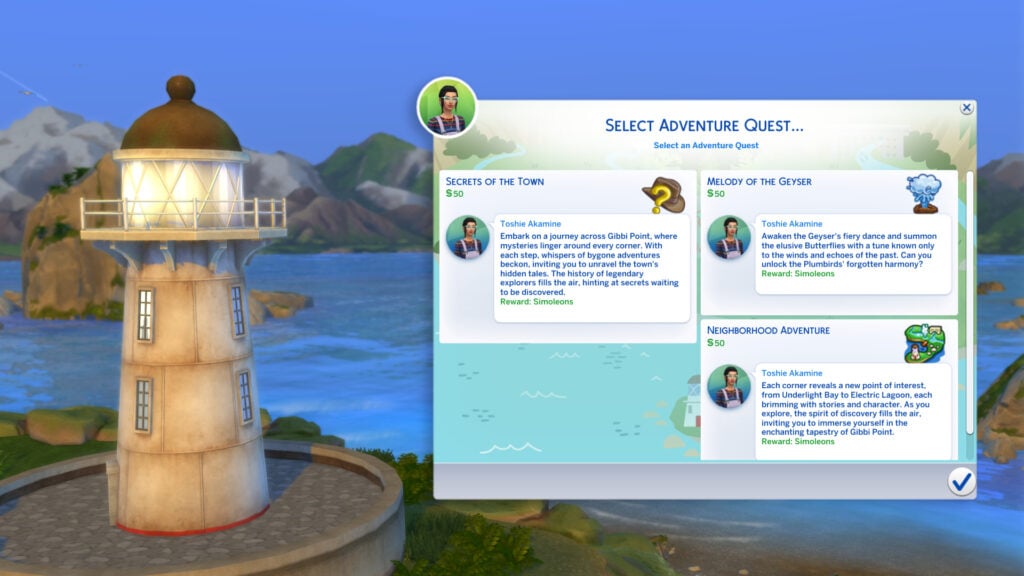
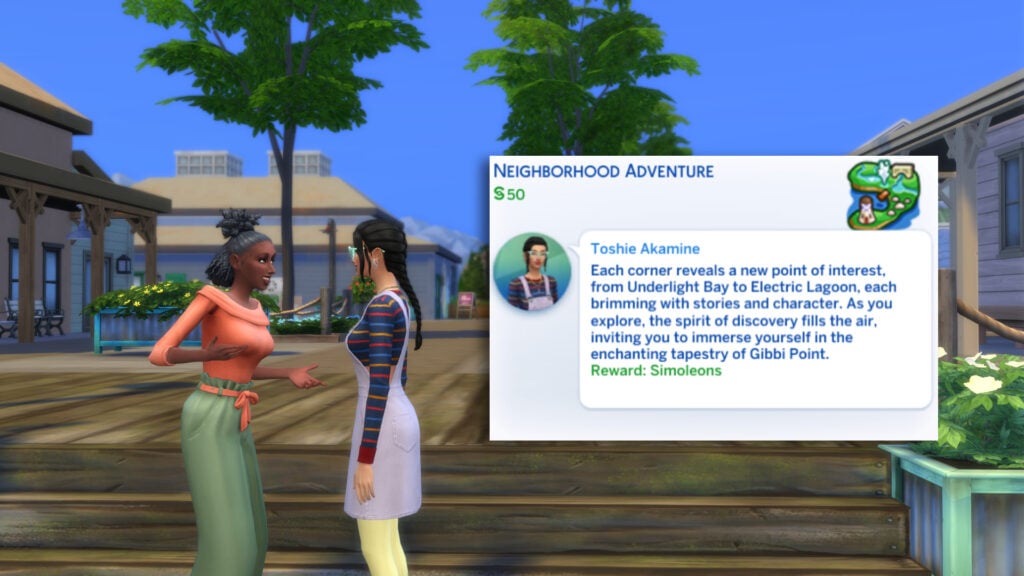
From the next pop-up up you will find all of the Adventure Quests currently on offer. Each available quest comes with a §50 reward, and plenty of lore to sink your teeth into. Let’s start with the ‘Secrets of the Town’ Quest!
The Secrets of the Town – Storyteller Toshie Adventure Quest
I’d recommend starting off with ‘The Secrets of the Town’ as your first Adventure Quest. It will help you get acquainted with each of the 3 neighbourhoods in Gibbi Point, as well as some NPCs who will come in useful later. Once accepted, the Adventure Quest can be tracked from your Sims’ Career panel.
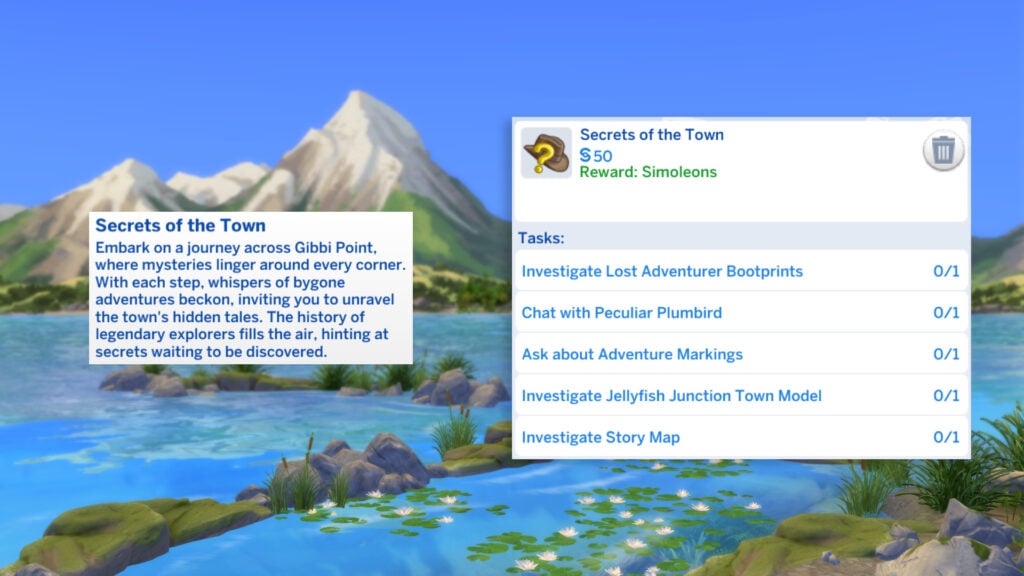
Embark on a journey across Gibbi Point, where mysteries linger around every corner. With each step, whispers of bygone adventures beckon, inviting you to unravel the town’s hidden tales. The history of legendary explorers fills the air, hinting at secrets waiting to be discovered.
Our first task is to ‘ Investigate Lost Adventurer Bootprints’. You can find out more by hovering over the task. This first step will take us to Wanderwood Wilds, the home of Camp Gibbi Gibbi.
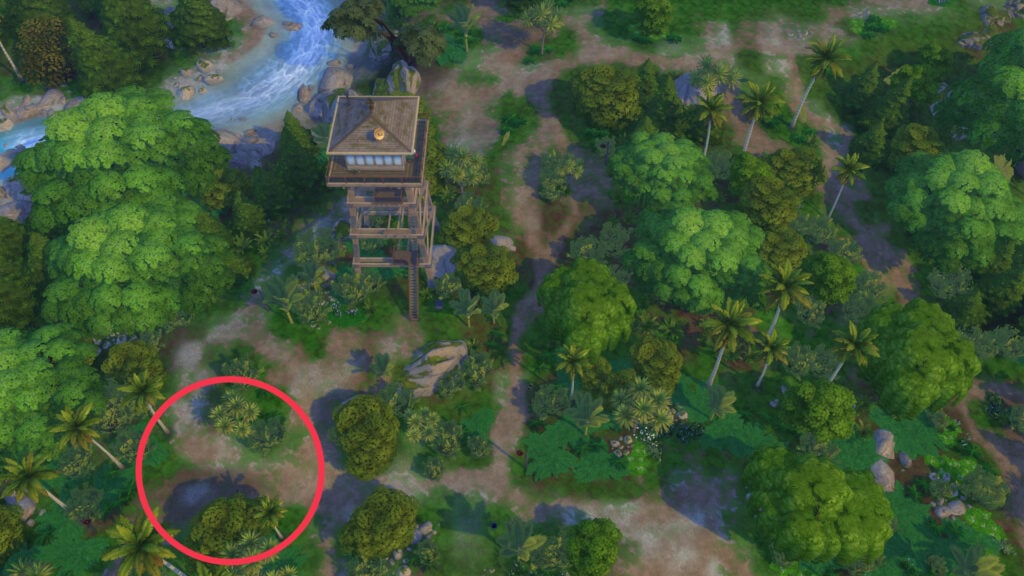
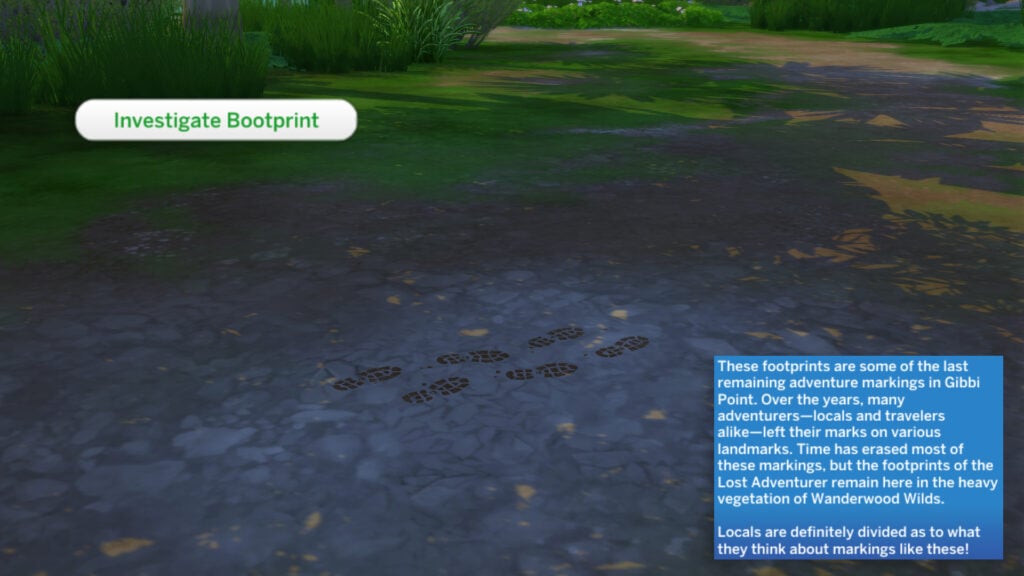
The bootprints are a little tricky to find, so I’ve included a handy map above to help you out. Once you’ve found them, select them and choose ‘Investigate Bootprints’
These footprints are some of the last remaining adventure markings in Gibbi Point. Over the years, many adventurers – locals and travelers alike – left their marks on various landmarks. Time has erased most of these markings, but the footprints of the Lost Adventurer remain here in the heavy vegetation of Wanderwood Wilds. Locals are definitely divided as to what they think about markings like these!
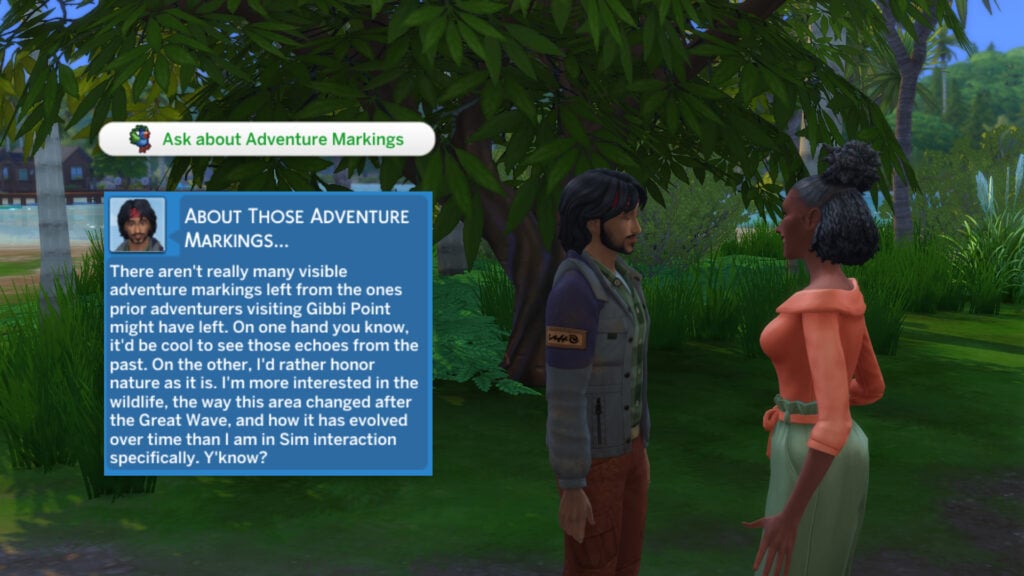
Next to the Bootprints is the Lost Adventurer, Raheel Kunal. Greet him and select ‘Ask About Adventure Markings’.
There aren’t really many visible adventure markings left from the ones prior adventurers visiting Gibbi Point might have left. On one hand you know, it’d be cool to see those echoes from the past. On the other, I’d rather honor nature as it is. I’m more interested in the wildlife, the way this area changed after the Great Wave, and how it has evolved over time than I am in Sim interaction specifically. Y’know?
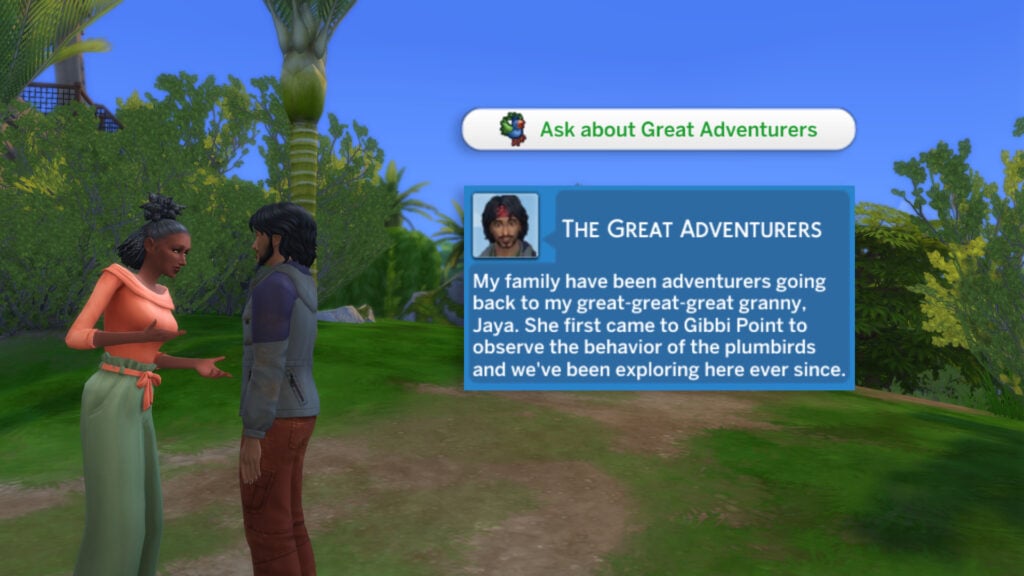
Then choose ‘Ask about Great Adventures’. Here is his response:
My family have been adventurers going back to my great-great-great granny, Jaya. She first came to Gibbi Point to observe the behavior of the plumbirds and we’ve been exploring here ever since.
Next up, let’s go and ‘Chat with Perculiar Plumbird’. Head on over to Crystal Valley (Found to the east of the world map) and find the location of the Peculiar Plumbird.
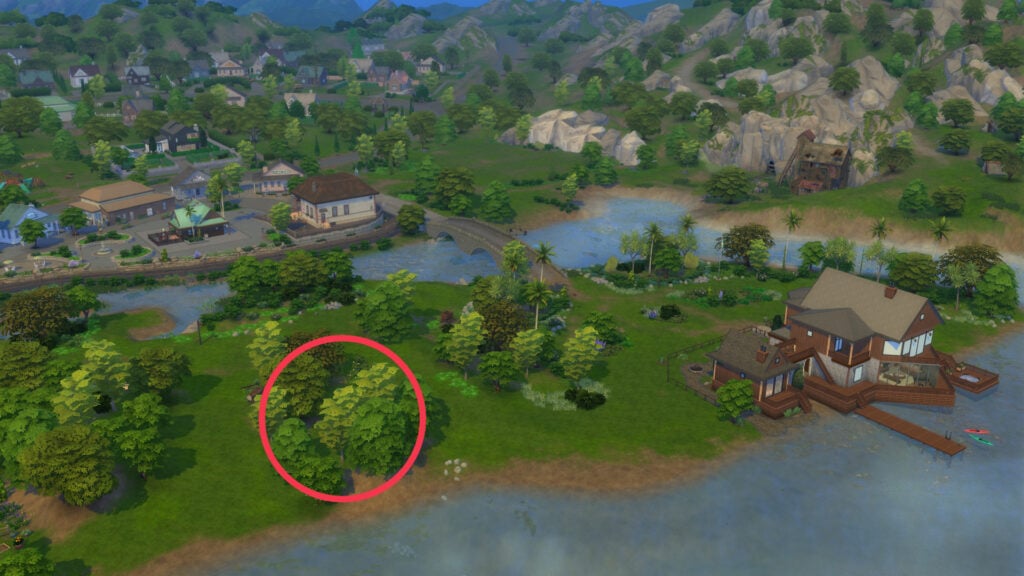
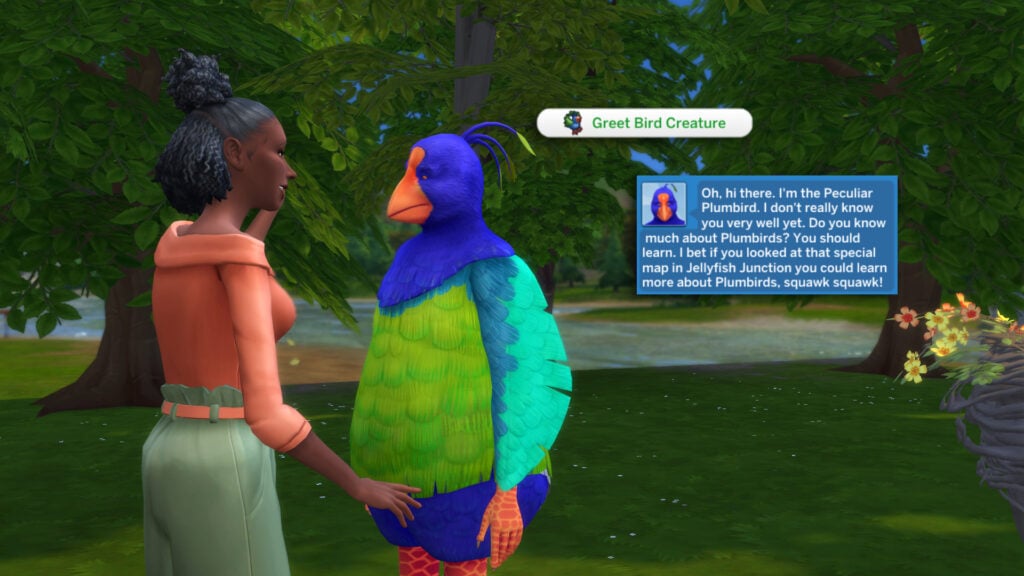
I’ve marked the location of the Peculiar Plumvird and her nest above as it can be a little tricky to find, as a clump of trees conceals it. Select the Plumbird (Known as Pruella Preener) and choose ‘Greet Bird Creature’
Oh, hi there. I’m the Peculiar Plumbird. I don’t really know you very well yet. Do you know much about Plumbirds? You should learn. I bet if you looked at that special map in Jellyfish Junction you could learn more about Plumbirds, squawk squawk!
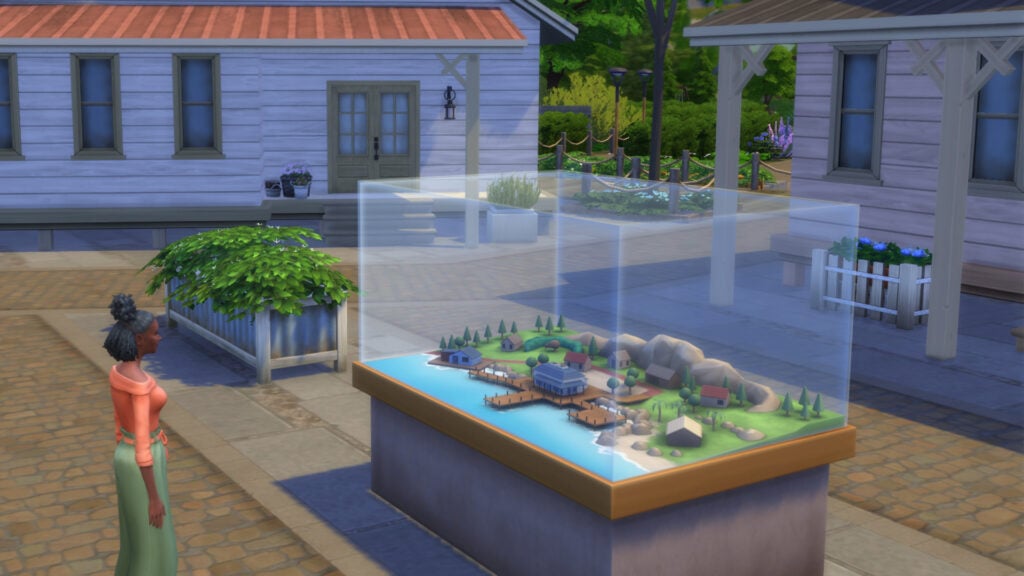
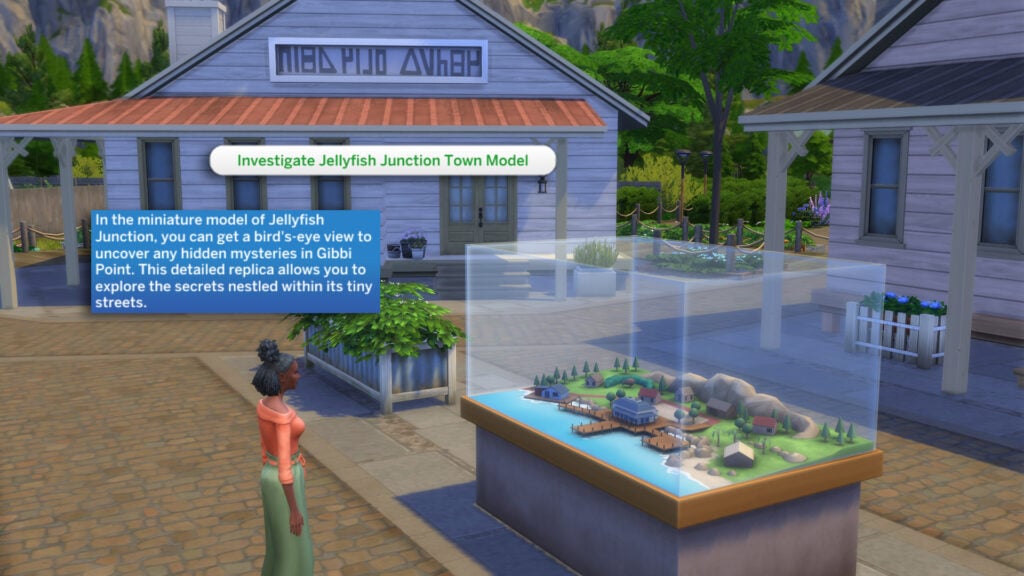
It’s time to head back to Jellyfish Junction to check out the Town Model. The Jellyfish Junction Town Model can be found in the centre of town near the Adventure Quest Story map. Click on the Town Model and choose ‘Investigate Jellyfish Junction Town Model’.
In the miniature model of Jellyfish Junction, you can get a bird’s-eye view to uncover any hidden mysteries in Gibbi Point. This detailed replica allows you to explore the secrets nestled within its tiny streets.
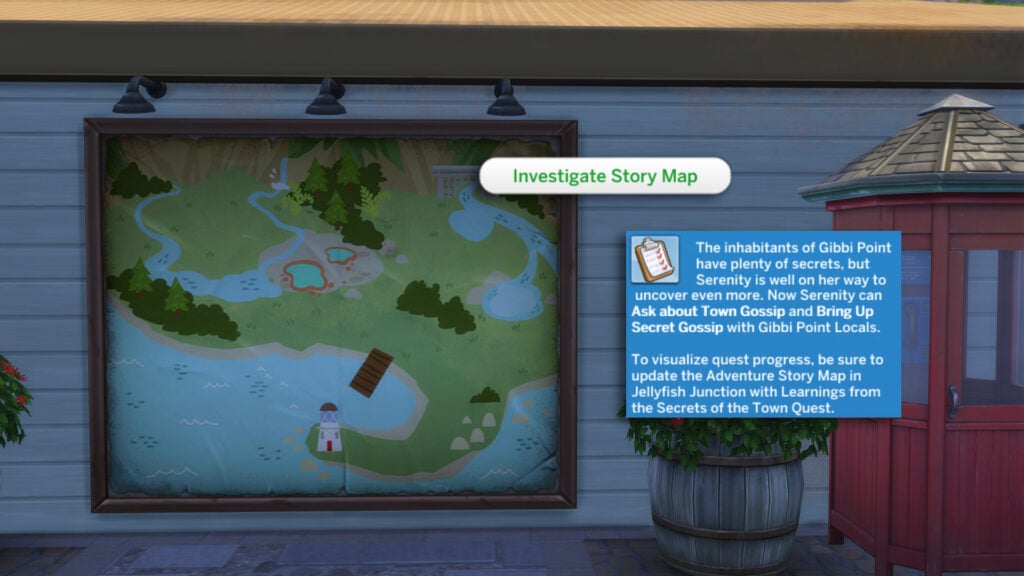
Our final task is to return to the Adventure Quest Story Map and take a closer look. Select ‘Investigate Story Map’.
The inhabitants of Gibbi Point have plenty of secrets, but SIMNAME is well on their way to uncover even more. Now SIMNAME can Ask about Town Gossip and Bring Up Secret Gossip with Gibbi Point Locals.
To visualize quest progress, be sure to update the Adventure Story Map in Jellyfish Junction with Learnings from the Secrets of the Town Quest.
As mentioned above, we can find out more secrets by using the ‘Ask about Town Gossip’ and ‘Bring Up Secret Gossip’ interactions on other townsfolk. Make sure to select ‘Update Town Map’ to add your findings to the map. Check out below to see how the updated map looks!
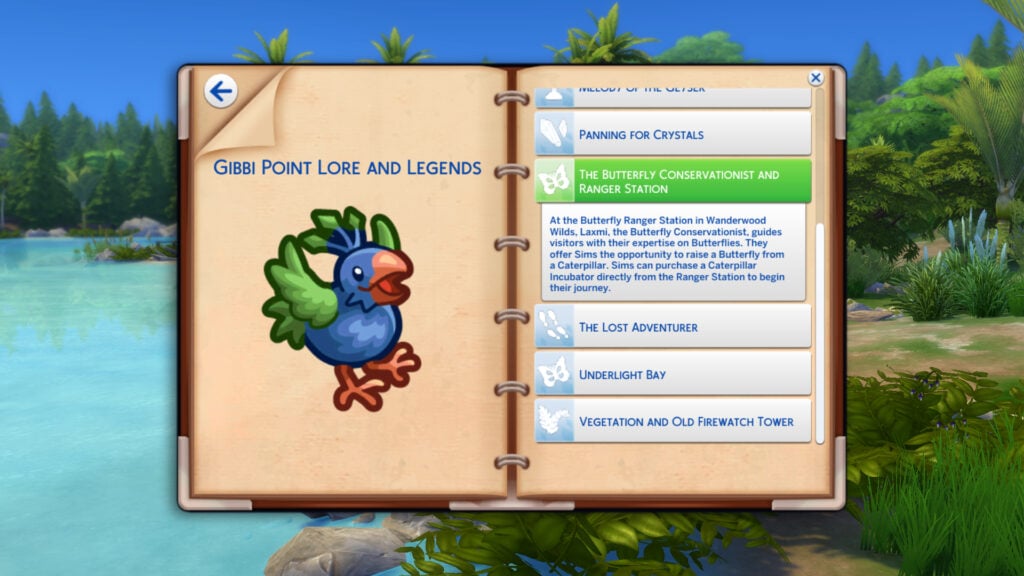
Make sure to check out your Sims’ Notebook to stay up to date with the Lore and Legends of Gibbi Point. The Notebook can be found next to the Phone icon, below your Sims’ portrait!
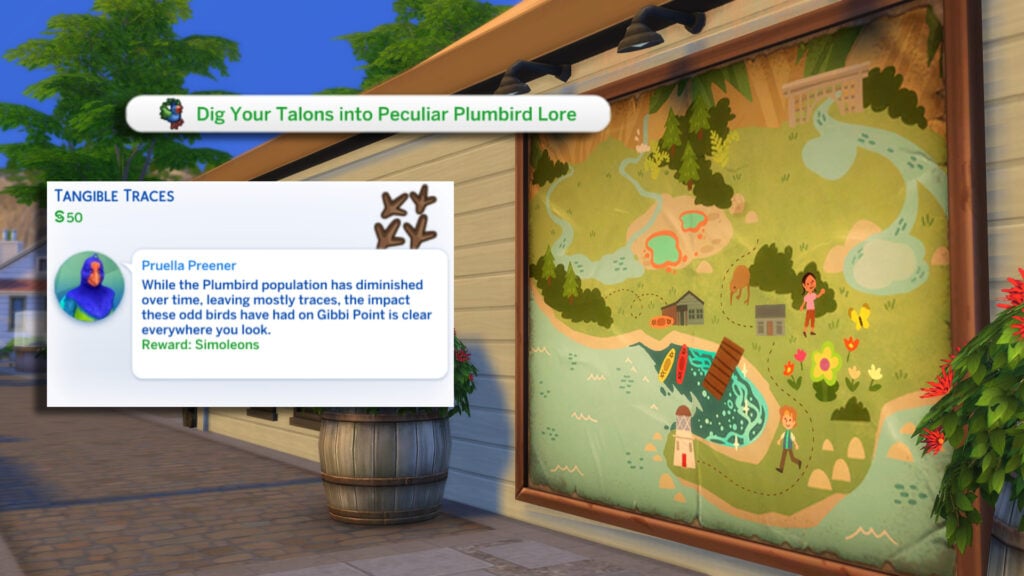
While we’re at the map, let’s choose the ‘Dig Your Talons into Peculiar Plumbird Lore’. This will display several quests Pruella has for you. Some are bigger than others, the smaller quests being simple fetch quests, so let’s instead take a look at the Tangible Traces Adventure Quest!
While the Plumbird population has diminished over time, leaving mostly traces, the impact these odd birds have had on Gibbi Point is clear everywhere you look.
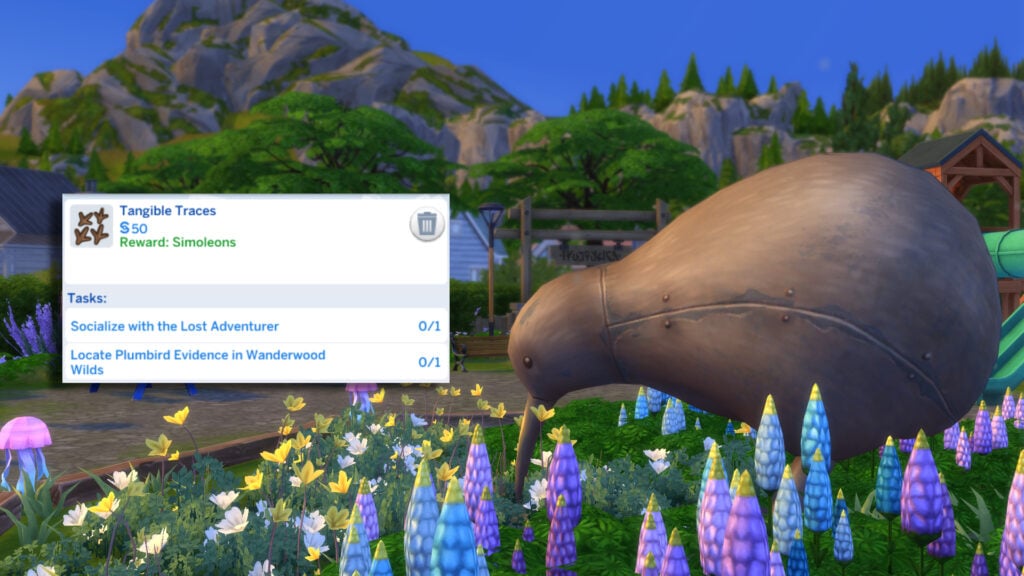
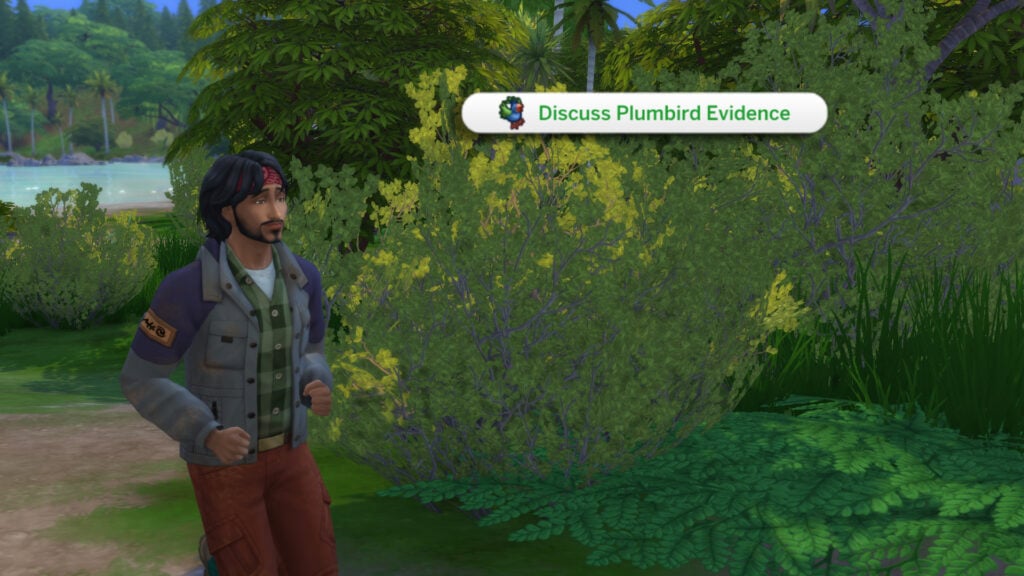
With our new quest started, let’s begin by socialising with the Lost Adventurer in Wanderwood Wilds. Select ‘Discuss Plumbird Evidence’.
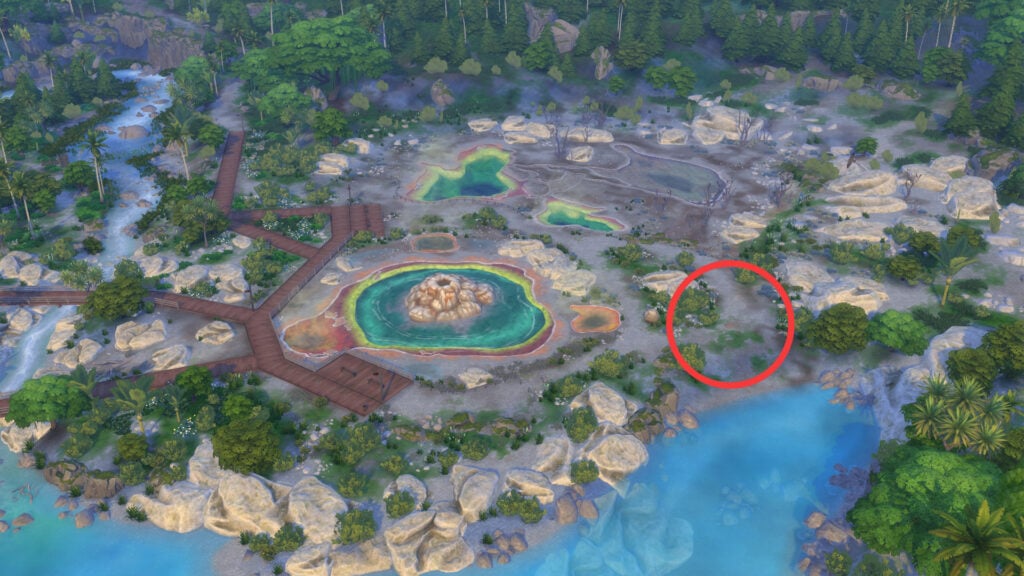
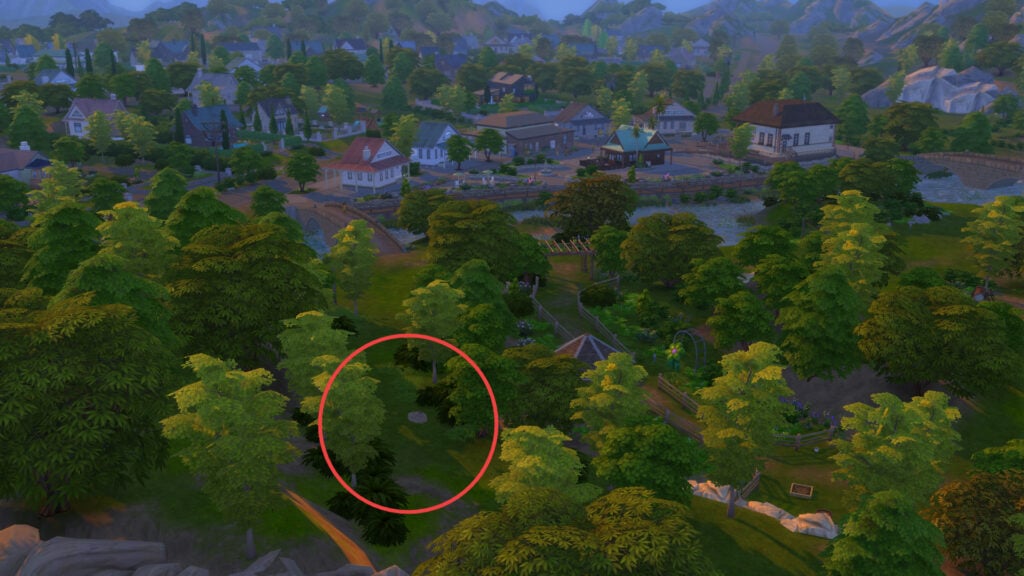
Our next task is to seek out some Plumbird Evidence. This can be a little tricky to find, however, I’ve circled the location of the Plumbird fossil below, located next to Hothead Geyser!
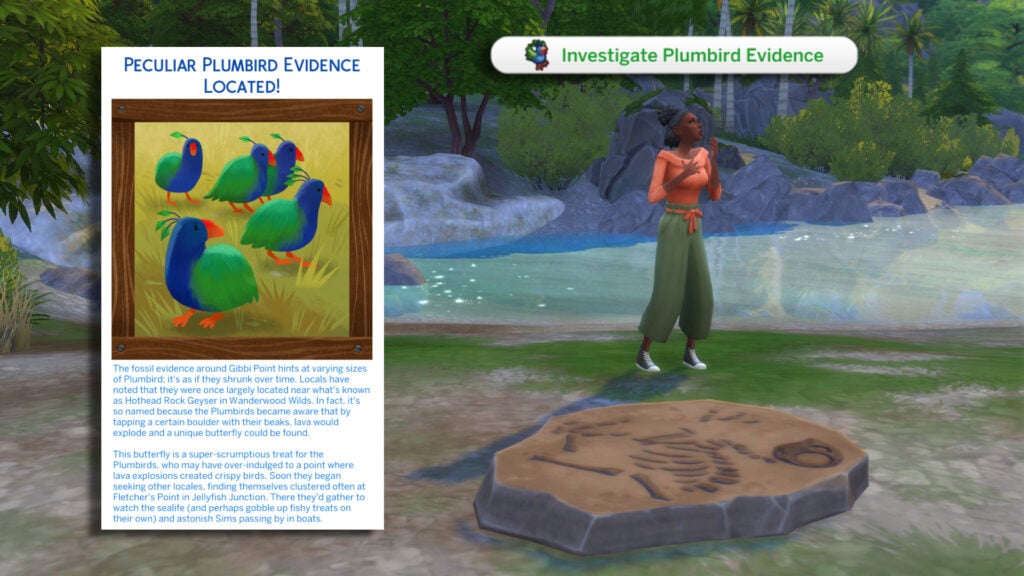
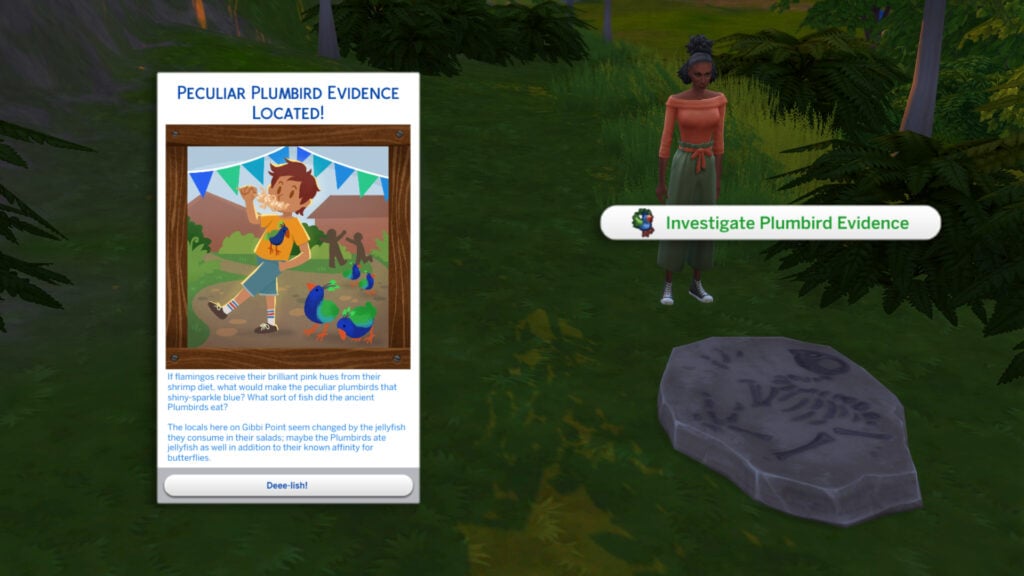
Once located, select ‘Investigate Plumbird Evidence’ on the fossil, and a pop-up will appear, giving some insight into this mysterious bird.
The fossil evidence around Gibbi Point hints at varying sizes of Plumbird; it’s as if they shrunk over time. Locals have noted that they were once largely located near what’s known as Hothead Rock Geyser in Wanderwood Wilds. In fact, it’s so named because the Plumbirds became aware that by tapping a certain boulder with their beaks, lava would explode and a unique butterfly could be found.
This butterfly is a super-scrumptious treat for the Plumbirds, who may have over-indulged to a point where lava explosions created crispy birds. Soon they began seeking other locales, finding themselves clustered often at Fletcher’s Point in Jellyfish Junction. There they’d gather to watch the sealife (and perhaps gobble up fishy treats on their own) and astonish Sims passing by in boats.
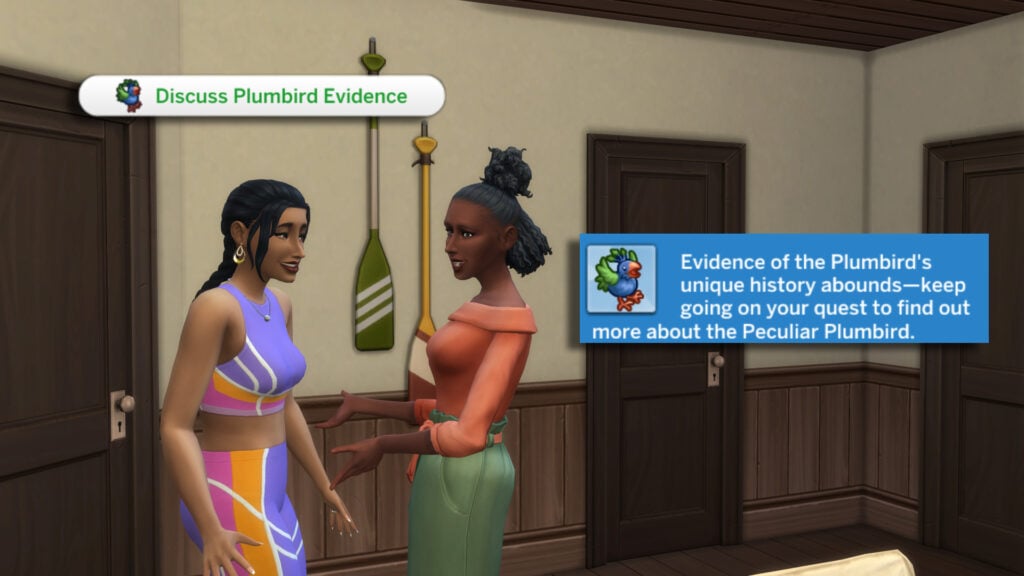
Now let’s discuss this evidence with someone nearby, and see what the locals think!
Local Legends – Peculiar Plumbird Adventure Quest
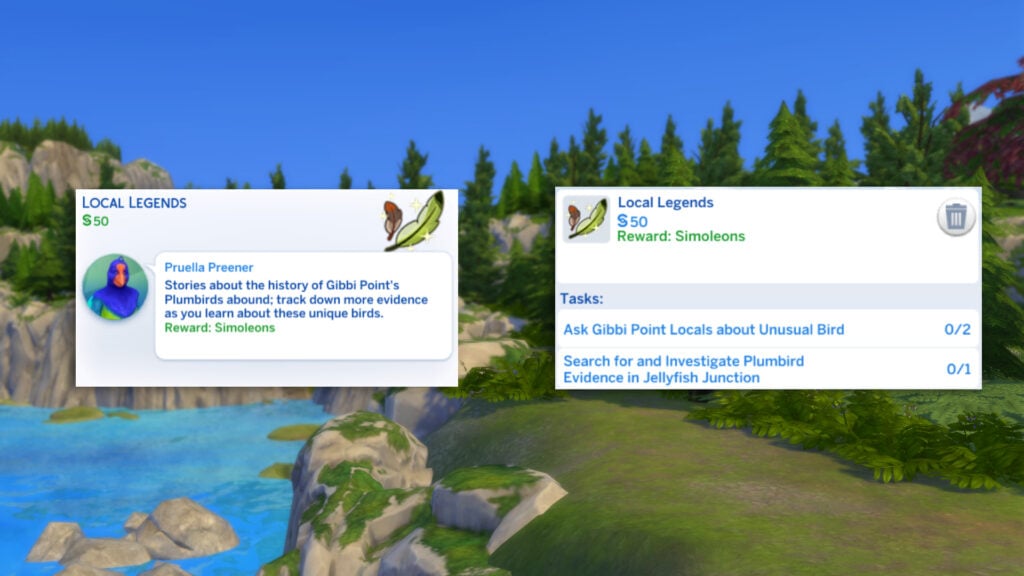
The second of Pruella’s Peculiar Plumbird Adventure Quests is the Local Legends Quest. This Adventure Quest will see us pursuing the truth about the elusive Plumbird. Head to the Adventure Quest Map to begin!
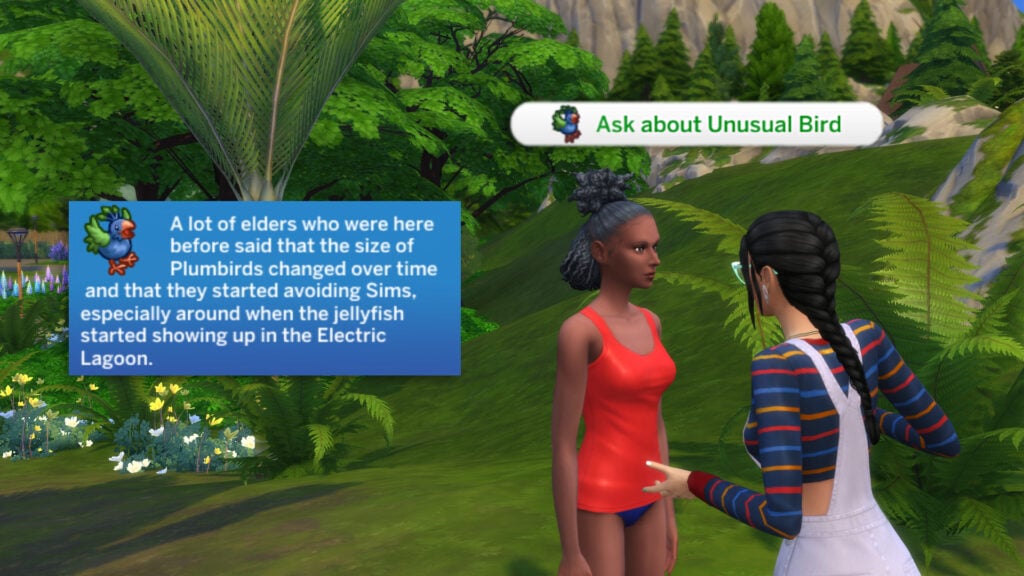
You’ll first have to ask at least two locals about the unusual birds. Locals include Sims such as Laxmi, Toshie, and the Lost Adventurer!
A lot of elders who were here before said that the size of Plumbirds changed over time and that they started avoiding Sims, especially around when the jellyfish started showing up in the Electric Lagoon.
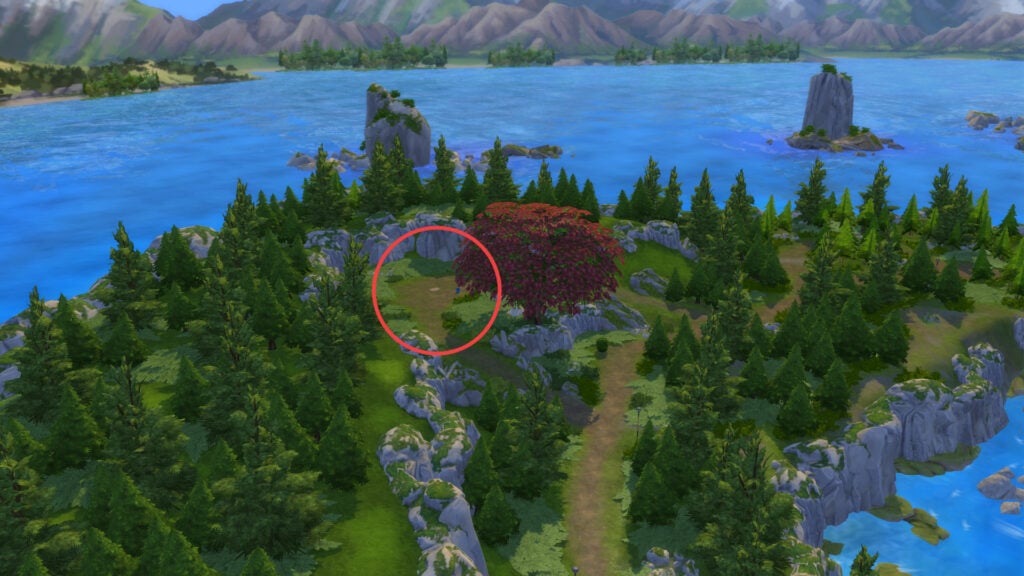
It seems the Plumbirds are scared of Sims and prefer a solitary life! We will need to search for some evidence of Plumbirds in Jellyfish Junction. You can find the fossil by the red tree around the cove. I have marked it on the map below!
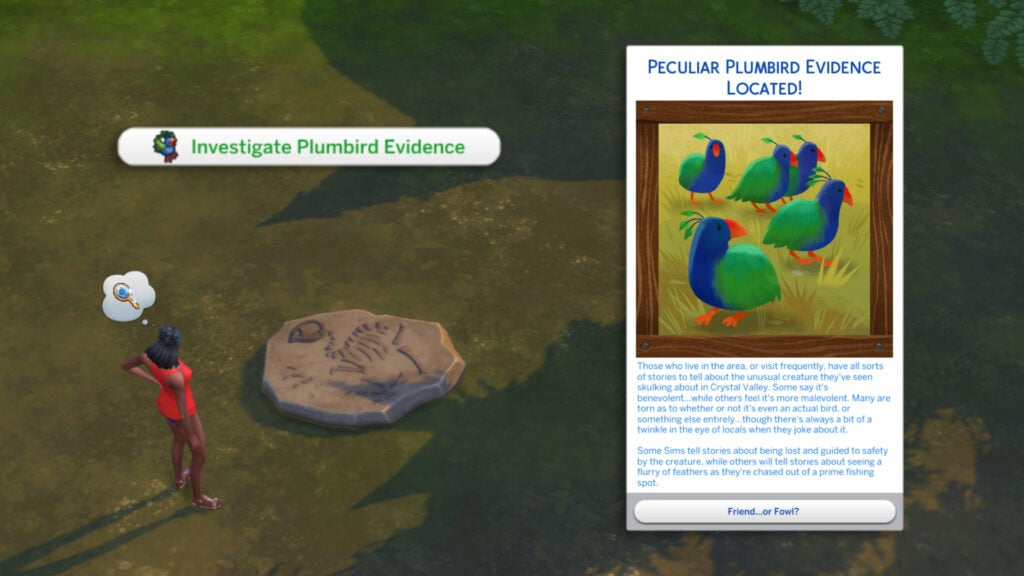
Select the fossil and choose ‘Investigate Plumbird Evidence’.
Those who live in the area, or visit frequently, have all sorts of stories to tell about the unusual creature they’ve seen skulking about in Crystal Valley. Some say it’s benevolent…while others feel it’s more malevolent. Many are torn as to whether or not it’s even an actual bird, or something else entirely…though there’s always a bit of a twinkle in the eye of locals when they joke about it.
Some Sims tell stories about being lost and guided to safety by the creature, while others will tell stories about seeing a flurry of feathers as they’re chased out of a prime fishing spot.
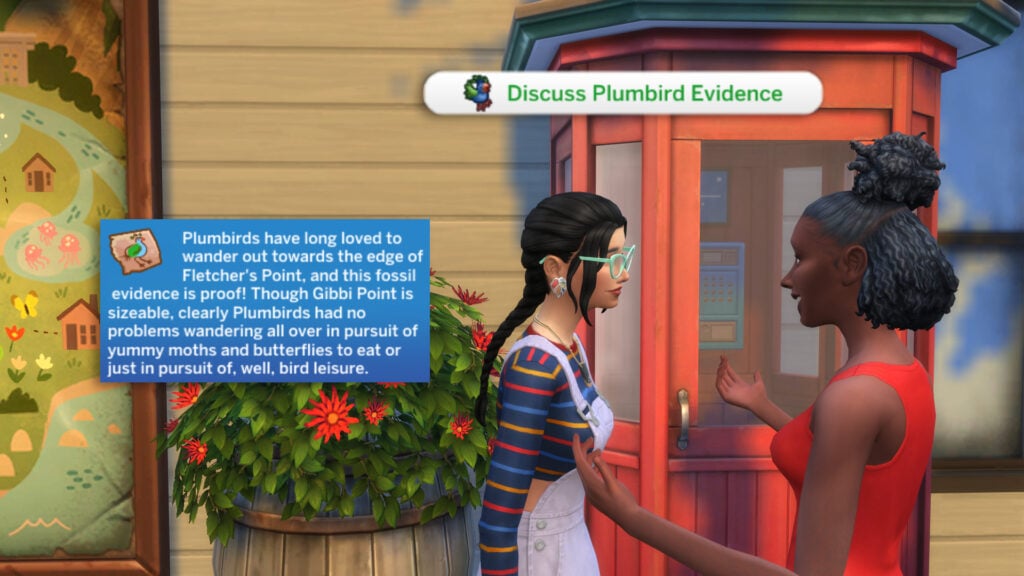
Return to a local resident and share your latest discovery in pursuit of the truth! Select ‘Discuss Plumbird Evidence’
Plumbirds have long loved to wander out towards the edge of Fletcher’s Point, and this fossil evidence is proof! Though Gibbi Point is sizeable, clearly Plumbirds had no problems wandering all over in pursuit of yummy moths and butterflies to eat or just in pursuit of, well, bird leisure.
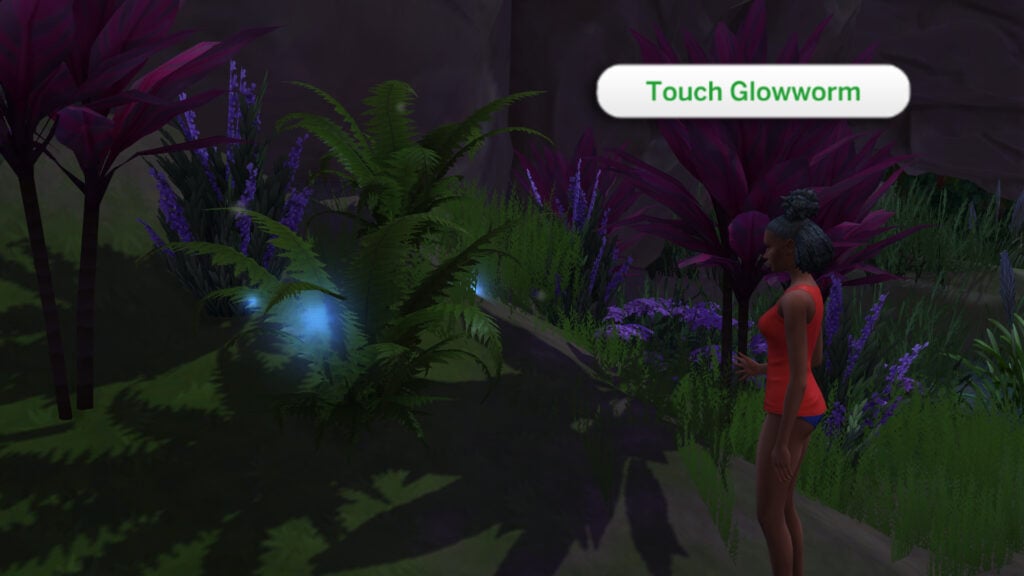
Let’s head over to Crystal Valley and touch the glowworms at the Electric Lagoon. Select ‘
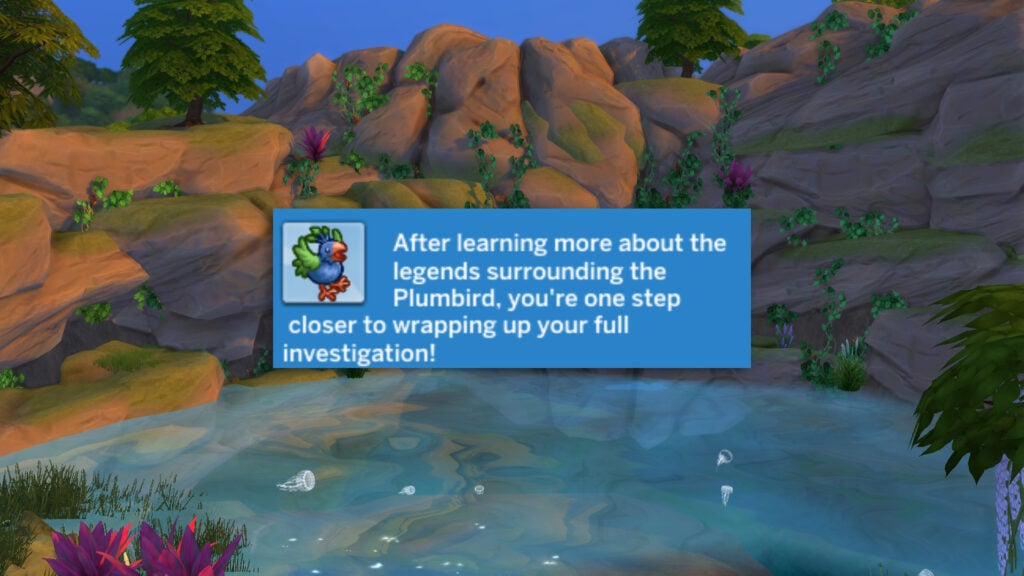
Now we’ve finished up the quest, head back to Jellyfish Junction to follow the next Adventure Quest!
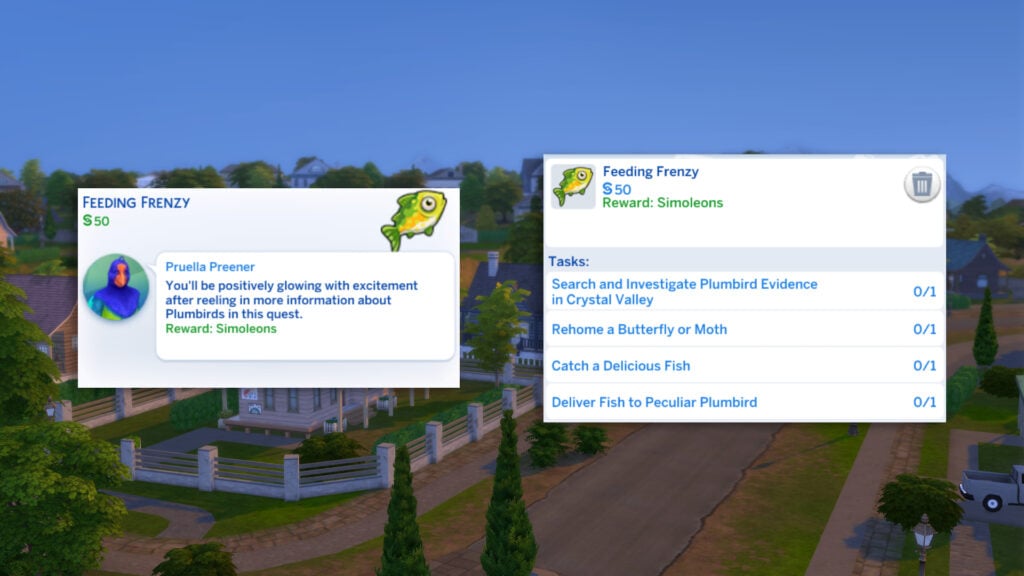
Our next Adventure Quest, given to us by Pruella on the Adventure Map is called Feeding Frenzy.
Our first task is to find Plumbird Evidence in the Crystal Valley Neighbourhood of Gibbi Point. I have left a hint below if you get stuck!
Select the fossil and choose ‘Investigate Plumbird Evidence’.
If flamingos receive their brilliant pink hues from their shrimp diet, what would make the peculiar plumbirds that shiny-sparkle blue? What sort of fish did the ancient Plumbirds eat?
The locals here on Gibbi Point seem changed by the jellyfish they consume in their salads; maybe the Plumbirds ate jellyfish as well in addition to their known affinity for butterflies.
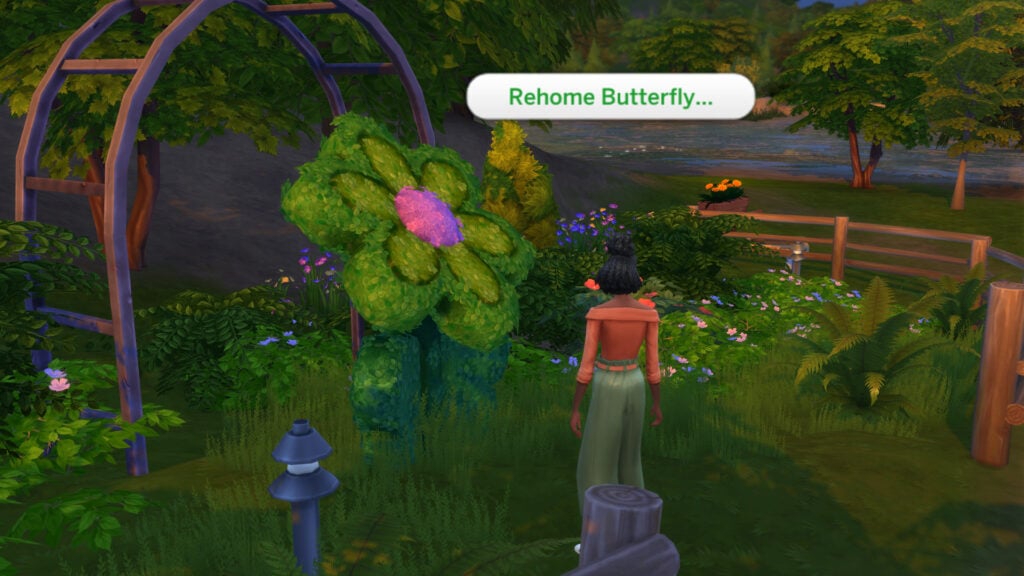
What kind of fish do the Plumbirds eat? I’m sure we will find out, however, in the meantime we need to rehome a Moth or a Butterfly. Head to one of the flower topiaries in Gibbi Point and select ‘Rehome Butterfly…’ or ‘Rehome Moth…’. You will need either one in your inventory to perform the action.
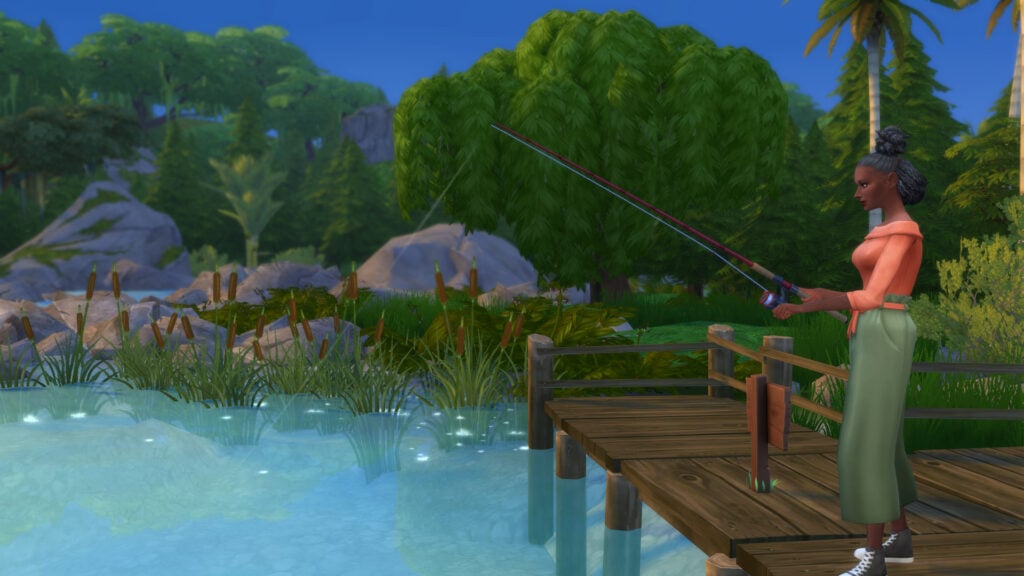
Next, we will go and catch Pruella the Plumbird a ‘Delicious’ fish. Head to any fishing spot and cast your rod!
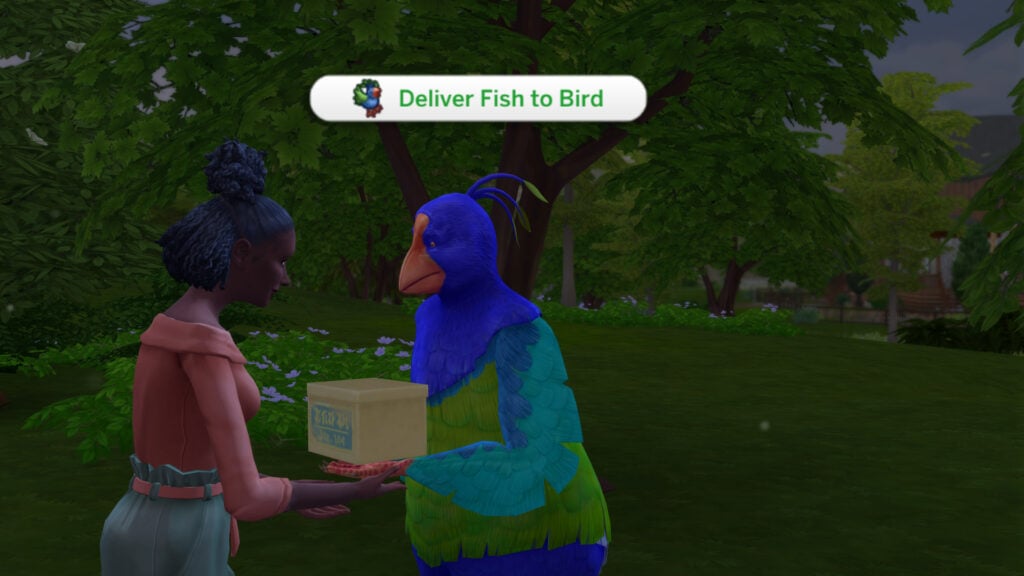
Now head back to Pruella to make your delivery! Select Pruella and choose ‘Deliver Fish to Bird’
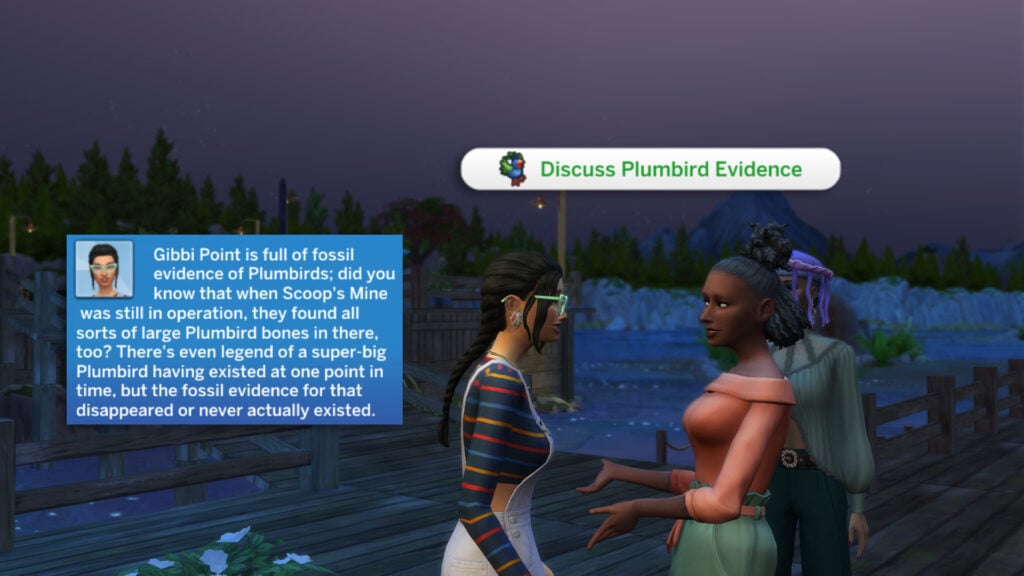
Let’s head back to Toshie and tell her all about the new discovery we made in Crystal Valley! Select Toshie (or another Gibbi Point Local) and choose ‘Discuss Plumbird Evidence’.
Gibbi Point is full of fossil evidence of Plumbirds; did you know that when Scoop’s Mine was still in operation, they found all sorts of large Plumbird bones in there, too? There’s even legend of a super-big Plumbird having existed at one point in time, but the fossil evidence for that disappeared or never actually existed.
Community Spirit – Peculiar Plumbird Adventure Quest
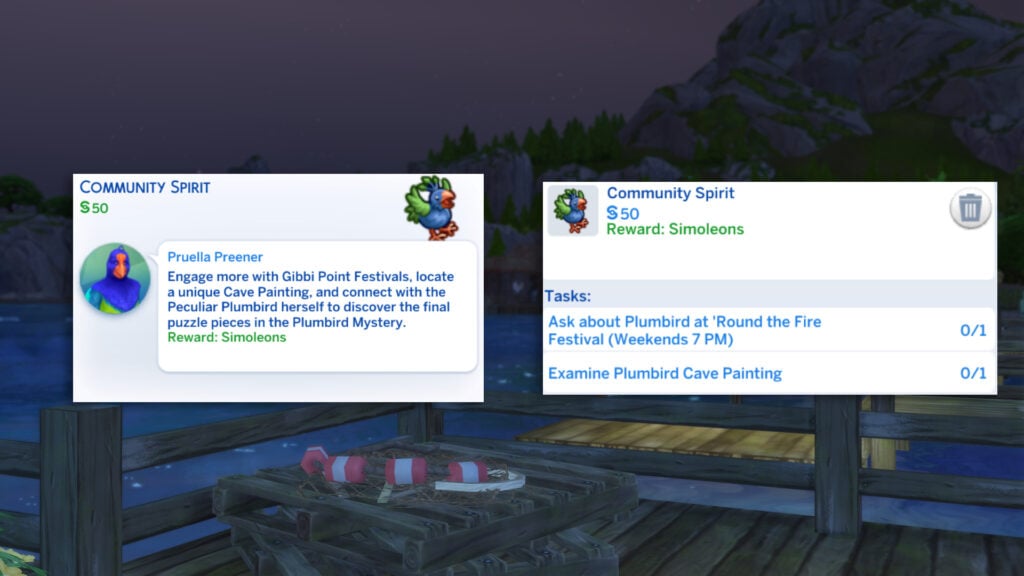
Our fourth Pruella Adventure Quest will take us to places we haven’t yet explored. Let’s take a look at the Community Spirit Adventure Quest!
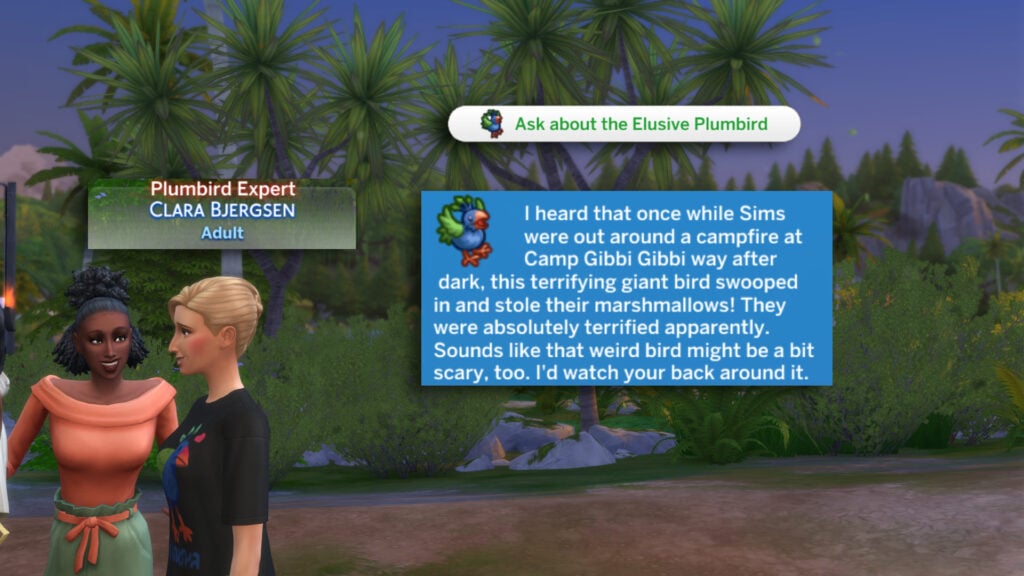
Our first task involves visiting the Round the Fire Festival in Wanderwild Woods. You can check out our full guide on festivals here! The Round the Fire Festival takes place on Weekends from 7 pm. Find the Sim with the ‘Plumbird Expert’ title and choose ‘Ask about the Elusive Plumbird’.
I heard that once while Sims were out around a campfire at Camp Gibbi Gibbi way after dark, this terrifying giant bird swooped in and stole their marshmallows! They were absolutely terrified apparently. Sounds like that weird bird might be a bit scary, too. I’d watch your back around it.
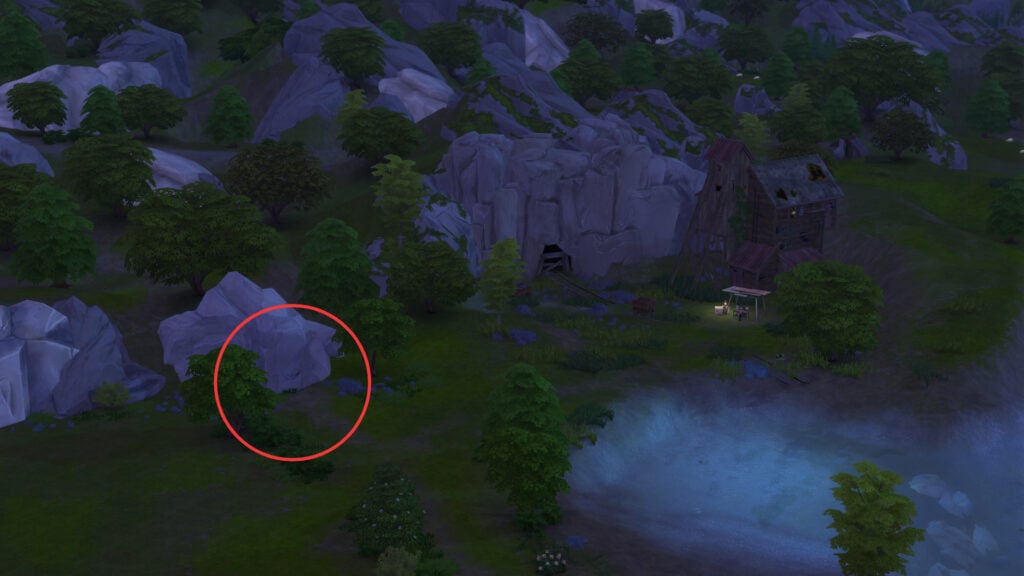
Now that we have some more information regarding the Plumbird, it’s time to find some ancient evidence of this creature. Head to Crystal Valley to examine the cave paintings by Scoop’s Gold Mine. I have marked the location below!
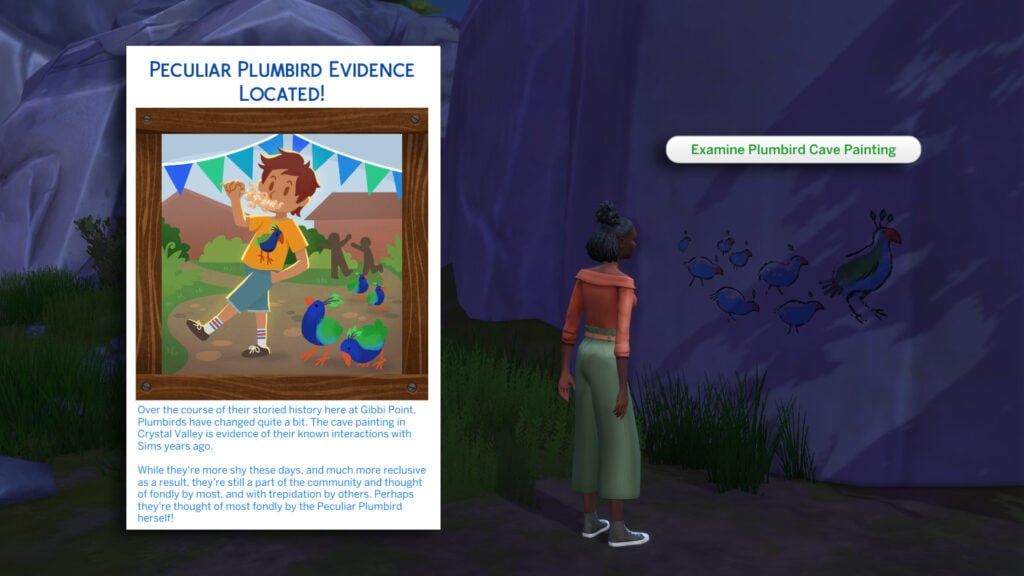
Select the cave painting and choose ‘Examine Plumbird Cave Painting’
Over the course of their storied history here at Gibbi Point, Plumbirds have changed quite a bit. The cave painting in Crystal Valley is evidence of their known interactions with Sims years ago.
While they’re more shy these days, and much more reclusive as a result, they’re still a part of the community and thought of fondly by most, and with trepidation by others. Perhaps they’re thought of most fondly by the Peculiar Plumbird herself!
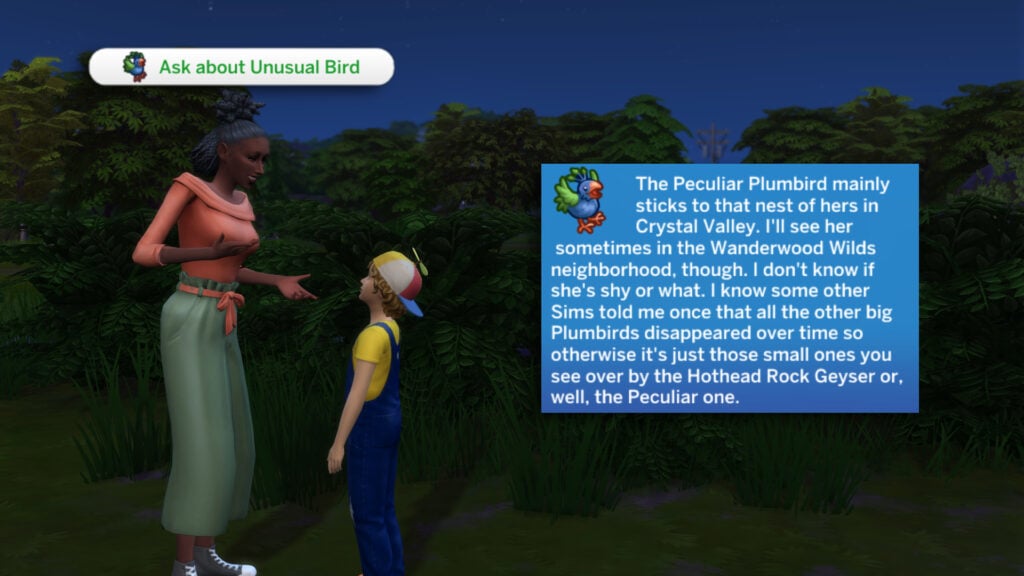
It’s time to ask around again about the ‘Unusual Bird’. Use the ‘Ask About Unusual Bird’ interaction on any unique NPC such as the Storytellers, Camp Director, or any other special Gibbi Point NPC.
The Peculiar Plumbird mainly sticks to that nest of hers in Crystal Valley. I’ll see her sometimes in the Wanderwood Wilds neighborhood, though. I don’t know if she’s shy or what. I know some other Sims told me once that all the other big Plumbirds disappeared over time so otherwise it’s just those small ones you see over by the Hothead Rock Geyser or, well, the Peculiar one.
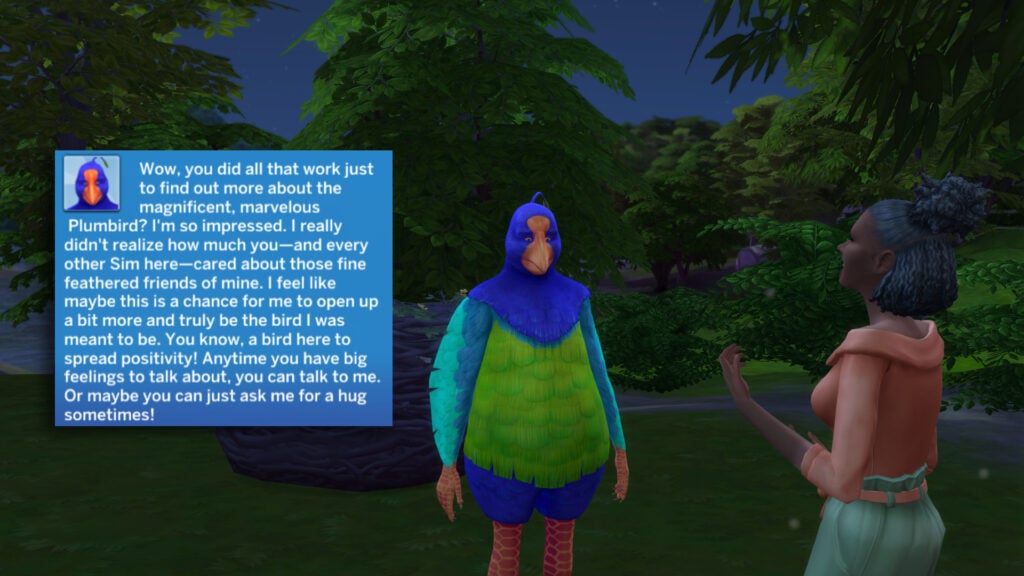
It’s time to reveal the truth behind the Plumbird! Find Pruella either in Crystal Valley or at the Round the Fire Festival and select ‘Reveal Peculiar Plumbird’s Truth!’
Wow, you did all that work just to find out more about the magnificent, marvelous Plumbird? I’m so impressed. I really didn’t realize how much you – and every other Sim here – cared about those fine feathered friends of mine. I feel like maybe this is a chance for me to open up a bit more and truly be the bird I was meant to be. You know, a bird here to spread positivity! Anytime you have big feelings to talk about, you can talk to me. Or maybe you can just ask me for a hug sometimes!
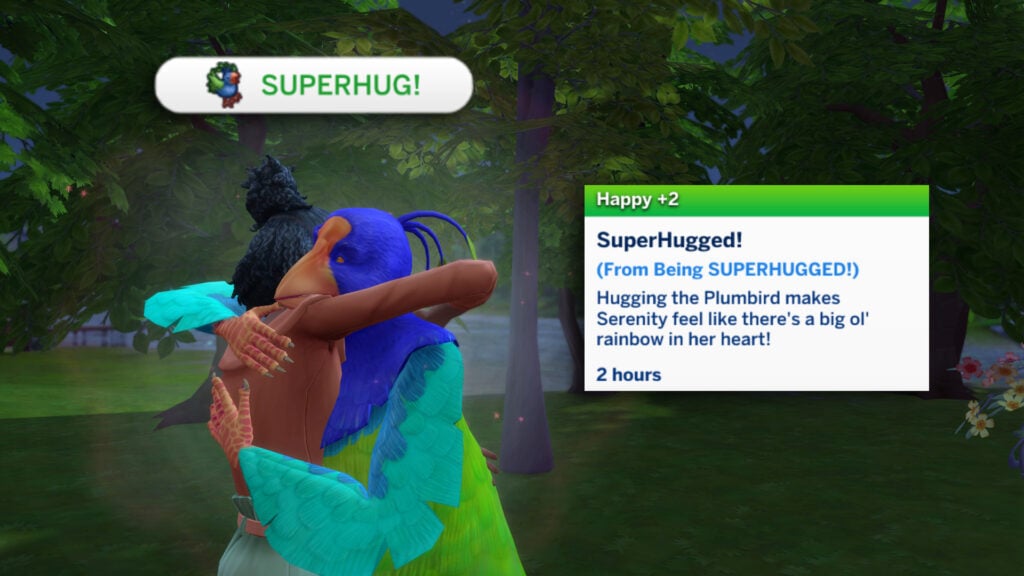
You can now give Pruella a ‘SUPERHUG!’, a unique interaction available with only Pruella! This can be found under ‘Friendly…’ > ‘Affection…’. Your Sim will recieve a +2 Happy Moodlet called ‘SuperHugged!’
Hugging the Plumbird makes SIMNAME feel like there’s a big ol’ rainbow in their heart!
Melody of the Geyser – Storyteller Toshie Adventure Quest
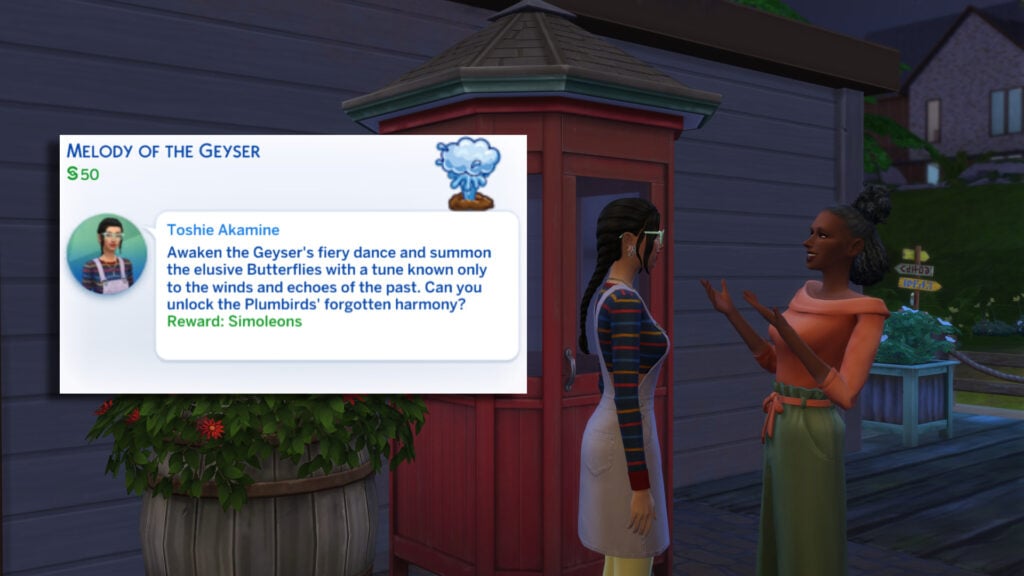
Head back to Toshie in Jellyfish Junction and inquire once again about available Adventure Quests. This time, we will be taking a look at the ‘Melody of the Geyser’ quest!
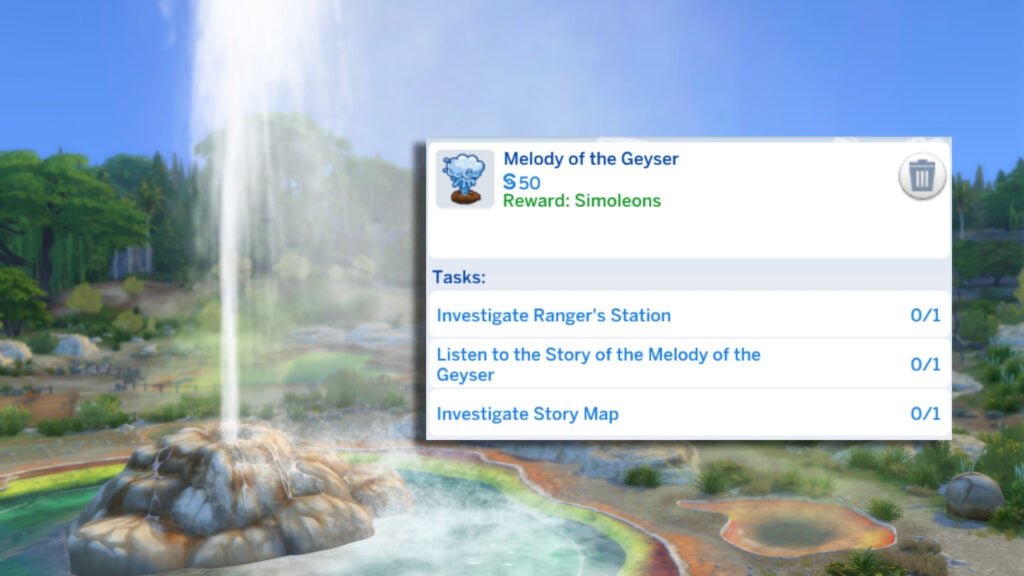
Awaken the Geyser’s fiery dance and summon the elusive Butterflies with a tune known only to the winds and echoes of the past. Can you unlock the Plumbirds’ forgotten harmony?
We are given a bunch of tasks at first, some of which we can complete right here in Jellyfish Junction!
Let’s check out the Adventure Quests Story Map once again in the town centre of Jellyfish Junction!
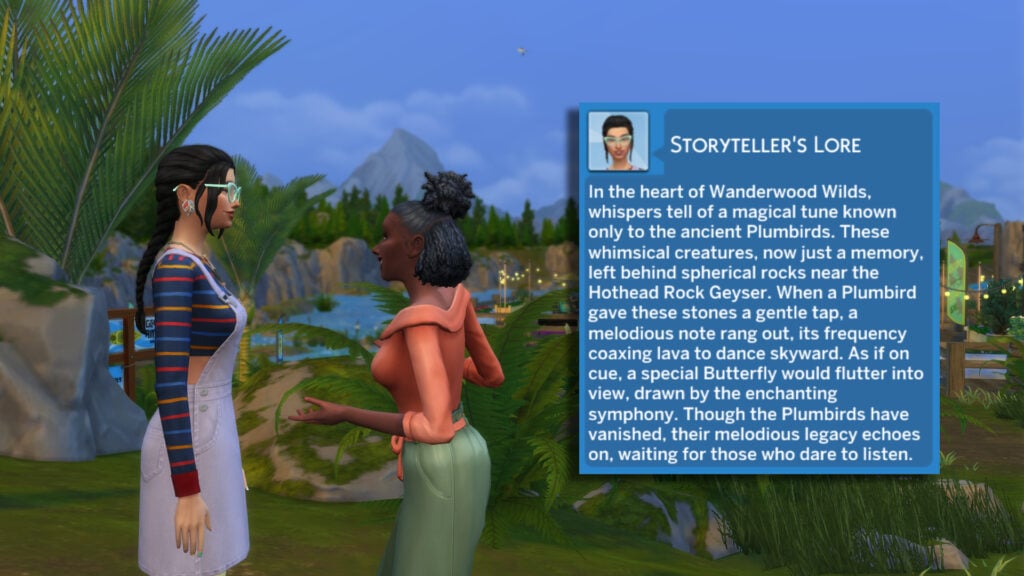
Now let’s ask Toshie to tell the story of the Meldoy of the Geyser. If you can’t locate Toshie, click her profile in the Relationships tab and select ‘Lock the Camera’.
In the heart of Wanderwood Wilds, whispers tell of a magical tune known only to the ancient Plumbirds. These whimsical creatures, now just a memory, left behind spherical rocks near the Hothead Rock Geyser. When a Plumbird gave these stones a gentle tap, a melodious note rang out, its frequency coaxing lava to dance skyward. As if on cue, a special Butterfly would flutter into view, drawn by the enchanting symphony. Though the Plumbirds have vanished, their melodious legacy echoes on, waiting for those who dare to listen.
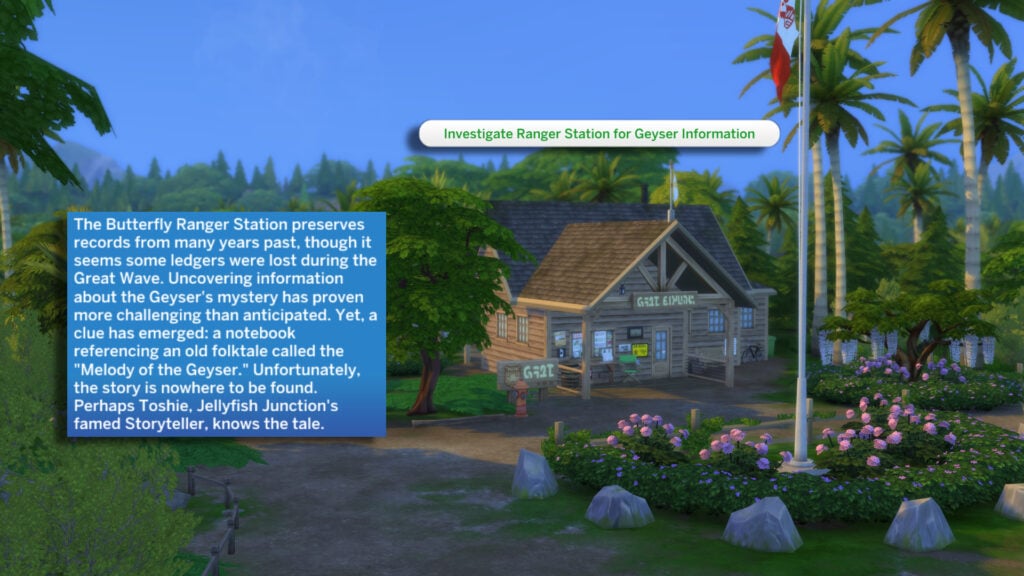
Let’s head to Wanderwild Woods and check out the ranger station. This wooden building can be found near the wooden bridge. Look out for the red flag on a flagpole if you get lost!
The Butterfly Ranger Station preserves records from many years past, though it seems some ledgers were lost during the Great Wave. Uncovering information about the Geyser’s mystery has proven more challenging than anticipated. Yet, a clue has emerged: a notebook referencing an old folktale called the “Melody of the Geyser.” Unfortunately, the story is nowhere to be found. Perhaps Toshie, Jellyfish Junction’s famed Storyteller, knows the tale.
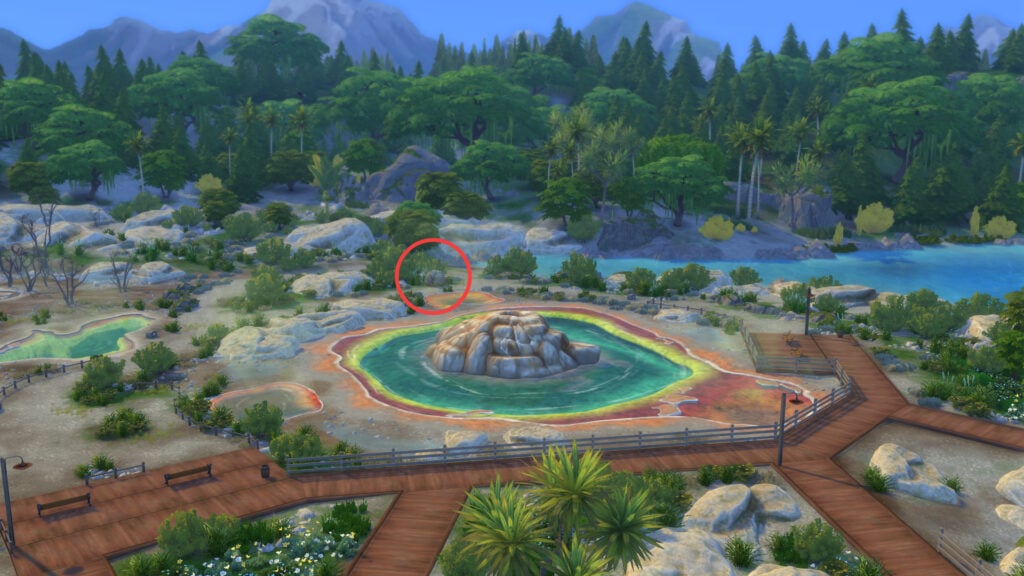
Our next task finally takes us to Hothead Geyser in Wanderwild Woods. We need to find the Strange Boulder. You can use the image below if you’re struggling to find it!
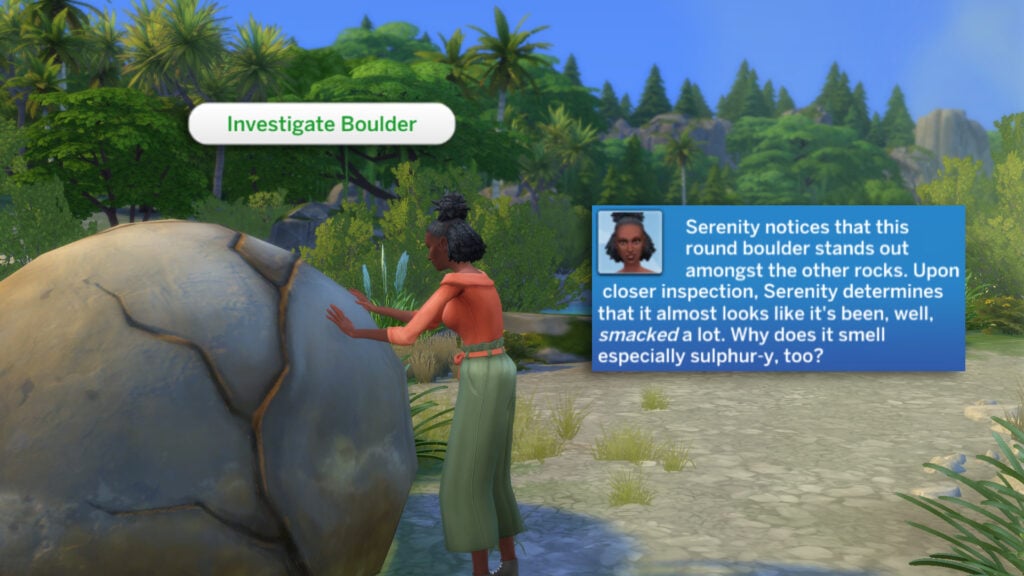
Click on the boulder and select ‘Investigate Boulder’ to have your Sim check it out!
notices that this round boulder stands out amongst the other rocks. Upon closer inspection, SIMNAME determines that it almost looks like it’s been, well, smacked a lot. Why does it smell especially sulphur-y, too?
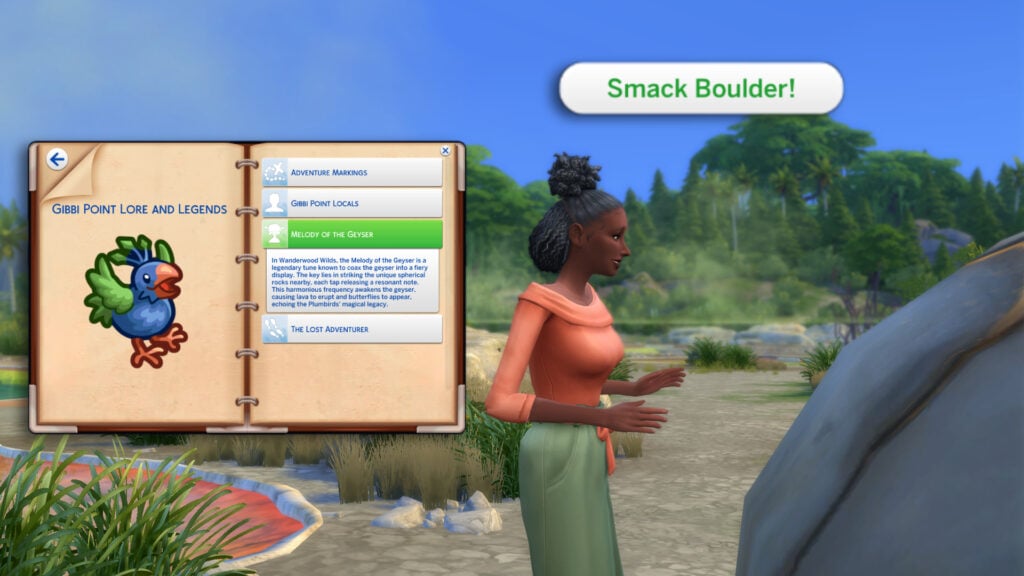
Notice how it seems the boulder has been smacked a lot? Let’s try it for ourselves! Select ‘ Smack Boulder’!
In Wanderwood Wilds, the Melody of the Geyser is a legendary tune known to coax the geyser into a fiery display. The key lies in striking the unique spherical rocks nearby, each tap releasing a resonant note. This harmonious frequency awakens the geyser, causing lava to erupt and butterflies to appear, echoing the Plumbirds’ magical legacy.
This third and final quest that Toshie can provide us with is Neighbourhood Adventure, which takes us on a tour of Gibbi Point.
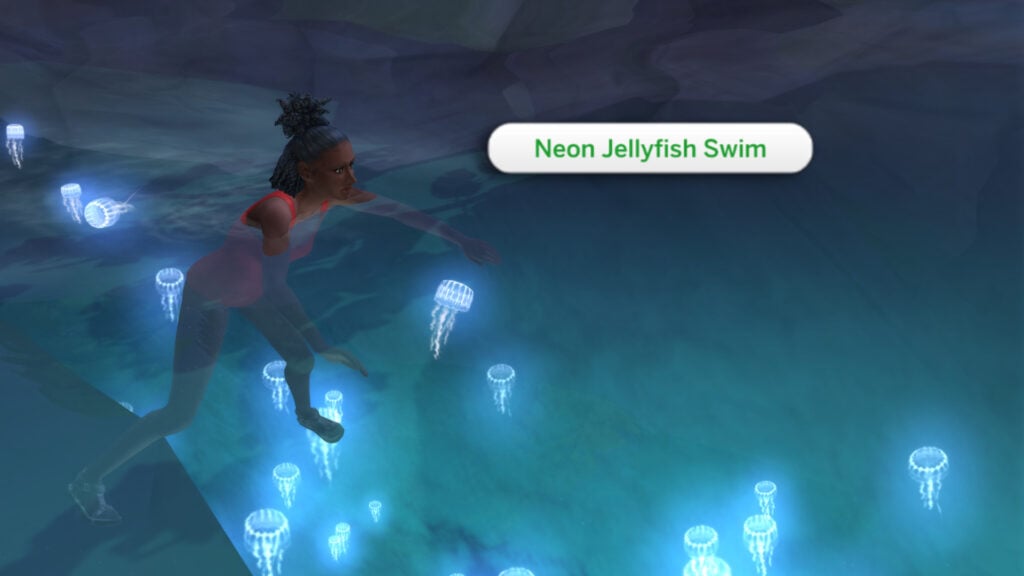
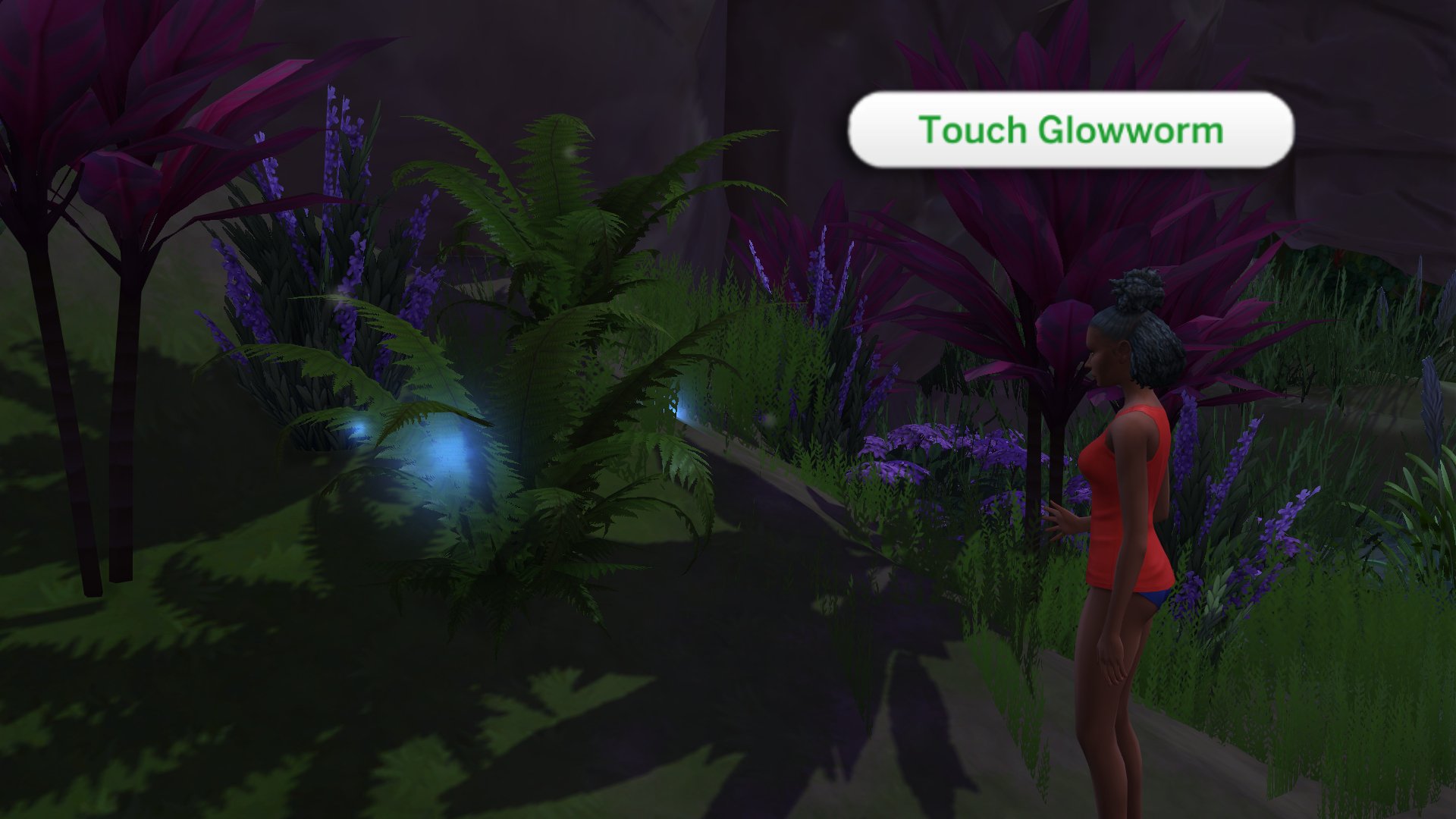
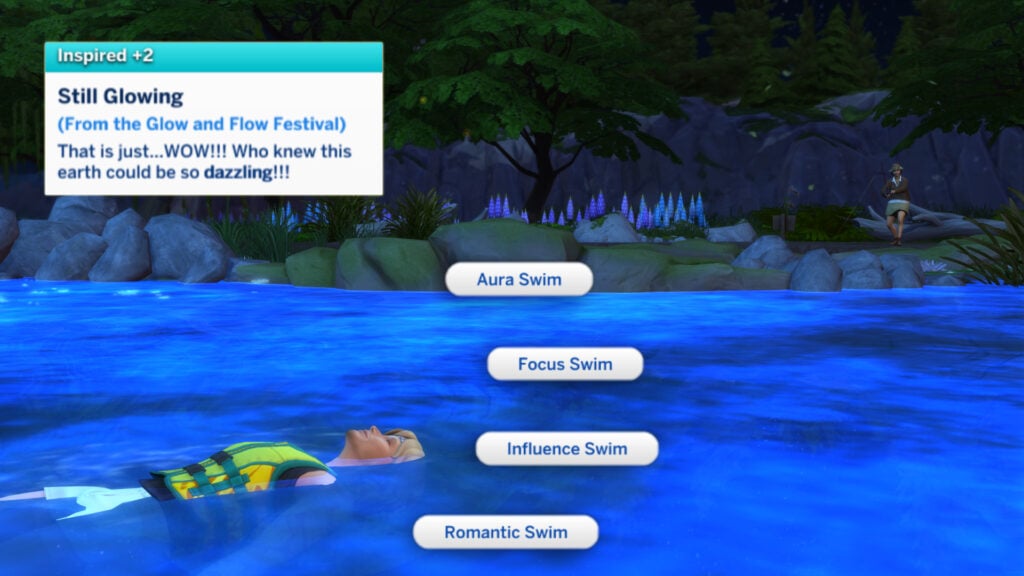
There are a number of tasks for us to tick off, so let’s go through them. In Crystal Valley, you can take a Jellyfish Swim at night in the Electric Lagoon and also touch the Glowworm Patch while you are there!
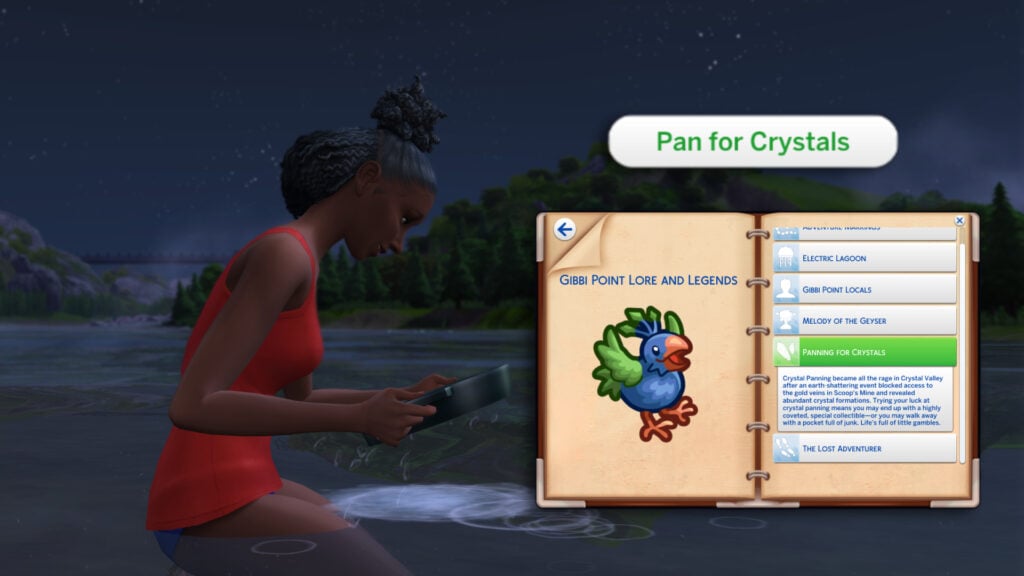
In any shallow patches of water in Crystal Valley, your Sims can pan for crystals. If they’re lucky, they may find a rare crystal in the water!
Crystal Panning became all the rage in Crystal Valley after an earth-shattering event blocked access to the gold veins in Scoop’s Mine and revealed abundant crystal formations. Trying your luck at crystal panning means you may end up with a highly coveted, special collectible—or you may walk away with a pocket full of junk. Life’s full of little gambles.
We can head to Jellyfish Junction to participate in Special Swims during the Glow and Flow Festival. This festival is held from 7 pm – 2 am during New Moons in the lunar cycle.
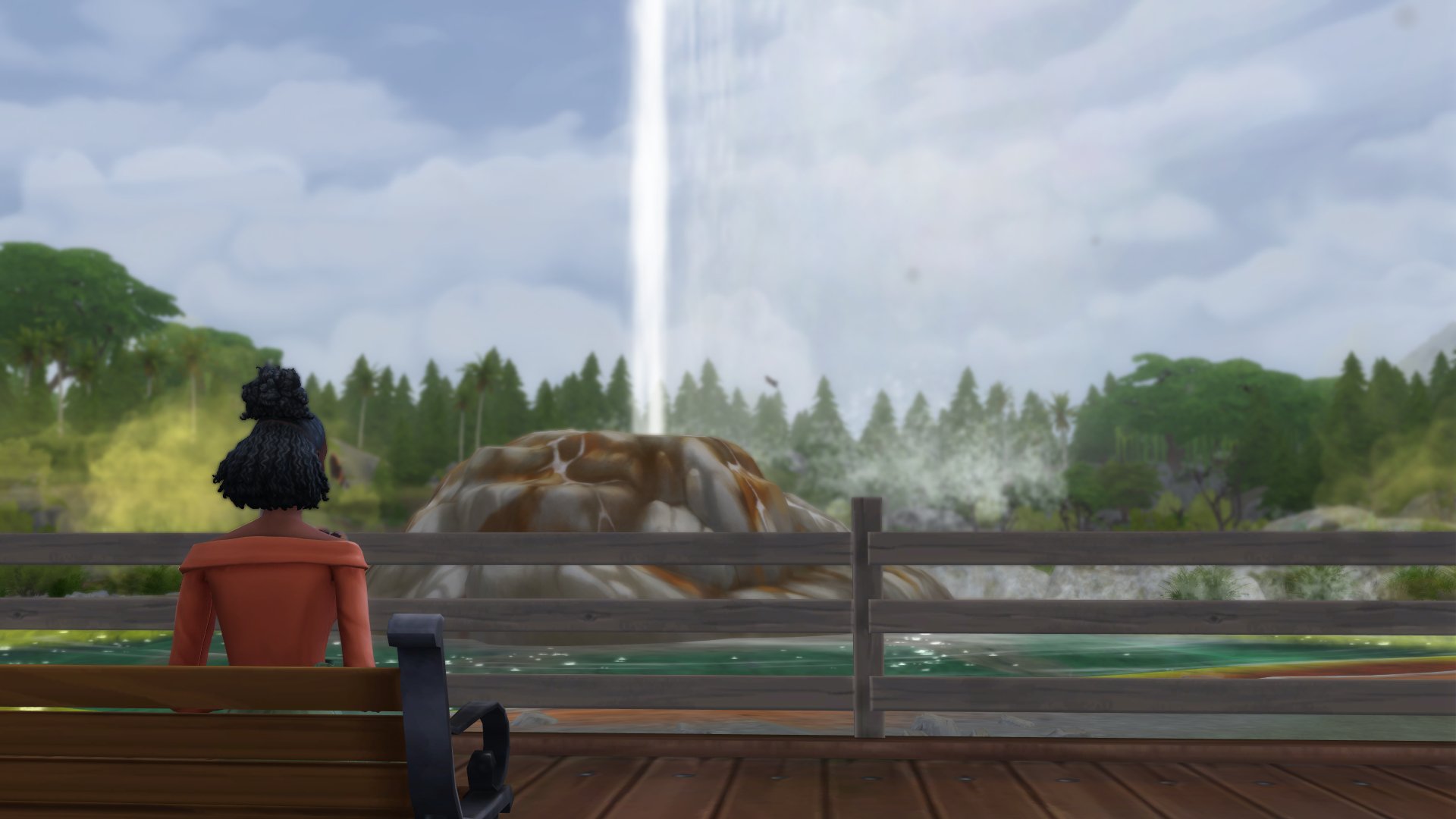
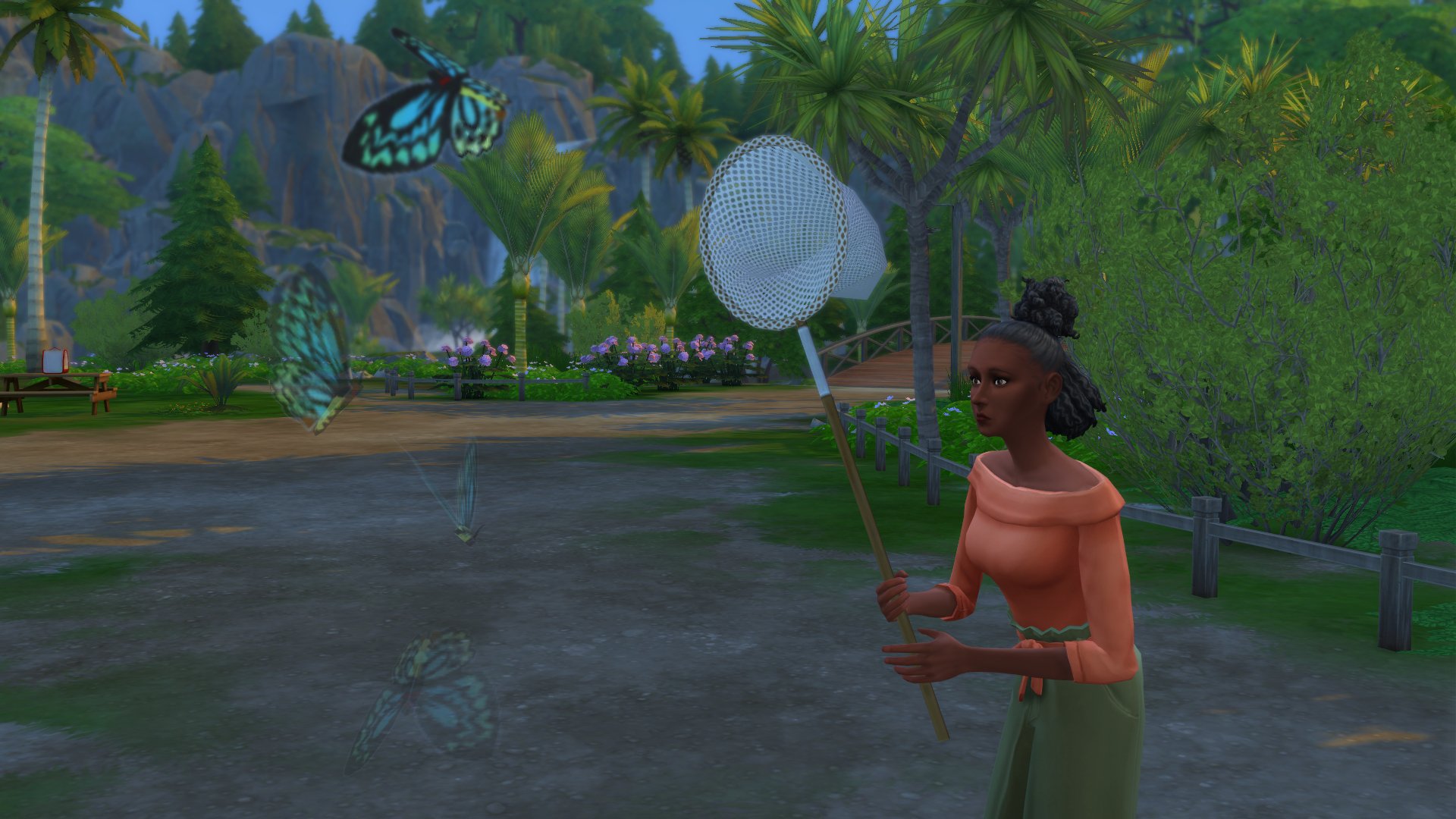
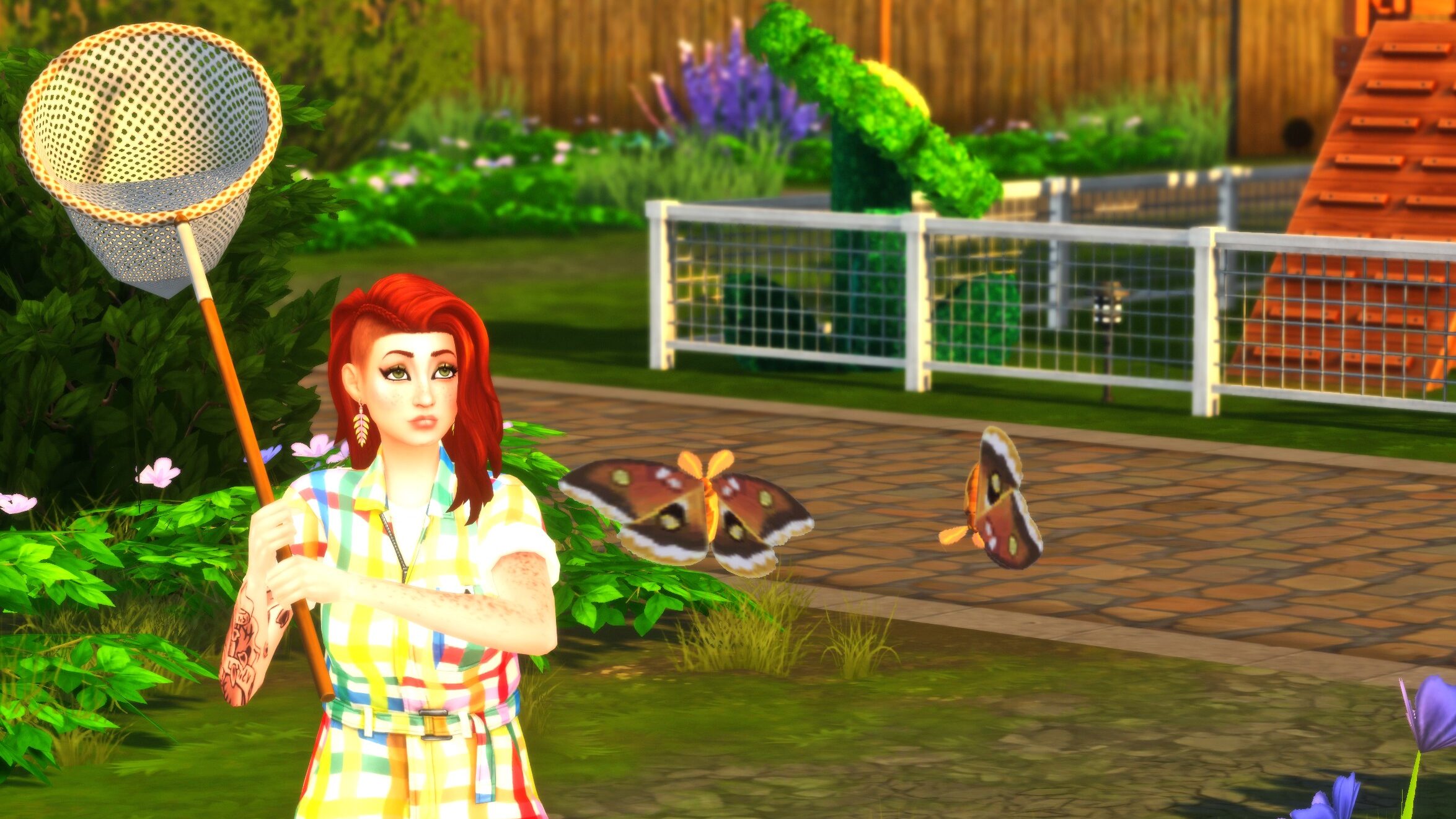
Wanderwood Wilds is home to many collectables ripe for the taking, including all-new butterflies and moths! Also in Wanderwood Wilds is the Hot Head Geyser, which your Sims will need to watch blow if they want to complete the quest!
Raise A Butterfly – Storyteller Laxmi Adventure Quest
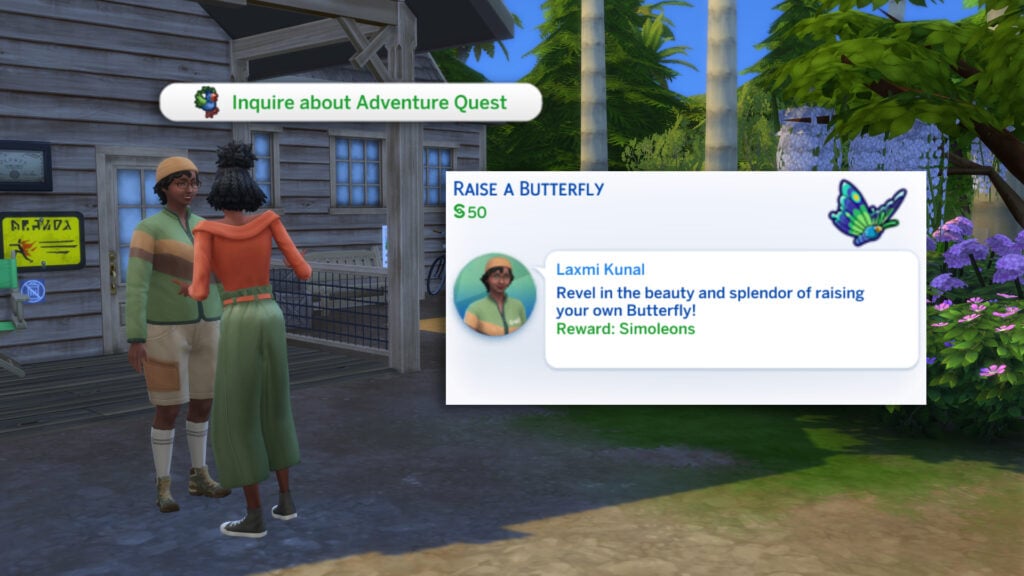
The second storyteller found in Gibbi Point is Laxmi Kunal, who can be found hanging out next to the Ranger Station in Wanderwood Wilds. Laxmi is an expert in nature and entomology in Gibbi Point! She is the go-to Sim for all insect and nature-related Gibbi Point Adventure Quests.
Revel in the beauty and splendor of raising your own Butterfly!
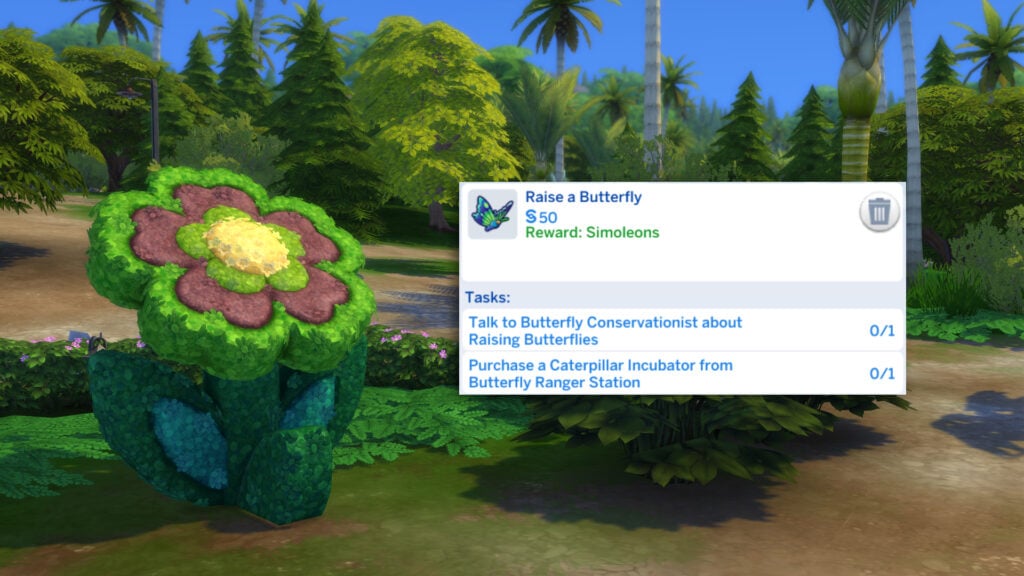
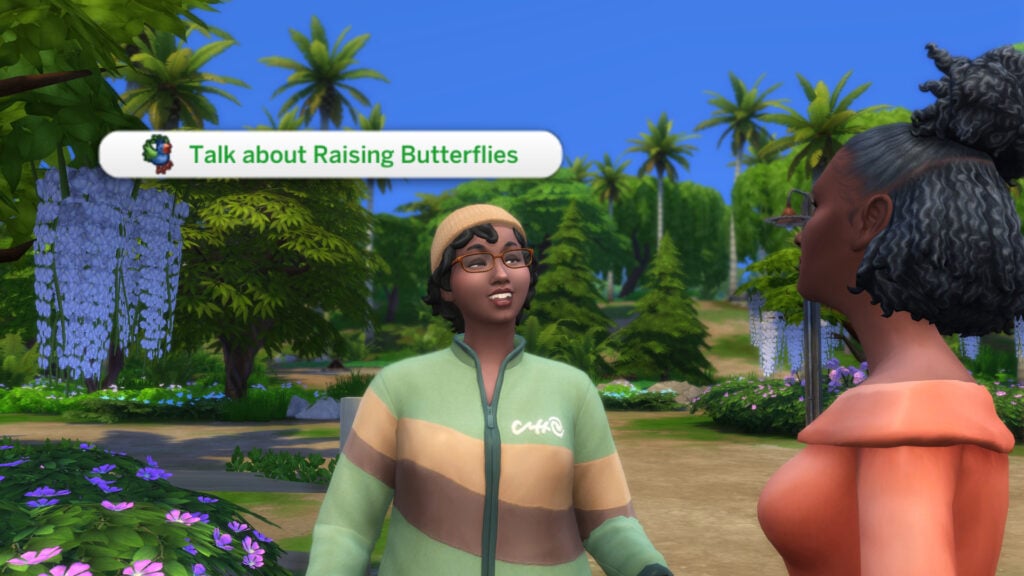
As the title suggests, we will be learning how to raise a butterfly/moth and how to care for them, and complete your collection. First, we have to talk to Laxmi (the Butterfly Conservationist) about Raising Butterflies!
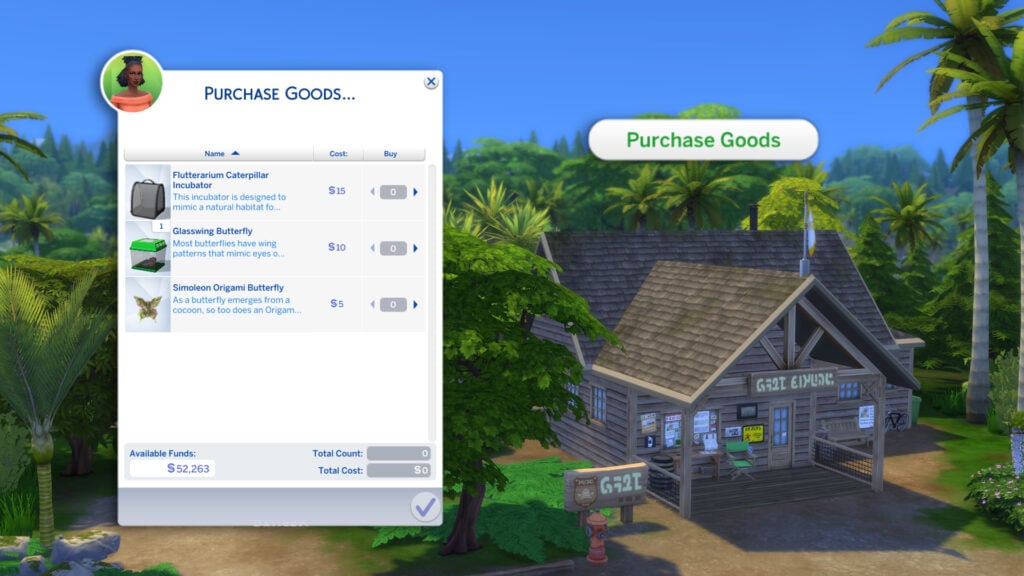
Now we know where to start, we will require a caterpillar incubator to successfully nurture it into a butterfly! Click the Ranger Station and select ‘Purchase Goods’.
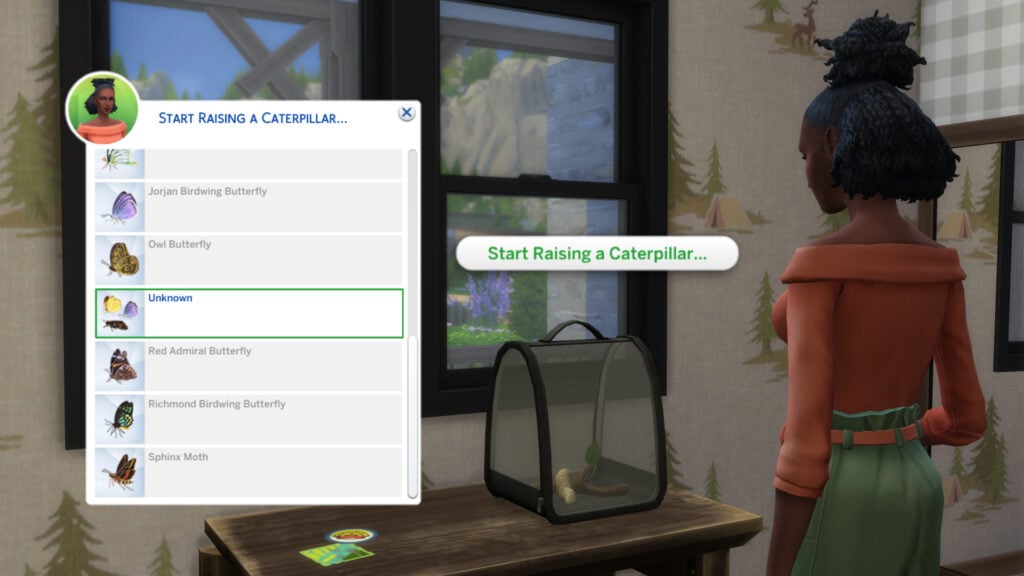
Place the Incubator on a surface on your home lot and select ‘Start Raising a Caterpillar’. You will be presented with a list of butterflies that the incubator can raise; however, if you are only Level 1 of the Entomology Skill, then you can only select ‘Unknown’.
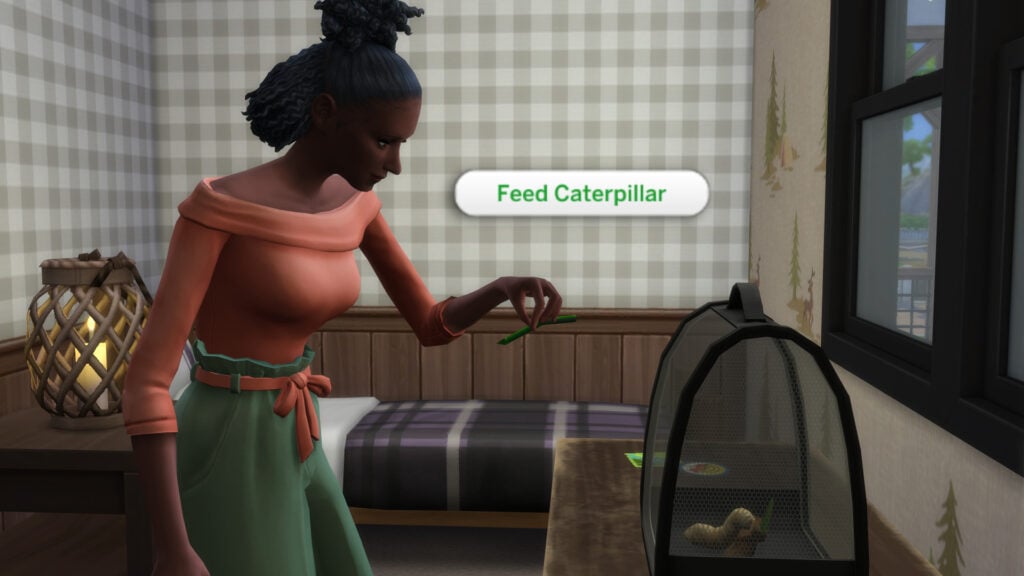
You’ll need to take care of your caterpillar to make sure it transforms into a butterfly. You can feed and check on the caterpillar once in a while to make sure it is okay. You can hover your cursor over the incubator to check its status, stage, and how quickly it is growing.
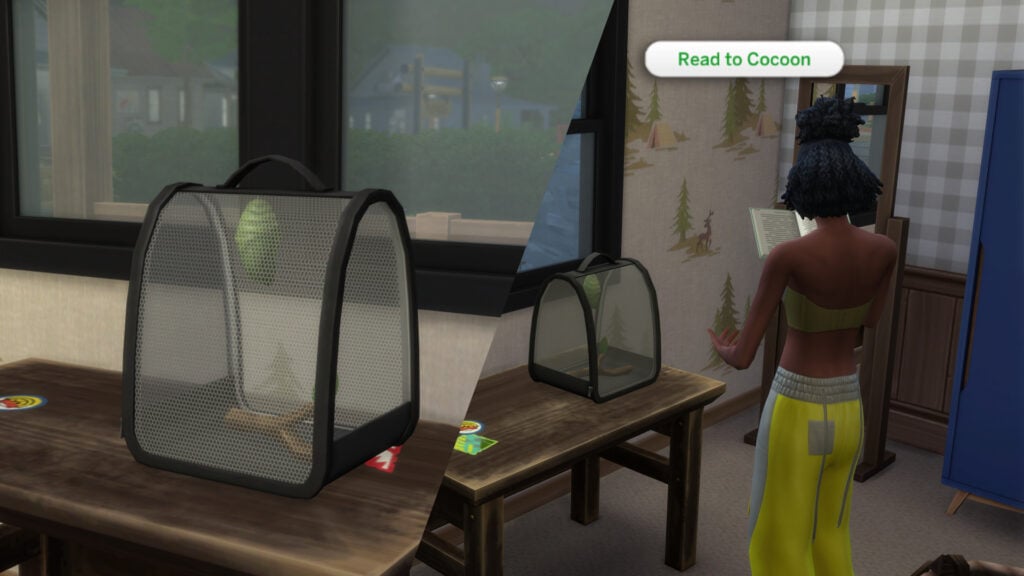
As your caterpillar progresses to the cocoon stage, your Sims will be able to read to them to aid their progress. Reading to them will increase the growth speed!
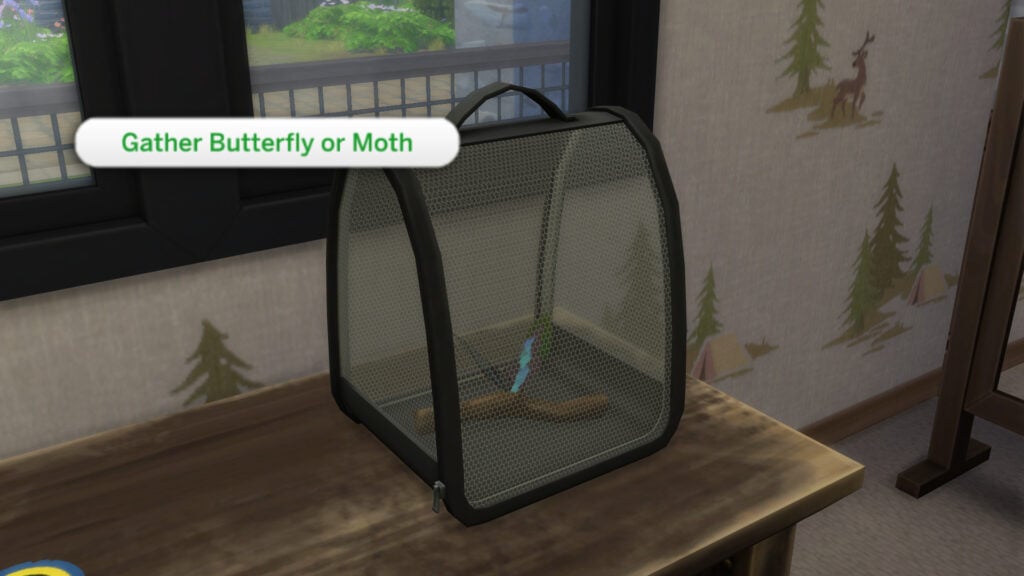
Now that the butterfly/moth has fully grown, it is time to take it out of the incubator!
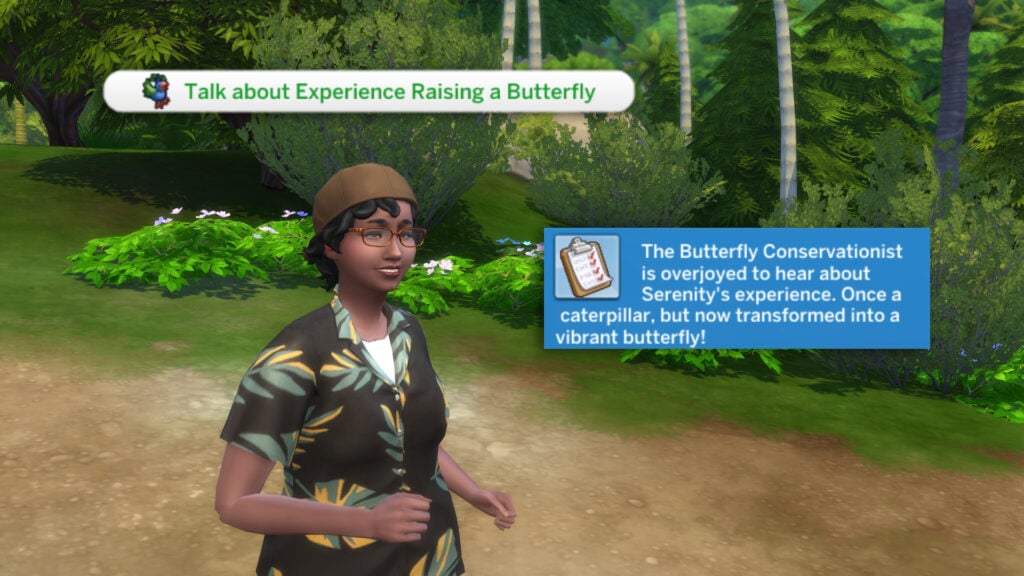
Now we should return to Laxmi in Wanderwood Wilds and ‘Talk About Experience Raising Butterfly’!
Don’t forget to check out your Notebook, which has now been updated to include butterfly conservation.
Have you explored Gibbi Point Adventure Quests yet? Let us know below, and stay tuned to Sims Community for all the latest on The Sims 4 Adventure Awaits!
Achoo! Oh, pardon me! All this fairy dust is making me sneeze. Enchanted By Nature has truly enchanted a lot of Sims players! If you’re looking for more mystical and magical Sims 4 fairy CC content to add to your game, or simply feel like you’re missing out on the pack, check out this collection of fairy CC that’ll delight everyone.
The Sims 4 Fairy CC Spotlight: CAS and Build
Create-A-Sim
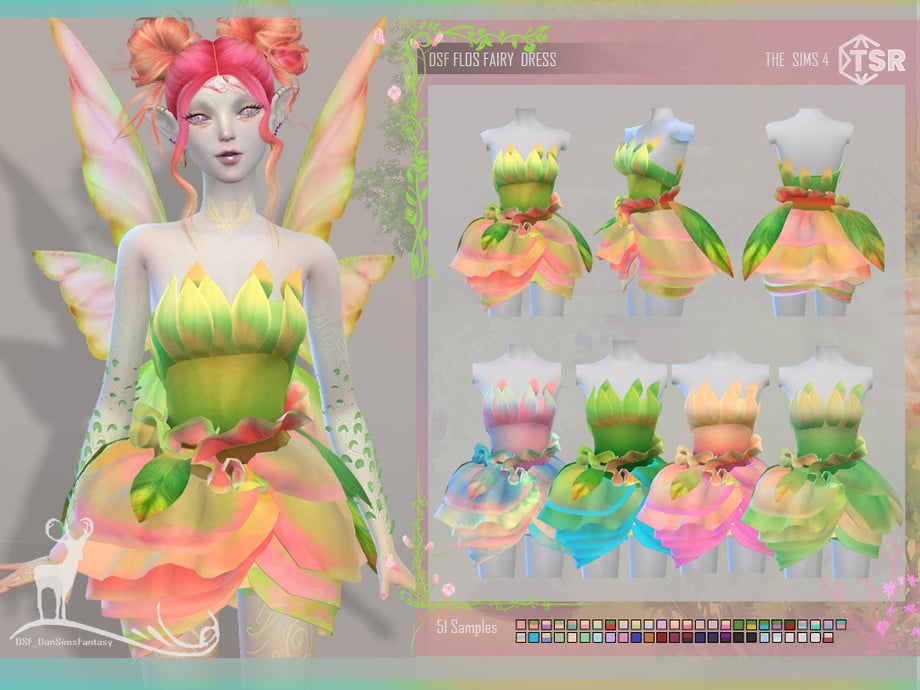
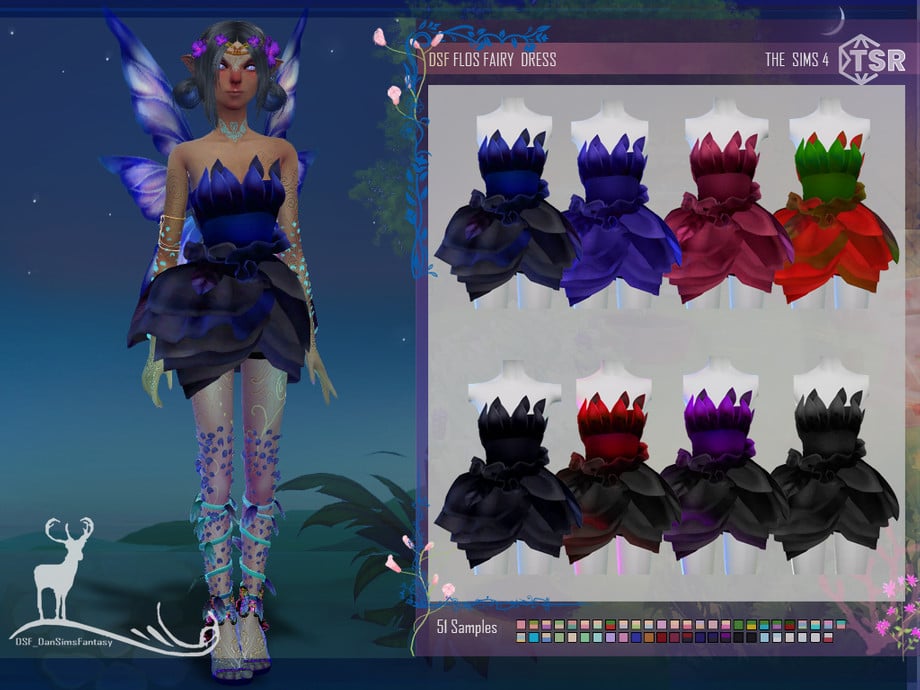
FLOS FAIRY DRESS by DanSimsFantasy
This gorgeous dress created by DanSimsFantasy is inspired by the Fuchsia flower and is the perfect addition for your own floral inspired fairy! There are a whopping 51 different swatches, as well as very dark swatches so you can create whatever aesthetic pleases you. (I also recommend DanSimFantasy’s Flos Fairy Wings accessories!)
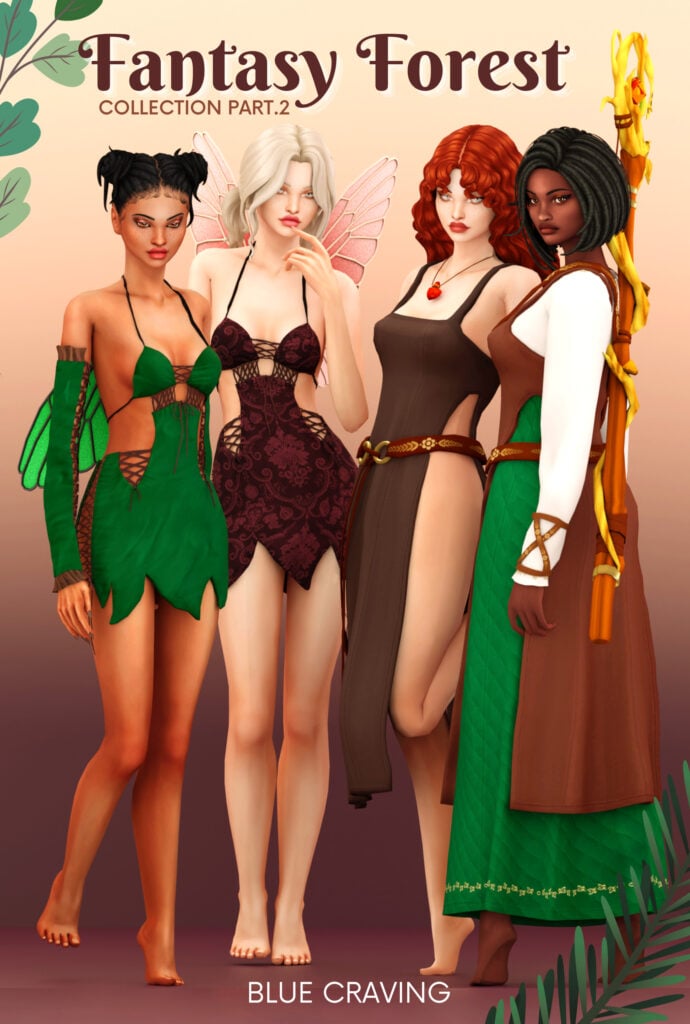
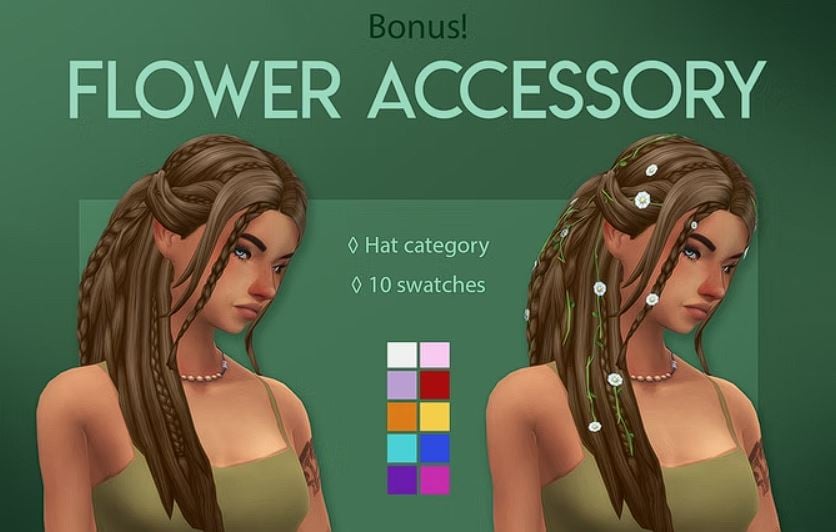
This CC collection by Blue Craving pulls together the perfect forest fairy vibe. (I recommend checking out Part 1 of this collection as well that’s dryad and wood elf themed!) This collection also includes a set of accessory fairy wings that you can download optionally if you don’t have Enchanted By Nature but still want to have a little fairy fun!
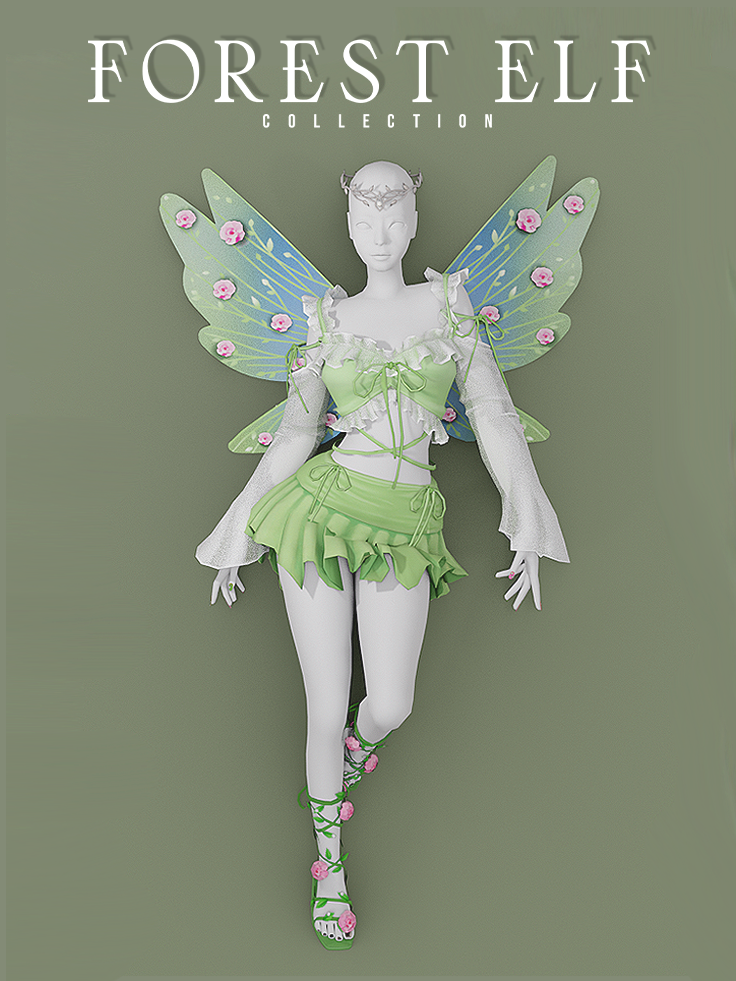
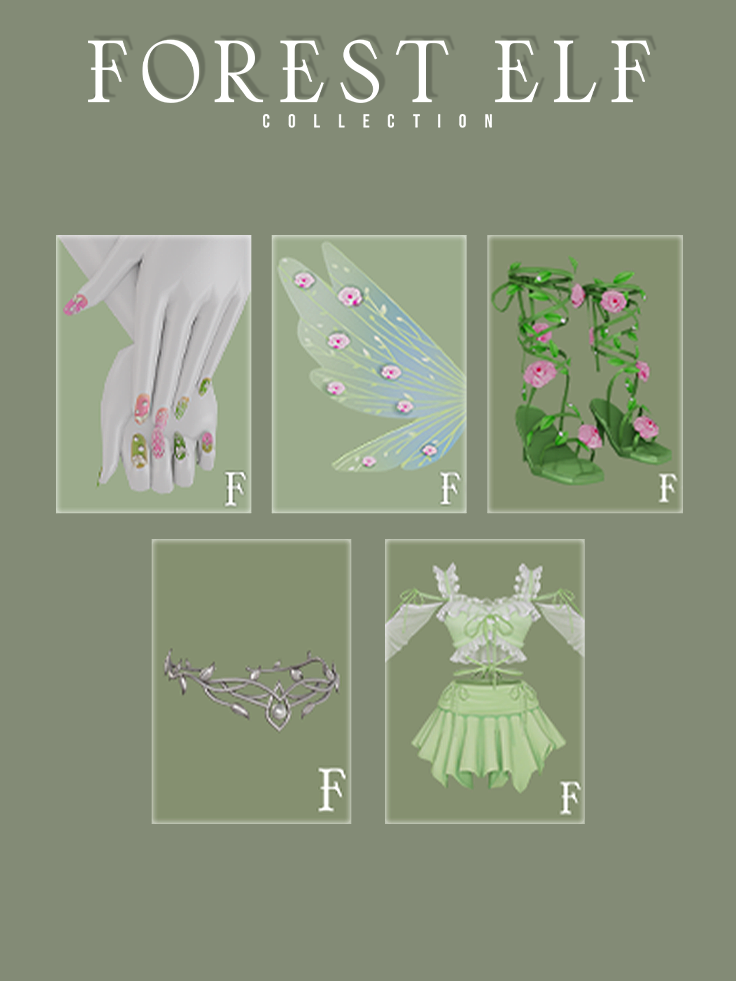
This dreamy collection by Learfxl includes shoes, a two-piece dress, whimsical patterned nails, a crown and accessory wings! The style of this collection is simply gorgeous and the outfit can be used for every day wear for human Sims, too!
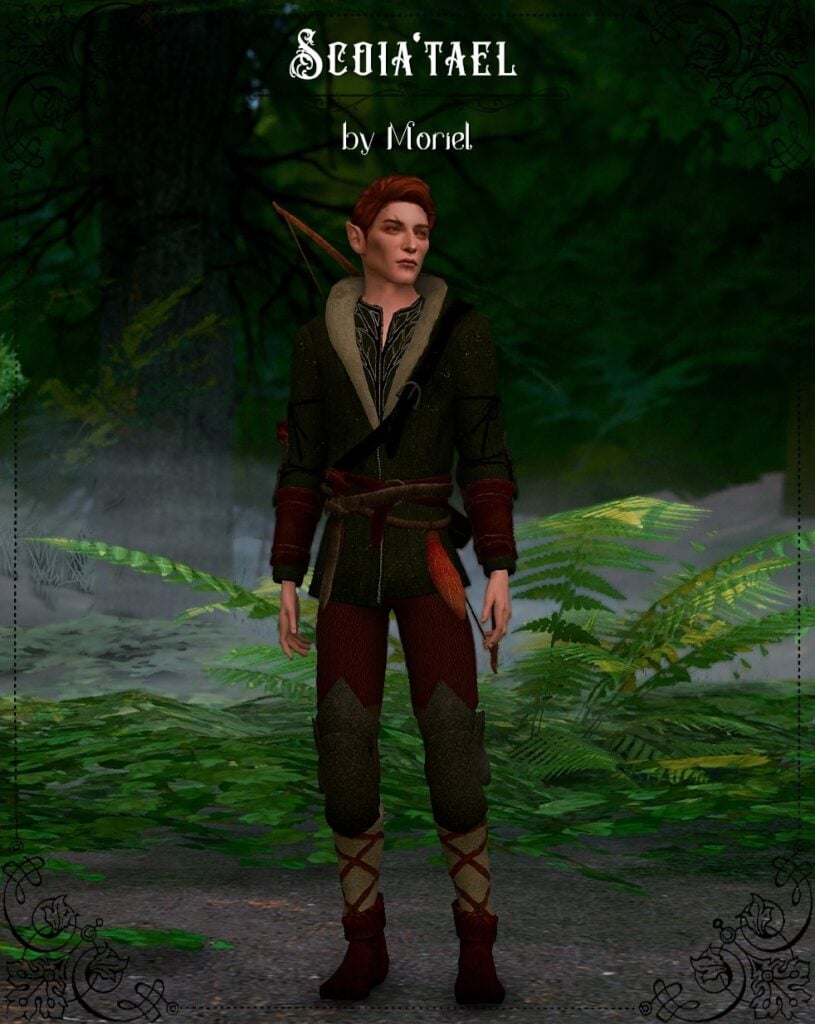
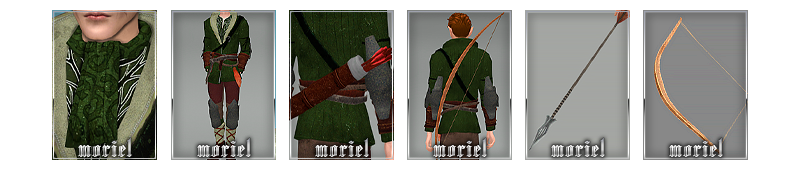
If you’re looking for a more medieval vibe for your masculine fairies, check out this set by Moriel! It includes a full body outfit, scarf, quiver and a bow and arrow (if you’re familiar with posing in the Sims 4, check out their Archer Pose Pack to use the accesories with!)
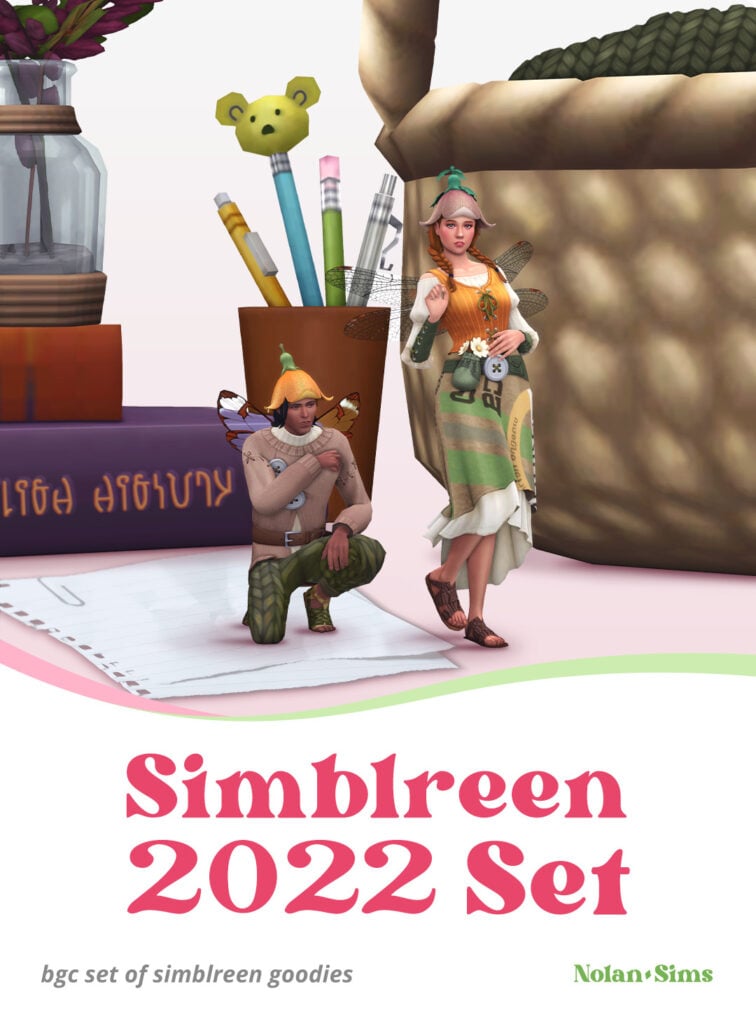
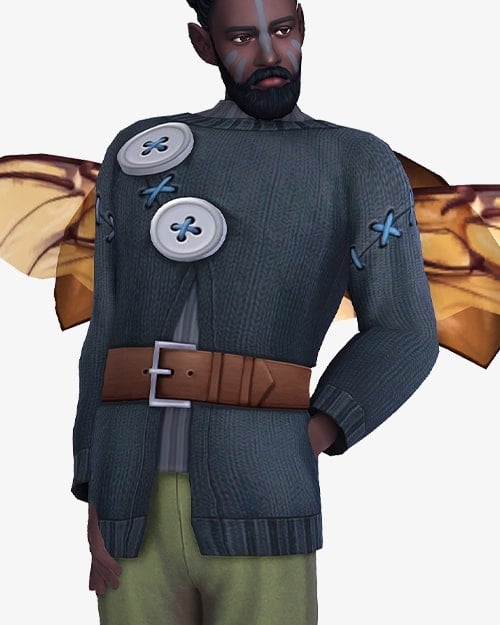
When I saw Nolan-Sims describe this collection as being partly inspired by The Borrowers, I got so excited! Since fairies in the Enchanted By Nature pack can transform into a small fairy, this set is perfect for our little enchanted Sims. I also love the flower hat!
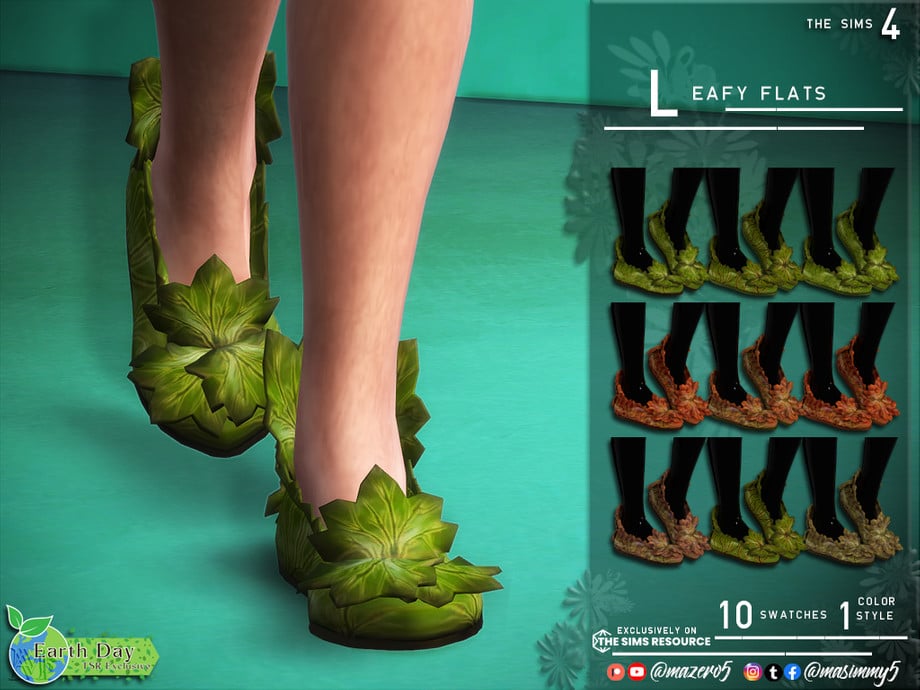
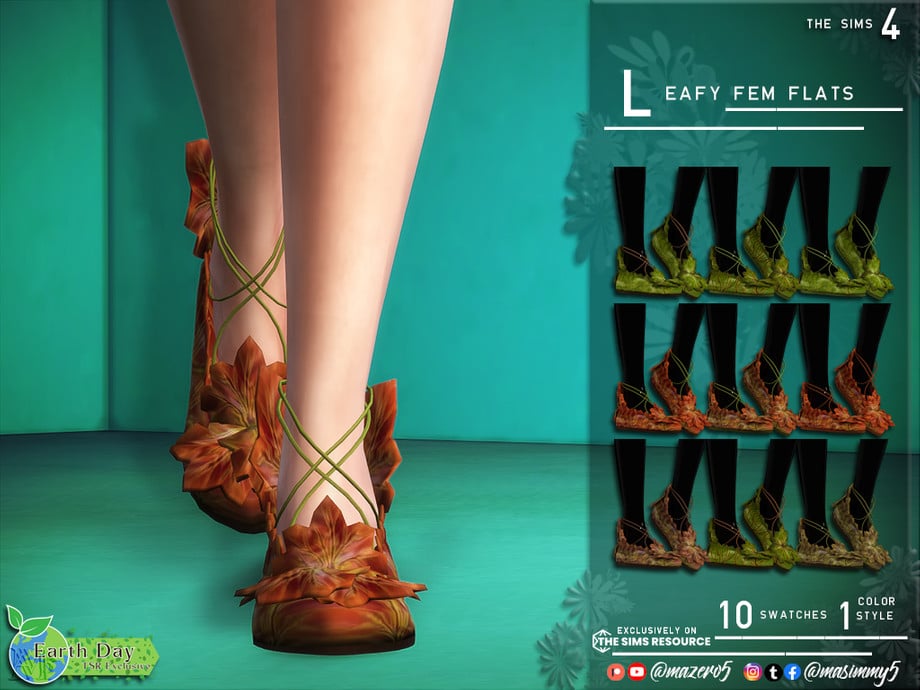
These leafy flats created by Mazero5 are the perfect addition for nature fairies and come in two different varieties, the masc frame Leafy Flats and the Leafy Fem Flats that have vine straps!
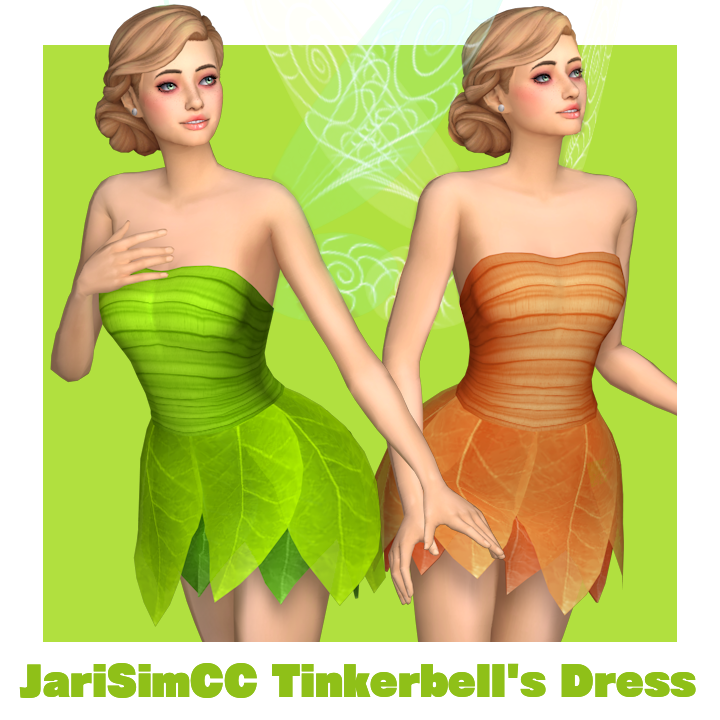
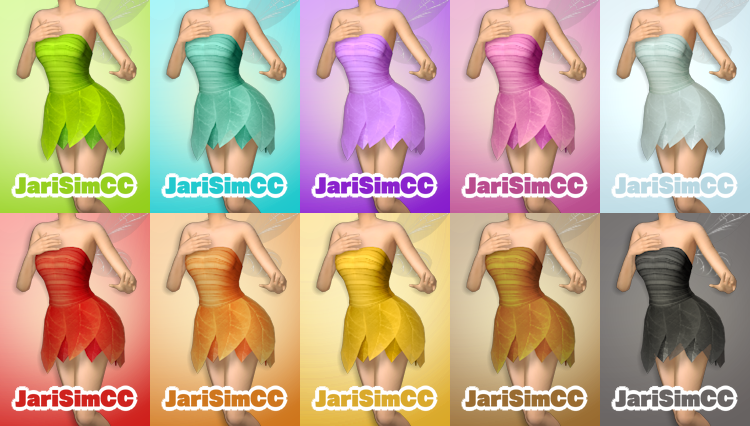
A beloved character to many, this Tinkerbell dress will make your Tinkerbell inspired Sim stand out! This dress by JariSimCC perfectly captures the essence of Tink and comes in 10 different swatches as well!
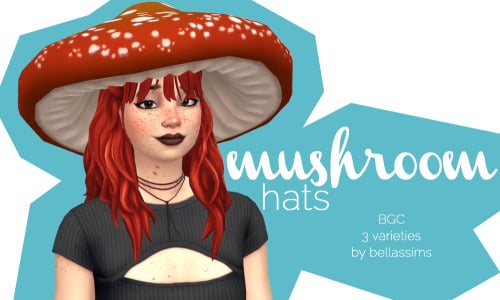
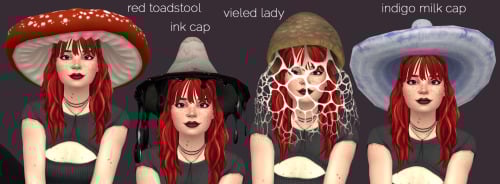
These quirky hats created by bellassims are inspired by real-life mushrooms and would look so cute on a fairy! This collection includes 4 different mushroom styled hats.
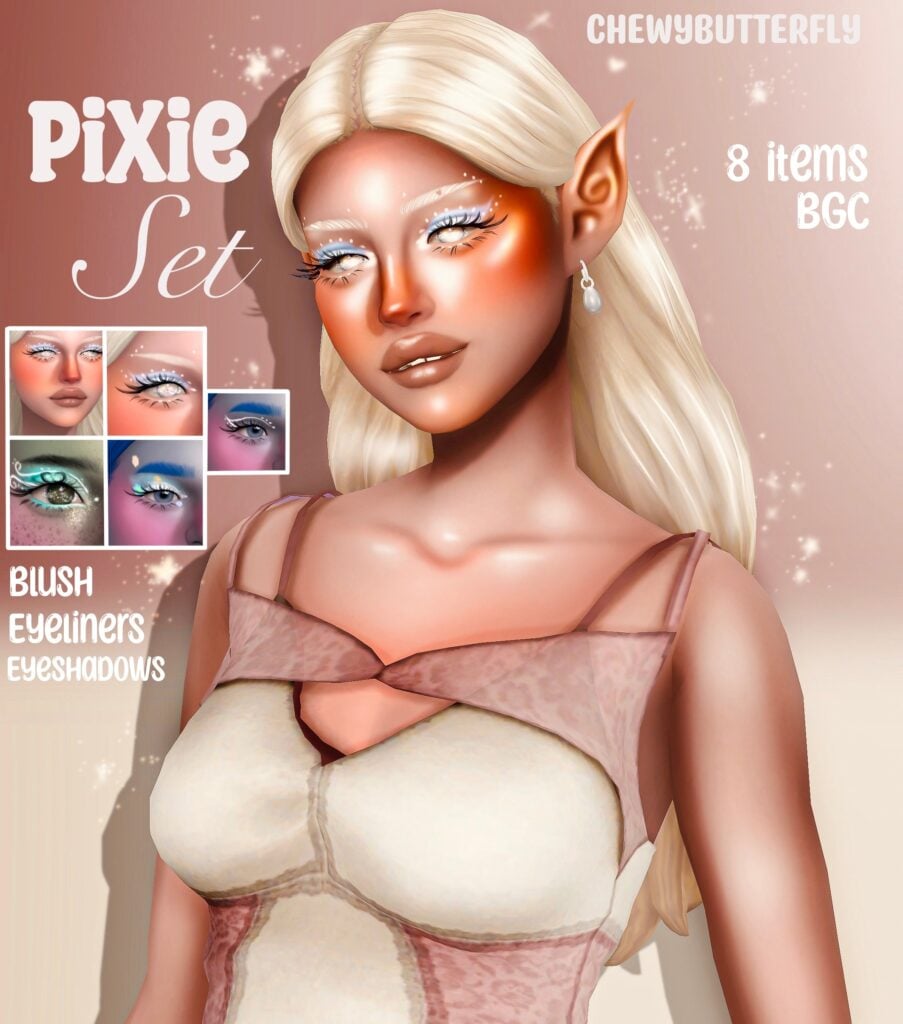
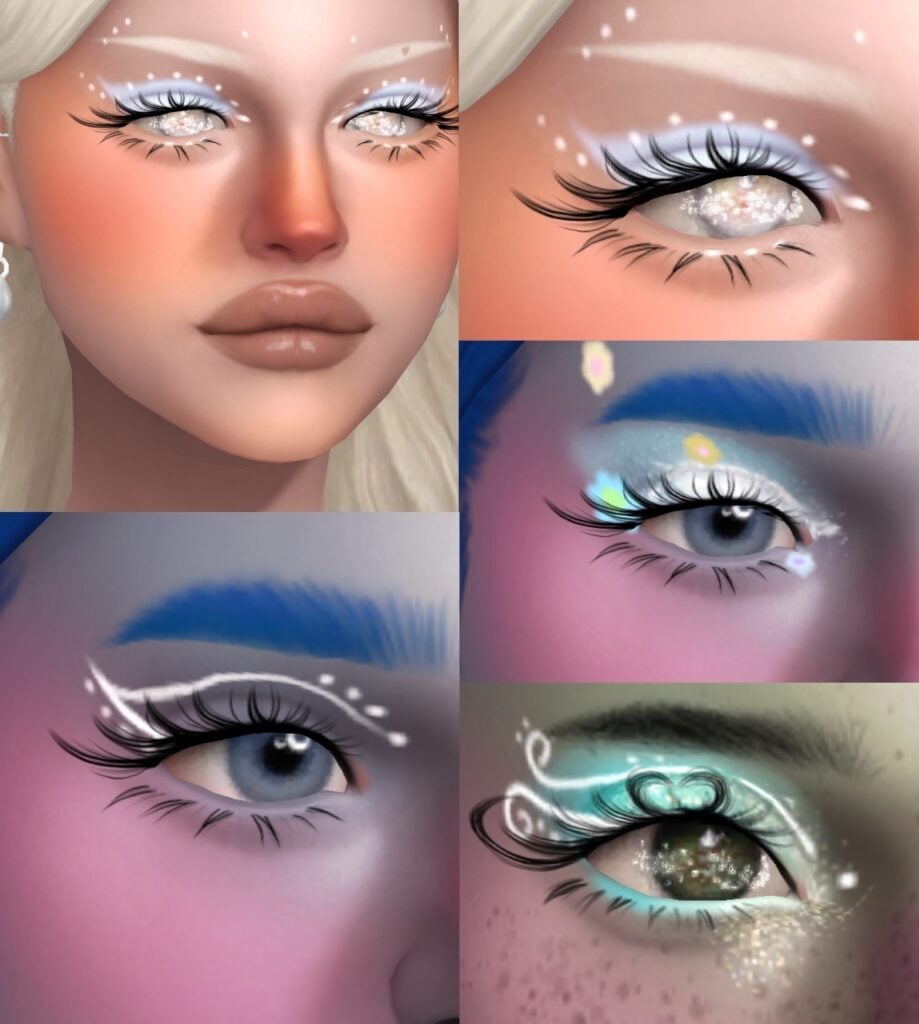
This makeup collection by chewybutterfly will make your fairy stand out and sparkle! This set includes 4 different eyeliners, 3 eyeshadows and 1 blush. (If you’re interested in the eyelashes, they’re from dreamgirl!)
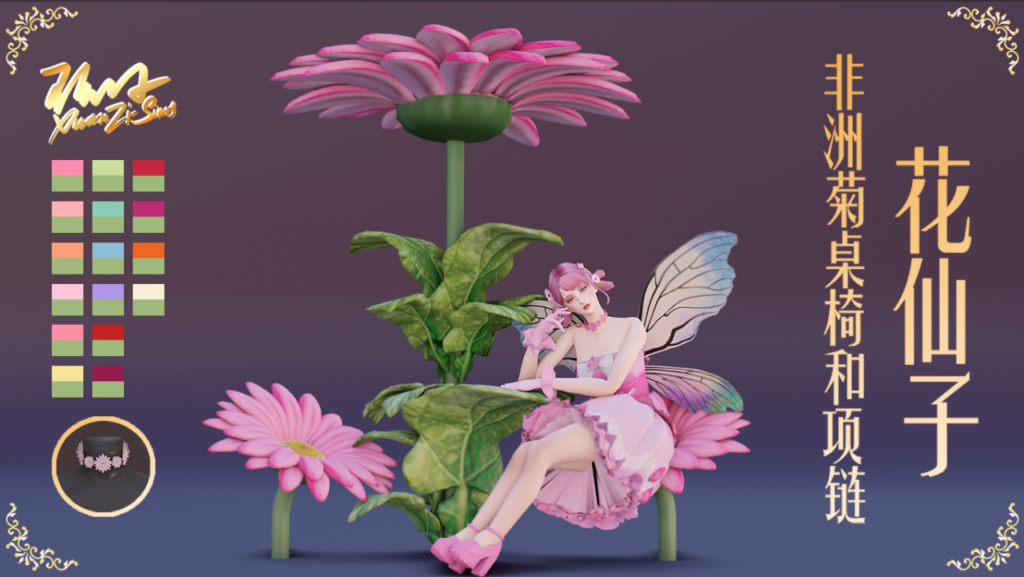
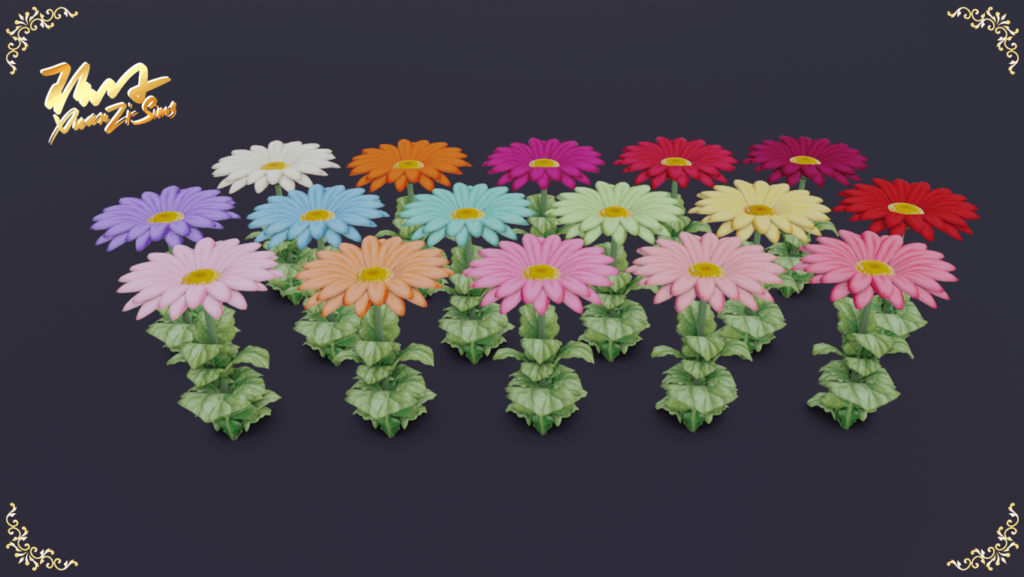
Gerbera Table And Chairs For Flower Fairy by XuanZiSims
This collection by XuanZiSims includes realistic flower seats and a matching table! This set would look super cute in your Sim’s backyard or at a whimsical fairy hangout.
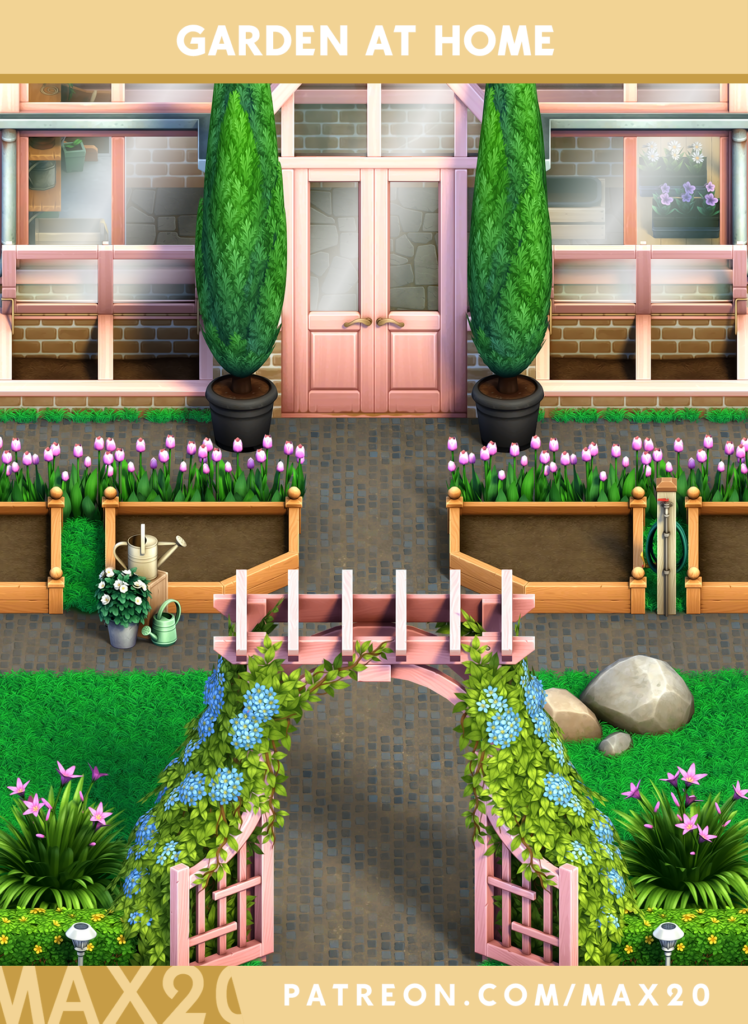
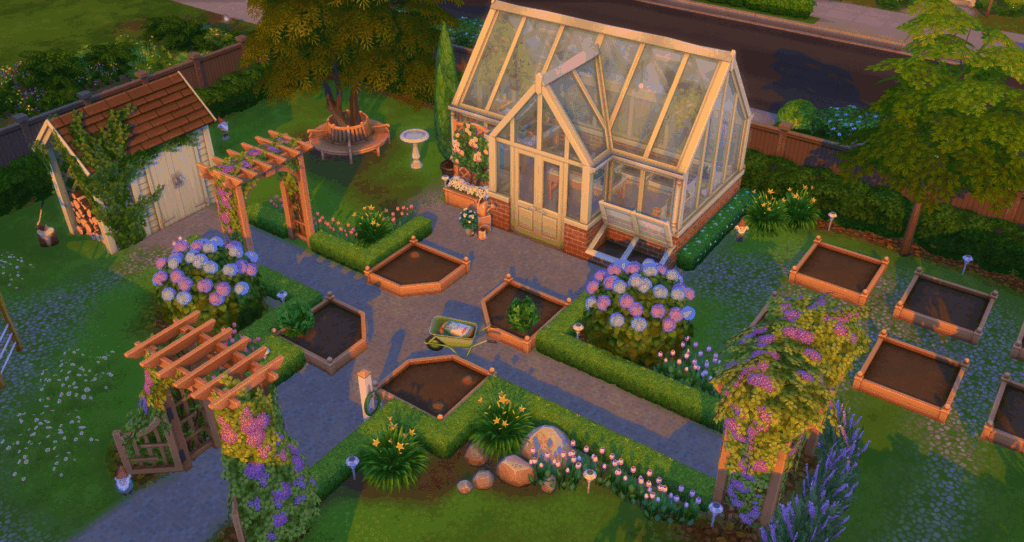
This CC collection by Max 20 comes with 35 different items, including a beautiful decorative greenhouse, several different types of planters, two terrain paints and more. Since Enchanted By Nature added houseplants and more gardening features, this CC collection is a must-have add-on for your Sims with a green thumb.
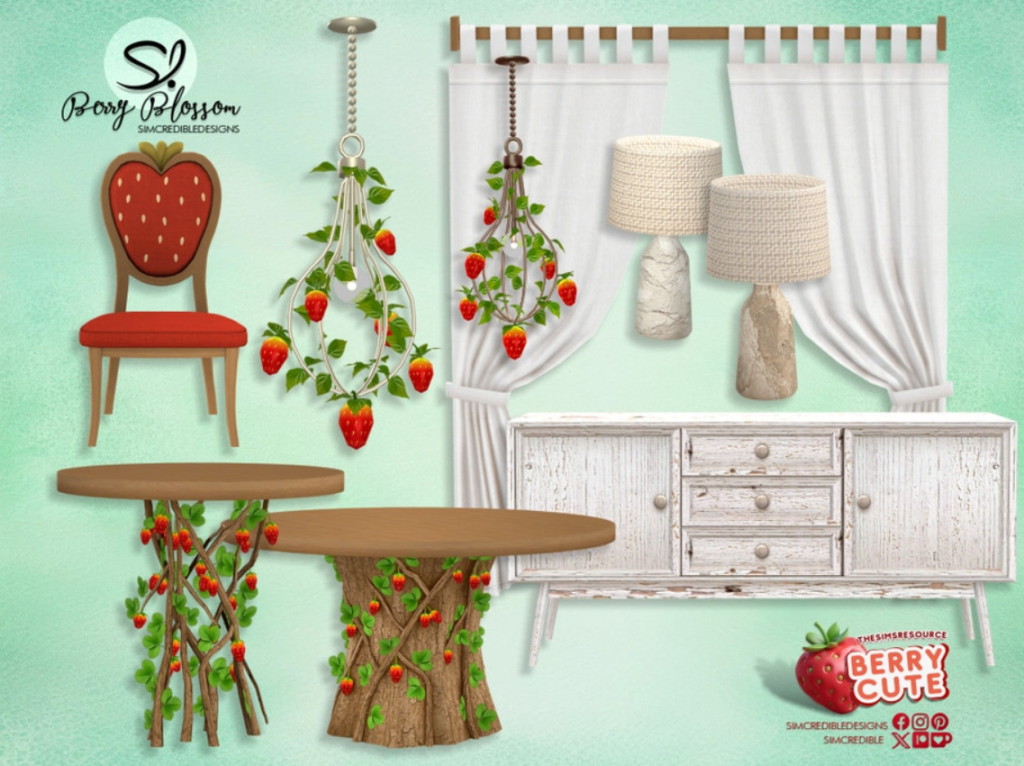
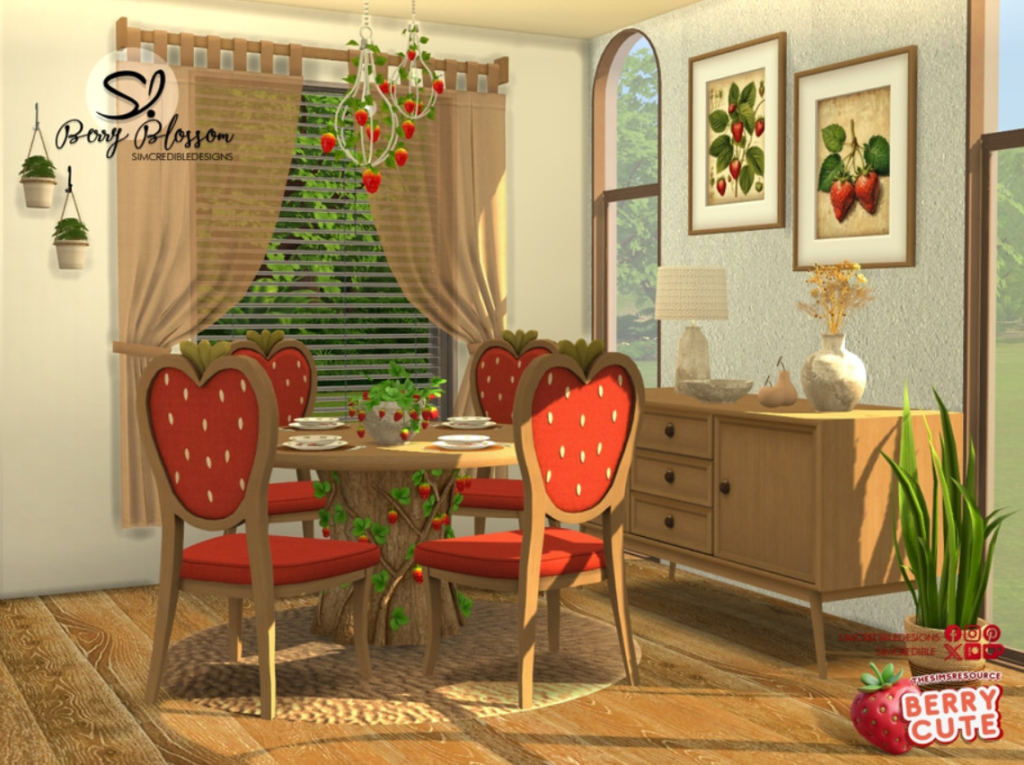
This berry cute set from SIMcredible! is the perfect fruity, woodsy addition to your Sim’s home, especially if they’re a garden fairy! This set includes two dining tables, a chair, ceiling lamps, table lamps and even curtains to really round off the room. (Also see – Berry Blossom Decor)
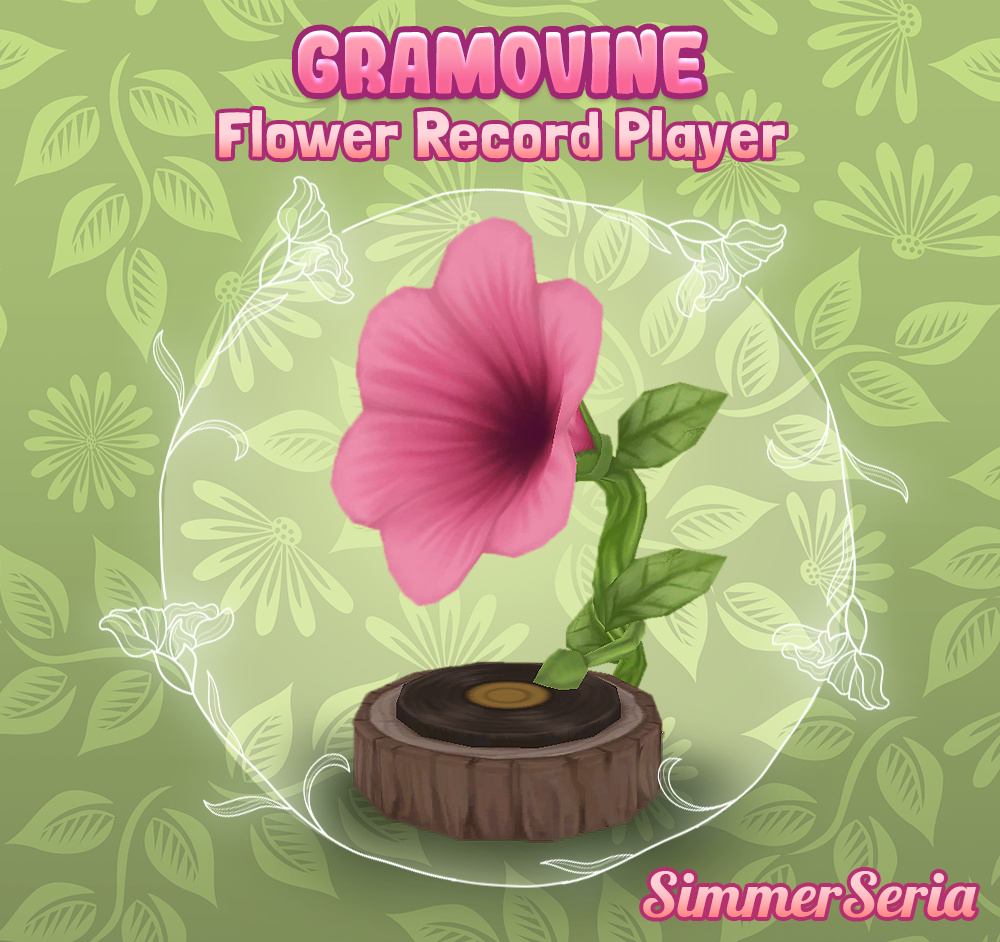
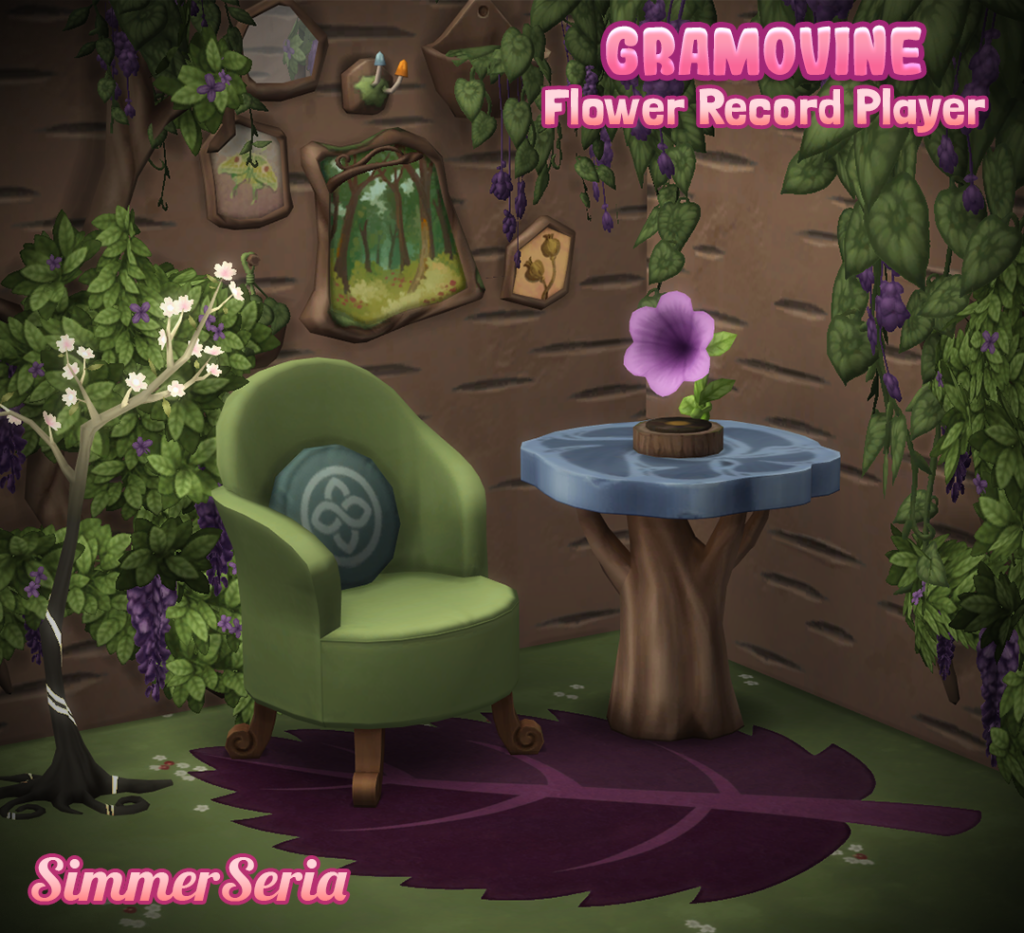
Sim’s love their tunes, so make their music sound even more magical with this beautiful, floral gramophone by SimmerSeria! It comes in 12 different swatches so it can match any color scheme of your Sim’s abode.
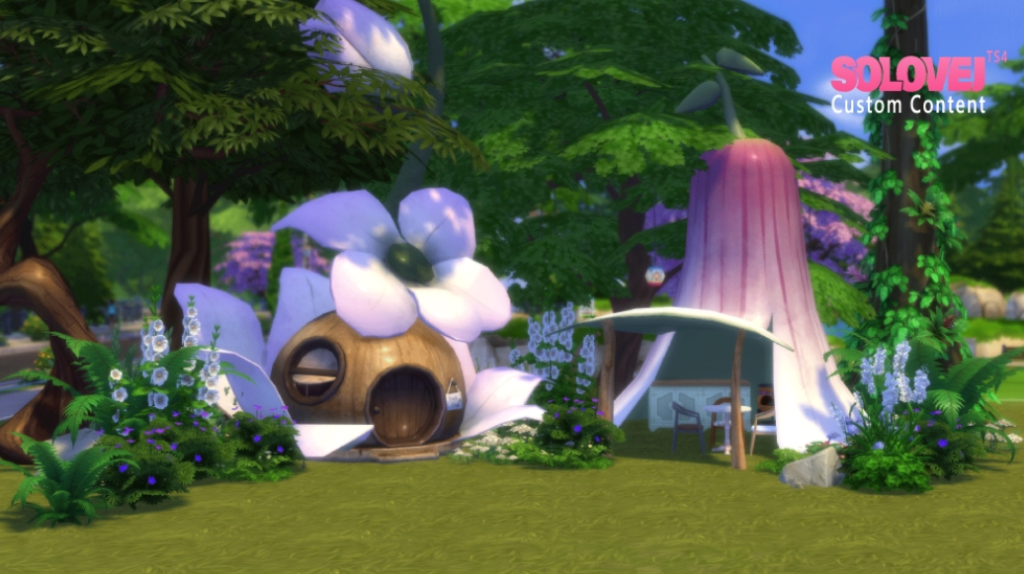
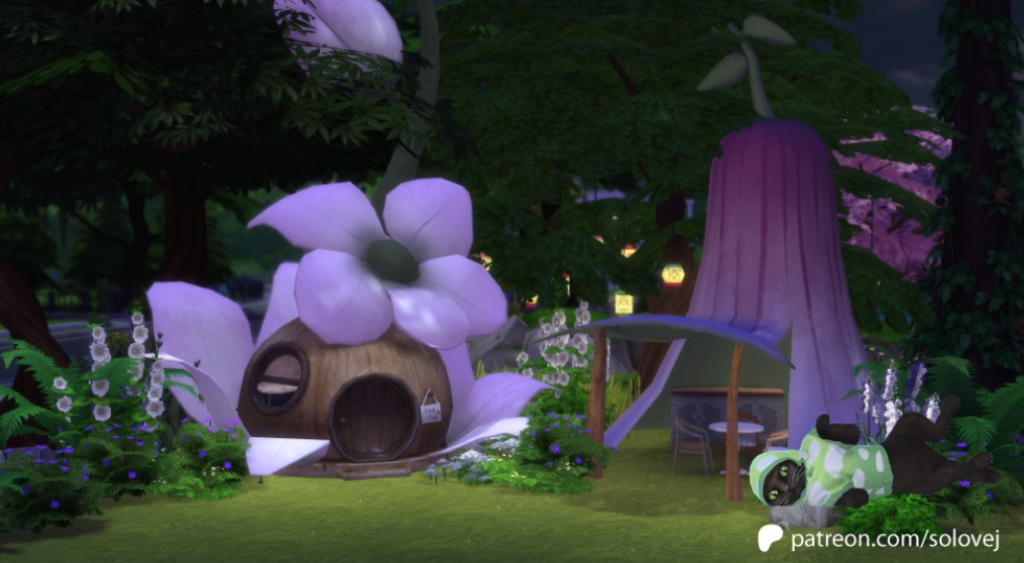
These whimsical pieces work as a tent and a canopy for your Sims, human and fairy alike! Solovej used florals and natural elements for this set and would blend in fantastically in Innisgreen.
After Community Concern, The Sims Team Has Issued a Statement On Community And Sims 4 Updates
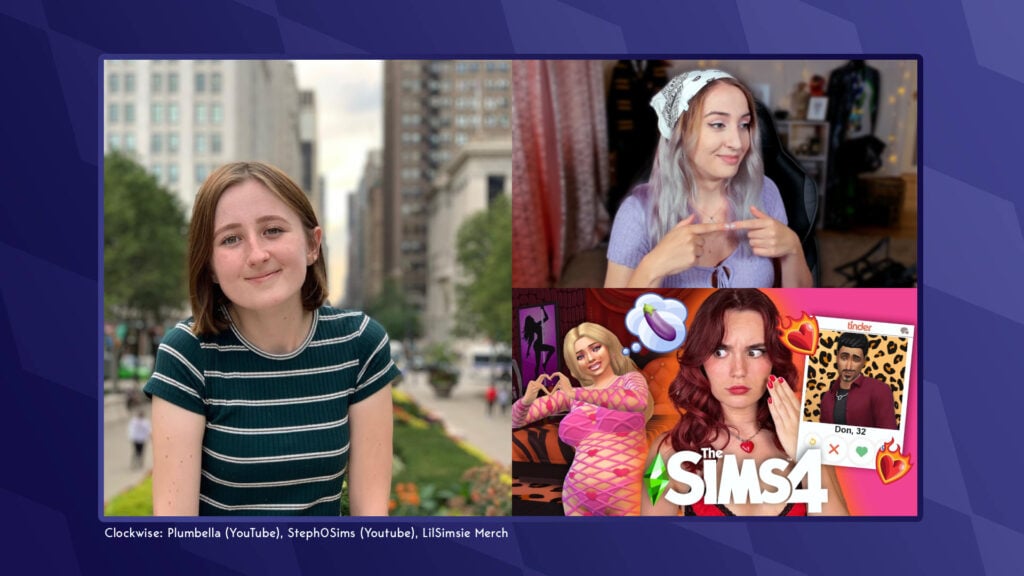
After the exit of several high-profile content creators yesterday, including LilSimsie, James Turner, Plumbella, and more from the EA Creator Network, The Sims Team has issued a statement on their values as a franchise and the future of The Sims 4 Updates. Take a look at the latest statement below!
Table of Contents
The Sims Team Official Statement
The Sims Team have released an official statement on both Instagram and X, reiterating their support for their diverse community, and the upcoming Sims 4 Updates. Take a read below:
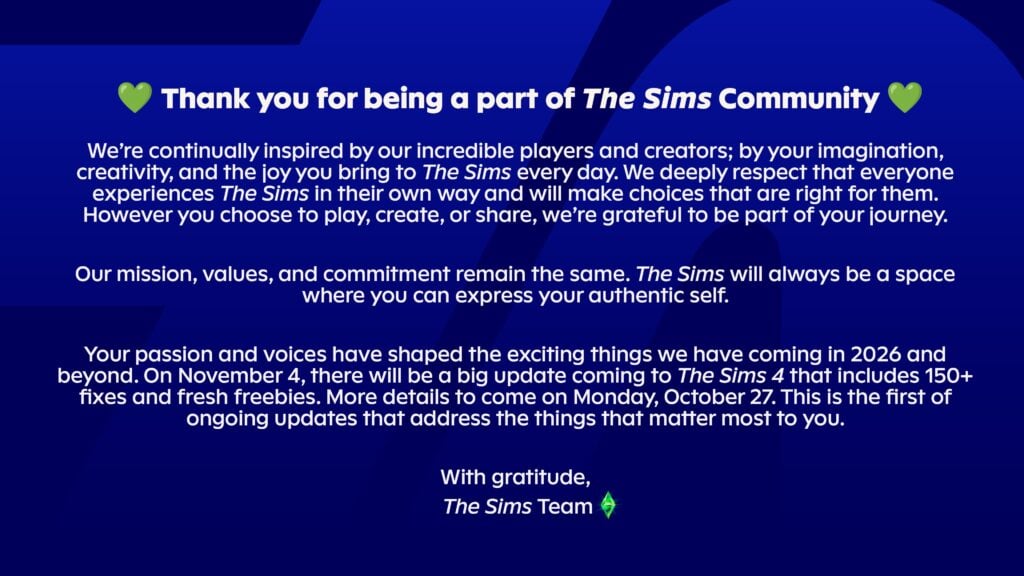
Thank you for being a part of The Sims Community
We’re continually inspired by our incredible players and creators; by your imagination, creativity, and the joy you bring to The Sims every day. We deeply respect that everyone experiences The Sims in their own way and will make choices that are right for them. However you choose to play, create, or share, we’re grateful to be part of your journey.
Our mission, values, and commitment remain the same. The Sims will always be a space where you can express your authentic self.
Your passion and voices have shaped the exciting things we have coming in 2026 and beyond. On November 4, there will be a big update coming to The Sims 4 that includes 150+ fixes and fresh freebies. More details to come on Monday, October 27. This is the first of ongoing updates that address the things that matter most to you.
This statement comes after a wave of exits by creators from the EA Creator Network yesterday and over the past couple of weeks. As concerns grow, it is expected that more creators will follow suit and pivot content to a wider selection of games within the Life Simulation genre.
The Sims 4 Updates: What Is To Come
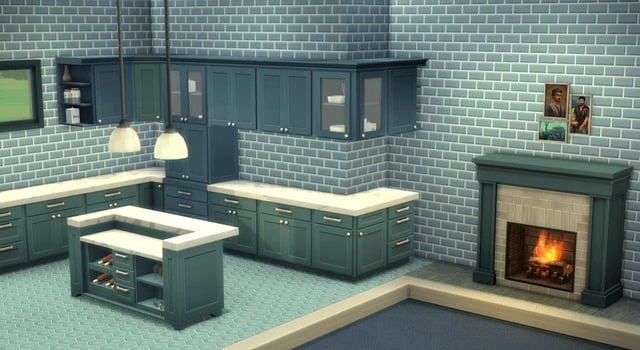
In the statement, The Sims Team have announced that the next Sims 4 Update will be a big one! This update will drop on November 4th for PC, Mac, and console players. Over 150 fixes will be introduced to the game, after a large focus on getting players to report issues via official channels over he last few months. Also included will be “fresh freebies”, which are expected to be content similar to the kitchen set from the February 2025 update. Only time will tell.
What are your thoughts on The Sims Teams’ latest update? Let us know below, and stay tuned to Sims Community for all the latest on The Sims 4 Updates!
Two new Sims 4 Creator Kits are expected to launch November 13th, with small order change to EP21.
The internal order of upcoming Sims 4 DLC releases keeps changing, with no official Roadmap in sight on The Sims social channels other than what was leaked in late August 2025.
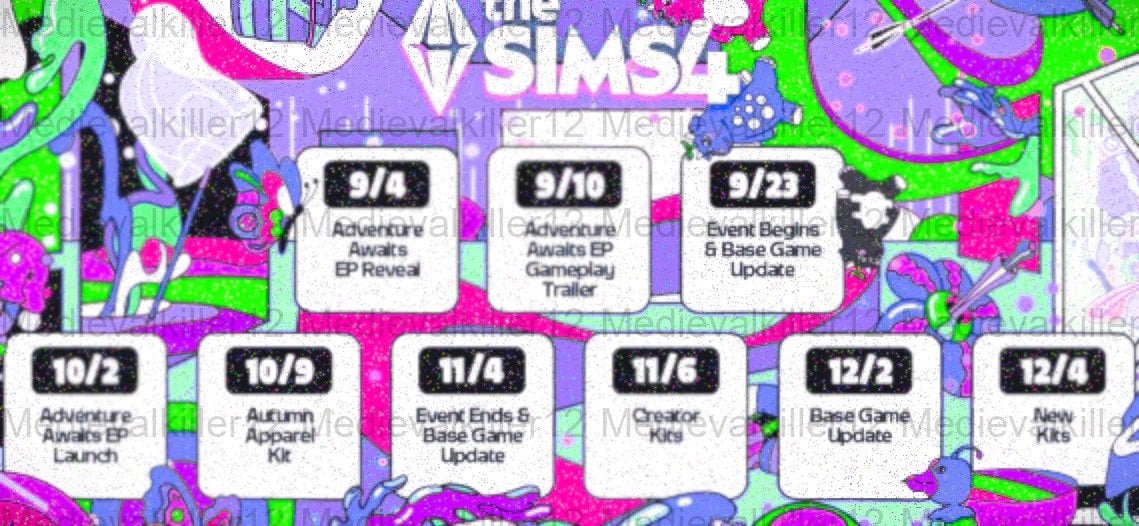
The big November 4th Update for The Sims 4 has been additionally confirmed in a letter to EA Creators, but what follows after in the Roadmap has been changed. The leaked September to December 2025 Roadmap suggested new The Sims 4 Creator Kits to come out on November 6th, 2025. However, a recent discovery now confirms that the two Creator Kits have been scheduled for November 13th, 2025.
The original leaked roadmap for The Sims 4
Anadius spotted some interesting developments behind the scenes, suggesting that two new Creator Kits now have an updated release date. On top of that, the next Sims 4 Expansion Pack (codenamed EP21 until we know the full name) has been rescheduled again. This time switching it from 110th DLC release to 109th.
The code miner expects that all upcoming releases to that point will be Sims 4 Kit releases in some shape or form. Starting with two new ones on November 13th.
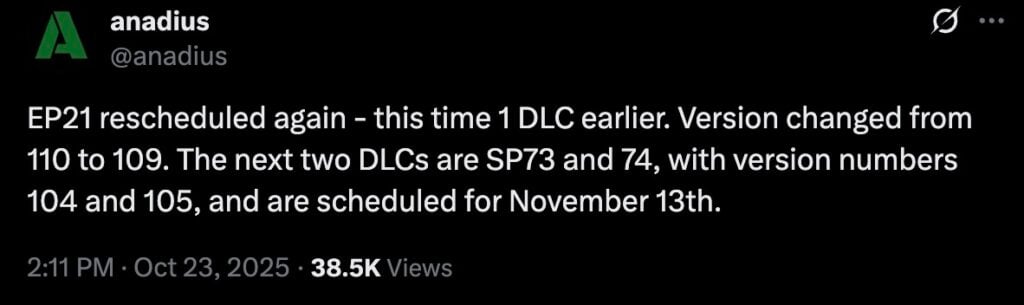
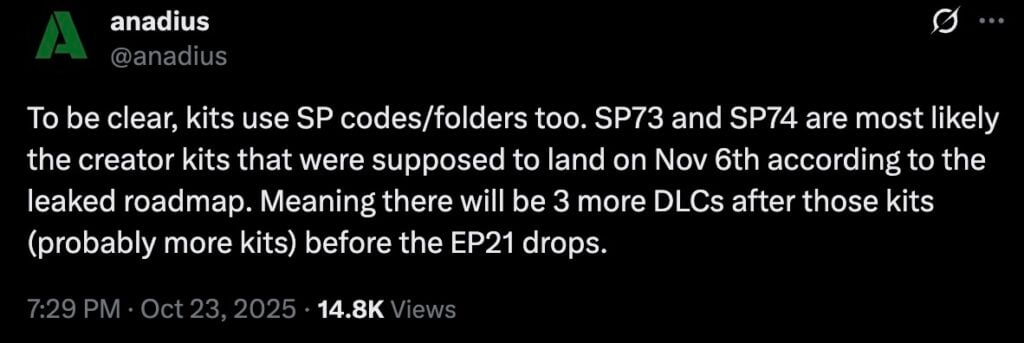
EP21 rescheduled again – this time 1 DLC earlier. Version changed from 110 to 109. The next two DLCs are SP73 and 74, with version numbers 104 and 105, and are scheduled for November 13th.
To be clear, kits use SP codes/folders too. SP73 and SP74 are most likely the creator kits that were supposed to land on Nov 6th according to the leaked roadmap. Meaning there will be 3 more DLCs after those kits (probably more kits) before the EP21 drops.
If all goes through as spotted in the current behind the scenes pack release order, The Sims 4 Expansion Pack 21 is just three Kit releases away after November 13th from being announced / released.
What are your thoughts on the next Sims 4 Kits releasing in a couple of weeks? Join the discussion below and stay tuned for more Sims News here on Sims Community.
Electronic Arts announces partnership with Stability AI to infuse generative AI into the workflow.
EA Games is hoping to speed up its workflow using AI including multiple game development areas. The first to come up with this idea was no other than EA’s CEO Andrew Wilson, who talked about investing into AI for a few months now. It was discussed in September 2024 how generative AI would impact frontend users and players including The Sims.
After reports that EA’s new controversial investors are betting into AI for cutting costs, the newest official announcement from EA’s Newsroom confirms just that. Electronic Arts is partnering with company Stability AI to introduce generative AI practices into the game development.
From visual effects to textures and physics, EA is hoping to speed up its processes of turning imagination into reality using Gen AI. The CEOs and executives at Electronic Arts are saying that this won’t replace the current work done by artists, designers and developers working on their games.
We aren’t exactly sure if that statement will stand correct in a few months / years time though, considering that introduction of AI tools in behind the scenes of development would also mean feeding the AI algorithm with developer’s input, decisions and creativity. Making the developer’s best practices and decisions a part of the in-house AI data and tools.
It can draft, generate, and analyze, but it can’t imagine, empathize, or dream. That’s the work of EA’s extraordinary artists, designers, developers, storytellers, and innovators – said the PR statement down below. But we’re not entirely sure if it’ll hold down a few months / years down the line when the inevitable $20 billion dollar debt payout starts cashing out. And how it’ll affect the current workforce developing multiple game franchises at EA.
Read the full statement from EA about this partnership down below:
At Electronic Arts, creativity isn’t just part of what we do, it’s what drives us forward. It’s what transforms a blank canvas into a living, breathing world, and turns a single idea into an experience shared and loved by millions of players and fans around the globe.
For more than 40 years, EA has led through technological shifts across interactive entertainment, redefining what is possible for our global community of players. At the core of that progress is the belief that technology powers creativity – amplifying imagination, accelerating expression, and enabling our teams to deliver bold, new experiences that inspire the world to play.
Machine Learning and Artificial Intelligence (AI) have long been cornerstones of innovation at EA — powering everything from intelligent gameplay and real-time animation to physics simulation, pathfinding solutions, and more efficient development pipelines.
Today, we’re taking the next step on that journey.
Electronic Arts is excited to announce a partnership with Stability AI, to co-develop transformative AI models, tools, and workflows that empower our artists, designers, and developers to reimagine how content is built. A global leader in generative technology, Stability AI’s work is revolutionizing visual media.
Empowering our teams
With humans at the center of storytelling, we’re evolving how we work so that AI becomes a trusted ally: supporting faster iteration, expanding creative possibilities, accelerating workflows, and allowing more time to focus on what matters most – building world-class games and experiences that entertain massive online communities. It can draft, generate, and analyze, but it can’t imagine, empathize, or dream. That’s the work of EA’s extraordinary artists, designers, developers, storytellers, and innovators.
Simply put, this partnership will help empower our creatives to do what they do best.
“Creativity has always been at the heart of everything our teams do,” says Kallol Mitra, VP of Creative Innovation at EA. “Together with Stability AI, we’re amplifying that creativity. Giving artists, designers, and developers the power to dream bigger and build more.”
“I use the term smarter paintbrushes,” says Steve Kestell, Head of Technical Art for EA SPORTS. “We are giving our creatives the tools to express what they want. Tools that will allow creativity to get directly from people’s minds, and into our experiences.”
Igniting potential
Among the first initiatives of this collaboration will be to accelerate the creation of Physically Based Rendering (PBR) materials through the development of new artist-driven workflows – for example, tools that generate 2D textures that maintain exact color and light accuracy across any environment.
Whether it’s the flash of color of a football jersey under a floodlit stadium or the subtle gleam of a coffee table in soft morning light, these textures help objects in a virtual world look and feel as the artist envisioned, and we’ll now be able to do this faster and with higher quality.
For years, Machine Learning and AI have enabled our teams to develop technologies like HeadStart, which leverages photos to create authentic in-game likenesses. This partnership will allow us to bring that same speed and scale to the entire 3D space by accelerating the content creation process and ultimately allowing our artists to do more.
Beyond individual assets, the partnership explores AI systems that can pre-visualize entire 3D environments from a series of intentional prompts, allowing artists to creatively direct the generation of game content.
These advancements open exciting new doors for rapid prototyping and visual storytelling, allowing artists and developers to ideate, visualize, and refine gameplay experiences at a faster pace and with greater scale.
These are just a few examples of what is to come.
“EA has always been, and will continue to be, at the forefront of technology, innovation, and play,” says Rick Stringfellow, Head of Visual Content for EA Entertainment. “Partnerships like this are how we evolve the craft of game-making and give our teams the tools to tell deeper, more meaningful stories.”
“EA is a pioneer in interactive entertainment and understands that innovation begins with the creator,” said Prem Akkaraju, CEO of Stability AI. “At Stability AI, we put creators at the center and build around their specific needs. By embedding our 3D research team directly with EA’s artists and developers we’ll unlock the next level in world-building power. This kind of progress is only possible through deep partnership, where scientists and creators work side by side.”
The future is interactive and we’re building it now
The future of creativity at EA is brighter than ever.
With partners like Stability AI, we’re opening new creative frontiers that will shape how our teams design, build, and bring experiences to players around the world. These tools are helping our artists, designers, and developers do what they do best—tell incredible stories, craft unforgettable worlds, and deliver moments that inspire the world to play.
Innovation has always fueled progress at EA, but it’s our people and their imagination, artistry, and passion who make the experiences. And together, we can’t wait to see what comes next.
What are your thoughts about EA introducing AI into the game development processes? Join the discussion down below and stay tuned for more EA updates!
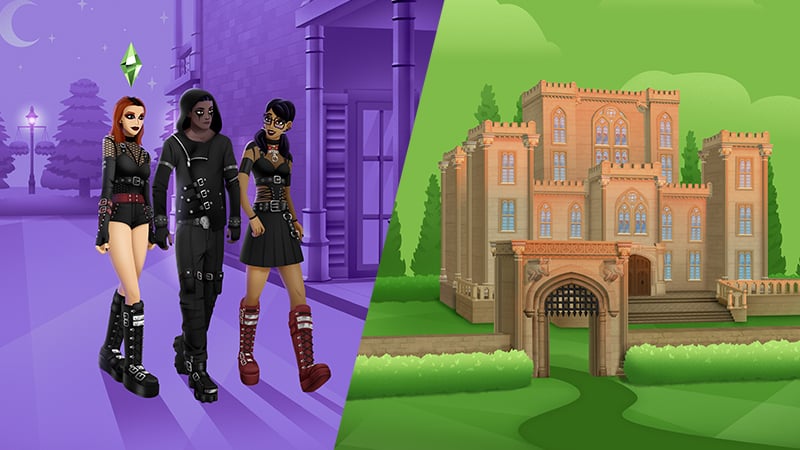
Today there appears to be a new offer. Also assumed to be very limited of a few days only. This time around merging Goth Galore (CAS) and Castle Estate (Build) Kits into another $6.99USD deal. Available across Desktop and Console platforms.
Get inspired by the majesty of castles and build using gothic arches, stackable ornate windows, grand staircases, gorgeous stonework, and a large portcullis gate. It’s all about the gravitas. Create the perfect dramatic backdrop for your dark new wardrobe of leather and mesh. Your Sims will flirt with their dark sides in styles that are perfect for everyday wear, parties, or any occasion where they want to stand out.
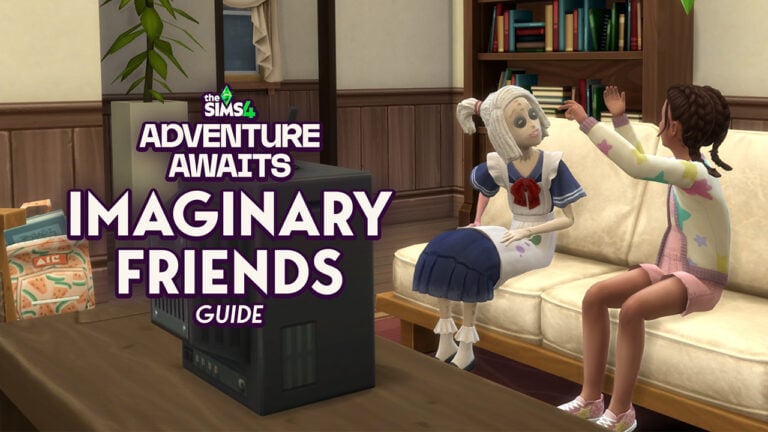
Imaginary Friends from The Sims 4: Adventure Awaits are your Child’s new favorite toy, doll, and bestie all wrapped up in one!
Table of Contents
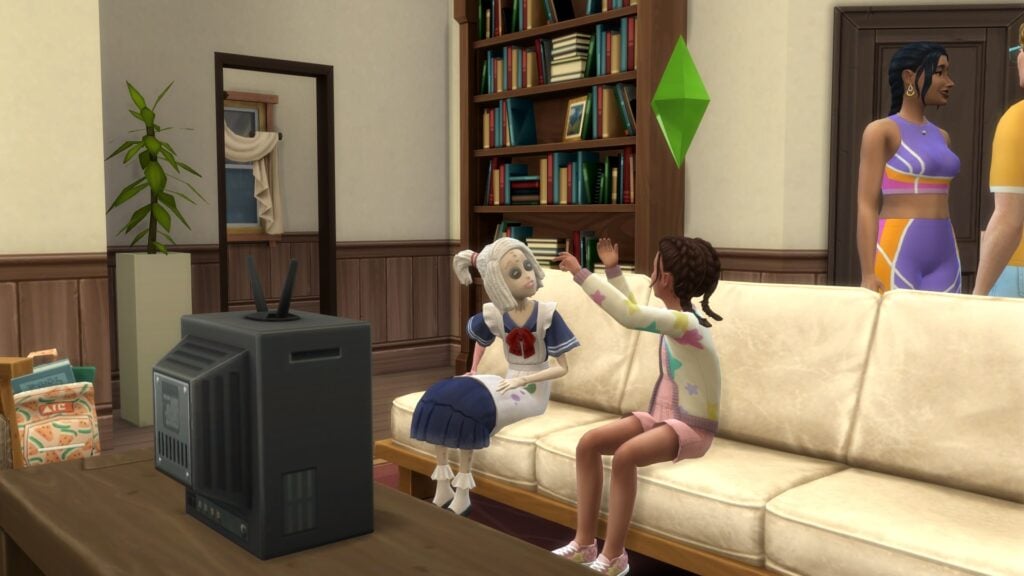
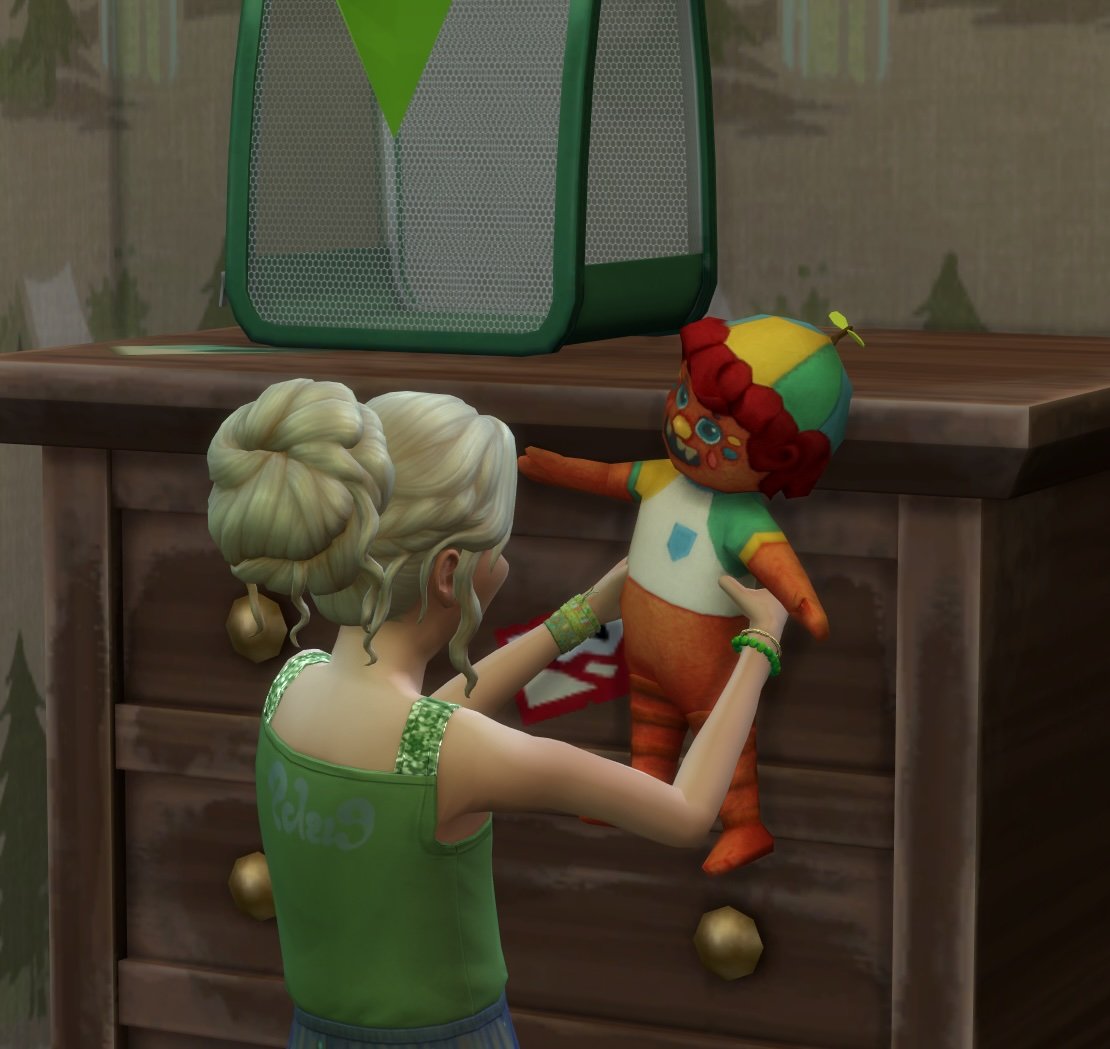
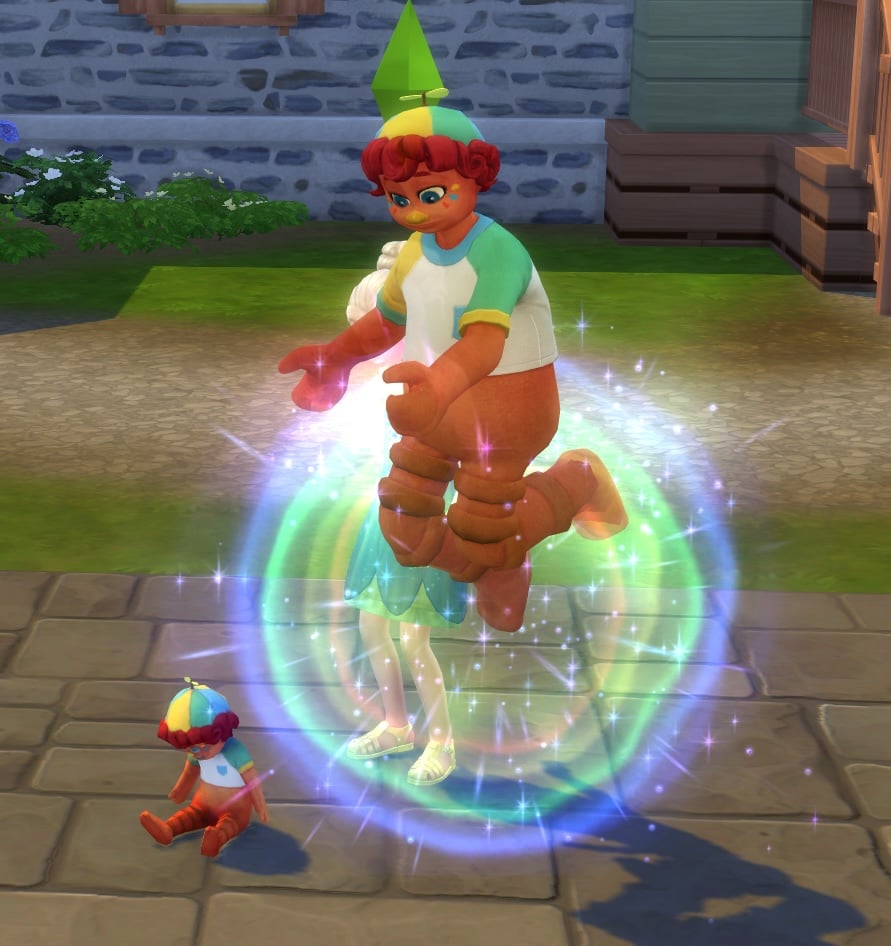
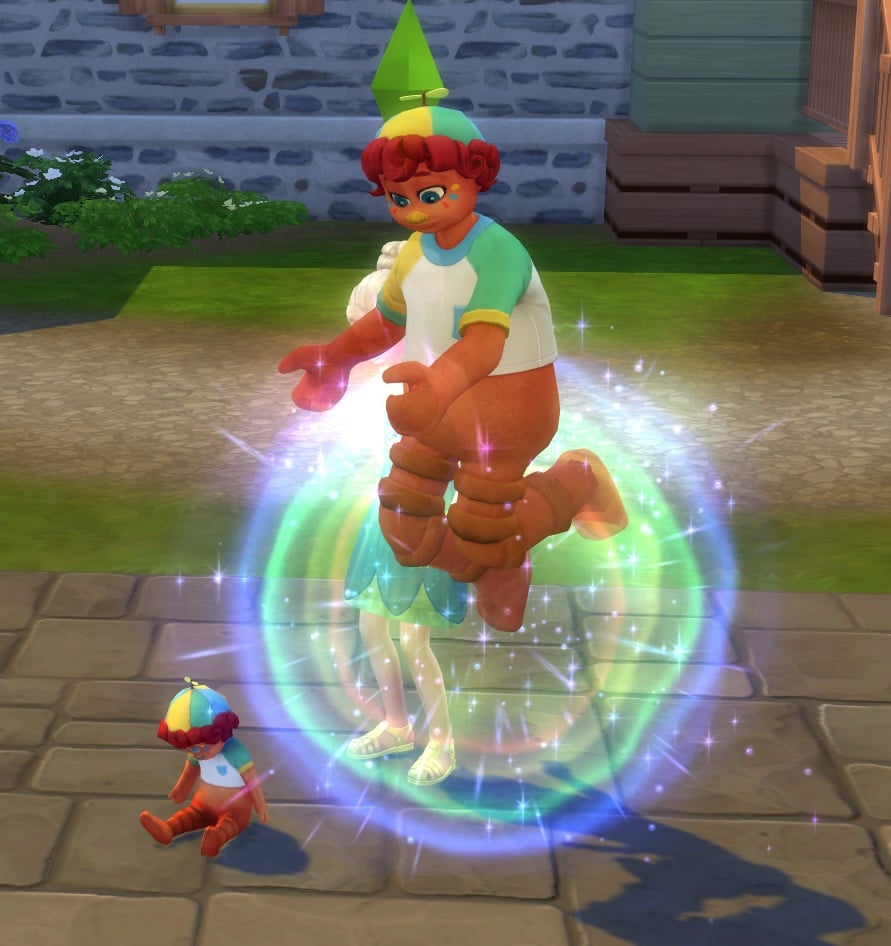
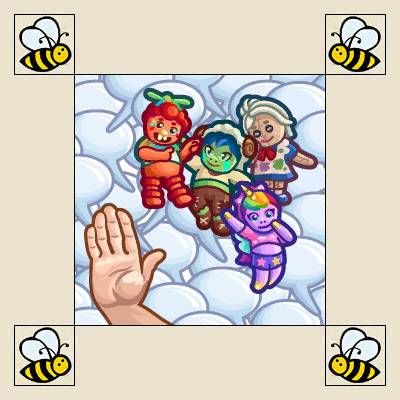
Imaginary Friends start out their existence as ImagineMe! Dolls. Child Sims can bond with their dolls by playing and interacting with them, eventually letting your Child turn their doll into a full-on Imaginary Friend that only they can see.
Who are the Imaginary Friends?
There are four Imaginary Friends in The Sims 4: Adventure Awaits. Each has their own unique personality and can be purchased in Buy Mode for 500 Simoleons.
The Sims 4 Imaginary Friends
Description
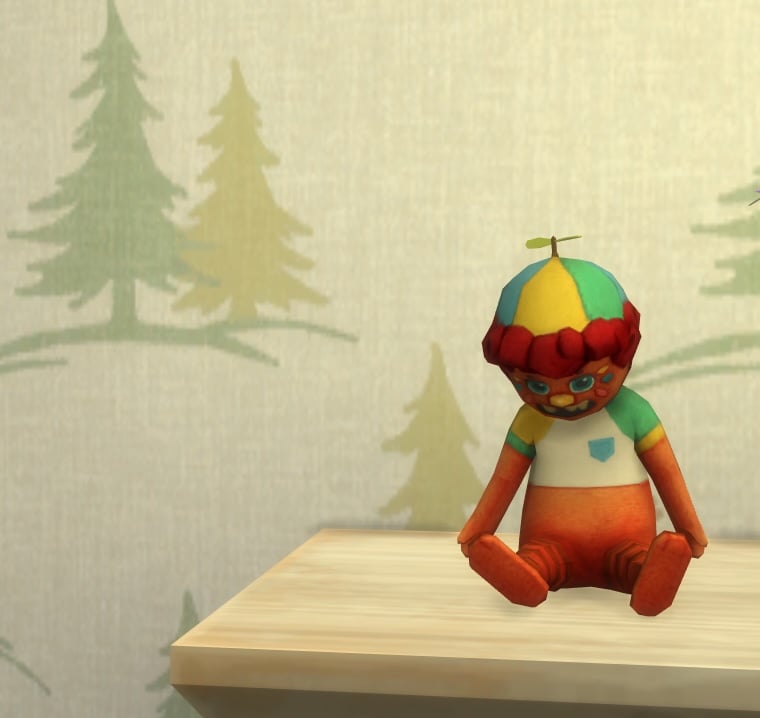
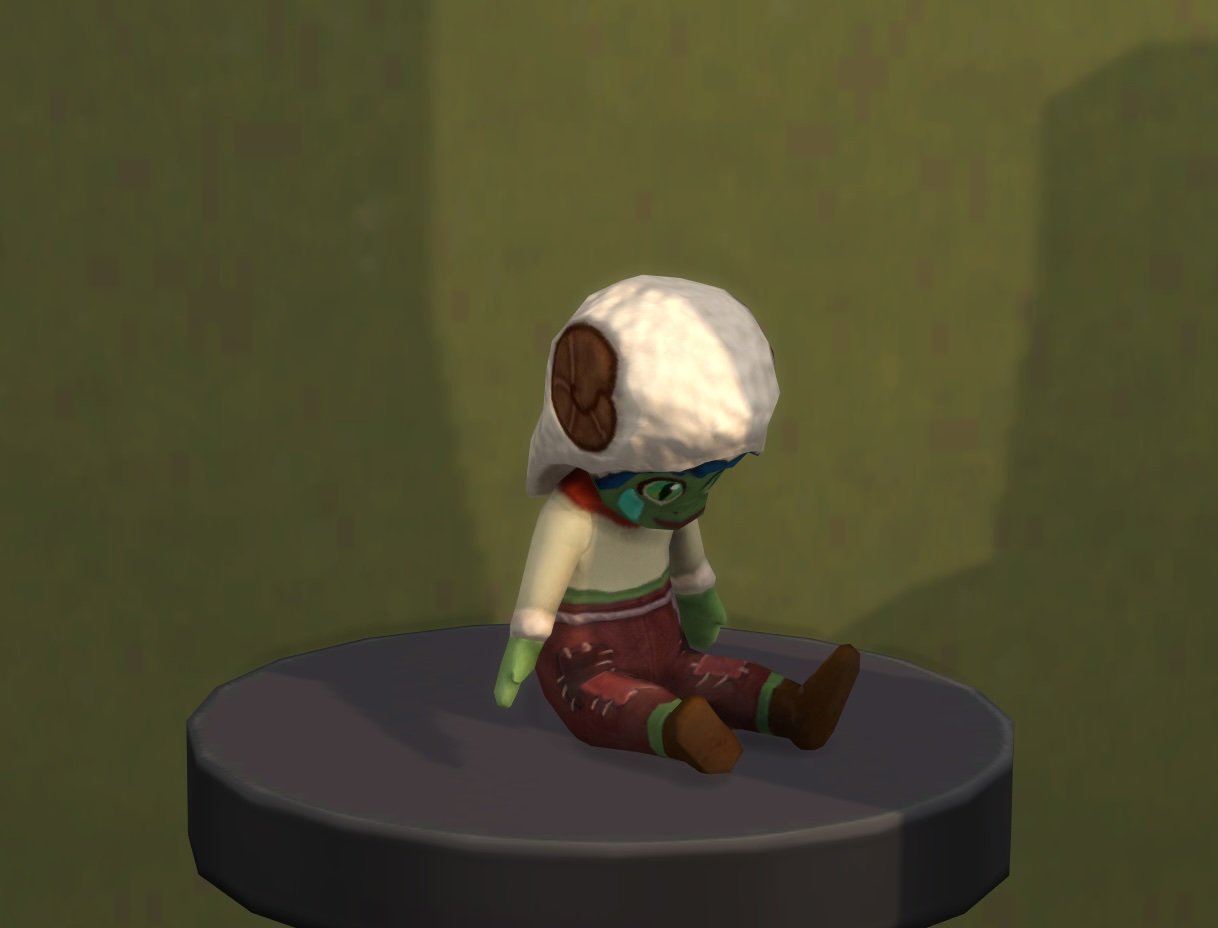
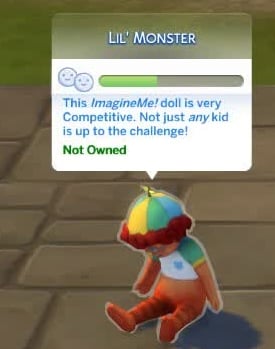
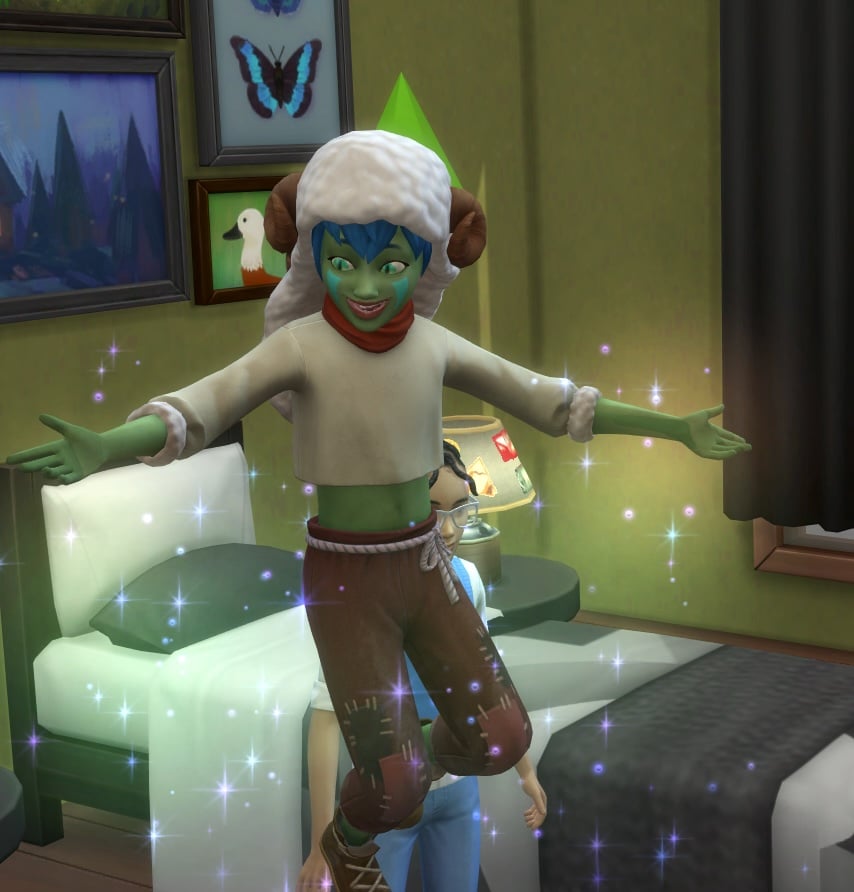
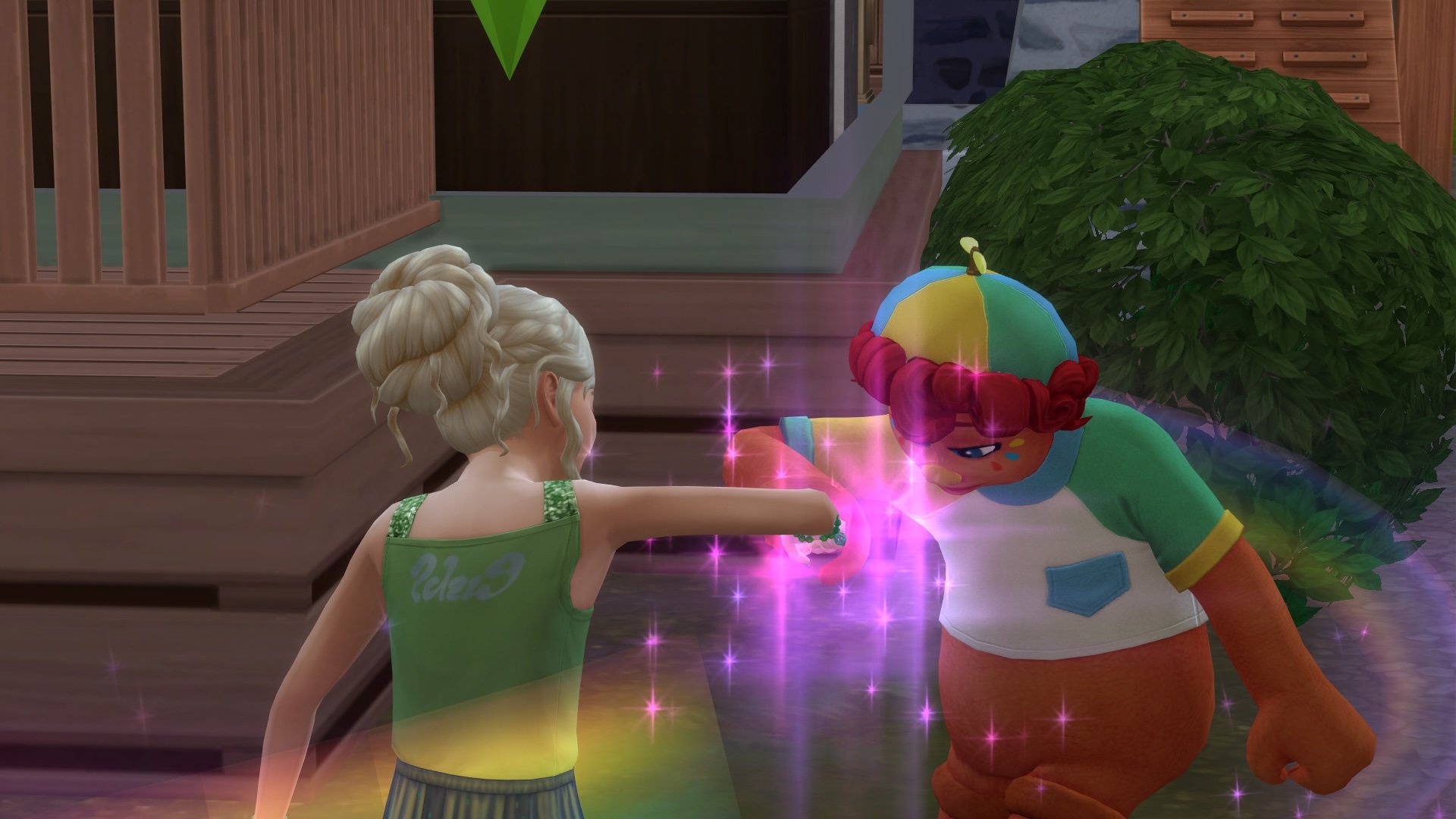
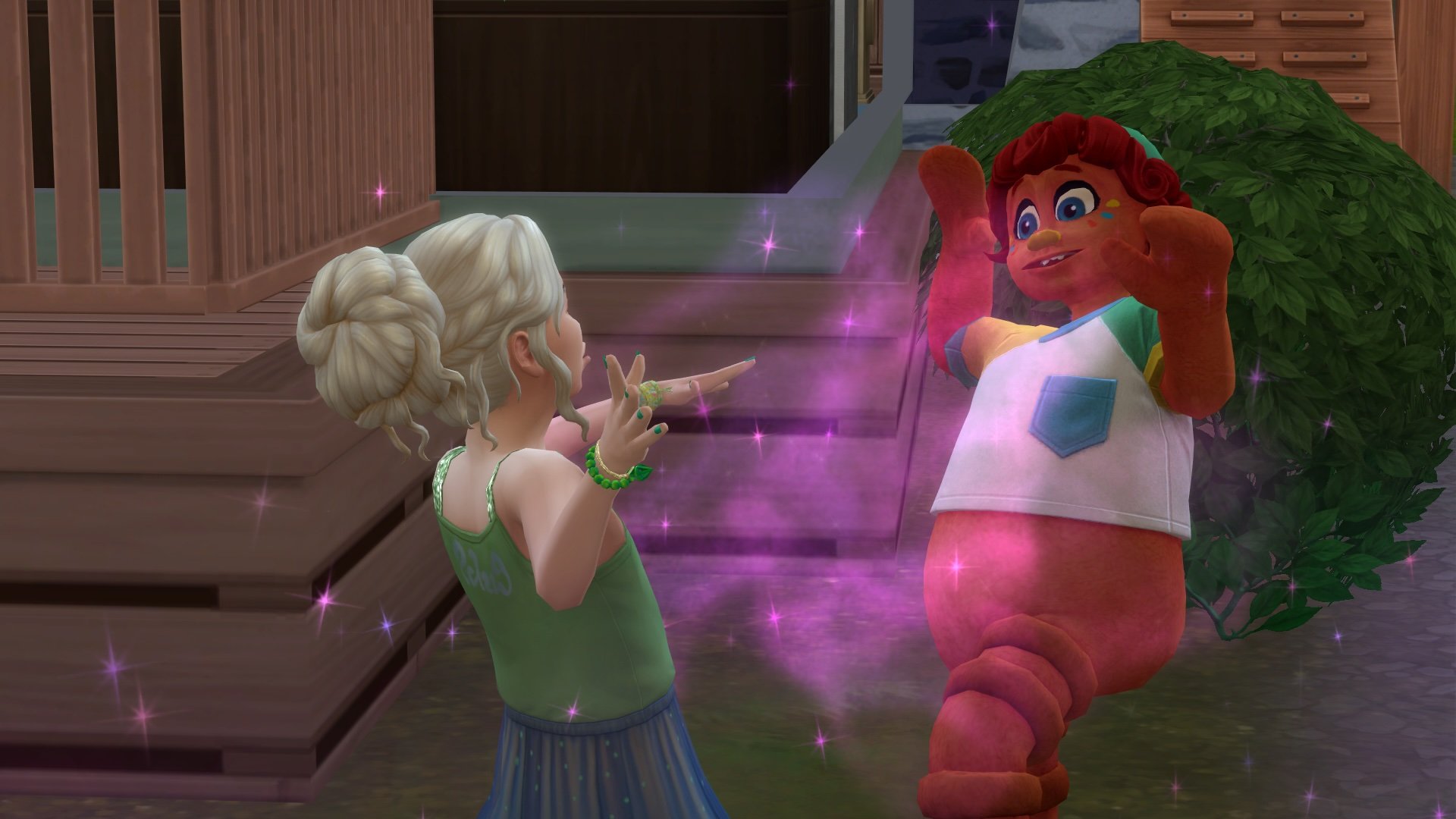
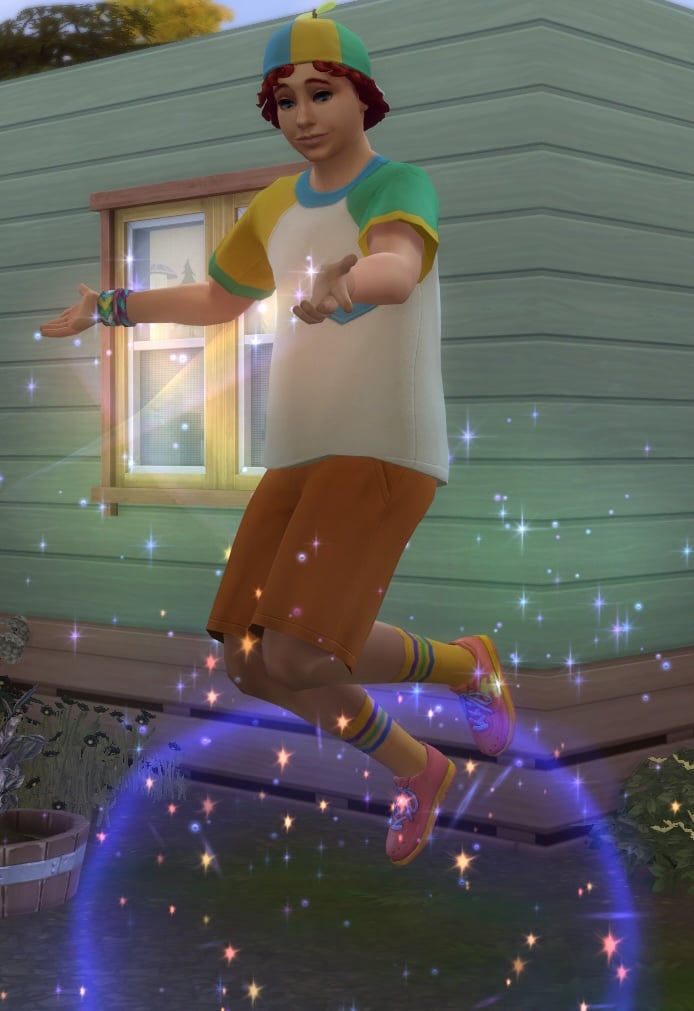
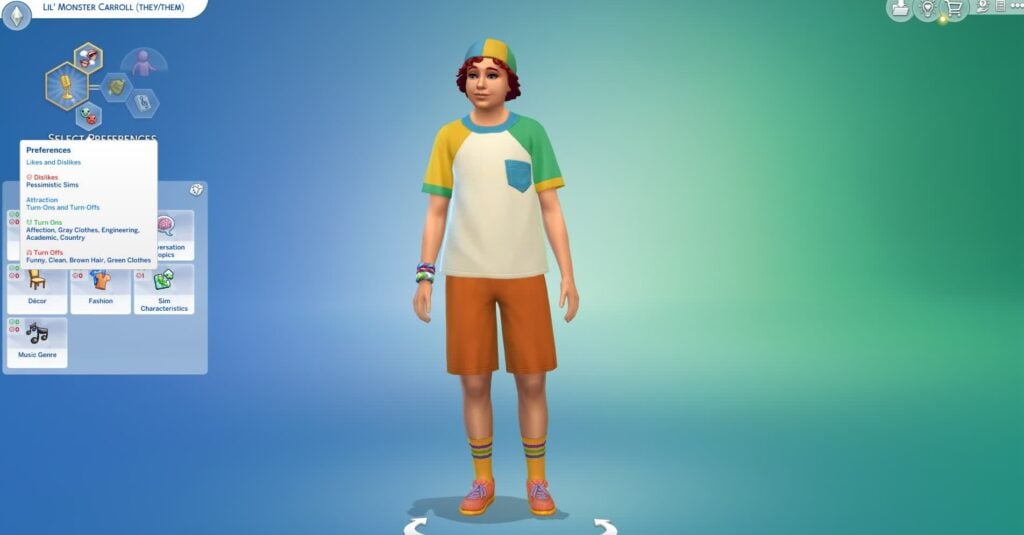
Lil’ Monster ImagineMe! Doll
“Lil’ Monster is a natural Goofball who loves joking around when times are rough. “Let’s turn those blues into rainbow hues!” is one of their favorite things to say! And everyone remembers that time Lil’ Monster helped a grumpy dragon learn to laugh by tickling its tail. If your child wants adventure, fun, and a whole lot of laughs. Lil’ Monster is just the friend for them!”
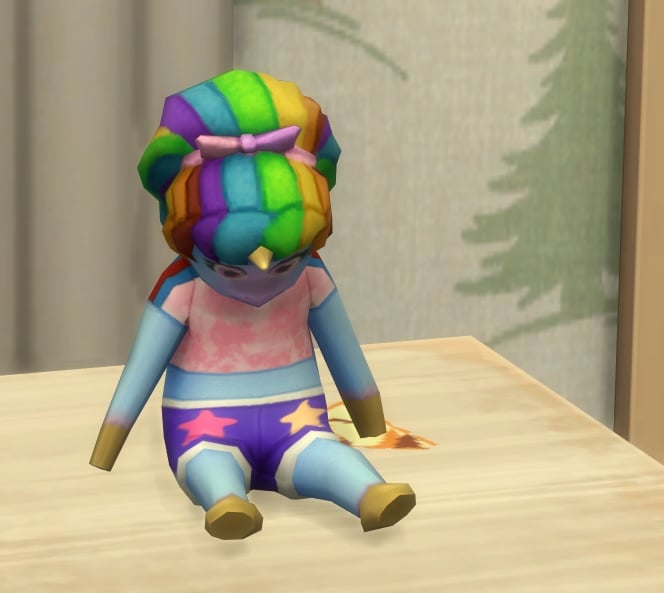
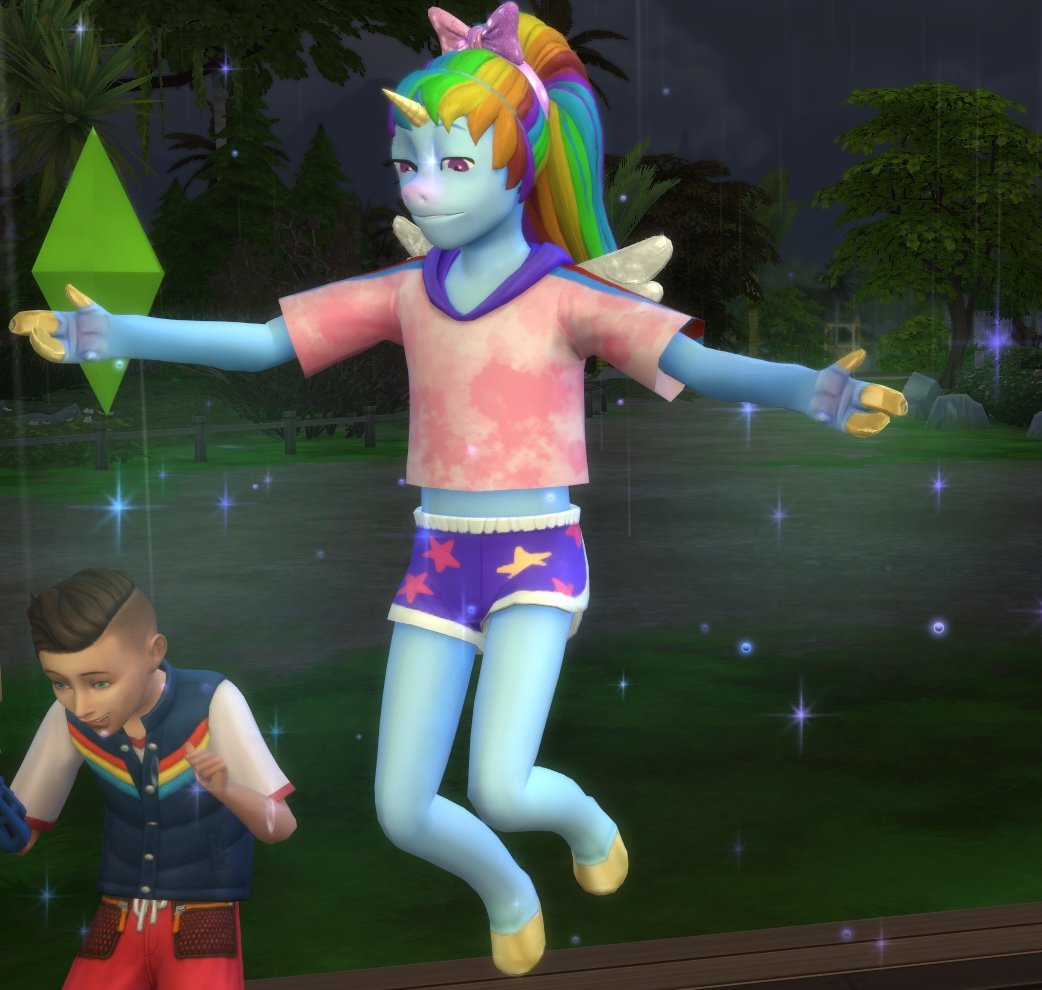
Pretty Pegacorn ImagineMe! Doll
“‘Muahaha! Let the giggles begin!”. Of all the ImagineMe! Friends, Pretty Pegacorn is certainly the most mischievous! (And some might say, Evil! Hehe.) Everyone knows about that time she swapped the moon out for a cookie, and then tricked the other ImagineMe! friends into taking a bite! Sure, your child might be a little naughtier with her around, but letting loose can be fun! Pretty Pegacorn sure thinks so.”
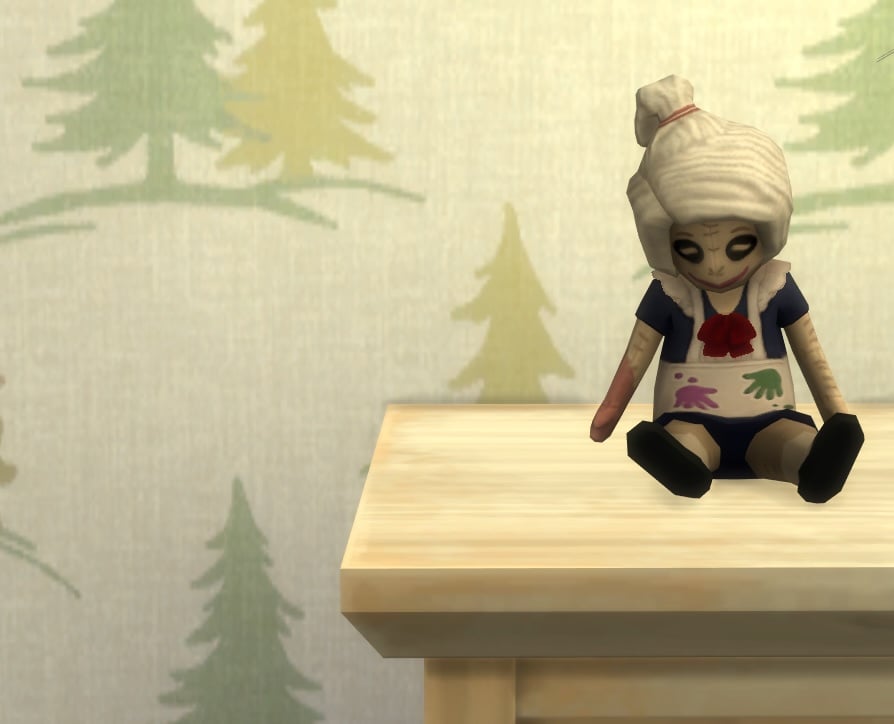
Krafty Kid ImgaineMe! Doll
“Krafty Kid was hand-sewn and stuffed full of cotton, love, and magic! She always says, “Creating smiles, one craft at a time!” Everyone remembers that rainy day when ImagineMe! friends were stuck inside, and Krafty Kid built a world of clay, chalked full of adventures and fun! With your child at her side, the world is a canvas of imagination!”
Wild Child ImagineMe! Doll
“Wild Child believes that your child and he are an unbeatable team! Some call him Competitive, but win or lose, he’s here to play. With the tagline, “Ready, set, play!”, he’s sure to win hearts. Just like the time Wild Child saved all of the ImagineMe! Friends from the Order of Gnomes by beating the Gnome Queen herself at a game of Hide-and-Seek. Wild Child makes game time fun time.”
A list of the Imaginary Friends from The Sims 4: Adventure Awaits.
The ImagineMe! Doll
The Sims 4 Imaginary Friends have different interactions based on their physical state, including doll, Imaginary Friend, and live Sims. Child Sims will have the following interaction options with the doll:
Play
Put in Inventory
Rename [Doll Name] Doll
Tell Secret
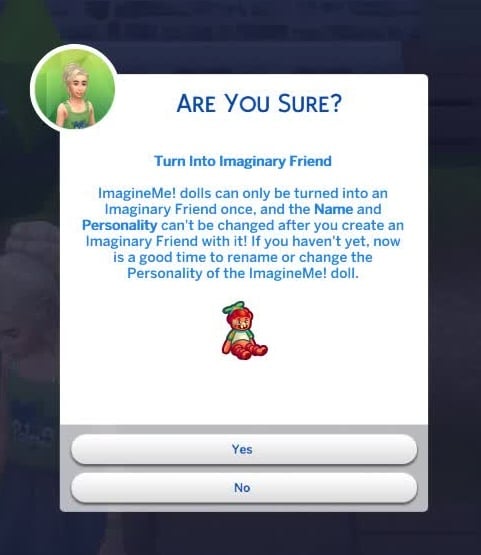
Turn into Imaginary Friend
This interaction is only available once your Child Sim has either befriended the doll, reached level 3 of the Creativity Skill, or is experiencing severe loneliness from a decreased Social Need.
Choose Personality…
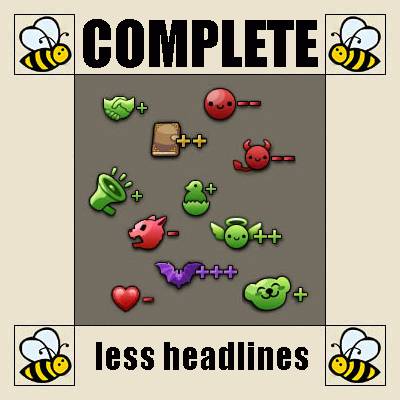
Competitive: “As an Imaginary Friend, this Doll’s Competitive Personality will Energize [your Child Sim] with the Imaginary Boost Power! The Friend will also challenge [your Child Sim] to competitive games.”
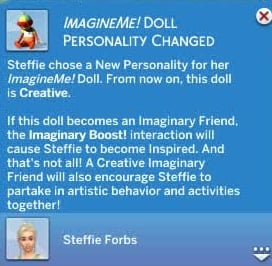
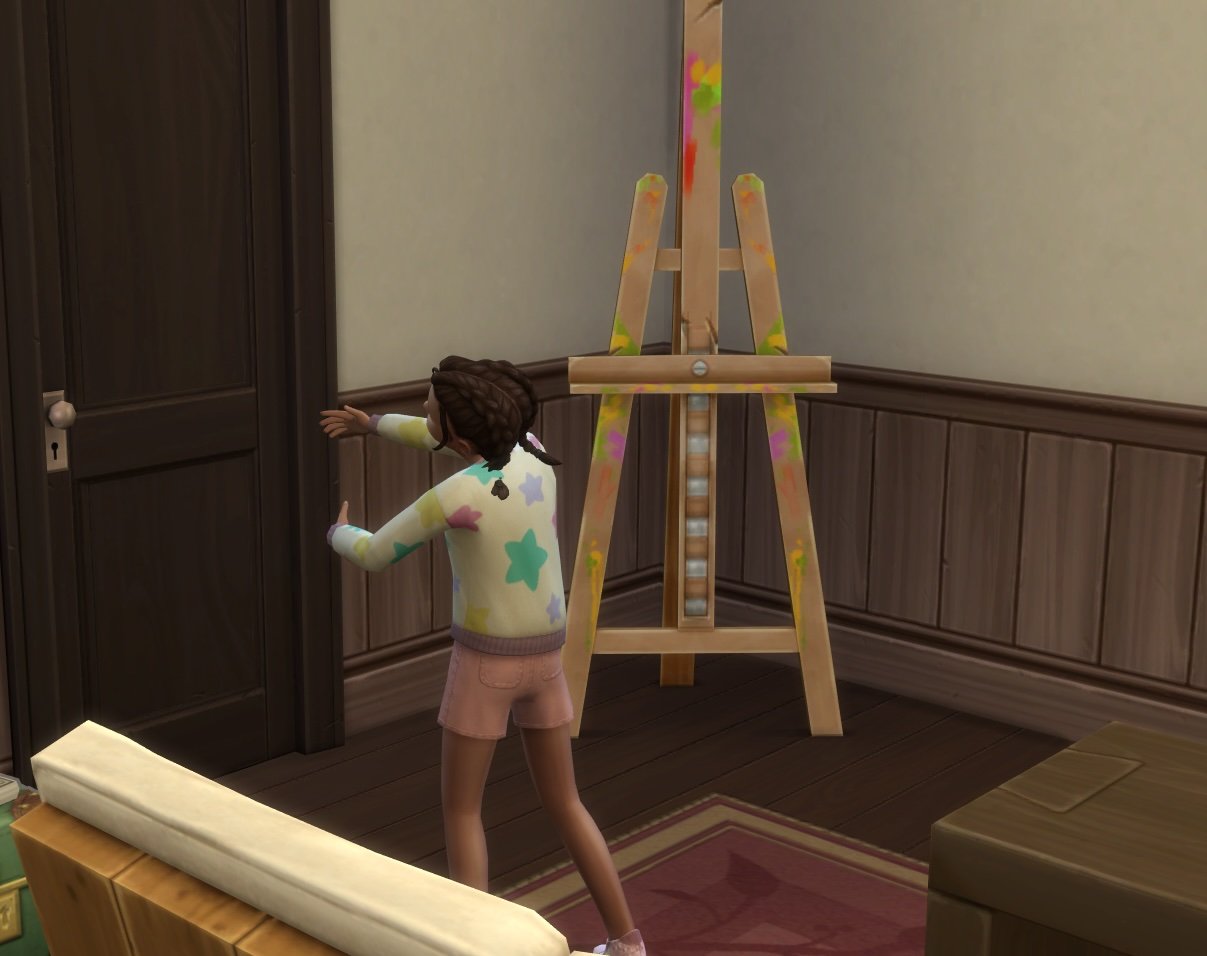
Creative: “As an Imaginary Friend, this Doll’s Creative Personality will Inspire [your Child Sim] with the Imaginary Boost Power! This Friend will also encourage [your Child Sim] to partake in artistic pursuits together.”
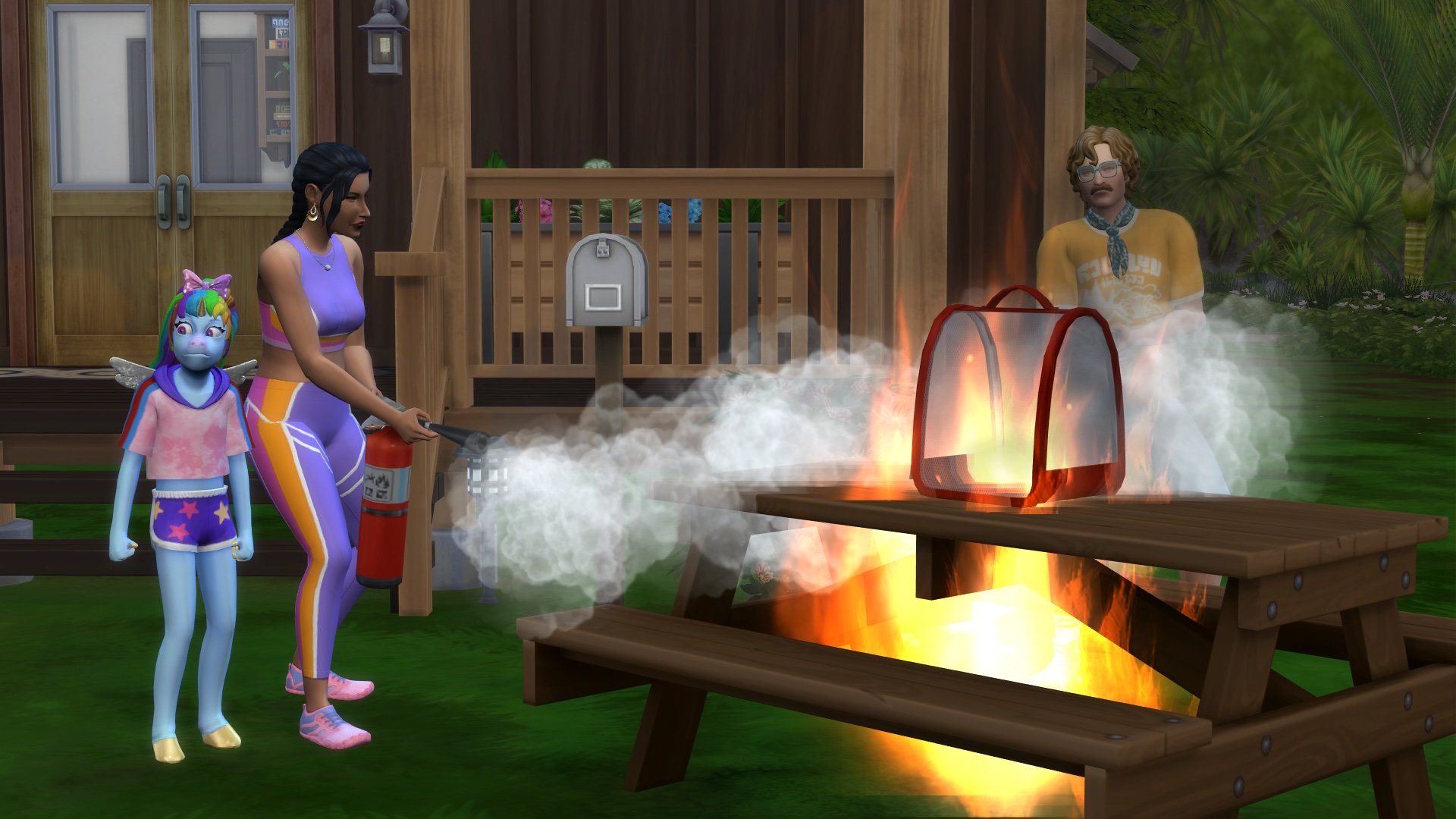
Evil: “As an Imaginary Friend, this Doll’s Evil Personality will make [your Child Sim] Confident with the Imaginary Boost Power! (They’re both on the same side, after all!) But Beware! An Evil Friend will be inclined to encourage them to do increasingly naughty behavior. [Your Child Sim] might even learn how to start fires!
Goofball: “As an Imaginary Friend, this Doll’s Goofball Personality will encourage [your Child Sim] to be Playful with the Imaginary Boost Power! This Friend will also encourage [your Child Sim] to partake in silly, playful activities.”
Depending on your Child’s mood, other interactions may also appear, such as Pour Heart Out when they are Uncomfortable. Your Child Sim can use the Play and Tell Secret interactions to form a relationship and befriend the doll.
Child Sims can have multiple ImagineMe! Dolls, but they can only form a strong bond with one doll at a time.
From Doll to Friend
Once your Child Sim has bonded with their ImagineMe! Doll, they can use the Turn into Imaginary Friend interaction to turn their doll into their very own invisible best friend. Make sure you like their Personality Trait, because it can’t be changed after they turn into an Imaginary Friend.
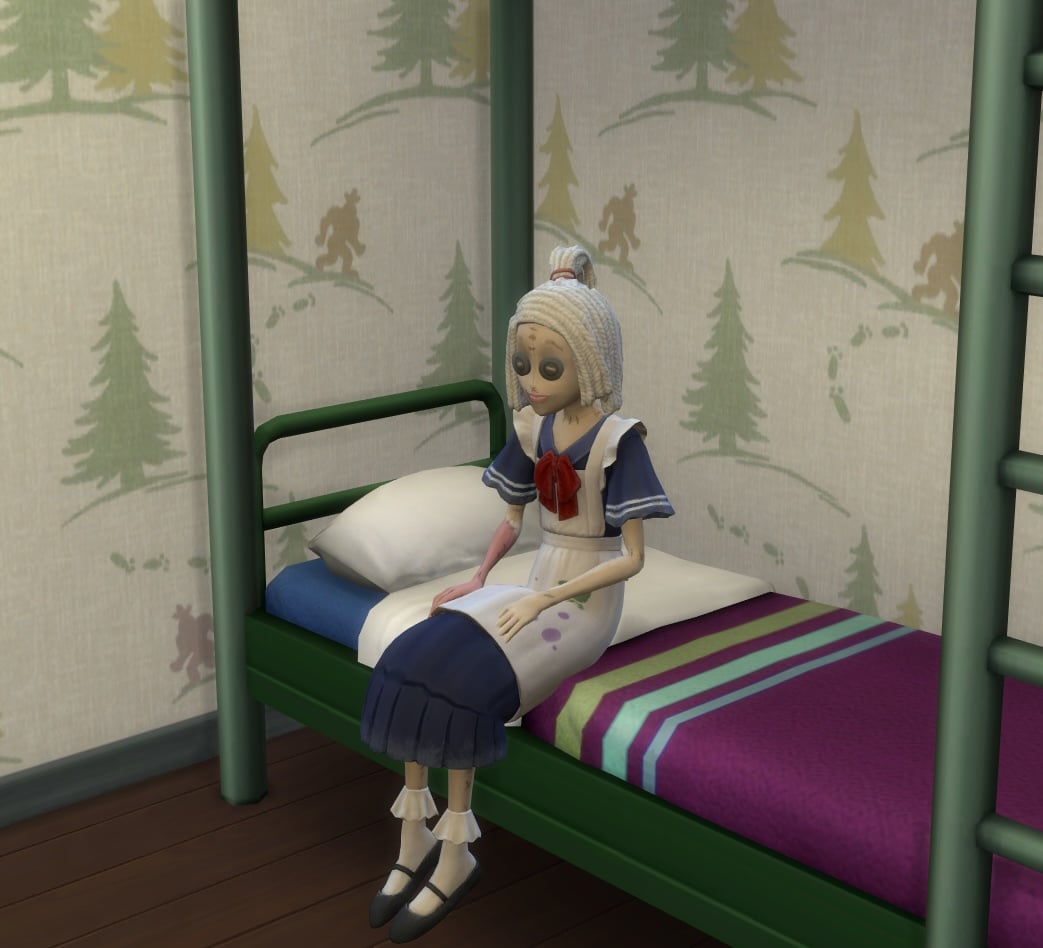
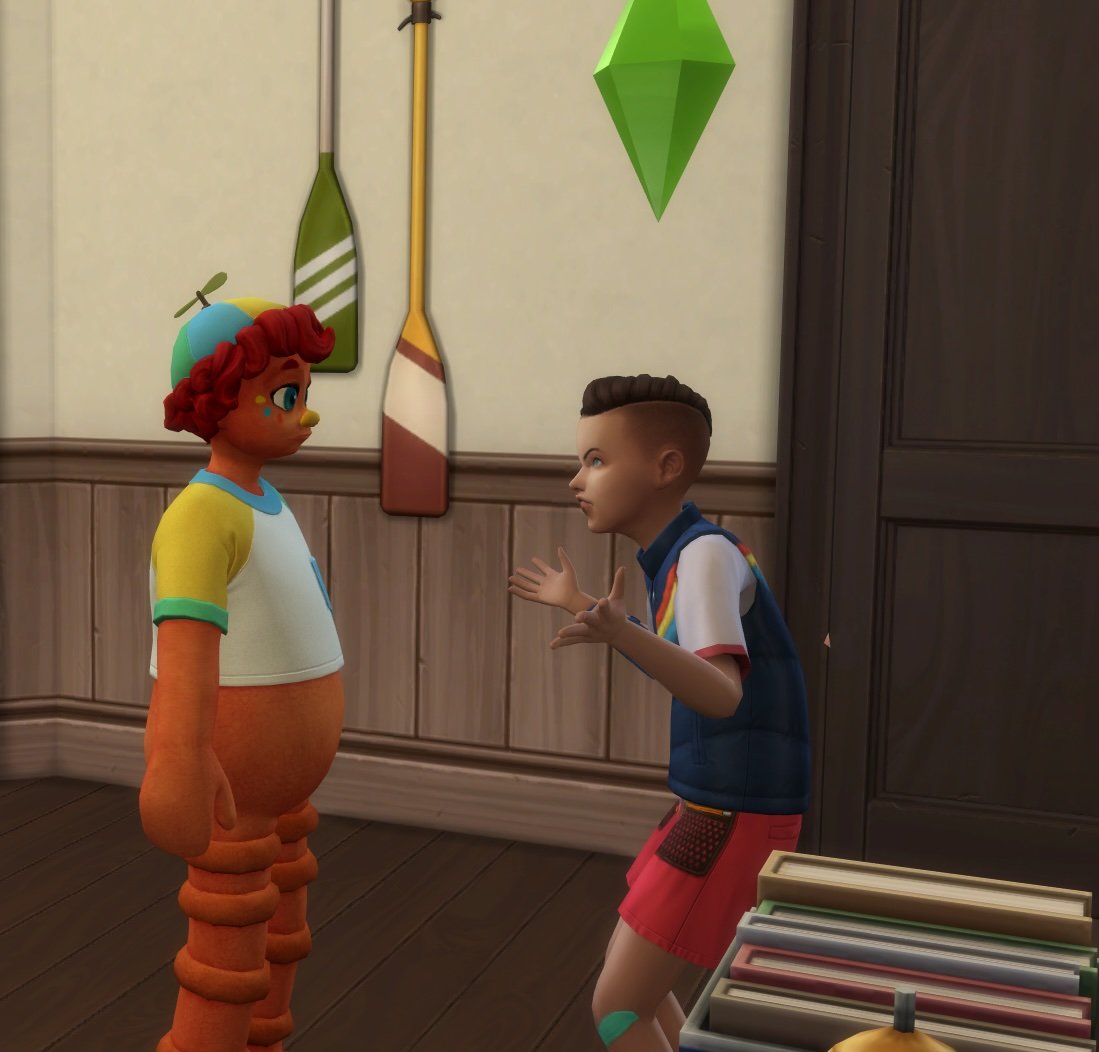
Imaginary Friends are only visible to the Child Sim that they are tied to. All other Sims will see an ordinary doll, which may make your Sim come off a little bit creepy.
Imaginary Friends will make life fun by suggesting activities to try out and boost your Sim’s mood when they’re down! Your Child Sim can use all of the basic social interactions with their Imaginary Friend, but they will also unlock the following special interactions:
Send Back to Imaginary Land
Friends to the End
Imaginary Boost!
Play Make Believe
Say Goodbye Forever
Play Pretend…
Play Fairy Tale Castle with [Imaginary Friend]
Play House with [Imaginary Friend]
Play Island Castaway with [Imaginary Friend]
Play Pirates with [Imaginary Friend]
Play Space Explorers with [Imaginary Friend]
Child Sims can also Talk about Imaginary Friend or Deny Having Imaginary Friend with other Sims, depending on who they trust.
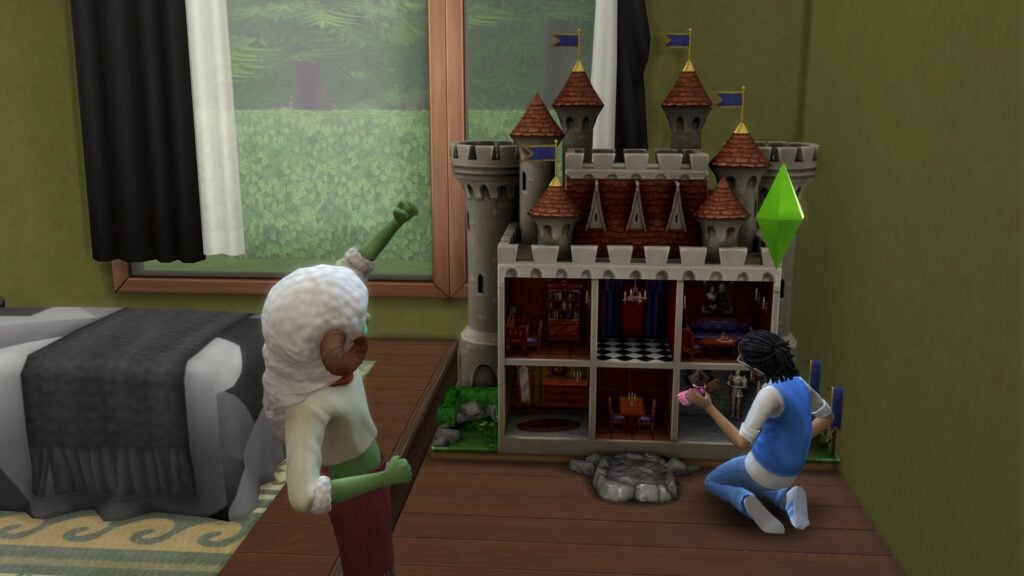
Imaginary Friends will join their Child Sims in everyday adventures, like exploring their neighborhood’s new Modular Playground, or even simply playing with a dollhouse together! When Imaginary Friends aren’t taking part in play time, they will cheer your Sim on from the sidelines.
The Sims 4 Imaginary Friends & their Influence
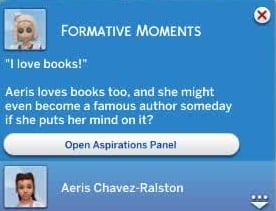
Spending time with your Imaginary Friend from The Sims 4: Adventure Awaits will lead to deeper conversations, and they may even influence your young Sim, for the better or worse. For example, Evil Imaginary Friends can teach your Child Sim how to Start a Fire, while Creative Imaginary Friends may inspire your Child to become an Author one day.
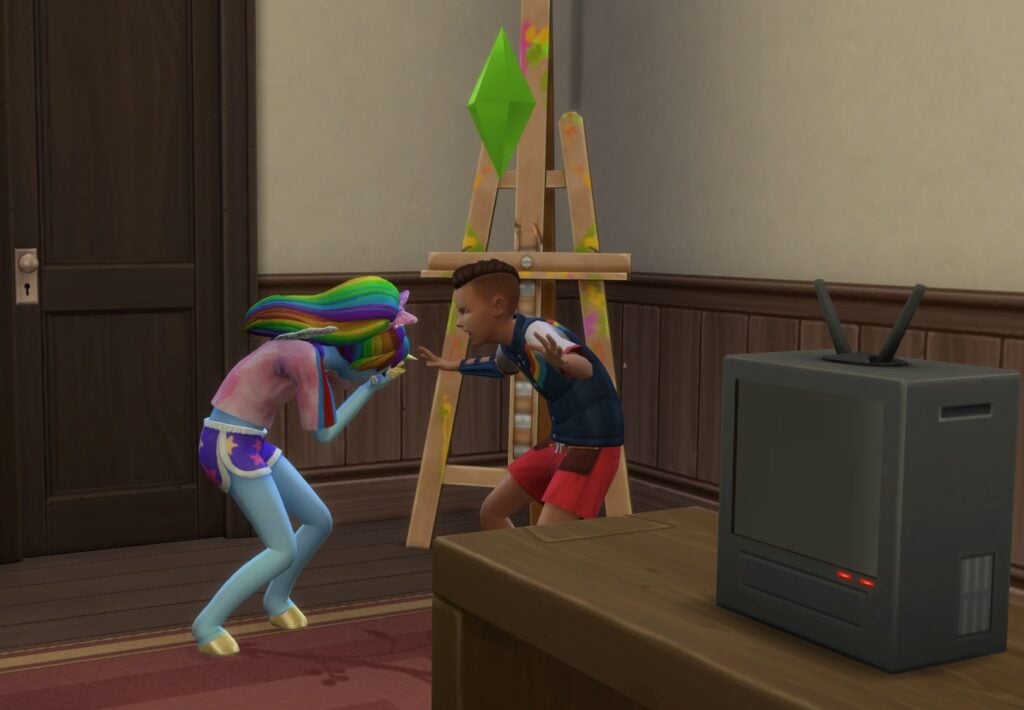
If your kid is an aspiring arsonist, they will love hanging out with their Evil Imaginary Friend. These Imaginary Friends add a few Mean and Mischief social interactions that are a Bad Influence on Child Sims:
Mean Interactions
Arguments…
Practice Yell At
Malicious…
Practice Shouting Forbidden Words at [Imaginary Friend]
Practice Making Scary Face
Practice Insult
Practice Calling Names
Practice Calling [Imaginary Friend] a Booger Eater
Mischief Interactions
Pranks…
What’s that Spot?
Trick with Hand Buzzer
Scare
Evil Imaginary Friends won’t be offended by these interactions; they’ll actually get a kick out of them! Completing enough of these will unlock the Ask to Teach How to Start Fires Imaginary Friend social interaction. Your Sim will also earn the Budding Evil Persona Trait, putting them on the fast track to becoming a full-blown Evil Sim when they become a Young Adult.
Bring Imaginary Friends to Life
Everyone has to grow up eventually, but that doesn’t mean your Child Sims will have to leave their best buddy behind. In fact, their Imaginary Friend may even ask to stay around!
When your Child Sim has a high enough relationship with their Imaginary Friend in The Sims 4: Adventure Awaits, they can use the Friends to the End social interaction to solidify their bond.
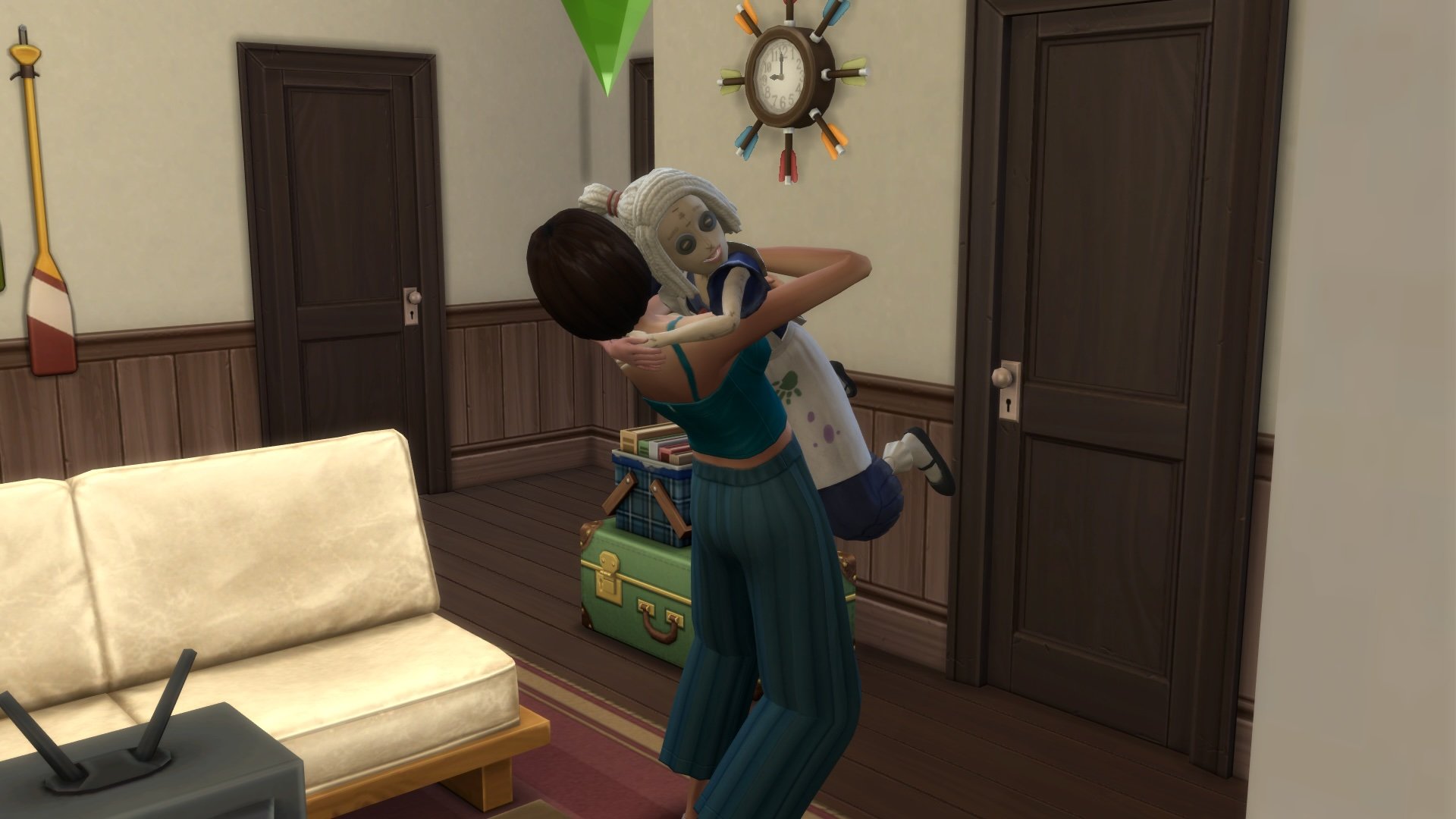
As a Teen Sim, select the ImagineMe! Doll and choose the Offer to Make Real interaction to bring your doll to life. Bringing an Imaginary Friend to life adds them to your Household as a playable character, but not a family member.
Each of The Sims 4 Imaginary Friends has Personality Traits, Preferences, Aspirations, and Pronouns assigned to them by default. However, their names and other Personality Traits may vary.
Lil’ Monster ImagineMe! Doll Jokester Aspiration and Gregarious Personality Trait
Pretty Pegacorn ImagineMe! Doll Deviance Aspiration and Dastardly Personality Trait
After spending the day playing pretend and gabbing away, Child Sims may want to use the Send Back to Imaginary Land interaction. This will send your Imaginary Friend back home, but don’t worry, it’s just temporary!
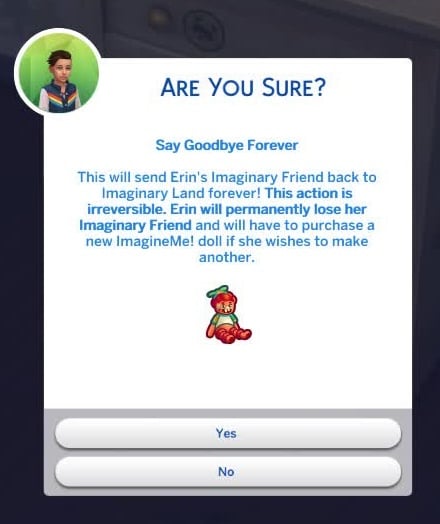
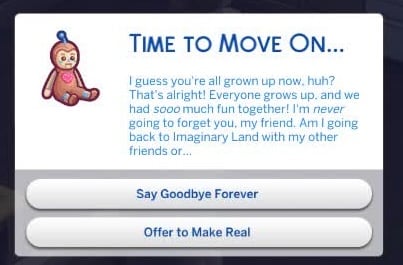
If your Sim is not really into the doll they chose or the personality assigned to the doll, they will need to Say Goodbye Forever. This interaction sends your invisible pal back to Imaginary Land forever, freeing up your Sim to purchase a new ImagineMe! Doll to try out a different Imaginary Friend if they wish.
Your Sim will also get this option when they age up to a Teen. If your Teen Sim chooses to keep their Imaginary Friend in doll form, they can still interact with it through the Reminisce and Seek Comfort from an Old Friend interactions.
Which of The Sims 4 Imaginary Friends do you like the most? Let us know your thoughts on the new feature from The Sims 4: Adventure Awaits below!
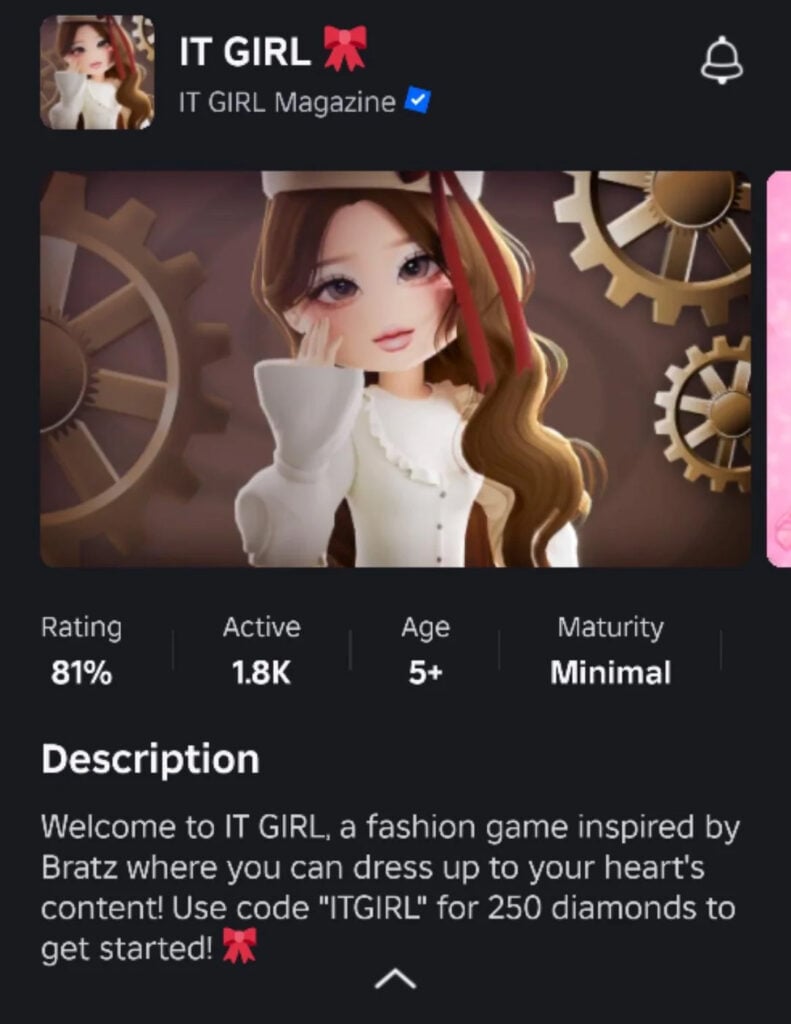
In a not-so-shocking turn of events, the Roblox fashion game IT GIRL has been found to contain “illegally” converted The Sims 4 CC assets. These assets have been added, converted, and are currently being sold for the Roblox exclusive “Robux” currency on the in-game player-to-player marketplace.
Unfortunately? This isn’t new; this swath of unapproved conversions by The Sims 4 custom content creators is just another instance of decades of poor behavior within the greater gaming community.
Table of Contents
This is Part of a Pattern of Bad Behavior
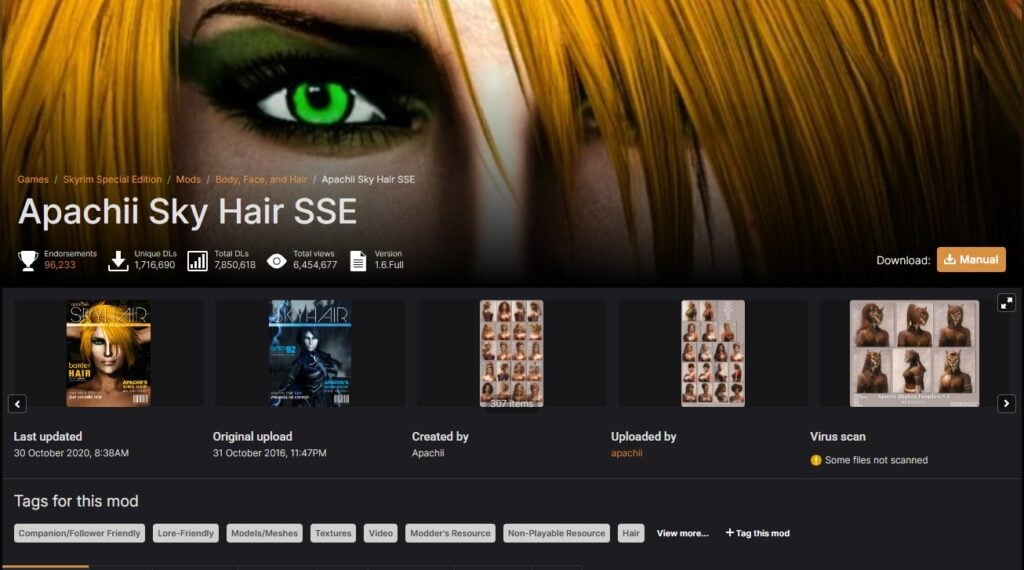
Apachii Skye Hair by apachii on Nexus Mods is a prime example of other games using The Sims CC assets
The Sims, as a franchise, has always had passionate players who have been willing to use their creativity to enrich the gameplay experiences of themselves and others. Be it stylish hairstyles or immersion-improving gameplay mods, I believe we’re all familiar with a good “shopping spree” of scrolling through our favorite custom content creators’ social media to peruse their latest and greatest creations.
Conversely, creators of The Sims also act as a sort of reservoir that modders from other game franchises siphon from to enhance their own character creators. The Elder Scrolls: Skyrim mods using ANTO’s many wonderful hairstyle mods come to mind. Nexus Mods, one of the premier mod-sharing platforms, is rife with The Sims hair conversions that may or may not have been used without permission.
IT GIRL is a Roblox dress-up game similar to wildly viral Dress to Impress. The “dress up” aspect comes in clutch here, as that is the exact reason why The Sims 4 CC assets have been lifted.
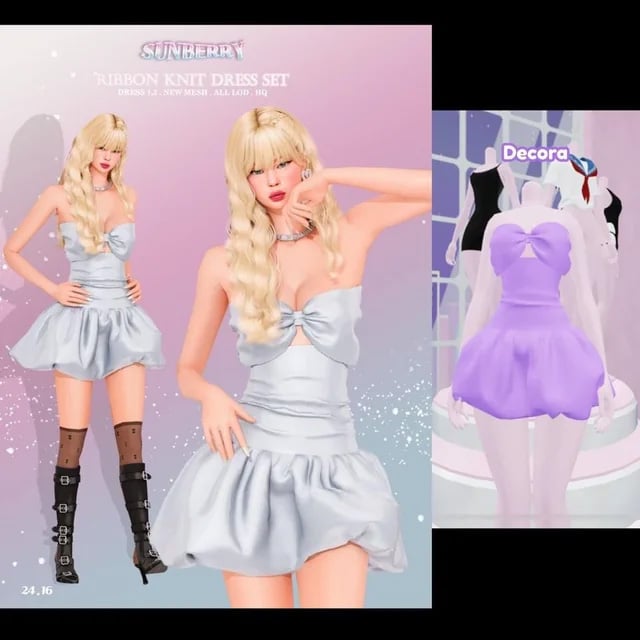
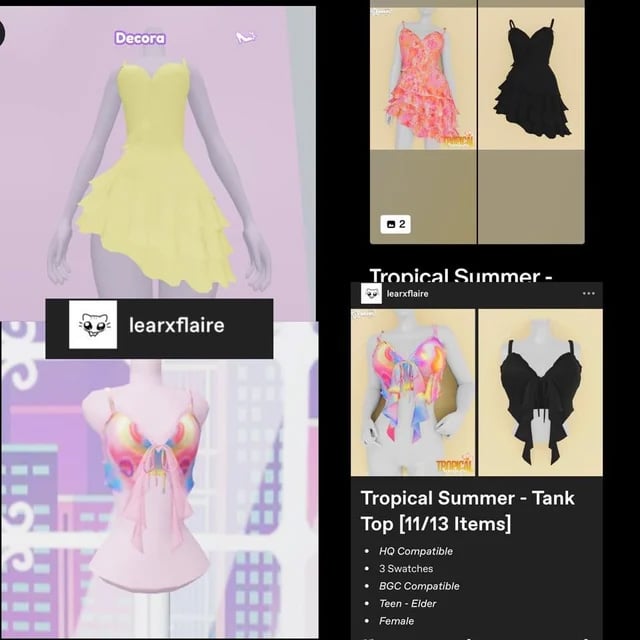
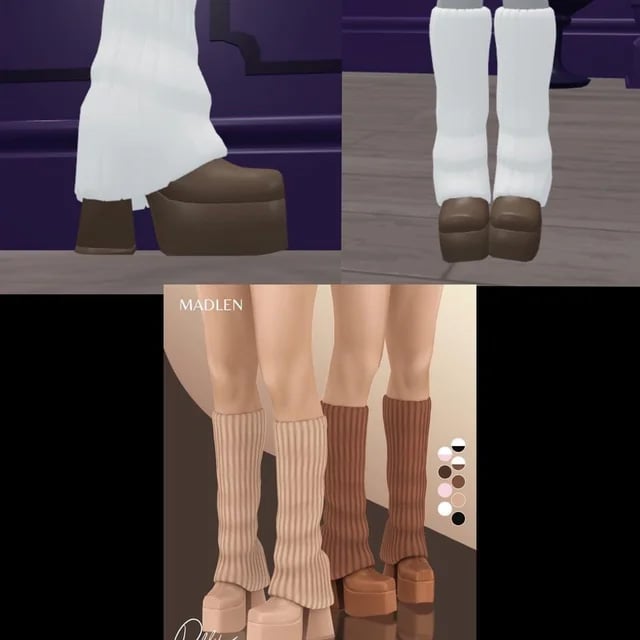
Here are some comparisons of the custom content extracted into Roblox for It Girl in comparison to their respective posts. While it’s one thing to take inspiration from a piece of custom content, it’s quite another to outright extract and publish it on another website. Doubly so as these assets are currently up for sale for Robux on the Roblox inter-player marketplace.
Robux is Roblox’s in-game currency model that can be purchased with real money. This adds a layer of distaste as The Sims 4‘s Terms of Service state that all forms of custom content made for it cannot be sold. Most are familiar with CC creators having a form of “Early Access” for their Patreon supporters, but as long as those assets come out after a time, free for all to use? It’s fine.
This, however, goes against The Sims 4’s TOS, and, while these assets seem to be purely custom, there could be converted custom content on the Roblox marketplace using EA textures/assets in a very much not EA game. While Roblox stood next to The Sims 4 as one of the 10 best-selling games in 2020, EA’s assets are proprietary. Roblox doesn’t have a right to them.
So, What Can You Do?
That’s the gray area, while the individual player can report the assets or alert creators to the misuse of their mods. Ultimately, it’s up to EA to pursue any exploitation of their assets or the content made for their games. This is because, legally, EA reserves the right to take action against any/all infringement of their intellectual property (i.e., The Sims 4) as defined in the TOS. So it would be in their hands to crack down on “CC theft”.
Which, as we can see, unfortunately may not be the case unless something extreme happens. I would personally recommend intra-community moderation. If you’re a Roblox player who sees something? Say something! Maybe EA won’t step in until it’s necessary, but as a community, we can try to put some heat on these creators use steal assets.
Of course, in saying this, I do not condone bullying or flaming of any sort! As a custom content creator myself, I know I would feel frustrated if someone extracted an asset I created without permission and sold it for money. Though please keep in mind that we’re only as strong as we are kind. Kindness is something that should be given in spades, and I believe if you point it out enough times, civilly and thoroughly, at minimum, these asset-rippers on IT GIRL will at least come to some sort of agreement with custom content creators for the usage of their models and textures.
So far, the IT GIRL development team seems well aware of this, as word from our source says that all mentions of The Sims 4 or Sims 4 CC are filtered by their Discord server. This reveals just how much they care about individual creators’ rights and how poorly this reflects on them.
Information Source
With credit to Reddit user u/shay_shay250 for bringing our attention to the news with their post. They said they wanted to get the word out about what’s been happening, and hopefully, this will bring more attention to it. The comparison images of the custom content vis-à-vis the IT GIRL assets are originally theirs.
How do you feel about modders outside of The Sims converting CC? Have you played a game with “illegally” converted CC? Let us know in the comments down below, and always know to come back to Sims Community for all the latest The Sims news!
The EA Creator Network Is Losing Some Of Its Largest Sims Creators As They Speak Out On EA’s Controversial Buyout
In the wake of the recent acquisition of EA by Saudi Arabia’s Public Investment Fund and private equity firms, a number of Sims Creators are choosing to leave the EA Creator Network. Their decision stems from growing discomfort with the new ownership’s ethical values and potential impact on the future of The Sims Franchise. For many of us, The Sims has been a tool of creative expression, trailblazing inclusion and diversity in gaming. Now, with concerns about representation and transparency on the rise, some creators are opting to step away from official partnerships to preserve the integrity of their work and online community.
Table of Contents
Who Is Behind EA’s Buyout?
Electronic Arts was recently acquired by a group led by Saudi Arabia’s Public Investment Fund (PIF), alongside Silver Lake, a global technology investment firm, and Affinity Partners, led by Jared Kushner, the son-in-law of US President Trump. The deal is valued at $55 billion, marking one of the largest acquisitions in gaming history. While the full effects of the buyout are yet to be seen, many Sims creators are already voicing concerns about the values and priorities of the new ownership.
The Saudi PIF has previously invested in other gaming industry giants, but its ties to conservative and anti-LBGTQ+ policies have sparked concern within the community. For Sims creators, whose work often celebrates diversity and self expression, this shift can feel personal.
The PIF is Saudi Arabia’s sovereign wealth fund, meaning it is an investment fund that manages money on behalf of Saudi Arabia’s government, which in this instance is the unelected Crown Prince Mohammed bin Salman. Saudi Arabia is known for its anti LGBTQ+ stance, as well as other problems that raise ethical concerns, such as the continued war against Yemen and the bombing of civilian populations, the assassination of journalists, and the genocide of native tribes. You can learn more in our reporting from the time of the buyout.
The Sims Creators Who Have Left The EA Creator Network
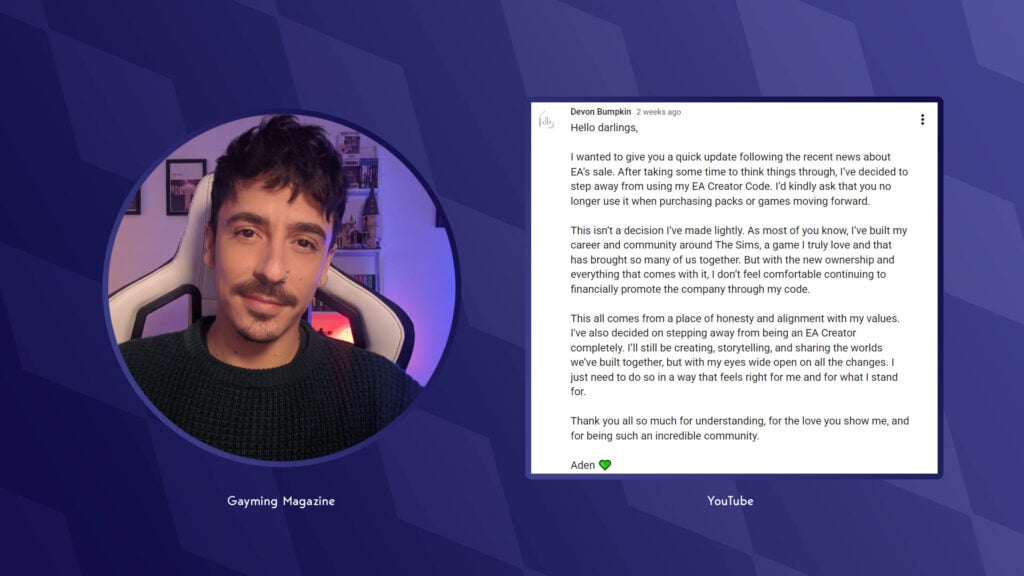
The wave of departures began two weeks ago when Sims Creator Devon Bumpkin announced his exit from the EA Creator Network. In a public statement on his YouTube channel, he shared his discomfort with EA’s acquisition and expressed his concerns about the values behind the company’s new ownership. You can read the statement in full below:
Hello darlings, I wanted to give you a quick update following the recent news about EA’s sale. After taking some time to think things through, I’ve decided to step away from using my EA Creator Code. I’d kindly ask that you no longer use it when purchasing packs or games moving forward.
This isn’t a decision I’ve made lightly. As most of you know, I’ve built my career and community around The Sims, a game I truly love and that has brought so many of us together. But with the new ownership and everything that comes with it, I don’t feel comfortable continuing to financially promote the company through my code.
This all comes from a place of honesty and alignment with my values. I’ve also decided on stepping away from being an EA Creator completely. I’ll still be creating, storytelling, and sharing the worlds we’ve built together, but with my eyes wide open on all the changes. I just need to do so in a way that feels right for me and for what I stand for. Thank you all so much for understanding, for the love you show me, and for being such an incredible community.
Devon Bumpkin (Aden) went on to clarify that, for the time being, he will continue to post Sims content until the buyout officially goes through, and will then pivot to other games such as the upcoming Paralives, as well as other design and management games such as Planet Coaster and Planet Zoo.
Earlier today, popular Australian Sims Creator James Turner (formerly The Sims Supply) announced his intention to leave the EA Creator Network and expand the library of games he covers on his channel. This exit was followed by a statement from Plumbella, a popular British-based Sims creator known for video essays and lore deep dives. She clarified that she will no longer purchase future releases or cover them on her channel.
A close friend of Plumbella, Steph0Sims, also released a statement regarding her position in the EA Creator Network. She expressed how much The Sims franchise means to her, and how it is a place of comfort, and has been for many years.
What is perhaps the biggest announcement comes from LilSimsie, who has amassed an audience of 2.19 million subscribers. As with other creators, LilSimsie has announced her intention to leave the EA Creator Network, while stating that she believes that EA benefit more from her early access content than she does. The statement in full below:
As I’m sure many of you have seen, it was recently announced that EA is going to be sold to private investors for $55 billion. This news has devastated me. The values represented by the people acquiring EA are fundamentally at odds with what I stand for and support. I’ve been losing sleep over it for weeks, and I’ve been deeply struggling with what to do moving forward.
I have so much love for The Sims. This game has completely shaped my entire life, and I care so deeply about The Sims and the community.
I have made the decision to remove myself from the EA Creator Network. It is my hope that pressure from creators and the community might encourage EA’s leadership to reconsider the long-term impact of this sale and to preserve the values that have made The Sims so beloved. This means that I will no longer receive early access to Sims packs, and I will not have a creator code. Under this new ownership I feel I cannot maintain a direct association to the company. I also truly believe that they benefit more from my early access content than I do, and I think that stepping away is the strongest action I can take against the sale.
This situation is a nightmare for our community. Nobody supports this sale, and it is putting creators in a very difficult position. They have built their entire career and livelihood over a game that they have no control over. I ask that you please not harass other Sims creators over their decisions regarding the game and the creator network. I am very fortunate to be in a position where I can make a choice like this, but not everyone has that ability. I don’t truly don’t believe there is a “right” answer here, and everyone is still trying to figure out their next steps.
I’ve always streamed lots of other cozy games on my Twitch channel and posted them on @moresimsie, and I plan to start incorporating some other games that I think you might like here on this channel. This isn’t the kind of change that can happen overnight, and I will still be posting videos playing The Sims. I’ve always been a little bit afraid of posting other content on this channel for fear of alienating my audience, but there are a lot of “Sims adjacent” games that I really enjoy and I would love to start introducing them here.
I’m working on a new Animal Crossing series right now, and I think that if you love building in The Sims you’ll also really like decorating in Animal Crossing. I am so grateful for your support on the Animal Crossing video I made a couple weeks ago, and I hope you’ll like my new ones. I used to post a lot of House Flipper content here a few years ago, and I intend to bring that back. I am also a huge fan of city building games, and I’m really looking forward to the release of Paralives in December. I’ve been (impatiently) waiting for that one for years!
And for the record, Sims was my name first! My real name is literally Kayla Sims, and “Simsie” is a childhood nickname. It’s unfortunate that my username seems so directly tied to the game, but I don’t have any plans to change it. It’s my name!
I’m really, really distraught over this sale and I know that many of you are as well. It’s scary, and it’s breaking my heart. I really appreciate your support as I try to navigate this.
The departure of high profile creators from the EA Creator Network is already reshaping how content is shared and received within The Sims Community. These creators have been central to the games’ coverage and advocacy for inclusive gameplay. Without their voices in EA’s network, fans may begin to see fewer early access previews and sponsored content – but potentially more honest, independent perspectives.
In an internal statement to those in the EA Creator Network, Maxis clarified that The Sims will remain a safe and diverse space for all and has no intentions of changing that. You can read the full statement here!
For many players, this shift is a reminder that The Sims has always thrived on community driven creativity. Whether through let’s plays, customer content, reviews, or storytelling, the heart of the franchise lives in the creative outputs of its players. As creators move away from corporate partnerships, they are reclaiming that space and inviting fans to join them in something more authentic.
Might I suggest you don’t f*** with my sis!
What are your hopes for the future of fan-driven content? Let us know below, and stay tuned to Sims Community for all the latest on The Sims franchise!
The Sims Team acknowledges the EA Buyout for the first time. Plus, an update on the Black Photos Bug Update for The Sims 4…
It’s been a rough couple of weeks for The Sims 4 community and the future outlook of this franchise. EA announced a buyout by questionable private investors, switching the company from public to private company. Many players, including EA employees saw this change as bad for the future of all gaming studios within Electronic Arts. With talks about possible studio downsizing and closure of low-profit video game studios, such as Bioware.
EA Talks Future of The Sims 4 After The Buyout
The Sims Team hasn’t acknowledged the buyout until a new email surfaced last night. EA Creator @SweetAshGamer shared an email talking about the future of The Sims 4 to its creators.
The first section acknowledged the conversations about the EA buyout. Stating that EA’s mission, values and commitment to players will not change and that The Sims will continue to be a safe space for creating authentic self characters. This hopefully means that the freedom of supporting and creating LGBTQ+ characters will remain the same as it’s been before.
The latter part of the email confirms that The Sims 4 will continue its roadmap of new content from the game. Confirming the November 4th, 2025 Game Update and more content on the horizon “as we look to an exciting 2026”.
Read the full email below:
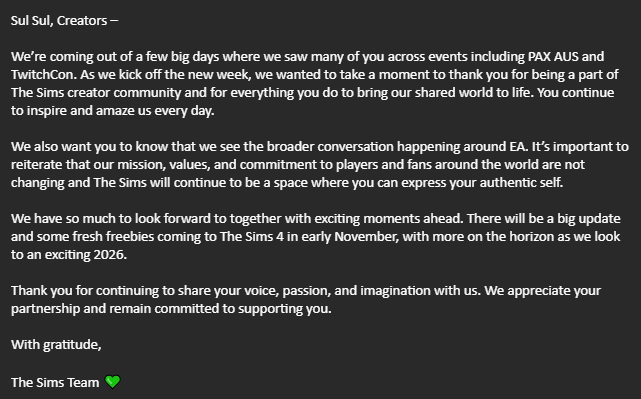
Sul Sul, Creators –
We’re coming out of a few big days where we saw many of you across events including PAX AUS and TwitchCon. As we kick off the new week, we wanted to take a moment to thank you for being a part of The Sims creator community and for everything you do to bring our shared world to life. You continue to inspire and amaze us every day.
We also want you to know that we see the broader conversation happening around EA. It’s important to reiterate that our mission, values, and commitment to players and fans around the world are not changing and The Sims will continue to be a space where you can express your authentic self.
We have so much to look forward to together with exciting moments ahead. There will be a big update and some fresh freebies coming to The Sims 4 in early November, with more on the horizon as we look to an exciting 2026.
Thank you for continuing to share your voice, passion, and imagination with us. We appreciate your partnership and remain committed to supporting you.
The Team Confirms Photos Turning Black Issue is Getting Fixed
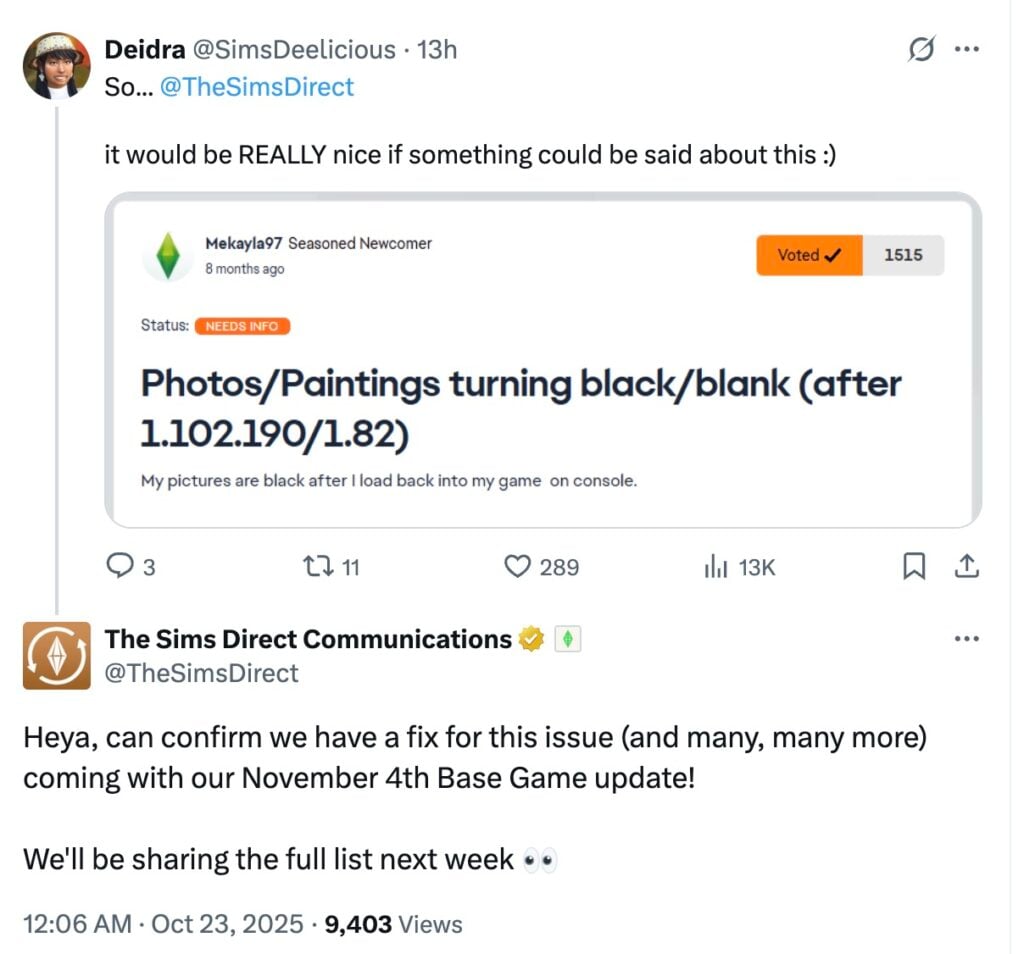
The irony of completing the latest Sims 4 Live Event and being met with a years-old bug which turns Photos inside photo frames black is being fixed. Hopefully this time for real!
The Sims Direct Team issued a new reply on X last night confirming that this issue, including many, many other bugs is getting fixed in the November 4th update.
Heya, can confirm we have a fix for this issue (and many, many more) coming with our November 4th Base Game update! We’ll be sharing the full list next week.
What do you think about The Sims Team’s statement on the EA Buyout? Join the comments down below and stay tuned for the latest developments and updates on The Sims 4!
The Sims Mobile is pulling the plug in the coming hours.
In a surprising announcement from EA and Firemonkeys team, The Sims Mobile game for iOS and Androids will be shutting down completely. And as we learn from the full announcement, it’ll be completely delisted in a matter of few hours by October 21st, 2025 from the official app stores.
What started as a promising development from the Maxis team at Redwood City turned into unstabile maintenance and low-effort updates at Firemonkeys.
Of course, it seems that the full focus and budget has been given to The Sims FreePlay team which has been operating for almost 15 years now with constant new updates and improvements. In the beginning of this year the game has gotten a significant visual upgrade to enhance the lighting and texture features to modernize the look of the game.
The Sims Mobile, however, has always gotten a short end of the stick from the development budget. Offering its players only reruns of previous events and in-app purchases that cost an arm and a leg.
The Shutdown Roadmap of The Sims Mobile
As announced in the official blog by The Sims Mobile team, the game will first get a new update on October 20th, 2025 that will remove the ability to make any in-app purchases and virtual currencies. Just a day after on October 21st, 2025 the game will be removed completely from the Google Play (Android) and App Store (iOS). Players who have downloaded the game before the removal on smartphone stores will get to play it for a few more months.
The Sims Mobile players will get to enjoy a limited two week period from January 6th, 2026 when all premium Create A Sim and Build Mode items will become available for free. Finally, on January 20th, 2026, the game’s servers will be shut down completely.
See the key dates and information about the app’s gradual shutdown below:
Key Dates and What’s Happening
October 20, 2025 – New update!
The final update for The Sims Mobile will be available to download from the Apple App Store and Google Play Store. From this date forward, players will no longer be able to purchase packs or spend real money within TSM. Any existing SimCash, Simoleons, or Tickets can still be used until January 20, 2026.
In the final update, releasing on October 20th, 2025, everyone will receive unlimited energy to help them make the most of this time. This should make it easier to complete projects and enjoy the last few months of play.
October 21, 2025 – Delisted from app stores
The Sims Mobile will be delisted from the Apple App Store and Google Play Store on October 21st at 1:30 PM UTC. It will no longer be available for new downloads, but players who already have The Sims Mobile installed or have previously downloaded it can still update or re-download it.
If you are using the Google Play Store and have already downloaded The Sims Mobile, it should update as normal. If you have deleted it in the past and would like to redownload it, you can do so by going into your ‘My apps & games’ section, then into your ‘app library’ to find it.
If you are using the Apple App Store, you will need to open the Apple App Store, access ‘My Purchases” and search for The Sims Mobile to find it. If you are having trouble updating it this way, try deleting the app and redownloading it using this method again.
January 6, 2026 – Content unlocked
All Build Mode and Create A Sim (CAS) items will unlock for every player. These won’t be limited by levels, so that means EVERYTHING Build mode and CAS are available. We want to give everyone the opportunity to build their dream home, design their perfect Sims, and experience everything TSM has to offer before the servers close. We would love to see what you create if you would like to share it with us.
January 20, 2026 – Server closure
The servers will shut down at 1:59 PM UTC. After this time, The Sims Mobile will no longer be playable. Because game progress is stored on our servers, saved data will no longer be available.
Final Rerun Events
Name
Type
Start Time
End Time
Eerie Autumn
Festival Pass
Oct 20
Dec 19
Cozier Home
Sweet Treat Showdown
Oct 20
Nov 2
Wumple’s Wishlist #1
Limited Time Quest
Oct 27
Nov 3
Hallways Ready
Treasure Hunt
Nov 3
Nov 16
Wumple’s Wishlist #2
Limited Time Quest
Nov 10
Nov 17
Foxbury Institute
Sweet Treat Showdown
Nov 17
Nov 30
Wumple’s Wishlist #3
Limited Time Quest
Nov 24
Dec 1
Season’s Greetings
Treasure Hunt
Dec 1
Dec 14
Wumple’s Wishlist #4
Limited Time Quest
Dec 8
Dec 15
Sweet Holiday
Sweet Treat Showdown
Dec 15
Dec 28
Wumple’s Wishlist #5
Limited Time Quest
Dec 22
Dec 29
New Year’s Dock and Roll
Treasure Hunt
Dec 29
Jan 10
Wumple’s Wishlist #6
Limited Time Quest
Jan 1
Jan 8
Wumple’s Wishlist #7
Limited Time Quest
Jan 10
Jan 17
Frequently Asked Questions answered by The Sims Mobile Team
The Sims Mobile team has provided a brief FAQ (Frequently Asked Questions) thread about The Sims Mobile shutting down. Unfortunately the main question about why The Sims Mobile is pulling the plug hasn’t been answered.
Take a look:
Frequently Asked Questions
Will there still be events in this update?
Yes. Events will continue to run as usual, so you can still earn Simoleons and items during the final months.
Can I still play after the game is delisted?
Yes. If you already have TSM installed, you can keep playing until January 20, 2026.
Can I still play after TSM sunsets on January 20, 2026?
No. TSM requires online servers to play, so playing in any form will no longer be possible after this date.
Can I re-download TSM later?
If you downloaded TSM before it is delisted, you can re-download it from your app store library until January 20, 2026.
What happens to my purchases?
All purchases you’ve made before October 20 will still work in-game right up until January 20, 2026. After that date, The Sims Mobile will no longer be playable, and any leftover currency will not be eligible for a refund.
From January 6, every Build Mode and Create A Sim item will be free for everyone playing. We recommend using your currency and tickets before then.
On behalf of the entire Sims Mobile team, thank you for sharing this amazing journey with us. We hope you enjoy the final update and that these final months allow everyone to finish projects, make memories, and celebrate their Sims.
Thanks (Dag dag)
The Sims MobileTeam
What’s Next?
It’s no secret that The Sims Mobile’s development has toned down gradually over the years. Highly priced festival passes, paying for individual swatches and many controversial changes from the original vision started by Maxis has lead away many players from actively playing this game.
On one hand, we’re getting new smartphone Sims experiences including The Sims Project Stories and The Sims Project Rene. The first game seems like a similar replica of The Sims Mobile in some ways with a few Gardenscape features mixed in. The Sims Project Rene experience on smartphones promises to be an extension and appropriation of already available features on future Desktop and Console ports of the game. Plus, there’s still The Sims FreePlay which just released a new update several days ago.
As someone who started playing The Sims Mobile from the day of its release in 2017 until next year in 2018 when the game got really bad, I can’t help but wonder if the game was nothing more than a testing ground for what we’re getting in the future (Project Stories and Project Rene). And if players who spent real life money on Sims Mobile currencies were nothing more but investors in upcoming mobile Sims games.
What are your thoughts on The Sims Mobile shutting down? Join the conversation below!
With the most recent expansion pack for the Sims 4 nearing almost two weeks since its release, it is no surprise that modders have already taken matters into their own hands to create Sims 4 Adventure Awaits Mods to fix any reported bugs, as well as correct or adjust features many have found annoying or irritating.
While not all of the listed Sims 4 Adventure Awaits mods require The Core Library by Lot 51, it is vital to read their requirements of each individual mod as a good majority of them do, and will not function without it. This mod does not do anything on its own, but lets or modders to create script mods for gameplay without conflicts, allowing for less conflicts and errors.
Bug Fixes
While this is a smaller section compared to the feature adjustments, these are all Sims 4 Adventure Awaits mods intended to fix current bugs and issues that have not yet been corrected by the Sims Team.
Seasons Master Fix [Updated For Adventure Awaits] by LunarBritney
With Seasons being one of the higher rated and often purchased packs for The Sims 4, the fact that many new worlds lack accurate seasonal changes has been a disappointment for many players. LunarBritney has a much larger mod that has been updated to include Gibbi Point, allowing the lush floral areas of the world to accurately change color and appearance based on the active season.
A smaller bug recently noticed is that while many have found the addition of cooking over the campfire to be a welcome feature, many have also run into sims blocking the campfire from being used period by autonomously placing the cooking pot. This mod stops the autonomous action, allowing you to freely direct your sims on how to use their campfire.
*Requires Core Library by Lot 51* While the Sims 4 Adventure Awaits contains many cross-pack compatible features, many players have found certain features missing parts to make them function properly, or at least how they’re intended. This mod fixes quite a few of them, and to name a few…
Sims can now be assigned to tend the Tattoo Tables from The Sims 4 Businesses & Hobbies, allowing sims assigned the “Get Tattoo” activity to autonomously request services.
Multiple fixes for bugged activities
Sims assigned to DJ (Sims 4 Get Together) can now properly perform songs.
Sims are not able to be assigned to Tend Coffee & Tea Bars and Counters (Sims 4 Get Together, Sims 4 Businesses & Hobbies, Sims 4 High School Years).
“Don’t” Activities added to restrict sims from engaging in tasks separate from their intended behaviors, which often slows their work speed and leaves different added features unattended.
Don’t Socialize – Sims will not engage in social behaviors or be targeted for them.
Don’t Cook – Sims will not autonomously cook food.
Don’t Do Home Chores – Sims will not autonomously do home chores (Cleaning up dishes, messes, laundry, etc.)
These mods are generally adjustments and changes to intended features in the game to help with different preferences between players. This section of Sims 4 Adventure Awaits mods can include how often an action occurs, how an object functions, or removal or addition of restrictions to gameplay features.
Custom Schedules Anywhere by Zerbu
Removed the restriction that stopped players from using the “Custom Schedule” feature for any other lot type besides Custom Venues. Requires players to change the lot type to a custom venue, change the custom schedule, and then change it back to the desired lot type. This opens up multitudes of gameplay opportunities to create special schedules for lots found in the base game and other DLC.
It is noted that it does not work for Residential Rental Lots. (Sims 4 For Rent)
This simple mod by LunarBritney removes restrictions on what lots Getaways can be hosted on with the new Getaway system, including custom venues added by Basemental’s Universal Venue List!
When creating the actions for each role in the Sims 4 Adventure Awaits getaway planner, the Sims team seemed to create cross-pack compatibility in allowing the lectures from The Sims 4 Businesses and Hobbies to be attended, but there was no option to host or run lectures in Getaways. LunarBritney adds the ability for sims to host lectures, even down to limiting the feature to certain skills!
A current limitation found is that while sims have the ability to have caring for children as an option, toddlers and infants cannot actually be selected for custom venue roles, and neither can pets (Cats, Dogs, Horses). This mod removes the restriction when you are visiting a Custom Venue, allowing you to choose any sims existing within your save.
It is also noted that due to the way The Sims Team created the custom venues system, you must play as a separate household to assign household sims. It is not known at this time whether this is something that Sims 4 Adventure Awaits mods can fix or change.
Our very own Callum (CBXSims) shrunk down the free weights added in the pack because they were mapped large enough that they took up two grid spaces, and also could not be placed on any surfaces and instead were always stuck to the floor. Now, they are shrunk to a more manageable size so you can freely place them wherever you’d like!
CBXSims aka Callum also added functionality to “The Proto Fan” added in the Sims 4 Adventure Awaits, allowing it to be used in conjunction with Seasons to cool off warm spaces, and therefore cool off warm sims!
Unlocked CAS Parts [Adventure Awaits Update] by Fogity
Unlocked CAS Parts, a mod with many modules by Fogity, allows you to unlock hidden, locked, or just generally unavailable items in CAS so you have more freedom to customize your sims however you would like. These include multiple organizational categories, including Unlockable, Cheatable, Gameplay, Locked, and Lost, as well as items locked to specific occults (Alien, Vampire, Mermaid, Werewolf, Fairy). Per Fogity’s update to the mod, the Plumbird Suit for Pruella the Plumbird is now unlocked under the “Locked” category of the mod, and the Imaginary Friend outfits are now unlocked for children under the “Lost” category of the mod.
Imaginary Friends Stay Longer [3 Versions] by CiwayW
The Imaginary Friends added in the Sims 4 Adventure Awaits has been an exciting reintroduction to the beloved Sims 3 Generations feature for many long-time players. However, when summoned, Imaginary Friends only stay for a measly two hours before returning to Imaginary Land. With this mod by CiwayW, with three options, you can choose for them to stay and play for up to 6, 12, or 24 hours.
*Pick the time option you prefer and only install that file*
Playgrounds have been a nice addition with the modular playground items added in the Sims 4 Adventure Awaits, especially the fact that it is a base game feature. However, with it requiring so many items, it can be difficult for those with the base game or just not Adventure Awaits to actually make playgrounds without repetitively using the same spaceship or pirate ship.
CiwayW has created a mod that changes a few details about how Playgrounds function in The Sims 4! CiwayW increased the amount of items (From every pack!) that are considered “Playground Equipment”. Some examples include puppet theater, toddler jungle gyms, voidcritter battle stations, basketball hoops, and more! They also added autonomous behaviors to these items so sims will naturally seek them out to play.
Another note is that toddler sims that attend a playground often spawn with just a random adult sim, but CiwayW fixed it to where they will spawn with sims that are their actual caregivers, such as parents and grandparents.
Since the game alerts you whenever your sims summoned imaginary friend appears, leaves, tells jokes, watches your sim do activities, etc., the notifications (combined with the many other notifications already in the game) can be overwhelming. Sims4Me removed these notifications, decluttering your notification bar for the many other notification the game (and all its DLC!) already provides.
This is a part added to the “Less Headlines” mod by Sims4Me, which replaces the textures for certain headlines to a transparent texture, making them invisible. This can be helpful for stopping annoying popups appearing in screenshots, or just to help declutter your sims headspace in general. This specific version replaces the textures for the Competitive trait headlines, which appear often as your sim develops a Good or Bad competitive spirit.
This is the main module required for the previous Less Competitive Headlines mod, which also links to modules for many other packs and gameplay features. This allows you to remove headlines to your hearts content, and keep any that you prefer to see as they appear.
Another feature of the Competitive trait is a set of cartoonish sweat droplets that appear when your sim is performing almost any skill, and can often stick around and become an annoyance.
Are there any other Sims 4 Adventure Awaits Mods that have helped your gameplay that should be included? Do you have or plan to download any of these mods? Let us know! Be sure to follow Sims Community for more mod recommendations and updates to the state of the Sims 4 Adventure Awaits mods and other features!
Use The Sims 4 Modular Playgrounds from Adventure Awaits to Create Custom Jungle Gyms, Big or Small, for Your Young Sims to Explore!
Modular Playgrounds are finally here, and we love them. You can configure these playgrounds from scratch using any of the modular pieces found in Buy Mode, or explore some of the premade playgrounds included in The Sims 4: Adventure Awaits. Keep reading to learn all about the different ways Modular Playgrounds can enhance your game.
Table of Contents
The Sims 4 Modular Playgrounds & Their Pieces
Modular Playgrounds are made up of combinations of the various 15 different pieces found Buy Mode. These range from 200 Simoleons to 750 Simoleons and include fences, ladders, stairs, various levels of platforms, a connector tunnel, a connector bridge, a climbing wall, and even slides.
There are seven color variations, which can be mixed and matched when configuring your playground. For a full list of The Sims 4 Modular Playground pieces, check out our The Sims 4 Adventure Awaits: Build/Buy Overview!
Create your Custom Playground
Every Modular Playground starts out as a single Platform, since they are the base of playgrounds. Once you’ve placed a Platform, you can then add other pieces of playground equipment.
There are Short and Tall pieces, and both can be used in the same Modular Playground setup to add more dimension. The BamCo Playground Piece: Connector Tunnel, BamCo Playground Piece: Connector Bridge, The BamCo Playground Piece: Climbing Wall, The BamCo Playground Piece: Ladder, and the BamCo Playground Piece: Classic Slide are all restricted to connecting to the Short Platforms.
On the other hand, The BamCo Playground Piece: Spiral Slide can only be connected to the Tall Platforms. To connect a set of Short and Tall Platforms, you will need to use the BamCo Playground Piece: Connector Stairs.
Fences can be added to both levels of the Platforms for security and to finish off your playground build.
You can create custom experiences with The Sims 4 Modular Playgrounds, like a Fairytale-Inspired play area filled with whimsical decor, or even a family-friendly play-set at the local gym. Playgrounds can even be placed inside to replicate those indoor playgrounds often found at fast-food restaurants, just make sure to raise the height of your walls if needed.
Fairy Tales, Space Explorers, and More
The Sims 4 Modular Playgrounds also adds new interactions and ways to play pretend that remind us of classic schoolyard fun. Sims ages Children and older have access to the following Playground interactions:
Slide Down
Climb Up Wall
Climb Down Wall
Sleep Here
Traverse Tunnel
Lean Over
Chat Here
When it comes to playing pretend and growing imagination, Children can use the following interactions, exclusive to their age group:
Play on Playground with [other Sim name]
Play on Playground
Look out Big Bubble
Play Pretend
Play Rock, Paper, Scissors
And more!
Using the Play on Playground interaction will encourage your Sim to play with every piece of playground equipment available to them, and will often times put them in a Playful mood.
Pre-Made Jungle Gyms
If you want to quickly add a new jungle gym to a lot, The Sims 4: Adventure Awaits also includes six pre-made playgrounds. These range in sizes Small, Medium, and Large, and from 1,865 Simoleons to 3,720 Simoleons. You can even combine multiple pre-made Modular Playgrounds to easily make a massive structure for your young Sims to explore.
Are you looking forward to creating the jungle gym of your dreams with The Sims 4 modular playgrounds from The Sims 4: Adventure Awaits? Let us know what you think about this new feature in the comments below!