Find out when the 20th Expansion Pack for The Sims 4 comes out in your area!
We’re only a few short days away from the full The Sims 4 Adventure Awaits release across PC, Mac, Xbox and Playstation supported consoles. The latest Expansion Pack is set to release on October 2nd, 2025. To make things easier for players, we’ve created a countdown post that lets you know exactly when you’ll be able to download the game in your area.
On launch day, you’ll be able to get the upcoming Adventure Awaits Expansion Pack for $39.99USD, or a price equivalent to your local currency. Just like with previous EP launches, the pack will launch simultaneously across PC / Mac and Console supported platforms.
Countdown to The Sims 4 Adventure Awaits Release
The Sims 4 Adventure Awaits Expansion Pack is set to release on October 2nd, 2025 at 7PM CET / 6PM BT / 10AM PT. To make sure all time zones are covered properly, we’ve included a handy countdown below which counts down to the exact moment when the Expansion Pack is expected to be unlocked.
As soon as the counter turns to zero, you should be able to download the Expansion Pack.
Countdown to The Sims 4 Adventure Awaits Release
Coming to PC, Mac, Xbox One, S and X, Playstation 4, 5 and Pro Series.
[janky target_time=”1759424400″ color=”#235c82″]
Wondering where you can purchase The Sims 4 Adventure Awaits Expansion Pack? Check out the official links to online retail stores that provide this pack release:
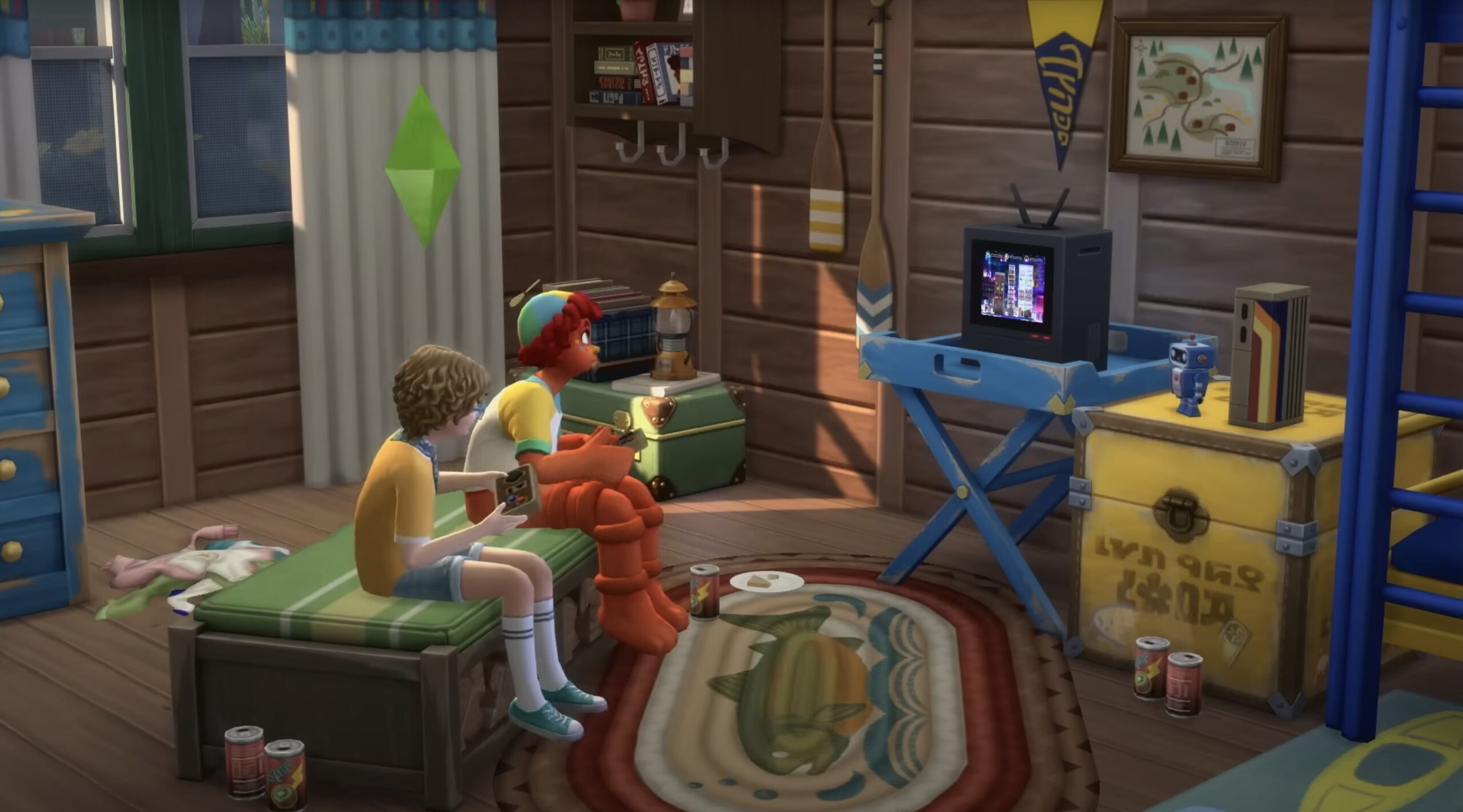
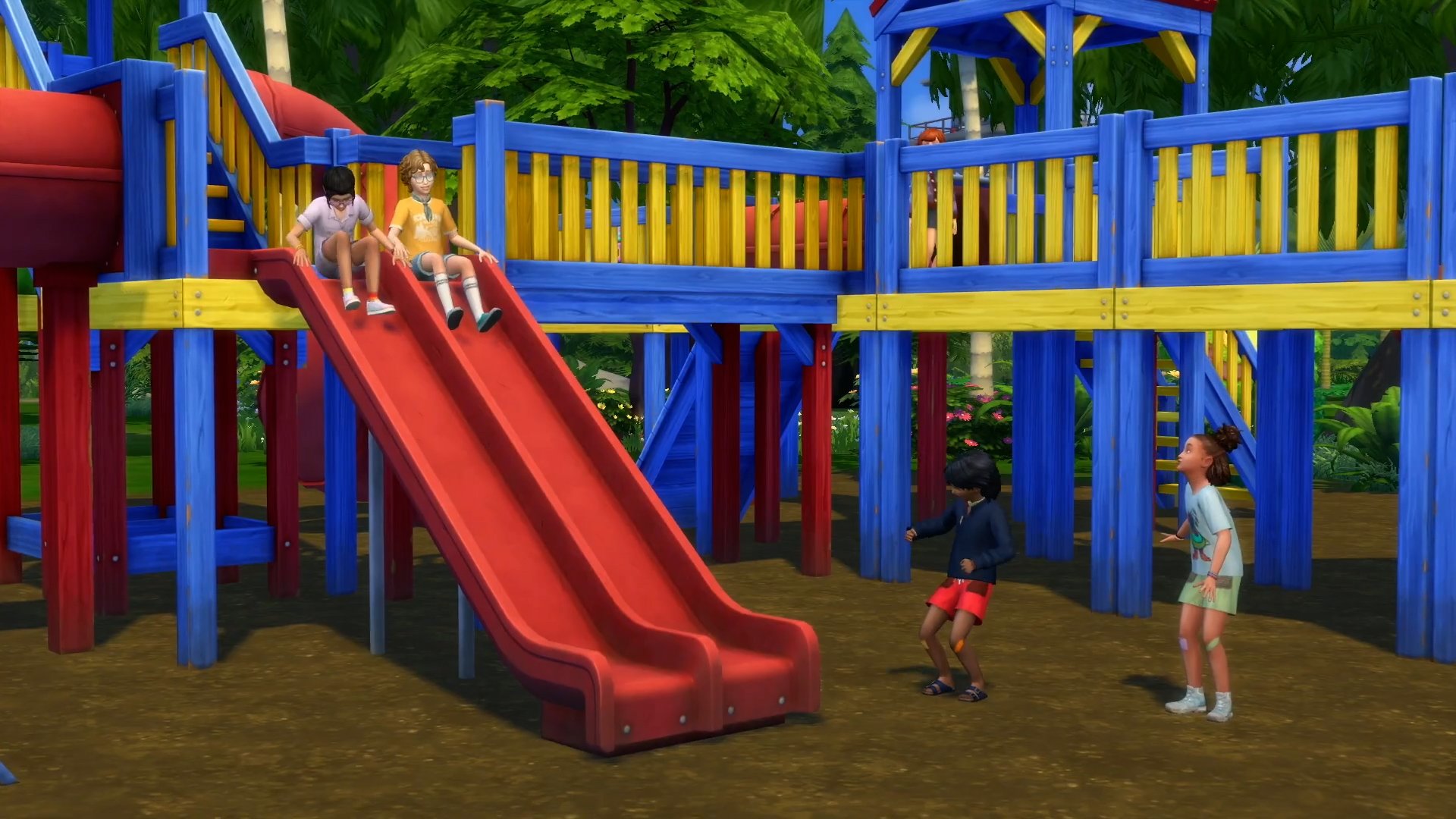
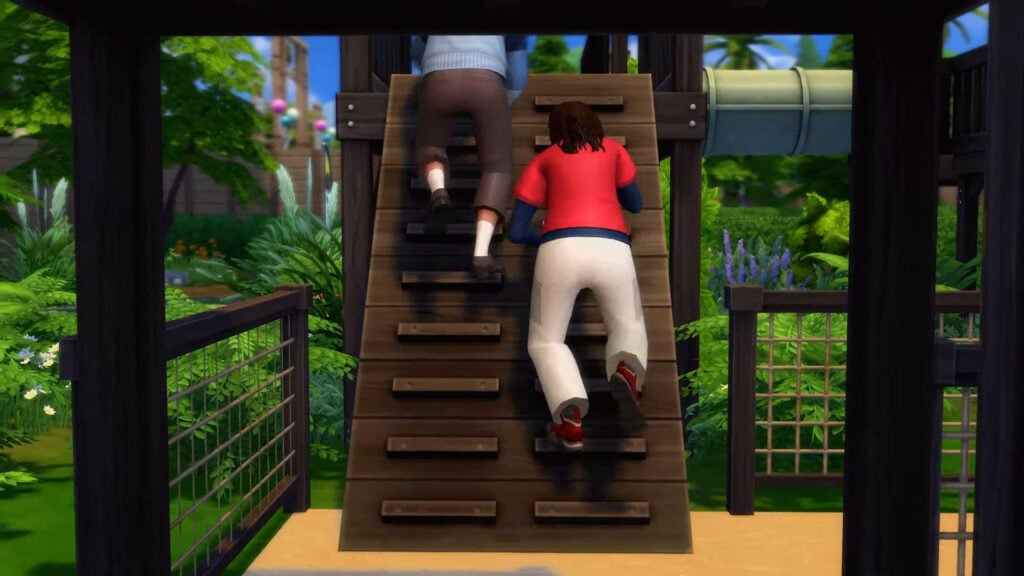
The Sims 4 Adventure Awaits is the 20th Expansion Pack in this series. Bringing new Create A Sim and Build Mode items as usual, new world called Gibbi Point with 14 lots and tons of new gameplay. Players who are looking for new gameplay for Children will be happy to know that there are now Imaginary Friends as a fully fledget out occult. Child Sims can now perform new social activities like hide & seek, or choose to have fun in the new modular Playground Equipment. That adults too can enjoy!
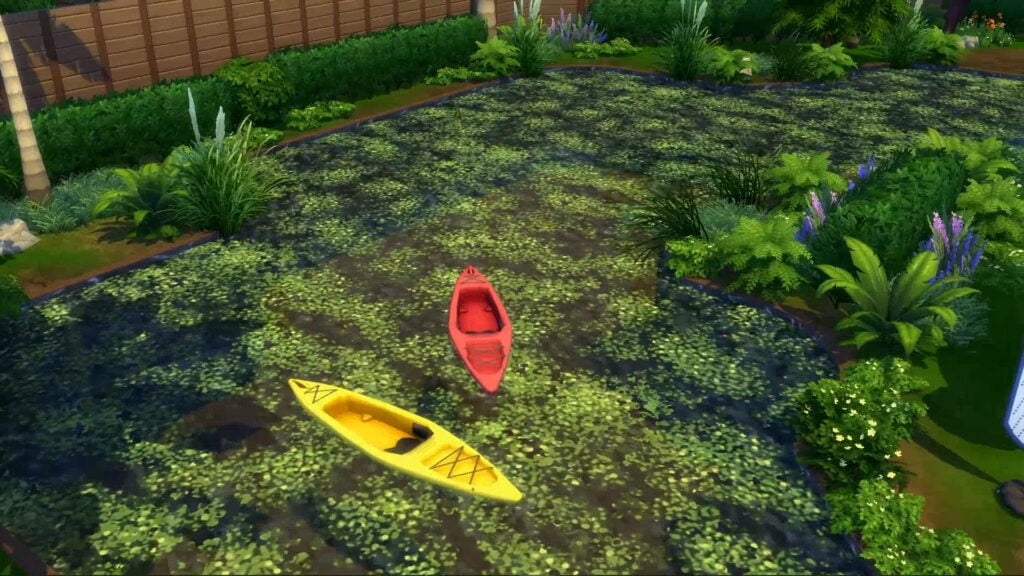
Adult Sims are also getting new gameplay. New fitness equipment and outdoor activities like kayaking awaits for your Sims. Plus, challenging gameplay through the new Custom Venues and getaways will let you create competitive environments between Sims. From love competitions to cooking and skill showdowns, you can meet and mingle under new circumstances.
There’s a lot more features that we haven’t mentioned in this post. But, stick around on Sims Community as we’ll be providing in-depth guides and overviews of every new feature. Starting October 2nd!
Pre-Order Bonus
If you decide to purchase The Sims 4 Adventure Awaits Expansion Pack from now through November 13th, 2025, you’ll get access to the Warm & Cozy Digital content, containing these 3 new items:
Toasty Tower Lamp
Toasty Tootsies Socks
Toast-Tea Kettle
Community Poll
Are you looking forward to The Sims 4 Adventure Awaits release? Is the pack already pre-ordered, do you plan to get it eventually during a sale or is it something you’re not interested in at all? We’ve created a simple fan-made community poll that you can vote in below:
[totalpoll id=”177224″]
Will you be counting down to the final moments to The Sims 4 Adventure Awaits release? Let us know in the comments below and stay tuned on our website for the latest in-depth coverage about this new Expansion Pack!
A Record-Breaking Deal Could Change EA’s Future: Here’s What It Might Mean For The Sims And Its Future.
Electronic Arts, the publisher behind The Sims and owner of Maxis, is reportedly on the verge of one of the biggest changes in gaming history. It has been reported by the Wall Street Journal that EA is in talks to go private in a massive $50 billion deal backed by investors including Saudi Arabia’s Public Investment Fund and Affinity Partners, the firm led by Jared Kushner, the son-in-law of U.S. President Donald Trump. If finalised, this would be the largest buyout the video game industry has ever seen, and it could have major implications for EA’s future, including The Sims franchise.
Table of Contents
What Is Happening At EA?
Going private means EA would no longer be a publicly traded company. Instead of being accountable to shareholders quarterly, the company would operate under a smaller group of investors, some of whom are cause for concern. This shift could give EA more flexibility in its operations of studios (including Maxis), invest in long-term projects, and experiment with new ideas. However, it also comes with significant financial and operational changes.
EA’s portfolio includes EA FC (formerly FIFA), Madden NFL, and, most importantly to us, The Sims. These properties generate billions in revenue annually, making them an attractive target for private investors and investment firms looking for stable returns. While the deal is still under negotiation and has not been officially announced, the potential scale of the buyout has already captured the industry’s attention. For fans of The Sims, it raises questions about how future titles and updates might be influenced by the corporate shift.
Who Are The Investors, And Is It A Cause For Concern?
The reported buyout of EA involves several high-profile firms with significant financial influence. Leading the buyout is Silver Lake, a private equity firm known for its involvement in its investments in technology companies. Alongside Silver Lake is Saudi Arabia’s Public Investment Fund (PIF), who already own roughly 10% of EA and has been increasing its presence in the gaming industry through other investments into studios.
The third key investor is Affinity Partners, a firm led by the son-in-law of US President Donald Trump, Jared Kushner. Affrinity Partners specialises in large-scale investments and partnerships, often partnering with sovereign wealth funds (owned by a country as opposed to private investors) such as Saudi Arabia’s PIF.
For fans of The Sims, EA’s potential buyout raises questions about the future of the tone of its most successful franchises. The Sims has been a cornerstone of EA’s portfolio since the first game launched in 2000, and the series has drawn a dedicated, diverse fanbase.
There are several possibilities that the company’s new ownership could cause:
Monetisation: Investors may push for more aggressive monetisation, such as additional premium content within EA’s catalogue, microtransactions, or subscription-based models, similar to EA Play. This could impact both the release of content and its cost to players.
Development of future titles: EA are confident in the development of Project Rene, the successor to The Sims 4. This shift could see a change in focus for the studio towards live service models, which have proven popular and financially attractive for studios.
Support for ongoing titles:With EA dedicating numerous resources to The Sims 4, including multiple packs per year and free Base Game updates, this investment could lead to an increase in production or a change in release strategies.
The Risks And Concerns: Human Rights
While a buyout could open new opportunities for EA and The Sims franchise, it also carries significant risks that could affect the company. Large buyouts often involve taking on substantial debts, which could see EA forced to prioritise short-term financial returns over long-term creative projects such as Project Rene. A focus on monetisation, which is no stranger to EA, may also intensify. While the full impact and whether or not the buyout will occur are still to be seen, the risks highlight why players should pay close attention to the potential new ownership.
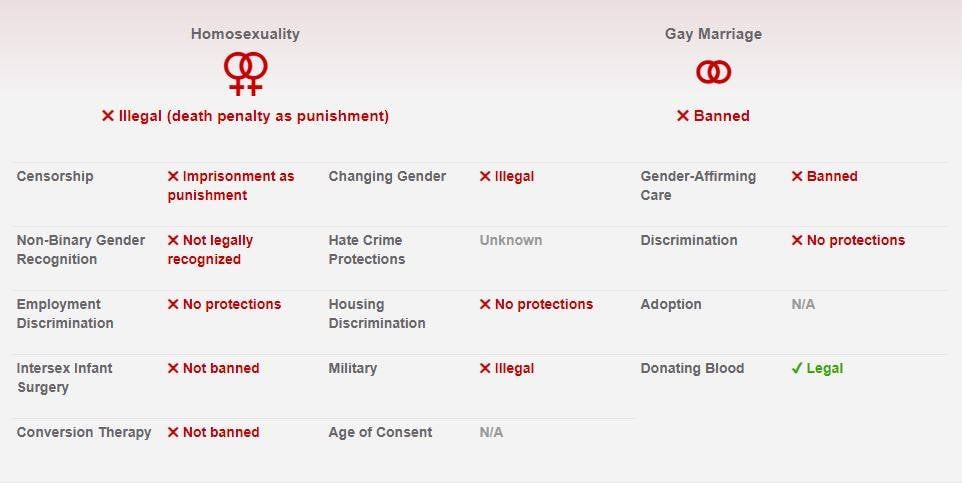
Saudi Arabia’s Public Investment Fund has been implicated in several human rights issues, both domestically in Saudi Arabia and through its international portfolio. According to Human Rights Watch, the Saudi Crown Prince Mohammed bin Salman (owner of the trillion-dollar Saudi PIF) has been responsible for overseeing the murder of journalists, the use of migrant slaves and the forceful eviction and genocide of native tribes in mega-projects such as NEOMs The Line, the opression of women and female activists, and the imprisonment and execution of LGBTQ+ people in Saudi Arabia. Human Rights Watch have linked the investment fund and the Crown Prince to several political assassinations and the continuation of the war against Yemen and the bombing of civilian populations.
For The Sims and its community, this buyout could lead to some exciting or concerning changes, yet the undeniably unethical connections are a cause for concern. This is more than just about a financial transaction; it’s a potential turning point for Electronic Arts that could reshape the content of games and the studio’s operations. For players, the coming months will reveal how much of the company’s creative spirit, or monetary malice, survives under new ownership.
At Sims Community, we are concerned by the unethical implications that relations with such firms bring. We stand against modern slavery, the oppression of women and LGBTQ+ people, the return of fascism, the displacement of vulnerable people, and genocide.
What are your thoughts on the buyout and the companies involved? Let us know in the comments below, and stay tuned to Sims Community for all the latest on The Sims franchise.
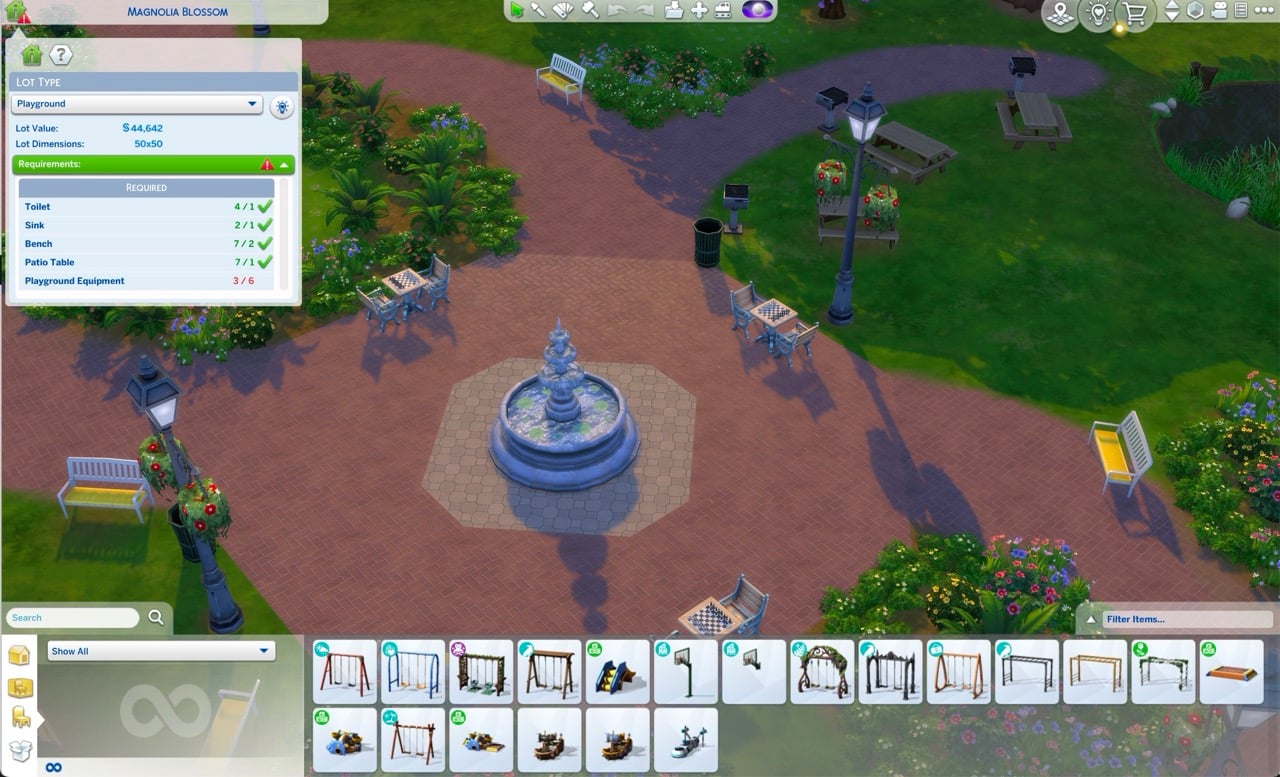
The requirements for building Sims 4 Playgrounds will get easier for builders.
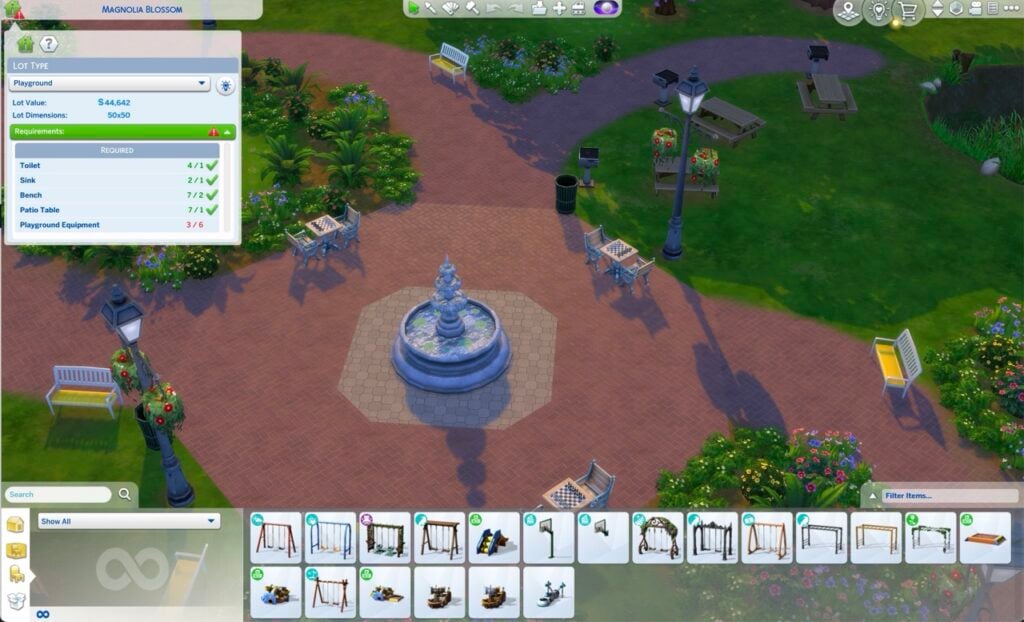
In an official announcement by The Sims Direct Team, it’s confirmed that The Sims 4 Playground Venues will be getting a slight change in requirements. Specifically changing the number of required Playground Equipment from 6 down to 3.
This comes after several users reported about The Sims 4 Base Game having less than six playground objects available. Making it seem like the only way to finish a Playground Venue is by getting more DLC releases.
Thank you for your feedback on the new playground venues. With the launch of Adventure Awaits the requirements for playground venues will be adjusted from 6 objects, down to 3.
This statement also confirms that there’s going to be a new The Sims 4 Update set to release on October 2nd, when Adventure Awaits Expansion Pack is set to release as well.
Stay tuned on Sims Community for all the information about the next game patch!
A Full Walkthrough to Earning Rewards in The Sims 4 Forever Friends Event Week 1!
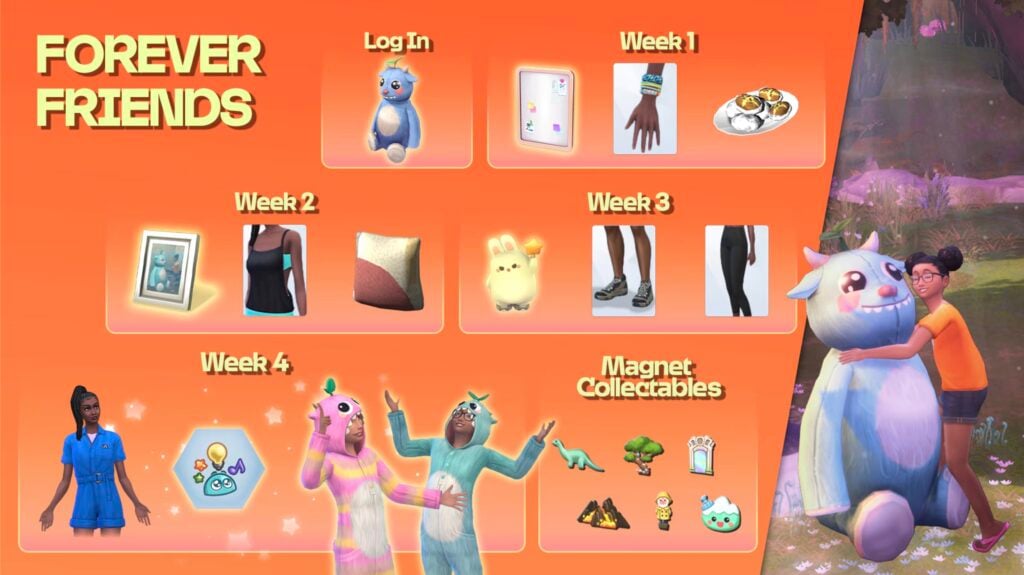
Last week, The Sims Team unveiled the latest live event, Forever Friends, which coincides with the release of The Sims 4 Adventure Awaits Expansion Pack. There are a whole heap of new objects, CAS items, recipes, and traits that can be redeemed with points earned from completing the quest line. Players have until November 4th to snap up these rewards before they’re gone (subject to extension). Let’s take a look at how to complete week 1 of the Forever Friends event!
Table of Contents
Starting Out
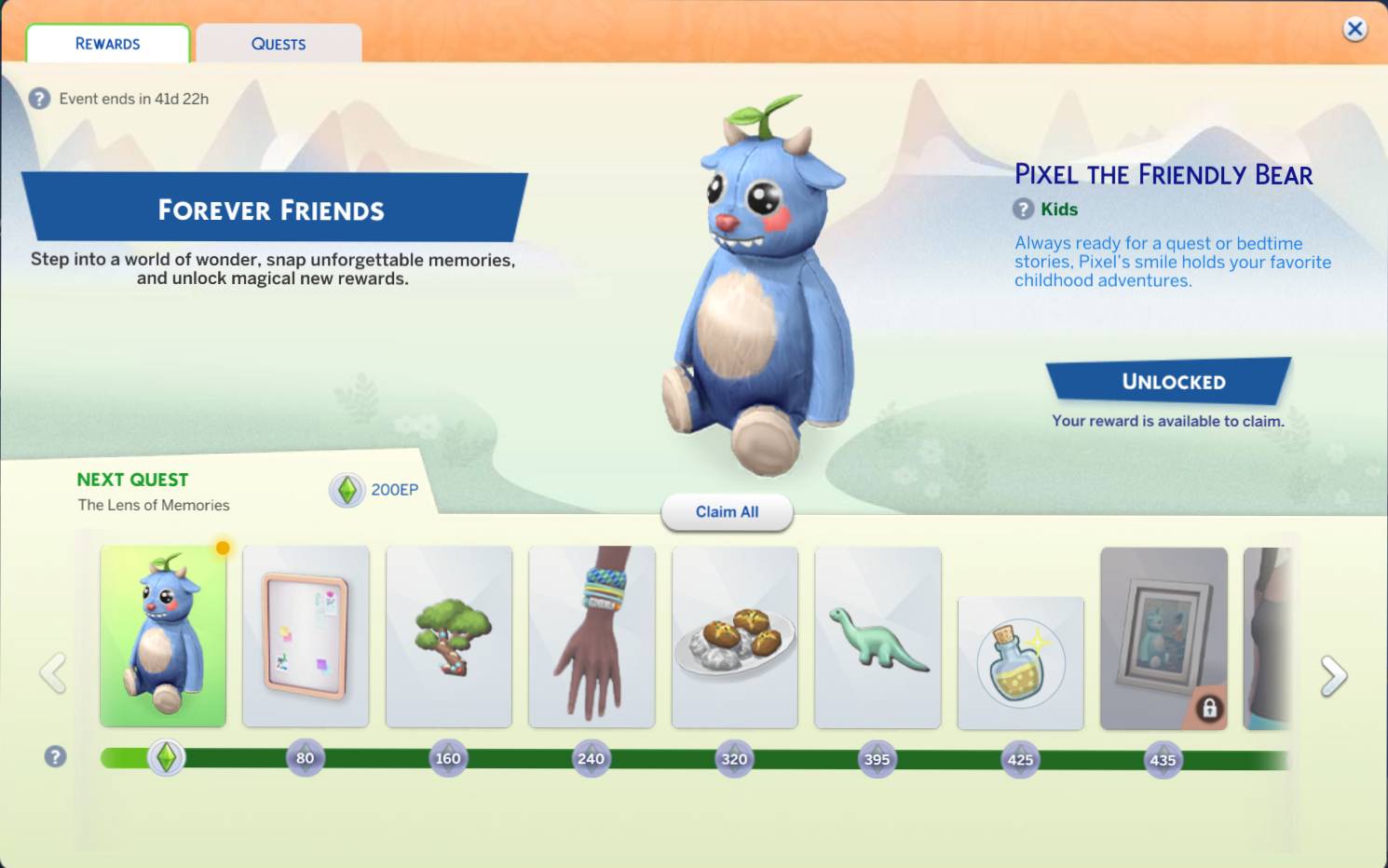
When you next log in to the game, you will be greeted by yet another pop-up alerting you to the Event. By clicking ‘Play Now’, you will be taken to the event menu, where you can view all quests and rewards.
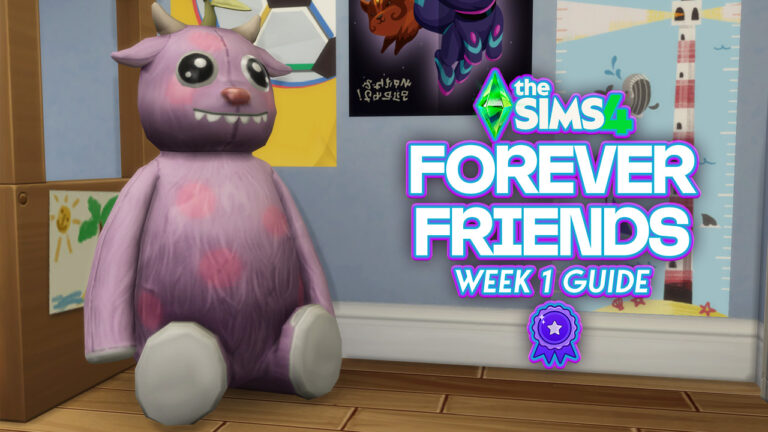
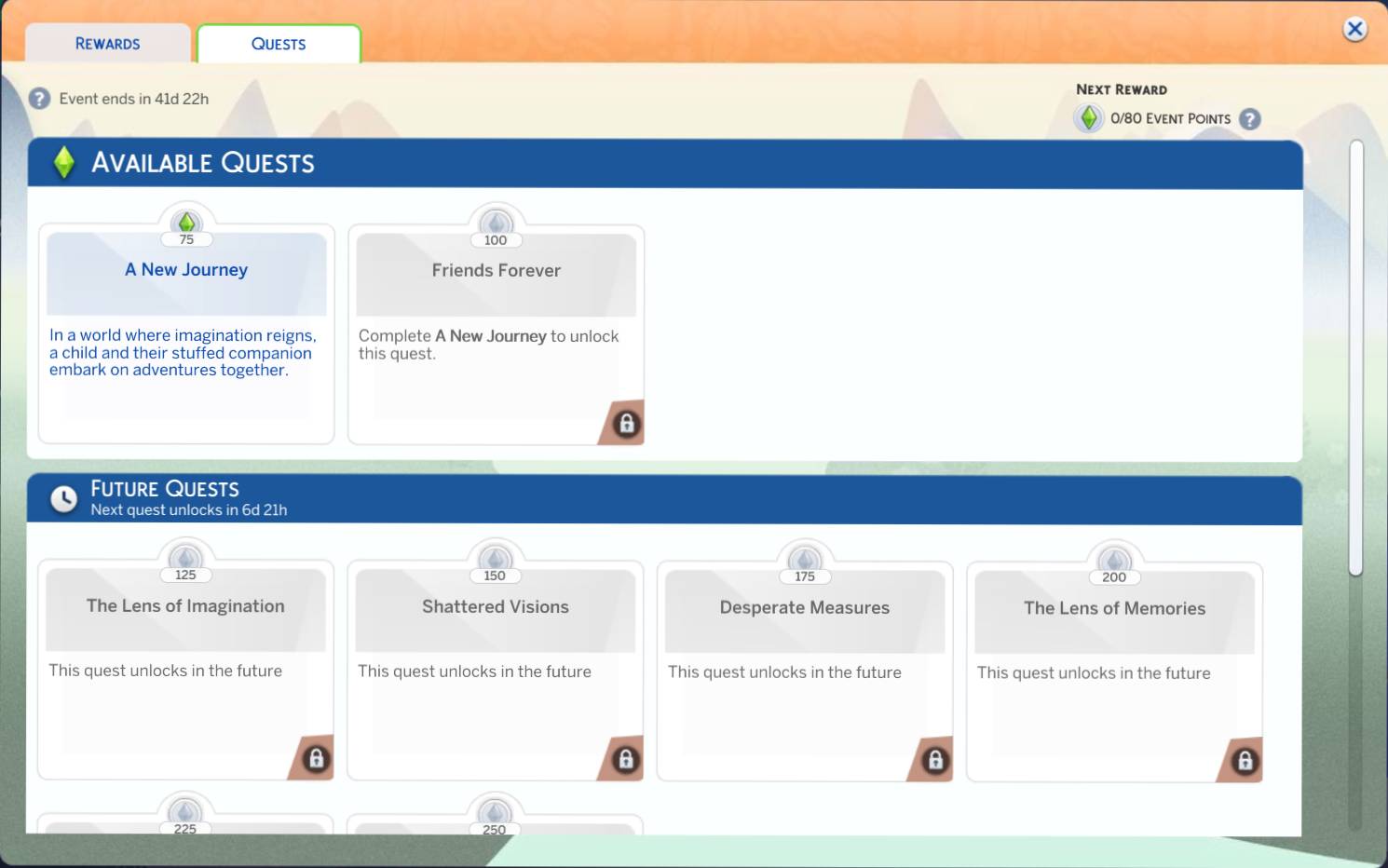
Once open, you will see a layout similar to past events, with the rewards being displayed along the bottom. By clicking the quests tab, you can view current and upcoming quests available with the Sims 4 Forever Friends Event Week 1. You can even claim a starter reward, ‘Pixel the Friendly Bear’, without having to do anything!
‘A New Journey’ Quest Steps
If you have read our previous walkthroughs for The Sims 4 Nature’s Calling Live Event, you will be happy to see the return of Bob and Eliza Pancakes, this time with the addition of their son, Iggy!
Our first quest of The Sims 4 Forever Friends Event Week 1 is called “Friends Forever”, and hopefully that’s true by the end of it. The quest will automatically start as you load into your household.
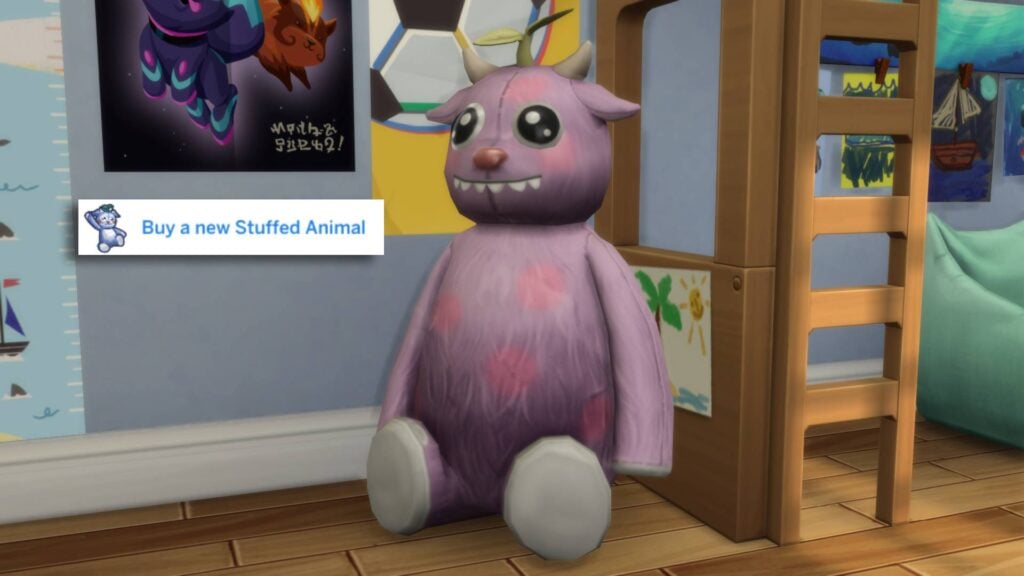
Our first task is to’ Buy a new Stuffed Animal’, and what better stuffed animal to buy than the login reward, Pixel the Friendly Bear! The new toy can be found under the Kids section is Build-Buy mode.
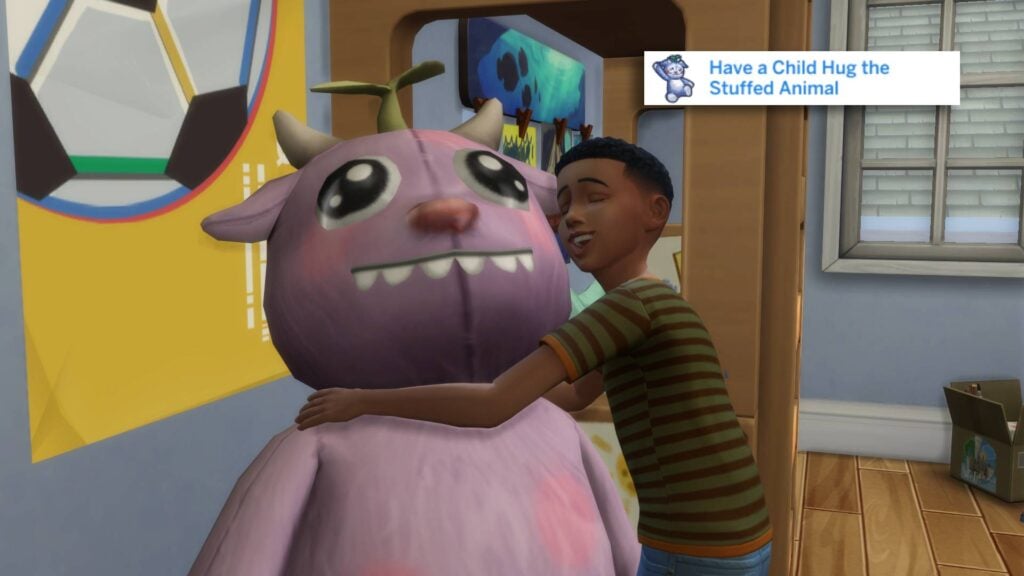
Our Second Step is to hug our new friend. Simply click on Pixel (or whatever you choose to rename him) and select “Hug”.
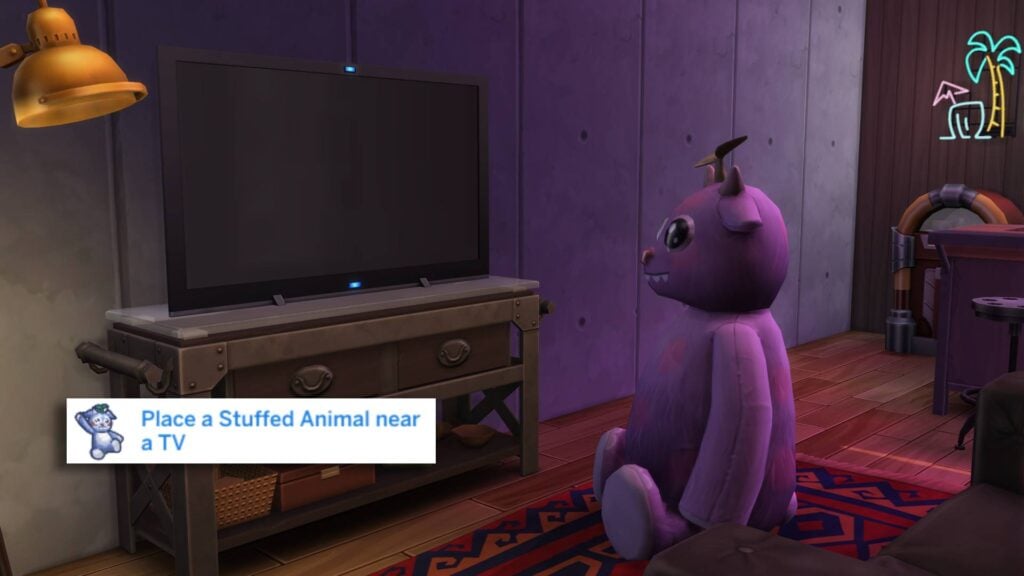
We are now tasked with moving the Stuffed Animal near a TV. You can either drag him in Live mode or get more precise movement in Build-Buy mode. The Stuffed Animal doesn’t have to be facing the TV, but should be placed within a few tiles of distance.
After placing your Stuffed Animal near the TV, it’s time to watch the Kids Network with our fluffy friend.
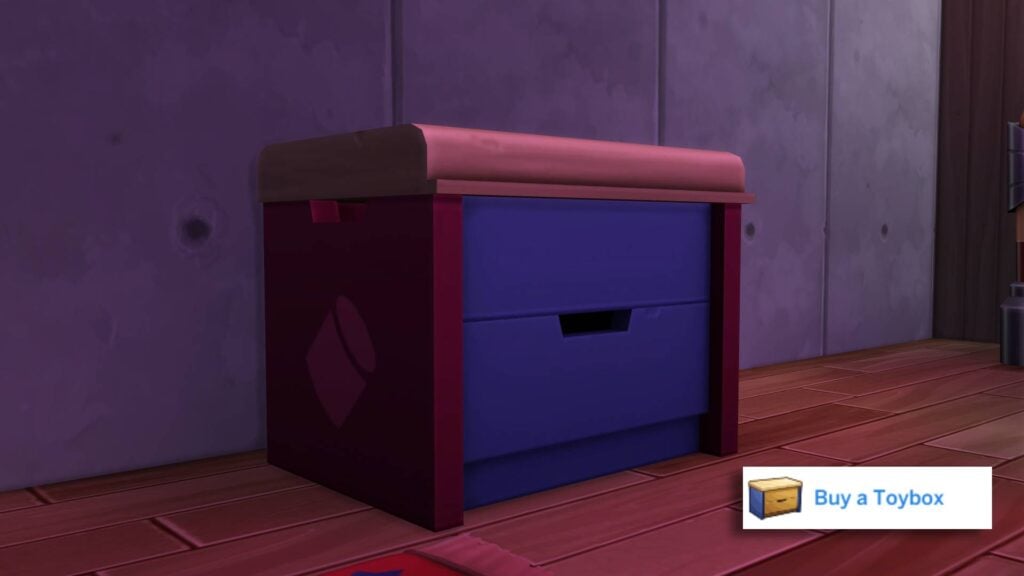
After watching TV for a while, the task will be marked as complete, and you will be given the next task. Next up, we have to buy a Toybox from Build-Buy mode. If you already have one on the lot, this will be marked as complete automatically. I chose the Base Game toybox.
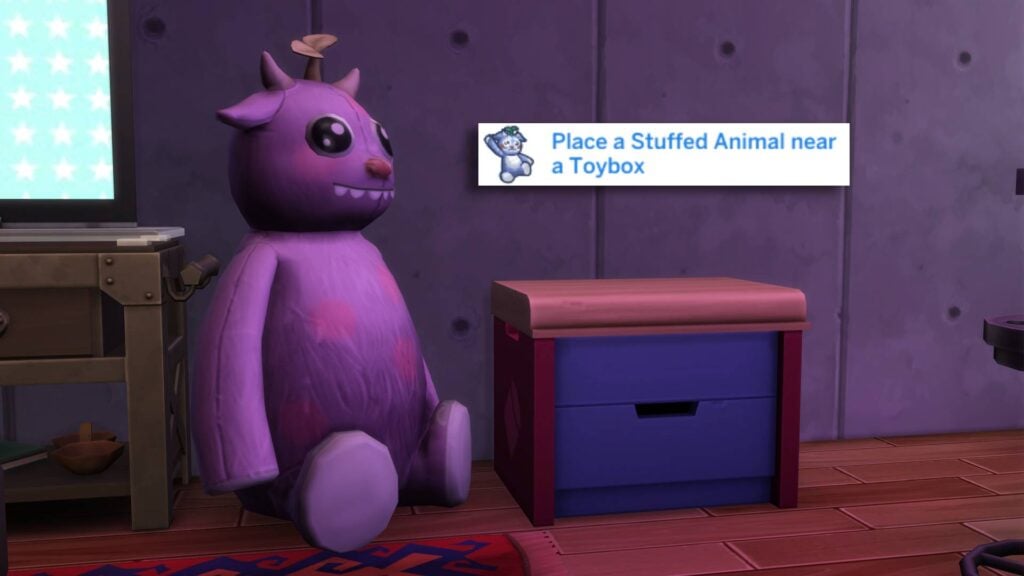
Similarly to placing him in front of the TV, we now have to move our new friend within the vicinity of the Toybox.
Now that the Stuffed Animal is next to the Toybox, we have to have our child Sim play with a toy from said Toybox. The box always comes pre-stocked with a few toys.
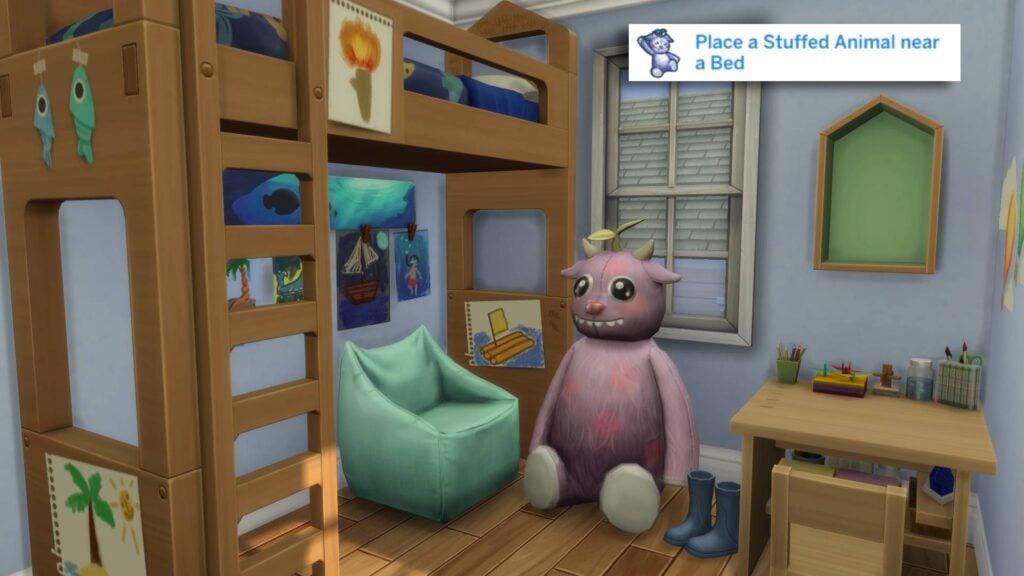
After a long day of playing with toys and watching TV, it’s time to wind down for bedtime. The next step to completing your first quest is to place the Stuffed Animal near your child’s bed.
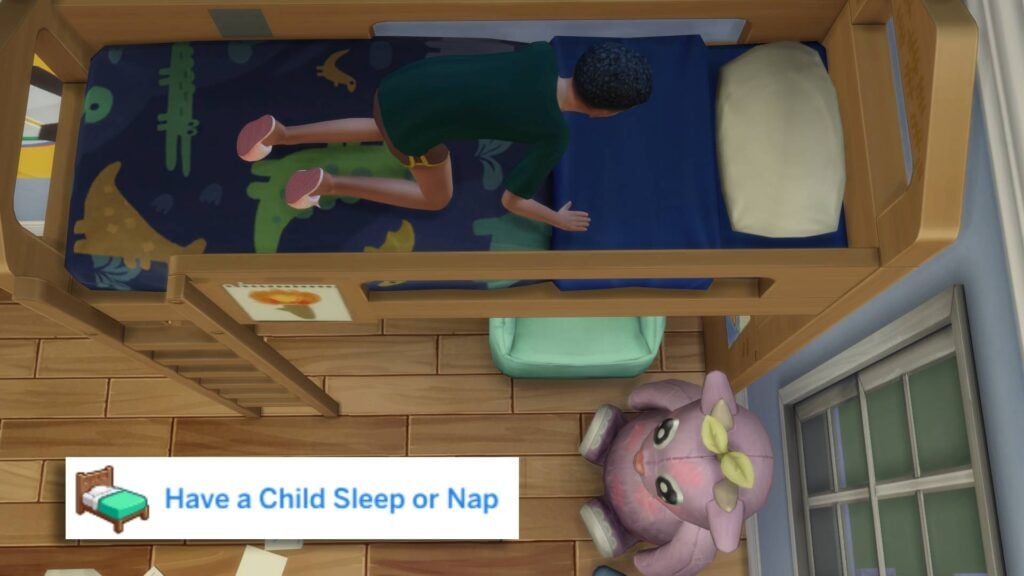
And finally it’s time to send your Sim to bed next to their new friend.
And with that, the first quest of The Sims 4 Forever Friends Event Week 1 is done! Don’t forget to head to the event panel and claim the rewards with the points you earned. You can access it by clicking the ‘Forever Friends’ icon in the top left corner.
‘Friends Forever’ Quest Steps
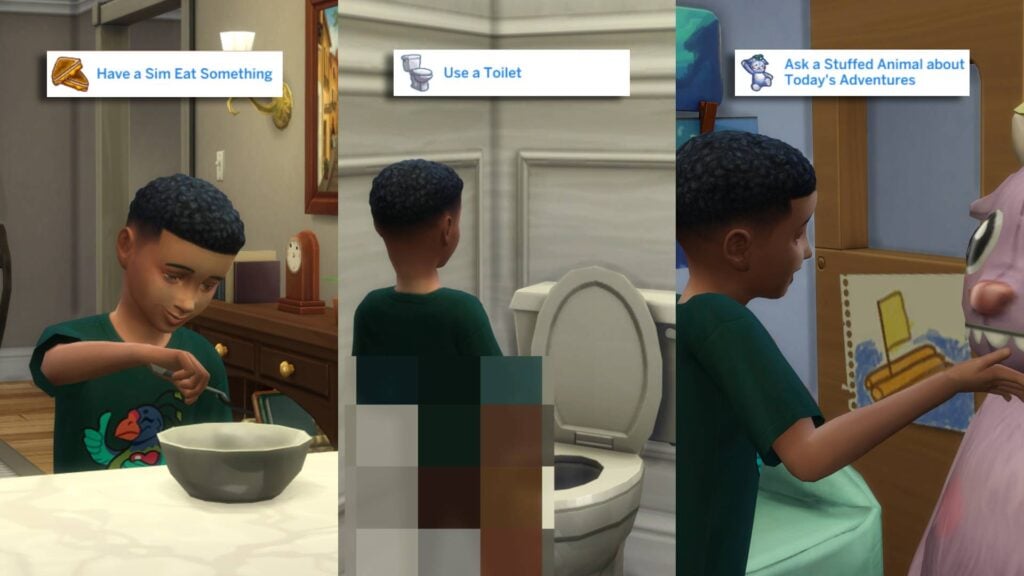
As soon as you finish the first quest, the second one will immediately start. A new day has begun, and it’s time to have some breakfast, pee, and see what’s next on our adventures with our new friend!
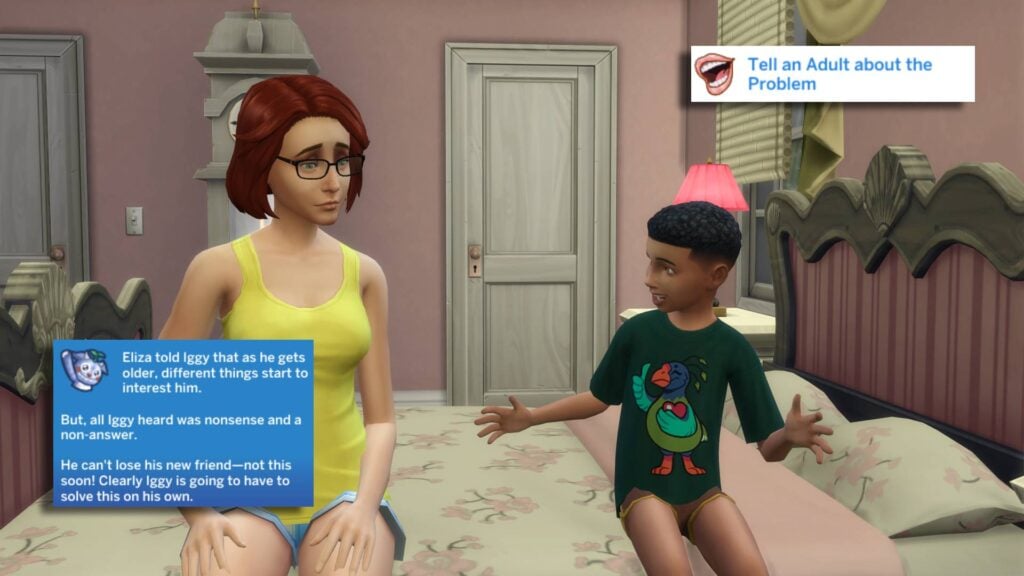
Our cuddly friend, unfortunately, knows that our time together is limited and that we won’t remain friends forever. You are now tasked with asking an Adult (Young Adult, Adult, or Elder life stages apply). Their response has left your child wondering if they can solve this themselves.
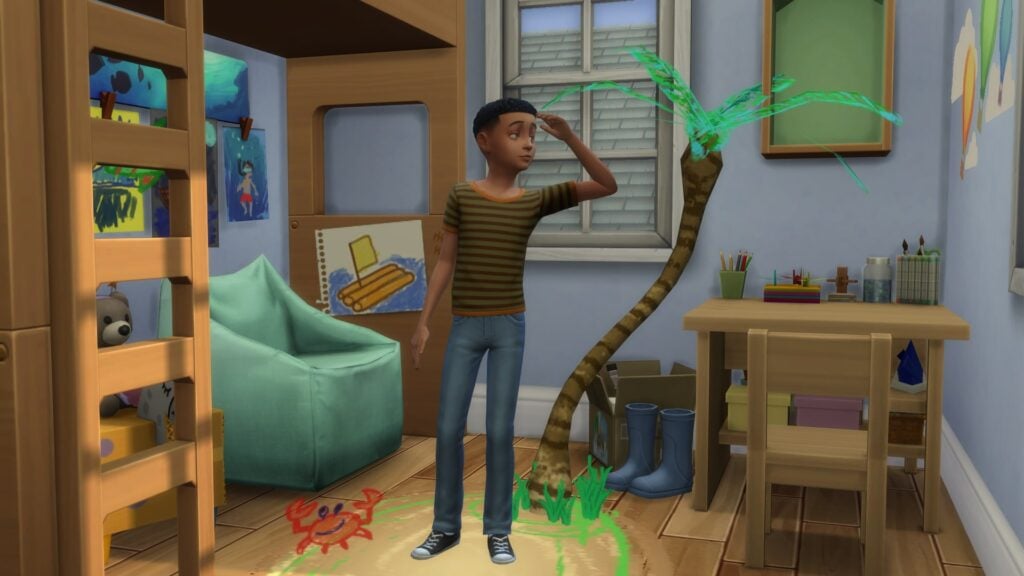
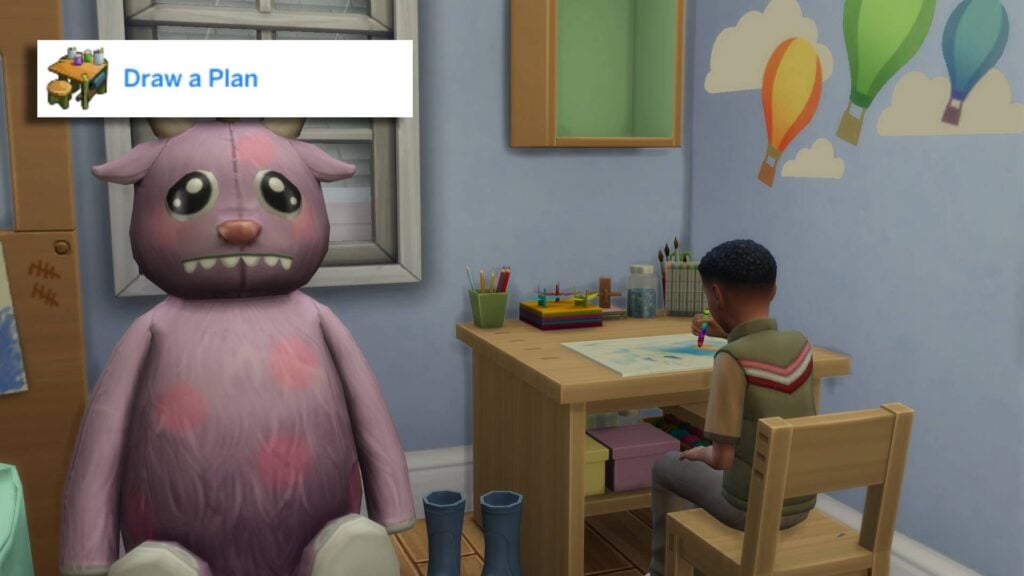
It’s time to draw up a plan! Head to an activity table and select ‘Draw…’ and select ‘Plan’.
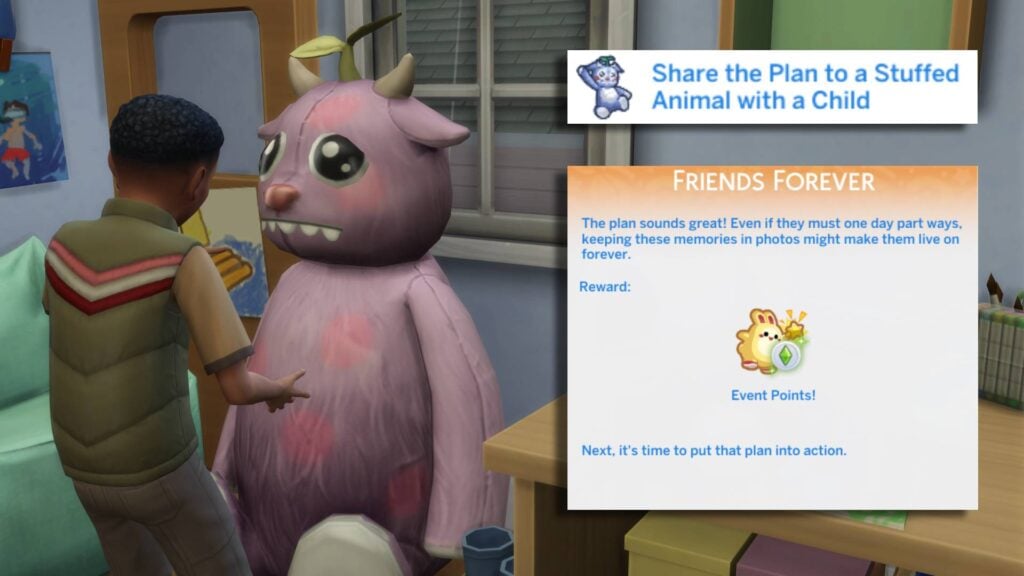
After completing the plan, share it with your toy. They think the plan sounds great; however, keeping memories as photographs may be the way to go. Perhaps a hint as to what next week’s tasks may involve?
And that’s it for this week’s quests! Make sure to head to the Forever Friends Icon in the top left to redeem your Event Points for this week’s rewards. You can check them out below!
Week 1 Rewards
For week 1, there are a total of 5 rewards up for grabs after completing the two quests. Unfortunately, the more exciting rewards come in later weeks, but for now, let’s take a look at our winnings!
Small Rewards
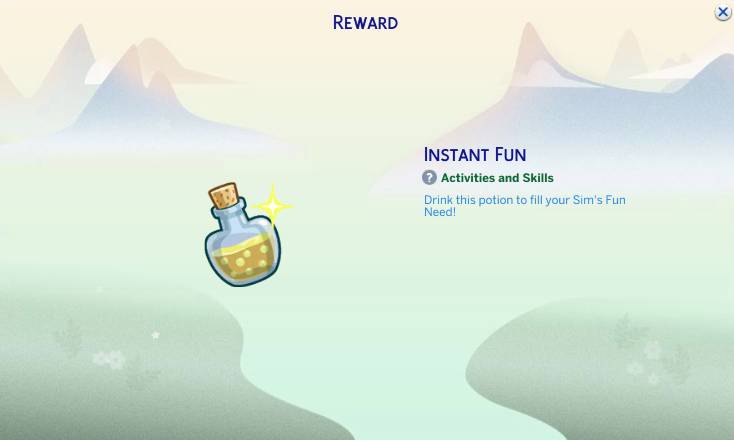
The only small reward on offer this week is the Instant Fun potion. Once claimed, it will be added to your Sims’ inventory and can be drunk to instantly fill up your Sims’ Fun Motive!
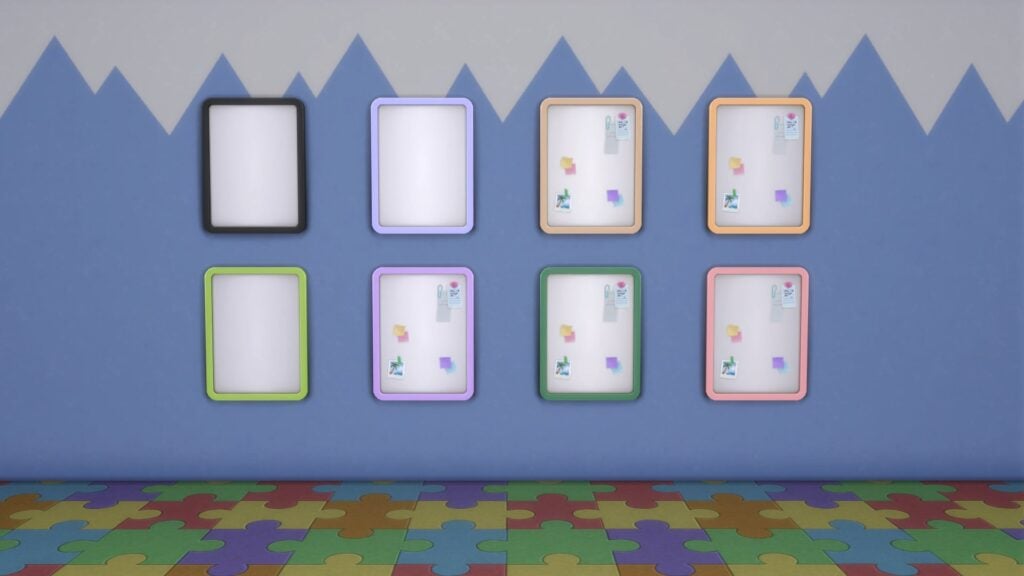
Magnetic Memories Board
This magnetic board works in a similar way to the postcard boards from the Base Game. The Magnetic Memories Board can be found in the ‘Miscellaneous’ section under ‘Decorations’.
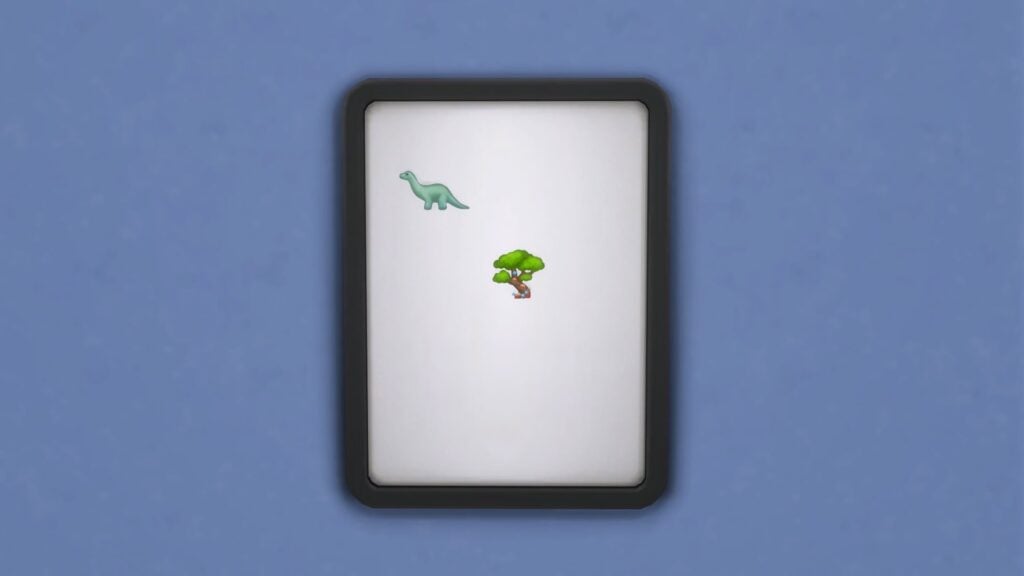
Willow Creek & Oasis Springs Magent
These two magnets can snap to the Magnetic Memories Board and feature the Sylvan Tree in Willow Creek and Barry the Brontosaurus from Oasis Springs. The Magnets can be found in the ‘Miscellaneous’ section under ‘Decorations’.
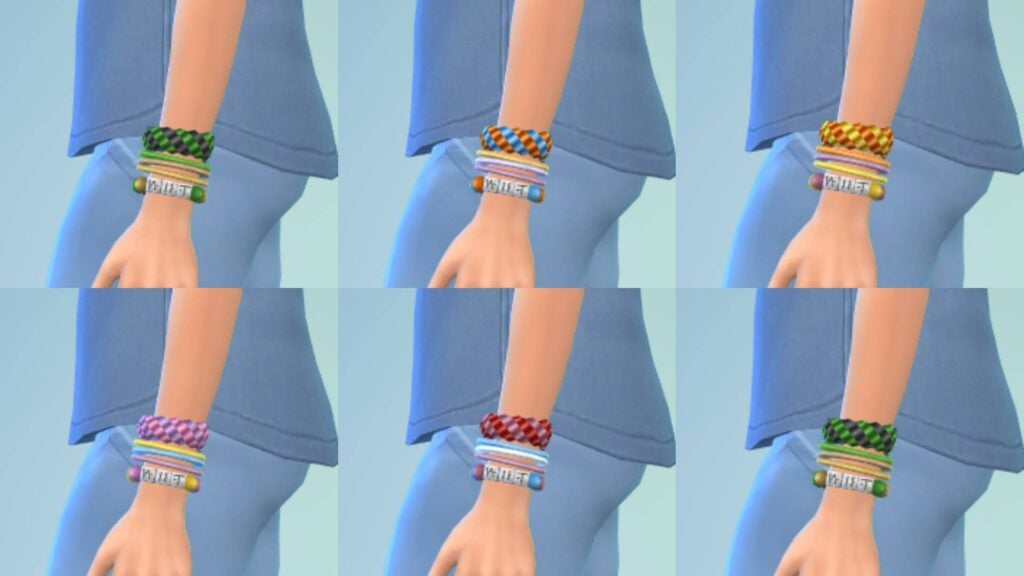
Friendship Jelly Bracelet
The Friendship Jelly Bracelets can be found under the Bracelets category in Create-A-Sim Mode. It is available on both Male and Female frames, and is available for all Sims Child aged and up
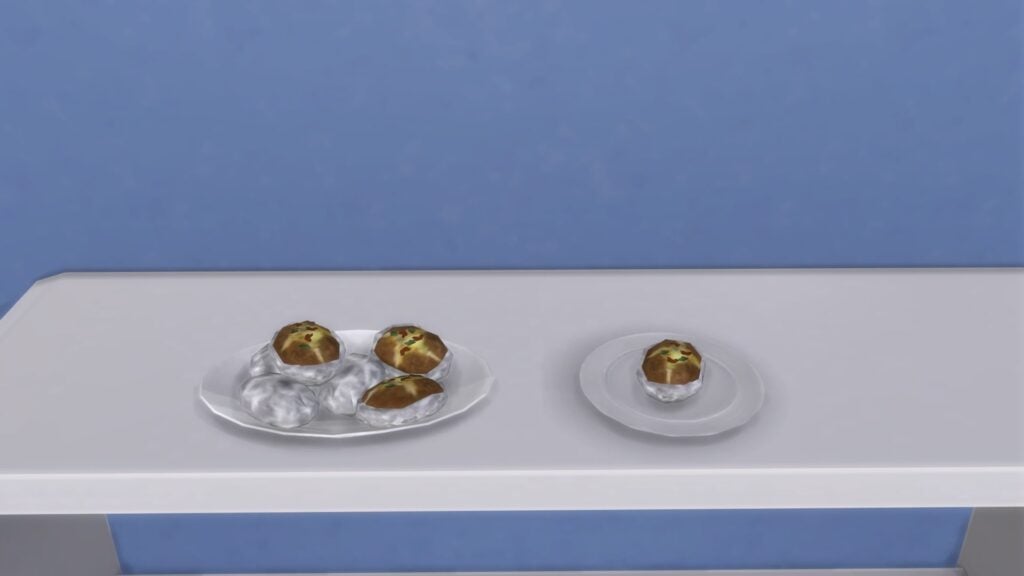
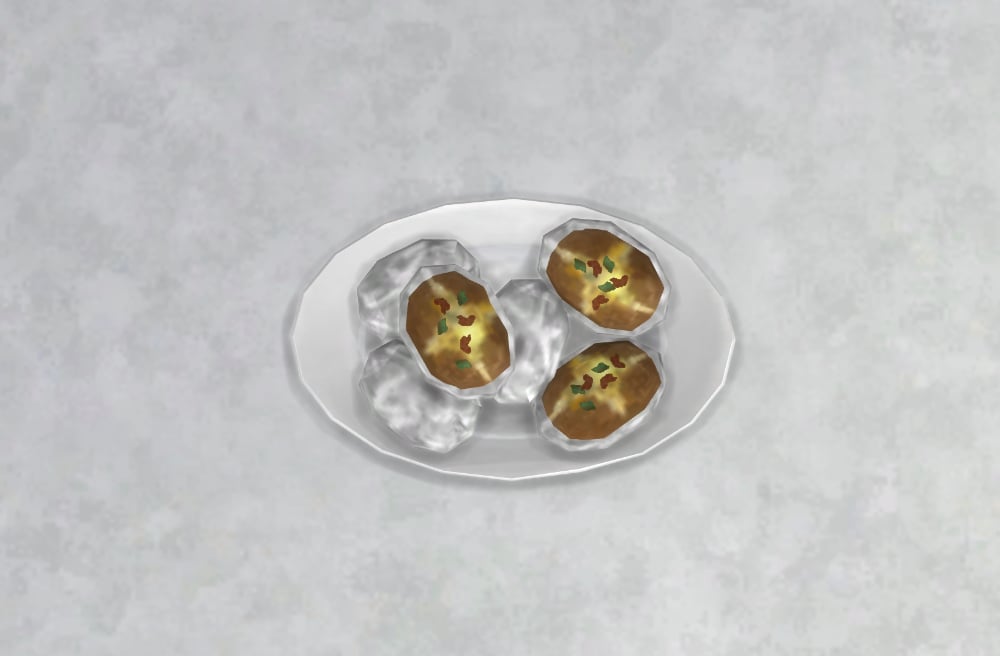
Campfire Spudz Recipe
The Campfire Spudz recipe can be cooked on any outdoor grill and comes with 8 servings. These are both vegetarian and lactose-free (despite being filled with cheese).
That’s all for this week, but make sure to check back next Tuesday for a full walkthrough of Week 2 of the Forever Friends event!
What rewards are you most excited about unlocking? Let us know in the comments below, and stay tuned to Sims Community for all updates regarding Live Events in The Sims 4!
The official live broadcast for The Sims 4 Adventure Awaits is set for September 25th!
EA and Maxis have announced that they’ll be doing an official The Sims 4 Adventure Awaits Livestream on September 25th, 2025. The official livestream is expected to cover a special showcase of all the new features, including CAS, Build, Gameplay and the New World.
As announced by the team, the livestream will be hosted by an EA Creator @Risshellala along with two developers who worked on the pack.
The stream is set to start officially at 7PM CET / 6PM BT / 10AM PT. You can watch it down below and stay tuned for the official replay as soon as it ends!
We’ll be covering all the new information about this Expansion Pack right here on Sims Community. Stay tuned to our dedicated Adventure Awaits News Category for all the latest updates!
The Sims 4 Memory Boost Mode Is Here, But What Exactly Does It Do?
Back in August, players noticed that a new executable called “TS4_x64_fpb.exe” was quietly added to the game’s bin file for players on Windows. Players quickly got to work investigating, with the feature turning out to be “Memory Boost” mode. Today, September 23rd 2025, Memory Boost Mode has been released in early access for Simmers on Windows, but what does it do? Let’s take a look at how to enable it and how it improves gameplay!
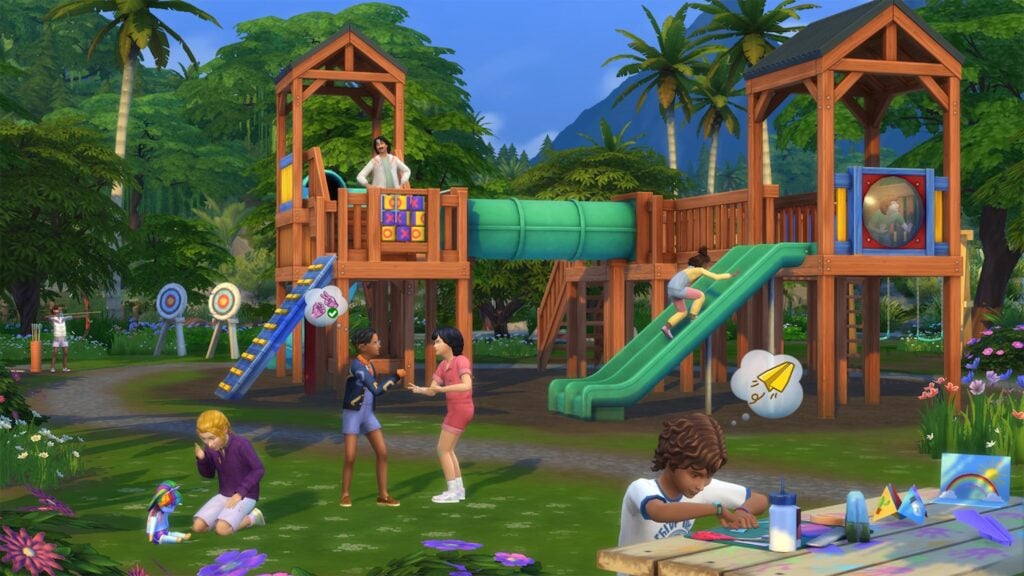
Table of Contents
How To Enable Memory Boost Mode
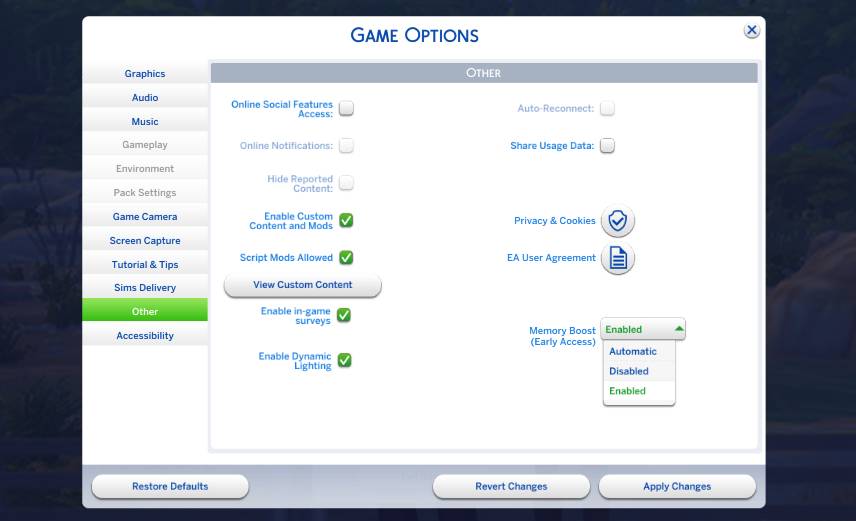
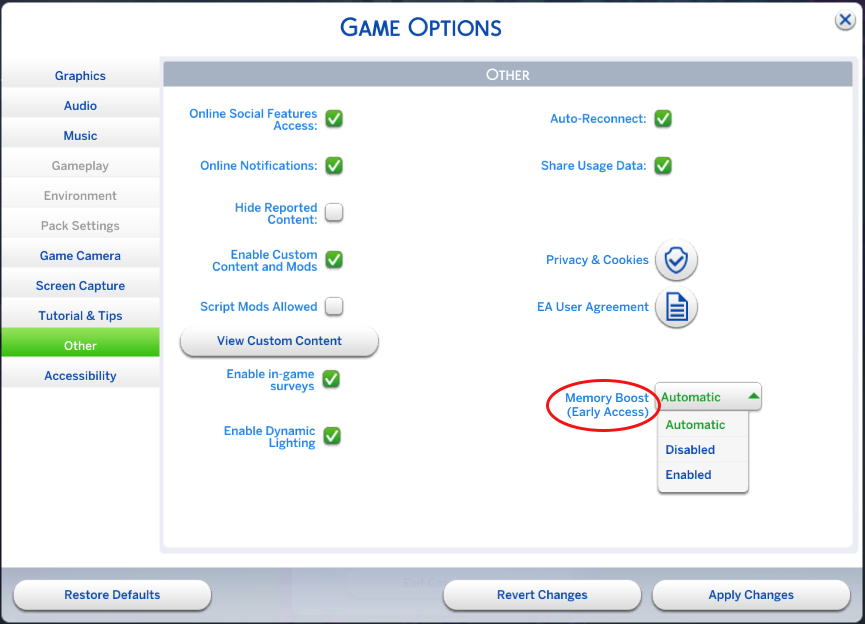
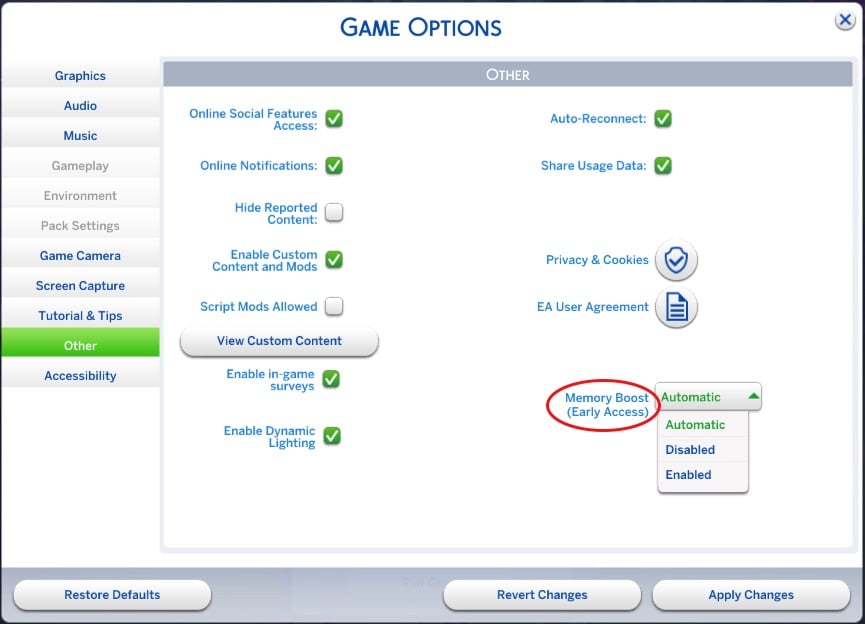
For players on Windows, head to ‘Game Options’ and find the tab named ‘Other’. A new drop-down has been added next to “Memory Boost (Early Access)”. Click on the drop-down and select ‘Enable’. You will have to restart the game to access all that this mode has to offer.
What Does Memory Boost Mode Do?
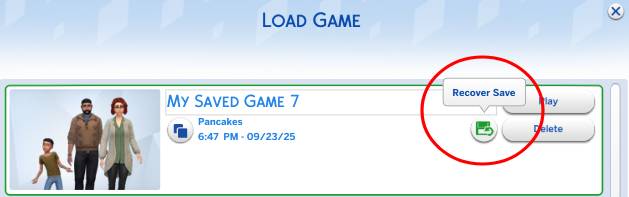
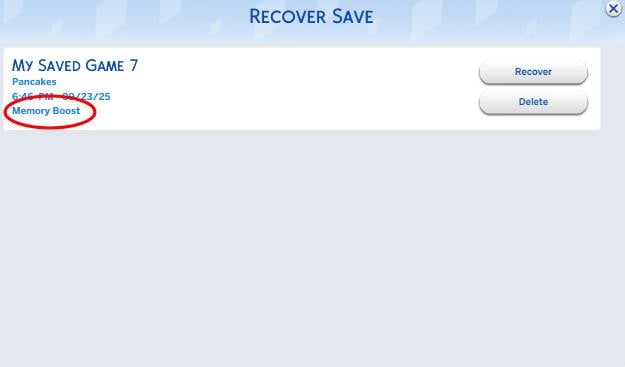
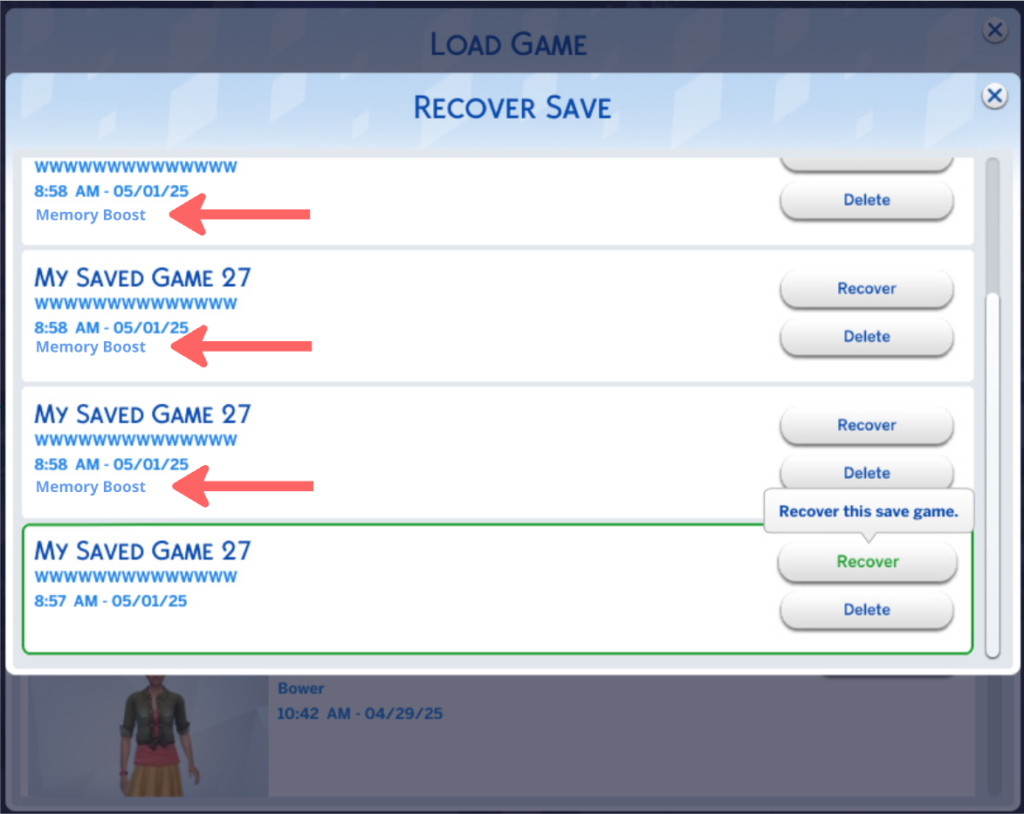
To put it simply, Memory Boost Mode optimises memory usage by The Sims 4 on your PC. This can help reduce lag, reduce frame drops, and help avoid crashes when playing on a long-running save or with a cluttered lot. When recovering previous saves you there will be a Memory Boost label if it has been saved with the mode enabled. Here’s how to check:
Go to your saves menu and hit the ‘Recover Save’ Icon.
Beneath your save name, household, date, and time, you will see “Memory Boost”
What Notable Changes Are There?
The first thing I noticed after enabling Memory Boost was the reduction in load times, around 5 seconds when using the ‘Load Game’ menu, and 11 seconds when choosing ‘Resume Game’.
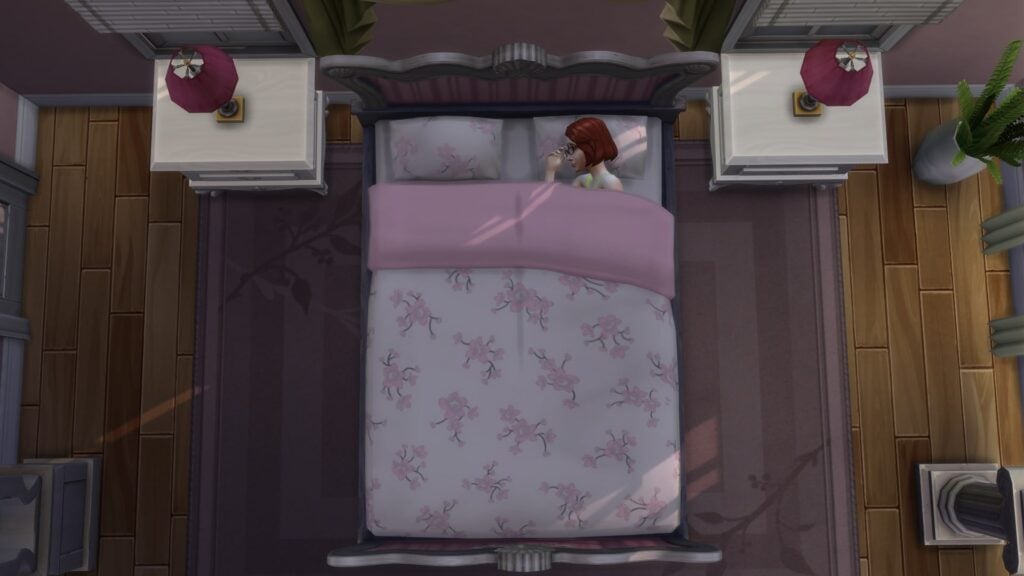
I wanted to test how good the reduction in lag really was, so I ran a few interactions that often cause lag. The first was the clock freezing when all Sims are asleep and the game is at super fast speed. I noticed no instances of the clock stopping randomly while my Sims slept over 3 nights.
I find that cluttered lots are a strain on my game, despite having a PC with specs well above the recommended. So I decided to test some very cluttered lots to see if my performance was affected. I chose a favourite lot of mine, ‘Hobbies Centre’ by Sims4Ideas on the Gallery. It only took around 20 seconds for the lot to place from the Gallery.
While on the lot, I experienced no lag or drop in frame rate, averaging around 40 fps.
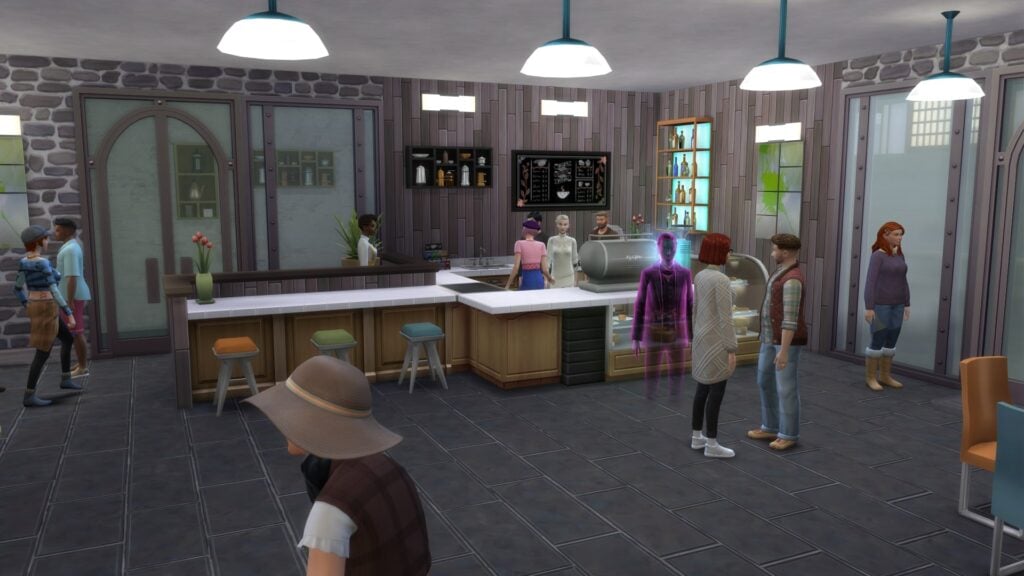
The next test I decided to run was on a busy small business lot, as I often find myself running into glitches and issues because of the number of Sims there. I converted ‘South Square Coffee’ in Windenburg. I maintained a consistent 20fps with a full business running.
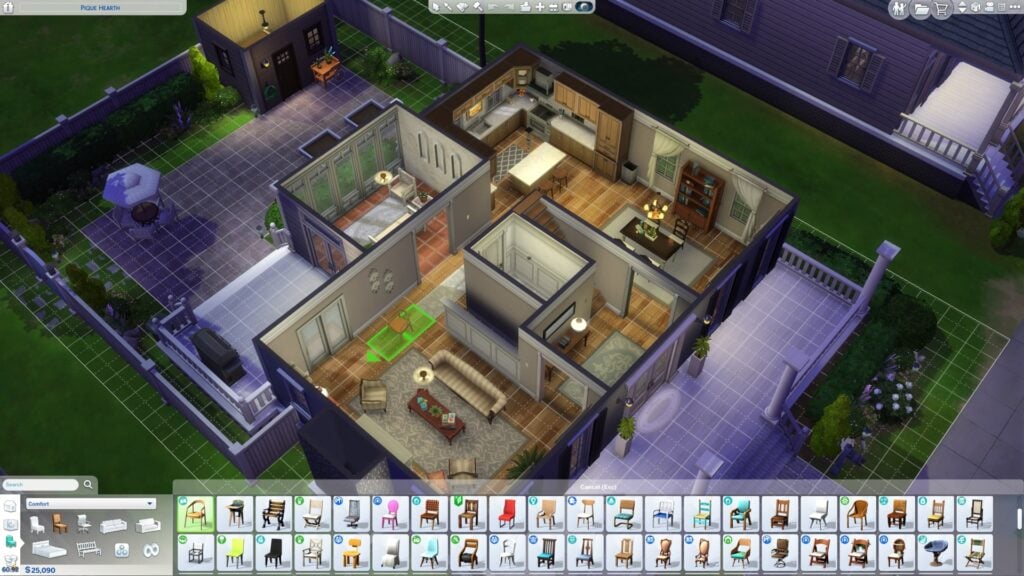
Build mode can often cause lag, and has been doing so for many years. However, with the memory boost on, I had around 60fps at all times!
What’s Next?
The Sims 4 has a long history of performance issues; however, it has a long history of improving compatibility as hardware progresses. The DirectX 11 update saw massive improvements for Simmers running DirectX 11. Once the issues have been ironed out and any bugs quashed, the Memory Boost mode will likely become the standard for The Sims 4 going forward. If you are running into any issues with the Memory Boost mode, make sure to report them on the Memory Boost Technical Issues and Feedback Thread on the EA Forums.
Have you tried Memory Boost mode yet? Let us know in the comments below, and stay tuned to Sims Community for all the latest on The Sims 4 !
How do you fancy becoming the latest ‘Grimtern’ and exploring the digital afterlife? You can do exactly that in the Sims 4 Life & Death expansion pack by joining the Sims 4 reaping career.
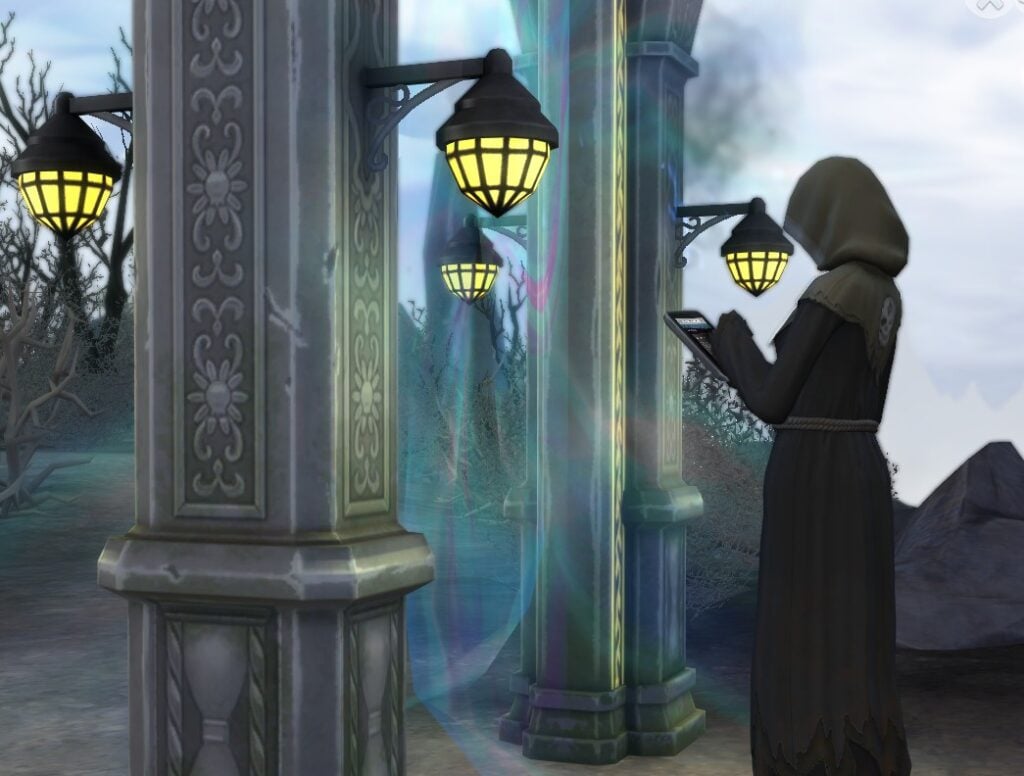
We’re going to break down this 10-level career for you and give you an easy guide to get all the way to the top.
Everything you need to know
What you will need for the Sims 4 Reaping career
To progress in this career, you’ll need:
A computer to build the new Thanotology skill.
Fitness skill building items like a pool, gym equipment or a TV. You could also go without this and make your Sims jog every day.
A mirror to build your charisma skill.
Things to know before you join
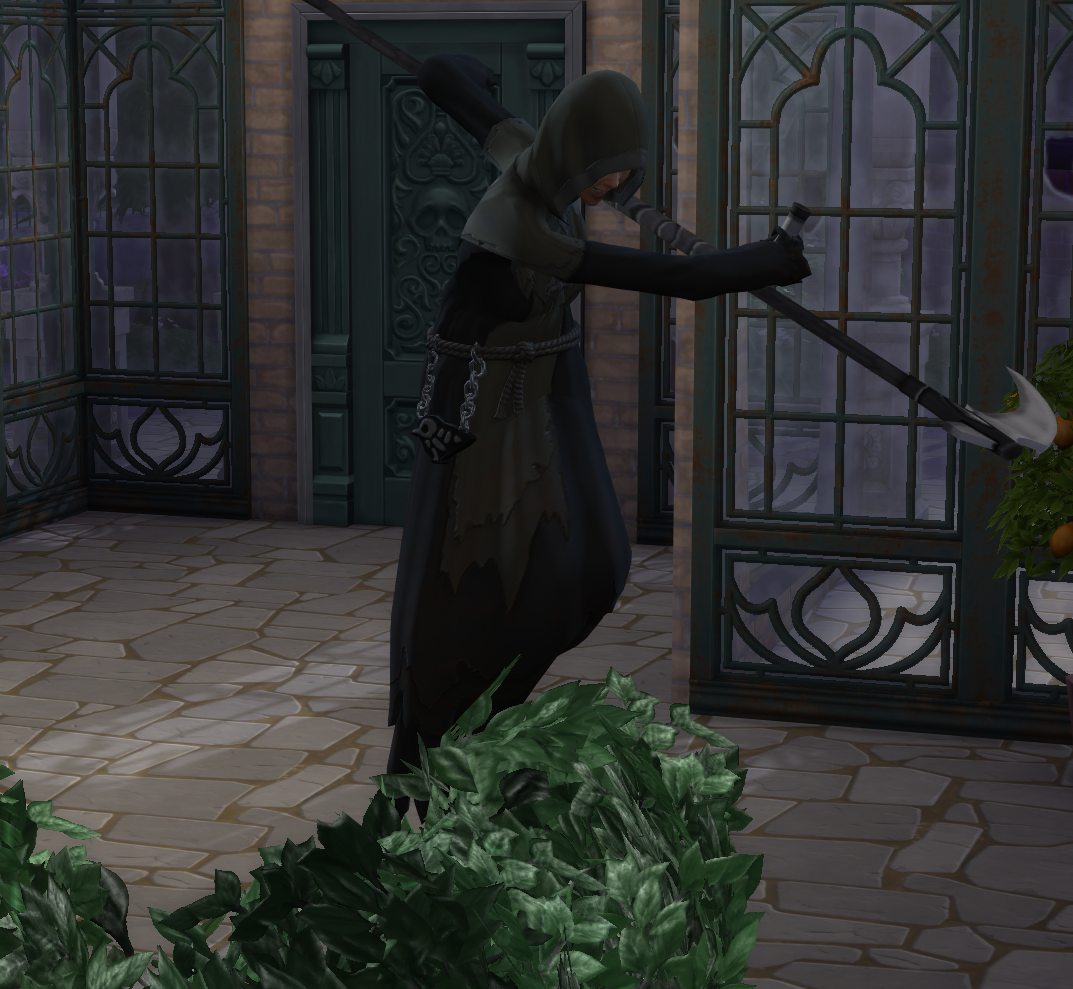
First, this is an active career, so you will be able to join your Sims as they go to work every day. You do have the option to send them alone, but where’s the fun in that?
Next, this isn’t a career which has branches taking you down different paths once you reach a certain level. There are only ten different levels.
You’re also going to have to get to grips with the new skill to level up in the Sims 4 reaping career.
Learning and Mastering Thanatology
Before Life & Death, there was a 10-level reaping skill that only the Grim Reaper had maxed out. Now with the new career, you can level up in the new skill that comes with this pack: Thanatology.
These are the best ways to increase Thanatology skill.
Reading Thanatology books and online theories.
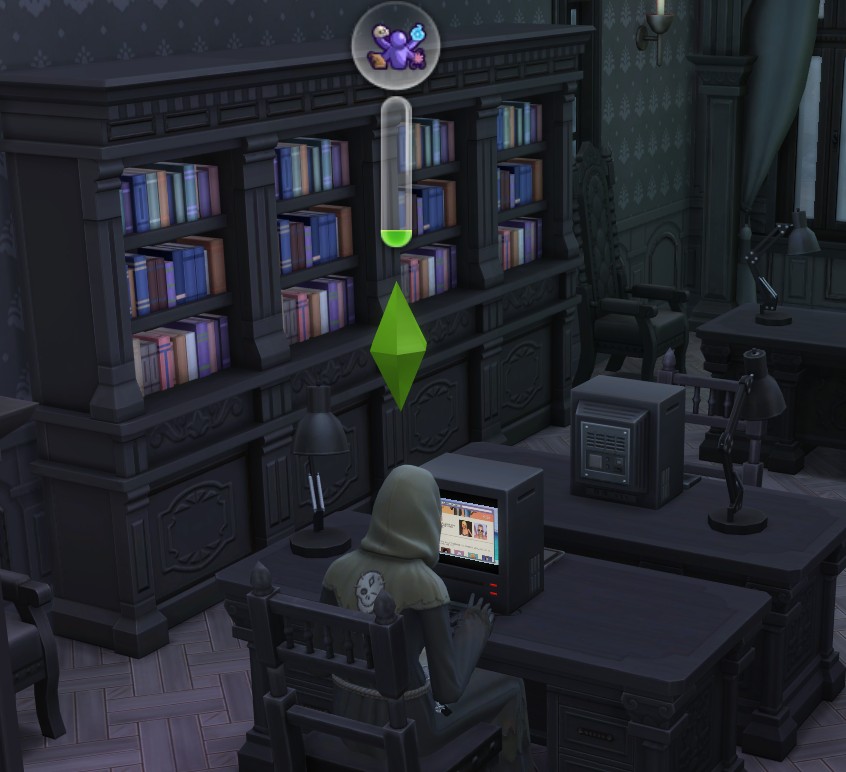
Reading theories online on the computer: There are four theories that Sims can read, and you can read all of them as many times as you want. You will also get an inspired moodlet after reading a theory.
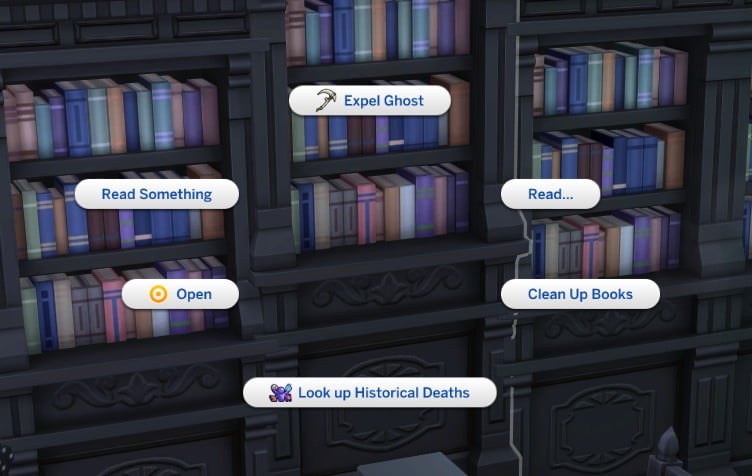
Reading up on historical deaths: Using the bookcase, you can read up on historical deaths. This is a quick task to give you a little bit of skill boost.
Reading Thanatology skill books: Whilst you’re over at the bookcase, peruse the skill books! They’re a tried and tested way of building any skill, and you can queue up the interactions and fast-forward through the reading. Skill book costs range from §75 to §250.
Career interactions: Certain tasks in the Reaper career, like analysing death trends, boost the Thanatology skill slightly.
Social interactions: Once your Thanatology level increases, it unlocks certain conversation options. Sims can ask other Sims about local hauntings, and even gain the ability to speak a dead language.
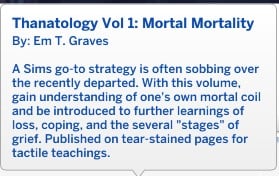
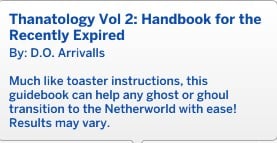
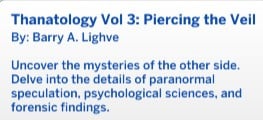
Thanatology volume 1 2 and 3 blurbs.
When you are in lower levels of the career the daily tasks go by quite quickly and you’ll have a few hours spare at the end of each work day. I found that using these hours to build the Thanatology skill at work was the easiest way to build it quickly.
Joining the career
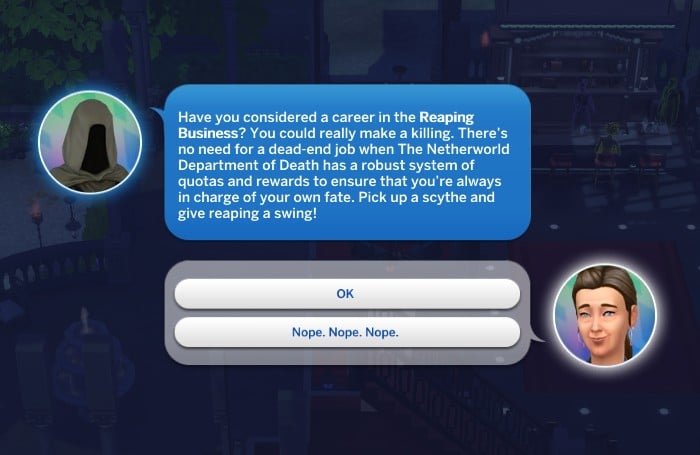
There are two ways to join the Sims 4 reaping career. You can join any time from the computer or phone, or you can wait for the Grim Reaper to phone you and ask if you want to join.
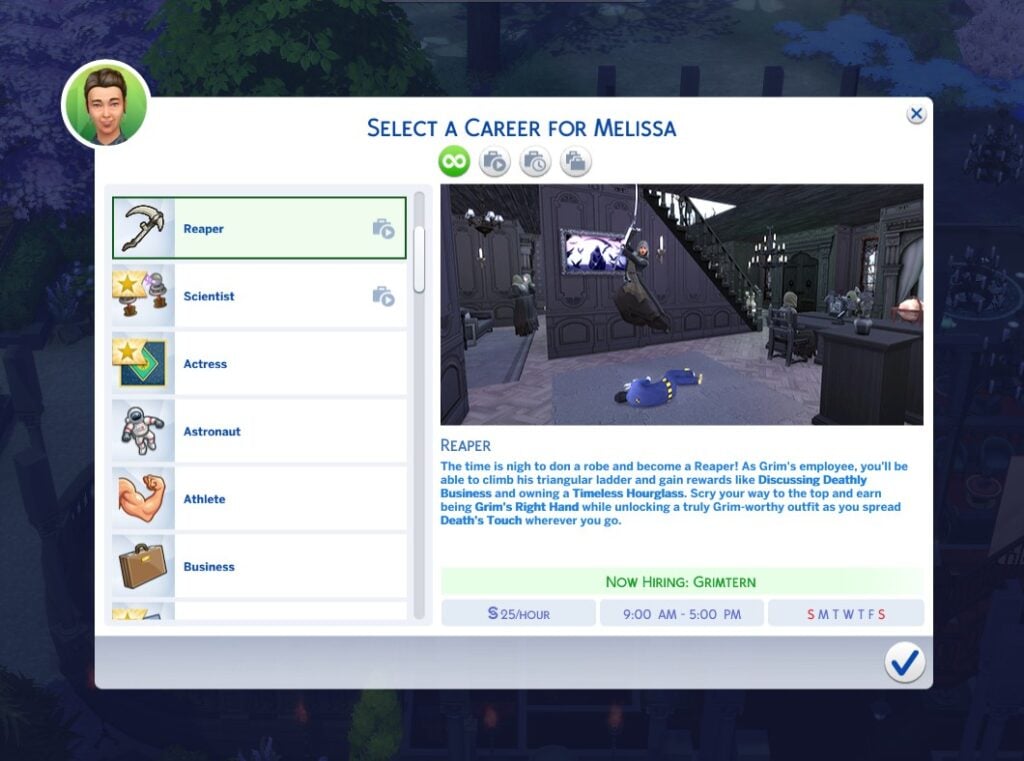
Clicking OK will open the career selection menu.
Level 1: Grimtern
Congratulations, you’re now a Grimtern! This is the first level in the Sims 4 reaping career. Time to get to grips with the basics and learn the ropes of the job.
Pay: §25 per hour (§200 per day)
Days at work: Monday, Tuesday, Wednesday, Thursday, Friday
Work hours: 9am to 5pm
Ideal mood: Focused
Promotion requirements: Attend two active work days.
Pension: §85 a day
The best ways to complete the active workday tasks are all outlined below. Skip ahead to this section here.
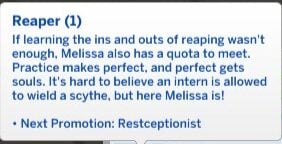
Level 2: Restceptionist
Pay: §31 per hour (§248 per day)
Days at work: Monday, Tuesday, Wednesday, Thursday, Friday
Work hours: 9am to 5pm
Ideal mood: Focused
Promotion requirements: Reach level 2 in the Thanatology skill.
Pension: §106 a day
You’ll also be rewarded with a bonus of §254 when you get promoted, as well as the test dummy outfit.
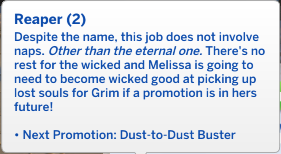
Level 3: Dust-to-dust buster
Pay: §39 per hour (§312 per day).
Days at work: Monday, Tuesday, Wednesday, Thursday, Friday.
Work hours: 10am to 6pm.
Ideal mood: Focused.
Promotion requirements: Have level 3 in Thanatology and release 3 souls.
Pension: §133 a day
Releasing souls can only be done during an active workday, so to do this, you’ll need to follow your Sim to work.
Once you get promoted to level 3, you will also be given a bonus of §380 and the Basic Reaper Uniform outfit as a reward.
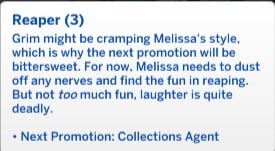
Level 4: Collections Agent
Pay: §54 per hour (§432 per day).
Days at work: Tuesday, Wednesday, Thursday, Friday, Saturday.
Work hours: 2pm to 10pm.
Ideal mood: Focused.
Promotion requirements: Have level 2 Fitness and Charisma skills.
Pension: §184 a day
You’ll also receive a bonus of §1,008 once you’re promoted to Collections Agent.
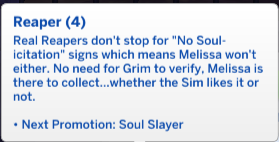
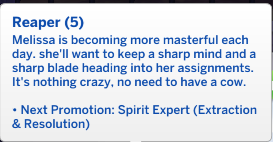
Level 5: Soul Slayer
Pay: §77 per hour (§616 per day).
Days at work: Tuesday, Wednesday, Thursday, Friday, Saturday.
Work hours: 2pm to 10pm.
Ideal mood: Focused.
Promotion requirements: Have level 4 in Thanatology and release 5 souls.
Pension: §264 a day
Time to back to raising your Thanatology skill now you’re officially a soul slayer! Getting promoted to level 5 of the Sims 4 reaping career will also earn you a bonus of §1,472.
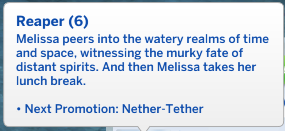
Level 6: Spirit Expert (Extraction & Resolution)
Pay: §110 per hour (§880 per day).
Days at work: Sunday, Monday, Tuesday, Thursday, Friday.
Work hours: 11am to 7pm.
Ideal mood: Focused.
Promotion requirements: Have level 4 Charisma skill and write the reaping manual.
Pension: §376 a day
Getting promoted to the Spirit Expert will also earn you a bonus of §1,704.
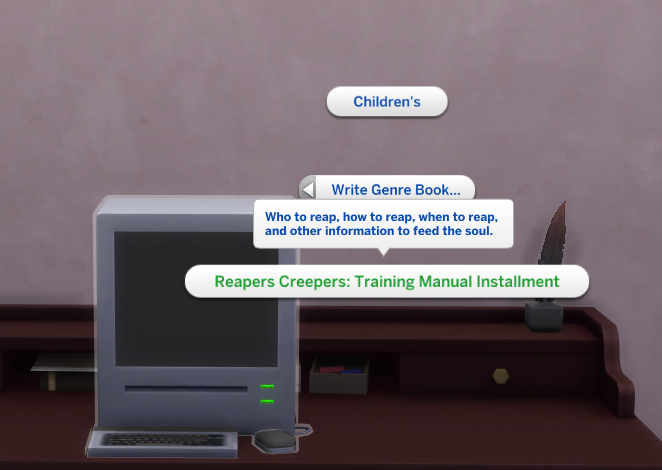
Writing the Reaper Manual
To get promoted to Nether Tether you’ll need to write the Reaper Manual.
To do this, click on any computer and select Write > Write Genre Book > Reaper’s Creepers: Training Manual Instalment. You don’t need any writing skill to complete this task.
Reading the Reaper Manual once it is completed will also boost your Thanatology skill.
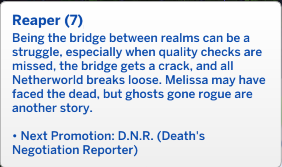
Level 7: Nether Tether
Pay: §158 per hour (§1,264 per day).
Days at work: Sunday, Wednesday, Thursday, Friday, Saturday.
Work hours: 5pm to 1am.
Ideal mood: Focused.
Promotion requirements: Have level 5 in Thanatology.
Pension: §541 a day
You’ll earn a bonus of §1,896 for reaching level 7 in the Sims 4 reaping career.
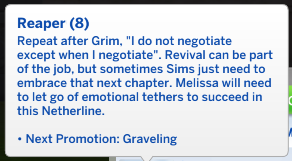
Level 8: D.N.R. (Death’s Negotiation Reporter)
Pay: §223 per hour (§1,784 per day).
Days at work: Sunday, Tuesday, Wednesday, Thursday, Saturday.
Work hours: 2pm to 10pm.
Ideal mood: Focused.
Promotion requirements: Have level 4 Fitness skill and level 5 Charisma skill.
Pension: §764 a day
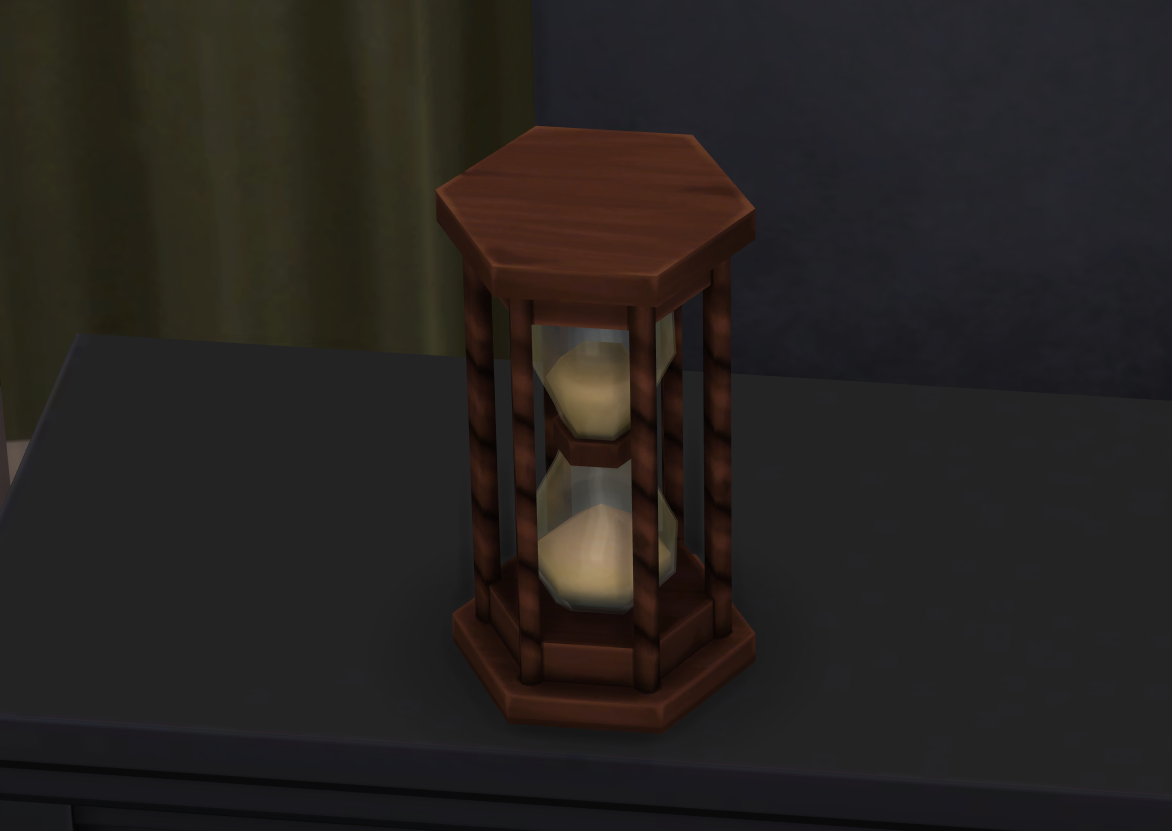
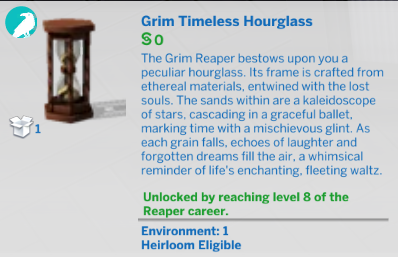
You’ll also earn a bonus of 2,013 once you are promoted to Death’s Negotiation Reporter, as well as a Grim’s timeless hourglass.
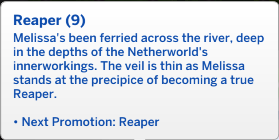
Level 9: Graveling
Pay: §299 per hour (§2,093 per day).
Days at work: Sunday, Monday, Wednesday, Thursday, Friday.
Work hours: 10am to 5pm.
Ideal mood: Focused.
Promotion requirements: Release 10 souls.
Pension: §897 a day
You’ll also get a bonus of 2,391 for reaching the 9th level in the career.
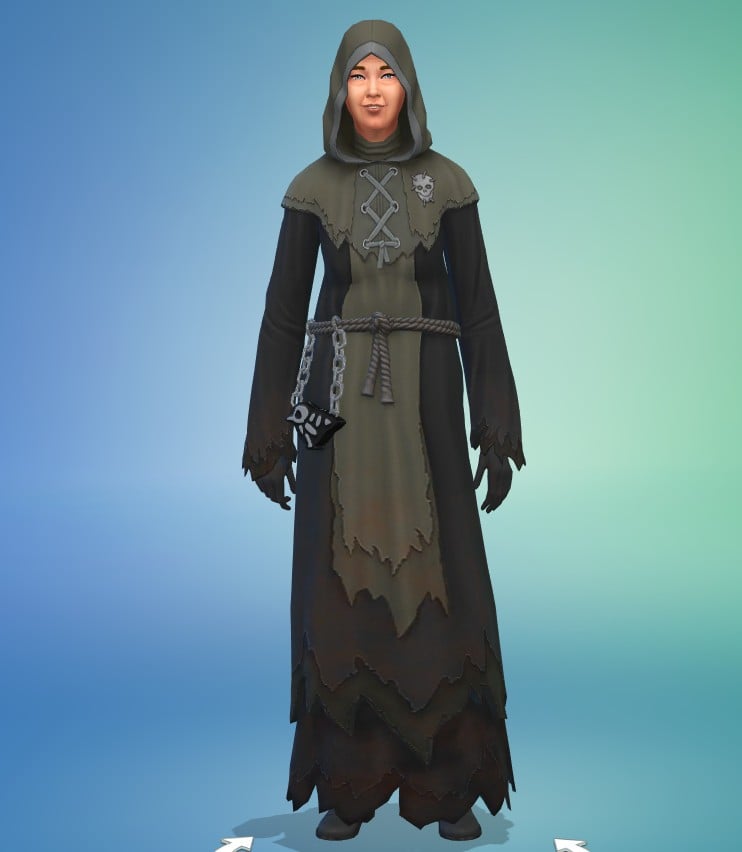
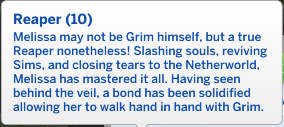
Level 10: Reaper
Pay: §421 per hour (§2,947per day)
Days at work: Monday, Wednesday, Friday, Saturday.
Work hours: 9am to 4pm.
Ideal mood: Focused
Promotion requirements: None, you’ve maxed out the Sims 4 reaping career! Keep attending work to increase performance to give your Sim a pay boost.
Pension: §1,010 a day
Being promoted to Reaper will get you a bonus of 2,666, but arguably the best rewards are the items you get.
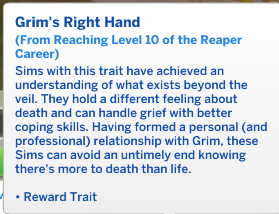
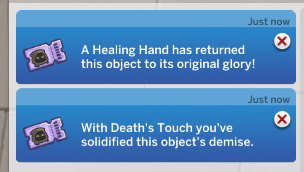
The new trait you unlock is Grim’s Right Hand. This trait is incredible; it will give your Sim the ability to instantly break or fix anything with the Healing Hand and Death’s Touch interactions.
Not only that, Sims with this trait can handle grief better with better coping skills and, possibly the best use of this trait, avoid death. If your Sim with this trait dies, when Grim shows up to reap their soul, you’ll be resurrected instead.
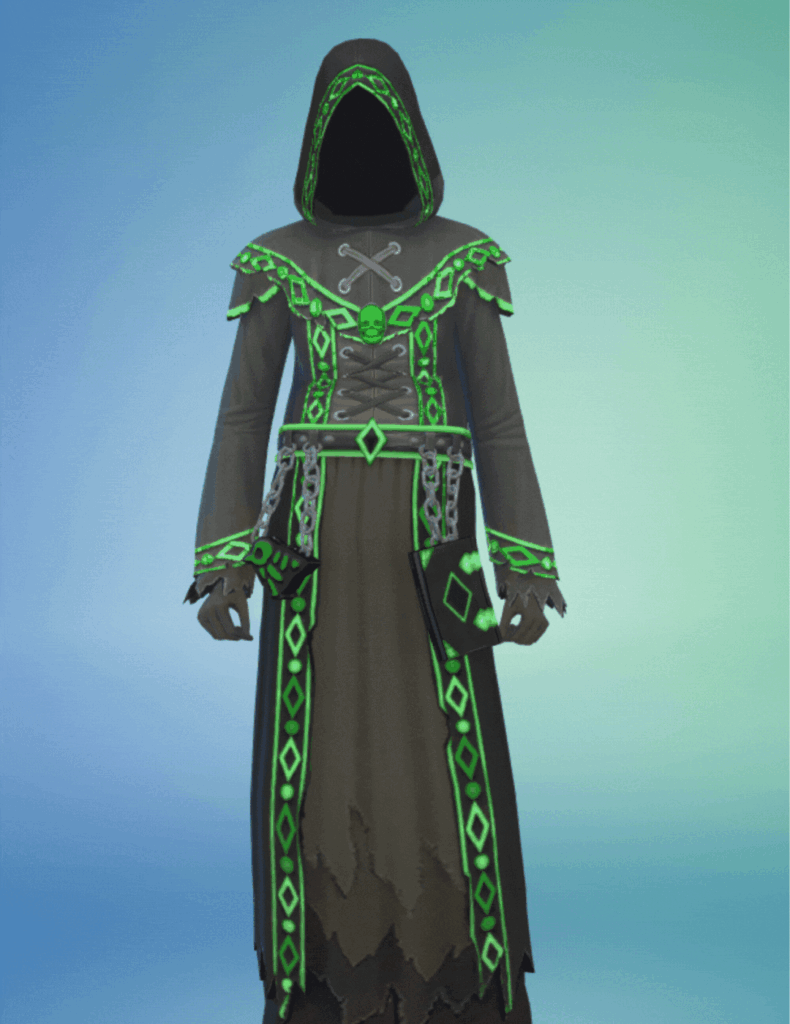
Also, the uniform at this level in the career is to die for – pun intended.
How To Complete Each Task
The Sims 4 reaping career is full of different tasks you need to complete to progress and get promoted.
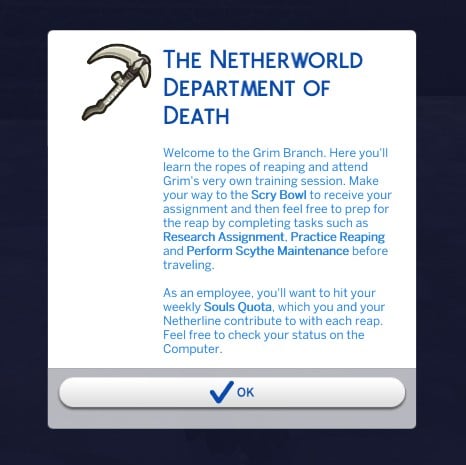
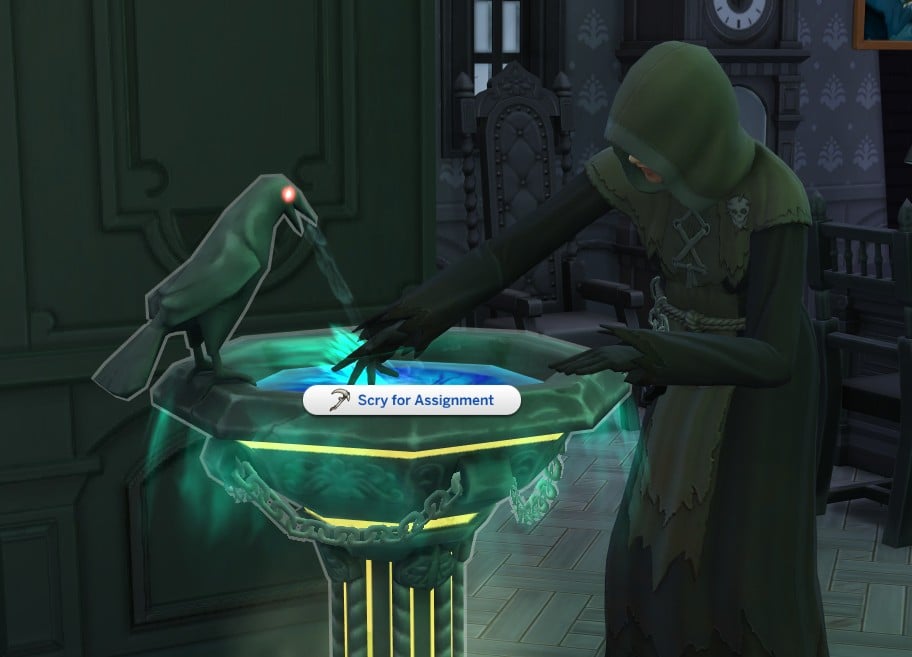
As you arrive at the Netherworld Department of Death, you’ll receive a pop-up instructing you to use the Scry Bowl to receive your assignments.
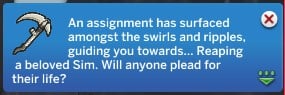
Your Sim swirls their hand in the Scry Bowl, and you’ll get a pop-up revealing your assignment.
Regular Reaping Tasks
These are the standard reaping tasks you can expect to do on a normal day at the N.W.D.D.
Check Your Tasks
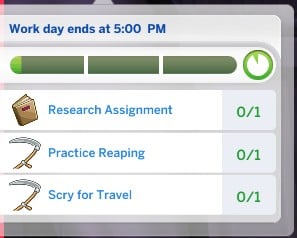
You’ll have to do different tasks depending on your workday – practice reaping, research assignments, scry for travel, scythe maintenance, capture and release souls, planning reaping schedules, writing death certificates, and socialise with co-workers.
Practice Reaping
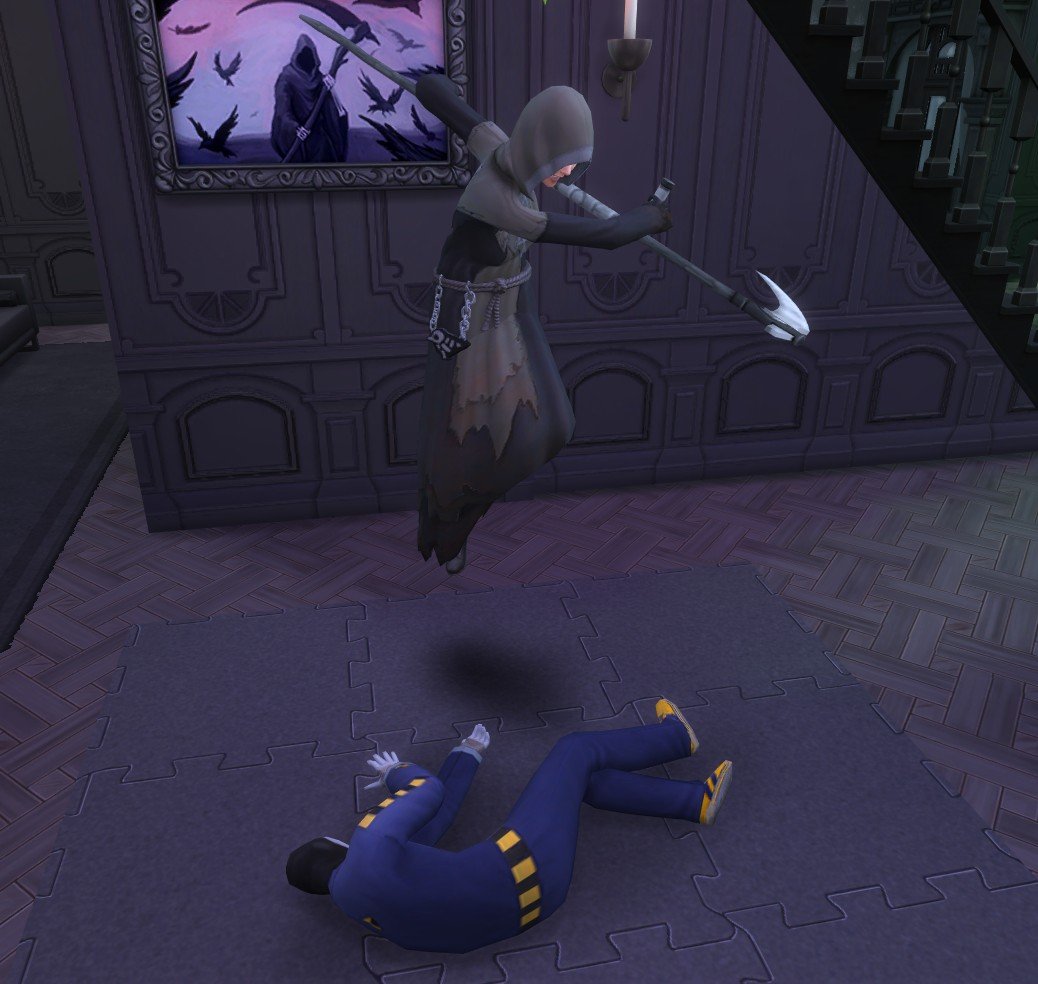
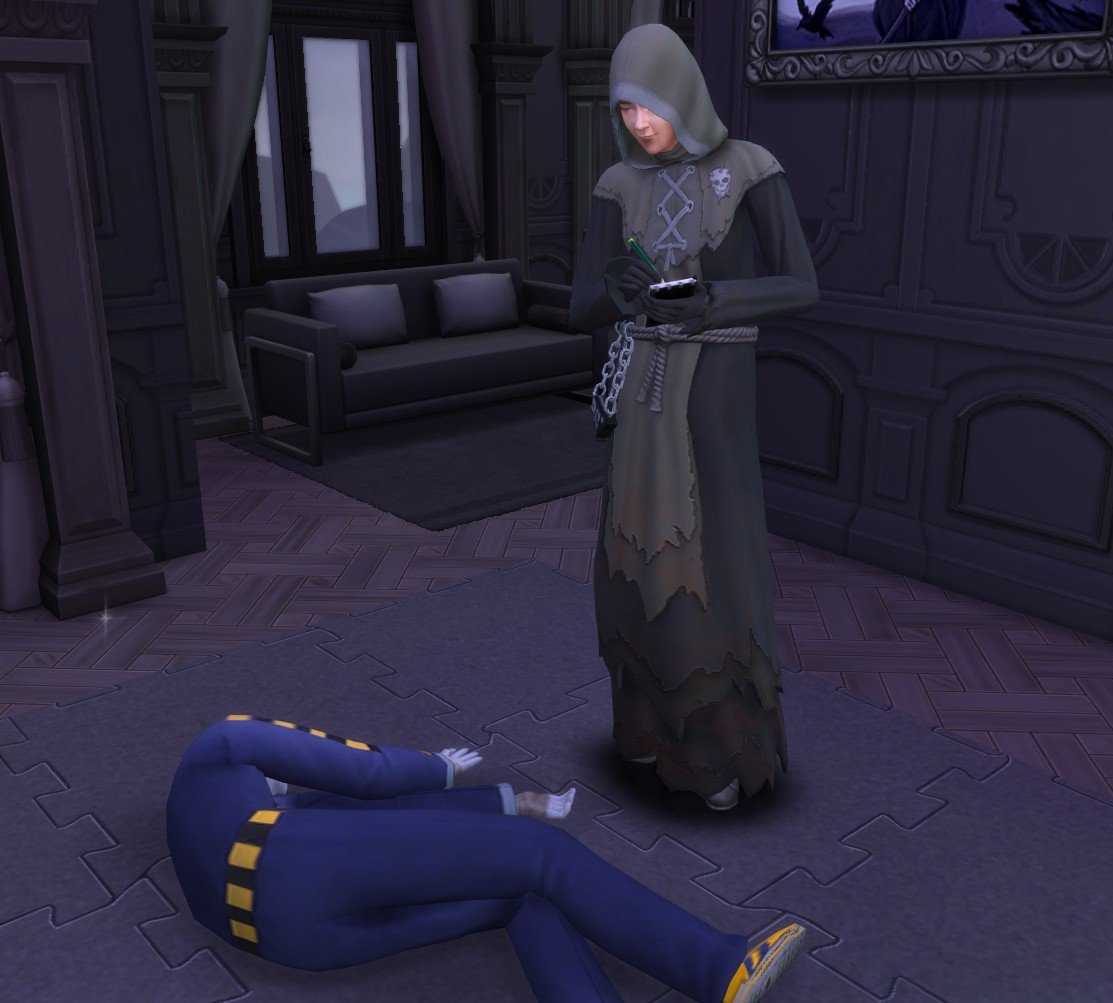
Poor Kenny. As the Netherworld Department of Death’s training Sim, you’ll use him to practice reaping. Just click on him to get started. You can find him at the back of the office, behind the Scry Bowl.
Once you begin reaping practice, your Sim will rise into the air and swipe their scythe just like the Grim Reaper. They’ll then land, grab Kenny’s ‘soul’, and take notes on the cause of death.
Research Assignment
Click on the bookshelf and select ‘Research Assignment’. Your Sim will then spend a few Sim minutes flicking through a book to complete the task.
Scythe Maintenance
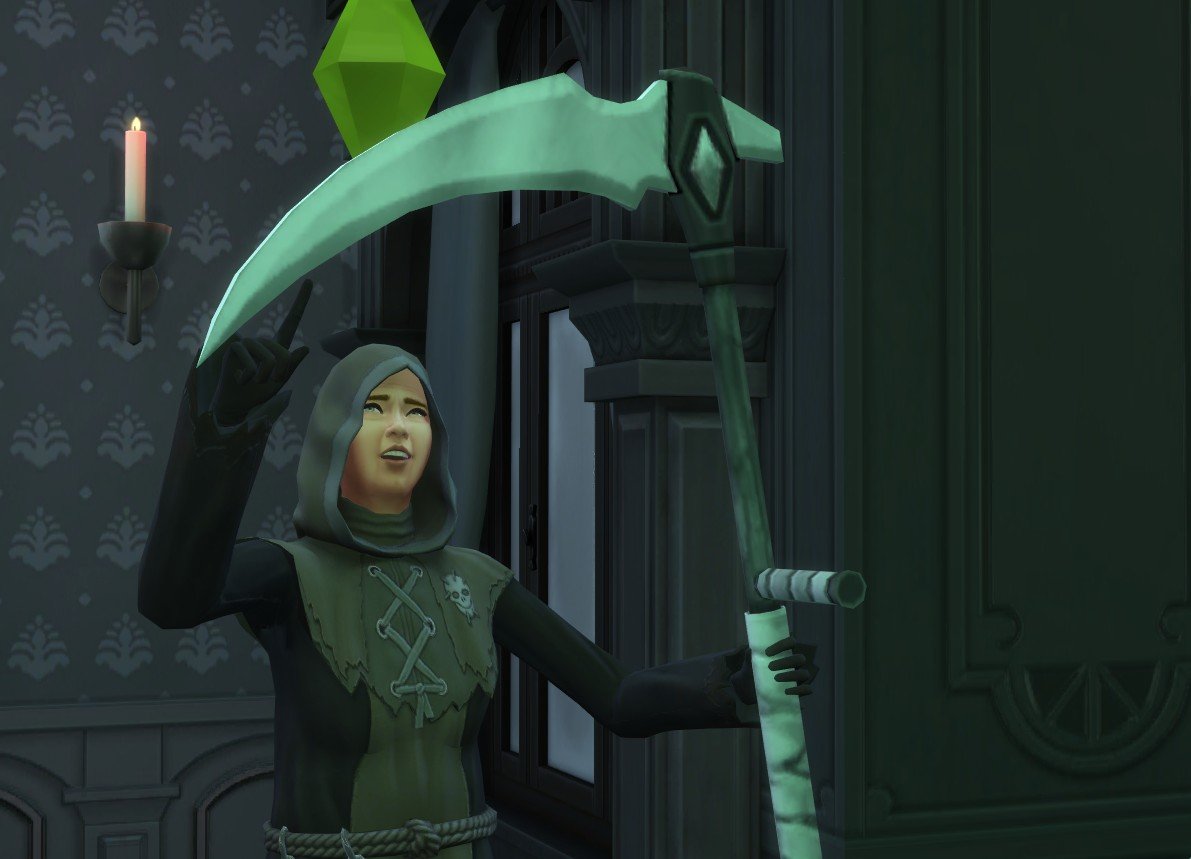
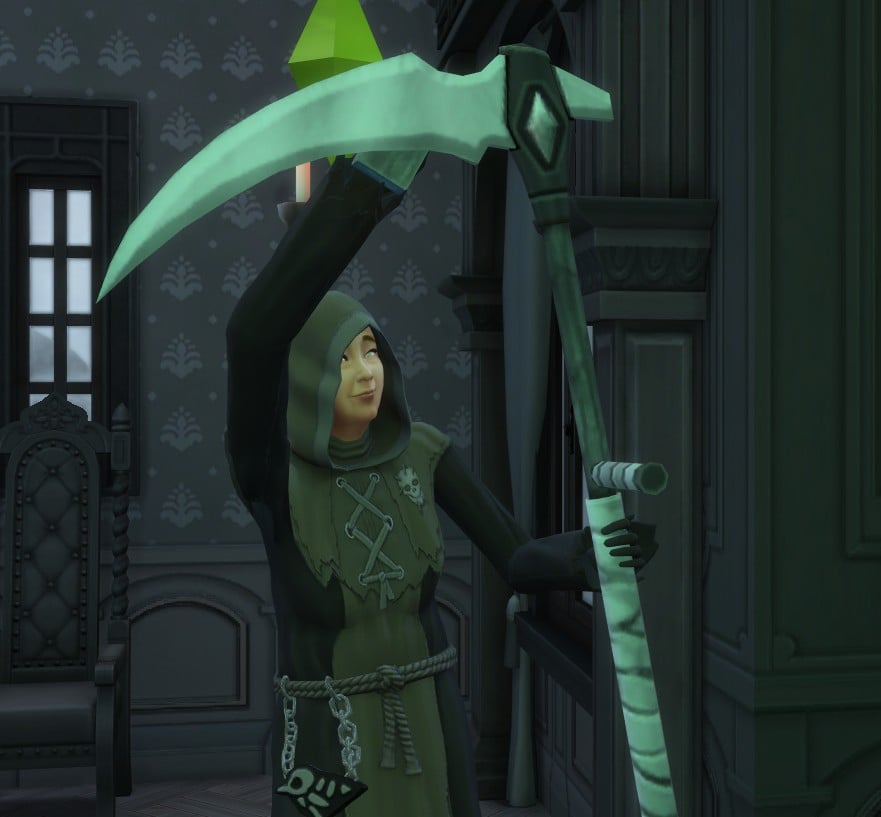
Click on your Sim and select Scythe maintenance. Your Sim will then check the scythe for dirt and give it a quick wipe with a sponge.
Computer Tasks
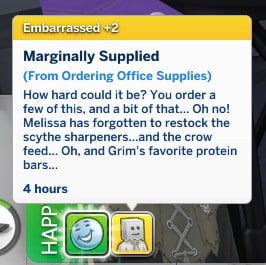
There are a few computer tasks you can get done on an active workday. These are Analyse Death Trends, File Death Certificate, Order Office Supplies, and Check Soul Quota.
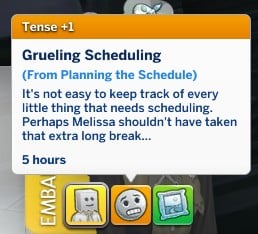
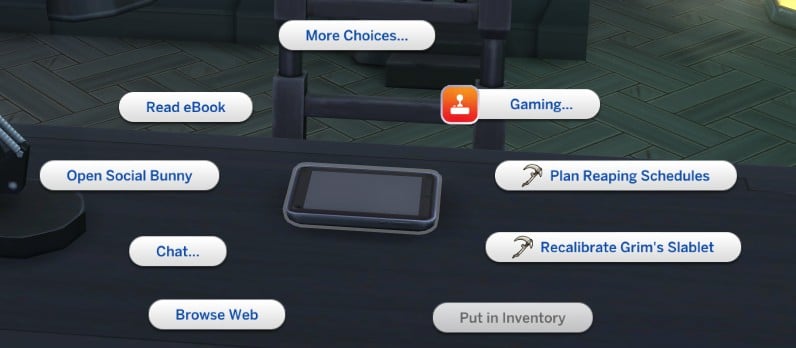
You will also use the Slablet to Plan the Reaping Schedule. These tasks can also grant moodlets.
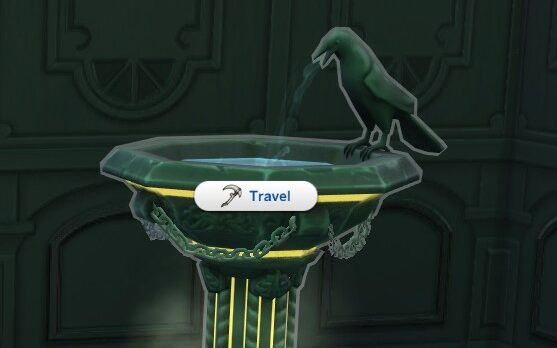
Scry for Travel
Click on the Scry Bowl and select travel. Your Sim will then travel to a training location, where you’ll learn how to determine and investigate causes of death.
Investigating Cause of Death
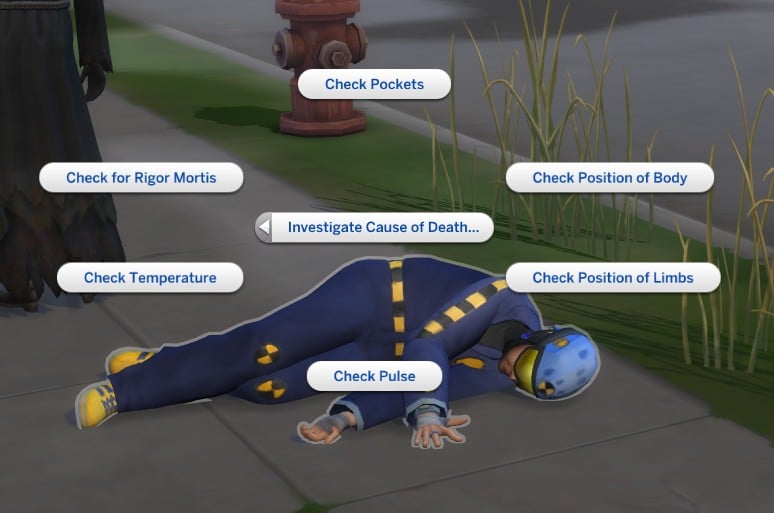
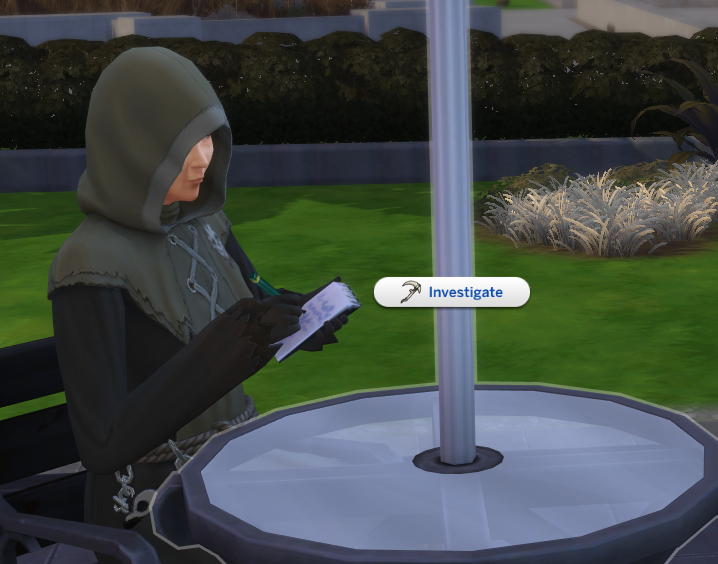
You’ll arrive at the location of the deceased Sim, where you will take the lead on determining the cause of death by checking their pockets,the position of the body, the position of limbs, pulse, temperature, and rigor mortis.
If when you arrive at the location you can’t find the deceased Sim, you can click on yourself and select Locate Deceased Sim, which will snap your camera to their location.
Once you do 4 to 5 of these tasks, your Sim will then become confident of the cause of death. Then, select the body and click Determine Cause of Death, which will be revealed to you in a pop-up notification.
As you level up more investigation options will become available.
Getting Grim’s Opinion
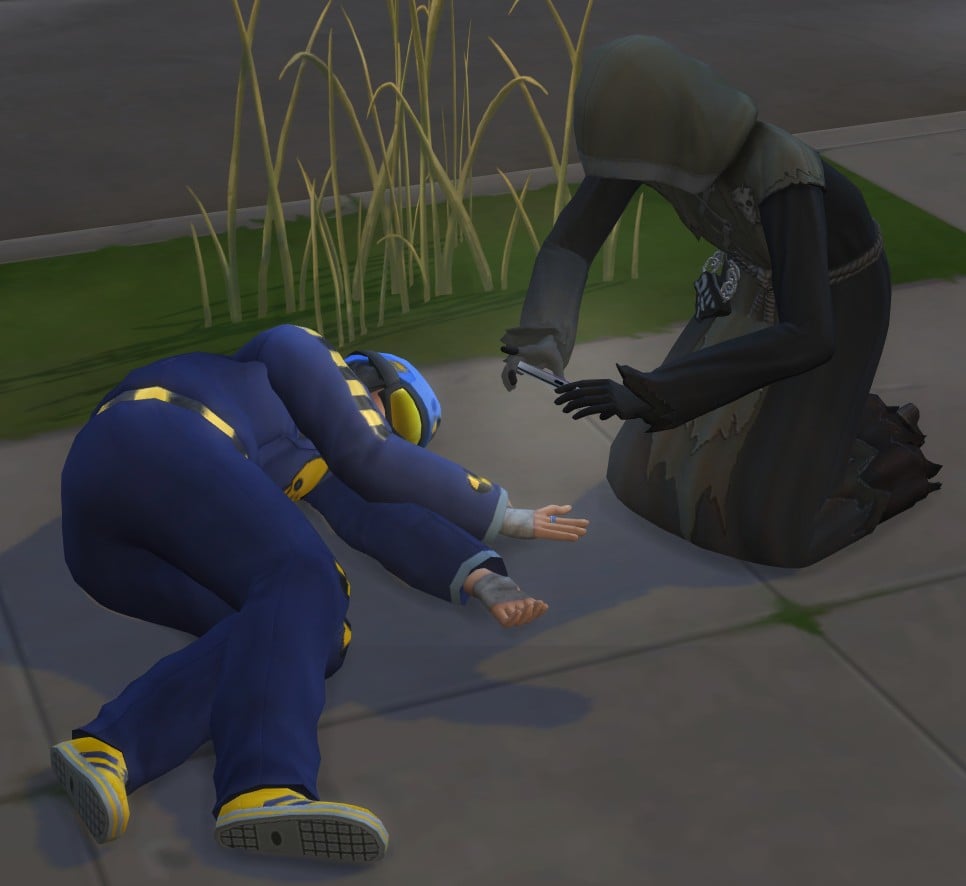
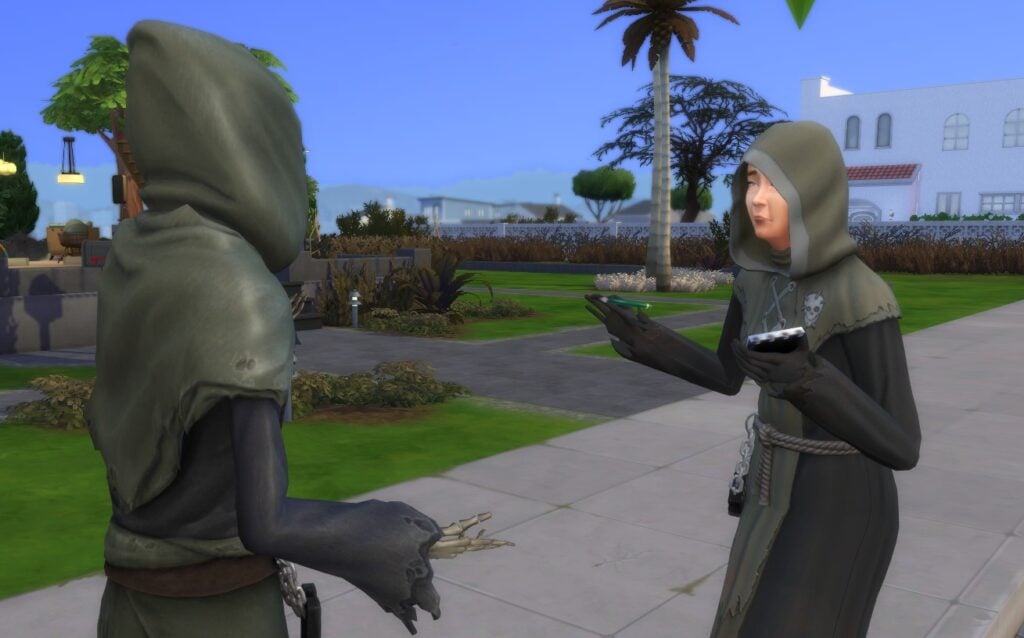
You can also ask Grim for their opinion when you arrive at the location. Click on Grim and select Get Expert Opinion.
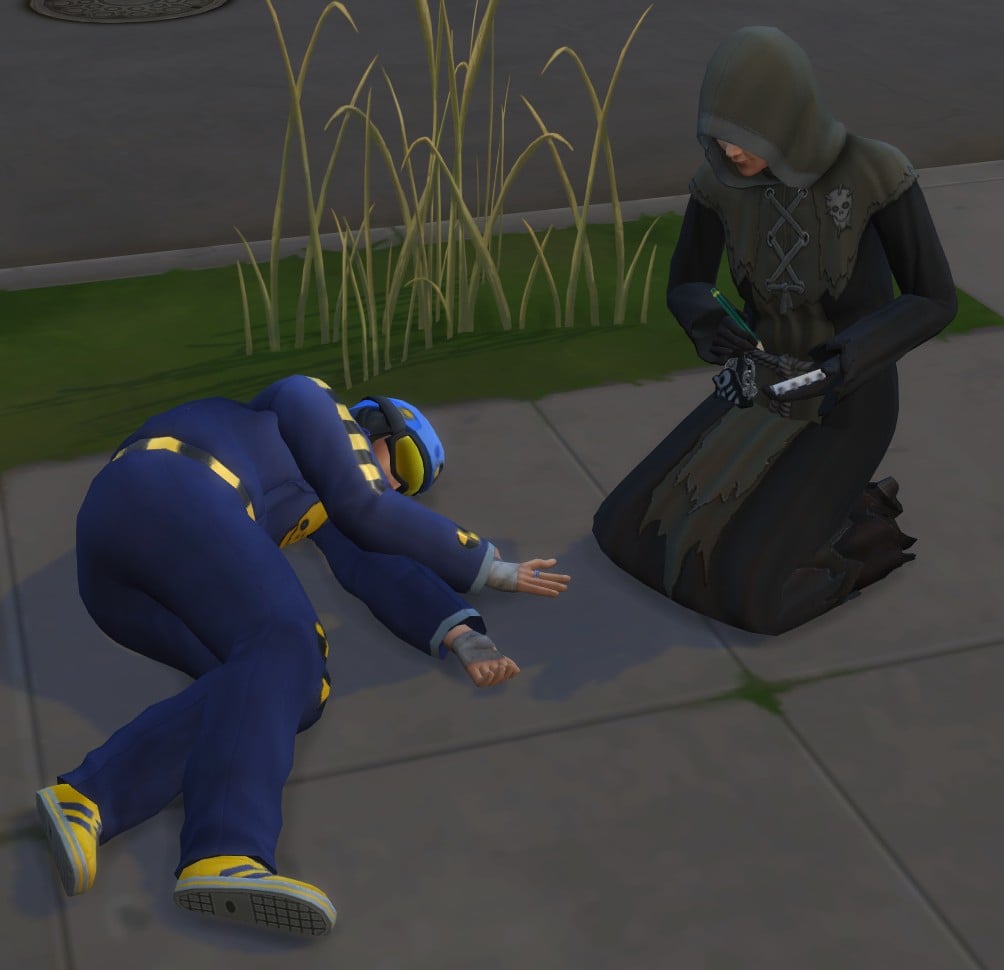
Your Sim will then take notes using a notepad and pen. It will help you determine the cause of death or give you advice on what to do next.
Interviewing and Comforting Witnesses
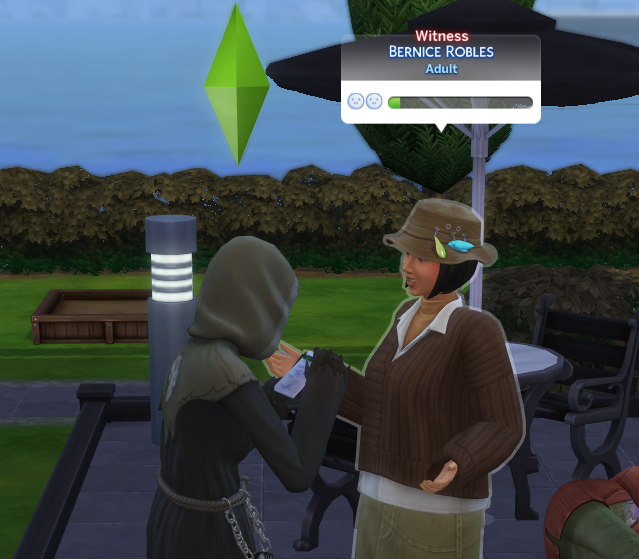
If there happens to be other Sims at the scene you can interview them to find out what happened to the deceased. Just click on them and select Take Witness Statement.
If they are upset, you also have the option to offer them comfort with the Soothe Witness interaction.
Investigate Nearby Objects
Investigating objects at the scene is also a good way to help determine the cause of death.
Click on any of the objects around the dead Sim, and hopefully it will help you reach a conclusion.
Collecting Souls
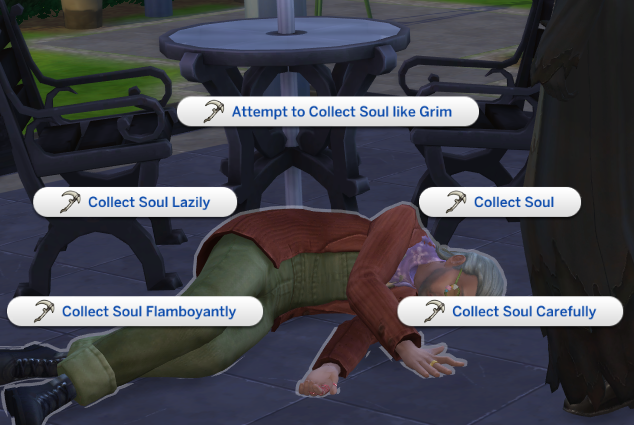
Put that practice you got back in the office to good use! Click on the body and collect the soul. At first, you’ll have the option to collect the soul lazily or normally. As you level up in the Sims 4 reaping career, new options for collecting souls will become available. The higher level you are, the more successful these attempts will be!
Collecting the soul lazily isn’t ideal, and the chance of failure is slightly higher. Once you successfully collect the soul, it will go into your inventory.
If you fail to collect a soul your Sim will keep swiping their scythe before giving it a tap and landing back on the ground. You’ll get the chance to try again though so don’t worry!
Ask for a Review
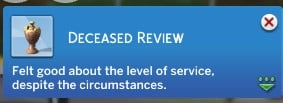
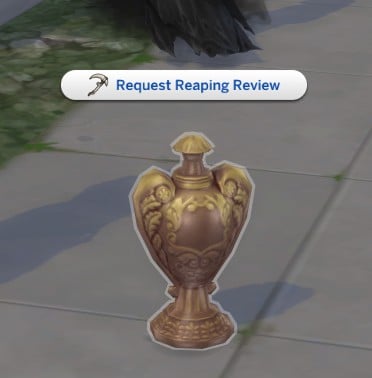
By clicking on the urn and selecting Request Reaping Review, the soul you’ve just collected will offer a review of your services.
You may also be asked to return the urn to the family of the deceased.
Once you have the soul and have completed all the tasks at the location, click on your Sim and select travel to go back to the office.
Releasing Souls
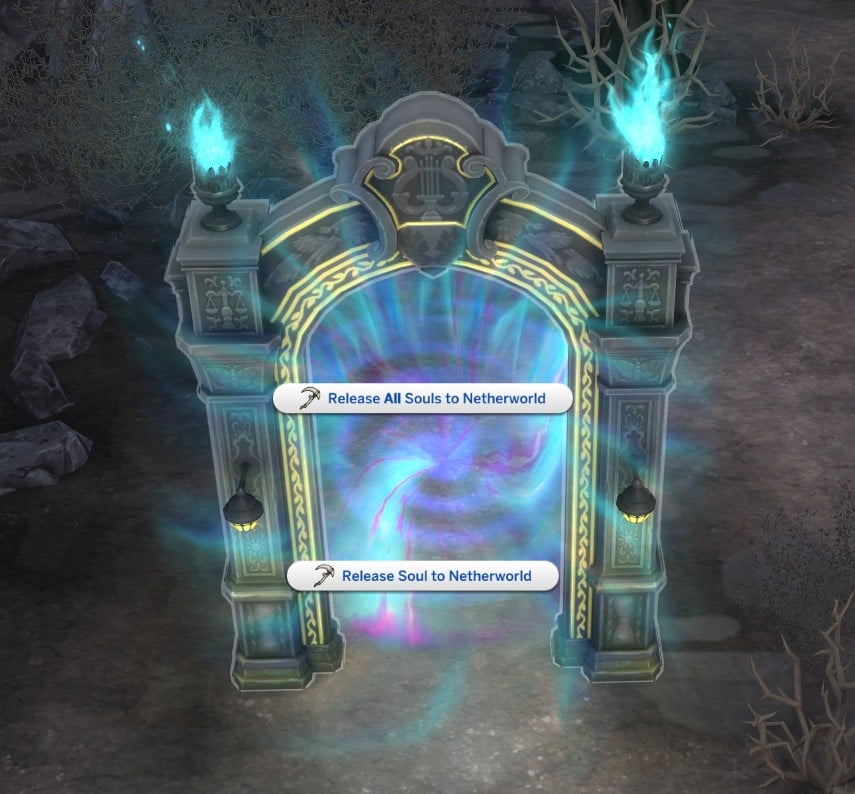
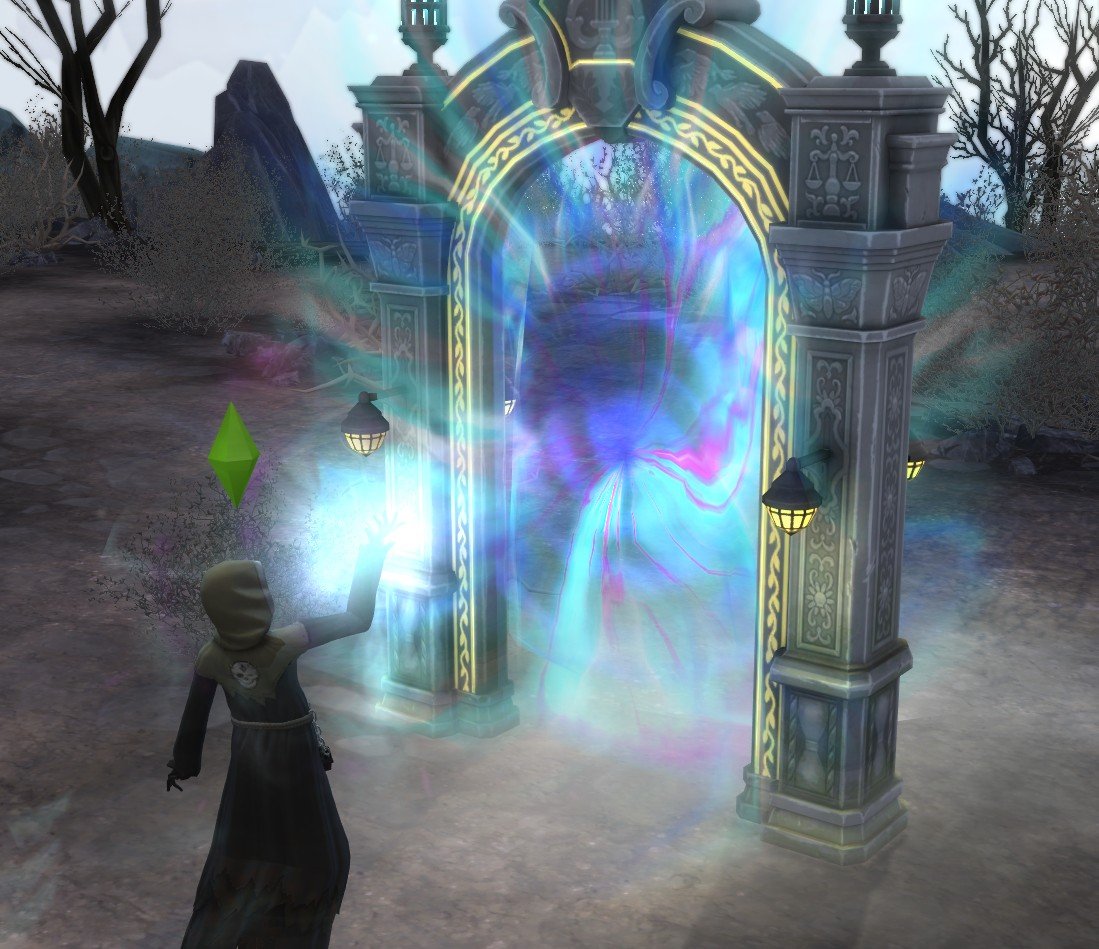
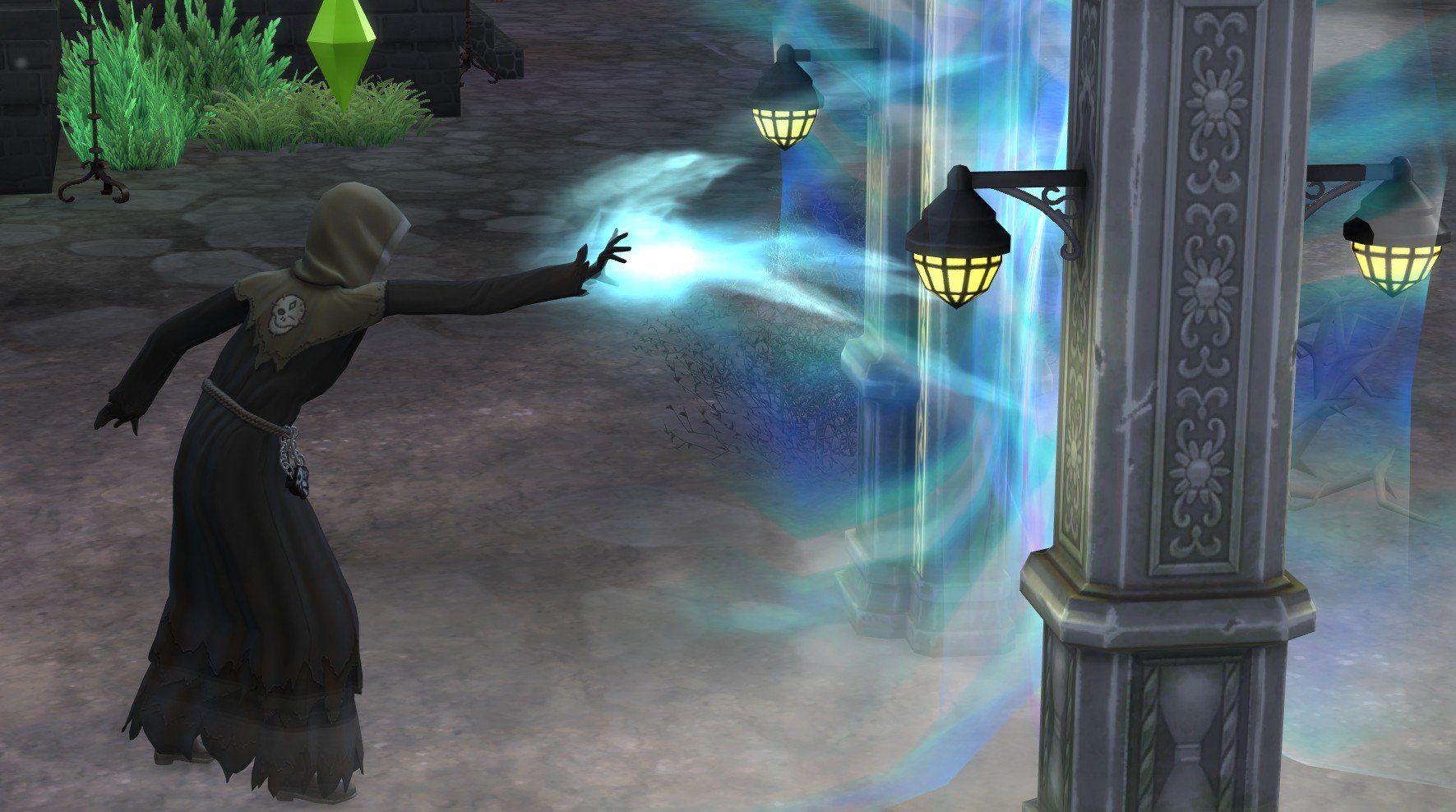
Once you get back to the office, you will need to release the souls you’ve collected. Have your Sim go up to the netherworld portal and click release all souls. They will then let them go, and they’ll disappear into the portal.
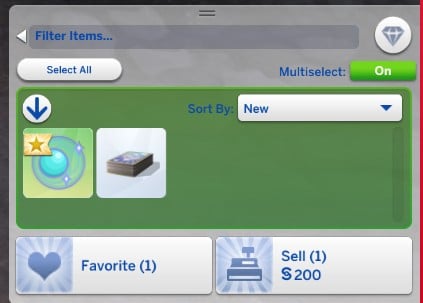
You can also sell the souls you collect – turns out a Sim’s soul is worth around §200. Who knew?!
While it’s nice to get a bit of extra cash from the workday, I wouldn’t recommend it. Every soul counts when it comes to meeting soul quotas and promotion requirements!
Different Types of Workday
As well as the regular workday tasks, now and then your Sim will be sent on special missions by Grim.
Afterlife Emergency
Sometimes emergencies can’t be avoided. For me an afterlife emergency happened on the second day of work, but your Sims might not be so unlucky!
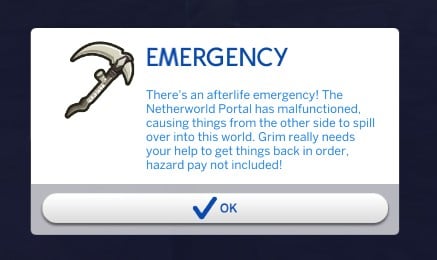
When you arrive, you’ll get a pop-up saying something is wrong with the Netherworld Portal, and your Sim will need to repair it and things around the office throughout the day.
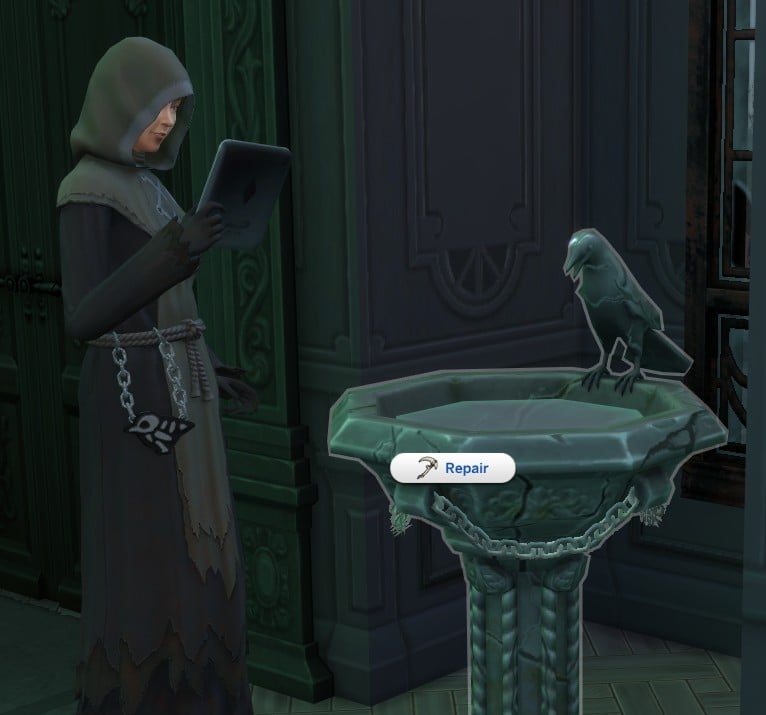
Repair the Scry Bowl
The scry bowl is in need of repairs. Once you click repair, your Sim will whip out a Slablet and start calibrating.
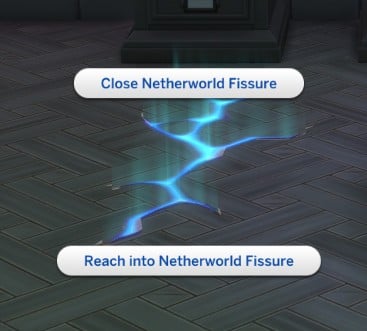
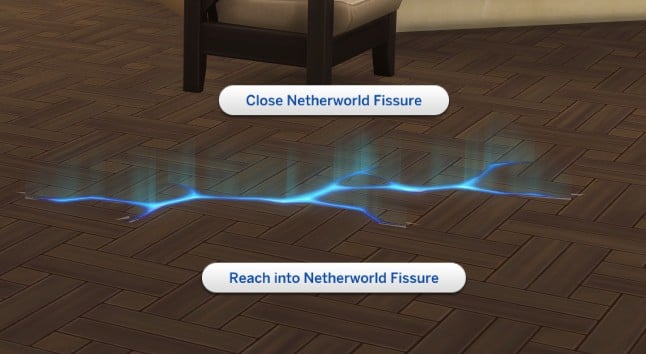
Closing Netherworld Fissures
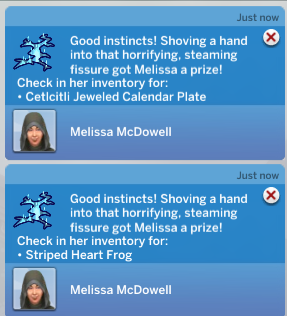
These fissures will open up in the floor around the office and you’ll need to close them all to complete the task. You can also reach into the fissure first, which will give you a random item.
You can get really lucky reaching into these fissures – I got anything from a frog to a ten thousand simoleon collectible plate!
Repairing Grim’s Slablet
Just click on any Slablet in the office and select Recalibrate Grim’s Slablet. Your Sim will then just take it and click a few buttons – it’s one of the simpler tasks you’ll need to complete.
Expelling Mischievous Ghosts
Look around the office for an item of furniture that seems to be posessed – for me it was the bookcase.
There will be an option once you click on it to Expel Ghost, and then a ghost will pop out of the furniture, and your Sim will banish it. The animation for this is also really cool!
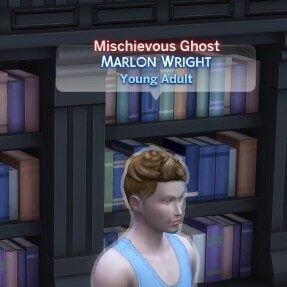
(I’m not sure if it was a bug for me, but the ghost didn’t look like a ghost.)
Repair the Netherworld Portal
Head over to the portal and select Repair Netherworld Portal, and your Sim will start tinkering on a Slablet to repair it.
Rounding up Lost Souls
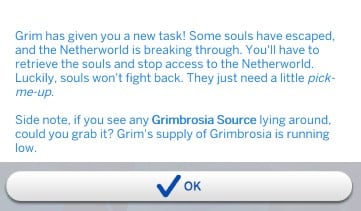
When you arrive at work you’ll get a pop-up letting you know Grim has set you a new task and you’ll need to spend the workday rounding up some souls that have escaped.
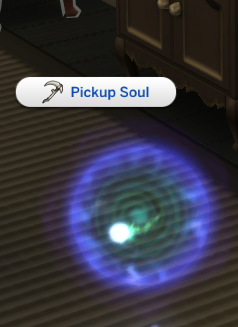
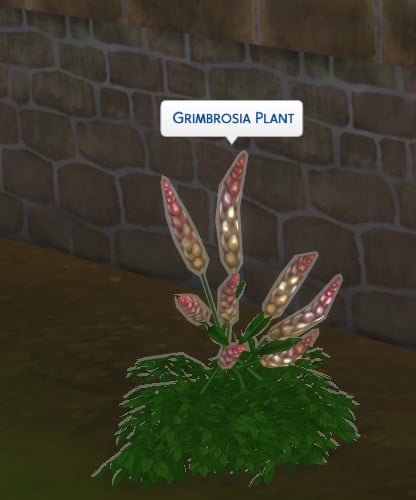
You’ll need to travel to the location that the souls are coming from, round them up, close the Netherworld Fissures, and Harvest Grimbrosia.
After you’ve completed these tasks, travel back to the office to release the souls and make Grimbrosia.
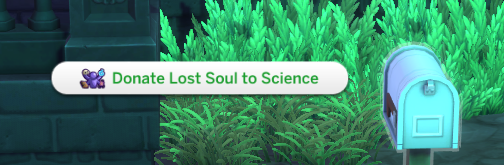
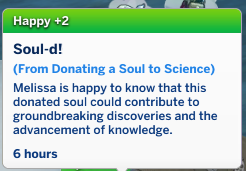
You can also choose to donate a lost soul to science. This won’t count towards your soul quota, but it does raise your Thanatology skill slightly.
Making Grimbrosia and Delivering It To Grim
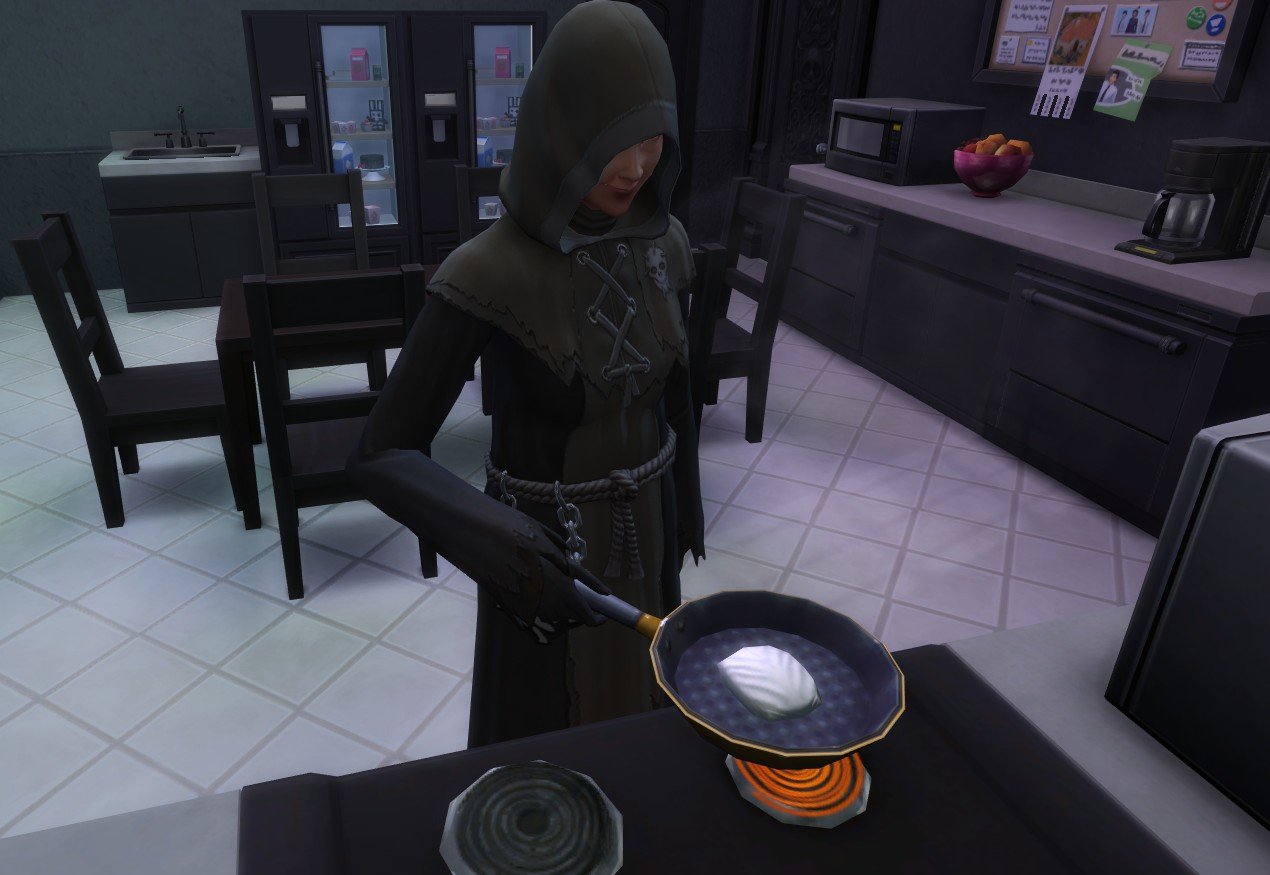
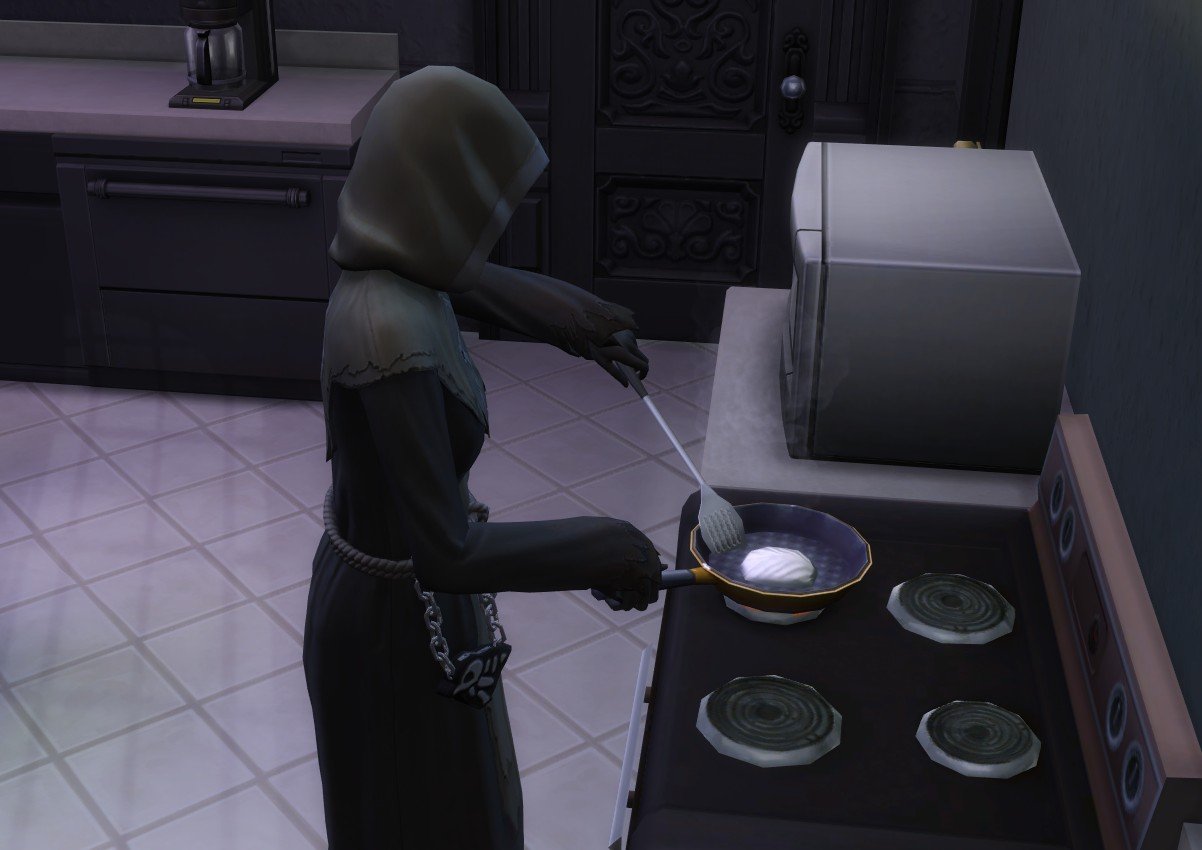
Head to the office kitchen and cook up some Grimbrosia! You don’t need any cooking skill to cook this successfully and it only requires the harvested plant.
(You can’t take this Grimbrosia home, unfortunately.)
Next, take your creation down to Grim and deliver it to him.
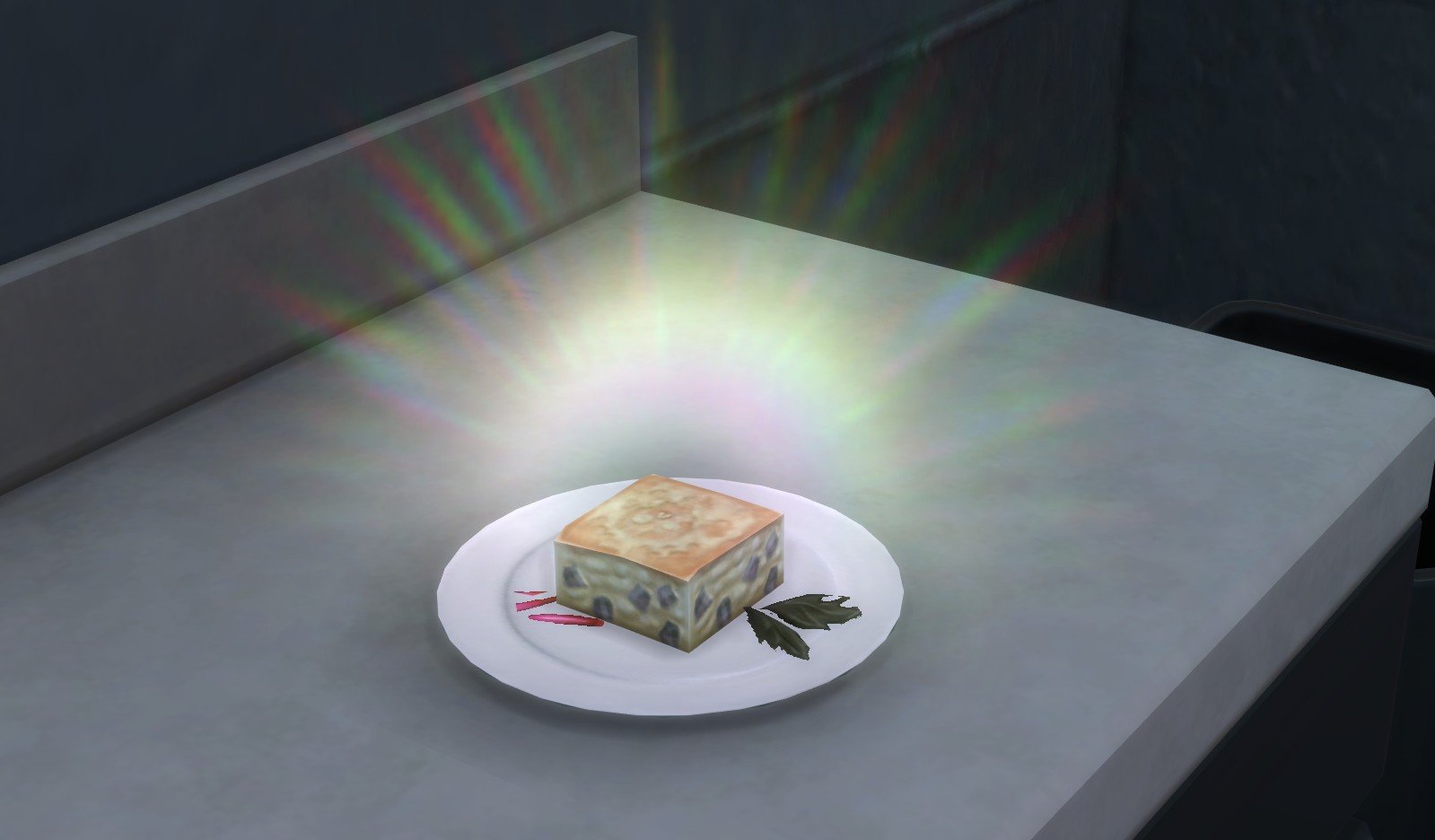
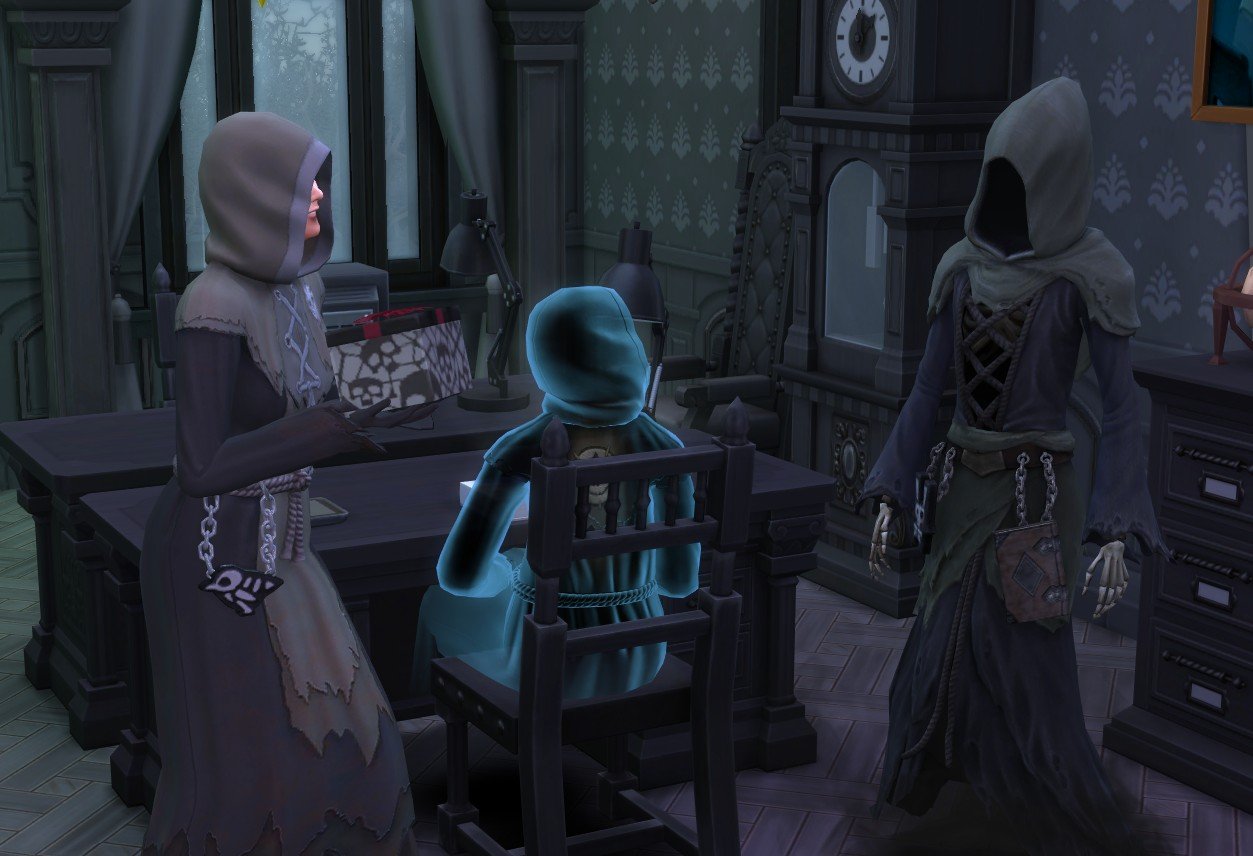
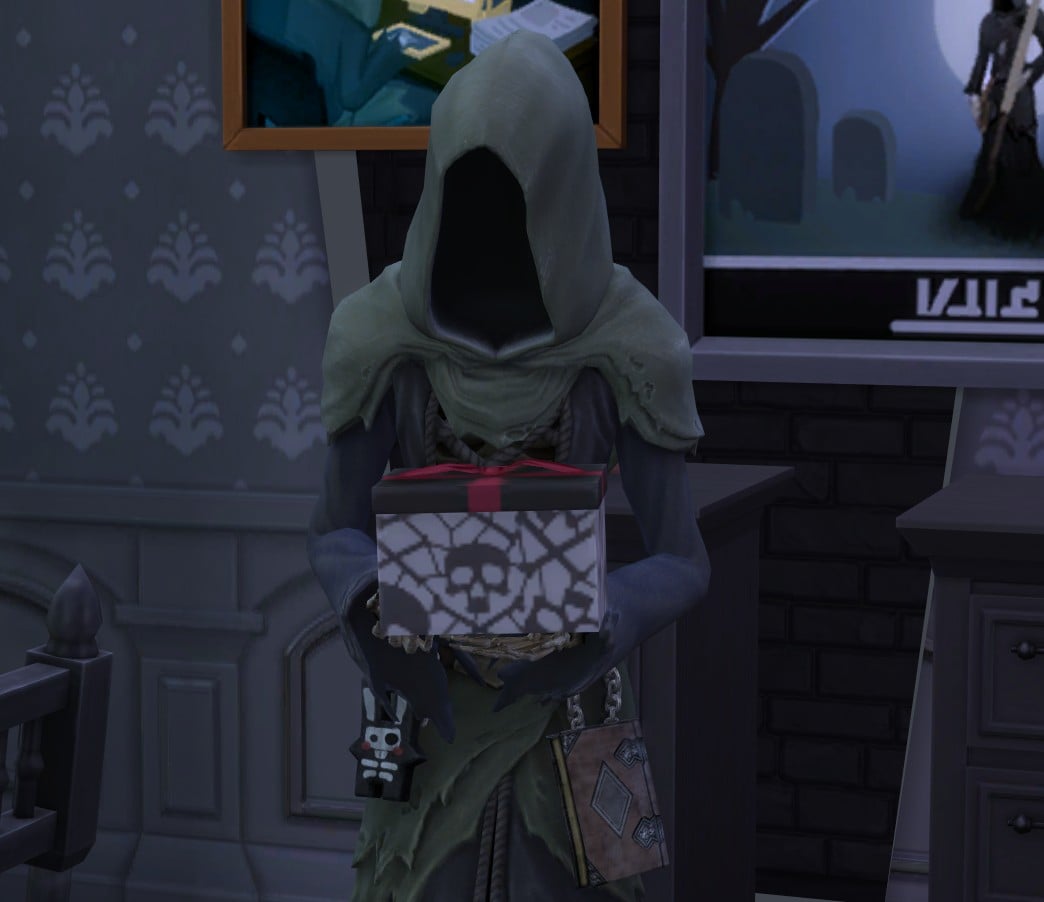
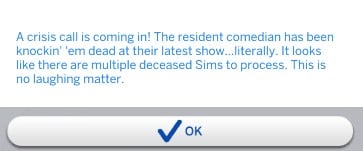
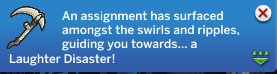
A Laughing Disaster
By using the scry bowl, you will be presented with a pop-up letting you know a comedian has died and you need to get yourself over there immediately to collect their soul and the souls of the crowd.
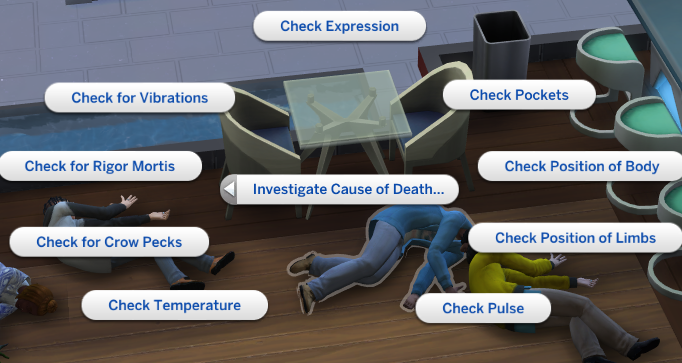
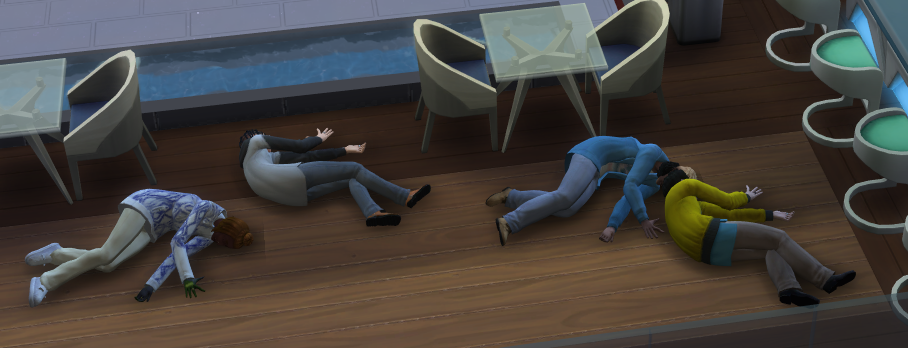
When you arrive at the location, it is probably going to look like a crime scene with all the dead Sims lying on the floor!
You’ll need to investigate the cause of death, and it should say that the cause was death by laughter, confirming the case brief. You won’t have to investigate each Sim; performing investigations on one Sim will determine the cause of death for them all.
After you have collected all of their souls, you’ll need to return to the office and release them, like any normal workday.
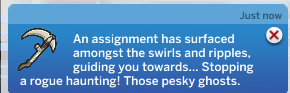
Rogue Haunting
This assignment is a bit like the lost souls assignment, and you’ll have to travel to an in-game location to stop ghosts haunting the lot.
To complete this task, you’ll need to close netherworld fissures and collect souls from ghosts.
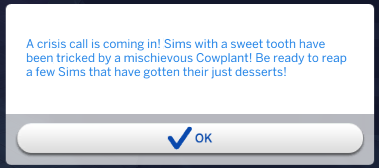
Cowplant Disaster
Just like the Laughing Disaster, this is another work task with multiple casualties.
Once you arrive, determine the cause of death by examining the dead Sims, and you should reveal that the cause of death was the cowplant eating them. Then just collect the Sim’s souls as normal.
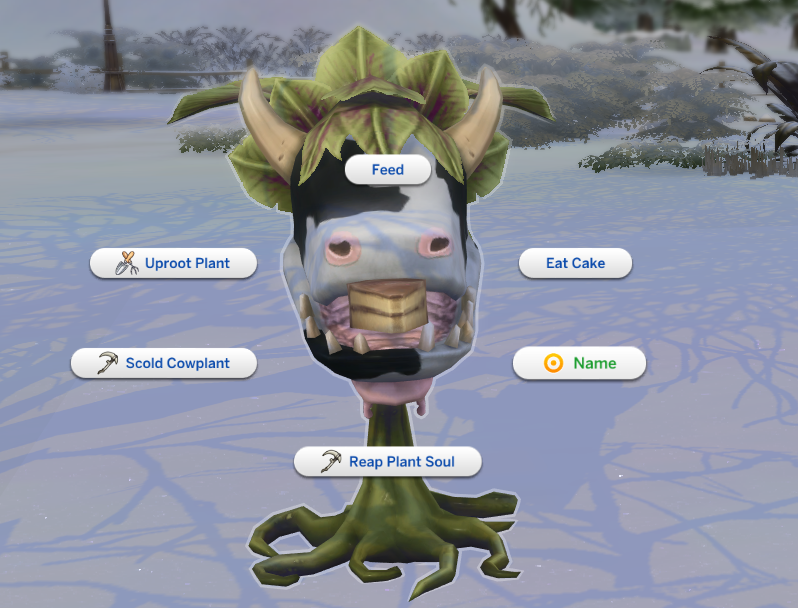
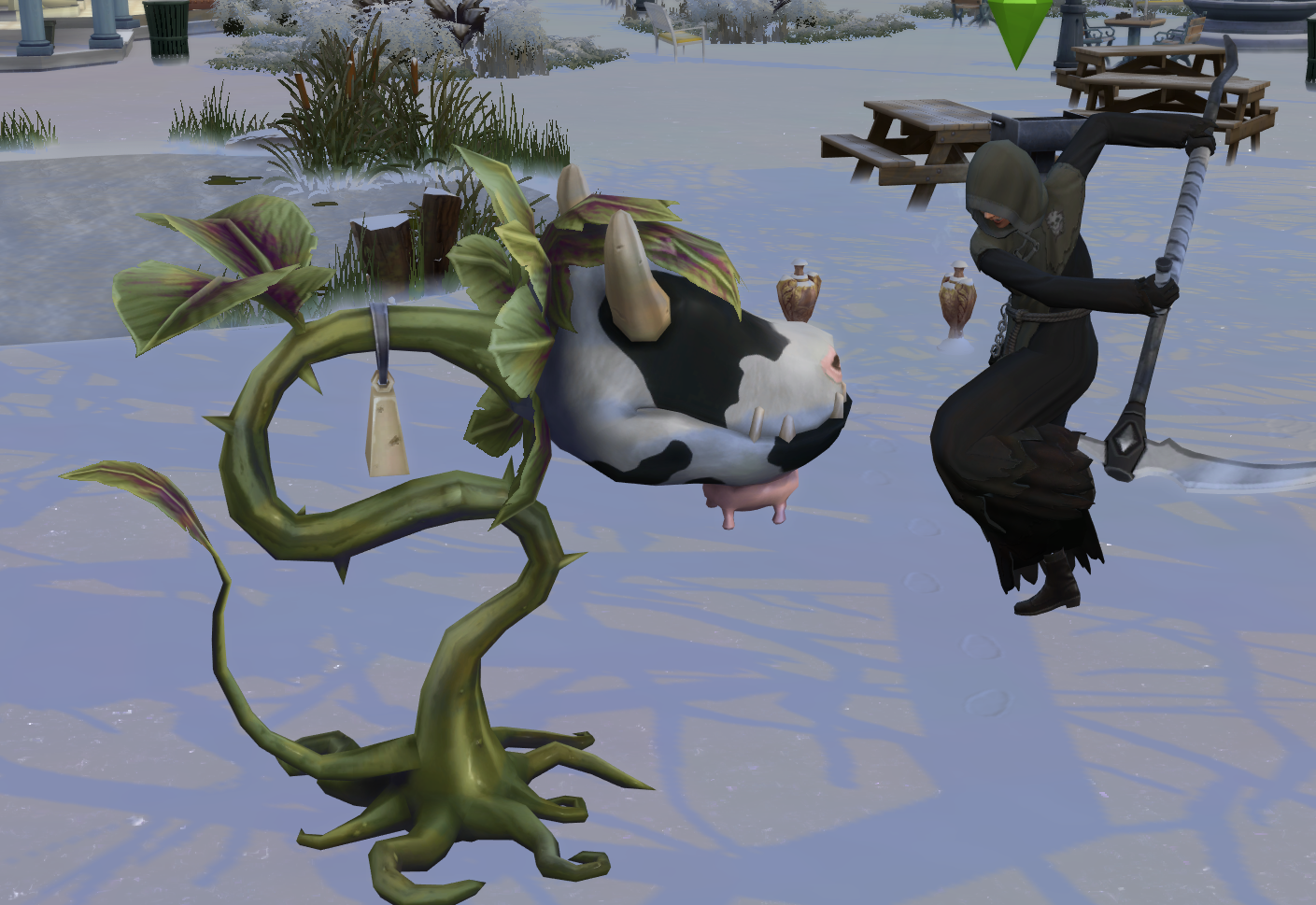
On this workday location, you also get some unique interactions with the cowplant – you can scold them and reap the cowplant’s soul (note this will kill the cowplant instantly, but it will count towards your soul quota).
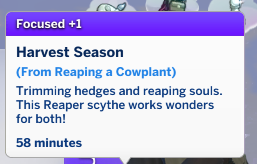
Successfully reaping a cowplant soul will also give your Sim a focused moodlet.
After you have reaped all the souls, head back to the office.
Emotional Reaping
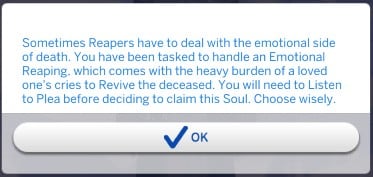
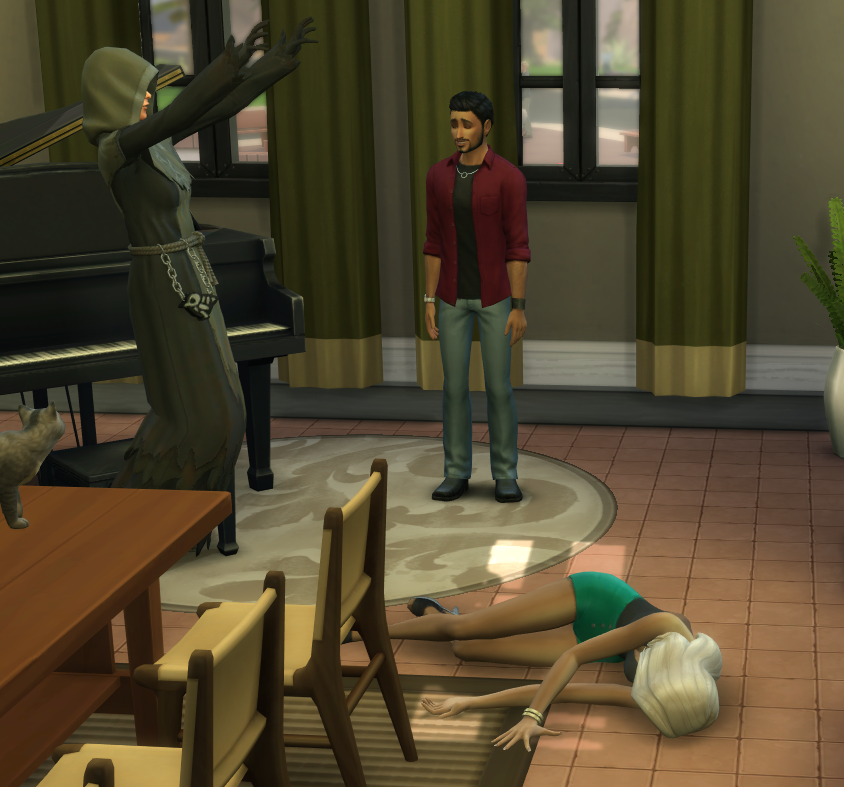
Sometimes you’ll be called to investigate a death of a random townie, and will have to listen to the pleas of their loved ones.
Listening to Pleas
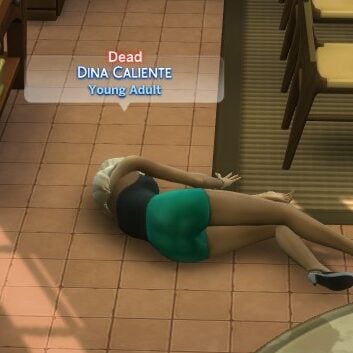
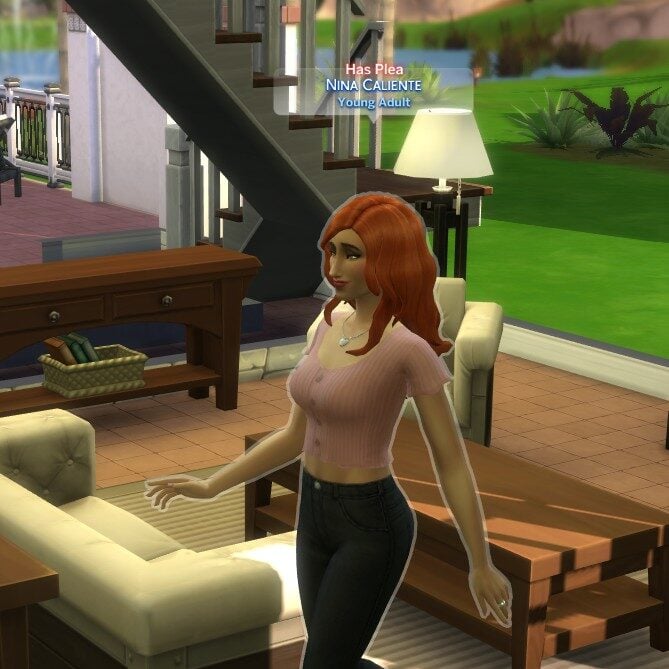
Not every witness at the scene will have a plea, you can identify who you need to talk to with the label ‘Has Plea’ above them. For me, it was Dina Caliente who died and only Nina had a plea to listen to.
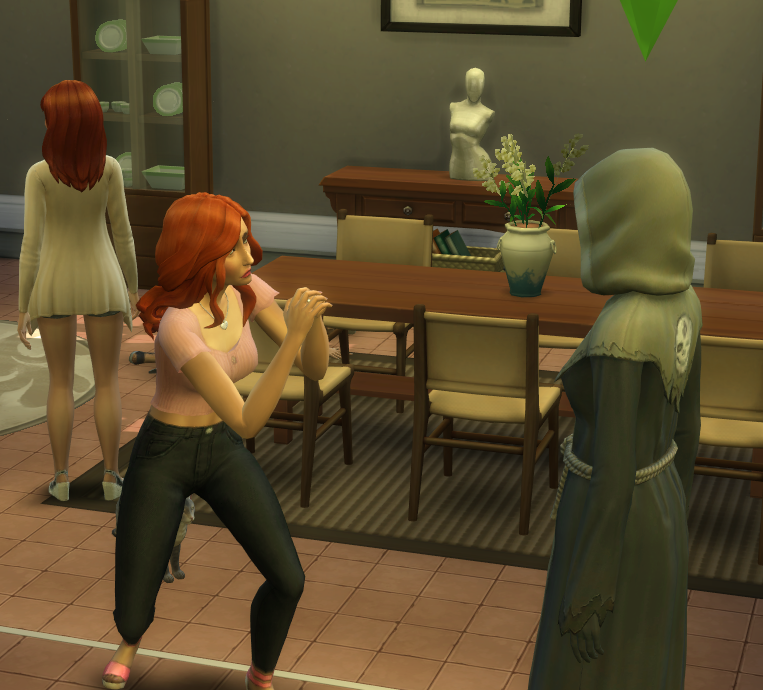
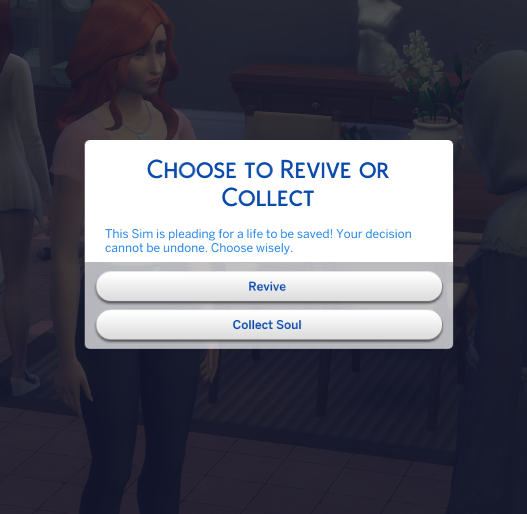
Once you’ve found who you need to listen to, click on them and select Listen to Plea. Once they’re done pleading you can choose to revive them or collect their soul.
If you choose to revive them, head over to the dead Sim and select Revive.
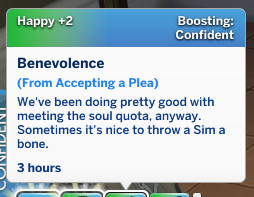
Choosing to accept a plea will also give you a happy moodlet.
Meeting The Soul Quota
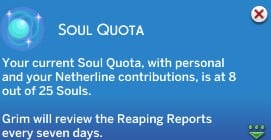
Each week, Grim will set you a soul quota that you should aim to meet, and it is tracked automatically based on how many souls you and your colleagues release to the Netherworld.
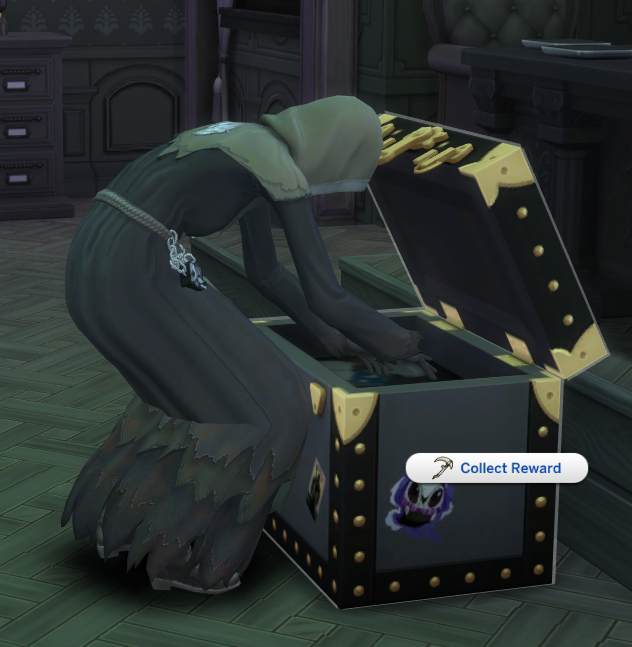
If you don’t meet the quota, there are no negative repercussions, but meeting this will let you gain a reward from Grim’s box.
You can check your soul quota progress at any time on the computer.
This part of the career is actually really challenging – I went with my Sim to work every day for weeks and collected loads of Lost Souls and still didn’t meet the quota! So, here are some of the best ways to get souls when you aren’t at work.
Gardening
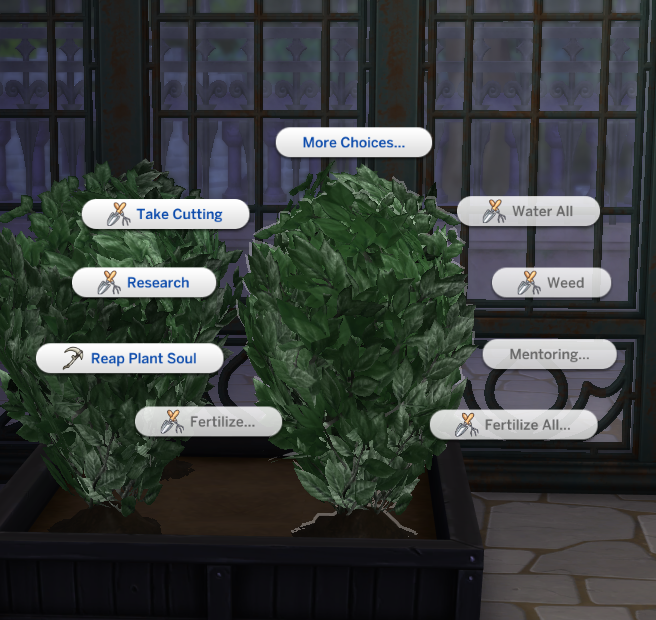
The best way to meet the quota is to focus on gardening, as when you have a high level gardening skill fully grown plants will give you the option to Reap Plant Soul. They need to have been fully grown for a while to unlock this option, so grab a greenhouse and fill it with plants to get ready.
Harvesting the plant soul will reset the plant’s growth stage but it will grow back in time, so doing this doesn’t kill the plant.
Harvesting plant souls was by far the easiest way to keep my Sim’s soul quota up, so that’s my best advice for you too!
Harvesting plant souls was by far the easiest way to keep my Sim’s soul quota up, so that’s my best advice for you too!
Fishing
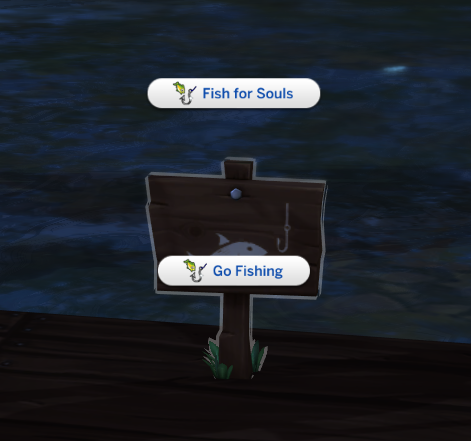
As long as you are in the sims 4 reaping career, you’ll be able to fish for souls at any of the fishing spots in the Mourningvale area. Just click on the sign and select Fish for Souls.
I didn’t have as much success with this as harvesting souls from plants but it’s still a good option and fishing is always a good pastime for Sims.
Buying them
You can, of course, buy souls if you’re flush with cash.
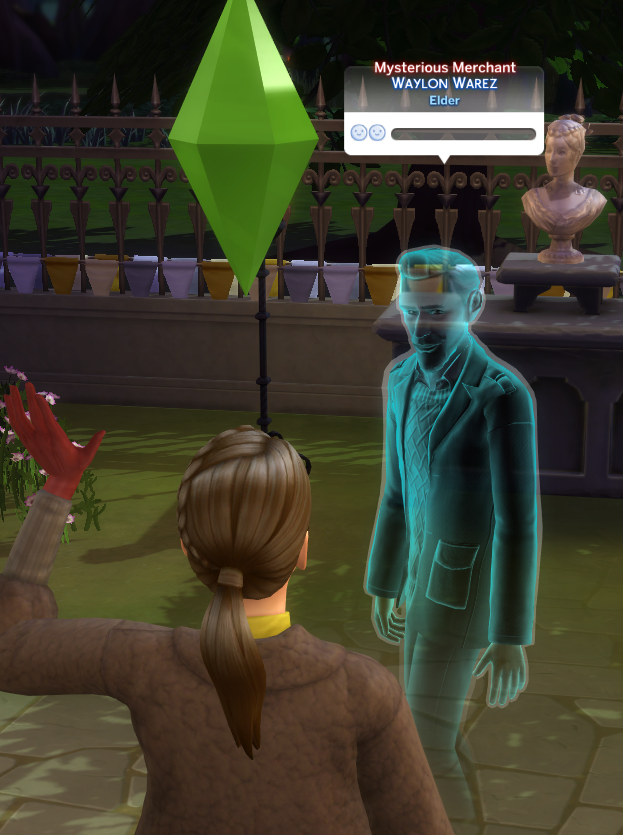
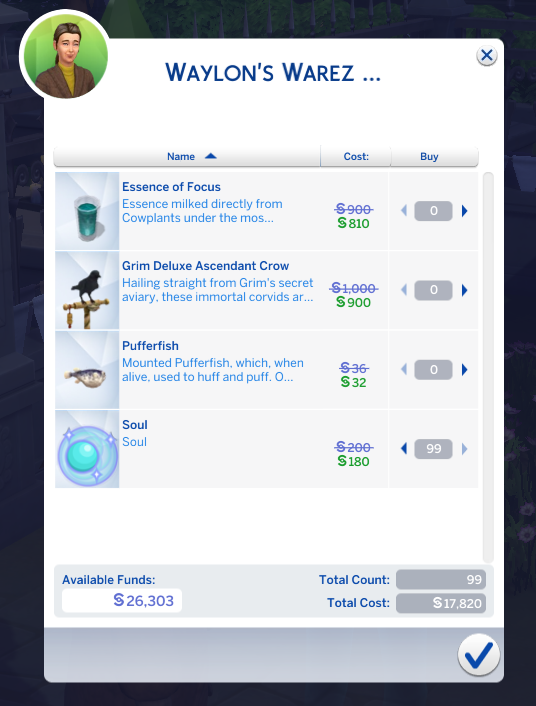
Go down to the graveyard area and have a look for the mysterious merchant Wayland and ask to see his wearz, where you’ll see he is selling souls for 200 simoleons each (although he offered them to me for 180, so maybe you’ll also get lucky).
He seems to have an unlimited supply of souls for sale as I bought 99, so if you want to shortcut to your soul quota you can always just type in Motherlode and grab loads!
Also, sometimes when you use the scry bowl to scry for lost souls, you can get a pop-up to shake Wayland down for souls. This is based on pure chance, though, so I wouldn’t rely on it as a foolproof method to meet your quota.
Stealing them
A good option, potentially, if you are fine with risking lowering your work performance.
Once you reach a high enough level and send your Sim off on a rabbit hole workday, you can choose to have them steal souls. This will increase your chances of earning a soul, but it isn’t guaranteed.
Is it worth it?
The gift you unlock from Grim is totally random, so sometimes you might get lucky, but other times you might end up with a bit of a dud. Both times I hit the quota I got a random amount of Simoleons.
Final Thoughts
Overall, this career is one of the most in-depth careers in the game, with constant challenges which make it hard to get bored. The fact that it sends you off to real-world reaping events makes it feel like your choices have an impact on the world around you in a tangible way.
The workplace location and world also fits the aesthetic perfectly, and the rewards you get for completing the career like the Grim’s Right Hand trait are really helpful in gameplay outside of the career.
I can’t recommend the Sims 4 reaping career enough!
What are your thoughts on this career? How do you think it compares to other playable careers? Let us know below!
Electronic Arts has published a new official trailer for The Sims 4 Adventure Awaits Expansion Pack. With the trailer also being a continuation (and finale!) of the fictional TV Show called Sul Sul Island.
In the latest trailer, the last two Sims battle for the title of the Sul Sul Island Winner. Where the Sims have to compete against each other using the new playground equipment, kayaks, fitness equipment and more.
See the finale of Sul Sul Island and who wins down below:
With the release of The Sims 4 Enchanted by Nature, which included the release of the fairy occult type, its become more noticeable when occult states are lacking detail and gameplay in comparison. If that’s something you’ve noticed and you’re open to modifying your game to your tastes, then The Sims 4 Expanded Mermaids Mod by Spinning Plumbobs may fill that void!
Vampires, Werewolves, Spellcasters, and Fairies all have perk trees and skills, with gameplay that is unique to them. They also have variation within their skill trees, allowing for unique stories each game, typically based on the moral line that your sim decides to walk. However, the occult types of Mermaids, Aliens, and even Plant Sims all have very little gameplay and progression in comparison. They all lack skill trees, unique powers, and ways to play the game differently.
SpinningPlumbobs is a creator centered around expanding and adding more content to different occults; From their Sims 4 Expanded Mermaids Mod and Sims 4 Expanded Plant Sims Mod, to smaller mods like animated tails for werewolves and new tails for mermaids, they really flesh out what’s available for your sims who live on the supernatural side of life!
Table of Contents
Current Mermaid Gameplay
Becoming a Mermaid
To play as a mermaid sim, you can start from fresh in CAS, choose a premade household with mermaids in it, or use Mermadic Kelp. Mermadic Kelp can be found while exploring the cave on the island of Mua Pe’lam in Sulani, while deep diving in the oceans of Sulani at buoys, or as a purchasable aspiration reward costing 500 satisfaction points. After eating the kelp, your sim must enter the water while the buff is active to get the transformation, and the buff typically lasts 24 hours. Mermadic Kelp is also the key to returning to a human sim state.
The Mermaid Experience and Powers
While they don’t carry a skill tree or a special UI to represent a powerful magical force (like fairies, spellcasters, and werewolves), mermaids do have one motive change; Their Hygiene meter turns into a Hydration meter. While you would assume that completely drying out as a mermaid would be detrimental and maybe even fatal, it really just functions like hygiene and makes them a little stinky and grungy. The hydration meter is the primary source of energy for mermaid powers, requiring them to recharge by a dip in the pool or the ocean to use them again after their cooldown expires.
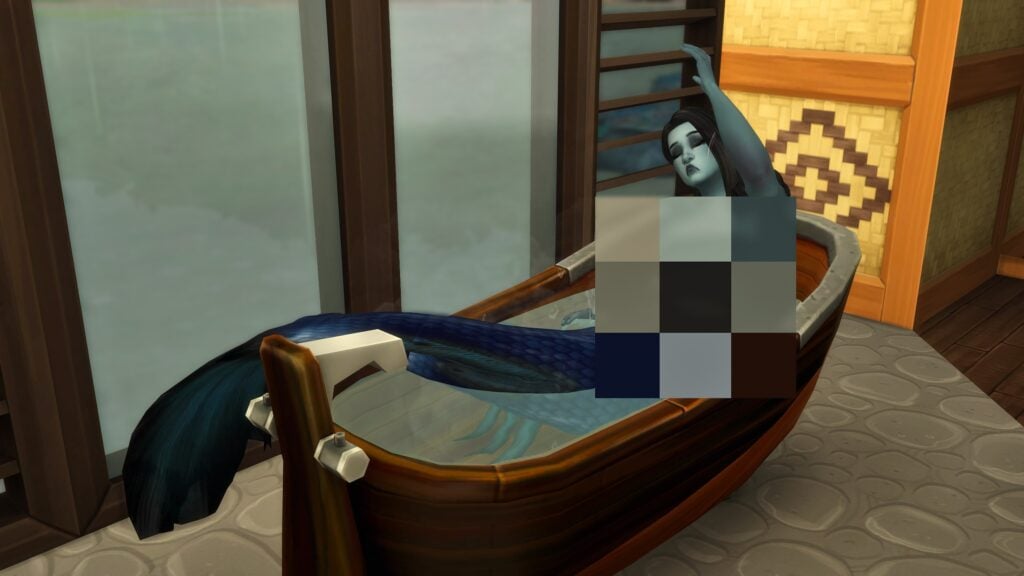
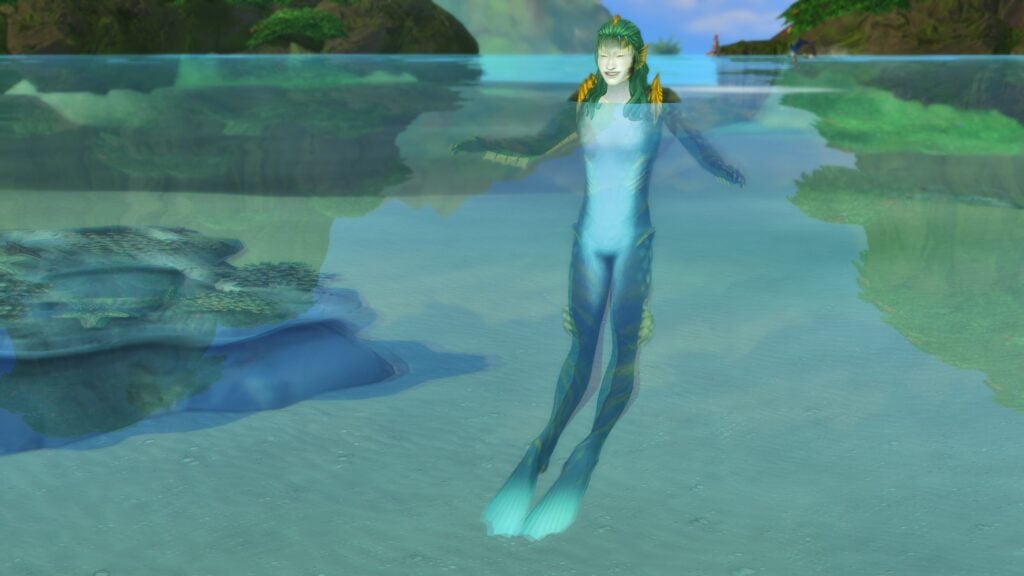
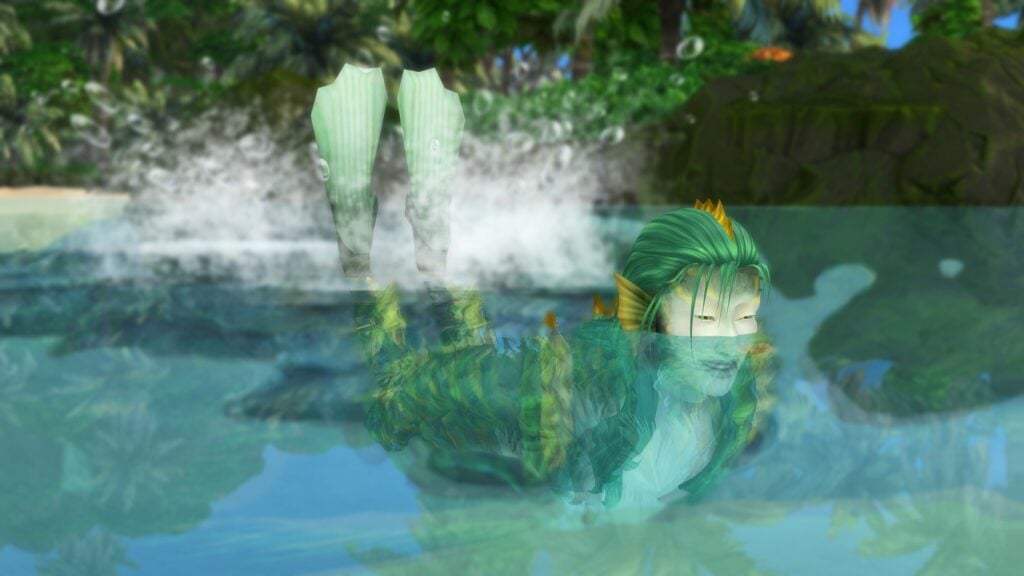
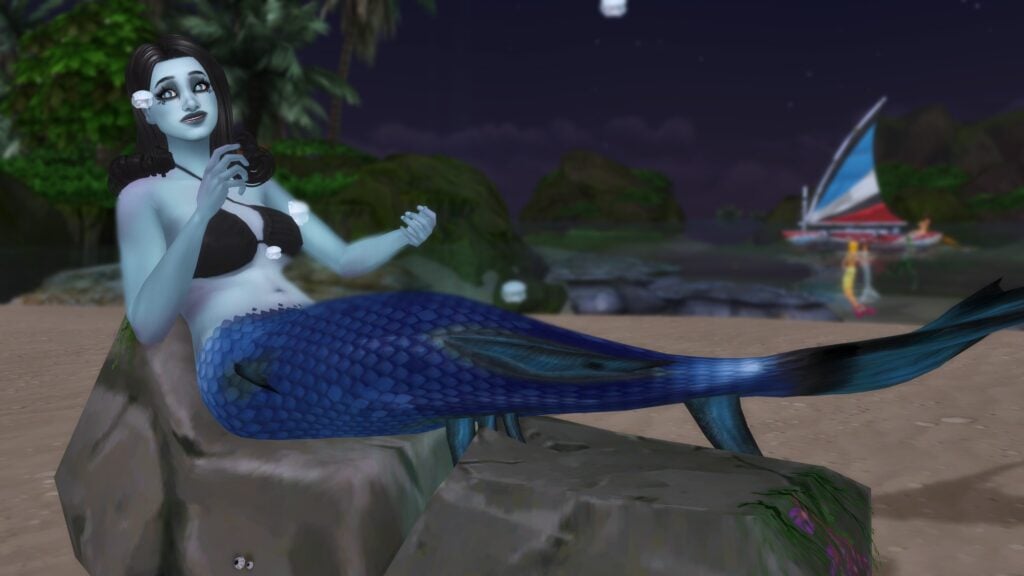
Entering any body of water as a mermaid, from something as small as your bathtub and up to the expansive oceans of Sulani, will use the mermaid form instead of the sim form. This comes complete with a tail and any other details you may add, including different teeth, skin tones, eyes, etc.
Some of the basic gameplay for mermaids including faster water travel, no extra gear needed to free dive, etc. However, outside of their mermaid form and the water in general, they don’t really function any differently from other sims except for a dolphin-like chirp as an idle animation or in response to a conch shell and a few powers they can access in their human form.
Regarding powers for mermaids, the list isn’t super long, and many powers fall under the same general category but with slightly differing effects. I also want to recommend taking a look at our article from the release of mermaid’s, detailing the exact hydration drain from each power and other important details to note. Read it here!
Siren’s Lullaby (Mood Control Powers)
Aegean’s Question – Gives the target sim a tense moodlet.
Charmer’s Lullaby – Gives the target sim a flirty moodlet.
Inspiring Berceuse – Gives the target sim an inspired moodlet.
Night’s Requiem – Gives the target sim a sad moodlet.
Weather Control (The Sims 4 Seasons is required)
Call Clear Skies – Clears the weather, only usable when it is anything but clear. Not castable by mermaids with the “Evil” trait.
Call Rainstorm – Creates a rainstorm, cannot be used while it is rainy.
Call Thunderstorm – Create a thunderstorm, cannot be used while it is storming. Not castable by mermaids with the “Good” trait.
Other Powers
Summon Ocean Threat – Causes the target sim to panic and flail in the water, possibly leading to death by drowning. Commonly lethal when paired with a Siren’s Song. Cannot be cast by mermaids with the “Good” trait.
Aquatic Lure – Draws fish to fishing spots or boats, including rarer and more valuable fish.
Call Over Azure Dolphin – Dolphins can randomly appear, but only mermaids have the ability to call them. They also develop a soulmate relationship with any dolphin they meet.
Lastly, mermaids have a few benefits compared to other sims that can make playing with them a bit easier.
Mermaids can use the bathroom (like other sims) while in the water, but can also sleep in the water.
Mermaids can float and sunbathe in the water.
Mermaids will show their mermaid tail form in pools, bath tubs, and other bodies of water that are not the ocean.
As well as a couple cons…
Mermaids do not snorkel or scuba dive.
Mermaids cannot use the ladders.
The Sims 4 Expanded Mermaids Mod
Ranks and Leveling Up!
Two skills come into play with leveling in the Sims 4 Expanded Mermaids mod, primarily the new Mermaid Rank and Mermaid XP skills. Both appear in the UI as any other trait, as its not easily possible for modders to implement the skill tree added to more in-depth user interface to include skill trees.
Mermaid Rank is five total levels. It influences what perks your mermaid is allowed to have and how powerful they actually are. It can be increased by just about any mermaid interaction, from swimming to just existing in their mermaid form.
Mermaid XP is three total levels. This tracks the actual perks your sims can gain, and will also require them to pick a weakness when picking their perks. The same interactions that level Mermaid Rank also level Mermaid XP.
Mermaid Perks
Hydrokinesis – Manipulate water, condense it from thin air, or absorb it for a hydration boost with the power of Hydrokinesis!
Cryokinesis – Give enemies the cold shoulder or something slick to slip on with the power of Cryokinesis!
Thermokinesis – Radiate heat from the palms of your hands to melt a frozen friend or give a nemesis a hot flash with Thermokinesis!
Electrokinesis – Channel the electric current of an eel to bring other sims a shock, or tap into the energize atmosphere to summon lightning!
Aerokinesis – Harness the power of wind and air to summon gusts that can throw other around or trap them in a cyclone.
H2O Efficient – H2O Efficiency grants superior water-retention and bladder control! This sim will no longer need to worry about using the bathroom and will lose a hydration at a slower rate.
Octopus’ Gardener – Michaela will be able to go for extended dives to collect as much kelp as she wants.
Motion of the Ocean – This sim will prefer to sleep underwater, gaining energy at a higher rate and also increasing their fun need a bit.
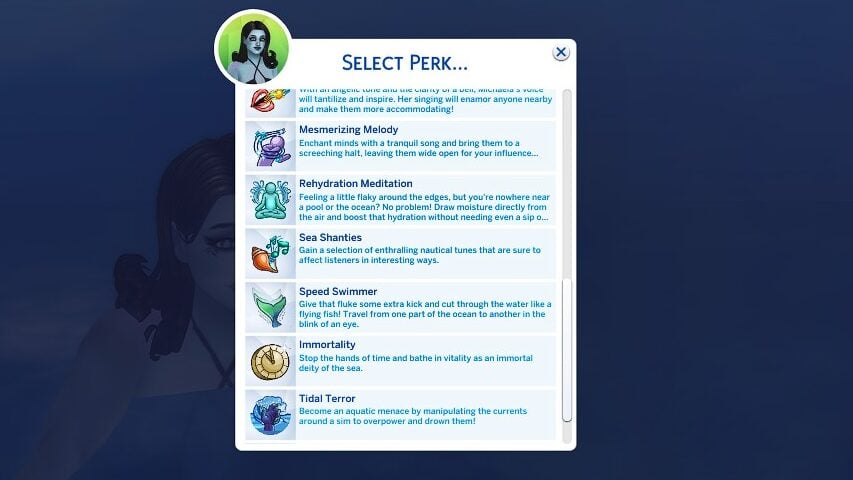
Siren Voice – With an angelic tone and the clarity of a bell, this sim’s voice will tantilize and inspire .Their singing will enamor anyone nearby and make them more accommodating!
Mesmerizing Melody – Enchant minds with a tranquil song and bring them to a screeching halt, leaving them wide open for your influence…
Rehydration Meditation – Feeling a little flaky around the edges, but you’re nowhere near a pool or the ocean? No problem! Draw moisture directly from the air and boost that hydration without needing even a sip of water!
Sea Shanties – Gain a selection of enthralling nautical tunes that are sure to affect listeners in interesting ways.
Speed Swimmer – Give that fluke some extra kick and cut through water like a flying fish! Travel from one part of the ocean to the other in the blink of an eye.
Immortality – Stop the hands of time and bathe in vitality as an immortal deity of the sea.
Tidal Terror – Because an aquatic menace by manipulating the currents around a sim to overpower and drown them!
Sea Savior – Be a benevolent guardian of the waves by rescuing those who have found themselves in a water grave!
Mermaid Weaknesses
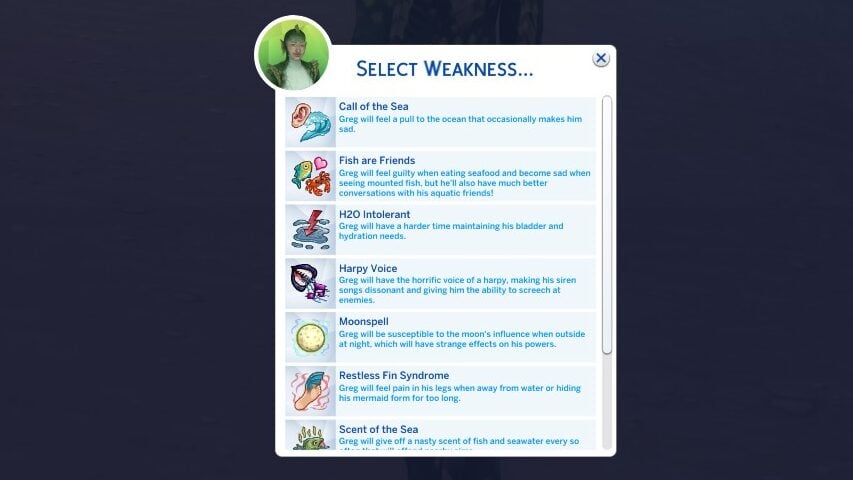
Call of the Sea – This sim will feel a pull to the ocean that occasionally makes them sad.
Fish are Friends – This sim will feel guilty when eating seafood and become sad when seeing mounted fish, but they’ll also have a much better conversation with their aquatic friends!
H2O Intolerant – This sim will have a harder time maintaining their bladder and hydration needs.
Harpy Voice – This sim will have the horrific voice of a harpy, making their siren songs dissonant and giving them the ability to screech at enemies.
Moonspell – This sim will be susceptible to the moon’s influence when outside at night, which will have strange effects on their powers.
Restless Fin Syndrome – This sim will feel pain in their legs when away from water or hiding their mermaid form too long.
Scent of the Sea – This sim will give off a nasty scent of fish and seawater every so often that will offend nearby sims.
Sensitive Scales – This sim will be extra sensitive to contact with water, causing her tail to appear when in the rain or having any other exposure to H2O.
Uncontrollable Squealing – This sim will have uncontrollable outbursts of dolphin squealing, which may offend nearby sims.
Water Demon – This sim will be a danger to nearby sims while swimming, causing them to get fatigued and be at high risk of drowning!
Brand New Interactions!
With improved actions that can lead to new events and even collectible items, the world of a mermaid sim has never been more exciting!
New Ocean Interactions
With an expansion on Ocean interactions, Mermaids can now seek out new types of kelp, do tons of diving, hunt fish, do tricks like tail flips, and other options through the usage of potions or spells that expand your sims underwater world.
New Mermaid Mythology Skill!
Introduced as a new skill with 10 levels, Mermaid Mythology adds backstory and the groundwork lore to mermaids as an occult in the sims, new options for asking sims if they are a mermaid, and much more added to the gameplay. Books are purchasable from computers or Build & Buy mode for §100. They are all under the same object, so you just have to choose another swatch for the higher levels.
Sea Witches & Wizards
Sea Witches & Wizards are a new sub-type of mermaid sim, allowing for them to be a magic-focused aquatic sim. This includes a new skill with 10 levels called Sea Sorcery, and the introduction of the motive Tidal Energy, which can be recharged through swimming or meditation.
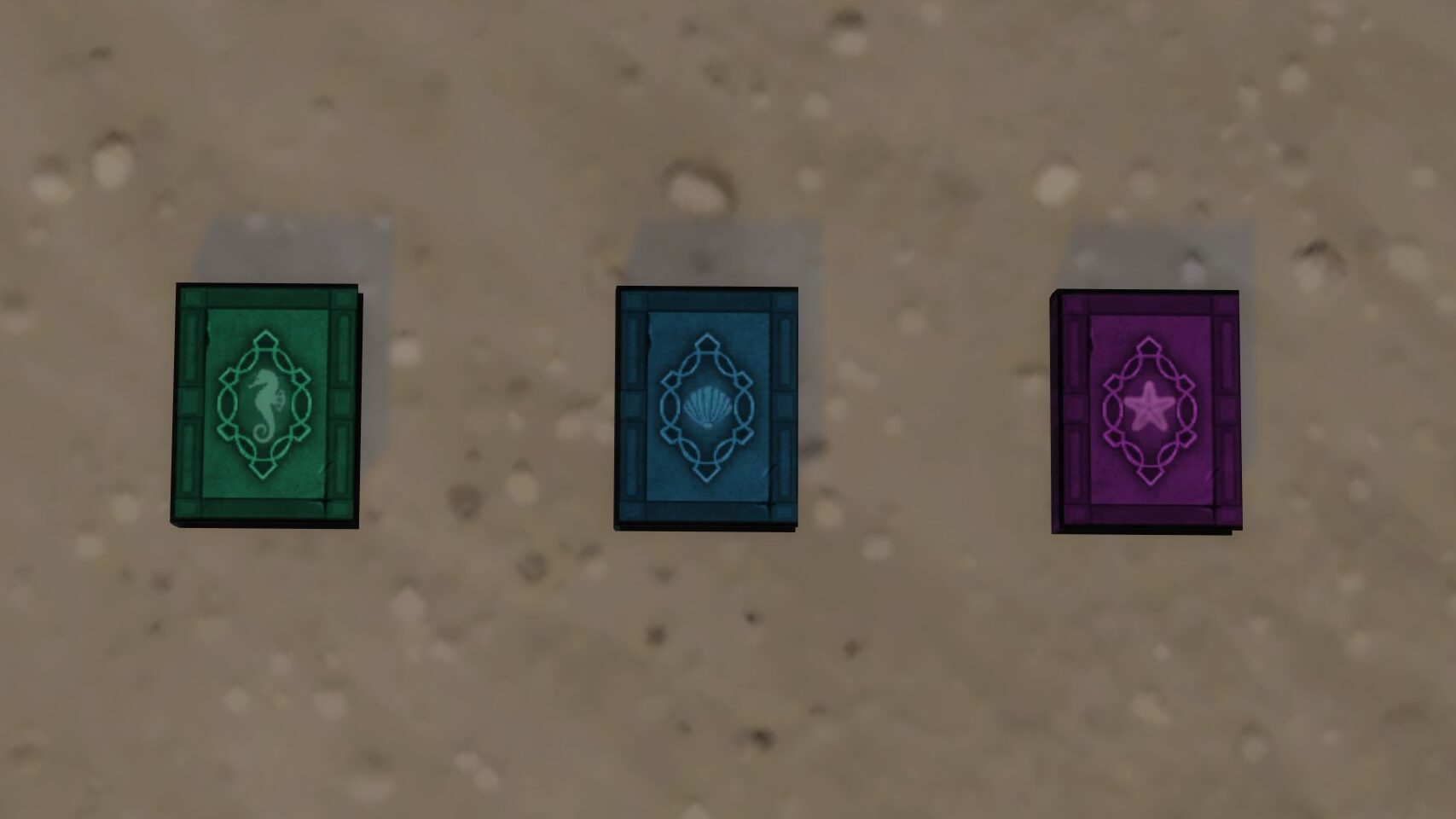
To become a sea witch or wizard, go deep diving in Tartosa or Sulani until your sim retrieves the book Poseidon’s Grimoire. This book is vital to the sea witch or wizard gameplay, because it both shows your sim how to become one, and then later teaches them more spells.
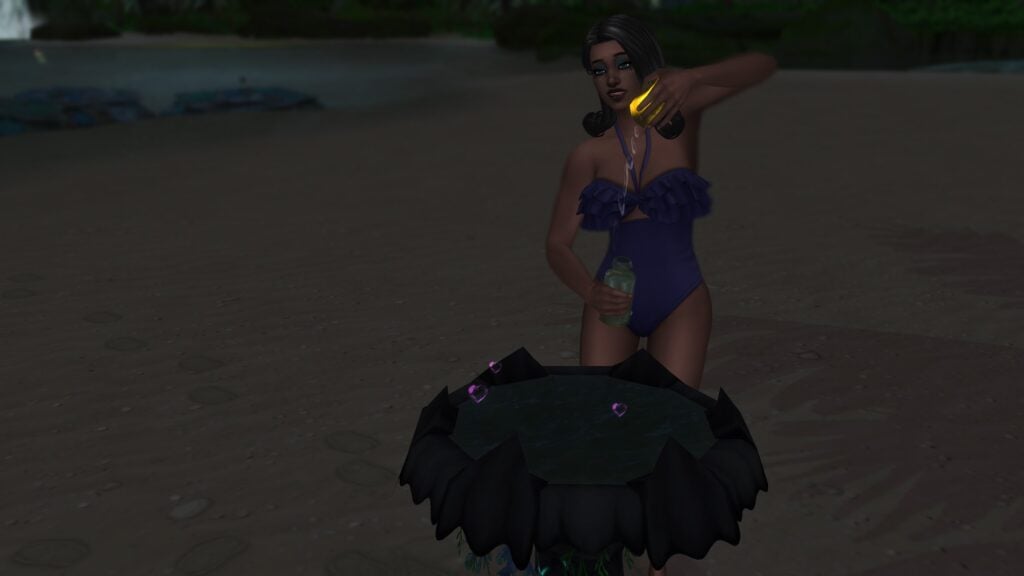
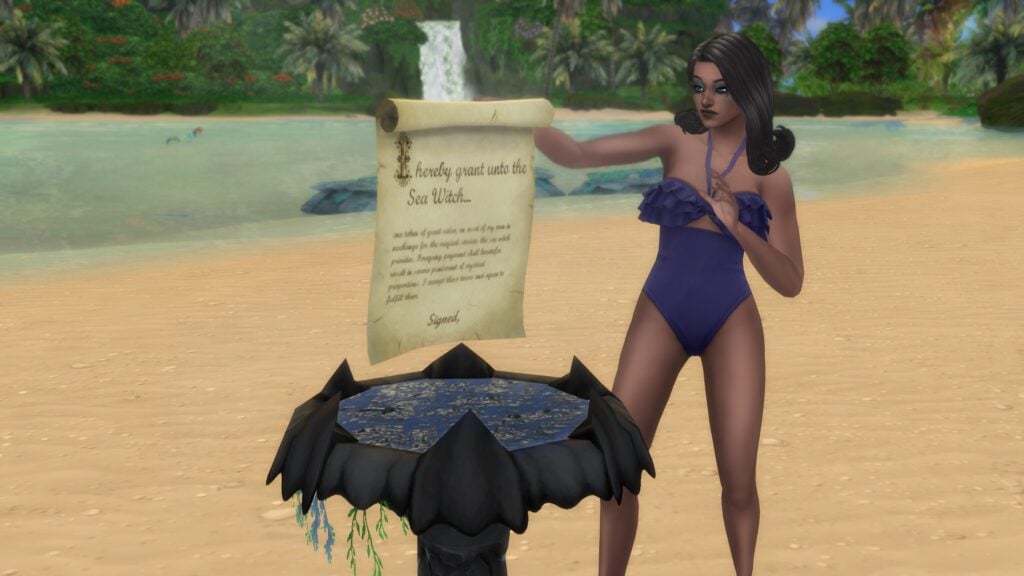
Make sure to purchase the Sea Witch’s Cauldron in Build & Buy mode to unlock the ability for your sea witch or wizard sim to craft new potions and tinker with their own form of alchemy. This also allows your sim, once they reach level 5 of Sea Sorcery, to craft physical contracts to give to sims in exchange for different forms of payment. After being crafted, place it on the cauldron so nearby sims can sign the agreement. The available contracted spells include…
Heartstopper – The sea witch must grant the signer freedom from the torments of love and heartbreak by using the Heartstopper Elixir on them.
Heartwarmer – The sea witch must restore the signer’s heart if they have a tainted love or have lost the ability to love.
Love Spell – The sea witch must grant the signer an enchanted love by using Love Potion #9 or Aphrodite’s Love Spell on them.
Poseidon’s Luck Charm – The sea witch must catch Poseidon’s Luck Charm on the signer for a boost of good luck.
Turn into Human – The sea witch must transform the signer into a human.
Turn Immortal – The sea witch must grant the signer immortality.
Turn into Fairy – The sea witch must transform the signer into a fairy.
Turn into Kelpie – The sea witch must transform the signer into a kelpie.
Turn into Mermaid – The sea witch must transform the signer into a mermaid.
Turn into Spellcaster – The sea witch must transform the signer into a spellcaster.
Turn into Witch – The sea witch must transform the signer into a witch.
Cleanse Curses – The sea witch must cleanse any curses from the signer by using the Water of Cleansing potion.
Another form of craftable from the Sea Witch’s Cauldron is potions, and there is quite a few of them. These are able to be drunk, sold, gifted, or cast upon another sim. They require specific ingredients for each individual one. The available potions include…
Hydration Solution – Feeling dry and flakey? Smelling like the catch of the day? Well, this hyper-hydrating serum is sure to keep your skin moisturized and keep the briny scent of the ocean away for hours!
Love Potion #9 – A pinch of affection, a dash of infatuation, and a few drops of lust are all you need to concoct a vial of potent love! WARNING: True love not guaranteed. Contents may turn sour.
Bottled Davy Jones’ Curse – Aye, matey! Let it be known that a terrible curse fills this here bottle… One gulp and ye shall be thrown to the sea to serve in Davy Jones’ crew!
Merfolk Elixir – For those who’s hearts belong to the sea, this elixir will provide the necessities of living below the waves…
Bottled Fae Blessing – Glittering wings and a knack for nature await the drinker of this potion. One sip will grant the whimsical life of a fairy!
Sea Monster’s Brew – Slick scales, flapping gills, and glandular slime await the one who drinks this brew. One gulp will turn the drinker into a deep-sea-dwelling kelpie!
Humanity Tonic – For the extraordinarily afflicted who wish to become simply ordinary.
Elixir of Immortality – Drink this potion and you’ll never grow even one day older. Don’t drink it and you’ll continue to watch yourself rot.
Water of Cleansing – Use this distillation to rid yourself of a curse or illness.
Heartstopper Elixir – One sip of this brew will rid the drinker of any feelings of love or romance and prevent any future flirtation…
Heartwarmer Elixir – If you find yourself feeling the effects of a tainted love or inability to love at all, this brew will surely rekindle your heart’s fire.
Aquatic Grave Brew – Many lives have been lost to the sea, and the one who takes this potion will surely be next…
Witch’s Brew – Pure magic of the ancestral witches dwells in this vessel. Taking this brew will grant the powers of a witch!
Elixir of Ascension – Tap into the power of the Magic Realm with this bottled spellcaster magic!
Bottled Sunlight – Bask in the glow of the summer sun with just a splash of this sunlight infusion. WARNING: May be harmful to those that are UV sensitive.
To fulfill a Sea Witch’s Contract, choose the contract and the action “Initiate Contract Fulfillment”, and complete the special event using the actions suggested. Make sure your Sea Witch or Wizard can create or use the proper spells and potions to complete the contract! For payment, the sea witch can choose…
Love – The signer must give up all romantic connections and lose the ability to love whatsoever, before the time limit expires.
§1,000 – The signer must pay §1000 to the sea witch before the limit expires.
§500 – The signer must pay §500 to the sea witch before the limit expires.
§5,000 – The signer must pay §5000 to the sea witch before the limit expires.
Soul – The signer must present the sea witch with the urn of a deceased sim before the time limit expires.
Voice – The signer must give the sea witch their voice, with which to do whatever he/she pleases, before the time limit expires.
Youth – The signer must relinquish years of their life to the sea witch before the time limit expires.
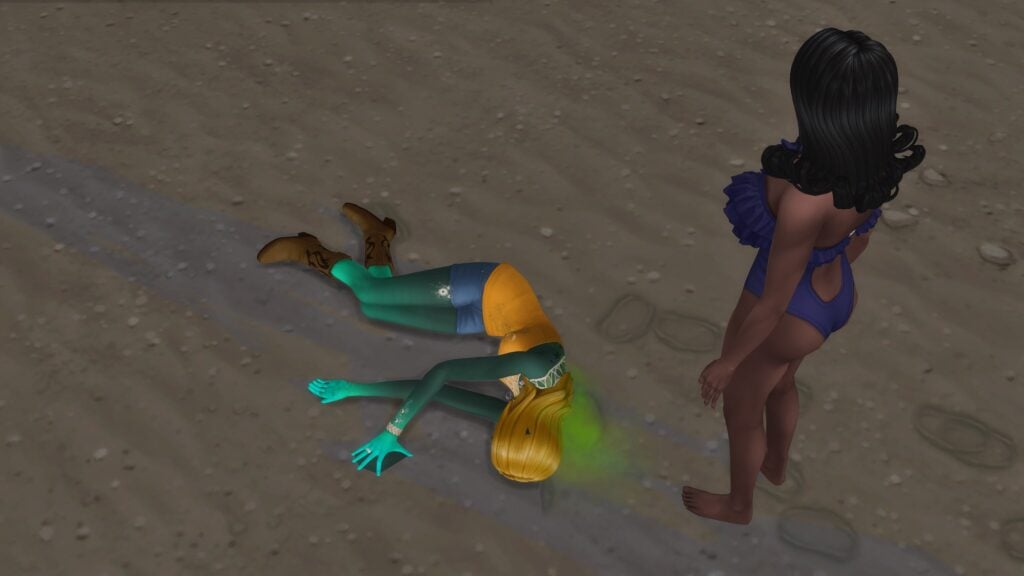
If a sim does not pay the Sea Witch or Wizard back within a certain time period, set during the crafting of the contract itself, your Sea Witch or Wizard can choose to enforce consequences.
These consequences include…
Davy Jones’ Curse – Gives the signer Davy Jones’ Curse.
Lose Emotions – Take the signers ability to feel emotions.
Lose Money – Take the signers household funds.
Lose Skills – Make the signer lose all their skills.
Give Mermaid Weakness – Give the signer a debilitating weakness.
Kelpies
Kelpies, inspired by the Scottish Gaelic shape-shifting folklore creature, are another life state possible with The Sims 4 Expanded Mermaids mod. This form is different from mermaids as they’re covered in scales, with full gills and fins to boot, and they appear much closer to fish and aquatic being than sim.
Kelpies can be created through cheats, Sea Witch potions and spells, or finding a specific piece of kelp while deep diving in the ocean or near a buoy!
Using the Kelpie Form pie menu, you can select your sims form to include different color, pattern, and style variations for their fishy form. Make sure to watch for their Shapeshifting Power motive, as this will force a transformation similarly to werewolves if it depletes.
Mermadic Children
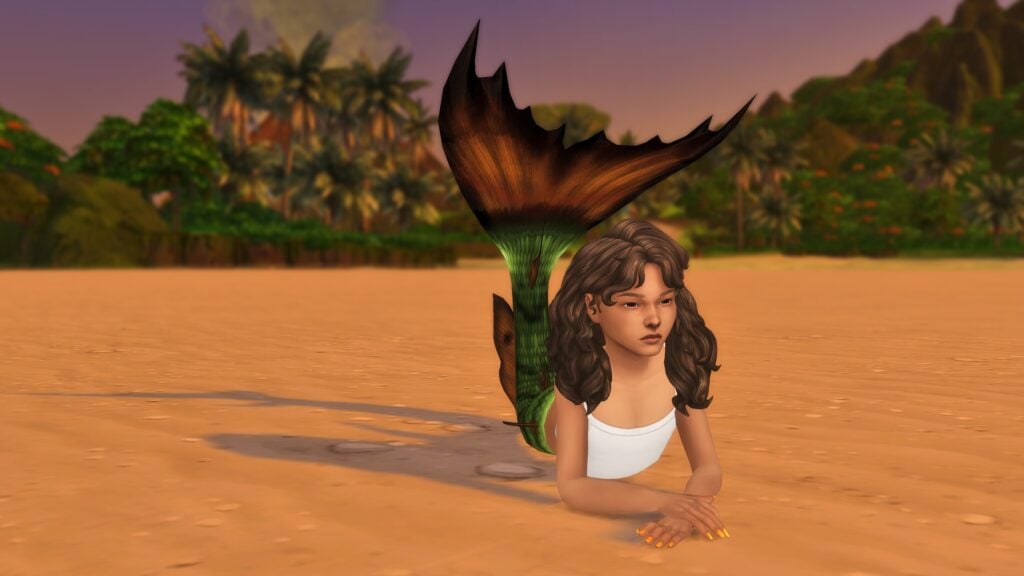
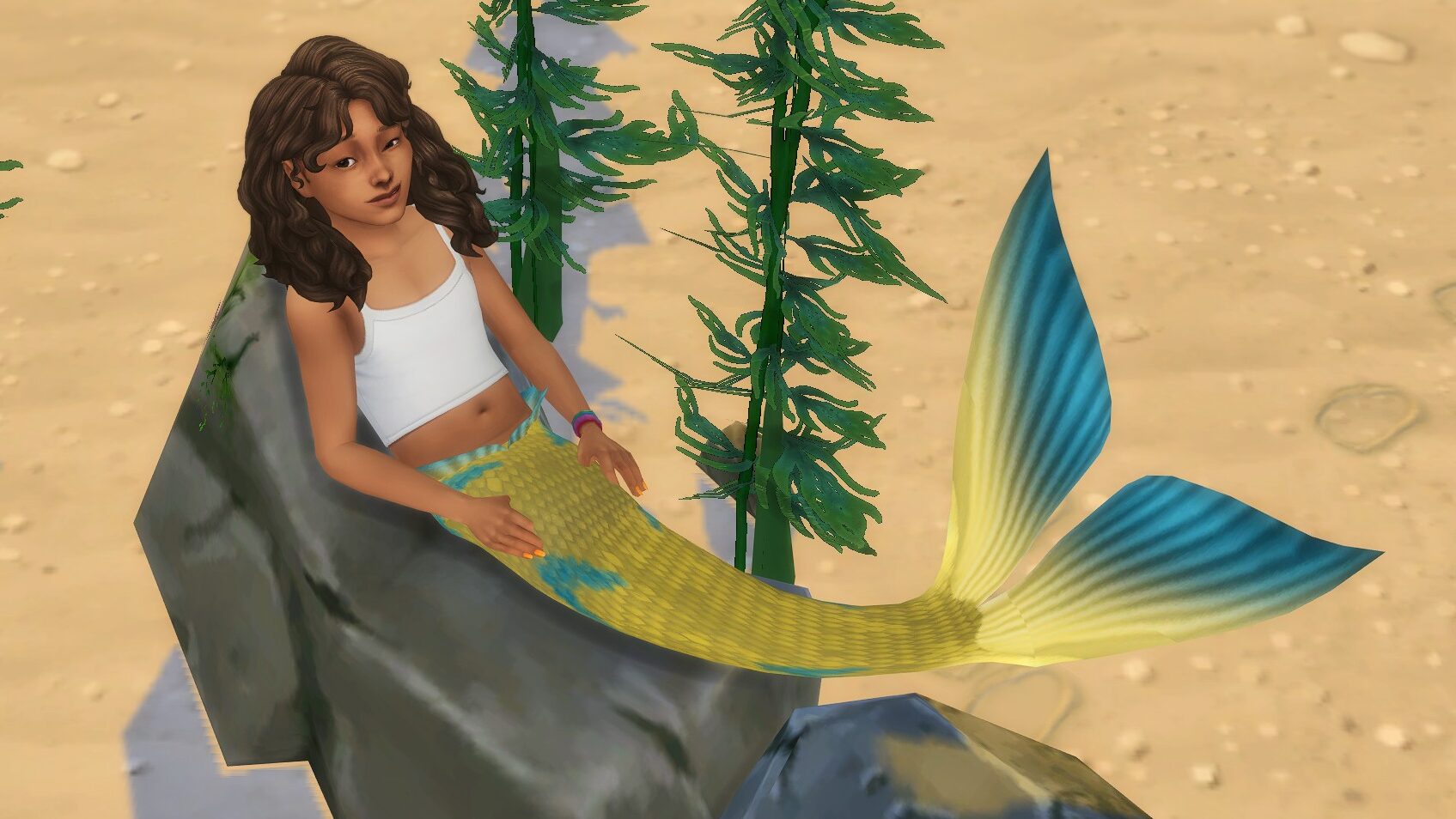
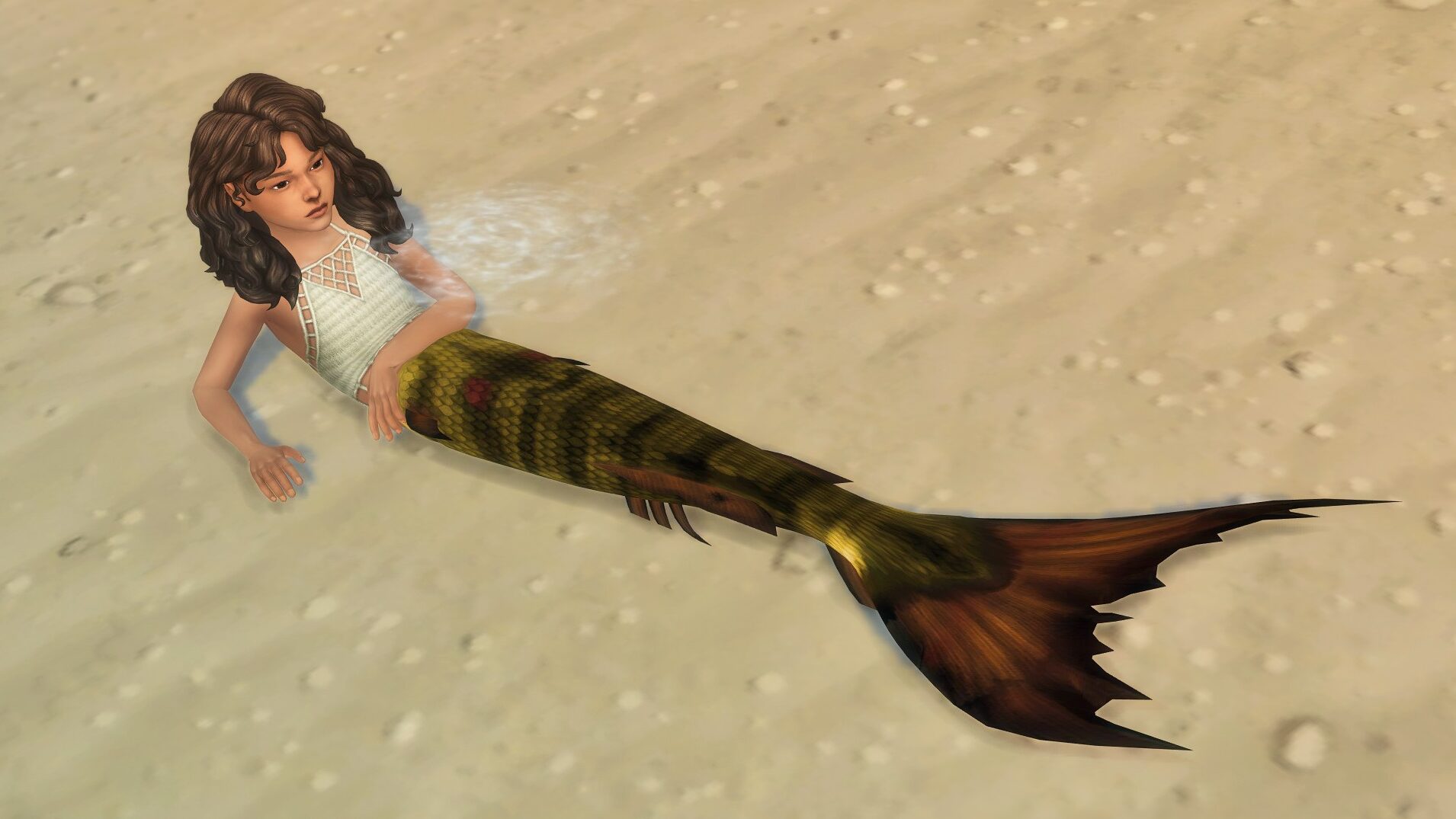
Something I always found a bit disappointing is that Sims 4 occult sims, in general, do not differ much from human sims prior to the teen life stage. However, Spinningplumbob’s has actually converted most adult animations so you can truly play as a mermadic child! Using the Mermaid pie menu on your child sim with the mermaid occult life state, you can choose a custom mermaid tail (Both ones converted from Island Living, as well as ones custom created by Spinningplumbob themself from their “Down Under” and “Atlantica” CC Sets!) that will appear when swimming, lounging, using the basking rock, etc.
New Items
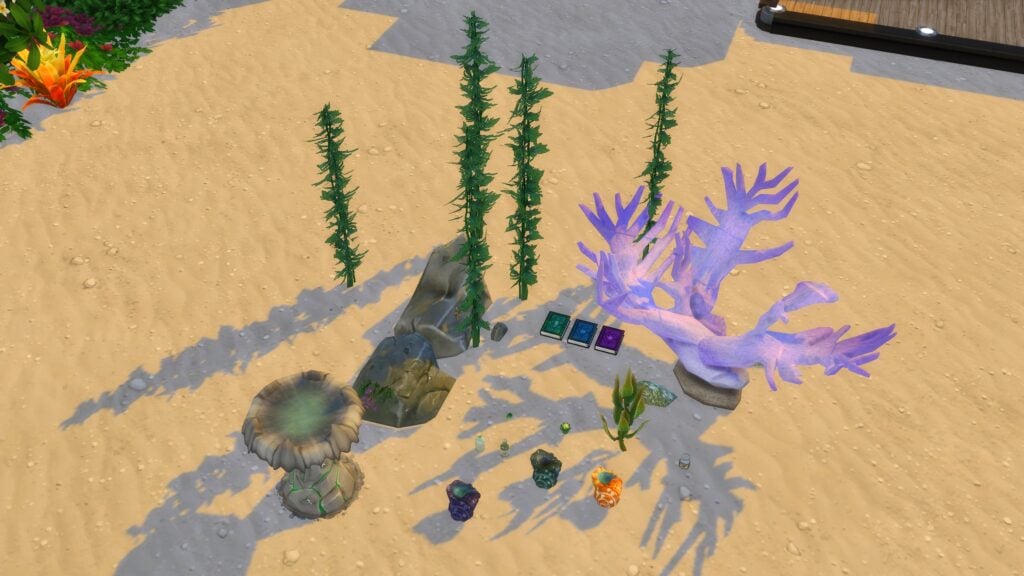
Spinningplumbobs also added some new unique items, as well as recolors of existing items to add more variety to the animations and actions available in the mod. This includes a basking rock, unique potions, new shells, new scales, and so much more!
What’s Next?
While they aren’t implemented just yet, SpinningPlumbobs also noted on the downloads page for The Sims 4 Expanded Mermaids mod that they have multiple future plans to expand existing mechanics and add in some new ones. These primarily focus on adding more sea witch spells, potions, and contracts. Other future updates are likely to include more visual variety to the kelpie life state and more activities and interactions for the ocean!
While not a requirement for The Sims 4 Expanded Mermaids mod and can standalone as well (Except for the “harvestable kelp” item, which requires the mod), I found that my gameplay was made a lot more fun by using this build & buy set, especially allowing for me to make a sort of “underwater” area my mermaids could hang out and relax in!
SpinningPlumbob’s Mermaid Tail Sets
The Atlantica Set
Based around Disney’s The Little Mermaid, Spinningplumbob’s Atlantica set, available for both adult and child mermaids, adds new tails, tops, and even a set of octopus tentacles for some added variety to your mermadic form!
And secondly, inspired by the movie Sabrina Down Under, Spinningplumbob’s Down Under set adds a new tail and top that creates the illusion of the continuation of the scales, making a seamless transition from tail to torso.
Have you played with SpinningPlumbobs’ Sims 4 Expanded Mermaids mod yet, or are you planning to? Make sure to follow SpinningPlumbobs’ patreon for updates and mods that are sure to come!
Let’s dive into the complete breakdown of The Sims 4 September Patch Features to see what’s new with The Sims 4. From various bug fixes to a new bassinet (for Merfolk!), this update is packed with some pretty important information that I would absolutely love to share with you. I’ve got you covered with all of the Sims 4 September Patch Features here in one place. Let’s get to the list and discuss the new features.
Table of Contents
1. Merfolk Bassinet
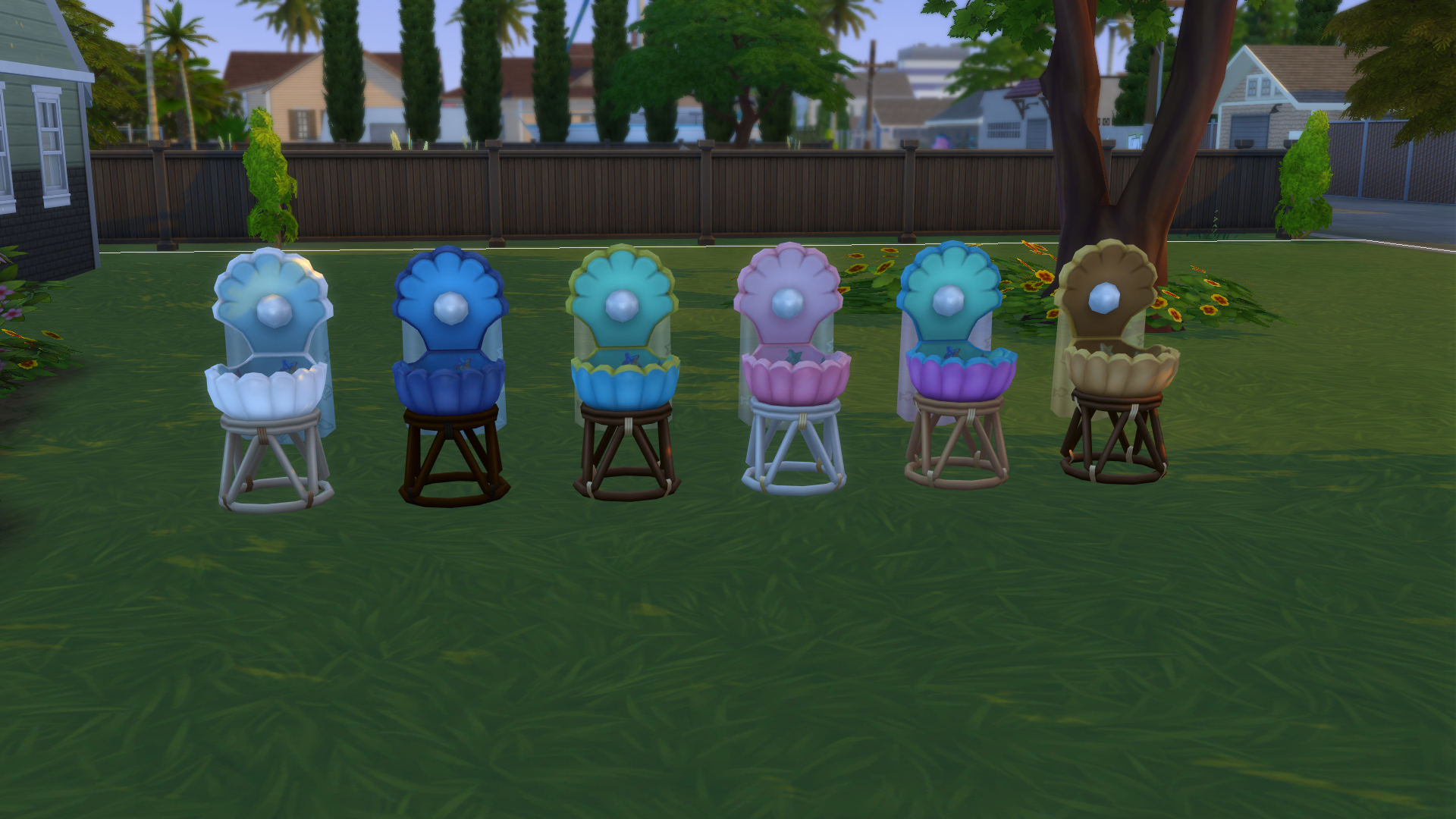
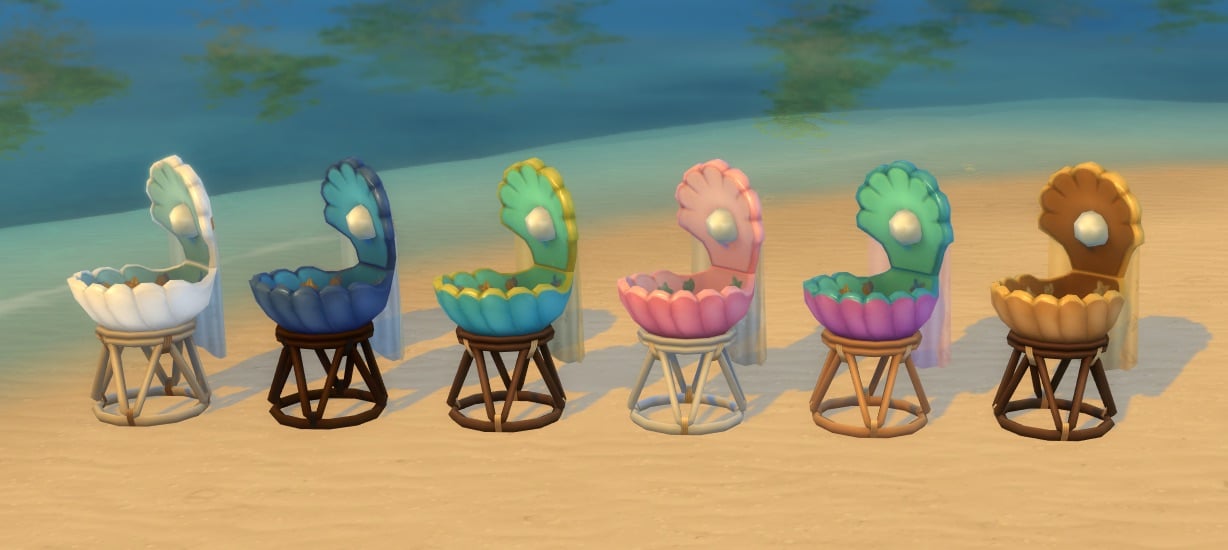
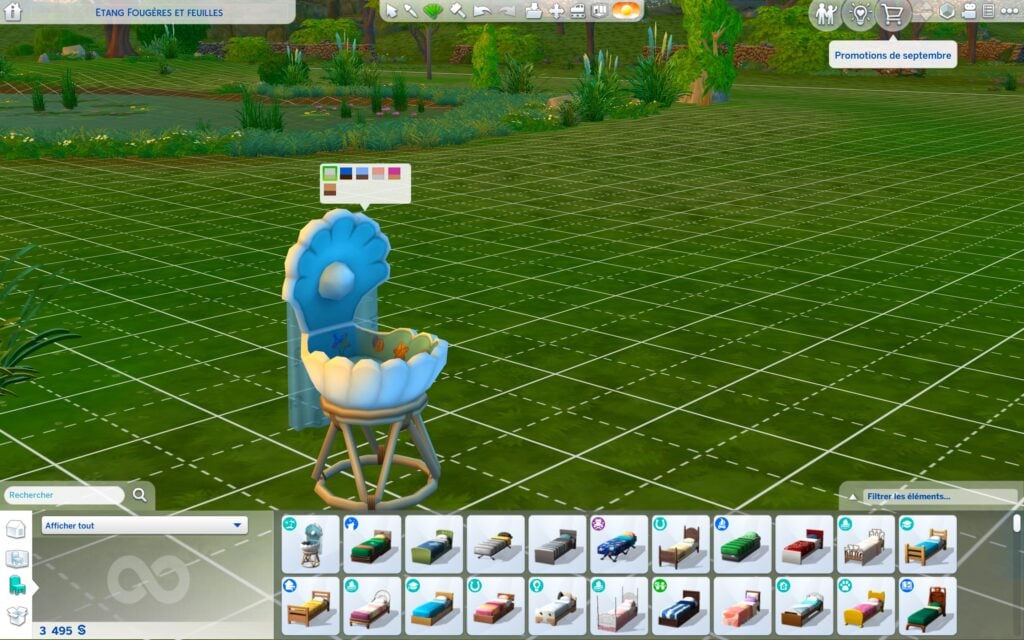
One of the most exciting (and gorgeous!) Sims 4 September Patch features is the introduction of the Oceans Lullaby Bassinet, created specifically for Mermaid families. Priced at 120 simoleons and available in 6 beautiful swatches (see photograph below), this seashell-shaped bassinet brings Merfolk life into your ocean, or beachy builds. It’s a small detail that breathes new life into Merfolk, and making a huge “splash” in the community.
2. Bucket List Items Redeem Satisfaction Points
You might be familiar with the Soul’s Journey feature with The Sims 4: Life and Death. The Sims 4 Team has readjusted gains for Sims’ Souls Journey and has also added Satisfaction Points in each tier. This is really exciting and (in my opinion) brings a fresh, exciting new lens on your Sims’ Soul’s Journey.
One user by the name of @lunar_britney shared how many satisfaction points per tier your Sims can earn.
Okay so even more fun stuff, each tier now gifts satisfaction points so it's much more worth doing this system 1 – 1000 2 – 1100 3 – 1200 4 – 1300 5 – 1400 6 – 1500 7 – 1600 8 – 1700 pic.twitter.com/1PCV8nShIs
This was a really helpful post on X to explain how the new system works. I will personally be playing more of the Souls’ Journey now that there is more of an incentive.
3. New Playground Venue
Another exciting The Sims 4 September Patch Feature is the brand-new Playground Venue. I personally think this is really exciting for family gameplay, for those who play with Child sims. It could be the perfect place for your kiddos to run around and get their energy out!
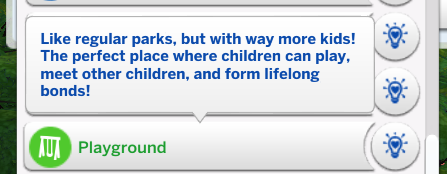
Here are the following requirements for building your own Playground Venue, including Playground Equipment objects you can use (Adventure Awaits excluded).
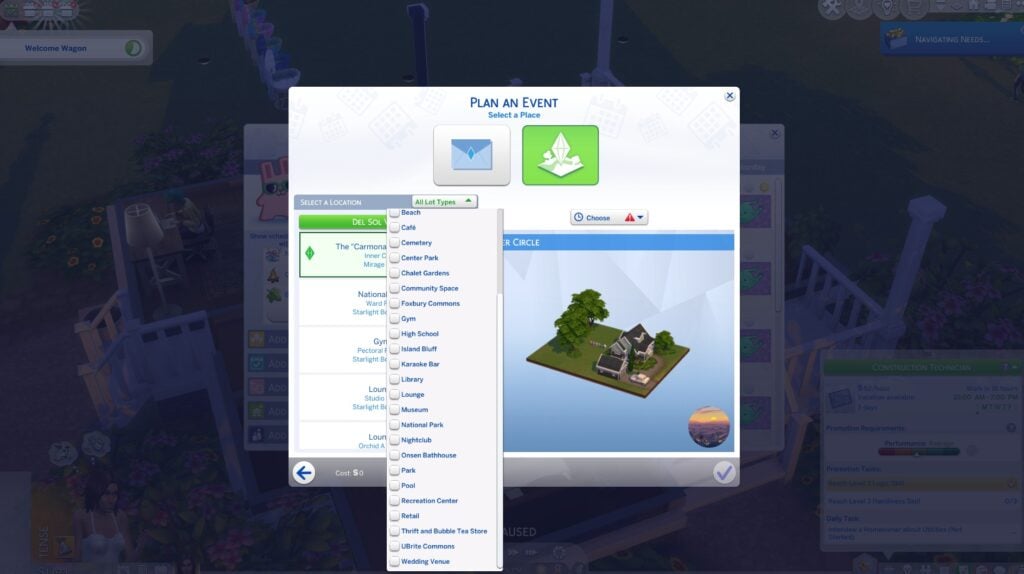
4. Venue Lot Filters
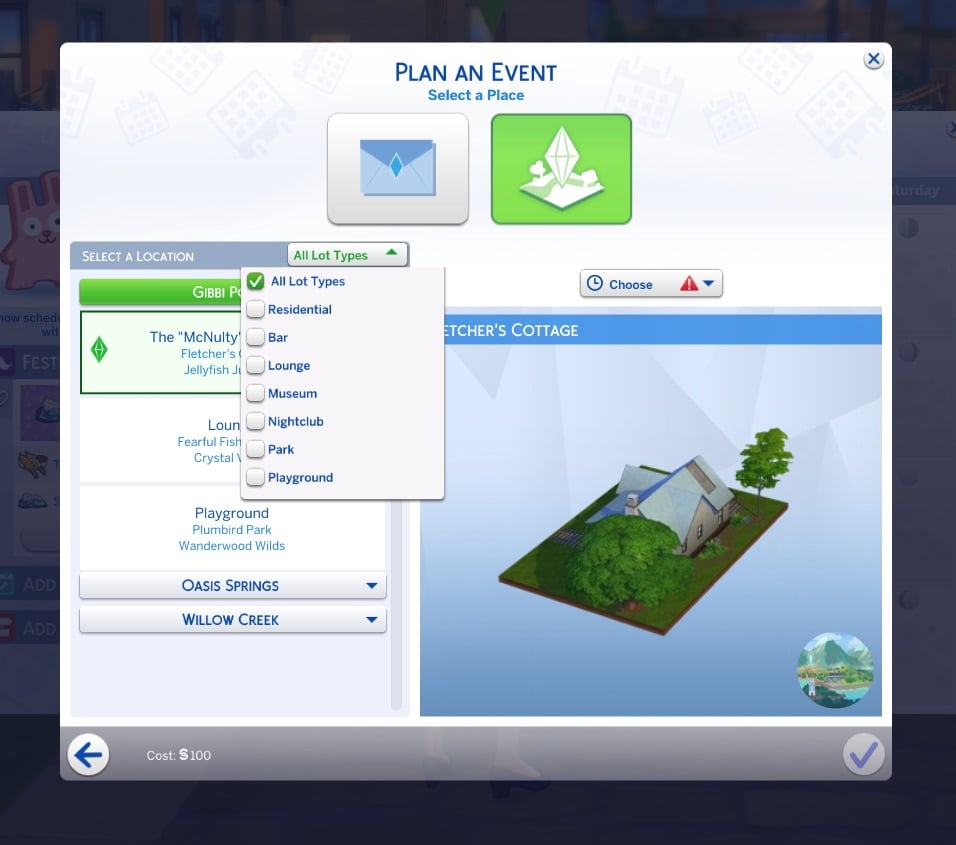
The Sims Team has created a new way for players to filter out the Venue Type in the Event Planning menu. It is super convenient and helpful since there are many various types of lots, especially with expansions. You can filter one venue or multiple types of venues.
5. Children can Play Pretend!
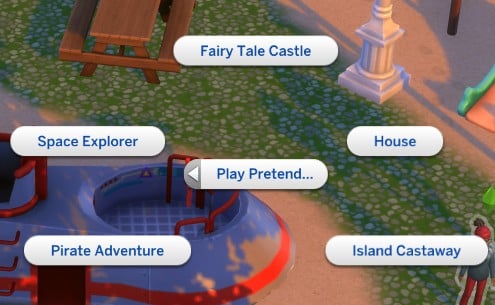
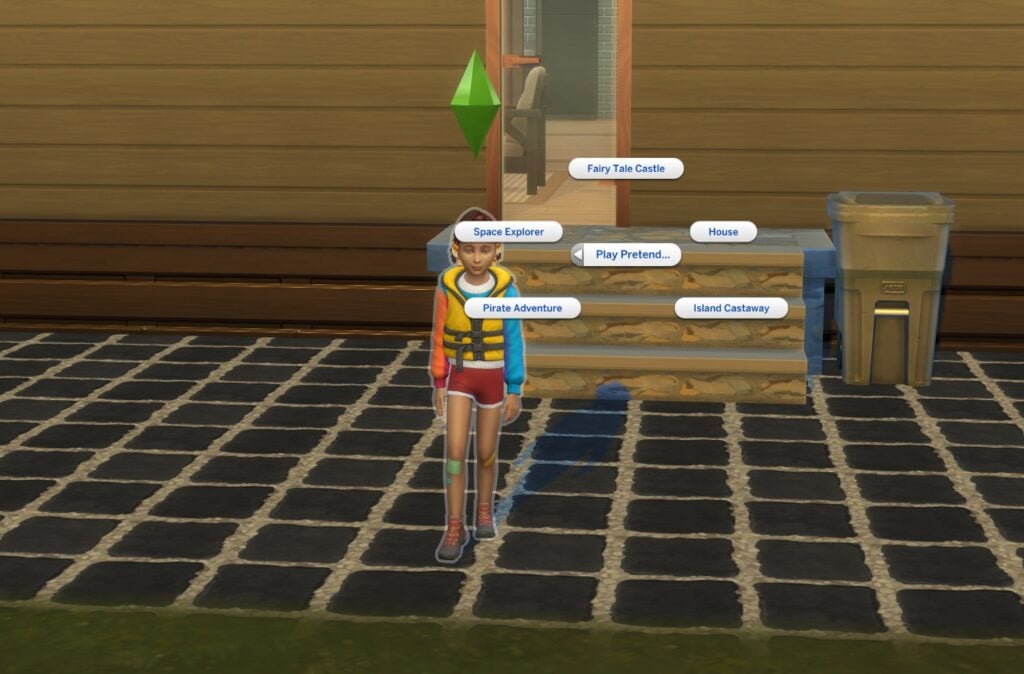
Child sims now are able to “Play Pretend” with other children, or they can “Play Pretend” by themselves. “Play Pretend” works for multiple children by selecting Friend > Activities > Play Pretend.
Kiddos can also play solo by clicking themselves and selecting “Play Pretend” as a self-interaction. The scenarios to play pretend with are “Play Fairy Tale Castle”, “Play House”, “Play Pirate Adventure”, and lastly, “Play Island Castaway”
6. New Swatch for the Ecru Slouch Beanie
Last (but not least!), There is now a new color variant for the Base game Ecru Slouch Beanie. The color is a beautiful off-white, and it is available for Teens-Elders. This is a perfect addition for Simmers who love the off-white neutral vibes.
Final Thoughts
Wow! This is honestly a really exciting update. I am (personally) really excited to play with the new “Play Pretend” feature the most. There’s something about Child Sims playing pretend on a playground that is so nostalgic for me. For others, I think the mermaid bassinet is really exciting for Simmers’ who love the beachy vibes. The Playground Venue is also going to be great once we get our The Sims 4: Adventure Awaits Expansion Pack, which releases on October 2, 2025. Stay tuned here at Sims Community for all the new updates and features coming as we count down the days to Adventure Awaits.
The Sims 4 Forever Friends Rewards Include a New Collection, Trait, CAS Items, and More!
It’s been a busy last few weeks in The Sims with tons of news and announcements, so you may have missed that a new live event is coming to The Sims 4! The Sims 4 Forever Friends Event is starting September 23rd and will run until November 4th. Each week new goals will arrive along with more rewards. Here’s a Quick Look at everything included with a more detailed look at each reward further below.
Thanks to @lunar_britney on Twitter, we’ve been able to play around with all the new items included. You can download the unlocker mod below via ModTheSims!
NOTE: Remember to remove your mods and CC whenever the game is updated. Ensure your mods and CC are updated before returning them back to your mods folder as outdated mods and CC frequently cause a plethora of issues for players.
The Sims 4 Forever Friends Rewards Guide
Table of Contents
Build / Buy Items
The Sims 4 Forever Friends rewards include five build/buy items to decorate with.
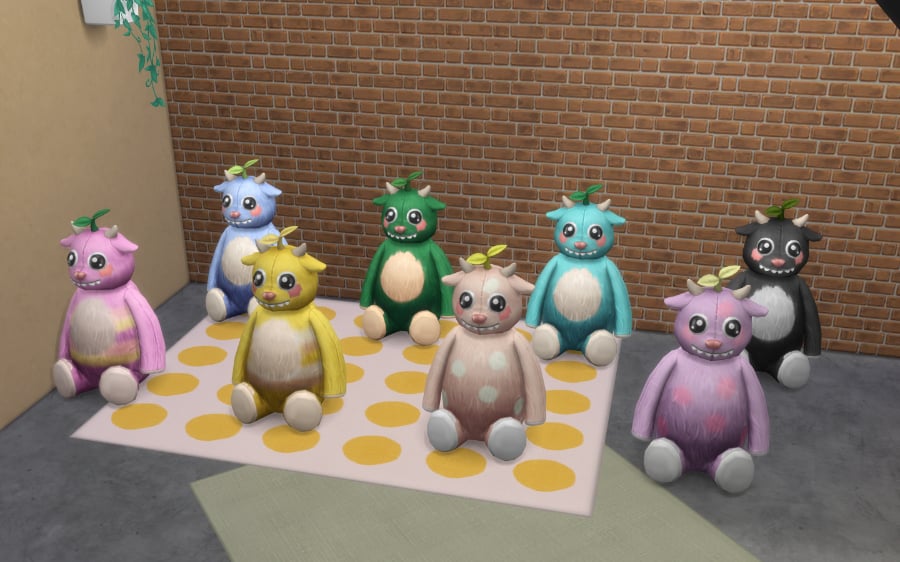
Pixel the Friendly Bear
You’ll receive Pixel the Friendly Bear simply by signing into the game during the event. No other quest steps necessary!
Cost: §225
Always ready for a quest or bedtime stories, Pixel’s smile holds your favorite childhood adventures.”
The Sims 4 Forever Friends Rewards
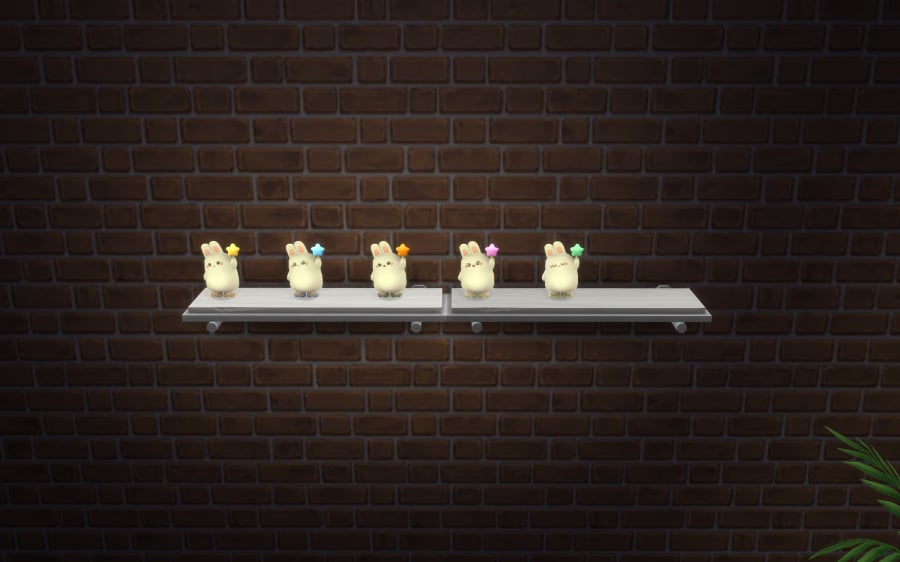
Bright ‘n Bouncy Bunny Nightlight
Cost: §30
Keep bedtime fears at bay with this adorable bunny nightlight! Its warm glow can ward off the monster under the bed, ensuring sweet dreams for little ones.”
The Sims 4 Forever Friends Rewards
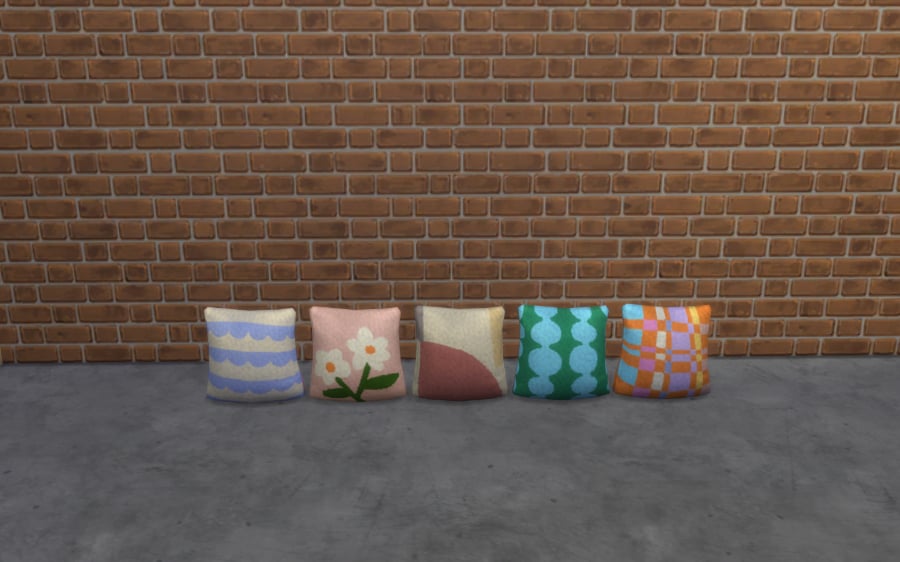
Super Chill Pillow
Cost: §100
For those who take lounging very seriously.”
The Sims 4 Forever Friends Rewards
Modern Photo Frame – Landscape & Modern Photo Frame – Portrait
Cost: §200
Display your favorite memories in this digital photo frame!”
The Sims 4 Forever Friends Rewards
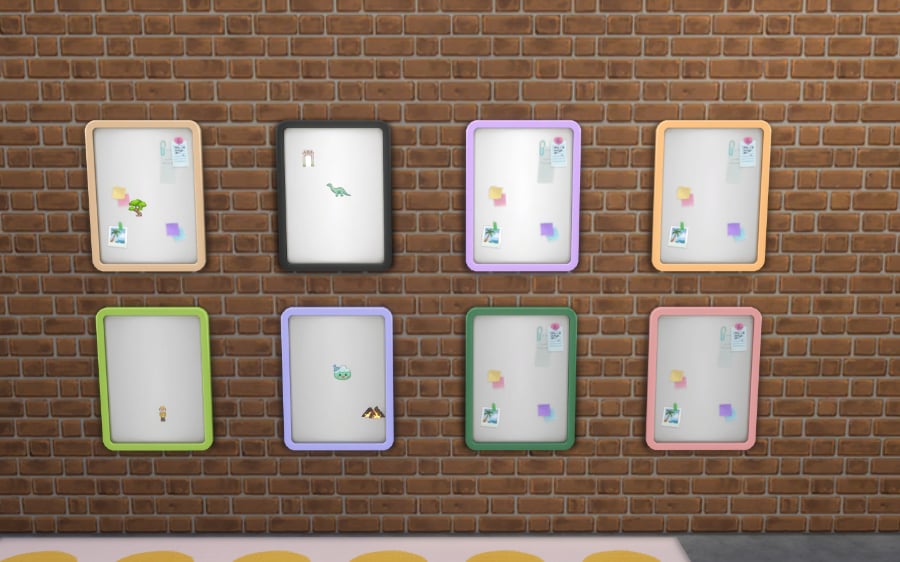
Magnetic Memories Board
Cost: §100
Keep track of your plans or showcase collectible magnets from your adventures.
This board is perfect for organizing, reminiscing, or dreaming big.
Compatible with event magnets for a personalized touch!”
The Sims 4 Forever Friends Rewards
Magnet Collection
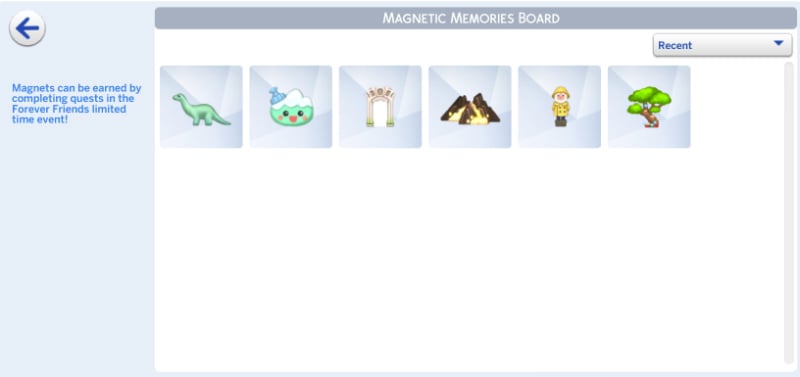
The Sims 4 Forever Friends Rewards also include a new collection. Magnets that you can place on the Magnetic Memories Board!
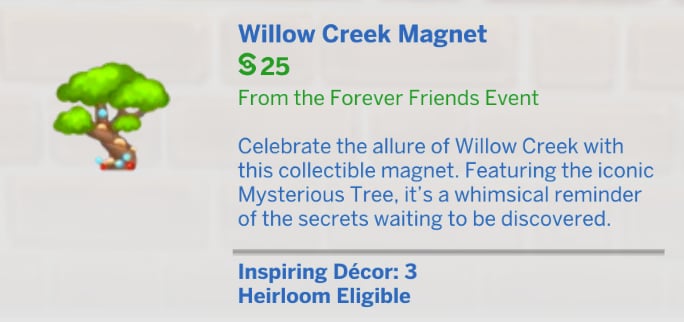
Willow Creek Magnet
Cost: §25
Celebrate the allure of Willow Creek with this collectible magnet. Featuring the iconic Mysterious Tree, it’s a whimsical reminder of the secrets waiting to be discovered.
The Sims 4 Forever Friends Rewards
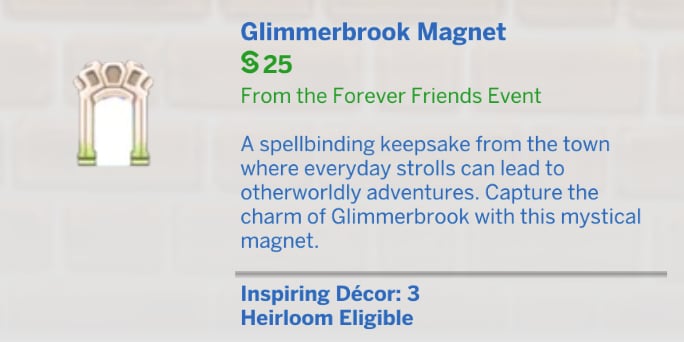
Glimmerbrook Magnet
Cost: §25
A spellbinding keepsake from the town where everyday strolls can lead to otherworldly adventures. Capture the charm of Glimmerbrook with this mystical magnet.”
The Sims 4 Forever Friends Rewards
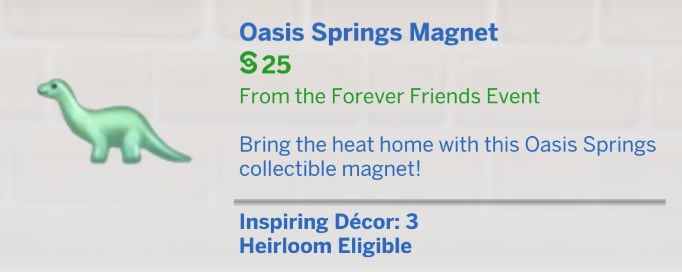
Oasis Springs Magnet
Cost: §25
Bring the heat home with this Oasis Springs collectible magnet!”
The Sims 4 Forever Friends Rewards
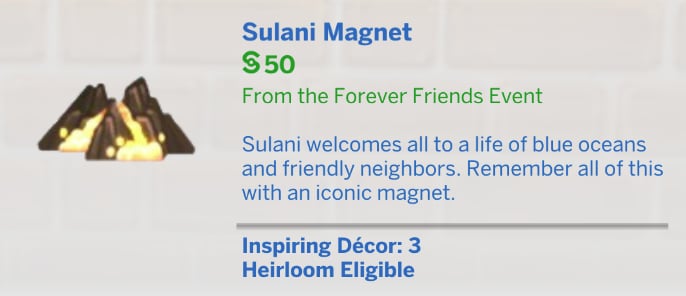
Sulani Magnet
Cost: §50
Sulani welcomes all to a life of blue oceans and friendly neighbors. Remember all of this with an iconic magnet.”
The Sims 4 Forever Friends Rewards
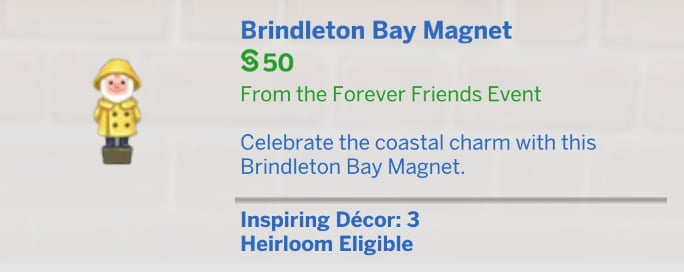
Brindleton Bay Magnet
Cost: §50
Celebrate the coastal charm with this Brindleton Bay Magnet.”
The Sims 4 Forever Friends Rewards
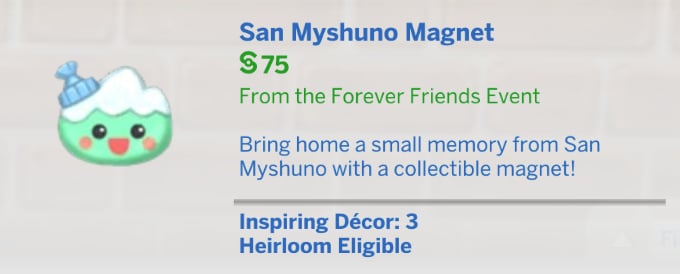
San Myshuno Magnet
Cost: §75
Bring home a small memory from San Myshuno with a collectible magnet!”
The Sims 4 Forever Friends Rewards
CAS Items
The Sims 4 Forever Friends Rewards include 6 new CAS items!
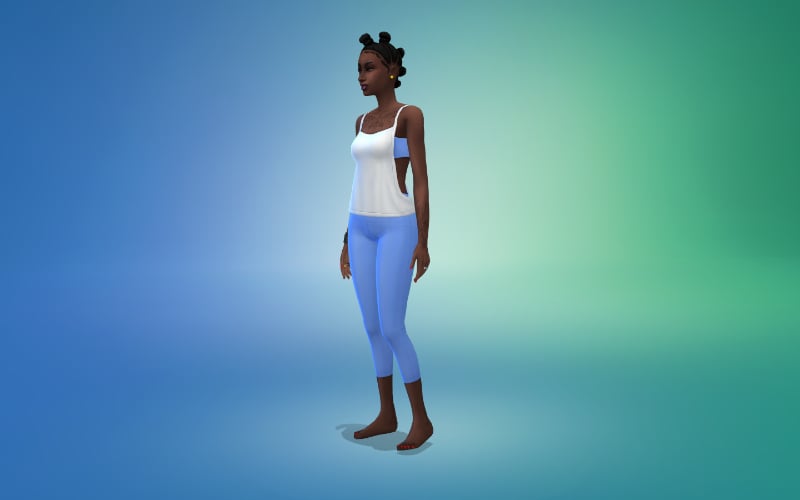
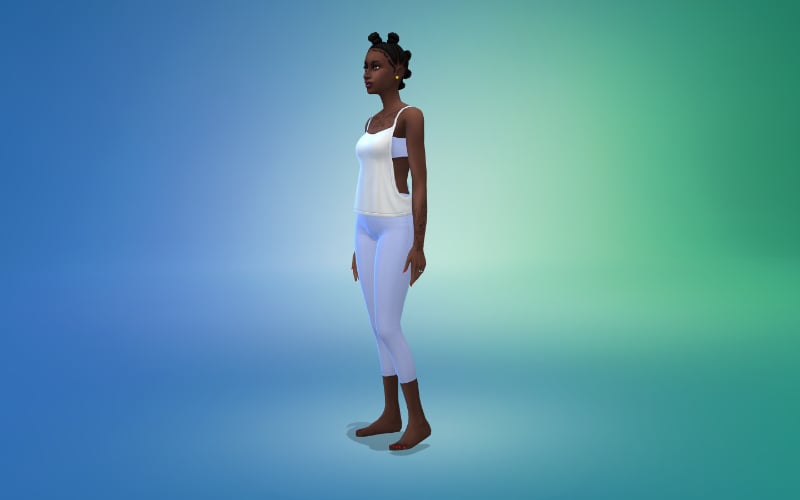
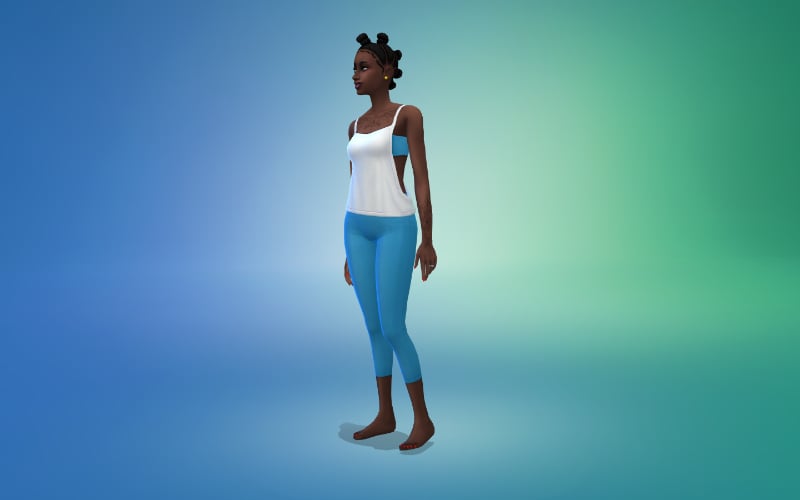
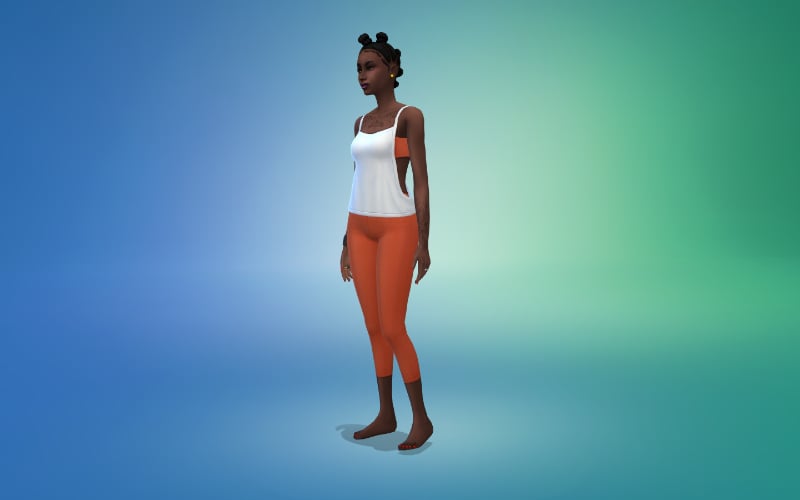
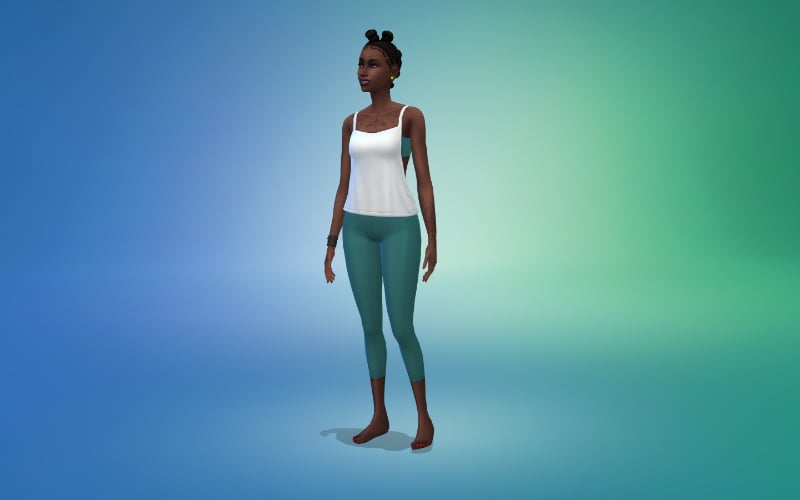
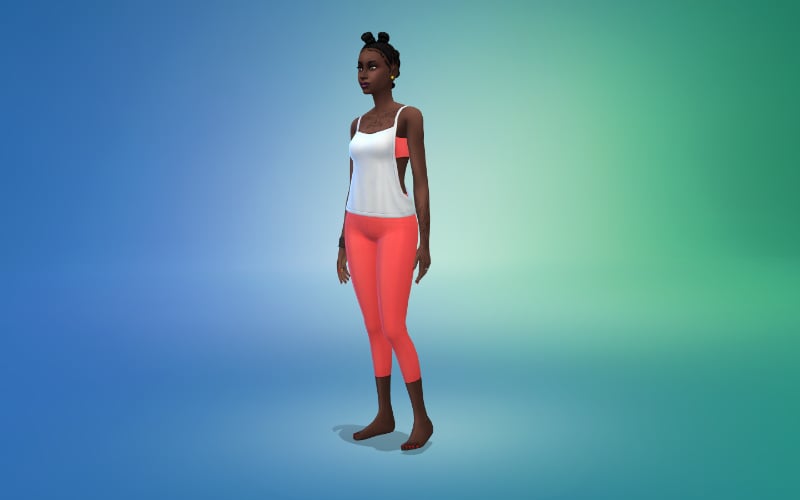
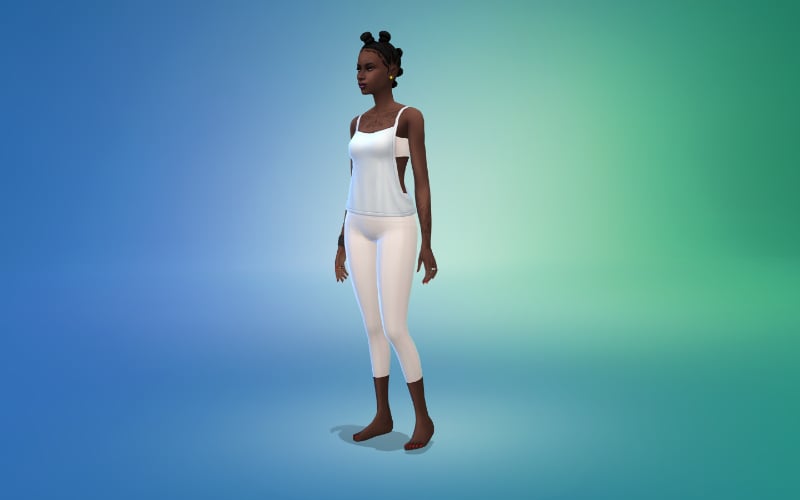
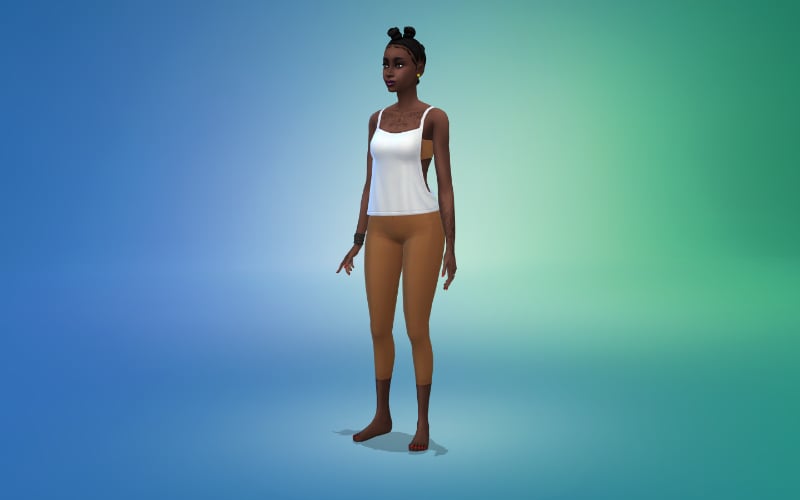
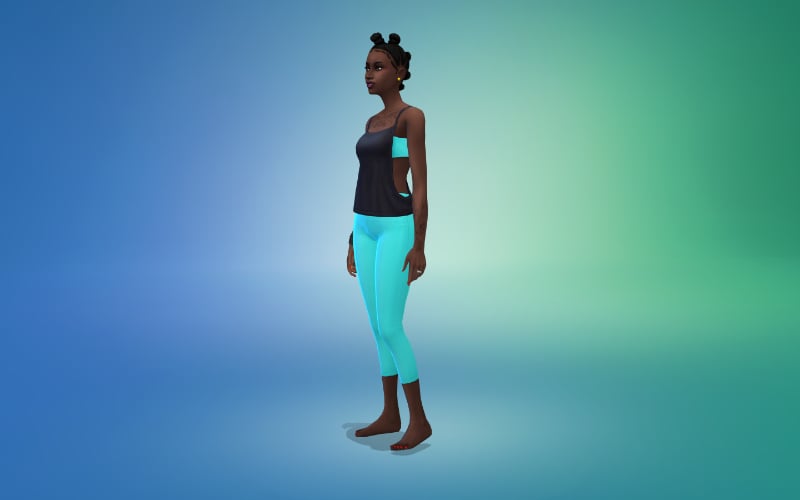
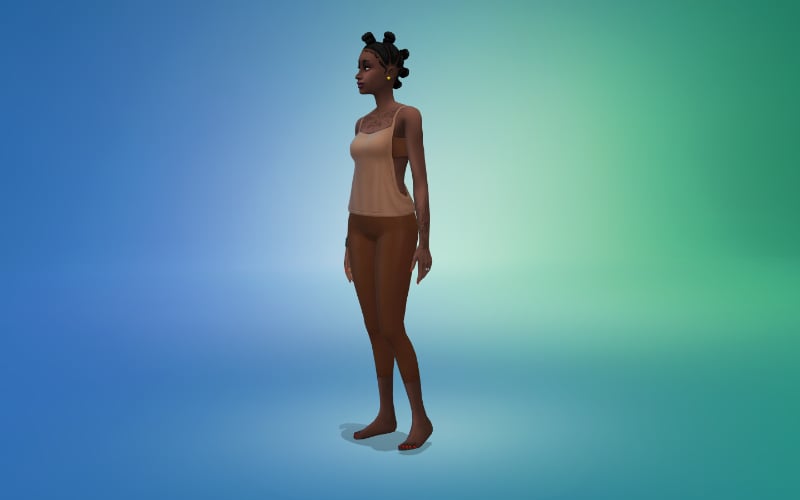
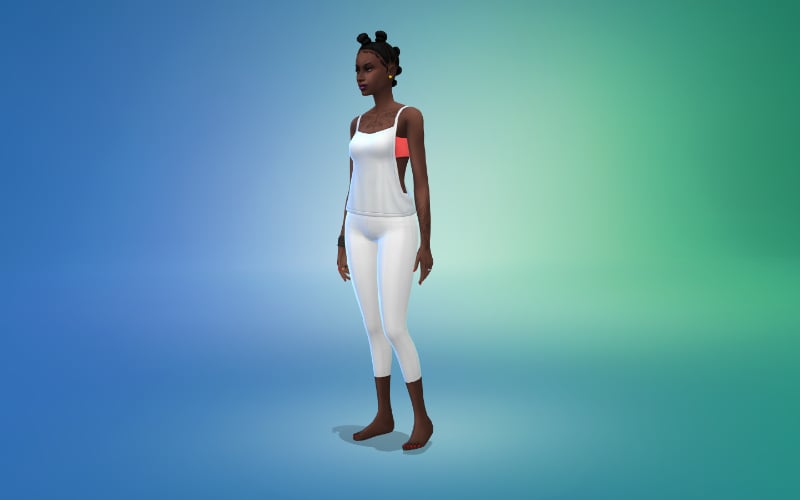
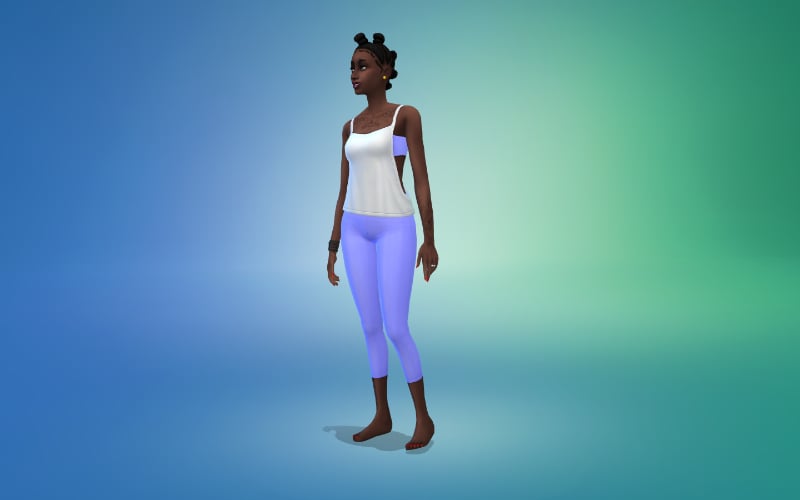
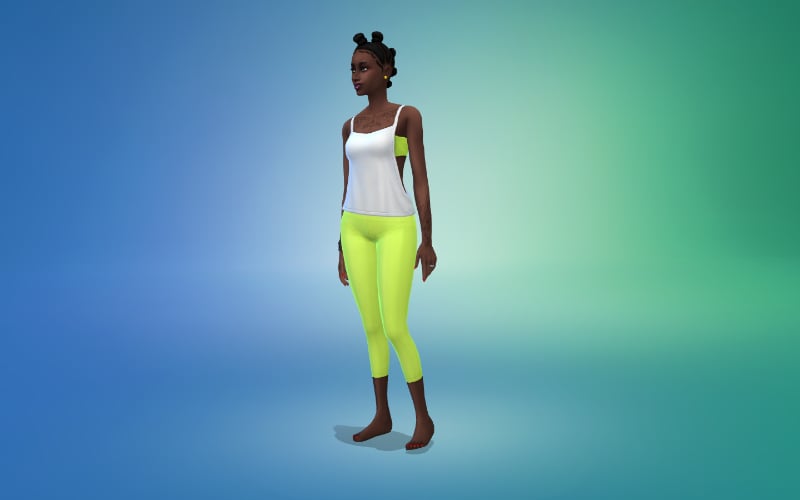
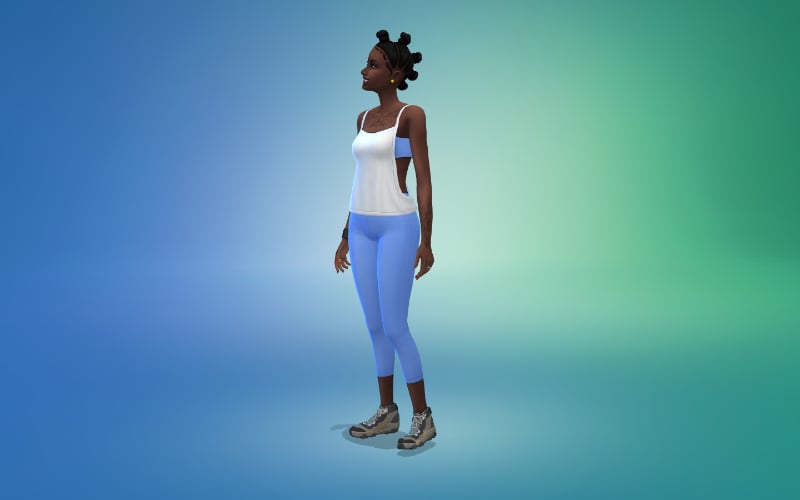
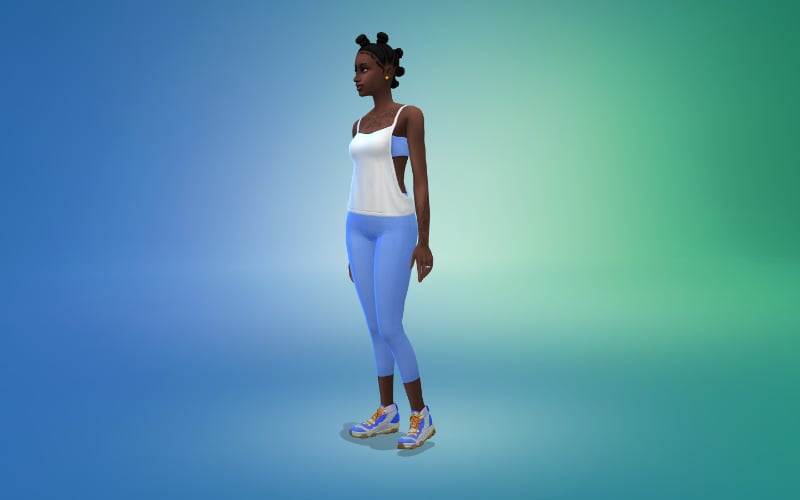
Athletic Top and Leggings
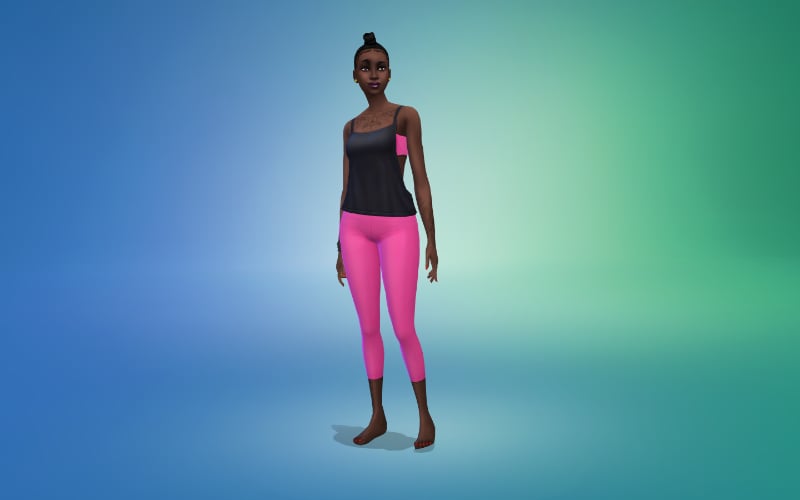
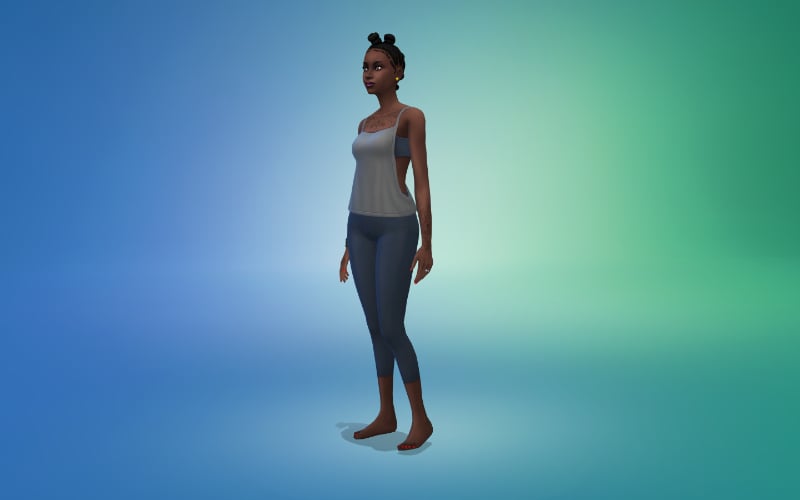
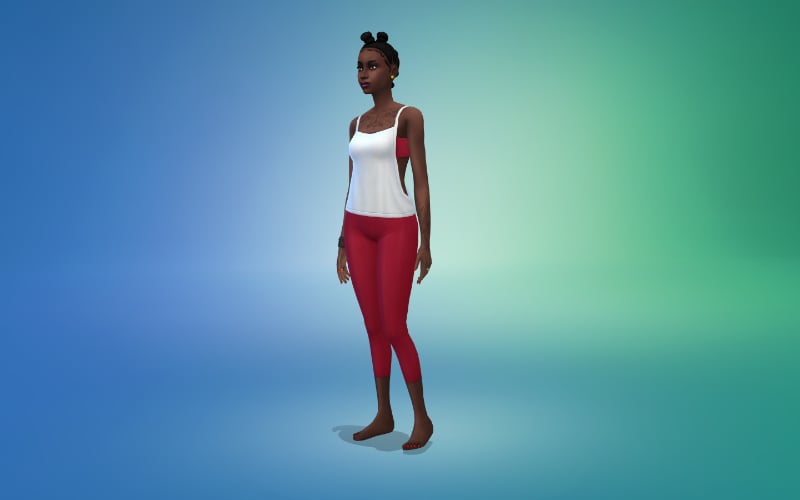
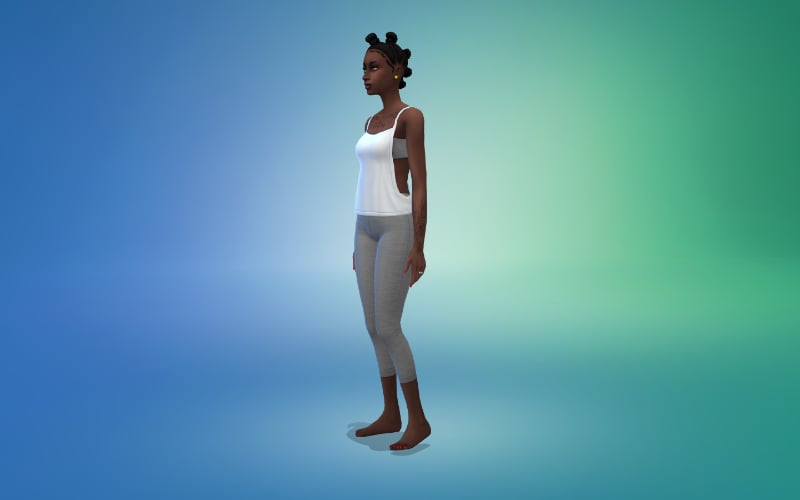
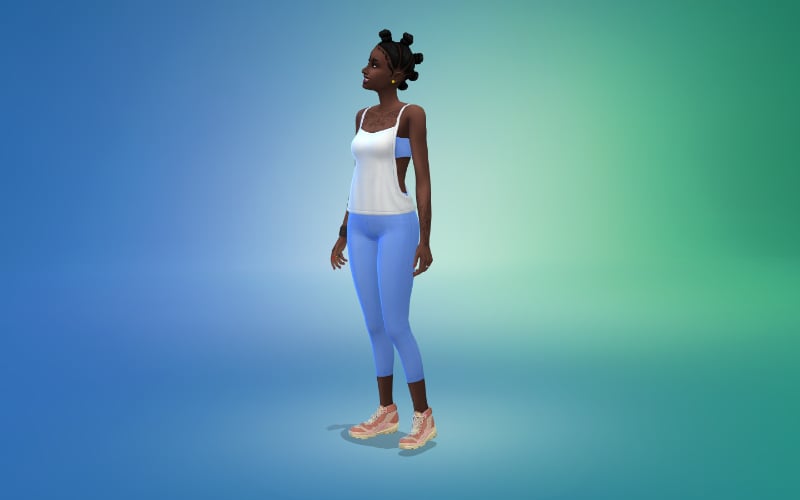
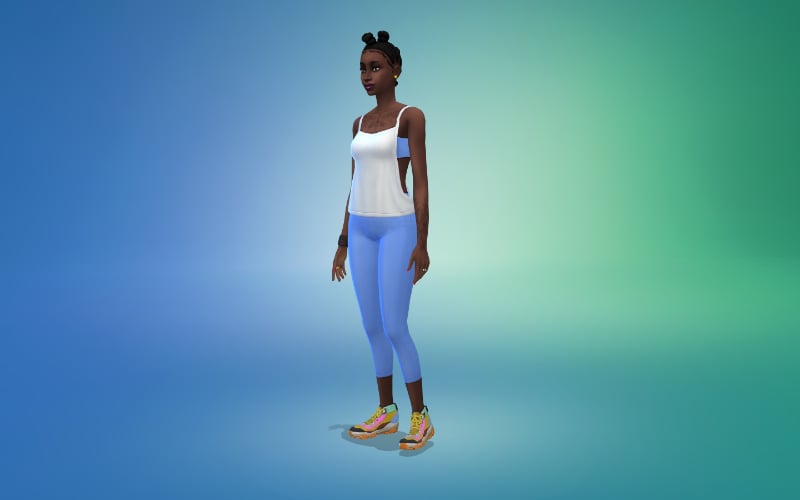
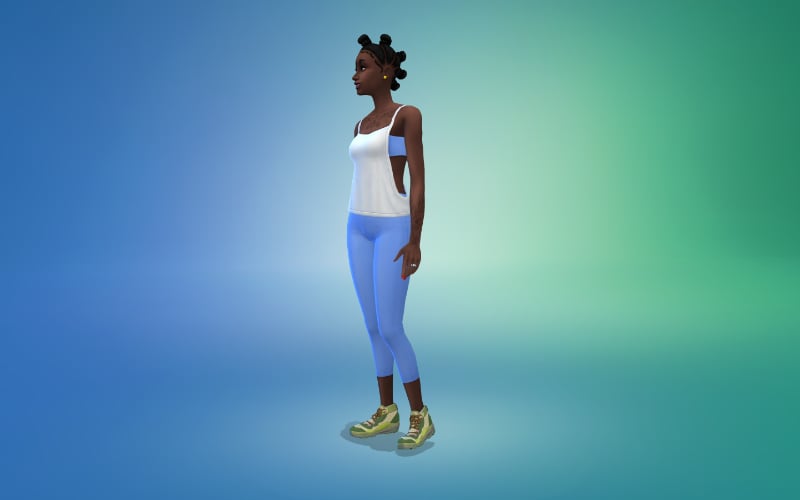
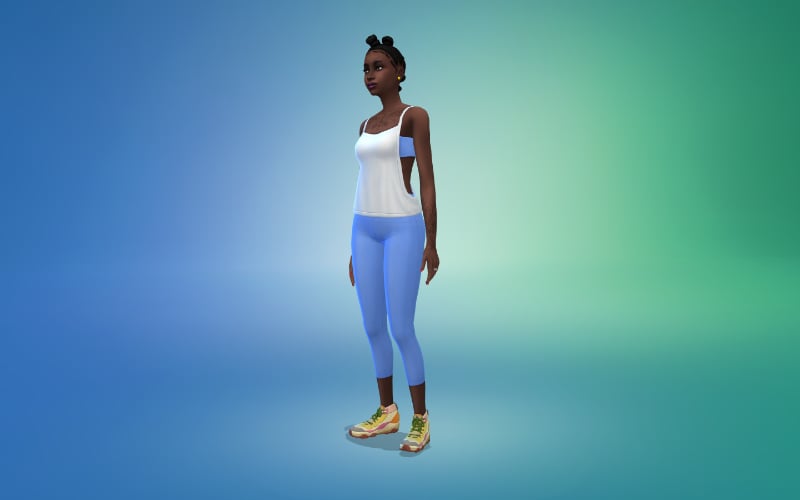
A new workout top and matching leggings are two of the new CAS items.
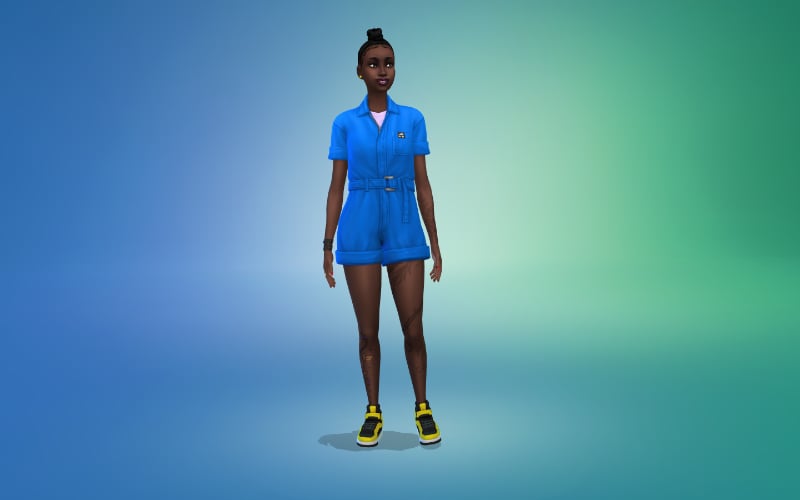
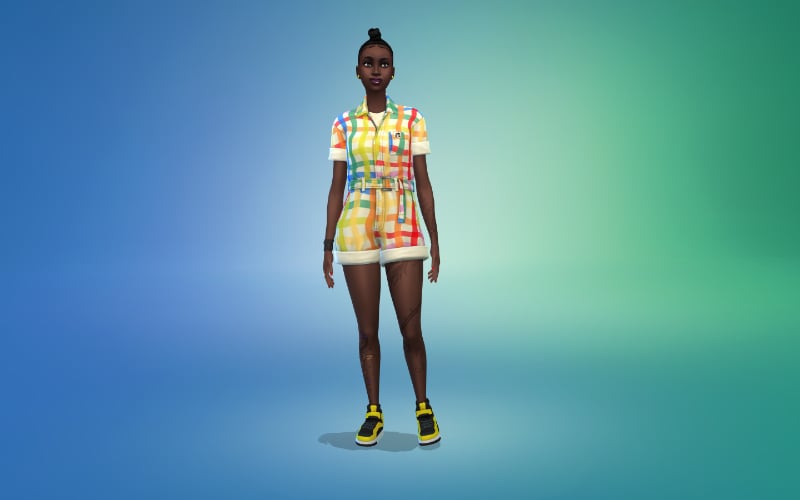
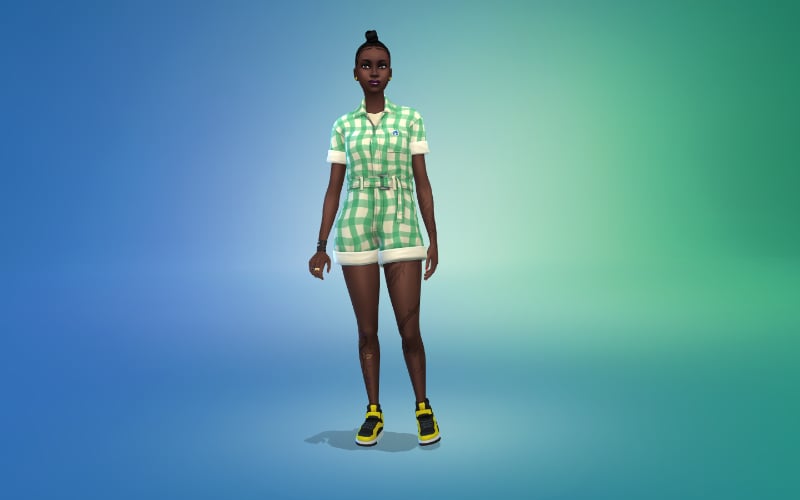
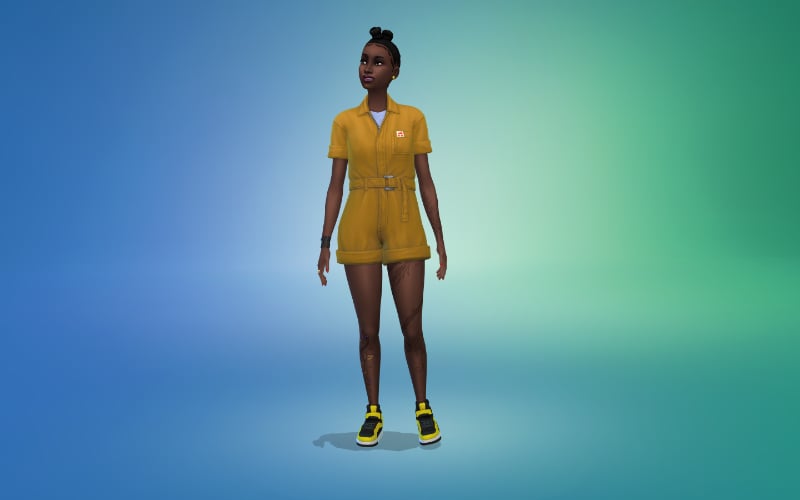
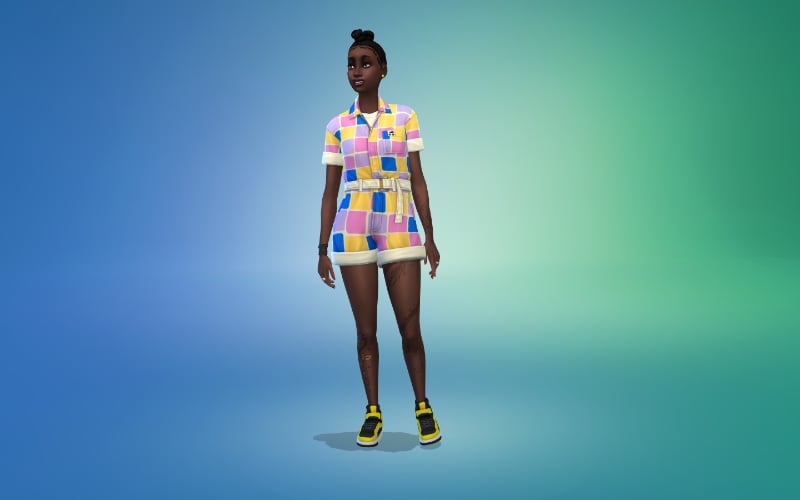
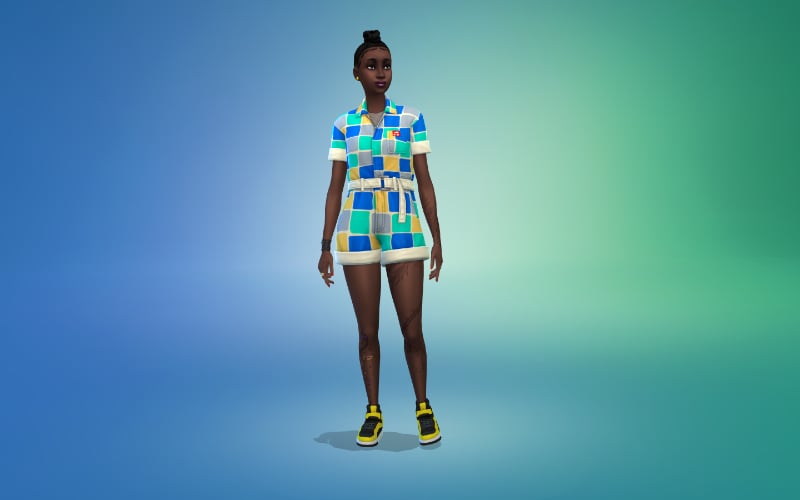
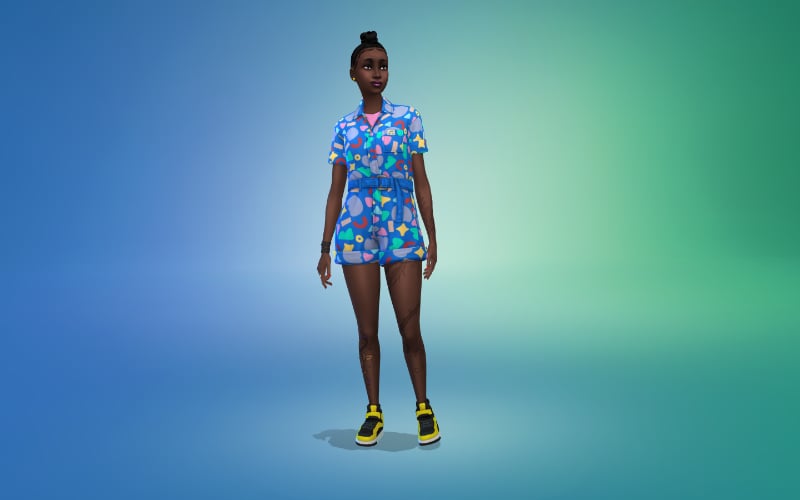
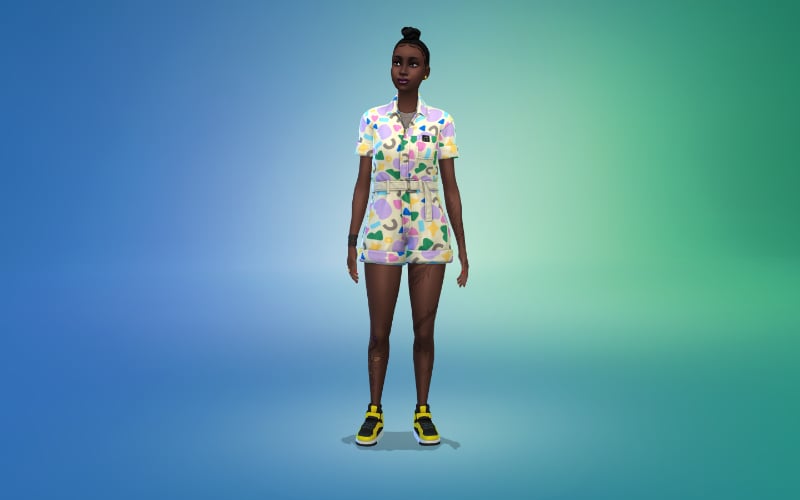
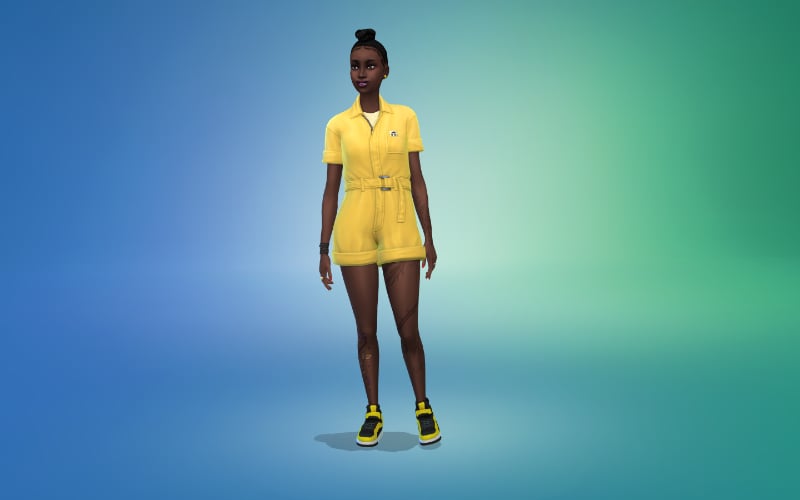
Romper
Hiking Shoes
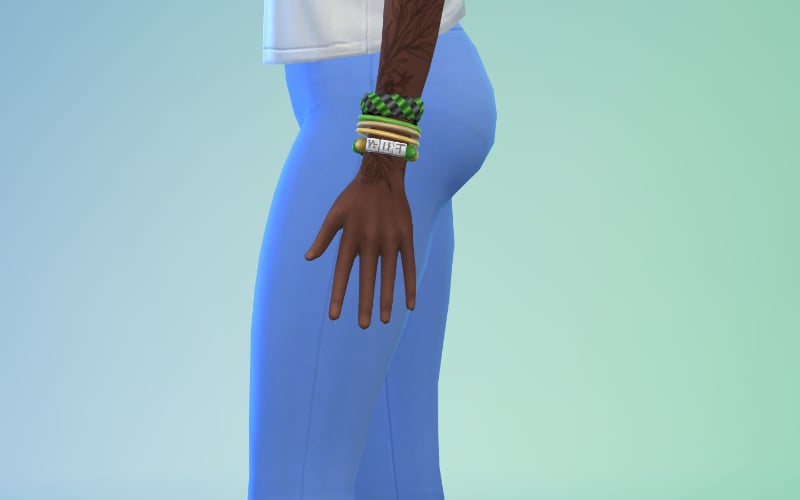
Bracelet
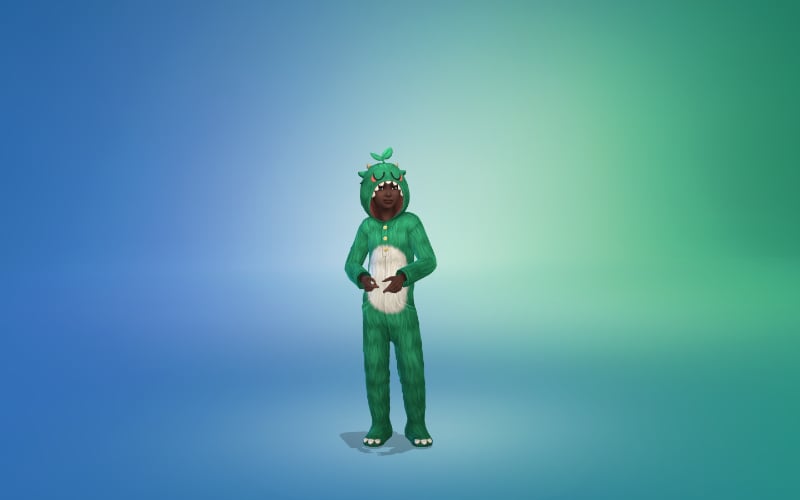
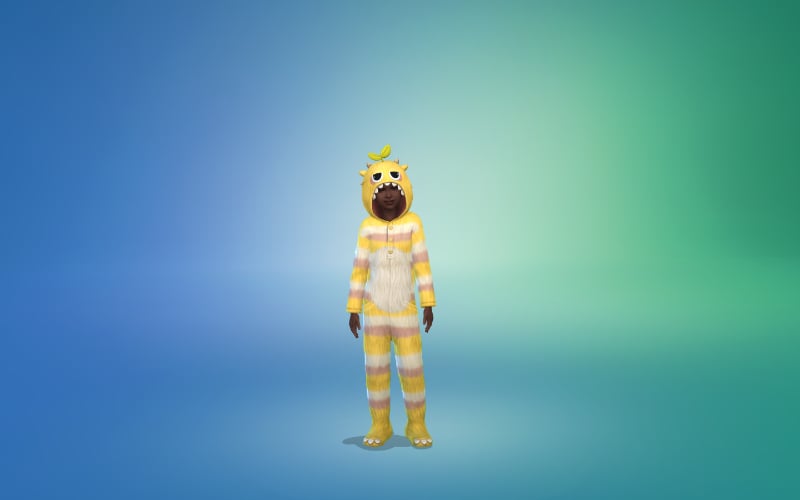
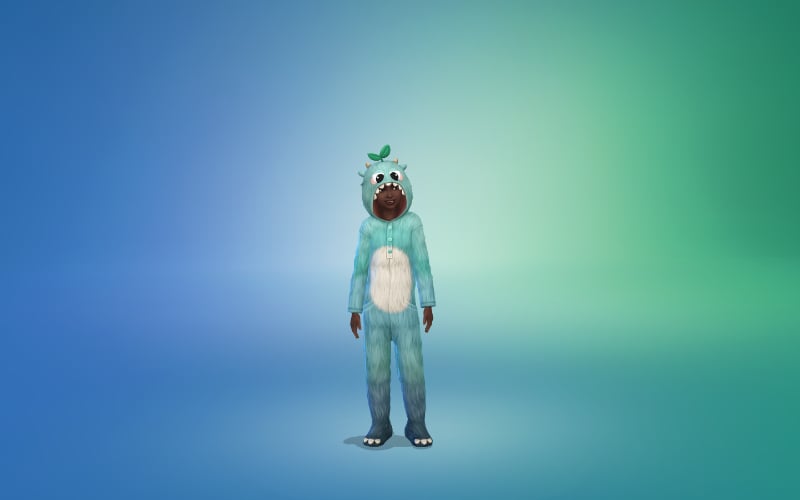
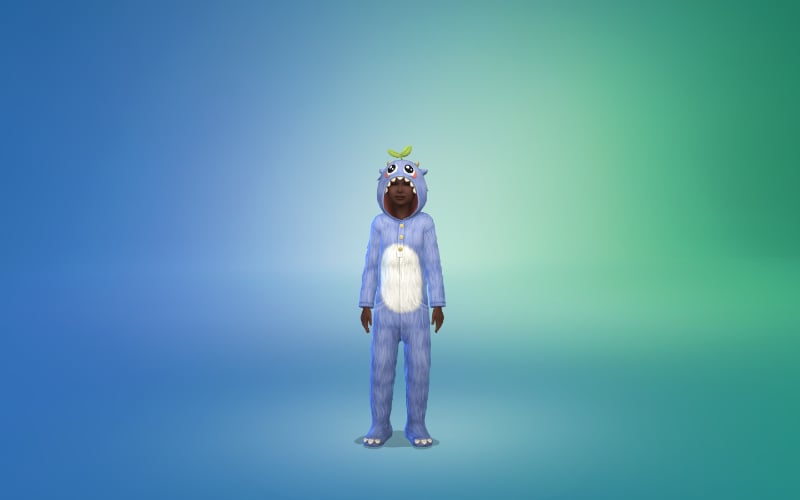
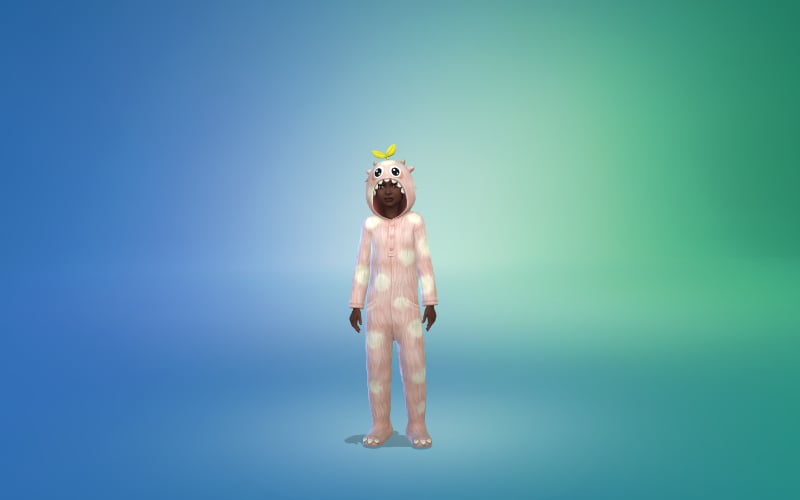
Children’s Onesie
New Trait
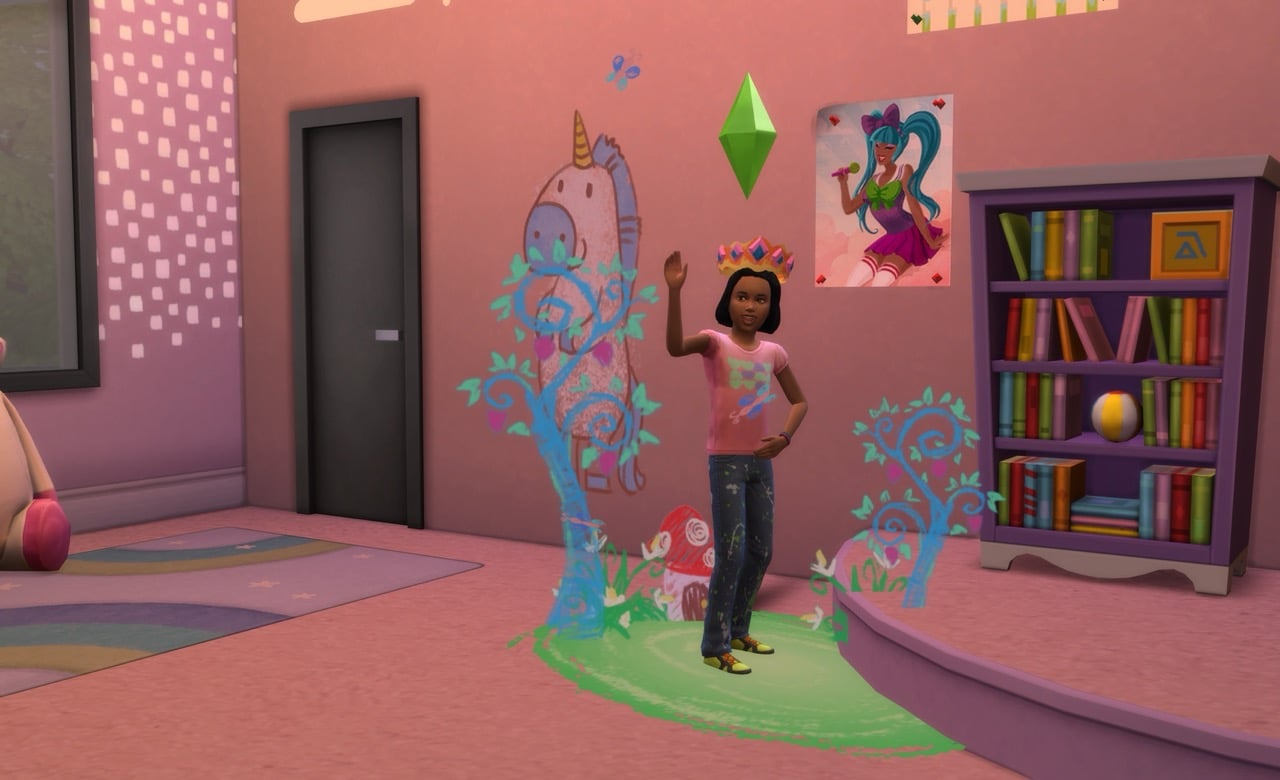
A new trait is also included in The Sims 4 Forever Friends Rewards! This reward will work perfectly with the new “Play Pretend” social interaction added in the most recent game update.
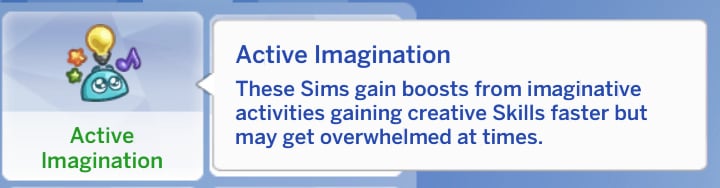
Active Imagination
These Sims gain boosts from imaginative activities gaining creative Skills faster but may get overwhelmed at times.”
The Sims 4 Forever Friends Rewards
New Recipe
A new recipe is also part of The Sims 4 Forever Friends limited event. It’s a grill only recipe, meaning you’ll be able to access it through the grill object.
Campfire Spudz
Cost: §12
You read that right, yes. Campfire Spudz cannot be made over a campfire and instead are a recipe only on grills.
Event Info
As stated previously, The Sims 4 Forever Friends limited event is going to take place from September 23rd to November 4th. Each week new quests and new rewards will unlock. You don’t need to finish a week before the next week unlocks, you’re given until the end of the event to catch up and do it all.
Opinions
How do you feel about these rewards? Do they align with the rewards from past events? Do you feel they fit the theme of the upcoming The Sims 4 Friends Forever event? Let us know what you think below.
Take a peek at all the new items coming in Create A Sim and Build Mode!
The official pre-order pages across all official storefronts have been updated with a full list of The Sims 4 Adventure Awaits Items. That includes a full catalogue rundown of new Create A Sim and Build Mode items.
Let’s take a look at what this Expansion Pack will have to offer:
The Sims 4 Adventure Awaits Items in CAS
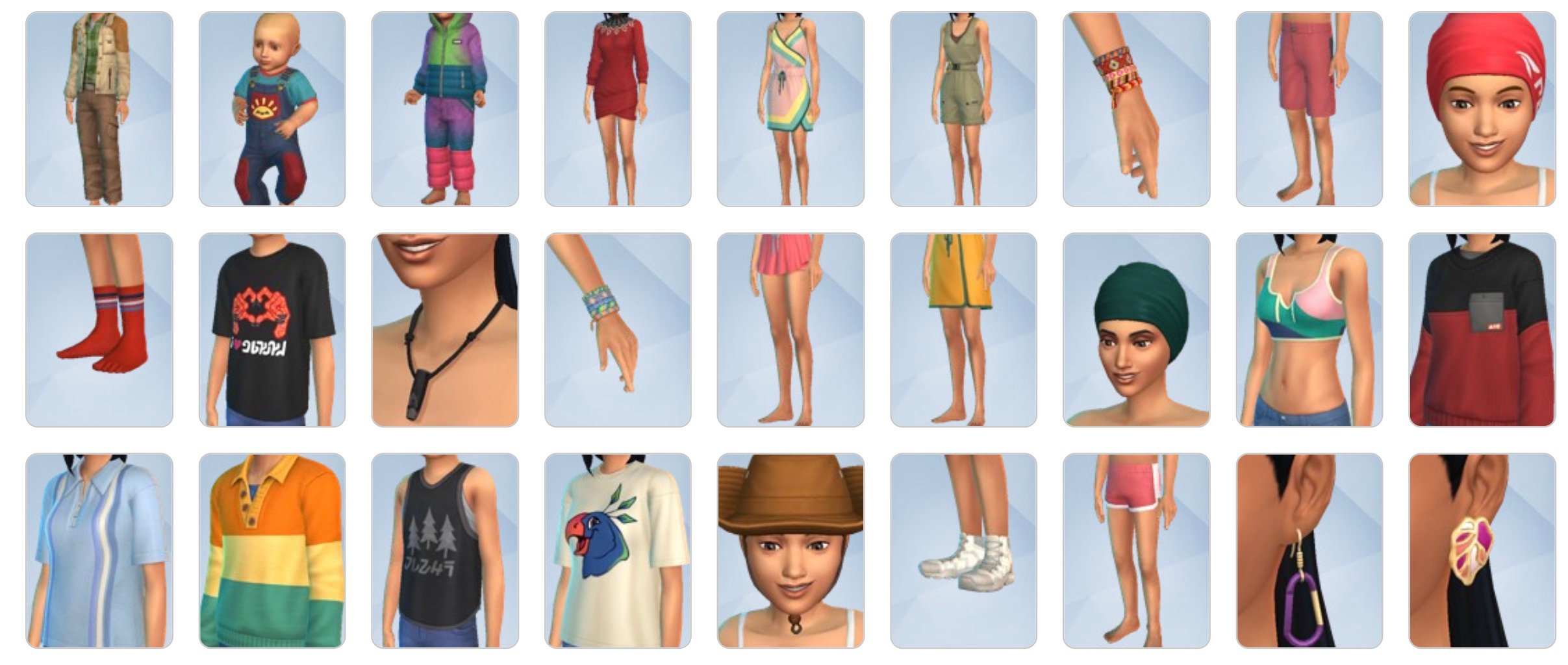
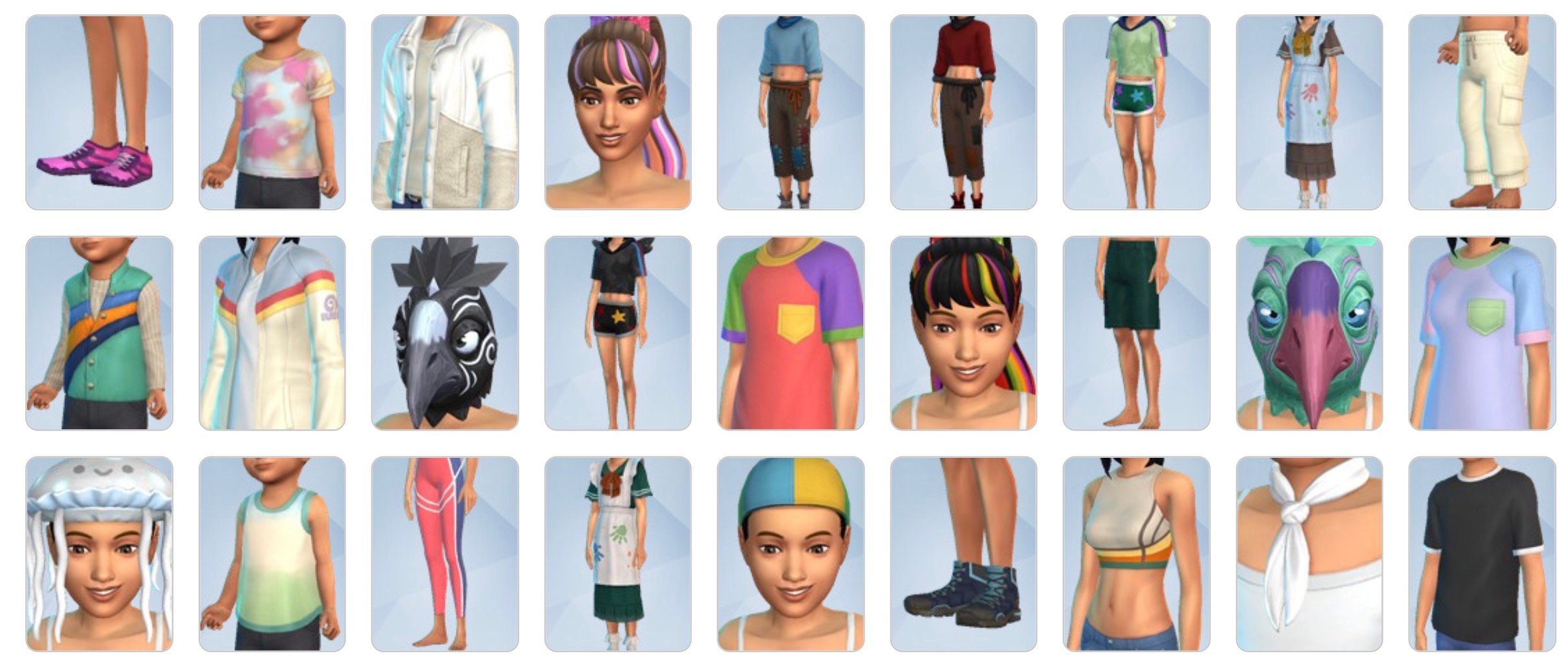
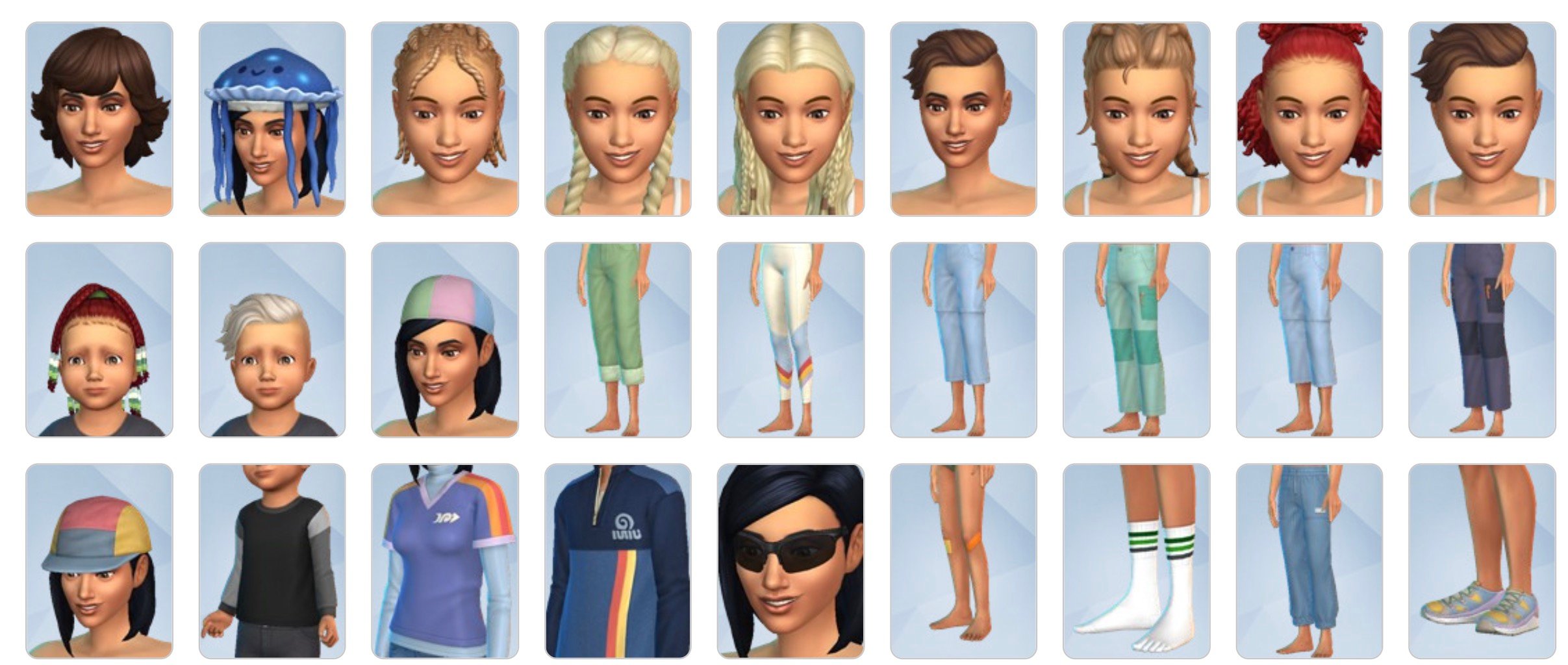
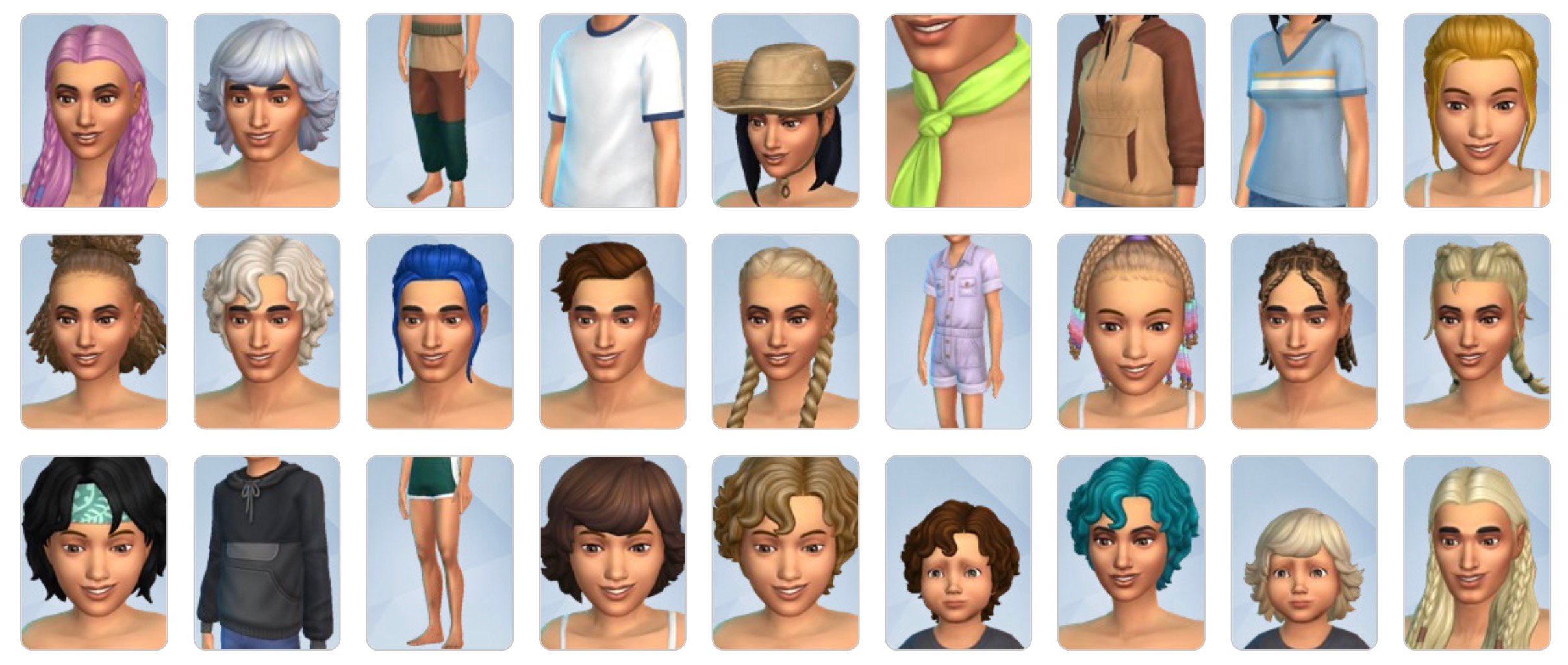
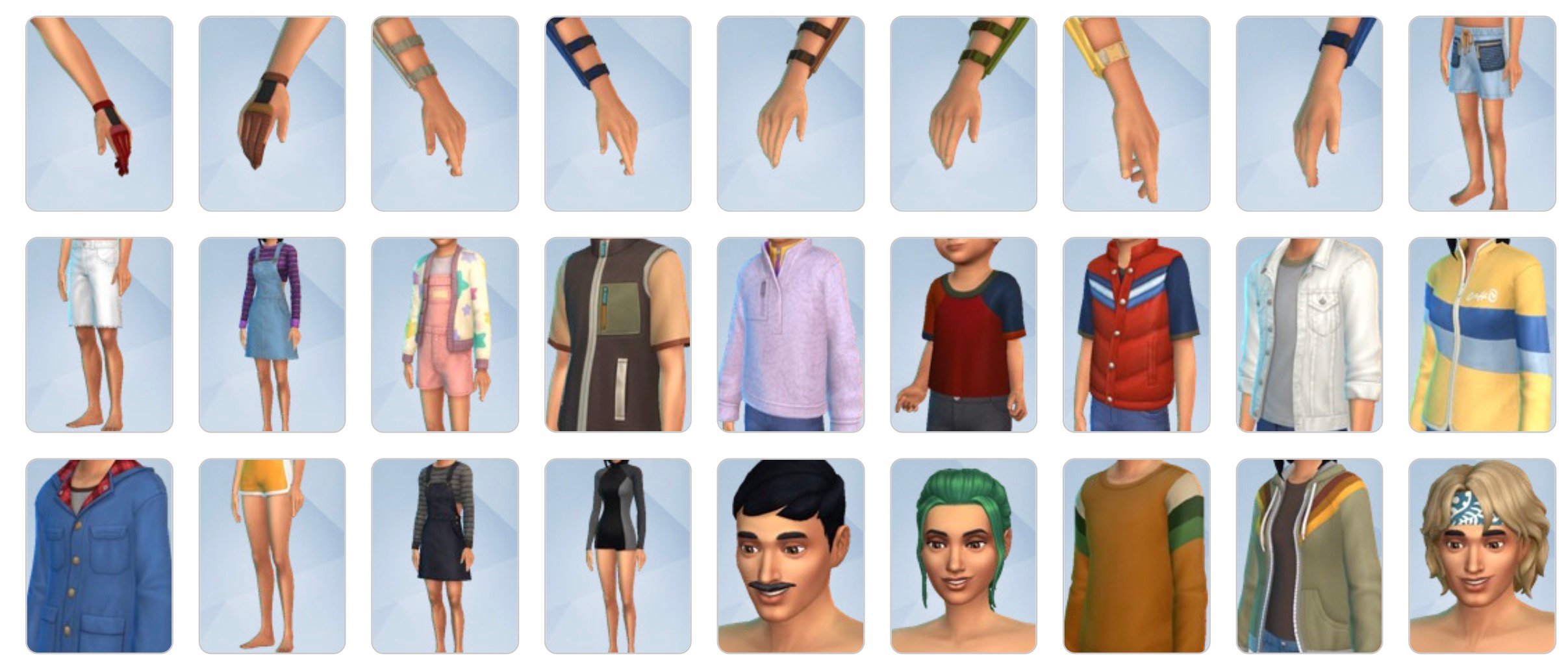
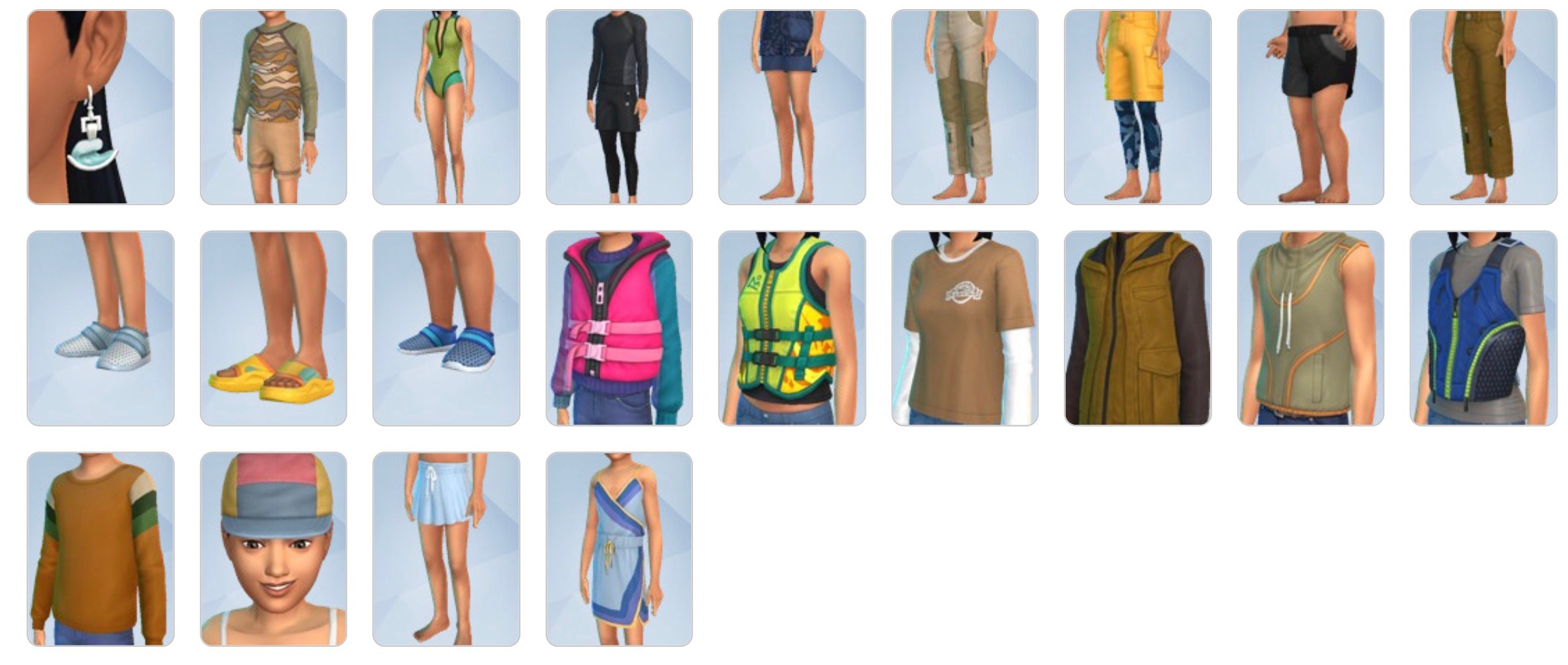
There are 157 new items in Create A Sim with Adventure Awaits Expansion Pack. Including new hairstyles for Sims of all ages, bright outdoor clothing and accessories to match your retreat needs. Plus some costumes, head accessories and fun new earrings.
Check out the full rundown below:
The Sims 4 Adventure Awaits Build Items
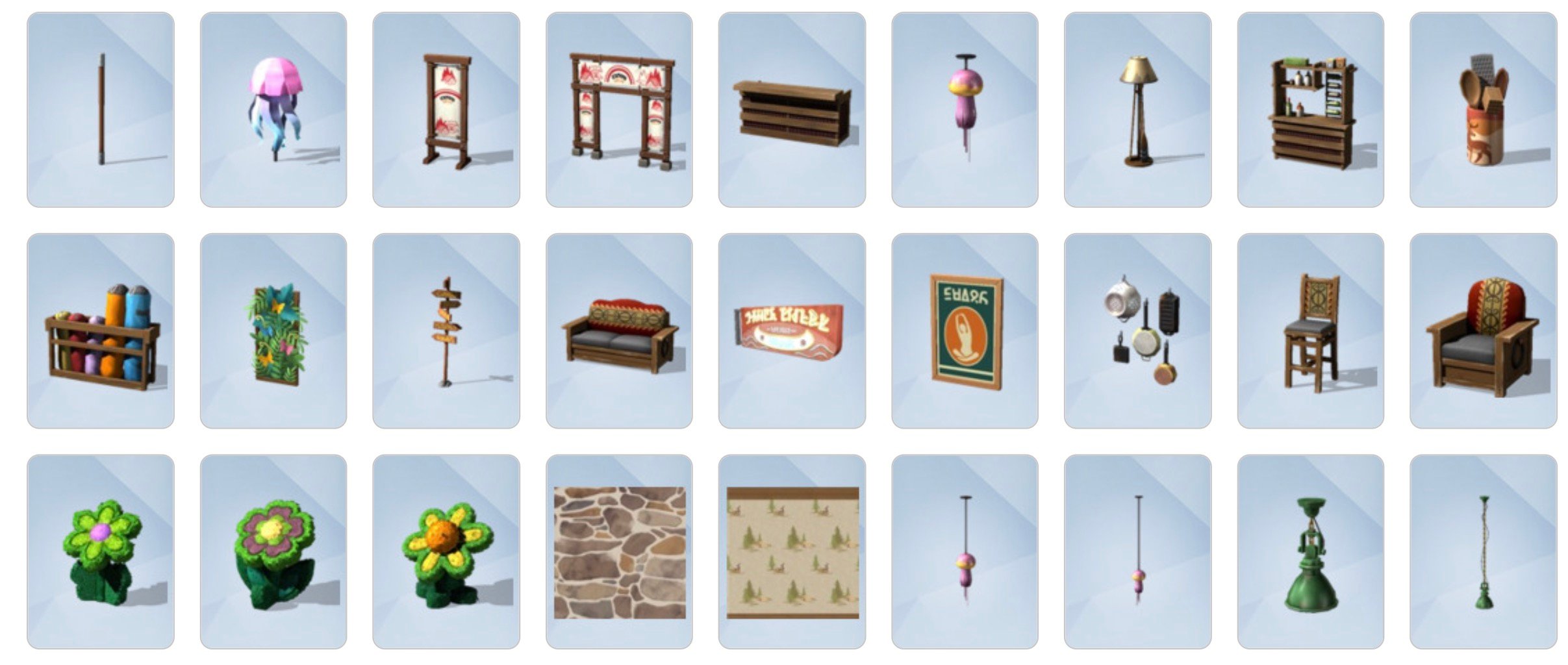
The Build Mode catalogue is packed with 199 Sims 4 Adventure Awaits items. That includes several modular and pre-built pieces for new outdoor playgrounds, cute retreat furniture for multiple indoor spaces and lots of new gameplay objects. Including archery, kayaks, new fitness equipment, the blender and plenty more.
Besides the exterior core Build Mode items like Windows, Doors, and Trims are also new visual effects. This is just the start though – who knows what other objects lie beneath the showhiddenobjects and liveeditobjects cheats!
See the full preview below:
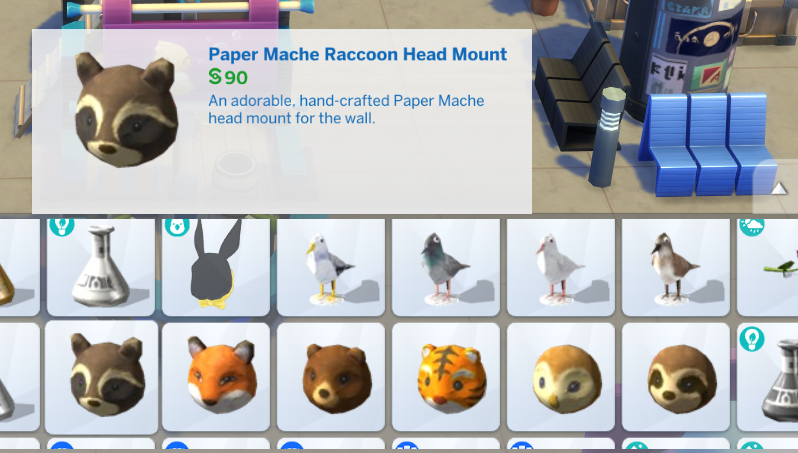
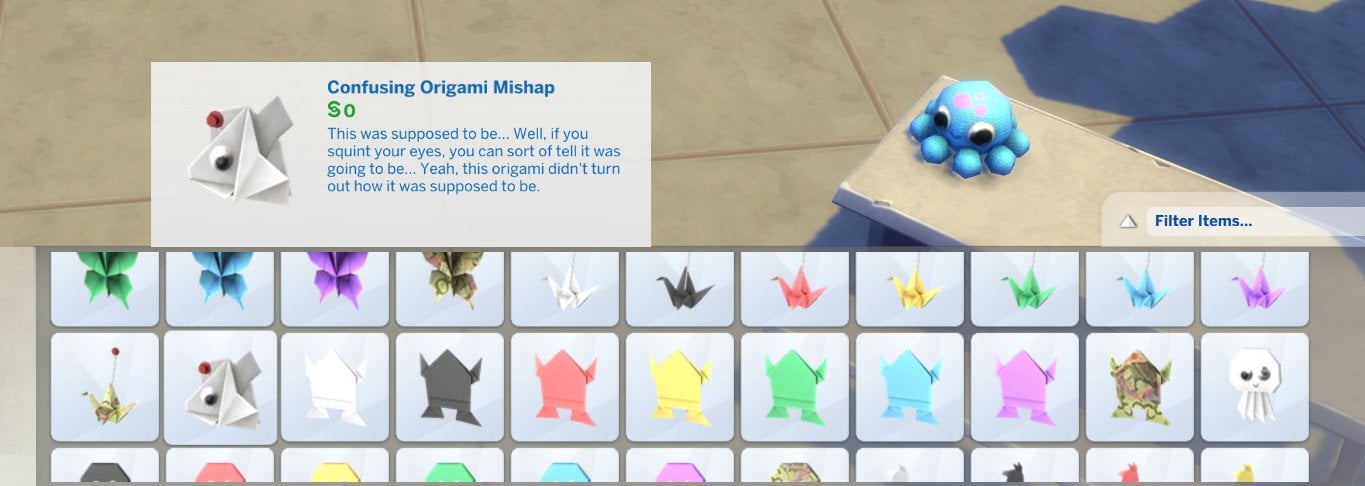
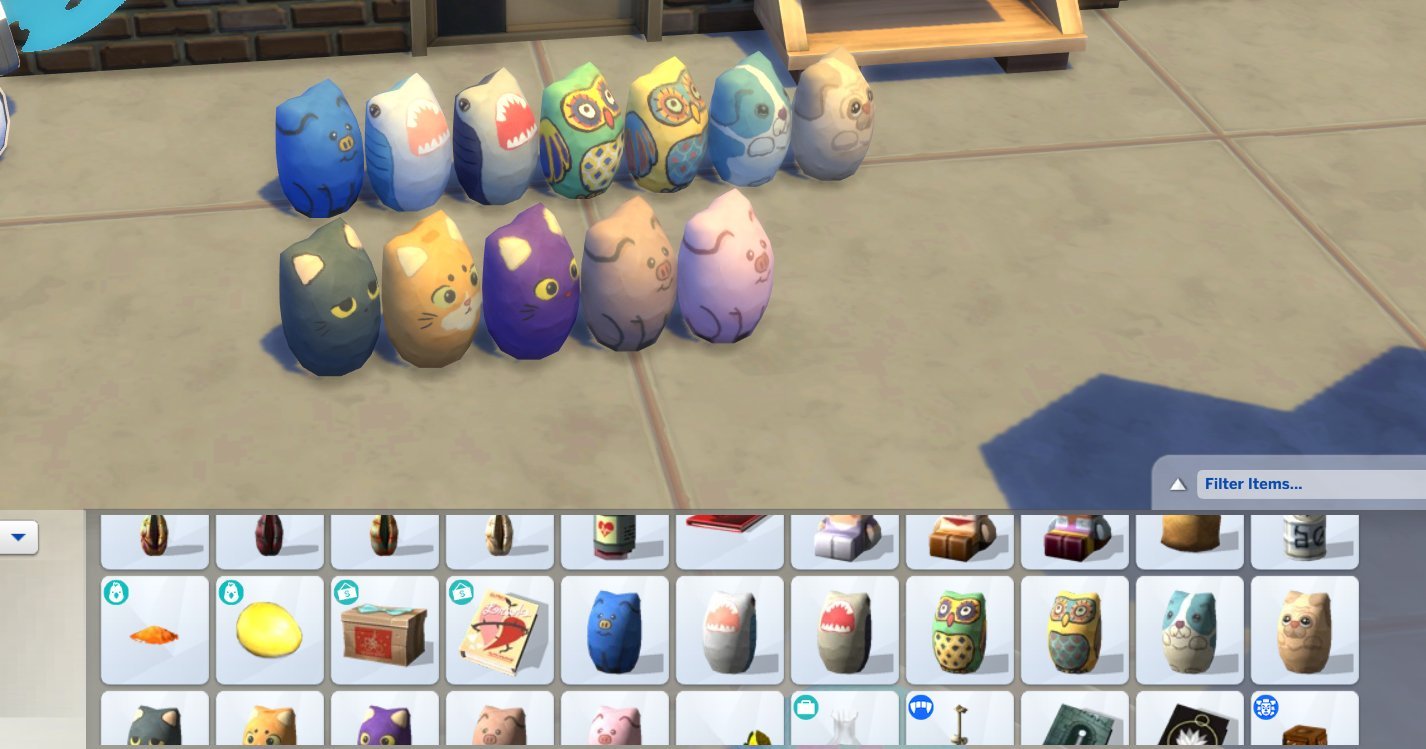
Pssst…If you’re playing with the latest version of The Sims 4 you can already unlock and find the new papercraft objects in Buydebug. No Expansion Pack required for you to take a preview!
Huge thanks to @trexalpaca for the following screens:
The Sims 4 Memory Boost has been officially confirmed for launch next week!
Another rumor goes checked as fully confirmed as EA and Maxis officially announce The Sims 4 Memory Boost Feature. Launching in Early Access for players on September 23rd, 2025.
As described by The Sims Team, Memory Boost is a first introduction to the game’s performance and stability improvements. Especially for complex, high volume gameplay sessions that contain lots of households and content, promising to deliver less crashes too.
It’s also expected to tackle long term issues like lag, frame rate stability and others. Read more about it in the official introduction below:
Official Introduction to The Sims 4 Memory Boost
Memory Boost is an early access, opt-in feature for PC only, that brings performance improvements to The Sims 4. It optimizes memory usage, reduces lag, improves frame rates, and helps prevent memory-related crashes. We’re inviting players to try it out and share feedback as we prepare for a wider rollout.
You can turn Memory Boost off at any time. Any new recovery saves created while Memory Boost is active will be tagged, and at least one original (untagged) recovery save is always preserved for fallback, so you can safely revert if needed.
Note: Memory Boost is currently in early access. We encourage you to try it and let us know about your experience. You can turn it off at any time, and your original game saves are always safe.
How to Activate Memory Boost
Access Game Options:
From the main menu, select the three dots (•••) to open the Game Options menu.
Select Other:
Navigate to the “Other” tab within the Game Options.
Enable Memory Boost:
Find the Memory Boost dropdown menu and select “Enabled”.
Your game will restart with Memory Boost enabled.
One recovery save will always remain without Memory Boost enabled to ensure you can revert to a previous game state if needed.
Disabling Memory Boost
Access Game Options:
Return to the Memory Boost option in the Game Options menu.
Disable Memory Boost:
Select “Disabled” to turn off Memory Boost.
Note: Recovery save files that had Memory Boost enabled will continue to display the “Memory Boost” tag, indicating it was used on that file. This tag is simply a marker and doesn’t affect gameplay, so you can continue playing as usual.
How to Check If Memory Boost is Enabled
To verify that Memory Boost is enabled, use the in-game cheat “version” to display output indicating whether FPB (Memory Boost) is running.
To use the “version” cheat in The Sims 4:
Launch the game.
Press Ctrl + Shift + C to open the cheat console at the bottom of the screen.
Type “version” into the console and press Enter.
If you see (FPB) in the Summary line, Memory Boost is active.
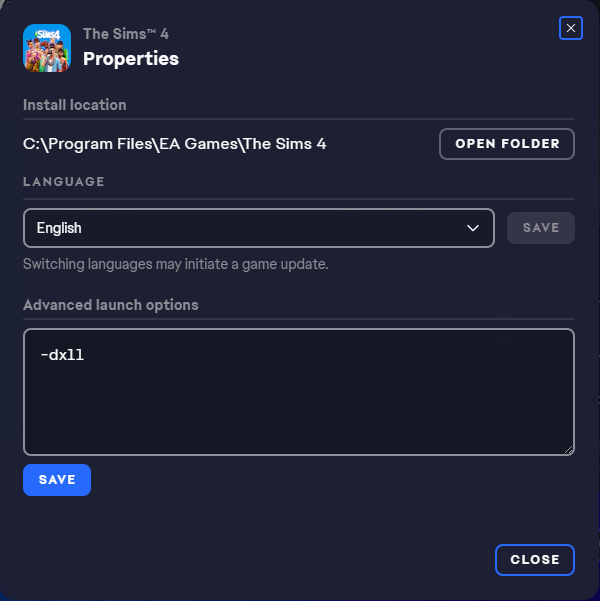
Ensure you’re not running a DirectX version argument.
Ensure you have the latest update and that you’re not running DX9. Check your DirectX version by looking at the bottom right corner of the main menu screen to confirm you’re on DirectX 11.
Remove any launch argument that automatically switches you to a specific executable, such as “-dx9” or “-dx11“, from the “Advanced launch options” box via the EA app, Steam, or Desktop Shortcut.
Frequently Asked Questions
Why is Memory Boost opt-in and in early access?
Memory Boost introduces significant improvements to how The Sims 4 manages memory. Because every player’s hardware is different, we’re starting with an opt-in phase to ensure stability across all systems. Your participation and feedback help us make Memory Boost even better for everyone.
How do I enable Memory Boost?
To enable Memory Boost, go to the main menu, select the three dots to open Game Options, choose “Other”, and then enable Memory Boost from the dropdown menu.
What happens when I enable Memory Boost?
Your game will restart with enhanced performance settings. Recovery saves created during this time will have a tag indicating Memory Boost is active.
What type of crashes does Memory Boost help prevent?
Memory Boost is designed to address crashes related to high memory usage, such as those that can occur during extended play sessions, when using lots of content, or in large, complex households. By optimizing how the game manages memory, Memory Boost helps reduce the risk of crashes caused by running out of available memory, making your gameplay experience smoother and more stable.
Can I revert to a previous game state?
Yes, one recovery save will always remain without Memory Boost enabled to ensure you can revert if needed.
How do I disable Memory Boost?
To disable Memory Boost, return to the Game Options menu, choose “Other” and select “Disabled” under the Memory Boost dropdown.
Will enabling Memory Boost affect my current game saves?
Once Memory Boost is enabled, your existing saves remain unchanged. Any new recovery saves created while Memory Boost is active will be tagged to indicate they were made with the feature enabled. This tagging helps you easily identify which saves were created with Memory Boost, while always preserving at least one original (untagged) recovery save for fallback. This ensures you can safely try Memory Boost without impacting your previous game progress, and you can always revert to a pre-Memory Boost save if needed.
Remember: If you want to load a save created before Memory Boost, disable Memory Boost before playing that save to ensure everything works smoothly.
Why do my recovery save files say “Memory Boost”?
Recovery saves with Memory Boost enabled are tagged to indicate the feature is active. However, one recovery save remains untagged to ensure you can revert to a previous game state if needed.
What happens to my saves if I disable Memory Boost?
Recovery save files that had Memory Boost enabled will continue to display the “Memory Boost” tag, indicating it was used on that file. This tag is simply a marker and doesn’t affect gameplay, so you can continue playing as usual.
What does “Automatic” in the Memory Boost options do?
Selecting “Automatic” allows the game to optimize memory usage based on your system’s capabilities, providing the best performance without manual adjustments.
I see a new executable in my The Sims 4 Game folder. What is it?
The new executable is part of the Memory Boost feature, designed to enhance game performance. It’s essential for running the optimized version of The Sims 4.
Why don’t I see the DX9 option in the options menu while Memory Boost is enabled?
DX9 is unavailable when Memory Boost is active. You need to disable Memory Boost to access this option.
Why don’t I see the Memory Boost option?
Ensure you have the latest update and that you’re not running DX9. Check your DirectX version by looking at the bottom right corner of the main menu screen to confirm you’re on DirectX 11.
Remove any launch argument that automatically switches you to a specific executable, such as “-dx9” or “-dx11“, from the “Advanced launch options” box via the EA app, Steam, or Desktop Shortcut.
What do you think about The Sims 4 Memory Boost Features coming to Game Options near you? Join the comments below and stay tuned for all the latest Sims updates!
The latest Sims 4 Kit, Autumn Apparel, Is Set To Release on 9th October 2025!
As EA is reportedly taking a break from Expansion Packs, the release of Kits doesn’t seem to be slowing down. It was only the end of August when we saw the release of the Essential Glam and Grange Mudroom Kits. With the release of today’s update, we have our first look at The Sims 4 Kit, Autumn Apparel, thanks to Lunar_Britney!
Table of Contents
The Sims 4 Autumn Apparel Kit Features
Take a look at the official description of the latest Sims 4 Kit below!
Breathe in that crisp autumn air, watch the leaves change color, and reach for something warm from The Sims 4 Autumn Apparel Kit. This collection features layered looks plus accessories like scarves and a wide-brimmed hat that are perfect for strolling down chilly streets, as well as snuggly sweaters that’ll make the season feel extra cozy.
Kit Features:
A Chill in the Air — When it’s too late for beach wear and too early to break out the snow shoes, this Kit has you covered with comfy sweaters, matching beanie & scarf combos, and more cold weather looks. Embrace the chill with luxurious fabrics and rich autumnal hues.
Cozy and Classy — These sophisticated, layered fashions will keep Sims both comfy and put-together with pieces that exuded charm, like a wide-brimmed hat, wearable purse, and stylish boots.
The Sims 4 Kits Screenshots
Take a first look at the Sims 4 Autumn Apparel Kit below!
The Sims 4 Autumn Apparel Kit is set to release on October 9th 2025!
What are your thoughts on The Sims 4 Autumn Apparel Kit and future Sims 4 Kits? Let us know in the comments below, and stay tuned to Sims Community for all the latest on The Sims 4 Kits!
The big patch for The Sims 4 has just arrived on PC and Mac!
A new Sims 4 Update has just been released for PC and Mac. As expected and announced in the Updates Roadmap, the latest game patch is helping prepare the Base Game for the upcoming release of the Adventure Awaits Expansion Pack. Players who are on Xbox and Console will have to wait until September 23rd to get the patch on their platforms.
Tuesday’s Laundry List for The Sims 4 also mentioned which fixes we should expect upon the update’s release. Make sure you check it out before we get the full patch notes!
Find out what’s been improved and changed in the official patch notes below:
The Pre-Patch For New Expansion Pack Update
Table of Contents
Installing the Latest Sims 4 Update
You can get the latest The Sims 4 Update on the following official launchers and platforms:
You can download the latest Sims 4 Update by checking for a Patch through the EA App, Steam or Epic Games launcher for Desktop. If you have Automatic Updates enabled the update will automatically download through your client program. In case your EA App is not working properly ensure you’ve cleared your app cache!
If you play The Sims 4 on Xbox Series X / S and Playstation 4 and 5 you can request a new update by checking for updates under The Sims 4 game in the Main Menu. If you’ve enabled automatic updates the Patch should download right away.
This is a pre-Expansion Pack update, meaning that some Mods and CC are guaranteed to be broken / outdated after the patch. Make sure you clean your folder using the 50/50 Method and check your favorite creators for Mod release updates!
Mods & CC will be disabled by default after you first open up The Sims 4 after updating.
Who’s ready to get away and make an adventure out of it? Today’s update prepares for the October 2nd launch of the upcoming expansion pack, Adventure Awaits, and while you’re waiting, this base game update contains a fun new feature that will have all your Sim kids cheering throughout the neighborhood! Also coming to the game today, you’ll see a number of bug fixes.
We are releasing today’s update on PC and Mac with the Console update following on September 23rd. Getting this update out earlier allows for plenty of time for mod and custom content creators to update prior to the launch of Adventure Awaits. It also gives us time to address any issues quickly. As PC/Mac will be on a newer game version until the PlayStation & Xbox update on September 23rd, console players will need to use the PlayStation and Xbox filters in the Gallery until you receive the update.
As always, thank you for your support and continued reporting efforts via EA Forums. It really helps us identify the issues you care the most about so we can focus on fixing them. We are committed to fixing these issues and can’t wait to share more details on that soon to come.
Plumbob out. Sul sul and we’ll see you on your next adventure soon.
-The Sims 4 Team
What’s New?
Base Game Updates
Playground Venue
Let the kids play! And what better place to play than the new Playground Venue. Going to the Park is fine and all, but sometimes kids need their own space. The Playground Venue on the other hand is the perfect place to let the little ones run wild. You’ll find it visited primarily by other children and their chaperones, especially after school hours, making it the perfect place to make new friends. Built the perfect playground? We’d love to see it! Share your custom playground venue builds to the Gallery using the hashtag #playground so fellow Simmers can discover, download, and enjoy your creations.
Venue Type Filter in Event Planning UI
When planning any event, we now have a way for you to quickly narrow down to see only the specific venue type you’re looking for in a checkbox dropdown, to save you from having to scroll through a long list of options. Want to see only all Libraries? Check. Want to see only all Nightclubs? Check. Want to see only all Libraries and Nightclubs? Check Check.
Play Pretend Interaction
Child Sims now have a very cute interaction to “Play Pretend” with either another child Sim as a social interaction or as a self interaction. “Play Pretend” as a social interaction can be accessed under the Friendly > Activities Pie Menu options. Otherwise, you can click on your active child Sim to access “Play Pretend” as a self interaction. Both versions of this interaction include options to “Play Fairy Tale Castle”, “Play House”, “Play Space Explorer”, “Play Pirate Adventure”, or “Play Island Castaway”. All of which are accompanied by charming childhood imagination VFX that are thematic to the selection.
Ecru Slouch Beanie Color Variant in Create a Sim
For those days when the brightest of white is just not gelling with your outfit. We’ve now added a new ecru color variant on the existing Base Game Slouch Beanie in Create a Sim available for teens, young adults, adults, and elders.
Cross-Pack
Tuning Update for The Sims™ 4 Life & Death’s Soul’s Journey
We readjusted gains for Soul’s Journey and added Satisfaction Point rewards for each tier completed.
Merfolk Occult Bassinet for The Sims™ 4 Island Living
She smells Merfolk stinky baby diapers in a seashell-shaped bassinet. What’s it look like, you ask? Well, I suppose there’s only one way to find out. Here’s hoping Ocean’s Lullaby Bassinet is about to be responsible for a big Merfolk population boom.
Memory Boost (Early Access) – Available September 23
Memory Boost is an early access, opt-in feature for The Sims 4 on PC (Windows) that delivers performance improvements by optimizing memory usage, reducing lag, improving frame rates, and helping prevent memory-related crashes. We invite you to try it out and share your feedback as we prepare for a wider rollout.
How to Enable Memory Boost:(Available on September 23rd)
From the main menu, select the three dots (•••) to open Game Options.
Go to the “Other” tab.
Find the Memory Boost dropdown and select “Enabled.” Your game will restart with Memory Boost active.
NOTE: Recovery saves created while Memory Boost is enabled will be tagged accordingly, and at least one original recovery save (without Memory Boost) will always be preserved for fallback. You can disable Memory Boost at any time from the same menu.
[EA Forums] Sims with the entrepreneurial trait no longer experience sudden jumps in career level. This fix will prevent this issue from occurring on any new saves.
[EA Forums] The “Venue Info” icon in Build Mode will stop shining when there’s nothing new to display.
[EA Forums] A Sim writing a book can now resume it properly after being interrupted by another Sim to socialize.
[EA Forums] Sims will no longer always sit to drink water.
[EA Forums] Interaction Progress (like cooking or writing) will no longer start from the beginning after loading.
[EA Forums] Last Exception and Sim reset no longer trigger when exiting a Changing Table.
[EA Forums] (ymBottom_SDX037Jeans_SolidPink) displays proper color swatch for Masculine Sims.
[EA Forums] Duplicate Swatch no longer shown for (doorDoubleSliding2x1_SDX037BUILDERTileable3Tile_set1).
[EA Forums] The Holiday menu no longer closes when switching between Sims.
[EA Forums] Swatch shown for (shelfWallGFPlank2x1_01_set1) matches what is placed.
[Bug Archive] Diner outdoor sign is now glowing correctly.
[Bug Archive] The infant’s ‘bald’ eyebrow color swatches are now in order.
[Bug Archive] The following shower floors no longer flicker when zooming the camera in and out: Tranquil Waters Shower, Modern Grimpressions, Waterfall Shower, EZPZ Shower Stall, and It’s a Shower Trap.
[Bug Archive] Fingers and nails will no longer clip and distort when certain outfits are worn.
[Bug Archive] Mournful Memories Music Box no longer has a debug name and description on all except the main swatch.
Curtains will now move when using DX11.
Death can no longer be avoided by scheduling an off-lot Event via the calendar on another lot during the death sequence.
[Bug Archive] The ymShoes_AnkleOxford_TrueBlack variant of this shoe no longer changes shape compared to the other variants.
Affecting Multiple Packs
[EA Forums] Skill cheats can now be used to lower skill.
[EA Forums] Eyeglasses no longer look like sunglasses.
[EA Forums] Some wall mailboxes no longer appear under Misc Appliances instead of Trash Cans & Mailboxes.
[EA Forums] “Summon a Privy Bush” interaction is now available for Vampire and Fairy child sims
[EA Forums] Some fireplaces no longer project light from Fire Backwards.
Resolved a missing texture observed when applying yfTop_GP12SweaterVest with some bottom assets.
Texture defects are no longer observed when applying ymBottom_SP56CK001ShortsRuffles with several top assets.
The Undo button is no longer greyed out when using it to make changes for occult types in CAS.
Get to Work
[EA Forums] Daring Hall Tree now properly categorized under the Displays category instead of the Decorations Misc category.
Cats & Dogs
[EA Forums] Pets no longer get deformed when traveling to another lot after aging up.
[EA Forums] Blue swatches for (stair_rail_EP04CAxFrame_set5) display the proper color when placed.
[EA Forums] When selecting gray swatches for the object (sculptwall_EP02GENchalk2x1_set1) the proper color is placed.
Island Living
[Bug Archive] The Mermaid bassinet is now available in Buy mode like other bassinets.
[Bug Archive] Resolved flickering animation observed on water after the Sim performs a snorkel interaction on the buoys in Sulani.
Discover University
[EA Forums] Bike pedals will now align with the Sim’s feet when riding the bike from this pack.
[EA Forums] (ymBottom_EP08LeggingCropped_Solid Yellow) displays the correct color swatch for males.
[EA Forums & EA Forums] Legal Case Files and Dr. Tyson’s Books of Learning are now properly categorized under the Clutter category instead of the Sculptures category.
Eco Lifestyle
[EA Forums] Piercings from the Eco Lifestyle expansion pack now have the correct Bronze & Gold swatches displayed.
Growing Together
[EA Forums] Smooth Sail Diaper Pail trash cans now snap to Lavish One’s changing station.
[EA Forums] Starry Eyed Collection Banquet Table is now present in the Bars category instead of Dining Tables category.
For Rent
[EA Forums] Tenant events are no longer resolved as a failure after the Property Owner fixes what’s needed on the Tenant’s lot.
Lovestruck
[EA Forums] All color tags are now applied to Canopy Dreams and Drape Desires objects.
Life & Death
[EA Forums] Modern Grimpressions Bathroom Sink and Modern Grimpressions Kitchen Sink objects can now be slotted at the top.
[EA Forums] Nails paint no longer creates a texture glitch on T-shirts (yfTop_EP17ShirtGoth) and (ymTop_EP17ShirtGoth).
[EA Forums] Child sim now show up as ghosts when they die due to over heat & Freezing.
YmHat_EP17ToqueDouble no longer clips with ears if ears are extended outwards.
Sim no longer clips into the bar stools when read will interaction is performed in sitting posture.
Soul’s Journey Progression no longer grants too many points.
Sims will no longer remain in Ghost form after removing the Ghost molecule in CAS after using the Undo button.
Businesses & Hobbies
[EA Forums] (Paint on Me!) wallpaper from the Business and Hobbies category now appears when filtered by color.
Enchanted by Nature
[EA Forums] (ymHair_EP19Mullet_Auburn) hairstyle no longer clips with hats.
“Fertilize All Crops” interaction is now functional on oversized crop plants with oversized crop fertilizer.
[EA Forums] Gnome brought to life for Upgrades and Repairs will no longer continuously upgrade toilets with Composting Container leading to toilets catching fire.
Vampires
[Bug Archive] Vampire Sims no longer constantly disappear and reappear during interactions
Paranormal
[Bug Archive] All the nail polish in the fingernail category color yfBody_SP18DressShirt
Outdoor Retreat
GP01GenFern plants no longer clip when placed on the roofs
Realm of Magic
[EA Forums] Glass Top Stage Stairs is now properly categorized under the Decorations Misc category instead of the Surfaces Misc category.
[EA Forums] (ymTop_GP08VestShirt) now displays correct swatches.
Werewolves
[EA Forums] (yfHair_GP12MedWavy_Black) hair displays properly when zoomed out in game.
Backyard
[EA Forums] (yfTop_SP08TeeBoatNeck) now displays correct swatches.
Greenhouse Haven
[EA Forums] When selecting green/yellow swatches for the object (doorSingle1x1_SP40GENTileable3Tile_set1) the thumbnail now displays the proper color.
Sweet Slumber Party
[EA Forums] Nails are now properly tagged for a masculine frame.
Author Release Notes
Merfolk in The Sims 4 now have their own bassinet!