Home Blog Page 380

The Sims 4: Bring Back the Old Main Menu with this Mod

8

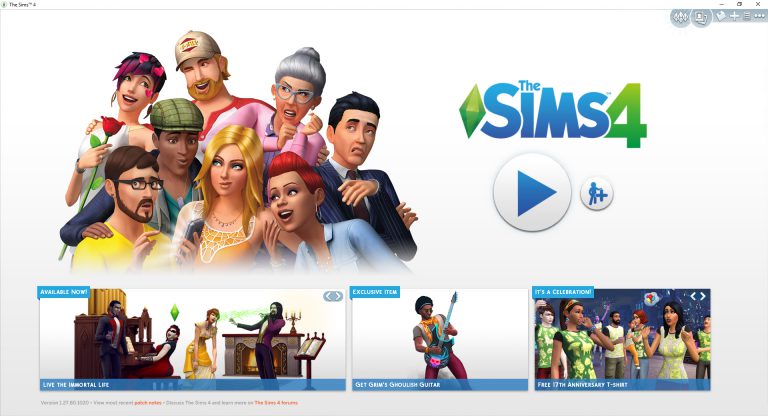
Dislike the new The Sims 4 Main Menu which was added through an update a few days ago? You can bring the old one back thanks to a mod!

TwistedMexi released a mod which can bring back the old main menu back.

All you have to do is download the mod and extract the zipped content to Electronic Arts > The Sims 4 > Mods folder. Make sure you have mods and CC enabled in your game options!

[mks_button size=”large” title=”DOWNLOAD!” style=”rounded” url=”http://modthesims.info/download.php?t=589909″ target=”_blank” bg_color=”#1e73be” txt_color=”#FFFFFF” icon=”fa-arrow-down” icon_type=”fa” nofollow=”0″]

The Sims 4: Bring Back the Old Main Menu with this Mod

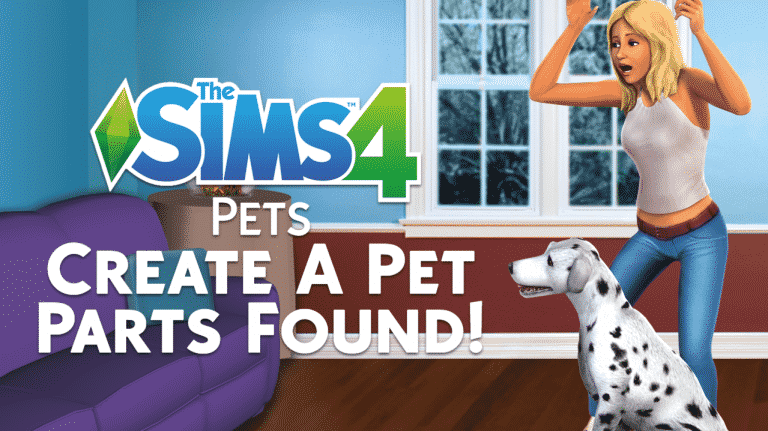
The Sims 4 Pets: New Create A Pet Parts Found

28

There’s a bit more to The Sims 4 Pets than we originally found.

Sims 4 Studio, a fanmade program which lets you recolor objects, CAS assets and allows you to dig through The Sims 4 game files a little bit deeper, listed a couple of interesting things related to The Sims 4 Pets. The program listed a few body parts and details that you will probably be able to customize in Create A Pet.

Those include:

  • Ears
  • Tail
  • Fur Ears
  • Fur Tail
  • Fur Body

The Sims 4 Pets: New Create A Pet Parts Found

Please note that this is probably an incomplete leak, meaning that there’s probably more Create A Pet body parts to customize and edit.

Big thanks to @CelestialSim for the tip!

The Sims 4: Pets & Seasons Fanmade Renders

26

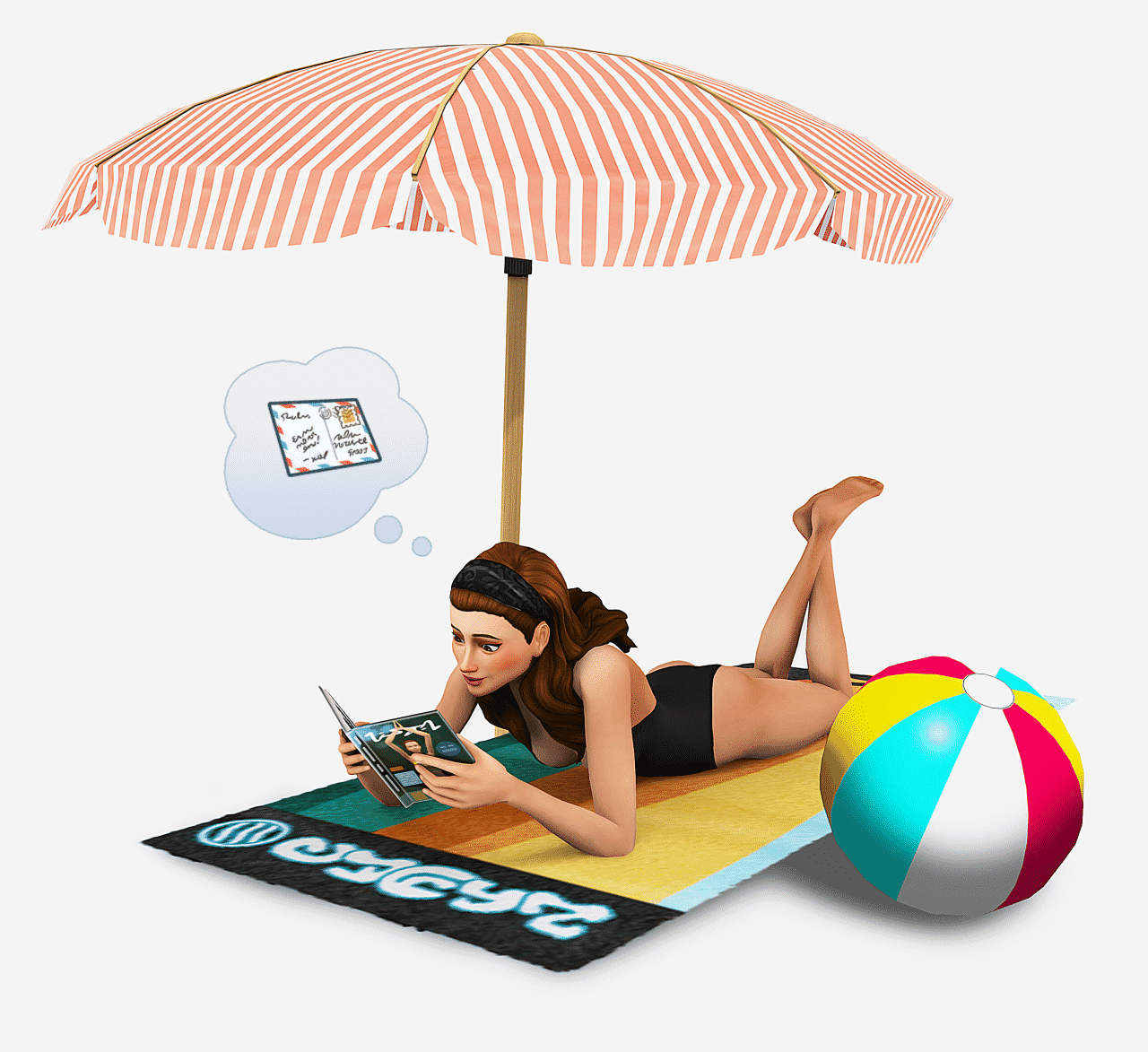
These Fanmade The Sims 4 renders will make you want Pets and Seasons even more!

We’re pretty hopeful that Seasons will happen in The Sims 4 at some point and we’re 100% sure Pets will happen soon after the recent leak. For now the community is enjoying speculation and talks about how Pets and Seasons should look like in The Sims 4.

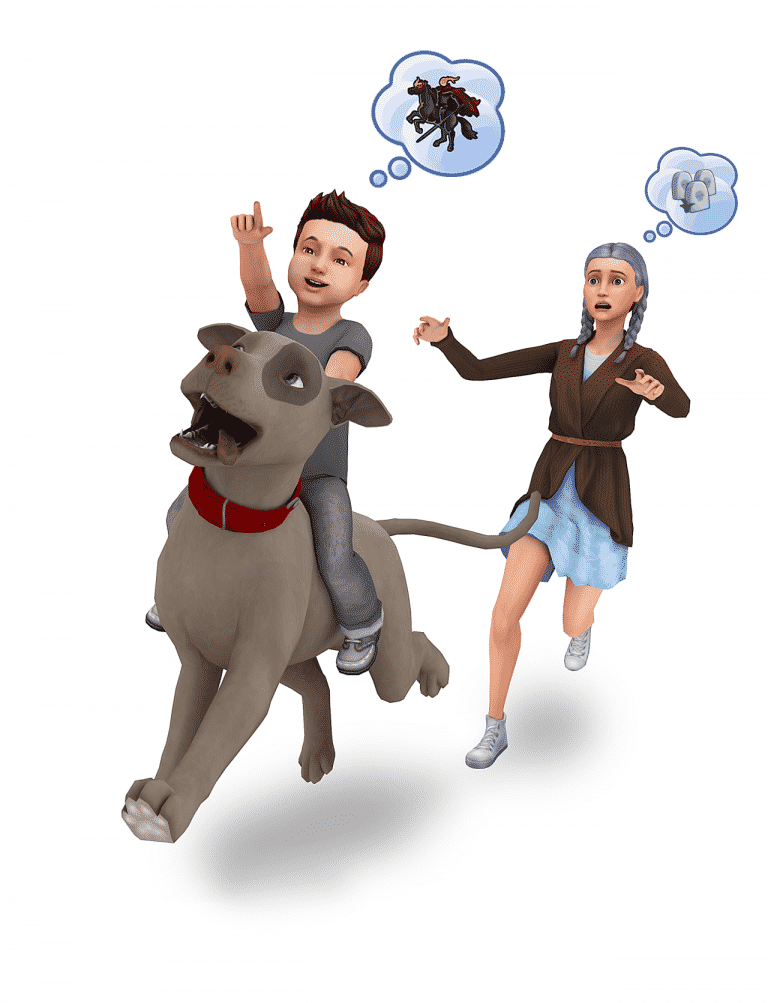
The Sims Forums member Dreagen1 took a step further! She posted a couple of fanmade renders she created all by herself. For now there are five fanmade renders for The Sims 4 Seasons and three renders for The Sims 4 Pets.

Check them out!

The Sims 4: Pets & Seasons Fanmade RendersThe Sims 4: Pets & Seasons Fanmade Renders

The Sims 4: Pets & Seasons Fanmade RendersThe Sims 4: Pets & Seasons Fanmade RendersThe Sims 4: Pets & Seasons Fanmade RendersThe Sims 4: Pets & Seasons Fanmade RendersThe Sims 4: Pets & Seasons Fanmade RendersThe Sims 4: Pets & Seasons Fanmade Renders

We’ll make sure to update this post with more renders in case more pop up!

The Sims 4 Vampires: Human Motives Bug Fix (Mod)

2

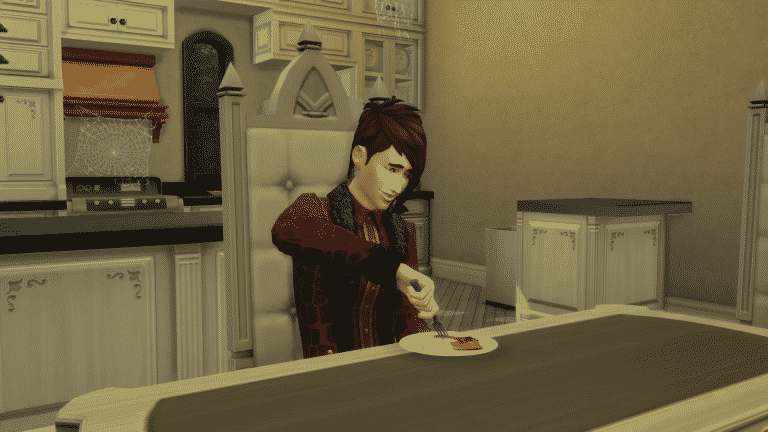
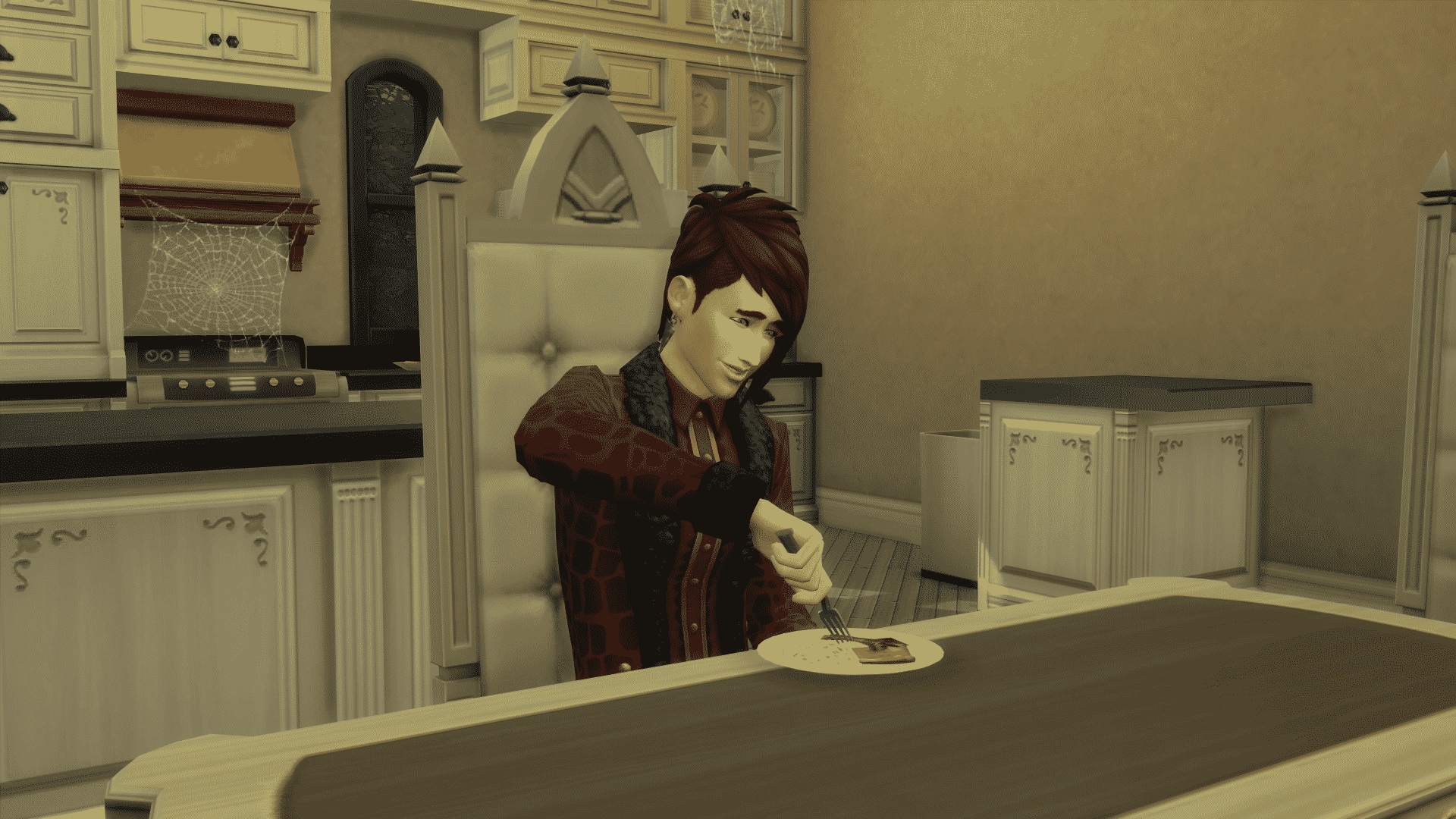
Plenty of Simmers are reporting issues that their Vampires are falling asleep or just craving human food.

TwistedMexi released a temporary fix that’ll solve this issue until The Sims Team comes out with an official fix. We don’t know when exactly can we expect an update that’ll fix this problem as there already was an update just 3 days ago that didn’t solve any of Vampires GP problems.

As this is a script mod, make sure you’ve enabled script mods in your game options!

[mks_button size=”large” title=”DOWNLOAD!” style=”rounded” url=”http://modthesims.info/download.php?t=589619″ target=”_blank” bg_color=”#1e73be” txt_color=”#FFFFFF” icon=”fa-arrow-down” icon_type=”fa” nofollow=”0″]

The Sims 4 Vampires: Human Motives Bug Fix (Mod)

The Sims 4 Mod: Magnolia Promenade Map Override

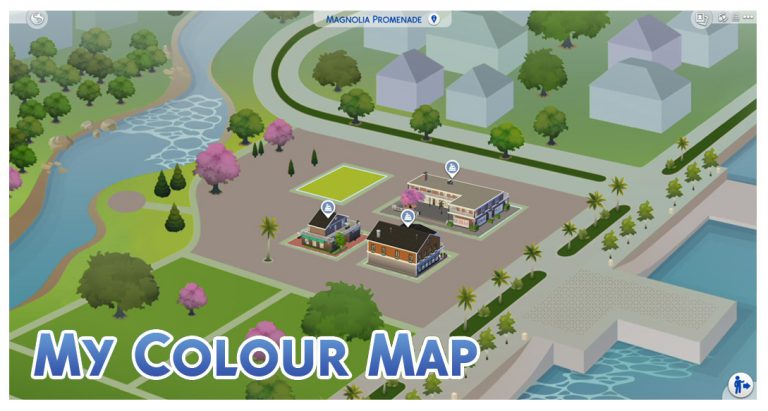
Ever noticed that some details on the Magnolia Promenade Neighborhood Map (from The Sims 4 Get to Work) just don’t match up from the ones you see in actual gameplay?

Menaceman44 released a small fix for that, updating the Magnolia Promenade map with improved details.

To download it, simply click on the download button below and extract the zipped content to Electronic Arts > The Sims 4 > Mods folder. Make sure you have Mods / CC enabled in your game options!

[mks_button size=”large” title=”DOWNLOAD!” style=”rounded” url=”http://modthesims.info/download.php?t=589665″ target=”_blank” bg_color=”#1e73be” txt_color=”#FFFFFF” icon=”fa-arrow-down” icon_type=”fa” nofollow=”0″]

We’re looking for new Simmers to join our team!

34

The Sims 4 is just getting bigger and bigger with each month passing by! In January we celebrated a BIG milestone, with over 1,500,000 page views and 400,000 unique visitors who visited our website in a matter of 31 days.

To keep our readers entertained we need new and exciting content, and that’s where YOU come along!

JOIN OUR TEAM!

Please note: Any member that gets chosen will not be getting a monthly salary. However, there are other rewards and benefits for those who take their roles seriously and decide to make posts on a regular basis:

  • You will receive the latest Sims 4 Packs.
  • You’ll get a Staff Member badge on Sims Community Social with unlimited storage.
  • You’ll get to promote your Sims creations through posts.

Any content that you create will be in ownership of you and Sims Community website exclusively.

You can send your application to our E-Mail: contactsimscommunity@gmail.com

You can also reach out to me in PMs on Sims Community Social if you have any additional questions!

The deadline for sending your applications is February 10th, 2017. We will read each application carefully and announce people who joined the team a week after.

Below you’ll find roles, descriptions and requirements that we’re looking for. Take your application very seriously and don’t be shy to mention any skills or qualities you may have!

Builder

Your role is to create tutorials and articles that will inspire simmers to build great things. From interior to exterior design, it’s up to you to teach both basics and advanced segments of The Sims 4 build mode.

Requirements:

  • Above average English language knowledge.
  • 18 + years old.
  • Own The Sims 4.

It would be good if:

  • You have fair knowledge of WordPress
  • You worked previously on writing articles.
  • You have all the latest Sims 4 Games.

Tutorial / Guide Writer

Your role is to write tutorials / guides for certain segments of The Sims 4. Let’s say a new pack for The Sims 4 has just been released: it’s your duty to inform the readers of SC about all the abilities, tips and tricks that they can use to advance in their gameplay.

Requirements:

  • Above average English language knowledge.
  • 18 + years old.
  • Own The Sims 4.

It would be good if:

  • You have fair knowledge of WordPress
  • You worked previously on writing articles.
  • You have all the latest Sims 4 Games.

Community Reporter

Your role is to report great releasements by Simmers (Mods, Custom Content, YouTube Videos, Stories, Challenges etc.). To make your job easier, we’ll provide you links of websites that Simmers use as their creative outlet.

Requirements:

  • Above average English language knowledge.
  • 18 + years old.
  • Part of the Simming Community since The Sims 4’s release.
  • Own The Sims 4 / The Sims 3

It would be good if:

  • You have fair knowledge of WordPress
  • You worked previously on reporting News.
  • You have all the latest Sims 4 Games and a big portion of Sims 3 Games.
  • You’re a part of the Simming Community since The Sims 3 days.

The Sims 4 Mod: Skills That Carry Over

3

TwistedMexi came up with a perfect mod for The Sims 4 that will make your hard work pay off as your Sim ages up.

The Lifetime Skills mod will correctly carry over skills when your Sim ages up from a Toddler to Child and Child to Teen. Let’s say your Toddler Sim had a few levels of Communication skill. This skill will correctly carry over to Social skill in Child age and then Charisma in Teen / YA / Adult / Elder ages.
Down below you can see a list of all the skills that will carry over:

The Sims 4 Mod: Skills That Carry Over

To install this mod, extract the .ts4script file from the downloaded .zip file into the Electronic Arts > The Sims 4 > Mods folder. Make sure you have enabled CC / Mods as well as script mods in your game options!
To download this mod, click the download button below!

[mks_button size=”large” title=”DOWNLOAD!” style=”rounded” url=”http://modthesims.info/download.php?t=589457″ target=”_blank” bg_color=”#1e73be” txt_color=”#FFFFFF” icon=”fa-arrow-down” icon_type=”fa” nofollow=”0″]

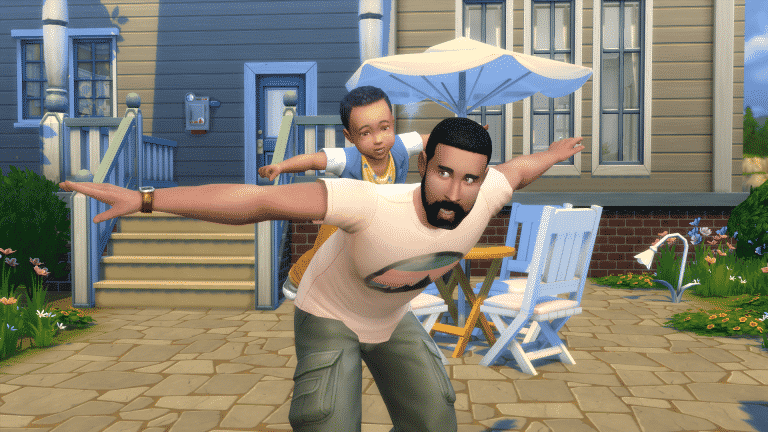
The Sims 4: Official Pancakes Household Updated with a Toddler

Meet Iggy Pancakes!

The Sims Team uploaded the Pancakes Household, this time with a new addition – a toddler!

Iggy Pancakes made his debut in the latest The Sims Blog, promoting the new 17th Anniversary of The Sims T-Shirts.

The Sims 4: Official Pancakes Household Updated with a Toddler

The updated Pancakes Household can be downloaded by clicking THIS LINK!

The Sims 4: Official Pancakes Household Updated with a Toddler

You can simply evict the old Pancakes Household and move in the updated Household. Make sure you update the Pancakes’ house with a room for their toddler!

The Sims 4: Official Pancakes Household Updated with a Toddler

The Sims 4 Update: You can now place other Lot Types in Granite Falls!

It may have taken more than 2 years to fix this, but The Sims Team finally did it! The Sims 4’s latest update removes the restriction in Granite Falls which let you place down Rental Lots only.

Thanks to the new update, you can now place other lot types in Granite Falls (residental lots not included of course):

The Sims 4 Update: You can now place other Lot Types in Granite Falls!

The lots you place cannot be accessed until your Sims pay for their vacation to one of the rental lots in Granite Falls. After that, you’re free to visit any lot in Granite Falls!

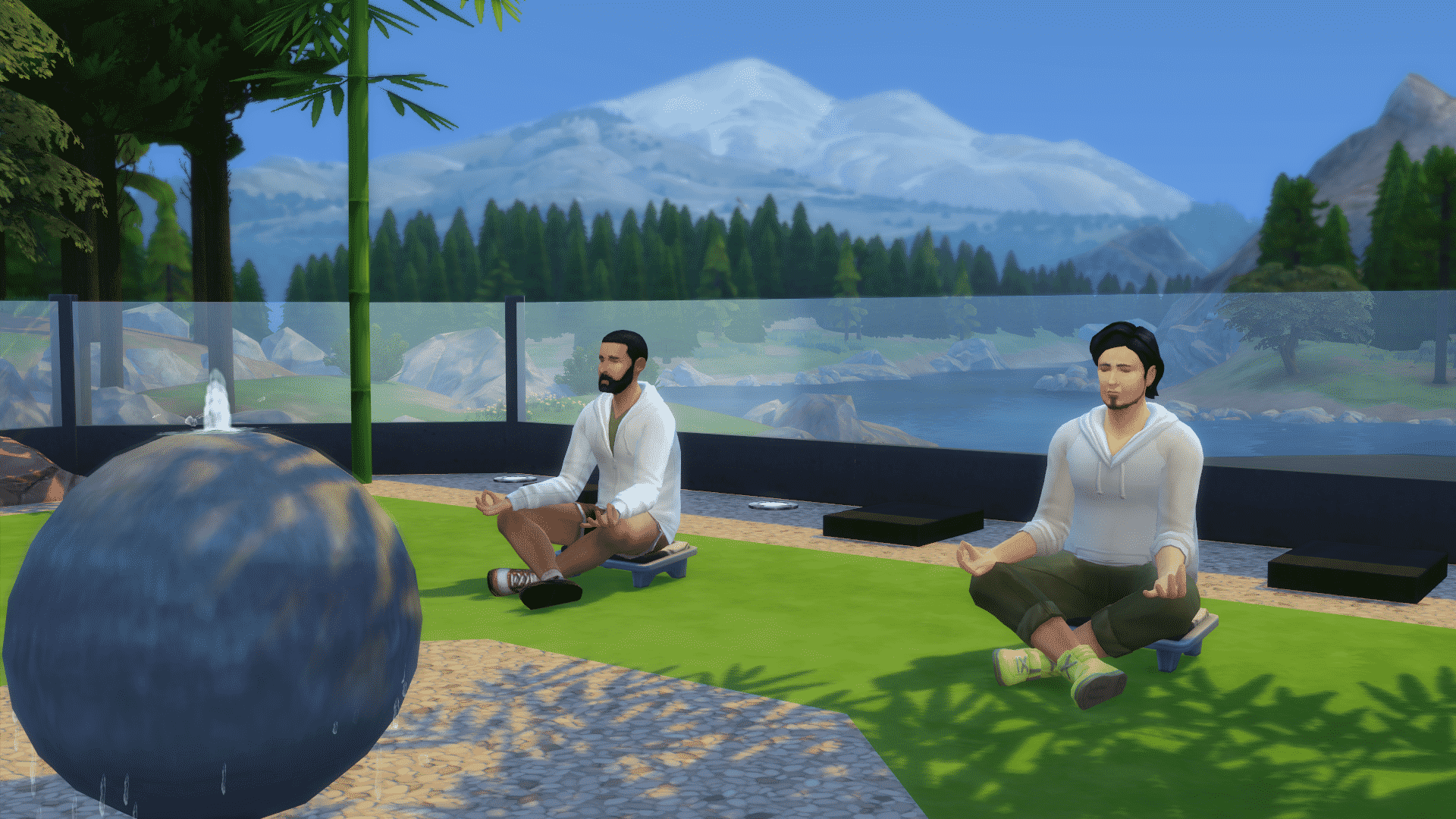
Meditating in a Spa surrounded by lively sounds of the nature sounds like a perfect vacation.

The Sims 4 Update: You can now place other Lot Types in Granite Falls!

The Sims 4 Update: 17th Anniversary T-Shirt

4

To celebrate The Sims Franchise’s 17th Anniversary, The Sims Team added a new T-Shirt to The Sims 4 for Sims of all ages, including Children and Toddlers.

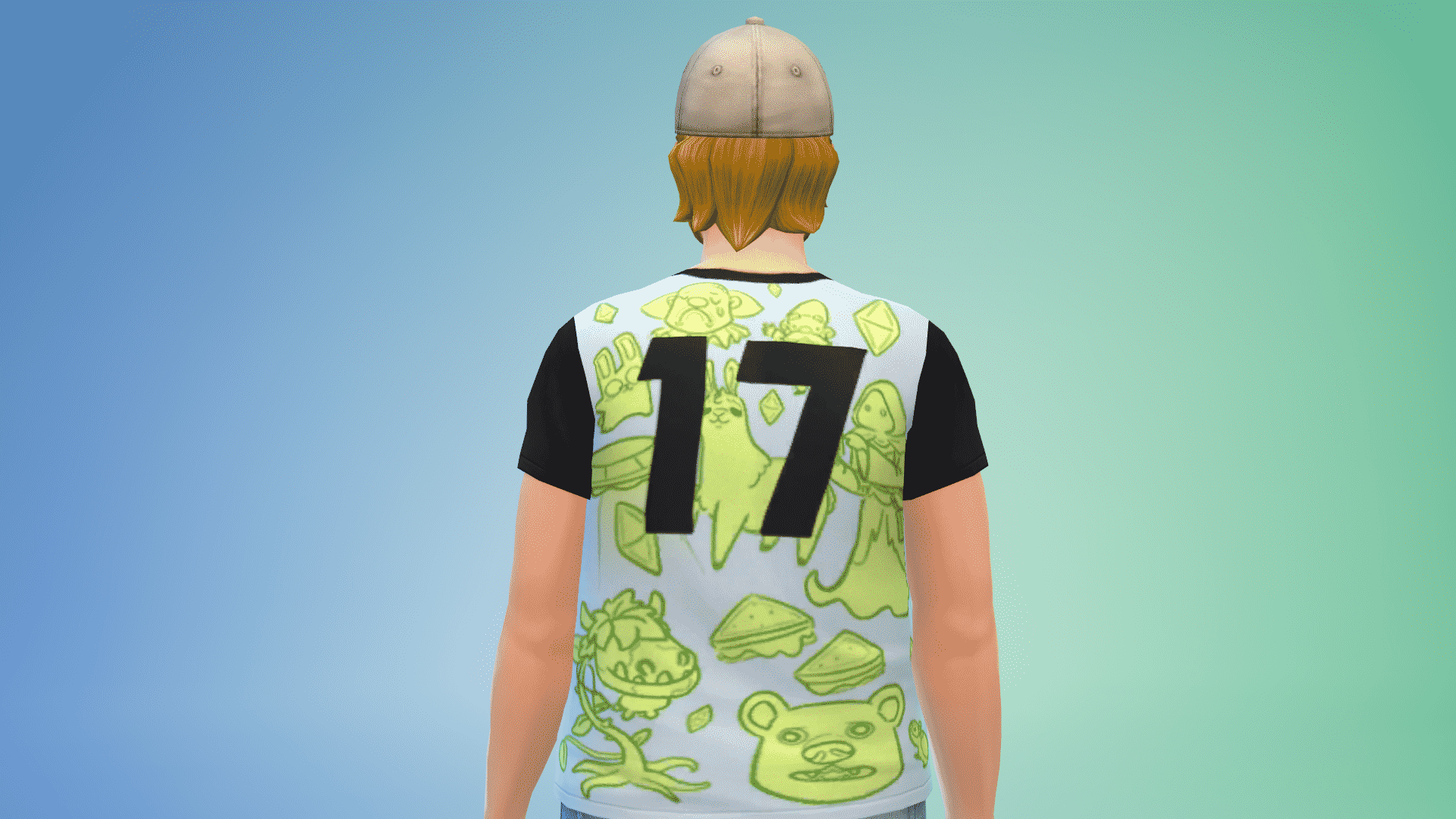
This T-Shirt contains iconic mascots that are very popular in the simming community such as the Llama, Freezer Bunny, Cowplant and so on.

It comes in 3 variations:

There’s even a number 17 on the back of this t-shirt:

The Sims 4 Update: 17th Anniversary T-Shirt

If you’re wondering how it looks on Children and Toddlers, here you go:

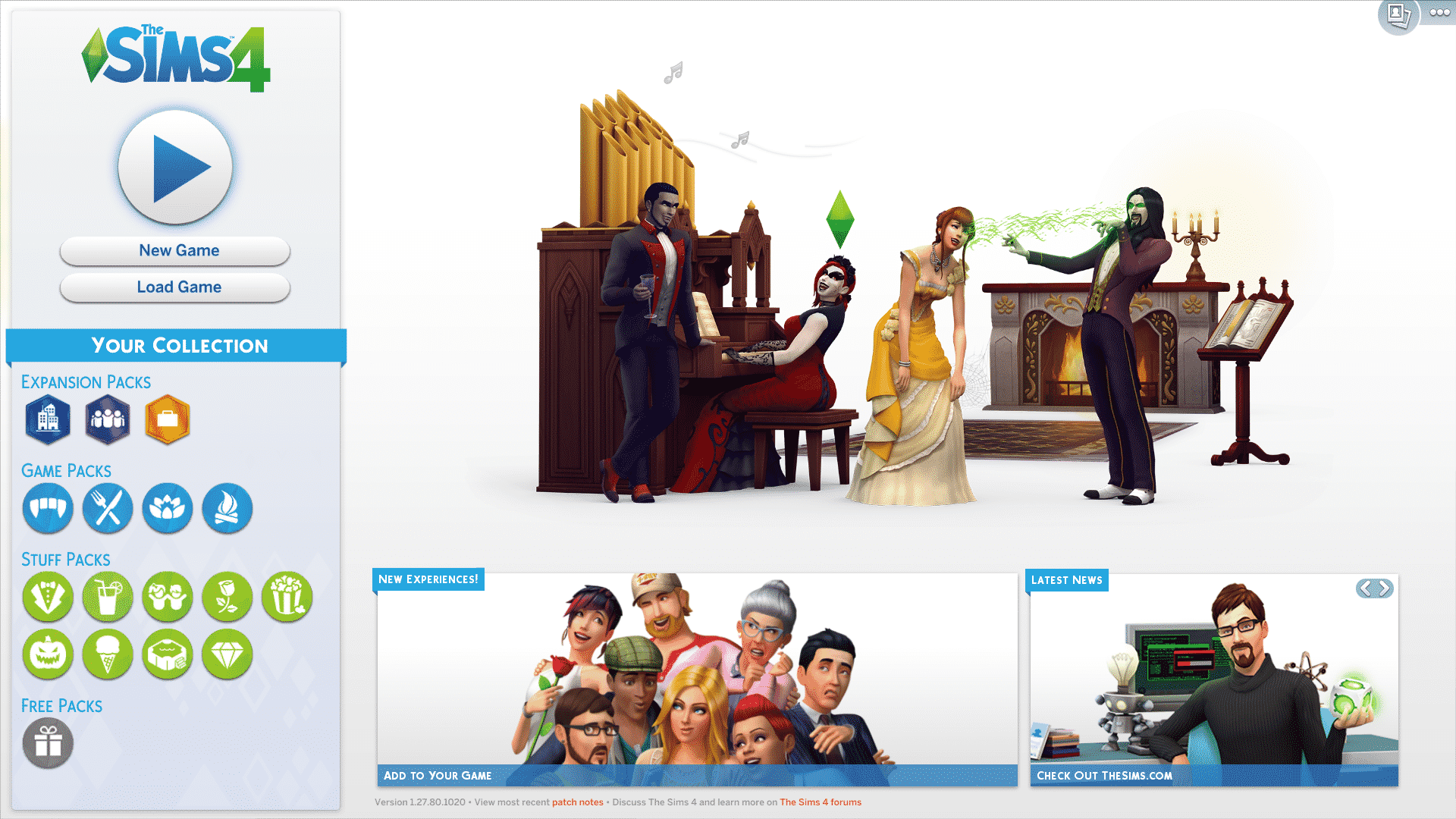
The Sims 4: New Main Menu

20

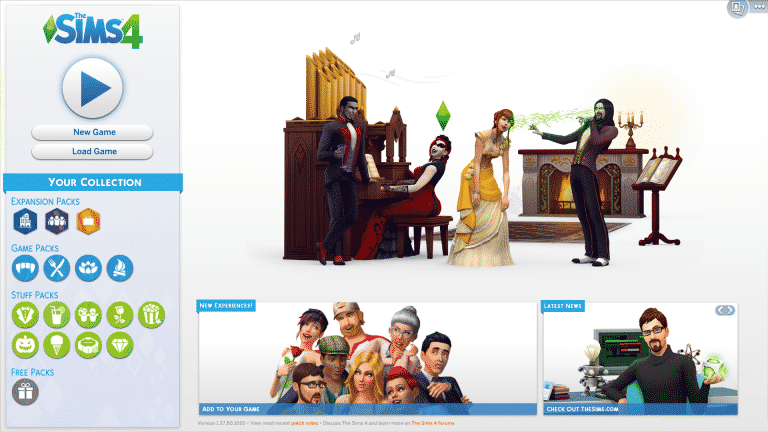
The Sims Team made quite a few changes to The Sims 4’s Main Menu in the latest update.

From now on you have a full overview of your installed The Sims 4 packs. That includes Expansion Packs, Game Packs, Stuff Packs and Free Packs.

Instead of the + button that had a ”new game” function on the top right corner that was present in previous main menus, now you have a full ”new game” button on the left side right below the play button.

The Sims 4: New Main Menu

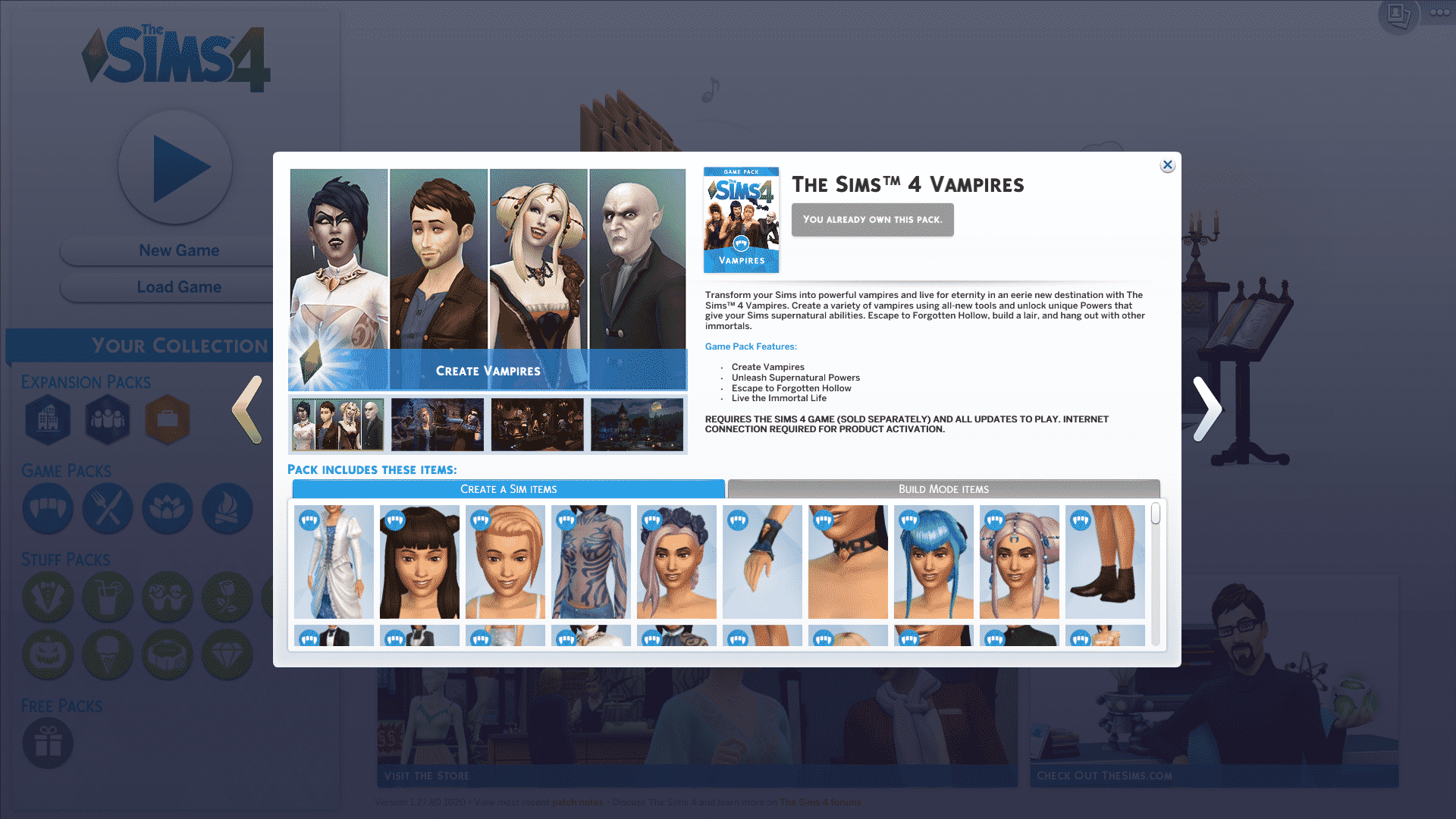
Clicking on each Pack icon will give you more information about that pack (internet connection is required). What’s new is that now you can slide left and right between all the packs you’ve installed:

The Sims 4: New Main Menu

This means that you can only check out information about installed packs throughout your Main Menu. The ”My Packs” button has been removed from live / build mode:

The Sims 4: New Main Menu

What are your thoughts on the new main menu?

The Sims 4: New Update + Patch Notes! (February 2nd, 2017)

ts4e3logo

The Sims Team has released a brand new Update for The Sims 4, adding some changes to the main menu.

To download the latest version of The Sims 4, simply open your Origin program and if the game doesn’t update automatically, right click on The Sims 4 and select ”Update”.

In case you have Mods or Custom Content, the game will automatically disable them for you after first launching The Sims 4 after the update. To re-enable all your Mods and Custom Content, select the Settings option in the Menu and select Settings. Under the”Other” section you’ll find the ”Enable Custom Content and Mods” option. Check it and restart your game in order for it to take effect!

Patch Notes

Update: 02/02/2017 – PC Version 1.27.80.1020 / Mac Version 1.27.80.1220

Happy Anniversary Simmers!

It was 16 years, 11 months, and 29 days ago that the Sims were born!! And we wanted to be the first to wish you all a Happy 16th11th29th Anniversary!

Since then, there have been well over a 100 Sim births and deaths. 10s of homes built, and burned, and…

Ok, look, they don’t actually give me any real stats. I’m sure I’m close though… somewhere within a light year of error… it’s all relative.

This little life-simulation game about telling stories, controlling lives, burning down kitchens, inviting the neighbors to hang out in your basement and then removing the doors, building amazing homes, and just watching their lives unfold as you tweak away, is now (almost) 17 years old, and we hope you have, had, and will have fun with The Sims!

With that, we have just a little new…

The Main Menu has gone through a small redressing.

Upon your next load, you will be met with a new, but hopefully familiar looking, Main Menu. The summary of changes being:

  • Continue (the big play button), other than a location shift, functions exactly as it did
  • New Game and Load Game have come down from their hidden corner, and are now found alongside the Continue button.
  • Adding a household to an existing save is located on the Map view screen in the lower right
  • The upper right menus have been simplified to only include Gallery and the Options menu
  • And the lower left contains all the information you might want regarding packs.

We’ve also added a shirt (for toddlers and older) to celebrate the 17th anniversary (found in Create a Sim in the T-Shirt sort).

And we have a couple of critical issue fixes…

General Issues

  • We addressed an issue that could cause the baby to disappear upon age up.
    • While this is joyous news for parents everywhere, this does pose a significant population issue in Neverland. And we can only wait out the potential pirate to lost boy gap, as it draws ever closer in the favor of the pirates.
  • We addressed an issue that could result in toddlers being placed down through a wall, and outside of their home, if carried to use an object that was against an outer wall.
    • Ask any parent, and they will tell you “Of course toddlers are magical!” Ask them again to place their toddlers through a wall, and they will yell at your ridiculous suggestion.
      • It’s a two-faced world folks, and we’re just living in it.
  • Addressed an issue that could cause a toddler to become stuck next to an elevator upon loading the lot.
    • This fix will address future occurrences, however, to correct the issue in an already saved game, travel to another lot with the toddler and return.
  • We addressed an out of sync voice and animation issue that was causing our Sims to be ever so slightly off.
    • Had that early film feel, except without the cool fighting, or person in rubber monster suit scenes.

Outdoor Retreat

  • Rental Lots can now have their lot type changed, and are no longer locked in Granite Falls.

Get Together

  • Club perks and points will no longer reset after loading into an unowned lot and then returning.

And with that… we wish you a happy journey with us on The Sims, and look forward to your machinima, blogs, tweets, posts, screens, and vids of all things Sims.

-SimGuruGnome

Origin: Save 50% off on The Sims 4 Base Game + Expansions

2

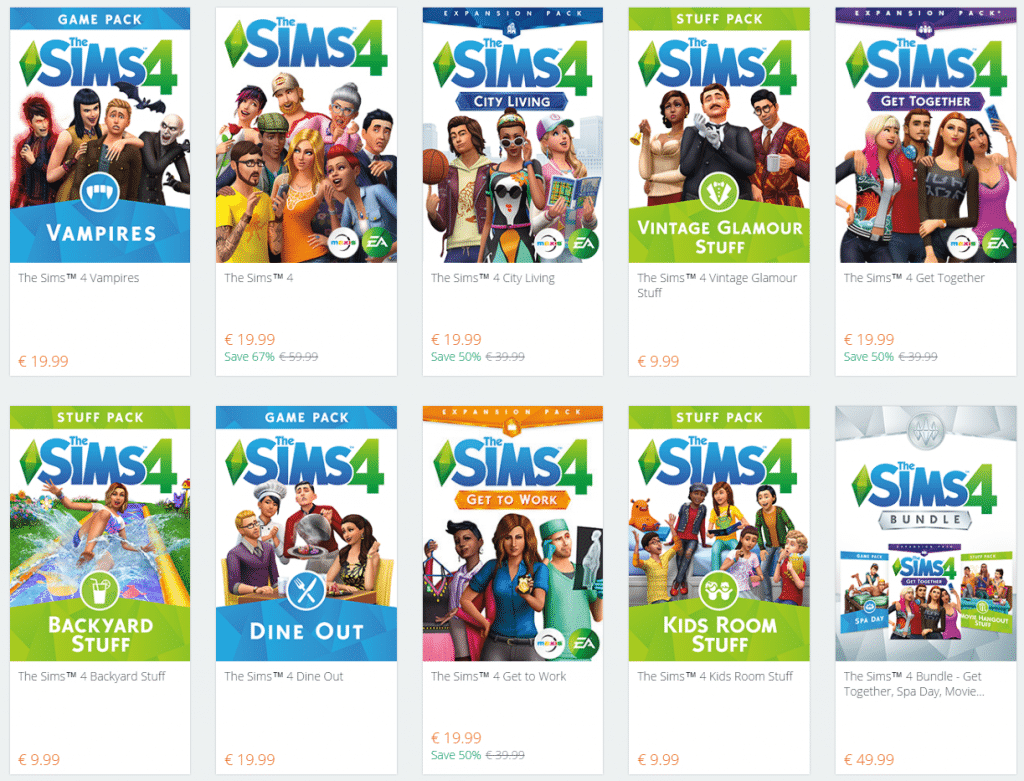
Origin is having a sale where you can save 50% on The Sims 4 Base Game + Expansion Packs!

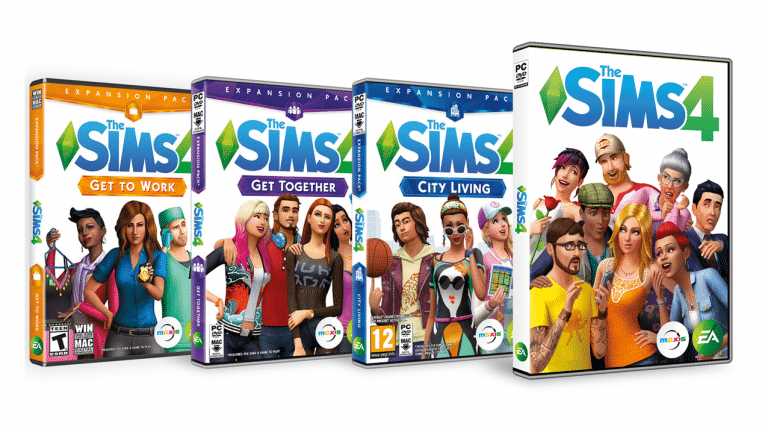
This includes The Sims 4 Base Game Standard Edition & Digital Deluxe, Get to Work, Get Together and City Living Expansion Packs. If you’re an Origin Access member you get additional 10% off!

Click below to check out the offer!

Origin: Save 50% off on The Sims 4 Base Game + Expansions

The Sims 4: New Toddlers Concept Art

0

SimGuruKimmi shared new concept art for The Sims 4’s toddlers! Some are new and some are already seen from EA’s ”Building Toddlers in The Sims 4” blog.

The Sims 4 Vampires: Mods Spotlight

It’s been more than a week since The Sims 4 Vampires Game Pack release and the modding community has been hard at work to provide you with new content, features and modifications to the already-existing gameplay. Here are some of the mods that I tested out and would recommend to any Sims player who got the Vampires Game Pack!

Before continuing, please note the following:

  • EA does not pre-screen Custom Content /Mods and players should always exercise caution when adding Custom Content to their game files.
  • Make sure your mods are up to date!
  • After each The Sims 4 Update your game will automatically disable Mods and Custom Content. You can re-enable them by going to Game Options > Other > Enable Custom Content and Mods.

[ultimate_carousel slide_to_scroll=”single” title_text_typography=”” slides_on_desk=”1″ slides_on_tabs=”1″ slides_on_mob=”1″ autoplay=”off” arrow_style=”circle-bg” arrow_color=”#1e73be” arrow_size=”48″ dots_color=”#1e73be” adaptive_height=”on” item_space=”0″]

Supernatural Set

Adds a new trait and a new aspiration for children!

The Sims 4 Vampires: Mods Spotlight

Functional Radiator

Gives functionallity to the new radiator object.

The Sims 4 Vampires: Mods Spotlight

Vampire Gated Community

Mortal Sims will no longer walk around Forgotten Hollow thanks to this mod.

The Sims 4 Vampires: Mods Spotlight

Vampires Mega Mod

Several mods that alter the vampire gameplay to your taste.

The Sims 4 Vampires: Mods Spotlight

Neighborhood Protection – No More Vampires!

Prevents Vampires from appearing in other neighborhoods.

The Sims 4 Vampires: Mods Spotlight

Chat and Invite for Vampires Fix

Lets you chat and invite vampire Sims during the night.

The Sims 4 Vampires: Mods Spotlight

Weakness Point Gains Removed / Reduced

This mod lets you reduce the amount of required weakness gains or removes them completely.

The Sims 4 Vampires: Mods Spotlight

Drink, Drain and Turn without restrictions

You can drink, drain and turn other Sims without any restrictions thanks to this mod.

The Sims 4 Vampires: Mods Spotlight

Dark Meditation Modifications

Changes the time and results of dark meditation. There are 3 choices to choose from!

The Sims 4 Vampires: Mods Spotlight

[/ultimate_carousel]

Have a Mod suggestion? Post it here!