Home Blog Page 391

The Sims 4 Vintage Glamour: Butlers 101

The Sims 4 Vintage Glamour Stuff Pack introduces a new butler NPC that you can hire using your phone. To hire a butler, click on your phone > Career / Household > Hire a Service and select the butler option.

capture

A random butler will immediately be assigned to your household. They’re basically residents of your house, except they won’t count as an actual household member nor will you have the power to control them.

Butlers only have 3 needs that need to be satisfied: Energy, Hunger and Fun.

When it comes to energy, you can satisfy it in a humane way by assigning a bed specifically for butlers.

capture

Butlers will take care of themselves when it comes to hunger. When they make a meal to eat they usually tend to serve a meal for the entire household. This is great considering that no Simoleons will be taken from your household funds.
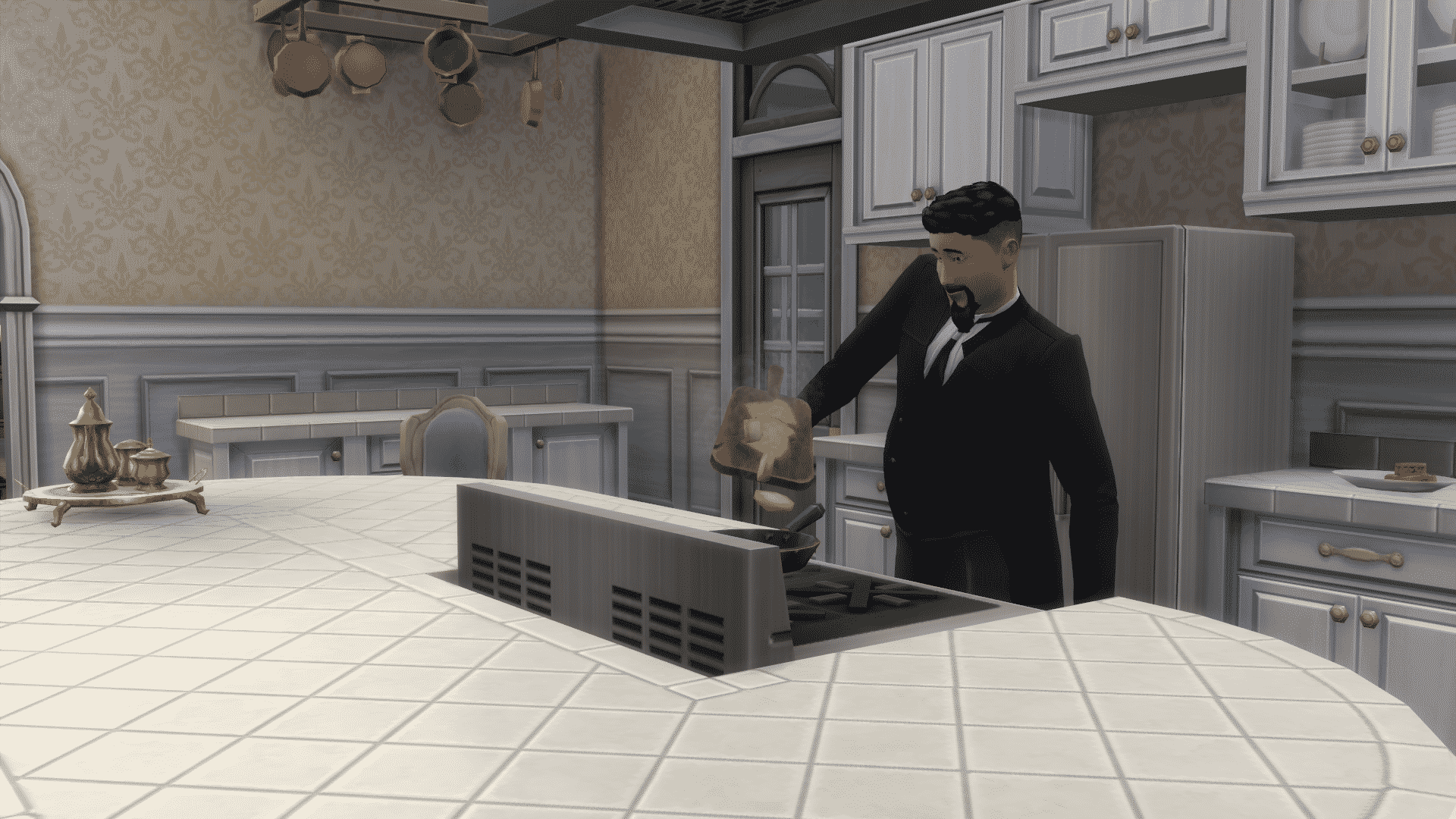
12-07-16_5-12-32-pm

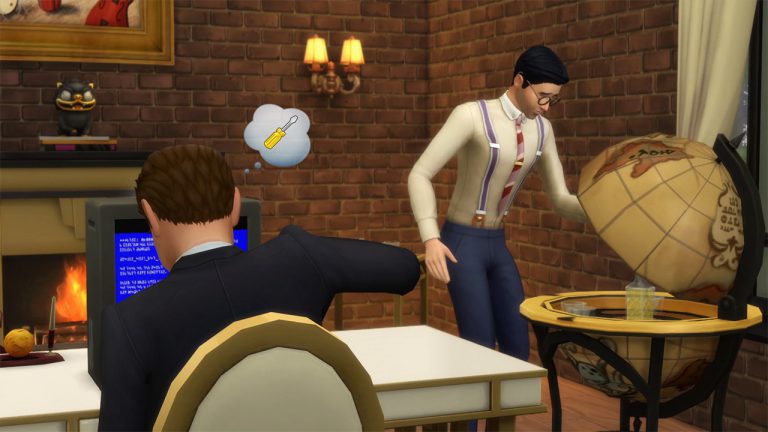
The Fun need is usually taken care of by the butler when your Sims are either away for work or asleep. That’s when they’re prone to using the computer, drink from the bar or enjoy in other fun activities. They might become embarrassed if your Sim walks in the room where they’re perfoming activities that are satisfying their fun need.
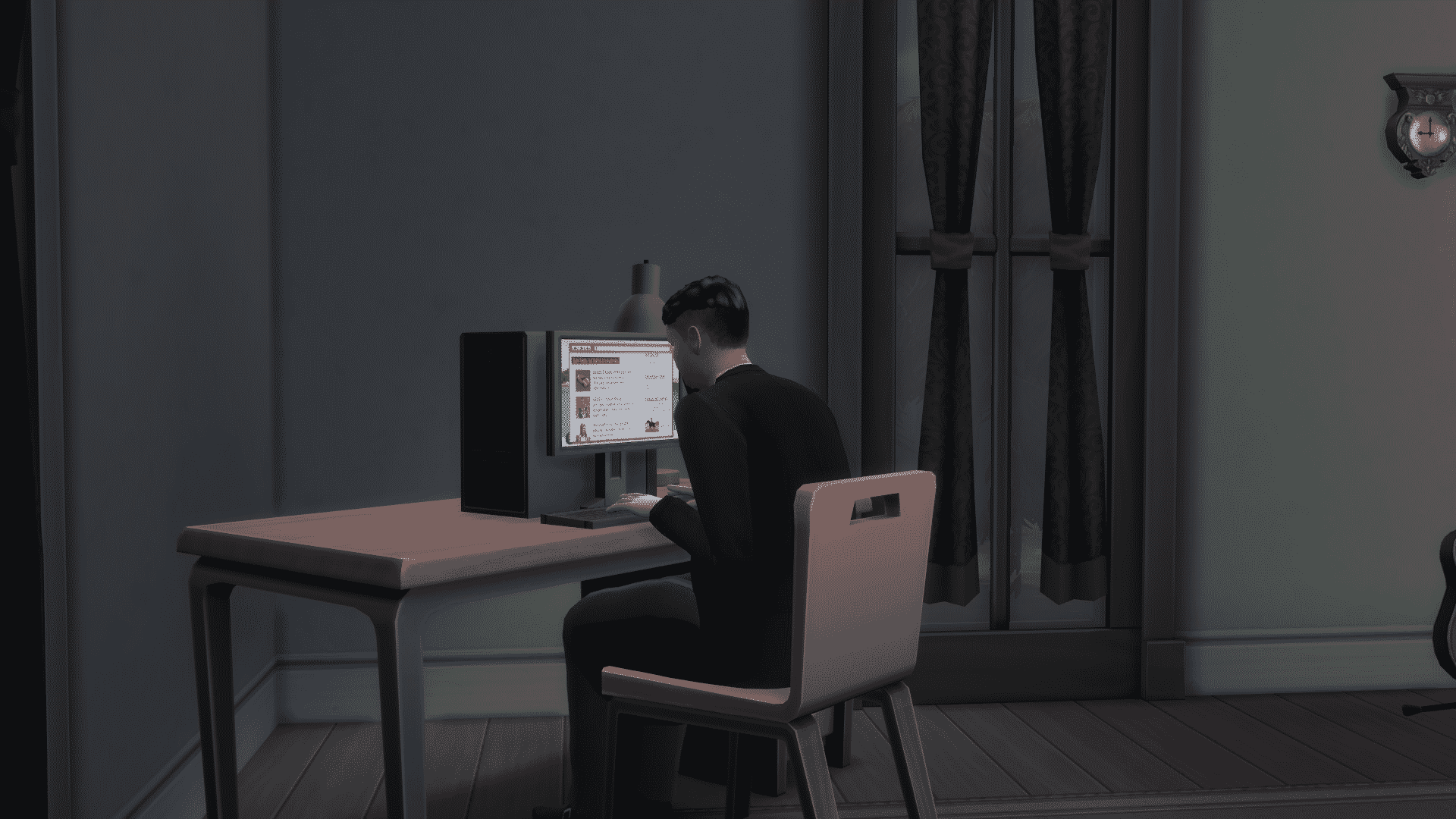
12-07-16_5-17-18-pm

A butler comes with several interactions:

  • Assign Task…
    • Cook Family Meal (§40)
    • Cook Meal (§20)
    • Cook Party Meal (§60)
    • Play Guitar
    • Play Piano
    • Play Violin
    • Prepare Bar Drink (§8)
    • Water Plants
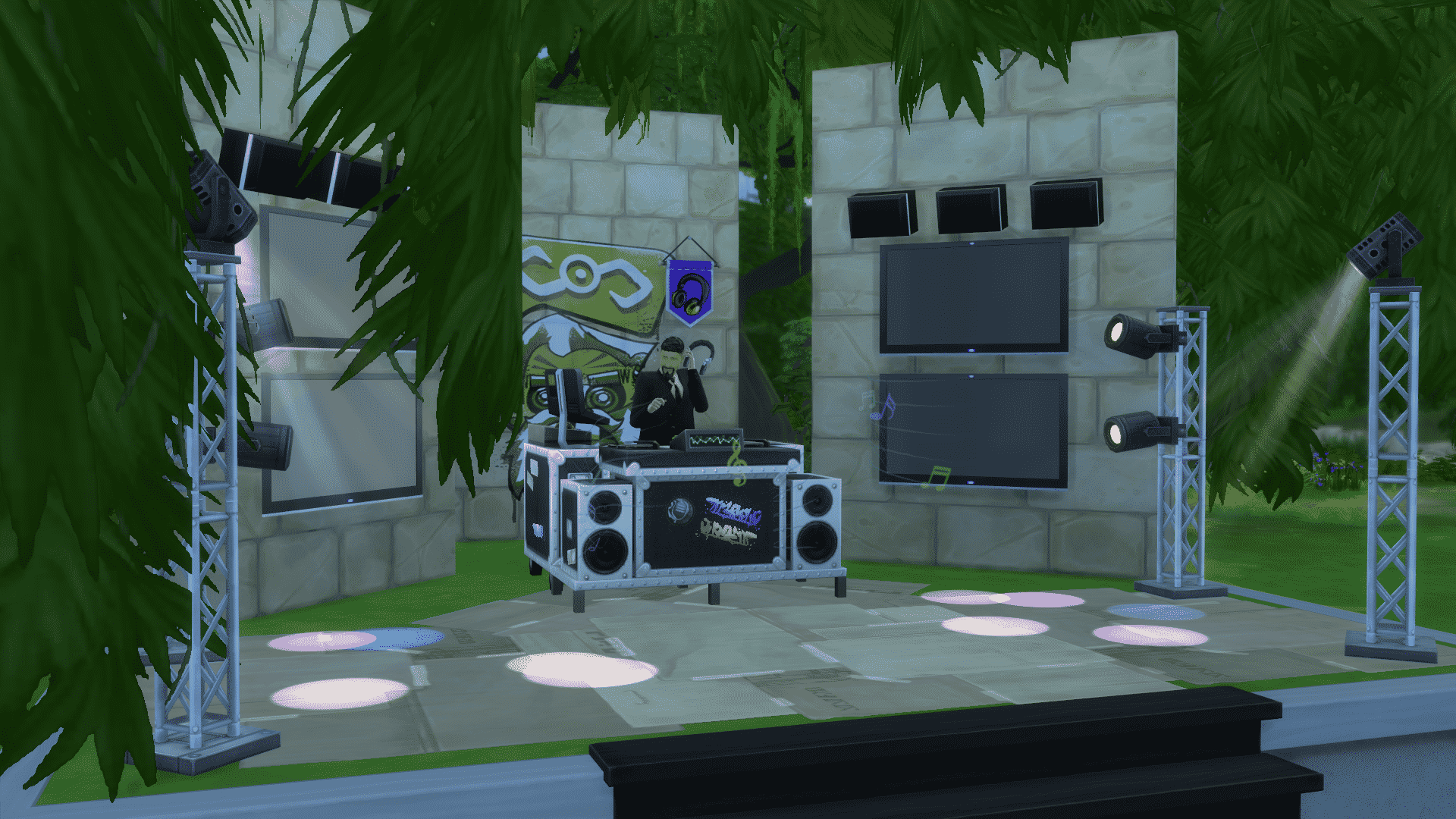
    • Burn Up the Dance Floor (Get Together)
    • Use DJ Booth (Get Together)
  • Management…
    • Praise
    • Reprimand
    • Fire
  • Responsibilities…
    • Stop Attending to Minors
    • Stop Cleaning
    • Stop Repairing Objects
    • Stop Gardening
  • Visitors….
    • Invite All Visitors Inside
    • Dismiss All Visitors
    • Ignore Front Door

12-07-16_5-34-52-pm

Here are some of the facts that you should know about butlers:

  • Your Sim doesn’t have to be near the butler to assign them a task. Even if your Sim is on the other side of the lot away from the butler that Sim will just ring their bell after you’ve selected a certain task!
  • Each butler you hire will come with a different set of traits. If, for example, you have a kleptomaniac butler there is a chance that he/she will steal objects from your lot without your notice. You can always fire a butler and hire a new one.
  • You can get rid of a butler in a polite way by selecting your phone > Career / Household > Dismiss Butler Service. Instead of the Fire interaction which after hiring will bring a new butler, the dismiss interaction will bring back the butler you had before after hiring.
  • If you want to sculpt a perfect butler you can do so by using testingcheats true + cas.fulleditmode cheats. Shift + click on the butler and select Modify in CAS to edit your butler.
  • You can socialize with your butler, have woohoo or even marry them and move them into your home. Please note that you’ll need to fire your butler in order to do so.
  • You can dedicate a special room for your butler by using a door lock that will only allow your butler to enter. Click on a door of a certain room and select Lock Door For… > Everyone But Butler.
  • Butlers who die will be replaced by a new butler!

The Sims 4 Vintage Glamour: Build Items Overview

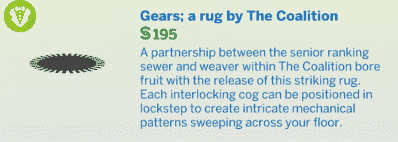
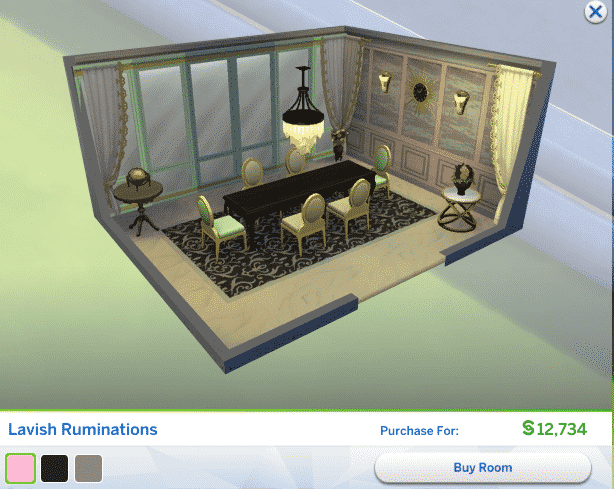
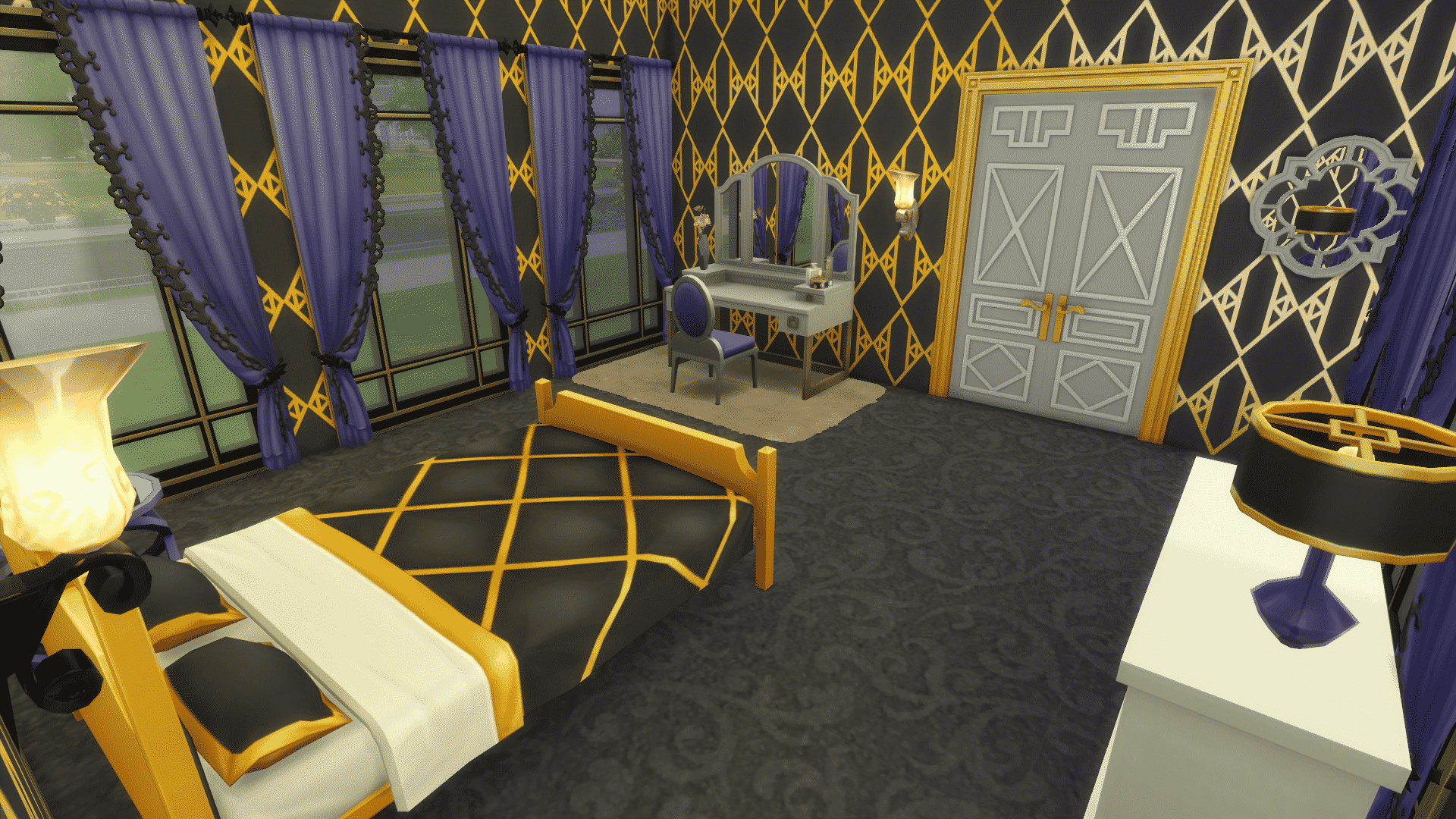
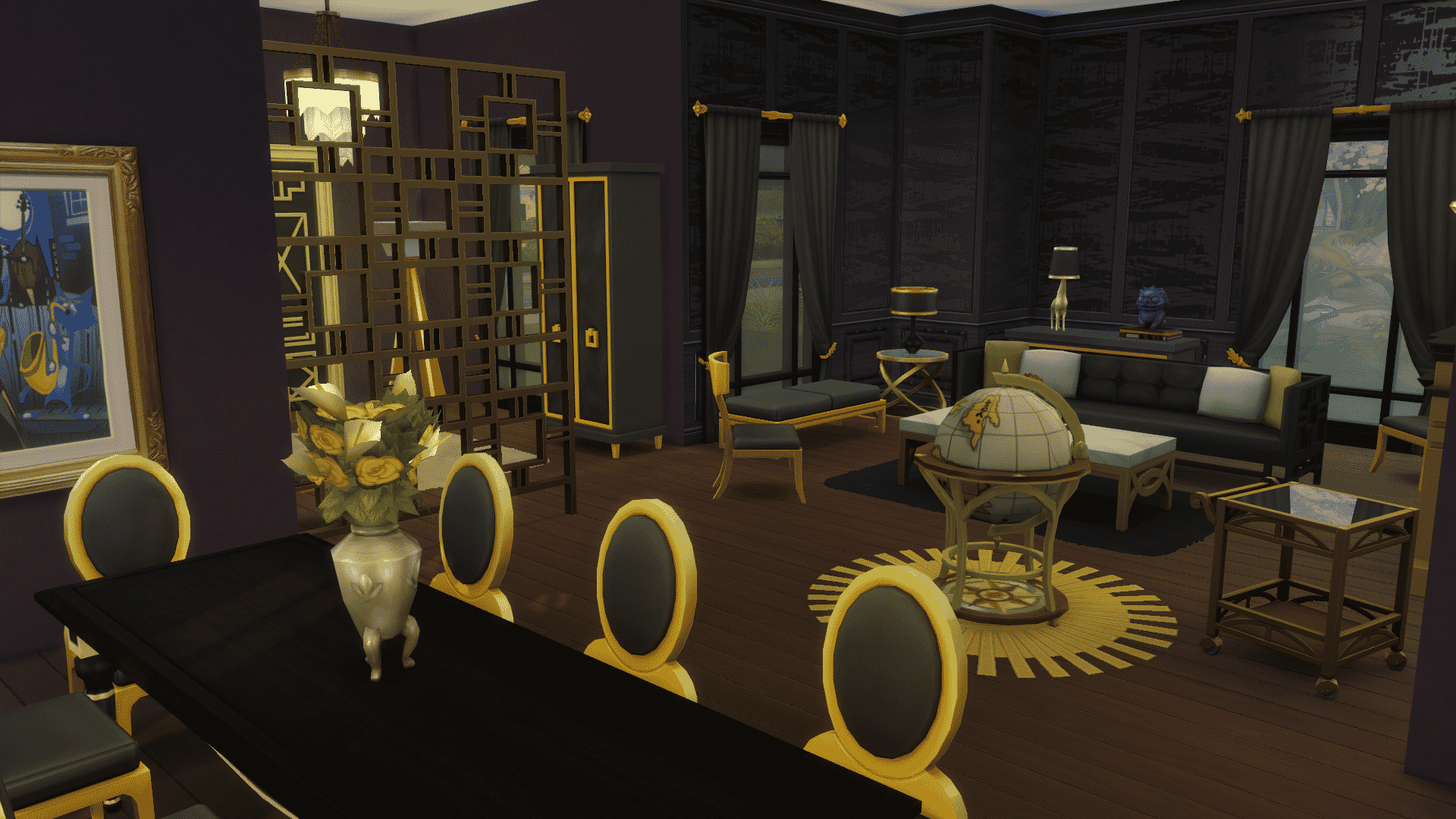
The Sims 4 Vintage Glamour Stuff brings around 40 new items, including new objects and wallpapers!

Down below you’ll see a list of all the new objects and styled rooms, as well as some of the screenshots that showcase these objects. You can enlarge a photo by simply clicking it.

New Objects

Styled Looks

Screenshots

The Sims 4 Vintage Glamour: Create A Sim Overview

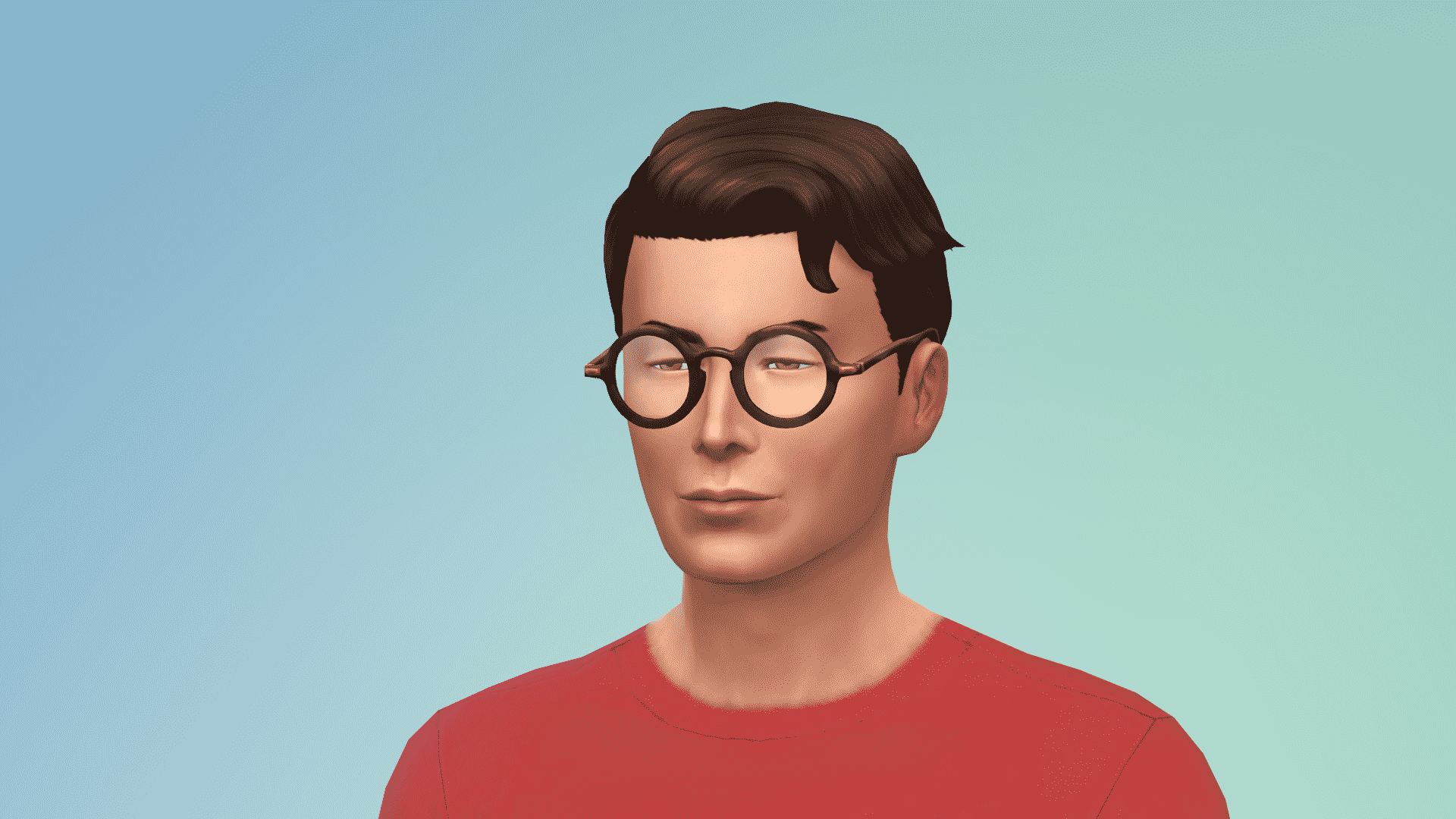
The Sims 4 Vintage Glamour Stuff brings over 30 new CAS items for Sims of all ages!

Down below you’ll find a full list / gallery of all the new items in CAS. You can enlarge any image by clicking on it.

Masculine Adult

Hair (1)

12-06-16_8-25-19-pm

Head Accessories (1)

12-06-16_8-25-40-pm

Tops (2)

12-06-16_8-27-23-pm 12-06-16_8-27-17-pm

Outfits (3)

12-06-16_8-27-51-pm 12-06-16_8-27-47-pm 12-06-16_8-27-42-pm

Shoes (2)

12-06-16_8-29-00-pm 12-06-16_8-28-55-pm

Accessories (1)

12-06-16_8-28-07-pm

Styled Looks (2)

ts4_x64-2016-12-06-20-26-35-36 ts4_x64-2016-12-06-20-26-19-02

Feminine Adult

Hair (2)

12-06-16_8-29-29-pm 12-06-16_8-29-33-pm 12-06-16_8-29-39-pm

Head Accessories (5)

12-06-16_8-30-30-pm 12-06-16_8-30-35-pm 12-06-16_8-30-43-pm 12-06-16_8-30-10-pm 12-06-16_8-30-07-pm

Tops (2)

12-06-16_8-31-51-pm 12-06-16_8-31-46-pm

Bottoms (1)

12-06-16_8-32-08-pm

Outfits (3)

12-06-16_8-32-26-pm 12-06-16_8-32-20-pm 12-06-16_8-32-16-pm

Accessories (2)

12-06-16_8-33-25-pm 12-06-16_8-33-18-pm

Shoes (3)

12-06-16_8-33-02-pm 12-06-16_8-32-58-pm 12-06-16_8-32-52-pm

Styled Looks (2)

ts4_x64-2016-12-06-20-31-15-87 ts4_x64-2016-12-06-20-31-20-86

Masculine Child

Hair (1)

12-06-16_8-38-44-pm

Tops (1)

12-06-16_8-34-57-pm

Styled Looks (1)

ts4_x64-2016-12-06-20-34-47-80

Feminine Child

Hair (1)

12-06-16_8-33-57-pm

Outfits (1)

12-06-16_8-34-29-pm

Styled Looks (1)

ts4_x64-2016-12-06-20-34-21-00

The Sims 4 Vintage Glamour: Official Household and Rooms

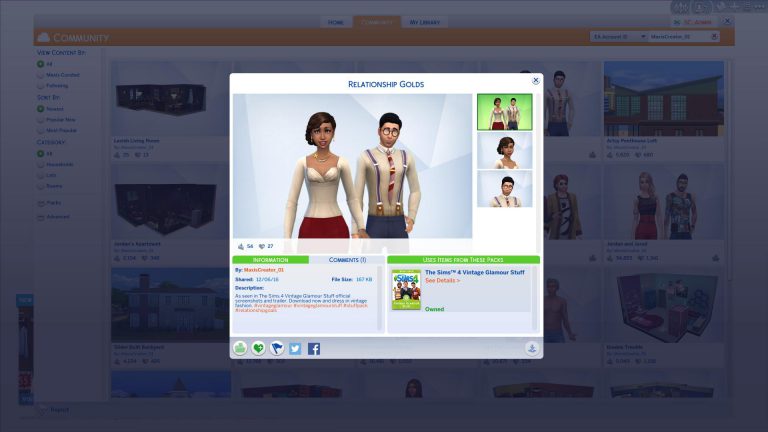
The Sims Team has uploaded the official Household and Rooms that you’ve seen in promotional content for The Sims 4 Vintage Glamour Stuff Pack!

To download these creations simply click on the title above each image.

Relationship Golds

ts4_x64-2016-12-06-20-16-23-35

Elegant Slumber

ts4_x64-2016-12-06-20-16-31-31

Luxurious Living

ts4_x64-2016-12-06-20-16-39-16

Lavish Living Room

ts4_x64-2016-12-06-20-16-44-07

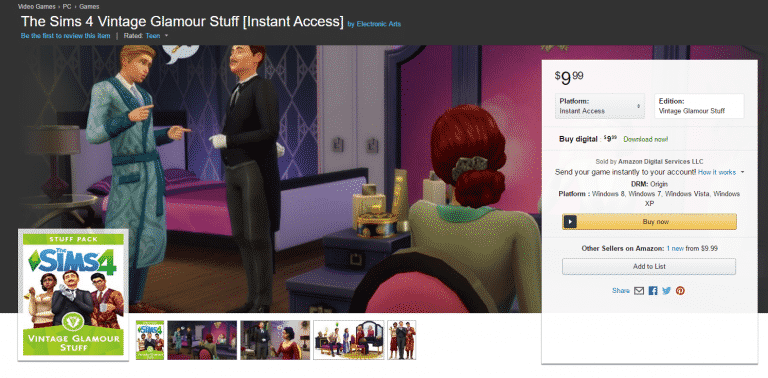
The Sims 4 Vintage Glamour Stuff: Now Available on Amazon!

0

The Sims 4 Vintage Glamour Stuff Pack is now available for purchase on Amazon! If you prefer receiving a game code or just want to gift the code of Vintage Glamour Stuff to someone else then purchasing from Amazon is the right thing for you!

Click below to get Vintage Glamour on Amazon!

capture

The Sims Blog: The Sims 4 Vintage Glamour Stuff Is Out Now

0

Via TheSims.com!

Is your Sim tired of having to fetch their own beverages? Longing for decadent furniture? Then we’ve got some great news for you: link is out right now The Sims™ 4 Vintage Glamour Stuff Pack* is out right now!

ts4_811_sp09_lifts_05

If your Sim really enjoys the finer things in life, then this pack is going to be perfect for them. Let’s start with the new Butler NPC! Your Sim will be able to hire a Butler to make their lives just that little bit easier and more comfortable. Fancy a drink? Butler. Ready for dinner? Butler! Cleaning? You guessed it, BUTLER! This helpful NPC is going to make your Sim’s life easier and give them more time to do the important things in life, like throwing lavish soirees and dressing excellently.

ts4_811_sp09_lifts_04

Speaking of dressing excellently, there’s also the Vanity Table! Here your Sim can adjust their make up, without having to go in to Create a Sim. Kids can also use this item, though the results can be a lot messier! Of course, your Sim can also use it to perform most of the other mirror interactions too, with the added luxury of being able to sit down while they give themselves a pep talk.

ts4_811_sp09_lifts_01

And if you’re going to have a Butler & look the part, then you should probably re-decorate too! There’s plenty of great decorative and furnishing items in this pack to make your Sim’s home feel decadent and glamorous. Of course no opulent home would be complete without the 16th Century Monte Vista Globe Bar, making the perfect centerpiece in any Sims home.

The Sims 4: New Update! (December 6th, 2016)

ts4e3logo

The Sims Team has released a brand new Update for The Sims 4!

To download the latest version of The Sims 4, simply open your Origin program and if the game doesn’t update automatically, right click on The Sims 4 and select ”Update”.

In case you have Mods or Custom Content, the game will automatically disable them for you after first launching The Sims 4 after the update. To re-enable all your Mods and Custom Content, select the Settings option in the Menu and select Settings. Under the”Other” section you’ll find the ”Enable Custom Content and Mods” option. Check it and restart your game in order for it to take effect!

Patch Notes

Update: 12/6/2016 – PC Version 1.25.136.1020 / Mac Version 1.25.136.1220

“I could disappear forever and it wouldn’t make any difference!” Au contraire, my friend, it makes a difference, it really does. We’re sorry for making you go away, it wasn’t our intention. We’re so glad to have you back.

Get Together

  • Fixed an issue where club points would incorrectly display as 0, and purchased club perks would go missing.
    • If you saved your game when in this state, any Sims added to the unlocked 7th or 8th slots would have been evicted from the club and will need to be re-added.

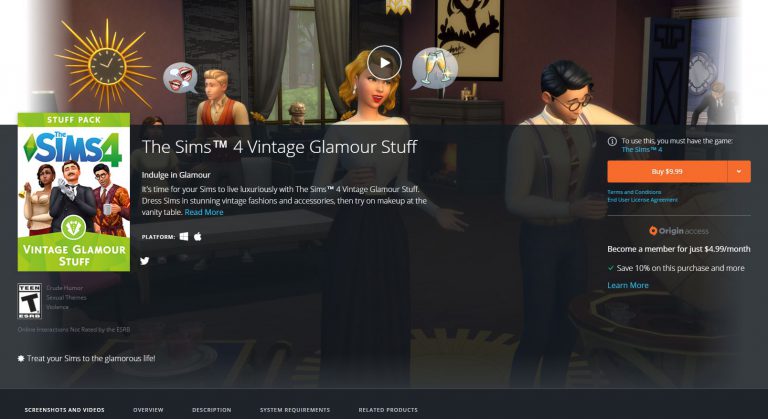
The Sims 4 Vintage Glamour Stuff Now Available on Origin!

0

The Sims 4 Vintage Glamour is now available on Origin for $9,99!

To get it simply click the image below:

capture

The Sims 2 VS The Sims 3 VS The Sims 4: Detailed Comparison Videos

2

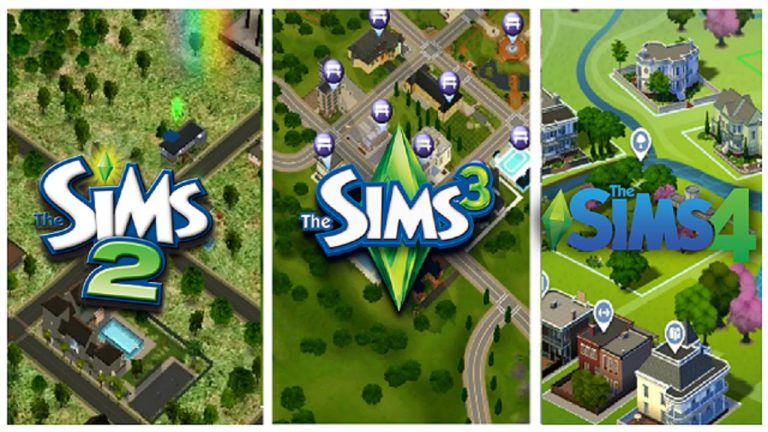
YouTuber D3NIS5E created a bunch of detailed comparison videos that put The Sims 2, The Sims 3 and The Sims 4 to the test in each aspect of these games.

There are comparisons for the following categories: Create A Sim, Houses, Animations, Worlds, Live Mode and Death. If you’re like me and have some time to spend until the release of The Sims 4 Vintage Glamour Stuff Pack I recommend you check out these detailed comparsion videos down below!

Create A Sim

Worlds

Animations

Houses

Live Mode

Death

The Sims 4: ”Discover Packs” Page

0

TheSims.com recently published a new page which classifies all The Sims 4 Packs into different pages.

You can explore and learn about each Pack category by clicking the image down below!

capture

The Sims FreePlay: Holiday 2016 Update

2

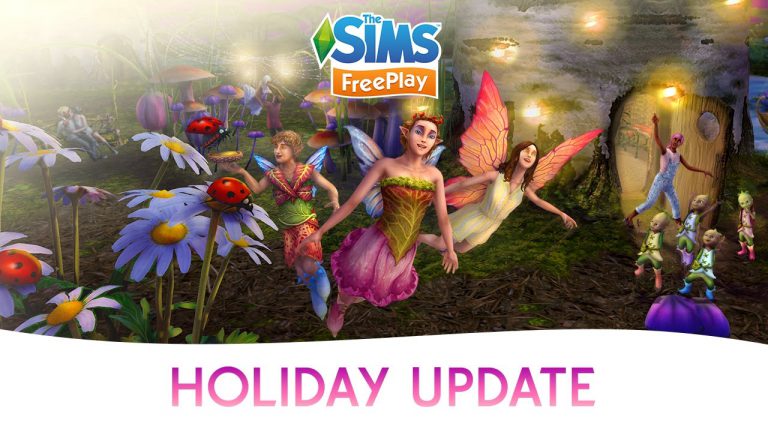
The Sims FreePlay team released a brand new Holiday 2016 Update for Android and iOS devices.

Wonder what’s new? Check out the release notes:

What’s New in Version 5.26.1

unnamed-2

Experience a small world that’s larger than life. Be transported to a uniquely magical place where you can swing on flowers, jump on spider webs, and feed cute lady bugs! Get into the holiday spirit and:

  • Discover a tiny world with Fairy Circle Fields, Leaky Leaf Canoe Rides, and more
  • Help the Prince and the Pocket-Sized Princess and earn the ultimate prize
  • Craft cool creations with the Ice Sculpture Hobby
  • Give your male Sims more handsome hairstyles with the Charming Barber Hair Event
  • Get your Sims into healthy habits with the Healthy Living Discovery Quest and all-new Aerobics Hobby

screen520x924 screen520x924-1

The Sims 4 Vintage Glamour: Outfits Clip

0

The Sims Team shared a new The Sims 4 Vintage Glamour Stuff clip, showcasing 2 new female outfits!

The Sims 4: Check Origin Online In-Game Status

Hey guys,

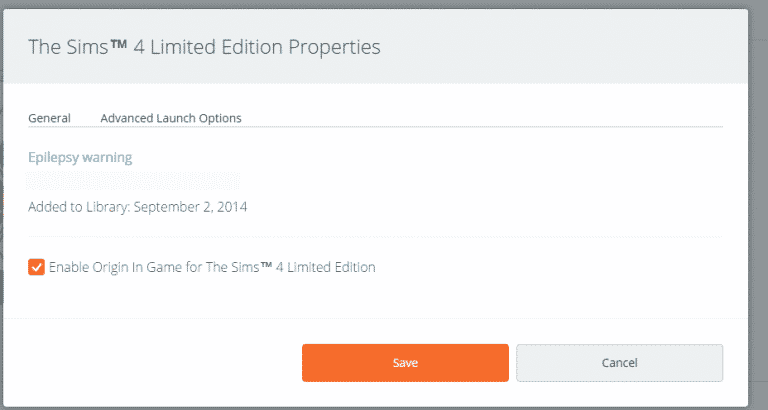
I don’t know when this happen or how but after the last patch, Origin is once again enabled online for TS4.  This is a massive cause of lag for me personally and I had it disabled.

You might want to check yours!

  • Path to do so if you don’t know:
  • Right click the TS4 icon
  • Select Game Properties
  • If you don’t want Origin enabled in-game, then uncheck that box
  • Save

ts4origin

The above screen is how my game looked this morning when I was checking the settings.

NOTE: Disabling Origin in game will remove your ability to access the gallery while in-game.  You can still access it out of the game and you can always turn it back on if you need to have it in game for some reason.

The Sims 4 Vintage Glamour: New Clip

0

The Sims Team released a new clip for The Sims 4 Vintage Glamour Stuff Pack!

James’ Sims 2 Thoughts: The Sims 2 Base Game (2004)

When “The Sims” was released in 2000, anyone who played it was blown away about the complexity of the game. Many people, including myself, didn’t think the game could get any better then it was at the time.

Then “The Sims 2” Happened.

the_sims_2

Let’s travel back in time, over 12 years ago… to  September 14th, 2004.

The Sims 2 took the original game and made it 100 times better than what it was. Which, back in 2004, no one ever thought it was possible.

For the first time on PC, all graphics were in 3-D. Yeah, we had 3-D graphics in the console versions of the game. But never before were we able to fully immerse ourselves in the game like we could in The Sims 2.

We had 3 distinct neighborhoods, all of which had their own story line.

Pleasantview was set 25 years AFTER “The Sims”.

pleasantview_story

Strangetown was modeled after the mysterious disappearance of Bella Goth,

strangetown_story

Veronaville was a play on Shakespeare’s “Romeo and Juliet”.

veronaville_story

For the first time, our sims had wants and fears, which was HUGE Part of this installment of the series. The wants and fears were dictated by your Sim’s aspiration. Which could be one of the following:

  • Romance
  • Wealth
  • Family
  • Knowledge
  • Popularity.

Those wants and fears were based upon one of those 5 aspirations you chose in Create a Sim.

Oh and speaking of Create A Sim…

snapshot_2528f1e2_e528f1e3


The details in CAS were now beyond comprehension. You could change almost everything about your Sims, down to the eye size, by just a simple slide of a mouse.  You can just pick more than their “everyday” wear now. You could pick sleepwear, PJ’s, Formal outfits. You could even change their underwear in CAS. Something that was never done in “The Sims”.

The Sims in The Sims 2 were smarter now. They had memories. They remembered if they had a burglar come in. They will remember when they had roaches and you will see them sob about it. If they got into a fight with a Sim, the will be mad at that sim and make an angry face if they see them again.  The memory system was something that brought so much depth to the game.

But the main thing in The Sims 2 was this: AGING and TIME!

Your sims now had a lifespan. One where you had to pay careful attention to. You had to balance their goals with the forever ticking of the lifetime clock. Your sims were not immortal, they now can die of old age. This added a complexity to the game. A time limit, in a sense, to make sure you can get your sims goals achieved before they aged up and passed on.

The game added so many features to the series that make it a major milestone in Simming History.

Join me next week as I go into the first expansion pack for the Sims 2. University!