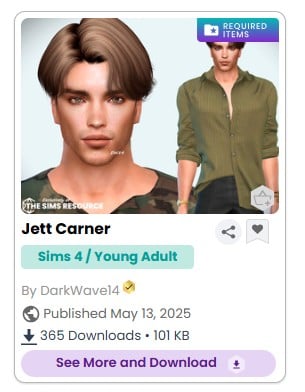
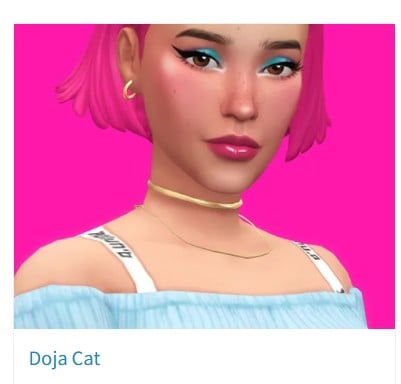
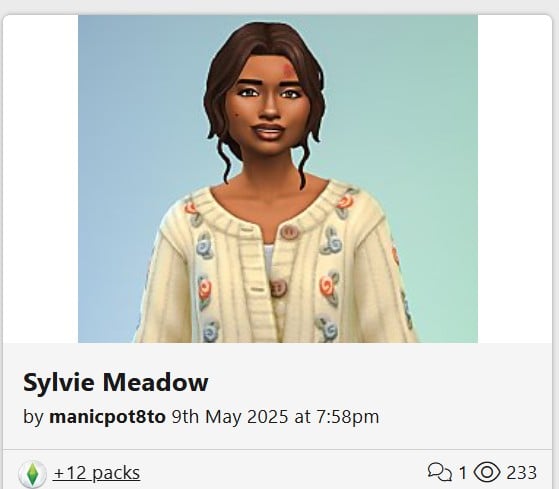
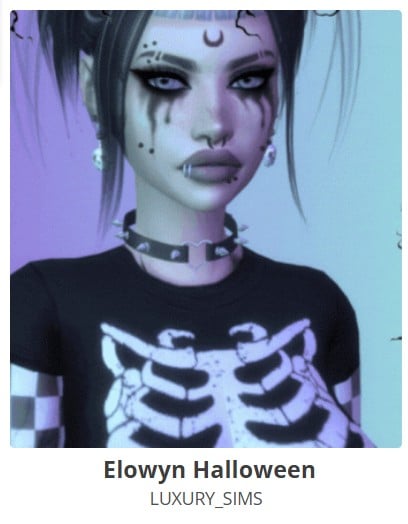
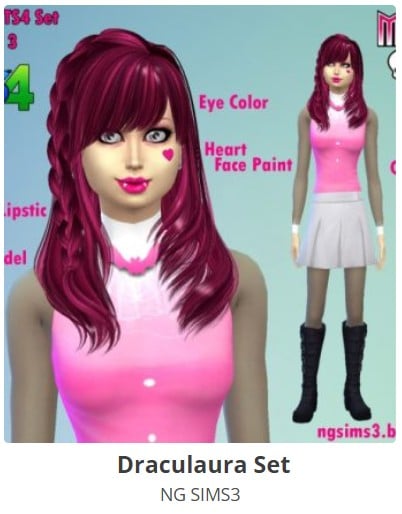
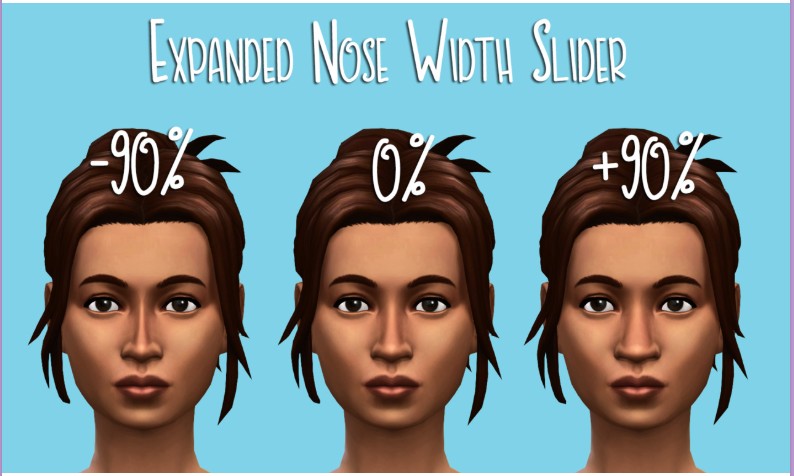
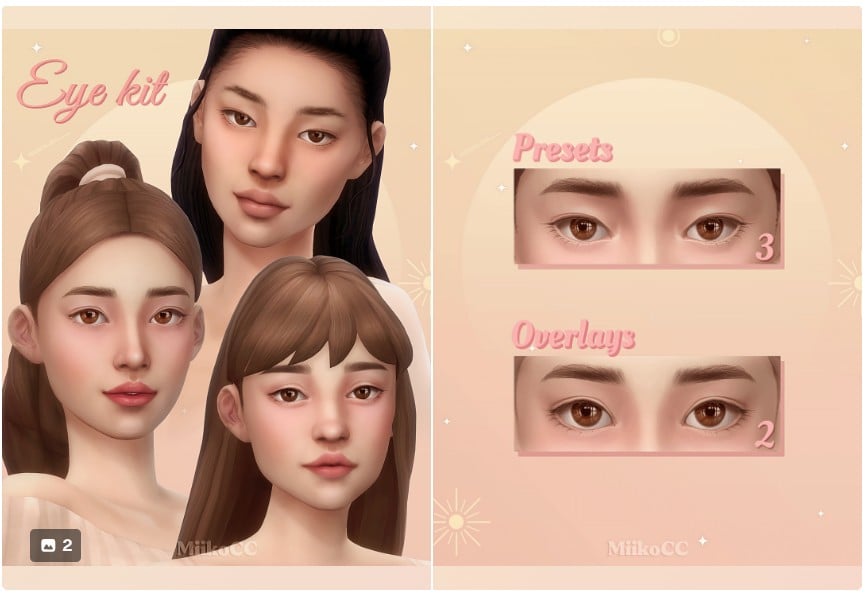
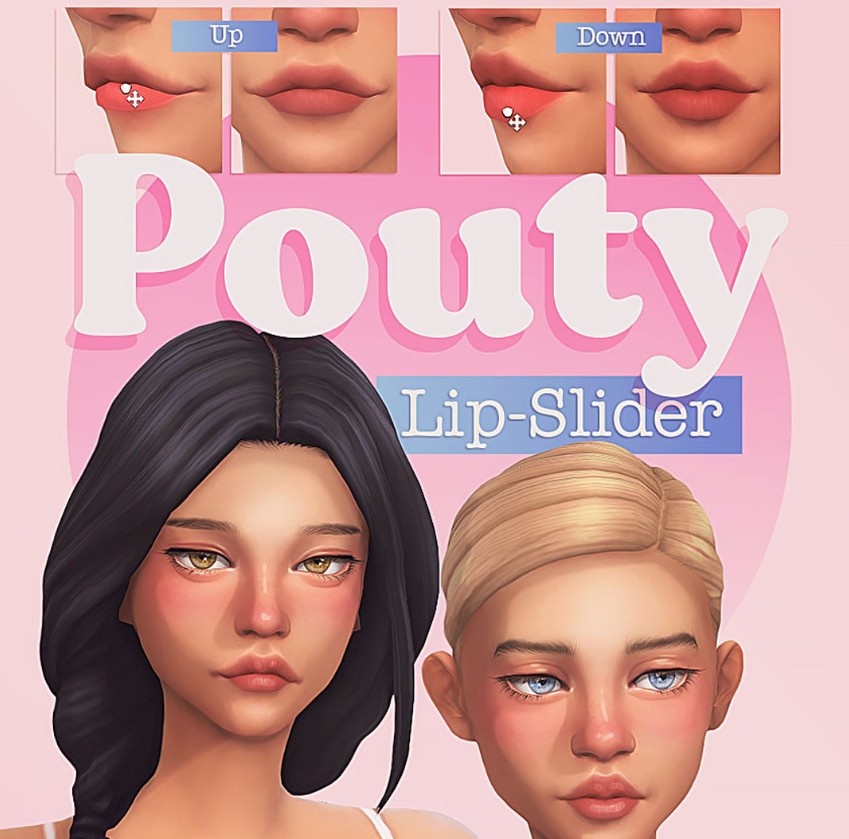
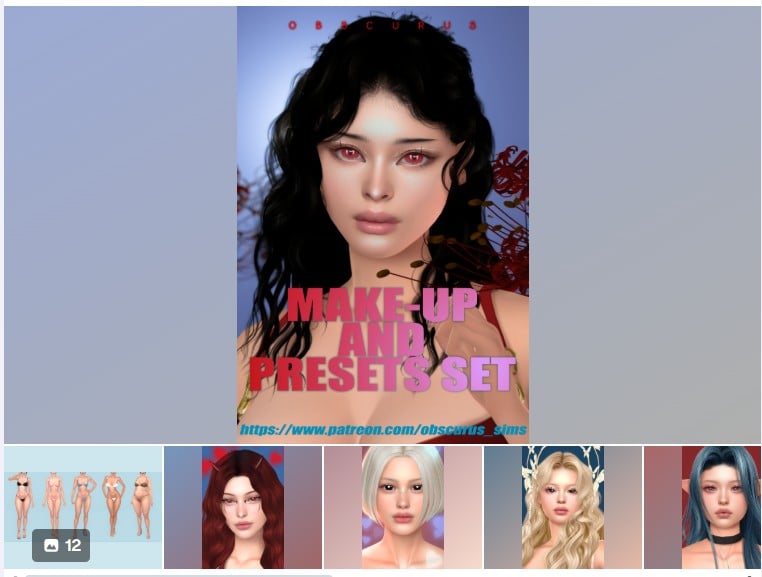
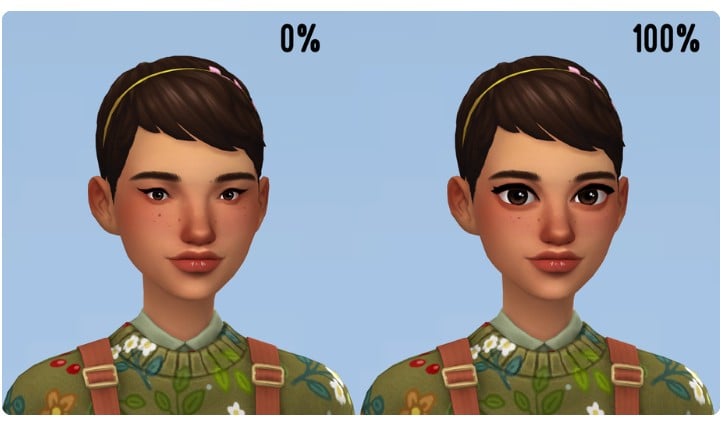
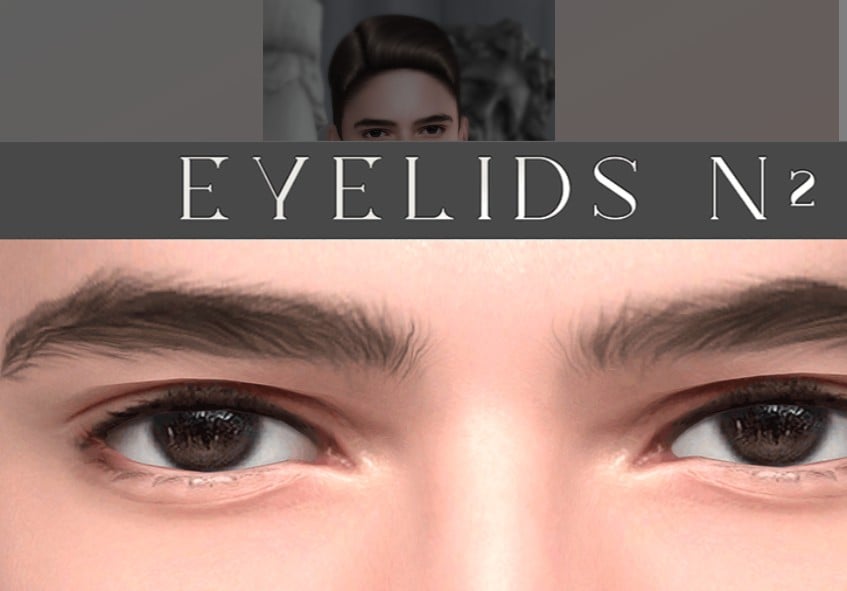
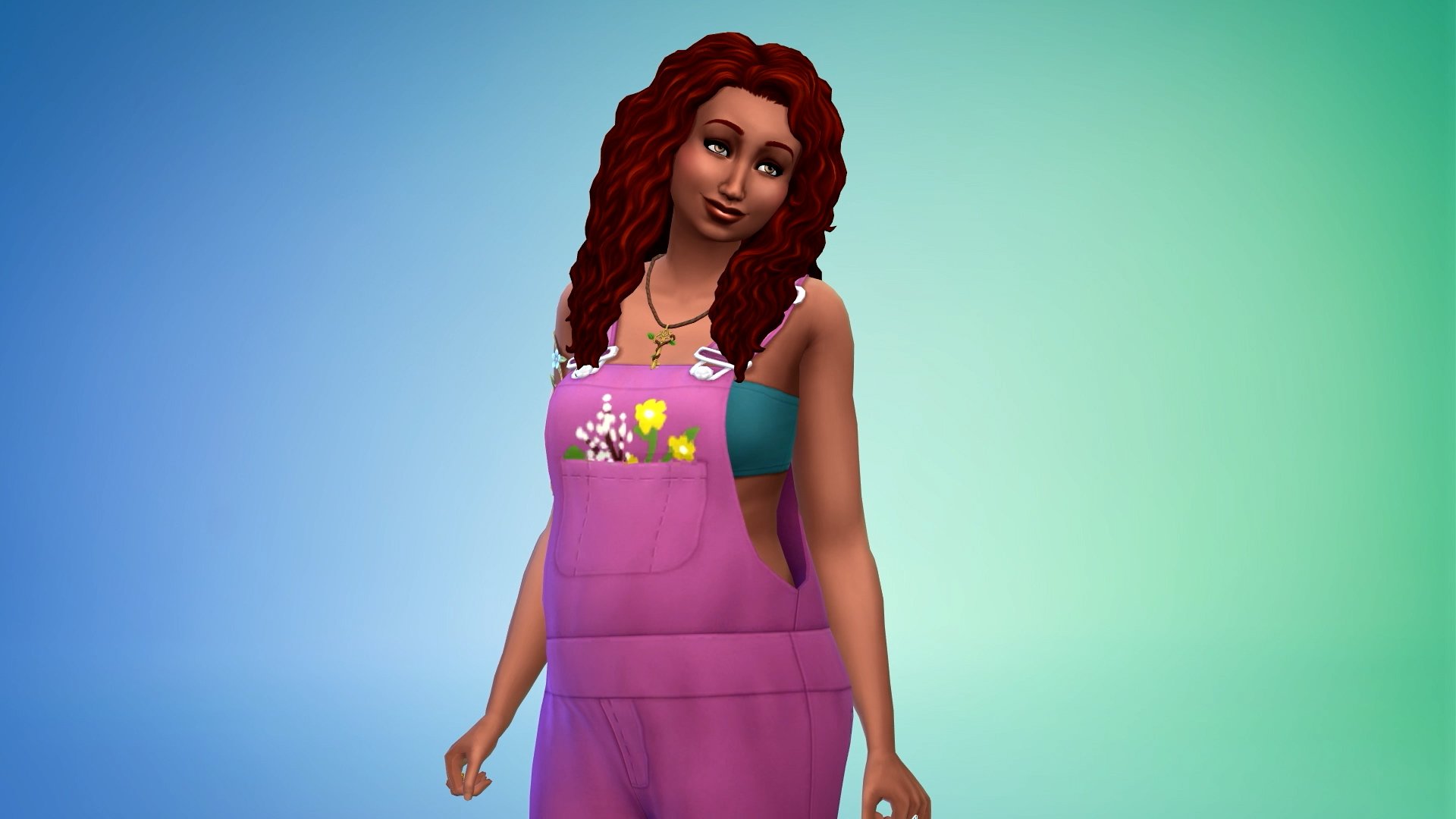
When I create a new Sim I prefer to start with the basics, before the make up – the Sims 4 face and body type. First the facial features: eyes, ears, mouth and nose, just like the song. These types of CC CAS (custom content in Create A Sim) are called presets. Until writing this, I didn’t know they had a name of their own.
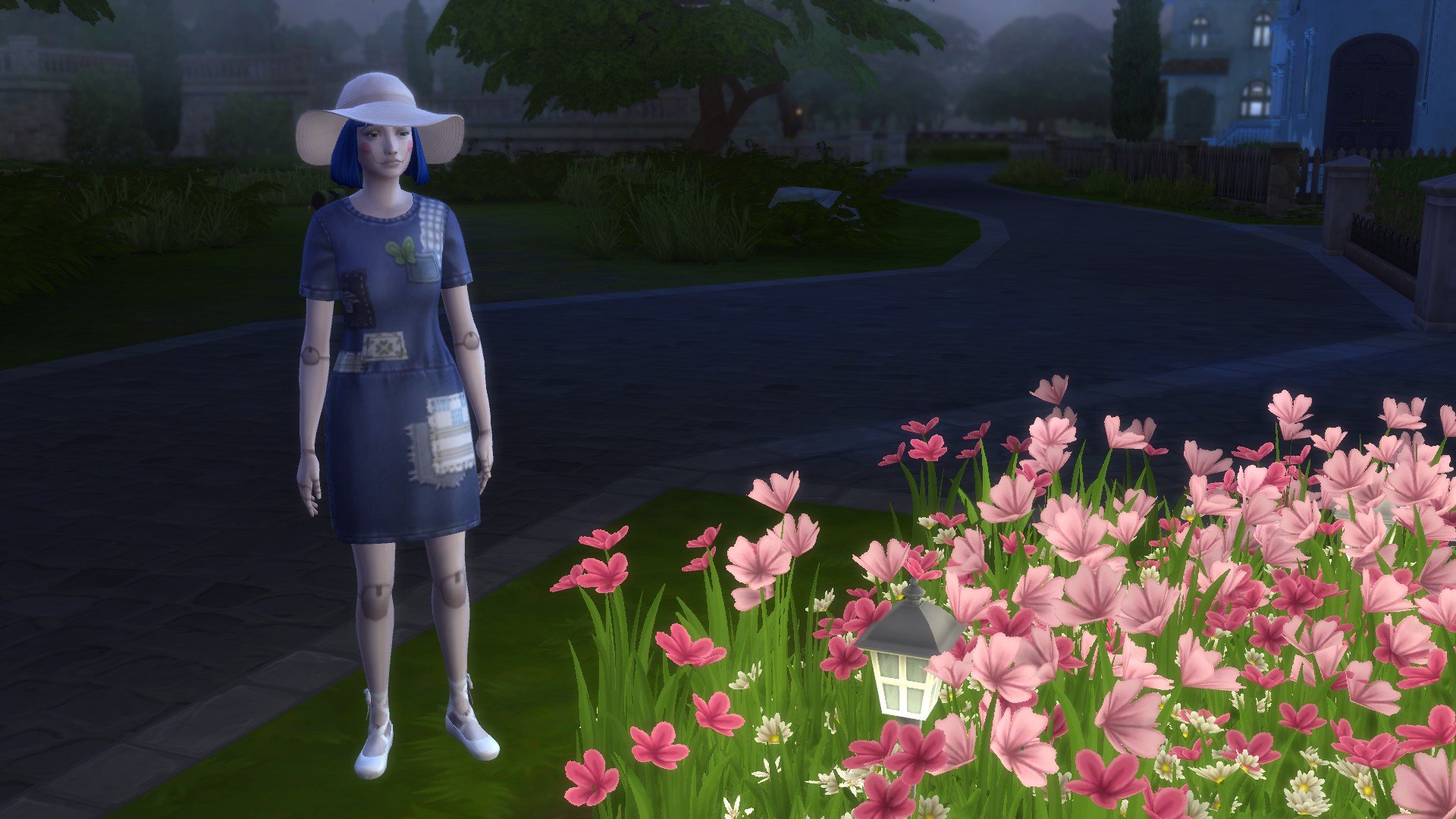
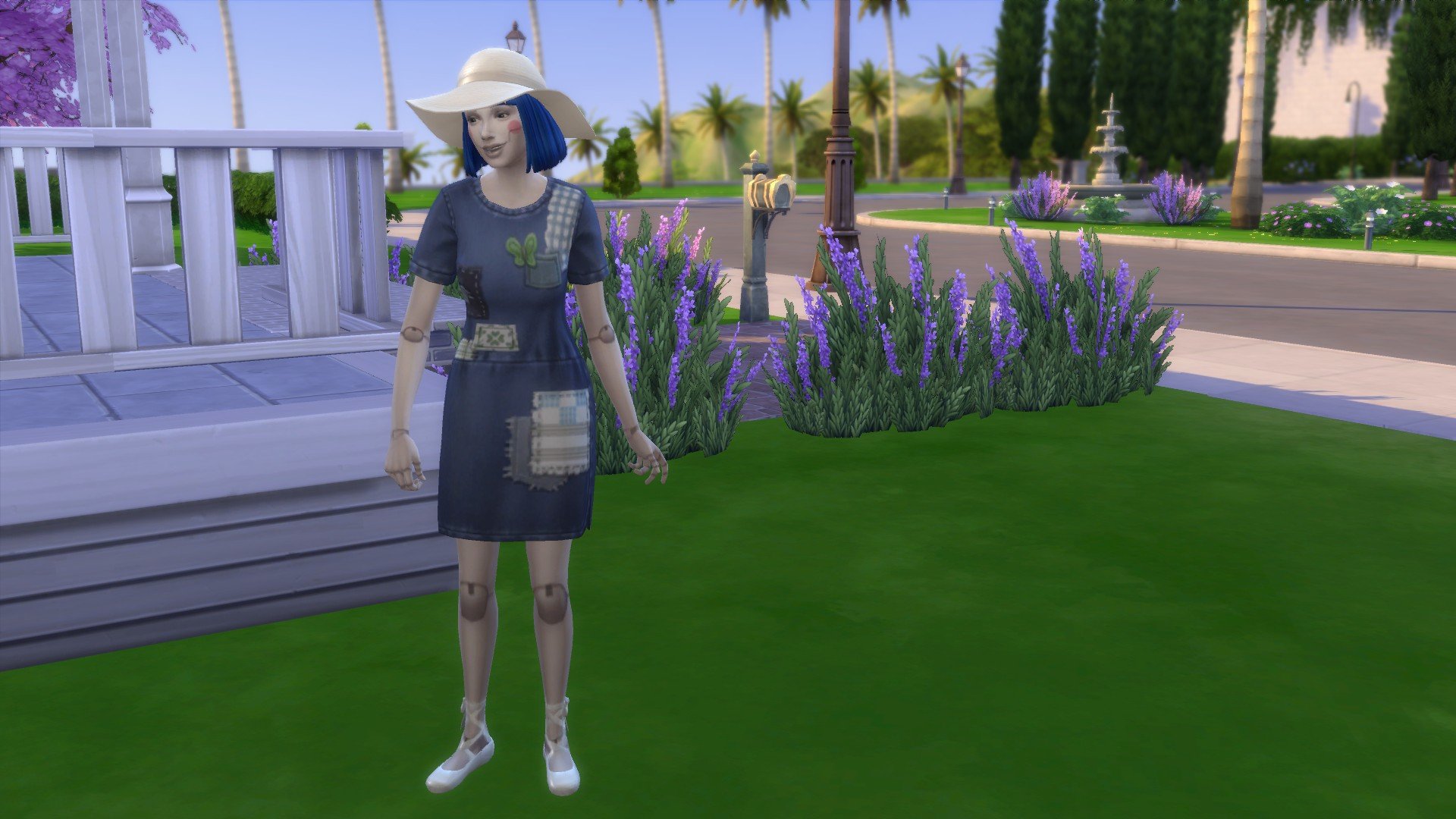
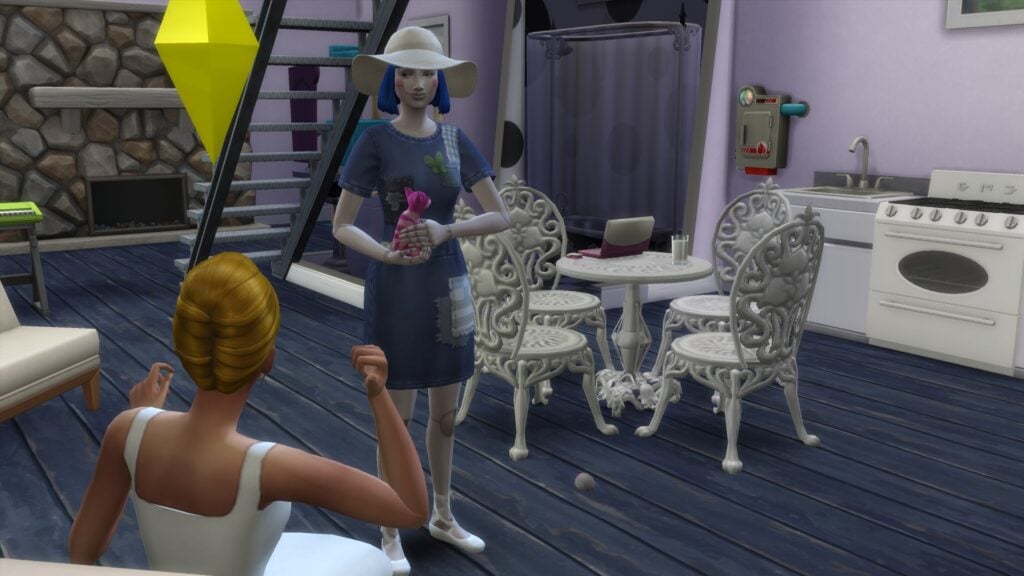
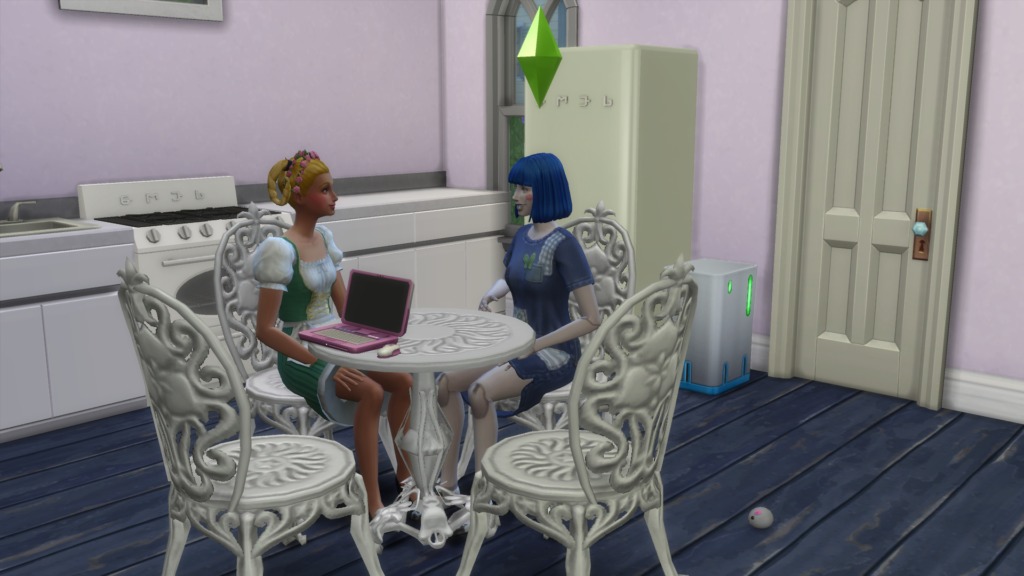
Molly the Dolly (loosely based on Molly the Dolly from The Big Comfy Couch), holding the Cheshire kitten, talking with her friend, Truly Scrumptious, known for her songs and the candy empire she inherited from her Father. They have a cozy life with odd cats dropping by. Truly has a brother, who will later be the star (for a very short time) of a murder mystery which Truly and Molly will solve. The cats might even help.
Some of the presets (or any CC) will replace your base game (or packs, kits, oh my!) files. If you don’t want that (I prefer not to do that) read the descriptions before you download the files. Some CC may offer an alternative – non-default files. This will leave the base game (default) files untouched. The new files will install alongside them instead of replacing them.
The new version of default files usually add more colors, and other features. The default files include the mesh for the CC. The mesh is like the skeleton the CC is built on. CC files need a mesh. Without a mesh they load as invisible in your game.
Disable CC for Random Sims
If you use CC you do NOT want to appear on random NPC Sims you need to disable those files for random Sims.
If this REALLY bugs you… (it REALLY bugs me) find a block of time you can go through all your CAS CC and use my list below. Any CAS CC files can be unchecked for random Sims, not just the odd ones you don’t want to be surprised with. CC for building, furniture, anything not for creating a Sim, can be left aside.
set aside the oddball CC like zombie skins, florescent shirts, the CC you don’t want just any Sim showing up with
save them to their own folder (lets call it oddball CC)
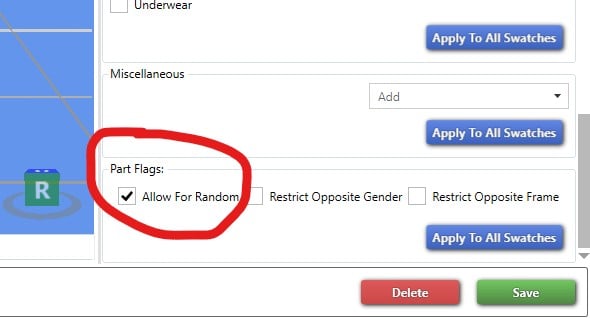
open oddball CC folder in Sims 4 Studio and uncheck “allow for random” at the very bottom of the options list. (See my screenshot below).
I left this CC checked for random because it was a pair of suit pants. Fairly generic.
Note: Ravasheen has tutorials for beginning Sims CC makers. Even if you just download CC there are good things to understand about the files and how they are made. To start you can save yourself errors by understanding why your CC files need a mesh.
Find Premade Sims (with Presets)
You may have seen fully created characters from other Simmers. These should list the custom content they used to create the Sims, with links to the sources.
Quite a few of the presets were just wonky looking once I tried them. Great if you want to create a weird looking Sim. But, I’d strongly suggest loading them all into their own file in your Mods folder. Save yourself hunting them down if you don’t want to keep them.
The Sims 4 comes with its own set of sliders in CAS. Try them, explore what you already have, before you download slider mods. I’d rather work with sliders. But, sliders aren’t perfect either. Installing a lot of sliders could make designing your Sims feel like soup with their features and body parts just too fluid.
If you download so much CC that it becomes an unending scroll to find it (or if you have too many eye or hair colors and don’t want to delete them, yet) the easiest solution is the Mod – More Columns in CAS from weerbesu. You can have up to 6 columns. But, 5 seems to work best at this time.
CAS Character Inspiration
All dressed up and no where to go? Make use of your non-default bodies, skins, and faces. With more features in CAS can you make yourself as a Sim? Maybe your cat?
Create people from your own life, friend or foe.
Make a family with similar features, but not clones.
Create Sims from other races, genres, and religions.
Make an alien, or monster, or fantasy, half animal creature.
Make a time traveling Sim, must blend in all over history.
Create the complete opposite Sim from what you usually make.
What does an evil Sim look like? A childish Sim? A gloomy Sim?
Build a Sim especially bred for a career as if by natural selection.
Take beauty ideals to the extreme. Then ugly, fat, skinny…
Make your own version of holiday creatures like Santa Claus, Tooth Fairy…
Create a model to feature in your lookbook (a CC fashion show).
Fiction for Inspiration
Use your favorite games to design Sims. See how close you can get to re-creating them or find existing creations to customize. I like Stardew Valley. Try The Stardew/ Simdew Valley Challenge. I also have a character in AQ3D (Adventure Quest 3D). I’ve played her with dark blue hair for about 10 years. I’m going to create her as a Sims for my upcoming post about the Dungeons and Dragons mod for Sims 4.
My Sims: Truly Scrumptious and Molly the Dolly Lookbook
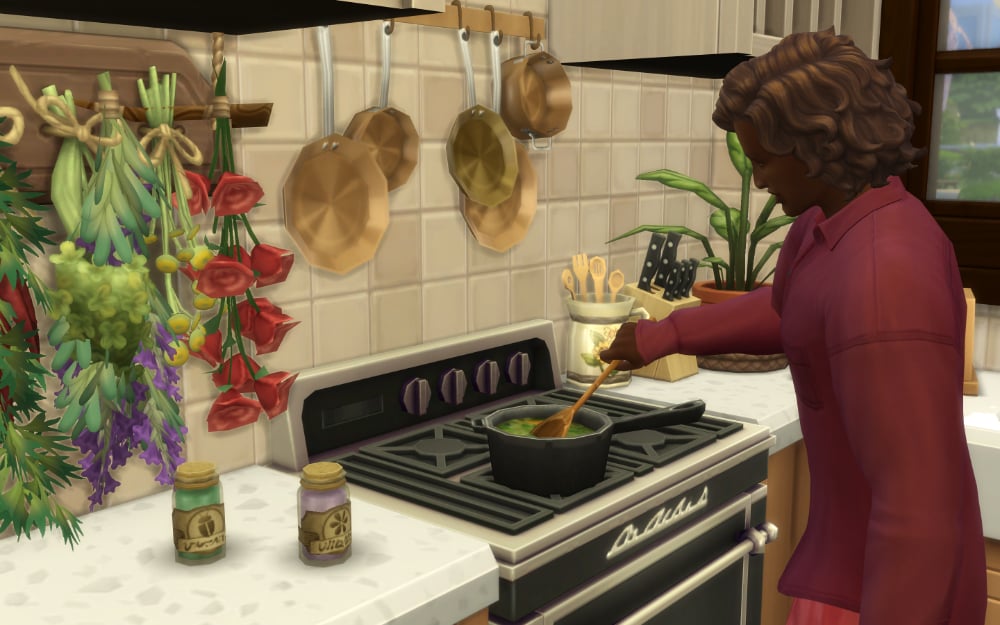
Truly Scrumptious and Molly the Dolly chatting at home in the kitchen. Truly wearing her doll on a music box outfit and hairstyle. Molly in her usual work around the house outfit. Molly does most of the work around the house, she’s very tidy and likes repairing everything.
At some point you must have seen Chitty Chitty Bang Bang and maybe you remember the scene with Truly Scrumptious acting as a wind-up “doll on a music box that’s wound by a key”.
I’ve been digging for anything useful for creating a doll Sim. Some of the CC is for creepy, scary dolls. Not what I was looking for. But I’ve listed them here for you to explore.
Please let me know what you have found too. I can always find time for more CC shopping!
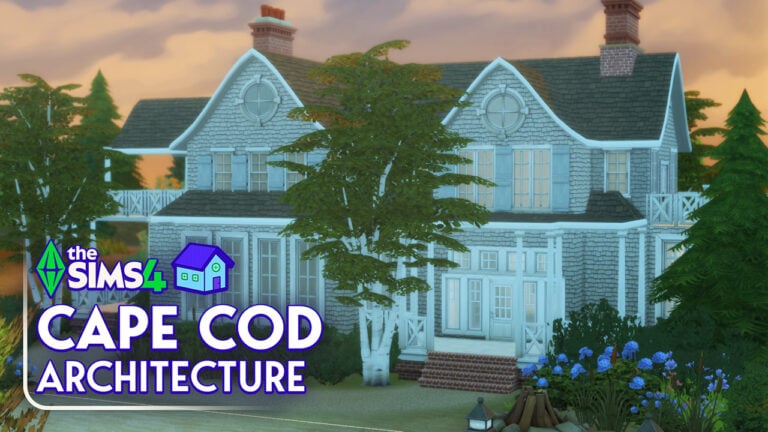
Few architectural styles can remind me of warm summer days like Cape Cod. It is seen throughout America and sparks imagery of lazy days and beach walks. It is also a staple of Brindleton Bay, a world that came with The Sims 4 Cats & Dogs. Seeing as summer is incoming, if you’re in the Northern Hemisphere, I felt the urge to build something that was inherently tied to the season. Well, in my mind at least.
And so, I bring to you a guide of sorts on Sims 4 Cape Cod Architecture! Featuring an extensive history research and how to replicate this style in your game.
Cape Cod Architecture was given the name by Reverend Timothy Dwight IV in 1800 when he visited the Cape Cod peninsula. However, it has existed long before that.
It is thought that Cape Cod homes date back to the late 17th century when the style was brought over to America (or more specifically New England) by English colonists. It was adapted from the small, one storey, rectangular homes that Pilgrims had been building in England and the Netherlands to be more fitting for the harsh New England winters.
The original Cape Cod home had 4 rooms, or 6 if you were lucky with two small rooms in the roof. There was a central chimney and all the rooms were built around it to preserve the heat. Much of the design was centred around keeping out the elements. The roofs, made of cedar shingles to preserve heat, were steeply pitched to force rain and snow off. The biggest windows faced the south to capture as much sunlight as possible. Finally, there were heavy wooden shutters to keep out the cold wind.
The materials that were used in this architecture style included:
Oak/pine beam framing and flooring
Brick fireplaces
Shingles
Clapboard/cedar shake roofs
Wooden shutters
Cape Cod architecture was built up until 1850. Families wanted bigger homes then just 4-6 rooms and construction methods had evolved for more complex structures to be built.
However, between 1922 and 1955 there was a Cape Cod revival. This was largely in part due to the housing boom after soldiers returned from the World Wars. Veterans needed homes for their families and due to the Great Depression, materials were expensive. Cape Cod homes used inexpensive materials so the style took off again.
Royal Barry Wills was a pioneer in changing the style to fit with contemporary times during this revival. The changes that were made included adding porches, decks, additional wings for expanding families, dormers to let in more light plus increase the upstairs bedroom sizes and garages. Improvements in heat technology meant chimneys could be offset as they were no longer required to heat a house.
To further encourage families about the wonders of Cape Cod houses, the style began appearing in magazines. It showed off the simplicity and inspired individuals about the benefits of the home. Wills also expanded the style by publishing his own designs in newspapers and magazines. He won a number of awards for his success, which included building around 2,500 Cape Cod homes.
In present day, there are three different sizes for Cape Cod homes; half, three quarters and full. The size is determined by the window placement. A half size has a window on each side of the door, three quarters has two windows on one side and one on the other and a full size has two windows on both sides of the door.
The houses are no no longer restricted to just New England and can be found all over America. They are most prominent in Cape Cod, Nantucket, the Hamptons and Rhode Island.
Features
The features of an original Cape Cod home include:
Symmetry (of windows)
Steep roofs
Central chimney
Windows at the door
Flat design
One and a half stories
Simple exteriors
Sims 4 Cape Cod Architecture Replication
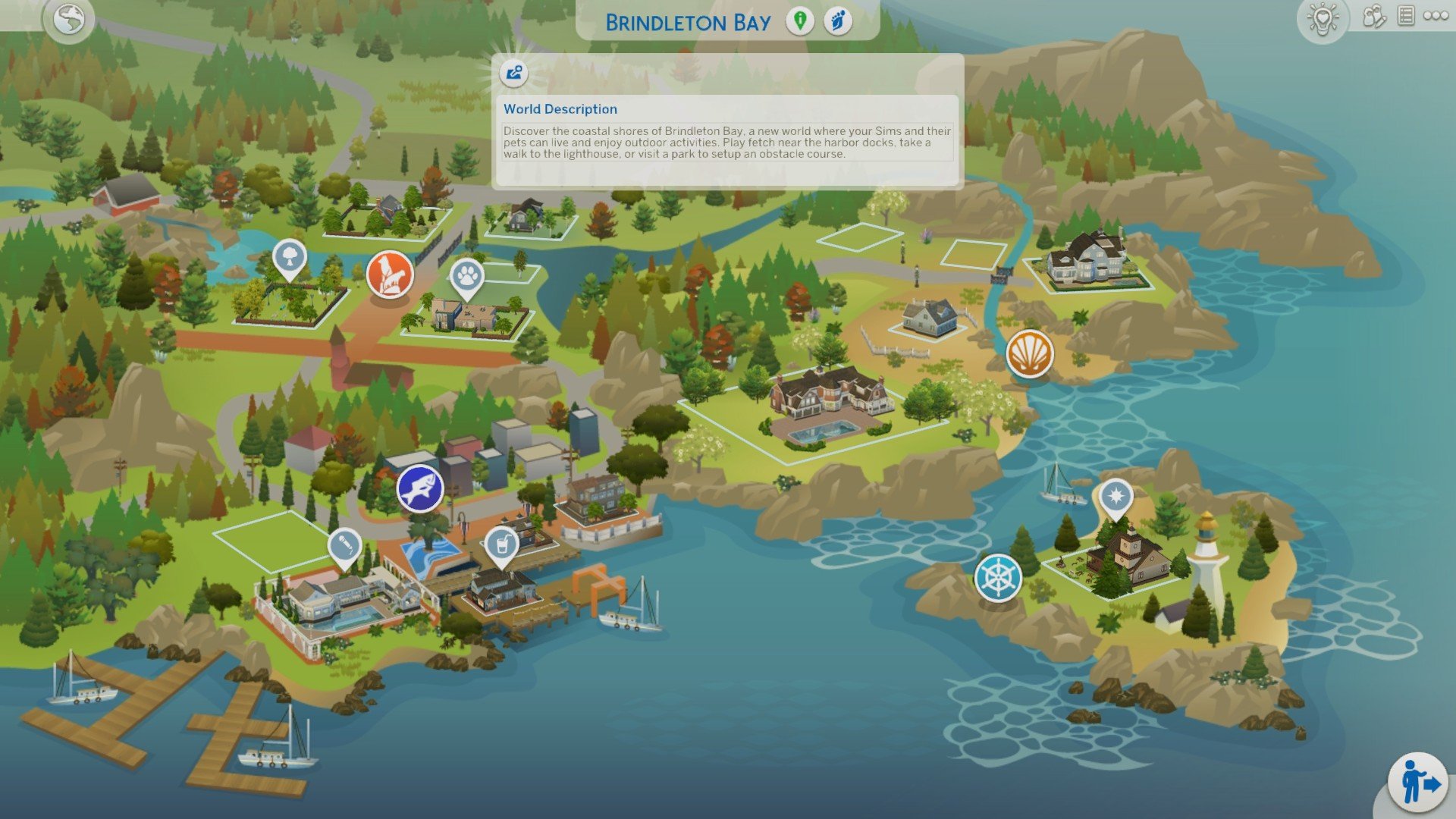
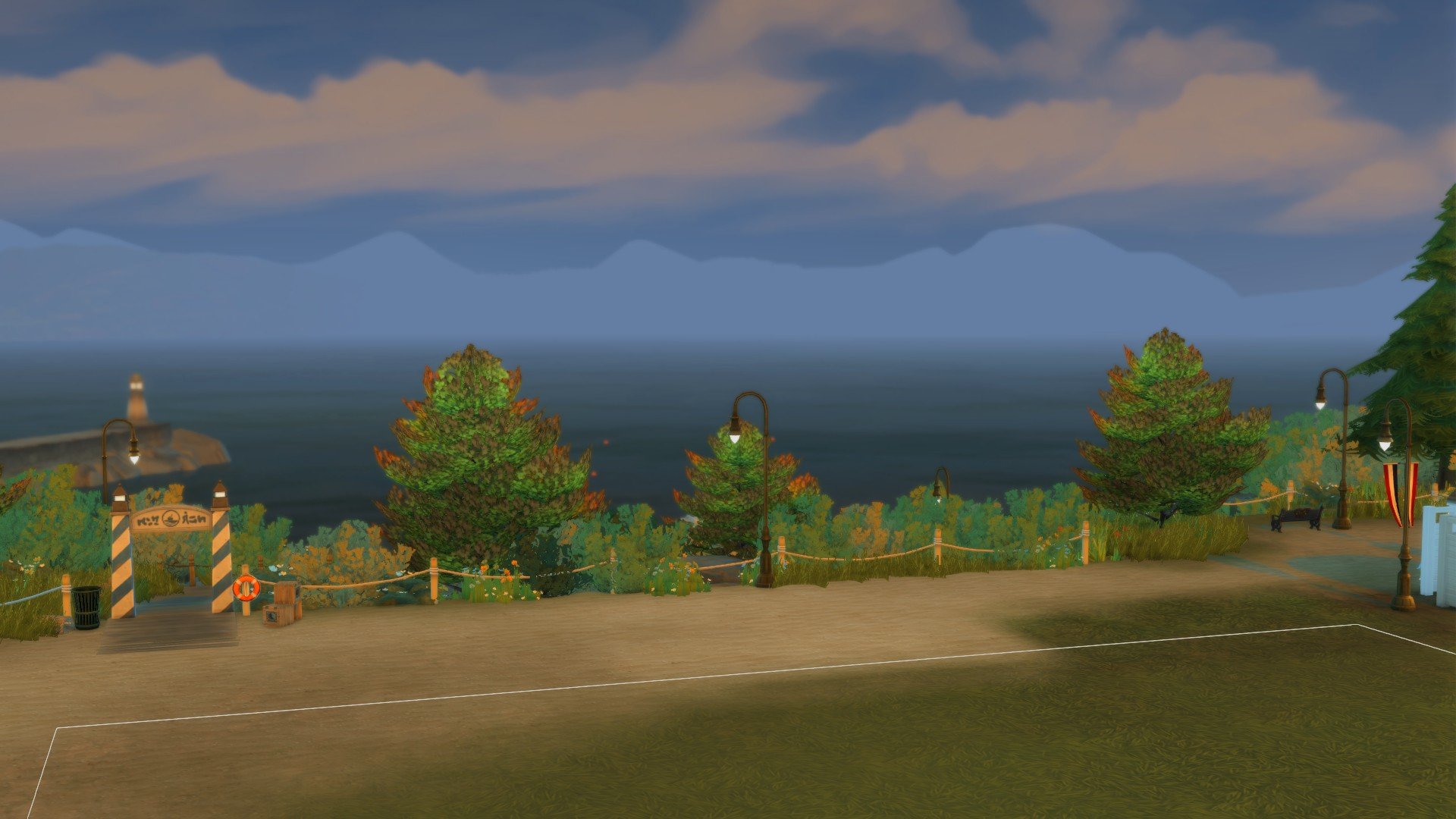
Within the Sims 4, we have the perfect world to recreate Cape Cod architecture. Brindleton Bay, a world based off of New England and coastal towns in Maine. The pack comes with numerous assets that work well for the style and Brindleton Bay is a very pretty world to build in.
As the world was inspired by New England, the Maxis-made builds where inspired by the architecture there, which included Cape Cod. Therefore, my own Cape Cod build wouldn’t stick out like a sore thumb if I built here.
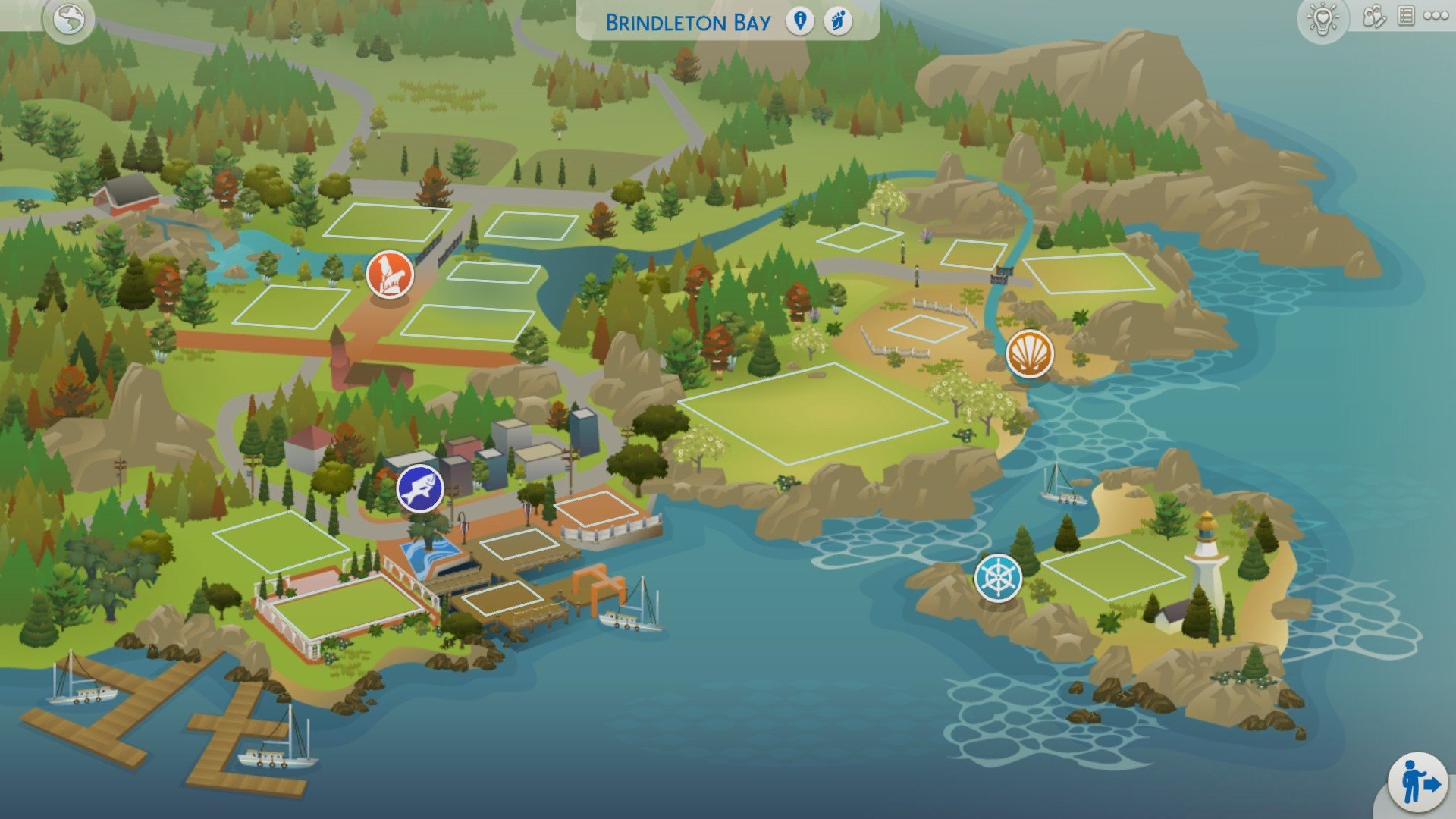
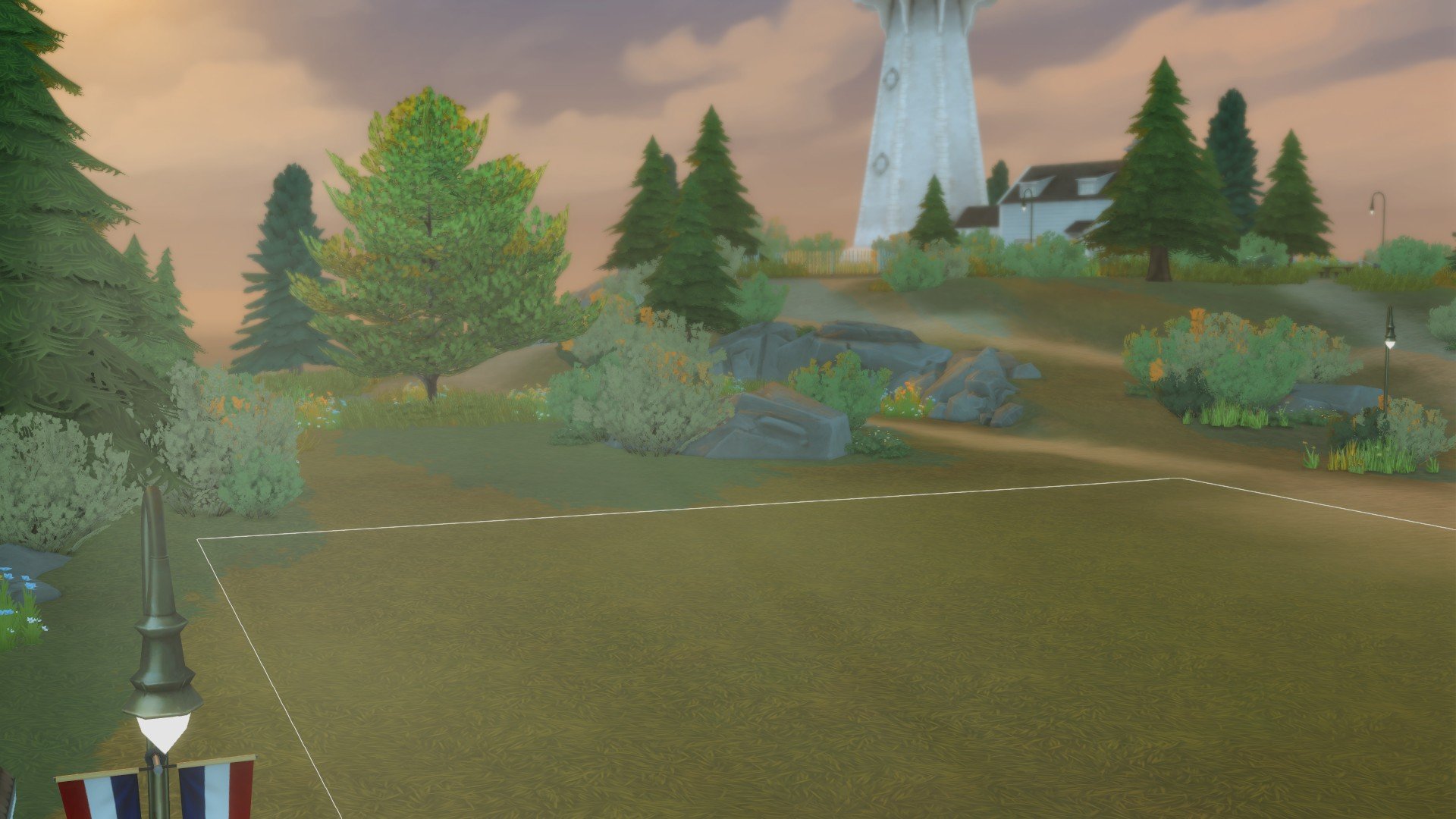
For the lot, I picked a 30×30 that used to be the museum, Deadgrass Discoveries. I felt this was the perfect size lot and as I have very little use for museums in the game, it wasn’t much of a loss.
I built it as a vacation rental because there isn’t one in Brindleton Bay. As well as that, Cape Cod homes are typically associated with American summers and holiday homes. The population in the area Cape Cod, increases by around 5-10 times in summer as individuals flee from the stuffy cities to their luxury and airy beach homes.
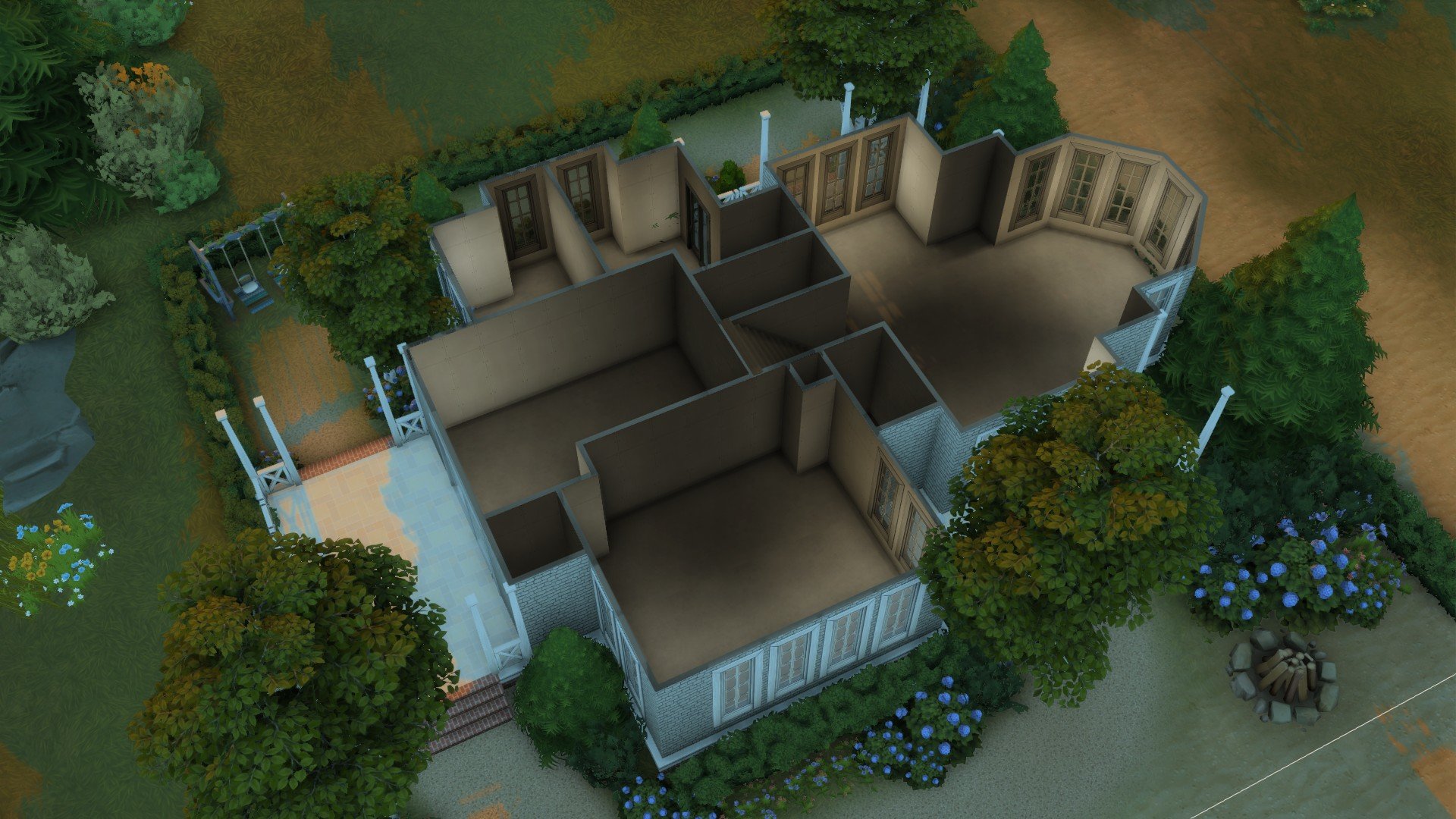
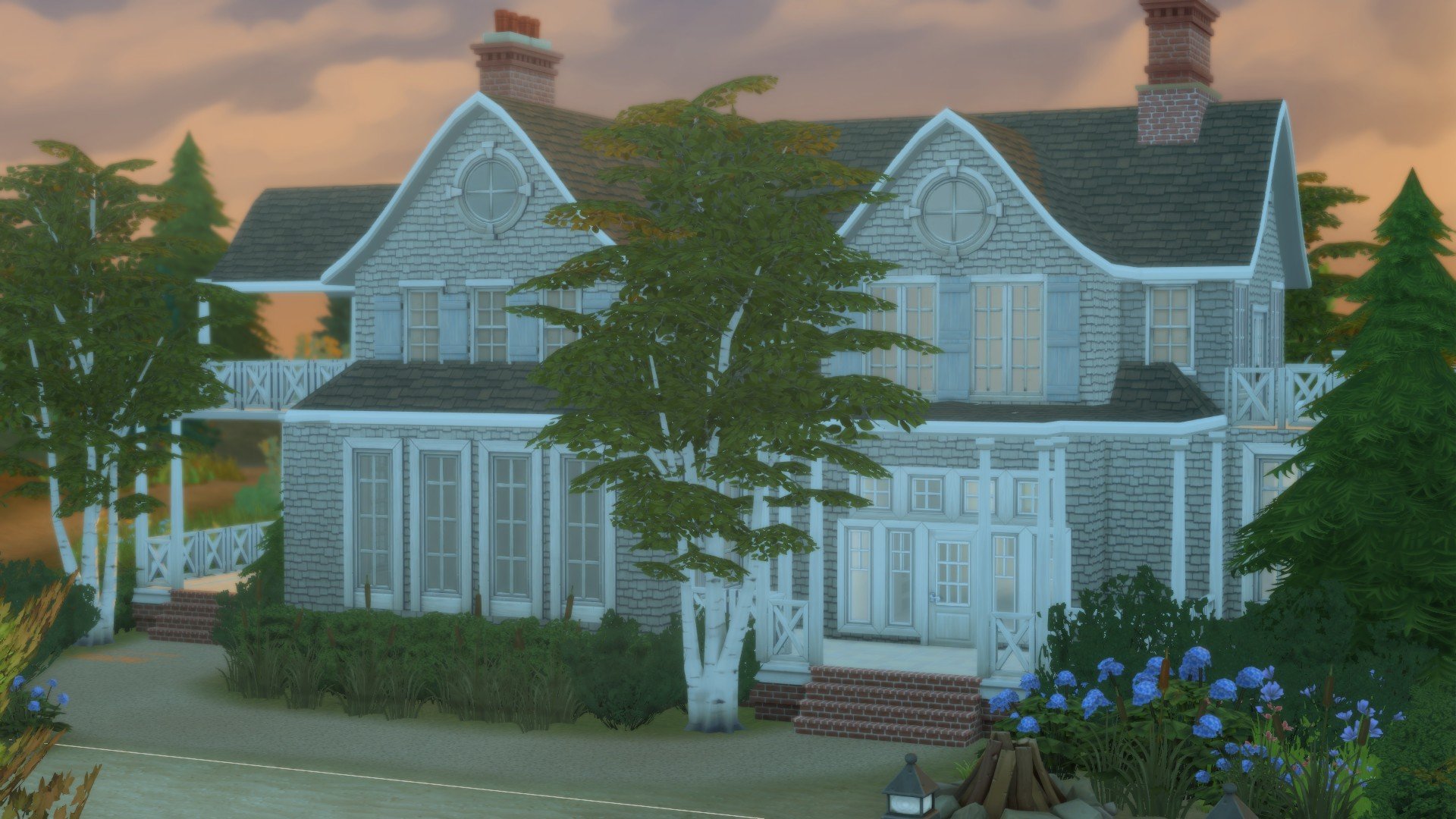
The specific house I chose to build would likely have been built in the Cape Cod revival. It has a much larger footprint compared to a historical Cape Cod. It’s also less symmetrical with a more complex floor plan. This is in part due to the fact that I mimicked the style of Cape Cod more typically found on Nantucket, an island 30 miles off the coast of Cape Cod in Massachusetts.
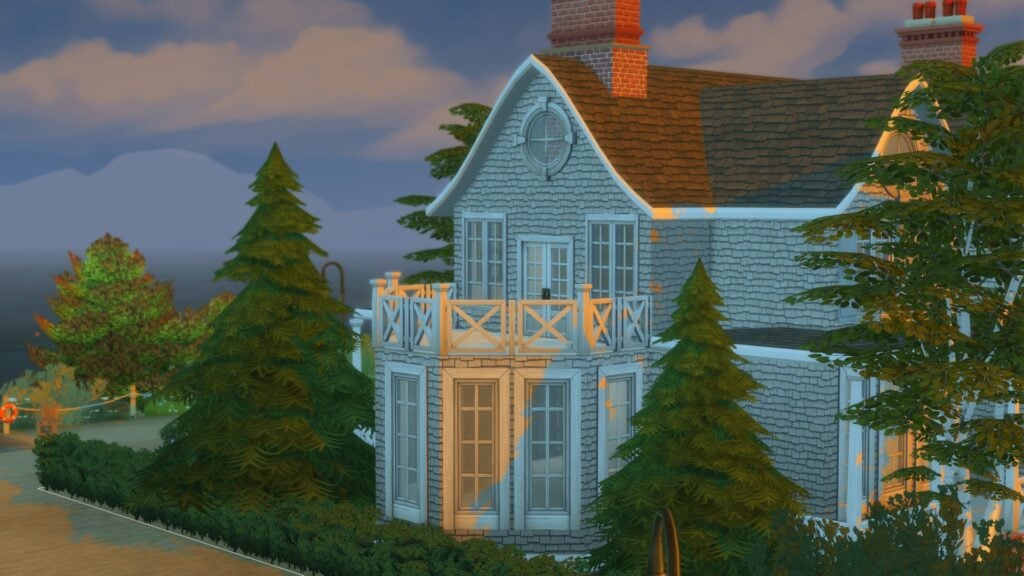
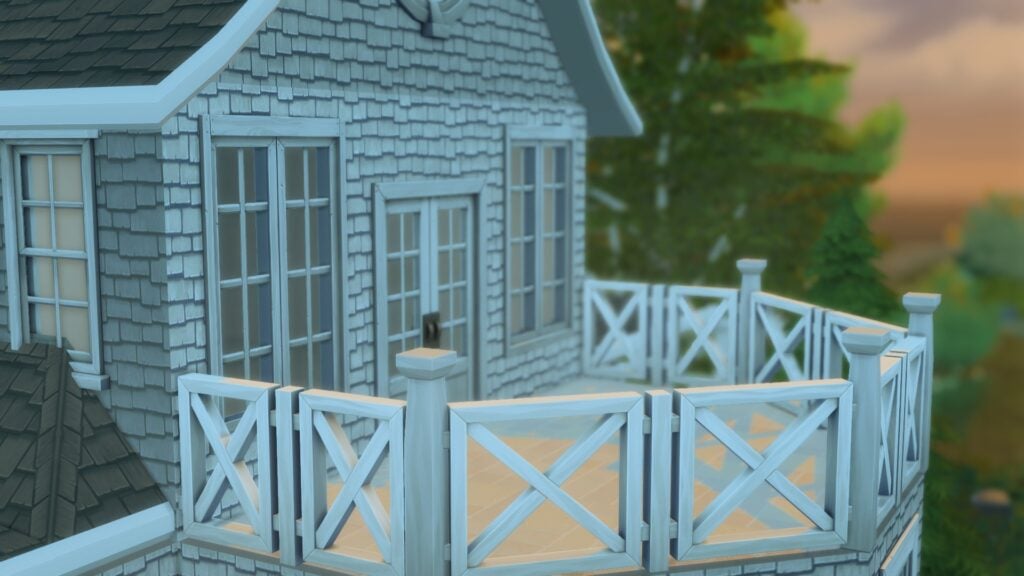
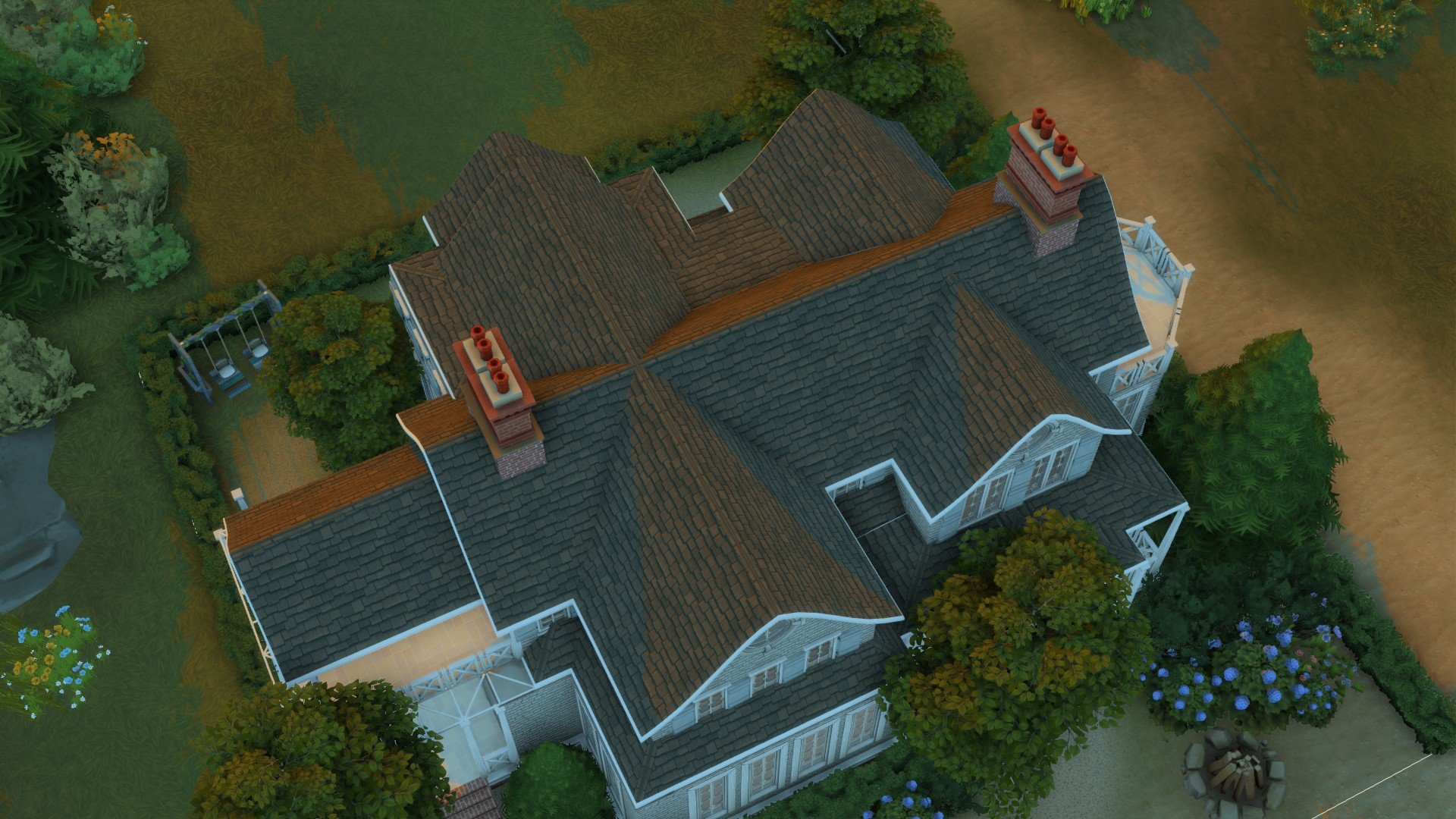
Nantucket Cape Cod homes are characterised by their grey shingles and painted shutters. I used both grey shingles and painted light blue shutters.
I also chose to include lots of decks, porches and balconies as these revival homes would include features such as these as the owners wished to be close the outdoors from their home. Sitting outside under shelter to watch the sea come in and out.
As for landscaping, Cape Cod homes tend to lean more towards being stylish and simple. Tall hedges are used to separate spaces and flowers tend to be native to the area where it’s built in. I tried to keep all of this in mind when building, I tend to struggle more with landscaping then exteriors and due to the simplicity it was rather difficult. I prefer to jam-pack my builds filled with flowers but for this, I tried to create an effortless and straightforward appearance with the bushes and flowers.
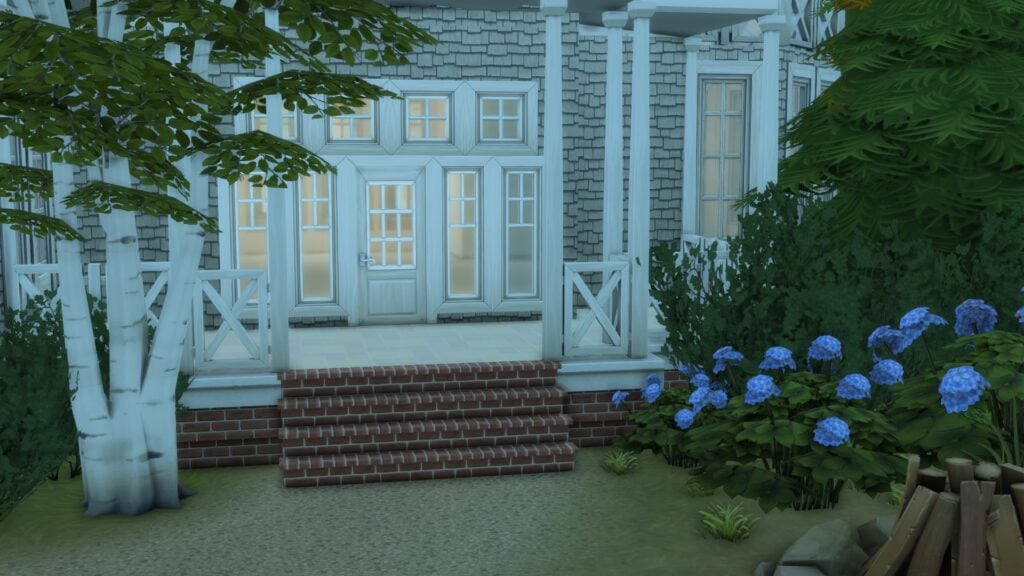
This was the final design I settled on. I would classify this as a full size Cape Cod because there are two windows on either side of the door. I added lots of hydrangeas because they are prominent in Nantucket. The soil pH in New England is slightly acidic so I used cornflower blue to show that consistency throughout.
Conclusion
While I’ve never visited the north-eastern coast of America, these Cape Cod homes remind me of sleepy days spent by the beach. The sea air going through your hair. It all felt nostalgic for a Cruel Summer and just heightened my excitement for the upcoming season. The style is one I’ve been fond of for a number of years. It has drawn me to Brindleton Bay before and I hope with added knowledge, it draws you too.
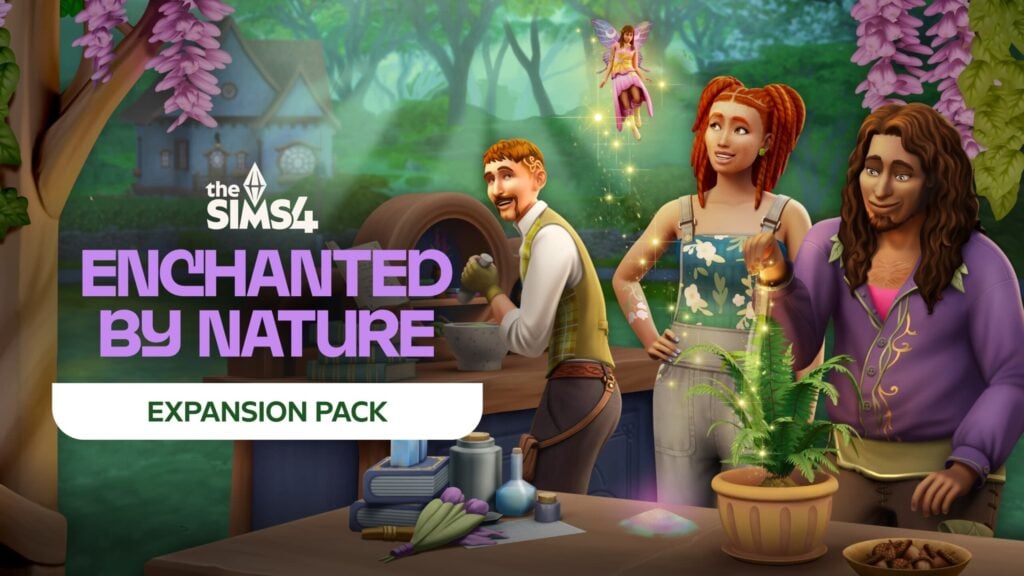
With how many DLCs have released for The Sims 4 any time a new pack is announced my first thought is, “which packs will this work well with this?” At first look, The Sims 4 Enchanted by Nature does not seem to have the level of interaction with previous packs as the likes of Businesses & Hobbies. However, there are quite a few packs that I can already see working well as companion packs for Sims 4 Enchanted by Nature. I’ve chosen two packs of each type that I think will really enrich the experience for players.
Table of Contents
Expansion Packs for Sims 4 Enchanted by Nature
Eco Lifestyle
With Enchanted by Nature being all about… well… nature, it would be impossible to not immediately think of the Eco Lifestyle expansion. Since Enchanted by Nature is all about living a natural life and living off the land, all of the ‘Off the Grid’ elements of Eco Lifestyle will further the depth of that style of play. Raising insects for food, collecting water with the dew collector, and growing even more plants on the standing hydroponic planter.
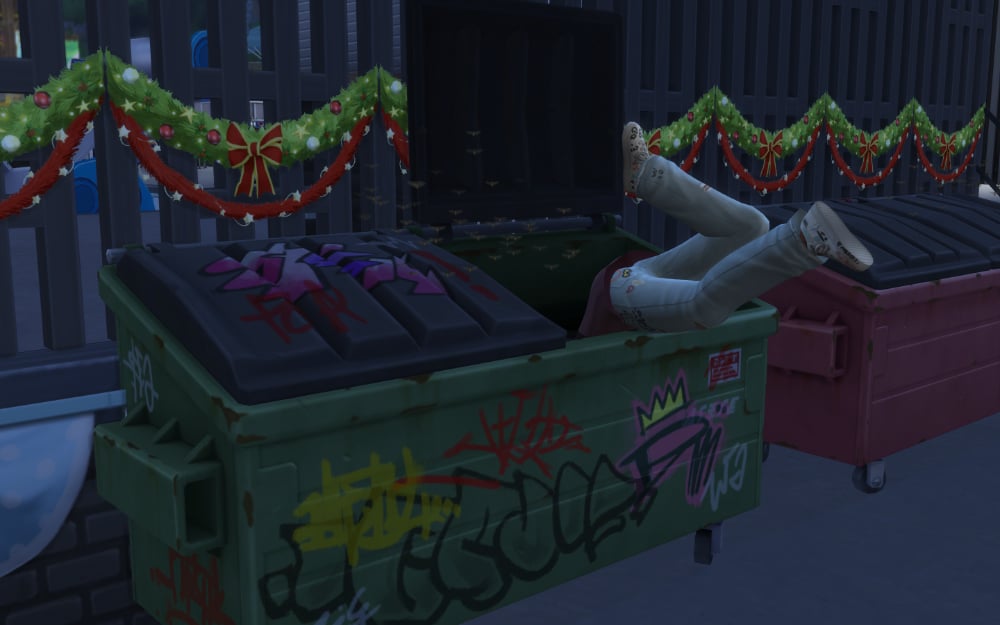
The ‘Green Fiend’ and ‘Freegan’ traits could have just as easily been included in Enchanted by Nature because of how perfectly they fit the theme. ‘Green Fiend’ sims don’t want to use a lot of utilities and ‘Freegan’ sims would much rather reuse items instead of buying new. Perhaps the most important part of Eco Lifestyle that will help nomadic sims is dumpster diving. This will be a great source of items and food that they wouldn’t be able to get living off the land otherwise.
Eco Lifestyle will definitely be one of the great companion packs for Sims 4 Enchanted by Nature because of the different ways they feature off-the-grid living.
Cottage Living
I think everyone can agree that Cottage Living and Enchanted by Nature are absolutely perfect for each other. Cottagecore meets Fairycore. What more could one ask for? The aesthetics alone are worth having both packs, but the gameplay will mesh incredibly well too.
Both of these packs have a focus of living off of the land, but in different variations. Cottage Living focuses on a more “simple living” approach like growing your own crops and raising livestock while Enchanted by Nature is a more “nomadic living” approach where you’re foraging for food and fully enveloped in the nature around you.
As your nomadic sims truly live in the wilds of Innisgreen, they can still befriend the wildlife of Cottage Living, grow oversized crops for sustenance, and take a visit to Henford-on-Bagley to do favors for the locals for some quick cash or supplies. For the mycophiles, there are plenty of various mushrooms to forage in Cottage Living that fit perfectly into the Enchanted by Nature lifestyle as well.
In all, this may be one of the best packs for Sims 4 Enchanted by Nature.
Game Packs for Sims 4 Enchanted by Nature
Outdoor Retreat
Outdoor Retreat is another case where two packs feel like they were built specifically to better each other. Enchanted by Nature will give our camping sims a lot more to do so that they truly feel like they’re roughing it. Ever since Outdoor Retreat was released, I felt it wasn’t enough of the camping vibe. With the addition of sleeping on the ground, bathing outdoors, foraging for food, and beyond, it will finally feel like a true wilderness camping trip.
The apothecary skill and career in Enchanted by Nature feels like an extension or a new and improved version of the herbalism skill introduced in Outdoor Retreat. The herbalism skill allows sims to forage for different plants, identify them, and create poultices with various effects. With what we’ve heard of the apothecary career, it sounds similar, but much bigger and more involved. This is especially true since it has a true career path for your sims to follow. I’m already dreaming up a sim in the Neuropath career while also owning a small business (thanks to Businesses & Hobbies) that sells poultices and cures.
Even though it released over a decade ago, it feels like they really took inspiration from several parts of this pack thereby making it one of the best packs for Sims 4 Enchanted by Nature.
Realm of Magic
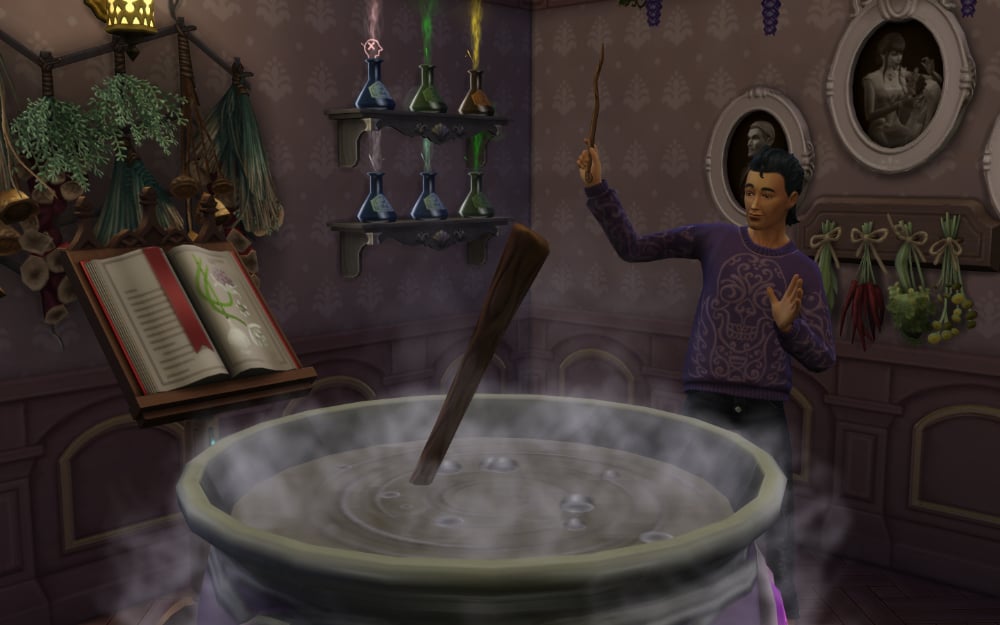
Even though we don’t have the ability to make hybrid supernatural sims in Sims 4, I still think Realm of Magic is a pack you’ll want with Enchanted by Nature. While your fairy sim forages for different plants to make apothecary cures, your spellcaster sim could be foraging for different resources to make magic potions. Potions are yet another thing your sims could then sell in a small business that is selling poultices and cures like I mentioned previously. A one-stop-shop for all things holistic healing.
It’s unknown if there will be any unique interactions between spellcasters and fairies, but one can hope. Only time will tell.
At first glance it might not seem like one of the better packs for Sims 4 Enchanted by Nature, but I think the double dose of magic could be a lot of fun for players.
Stuff Packs for Sims 4 Enchanted by Nature
Tiny Living
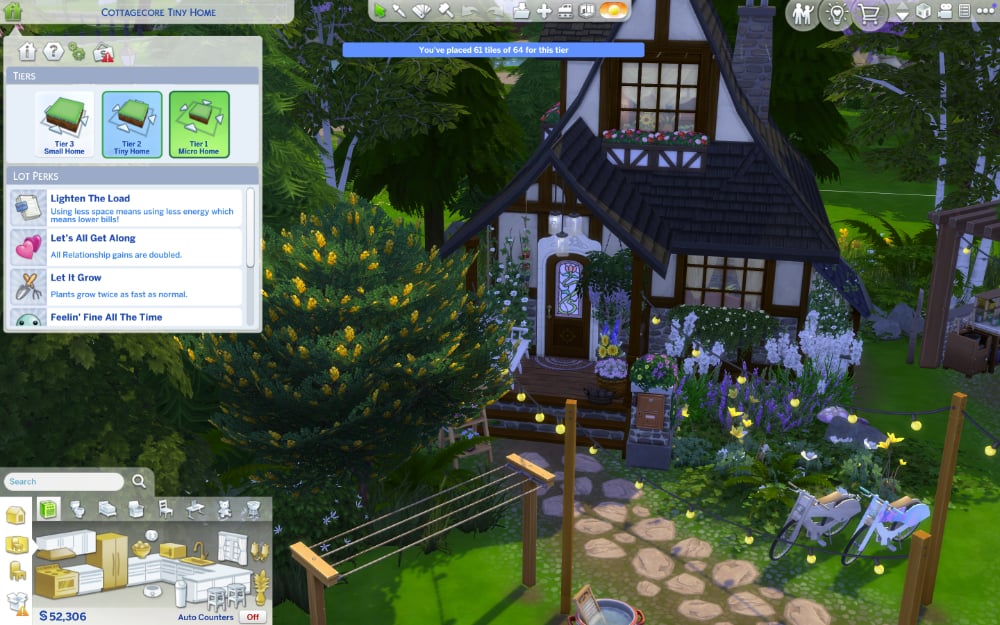
Tiny Living is a great stuff pack to accompany Enchanted by Nature because of how simple the new expansion will make it. Since your sims will be living off the land, they most likely won’t have a brick-and-mortar home. If they do, it probably won’t be much at all. This means you’ll easily meet the requirements for the best benefits of the Tiny Home lot type making life a breeze.
You’ll get a ton of benefits for having a micro home as long as the long has anywhere from 4-64 tiles. Yes, you’ll need to have a tiny shed or something like it for the lot to count as a tiny home. The benefits are well worth it for your natural living sims.
The new ways to live off the land make it incredibly easy for your sims to live in tiny and micro homes to reap the benefits. There aren’t many stuff packs I see as companion packs for Sims 4 Enchanted by Nature, but this is definitely one of them.
Crystal Creations
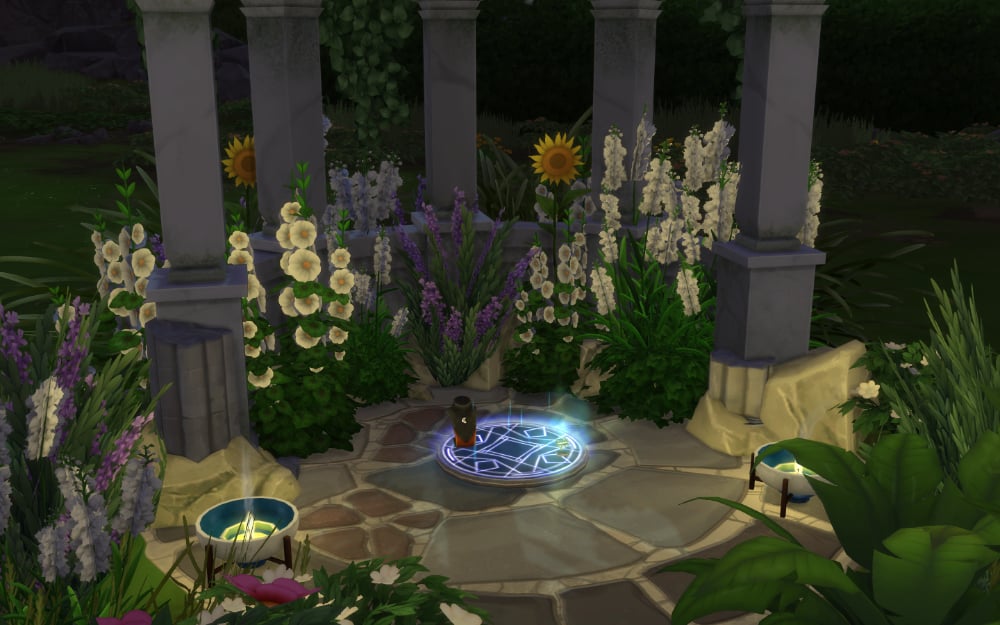
Fairies will, of course, bring about tons of magic on their own, but with Crystal Creations they can be even more magical. With this stuff pack installed alongside of Enchanted by Nature, your fairy or apothecary sims will be able to cut crystals and create jewelry that they can then charge under the power of the moonlight. These charged pieces feature varying effects and will work nicely with the fairy powers and apothecary cures that benefit your sims and those around them.
If you want as much magic as possible for your new fairy sims then this is one of the packs for Sims 4 Enchanted by Nature for you.
Kits for Sims 4 Enchanted by Nature
Blooming Rooms
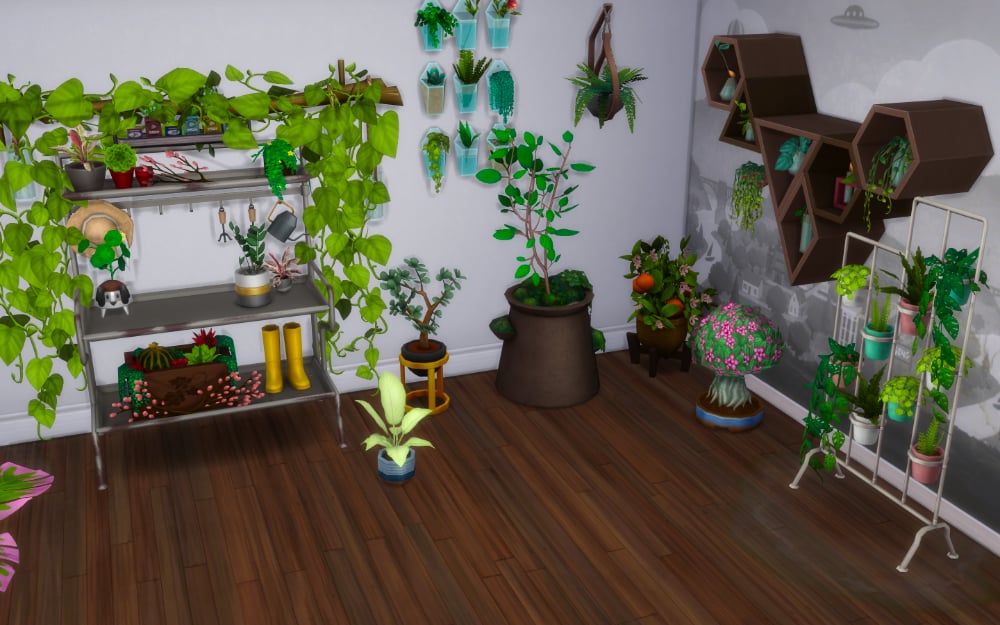
Enchanted by Nature is introducing new indoor potted plants for sims less inclined to spend time in the sun. The Blooming Rooms kit adds plenty of plants to decorate your indoor gardens to flesh out what will be provided in the upcoming expansion. These packs working in tandem will be great because every player knows any open space when decorating is just asking for another plant to fill it.
Greenhouse Haven
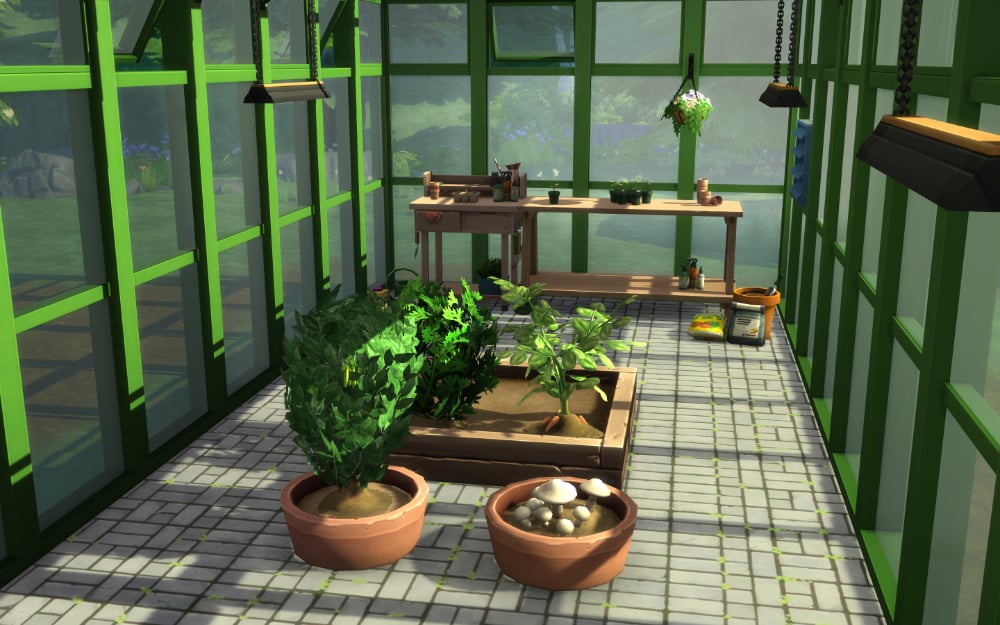
I don’t want to sound like a broken record at this point, but if you haven’t heard, Enchanted by Nature is adding a lot of plants to the game including new indoor varieties. Greenhouse Haven will help you create the perfect space for them. Unlike Blooming Rooms, this one doesn’t feature new plants. Instead, it adds decorative gardening clutter and greenhouse build pieces to cultivate an indoor plant oasis.
These items will work wonderfully with all of the indoor plants coming with Enchanted by Nature. You can use these decorative items not only as greenhouse items, but for your sims new interactive plant rooms as well. Enchanted by Nature increases the usability of this pack by bringing more of these items into your sims home instead of relegating them to a separate greenhouse as they were before.
So there you have it, my picks for the best packs for Sims 4 Enchanted by Nature. Hopefully this gives you some inspiration and gameplay ideas for the upcoming expansion pack. But what do you think? Are there any other packs you think would make great companion packs for Sims 4 Enchanted by Nature?
Further Reading
We’ll be covering any and all news about Enchanted by Nature leading to its release and beyond. We have tons of details HERE and over 100 screenshots of the first trailer HERE.
You Can Put Your Umbrellas Away – The Indoor Weather Bug is FINALLY Being Fixed!
After 5 long months, the Sims 4 indoor weather bug is finally being fixed in the next game patch due on July 1st. This was confirmed after the release of yesterday’s patch by Shawnee over on the official The Sims Discord channel. The main thread on the official EA Forums had over 1,900 upvotes and over 700 comments from players dealing with the same issue.
Thank you for your patience while we investigated the Rain Indoors issue. We’re happy to share that we’ve identified a fix that would address this in the next update, and will confirm via the upcoming Laundry List.
Shawnee Via The Sims Official Discord
The weather effects indoors bug was first reported after a game patch was released on January 14th. The cause of this visual bug was difficult for the team to pinpoint, as there are numerous factors that contribute to programming The Sims 4. For most players who reported the bug, it was purely visual; Sims would not get wet from rain or cold from snow, as the bug hasn’t affected the internal temperature of structures in-game. If you are annoyed by this bug, rain and snow can be turned off in the game settings until the July 1st patch is released.
u/Sinistros777 on Reddit (r/thesims)
The issue was changed from ‘reviewed’ to ‘under investigation’ very quickly over on the EA forums, and in both the April and May laundry lists, the team confirmed that they were still being investigated, and that players could submit save files for the team to replicate errors.
The message about The Sims 4 Indoor Weather Bug still remains as “actively investigated” in the official EA Forums. However the status of the issue getting fixed has been signal boosted on The Sims Direct official channels:
Thank you for your patience while we investigated the Rain Indoors issue. We’re happy to share that we've identified a fix that would address this in the next update, and will confirm via the upcoming Laundry List.
— The Sims Direct Communications (@TheSimsDirect) June 17, 2025
What has your experience been with the indoor weather effects bug? Let us know in the comments below, and make sure to stay up to date on Sims Community for all the latest news on The Sims 4 and Game Updates!
Let’s be honest – even with the Lovestruck expansion’s improvements to romance and the turn-ons/turn-offs system, The Sims 4’s relationship and pregnancy mechanics still leave much to be desired. While Lovestruck added some depth with compatibility and attraction, pregnancies remain straightforward affairs, relationship conflicts lack real emotional weight, and family planning is essentially nonexistent.
But what if I told you there’s a mod that transforms these systems into something that actually resembles the beautiful complexity of real human experiences?
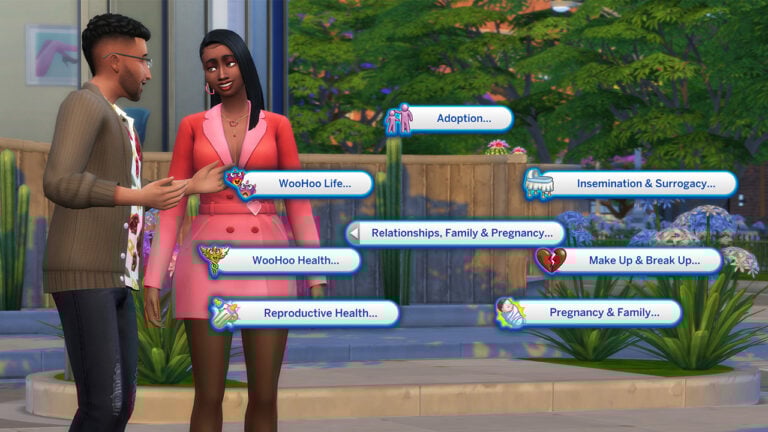
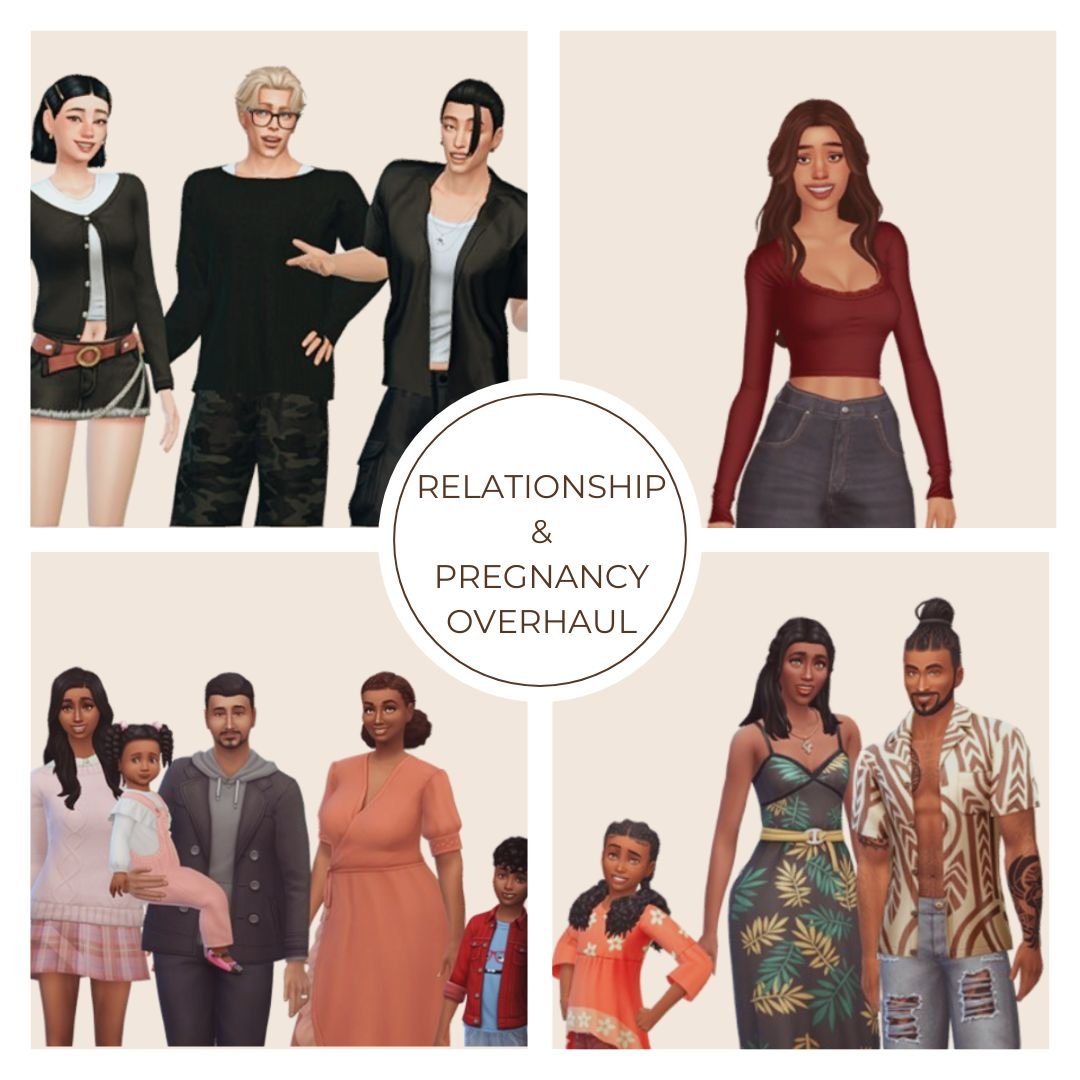
Enter the Sims 4 Relationship and Pregnancy Overhaul (RPO) mod by Lumpinou. This isn’t just another minor gameplay tweak – it’s a complete reinvention of how your Sims experience love, pregnancy, and family life. And trust me, once you try it, vanilla gameplay will feel emptier than a Sim’s friendship bar after three missed hangouts.
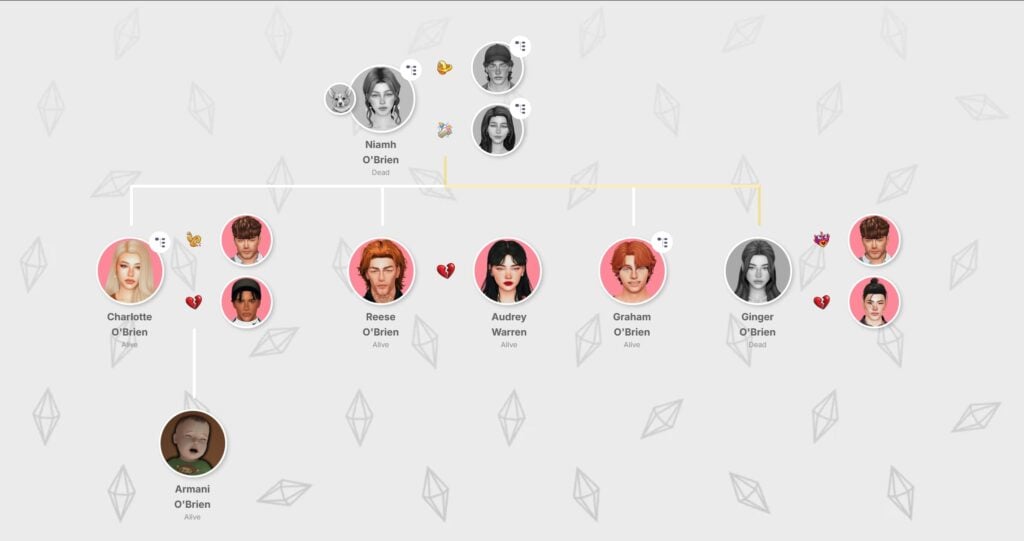
The family tree screenshot featured below is from MissLollypopSims’ Joy of Life Challenge. You can explore more of her engaging Sims 4 content on her YouTube channel.
The Sims 4 Relationship and Pregnancy Overhaul Mod Collection Guide
What Exactly is the RPO Mod Collection?
The Relationship and Pregnancy Overhaul mod (previously known as “WooHoo Wellness”) is essentially a collection of 19 interconnected modules that work together to create remarkably realistic relationship and pregnancy experiences in The Sims 4. Each module focuses on different aspects, from fertility and protection to jealousy, custody arrangements, and even WooHoo transmissible diseases.
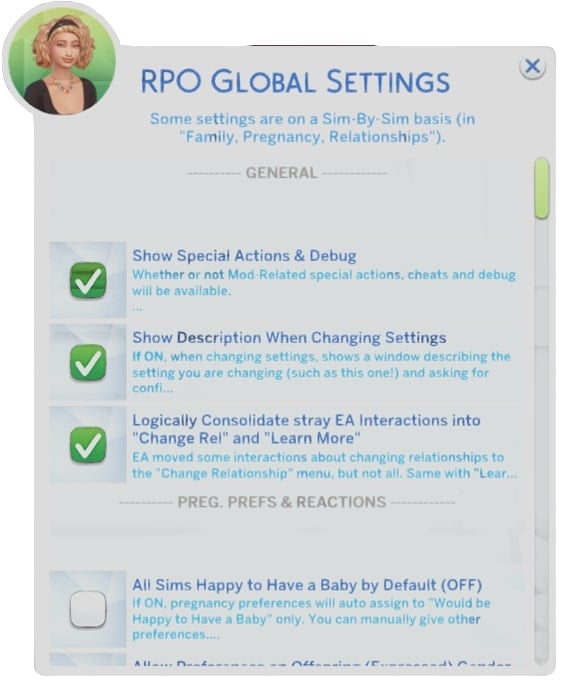
What makes this mod special is its modular nature – you can pick and choose which features you want in your game. Not comfortable with teen pregnancy or termination modules? Simply don’t install them. Want the full dramatic experience? Download the complete package for maximum realism.
The Evolution from WooHoo Wellness to RPO
When Lumpinou first released this mod, it was called “WooHoo Wellness,” but as it grew in scope and ambition, it evolved into the comprehensive RPO collection we have today. The mod is regularly updated with new features and fixes, showing the creator’s commitment to constantly improving the player experience.
As of May 2025, the collection includes 19 distinct modules with several more planned for future releases. That’s impressive dedication from a mod creator!
Core Modules: Transforming Relationships
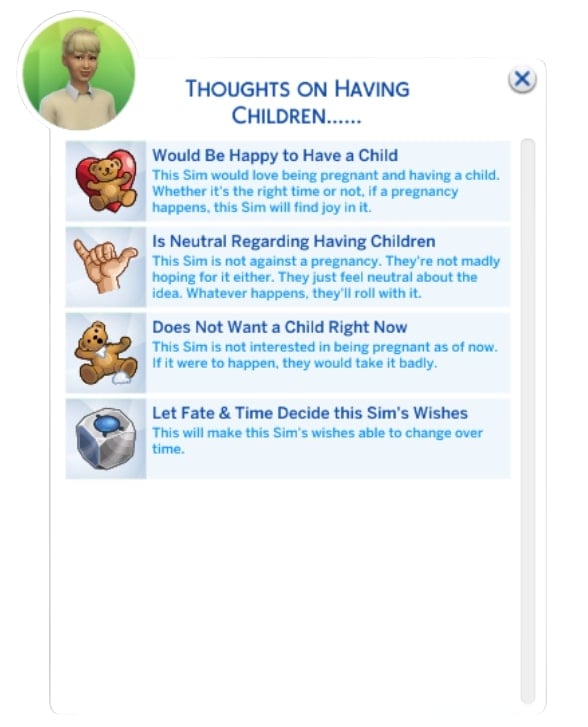
Module 1: Pregnancy & Family Preferences
This is where it all begins. Unlike the base game where every Sim seems equally thrilled about pregnancy, this module introduces preference systems where your Sims can have distinct desires regarding children.
I recently had a Sim couple where one partner desperately wanted children while the other was firmly against the idea. This created genuine tension in their relationship that I had to navigate – something completely absent from vanilla gameplay. The preferences aren’t just for the couple either; existing children have opinions about siblings, and grandparents might pressure your Sims for grandchildren.
Module 2: Fertility and Protection
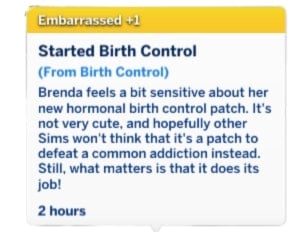
Gone are the days when “Try for Baby” automatically led to pregnancy. This module introduces individual fertility statistics, birth control options, and variable pregnancy risks that make family planning a genuine consideration rather than a guaranteed outcome.
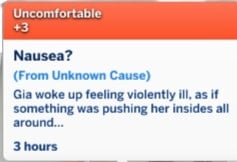
About 5% of Sims are created with infertility, which can lead to heartbreaking but realistic storylines about couples struggling to conceive. You can purchase “WooHoo Protection” or hormonal birth control, which (just like in real life) can come with side effects like nausea and headaches.
I’ve found myself actually thinking about family planning in my gameplay now – weighing the pros and cons of different contraceptive methods and dealing with the occasional unplanned pregnancy when protection fails.
Module 3: WooHoo Transmissible Diseases
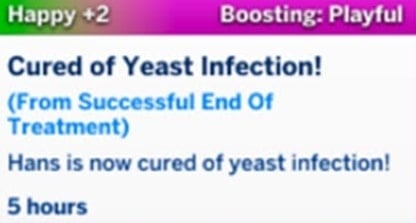
This module introduces consequences to romantic encounters that mirror real-world concerns. Sims can contract diseases through WooHoo, leading to uncomfortable conversations and medical treatments.
While potentially awkward, this module adds another layer of realism that encourages responsible behavior – or creates drama if your Sims are less careful. I’ve had Sims need to have difficult conversations with past partners, adding unexpected story complications that kept gameplay fresh.
Module 4: Paternity Testing
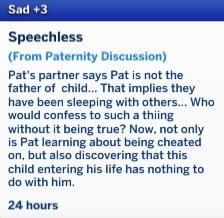
This module allows Sims to discover who fathered their child, with options to lie, tell the truth, manipulate others into marriage, or reject offspring. The process involves fathers using “Request Paternity Test” via RPO Special Actions, with results taking 24 Sim hours and appearing as notifications.
Module 5: Teen Pregnancy
If you’re creating more dramatic storylines, the teen pregnancy module adds realistic reactions including panic, parental responses (support or rejection), and social consequences. Teen parents receive special moodlets reflecting the overwhelming responsibility of parenthood, and may even receive phone notifications from NPCs expressing judgment.
I had a teen Sim whose strict parents were devastated by her pregnancy news – they ultimately supported her, but the family tension and the challenges of balancing school with impending parenthood created a genuinely compelling narrative.
Module 6: Temporary Separations
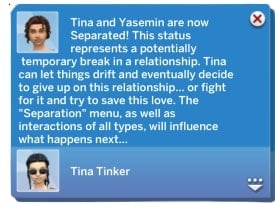
This module allows couples to take relationship breaks rather than immediately breaking up when problems arise. Sims can use this time to assess their relationship before deciding to reconcile or permanently separate. This adds a more realistic approach to relationship difficulties that mirrors real-world relationship challenges.
Module 7: Jealousy & Cheating
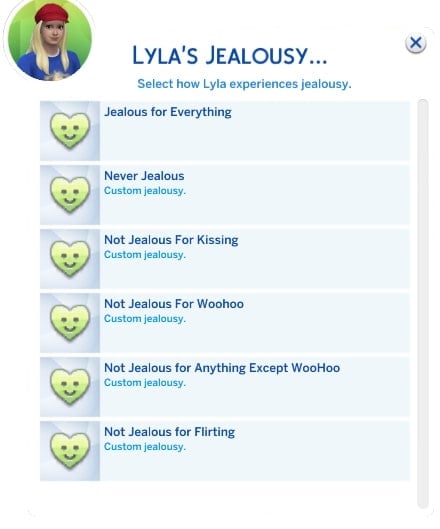
Let’s talk drama! In the base game, cheating is a simple binary – you either did it or didn’t, with predictable consequences. With the RPO mod, jealousy and cheating become multi-layered experiences with customizable settings.
Your Sims can:
Blame or forgive their partners
Lie about or confess to cheating
React differently based on whether it was flirting, kissing, or WooHoo
I had a Sim who caught her partner flirting at a nightclub. Instead of immediately breaking up (the base game way), she confronted him, they had a heated argument, and ultimately decided to work through it – but trust was damaged and took time to rebuild. This kind of emotional nuance is what makes RPO feel so real.
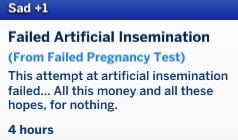
Module 8: Artificial Insemination & Surrogacy
The RPO mod recognizes that there are many ways to build a family. This module introduces artificial insemination and surrogacy options, creating complex family structures that better represent real-world diversity. I helped my same-sex Sim couple navigate the surrogacy process, and the emotional journey from finding a surrogate to finally welcoming their baby felt incredibly meaningful.
Module 9: Adoption
Instead of simply ordering a baby through a phone call (seriously, base game?), prospective adoptive parents must:
Fill out applications
Meet criteria set by adoption agents
Sometimes wait for approval
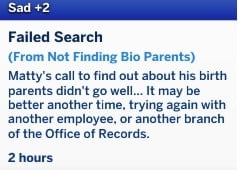
Meanwhile, Sims can put their children up for adoption (with agreement or disagreement from co-parents) and specify reasons such as financial struggles or family pressure. Additionally, adopted Sims can search for their biological parents later in life.
Module 10: Custody & Permanent Separstions
When relationships end in the vanilla game, ex-partners become little more than strangers who occasionally cross paths. With RPO, relationship endings – especially when children are involved – become complex situations requiring ongoing management.
The custody system lets you:
Arrange amicable or contentious separations
Set up visitation schedules
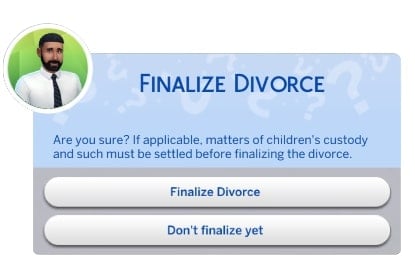
Navigate the complicated emotions of divorce
I’ve found this particularly meaningful for storytelling. In one of my gameplay scenarios, a divorced couple maintained a civil relationship for their children’s sake, with the kids spending weekends with dad and weekdays with mom. These small details create immersive family dynamics that simply don’t exist in the base game.
Module 11: Termination of Pregnancy
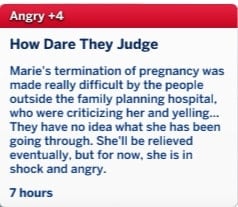
This optional module allows Sims to terminate pregnancies and experience the complex emotions associated with such decisions. Reactions vary based on the pregnancy preferences established in Module 1, and partners can accompany Sims to pregnancy termination appointments. This adds a sensitive but realistic aspect to family planning decisions.
Module 12: Pregnancy Side Effects
Pregnancy in the base game is basically just a positive moodlet and a growing belly. RPO transforms this into a truly immersive experience with:
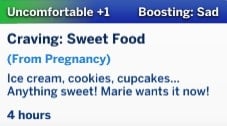
Realistic pregnancy symptoms like mood swings, food cravings, and back pain
Reactions based on whether the pregnancy was wanted
The possibility of pregnancy complications
I won’t lie – experiencing a miscarriage with my Sim was genuinely emotional, especially when her partner comforted her through the grief. It’s these kinds of deeply human moments that make RPO so special.
Module 13: Miscarriage & Pregnancy Loss
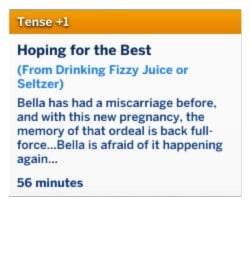
This module introduces the possibility of miscarriages and ectopic pregnancies with customizable risk levels and various contributing factors. Lost pregnancies can optionally be added to the family tree and create an urn in the Sim’s inventory, allowing them to name and mourn unborn children. This adds a deeply emotional dimension to pregnancy experiences that reflects real-world challenges.
Module 14: Pregnancy Tweaks & Special Pregnancies
This module provides various settings and tweaks for pregnancy and family life, including options to disable pregnancy walkstyles or enable cryptic pregnancies where Sims may not know they’re pregnant until later stages. These customization options allow players to fine-tune their gameplay experience.
Module 15: Romances & Friendships
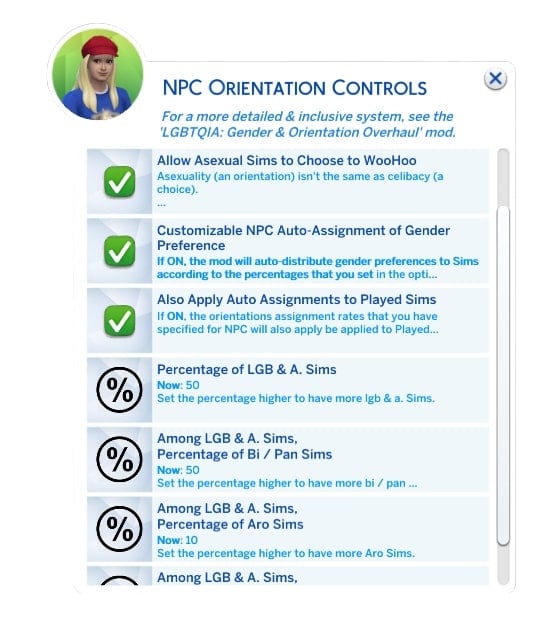
This module enhances dating life and friendships with special choices and quick controls for gender preferences and sexual orientation. It adds depth to non-familial relationships that complement the other relationship-focused modules.
Module 16: Meet&Mingle Dating App
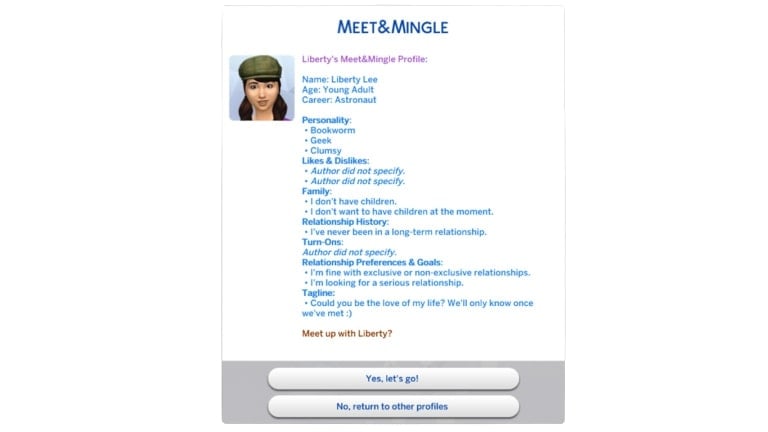
The mod introduces an in-game dating app with customizable dating profiles, relationship goals, and various date types including blind dates. Players can set filters and preferences to find compatible matches for their Sims. This modernizes the dating experience in The Sims 4 to reflect contemporary dating culture.
Module 17: Charm & Chemistry (Attraction System)
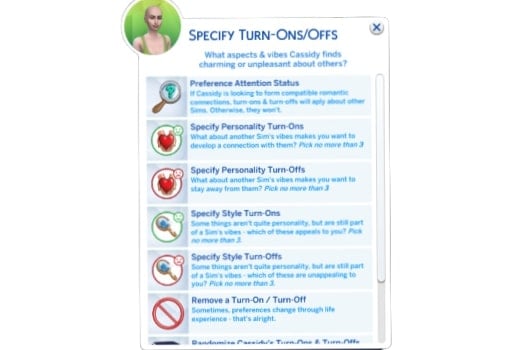
This module adds an attraction system based on personality, life factors, and physical appearance, making romantic connections more nuanced and realistic. This creates more organic and believable relationship formation than the base game’s simplified attraction system.
Module 18: Expanded WooHoo
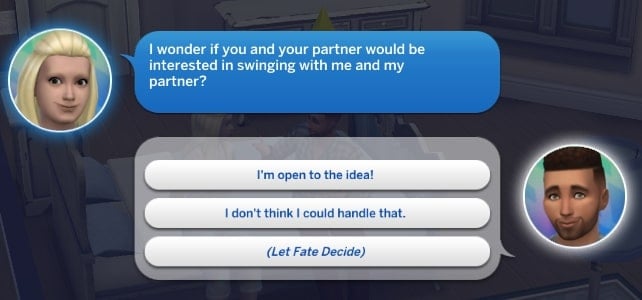
For those looking to spice things up, this module significantly expands WooHoo options, allowing Sims to WooHoo anywhere, on any object, and with multiple partners. It also introduces swinging and WooHoo parties as social events.
I threw a “WooHoo Party” in my game and was amazed at the complexity of social dynamics that emerged – jealousy from some partners, newfound connections between others, and a web of relationships that felt organic and unpredictable.
Module 19: Adult Life
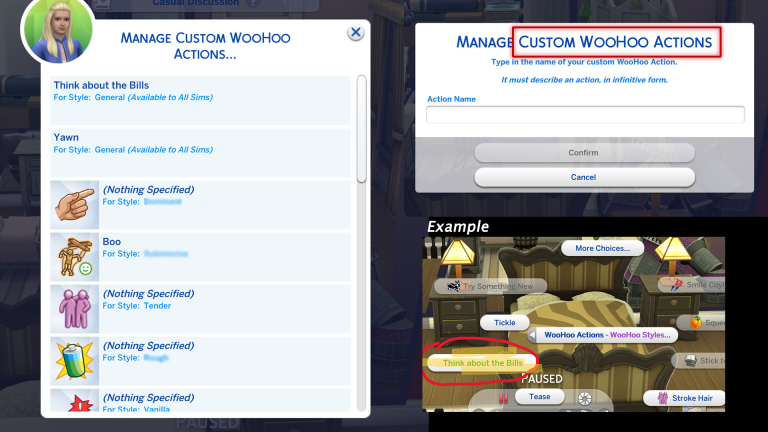
This module adds WooHoo roles, drive, styles, and preferences to further enhance intimate relationship dynamics. These additions create more personalized and diverse romantic experiences for Sims.
Installation and Compatibility
Getting started with RPO is straightforward, but there are some important considerations:
Download from the source: The mod is available through Lumpinou’s Patreon page.
Mind your load order: Place RPO files directly in your Mods folder.
Check compatibility: Some modules may conflict with other relationship or pregnancy mods.
If you’re using Wicked Whims, you’ll want to disable its pregnancy and fertility systems to avoid conflicts. Similarly, Slice of Life users should remove its menstrual cycle component.
Troubleshooting Common Issues
RPO Interactions Not Appearing?
This typically happens due to improper installation or mod conflicts. Try:
Ensuring all RPO files are placed directly in the Mods folder
Enabling script mods in The Sims 4 settings
Deleting the localthumbcache.package file
Using the “Log Installed Files” utility under RPO Special Actions > Utilities
Error Code 102 When Loading Saves?
This indicates missing or outdated modules. The solution is to:
After extensively playing with the Relationship and Pregnancy Overhaul mod, I can confidently say it’s transformed how I experience The Sims 4. What was once a somewhat superficial simulation of relationships and family life has become a rich, emotionally nuanced experience that genuinely reflects the complexity of human connections.
Yes, there’s a learning curve, and yes, you’ll need to decide which modules feel right for your gameplay style. But if you’re looking for depth, realism, and storytelling potential that the base game simply can’t provide, RPO isn’t just recommended – it’s essential.
Have you tried the RPO mod? Which modules are your favorites? Let me know in the comments below and stay tuned for more Sims 4 Mod Updates and Guides!
Maxis releases a new hotfix update for The Sims 4 across PC and Consoles.
There’s a brand new Sims 4 Update available on Desktop PC, Mac computers and supported Console devices. With around 700MBs to download, you should expect minor hotfixes and feature improvements to the game. Also potentially preparing the game for The Sims 4 Nature’s Calling Live Event.
Find out what’s been improved and changed in the official patch notes below:
The Pre Event Update
Table of Contents
Installing the Latest Sims 4 Update
You can get the latest The Sims 4 Update on the following official launchers and platforms:
You can download the latest Sims 4 Update by checking for a Patch through the EA App, Steam or Epic Games launcher for Desktop. If you have Automatic Updates enabled the update will automatically download through your client program. In case your EA App is not working properly ensure you’ve cleared your app cache!
If you play The Sims 4 on Xbox Series X / S and Playstation 4 and 5 you can request a new update by checking for updates under The Sims 4 game in the Main Menu. If you’ve enabled automatic updates the Patch should download right away.
Today’s update features a handful of fixes based on community feedback. We’ll be sharing a new Laundry List soon regarding community reported issues we’re currently investigating and aiming to resolve in the next Base Game update.
-The Sims 4 Team
What’s New in The Sims 4
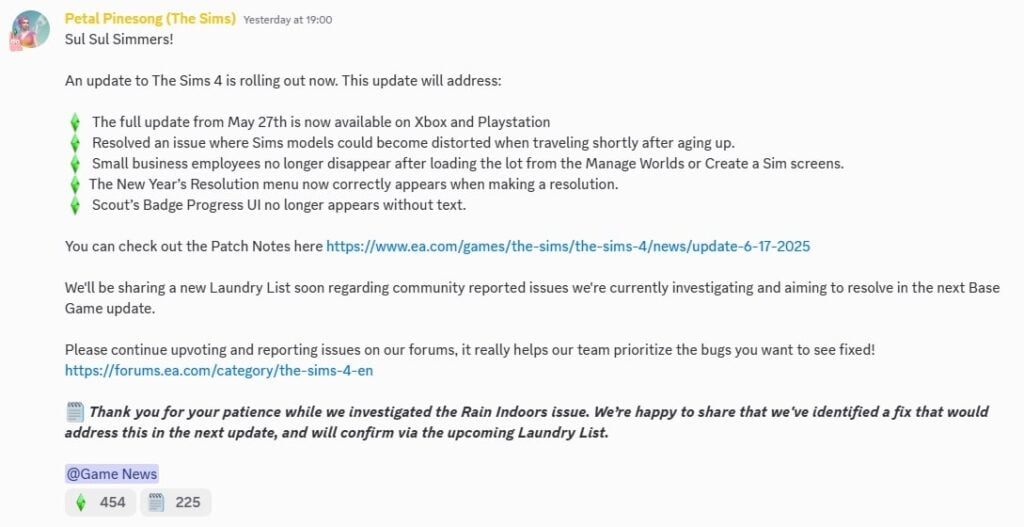
The full update from 5/27 is now available for Simmers on Xbox and PlayStation. Thank you for your patience!
Bug Fixes
Base Game / Multipack
[EA Forums] Resolved an issue where Sims models could become distorted when traveling shortly after aging up.
[EA Forums] Sim Portraits are now properly updated with career outfit when Sims join a career.
Businesses & Hobbies
[EA Forums] Small business employees no longer disappear after loading the lot from the Manage Worlds or Create a Sim screens.
Seasons
[EA Forums] The New Year’s Resolution menu now correctly appears when making a resolution.
[EA Forums] Scout’s Badge Progress UI no longer appears without text.
Discord Message from The Sims Team: Thank you for your patience while we investigated the Rain Indoors issue. We’re happy to share that we’ve identified a fix that would address this in the next update, and will confirm via the upcoming Laundry List.
The update is around 770MB on Mac computers.
What’s your experience been like downloading the latest Sims 4 Update? Join the conversation below!
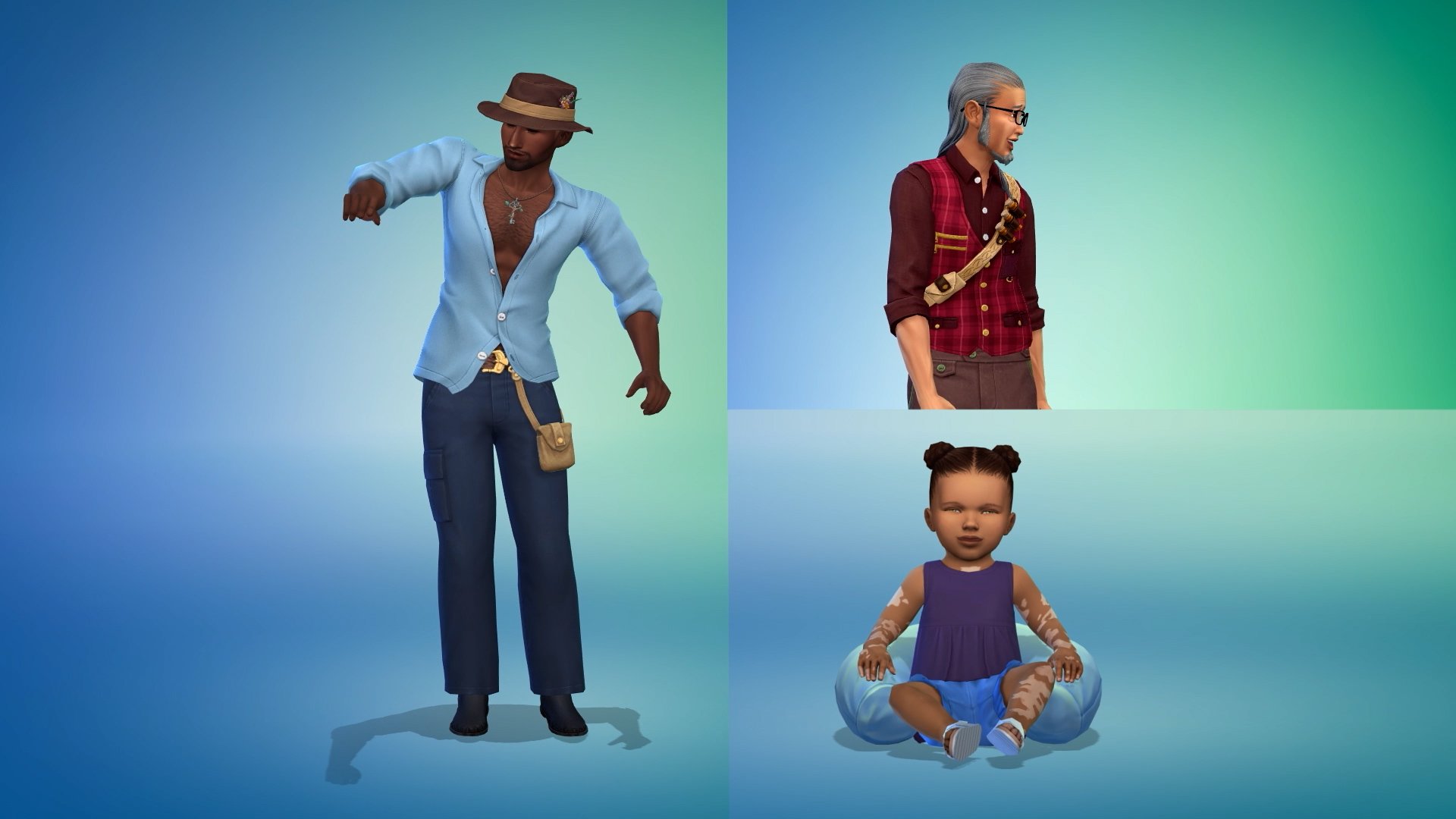
The Sims 4 Enchanted by Nature CAS trailer has been released by The Sims Team! In this trailer, we have our first look at all the new CAS items coming with the Expansion Pack, along with the new skin tones, wing customisation, and traits! More trailers are due to drop before release, covering the new world of Innisgreen and the Build-Buy catalogue before the pack livestream and release.
New CAS Items!
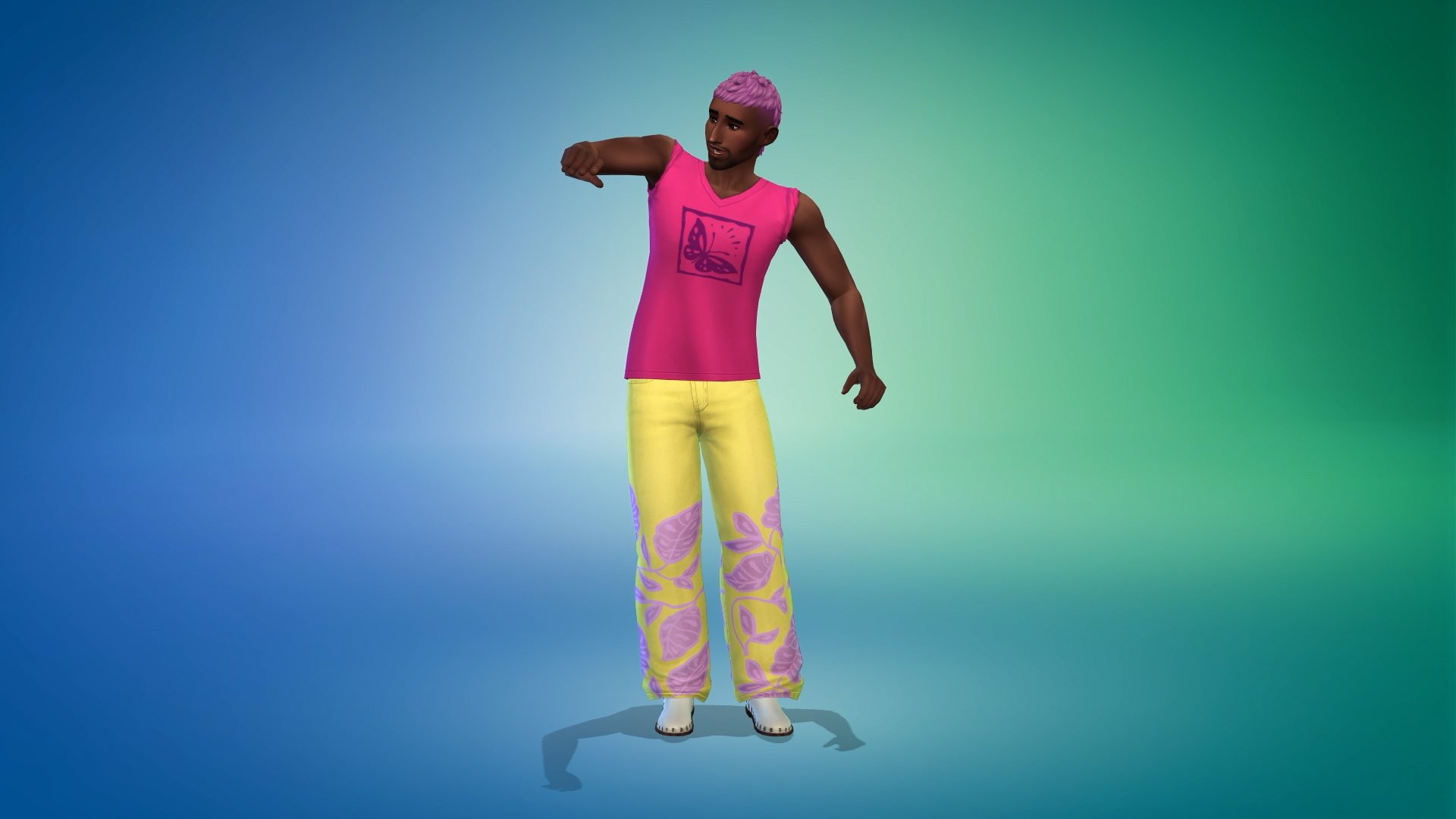
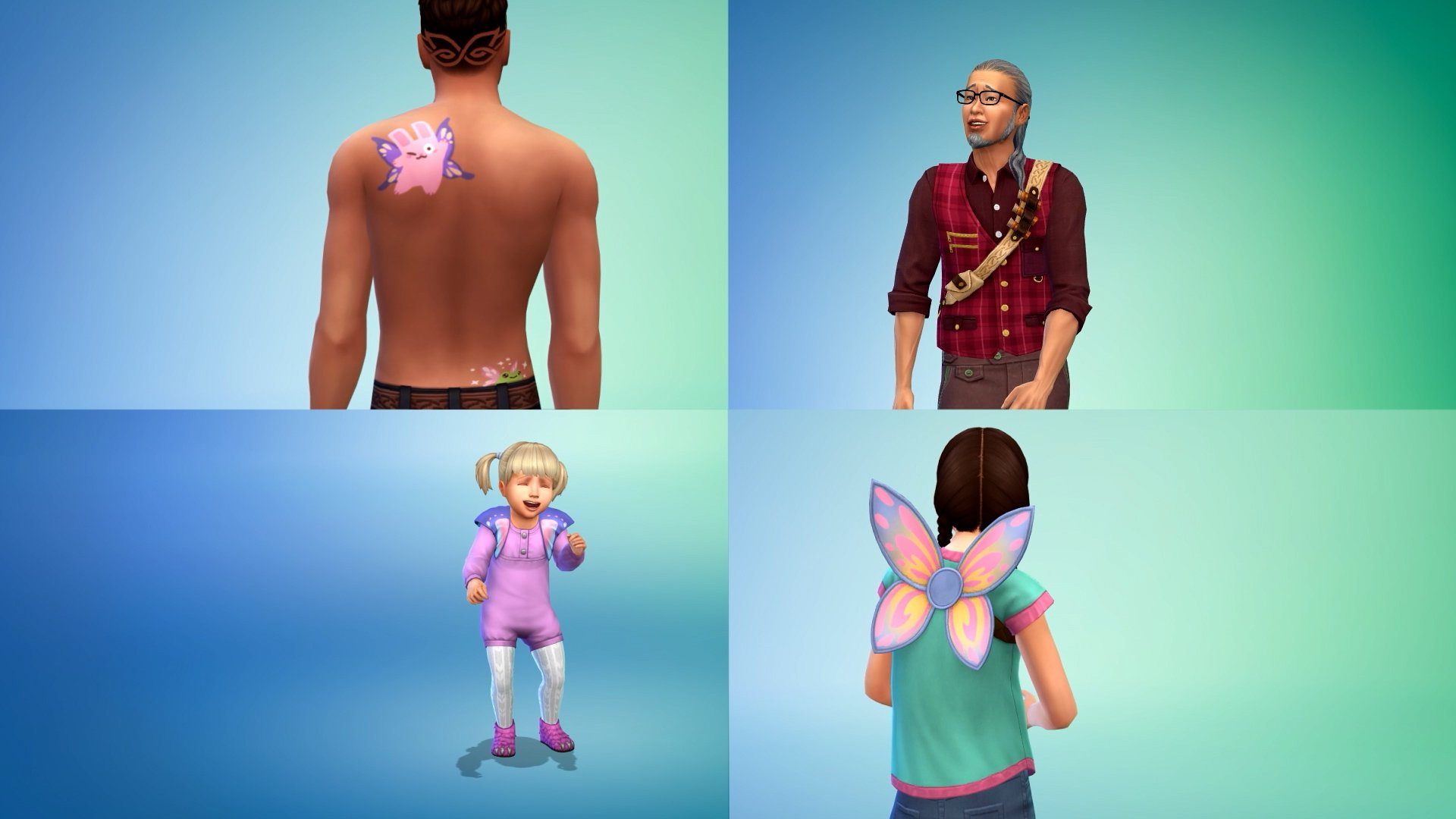
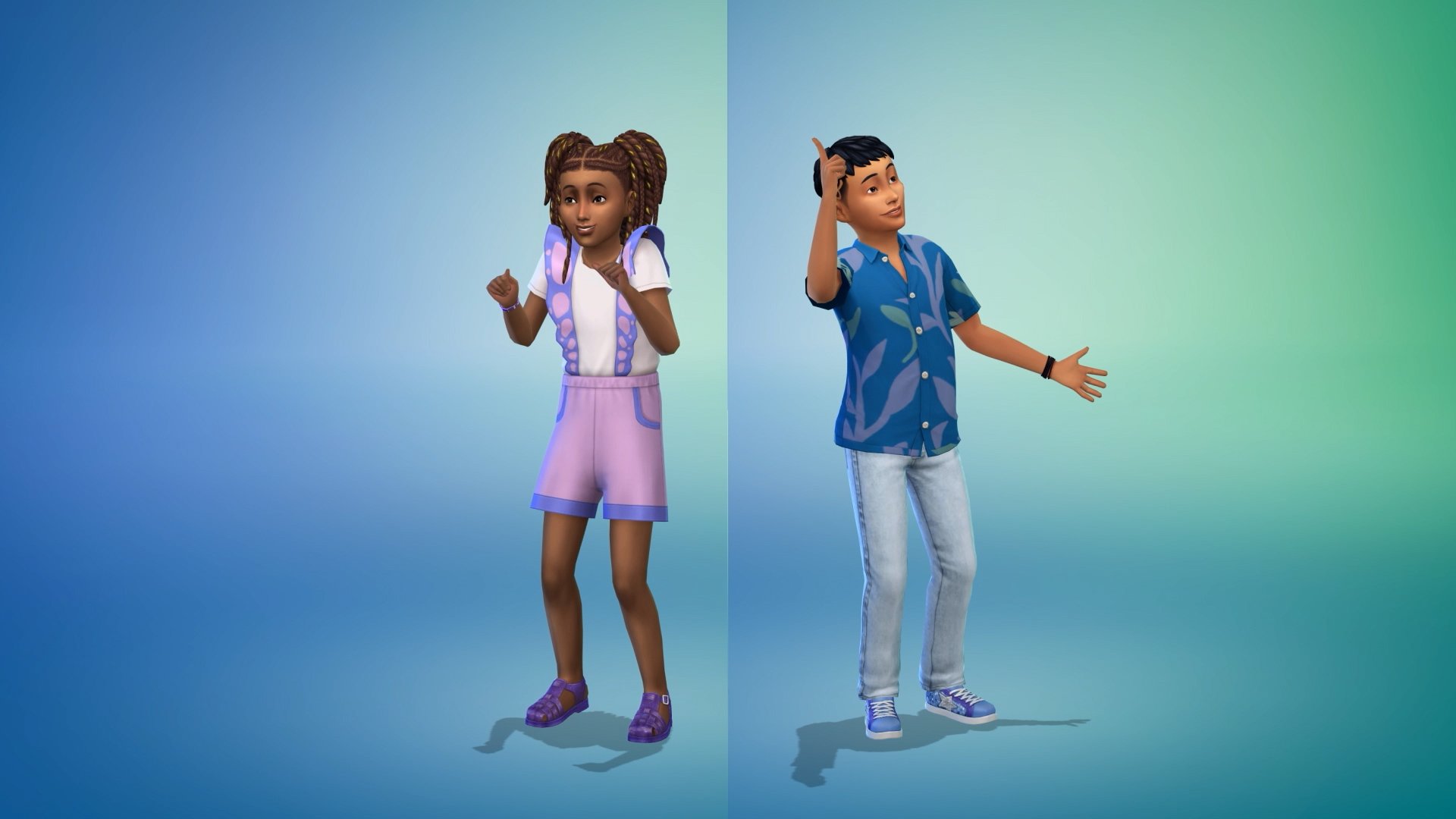
The new trailer starts showcasing some of the Male frame CAS items that Enchanted by Nature has to offer. We then move quickly on to a showcase of CAS items for infants, toddlers, and children. This includes some new tattoos as well as skin details for younger Sims.
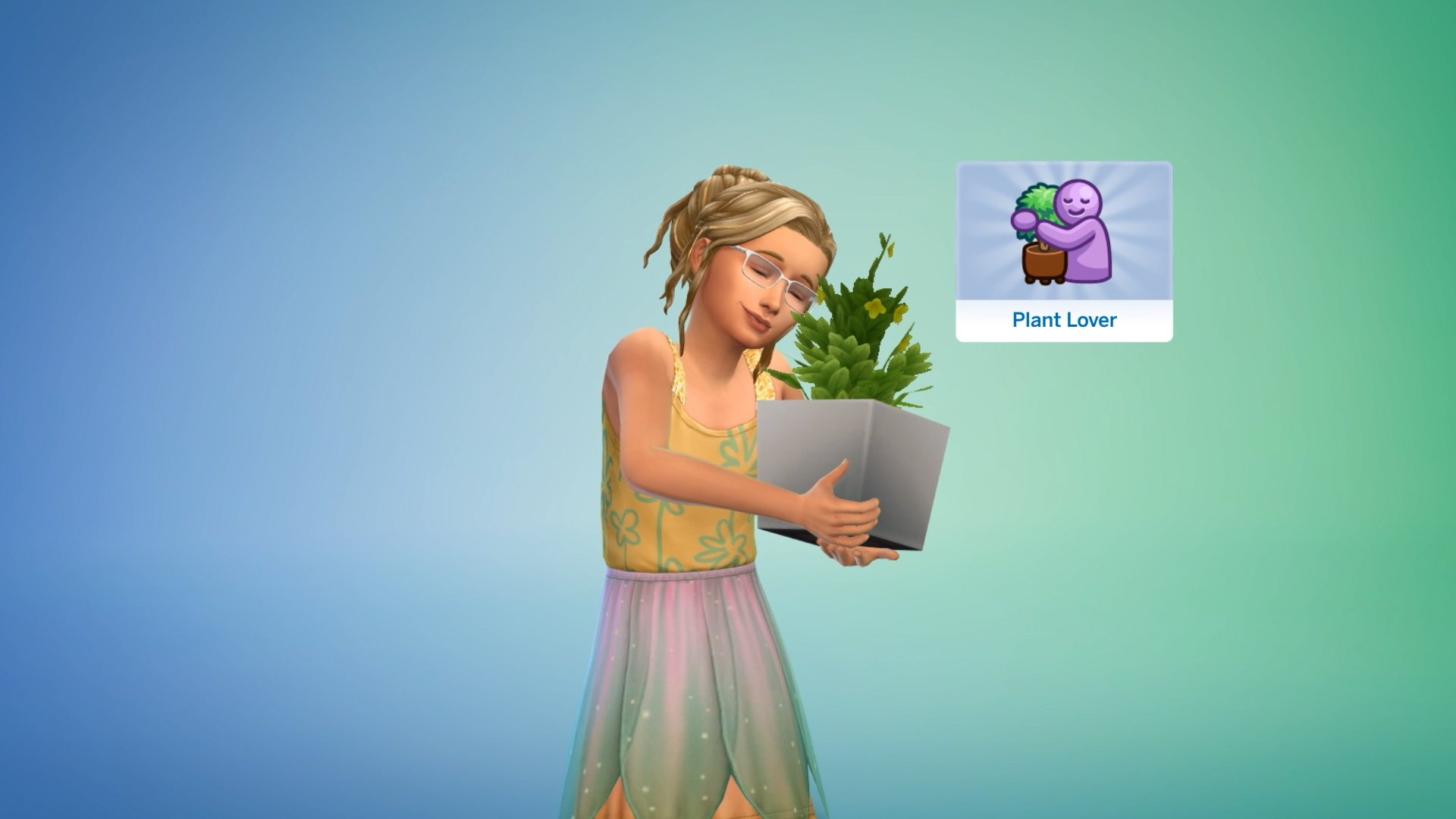
We also got our first look at the three new traits and their unique CAS animations. The three new traits are Mystical, Plant Lover, and Disruptive!
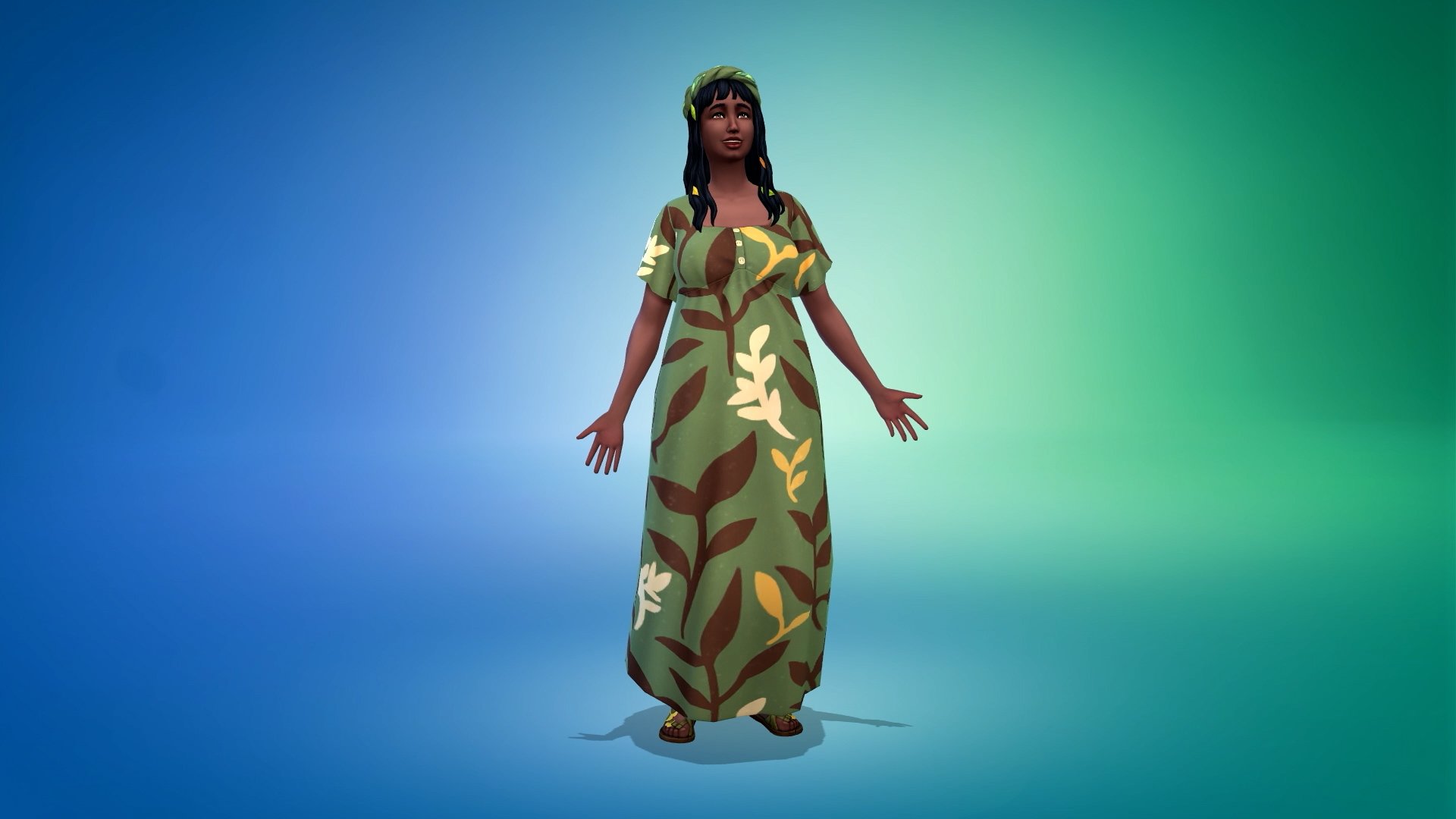
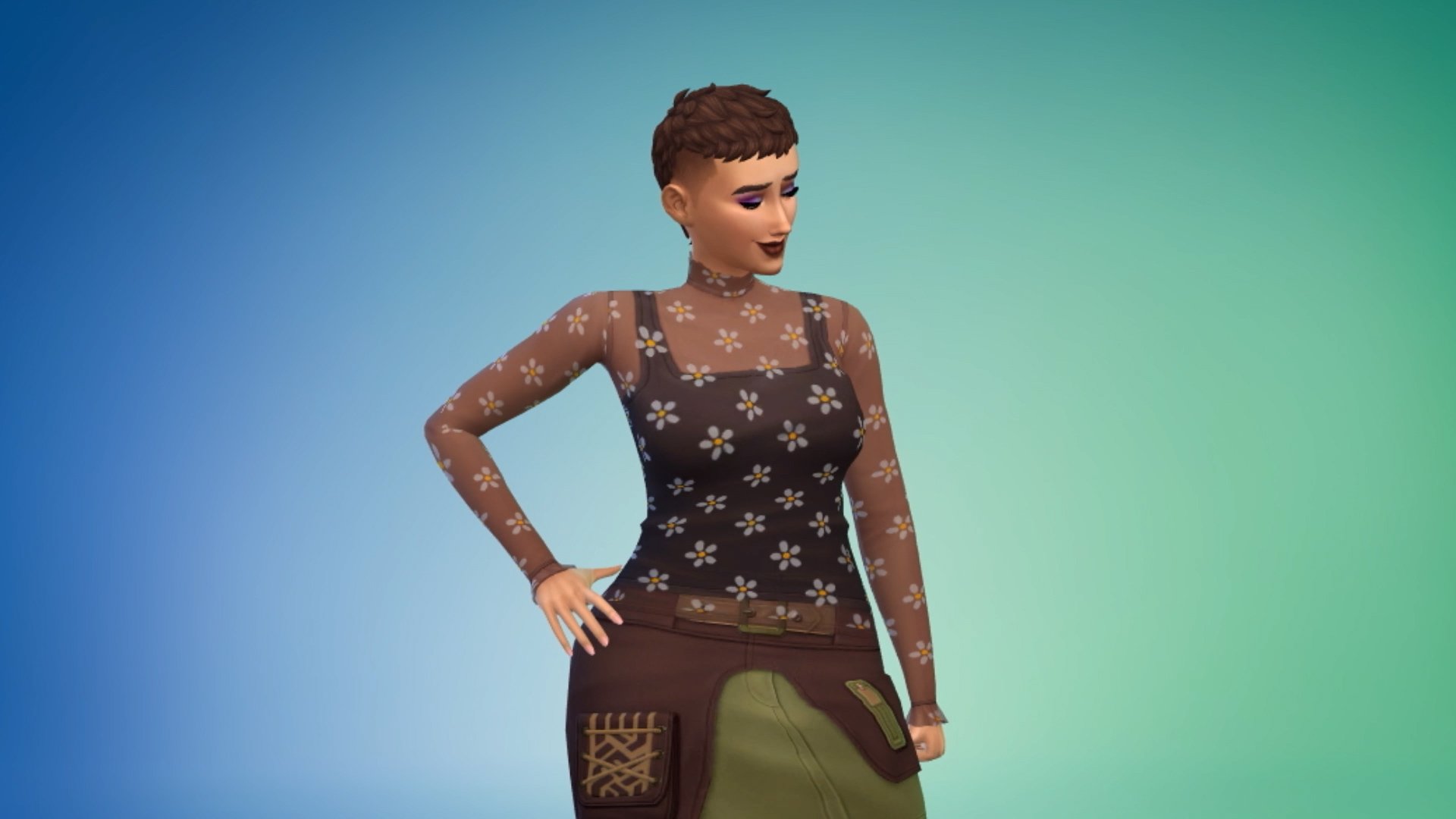
A few more female frame CAS pieces are shown off just before…
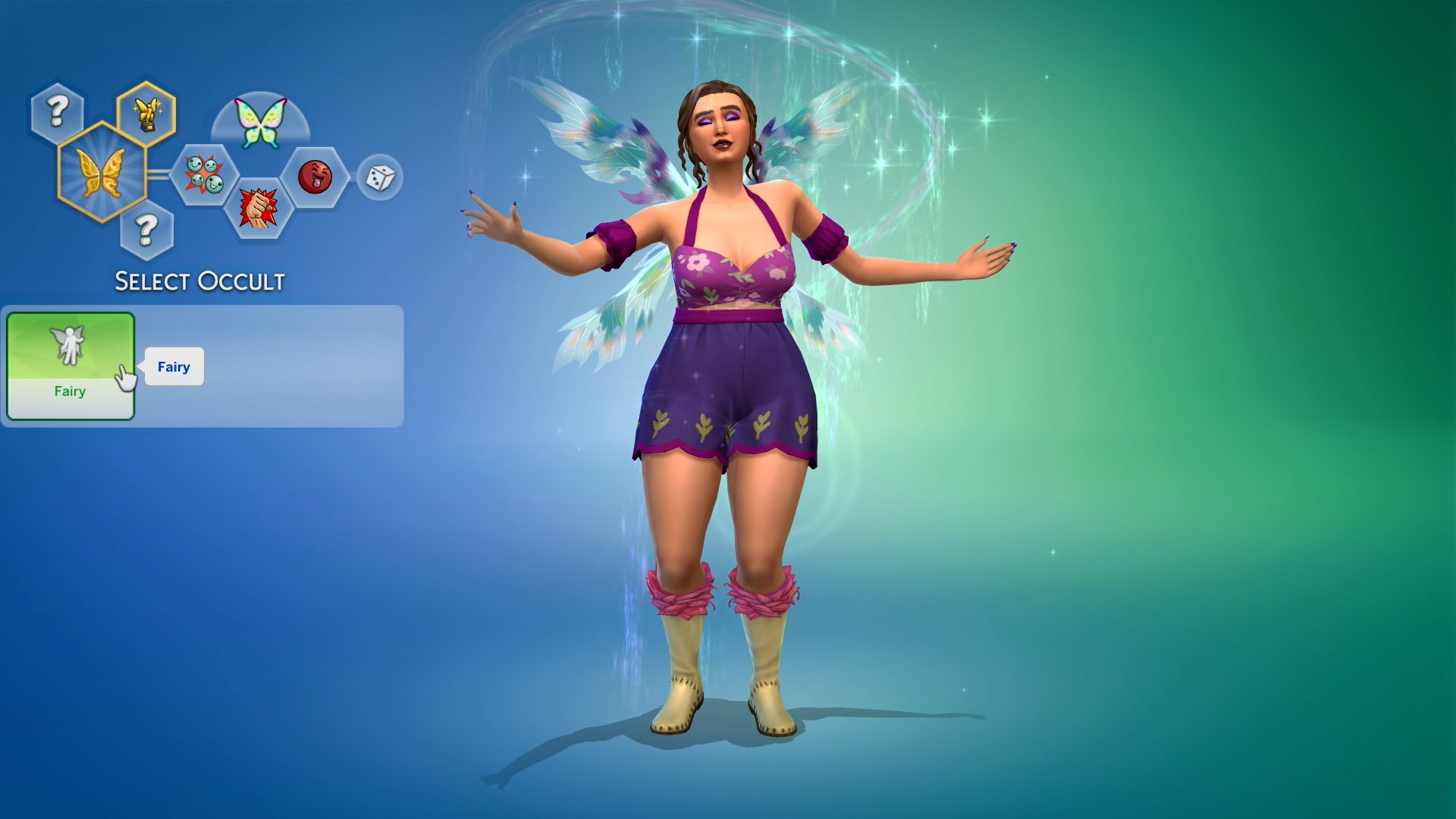
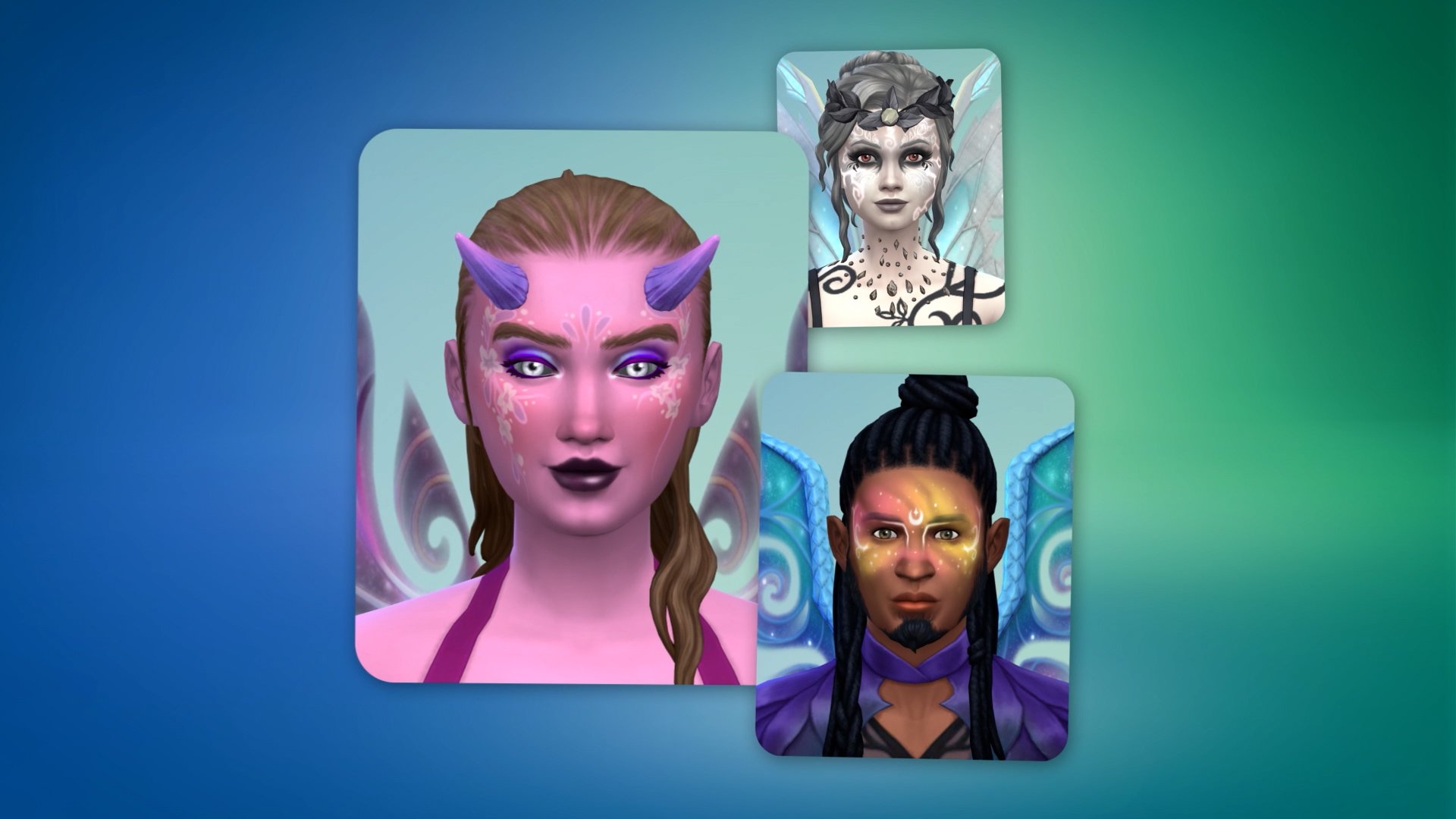
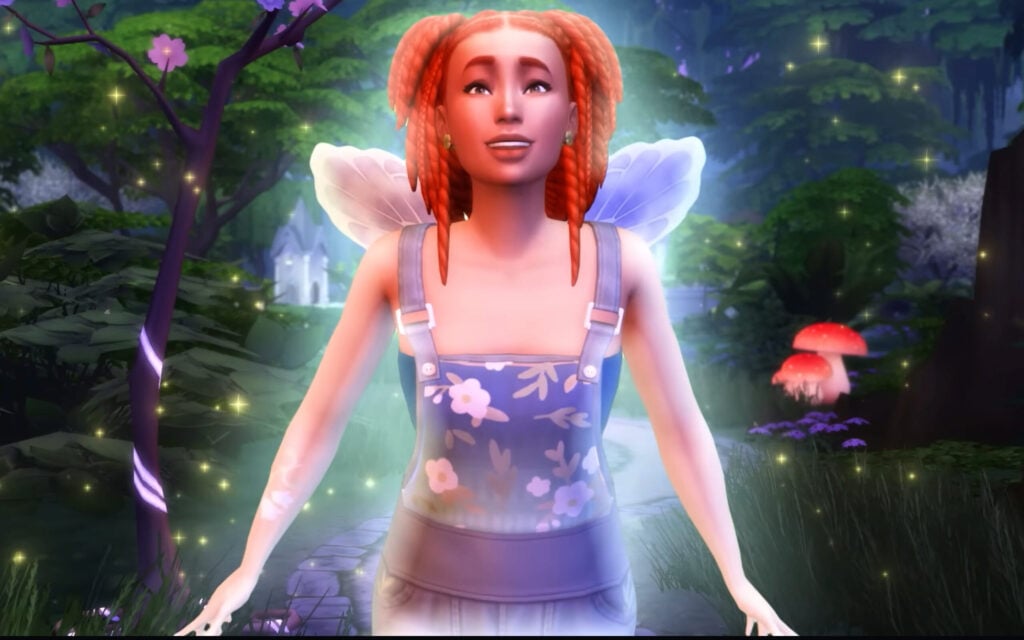
The Sim magically transforms into a fairy, showing off some of the best new features that Enchanted by Nature has to offer! The new advanced skin customisation options are featured alongside customisable wing patterns, similar to the horse and tattoo painting modes.
The trailer closes off with a seemingly human Sim standing in a fairy garden, potentially undergoing their transformation!
You can check out the full trailer featuring all new CAS items and features below:
What’s Next?
Well, according to the Enchanted by Nature Expansion Pack release roadmap, the Build-Buy Spotlight is next up!
What are your thoughts on the latest Sims 4 Enchanted by Nature Teaser? Stay tuned on Sims Community to be the first to know when the new pack info drops!
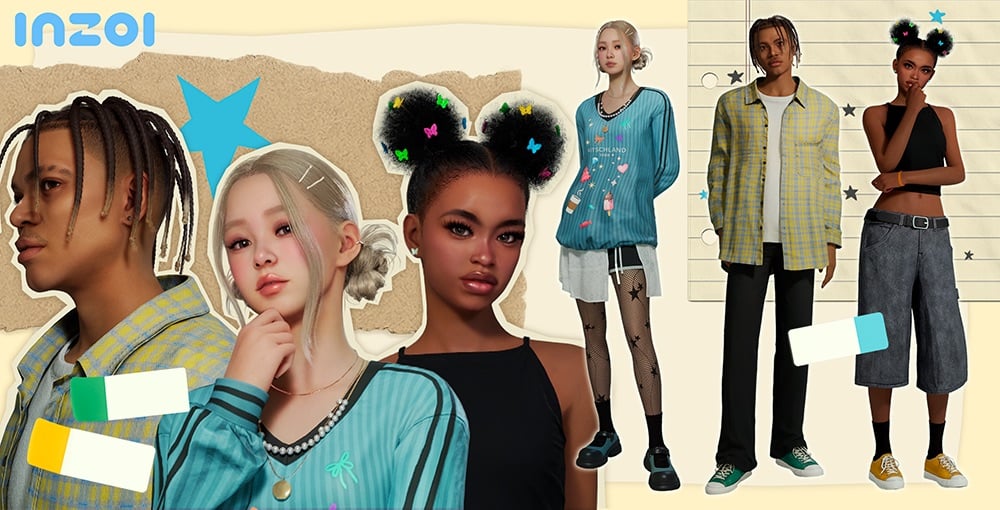
With player-suggested changes, new features, and a ModKit at the forefront, three InZOI updates have dropped between June 12th and June 16th 2025 from Game Developer Krafton for InZOI’s Early Access Build on Steam for Windows PC. These primarily consist of the main June update with everything from a modkit to brand new gameplay features, and then two following hot fix patches to address any glitches or errors that occurred with aforementioned update.
InZOI Updates Overview
BOOK PATTERN
InZOI Update: June 13th Patch Notes
◆ Details
•Patch Date: June 13th, 2025
•Game Version: 20250612.4545.W
This update introduces the inZOI ModKit, along with over 200 new items, greatly expanding customization options.
Zois can explore a wider range of relationship dynamics with new features like adoption, non-marital childbirth, teen romance, and the ability to send the first text. Gender identity settings have also become more flexible. This update also features more realistic simulations, as well as changes that include extended young adulthood, reworks to starting funds, and improvements to the prison system. General improvements to quality of life have been made as well, with features like UI size settings, new cheat codes, and improved controls.
For more details, check the patch notes below!
Modkit
This update formally introduces the ModKit, allowing players to create and manage mods in inZOI. With this feature, Creators can now design custom outfits and furniture, and share them with the community. For more details on creating and using mods, visit the official website.
• inZOI Mod Browser
- The Mod Browser has been added to allow easier access to mods in-game. Players can manage mods using the Browser’s search, install, delete, and other features.
• Wizard-Based Modding Features
- A wizard-style UI has been added to streamline the mod creation process without the need for complex settings. Use this intuitive interface to create mods and access certain content (set outfits, objects, etc.) immediately. This feature supports the creation of set outfits as standalone items for character customization, as well as placeable in-game items like furniture and decorative objects.
• Editing Data
- Players can edit game data to add custom rules or features, including new prices, placement rules, and interactions.
• Sharing and Distribution
- Once created, mods can be shared with other players through CurseForge or extracted directly and added to the game manually.
• Content and Sample Resources
Content and Sample Resources
- Basic resources required to create mods will be provided. The Unreal assets included are based on actual in-game assets, making it easier for beginners to understand their structure. These assets can also be duplicated and used within the wizard tool.
- FBX files will be provided to allow assets to be edited with third-party tools. Sample mods will also be included to make the structure of these assets easier to understand. These samples cover features ranging from Create a Zoi (CAZ) and building to editing data.
• DCC Plugins
- Plugins for Maya and Blender are now supported. These come with tools and guidelines to help Creators make their own custom outfits for inZOI.
• Comprehensive Guide
- A comprehensive guide on using the ModKit will be provided, containing instructions and tips for using these tools, creating content, and distributing mods, all in one place.
Character
Updates have been made to character items, expanding the variety of available hairstyles. Over 20 new outfits have also been added, including entirely new outfit types such as overalls and boots, offering even more options for customization.
• 29 new items have been added.
- Hair: 5 items
- Tops: 4 items
- Bottoms: 3 items
- Outerwear: 1 item
- Sets: 3 items
- Shoes: 3 items
- Socks and Stockings: 9 items
- Accessories: 1 item
Improvements have been made to certain features in the Character Studio, making them more precise. Previously, accessories like glasses, headpieces, and earrings could only be worn in fixed positions, sometimes causing them to overlap with other objects or be hidden. Now, you can freely adjust the size and position of these accessories, allowing for more detailed and flexible styling than ever before.
• New Features
- Edit Accessory Position: Allows free placement
- Authors for Zoi Presets will always be displayed
- Authors for My Textures downloaded from Canvas will be displayed in a tooltip
- Traits and Desired Lives can now be randomly selected when creating a Zoi
Building
Updates have been made to expand furniture categories that were previously limited in options.
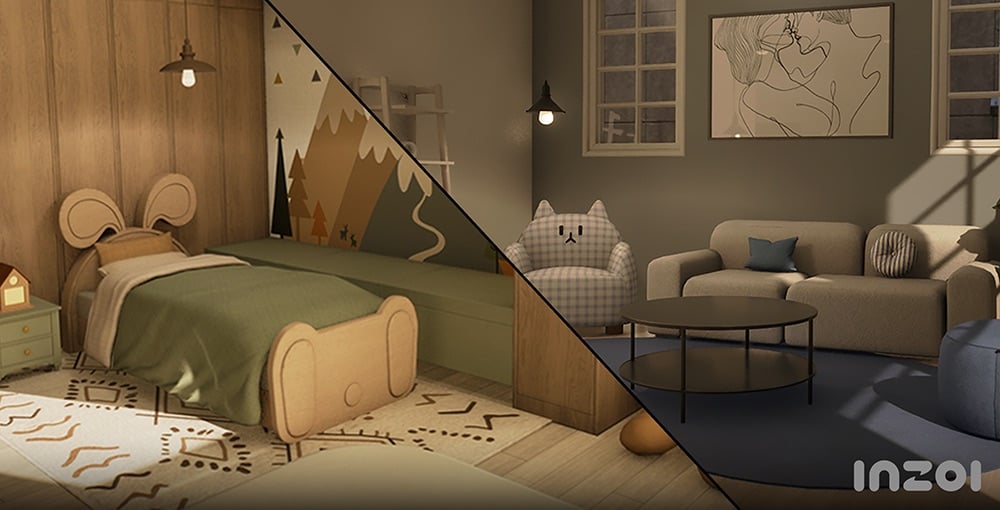
Practical additions that also allow for personal expression have been added, including single beds, kitchen furniture, various rugs and lighting, and baby and children’s furniture.
Unique items like barred windows and flashlights have also been added, making it easier to create themed settings and more visually diverse environments.
• 175 new items added.
- Bedroom: 14 items
- Living Room: 5 items
- Home Office: 4 items
- Kitchen: 52 items
- Bathroom: 2 item
- Common: 76 items
- Outdoors: 2 items
- Doors: 20 items
Updates and improvements to the building system have also been made to make building more convenient.
• Building Shortcuts
- Building shortcuts will make the building process faster and more conveniently.
Supported shortcuts will include Delete Tool (K), Edit Color and Material (Ctrl + R), Put in Inventory (B), and Move House (H).
• Auto Save
- A feature has been added that automatically loads unsaved changes while making edits in Build Mode as a property preset if the game shuts down unexpectedly.
• Improvements to Gizmo Usability
- The position and shape of the roof gizmo have been adjusted to make editing eaves more intuitive.
• Improvements to Editing Roofing and Shadow-Casting Lighting
– Lights can now be placed on ceilings and under rooms above the first floor.
- A new icon has been added in Build Mode that allows you to easily check settings for shadow-casting lighting.
• Quality-of-Life Improvements to Camera Modes
- When switching from Free Camera to Top View/Shoulder View, the viewpoint will now be adjusted automatically to prevent walls or objects from obstructing the view.
- The camera now defaults to the nearest floor level if there are no ceilings near its position, and can center its movement around a selected object. Additionally, camera rotation has been improved to move more naturally around its axis.
• Improvements to Wall View
- Wall-mounted objects (such as picture frames) will no longer remain visible when toggling between Wall View modes.
Gameplay
More Ways to Build Families and Relationships
Zois can build families and express their emotions in more varied and flexible ways. Added features like adoption, non-marital childbirth, teen romance, and new text interactions make relationships richer and more realistic.
New Features
• Adopt a Child
- With this update, Zois can now welcome a child into their family without using the Make a Baby interaction through adoption. To use this feature, go to your computer or laptop to access the Adopt a Child menu. As long as they meet the age and property requirements, anybody can bring a new member into their family!
• Create a Child with Medical Help
- You can now use the Create a Child with Medical Help interaction on a computer or laptop to have a child with the help of science. The procedure costs 1,000 Mew, and the child will have your Zoi’s genetic traits. You can also choose to partner up with another Zoi for this procedure, resulting in a child that reflects both Zois’ traits.
• Non-Marital Birth
- To promote even more diverse kinds of families, Zois can now give birth without getting married.
• Teenage Romance
- Teenager Zois can now enter romantic relationships. Look forward to shy conversations, sweet first dates, and awkwardly adorable interactions. Random choice card events, like receiving an anonymous love confession, may also occur. After school, you might even get the chance to unmask your secret admirer!
• Exchanging Gifts
- Zois can now exchange items with each other. Depending on a Zoi’s personality and preferences, the same gift may be received in different ways. A variety of new giftable items are available on Pocket Market, and you can even withdraw cash from an ATM to gift money directly.
• Visits from Other Zois
- Other Zois in the city can now make the first move to meet your Zoi. They might make plans for a meetup via text, or even show up unannounced at your doorstep. Be it longing, insecurity, or a simple whim of the heart, their reasons for visiting may vary. Whether the meeting ends with a heartwarming moment or a bittersweet goodbye depends entirely on how your Zoi responds.
• Sending the First Text
- You can now initiate a conversation by sending a text to any Zoi by using the Contacts app on your smartphone (P).
Responses will vary depending on the relationship between the two Zois and the recipient’s current emotional state. On a good day, you might get a friendly reply… but if the other Zoi is in a bad mood, expect the unexpected!
Improved Features
• Romantic Relationships with Everyone!
- New settings have been added that allow Zois to express their gender identity and romantic attraction more freely. These settings can also now be adjusted at any time. Zois who align with your identity and romantic attraction will also appear in the overworld, setting the stage for potential relationships.
• Relationship-Appropriate Conversations
- When player Zois reach a certain level in their relationship, their conversations will change to better reflect that dynamic. For example, if a relationship between two Zois progresses from Mutual Crush to Sweetheart, the tone of their dynamic will become positive, increasing the likelihood of positive conversations between them.
•UI Improvements Related to Romantic Relationships
- In response to player feedback, the message “You’re getting to know each other as romantic interests” will no longer appear. The romantic relationship gauge for Zois will now only be displayed in the Relationships menu after at least one romantic conversation has occurred.
Improvements and Updates to Simulations
Core systems that determine a Zoi’s pace of life have been rebalanced. These include changes in body weight and physique, aging, starting funds, and prison systems. From play and parenting to interactions and NPC behavior, in-game simulations have been polished to feel more realistic and organic.
New Features
• Changes to Body Weight and Muscle Mass
- Zois will now undergo changes in physique based on their lifestyle choices. Working out will cause Zois to build muscle, while overeating will cause them to gain weight. As their Fitness level increases, Zois become more resistant to aches and fatigue, allowing them to endure longer or more intense physical activity with ease.
• New Swing and Hula Hoop Interactions Added
- Swings and hula hoops can be used by Zois who are Children or older. Interacting with these items will improve a Zoi’s Fitness skill.
• Time Skip Feature for Rabbit Hole Interactions
• 8 New Pocket Market Items Added
- Four new item categories have been added to Pocket Market: Luxury, Practical, Charming, and Silly. Gifts purchased from Pocket Market can be given to or exchanged with other Zois.
• 5 New Donuts Added
- The Poison Donut, Charming Donut, Flirty Donut, Diet Donut, and High-Calorie Donut have been added.
Improved Features
• Improvements to Prison System
- Several changes have been made to simulate a more realistic prison experience. Vending machines have been removed, and meals are now only available during set meal times. Lifers will appear, casual conversations are prohibited, beds are less comfortable, and overall needs are more difficult to fulfill within prison.
※ These changes will only be available after starting a new game.
• Improvements to Starting and Move-In Funds
- Adjustments have been made to help players start their journey as homeowners more easily while giving them a sense of progression. The furniture initially provided has also been rebalanced, setting the stage for a humble beginning while leaving room to grow.
- Welfare support can now only be claimed once. Families residing in the city are now able to find jobs and support themselves financially.
※ These changes will only be available after starting a new game.
• Improvements to Age Progression
- In response to player feedback, Zois will now spend less time as Middle-Aged Zois, with the Young Adult stage being significantly extended. The time Zois spend as Infants, Teenagers, and all age groups in-between has also been extended, allowing players to enjoy more of their childhood and adolescence.
•Improvements to Fixed Schedules
- Schedules will no longer be auto-generated for player Zois.
• Improvements to Universal Text Notifications
- Zois can now receive text advisories related to severe weather conditions, such as heat waves or extreme cold.
• Improvements to Interactions Related to Newborns and Children
- New interactions such as Laugh, Cry, and Change Diaper have been added. Newborns can now gain emotion buffs or wake nearby Zois according to their needs.
• Improvements to Idle Family Options
- Aging for idle families has been disabled by default. Players can toggle this setting manually. Additional improvements have been made to idle family narratives and maximum capacity.
•Improvements to Basic Info Display
- Hovering your cursor over a Zoi will now display their age group, marital status, and the number of days left until they reach their next age group.
• Age restrictions have been added for NPC pregnancies to prevent unintended pregnancies
• Improvements to Object Interactions
- New interactions have been added, including Write Entry in Plant Observation Journal and Shower While Humming. Features related to certain objects, such as yoga mats and pots, have also been improved for smoother interaction.
• Zois with Autonomy enabled will no longer remain idle without performing any actions
• Improvements to Street Encounters
- New interactions have been added that allow Zois to look at, greet, or react to objects and other Zois on the street. Systems for avoiding pedestrians and traffic, as well as proactive NPC reactions have also been implemented.
• Fixed an issue where relationships would reset immediately after marriage, triggering negative interactions
- Fixed an issue where romantic relationships reset after marriage. A portion of the existing relationship now carries over into the family relationship score to better reflect the bond built before marriage.
• Fixed an issue where moving certain Zois into new homes caused their previous family relationships to reset
• A system message will now appear when an object cannot be used.
• When using the Read Book interaction at a bookshelf, Zois will now prioritize selecting nearby books that have been taken out of the shelf.
Animations/Audio
Updates have been made to animations, enhancing immersion and making them feel more natural.
Motions have been polished for better quality. Changes have been made to the position of microphones held by rappers, exaggerated emotional expressions have been toned down, and repetitive idle motions have been refined. The locomotion system has also been improved to feel smoother.
Characters now tilt naturally when making turns and use a Look-at feature to face their direction of movement for enhanced realism.
Additionally, Zois will make better eye contact with each other and interact more believably with objects, further enhancing immersion.
•(Animation) Fixed awkward animations that occurred during certain interactions
•(Animation) Improved animation quality for Cooking interactions to enhance immersion
•(Audio) Added Background Audio options in the Sound menu
•(Audio) Updated footsteps to reflect terrain
•(Audio) Added and refined sound effects to improve overall game immersion
•(Audio) Improved audio to prevent background music from overlapping with event-specific sounds
InZOI Cheats
Cheats have been added to the game, letting you expand your creative horizons regardless of whether you’re just starting out or already creating. You can bring your own unique situations to life by controlling various factors, including Zoi emotions, relationships, currency, movement, and environments.
• Cheats can be accessed from the Psycat Guide by using Enable Cheats feature. A detailed list of all available cheats can be found right here!
Canvas
•Creations can now be set to Private (up to 10 creations allowed)
•Added pages that organize and display creator content by category.
•Added notification settings for Canvas interactions
• Updated and added various icons, including the Like and Heart buttons
UI/UX
•Added a setting that allows players to choose from three UI size options: Small (default, 100%), Medium (112%), and Large (125%)
• Updated choice cards to display profile images for both the sender and the receiver
Bug and Crash Fixes
•Gameplay
- Fixed an issue where your Zoi’s current outfit failed to update accordingly when using City Appearance to change the weather
- Fixed an issue where the Desired Life section in the Zoi Card did not immediately update after selecting Life of Self-Discovery
- Fixed an issue where babies in idle families failed to load properly after their families moved house
- Fixed an issue where Aging settings were not applied to newly created Zois
- Fixed an issue where the main relationship status did not update correctly after a failed divorce attempt followed by another relationship selection
- Fixed an issue where the same interaction appeared differently on desktops and laptops
- Fixed an issue where the Announce Divorce interaction did not appear for children unaware of their parents’ divorce
- Fixed an issue where visual effects related to likes and dislikes failed to display correctly during interactions related to the Washing Cars preference
•Career Interactions
- Adjusted the Junior Lawyer’s salary
- Fixed an issue where some job-exclusive interactions failed to display job-related tags during workplace-related schedule events
•Simulations
- Fixed an issue related to the Make Food interaction
- Fixed an issue where most interactions (such as Pick Up or Organize) were unavailable for certain crops, such as potatoes and corn.
•Characters
- Fixed an issue where eyebrows and beards were displayed incorrectly on Zois who are Middle-Aged or older
- Fixed an issue where certain actions caused the chin gizmo to be positioned too far from a Zoi’s chin in Detailed Editing
•Building
- Fixed an issue where certain grids on the first floor restricted movement on upper floors when creating buildings with two or more stories
- Fixed an issue where Zois were unable to use stairs installed in rooms with elevated platforms
- Fixed an issue where entering Build Mode while in the Hangyeol House property and returning to the game made doors unusable
- Fixed an issue where exiting Build Mode after applying a basic property preset occasionally caused the game to crash
- Fixed an issue where closing the UI while loading a My Texture caused the texture icon to appear white
- Fixed an issue where deleting meshes of items created using the 3D Printer left behind ghost entries in the list
- Fixed an issue where certain furniture filters were categorized incorrectly
- Fixed an issue where applying a My Texture to a stair wall caused parts of the texture to appear incorrectly
- Fixed an issue where, after changing a stair’s appearance, the Material list in the Color and Material menu failed to update to match the new appearance
•UI/UX
- Fixed an issue with the Edit Family Tree menu
- Fixed an issue where performing certain actions would cause the in-game UI to disappear
•Canvas
- Fixed an Error Code: GREEN issue that prevented players from signing in to Canvas
•Miscellaneous
- Fixed typos and inaccurate descriptions
•Crashes
- Fixed an issue that caused occasional crashes when entering the game or selecting a property
- Action for GPU crashes that may occur under certain conditions
We have improved the system so that when using a GPU of NVIDIA RTX 40 series (Ada Lovelace architecture) or higher and the “Hardware-accelerated GPU scheduling” feature is turned off, a crash may intermittently occur and a pop-up guide will now appear prompting the user to enable the feature.
InZOI Update: June 16th Patch Notes
A hotfix has been applied to improve stability and address known issues in InZOI.
Hello, Creators.
We would like to inform you that the following hotfix has been applied to inZOI. Please refer to the details below for more information.
◆ Hotfix Details
•Patch Date: June 16th, 2025 (UTC)
•Game Version: 20250616.4636.W
Bug Fixes
Fixed an issue where the popup shown in Intel 13th and 14th generation CPU environments could not be clicked
Fixed an issue where the shortcut key to open the cheat console did not work properly in certain environments
If the shortcut isn’t working properly, please try pressing the Ctrl and Shift keys first, then press the C key.
Please make sure the ‘Enable Cheats’ toggle is activated via the Psycat Guide before using the shortcut.
Fixed an issue where student-aged NPCs were being generated infinitely.
Please note that this fix applies only to newly started games via “New Game”.
Fixed an issue where a crash could occur intermittently when moving lots after ending a schedule.
Fixed an issue where changes to the class value in the Browse Mods tab were not applied immediately.
We’ll continue working to make inZOI more stable and enjoyable for everyone.
Thank you, as always, for your continued support and valuable feedback.
The inZOI Team
InZOI Update: June 16th Patch Notes
A hotfix has been applied to improve stability and address known issues in InZOI.
Hello, Creators.
We would like to inform you that the following hotfix has been applied to inZOI. Please refer to the details below for more information.
◆ Hotfix Details
•Patch Date: June 16th, 2025 (UTC)
•Game Version: 20250616.4646.W
Bug Fixes
Fixed an issue where the Q and E shortcut keys did not function properly in Photo Mode and Free Camera Mode
Fixed an issue where child Zois would not eat when attempting the ‘Eat Chinese Fried Noodles’
We’ll continue working to make inZOI more stable and enjoyable for everyone.
Thank you, as always, for your continued support and valuable feedback.
The inZOI Team
How do you feel about the latest InZOI Update for June 2025? Are there any features that you’re most excited about, or anything you’re looking forward to in the future?
Are you excited to discover more about the upcoming expansion pack? Well, here’s some more The Sims 4 Enchanted by Nature news, however this time it looks like we have a small update to the pack’s roadmap!
Shared over on X (formerly Twitter), The Sims account has given players a glimpse of what we can expect in the run-up to the launch in July and possibly beyond!
While the Gameplay Trailer and Pack Livestream are stand out moments in many recent expansion pack launches, it would appear that the Team are trying a slightly different approach this time around.
Table of Contents
The Sims 4 Enchanted by Nature News Roadmap
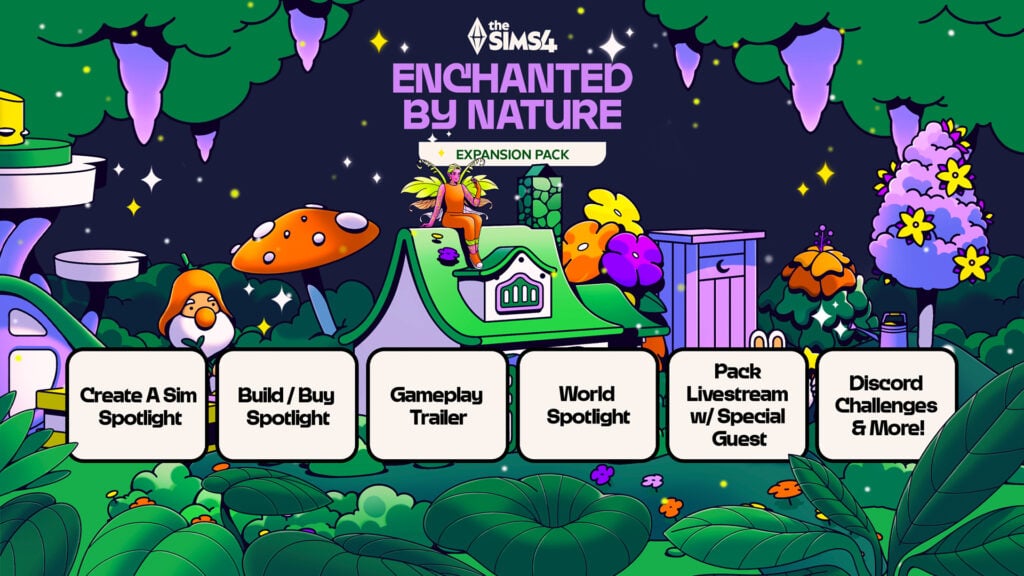
This new, updated The Sims 4 Enchanted by Nature roadmap includes the following:
Create A Sim Spotlight
Build/Buy Spotlight
Gameplay Trailer
World Spotlight
Pack Livestream with additional Special Guest
Discord Challenges & More!
Although there are no specific dates on this roadmap, we do know with the recent reveal trailer for Sims 4 Enchanted by Nature that the Gameplay Trailer for The Sims 4 Enchanted by Nature is coming June 26th. Where we’ll get to also learn more about Fairies.
Roadmap Spotlights
Rather than trying to showcase all the new features from Create A Sim, Build Buy and the new world, it appears that we will be seeing individual spotlights for each of these instead.
This will be a great way for the Team and Players to get a closer and more in-depth with each of the different segments to have a closer look at the new content ahead of time.
Currently, we don’t know specifically how these spotlights will be delivered or when, but it will only be a matter of time until we see the first one.
Discord Announcement
Over on the official The Sims Discord, an announcement was made, adding some more clarity to this The Sims 4 Enchanted by Nature news.
Here’s the announcement that the Team shared:
Sul Sul Simmers! Get Ready for Some Magic!
Now that the fairy is out the bag, we’ve got plenty of fun coming your way to celebrate the Enchanted By Nature Expansion Pack:
Gameplay Trailer: Get a first look the Expansion Pack on The Sims YouTube
Feature Spotlights: We’ll be sharing a closer look at some of the whimsical wonders coming in this Pack
Discord Challenge: A new challenge is growing… come back on Monday to learn more and we will have some Simmers joining us to share some inspiration throughout!
Special Livestream: After launch, join us for a fun-filled livestream with special guests!
If you want to get started sooner, use the fairy name finder we dropped in llama-lounge!
Happy Simming!
– via The Sims Official Discord
Gameplay Trailer & Livestream
It’s still good to see that we’ll still be getting not only the gameplay trailer which, in itself, is a great way to showcase The Sims 4 Enchanted by Nature expansion back, as well as being paired with the upcoming livestream!
It is important to note, that this livestream will be a post-expansion pack launch livestream, rather than before the release.
The question is, though, as a community, who do we think the special guest might be?
Discord Challenges & More
While we don’t quite know what the additional surprises are that The Sims have planned for The Sims 4 Enchanted by Nature launch, the official Discord Server for The Sims will be playing host to a number of challenges. Most notably, the Discord announcement states to check back on Monday (16th June, 2025) for more information.
So, if you are a member of the official Discord, keep your eyes peeled for further details about these!
However, for now, keep your eyes peeled for more The Sims 4 Enchanted by Nature News from the pack and the Sim Your Summer Roadmap!
As per usual nature with the recent Expansion Packs, EA has put up an extended version of The Sims 4 Enchanted by Nature details including all essential game features. In this version of the Pack details breakdown, we find out more about the new Luck system, Nature Press, fairy deaths (& WooHoo!) and more!
Learn all about The Sims 4 Enchanted by Nature in a detailed info breakdown below:
The Sims 4 Enchanted by Nature Details
Nature
Feel at home in nature
The Natural Living Skill is about becoming more comfortable outside, to the point where your Sim is as happy living in the great outdoors as they would be with a bed and plumbing. Sims can meet their needs in nature by sleeping on the ground, relieving themselves in a Privy Bush, talking to nature, and eating food they Forage or catch, among other things. Sims may find these things uncomfortable at first, but will become more comfortable as their skill level increases.
Try 3 new traits
Plant Lovers are happiest surrounded by greenery and will sink into negative moods if they’re away from plants for too long. Mystical Sims are empathetic and want to guide others towards more balanced lives, so they’ll build their Apothecary and Gardening skills faster. Disruptive Sims are daring individuals who love freedom and excitement, even if their fun is sometimes at the expense of others. They’ll build Mischief, Logic and Charisma skills faster.
Bring nature inside
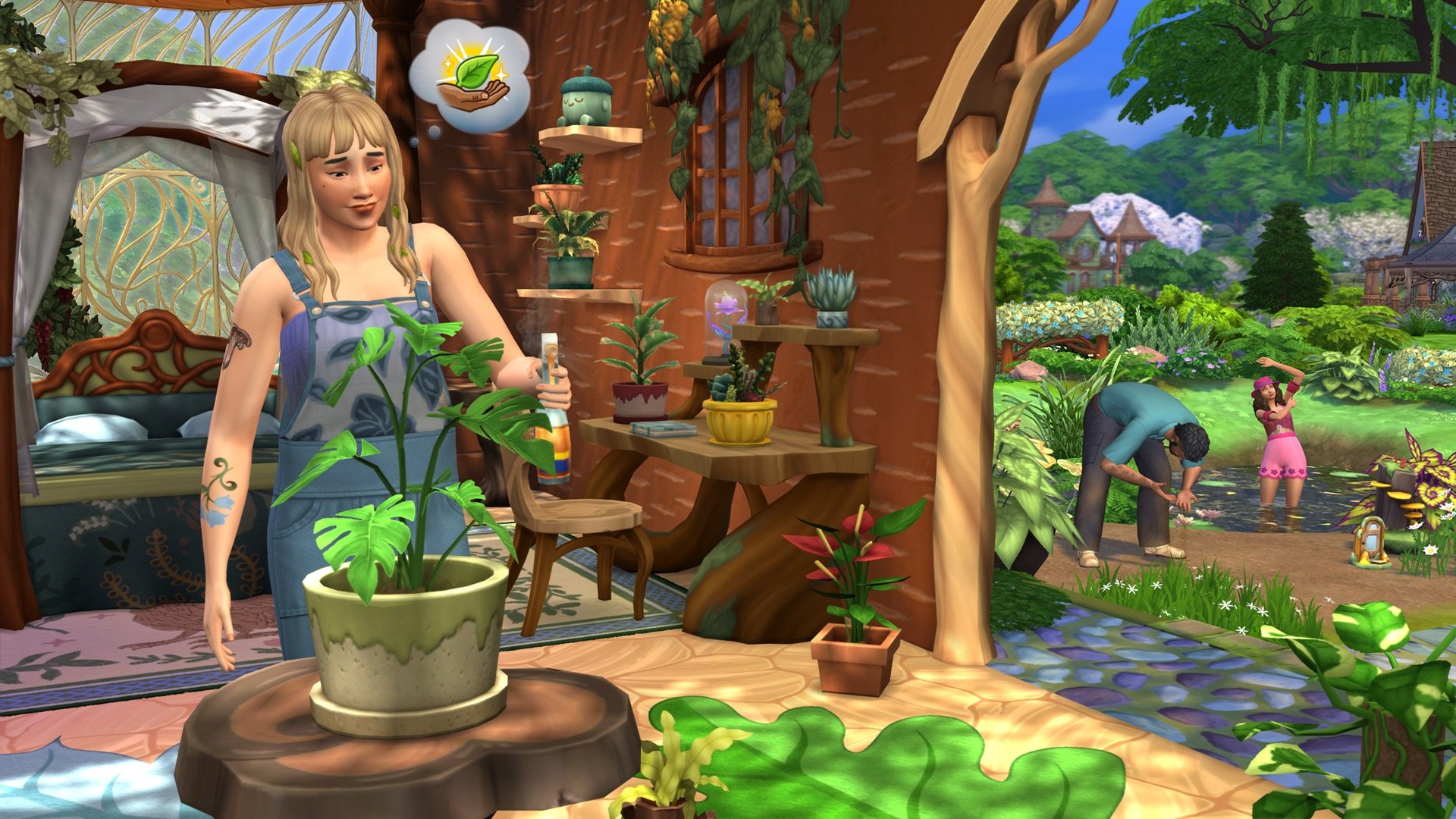
Grow just about any plant inside using 4 new Tabletop Plant Pots! These pots will fit in medium-sized spaces, like on tables or shelves, and you can use them to grow both harvestable and decorative plants. Turn your home into a lush garden. Another way to bring the outside inside is the new Nature Press, which Sims can use to create décor like candles and wall art from the treasures they find in nature.
Magic
Develop mystical powers
Fairy Sims will gain experience by using their powers or performing specific interactions. As they gain experience, they’ll be able to learn abilities, like curing Ailments or bestowing them. Changing the moods or luck of other Sims, bottling emotions, creating seeds, and making plants bloom are also examples of Fairy skills. Remember: everything has its cost! Fairies are nourished by emotion, and their abilities cost emotional energy they will need to recharge.
Style unique Fairies
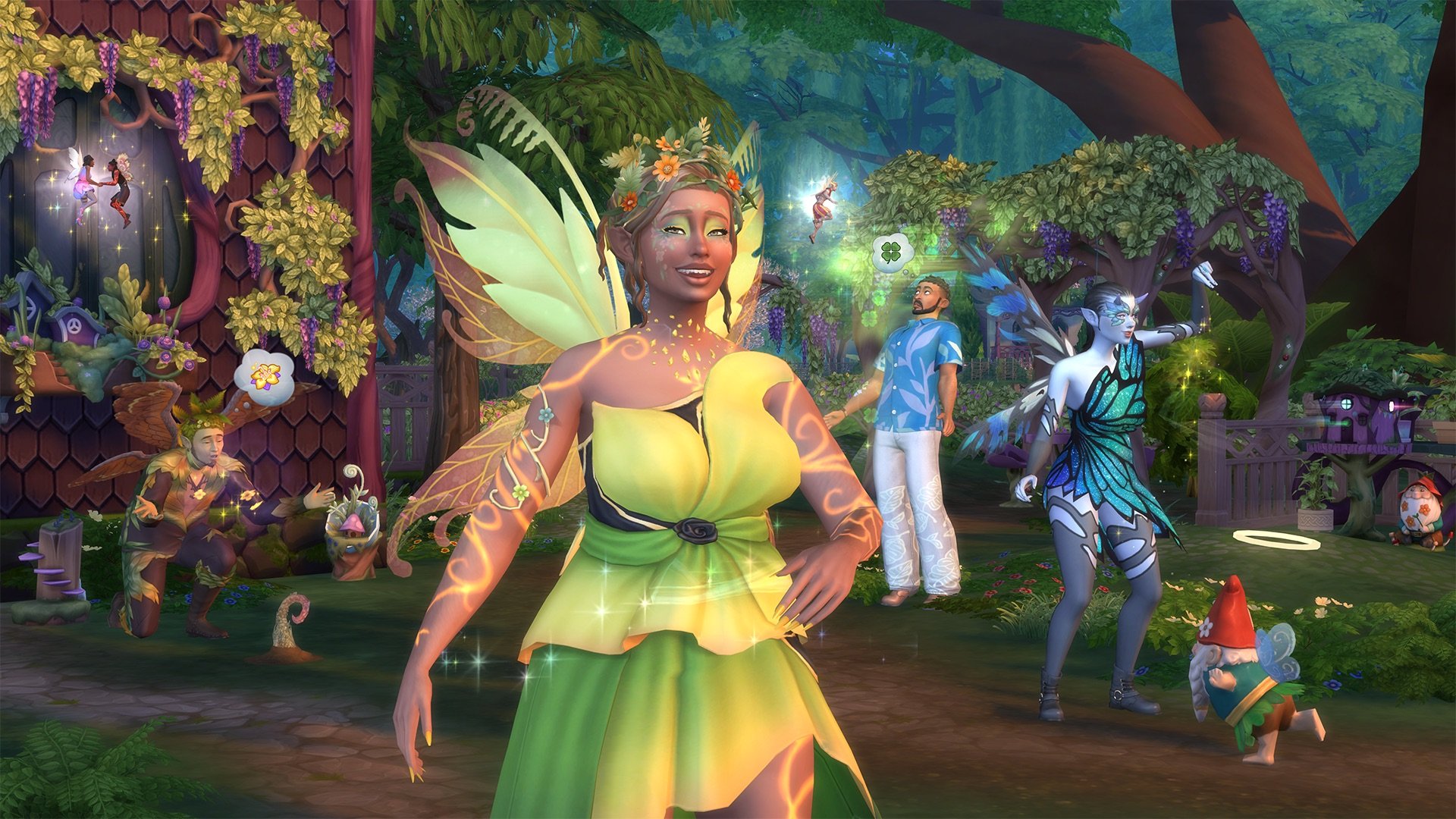
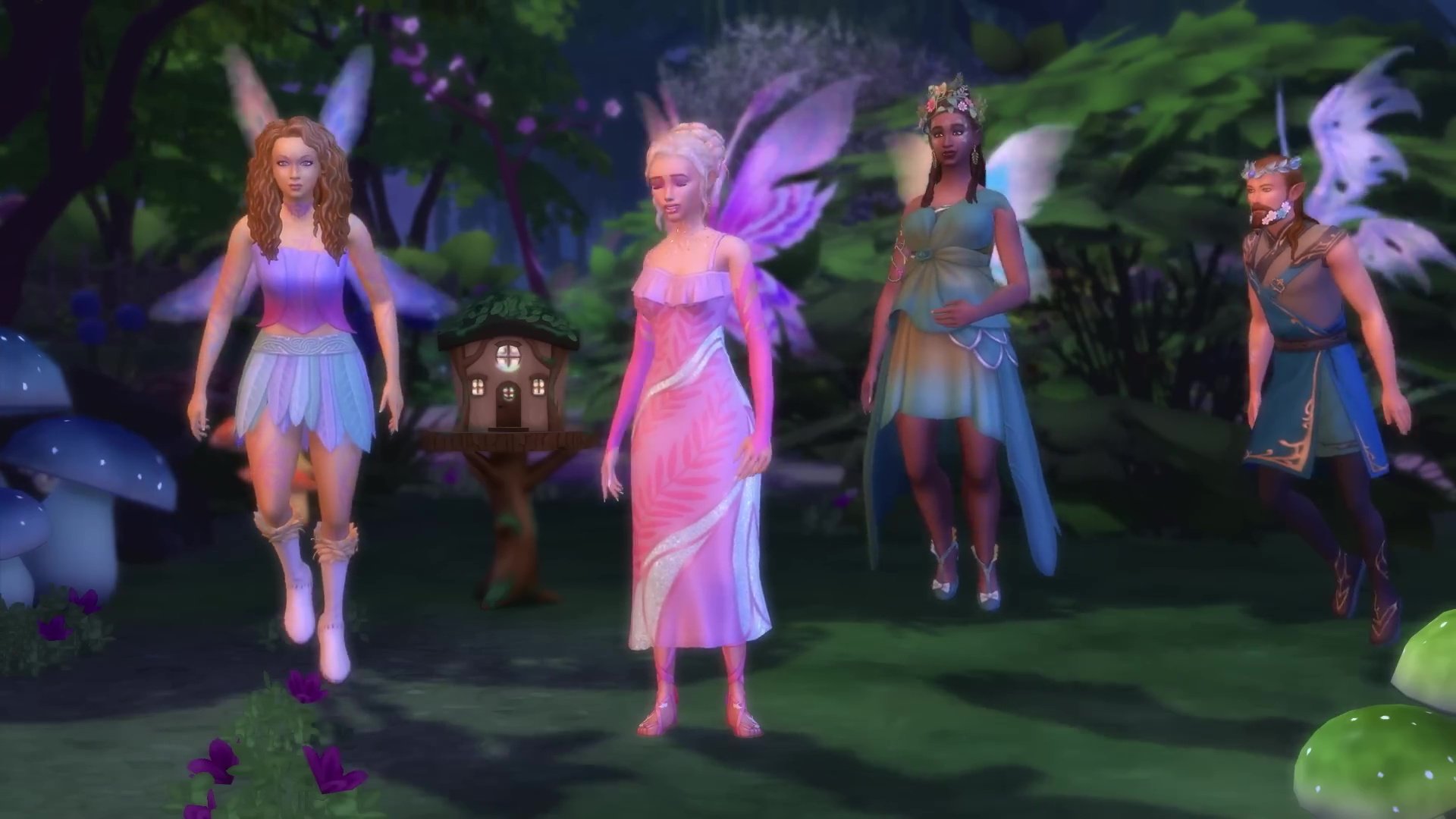
Create Fairies with beautiful wings you can paint freely! New facial presets, skin tones, glowing tattoos, and fairycore fashion will be available. Fairy Sims can have a separate Fairy Form, in addition to their normal Sim form. While Sims can start as
Fairies in CAS, they can also become Fairies through a special journey that’ll have them summoning Mother Nature and visiting the Enchanted Springs. Fairies also have a new WooHoo and a new death, Emotional Starvation.
Enchant plants, Gnomes, and more
You don’t have to be a Fairy to use Fairy Dust – it’s enchanting fun for everyone! Use it to bring Gnomes to life and have them help around your lot, or enchant plants & objects created with the Nature Press. Enchanted plants may be easier to care for or produce a bigger harvest, but they can also attract magical pests called Pixies. Fairies create their own Fairy Dust. Other Sims can ask them for it, and both Fairies and non-Fairies can find it while Foraging or pick it up at special locations.
Balance
Experience strange effects
There are 8 different Ailments, and they’re not all bad. A lot of them depend on your perspective. For example, The Luck Magnet will build up your Sim’s good luck – by stealing it from everyone around them. Another Ailment will saddle your Sim with an uncontrollable urge to create, and another will have them feeling emotionally…nothing. Ailments may be caused by Imbalance, caught from ailing Sims, or inflicted through the meddling of a Fairy.
Craft Cures & Elixirs
Use new books and the Leafy Ledge Apothecary Table to build your Apothecary skill. Craft Cures for Ailments, Elixirs that affect the Needs or emotions of Sims, and even an Emotion Stone. There are 22 recipes total. Emotion Stones are limited-use items that can siphon emotions from Sims. Emotions can be a key ingredient for some recipes, and Fairy Sims can consume them to recharge their emotional energy. That energy will decay more slowly while a Fairy Sim has an Emotion Stone in their inventory.
Play the odds
Luck affects a Sim’s chances of getting positive outcomes when Crafting, Foraging, socializing with other Sims, and more.
Luck even plays a role in whether evil Gnomes will show up on your lot. You can check a Sim’s luck by looking at their Simology panel, and it can be changed in various ways like by asking Spruce Almighty for help or being the target of a Fairy’s Play with Luck ability.
You can turn off the Luck system via your in-game settings.
Enchantment
Explore a world in bloom
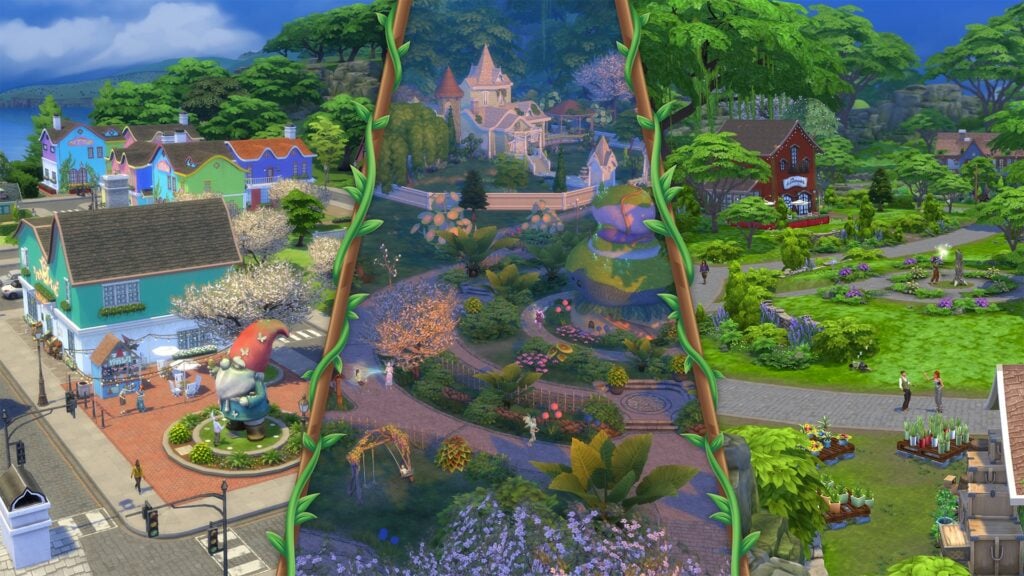
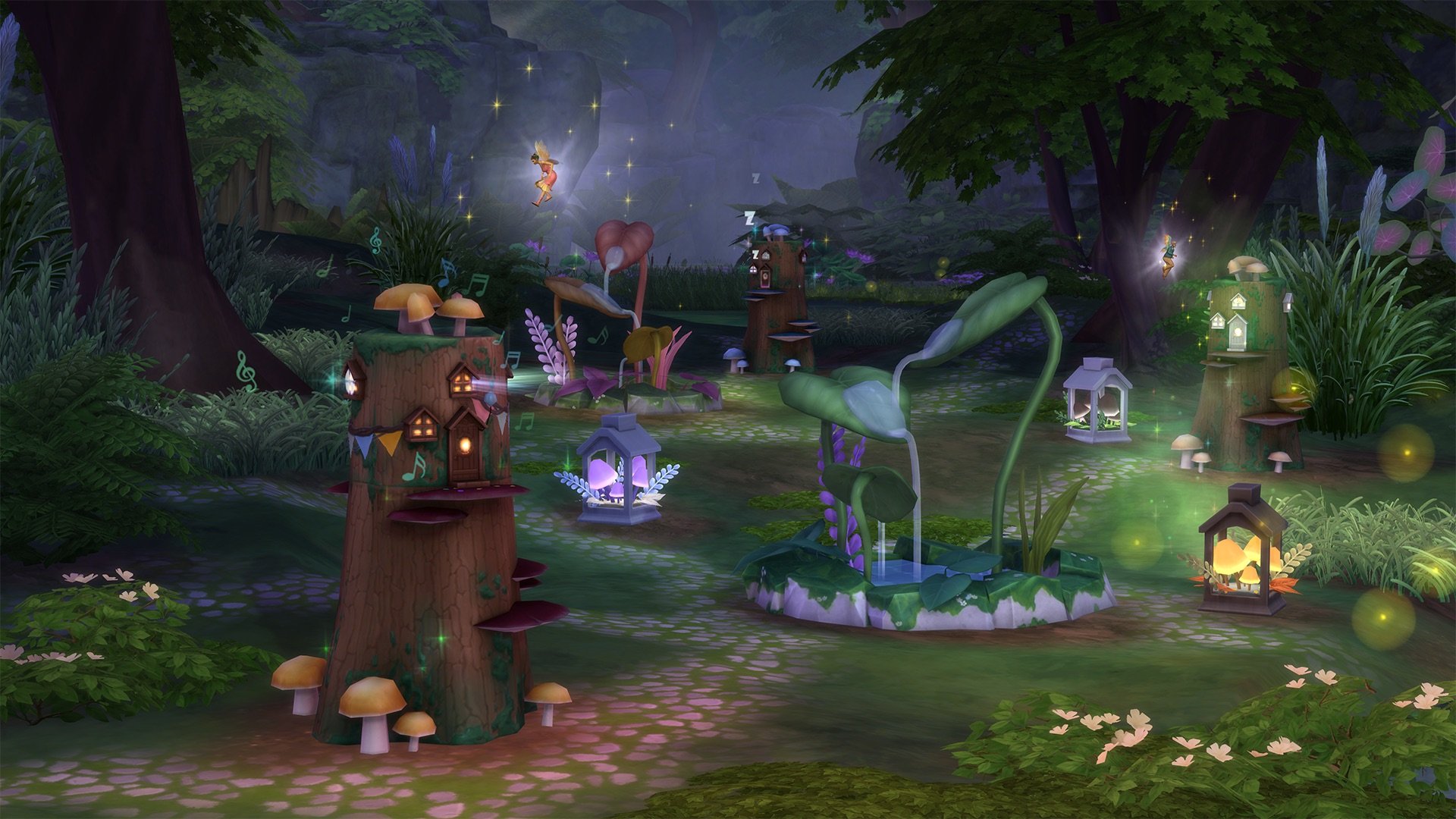
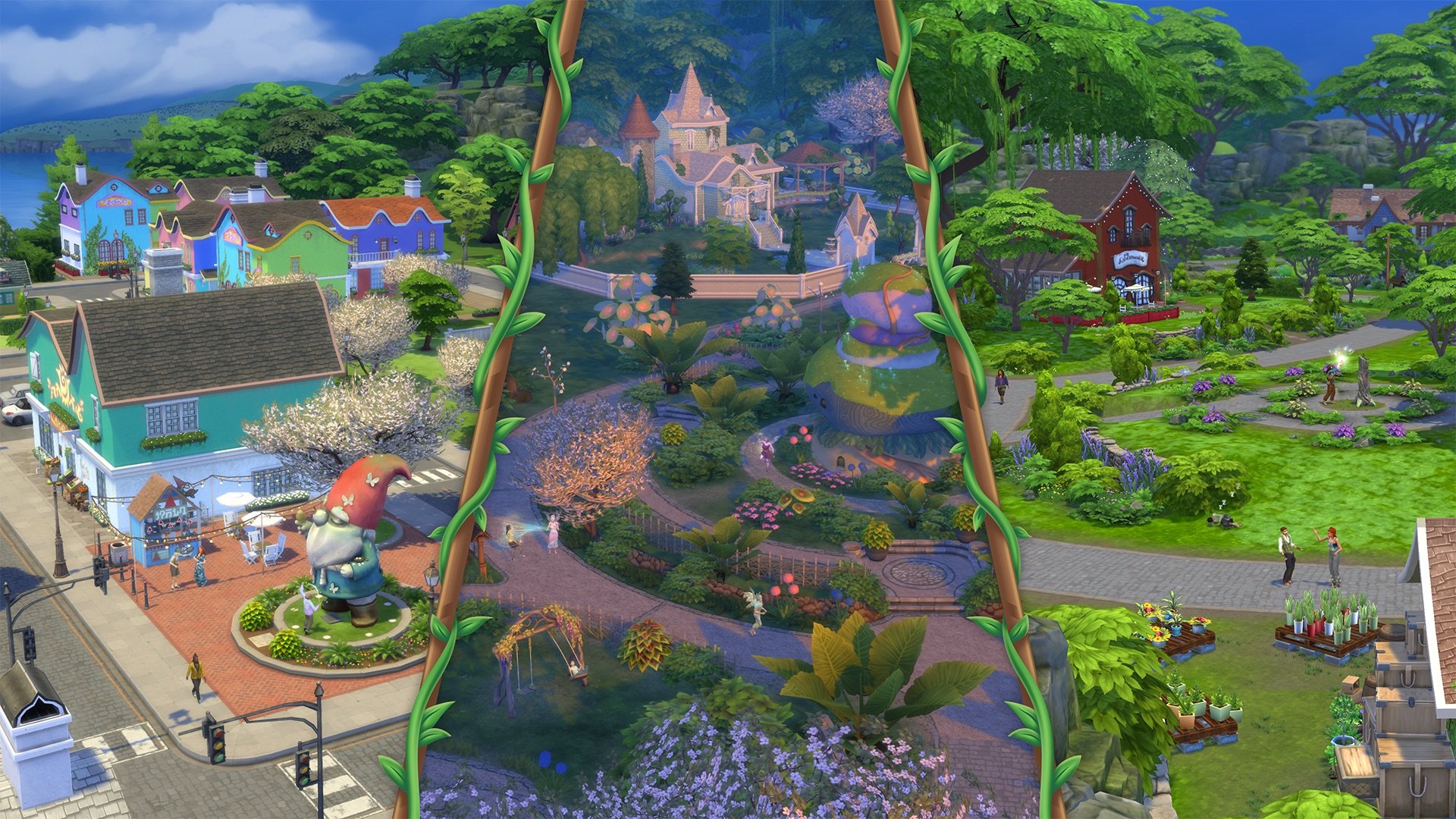
The Coast of Adhmor is a Celtic-inspired town with walkable streets, a giant gnome statue, and a lot of history. It’s the most down-to-earth of Innisgreen’s neighborhoods. Sprucederry Grove is a very nature-focused community, with a touch of the mystical thrown in. Everdew is a hotspot for Fairy activity where their powers are used openly and even the plants feel fantastical. The Mossveil Fairy Hub, a large mushroom, is located here. Explore to discover more enchanting surprises!
Meet fantastic new friends
Mother Nature can be summoned, and she can help Sims on their quests to become Fairies! There’s also a special Glaswood Tree statue that summons Spruce Almighty. This verdant fellow can help out around your lot or even improve a Sim’s luck.
You can get your own statue and place it on your lot to summon him more easily.
As announced, The Sims 4 Enchanted by Nature Expansion will be fully released on July 10th, 2025. Stay tuned on Sims Community for extensive coverage on this Expansion Pack!
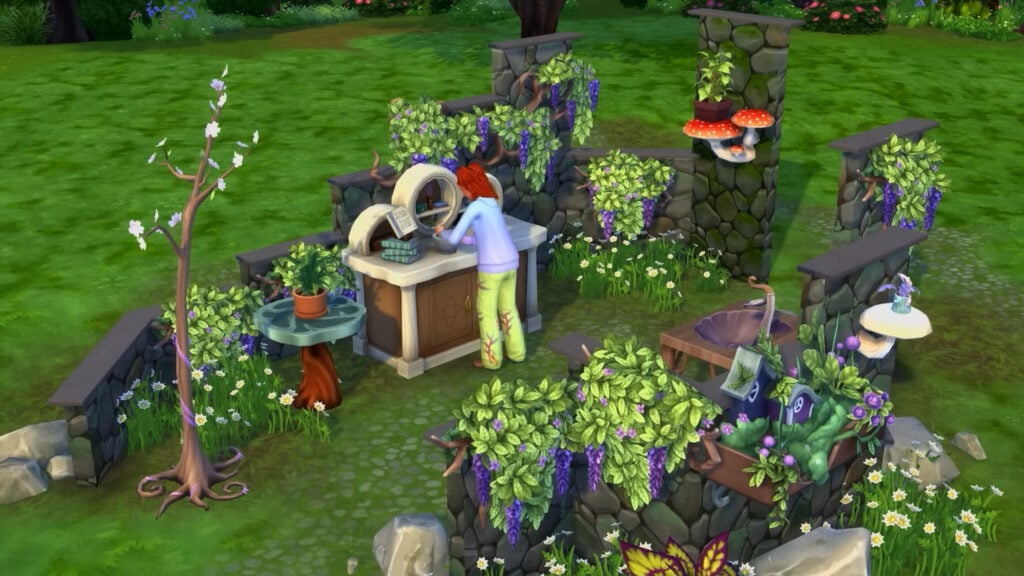
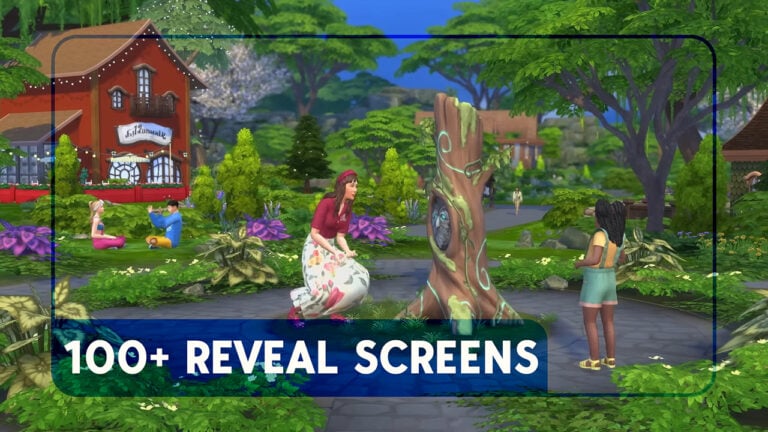
As always, we were there to capture all the best screens from the new trailer! We’ve compiled over 100 screenshots from The Sims 4 Enchanted by Nature trailer for you to see all the exciting new items and features for yourself.
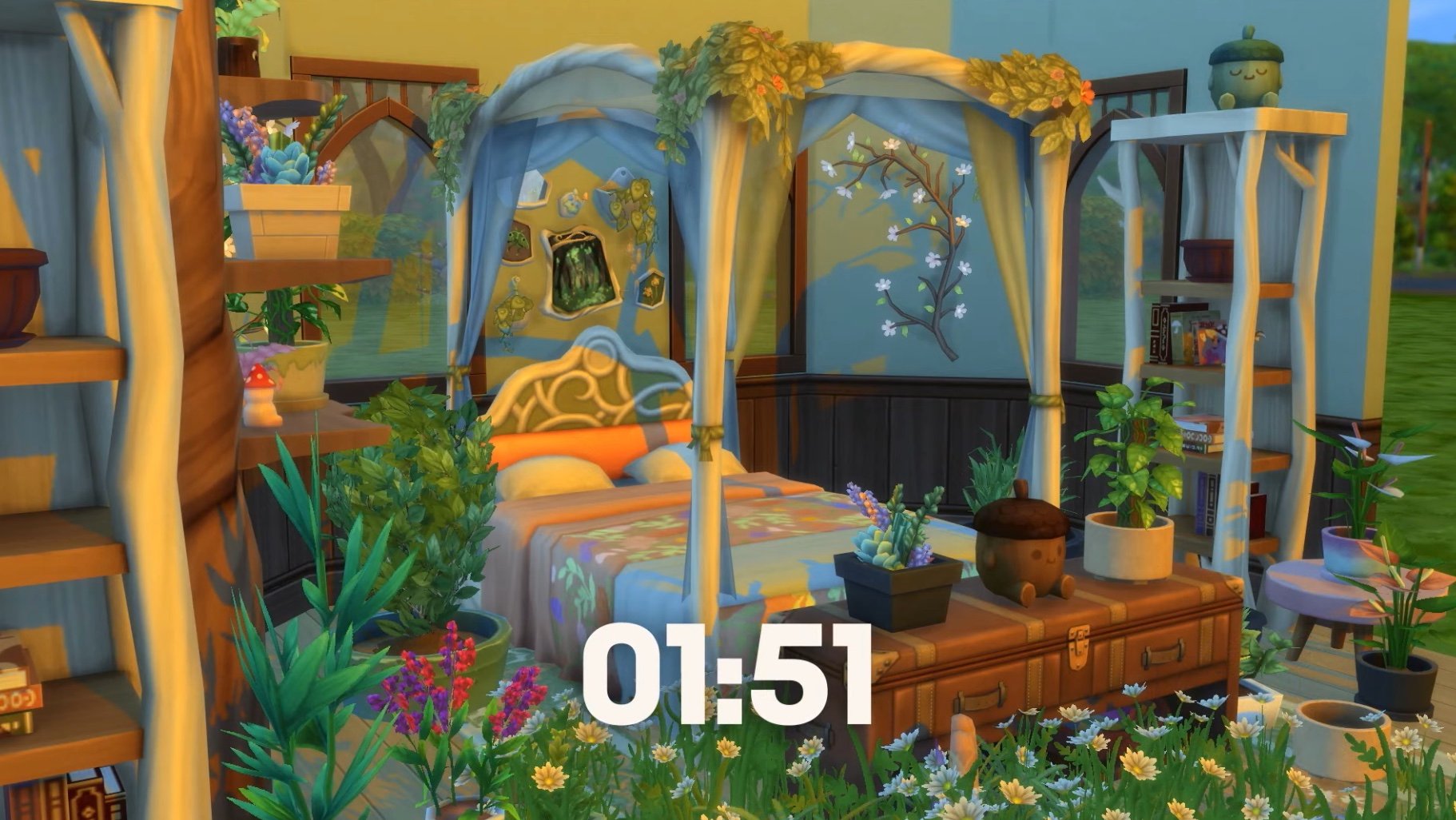
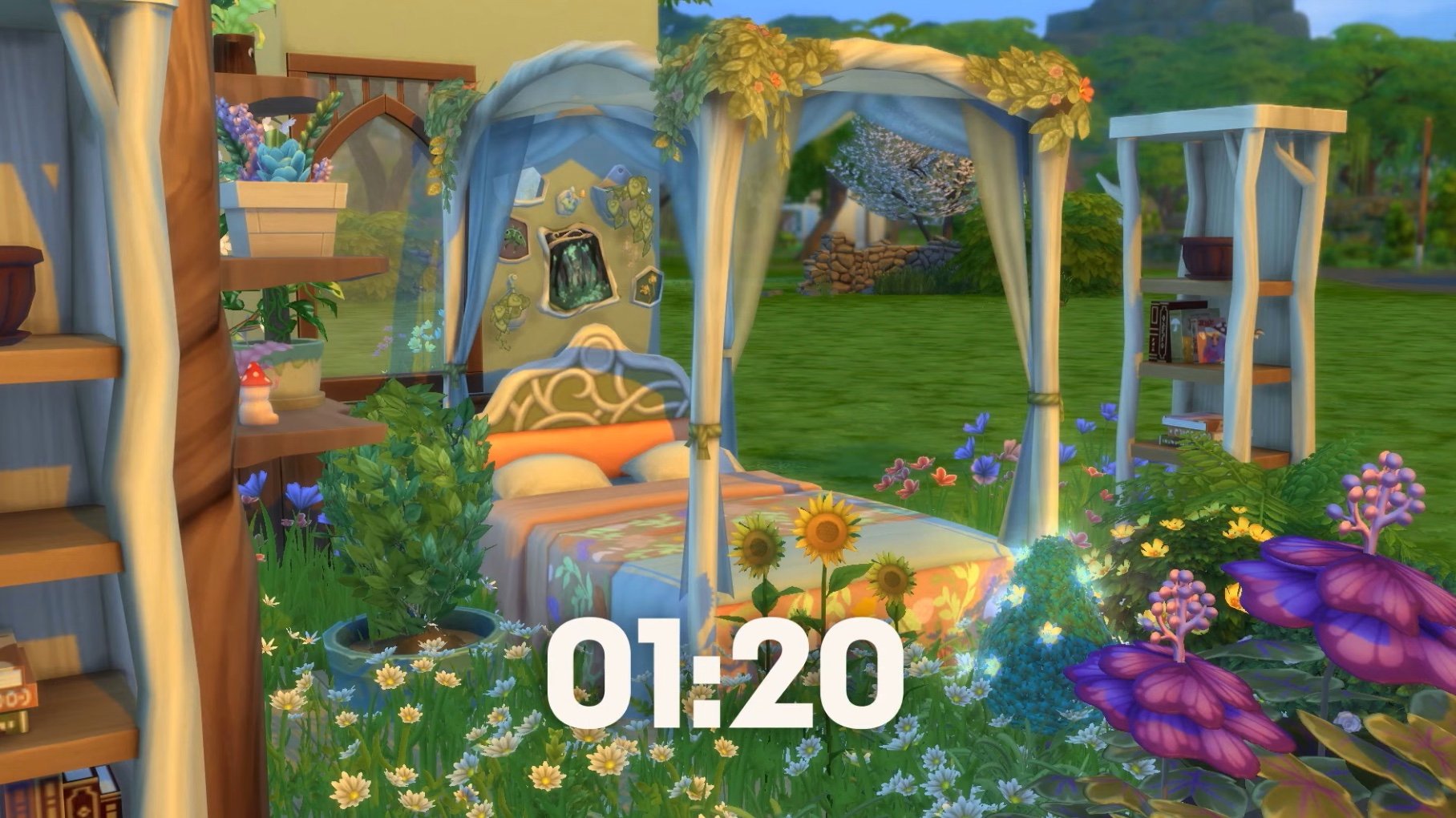
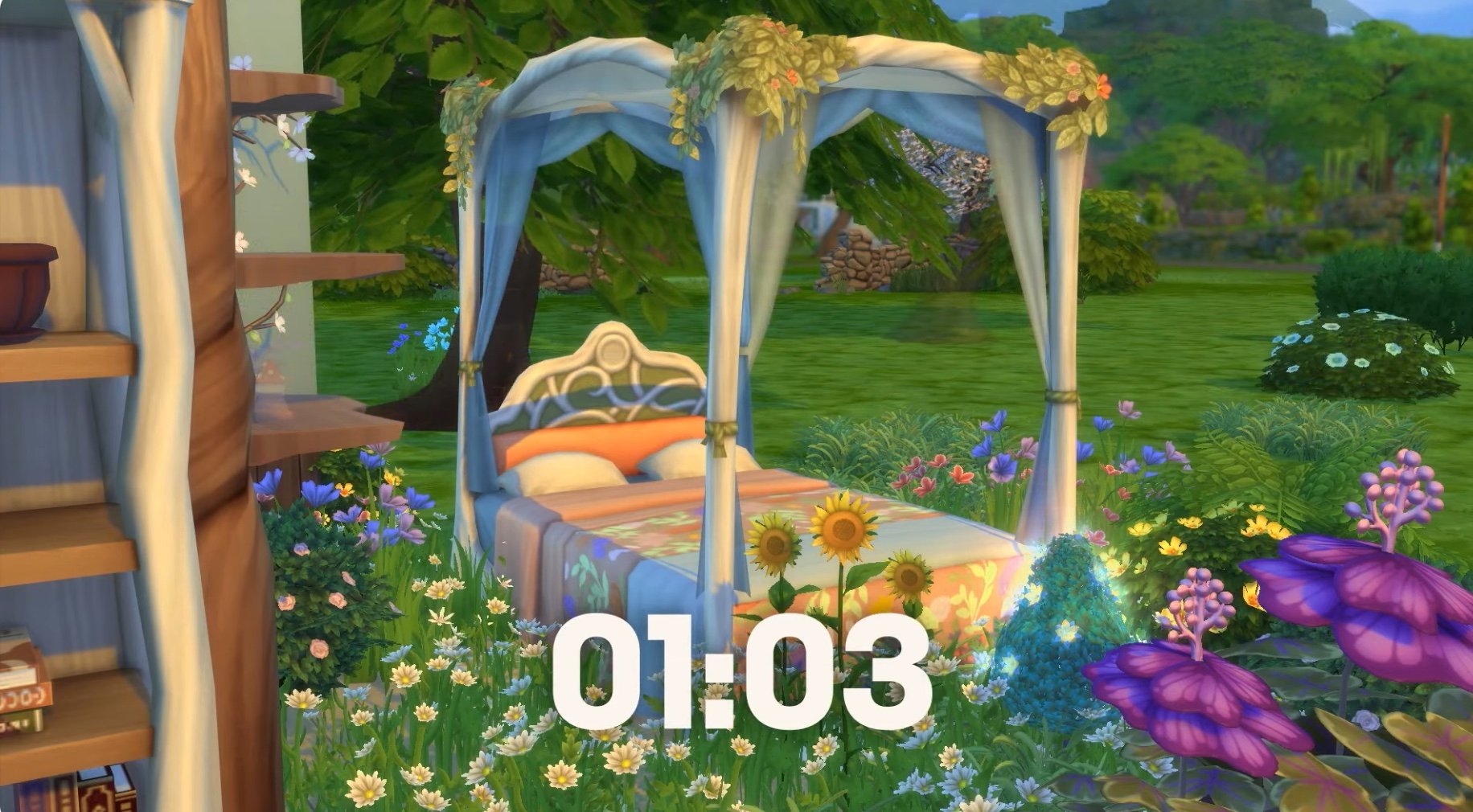
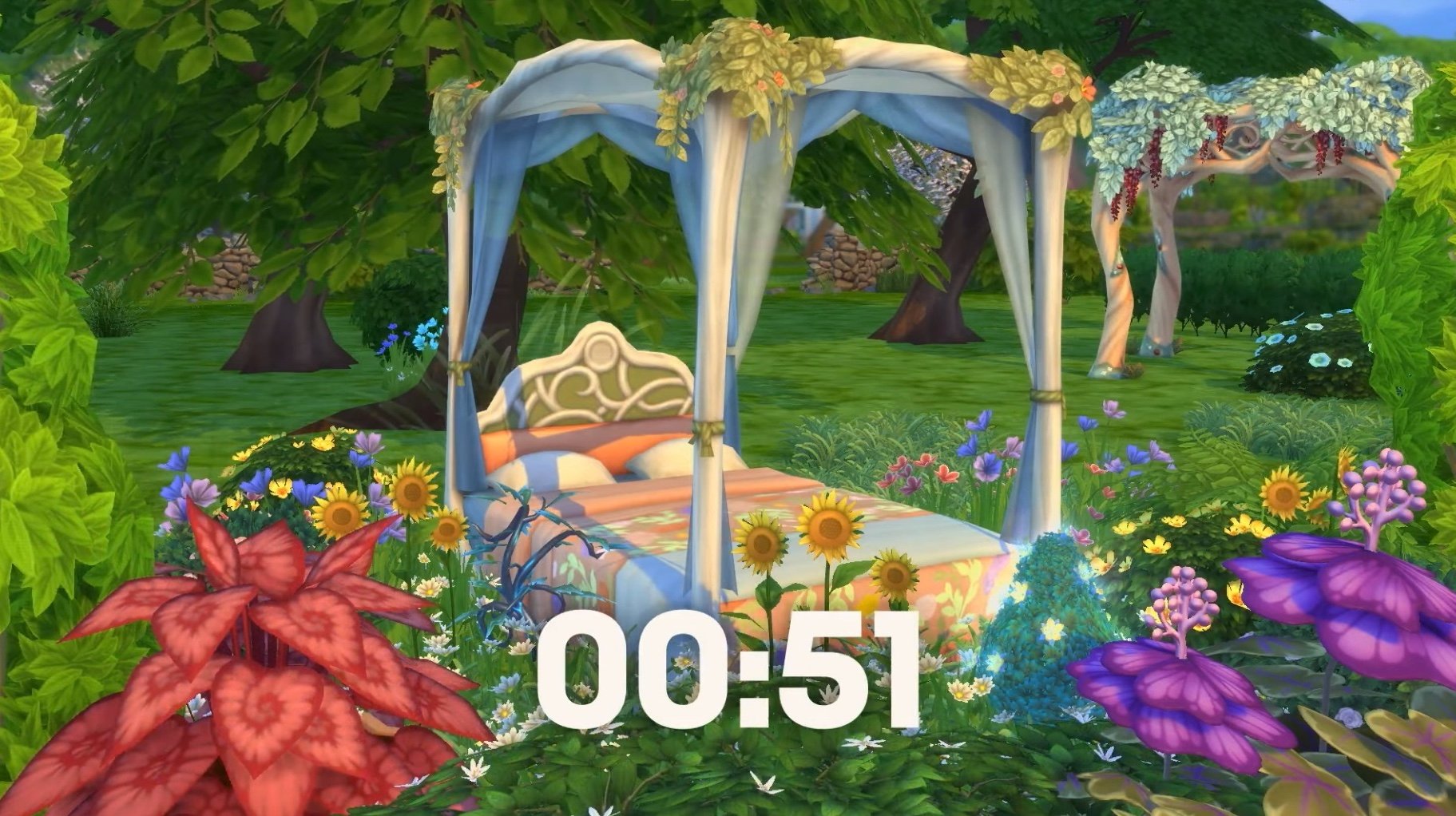
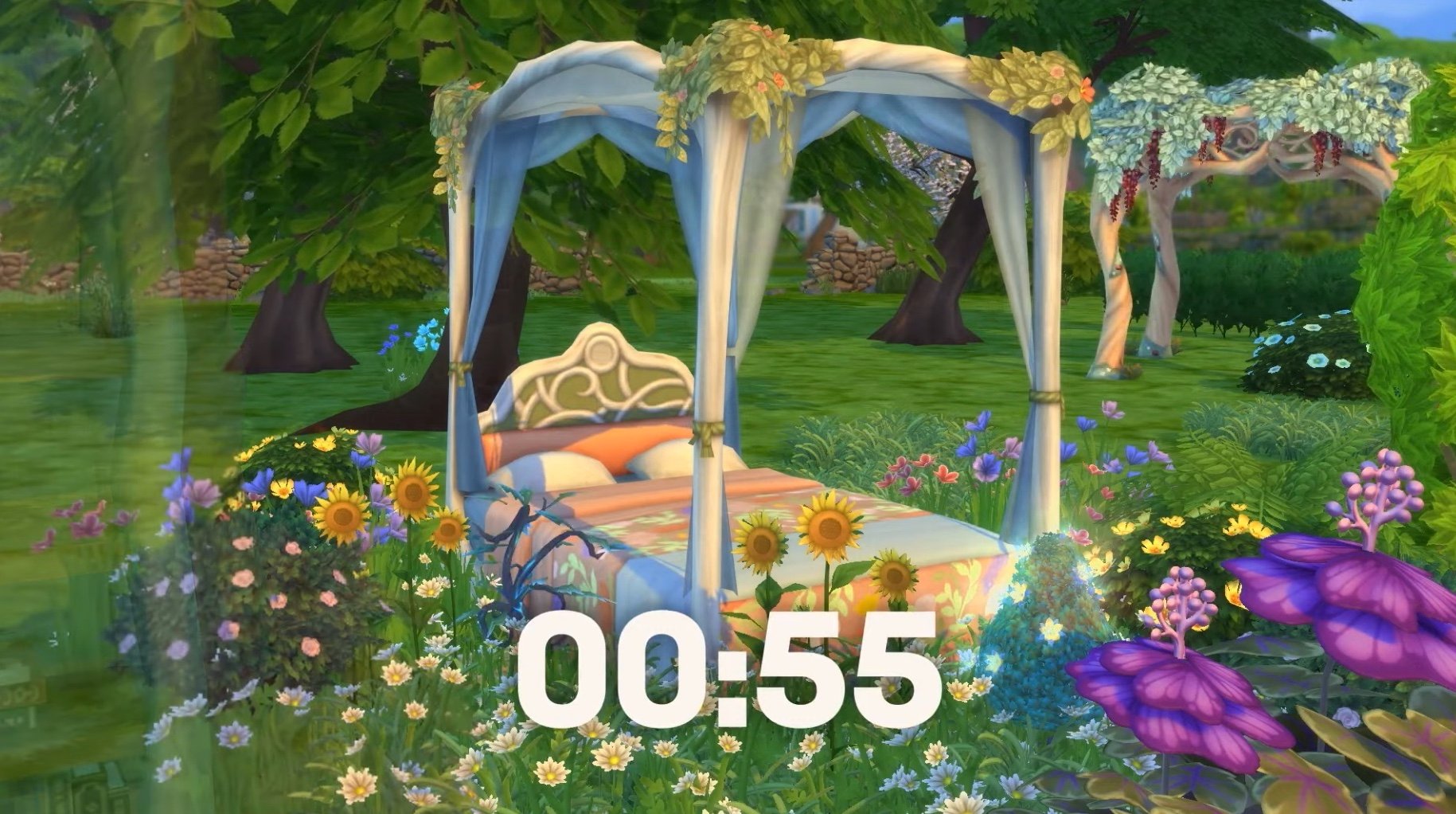
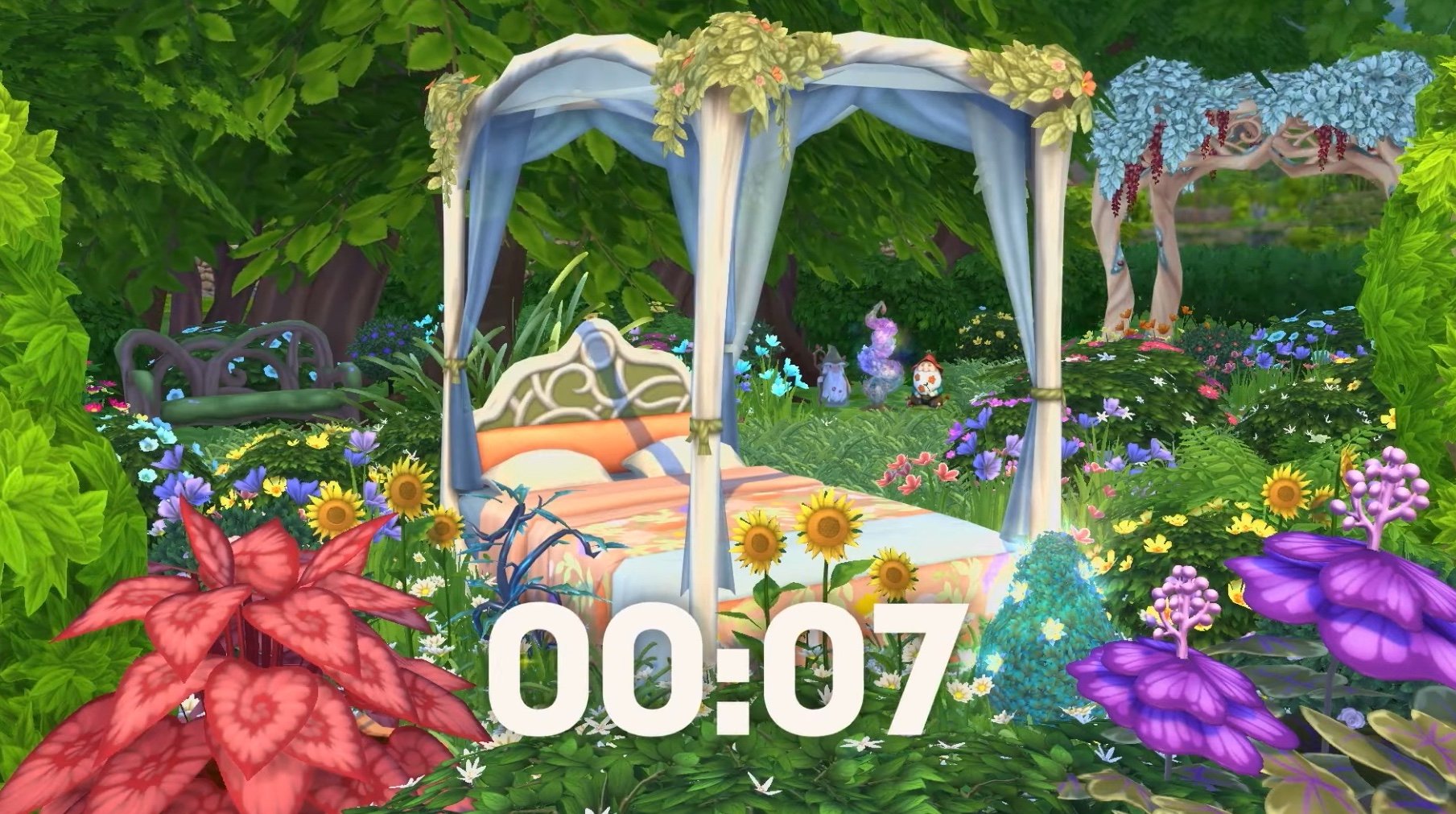
Also, how cute is this countdown screen? It showed off lots of the new furniture and slowly removed the walls of the bedroom, taking the room from inside to outside – a big link to the gameplay included in the pack.
It’s not part of the official trailer, but it’s still gorgeous. If you didn’t watch the trailer live you unfortunately can’t go back and see this. Luckily, it lives on here for you!
The Sims 4 Enchanted by Nature Reveal Screens
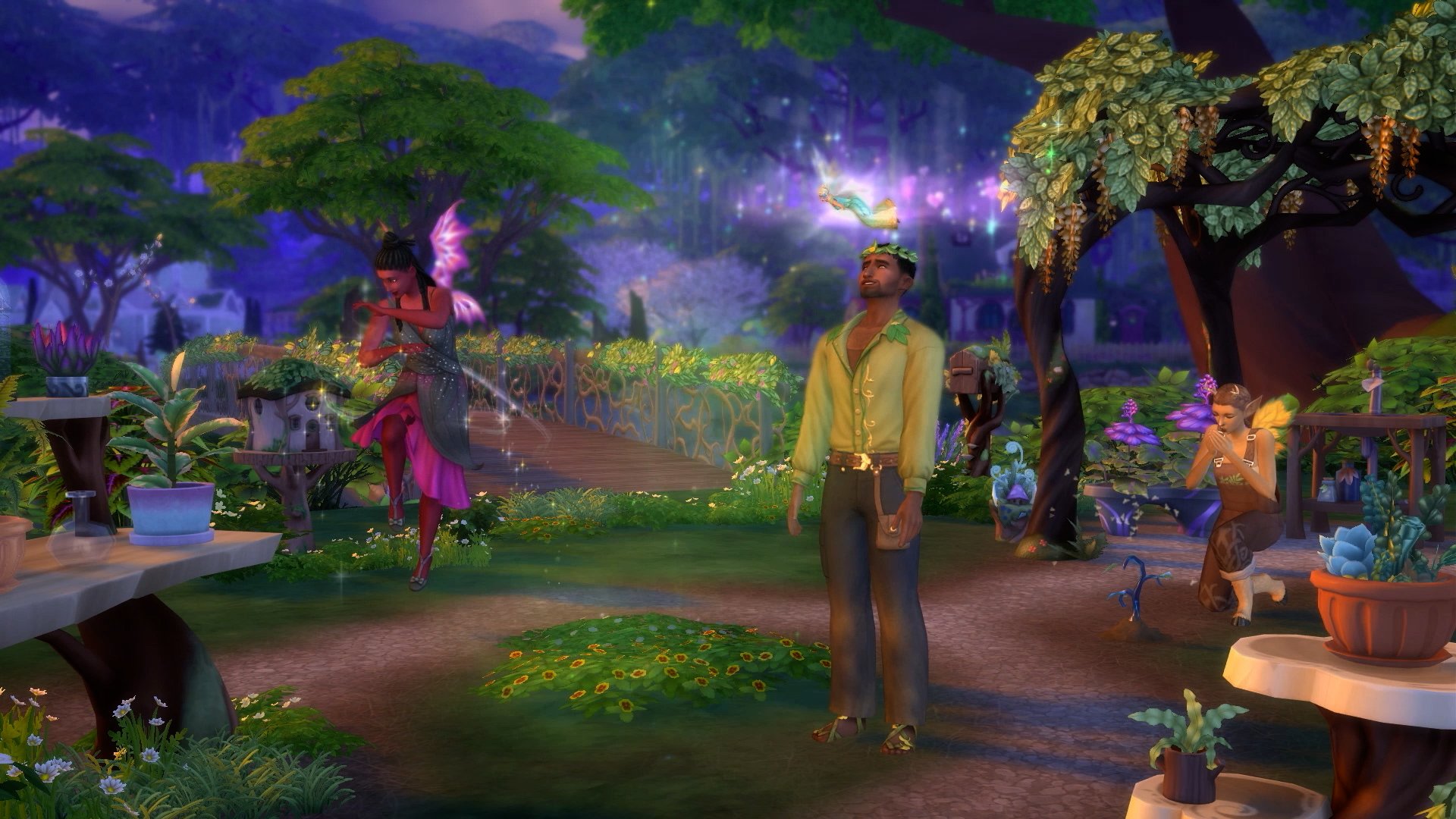
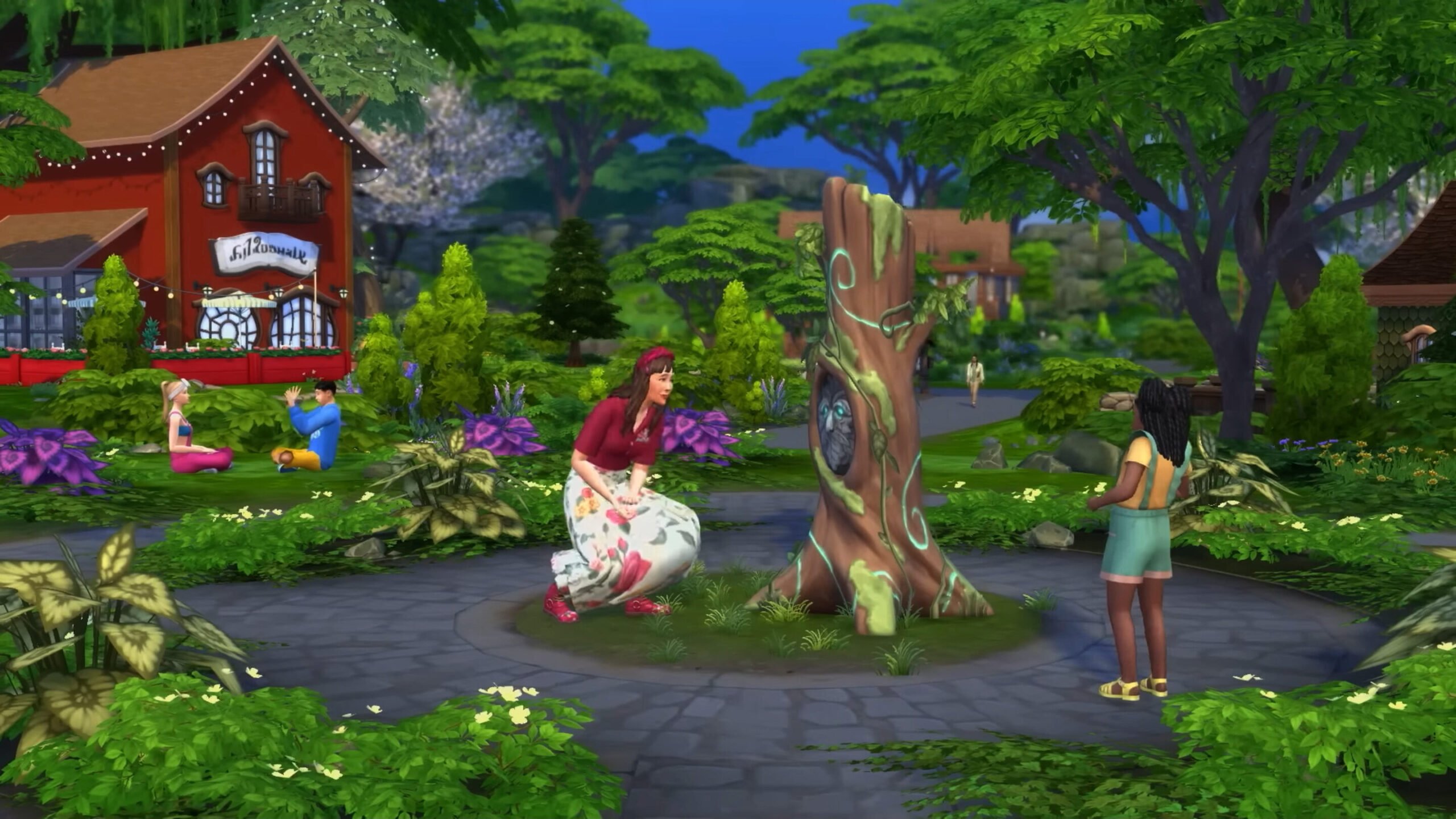
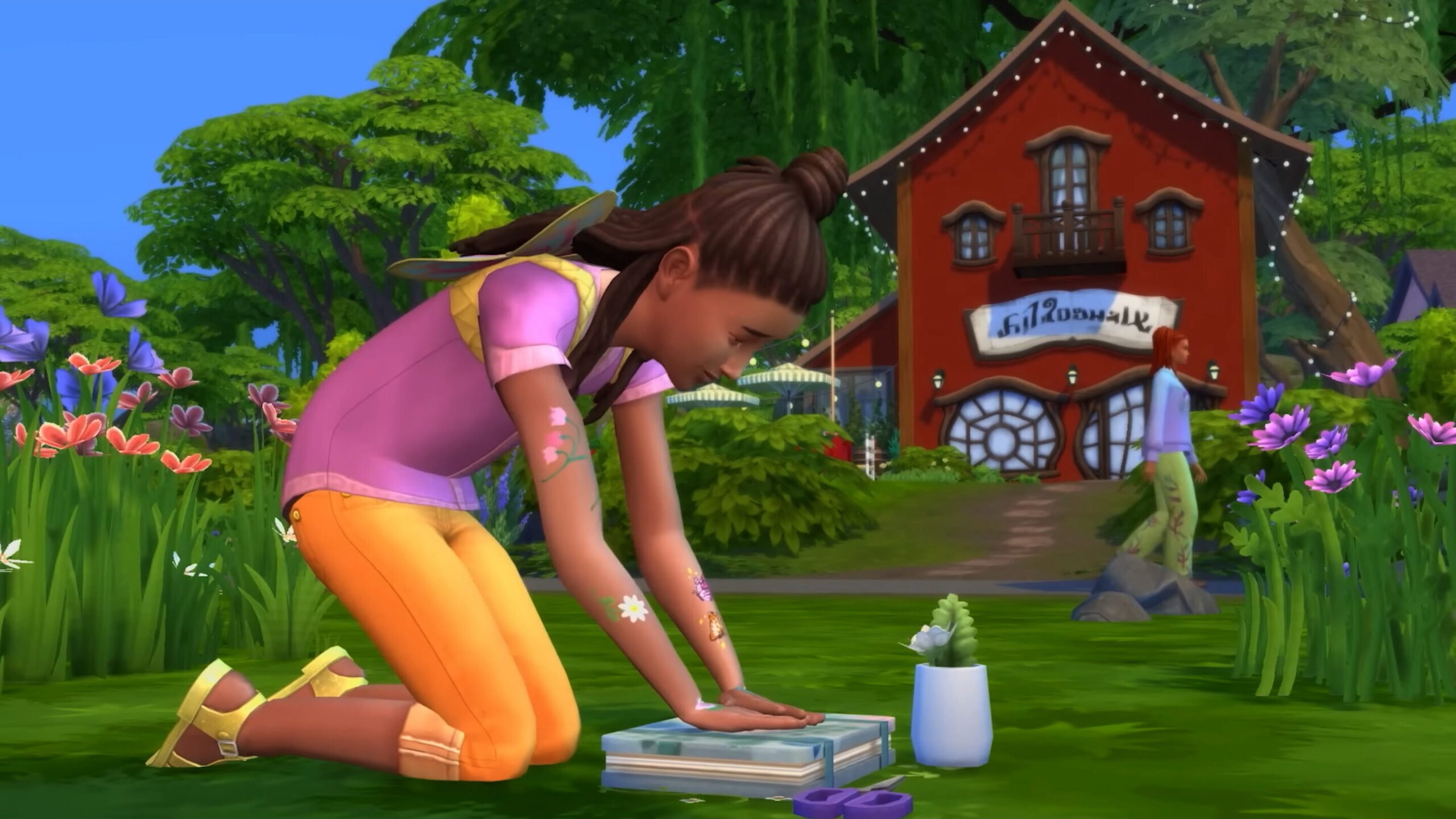
Check out the screenshots below for a good look at the new world, some of the new Build items and CAS assets coming with this expansion, as well as the new star of the show: fairies! The gameplay shown off in the trailer highlighted new NPCs, skills and interactions, and a new aspiration to name a few things, we think it will be a big hit with players who have been asking for fairies for such a long time.
If you missed the Enchanted by Nature reveal trailer, you can catch it right here!
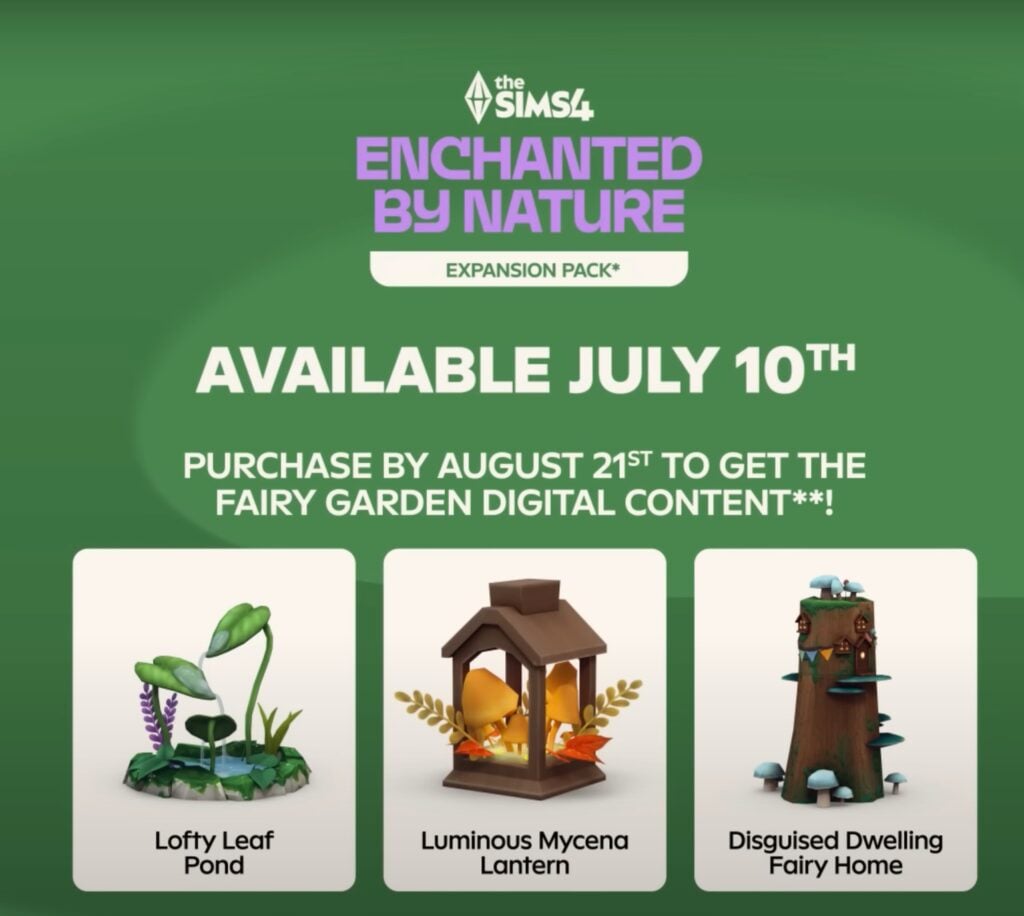
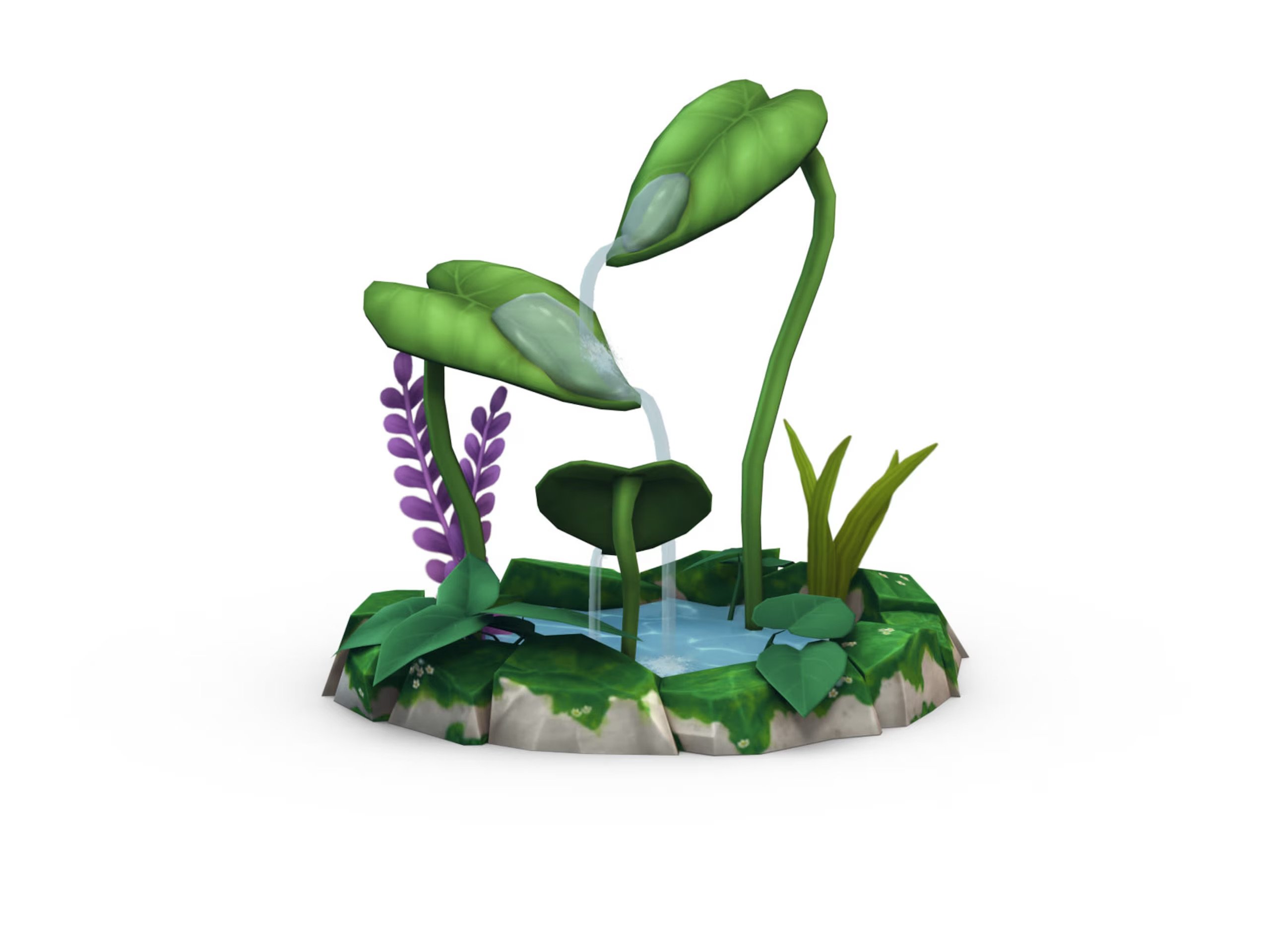
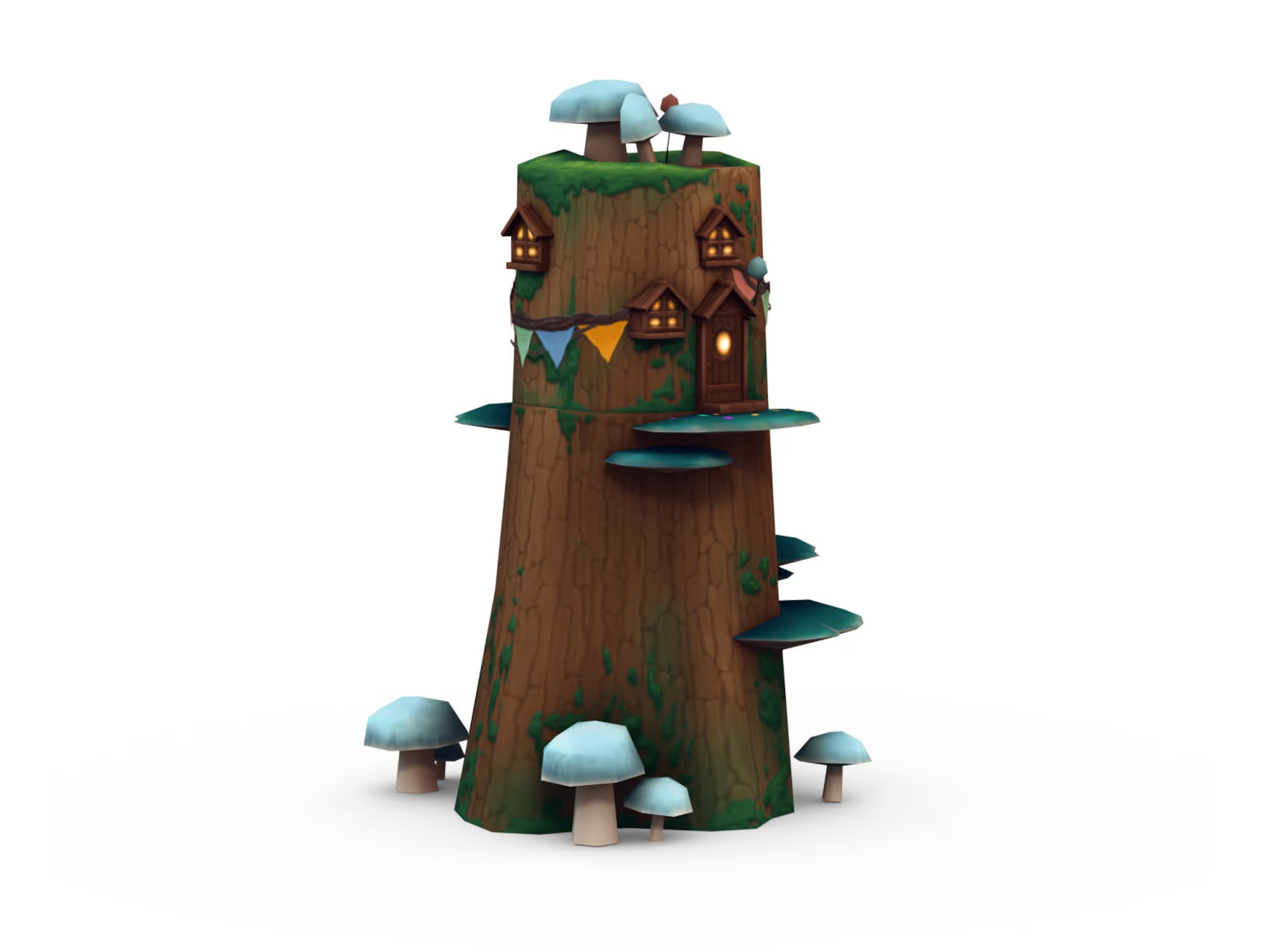
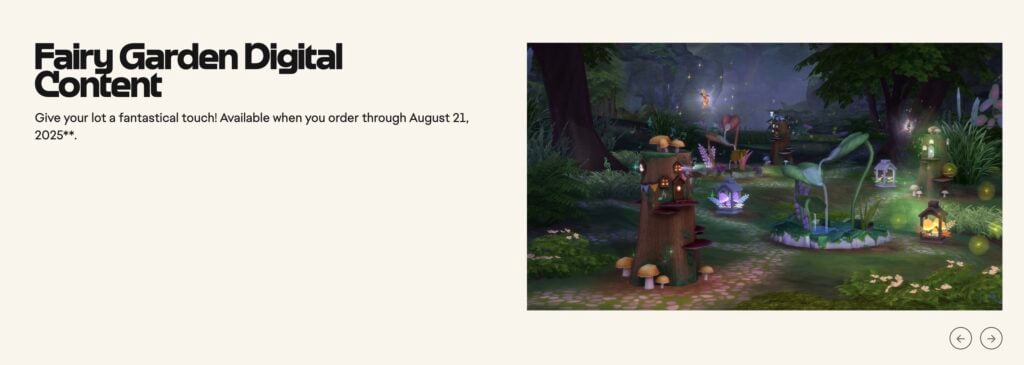
The Sims 4 Enchanted by Nature launches on PC/Mac and consoles on the 10th of July. Players who purchase the expansion before the 21st of August will receive the fairy garden digital bonus content. This includes a Lofty Leaf Pond, Luminous Mycena Lantern, and Disguised Dwelling Fairy Home.
Are you ready for the new expansion next month? I know I am!
The Sims 4 Enchanted by Nature Trailer is here – Let’s Take a Look at What we Spotted!
We’re just under one month away from the release of The Sims 4 Enchanted by Nature Expansion Pack on July 10th. After a string of teasers dropped with the roadmap and a sneak peek, we finally have our first detailed look at some of the exciting new features.
From fluttering wings and mischievous gnomes, here are 10 magical new features we spotted in The Sims 4 Enchanted by Nature trailer!
The Sims 4 Enchanted by Nature | Official Reveal Trailer
Things we spotted in The Sims 4 Enchanted by Nature Reveal
Innisgreen – Where Magic Meets Nature
With the reveal trailer and the official blog post, we have confirmation that the new world is based on Celtic culture. Somethingisgrowing.com revealed the world title, and we finally get our first official in-game look at the town of Innisgreen! The new world is made up of three neighbourhoods: Coast of Adhmor, Sprucederry Forest, and Everwick. Each location looks like it’s bringing a unique vibe.
According to the official blog post, the world is packed full of collectable ingredients, lush forests, and cosy homes and shops. The new lots in Innisgreen were built by TheCrackedKyber, The Sim Scrolls, Ninaschmidt, and Sandra Pyka. All of whom are pros when it comes to fantasy-themed builds.
Faries – Wings, Magic, and Mischief
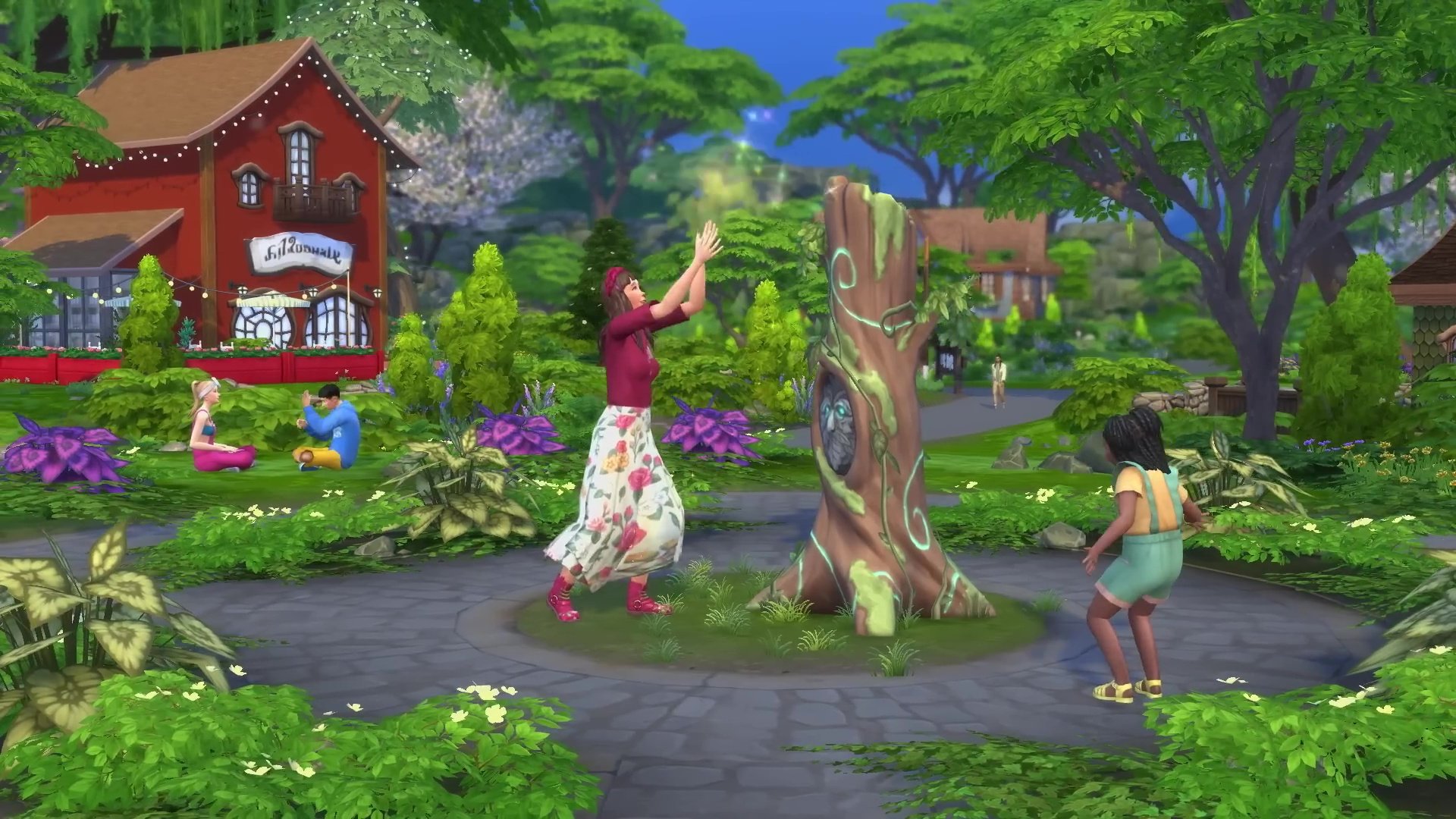
The main feature of this pack is something the community has been clamouring for over the years – FAERIES! That’s right, the long-awaited occult life-state is finally fluttering back to the franchise with a fresh coat of paint. From what we’ve seen so far, Sims can become a fairy through magic bestowed upon them by existing fairies. Fear not, however, as fairies will be added to the occults tab in Create-A-Sim for players who want to jump straight into the magic!
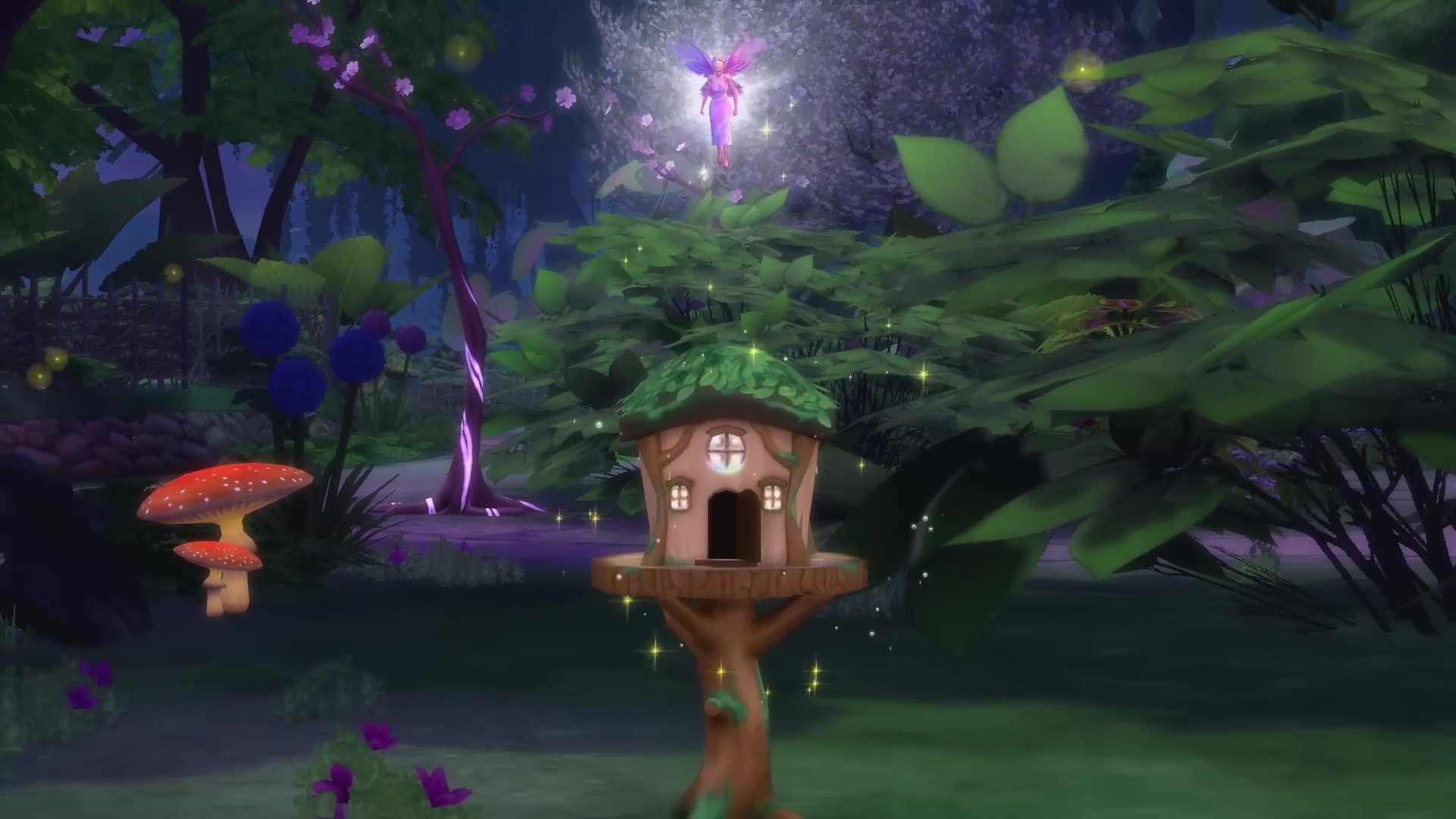
A familiar favourite also makes its return, the fairy house, last seen in The Sims 3 Supernatural. It was first revealed in the teaser released during the Hotties Play The Sims livestream. The initial teaser showed us what looked to be some fairies throwing a house party!
Living Off the Land – Tree Huggers
Previously teased on the mysterious somethingisgrowing.com, one of the most exciting new features of The Sims 4 Enchanted by Nature is the ability to fully live off the land! The new Natural Living skill rewards Sims for embracing a truly wild lifestyle – think sleeping under the stars, bathing in natural bodies of water, and foraging for food and ingredients.
This feature opens up brand new possibilities for popular challenges like the Castaway Challenge and the Rags to Riches Challenge, making them more immersive and engaging than ever before. Even better, this back-to-basics living seamlessly integrates with existing systems like the Off the Grid and Simple Living lot traits from the Base Game and Cottage Living.
New Aspiration – Chasing Magical Dreams
Two new aspirations have landed with The Sims 4 Enchanted by Nature: the Nature Nomad (As adopted by the trailer’s protagonist) and the Elixir Enthusiast! From what we can see from the trailer and blog post, the Nature Nomad aspiration will be all about embracing nature and encouraging your Sims to find the path to total self-reliance. If your Sim prefers potions to plants, then maybe the Elixir Enthusiast aspiration is more their speed. Tied closely to the new potions and cures system (more on that in a minute), it seems like Sim’s following the Elixir Enthusiast aspiration will uncover the effects of forest alchemy.
Ailments – Nature’s Curse
Ailments, much like The Sims 4 Get to Work’s illness system, will affect Sims in a number of ways. These unique conditions range from Sonic Sinuses, to Simoleon Fever to Creation Impulse. In keeping with the franchise’s tone, these all sound a little silly, but fit right into the Sims world. These ailments can be caught by Sims who are living imbalanced lives, adding much-needed and much-requested difficulty to The Sims 4. According to the official blog, the new luck system will also affect whether or not your Sims are susceptible to these ailments.
Elixirs & Cures – Magical Homoeopathy
While potions were introduced in The Sims 4 Realm of Magic, Elixirs seem to be more focused on mood and cures to ailments than anything else. The new apothecary table can be used to craft elixirs using ingredients found in the wilds of Innisgreen and gifted (and perhaps sold) to other Sims.
In the trailer, we see our protagonist talking to a vendor and being given a mission similar to the odd jobs found in The Sims 4 Cottage Living. It looks like this new NPC will be on hand to help cure your Sims of their ailments. Perhaps they can teach us a thing or two about crafting our own elixirs.
Potted Plants – Grow Your Own Magic
Potted plants are my favourite decoration in the Sims 4, and you will find them in almost every build I create. Empty corner? House plant! Bedside table? House Plant!
Interactable and growable potted plants are something I have wanted since The Sims 4’s launch, and finally, my prayers have been answered. From what we can see from the reveal trailer, these plants can be nurtured by way of watering and companionship. This is something the franchise has been sorely missing and I for one am glad to see it!
New Build/Buy – Journey to Middle Earth
What would a new Expansion Pack be without a range of new Build/Buy items? With the new world of Innisgreen being inspired by rural New Zealand, it’s no surprise that The Sims Team took inspiration from The Lord of the Rings and The Hobbit movies, all of which have been shot in New Zealand.
The Sims 4’s existing catalogue is no stranger to whimsical and magical designs, but this time it seems as though these objects reflect the nature they are surrounded by, allowing you to create forest getaways and Hobbit holes. With the new Nature Nomad features, it will be interesting to see what kind of beds, bathrooms, and kitchens this pack includes, as so much of your Sims’ life will be spent living in nature.
New CAS – Fairycore Fashion
As is the case with Build/Buy, an Expansion Pack for The Sims 4 isn’t complete without an array of new Create-A-Sim items. The new range seems to be on a scale from normal to complete fantasy (and maybe slightly impractical). This is nice to see as so many new items will be able to blend seamlessly with the existing catalogue of clothing, shoes, hair and hats. Speaking of hats, that watering can/birds nest is giving Erwin’s collander from The Sims 4 Strangerville Game Pack a run for its money!
Pre-Order Bonuses – Something Extra!
Love them or hate them, another consistent feature of Expansion Packs makes a return: pre-order bonus items. As always, three new items will be available in your game if you purchase the pack before August 21st. This set includes the Lofty Leaf Pond, the Mycena Lantern, and the Disguised Dwelling Fairy Home, the latter giving your fairies more choice for their private hideaways!
Release Information
The Sims 4 Enchanted by Nature is set to release on July 10th on PC, Mac, PlayStation, and Xbox consoles. Those who purchase through August 21st 2025, will unlock the Fairy Garden Digital Content.
What are your thoughts on The Sims 4 Enchanted by Nature Expansion Pack so far? Is there anything we missed? Let us know in the comments! For all Sims 4 updates and future info on The Sims 4 Enchanted by Nature,stay tuned!
EA releases the official blog post, introducing The Sims 4 Enchanted by Nature Expansion.
EA and Maxis have released the first official Sims 4 Enchanted by Nature blog post entry. Officially introducing the 19th Expansion Pack to the game series.
The latest Blog Post also reveals the new community lot builds, which you should definitely check out!
Table of Contents
The Sims 4 Enchanted by Nature Blog
Can you hear that? It sounds like the soft whisper of Mother Nature calling you to a charming new world. Oh, nevermind, that’s actually just nature calling from a privy bush.
Anyways, The Sims 4 Enchanted by Nature Expansion Pack welcomes you all to Innisgreen, a beautifully lush and wonderful land where Sims and nature live in perfect (or chaotic) harmony.
If you’re ready to answer nature’s call, let’s dig deeper into the whimsical soil of Innisgreen.
A Sprinkle of Fairy Dust, Please
Innigreen, an Emphasis On Green
It’s All About Balance & Recovery
Let Nature Living Come Naturally
You Make The Sims; Community Builds featured in Enchanted by Nature from CrackedKyber, The Sim Scroll
A Sprinkle of Fairy Dust, Please
Mother Nature has a fairy interesting proposition, should you choose to accept it. With her guidance, Sims can become the Fairy they were destined to be, and once they complete their transformation, they’ll have the choice to flutter down two fairy different paths. There’s the Harmonious Fairy, a benevolent winged helper who wants to aide other living things find health and balance; and the Discordant Fairy, a flying mischief-maker that enjoys stirring up a little chaos and making everyday life harder for the Sims around them. The Fairy Path is yours to fly — with wings to match.
Fairies can develop abilities that let them nurture plants, manipulate objects, change the moods of others, and more. But be wary of Emotional Starvation. Rather than living off food, Fairies absorb emotions to survive, either directly from other Sims or from bottled Emotion Potions. Failure to do so may welcome their untimely demise.
You’ll be able to customize your Fairy look to your own Fairy liking with an extensive array of wings, skin tones, ears, teeth, head accessories, glowing tattoos and more. Fairies can even use their Fairy charm to deliver a special WooHoo!
Don’t worry non-Fairy Sims, you can also have some magical fun with Fairy Dust, using it to enchant plants, bring Gnomes to life, and more.
So, whether your Fairy Sim chooses to sow wonder or spark chaos, or you’re a Sim with fairy interesting neighbors, it’s just the beginning of your fairytale.
Emphasis On Green
Three neighborhoods make up Innisgreen, each one connecting you to nature in their own unique way. There’s the Coast of Adhmor, a peaceful seaside village where everyday Sims enjoy life’s simple pleasures. Stepping out of town brings us to Sprucederry Grove, a vibrant blend of friendly shops, cozy homes and draping ivy that blur the line between civilization and the natural world. And finally, we venture deep into the magical forest of Everdew, a thick and mysterious woodland humming with enchanting energy.
Innisgreen is full of new adventures, skills and traits, too. You can balance moods and discover natural remedies with your Apothecary Table; seek out Mother Nature and embark on a transformative journey to becoming a Fairy; be your best plant parent and fill your home with a new array of houseplants; or unlock your inner Nature Nomad to dwell among the trees and live off the land.
It’s All About Balance
Living in tune with nature is more than playing in dirt and hugging trees; it means respecting the natural world, and promoting a balanced coexistence. Living in Innisgreen, Sims must become emotionally grounded and find that balance, or welcome the chaos.
When Sims start to lose their balance and become imbalanced, life can get a little harder to navigate. For example, one may acquire new skills at a slower rate or their everyday needs may become harder to solve; and if a Sim enters the very imbalanced territory, that’s when Ailments start to show up, like the Greenie Meanie. With this Ailment, Sims will learn and complete Gardening tasks faster than normal-yay! But, they’re constantly angry and prone to outbursts that are off-putting to other nearby Sims–eek! And that’s just one of many; there’s Emotional Void, Simoleon Fever, and Sonic Sinuses, to name a few.
But imbalance isn’t the end; it’s simply the beginning of a new journey.
Ailments can vanish and moods can improve with cures and elixirs crafted from the new Apothecary Table. With special ingredients like the Lightning Root and Aura Blossom found while gardening and foraging, Sims can follow intricate recipes for treatments with fantastical effects. And with the right amount of practice, one can take on the Elixir Enthusiast Aspiration or become a Naturopath, a new profession that serves to cure fellow Sims of their curious Ailments.
Achieving balance, however, may require a little luck. Sims living in Innisgreen may experience good, ordinary or bad luck, which in turn may affect their career, love life, cooking, foraging and other interactions or tasks. Luckily for you, there are two luck charms that can be found, purchased or made (at the Apothecary Table), which will modify your Sim’s luck, for good or bad.
Now you have to ask yourself, will your Sim seek balance, or will they embrace the chaos of an unbalanced life in nature?
Let Natural Living Come Naturally
Step outside and make yourself at home. Whether you’re honing your Natural Living Skill or seeking the Nature Nomad Aspiration, Innisgreen gives Sims the chance to eat, bathe, sleep, and thrive entirely off the land. Forget modern comforts, this is about embracing a simpler life in rhythm–and balance–with the world around you. From eating freshly caught fish and sleeping in the grass, to foraging for apothecary ingredients and summoning a Privy Bush when nature calls, every new discovery and experience brings your Sim closer to self-reliance.
For those not quite ready to give up hot showers and cozy beds, you can try the plant parent life instead and welcome a collection of new living houseplants inside your humble abode. They’re not just decoration, like they’ve been in the past; they’ll need water, care, and constant companionship. You’ll even be able to place them on shelves, tables and floors to transform your home into a tranquil garden sanctuary.
Now, do you aspire to be an Elixir Enthusiast, a Nature Nomad, or…
The Sims 4 Enchanted by Nature Community Builds
Imagining Innisgreen: Community Builds Featured in Enchanted by Nature
The neighborhoods of Innisgreen not only draw on nature and fantasy elements, but they also take some inspiration from the architecture and aesthetics of Ireland and Celtic artistry.
CrackedKyber, otherwise known as Megan, built community lots Whistling Thistle Gardens and the Starsong Lounge, as well as 8 Gnome Coast Street.
Catching up with Sims at the Whistling Thistle Gardens is a favorite pastime of the Sprucederry Grove residents. This community garden has been carefully curated over the years to grow all of the residents’ favorite harvests. Besides socializing and gardening, painting and photography are especially enjoyable here as the light and natural ambience ignite creativity.
“I wanted the park to be functional for a range of life stages, so I added items to make sure the whole family can spend the day there together,” said Megan. “The park is a really good representation of my building style and feels the most me.”
The Sim Scrolls designed two residential lots: Gimmley Gardensbrook and Puckitt Hall, and created The GNOM Exhibit.
Gimmley Gardensbrook is a garden oasis filled with luscious greenery, placing residents on a hill they’ll want to die on. Plentiful plots, gracious greens, and quaint carvings all give this storybook home two green thumbs up!
“I think all the levels make it feel more organic and untamed,” said The Sim Scrolls. “I wanted it to feel wild like it was merging with nature, so having the home partially built into a hill just felt right. But I also wanted to emulate the vibes of an English Cottage Garden.”
Ninahschmidt, or Nina, designed three residential lots: Crannamor Residential, Greenwood Hamlet Residence and Bard Boulevard.
Along the outskirts of Everdew lies Grannamor Residential, a quaint home, built into one of the largest trees in the forest. The breathtaking scenery is made more beautiful by the neighborhood’s denizens, who can be seen out and about, using their enchantments on the world and Sims alike.
“It was very important for me to build something unique with a very unconventional shape that would do justice to the beautiful place where it’s located,” said Nina. “I spent a long time with this build, playing with different shapes and styles until I was happy with it.”
Nina’s advice for aspiring builders: “Adding some colorful lighting makes a big difference. And now we can place plants on roofs, which adds a lot of whimsy to a build!”
Sandra Pyka built a total of three lots for the Expansion Pack: Gringle’s, 1 Mari Shores Road and 42 Normfair Drive.
Gringle’s has been the local hot spot for Sims to enjoy a few drinks after a long day of mixing Elixirs. Located near the center of Sprucederry Grove, Sims come to take in the greenery and partake in delectable conversation.
“It’s a community space, somewhere your Sims can meet as a family, or come on a date, or venture out alone to use the chess table as an activity,” said Sandra, who hails from Ireland. “The overgrown feel of the bar is inspired by the way nature flourishes here in Ireland. To be able to bring some real-life research to this pack felt surreal, I felt very honored, and as a result, it inspired me to do the best I can for my builds!”
If you purchase The Sims 4 Enchanted by Nature Expansion Pack before August 21, you’ll be rewarded with an early purchase incentive. From the shimmering Lofty Leaf Pond to the glowing Mycena Lantern, this bonus content lets players create a cozy garden or magical hideaway, while the Disguised Dwelling Fairy Home adds even more versatility. So, whether it’s a charming statue in your home garden or a secret Fairy retreat, the choice is yours.
See the first game screenshots and official pack features of Enchanted by Nature!
The official EA Press Room have released official The Sims 4 Enchanted by Nature features and assets. Including official description and key features, pre-order bonus as well as official screens and image assets like the box cover art.
Find everything you need to know about the upcoming Expansion Pack below:
The Sims 4 Enchanted by Nature Features
Life Among the Trees
Step outside and make yourself at home in nature. With the Natural Living Skill, Sims can meet their needs outdoors without beds or plumbing! The natural world has a lot to offer, and Sims can Forage to uncover what’s hidden. Find everything from crystals to frogs to food! This way of life is perfect for Sims with the new Nature Nomad Aspiration. Sims can even bring the great outdoors inside with new pots for gardening on tables, counters, shelves, and more. The three new traits – Plant Lover, Mystical, and Disruptive – play a role in how Sims relate to their world.
The Fairest Folk
Do you feel nature’s mystical pull? Embark on a special journey and become a Fairy! Fairies can develop abilities that let them nurture plants, change the moods of others, and a whole lot more. The new Fairy Stories Aspiration will have you choosing between Harmonious and Discordant Fairy paths! Create Fairy Sims with wondrous wings and make them unique by painting! Plus, add whimsical accessories, glowing tattoos, and more. Non-Fairy Sims can also have magical fun by using Fairy Dust to enchant plants, bring Gnomes to life, and more.
A Balanced Lifestyle
Prolonged negative emotions cause imbalance, and imbalance can lead to Ailments with strange effects. They aren’t always bad (maybe you like lots of Gnomes at your house!), but if you want a Cure, you can turn to the new Apothecary Table and hone your Apothecary Skill. There’s a Cure for every one of the 8 Ailments, plus 14 more recipes with other fantastical effects. Sims who enjoy the Apothecary skill can become Naturopaths, a new 10 level career where you can cure Sims at home. They may also take on the Elixir Enthusiast Aspiration. Make sure to watch your Luck, which affects everything from cooking well to developing Ailments.
A Land of Enchantment
Innisgreen is a beautifully lush, green world where Sims live in harmony with nature. There are three neighborhoods: a quiet waterfront town called Coast of Adhmor where they’re all about Gnomes, Sprucederry Grove where nature and civilization blend together, and the magical forest of Everdew. From meeting Mother Nature and starting your journey towards fairydom to using the Glaswood Tree statue to summon Spruce Almighty, spectacular adventures are waiting!
Cover
Screens
Pre-Order Bonus and Information
Fairy Garden Digital Content — Give your lot a fantastical touch! Make your yard feel like a magical forest with the Lofty Leaf Pond, give new meaning to “natural light” with the Luminous Mycena Lantern, and provide Fairies with their own secret spot with the Disguised Dwelling Fairy Home available when you order through August 21, 2025**.
The Fairy Garden Digital Content can be redeemed now through August 21st, 2025. It includes the following items:
Lofty Leaf Pond – Make your yard feel like a magical forest.
Luminous Mycena Lantern – Give new meaning to “natural light”
Disguised Dwelling Fairy Home – Provide Fairies with their own secret spot.
The Sims 4 Enchanted by Nature Expansion comes out July 10th, 2025 for Desktops, Laptops and supported Consoles. You can order it now for $39.99USD, or a price equivalent to your local currency.
What are your thoughts on the first Sims 4 Enchanted by Nature Expansion features? Join the comments down below and express your opinion!
The next Expansion Pack for The Sims 4 is just getting revealed!
Everyone’s seated for the worldwide premiere of The Sims 4 Enchanted by Nature Reveal Trailer. Which is set to premiere on June 12th, 2025 at 8AM PT / 5PM CET / 4PM BST.
The confirmed release date for this Expansion Pack is July 10th, 2025. Find out more about the pack features in the reveal trailer down below:
Are you looking forward to finding out more from The Sims 4 Enchanted by Nature Reveal? Stay tuned on Sims Community for the latest feature updates on this Expansion Pack!!