


Pools Trailer – Classic Song Link

Zerbu, a talented modder for The Sims 4, created an outstanding Mod (and in a short period of time) that lets you host Pool Parties in The Sims 4!
POOL PARTIES ARE HERE! I bring to you a mod that adds a brand new Social Event type to the game. We have pools, so why not pool parties?
Pool Party is cloned from House Party. Sims will show up to Pool Party events in their swimwear, and the main goal is to splash Sims.
You can throw a Pool Party on a community lot, as well as your home lot or the lot of one of your guests. Have a community pool, resort or other venue containing a pool? Pick up the phone to organize your party!
Click on the picture below to download this Mod!

//
In Kotaku’s phone conversation with Ryan Vaughan, The Sims 4 Producer, Ryan clarified some information about the December patch and what should we expect from it.
Vaughan also offered me a bit more clarity about the new career options that The Sims 4 will get (again, for free for all existing players) next month. Vaughan told me that there will be two new career paths added to the game: “Business” and “Athletic.” As with the current career options, both of this come with two different branches that Sims can pursue—“management” and “investor” for the business one, and “bodybuilder” or “professional” athlete for the athletic one.
Source: Kotaku
Tip: Sims4Ru

The Sims Team has finally released the long awaited Pools update for The Sims 4! Open your Origin and if automatic updates for your games are not set, right click on The Sims 4 and select update to get new Pool features!

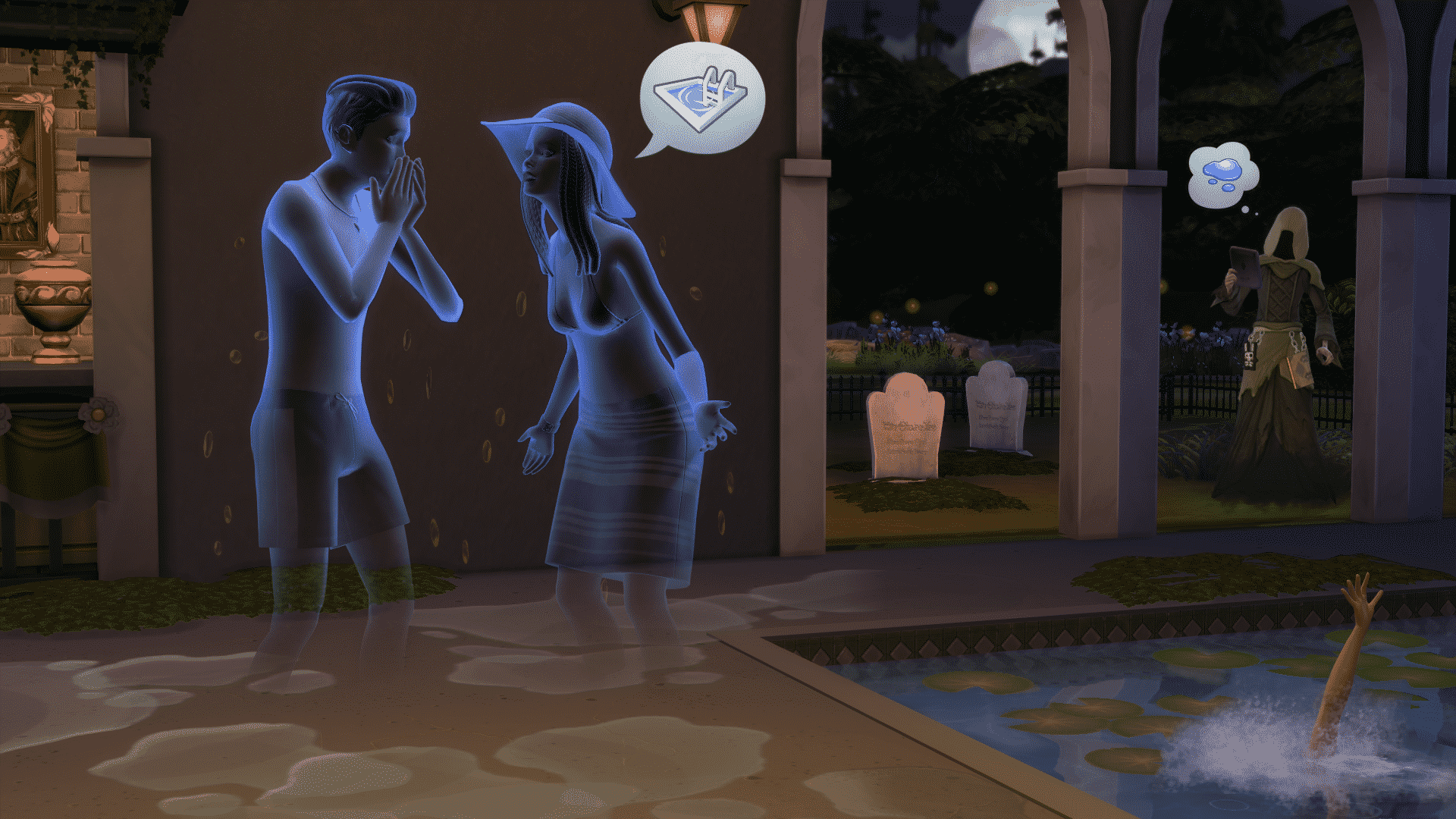

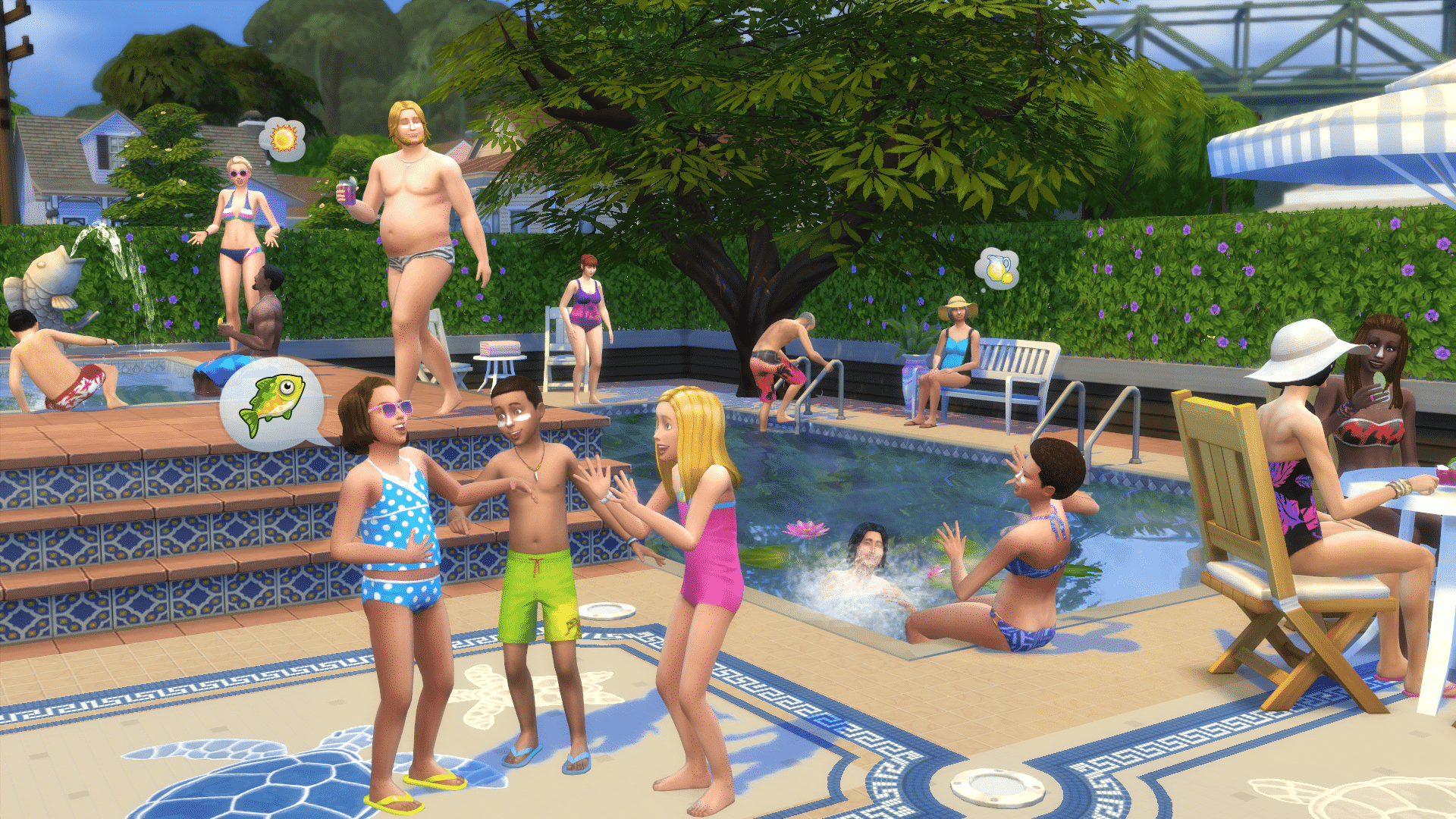
Via EA Help
Hey S(w)immers!
It’s time to go swimming! November, sunshine, swimming, splashing, the warmth of the su… well, we are international, so it’s sunny for some. Anyway, Pools are here! And your Sims are ready to jump in and splash around!
- Jump into Create a Sim to customize your Swimwear!
- Choose from the Styled Looks to quickly swim up your Sim; or choose the perfect one or two-piece bikini, swim trunks or budgie smugglers!
- Top off your creation with a hat, some sandals, and a dab of sunscreen down the bridge of your nose, and you are ready to go!
- Build out your pool in Build Mode by clicking on the Build tab, and the Pools image in the home portrait
- You can place pre-fashioned pool blocks (triangle, square, diagonal, or octagon), or you can use the Pool Tool to draw your own pool.
- Pools can be built on any floor of your home or venue.
- Decorate and enhance your pool with pools lights, install a ladder, customize the wall and floor textures to your liking then plop down some decals or add some windows for that aquarium’esque experience!
- Sims can enjoy the comforts of your newly built pool, whether they are socializing as they dangle their digits in the water, splashing the kids, or putting themselves out after being set on fire by an angry ghost who had died from a tragic poolside grilling accident.
- Be wary of the hungry and fatigued, a moment too long in the pool has been known to cause a lack of living. The Reaper will gladly accept your pleas, though he may not always oblige them.
Build out your dream home (with pool included) or head to the Gallery to find the wondrous creations of your fellow S(w)immers , and spend the day with your Sims by the poolside!
In addition to releasing Pools in this update, we have also spent time fixing some bugs and continuing to enhance the game:
Our players have been instrumental in helping us track down the small eye, wide jaw issue that was interfering with some Sims as they aged up both in Live Mode and in Create a Sim. Working with the community, and our internal quality assurance group, we have reverted the tuning as Sims changed ages that resulted in a shrinking of the eyes, and a widening of the jaw. It is intentional that Sims change slightly as they age but the tuning we were using wasn’t performing as we expected as of yet. Thank you once again for your patience and diligence in helping us resolve this
Crashes / Performance
- Several performance issues were found and addressed with this release, and we will continue to look into improving performance across the board.
- Fixed an issue that could result in the player being unable to place a room from the gallery if it contained a slotted object.
- Fixed an issue that would prevent you from loading an older save with an updated version of the game.
- Sometimes the game crashes in a completely logical fashion and sometimes…
- We fixed an issue that would cause household members to delete themselves, but only if a household of more than one began their existence at the Potters Splay lot, one member of the household then traveled to visit the Pique Hearth or Rindle Rose household, and then returned home to find their other household members have gone missing. The Potters Splay lot has been thoroughly exorcised and made safe for Sim living once again.
- On a similar note, there was a counter and an oven at Yuma Heights that could cause a crash, these too have been fixed.
- We fixed a freeze that could occur when attempting to move in with a homeless Sim if you changed your mind (having realized they don’t have a home) and attempted to back out of the move-in flow.
- Rejoice! You can once again choose to move in with the homeless even though they don’t have a home. You can decide to not move in to their homeless home, but rather choose to move into a new home with them, or move the homeless Sim into your home.
Tuning / Graphics
- Fixed an issue that resulted in a placed counter sink being deleted when the player moved the counter.
- You can now search for “TV” in Build Mode, because it turns out nobody uses the word television.
- Fixed an issue with newly created Sims made from an older shared household overwriting the original household.
- Fixed an issue where Sims refused to clean up books if the action was initiated through the bookshelf. It seems Sims prefer to be told directly, rather than the bookshelf leaning over and whispering “Hey, my books are showing.”
- Fixed an issue that resulted in elder female Sims forgetting they had two legs, and instead walking with a one-legged stutter step, “Pardon me m’lady, but you have two legs.”
- Fixed an issue that could occur during the swapping of the Urn and Tombstone models that would result in the urn/tombstone forgetting what it was and losing all functionality.
- On a side note, why use the word “could”? It turns out that bugs do not occur for all people, often due to the complexity of what is happening in the code. In this issue, the reproducible case that allowed us to verify the issue as resolved required you to perform an action an unreasonable number of times in succession, in order to see the issue occur once.
- Fixed an issue where Sims were choosing to kneel at improper moments, being socially awkward, kneeling at the dining table, or similarly strange occurrences.
- Children will no longer levitate when attempting to blow out the candles of a cake on a counter. Nobody believed the levitation really occurred anyway, and those who “saw” the levitation are no longer available for comment.
- Fixed an issue with Ghosts possessing Grills, that would cause them to open the grill, examine the contents, close the grill, and then jump in. We have informed the ghosts that the contents of the grill will have no bearing upon their dietary preferences, nor will they be viewed any differently for choosing to possess a grill when they just feel like possessing a grill.
- Fixed an issue that would result in multiple Sims standing in the same place when they chose to play as sea monster.
- It was noted that this bug made them look like a sea monster, so… an internal debate rose regarding the believable nature of the issue. Were the Sims expressing their inner monster as they played Sea Monster? Should we take that away from them? Did we even have the right to? As the producers were busy debating the philosophical merits involved, planning meetings, and contemplating the social ramifications… the engineer fixed it. And well here we are, with our Sims sea monsterly expression ripped from them.
Build Mode
- The simple way to state it: We fixed an issue where auto counters would stop working correctly after modifying the nearby architecture.
- The not so simple way: When placing a counter perpendicular to a wall, and placing a second counter opposite to it, then placing a third counter positioned in front of the second one as if you were attempting to create a corner with auto-counters, then deleting the wall, and then once again attempt to create a corner piece, was resulting in auto-counters losing functionality. We fixed this.
- Fixed an issue that would cause undo and redo to stop working if the undo action undid a foundation doing.
- Fixed an issue when deleting an object with other objects slotted to it, with the sledgehammer that prevented undo from returning the slotted objects (or, if you deleted a table with a vase on it, and then chose to undo the action, the vase would not come back).
- Fixed a “quick-click” issue. Delete floor, exit Build Mode, Sim is floating! Ta-dah!
- Fixed an interface issue with the remove ceiling button flickering when the cursor hovered over it.
- Fixed an interface issue that would result in the Build Mode catalog failing to properly open when switching between Build and Live Modes.
- Learning time: By the way, in case you were curious on the correct pronunciation of Live, simply say to yourself “I Build in Build mode, and I Live in Live mode.”
Thank you for everything
-SimGuruGnome

The Sims Team is having a Live Broadcast on Twitch on 4th of November at 12pm Pacific Time (8pm UK).
EA confirmed the fact that this broadcast will be related to Pools in The Sims 4!

The Sims Team is letting you decide which Holiday Sweater would you like to see in The Sims 4 this December!
Hello Simmers! It’s November and the holidays are approaching rapidly! To get into the giving spirit, we’d like to make a tacky (cheesy) holiday sweater for you all! Here are some concepts we have drawn up. Tell us which one you’d most like to inflict on your Sims this holiday season. Santa will deliver it in December!
Click on the picture below to cast your vote!


This Set has been brought to you by The Sims Resource member – NynaeveDesign!
Transform your bedroom into a custom design, stress-free private sanctuary.
Objects in this set:
Bed
Side Table
Dresser
Decor Dresser (Mirror)
Decor Dress
Decor Skirt
Decor Column
Room Divider
Ceiling Decor
Click on the picture below to download this Set!
Click Here for more information on how to install Custom Content!

Update: The Sims DE confirmed that this Live Broadcast will be all about the Pools update!
The Sims Team is hosting a special Live Broadcast on Twitch this Tuesday! They didn’t confirm what the broadcast will be about, but we’re pretty sure it’s about Pools making a return in The Sims 4!
As always, we’ll stream the broadcast here on Sims Community as well!
Click on the picture below to be directed to The Sims’ Twitch Page!

Patches for The Sims 4 release for about every month and not everyone manage to update their game successfully. This Tutorial is here to help you prevent issues when patching the game.
The first step you must take to prepare your game for a new patch is to disable automatic game updates. You can do so by opening Origin > Application Settings and deselecting the ”Automatically keep my games up to date”option under the Updates panel.

Now it’s time to do some cleaning in your The Sims 4 Save Game files. Usually cache files from previous versions of The Sims 4 interfere with the new version, causing it to either glitch, crash or prevent from loading your old saved games.
For more information about deleting Cache files, click the picture below!

Removing Mods and Custom Content from the Mods folder is highly recommended! After you finish updating your game, you can put back all your Custom Content, but it’s recommended that you check is your Mod compatible with your new version of the game before restoring it into your Mods folder.
Now that you’ve followed all these steps you’re free to Update your game by right-clicking on The Sims 4 in Origin and selecting ”Update” or ”Check for Update”.
If your game crashes at startup and/or is unable to start, right click on The Sims 4 Box Art and select ”Repair Game”. If that doesn’t do the trick, post about your issue on EA’s Answer HQ Page and someone from EA or an experienced gamer will help you out.

This set has been brought to you by The Sims Resource Member – Angela!
Pure Living, a new set with a modern feel for your sims homes.
This set has some old pieces coming over from Sims3, but also brand new ones.
the set includes the following items: Bookshelf, Sofa, Chair, Coffeetable, Lamp, 3 sizes shutters and a decorative Bowl.
Click on the picture below to download this Set!
Click Here for more information on how to install Custom Content!

After finishing a highly detailed Careers Guide for The Sims 4, it was time for me to move on another huge segment of this game and that’s Aspirations!
With this Guide, you’ll find helpful tips and tricks on how to complete various milestones more effective and easily.
For now we only have the Athletic segment of this Guide complete, but as the days go by you’ll find more and more Aspirations being finished and added to the Guide.
Click on the picture below to check out this Guide!

”Two” House created by maga88867
This Home does not only have an awesomely built interior, but the garden this Simmer has laid out is fantastic! It’s a must-have house for any Sims of yours who have the ”Loves the Outdoors” trait.
Value: §148,737
Size: 30×20
Type: Residental
Creator’s Description:
#apartment #house #garden #Kitchen #dinningroom #nursery #office #family #bath #beth #staly #sims #sims4 #luxury #modern #restroom #study #celebrity #room #dressingroom #kids #design #qotik #cottage

”The Asymmetry” House by Henzelmann
This Family Home is full of all kinds of shapes and outdoor objects, making your Sims’ lives much more amusing!
Value: §194,221
Size: 40×30
Type: Residental
Creator’s Description:
Hope you like it…. Enjoy :9 #modern #noCC #fancy #garden #design

Wood-Stone Bathroom by MarcellaSims
Luxurious and modern are the best words to describe this Room! If you have lots of Simoleons to spare, make sure you download this Bathroom from The Gallery!
Value: §11,061
Type: Bathroom
Creator’s Description:
#Wood #Stone #Bathroom #Black #Brown #Modern #Classy #Toilet #Nice #Cute #Style #Sims #Sims4

”Relax on the Terrace” by saszenka
Make your Parties ten times more fun and classy with this outdoor room!
Value: §19,783
Type: Outdoors


