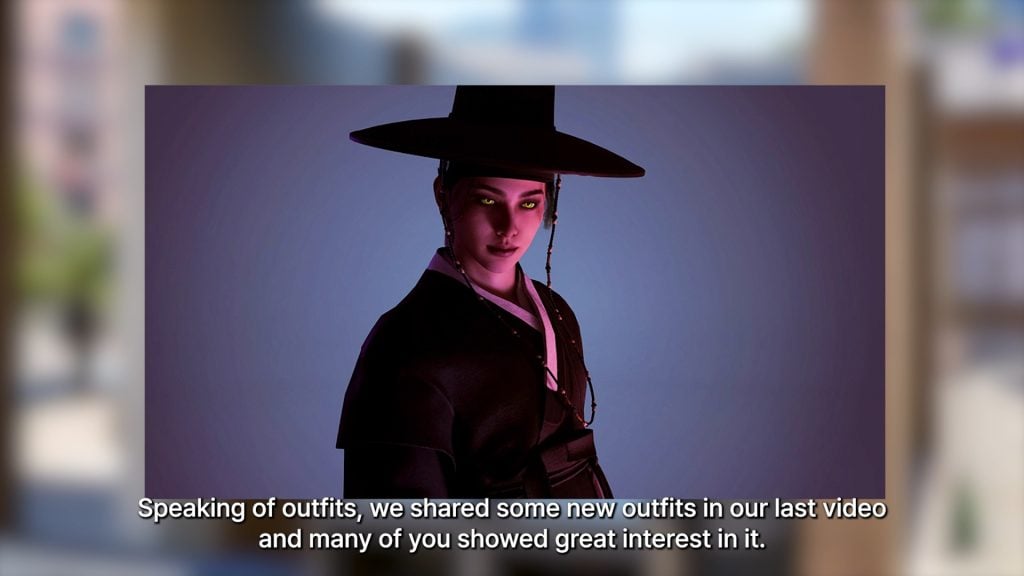
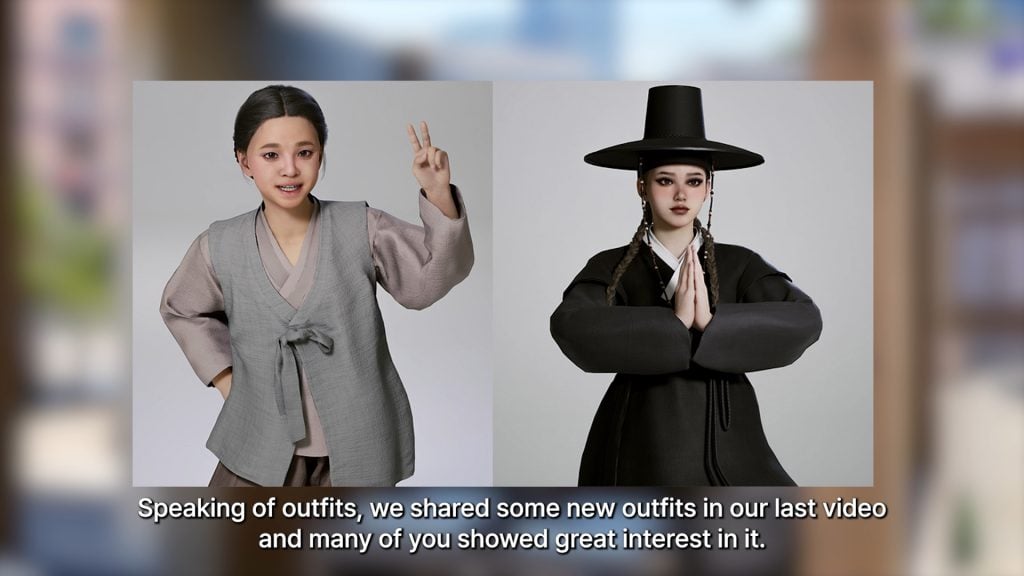
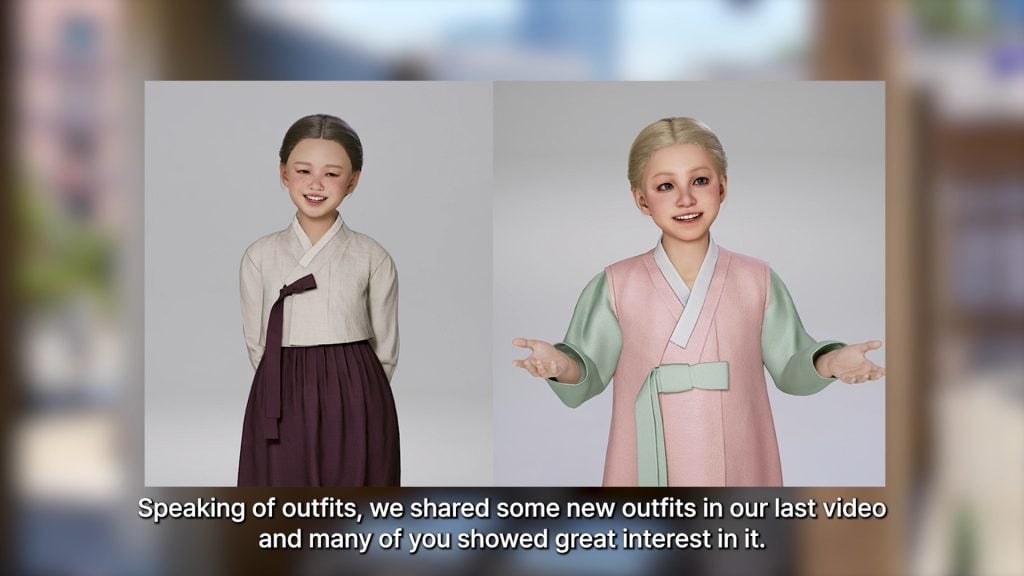
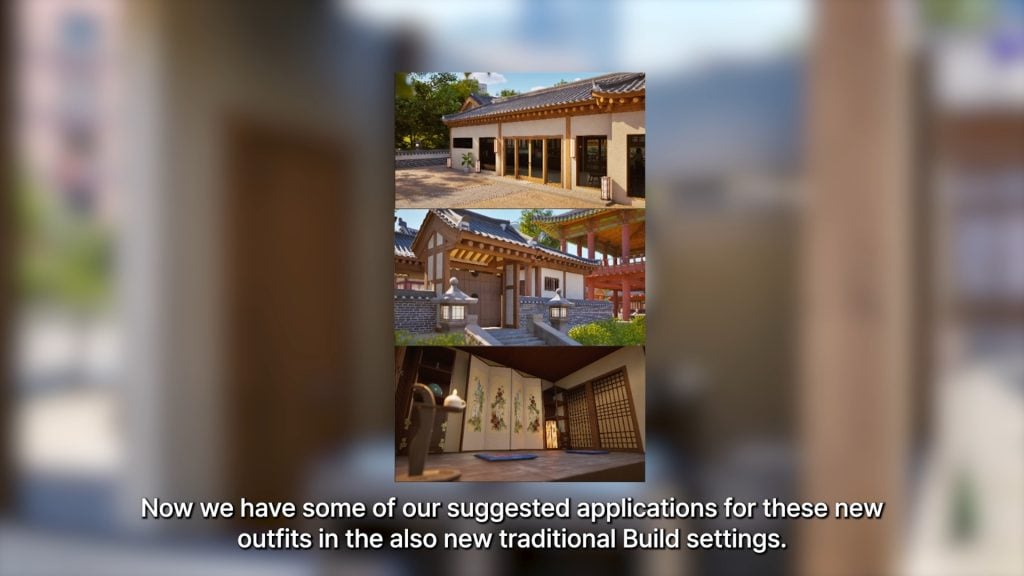
Here are 4 stories about Romantic Royals from Players like you!
Valentine’s Day might have passed, but the drama in The Sims 4: Royalty & Legacy Expansion Pack has just begun. Released on February 12th, 2026, just in time for Valentine’s Day, this pack lets players build dynasties, create allies, and spread scandal across the land. Players have been eager to tell their stories of scandal and romance ever since The Sims 4 Royalty & Legacy first dropped. Here are a few racy royal romance stories from the community that will get your heart pounding:
Table of Contents
Long Time Rivals, Unknown Lover, Future Scandal – Annabelch’s story (Reddit)
Annabelch retells the story of Daryl and Callum of Ondarion, two men from a long-standing, royal lineage. Growing up, Daryl and Callum were close friends. Sadly, in their pursuit for prestige, their relationship was corrupted. Annabelch writes, “They quickly became bitter rivals and constantly sabotaged each other.”
Callum and Daryl having a midnight tryst in disguise. They are wearing masquerade mask from The Sims 4: Royalty & Legacy Expansion Pack. Photo by user Annabelch.
Daryl utilized the brawn of his magic skills while Callum fought back with wits. Shockingly, fate had other plans for them. Annabelch writes, “They unknowingly ended up becoming lovers. So while they sabotaged each other during the day, they were each other’s best friends and confidants at night.” Midnight trysts in disguise, each unaware the other was his bitter enemy. Unexpectedly, they fall in love. But what happens when their masks fall off? How does their devastating dalliance end? You’ll have to read the story to find out.
Local Neighbor Drops Off Some Sugar — Foxxybox’s story (Reddit)
As beautifully orchestrated as some stories may be, most Simmers find that their romantic playthroughs tend to act a bit more…chaotic. No one was as surprised as Foxxybox when Mortimer arrived with unexpected intentions – “like a good neighbor”, indeed. Foxxybox writes, “I’m honestly shocked.” Foxxybox posts a picture of Mortimer Goth passionately kissing Vanessa (Foxxybox’s Sim) in a deep and fiery embrace.
Mortimer becomes a little too friendly with his new neighbor. Photo by user Foxxybox.
There were no hints at all that Mortimer was dating, let alone interested in Vanessa before this kiss. Foxxybox states that Mortimer wanted to “just talk” to help their dynasties. Now she’s earned the Valentine’s Day secret ‘Unfair Affair’ with Mortimer Goth. So, who is going to tell Bella?
Royalty & Legacy: Vampire Edition – Crafty-Sun1734’s story (Reddit)
As if some romances aren’t haunting enough, Crafty-Sun1734’s playthrough of the new royals pack involves Vlad and his beautiful blushless bride – can’t blush if you’re undead. The two are the heads of a dynamic dynasty and have given birth to their first heir, a girl.
Vlad and his queen gaze lovingly at their new child, Organa. Photo by user Crafty-Sun1734.
Crafty-Sun1734 tells readers a bit about their bundle of darkness, “A baby girl I named after Vlad’s first love. Meet Organa [Staud sic].” Will she become the rightful head of the Straud’s haunting hierarchy or will they replace her with a male heir in the future?
Does Blue Blood Taste Better than Red? – AresValley’s story (Reddit)
A picture is worth a thousand words, and I like what this story is saying. A regal king stands in his courtyard with a noble crown upon his brow. Before him, stands a mysterious woman dressed in matching scarlet gown and gloves. Though her face is elegant and appealing, the onyx talons on her fingers and armor on her shoulders imply that she is ready for war. Her weapon of choice? Seduction.
Vampire Countess seduces her way to the top. Photo by user AresValley.
She flirts with the king, leaving him enraptured in the lady’s glowing eyes. He is fully convinced that he has found the object of his affection, while she is convinced that she has found the source of her power. She nuzzles the king’s neck, plunging her fangs into his jugular, but quickly escapes when she sees that the paparazzi have arrived – not scared but satisfied. What are her plans for when she takes the throne?
So many amazing stories are being uploaded to social media every day. The Sims 4 community is filled with a plethora of playful players ready to tell a tantalizing tale.
You can share your own dynasty disasters or romantic conquests in the comments, tag us on socials (@TheSimCommunity), or submit via Gallery/Reddit spotlights – we’d love to feature you next!
If you’re looking for the best The Sims 4 tattoos CC and piercings CC, check out this list of amazing content I have compiled from some of the best creators! When it comes to expressing individuality and creativity in The Sims 4, few things let your Sim stand out like custom tattoos and piercings. While the base game offers a handful of body art options, why settle for a small star on the wrist when your Sim could be rocking a full sleeve of neon dragons, or a septum ring that screams “I am the one and only”!
The Sims 4 Tattoos CC and Piercings CC: 30 Sets We Recommend
Tattoos
2000s Tattoo 1 by bbtaylor19
Splashes of pink, purple, blue, and black await you in the 2000s tattoo 1 pack by btaylor19. This right upper arm sleeve features many different 2000s graphics, such as video game icons, nostalgic candies, and sparkly gems. This sleeve set comes in 3 different swatches and is base game compatible.
The Lotus Glow Tattoo created by ANGISSI is a full back tattoo for both men and women. There are 3 different swatches available, and works with all skin tones. Each swatch features a giant, beautiful lotus flower with a few sparkles!
Not enough finger tats for your Sims? Check out the Knuckles Ink Tattoo set by SNOOTYSIMS! These tattoos come in 6 different swatches, featuring different geometric patterns and lines.
Party like its the 80’s with the 80s Things Sleeve Tattoo by unidentifiedsims! Classic 80’s symbols such as computers, milkshakes, and headphones all create a very unique sleeve for your retro Sim. There are a total of 6 different colors, 5 different shades of black, and it is available for all genders; teen to elder.
For your music-loving Sims, Melody-Rose Tattoo by fairyreese is a quarter-sleeve tattoo that comes in 6 swatches. In this tattoo, you will notice a microphone surrounded by music notes, a rose beneath, and the word “Misunderstood” on the inner bicep. This piece will look amazing on any Sim strumming a guitar or stepping up to the microphone, and could work great for storytelling!
Randomness and adorableness are combined in Full Sleeve Tattoos by demondare-sims. Available for left, right, or both arms and features American traditional tattoos like a snake with roses, cherries, and sparrows. There is even a lovely lady wearing a bonnet and mystical hands!
Tattoo Pack N1 by emmibouquet is completely customizable; there are 5 designs located on different body parts with two package files, so you are able to mix and match different designs. They all feature animal skulls (Even a Cow Plant!) with flowers, and some have geometric patterns or symbols. This set will look amazing on any Sim!
When your female Sim needs a little something extra, HAND TATTOOS #1,2 by BYDIV.studios will be sure to make her hands stand out! There are a total of 6 swatches, and features small details such as, flowers, butterflies, smiley faces, and bees.
This beautiful American traditional sleeve of flowers and sparrows by myshunosun comes in 6 different swatches for all genders. The different color hues all match perfectly, whether you want a pop of color or black and grey.
Old School Tattoo Sleeve, Right Arm (American Traditional) by Venerian
Bats, cowgirls, skulls, spiderwebs, and more await you in the Old School Tattoo Sleeve CC pack by Venerian. This tattoo set is found in the lower right arm category with 6 swatches, and has no gender restrictions. American traditional maybe considered “Old School”, but this set will definitely have you standing out in the crowd!
TuPu Art Collab Vintage Pinup V1 Tattoo by unidentifiedsims
Pinups may be vintage, but they never go out of style! TuPu Art Collab Vintage Pinup V1 Tattoo by unidentifiedsims features two cute pinups, with other small designs like flowers and sparrows. There are 2 colors with 5 different shades, and you will find this amazing piece in the upper left arm tattoo category. This is also base game compatible and will work with both Alpha and Maxis Match skins!
Aye Aye, Captain! Roger Tattoo by Theasimzcc features nautical designs as well as skulls and roses. Perfect for any skin tone, this download will be a perfect addition to your male Sims tattoo collection.
Knee tattoos are not for the weak! Show others how tough your Sim is with Ravyn Tattoo by NekoChan-Simmer. You will find 4 different swatches that include 2 different placements and sizes of an awesome, realistic skull with its mouth wide open.
For the gothic style Sim, Laurie Tattoo by NekoChan-Simmer features a mystical tattooed hand holding the Lovers tarot cards. There are 6 different swatches to let you place this in multiple different areas, and it is not gender locked. These would look fantastic on any magical Sim!
Wanting to switch up your male Sim’s style a bit? VHSync has also created Full sleeve tattoo, a collection of 14 full arm tattoos for male sims, all in black ink! There are many different styles to choose from, including simple, American traditional, and flash sleeves.
For Sims who just love their cats! Traditional Cat Tattoo by VHSync features 12 different kitty and American traditional designs that make up a full sleeve. Some of the designs you will find are a cowboy cat, a mystical cat, skulls, and a skydiving penguin! This can be worn on the left or right arm by either gender.
Random Back Tattoos by shanverse features 4 swatches with different designs like an owl, a sun/moon, a dragon, and a sword. These tattoos fill the entire back, but they are located in the lower back in CAS. Whether you are looking for thin lines or an entire piece, this set might just have the tattoo for you!
Back tattoos can be the statement that every stylish Sim did not know they needed! IMF Back Tattoos created by IZZIEMCFIRE includes 6 different designs in black ink, including a mermaid and a dazzling rose!
The Youngbloods Tattoo Set by Simsnectar is a black and grey realism sleeve featuring a heart with a dagger, dice, a dragon, and more! Available in 3 swatches: upper half, lower half, and full sleeve.
Roses, flowers, lemons, moths, and more await you in Heartlines Tattoos by myshunosun! There are 3 different placements for tattoos: the chest, left arm, and right arm, and they are all base game compatible. Whether you want black and grey or all the colors, there are between 3 and 12 swatches for each tattoo, giving you a little more freedom to customize how your Sim looks!
This piercing set is a statement piece that will set any Sim apart from the rest. GROOVE Cheek Piercings by Pralinesims has the option of wearing the left, right, or both sides, as well as a double cheek piercing! This amazing set comes in 15 different colors and is available for all genders.
Gothi is Rock Collection – Piercing Set by Blue Craving
Spikes and rings for the hardcore Sims! Gothi is Rock Collection by Blue Craving featuring 4 different piercings: a spiked bridge, a lower lip spike, 4 mouth rings, and an asymmetrical septum piercing! These can all be combined as well to give your Sim the look of your dreams.
The one piercing missing from The Sims 4? The tongue ring! Dahlia Tongue Piercing by Pitted0live fills this gap with this lovely little ring that has a small diamond on top. This would look amazing on any Sim and with its coloring could be paired with any outfit!
The Sims 4 has added lip rings, but not nearly enough of them. Ava II Lip Piercing by WisteriaSims includes a double lip ring on both sides of the lower lip and is available in 2 colors: silver and gold.
This CC set by PralineSims is absolutely stunning! JEKYLL & HYDE has 2 piercings, anti-eyebrows, and lip corner piercings. These piercings are very unique, and to make things even better, they come in 15 colors each! These can all be combined and work well with facial movement and sliders!
BLASPHEMY Eyebrow Stud Piercing Selection by PralineSims
PralineSims has also brought to life BLASPHEMY Eyebrow Stud Piercing,s which includes 12 total piercings, 6 for the left and 6 for the right. These options also allow you to play with the piercings in multiple eyebrow spots. This set, as well, comes in 15 colors and would look great combined with their other creations!
Belly button piercings have also been forgotten by The Sims 4, but thankfully, we have amazing CC creators to help us fill our game out. Happy tummy! Ring collection by Mewo-ita! features 11 different super cute unisex belly rings! You will find charms like lollipops, a rubber ducky, a donut, a strawberry, and many other cute designs. These will be perfect for Summertime looks or trips to the beach!
Nawany Septum Piercing by Maxi Moons is such a beautifully crafted piece! Available in 5 swatches, this septum ring features 1 larger colored heart trailed by 2 smaller metal colored hearts. Perfect for any occasion!
Sometimes the most subtle piercings can make the biggest statements! Calliope nose rings created by Overkill Simmer feature a metal septum hoop, followed by a lovely chain septum adornment that transfers over to the side nose ring. These piercings come in 5 swatches, perfect if you want to pair with your Sim’s different outfits.
Bridle piercing set created by Blahberry Pancakes is definitely a standout and unique piece for any alternative Sim. This set features 4 different piercings: Septum, High Nostril, Double Nostril Piercing, and Septum. These pieces stack absolutely stunningly together, and with a whopping 28 different swatches, the possibilities are endless!
What are your thoughts on our list of recommended The Sims 4 Tattoos CC and Piercing Sets? Let us know in the comments down below and see more of our Sims 4 Custom Content spotlights!
The Sims 4 has introduced many helpful service NPCs over the years, from butlers and nannies to ranch hands and inheritance lawyers. Now, with The Sims 4 Royalty & Legacy expansion pack, players get not one, but three exciting new service options to elevate gameplay with any household, not just the royals ones. An Upgrade Technician, a One-Time Tutor, and a Scheduled After-School Tutor are the new services you can expect! In this guide, we will walk you through exactly how to hire each one, what they do in your game, and why they’re game-changers for making your Sims’ lives run smoother than ever.
The new Service NPCs from The Sims 4 Royalty & Legacy
A new Upgrade Technician
What is an Upgrade Technician
Tired of forcing your Sims to grind their Handiness skill at a woodworking table just to upgrade household objects? Imagine them focusing on what really matters instead: climbing the career ladder, unwinding with friends, or heading out on that perfect date. Enter the long-awaited Upgrade Technician, the newest service NPC from Royalty & Legacy that’s here to handle those tedious upgrades so you never have to touch a Handiness book or woodworking table (unless you want to for the fun of it!). Don’t confuse this service with the base game’s Repair Service, which your Sims call when appliances break down. The Upgrade Technician has one clear mission, right there in the name: improving the quality of appliances, plumbing, electronics and furniture, freeing up your Sims’ time for bigger ambitions in any household.
How to hire an Upgrade Technician
The great news? This service isn not exclusive to dynasties or nobles, any Sim from any world can hire the Upgrade Technician! Just like other services, access it easily from your Sim’s computer (via the Household menu) or phone (in the Home app). Any teen Sim and up can make the call, no need for an adult to handle it.
Word of caution: Time is money here, and this is the priciest service NPC yet, at §1,200 upfront + §95 per hour. Make sure your Sims have deep pockets (or a hefty household fund) before calling in the pro!
You can call and ask for an Upgrade Technician at any time in the game, though it is worth noting that if you call starting 9:00 PM, the Upgrade Technician will not come before 7:05 AM the next day. If you call during the day, expect him to arrive in the next 15 minutes.
Important:
you cannot hire more than one Upgrade Technician at a time.
you cannot hire another Upgrade technician as long as the other one is still working. As soon as you get the pop-up telling you they are done, you are good to call again, even if the technician is still on your lot.
What happens when the Upgrade Technician comes
As mentioned above, the Upgrade Technician‘s main job is to boost the quality and reliability of your Sims’ household objects so they break less often (or never), stay cleaner longer, or provide extra moodlets and perks (just like manual Handiness upgrades, but without the skill grind!). Once the Upgrade Technician arrives on your lot, a prominent pop-up appears asking you to select a preferred upgrade category. Your options include:
Electronics
Furniture
Kitchen
Plumbing
No preference (the Upgrade Technician will randomly start upgrading any available object).
If you pick one of the first four categories, they will prioritise objects in that group at first. However, you cannot specify an exact item to start with, they will choose what needs upgrading within the category.
A few handy notes on how it works in practice:
If your chosen category has no eligible objects left (e.g., everything’s already maxed out) or none exist on the lot, the Upgrade Technician will move on to other available objects.
Even if there aren’t enough items in your selected category to fill their time, they will happily upgrade other types if present, so you get the most value from their visit!
Not happy with them branching out? You can dismiss or fire them at any moment to stop the process (handy for controlling costs or preferences).
Like other service NPCs, you can also give them a §100 tip for great service.
If your lot is packed with eligible objects (especially in a royal estate or big legacy home), don’t expect the Upgrade Technician to upgrade everything in a single visit. They typically stay for 3–4 hours (depending on how much there is to do), focusing on as many items as time allows within your chosen category (or randomly if “No preference” is selected). Once their time is up and they leave, you will need to hire the service again if you want them to continue upgrading the remaining objects. This makes it a premium, ongoing investment, perfect for phased improvements, but it does mean budgeting for multiple calls on larger lots.
Once the Upgrade Technician has upgraded an equipment, all eligible upgrades will be applied at once.
Pro tip: Prioritise high-impact categories first (like Kitchen or Plumbing for daily use) to get the biggest bang for your simoleons early on. And remember, you can always dismiss them mid-visit if costs start adding up or priorities change!
Complete list of eligible upgrades by Technicians
Here is a complete list of all eligible objects divided by category.
Electronics:
Burglar Alarm
Computers
Dew collectors (Eco Lifestyle)
Dr. June’s Weather Control Device (Seasons)
Drones (Get Famous)
Dryers (Laundry Day)
Fireplaces
Gaming consoles
Gaming mats
Heaters (Snowy Escape)
Karaoke machines (City Living)
Radiators (For Rent, Vampires)
Radios & Speakers
Robot Vacuums (Cats & Dogs); both the base and the robot get upgraded, except for The Mold -Buster Dehumidifier upgrade.
Solar panels (Eco Lifestyle)
Tablets
Televisions
Trash chutes (Discover University and Lovestruck)
Vacuums (Bust The Dust)
Video stations (Get Famous)
Washers (Laundry Day)
Water generators (Eco Lifestyle)
Wind turbines (Eco Lifestyle)
Furniture:
Beds
Fire lamps (Dine Out and Adventure Awaits)
Treadmills
Vertical gardens (Eco Lifestyle)
Kitchen:
Coffee machines
Espresso machine (Get Together)
Grills
Microwaves
Pizza ovens (Home Chef Hustle)
Refrigerators
Stand mixers (Home Chef Hustle)
Stoves
Waffle makers (Home Chef Hustle)
Plumbing:
Bathtubs
Hottubs
Saunas (Spa Day)
Sinks
Showers
Oddly enough, it seems that most of the functional items from For Rent and some other packs are not upgradable by Upgrade Technicians, although the items themselves are upgradable. The list includes:
Blenders (Adventure Awaits)
Bowling alleys (Bowling Night)
Fuze boxes (For Rent and Restoration Workshop)
Kettles (Adventure Awaits and For Rent)
Pressure cooker (For Rent)
Water heaters (For Rent and Restoration Workshop)
Another key limitation we have noticed: the Upgrade Technician will not apply eco-upgrades that come with The Sims 4Eco Lifestyle. Those still require manual Handiness work. Despite this (and a few other non-upgradable items), this NPC is a total lifesaver for all play-styles, especially no-cheat players! Upgrading can eat up hours of your Sims’ day, but now they can hire a specialist to handle most of it. For the rare items the Upgrade Technician skips, a quick manual upgrade does the trick. Overall, we were thrilled with their efficiency and your household will thank you!
Two new dynasty-exclusive Tutors
Unlike the universally available Upgrade Technician, the two new Tutor services are exclusive to Dynasty members and unlocked via a specific Dynasty Perk (typically starting at Level 2 Prestige). The two types of Tutors are:
One time tutors.
Scheduled After-School tutors.
Their have identical roles: once hired, the NPC simply appears with a Tutor role with no visual distinction. These multi-talented pros teach skills to Sims of all ages (from kids to elders) and provide targeted homework help for children and teens. Perfect for busy parent Sims juggling home and work tasks, or even adults needing a quick boost in career-critical skills like Charisma, Handiness, Logic, Cooking, Painting, and more (covering a good amount of in-game skills with exceptions will cover later). Whether it is acing school reports or maxing out that promotion requirement, Tutors bring expert mentoring straight to your lot, no rabbit holes required!
So what’s the difference? They both teach skills and help with homework, the only difference is the time at which they will visit your Sims’ lot, that’s it.
One Time Tutors:
Come every day of the week, weekends included.
If you call between 9:00 AM and 8:59 PM, your Tutor will come in the next 15 minutes.
If you call after 9:00 PM, you will have to wait until 9:05AM of the next day for your Tutor to come.
Scheduled After-School Tutors:
Come from on business days, so from Monday to Friday starting 3:35PM.
If you call on weekdaysbetween 3:30PM and 8:59PM, the Scheduled After-School Tutor will come in the next 15 minutes.
If you call on weekdaysafter 9:00 PM, you will have to wait until 3:35 PM of the next business day for your Scheduled After-School Tutor to come.
If you call during the weekend, you will have to wait until Monday 3:35 PM until the Scheduled After-School Tutor comes.
How to hire the dynasty-exclusive Tutors
As mentioned earlier, this service is exclusive to dynasty members. Quick Dynasty refresher: Every time your Dynasty hits a new Prestige Level, the Head receives Dynasty Perk Points to spend. Access the perks via the Dynasty menu (under Social or Household tabs). The Tutor Perk costs 50 Perk Points and unlocks both hire options. Here’s the official description: “Dynasty Members can hire a Tutor via Hire a Service in the Phone. The Tutor is a highly-skilled Sim who will help Children and Teens with their homework, and can mentor any Household Sim on their Skills.” Without this perk, Tutors won’t appear on phones or computers. Resetting perks also removes them from the available services list.
Key notes:
Only teens and up can hire Tutors.
Dynasty outcasts cannot hire Tutors.
Like other services, you can hire Tutors via computers as well (Household menu).
If you hire a One time Tutor, you can hire an After-School Tutor as well, but if you hire an After-School Tutor first, you cannot hire a One time Tutor.
Keep in mind that you cannot have both Tutors at the same time on your lot, as the game considers them as one type of NPC.
Both kinds of Tutors cost §100 upfront + §30 per hour, which is much more affordable than Upgrade Technicians.
At any point before the Tutor comes, you can cancel your tutor service via the phone. Depending on how much time there is left before the NPC comes, you might still be billed §100 even when canceling.
What happens when the Tutor comes
Once the Tutor arrives on your lot, they will automatically seek out Sims engaging in mentorable activities, like children and teens tackling homework, or any Sim practicing skills (e.g., rehearsing a speech for Charisma, cooking in the kitchen, playing chess for Logic, and more). Want to direct them to a specific Sim? Click the relevant skill object (e.g., a mirror), select Mentor > Ask for [Skill] Mentoring (like Charisma), then choose the Tutor from the pie menu. Tutors will generally stay a couple of hours but never all day long.
Key notes for homework:
For faster help, have your young Sim sit or stand right next to the Tutor, or use “Come Here” to bring them over. Speed up those straight-A’s in your dynasty!
Children and teens cannot actively ask the Tutor for help, but once they start their assignment, the Tutor will autonomously swoop in to assist.
Like any other Service NPC, at any point you can:
You can dismiss or fireTutors to stop the process (handy for controlling costs or preferences).
Like other service NPCs, you can also give them a §100 tip for great service.
What can Tutors really do
To confirm these Tutors are the real deal (and not just for show), we cheated one into our household for a closer look. We are pleased to report they come packed with high-level skills, many maxed out at level 10! While exact levels vary slightly between Tutors, the core skill set remains consistent, ensuring reliable mentoring every time. Skills Tutors can cover include:
Charisma
Comedy
Cooking
Fitness
Gourmet cooking
Guitar
Logic
Mixology
Painting
Piano
Programming
Research & Debate (Discover University)
Singing (City Living)
Swordsmanship (Royalty & Legacy)
Violin
Writing
Tutors appear to be modelled after real-life private tutors, emphasising skills typically taught in structured lessons or academic settings, so practical, hands-on “craft” skills like Handiness, Flower Arranging, or Gemmology seem to be intentionally left out. Your Sims will still need to level those up the old-fashioned way: practicing manually, reading skill books, or, if you have The Sims 4Businesses & Hobbies installed, attending Lectures for a more guided boost.
Even with these limitations, the service proves incredibly useful in tons of scenarios, whether it’s speeding up homework for the kids, pushing adults toward career promotions, or giving your dynasty heirs that extra edge. It’s exciting to see more specialised NPCs added to The Sims 4, even if this one’s got a touch of elitist exclusivity reserved for Dynasty members only!
What are your thoughts on these new NPCs with The Sims 4 Royalty & Legacy? Are you excited to hire them? Have you already done so? What are your thoughts? Share with us in the comments down below.
Electronic Arts boasts new benefits for The Sims Creator Program.
Electronic Arts and Maxis have released a brand new The Sims Blog post entry today, talking more about the new benefits coming to the already existing The Sims Creator Program. Which is just another way of naming The Sims subdivision within the EA Creator Network!
Within this blog announcement the team revealed some new benefits for the closed circle of players who are in The Sims Creator Program. Including new workshops and classes throughout the year for channel building and doing your own fundraisers through livestreaming. Sounds like a good way to forget about that EA buyout deal!
Table of Contents
See what the team revealed in their latest blog post announcement:
The Sims Creator Program is Evolving: Official The Sims Blog
Sul Sul!
We’ve got some big updates to share about The Sims Creator Program, our global creator community made to support, uplift and collaborate with creators across our family of Sims experiences.
This program is all about celebrating your creativity, your ideas and opening the door to exciting opportunities with The Sims.
As part of the program, creators can receive things like early access to new expansion packs and opportunities to collaborate with The Sims team, all while continuing to build your own unique voice.
Now we are opening things up even more.
We’re expanding the program to welcome more creators, more perspectives and more play styles! Players connect with The Sims in so many different ways, beyond traditional gameplay, and we want to celebrate all of it.
New or Established, Your Voice Belongs in The Sims
We’re inviting creators of all kinds who express themselves through play, storytelling, design, identity, culture, humor and world-building — both inside and outside The Sims. Whether you’re just starting out, an established creator, have something new to say or are SIMply passionate we are excited to hear from you.
You may be a builder, storyteller, custom content (CC) creator or community leader. Orrrr… you may be a cozy gamer, artist or lifestyle influencer.
Even if you’re new to The Sims or create other kinds of content, you’re welcome here.
Join us to help shape stories, build community and influence how The Sims grows next!
Perks, Support, and Possibilities for Every Type of Creator
When you join, you’re not only getting our support, you’re getting access to exclusive content, opportunities and perks. These activities and offers are our way of thanking you for your continued passion and creativity in The Sims community. No matter what kind of creator you are, we’ll meet you where you’re at, and support you during exciting moments and milestones.
Here’s what that includes:
Access
Free game codes at new launches for you and your community
Early access to new launches (where applicable)
Occasional sneak peeks and early previews, including opportunities to preview content with Sims developers
Chances to receive Sims swag or other physical goodies during key Sims milestones
Access to a private Discord where you can chat with The Sims team and fellow creators
Access to the EA Creator Network platform, for opportunities across The Sims and other EA titles
Access to the Support-A-Creator (SAC) program, where you receive your own Creator Code to earn a commission
[New] SAC Community reward discounts during select windows
[New] Exclusive creator discounts at Shop The Sims
Collaboration
Opportunities to take part in campaigns, livestreams and activations
Opportunities to collaborate with us both in-game and out, such as live events, workshops and more
Opportunities to join virtual and in-person feedback and beta playtesting
Support
A direct connection with a Sims team member in your region
Regular creator feedback surveys, sessions and listening opportunities
Resources to support safety, well-being and platform best practices
[New] Learning and education sessions throughout the year to help you grow as a Sims creator
[New] Opportunities to apply for support to facilitate tech needs or creator-led events and charity fundraisers
A Place to Create, Be Seen, and Be Supported
Our creators inspire us every day, and we know that creativity looks different for everyone. That’s why we aim to support your unique vision in a way that feels right to you. Your voice matters to us, and that individuality is what makes our community special.
We’re committed to fostering a welcoming space where creators feel respected, valued, supported and celebrated for who they are. As creators grow their online presence, we provide guidance and encouragement to help navigate the journey. We’re here to ensure everyone feels safe and empowered to show up as themselves.
Supporting diverse voices is not just something we care about; it’s a core value of The Sims and where we are headed in the future.
We hope you’ll join us. We can’t wait to build that future with you.
Request to join through the EA Creator Network and select The Sims as your primary franchise. If you don’t see a fitting description for yourself, don’t worry; choose whichever describes you best. We believe there’s a creator in everyone!
Do I need to only create Sims content?
No. We welcome creators who make Sims and Sims-related content, as well as those whose content is adjacent (cozy games, lifestyle, design, storytelling, humor). If you’re creatively aligned with The Sims, you can request to join.
I haven’t posted in a while — can I still request to join?
As long as you’ve created Sims or Sims-related content in the last 90 days, you can request to join. We encourage creators to engage at a pace that feels sustainable and authentic to them.
Does follower count matter?
Not as much as you think! Creativity, tone, involvement, and consistency matter more.
What is the difference between The Sims Creator Program and the EA Creator Network?
They work in tandem! The Sims Creator Program is built with Sims creators in mind. The EA Creator Network is home to creators across all EA games, but it’s also where we share perks and opportunities tied to The Sims Creator Program. Once approved as a Sims creator, you can expect to hear from us there.
I’m already a member of the EA Creator Network, but not of The Sims Creator Program. How can I request to join The Sims Creator Program?
If you are a member of the EA Creator Network and have The Sims listed as your primary franchise, you’re already in The Sims Creator Program! You can also adjust your primary franchise at any time. Please reach out to your local point of contact to find out what opportunities and perks you can access.
How often do you review spots for The Sims Creator Program?
We value every creator who requests to join The Sims Creator Program, and we carefully review each request. Reviews are ongoing at the team’s discretion. You can expect new creators joining every month or two.
Who is not eligible for The Sims Creator Program?
The Sims Creator Program is not open to anyone who has violated the terms of any previous EA creator program (e.g. EA Game Changers), the EA User Agreement, or the EA Creator Network Trust and Safety Guidelines, or who is employed by another game developer or publisher. Those removed from any previous EA creator program are also not eligible to rejoin or be reinstated.
I requested to join the The Sims Creator Program and meet all the requirements, does that mean I’ll get in?
Participation in the The Sims Creator Program is at EA’s discretion. Meeting eligibility criteria does not guarantee acceptance or continued participation. EA and The Sims team do not provide individual feedback on selection decisions.
I’m a parent, talent manager, or agency representative and I represent a creator that wants to be a part of this program. Can I be a part of the program on their behalf?
Unfortunately we don’t allow talent agencies, talent managers, or parents to apply or take part in this program on behalf of individual creators.
I’m not a traditional streamer or Youtuber but I run a Sims fansite/fan community. Can I apply to The Sims Creator Program?
Yes, creators who operate fansites or fan communities dedicated to The Sims are welcome to apply, and will be required to sign the same agreements as other EA Creator Network creators.
What opportunities are available?:
Early access, livestreams, content spotlights, UGC showcases, campaigns, Creator Grants, educational resources, and more!
Do I need to be an on-camera creator to be accepted?
No! Off-camera creators (builders, storytellers, custom content creators, community leaders, etc) are equally welcome.
Is the program global?
Yes — and we’re expanding to more regions over time.
What is the Support-A-Creator initiative?
Support-A-Creator is an optional program where Sims community members can support creators by purchasing eligible EA content. Participating creators can apply for a unique Creator Code. Players who use the code during eligible purchases on the EA App, EA.com, or in-game may earn the associated creator a commission under the program’s terms. To join, creators must review and accept a separate Support-A-Creator agreement, which is distinct from the EA Creator Network and The Sims Creator Program agreements. Participation is not automatic; eligibility, setup, and terms are shared with invited or applying creators.
Are Sims Creator Program members paid?
The Sims Creator Program members may participate in unpaid and paid opportunities. Receiving early access or creator benefits does not automatically mean content is paid or commissioned. When creators participate in paid, sponsored, or commissioned campaigns, this will always be clearly communicated in advance and requires appropriate paid disclosures based on region and platform.
Are there expectations around how creators talk about The Sims?
No. Creators are encouraged to share their honest feedback — positive or critical — as long as it complies with EA’s Trust & Safety Guidelines and is applicable platform rules. Participation in the program does not dictate opinions.
As a member of the The Sims Creator Program, do I have to participate in every opportunity that I’m invited to?
Not at all! Creators can choose to participate in as many or as few opportunities as they like.
Am I required to make content for every opportunity or hit a content quota to remain in the program?
No! While we always love seeing Sims content from you, creating content while you’re in the program is never mandatory unless you’re participating in a paid brand partnership, which are typically short-term sponsorships. We want you to create on your terms — there is never any content quota from us.
I requested to join but was not successful or my submission wasn’t reviewed. Can I reapply?
If you received an email inviting you to reapply, you can do so 90 days from when you received that email. If you don’t receive an email from us after 90 days, please log back into the EA Creator Network site to check your status and eligibility to resubmit a request again.
Do creators need to disclose when their content is part of The Sims Creator Program or EA Creator Network?
Members of The Sims Creator Program are expected to follow disclosure policies and applicable law for content that reflects their relationship with EA. Clear disclosures keep things transparent, honest, and healthy between creators and their communities. Creators are responsible for including clear and prominent disclosures in accordance with applicable laws, platform rules, and EA guidance.
Do creators’ actions outside of EA games affect their participation in The Sims Creator Program?
Yes. If you see a creator who is part of The Sims Creator Program behaving in a way that you believe may break our Trust & Safety Guidelines or The Sims brand values, whether directed toward other creators, community members, or EA, you can report them here.
Can I participate in third party paid sponsorships while being a member of The Sims Creator Program?
You may receive sponsorship or promotional opportunities from companies outside of EA. That’s generally permissable, and EA doesn’t object to you pursuing them. However, you aren’t permitted to use or feature EA brands, logos, or games (like The Sims) in those campaigns. The only exception is if a third-party paid sponsorships violates our EA Creator Network guidelines. If you’re unsure whether a sponsorship requires prior approval, we recommend reaching out to us before proceeding.
As a creator, can I use The Sims IP in third party paid sponsorships?
How can I, a representative of a third-party organization, collaborate with EA and/or The Sims and The Sims Creator Program participants? Who should I reach out to first?
What are your thoughts on the new The Sims Creator Program benefits and updated rules? Let us know in the comments down below and stay tuned for all the latest Sims news right here on Sims Community!
Freezing during marriage and Family Tree fixes should be fixed with the latest Sims 4 Update!
A new Sims 4 Update has been released across PC, Mac, Xbox and Playstation supported platforms, just a week after the previous Hotfix Update release. As stated this Tuesday, the latest Sims 4 Update is a hotfix for two issues: Freezing during Marriage events and additional fixes to the Family Tree layout, overlapping and more.
You can download the latest Sims 4 Update by checking for a Patch through the EA App, Steam or Epic Games launcher for Desktop. If you have Automatic Updates enabled the update will automatically download through your client program. In case your EA App is not working properly ensure you’ve cleared your app cache!
If you play The Sims 4 on Xbox Series X / S and Playstation 4 and 5 you can request a new update by checking for updates under The Sims 4 game in the Main Menu. If you’ve enabled automatic updates the Patch should download right away.
There’s also a handy official guide to Mods and CC maintenance, as well as backing up your Saves! Click here to learn all about healthy upkeep of your The Sims 4 files.
Official Sims 4 Patch Notes
Update 2/19/2026
PC: 1.121.372.1020 / Mac: 1.121.372.1220
Console: Version 2.30
Sul Sul, Simmers!
Here is a small update to address some important fixes related to Royalty & Legacy. Thank you so much for your continued reports via the EA Forums!
-The Sims 4 Team
Bug Fixes
Base Game / Multipack
Live Mode
[EA Forums] Resolved an issue found in some save files where the game would freeze when Sims are getting married.
Family Tree portraits will no longer overlap after a Spouse’s death when there’s a Secret Child.
[EA Forums] Resolved an issue in some saves where missing connections were appearing in the Family Tree and Sims portraits were not highlighted when selected.
[EA Forums] Resolved an issue where the game would stop responding when clicking on a Sim from the Family Tree in some save files.
What’s your experience with downloading the latest Sims 4 Update on your platform? Let us know in the comments below and stay tuned for the latest Sims News!
Power Shifts in The Sims 4 Royalty & Legacy: The Magical Moments That Can Crown You… Or Curse You!
The Sims 4 Royalty & Legacy Expansion Pack contains FIVE new ‘Power Shift’ moments, gameplay opportunities that can either launch your Sim to the peak of nobility… or completely ruin their lives! There are many ways for your Sims to take the crown, and Power Shifts are by far the quickest, but not always easiest, way. Let’s take a look at all the storybook moments to discover in the new world of Ondarion!
The Sims 4 Royalty & Legacy: Power Shifts
The Crystal Slippers – On The Steps of the Palace
These exquisitely crafted, magical shoes bring elegance to every step. Slip them on and any Sim is instantly swept into dazzling finery. Those who dance the Grand Waltz in these shoes may find new love or see their fortunes change among the Nobles. If a dance falters, even a Noble may face unexpected twists of fate.
The first of the five power shifts is the Crystal Slippers, enchanted shoes that are sure to woo any noble at a Grand Ball. Getting your hands on a pair of these slippers doesn’t have to be Agony, so let’s take a look at where to nab a pair for yourself!
The Crystal Slippers can be found in treasure chests throughout the world. These spawn next to the rocks marked with an X and an arrow. If you are struggling to find these treasure spots, make sure to check out our Ondarion World Guide! If lucky, your Sims will receive a pair of Crystal Slippers.
You can also cheat the Crystal Slippers in by enabling ‘testingcheats’, Shift + Click on your Sim, Select ‘EP21 – Royalty & Legacy’, ‘Power Shift Events’, and ‘[DEBUG] Create Crystal Slippers.
Once your Sim has a pair, you can enable the Power Shift Event by selecting them in your Sim’s inventory and choosing ‘Wear Shoes’. This will have your Sim instantly change into formal attire and their newfound slippers. You will also receive a notification encouraging you to plan a Ballroom Event, perfect for meeting Nobles in Ondarion!
At the Ball event, make sure to find an eligible Noble and choose either ‘Dance for Romance’ or ‘Dance for Status’, the latter granting your Sims the title of the chosen dance partner. Be warned, a failed dance can lead to upset and a broken heart!
Simcalibur – The Sword in the Stone
Simcalibur beckons a Sim trusted and true, Adept with a blade and ready to pursue. A Kingdom awaits their guiding hand, where Commoners trust and understand. But if they fail to prove their worth, The Sword’s displeasure shall quake the earth.
Simcalibur is the rarest sword in The Sims 4 Royalty & Legacy, and there is only one in existence in your save. Be careful who you choose to pull it! The sword is located next to Ye Olde Voyager bar in the region of Verdemar (see below)!
You can select ‘Examine Prophecy’ to learn more about the sword. The prophecy claims that only Sims with great standing with common people, and a proficiency in Swordsmanship are worthy of pulling the sword from the stone. If successful, the sword will be added to your Sims’ inventory. The sword acts as any other sword does in-game; it can be used in duels, to be trained with, or mounted on the wall. You can also perform two interactions unique to Simcalibur: ‘Ascend to Kingdom Leader’, and ‘Simcalibur’s Radiance’.
Choosing ‘Ascend to Kingdom Leader’ does exactly what it says on the tin: the chosen Sim will be instantly granted rank 10 of the Noble Career and will depose any Sim with that rank. The ‘Simcalibur’s Radiance’ interaction will grant your Sims an 8-hour confidence moodlet. You will need to wait for Simcalibur’s power to recharge before performing it again!
Noble Frogs – Kiss (Or Eat?)
Among the frogs that hop and roam, Some once called a Sim-life home. Twisted by a trickster’s curse, From Noble lines to fates far worse. Yet only true love, pure and warm, Can break the spell and shift their form.
When kissed, these amphibians have a chance of transforming into Noble Sims, all ready for romance. As a noble, the transformed Sim will recognise your status and may instantly propose. Commoner Sims, on the other hand, have a chance of being rejected.
Frogs found in logs or water pumps in any world can be kissed! Simply click on a frog either in your Sims inventory, or one they have in a tank on the active lot, and select ‘Kiss Frog’.
You can also cheat the Noble Frog in by enabling ‘testingcheats’, Shift + Click on your Sim, Select ‘EP21 – Royalty & Legacy’, ‘Power Shift Events’, and ‘[DEBUG] Create Noble Frog.
Regular frogs are not noble, and will not grant your Sims the same benefit; they will still result in an instant engagement if you choose to accept the suitor’s proposal. Noble Frogs can be distinguished from regular frogs by the pillow they sit on and the crown on their head. Both types of frogs can be found in the usual places. Noble Frogs have a much rarer chance of appearing.
If you have The Sims 4 Enchanted by Nature and your Sim is Level 5 or higher in the Natural Living Skill, they can choose to eat the noble frog if they so wish.
The Enchanted Mirror – Pick Number 3 My Lord
Gaze within to test your chance, Blessed ascent or shadowed stance. Rise in rank or fortune’s glow, Or watch your luck and rivals grow. Seek a truth the glass may stir, But risk the fate it may confer.
The Enchanted Mirror can be found in a small island in the lake found in Bellacorde. This mirror can be interacted with, and if you choose ‘Examine Enchanted Mirror’, you will be given a poem (see above) tempting your Sim to seek their fortune, along with a healthy dose of warning.
Choosing to ‘Investigate Secrets on…’ will allow your Sim to uncover a scandal that another Sim is hiding, allowing you to find dirt on a rival that you can use to your advantage. Be warned, as this can backfire, leaving your Sim with a +1 Embarrassed moodlet that lasts 4 hours.
You can also choose to ‘Gaze into the Future’, either granting a boost in noble rank or increased career performance if your Sim is in any other profession than Noble. As with investigating secrets, this too can backfire, leaving your Sims with a penalty in career performance, and the quality of any crafted items being lowered.
Anansi’s Well – Spider Senses
Anansi, sly weaver of tales untold, Calls forth a Sim both curious and bold. To enter his Trials is to dance with the sly, Where riddles twist under the spider’s eye. The wise earn boons from challenges met, But careless Sims find tangled debt.
Anansi’s Well can be found between Zanbira Market and Dambele Palace in the region of Dambele urrounded by spiders crawling along the ground. Anansi is a trickster god from West African and Carribbean folk lore, so take his advice with a pinch of salt.
You can ‘Ask for Anansi’s Advice’, which costs one Simoleon and will result in an advice notification popping up, with helpful hints on how to become a noble, how to help those around the world, and how to generally get by in Ondarion.
You can also choose to undertake four different trials set by Anansi. You must do these trials in order and they will see your Sim undertake challenges of skill to earn rewards. Take a look below at how to complete each trial:
Trial
Clue
Action
Trial One: Weave a Story
Spin a tale with wit and weight. Speak a story, and let Anasi decide your fate.
Learn a secret and share it with others.
Trial Two: Offer a Secret
Whisper what hides beneath your smile. Hold a secret too tightly and the web may twist, but share it and Anasi’s favor finds you.
Learn a sceret and share it with others.
Trial Three: Spin the Web
Weave a trick. Twist a thread. Let another stumble while you rise. Let Anasi judge if you are clever enough to dance in the web.
Successfully perform Deception interactions under the Mischief category.
Trial Four: Fulfil the Thread
Gather the words that linger in your mind, and bind them to the page. If written with excellence, it will endure gracefully in Anansi’s web. This is your final trial.
Write a book with Excellent Quality.
You will have 3 days to achieve each task successfully to avoid a penalty. Upon completing the final trial, you will be granted the ‘Threadshifter Trait’ that will allow your Noble Sims to change their alignment between Commoner and Royal.
Are you going to take the risk for the chance to changeyour Sims’ lives? Let us know in the comments below, and stay tuned to Sims Community for all guides on The Sims 4 Royalty & Legacy!
If you love immersive family gameplay in The Sims 4, the Sims 4 Baby On The Way CC Pack is about to become a must-have in your Mods folder. Created by the incredibly talented SIXAM CC, this pack focuses on realistic nursery design, heartfelt storytelling moments, and beautifully crafted build/buy items that make preparing for a new Sim baby feel truly special.
Designed with family players and legacy challenges in mind, the Baby On The Way CC Pack adds depth to pregnancy gameplay by letting your Sims slowly build and decorate their nursery, right down to assembling the crib in-game.
Currently, the pack is in Early Access on Patreon, meaning players who want it now will need to subscribe for immediate download.
Table of Contents
What Is the Sims 4 Baby On The Way CC Pack?
The Baby On The Way CC Pack is a thoughtfully designed nursery-focused custom content series by SIXAM CC that brings realism, storytelling, and cozy family moments into your gameplay. Part 1 includes a beautifully crafted set of 18 decorative and build/buy items, while Part 2 introduces a special gameplay mod that allows you to fully assemble the crib in stages.
Inside the pack, you’ll find a variety of scene-setting details — from moving boxes and painting supplies to baby essentials waiting to be unpacked — perfect for creating realistic pregnancy storylines and nurseries that slowly come together over time. The crib is designed in unassembled stages inspired by flat-pack furniture, making it ideal for storytelling builds.
Players can also build and customize the baby mobile, choosing between two décor themes: birds or space. As your Sim family grows, the crib can even be upgraded and converted into a toddler bed, adding long-term value for legacy gameplay.
Important note: The Part 2 crib-building mod requires the The Sims 4 Parenthood Game Pack in order to function properly.
Build & Buy Catalog Preview
Below is a complete catalog of every item included in the Sims 4 Baby On The Way CC Pack, along with detailed preview images for each piece.
Swatch Previews
Take a closer look at every object in the set, showcasing all available color variations and design options.
How You Can Build Your Own Baby Crib In-Game
One of the most unique features of the Sims 4 Baby On The Way CC Pack is the ability to fully build your baby’s crib through interactive gameplay instead of instantly placing a finished object. Once your Sim is ready, they can interact with the “Build the Crib” box and select “Start Working Carefully.” As they work, building the crib also boosts both Mental and Handiness skills.
The crib begins in unassembled stages inspired by flat-pack furniture, allowing your Sims to gradually put it together across two phases as the pregnancy progresses. This creates realistic preparation moments that feel immersive and rewarding.
Interestingly, chatting with a partner or another Sim in the room slows the process down, making it take noticeably longer than building alone. During the interaction, Sims receive a Focused moodlet labeled “Working on a School Project.” A partner can even assist with the build (though the animation does clip slightly).
Once the crib is complete, you can add a lovely baby mobile that spins gently and plays soft lullabies, bringing even more warmth and realism to the nursery space.
Overall, it takes around 3–6 in-game hours (if including the mobile) to complete the crib depending on whether your Sim works solo or with help, which feels surprisingly realistic for such a hands-on project.
A Cozy First Time Parent Apartment That Showcases the Pack Beautifully
One of the most charming showcases of the Sims 4 Baby On The Way CC Pack comes from Sims content creator Gryphi, who built the most adorable First Time Parents Apartment using items from SIXAM CC’s collection.
The build perfectly captures that early-parenthood energy with cozy, realistic, and thoughtful details that make gameplay feel warm and lived-in.
Gryphi also shared a full build video and uploaded the apartment to the Gallery, so players can download it directly into their game.
Important note: To experience the build exactly as shown, you’ll need to download several of SIXAM CC’s currently free custom content collections in addition to the Baby On The Way CC Pack.
Once everything is installed, the apartment looks absolutely stunning in-game.
Early Access Details – How to Download It Now
The Sims 4 Baby On The Way CC Pack is currently available in Early Access on Patreon. Linked in the button below!
• A subscription is required to download it right now • Supporters get immediate access • It will be released publicly later, typically a month after the initial Early Access release
If you love high-quality CC and want to support amazing creators, Early Access is a great way to do both.
Our Final Thoughts – Is the Baby On The Way CC Pack Worth It?
Absolutely!
The Sims 4 Baby On The Way CC Pack is one of those additions that quietly transforms gameplay. It doesn’t just add furniture, it adds emotion, realism, and storytelling depth.
If you enjoy:
• Family gameplay • Legacy challenges • Cozy builds • Realistic life moments
This CC pack is a perfect fit for your save files.
Between the modular nursery pieces, adorable decor, and in-game crib assembly, it’s easy to see why this pack feels so special.
Discover even more Sims 4 CC packs, custom content reviews, and gameplay-enhancing mods in our Sims Community CC articles, where we regularly feature new releases, in-game previews, and other family-focused gameplay inspiration.
Maxis announces a new The Sims 4 Patch drop for this week!
The Sims Team has announced through their official Discord channels that there is going to be a new Sims 4 Hotfix Update. Set to release for this Thursday – February 19th, 2026! Here’s what you can expect from the latest hotfix patch:
The Sims 4 Hotfix Update Announcement
The Sims Community Manager EA_Cade shared a new message, revealing a new Sims 4 Hotfix Update for this Thursday. In this update you should expect fixes for issues with Sims freezing during marriage, as well as “additional Family Tree fixes”.
Sul Sul, Simmers, We’ll have a small Base Game update available this Thursday, February 19th containing fixes for issues with Sims freezing when getting married as well as additional Family Tree fixes.
What’s up with Family Trees?
A lot, in fact! Players who have never used CC / Mods have started reporting several issues with The Sims 4 Family Trees ever since the recent Sims 4 Updates hit the game this February. With reports on wrong connections, a family tree layout that’s way too stretched out and overlapping relations and interface that just makes no sense.
EA Forums member ToutouXL reported five different examples of how Family Trees have broken down in their game:
The new family tree is not working at all! Now I can’t understand nor use this family tree function! PS I didn’t use any mod nor cc!
The biggest problems lie in the overlap of the family members, I can’t see clear connection of any family. Besides, some of sims are married with kids in the family tree which are obvious image expression error! Not to mention that I am not able to tell who are the kids or siblings of one family. I show some pictures below, can you tell me HOW CAN I UNDERSTAND?
Example 1, the sim marries with a kid in family tree( actually not)! Plus a mess and serious overlap.
Example 2, unable to recognize one family.
Example 3, what does this white stripe mean? I can’t even tell the latest generation relationships.
Example 4, I pressed the little kid in the end of family tree, next thing I see is without this kid and all the people irrelevant to neither mother nor kid.
If the bugs is too time-consuming to fix, can you just return to the old logic and design which functions super well?! Thanks.
The upcoming Sims 4 Hotfix Update is expected to fix only two game issues, so you shouldn’t expect your recently-updated Sims 4 Mods and CC to break again with the upcoming Update release. We’ll keep you posted if that’s not the case though!
You can keep track of all the current Sims 4 Patch release notes right here.
Are you ready for the 3rd Game Patch for The Sims 4 for this month? Let us know in the comments down below and stay tuned on Sims Community for the latest news on the upcoming Sims 4 Updates!
How to Earn All Rewards in The Sims 4 Lost Legacies Event Week 2!
Welcome to The Sims 4 Lost Legacies Event Week 3! Make sure to check out our previous guide for week 2 if you haven’t completed it yet before jumping straight into week 3. Players have until March 16th 2026 (subject to extension) to complete all quests and claim all the rewards before they are gone for good. Let’s dive straight in and see how to unlock all of the rewards in The Sims 4 Lost Legacies Week 3!
Table of Contents
The Sims 4 Lost Legacies Event Week 3 Introduction
Another week, another Ondarion family to research and uncover their mysteries. This week, we will be getting further insight into Princess Cordelia and the Thebe family. You can check out the new quests and this week’s rewards either by selecting ‘Event’ on the main menu, or by clicking the Event icon in the top-left corner of the screen in Live Mode!
‘The Pirate Princess’ Quest Walkthrough
With a new key found and the Envoy’s behavior growing stranger by the moment, it’s time to find out about the last family mentioned: the Thebes.
The first quest pop-up of The Sims 4 Lost Legacies Event Week 3 may take a moment to show, but once it does, hit ‘OK’ to continue. The first steps will be listed in the top-left corner of Live Mode. The Envoy should now appear at your lot, and you need to select ‘Ask About the Thebe Family’. The Envoy will then tell your Sim that she is setting a challenge. Time to prepare for whatever the challenge entails.
Our first task in preparation for the challenge is to research the Thebe family. Head to any computer and the interaction will appear on the first page of the pie menu.
We’re told that Cordelia Thebe has an interest in paintings and stolen treasure. Interesting. The next task is to train our chess skills. Head to any chess table and select ‘Ponder Moves’.
Our final of the three tasks is to ask another Sim about Cordelia. To undertake this piece of market research, select any Sim and choose ‘Ask About Cordelia’
Now we’re ready for our challenge. The Envoy said that once we are prepared, we should meet her in ‘the park’. The specific park is Magnolia Blossom Park in Willow Creek!
NOTE: Some players have reported issues with the task not completing when travelling to non-default lots.
Once at the park, either find Marina the Envoy at a chess table, or choose a chess table and select ‘Play With…’.
Now that our Sim has beaten Marina, she storms off and promises to tell us what she knows later.
After a tense chess match, frustarted by the loss, the Envoy abruptly stormed off. The Envoy’s behavior continues to grow stranger.
‘The Pirate’s Treasure’ Quest Walkthrough
After overreacting to a defeat at chess and storming off, the Royal Envoy is on the move again.
Return home to begin the next quest in pursuit of knowledge (and Event Points!) Our first task of the second quest of The Sims 4 Lost Legacies Event Week 3 is to watch the News on a television. The News report tells our Sim that paintings from the Thebe family’s collection are being displayed at the Municipal Muses Museum.
As instructed previously, we need to call the Envoy once we are ready to know more. You can either call Marina via the phone or find her portrait in the relationships tab on the UI, select it, and choose ‘Call’. She is insistent that we check out Municipal Muses Museum, the same place mentioned on the news.
And the Municipal Muses Museum is exactly where we’re heading next. As with the travel destinations found over the last couple of weeks, Municipal Muses is located in the Crawdad Quarter of Willow Creek.
At the Museum, we are tasked with examining three paintings on the lot. Select any painting and choose ‘Inspect Painting’. Tough luck though, as our Sim will find absolutely nothing of note in the paintings…
Did you know that there is a statue of Cordelia in the museum? Neither did I, and our next goal is to inspect it. The statue can be found to the right of the ground-floor entrance. Unlike the paintings, the statue is of note! There is a code concealed at the base of the statue!
Now that we’ve found a mysterious code, it’s time to call the Envoy again. Select the envoy from the phone or via the relationship tab. The Envoy will tell us that she already knows of the code, and she tried it on a bench. Perhaps we should do the same?
Time to search a bench, I guess. Select any bench and choose ‘Search Bench’. Once searched, your Sim will discover a box… but it’s empty? I guess this is a case for the final set of quests next week.
Once complete, your Sims are free to do whatever they want for another week without being harassed or judged by the Royal Envoy.
The Envoy has dissappeared and taken a treasure! Were they trying to take it for themself this entire time?
That’s it for The Sims 4 Lost Legacies Event Week 3! Make sure to claim your rewards in the Event tab!
The Sims 4 Lost Legacies Event Week 3 Rewards
For week 3 of The Sims 4 Lost Legacies Event, there are a total of 6 rewards up for grabs with your newly earned points. Let’s take a look!
Small Rewards
This week’s small rewards are two books: Logic Vol 1 and Piano Vol 2. These books will be added to your active Sims inventory when you claim the reward.
Creepy But Cool Skeletal Key
Only one key can be claimed this week, and this time it’s all about pirates! You can display the key alongside the others in the Antique Curio Display Table we claimed in week 1.
Regal Residence Lot Trait
With this lot trait, your Sims’ needs will decay at a much slower rate, allowing them to pursue hobbies and relationships undisturbed. Sims living on this lot will be able to use the ‘Brag About My Luxe Life’ social interaction!
Embossed Filigree Eyepatch
The eyepatch actually comes in two varieties in Create-A-Sim, one for the left eye and one for the right! Both eyepatches come with 7 swatches that loosely match the robes and rings from prior weeks.
Ceremonial Dedication Fenestra For Cordelia Thebe I
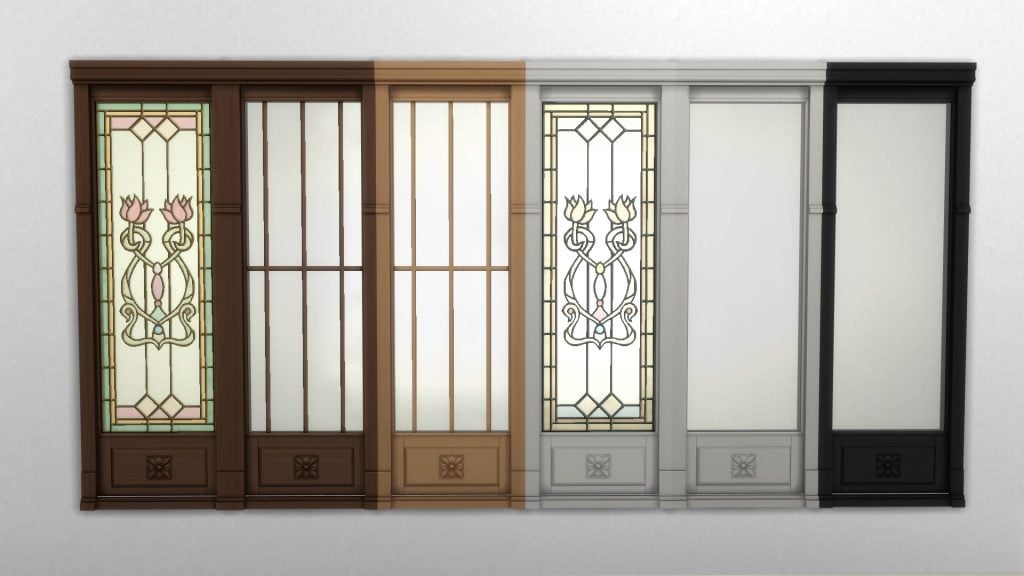
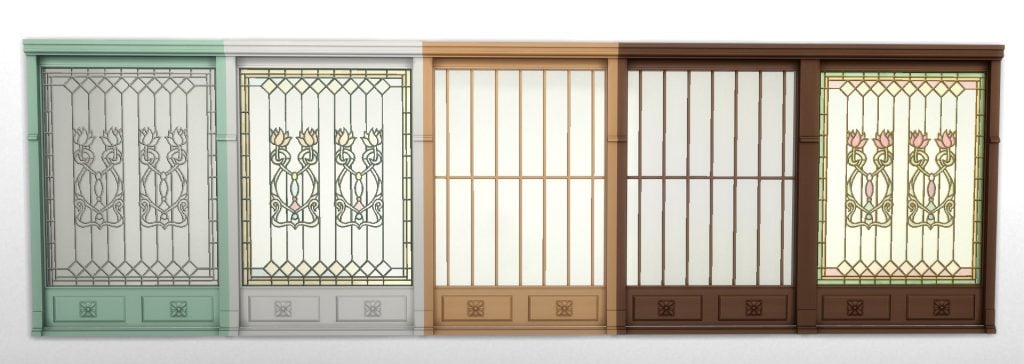
The Ceremonial Dedication Fenestra For Cordelia Thebe I is a new window that comes in 9 swatches, with three stained glass designs in total, each in 3 variations of woodenframes. These can be found in the ‘Windows’ category of Build/Buy Mode.
9 swatches
§ 30
Future Event Rewards
You can check out the promotional image below to sneak a peek at the future rewards up for grabs in The Sims 4 Lost Legacies Event.
That’s all for this week, but make sure to check back next Tuesday for our full walkthrough of The Sims 4 Lost Legacies Event week 4!
What reward are you most excited for in the latest event? Let us know in the comments below, and stay tuned to Sims Community for all the latest on Live Events in The Sims 4!
The 21st Sims 4 Expansion pack brings an exciting new swordsmanship 10-level skill for your Sims. While you can challenge any Sim to a duel wherever you please, official tournaments are locked to the gazebos in Ondarion‘s three neighbourhoods: Dambele, Verdemar, and Bellacorde. But don’t sheath your sword yet – there’s a clever vanilla workaround to host them on any lot in any world! Here’s your full step-by-step guide.
The Sims 4 Royalty & Legacy Guide: Swordsmanship Tournaments in All Worlds
Swordsmanship tournaments in Ondarion
The Sims 4: Royalty & Legacy introduces three distinct Swordsmanship tournament types, live events where your Sims battle it out to prove they’re the ultimate blade master. These live competitions spawn opponent Sims for duels, building tension round by round as your Sim climbs the ranks. Different amount of simoleons are given as a reward to a Sim who finishes up 1st, 2nd or 3rd place. You can launch a tournament anytime during Sim time (no waiting for schedules!). Just interact with one of the two special objects:
Gazebos (found in each of Ondarion’s three neighborhoods: Dambele, Verdemar, and Bellacorde).
Duel carpets (also scattered in those same spots for dramatic showdowns).
These objects can be used to enroll, start the next round, duel an opponent, or forfeit if things get too heated for your Sim. Both objects can be used for these interactions, but the duel carpet is where the duel will happen, so its presence is mandatory.
What The Sims team forgot to do
Like most gameplay objects in The Sims 4 worlds, I fully expected the gazebos and duel carpets from Royalty & Legacy to appear in the pack’s debug catalogue, the hidden build/buy catalogue full of collectibles, books, nature decorations, functional items and more. To access the debug catalogue (on PC/Mac or console), open the cheat console:
PC/Mac: Ctrl + Shift + C
Console: Press all four back triggers at once
Then enter these cheats one by one:
testingcheats true
bb.showhiddenobjects
bb.showliveeditobjects
To my surprise, several gazebo variants appeared – but only one is actually functional for starting tournaments (just like in Ondarion). The duel carpet? Completely absent from the list. Worse still: even with the functional gazebo placed, Sims simply stand frozen during a duel attempt – no swords clashing, no action whatsoever – because the interaction depends on the duel carpet being present.
A quick look at the objects’ code revealed that the duel carpet had been flagged differently (likely an oversight in categorisation or visibility), so it remained locked away. This isn’t the first time we’ve seen something similar. Remember The Sims 4: High School Years? The iconic ice cream stall in Copperdale appears as a decorative façade in debug, but the functional vendor side (where the vendor actually serves) is still hidden to this day – requiring similar tricks to unlock properly.
Fortunately, a simple vanilla workaround exists to get tournaments working anywhere (no mods or CC required) — and that’s precisely what this guide covers next!
Host Swordsmanship Tournaments outside Ondarion
The steps for hosting a swordsmanship tournament on any lot in any worlds are quite simple, and 100% vanilla, so this works on consoles as well.
Keep in mind that you do not need the gazebo to host tournaments, only the duel carpet is essential. Here’s what to do:
Select the lot where you want to host tournaments and go to build mode.
Go to the gallery and search for my profile: Plumbocat.
You’ll find the following room I have uploaded, which includes the duel carpet inside it.
I recommend saving the room to your library (second button on the bottom left) in case you need the object in the future without needing to access the gallery.
Click on the install room button (on the bottom right) then place the room anywhere you want on your lot.
Select the carpet and place it where you need it.
You can safely delete the entire room, you don’t need it anymore.
It is worth noting that:
Since this is a debug item, you will not be able to use the eyedropper to copy the object.
You can place more than one duel carpet on your lot if you wish (handy for larger tournament setups or aesthetics), but bear in mind: only one tournament can run at a time. No simultaneous duels or overlapping events – your Sims will use one single carpet at a time.
This works on any residential or community lot type in your game.
You will not be able to host a tournament while another event is already taking place on your lot.
If you want to install the gazebo as well, simply use the debug cheats from the previous paragraph.
Once you click on the carpet or the gazebo and start the tournament, the regular goals for this event will show up as they would in Ondarion.
And now, your Sims can duel in any world you want, like mine is doing right now in Nordhaven (from The Sims 4 Businesses & Hobbies).
Hopefully, the Sims team will flag the duel carpet correctly in a future update so it appears properly in the pack’s debug catalogue, just like the functional gazebo variants. What are your thoughts on hosting swordsmanship tournaments in other worlds? Will you be using this workaround to set up epic duels in worlds like Willow Creek, Sulani, or even Forgotten Hollow? Or are you sticking to Ondarion for that authentic renaissance feel?
Let’s get right to the point; The Sims 4: Royalty and Legacy expansion pack introduces a the Swordsmanship skill, an edgy new combative feature. Is your Sim ready to take a stab at it?
Table of Contents
Commoner and Royal Sims alike can all pick up a blade and learn the Swordsmanship skill in The Sims 4: Royalty & Legacy expansion pack. Previously seen in The Sims Medieval, this classic form of combat lets your sim battle for their cause through Duels and Swordsmanship Tournaments.
All Swordsmanship Skill Levels
The Swordsmanship skill is available to all Sims ages Teen and older, with the exception or pregnant Sims. It is unlocked by using the Practice Swordsmanship interaction on a Practice Dummy and has 10 levels. Sims can also Purchase Books on the Swordsmanship skill, compete in Duels, and try their hand in Swordsmanship Tournaments to increase their skill level.
[table id=136 /]
Of course, if you’re not interested in working your way to the top, you can always cheat your way there.
Does Your Sim Duel Well Under Pressure?
As your Sim progresses through the Swordsmanship skill in The Sims 4: Royalty & Legacy expansion pack, they’ll unlock several exciting types of duels they can use on other Swordsman: Duel for a Sim’s Heart, Duel for Permission to Marry, Duel for Simoleons, Duel for Noble Rivalry, Duel for Fun, Duel for Dynasty Headship, and Duel for Career Promotion. Sims with higher Swordsmanship skill and better mood will be more likely to win the Duel.
Not every Sim will be interested in a Duel, however. Your Sim’s Duel may be denied if the other Sim knows your Sim has a higher skill level or if the Duel has very High Stakes. Sims with high Charisma skill, Noble Sims, and Sims who are members of an important Dynasty will have a better chance of their Duels being accepted.
Swordsmanship Tournaments
The Swordsmanship skill is not just for Dueling other Sims and taking out frustrations on a Practice Dummy. This skill also unlocks the ability for your Sim to put their skills to the test and compete in world renown Swordsmanship Tournaments.
There are three tournaments to choose from: the Gunther Goth’s Cup, the Regional Ondarion Invitational, and the SimNation Grand Masters. Each tournament is comprised of three rounds of Duels with Break Periods in between each Duel. Break Periods allow your Sim some time to rest up, or complete optional challenges such as Stretch, Insult an Opponent, and more.
Unlike other Events, Swordsmanship Tournaments do not have a time limit and will end when all Duels have been completed or when your Sim Gives Up. Select the Gazebo or Rug to Enroll in a Swordsmanship Tournament, Start a Duel, or Give Up. There are three Swordsmanship Tournament locations across Ondarion:
Verdemar: Located behind Ye Olde Voyager Bar and next to the Blacksmith.
Dambele: Located between the Darong residence and the Hardcover backroom.
Bellacorde: Located at the La Vivace lounge.
Gunther Goth’s Cup
This beginners friendly cup is open to all Swordsman with the Swordsmanship skill levels 2 and up, with an entry fee of 25 Simoleons. The cup was founded by the great Gunther Goth, who had a passion for the sport.
Gunther Goth’s Cup Rewards:
1st Place Reward: 250 Simoleons
2nd Place Reward: 125 Simoleons
3rd Place Reward: 75 Simoleons
Regional Ondarion Invitational
The intermediate Swordsmanship Tournament is available for Sims with the Swordsmanship skill level 6 or higher, with an entry fee of 50 Simoleons. While winning this Tournament leads to a bigger reward, losing it to a commoner may lead to an even bigger Scandal.
Regional Ondarion Invitational Rewards:
1st Place Reward: 500 Simoleons
2nd Place Reward: 250 Simoleons
3rd Place Reward: 125 Simoleons
SimNation Grand Masters
The most difficult of Swordsmanship Tournaments is the SimNation Grand Masters. Sims with the Swordsmanship skill level 9 or higher may enroll in this tournament, with an entry fee of 100 Simoleons.
1st Place Reward: 1000 Simoleons
2nd Place Reward: 500 Simoleons
3rd Place Reward: 250 Simoleons
The Complete List of Swords
As your Sim increases their Swordsmanship skill level in The Sims 4: Royalty & Legacy, they’ll unlock different swords to use in combat. Once your Sim has started down the Path of the Sword by Practicing Sworsdmanship, a Sword will be automatically added to their inventory.
Your Sim can purchase more swords at the Blacksmith shop in Verdemar, earn a sword from the Noble career, pull one from the stone in Verdemar, and find hidden swords around Ondarion for a total of 11 possible swords. Your Sim can choose from the different swords in their inventory for different tournaments.
Crafted by Blacksmith
There are a total of 5 swords available at the Blacksmith’s shop:
Noble Career Reward
The Royal Golden Sword is granted to those who have worked their way up through the Noble Career. This Uncommon sword can be used by Sims with the Swordsmanship skill level 3 or higher and can be sold for 660 Simoleons.
The Sword and the Stone
In the Verdemar neighborhood, you may notice a sword sticking straight out of a stone. Your Sim can Attempt to Draw the Sword if they dare. Successful Sims will get to take home the rare Simcalibur Sword, but Sims who anger the stone may face an embarrassing demotion.
This sword can be used by Sims with the Swordsmanship skill level 5 or higher.
Hidden Treasure
For Sims willing to go on a few adventures, there are 4 swords hidden in pirate chests across Ondarion: The Power of Many Saber, Vorpal Blade, Sentry of the Sea Falcata, and the Thorns and Roses Rapier. Each of these swords can be weilded by a Sim with the level 5 or higher Swordsmanship skill.
These pirate chests have a possibility of containing rare swords for your Sim to add to their collection. Each neighborhood has its own hidden treasure locations, and they are marked by a cluster of rocks with a red X and two red arrows.
Verdemar:
Behind the Casa Do Corsario lot and to the left of the stairs, the treasure chest can be found at the foot of the one statue that is not blocked off by gates.
Near the Thebes household, you’ll find an overlook with a chess table and bench. The treasure chest can be found near the statue behind the chess table.
Behind the Ye Olde Voyager Bar and down the ramp towards the sea, you’ll find the treasure chest near the lantern on the ground.
To the left of The Lair in the Open-Air lot near the Verdemar Swamp, you’ll find the treasure chest.
Bellacorde:
Behind the Monty residence, slightly to the left on the street near an orange tree, you’ll find the treasure chest.
To the left of the big tree and the easel, go down the stone stairway and you’ll find the treasure chest in front of the bench near the sea.
Dambele:
Travel to the left of the Hardcover backroom, and you’ll see a secluded shore with a small dock. Between the dock and the fence, you’ll find the treasure chest.
Has your Sim had a chance to grab a blade and try out the Swordsmanship skill from The Sims 4: Royalty & Legacy expansion pack? How do you feel about this new skill? Let us know your thoughts below!
The Sims 4: Royalty & Legacy introduces a wide range of new systems built around its kingdom theme. After spreading secrets and fueling scandals between dynasties, someone has to take control of the realm, and that’s where your Sim steps in. In this guide, we’ll show you how to customize your kingdom, whether you want to improve your Sims’ daily lives or plunge the world into absolute chaos.
Through features like Noble Decreesand the adjustableKingdom Tax, players can directly influence how their world operates. From imposing stricter policies to increasing household bills across the realm, these mechanics allow you to shape the social and economic balance of your kingdom. Combined with the ability to assign Kingdom Titlesfrom the Manage Worlds screen, The Sims 4 Royalty & Legacy gives players unprecedented control over their domain.
The Sims 4 Royalty & Legacy Kigdom Taxes and Kingdom Titles Guide
How to Start Customizing Your Kingdom: Kingdom Taxes and Noble Decrees
The first step is — drum roll — joining the Noble career! But don’t expect to start ruling immediately. At the lower ranks, the kingdom isn’t exactly yours to command, so you’ll need to climb a few levels before gaining access to the tools that let you shape its laws and taxes. All of these features are accesible thought the new thrones available in the expansion.
It’s at Level 5, Opulent Overseer, when your Noble Sim unlocks the first customizable feature: Kingdom Taxes! From this point on, you can decide how heavily to tax your citizens, choosing between several options that directly affect how many simoleons your household earns. Whether your goal is to keep your commoners content or slowly drain their wallets for the sake of royal prosperity is entirely up to you.
Warning: Any Kingdom Tax changes you impose will affect all households in that world — including your own active Sims. If your Noble decides to raise taxes, your other played families won’t be exempt. Make sure you’re ready to deal with the financial consequences before tightening the royal purse strings!
The available Kindgom Taxes options and their official descriptions are:
Very High: Noble Salaries and Household Bills in the region increase by 20%. All Noble families gain Royal Favor over time.
High: Noble Salaries and Household Bills in the region increase by 10%. All Noble families gain Royal Favor over time.
Normal: Noble Salaries in the region and Household Bills will be normal, neither increasing nor decreasing.
Low: Noble Salaries and Household Bills in the region decrease by 10%. All Noble families gain Commoner Favor over time.
Very Low: Noble Salaries and Household Bills in the region decrease by 20%. All Noble families gain Commoner Favor over time.
The next feature unlocks at Level 7, Influential Liege, when your Sim gains the ability to issue Noble Decrees. These function similarly to the Neighborhood Action Plans from The Sims 4: Eco Living, but with one key difference: their effects apply to the entire world and are not subject to public voting.
You can have up to three active Noble Decrees in your kingdom at the same time, with a total of eight different decrees available to enact.
The Cradle Accord:
Higher chance for a pregancy to result in twins / triplets.
Skill gain for Infants and Toddlers.
Try for Baby has an increased chance of resulting in pregnacy.
The Artisan’s Proclamation:
Skill gain for Painting, Photography, Guitar, Piano, Violin & Writing.
Busking gives more Simoleons.
Career Performance increase for Entertainer, Painter & Writer.
Skill gain for Singing & Career Performance gain Art Critic. (City Living)
Career Performance gain Actor. (Get Famous)
Skill gain Cross-stitch. (Cottage Living)
Skill gain Pottery & Tattooing. (Businesses & Hobbies)
Skill gain Pipe Organ. (Vampires)
Skill gain Knitting. (Nifty Knitting)
The Silver Charter:
Elders have inscreased skill gain.
Elders Woohoo-ing have no chance of death from overexertion.
The Verdant Accord:
Increased rate of plant growth
An increased chance to find rarer frogs, crystals , metals and fossils.
Bigger, rarer and more fish when Fishing.
The Doctrine of Vitality:
Sims in the Kingdom will gradually increase their Fitness skill.
Career Performance increase for Athlete.
Career Performance gain Doctor. (Get to Work)
The Edict of Enlightenment:
Sims will finish homework and school projects faster.
Easier to achieve good grades in Schools.
Sims will complete Presentations & Papers faster. It will also be easier to achieve good grades at University. (Discover University)
The Culinary Edict:
Foods and Drink created in the Kingdom will be higher quality, including food sold at market stalls.
Career Performance increase for Culinary.
Career Performance gain Food Critic. (City Living)
The Technorats Mandate:
Skill gain for Handiness, Logic, Rocket Science & Programming.
Career Performance increase for Tech Guru & Astronaut.
Career Performance gain Scientist. (Get to Work)
Skill gain for Robotics & Career Performance gain Engineer. (Discover University)
Screenshot
As you can see, there is a wide variety of Noble Decrees your Sim can ordain, each one offering meaningful advantages for your gameplay. Unlike similar systems in other packs, such as Eco Living, these decrees don’t restrict your Sims’ daily lives or force them into specific behaviors. Instead, they focus on boosting opportunities: faster skill gain, improved career performance, better-quality crafted items, and even smoother progress toward completing collections. Some of them can even help your Sims avoid death itself.
Customize Noble Titles in The Sims 4 Royalty & Legacy
Beyond Kingdom Tax and Noble Decrees, Sims 4 Royalty & Legacy also lets you fully customize your kingdom’s hierarchy through Kingdom Titles. From Manage Worlds, you can select View Kingdom Management to check the current tax level, active Noble Decrees, and see every noble Sim within that realm. It’s essentially your control panel for how the entire kingdom is structured.
When it comes to Noble Titles, it’s worth remembering that nobility has never been universal. Different cultures and historical periods have used completely different systems. While traditional Europe is often associated with titles like Duke, Count, or King, other regions have had their own equivalents with different meanings and ranks. That flexibility is reflected in the expansion.
You can modify noble ranks from level 1 all the way up to level 10, and each title can be customized separately for masculine, feminine, and neutral versions. There is also an option to apply these changes to all kingdoms in your save. This means you’re not locked into traditional labels; you can adapt your Kingdom Titles to fit a fantasy setting, a culturally inspired monarchy, or even a completely original political structure.
In the end, The Sims 4 Royalty & Legacy brings several ways to personalize our gameplay and gives us new advantages when it comes to telling our stories. They may not be as deep as the systems found in more specialized titles like The Sims Medieval, but they certainly introduce fresh opportunities to create both harmony and chaos—like raising taxes on your poor commoners… and seeing how they deal with it.
How are you customizing your kingdom so far? Let us know in the comments below, and don’t forget to check out our other The Sims 4 Royalty & Legacy guides to make the most of every feature the expansion has to offer!
When building in The Sims 4, a kitchen can make or break the home. When you grow tired of the same styles and sets, custom content creators can help you build a cooking space that feels unique, modern, or lived-in. From hyper-realistic to decorative clutter, this Sims 4 custom content list we have created of 20 pieces will be sure to spice up your cooking space!
The Sims 4 Kitchen CC Sets List
Flat Top Cast Iron Stove by Naunakht
Take a trip back to when times were simpler, with this Historical Flat Top Cast Iron Stove by Naunakht. This off-grid stove comes in 7 neutral, dark swatches, from black to green to tan to white.
This Traditional Tea Pot by Icemunmun is both functional and beautiful. The tea pot itself comes in eight different swatches and can be found in the small appliance category. Five new teas have been added as well: Macha Green Tea, Gyokuro Green Tea, Sencha Green Tea, Longjing Green Tea, and Burdock Root Tea.
This bit of custom content not only looks great in your Sims kitchen but is functional as well! Available in an array of swatches to best match your Sims style. There are 13 recipes included in this, as well as being able to cook many of Icemunmun’s own recipes. Using this item can give your Sim one of two buffs: Air Fried Sweet and Air Fried Savory. Be sure to download the latest CustomFoodInteractions mod for this CC to work; it is also available on the download page.
Looking for a more modern fridge for your kitchen? SIMcredible! has created a “Smart Fridge” for your Sims that comes in 3 neutral swatches: black, white, and silver. The screen is just for looks, but it does look great!
Wanting a new, adorable, and modern vibe for your Sims Kitchen? This CC pack by Air includes 5 different items, 2 of which are functional. The rice cooker comes in 8 different swatches. This item does need another mod downloaded, “Konansock Rice Cooker”, which can be found on the download page as well. There is also a functional bookcase, two curtains adorned with hearts, and a quaint coffee machine decoration.
Sunshine Kitchen by siomisvault is a vintage decor collection of 8 items to give your Sim’s kitchen a homestead feel. Some of the items included are a cappuccino with a lovely milk heart on top, a cream-coloured set of bowls, and a delicious, realistic-looking loaf of bread to top your Sims’ counters.
Not enough pastels in your Sim’s kitchen? Check out the Pink Pastels Kitchen Clutter Set by YannaSims4CC, with 12 different items in 8 different pastel swatches. You will find a cookie jar, spices, utensils, crockpot, soup pot, teapot, frying pan rack, French press, cutting board with a knife, plate stack, bowl stack, and coffee mug.
A bakery isn’t a true bakery without a little clutter! By SimmerKate, Baking Stuff is a CC collection of 4 bakery-style clutter items. Included are 3 milk containers with different colored lids, a little flour bag, a pink mixing bowl with a spoon, and a carton of brown eggs.
Pastels and polka dots! Homestyle Haven Set by SNOOTYSIMS, includes 7 different items, with 5-6 different swatches each. In this pack, you will find a cutting board, a knife with a cutting board, spices, a stand with spices, a tea set, toaster decor, and utensils.
The Kitchen Decor Stand created by Sims House is the perfect addition to any kitchen! It comes with 6 decor items that can be placed on it, such as a cutting board, 2 plates, 2 cutting boards, a round serving board, a cookbook, and a tray. Sims House also included 8 different paintings to hang on your kitchen walls.
Cozy Cube by gokcemsims consists of a cube-style countertop with 7 aesthetically pleasing swatches. Perfect for any Sim wanting to modernize their kitchen, or for those who need a splash of color.
For the Sims that love florals, the Flora Kitchen Surfaces Set by Woodies includes cabinets adorned with flowers and the matching counters. This set comes in two swatches: a black/red and a white/yellow. The red swatch has bright red/orange flowers with a blue background, while the white/yellow features dainty red and blue flowers along with pink roses.
Stylish marble countertops and deep, realistic colors await you in the Kitchen Cabinets & Counters CC pack by Scodee Yodee. There are a total of 9 objects in this pack, which include cabinets in 6 different swatches. Counters and a sink in 18 different swatches, and a fridge placement nook in 6 swatches.
Kitchen Country – Counter Curtain n Drawers by ShinoKCR
Kitchen Country – Counter, Curtain n Drawers by ShinoKCR will look great in any Sims country homestead! These flat, wood-toned cabinets come in 5 swatches, and each has a different styled curtain that hangs in front.
If you ever find it a hassle that multiple Sims can use the island counter at once, Kitchen Anukoi – Counter Island by ung999 has you covered. This clever piece of custom content, available in 4 different swatches, provides a cooking/prepping area on one side, with a round table at the other. If you love this, make sure you check out the complete Kitchen Anukoi set, which can be found on the download page as well.
Check out this Young Way kitchen set by Simcredible! This set features 11 items and comes in 4 different swatches as well. With the help of two other CC sets from this series, you can even create the ultimate snack bar for your Sims!
In this pack, you will find a bar, cart, ceiling lamp, counter, frames, fridge, stool, stove, wall cabinet, wall sign, and dishwasher.
The Pacific Heights Kitchen by NYNAEVEDESIGN provides a retro, but clean look, with two styles to choose from: either a bright red or mossy green with the same black checkerboard pattern. There are 11 items in this CC pack, and it is BG compatible!
This set contains a kitchen counter, counter island, kitchen cabinet, kitchen shelf, fridge, range, range hood, dishwasher, kitchen sink, bar stool, and a food print.
With Spring coming, does your outdoor kitchen need a little sprucing up? This beautifully done set by Simsational can be used both indoors and outdoors. There are a whopping 40 items in this set, with a range between 3 and 36 different color options.
A simple kitchen can be absolutely beautiful when the right colors and decor are used. Haute Cuisine by Syboulette includes 35 different items, with 8 different swatches, and all are base game compatible; except for a few appliances that will need certain packs, such as the waffle maker (Home Chef Hustle).
The Appliance Collection created by bbygyal123 includes 11 functional items that will be sure to spice up your Sim’s kitchen! 9 of the items do require packs such as Movie Hangout, Dream Home Decorator, Home Chef, and For Rent. There are 6 gorgeous swatches for each appliance, and 3 different styles of cookbooks!
The appliances included are a microwave, a coffee machine, a popcorn maker, an ice cream maker, a mini oven, a pizza oven, a waffle maker, a stand mixer, a cookbook, a kettle, and a pressure cooker.
What are your thoughts on our list of 20 Sims 4 Kitchen CC sets for the game? Let us know your thoughts in the comments below and check out more of our Sims 4 CC spotlights!
With the release of The Sims 4 Royalty & Legacy we’ve not only bore witness of the introduction of a new world and a new gameplay system to The Sims 4, but become privy to the first instance of the two (yes, two!) new kits that were bundled with in its premiere release. With this unprecedented event, you know the team at Sims Community is here to give our two cents on whether these new kits are as regal as The Sims Team want you to believe they are.
You could say I’m here to…spill the tea? Badum tsss
You can learn more about The Sims 4 Silver Screen Kitand all of it’s contents in another review already up on the site. It’s a quite princely, if I do say so myself. Both The Sims 4 Silver Screen Kit and The Sims 4 Solarium Tea Time Kit are currently available to purchase now for 4.99$ USD if you don’t want to snap them up with the latest expansion if you’re waiting for a sale.
If you are interested, and want to enjoy the splendor of The Sims 4 Royalty and Legacy along with it, be sure to snap up The Royalty & Legacy Grand Bundle as it (and it’s included bonus digital content) are only available until March 15th.
Table of Contents
Pack Description – At a Glance
Where else to start but from the official pack information? It reads;
The Sims™ 4 Tea Time Solarium Kit. Gatherings in Glass – Design a social space that is not quite outside, and yet still separate from the daily bustle of your main house. With windowed walls, a flowering trellis, a discrete speaker shaped like a rock, and furniture fit for a garden or sitting room, you’ll craft the perfect spot to spill the tea with friends.
Tasteful & Tasty – An elegant tea party requires a beautiful space, good conversation, and – of course – tea, as well as other refreshments. This collection features a delicate tea set and treat tray that are both functional and lovely to look at, as well as a new banquet table.
Build Buy Objects Catalogue
In the new Kit we’re given 25 new assets to incorporate into our gameplay. Four of these items also come with accompanied gameplay functionality so if you are intrigued by this new kit, it isn’t just a pretty face, their the whole package.
Everything here is perfectly suited for the creation of a lovely sunroom, but I know you creatives out there can probably thing of other applications of the contents of this pack.
Objects Overview
Object Swatches
Solarium Doors
Open Solarium Doors
Solarium Window
Solarium Panel
Solarium Double Window
Solarium Double Panel
Garden Party Dining Chair
Lavish Lace Tea Table
Garden Party Dining Table
Victorian Tea Trolley
Heirloom Tea Tray
Flora Flourish Stand
Brew-Tanical Bliss Rug
Bountiful Banquet Table
Brew-ti-ful Blossoms
Tasty Tea Time Treats
Gourmet Delight Display
Garden Party Parasol
Secret Garden Trellis
Rock ‘n’ Roll Outdoor Speaker
Petal Paradise Fountain
Solarium Column
Solarium Serenity Roof
Our Review of The Sims 4 Solarium Tea Time Kit
Credit where credit is due…this pack is gorgeous. Despite everything, I feel that The Sims Team has being upping their asset making game in the years since release. The comparison between older base game content and the ones that have come in the last few years proves that, and The Sims 4 Solarium Tea Time Kit is no exception. I love it when The Sims Team allows themselves to fall headfirst into the campiness of a concept. Sometimes things don’t need to be completely contemporary; sometimes? They can just be a bit fun.
Which this pack very much is. The Sims Team were trying to go for a “Elegant, but make it whimsical” vibe that I personally find very charming. It’s all very twee without cresting over the hill into the realm of being too much.
I am also pleased that the pack has gameplay functionality. It isn’t all just pretty things for decoration. There’s substance. Something tangible that will have you actually remembering the name of the pack instead of just “binge purchase 14# for this month.”
Which perhaps is a bit of a heavy word when it comes to a kit, but there’s something.
Though, I have some reservations.
Is “tea time in a sunroom” really worth 4.99$ USD? It’s a very cute concept, yes, and the items are lovely, but this doesn’t truly scream “essential purchase” all-caps, with exclamation points on top.
It feels like it was (and, honestly, it could very well be) a cast off set of concepts for The Sims 4 Royalty & Legacy. All the swatches co-ordinate near perfectly with the color story specific to the expansion pack. If you hold up the assets of Solarium Tea Time Kit and Royalty and Legacy together? You’d think it’s all part of the same pack. They’re pretty close. Too close.
Of course, you could argue that it was made to co-ordinate with The Sims 4 Royalty & Legacy…which, okay, sure, but why? Why make a kit to co-ordinate with a pack? We all remember the uproar around The Sims 4 My First Pet Stuff, but it also seemed to have turned a decent profit, so who knows. It just feels somewhat odd to make two fresh kits that just so happen to mesh well with a fresh out of the oven expansion. I mean, The Sims 4 Castle Estate Kit very much exists, but isn’t included in the bundle.
My concern isn’t really for the Simmers like me who pre-ordered and/or bought the bundle before the cut off date. It’s more for the principle of it all. Yes, the bundle is a good deal in my eyes, but there should be a balance. So it feels a bit unfair to a kit as part of a limited time bundle as it feels like artificially halving the content of the expansion. So, there’s that.
“Is she done yapping yet?” You all, probably
But, in terms of the kit in it’s entirety? I would it’s lovely as part of the bundle, or on sale. While it feels like a lovely extension to The Sims 4 Royalty & Legacy‘s roster of content it is far from essential. The pack, by default, comes with it’s own tea set, and a variety of other packs also have snack trays and banquet tables. The hero items here are just a cute twist on an old concept. Enjoyable, but average. I personally wouldn’t have bought this kit if not for the bundle, though I do like it now that I have it.
The ultimate decision on what you need or don’t, as ever, falls in your hands, dear reader. I just hope I was able to give you a broader perspective before you wipe out your debit card and have to remember those three numbers on the back.
Have you already picked up The Sims 4 Royalty & Legacy Grand Bundle? Or are you just letting it mellow till a sale. Let us know in the comment section down below, and always know that The Sims Community will keep you up-to-date on The Sims 4 and other LifeSim games! Make sure to check out our other The Sims 4 Kits reviews if you’re still down for a read.
With the drop of InZOI’s recent update yesterday, February 12th, lots of new features were added. However, that didn’t mean the developers didn’t have more plans and work-in-progresses to show off this week. The weekly InZOI Developer Update has been a way of InZOI’s team, the team working on the game from the studio Krafton, to connect with players and get consistent and almost immediate feedback on current features, planned future features, and what players want to see next.
Since this InZOI developer update was dropped just after the February patch, some items are already in-game, some are planned for the next patch when that does come, and some still don’t have a planned release date either because they are unfinished or because they don’t fit into anything just yet.
InZOI Developer Update:Animation Smoothing, Lunar New Year items, and NEW Baby Stuff!
○ The team has done more work towards bike riding to smooth out the animation, making it more natural-looking.
○ There has been more work on multitasking, allowing Zois to handle different objects using both of their hands.
○ New changes to dialogue prompts and the action queue; New choices will override older queued options, instead of having to wait for interactions to fully complete.
○ There is a now a smoother, more natural “pan slap” animation with a better follow through. Victim now “nonchalantly rises up” after being hit. (Kjun is still not sure where or if this will be used).
○ Improvements and adjustments being made to the AI Build mechanic. They’re fixing weird glitches/issues, and adding the ability to apply colors and change the types of furniture in the render.
○ Key customization has now been added; You can add single keybinds, as well as different combinations with shift keys and other alternatives. Example shown in video is changing movement from WASD to ESDF. Also using shift and control keys to change Zoi movement speed, or swap to different Zois.
○ When changing outfits in-game, the background can now be your Zois current surroundings so you can see what the outfit will look like in that situation.
○ Lots more traditional outfits and build mode expansions have been added in traditional styles for Lunar New Year.
○ With some of these outfits added, special interactions only enabled when these traditional outfits are on. These include bowing animations, using fans, and new traditional dances.
○ These traditional build tools and assets have also been used to create a vintage cafe in Dowon’s Ullim Temple, which can be purchased and worked out of using the small business system.
○ There are various new assets to be added into the game, through multiple parts and sections of the game. It was not specified exactly where these were going to be implemented, but they seem like an expansion on the baked goods and baking system, new assets for small businesses, as well as possibly landscaping and bouquets.
○ Adjustments and improvements to the animations for Zois eating baked goods.
○ Zois no longer have to sit down to read their fortune, and can read it on any surface it is placed on.
○ A traditional floor mat Zois can sit on has been added.
○ Newborn babies will now be toothless, rather than having teeth visible right after birth. They will regain their teeth once they’ve grown a bit more.
○ Two new outfits for newborn and infant Zois are being created and added.
○ There are new animation adjustments to the interaction of Zoi’s taking pictures of their babies, making them “less invasive”.
○ Babies are being given animations to indicate them imitating toys, since they learn via sight and example. The example given was a baby imitating the flapping wings and motions of their duck toy.
InZOI Developer Update – February 13th, 2026
Hello, This Friday marks the beginning of a long holiday weekend here in Korea. So I’m posting this update and video a little earlier than usual before heading home to my beloved wife and son.
If you take a close look at this week’s video, you’ll notice that many of the improvements I mentioned at the beginning of the year have been implemented in inZOI. The game still has many shortcomings, but I truly believe that with continued dedication throughout 2026, it will become something much better.
Recently, we have been developing an in-game GUI system to make cheats easier to use. However, cheats by nature cannot guarantee perfect stability, and they can increase the likelihood of unexpected behavior in the game. Since inZOI already has its share of bugs, we were concerned that adding cheats might create additional confusion, which is why we postponed this feature for some time. That said, through ongoing communication with you, we clearly saw the strong demand for cheat functionality, and we are now actively working on it. The upcoming update will include several new cheats.
Regarding modding, we have assigned additional team members to accelerate support for script modding. The key challenge is connecting all systems through Lua scripts. inZOI has accumulated a large number of functions and systems over time, and linking them one by one requires more effort and cost than initially expected. Even so, please know that modding remains one of our top priorities this year.
I hope you all enjoy the long holiday, and I will return next week with more updates. Please also enjoy the development video prepared by the inZOI team this week. Thank you.
kjun
Are there any new features or assets you’re excited for, or anything you’ve been enjoying since it was added or adjusted in the patch yesterday? Let us know!
Make sure to follow The Sims Community to keep up to date on everything in the Life Simulation genre!


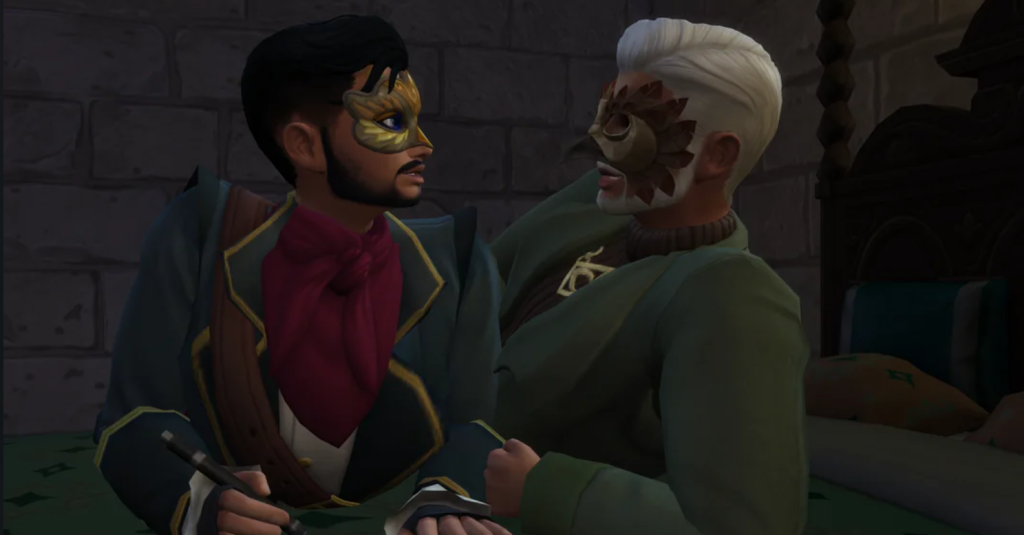
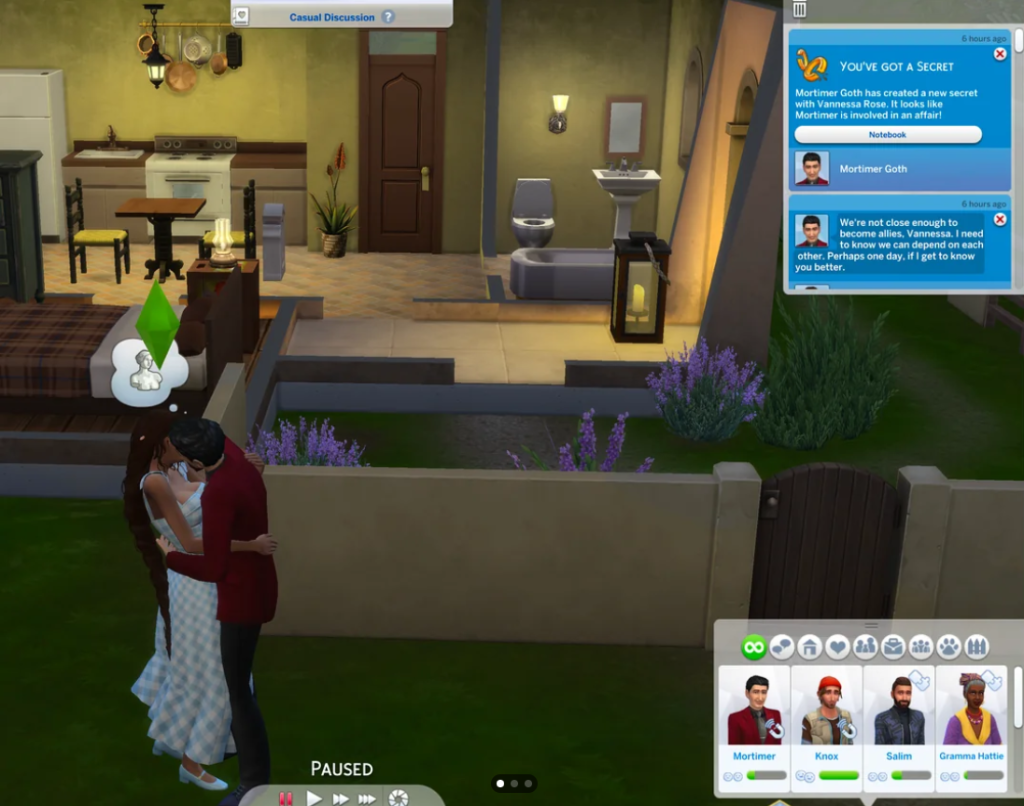
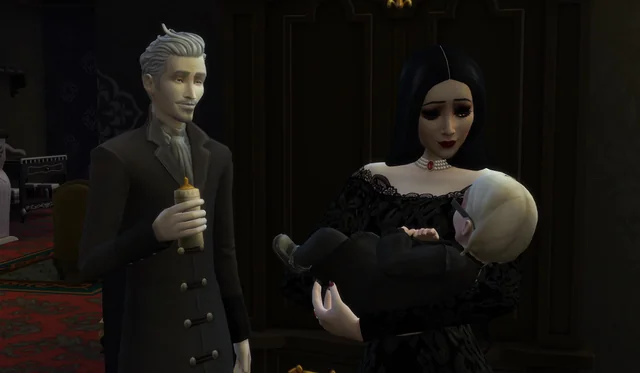
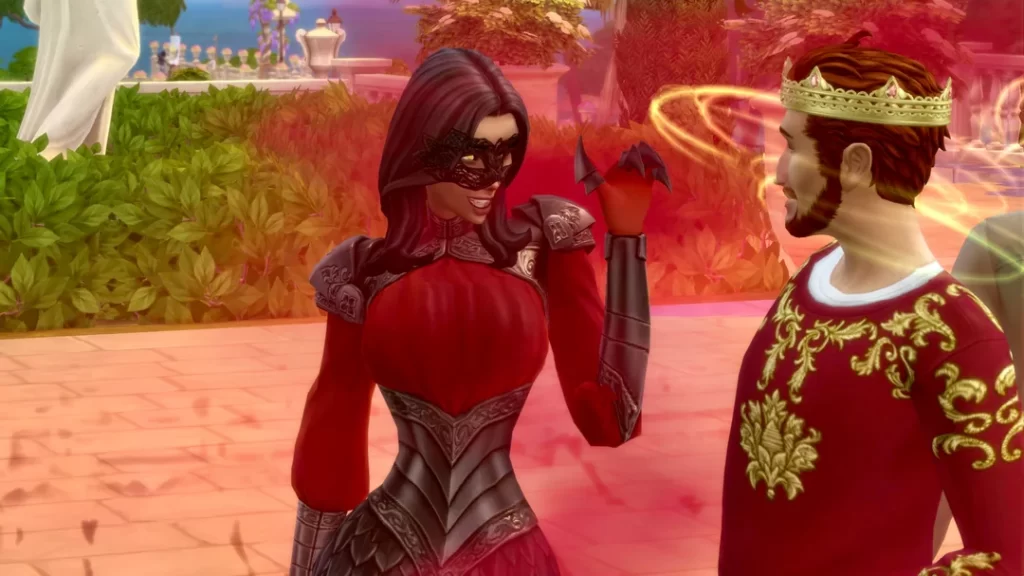
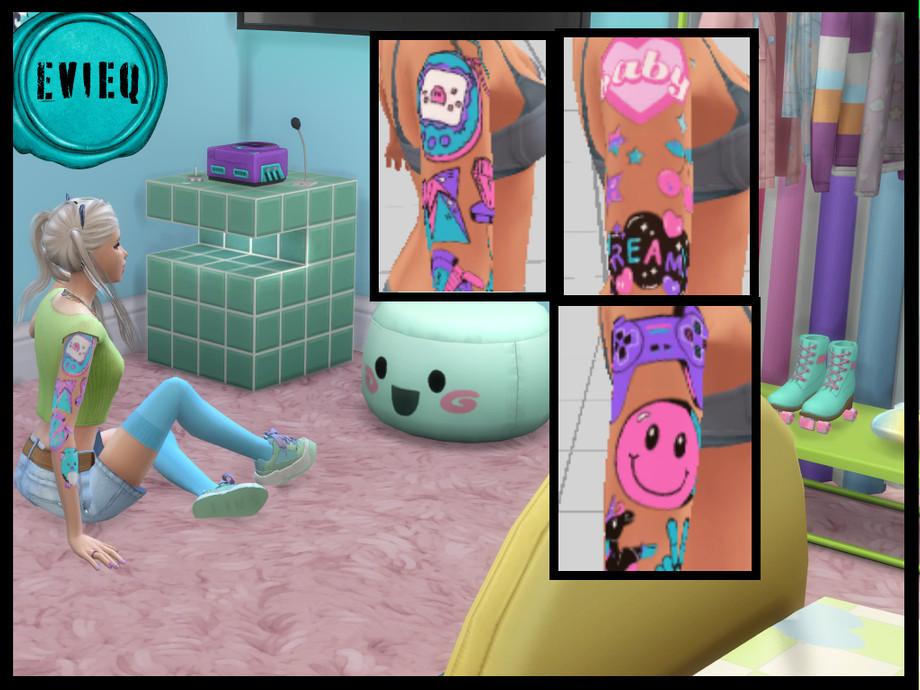
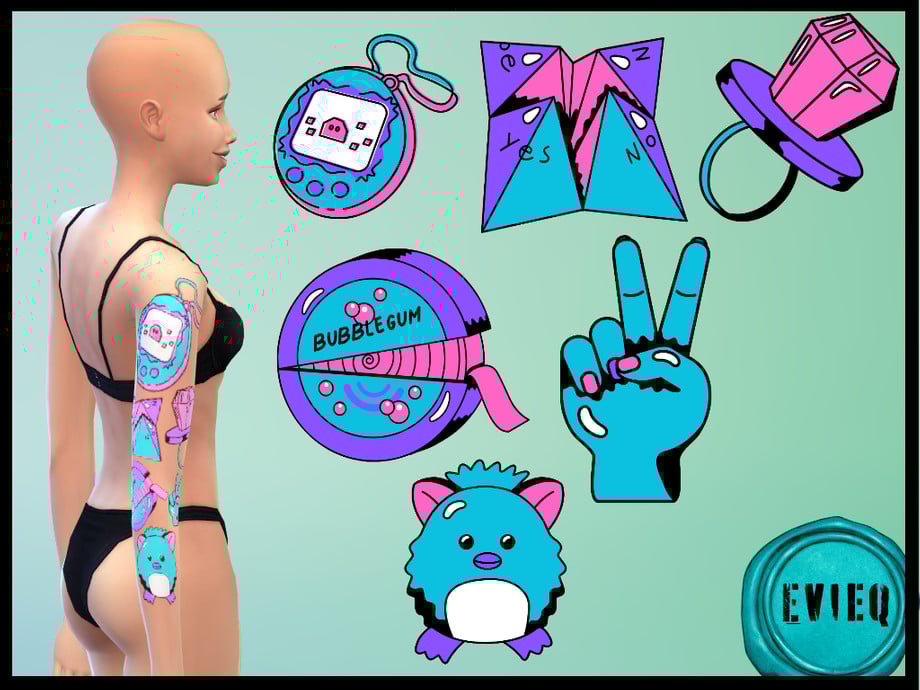
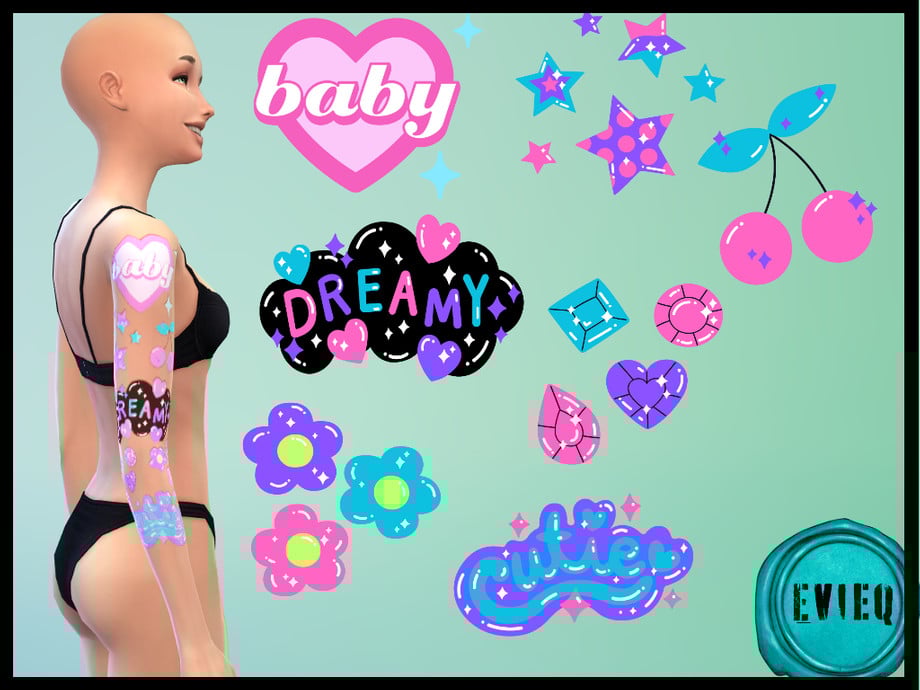
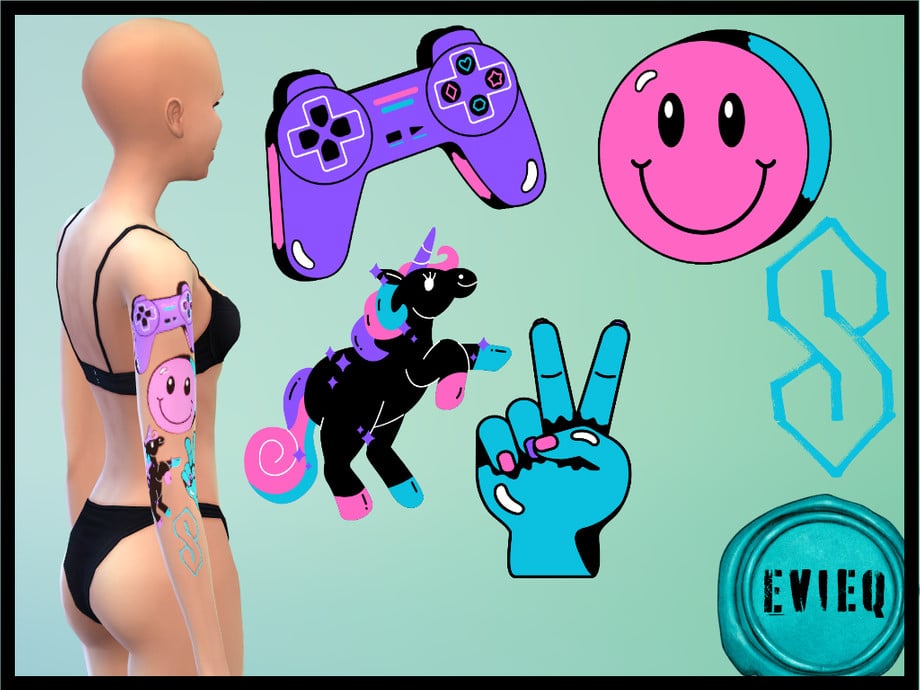
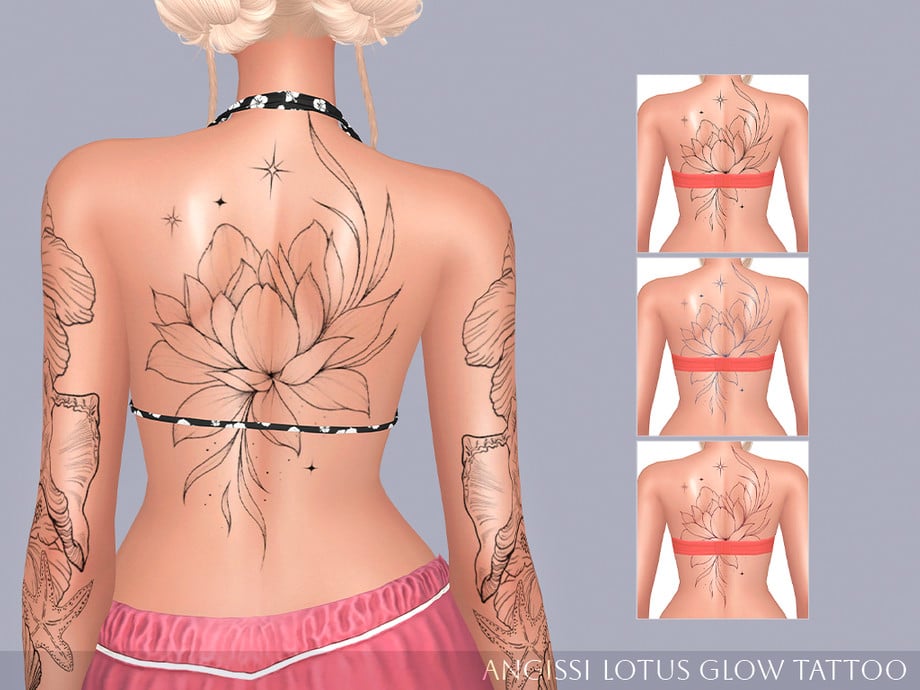
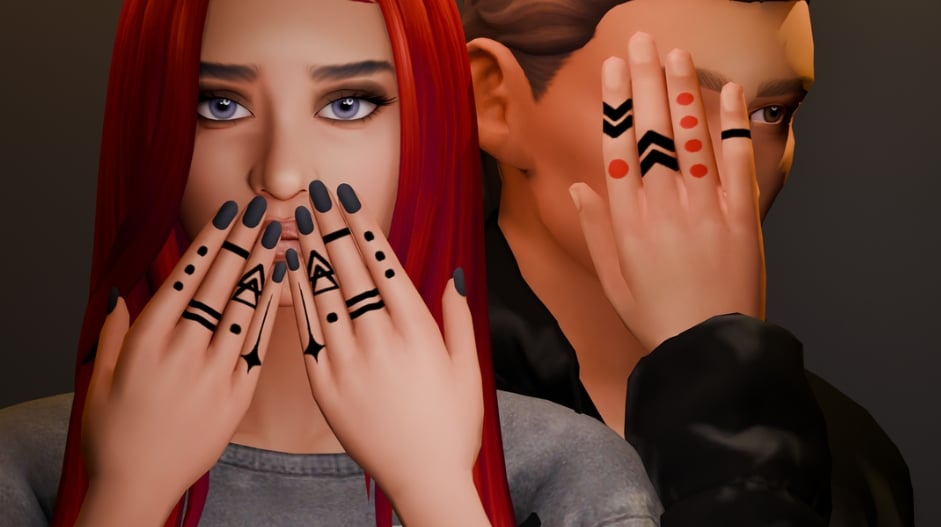
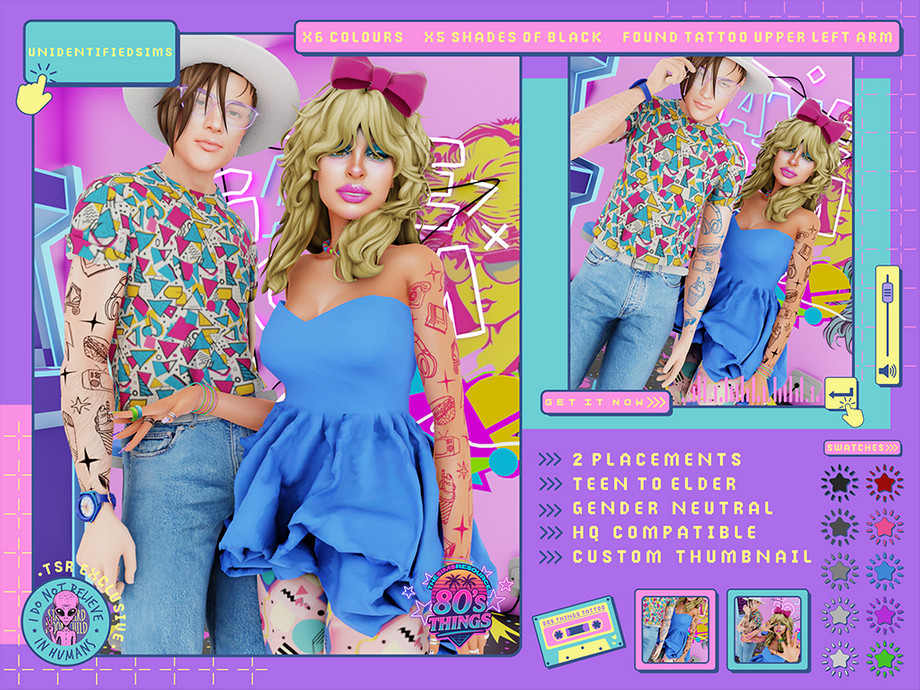
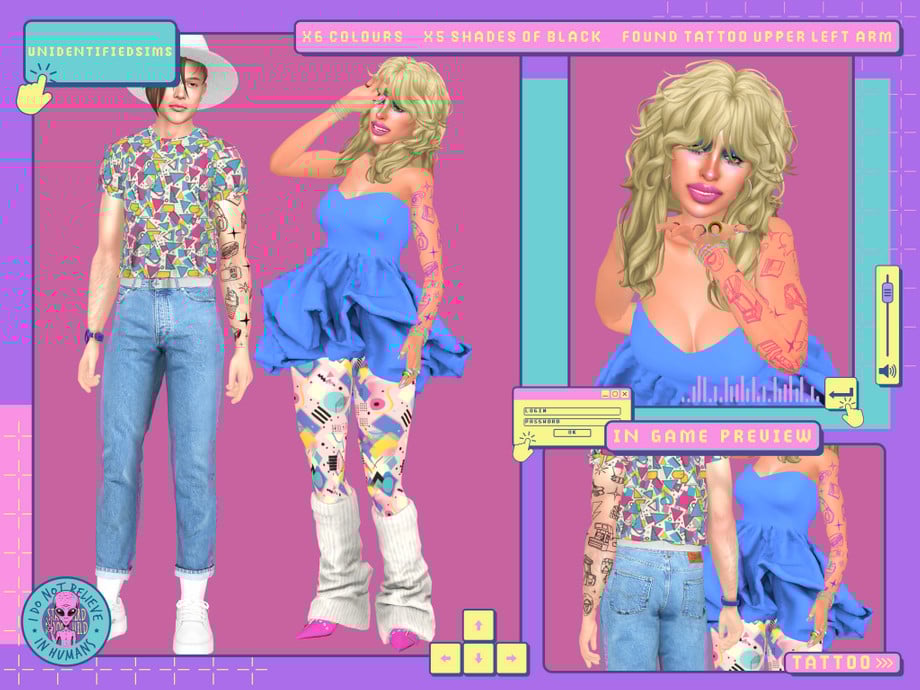
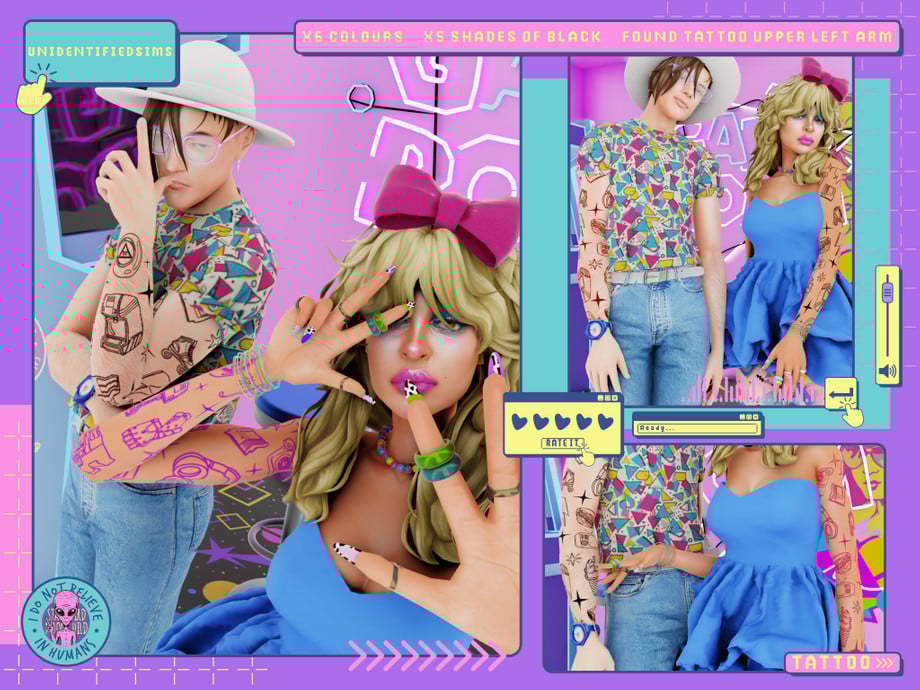
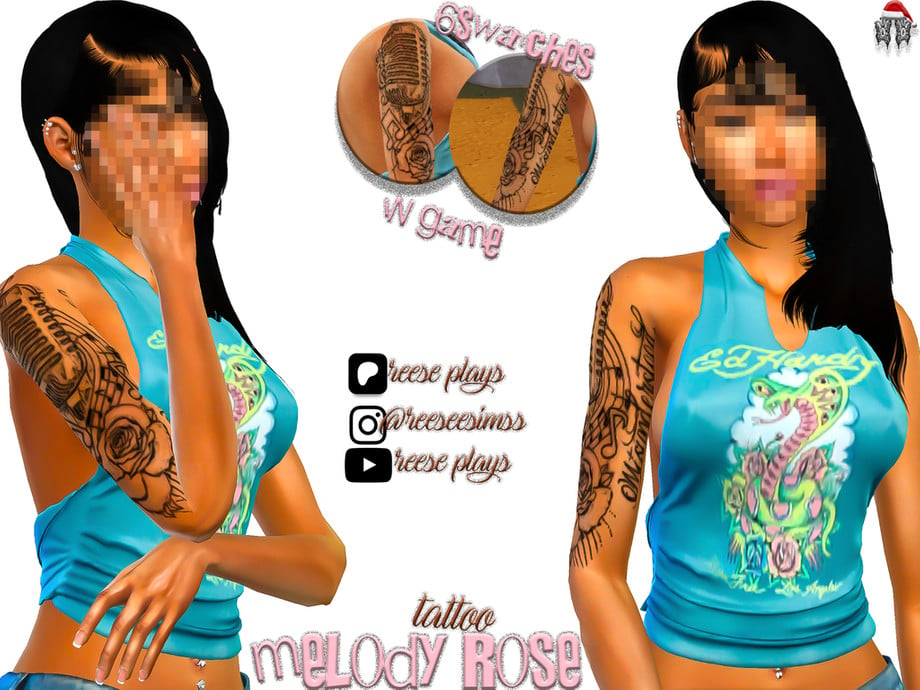
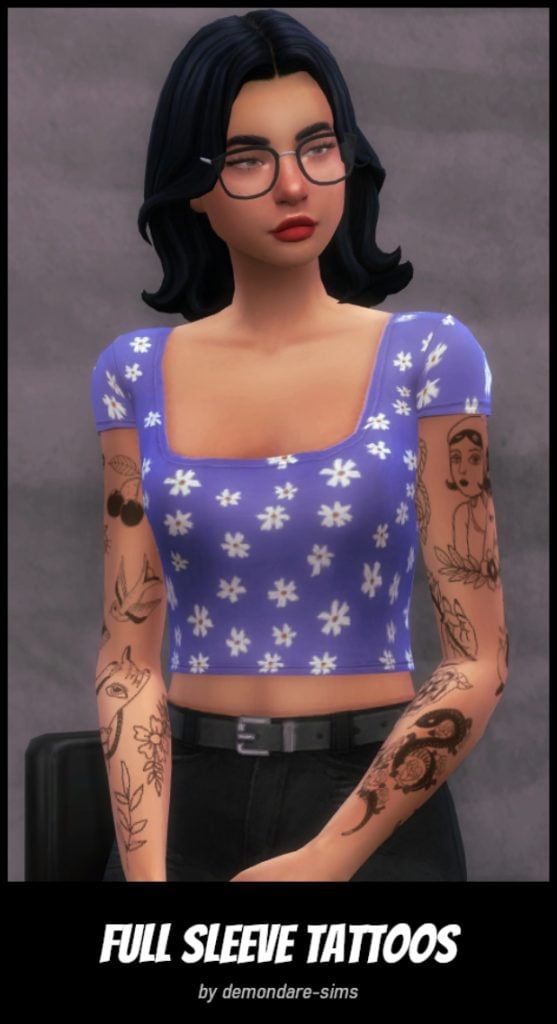
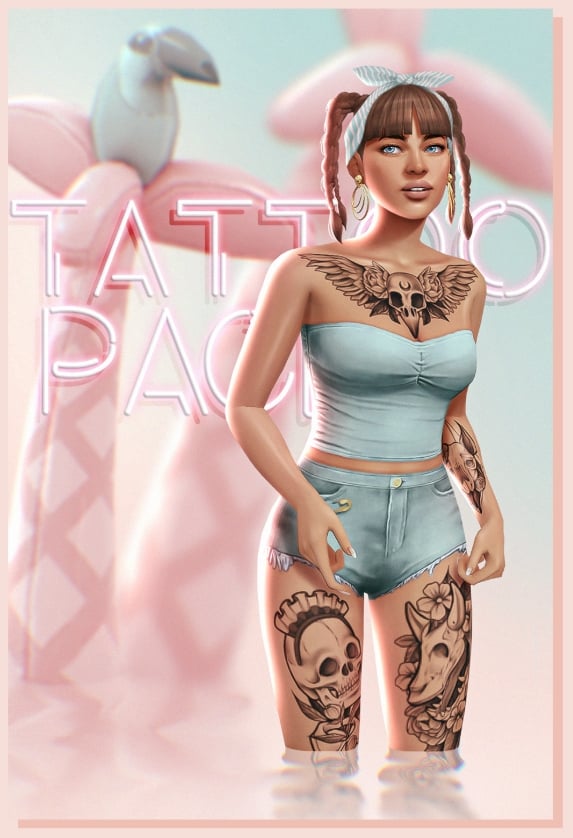

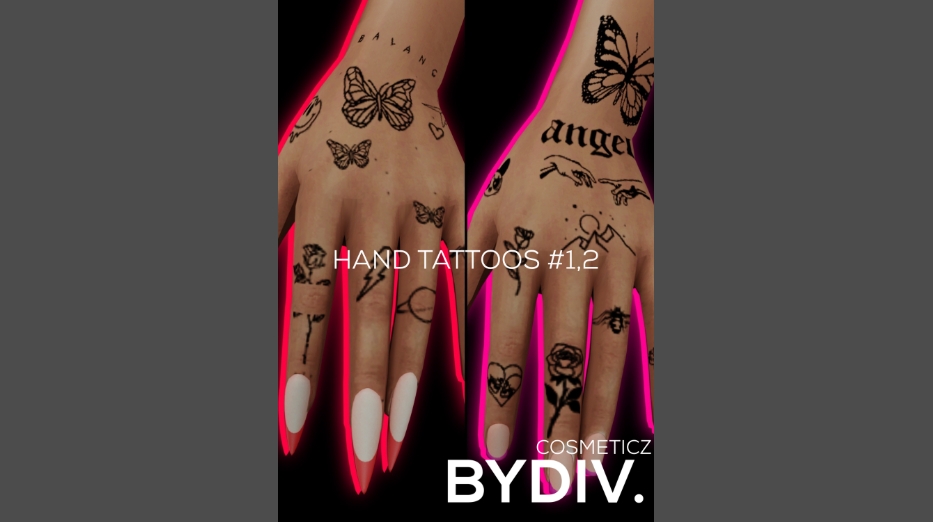
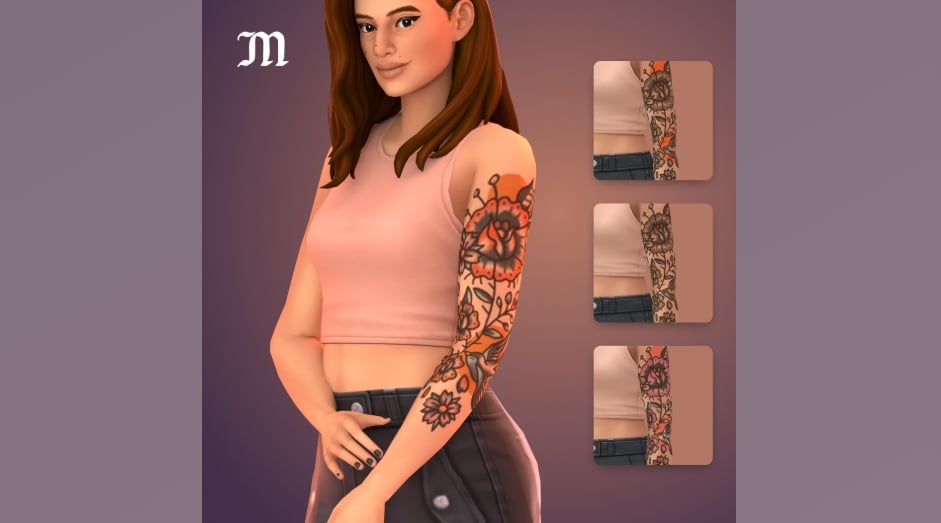
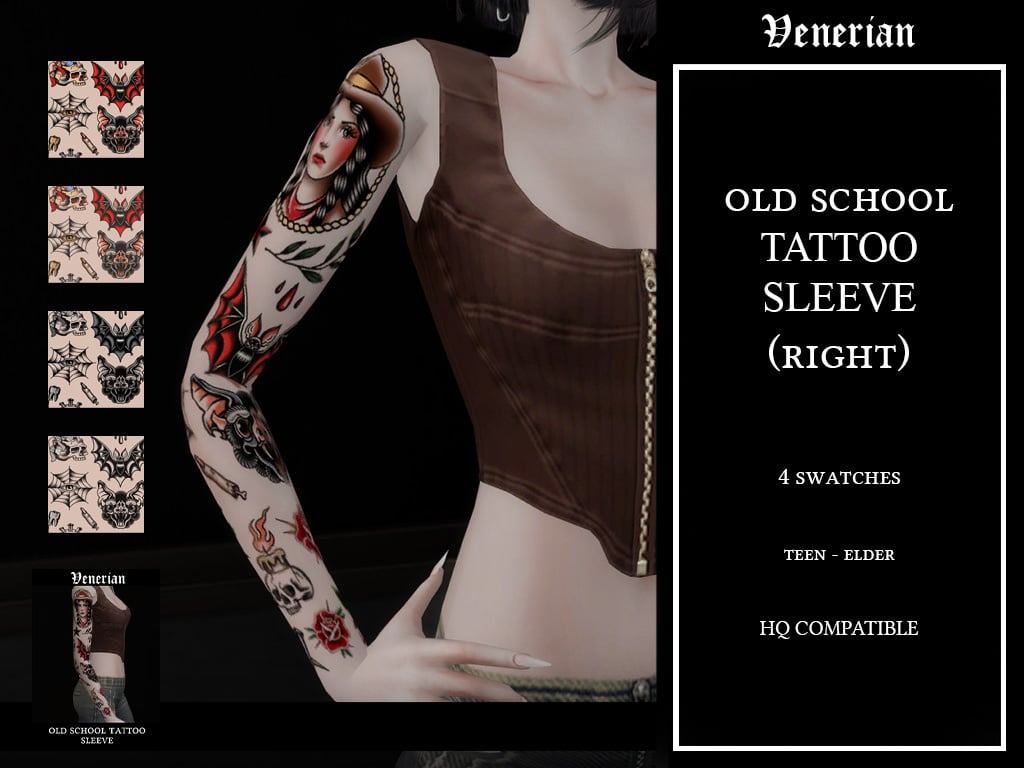

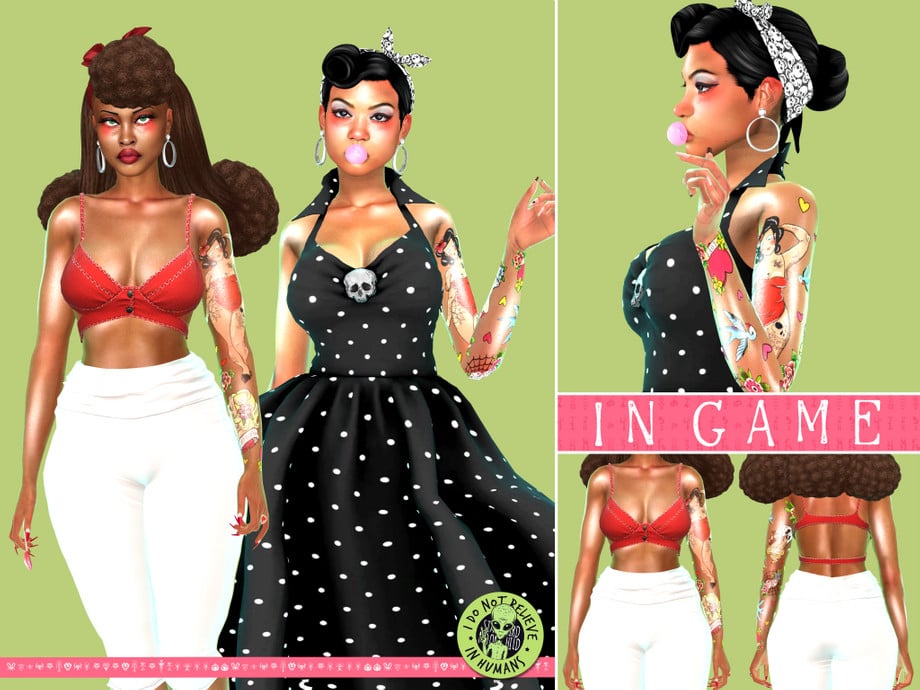
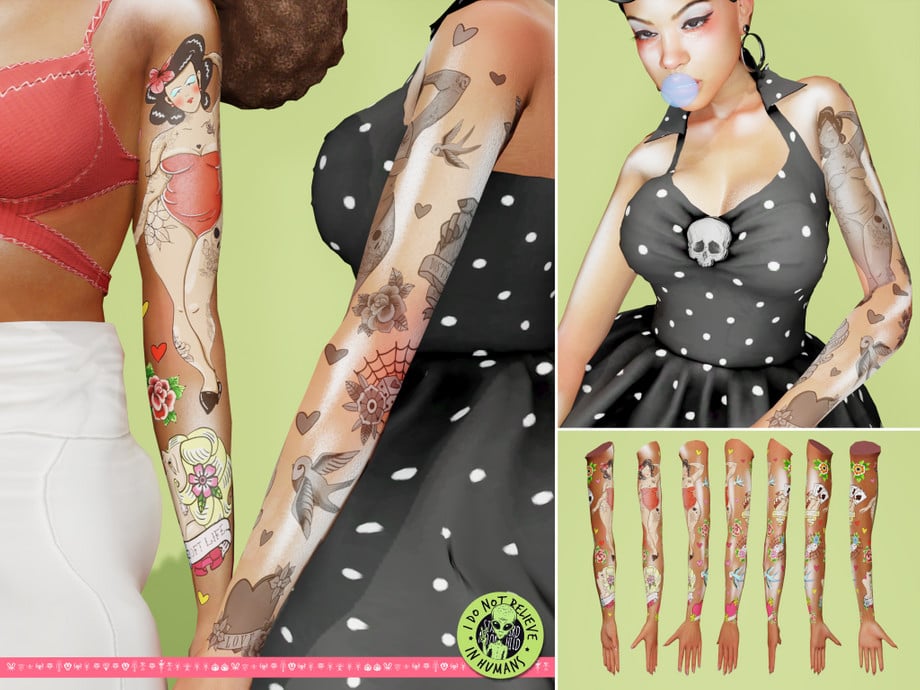
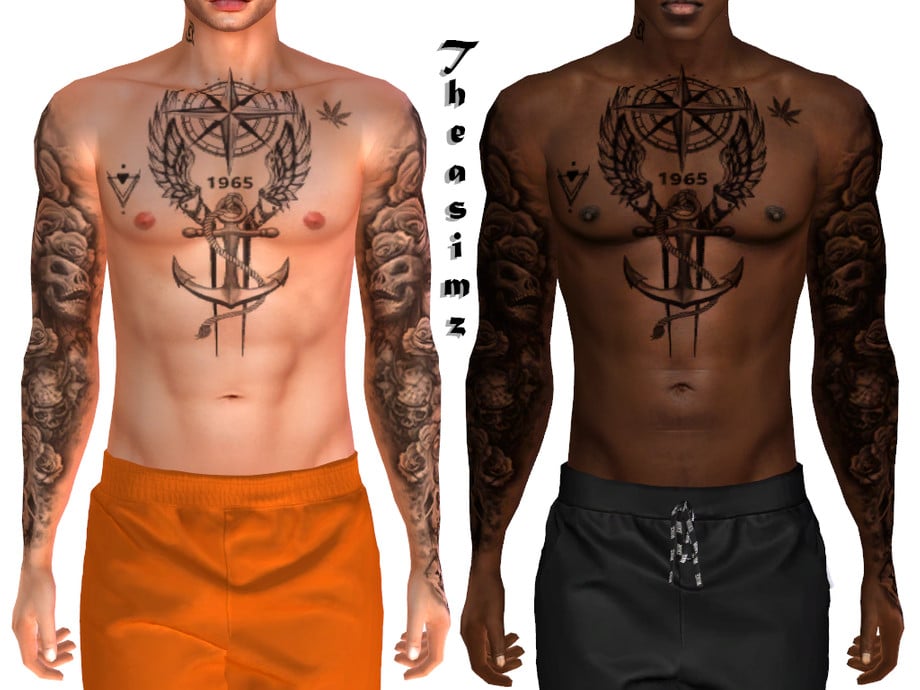
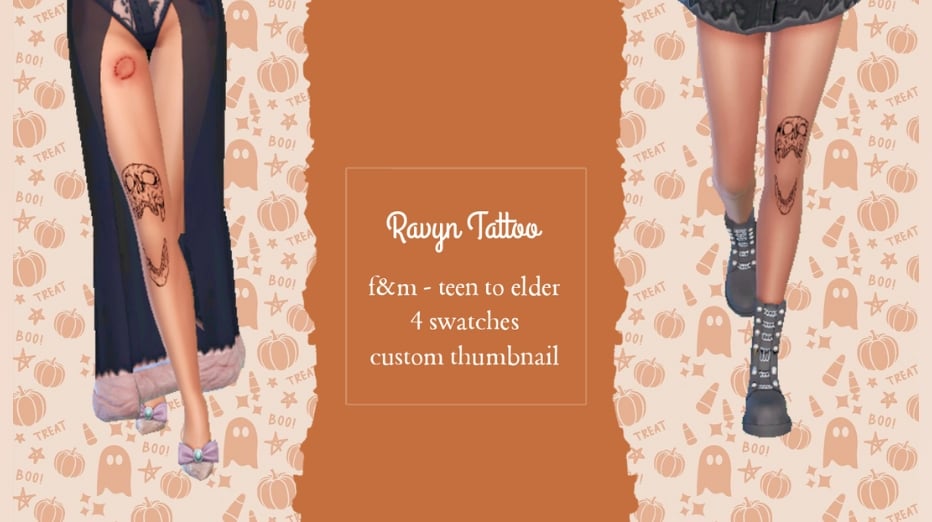
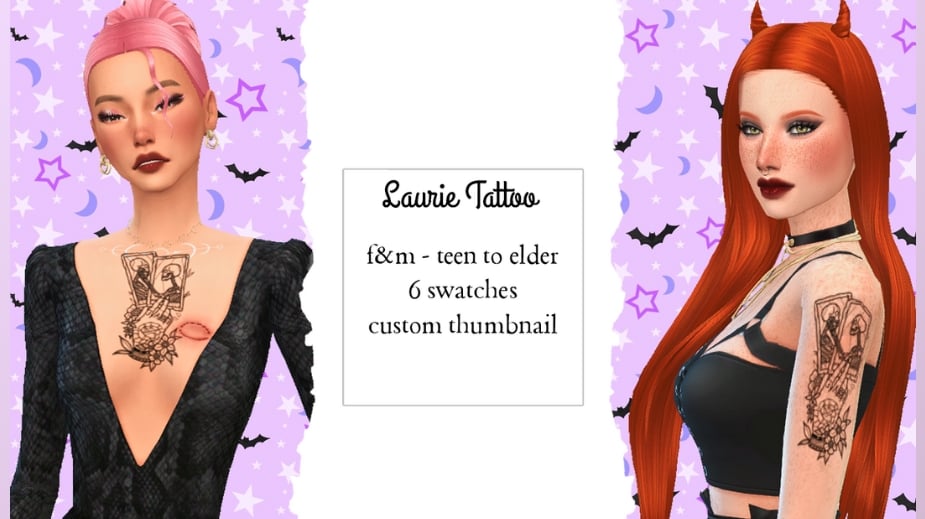
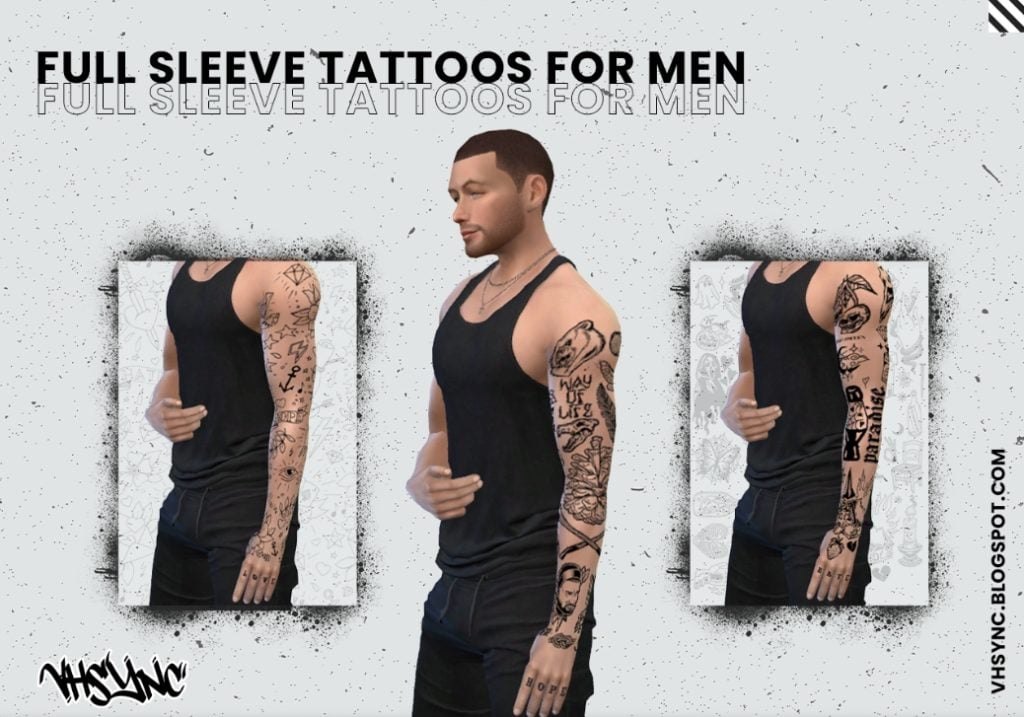
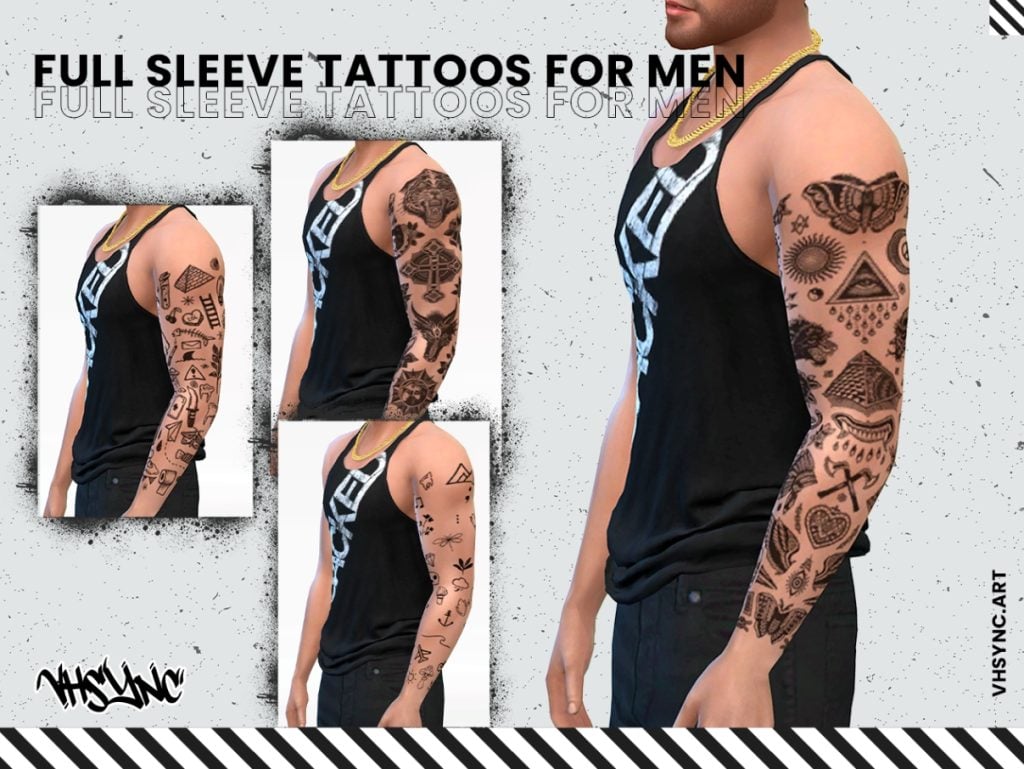
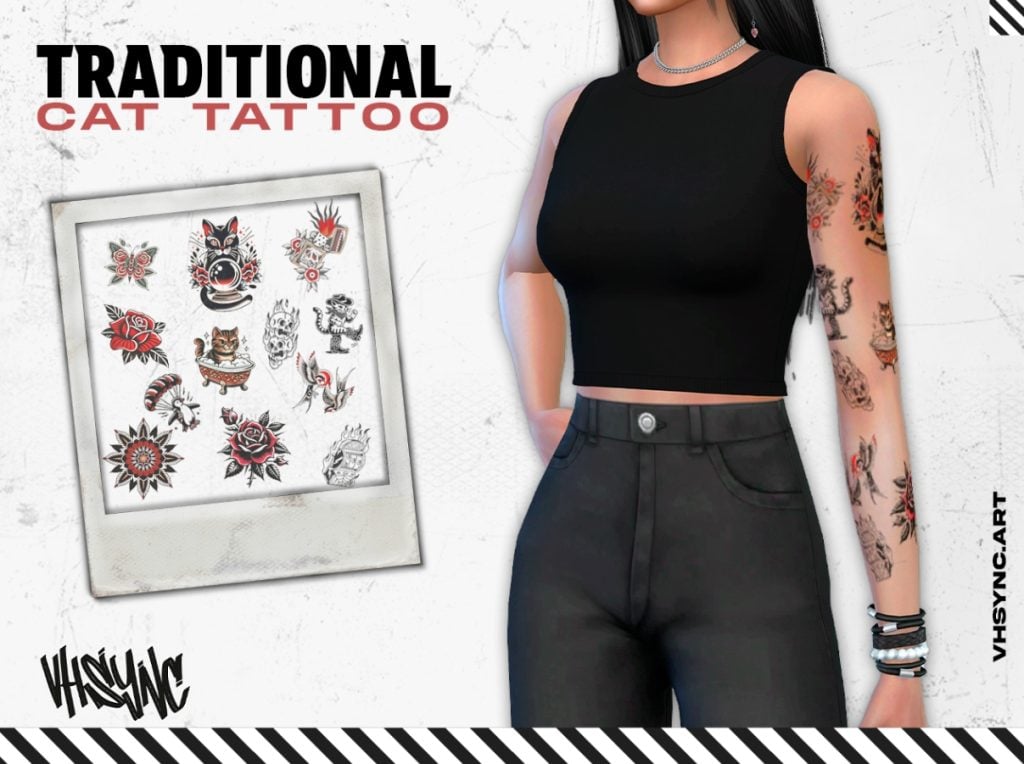

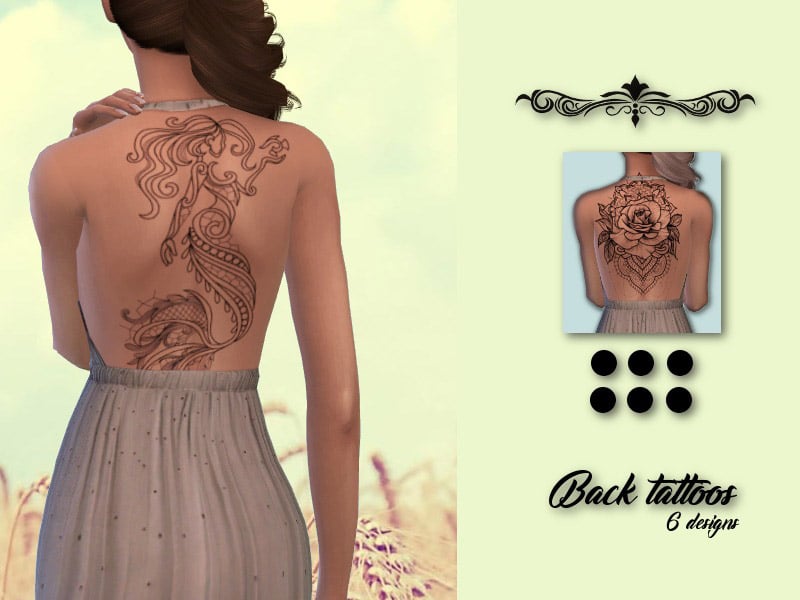
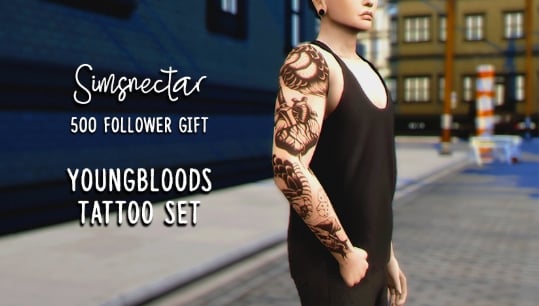
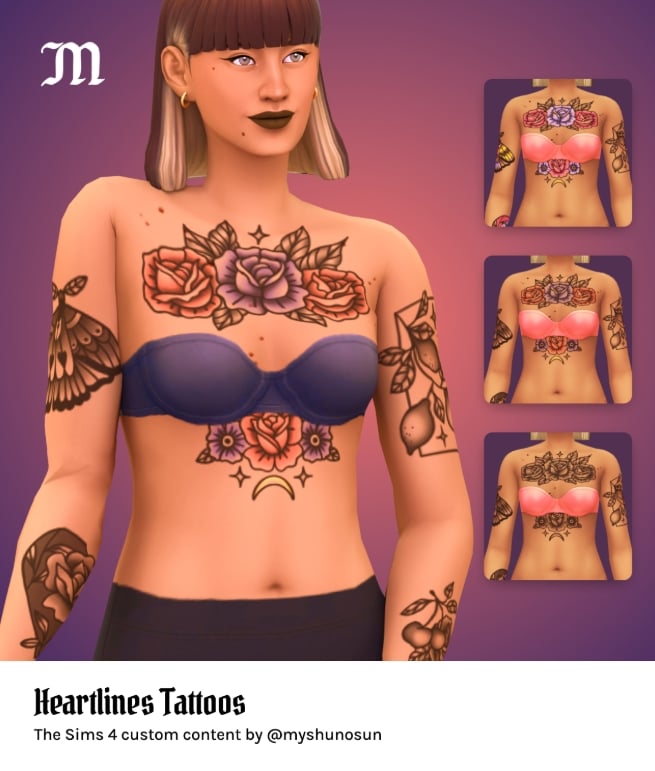
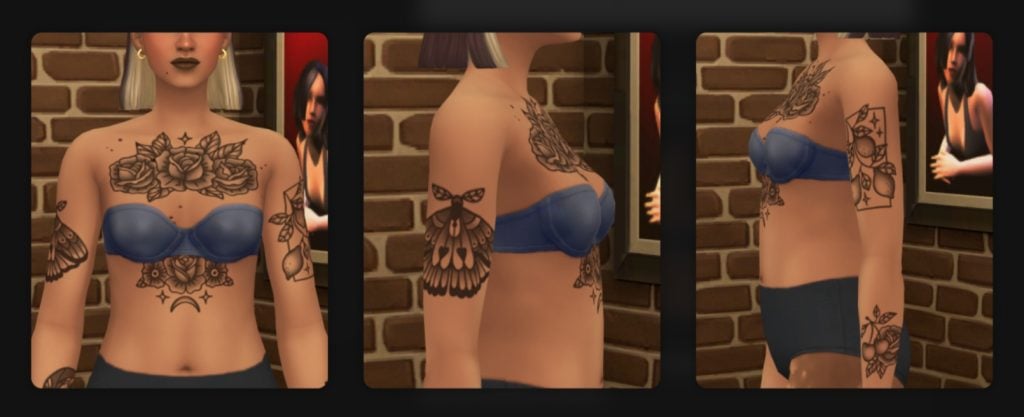
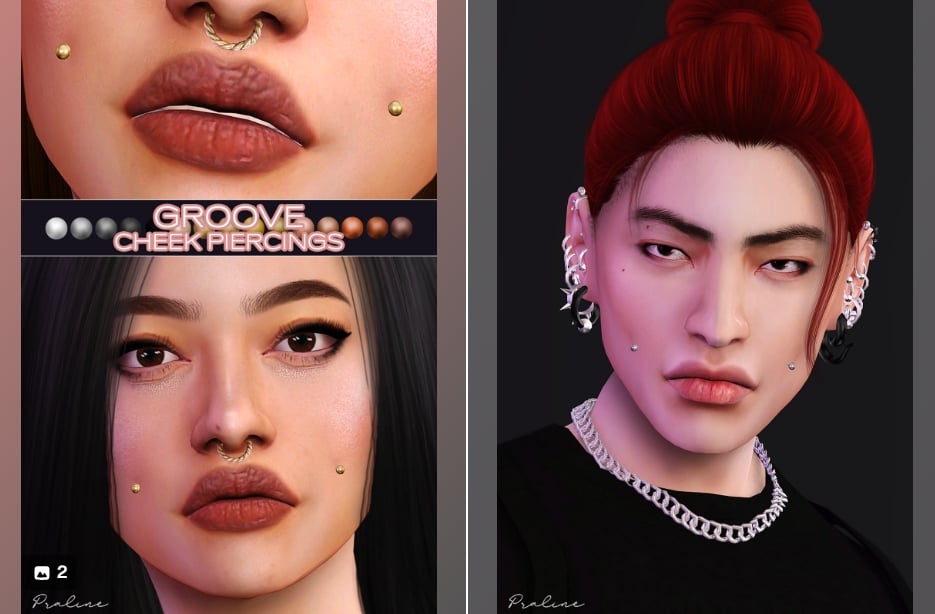
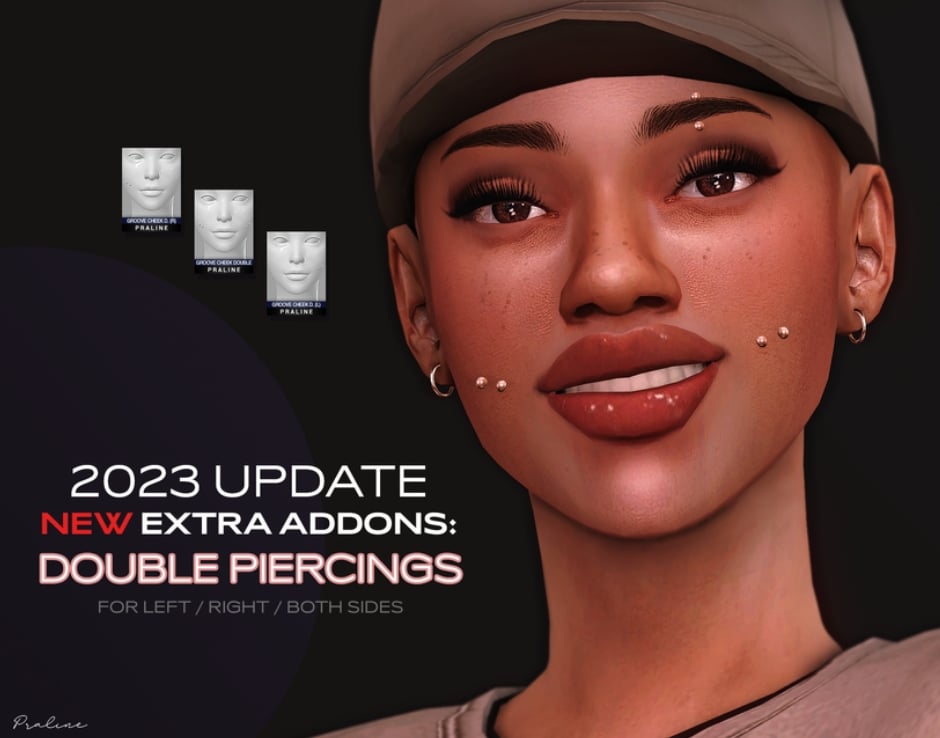
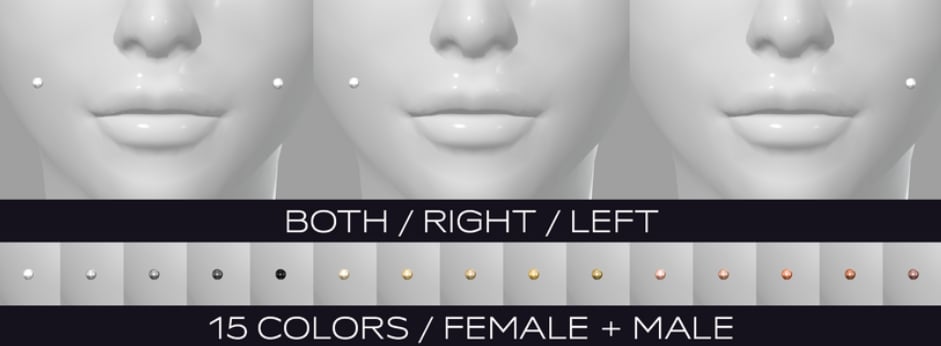

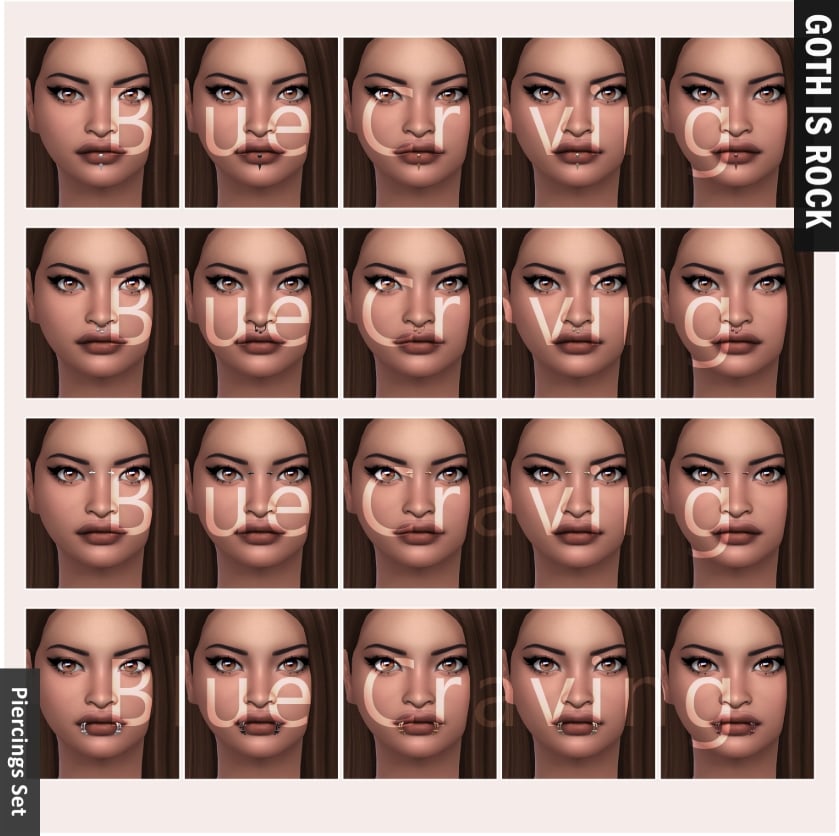
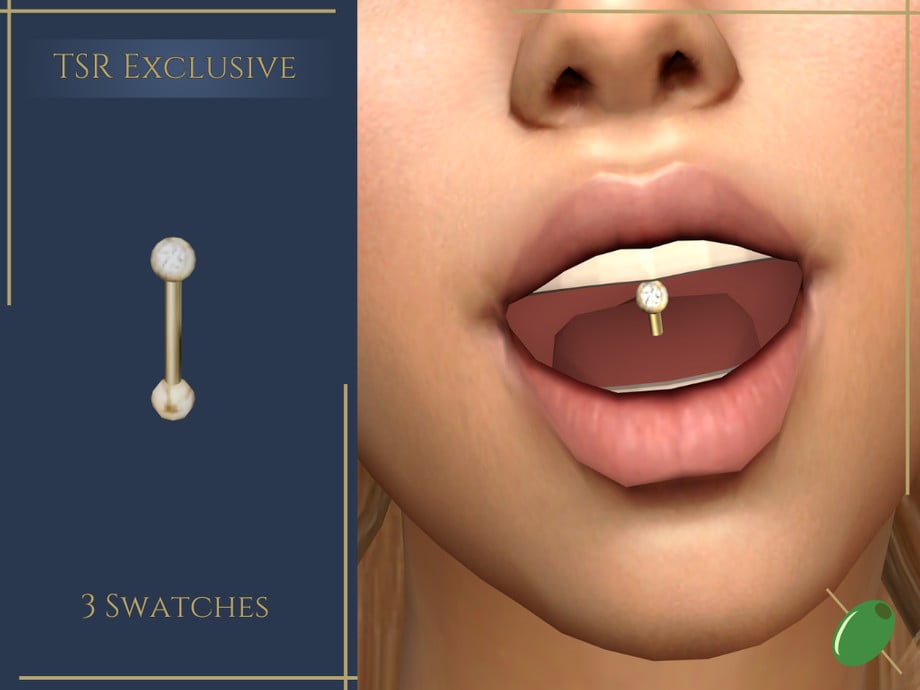

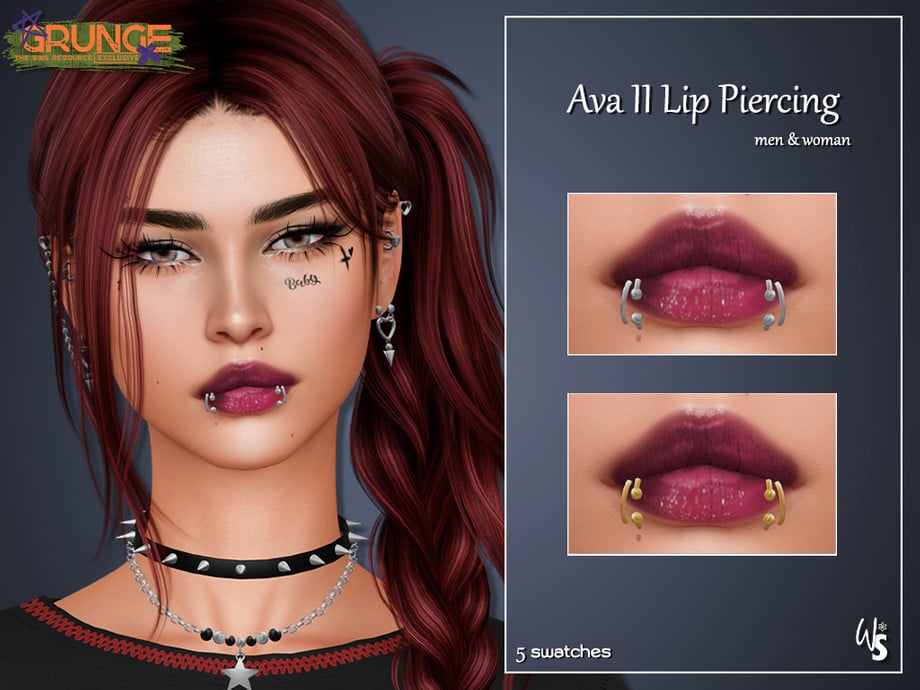

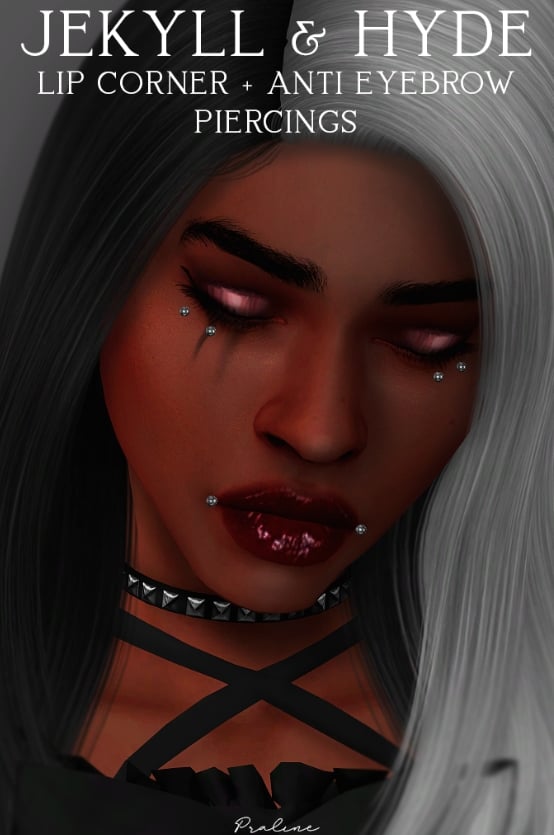
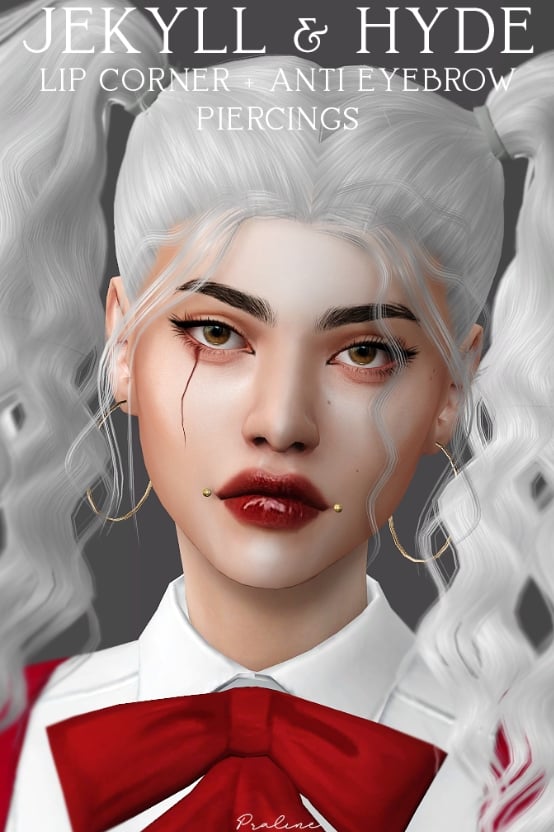
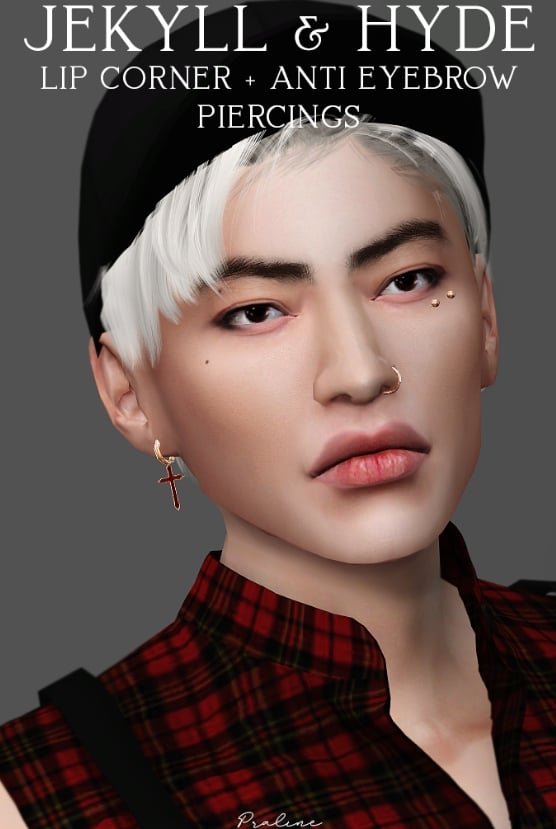
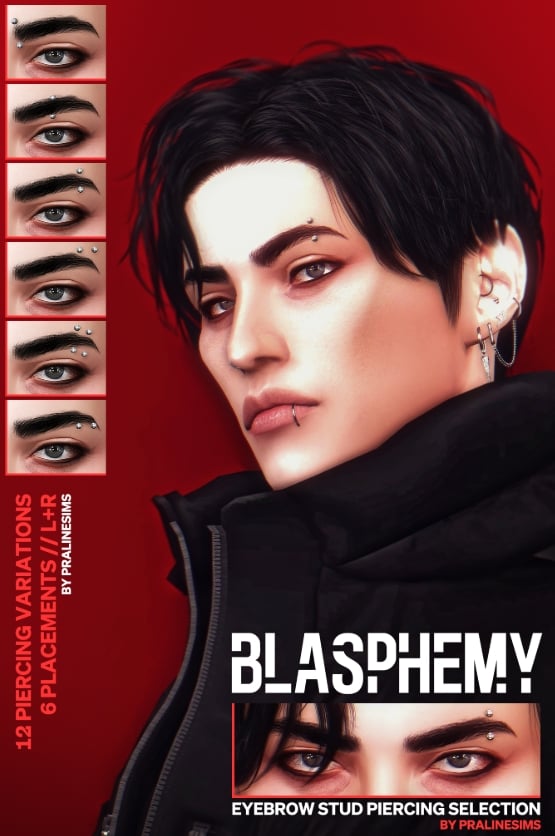
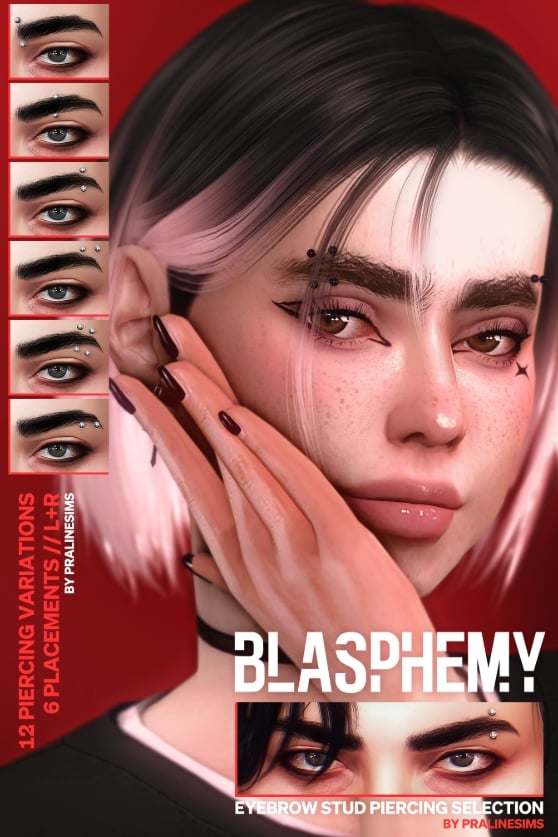
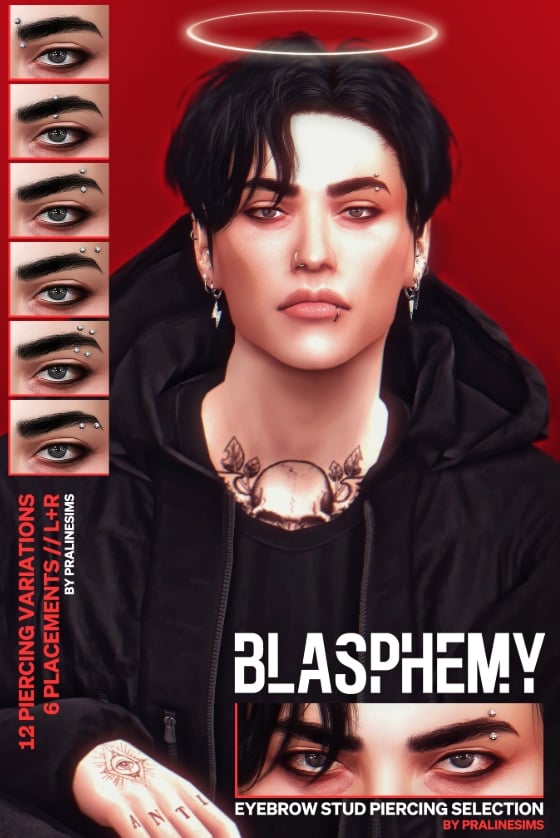
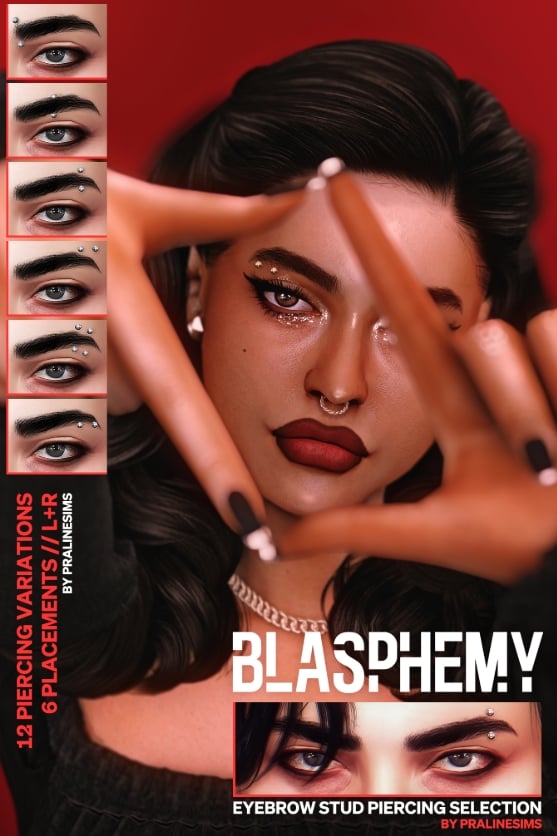
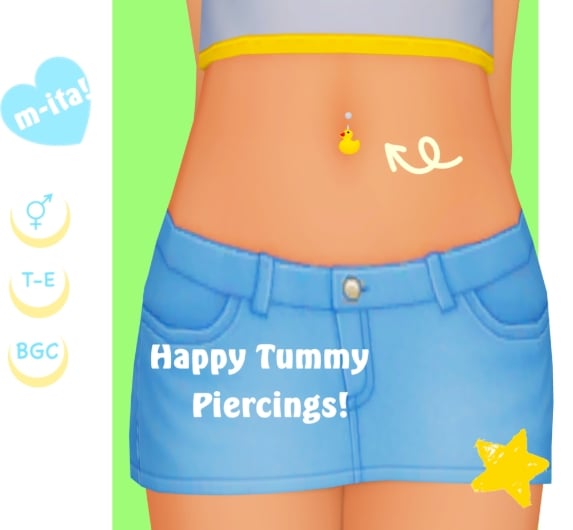
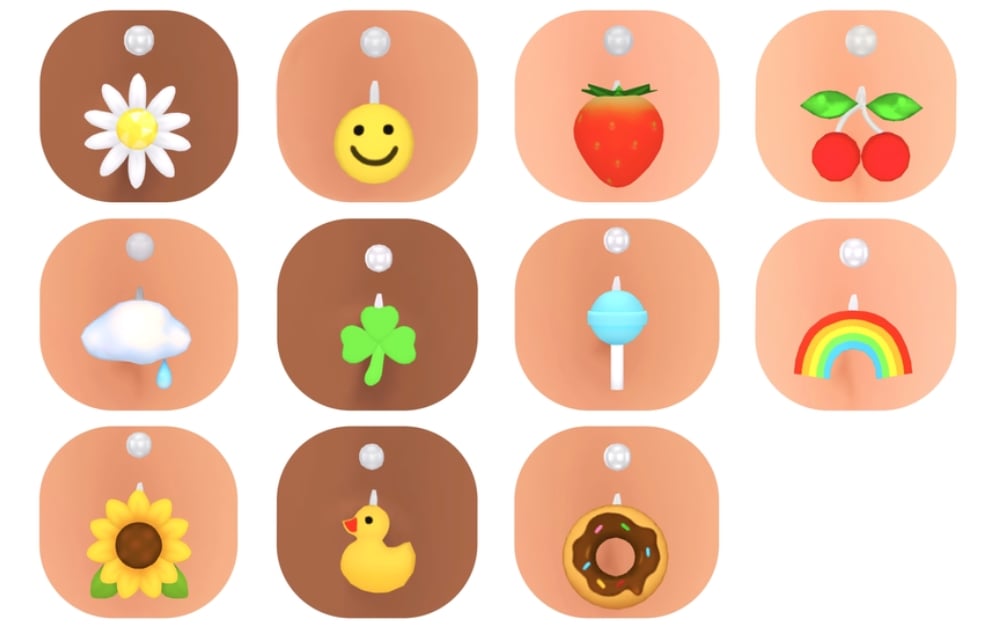
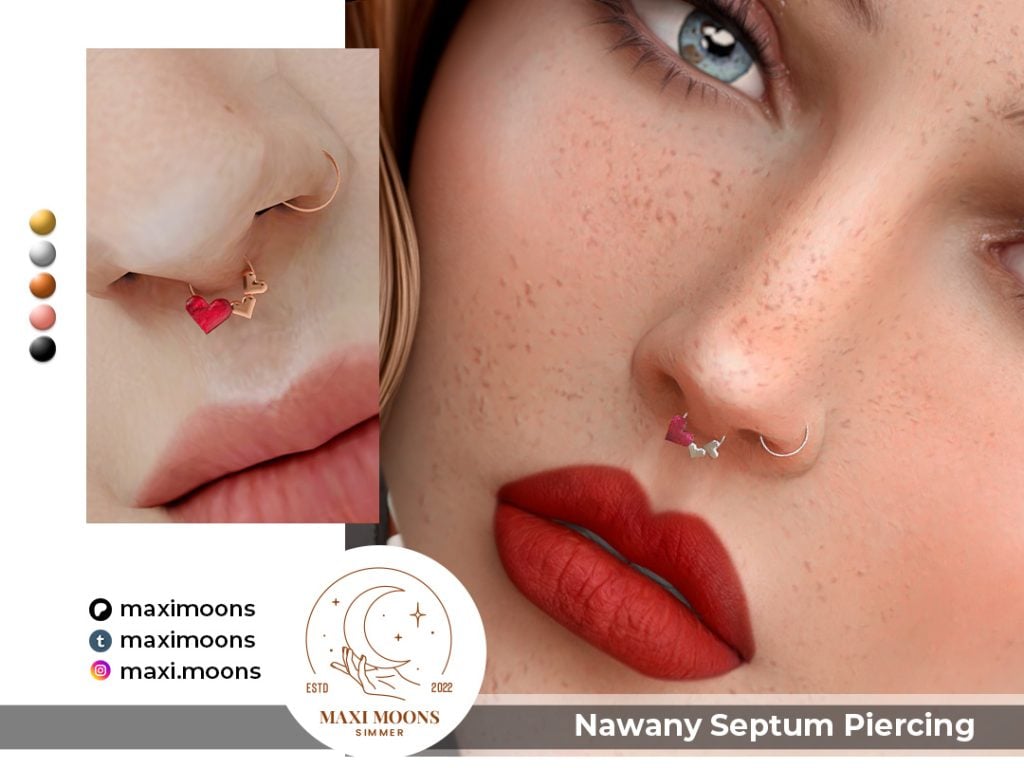
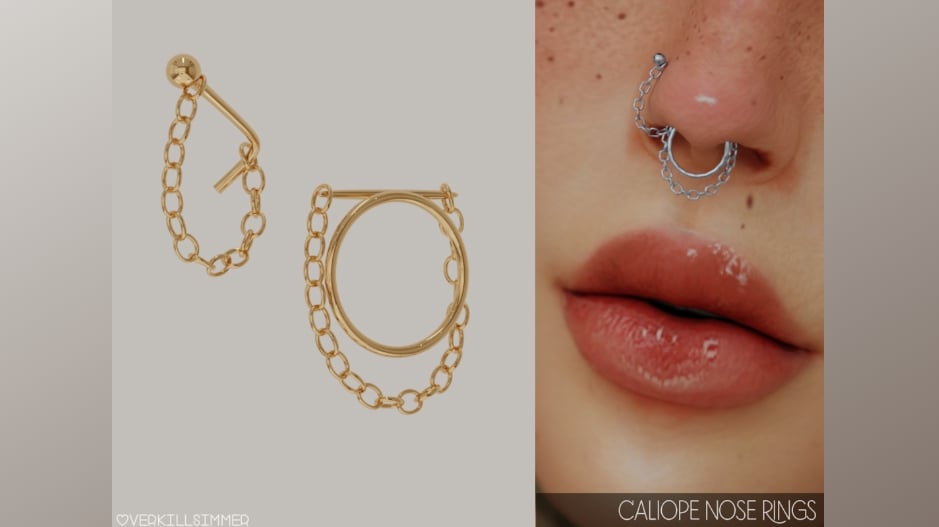
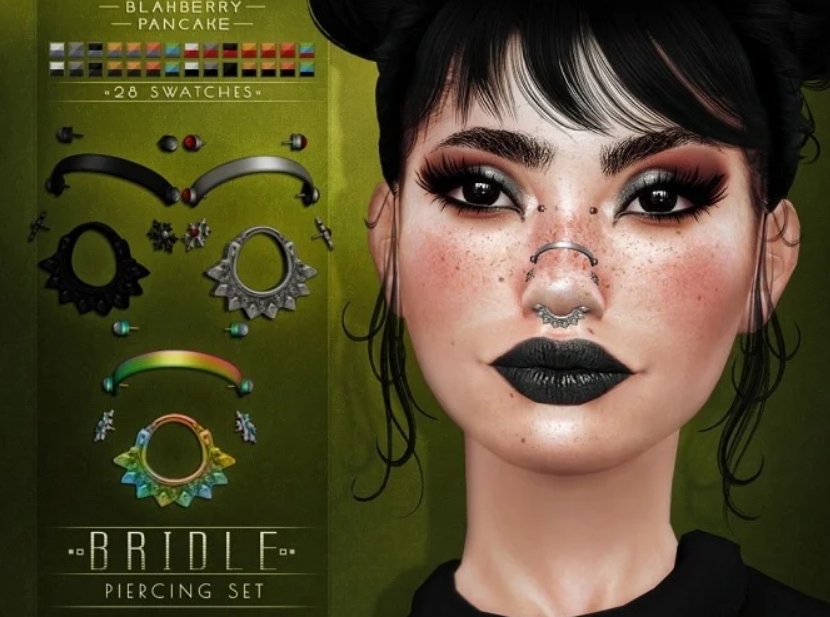
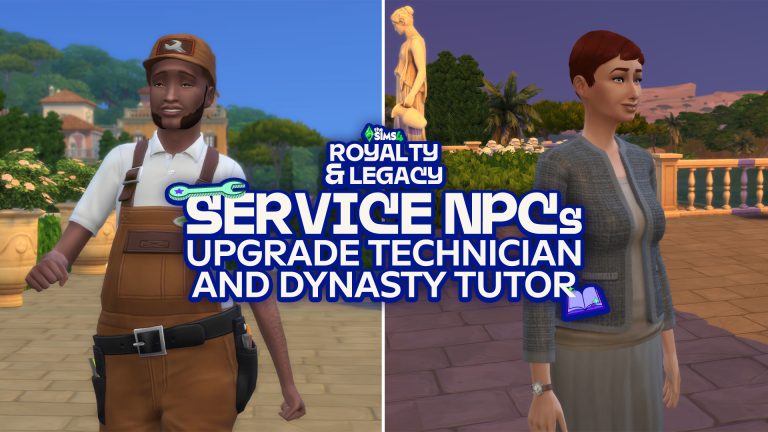
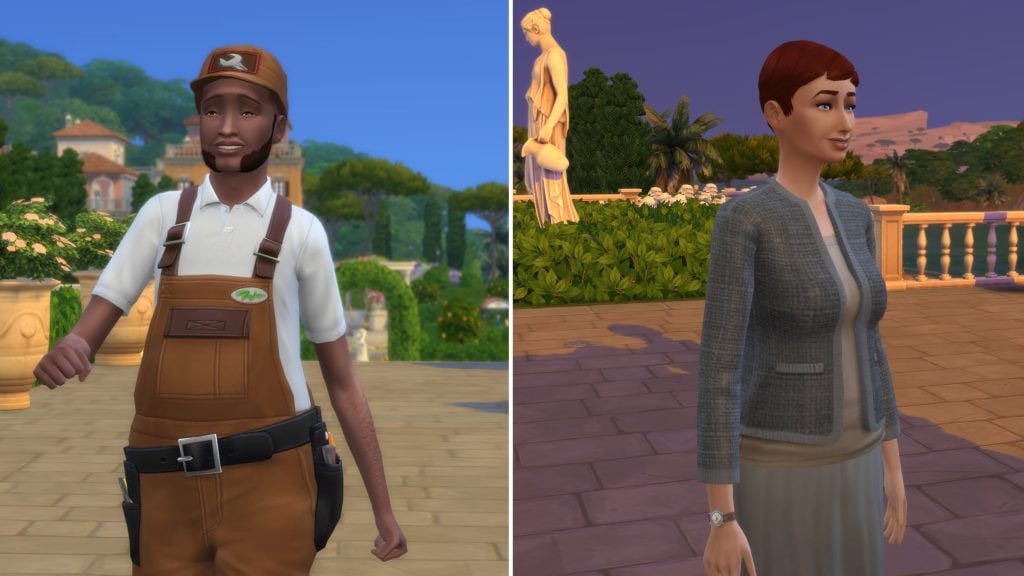
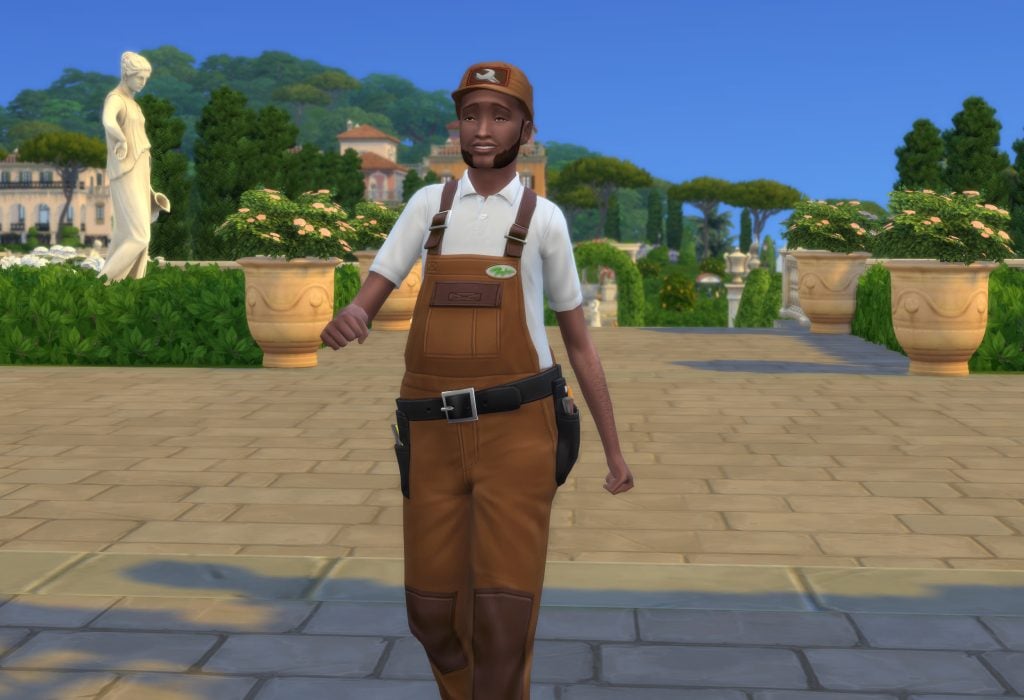
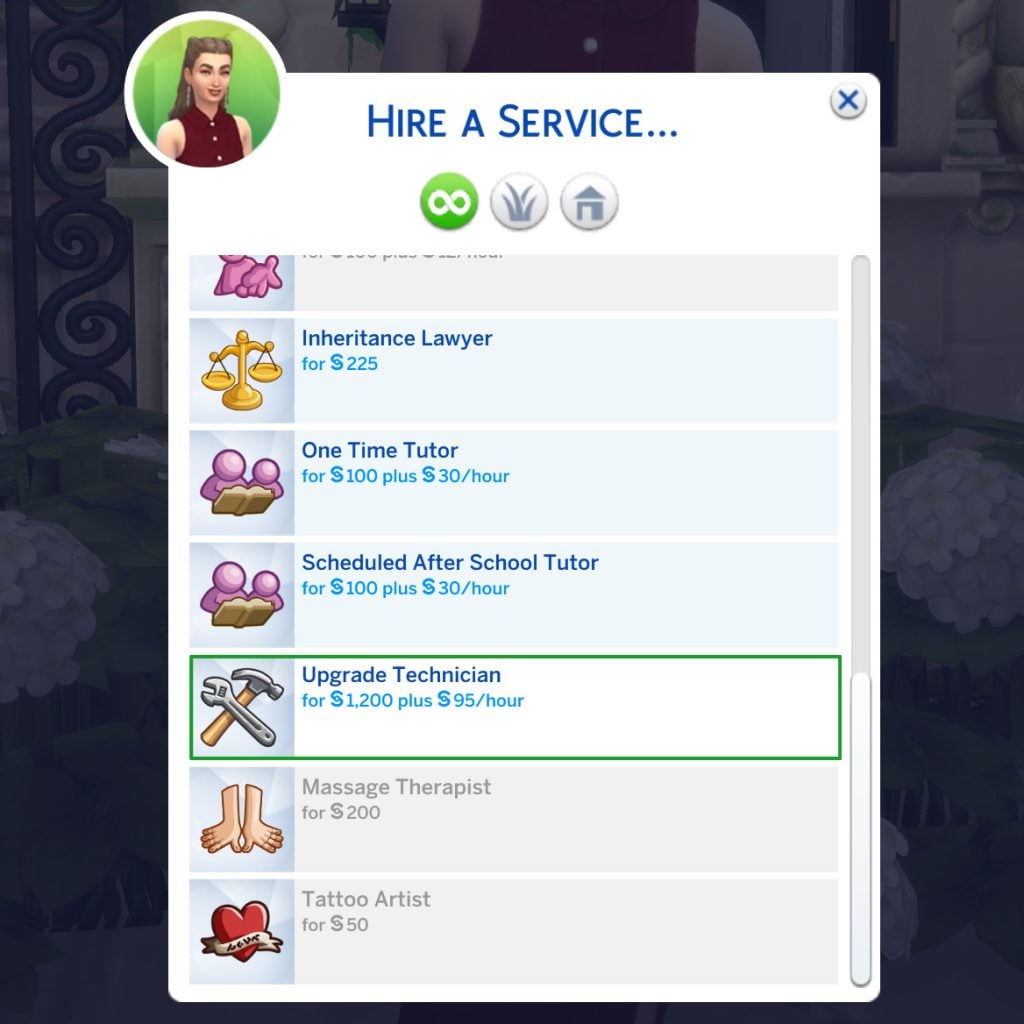

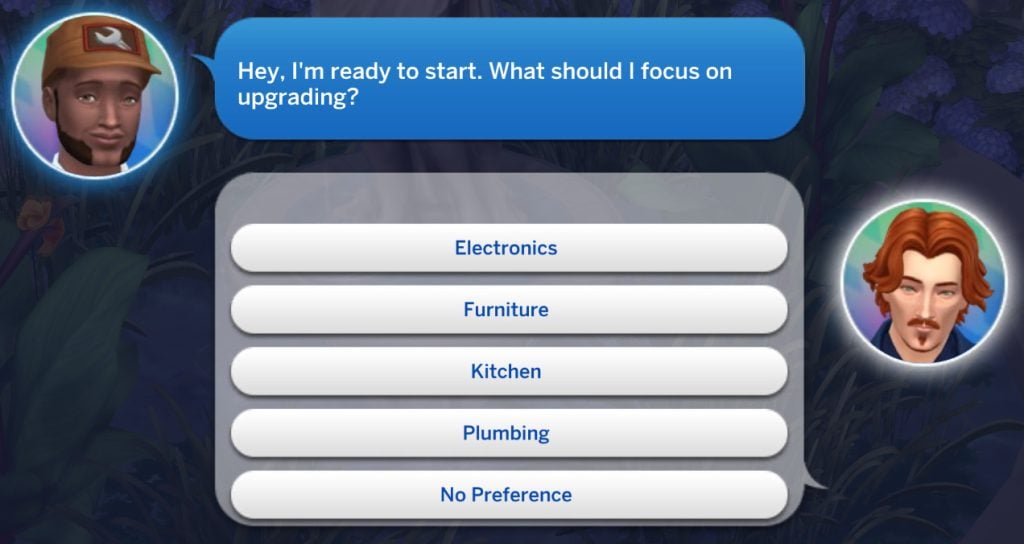
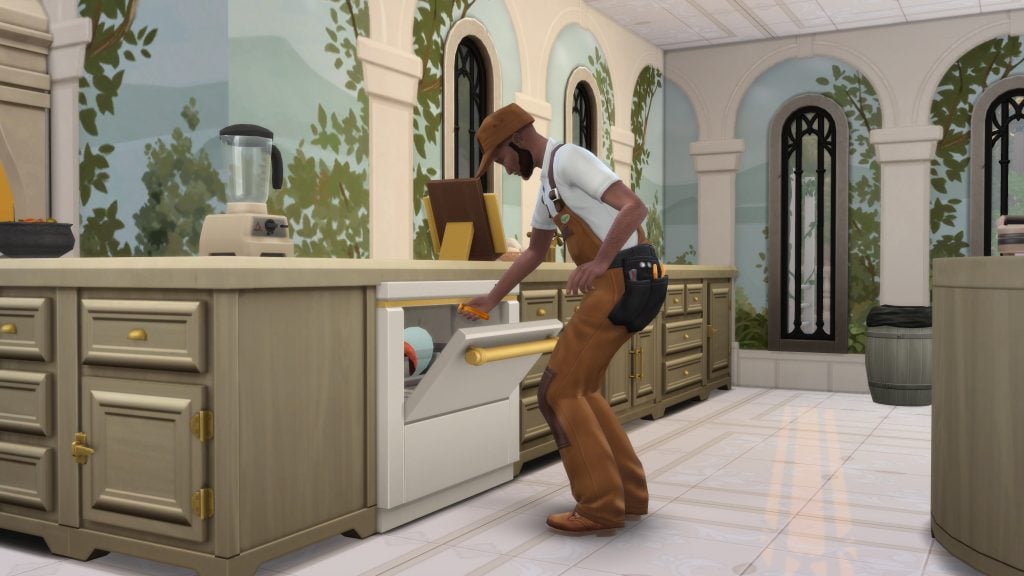
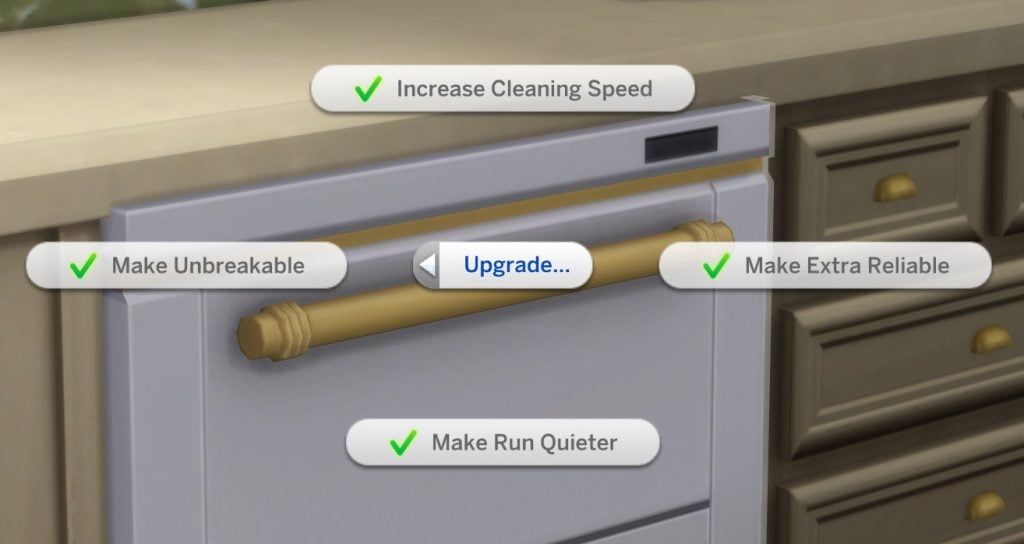
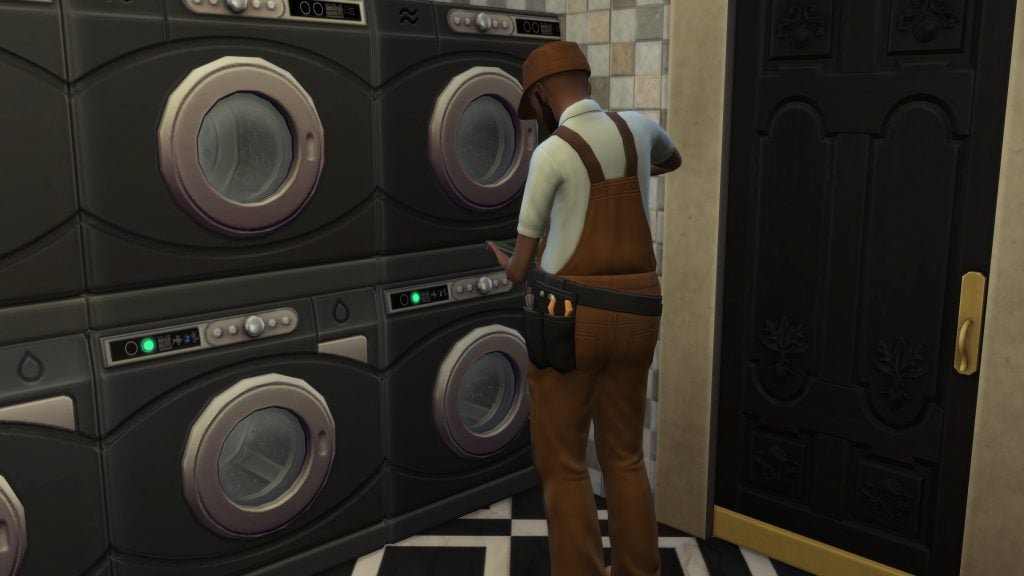
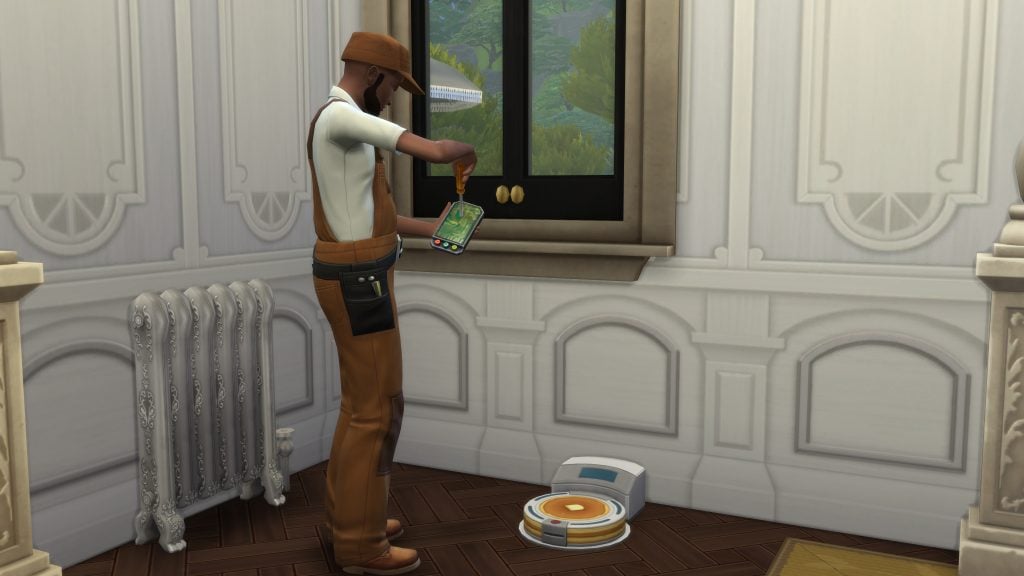
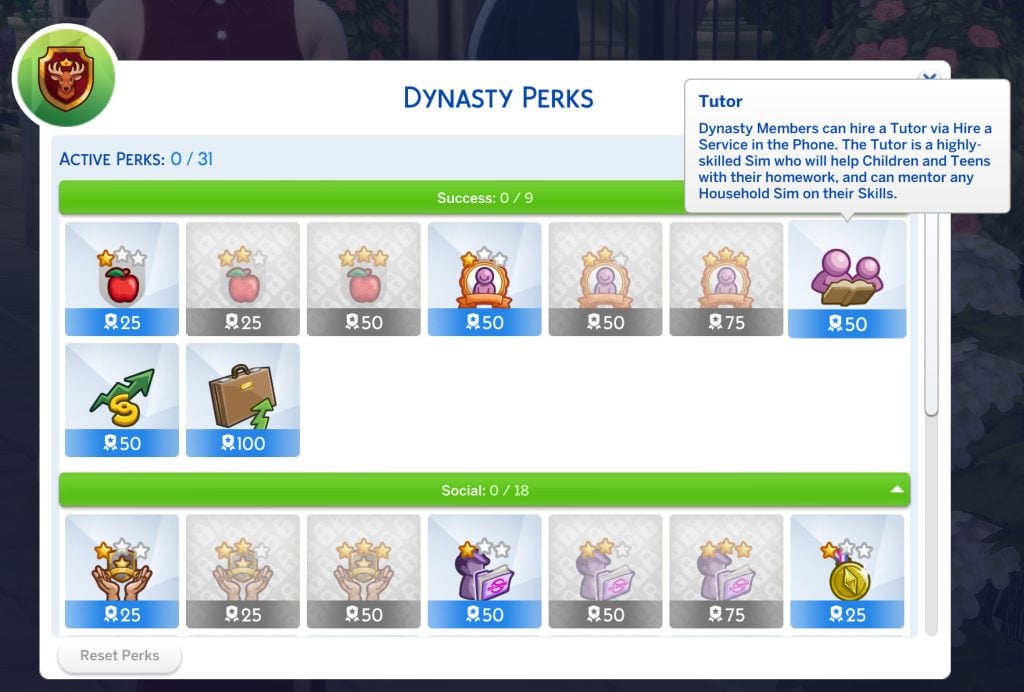
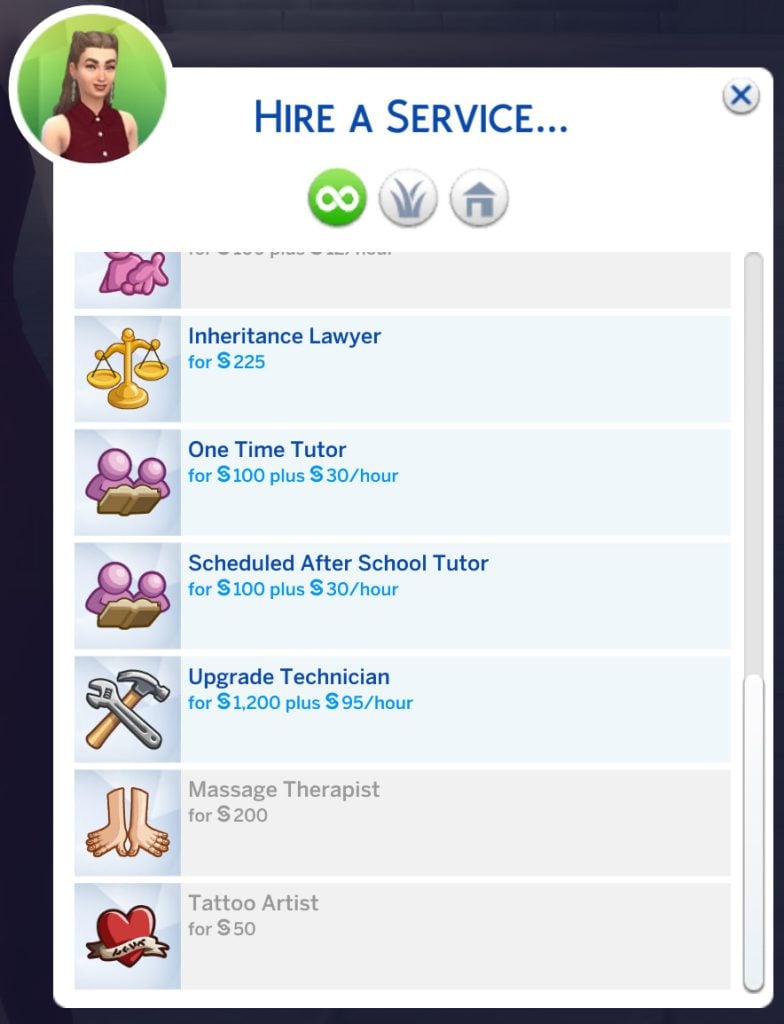
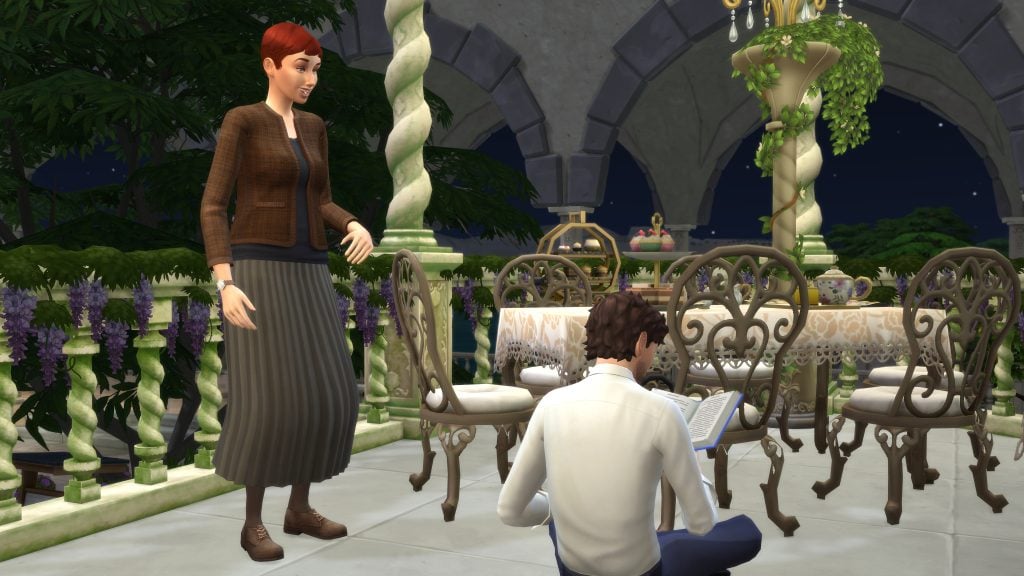
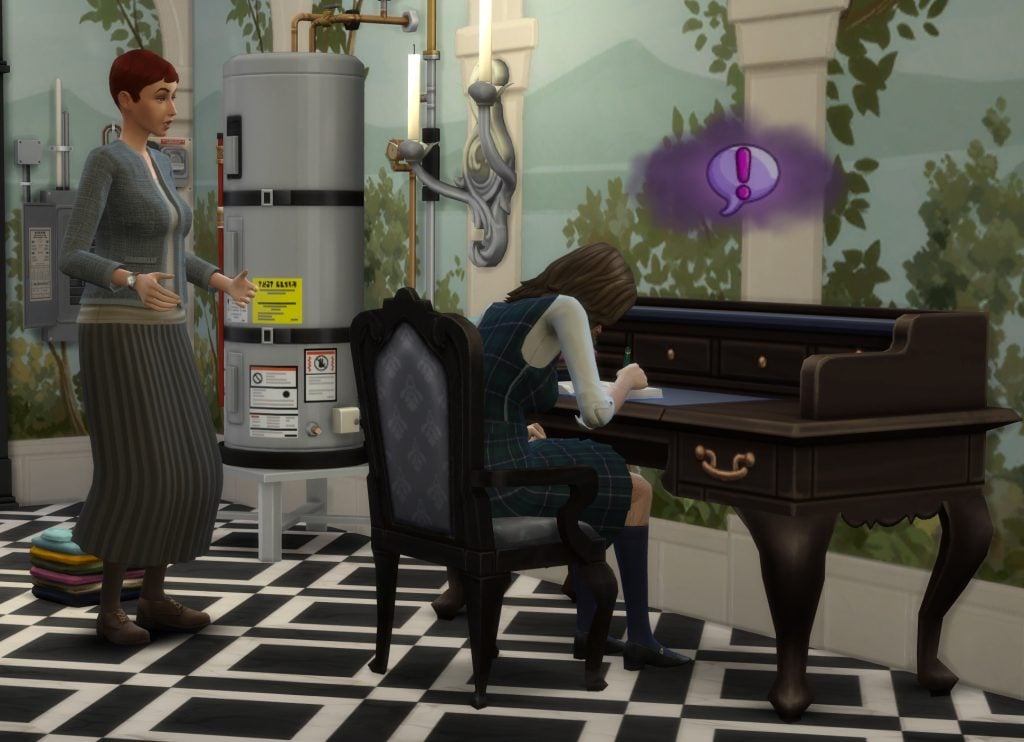
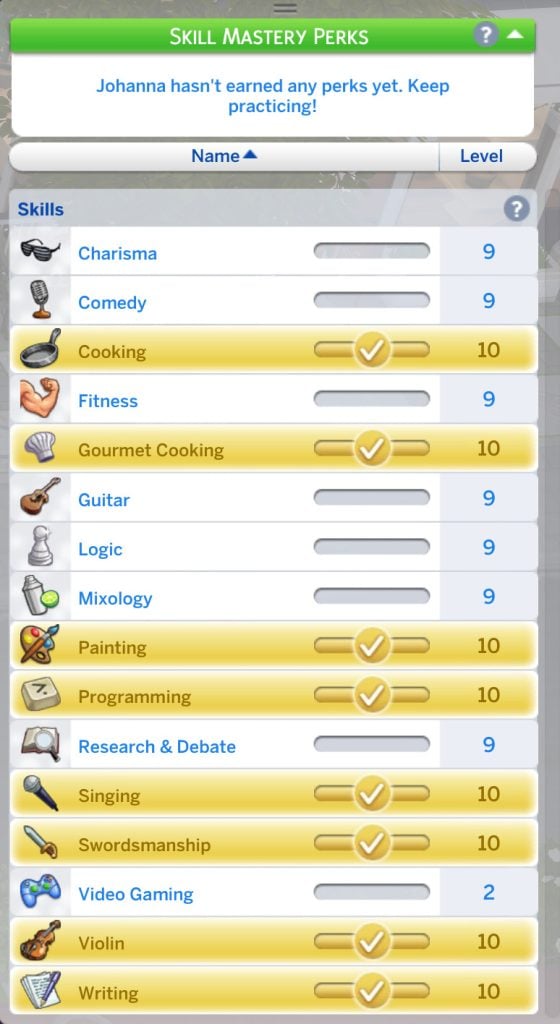
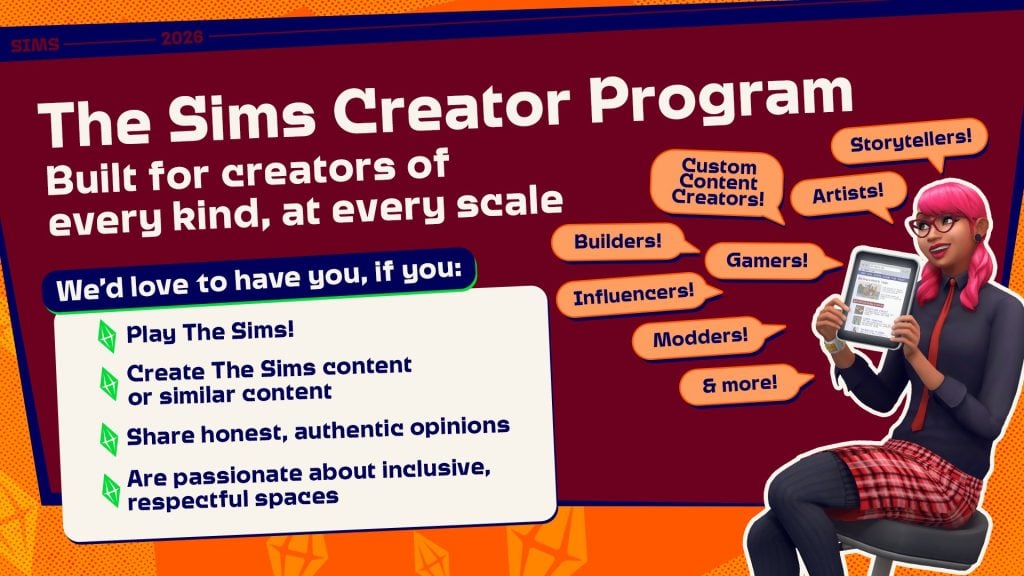
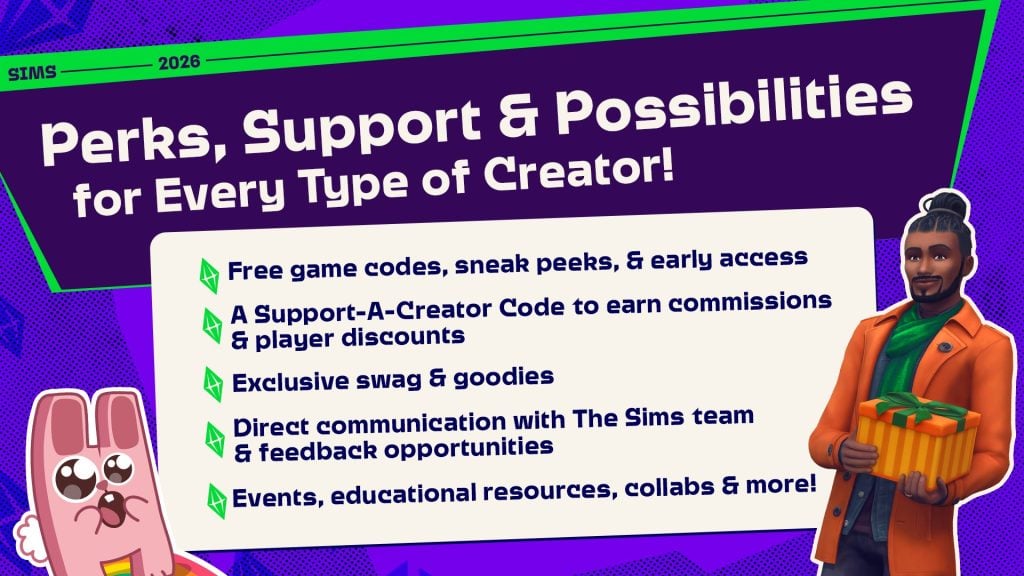

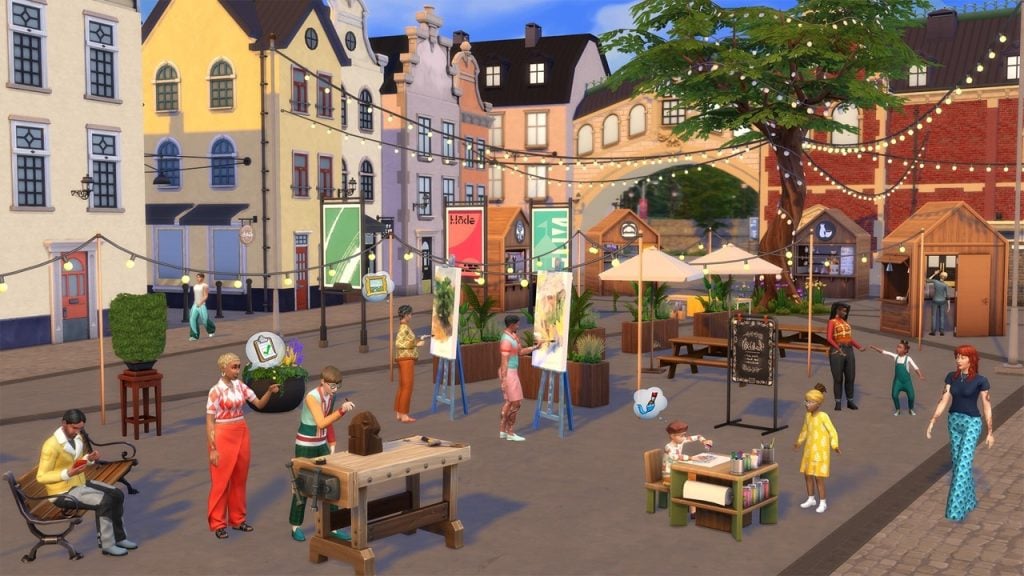
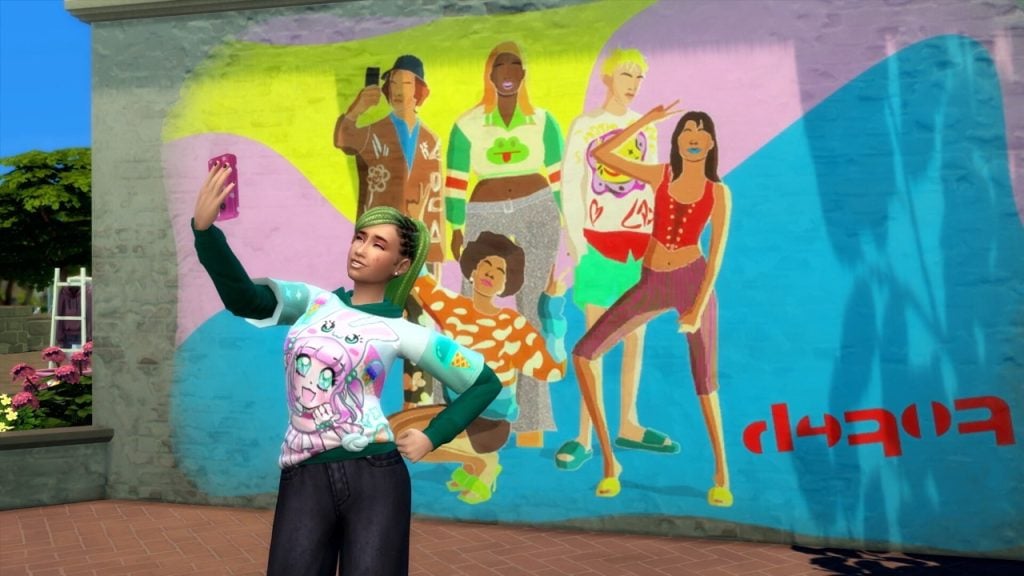



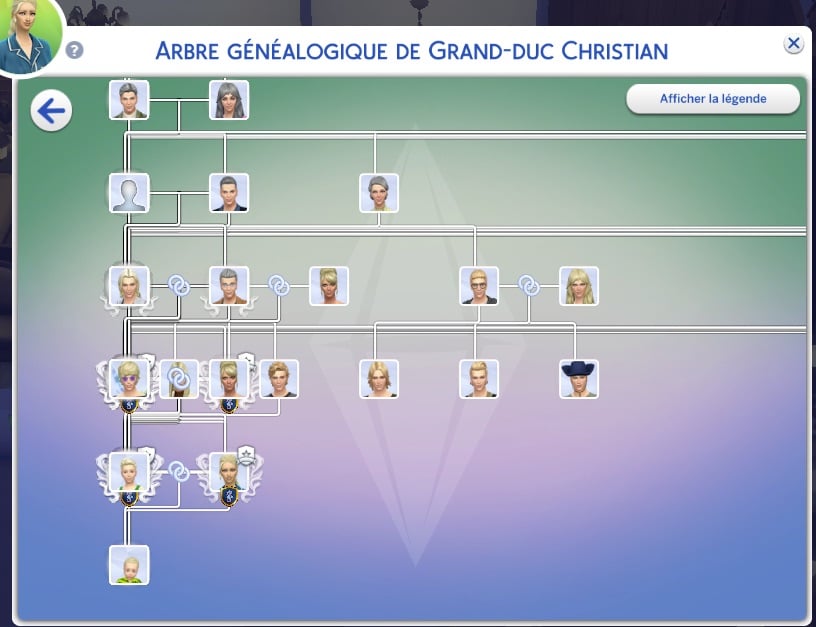


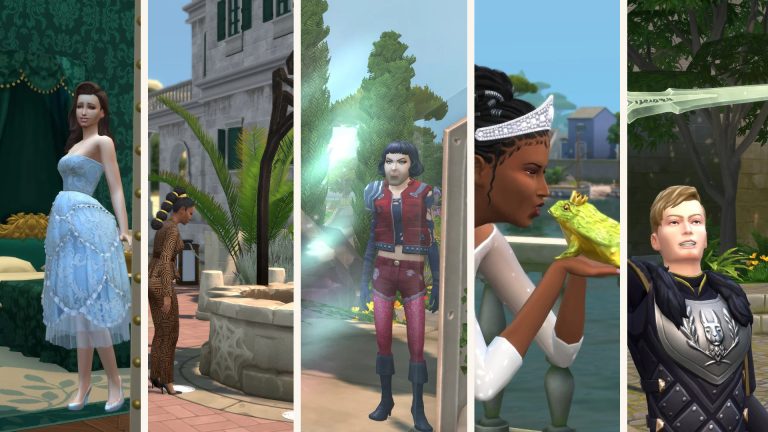
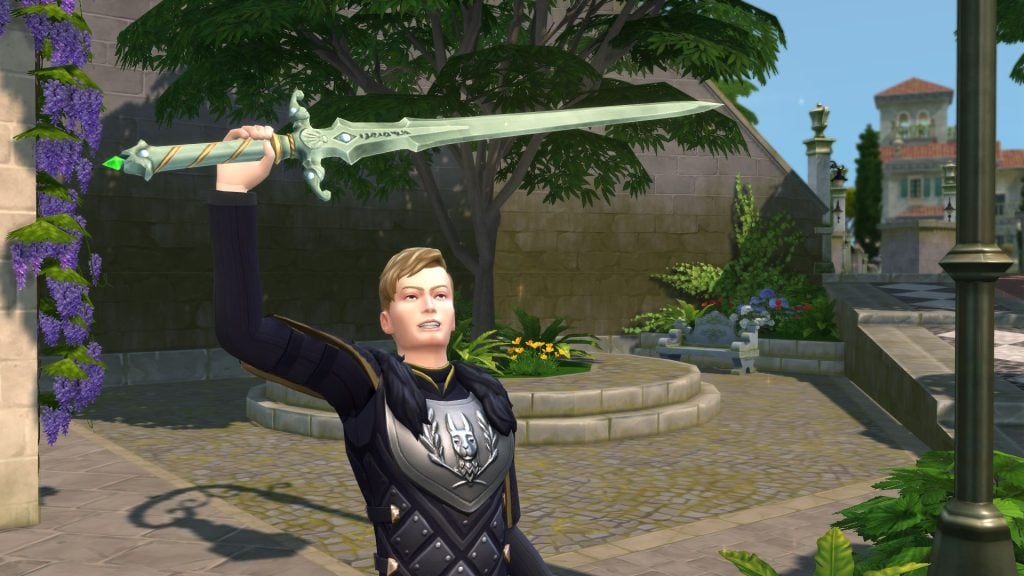
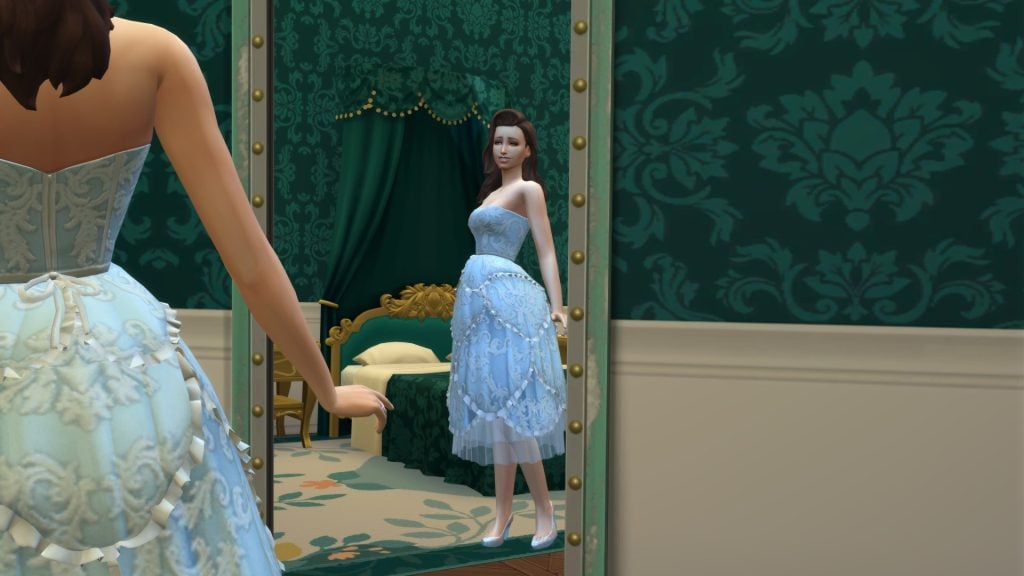
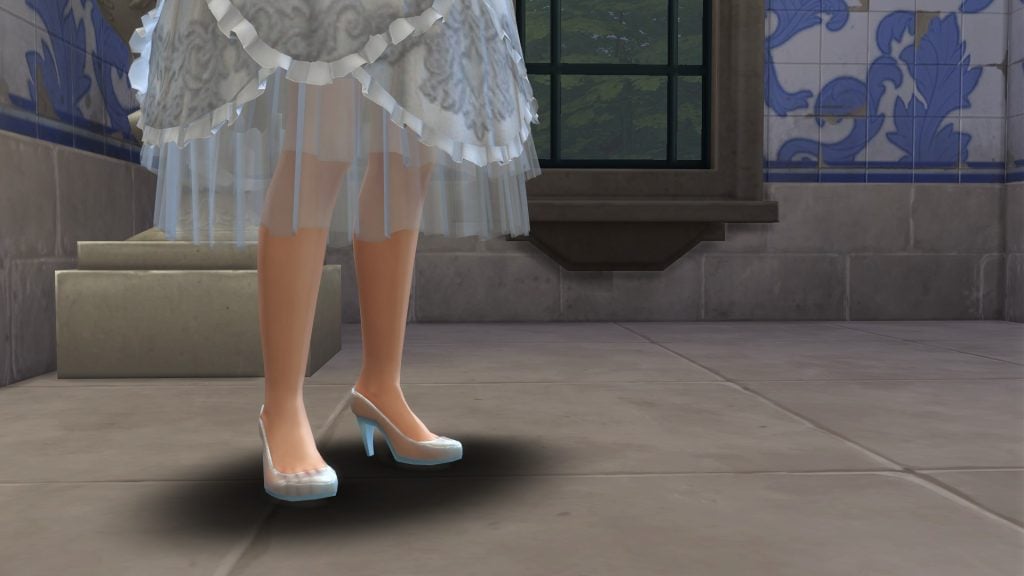
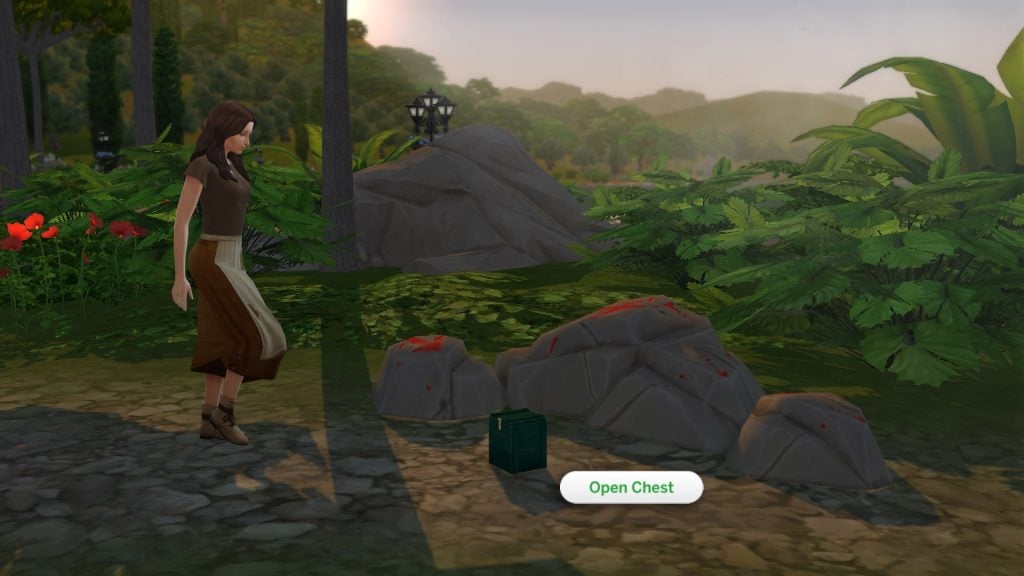
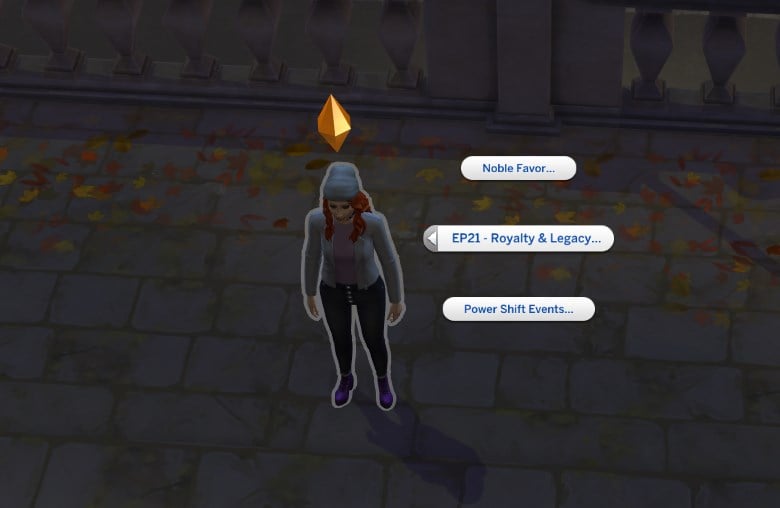
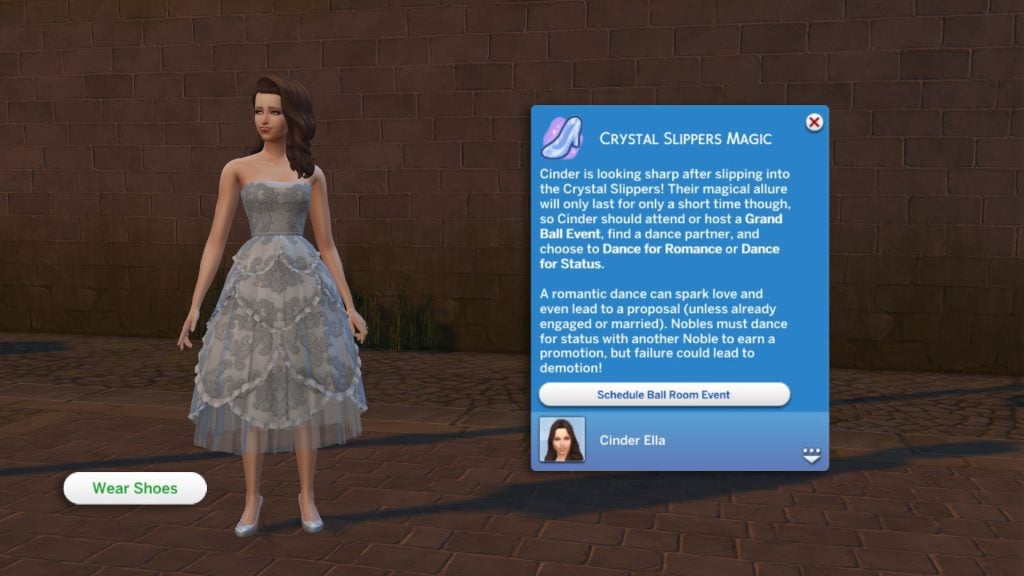
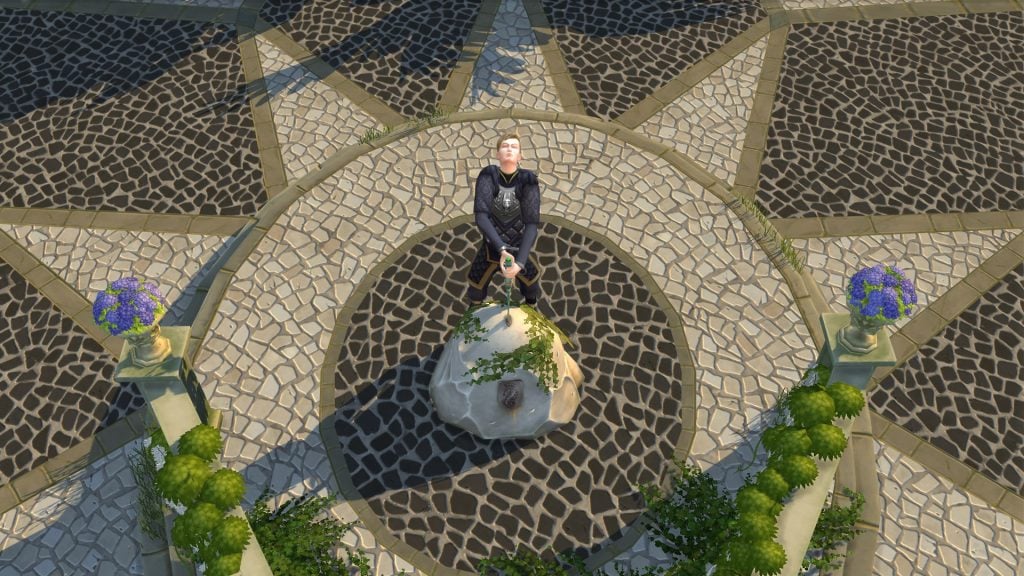
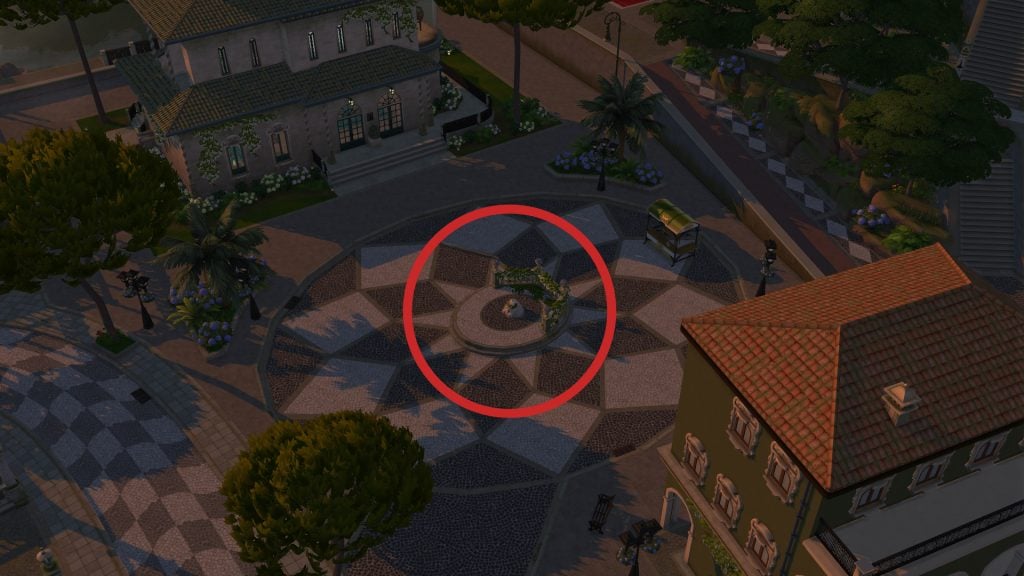
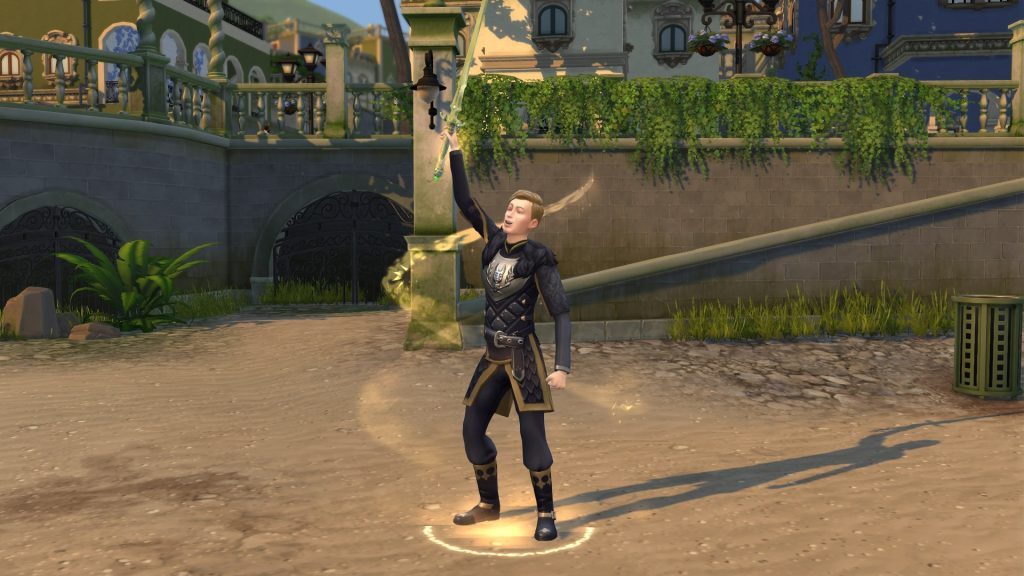
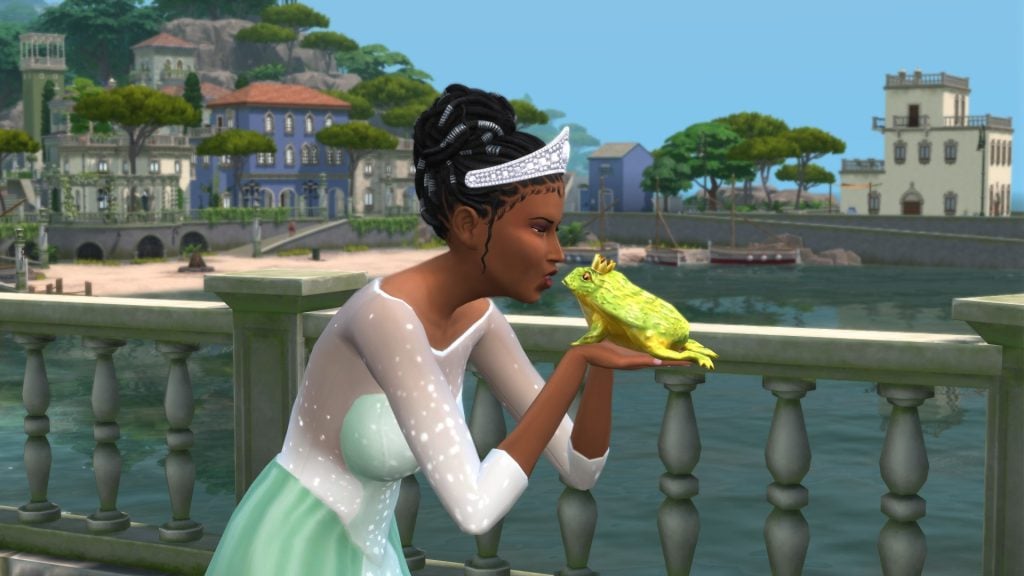
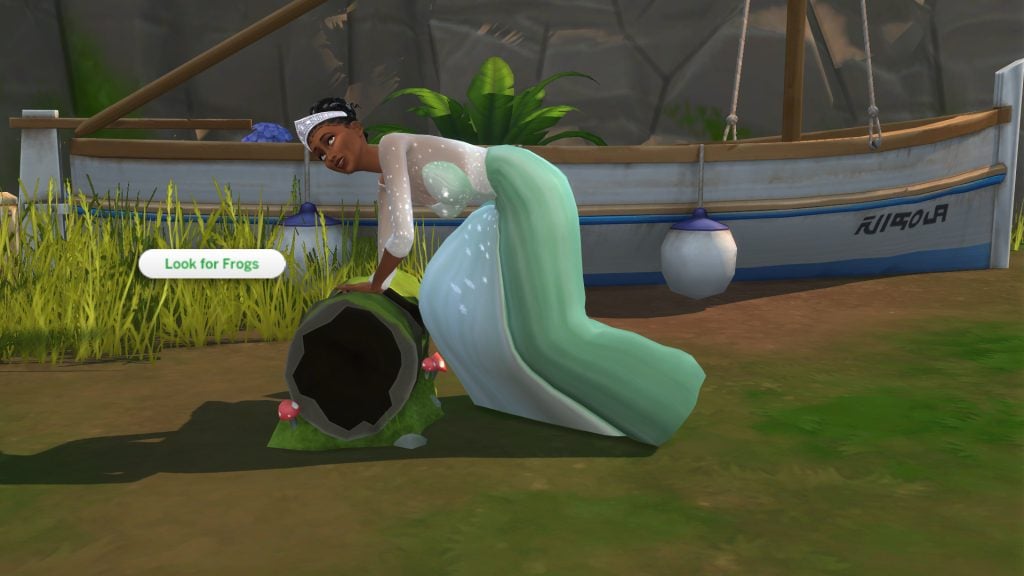
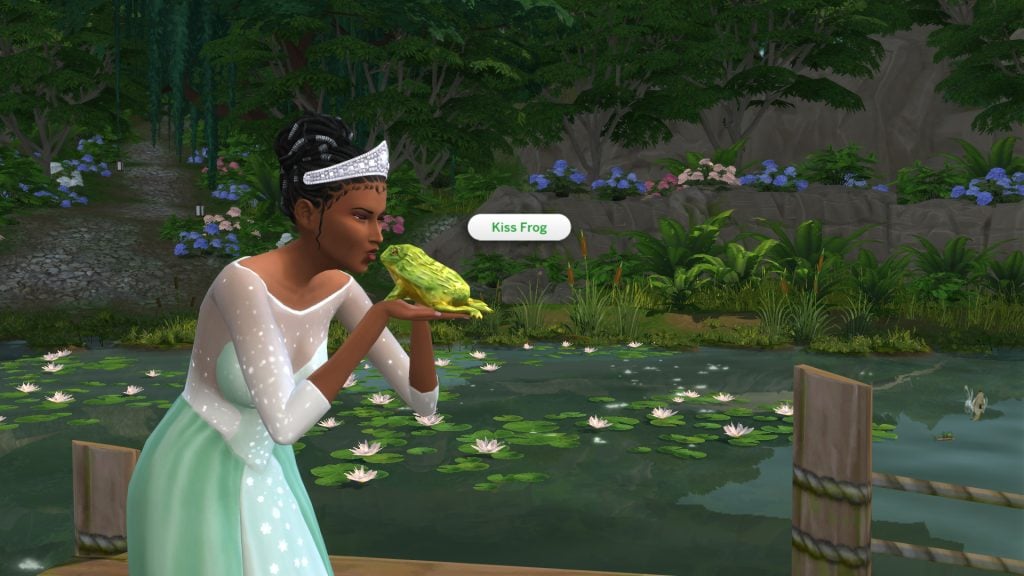
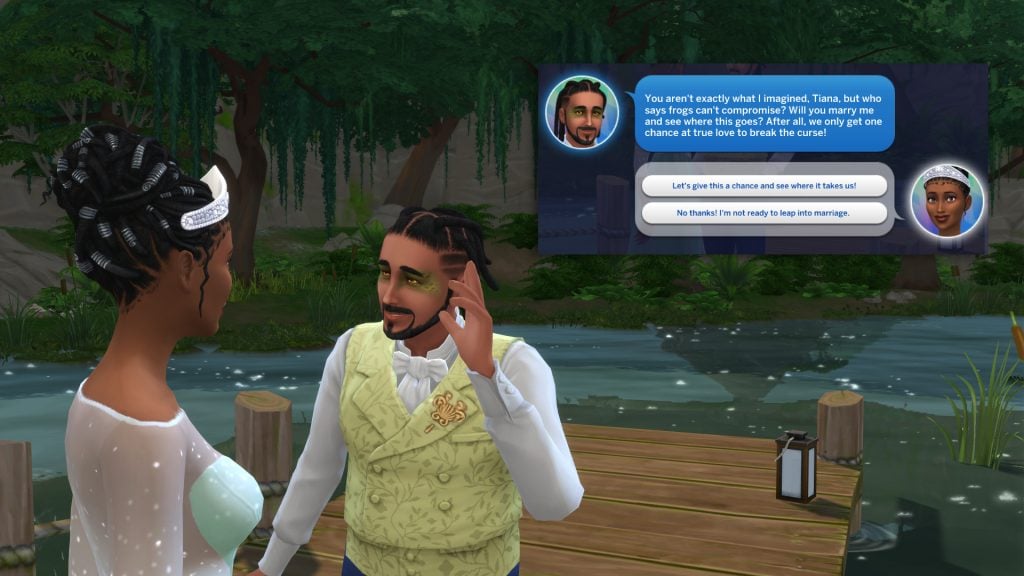
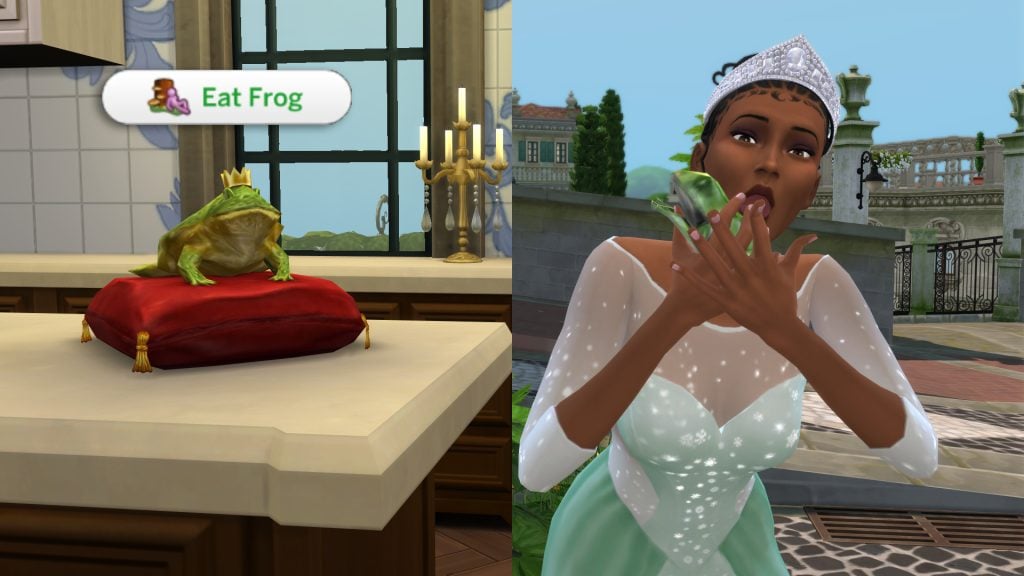
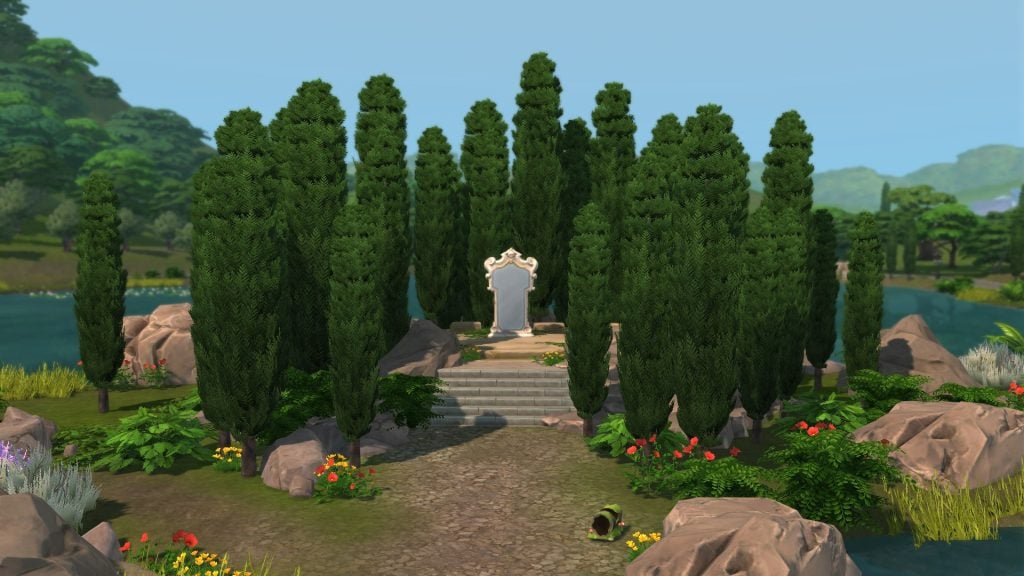
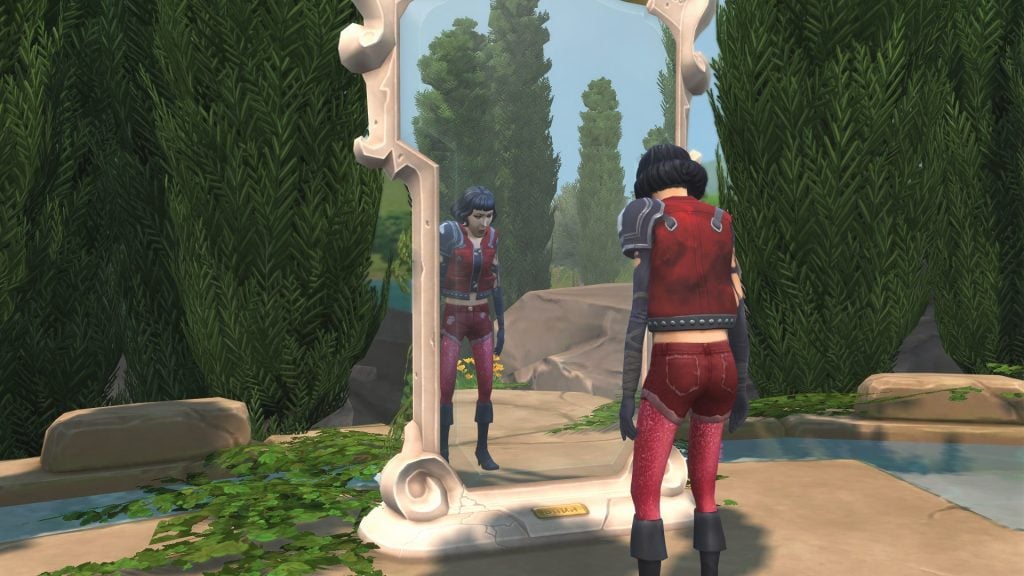
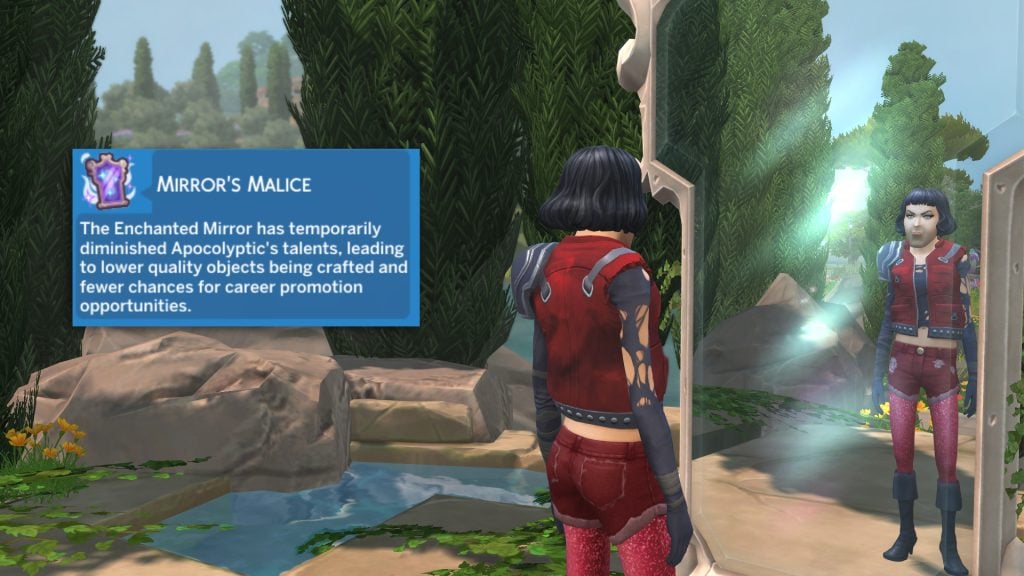
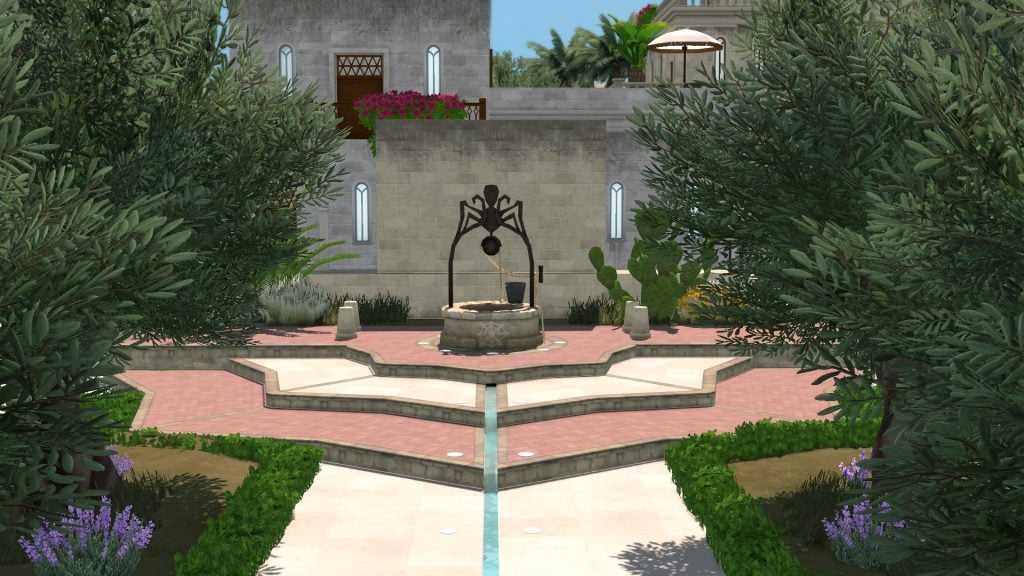
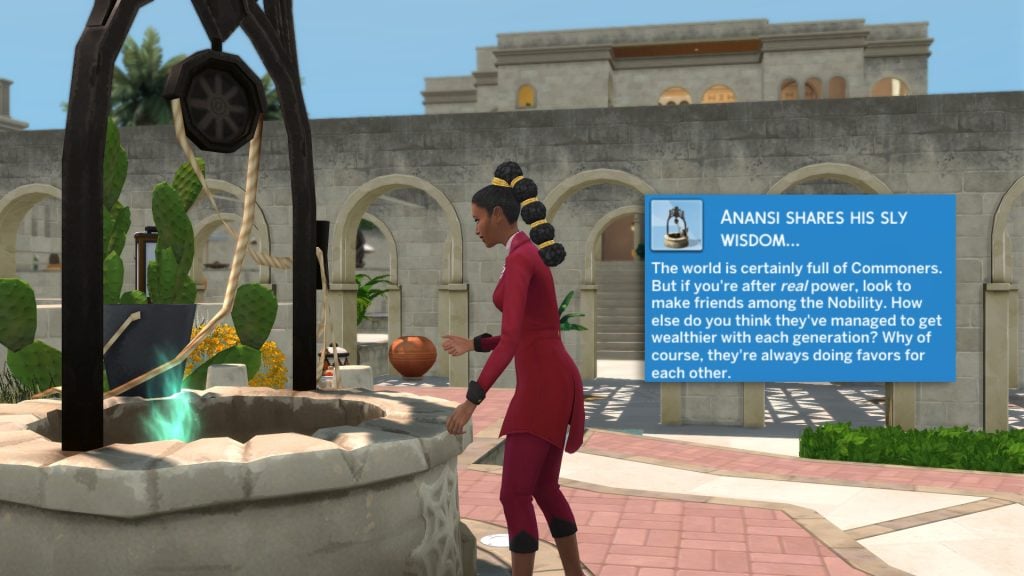
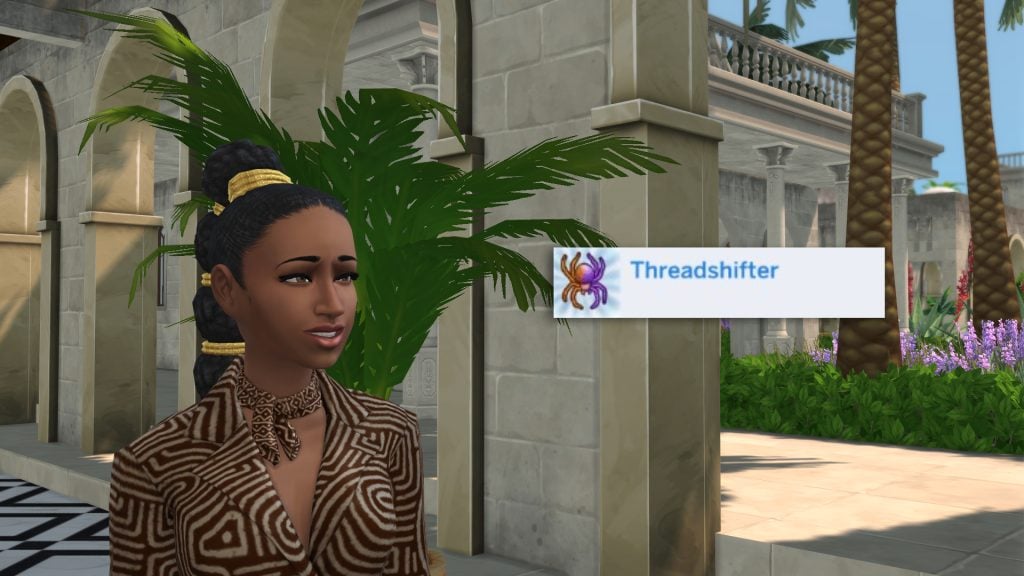
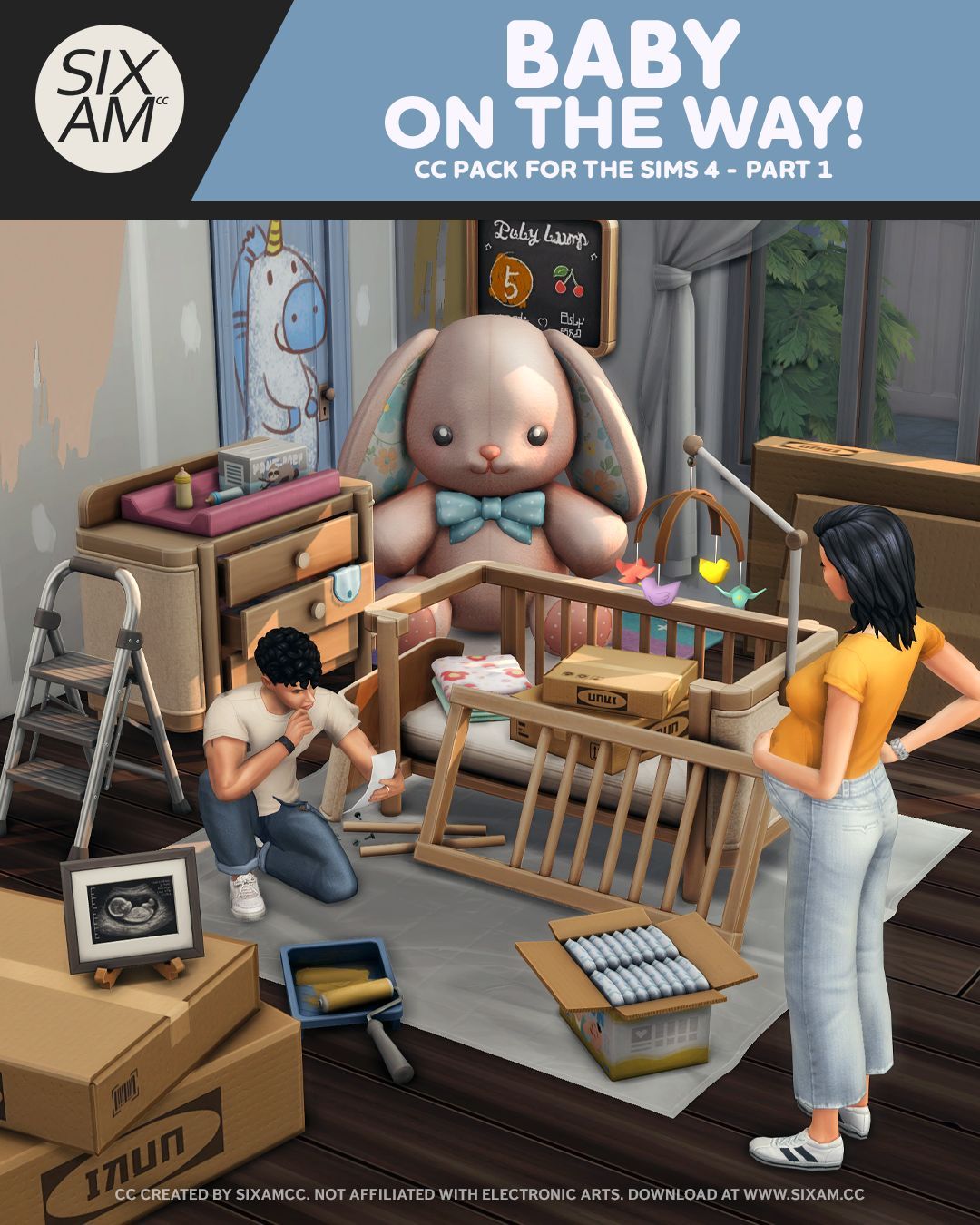
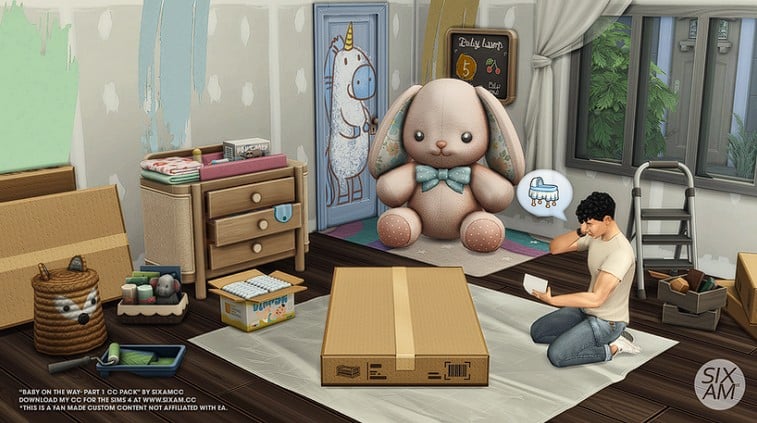
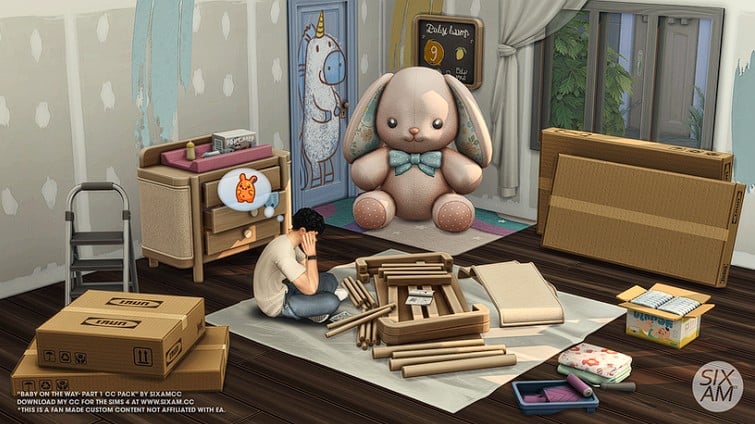
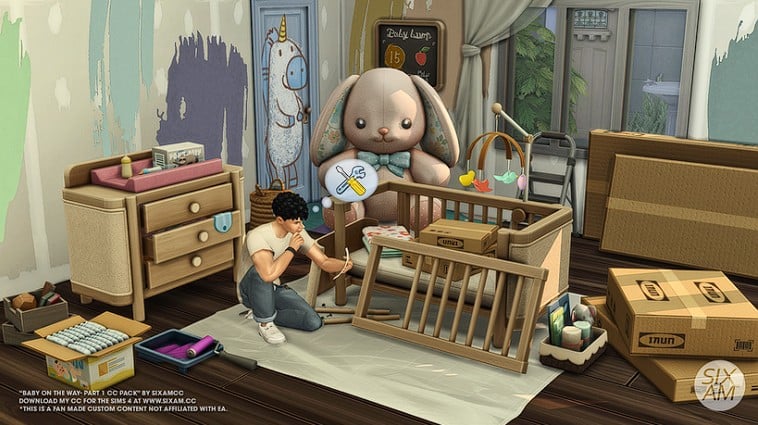

















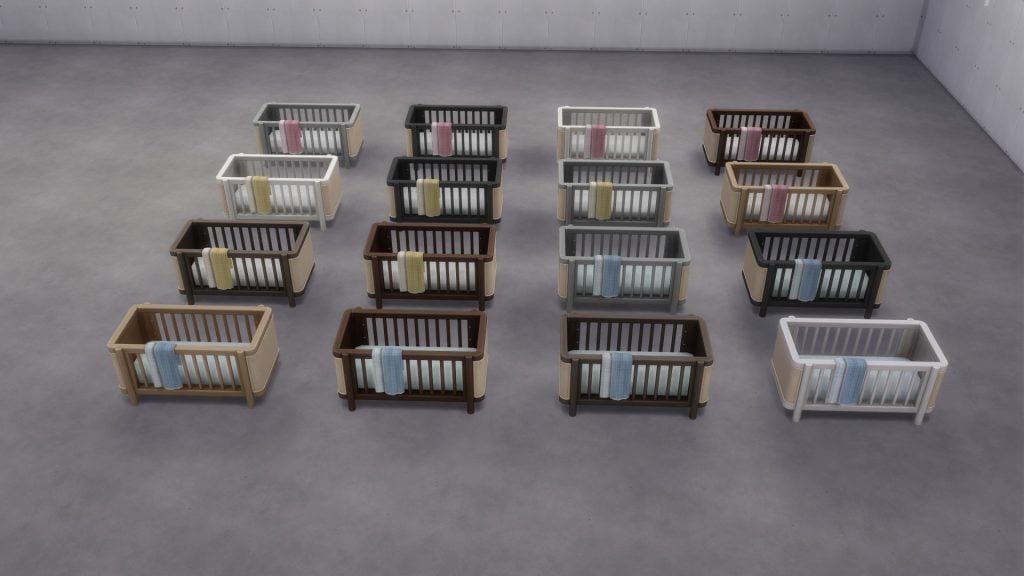
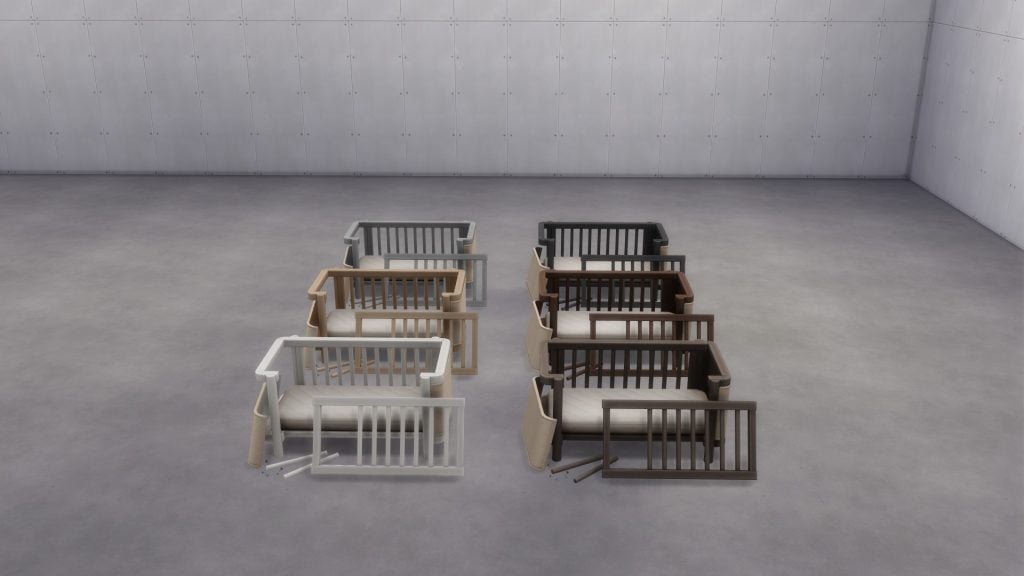
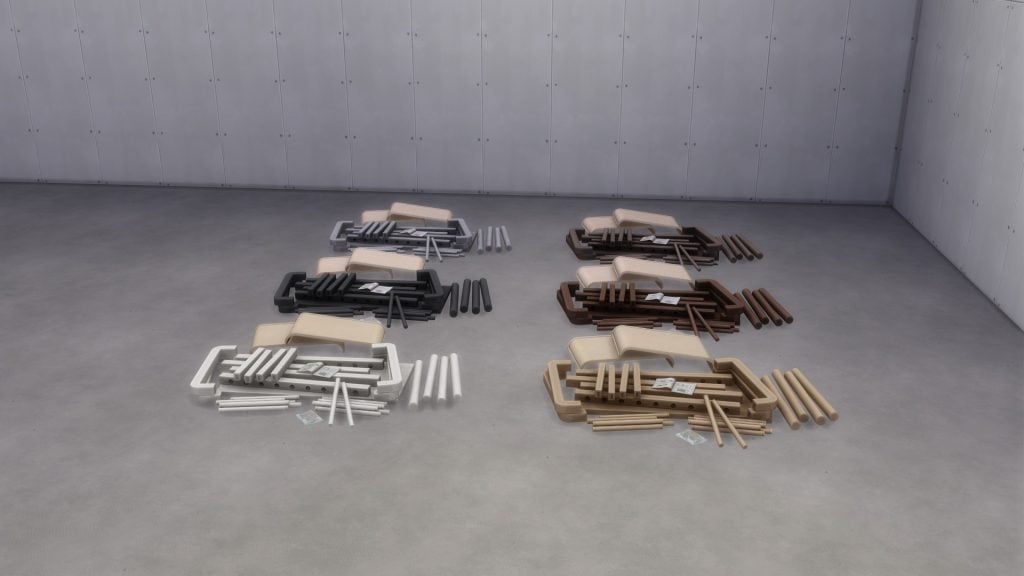
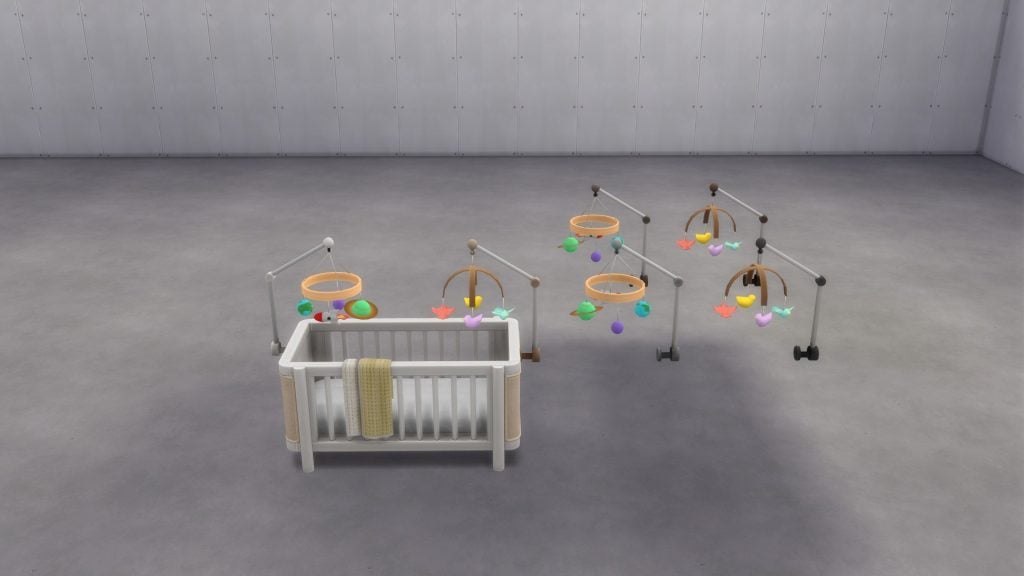
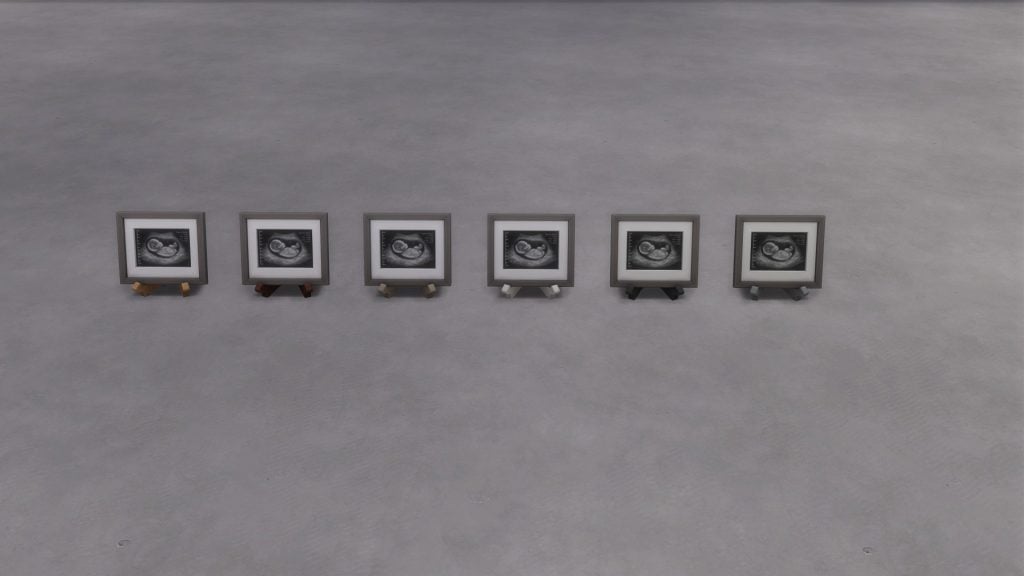
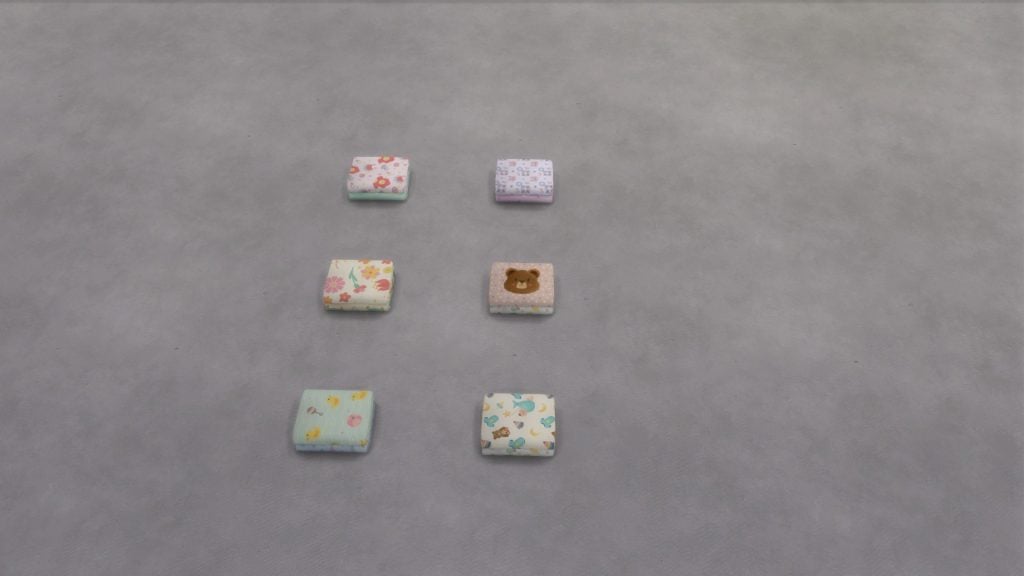
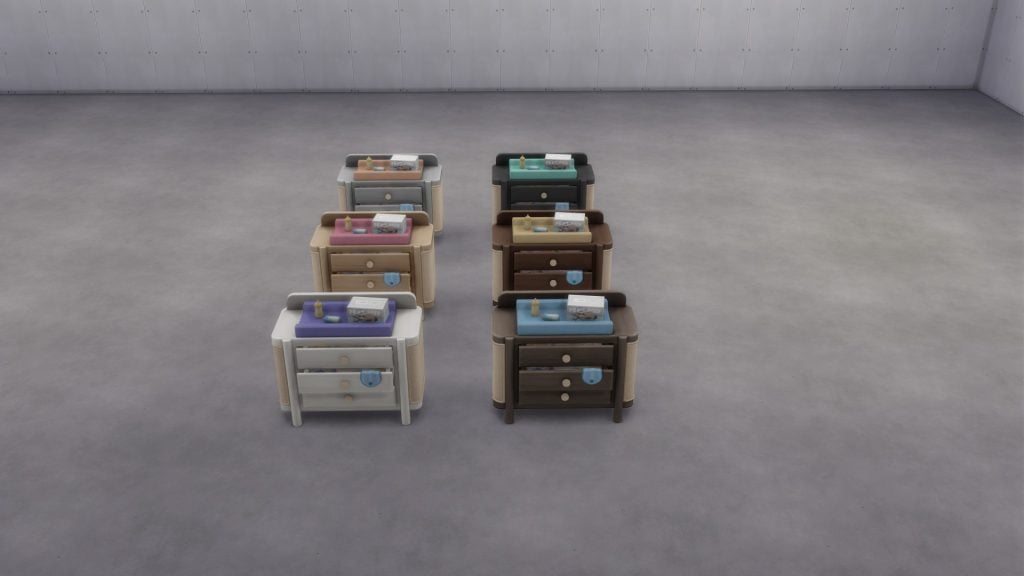

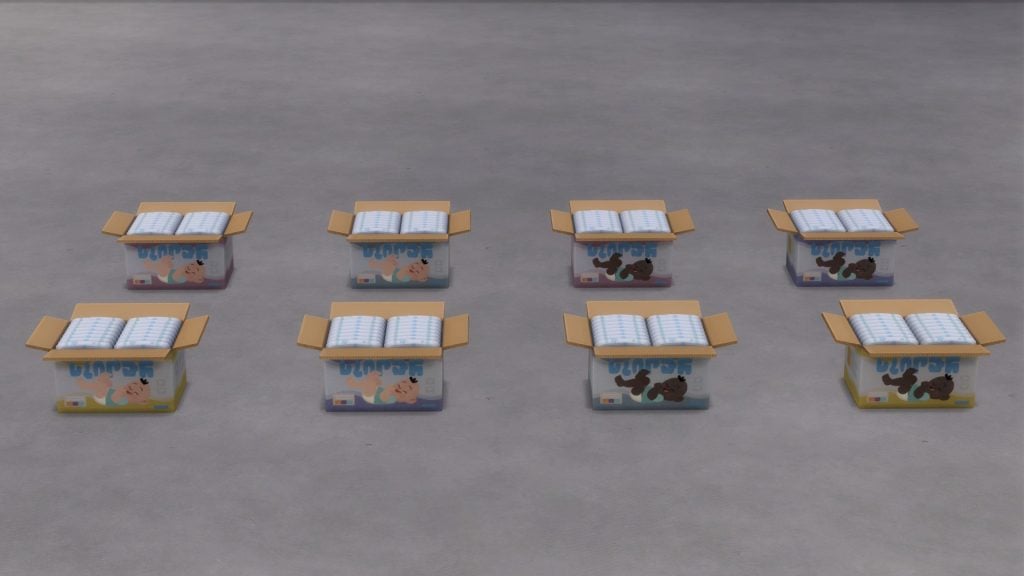
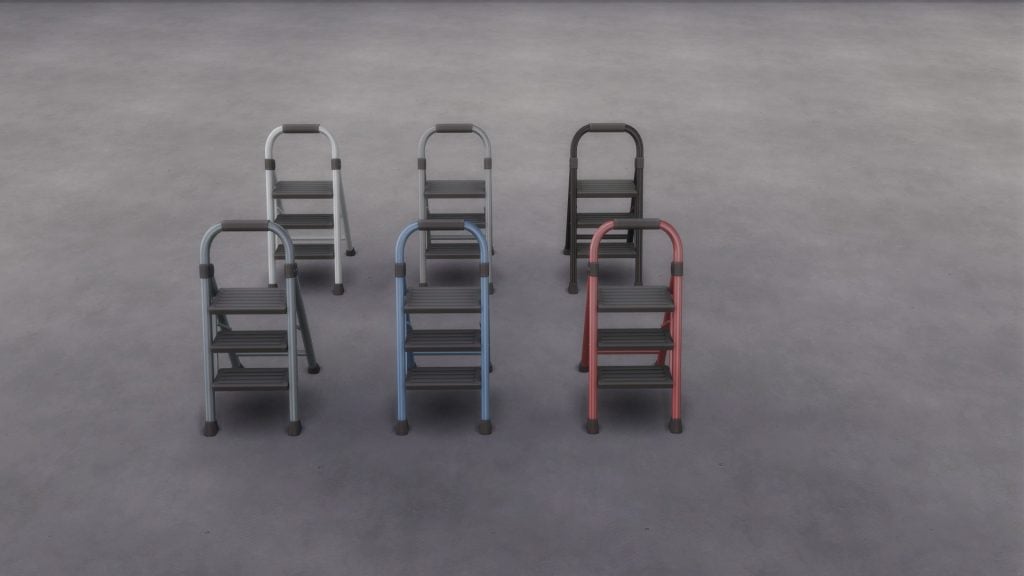
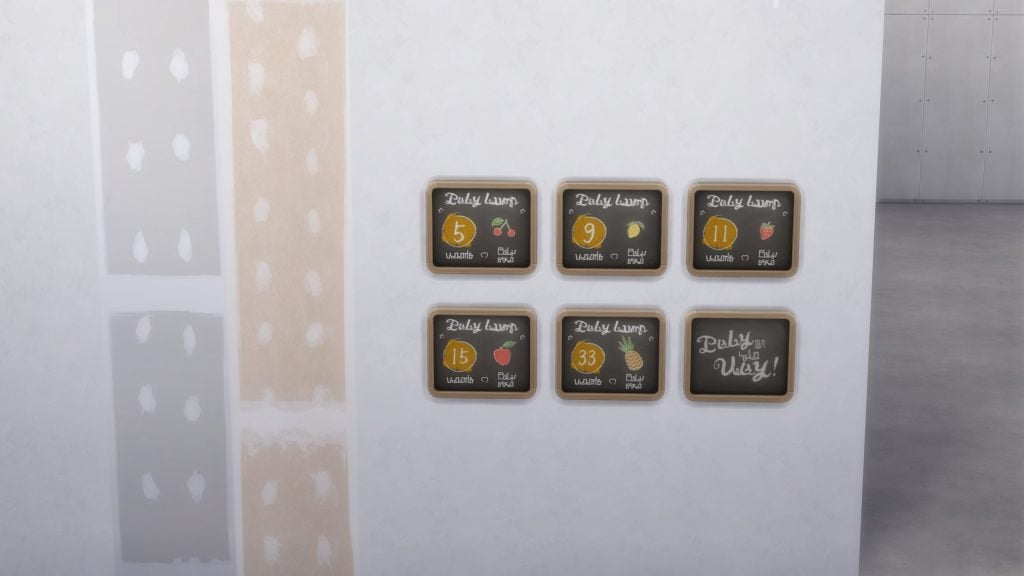
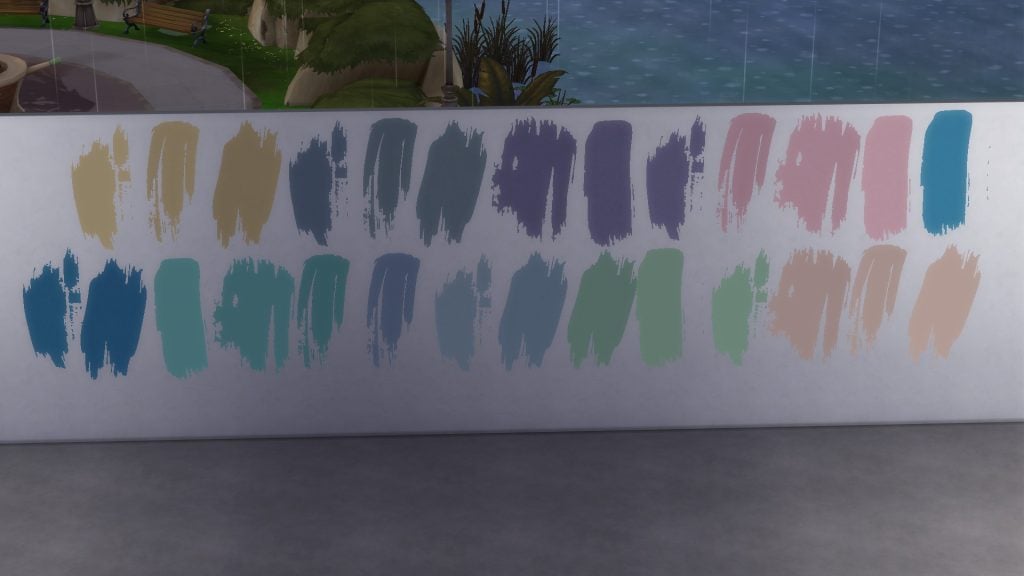
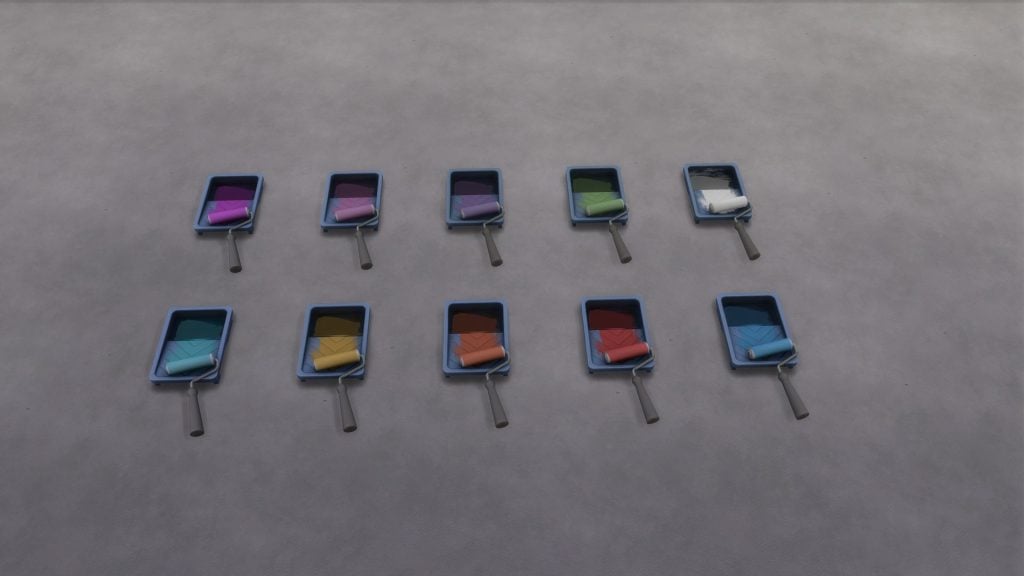

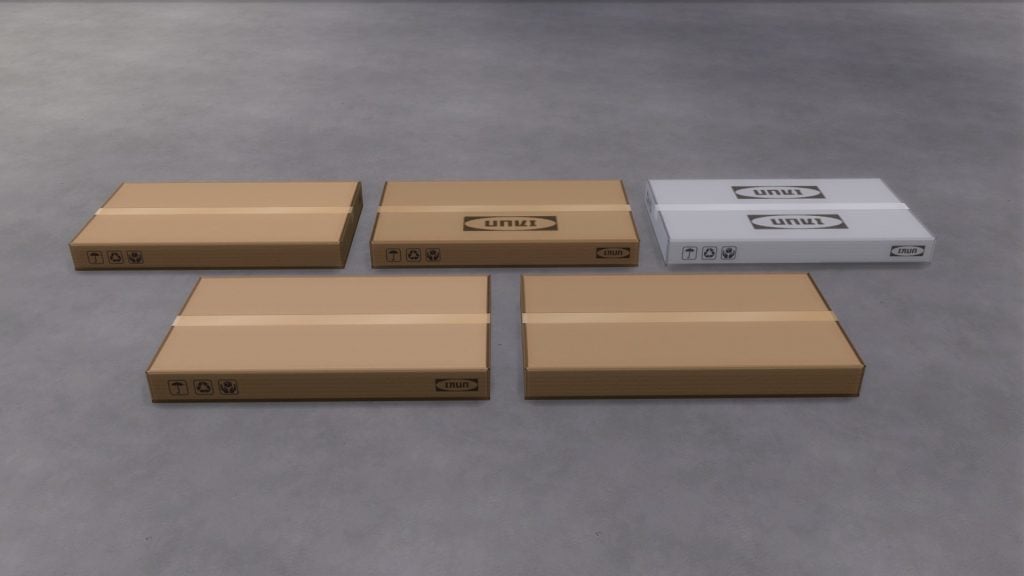
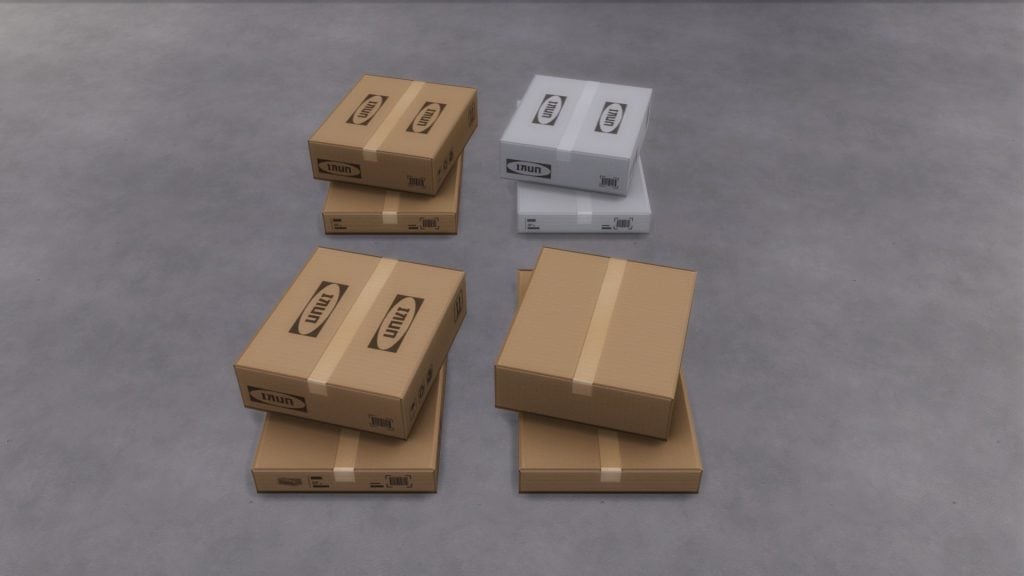
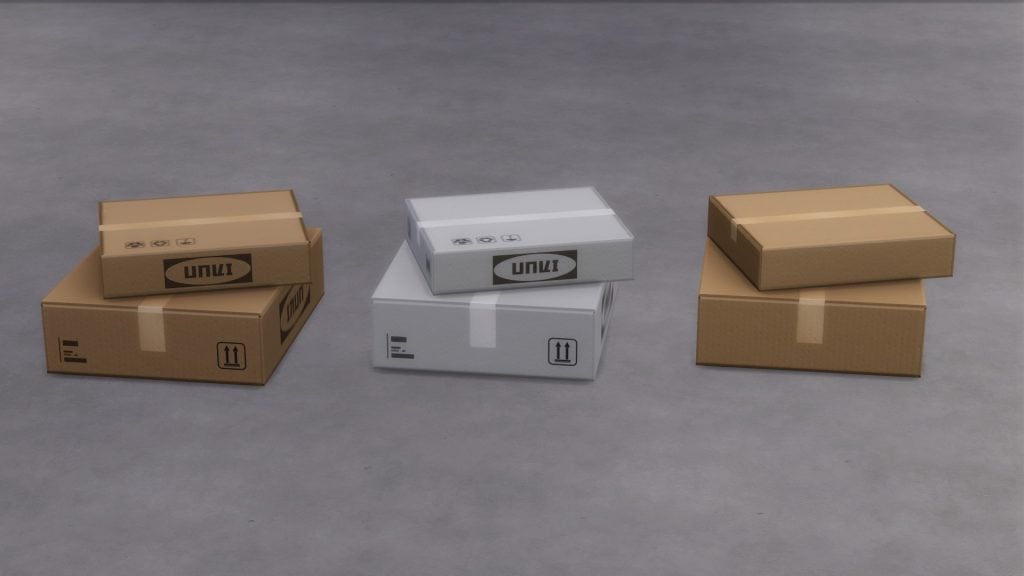
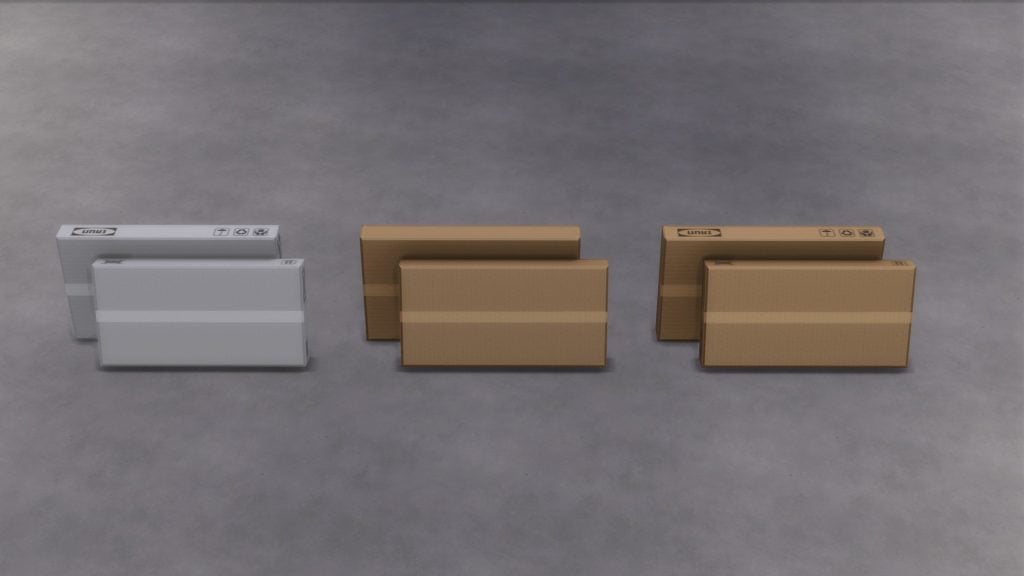
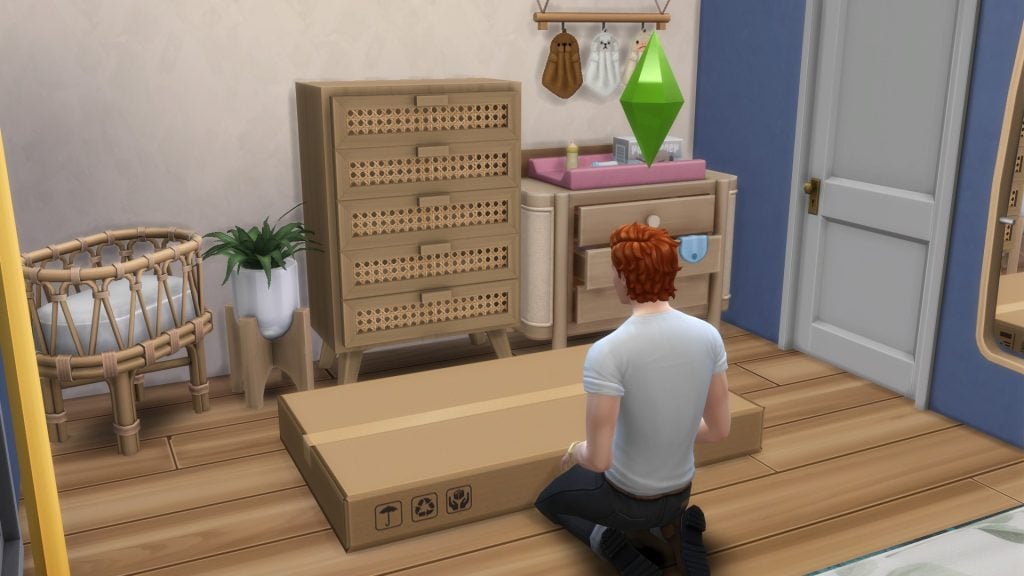
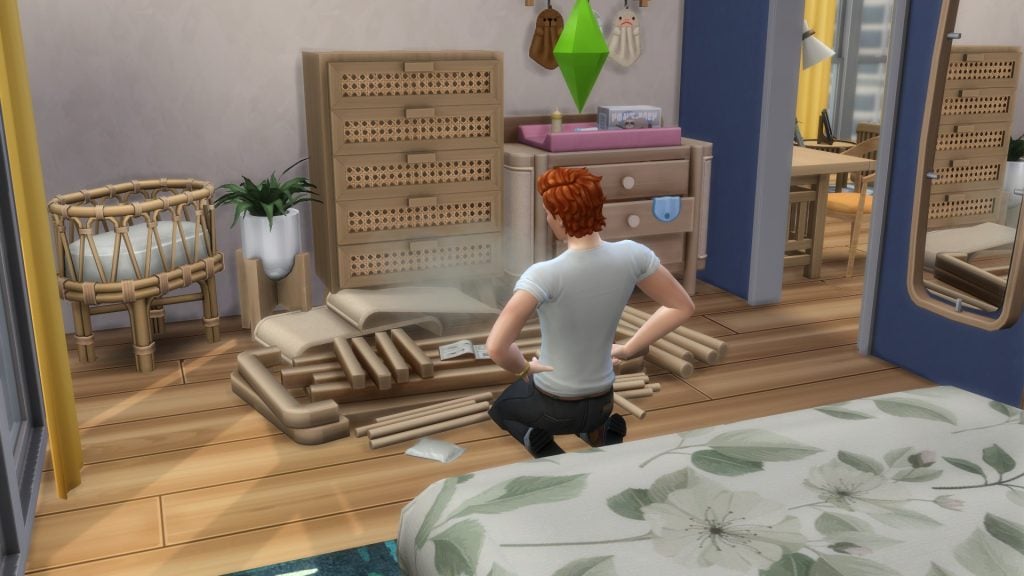
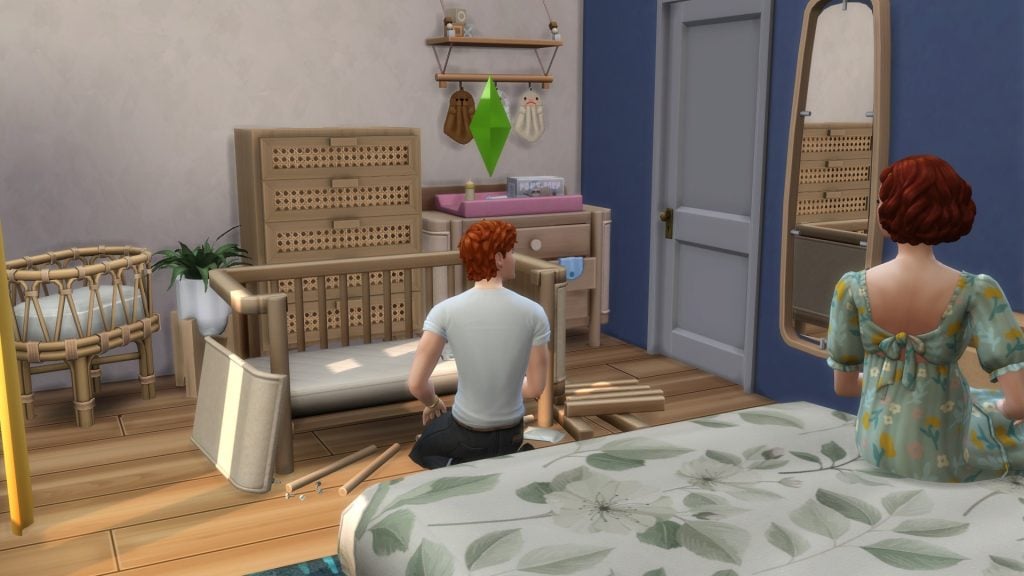
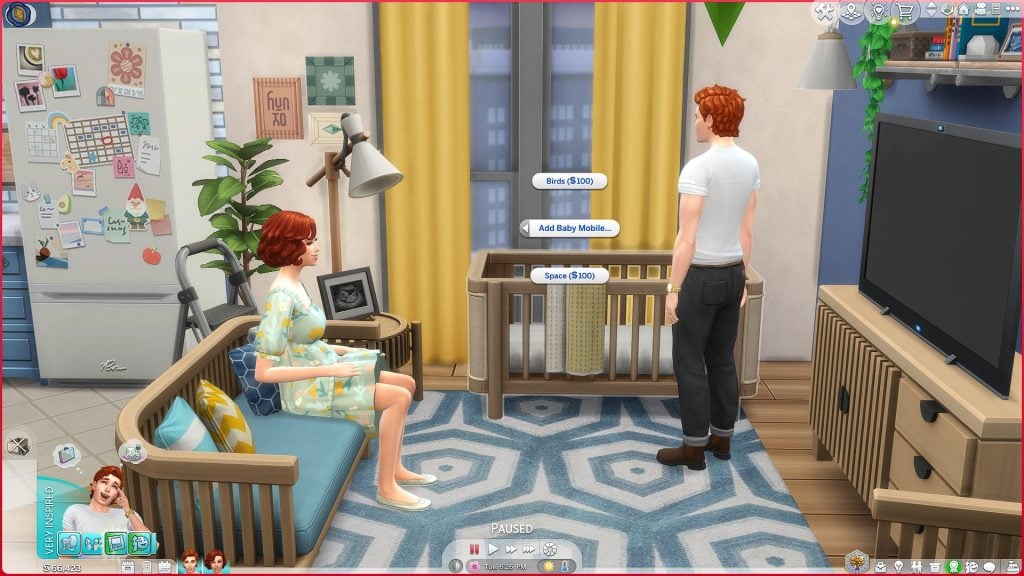
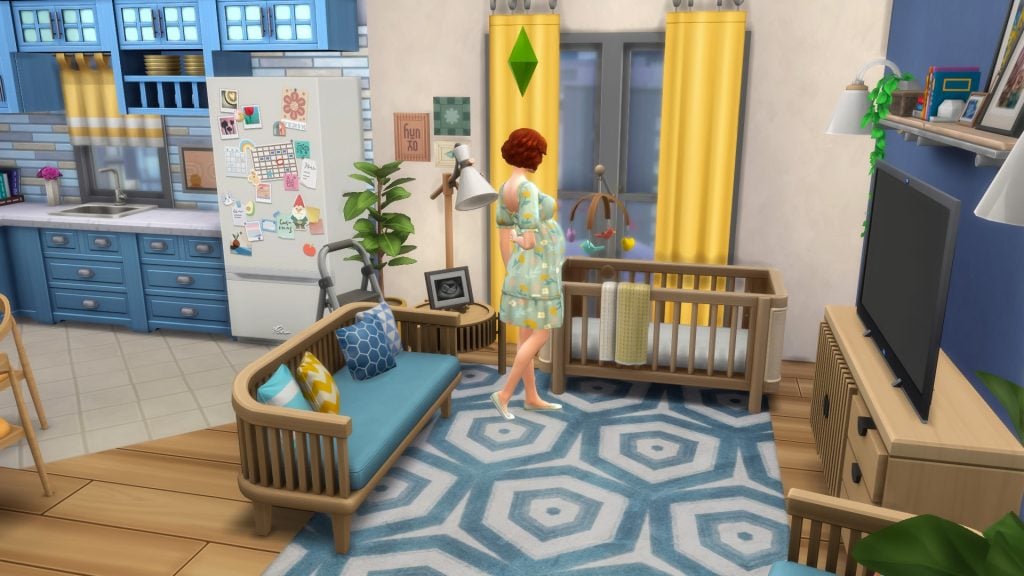
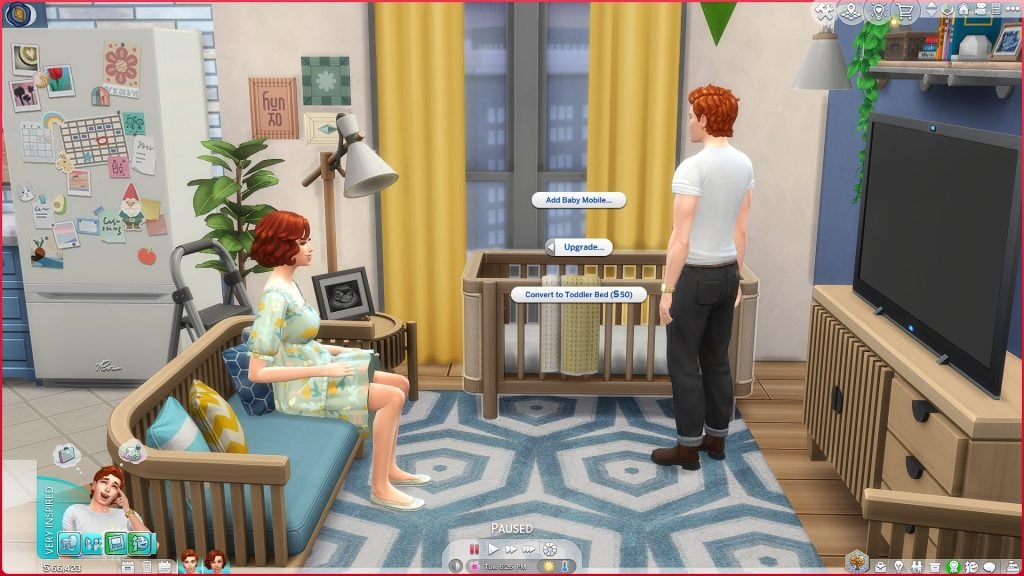
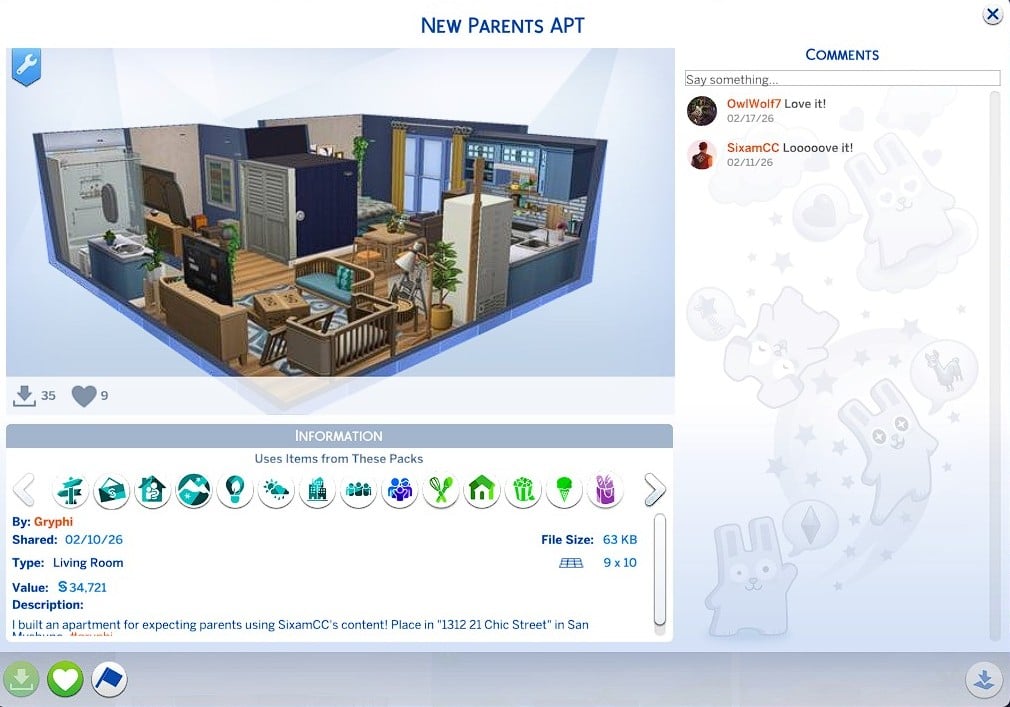
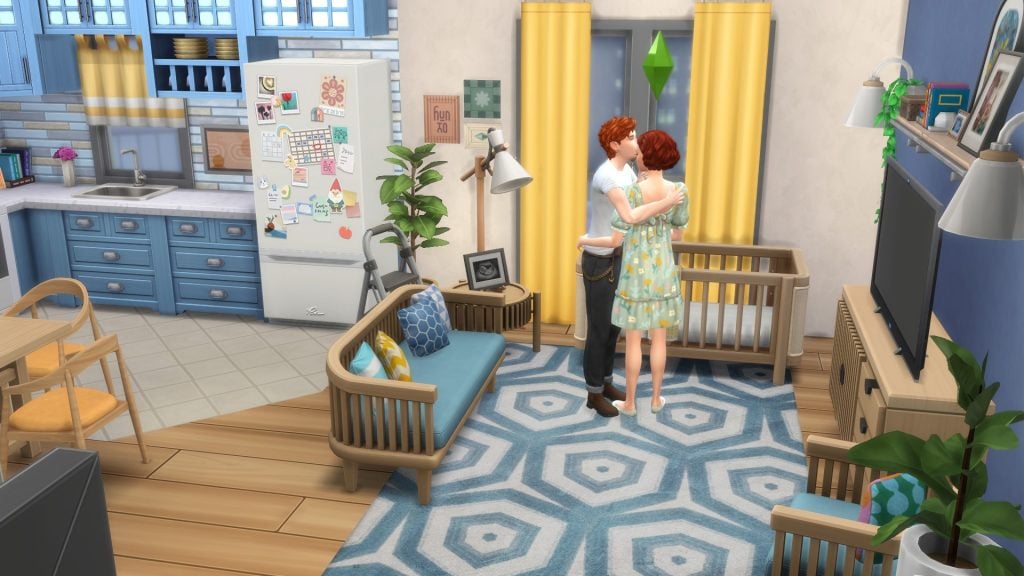

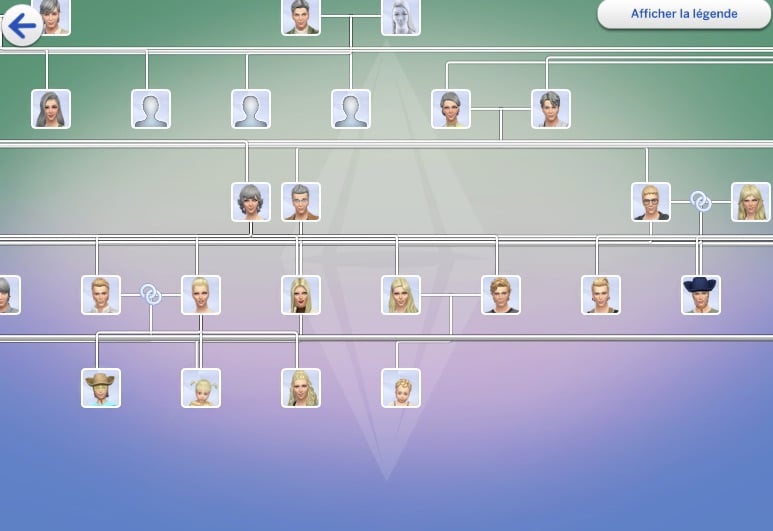
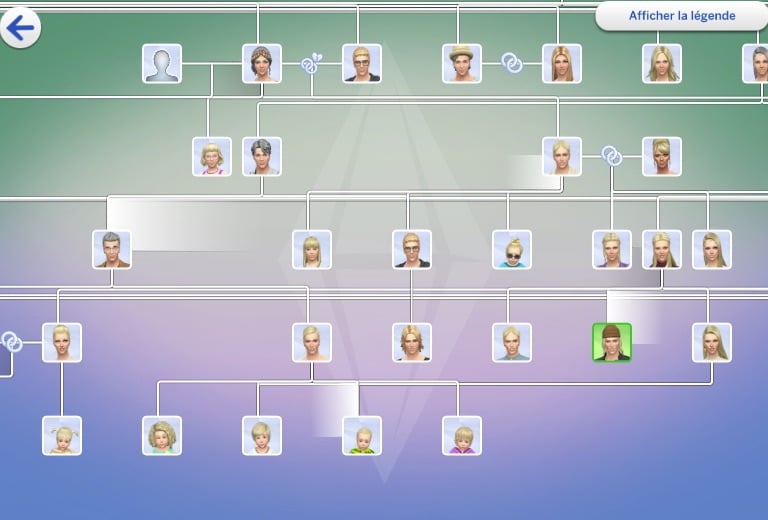
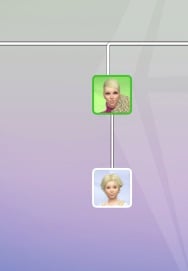
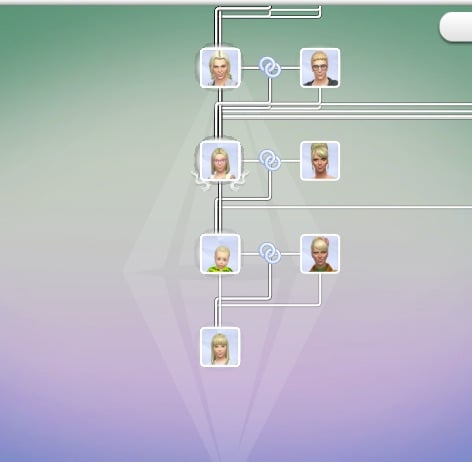
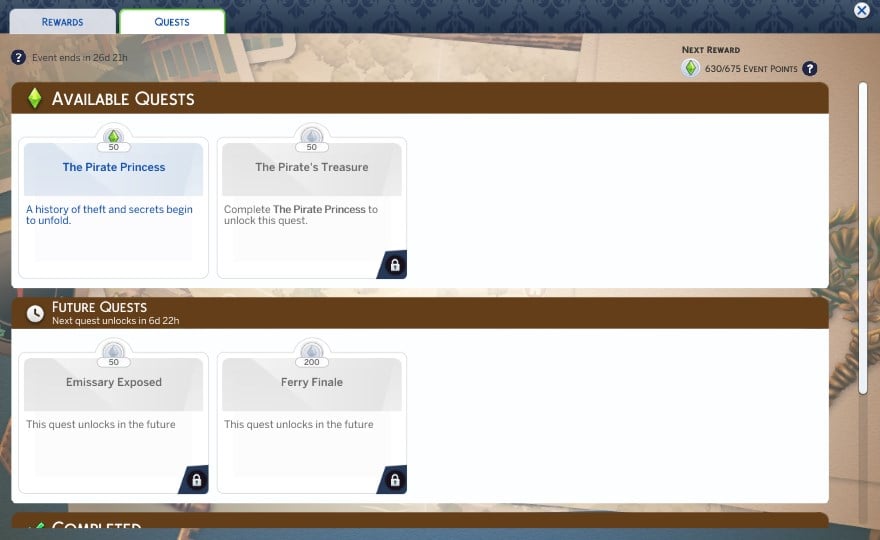
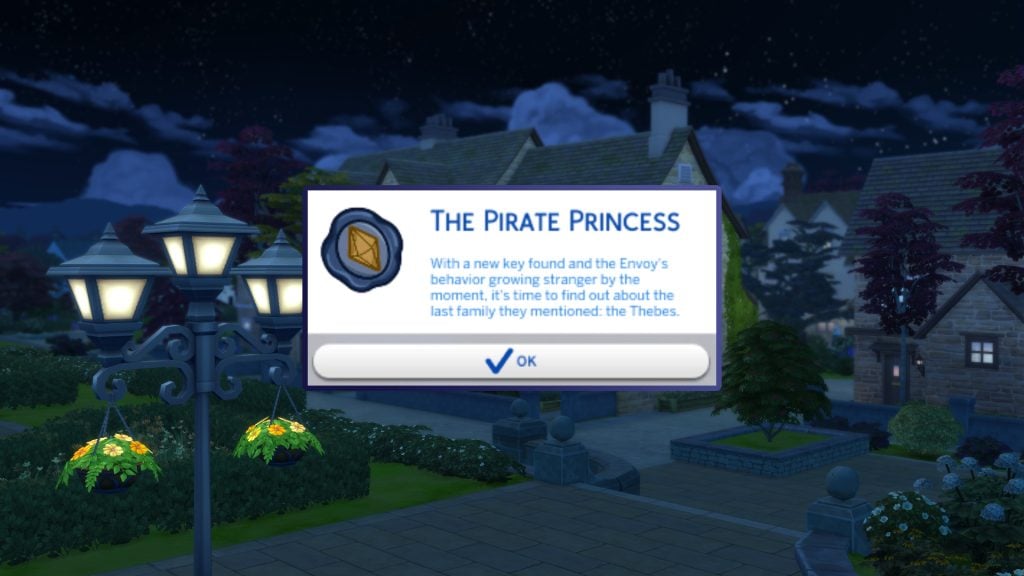
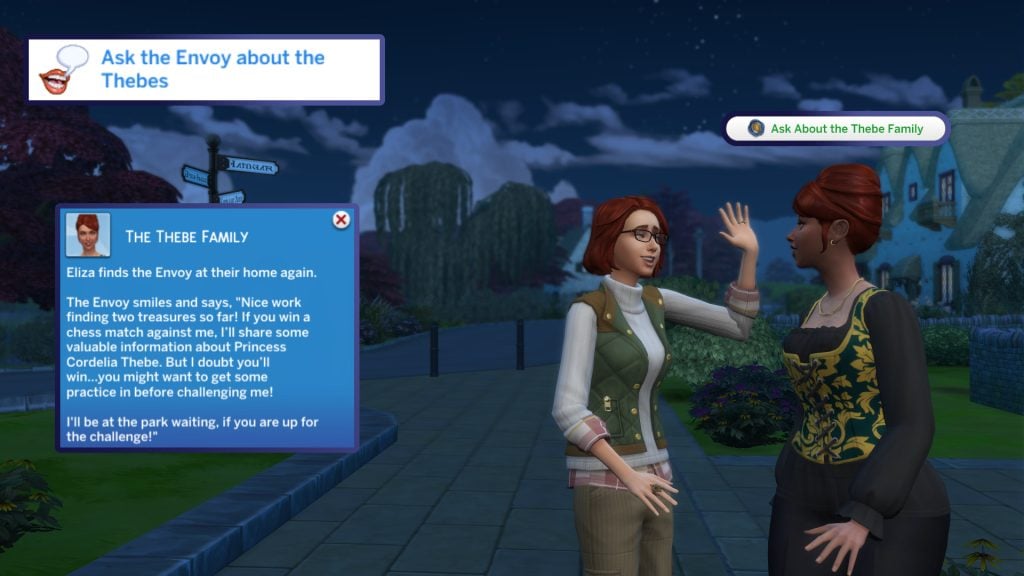
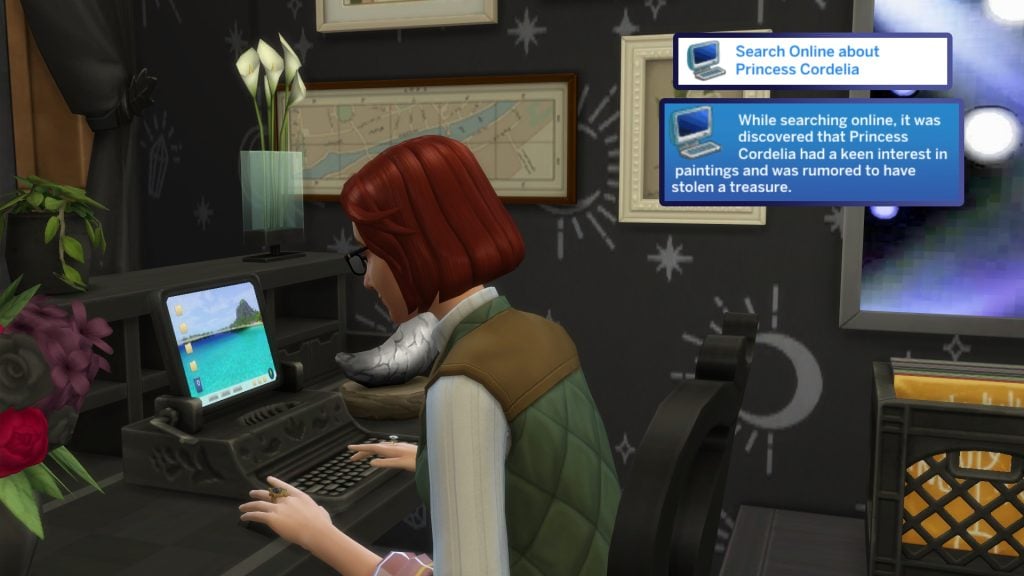
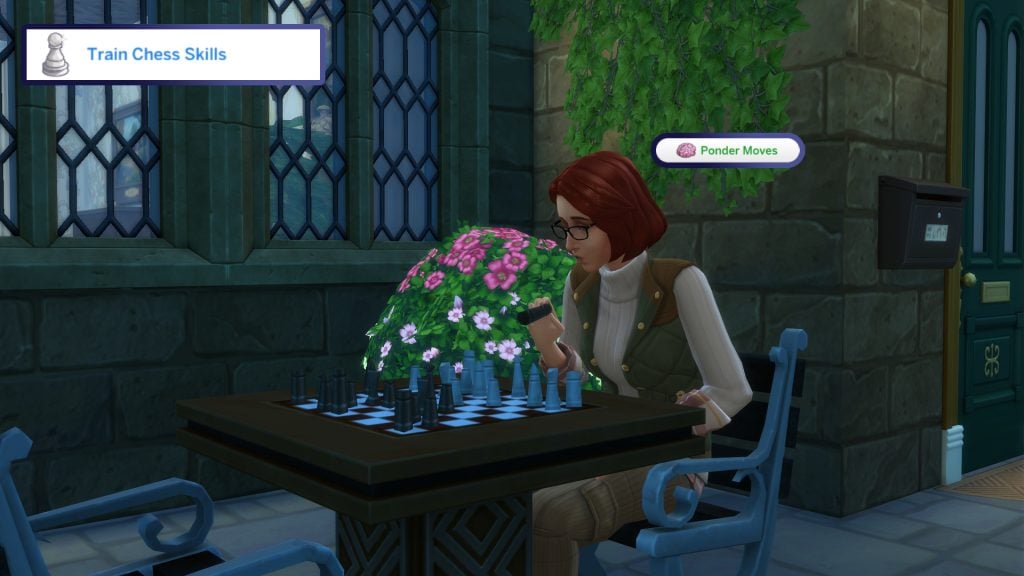
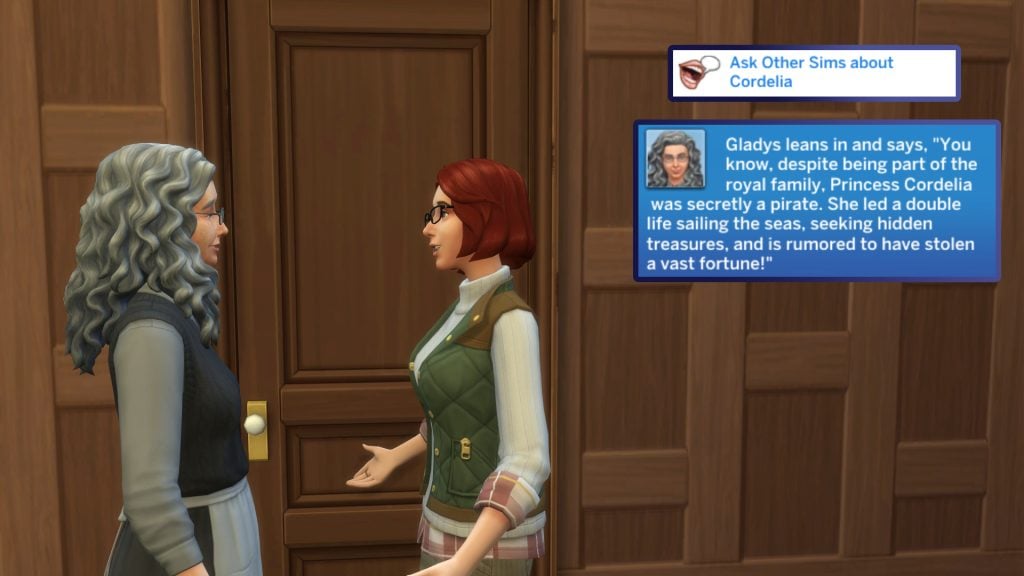
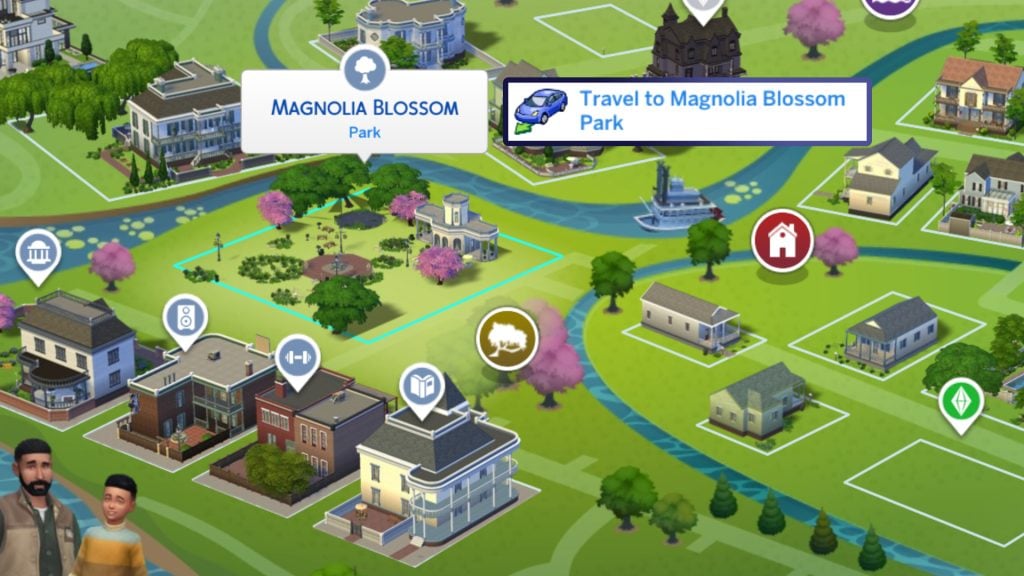
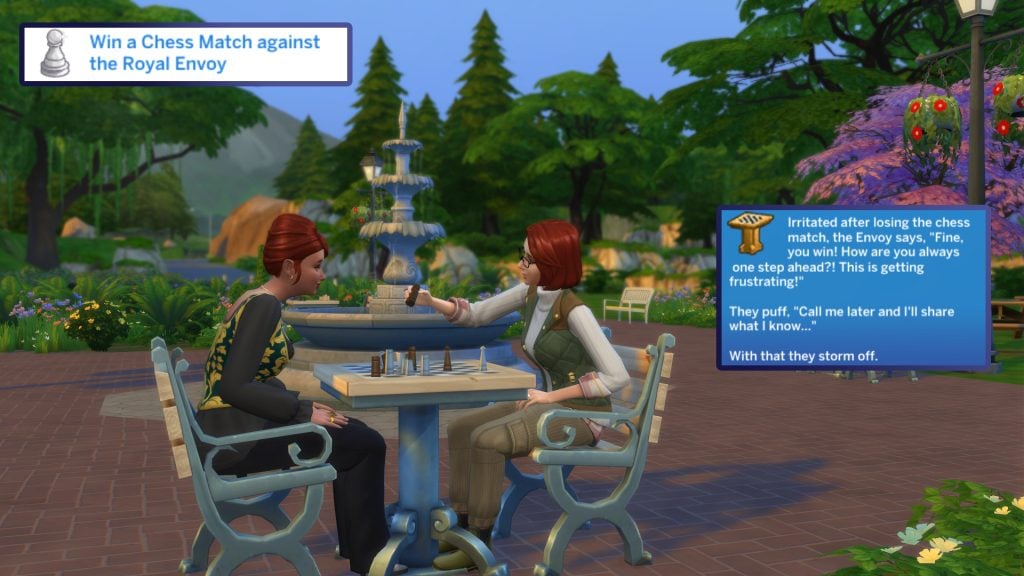
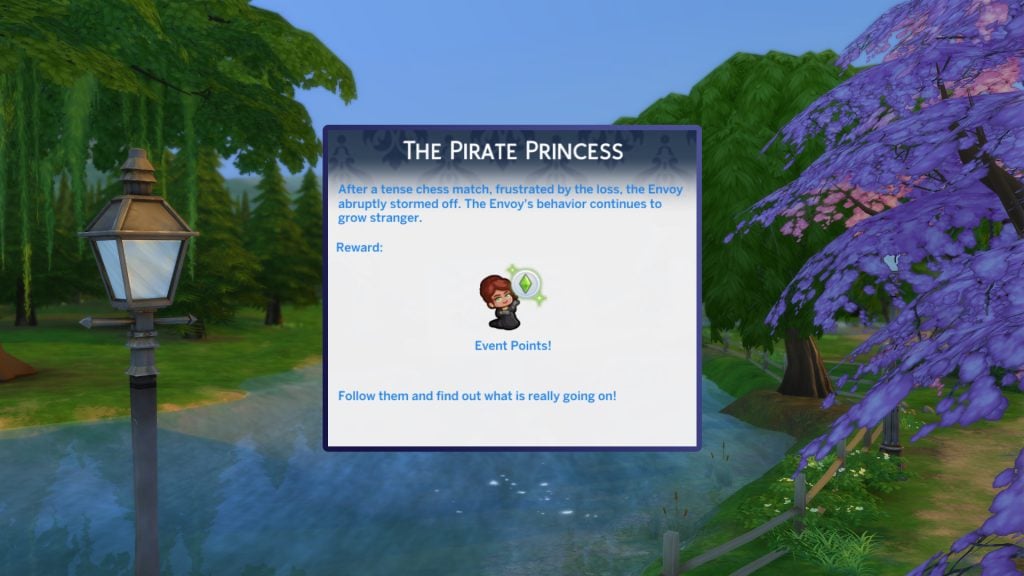
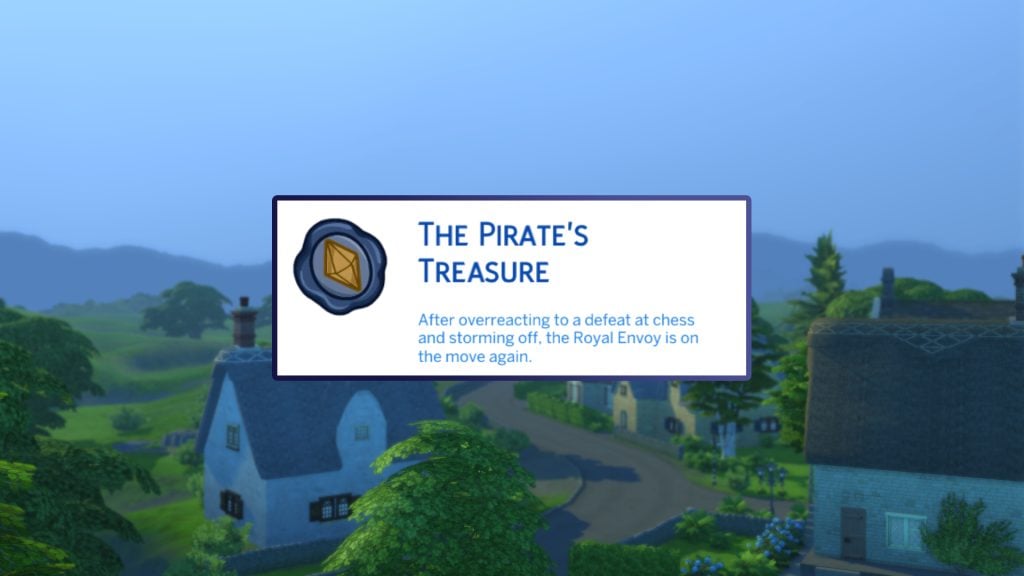
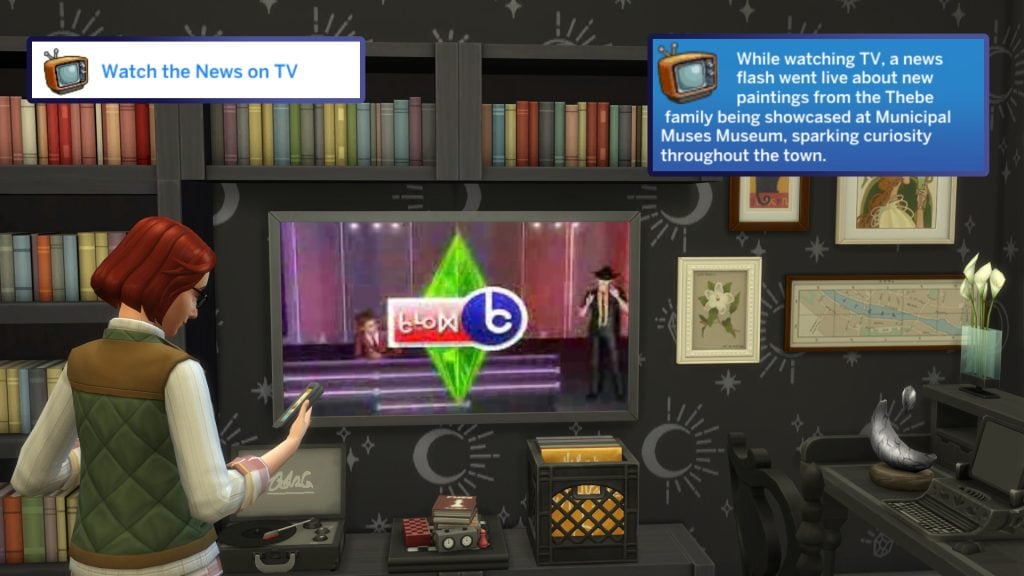
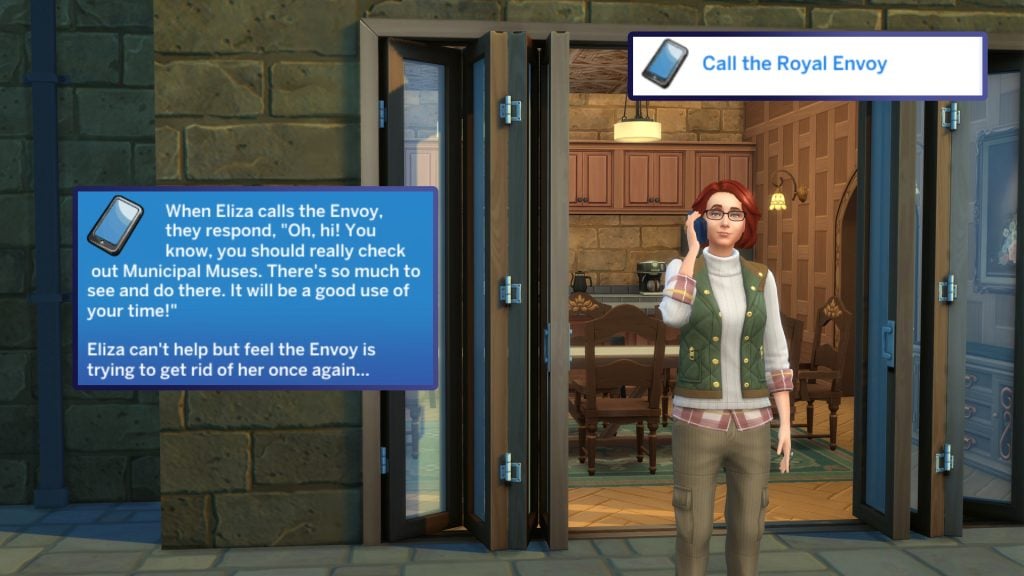
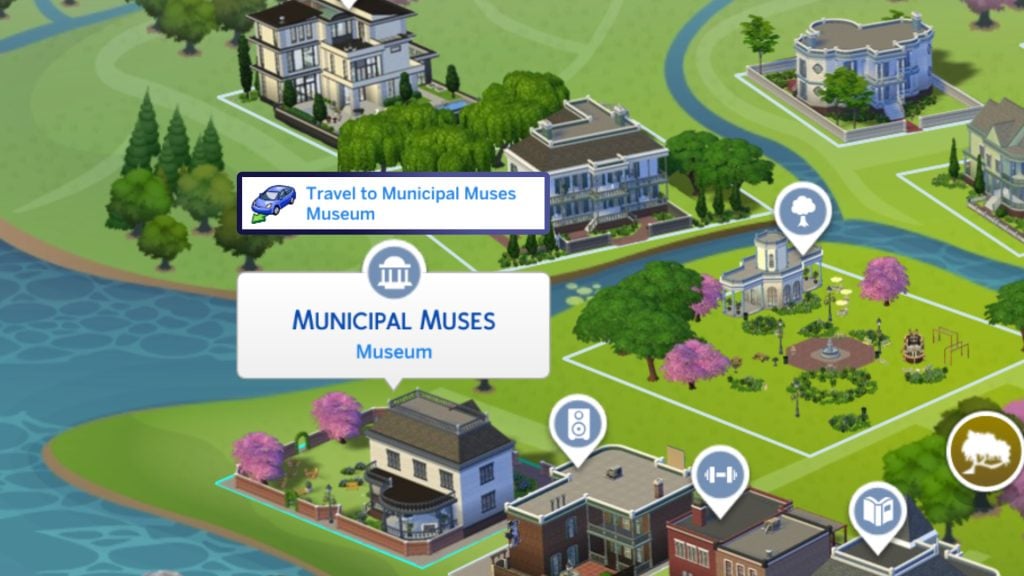
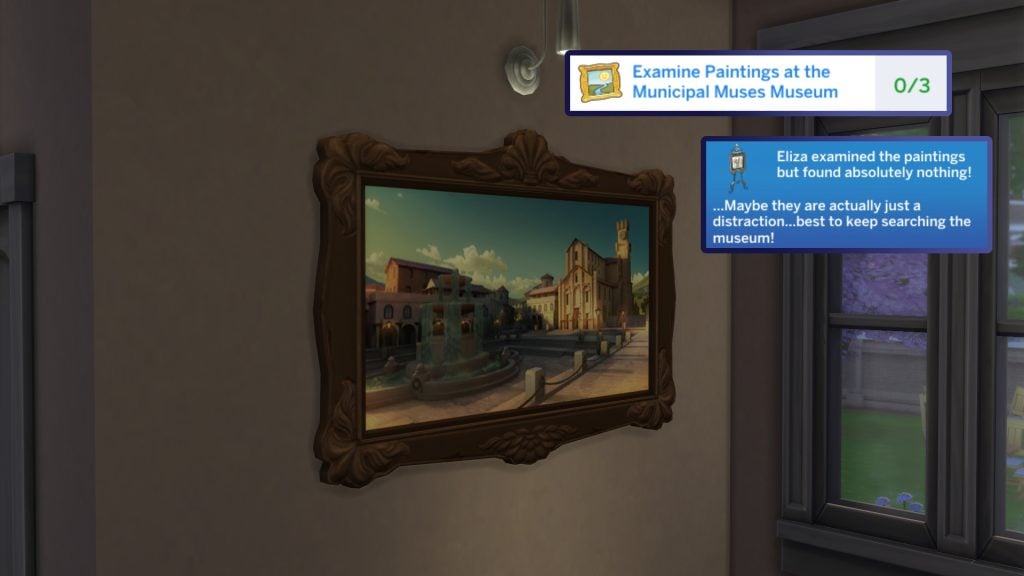
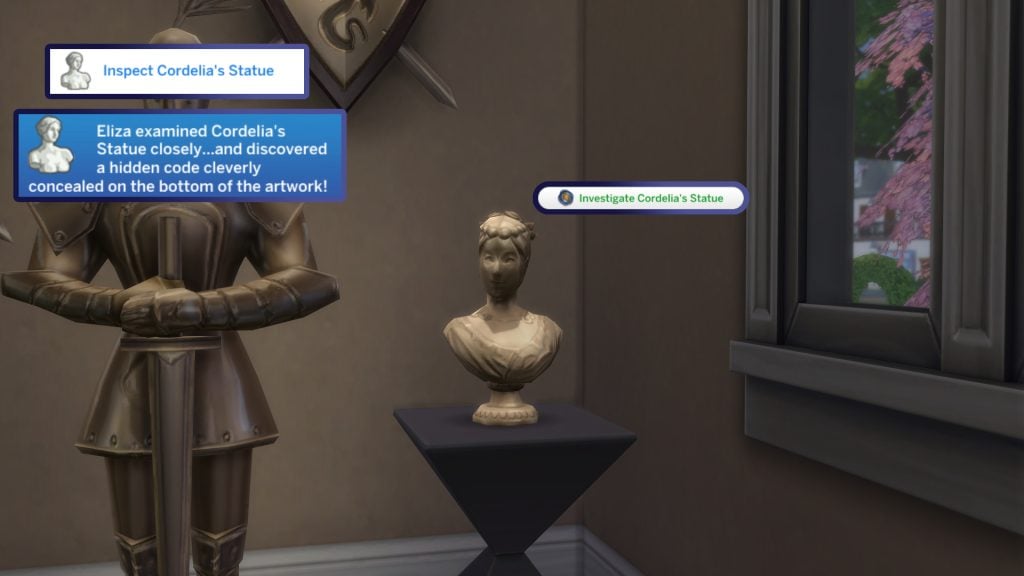
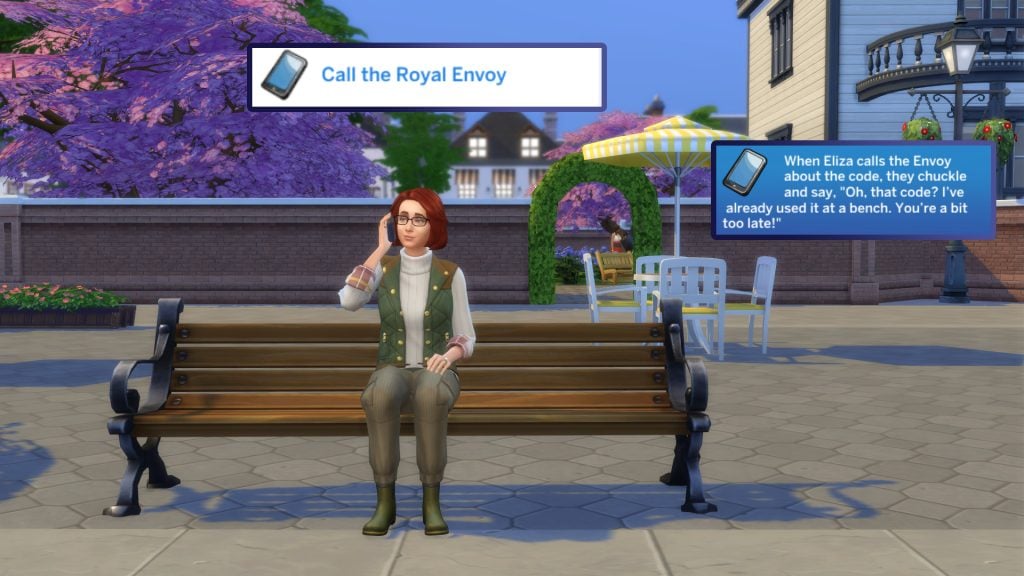
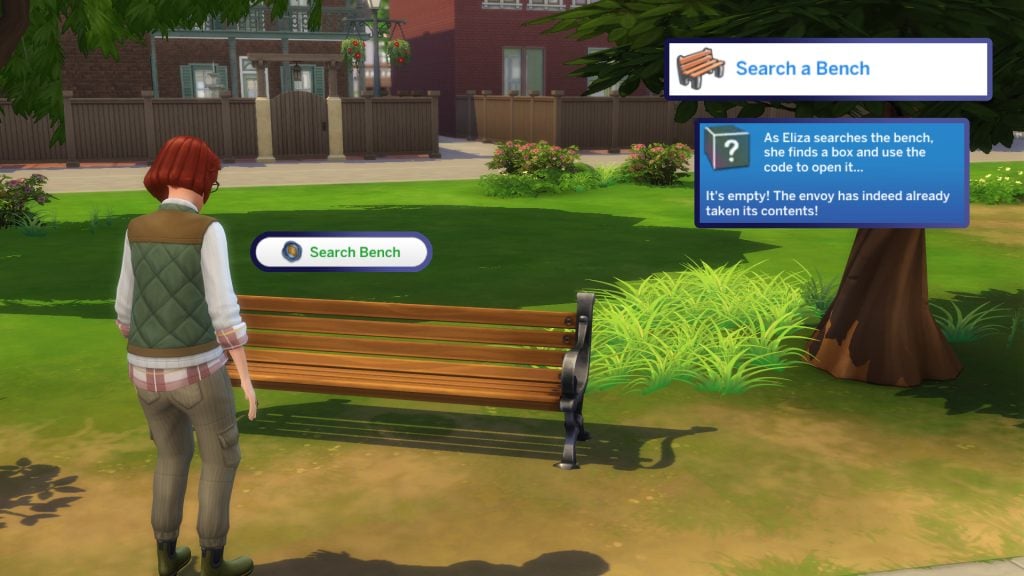
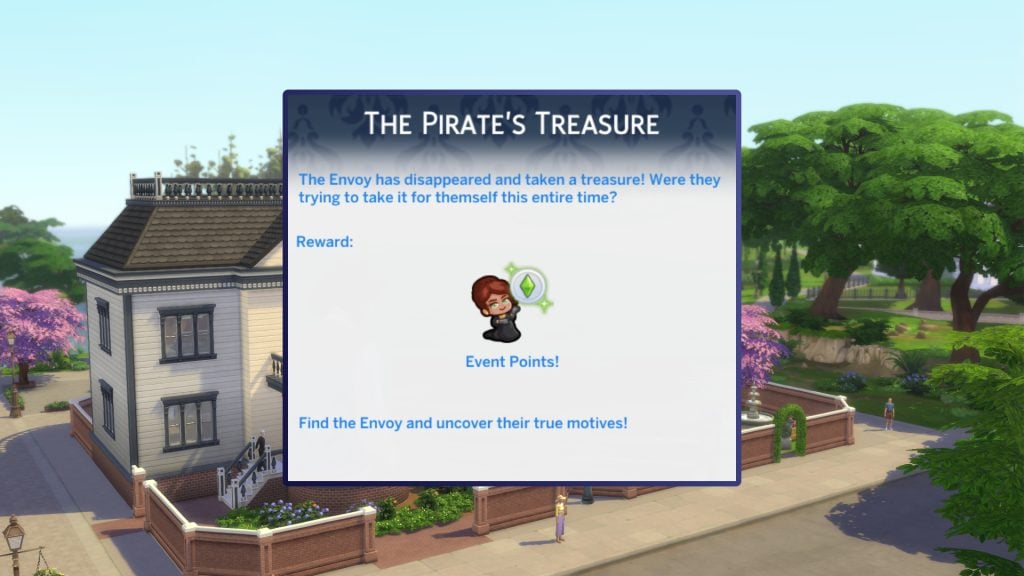
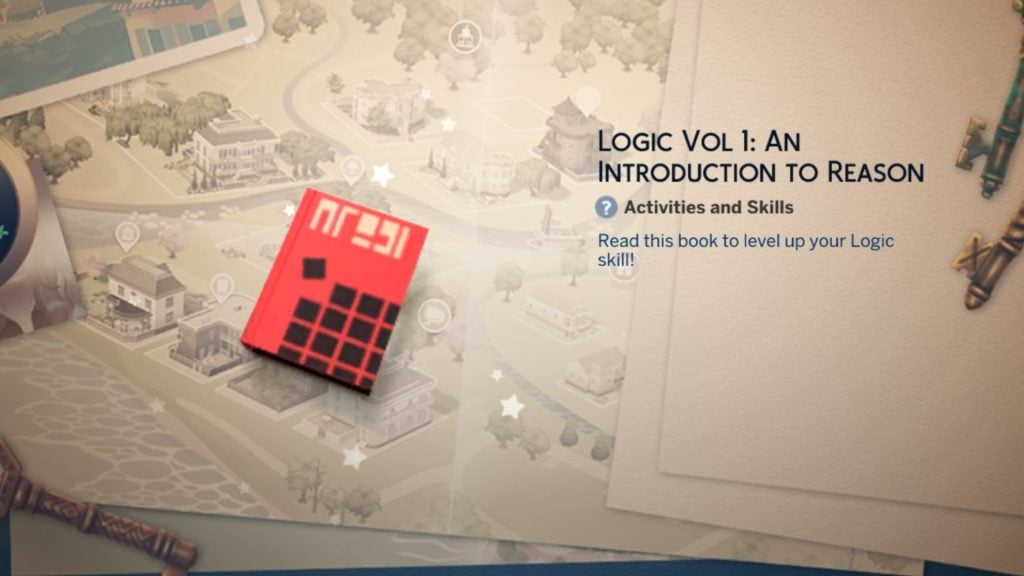
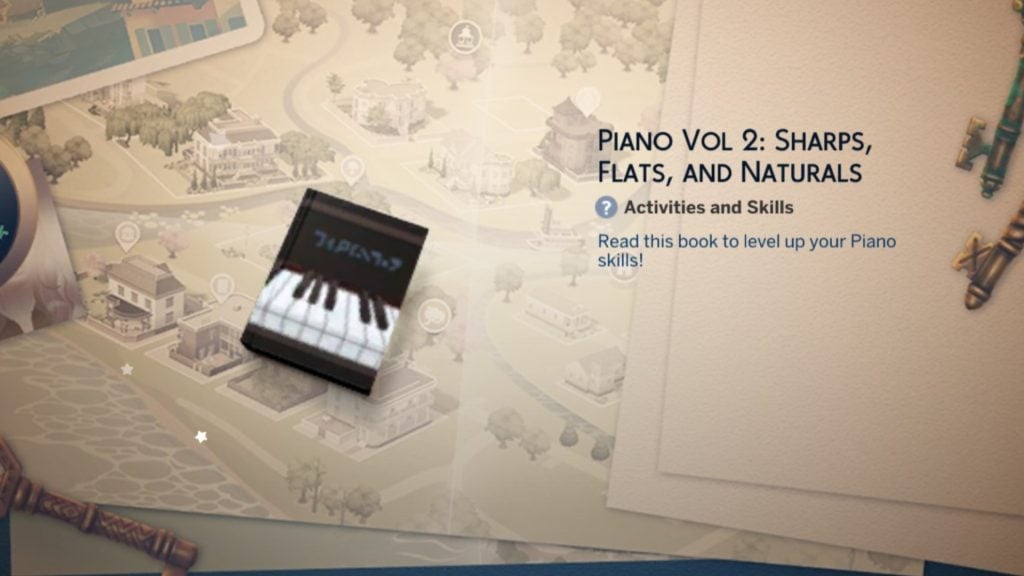
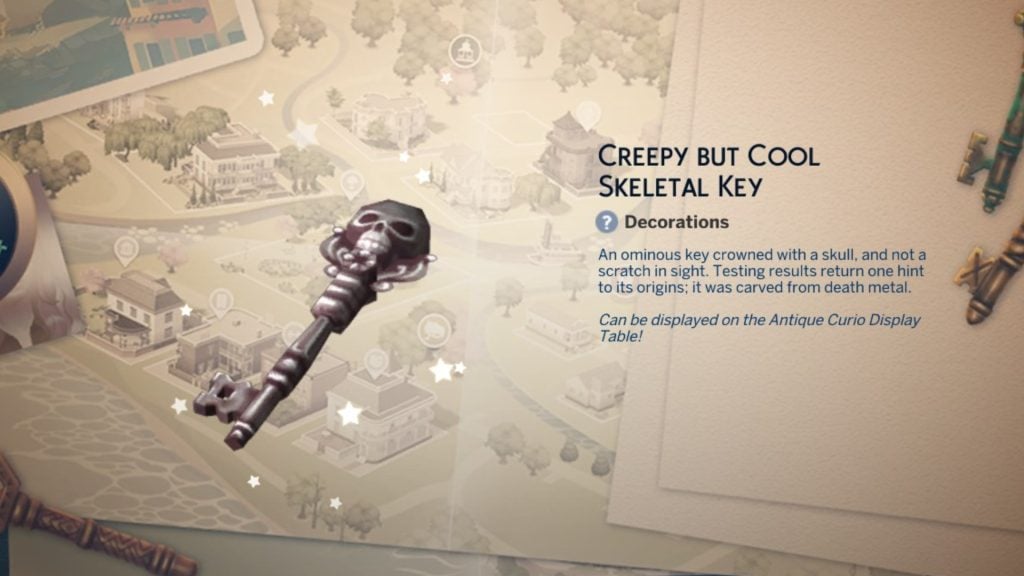
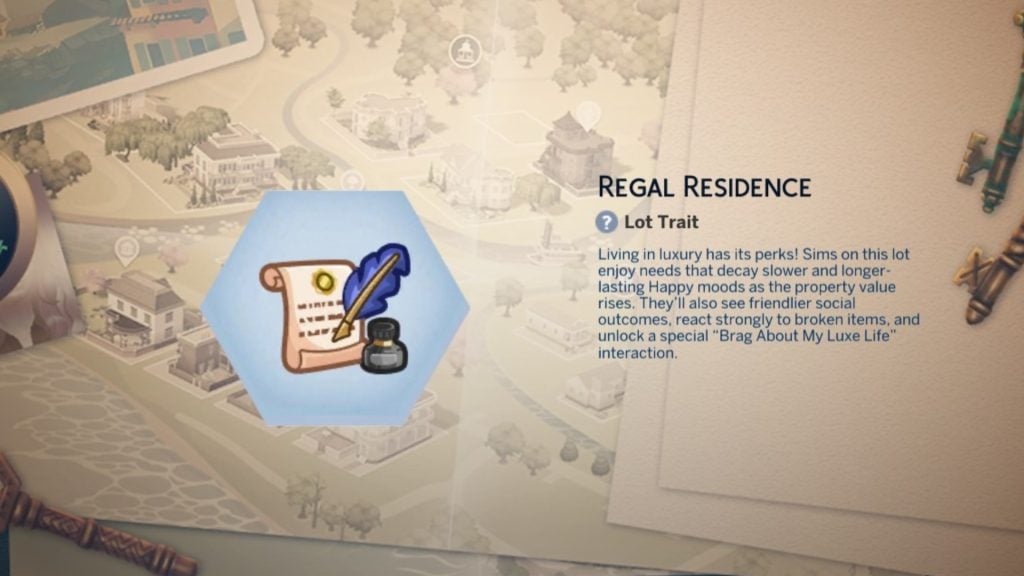
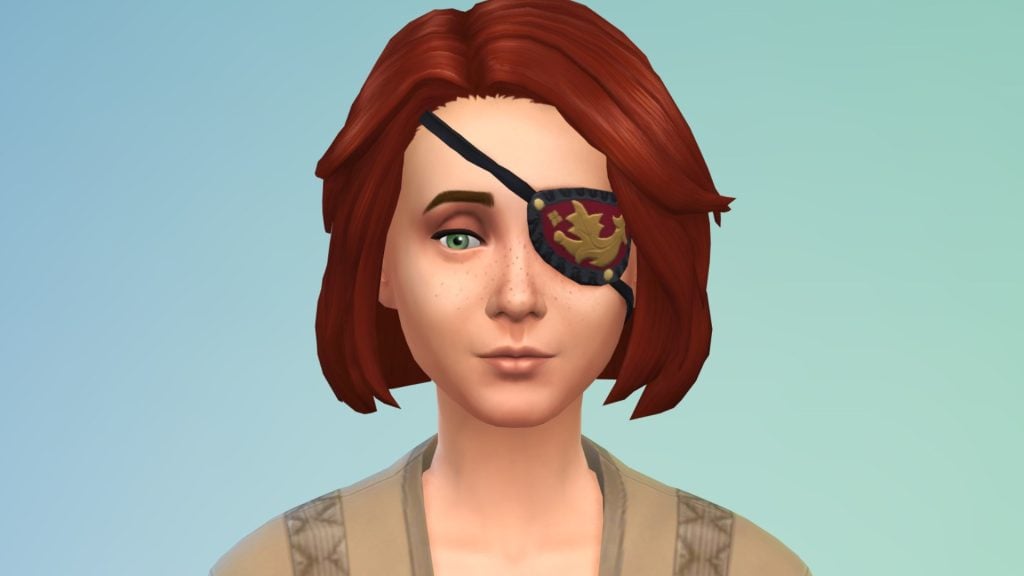
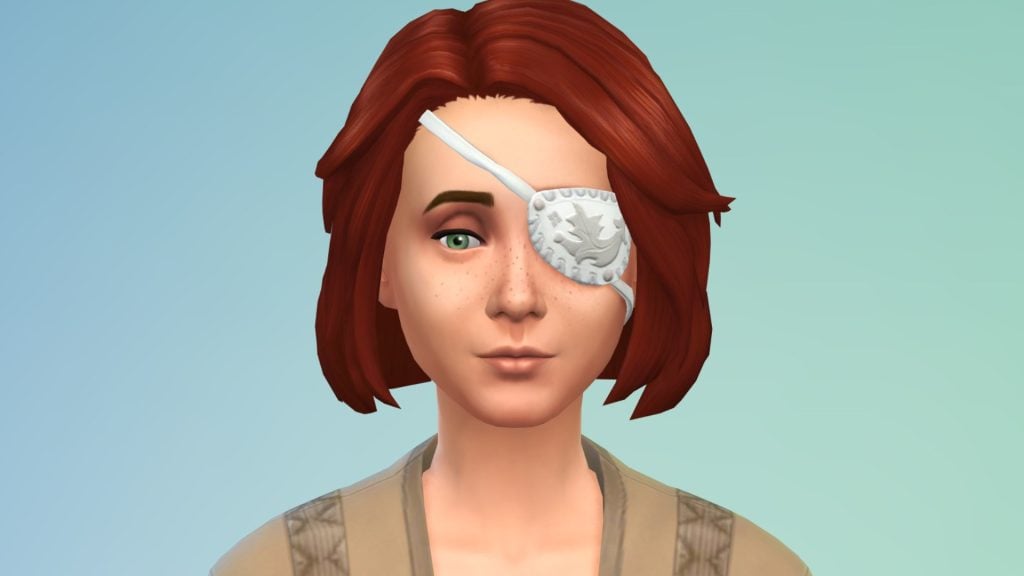
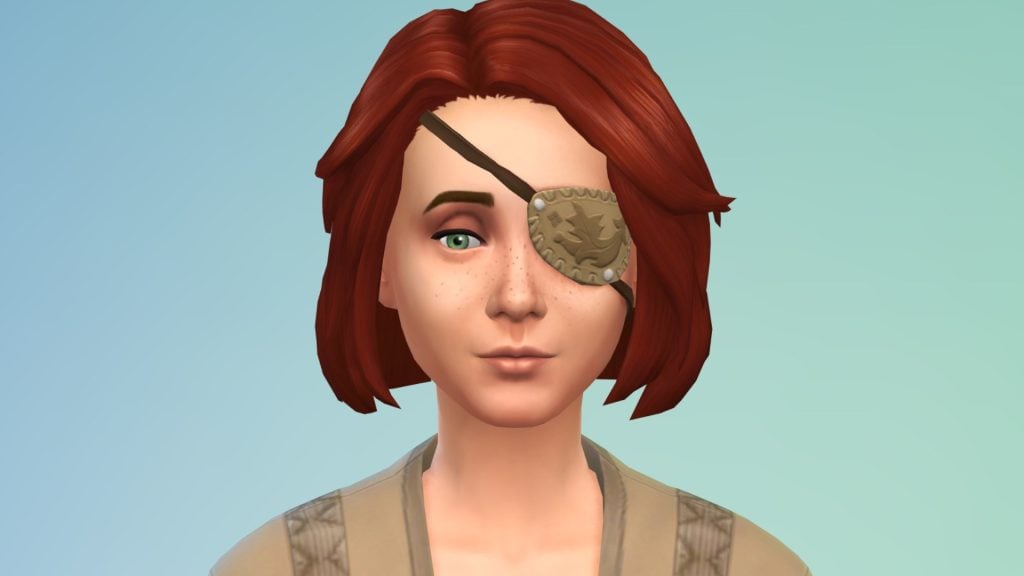
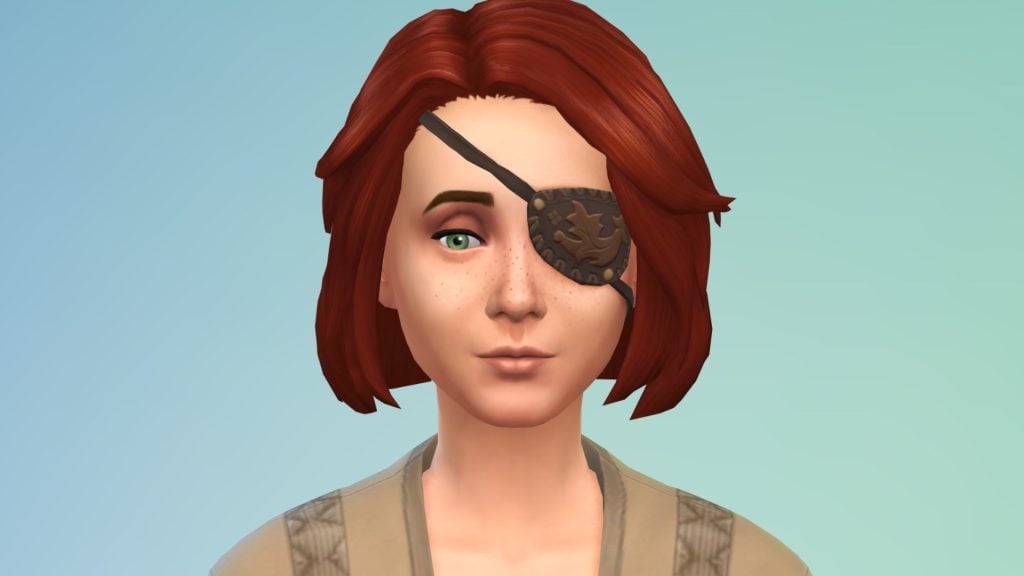
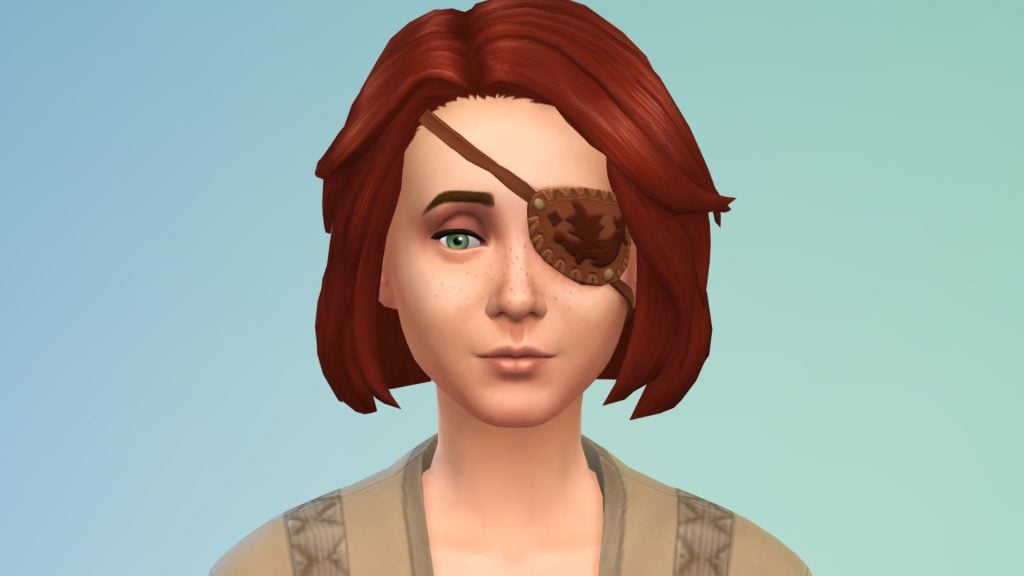
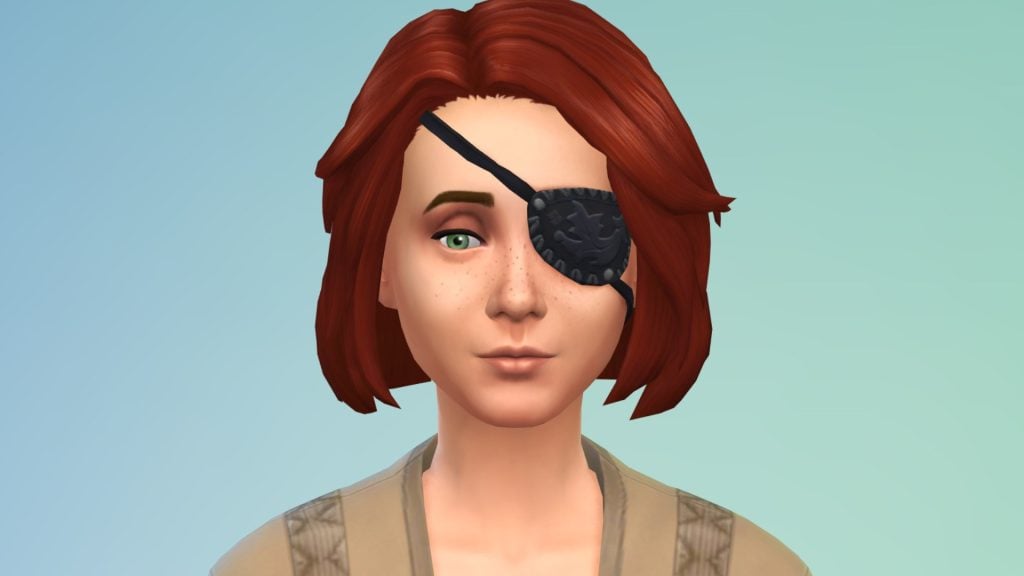
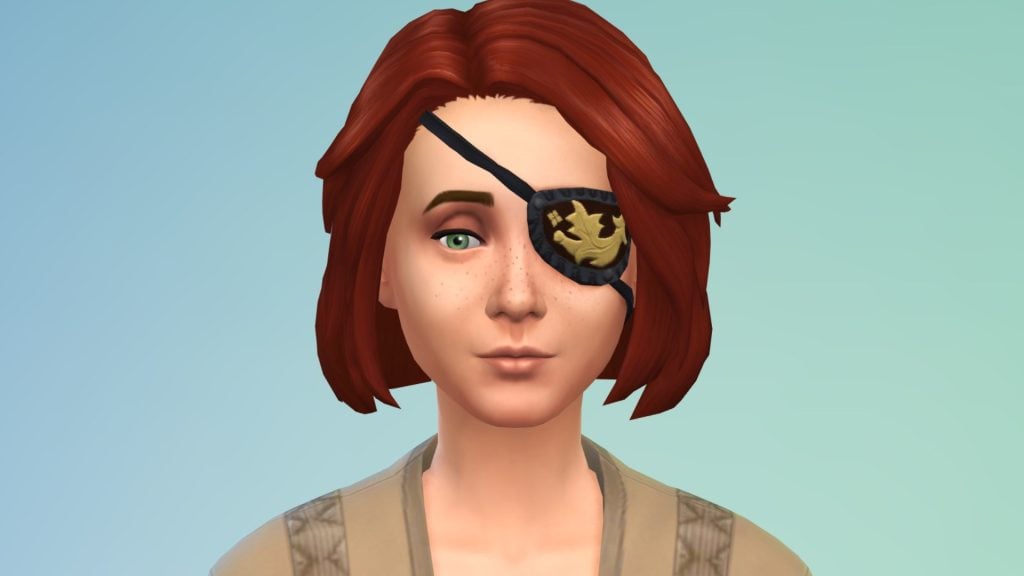
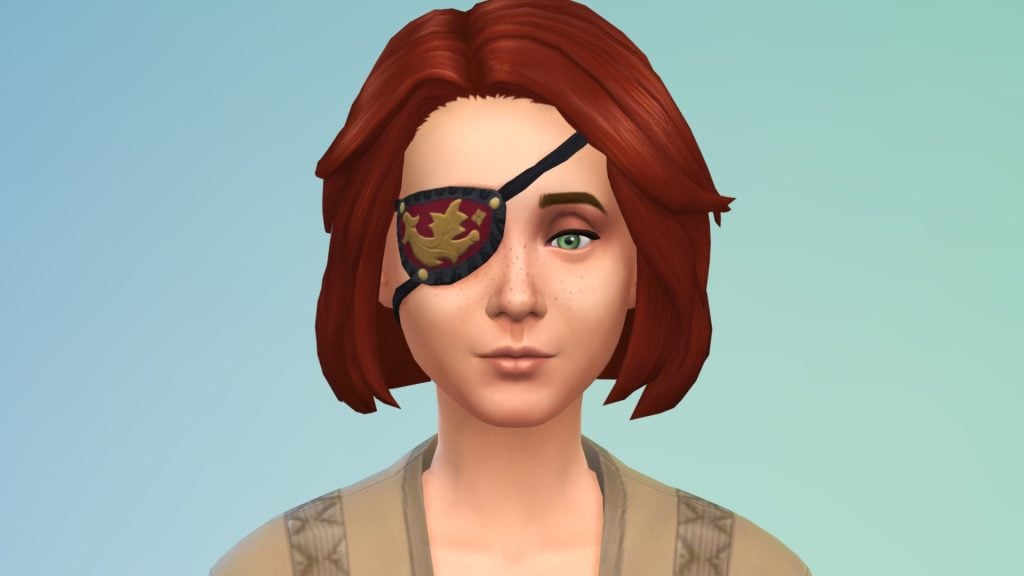
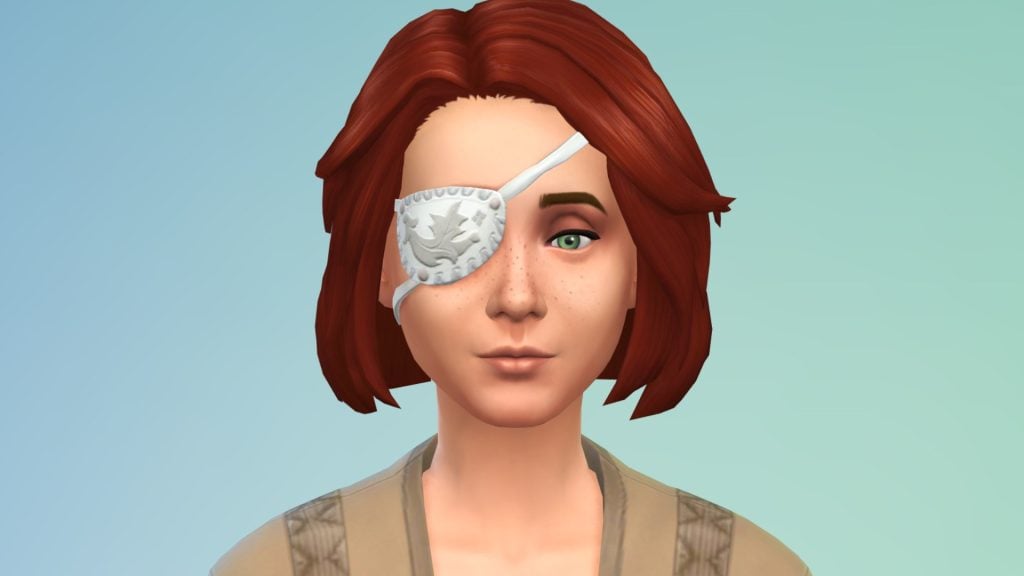
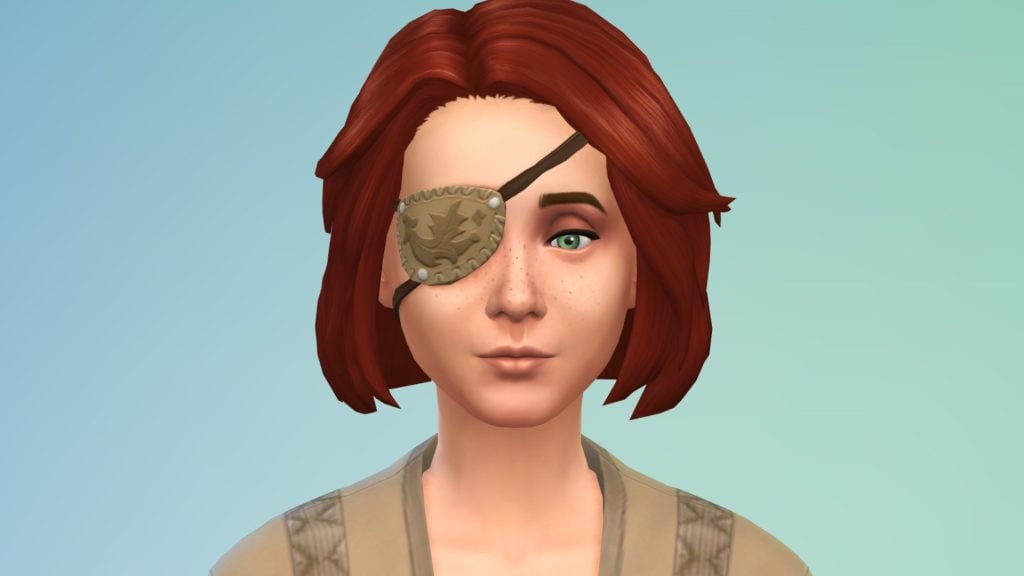
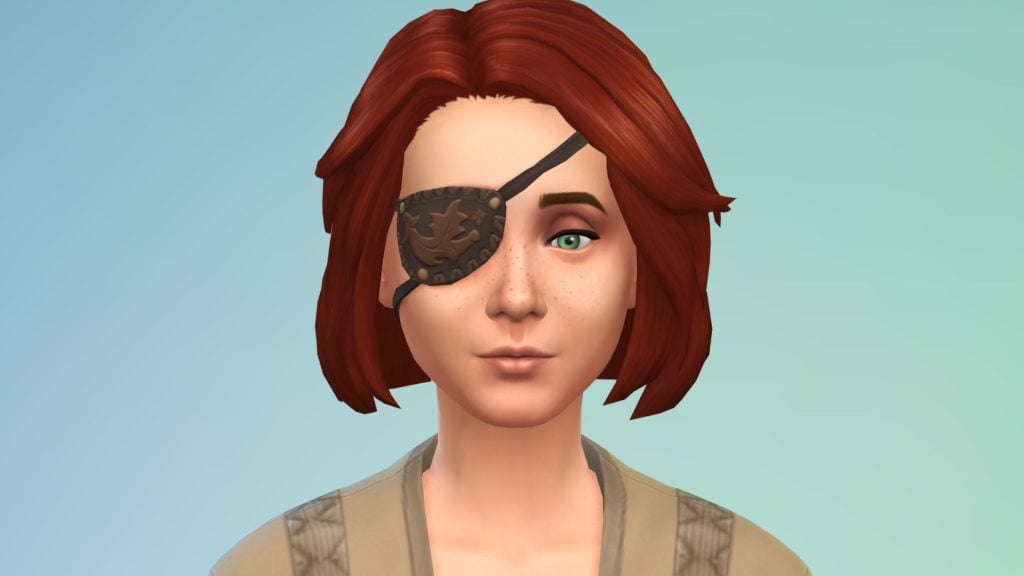
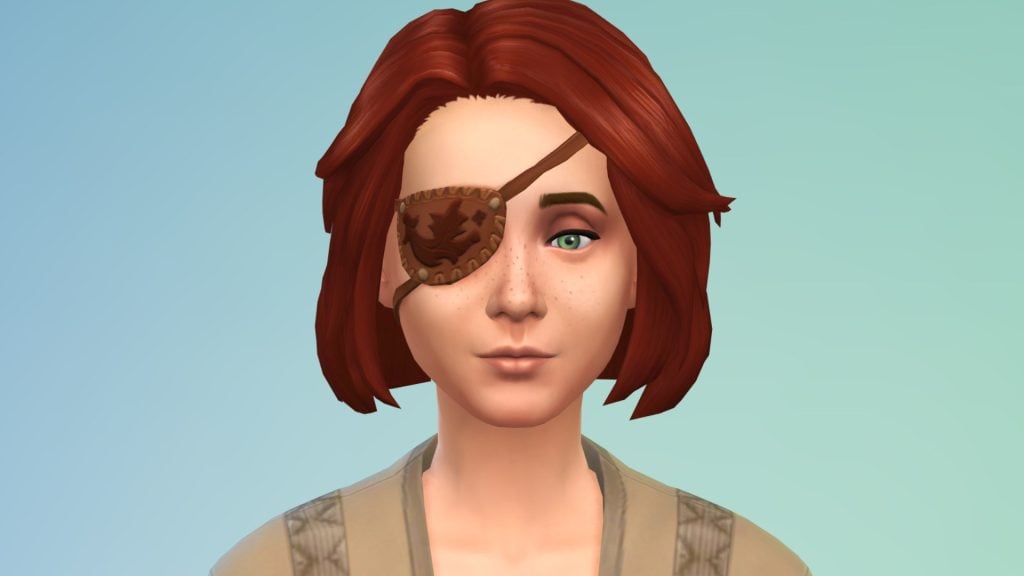
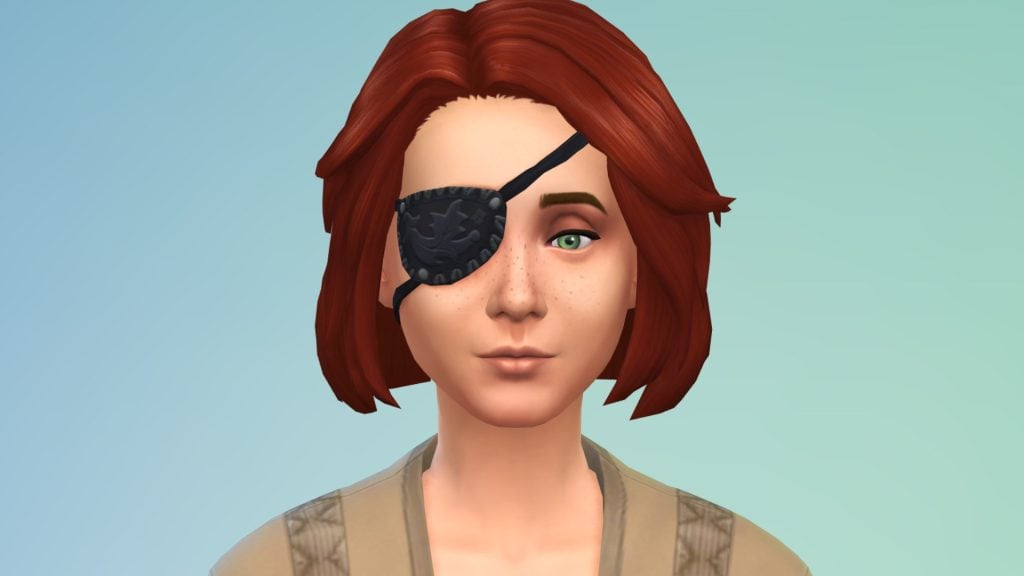
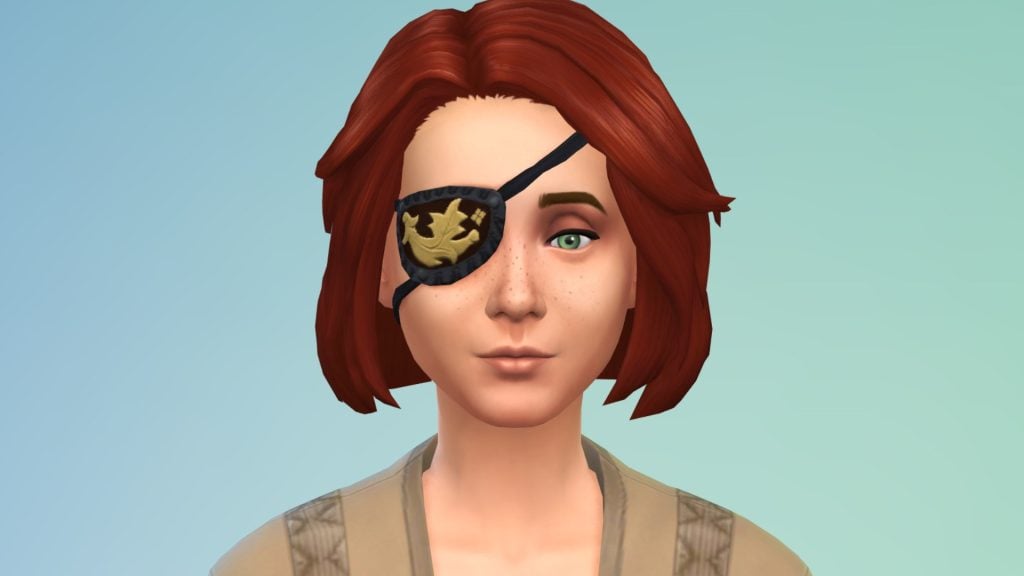
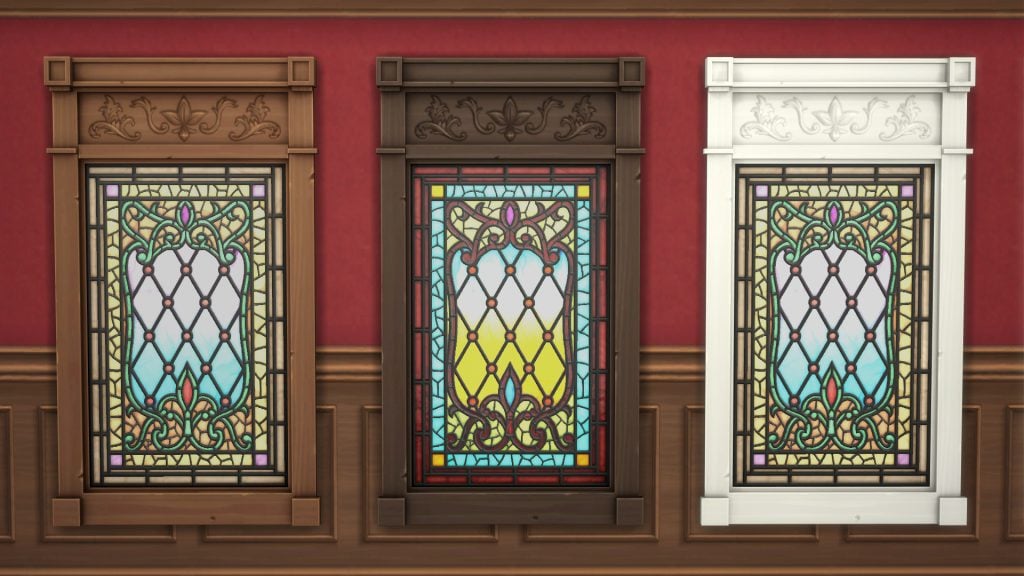
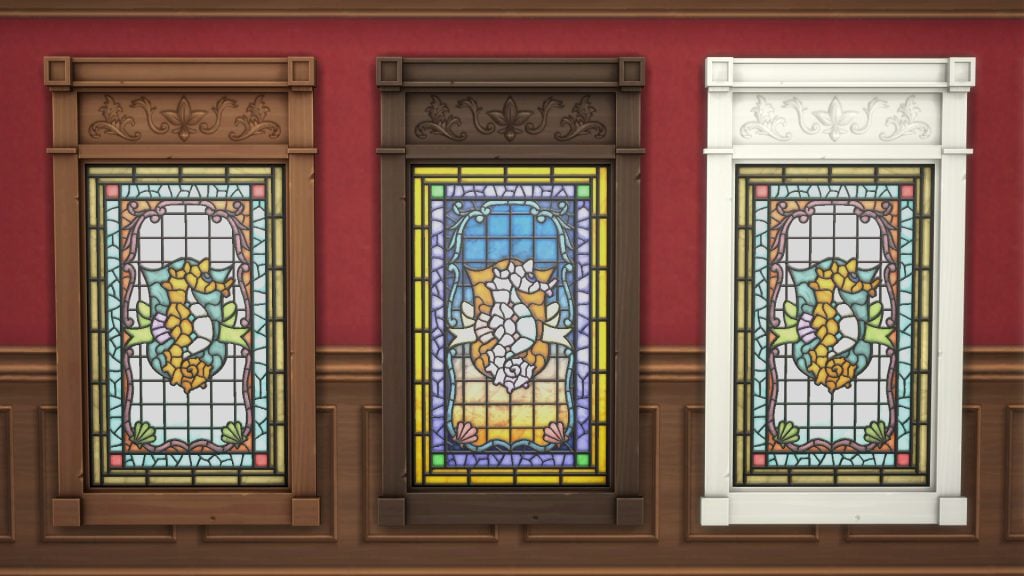
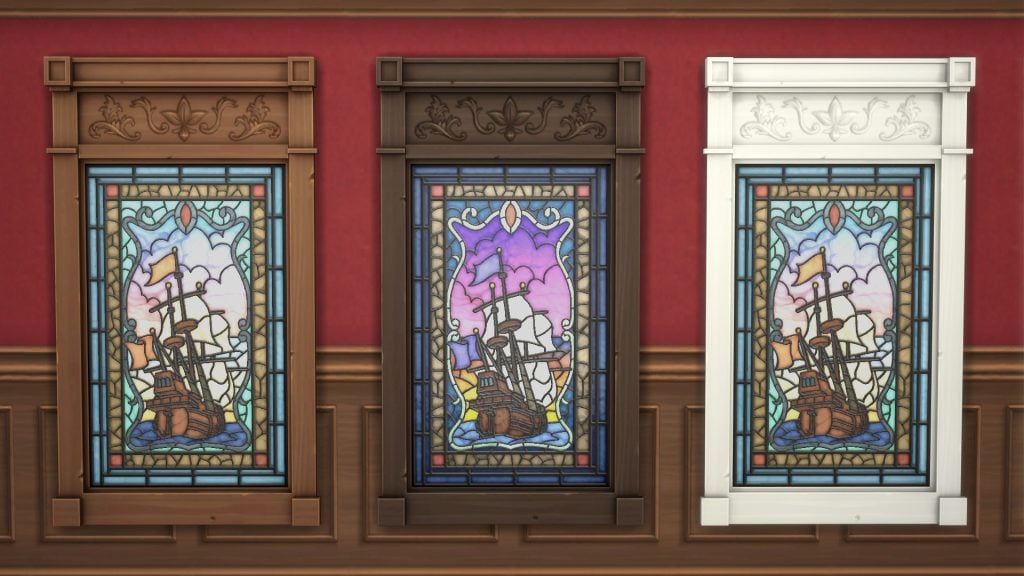
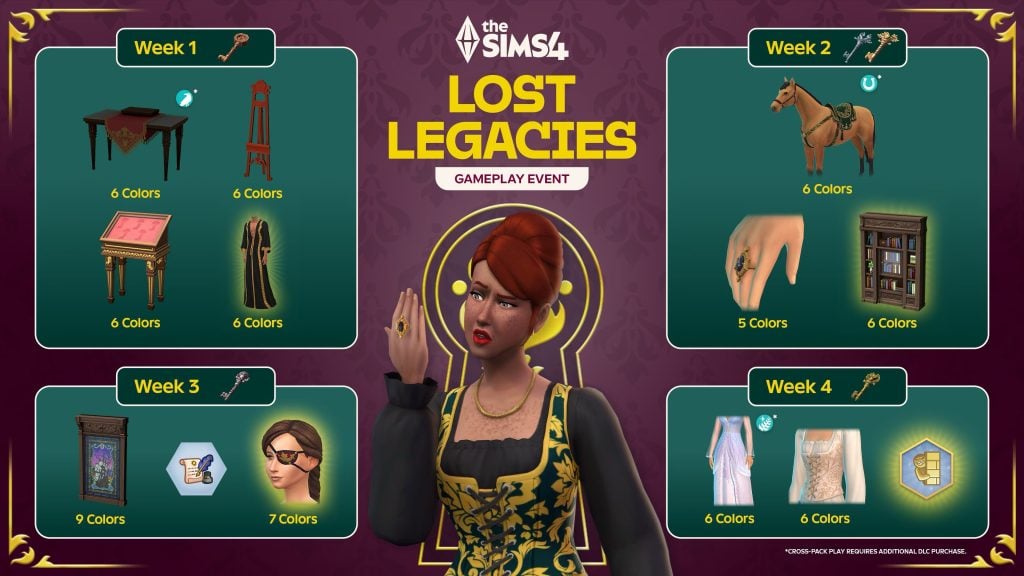
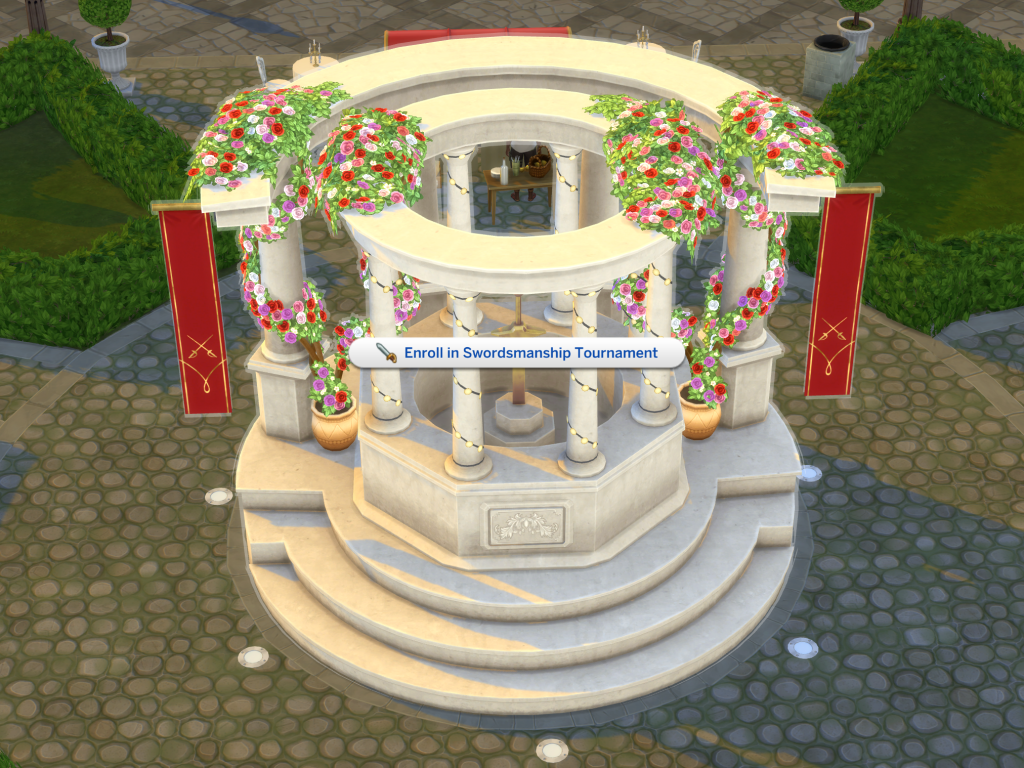
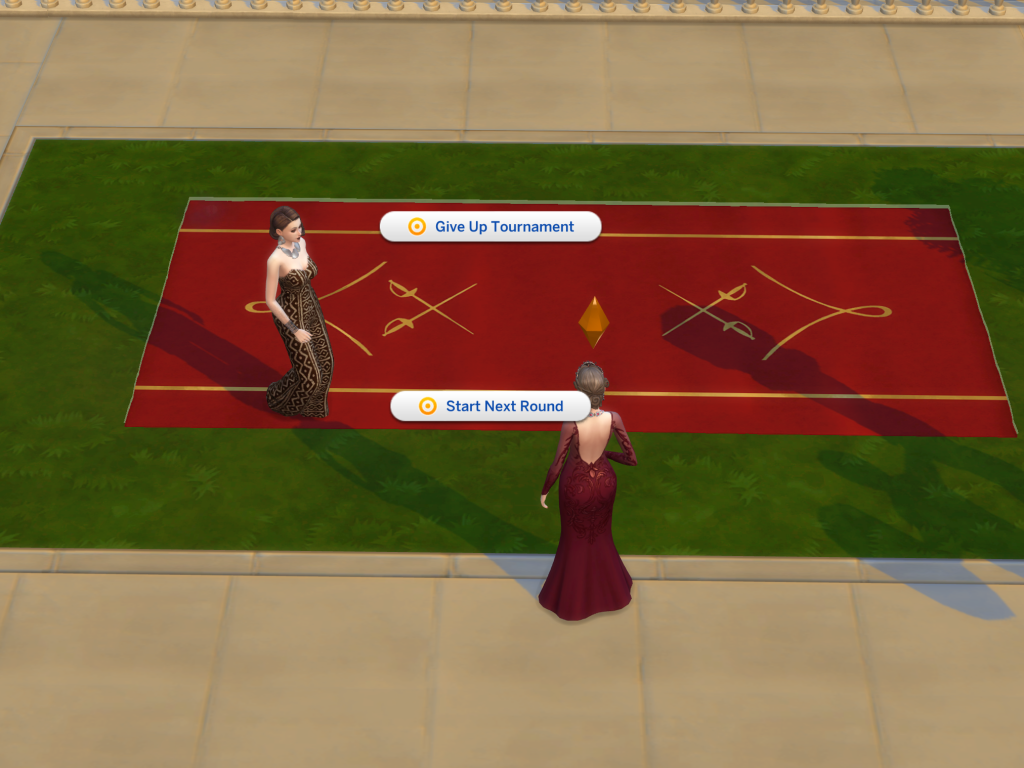
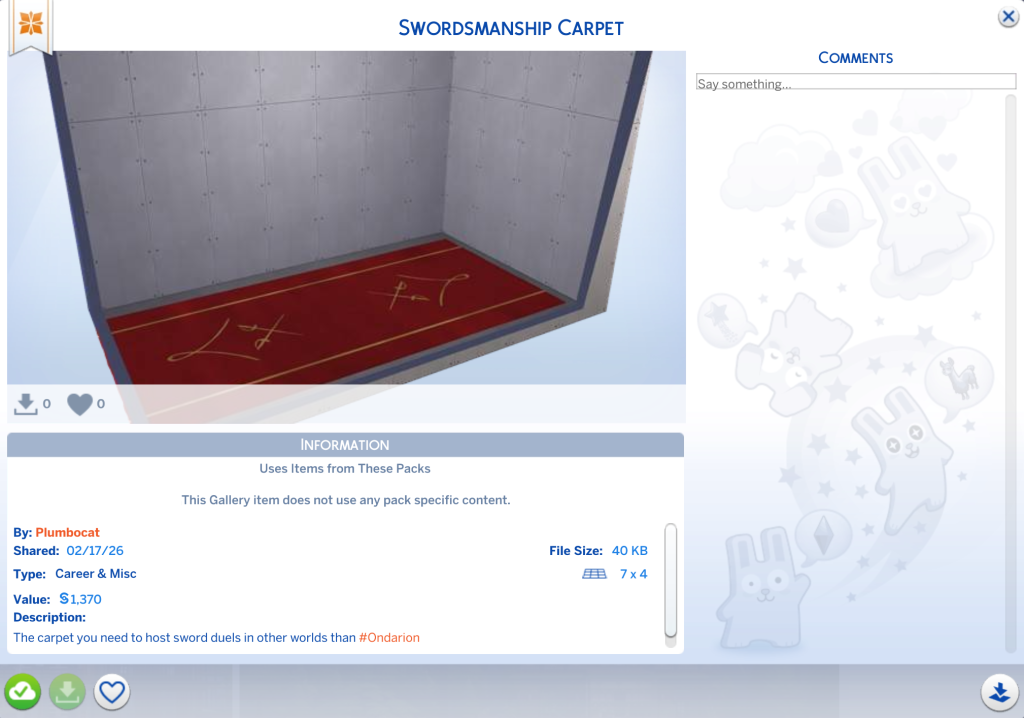
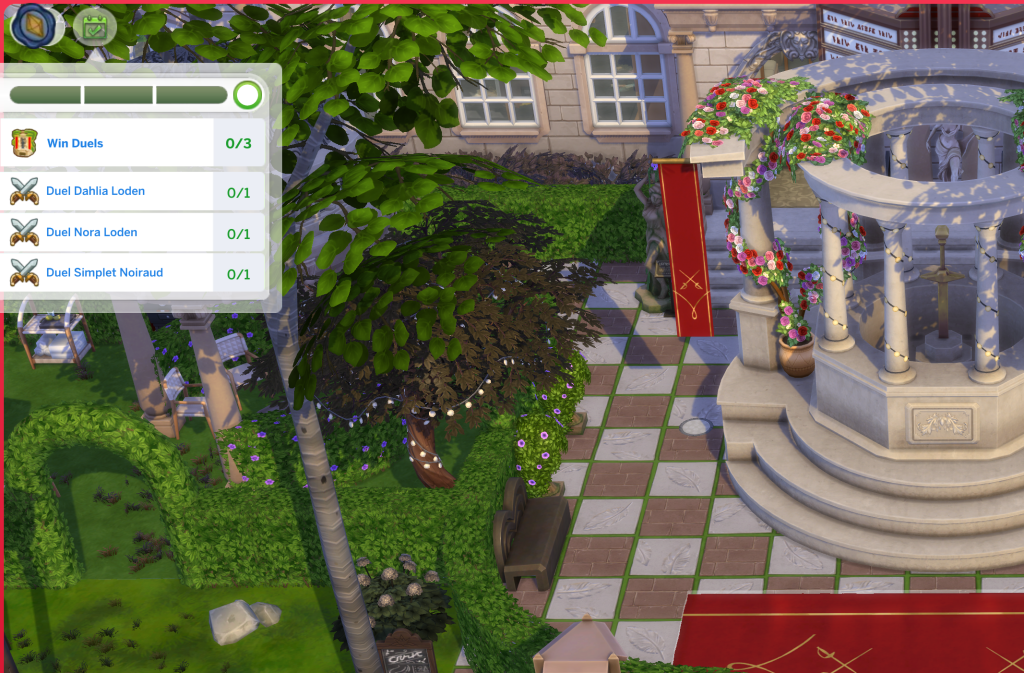
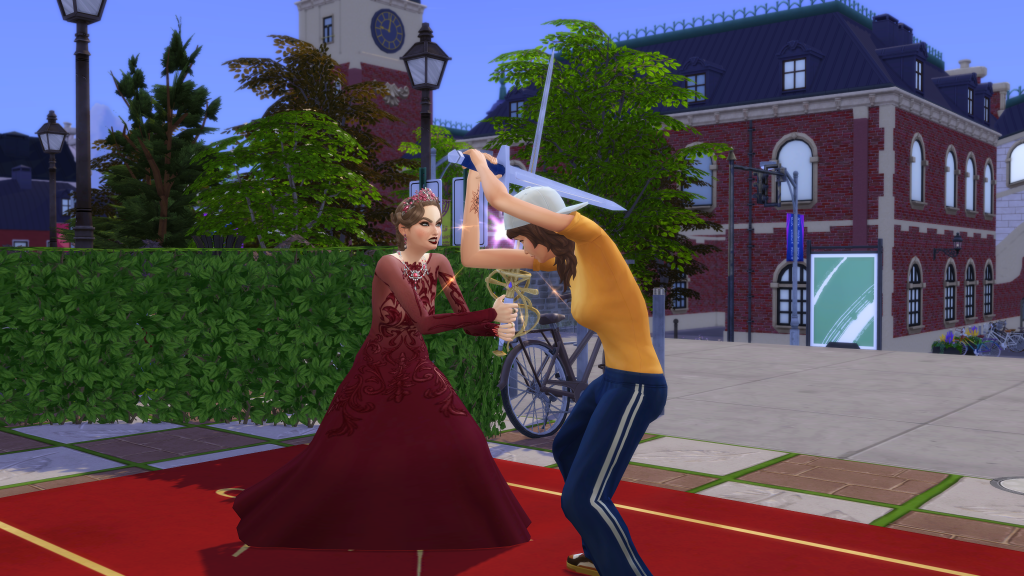
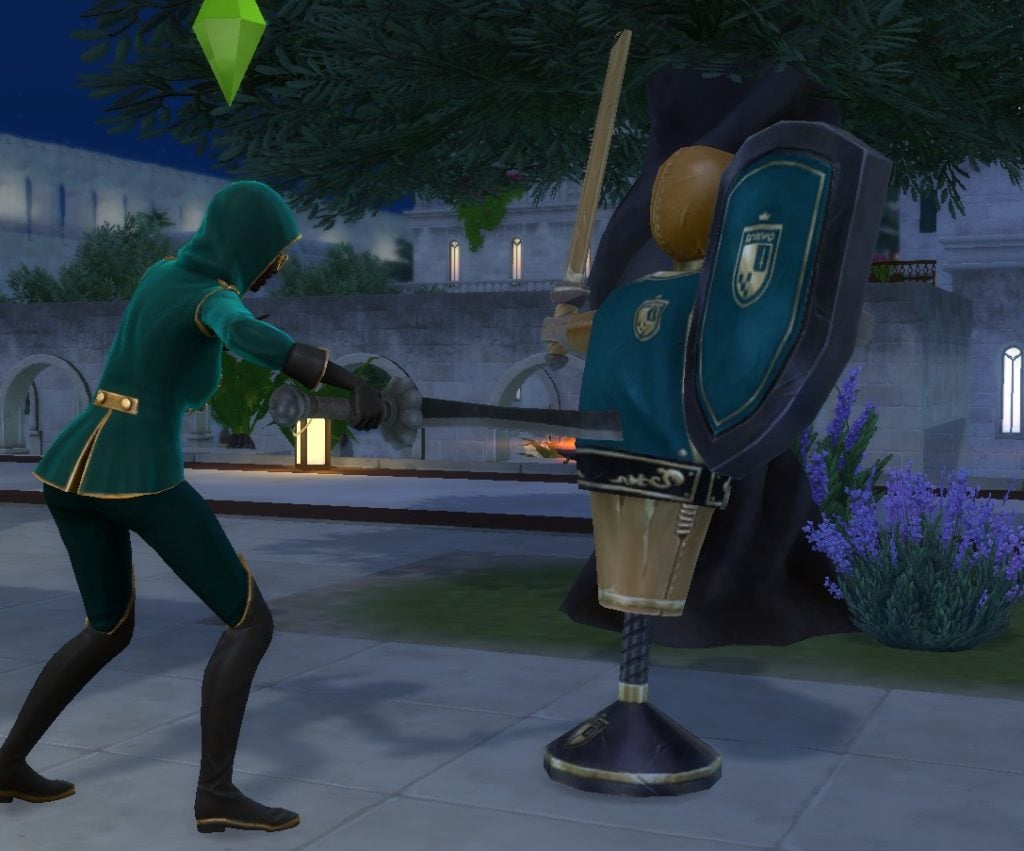
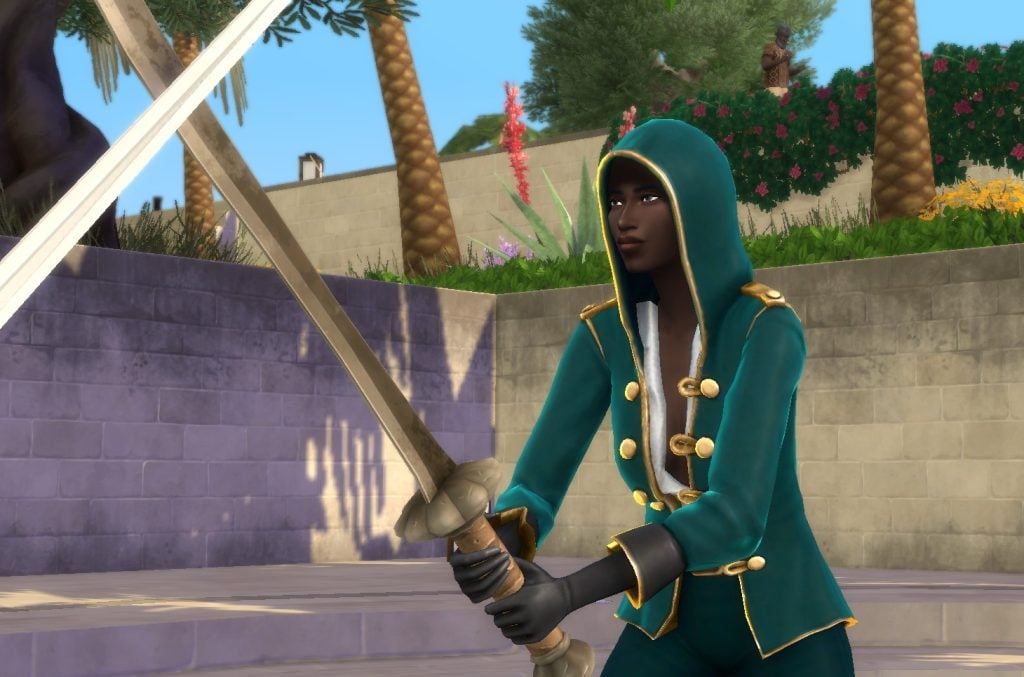
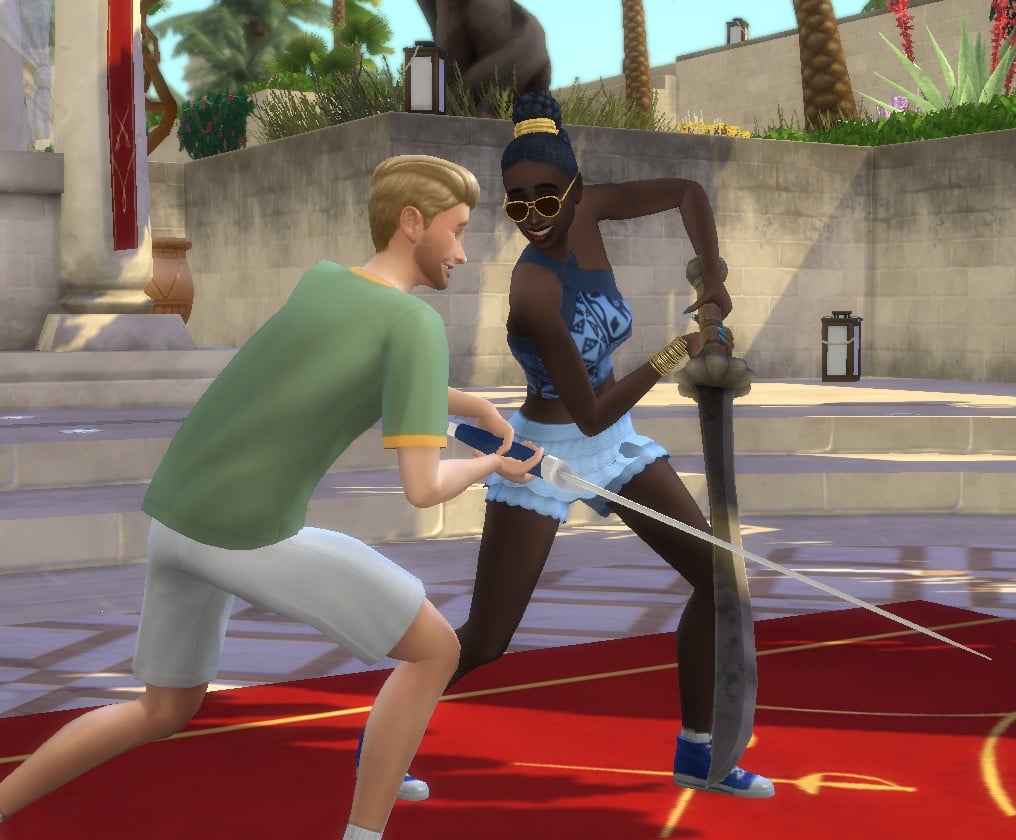
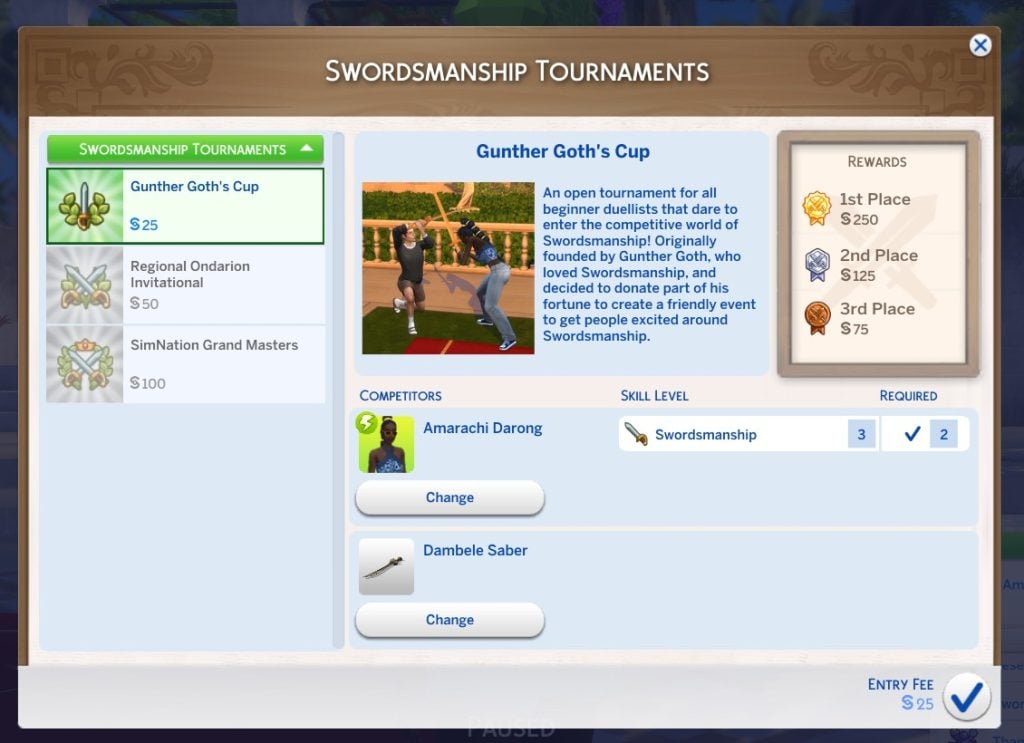
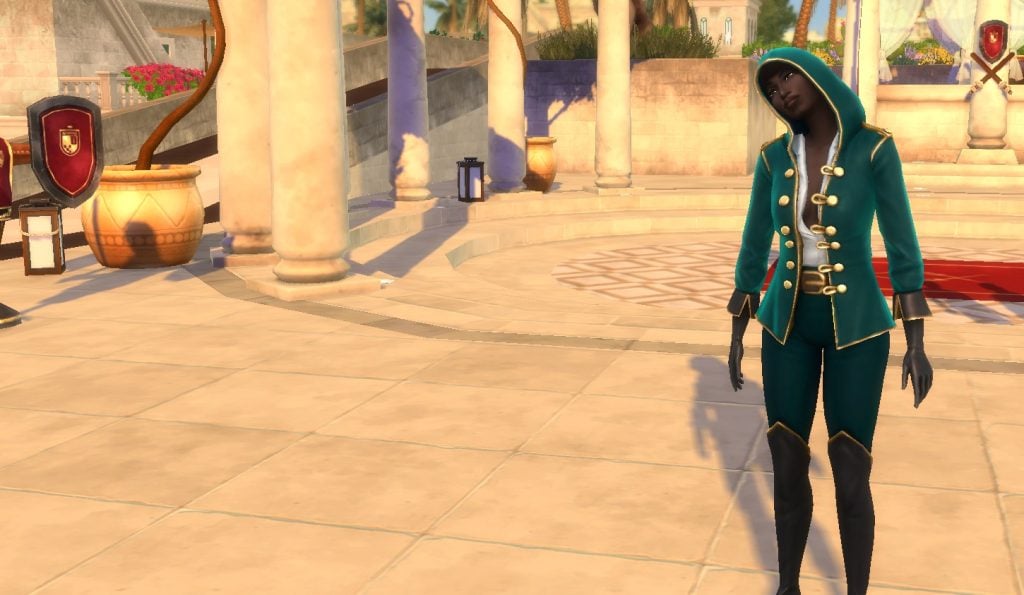
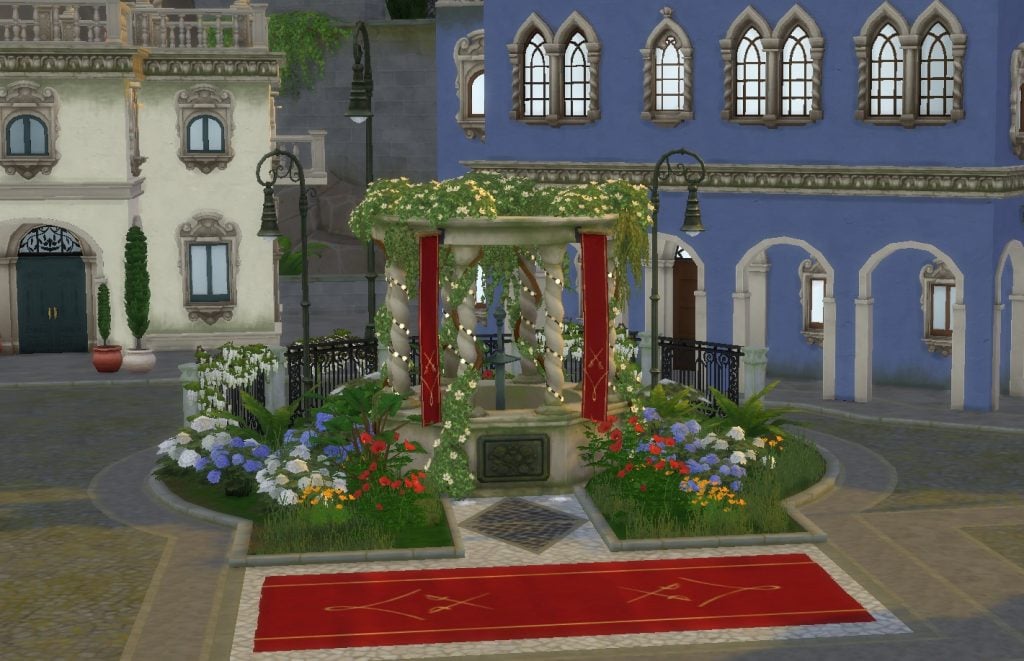
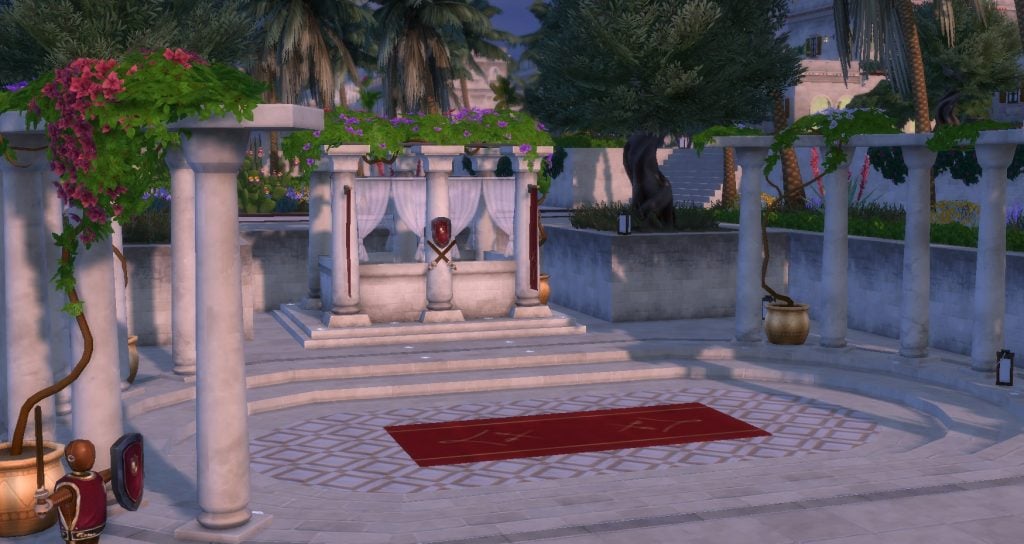
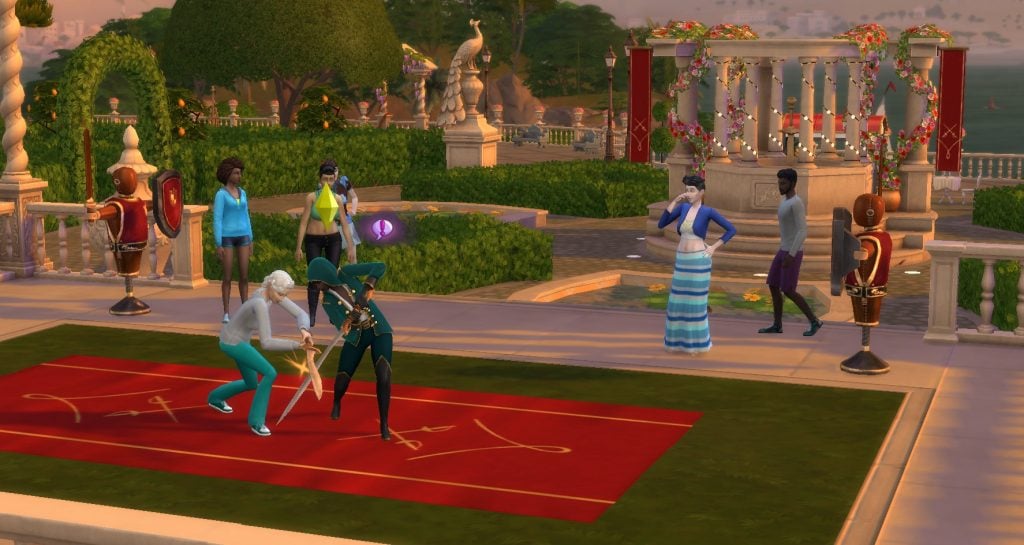

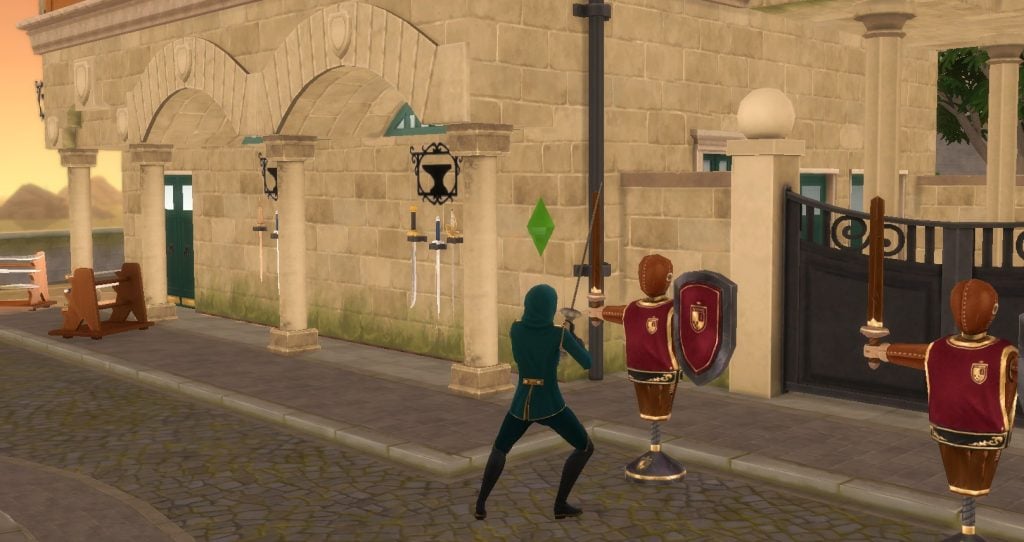
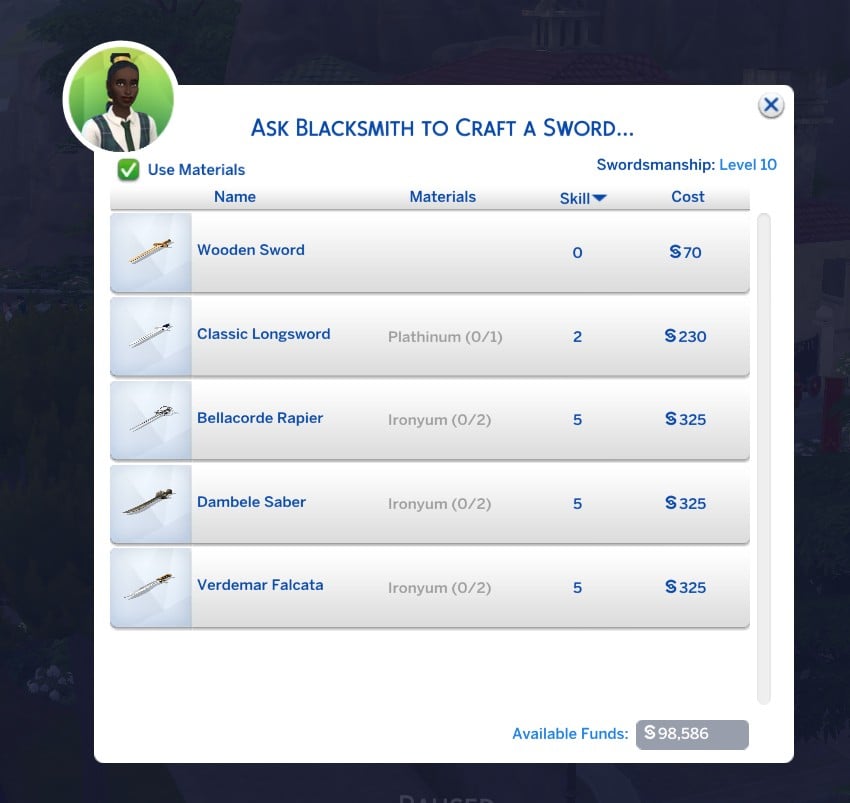
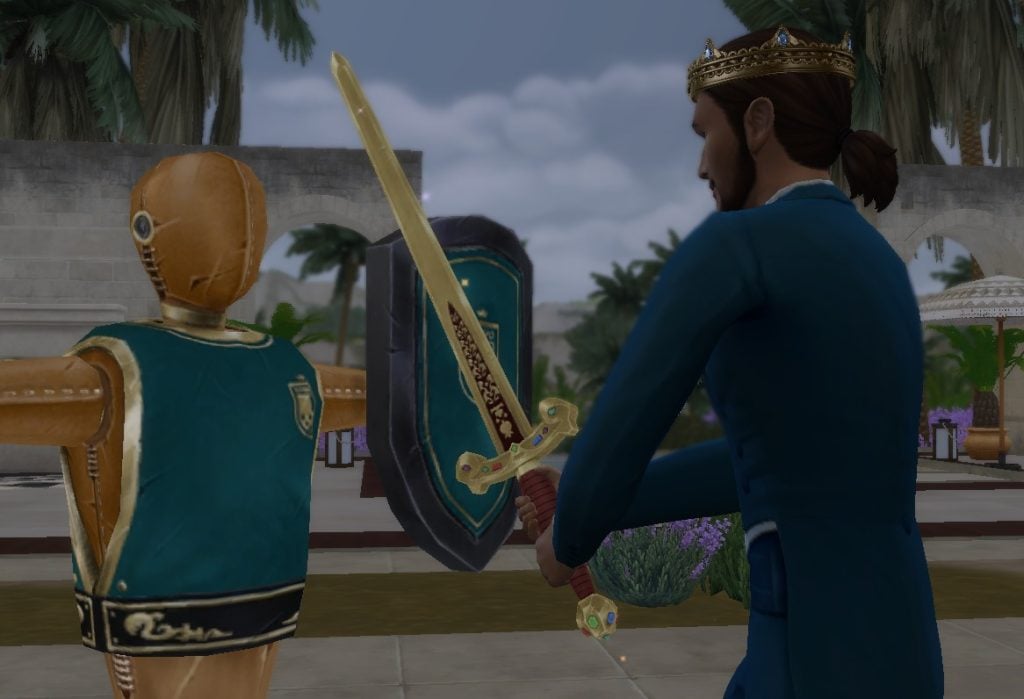
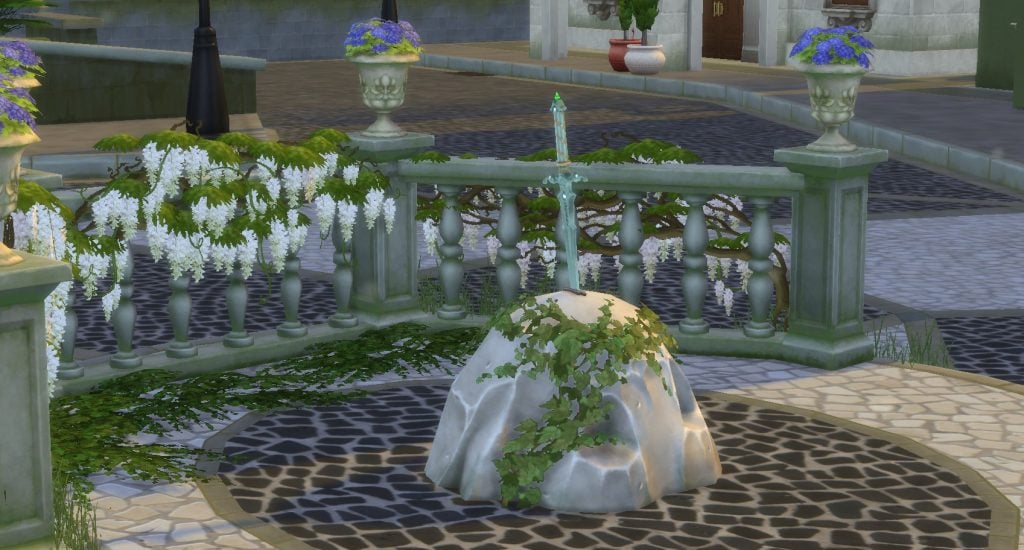
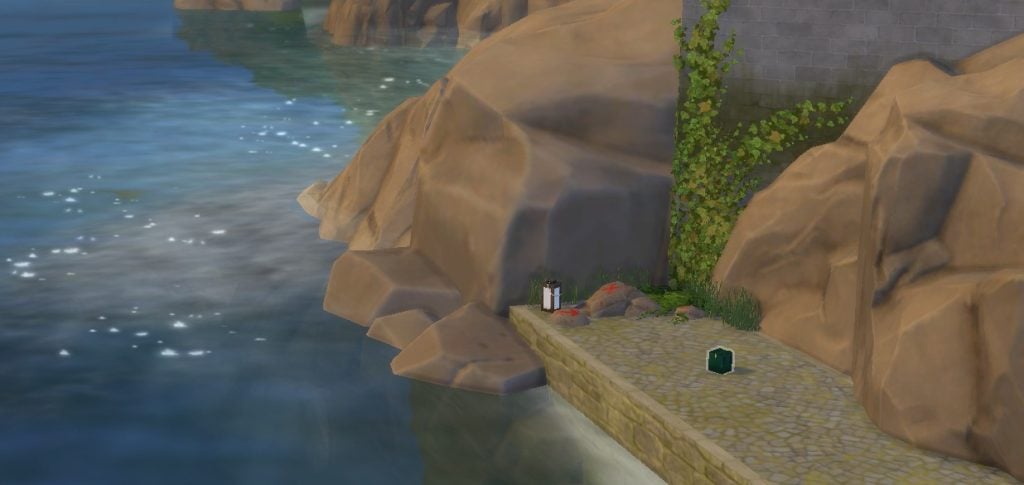
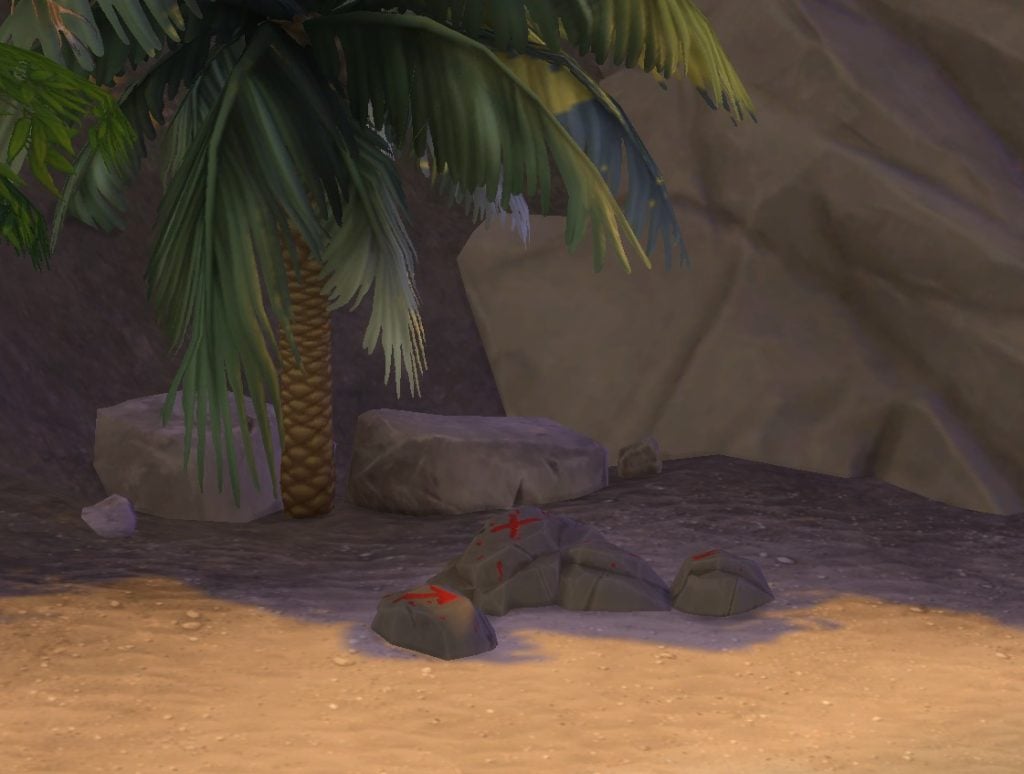
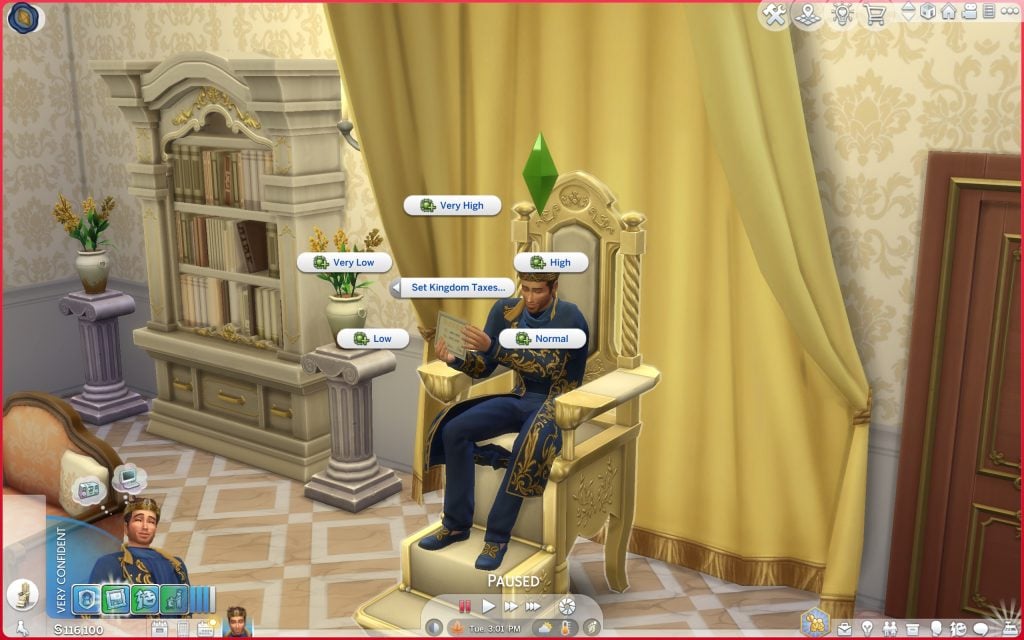
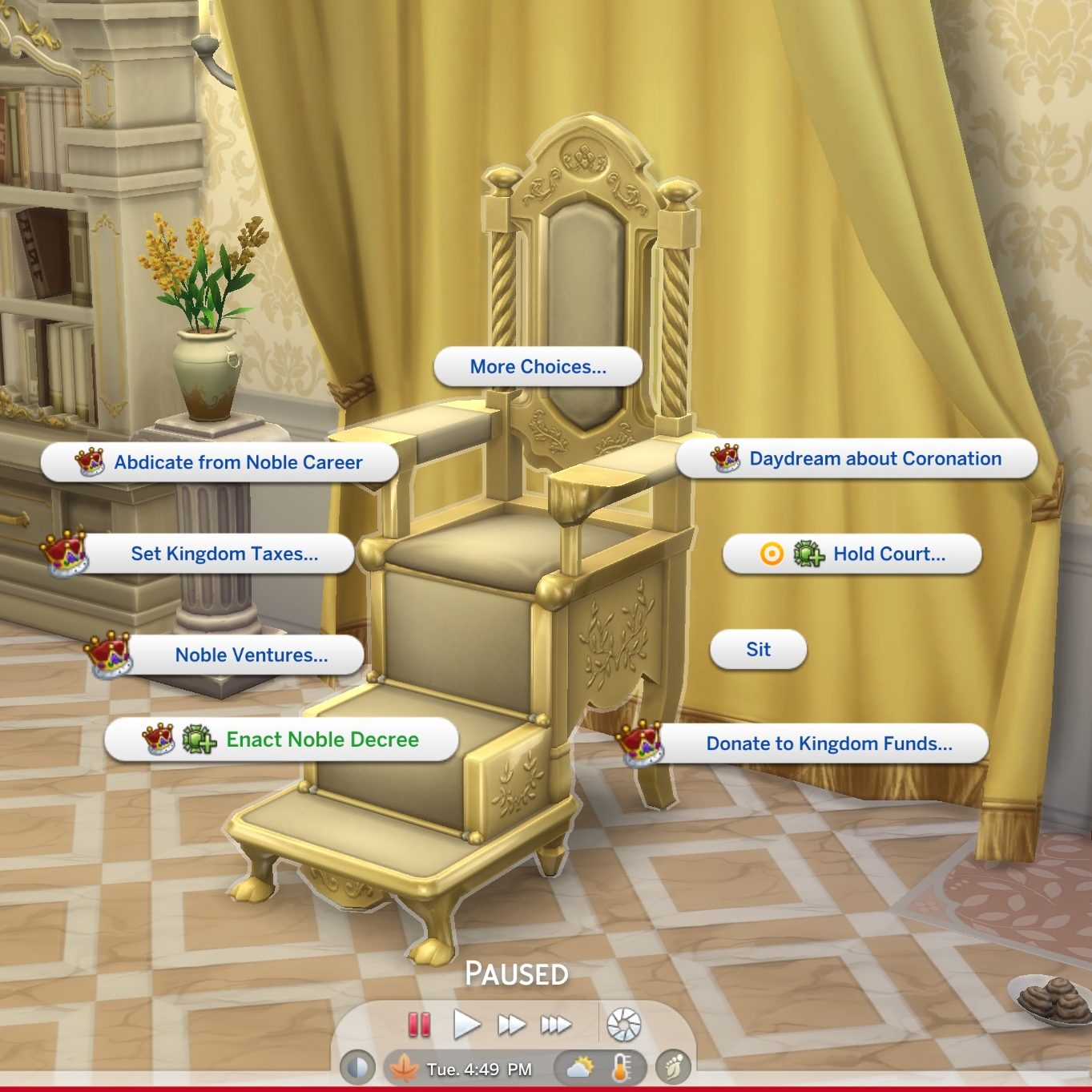
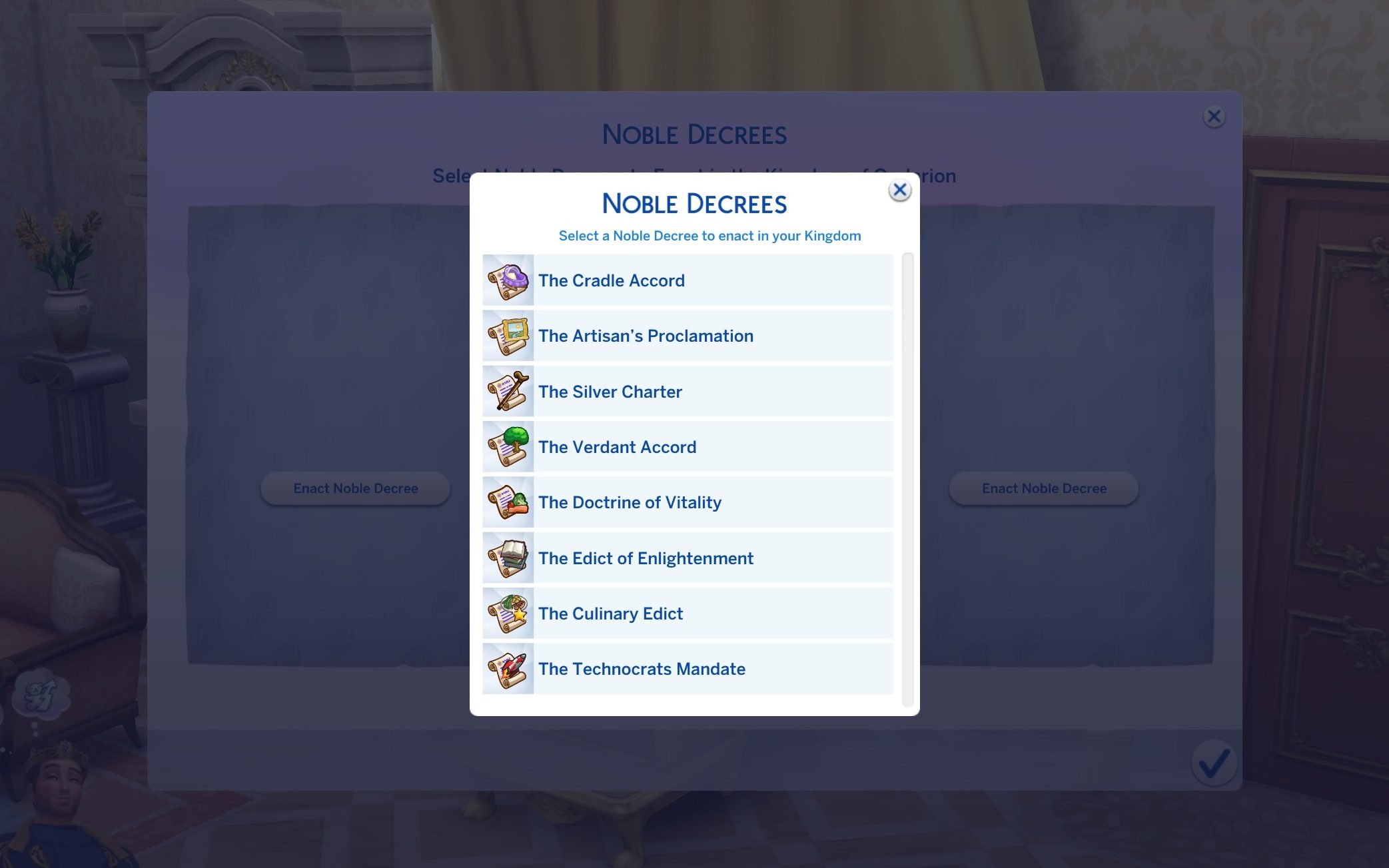
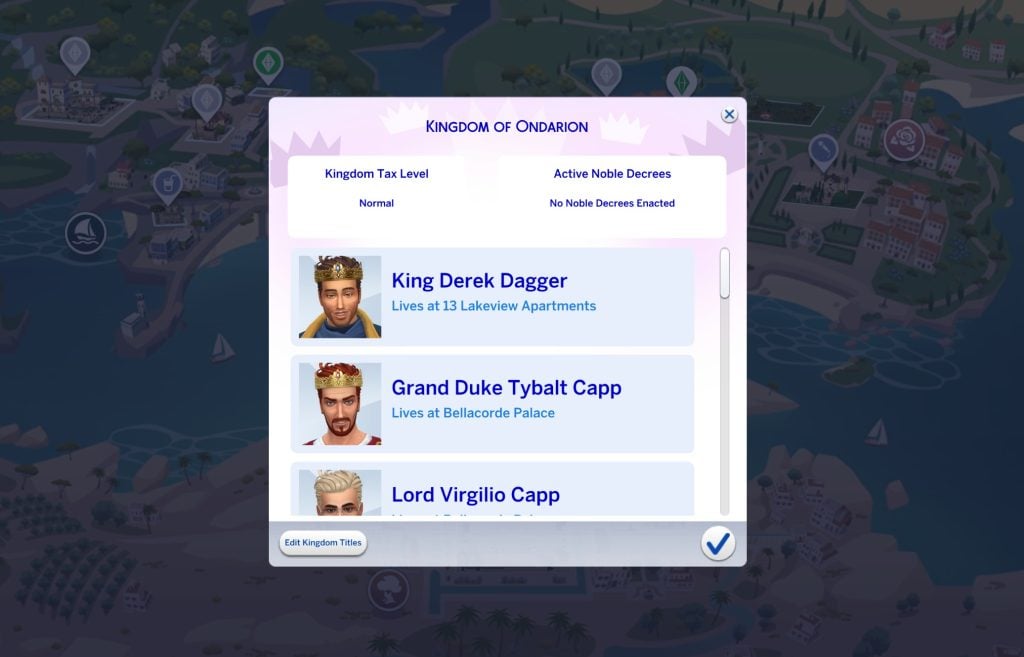
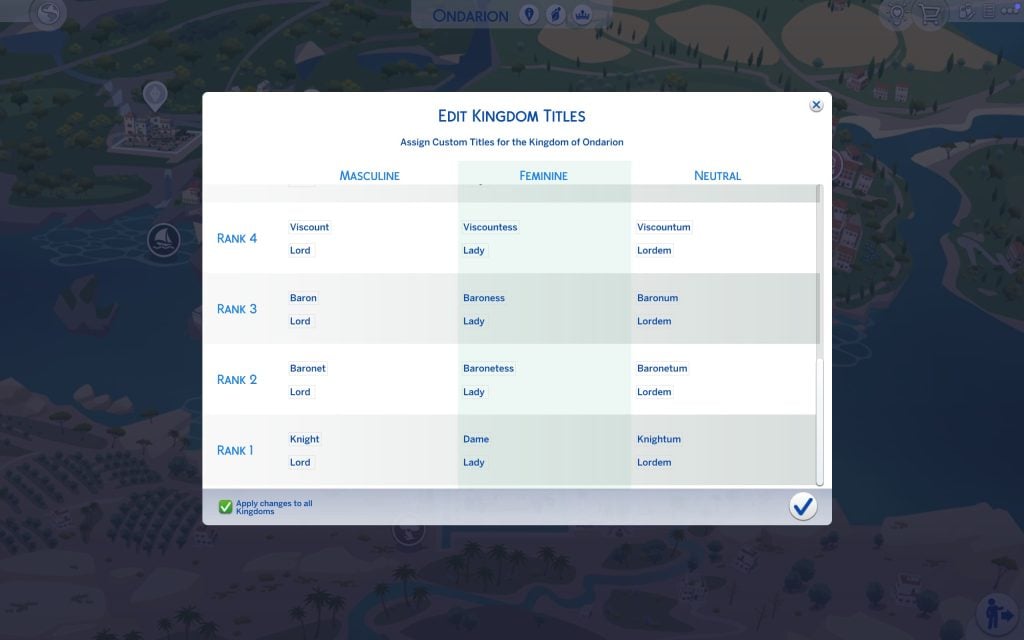
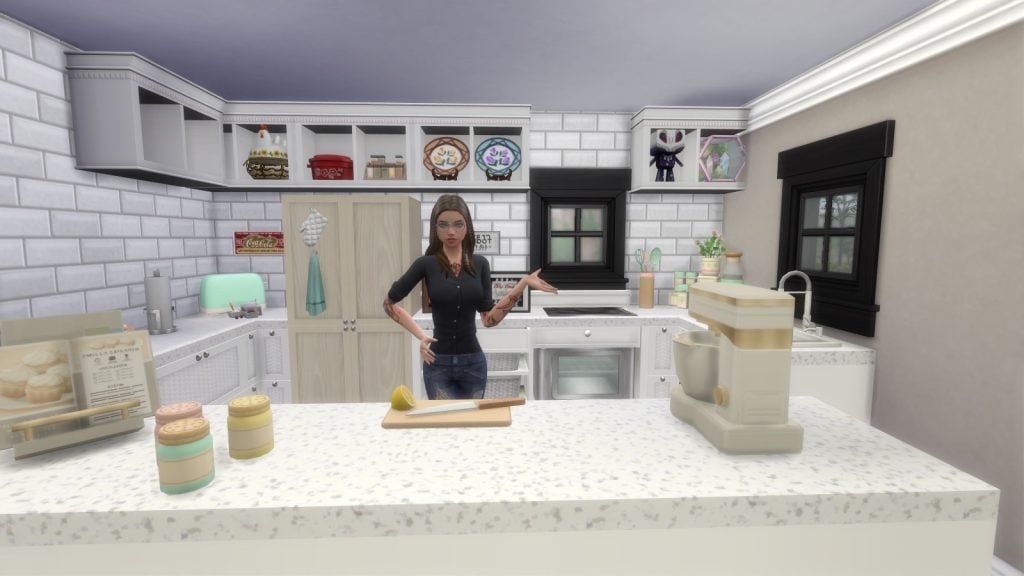
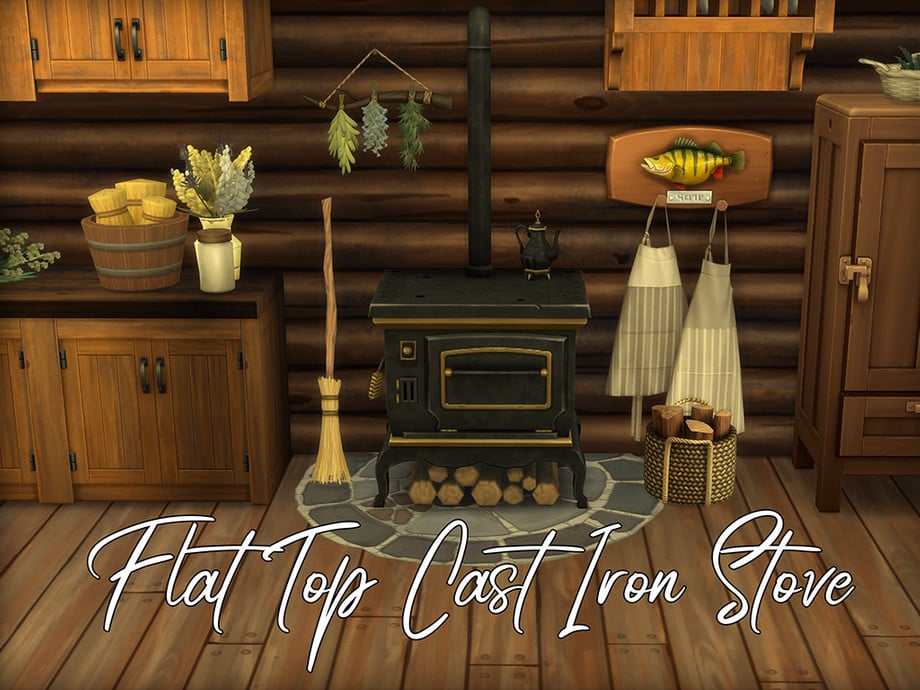
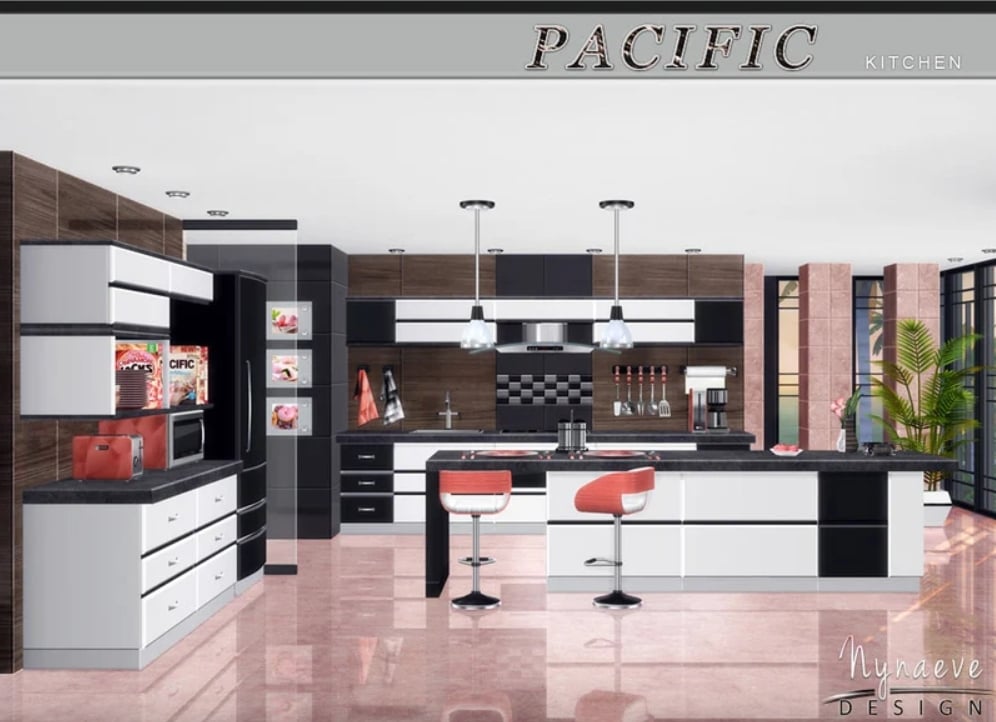
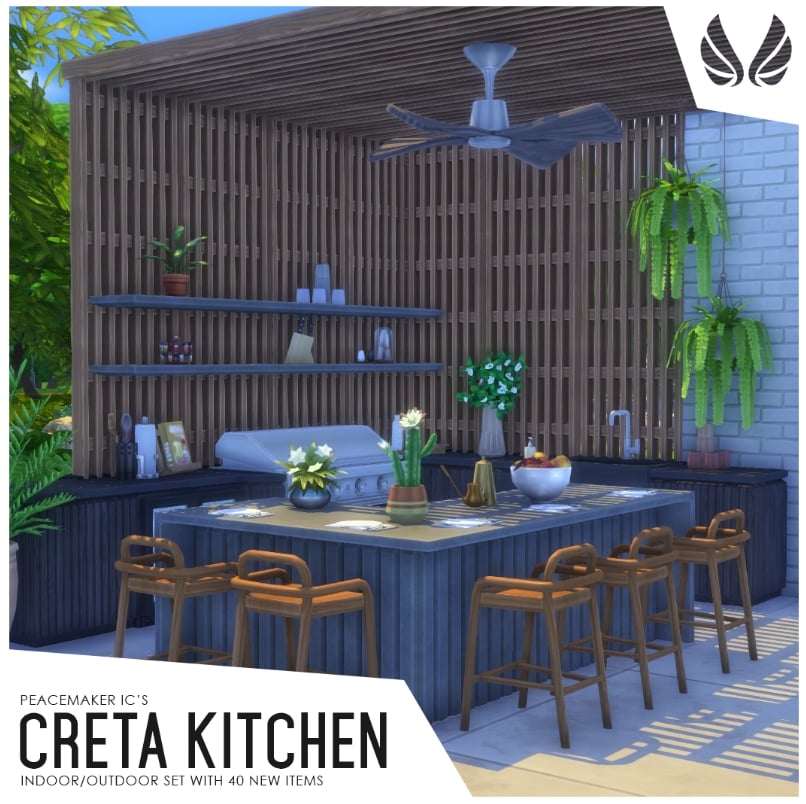
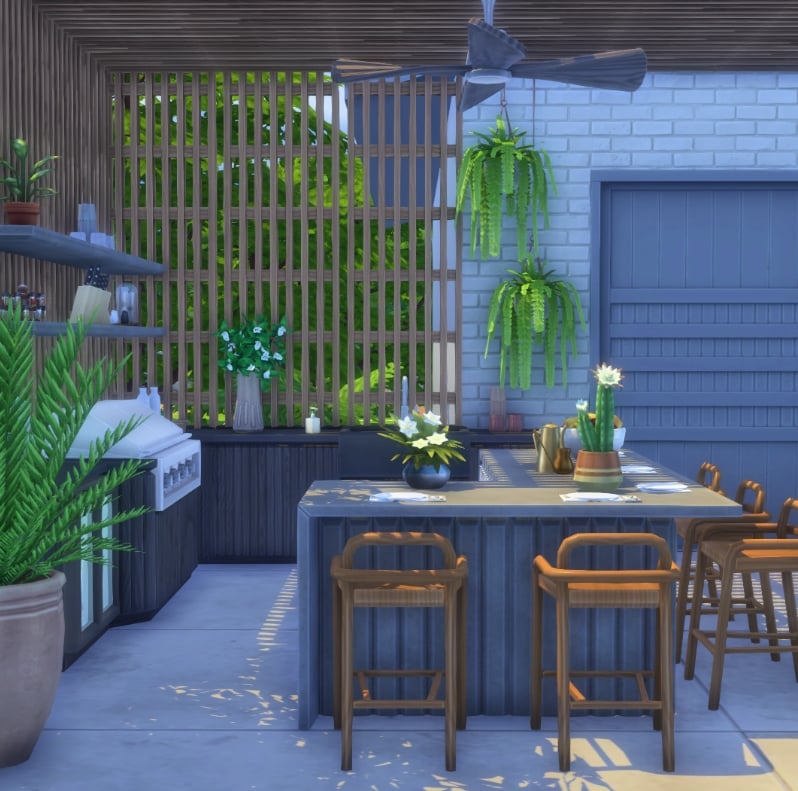
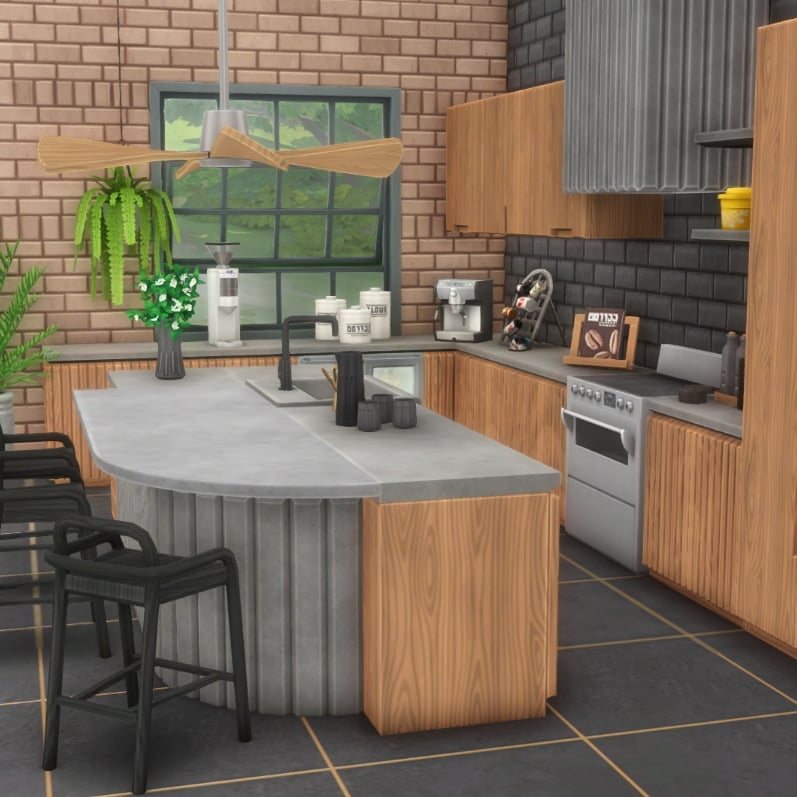
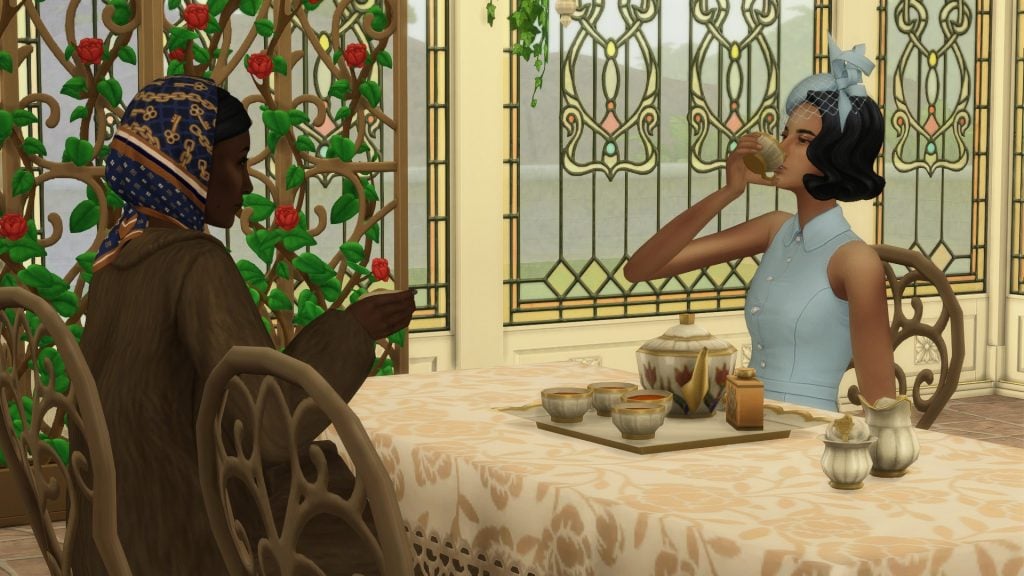
,xPosition=0.5,yPosition=0.5;Resize=(1280)&q=85 "The Sims 4 Tea Time Solarium Kit Review: Fancy A Cuppa? 280")