The Sims Team has released a brand new trailer for The Sims 4 Cottage Living Expansion Pack! If you haven’t checked it out already you can do so HERE.
There were A LOT of fast paced frames in this 4+ minute trailer that can barely be seen by a human eye. Which is exactly why we’ve extracted exactly 166 screens from the trailer to help you spot all the little details!
In the screen gallery below you’ll see 166 screens extracted from the trailer for your viewing pleasure. If you want to enlarge a screenshot and zoom in on the details simply select an image of your choice!
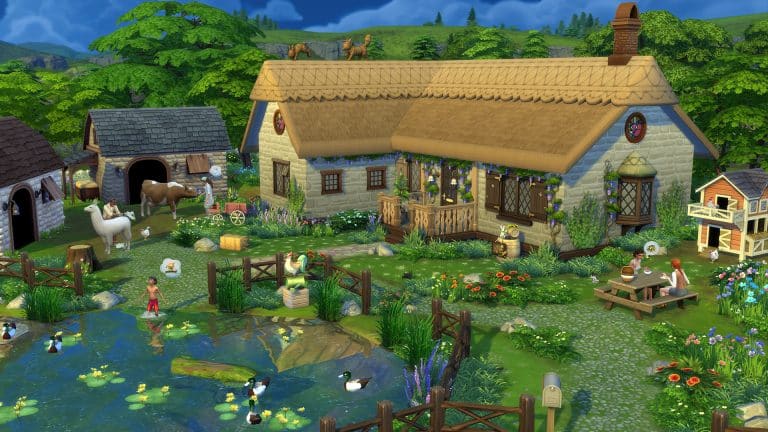
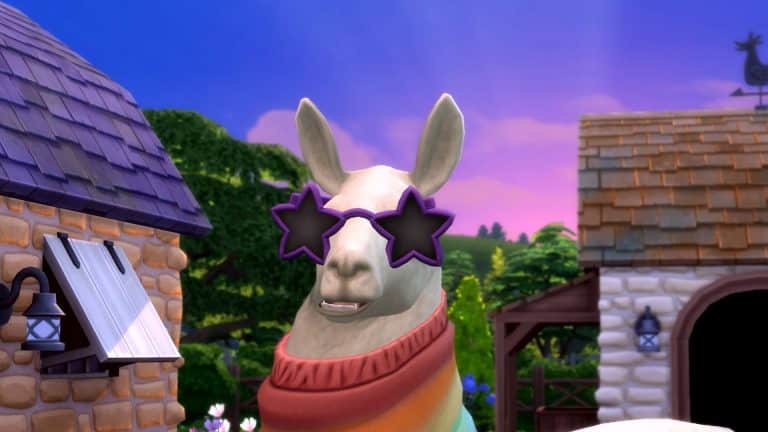
The gameplay trailer for The Sims 4 Cottage Living dropped today and Harold the Llama was kind enough to walk us through all of the major gameplay features of the new expansion pack. We’ve got a quick summary of everything discussed in the trailer below!
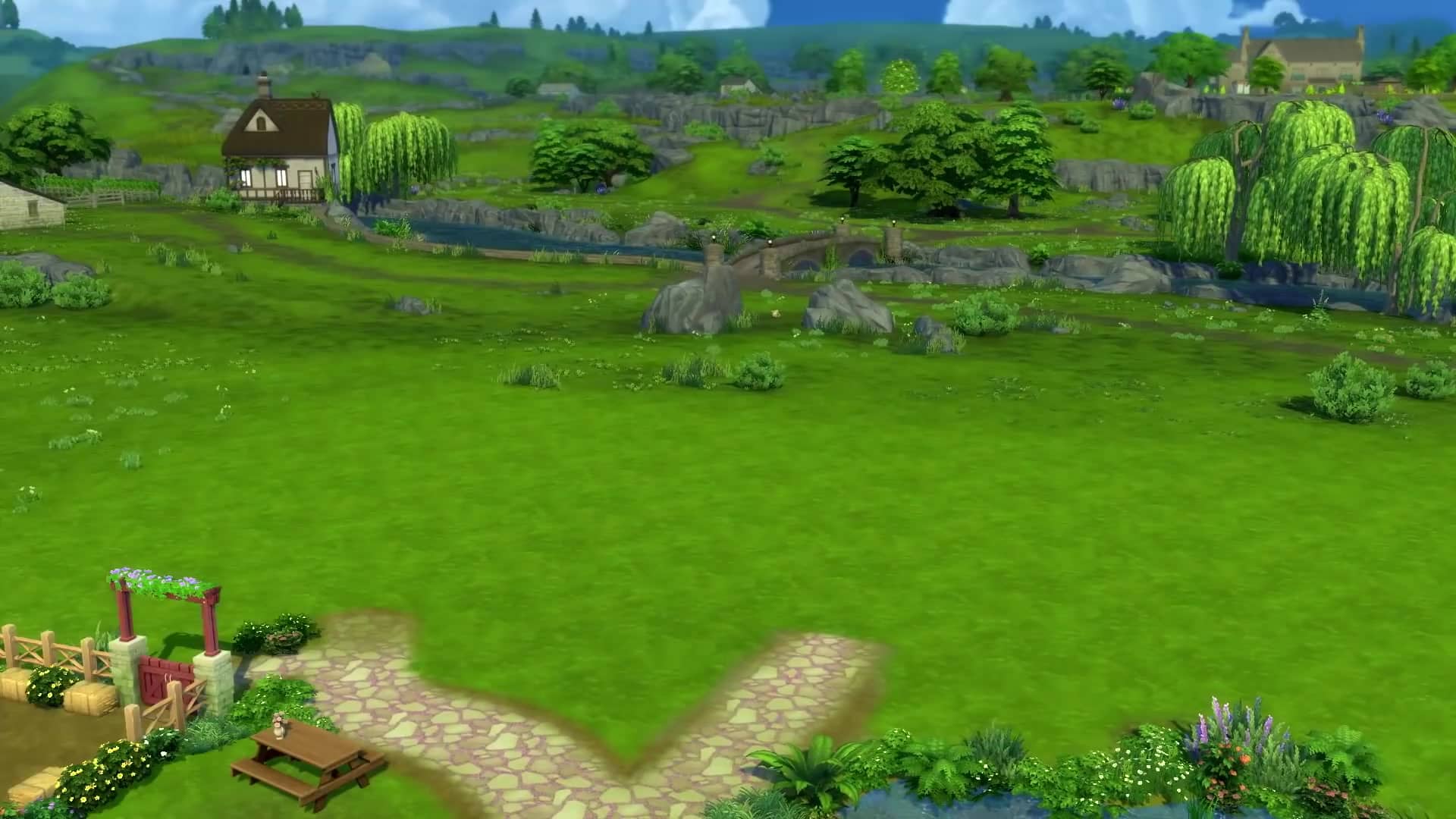
New World: Henford-on-Bagley. A rural countryside cottage world with a nearby village that has shops and entertainment.
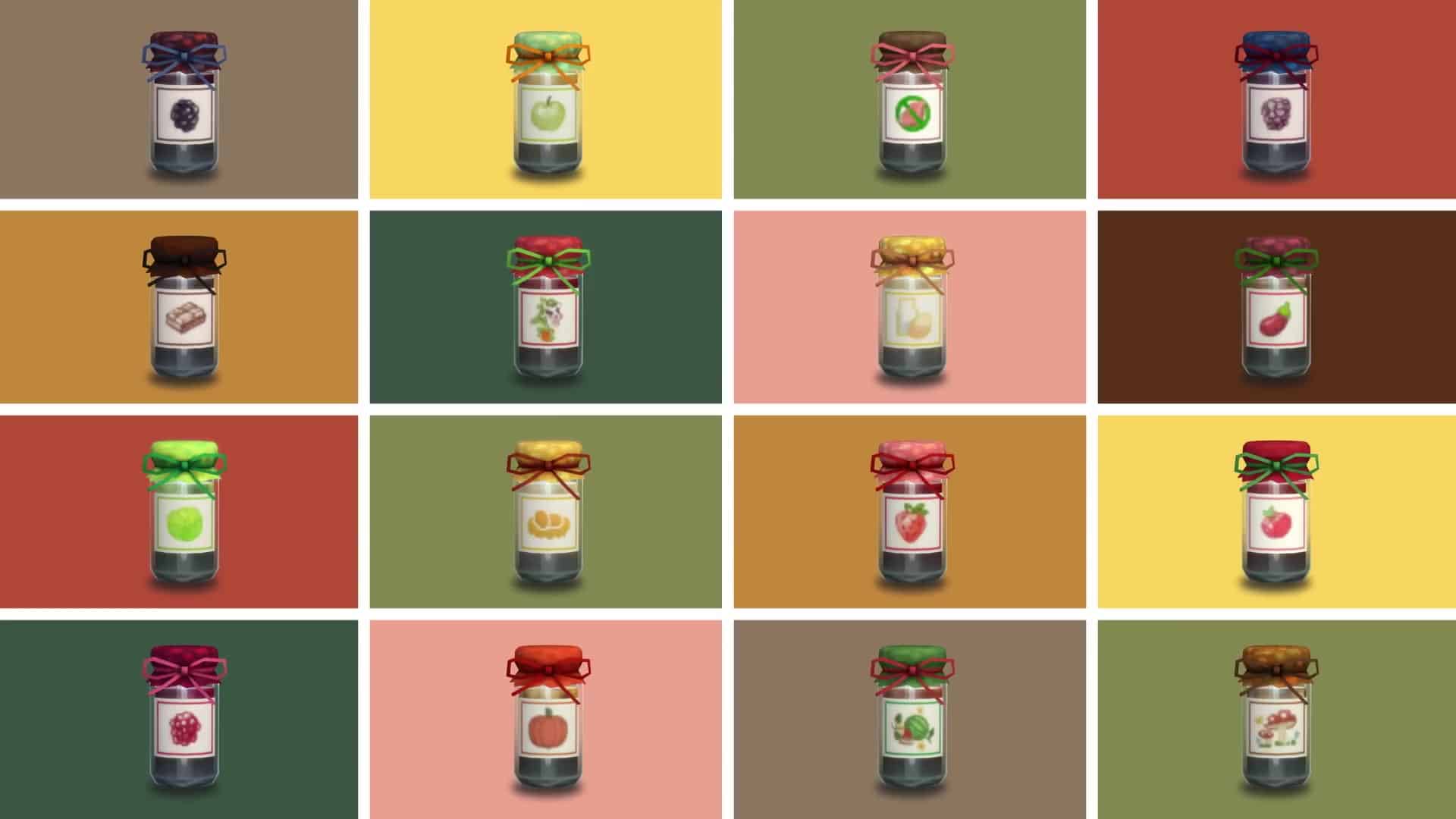
New Activity: Canning. Sims can create up to 16 different varieties of canned goods that can be eaten as-is or used in cooking recipes. They can also be stored for later.
New Activity: Picnics. New draggable picnic baskets can be filled with homemade food and taken anywhere for a meal outdoors.
New Activity: Cross Stitching. There are over 34 different cross stitch patterns Sims can make. They can also cross stitch a scene from reference. Wool sheared from llamas can be used to make cross stitch designs.
Improved Activity: Farming. Although we always had gardening, this expansion puts a much heavier focus on subsistence farming rather than treating gardening as a casual suburban hobby. Sims can grow giant crops in their fields.
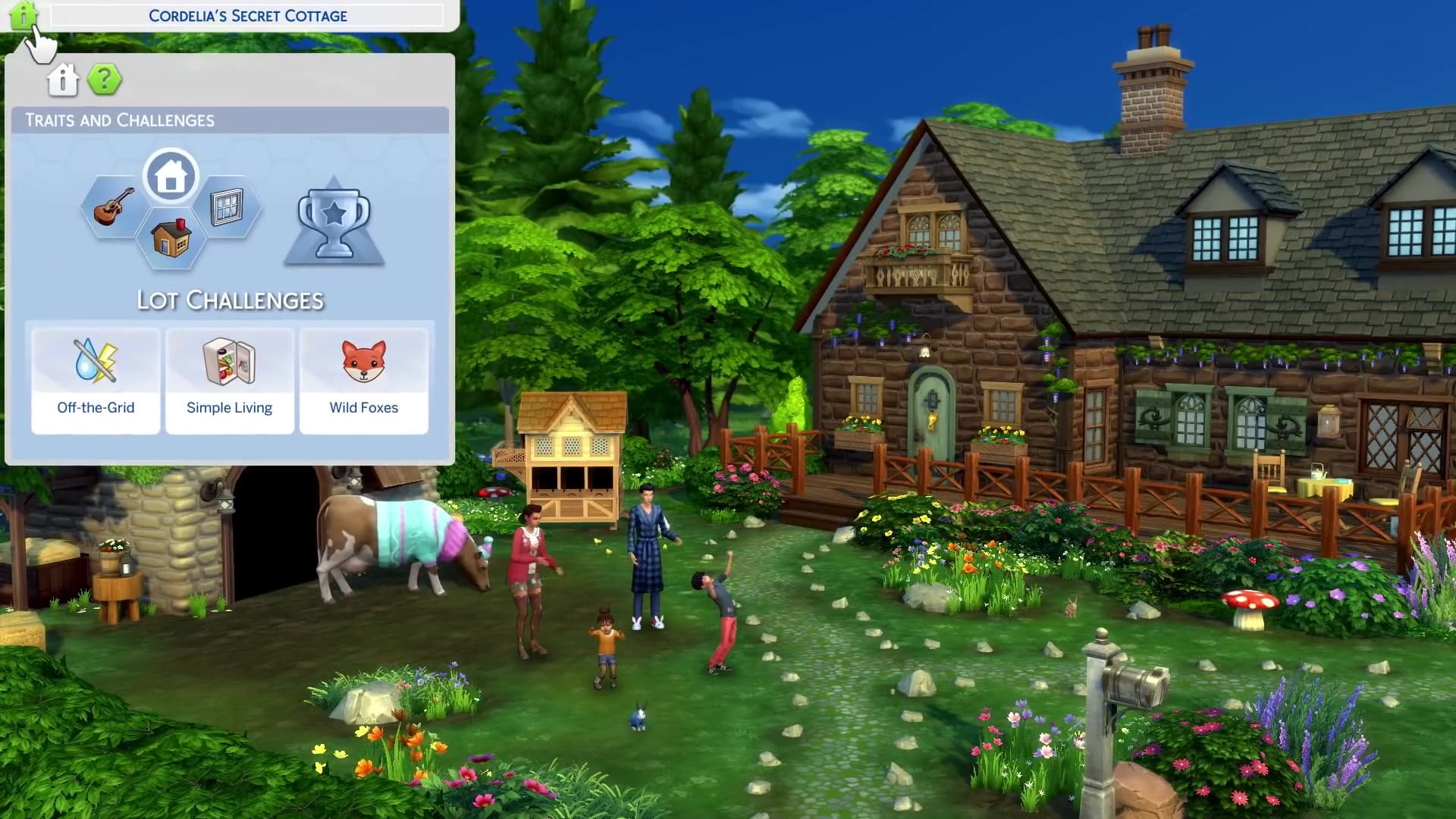
New Lot Function: Lot Challenges. These are separate from lot traits. You can still have up to three lot traits as well as a lot challenge active on a lot. We saw Off-the-Grid, Simple Living, and Wild Foxes as lot challenge options in the trailer. We don’t yet know how the Off-the-Grid lot challenge will work with the existing Off-the-Grid lot trait.
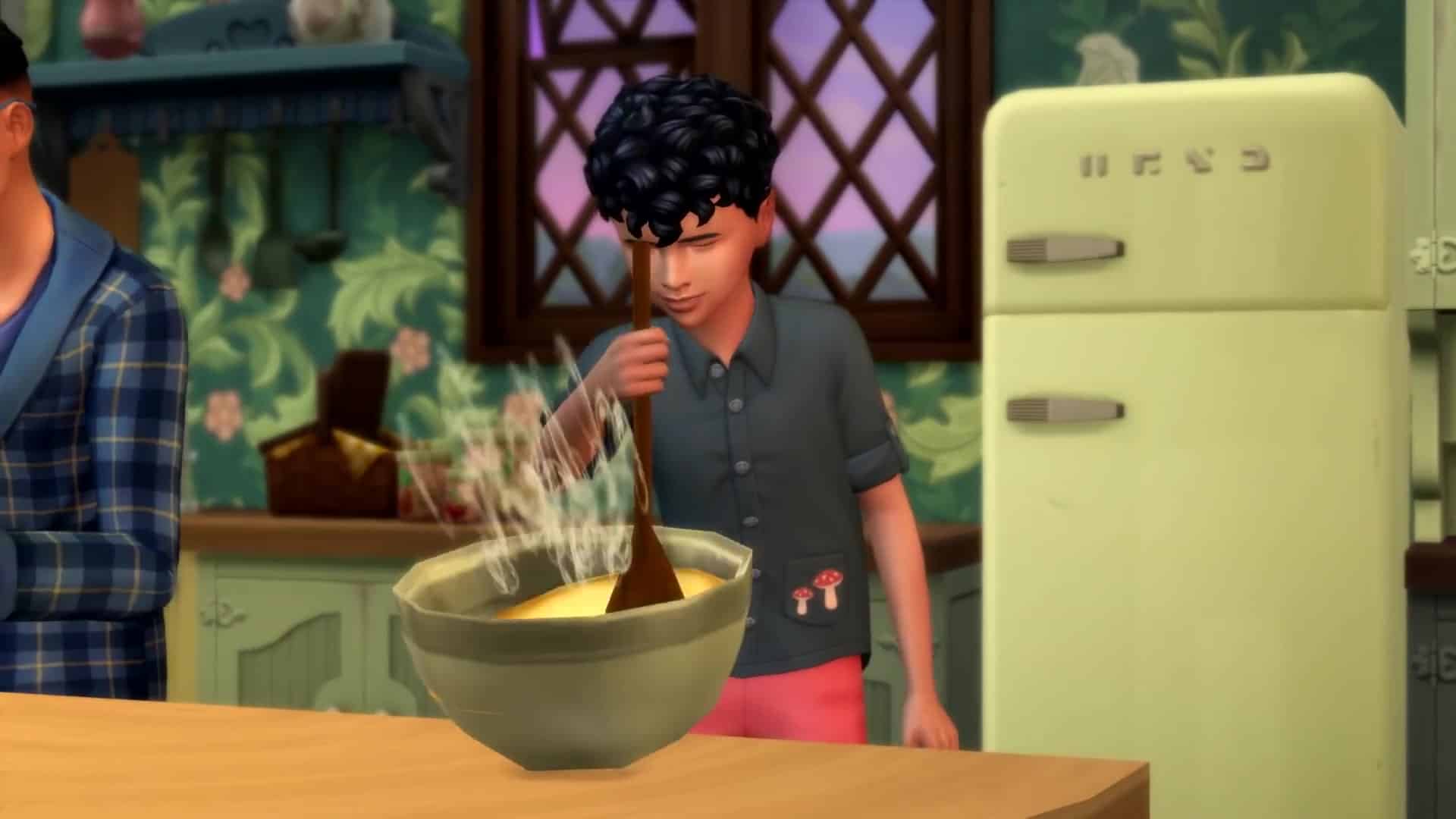
The Simple Living lot challenge forces your Sims to live off their own homegrown produce and byproducts. The fridge is not magically full 24/7 with this lot challenge active. Sims must stock the fridge with their own eggs, milk, and produce they’ve gathered. Some new cooking ingredients can also be purchased from the local grocer.
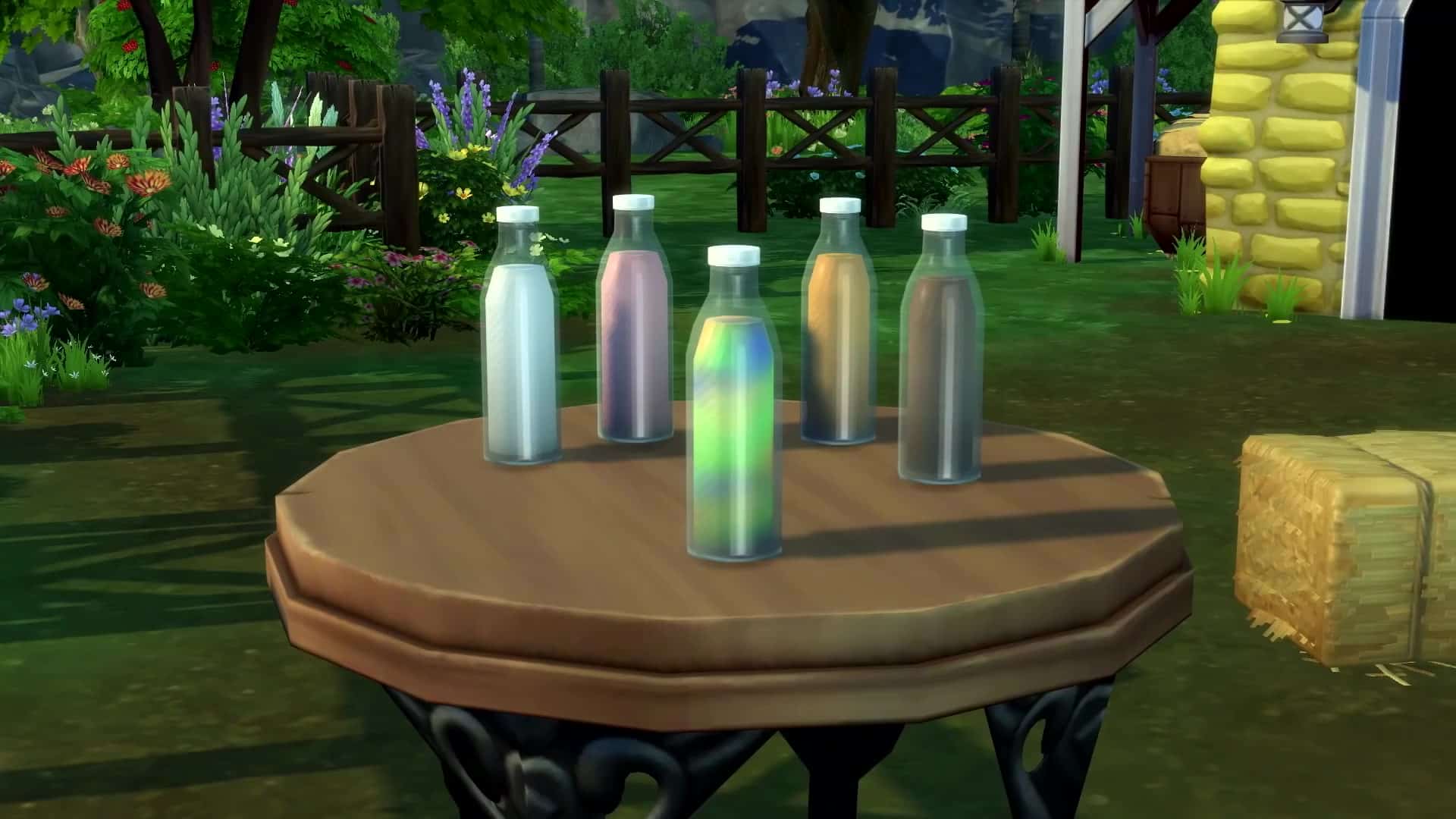
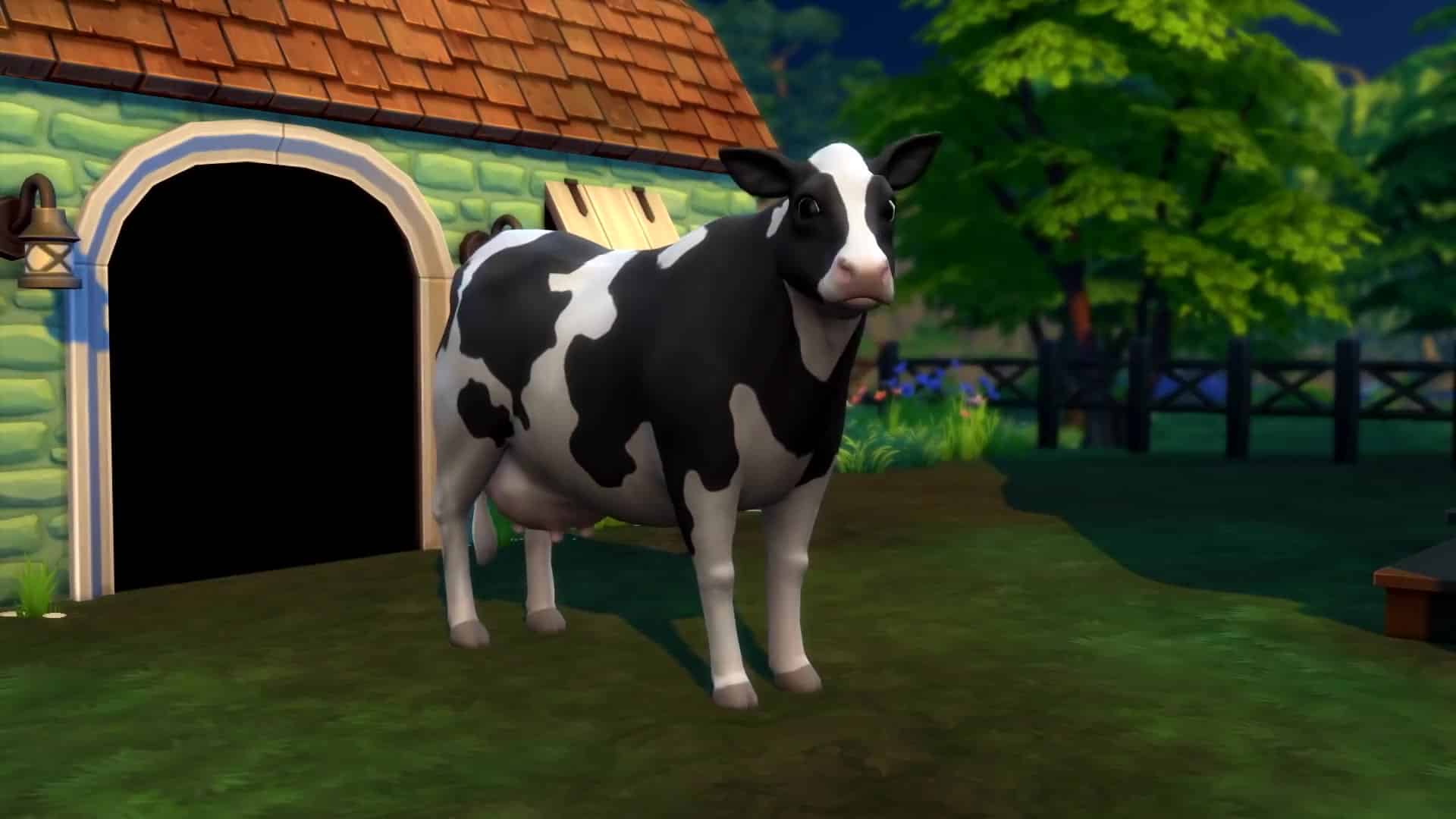
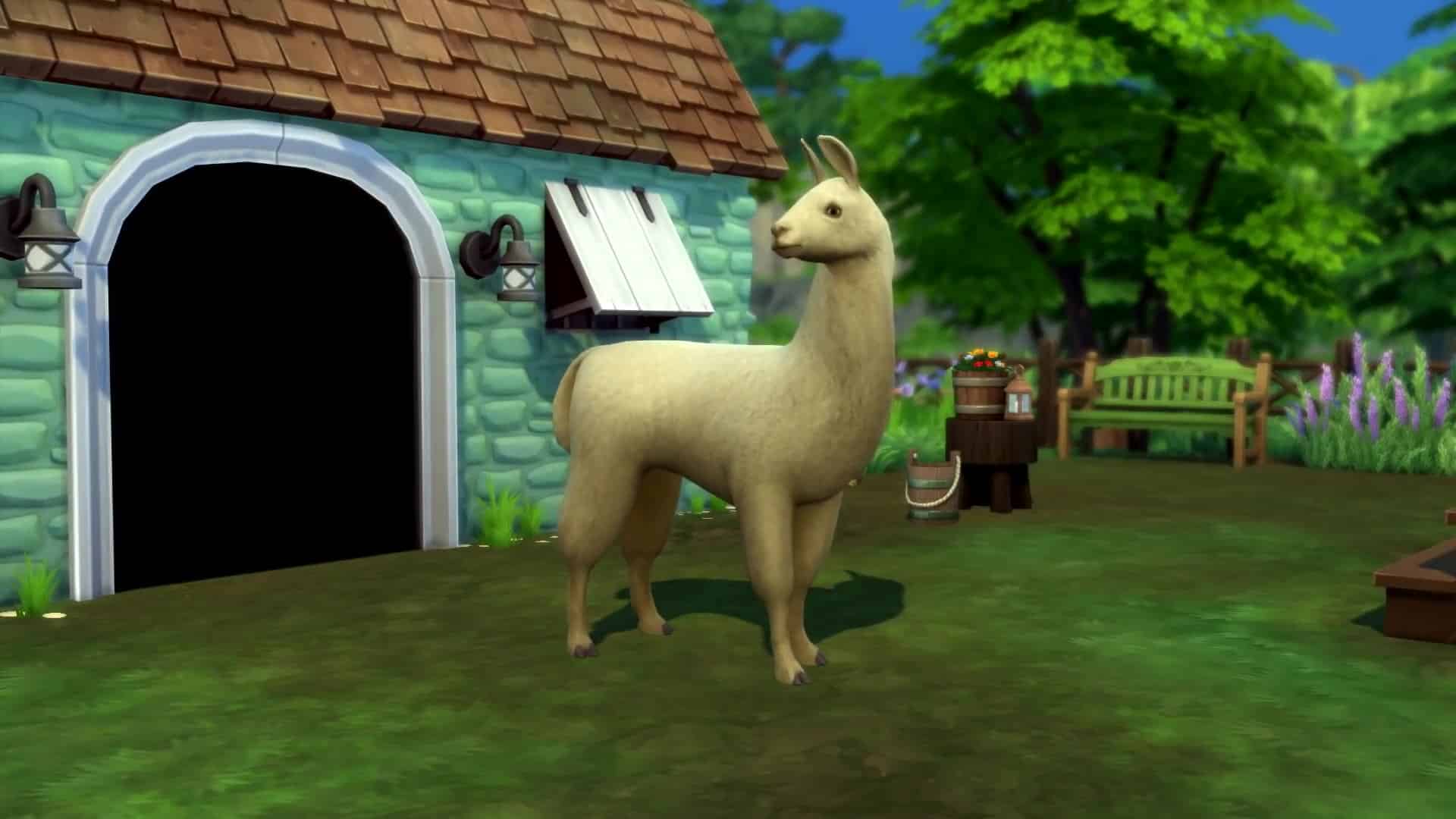
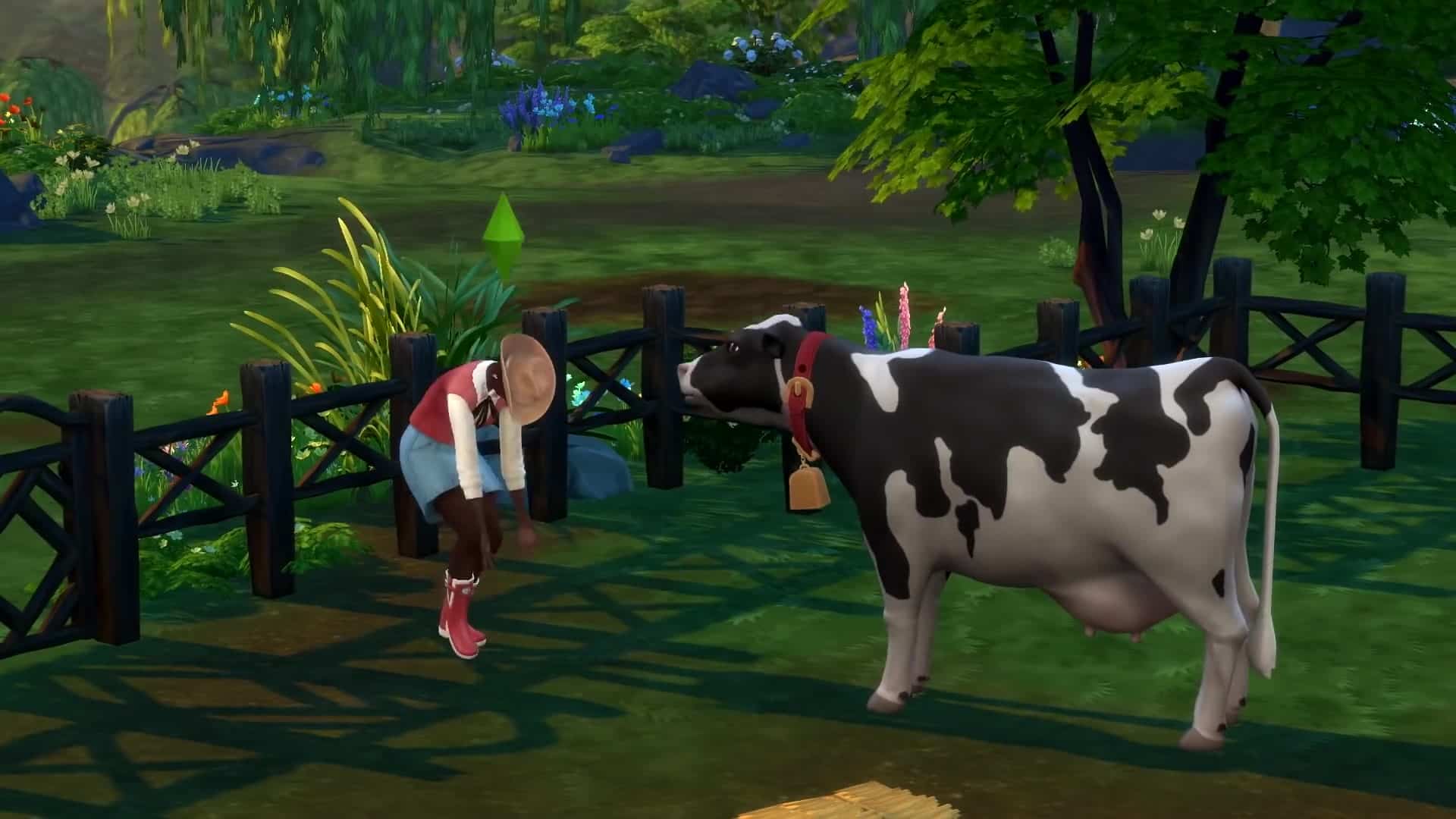
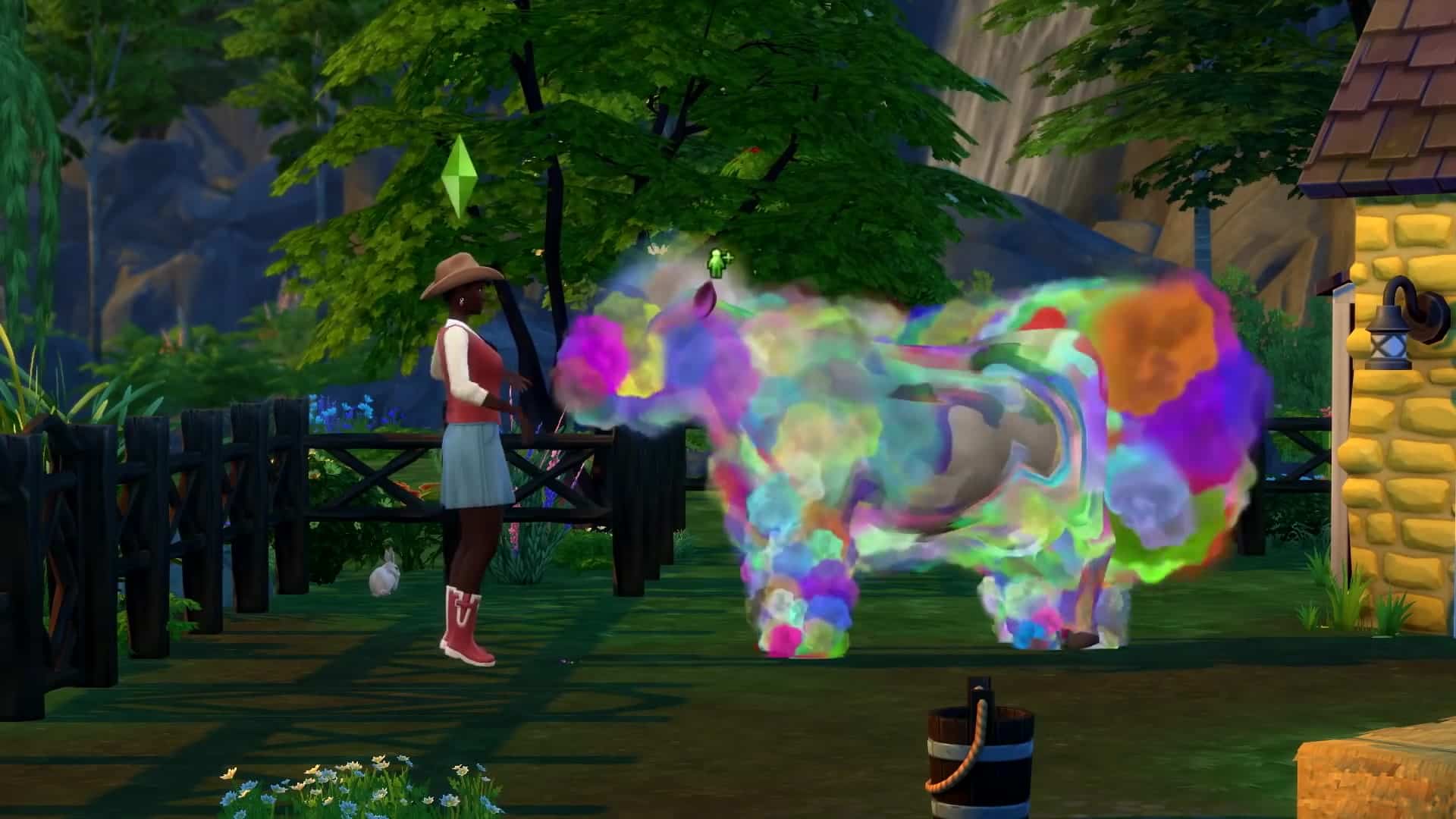
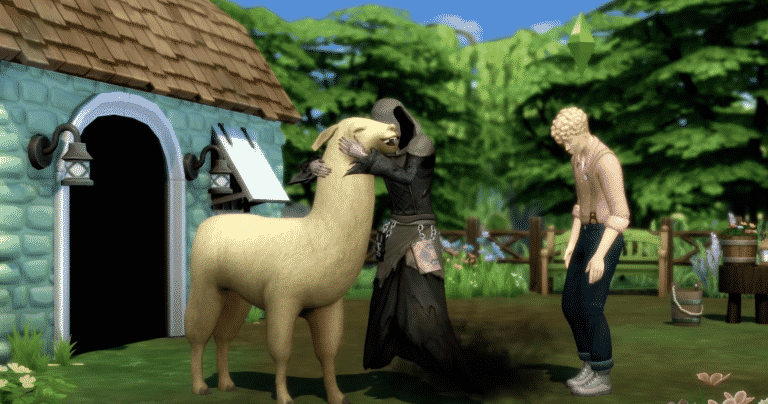
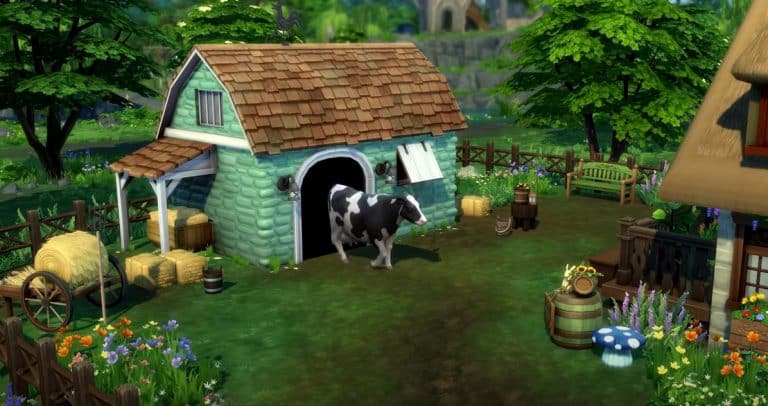
New Object: Animal Shed. The animal sheds house cows and llamas. Cows and llamas do have a lifespan and will eventually die of old age. Sims need to bond with their animals and keep them happy in order to get the best quality byproducts. Different types of animal treats will change the animal’s appearance and create new types of byproducts. We saw a rainbow cow give rainbow coloured milk in the trailer.
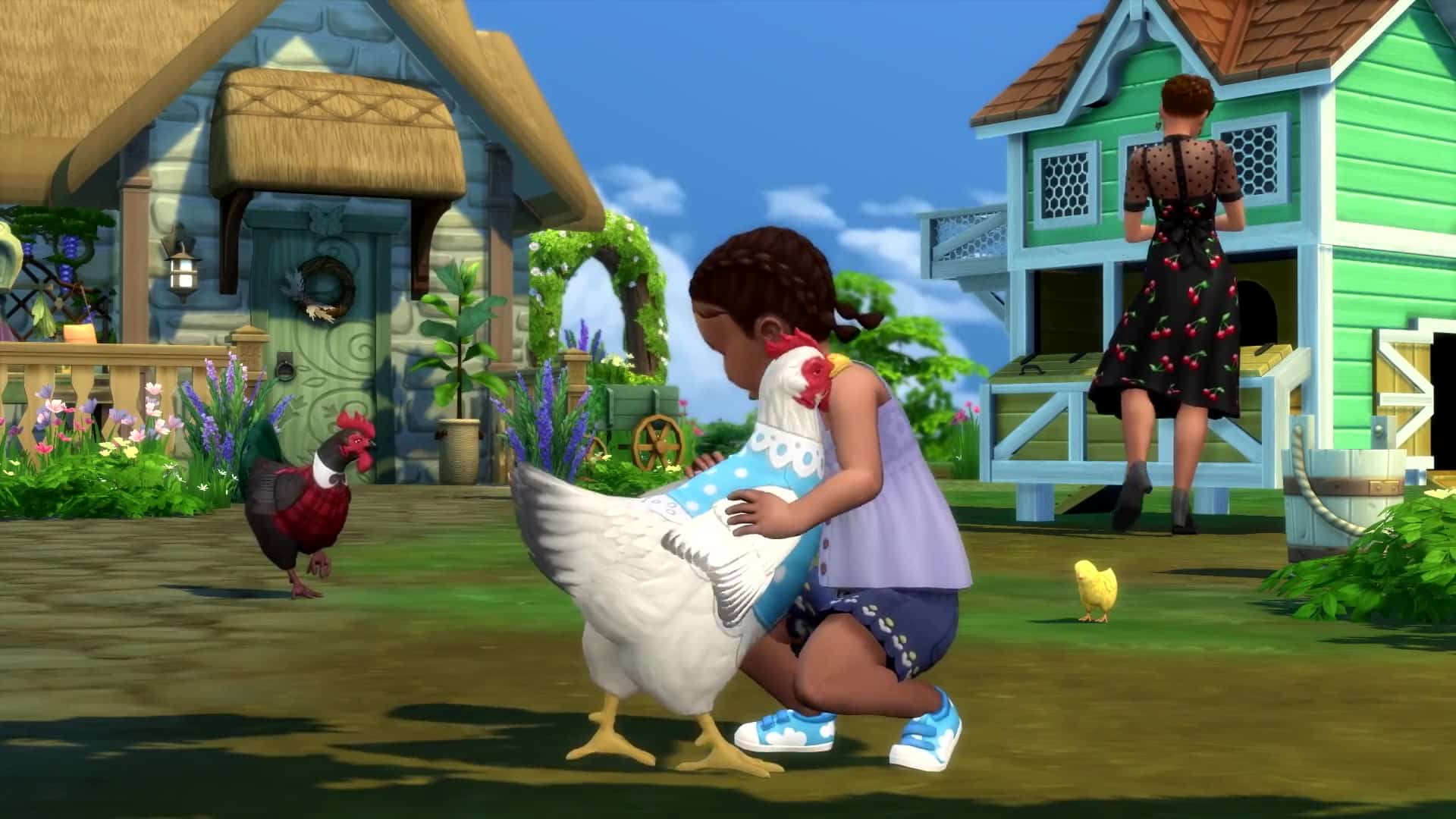
New Object: Chicken Coop. The chicken coop can house up to 8 chickens. The coop can be upgraded with an alarm that prevents foxes from sneaking into the coop and stealing your eggs.
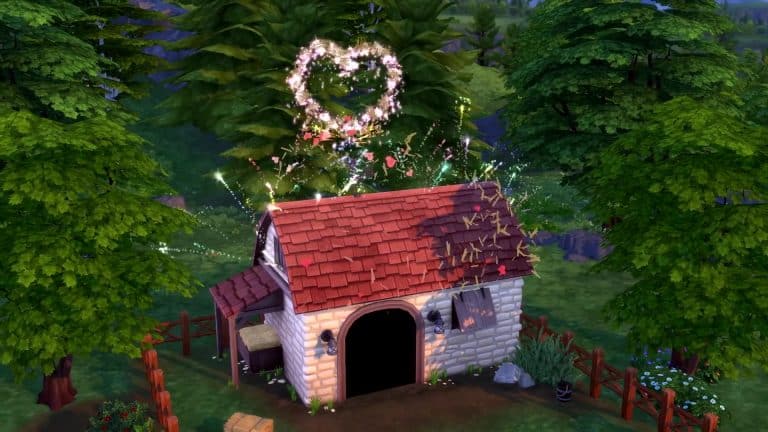
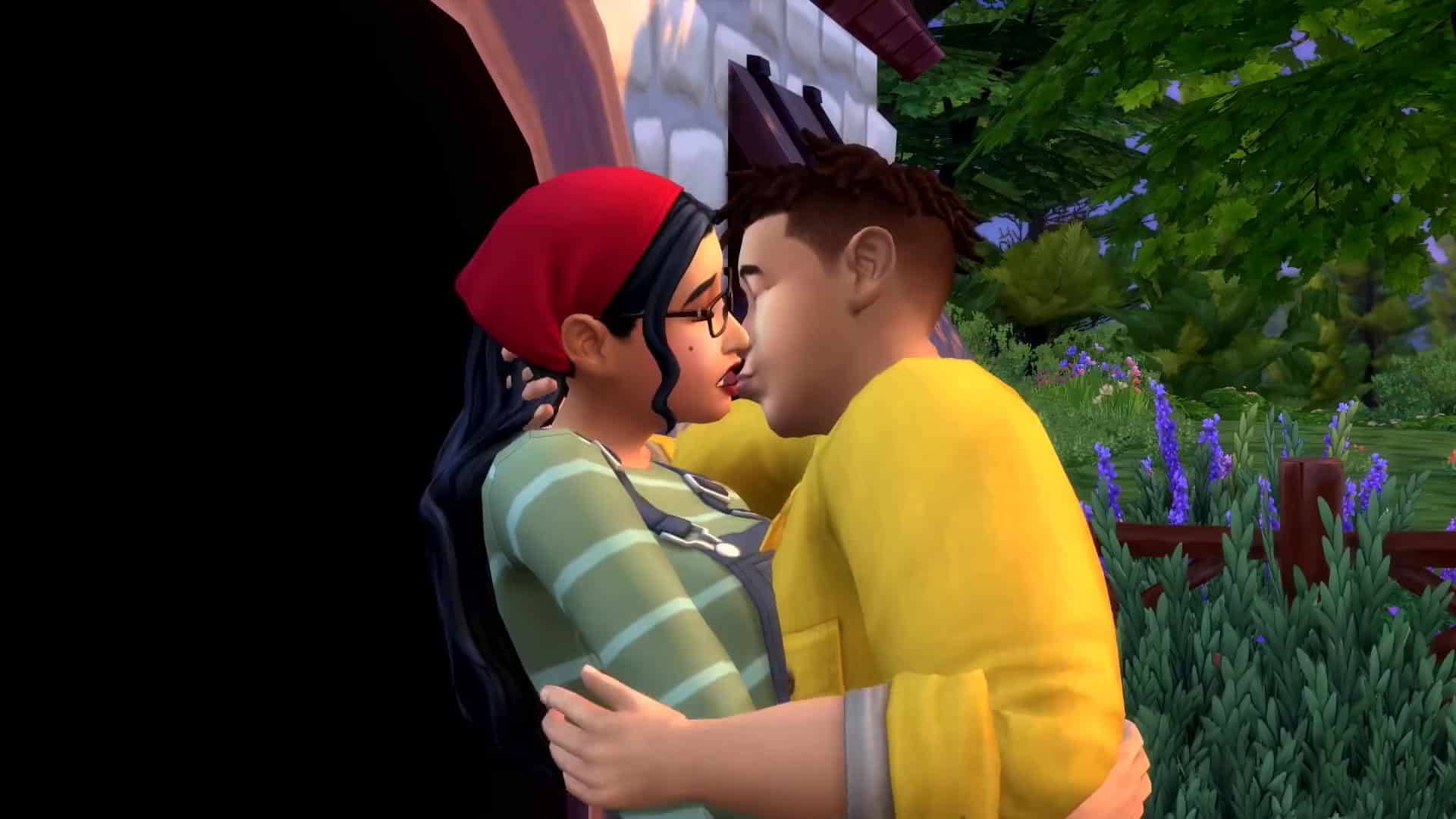
New WooHoo Spot: The animal shed can be WooHoo’d in!
New Event: Finchwick Fair. The Finchwick Fair happens in the village. Sims can enter their animals, animal products, grown produce, and cooked dishes into the fair.
What are you most excited about in Cottage Living? Let us know in the comments below or chat with us about it on social media!
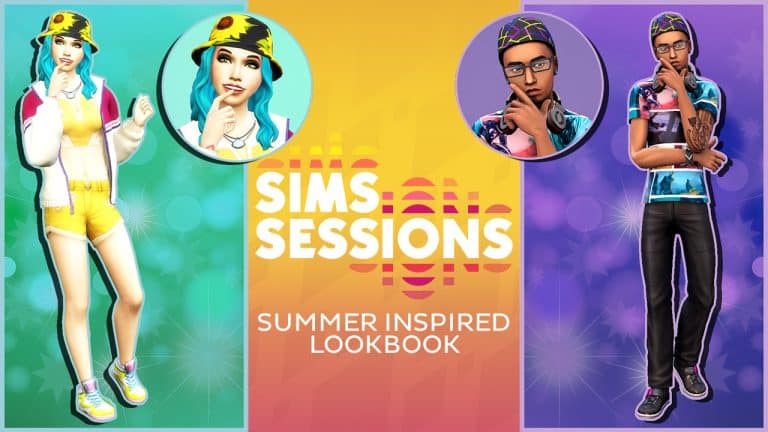
With the Sims Sessions Event now live, SnarkyWitch and I decided to come together again for another lookbook!
Inspired by the likes of Coachella, Reading and Leeds, Lollapalooza and Glastonbury Festival, each of the four following looks have that perfect Summer festival vibe. You’ll find all the information for each look under the images
Perfect Pink Camo
Outfit
Hair: Briaded Rings (Get Famous)
Top: Camo Tee (Get Famous)
Bottom: Denim Shorts (Bowling Night Stuff)
Shoes: Laced Hi-tops (Get Famous)
Accessories: Hoops (Base Game)
Makeup: Eyeshadow, Blush & Lips (Base Game – MAC Cosmetics) & Eyeliner (Base Game)
The Sims has scheduled a livestream for The Sims 4 Cottage Living on the Thursday 8th July 2021 at 11AM PT / 8PM CET / 7PM BT over on YouTube. If you head over to YouTube, you can set a reminder so that you don’t miss out!
We’ll see you there!
Not going to be able to make the livestream? We’ll keep you covered with all the latest information as it happens next week!
The Sims Team has announced that they’ll be releasing a Gameplay Trailer for The Sims 4 Cottage Living Expansion Pack TOMORROW!
They’ve shared a YouTube Premiere Video Page, as well as a teaser screen – both which you can check out below!
The gameplay reveal is set to happen on July 1st at 5PM CET / 4PM BT / 8AM PT. We’ll make sure to keep you updated on all things Cottage Living so stay tuned!
The hottest event of the summer is finally here but only for a limited time! From June 29th to July 7th, anyone who owns The Sims 4 base game can experience Sims Sessions; a music festival with live performances from real-life artists that takes place every in-game Sunday behind Magnolia Blossom park in Willow Creek!
The event is free for all Sims 4 players to enjoy but make sure your Sims have some simoleons saved up to buy merch, food, and other goodies when they attend!
If you’re not sure how to participate, this guide will walk you through everything about the Sims Sessions festival!
Getting Your Hands on Tickets
First and foremost, you need to update your game. You won’t be able to see or participate in any of the new content until your game is fully updated. Origin should update your game for you automatically but if it doesn’t, right-click The Sims 4 in your Game Library and select Update Game.
Once your game is all up-to-date, you’re ready to go! Start the game and either load your current save you’ve been playing in or start a new game. Sims Sessions takes place every in-game Sunday from 12pm to 12am so if it’s not Sunday in your game, you’ll have to wait a little bit to get to all the action.
TIP! If you’re really impatient and want to jump right into Sims Sessions as soon as you start playing, start a new game! New games always start at 8am on Sunday!
On Sunday morning at around 9am, you’ll get a popup notification about Sims Sessions! Every child and older Sim in the household will automatically receive a festival ticket in their inventories at this time. Click on your ticket to get some more information about the event, including the date, time, location, and the performance lineup! You can also hang it up on the wall as a keepsake!
Arriving at Sims Sessions
The Sims Sessions event is located in the peninsula behind the Magnolia Blossom park in Willow Creek. The festival takes place in the common area around the lot, not on the lot itself so don’t worry if you have altered or replaced this lot in your game. The festival will still work fine no matter what you’ve done to the lot.
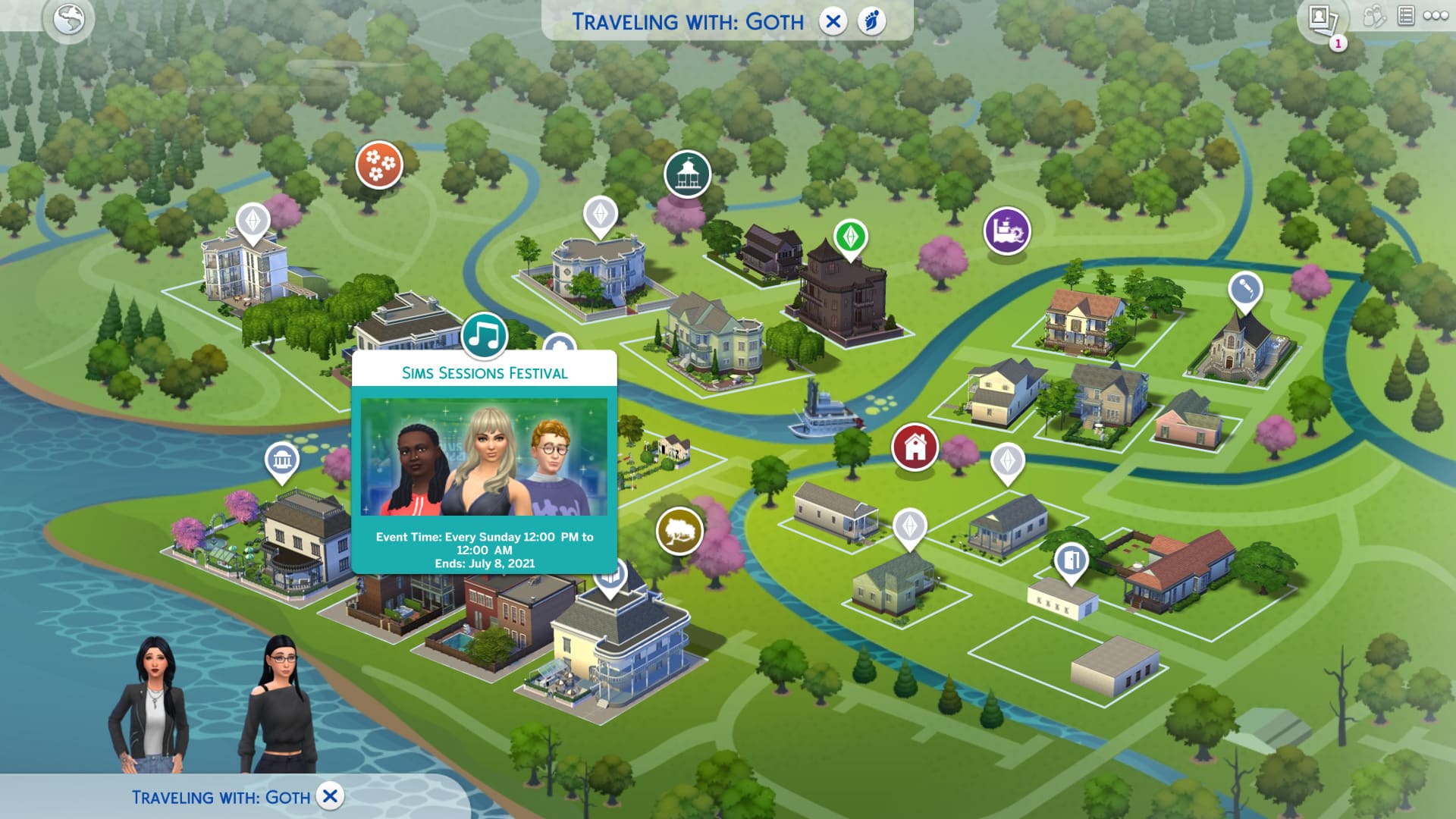
If you’re not sure where the park in Willow Creek is, a musical icon will pop up on the map on the day of the event to show you exactly where to go.
I was overeager and sent my Sims to the location several hours early so they could hang out and get hyped for the festival but the event did not start at 12pm as scheduled. I had to travel to a different lot and travel back after 12pm to get the event to start so make sure you are not already at Magnolia Blossom when the event starts. Arrive just after 12pm and everything should be set up for the festival. Some other players have reported that they had to look at their tickets to get the event to start so try that as well if you are having trouble getting Sims Sessions to start at 12pm on Sunday.
Performances and Activities
The festival will begin at 12pm on Sunday. You will see a stage set up in the peninsula area behind the park, as well as tents, a market stall, public washrooms, a food vendor, and a merch vendor.
Your Sims won’t want to miss the performances so make sure you use the washroom and grab a bite to eat from the food vendor before the opening act takes the stage. If you want to dance and sing your heart out in style, make sure you pick up some limited edition t-shirts from the merch vendor! There are a total of five different shirts you can purchase; one shirt each featuring Bebe Rexha, Glass Animals, and Joy Oladokun, one Sims Sessions shirt, and one Summer of Sims shirt. Once purchased, you can use any of the tents set up on site to change into your new clothes. Purchasing the shirts permanently unlocks them for your household.
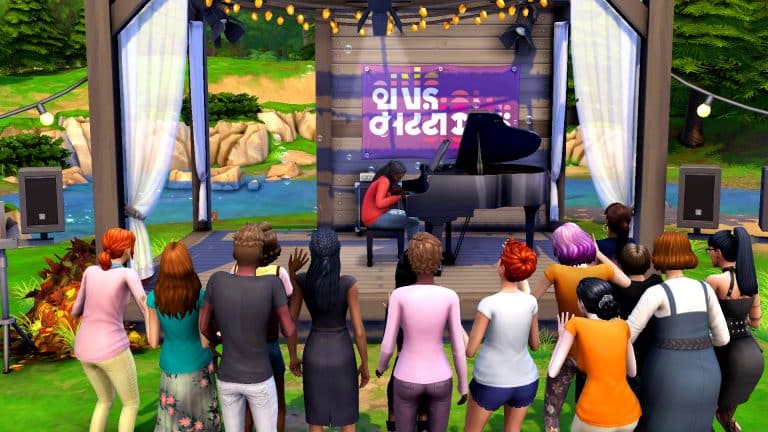
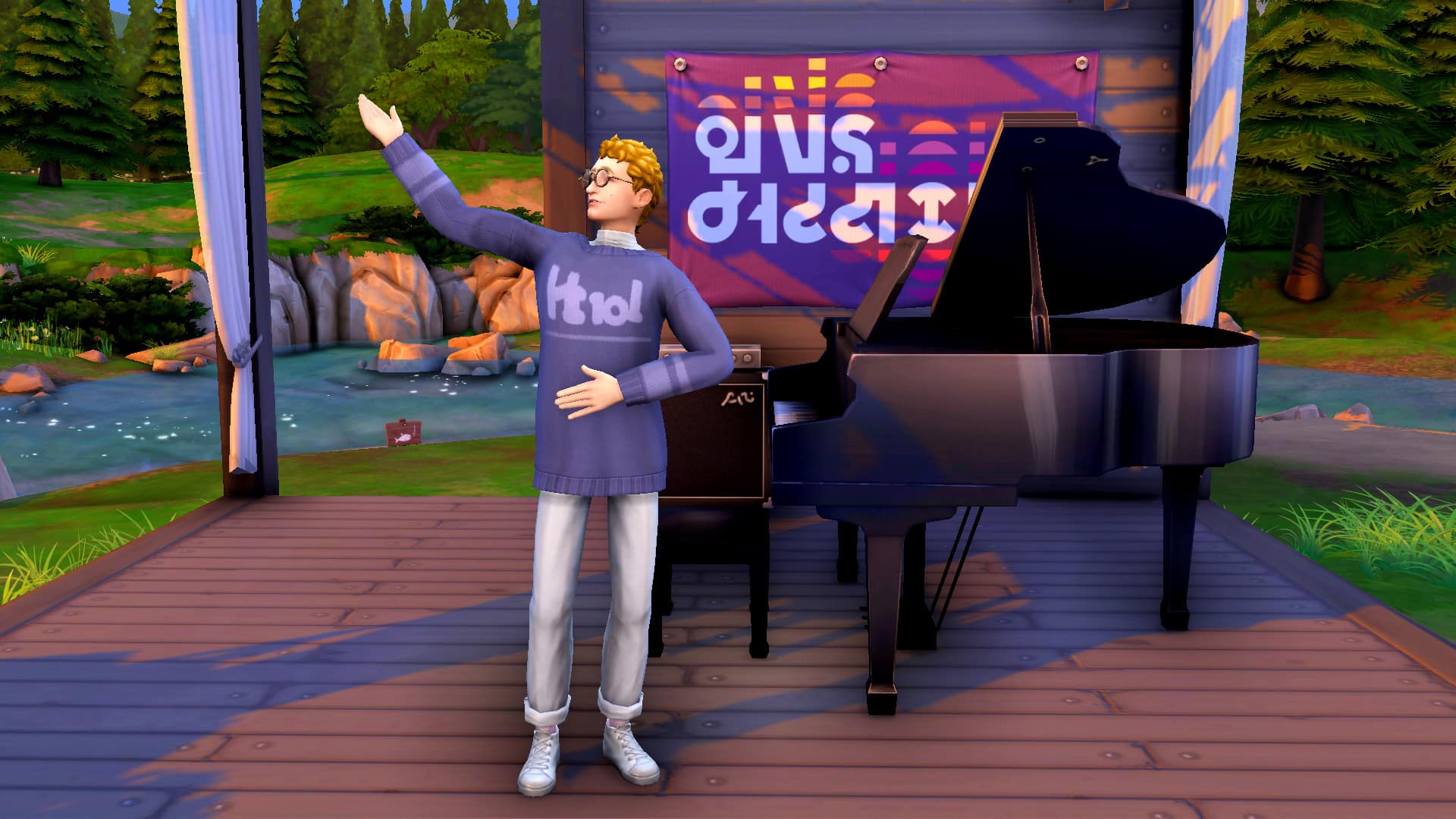
Joy Oladokun is the first act who takes the stage, performing her song “breathe again” in Simlish. When she goes on stage, all the Sims in the area will autonomously head over to the stage to watch the performance. For the best experience, we recommend listening with headphones! These really are some one-of-a-kind musical performances that you’ll want to be able to hear with perfect clarity!
There will be a short break in between performances to give your Sims a chance to use the facilities and grab a bite to eat if they need to. You can also check out the market table in between performances to see what items are being sold there. If your Sims are avid collectors, it might be worth their while. There were some rare crystals being sold at the tables when my Sims attended. You can also man the market tables yourself if you have crafts or collectibles you’re looking to sell! The festival draws a lot of Sims so you’re sure to make a good profit!
Glass Animals is the second act, performing an acoustic version of their song, “Heat Waves” in Simlish. Sims will once again gather around the stage to cheer, dance, and overall have a great time listening to some great music!
If your Sims are beginning to get tired after the second act, they can use the tents on site to catch a quick nap before the third and final act takes the stage. Or have a quick WooHoo instead. We’re not judging!
The third act is Bebe Rexha who will close the show with an acoustic version of her song “Sabotage” in Simlish. If you’ve been distracted by all the other activities throughout the festival, now’s your last chance to head over to the stage and soak up the tunes. We’ll leave it up to you to decide which of the three performances were your favourite but we have to say it’s a hard choice; they were all pretty fantastic.
Bebe’s performance marks the end of the festival but the party doesn’t have to be over if you don’t want it to be! The stage and tents will stick around for a while after the show ends so your Sims can get up on the stage and perform, themselves! That’s right; you can become the star of Sims Sessions: After Hours! Or you can climb into one of the cozy tents for a good night’s rest after all that excitement.
Come Back Next Time!
Can’t get enough of Sims Sessions? Wish you could experience it all over again? Well, you can! Don’t forget, Sims Sessions happens every Sunday at 12pm behind the Willow Creek park until July 7th. Make sure you take advantage of the limited time event and attend as many Sims Sessions as you can before it all goes away.
The Sims Team has shared a sneak peek at the upcoming update for The Sims 4 in their latest Inside Maxis Livestream!
In the stream they’ve revealed that The Sims 4 will soon be updated with new group family activities, such as Cooking and Gardening Together. Best thing about it is that Children can now also join in the fun!
Check out the full transcript and information about this addition below (with screens!). The update is expected to be released closer to the release of The Sims 4 Cottage Living Expansion Pack.
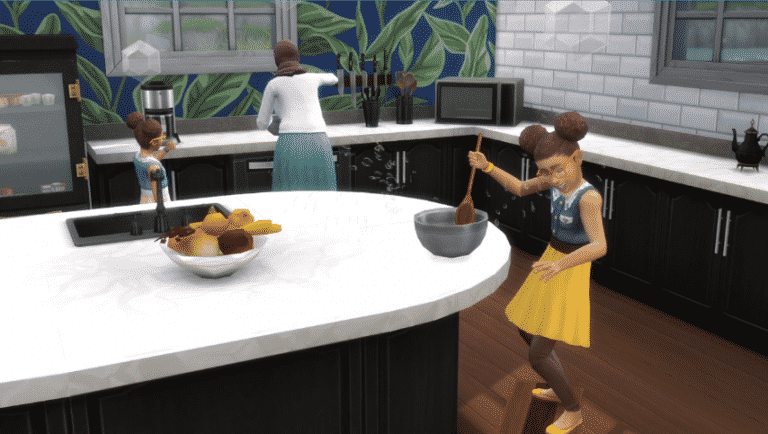
Let’s talk about family time! In the next game update The Sims will be able to do more things with their family such as cooking together.
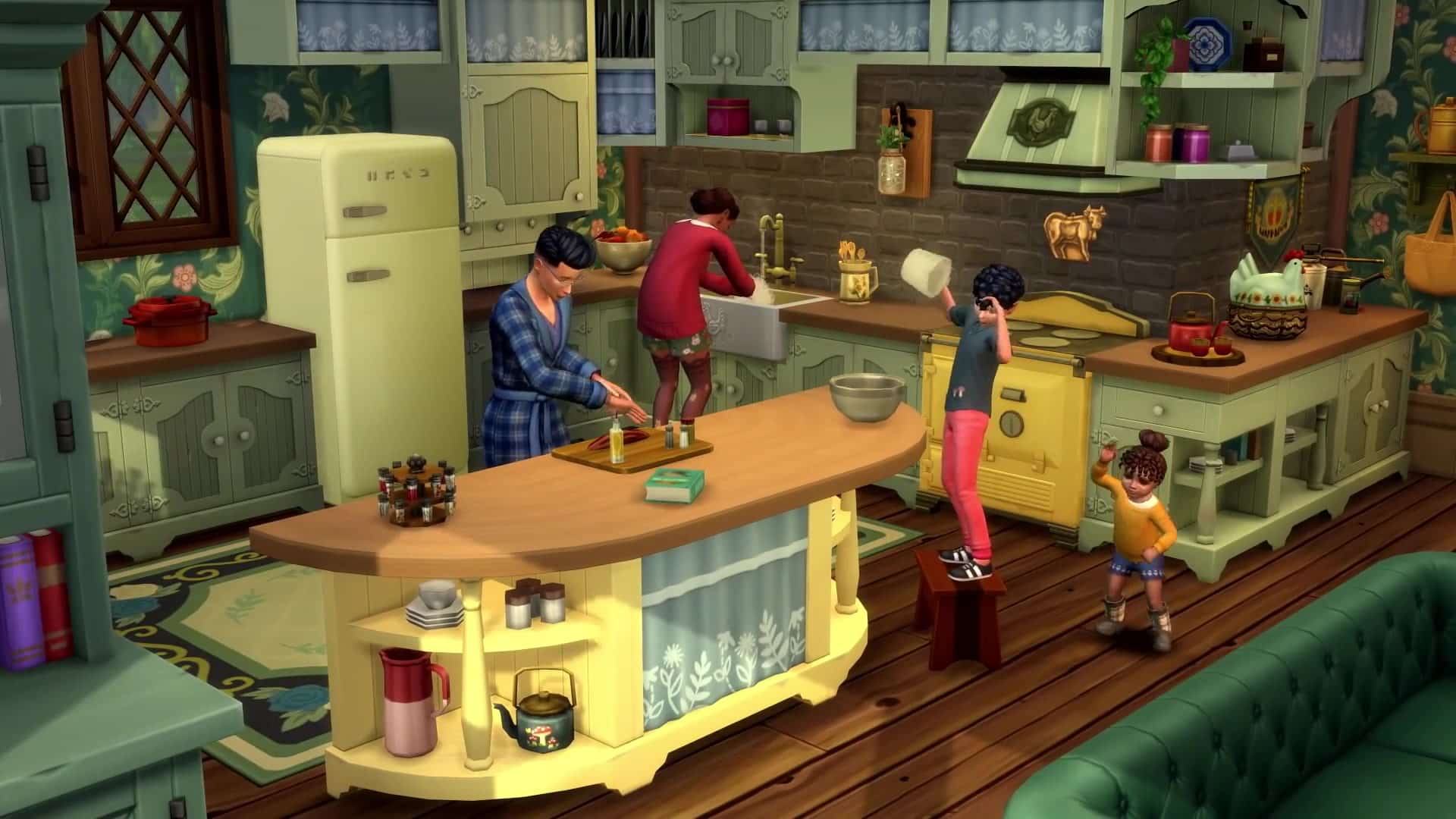
Group cooking allows you to select up to 5 Sims together to cook a meal. It allows you to gain relationships while creating better quality meals and more servings. In addition to any Sim that’s on a player slot Children can also be chosen to cook with an adult. They will gain Mental Skill as a part while doing this. Sims that cook together can gain a new Sentiment!
group1
group2
group3
group4
group5
group6
group8
Let’s also talk about kids gardening! Children will be able to water, weed, plant and harvest crops! They cannot use the vertical garden from Eco Lifestyle though. Water is available to all Children but weed, plant and harvest are unlocked by Mental Skill thresholds. Children and Toddlers will also be able to talk to plants – it’s such a cute interaction! Toddlers babble or talk depending on Communication Skill; Children will have a few random renames of interactions like “How does the Sun taste?”.
Teens, Young Adults and Elder Sims with enough Gardening Skill can also teach about Plants to Child Sims – a social that provides a child with Mental Skills! All Sims who can plant Seeds (Teens, Young Adults and Elders) with enough Mental Skills will also have an option on gardening containers (Pots, Planters, Patches etc.) to plant the seeds in their inventory.
The Sims Team has shared a preview of a brand new hairstyle coming to The Sims 4!
The new hairstyle was shown during the latest Inside Maxis Livestream. Although we don’t know when the update will come out we should expect it as we get closer to the release of The Sims 4 Cottage Living Expansion Pack, which comes out July 22nd.
The Sims Team has released a brand new update for The Sims 4 on PC, Mac, Xbox One and PS4!
To download the latest version of The Sims 4, simply open your Origin program and if the game doesn’t update automatically, right click on The Sims 4 and select ”Update”.
In case you have Mods or Custom Content, the game will automatically disable them for you after first launching The Sims 4 after the update. To re-enable all your Mods and Custom Content, select the Settings option in the Menu and select Settings. Under the ”Other” section you’ll find the ”Enable Custom Content and Mods” option. Check it and restart your game in order for it to take effect!
Patch Notes
PC: 1.76.81.1020 / Mac: 1.76.81.1220
Console: Version 1.43
Happy Summer everyone! We hope you are well wherever you are in the World. We have a Game Update that we hope you enjoy and some bug fixes.
Thanks again for your continued support and feedback! Stay cool and hydrated and if you are not in a warm season, stay warm and cozy.
Chau Chau!
-SimGuruRusskii
What’s New?
Continuing our Summer of Sims, nothing says Summer like a music festival doesn’t it? Now you can experience them in The Sims! We welcome you to Sims Sessions with this update, a music festival where some of your favorite artists come together to entertain and to delight us with some of their most iconic songs. And we sure have a fantastic lineup for all of you!
Drumroll please…
Headlining the event, we have the award winning and critically acclaimed, two-time Grammy nominee, Bebe Rexha! She will be performing a magical, acoustic rendition of her song Sabotage.
Also performing we have Glass Animals, with their alternative, experimental sound that has captivated audiences across the globe. They will perform their top of the charts single Heat Waves.
Last but by no means least, is the soulful sound of Joy Oladokun! Recently deemed “2021 Artist to watch” by Amazon Music and NPR, Joy Oladokun’s words will stir all emotions and take you on a musical journey with the song breathe again.
Now that we have told you about our lineup, you must definitely NOT miss this event, I mean… Why would you? So let me tell you how to get there…
Sims Sessions will be hosted in Magnolia Blossom Park in Willow Creek on every Sunday (that is In Game Sunday), starting June 29 (TODAY) 10 a.m. PT to July 7 at 10 p.m. PT. Once Simmers load their game today (after updating the game of course) your Sims will get a message telling them about Sims Sessions (this will happen on in game Sunday in a new Save, but if you are not in a new save you will need to wait for it to be Sunday in your game after the Game Update), they will also receive a ticket in their inventory that they can view for more information and they will be able to travel to the location of the festival.
However, if your Sim is curious and absolutely cannot wait for the message, Sims can see the Sims Sessions pop up in the game in Willow Creek’s neighborhood map.
The festival venue will have vendors from which your Sims can buy merch and spots to relax and unwind while listening to amazing music.
We hope you enjoy this event! If you want to know more about Sims Sessions, you can visit the Sims Sessions website.
And with that we move on to the bug fixes…
Bug Fixes
Sims 4
Our master gardeners treated a few of our plants so they no longer reset to a previous growth stage randomly. If only life worked that way…
We fixed an issue where selected Create a Sim outfit parts on Sims were not showing up appropriately highlighted on the right side menu.
Teens generated with the Play with Genetics options in Create a Sim will no longer have Crow’s feet.
We have fixed an issue where Sims could not use stairs when Simmers deleted the floor of a fence block that was built around the stairs in the upper landing. It sounds like a mouthful, doesn’t it?
Some of our new hair colors (Neutral Black, Warm Brown, Neutral Blonde, and Light Blonde specially) were creating some issues in some Create a Sim hairstyles when applied, making Sims’ teeth disappear (?????) or turn grey in some cases.
Your Sims just LOVED their new hair colors, but noticed it also changed their eyelids and eyebrows instantly? I mean instant eyeliner is something I truly desire but we know that we needed to fix this one everyone, so indeed your Sims can no longer get automatic eyeliner and eyebrow colors from choosing a hair color.
Fixed an issue where when Sims learned about the Likes and Dislikes of other Sims their Sim Profile became blank. I mean, unless they like or dislike nothing, that is… troubling.
Get Together
Invited NPC will now leave… eventually. You know that saying that some visitors start smelling like rotten fish after a certain amount of time? We had to tell the NPCs that well, they were a problem so now they should be leaving appropriately.
Snowy Escape
I see a little silhouetto of a Sim, Skiing next to me – Omg, Omg, this is not a ghost tho? All the snow activities were really frightening me! All fixed now? Fixed now? MAGNIFICO OOOO.
If you had noticed invisible Sims doing snow activities in your game because they switched boots on the slopes… worry not, it should be fixed.
Bust the Dust
Sims with the Slob Trait can now complete the Fabulously Filthy Aspiration goal of Letting at least one floor level of your home become dirty! #goals?
With the Sims Session Summer Festival right around the corner, what better way to get into the mood than listening to some of your favourite Summer songs!
I asked Jovan and SnarkyWitch to join me in sharing a few of our favourite Summer songs, except there was a slight twist. One of those songs had to be a Simlish song. As well as the two songs we initially chose, we also chose another artist that we discovered because of The Sims!
So here are nine songs that make up our Summer Playlist!
Of course, throughout The Sims history there have been many artists featured in the games, a number of which we will have discovered for the first time through the game.
The Veronicas – When It All Falls Apart
AURORA – Under The Water
XY&O – Haunt Me
What are some of your favourite Summer songs that give you that festival feeling? Let us know in the comments below!
For more information about Sims Sessions, click here.
Over the last 2 years we’ve been getting a lot of reports about the next Sims Game being in development. We’ve been referring to this next Sims Game simply as “The Sims 5” because, with the production level and a few reports saying that this is going to be a next-generation Sims experience. We might never know if it’s going to be called that way (or something else) until the official announcement.
However, we now might know how EA is calling the next generation Sims Game internally. All big installments and projects have a special “project” name until the game is ready to be announced. This was also the case for The Sims 4, which was called at an early stage of development under Project Olympus. This was a project that held the name in the early stages of The Sims 4 back when it was developed as a multiplayer game.
@PattonKieran pointed out a new post on LinkedIn by a Maxis employee that stated the following:
Maxis (the esteemed maker of The Sims) is hiring! We have multiple positions open with both our Sims4 team as well as the top secret “Project Lotus”…
Some of the job listings that have been listed in this post refer to prototyping a new Sims Game in Unreal Engine. In case you don’t know we recently reported that The Sims 5 will be prototyped in Unreal Engine.
This all most likely confirms that internally EA developers are using “Project Lotus” when referring to the new Sims Game.
Would it be too much if I did a deep analysis of why would EA choose Lotus when referring to The Sims 5? Yeah, possibly. However I did a quick Google search anyways of the meaning of the Lotus flower:
The Lotus flower is regarded in many different cultures, especially in eastern religions, as a symbol of purity, enlightenment, self-regeneration and rebirth. Its characteristics are a perfect analogy for the human condition: even when its roots are in the dirtiest waters, the Lotus produces the most beautiful flower.
When I first started writing my Sims stories, I had no idea what I was doing and there weren’t a lot of easily-accessible resources back then to help a newbie Sims storyteller. For the most part, I went in blind and spent years slowly acquiring the knowledge, skills, and techniques to write the kinds of stories I do now. While my formal post-secondary education in English Studies certainly has contributed to the writing I do, a lot of the visual components of my stories were self-taught.
So I’m here today sharing a few tricks and tools of the trade to help you tell amazing, immersive stories that are visually appealing and draw people in!
Cheats are Your Friend
If you’re telling a story that’s integrated into a challenge you’re playing, you might not be able to use a lot of cheats if you’re complying with the rules of the challenge. However, there are a few small cheats I love to use to get better shots and set things up the way I need them that don’t interfere with most challenge gameplay at all.
headlineeffects off/on: Being able to toggle headline effects off and on is a life saver! This nifty cheat will get rid of all those annoying bubbles and whatnot floating above Sims’ heads that completely break the immersion of your story when they end up in your screenshots. It will even remove that eyesore of a plumbob on top of your active Sim! The only caveat with this cheat is that it also removes tooltips so you won’t be able to see how your garden is doing or check your hamster’s hunger level. Turn headline effects off when you want a beautiful shot and turn it back on when you need to see that kind of info.
cas.fulleditmode: I like to use this cheat when I need to quickly set relationships with some of my background characters. I can easily make Sims married, give them children, etc, without having to spend a lot of time playing that household in order to make all those changes. You can of course use this cheat to change your Sims’ physical features and “fix” a Sim that was born unfortunate-looking but I don’t typically do this in my game. I like the diversity in my Sims’ appearances.
freerealestate on: This cheat may not comply with the rules of some challenges but I don’t usually use it for my main Sims I’m playing out a challenge with. I do use it a lot to move out the extended family and other background characters somewhere a tad nicer than a ramshackle garden shed, though.
bb.enablefreebuild: This is a life saver for posed shots on most lots where it ordinarily wouldn’t be possible to place down a teleporter. For example, when my Sims are on vacation and staying in a rental property, I can use this cheat to access Build/Buy and place down anything I might need to tell my story, from teleporters to props.
Don’t Waste Time Building What You Don’t Need
Have you ever wondered how your favourite storytellers have the time to build all those elaborate sets for their stories? Well the truth is most of them don’t. What you see in screenshots is very different from how the lot actually looks in the game while the storyteller is shooting that scene. In reality, it looks more like a film set, with different stages set up in a studio-like environment and off-camera stage lights setting the ambiance.
If you’re writing a story about a group of high school kids but you only have scenes in the gym and the cafeteria, why would you build an entire school from the ground up? You don’t need all that extra stuff. It’s just going to eat up time you could have spent working on your story. Build only what you need to save time and energy.
If you’re not so great a builder, I have some pre-built storytelling sets in my Gallery. They’re all CC-free. Look up the ID SnarkyWitch and grab whatever inspires you!
Custom Poses
While it’s totally possible to tell a great story without any mods or cheats at all, things like custom poses can really enhance your scenes and deliver the kind of emotion the in-game animations can’t always achieve. In fact, I became so passionate about storytelling that I learned how to make my own custom poses so that I could bring the exact vision I had in my head to life in my story scenes.
But you don’t need to know how to make custom poses to use them in your stories! There are lots of amazing storytellers who share the poses they make for their own stories with the rest of the community! The best place to look for custom poses to download is ts4-poses on tumblr.
Check out the video below to learn how to use custom poses if you’re not familiar with how they work in your game!
https://www.youtube.com/watch?v=lopaooe_hWs
TAB Mode is Best for Screenshots
Even though you can just hit the C key while you’re playing to generate a screenshot in your Sims 4 folder, you aren’t going to get those cinematic shots that really immerse the reader in your story. To get those intense close-ups of an anguished expression on a Sim’s face or a low to the ground angle for a cool action shot, you’ll have to learn to master cameraman mode. Or as I usually call it, TAB mode.
Hitting the TAB key while playing will take you into camera mode. This mode removes the UI and opens up advanced camera controls so you can get the best screenshots possible with professional-looking cinematic angles and viewpoints. Mastering the controls takes time, patience, and a lot of practice but here are some basic controls to get you started with it.
+/– (or) Z/X: Zoom in and out
Directional Arrows: Pan the camera around
Mouse Movement: Pitch the camera at the desired angle
A/D (or) </>: Rotate the camera
Play around with these controls and you’ll eventually become so comfortable with them that they’ll become second nature to you. Once you’ve gotten the shot you want, hit the C key to generate a screenshot in your Sims 4 folder.
Photo Edits Make Stories Pop
There are many ways to edit your screenshots to make them prettier, brighter, or darker, depending on the kind of story you’re telling and no storyteller edits their screenshots the exact same way. Some use a photo editing software like Photoshop or a free alternative. Others use a lighting mod called Reshade. Some storytellers use a combination of the two.
Because I’m lazy and don’t want to spend hours in Photoshop editing my screenshots (and because I’m a terrible photo editor), I rely on Reshade to do all the hard work for me. Reshade is a mod that works with many different games, including The Sims 3 and The Sims 4, that will change the lighting, colours, and shading directly in the game for you so that when you snap a screenshot, you’re snapping a fully edited photo without any Photoshop skills required.
Reshade is a bit tricky to install since it’s not installed the same way other mods for The Sims 4 are, so here’s a video tutorial for you to check out if you’re interested.
And there are hundreds, if not thousands, of presets available to install for Reshade as well but if you want the one I use in my screenshots, you can find it here. Be aware this preset only works with Reshade 3.0.8 so you will have to install an earlier version of Reshade in order for it to work properly.
Finally… Write a Good Story
I’ve given you some tricks of the trade to help you get incredible screenshots to accompany your stories but none of it will matter if the writing itself is not good. There’s no easy trick to good writing. There are no shortcuts or tried-and-true formulas that work 100% of the time. Writing is a skill that takes years and years of studying and practice to master and you’re always learning no matter how good at it you become.
I only have two tips that can help you with this part:
Read a lot of books and watch a lot of fiction. The more you read, the more you will pick up on good writing form and the more fiction you watch on TV, the more ideas you’ll get for some epic storylines. You’ll also pick up on what cinematic angles look best for which type of scenes.
Character development is everything. You could have the most amazing, fleshed out plot in the entire universe and the best screenshots with the most incredible sets… and no one will care if they don’t care about your characters. The best characters have flaws and struggle with contradicting personality traits. They screw up, they don’t always make the right choices, but they are always motivated by a desire to do better. Even most villains believe they are the good guys and aspire to be good in some way, even if their idea of being the best is actually bad.
So those are some tips and tricks to help you take your storytelling to new heights! Although all this can seem overwhelming to a newbie, please remember that I’m coming from an extensive academic background in language and literature and have decades of experience writing both Sims and non-Sims fiction. My tips might seem intense but the most important thing is to have fun. If you’re having fun, people will notice and want to have fun with you, so use what you find helpful and disregard anything that isn’t working for you.
The Sims 4 is known for its absolutely breathtaking worlds full of rich colours and vibrant details. Players who stop to explore the surroundings will find all sorts of hidden gems in unlikely places, as well as impressive views that would be impossible to miss. I took some time to gather up my top 10 favourite locations in The Sims 4, in no particular order.
Brindleton Bay’s Lighthouse
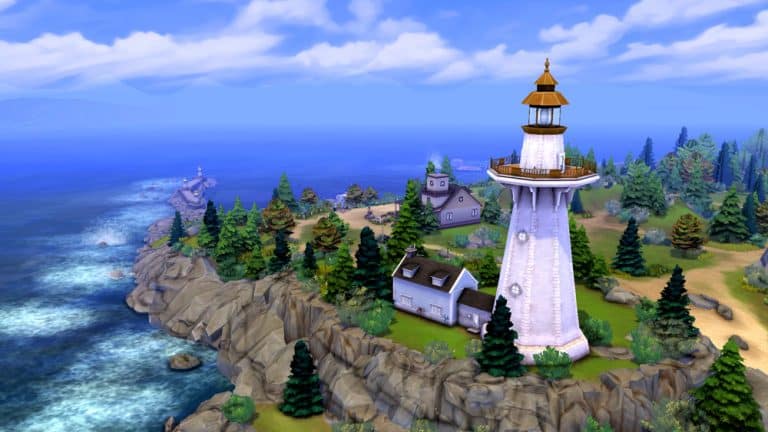
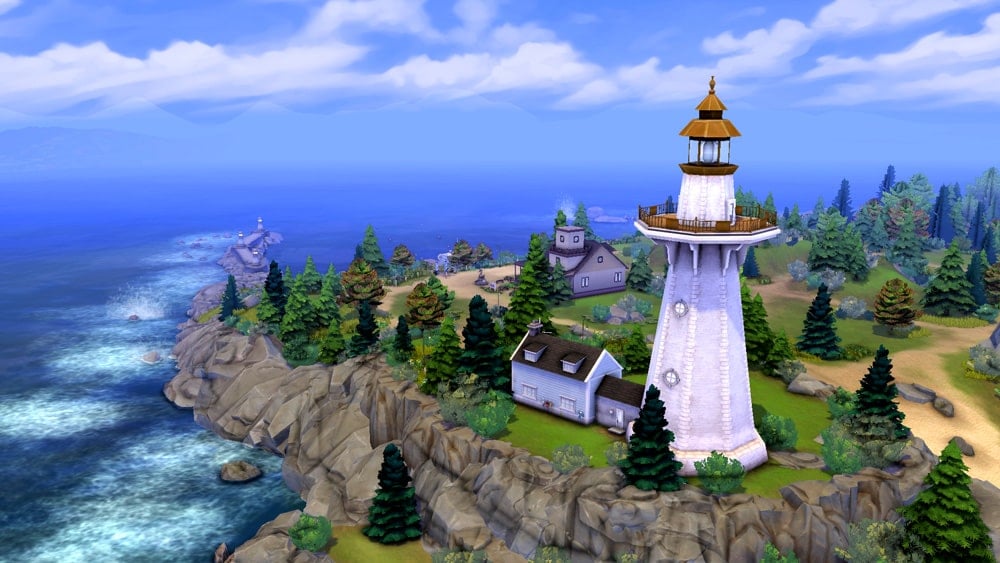
The lighthouse on Brindleton Bay’s island looks out over a breathtaking ocean view but it’s not just for show; Sims can actually visit the lighthouse and see the sights for themselves from the lighthouse’s platform. It’s a very romantic spot for dates and proposals. The lighthouse is even a WooHoo spot!
Britechester Ruins
Not far from the heart of Britechester lies the remains of a medieval castle. The mysterious circle underneath serves as the meeting place of Britechester’s secret society. While Sims can visit the stone circle and partake in secret society meetings there (provided they are a member), the ruins above are sadly not routable which is something I lament every time I go there.
The Hills of Del Sol Valley
Judith Ward has the best view in all of Del Sol Valley and I am so jealous. This gorgeous stone platform adorned with curated gardens nestled into the hills of Del Sol Valley is an award-winning sight to behold. You can see the whole city from this scenic spot. I love to give Judith alternative accommodations elsewhere and put a fancy wedding venue on this lot, instead. All my celebrity Sims tie the knot in the lap of luxury here and the area makes for some beautiful wedding photos.
Forgotten Hollow’s Swampy Grave
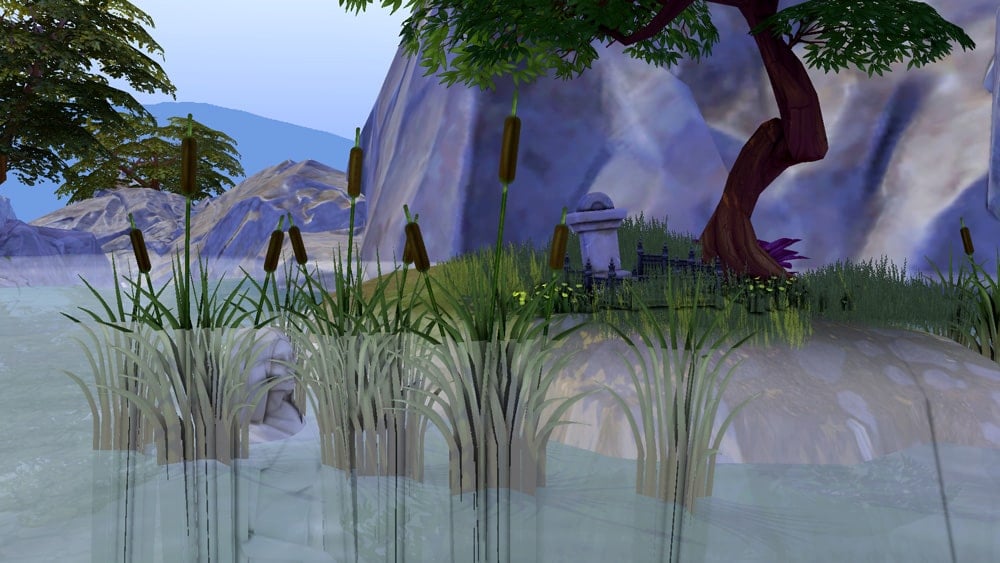
There can be beauty in the dark and unseen places and this spot in Forgotten Hollow proves it. I always find myself wondering about the story behind this area. Whose grave is this? Is the statue of the woman in the water connected somehow? This final resting place of an unknown Sim in the swamps of Forgotten Hollow is eerie, yet somehow peaceful.
Mt. Komorebi’s Wakaba District
This picturesque walkway in Mt. Komorebi’s Wakaba district offers a serene and thoughtful escape from the hustle and bustle of everyday life. Even though the Wakaba area is Mt. Komorebi’s modern neighbourhood, it’s still a peaceful and relaxing place to raise a young family or just go sightseeing for a day.
Oasis Springs Waterfront
If you thought I would leave out the base game worlds, you thought wrong. Oasis Springs’ waterfront area still remains to this day one of my favourite places to visit in The Sims 4. This commercial strip offers lots for Sims to do, from gyms to bars to museums. The picturesque boardwalk offers playground equipment for the kids and relaxing spaces to fish, BBQ, and take in the sights. Sometimes in the afternoons, you can even spot a rainbow at the base of the waterfall.
Canyons of StrangerVille
Even though StrangerVille and Oasis Springs are both desert worlds, they have their own unique landscape and colour palette that makes them stand out from each other. The wealthy residents of StrangerVille enjoy a breathtaking view of the canyons below from their lush and inviting yards.
Sulani’s Lani St. Taz District
Mua Pel’am gets a lot of credit for being Sulani’s most beautiful area but Lani St. Taz is just as stunning. I love all the bridges connecting each little piece of land over shallow waters. At night, this place looks absolutely magical when the bridges are all lit up. It’s a perfect romantic spot for a date or maybe even a proposal!
The Sylvan Glade
This area might be unfamiliar to some. That’s because you can’t find this place on any map. The Sylvan Glade is a secret area that can only be found by interacting with a particular tree in the starter neighbourhood of Willow Creek. Once you find it, you’ll understand what makes it so special. It’s not just the sights of this twinkling magical place; it’s the sounds! The tinkling echoes of faerie laughter send good chills down my spine whenever I visit. The rainbow waterfall is also a great place to catch rare fish! Using the cheat bb.enablefreebuild will even allow you to build in this area!
Von Haunt Estate Chalet Gardens
Windenburg was the very first full-size world added to the game in an expansion pack and it remains to this day one of the most beautiful worlds in the game. If you haven’t paid a visit to the Von Haunt Estate, you don’t know what you’re missing! The expansive gardens around the lot itself are huge and there are lovely surprises waiting for you around every corner. Learn about the history of Lord and Lady Shallot as you stroll through the gardens. Paint at Lord Bernard’s famous lookout point over the hedge maze, or get lost inside the maze itself! Enjoy an afternoon under the gazebo or even marry the love of your life down by the water.
What’s your favourite location in The Sims 4? Did you learn about some of these locations for the first time today? Let me know in the comments!
As a passionate Sims storyteller in the community, I often rely on custom poses to bring my scenes to life and express deeper emotions than what the in-game animations offer. I have such a deep passion for storytelling that I even learned how to make my own custom poses to create the exact vision I have in my head.
But you don’t need to know how to make poses yourself to enjoy them in your stories. There are so many talented pose creators in the community who are generous enough to share the poses they make for their own stories with the community. Here are just a small handful of some of my personal favourites that I find myself using over and over again in my stories.
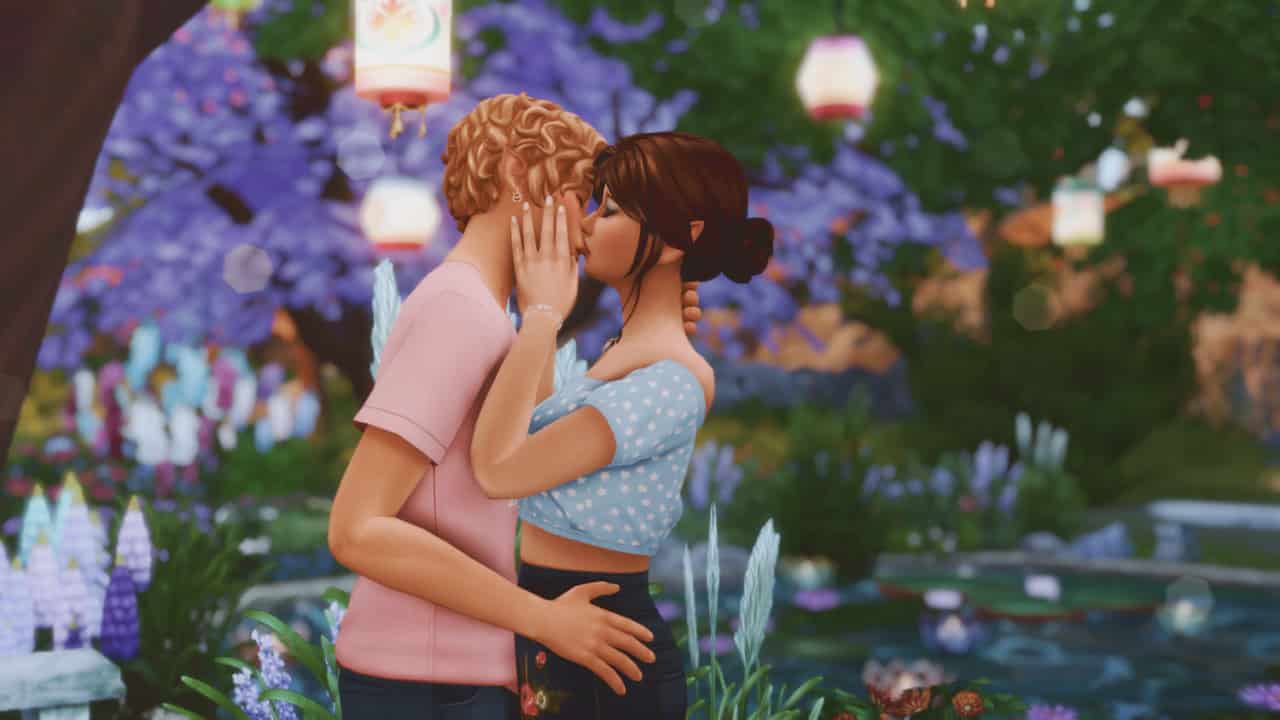
This pose pack is just so dreamy and romantic and I use it all the time in my stories. It’s definitely one of my favourites and I doubt I’ll be getting rid of it anytime soon. It’s just perfect for almost any tender moment between two Sims in love.
The It’s OK pose pack by SymphonySim is my go-to pose set for any serious story scene where a sad Sim needs some gentle comfort from a romantic interest. It has really made some of my story scenes perfect in every possible way and I highly recommend grabbing this great set!
Sometimes it can be hard to get a Sim to cry when you need them to for a heart-wrenching scene. It can be even harder to get them to cry with the kind of intensity that your story requires. That’s why I love this pose pack so much. It has come in handy when something truly devastating has happened in my story and I need the affected Sims to express that pain beyond what the goofy EA crying animations are capable of delivering.
It can be such a pain trying to find good poses of facial expressions for dialogue scenes or scenes with close-ups of a Sim’s face. Luckily SamSims has a whole emotions series focusing on just that! She has a range of emotion poses from disgust to anger to sadness and more for both adults and children! There are even different versions depending on if you want your Sims to be standing, sitting, or looking up.
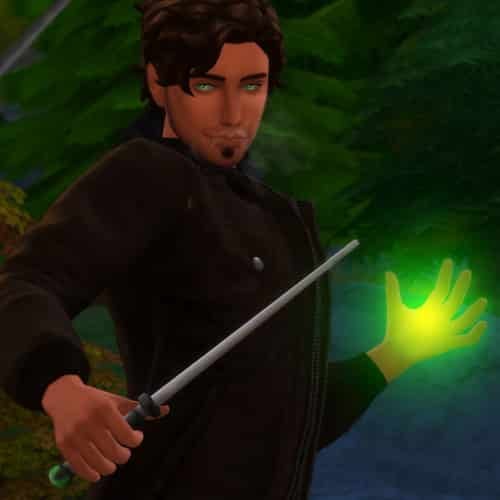
Of course I had to include a pose set for my favourite occult type! I use CazMari’s Wander-lust pose pack constantly for all my epic action scenes involving my spellcasters. They make for great fight scenes and really add to the intensity of a nail-biter scene full of suspense! Go grab this one if you’re a fan of the supernatural!
Got any other pose pack recommendations? Share them in the comments or come chat with us on social media!