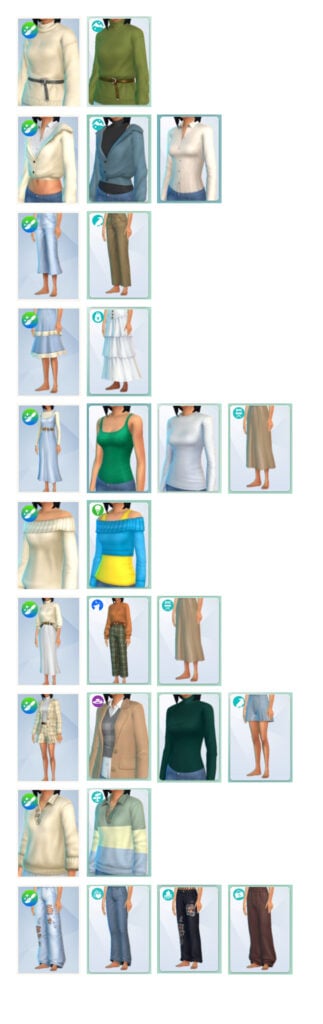
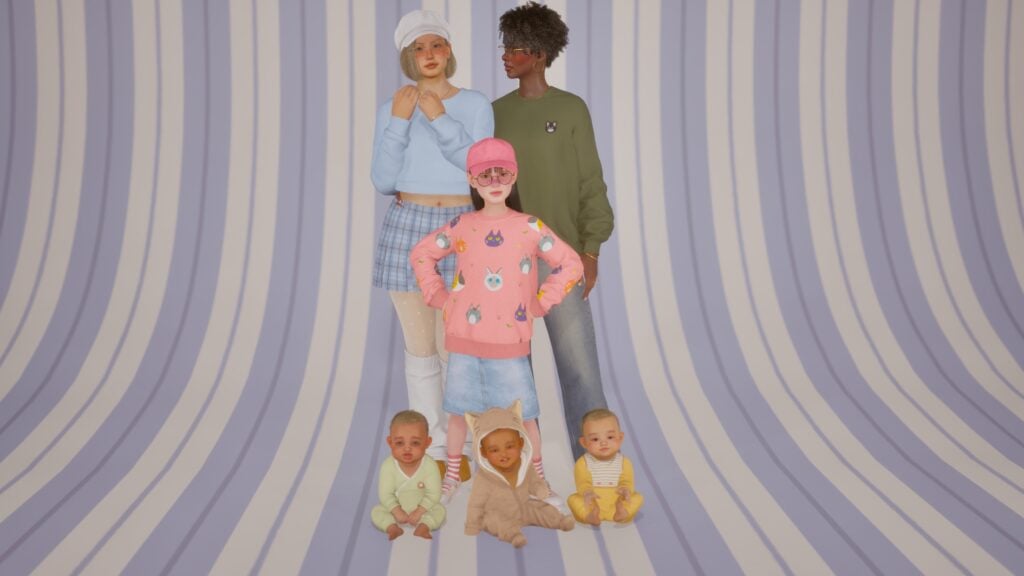
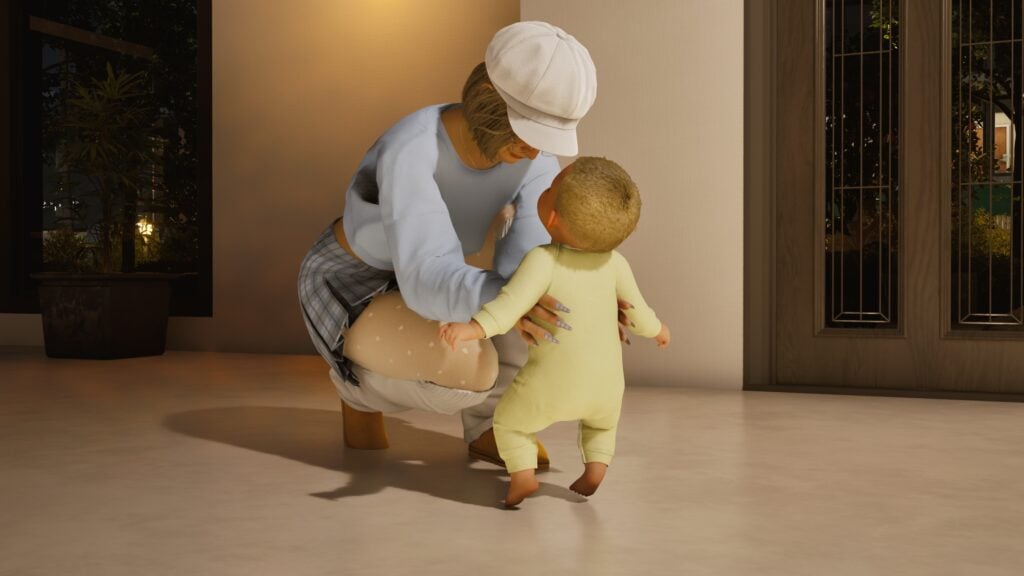
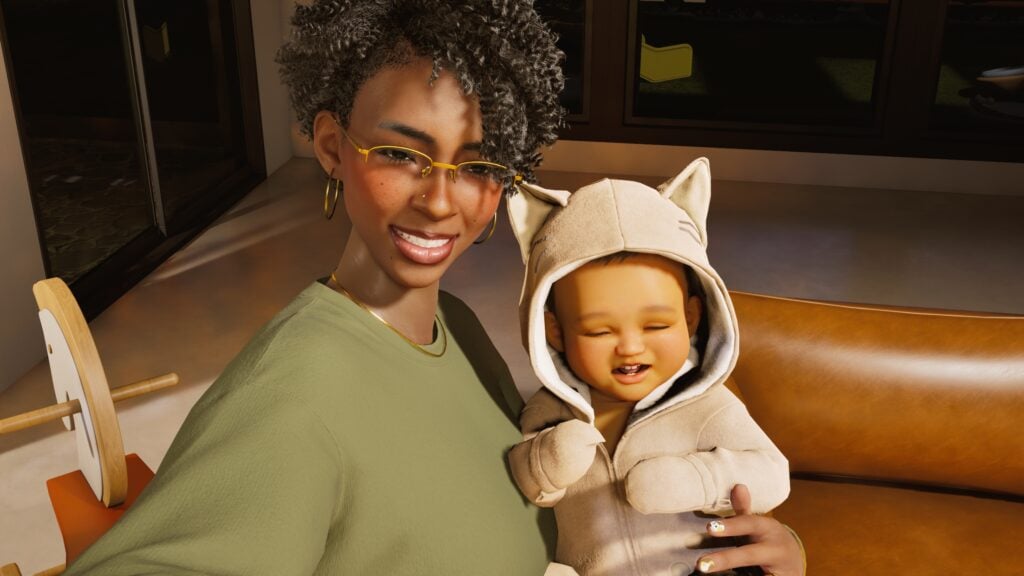
It appears anything released for The Sims 4 so far can be repurposed and sold again as an additional paid Maker Set.
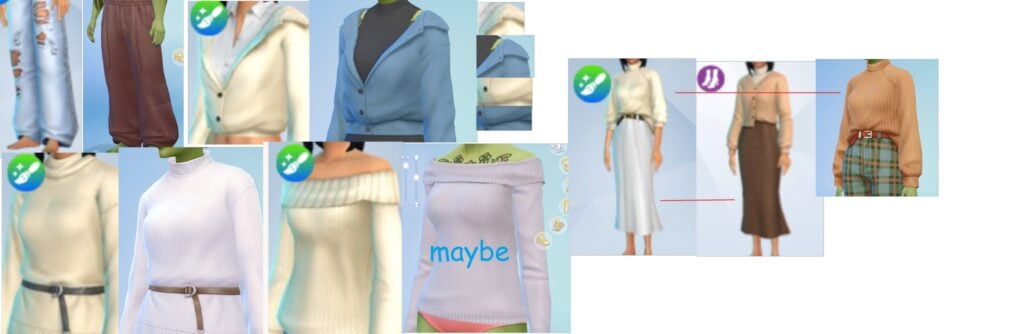
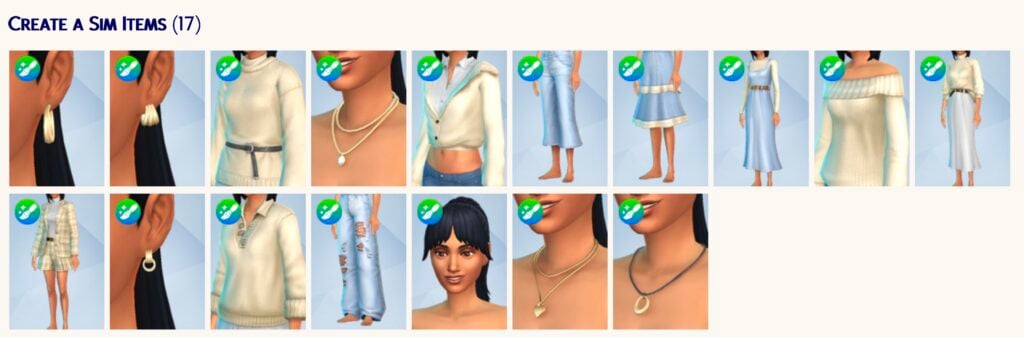
It’s a not so free market after all for Sims players. Yesterday we reported about player talks of a repurposed DLC assets included within the new Spring Wardrobe Maker Set by Oakiyo. At the cost of 4USD, or 400 Moola (5USD as you only have the 500 Moola purchase option), you get 17 Create A Sim items. With around 7 which appear to be repurposed meshes from both the Base Game and past DLC releases.
Latest Sims 4 Maker Set Situation
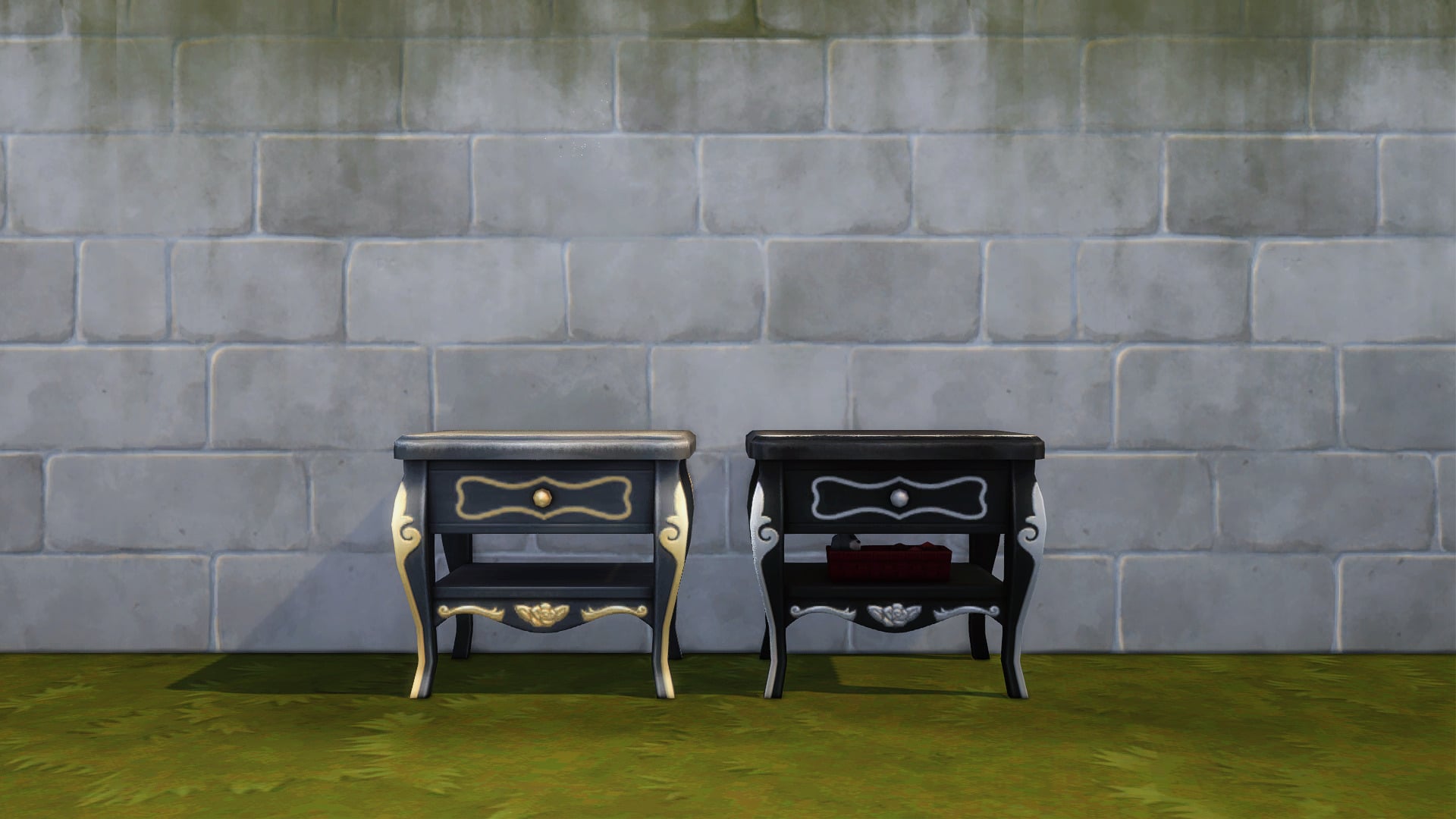
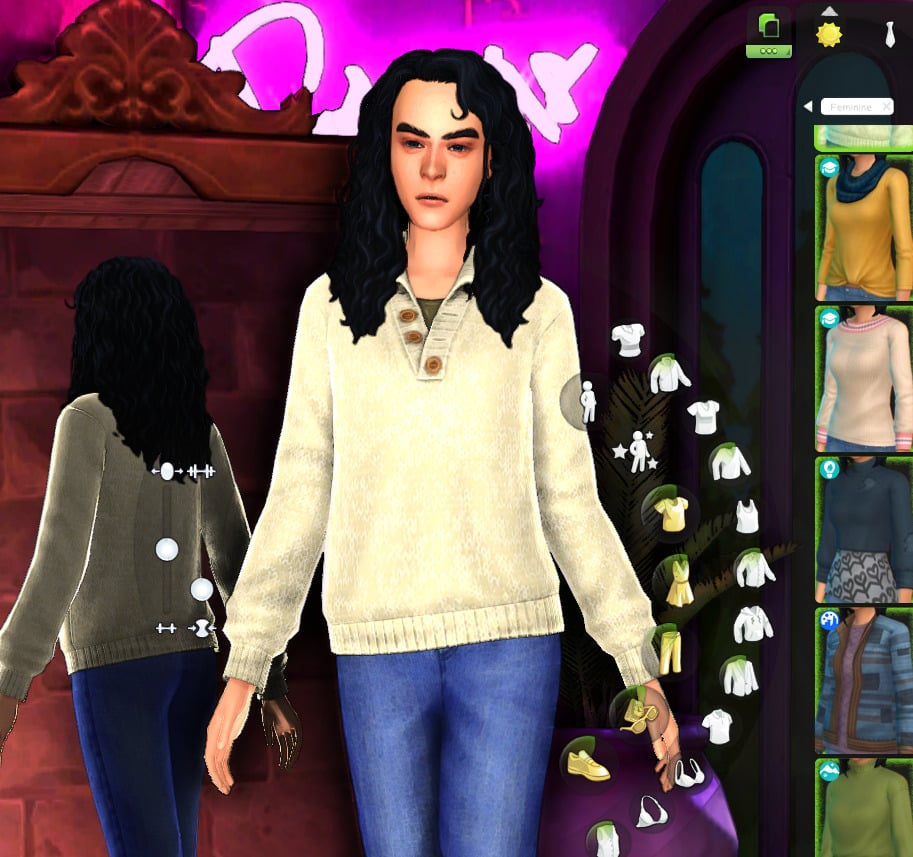
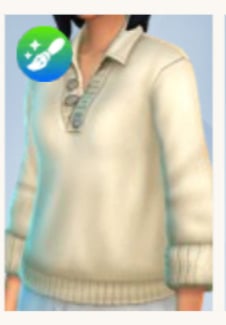
There are alleged repurposed clothing assets from The Sims 4 Incheon Arrivals Kit, High School Years Expansion and other non-paid releases.
felixfae on tumblr
In the official Sims 4 Marketplace Q&A The Sims Team stated that they’re providing the creators with Base Game stencils and assets for helping create their own original creation. However, there hasn’t been any clarifications regarding how much can be copied, and if Sims 4 Makers can unofficially port over content from paid DLC releases into their own paid Maker Sets.
EA’s Statement on Repurposing DLC Content
Well, clearly the answer is yes. As long as there aren’t infringements with other third party IP franchises, Makers appear to be able to go beyond The Sims 4 Maker Suite and just port anything paid-for within The Sims 4 ecosystem into their own Maker Set.
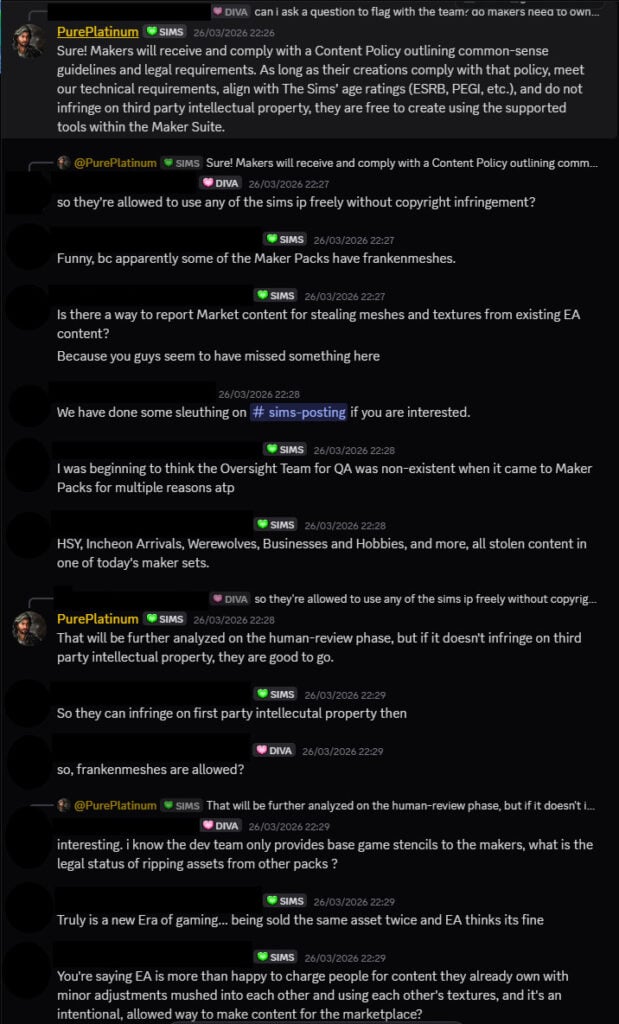
Thanks to felixfae for bringing up this short official Discord Q&A session with EA Community Managers:
Question: can i ask a question to flag with the team? do makers need to own the rights for the models they upload to the marketplace? or can you use models from other sources?
EA Community Manager: Sure! Makers will receive and comply with a Content Policy outlining common-sense guidelines and legal requirements. As long as their creations comply with that policy, meet our technical requirements, align with The Sims’ age ratings (ESRB, PEGI, etc.), and do not infringe on third party intellectual property, they are free to create using the supported tools within the Maker Suite.
Question: so they’re allowed to use any of the sims ip freely without copyright infringement?
EA Community Manager: That will be further analyzed on the human-review phase, but if it doesn’t infringe on third party intellectual property, they are good to go.
I unfortunately cannot provide further information since I’m not part of the team that analyzes content made by Makers, that’s all I’m currently aware of. Sorry guys 🙁
I know how some stuff can bring out the worst in us when it’s about something we care a lot, but as long as you are respectful and thoughtful about the way you express yourself, any message can be heard. Appreciate you all!
Some extra clarifications regarding what’s allowed and what’s not in terms of “frankenmeshing” previous paid DLC releases are still in hold. This aspect possibly hasn’t been thought through completely by the EA legal team, but an assumption of this continuing with future Maker Pack releases is normal following the approval of the Spring Wardrobe CAS Set.
What this means for The Future
We’ve already seen examples of repurposing DLC content happen officially from The Sims Team. After all, they’ve already tested out the limits of repurposing content already done in collaboration with their own The Sims Creators with Royalty & Legacy objects.
If repurposing DLC content within The Sims 4 Maker ecosystem is allowed, then can regular CC makers make free repurposes of already repurposed content, considering that they’ve been already repurposed once? Or is there now an added, double EA terms of service layer protecting the repurposed asset from being distributed for free?
It’s free real estate for The Sims 4 Makers in the year of 2026. So why not go wild and copy things done from other EA Creators and push back the limits with EA even further. If we all work together we can make this game Innovation Neutral by the year 2030!
What are your thoughts on the latest rule clarification for The Sims 4 Makers? Let us know what you think of seeing content from previous DLC releases in future paid Maker sets in the comments down below!
The Sims 4 Marketplace and the subsequent Sims 4 Marketplace Sets have been submerged in controversy since they were leaked as part of a rumor in February, later being revealed to be true. It was also revealed that the marketplace would be the only platform for the purchase of kits and “official custom content”, so it is no surprise that more community concerns and critiques have popped up since the Sims 4 Marketplace actually launched.
Some of the more common critiques are low quality items, too little value for too much money in certain Sims 4 Marketplace sets, and just the fact that microtransactions and virtual currencies often leave a bad taste in consumers mouths. These instances are especially stark when the Sims 4 Marketplace Makers are pre-existing custom content creators that have released content to the community for free in the past that many players see as higher quality and more valuable, despite being freely and openly available.
Table of Contents
The Spring Wardrobe Set by Oakiyo
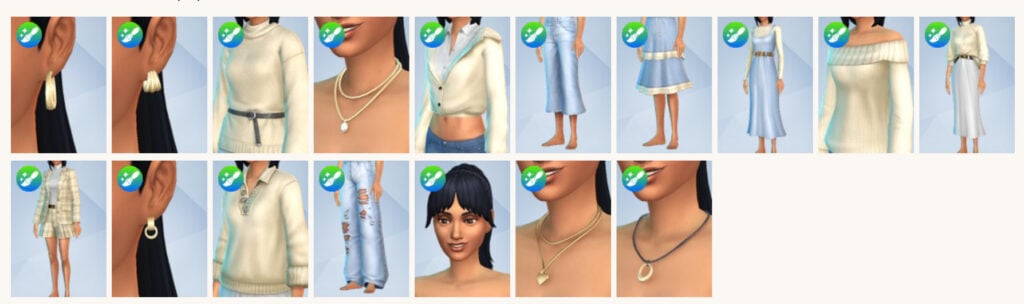
The Sims 4 Marketplace set in question is one of three kits released on March 26th, 2027, and is composed of 17 Create-A-Sim assets for 400 Moola, or roughly $4 USD.
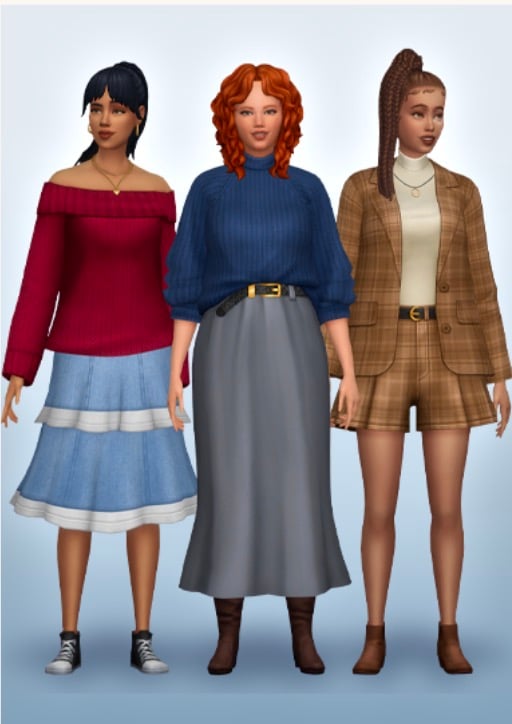
Spring Wardrobe gives your Sims the perfect capsule attire to look effortlessly fabulous, no matter the weather! From thick cozy sweaters to stylish denim dresses, this collection has every aspect of the wardrobe covered. No matter the occasion, your Sims will stand out from the crowd and be the best dressed in any room they walk in. Think crisp spring walks around Willow Creek, or visiting the local Museum with your friends.
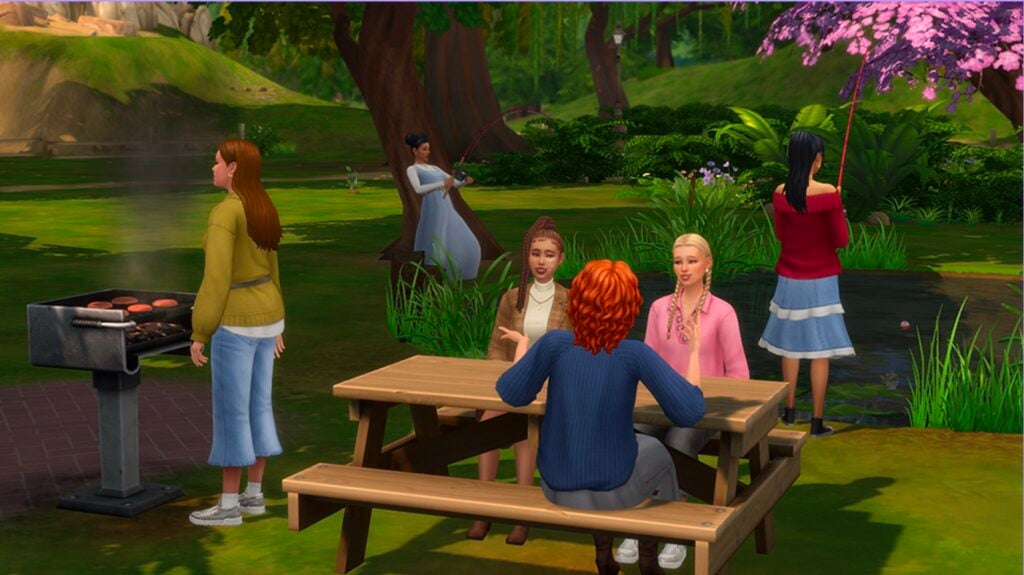
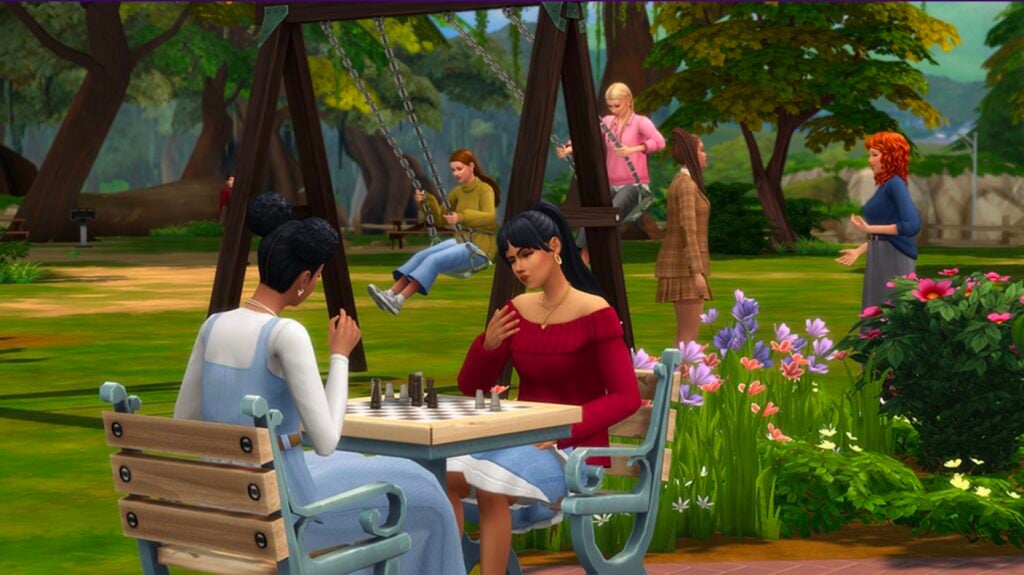
SPRING WARDROBE IN THE PARK – The perfect attire for a crisp and cold day out in the park with your friends. Timeless fashion that can be mixed and matched with anything to make the perfect cozy outfit!
CUTE AND COZY GATHERINGS – Dress your Sims in warm spring shades to compliment the weather. Dark plum reds and rich olive greens paired alongside denim makes the perfect simple outfit
Set Items
Price: 400 Moola
Player Notices Reused Models in The Latest Sims 4 Marketplace Set
It wasn’t long before players noticed something familiar when reviewing the sets and coming across the Spring Wardrobe Sims 4 Marketplace set by maker Oakiyo. Tumblr user and custom content creator Felixfae made a post on their tumblr, pointing out that many (if not most) of the clothing items in the set are frankenmeshes, which is commonly seen in custom content.
Frankenmesh (Also frankenmeshes (plural) or frankenmeshing (verb)) is a term used in The Sims Community for assets that are primarily composed of “pieces” of other assets, put together in a modeling program and retextured to be one cohesive mesh. They’re very common in custom content creation, where creators often make free custom content that partially use in-game assets. However, that doesn’t account for the reuse of pre-existing assets in paid and EA-Approved content.
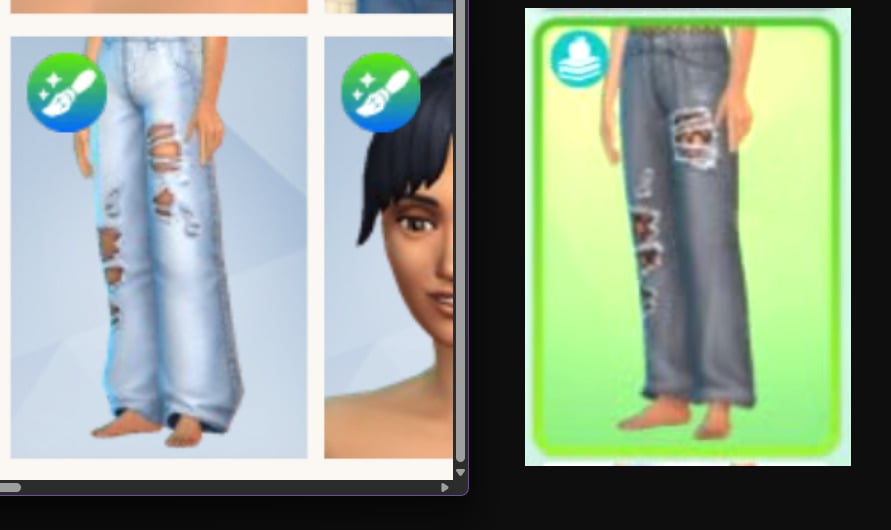
felixfae on tumblr
Tumblr User @felixfae: stole the comparison from Waffle but are we f****** serious @thesimsofficial@oakiyo ? lol making a maker kit just to frankenmesh the entirety of it so you can sell it straight back to the consumer? crazy.
felixfae on tumblr
Tumblr User @felixfae:ah yes. not even the texture file is different. rips are identical to those from the HSY pack LMFAO
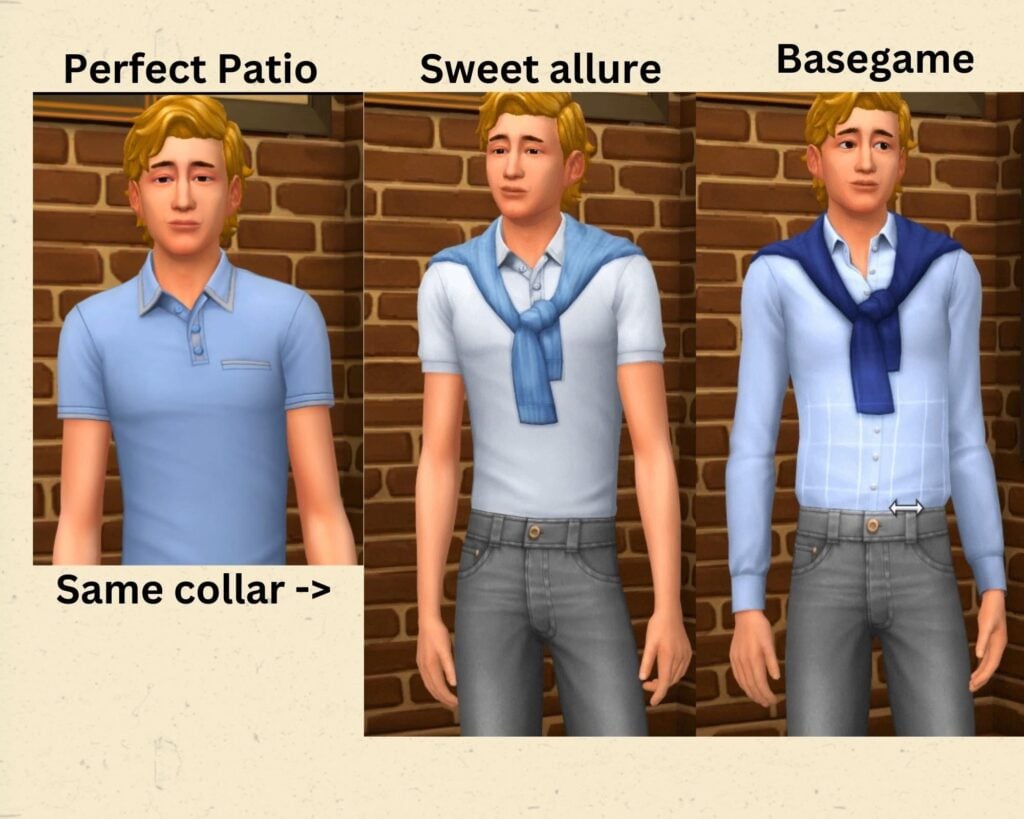
This isn’t the first time a product released by The Sims Team was a frankenmesh or repeat of a pre-existing item in some capacity. The Sims 4 Sweet Allure Creator Kit from 2025 also had this as a primary critique from Sims players, as mentioned in our review of said kit.
We also discussed this with the recent release of The Sims 4 Royalty & Legacy, where we made comparisons of many items in the pack that were edited or almost identical to items from the base game and pre-existing DLC.
The problem is, more likely than not, a mix of restrictions, the creators themselves, and the actual tools that makers are given. Earlier in March, there was an official Q&A with EA Community Managers about how the marketplace would work, what the rules were surrounding it, and what the experience would be like for the creators themselves. This included an explanation of “The Maker Suite” and a few other specifics about the behind the scenes of the marketplace. There were a few questions specifically included that seem to point to exactly why something like this can release.
Official Marketplace Q&A With EA Community Managers – March 3rd, 2026
Question: Can we get more info on these tools? Are they the “stencils” referred to in the blog post?
EA Community Manager: The Sims Maker Suite is a toolset designed to help Makers turn their 3D models, textures, and designs into compatible content for The Sims 4. It streamlines the building process and ensures that Maker’s assets receive the latest updates. The suite includes:
Tools to stay organized as they manage assets, collections and submissions
Package building tools for testing content (compatible with retail versions of The Sims 4)
Stencils that guide how 3D creations are integrated into the game, helping ensure compatibility and correct data hookups
Free 3D modeling software add-ons to speed up the creation process and check for technical compatibility
Question: Are the prices people set subject to human verification? Are there guidelines to keep the prices in line with existing content, I.e. 28 items in a kit is 5 bucks so 7 items on the market is 1.25?
EA Community Manager: It’s a little hard to describe but there are set parameters Makers can pick pricing from depending on how many items are in the Pack, so you can’t charge $100 for 1 item and you can’t charge $1 for 100 items. It’s designed to be flexible for the Makers to choose from, but also within parameters to prevent something like that
Question: Can there be any gameplay kits offered by makers as well?
EA Community Manager: for now, it’s just CAS and BB items, no new gameplay, as the Makers are using supported stencils to ensure compatibility.
If EA and The Sims Team set the precedent that they can repackage and resell assets from the base game or DLC back to us in the form of more DLC, that means that they’re likely not going to stop Sims 4 Marketplace makers from reusing assets. While we have seen completely custom items coming from the Sims 4 Marketplace, the repeated discussion of makers needing to follow stencils and specific guidelines, only being allowed to use the maker suite to create items, etc., points to restrictions that may encourage creators to use existing assets rather than fully building new meshes from scratch.
If EA also sets the precedent that they consider assets separate and unique even if the meshes are identical or obviously cut from pre-existing assets, that means that pricing these maker sets as though they include fully new items is a no-brainer for the makers themselves.
How do you feel about the reuse of meshes or assets in official Sims 4 content, from the marketplace or otherwise? Let us know!
Make sure to follow The Sims Community as we keep you in the loop with what’s currently happening with The Sims 4, The Sims 4 Marketplace, and the opinions of simmers like you!
The Sims insider returns with claims about The Sims Project X development involving AI.
A new report from the same old Sims insider has surfaced the internet. The same Sims insider who predicted The Sims 4 Marketplace a month ahead of launch also has answered additional questions about The Sims Project X development. Which, to their claims is not The Sims 5, but The Sims 4 Remastered.
How does The Sims Team manage to get all the content upscaled and prepared for the next generation platforms? Allegedly through Stability AI. With which EA has made an official partnership agreement back in October 2025.
There are some interesting claims about the cancelled pre-pre production phase of The Sims 5, and what The Sims Project X actually is. The insider also ended the latest Sims report with an insight to “expect news soon. Good or bad.”
Here’s everything revealed in the latest Sims Insider roundup on The Sims Project X:
The Sims Project X: New Insider Report for March 27th, 2026
Question: hey kinda of unrelated.. but… so, about sony investigating TS4 and its stability (or lack of) on PS4… why can’t maxis just move on and abandon the PS4 version and make a full blown PS5 version of TS4 to support it moving forward?
Sims Insider: I don’t think they’d be targeting PS4 for Project X, but I think the issue mainly stems from that EA doesn’t want to cut any part of the PlayStation audience out of the Sims 4 while the Sims 4 is going.
PlayStation in general actually makes up quite a decent percentage of all players (nearly 30%) compared to Mac and Xbox which make up less than 5% or so. They don’t want to lose any of that audience.
Project X will very much be PS5, as the whole idea is that it’s being thought of as more of a “next-gen” Sims 4.
There was a Sims 5 in early development that started and stopped in the lead up to Project Rene’s reveal (seperate project however) that may have come to PS4, with an engine better designed for the console architecture. The Sims 5 was cancelled altogether though. You may have seen a leak recently that had “Sims 5 cancelled” which referred to that version.
In short, The Sims 4 has kind of become larger than the rest of the franchise itself from a sales number and early feedback sessions from random players over various playtests over several years suggested that players would simply stick with The Sims 4, because they didn’t want to invest in a “a new world” for their Sims. The feedback was pretty much overwhelming that people didn’t want new Sim designs, a new feel, a new look. They all loved how their games looked and felt and would rather have quality of life improvements to the Sims 4.
Which compared to The Sims 3, people were the opposite. People were ready for a new look and feel, excited to start again in a new game. The Sims 4 also doing very well, very fast cemented that player feedback as well. Which is why EA takes it very seriously to do a ton of market research when it comes to The Sims, even if there’s a chance it would leak. They know their playtests and research really indicate how a project is going to go.
The one thing about Project X that I think they’ve kept close to their chest even in Playtests is the fact they’re using Stability AI to develop the game. It’s basically a non-negotiable from EA’s side in order to make use of the partnership EA has made and to get the game out as soon as possible. Maxis was able to negotiate that they wouldn’t be required to use it for The Sims 4, but Project X it is required.
They’re currently using it for concept art, and targeted designs. But will be using it for full scale development of the environments and assets.
I have a feeling they won’t disclose it publicly, simply for the fact they know competitors have received backlash for openly promoting or being found to have used it. But it will be curious to see whether there will be telltale signs of it in the game.
Question: Is there any info if they’re reusing stuff from the canceled Sims 5 for Project X?
Sims Insider: Definitely not. All scrapped, completely different style and look, many of it never made it past pre-development.
Question: Do you know if Project X will still be very different in terms of gameplay, visuals, etc., compared to The Sims 4, even if people say it’s basically Sims 4.5?or it’s literally going to be a copy-paste except for a better engine.
Sims Insider: It’s a remake of The Sims 4 in the grand scheme of things. Give or take.
The only reason why Project X exists is to keep the Sims 4 going without having to have such a large back-catalogue to QA for. That’s basically it. It’s not being made because they want to make a new game, it’s mostly happening out of necessity.
The Sims 5 from what I heard of it probably wouldn’t have been too great, simply because many of the ideas for Project Rene were in it and they basically pulled those ideas from the Sims 5 when they scrapped it.
I’m sure you’ll get more details for Project X sooner rather or later, the reason why they’re using Stability AI is to reduce the normal 4 – 5 development time of a Sims game into less than 2 years. So expect news soon. Good or bad.
Statement: I still have no idea how Project X and Sims 4 are gonna work together. I am very hopeful when I heard DLC I purchased in Sims 4 are gonna carry over to Project X, but the fact not all DLCs will carry over or just CAS/BB but no gameplay mechanics is also worrying me. Even if it takes them time to carry it over to Project X, I won’t mind, as long as good amount carries over with time. Otherwise I am not leaving Sims 4. Continuing to build and expand my current game is much better option than starting over and having to re-purchase same DLC concepts again.
Sims Insider: I wouldn’t trust that DLC’s are going to come with you. They may just port the most popular ones.
The idea of this Project is to simply reduce the back catalogue of the Sims 4. It doesn’t make sense to then bring everything over.
That said, they may potentially find a way to bring it all over as one large seperate container of sorts, so that new code stays seperate, but my understanding is the whole reason for this Project’s existence is EA needs The Sims 4 to cost much less from a QA perspective and the costs of remaking the game so to speak are nowhere near as large as the ongoing QA costs of the Sims 4 longterm.
General Thoughts and Insider Opinions on The Sims Franchise Future
Question: So… what are we supposed to do? Support Project X to keep people over at Maxis employed and keep Sims franchise going or boycott and let this franchise die? We are cooked bro!
Sims Insider: It’s a very hard question. I do think for the majority of people, they’ll still consume the Sims like normal so nothing will probably change.
To give you a bit of an example, I believe the original Sims shipped somewhere over 15 million units. The Sims 2 shipped somewhere over 7 million or so. The Sims 3 shipped around the same.
Now to compare, the Sims 4 had sold (not including free copies) something to the effect of 45 million or so copies in the months leading up to free to play. I think when they announced Free To Play, we had 50 million lifetime players so I’m guessing 5 or so million came from those weekends where they let people play for free or whatever it was. And I believe they added another 50 million or just under free players post free to play. But 45 million was the last number I heard and I don’t think physical copies are sold anymore, not sure.
Anyway, you can see there that the audience is absolutely massive. And while not all 90 million or so players are actively playing, that’s the biggest pool of players that EA have ever seen for the Sims, let alone a single game. One of the times where the stars aligned was the Cottage Living pack, that seems to make sales explode. Probably explains why we’ve seen EA dabble in that cozy town sort of idea more frequently since then.
Sorry I’m rambling, but the point I’m trying to make is they have a huge audience now. So whenever they tried things like The Sims Store, or loot box or “point” systems in the mobile games, it was to a small audience and so often you would pay through the nose to get barely anything for EA to see any real pay off.
Now they have such a huge playerbase, they can launch a Marketplace strategy and they will see significant profit from the smallest changes.
So a Kit might have 25 assets for $5. The Marketplace lets them say “hey, what if we did 25 assets for $8 because this theme is popular” or “hey, what if we do 15 assets for $5 because we know people will eat this up”.
What it seems like to me is EA is using its creators to get them to dynamically price in this mindset so to speak, so that when EA does it with future packs, it’s “the norm”.
I obviously suggest to people that should not engage but realistically, with an audience so massive, I think it’s very clear that EA simply don’t care what a few thousand people say online. Hence why they won’t address the online backlash. Even if 1 million people engage in the marketplace, which is just over 2% of its paying customers and just 1% of its overall customer base, EA will be making “moola”.
And with an audience that large, I doubt it would be hard to get those numbers which is why EA is doing it. You have to remember that The Sims gets a very similar amount of players to games like Fortnite and they know with their V-bucks, they can raise the price of them and people online will be mad, but the general audience won’t give it a passing thought.
And of course, it starts to make sense why Project X exists. If they can even just have 20% of paid customers from The Sims 4, move to a new platform that costs less money to maintain without the large back catalogue, uses more mainstream technology for assets and art, updates tech to isolate bugs and issues, and reuses a lot of the Sims 4 already, you have 9 million paid customers which is still a huge success over some previous games in the franchise.
So while of course, if the marketplace or Project X fails then Maxis will probably be sold off with the IP, but the chances of that actually happening would have to mean less than 10% – 15% or so of paid customers for The Sims 4 would have to move over, and I think EA know they’ll probably get more than that very easily. Hence why they’re going just going for it.
Time is going to be the ultimate truth teller here, because there’s every chance EA could find themselves back where they were with the franchise in 2013 where they had abused all goodwill from their fandom. But the numbers were much much smaller then. It would be a massive blow for them for it to happen again on this scale. Some of us would love to see it happen though, just to see the statements from people in power saying “you’re wrong” when you suggest this kind of aggressive monetisation will backfire. We said it for The Sims Mobile and they found a studio that didn’t think about those things and look what happened…It died a few years later.
The Tales of Sims 4 Development
Sims Insider: The Sims 2 and 3 were an interesting case. They were successful in the grand scheme of things, but EA could never recapture that same audience. I’m sure they found a mix of reasons through market research.
I suppose that’s what Sims 4 became.
Just a cesspool of ideas of from “make it online”, “bring back the toilet humour”, “make it live service” and god knows what. It did work though, but a lot of the round table discussions weren’t “how do we make a good Sims game” it was “what ideas can we try to get those numbers back”. To their credit, it worked and I do think they made a good game in the end. You just can’t look past how corporate certain aspects feel, mostly when it comes to the base game.
When I see the Take an Angry Poop message pop up, it’s an example of how I know that was put in because EA were like “make it funny! Do the Sims humour thing!” instead of a developer having fun on their own terms. “What if your Sims laughed so hard, they died from laughter?? Wouldn’t that be funny?? Put that in the game!!” The vibe definitely shifted once the base game shipped, but the base game always feels like a mix of corporate ideas thrown together with things chucked out when they didn’t work, over a solid vision decided before the built the game.
And of course, the people at EA who have no idea take all the credit, while every Sims player knows it was the free updates and DLC Maxis worked on that eventually made the game good. Not whatever EA thought would be “fun!!” And “so quirky and full of life!!” In the base game. “You’re adding cupcakes?! What if you made a whole machine that made cupcakes?? Like a huge giant machine! How cool would that be??” etc etc. That definitely was a defining factor in the games success, go EA.
And it wouldn’t surprise me if that in itself made EA so keen to take control over Maxis even now, that sort of skewed form of events in EA’s eyes that absolutely didn’t happen. “We made the Sims 4 the success it was!” and I guess that’s why projects like Rene that everyone knows is going to fail, has EA going full steam ahead because they don’t realise what actually made the Sims 4 a success at all.
I know that whenever EA recognise the Sims 4 has been the longest running Sims game, they pat themselves on the back in-front of Maxis who made it happen.
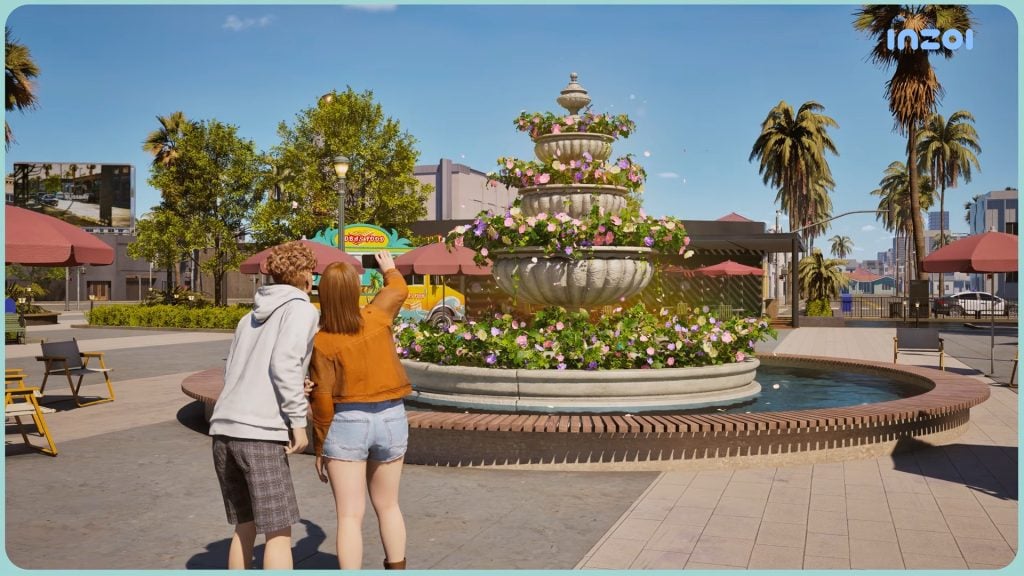
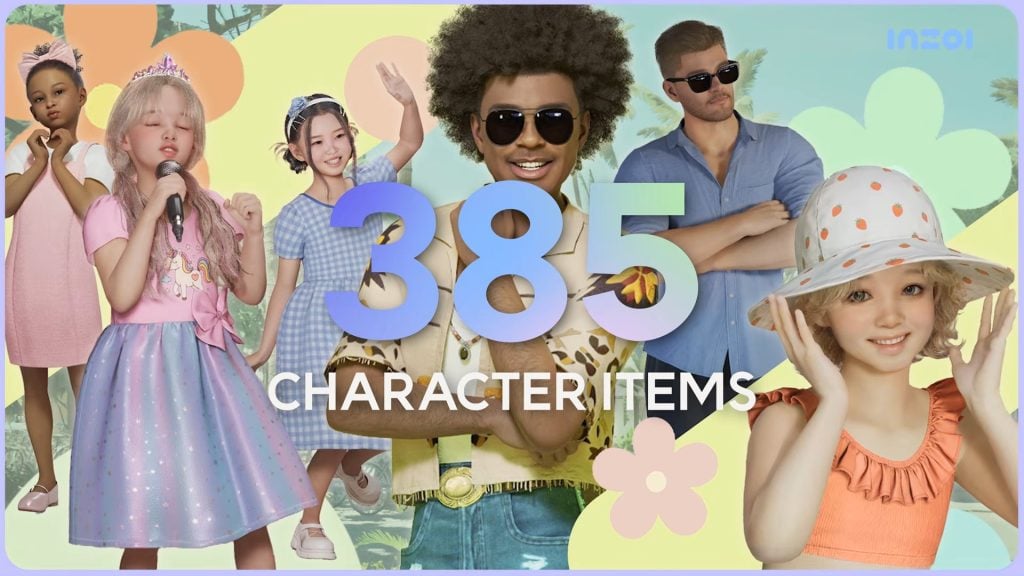
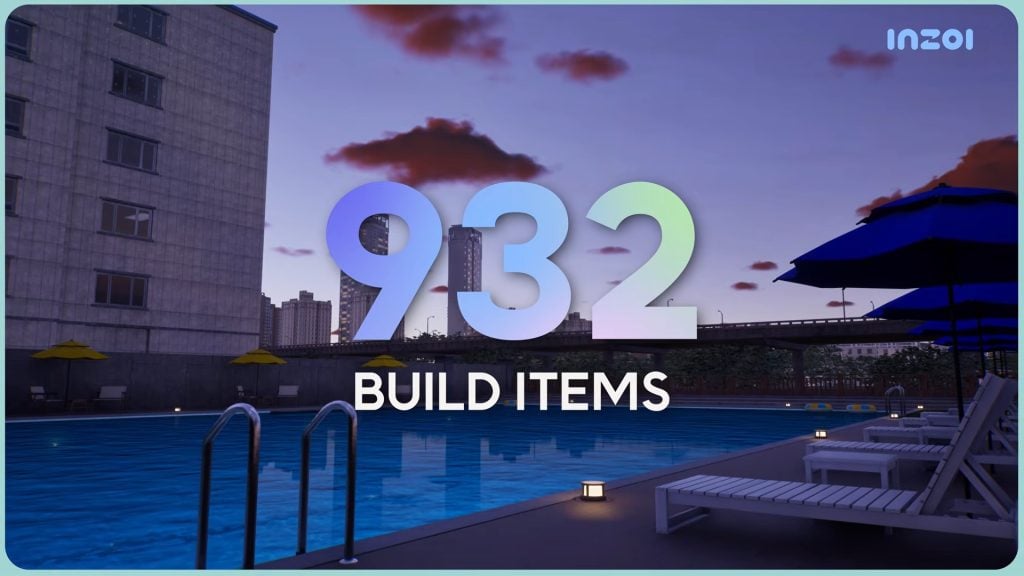
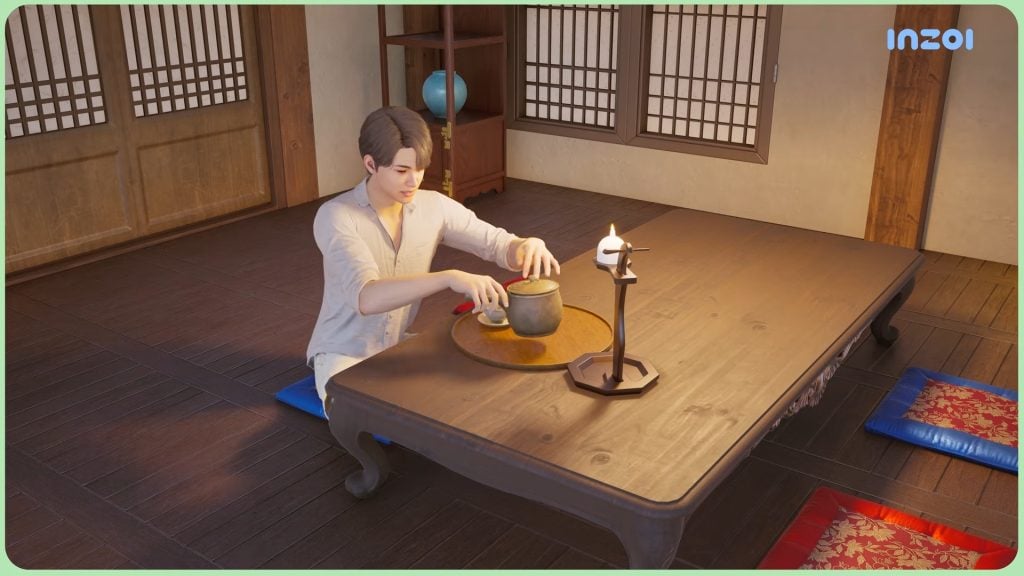
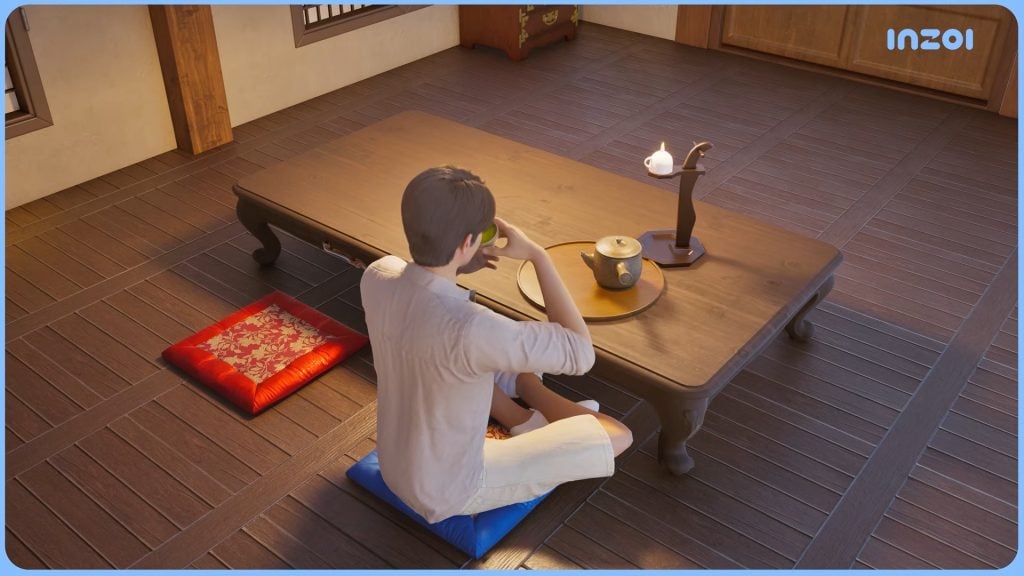
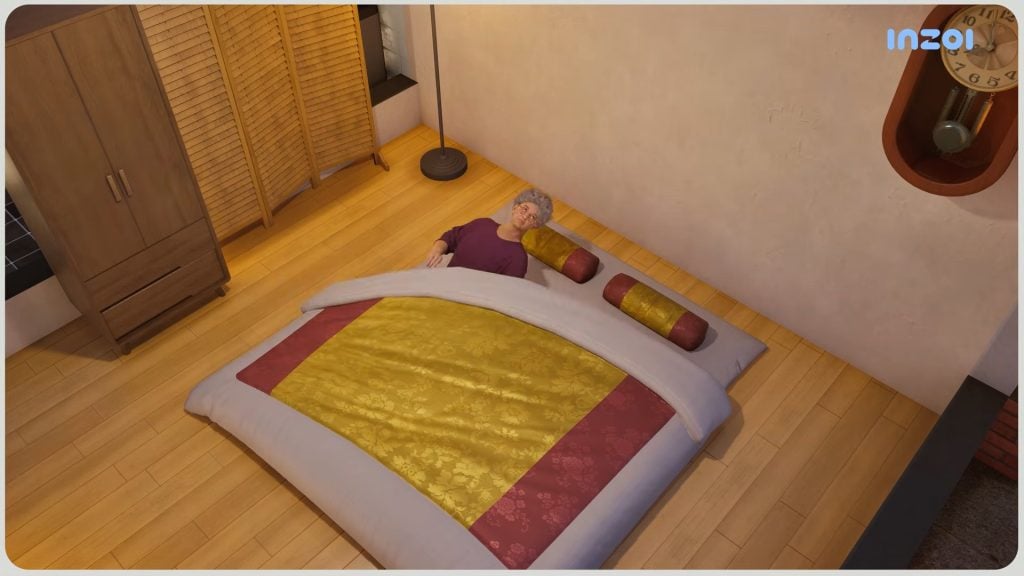
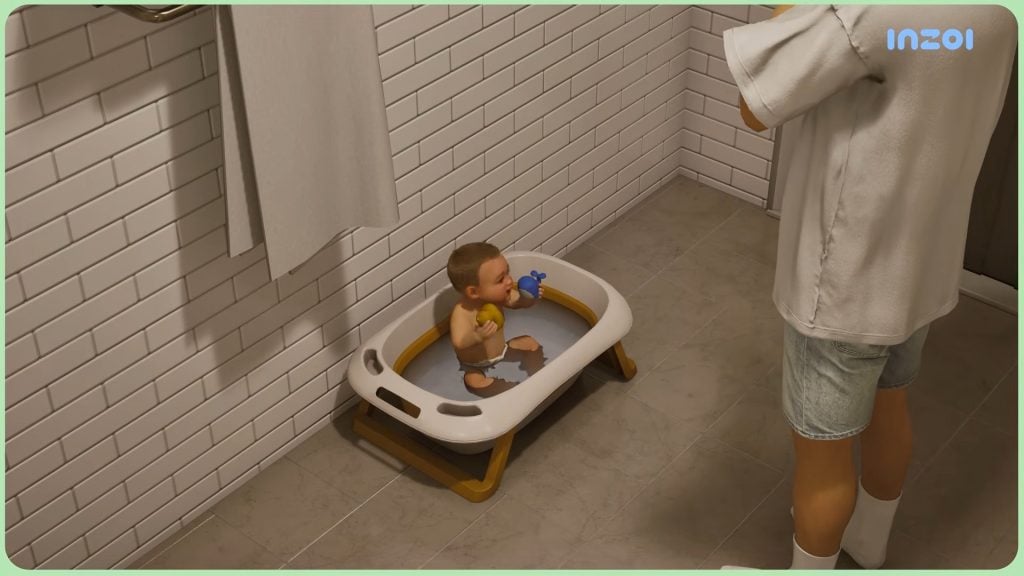
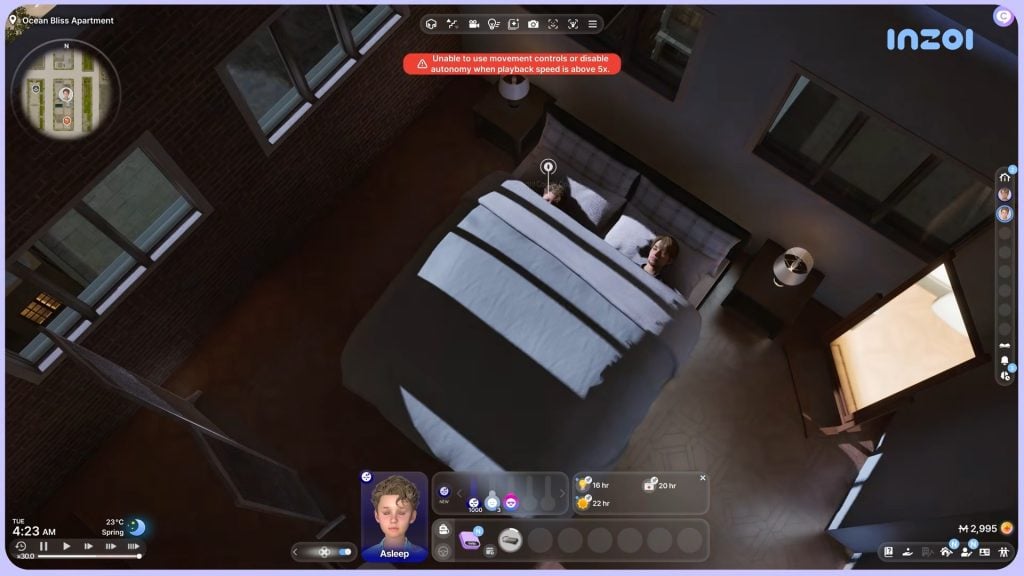
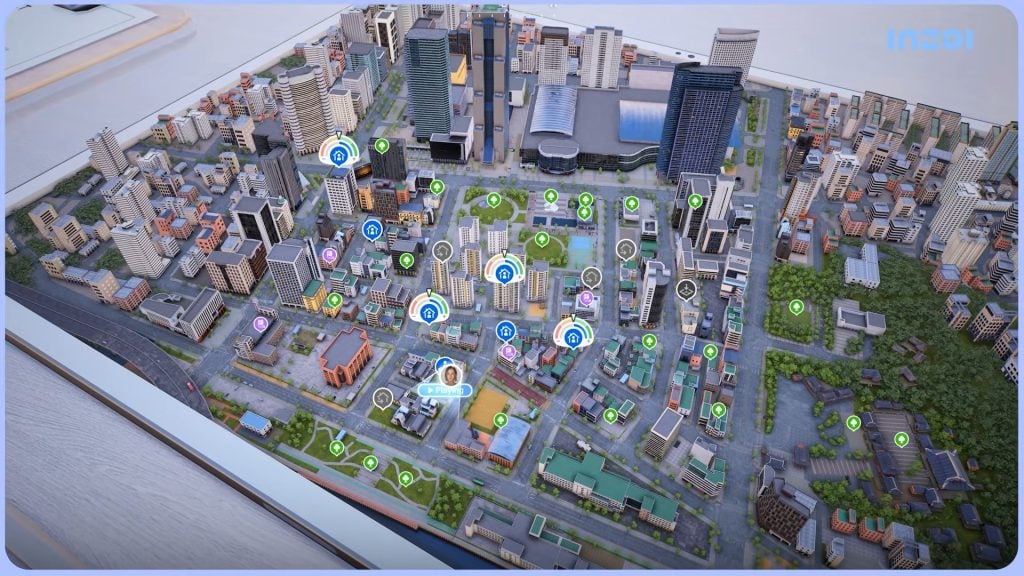
The alleged usage of AI within game development is not that surprising. InZOI released a new game update yesterday with over 1300 new items across their Character Creator and Build Mode. We’ll have to wait and see how this will translate to an actual game product, but according to the insider this was an “EA non-negotiable”.
Interesting how the latest release of The Sims 4 Marketplace requires from its own Makers to not use AI during the development of Maker Sets. But for developers making them replacable is a “non-negotiable”.
The Sims Project X is currently rumored for a late 2026 / early 2027 announcement, with all things subject to change.
What are your thoughts on the new information drop about The Sims Project X? Are you looking forward to hearing more news from Maxis themselves? Let us know your thoughts in the comments below and stay tuned for all the latest talks of Simtown right here on Sims Community!
EA manager shares status updates on two new The Sims 4 feature updates.
There’s been two new announcements from The Sims Direct Team, operated by EA Community Managers including EA_Cade and EA_Solaire who posted two seperate announcements across channels related to select The Sims 4 feature updates. Here’s what you need to know about these maintenance improvements:
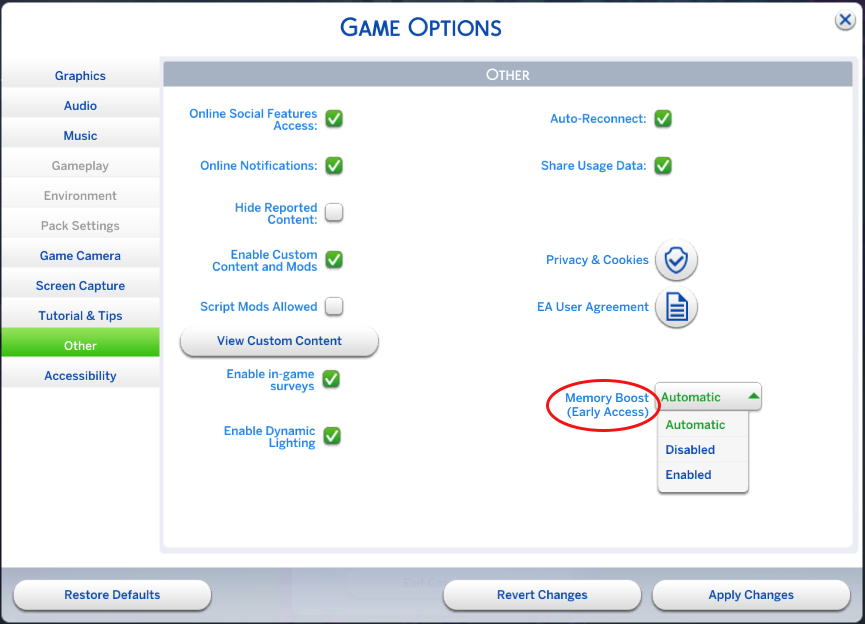
Memory Boost is now rolling out to the next small batch of The Sims 4 players. If you’re on PC, you can opt in anytime, doing so helps us measure and better understand its impact.
What’s Memory Boost? Memory Boost is an opt-in, early access feature available on PC that enhances performance in The Sims 4. It improves how the game uses memory, cuts down on lag, boosts frame rates, and reduces the risk of memory-related crashes.
The Memory Boost Feature is currently only available on Windows operating systems, with confirmed plans for Mac rollout eventually.
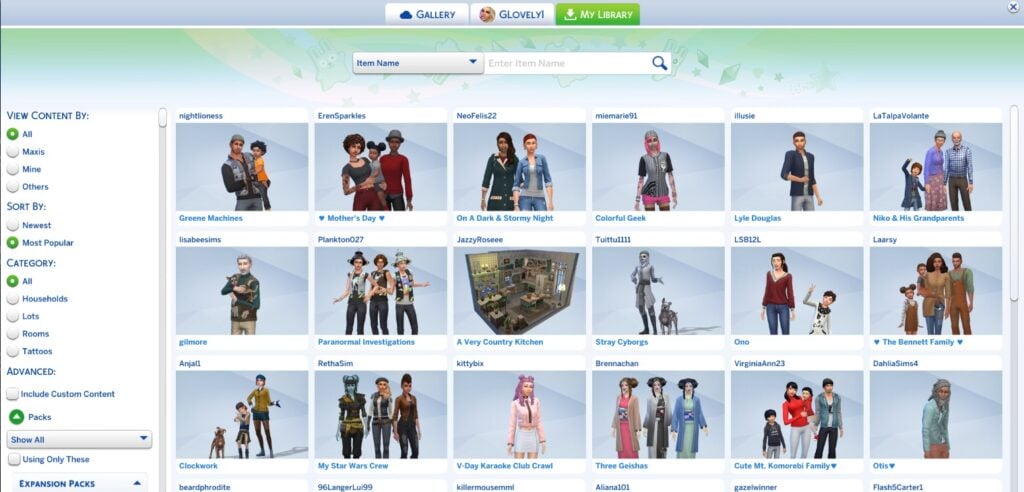
The Sims 4 Gallery Filters Are Changing Back
Good news for all the creators that were surprised with a default filter change from this month’s main update. Instead of ordering images in The Gallery preview through the newest filter as default, the main Gallery browser now opens up to a “Most Downloaded” filter for creations. Leaving almost no possible exposure for new creations.
After the March 17 patch, I logged into my personal gallery page. The images show in download order, rather than newest. That means unless a user knows to look beyond the front page, they won’t see my newest creations. I’ve tried resetting it several times, and it keeps going back to downloads order. I’m not very happy about this.
The Sims Team responded to this EA thread with the following statement, acknowledging that they’re exploring options of “rolling back the default view”:
Thanks to everyone who’s taken the time to share feedback on the Gallery changes, we’re reading it all and it’s been incredibly helpful.
Based on what we’re hearing, we’re currently exploring rolling back the default view. No decisions are locked in yet, but your input is directly shaping the discussion.
We’ll keep you updated right here as we have more to share. Keep the feedback coming.
What are your thoughts on the recent Sims 4 feature update improvements for the game? Let us know in the comments and stay tuned to all the latest Sims Updates!
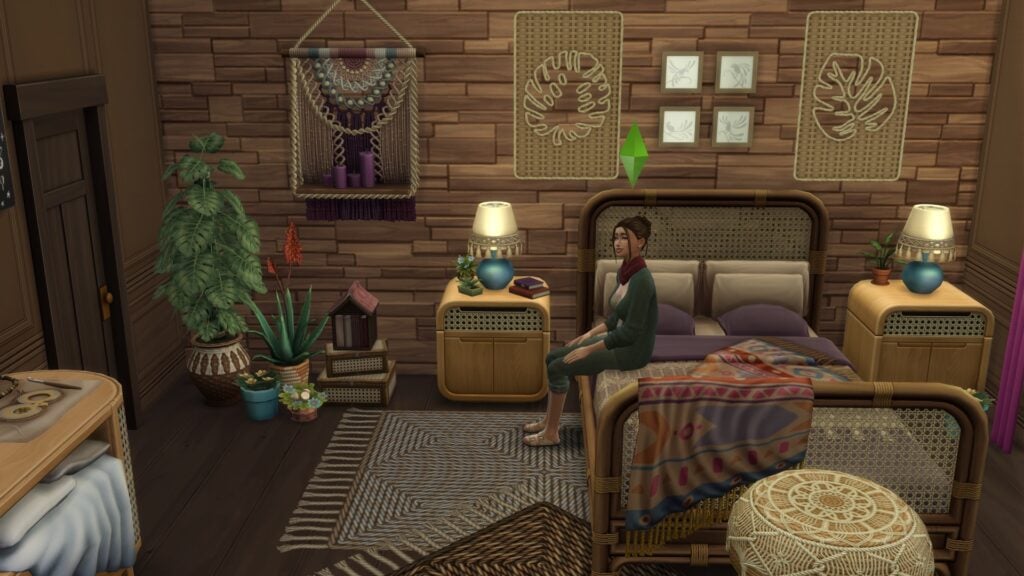
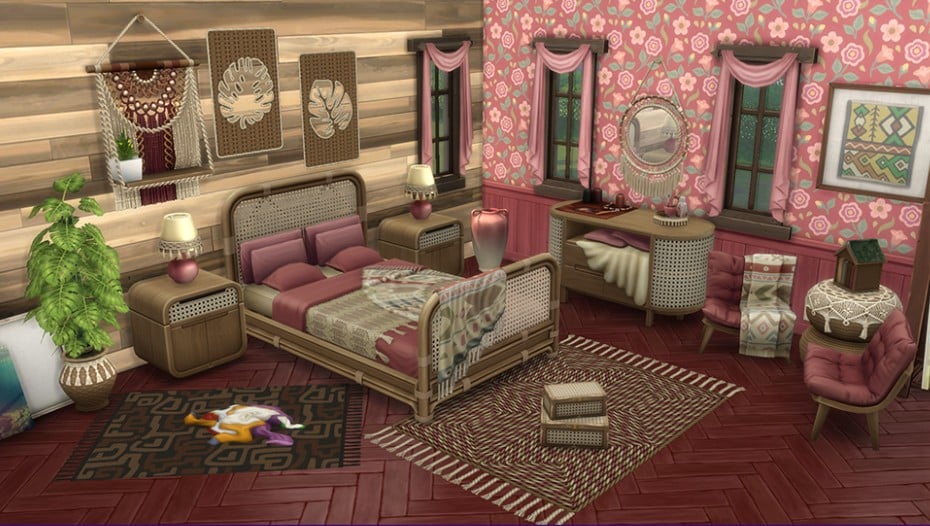
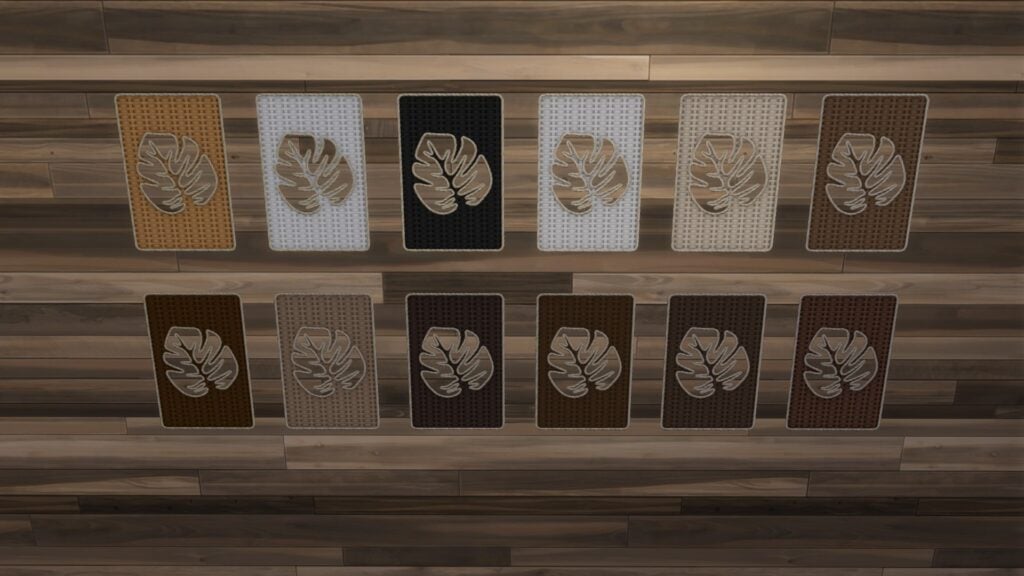
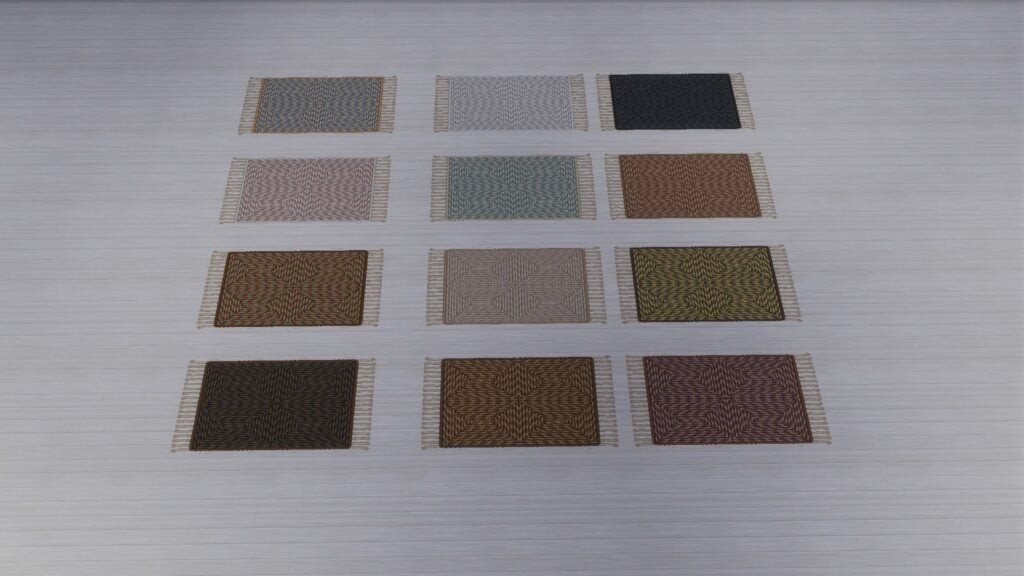
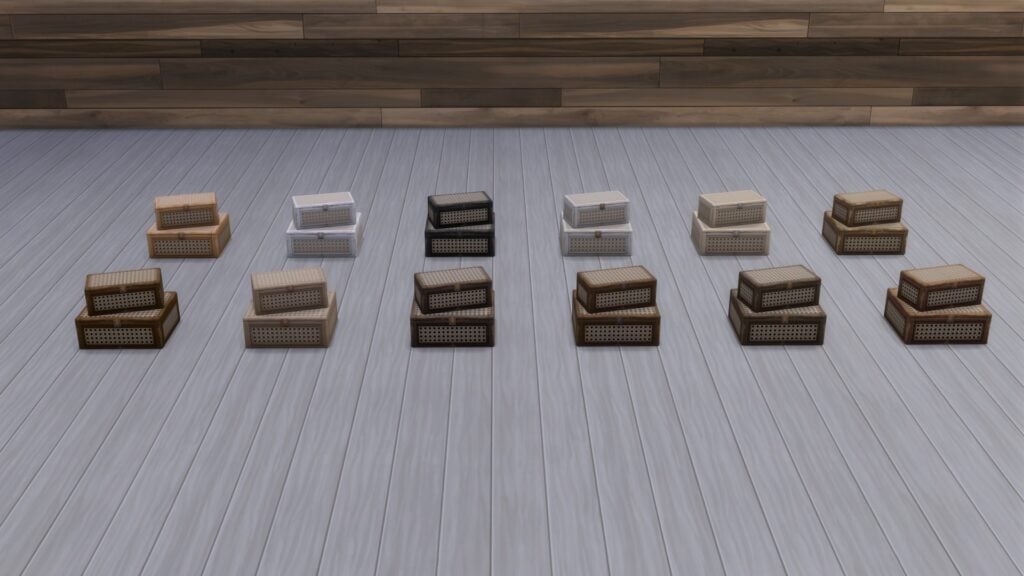
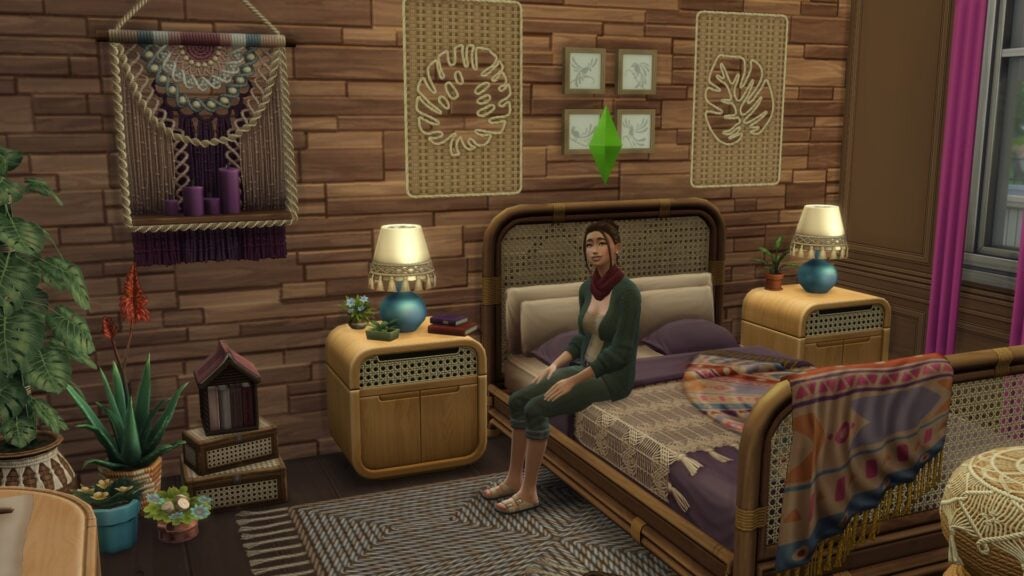
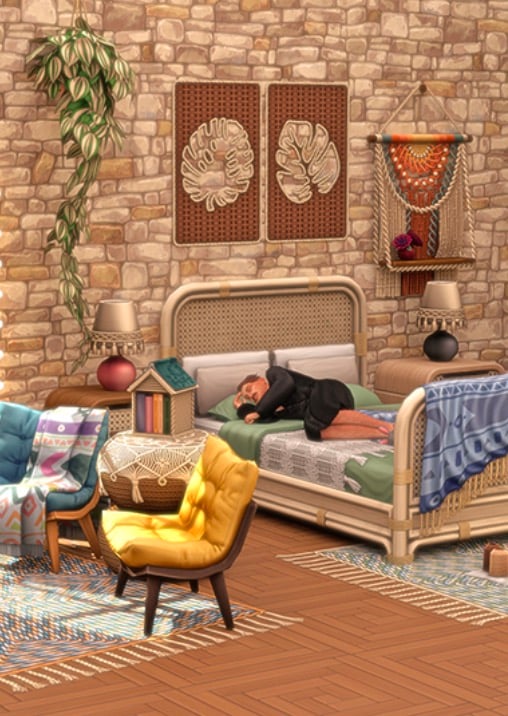
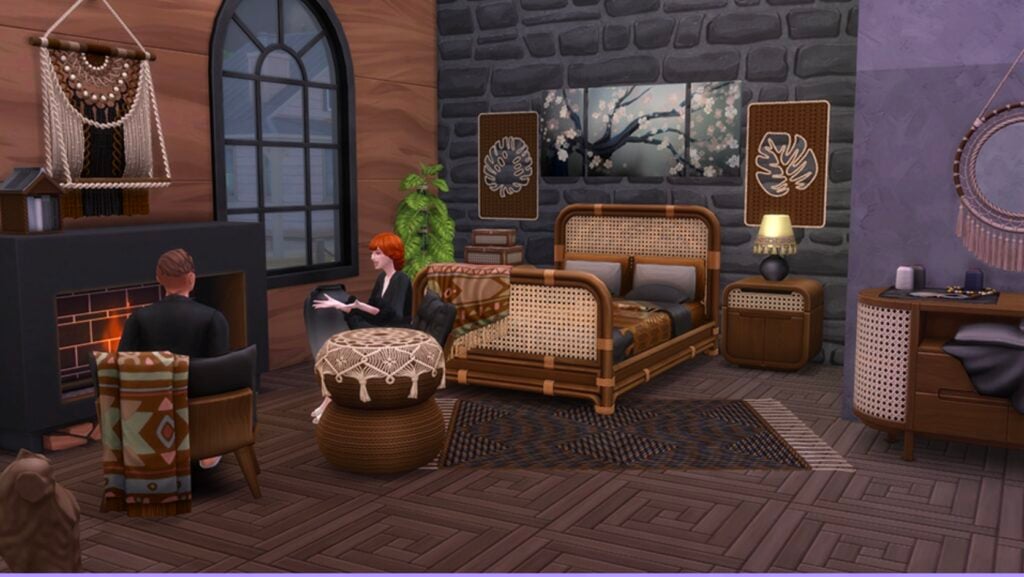
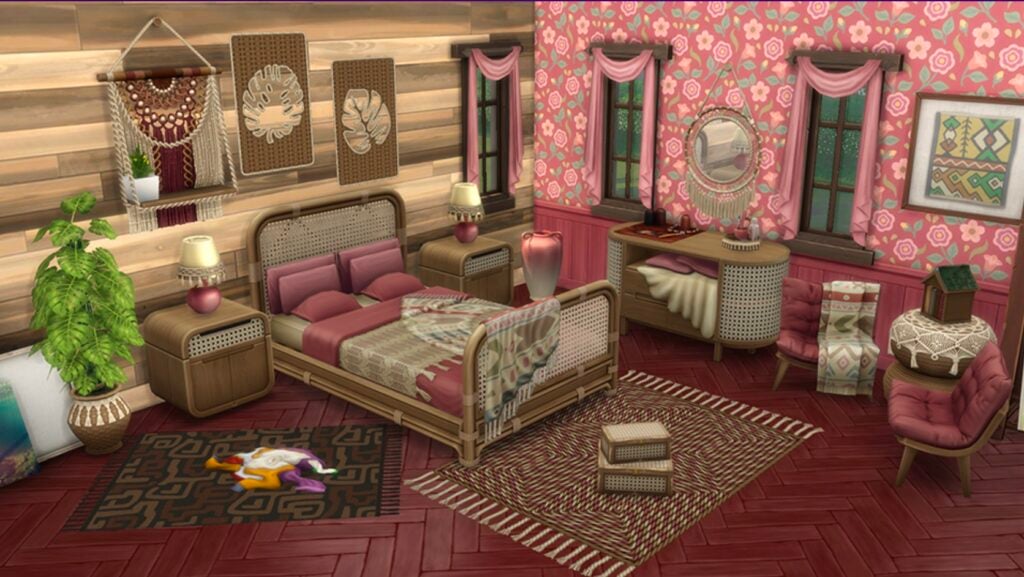
The Sims 4 Artsy Boho Bedroom by Taurus is one of three new Marketplace Maker Sets, and it’s quickly becoming a standout for players who love warm, lived-in interiors. Priced at 500 Moola, this set leans heavily into handcrafted textures, layered fabrics, and earthy tones that feel right at home in cozy storytelling builds.
For someone newer to Custom Content, this set feels like a perfect introduction. It highlights just how much personality creator-made content can bring into The Sims 4.
Table of Contents
The Sims 4 Artsy Boho Bedroom – Official Description
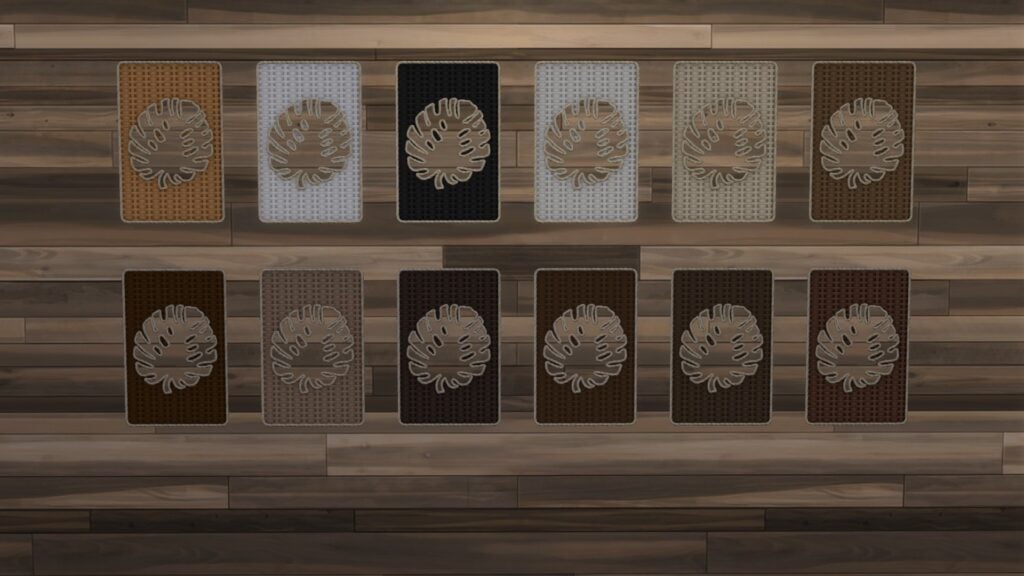
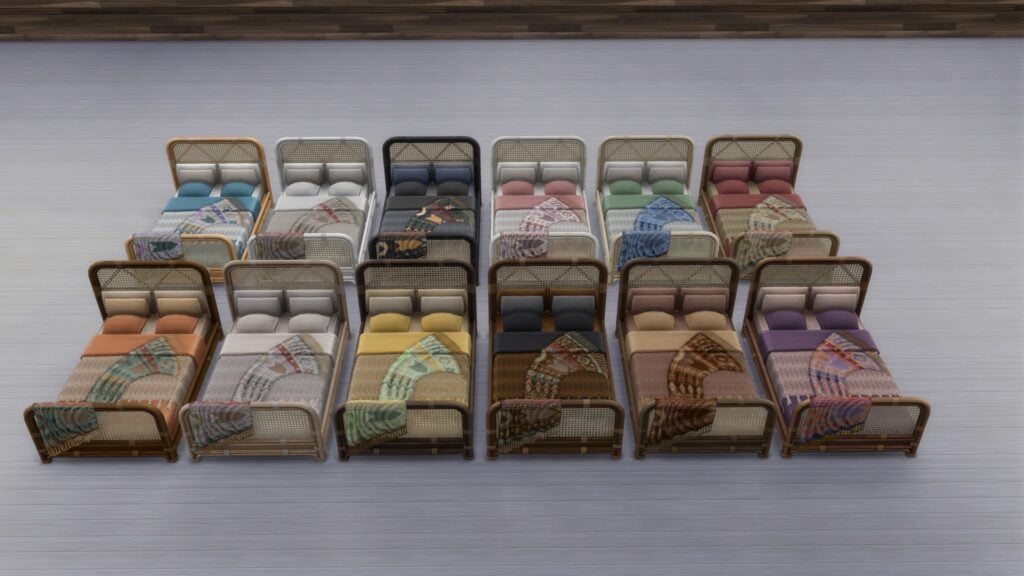
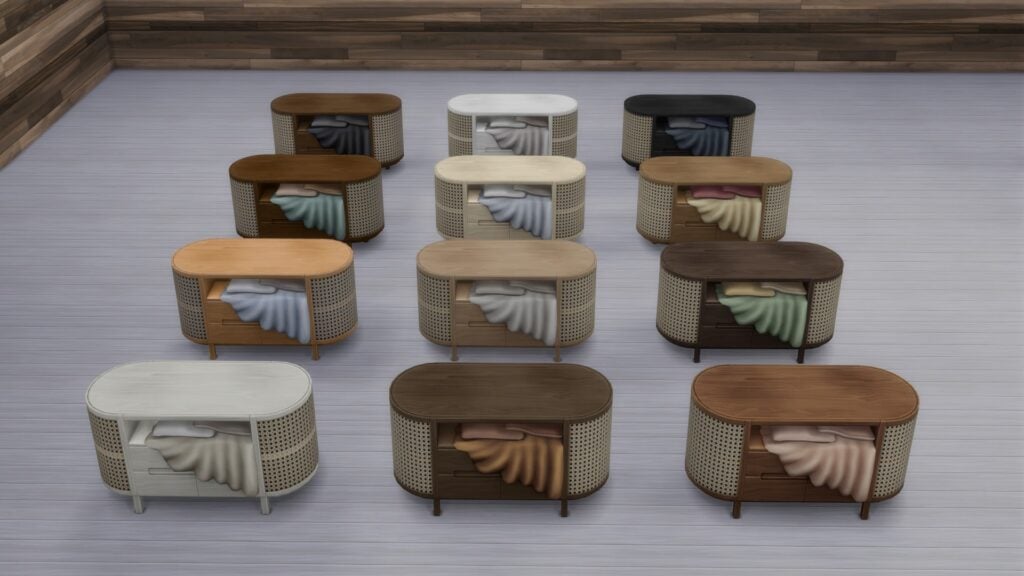
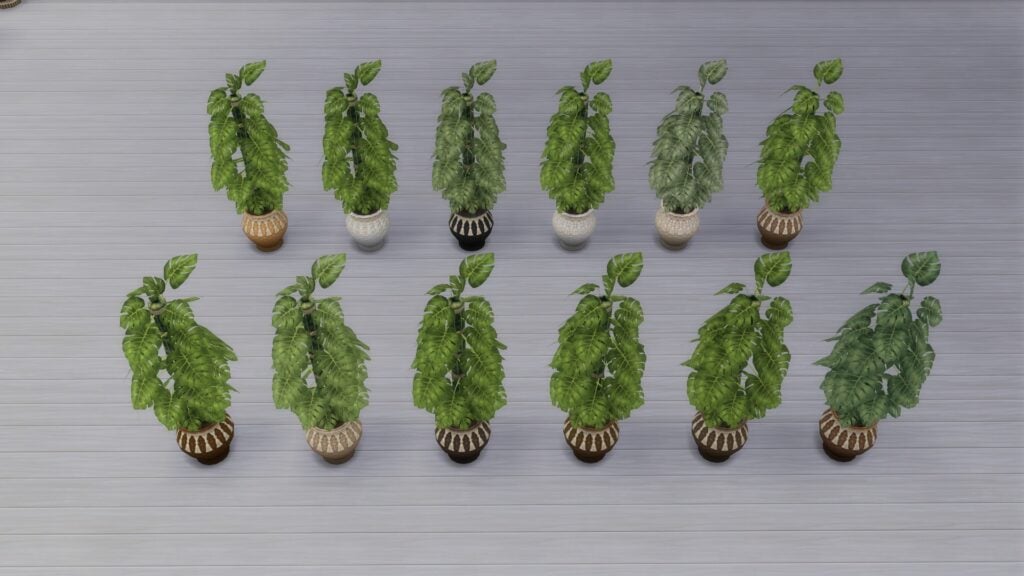
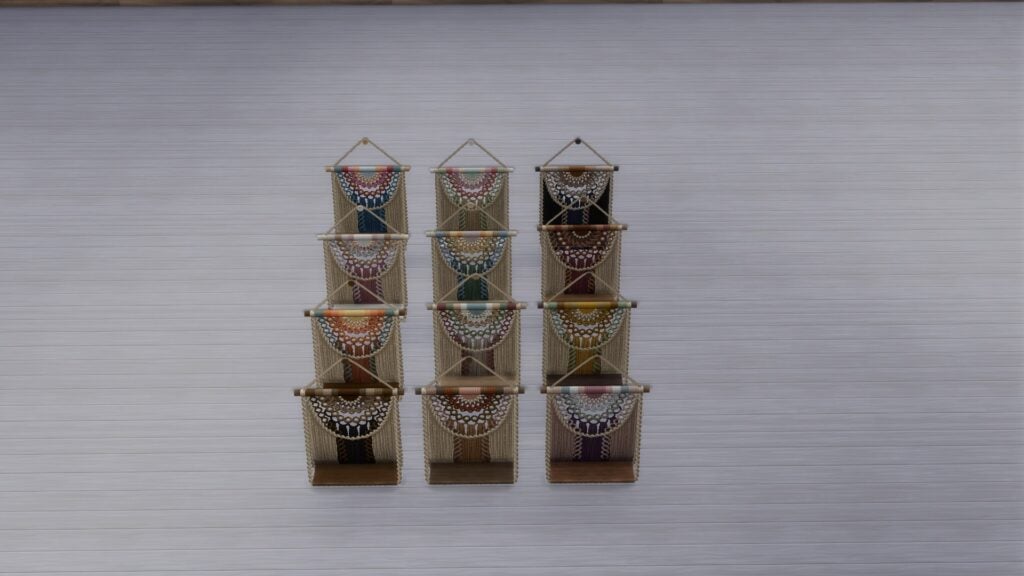
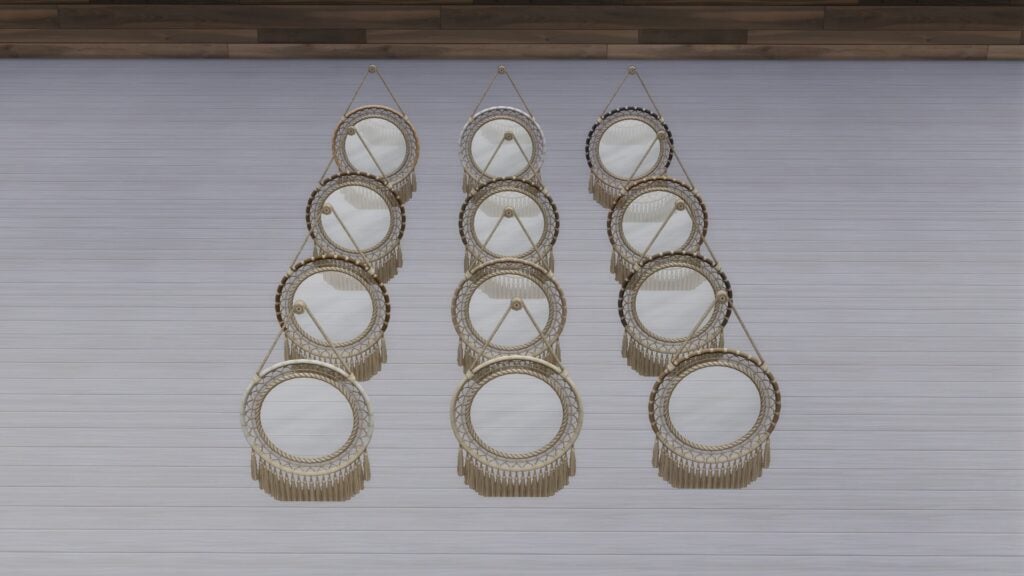
Bring a sense of calm, handmade charm into your Sims spaces with this warm boho bedroom collection. From curved rattan furniture to macrame decor, hand-made rug, and leafy wall art, every piece is crafted to feel soft, natural, and lived-in. Create a slow-morning retreat with plush seating, layered textiles, tassel accents, and clutter that tells a story. Most items include 12 swatches for easy styling and endless cozy combinations. Whether you are designing a dreamy studio corner or a full bedroom sanctuary, this set brings sunlight, texture, and comfort to every build.
Build & Buy Catalog Preview
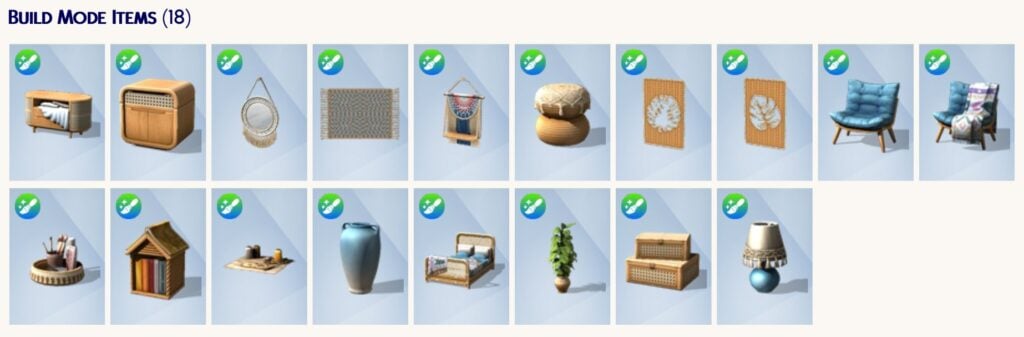
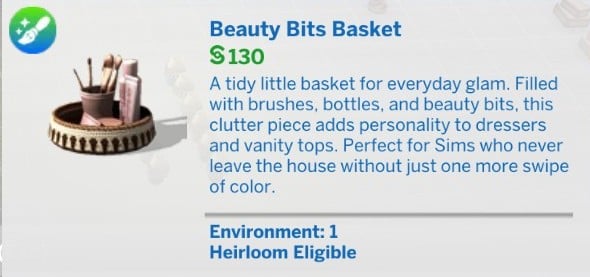
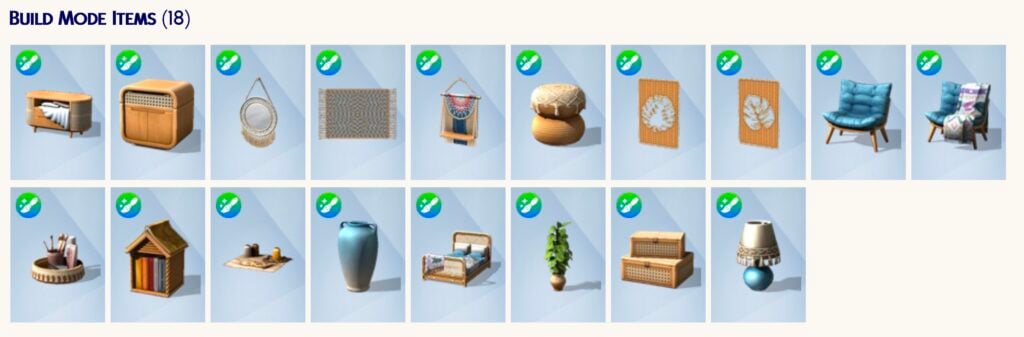
This Maker Set includes 18 Build Mode items, covering everything needed to design a cohesive space. From the statement bed frame to side tables, decor pieces, and layered clutter, the catalog feels complete without being overwhelming.
The standout here is how well everything works together. Nothing feels out of place, which makes decorating a breeze!
Swatch Previews
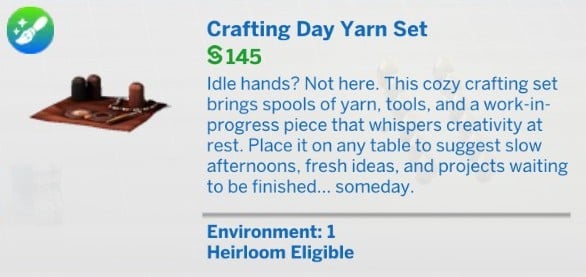
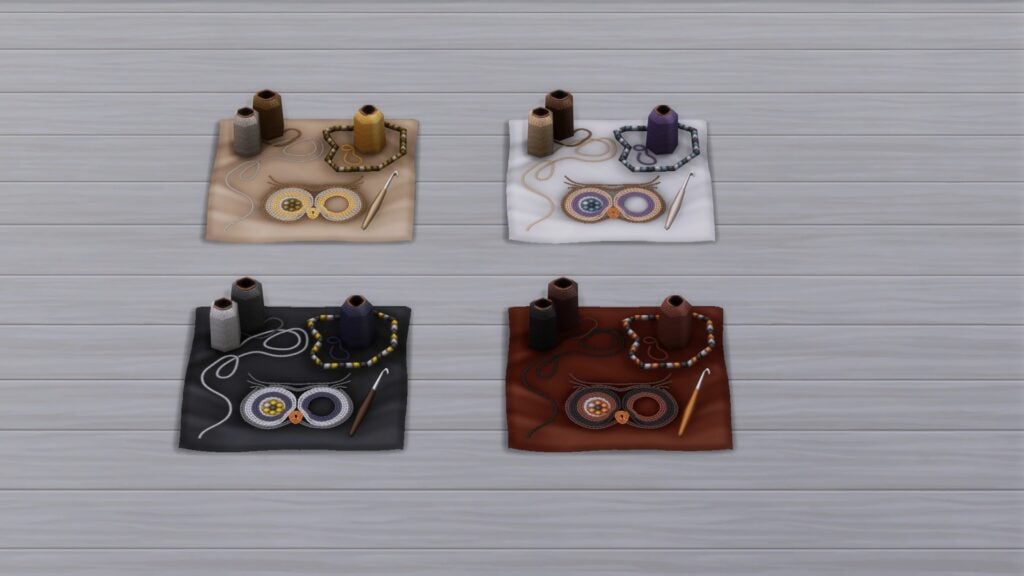
One of the strongest features is the swatch variety, with 17 out of 18 items offering 12 swatches each, while the Crafting Day Yarn Set includes 4 swatches, making it easy to match a range of aesthetics from soft neutrals to richer, earthy palettes.
Taurus FREE Collections Worth Checking Out
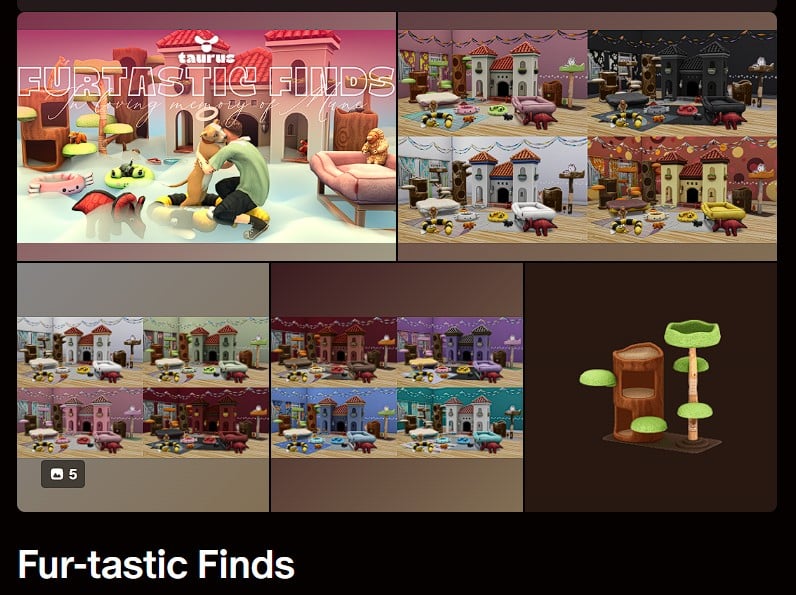
Exploring this set led to discovering more of Taurus’s work, including several free collections:
For players just stepping into Custom Content, these collections are a fantastic place to start without any cost.
Our Review of The Sims 4 Artsy Boho Bedroom Maker Pack
The Sims 4 Artsy Boho Bedroom is a beautifully cohesive set that delivers exactly what it promises: warmth, texture, and personality!
What stands out most is the attention to detail. The woven materials, soft fabrics, and handcrafted decor pieces create a space that feels genuinely lived in rather than staged. It fits perfectly into cozy gameplay, storytelling saves, or relaxed creative builds.
The generous swatch count is another major win. It gives flexibility without requiring additional packs or CC to make things match. That alone makes this set feel more premium than expected.
For players who typically stick to official packs, this Maker Set serves as an easy and welcoming entry point into creator content. It shows just how much creativity exists within the community.
In all honesty, it’s a cozy, thoughtfully designed set that blends style and versatility. It is an easy recommendation for anyone looking to add warmth and storytelling depth to their builds.
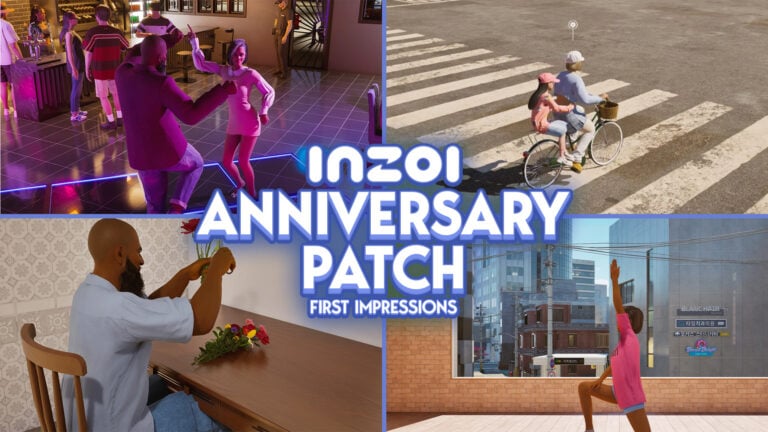
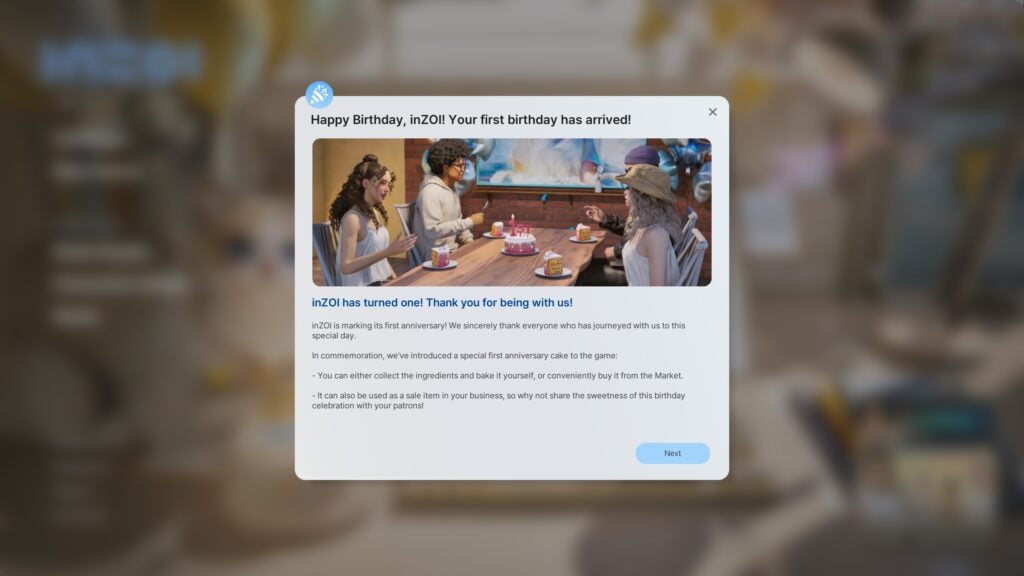
InZOI turns one year old on March 27th, 2026, marking a huge milestone for life simulation sandbox games of this caliber, as many have never made it to early access in the first place. The InZOI Update for March 2026, planned to release on Thursday March 26th, 2026, has been highly expected to add many features asked for by players, fix some existing issues, and showcase the progress that has been made between the creators and the community of players.
InZOI’s 1st Birthday
The InZOI Developers released a video on March 24th, 2026, running through features to be released for the March 2026 update and discussing the thoughts and feelings of the community and the developers themselves over this past year. Narrated by Hyungjun ‘Kjun’ Kim, the producer and director of InZOI, he mentions a quote from a user around InZOI’s initial release.
InZOI Feels like a beautifully decorated, but empty, movie set.
InZOI Producer & Director Hyungjun ‘Kjun’ Kim, reading a user comment from early in InZOI’s Early Access
This quote largely sums up much of the criticism the game has received during this past year, as well as most of the initial feelings about it. The graphics were well-created but not accessible for most players, and despite the technological features making the game very pretty, it felt lifeless. It largely felt superficial, with so much effort and progress going towards assets and how the game looks on the surface, but players were missing the life in life simulation. Family gameplay was minimal, careers and ambitions felt bare and surface level, and the world came off empty and non-interactive.
The team behind InZOI did something we don’t commonly see with very large video gaming companies, rather something we see more with smaller indie developers, and they changed things to make an active effort to constantly be in communication with their community of players. This led to major changes over the last year that have led InZOI to the state it is in today.
Table of Contents
Major Additions & Changes in the March InZOI Update
The primary changes in the InZOI March 2026 update include updates to the user interface, new additions to create-a-zoi and modding, some changes to lots and the build mode, added simulation features and gameplay, especially social interactions between Zois and multitasking.
User Interface Changes
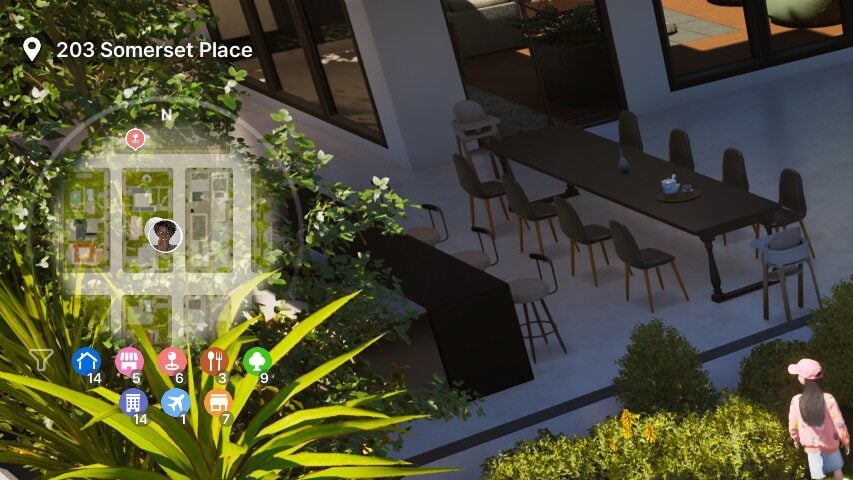
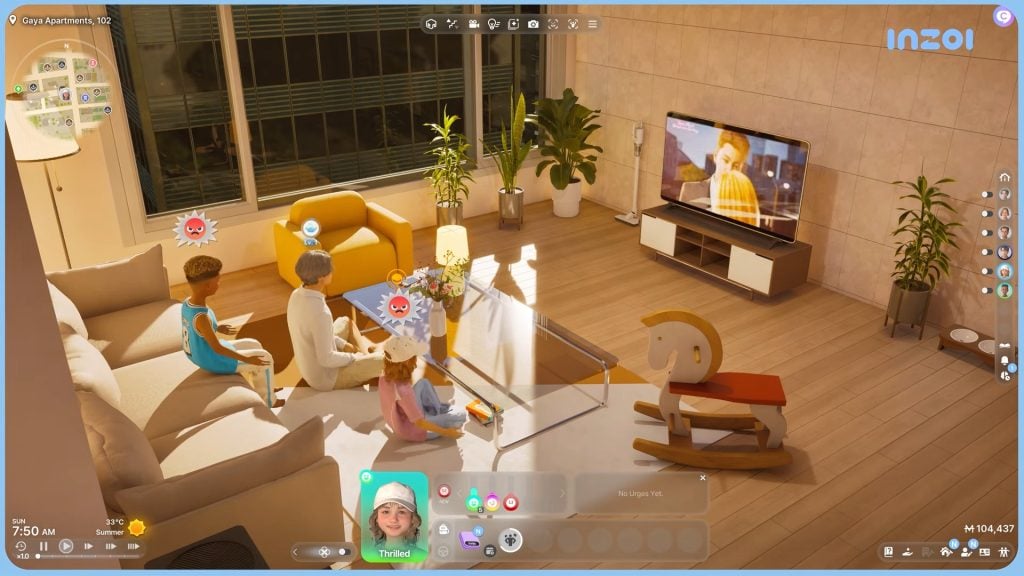
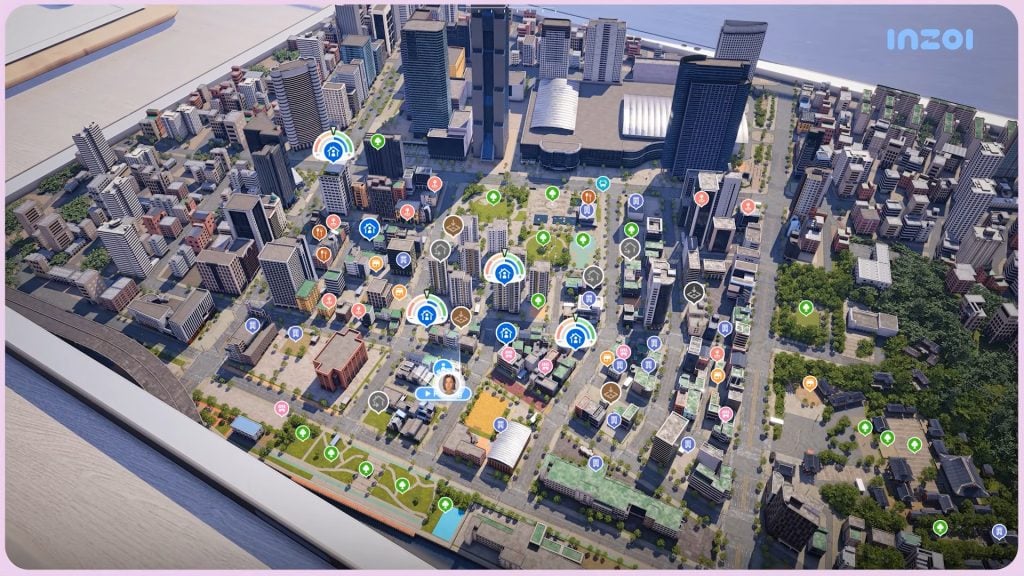
UI changes in the InZOI March Update largely improve the experience for the player, make the game more customizable, and make exploring the world more intuitive. There is now a mini-map that can be optionally toggled on or off, giving players guidance to where they are in the world and making manual exploration easier without opening the full city map.
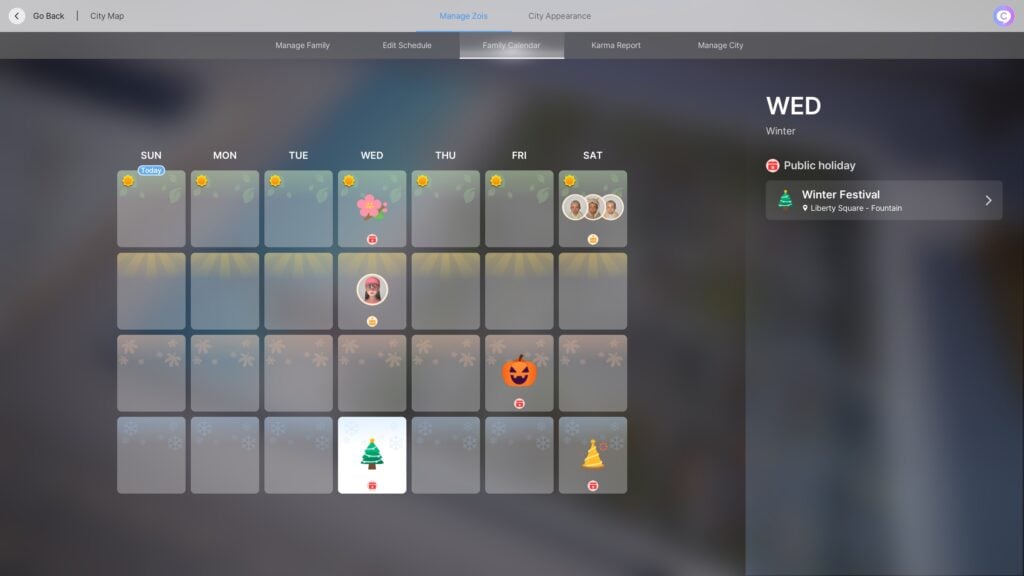
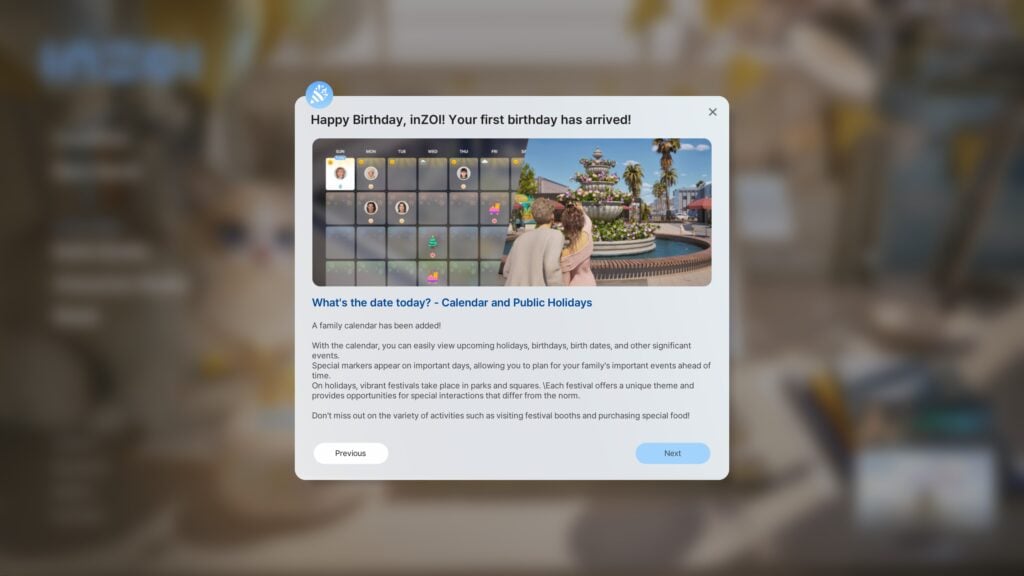
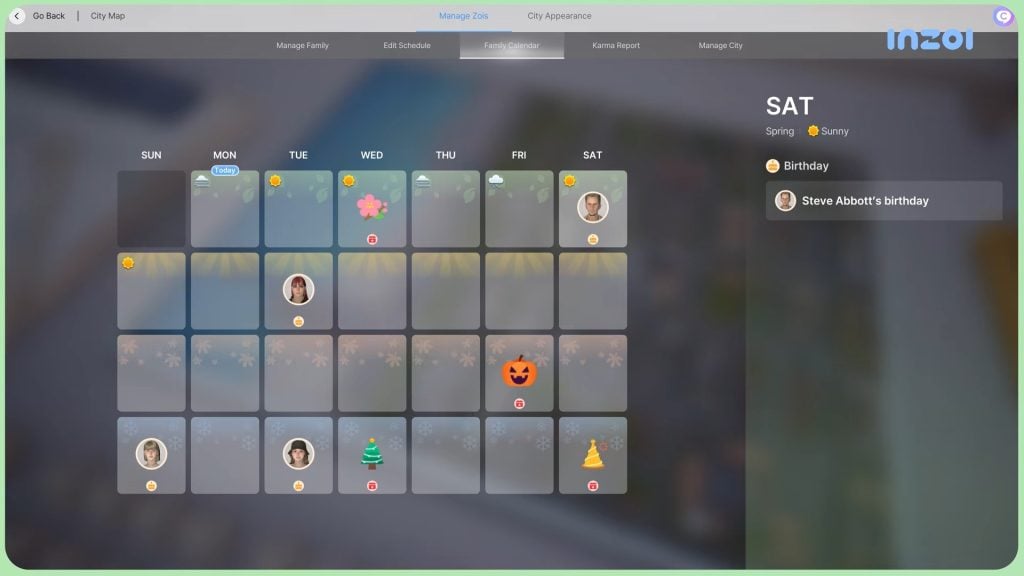
Tracking time in InZOI has been improved with an overhauled calendar system, showcasing all four seasons, any reoccurring holiday events, player-planned and scheduled events, and Zoi birthdays.
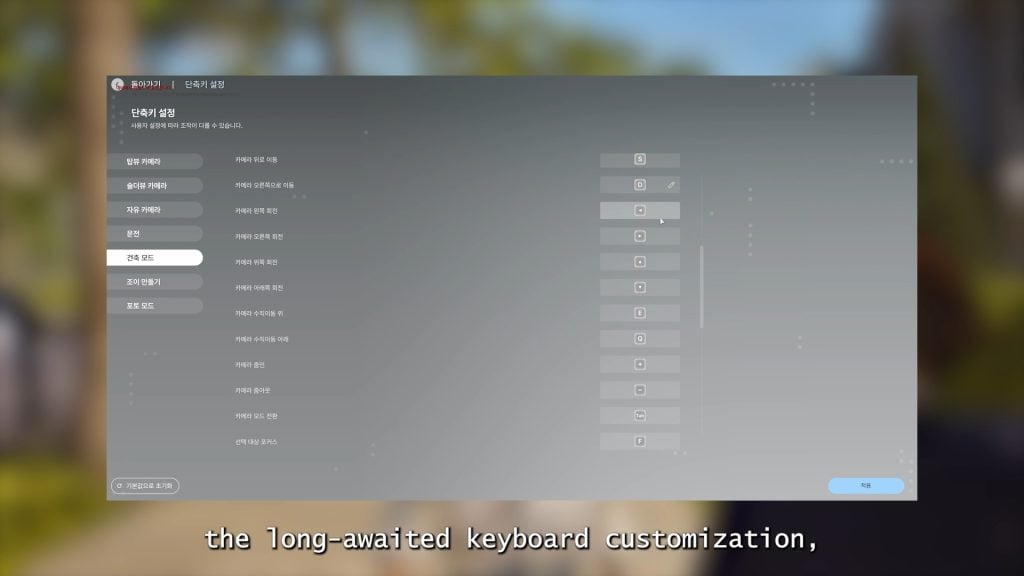
Players who are more used to other controls in other life simulation games or who have found the controls of InZOI tricky can now use keyboard customization to tailor the game to their liking, making gameplay more accessible for many players.
Create-A-Zoi
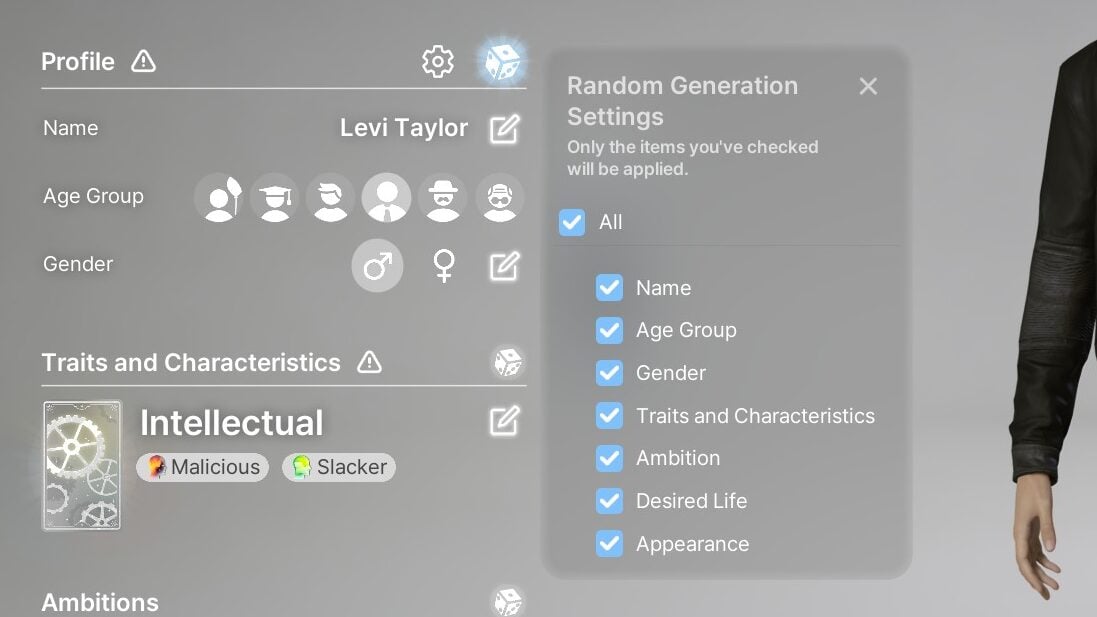
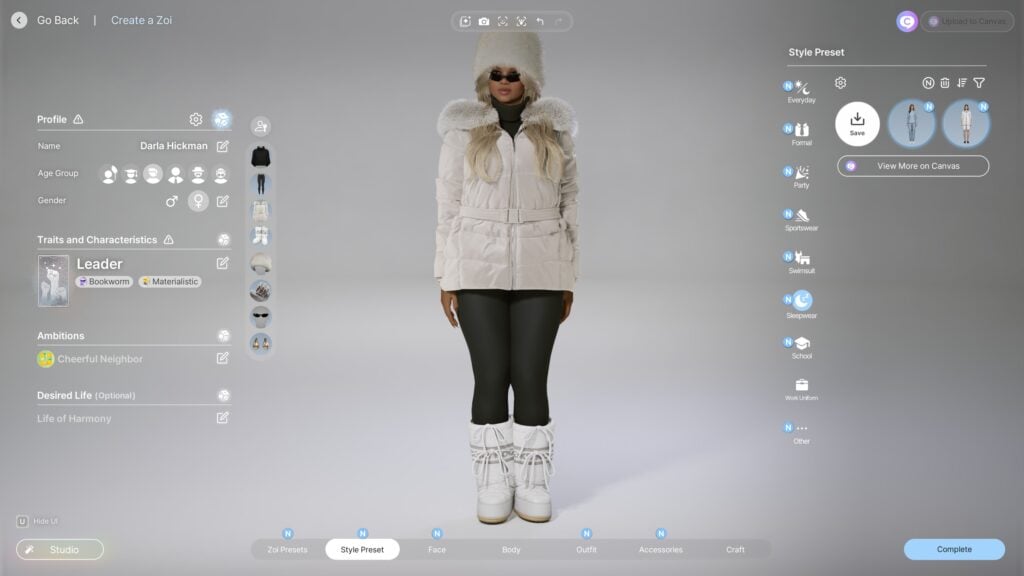
Saving custom outfit and Zoi presets is a big part of create-a-zoi, allowing players to easily save features or Zoi styles they like, as well as share them with others on the Canvas in-game app. Both outfit presets and Zoi presets can now have certain parts toggled on and off, letting you use Zoi presets just for the outfit, outfit presets just for the accessories or a certain item, etc. The ability to randomize Zois now also has toggles, allowing you to choose to randomize only certain features if you have something on the Zoi that you really like and want to keep.
When it comes to the appearance of Zois, many players do enjoy the realism and find it easy to make Zois that look natural and life-like, while also allowing for stylization without it looking strange. With Zoi bodies, early criticism was generally that the different bodies didn’t seem realistic; Larger Zois and fat Zois seemed airbrushed, with the skin texture not really changing at all when adjusting weight and size. In the March Update, this has been changed, with the developers citing player opinion as the primary reason for this change. The skin now more accurately reflects a Zoi’s weight and body type, with slight texturing, less airbrushing or smoothing, with changes on both masculine and feminine Zois being noticeable.
Another change is an adjustment to long hairstyles that makes them no longer clip into hoodies, instead cutting off at the edge to look like they’re somewhat tucked in and not poking out of the meshes themselves. Adult Zois now have a new default underwear inspired by player requests, and Baby and Toddler Zois can now enter Create-A-Zoi to use the photo studio, and choose from six new outfits.
Modding
InZOI’s modding community is heavily supported by the developers. Although they, like all other games, cannot account for changes made by mods in updates, they do actively encourage modding in the community to make the experience unique for each player. They have released a modkit, modding no longer requires restarts when players make changes, and the modkit now includes support for custom animations, accessories, and face mods.
Build Mode and Lot Changes
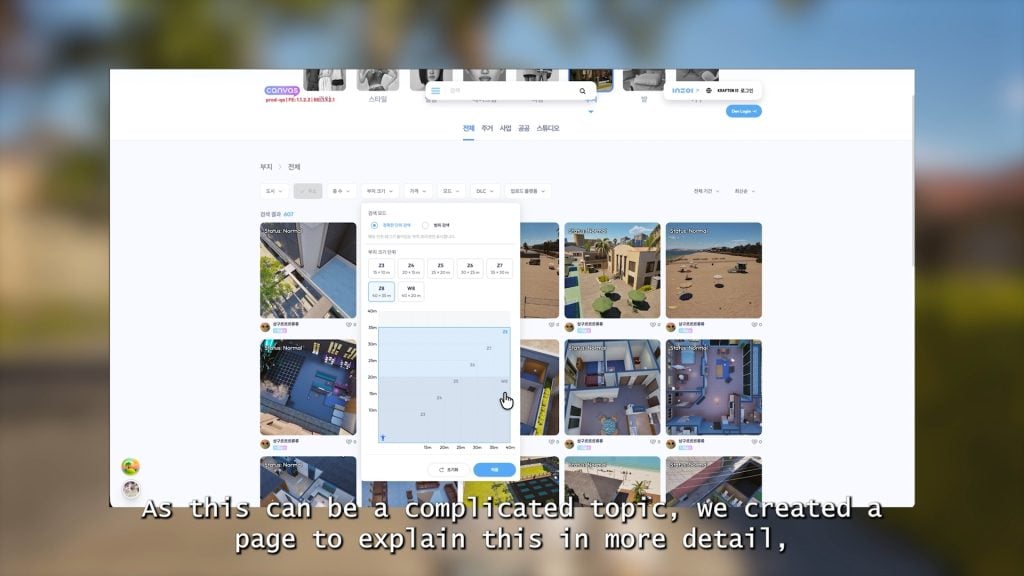
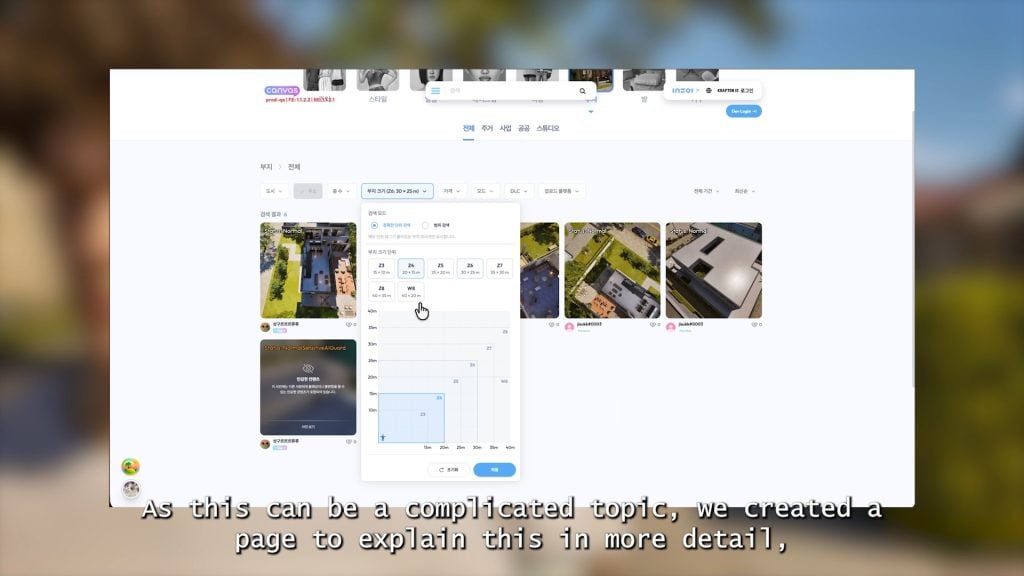
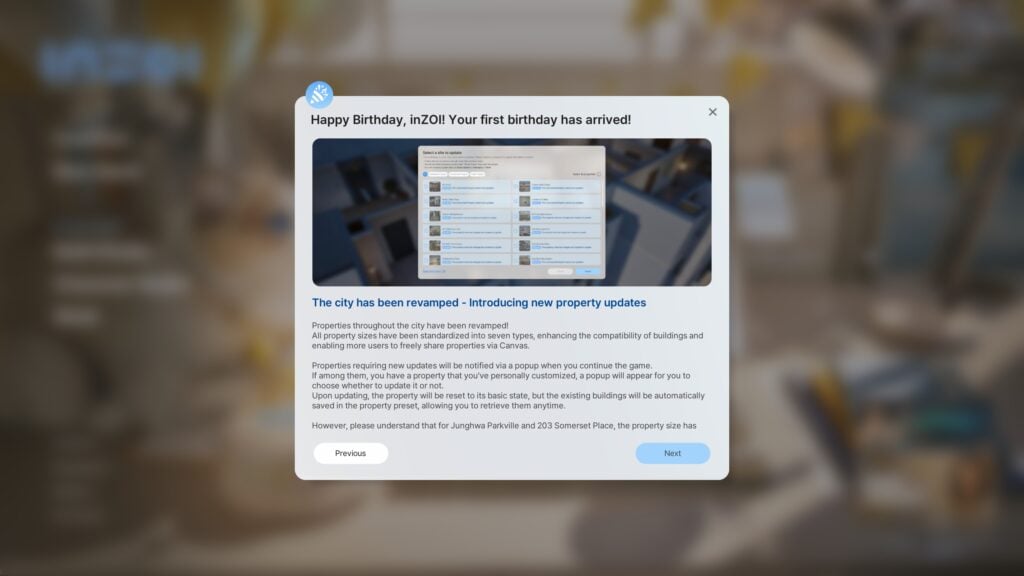
Canvas is a popular feature in InZOI, with players consistently uploading their creations in Create-A-Zoi and Build Mode, but one issue many dealt with is the fact that there wasn’t standardization for lot sizes. When custom builds were placed on lots that only slightly differed in size, parts of the builds were being cut off. Now, lots are being adjusted and standardized, and a filter to find lots by dimensions and sizes is implemented into Canvas. More lots in-game can also be edited, making the world more customizable for each individual players. Note: When playing the playtest release, I was not able to access Canvas features as it, as far as I could tell, is inherently offline.
Simulation and Gameplay Features and Improvements
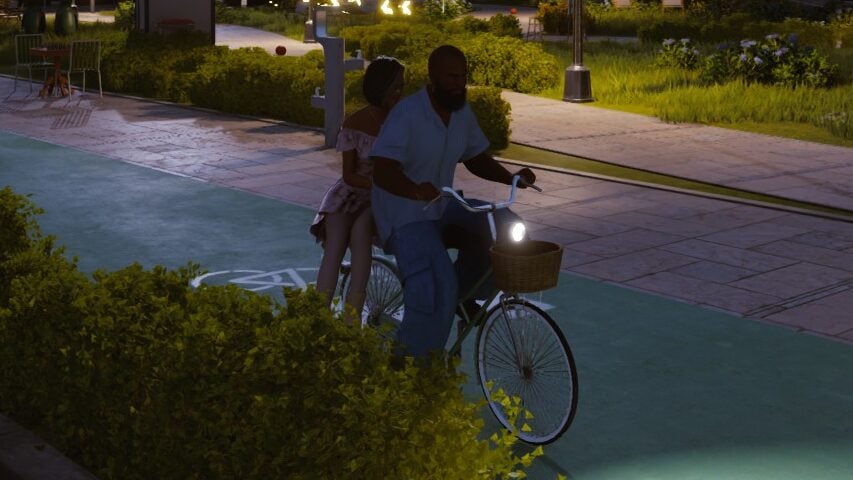
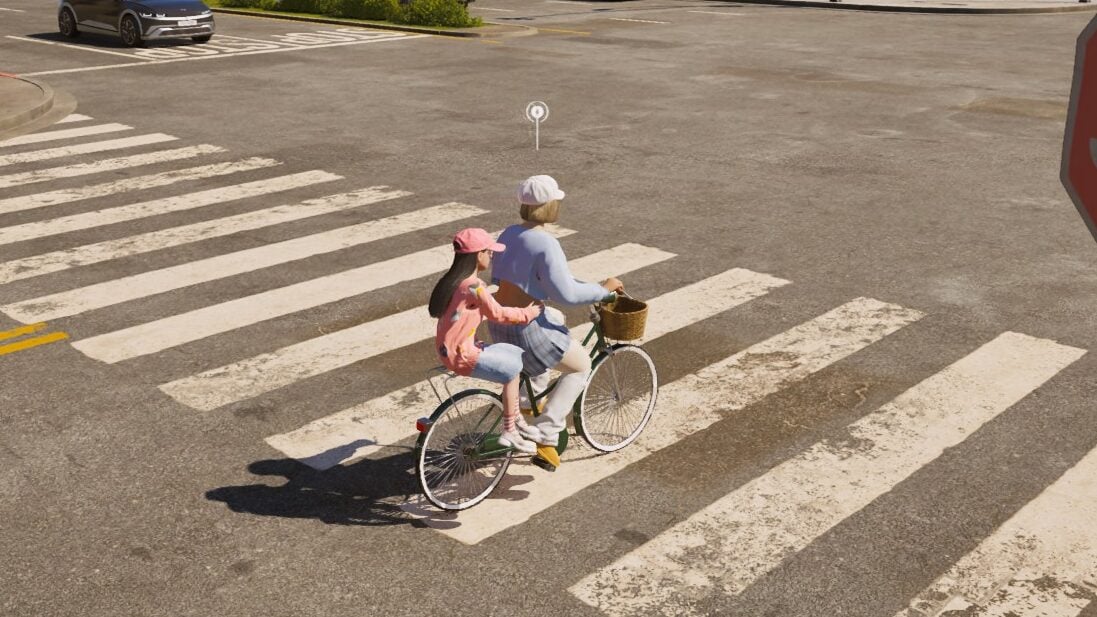
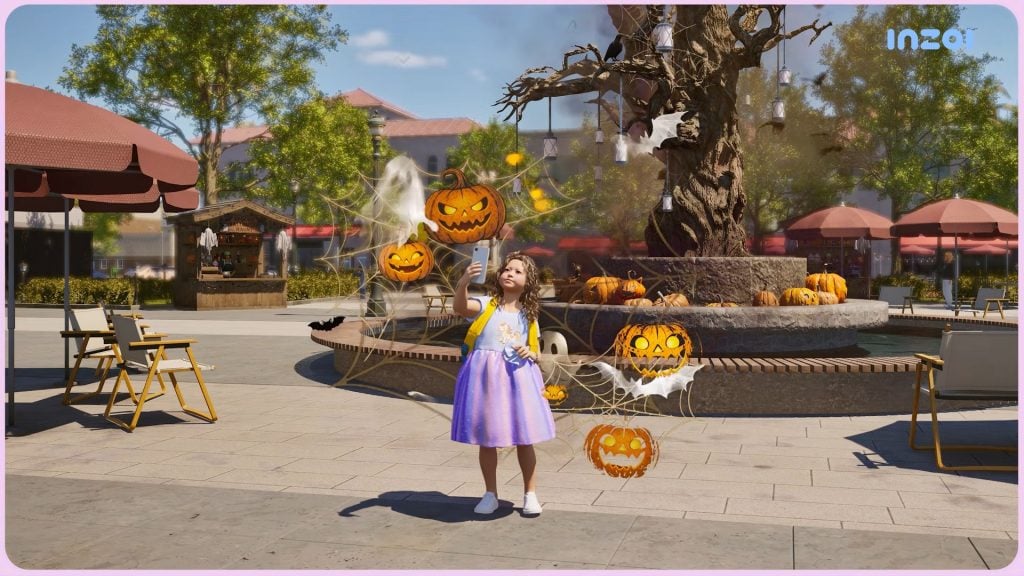
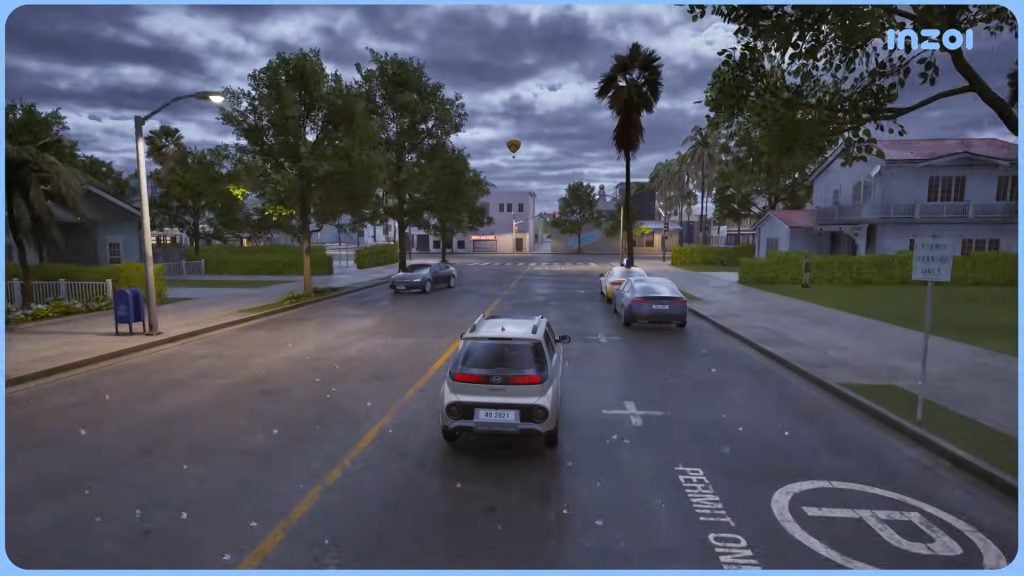
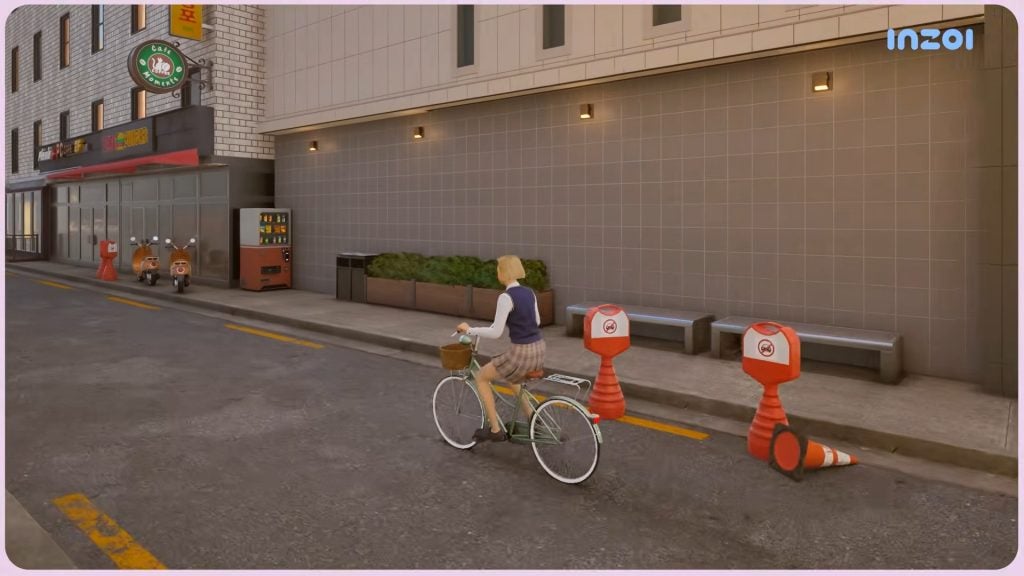
Lots of gameplay features are being added in the InZOI March Update. When it comes to transportation and vehicles, bicycles are being added. Bicycles are purchased through the phone the same app where you can purchase cars, can also be manually driven, and can support one or two Zois. It also supports Zois child-age and older. Public and private parking lots and parking spaces are being added around each world as well, with some residential and community lots being updated to have them built in.
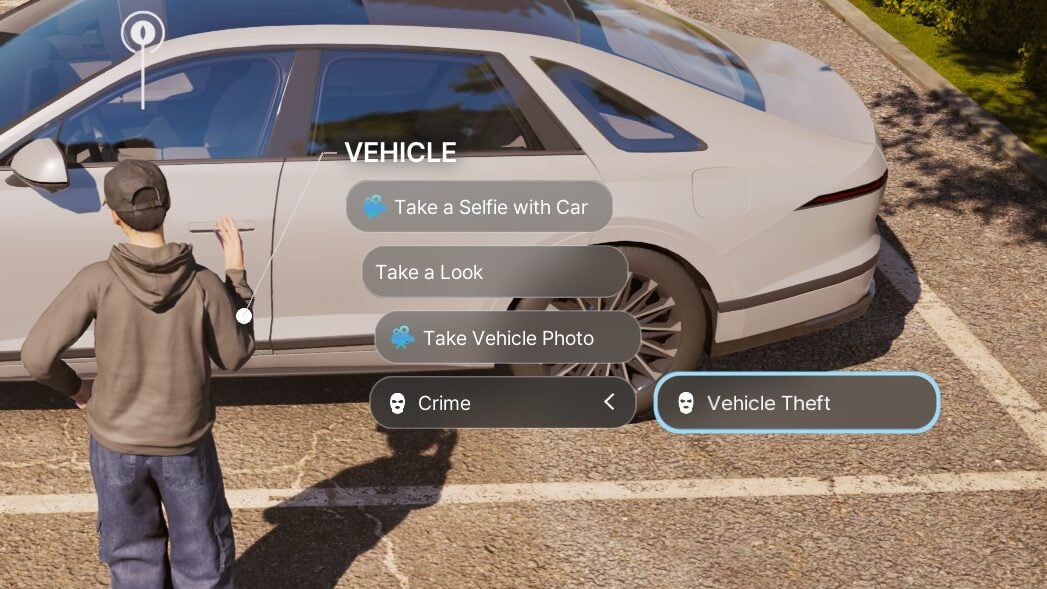
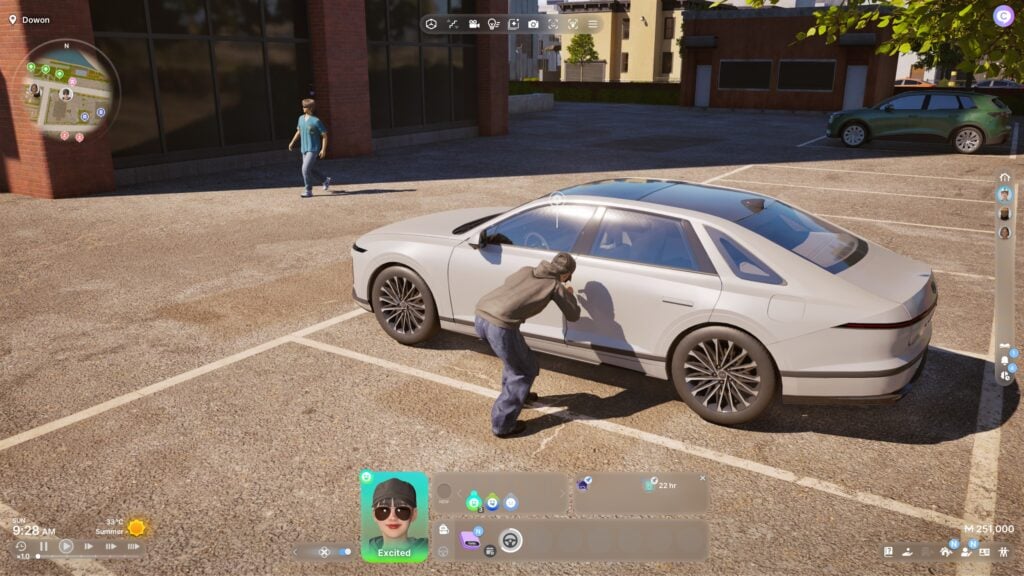
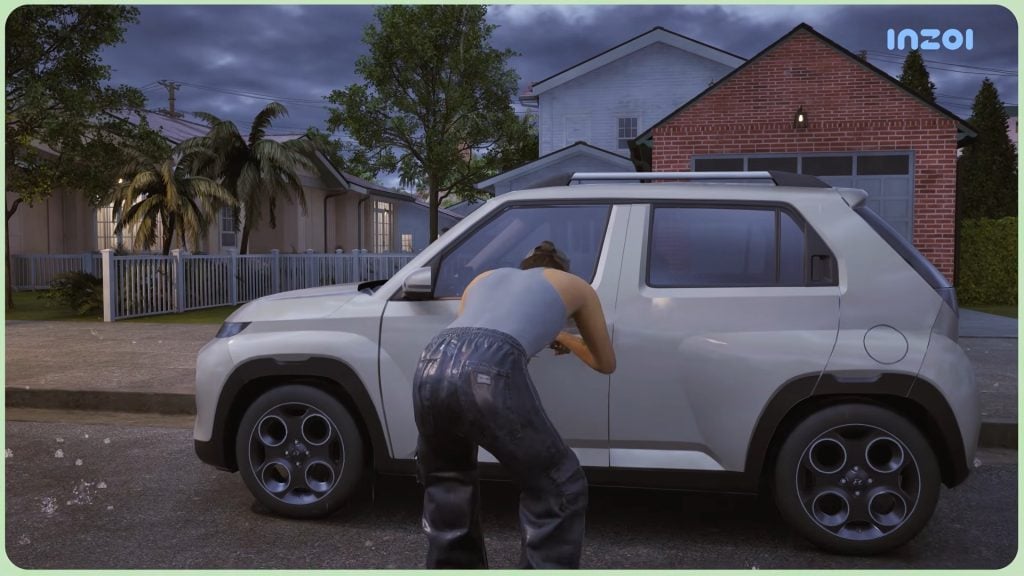
The crime system is also being slightly expanded. Don’t have the money for a car, or just want to drive (possibly) without consequences? Your Zoi can now commit grand theft auto! Certain cars around the world can be broken into and stolen, with success rates based on your Zoi’s crime skill. Other Zois can also witness this and it may lead to your Zoi being arrested. If your Zoi succeeds, they can drive the car as they would their own. If your Zoi fails, a car alarm will trigger that can attract attention.
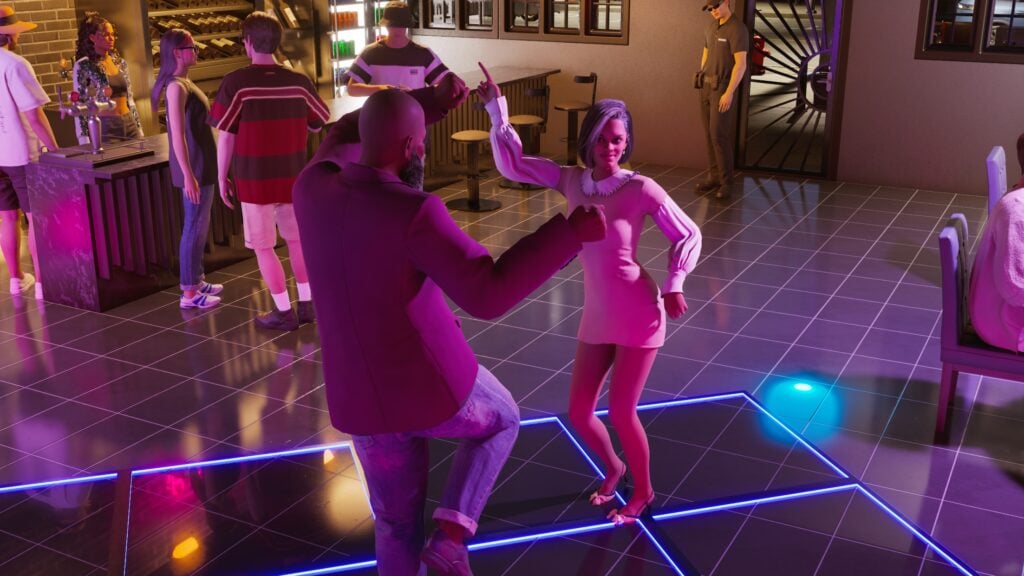
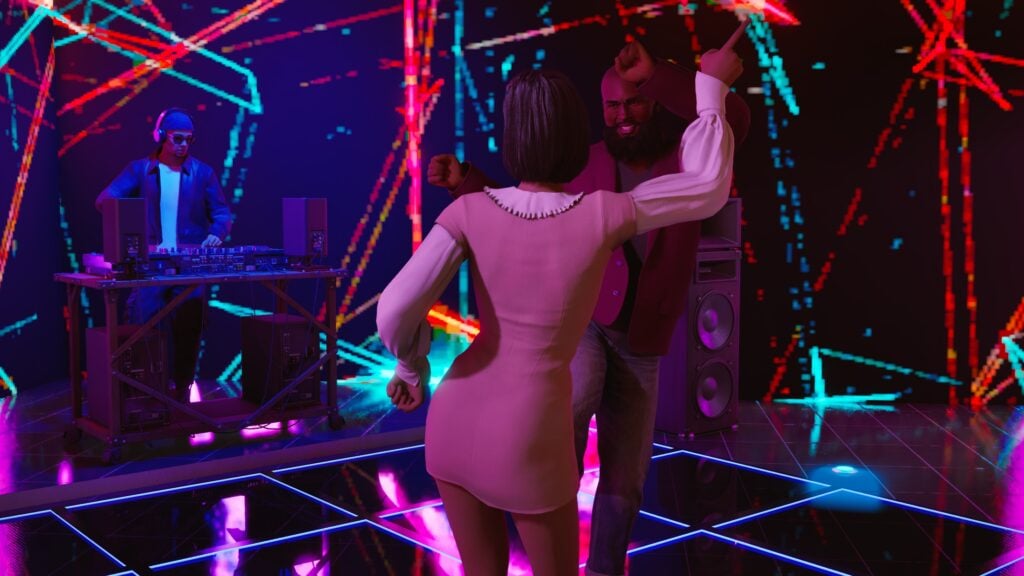
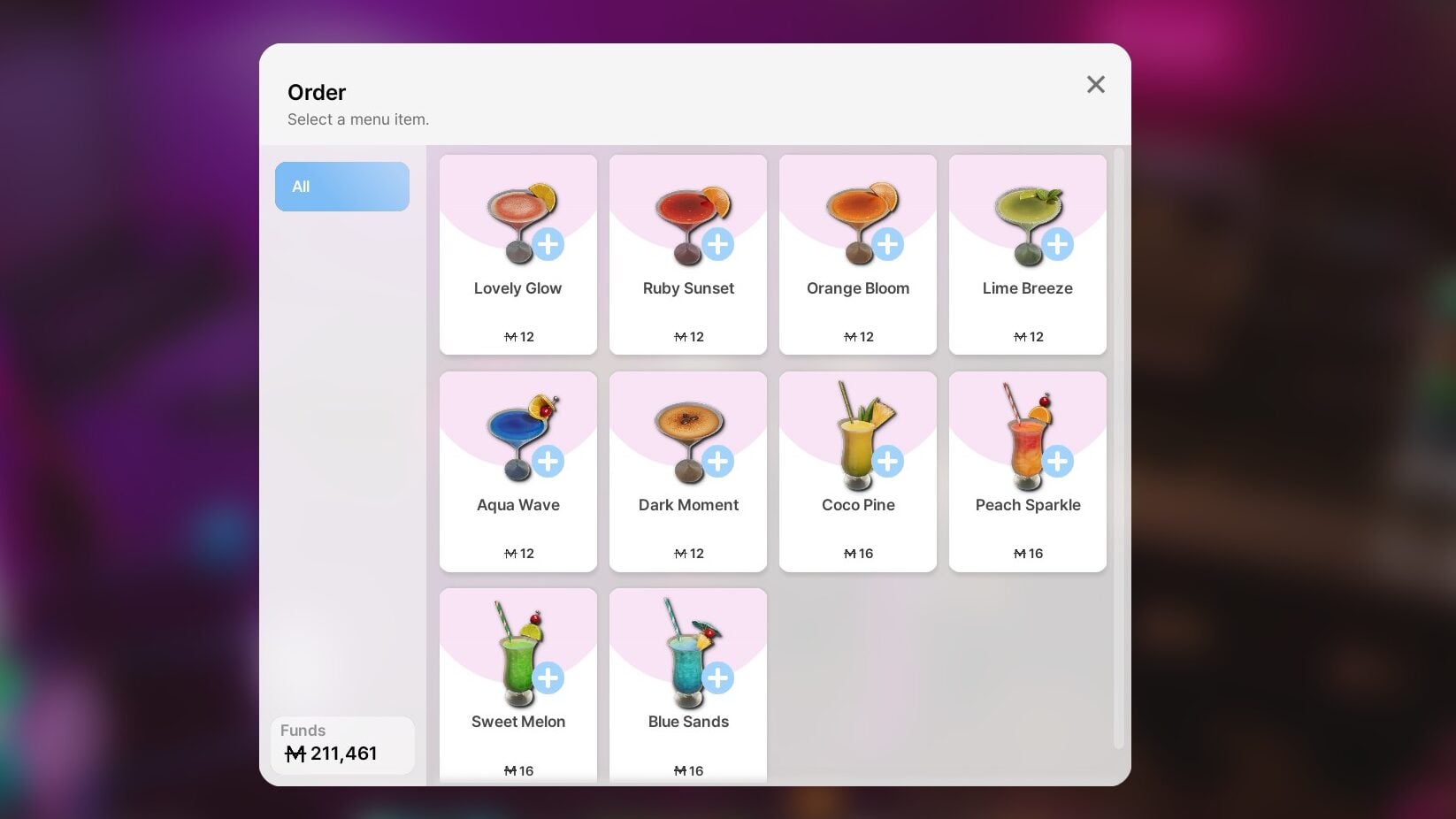
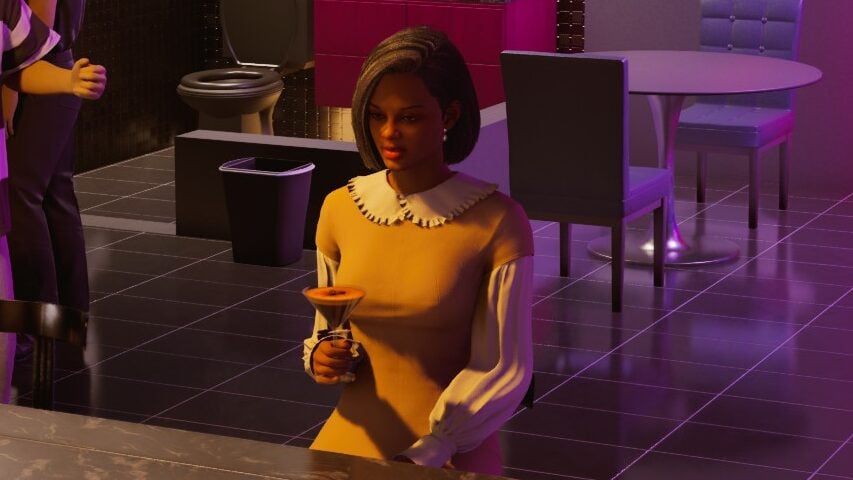
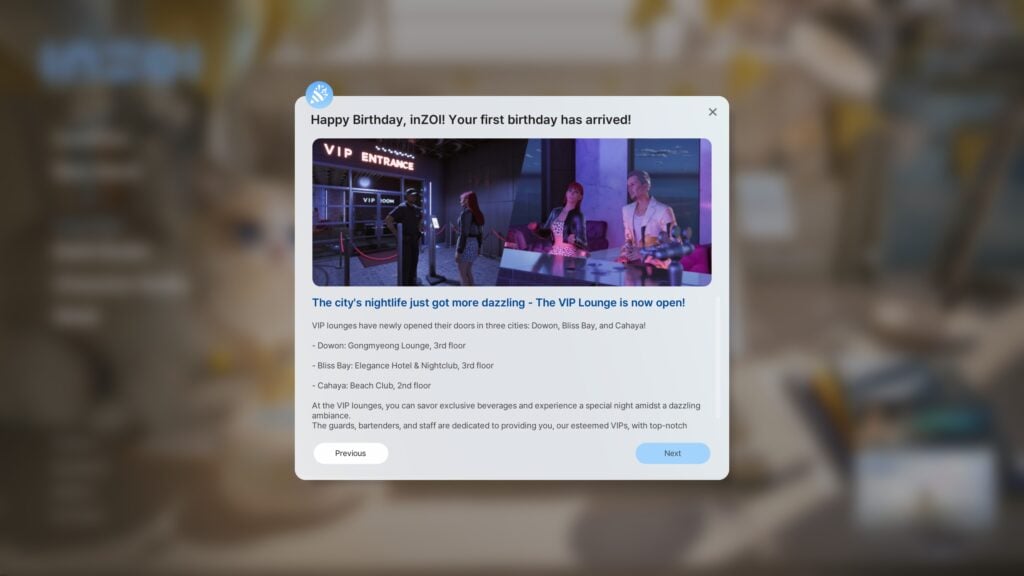
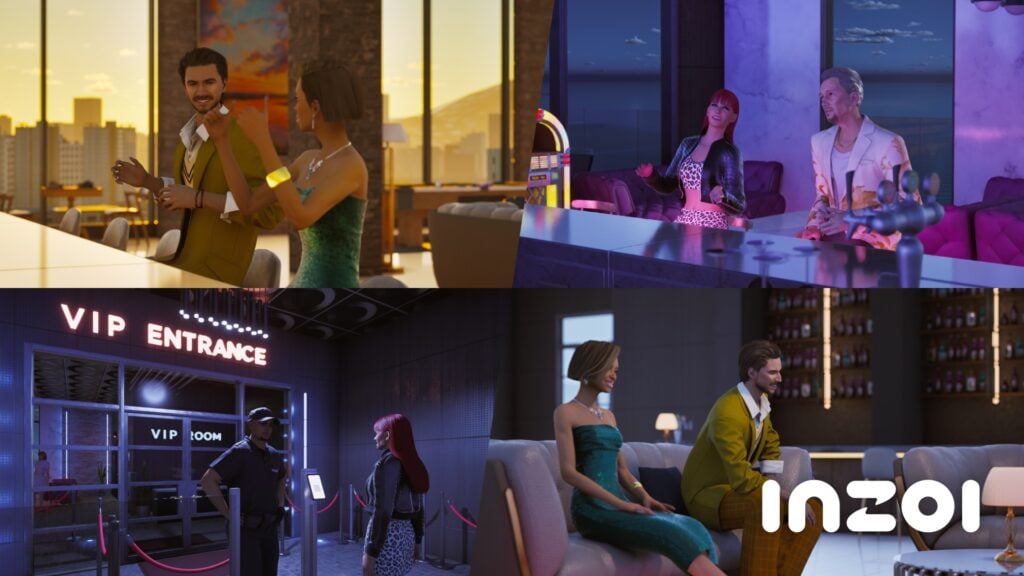
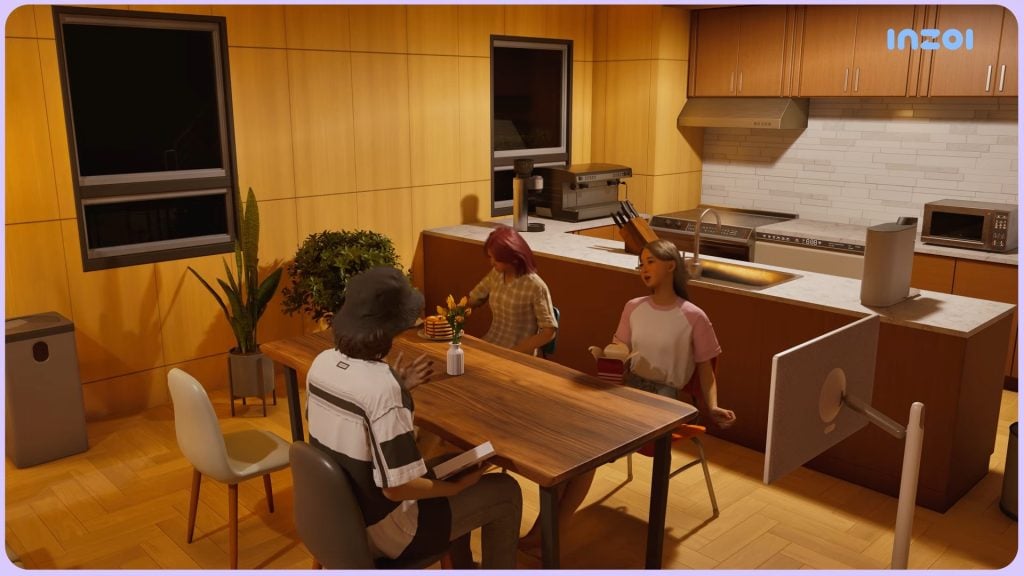
A true nightlife and clubbing has been introduced, allowing your Zois to party and meet others well into the night, sip on some bar drinks, and listen to some music played by their local DJ. There’s a good variety of drinks available for your Zoi to order, and they can meet up with groups and break it down on the dance floor, or dance with friends or lovers.
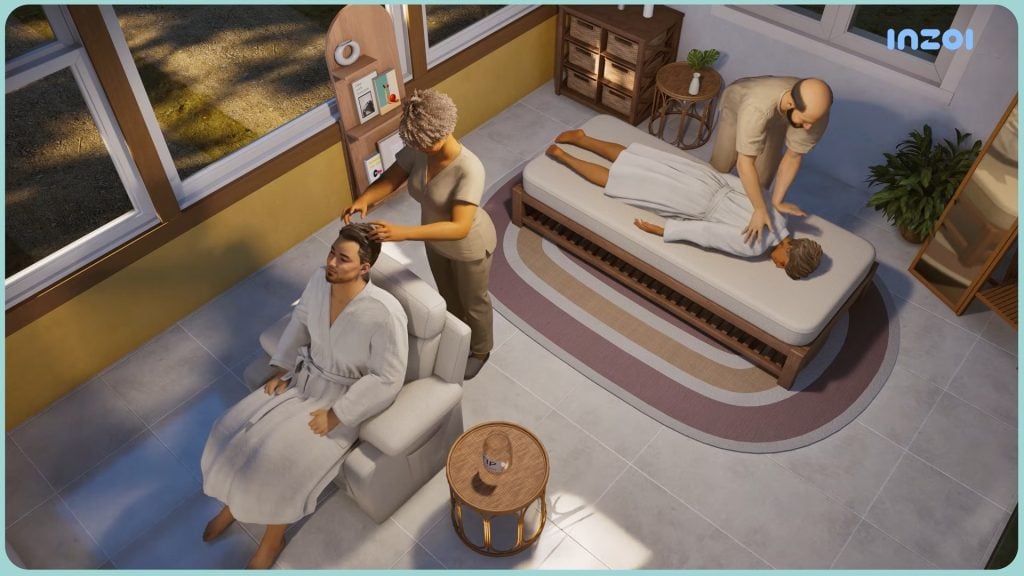
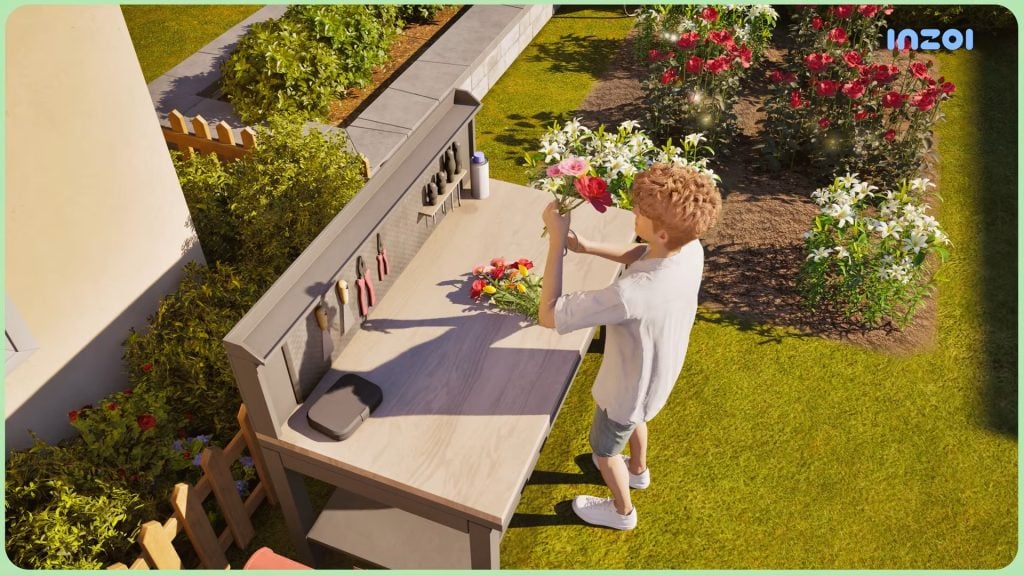
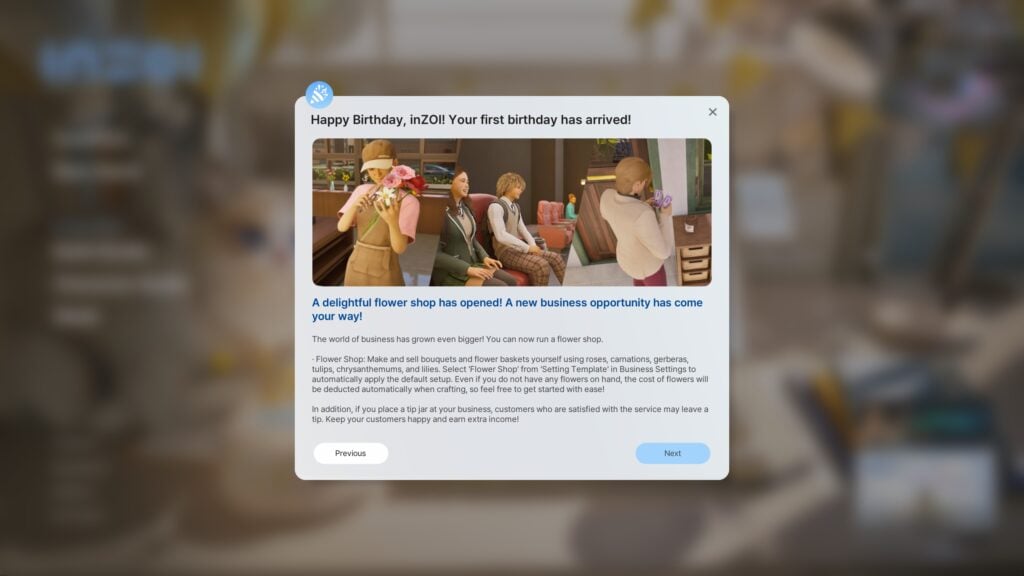
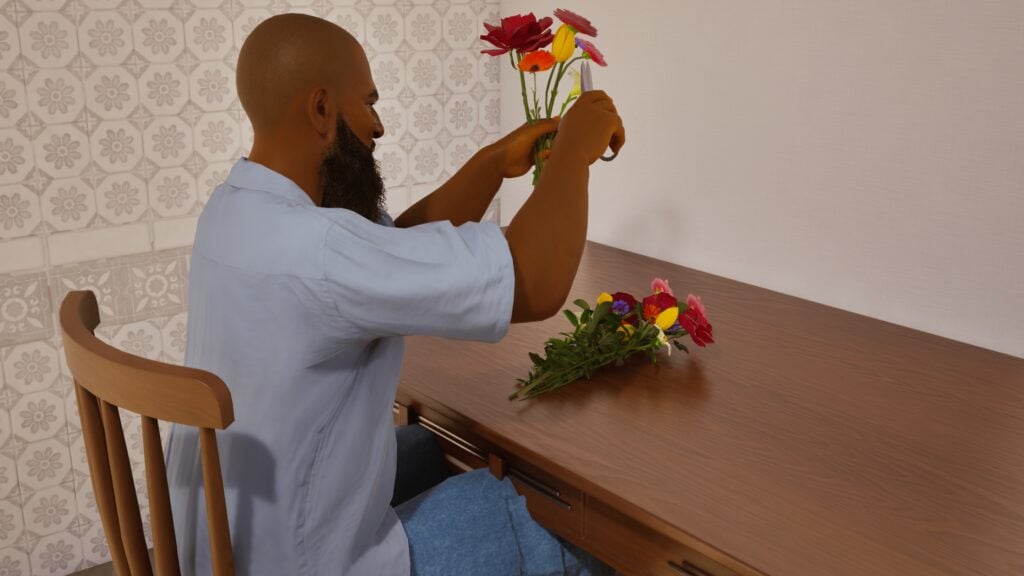
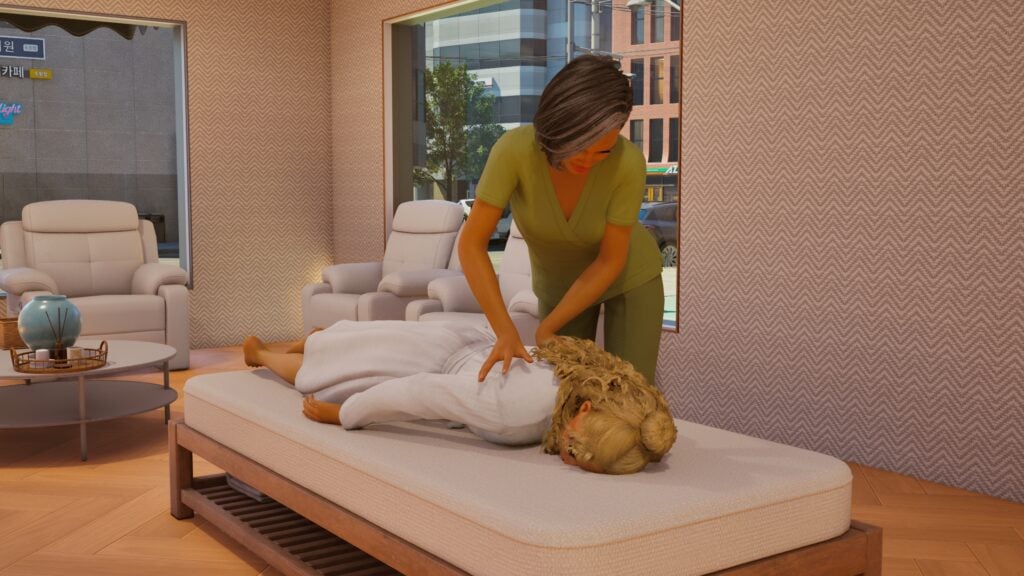
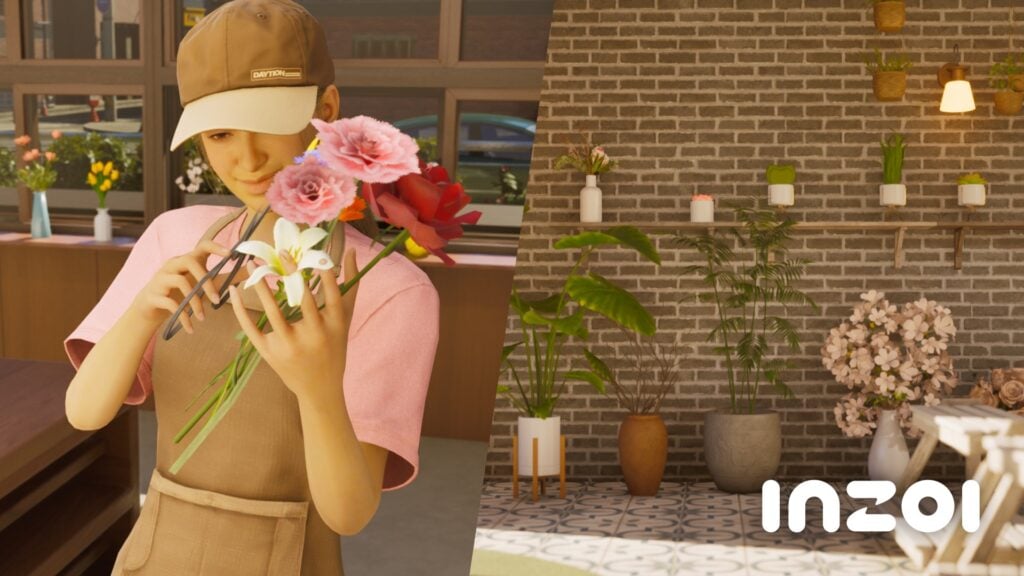
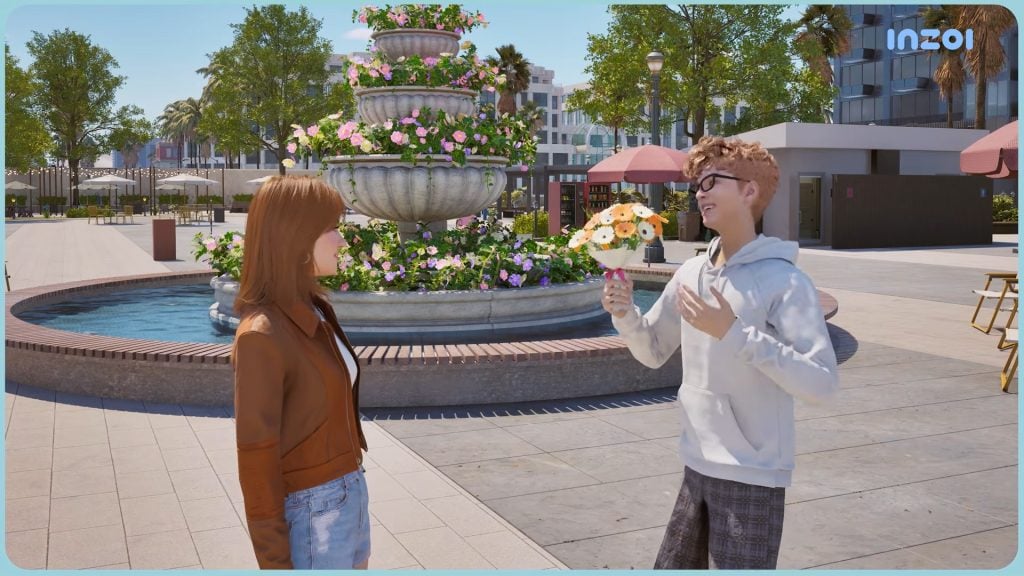
Small business gameplay is also being expanded upon. Small businesses were previously added a few months ago, and now three new types of businesses can be owned by your Zois or opened in the world. These includes flower shops, cinemas, and massage parlors. Your Zois can grow flowers and craft bouquets to sell or gift to others. You can purchase a cinema-sized screen and a create a drive-in or standard theater, or visit ones placed in the world already. Your Zoi can also visit and open massage parlors, expanding upon the features added when the Cahaya update happened.
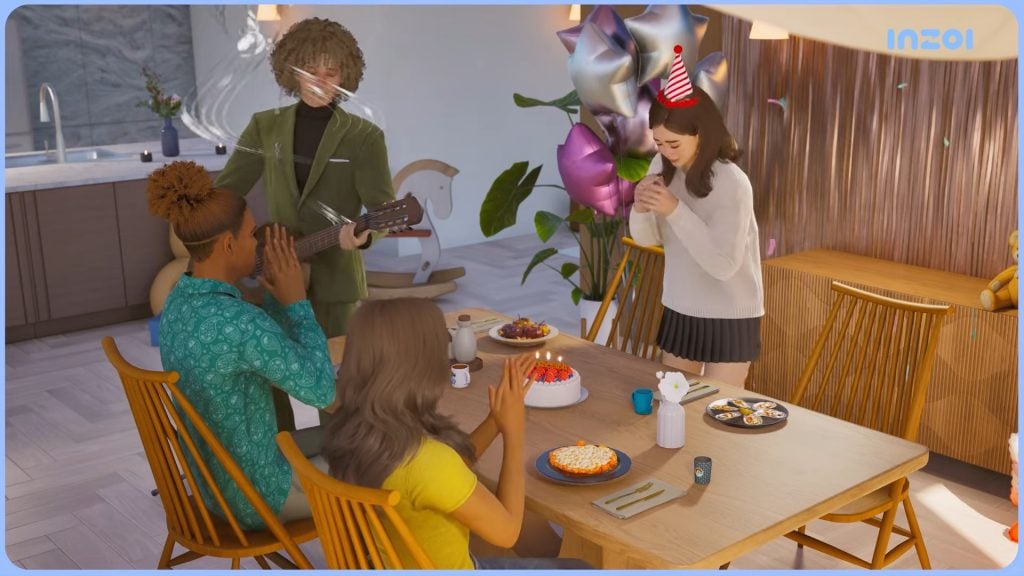
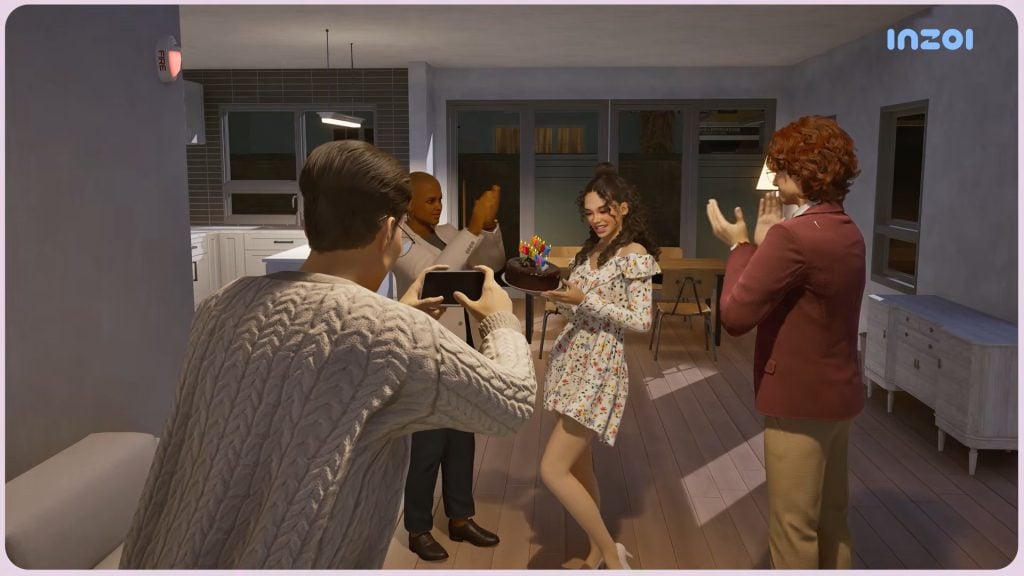
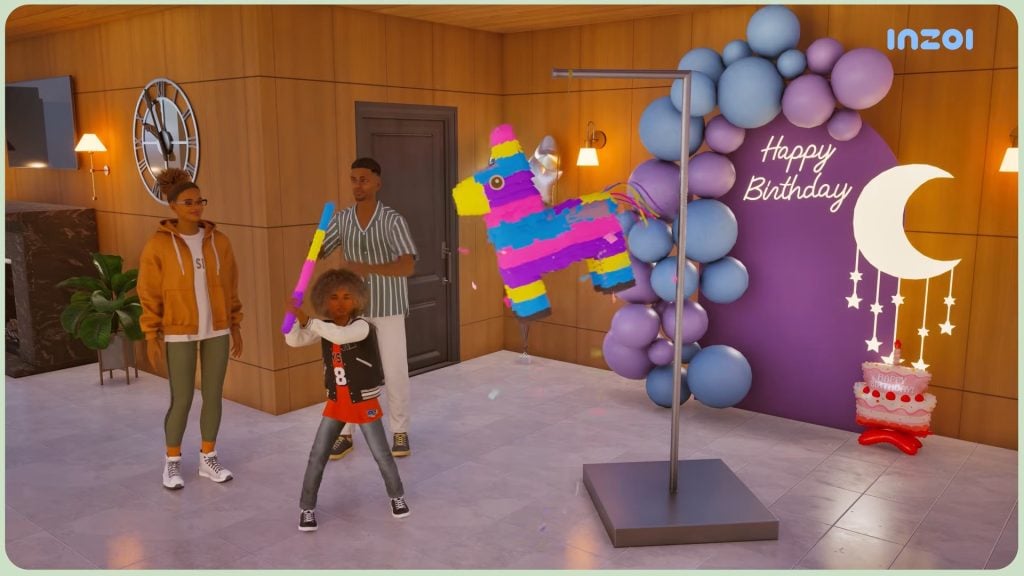
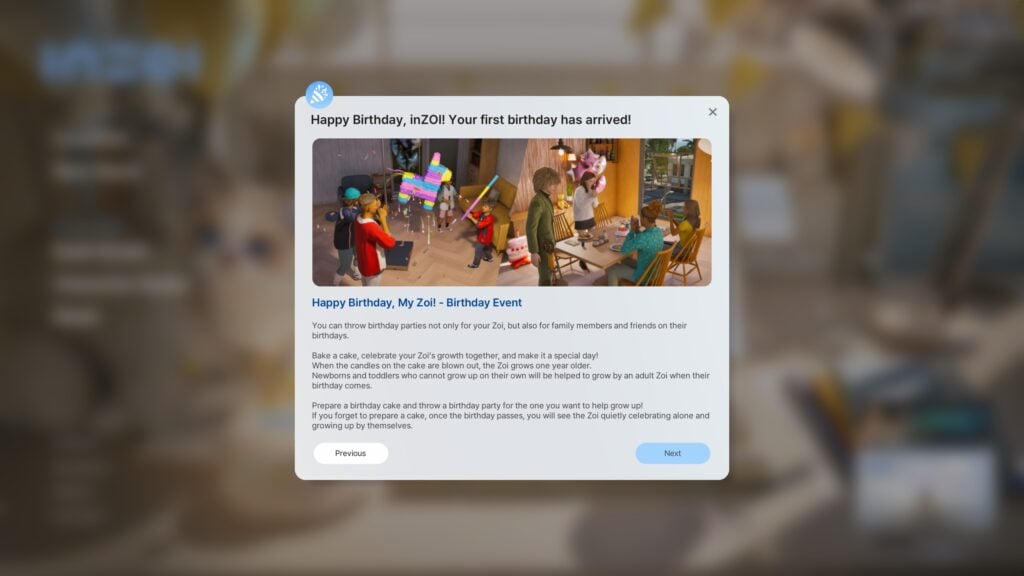
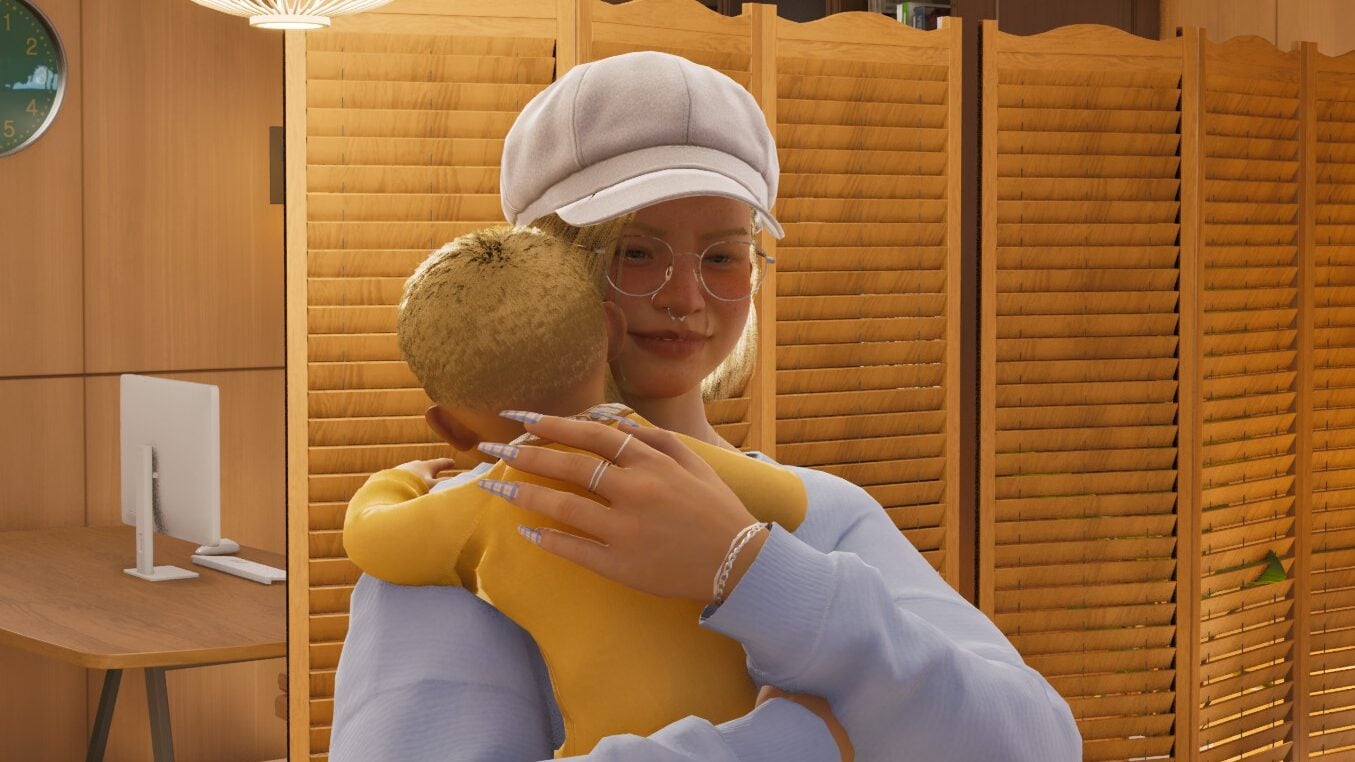
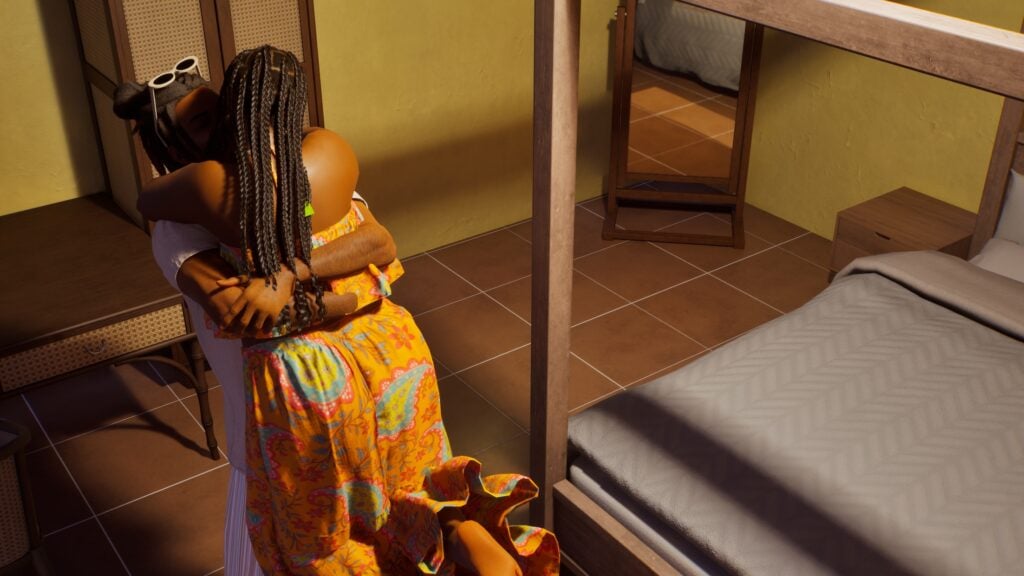
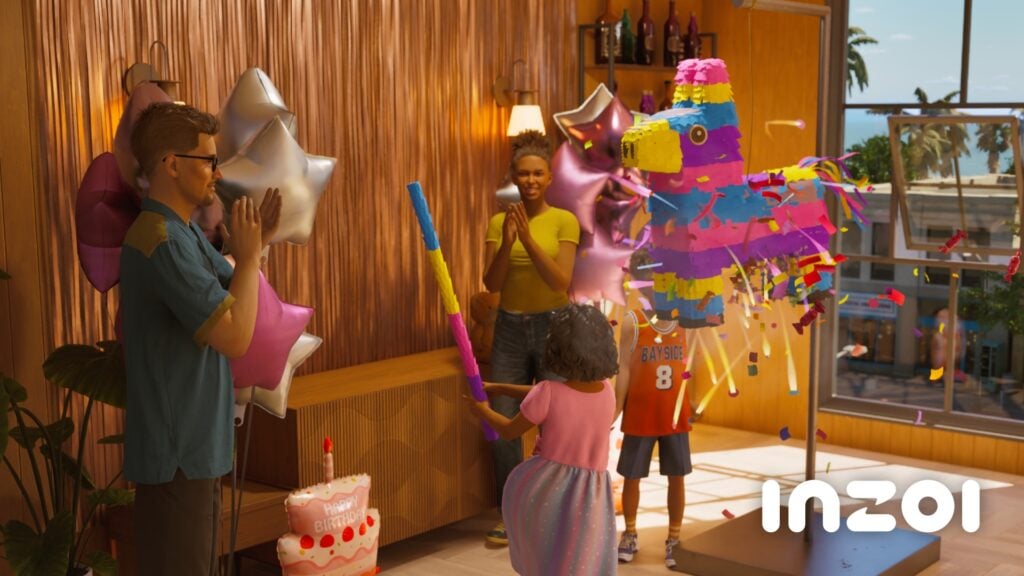
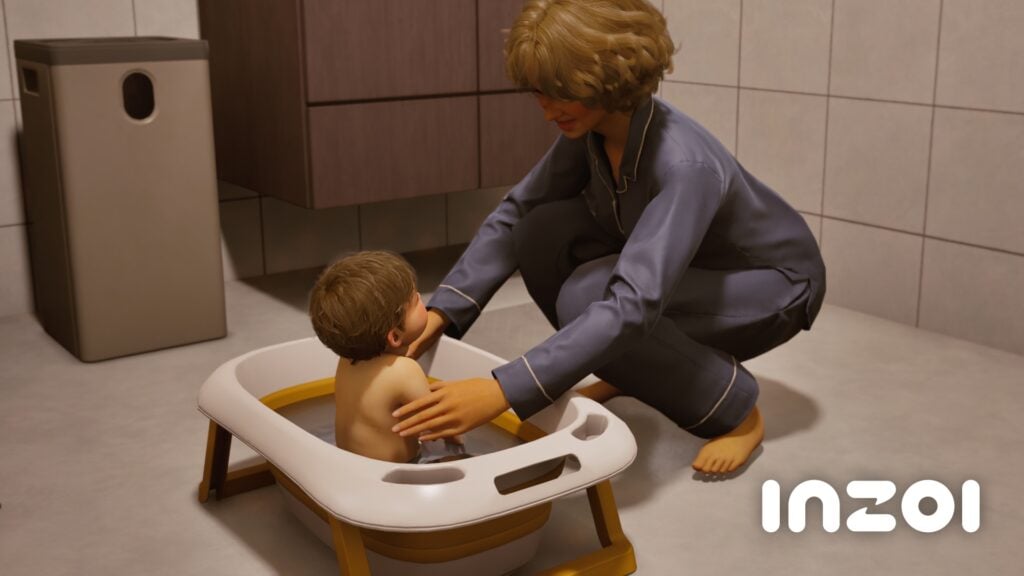
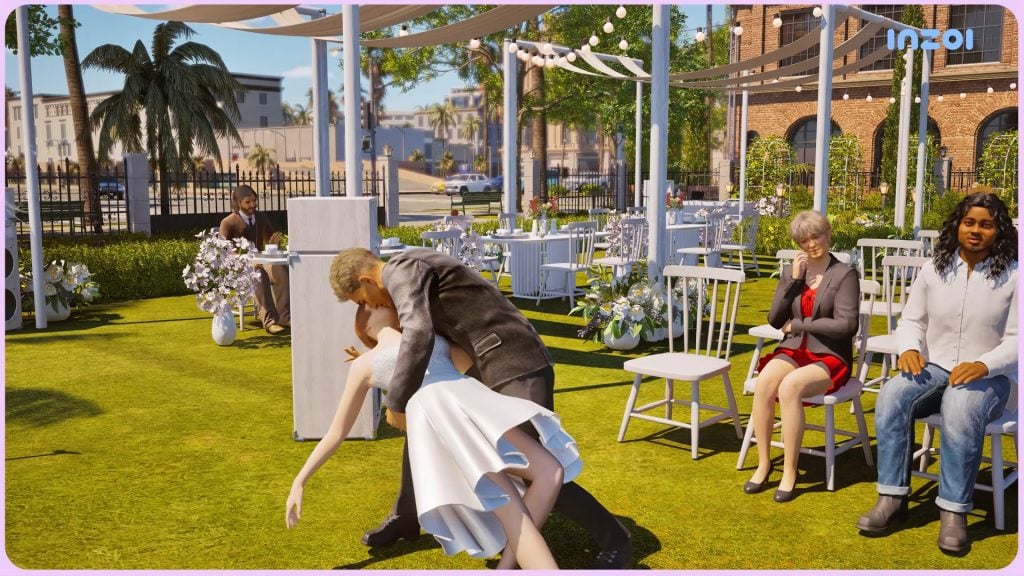
Family gameplay has gotten multiple new features. With birthdays now being tracked by the calendar system, your Zoi can now throw and plan birthday parties, blowing out candles and breaking piñatas for the goodies inside, surrounded by their friends and family. More interactions have been added between baby Zois and their caregivers and other family, as well as more wants and interactions for familial bonding and familial conflict. A new romantic dip kiss has been added, perfect for grand expressions of love or special moments like weddings.
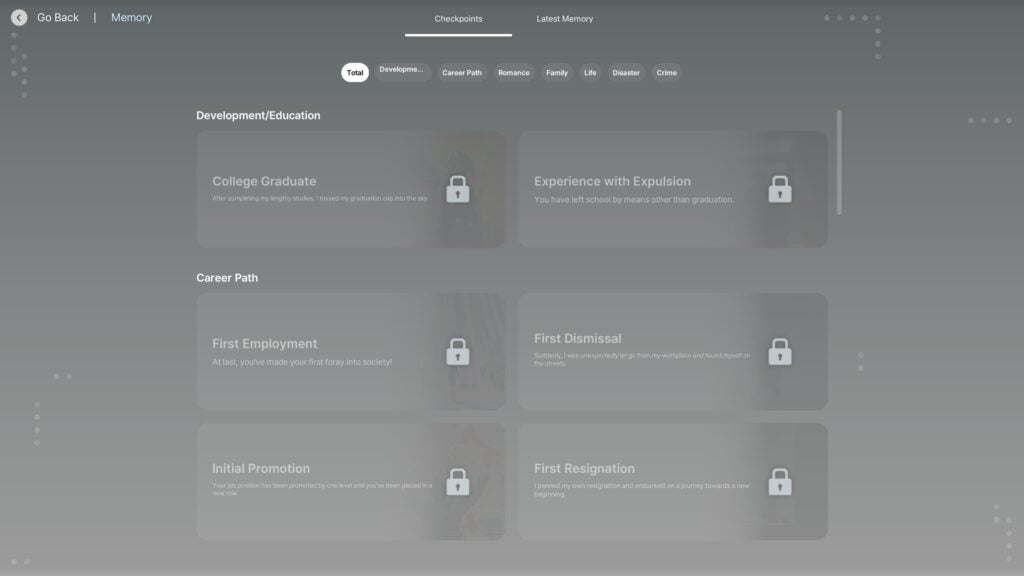
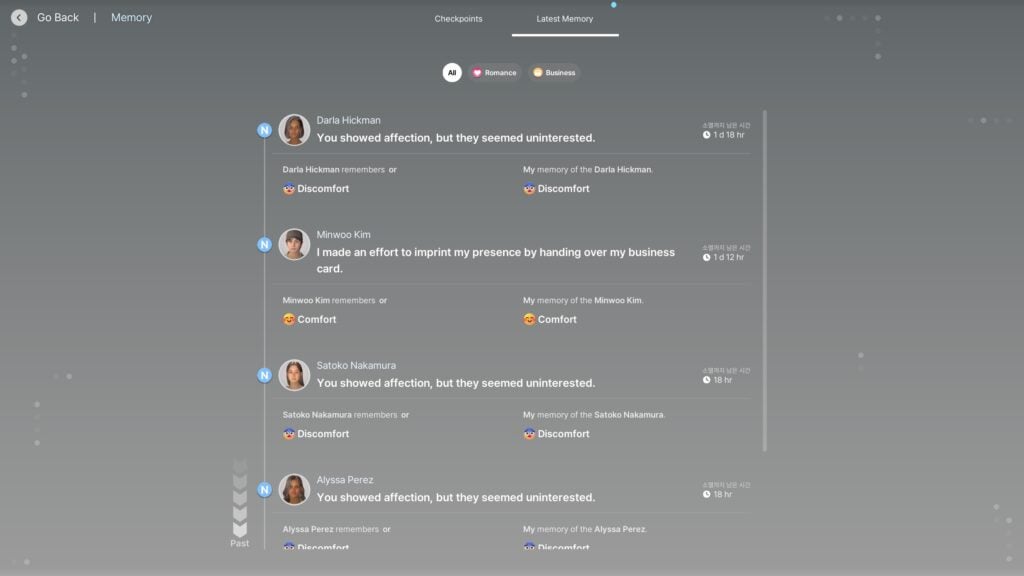
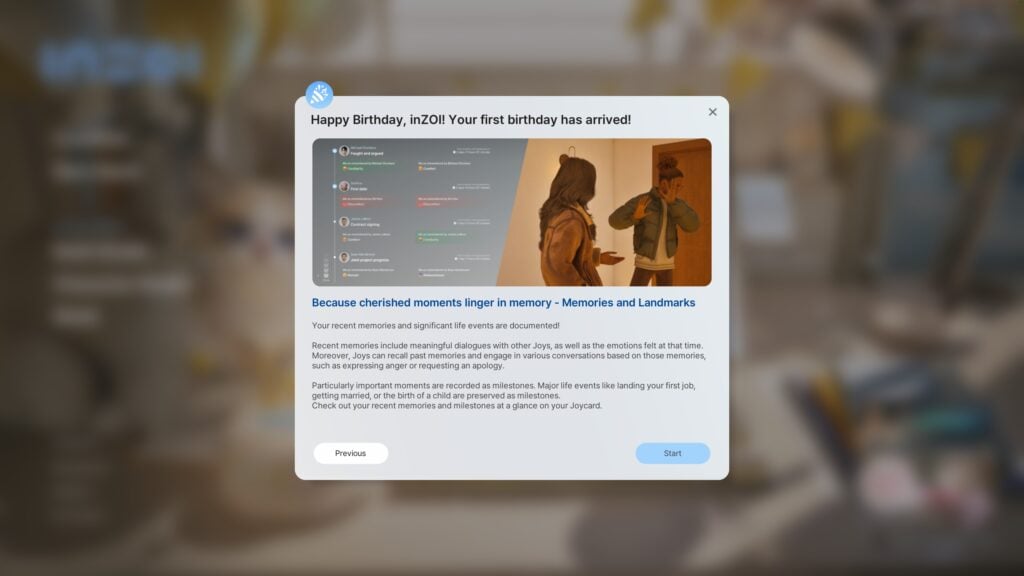
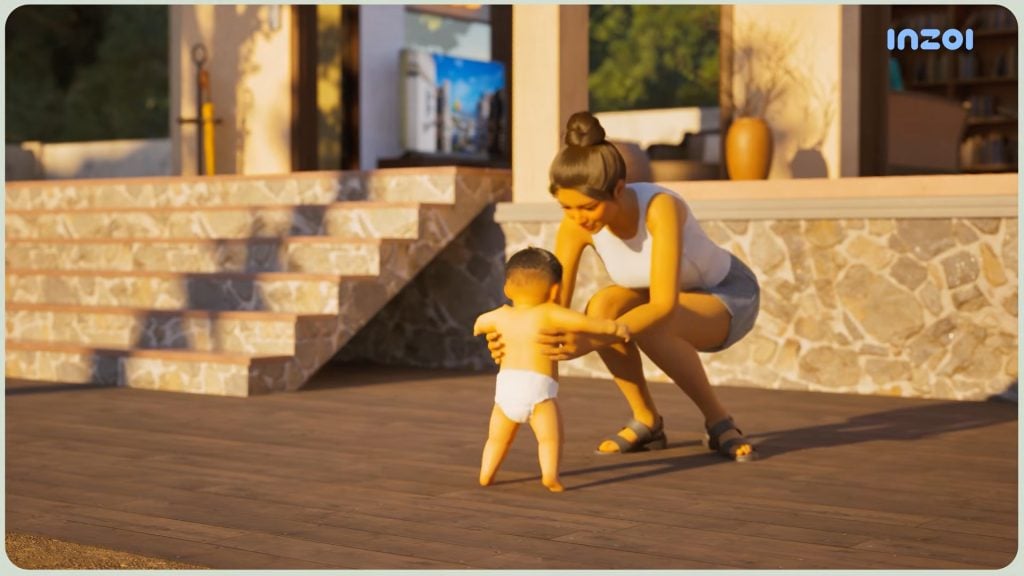
These additions pair well with the new memory system, that will track small things like a negative interaction with a friend, or milestones like first steps, first job, and getting married. This will influence your Zoi throughout their life and can change how they interact with their world.
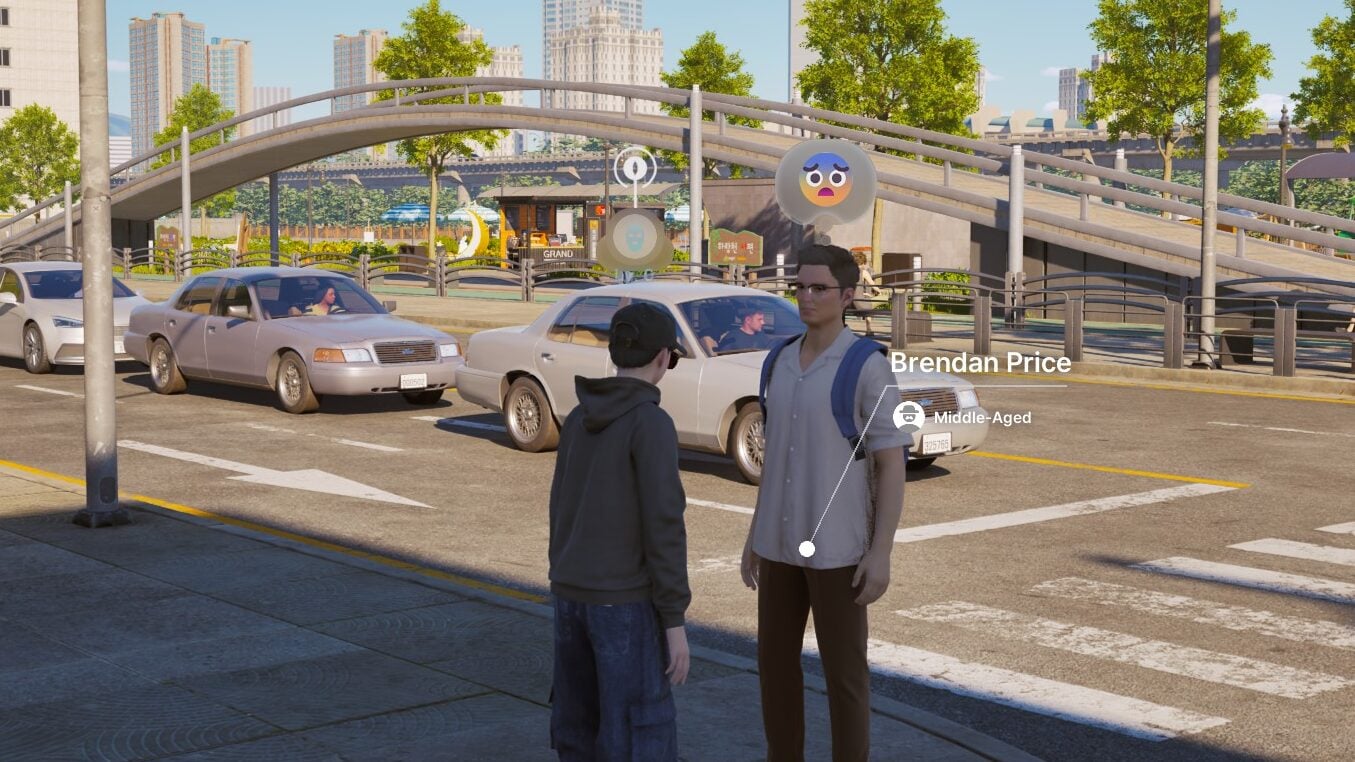
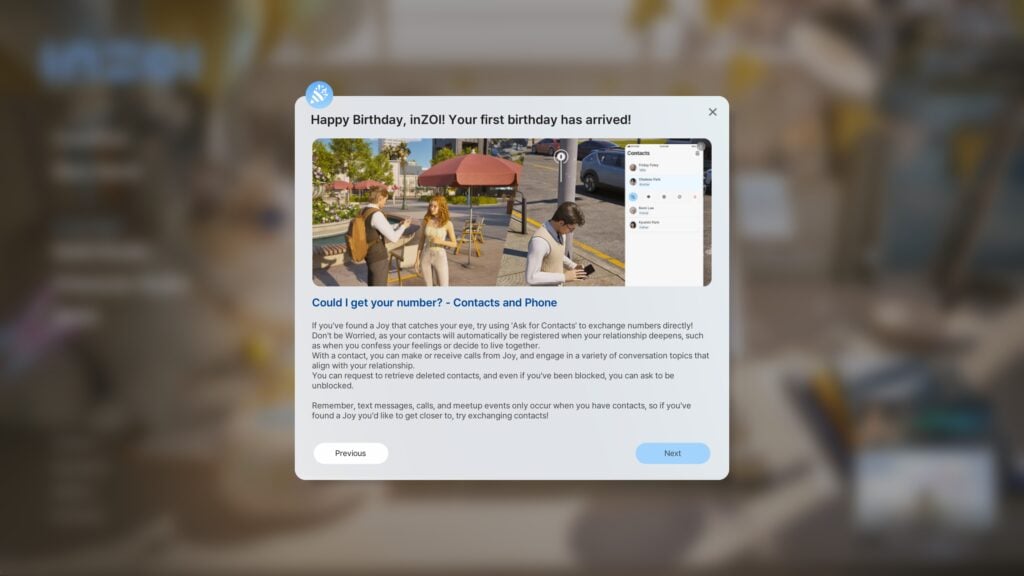
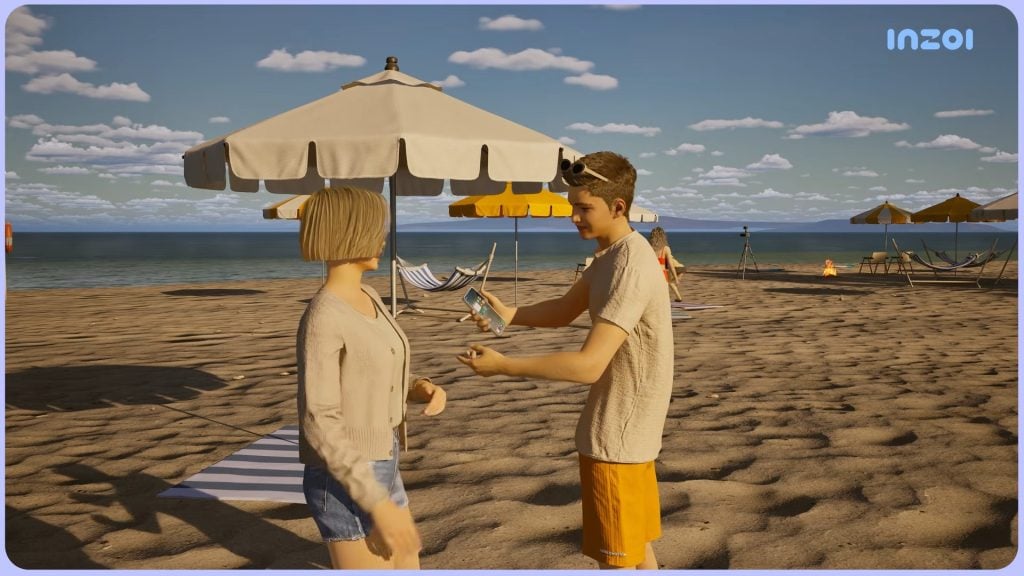
On a smaller note, Zois can now also ask for another Zoi’s number. Though, it doesn’t mean it will always be given. Zois can turn them down as well, and the conversation often takes a negative turn. If a once neutral or good relationship turns sour, you can choose to delete or block a contact, and NPCs can also choose to do the same to your Zoi.
First Impressions and My Experience
I have had an on-again, off-again pattern of playing with InZOI. I’ve recently dove into it more in my own time as I had been writing about these developer diaries and updates for the past few months. However, I did receive early access to the playtest version of the game, letting me test the features of the March update before it releases to the public on the 26th. I was pleasantly surprised by the intro screen, wishing the game a happy 1st birthday and introducing players to new features in this build.
I primarily played with two different families to explore the features added; One was a married couple with three babies, which I will acknowledge I went overboard with, and one child. The other was a group of roommates, with two aspiring to open their own small businesses, and the other hoping to gain wealth.. by any means necessary.
The Suzuki-Mendoza Household
Haruna Suzuki and Ophelia Mendoza have a somewhat hectic life in Bliss Bay, juggling their relationship and personal passions while raising four daughters. Their oldest, Cynthia Suzuki-Mendoza is a lively and rambunctious girl who competes for her parent’s attention with her three younger sisters; Hanna, Diane, and Kara Suzuki-Mendoza.
Playing with this household was both fun and a bit stressful. While in my early days of playing InZOI when it first came out, I also played with a big family, things felt a bit more bustling and lively now. There was more interactions between the babies and the rest of the family, including interactions with one another, and it was nice to have outings with Haruna, Ophelia, and their oldest daughter Cynthia.
It also felt like there were improvements to the romance. After I fixed their romantic compatibility settings, as I had forgotten that you could actually select Zoi’s romantic preferences when creating them, they felt like a very sweet example of puppy love and never getting over each other.
The Roomies Household
Darla and Holden are long-time friends who recently moved in with a newer acquaintance, Seoyun. Seoyun had a nice home in Dowon left to her by her family, and Darla and Holden were new to the area and appreciated the offer as they wanted to put their savings towards their respective businesses; Holden’s dream flower shop, and Darla’s soothing massage parlor. This is while Seoyun was off… attempting to fulfill her own wishes.
I will say that I didn’t play this family as much as the other, primarily because I am heavily into family gameplay in just about every life simulation, and I love the interactions between family members. However, I was able to get a good idea of the day-to-day of both of these businesses, as well as a peek into the crime system.
Darla and Holden both purchased their businesses and off they went. Starting with no handicraft skill at all, Holden jumped right into crafting to restock the shelves of the business. I was concerned, as I hadn’t pre-grown any flowers, but when crafted on the business lot, it seems that isn’t a requirement. He was able to stock the shelves, chat with customers, and watch as his shelves consistently rotated from just about full, to bought out.
Darla, on the other hand, had a light and airy massage parlor. While she did purchase multiple massage tables and chairs, I hadn’t yet hired additional employees, so there was queue of customers waiting for their massages. However, the animations looked nice, I enjoyed the business system in general, and I felt like it had tons of potential to grow if they added more to it.
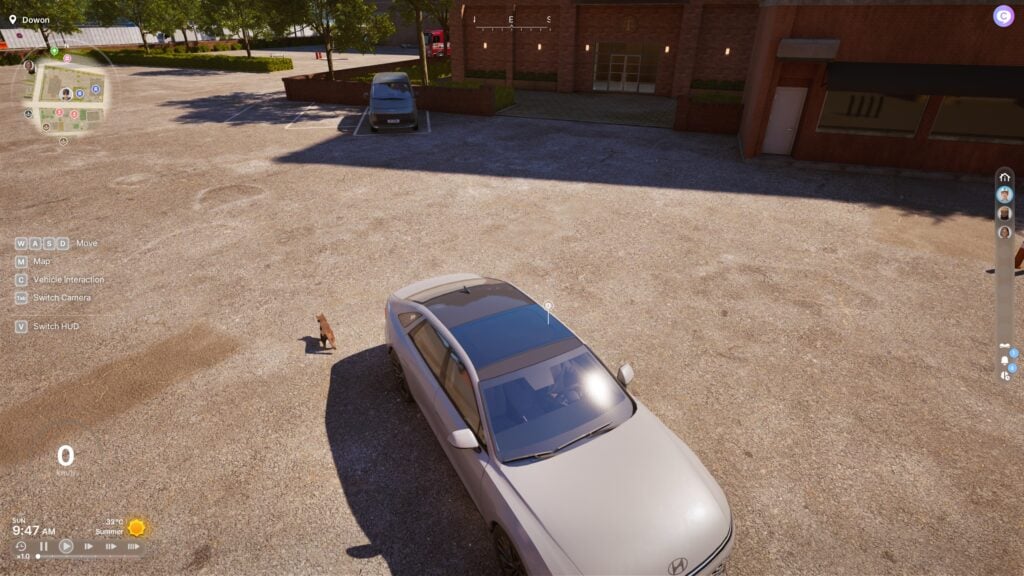
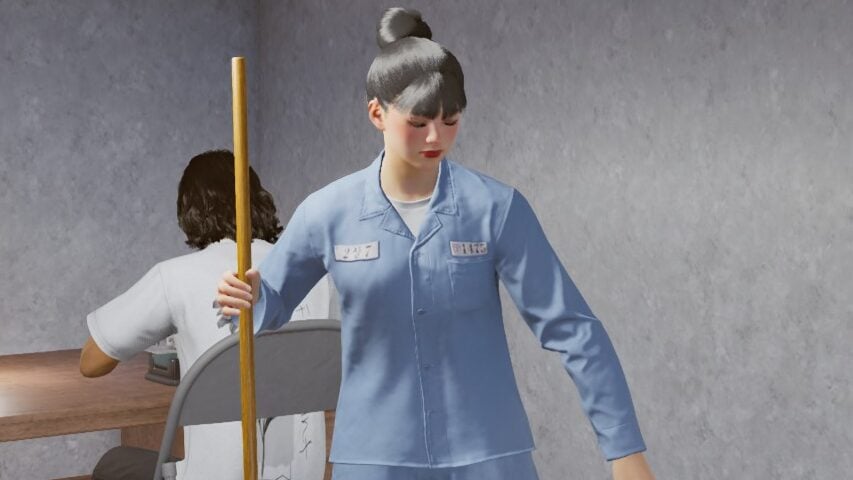
Sadly, my crime rampage with Seoyun didn’t last very long. After hitting the streets of Dowon, a mostly barren parking lot looked like the perfect spot to test the new ability to break into and steal cars. After a shocking success on her first try, and a little drive around where I spotted a cat, I took it out onto the streets… and almost immediately hit a pedestrian, which landed Seoyun immediately in jail. Forced to sweep and sew to perform prison labor for a very long… single day sentence.
Final Thoughts & What’s Next?
To compare my feelings about InZOI in March 2025 to March 2026, I would say that I feel both impressed and hopeful for the future of the game and life simulation genre as a whole. After recent events in other titles in the genre leading to general distrust and unease among players and developers, seeing a company willing to engage with their players actively and change based on their opinions is refreshing, as opposed to pulling away from their community and largely ignoring any concerns until they blow up in their face.
The producer and director of InZOI started this year off by saying that they are taking a “Fundamentals First” approach to updates this year. They plan to still release new content, but they want to pull back a bit and focus on expanding the core systems in the game based on critiques from their player base. This includes breathing more life into the world, expanding customization possibilities, and smoothing the graphics to make them look better, but also behave more consistently and become more accessible to players on lower-end machines.
With our eyes on three main characters in the Life Simulation Genre, those being The Sims, InZOI, and Paralives, I see 2026 as a make-or-break year for all three of them. The Sims with dealing with community upset and distrust, as well as problems with the game’s core engine being over a decade old and struggling to hold up under the weight of 100+ DLCs. InZOI just needs to flesh out their game more, but they’re also somewhat locked in to a limited and small player base due to the graphical requirements of the game, and that may only get better with their intended console release in the future. Lastly, Paralives has to navigate releasing the game in Early Access after the initial delay while keeping expectations realistic as the smallest development team and company out of the three.
I know tensions can be high and opinions about all these games are widely varied, but being a life-simulation player through and through with most of my life being spent playing early The Sims titles and creating worlds I could only envision in my mind, I honestly hope the best for all three titles and teams. The genre needs competition and needs variety, and players need to have options instead of being locked in to a certain game due to feeling like they don’t have a choice if they want that type of experience.
What are you looking forward to seeing from the InZOI team, or how do you feel about the current state of the game? Let us know!
Make sure to follow The Sims Community as we keep you updated on all things Life Simulation!
Three new Marketplace Sets have joined The Sims 4 Marketplace, adding 12USD of content.
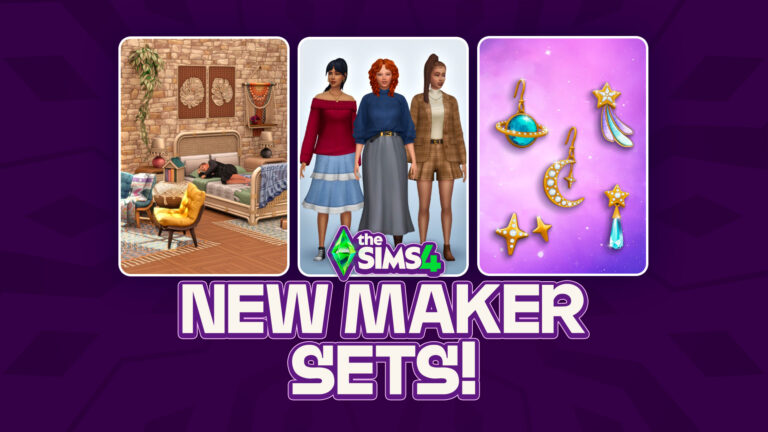
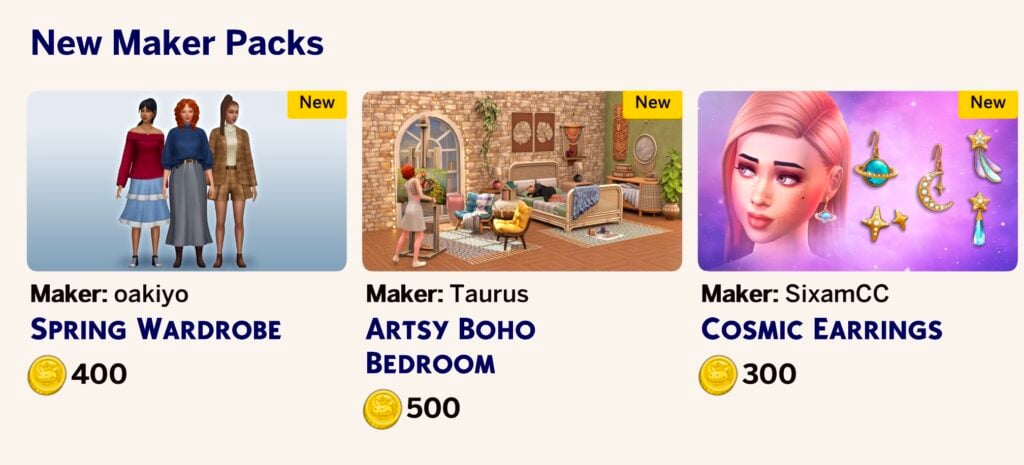
The Sims 4 Marketplace has gotten its first ever addition of new Sims 4 Maker Sets. Today on March 26th, 2026 the game got updated with three new Sets, including Spring Wardrobe Set, Artsy Boho Bedroom Set and Cosmic Earrings Set.
Let’s dive deeper into each Set and its features!
The Sims 4 Spring Wardrobe Set by Oakiyo
This Sims 4 Maker Set contains 17 new CAS Items and costs 4USD – or 400 Moola.
Spring Wardrobe gives your Sims the perfect capsule attire to look effortlessly fabulous, no matter the weather! From thick cozy sweaters to stylish denim dresses, this collection has every aspect of the wardrobe covered. No matter the occasion, your Sims will stand out from the crowd and be the best dressed in any room they walk in. Think crisp spring walks around Willow Creek, or visiting the local Museum with your friends.
SPRING WARDROBE IN THE PARK – The perfect attire for a crisp and cold day out in the park with your friends. Timeless fashion that can be mixed and matched with anything to make the perfect cozy outfit!
CUTE AND COZY GATHERINGS – Dress your Sims in warm spring shades to compliment the weather. Dark plum reds and rich olive greens paired alongside denim makes the perfect simple outfit
Set Items
Price: 400 Moola
The Sims 4 Artsy Boho Bedroom by Taurus
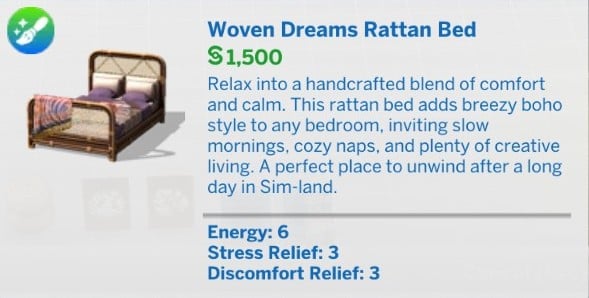
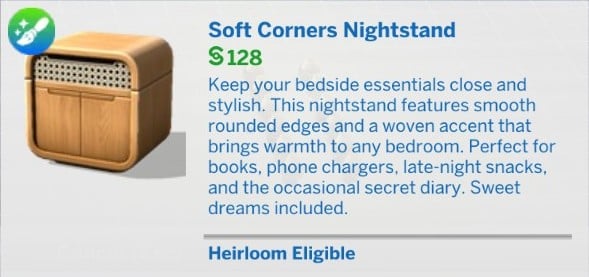
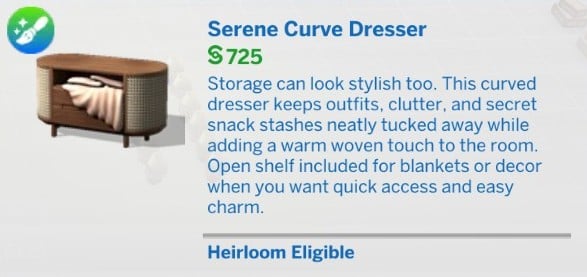
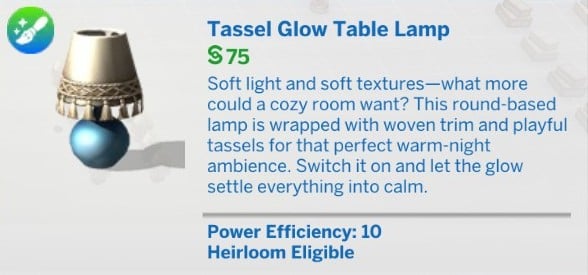
This 5USD Sims 4 Maker Set contains 18 Build Mode objects, including:
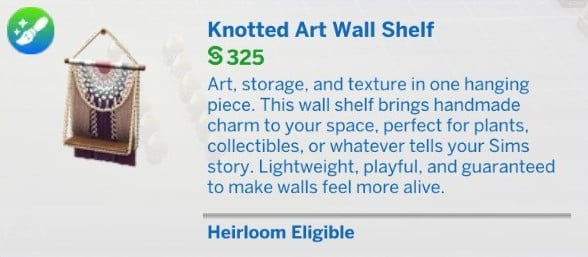
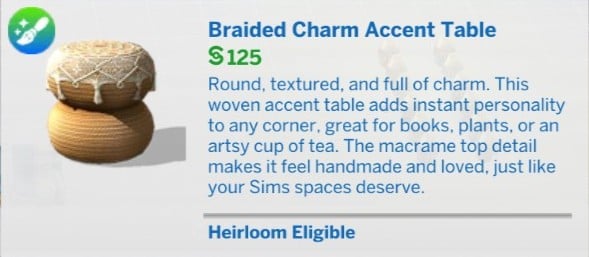
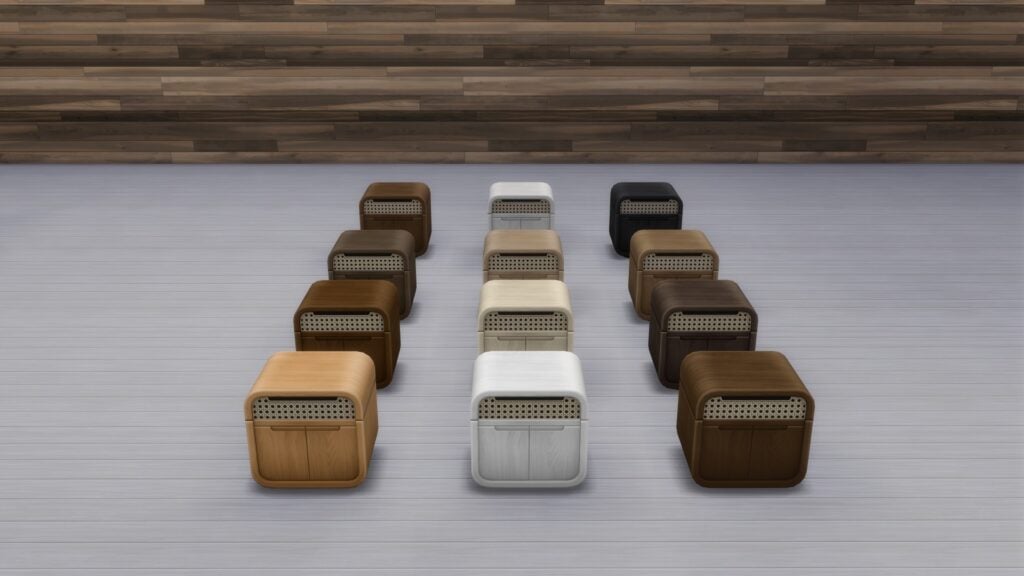
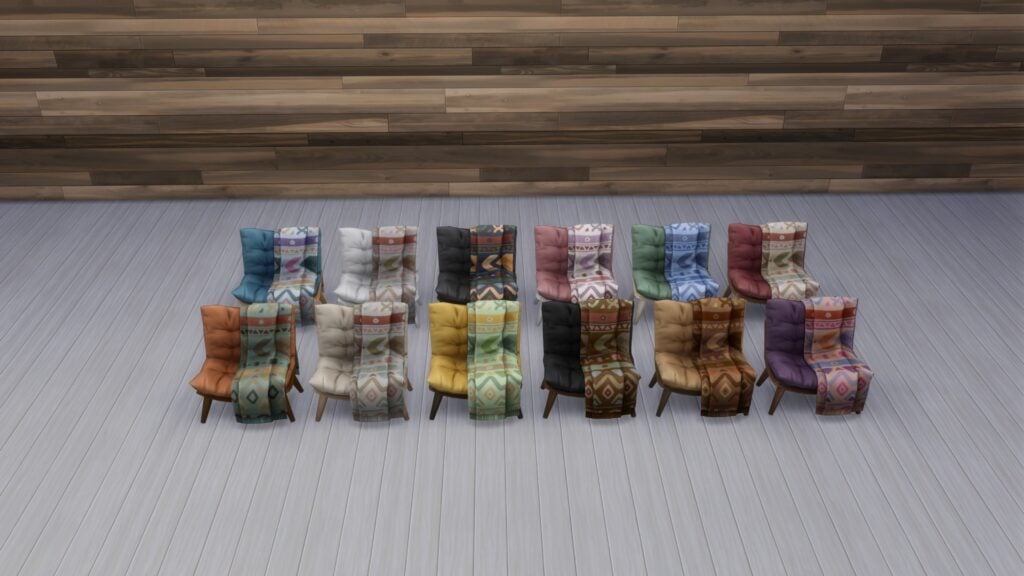
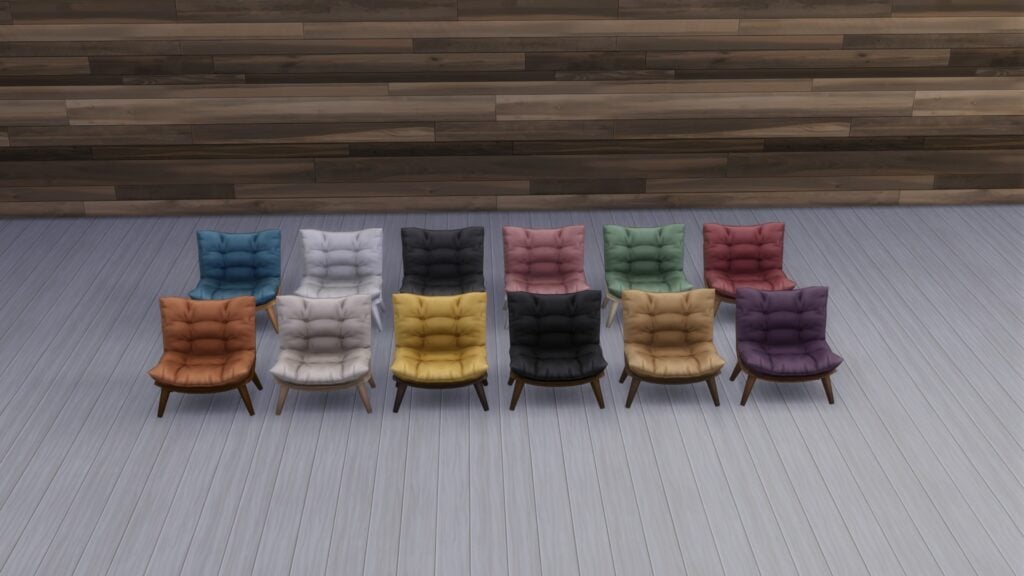
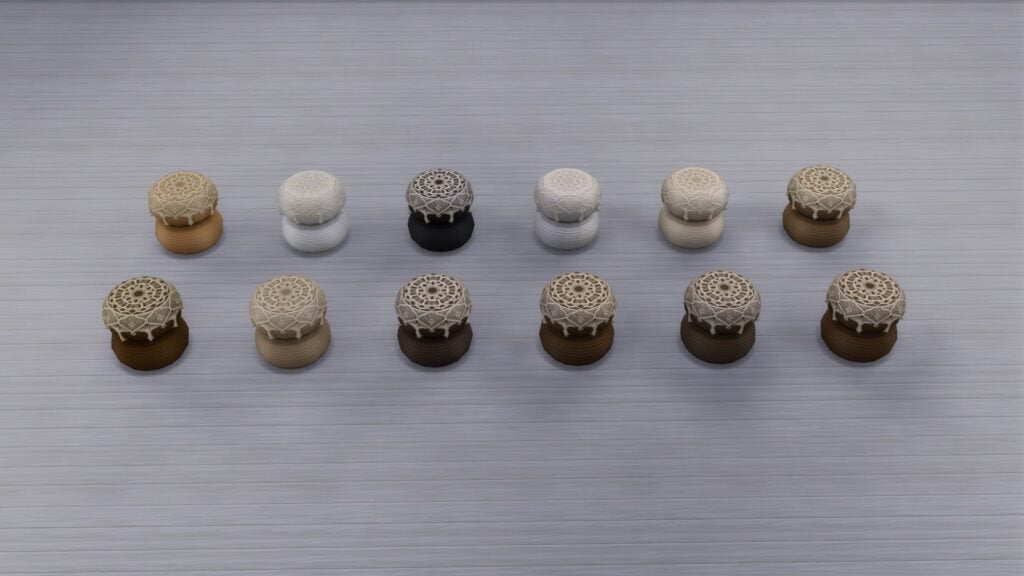
Bring a sense of calm, handmade charm into your Sims spaces with this warm boho bedroom collection. From curved rattan furniture to macrame decor, hand-made rug, and leafy wall art, every piece is crafted to feel soft, natural, and lived-in. Create a slow-morning retreat with plush seating, layered textiles, tassel accents, and clutter that tells a story. Most items include 12 swatches for easy styling and endless cozy combinations. Whether you are designing a dreamy studio corner or a full bedroom sanctuary, this set brings sunlight, texture, and comfort to every build.
WARM & WOVEN AESTHETICS – A warm and cozy boho bedroom featuring woven textures, soft fabrics, and handcrafted details that bring comfort and personality to any home.
EARTHY BOHO COMFORT – A warm, earthy boho setting filled with soft light, handcrafted textures, and a peaceful nighttime mood.
Items Preview
Price: 500 Moola
The Sims 4 Cosmic Earrings Set by SixamCC
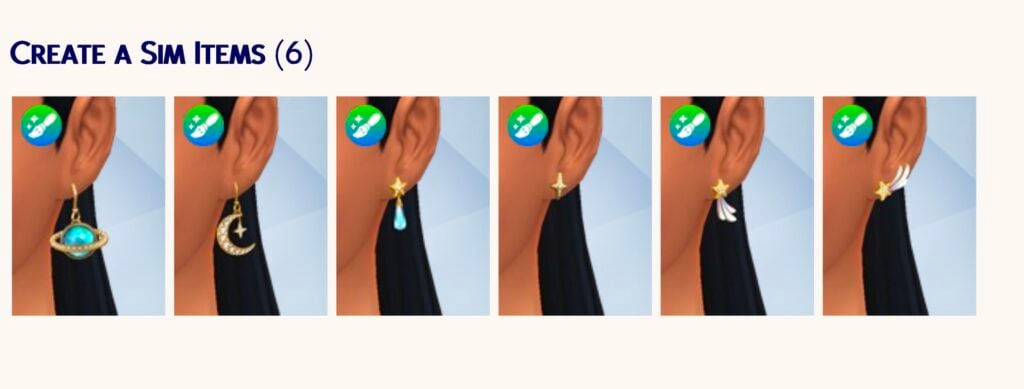
This six-piece Create A Sim set will cost you 3 dollars.
Introducing Cosmic Earrings, where playful luxury meets the stars.
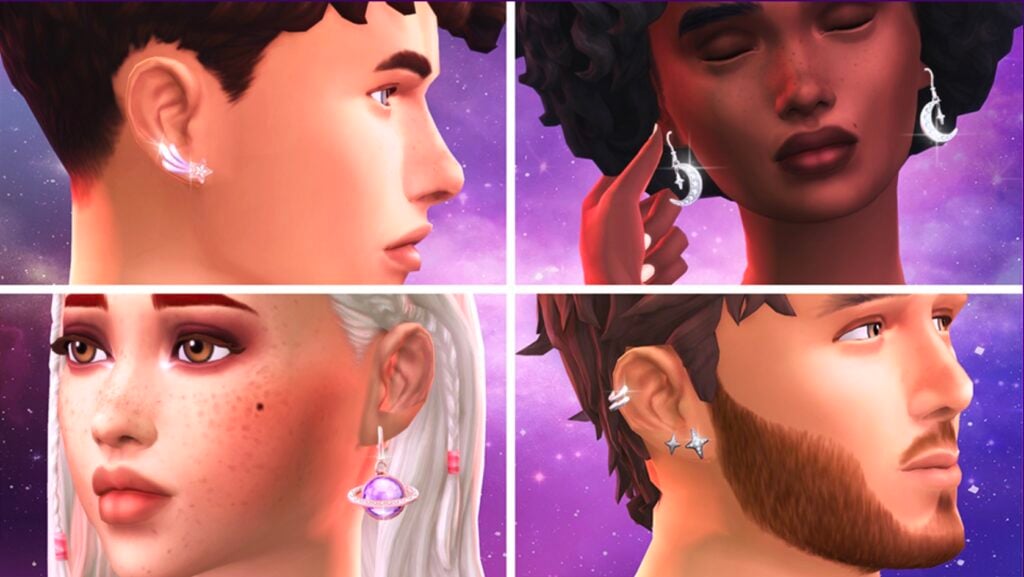
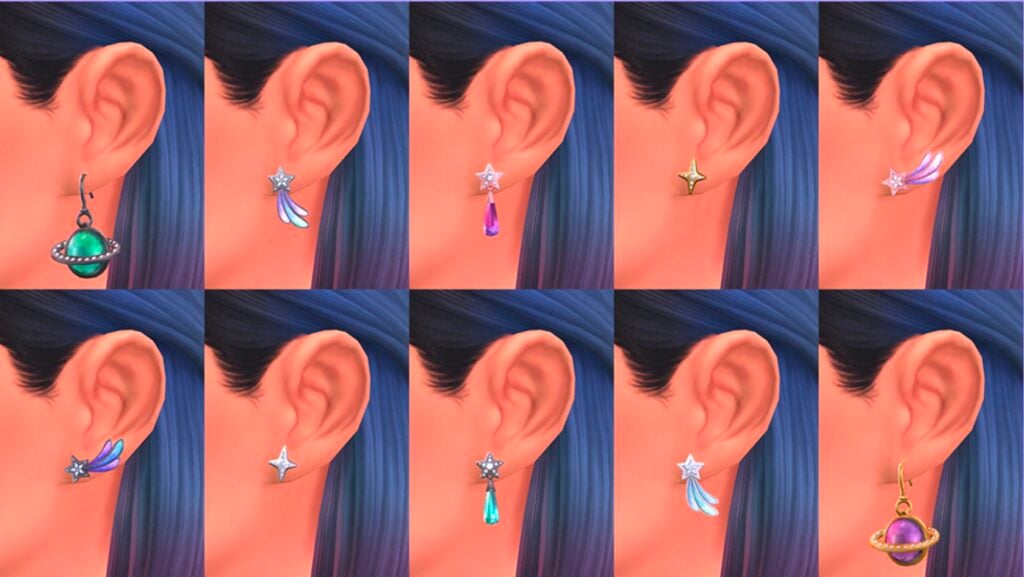
Your Sims will shine in six dazzling designs: a vibrant planet featuring diamond details, a crescent moon hanging with star charms and glittering stones, a comet trailing with colorful jewels, and a delicate diamond star. Crafted in gold, silver, rose gold, and graphite metal, these pieces bring cosmic glamour to any outfit.
Perfect for nights out, casual looks, parties, or stylish screenshots, these earrings let your Sims discover a confident, fashion-forward vibe. Create outfits that shimmer and step beyond the ordinary with cosmic sparkle. Created by SixamCC.
COSMIC EARRINGS IN ROSE GOLD & SILVER – Four stylish Sims show off the Cosmic Earrings in rose gold and silver, each finish adding its own glow. Perfect for mixing styles and outfits, these cosmic designs bring playful luxury to every look.
COSMIC EARRINGS COLOR SWATCHES – Swatches and variations of the 6 Cosmic Earrings, from glowing metals to sparkling jewels. Mix finishes and colors to create chic cosmic looks.
Items Preview
Price: 300 Moola
Gorgeous gowns, beautiful gowns! What are your thoughts on the newest 3 Sims 4 Maker Sets that have just been released to The Marketplace? Let us know your thoughts in the comments below and stay tuned for the latest Sims News and coverage!
The big new feature update has arrived for InZOI on Steam!
The team at Krafton just released a brand new InZOI update through Steam platforms, with a new version rolling out very soon for App Store (Mac). The latest update covers a plethora of new features, including the addition of over 1300 items, multitasking, seasons and so much more!
Here’s everything revealed in the official Patch Notes for InZOI:
Official InZOI Update: Patch Notes (March 26th, 2026)
※ The Mac App Store version of inZOI has been updated. (03/26)
◆ Update Information
◽️ Patch Date: March 26, 2026
◽️ Build Version:
Windows PC Steam: 20260325.11297.W
Mac Steam: 20260325.11293.M
Mac App Store:5.4.43 (0.257) / 20260325.11294.M
It’s been one year since we released inZOI in Early Access.
Since then, we’ve achieved a great deal, but what we’re most proud of is staying true to the goal we set from the beginning: communicating closely with our players to develop the game together.
Even with this one-year anniversary update, rather than introducing many new features, our focus remains on making the game better, delivering more improvements than ever as we celebrate a humbling milestone for inZOI.
We sincerely thank you for a wonderful year of collaboration, and we look forward to many more as we continue this journey together.
■ Gameplay
Business
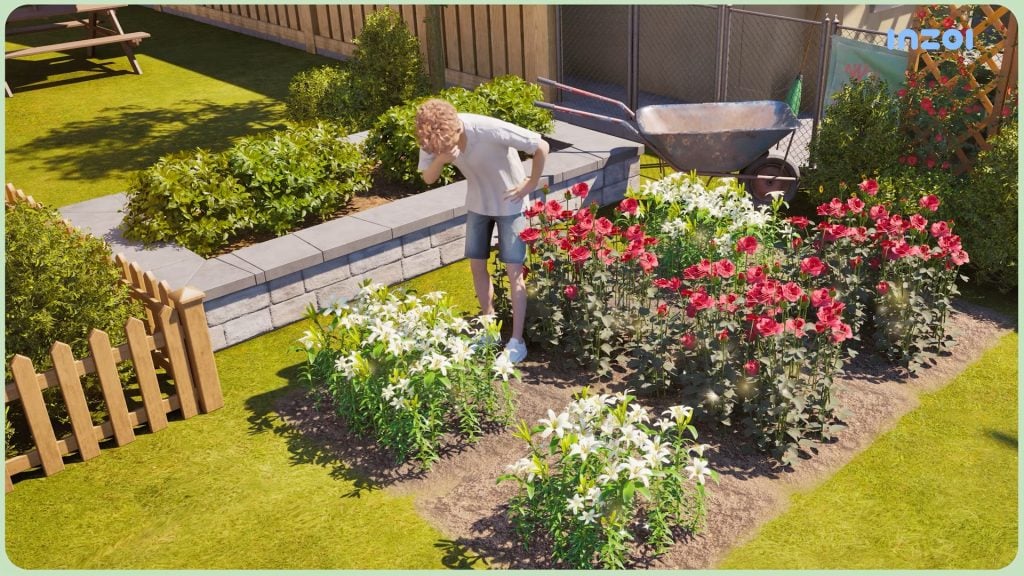
Flower shops have been added to the game.
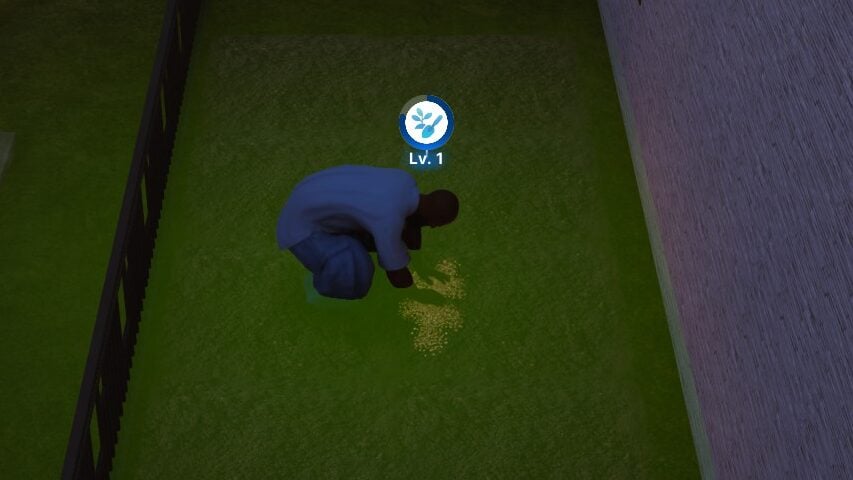
Six new farmable flowers have been added.
Zois can now craft bouquets and flower baskets.
High Gardening skill levels can now cause flowers to gain special effects.
Existing flower shops can now be acquired as businesses.
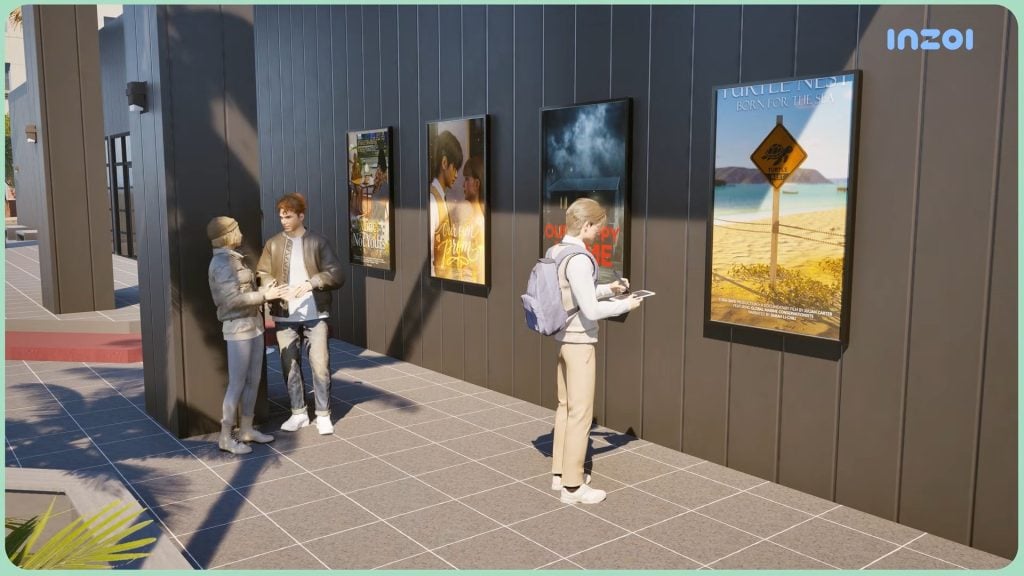
Movie theaters have been added to the game.
Movie theaters will screen films of the following genres.
Horror
Comedy
Teen Romance
Documentary
Zois can now use popcorn machines to make and eat popcorn.
Zois can now run movie theaters by installing a movie screen and popcorn machine on business properties.
Placing a tip jar on business properties will allow Zois to earn tips based on customer satisfaction levels.
New massage and yoga-related business interactions have been added.
New urges related to business promotion activities have been added.
Tooltips for missions have been added.
The amount of payment received from giving lectures has been adjusted.
Information on customer satisfaction has been added to the game.
Business activities will now appear at the top of the list of selectable actions.
Item sales can now be canceled.
Vendors will now react when customers buy items.
Minimaps
A new minimap feature has been added.
Player Zois, family members, and property icons will appear on the minimap.
Filters can be used to select which types of property should appear on the minimap.
The minimap can be placed anywhere on the screen.
The minimap can be disabled by going to [Game Options] → [Screen].
Driving
Zois can now drive vehicles located throughout the city.
Family-exclusive parking spaces have been added to certain residential properties.
Newly purchased vehicles will be placed in any family-exclusive parking spaces owned by the Zoi.
Public parking lots have been added.
Zois can now ride bicycles as vehicles.
Vehicles will now slow down automatically if a collision is imminent.
Improvements have been made to interactions caused by collisions between vehicles and objects.
Damaged objects will not be restored if a Zoi is standing on top of them.
Crime
Zois now have a chance to be arrested for stealing vehicles belonging to other Zois.
Stealing crops belonging to other Zois now counts as theft.
Zois scheduled to go on trial can no longer go to other cities.
The rewards and success rate of the “Extort” interaction have been adjusted.
The chances of getting arrested for misdemeanors have been reduced.
Smartphone
Zois can now call or receive calls from other Zois.
Phone numbers can only be acquired from Zois by asking for their number.
Phone numbers can be blocked or deleted using the Contacts app.
Deleted numbers can be reacquired by asking Zois for their numbers again.
Zois whose numbers have been blocked can ask to be unblocked.
Calendar
A new 28-day month calendar system has been added. Calendars will display various key dates, including holidays, birthdays, and due dates for pregnant Zois.
Festivals will be held in celebration of each season’s holidays.
Spring Festival (Spring)
Halloween Festival (Fall)
Winter & Year-End Festival (Winter)
Zois will advance to the next stage of their lives on their birthdays after performing one of the following actions.
Blowing out candles during a birthday party social event
Spending a birthday alone without blowing out any candles
Multitasking
Zois can now start multitasking if any nearby interactions catch their interest.
Zois can eat certain food items while walking.
Zois can engage in conversations while holding food.
Interaction icons have been changed to appear more distinct from each other.
Baby Zois
Baby Zois have had their needs adjusted.
Baby Zois can now be customized in the Edit Appearance menu.
Newborn Zois are born without teeth and will gain teeth as they grow.
A new interaction that allows Zois to quickly clean up after baby Zois has been added.
Status Updates
A new Status Updates menu that displays events and updates that occur in a Zoi’s life has been added.
Notifications will appear when any updates occur.
Improvements
VIP lounges have been added to the following properties.
Sky Lounge (Dowon)
Elegance Hotel & Nightclub (Bliss Bay)
Beach Club (Cahaya)
Zoi Cards have had their layout changed into a tab structure, making it easier to browse between different categories.
A search function has been added to the load menu, making it easier to locate specific save files.
Hiding UI elements with the [U] key will remove lock icons and outlines for doors as well.
Multiple items can now be selected and sold from the bag at once.
■ Simulation
Conversations
Outcomes for a conversation will now vary based on a Zoi’s traits and characteristics.
Relationship types will also influence a conversation’s outcome.
Traits, characteristics, and emotions can now trigger special interactions that previously required high relationship scores to perform.
Starting a conversation will now interrupt any ongoing small talk.
Zois can now have conversations outside of properties.
This does not apply to certain areas (e.g., roads)
Zois who are standing up can now approach Zois who are sitting down and start conversations with them.
NPCs will no longer interrupt any ongoing conversations.
Small talk will no longer interrupt any ongoing interactions.
Interactions
Traits and characteristics will now determine which autonomy interactions are performed by Zois.
A speech box detailing the cause of the interaction will appear when these interactions are performed.
Every 30 minutes after starting up the game, interactions will be interrupted if any need falls below 30%.
After showering or bathing at home, Zois will now change into a gown before changing back into their previous outfits.
Interactions initiated by the player will automatically interrupt any ongoing interactions.
Cooldowns for interactions will now start after interactions end.
Zois will now automatically use cleaning tools that best fit their current environment.
Zois can now take medicine without having to sit in a chair.
Gifts can now be displayed in houses.
Clicking on a Zoi will cause them to stay idle for longer.
Group Interactions
Group interactions will now take less time to find participants. Zois who are far away or unable to participate will not be included in the interaction.
Zois who are watching TV will now react when other Zois turn off the TV or change the channel.
Zois can now increase their relationship scores through group interactions.
The “Enjoy Lower-Body Soak Together” and “Have a Pillow Fight” group interactions have been added.
Zois can now perform the “Snuggle and Talk” interaction while lying down on a picnic mat together.
Zois can now ask for feedback from adolescent or teenager Zois.
The following group interactions have been added.
12 Fitness-related activities
6 Instrument-related activities
4 Critical Thinking-related activities
Build a Snowman Together
Social Events
Birthday parties have been added as social events.
Participants of social events will now be granted door permissions.
Zois can use party interactions to call other participants over.
The “Give Kiss Performance” interaction has been added as a scripted action for weddings.
The “Dance on the Table” interaction can now be performed on shorter rectangular tables.
Late responses to social event invites will cause the event to be canceled.
Romance
Zois can ask their spouses out on dates.
Zois can gain special buffs and relationship log entries based on their characteristics.
Teenager Zois can now date other Zois in similar age groups more easily.
The success rate of the “Set the Mood” interaction will now be influenced by relationship scores.
The “Kiss Passionately” interaction has been added.
New romance interactions have been added.
Food
Zois can now consume held food.
Empty plates from finished meals will be placed on tables.
A new teatime feature has been added.
Certain food items can now only be eaten when placed on a table.
Zois can start baking by interacting with fridges.
Animations for eating baked items have been improved.
Urges
New urges have been added for newborn, toddler, and children Zois, presenting new situations for parenting.
New urges that lead to parent-child conflicts have been added.
Memories
A new Memories system that allows additional interactions to be unlocked from positive or negative interactions has been added.
A new Milestones system that records important moments in a Zoi’s life.
Animations
An animation has been added for when a Zoi uses a smartphone while lying down on a sofa.
Animations have been added for the following situations.
Writing, using the bathroom, bathing, or showering while feeling Melancholy, Miserable, Angry, or Enraged
Using a smartphone while sitting on a toilet
The following interactions have been added for baby Zois.
Interactions between babies and parents
Interactions between babies and objects
Interactions between babies and bathtubs
Improvements
The following ambitions have been added.
Coffee Master
Baking Master
Drink Mixing Master
Family members will now die less frequently from low needs.
When all members of a family go to sleep, all lights in their property will automatically be turned off.
All lights will automatically be turned back on when a family member wakes up.
Crafting can now be performed using regular desks and tables.
■ Create a Zoi
Improvements
Body shapes have been adjusted to appear more realistic.
Zoi presets will now exclusively change selected features when applied.
The randomizer can now be set to only change select features.
Wedding dresses can now have their colors changed.
Long hairstyles will no longer clip through hoodies.
The design for default underwear worn by adult Zois has been changed.
New Items
Baby Outfits: 6 items
Adult Underwear: 3 items
Bottoms: 1 item
■ Building
Standardized Property Sizes
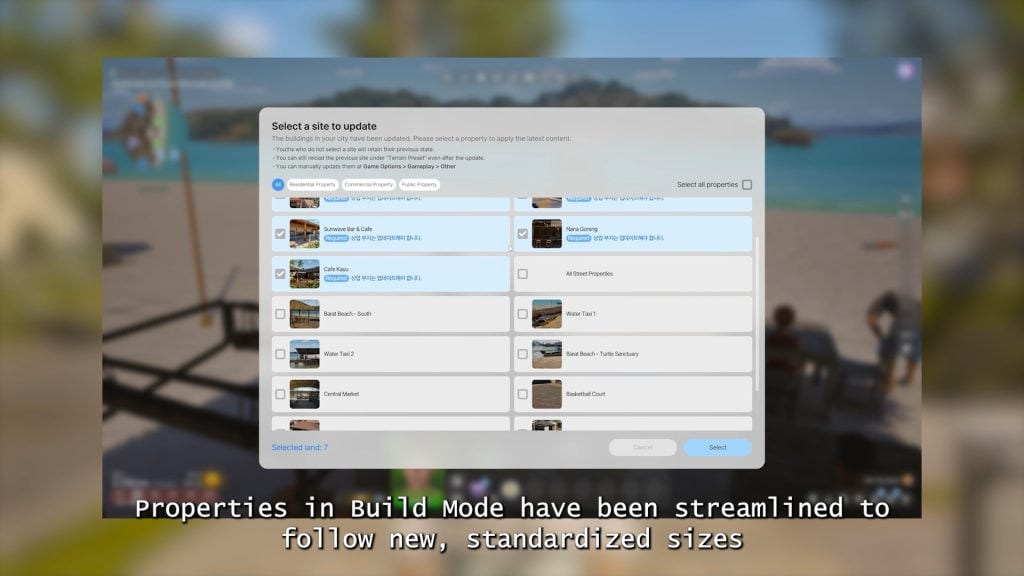
Property sizes have been standardized into seven different formats.
Players will be notified of any properties that need to be updated upon resuming gameplay.
Updates may be optional for certain custom properties.
Buildings that need to fit a size format must be updated.
While updated properties will be reverted back to their default configurations, any custom buildings on the property will be saved automatically as property presets.
Certain properties have been reduced in size and may fail to load certain downloaded presets properly. Please check this announcement for more details.
Changes in a property’s price due to these updates will affect funds.
These changes will not cause funds to fall below 1,000 Mew.
Property updates can be applied manually by going to [Options] → [Gameplay] → [Refresh Property Manually].
Improvements
More properties can now be edited in Build Mode.
Water levels of swimming pools can now be adjusted.
Guidelines on placing fences and roofing have been added.
TVs can now be placed on more furniture.
Rugs with adjustable sizes have been added.
Snap-to-grid features have been improved.
Shorter tables have had their heights increased from 35 cm to 45 cm.
New Items
Holiday Landmarks: 3 items
Festival Booths: 3 items
Lobbies: 4 items
Dowon Fire Station
Dowon Villa
Gaya Apartments, Buildings 102 and 105
Apartment Presets (Bliss Bay): 1 item
Textured Tiles: 22 items
Traditional Objects: 8 items
Floor Bedding: 2 items
Modular Roofing: 3 items
Hanok Walls (High): 1 item
Partition Fences: 1 item
■ Controls
Custom Keymapping
A custom keymapping feature has been added.
To access this feature, go to [Game Menu] by pressing [Esc].
Camera
Camera view angles in top view have been expanded.
Limits on zoom values in top view and shoulder view have been adjusted.
Shoulder view now functions better in indoor environments.
■ Cheats
UnlockSiteArea: Allows locked areas to be edited in Build Mode.
ToggleModinsight: Allows a selected mod’s properties to be viewed and extracted.
■ Canvas
A “Size” search filter for properties has been added.
■ Mods
ModKit now supports mods for animations, accessories, and faces.
Newly downloaded mods can be applied without having to restart the game.
Search and filter functions have been added to the ModKit project manager.
Multiple selected mods can now be packaged at once.
■ System
The following improvements have been made to certain graphics presets.
Applied VSM to buildings (Very Low)
Applied blob shadows to Zois (Very Low)
Applied fake shadows to furniture (All)
Improved SSAO (Very Low)
Improved Zoi materials (Very Low)
Improved nighttime indoor lighting (All)
Applied SSGI as a default setting (Very Low, Low, Medium)
Lobby only (Very Low)
All instances (Low, Medium)
Fixed an issue that caused indoor environments to appear yellowish in tone (High, Ultra)
Added shadows to city maps (High, Ultra)
The following memory optimization features have been implemented.
PSO partitioning
Memory preallocation
Other optimization fixes
Bug Fixes
Gameplay
Fixed an issue where interactions with babies were not possible in certain save files
Fixed an issue where childcare interactions behaved abnormally when performed consecutively
Fixed an issue where players could not exit the water using movement keys (WASD) in certain areas of Bliss Bay beach
Fixed an issue where a Zoi’s business property was forcibly sold upon marriage while owning a business
Fixed an issue where ambitions were lost when moving to another city while having certain ambitions
Fixed an issue where characters were deleted when all existing members were replaced during a household move
Fixed an issue where marriage with an NPC Zoi proceeded abnormally
Fixed an issue where object interactions continued even after the object broke down
Fixed an issue where some guests did not return home after a social event ended
Reduced the frequency of cooking being cancelled due to a newborn’s crying
Fixed an issue where fish catch rates from boats were not applied correctly
Fixed an issue where arrest did not proceed even when police arrived after a hacking incident
Fixed an issue where customers did not visit the water taxi property properly during operating hours
Fixed an issue where babysitter Zois would intermittently remain in the house
Fixed an issue where moving to another city was not possible despite not owning any business
Fixed an issue where certain missions were not completed even after fulfilling their conditions
Fixed an issue where required ingredients were not set for some foods that use cooking ingredients
Interaction
Fixed an issue where the cup orientation appeared awkward when a Zoi drinks coffee
Fixed an issue where the interaction position for the massage chair appeared awkward
Fixed an issue where the interaction position for the mini aquatic plant growing interaction appeared awkward
Fixed an issue where the displayed interaction direction of an object differed from the actual action direction
Fixed an issue where relationship points were not granted when performing business cooperation actions
Fixed an issue where the method of receiving food purchased at a kiosk appeared awkward
CAZ
Fixed an issue where some jacket colors were displayed differently from their actual colors
Fixed an issue where undoing after changing skin color did not revert to the previous color
Fixed an issue where clipping occurred when wearing certain outfits
Fixed an issue where style presets were displayed abnormally
Fixed an issue where the capitalization of the first letter ‘B’ in a last name was displayed abnormally
Fixed an issue where items were not applied when using an initially saved preset
Fixed an issue where white outlines appeared on clothing and shoes
Build Mode
Fixed an issue where furniture got rained on in spaces with only a roof and no ceiling when resuming from a save file
Fixed an issue where corridor floors disappeared in some properties
Fixed an issue where some doors and windows were removed when reverting to the last saved property
Fixed an issue where a deleted wall was recreated when placing a window after wall deletion
Fixed an issue where a specific area of the rattan dresser could not be customized
Fixed an issue where some areas of the toddler double-door storage cabinet could not be customized
UX & UI
Fixed an issue where a guide message was not displayed when purchasing the babysitter service item
Fixed an issue where option names exceeded the UI boundaries in some language settings
Fixed an issue where an invisible UI element existed in the bottom-left corner of the screen
Fixed an issue where the qualification requirement list in the job UI was displayed abnormally
Fixed an issue where icons were not displayed in the rabbit hole job and school UI
Fixed an issue where the partner’s name was not displayed in the ‘Want to get married’ expectation
Fixed an issue where the default description was not displayed in the tooltip for ‘Sky Seahorse’
Fixed an issue where an incorrect pop-up was displayed when imprisoned due to a traffic accident
Fixed an issue where the temperature unit setting was not applied to some UI elements
Canvas
Fixed an issue where the original creator’s information was displayed abnormally upon undoing or redoing a preset application
Mod
Fixed an issue where mods were not automatically disabled when the game was updated
Fixed an issue where a crash occurred when installing certain mods
Fixed an issue where translation mods were not applied to some text
Fixed an issue where typos appeared in pop-ups when mod items were included
Fixed an issue where some mods could not be uploaded in ModKit
Other Issues
Fixed an issue where the Cahaya Wedding Studio property was incorrectly categorized as an business property
What are your thoughts on the latest InZOI Update and your experience playing with it? Let us know in the comments down below and stay tuned for more Life Sim Game updates!
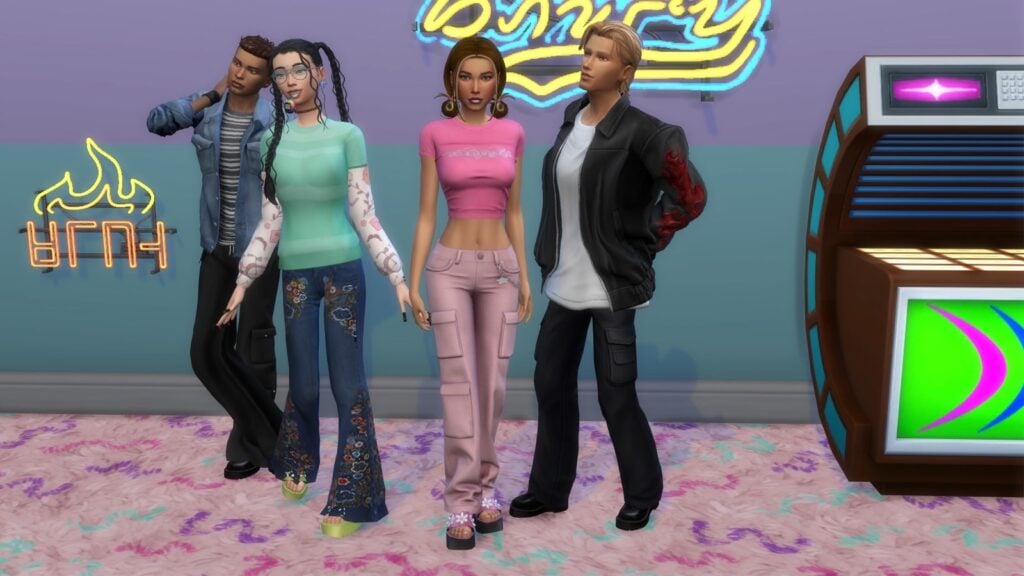
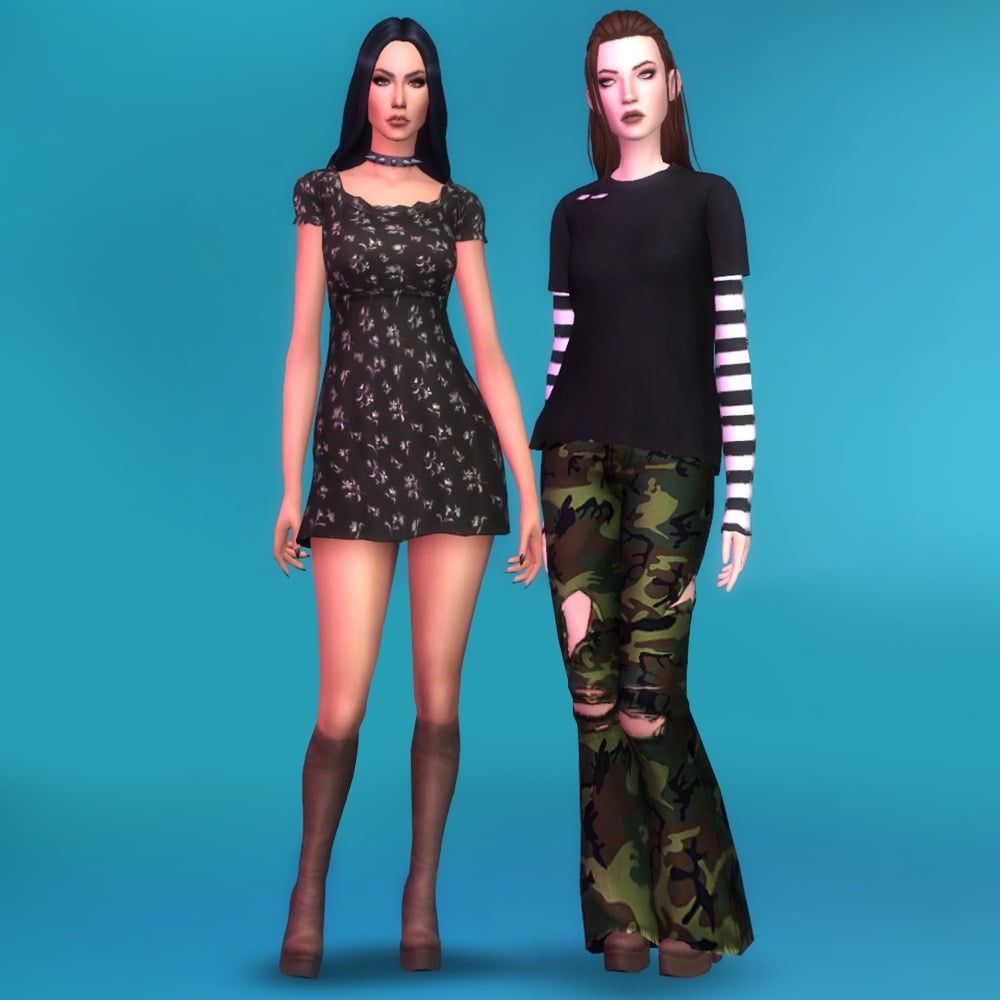
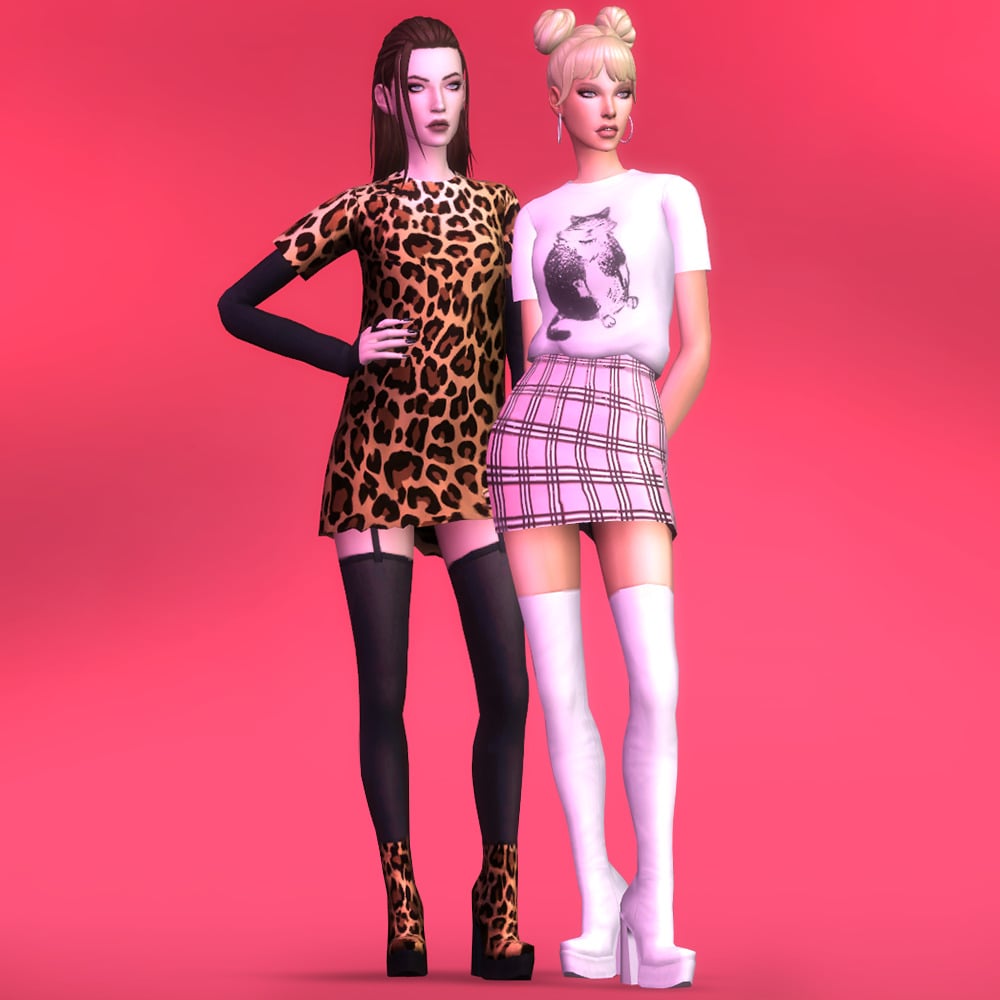
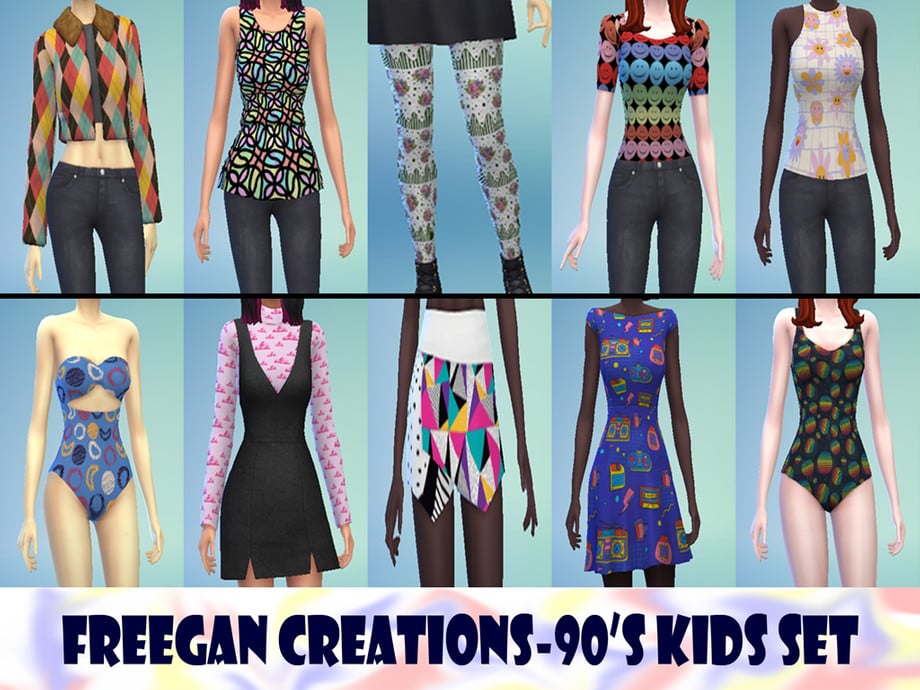
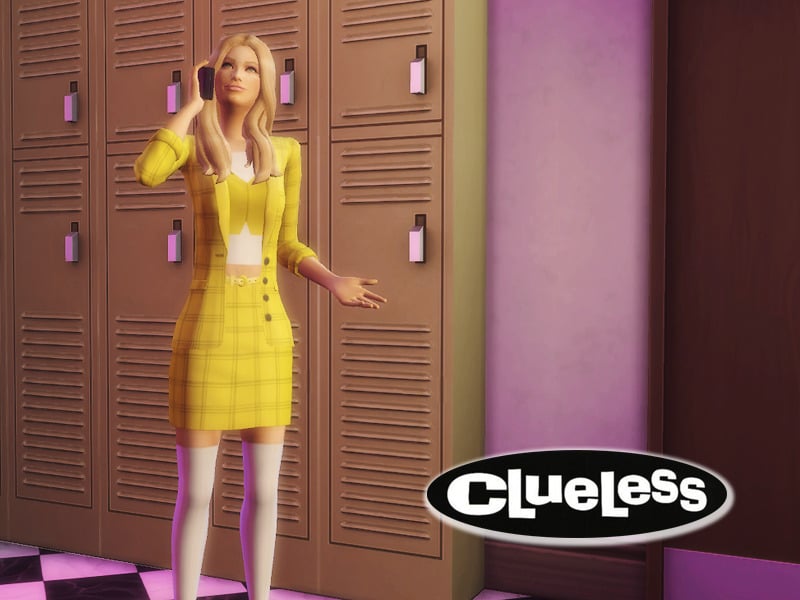
If you’re looking to bring some retro vibes into your game, Sims 4 nostalgic CAS CC content is the perfect place to start. From chunky sneakers to iconic denim fits, these 90s CC sets capture everything we loved about the decade. Whether you are creating a grunge-inspired teen or a preppy mall look, this collection of 60 custom content pieces will help you build the ultimate throwback wardrobe!
The Sims 4 Nostalgic CAS CC: 90s Sets You’ll Love!
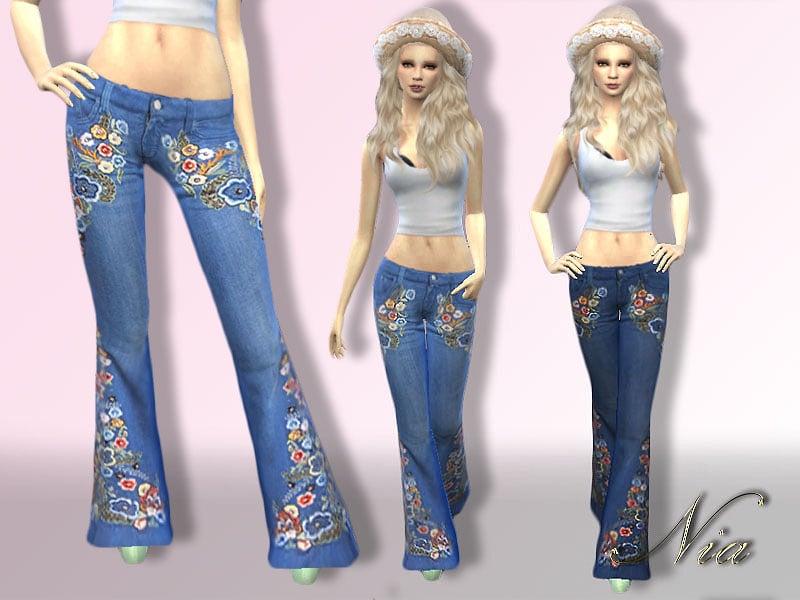
Embroidered Flare Jeans by Nia
Bring some flair to your Sim’s 90s wardrobe with Embroidered Flare Jeans by Nia. These boot-cut jeans come in two swatches featuring flowers embroidered on the sides, the front of the hips, and the pant leg.
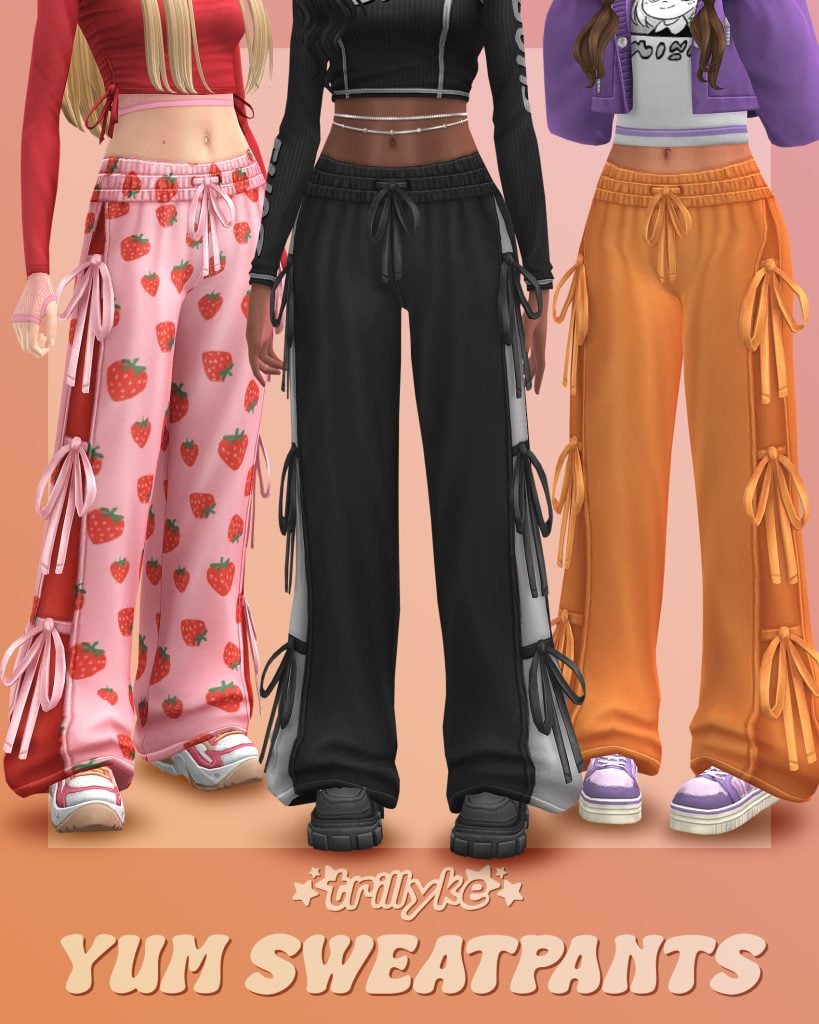
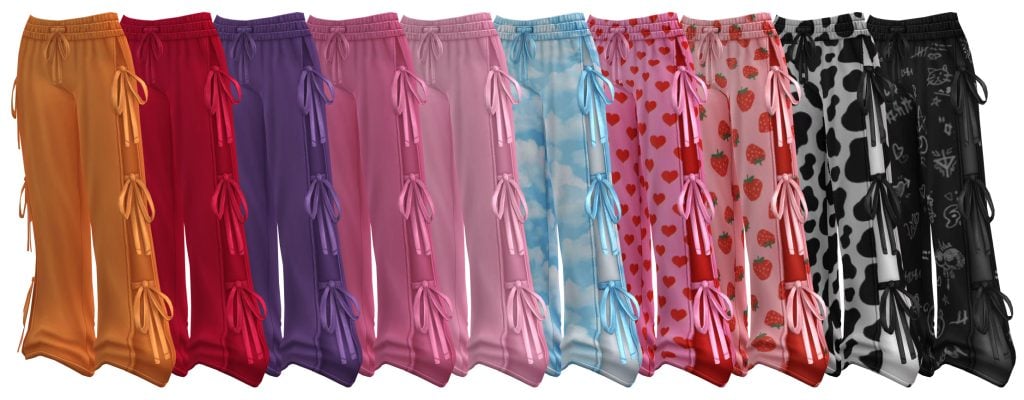
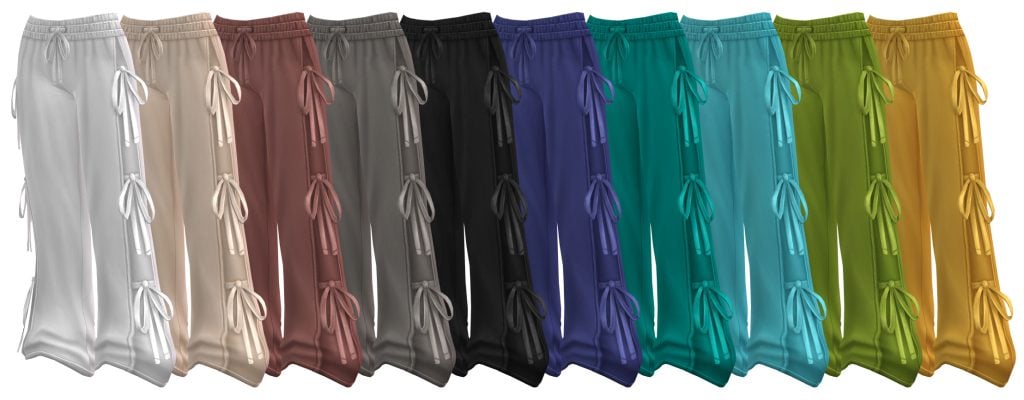
During the 90s, you could find baggy clothes and streetwear on every corner. Yum Sweatpants by Trillyke are women’s retro, baggy sweatpants available in 30 amazing swatches! From cow print to solids, to two-tone, there is a look for every Sim in this pack! Paired with a baggy tee or a tight-fitting top, this creates a comfortable 90s look.
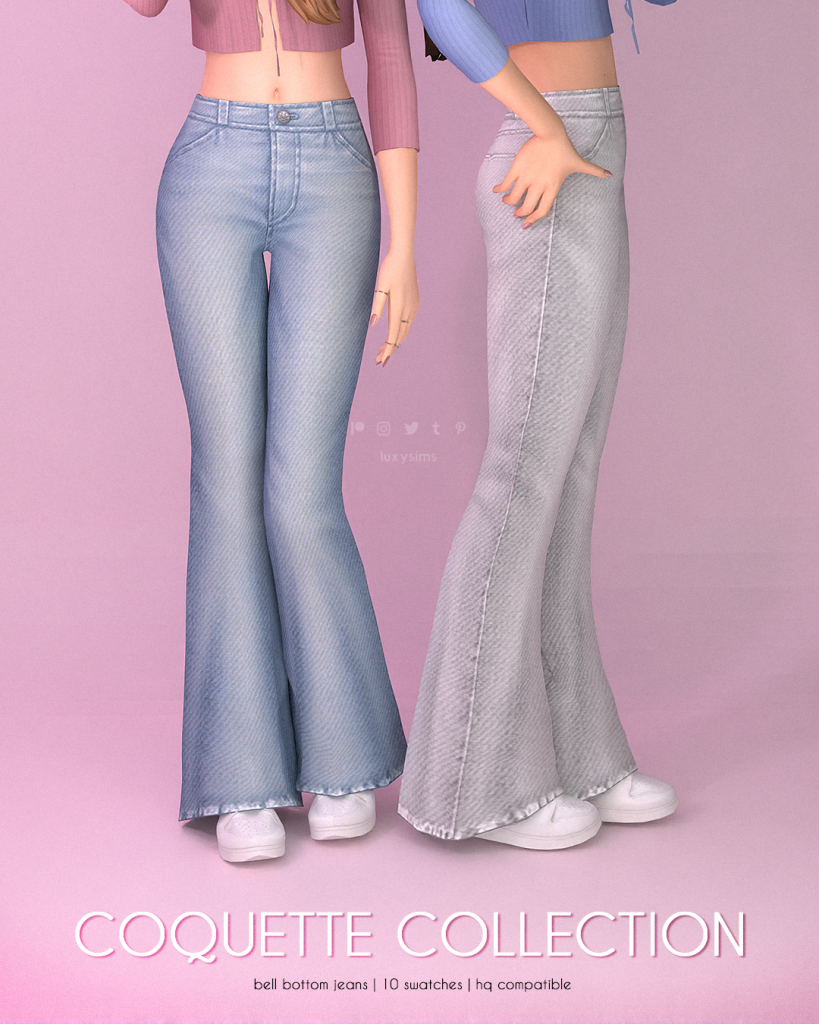
Bell Bottom Jeans – Coquette Collection by LuxySims
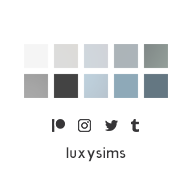
Bell Bottom Jeans were a pinnacle of the 90s; now your Sim can have an amazing looking pair thanks to LuxySims with Bell Bottom Jeans – Coquette Collection. These fashionable jeans come in 10 swatches of blue, black, grey, and white.
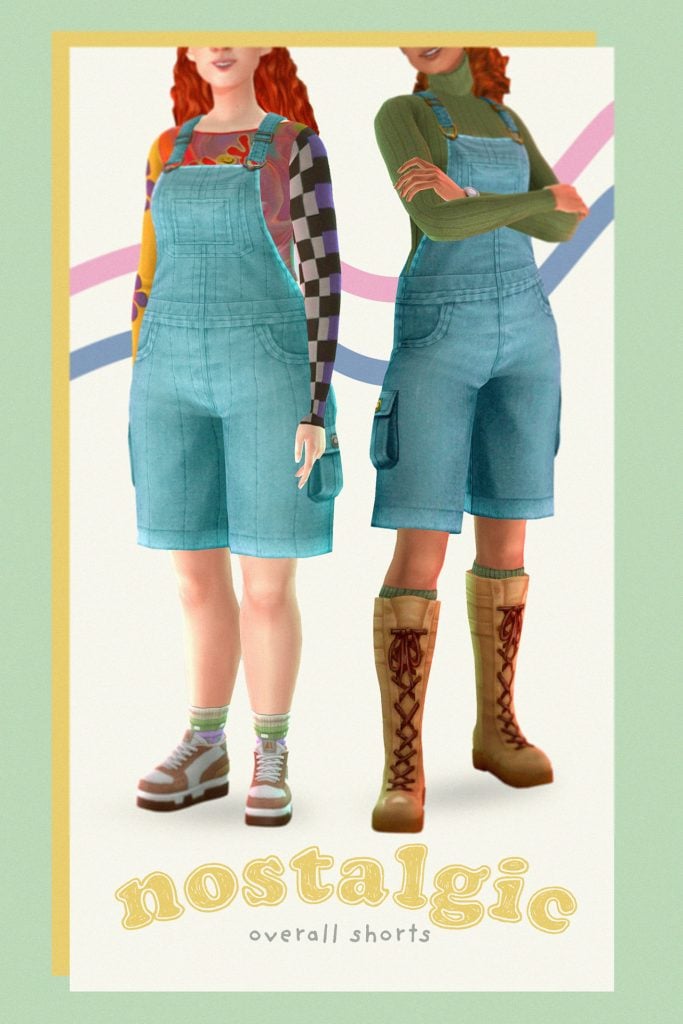
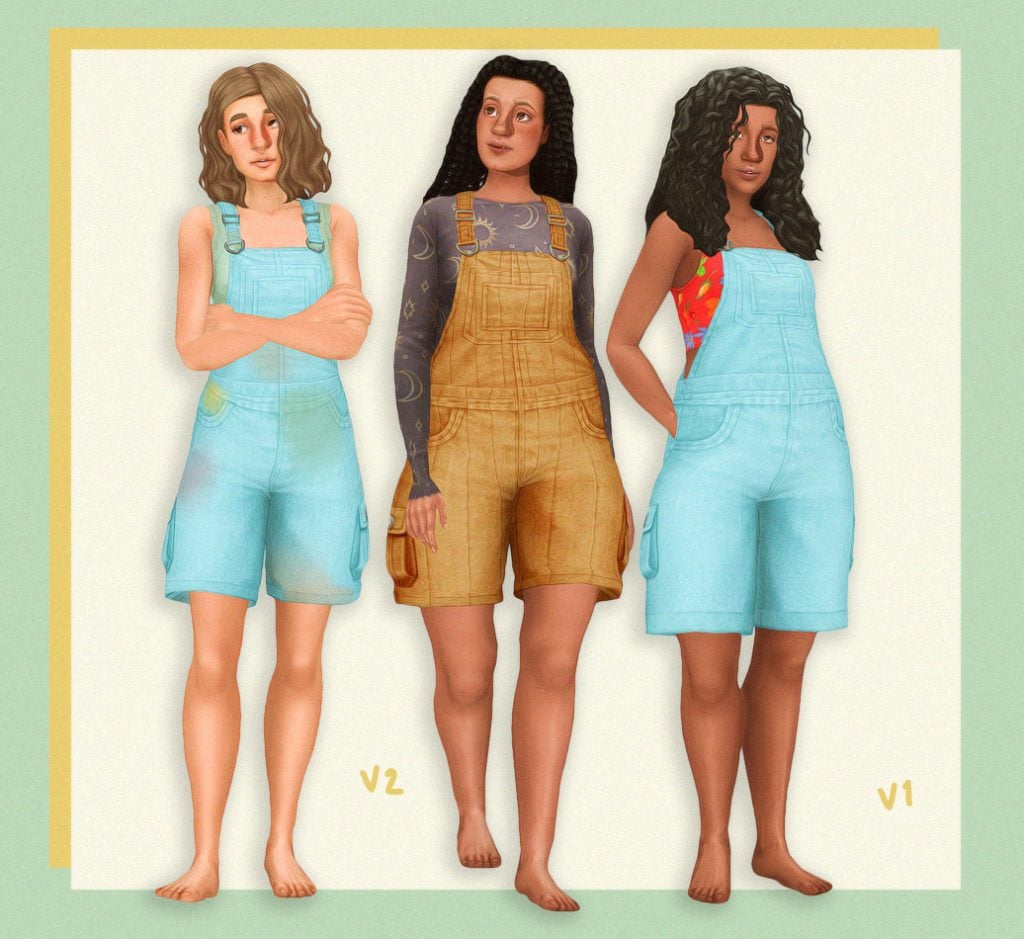
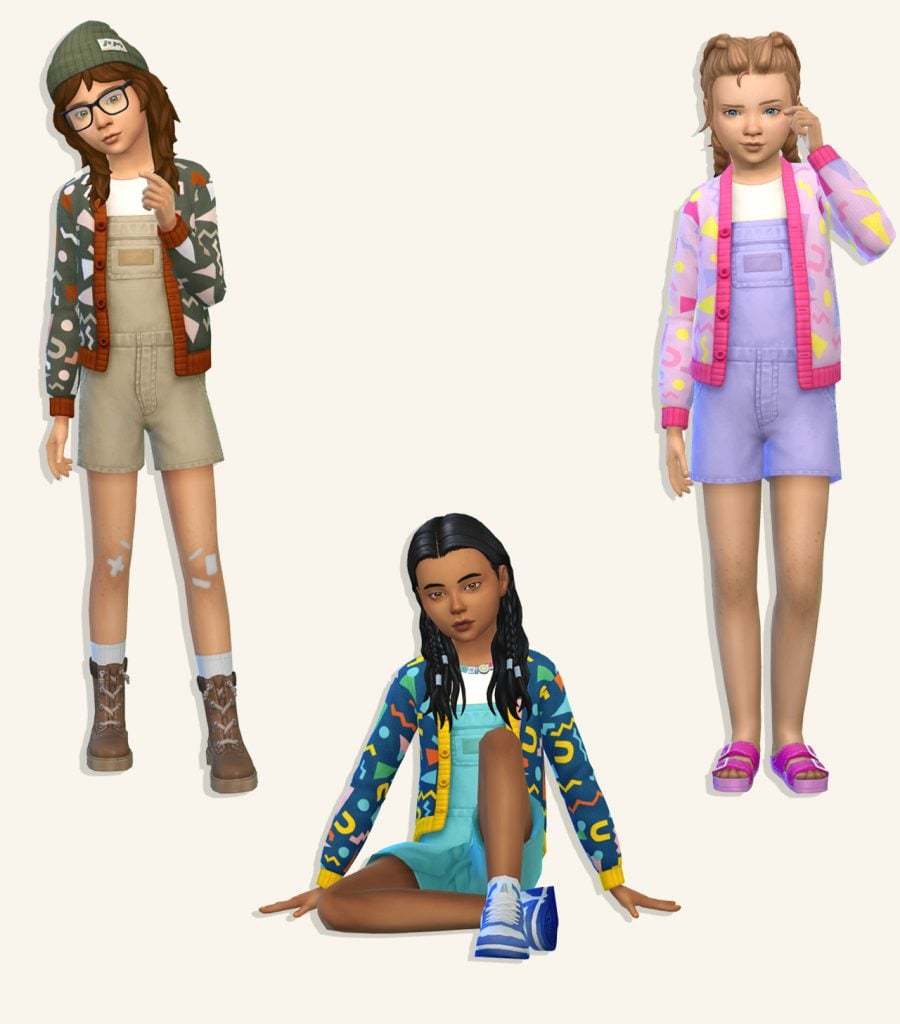
Every 90’s wardrobe needs a pair of overalls! Nostalgic Overall Shorts by mossylane are available in 2 different styles: one slightly shorter and baggier than the other, but both are adorable! Available in an array of swatches to best match your Sim’s personal look. You will need a shirt accessory for this top as well, but it is base game compatible.
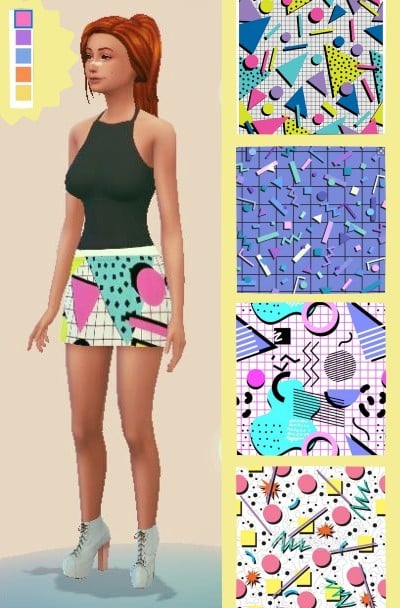
The perfect skirt for the 90’s! This skirt by radiantsimz features classic 90’s graphics of circles, squiggles, triangles, rectangles, and random shapes. Available in 5 different but totally 90’s swatches.
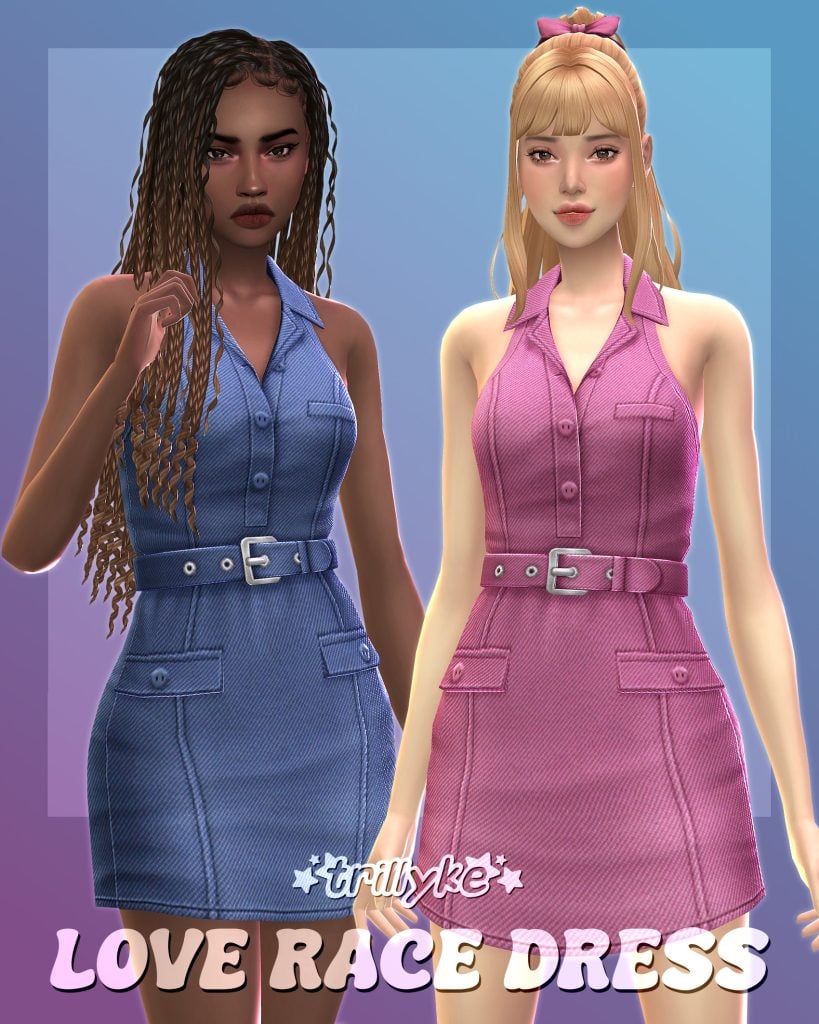
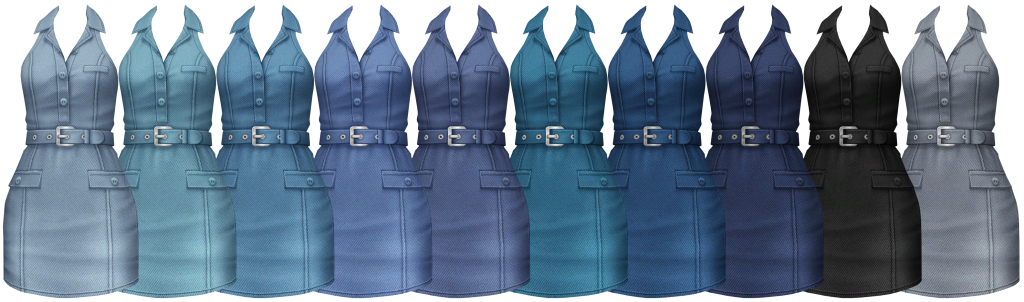
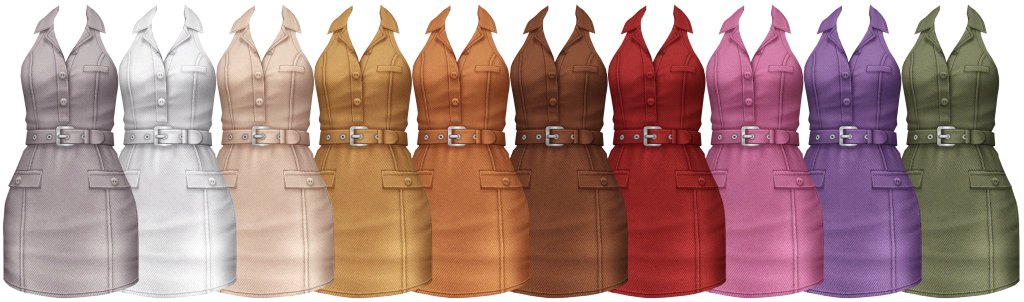
Love Race Dress by Trillyke is a form-fitting, denim dress in 20 solid swatches. With a small belt detail and vest-style top, this is a perfect dress to add to your Sim’s 90s wardrobe!
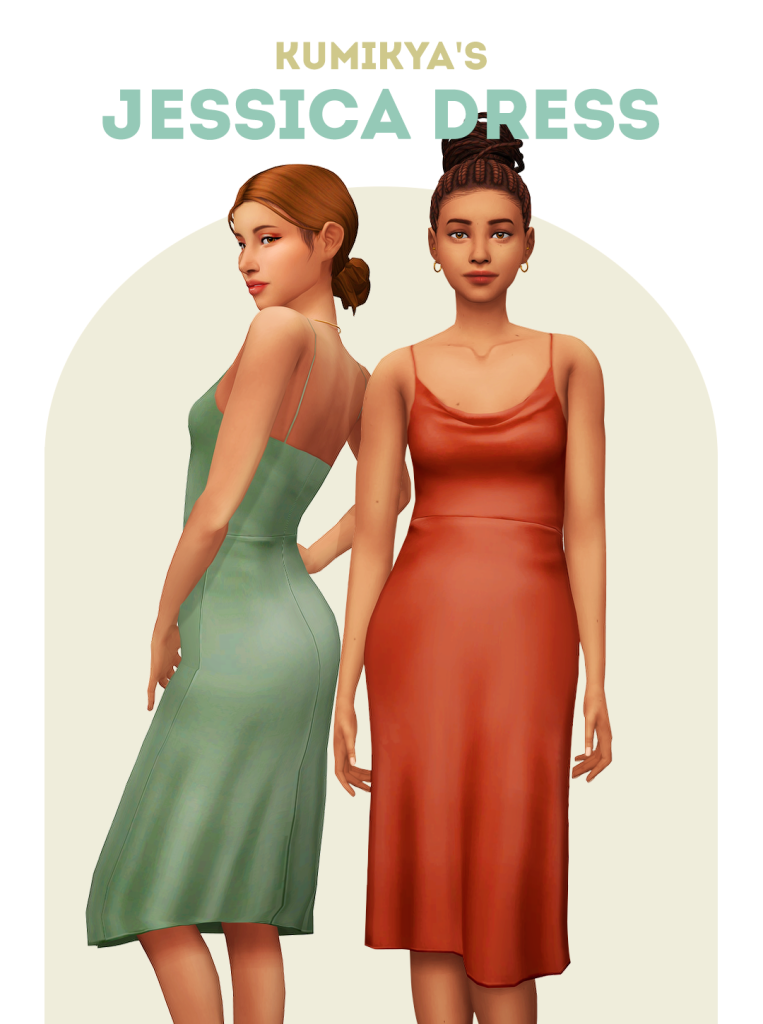
Slip dresses had become a staple for women in the 90s. The sleek look and ability to pair accessories make the dress a standout! Jessica Dress by Kumikya gives your Sims the same opportunity in 17 lovely swatches.
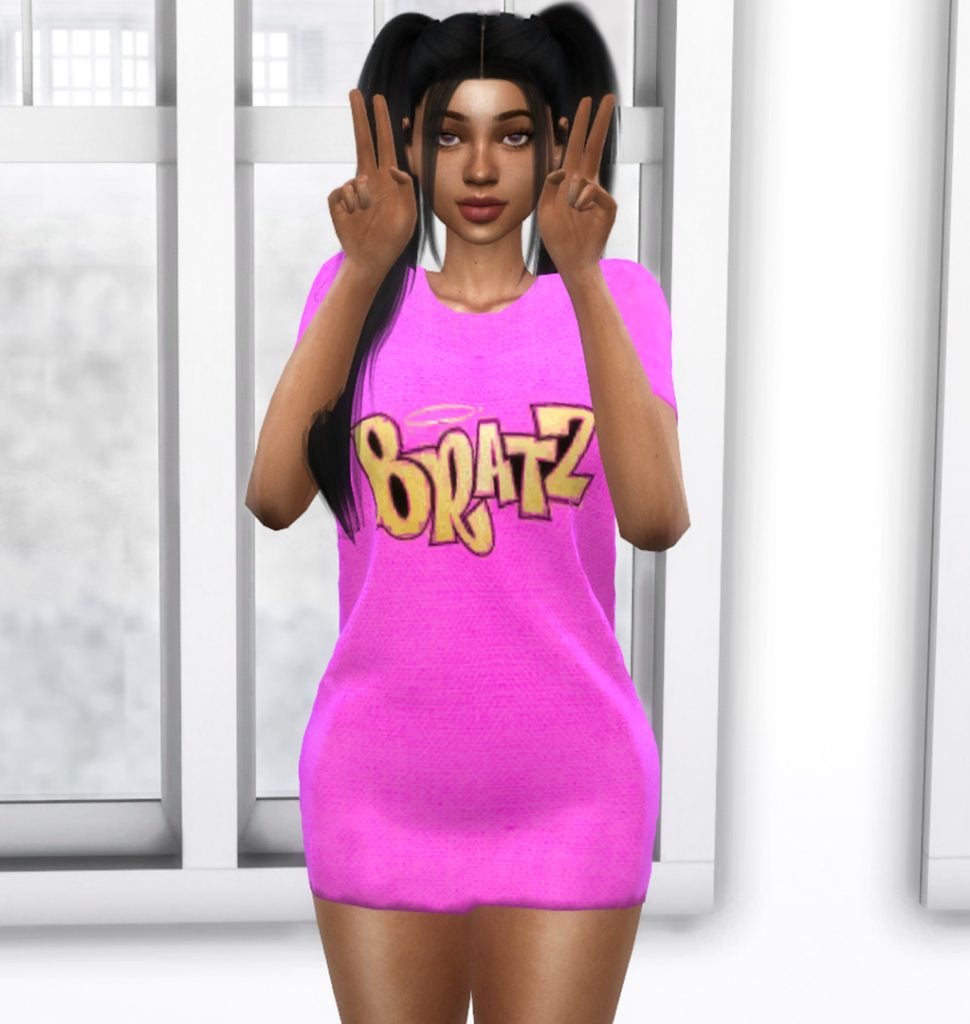
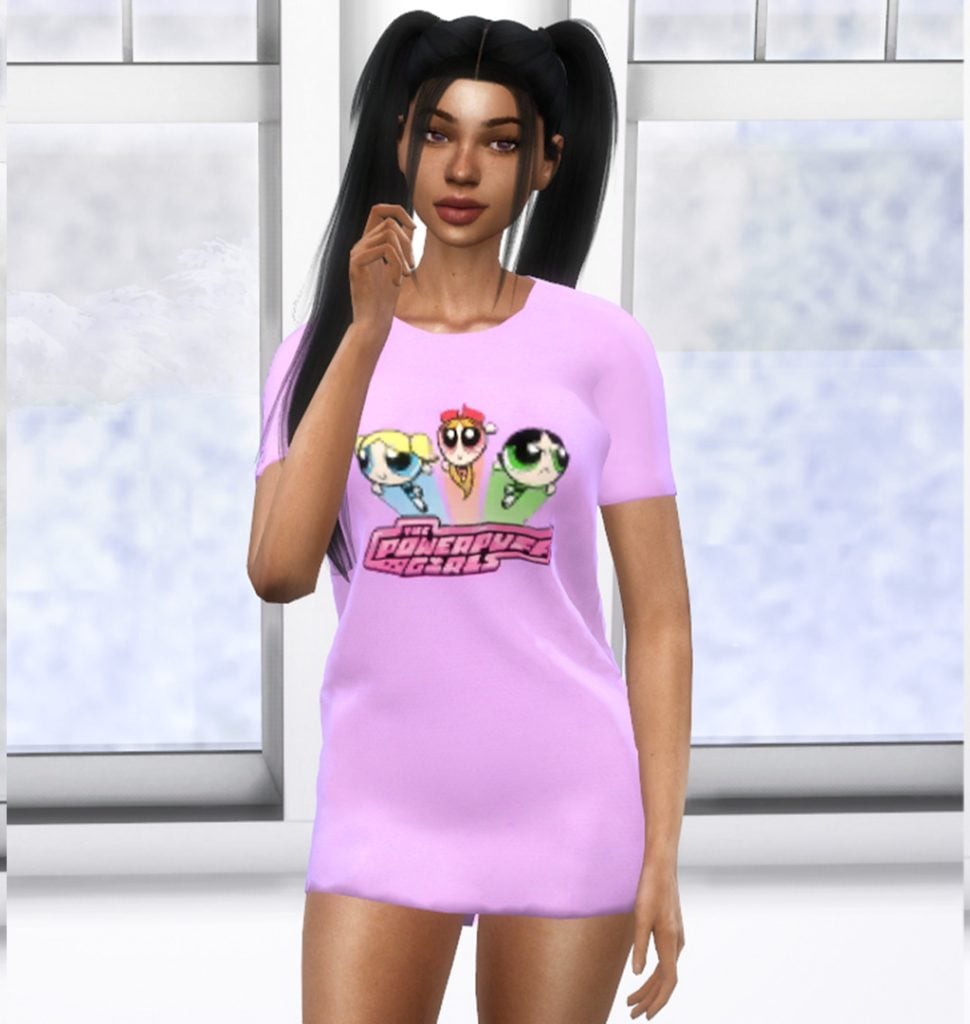
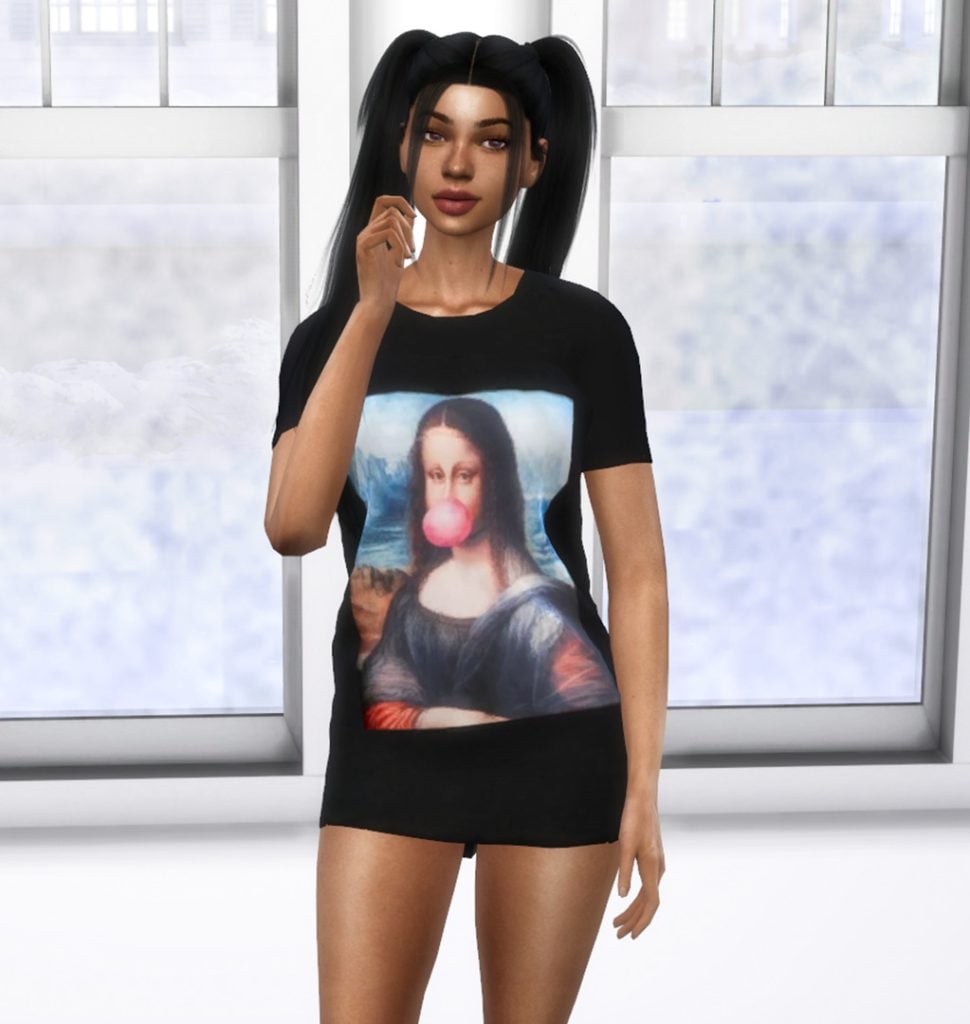
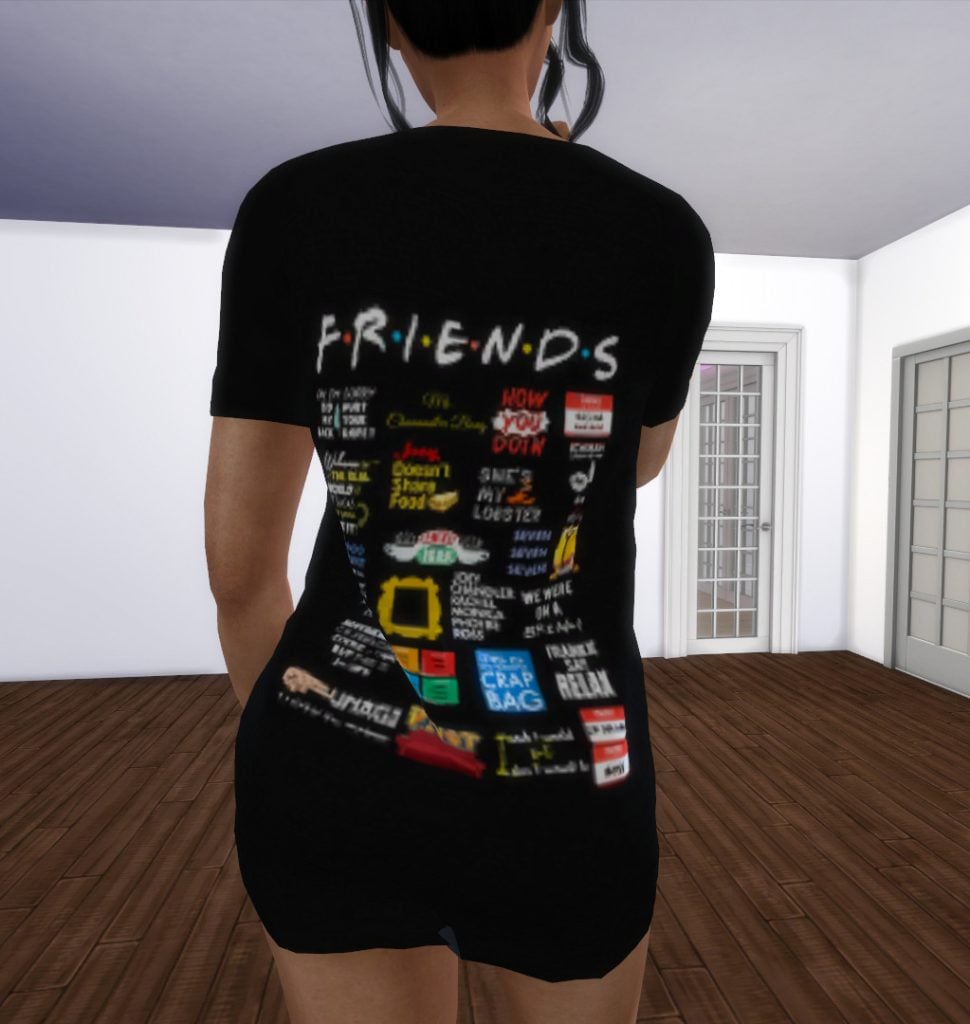
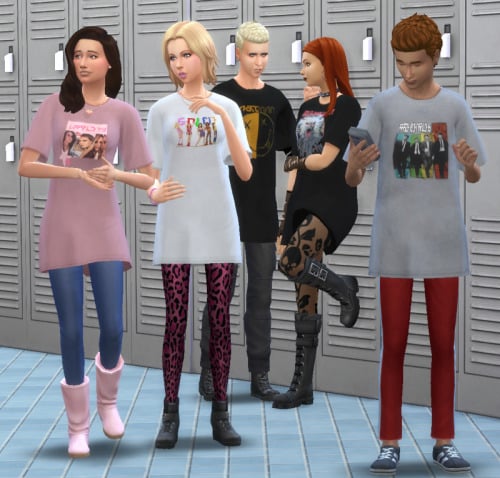
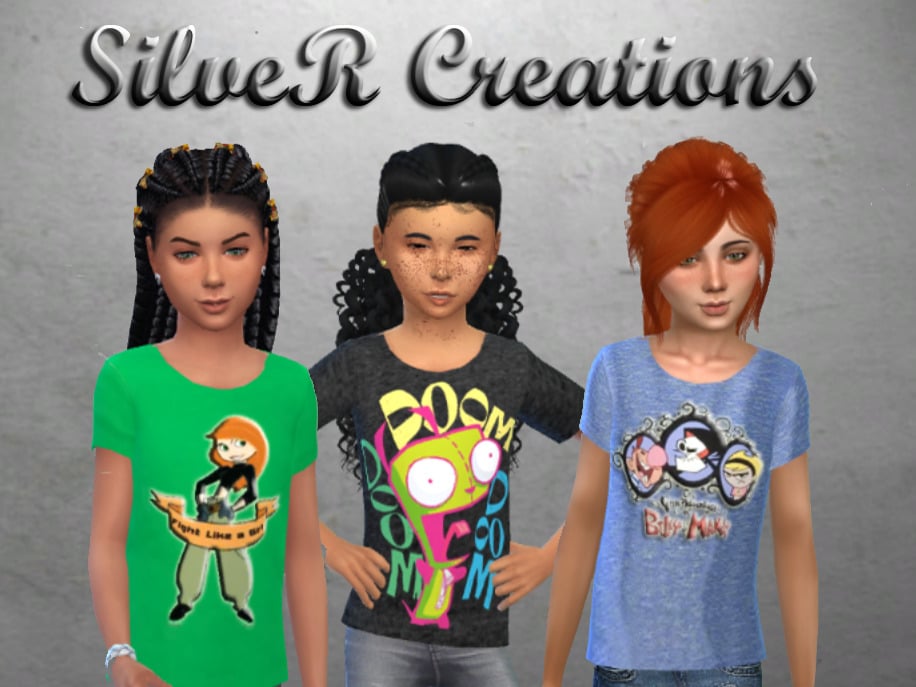
90s Inspired Oversized Tees by SimmerKate is the absolute perfect tee to add to your Sim’s 90’s themed wardrobe! This amazing creation includes 14 swatches, all related to the 90’s. You’ll find designs with shows like “Friends”, “Bratz”, and “The Power Puff Girls”, and icons like Britney Spears.
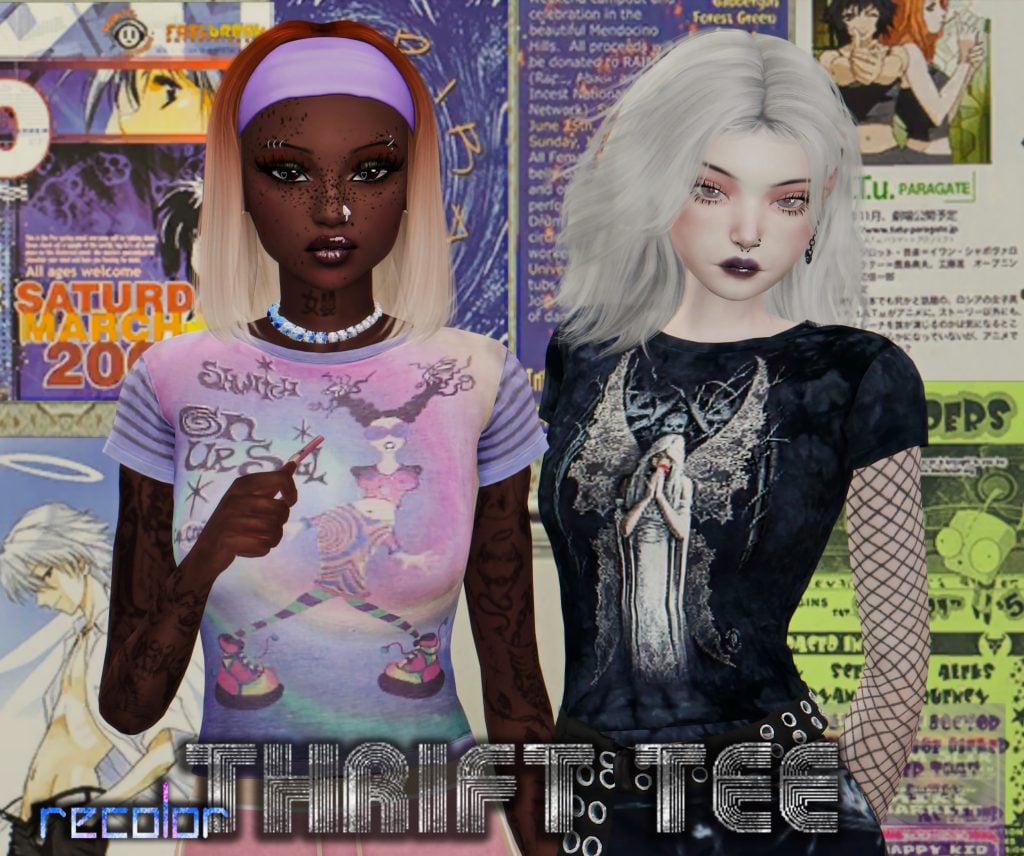
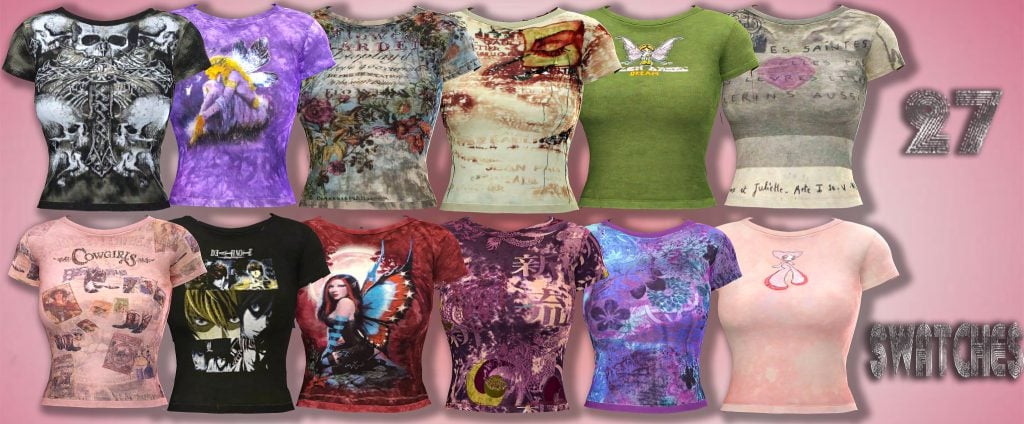
Thrift Tee by AtomicLight may be targeted for the 2000’s, but could still definitely be used for a woman’s 90s grunge look! This awesome tee comes in 27 swatches, featuring a variety of designs and patterns. Perfect for your Sim to rock out in!
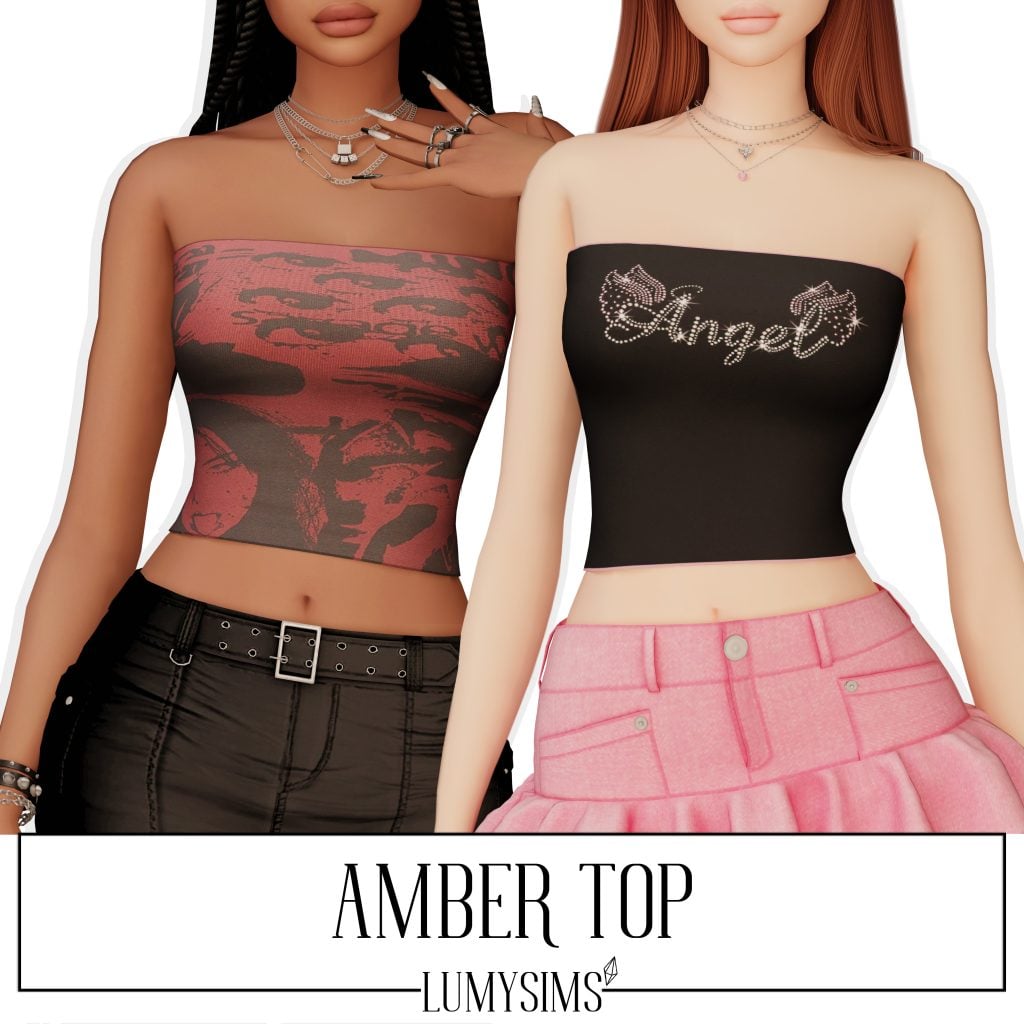
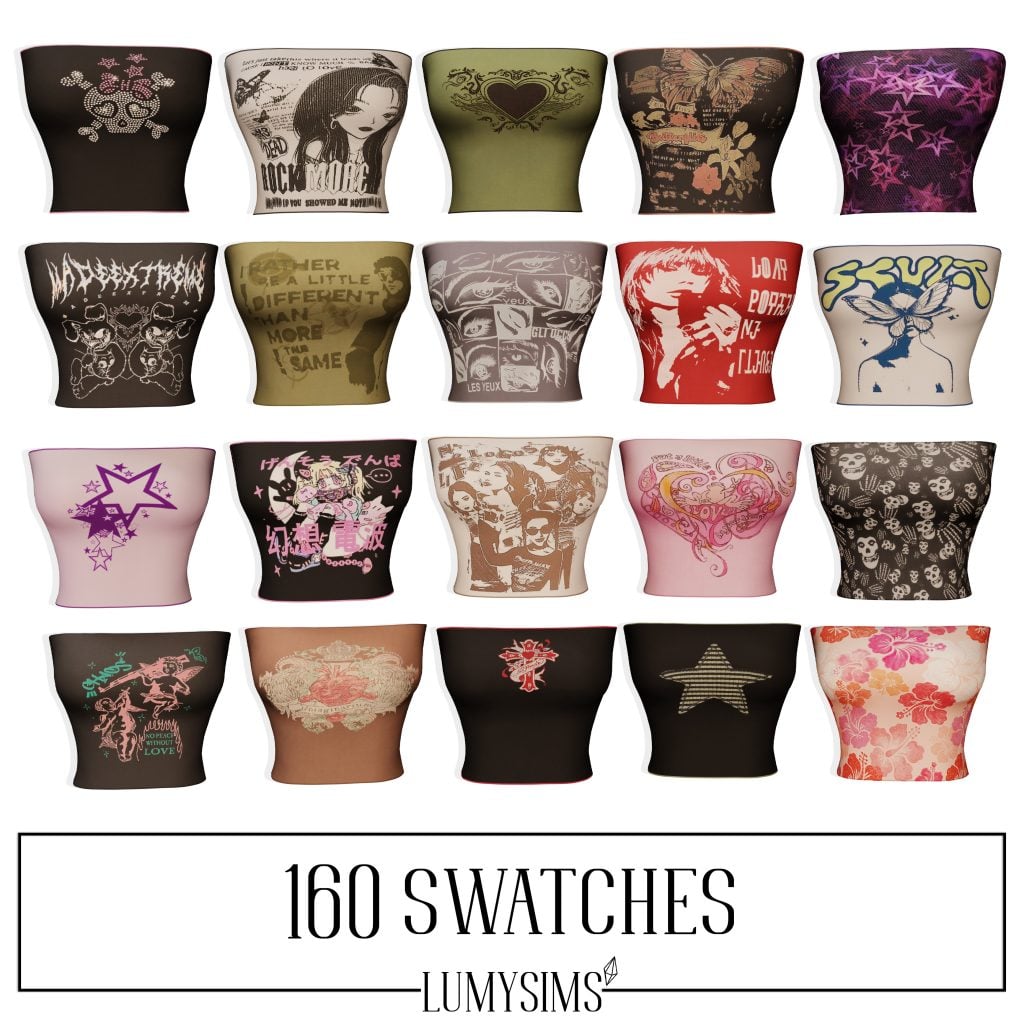
The 1990’s embraced bold, carefree fashion, with tube tops becoming a defining symbol of the decade’s confident and minimalist style. Amber Top by LumySims gives your female Sims 160 whopping swatches ranging from bands to animals to classic 90’s styles like stars and crosses.
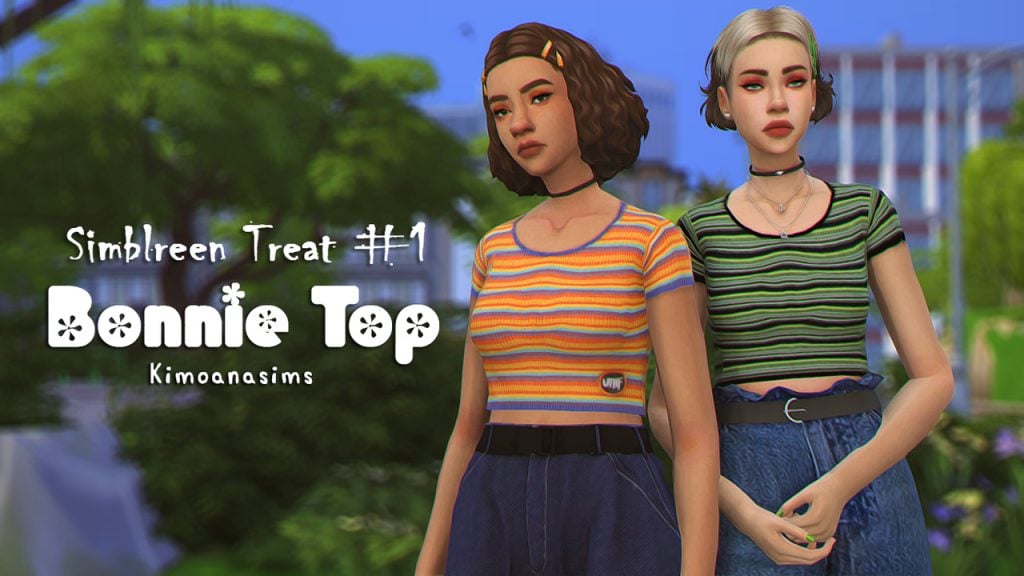
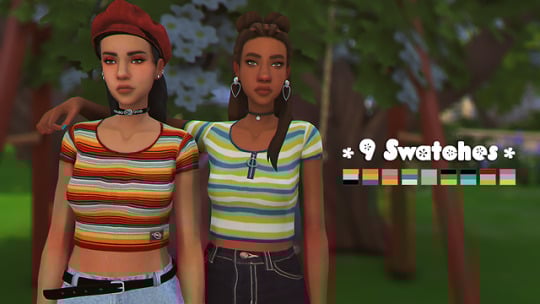
Bonnie Top by Kimoanasims is a must-have for your Sim’s ’90s-themed wardrobe! This style of shirt was absolutely everywhere. I remember my drawers being full of them! This adorable shirt is available in 9 swatches, and one even has a zipper!
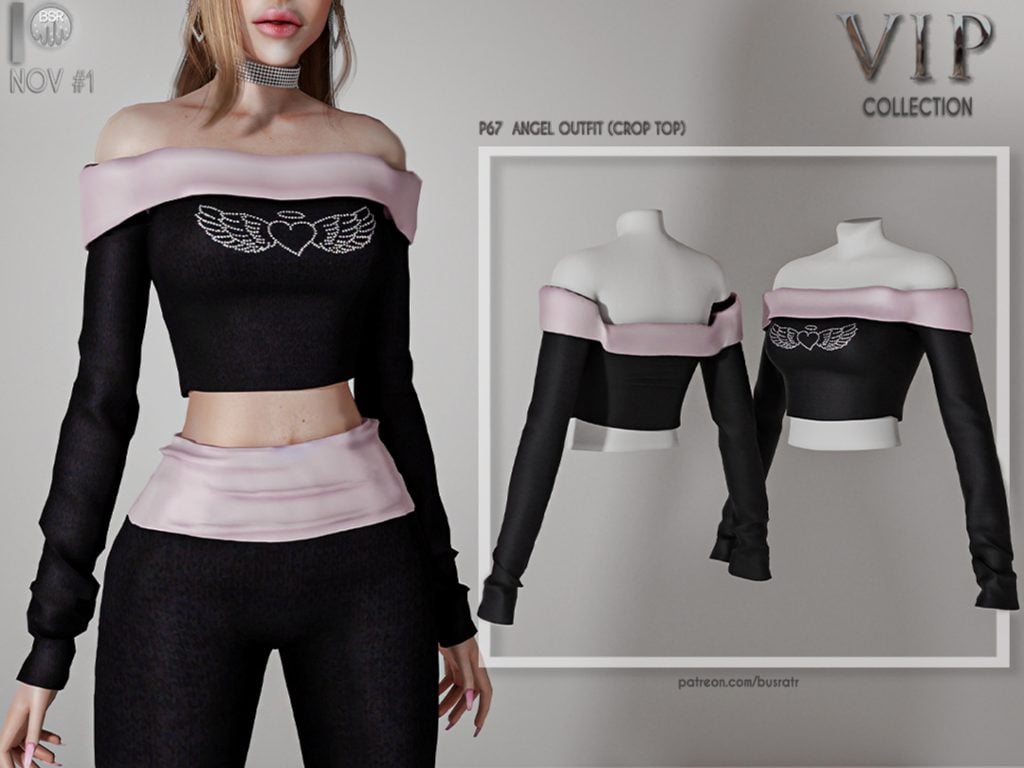
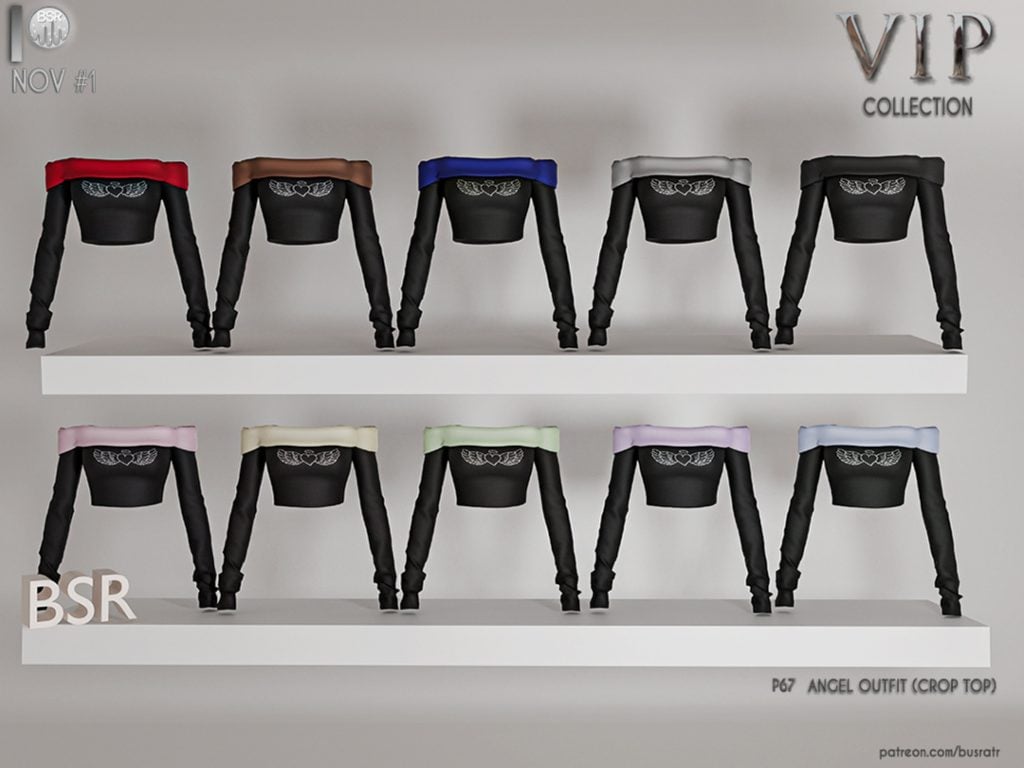
Angel Outfit Crop Top by busra-tr gives off serious 90s and Bratz vibes! This shoulderless crop top has long fitted sleeves with folded fabric at the top, and the cutest heart decal gem stoned on the front.
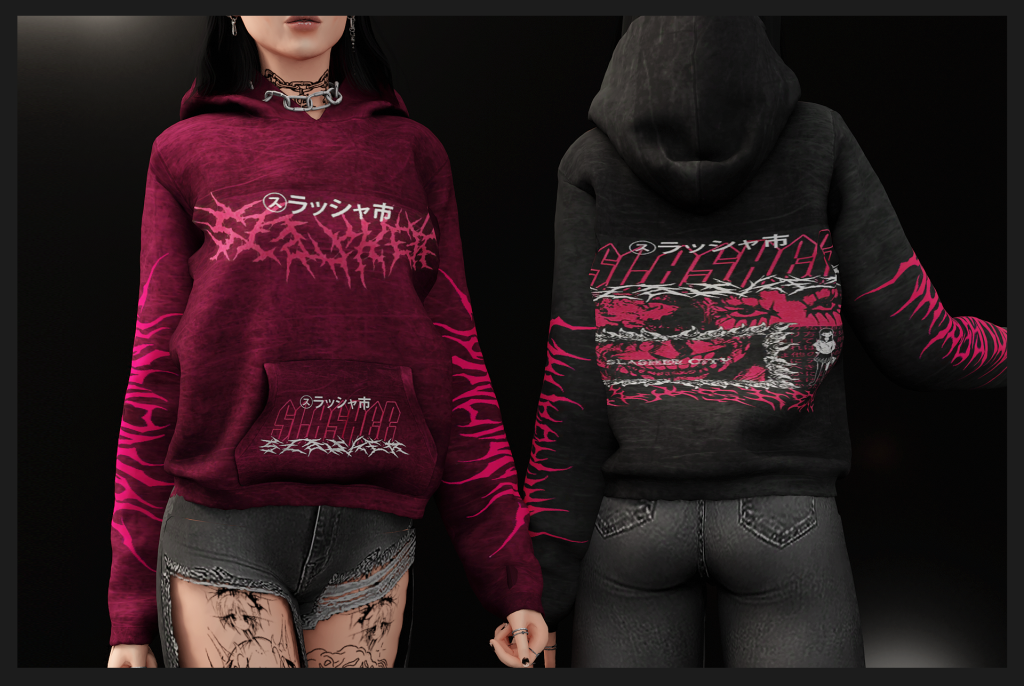
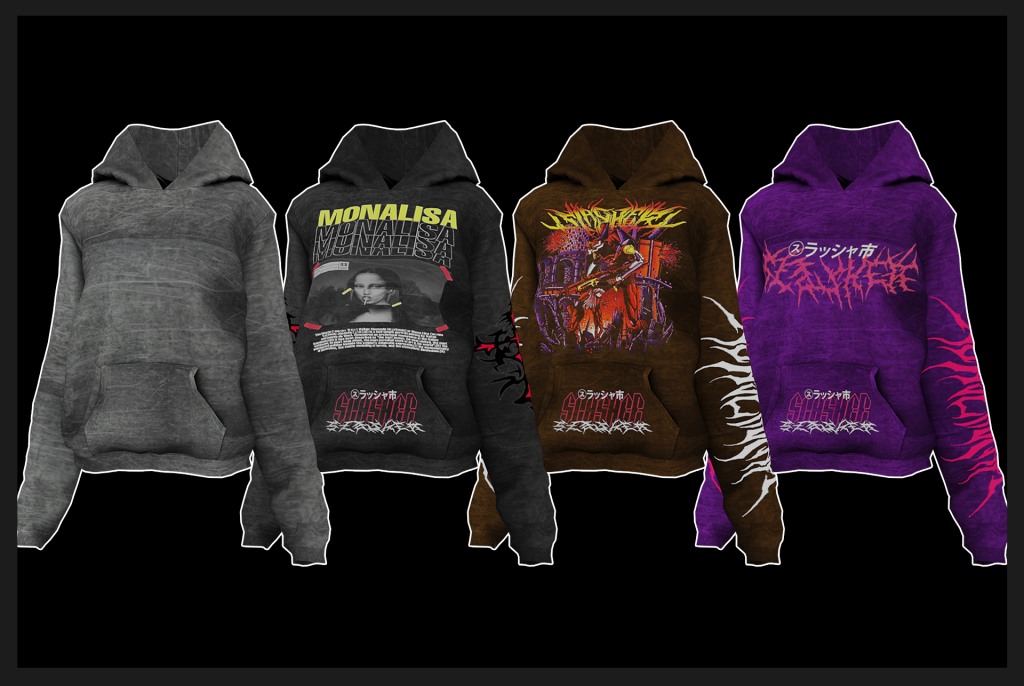
Slayer Hoodie by Whimp1337 paired with ripped or baggy jeans would create a comfy, grunge look from the 90’s that would be great for chilly mornings and late nights. Available in 19 swatches, Whimp1337 even created their own mesh that looks fantastic and realistic!
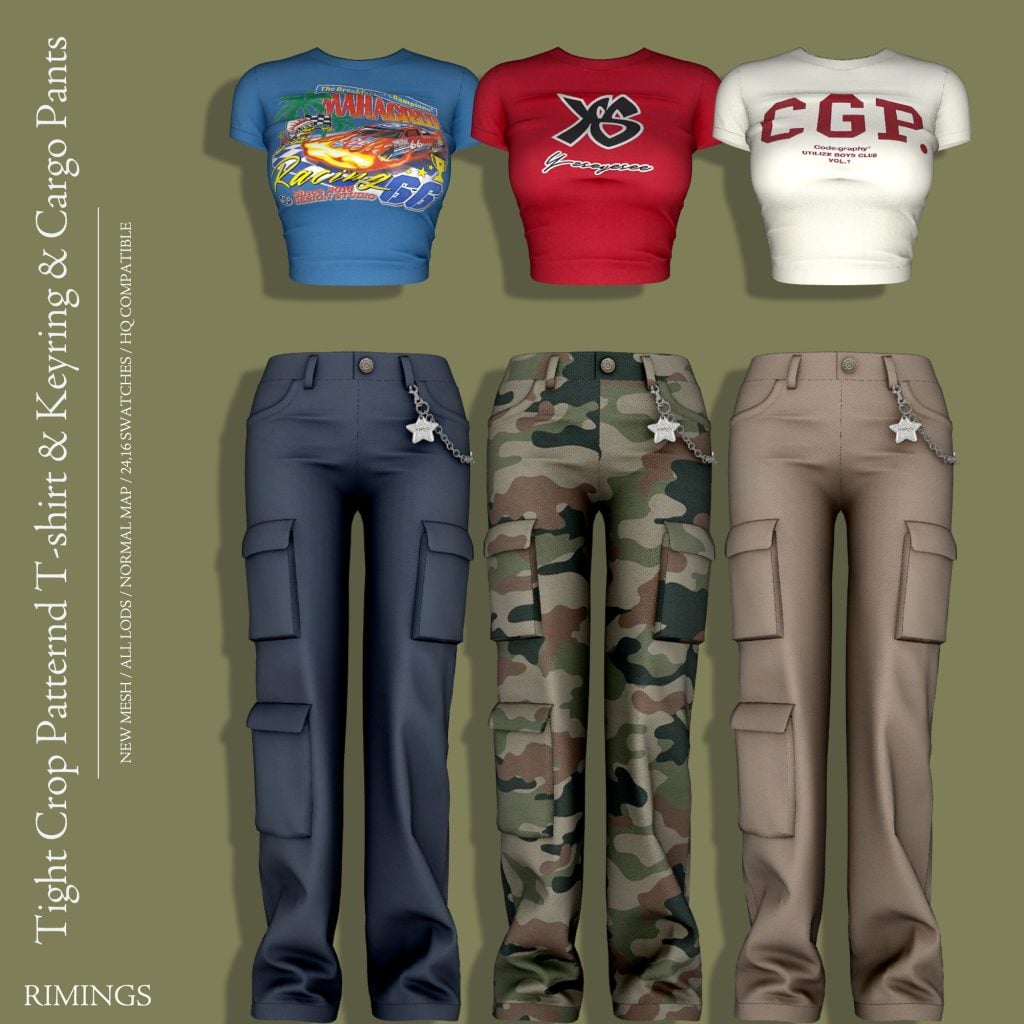
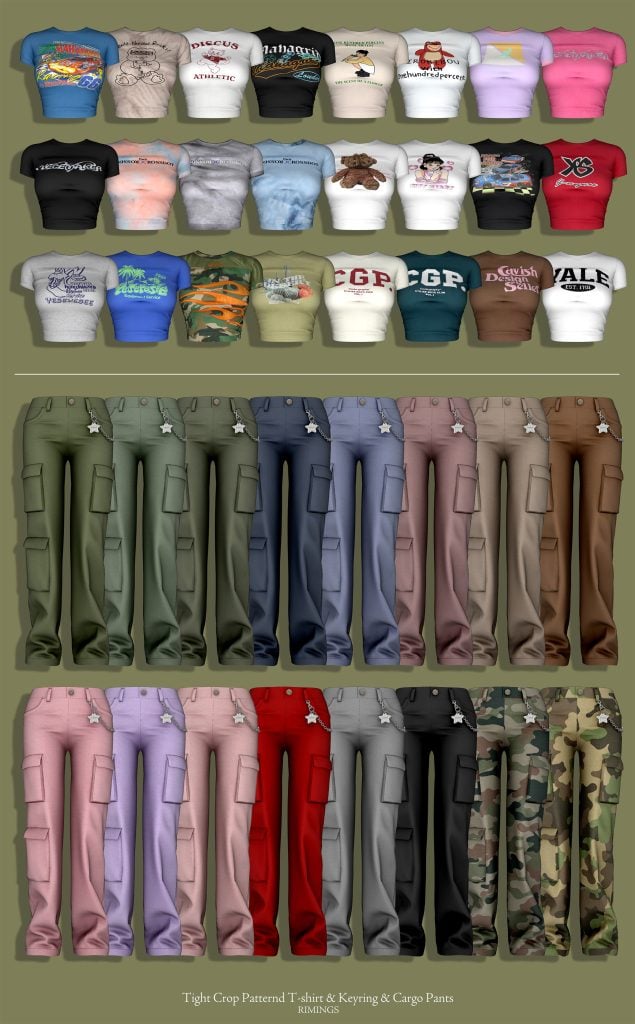
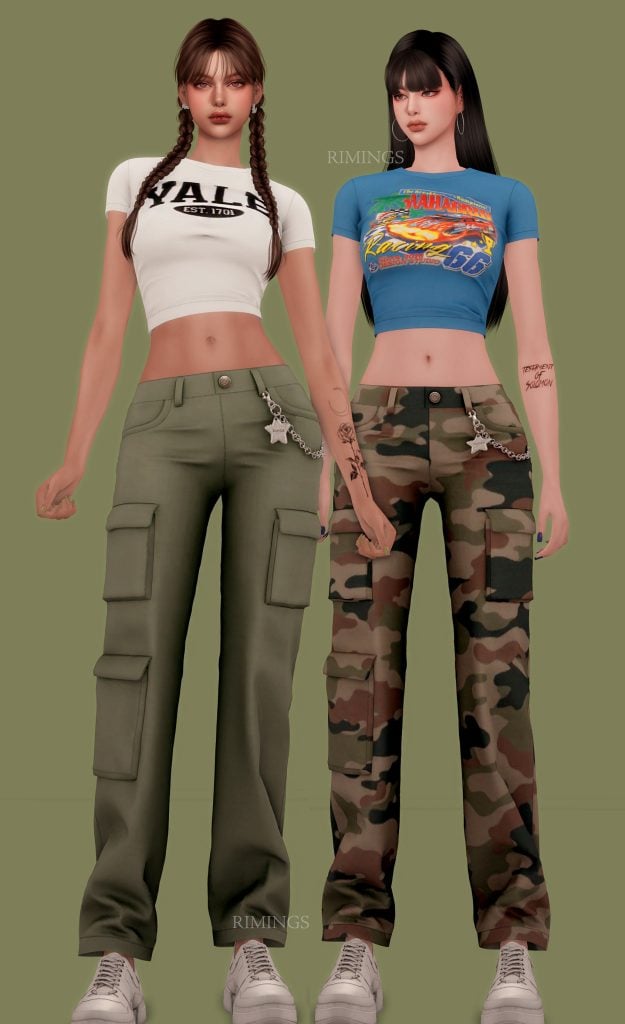
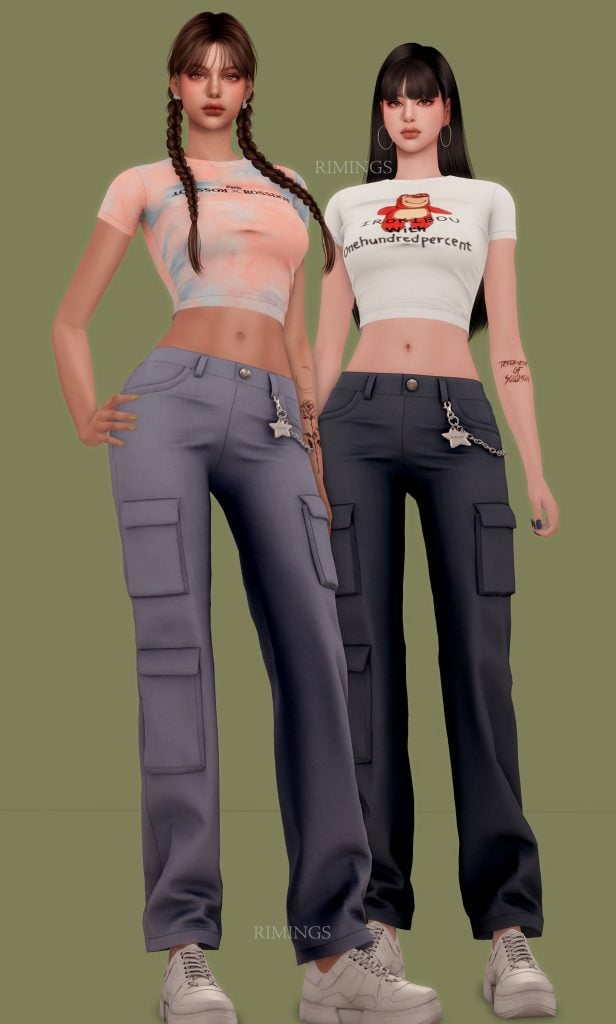
If you ever feel stumped trying to create a look, CC outfit packs can be a source of help and inspiration. This outfit pack by RIMINGS features cargo pants, a tight patterned crop top t-shirt, and an adorable keyring that all resemble a 90’s look. The keyring features a shiny star on the left hip, and the clothing comes in an array of different swatches. Great for mix and matching!
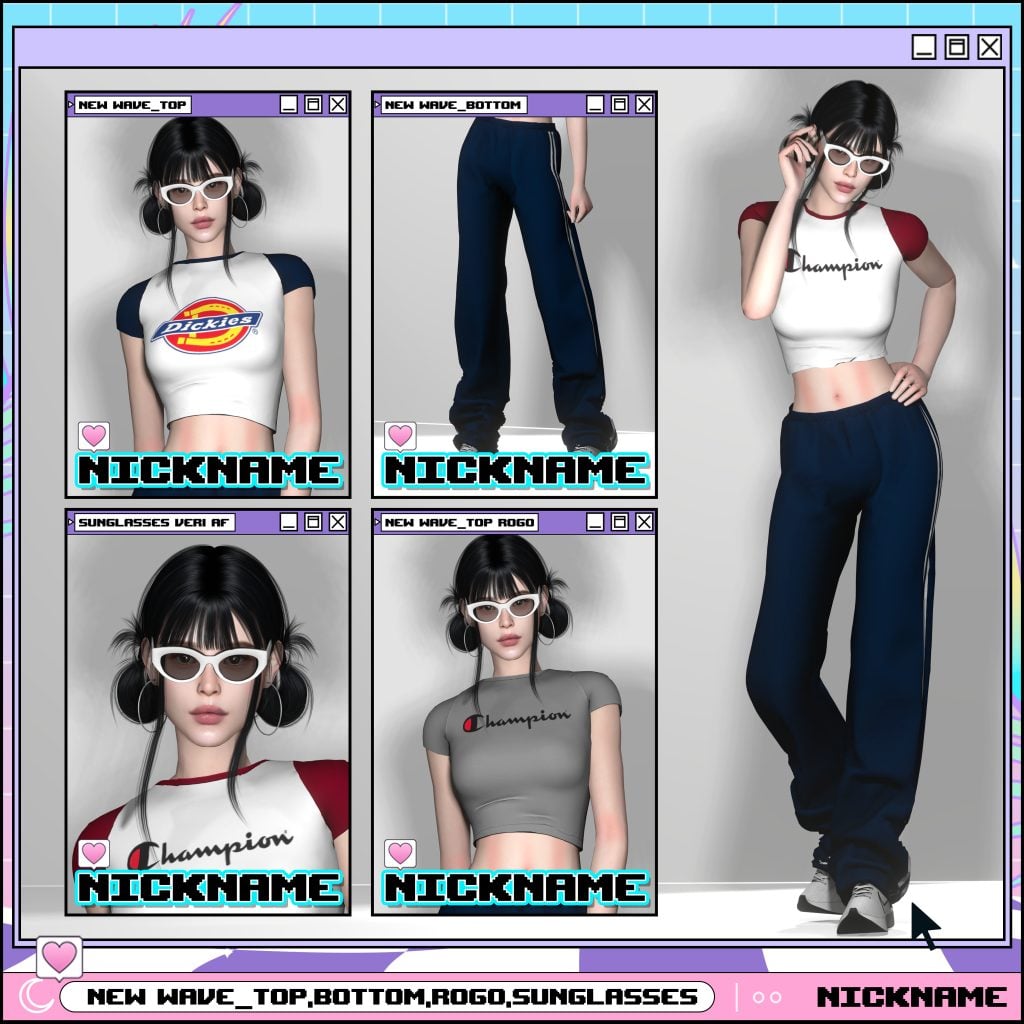
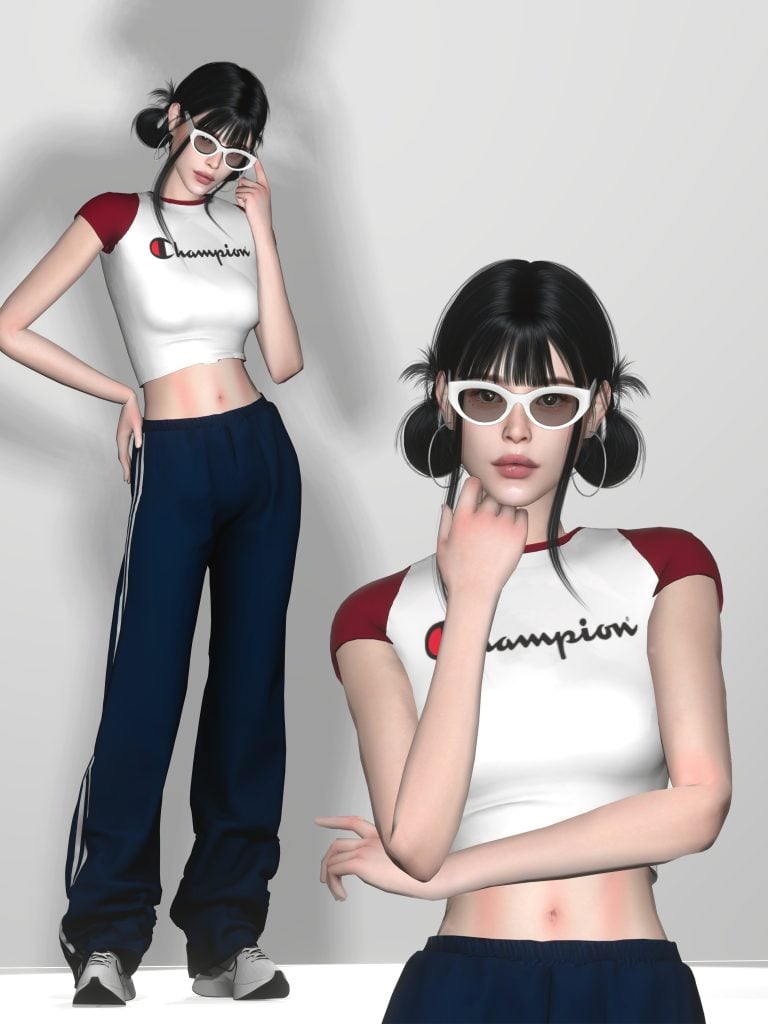
New wave_top/bottom/rogo/sunglasses by nickname_sims4
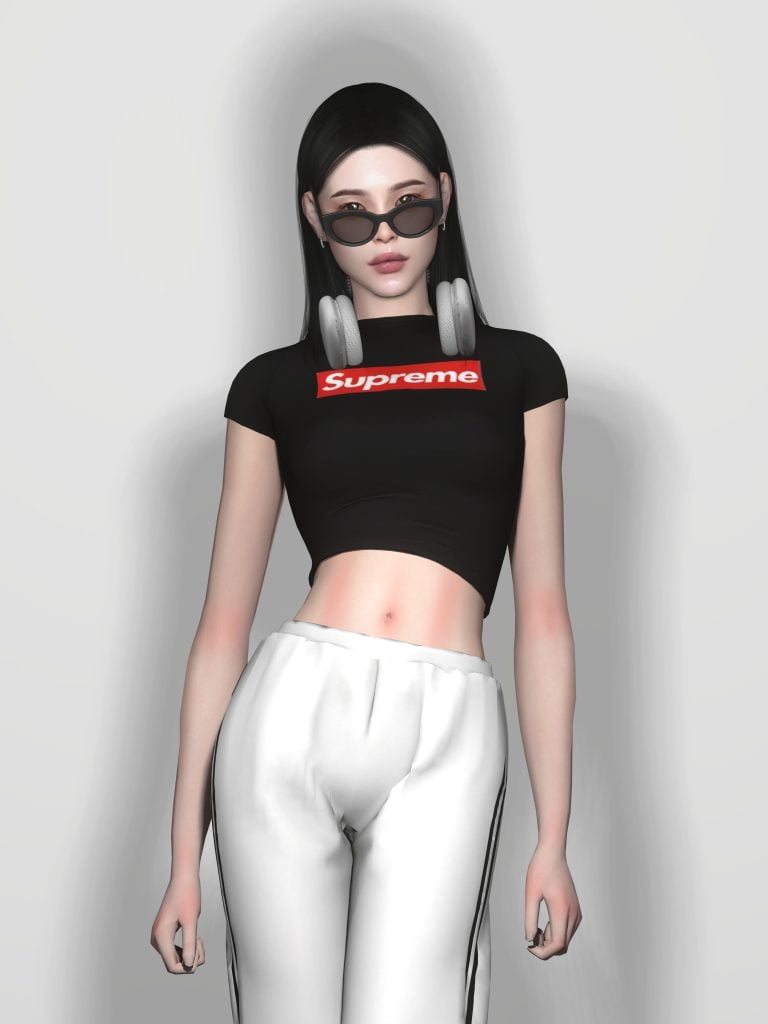
The ultimate 90s streetwear outfit for your female Sims! This CC pack by nickname_sims 4 includes some essential 90s needs, such as track bottoms, a crop top tee, and a pair of retro shades to match! All of these items are available in an array of swatches so you can customize the 90s look of your dreams.
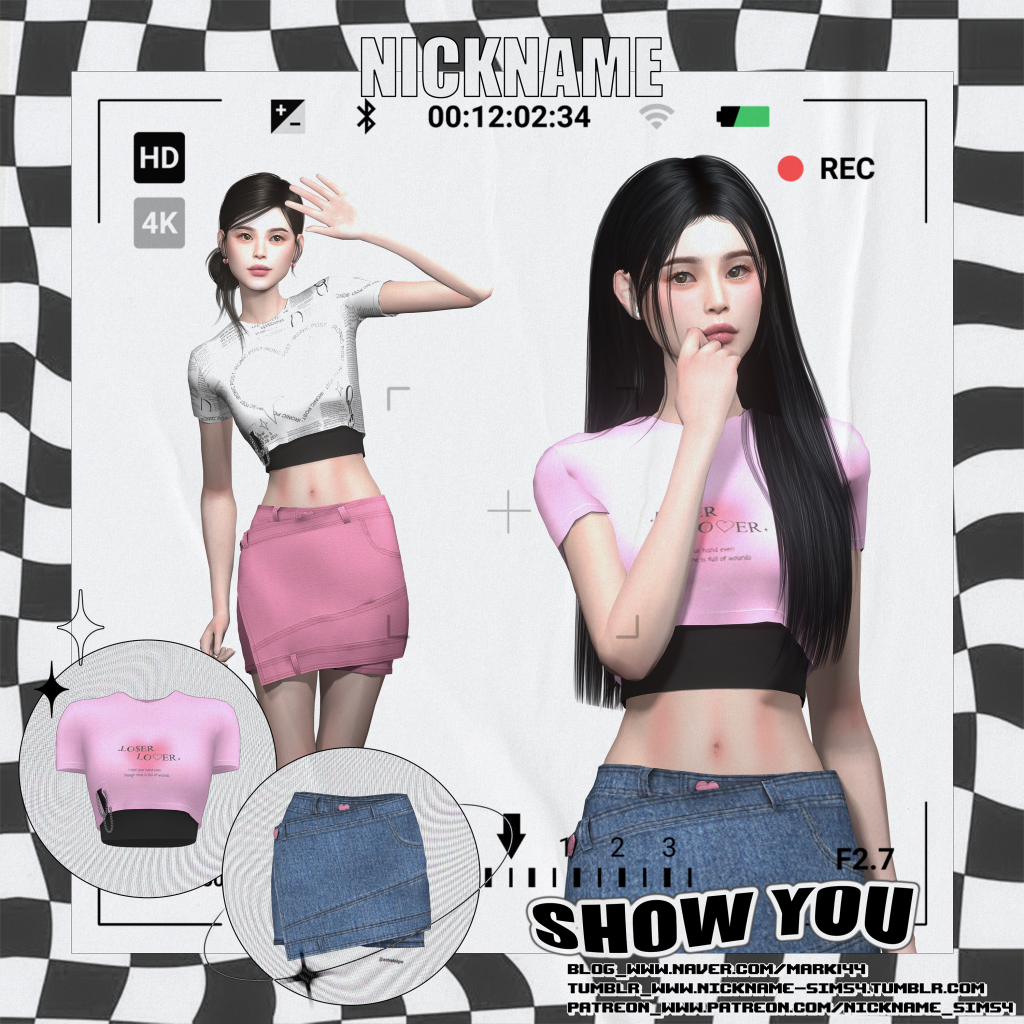
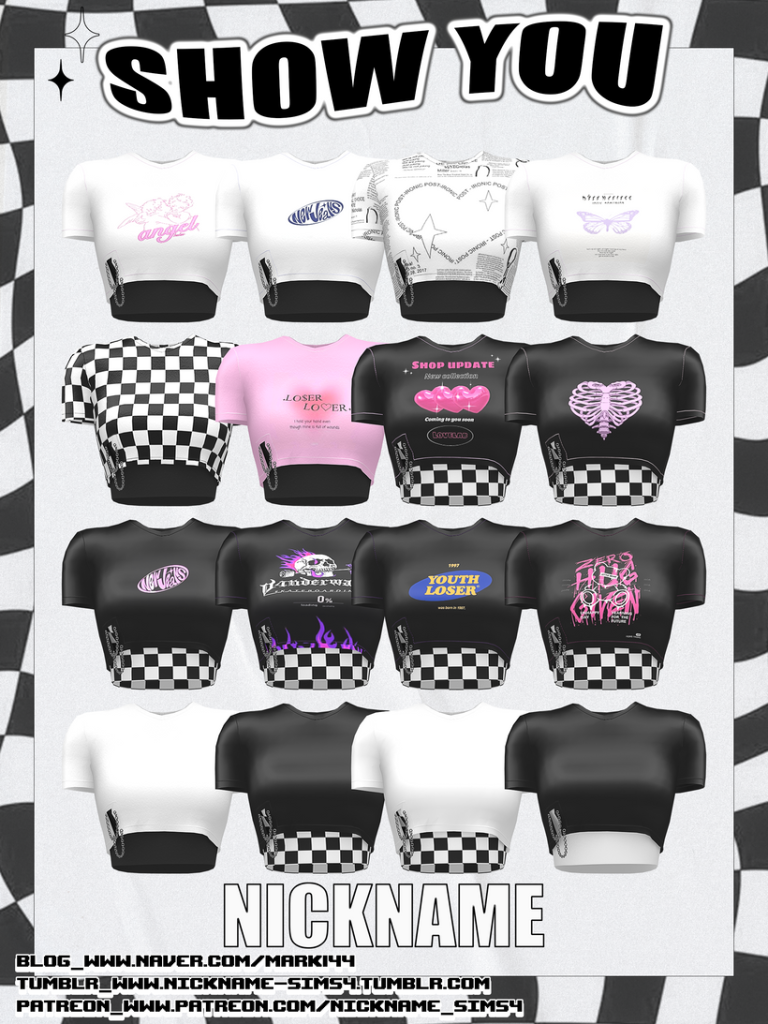
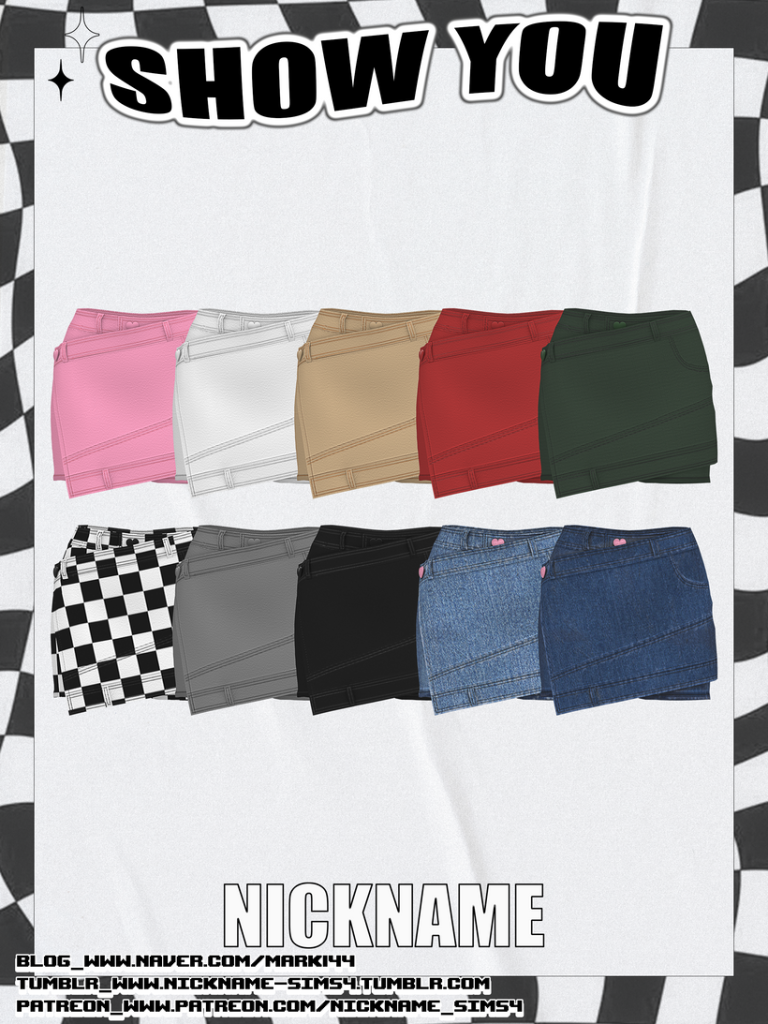
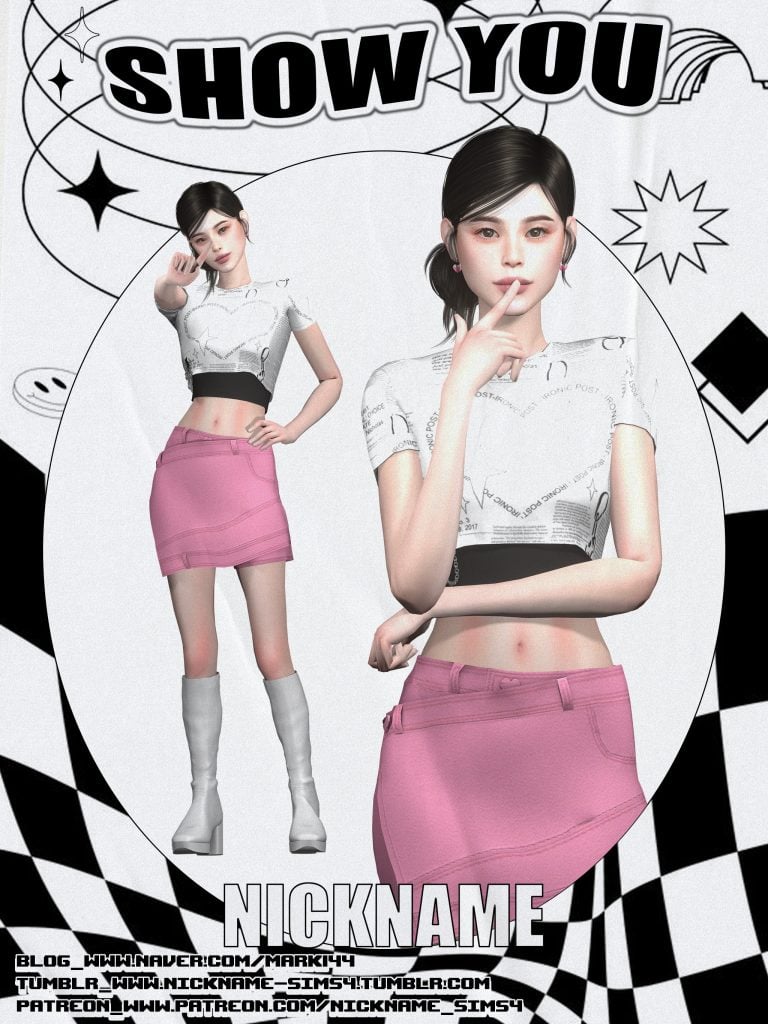
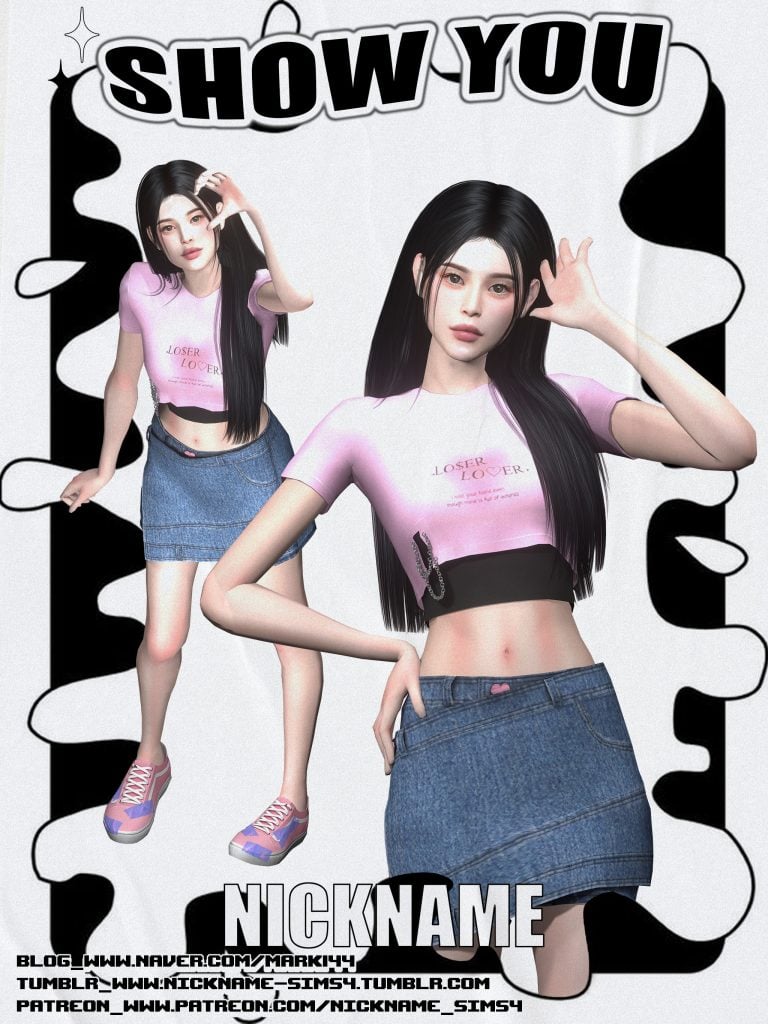
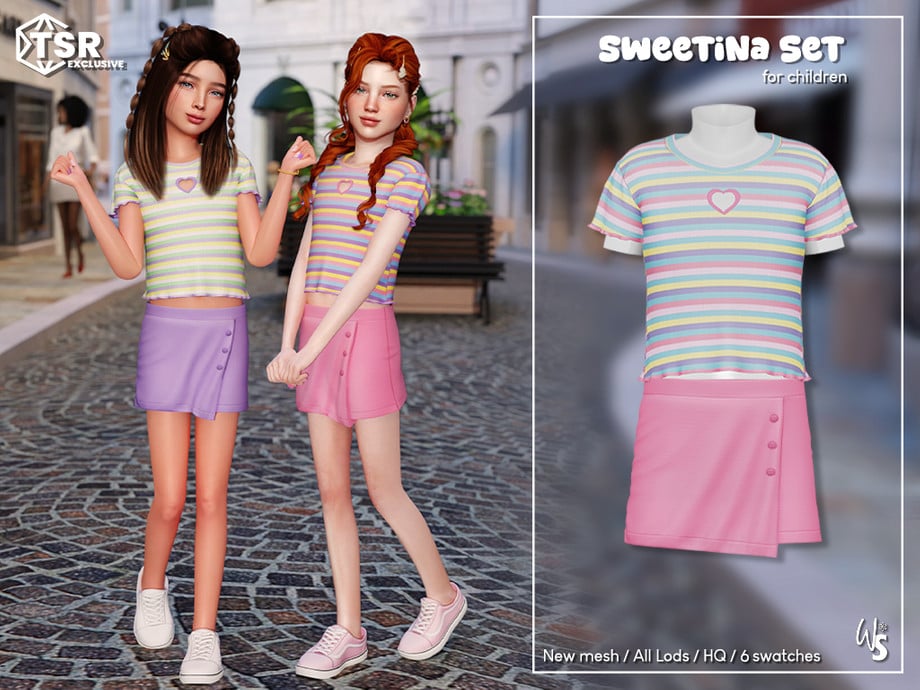
Show you by nickname_sims 4 is a versatile outfit that could either be a 90s grunge theme or more of a 90s preppy style. This lovely set comes with 2 pieces: a skirt with a crossover piece of fabric and a small heart where a button would normally be. The crop top comes in many swatches featuring designs of pink, black, and white with a small chain at the lower, right bottom.
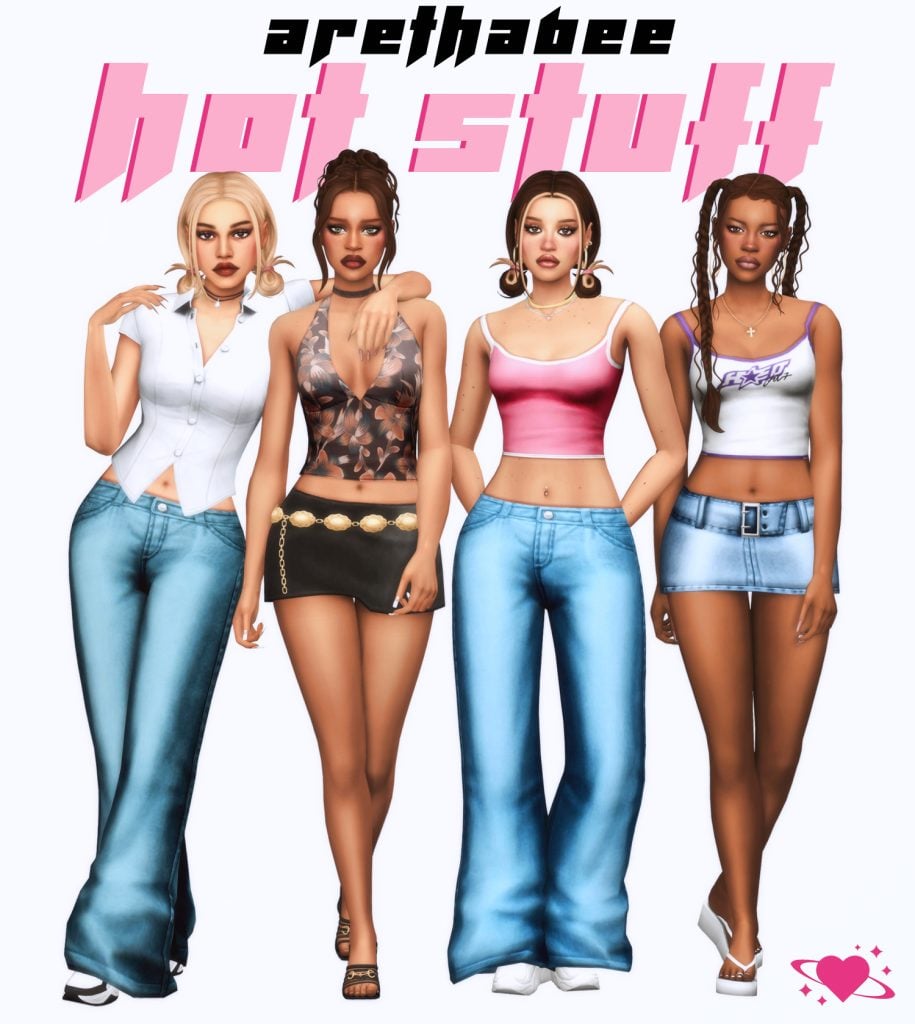
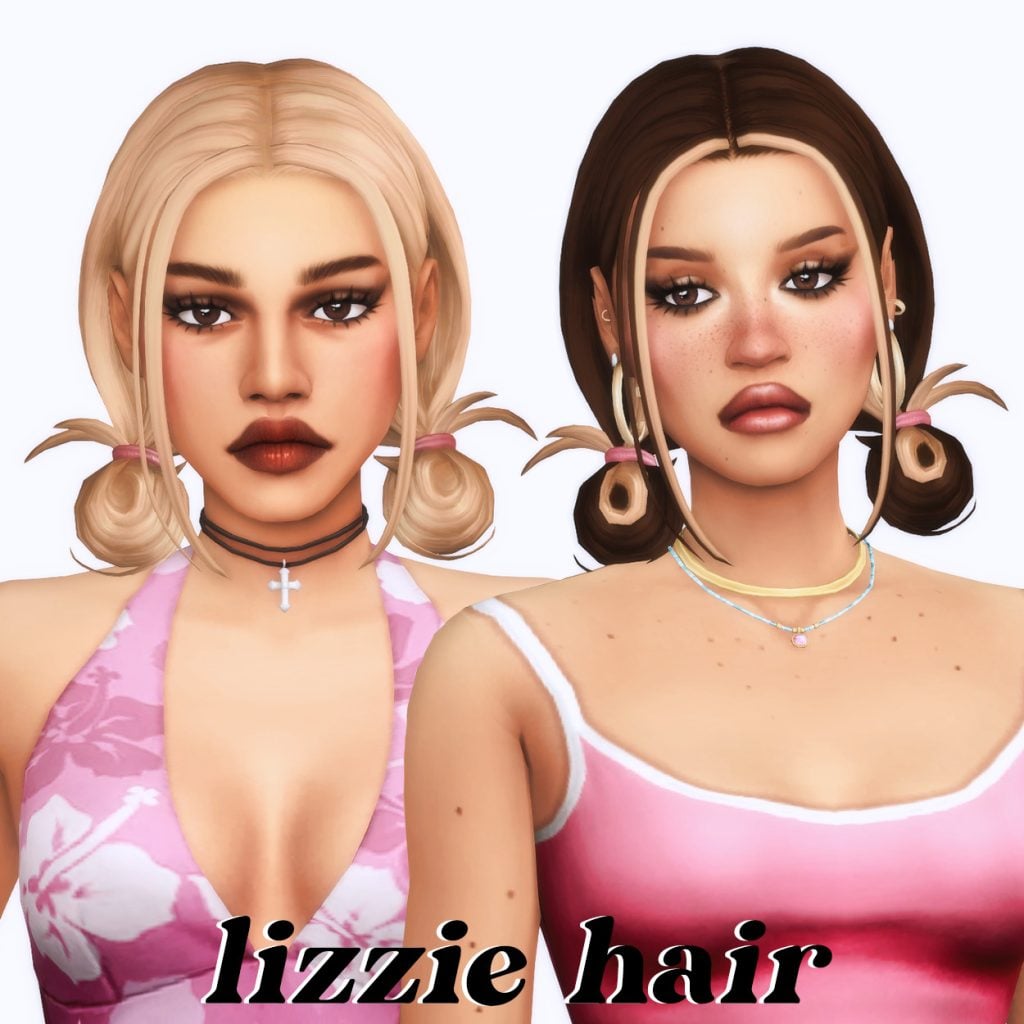
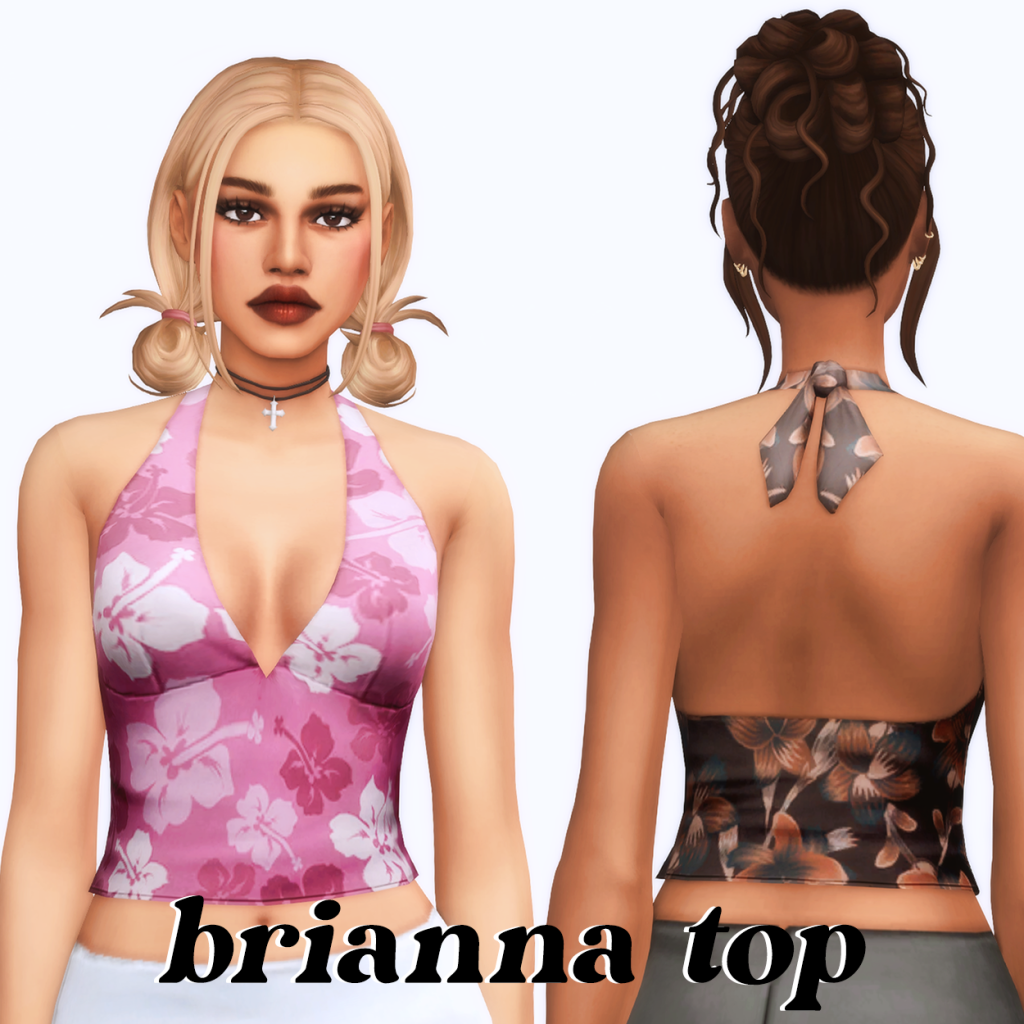
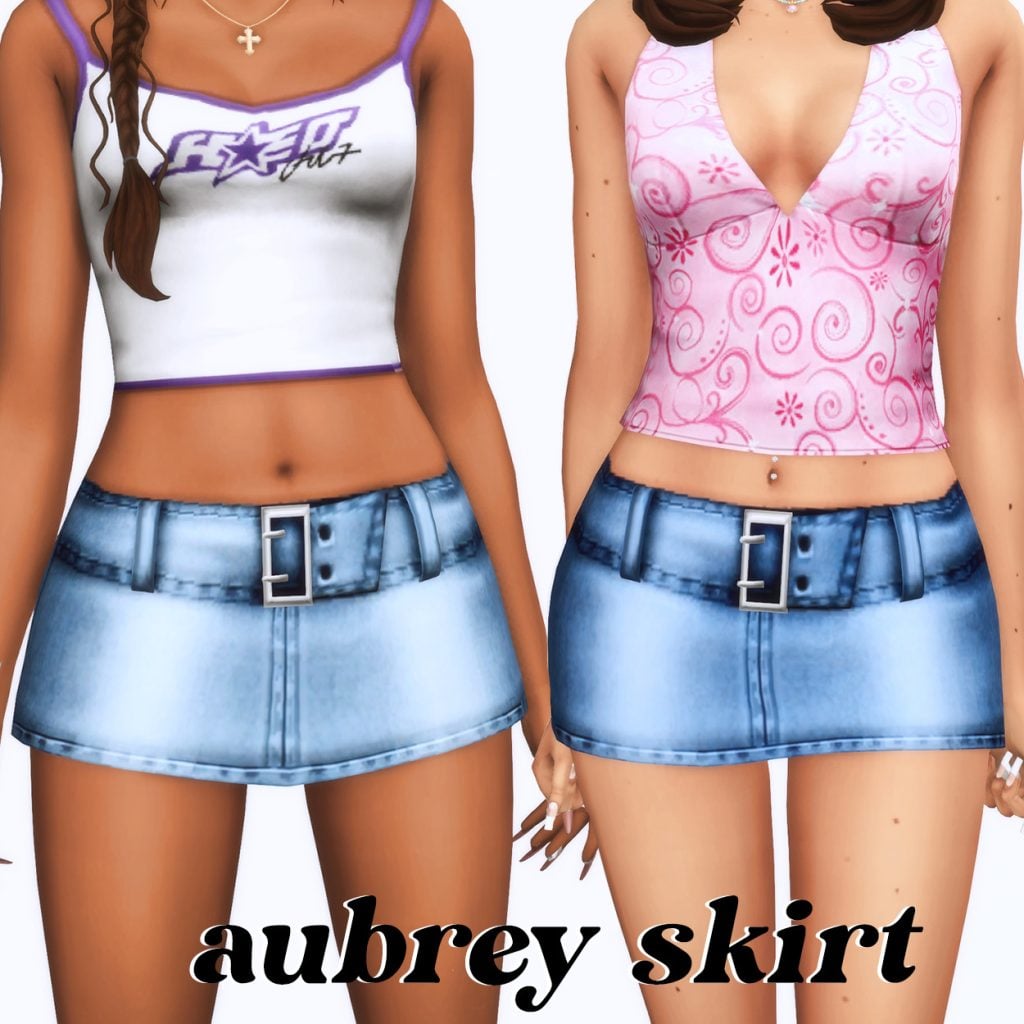
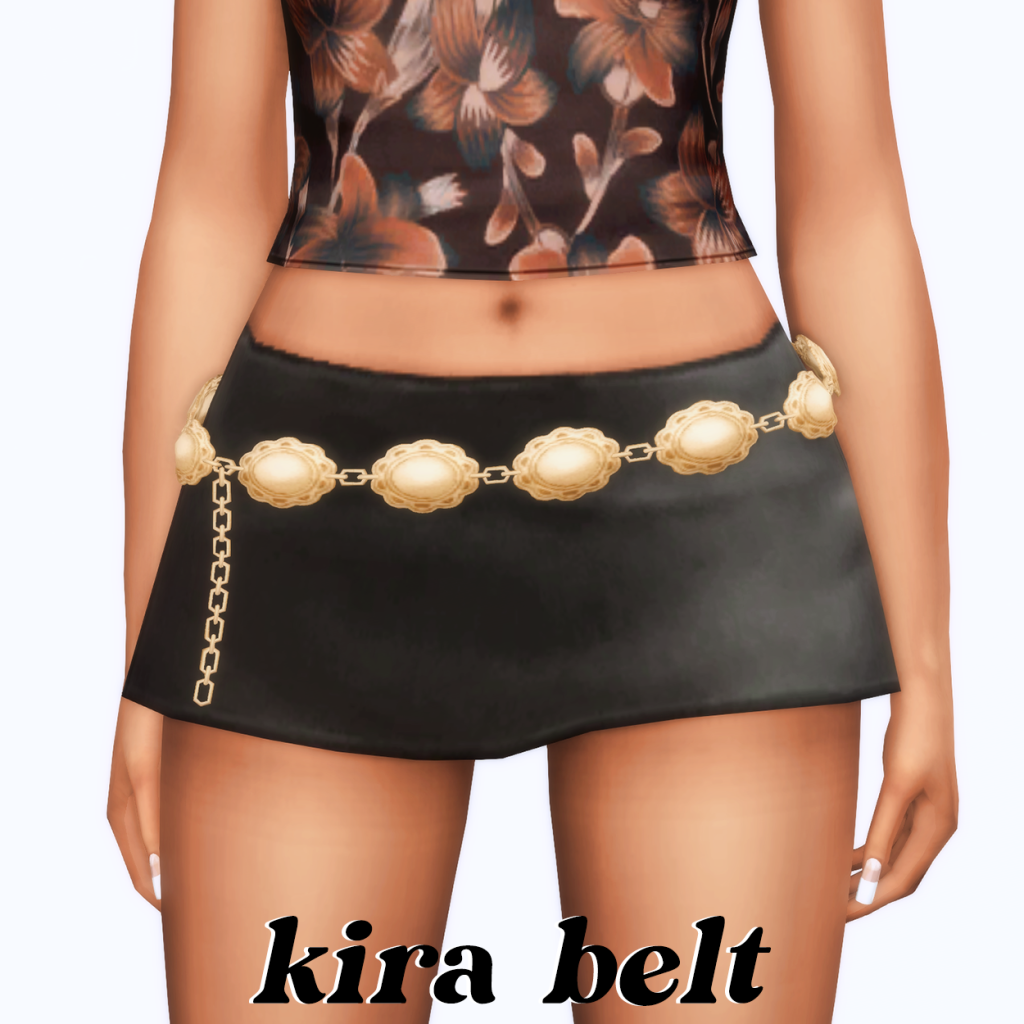
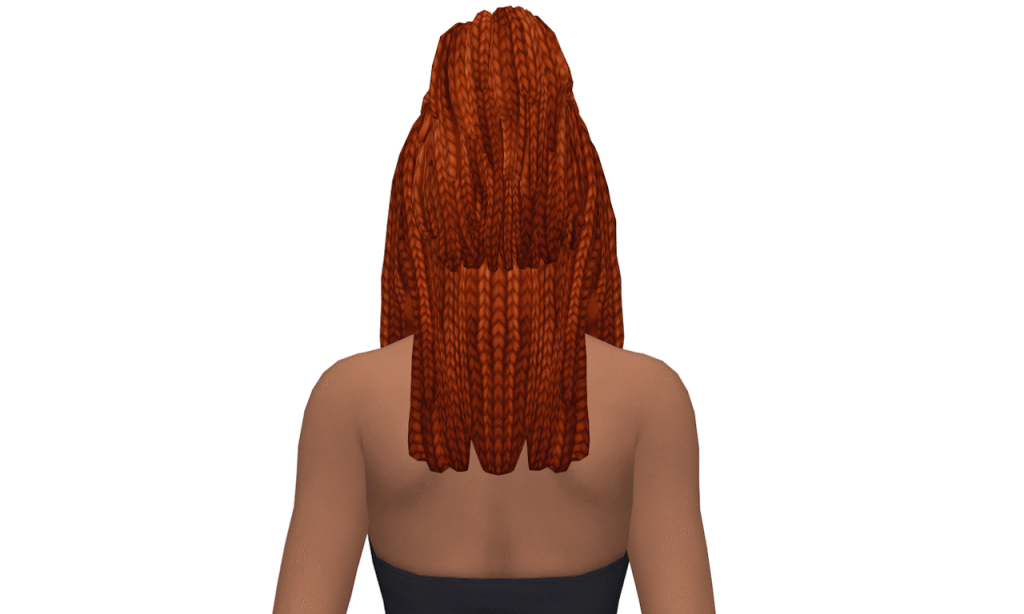
Hot Stuff Collection by arethabee is a set of 10 different CC pieces for female Sims that all have a preppy, late 90s feel to them. You will find 2 hairstyles: Lizzie Hairstyle gives your Sim 2 short, low-hanging buns, while Jada Braids features 2 long, messy pigtails. There are 3 tops, ranging from tank tops to a cute button-up, 2 short skirts. One being denim and the other being an adorable mini skirt. There is also a pair of baggy denim jeans and a belt that could be matched with any of the bottoms! Your Sim will certainly be hot stuff in these!
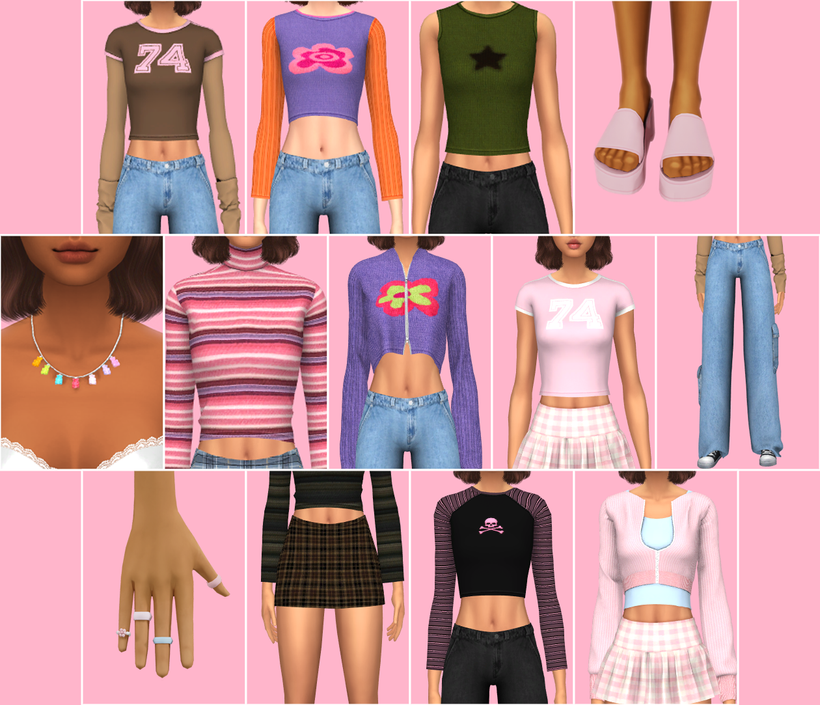
A little throwback vibe with this “90s Girl Next Door” set. Think chill, natural, and kinda nostalgic—like someone you’d have a crush on back in the day. Nothing too over-the-top, just soft, simple moments and that effortless, everyday kind of cute. This set features 2 bottoms, 8 tops, 2 accessories, and a pair of sandals. Super relaxed, a little playful, and very 90s.
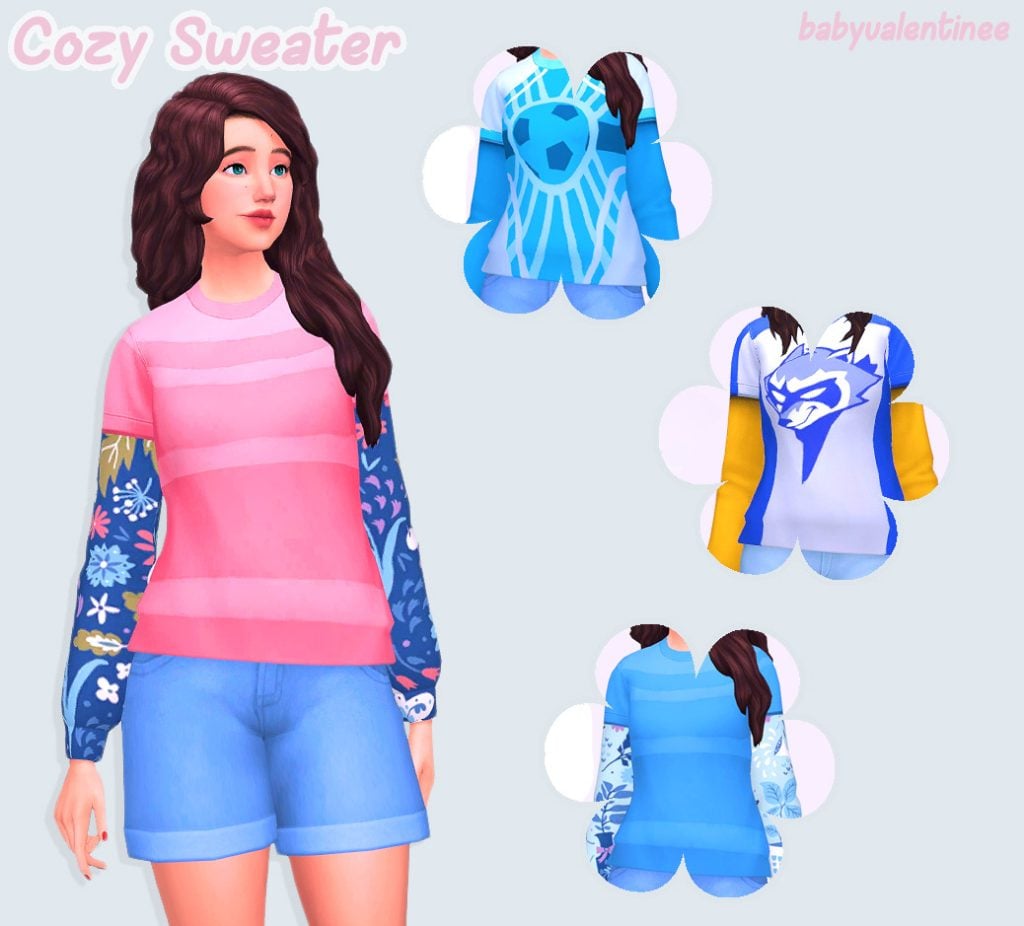
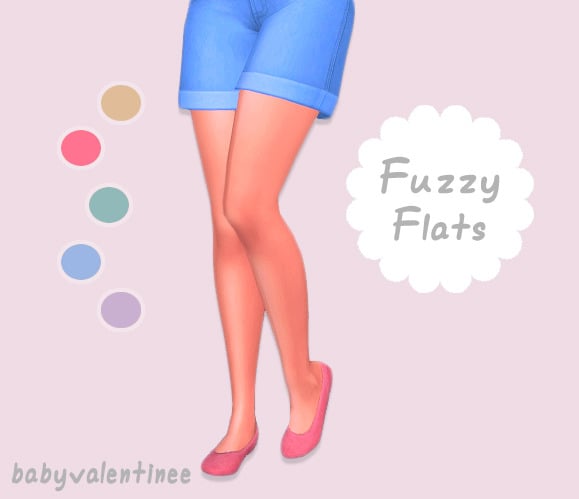
Cozy Sweater & Fuzzy Flats by mintvalentine is a two-in-one CC pack containing a layered shirt and the cutest fuzzy flats available in plenty of swatches! In order for the sweater to work, you do need the Spa Day pack installed. When going for a comfy 90s style, be sure to add this one to your Sim’s wardrobe!
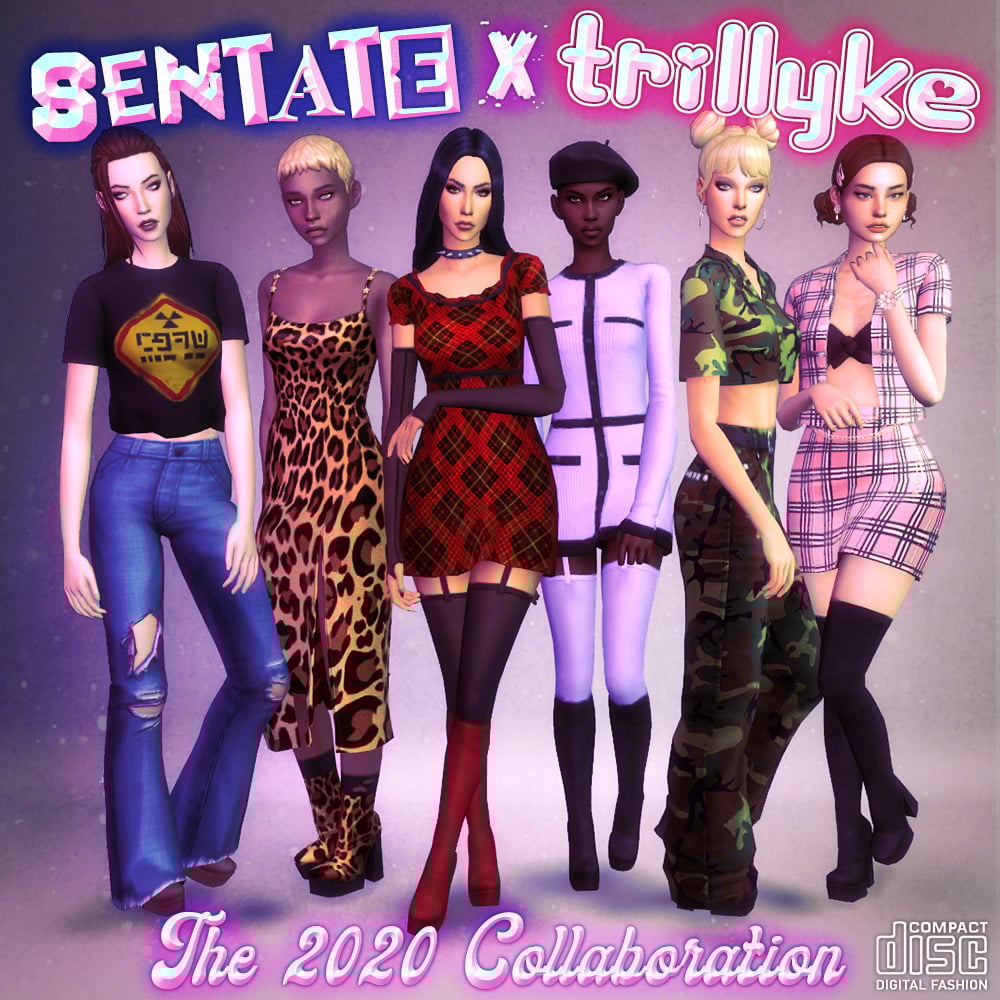
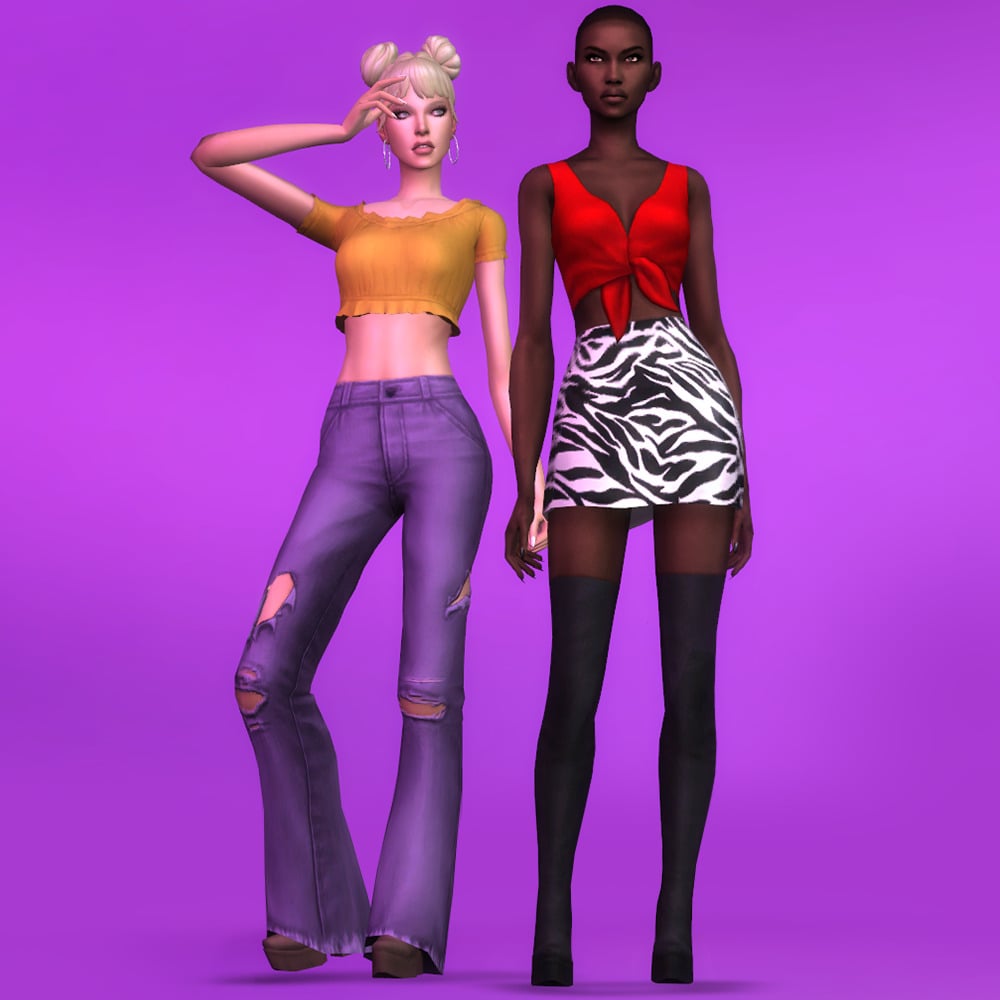
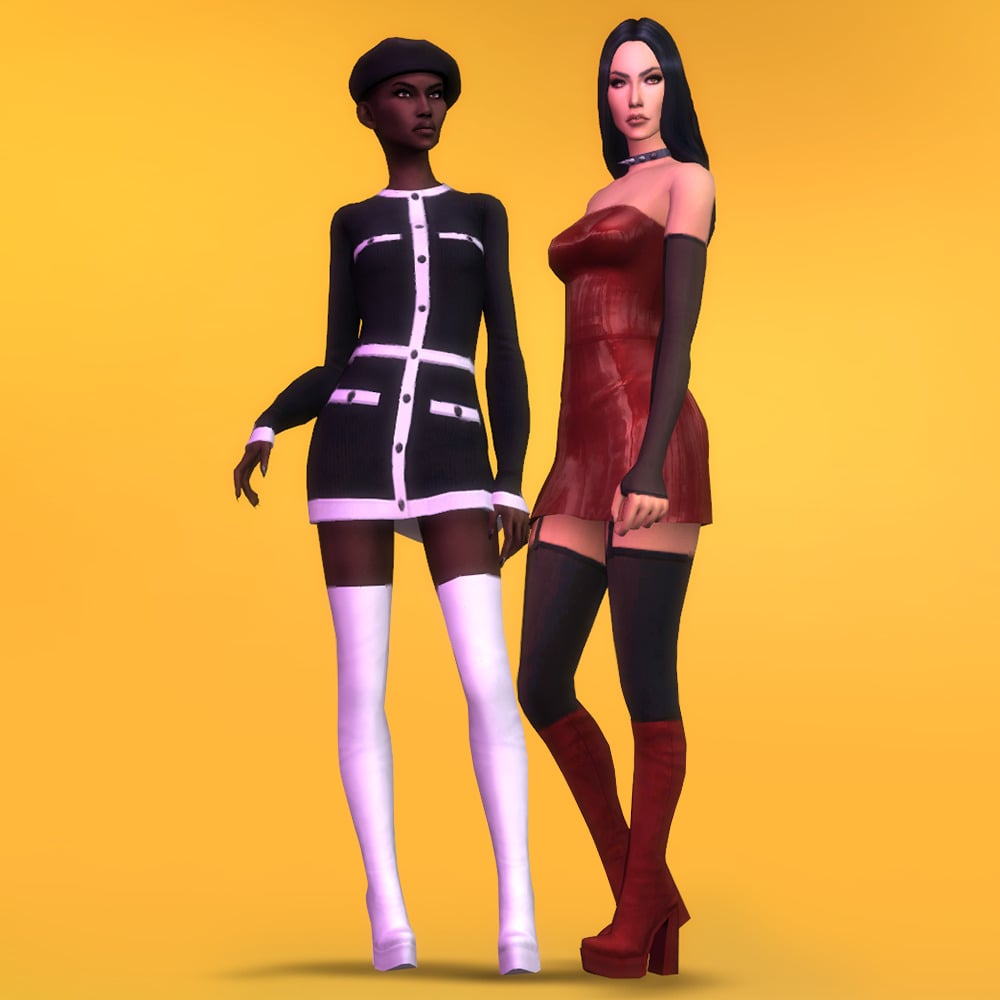
Sentate X Trillyke 2020 Collab Set – Sentate’s Part
This collection by Senate and Trillyke is absolutely stunning, and a tribute to the late 90s grunge theme. Senate’s part of the collection contains 19 items, including 3 outfits, 3 bottoms, 3 pairs of shoes, 7 tops, 1 pair of gloves, and 1 sleeve overlay. The swatches include a mix of striking prints, bright solids, and simple neutrals. If you download Trillyke’s part of the download too, you will have endless mix and match options for your preferred 90’s look!
For a lot of us who grew up in the 90’s, we hold our childhood close and love to look back on fond memories and nostalgia. 90’s Kids Set by FreeganCreations is a CC pack consisting of 4 tops, 2 swimsuits, 2 dresses, and 1 skort that all resemble clothing we may have worn or designs we have seen. A must-have for your Sim’s 90’s wardrobe!
Cher’s Yellow Outfit From Clueless – Get Together by zomgitsmanda
Clueless was a standout movie of the 90’s, now your Sim can rep the iconic outfit thanks to zomgitsmanda with their creation, “Cher’s Yellow Outfit From Clueless”. All pieces of this outfit are included in the download.
Crying Center Unisex Pocket Flare Cargo Pants by Charonlee SIMS
In the 90’s, the baggier the pants, the better. Crying Center Unisex Pocket Flare Cargo Pants by Charonlee SIMS is definitely the baggiest and the baddest! There are 2 different styles, with and without a belt, available in over 50 swatches each. All of your Sims will be able to stand out in these stylish pants since they are available for both male and female Sims!
Grunge Checkered Shirt For Male by MisfitSim_ is a quintessential piece of CC to create a superb grunge look for your male Sims! This top comes in 15 different swatches, each featuring a different undershirt. Misfits and Nirvana, what else could a 90’s Sim need?
Layered Shirt by Gorilla Gorilla Gorilla, is another button-up option for your male Sims, featuring a solid undershirt. Plaid and solid swatches (Over 30 altogether!) are available, and with its baggy fit, would make a great addition to your ’90s-themed outfits!
This top by KK’s Creation should be rocked in every 90’s Sims’ Wardrobe! There are 2 different styles, with and without an undershirt. Have your Sim go to the library in one and the club in the other! Both are available in over 20 of the most gorgeous and well-designed swatches.
Textured Cable Knit Sweater With Shirt Collar by Garfiel
Textured Cable Knit Sweater With Shirt Collar by Garfiel is a nostalgic sweater that features a very realistic mesh and a vibrant white top underneath. The tone of the sweater is very cozy but still a tad preppy, available in neutral tones.
You can never have enough oversized band T-shirts in your 90’s Sims arsenal. This CC pack by AasymCC is a wonderfully done collection of oversized tees for both your male and female Sims. AAsymcCC even translated some of the English words we would normally see on these kinds of shirts into Simlish. With designs tributed to Nirvana, The Spice Girls, and Green Day, there is something for every Sim!
90’s and Hip Hop go hand in hand, this top by Haruka23 embellishes that time with a bright, tie-dye track suit top with graffiti lettering on the back.
Denim jackets shaped 90’s fashion with their relaxed, rebellious, and effortlessly cool vibe. Oversized Denim Jacket by Darte77 is a serious must-have for your 90’s sets! The oversized fit paired with your favorite denim pants will create a rebellious, vintage, and eye-catching look for your Sims!
Need some more graphic T-shirts for your 90’s male Sims? Check out Vince T-Shirt by WisteriaSims, with 18 swatches, you’ll be sure to find the perfect tee!
Baggy cargo pants were most certainly a 90’s fashion favorite! With their flexibility in style and comfort, who wouldn’t want a pair? Ronald Cargo Pants by Joan Campbell Beauty is available in 7 swatches, paired with different accessories and tops. This piece of CC is a must-have for your 90’s theme!
Red Sign Jumper & Stop Accessory Turtleneck by Trillyke
One thing that comes to my mind when I think about men’s 90’s fashion is sweaters and turtlenecks! Red Sign Jumper & Stop Accessory Turtleneck by Trillyke is a perfect 90’s rendition of this classic look. Use the jumper alone or pair it with the stop accessory to go from casual to proper.
Plaid, sweaters, corduroys, jeans, and sneakers – all favorites of men of the 90’s! Urban Classics by KESTRELTEENS is an amazing CC set of 3 pants,2 shoes, and 2 tops that will help you create a more classic 90’s look for your male Sims.
Adrienpastel has created a compilation of wonderful male Sims clothing that has a vintage, 90’s, cozy feel. Within the 8 shirts included, you will find 4 sweaters in different styles, a flannel button-down, 2 baggy tees, and a layered button shirt with Aztec embroidered designs. They have also included 8 pants, which vary from gym shorts to jeans to corduroys. All of these would create a cozy, warm look for your male Sims!
Vibrant and bold streetwear during the 90’s defined a generation, blending oversized silhouettes, loud colors, and cultural influences from hip hop and urban scenes. It was impossible to ignore, and now, with the help of x.bluepill.x, your Sim will be impossible to ignore as well. This set features baggy sweatpants and a track jacket with sharp clouds and sharp colors. Available for both male and female Sims (Separate Downloads).
Have your male Sims strutting their stuff in the parking lot with the help of this CC pack from JolieBean! This vintage collection features 10 different pieces of CC that range from baggy pants to band tees to a handsome collared jacket. Mix and match to create several different 90’s styles, think about the simpler times when you would hang out in your car and talk like time didn’t matter.
Back in the 90’s, jelly sandals were a staple in fashion.Now your Sim can have them too, with Jelly Platform Sandals CC by Trillyke. Available with or without flowers, black or colored sole, and comes in lots of bright, vivid swatches. The perfect addition to any preppy 90’s mall outfit!
Dr. Martens, the iconic British footwear brand, became a defining style symbol of the 1990s. Known for their chunky soles and durable leather, Dr. Martens boots were embraced by grunge, Britpop, and alternative youth subcultures. This CC pack by MMSIMS comes in 10 different swatches and is available for both male and female Sims.
Platform shoes were a bold fashion staple of the 1990s, popularized by pop stars and club culture. Worn everywhere from streetwear to stage outfits and now on your Sims feet! These high, chunky platforms come in 12 eye catching swatches.
Men’s Combat Boots by VHSync could be the perfect finish for your male Sim’s 90’s grunge look! These are available in 12 variations, your Sim will look amazing stomping out the music scene or looking tough when walking the streets.
In the 1990s, headbands were a must-have hair accessory, worn over straight, layered, or half-up styles for a playful, trendy look that defined teen and pop culture fashion. Gia Hair by greenllamas gives us that exact look in 18 EA swatches and the hair is base game compatible. This paired with some of the more “preppy” outfits mentioned earlier in this article would go perfect together!
90’s (male hair) by Wistful Castle gives that shaggy look that a lot of men rocked in the 90’s. This hairstyle is available in 26 EA swatches, is base game compatible, and all male Sim’s aged teen-elder will have the ability wear it. Sweaters or streetwear, this hairstyle will work great for both!
Braids in the 90’s were iconic, and so is this hairstyle from leeleesims1! There are 2 optional accessories, metal beads, and a scrunch which give off serious 90 vibes! Available in 18 EA swatches, base game compatible, and you can even wear hats with this amazing hairstyle.
A complete collection of nostalgic, 90’s themed hairstyles for your Sims. This set is available for both male and female Sims, and is base game compatible with 24 swatches. This set will cover all of your needs from preppy to grunge to streetwear this CC pack has a hairstyle for everyone!
Pigtails were a playful 1990s hairstyle, giving a fun, youthful vibe popularized by pop stars and teen fashion. While the base game does give us a few options, none of them truly capture the 90s vibe. Madison Pigtails by dogsill though definitely gives us that feeling with optional clip accessories, 18 swatches, and is even hat compatible! Pair with the bucket hat below for a super cute, nostalgic look!
Looking for the perfect bucket hat to finish off that 90’s streetwear look? Womens Bucket Hat by Sims House gives that final nostalgic touch in 20 different color options with and without print.
You could find these in almost every vending machine and store in the 90’s. They became an edgy, grunge-inspired touch to any outfit. Thanks to Salem C., your teen Sim can now live the experience with these 90’s inspired tattoo chokers and bracelets!
This 90’s toy craze can now be worn on your Sim with VENUS & CUPID TAMABABY by 1-800-cupid. The mesh and textures on this piece are insane! They are so realistic and well done, and it comes in 11 outstanding swatches. Perfect for pictures or just a little extra touch for your gaming outfit.
When creating the perfect nostalgic 90’s themed outfit for your Sims, you need the perfect accessories to finish the look. Totally Earrings by SunflowerPetalsCC is a larger styled earring with classic 90’s designs available in 10 colors.
Every girl in the 90’s had a glittery, roll on lip gloss in their back pocket or purse. 90s Baby Gloss by SunflowerPetalsCC will give your Sim that iconic shiny look in 10 colors ranging from a neutral pink to a dark purple.
90’s Baby – Eyeshadow by thatsims4core will give your Sim a bright, futuristic, and dramatic look that complimented the 90’s edgy, and experimental style. If you love this, be sure to check out the rest of this creators 90s baby make-up set!
90s Style Curved Nails Set by trillqueen provides us with that long, curved nail style that was a key style in the 90s. There are 9 swatches of this nail set in both dark and light tones. The shine on them is absolutely stunning!
CyFi_FTL_Nails by LVNDRCC is a CC nail set that comes in 10 bright, neon swatches with dark black accents for your Sims. Use this on your 90’s grunge Sims for a pop of color, or on your preppy Sims to make them stand out even more!
Show off your love of the 90’s and maybe even your birthday (like me, 1995 babies!) with this tattoo CC pack by cas.beebee. Choose from the years 1990-1999, placed on the front of your Sim’s left ankle in black ink.
Retro Kids Cartoon T-Shirts For Boys and Girls by juanni84
Some of the best cartoons from the 90’s are featured on these children’s shirts by juanni84. With classic images of characters like Rocco, Reptar, and Arnold paired with the soft colors, it gives a retro but cute vibe!
Let’s Bounce – A Fullbody Outfit For Kids by PlutoSims
Let’s bounce! This fun, full-body outfit for kids by PlutoSims features overalls with a white undershirt and a delightful cardigan that embodies 90’s designs. Available in 33 swatches and is base game compatible.
Sweetina Clothing Set for Child by WisteriaSims, is a darling, vintage outfit set for your child (girl) Sims! The striped top comes in lightly colored stripes with a small heart cut out on the upper chest. Paired with the asymmetrical skirt in playful colors, this could be the perfect 90’s outfit for your Sims!
Back To The 90s v1 – Kids Room SP Needed by silverclone
Back To The 90s v1 by silvercylcone is a nostalgic 90s-inspired set of funky girls’ t-shirts for children, featuring colorful designs based on classic cartoon styles; it will require the Kids Room Stuff pack.
Little rebels in the 90’s were the cutest! This trendy unisex full-body outfit for children features an edgy, street-style look, with 8 swatches; base game compatible and includes optional PSD files for easy recoloring.
These Sims 4 nostalgic CAS finds make it easy to build the perfect retro look! With so many fun 90s sets to mix and match, your Sim will be serving throwback style in no time. If you loved this list, be sure to check out our other amazing CC finds!
The InZOI Update to mark one year into the game’s Early Access phase is dropping this Thursday, March 26 2026, and will come with a wide variety of fixes and features, some on the newer side and some that have been planned for quite a long time. Many of these features are focused on the simulation itself and the fluidity of it, adding new gameplay features to keep things interesting, and making the world more dynamic and everchanging, both in positive and negative ways.
The InZOI update will also likely automatically disable any mods installed, and while we generally don’t have specific guidance for updates with mods as they tend to be fairly stable and the modding community is quite small, early access can bring a wide range of changes that can often make getting attached to save files a battle.
Table of Contents
Summary of Features Coming to the InZOI Update on March 26th 2026
InZOI Feels like a beautifully decorated, but empty, movie set.
InZOI Producer & Director Hyungjun ‘Kjun’ Kim, reading a user comment from early in InZOI’s Early Access
UI Changes
○ An updated calendar system (Also noted in the Gameplay section), showcasing seasons, important events, standard Zoi schedules, and the four seasonal holidays added to the game.
○ The new memory system, mentioned below, comes with a full UI system to track events and notify players when new memories crop up or new milestones are hit.
○ A mini-map is being added for players to keep track of points of interests, as well as where they are in the city without opening the full city map.
○ Keyboard customization is being added, allowing players to change hot keys and re-assign actions to certain parts of their keyboard and mouse.
○ The ToggleModInsight cheat has been added for modders to view what parameters can be exported in or for mods.
Create-A-Zoi
○ Both Style and Zoi Presets can now have specific parts selected to be applied, rather than applying the whole preset.
○ Randomization can also have parts enabled and disabled, allowing you to pick and choose what aspect of the Zoi to change.
○ The skin textures for larger Zois have been improved to be more realistic.
○ The wedding dresses previously added can now be customized and recolored.
○ Any long hairstyles will no longer clip through hoodies, and will instead cut off where they meet.
○ The default underwear for Adult Zois has been updated to new designs.
○ One new bottoms has been added.
○ Babies can now be edited in Create-A-Zoi to change clothes and use the photo studio.
○ Six new outfits for babies have been added.
Build Mode
○ Floor tables and floor cushions are being added, and your Zoi will be able to eat, drink, and socialize at these tables.
○ Floor beds, both single beds and double beds, are being added.
○ New objects for infants including toys and an inflatable baby bath are being added.
○ Property sizes are being updated to standardize them, allowing for custom builds to fit on more lots easier and to provide consistency.
○ More buildings in the world can now be edited.
○ Swimming pools can now have custom heights/depth.
○ New guidelines have been added to make the placing of fences and roofing easier.
○ Resizable rugs are being added.
○ Improvements to objects snapping to the grid.
○ Low tables have been adjusted in height, being raised to avoid clipping.
Gameplay
○ As will be marked on the calendar, the game now has four full seasons and four seasonal holidays to accompany each season.
○ New public parking spaces, driveways, and parking lots have been added around each city, as well as directly on certain residential and commercial lots.
○ As the crime system is expanding and being added to fairly consistently, there are now cars in each city that can be broken into and stolen. Though, it isn’t foolproof; Your Zoi can fail to break in a trigger an alarm at random.
○ Standard bicycles are being added, that can be rode by a single Zoi, or two Zois with one sitting on the back of the bicycle.
○ Three new business types have been added, and will appear around the world and can also be opened by player-controlled Zois.
○ The Movie Theater/Cinema – Zois can visit public movie theaters, or open their own. They have set showing times for certain films, and the genres available include Horror, Comedy, Romance, and Documentaries. Popcorn machines have also been added.
○ The Flower Shop – Zois can purchase or craft bouquets, as well as open florists/flower shops as a small business. These crafted bouquets can be gifted to other Zois.
○ The Massage Parlor – Zois can now offer and receive massages and own a small business Massage Parlor.
○ Zois can now throw birthday parties, including gifts, blowing out candles on a cake, and smashing a Piñata. Zois birthdays, without a social event planned, are also marked on the calendar for easy tracking.
○ New interactions have been added between Zois and babies, as well as Babies and objects and their environment.
○ New romance interactions and animations have been added.
○ Zois can now ask for and exchange numbers with Zois, as well as delete or block contacts after the fact. This also means the NPCs can choose to do the same, though.
Simulation
○ The new memory system (Also noted in the UI section), which will track everything major (or not so major) event of a Zoi’s life, from taking their first shaky steps to graduating University to having their own child.
○ Zois now have proper multitasking for simple actions, like holding different objects in each hand, swapping those objects, and holding things or eating food while engaged in a conversation.
○ Zois now more naturally respond to your Zoi’s actions; The provided example is that if you change a TV channel while a Zoi is already watching, they’ll get annoyed and show their frustration.
Fixes & Improvements
○ Zois have been improved to grab the correct tools for their work, to stop issues like sweeping carpet and vacuuming grass.
○ New ambitions have been added; Master Barista, Master Baker, and Master Bartender.
○ Zois can now craft at any clear desk surface.
○ More actions have been improved with situational/conditional animations, like angrily writing or showering.
○ All lights in the home will not automatically turn off when all Zois in the home are sleeping, and will turn back on when someone wakes up.
○ New items can now be supported with the official InZOI modkit, including animations, accessories, and face mods.
○ Players no longer have to restart their game to apply newly downloaded/installed mods.
○ For Very Low/Low Graphical Presets – Improvements to shadows, textures, and the general appearance of the game on lower settings.
○ For High/Ultra Graphical Presets – Improved yellow lightleaking on higher settings, and shadows are added to the city map.
You can watch the full Update trailer down below:
What feature are you most looking forward to when the update drops on March 27th? Let us know!
For more in-depth information and images of each improvement planned for March 26th update, make sure to check our InZOI news page, where we’ve updated weekly regarding new features planned for this patch. If you’re wondering what to look forward to next, you can also look at InZOI’s official roadmap for 2026.
Welcome to The Sims 4: Life and Death Ravenwood World Guide
Ravenwood comes with The Sims 4 Life and Death Expansion Pack that was released in November 2024. This unique world where ghosts are real and afterlife is a part of everyday life, it gives a mix spookiness, history, and beautifulness at the same time. Let’s explore what this mysterious world has to offer. Boo!
Table of Contents
Built With Community Collaboration
Real Sims builders continue to make the worlds feel more alive! This time, four talented content creators helped build Ravenwood. Be sure to check them out through their social links below.
Create4Sims – Eternal Hollow, The Marigold Chateau, and Moppy Manor.
Kate Emerald – Teardrop Cottage, Crow’s Perch, and the Old Ravenwood Estate.
Simsphony – The Final Draught, Club Eternity, and The Cozy Casket House.
Sofythesim– Specter Family Manor, Mourning Mist Manor, and HeadlessQuarters.
The Sims 4 Ravenwood World Overview
Things always get a little spooky in Ravenwood. The Whispering Glen with its nightly Moon Revelry festivities is perhaps the most “normal” part of the area, where locals have settled down for a slice of quiet, country life. Crow’s Crossing village, however, is clearly quite haunted—swings swaying by themselves, that Merchant fellow down by the Crypt, scary little Edith guarding the Well of Longing and Regret…but despite the hauntings, the living have certainly made it their home as well with a variety of festivals and places to explore. Mourningvale is where things get extra ethereal! It’s well known as a home for Ghosts and those seeking them. Sometimes Grim even stops by!
Ravenwood includes a total of 13 lots, 8 residential, 3 community, and 2 empty lots. Plus one hidden lot. It is built inspired by real places in the Balkan region, especially Romania’s medieval towns.
District: Crow’s Crossing
Crow’s Crossing is a village founded by Moppy the Goat and rumored to be frequented by Ghosts and regular hauntings. Visit the Mysterious Merchant in the old Specter graveyard, investigate the Tarot Tome Shrine on the edge of town, explore an abandoned house, or grand a wish at the Well of Longing and Regret. Just watch out for Edith! Crow’s Crossing hosts a variety of Festivals: – Try Before You Die Casket Sale – Crow’s Crossing Celebration of Life – Ravenwood Family Day Be sure to check out the Town Hall for more information.
Crow’s Crossing is the centre of Ravenwood, and is mostly built inspired by the Romanian medieval town. It have 5 lots that are surrounded by nature and trees in pretty autumn colors. This town is full of history, with many features your Sim can interact with and read about. The buildings are old and unique, and they feel like they have been there forever, each holding its own stories.
Lots & Lot Sizes
Specter Family Manor
Crow’s Perch
Old Ravenwood Estate
Moppy Manor
Eternal Hollow
Specter Family Manor
For decades, this home has housed the Specter family, but now its history is closely tied to Olive Specter, a widow many times over. This house, sits almost like a crow on its perch watching the Specter cemetery below and waiting for yet another skeleton to join the closet. (Or in this house’s case, maybe the basement…)
Residential Residents: Specter Family Household 30 x 20 §104, 793 Lot Traits: On Hallowed Grounds Designed by Sofythesim
Crow’s Perch
Nestled at the highest vantage in the village, this historic building is the perfect home for any family hoping to get the full Ravenwood experience. Head down to the village square to enjoy any of the three local festivals, explore the abandoned houses, or stop by the haunted playground and introduce the kids to Freddy, everyone’s favorite specter.
Residential 30 x 30 §23, 399 Designed by Kate Emerald
Old Ravenwood Estate
Everyone in Ravenwood knows about old Ravenwood Estate. It’s one of the oldest buildings in the village, though it’s been vacant for years. Locals whisper about its regal but oddly overbearing presence, the once fastidiously-tended garden turned wild, and the lovely abandoned greenhouse on the estate’s grounds. Rumor has it this was once the summer home of a powerful Spellcaster and Tarot reader long ago. If a Sim comes along who can get past the flickering lights, foreboding sounds, and other inexplicable happenings inside, they’ll have quite the fixer-upper…
Residential 50 x 50 §200, 434 Lot Traits: On Hallowed Grounds Designed by Kate Emerald
Moppy Manor
Another Ravenwood historical building that boasts a fascinating past. This home was originally built for Moppy. Yes, the goat. It’s now vacant and the perfect home for any Sim moving to the region. There’s lots to do and plenty of goat-laden architecture to ponder. Just don’t be too unsettled if the Moppy statue’s eyes glow at night…or if lights start flickering in the abandoned houses next door. It’s all part of the aesthetic.
Residential 30 x 20 §19, 147 Designed by Create4Sims
Eternal Hollow
Eternal Hollow is Ravenwood’s primary Cemetery. The main building is an intimate locale to say goodbye to the recently passed, and with plenty of graves and crypts still open, it’ll continue to be a popular location for burials for years to come. Locals to Ravenwood know Eternal Hollow’s pond is also one of the better places to find a Death Frog or the rare Bonefish. Whether a Sim is spending their forever here or just visiting, they will certainly feel at home in Eternal Hollow.
Cemetery 64 x 64 §106, 140 Designed by Create4Sims
Points of Interest
The center of Ravenwood offers a lot of things to do. The town square hosts the local festivals, including Try Before You Die Casket Sale, Crow’s Crossing Celebration of Life, and Ravenwood Family Day. Behind the large fountain, you will find Town Hall, where you can write your will and read about ancient archives. And outside the Town Hall you can light a memorial Cannon. Next to the town square, you can explore two abandoned houses and learn more about the town’s ghostly history.
In the town square small blue ghosts called Specter spawns, and they can help your Sim with grieving or finding a quest. Just outside the town, you can find a wishing well surrounded by dead trees. A child ghost named Edith hangs around there, and she is not in the best mood. Finally, near the Specter Family Manor, you can explore the Crypt of Eternity and discover what lies in the underground crypts.
Fishing Spots & Collectables
Fishing Spots:
The is one fishing spot next to the town square close to the Town Hall
Collection:
The Tarot Tome Shrine a bit outside the town square as well where you will be able to start collecting the Tarot Collection.
Epitaph/Tombstone:
Around town there are epitaphs, you can read history about the ghosts that are resting there
Other:
There is four frog collection spots, one next to the fishing sport, another close to the tarot tome shrine, and the last two are next to the wishing well
Two Digs spots close to Tarot Tome Shrine
District: Whispering Glen
Nestled in the rolling hills of Ravenwood’s countryside, Whispering Glen offers a quiet, rural locale for those hoping to take a step away from all the local hauntings and into a slow-paced lifestyle. Steeped in ruins and rumors, it’s paradise for collectors and historians alike. Explore the local Crypt, investigate the Tarot Tome Shrine at the base of the ruins, garden in the shared community plots, or just round out a Collection. Whispering Glen also hosts a nightly festival beside the Ancestor face cliff: – The Moon Revelry (Clothing Optional during the Full Moon).
Whispering Glen is a neighborhood in the peaceful countryside. It has four lots next to the meadows and a river where your Sim can take a nice swim. Their is also ruins to explore. The buildings have an old, ancient style that feels warm and welcoming. It is the perfect place for a family to start their own cozy legacy away from the afterlife (almost).
Lots & Lot Sizes
Teardrop Cottage
The Marigold Chateau
The Final Draught
Hay Hill Landing
Teardrop Cottage
This large family cottage is perfectly situated on the river’s shores, under the watchful gaze of the Ancestor. It’s only a hop, skip, and a jump away from the nightly Moon Revelry festival as well! If that doesn’t sell it, the wrap-around porch is the perfect reminder that sometimes it’s good to slow down and enjoy the small things in life.
Residential Residents: Gomes Family Household 30 x 30 §84, 917 Lot Traits: Great Acoustics, Bracing Breezes Designed by Create4Sims
The Marigold Chateau
This rustic chateau has existed in its rolling countryside setting for over a century now. When the Aethers moved in it was renovated, and it’s clear someone really liked the color pink. In a region that so often celebrates the Macabre, the wildflower gardens outside provide a cheery place to celebrate life in its many forms.
Residential Residents: Aether Family Household 50 x 50 §155, 117 Lot Traits: Convivial Designed by Kate Emerald
The Final Draught
The Final Draught is a cozy establishment, welcoming all beings. The Draught’s regulars come for the dimmed lighting, comfortable seating, and gentle tunes. However, the upstairs is often host to private events—most commonly, events for those saying goodbye to their loved ones. This is Ravenwood, after all!
This empty plot of land, nestled amongst pastoral, rolling hills, is the perfect locale for Sims aspiring to live a simplistic, rural life. A family living here will find themselves just down the old dirt lane from their neighbors and always under the ever-watchful gaze of the Ancestor across the river.
Residential 64 x 64 §9, 000 Lot Traits: Natural Light, Homey
Points of Interest
In this neighbourhood you’ll find another underground crypto in the ruins next to the local bar, The Final Draught. There is also an monument here with an ancestors face on it that you can interact with. You can also plant seeds in the community garden, watch the stars from their telescope during night time, or just relax and look at the flowers planted in the middle of the village. Lastly, there is one festival hosted here, and it’s called The Moon Revelry.
Fishing Spots & Collectables
Fishing Spots:
One fishing spot
Collection:
The Tarot Tome Shrine is in the ruins
Epitaph/Tombstone:
There is one epitaph on a small island, your Sim needs to swim and cross the river to get there
Other:
There are 6 different frog spots scattered around
Dig Spots
District: Mourningvale
There’s something otherworldly about Mourningvale. Maybe it’s the way the wind howls through the moss-draped trees, the eerie clang from the Bell Tower at odd hours, or the sentient plants. No matter the reason, many Ghosts choose to call this place home. The Grim Reaper has even been known to wander through now and then! Sims can find the Baleful Bog here, investigate the Tarot Tome Shrine by the Bell Tower, or listen to the whispers of the Guardian Tree and Alice. Mourningvale hosts a variety of Festivals: – Afterlife Anonymous – Thinned Festiveil Be sure to check out the Town Hall for more information.
Mourningvale is the spookiest neighborhood of them all, and it feels completely different from the other two. It gives a mysterious atmosphere, with thick fog, an old Bell Tower, and strong ties to the afterlife that your Sim can explore. This small town never sleeps, and the ghosts definitely keep it alive in their own way.
Lots & Lot Sizes
The Cozy Casket House
Club Eternity
Mourning Mist Manor
Mystic Crossroads
The Cozy Casket House
Casket House lies nestled along the bog’s edge. The air is thick but peaceful, interrupted only by the haunting whispers of Sims entering the afterlife. Many believe the house got its name due to the empty Casket inside, but in truth, it was first haunted by Catie Casket, a Ghost who finished her Unfinished Business and was Reborn in Willow Creek—or so they say. With its eerie charm, this lot promises potential for any brave mortal ready to make some Ghostly friends or any Ghost ready to start fresh in the life beyond.
Residential 30 x 20 §19, 502 Lot Traits: On Hallowed Grounds Designed by Simsphony
Club Eternity
Club Eternity takes the saying “dance like no one is watching” both figuratively and…literally. If anyone knows how to party, it’s the deceased. With a breathtaking, dark gothic aesthetic, this club’s more Macabre patrons thrive and even Skeptics are convinced that Ghosts still know how to live.”
This green-thumb-friendly manor is conveniently located in central Mourningvale. One of the standout features of this home is the attached greenhouse, which has been converted into a breakfast nook that looks out over the central plaza. This space is perfect home for any Sims interested in gardening…and the afterlife living.
Residential Residents: Izadi-Gomes Household 20 x 20 §74, 968 Designed by Sofythesim
Mystic Crossroads
Recently deceased? Living but Macabre? This spacious lot is the perfect starter spot for any Sim who is seeking an eerie setting and a charming afterlife aesthetic.
Residential 30 x 30 §2, 000
Points of Interest
Mourningvale also have their own Town Hall where you can write your will or read ancient history. The small blue ghosts called Specter appears here as well, and they can help your Sim with grieving or finding a quest. In the middle of this neighbourhood their is a Bell Tower you can ring. It is a symbol of unity, and two festivals are taking place here, Afterlife Anonymous and Thinned Festiveil.
This neighbourhood is more mysterious than the others and have the afterlife ring to it. You can take a swim in this pink/purple foggy water and turn into a ghost for a limited time. There is also two underground cryptos’ here you can explore. Up on the hill next to the ruins their is a Guardian Tree you can investigate, and listen to its whispers.
Fishing Spots & Collectables
Fishing Spots:
Two fishing spots, one next to the swamp and dead trees, and the other one close to the underground crypto
Collection:
The Tarot Tome Shrine outside the Town Hall
Epitaph/Tombstone:
There is a few scattered
Harvestables:
Lemon Tree
Snapdragon Flower
Secret Lot: Netherworld Department
It’s Grim’s office. He works here. While his personal crow should always be the employee of the month, Grim has decided he is the best at his job. He does own the place…and has been Reaping for centuries. Now Grim has opened up his practice to new Grimterns, eager to climb their way up the noncorporeal ladder.
Headless Quarter 20 x 20 §91, 515 Lot Traits: Fast Internet
What is your thoughts about Ravenwood and these three neighbourhoods? Have you ever played with a Sim ghost? Comment and let me know your thoughts below. Read more about The Sims 4: Life and Death here. Keep up with the latest news on Sims Community.
The Sims Team delivers a second hotfix update, fixing the errors caused by the first update.
As revealed last Friday, a new Sims 4 Update is getting released to fix the crashing and launch game issues. Caused by two previous updates that were released this same month.
This hotfix for a hotfix solution is expected to improve stability of The Sims 4 and actually let you open the game, in case you’ve been using a set of different CC / Mod combinations before updating. To give credit to the latest announcement from The Sims Team, this issue only affected about 2% of the player base, according to their report.
Find out what’s been resolved and fixed in patch notes below:
Table of Contents
The Hotfix For A Hotfix Update
Installing the Latest Sims 4 Update
You can get the latest The Sims 4 Update on the following official launchers and platforms:
You can download the latest Sims 4 Update by checking for a Patch through the EA App, Steam or Epic Games launcher for Desktop. If you have Automatic Updates enabled the update will automatically download through your client program. In case your EA App is not working properly ensure you’ve cleared your app cache!
If you play The Sims 4 on Xbox Series X / S and Playstation 4 and 5 you can request a new update by checking for updates under The Sims 4 game in the Main Menu. If you’ve enabled automatic updates the Patch should download right away.
There’s also a handy official guide to Mods and CC maintenance, as well as backing up your Saves! Click here to learn all about healthy upkeep of your The Sims 4 files.
We have a fix for the CC and Mod users out there that were still encountering problems launching the game. All of your CC should now load and work as expected. Thank you for your quick reporting and assistance in resolving this one!
-The Sims 4 Team
Bug Fixes
Fixed an issue where the game could crash on launch for 2% of players using specific types of custom content, under certain circumstances.
Resolved an issue that caused a main menu message to appear more frequently than intended.
The update is around 112MB on Mac.
What’s your status and success with updating and launching the game after the latest Sims 4 Update? Let us know your progress in the comments down below and stay tuned to Sims Community for all the latest Sims News!
As many members of The Sims Community likely already know, the Sims and Lofi Girl teamed up yesterday and quietly posted teasers for some sort of collaboration, though they did not provide details to tell us what that collaboration is. However, today, a Sims Lofi Soundtrack was released quietly on Youtube by Lofi Publishing, the company behind Lofi Girl, with 25 videos in their standard musical style mixed with classic The Sims entry songs.
Although we still have not gotten official word from The Sims Team or the Lofi Girl team, it seems that the collaboration revealed yesterday includes a Sims Lofi Soundtrack! Taking music tracks from series entries both new and old, the playlist has 25 videos posted on March 22nd, with planned publishing today, March 23rd.
Sims Lofi Soundtrack RELEASED
Officially titled “Lofi Girl x The Sims – cozy music to feel ooh be gah!“, the playlist has 25 videos and soundtrack entries published yesterday that includes songs from the mainline Sims entries and multiple spin-off series like MySims. Some standouts that will likely be recognizable for many players include the very first entry, The Sims 2 Theme, as well as The Sims 3 Theme and other themes from MySims, MySims Kingdom, and more!
This collaboration seems to be primarily appealing to the rise in popularity of lofi, relaxing, and instrumental music that lacks lyrics that some may find distracting, while also cashing in on the nostalgia of earlier entries of The Sims and earlier console spin-off series of the 2000s and 2010s.
The Track List
While we don’t know if this is the end of the collaboration, or if we can expect something in-game or otherwise, all we currently know is that the full track list includes 25 songs, all ranging around two to three minutes long or so.
The Sims 2 Theme – 2:43
Some Assembly Required – 2:35
Consumerism Simplified – 2:47
Bossa Da Neeba Doo – 2:45
The Sims 3 Theme – 2:26
MySims Theme – 2:46
Waiting For – 2:34
Groove on – 2:53
It’s the Sims – 2:31
CASa – 2:47
MySims Kingdom Theme – 2:36
Test Card 68 – 2:34
Sim Time Sim Place – 2:31
Podie Tie – 2:37
Mayzie Grove – 2:48
Obrayzow – 2:45
Love is True – 2:56
Makeover – 2:33
Candy is World Famous – 2:26
Builder – 2:43
Enchanted by Nature Theme – 2:47
Chocolate – 2:35
In My Head – 3:14
Sweet Animal Island – 2:32
Sims Straight Ahead – 2:22
Have you given the Sims Lofi Soundtrack with Lofi Girl a listen yet? As far as we’ve seen, it’s available on most of the popular music platforms including Youtube, Youtube Music, Amazon Music, Apple Music, and Spotify.
As we head into a very uncertain era of the mainline Sims franchise and the series as a whole, make sure to keep up with The Sims Community while we keep you in the loop about any future collaborations and celebrity appearances we’ll see in the near future!
Are you looking for some new life simulation games to add to your rotation? Maybe something a little different from The Sims but also one that feels somewhat familiar? Then we might have just the thing!
Over recent years, the life simulation genre of gaming has continued to grow in leaps and bounds, and for 2026, it looks to be another strong year for these kinds of games. That’s not to ignore some of the many life simulation games that launched in the last few years too.
With so many to explore and experience, sit back, relax and see even more ways that you get to play with life in new ways with these life simulation games.
Paralives is the highly anticipated indie life simulation game from the Paralives Studio Team and Alex Massé. Launching in just a couple of months, players will be able to build their dream homes, create their own Parafolk and manage their characters’ day-to-day lives the very way that you want!
Tomodachi Life is back in a brand new instalment from 2026! You become the caretaker of an island, but not just any island. It’s one full of chaos, love, rivalry, drama and so much more. With a variety of Mii’s to customise, including their outfits, personality traits and quirks, there’s certainly plenty to explore. However, you can also make their dream rooms with a variety of furniture, wallpapers and flooring to match each Mii’s vibe and experience an array of mini games!
Platform(s): PC, Nintendo Switch/Switch 2, Xbox Series Consoles
Dive into the magical world of Mossport, a colourful and unique city by the seaside. You’ll find yourself alongside many other aspiring characters at Witchbrook College. Learning how to master magic, make friends, solve mysteries and more! Better still, you can adventure with up to four friends in multiplayer too!
Platform(s): PC, Nintendo Switch/Switch 2 and Mobile
Step into a world full of vampires in this unique life simulation experience in Moonlight Peaks. Your task is to prove yourself to Count Dracula and show that anything is possible in life even if you aren’t exactly alive. Farm, craft, build, fish and date other vampires in this magical and mysterious game.
Platform(s): PC, PlayStation 5, Xbox Series Consoles and Nintendo Switch
Palia is a free cross platform life simulation game that’s also a massively multiplayer online game. A game where you are always welcome and can find a cosy and enchanting world filled with magic, adventures and charm!
An immersive and realistic life simulation game where you can customise and manage every single detail. Build your Zoi’s dream home, follow their dream career path, build relationships, get married, have a family and explore the open world. Be the director and curate the perfect world and manage your Zoi’s own needs. inZOI features a new take on life simulation games.
Play as Ditto, who has mastered the skills of transforming into a human looking being and adopting moves from other Pokémon to help rebuild the world, befriend Pokémon, create habitats, grow crops, build houses, complete requests and more! So cosy down with your favourite Pokémon friends and help return the town to what it once was before! You can also grab your friends to join in the fun, too.
Platform(s): PC, PlayStation 5 and Xbox Series Consoles
This anime inspired cosy life simulation sandbox game has you taking life at a slower pace on a stunning tropical island. Players can farm, fish, craft, and raise animals (including capybaras) as well as explore various mysterious locations and build their own homes.
Platform(s): PC, PlayStation 5, Xbox Series Consoles, Nintendo Switch/Switch 2 & Mobile
Make a life simulation game but mix it with Disney! Players can rebuild and refresh the various locations, craft and farm items, make friends with popular and much loved Disney characters and work towards banishing the Forgetting to help recover long lost memories.
These nine life simulation games are just some of many that are popular and much loved games that have been out for some time, as well as fun and interesting looking upcoming releases.
Do you have a favourite life simulation game that you enjoy playing? Maybe you have one you’d love to see the Sims Community Team cover in the future. Let us know your thoughts in the comments!
Hello, it’s Krista! It has been a while, right? I hope you’re all doing well.
Thank you for taking the time to read my first official post back after my hiatus. You’ll find me dropping in from time to time, talking about the more cosy side of gaming as well as exploring new and exciting upcoming life simulation games!
Smack dab in the middle of the few months between Paralives old release date in February and the new release date in May 2026, the development studio and developers themselves have made a very active effort to show how they’re using that time to improve the game for Early Access launch.
As modding and modders for Paralives was something they’ve discussed wanting to support and make an essential part of the community and playerbase surrounding Paralives, they have now begun to build an official Paralives Modding Toolkit, providing guides to modding in specific items, pointers, and tips to make the process smooth for all the new players and modders looking to dip their toes into Paralives in May. This is a new section being added to the in-progress and pre-existing Paralives Wiki.
These resources are still somewhat under development, and the Wiki itself includes mentioned tutorials that are still being written, and will likely not be linked on the Wiki until they are fully fleshed out and closer to launch. However, so many tutorials have already been created, from overall fundamentals like just creating a new item or uploading to the Steam workshop, to specific fine details of making custom content.
Table of Contents
Tips for Modders
If you are unsure how to mod something, you can open the Control Panel and find out how game content was set up and integrated.
Press Ctlr+F2 at any time to open the Control Panel
Use the Console (Ctrl+F1, Console mode) to see if your mods cause errors or exceptions in the code. No red errors should appear in the console.
If something doesn’t work, try restarting the game. Some changes in settings may break game data, but work after a game restart.
Lists of elements in the Control Panel can be searched and re-ordered.
Limitations of the Official Modding Tools
Paralives’ official modding tools are all about editing existing game content, adding new content, or removing content from the base game. The modding tools do not support scripting to create features. Official script mods are under consideration by the development team, but are not confirmed.
While almost every piece of game content can be modded, some things are not moddable:
Interfaces: The layout, style, and colors of the UI windows.
Paralives Modding Guides
Creating a Basic Furniture Item – Paralives Modding Tutorial
1) Create the item
Find the Items tab in the Control Panel, under the Build category. Once in the menu, click on the + button next to All Items to add a new item. Scroll all the way down to find the new item.
2) Name the item
Name the item in the Display Name field. Click on the little icon next to the field to open the Edit Translation menu. Make sure to also write the item’s name in the Translated text field.
3) Create a Prefab
Click on the little icon next to the None button of the Prefab field. This will prompt a pop-up to create a Prefab. Input the item’s name for New Prefab Name, and press OK to launch the Prefab Editor.
The default view in the Prefab Editor.
4) Add ItemMeshReference
To add a mesh, make sure to have the item’s Root selected, and select Add. From the pop-up menu that appears, search and select ItemMeshReference.
When scrolling to the bottom, there should now be the ItemMeshReference section.
5) Select a FBX
Click on the button next to Asset Mesh to select the mesh. If the asset was imported properly, it should appear within the list.
6) Fit the bounding box
The item should now be inside the blue cube. The blue cube around the item is the item’s Bounding Box: it defines the size of the selection UI, how the item will snap to walls and other items, and whether the item is out of bounds. It should be fitted to the item. Click the GO button next to Set Edited Prefab Size to Mesh Size to get the box perfectly shaped to the item.
This is what the bounding box looks like when perfectly fitted to an item.
7) Add a surface
Add a surface to the item. This is the material that the item will have. Click the + to add a surface, then None to get a selection pop-up. Pick from the many surfaces already created in the game, or create your own (see Adding Texture Assets to Create Surfaces).
The surface chosen will display on the item.
8) Save your item
This wraps up the steps in the Prefab editor. Click Save and return to the Items page.
9) Add an item tag
The item needs a tag to appear in the Build Mode catalog. Click the + to add a tag, and click on None to choose a tag in the list. The tag will also give the item a base price, as well as some other settings on the back-end.
10) Add swatches
Last, the item needs swatches. The item from this tutorial is quite basic and made of a single surface/color. Pick an already existing Swatch Group like BasicWood, which sets up the item with already picked out colors for a wooden item. Set Swatch Color Zone Count and Swatch Thumbnail Type to OneColor.
The new item should now appear in the Build Mode catalog.
Creating a Clothing Item – Paralives Modding Tutorial
1) Add a new equipment
In the Equipment section of the Control Panel, under the Characters category, find Equipment. Click on the + sign to add a new piece of equipment, and scroll down the list to find it.
2) Name the new equipment
Name the new clothing item and select HumanAdult as Character Model. The other options can be used for toddlers or pets.
3) Add the mesh
Click on the + right to Meshes to add a mesh. This example uses HumanTshirtRoundCollar.
4) Add the mesh slots
Click on the + button to add Mesh Slot GUIDS. Mesh Slot GUIDS indicate where the garment is located on the body, and the game will replace the body part with the mesh. An underwear top, like a bra, can be added to hide the underwear for optimisation or when it’s visually more interesting.
5) Add the textures
This garment is a close-fitting top. In this scenario, there are two textures: a pecs version and a breasts version. The breasts version will have more shadows painted in the texture to help convey the idea of volume.
Click the + to add the required textures.
6) Add the pecs version
Select the texture for the pec version.
Select the type of equipment in the ZOrder Layer line. Each texture appears on the Parafolk in a specific order, with some able to overlap others, called the ZOrder Layer.
For the texture condition, select HasBreasts and leave the box unchecked since this is the pec version of the texture.
7) Add the breast version
For the breasts version, repeat the same steps, but make sure to check the last box.
8) Add equipment tags
Check the Visible In Catalog box to enable the new item in Paramaker. Click on the + to add a tag. Add as many tags as needed; these are the categories in which the garment will appear. For example, Tops is a main category, and CasualShirts is a specific category.
9) Add the Deformation texture map
The equipment is a t-shirt, and it needs to be a little stretched when breasts are equipped on the Parafolks, instead of following every curve of the body.
Select TextureMapHumanTopAlternate to indicate to the game which zone is affected by the clothing deformations.
10) Find the equipment in the Paramaker
Inside the Paramaker, go to the clothing item category; in this case, it’s Tops and CasualShirts. Find the clothing item at the end of its category on the list and click it to equip it on the Parafolk.
11) Generate the thumbnail
Hover the mouse on the thumbnail and Ctrl+Click to generate a new thumbnail.
Changing a Sound – Paralives Modding Tutorial
1) Select the current sound
Go to the Audio section of the Control Panel, under the General category. Browse the Audio Containers and pick one to edit or select the Search button and type the name of the sound to be changed.
2) Change the asset
For this example, let’s change the UISharedGeneralClick audio container which is the generic Click sound. Change its Audio Asset by clicking on the highlighted rectangle and typing the name of the desired sound. Then, select the sound in the list.
3) Test the sound
Test the playback of the sound by pressing on the highlighted Play button to make sure it’s working properly. It is possible to stop the container’s playback if it’s a long audio file with the Stop button.
4) Adjust the parameters
Adjust the Volume and Pitch parameters of the sound to taste. Playback the sound to test out the result.
Integrating a Music Track – Paralives Modding Tutorial
This guide will cover the integration of Build mode, Paramaker, and Main menu music tracks in the Paralives modding tools, step by step.
1) Open the Music audio container
Go to the Audio section of the Control Panel, under the General category. Locate the Music audio container and open it. It should appear at the top of the audio container list. If not, search for it with the search button.
2) Open a game mode
Open the container of the desired game mode to add music inside. Then open the highlighted container if it’s set as RandomContainer.
Click on the “+” button to add a new container to the game mode’s random container. Open it and give it a name.
4) Add an asset
Open the asset menu by clicking on None. Search for the desired music’s audio file and select it. For more information on how to add your audio files to the game, see Creating a Mod and Uploading to the Steam Workshop.
Now the selected music track should occasionally play whenever the user is in the respective game mode.
Creating a Mod and Uploading to the Steam Workshop
1) Create the mod
When booting the game, find Modding Tools on the Main Menu.
On the My Mods page, click Create New Mod.
2) Name the mod
In the pop-up window, name the mod.
3) Find the mod’s folder (if adding files)
Click on the folder icon to open the folder’s location.
It’s also possible to follow the path C:\Users\YOUR_USER\AppData\LocalLow\Paralives to reach the mod’s folder.
4) Add files to the folder
Drag and drop the files into the folder. File types supported are:
Texture files: png, jpg
3D Mesh files: fbx, obj
Mesh deformations: obj
Character rig: fbx
Animations files: .catalog (fbx animation files must be packaged in Unity, link here to Alice documentation page)
Audio files: ogg, mp3, wav
Text files: txt
Font files: ttf
5) Create game content
Follow some of the many guides available to add game content for the Live Mode, Build Mode, and Paramaker.
Click on the picture icon to open a menu to choose an image to use as a thumbnail. The image should be square or else it will be cropped, and should be less than 15MB, otherwise the upload to the Steam Workshop will fail.
7) Uploading the mod to the Steam Workshop
Go back to the My Mods page. Next to the mod, click on the cloud icon.
Add a description to the mod in the pop-up menu. This will be the description that will be displayed on the Steam Workshop page.
8) Add images and edit the workshop page
The game will prompt to open the Steam Workshop page. Open it. Once on the mod’s page, click on Edit title and description to change the name of the mod or the description. It is possible to add images in higher resolution and in HD format for the mod’s image carousel, in Add/edit images & videos.
9) Updating a mod
It is possible to update a mod at any time from the game’s My Mods page by clicking on the cloud icon next to the mod. A prompt to add Change Notes will appear, in which it is recommended to describe the changes that were made in the update. The change notes appear on the mod’s Steam Workshop page and are visible to the public by default, under {0} Change Note (view).
Snuck into the Creating a Mod and Uploading to the Steam Workshop tutorial was an image to showcase where to find the official Modding Tools, but also was a look at the Official Main Menu screen! It shows the seaside of the town that will be available upon release, with a beach empty of Paras but full of decor and clutter, helping the world to look lived in and very colorful!
Paralives has planned for an Early Access release on May 25th, 2026, which is right around the corner in the grand scheme of things. Make sure to follow The Sims Community while we keep you up to date with new releases and behind the scenes for Paralives before their big launch!