Home Blog Page 25

How to Set Up a Sims 4 Survivor Competition with Adventure Awaits

Outlast other Sims with the Sims 4 Survivor Competition Custom Getaway from Adventure Awaits!

The Sims 4: Adventure Awaits introduces custom challenges and competitions, letting you live out all of your reality game show dreams through your Sims, including the one and only Survivor! Survivor is a game show that tests the boundaries of social and physical limitations, challenging the contestants to “outwit, outplay, and outlast” each other to be the Sole Survivor and win the prize money. Contestants live on a beach with very few comforts, in close quarters, and in any weather condition. They compete through physical and mental challenges as a team and, eventually, on an individual level.

The Sims 4 Survivor Competition from Adventure Awaits, Jeff Probst

With the addition of Custom Getaways, you can assign Host and Competitor Roles, activities, and more to create your very own The Sims 4 Survivor competition.

Set up the Competition

Time Slots

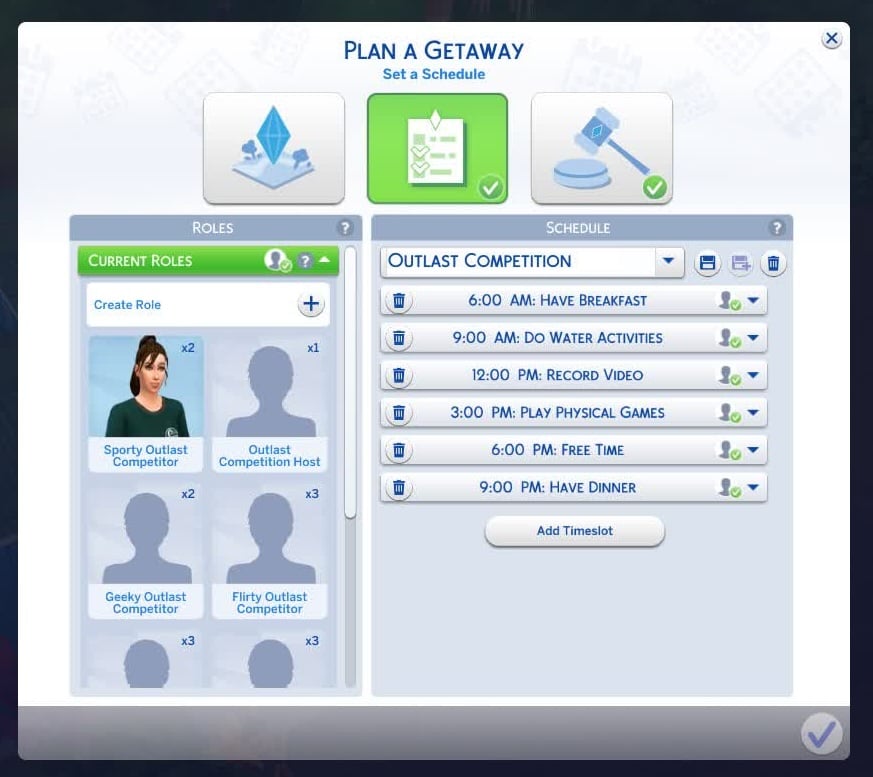
Use the Phone to create your Custom Getaway. From here you can choose your destination venue and more. To set up your Survivor competition, I recommend starting by planning out the time slots for the day. Thinking of the day like an episode of Survivor with two challenges, some gossiping, confessionals, and spending time in the water before Tribal Council, I planned the following time slots:

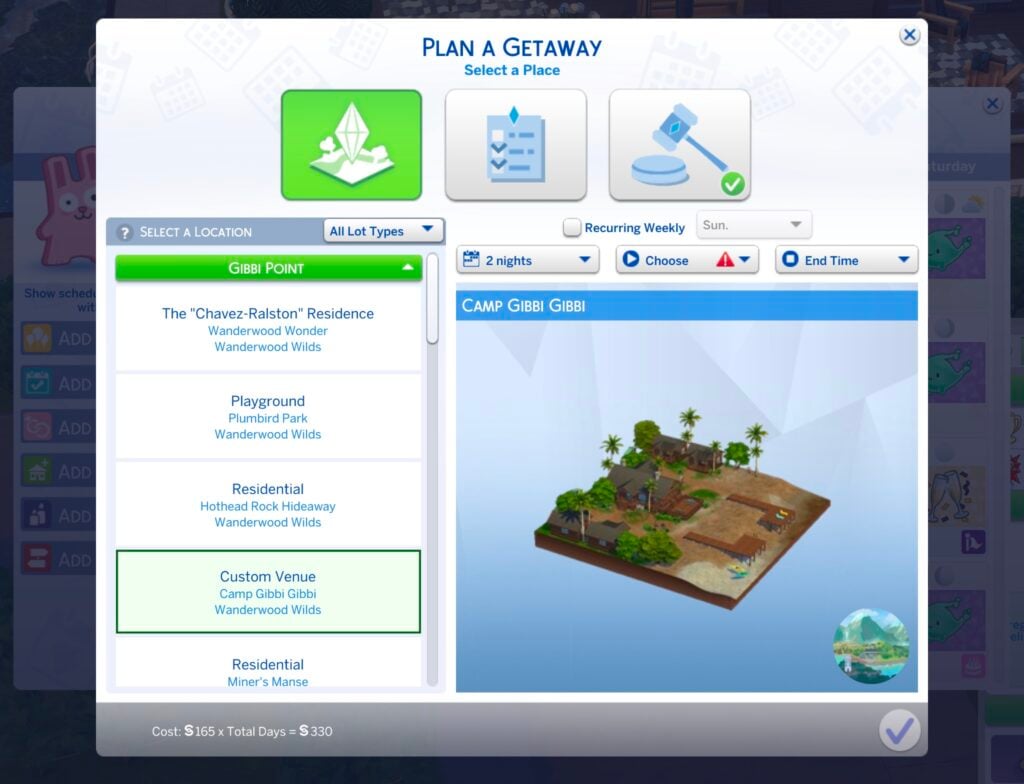
The Sims 4 Survivor Competition from Adventure Awaits, Plan Custom Getaway

Roles & Activities

Next, I focused on setting up the Roles for my Host and Competitors. I followed the common reality game show tropes and created seven Roles: Host, Geeky Competitor, Sporty Competitor, Flirty Competitor, Businessy Competitor, Messy Competitor, and Influencer Competitor. All Roles were given the Ages Young Adult and older requirement.

Role TitleAssignments
HostCelebrity Level: Three-Star Celebrities+
Traits: Competitive, Outgoing, Seasoned Romantic Host, Adventurous, Loves the Outdoors
Activities: Outdoor Recreation, Be Friendly, Enjoy the Outdoors
Geeky CompetitorSkill Levels 2+: Apothecary, Archaeology, Entomology, Fabrication, Flower Arranging, Gardening, Gemology, Logic, Programming, Research & Debate, Robotics, Rocket Science
Traits: Cringe, Wise, Good, Goofball, Perfectionist, Ambitious, Nosy, Disruptive, Loner, Geek
Activities: Campfires, Summer Activities, Outdoor Recreation, and Hangout by Fire
Sporty CompetitorSkill Levels 2+: Archery, Diving, Fishing, Fitness, Rock Climbing, Skiing, Snowboarding, Wellness
Traits: Active, Adventurous, Bro, Cheerful, Competitive, Disruptive, Erratic, Evil, Hot-Headed
Activities: Outdoor Recreation, Work Out, Hangout by Fire
Flirty CompetitorTraits: Self-Absorbed, Neat, Materialistic, Hot-Headed, High Maintenance, Lovebug, Jealous, Snob
Activities: Be Romantic, Hangout by Fire, Be Flirty, Outdoor Recreation
Businessy CompetitorCareers: Critic, Culinary, Simfulencer, Education, Doctor, Conservationist, Tech Guru, Detective, Romance Consultant, Politician
Traits: Self-Absorbed, Competitive, Materialistic, Insider, Hot-Headed, Practice Makes Perfect, Overachiever
Activities: Read, Outdoor Recreation, Hangout by Fire
Messy CompetitorTraits: Childish, Disruptive, Erratic, Evil, Goofball, Hot-Headed, Jealous, Kleptomaniac, Macabre, Materialistic
Activities: Campfire, Be Mischievous, Hangout by Fire, Cause Mischief and Mayhem
Influencer Competitor Celebrity Level: Two-Star Celebrities+
Careers: Simfluencer
Traits: Ambitious, Evil, Hot-Headed, Insider, Materialistic, Non-committal, Party Animal
Activities: Outdoor Recreation, Be Flirty, Hangout by Fire, Cause Mischief and Mayhem
The Sims 4 Survivor Competition Roles from Adventure Awaits

The above traits, skills, etc., for the Roles can be changed as you see fit for your gameplay. 

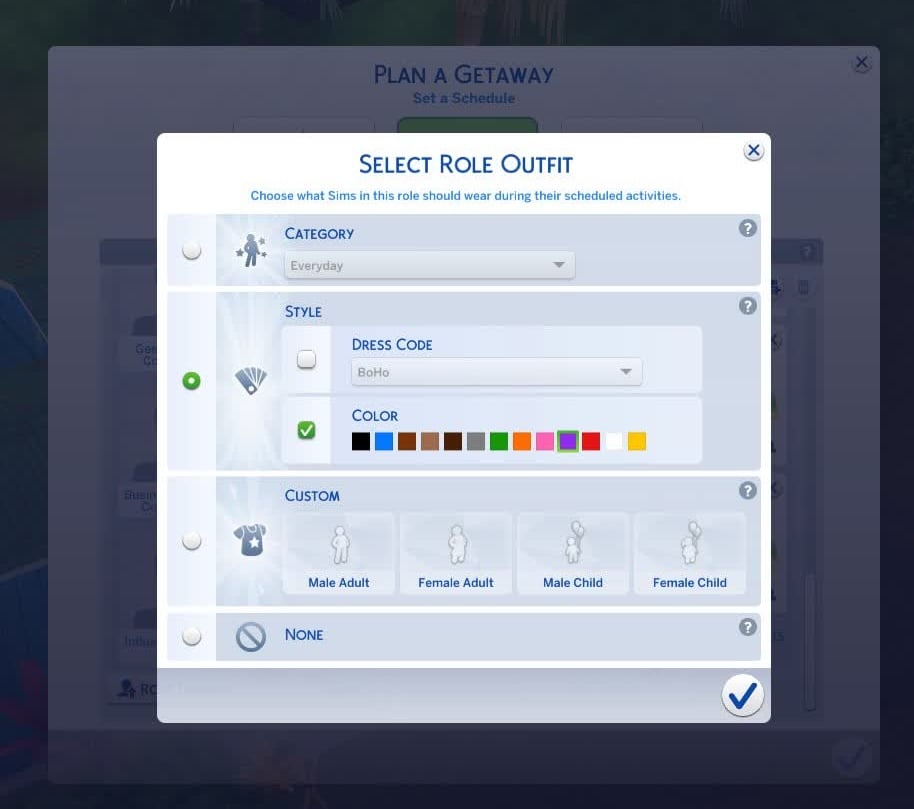
Roles can also have custom outfits. For The Sims 4 Survivor Competition gameplay, I decided to add a specific color to each Competitor Role to coincide with the TV show. I also added a custom outfit for the Host, bringing a little Jeff Probst flair to my Sims world.

Rules

Once you have determined the Who, What, and Where of your Survivor Competition, you will need to determine the How. How will a winner be determined?

For my gameplay, I chose three Rules and assigned them to all Competitor Roles: Player Choice Elimination, Hardcore Mode, and House of Grudges. The combination of these three Rules allows me to choose which Sim is eliminated at the end of each day, decreases Needs quicker than usual, and makes friendships fragile. This is the perfect recipe for drama and chaos on the island.

The Sims 4 Survivor Competition from Adventure Awaits, Hardcore Mode

Who will be the Sole Sims 4 Survivor?

Gameplay

Now that your Custom Getaway is set up, your Sim is ready to meet their fellow competitors. Click OK to travel to your Custom Getaway. If your Sim chose to travel to the competition right away, they will arrive alongside other Sims and can get started!

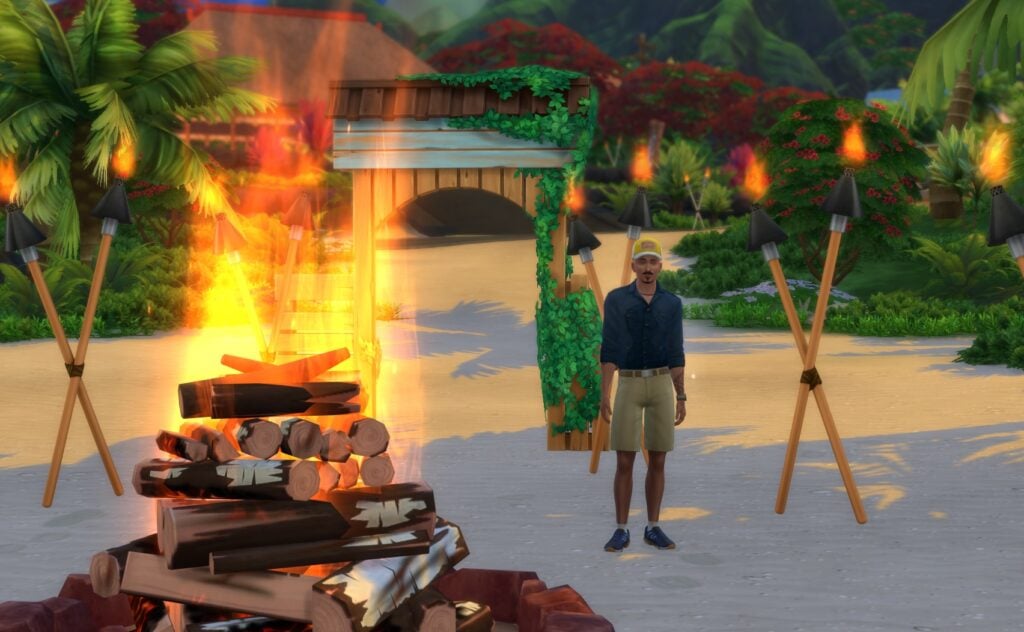
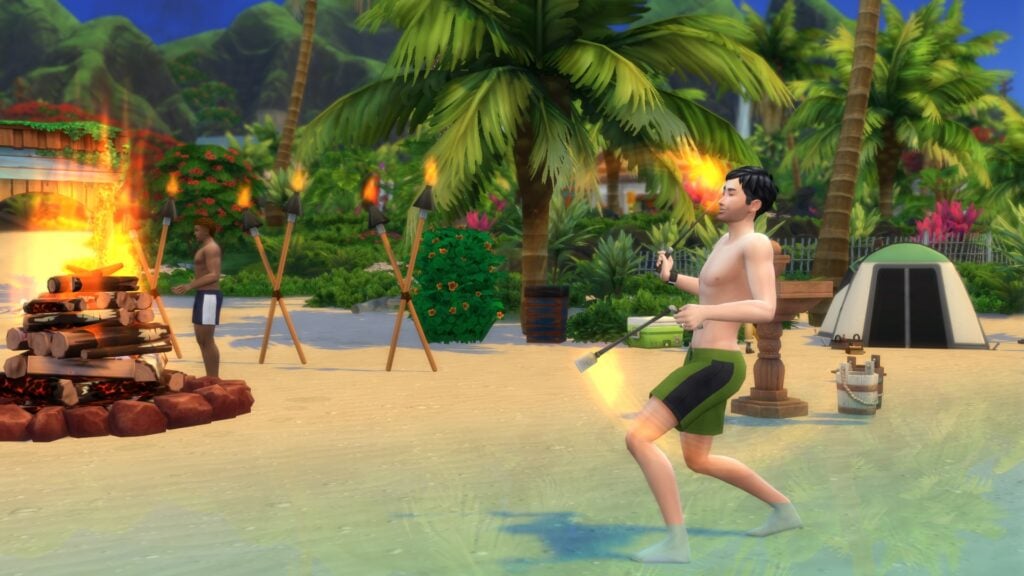
The Sims 4 Survivor Competition from Adventure Awaits, Fire dance

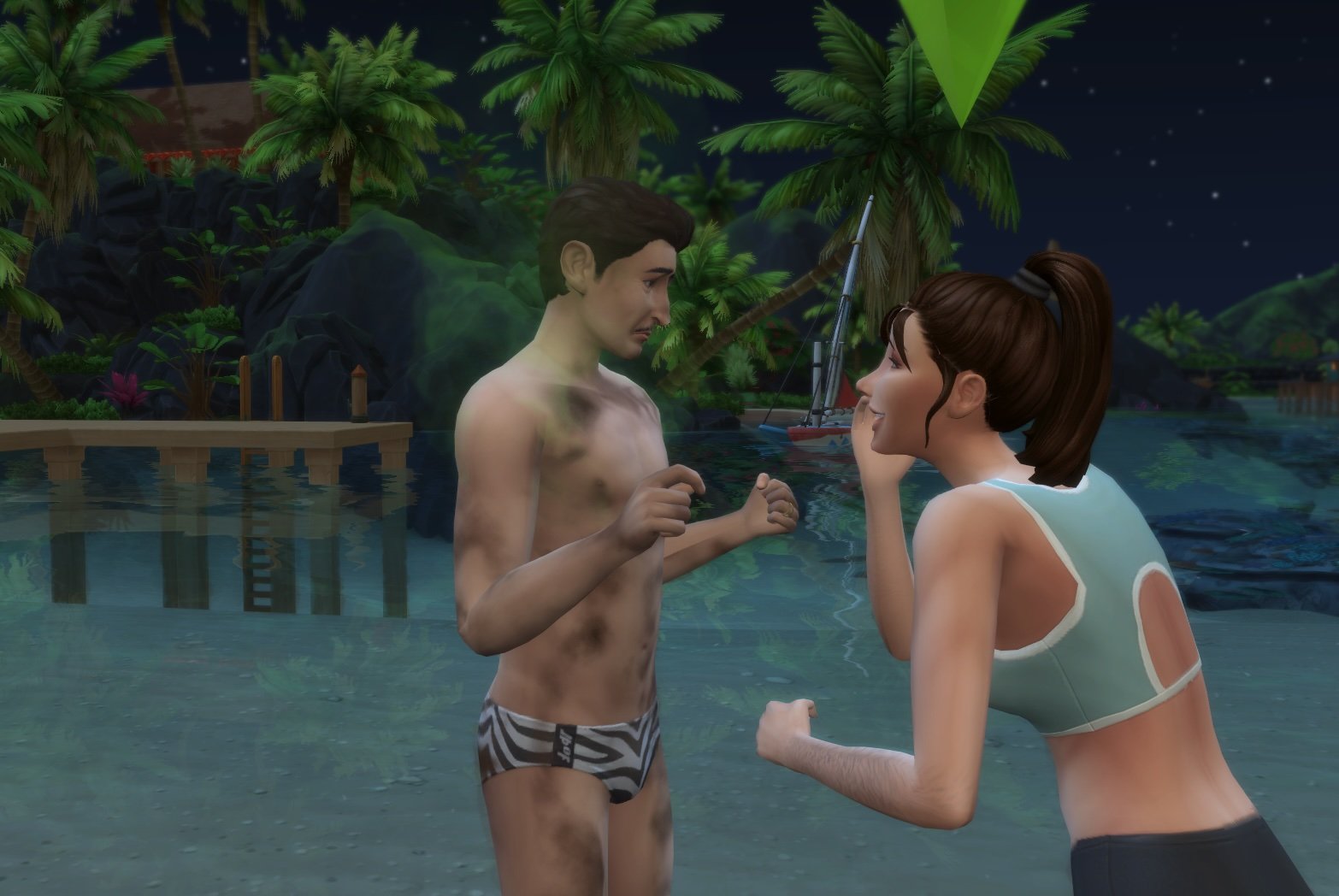
At 6:00 am, my Sim traveled to the competition and started to get to know both her teammates and competitors, and even formed quick alliances. During a Custom Getaway, your Sim unlocks the following new social interactions that can help or hurt their chances of forming an alliance:

  • Ask Sims to try to Get Along
  • Ask [Sim name] to Clean
  • Ask [Sim name] to Leave Getaway
  • Check on [Sim name]
  • Form an Alliance
  • Spread Mean Rumors about Other Guests

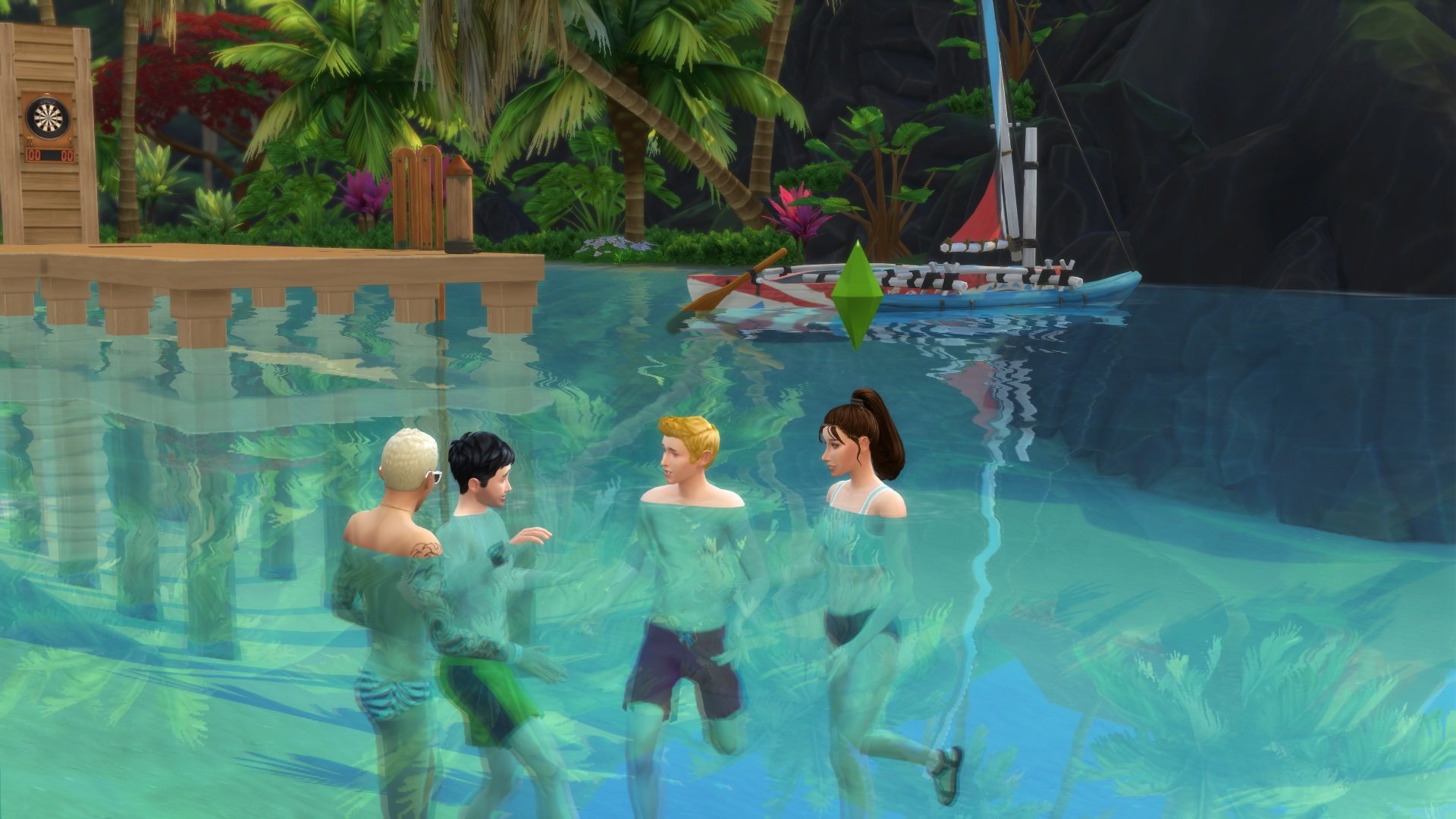
After breakfast, it’s time for the first challenge of the day: swimming. Using the time slot feature, I ensured my Host only arrives during the challenge periods (in this scenario, the challenge periods are 9:00 am and 3:00 pm). This brings a little more realism into The Sims 4 Survivor Competition.

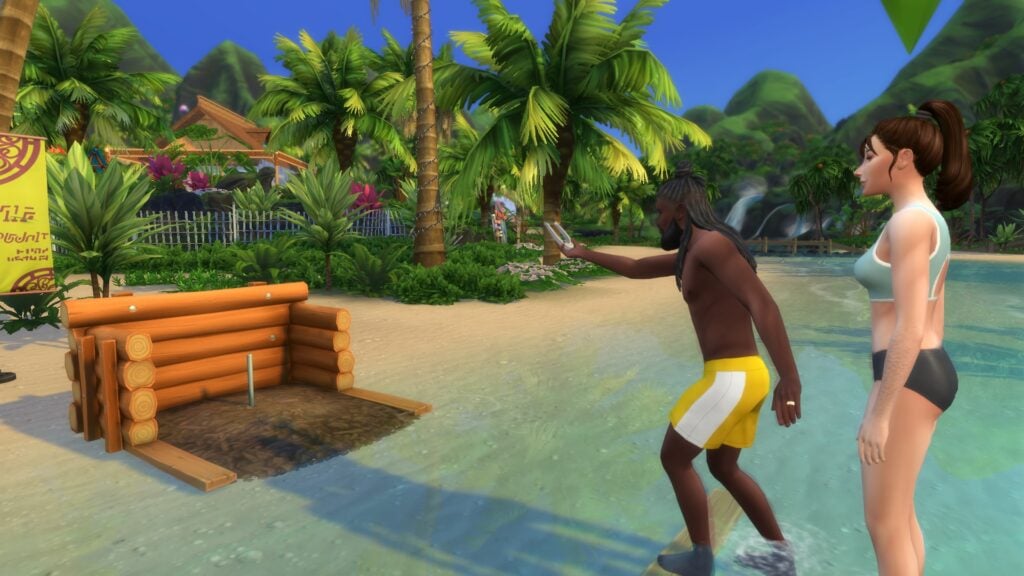
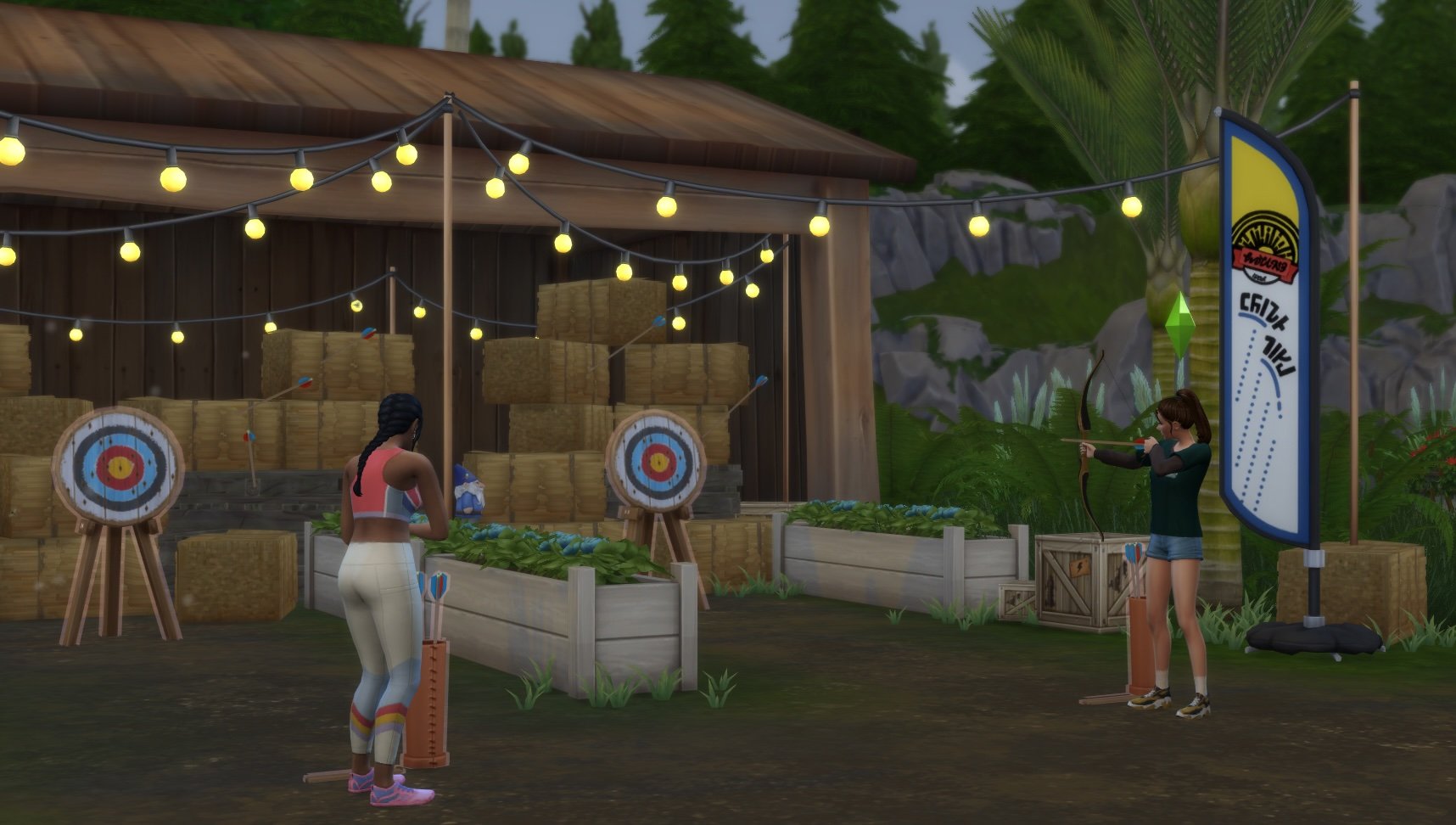
To add the challenge aspect to The Sims 4 gameplay, I added game tables, horseshoes, and a dartboard. I also added the Play Cards, Play Horseshoes, and/or Play Darts to every Competitor Role during the challenge time slots. This ensures that Competitors will play against each other during those specific periods. Losing these games does not eliminate your Sim or hurt their overall competition performance.

The Sims 4 Survivor Competition from Adventure Awaits, Horseshoe

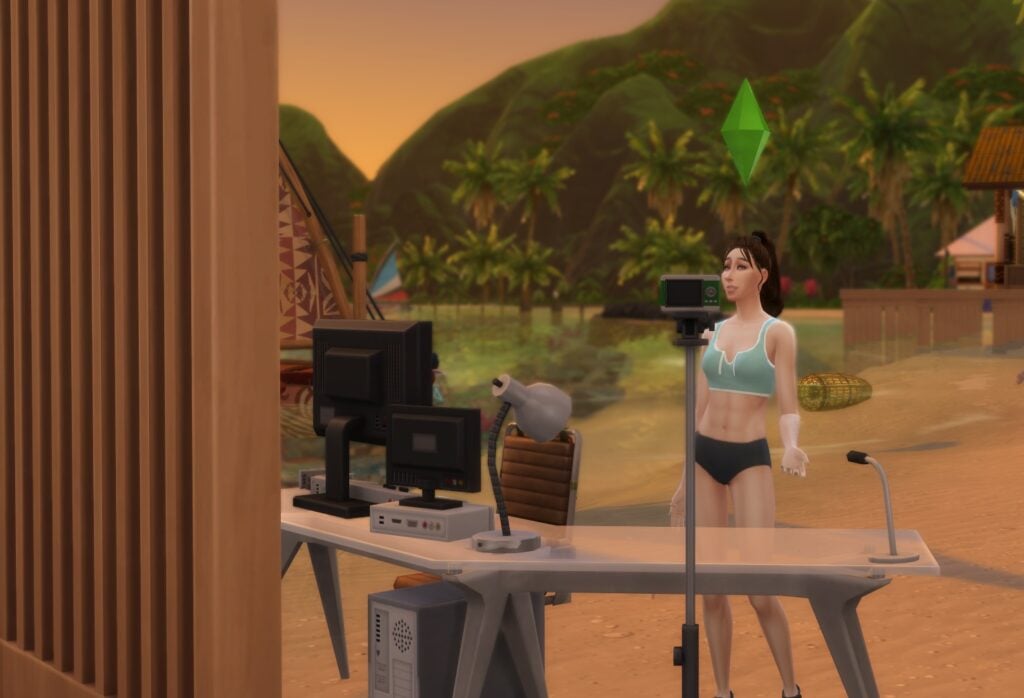
As with any reality TV show, there has to be a confessional! To accomplish this, I added a time slot with the Record Video activity and placed The More Views Video Station from The Sims 4: Get Famous on the lot. I adjusted each Role during this time slot to add the Record Video activity, ensuring Sims stop by the confessional booth when they get the chance.

The Sims 4 Survivor Competition from Adventure Awaits, Confessional

Elimination

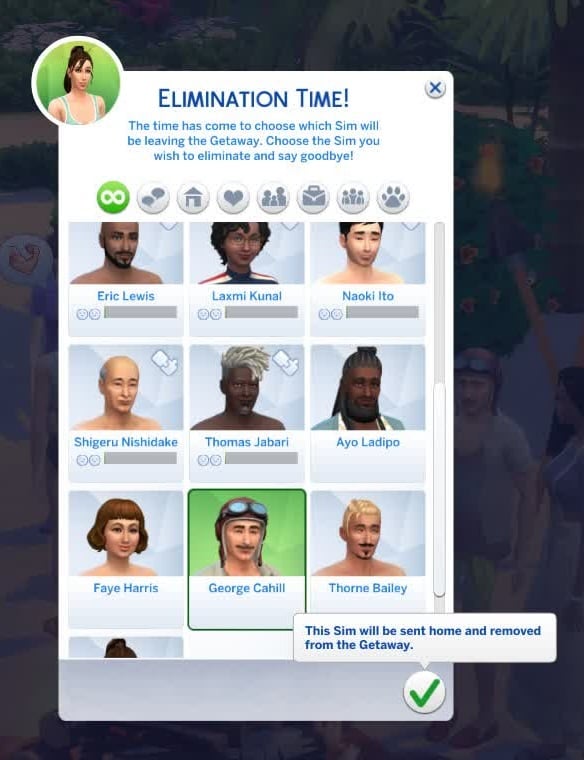
After all of the challenges have been completed and the confessionals have been taped, it’s time for Tribal Council. With the Player Choice Elimination Rule active, you will get to choose which Sim to eliminate each day. Eliminating these Sims will send them home and remove them from the competition immediately. Think carefully because, as Jeff Probst always says, “In this game, fire represents your life. When your fire’s gone, so are you”.

The Winning Prize

Once your Sim has outlasted the others, or at least stayed in the competition long enough for the Custom Getaway to end, they will be declared the winner and Sole Survivor of The Sims 4 Survivor Competition! Winning Sims will earn 10,000 Simoleons, unlock a few traits, such as the Rooted Wanderer, and new reward items.


Are you ready to get your Buff and try your hand at The Sims 4 Survivor Competition from The Sims 4: Adventure Awaits? What would you do differently for your own competition? Let us know in the comments below!

The Sims 4 Adventure Awaits: Critter Hunter Aspiration Guide

Raise Those Nets, Simmers!

TS4 x64 fpb 2025 10 06 19 55 58 1

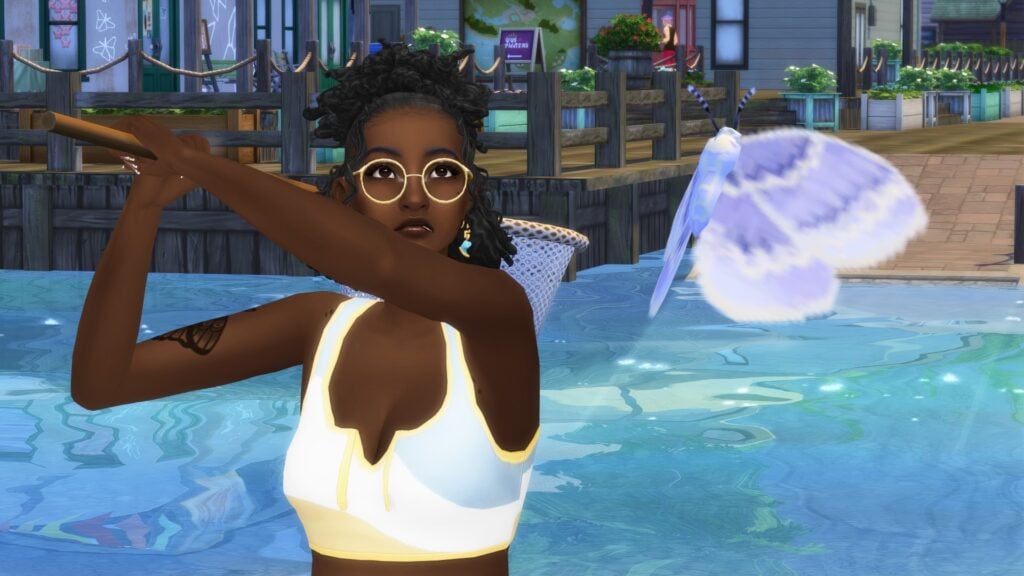
With the release of The Sims 4 Adventure Awaits, we’re introduced to our newest aspiration: Critter Hunter! While this aspiration is centered on the new Entomology Skill introduced in the latest expansion, it also encompasses a variety of skills, both new and old. Eitherway, it will get your Sims out into nature and experiencing all Gibbi Point has to offer.

Advice for Would-Be Hunters

booooopcrittersss 1
  • If you get tripped up or confused about how to proceed, remember that you can always hover your cursor over that step of the aspiration for hints in the menu.
  • This aspiration requires skill in not just Entomology, but also Fishing, Archery, and Papercraft. For more information on the Papercraft Skill, click here for an in-depth guide!
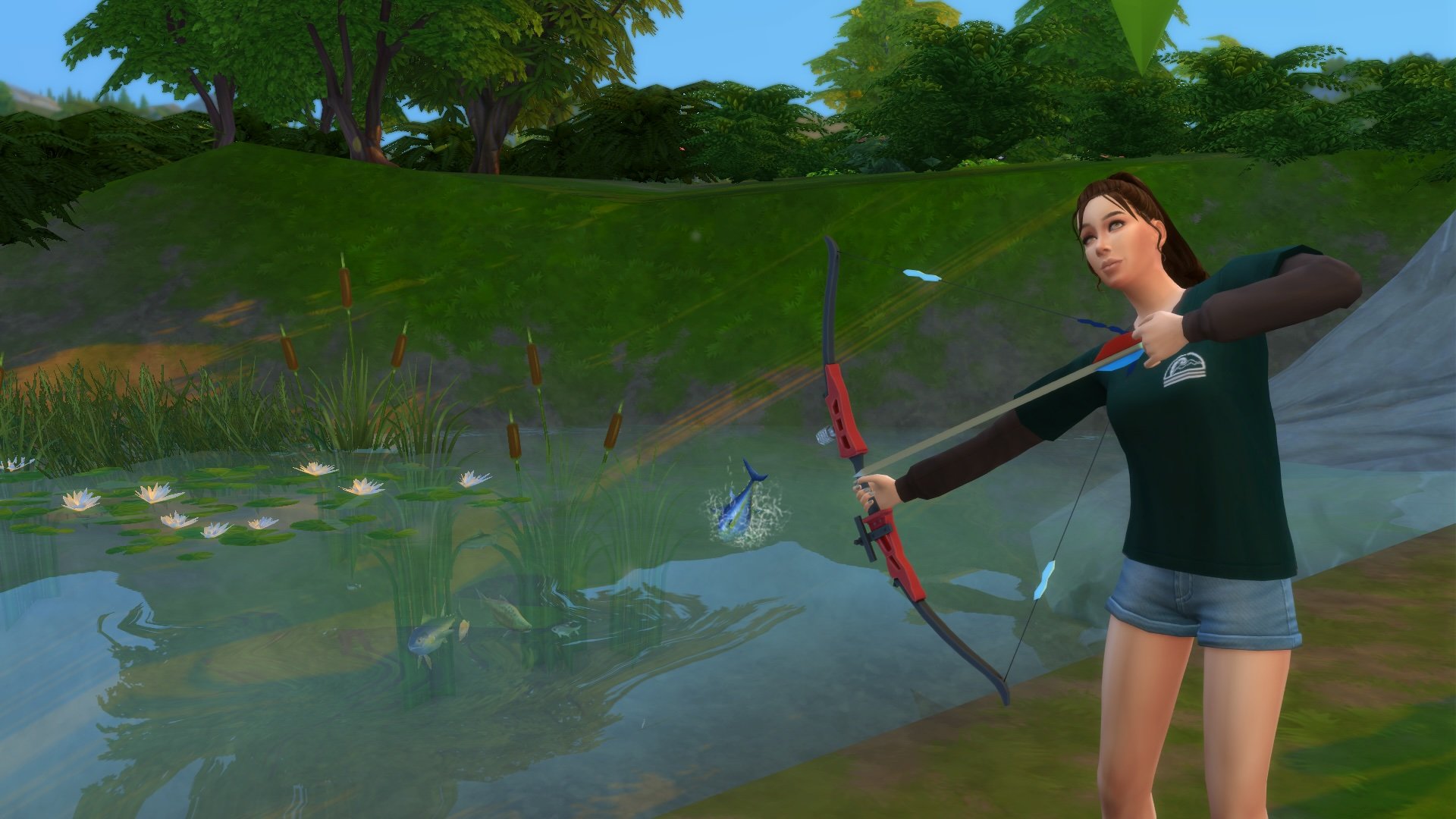
  • Bowfishing requires you to max the Archery Skill. So get your bow ready, Kittynis!
  • The final Butterfly needed for the Moth and Butterfly collection requires you to have every other Moth and Butterfly before it can be attained! Level 2 of the Papercraft Skill is also essential for you to get this collectable (hint hint).
  • Butterflies and Moths sometimes share spawn points with Frog Logs and Ore Rocks, so if you can’t see them in the overworld, give them a minute. They’re shy.
  • While most of the collection is available through random spawns, the Jelly Butterfly, Red Admiral Butterfly, and Sphinx Moth are only available to catch in the overworld through participation in Quests and Festivals.
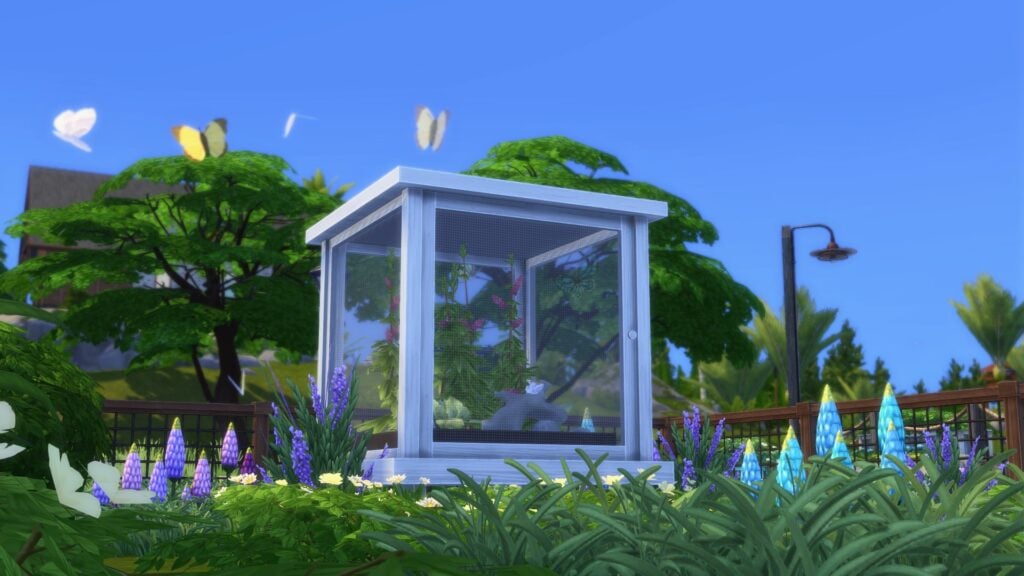
  • The best and, annoyingly, easiest way to acquire every Butterfly and Moth is through the Flutterarium Caterpillar Incubator. Each collectible (from Common to Rare) will slowly be available to grow and collect through progression through the Entomology Skill.

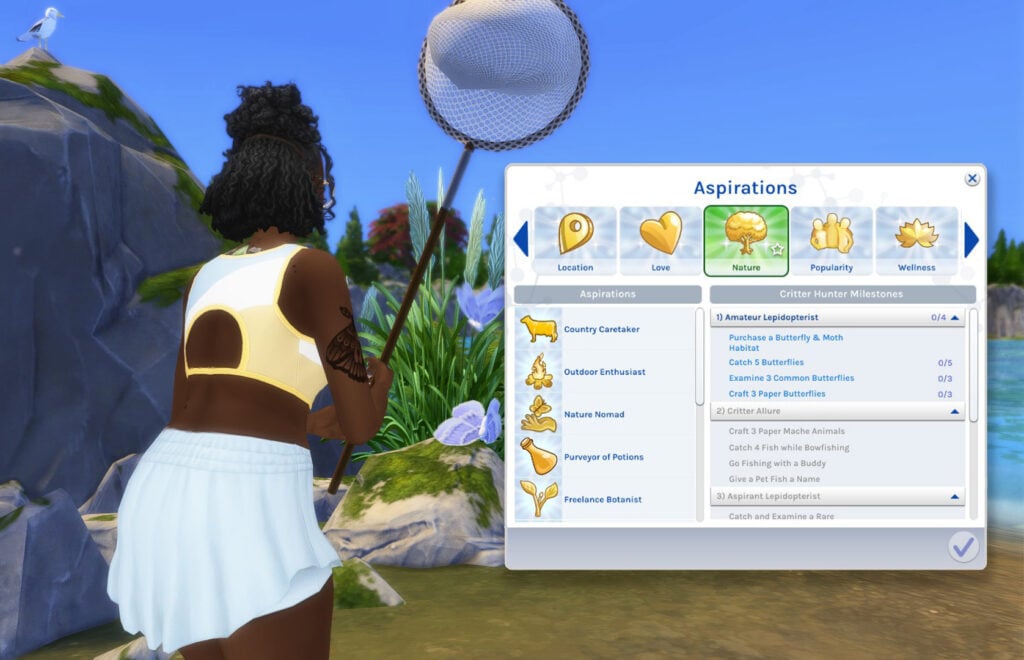
1) Amateur Lepidopterist

TS4 x64 fpb 2025 10 06 17 48 51

If you’re curious: a lepidopterist is a person who studies butterflies and moths.

  • Purchase a Butterfly & Moth Habitat
  • Catch 5 Butterflies
  • Examine 3 Common Butterflies
  • Craft 3 Paper Butterflies

This, by far, is the easiest step: get a Flutterarium Caterpillar Incubator from Buy Mode, creep those collectable spawn points, and get to craftin’!

2) Critter Allure

TS4 x64 fpb 2025 10 06 21 50 58

This step requires Level 5 of the Archery Skill to complete. Be careful of Archer’s Elbow!

  • Craft 3 Paper Mache Animals
  • Catch 4 Fish while Bowfishing
  • Go Fishing with a Buddy
  • Give a Pet Fish a Name

Note: “Go Fishing with a Buddy” requires you to click on a Sim who’s already fishing and choose “Go Fishing With”. If your Sim is currently fishing, you instead click on a Sim nearby and “Invite [Sim’s Name] to Go Fishing”.

Screenshot 2025 10 06 221719

3) Aspirant Lepidopterist

TS4 x64 fpb 2025 10 06 17 02 51 1

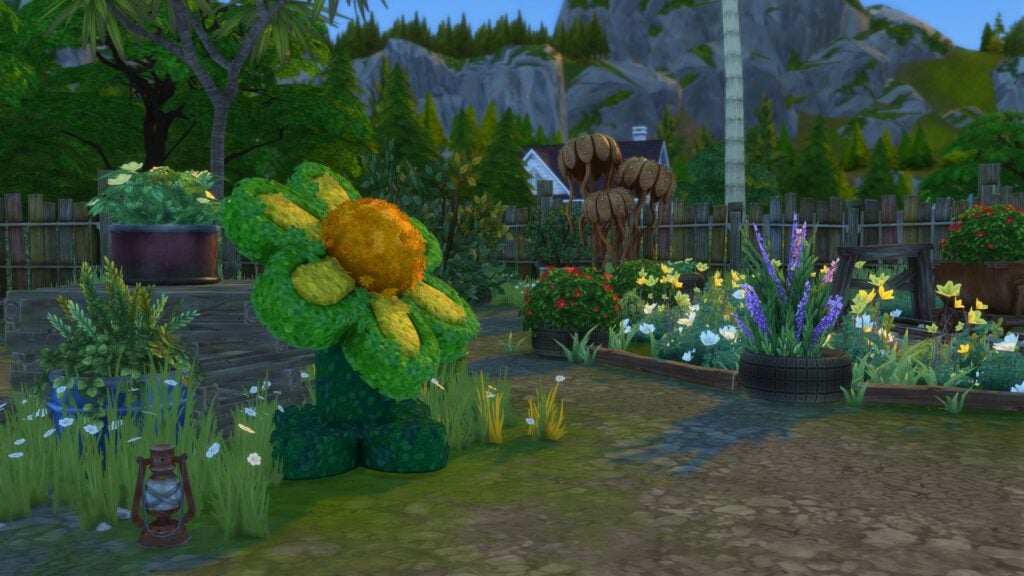
There are three Eligible Flower Topiaries spread across the neighborhoods of Gibbi Point. At each of them, you can rehome a Moth or a Butterfly from your care. You can even observe them fluttering around the plant!

  • Catch and Examine a Rare Butterfly
  • Rehome Butterfly at a Gibbi Point Topiary
  • View Butterfly in a Butterfly & Moth Habitat
  • Start Raising a Caterpillar

4) Refined Catch

TS4 x64 fpb 2025 10 06 21 57 55
  • Craft a Magical Origami Butterfly
  • Complete the Butterflies & Moths Collection
  • Research Mating Rituals of Butterflies
  • Achieve Level 5 Entomology Skill

You can “Research Mating Rituals of Butterflies” after receiving Level 5 of the Etymology Skill! It can be found under the Research menu at any computer.

Critter Enthusiast Reward Trait

Congratulations! If you’ve made it this far, you’re a bona fide Critter Enthusiast!

furryloveomg

Reward Trait Description

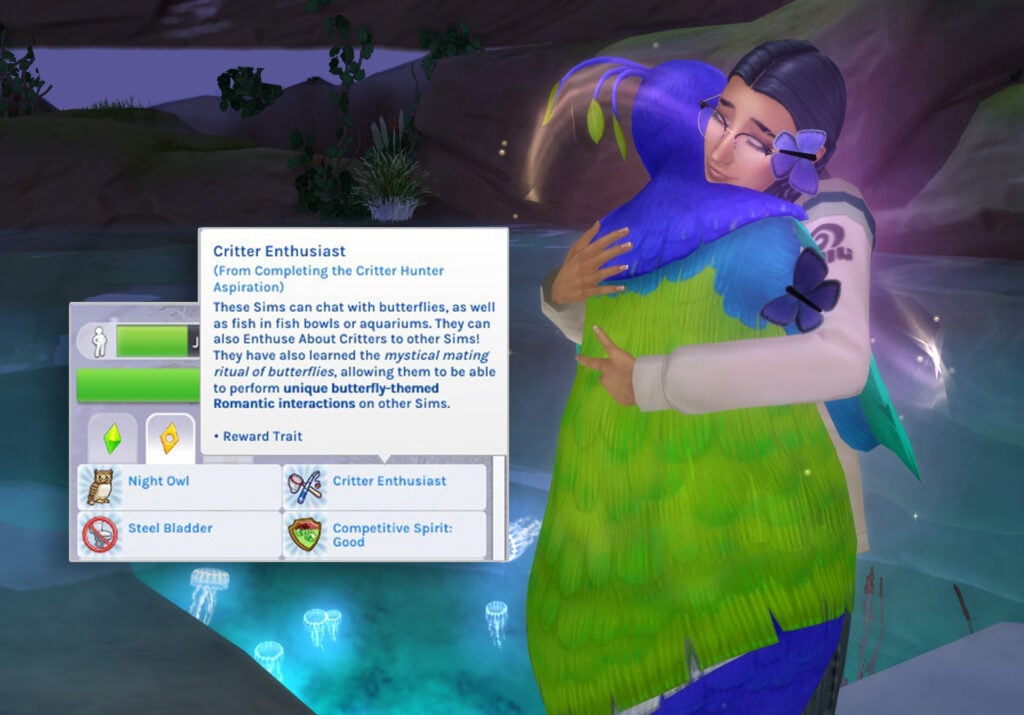
“These Sims can chat with butterflies, as well as fish in fish bowls or aquariums. They can also Enthuse About Critters to other Sims! They have also learned the mystical mating ritual of butterflies, allowing them to be able to perform unique butterfly-theme Romantic Interactions on other Sims.”

The Romantic interactions Sims will be able to experience are ‘Flutter Eyes’ and ‘Cocoon Hug’! These interactions, unfortunately, use familiar animations, but they are spiced up by some pretty adorable butterfly VFX. So it all evens out, methinks.

fishies

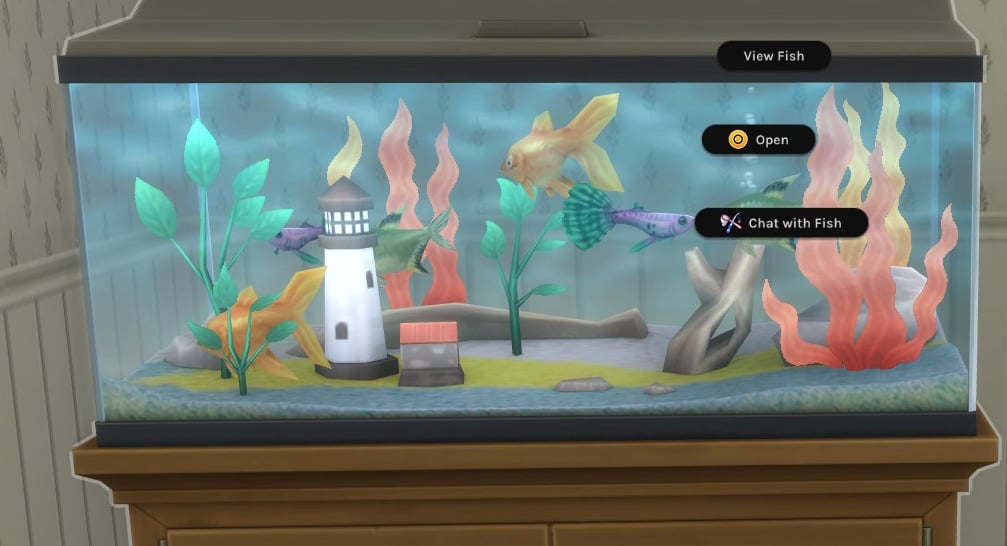
As the description also says, much like Mermaids in The Sims 4 Island Living, you’ll be able to communicate with your fishie friends! Though communicating with the fish in The Sims 4 My First Pet Stuff‘s Tap Tap Table seems to be Merfolk only…womp womp.

With that, that’s it for this guide on the Critter Hunter Aspiration! Have you been enjoying your time in Gibbi Point so far? Let us know down and the comments below, and be on the lookout for more Adventure Awaits content here at Sims Community!

A Guide to The Sims 4 Kayaking from The Adventure Awaits Expansion Pack

Let’s wade through everything we know so far about The Sims 4 Kayaking, included in the Adventure Awaits Expansion Pack!

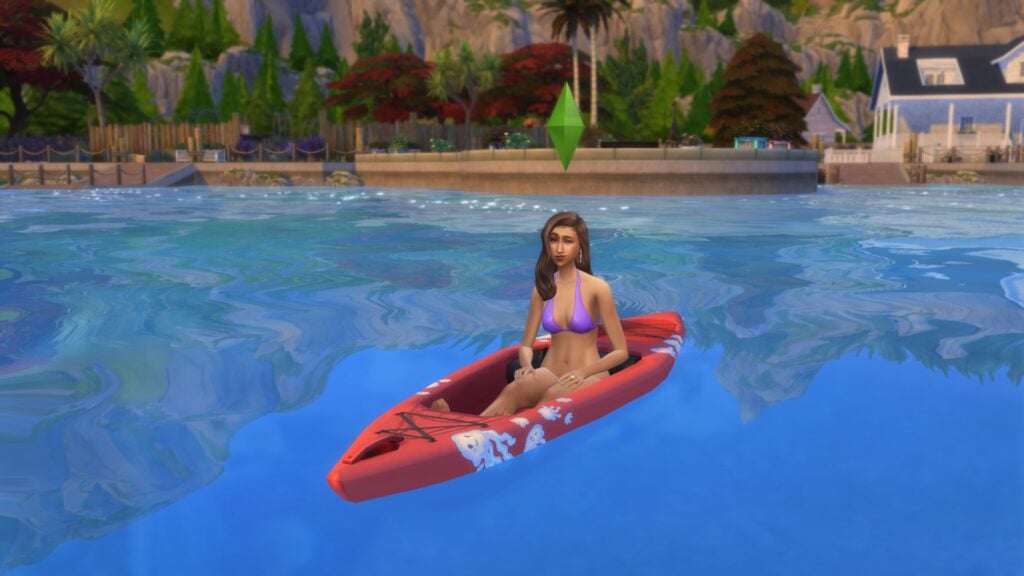
A new way to travel the waters and level up your Sims’ Fitness and Fishing skills is finally here. Kayaks have been added to the Sims world in the newest expansion pack, The Sims 4: Adventure Awaits. Now your Sims can grab their paddle and row around the world with ease.

Sims 4 Kayaking, Adventure Awaits- Paddle

Pick up a Paddle

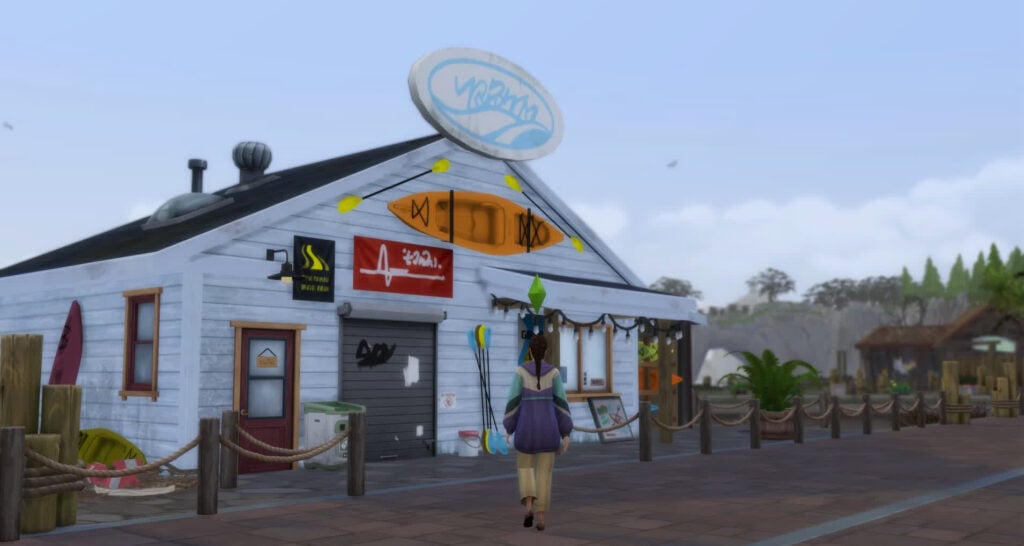
Sims 4 Kayaking, Adventure Awaits- This Oar That Shop

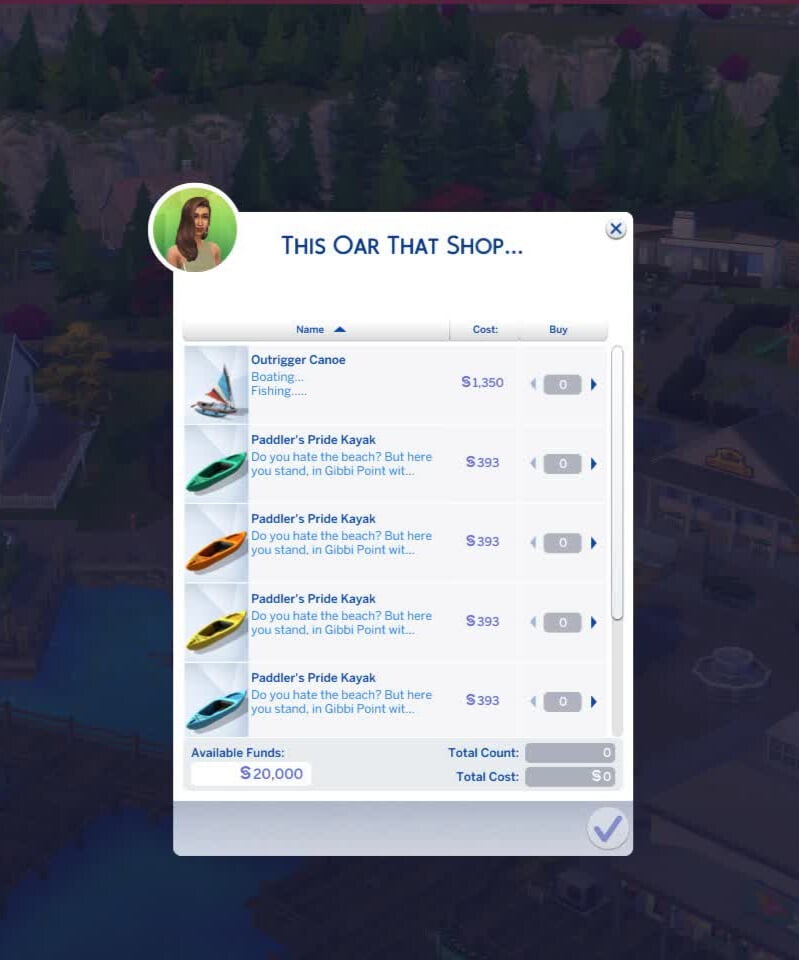
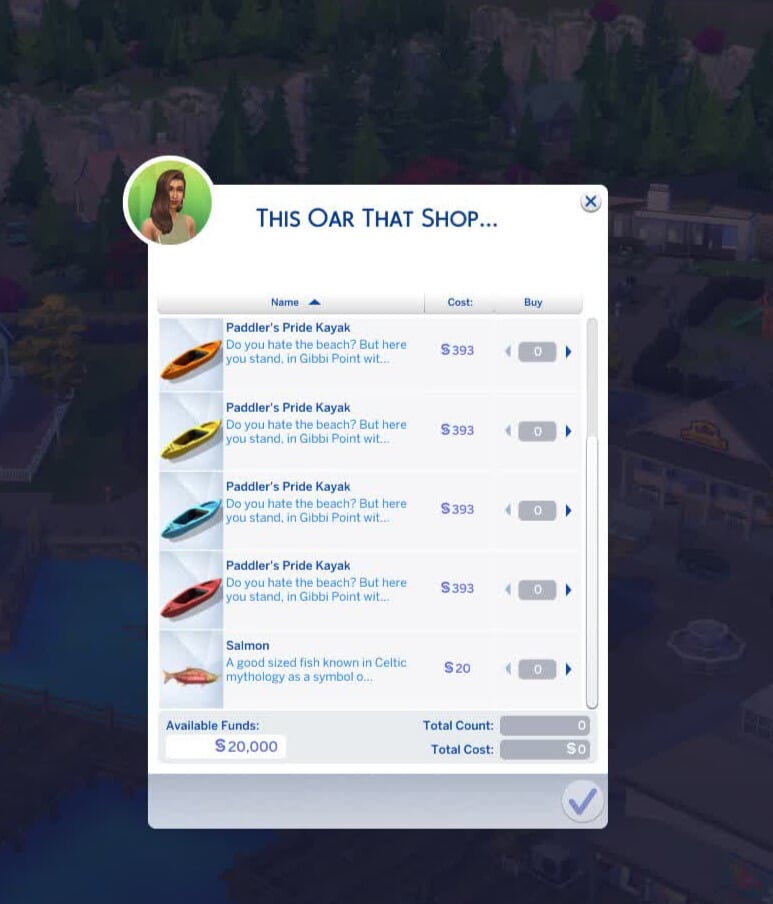
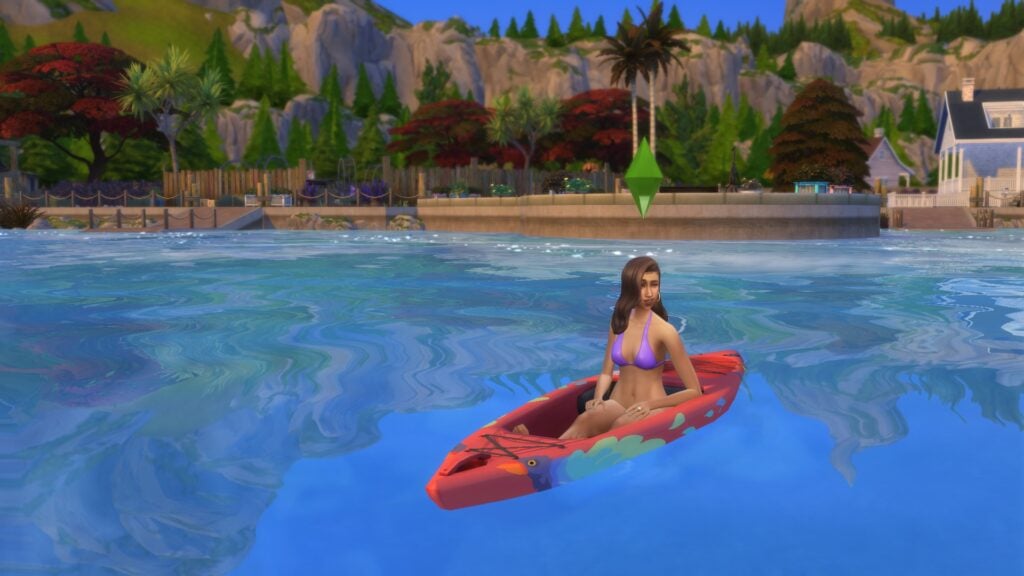
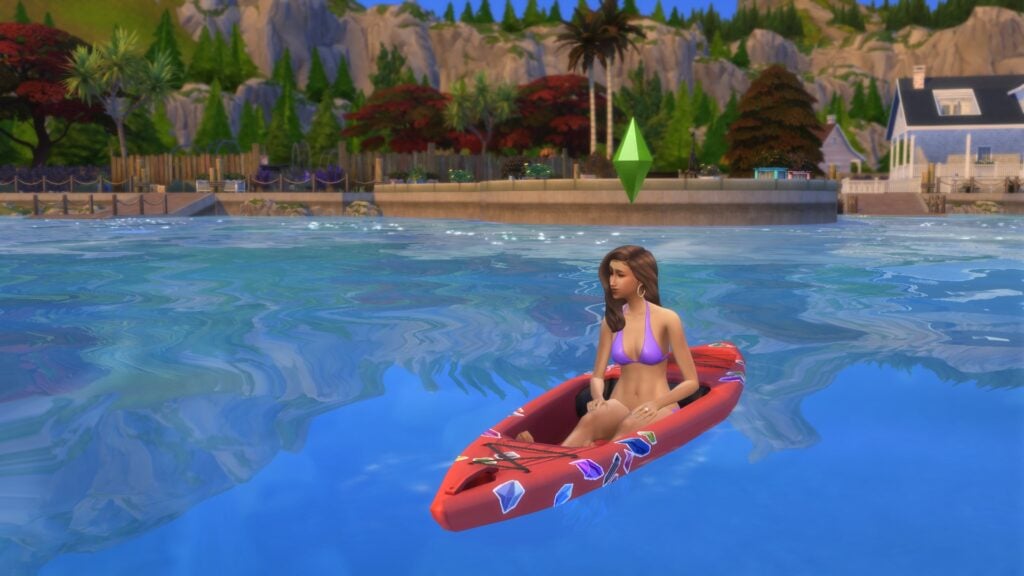
Ready to explore life on the water? If your Sim is looking for a new mode of water transportation outside of the classic Aqua Zip or Outrigger Canoe, send your Sim over to This Oar That Shop to purchase their very own Paddler’s Pride Kayak. There are five kayaks available in various colors of the rainbow, each costing 320 Simoleons. These are also available in Buy Mode for a pricey 525 Simoleons.

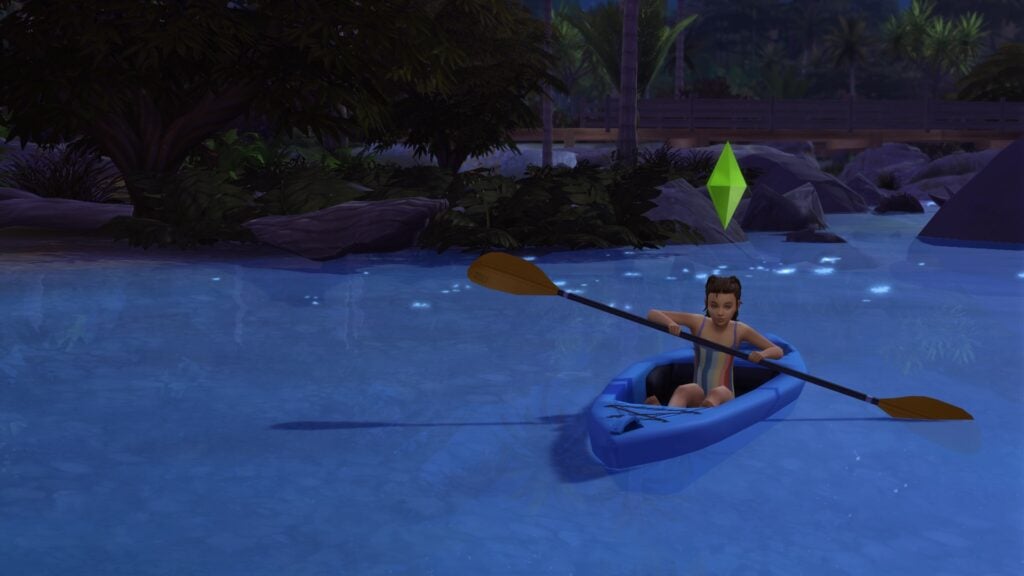
Since they’re available to ages Kids and up, just about any Sim can enjoy their time on the water in a kayak.

Sims 4 Kayaking, Adventure Awaits- Kid Kayaking

It’s Row Time

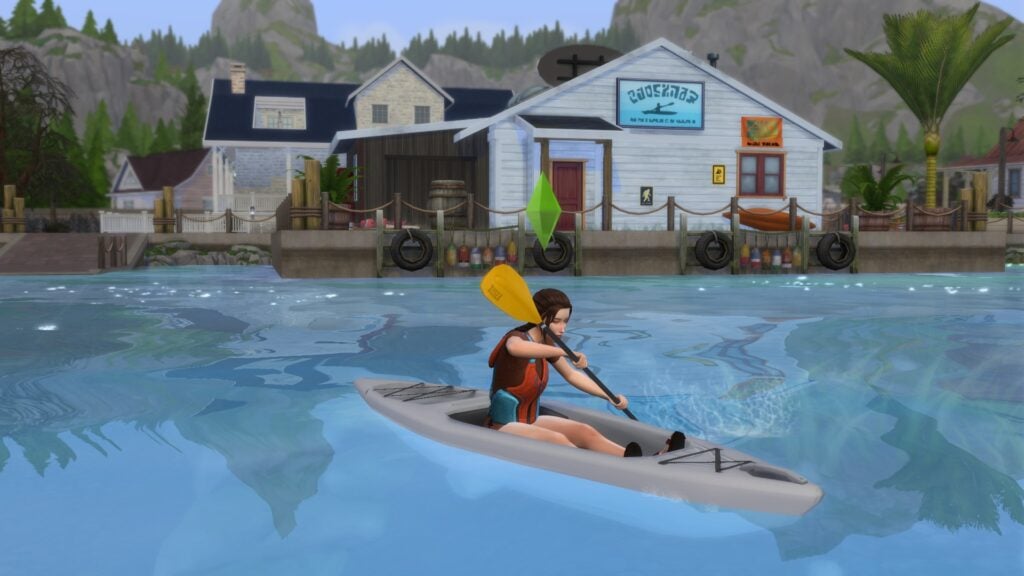
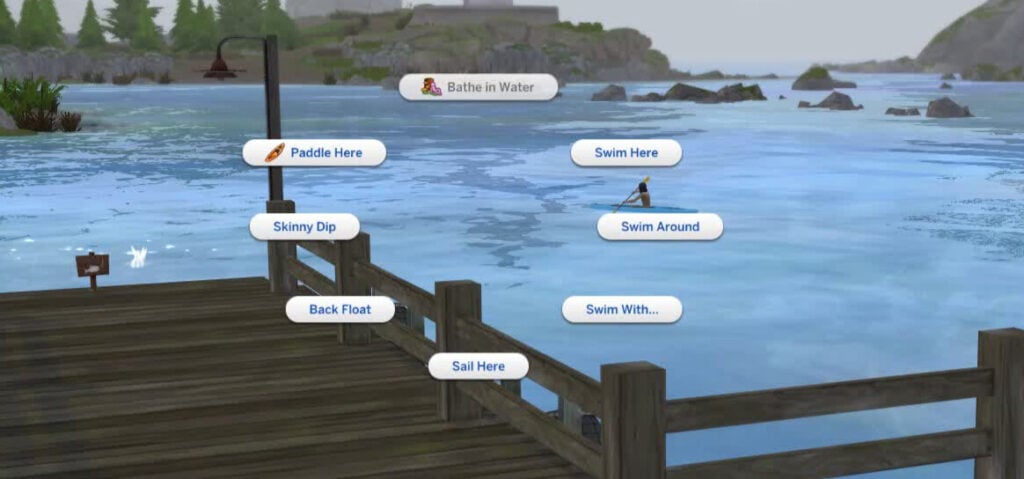
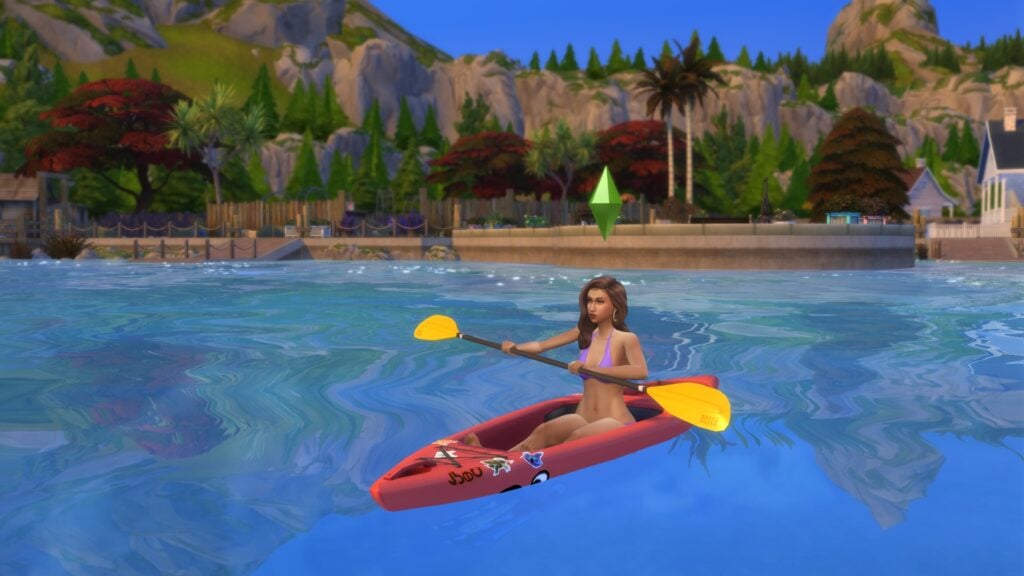
When your Sim is ready to go out on the water, just click on a body of water and select the Paddle Here interaction to hop in a kayak. Once they’re in the kayak, your Sim can click on the water to Paddle Around.

Sims 4 Kayaking, Adventure Awaits- Paddle Here

You can also click on your Sim in a kayak to access the following interactions:

  • Customize Stickers…
  • Exit Paddler’s Pride Kayak
  • Go Fishing (not available while the kayak is moving)
  • Paddle Around on Paddler’s Pride Kayak
  • Rename Paddler’s Pride Kayak
  • Set Favorite Water Vehicle

If you want to add some personality to your kayak, there are five sticker customization options in The Sims 4:

Sims 4 Kayaking, Adventure Awaits- Glow-in-the-Dark Jellyfish

Glow-in-the-Dark Jellyfish

Sims 4 Kayaking, Adventure Awaits- Butterfly and Plumbird Paradise

Butterfly & Plumbird Paradise

Sims 4 Kayaking, Adventure Awaits- Voidcritter Friends

Voidcritter Friends

Sims 4 Kayaking, Adventure Awaits- Precious Gems

Precious Gems

Sims 4 Kayaking, Adventure Awaits- Camper's Delight

Camper’s Delight

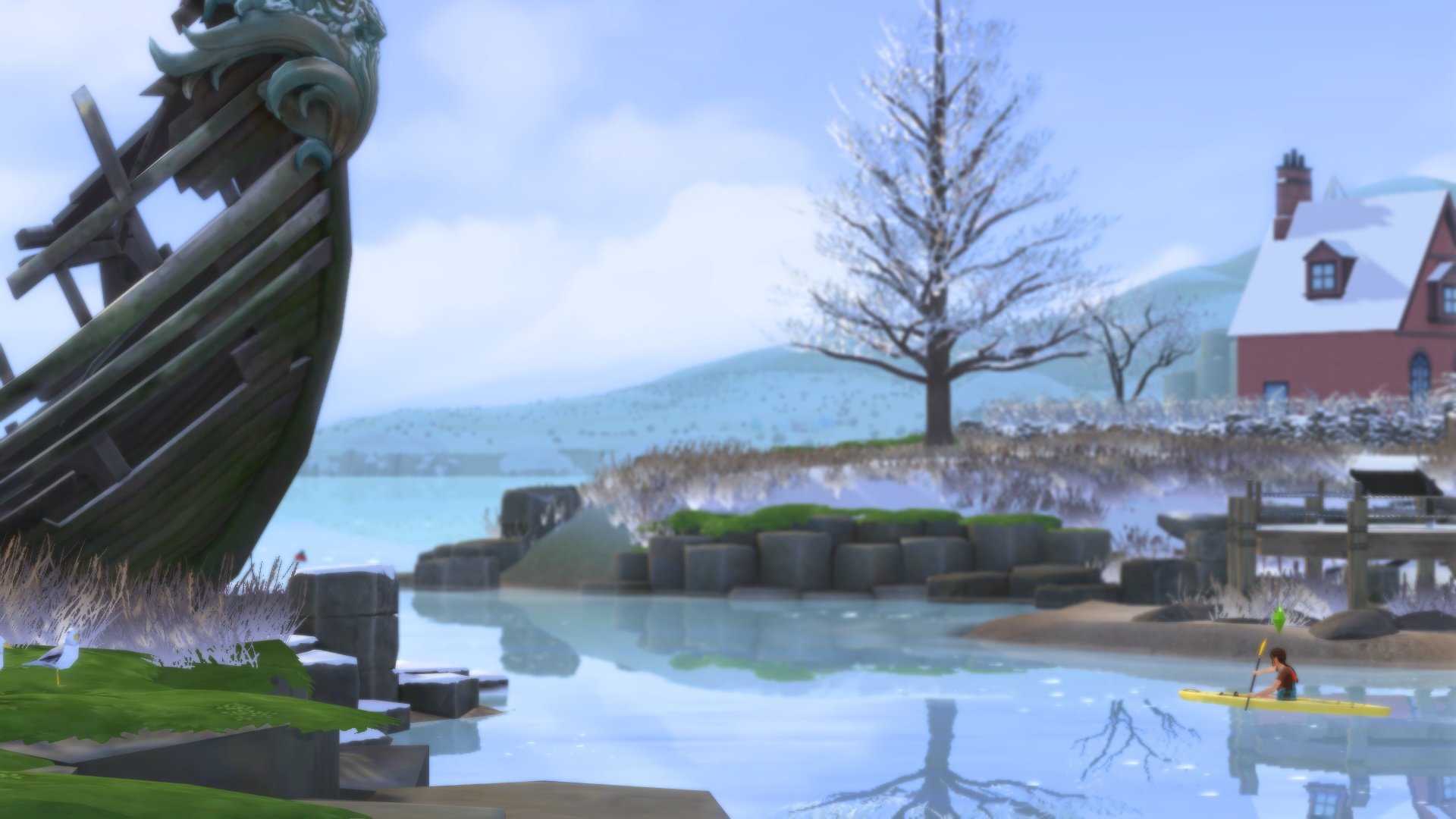
Your Sim can kayak in both shallow and deep waters, and even pools! Rain, shine, or snow, no matter the weather, kayaking is always an option with The Sims: 4 Adventure Awaits.

Fitness & Fishing with a Kayak

As your Sim traverses the waves in their kayak, you’ll notice they’ll also increase their Fitness skill. The weight of the oar paired with the water resistance works as an excellent exercise, helping your Sims get stronger with each paddle. 

If your Sim is looking for a more leisurely day out on the water, they can fish right from their kayak. Your Sim will try to catch fish, and their Fishing skills will increase, just like fishing on land.

The Sims 4 Kayaking Limitations

The Sims 4 kayaking feature has some exciting new aspects, like fishing from the kayak, but we can’t help but notice some limitations that come along with it. 

Sims 4 Kayaking, Adventure Awaits- Fishing Pond

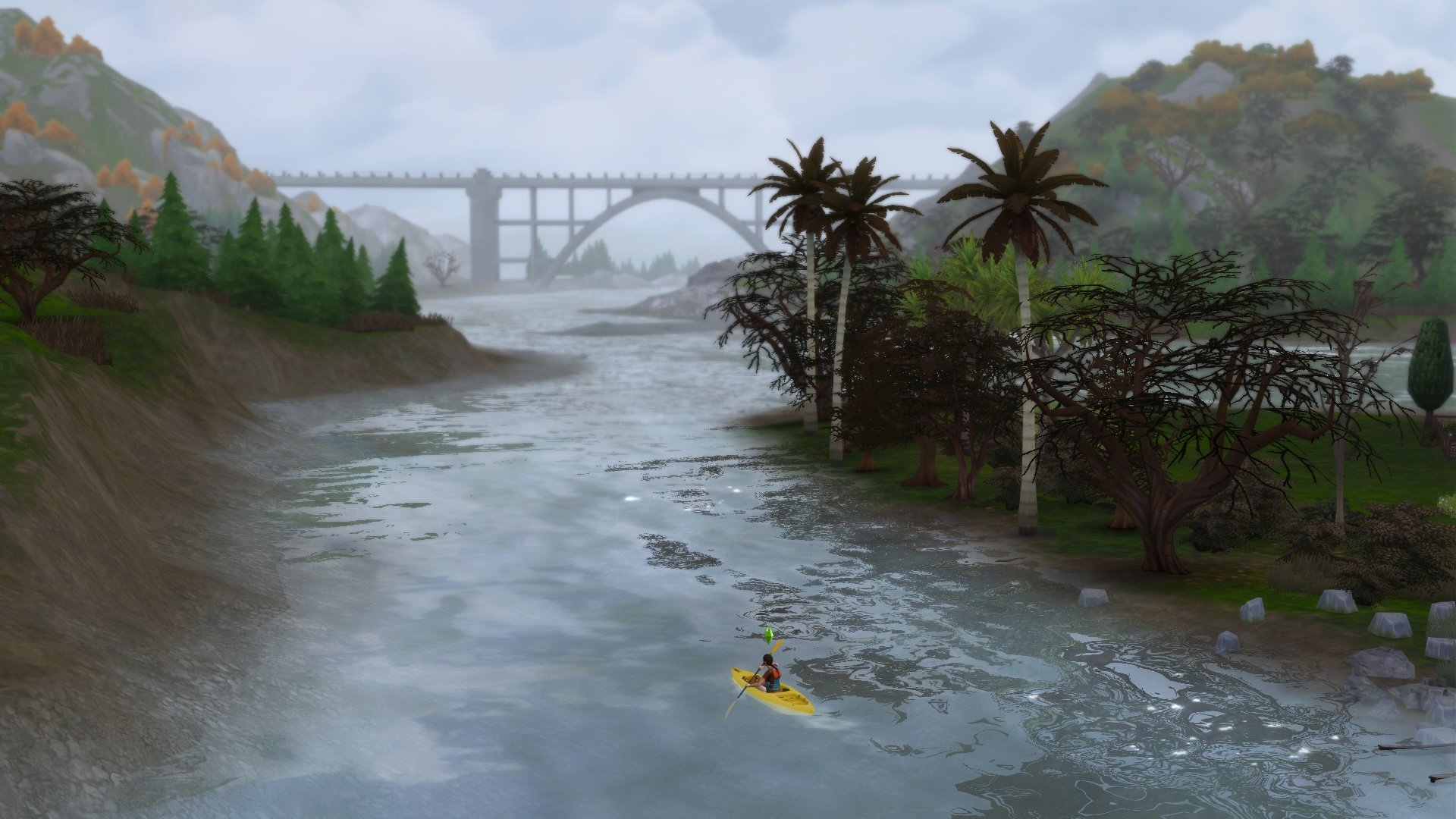
Despite several worlds having flowing rivers, deep fishing ponds, and even beachfront access, there are still a handful of water features that are not accessible by kayak.

Sims 4 Kayaking, Adventure Awaits- Tomarang

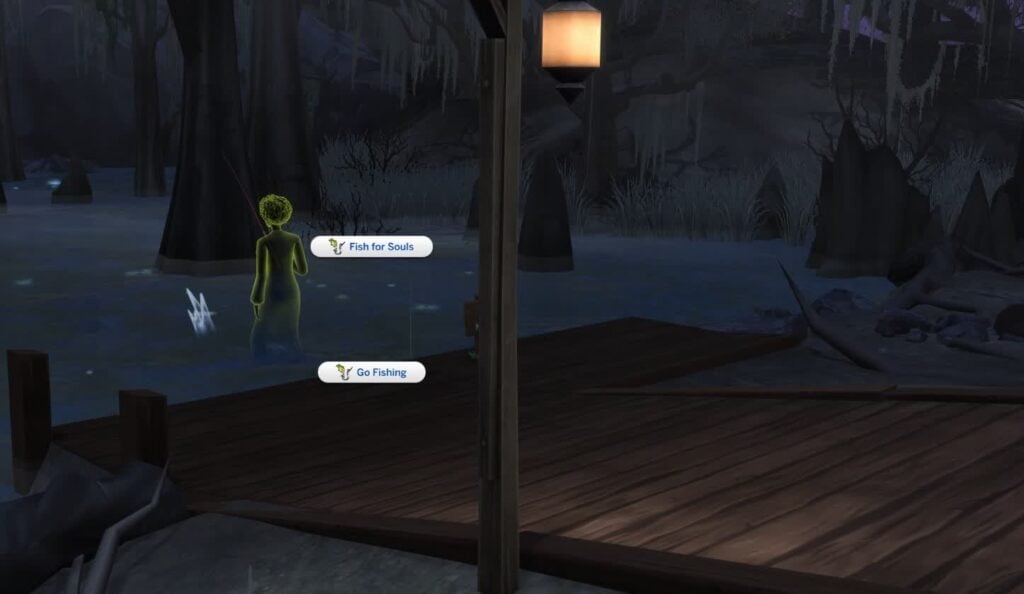
It’s disappointing that we can’t kayak through places like the winding rivers of Tomarang from The Sims 4: For Rent or the swampy pond in Ravenwood from The Sims 4: Life & Death

This could be due to the fact that kayaking was not given the “skill treatment”, unlike Natural Living, which introduces the Bathe in Water interaction. This is also slightly disappointing, since kayaking is a very skilled activity. Increasing the Fitness and Fishing skills is a nice touch, but it does not simulate the full kayaking experience.

Sims 4 Kayaking, Adventure Awaits- Kayak in Shallow Water

While your Sims can Paddle through parts of Tomarang, you can’t interact or Paddle through the winding rivers of Koh Sahpa, which would have been an exciting way to increase the kayak skill. Imagine being able to access different types of water as your Sim improves at kayaking, or learning new moves like a Barrel Roll.


Are you ready to paddle the waters with your Sim? Do you think The Sims 4 kayaking could use a little more work? Let us know your thoughts on the new feature from The Sims 4: Adventure Awaits below!

Author’s Note: Thank you for providing feedback on this article and helping to clarify where exactly Sims can Kayak! The article has been updated to reflect this information. Unfortunately, I ran into an MCC error that caused my kayak to be removed from the Personal Inventory during Travel, which led to some confusion on my end. Happy Simming!

InZOI Team Reveals Burglars, Calendar System and More Coming in Future Updates

0

Improvements to Krafton’s realistic life simulator just keep coming!

It’s only been a short while since the development team behind InZOI shared some first looks for changes and improvements coming in future game updates.

We’ve gotten a confirmation that a new city area is currently in development, consisting mostly of empty spaces to help builders give a blank slate for their Canvas creations. On top of that, the team has shifted focus on optimizing the game for lower end systems by changing the city size goals and game structure. Along with promising changes to Zoi autonomy and storytelling opportunities.

Today, the main developer Kjun revealed on Discord more than expected for the next few Base Game updates. Revealing that InZOI will soon be updated with a new Calendar system, themed Halloween content, newcollision physics and by our simmers’ heart surprise – Burglars!

Take a look at everything that’s coming (and changing) to InZOI:

LETTER 2 PATTERN e1675116678818

We’re excited to share the second video showcasing our development process. In the first one, everyone talked so much that I’m not sure if there’s anything left to say this time. But the purpose of our meetings isn’t always to reach a conclusion — what matters most is listening to each other. When we don’t speak, misunderstandings pile up; conversation, just like now, is what keeps us connected.

There were a few minor simulation errors, but Zoi can now live a day more like a real person. We’ve adjusted the default length of a day to 48 minutes (you can still change it back to 96 minutes if you prefer — it works the same). Since walking takes quite a bit of time, teleportation is now available as an option.

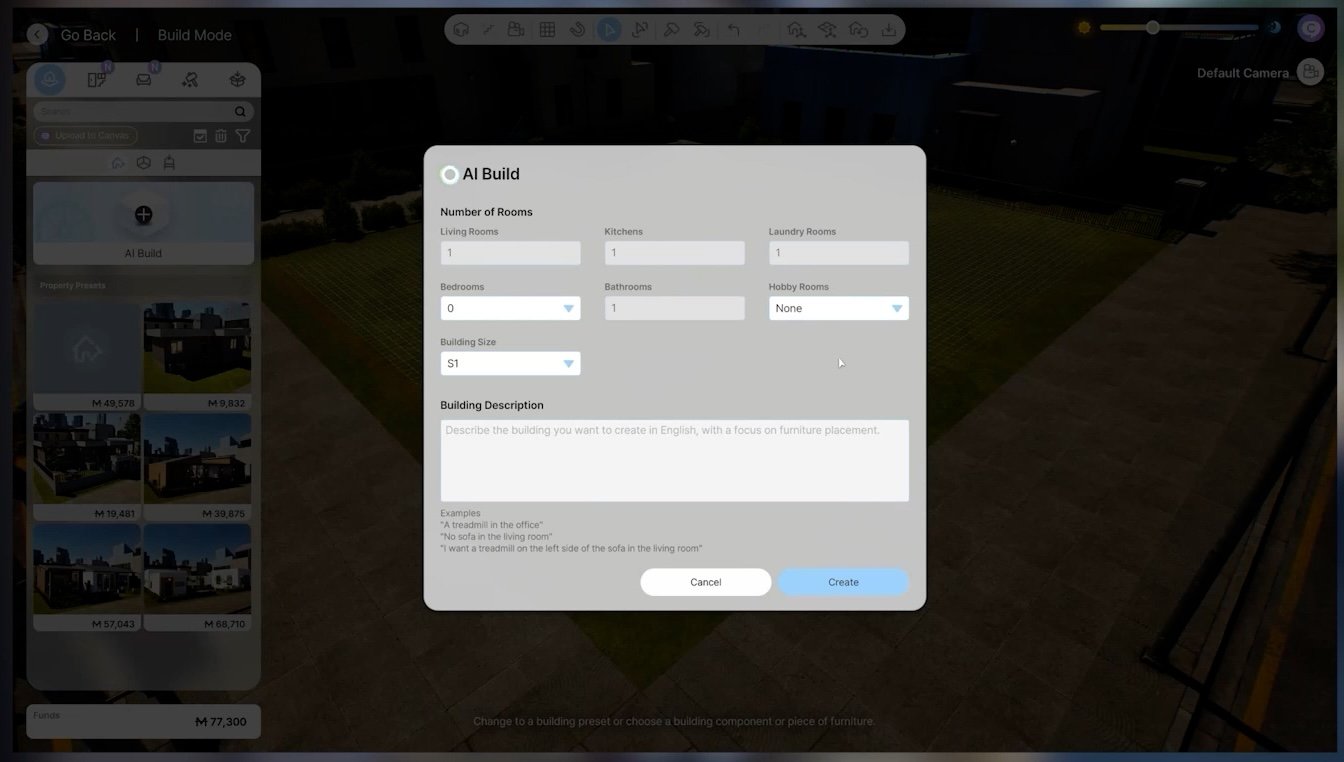
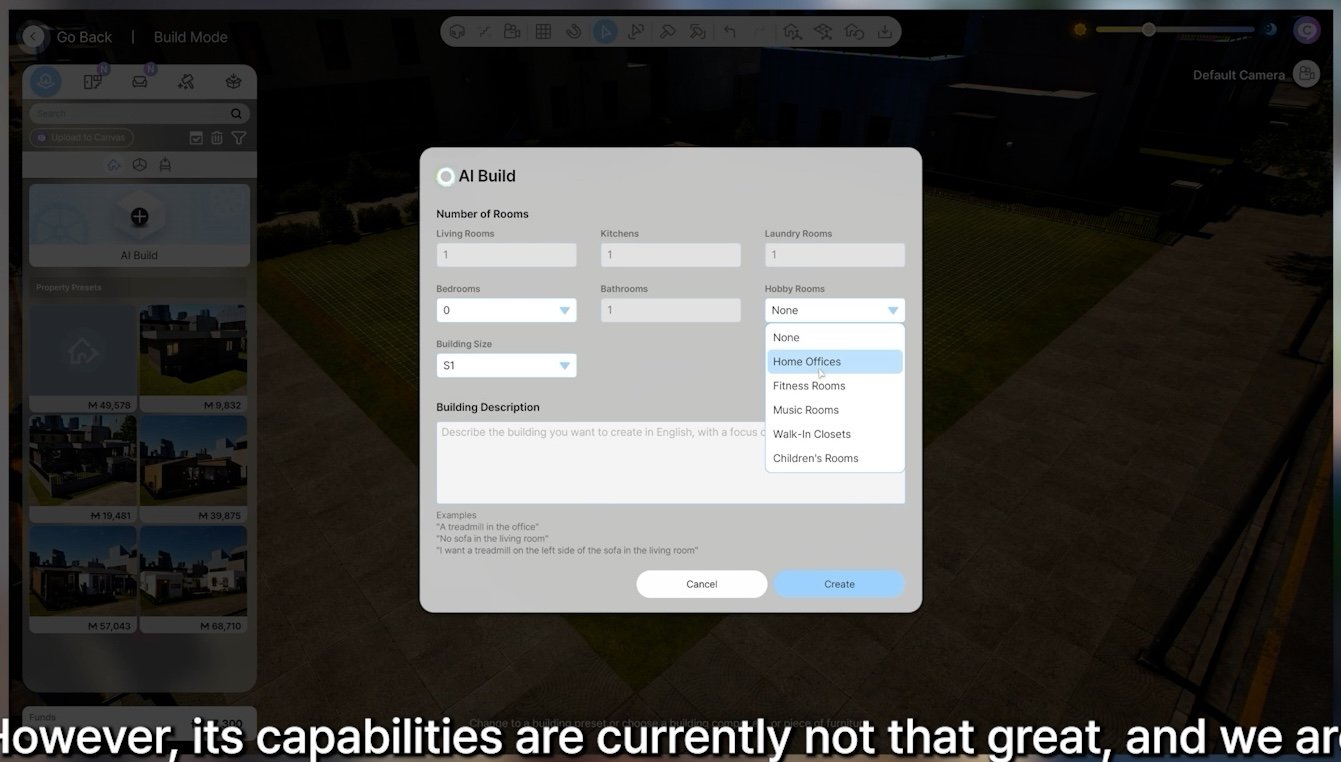
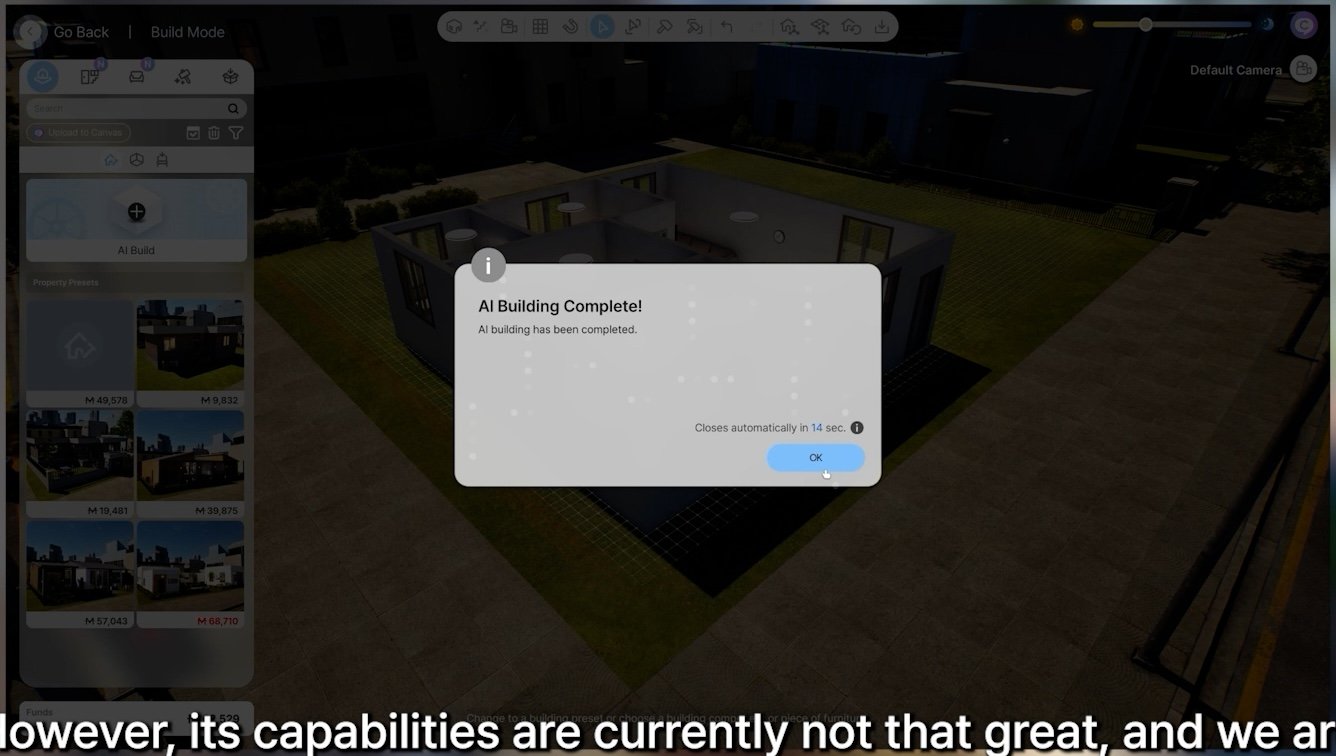
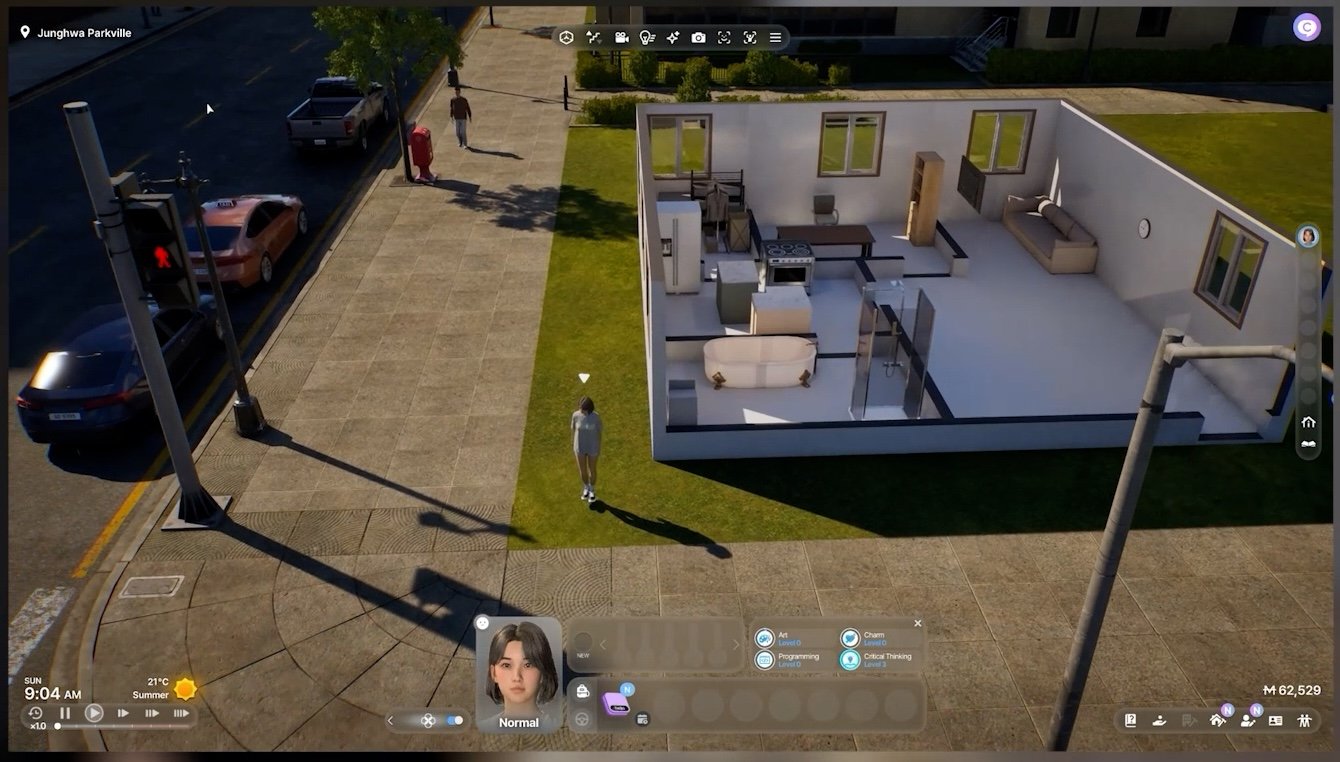
As for AI Building, it often produces results different from the prompts, and since it’s based on an SLM AI, improvement seems difficult — so we’re considering pausing its development. Do you think we still need it as a basic starting tool for building? We’ve also made a few small improvements to the building convenience features.

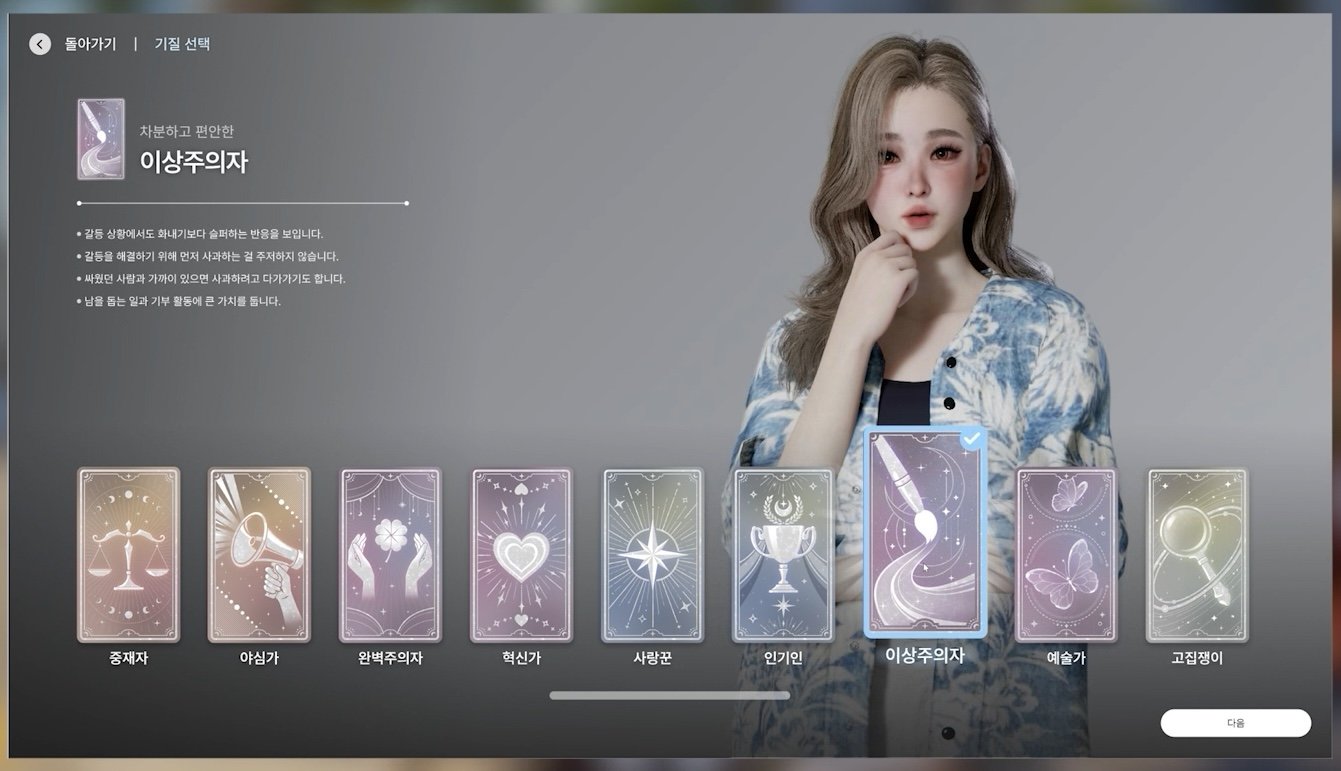
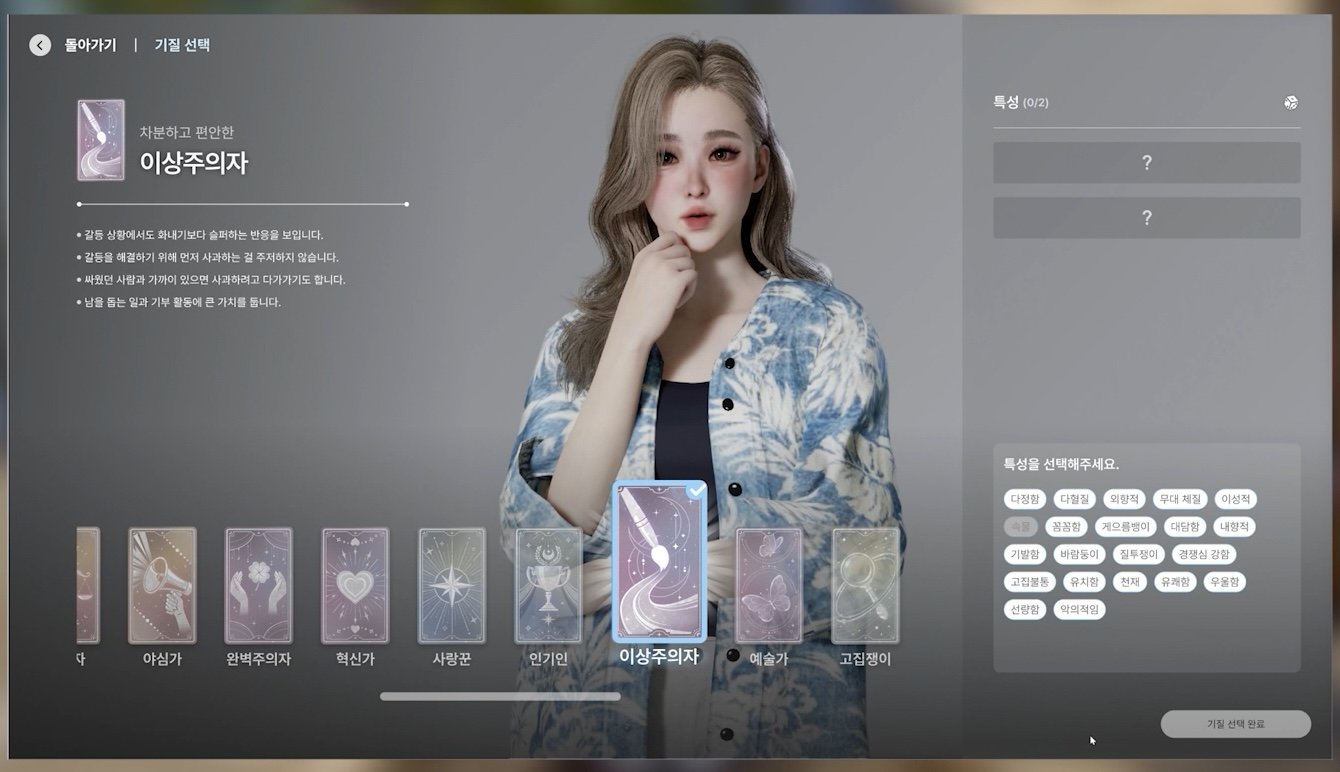
The Temperament system has been refined to better reflect individual personality traits, and we’ve added a new Trait system that allows for more unique character creation. The Expectation UI might be emphasizing time a little too much, so please take a look and share your thoughts. We’ve improved various customization elements, such as outfits and dressing systems, to enhance the user experience. However, updates for a while may focus more on improving existing systems rather than adding new ones.

That’s why we’re introducing seasonal content — including Halloween costumes, accessories, and Jack-o’-lanterns — hoping you’ll enjoy them! The Halloween outfits will only appear until December, after which they’ll disappear for the season. But once the calendar system arrives in December, they can make a comeback.

– K.jun

Changes and Updates coming to InZOI

After receiving your feedback on our recent change to the length of day settings we realized the importance of catering to all different playstyles, and thus implemented a dynamic needs system that adjusts the speed in which a Zoi’s needs increase and decrease – based on which length of day option you select.

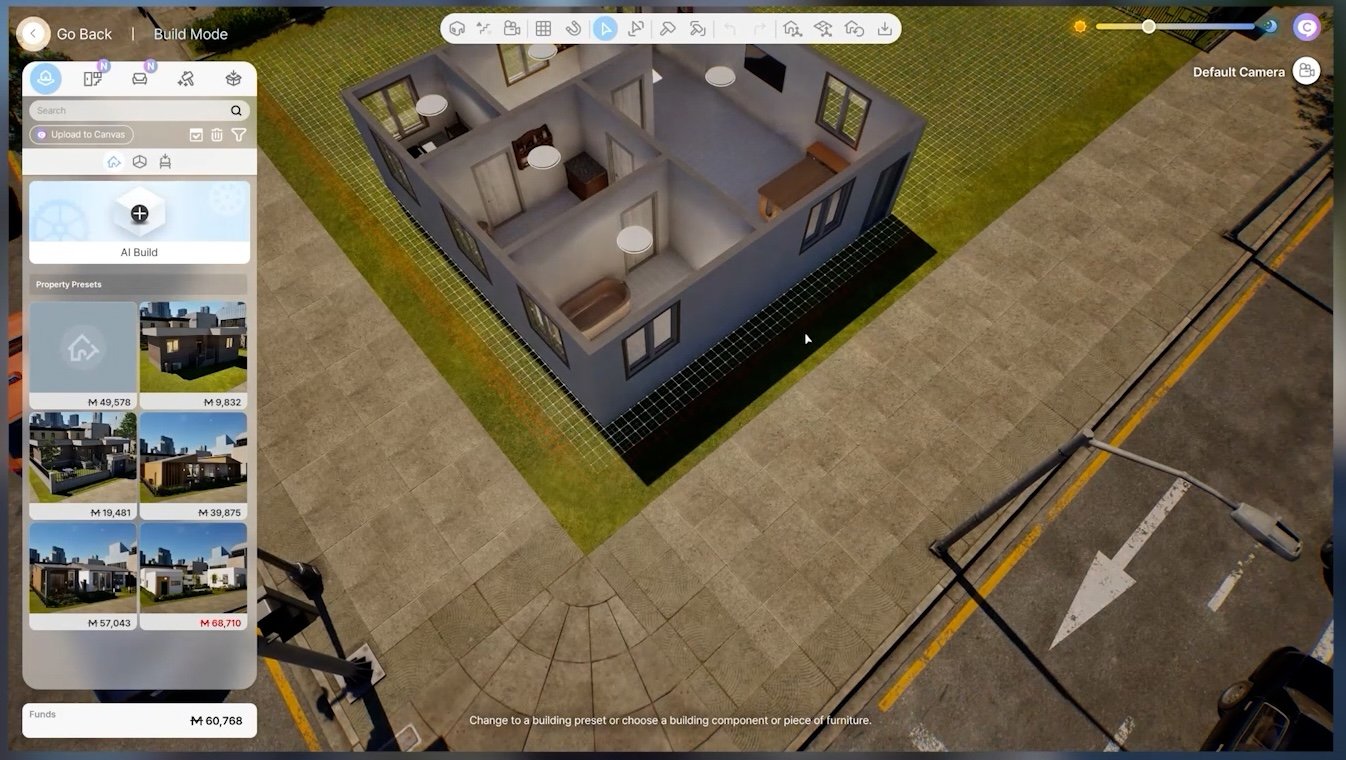
We created an automated AI Build tool to help you save time when building your home in InZOI. However, its capabilities are currently not that great, and we are at a crossroads as to whether we should continue developing this feature.

  • You can now open multiple packages at once.

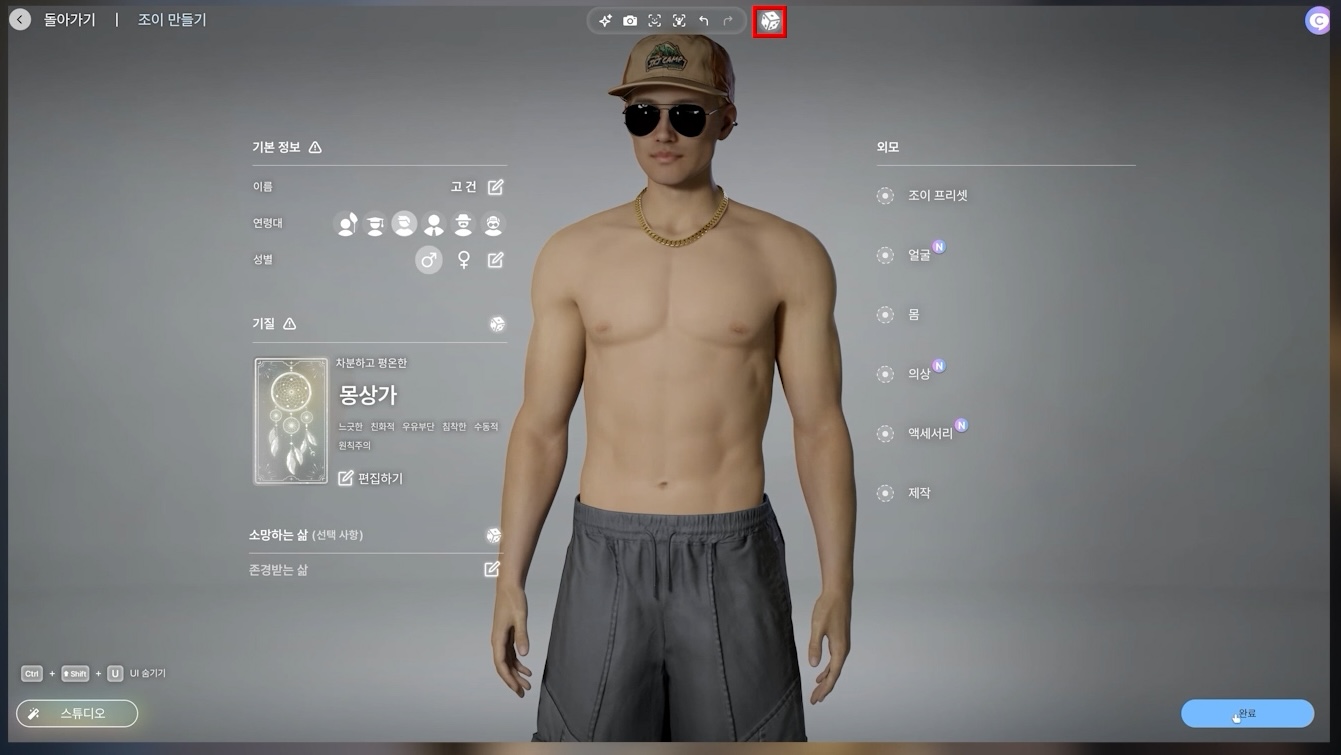
  • We added a complete Zoi Randomizer to Create a Zoi.

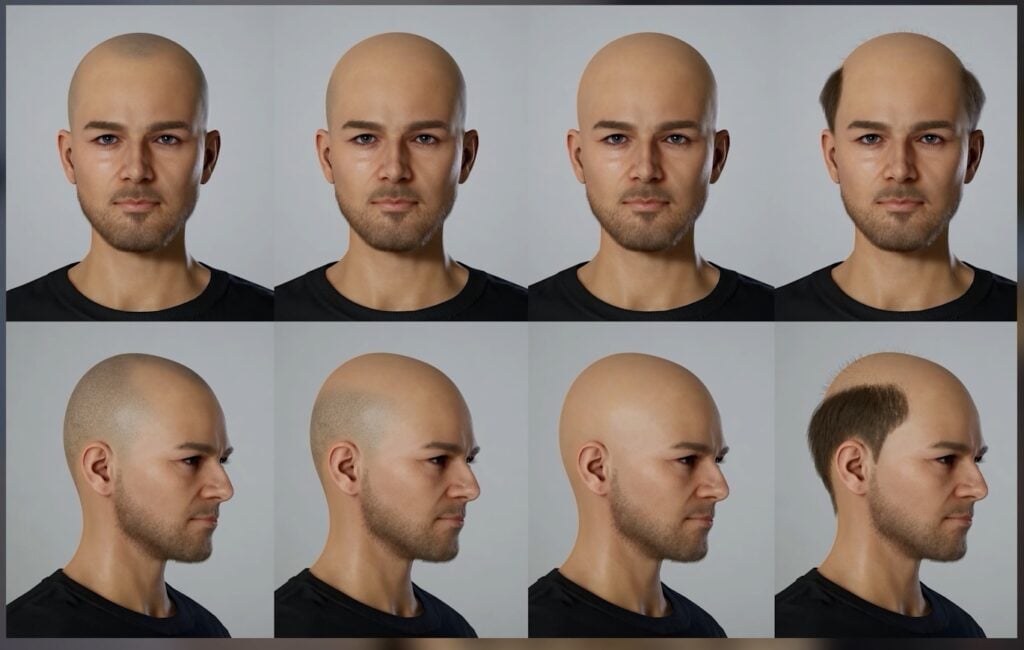
  • We added several balding-type hairstyles.
inzoi update new october 10 screen 22
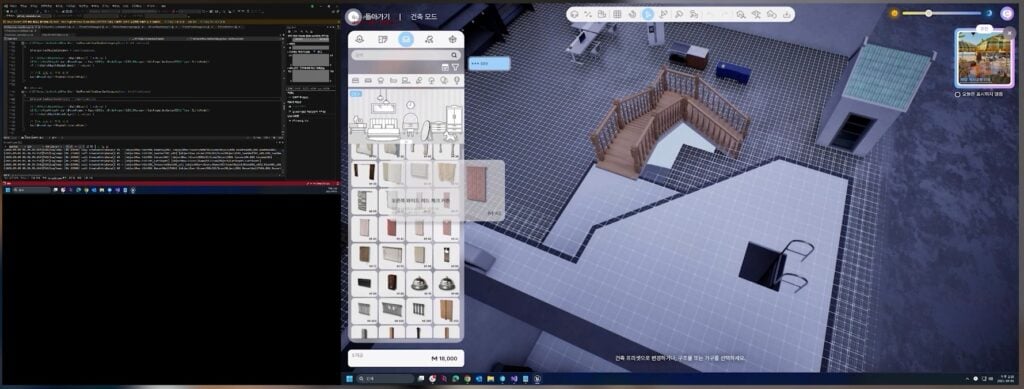
  • You can now access the Dev category Build assets by using a cheat code.
inzoi update new october 10 screen 20
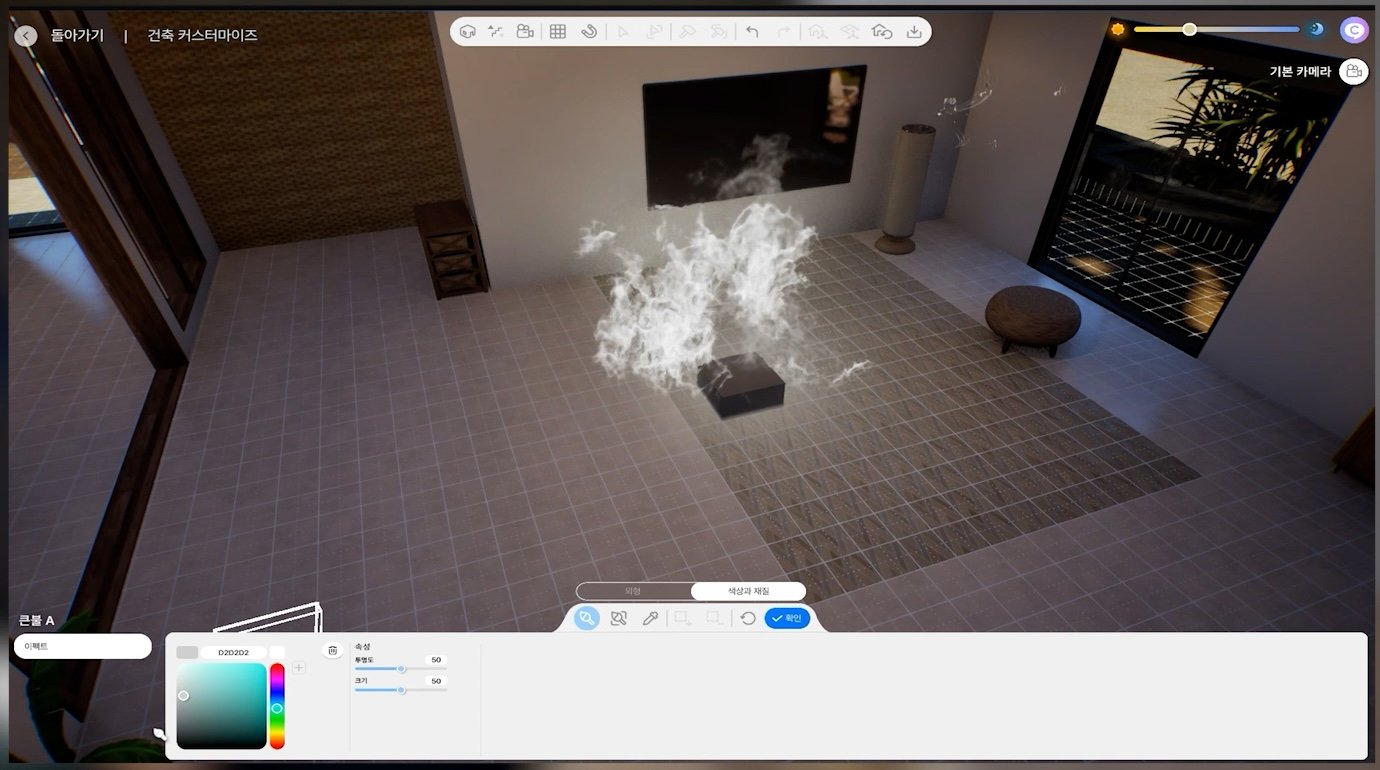
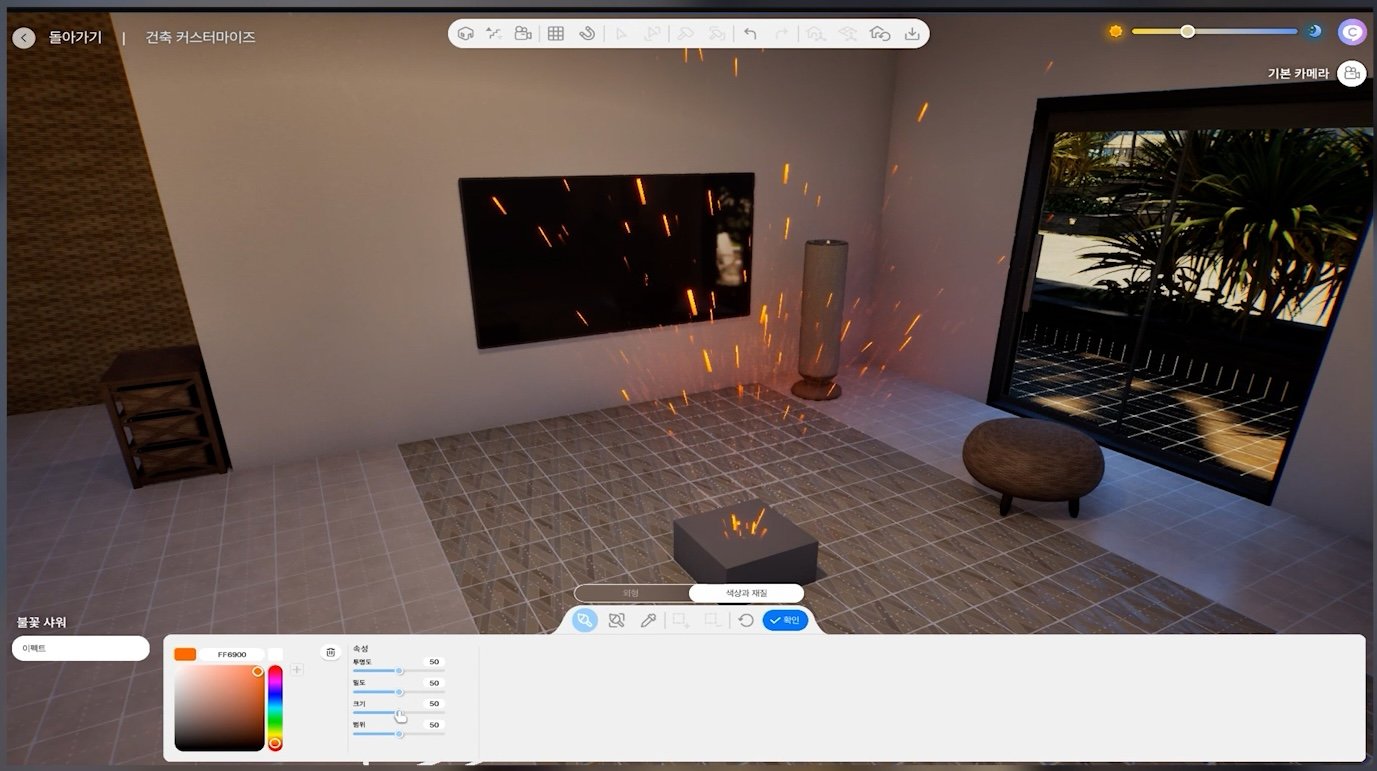
  • You can customize the color and dimensions of different types of FX.

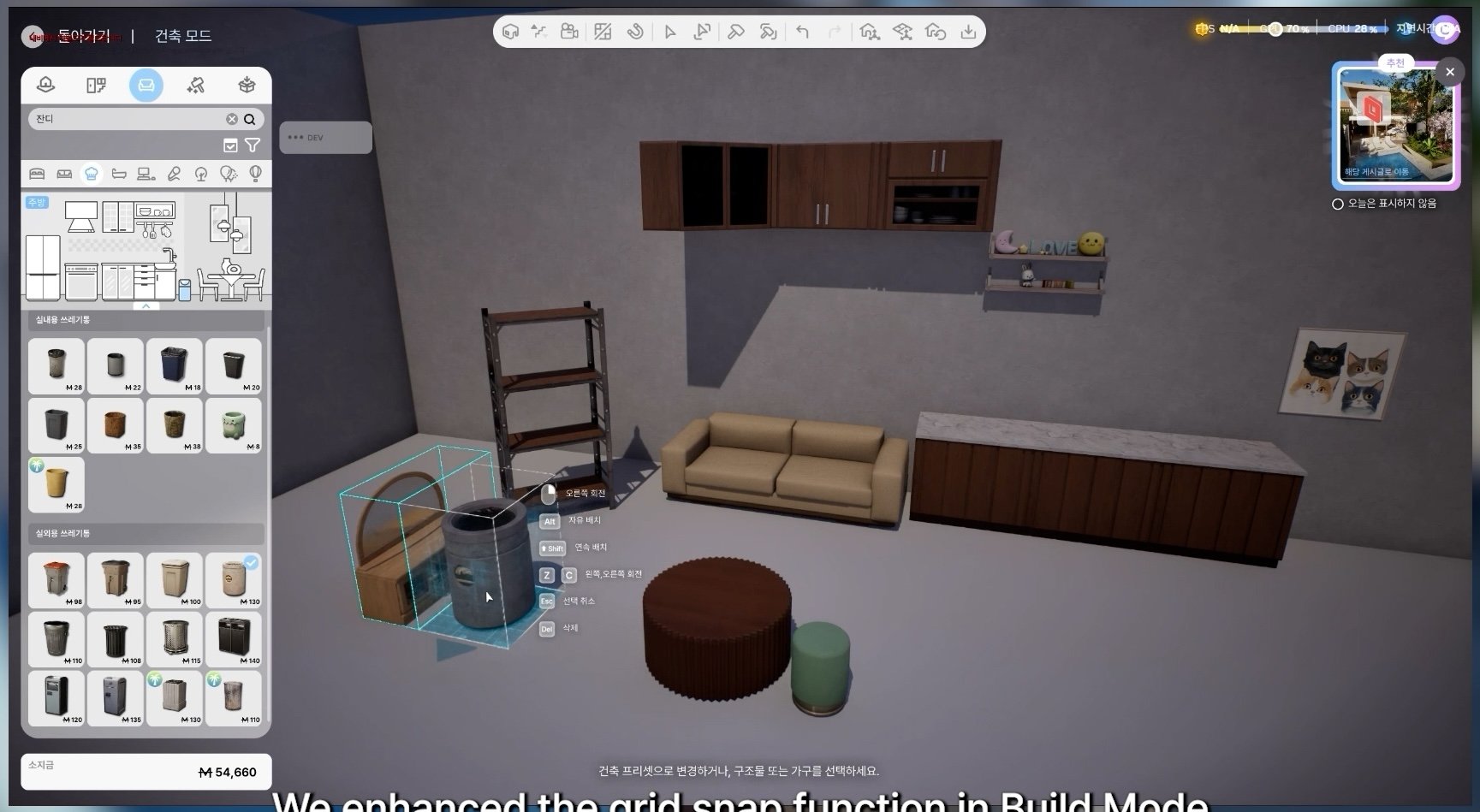
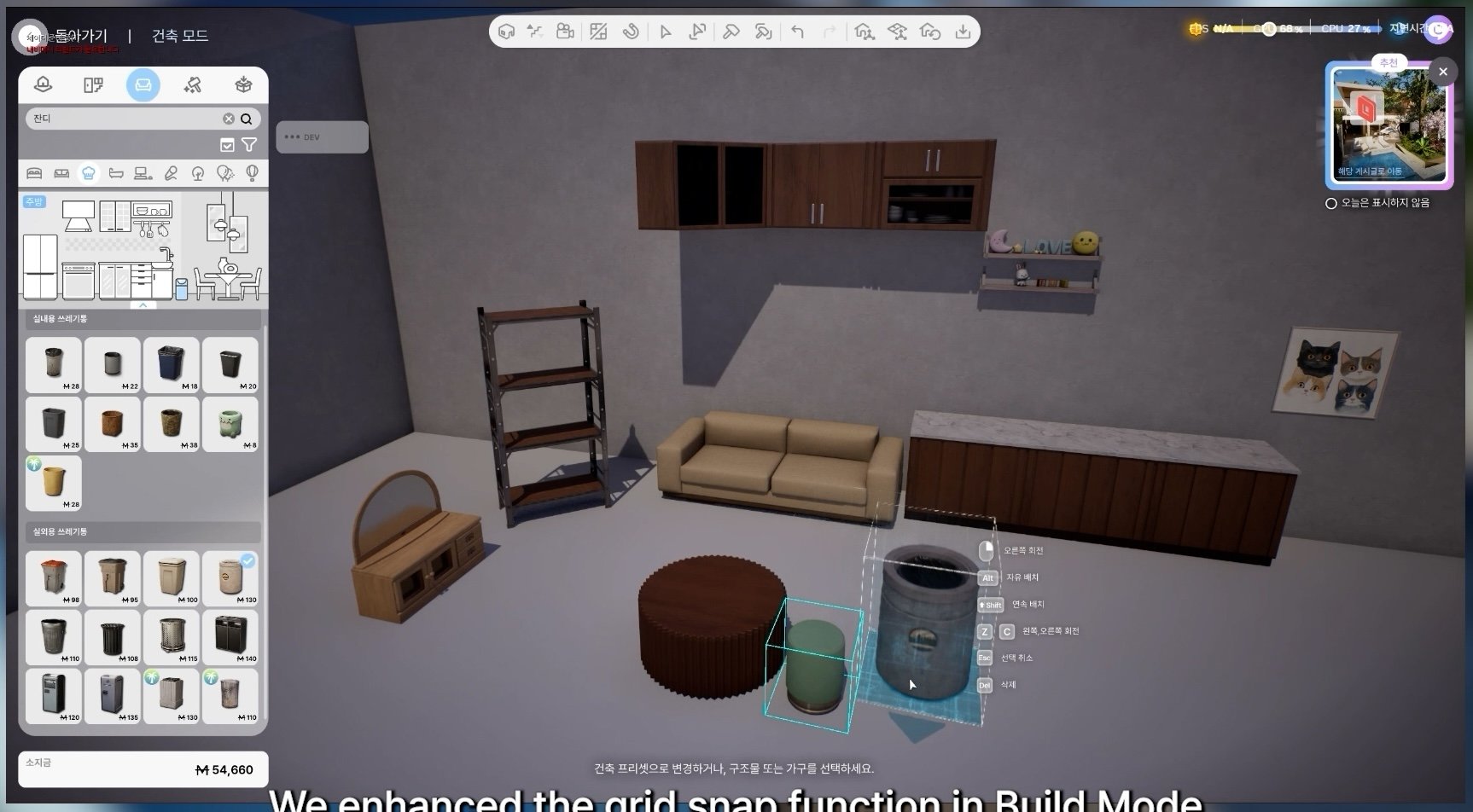
  • We enhanced the grid snap function in Build Mode.

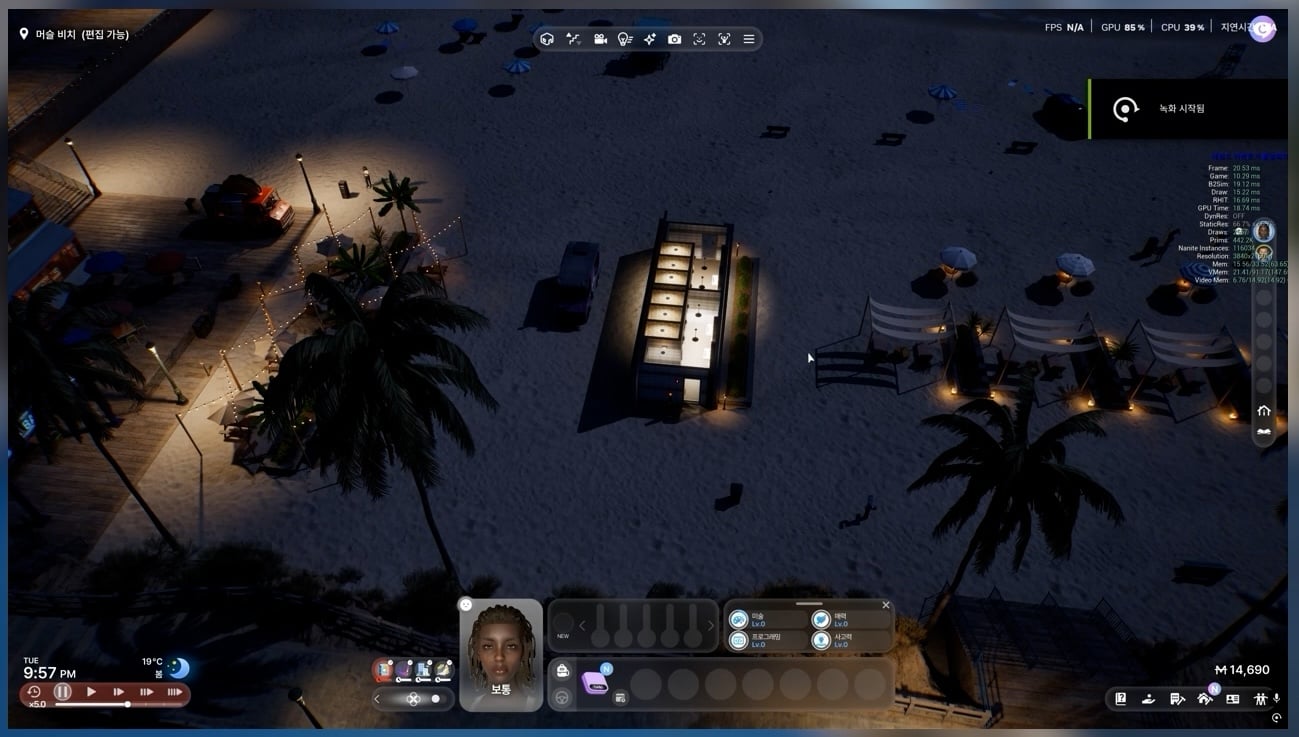
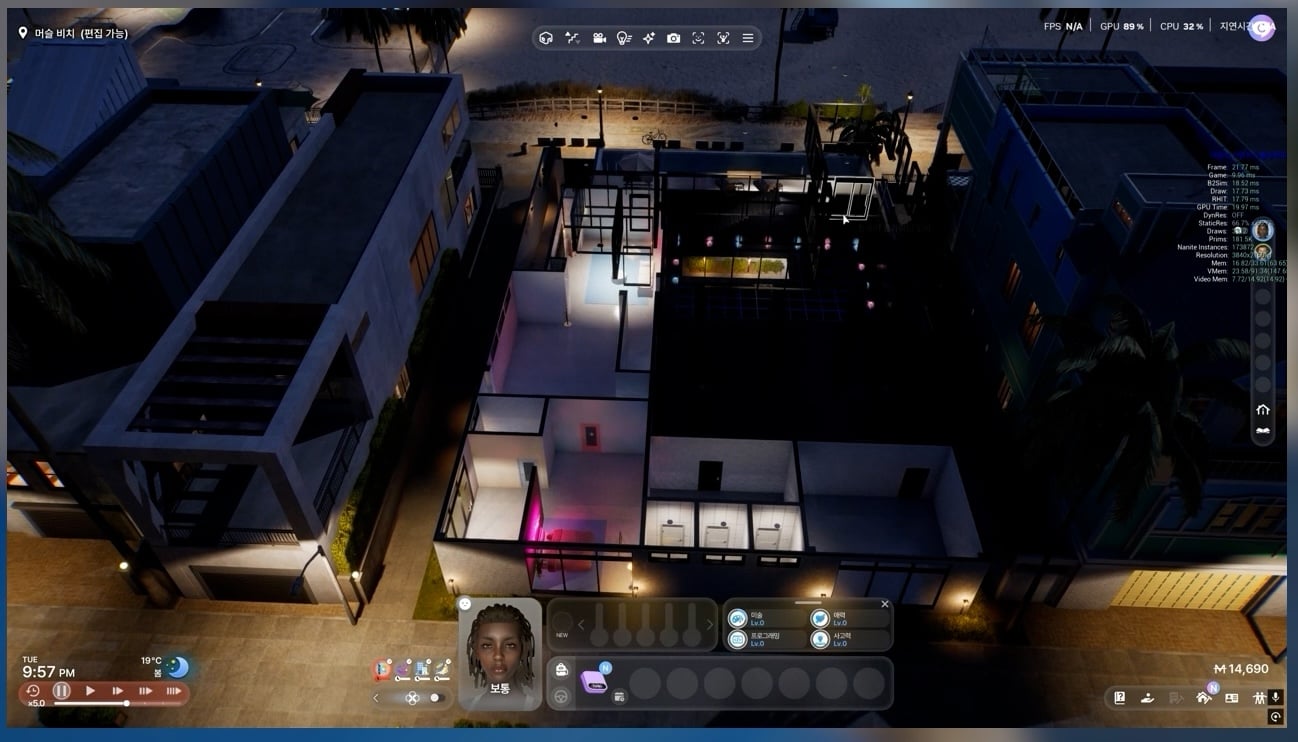
  • We are currently improving the Level of Details (LOD) in houses.

  • We are currently creating a new type of video tutorials for our ModKit.
inzoi update new october 10 screen 10
  • We added collision mechanisms to different objects within the game.

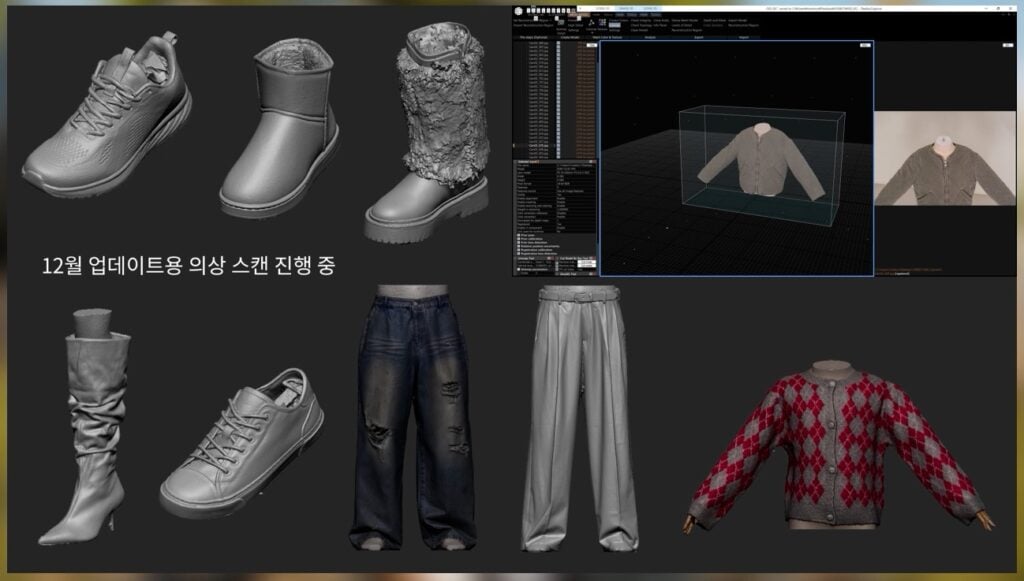
  • Here are some 3D scan samples of upcoming outfits.
inzoi update new october 10 screen 6
  • Here’s a look at some of our new outfits we’re creating for Halloween.

  • We’re also creating new accessories.

  • This Jack-O-Lantern is one of many to be featured in our upcoming Halloween event.
inzoi update new october 10 screen 39
  • Here are some additional objects that will be made interactable.

  • You can now customize more elements in the game, and we also added new tile materials.

  • We’re also adding a new bush type for decorating the city.
inzoi update new october 10 screen 44
  • We implemented some new features based on recent player feedback.
inzoi update new october 10 screen 45
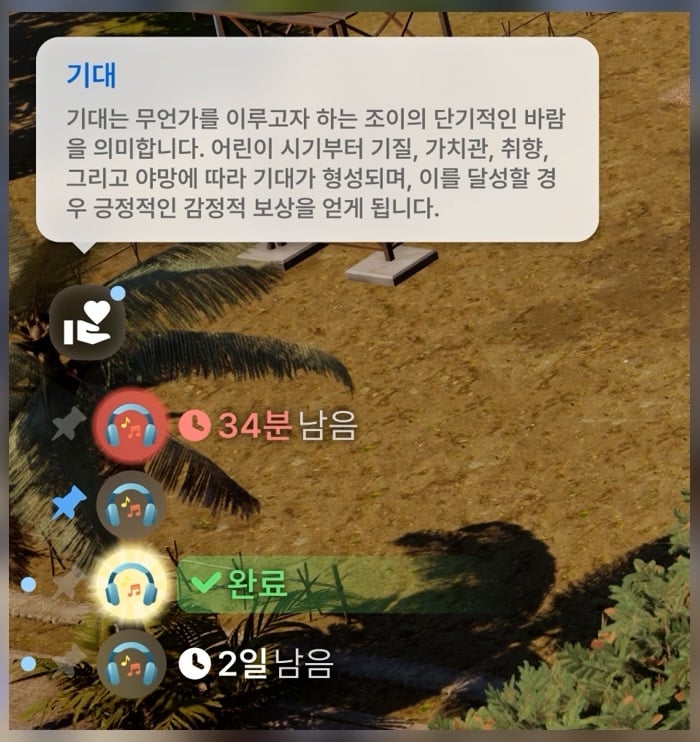
  • We improved the UI design for our Wants system.

  • We also revamped the design for our Traits UI:

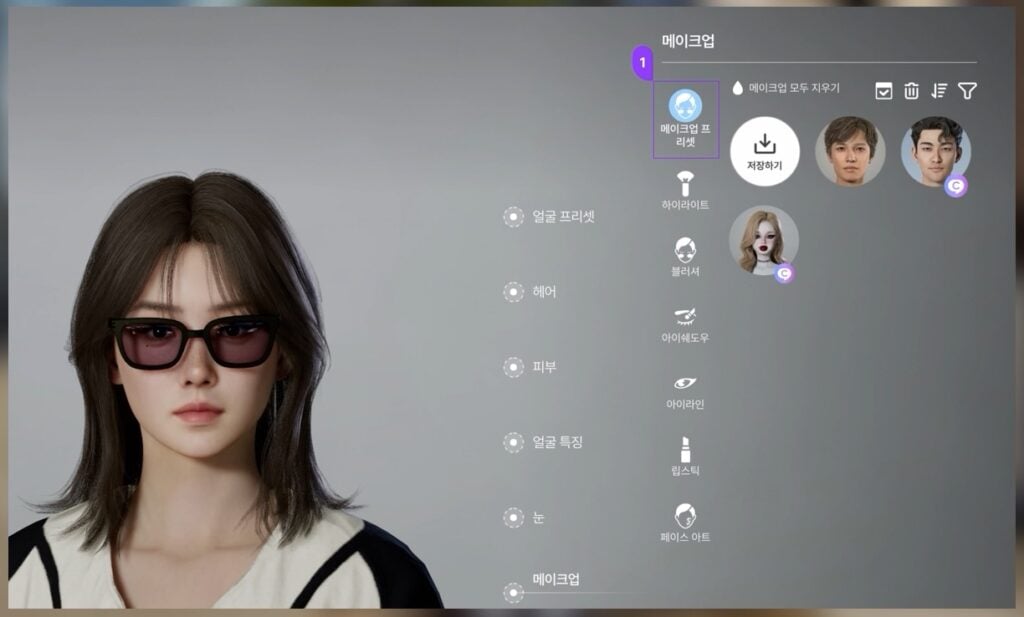
  • We added Makeup Presets to Create a Zoi:
inzoi update new october 10 screen 49
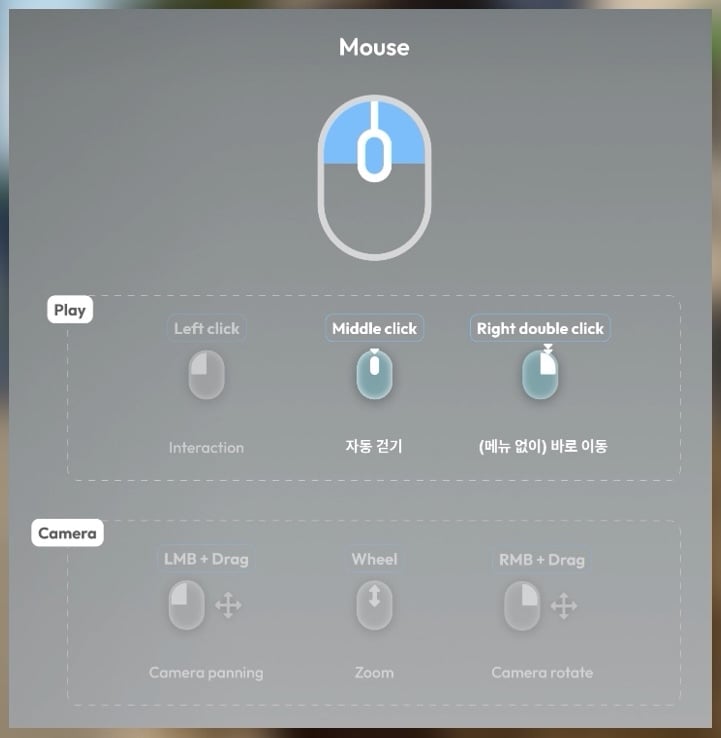
  • You can click the middle mouse button or double click the right mouse button to move your Zoi.
inzoi update new october 10 screen 51
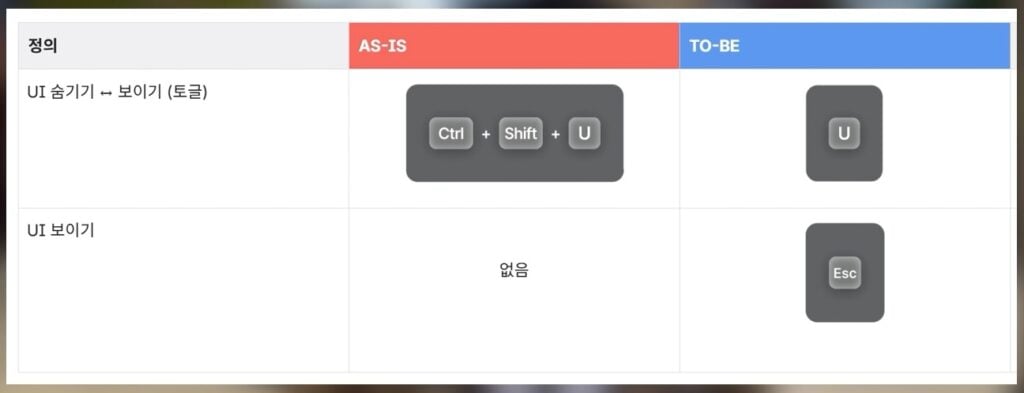
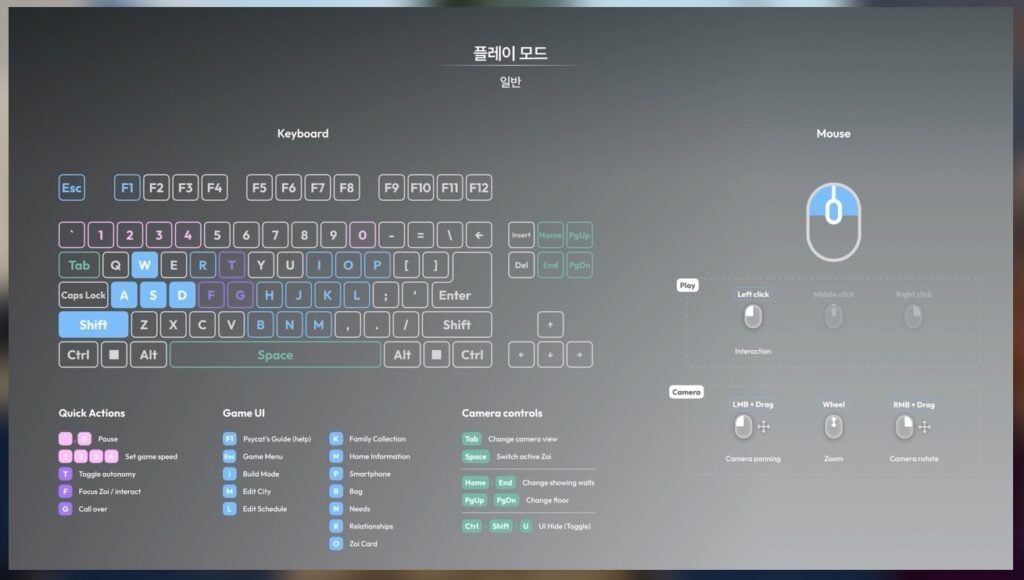
  • We simplified the Hide UI hotkey to simply U. You can exit this by pressing U again or pressing ESC.
inzoi update new october 10 screen 52
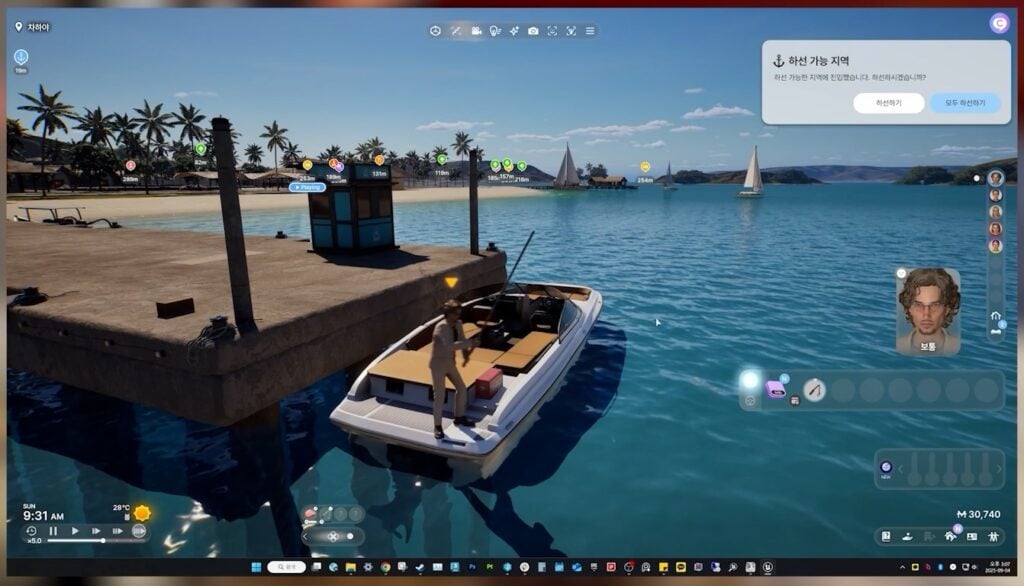
  • We adapted positional heights and reorganized the interaction buttons of boats.
inzoi update new october 10 screen 54
  • If you meet the right conditions, a burglar may break into your home! Fail to fight them off, and you may lose even more money. You can also choose to call the cops to have the thief arrested.

  • We added new interactions for when you’re in prison.
inzoi update new october 10 screen 58
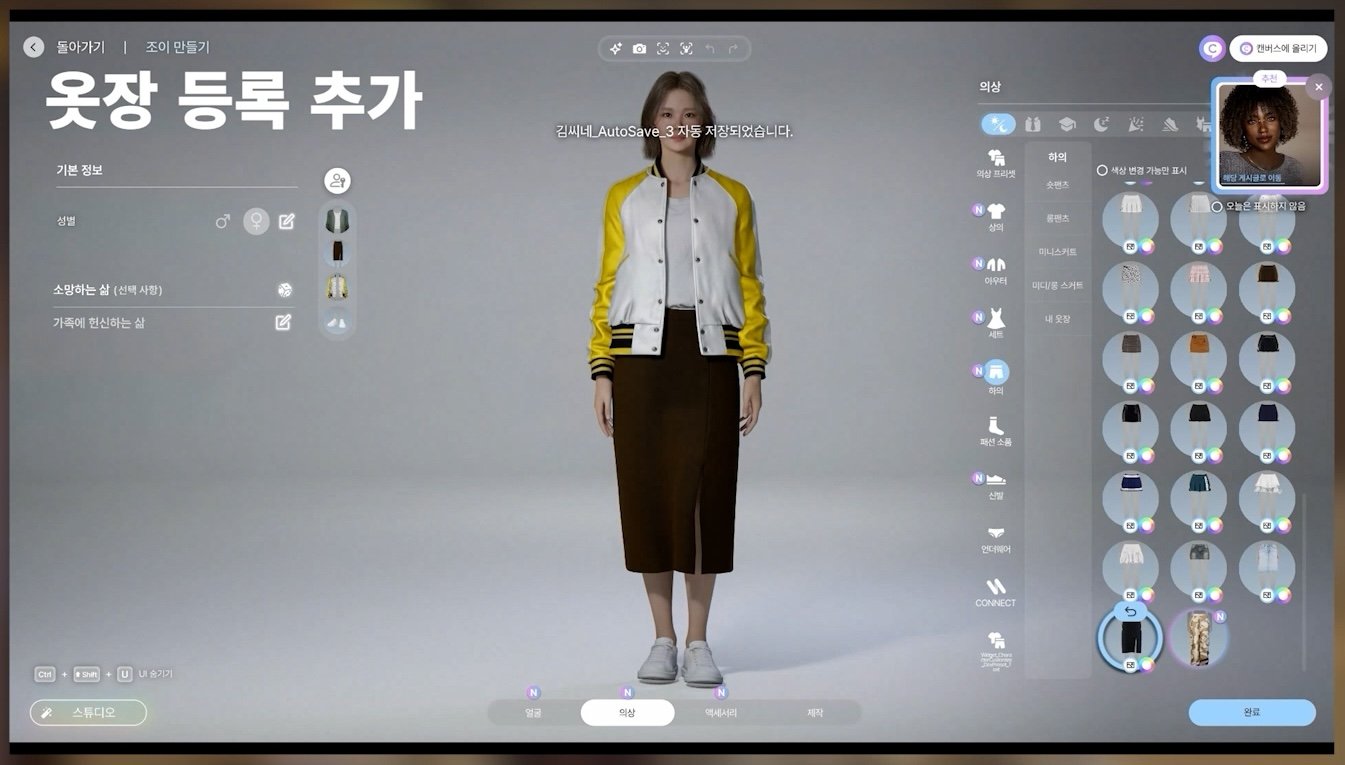
  • We improved the outfit change function.


What do you think about the new InZOI Features coming to the Early Access Base Game? Are you looking forwards to playing with Burglars in a different life simulator? Let us know in the comments below and stay tuned for the latest InZOI News!

Hit your Target with The Sims 4 Archery Skill from Adventure Awaits

A Complete Guide to The Sims 4 Archery Skill, Including How to Level Up, What Each Level Unlocks, and More!

The Sims 4 Archery Skill from Adventure Awaits, Camp Gibbi Gibbi

Get Ready to Nock, Loose, and Draw Your Arrows

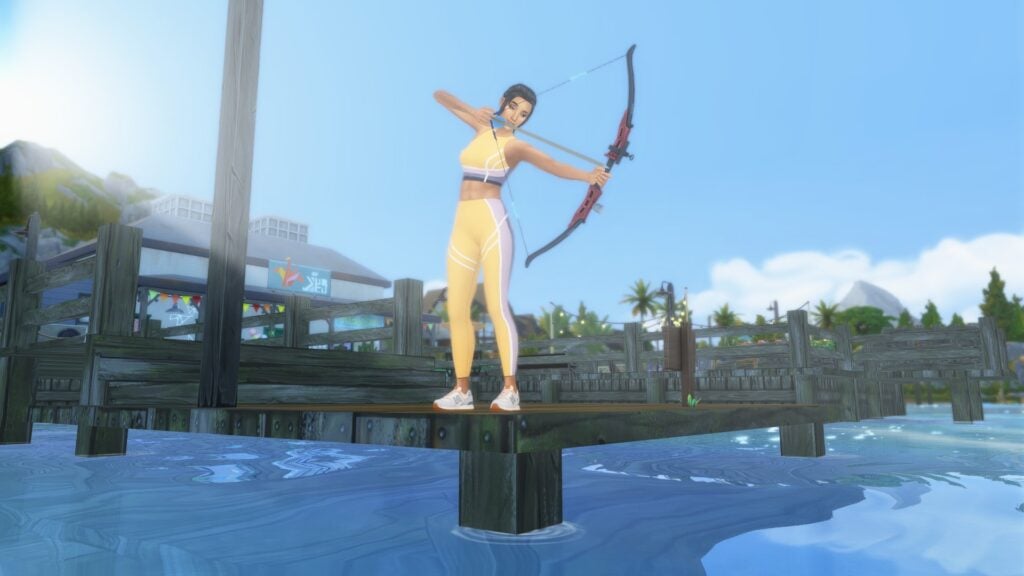
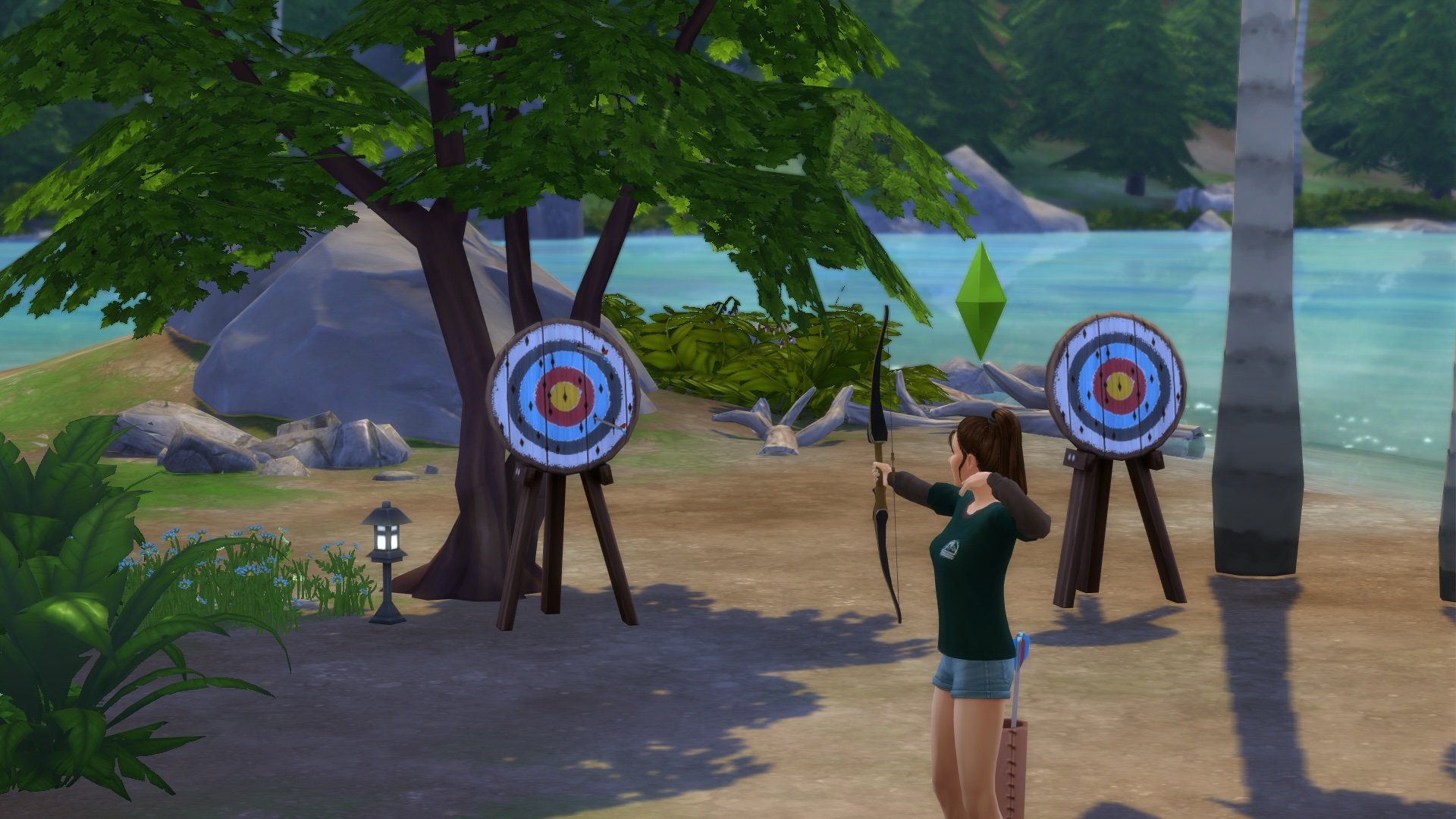
The Sims 4: Adventure Awaits adds the new Archery skill to challenge your adventurous and outdoorsy Sims. This is a Minor skill, meaning there are a total of five levels. Your Sims can now master the bow and arrow and participate in Archery Competitions. Just remember that practice makes perfect, so keep on shooting that arrow!

The Sims 4 Archery Skill from Adventure Awaits, Practice Archery Child

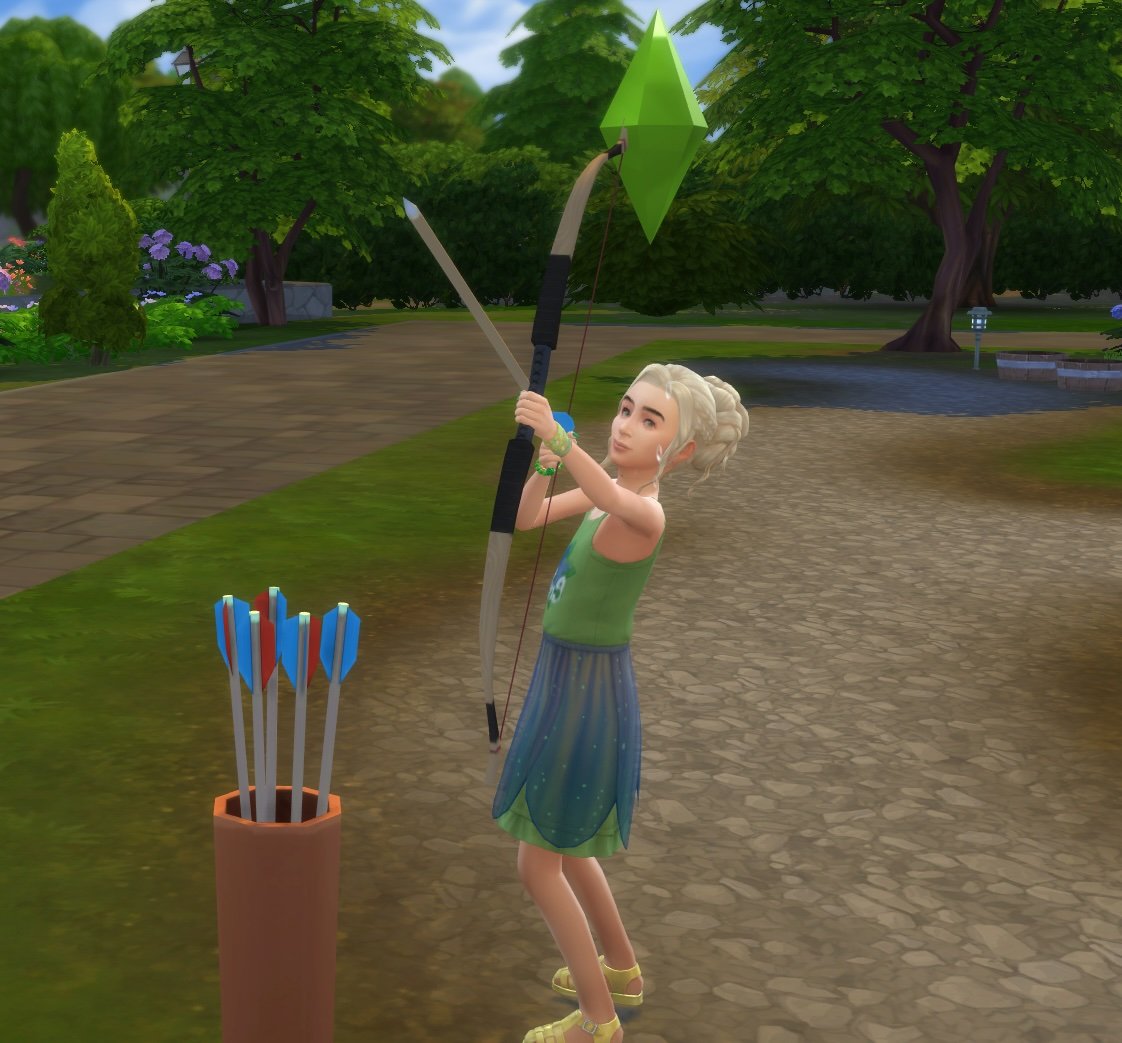
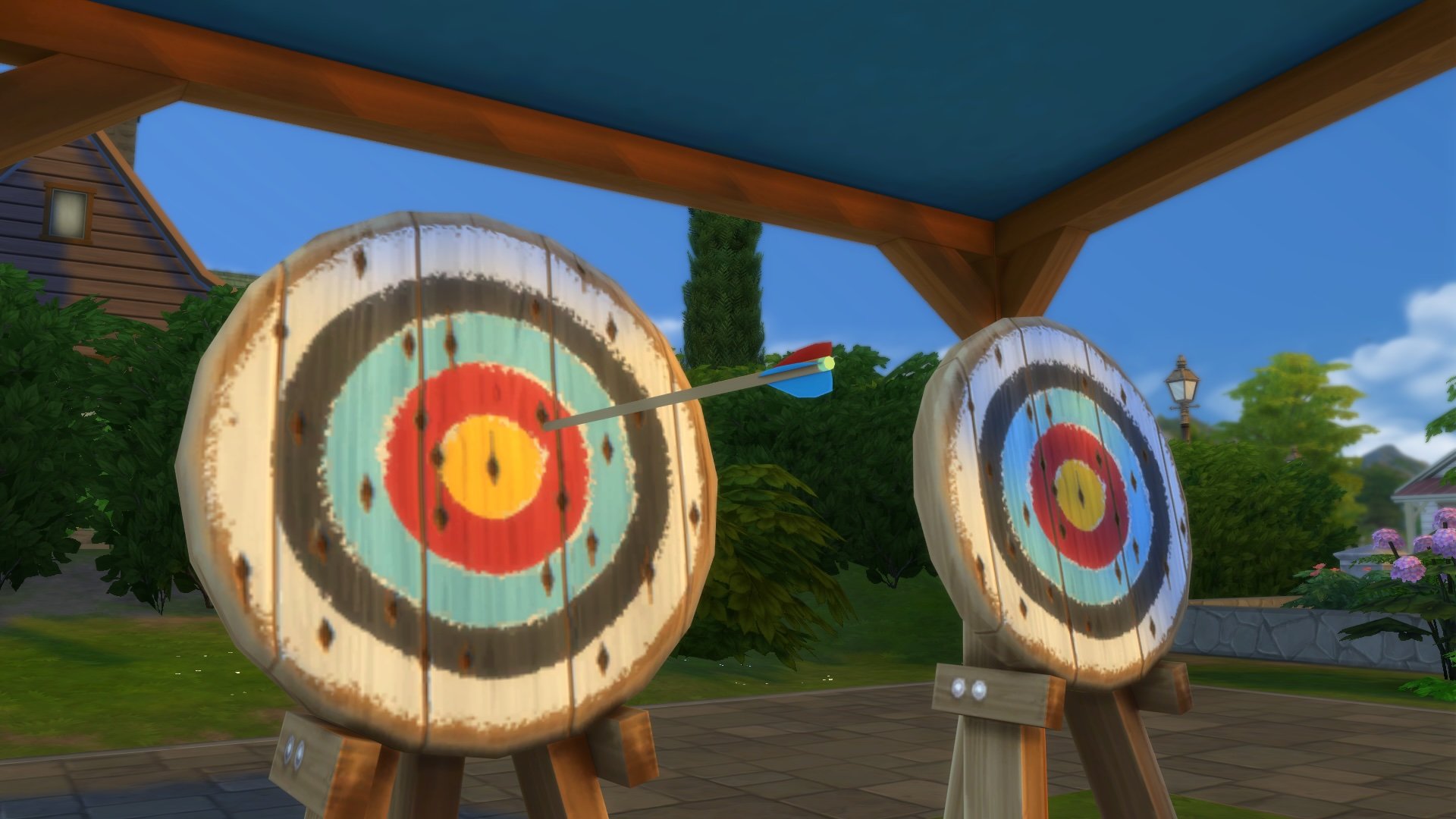
Is your Sim ready to become an archer? Sims ages Child and up can click on any Archery Target to Practice Archery and unlock The Sims 4 Archery skill. You can find a pair of Bullseye! Archery Targets at Camp Gibbi Gibbi or purchase one directly in Buy Mode for 315 Simoleons. 

Archery 10

To level up the Archery Skill, simply continue to Practice Archery, take part in any Archery Competition, or Go Bowfishing, once your Sim has a high enough skill level. Sims can also increase their skill levels by being mentored by other Sims with higher Archery skill levels.

The Sims 4 Archery Skill Levels

Level One

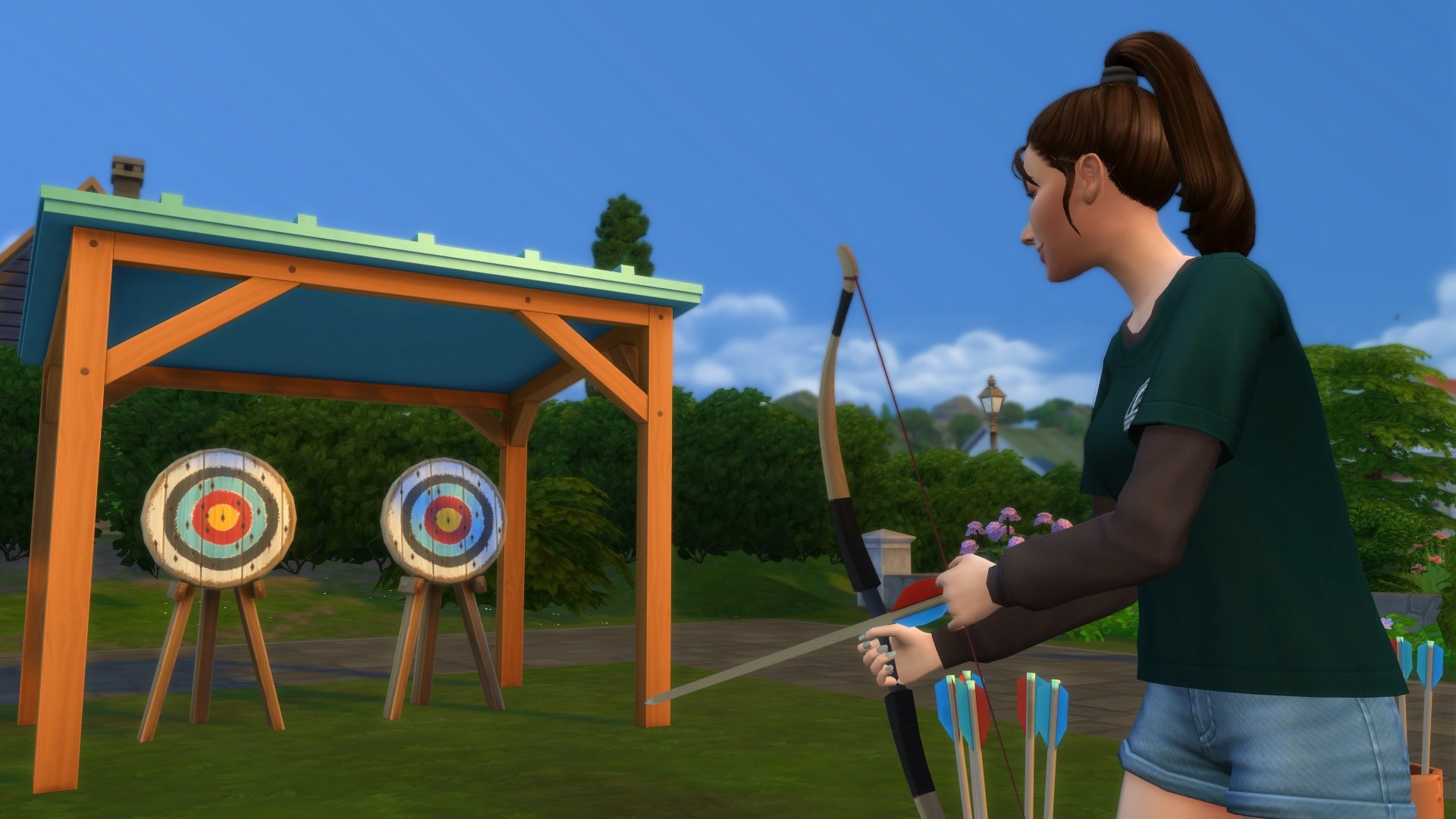
The first level of the Archery skill covers the basics by allowing your Sim to Practice Archery at any Archery Target. Grab a bow and some arrows and get going!

The Sims 4 Archery Skill from Adventure Awaits, Practice Archery

Level Two

Now that your Sim feels a little more comfortable behind the bow, they can share in the fun with other Sims. Level two unlocks the Acclaim about Archery Social Interaction (found under Hobbies), and the ability to Start Archery Competitions from the Archery Target (requires other Sims to be present on the lot).

The Sims 4 Archery Skill from Adventure Awaits, Start Archery Competition

Level Three

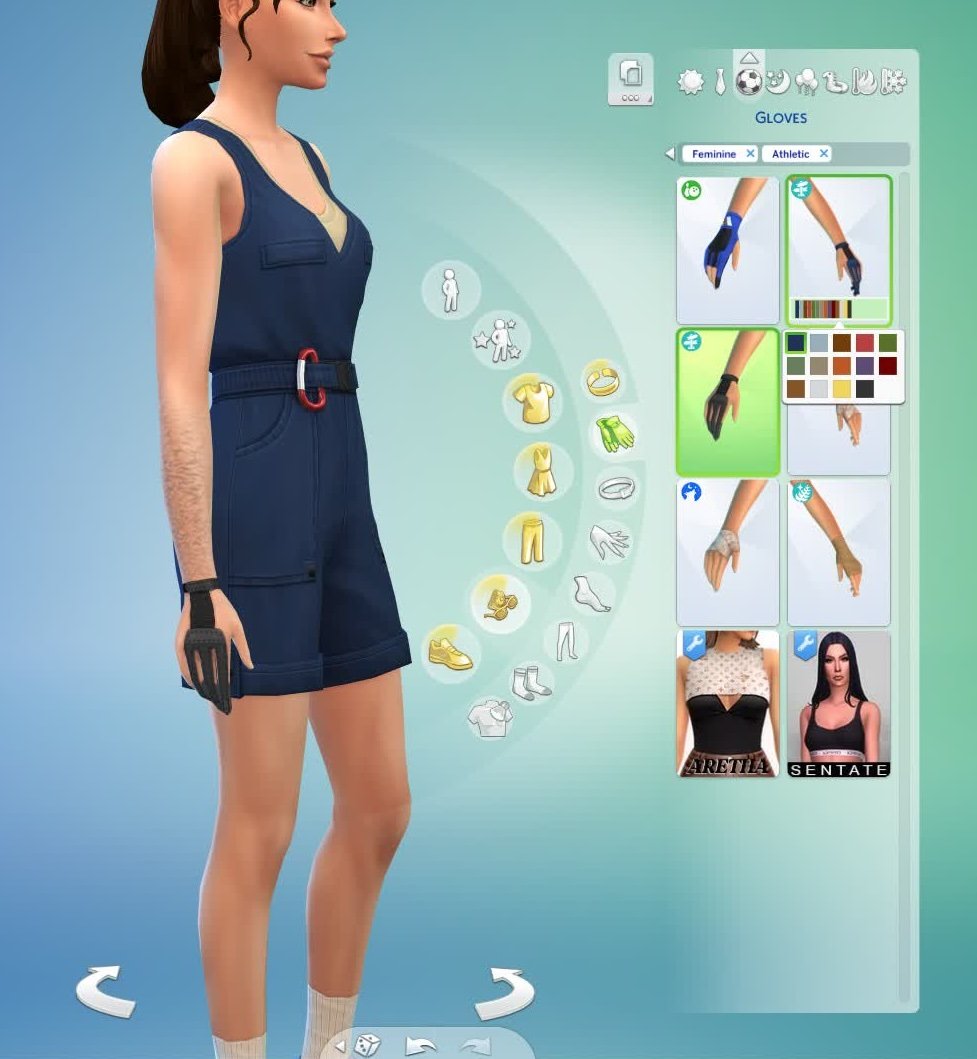
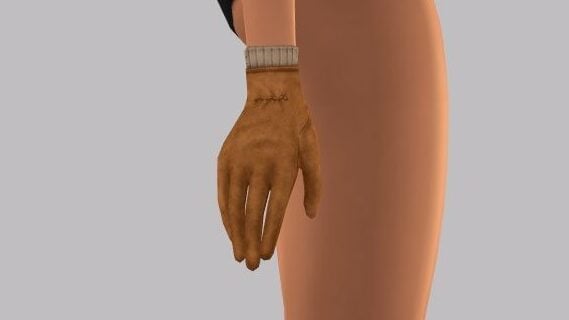
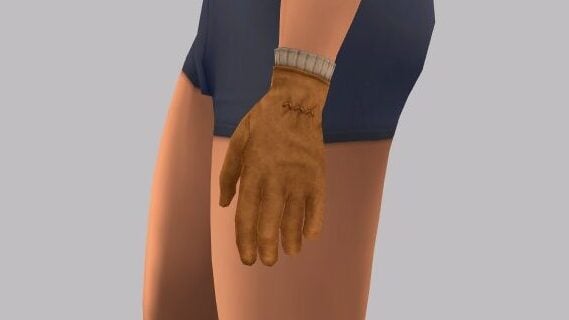
At the third level, your Sim unlocks the Discuss Archery Technique social interaction. Your Sim can also upgrade their bow from Beginner to Advanced by selecting the Archery Target. Sims at this level will unlock a new Archery Glove in Create a Sim.

The Sims 4 Archery Skill from Adventure Awaits, Archery Glove CAS

Level Four

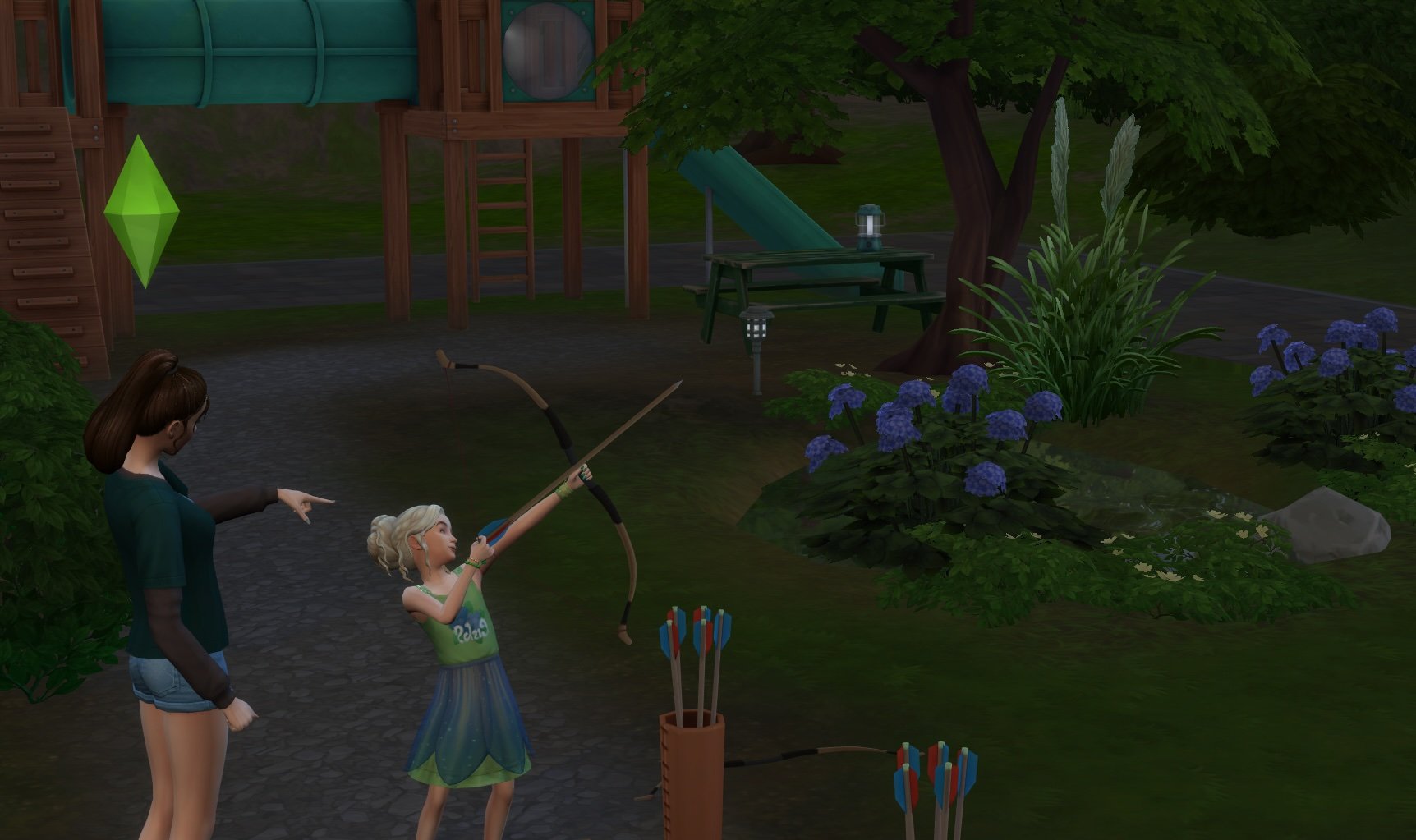
Once your Sim reaches level four of The Sims 4 Archery Skill, they will be able to venture outside of the Archery Target and Go Bowfishing at fishing spots to increase their Fishing skill. They are also skilled enough with a bow and arrow to Mentor Other Sims in Archery.

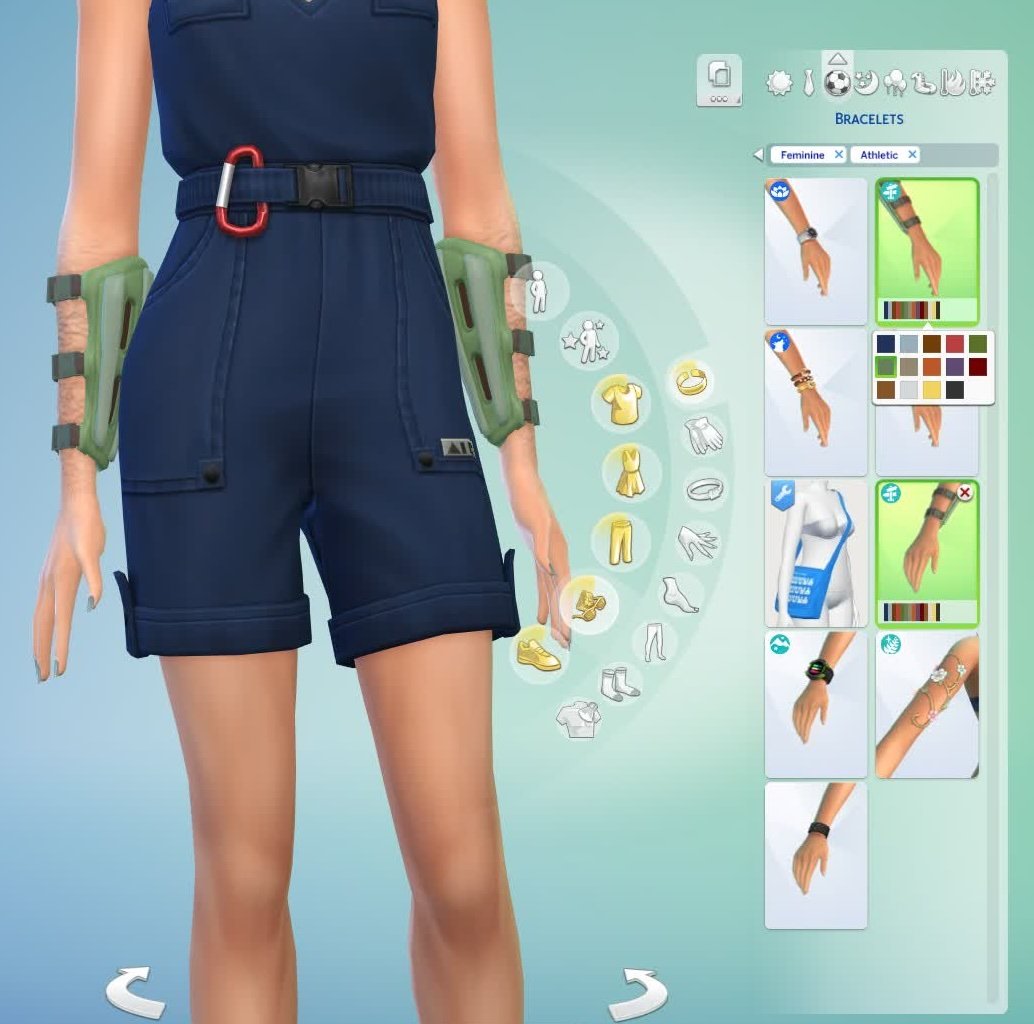
Sims at this level will have access to a fully upgraded bow at the Archery Target and a new Archery Armguard accessory in Create a Sim.

The Sims 4 Archery Skill from Adventure Awaits, Archery Armguard CAS

Level Five

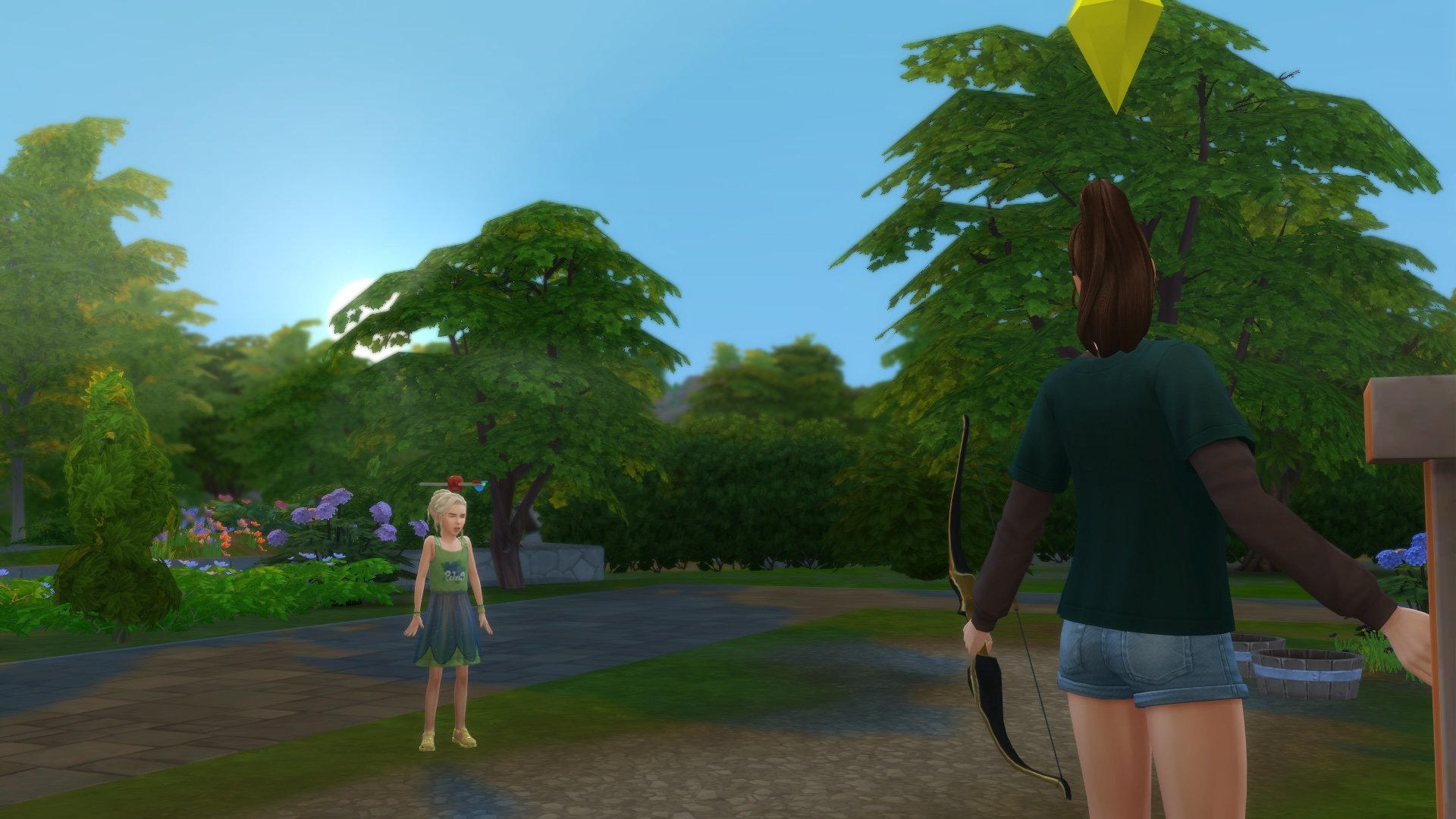
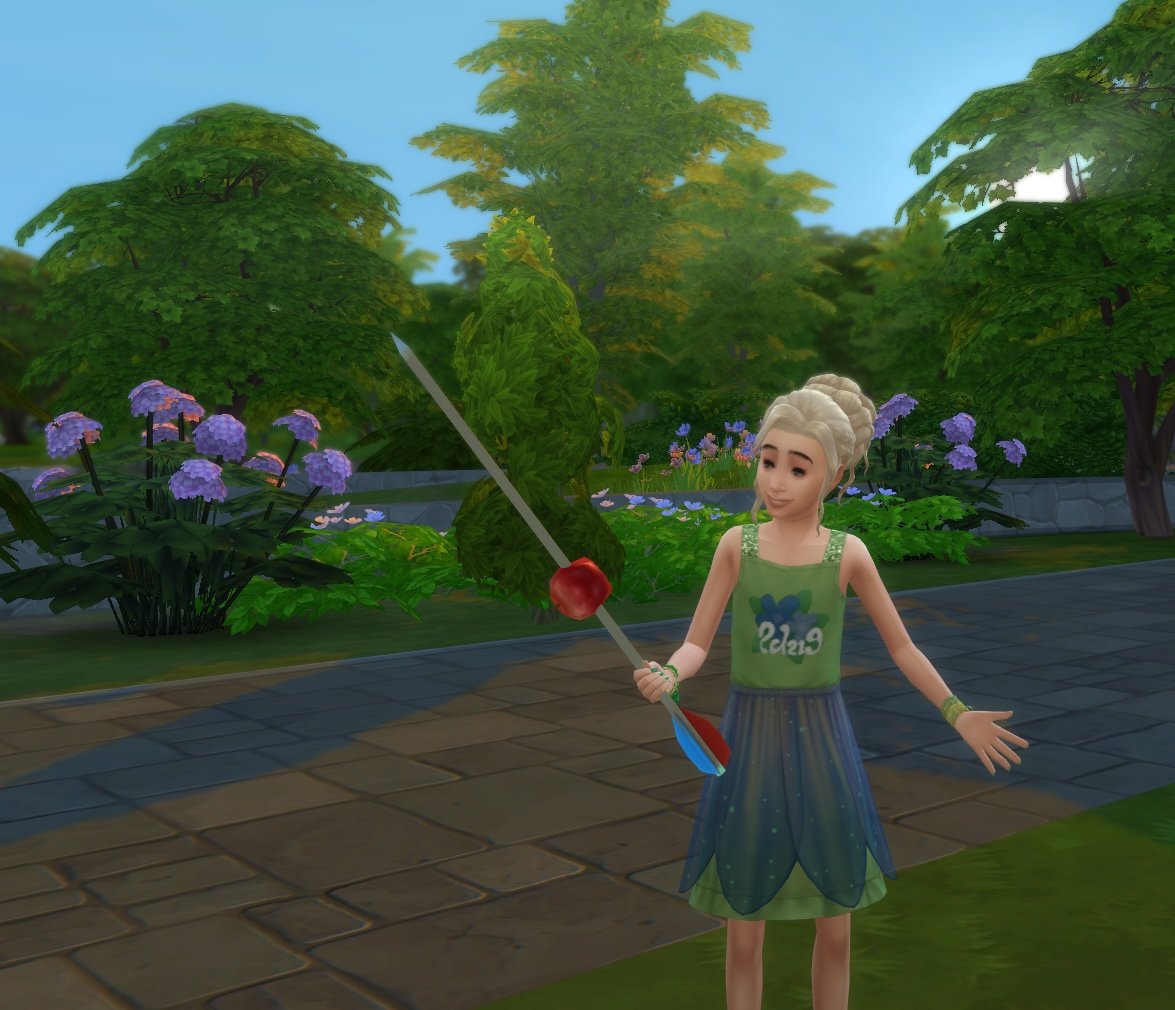
As a master of the Archery skill, Sims at this fifth level can test the strength of their friendships while showing off their Archery expertise with the Attempt to shoot an Apple off [another Sim’s] Head social interaction, located under Hobbies. Hopefully, they have really good aim.

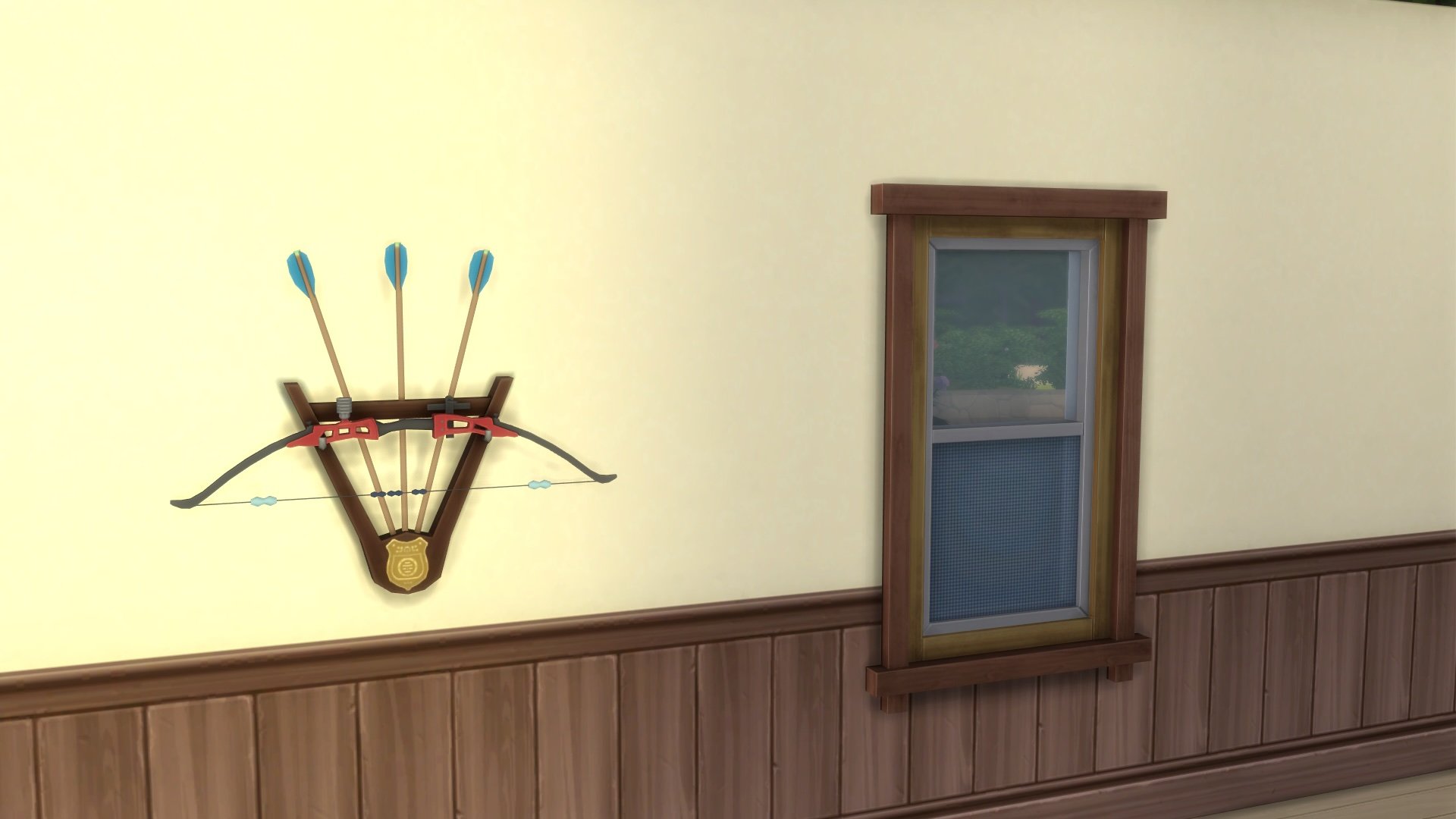
They also unlock the coveted Sky Piercer wall decoration in Buy Mode.

The Sims 4 Archery Skill from Adventure Awaits, Sky Piercer

Archery Competitions

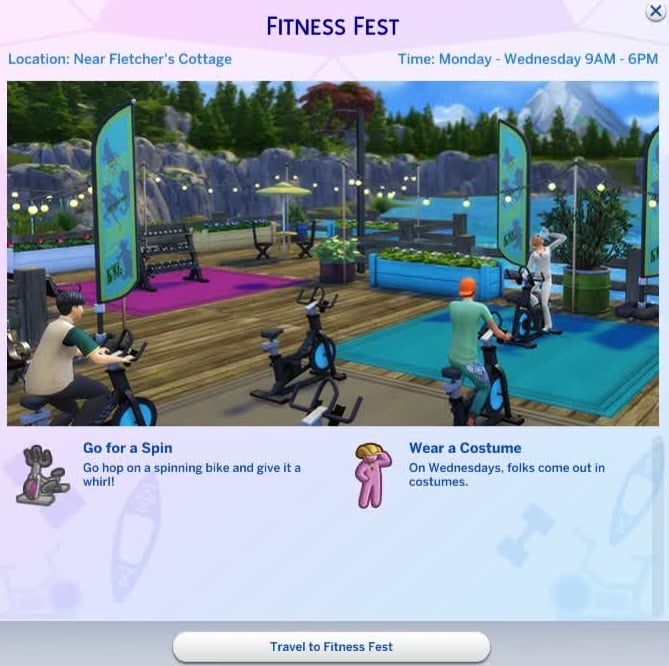
With The Sims 4: Adventure Awaits Expansion Pack comes a new neighborhood event: The Fitness Fest. This festival highlights fun physical activities like Free Weights, Spin Machines, and Archery. You will also find a handful of kayaks in the water nearby if your Sim is curious about taking them for a spin.

If your Sim is interested in competing for some cash or challenging their Archery skill level, travel over to the Jellyfish Junction neighborhood located within Gibbi Point and sign up!

The Sims 4 Archery Skill from Adventure Awaits, Fitness Fest

Are your Sims ready to pick up a bow and a bundle of arrows? How does this new skill measure up to what you expected? Let us know what you think about The Sims 4 Archery skill from The Sims 4: Adventure Awaits below!

The Sims 4 Autumn Apparel Kit Review: Happy Fall, Y’all!

Sweater weather is here!

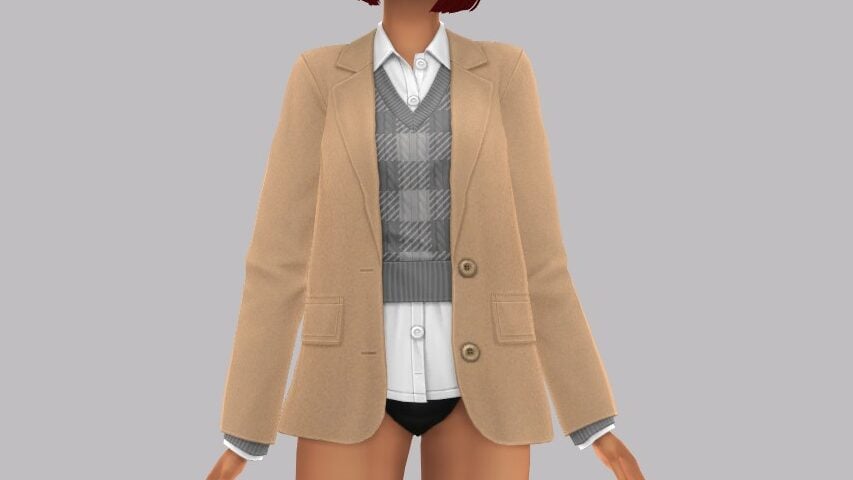
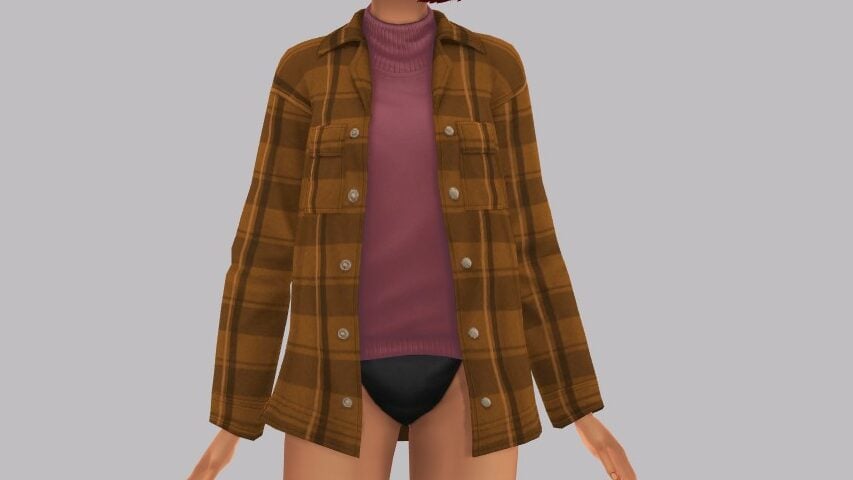
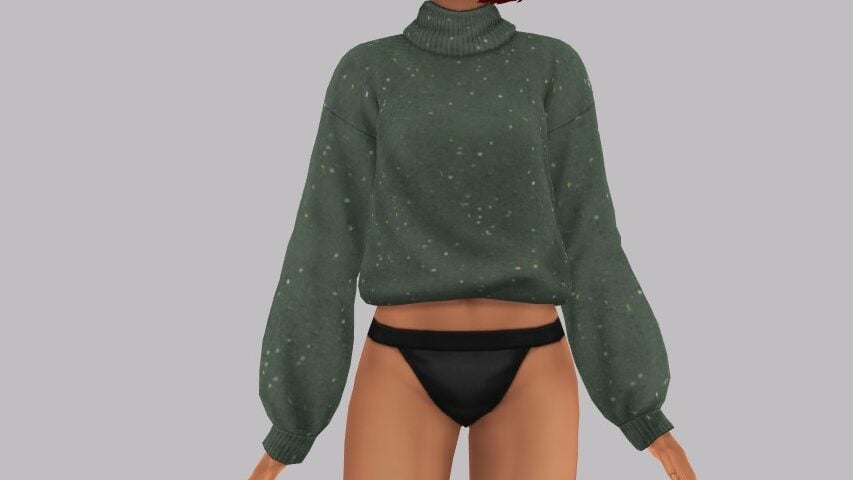
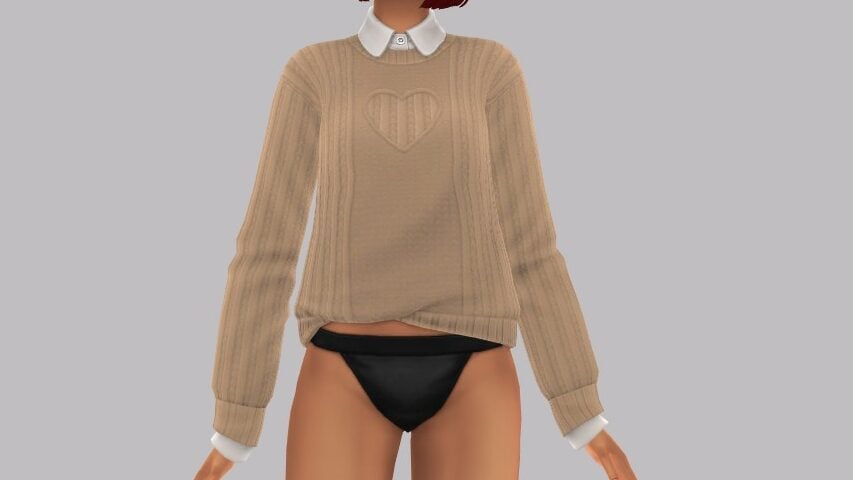
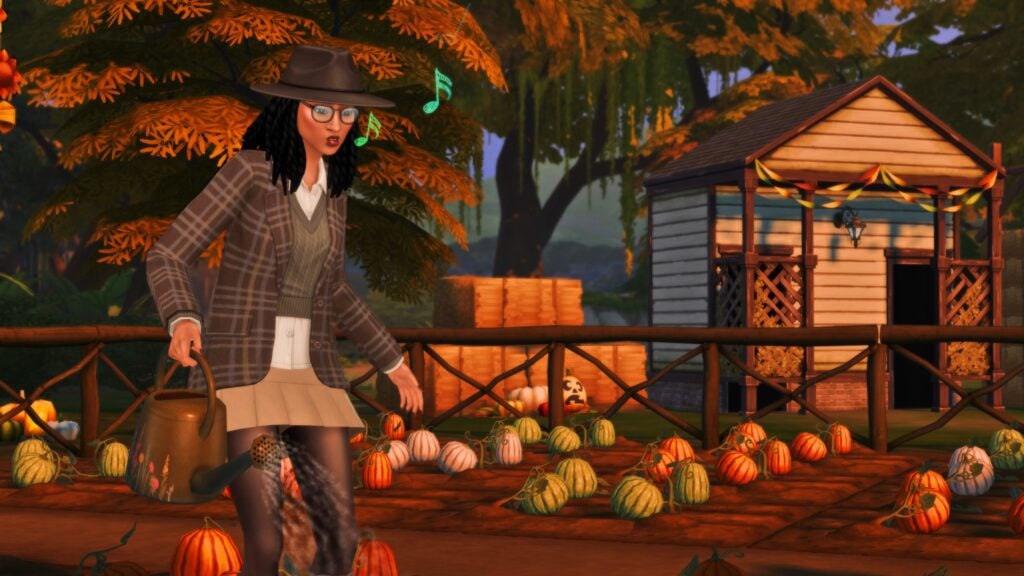
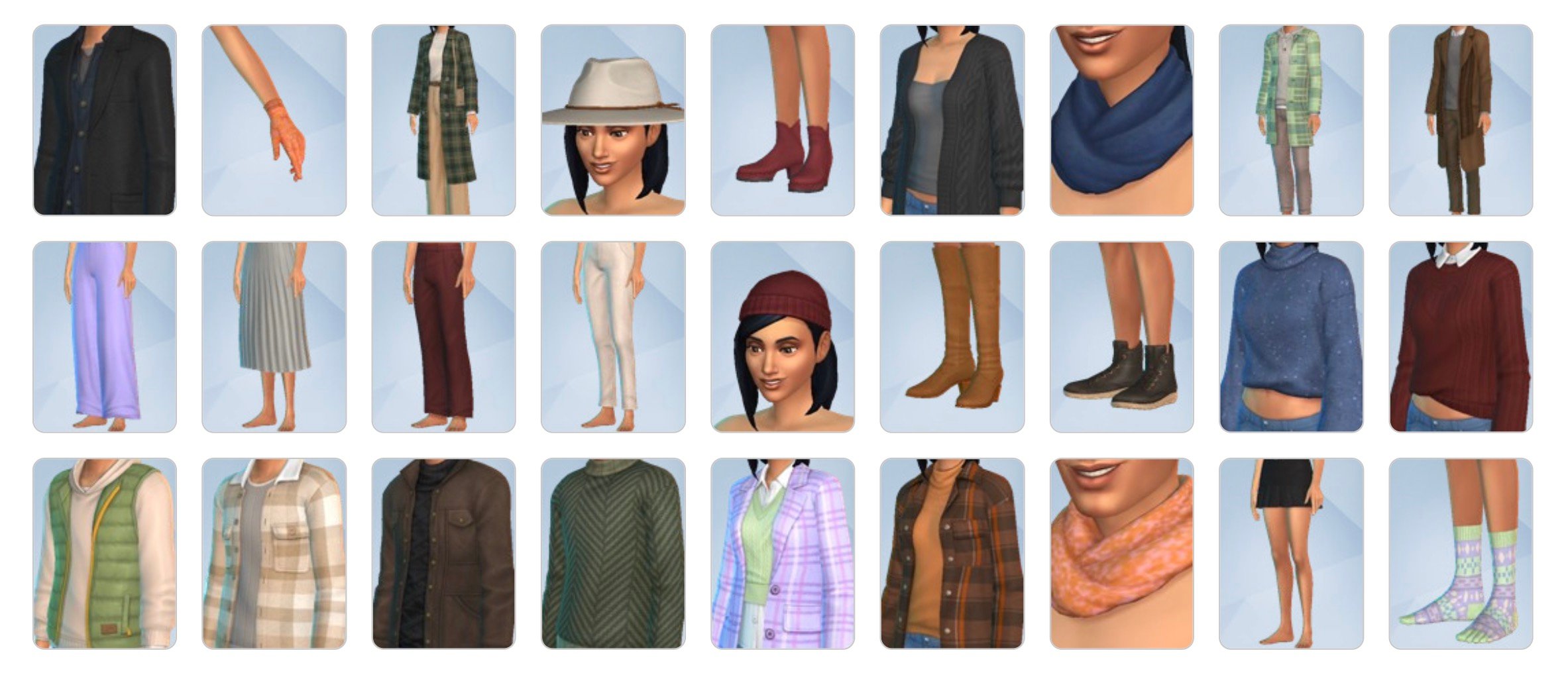
The Sims 4 Autumn Apparel Kit is finally out, released October 9th! This kit was originally part of the September to December Roadmap leak that revealed Adventure Awaits. Only a week after the release of The Sims 4 Adventure Awaits, The Sims 4 Autumn Apparel Kit has dropped with 27 new items to bundle your sims up in to brave the brisk fall air!

The Sims 4 Autumn Apparel Kit

The Kit Description & Info

autumn2

The description of the kits contents and the general vibe of the items, per the EA App and the multiple other platforms to purchase the Sims 4 and Sims 4 DLC…

A Chill in The Air

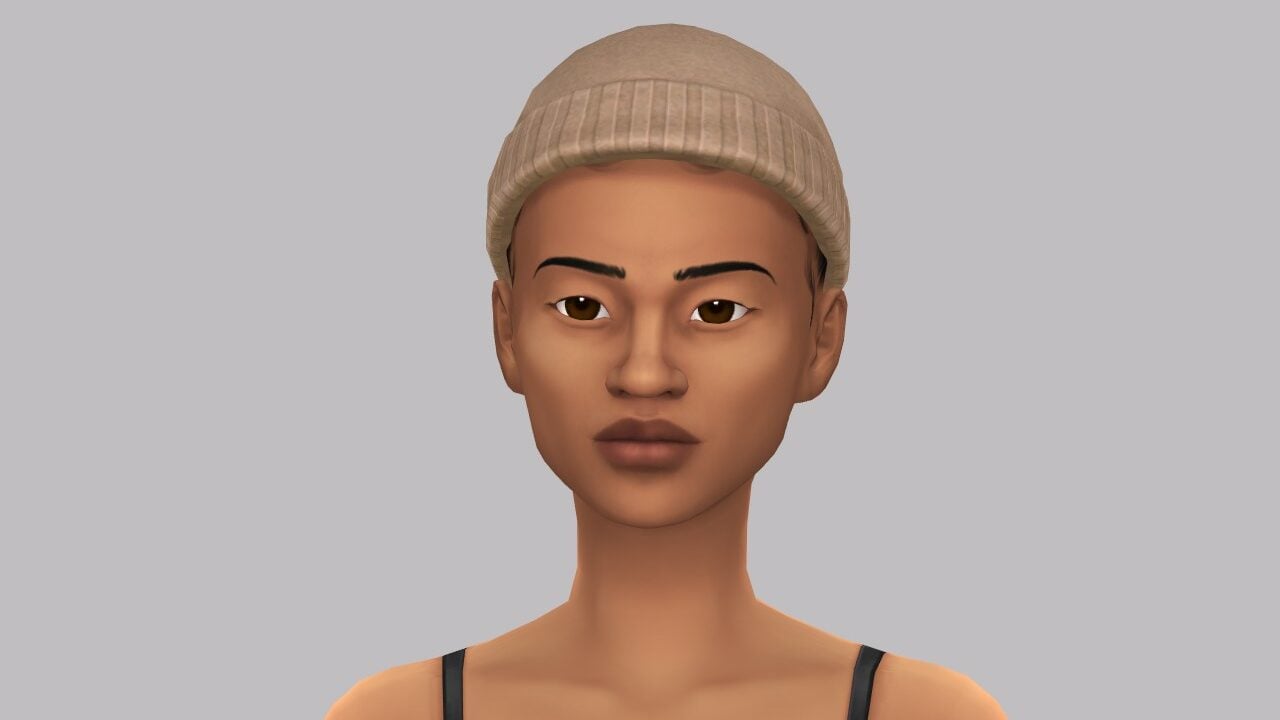
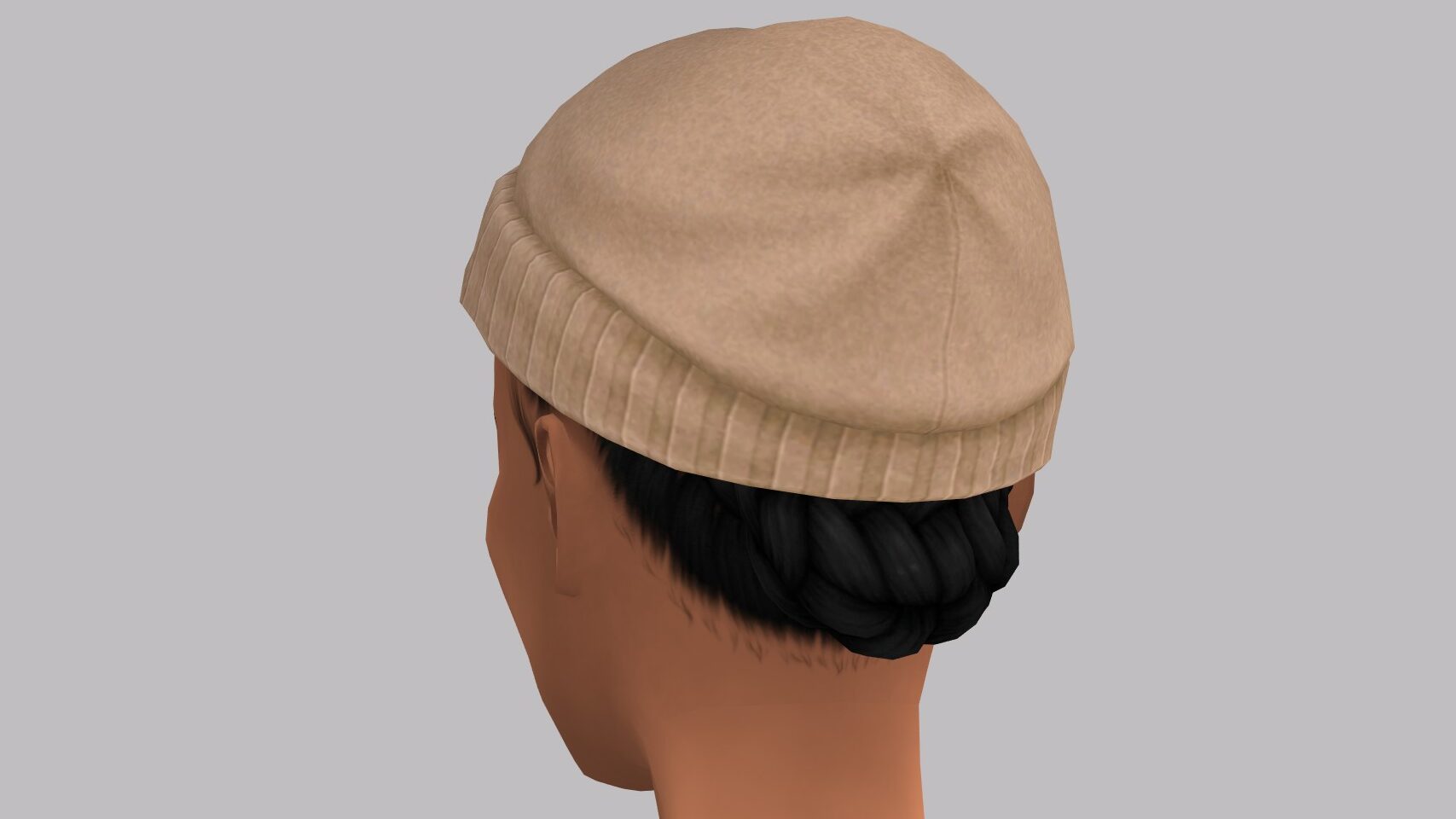
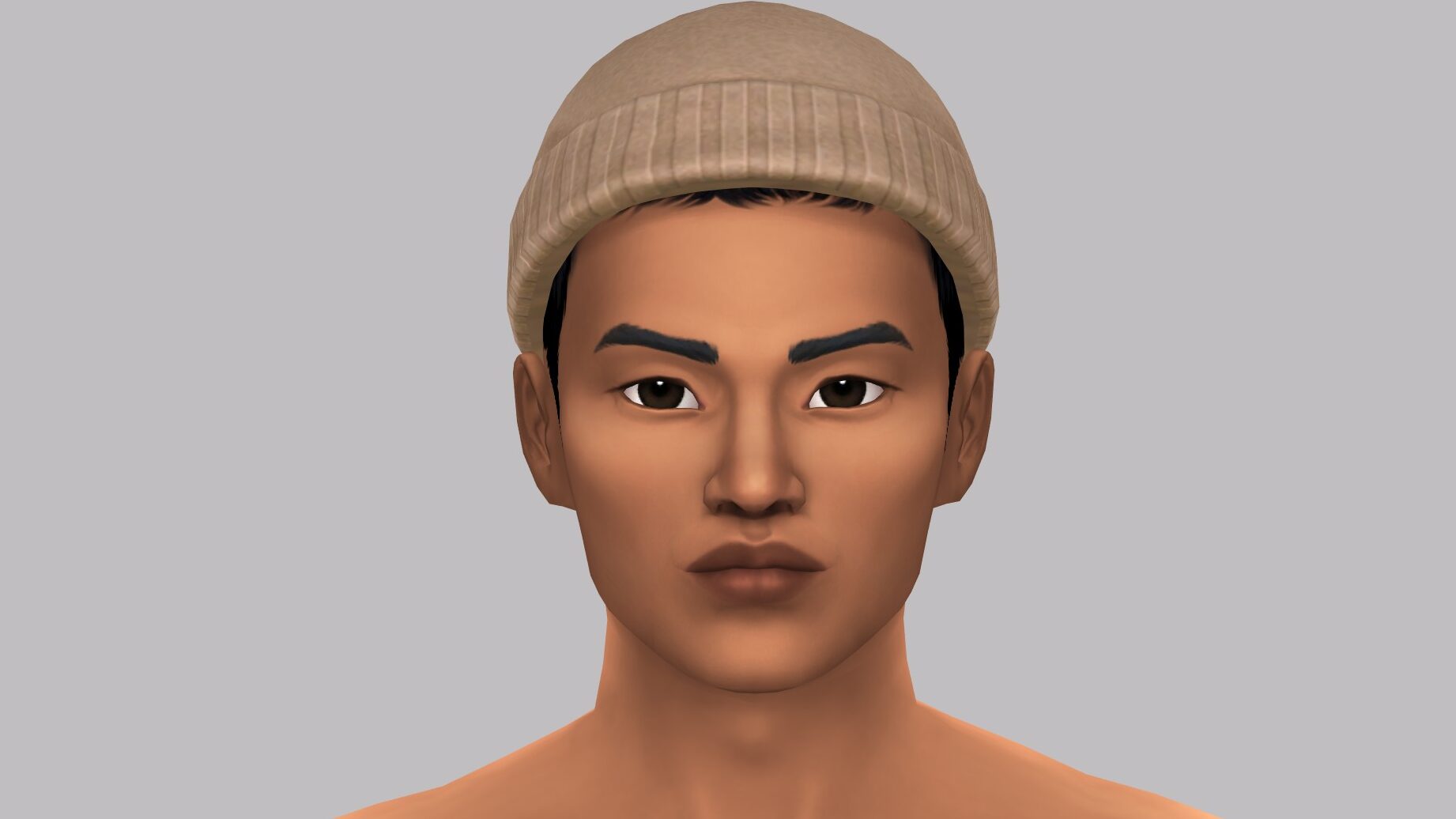
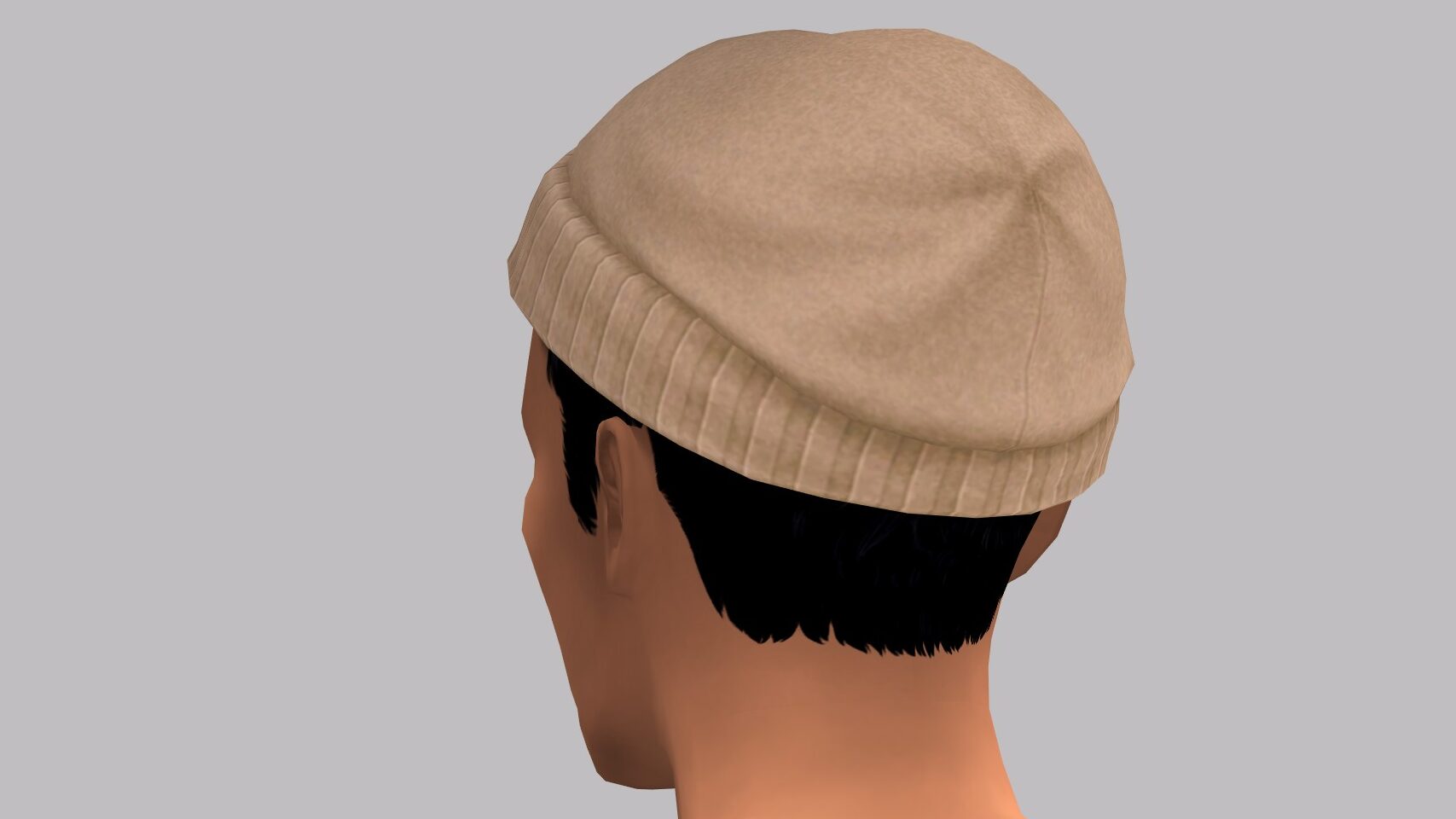
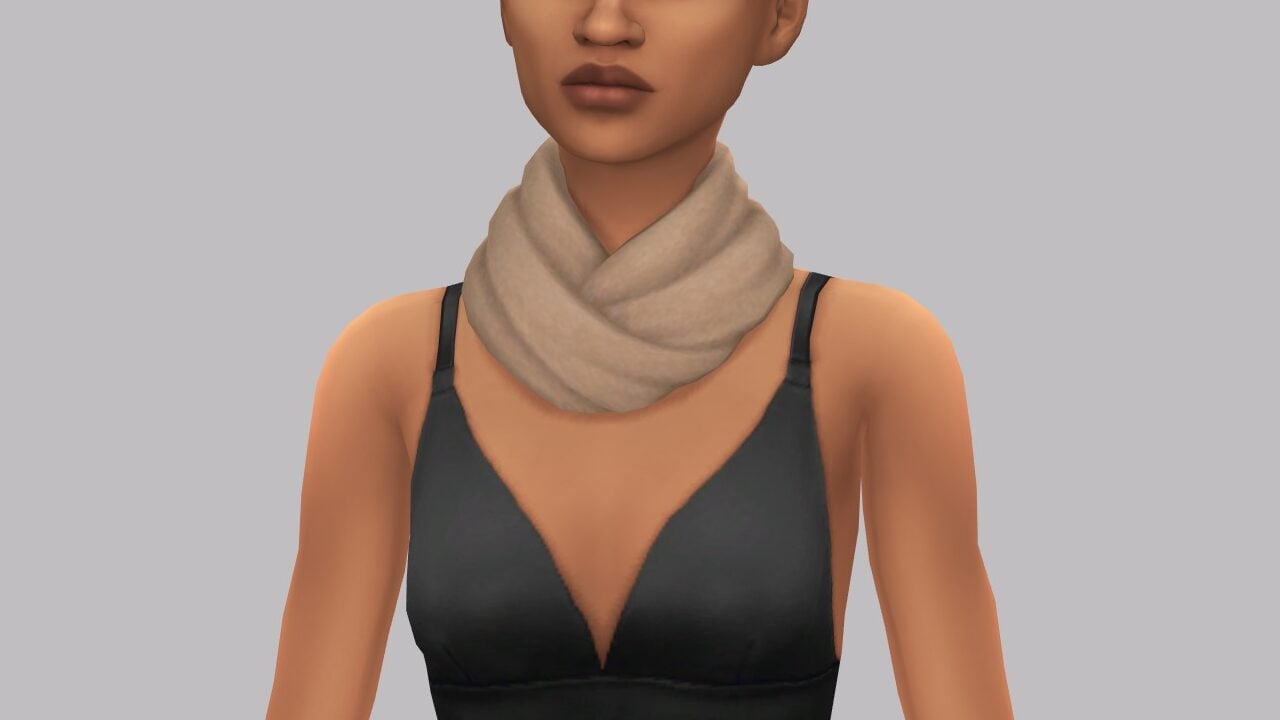
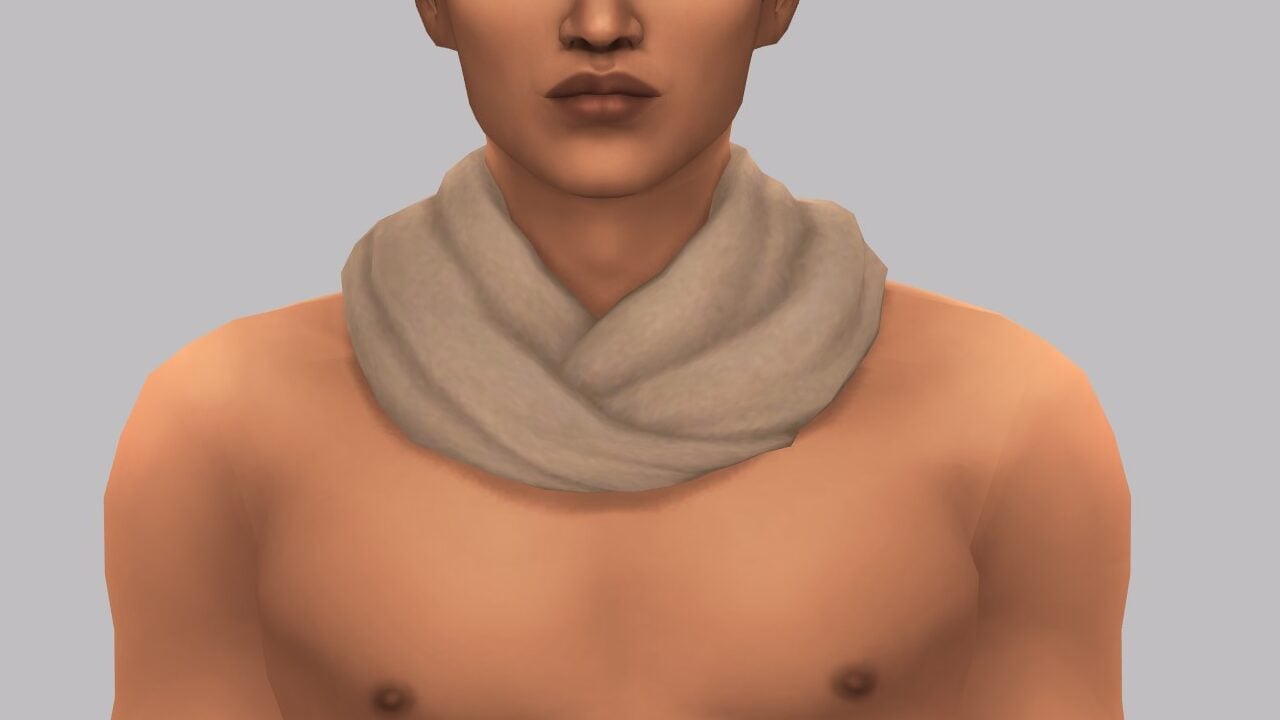
When it’s too late for beach wear and too early to break out the snow shoes, this kit has you covered with comfy sweaters, matching beanie & scarf combos, and more cold weather looks. Embrace the chill with luxurious fabrics and rich autumnal hues.

Cozy and Classy

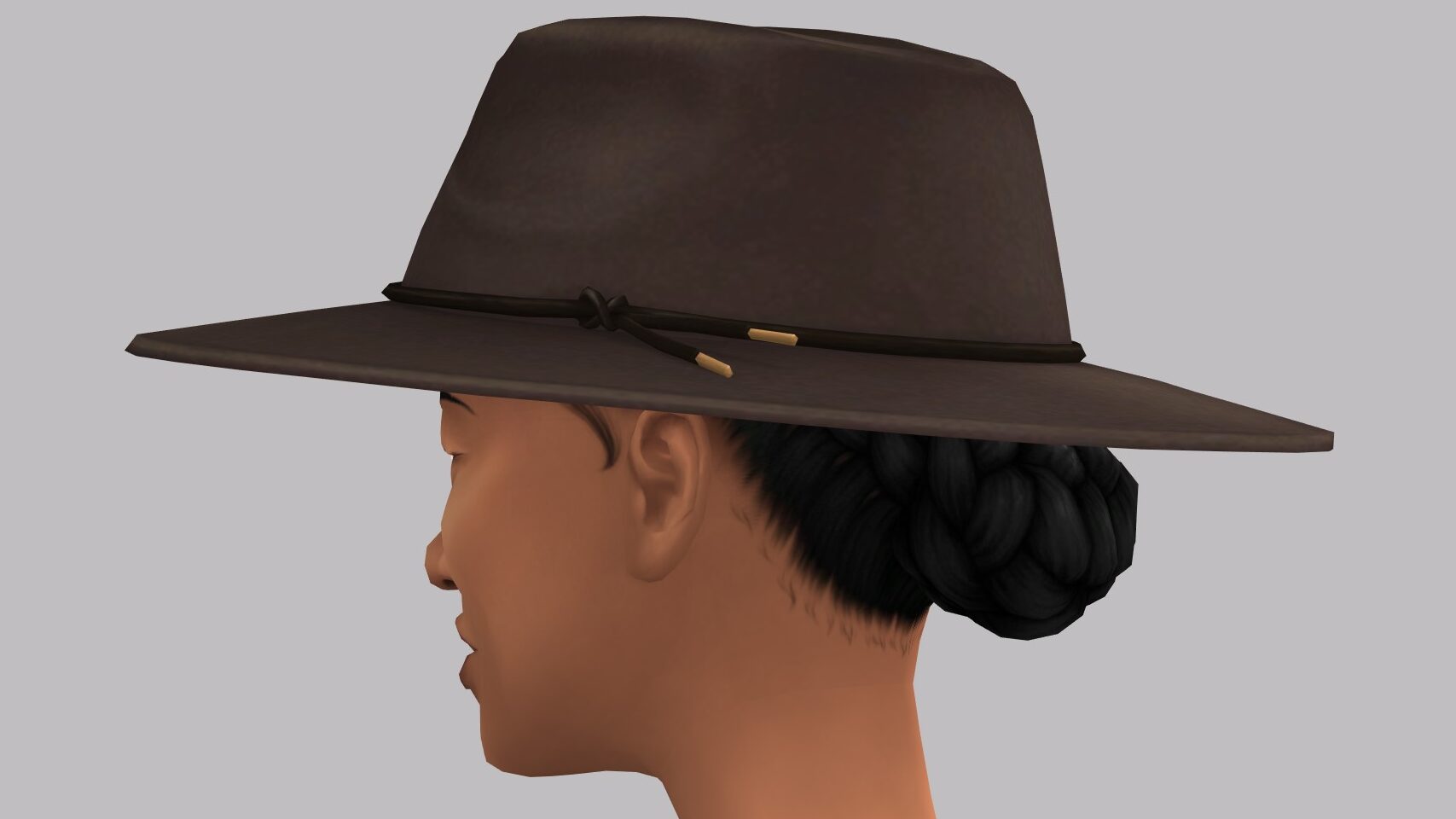
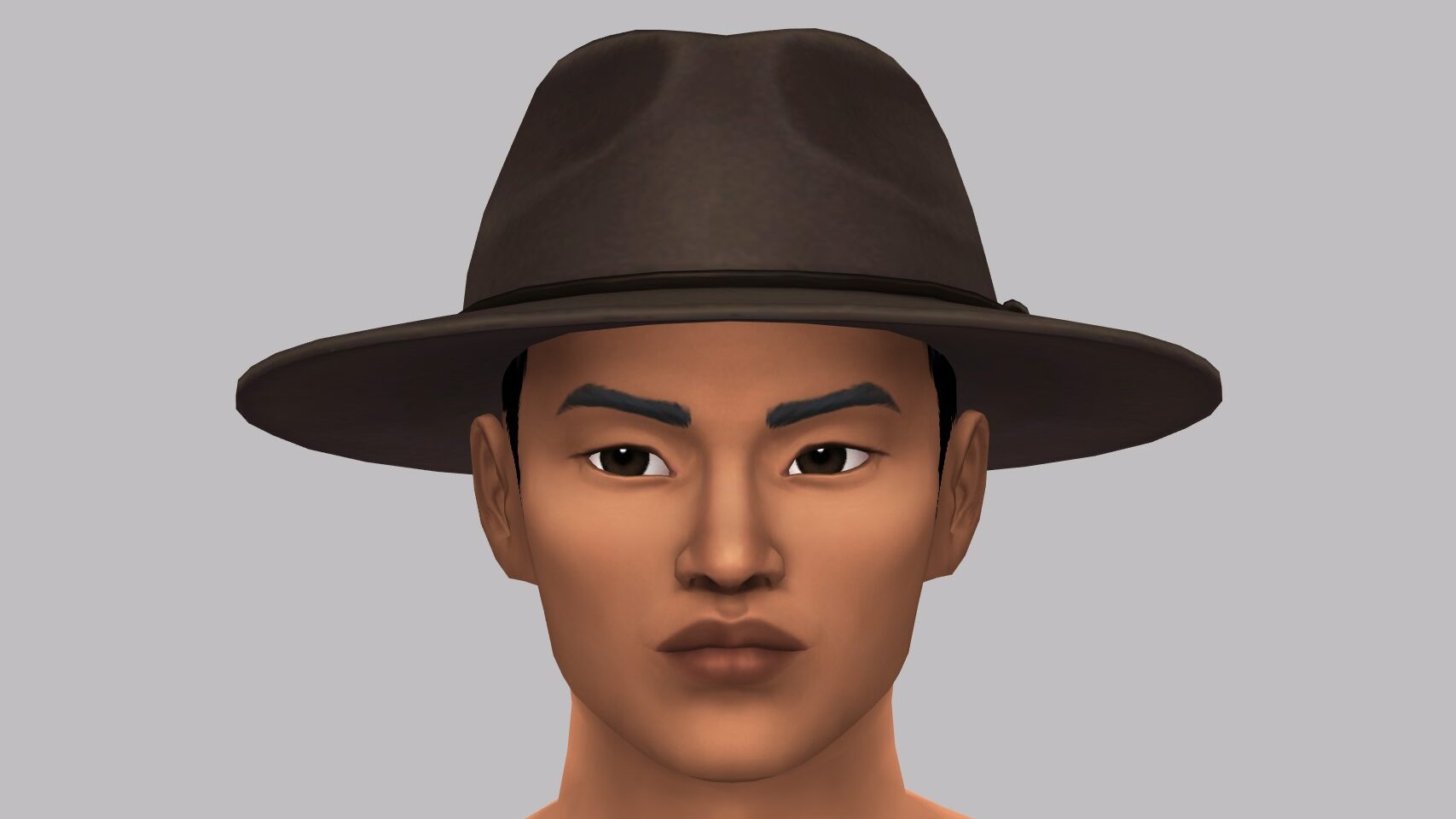
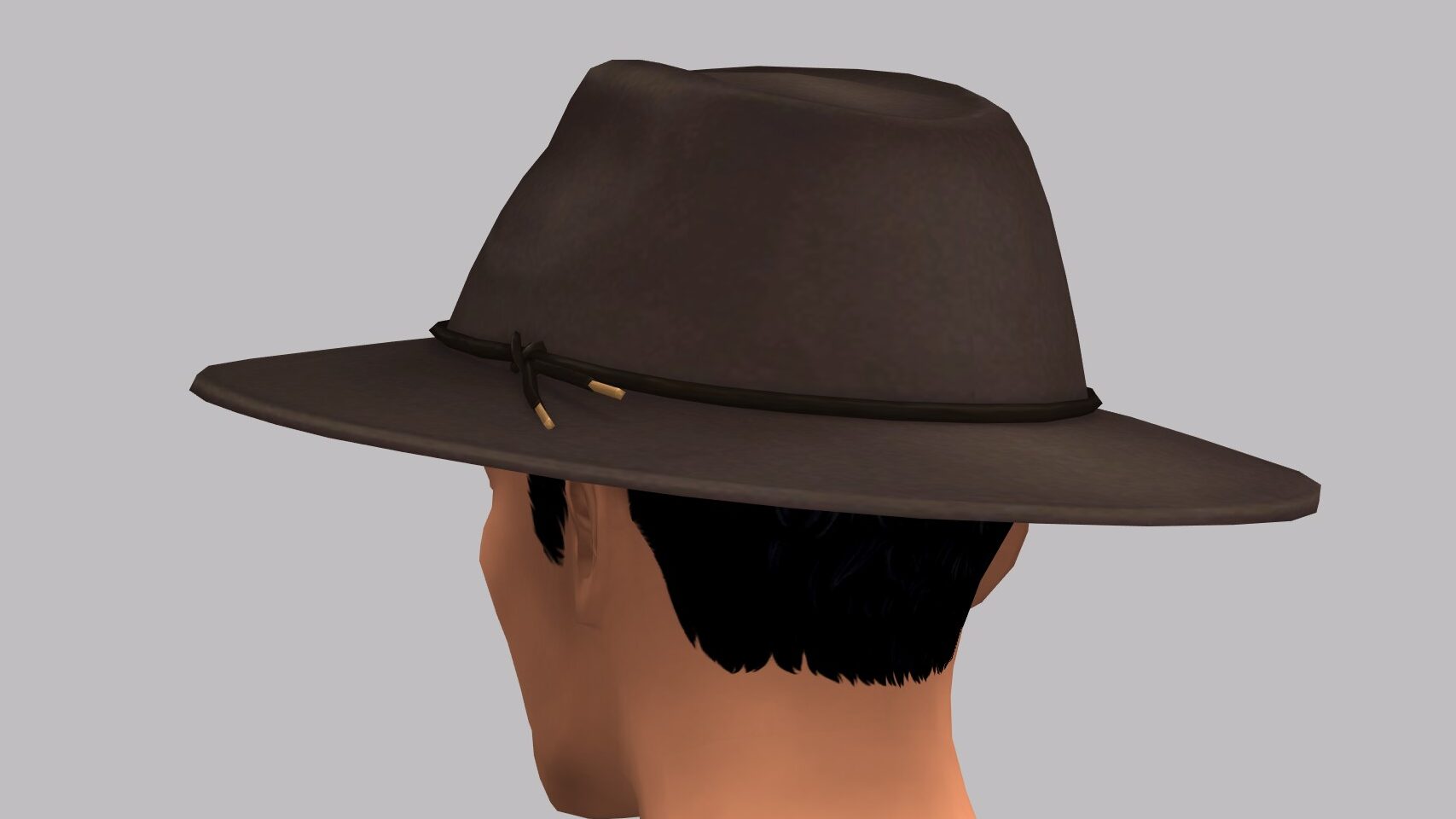
These sophisticated, layered fashions will keep Sims both comfy and put-together with pieces that exude charm, like a wide brimmed hat, wearable purse, and stylish boots.

– The Sims 4 Autumn Apparel Kit Description
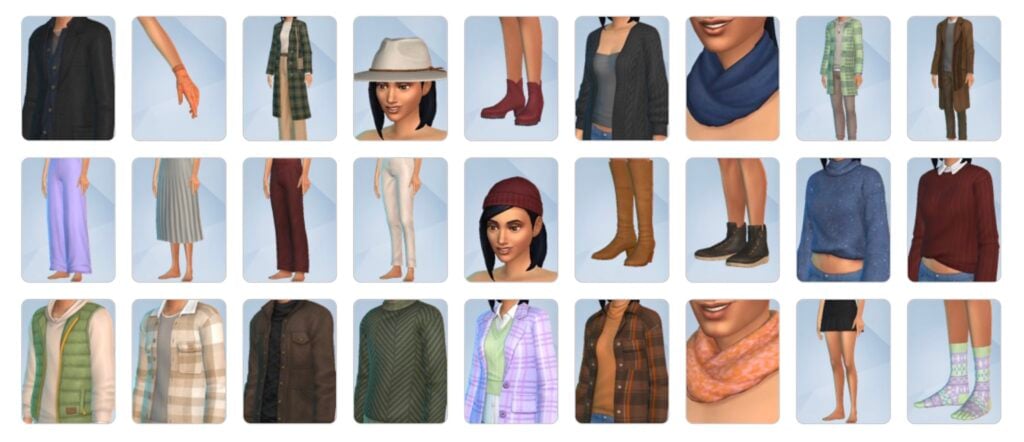
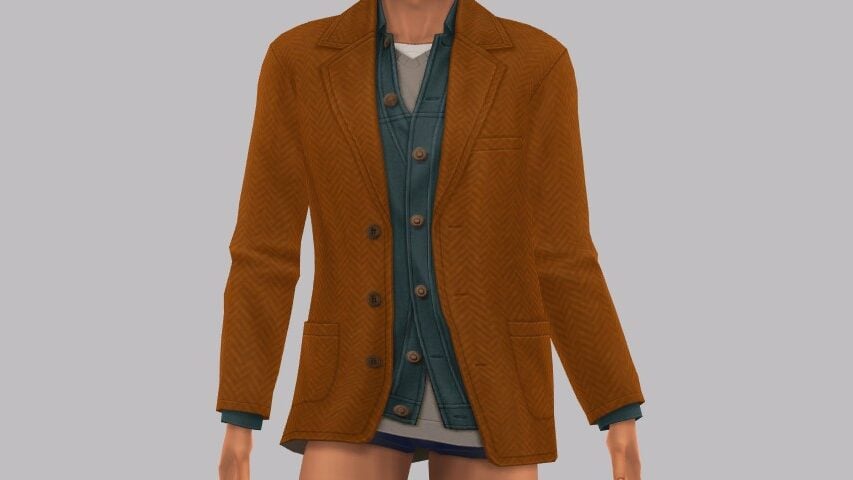
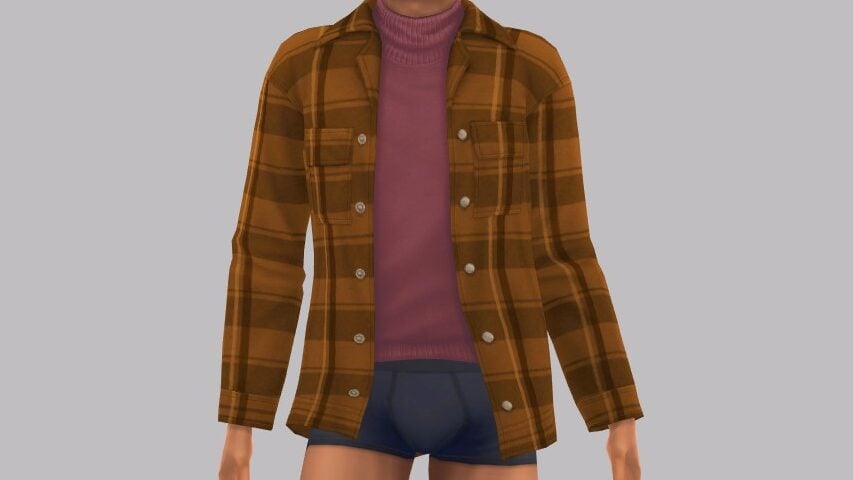
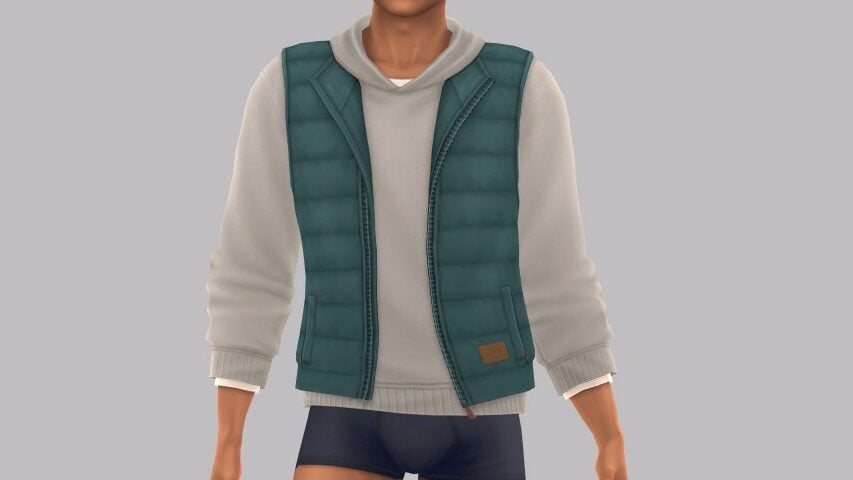
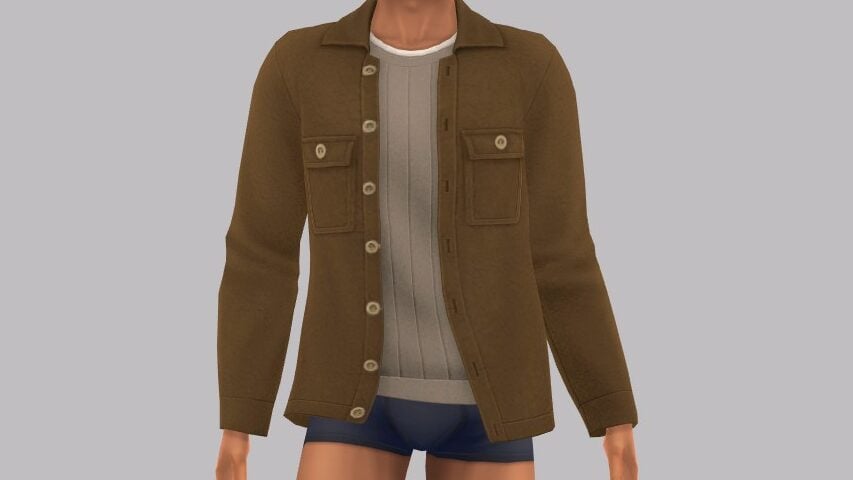
sims 4 autumn apparel kit release contents

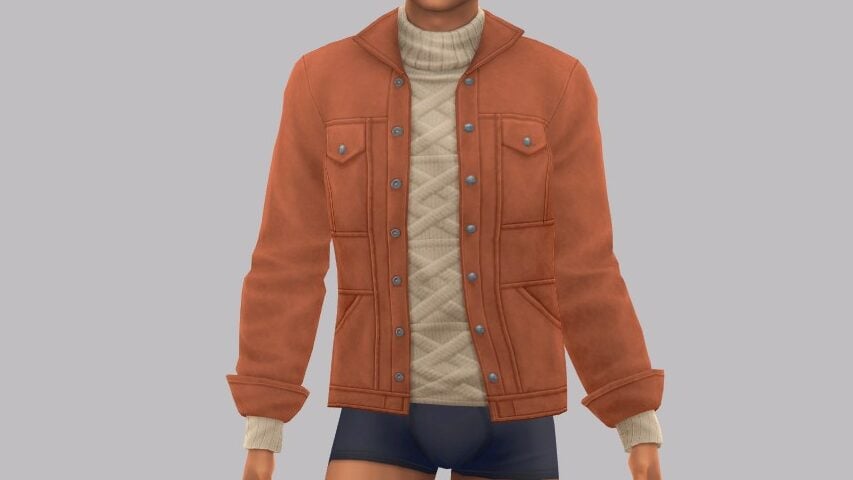
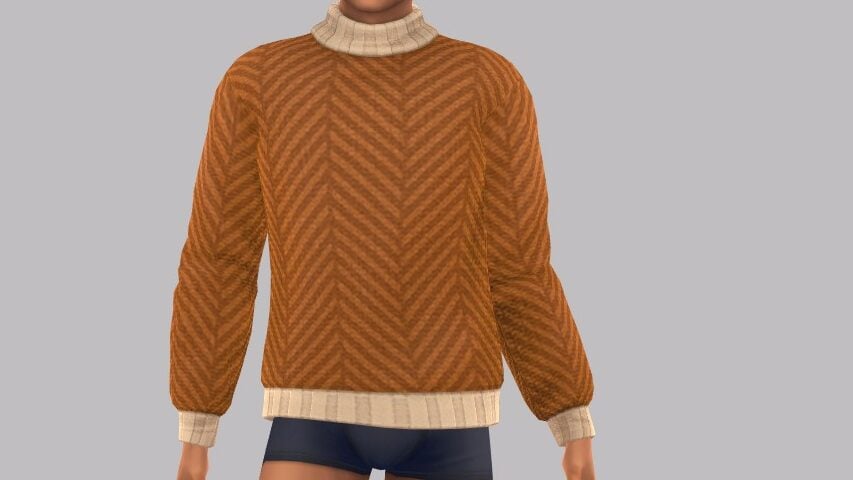
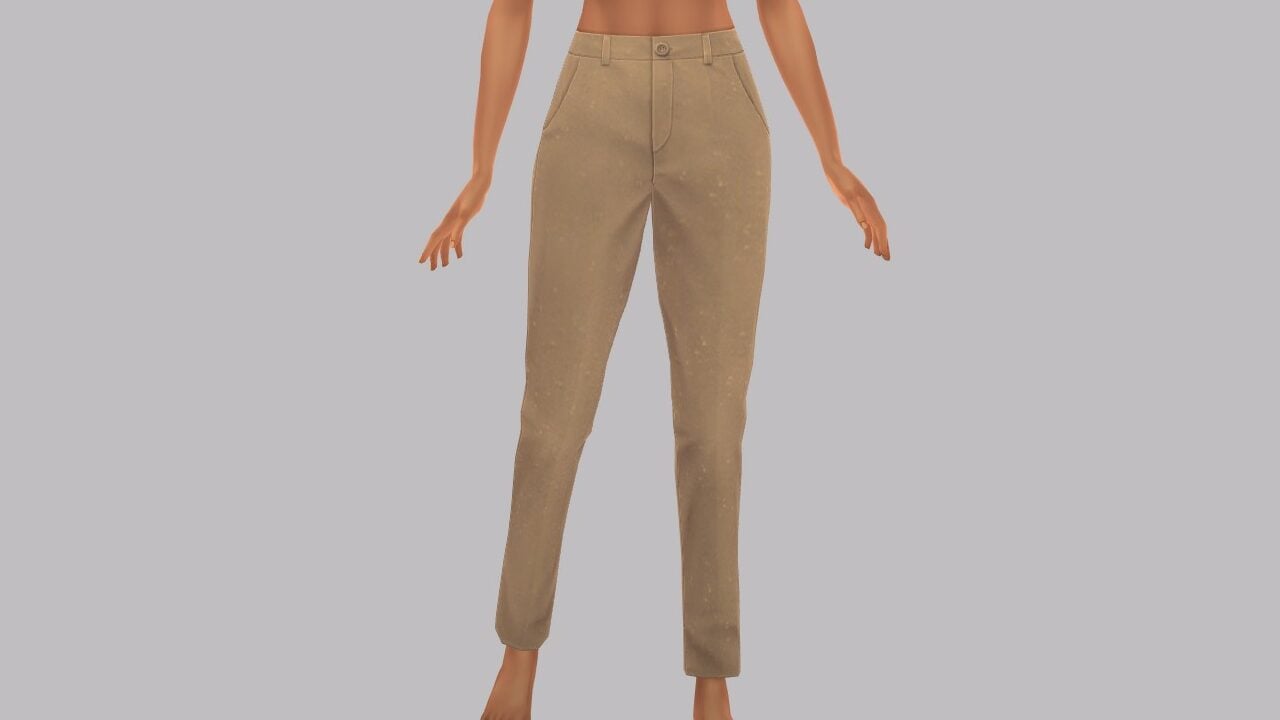
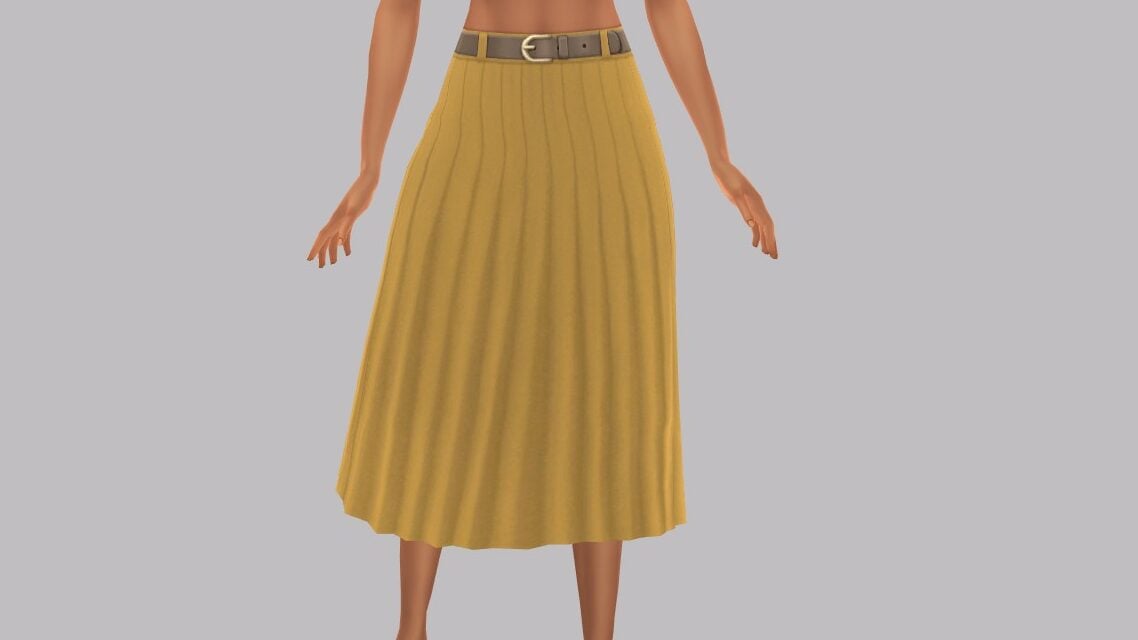
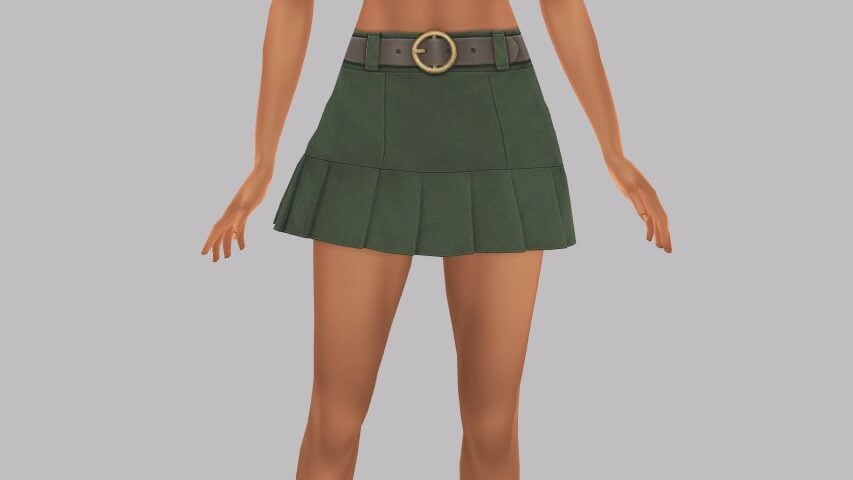
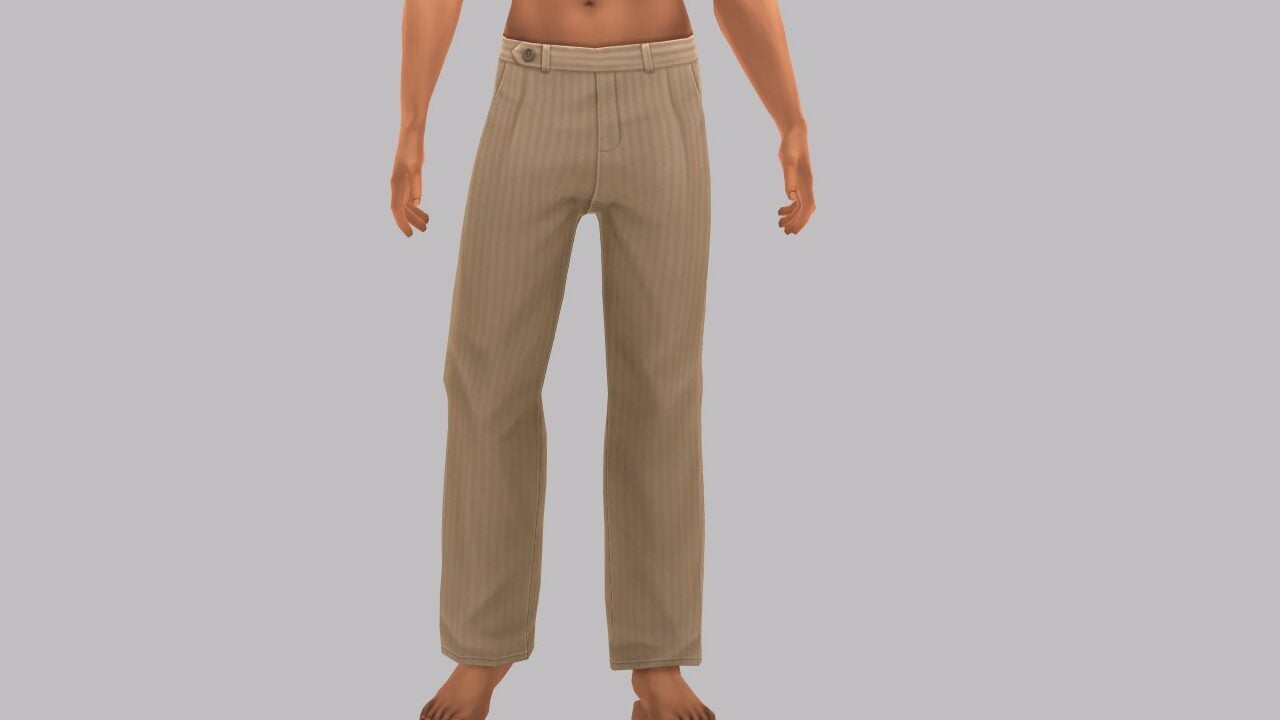
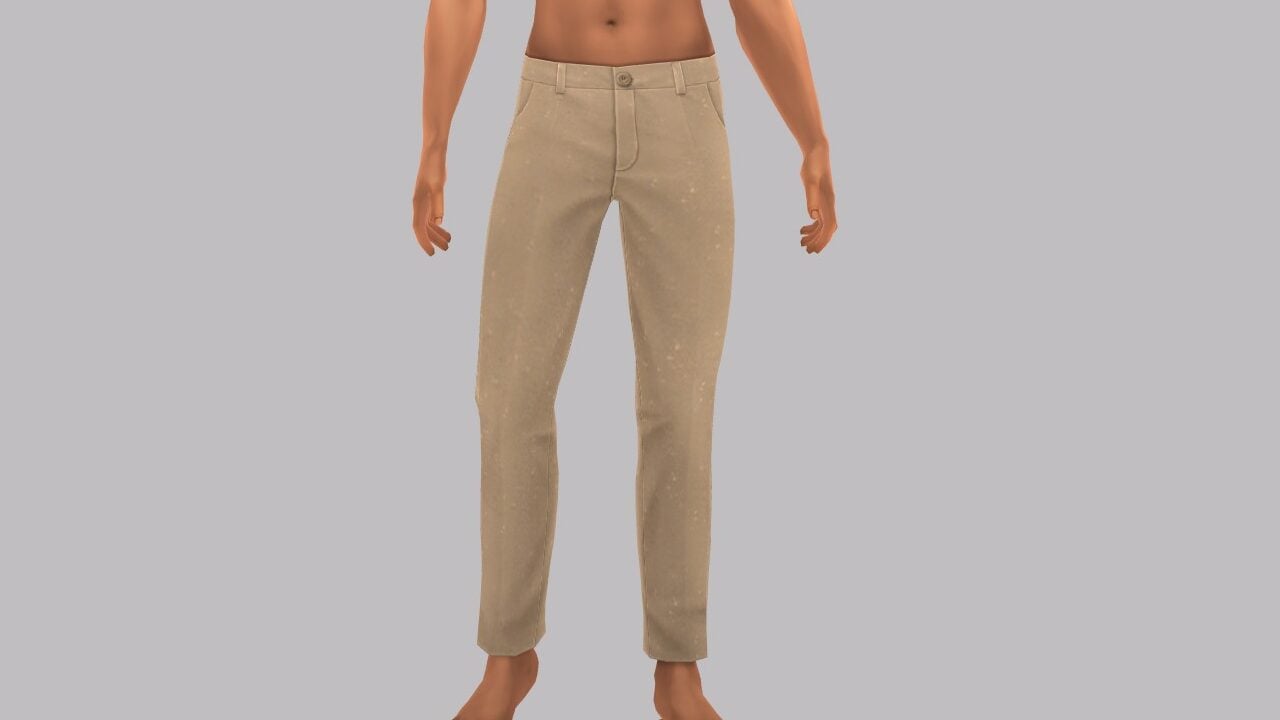
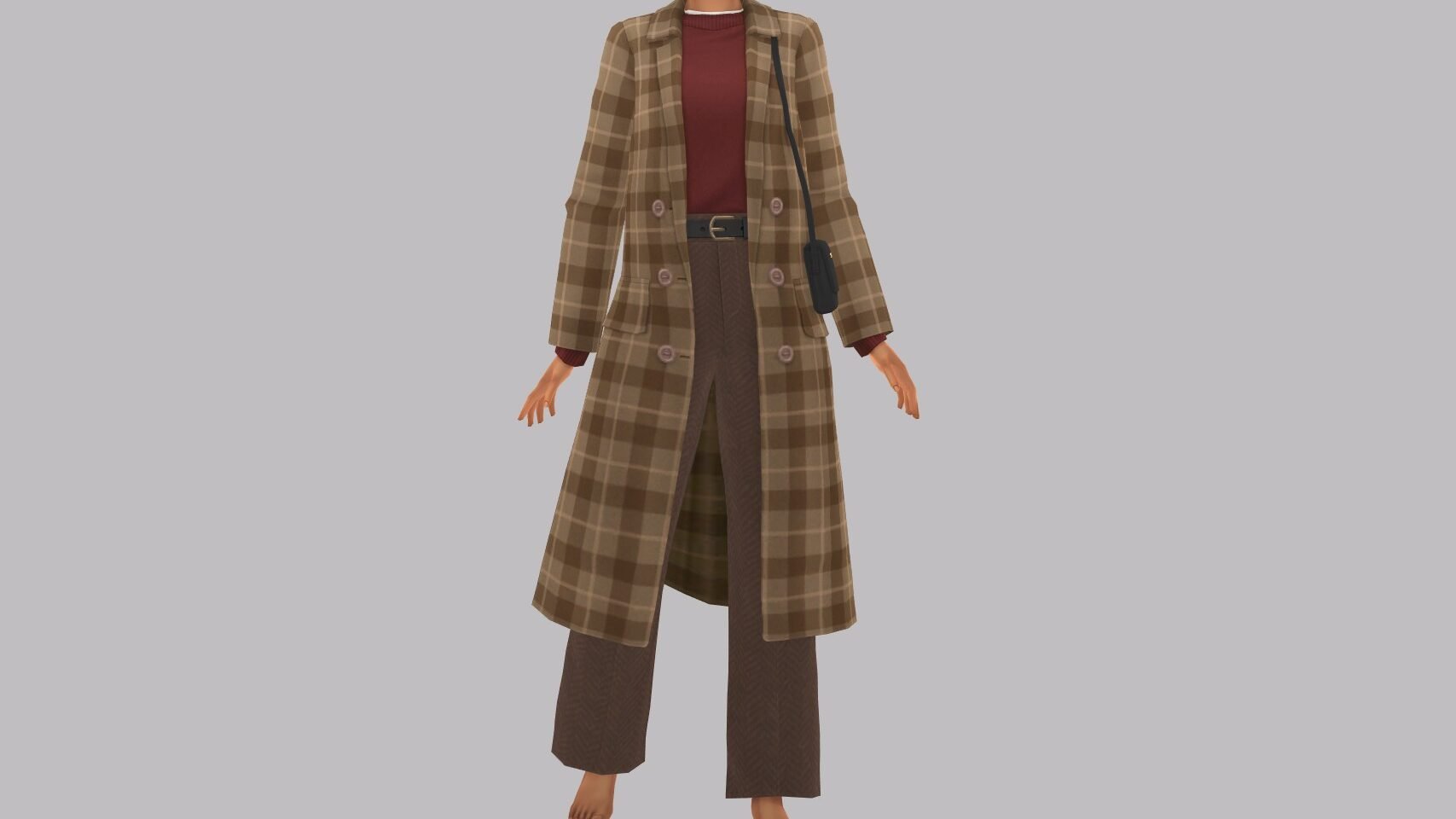
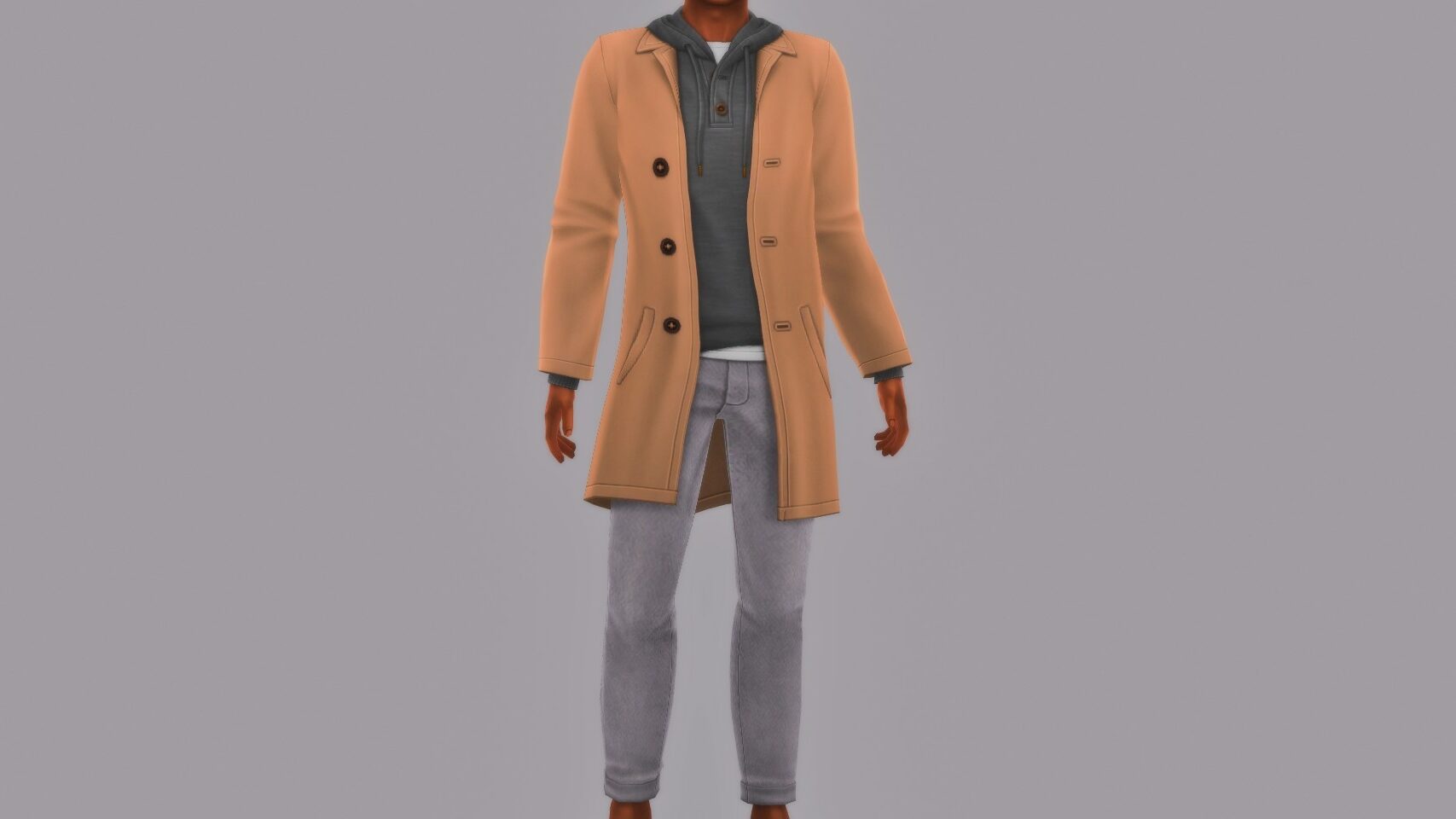
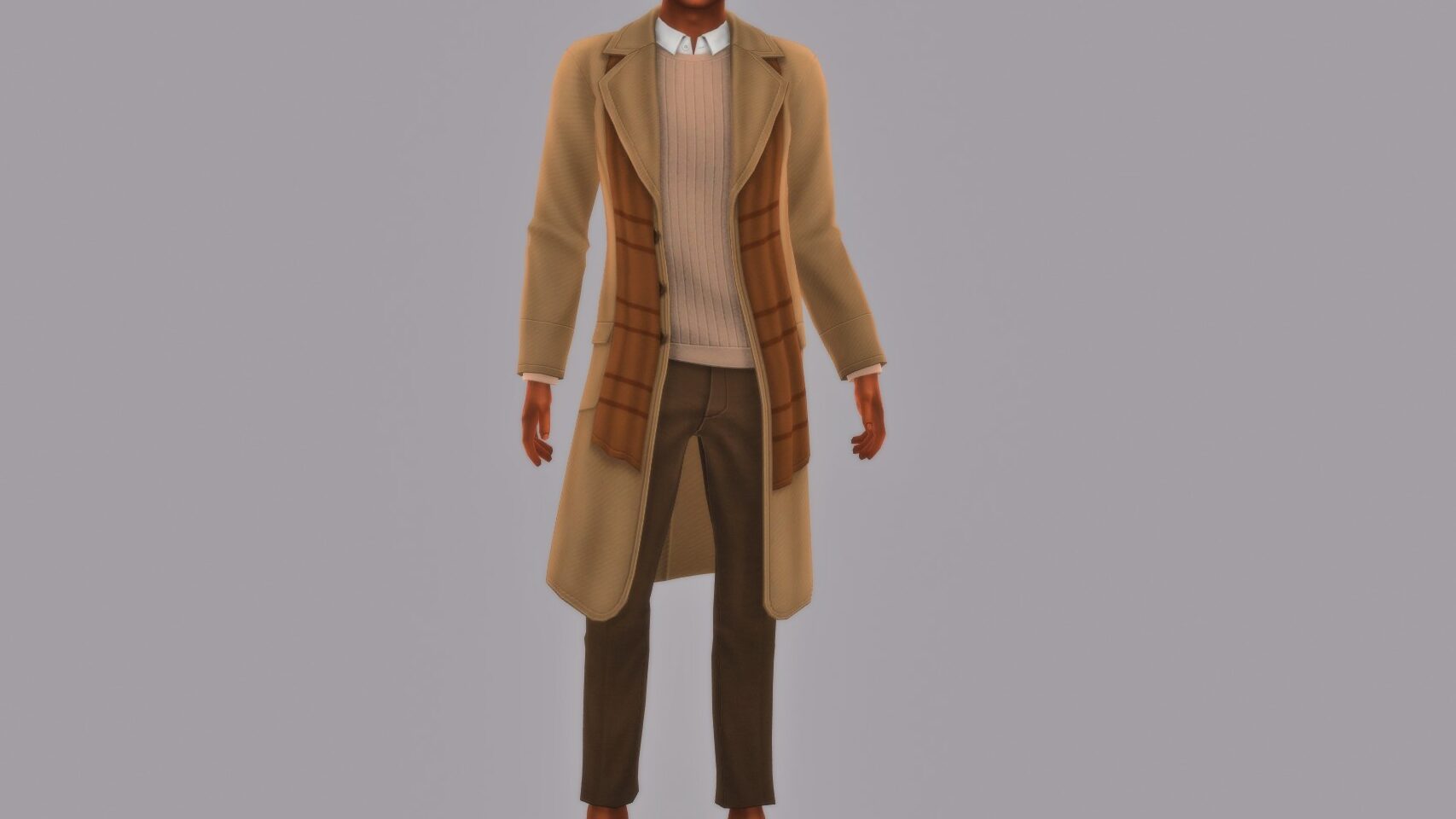
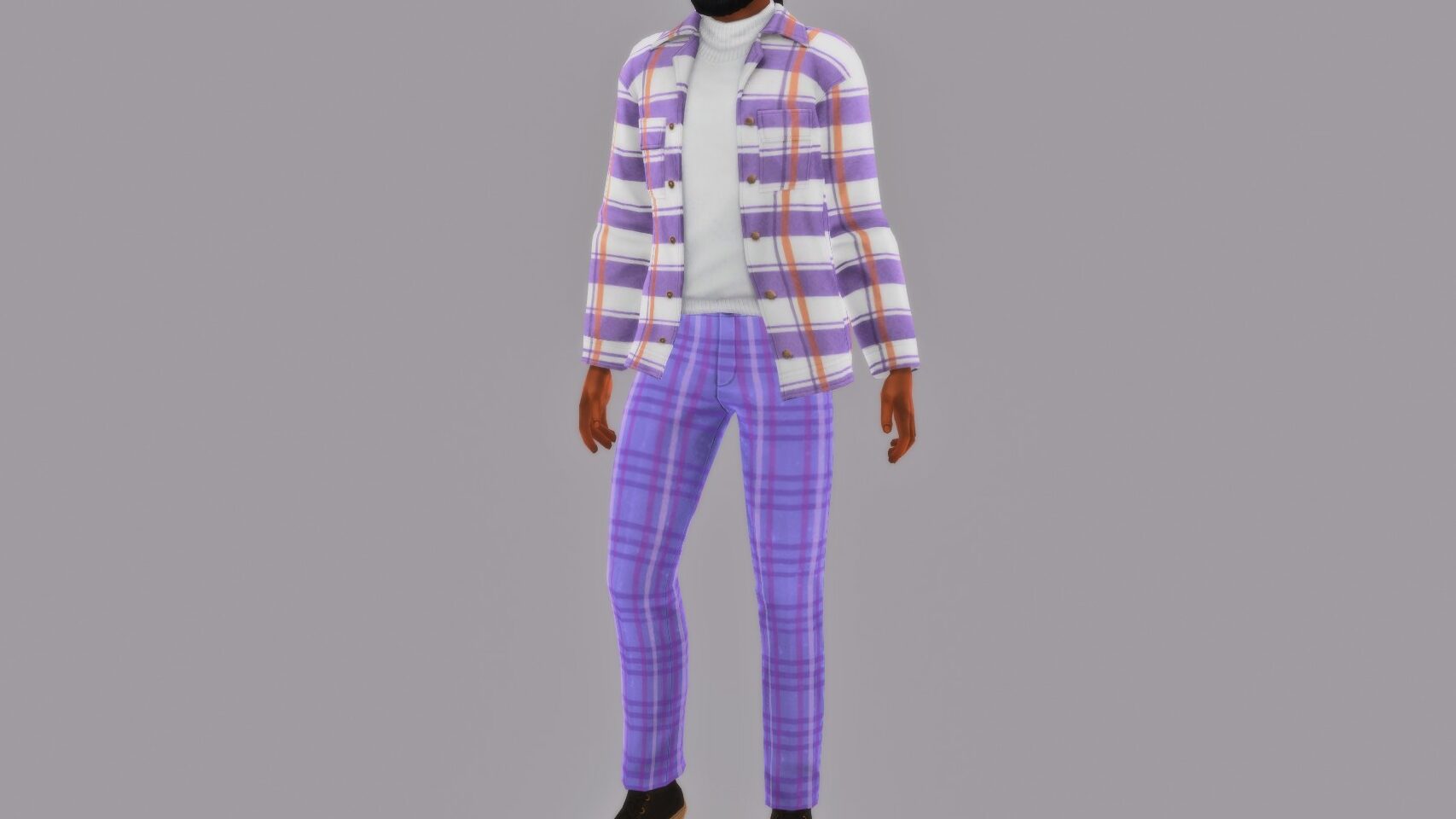
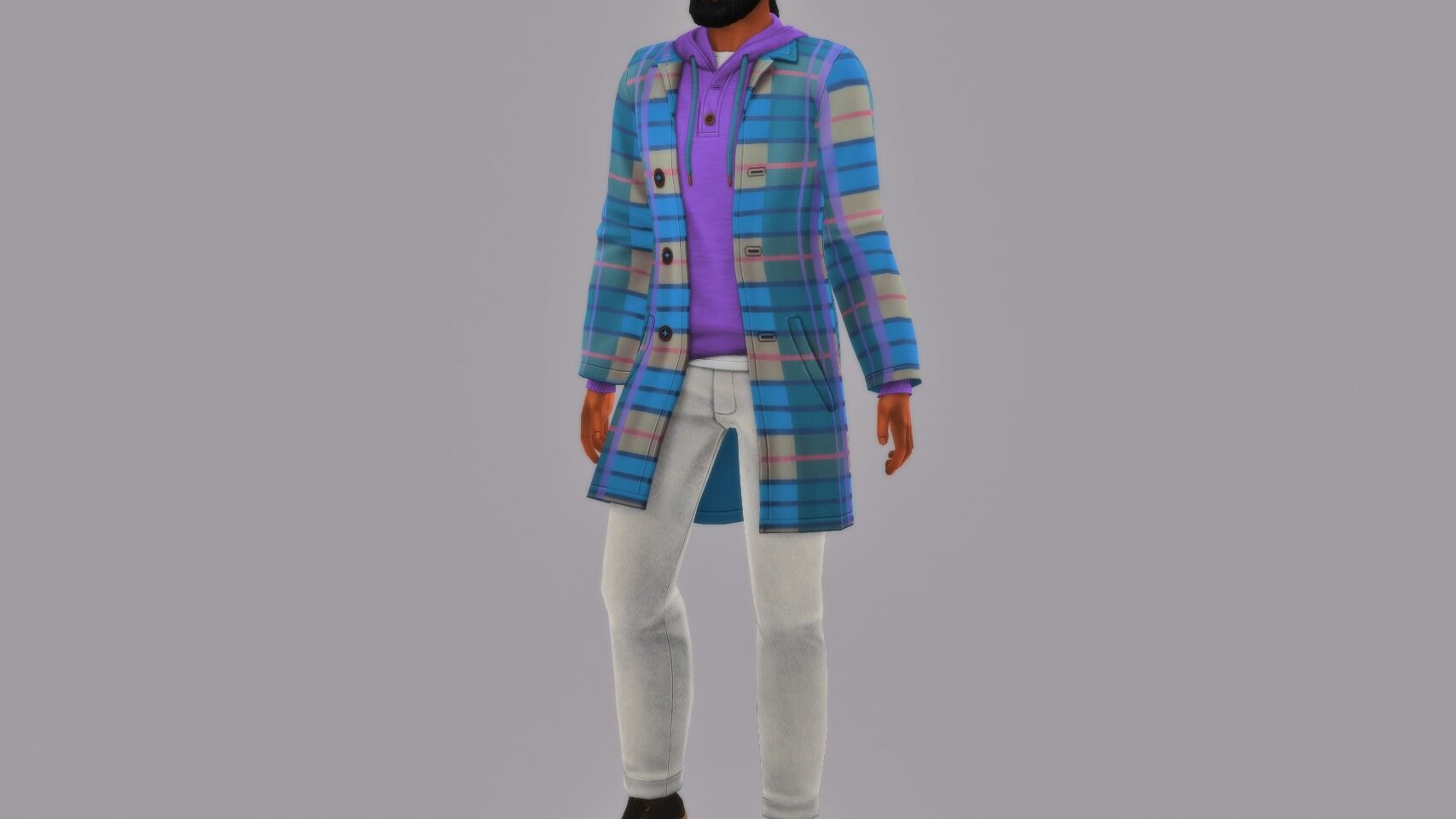
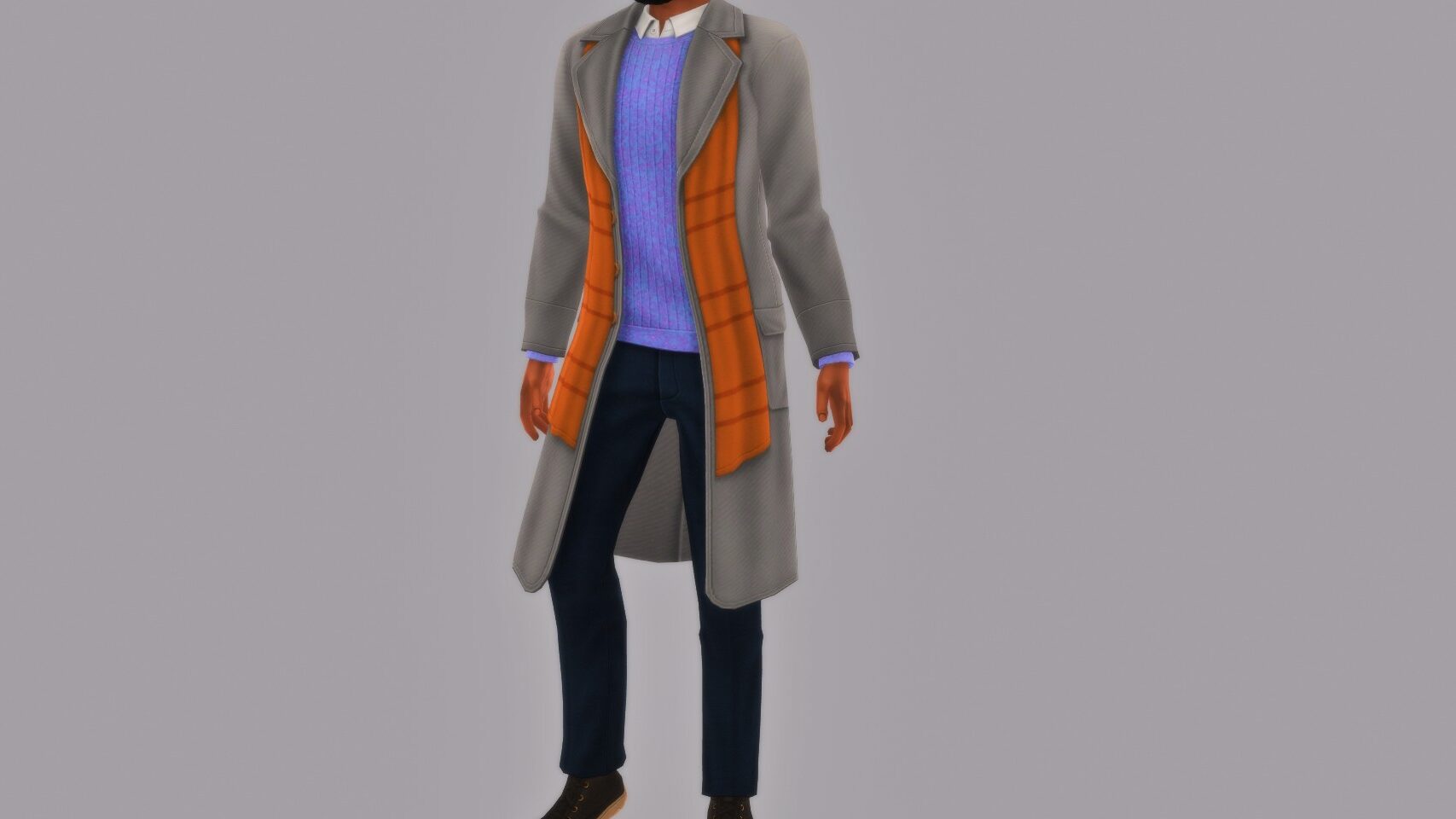
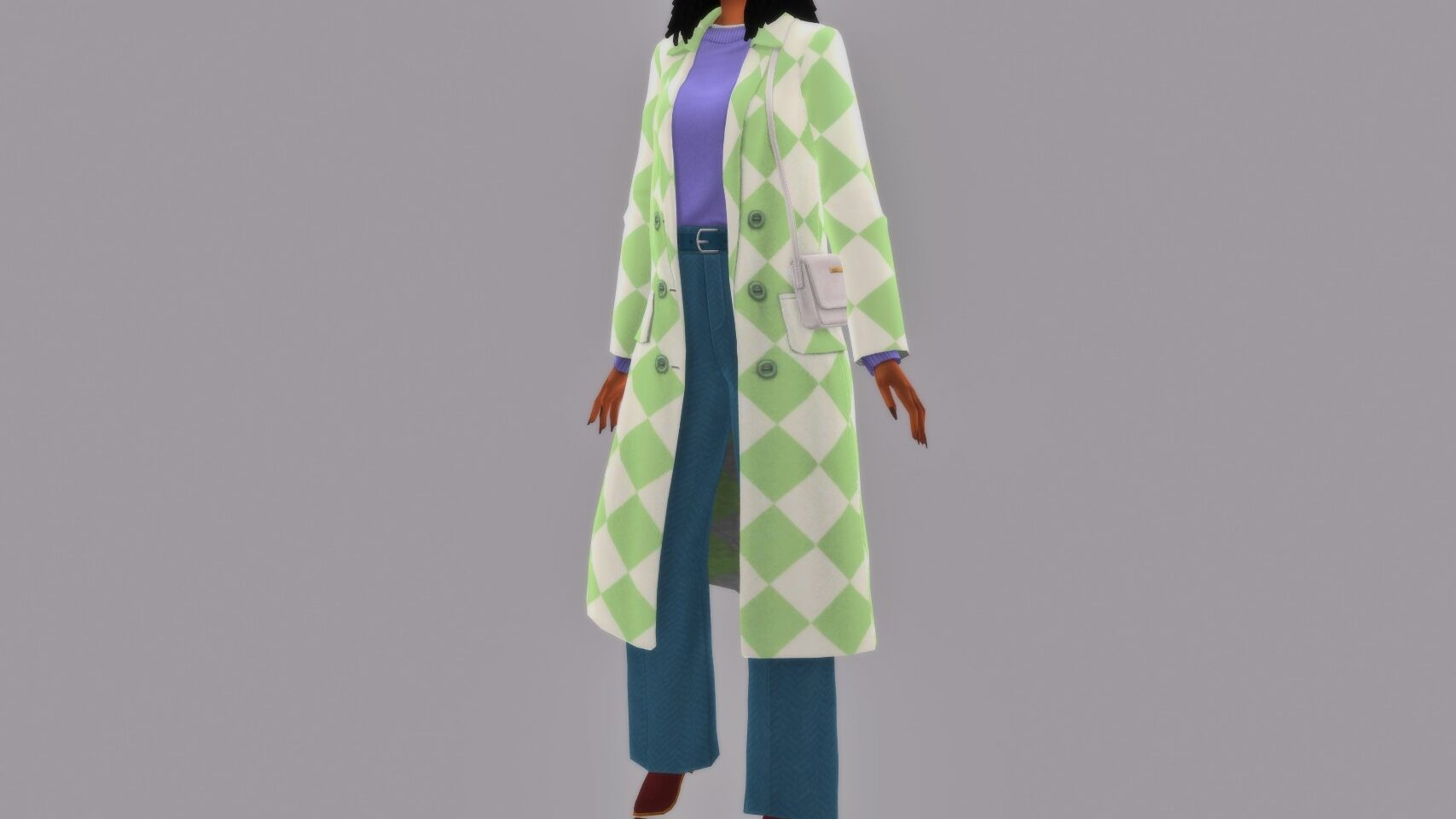
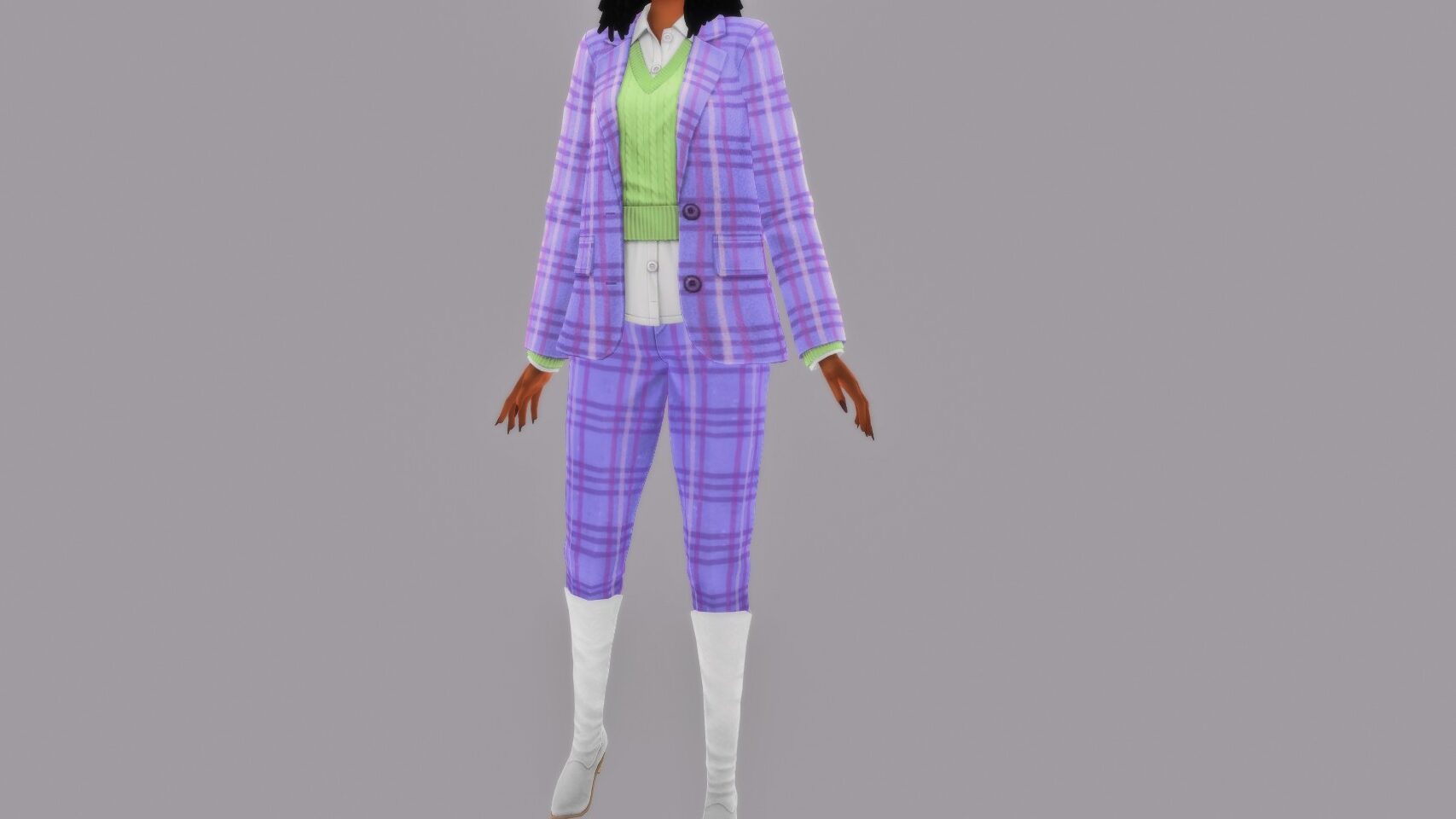
The kit comes with 27 new assets, entirely for teens through elders and mainly focused on clothing items and accessories. While some items are duplicates between the frames, I did find that both feminine and masculine sims had some unique choices outside of sharing accessories.

The Sims 4 Autumn Apparel Kit Items

Tops

Bottoms

Full Body

Shoes

Accessories

The Sims 4 Autumn Apparel Kit Review

TS4 x64 fpb 2025 10 09 17 24 02 301

While I do think these pieces work really well when you have a large collection of packs, I do not personally feel that this kit stands well on its own. For the 100th DLC for the Sims 4, it falls flat. While the kit does have some gems, the pattern and swatch choices feel out of place and can struggle with matching or coordinating outfits. The choices of pastel greens, blues, and purples stuck out the most.

Although some options do come with matching patterns, allowing for coordination that can pull an outfit together.

TS4 x64 fpb 2025 10 09 17 36 42 622 1 edited

I absolutely love Autumn, and I always enjoy seeing it in my sims wardrobes and playing through the season as well, but I do believe this kit struggles to stand on its own unless you have other DLC available to fill in the gaps. I find this is standard among kits, but certain kits like the Essential Glam kit did so much more. The Sims 4 Essential Glam kit completely changed the makeup selection and expanded the players horizons compared to the options from the 2014 Base Game release.

For the Sims 4 Autumn Apparel Kit, I would have maybe liked to see more stocking options, a bulkier scarf, more beanies, etc. I am, however, excited to see what modders and custom content creators will do with recoloring these pieces, and using them to create even more apparel items.

TS4 x64 fpb 2025 10 09 17 33 55 238 edited

With the 27 assets, including any duplicates in between the masculine and feminine frames, I would personally give this kit somewhere around 5.5/10. I love mixing and matching the provided items with my pre-existing collection of CAS items, but it does feel required to see as much variety as I would hope to see with this kit.


The Sims 4 Autumn Apparel Kit is out now, as of October 9th, for $4.99 USD or your currency’s equivalent. It is available through the EA App, Steam, Epic Games, Playstation Store, and the Xbox Store.

Have you purchased The Sims 4 Autumn Apparel Kit, or are you planning to? Make sure to follow The Sims Community for new upcoming kit releases, as we will likely see many more in the future.

Here’s What’s Coming With Future InZOI Updates

3

Krafton reveals their plans for upgrading the game autonomy and reveals new Work-In-Progress footage.

Developers behind the realistic life simulator InZOI have been hard at work at reimagining what the Early Access entry of their game is going to be. After scrapping the initial Roadmap of future Updates in exchange for improving the core game experience, autonomy and storytelling; we now have a glimpse of what the developers have been shifting their focus on.

Before we dive deeper into Kjun’s developer AMA on the subject of InZOI’s future, let’s see what’s coming sooner rather than later in Kjun’s first footage reveal:

InZOI Updates and Improvements: Sneak Peek

A special behind-the-scenes video walkthrough was shared publicly on InZOI’s Discord, revealing what the team has been working on to improve in the next few InZOI Updates. Take a look at the new features and quality of life improvements for the game:

Hello everyone, this is Kjun. Starting today, I’ll be sharing with you some of our team’s latest developments for InZOI. These are specs we are planning to add in future updates so it might be a while before you see them impemented to the actual build. If you find any of these interesting, would like to see improved or simply never want to see added to the game, please let me know.

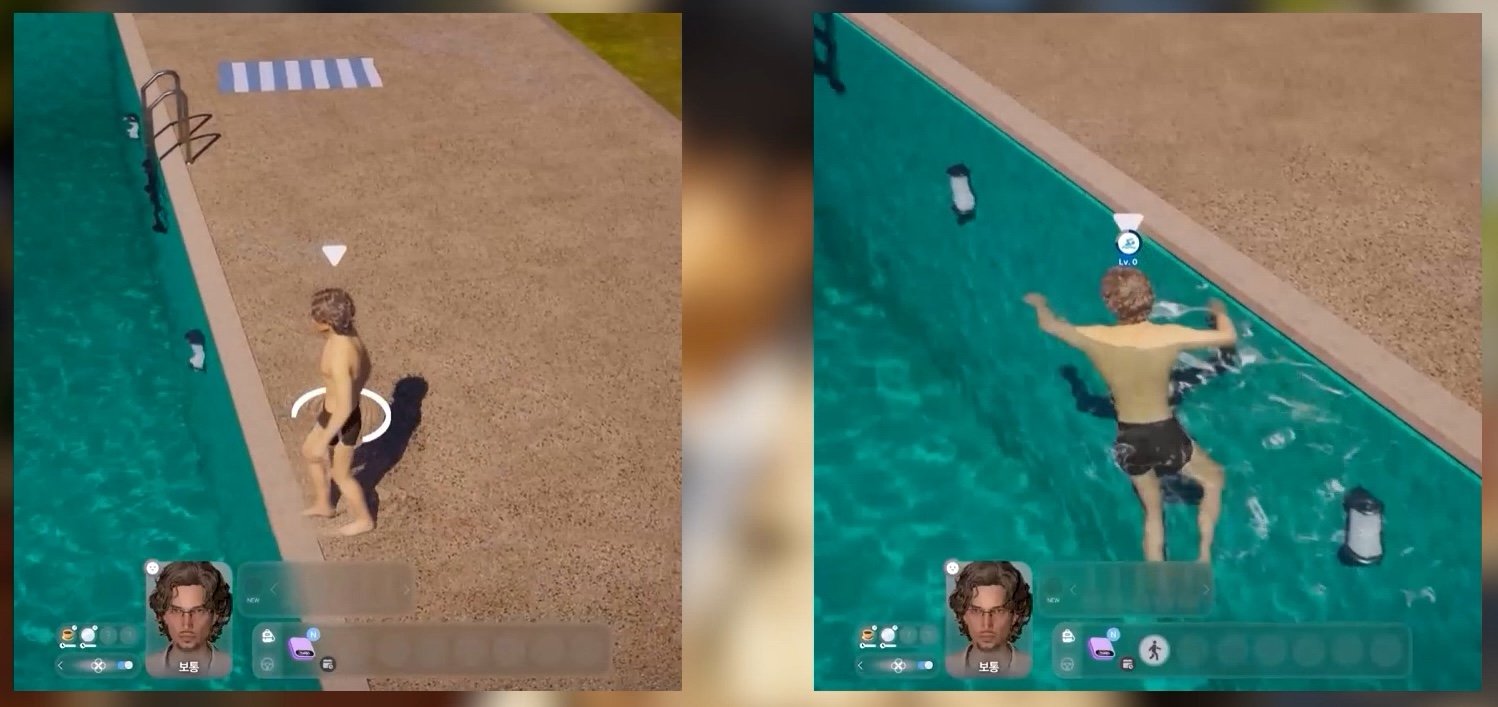
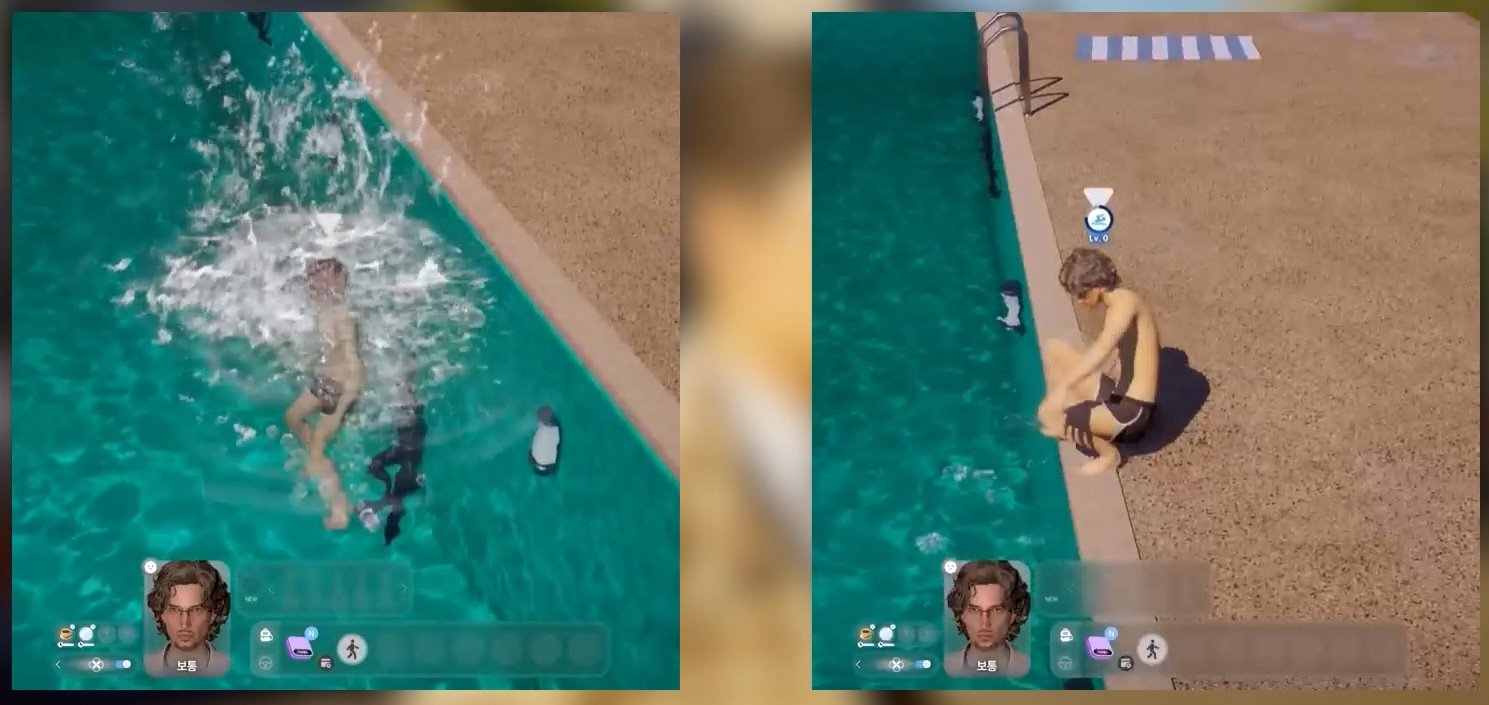
  • Finally, you can enter and exit swimming simply by moving to and away from the water.

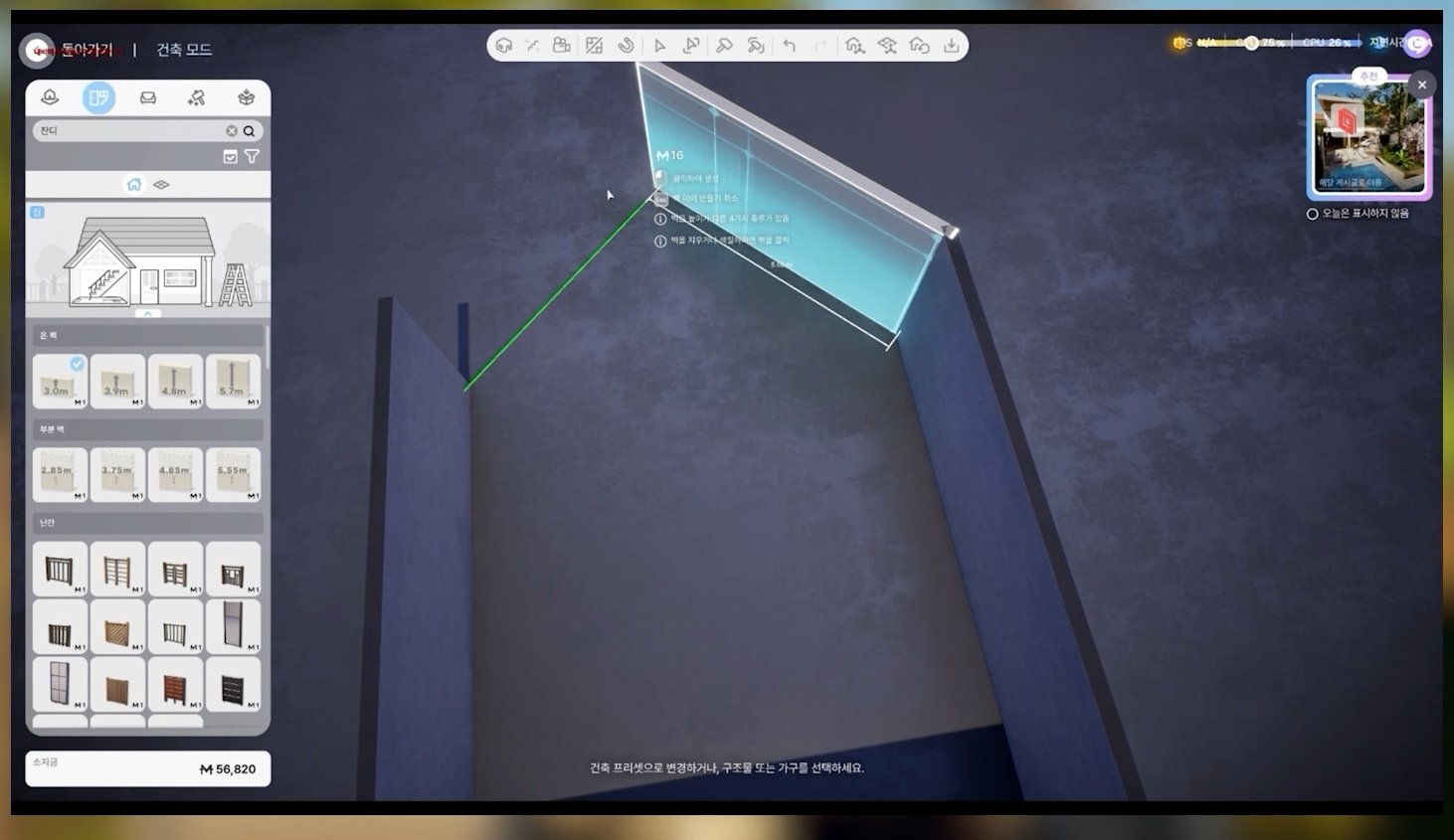
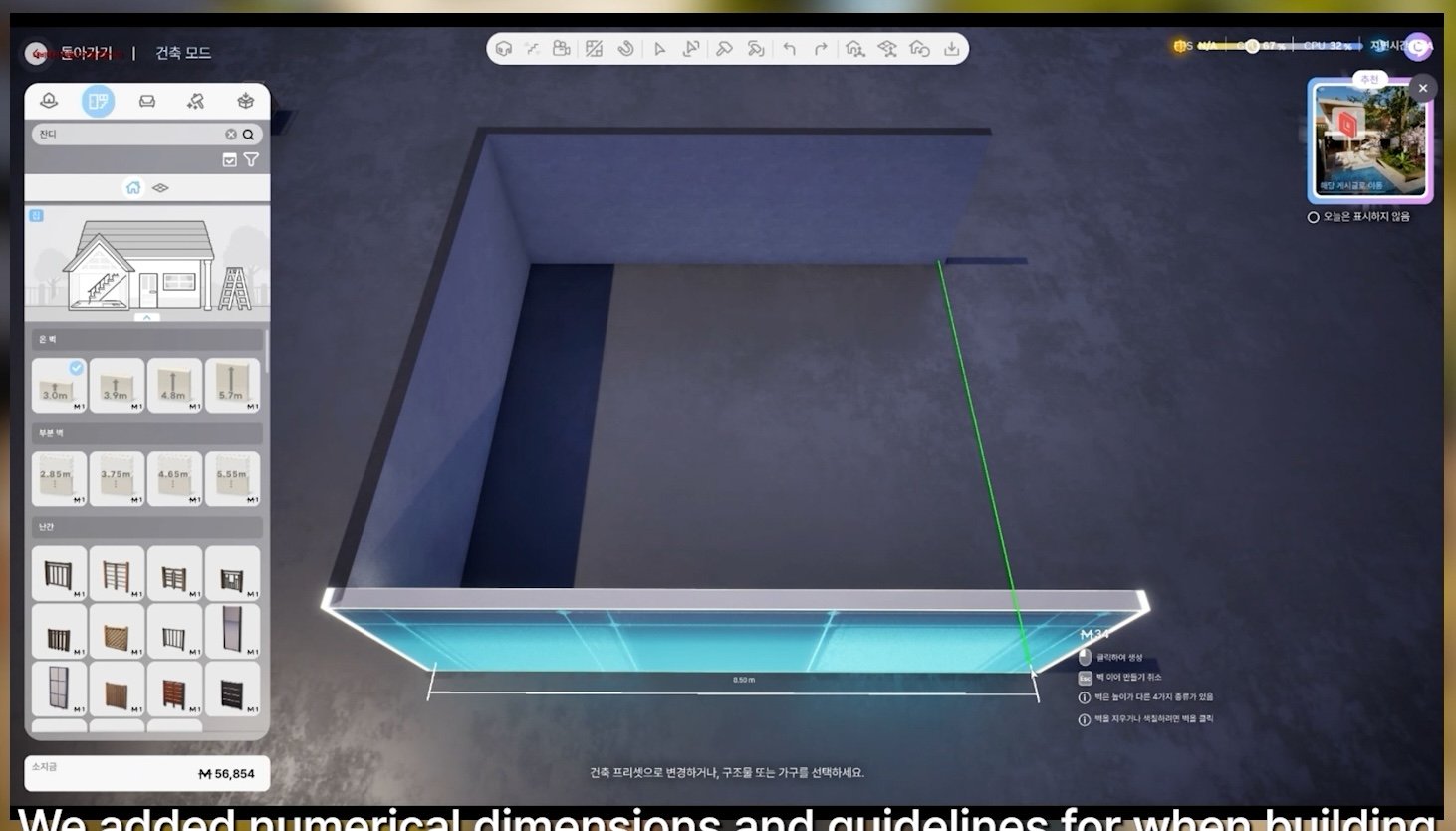
  • We added numerical dimensions and guidelines for when building walls in Build Mode.

  • Here is an early look at some of the outfits we’ll be adding in December
inzoi update features october 202529

  • We are currently fixing an issue where the body would sometimes extend from outfits.
inzoi update features october 202528

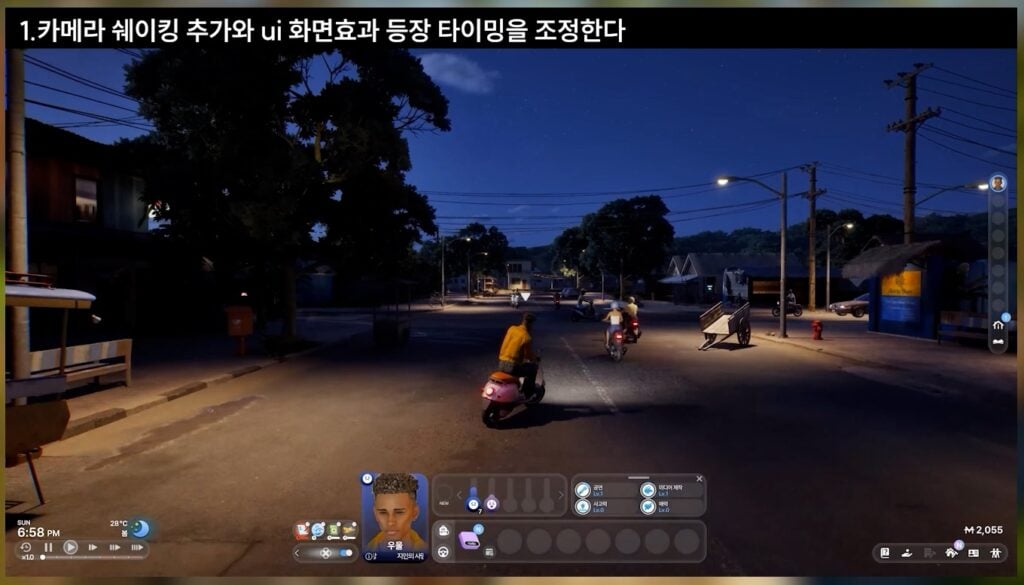
  • We’re trying to decide which animation is more suitable for motorcycle accidents.
inzoi update features october 202527

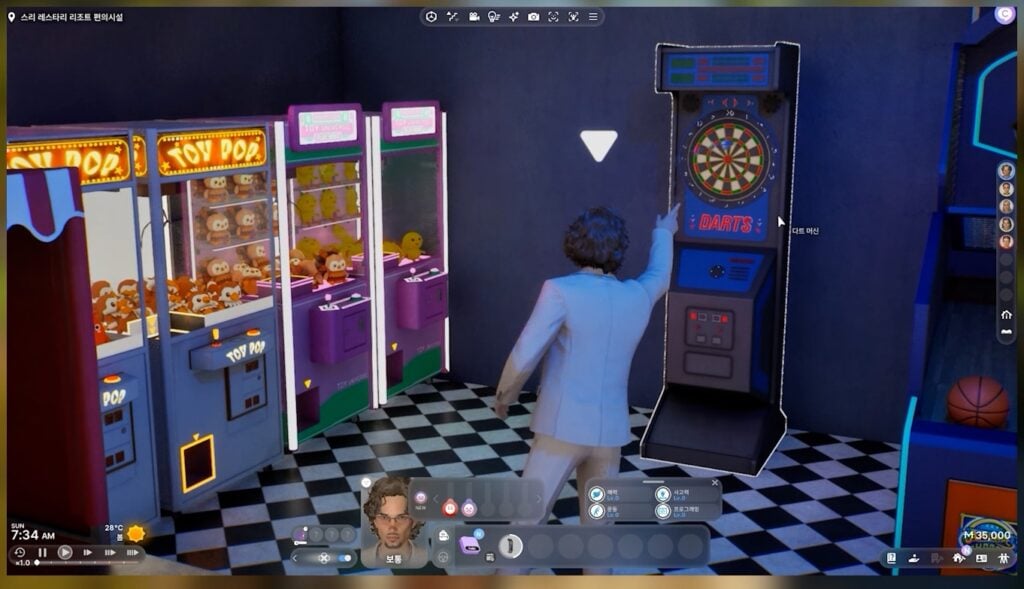
  • We changed the color of the dart.
inzoi update features october 202525
  • We added effects to harvestable crops.
inzoi update features october 202524

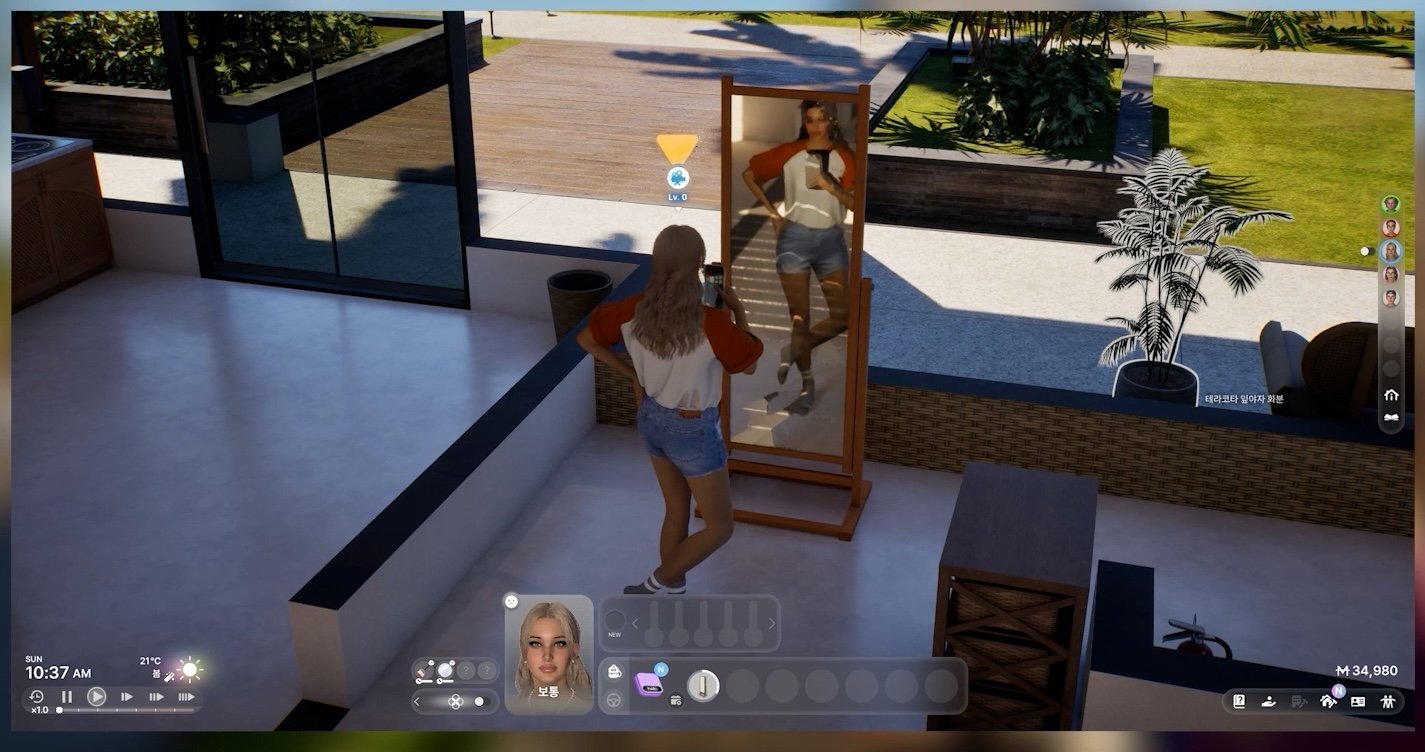
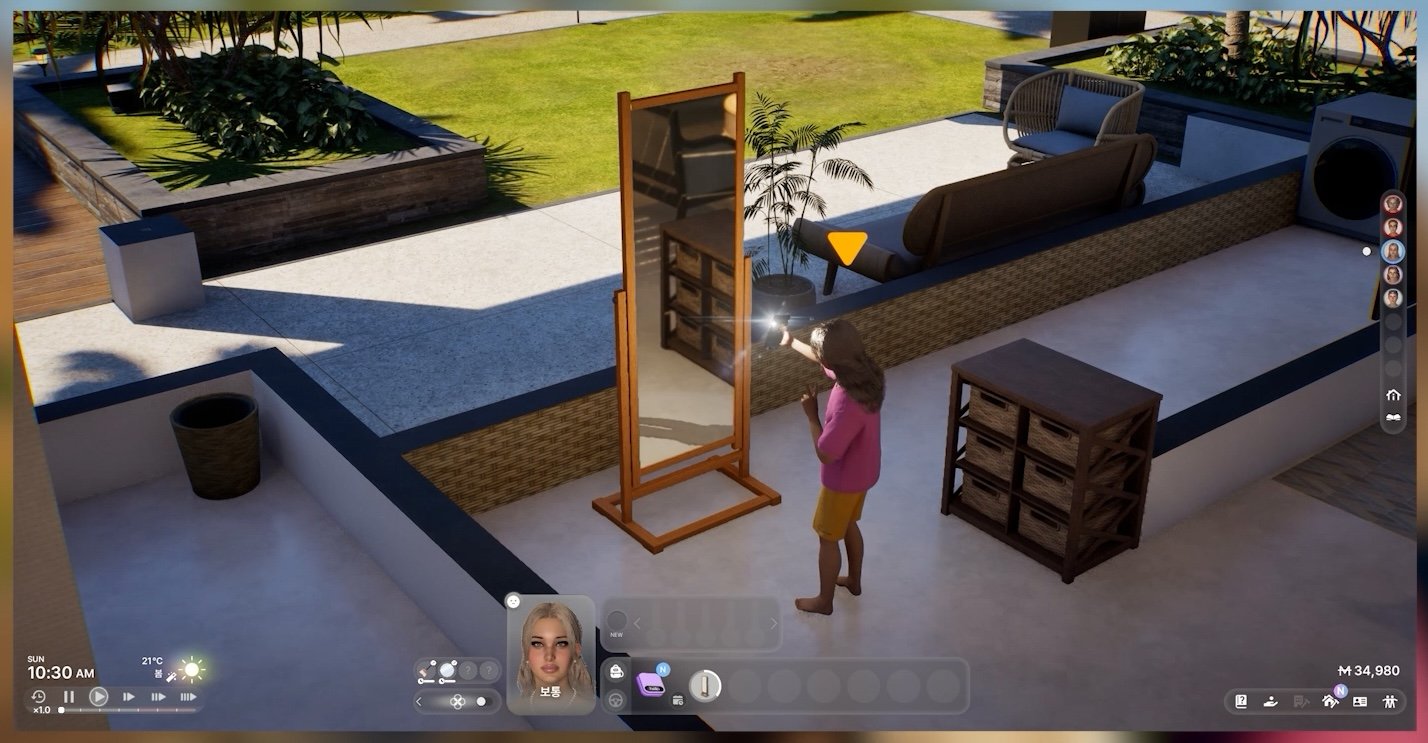
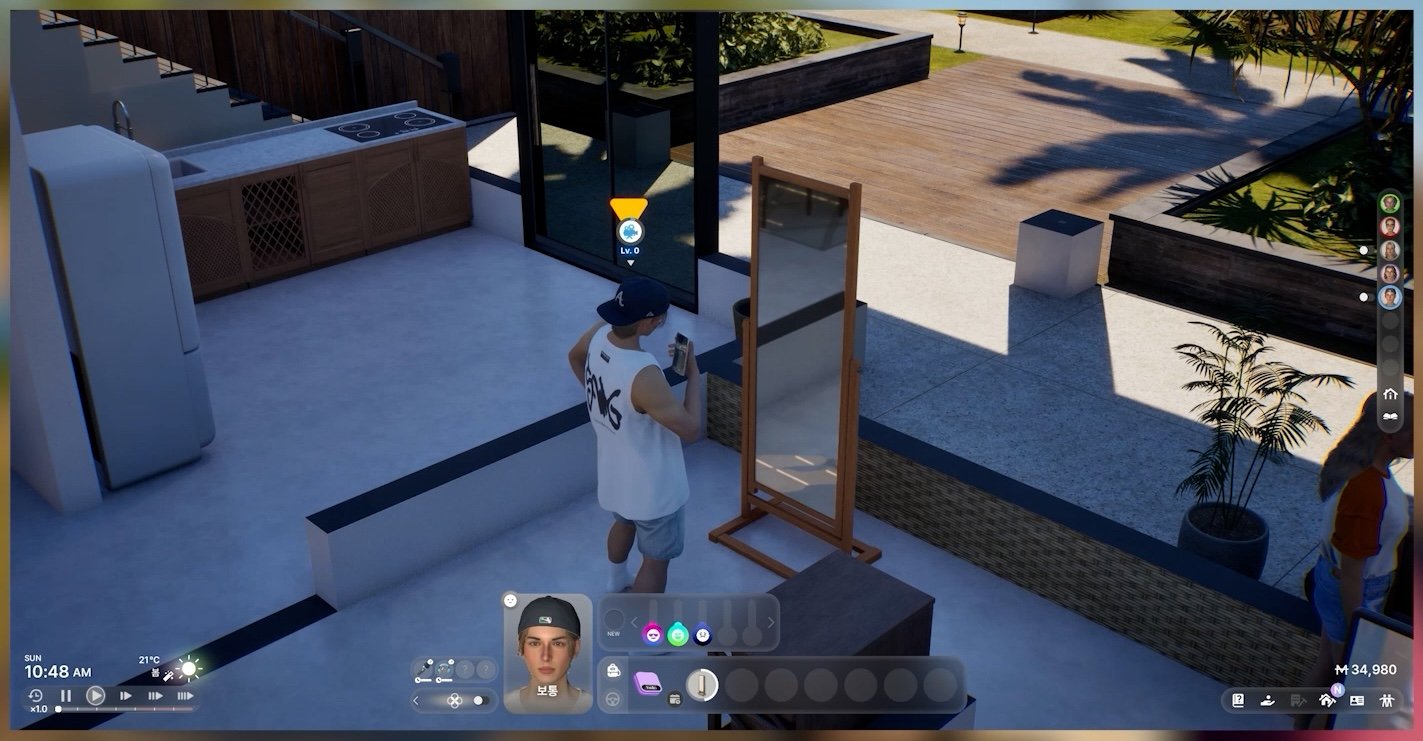
  • We also added effects for when taking mirror selfies.

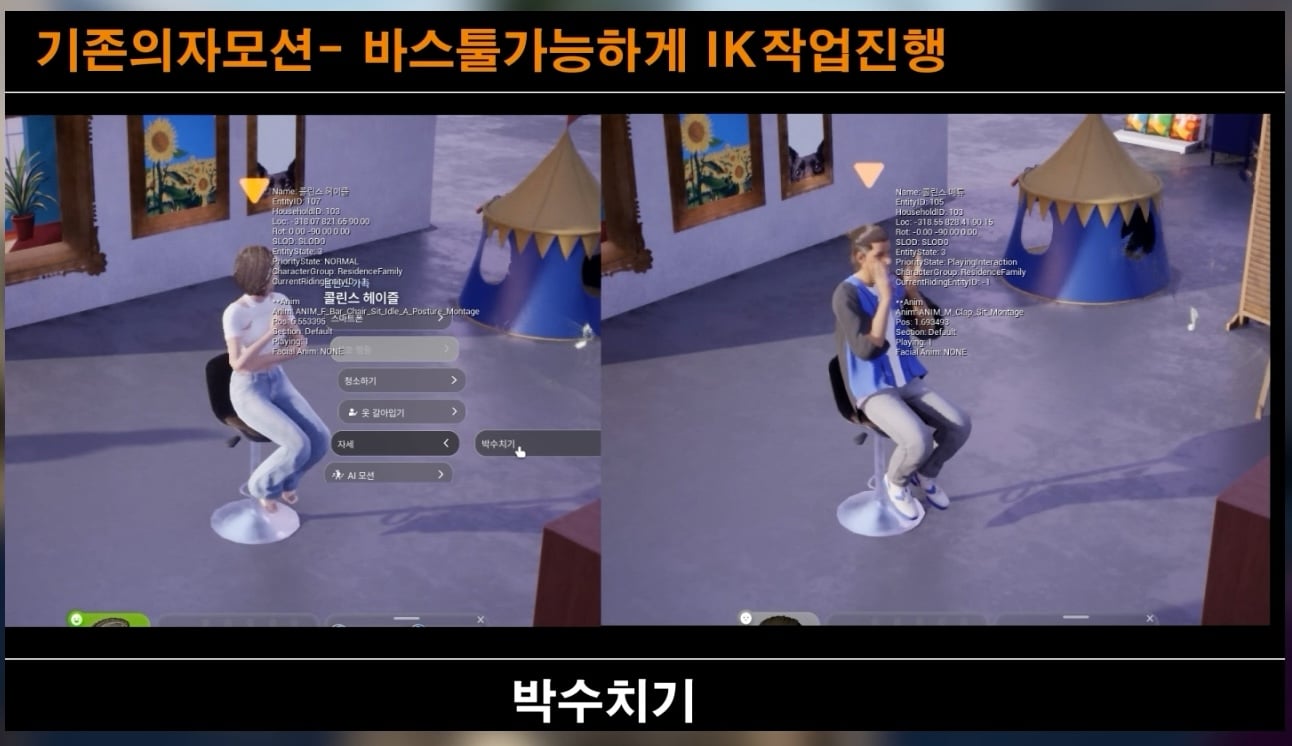
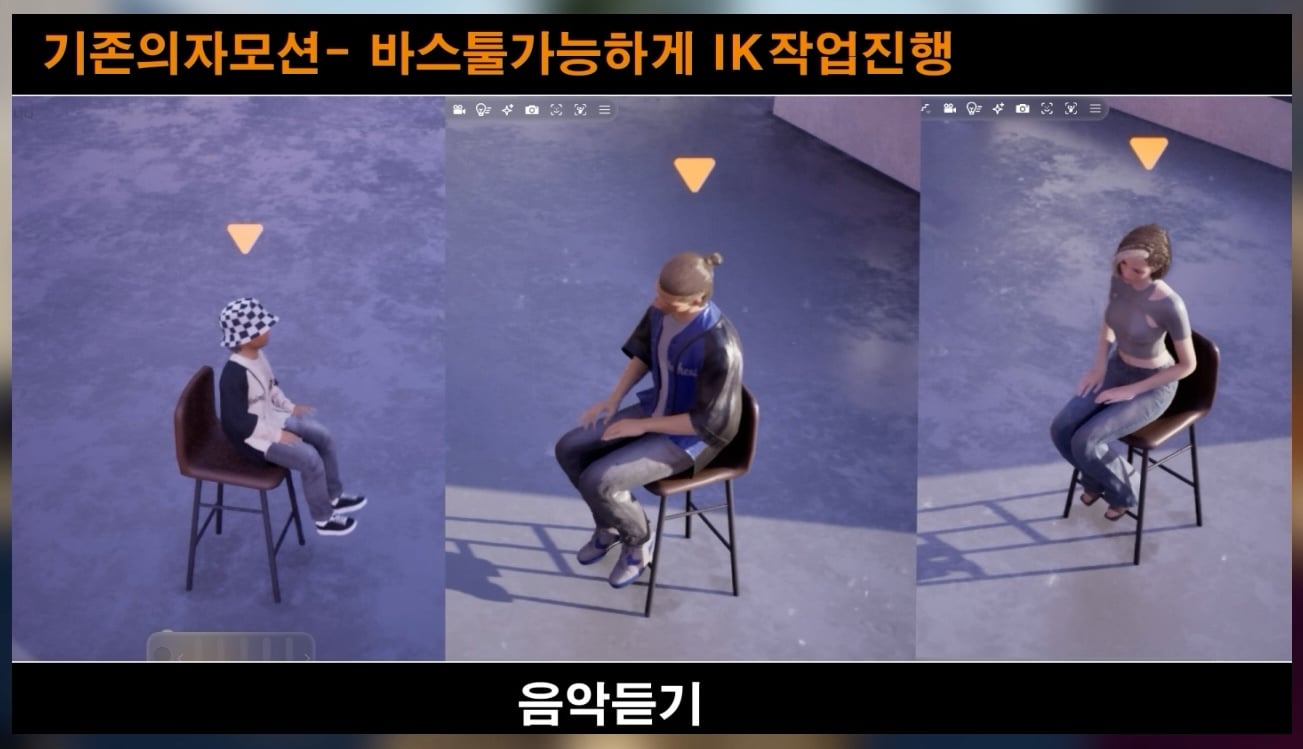
  • We improved the body positioning for when sitting in chairs.

  • We added a hotkey and control layout.
inzoi update features october 202518

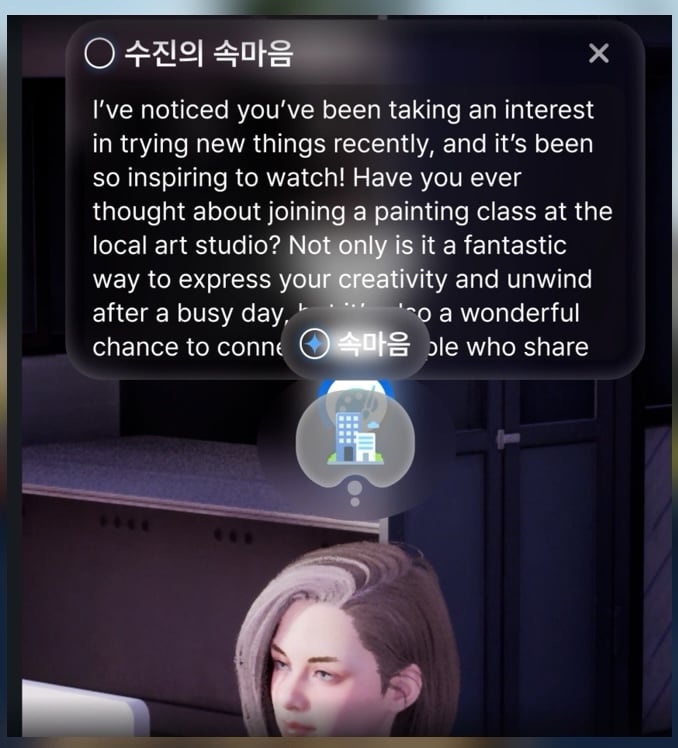
  • We changed the inner Thoughts design and combined it with Cat’s Eye and Skill Gauge into a single widget.

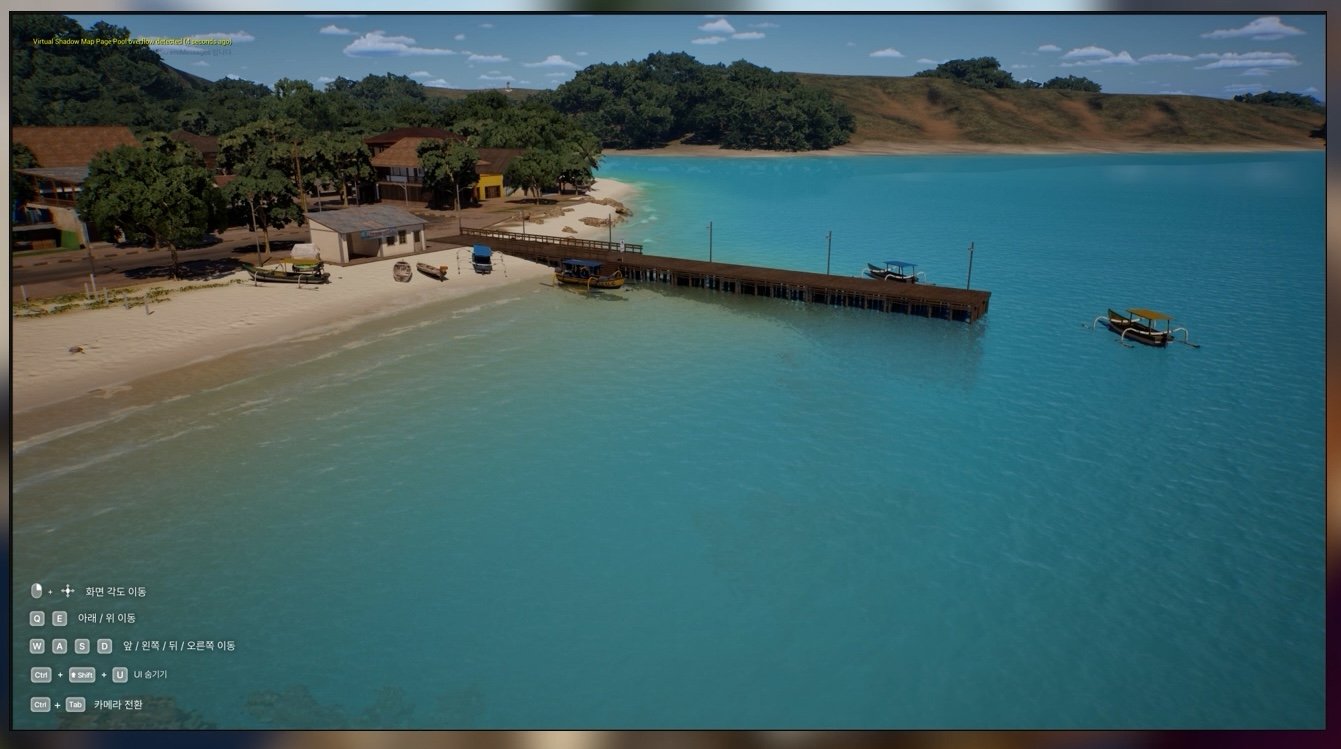
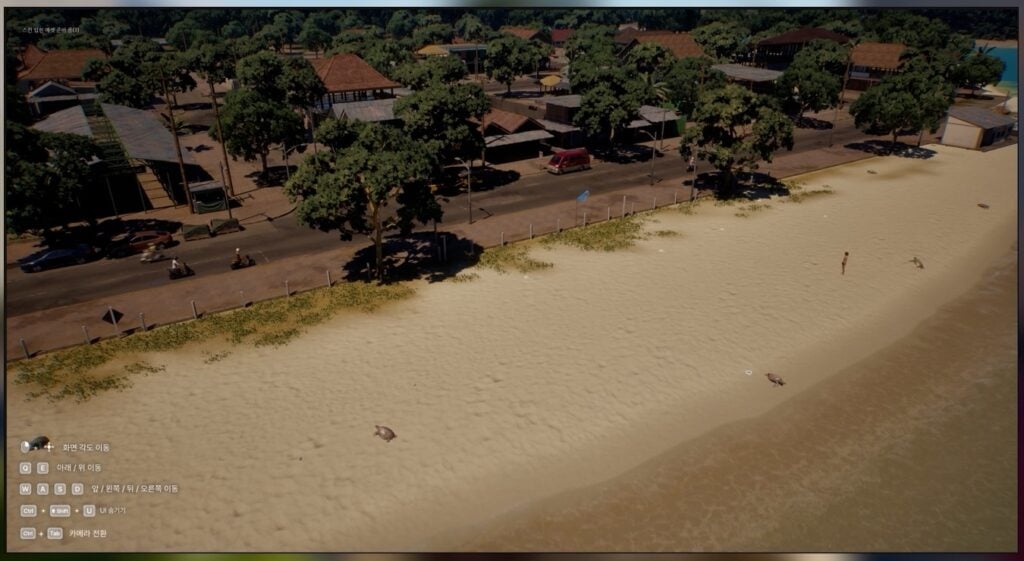
  • We improved the quality of Cahaya’s Beach.

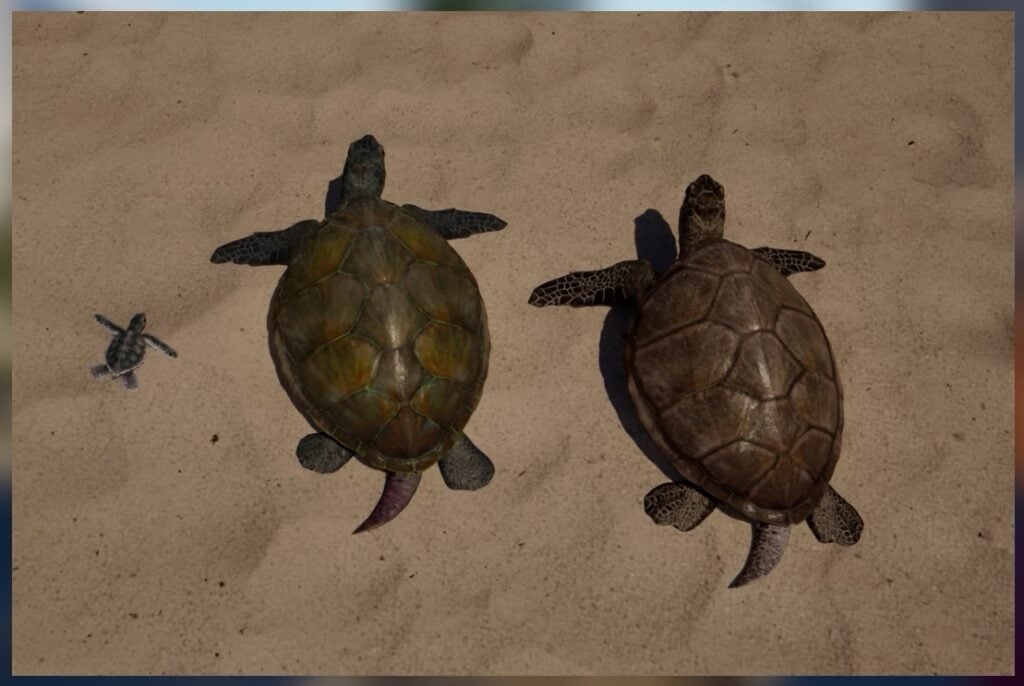
  • We also improved the texture quality of the turtles and placed more of them around the beach.
inzoi update features october 202513
inzoi update features october 202512

  • We enhanced the interiors of non-enterable buildings to look more realistic.

  • We improved the quality of crop weeds.
inzoi update features october 20254
inzoi update features october 20253


Kjun’s Replies on InZOI Feedback

InZOI’s game developer and director Kjun has been very honest in his latest in-depth reply to fans. Revealing some exciting developments for the game on the horizon. Such as improvements to the game’s Story and Autonomy, development on a whole new City Area and even optimization for lower-end systems and machines. As a Macbook Pro user who’s still on the M1 Max chip I’m excited to hear that M1 support might be coming soon!

Here’s what Kjun shared on Discord in full:

LETTER 2 PATTERN e1675116678818

I’ve gathered the most common and repeatedly mentioned requests and summarized them here. Some already have clear solutions, while others will take more time as we continue to explore different approaches. While reading through your feedback — much of which went beyond the scope of the original video — I once again realized how much inZOI still has room to grow, and how important open communication with all of you is. Please understand that this response covers a wide range of topics. I’ve read through everything twice, but since there’s a lot of feedback, please feel free to repeat or remind me if I miss anything.

1. Core Gameplay & Simulation

Story and Drama Enhancements

Many of you suggested adding a “Story Mode” that would give the game clearer goals and meaning — providing experiences that go beyond simple, repetitive daily actions. The development team is currently reviewing this idea internally. Once it becomes more concrete, we’ll share the direction we’re heading and gather your feedback. Since many inZOI players are new to life simulation games, some also suggested that a Story Mode could give more purpose and structure to their gameplay. When this concept is more defined, we’ll share details and collect your thoughts again. You also requested the addition of realistic tragedy, the darker sides of life, and unpredictable dramatic events to give the gameplay more emotional depth and tension. I agree with this and would like to include such elements as well. If you have specific ideas, please share them in the comments — I’ll review them carefully. The recently added “Request Divorce” feature received great responses, and we plan to continue adding similar emotionally driven features. Our direction for inZOI is to evolve into a world where dramatic and meaningful events naturally occur. Some of you also asked for a “living world” — where stories between NPCs unfold on their own, such as witnessing accidents or arguments, allowing the player to feel like part of the world rather than its center. Although inZOI is still limited in this regard, I’m always happy when I read your comments and see how closely your ideas align with the development team’s vision. In the October update, a small portion of this system will be included. We’re removing static shop visitors and implementing a system where crowds can now enter nearby stores. NPCs will have 4–6 different occupations and exhibit interconnected behaviors — for example, if someone drops litter, a cleaner will come to pick it up. It’s still in an early stage, but my long-term dream is to create a world like Ready Player One. You also suggested giving players powerful in-game storytelling tools and AI-driven NPCs that allow them to create their own stories. As shown at Gamescom, this is already under development. This new system uses an LLM-based model, not the current “Smart Zoi,” enabling NPCs to form relationships and retain memories. It offers major advantages in story generation — with natural emotions, consistent logic, and contextual behavior. It’s such a promising area that I’d like to hold a separate discussion dedicated to this topic soon.

Character and NPC Autonomy

Many players pointed out that Zois lack autonomy — for example, they don’t cook when they’re hungry or use umbrellas when it rains. In the October update, we improved Zoi behavior to make them act more human-like, though there may still be some limitations. Technically, it’s possible for a Zoi to use an umbrella, but when carrying a bag or starting a conversation, they need to free their hands — this conflict hasn’t been fully resolved yet. The development team is aware of this issue and will continue refining it. You also requested improvements that support a more “observation-based” playstyle, where Zois autonomously manage their needs and actions without requiring constant player control — similar to an ant farm. In the October update, we shortened the default in-game day length (while keeping the same overall time flow) and focused on making daily life feel more natural and human. It’s not perfect yet, but our goal is to make Zois live like real people. Previously, we were overly focused on building a technically perfect simulation world, which caused several problems — optimization issues, increasing system complexity, and high maintenance costs. After much testing, we realized that maintaining this approach is unsustainable. We’ve now shifted our design: instead of relying purely on simulation logic, Zois will act appropriately based on adaptive behavioral values that fit their situation. I’ll share a detailed video about this change on Friday. Players also requested more realistic relationship dynamics, such as betrayal, jealousy, and rumors — as well as NPCs who recognize each other and behave differently depending on their relationships. To achieve this, we’re enhancing multitasking, group behavior, and the event system. These improvements will be included in the December update. For example, during dates or family trips to amusement parks, Zois will engage in more conversations and interactions with each other. Once this system is implemented, families will naturally talk more often and move together when visiting parks. That’s the development goal — it’s a difficult system to build, but I’m determined to make it happen. Does this match what you were hoping for? If so, please leave a comment and let me know.

Controls & Animation

Interaction and Animation Improvements

Many of you pointed out that most activities — such as playing instruments, meditating, hula-hooping, or watching TV — feel too short. There were numerous requests to make these animations loop continuously until the player cancels them. This should be relatively easy to implement. For example, we can easily add interactions like “Play for 1 hour” or “Play for 3 hours.” In addition, we’re developing a “Keep Playing” option that continues indefinitely until a need becomes too low or the player decides to stop. In the October update, we’ve already extended the duration of several actions such as billiards and bowling to make them more immersive. Some players also mentioned that short animations and limited facial expressions make it difficult to take satisfying screenshots, and requested longer, more expressive performances. This will be partially improved in the October update. While inZOI already supports advanced facial animation technology, we still lack sufficient data to fully utilize it. We’ll continue expanding and improving expressions over time.

Motorcycle Presentation

Regarding the motorcycle accident animation, many said the second animation was more natural and preferred the version without a loading screen for better immersion. While handling post-crash situations is technically challenging, we plan to maintain the current version for now and gradually improve it as our systems evolve. There are still technical limitations we need to overcome.

WASD / Arrow Key Options

Many requested the ability to use the WASD or arrow keys for camera movement instead of character control. This seems to be a common concern among players who find direct keyboard control awkward. Some suggested adding a specific key (for example, U) to toggle between “Character Movement” and “Camera Movement.” We’ll review this toggle option internally within the development team. However, several players also emphasized that WASD character control is a core immersion feature that makes inZOI unique, so it shouldn’t be removed — only provided as an option. We completely agree and will continue to refine WASD controls as one of inZOI’s key strengths.

Swimming Controls

You requested a point-and-click interaction that allows players to command Zois to “Swim” or “Exercise” by clicking on a swimming pool. This would be an essential accessibility feature for those who find direct control difficult. We’re currently designing a system where Zois can freely swim and rest at intervals. However, implementing conversation while swimming has proven more difficult than expected, so that part is taking extra time. If necessary, we plan to first release free swimming movement before adding conversational interactions later.

3. Building & Graphics

Building Convenience Improvements

Many of you requested clearer furniture placement guidelines and a way to immediately check lot size information obtained through the canvas system. The lack of standardized lot sizing stems from early development when those rules weren’t yet established — we’ll prepare improvements for this quickly. The wall placement guideline system has already been improved, and I’ll be showing this update in a video later this week. As for furniture placement guidelines, we’d love to hear more detailed suggestions from you so we can refine them further. We completely understand the inconvenience caused by the current behavior of snap-connected furniture, and we’re working on a fix as soon as possible. You also suggested many specific improvements such as saving wallpaper styles, furniture resizing, free placement without grid constraints, and additional building shortcuts. Shortcut keys will be developed first — those are relatively easy to implement, and I’m always happy when we get feedback that’s directly actionable. As for furniture resizing and grid-free placement, these are functions we’ve actually wanted to enable for a long time. However, doing so currently causes simulation errors, which is why the features are temporarily disabled. As developers, we’re always cautious about such risks — it’s hard to know how much players would tolerate potential bugs, so we’ve held off. If you continue to express support for these features, it’ll help us prioritize and push them forward. You also shared ideas about expanding item storage, multi-select and move options for items, larger refrigerator capacity, batch ingredient storage, and more diverse food ordering options — all of which we’ll be reviewing to improve kitchen and food-related systems.

World and Lot Expansion

Many players mentioned that there aren’t enough empty lots available for building your own houses and requested that we add more. In fact, we’ve already been planning a new city area consisting primarily of empty lots. However, one technical issue is that each house in inZOI contains roughly 1,000–2,000 pieces of data. Because of this, we intentionally spaced houses farther apart to prevent performance degradation — having multiple houses close together can significantly slow down the game. The new city’s empty lots were also designed with wide spacing for this reason. That said, we could still make them closer together if players prefer, even if it comes at some cost to optimization. Within the development team, we’ve discussed this and even voted on it — so how about we try that here, too?

4. Character Creation & Customization (CAZ)

Children and Toddler Content (Highly Requested)

Many players mentioned that there’s a lack of clothing for children and toddlers. Going forward, we’ll reduce the number of adult outfits and focus more on developing clothing for younger characters. There was also consistent feedback that babies look unrealistic — being too large and even having visible teeth. We agree with this and plan to redesign them and add customization options. (And please don’t feel bad about pointing it out — this is part of our Art Director’s work, and I’ll simply pass it along to him! We’ve known each other for years, so it’s all good.)

Expanded Customization Options

Many requested the ability to save different hairstyles and makeup settings for each outfit category. This has come up several times, and we’re now reviewing how to implement it. It’s likely to be developed around December. For example, when switching to a “party outfit,” your hair and makeup would automatically change to match. Currently, hairstyles and makeup are stored separately from outfits, but we’re developing a system to link them into a single set. If I’ve misunderstood your request, please let me know — we want to get this right. inZOI aims to make character customization one of its strongest and most enjoyable features. Players also requested more body sliders, piercings, tattoos, and other detailed customization options. These are already under active development and will continue to expand over time.

5. UI / UX Quality of Life Improvements

UI Convenience

Some noted that the “Expectations” goal section is too small and easy to overlook. This will be improved in the October update. However, I do worry that emphasizing the remaining time too much could feel stressful — so we’ll try to strike a balance. There were also requests to adjust transparency for UI elements such as lock icons, sale icons, and mouse-over borders, as well as to reduce unnecessary icons. We’ll be improving these gradually, step by step. Information Accessibility Many asked for a search function in both the world map and build mode, to make it easier to find specific places or furniture. I completely agree, especially as cities become more complex. We’re aiming to release this feature in December, similar to what’s shown in the attached design mockup. Please share more feedback if you feel anything’s missing.

Reducing Visual Clutter

ou requested the option to turn off visual effects such as the white outline that appears on mouse-over, various icons, mood effects, and lock/key indicators — as these can interfere with immersion and screenshot composition. This has been a frequent request, and we’re raising its development priority. We’re considering an option where “Hide UI” would also hide all visual overlays and indicators. Would that approach work for you?

Cheat & Management Features

Some of you asked for aging skips or age control cheats. In December, we plan to introduce systems for adjusting lifespan length and customizing the duration of each life stage, as well as features like birthday events and age skipping. We actually use many of these cheats internally during development — but exposing them to players can sometimes cause simulation issues or break progression, which is why we’ve been cautious about releasing them. Still, we understand the demand and are carefully considering safe ways to make some of these available.

6. Technical Issues & Systems

Maintaining the Open World

Many of you strongly opposed the idea of adding loading screens or dividing lots to improve performance, expressing concern that such changes would damage inZOI’s greatest strength — its seamless open world. This is honestly the most difficult topic to address today. There are two major technical challenges in maintaining an open world: CPU performance, required to sustain persistent simulation, and GPU performance, needed to render large, complex environments. Keeping the open world active makes it nearly impossible to fill the city with more stores and activities while maintaining stable performance — especially since we also want inZOI to run on lower-end systems, such as those using the M1 chip. To balance these challenges, we’re focusing on optimization — reducing city and lot sizes so inZOI can run even on very low-end hardware, and developing technology that works on devices without Nanite support. My direction is to use instanced (dungeon-like) interiors for optimization — allowing us to add more stores and content without sacrificing stability — while still maintaining an open-world experience. If we don’t use this method, we simply can’t continue expanding the open world with more interactive places. This decision wasn’t easy, but I’ll make sure the sense of immersion remains intact and continue searching for better solutions.

Bug Fixes

Some players reported serious relationship bugs — for example, married Zois suddenly becoming siblings. My apologies! We’ll verify and patch this issue as quickly as possible in an upcoming update.

Deeper Relationship Systems

Many emphasized the importance of a family tree system that allows tracking relationships across multiple generations — especially for legacy players. I completely agree, and this feature is currently in development. It has been technically challenging, which caused delays, but we’re planning additional improvements by December. You also suggested that relationships should evolve naturally through major life events — divorce, loss, affairs, etc. — and that secrets like infidelity shouldn’t be immediately revealed unless witnessed by others. I fully agree that these events should feel realistic and emotionally impactful. As mentioned before, our team understands this well and will continue to expand the diversity and realism of relationship dynamics.

Additional Suggestions

You shared a wide range of ideas, including: Mod support expansion Mac optimization In-game surveys Automatic laundry and clothing dirt systems Keyboard shortcut customization Improved lip-syncing More natural NPC behaviors Enhanced social network and narrative complexity Realistic simulation features like accidents, courts, and insurance Store management gameplay and further loading reduction This week, I focused on replying to as many posts as possible related to ongoing development topics. Every piece of feedback is valuable, and I wish I could personally respond to everyone — please understand if I couldn’t reach all of you this time. You’ve shared so many ideas that I can’t help but wonder — will you still have more to say next time? (I’m sure you will.)

In Korea, there’s a traditional holiday called Chuseok, a time to give thanks to our ancestors. We hold a ceremony called “Charye,” where families bow in gratitude for the year’s blessings and pray for good fortune in the year to come. From a modern perspective, it might seem a little old-fashioned, but for most Koreans, the true meaning lies in bringing distant family members together in one place.

Thinking about it now, this event — “The Conversation Begins: Building the Game Together” — feels a bit like our own Chuseok, bringing all of us together in one space to share thoughts and stories. I’m really happy about that.

See you again on Friday!


What are your thoughts on the upcoming InZOI Updates coming soon? Join the discussion below and stay tuned on Sims Community for all the latest Life Sim Game news!

The Sims 4 Autumn Apparel Kit Out Now!

3

New Create A Sim Kit is now available for purchase.

EA and Maxis have just released their brand new CAS Kit called The Sims 4 Autumn Apparel Kit.

In this latest release, your Sims will be able to dress down in warm autumn tones through new Tops, Bottoms and Outfits. Including new accessories like Scarves and Hats, a “wearable Purse” tied exclusively to a full body outfit and new Shoes.

See the official Kit Features and contents down below:

clipboard sc

Breathe in that crisp autumn air, watch the leaves change color, and reach for something warm from The Sims 4 Autumn Apparel Kit. This collection features layered looks plus accessories like scarves and a wide-brimmed hat that are perfect for strolling down chilly streets, as well as snuggly sweaters that’ll make the season feel extra cozy.

Kit Features:

  • A Chill in the Air — When it’s too late for beach wear and too early to break out the snow shoes, this Kit has you covered with comfy sweaters, matching beanie & scarf combos, and more cold weather looks. Embrace the chill with luxurious fabrics and rich autumnal hues.
  • Cozy and Classy — These sophisticated, layered fashions will keep Sims both comfy and put-together with pieces that exuded charm, like a wide-brimmed hat, wearable purse, and stylish boots.

CAS Items Preview

sims 4 autumn apparel kit release contents

Official Screens

The Sims 4 Autumn Apparel Kit is available now for purchase for $4.99USD, or a price equivalent to your local currency. You can get the latest Kit release from the following stores:

Do you plan on getting the latest Sims 4 Kit release? Let us know in our community poll down below and see how others have voted!

[totalpoll id=”179247″]


What are your thoughts on The Sims 4 Autumn Apparel Kit? Stay tuned on Sims Community for the full review of the new Kit items!

Premade Pets are Missing in The Sims 4; Adventure Awaits Cross-Pack Feature Not Working as Promoted

Trying to report on a missing Sims 4 Adventure Awaits Cross-Pack Feature lead me to a discovery of a whole new serious issue.

With each new Sims 4 Expansion Pack release players are more and more accepting the slow defeat of features not always working as intended on launch. The announcement of The Sims 4 Adventure Awaits Expansion Pack promised players some cool Cross-Pack features, with one of them being the ability to create a Custom Getaway / Venue that encourages Dog Training.

the sims 4 adventure awaits dog training

ARTICLE UPDATE: EA Explains Current Dog Training Getaway Features

EA / Maxis has released a new statement explaining how the Dog Training Custom Getaways work, and what type of Roles you’ll need to assign to your Sims / Pets in order to make the Dog Training ground possible. As explained by EA, this feature is only available for your own Household of Sims and Pets and doesn’t encourage other Dogs / Pets from partaking in these activities.

clipboard sc

How can I include pets in my Getaway?

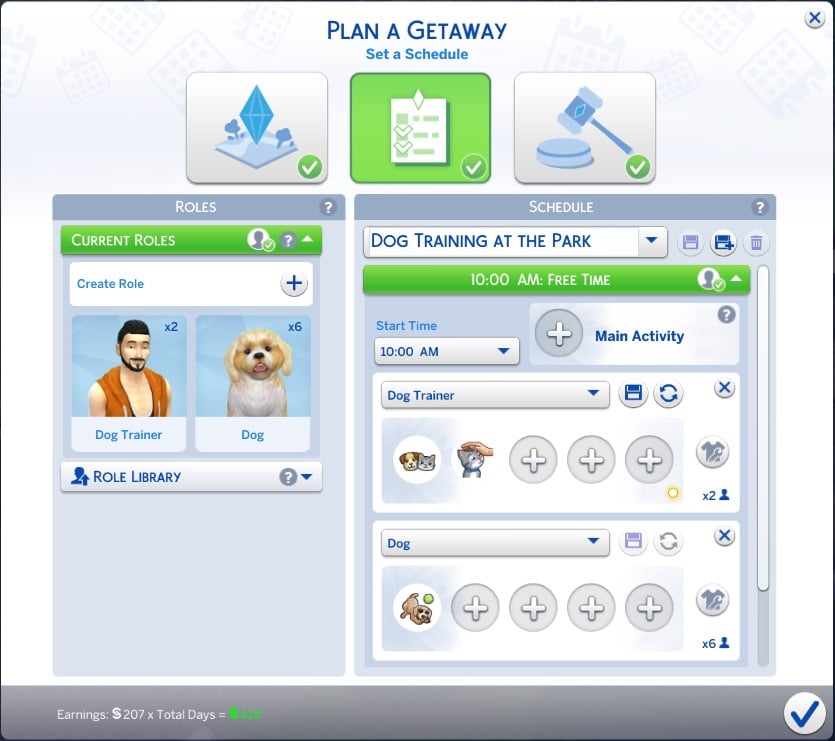
If you want to create a Dog Training Getaway, you can do so by following these steps:

  • Create a household with at least one Sim and up to 7 dogs
    • Only pets within a household can attend a Getaway. When in your household, you can assign them to a Role (or Roles). 
  • Then, use the Getaway Planner from your phone, computer, or calendar to schedule a custom Getaway.
sims 4 dog training venue5
  • Next, make sure you have a supported* venue or lot that includes dog friendly objects. 
    • *Getaways are not supported at Retail lots, Vacation Rental Lots, Residential Rental lot Units, Wedding Venues, Vet Clinic Venues, Restaurant Venues, Small Business Venues, University Housing, all Lots in Batuu, or all secret/hidden lots (ex: Sylvan Glade, Sixam, etc). 
    • If you want to use a Custom Venue, you can build out the ideal space with plenty of objects for pets.
sims 4 dog training venue1

  • Assign your household Sim and pets to Roles of the Getaway.
sims 4 dog training venue2

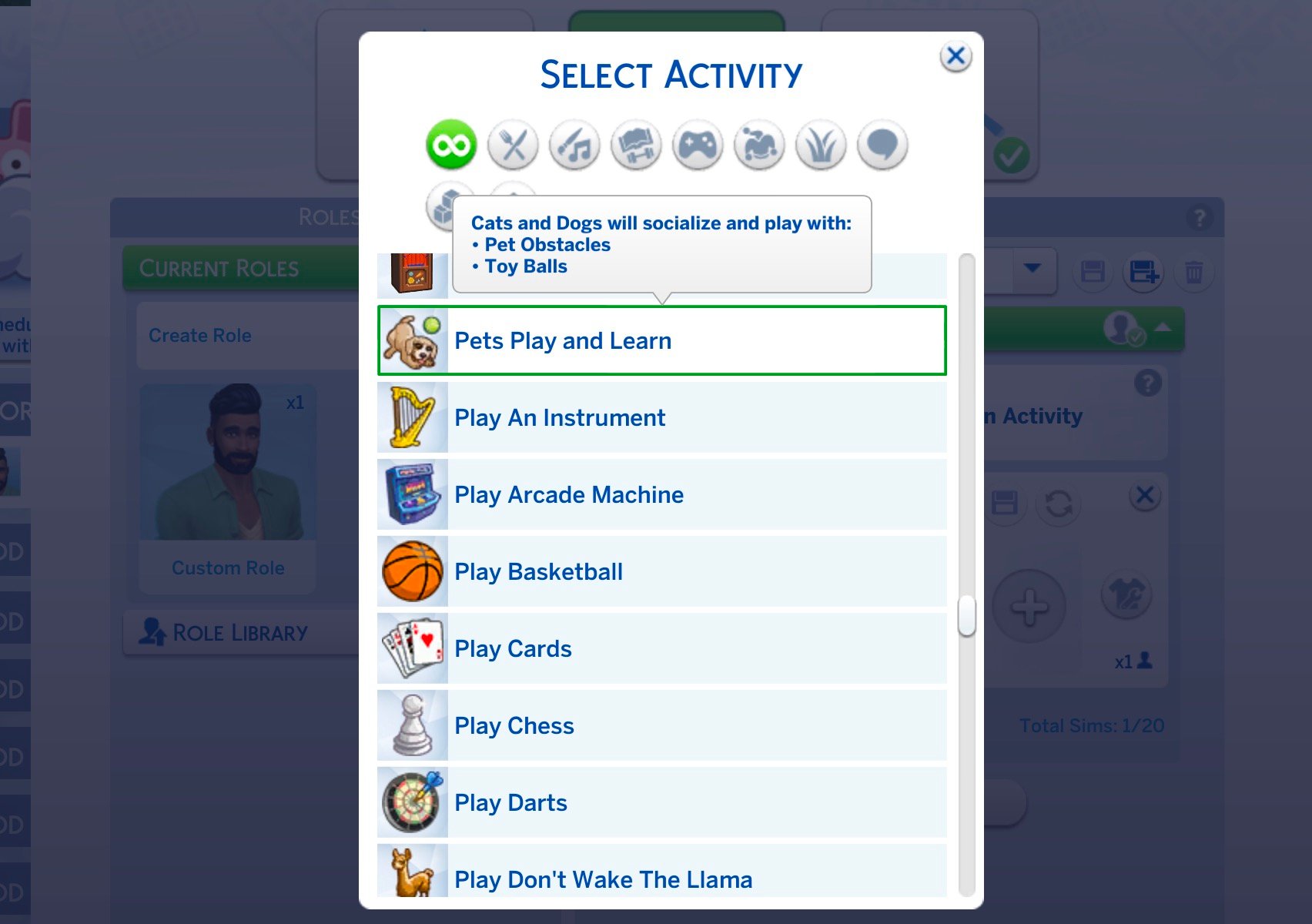
  • The specific Role Activities that you can use for your Pet Roles are: Pets Play and Learn – Cats & Dogs 
  • The specific Pet Caretaking Activities that you can use for your Sim Roles are:
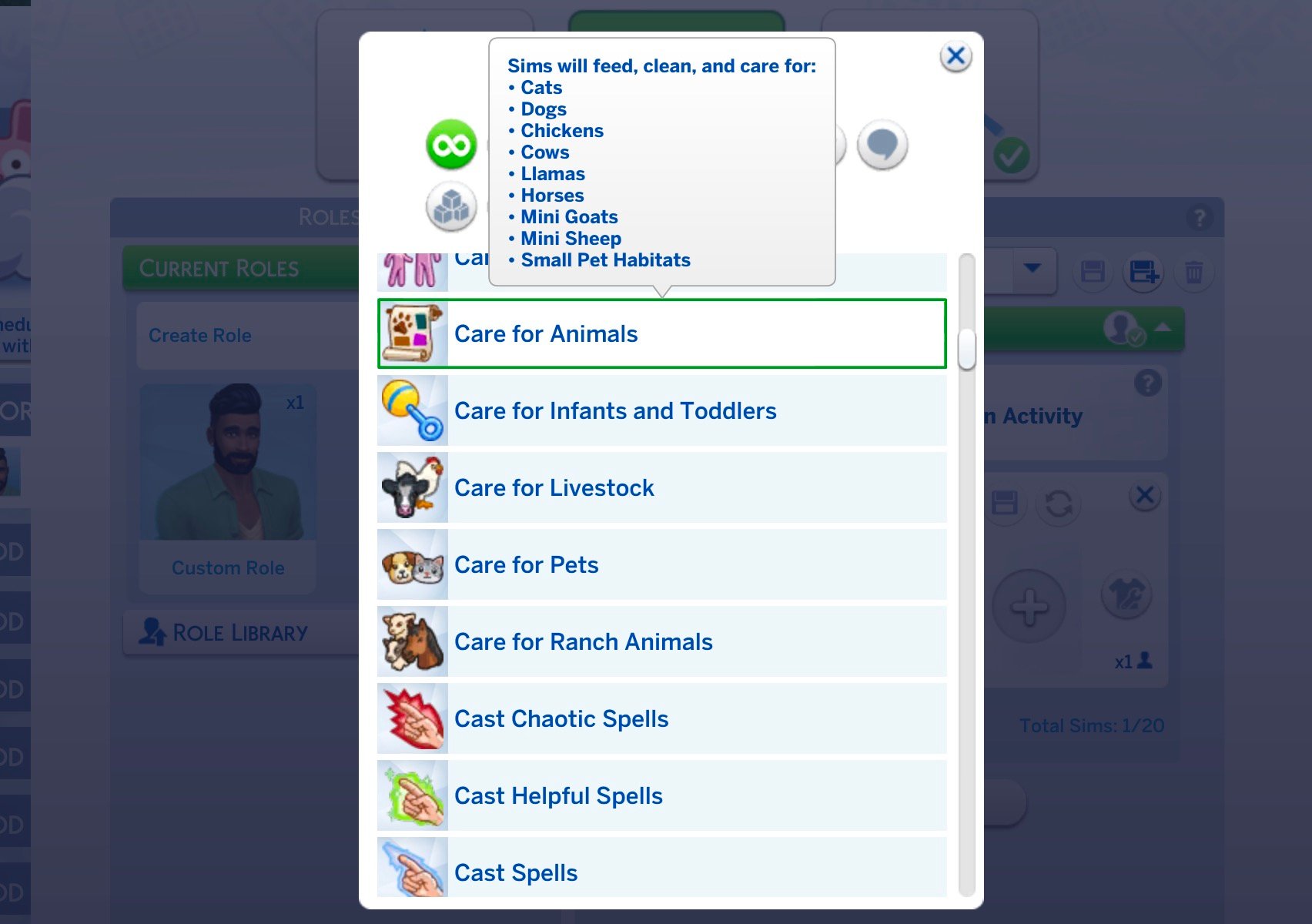
    • Care for Animals – which will encourage your Sims to feed, clean, and care for Animals
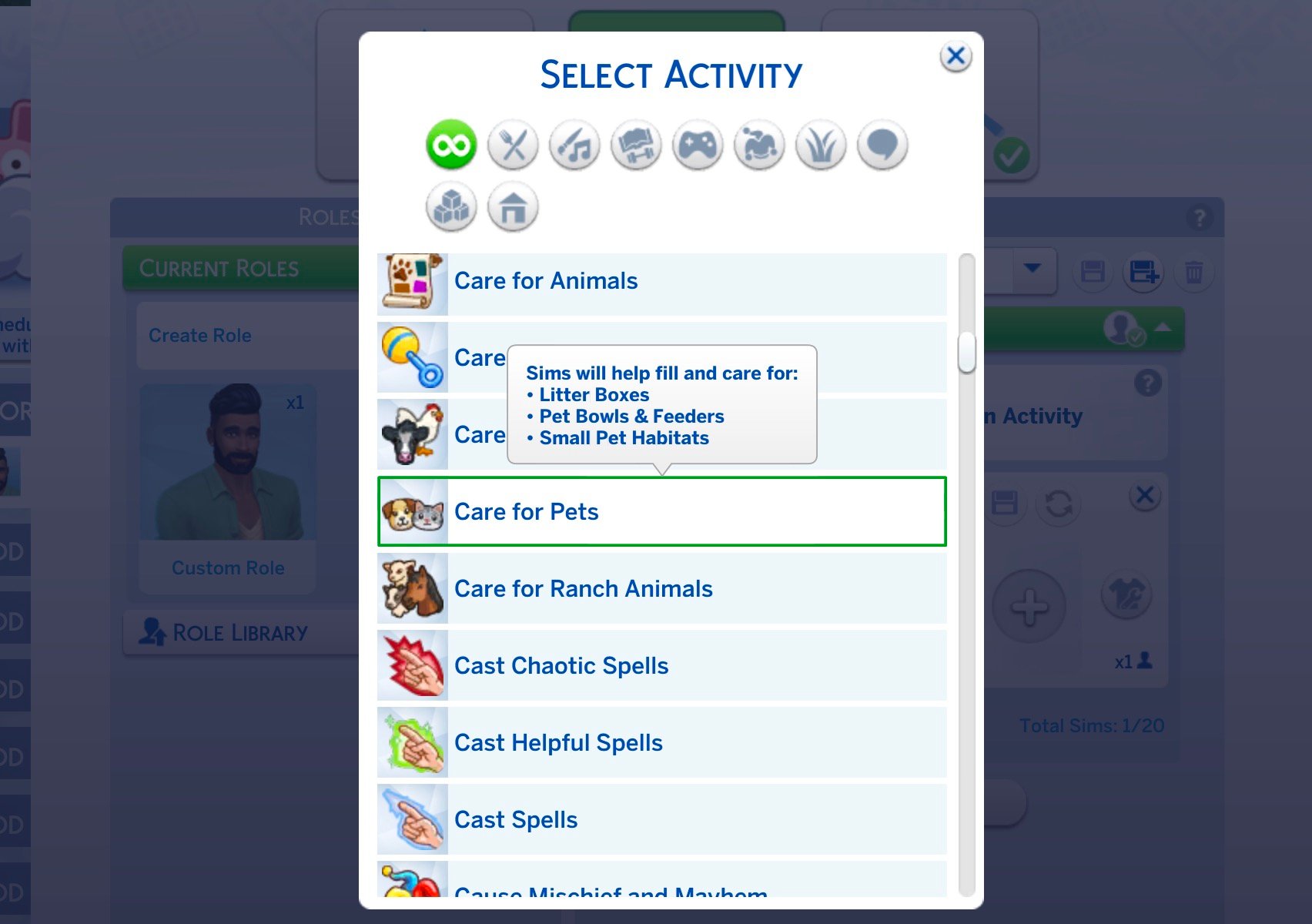
    • Care for Pets – which will encourage your Sims to fill and care for Litter Boxes, Pet Bowls & Feeders, and Small Pet Habitats
    • Play with Pets – which encourages your Sims to socialize and play with Cats and Dogs
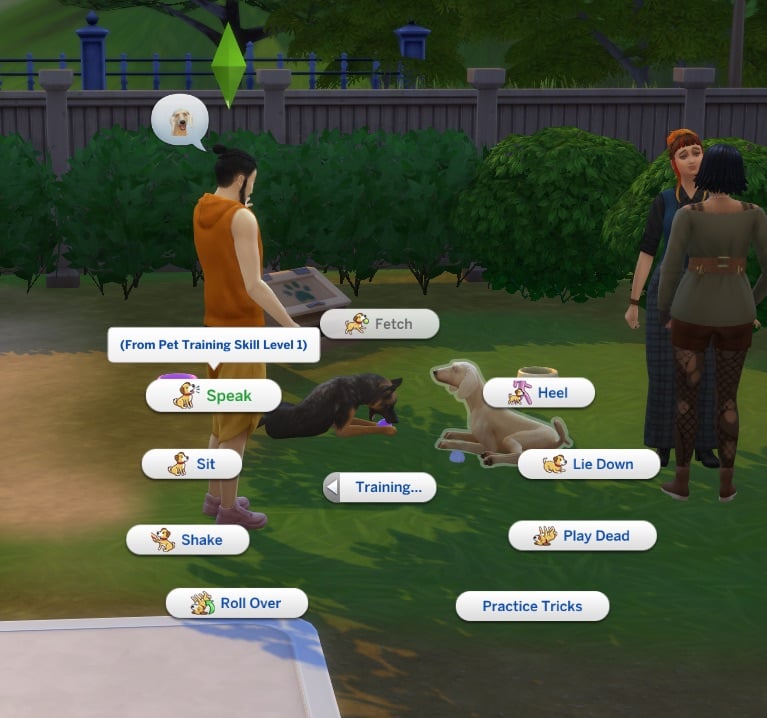
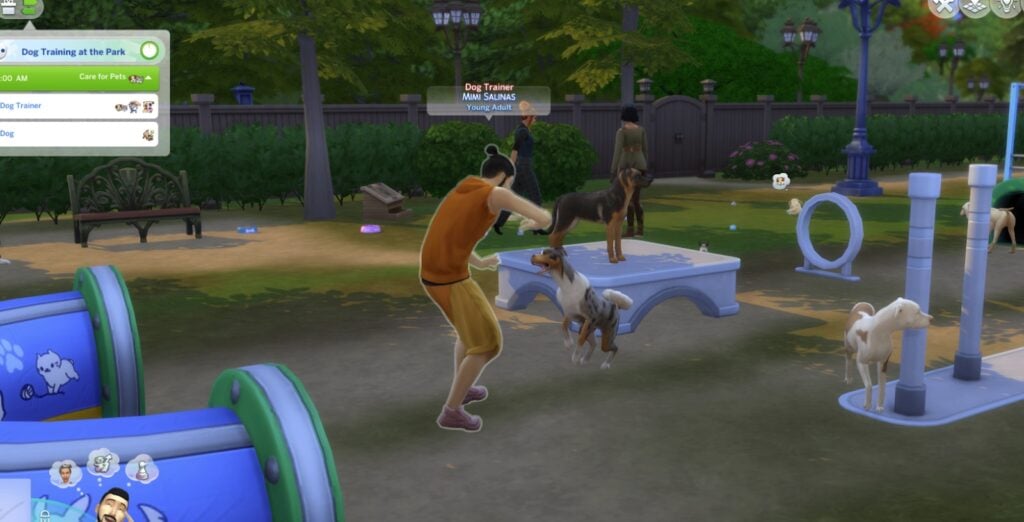
  • The dogs will then take part in the supported activities as part of the Getaway, such as Playing with available Dog Toys like Balls or Obstacle Courses. You can also direct your Sim to run the “Training …”  interactions included in Cats & Dogs.
sims 4 dog training venue3
sims 4 dog training venue4

Issues with The Sims 4 Adventure Awaits Cross-Pack Activities for Animals

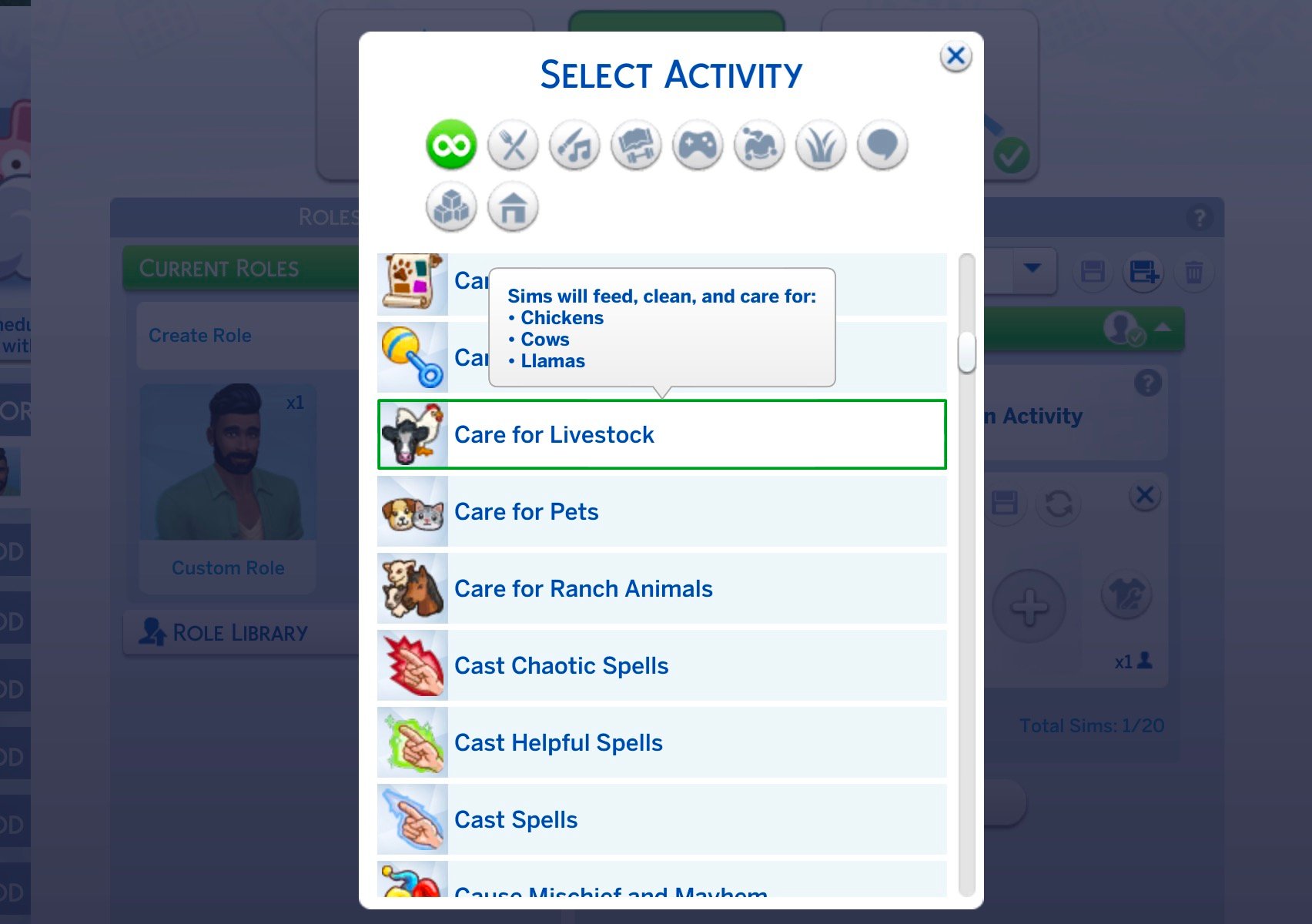
When creating a Custom Getaway or Venue, players can choose from several different activities for Pets and Animals. If you have The Sims 4 Cats & Dogs, you can encourage activities like Care for Pets and Pets Play and Learn. The Sims 4 Cottage Living unlocks Care for Livestock activity, and The Sims 4 Horse Ranch lets you Care for Ranch Animals.

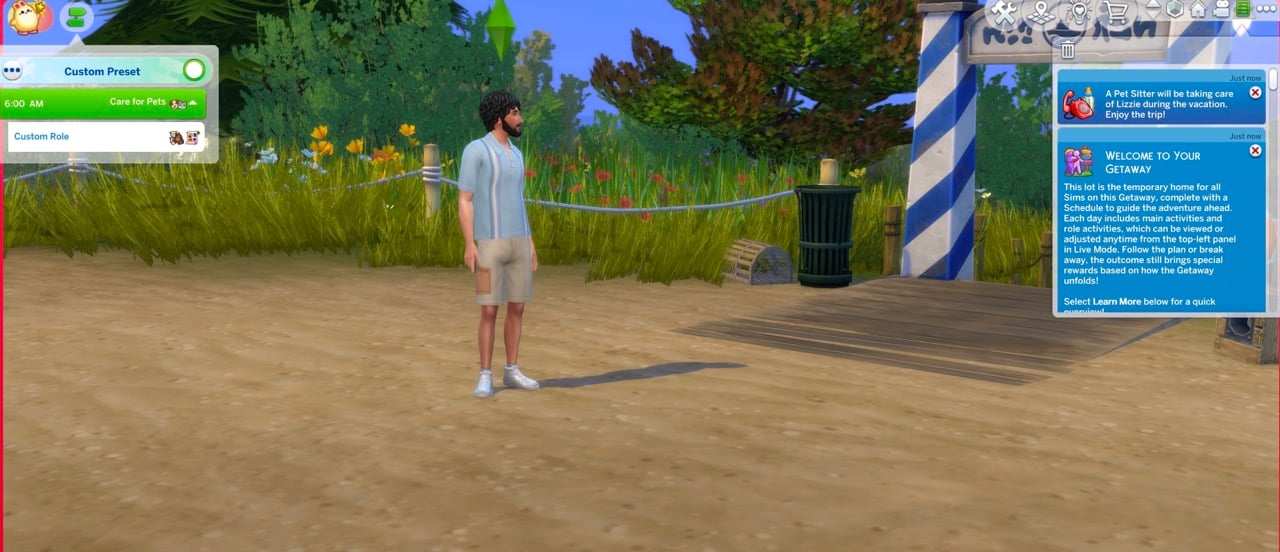
The only problem? There are no Pets or Animals allowed to the Animal-encouraged Getaway and / or Custom Venue. As soon as you start your getaway, you’ll be notified that the Animal you brought with you has been sent away to a Pet Sitter.

You can call in your Pet through the whistle icon on their thumbnail to come back, but no activities will be performed or encouraged autonomously that you’ve set.

sims 4 adventure awaits glitch pets notification Large

In addition, no Pets or Animals will be brought by other Sims during your Getaway stay.

Player DinosaurKath provided their experience about this issue with additional test screenshots, saying that during their test they weren’t able to encourage any Dog Training or Animal Care activities.

If you were to host a getaway on a custom dog build venue…No dog shows up to train with. So your sims stand around and kinda do nothing, because no dog is programmed to show up to begin with! Am I doing this wrong? Am i just overseeing something? I hope so 🙁 when they talked about this feature i was so excited and now it turns out we cannot actually do what was promised to us?

There’s one dog there, and I know the getaway looks bad, but thats because this is just a test getaway. (i suspected this wouldnt work, sadly)) No dogs show up, besides my own dog, who I had to invite because the vacation system automatically kicks dogs/pets from joining.

bug 2
Image: DinosaurKath

Player ElliSims also reports on the same issue and obstacles they’ve encountered. Adding that even with all the encouragements and additional Lot Traits that should trigger these activities to happen – they still don’t. Stray dogs do come up once in a while but things encouraged through activities just don’t get triggered. Includding running an obstacle course:

Did some more testing here:

I can build a custom venue and schedule things like play with pets, feed pets, pets play and learn.  Except when I go to the lot the only thing that spawns are human npcs.  They have the tag “pet owner” but no pets come with them.  The lot does have the dog friendly trait, the obstacle course does work – just no pets spawning.

If I add the trait for stray dogs – a couple of those do show up for a little while, and npcs will kind of interact with them, but not run the obstacle course or do any training activities.

Possibly related – NPCs do not change out no matter how long I stay at the venue.  None of the normal “person X leaves and person Y arrives happens.”

ElliSims

As players started to upvote this Sims 4 game issue / glitch, the Forum thread got moved from Bug Reports to Game Feedback. Suggesting that this isn’t a game bug but rather done purposefully in game design. Even though all the promotional text and official media suggests otherwise.

Adding salt to the burn is the official Sims 4 Adventure Awaits Cross-Pack trailer that came out a day after the Pack release. Suggesting that with these activities you can trigger Wild Horses and Cottage Animals to trigger on your Venue. Even though that’s entirely impossible at the moment.

sims 4 adventure awaits horse ranch promo screen

Issues with Premade Cats, Dogs and Horses Disappearing from Premade Households

As I was playtesting this Sims 4 Adventure Awaits Expansion Pack issue I stumbled upon another major one for Cats & Dogs and Horse Ranch Expansion Pack.

When starting a new save game after the recent few Sims 4 Updates, you may notice that all Premade Horses, Cats and Dogs are permanently removed from Premade Households. The animals may show up in Manage Worlds through a legacy thumbnail, but when you load up the Household they are nowhere to be seen.

This issue was reported many times in the past few years as a recurring game bug, with the last new report being made just a month ago. User cupidbonsai reported in the beginning of September that they’ve experienced this issue with no game mods and after repairing their game. With no solution as of now to play with premade Pets in new Save Files.

Pets including horses, are missing from every premade townie household that comes with pets when I start a new save.  For example, all the pets in Chestnut Ridge and Brindleton Bay.  They show in the Manage Household picture but when I enter the household through CAS or when I load into the household in live mode they are missing.  I have repaired the EA app and uninstalled/reinstalled the sims 4 but that has not resolved the issue.  I am not using mods. It does not seem to be happening in  saves created prior to the August update so I am guessing that the problem started after the update.

cupidbonsai


We have yet to find out if The Sims 4 Adventure Awaits Cross-Pack feature for Pets will ever be integrated into the game considering that EA is treating it as Feedback rather than a Game Issue. And when it comes to playing with Premade Pets, there hasn’t been any official acknowledgement as of now if they’re going to be fixed.

At least players who have reported about the missing Curtain Rod will be happy to know that they’re being added a month from now!

What are your thoughts on the missing Cross Pack functionality in The Sims 4 Adventure Awaits? Have you experienced missing Pets in your save files? Join the discussion below and stay tuned for more Sims 4 News!

A Peek Behind The Curtain At The Paralives Town Development

1

Developers have shown off some new Paralives town content and given us a look behind-the-scenes at their processes on their most recent Patreon post.

A Glimpse At The New Town

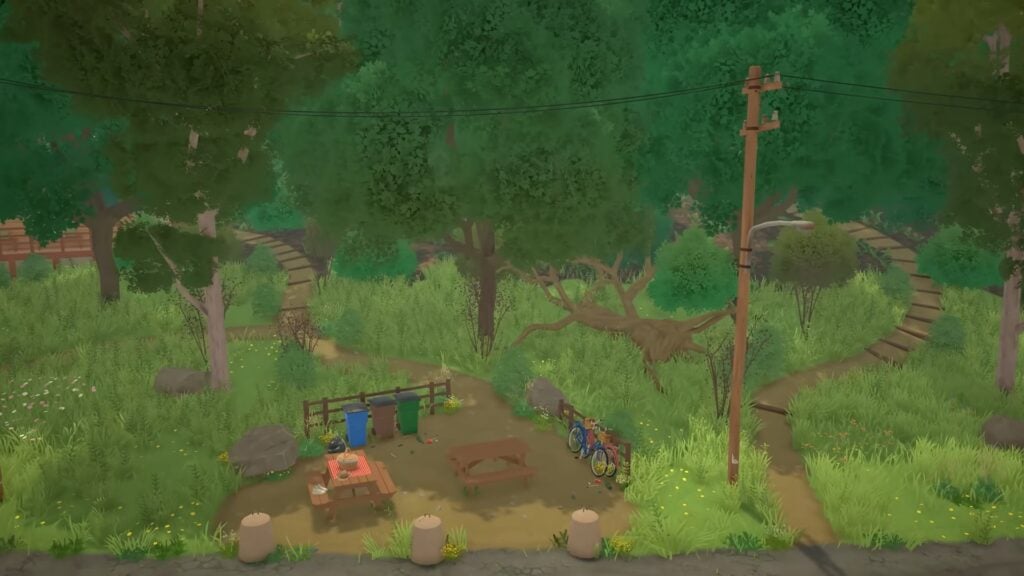
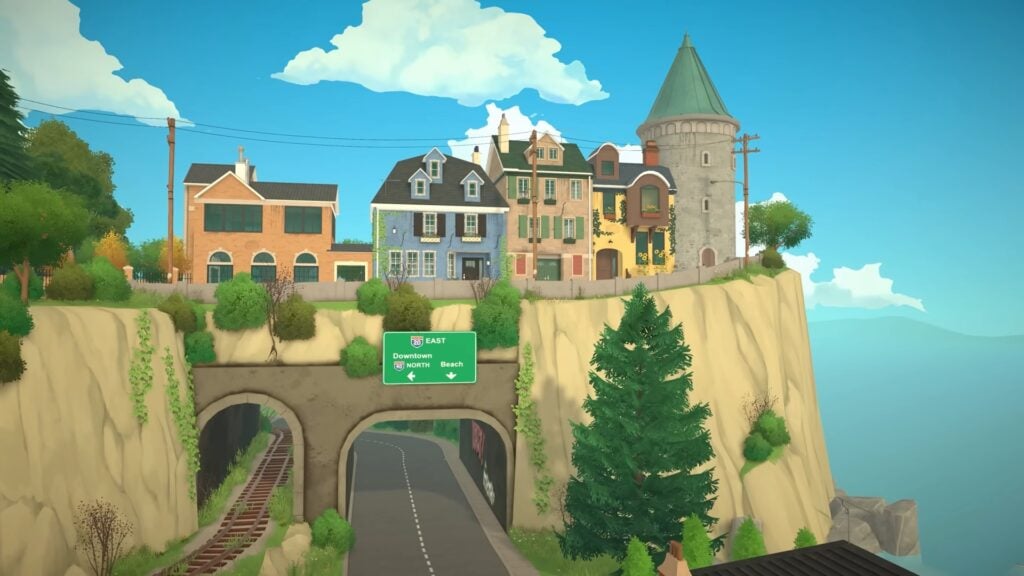
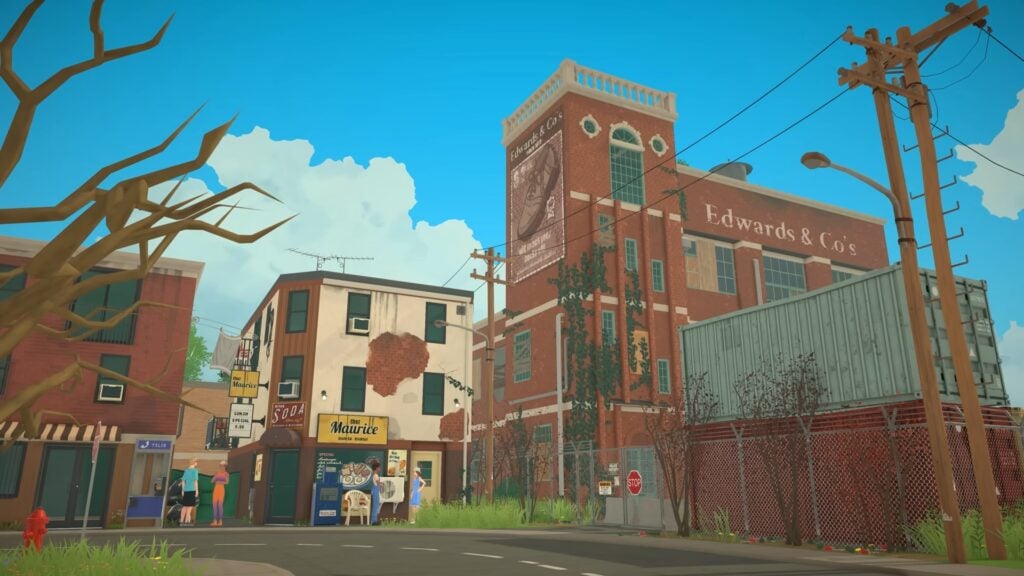
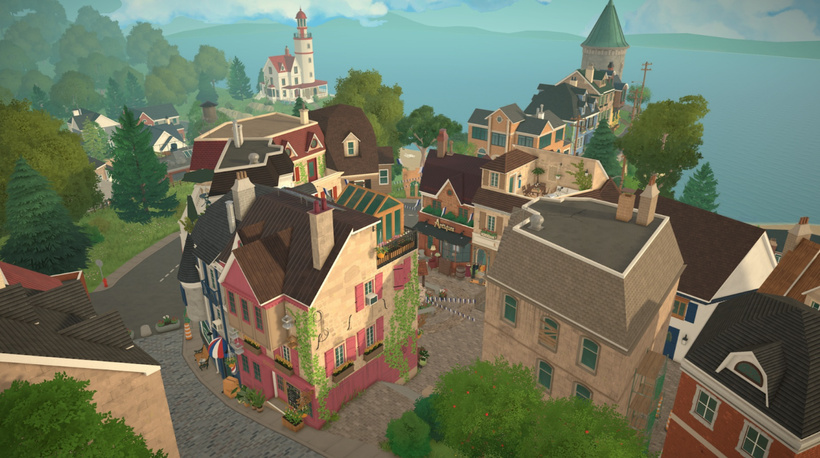
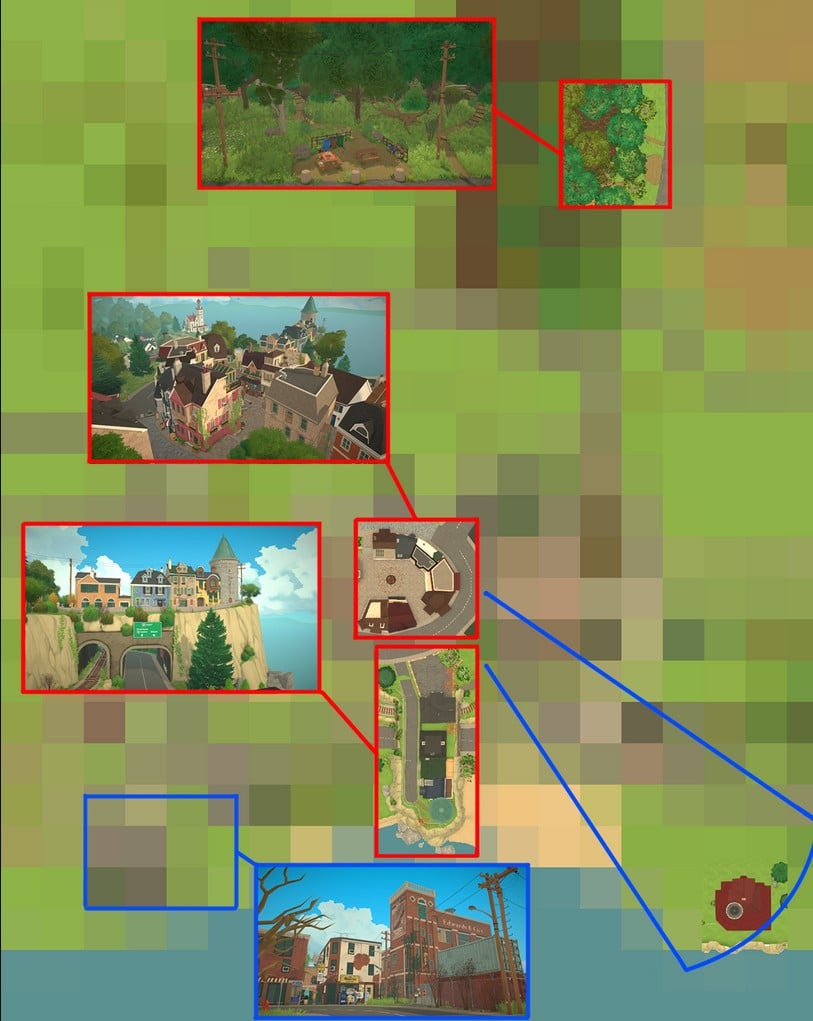
These images are from the recent trailer, which shows off different areas of the town. From this, we can see a woodland area with picnic benches and what looks like a clothesline, a downtown area with lots of shops, and the entrance to town.

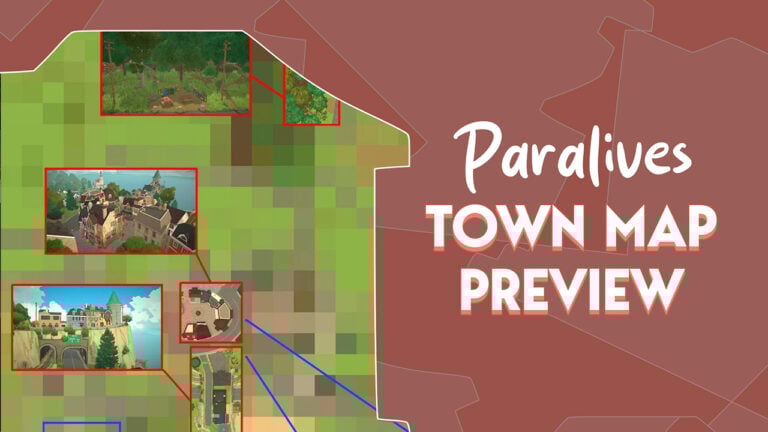
And here you can see where they sit in relation to the full town map.

paralives town map
© Paralives

Looking at this map, you can see just how big the Paralives town is compared to the areas we’ve seen in their promotions.

Areas outlined in red are parts of the map which haven’t changed much since the trailer was released, and areas in blue are where more edits have been made – although these changes haven’t been revealed yet.

How The Paralives Town Has Taken Shape

The developers have taken a lot of time to give the development of the Paralives town the care and attention it deserves, and we got to see some of this process.

One of the standout features of the town design is its varied elevation, with houses nestled along hillsides and an elevated tunnel heading into town, adding depth to the environment.

While the in-game terrain tools are quite comprehensive and will be available to players, in this most recent Patreon post, the team revealed that the approach to crafting the town’s topography is far more precise.

Our terrain tools are quite extensive, and it is what you, as a player, will have access to. I, however, do not use these tools myself when I create the town, as I need to have a lot more control and precision.

Chloe, Paralives developer

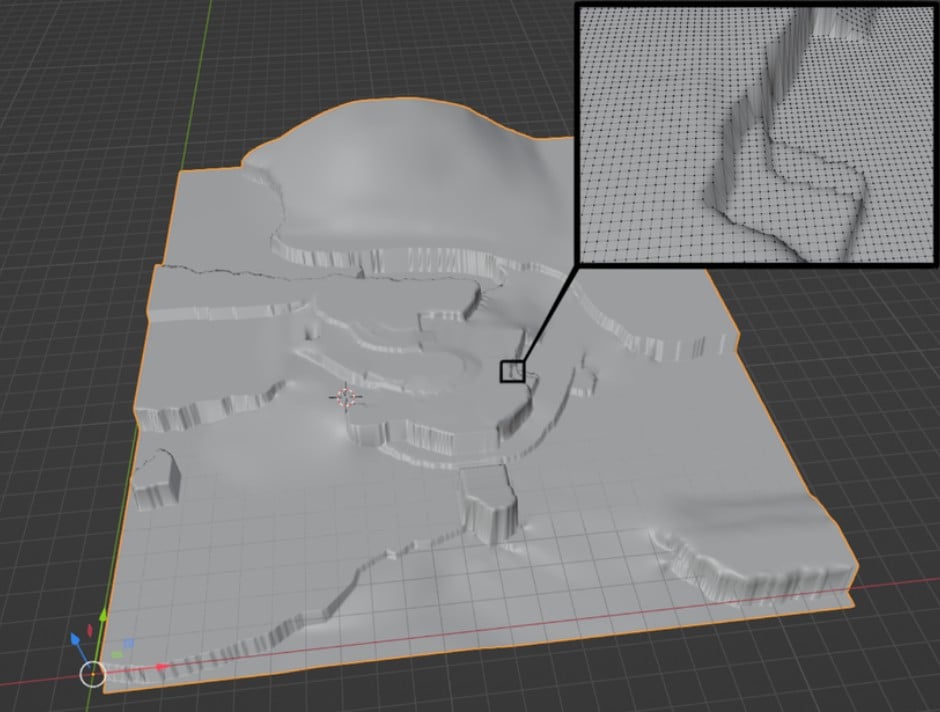
Thanks to a custom tool made by team member Richard, the entire map has been sculpted in popular 3D modelling software Blender, meticulously adjusting a total of 172,864 individual points to perfect the landscape. This level of control allows developers to shape mountains and hills with pinpoint accuracy.

The 3D model is then imported into the game, ensuring the in-game terrain matches the carefully crafted design.

Being able to select each point individually allows me to be super precise, and to shape the mountains and hills to be EXACTLY as I need them to be. Richard’s tool allows me to import my 3D model into the game, and his code will shape the terrain in the game to match the 3D model.

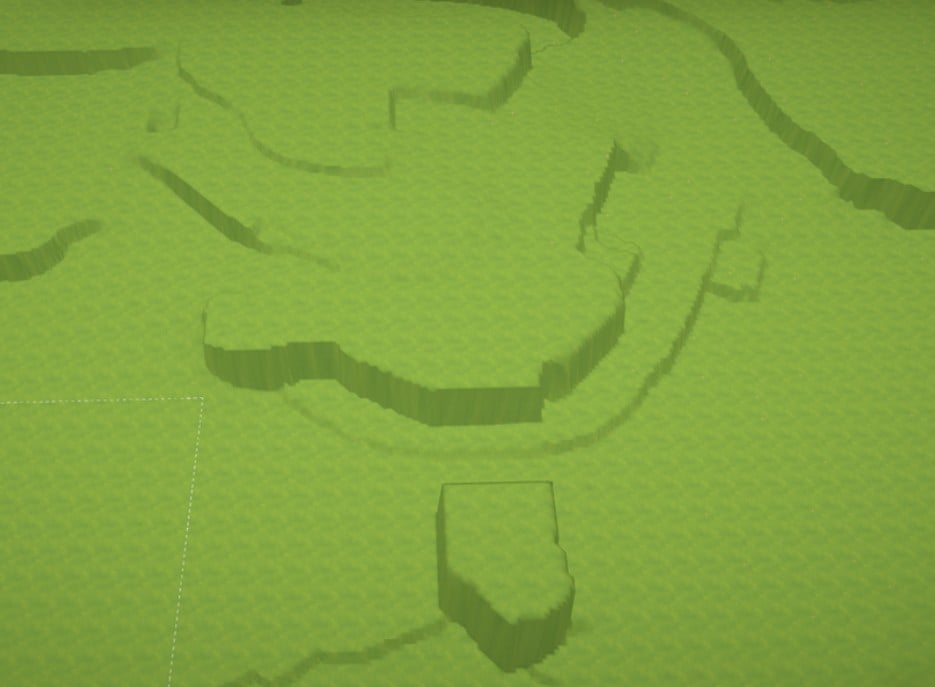
This is what it looks like if I use Richard’s tool to transfer the data from my 3D model to the game’s terrain. Now, it looks a bit rough! But with some hard work and love, we are shaping it to be a beautiful landscape.

Chloe, Paralives developer

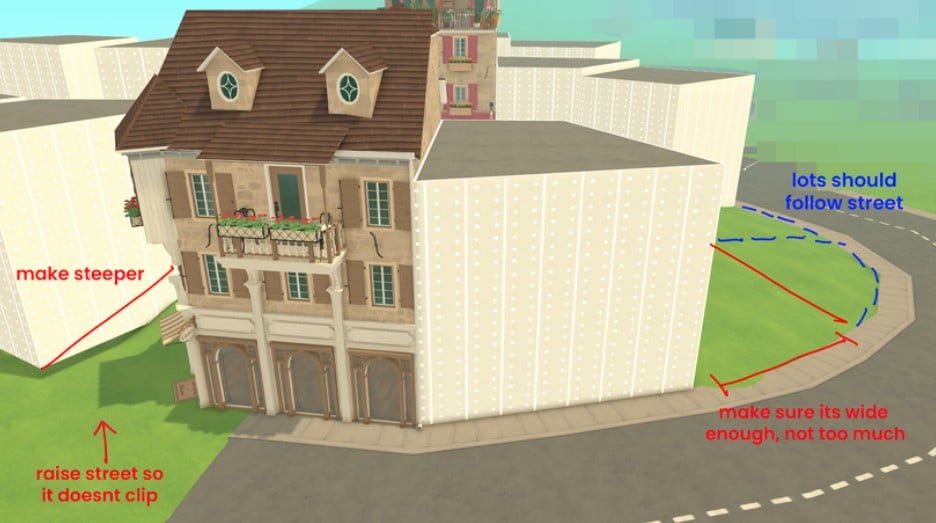
The post also shows examples of how their internal notes look when they are making edits to the town during the ongoing design. Here we can see notes made on the terrain around the antique shop as it is being built.

paralives town development
© Paralives

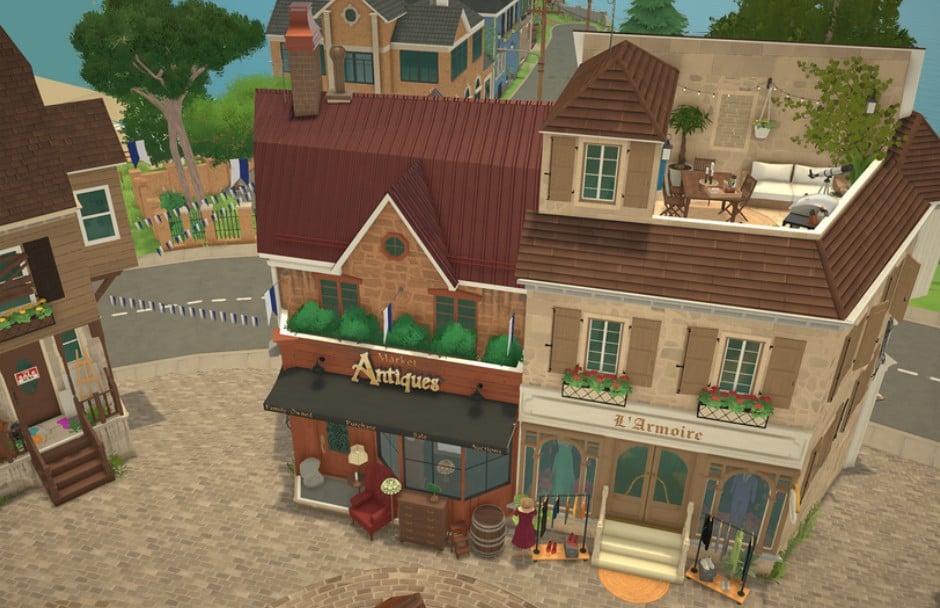
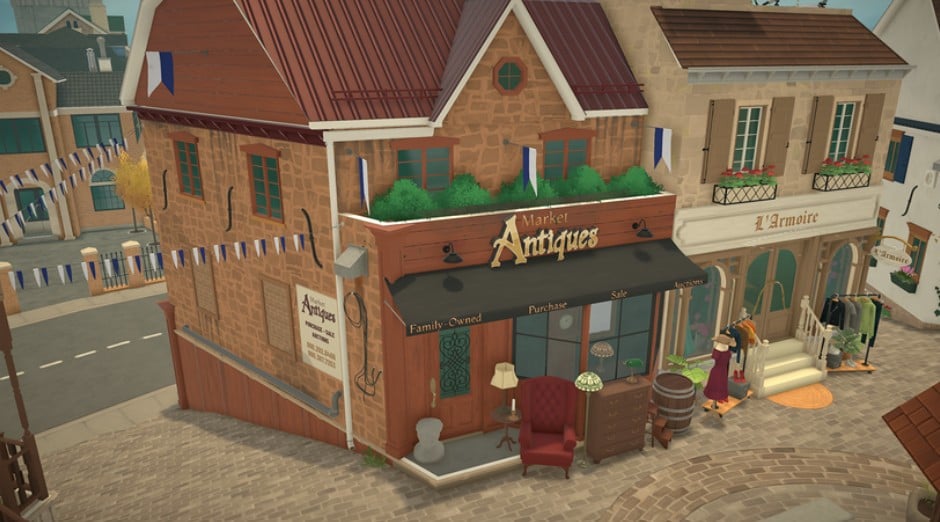
A Spotlight On The Antique Shop

The antique shop caught many people’s eyes in the trailer, and the team talked more about this shop in the latest Patreon post.

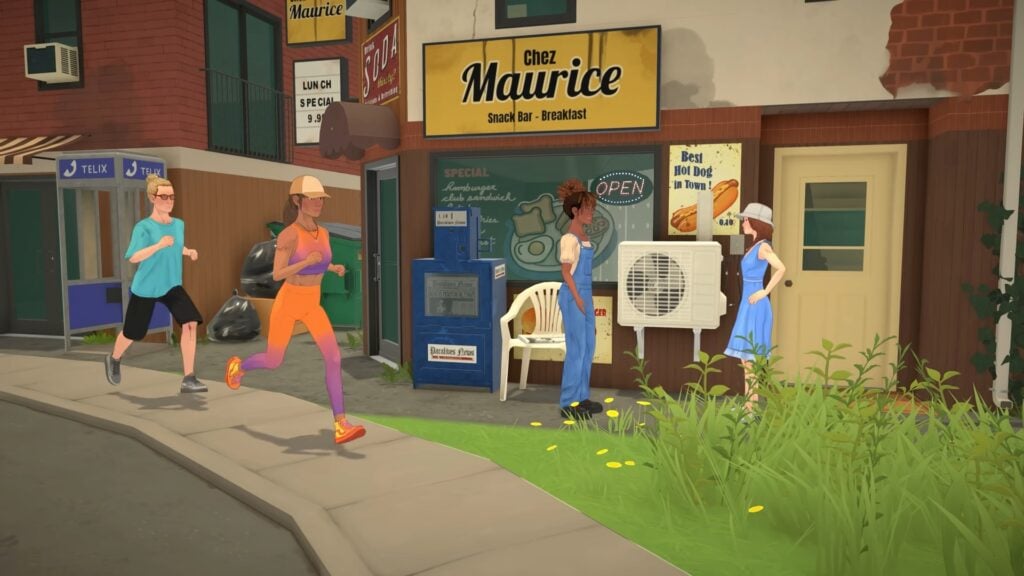
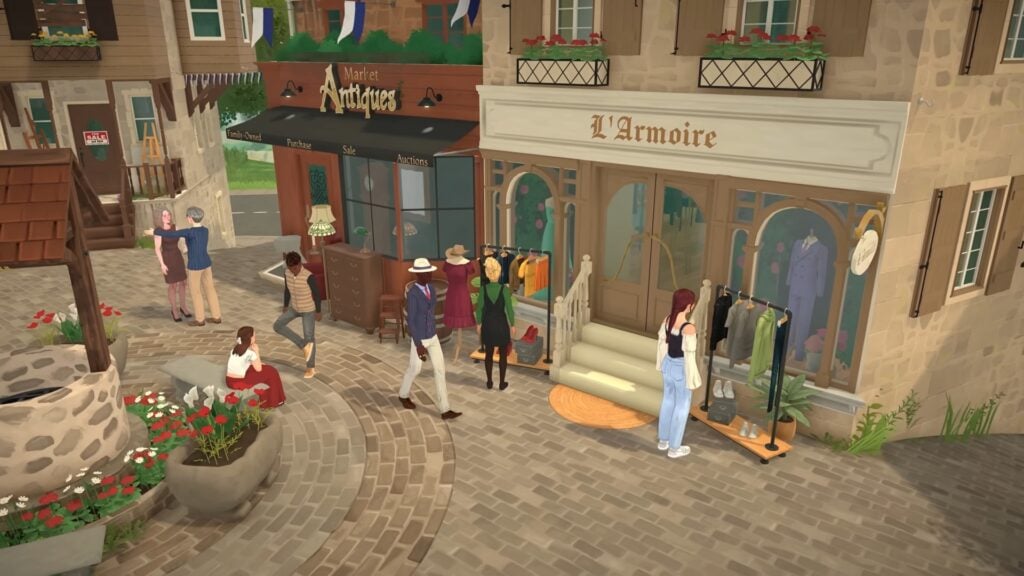
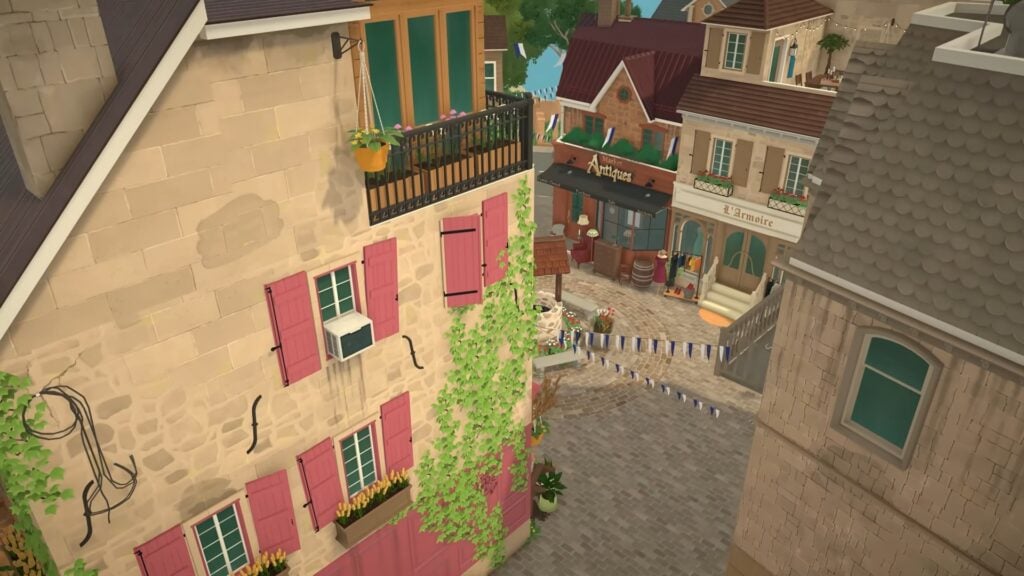
Positioned next to a neighbouring shop called L’Armoire, Market Antiques features a darker colour palette to create a pleasing contrast.

paralives town antique shop
© Paralives

The Patreon post also showed off the side view from the shop – something we didn’t see in the trailer.

paralives town antique shop
© Paralives

The interior for the antique shop is still a work in progress, but the exterior showcases wares both in the window displays and out on the plaza, hinting at a bustling shop that’s so popular it’s run out of room inside for its wares.

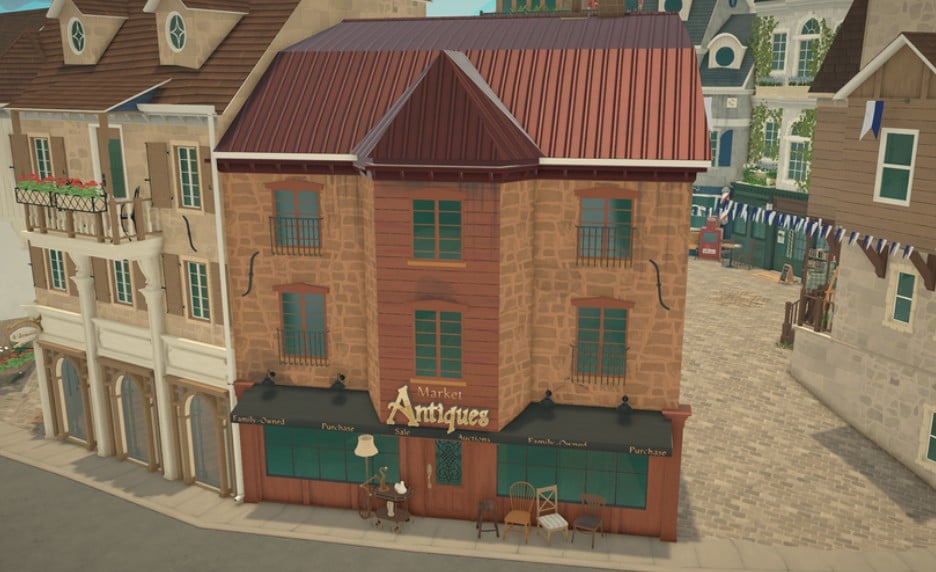
antique back
© Paralives

The back of the shop is looking a bit sparse at the moment, but this was addressed in the most recent post by the team, who reassured members that they would be revisiting this before the early access release of the game in December.

Our Thoughts

This latest update from the team is a fascinating look at the very intricate work that goes into bringing a rich and immersive setting to life. Casual gamers and people who aren’t engaged in game development might not know how complex making a game like Paralives can be – especially for a small team – so these images which give us a small insight into the team’s creative process and the meticulous attention to detail needed, make us appreciate the skill and love for the game which is going into its development.

Lots of the community are really looking forward to the release of this indie game, and these updates from the team bringing us in on the creation process are a great way of making us all feel connected to this game before it has even come out.


Has this latest insight into the creation of the Paralives town made you more excited for the release? Let us know below!

Planning Getaways in The Sims 4 Adventure Awaits is Not Recommended for Rotational Players

6

One of the main features for The Sims 4 Adventure Awaits is a hassle for players who like to switch up played households.

Planning ahead in The Sims 4 Adventure Awaits Expansion Pack doesn’t come without a certain limitation. Specifically, players who choose to plan a Custom Getaway in advance will have to stick to playing the same household until their Getaway is over. Otherwise, the game will decide to remove the planned Getaway from the schedule Calendar.

sims 4 getaways

First noticed by reddit user defrandsim, the Public Service Announcement for simmers talks about this exact issue. Letting simmers know that the planned Custom Getaways permanently delete themselves if you decide to switch up playing a different Household.

PSA: All Getaways permanently delete themselves whenever you switch households
byu/defransdim inthesims

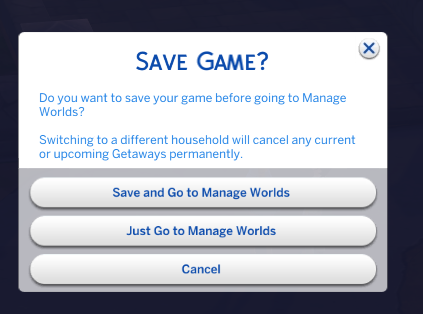
In the official forum discussion thread, The Sims technical helper crinrict pointed out that this was done purposely by design. Deciding to go to Manage Worlds while having a planned Custom Getaway will give you an additional pop-up message, letting you know that your planned Custom Getaway will be cancelled permanently.

Switching to a different household will cancel any current or upcoming Getaways permanently.

image 19

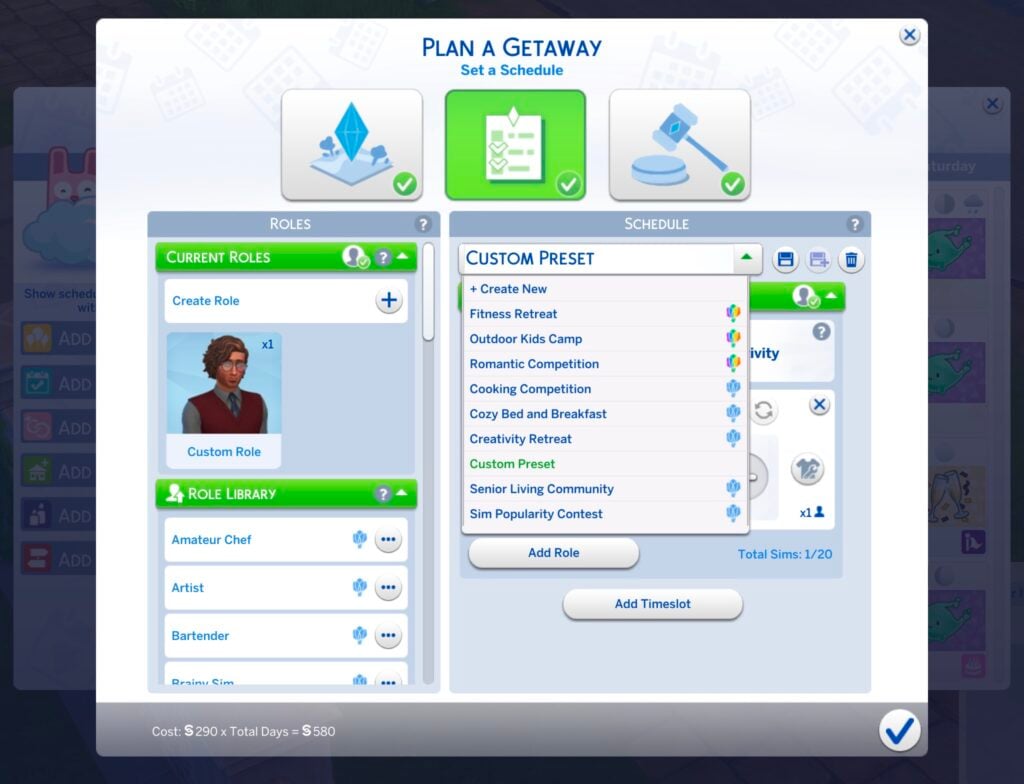
The only way of having your Getaway planned in advance right now is by creating a Custom Getaway Preset in the Getaway Schedule settings. Players will still have to manually choose the Venue and Getaway Rule Activities before heading off to the planned Custom Getaway.

sims 4 custom getaway preset

This feature decision seems like a legacy design decision following the previous types of Sims 4 Custom Events. Considering the amount of upvotes this PSA has gotten over on Reddit, it’s worth notifying the players who are planning to create a Custom Getaway while playing their Sims 4 game rotationally. And that they use the Save Schedule Preset feature accordingly!
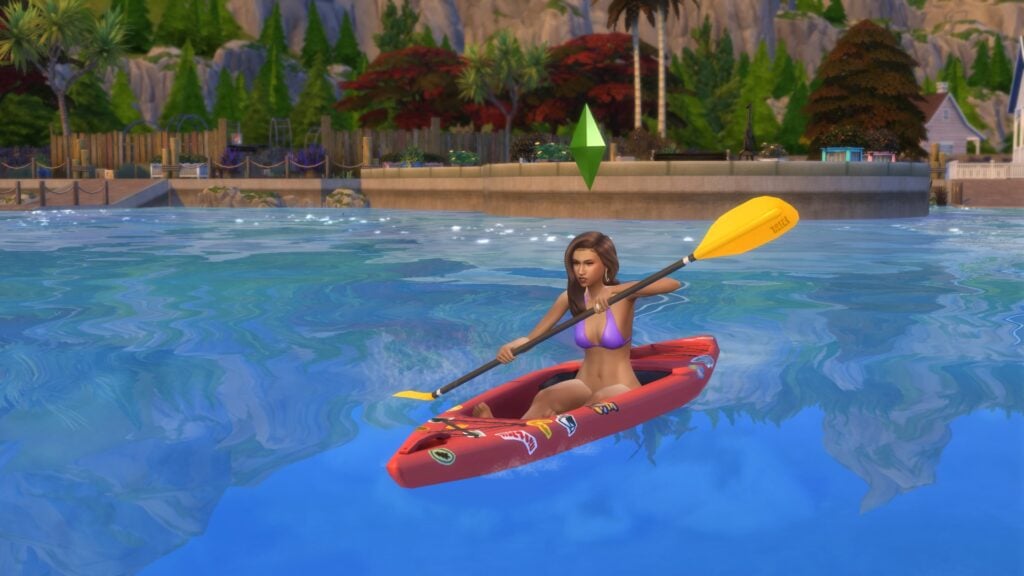
What are your thoughts on this Sims 4 Adventure Awaits feature decision? Let us know in the comments below!
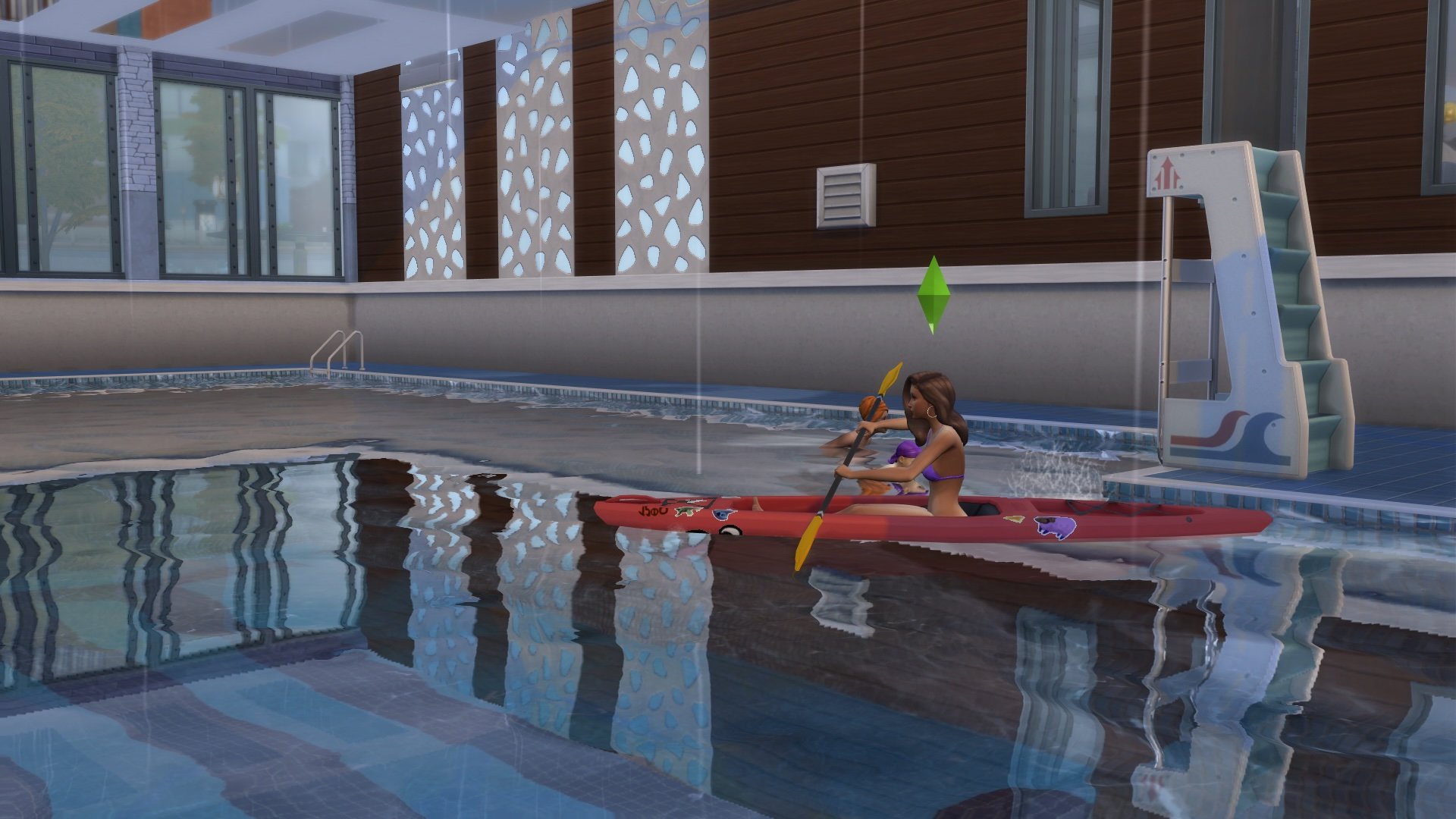
The Sims 4 Adventure Awaits: Diving Skill Guide

Make A Splash With The Diving Skill in The Sims 4 Adventure Awaits

The Sims 4 Adventure Awaits is here, and with it comes three new skills: Etemology, Papercraft, Archery, and Diving! Utilising the new diving boards, your Sims can build their diving skill to unlock new tricks to show off from either the high or low boards. Let’s take a look at each level of the Diving skill, how to increase it, and how to combine it with other existing skills!
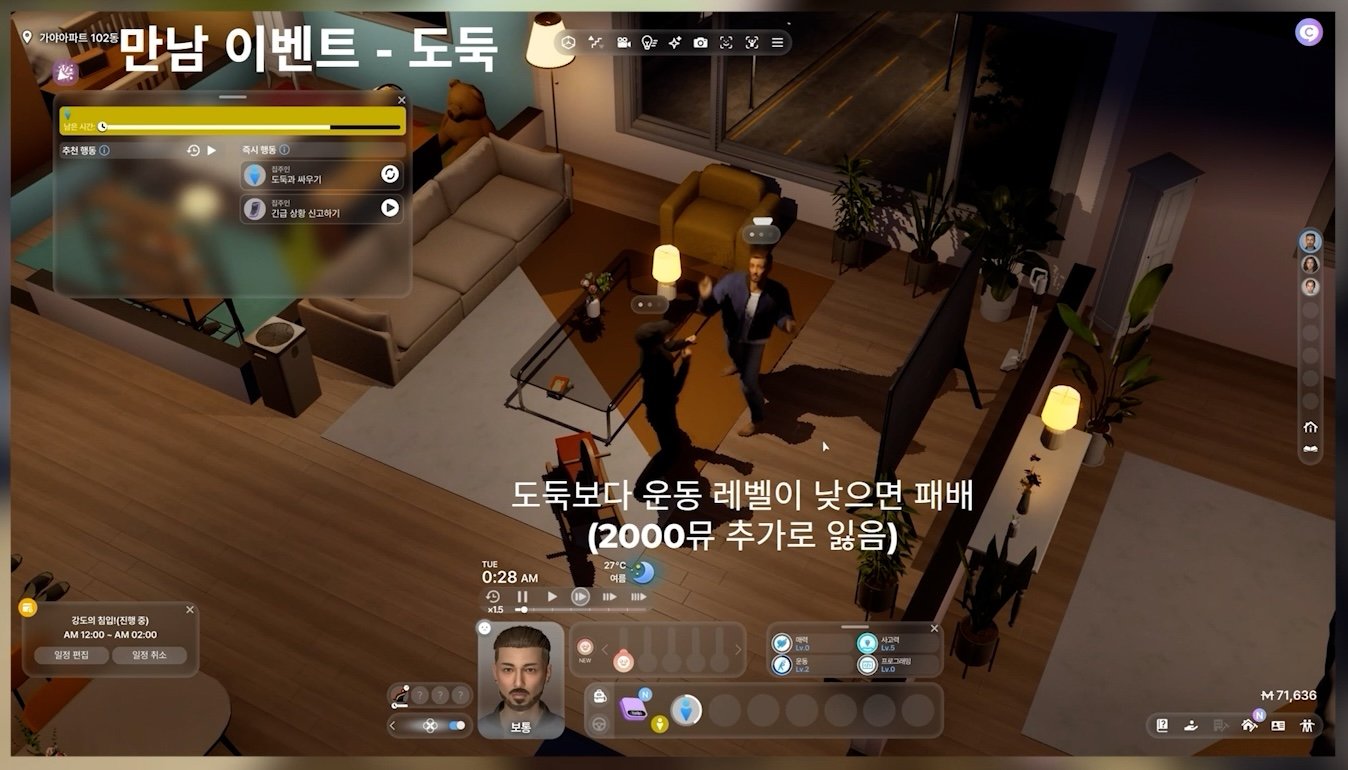
Screenshot 2025 10 07 00 14 46

How To Build The Diving Skill

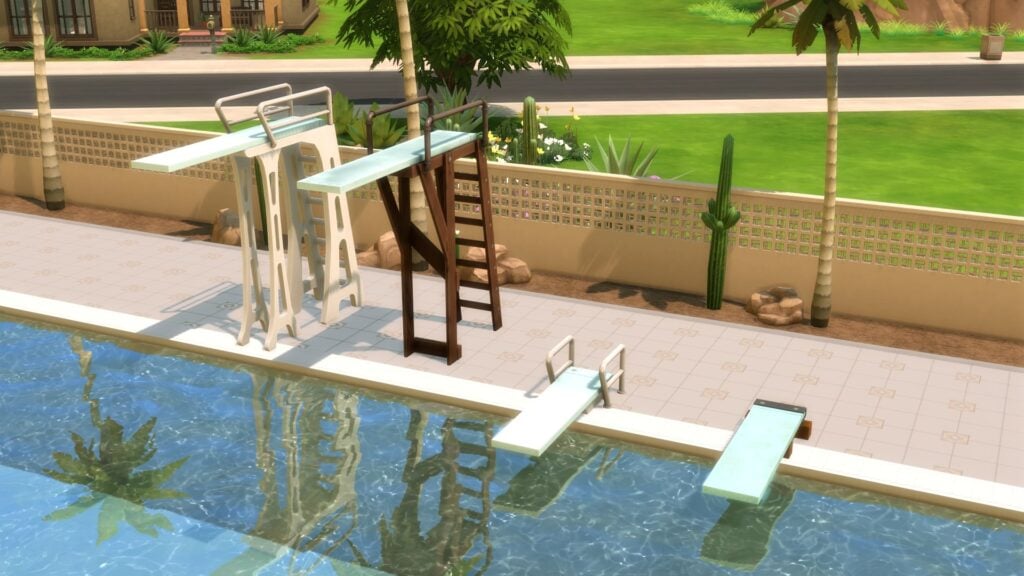
To build your Sims’ diving skills, they will obviously be making a lot of use out of the new diving boards added to the Build/Buy catalogue with The Sims 4 Adventure Awaits. There are four to choose from, two of which are low, and the other two are high. The ‘Short N’ Woodsy Diving Board’ and its taller counterpart are the cheaper options with slightly scuffed swatches and wooden frames. The pricer options come in the form of the ‘Quintessential Diving Board’, which features metal frames and is available in a variety of colours.

The diving boards can be found in Build Mode under ‘Outdoor Water Decor’ > ‘Pool Objects’. Players who own The Sims 4 Get Together will also be able to use the diving platforms to increase their Sims’ Diving skill!

Screenshot 2025 10 07 00 42 32

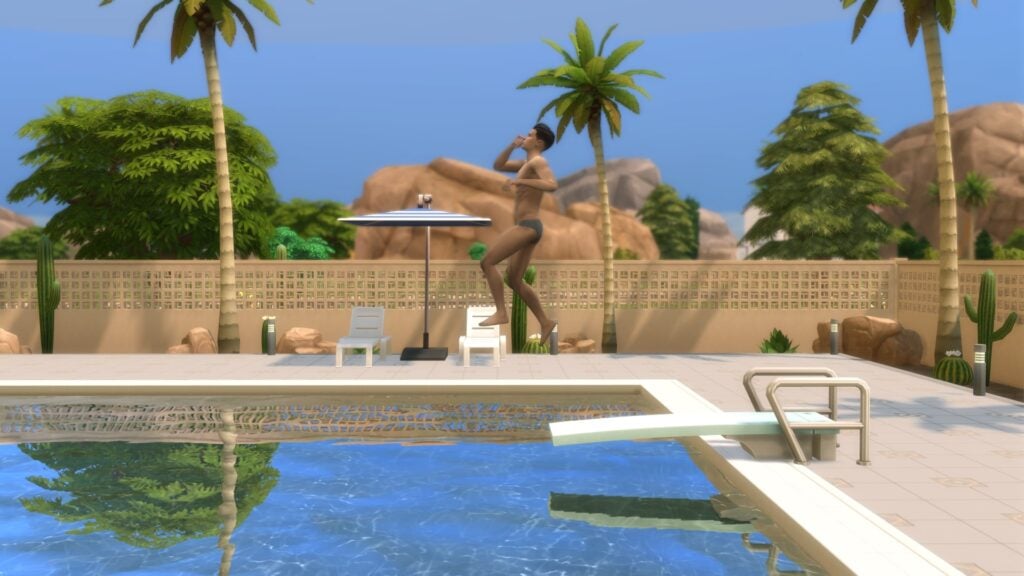
While practising Diving, or choosing specific jumps to perform, your Sim will build their Diving skill. This will simultaneously build their Fitness skill at the same time, so every time your Sim practices, you get a two-in-one!
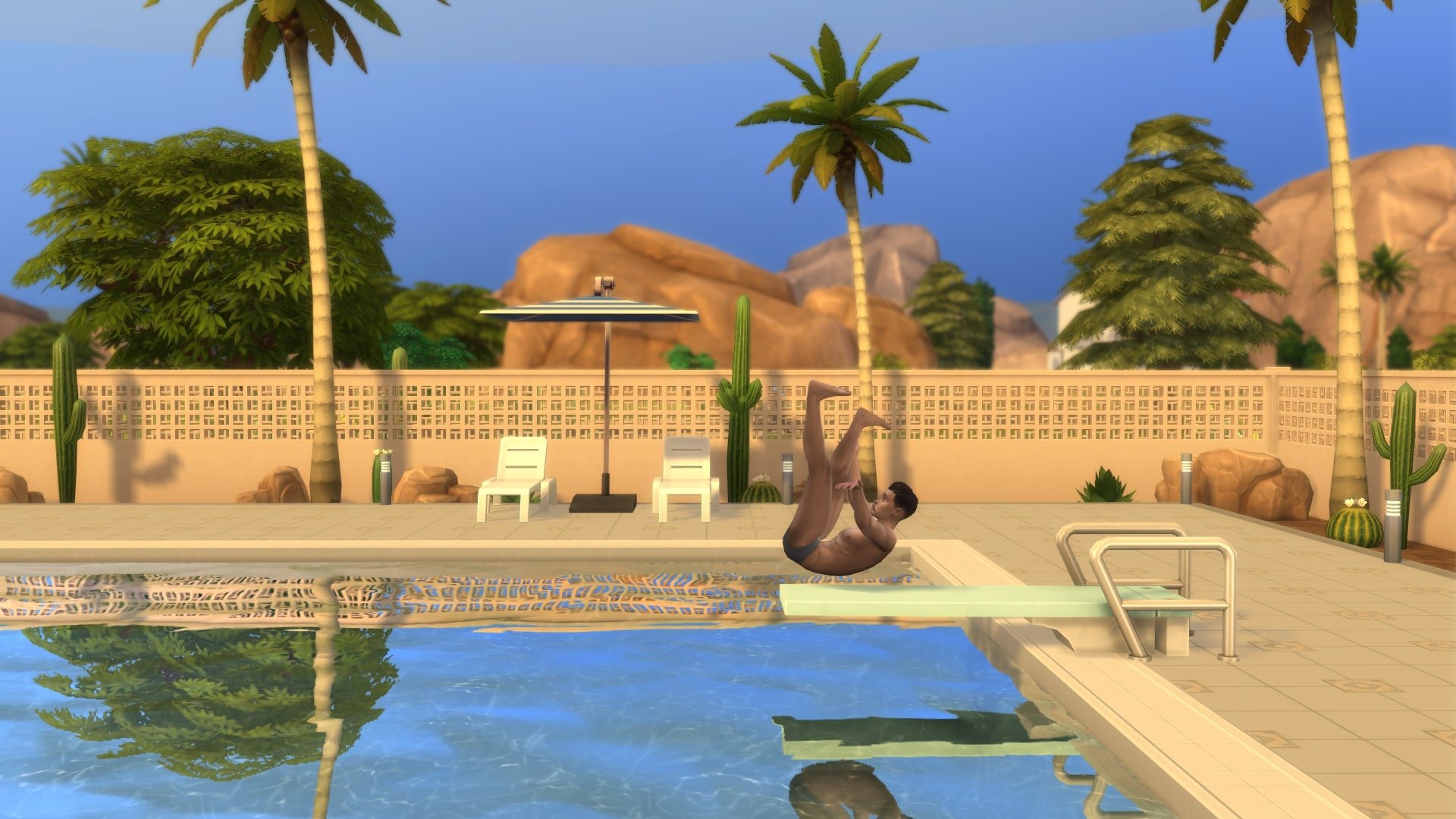
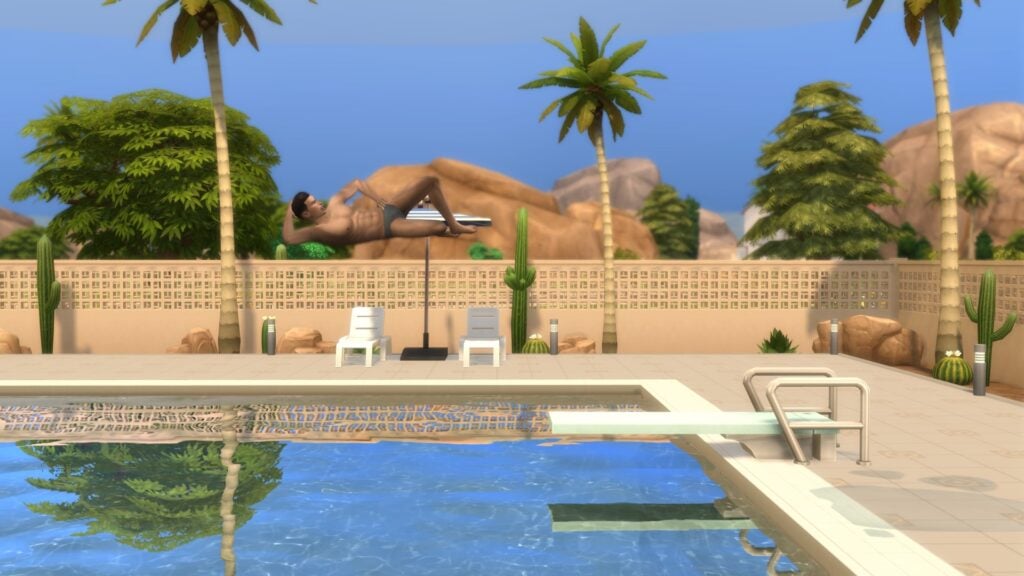
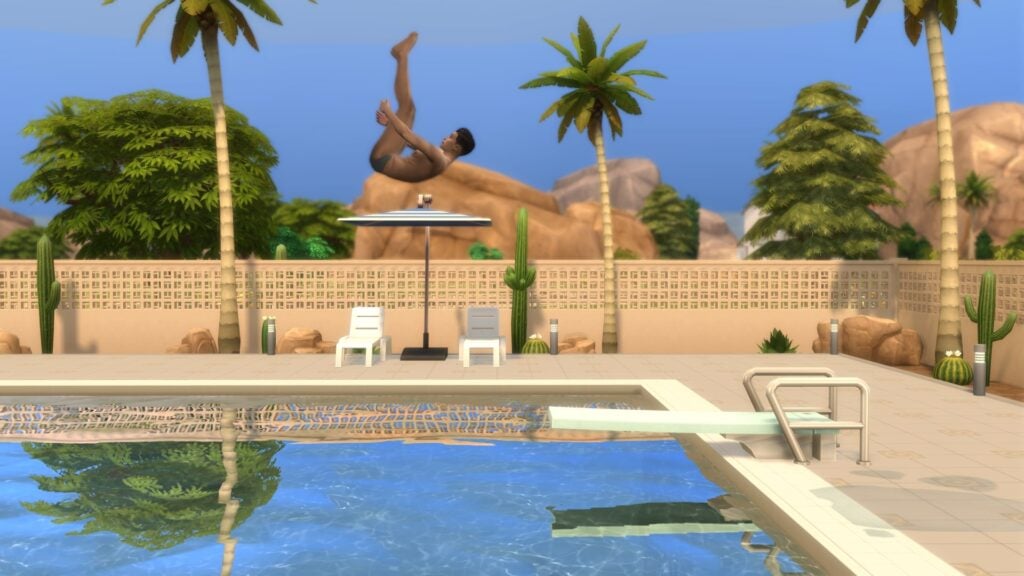
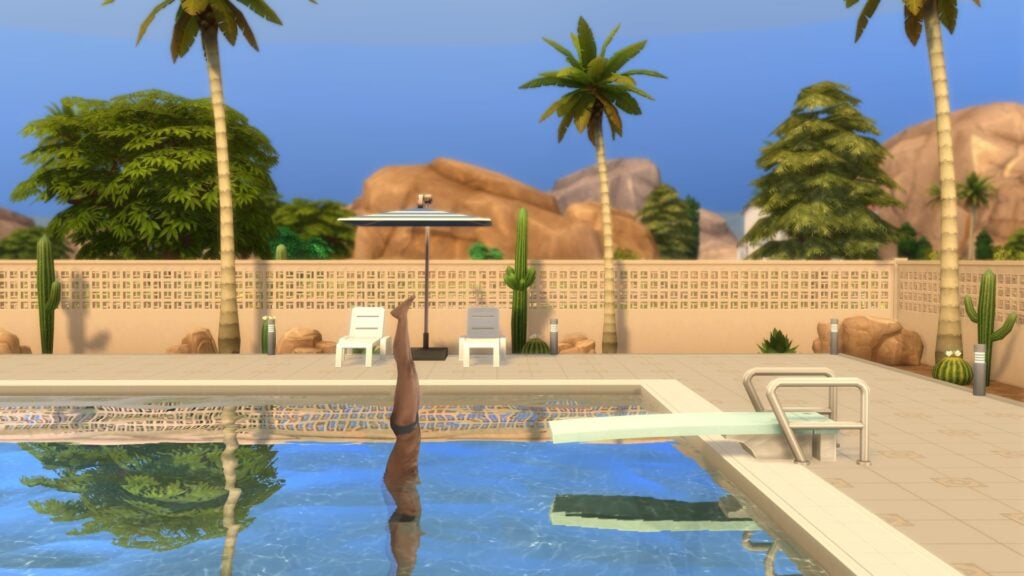
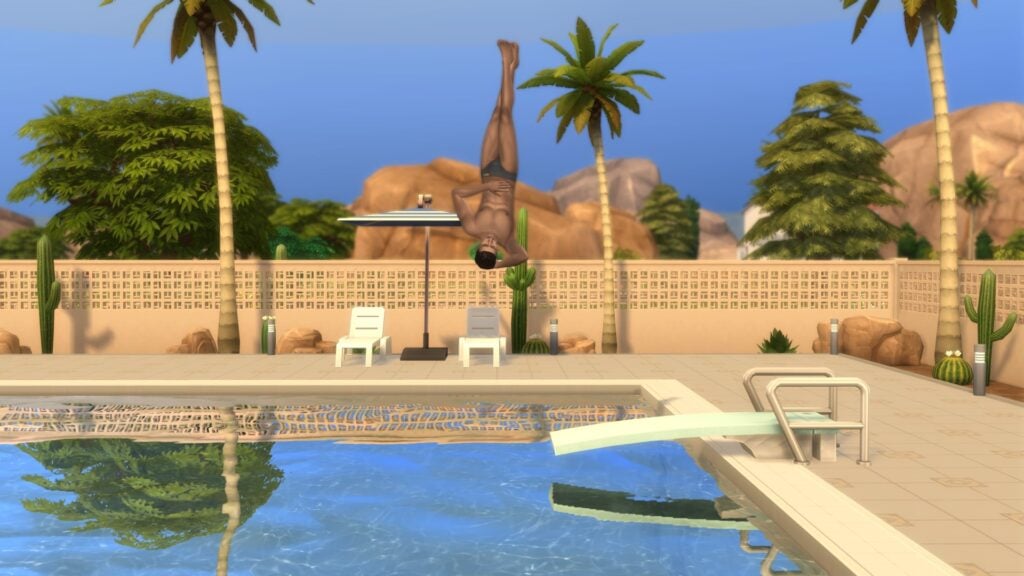
Before your Sims have begun building the skill, they can perform several “Classic Jumps”. As their skill progresses, they will have a lower chance of failing the jump and appear more confident before performing it. With each level comes a new trick jump that your Sims can use to show off their skill! Classic Jumps include:

  • Jump
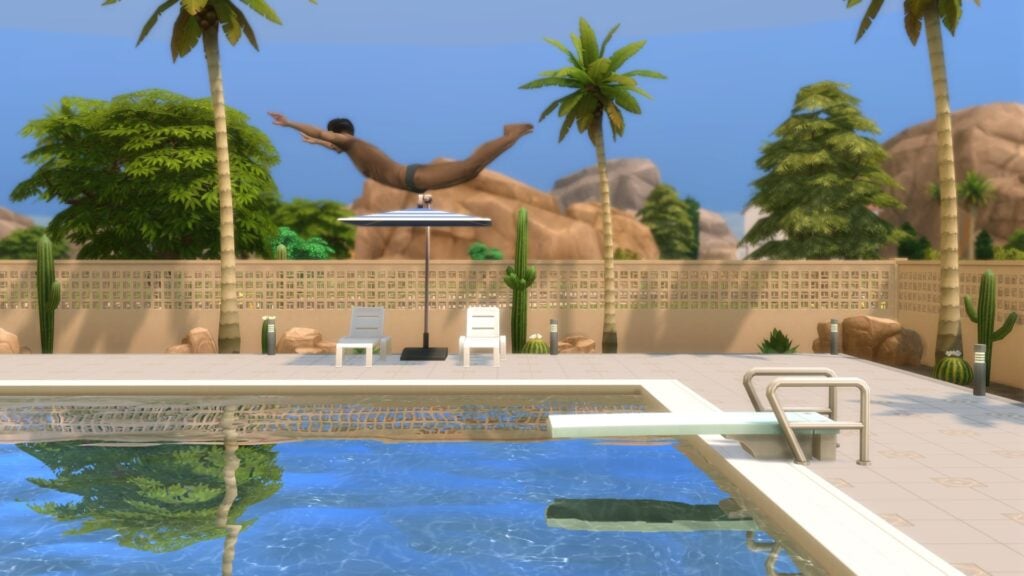
  • Swan Dive
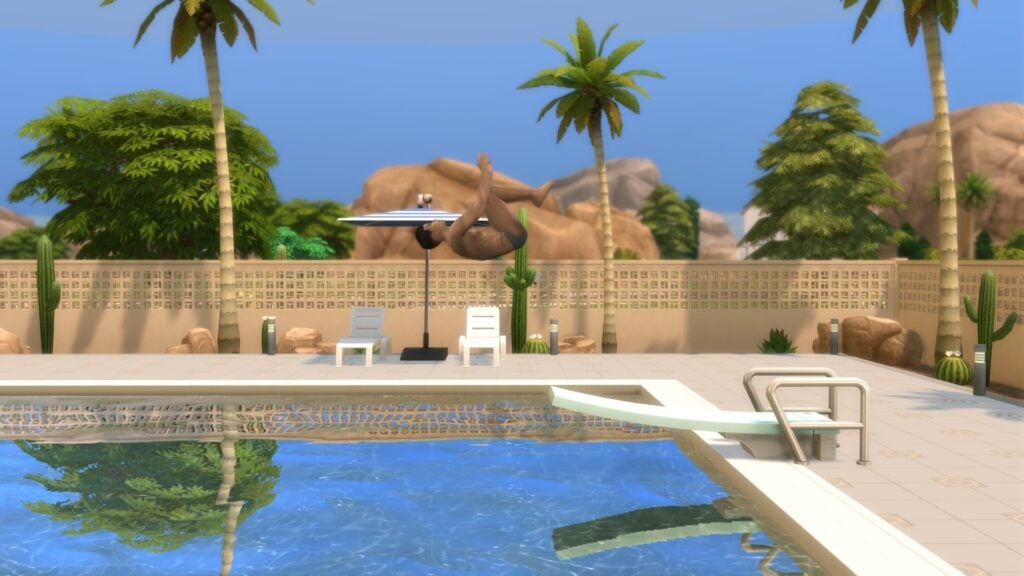
  • Backflip
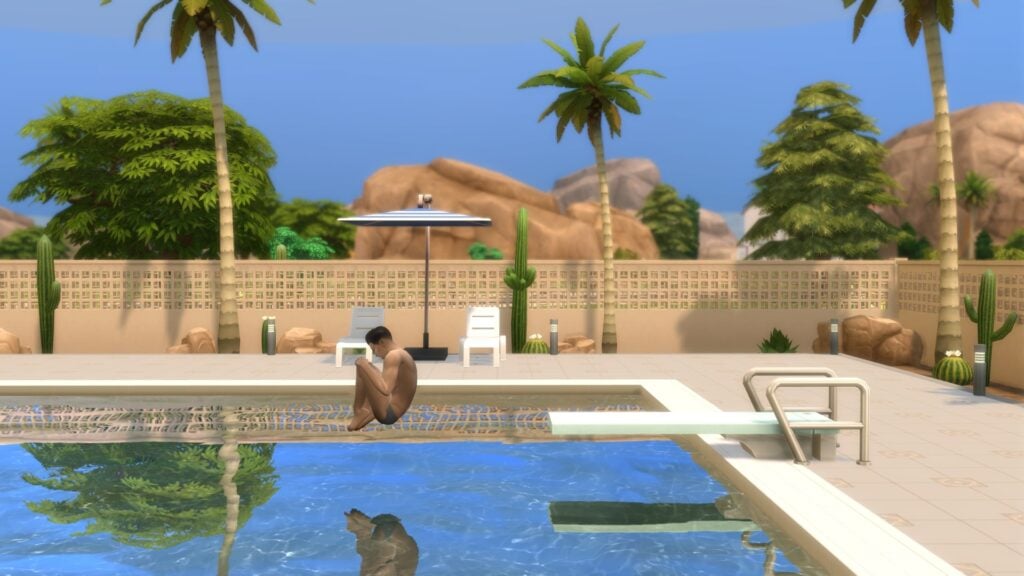
  • Cannonball
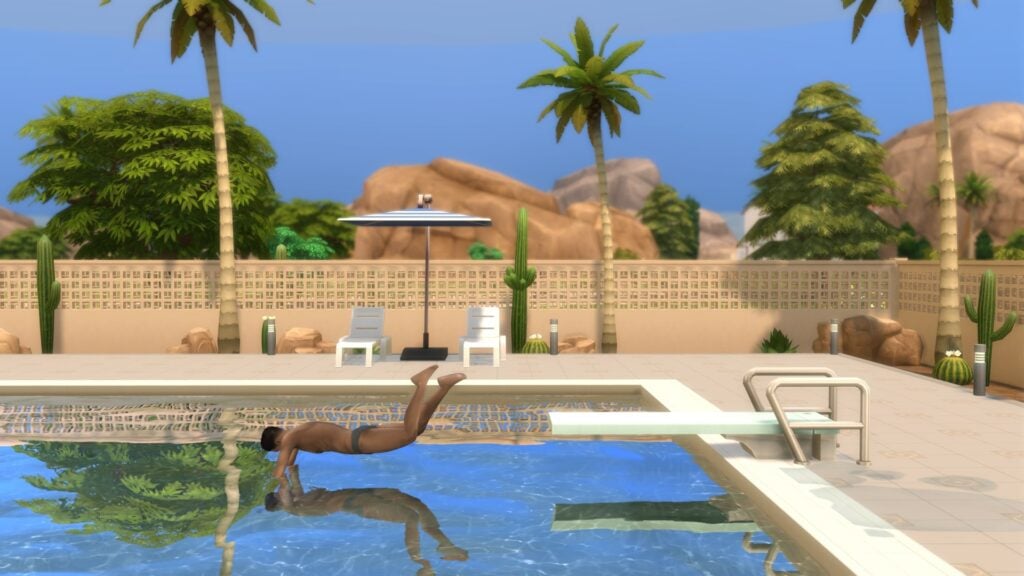
  • Bellyflop
Screenshot 2025 10 07 00 18 48

Diving Skill Levels

LevelRewards
1Classic Jumps
2The ‘Lounger Jump’
3The ‘Front Pike Flip’
4The ‘Reverse Pike Dive’
5The ‘Front Twister Flip’

Diving Skill – Jumps & Dives

Check out both the Classic Jumps and jumps unlocked through levelling up below!

Failed Dive

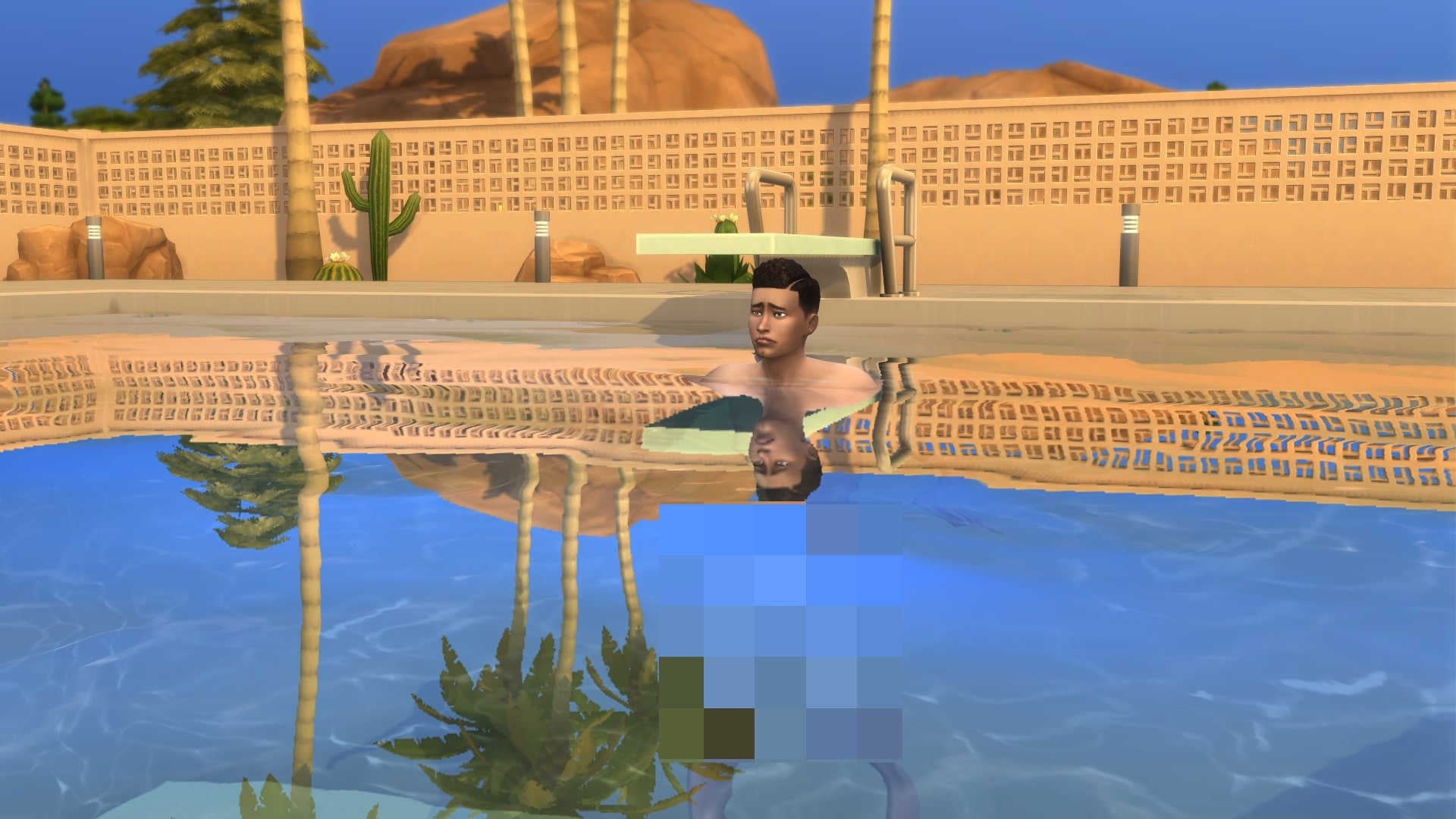
A failed dive will result in a Sim landing on their backside on the board and being flung into the pool. Sims who experience a failed dive also have a chance at losing their swimming outfit and ending up naked (Given those around are Young Adult or older). Sims with a high level in the Diving skill are less likely to fail; however, there is a small chance it will still happen.

Classic Jumps

Jump

Screenshot 2025 10 07 01 08 55

Swan Dive

Screenshot 2025 10 07 01 12 08

Backflip

Screenshot 2025 10 07 01 12 40

Cannonball

Screenshot 2025 10 07 01 13 02

Bellyflop

Screenshot 2025 10 07 01 13 27

Diving Skill Reward Jumps

Level 2 – Lounger Jump

Screenshot 2025 10 07 01 17 24

Level 3 – Front Pike Flip

Screenshot 2025 10 07 01 18 22

Level 4 – Reverse Pike Dive

Screenshot 2025 10 07 01 19 06

Level 5 – Front Twister Flip

Screenshot 2025 10 07 01 19 43

Uses For The Diving Skill

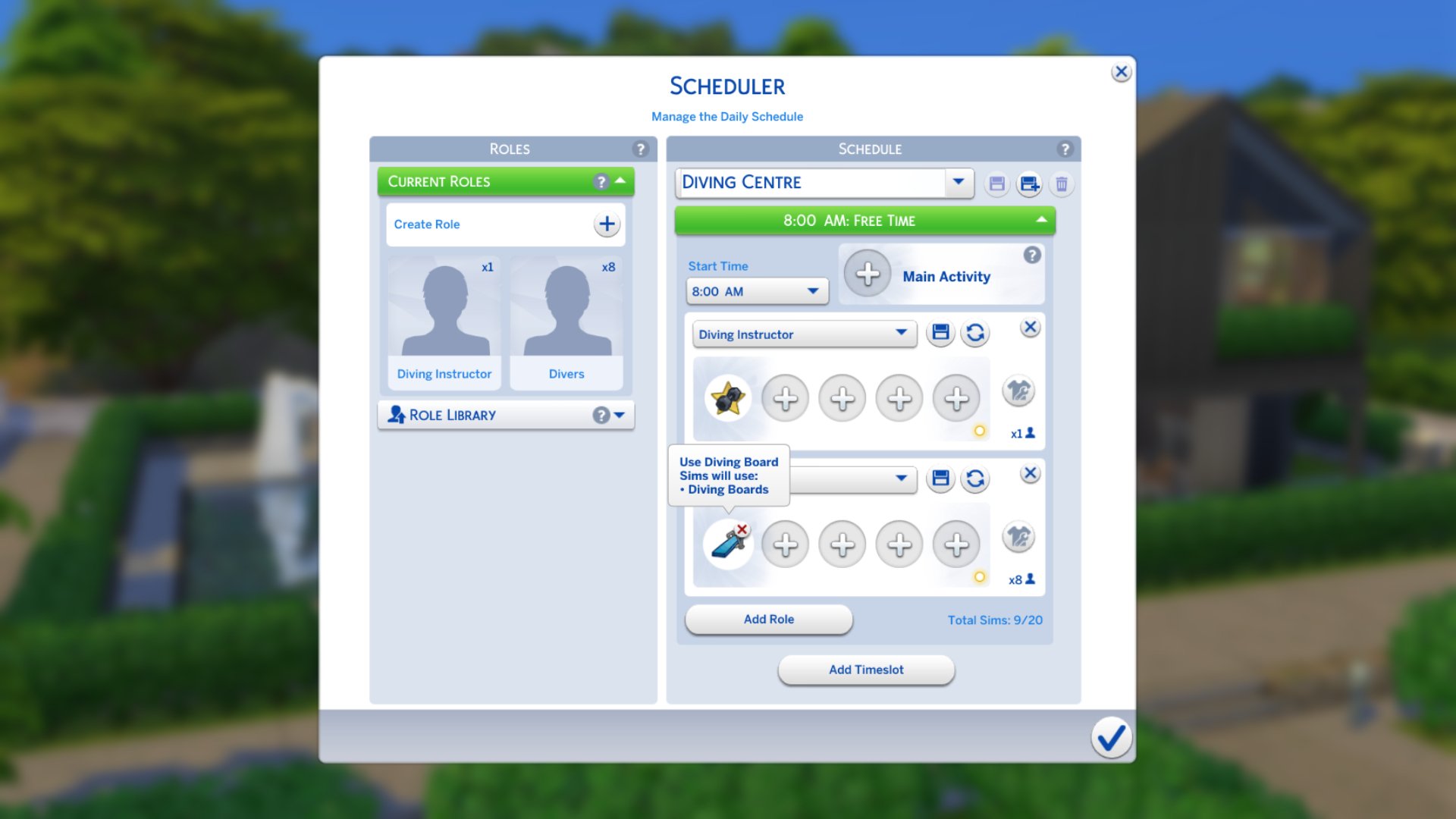
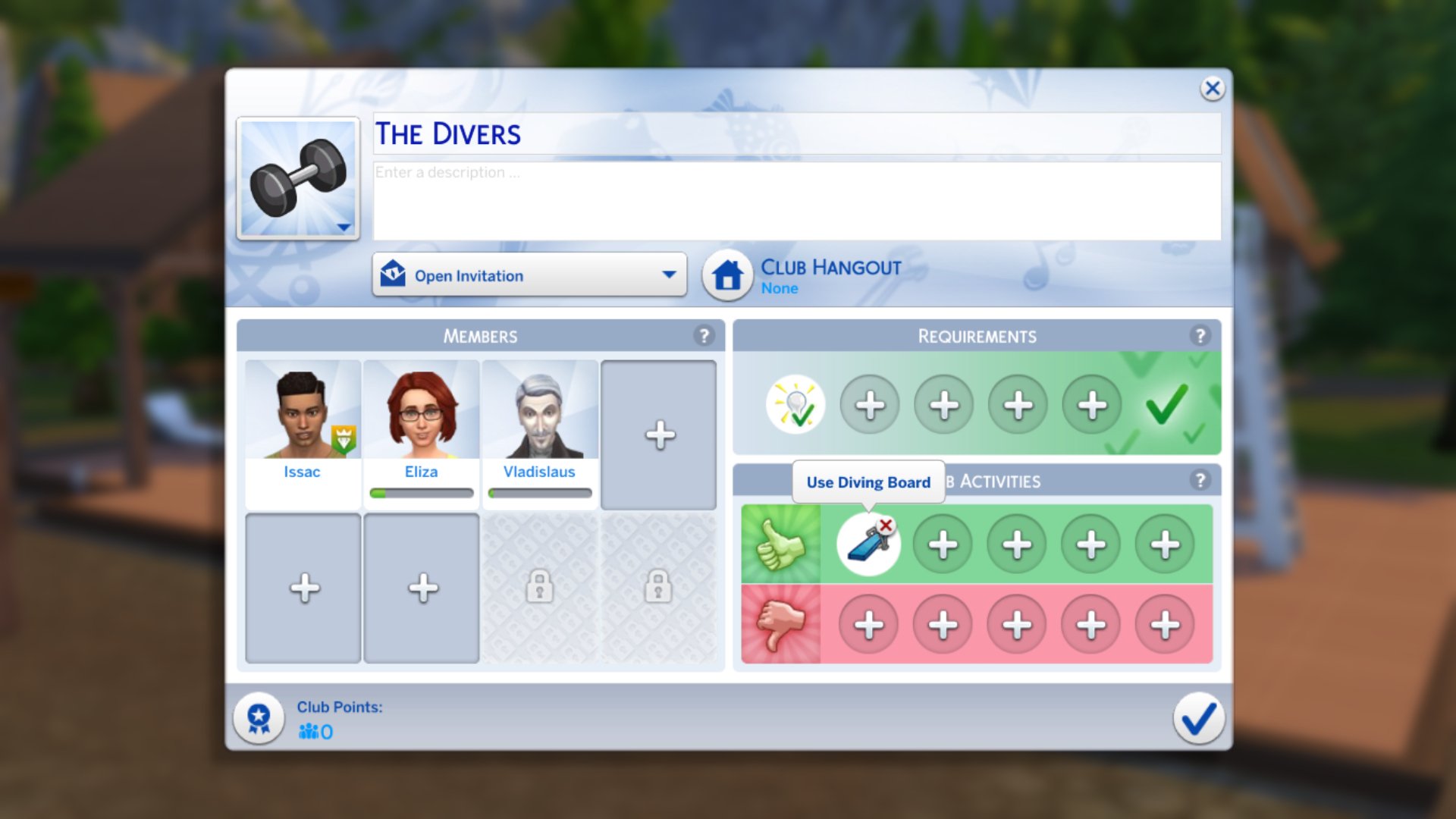
There aren’t many ways to monetise your Diving Skill, as there are with skills that involve creating items like the new Papercraft skill. You can, however, add ‘Use Diving Boards’ as a Club Activity with Get Together, as a Small Business Customer Activity with Businesses & Hobbies, or as a Custom Venue Activity with Adventure Awaits.


Will your Sims be pursuing the Diving Skill? Let us know in the comments below, and stay tuned to Sims Community for all the latest guides for The Sims 4 Adventure Awaits.

The Sims 4 Forever Friends Event Week 3: Guide and Rewards

The Sims 4 Forever Friends Event Week 2 Is Here – Take A Look At Our Guide And Rewards Overview!

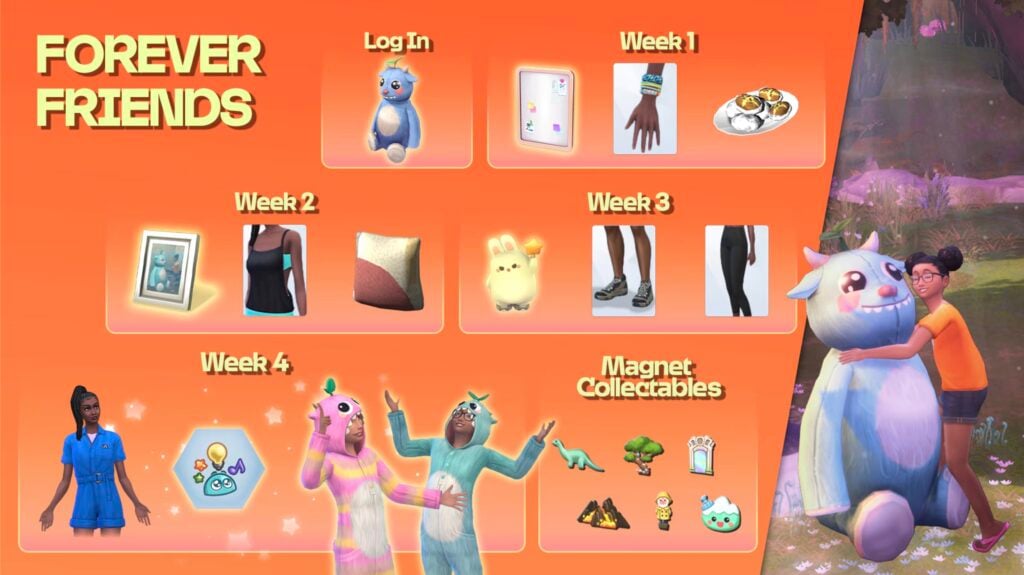
The Sims 4 Forever Friends Event Week 3 has just started! If you’re not up to date on week 1 and week 2, make sure to check out our previous guides to attaining the previous rewards. Players have until November 4th (subject to extension) to complete all quests and claim all the rewards before they are gone for good. Let’s take a look at how to complete week 3 of the Forever Friends event!

‘Desperate Measures’ Quest Steps

Sims 4 Forever Friends Event Week 3

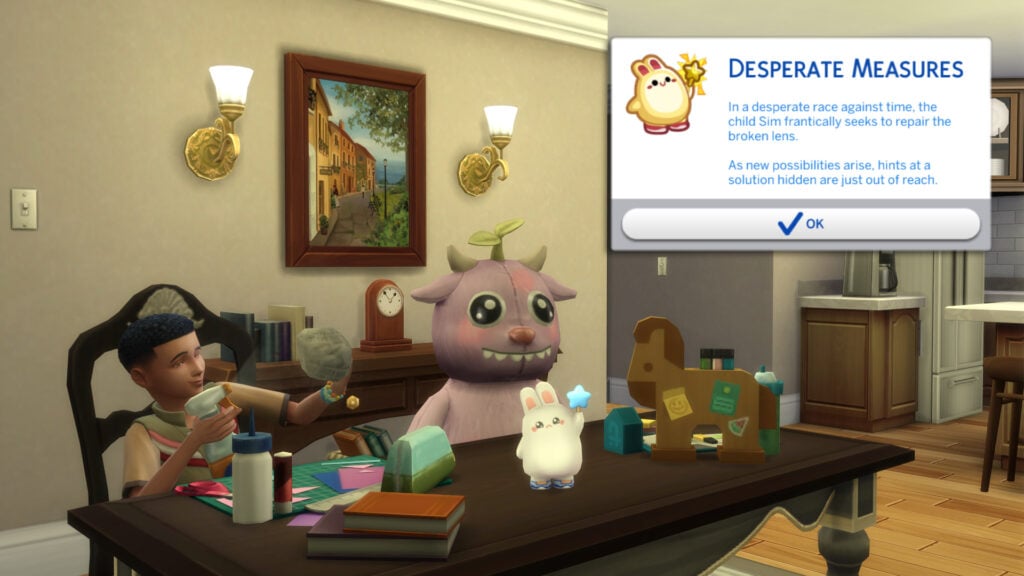
The first quest of The Sims 4 Forever Friends Event Week 3 is called “Desperate Measures”. Last time we saw Iggy and his furry friend, the camera lens had broken, and Iggy is seeking answers.

Task 1A Ask Adult

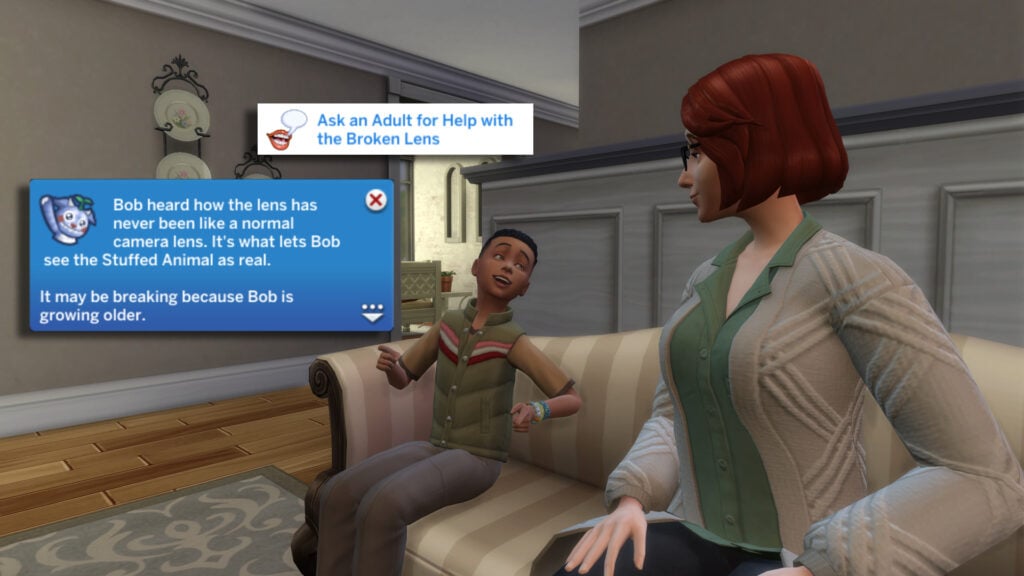
Who better to ask than a trusted adult? Our first task is to ‘Ask an Adult for Help with the Broken Lens’. Click any adult Sim your child Sim knows and select ‘Ask For Help with the Broken lens’. The lens may be breaking because Iggy is growing older.

Task 1B

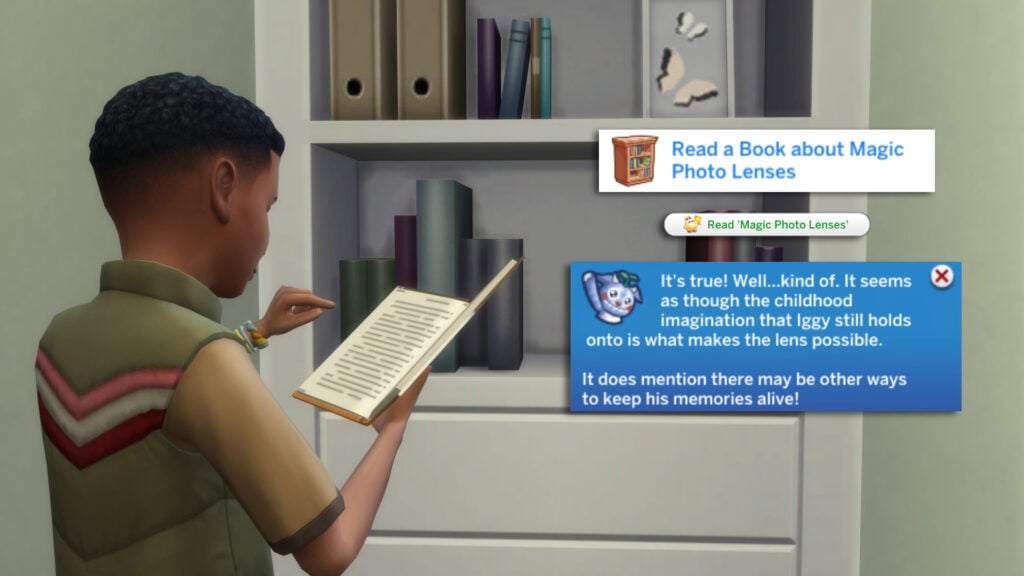
The last answer wasn’t satisfying enough for Iggy, so let’s read a Book about Magic Photo Lenses. Click on any bookshelf and click ‘Read ‘Magic Photo Lenses’. Any bookshelf will do, as this book is not a specific item.

(HINT: If you are lost on which interaction to select, look for the interaction with the Event Icon!)

Task 1C

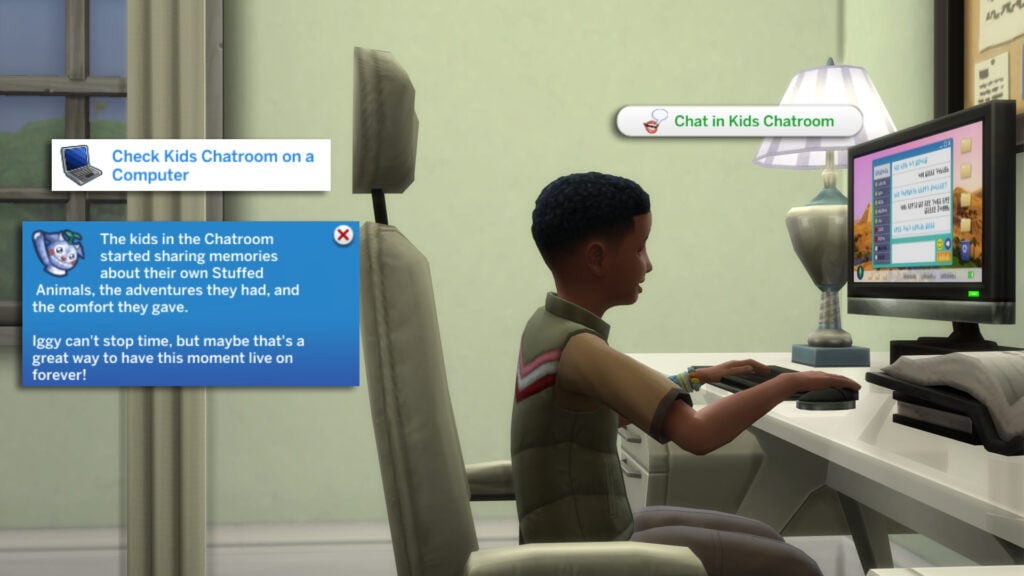
Perhaps another kid can help us. Head over to the computer and select ‘ Chat in Kids Chatroom’. This interaction can be used to boost children’s Social skills, as well as raise their social needs.

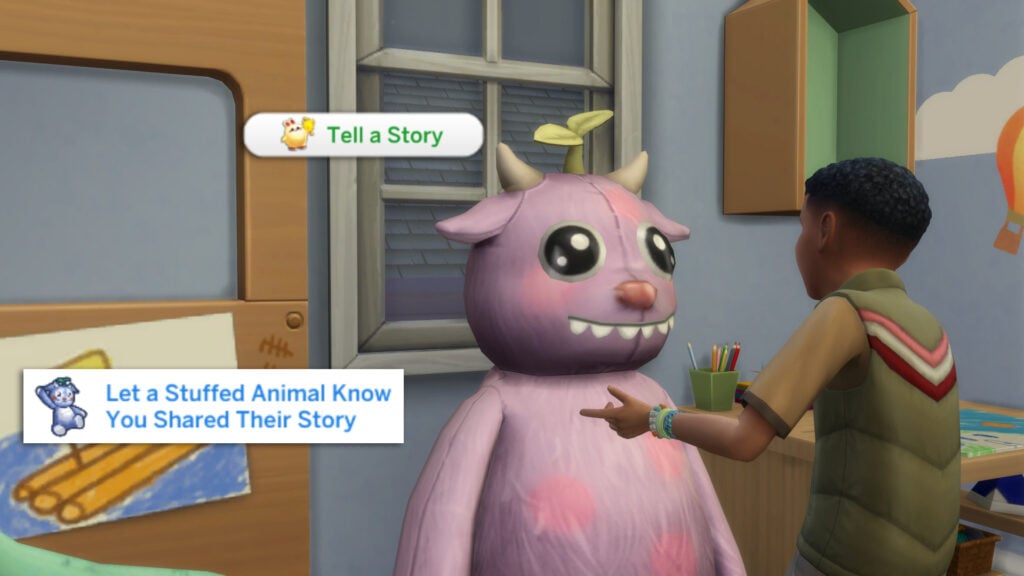
Task 2

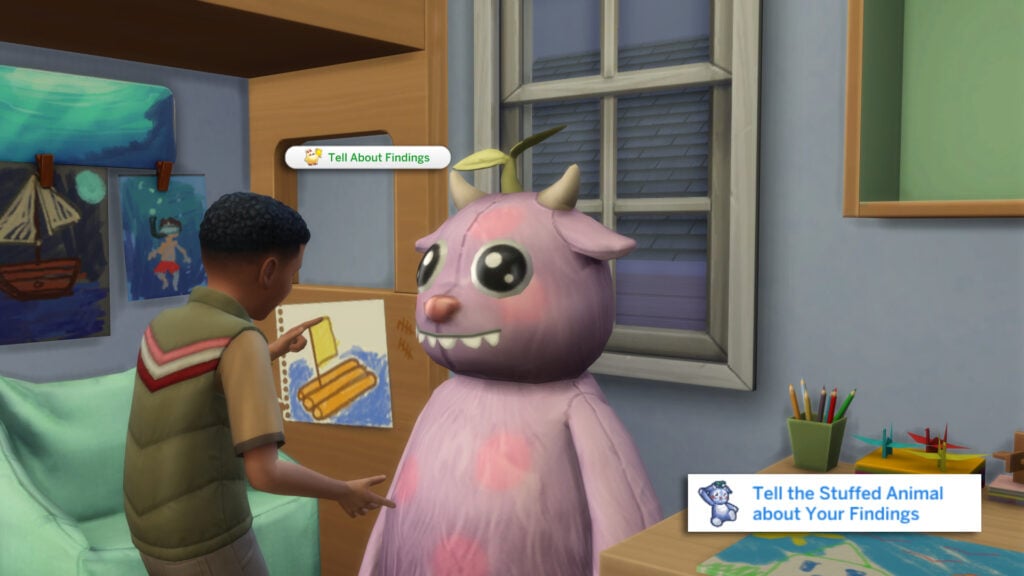
It’s time to share our findings with our Stuffed Animal. That task marks the end of this very short quest. You can either head to the Event tab or continue with the next quest to earn even more points!

‘The Lens of Memories’ Quest Steps

Lens Mem start

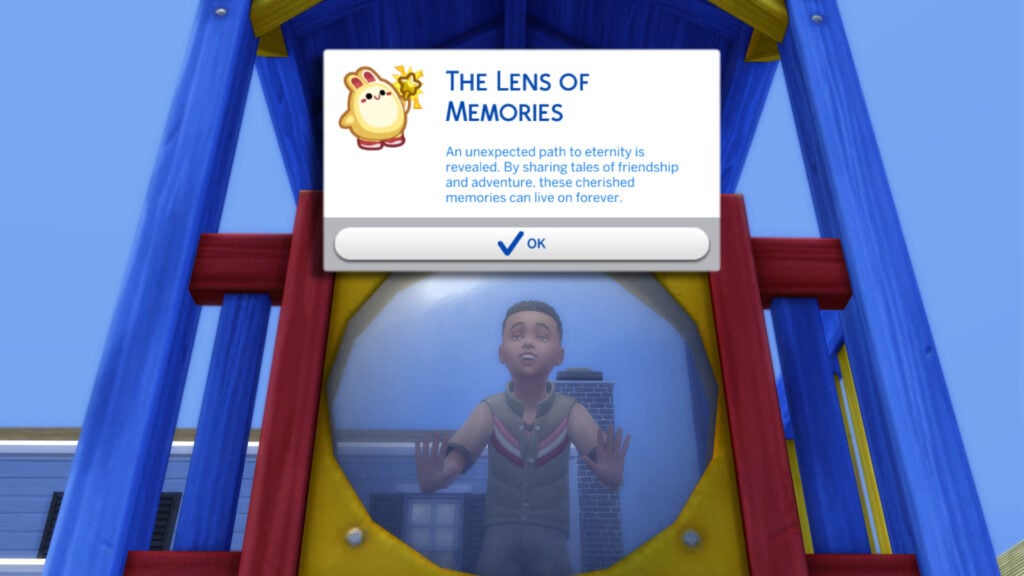
The second quest of The Sims 4 Forever Friends Event Week 3 is ‘The Lens of Memories’. In this quest, our child Sim (Iggy in this case) will be sharing our tales of adventure with other Sims to keep the memories alive.

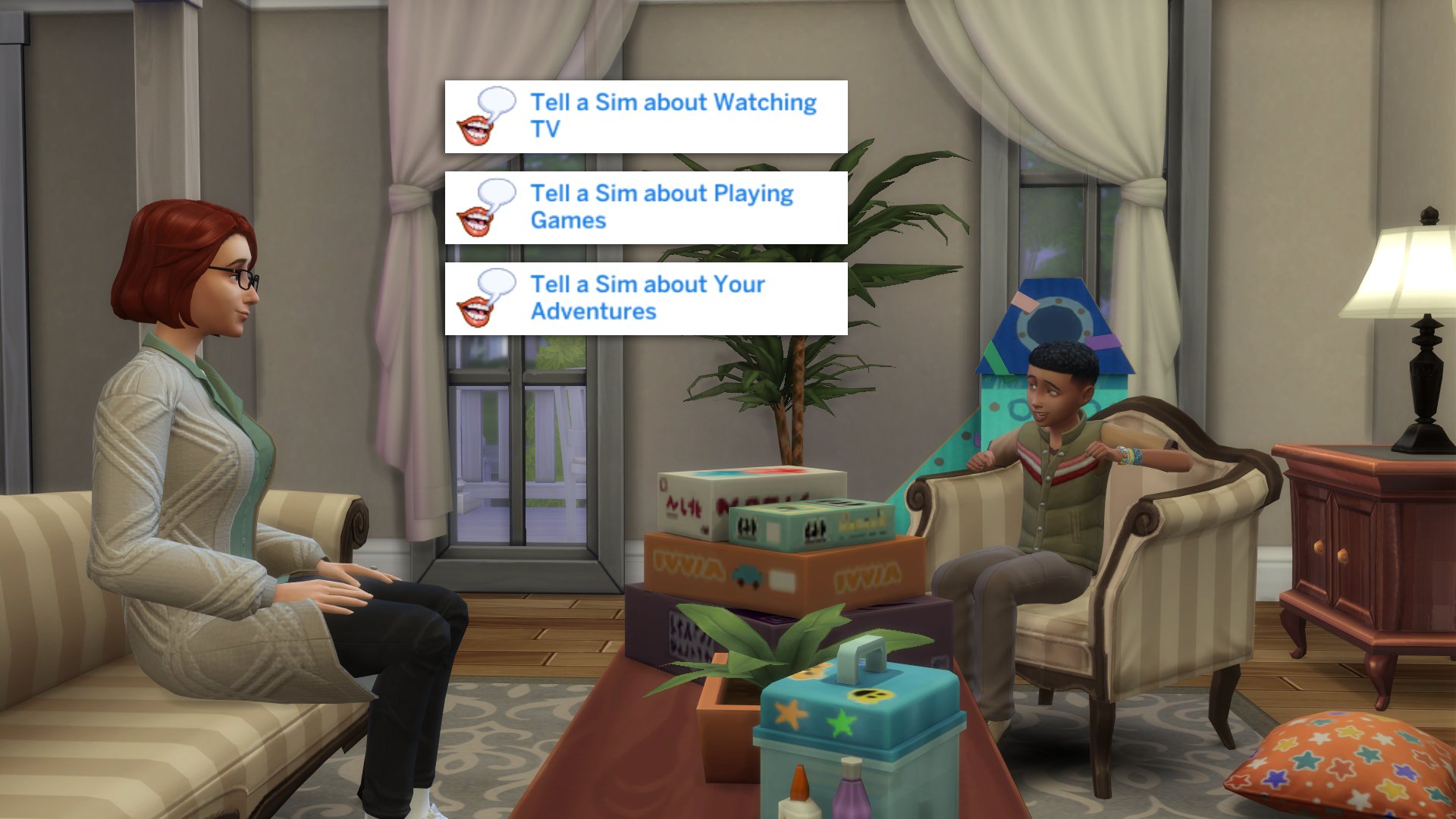
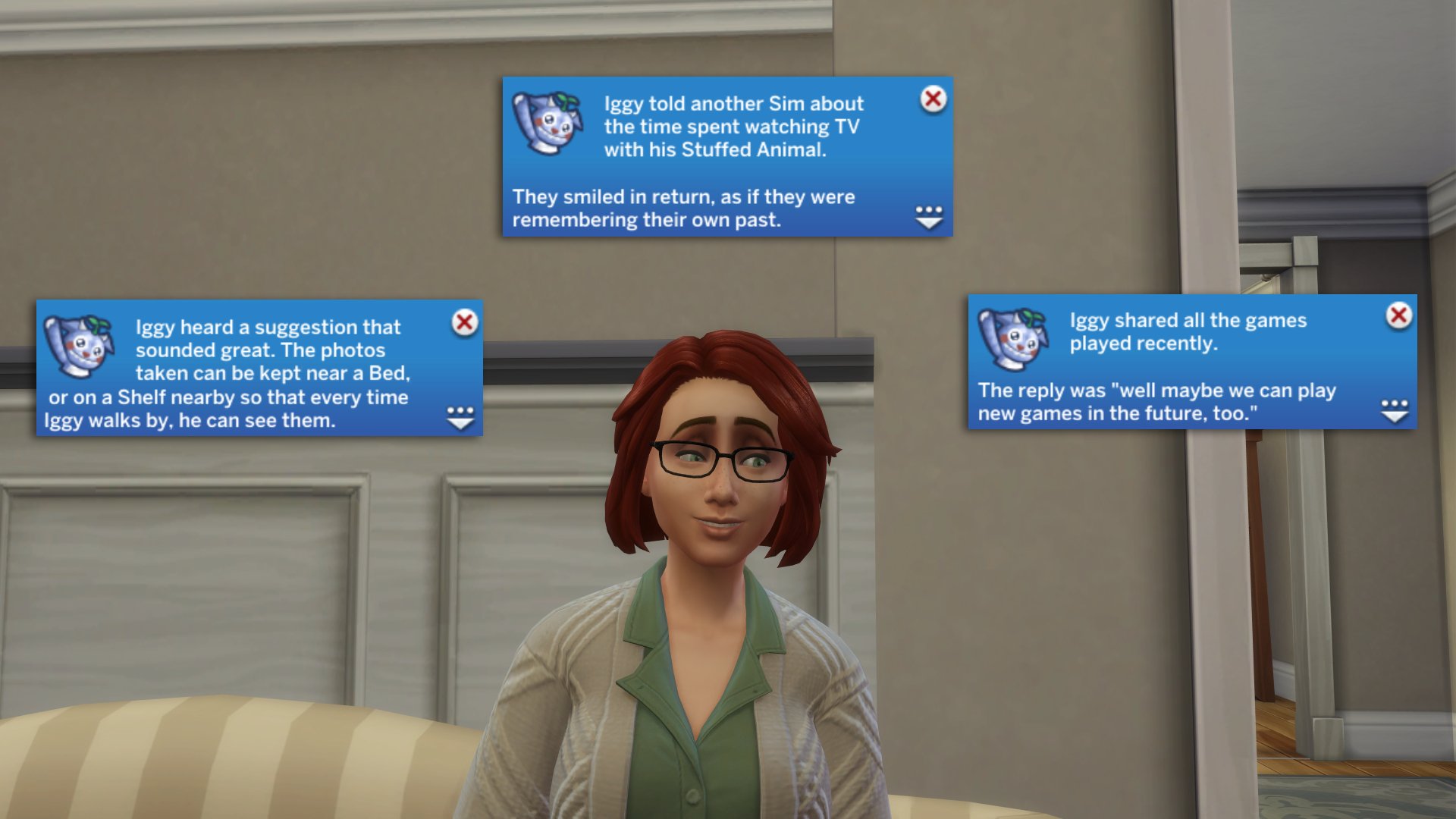
For our first set of tasks, we have to tell another Sim about watching TV, Playing Games, and our Adventures to Sylvan Glade. These are all activities we have done over the past two weeks of tasks in the Forever Friends Event. The responses indicate these adventures are shared experiences by most older Sims.

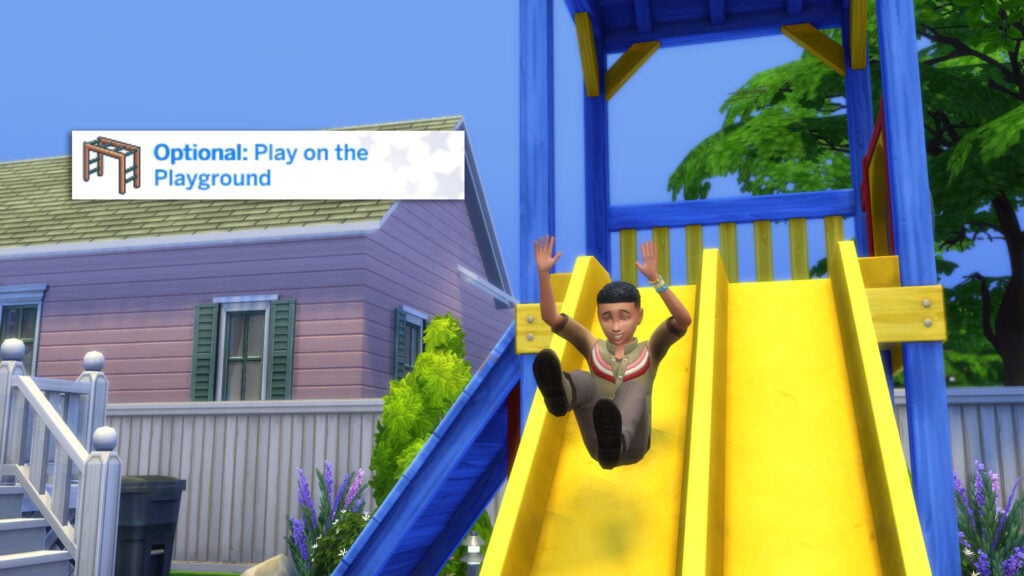
Optional Playground

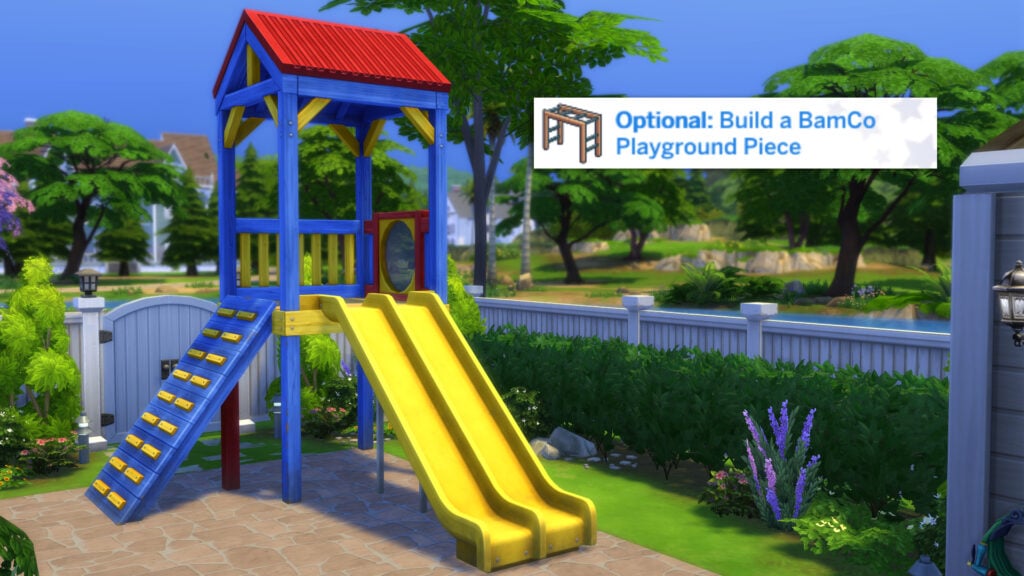
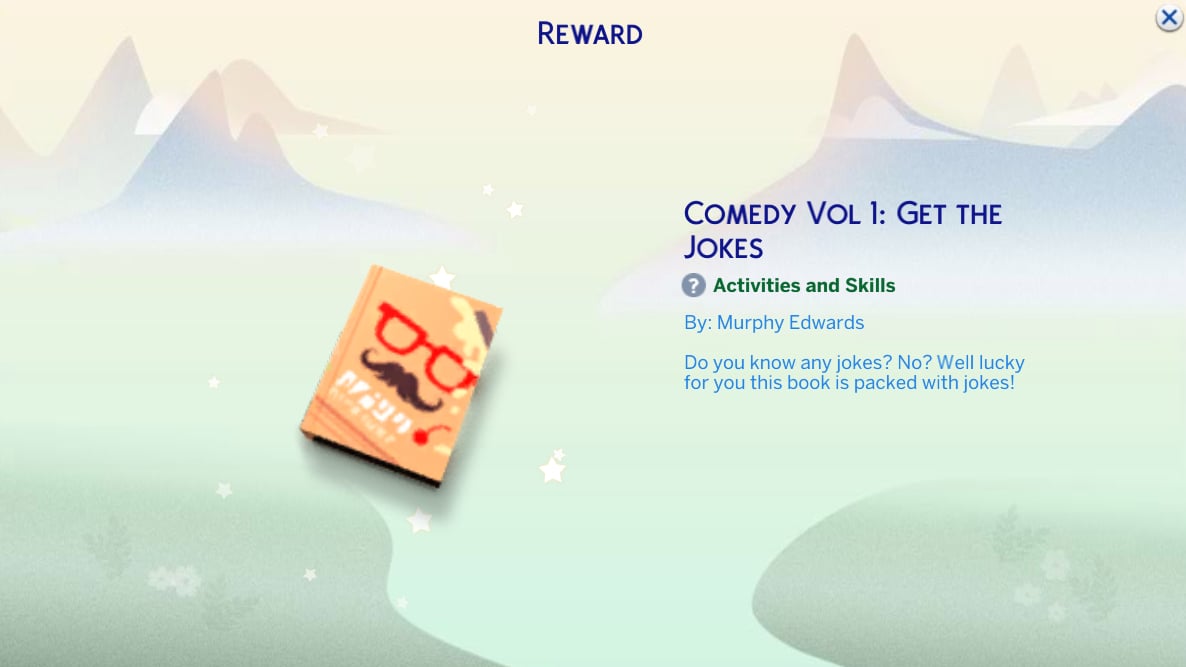
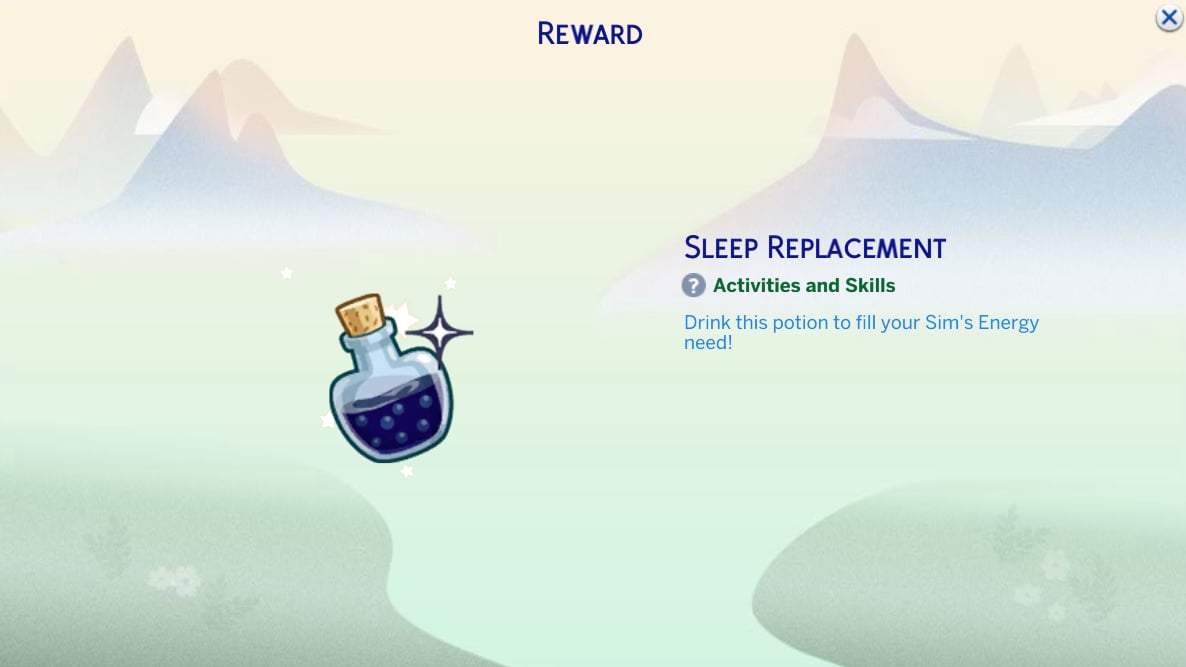
This week’s optional task was to Build a BlamCo Playground Piece from the new Adventure Awaits Expansion Pack. These optional tasks will net you a few extra points to spend on smaller rewards such as potions and books.

Optional Play

The optional task also came with an extra step to play on the playground!

Task 2 share

Our final task is to tell our Stuffed Animal that we’ve shared the story of our adventures forever, as we are, after all, Forever Friends!

That concludes Week 3 of the Forever Friends Event! Make sure to check out the rewards below.

Week 3 Rewards

Make sure to stop by the Forever Friends Event tab in the top left in Live Mode to redeem your event points for this week’s rewards! There are 4 rewards up for grabs this week, as well as 2 mini rewards for your troubles. Take a look at this week’s rewards below!

Bright ‘N Bouncy Bunny Nightlight

Screenshot 2025 10 07 18 48 17

This nightlight can be found under ‘the ‘Lighting’ > ‘Table Lamps’ in the Buy Catalogue. There are five swatches, each with its own colour star and facial expression. You may recognise this bunny, and that’s because it is the icon used for the Event tab!

Sulani Magnet

Screenshot 2025 10 07 18 47 17

This week’s addition to the magnet board is the Sulani Magnet, which is represented by the Mua Pel’am volcano!

Trailblazer Hiking Boots

boots 1

These new hiking boots are available for both masculine and feminine frames for Sims Teen and older. There are 8 swatches available.

Flex & Form Leggings

Screenshot 2025 10 07 18 50 58

Just like the Trailblazer Hiking Boots, these leggings are available for Sims aged Teen and up; however, they are only available for feminine frames.

Small Rewards

Unlike the Nature’s Calling Event, the Forever Friends event seems to skimp on the small rewards, with only two being available this week. Comedy Vol. 1 can be used by Sims Teen and older to advance their comedy skill, and the Sleep Replacement potion can be used to instantly fill a Sims’ energy need!

Future Rewards

You can check out our recent article for a complete overview of all reward items if you’re impatient, and also see the official rewards overview below!

That’s all for this week, but make sure to check back next Tuesday for a full walkthrough of the final week of the Forever Friends event!

the sims 4 forever friends event map

What rewards are you most excited about unlocking? Let us know in the comments below, and stay tuned to Sims Community for all updates regarding Live Events in The Sims 4!

Future of The Sims 4: EA is Collecting Feedback on Rags to Riches, Heritage and Ancestors Gameplay

24

New The Sims Labs survey is collecting data about the future of The Sims 4. Possibly for a new Pack release.

The Sims Labs, an official name of a Maxis subdivision that collects information and playtest data for new Sims products is interested in new feedback regarding the future of The Sims 4. Specifically, how you play Rags to Riches and Legacy Gameplay. Including what would you like to see more of to support that type of gameplay and storyline opportunities.

The two new threads on The Sims Official Discord surfaced just minutes ago, asking in great detail for feedback on these two subjects. Here’s what they’ve shared and the details that they’re interested from the players:

clipboard sc

The Sims 4 Legacy Play Feedback

We love seeing your legacy stories in Show Us Your Sims! We have some questions about how you take part in legacy play (playing any family more than one generation) and what would make your experiences better below:

  • Are you interested in stories around your Sims family’s past, heritage or ancestors?
  • Do you tell those stories yourself? Do you have written examples?
  • How do you create those backstories? And what would you need to more easily do this?
  • Which objects, Create A Sim, Build Buy, traits, etc. would you help to tell stories about your family’s past?
TS4 GENERIC FORUM HEADERS BUGS 04

The Sims 4 Rags to Riches Feedback

Rags to Riches is a fun, community-made challenge Simmers love to take part in! We’re looking to understand how we could make that experience better for you through the following questions:

  • What do you enjoy most when playing the “rags to riches” community challenge? Why do you engage with it?
  • What were the most interesting stories you experienced within the rags to riches challenge?
  • What do you feel could be better in your “rags to riches” experience? (e.g. clearer guidance, in between milestones, rewards, …)
  • Which objects, Create A Sim, Build Buy, traits, etc. would you like to have to better tell the initial “rags” or later “riches” phase? Where do you feel it is lacking the most?
TS4 GENERIC FORUM HEADERS CELEBRATE 00


You can parttake in the official Discord discussion and send in your feedback in the dedicated Sims Labs channel. You’ll need to pick a Sims Labs user role on Discord before seeing the new feedback threads and sending in your input.

You can join the official EA Sims Discord group by clicking here!

future of the sims 4 the sims labs

This wouldn’t be the first time that EA and Maxis are conducting a user research for the future of The Sims 4 content. The Sims Labs feedback for The Sims 4 content was playtested first through The Sims 4 Animations survey where players could vote on which common animations should be improved.

A minor user research was conducted about The Sims 4 Autonomy weeks ago through Discord. However, it didn’t talk about things like new Items and Gameplay content like the latest one does. Which could imply about the upcoming Sims 4 Pack or Feature release focusing on Rags to Riches and / or Legacy content.

What are your thoughts on the latest Sims Labs player feedback? What did you share with The Sims Team on Discord? Let us know in the comments below and stay tuned for more Sims 4 News!

NEW RELEASE: MySims Apple Arcade Version Coming Fall 2025!

1
IMG 2162

Mobile Players Rejoice!

Coming soon, a MySims Apple Arcade version to be released in Fall 2025! The releases of MySims and MySims Kingdom in the MySims Cozy Bundle last fall (for Nintendo Switch) and this spring (for PC/Windows) brought back a wave of nostalgia for many players who enjoyed the games, or other MySims series games, on Nintendo Wiis and PC in the late 2000s and early 2010s. Read below for more information and background on the series!

MySims Apple Arcade Release

Posted the morning of October 7th 2025 on all of The Sims social media accounts, The Sims team announced that MySims and MySims Kingdom will be receiving ports to mobile phones, specifically IOS devices, and will be available through Apple Arcade. Apple Arcade is Apple’s subscription service, allowing subscribers to download many exclusive games to play on their iPhones and Apple devices. Apple Arcade is currently $6.99 USD per month, or your local currency’s equivalent, and has 200+ games available for download.

What Is MySims?

IMG 2164

MySims is a spin-off series of games; Inspired by the mainline franchise and originally created for the Nintendo Wii and Nintendo DS, the series is more quest-based than the original The Sims games of the time, and the style is incredibly different from the PC series and even other console versions, intending to appeal to a wider market.

MySims (2007)

IMG 2163

MySims originally released for the Nintendo Wii and PC on September 18th, 2007, and received praise for being a widely enjoyed family-friendly game with an appealing cutesy visual style. There was also a version available through the Nintendo DS, although this was a different version of the game rather than a direct port.

MySims story follows a dilapidated town with residents packing up and leaving, led by Mayor Rosalyn P. Marshall, where a new resident (You!) arrives to fix things up, build businesses and homes, and rejuvenate the town to its former glory and bring back those who left.

MySims Kingdom (2008)

IMG 2127

MySims Kingdom was released a year later October 28th 2008. Also receiving similar praise while expanding upon the original controls and gameplay aspects released just a year earlier, MySims Kingdom first showcased the expansive nature of the MySims universe, allowing developers to reuse characters and create new ones to reflect new stories and alternative universes.

In MySims Kingdom, you are the newly crowned Wandolier of a kingdom ruled by an old king named King Roland, given the task of helping the residents of the kingdom with their troubles and their construction issues. You use magic, essences, and scrolls to learn and build new furniture and buildings for residents to keep them happy, earn King Points, and unlock new areas!

Possible Future Ports and Re-Releases?

mysims agents wii 772395

While there is currently no news of a port or re-release of any other titles, there is a good bit of material that would allow for new bundles! Other games not yet ported to newer editions of PC, the Nintendo Switch, or Apple Arcade include MySims Party, MySims Agents, and MySims SkyHeroes! These all feature new and refreshed characters, quests, storylines, and even gameplay mechanics individual to their game!

Coming to Apple Arcade November 6th, 2025!

Mysims apple arcade

The MySims Apple Arcade release is coming November 6th, 2025 to Apple Arcade. There is currently no announcement of an Android release, but we will update you if we see or hear more! The game itself is included with Apple Arcade, which is $6.99 per month for a single user but also includes options for multiple users under a shared family plan.


Is this something you’d consider getting Apple Arcade for, or do you already have it and plan to download MySims and MySims Kingdom? Do you hope for an Android release, or maybe a re-release of another MySims title? Make sure to comment down below your thoughts, and follow The Sims Community for new information regarding MySims and other The Sims titles!