Home Blog Page 26

The Sims 4 Adventure Awaits Cheats

What’s more relaxing than the perfect getaway? Cheating everything you want in life instead of putting in work. Below you’ll find all of The Sims 4 Adventure Awaits cheats you’ll need.

How to Cheat

Accessing the cheat console is done differently depending on whether you’re playing the game on PC/Mac or console. No matter what you’re playing on, you’ll need to access the cheat console before using any of the Sims 4 Adventure Awaits cheats.

PC/Mac: CTRL + Shift + C
Console: Press all four shoulder buttons together

Sims 4 Adventure Awaits cheats console
The cheat console looks like above

Testing Cheats

Before you can use a lot of the Sims 4 Adventure Awaits cheats you first need to activate Testing Cheats. If a cheat isn’t working and you’re sure you typed it in properly, it’s most likely because you forgot to activate Testing Cheats mode first.

Keep in mind you can copy and paste the cheats right from this article instead of typing all of them in yourself in-game, which is really convenient as a lot of them are long, convoluted strings of text.

CheatDescription
testingcheats [true/false or on/off]Activates full access cheats

Sims 4 Adventure Awaits Cheats

Aspirations

There are two new aspirations in The Sims 4 Adventure Awaits, one for children and one for adults. No matter if you’re trying to complete The Cool Kid on the Block or Critter Hunter aspirations, the cheat is the same.

This isn’t one of the Sims 4 Adventure Awaits cheats either, this is actually a base game cheat and can be used to complete any aspiration in the game.

CheatDescription
aspirations.complete_current_milestoneCompletes current aspiration goal

(reenter cheat to complete further goals)

Career

The Sims 4 Adventure Awaits cheats allows you skip through career levels. Don’t want to wait for your Sim to disappear into the woods for several days before getting a few promotions? Skip them.
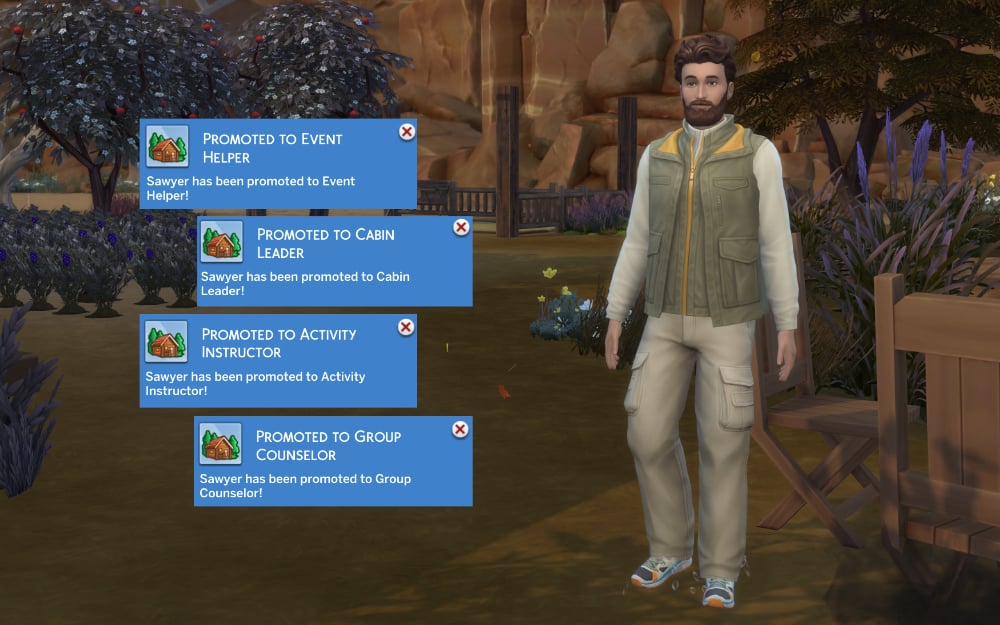
Mass promoting sim
CheatDescription
careers.add_career parkworkerGives your Sim the park worker career
careers.promote parkworkerPromotes your Sim

Preferences

A few new preferences are added to the game thanks to the collection of new skills. The Sims 4 Adventure Awaits cheats include a way to add a like or dislike to a sim for each of these skills.

CheatDescription
trait_simpreference_likes_activities_archeryLikes Archery
trait_simpreference_dislikes_activities_archeryDislikes Archery
trait_simpreference_likes_activities_divingboardLikes Diving
trait_simpreference_dislikes_activities_divingboardDislikes Diving
trait_simpreference_likes_activities_entomologyLikes Entymology
trait_simpreference_dislikes_activities_entomologyDislikes Entymology
trait_simpreference_likes_activities_papercraftLikes Papercraft
trait_simpreference_dislikes_activities_papercraftDislikes Papercraft

Skills

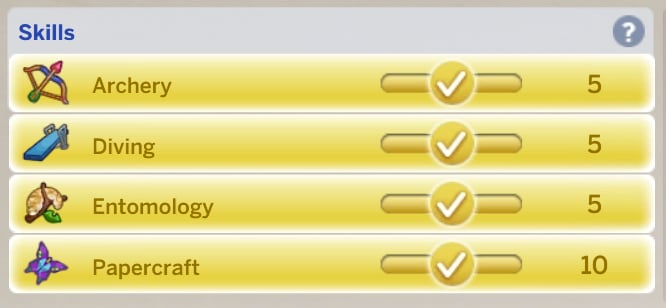
Skills cheated to max

When using The Sims 4 Adventure Retreat cheats for skills, you’ll replace the X with a number based on what skill level you want your sim.

CheatDescription
stats.set_skill_level skill_archery XArchery Skill (1-5)
stats.set_skill_level diving XDiving Skill (1-5)
stats.set_skill_level entomology XEntomology Skill (1-5)
stats.set_skill_level major_papercraft XPapercraft Skill (1-10)

Traits

The Sims 4 Adventure Awaits comes with a truly absurd amount of traits. Regular traits, aspiration reward traits, formative moment reward traits, getaway reward traits, it’s a lot. I’m no historian, but I think this is the most ever added with one pack, by a large margin. Thankfully the Sims 4 Adventure Awaits cheats list includes a cheat to add each one to a Sim.

Aspiration Reward Traits

CheatDescription
traits.equip_trait trait_nature_ep20_asp_critterhunter_critterenthusiastCritter Hunter Reward Trait
traits.equip_trait_trait_aspiration_ep20_asp_coolkidCool Kid on the Block Reward Trait

Create-a-Sim Trait

CheatDescription
Traits.equip_trait trait_CompetitiveCompetitive Trait

Formative Moment Traits

A whopping 53 reward traits for the various formative moments you can accomplish.

These can all also be purchased for 100 aspiration points each in the reward store. Using the Sims 4 Adventure Awaits cheats may actually not be worth it for you as they’re all super cheap to purchase.
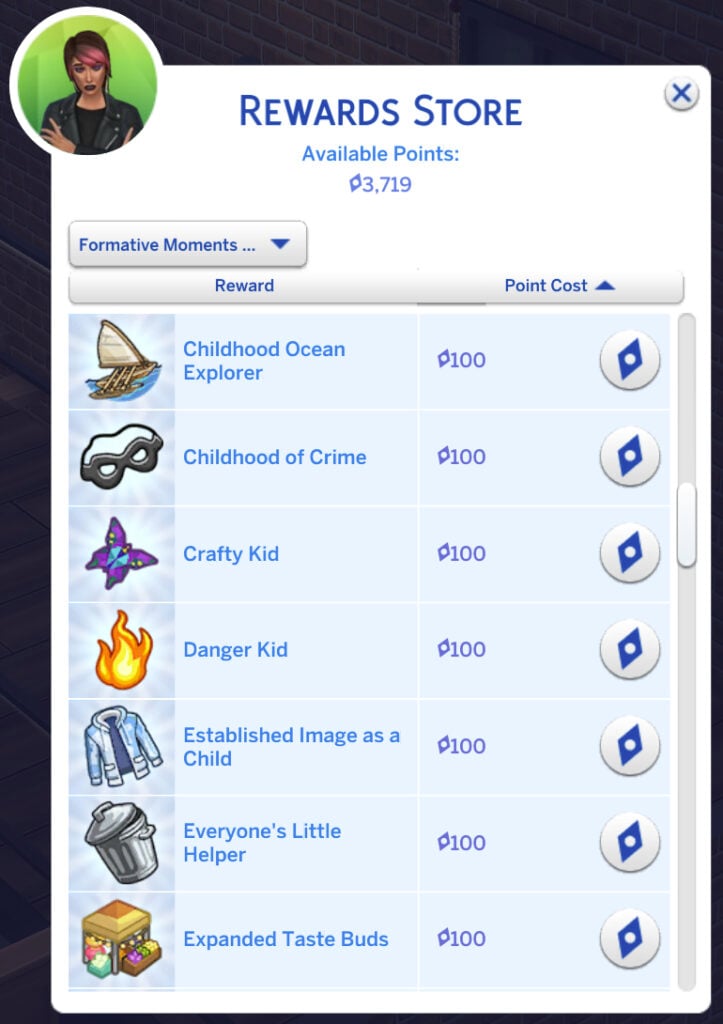
Formative Moment Traits in Reward Store

Note: Not all Formative Moment Reward Trait cheats have been discovered yet. Any brought forth from expansions and packs outside of Adventure Awaits and base game will be updated as they’re discovered.

CheatDescription
traits.equip_trait trait_Reward_ChildhoodInspiration_BeActiveAction-Packed Childhood
traits.equip_trait trait_Reward_ChildhoodInspiration_BeAnnoyingAnnoyed Everyone and Everything
traits.equip_trait trait_Reward_ChildhoodInspiration_AspiringAuthorAspiring Author
Aspiring Child Star
Born for Politics
traits.equip_trait trait_Reward_ChildhoodInspiration_BeEntrepreneurialBusiness-Kid
traits.equip_trait trait_Reward_ChildhoodInspiration_BeAnEntertainerCenter of Attention
traits.equip_trait trait_Reward_ChildhoodInspiration_BeACaregiverChild Caregiver
traits.equip_trait trait_Reward_ChildhoodInspiration_AboutScienceChild Scientist
traits.equip_trait trait_Reward_ChildhoodInspiration_BeACompletionistChildhood Collector
Childhood Environmentalist
Childhood Grief Survivor
traits.equip_trait trait_Reward_ChildhoodInspiration_ExploreNatureChildhood Naturalist
traits.equip_trait trait_Reward_ChildhoodInspiration_ExploreOceanChildhood Ocean Explorer
traits.equip_trait trait_Reward_ChildhoodInspiration_BeARogueChildhood of Crime
traits.equip_trait trait_Reward_ChildhoodInspiration_BeCraftyCrafty Kid
traits.equip_trait trait_Reward_ChildhoodInspiration_LiveDangerouslyDanger Kid
traits.equip_trait trait_Reward_ChildhoodInspiration_EstablishAnImageEstablished Image as a Child
traits.equip_trait trait_Reward_ChildhoodInspiration_BeUsefulEveryone’s Little Helper
traits.equip_trait trait_Reward_ChildhoodInspiration_AboutCuisineExpanded Taste Buds
traits.equip_trait trait_Reward_ChildhoodInspiration_BeATravelerExplorer Extraordinare
traits.equip_trait trait_Reward_ChildhoodInspiration_FeedYourselfFed Myself as a Kid
traits.equip_trait trait_Reward_ChildhoodInspiration_MasterFishingFisher-Kid
traits.equip_trait trait_Reward_ChildhoodInspiration_FormBondsAwayFromHomeFormed Bonds Away From Home
traits.equip_trait trait_Reward_ChildhoodInspiration_BeAwayFromHomeGetaway Champion
traits.equip_trait trait_Reward_ChildhoodInspiration_BeAGoodStudentGood Student
traits.equip_trait trait_Reward_ChildhoodInspiration_HaveBestImaginaryFriend_WildChildHad a Competitive Best Imaginary Friend
traits.equip_trait trait_Reward_ChildhoodInspiration_HaveBestImaginaryFriend_SpookyKidHad a Creative Best Imaginary Friend
traits.equip_trait trait_Reward_ChildhoodInspiration_HaveBestImaginaryFriend_PegacornHad an Evil Best Imaginary Friend
traits.equip_trait trait_Reward_ChildhoodInspiration_HaveBestImaginaryFriend_MonsterHad a Goofball Best Imaginary Friend
traits.equip_trait trait_Reward_ChildhoodInspiration_NurturePlantsHad a Green Thumb as a Kid
traits.equip_trait trait_Reward_ChildhoodInspiration_FollowInFootsteps_SwimTeamHonorary Childhood Swim Team Member
traits.equip_trait trait_Reward_ChildhoodInspiration_FollowInFootsteps_OnTourHonorary Childhood Touring Musician
traits.equip_trait trait_Reward_ChildhoodInspiration_FollowInFootsteps_SketchesInspired Childhood Artist
Horse Kid
traits.equip_trait trait_Reward_ChildhoodInspiration_MasterArcheryInto Archery as a Kid
traits.equip_trait trait_Reward_ChildhoodInspiration_LearnFromThePastLearned From the Past
Lil’ Techie
traits.equip_trait trait_Reward_ChildhoodInspiration_BeTheGeekLittle Enthusiastic
traits.equip_trait trait_Reward_ChildhoodInspiration_AmateurPhotographerMiniature Photographer
Morbidly Curious as a Child
traits.equip_trait trait_Reward_ChildhoodInspiration_BeASurvivalistNatural Survivalist
Naturally Disciplined
Pet Friend
Played Doctor as a Kid
traits.equip_trait trait_Reward_ChildhoodInspiration_LearnToDivePractically a Fish
Ran a Club as a Kid
Rebelled Against Authority
traits.equip_trait trait_Reward_ChildhoodInspiration_BeAnOutdoorEnthusiastRough’n Tumble Childhood
Spy Kid
traits.equip_trait trait_Reward_ChildhoodInspiration_ShareSiblingAdventuresSuper Sibling
Thoughtful Child
Was a Best Friend

Getaway Reward Traits

CheatDescription
traits.equip_trait trait_Getaway_Reward_ArtMusicArtfully Enriched
traits.equip_trait trait_Getaway_Reward_MischiefClever Rogue
traits.equip_trait trait_Getaway_Reward_HobbiesHobbyist
traits.equip_trait trait_Getaway_Reward_KidActvitiesGrowth Rekindled
traits.equip_trait trait_Getaway_Reward_OutdoorRooted Wanderer
traits.equip_trait trait_Hidden_Getaway_NPC_Camp_CamperSeasoned Camper
traits.equip_trait trait_Hidden_Getaway_NPC_Camp_CounselorSeasoned Camp Counselor
traits.equip_trait trait_Hidden_Getaway_NPC_Camp_DirectorSeasoned Camp Director
traits.equip_trait trait_Hidden_Getaway_NPC_FitnessRetreat_GuestSeasoned Fitness Retreat Guest
traits.equip_trait trait_Hidden_Getaway_NPC_FitnessRetreat_TrainerSeasoned Fitness Trainer
traits.equip_trait trait_Hidden_Getaway_NPC_FitnessRetreat_HostSeasoned Retreat Leader
traits.equip_trait trait_Hidden_Getaway_NPC_RomanticGetaway_HostSeasoned Romantic Host
traits.equip_trait trait_Hidden_Getaway_NPC_RomanticGetaway_SinglesSeasoned Romantic Single
traits.equip_trait trait_Getaway_Reward_SocialSuave Speaker
traits.equip_trait trait_Getaway_Reward_FoodDrinkTaste Refined

Miscellaneous Traits

CheatDescription
traits.equip_trait trait_Human_EP20_IF_BuddingEvilPersonaBudding Evil Persona
traits.equip_trait trait_Hidden_EP20World_HonoraryLocalHonorary Gibbi Point Local
traits.equip_trait trait_SpecialNPCs_CryptidBabyPeculiar Plumbird Baby
traits.equip_trait trait_SpecialNPCs_Cryptid_FormerCryptidPreviously a Peculiar Plumbird

That’s all for the Sims 4 Adventure Awaits cheats list. Hope this helps your Sims become the best they can be.


Be sure to check out our Essential Cheats article for even more ways to change up your game.

Follow all of our The Sims 4 Adventures Awaits coverage for other articles, guides, screenshots, and more.

Players Report First Issues and The Sims 4 Adventure Awaits Bugs

With any huge expansion pack or base game update, everyone is aware that bugs tend to happen and are to be expected. It often takes some time for all the kinks in a release to be worked out, if all of them do get worked out. With the newest expansion pack release just a few days ago, the EA forums are full of players reporting a wide variety of the Sims 4 Adventure Awaits Bugs. From something as simple as mismatched swatches or forgotten items, up to completely broken features of the pack that are integral to the gameplay, these are the most common bugs currently under investigation by EA developers for The Sims 4 Adventure Awaits.

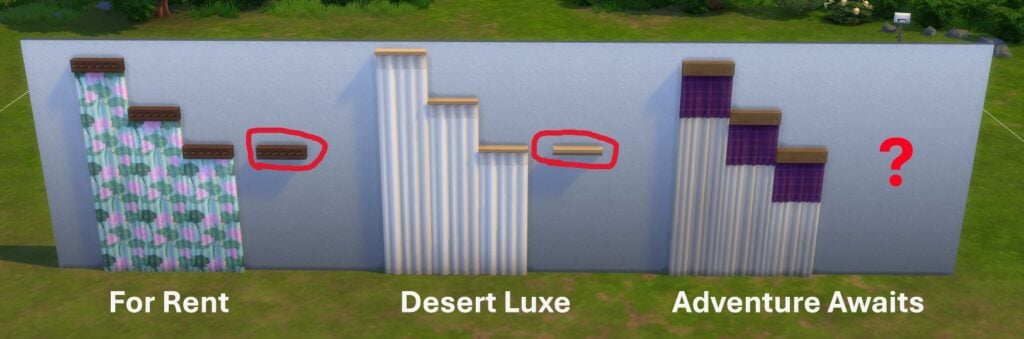
1. Missing Modular Curtain Rods

Sims 4 Adventure Awaits Bugs - missing curtain rod
Image credit: @Kalliker

Modular curtain rods meant to allow players to adjust them to any windows or other areas they desire have become somewhat prevalent in recent additions to The Sims 4’s DLC roster, but what’s the point of a modular curtain without a curtain rod to connect the pieces?

Forum user @Kalliker reported this issue on release day.

“I have looked through all of Adventure Awaits buy mode and cannot find the curtain rod for the modular curtains included in the pack, like previous modular curtains have had in For Rent and Desert Deluxe. Please see the included image to better understand. The beam-like rod is missing? Maybe due to a tagging issue?

The curtain rods in For Rent and Desert Luxe are called The Hardly Suspicious Curtain Rod and Decidedly Neutral Curtain Mount.”

EA Forum User @Kalliker

2. Duplicate Swatches

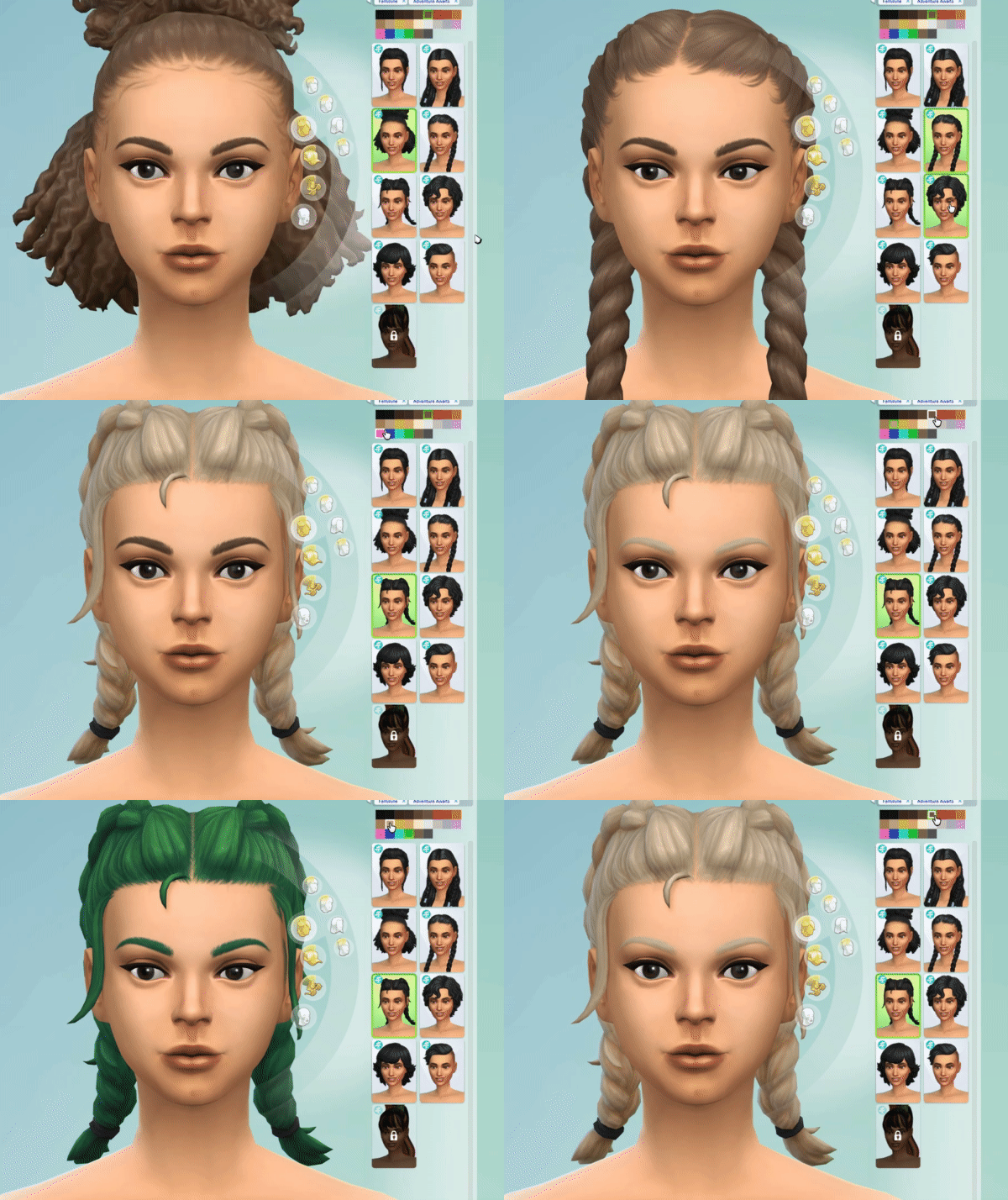
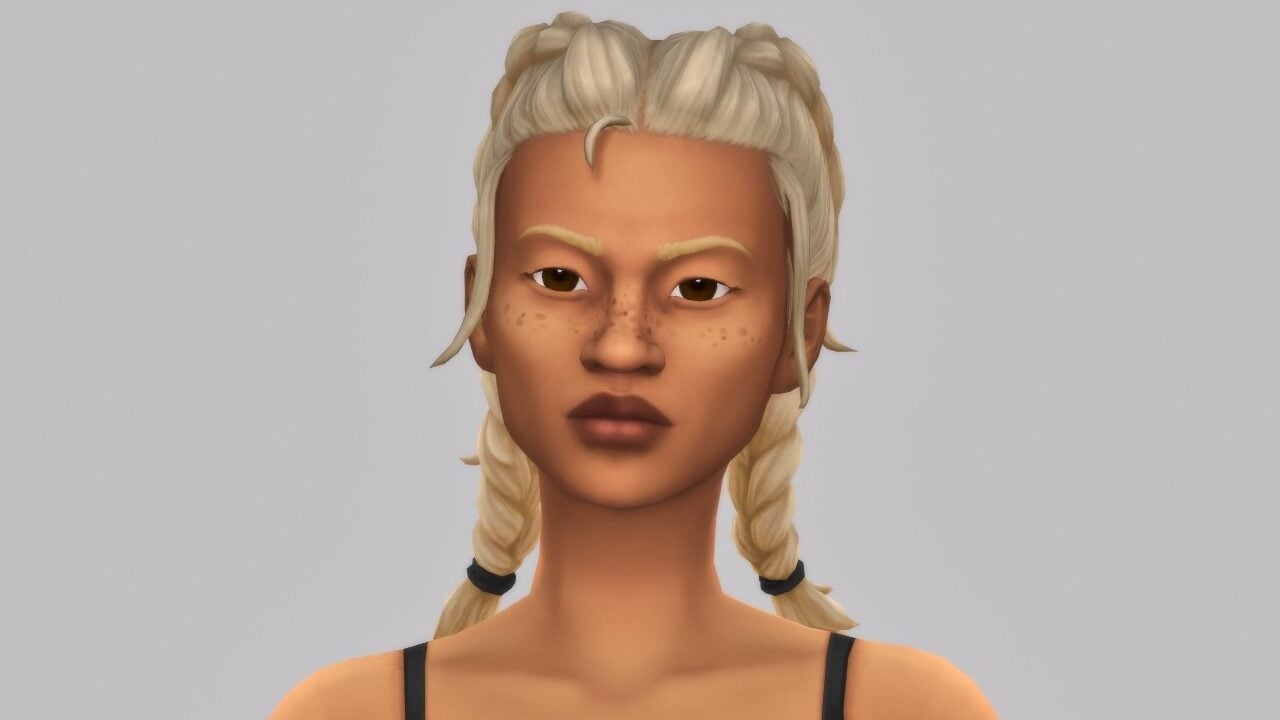
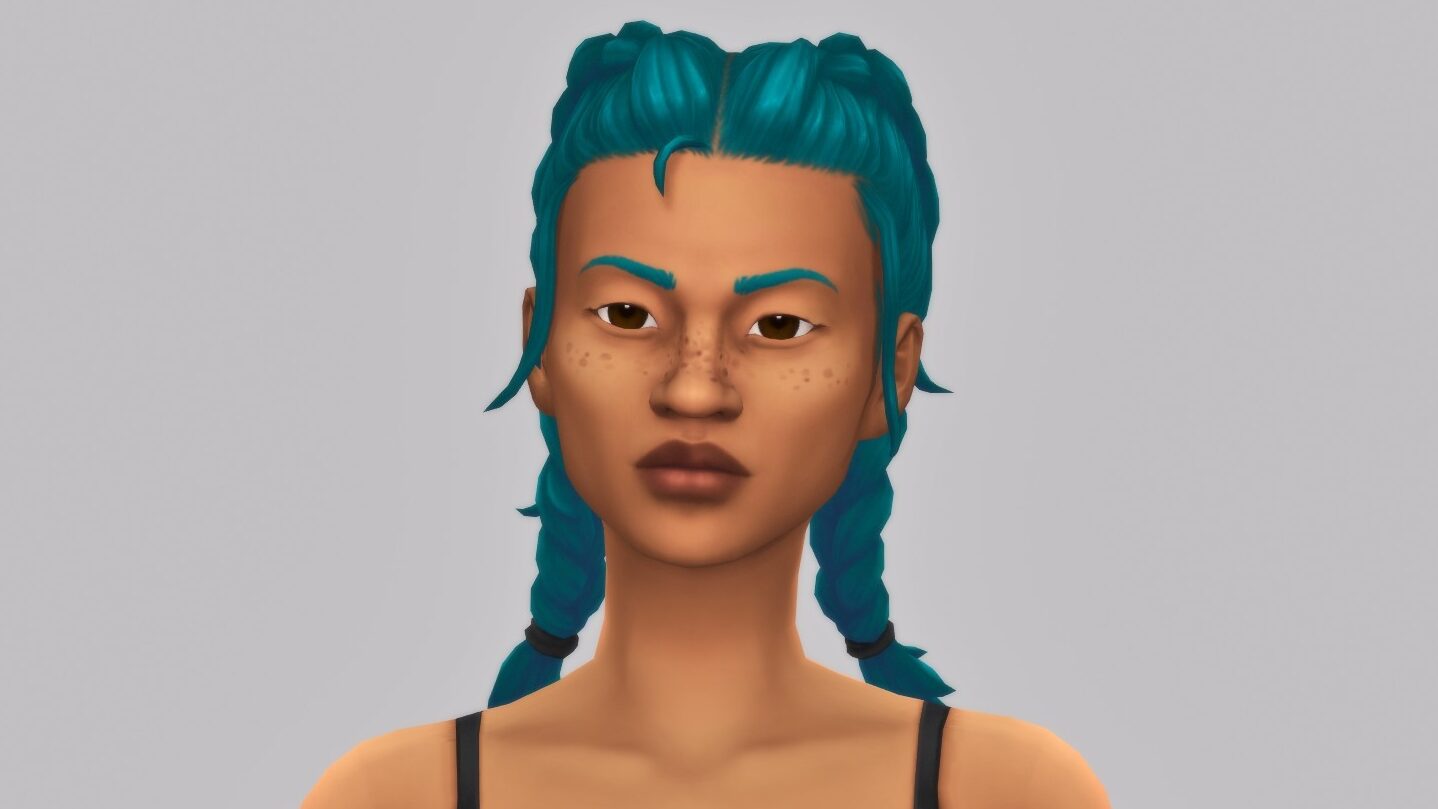
Sims 4 Adventure Awaits Bugs - Double Dutch Braid Blond
GIF Credit: @DassaDesign

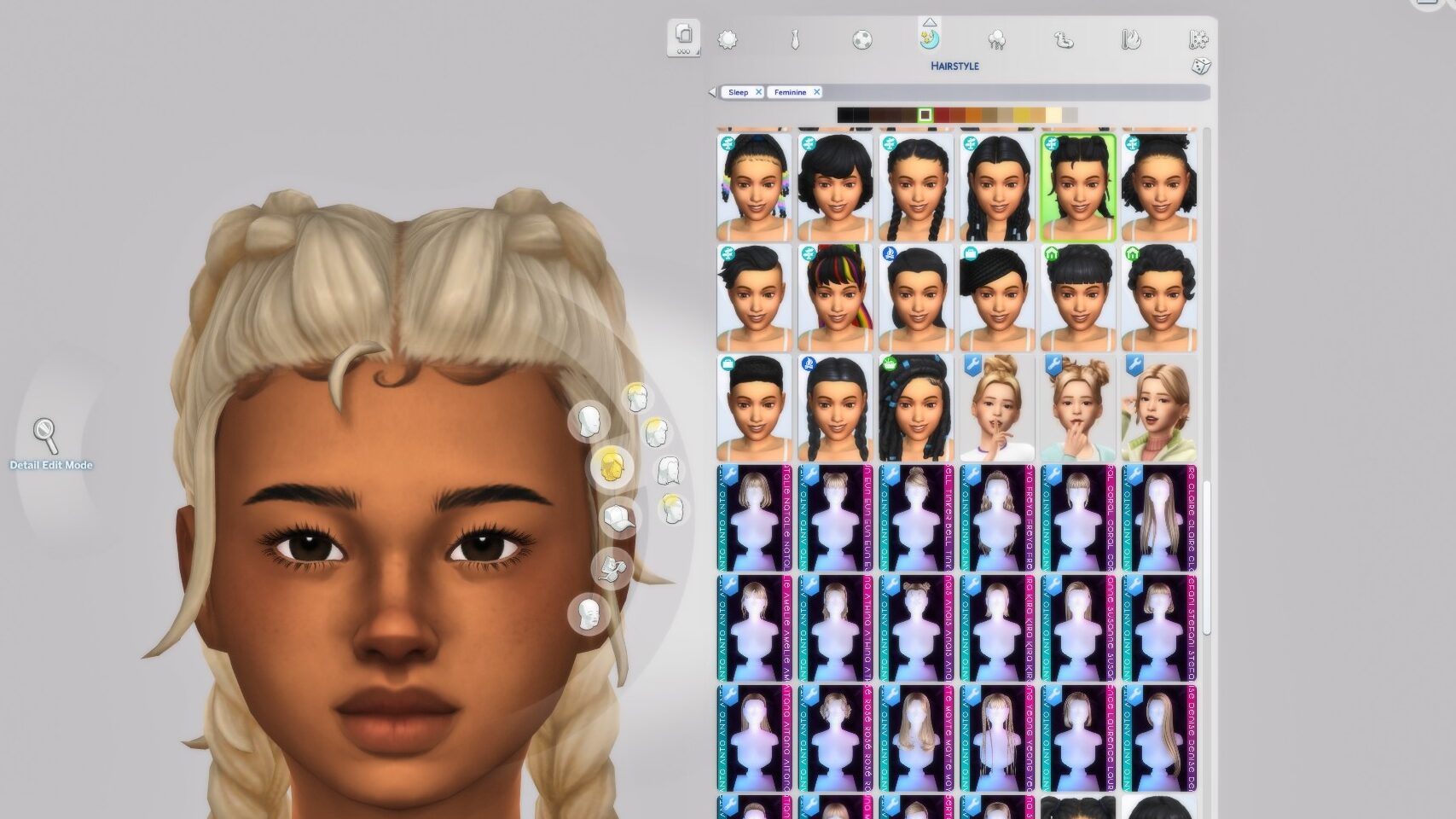
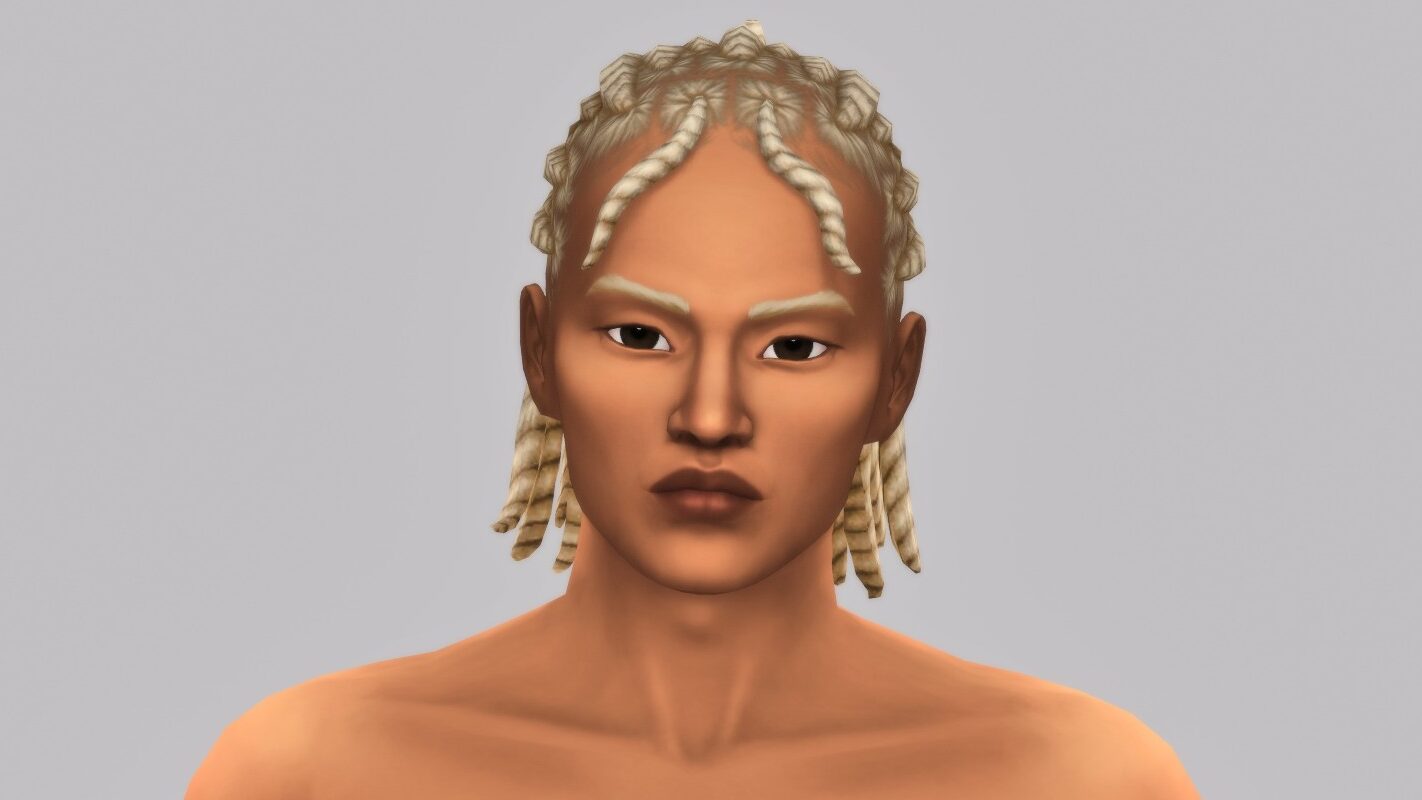
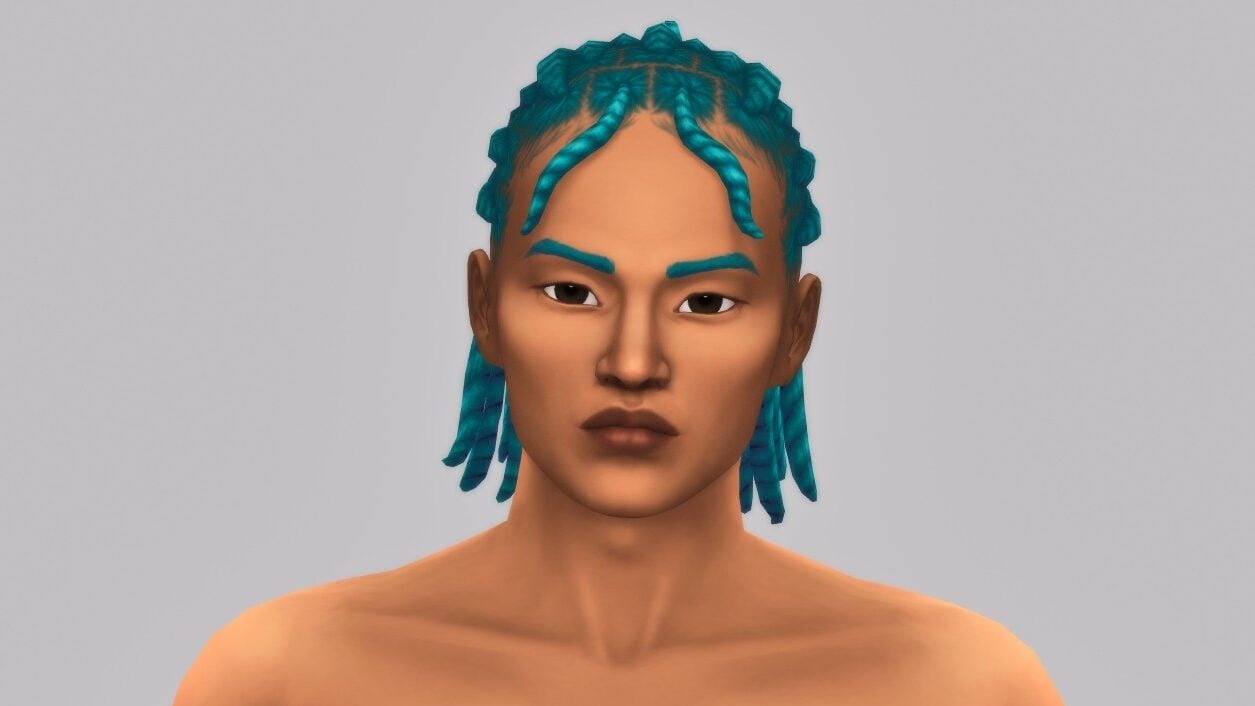
The variety of hair swatches allows your game to have more diversity and style variety, but is there a point if swatches duplicate or even look almost identical? Multiple users since release day have reported that the hairs yfHair_EP20DoubleDutchBraid_LightBrown (The teen through elder version) and cfHair_EP20DoubleDutchBraid_LightBrown (the child version) are duplicates of the same hairs in the light blond swatch.

“[AA] yfHair_EP20DoubleDutchBraid_LightBrown is blond
Light brown hair on one of the new Hairstyles shows as Blonde”

EA Forum User @DassaDesign

I also found this bug within my own game while creating a family to test features. It seems this is an accidental duplicate that wasn’t caught prior to release, and is not influenced by Mods & CC. It also, as previously stated, appears with both the teen through elder, as well as the child version of the hair.

TS4 x64 fpb 2025 10 03 20 23 36 406 edited

3. Strange Texture Issues

wrinkyl
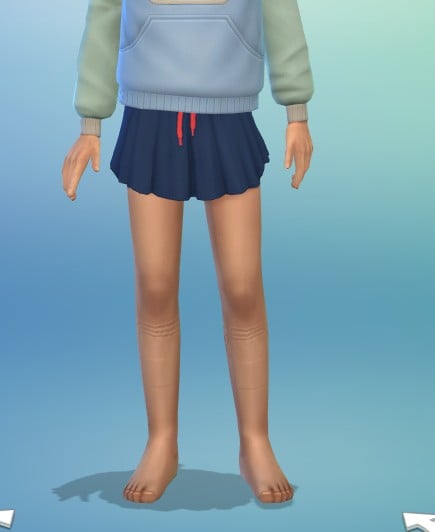
Image Credit: @MrsTomato1018

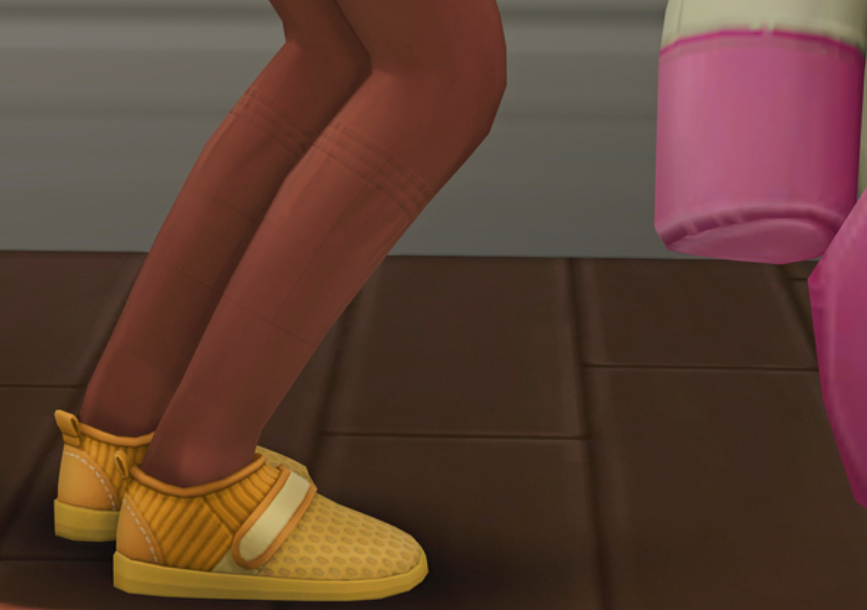
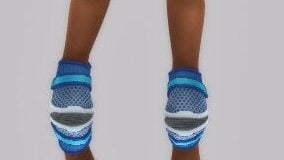
“The new adorable athletic skirt, cfBottom_EP20FlutterSkirt (specifically the child version, not the teen through elder version) has an… interesting visual effect when worn. A strange wrinkled shadow or texture appears, with a visible square outline underneath. This happens without CC and mods.”

When I give my child sim the new skirt from Adventure Awaits, it adds a strange texture to my sim’s legs.

EA Forum User @MrsTomato1018

Other users followed up with their own reports and proof, with one user including an in-game close up shot.

image 6
Image Credit: @nempne

“Hi! This skirt has some silly mapping issues and the issue appears on all swatches. Really cute though regardless, love the CAS in this pack.

It’s sort of hard to see, but it’s like she’s been wearing socks for hours lol”

EA Forum User @nempne

4. Only Kids Camp Getaway Not Working

Specifically mentioning that Fitness Retreats, the other primary advertised feature for the Sims 4 Adventure Awaits, one user has come across an issue that completely stops them from using Kids Camp getaways, stopping the events before they even begin.

“Hello! New here but I have been playing sims for years.

I downloaded Adventure Awaits yesterday and I have an issue with kids camps specifically.

Fitness retreats work fine, but as soon as my sim arrives at kids camp it comes up with the ‘your getaway is ending do you want to extend or go home’ pop up. If I press extend it just comes straight back up again. I have tried different set ups, locations, sims etc. I have repaired and restarted my game but it’s not working.

does anyone else have this issue? I play on a windows laptop and have no mods or cc.”

EA Forum User @laurenlhenley

One user also believed to have found a pattern, since the bug is not consistently happening in every game. It seems that creating an entirely custom venue and adjusting its schedule to the Kids Camp preset custom getaway may not be sticking, but Camp Gibi Gibi, the camp included in the initial release of The Sims 4 Adventure Awaits, works as intended.

“I figured out a pattern, it seems to only happen when I create a getaway at a custom lot that already has a set schedule. If I plan a getaway at a lot without a premade schedule, the getaway works fine. So Camp Gibi Gibi works for example, but my custom lot that I downloaded off the gallery with a premade schedule does not work.”

EA Forum User @allygator9393

5. The Forest Ranger Tower Disappearing in the Distance

asfa
Image Credit: @SimsTime

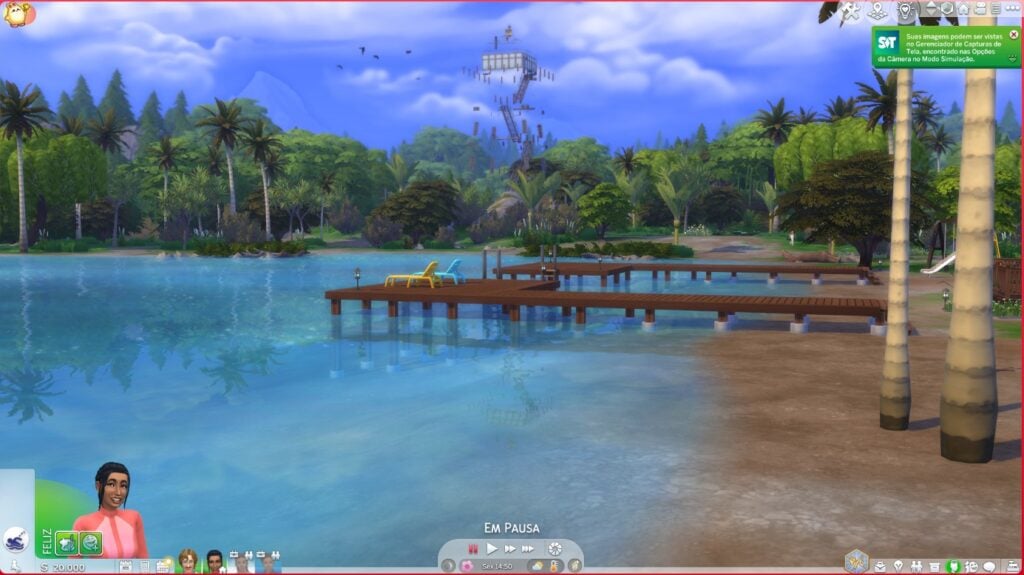
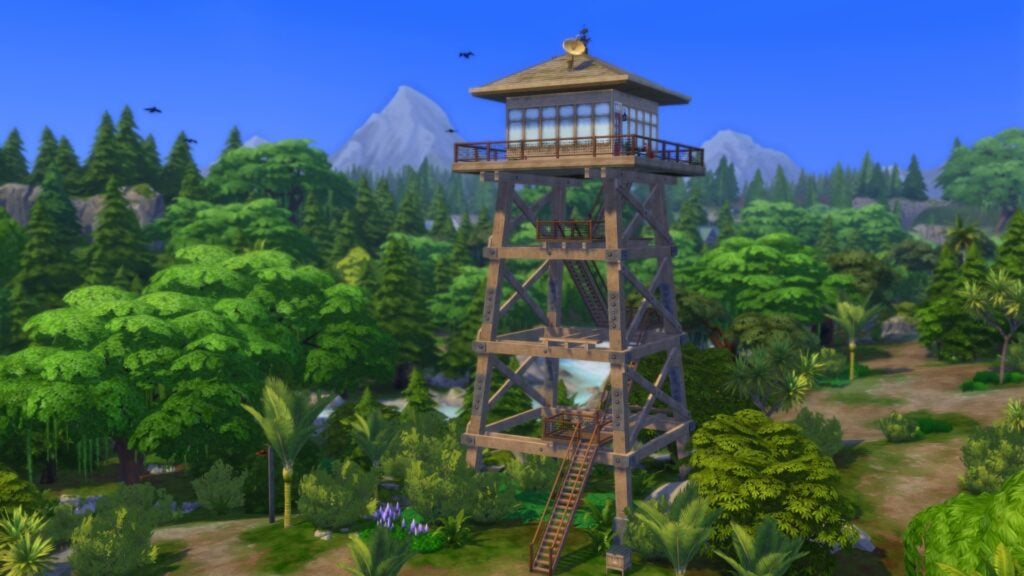
While the Sims 4 is known for items fading when you get too close of them, leading to some interesting free camera shots, it isn’t typically intended for objects to fade improperly or while… very far away.

“The forest ranger tower has a rendering issue. At medium distance, the tower disappears completely, leaving parts of its structure and attached objects floating in midair. However, when viewed from farther away, the tower reappears and displays normally. This seems to be related to the tower’s LOD settings.

I first encountered this in my regular save (with mods), but to confirm, I tested again with a freshly generated The Sims 4 folder and a brand-new save without any mods or CC. The issue persisted.”

EA Forum User @SimsTime

6. Baristas Not Doing Their Job on Custom Venues

Frustration with NPCs doing everything but the job you hired them for is nothing new, but they typically still make attempts at doing their job, even if its done poorly., like a caterer for a wedding who only repetitively makes cakes. Some users have noticed that specifically when hiring Baristas for Custom Venues, and using the “Tend Coffee/Tea Bars and Counters” activity option, the baristas just… won’t do it. They will chat with those around them, sit down, etc., but not make a single drink.

“Create Custom Venue

Create a Barista Role – Only Activity: Tend Coffee / Tea Bars and Counters selected.

Add role to the schedule – Starting at 9 am (free time)

Create Visitor Role – Only Activities: Drink coffee and Drink tea selected.

Add Visitor Role to the schedule – Starting at 9 am (free time)

Barista only shows up if the main activity selected is: Tend Coffee / Tea Bars and Counters, but even then, they don’t tend the counter.

If the main activity is not selected, the barista role doesn’t show up.”

EA Forum User @laperalt

Baristas hired by clicking on the tea or coffee bar for §100 will act as normal, but not if they’re hired through the custom venues system, although the same user did comment that sims with the visitors role will interfere, causing interruptions and an inability to order food and drinks.

“Also, if you hire a Barista, visitors keep getting in the way, interfering with the barista’s work, which makes it impossible to order a drink or food.”

EA Forum User @laperalt

7. Attraction Preferences Causing Errors and Last Exceptions

Last Exception errors are the cornerstone of broken game features, from broken script mods to just simple issues in the games code causing it to throw these errors. One user noticed that when choosing Attraction Preferences while customizing the role menu, the game throws multiple Last Exception errors, causes UI glitches, and even resets the presets and roles for the Custom Venue.

The Custom Venues and Getaways systems seem to work well for the most part, however, whenever I choose the Attraction criteria for any of my roles, there seem to be some issues. 

  1. Sometimes after doing that, the UI on that section goes blank and I cannot choose more items for the criteria of the role. 
  2. Whenever I visit the lot, I get and LE that I attached to this post. 
  3. This also causes the presets and roles not to be saved. 

This happens in completely new never never-modded saves, and I suspect is the cause for all the reports of presets not being saved. 

EA Forum User @Marquillotuca89

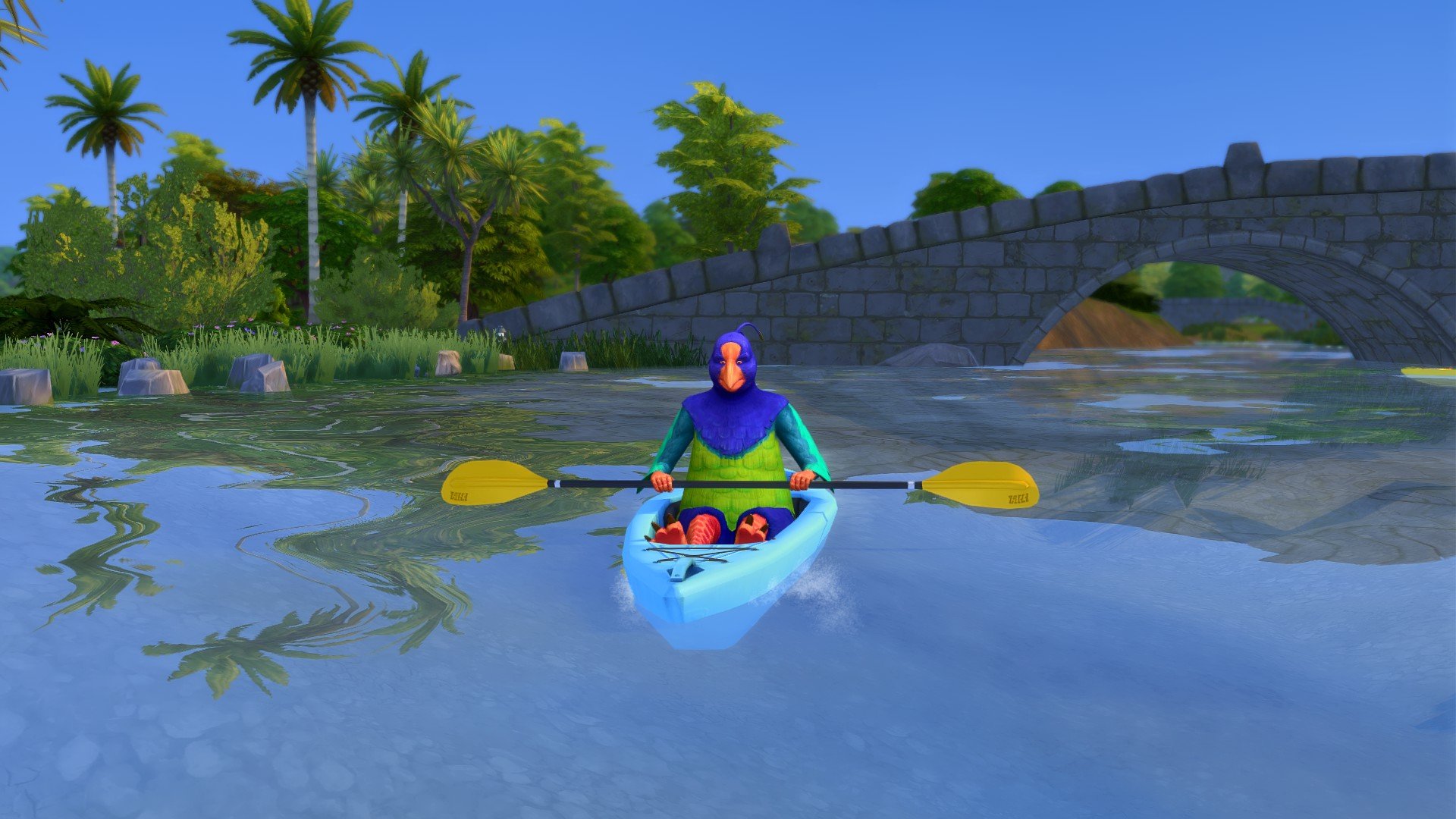
8. Waterlogged Kayaks

paddersl
Image Credit: @pennamepercy

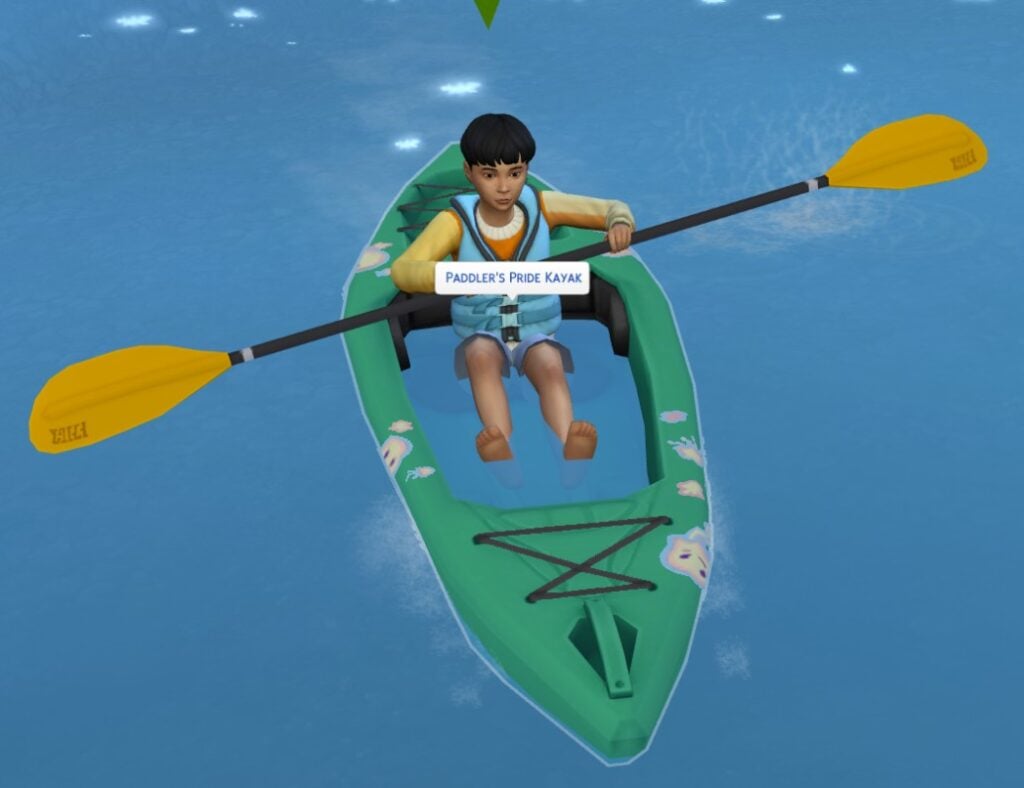
The new Kayaking feature is a big part of Gibbi Point, with your sims being able to scamper off from most waterside areas and jump into any available Kayak and work on their skill, paddling around to their hearts content. A recently reported visual glitch seems to show the Kayaks filled to the brim with water.

A visual glitch, where when the kayak is placed in water, the inside of the kayak fills with water. It’s still functional, but decidedly looks weird…

Checked both with and without mods, and in an old and a new safe file, and problem persists throughout.

EA Forum User @pennamepercy

9. Sims Cannot Host Lectures on Getaways

The lectures feature introduced with Businesses & Hobbies is a favorite of many people who play the pack, allowing highly skilled sims to pass their knowledge onto others and even make a buck off of it. However, when trying to create a getaway with lectures (Such as a fitness class lecture), sims cannot be assigned to hold them, but only to attend them. They also lack the ability to attend debates or speeches, meaning that sims performing those actions will be without an audience of any kind.

“How can Sims attend a lecture if no one is holding one? I would like a Sim I don’t control to hold lectures like they can in Business and Hobbies . . .

Something else I found was that there’s no “Watch Debate” or “Watch Speech” options. So Sims who’s role it is to debate or give a speech will be doing so to an empty room. “

EA Forum User @RoxxySims

10. The Papercraft Item is Not Compatible with Snowy Escape Kotatsu Tables

dawdadad
Image Credit: @MyOnlySUNSHINE

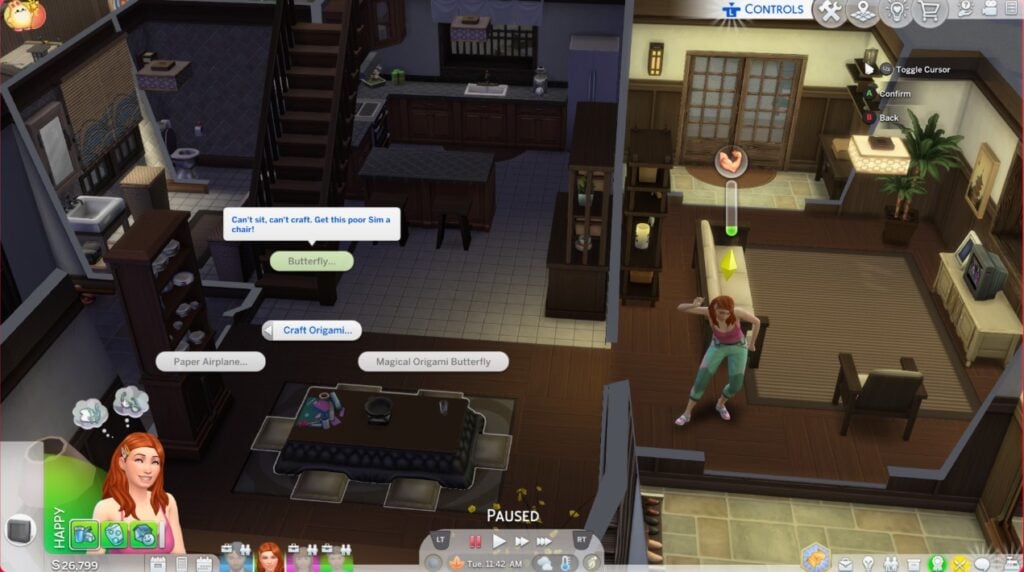
Papercrafting, including papier-mâché and origami, is a large part of the activities included in The Sims 4 Adventure Awaits. A console player, EA Forum User @MyOnlySUNSHINE, found that the papercrafting item requires a chair, not just a surface that a sim can sit at to use it, meaning that Kotatsu tables cannot currently be used despite them having seats.

Papercrafting can be placed on the Kotatsu Table in Live Mode and BB Mode, but it’s unusable.

  • Click on Papercrafting >
    • Select “Craft Origami…” >
      • All Origami Papercraft options are greyed out and unavailable. Error Message, “Can’t sit, can’t craft. Get this poor Sim a chair!”
  • Click on Papercrafting >
    • Unable to Select “Craft Paper Mache…” Error Message, “Can’t sit, can’t craft. Get this poor Sim a chair!”
EA Forum User @MyOnlySUNSHINE

Have you found any bugs not yet reported on the EA bug report forums? Make sure to follow Sims Community as we update you on the status of The Sims 4 Adventure Awaits Bugs, and other bugs found in the game.

Also, make sure to report any bugs to the EA Forum! This allows devs to review these issues, find the source, and fix them for everyone.

The Sims 4 Adventure Awaits: Gibbi Point World Overview

Welcome to the adventurous world of Gibbi Point!

It’s time to getaway to The Sims 4 Gibbi Point as Adventure Awaits your Sims! Take in vast beautiful scenery away from the busy 9-5 and take some time for yourself. Send your younger Sims to Camp, or getaway yourself and learn new skills, meet new Sims or challenge your self in a Survivor competition.

Regardless of how you want to spend your time, your next destination is Gibbi Point!

TS4 x64 2025 10 04 22 17 28 596

Community Creators

As previously mentioned, several talented builders were able to help craft many of the builds you will see in and around the neighbourhoods in Gibbi Point. The creators who helped bring the Adventure Awaits expansion to life are:

  • Axiisims – Seabreeze Scenic, Crystal Cottage & Wanderwood Wonder
  • Daniellebuilds – Jellyfish Jubilee
  • Gryphi – Camp Gibbi Gibbi, Plumbird Park & Fearful Fish Lounge
  • Jeyjeybink – Love Highland
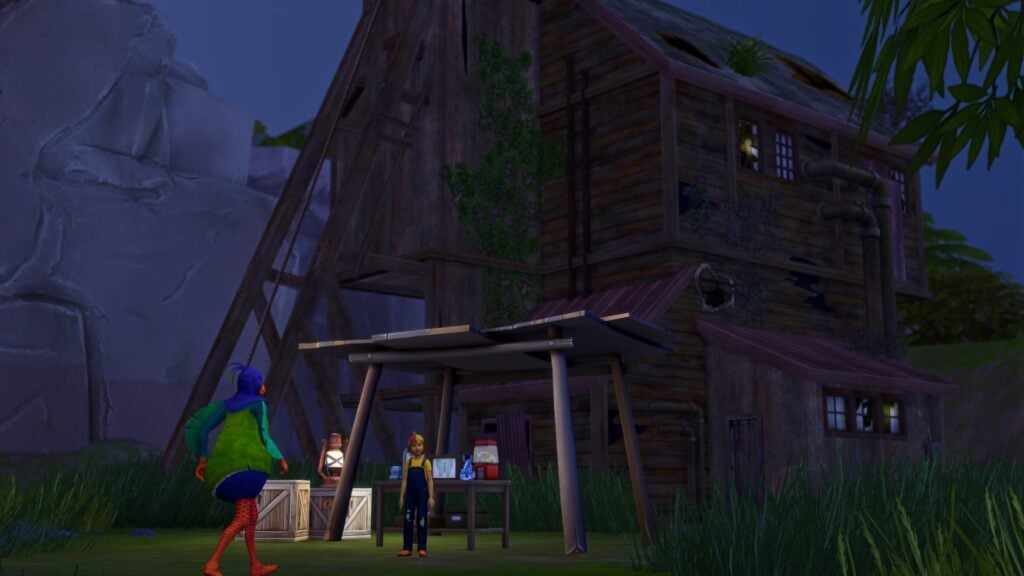
  • KiwiSimsKate – Miner’s Manse, Fletcher’s Cottage & Revive and Thrive Retreat

If you love what they created for Gibbi Point in The Sims 4 Adventure Awaits expansion, be sure to check out their content!

The Sims 4 Gibbi Point, Adventure Awaits World Overview

TS4 x64 2025 10 02 19 31 32 550

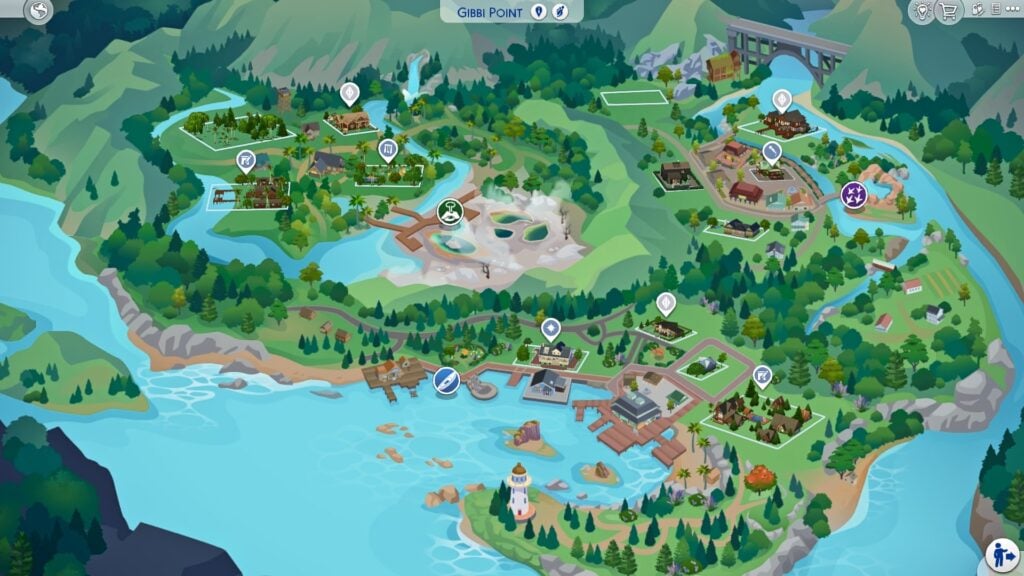
It’s been many years since Gibbi Point experienced the Great Wave, a seismic event that swept through and helped carve out unique landmarks and created lush flora and fauna the likes of which many Sims had never expected to see! Once a part of a jellyfish processing industry, Jellyfish Junction more recently rebranded itself as an eccentric, artsy neighborhood with scenic harbor views. Crystal Valley has been transformed from a gold mining community into more subdued spot home to a large, feathered creature and the fabled Electric Lagoon. Wanderwood Wilds is a secluded, woodsy neighborhood where you can find Hothead Rock Geyser. The locals say it’s a real blast. A peculiar climate, Gibbi Point’s weather sees all seasons (even snow!); however, its many underground hot springs keep the waters tepid and inviting, allowing for swimming and water activities year-round.

Gibbi Point World Description – The Sims 4 Adventure Awaits

Now, let’s take a deeper dive into our three new Adventure Awaits neighbourhoods!

Wanderwood Wilds

“Life in Wanderwood Wilds sure is a blast – literally! Hothead Rock Geyser may be the main draw to the area, but there’s more in these woods than meets the eye. Sims can enjoy the great outdoors near campfires, kayak in open water, and fish to unwind. Visit the Old Firewatch Tower, prehaps to offer your gratitude to the one who keeps watch. Be sure to check in with the Butterfly Conservationist is you’re feeling a little fluttery.”

Wanderwood Wilds Festivals: Round The Fire Festival

TS4 x64 2025 10 02 20 47 58 556

Wanderwood Wilds is one of three neighbourhoods in the new The Sims 4 Gibbi Point world. It features 4 new lots including a Residential Lot which is home to one of the new pre-made families, a playground lot, a custom venue lot and a large unoccupied lot for players to build on.

Wanderwood Wilds Lots

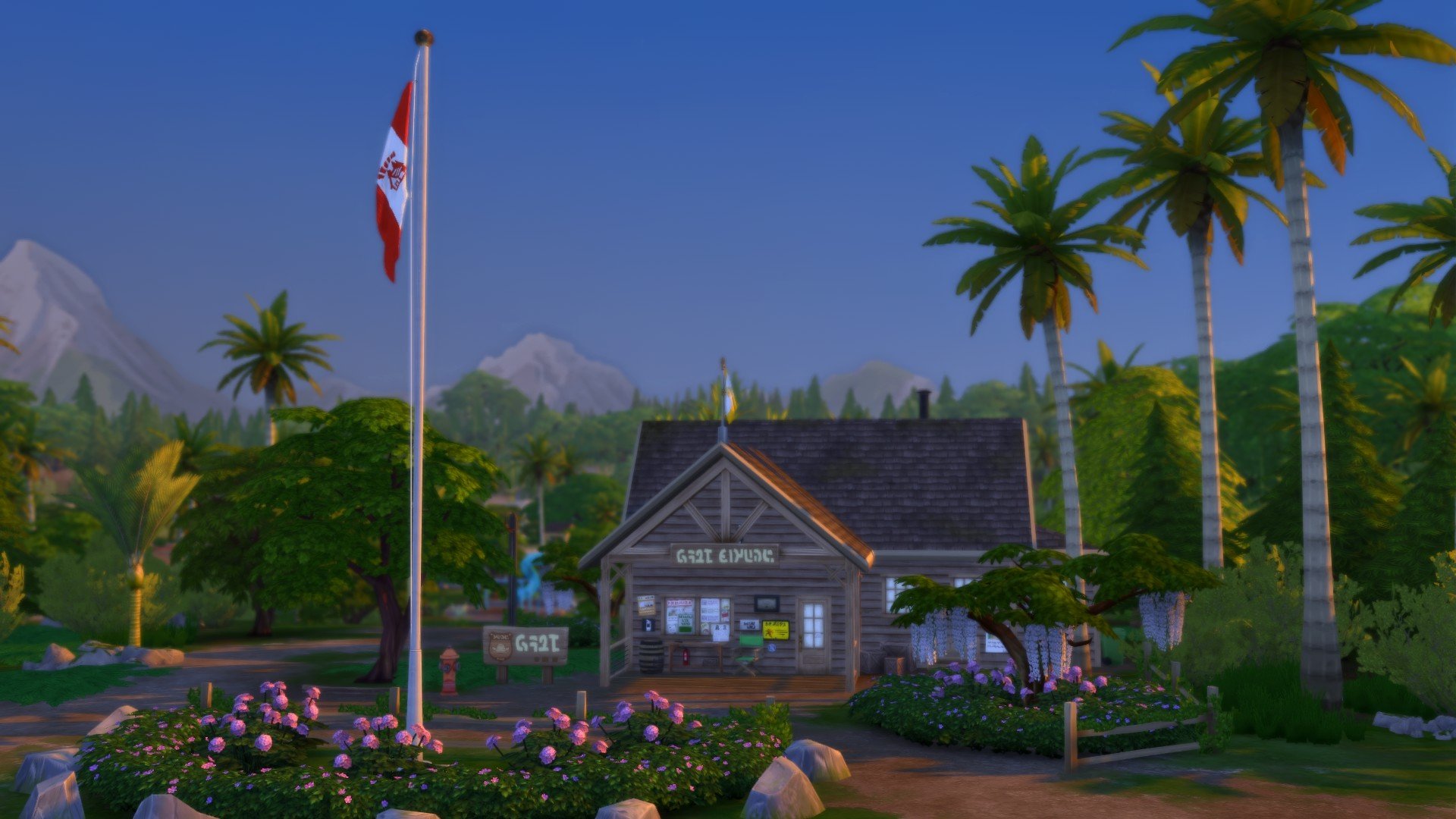
  • Camp Gibbi Gibbi
  • Hothead Rock Hideaway
  • Wanderwood Wonder
  • Plumbird Park

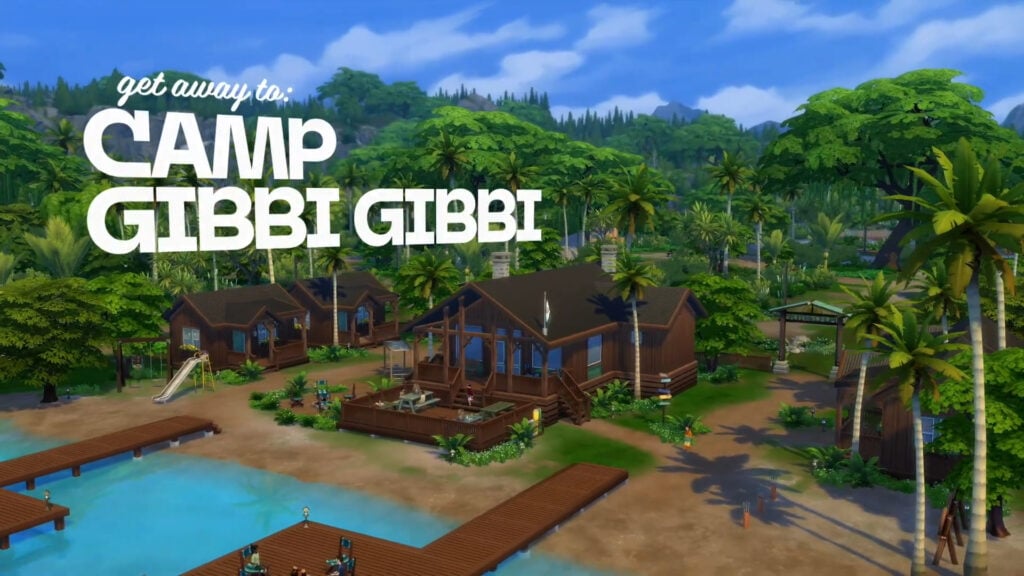
Camp Gibbi Gibbi (by Gryphi)

TS4 x64 2025 10 02 20 28 46 401

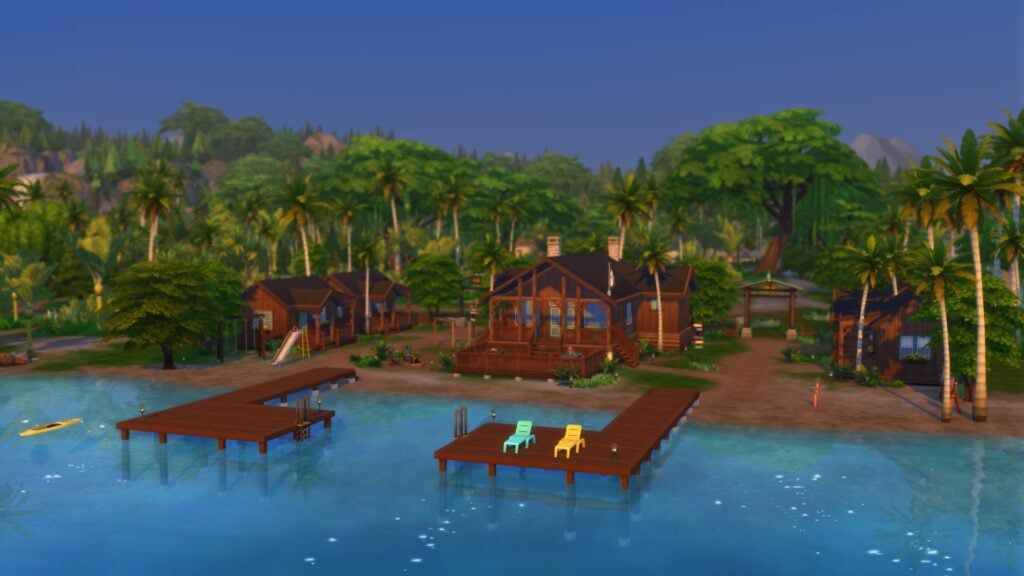
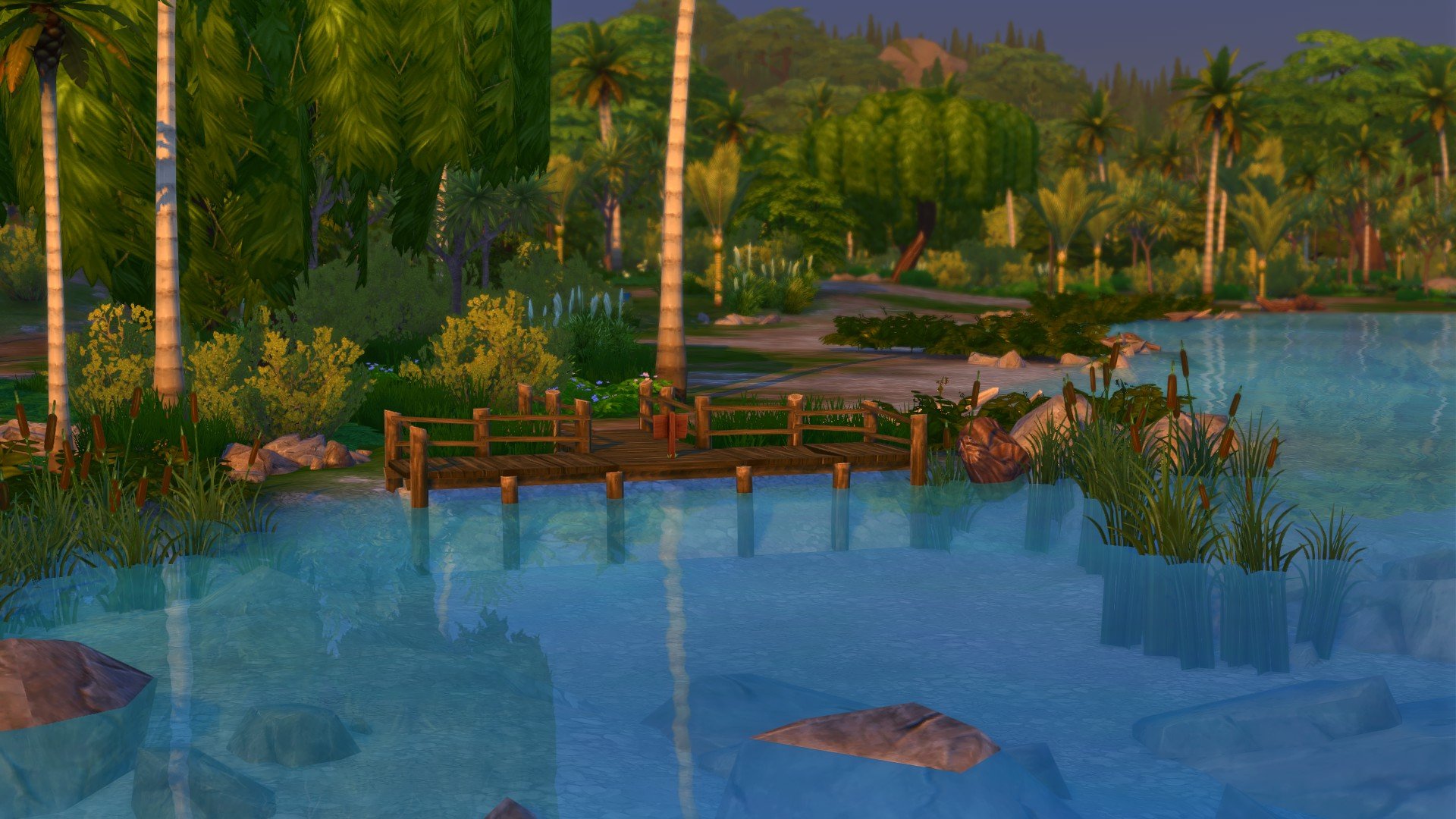
Camp Gibbi Gibbi offers stunning lake views and a sturdy dock perfect for jumping into refreshing waters, creating unforgettable adventures in the heart of nature.

Coming in at $82,999, this 50×50 lot is perfect for those Summer Camp getaways! Featuring the Great Acoustics Lot Traits, why not take a trip to Camp Gibbi Gibbi for a well-earned break!

Hothead Rock Hideaway

TS4 x64 2025 10 02 20 32 52 529

This expansive lot offers breathtaking views of the historic Old Firewatch Tower. Surrounded by lush forests, it’s the perfect place for nature enthusiasts.

This 64×64 lot by deafult is an empty Residential lot that comes in at $13,995 and also has the Convival Lot Trait. This could really be the lot of dreams or the perfect Custom Venue instead!

Wanderwood Wonder (by Axiisims)

TS4 x64 2025 10 02 20 39 15 270

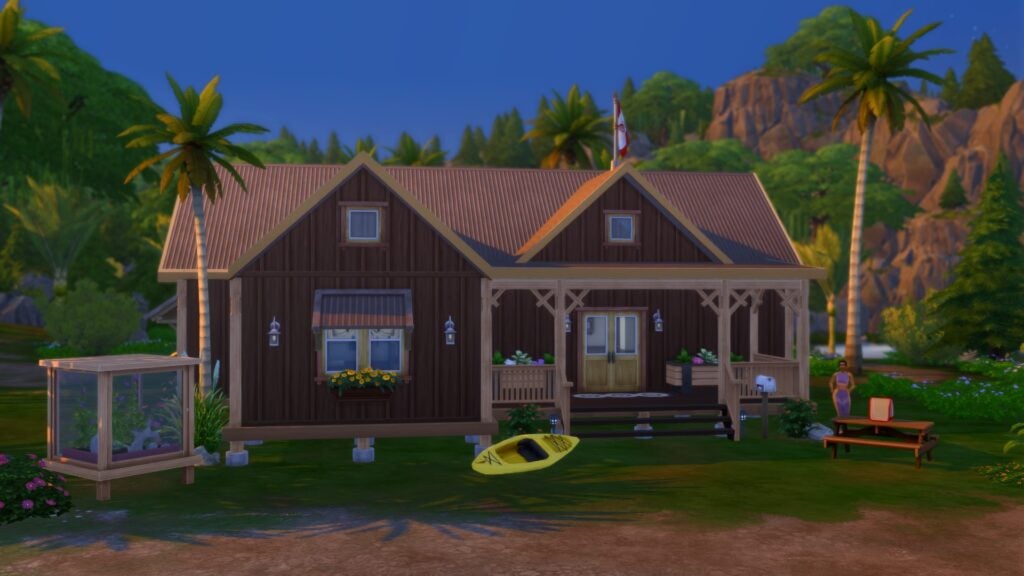
Situated near the enchanting Butterfly Ranger Station, this charming cottage exudes rustic elegance, surrounded by vibrant gardens and peaceful woodlands, providing an idyllic retreat for those seeking harmony with nature.

Coming in at $56,067 and featuring the Fast Internet Lot Trait is the Wanderwood Wonder. This 30×20 lot is home to the Chavez-Ralston Household and comes with four bedrooms and three bathrooms! Don’t let this Lot’s small size deceive you, as there’s plenty of room for all the family when you step through the door!

Plumbird Park (by Gryphi)

TS4 x64 2025 10 02 20 44 56 192

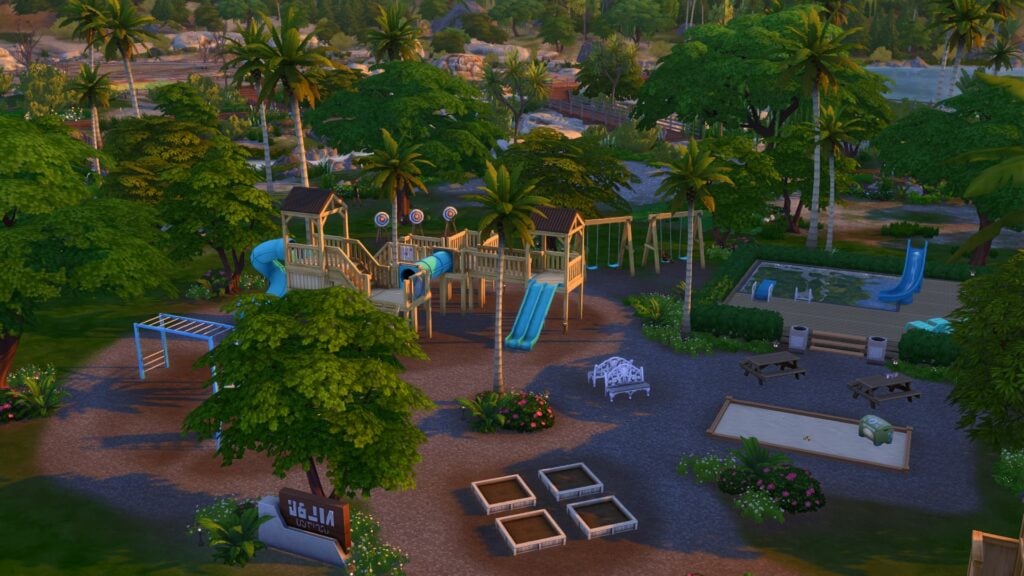
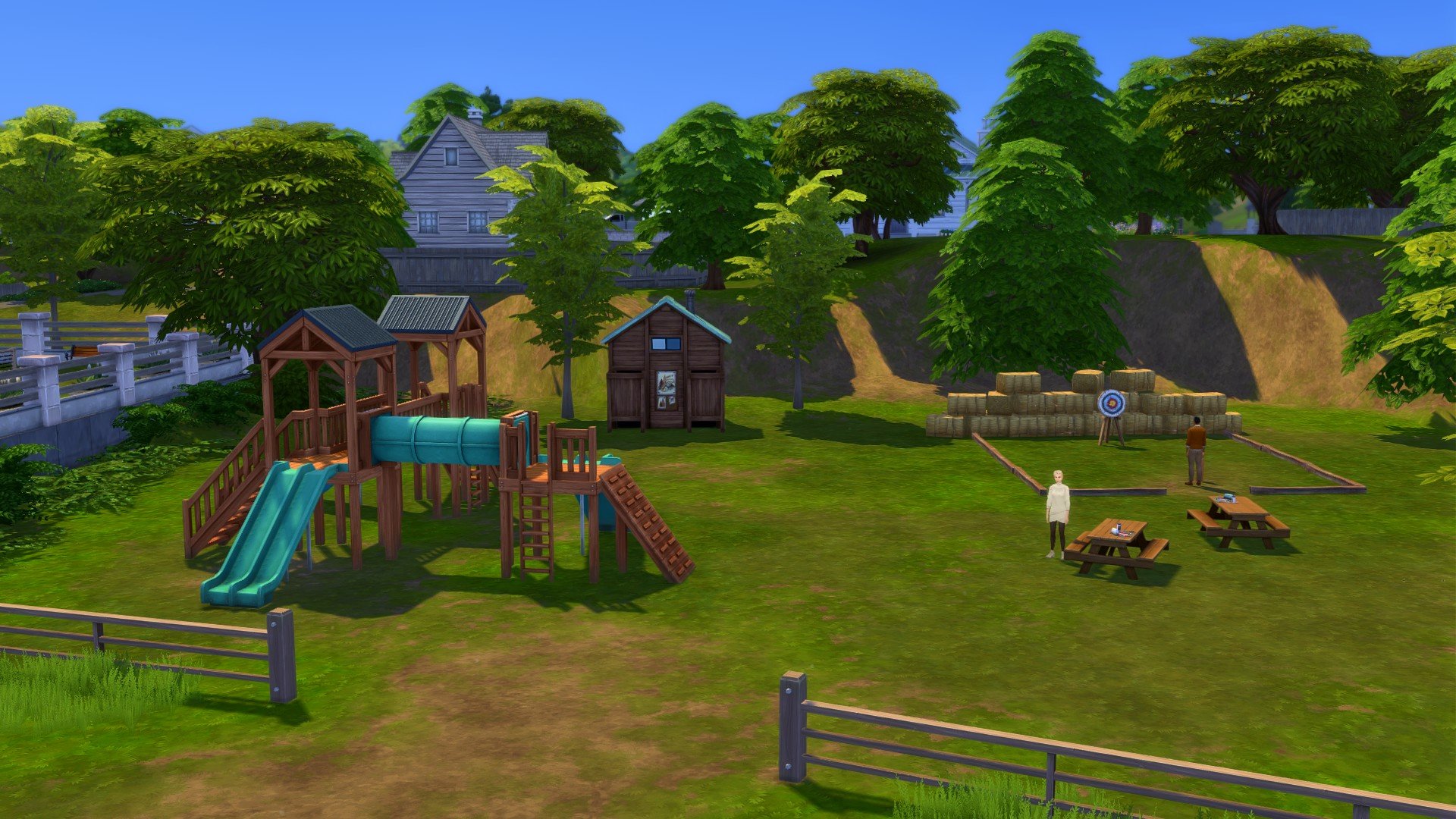
Swing your cares away while taking in a bird’s-eye view of Hothead Rock Geyser!

At a cost of $33,833 this 40×40 Playround, Plumbird Park is the hangout all the children are talking about. Featuring the Bracing Breezes Lot Trait, your Sims will love their time at the park!

Now, let’s take a stroll around some of the sights of the Wanderwood Wilds neighbourhood!

Ready to check out the next neighbourhood?

Crystal Valley

Once a bustling gold mining community, Crystal Valley earned its name after an unusual occurrence took place: overnight, the Scoop’s Gold Mine dried up only to be replaced by crystals! Now, you can visit and pan for crystals or stop by the Electric Lagoon for a neon jellyfish swim accompanied by a glowworm backdrop. Visitors may want to keep their eye out for a unique bird, too. Check out the Stop ‘n Know Center to learn more about this area.

Crystal Valley Festival: Sunrise, Sunset Festival

TS4 x64 2025 10 04 20 21 38 166

Crystal Valley is the second of the three neighbourhoods in the new The Sims 4 Gibbi Point world. It features 5 new lots including an empty lot to build on, the infamous Love Island-esque retreat Love Highland, the local lounge and two unoccupied residential lots.

Crystal Valley Lots

  • Prospector’s Paradise
  • Love Highland
  • Fearful Fish Lounge
  • Miner’s Manse
  • Crystal Cottage

Prospector’s Paradise

TS4 x64 2025 10 03 20 40 21 659

This empty 40×30 lot sits at the top of Crystal Valley and could be turned into the perfect community lot overlooking the neighbourhood, your Sims’ next dream home or a mystical custom getaway venue! You’ll also find that this lot comes with the Bracing Breezes lot trait, which is perfect for your more active and outdoor Sims and will only set you back $2,800!

Love Highland (by Jeyjeybink)

Love is in the air at this coveted Getaway lot. Meet someone new while kayaking nearby or while taking a dip in the hot tub. Opportunities for romance—and drama—abound!

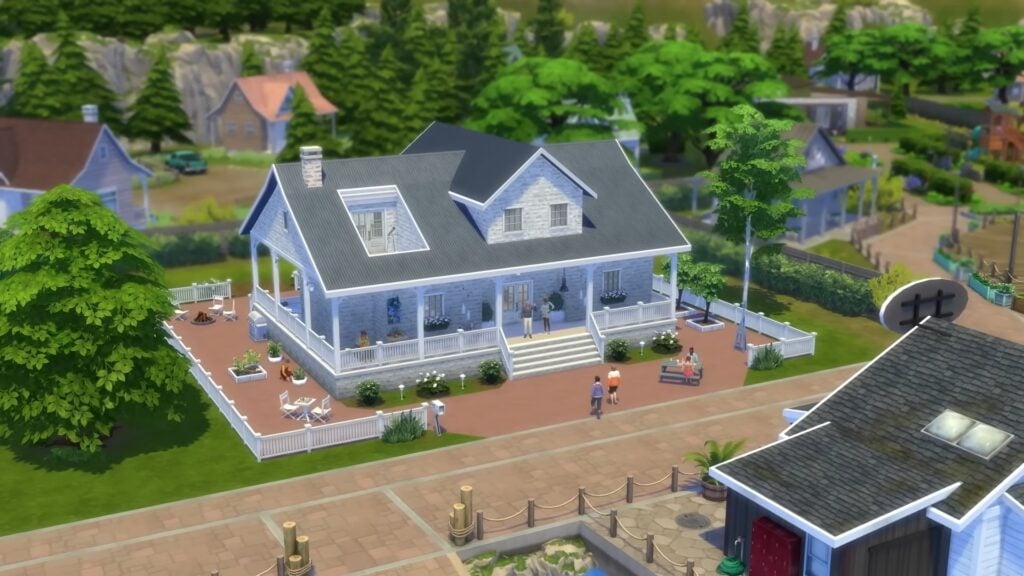
Love Highland is home to the Addam Commune Household. Situated right on the water, this residential lot features plenty of Natural Light thanks to it’s Lot Trait. There’s plenty that can happen on this 50×50 lot and comes with a price tag of $154,154.

Fearful Fish Lounge (by Gryphi)

TS4 x64 2025 10 03 21 25 08 934

Sims love it, fish fear it—this lounge is an angler’s delight, much to the dismay of any finned creature at Gibbi Point. Stop by between catches!

The Fearful Fish Lounge is situated on a 20×20 lot in the centre of Crystal Valley. It’s a place that your Sims can unwind in with Great Acoustics after a long day or prepare them self for that adventure that awaits them in and around The Sims 4 Gibbi Point.

Miner’s Manse (by KiwiSimsKate)

TS4 x64 2025 10 03 21 49 27 075

Settle down in this cozy home with lovely valley views.

Miner’s Manse is a cosy and homey residential lot that your Sims can move into straight away. This lot features three bedrooms and two bathrooms across the 30×20 lot and will cost just $23,496 to purchase!

Crystal Cottage (by Axiisims)

TS4 x64 2025 10 03 22 23 03 827

This modern house in the historic mining town features sleek architectural design and a refreshing pool, seamlessly blending contemporary living with the area’s rich heritage.

The final unoccupied Residential lot in Crystal Valley is this stunning home, full of Natural Light, and comes in at $77,353. Featuring two bathrooms and bedrooms, this 30×20 lot has everything your Household needs!

Now, let’s take a stroll around some of the sights of the Crystal Valley neighbourhood!

Jellyfish Junction

Jellyfish Junction is known for its unique, artistic vibe, attracting not only creatives, but also kayakers and tourists eager to explore. Visit with Toshie, our Storyteller, to learn more about Gibbi Point Adventure Quests. Check out Fletcher’s Point and the Lonely Lighthouse, a previous Plumbird hotspot, named for arrow fletching. From Underlight Bay to the This Or That Shop, there’s something new to discover in Jellyfish Junction.

Jellyfish Junction Festivals: Fitness Fest & Glow and Flow Festival

TS4 x64 2025 10 04 20 56 48 532

Jellyfish Junction is the third and final of the three neighbourhoods in the new The Sims 4 Gibbi Point world. Featuring four exciting lots including a Vaction Rental and Custom Vene as well as a cute cottage and the Perry Household.

Jellyfish Junction Lots

  • Jellyfish Jubilee
  • Seabreeze Scenic
  • Fletcher’s Cottage
  • Revive and Thrive Retreat

Jellyfish Jubilee (by Daniellebuilds)

TS4 x64 2025 10 04 20 33 39 336

Situated in the heart of the bustling seaside neighborhood, this rental home offers vacationers modern comfort and easy access to local attractions and amenities, perfect for an enjoyable and convenient getaway.

This 40×30 Vacation Rental property situated right by the waters edge is the perfect location for any getaway! Featuring stunning views and the Convival lot trait what more could your Sims ask for?

Don’t want to rent? This lot would cost your Sims $75,615 to purchase!

Seabreeze Scenic (by Axiisims)

TS4 x64 2025 10 04 20 35 47 705

This lot is located close to the center of Jellyfish Junction, but not too-too close to all the action.

Home to the Perry Household, this Homey 40×30 lot is the perfect one for any family! Central to Jellyfish Junction, it’s in a prime location and could be yours for just $77,560!

Fletcher’s Cottage (by KiwiSimsKate)

TS4 x64 2025 10 04 20 39 07 554

This cozy starter home offers modern amenities and easy access to the bustling town square, ideal for those seeking a convenient coastal lifestyle.

A small but mighty home. Whether you are just arriving in Gibbi Point for the first time or looking to be closer to the coast this 30×20 two bedroom, one bathroom home, costing just $18,897 and featuring the Bracing Breezes lot trait is the perfect home for you!

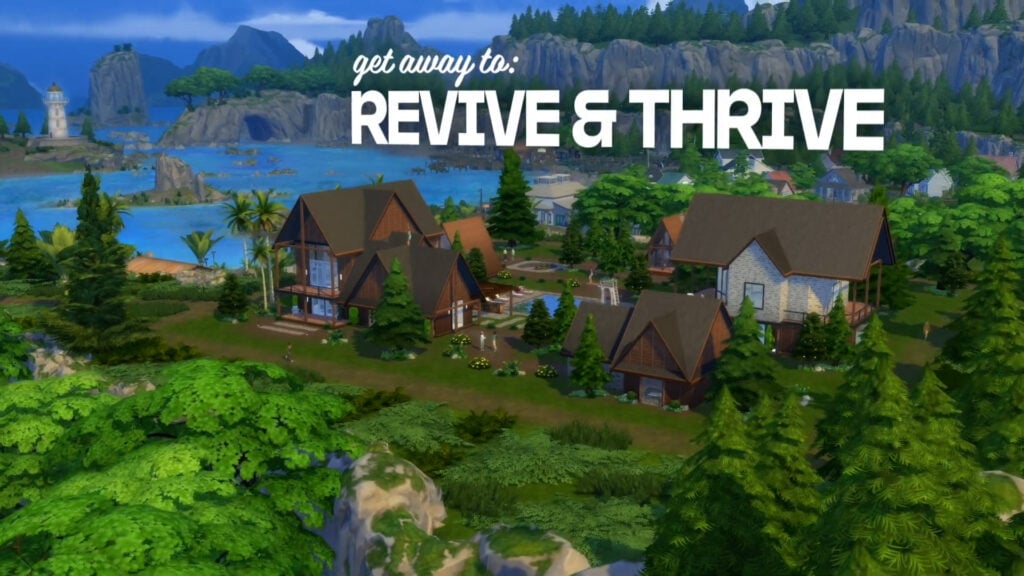
Revive and Thrive Retreat (by KiwiSimsKate)

TS4 x64 2025 10 04 20 51 32 770

Overlooking the picturesque bay, Revive and Thrive Retreat provides a serene escape to recharge and rejuvenate, featuring state-of-the-art fitness facilities and tranquil views for a truly refreshing experience.

This 64×64 Custom Venue lot is the perfect escape from reality. With plenty of space to explore outside, Natural Light lot trait as well as an outdoor pool, and plenty of other activities, you won’t want to pass on the Revive and Thrive Retreat.

This lot, as it stands will set you back approximately $150,844 if you wish to buy it as seen.

Now, let’s take a final stroll around some of the sights of the Jellyfish Junction neighbourhood!

Must-Visit Locations in Adventure Awaits

Now that you’ve seen all the lots in Adventure Awaits, let’s jump in and discover some of the other locations your Sims can visit in The Sims 4 Gibbi Point!

Makin’ Paper

TS4 x64 2025 10 04 21 23 51 788

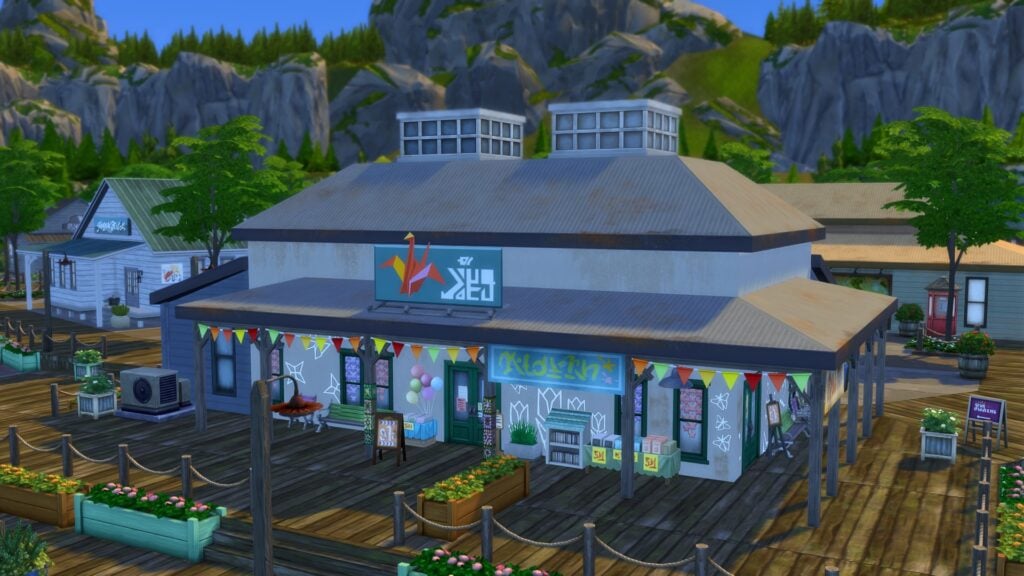
Makin’ Paper in Jellyfish Junction offers a selection of handcrafted paper goods for Sims to purchase. This includes a Fox, Succulents and the famous The Sims 4 Seagull!

This Oar That Shop

TS4 x64 2025 10 04 21 26 07 066

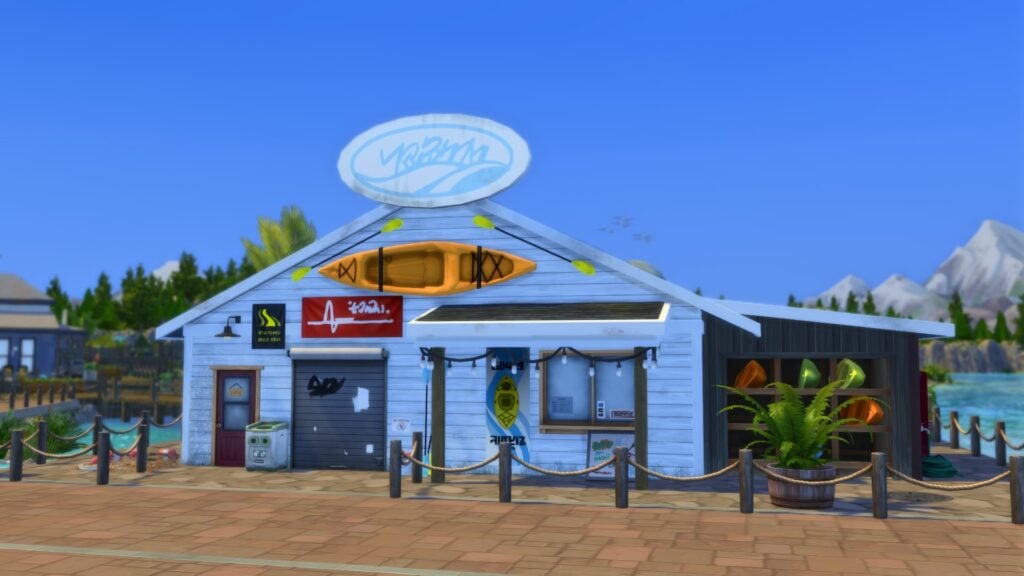
Also located in Jellyfish Junction is the This Oar That Shop. The one stop shop for all things watersport related including kayaks and canoes as well as a selection of freshly caught fish.

Stop ‘n Know Center

TS4 x64 2025 10 04 21 32 56 668

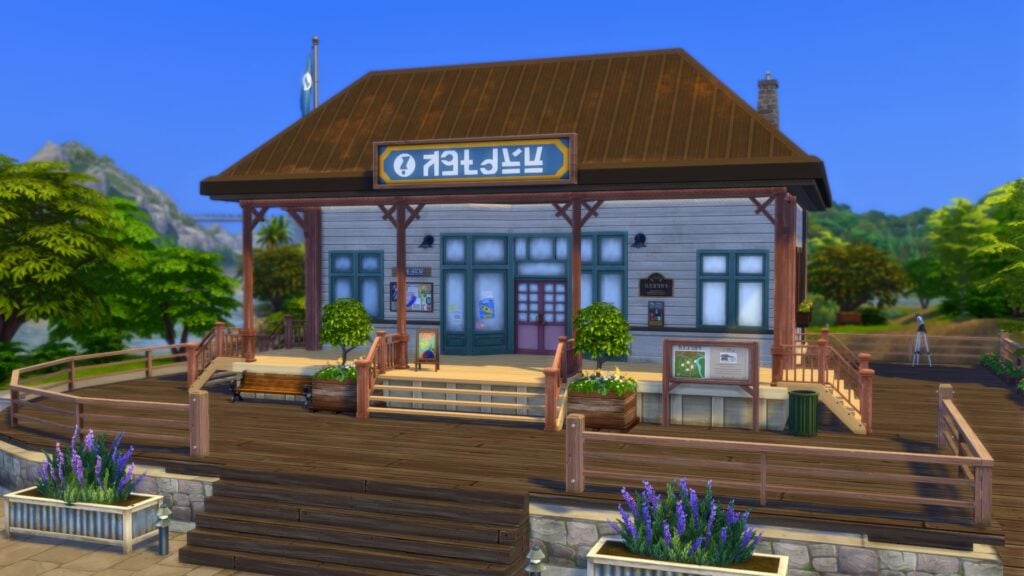
Looking for specific points of interest or maybe just wanting to know what’s on? Then stop by the Stop ‘n Know Center in Crystal Valley!

Electric Lagoon

TS4 x64 2025 10 04 21 38 10 157

Hidden away in Crystal Valley is the Electirc Lagoon. A mysterious place withing The Sims 4 Gibbi Point and Adventure Awaits but one that helps the neighbourhood live up to it’s name of Crystal Valley!

Gibbi Point Collector Shop

Also hidden away in Gibbi Point is Buddy Scoop’s Collectors Shop. Open daily from 10am-8pm, you’ll find a host of items that any collector would be happy to add to their collection! You can also play and trade for collectibles too!

TS4 x64 2025 10 04 21 40 16 262

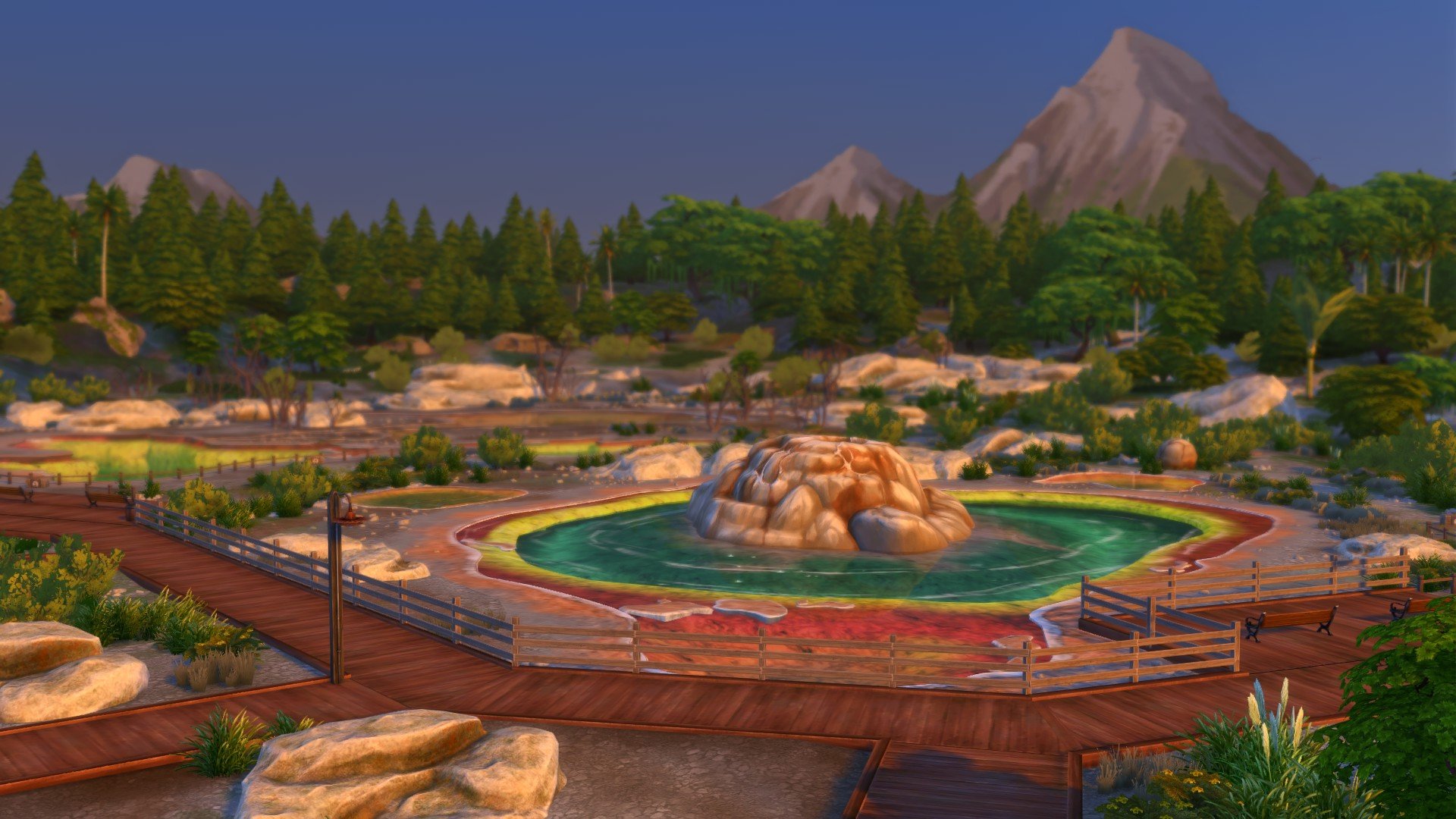
Hothead Rock Geyser

TS4 x64 2025 10 04 21 53 39 115

Take a stroll and bask in the geyser’s glory!

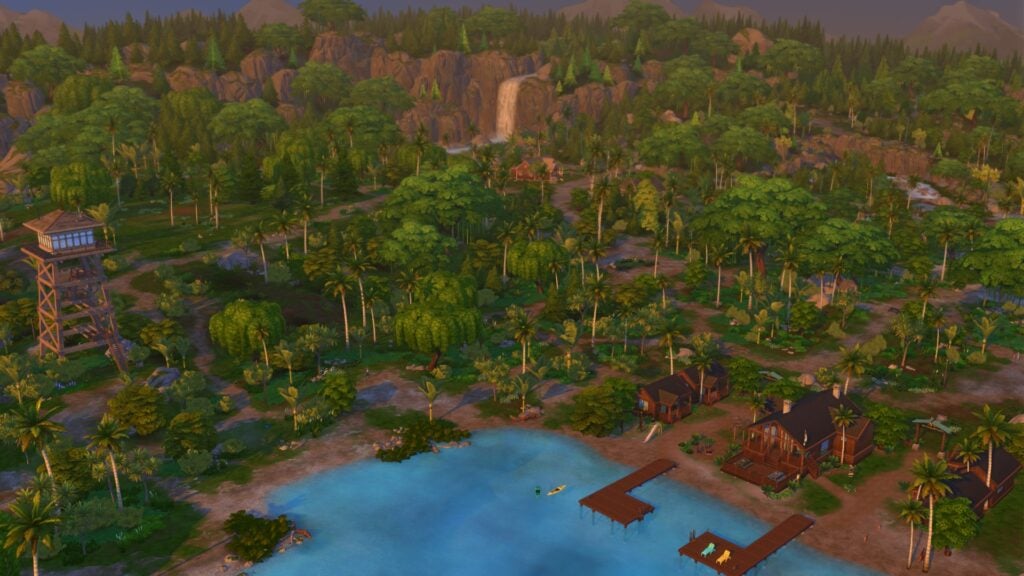
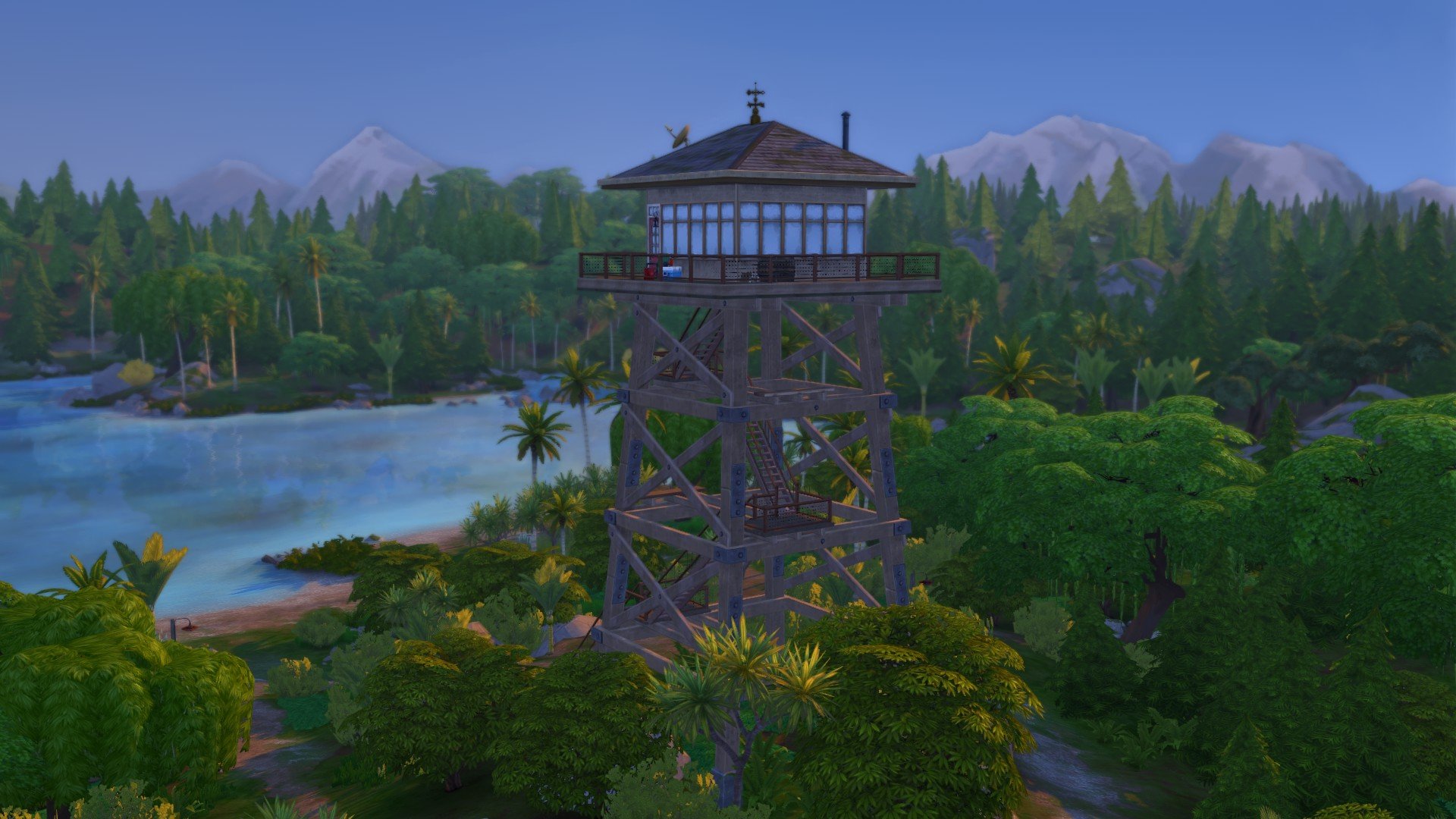
The Old Firewatch Tower

TS4 x64 2025 10 04 21 56 34 463

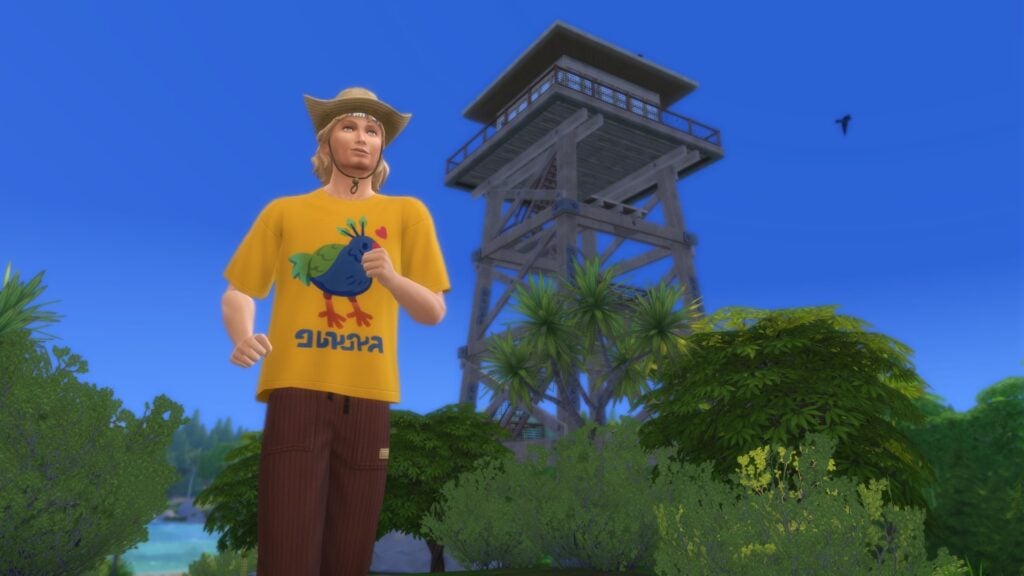
While in Wanderwood Wilds, why not take a stroll to the Old Firewatch Tower? Send a note, call out to the ranger or even send up a gift while you’re there!

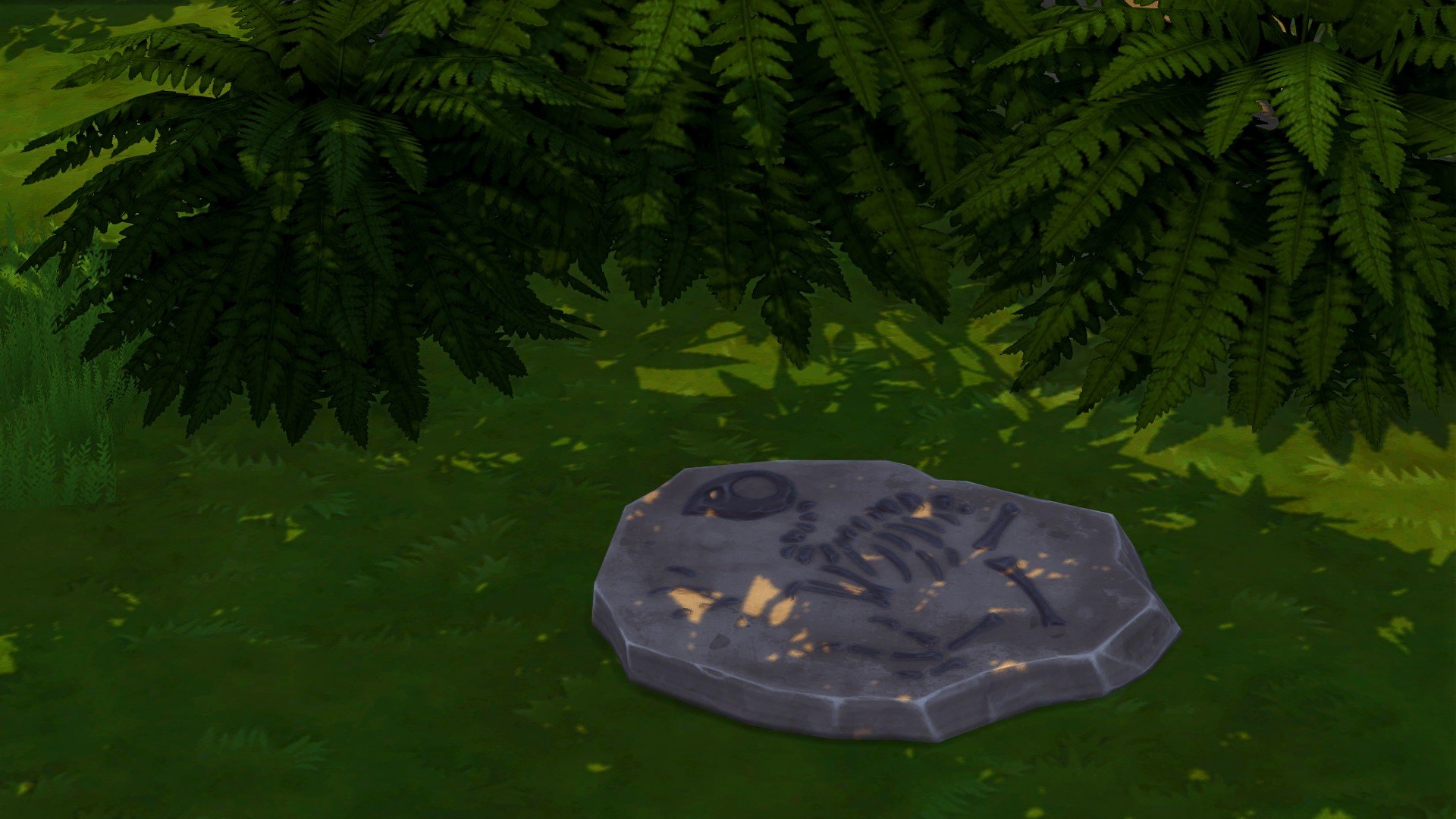
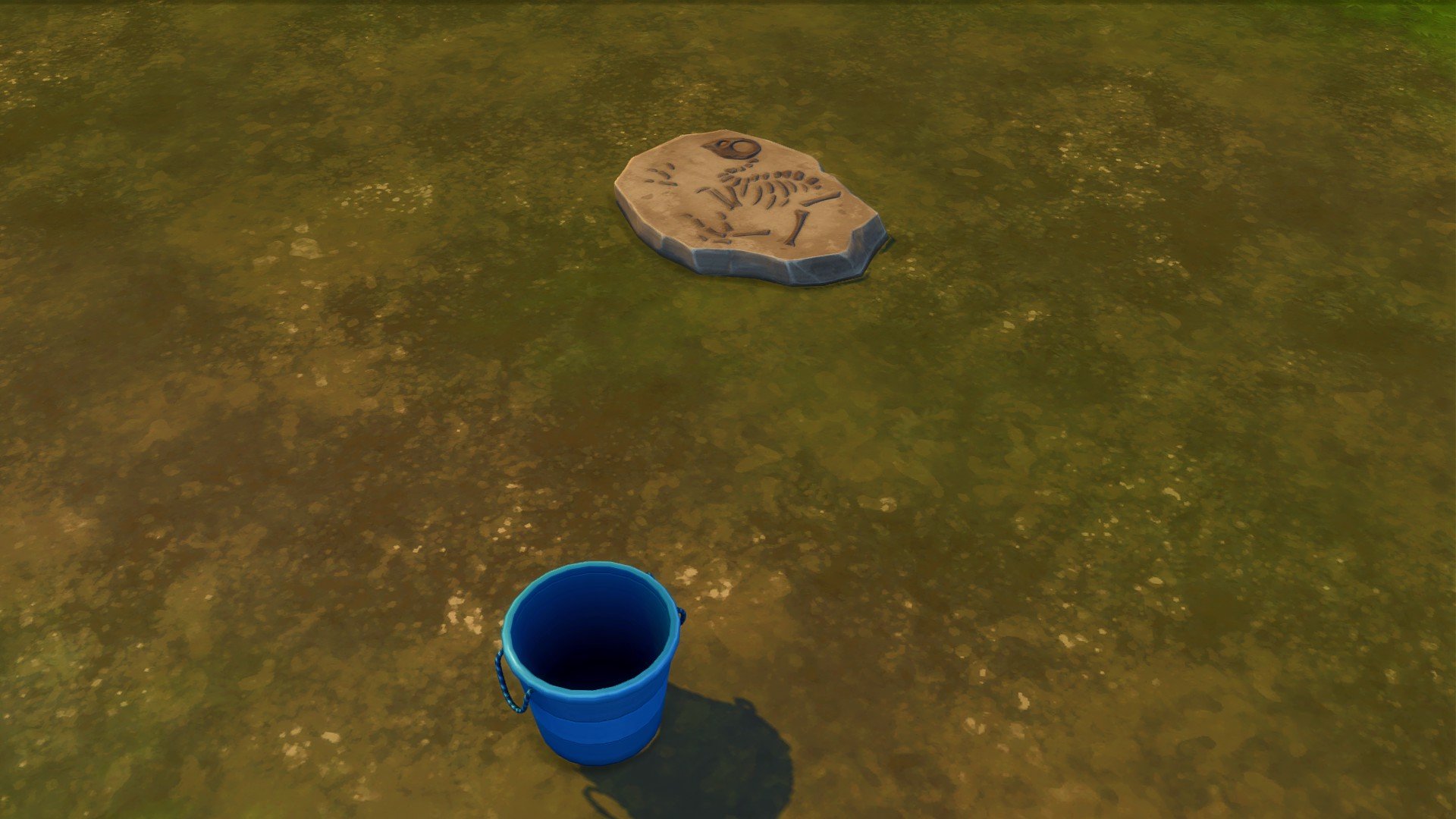
Mysterious Fossils

The Sims 4 gibbi point, adventure awaits.

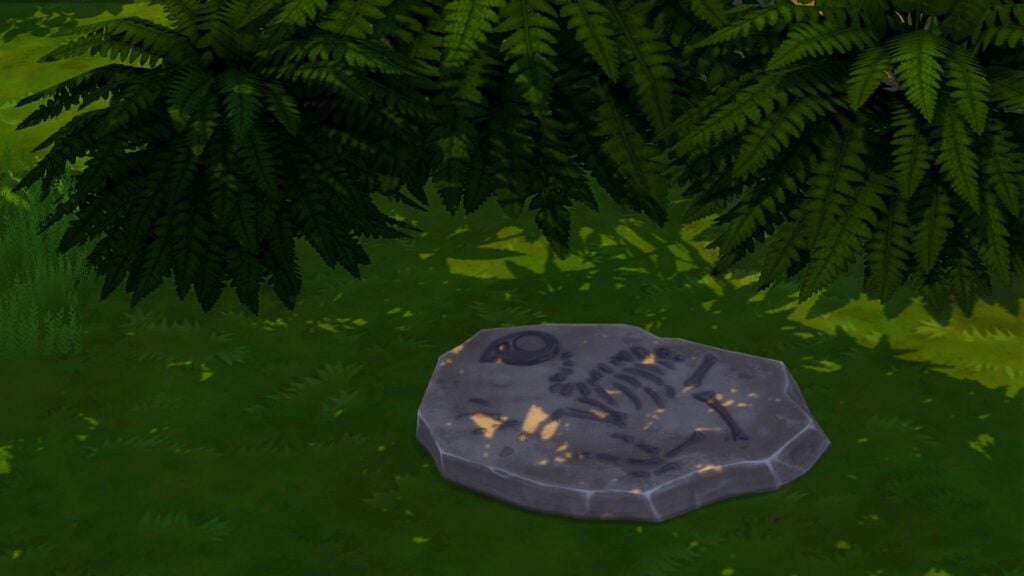
Throughout The Sims 4 Gibbi Point, you’ll spot the odd Fossil. What does it mean? Why is it there? Only one way to find out!


Well, that’s all for our world overview of the new Adventure Awaits The Sims 4 Gibbi Point world. There certainly is an abundance of new places to explore and live, as well as plenty of places to have the perfect custom getaway!

What are your favourite new lots from the expansion pack? Let us know in the comments section below, and happy Simming! Stay tuned to Sims Community for all the latest coverage on The Sims 4 Adventure Awaits!

Everything You Need To Know About Custom Venues: The Sims 4 Adventure Awaits Guide

Learn How To Set Up Custom Venues In The Sims 4 Adventure Awaits!

No longer are Simmers restrained by preset lot types. The Sims 4 Adventure Awaits Expansion Pack has just opened up a new world of possibilities in the form of Custom Venues! This brand-new lot type gives players the flexibility to design and define their own venues without being tied down by pre-existing requirements and schedules. Whether you want to create a bar exclusive for aliens or a water park for children, Custom Venues let you shape your community spaces exactly as you imagine them. In this guide, we will walk you through presets, setting up custom roles, creating schedules, and a few ideas for getting started.

Screenshot 2025 10 03 18 31 38
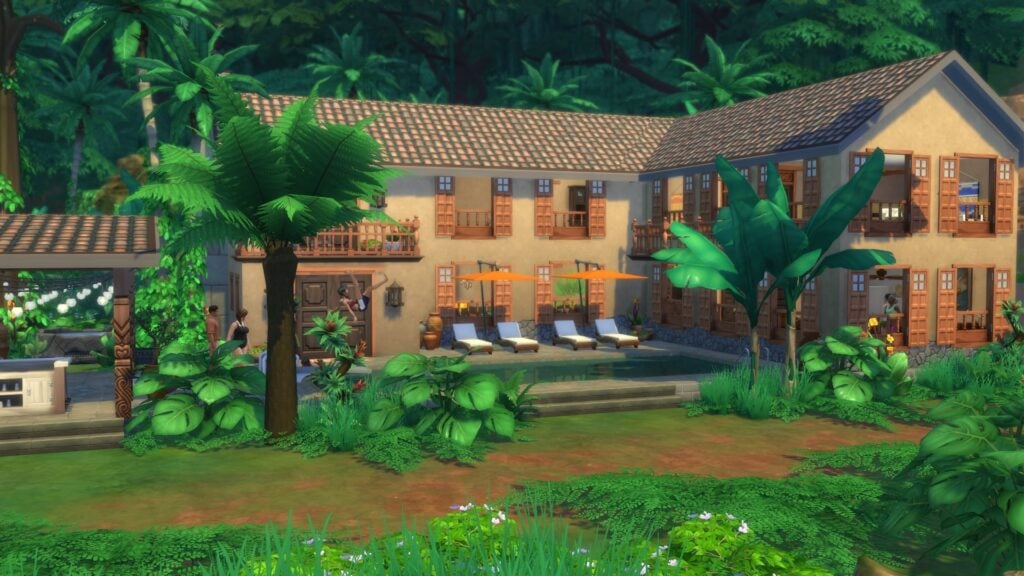
Selvadorada Hotel by Lilsimsie

How To Set Up A Custom Venue

Custom Venues can seem a bit confusing at first, as it’s unlike any lot type we have previously seen; however, players used to Clubs from Get Together or Small Business Venues from Businesses & Hobbies will be familiar with some of the features. Let’s take a look at setting up a Custom Venue!

CustomVOverview

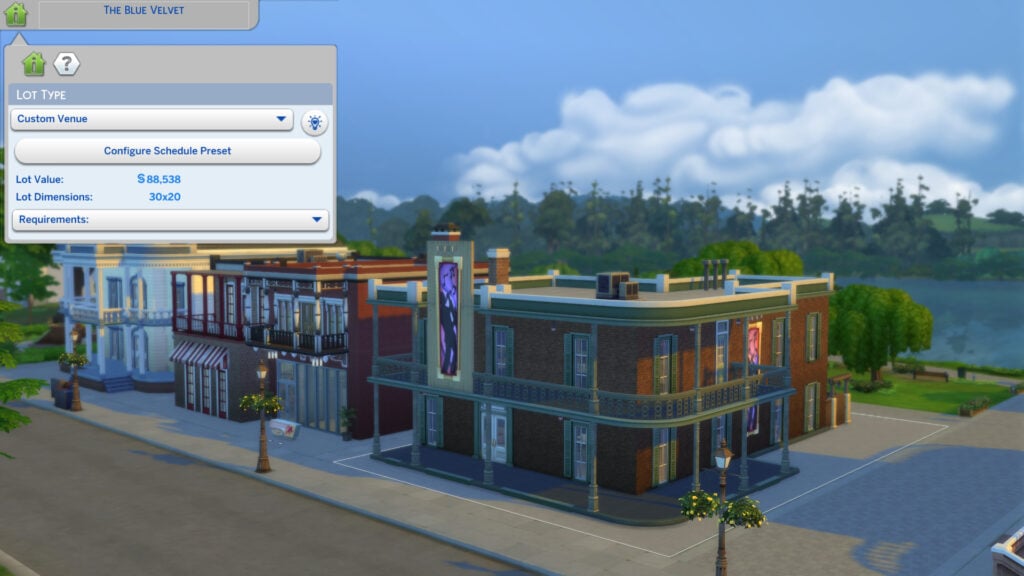
First things first, change the lot type as you would with any other lot by choosing ‘Custom Venue’ from the drop-down. Then, to customise your roles and schedules, hit ‘Configure Schedule Preset’. This will bring up the Scheduler menu.

presets men 1

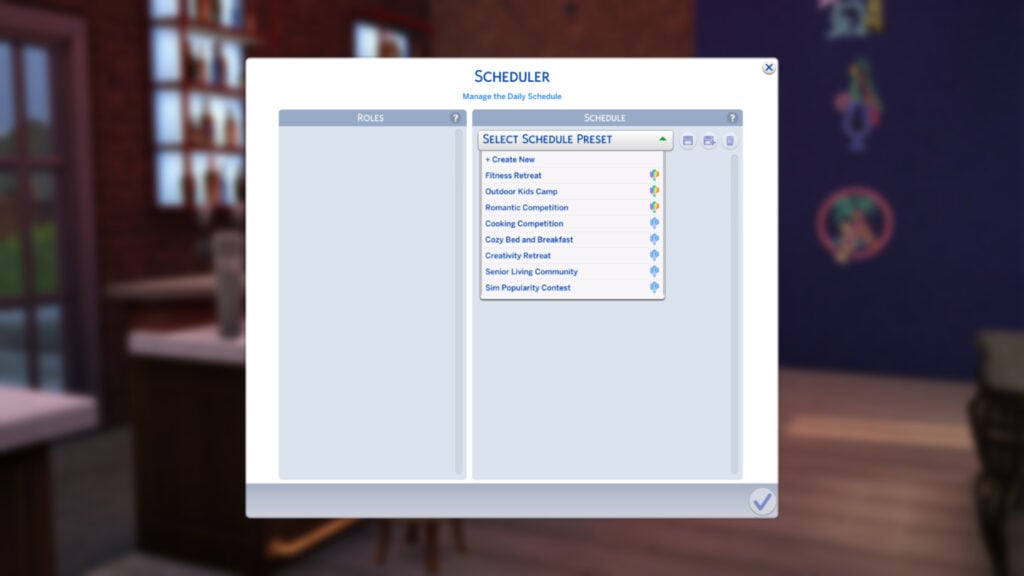
Once in the Scheduler menu, you can choose any of the 8 presets created by The Sims Team, or create your own. For this guide, we will be creating a new preset. Select ‘+ Create New’.

Custom sched

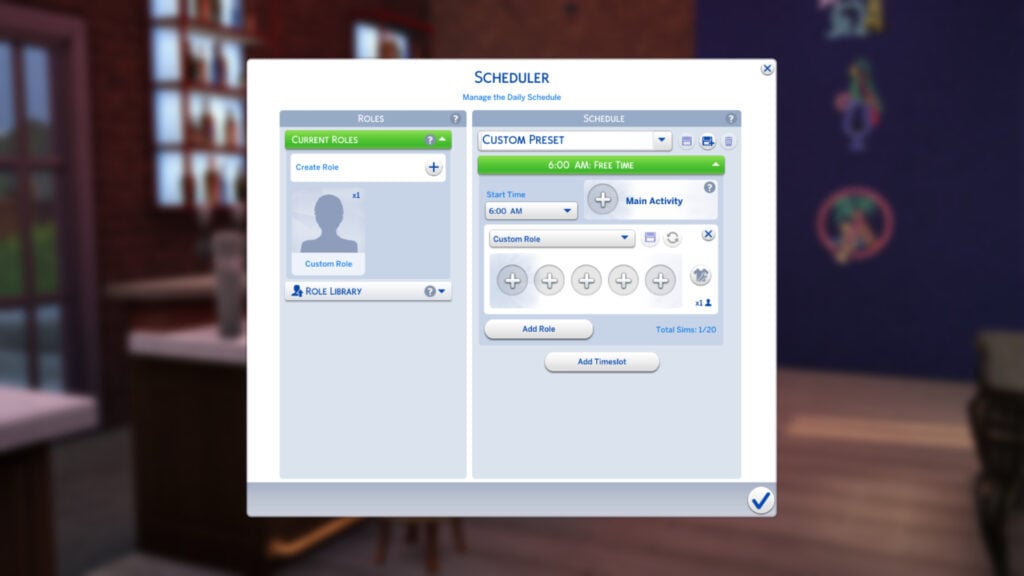
Here you will see two sections: ‘Roles’ and ‘Schedule’. The Roles section allows us to create up to 30 roles that can be assigned to tasks on the schedule. The Schedule section lets us plan out how our venue will operate in 3-hour time slots over 24 hours. Let’s start with the Roles section.

rolemen

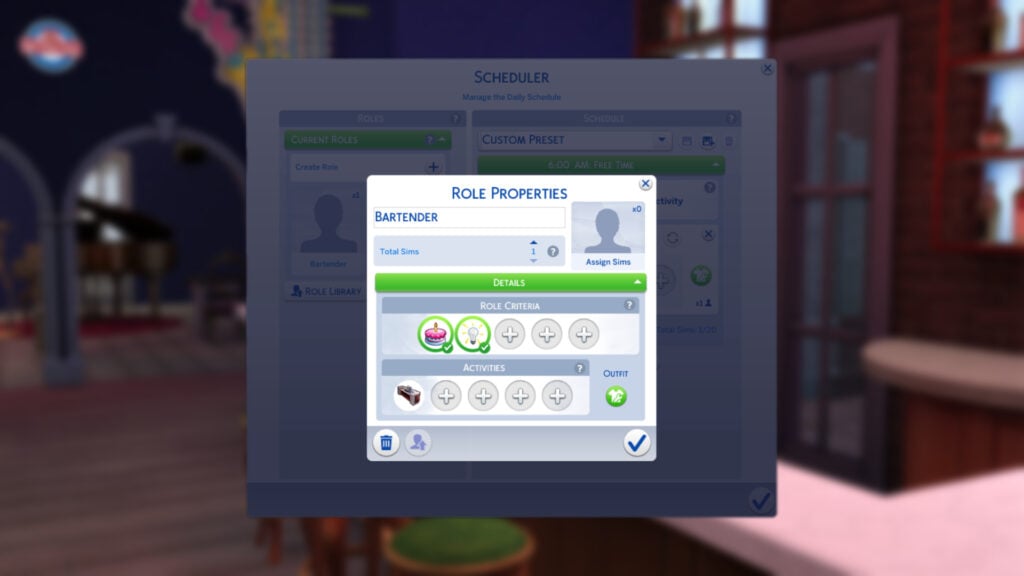
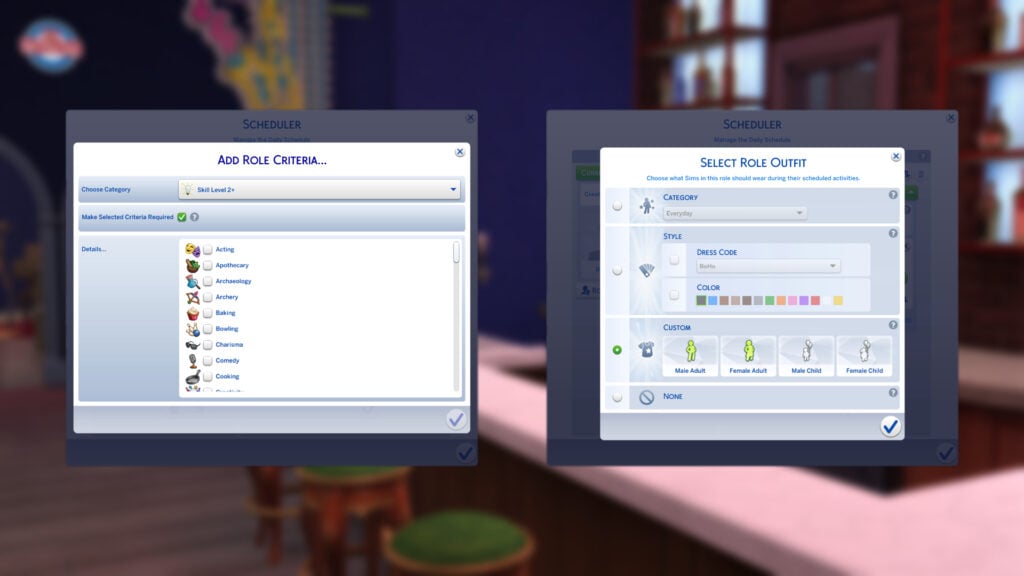
Select the ‘Custom Role’ to modify its attributes. From this new menu, we can choose a name, role criteria, and activities that this Sim should focus on. As I am creating a sci-fi-themed bar, I’m going to need a bartender. I have made sure that the selected Sim is a young adult, adult, or elder and is skilled in Mixology. You can select whether or not this criteria is required for flexibility.

You can also choose how many Sims undertake a role. This can be a maximum of 8 Sims. If you want to get around this, you can copy the role and add another 8 Sims. At the bottom of the menu, you can save the role as a preset for later use (Note: these do not carry across saves)

outfitsandreqs

You can choose from the following categories for Role Criteria:

  • Age
  • Skill Level 2+
  • Gender
  • Romantic Orientation
  • Region
  • Trait
  • Occult
  • Career
  • Relationship Status
  • Celebrity Level
role outfits

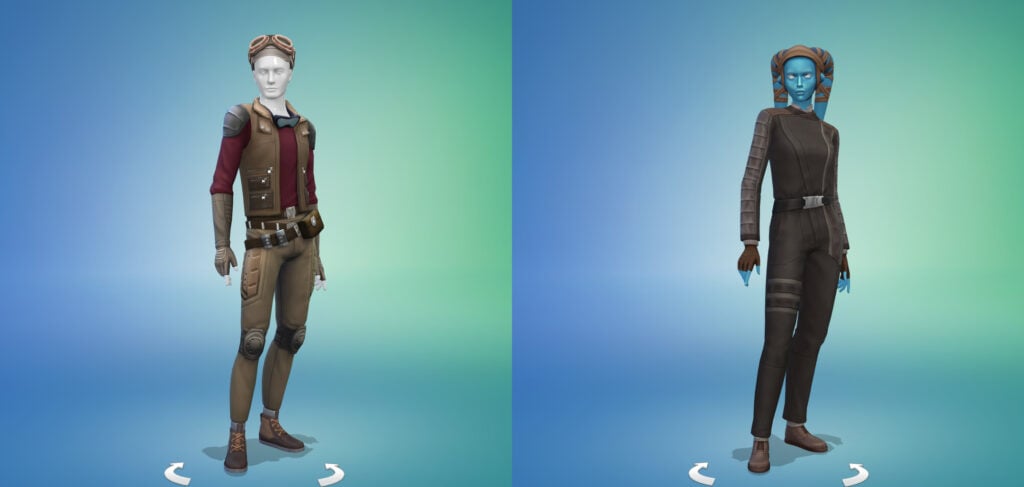
You can choose from one of the existing clothing categories (Everyday, Formal, Athletic, etc.) or a clothing style such as Boho, Polish, Preppy, and more. Styles can also be assigned a colour for the dress code. If you don’t want to worry about Sims spawning in randomly generated townie clothes (we know how that turns out), then you can create custom outfits in CAS for Children, or Teens and up. For my sci-fi themed bar, I have given my bartenders a look that fits the role.

schedule1

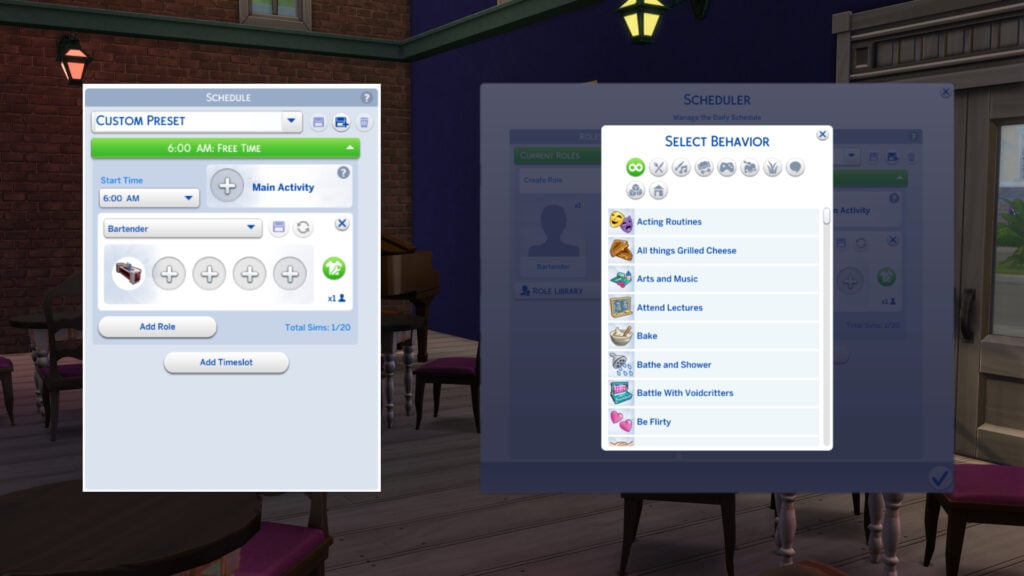
Over in the Schedule tab, you can assign main behaviours, role behaviours, timings, schedule name, and add timeslots. You can also use the save icon in the top right to save your schedule as a preset. (Again, these do not carry across to other saves.) Up to 20 Sims can be present on the schedule. If you have multiple timeslots and there is a role assigned to every timeslot bar one, the Sim assigned to that role will leave the lot.

The main behaviour will not override the role behaviours; it will just set the tone for the timeslot. Behaviours come under a number of categories, which are listed in a section below.

Now it’s time to test your venue! Hope into Live mode and take your Sim there to make sure everything works correctly. If your Sim is travelling there as part of a Getaway, you will be able to assign new roles and customise it how you wish. If you make any schedule or role changes while your Sim is visiting the lot, then all Sims will leave and new Sims will arrive.

Role Activities

A variety of role activities can be assigned to roles either within the Roles tab or per timeslot in the Schedule. Take a look at the role activities below!

Food & Drink

  • All Things Grilled Cheese
  • Bake
  • Cook
  • Drink Bar Drinks
  • Drink Coffee
  • Drink Ranch Nectar
  • Drink Tea
  • Eat
  • Eat Popcorn
  • Grab Quick Snacks
  • Grill
  • Have Breakfast
  • Have Dinner
  • Have Lunch
  • Make Ranch Nectar
  • Make Smoothies
  • Make Treats
  • Mix Bar Brinks
  • Serve Meal
  • Tend Bar
  • Tend Coffee/Tea Bars and Counters

Music & Art

  • Acting Routines
  • Arts and Music
  • Cross Stitch
  • DJ
  • Dance
  • Do Comedy
  • Do Pottery
  • Get Tattooed
  • Knitting
  • Listen to Music
  • Music
  • Paint
  • Papercraft
  • Play an Instrument
  • Play Guitar
  • Play Piano
  • Play Pipe Organ
  • Play Violin
  • Practice Tattooing
  • Produce New Track
  • Sing
  • View Art
  • View Collectibles
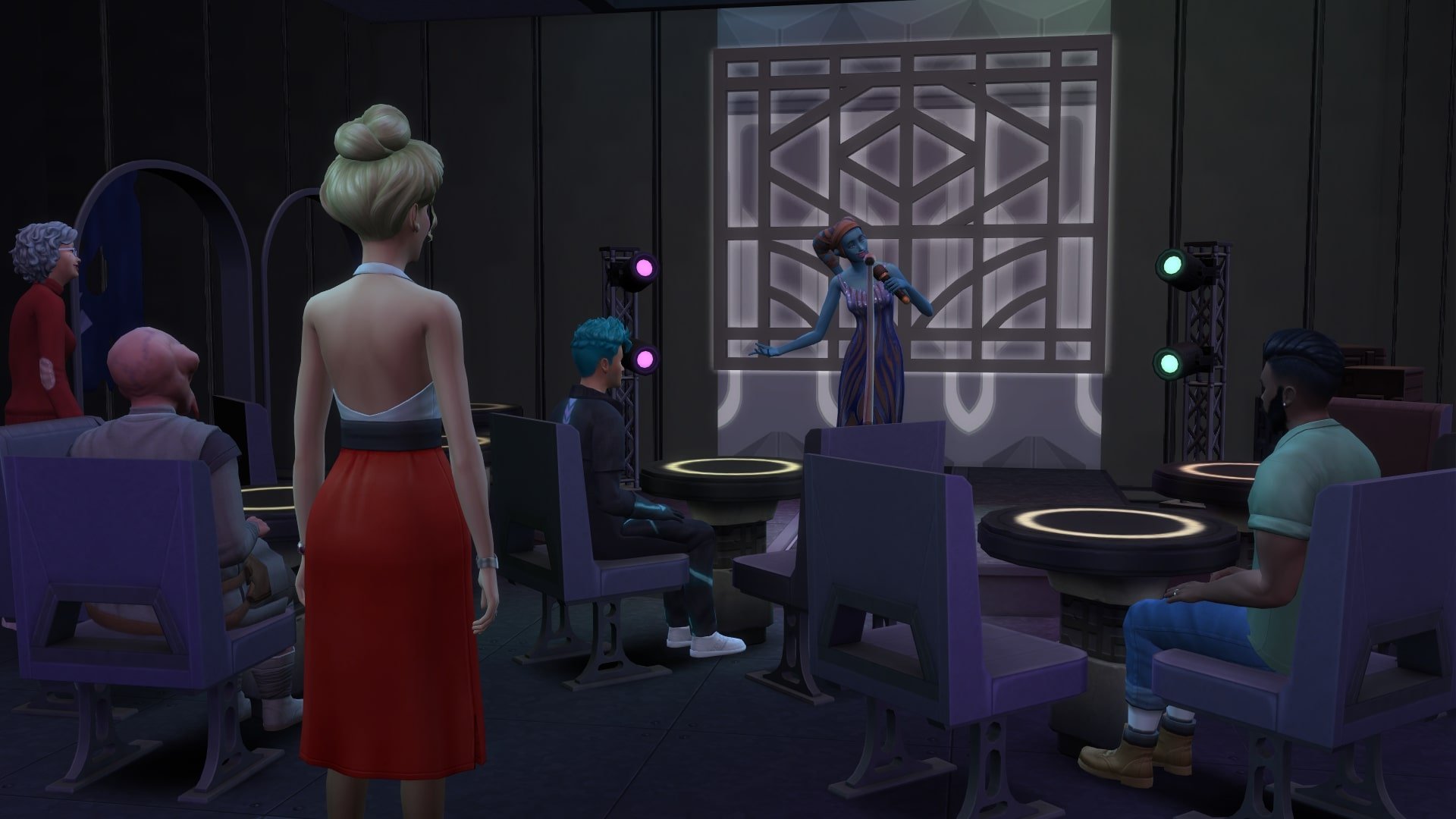
  • Watch Live Entertainment

Hobbies

  • Attend Lectures
  • Build Robots
  • Cheerlead
  • Craft Apothecary Elixirs
  • Debate
  • Do Gemology
  • Do Research
  • Do Seances
  • Do Spa Activities
  • Do Yoga
  • Fabricate Objects
  • Flower Arranging
  • Go Skating
  • Lift Free Weights 
  • Meditate
  • Mentor Fitness
  • Mentoring
  • Program
  • Read
  • Record Video
  • Rocket Science!
  • Use Bubble Blower
  • Use Cauldron
  • Use Microscope
  • Use Science Objects
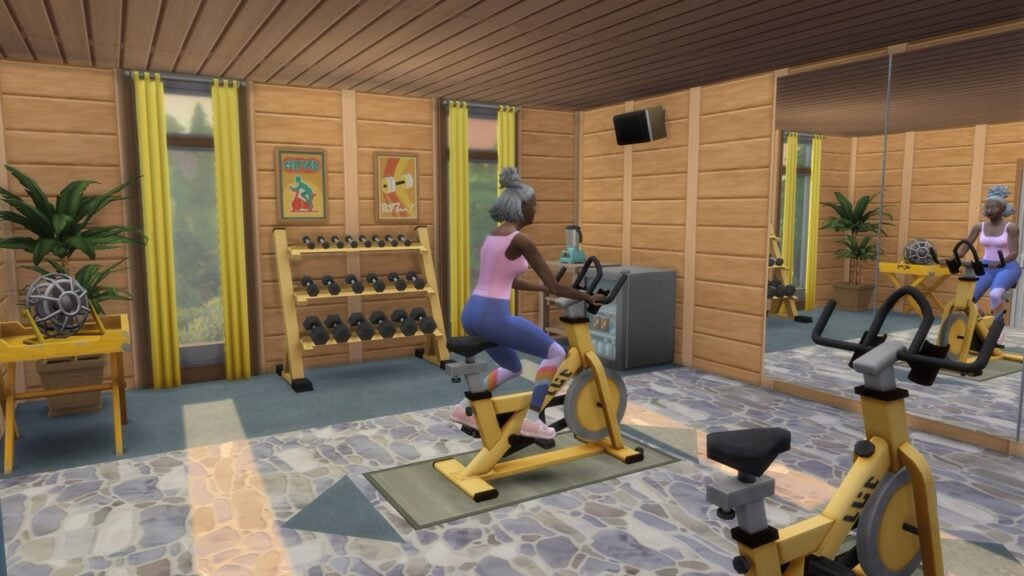
  • Use Spinning Bike
  • Use Telescope
  • Watch Movies on TV
  • Woodwork
  • Work Out
  • Write

Fun & Games

  • Do Archery
  • Go Bowling
  • Go Skiing
  • Go Sledding
  • Go Snowboarding
  • Play Arcade Machine
  • Play Basketball
  • Play Cards
  • Play Chess
  • Play Darts
  • Play Don’t Wake The Llama
  • Play Foosball
  • Play Football Toss
  • Play Hopscotch
  • Play Horseshoes
  • Play Physical Games
  • Play Pub Games
  • Play Rock Paper Scissors
  • Play Simbles
  • Play Soccer
  • Play Table Games
  • Play Video Games
  • Play Who’s Up Party Games
  • Put Puzzles Together
  • Read Tarot Cards
  • Use Lawn Water Slide
  • Wear Costumes from Costume Trunk

Mischief & Mayhem

  • Cast Chaotic Spells
  • Cast Helpful Spells
  • Cast Spells
  • Cause Mischief and Mayhem
  • Drink Plasma
  • Hack
  • Possess Objects
  • Prank
  • Roar
  • Sabotage Objects
  • Swipe Objects
  • Use Alien Powers
  • Use Evil Ghost Mastery
  • Use Fairy Abilities
  • Use good Ghost Mastery
  • Use vampire Powers
  • Use Werewolf Abilities

Outdoor Activities

  • Bike
  • Build Natural Living Skill
  • Campfire
  • Care for Animals
  • Care for Livestock
  • Care for pets
  • Care for Ranch Animals
  • Collect Butterflies
  • Conservation Activities
  • Dive in the Ocean
  • Do Water Activities
  • Enjoy Water Slides
  • Enjoy the Outdoors
  • Fall Activities
  • Fish
  • Go Rock Climbing
  • Hangout by Fire
  • Horses Play and Learn
  • Jog Outdoors
  • Look For, Breed, or Release Axolotls
  • Look for Frogs
  • Moonbathing
  • Outdoor Recreation
  • Pets Play and Learn
  • Play in Park Fountains
  • Play with pets
  • Spring Activities
  • Stargazing
  • Summer Activities
  • Swim
  • Tend Garden
  • Tend and Harvest Garden
  • Use Diving Board
  • Use Hot Tub
  • Use Kayaks
  • Use Water Vehicles
  • Use the Jump Platform
  • Winter Activities

Social

  • Be Flirty
  • Be Friendly
  • Be Funny
  • Be Mean
  • Be Mischevious
  • Be Romantic
  • Care and Mentor Children
  • Care for Infants and Toddlers
  • Fight
  • Give Speech
  • Hug
  • Kiss
  • Mix and Mingle
  • Scare
  • Tell Jokes
  • Woohoo

Kid Activities

  • Battle with Voidcritters
  • Build Child Skills
  • Build Creative Skills
  • Build Mental Skills
  • Build Physical Skills
  • Build Social Skills
  • Do Homework
  • Perform Puppet Shows
  • Play in Closet
  • Play Marbles
  • Play on Playground Equipment
  • Play with Toys
  • Play with Infant & Toddler Toys
  • Use Activity Table
  • Use Science Table

Home Activities

  • Bathe and Shower
  • Browse the Web
  • Clean
  • Do Home Chores
  • Do Laundry
  • Fix Objects
  • Free Time
  • Self Care
  • Sleep
  • Stay Near Household Sims
  • Try on Outfits
  • Watch TV

Schedule Presets

To help out players who are looking for something pack-specific, such as a Fitness Retreat or Kids Camp, The Sims Team have added 8 presets to choose from. Check them out below:

Fitness Retreat

ssvid.net The Sims 4 Adventure Awaits Official Reveal Trailer 1080p.00 01 40 27.Still156

Roles:

  • Retreat Guest x 6
  • Retreat Leader x 1
  • Fitness Trainer x 2

Schedule:

  • 12 am: Sleep
  • 7 am: Workout
  • 10 am: Have Breakfast
  • 1 pm: Free Time
  • 6 pm: Have Dinner
  • 9 pm: Self Care

Outdoor Kids Camp

ssvid.net The Sims 4 Adventure Awaits Official Reveal Trailer 1080p.00 00 33 24.Still045

Roles:

  • Camper x 8
  • Camp Counselor x 2
  • Camp Director x 1

Schedule:

  • 6 am: Have Breakfast
  • 9 am: Build Physical Skill
  • 1 pm: Do Water Activities
  • 5 pm: Campfire
  • 10 pm: Sleep

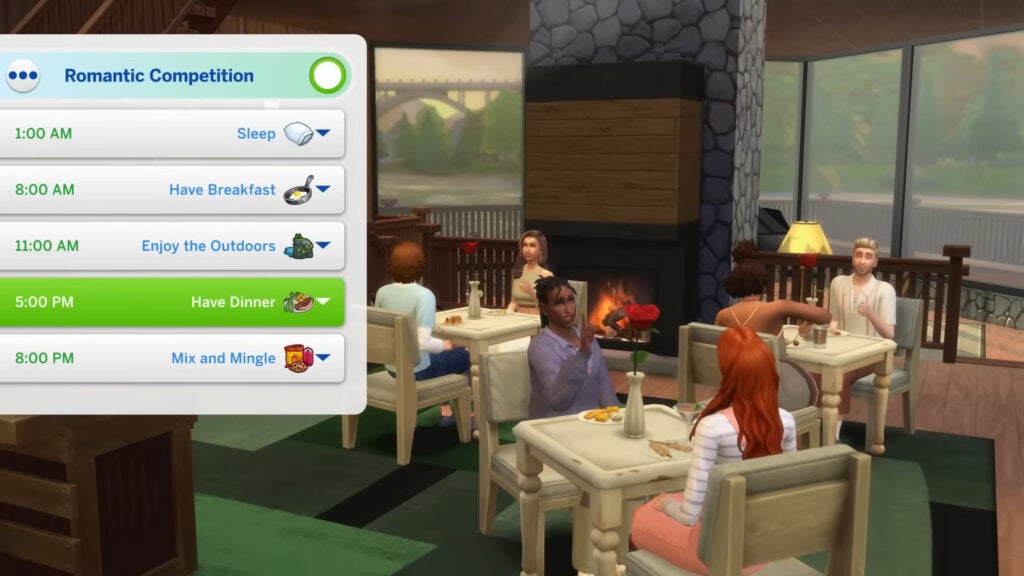
Romantic Competition

The Sims 4 Adventure Awaits Official Gameplay Trailer 1 22 screenshot 1

Roles:

  • Singles x 8
  • Romantic Host x 2

Schedule:

  • 1 am: Sleep
  • 8 am: Have Breakfast
  • 11 am: Enjoy the Outdoors
  • 5 pm: Have Dinner
  • 8 pm: Mix and Mingle

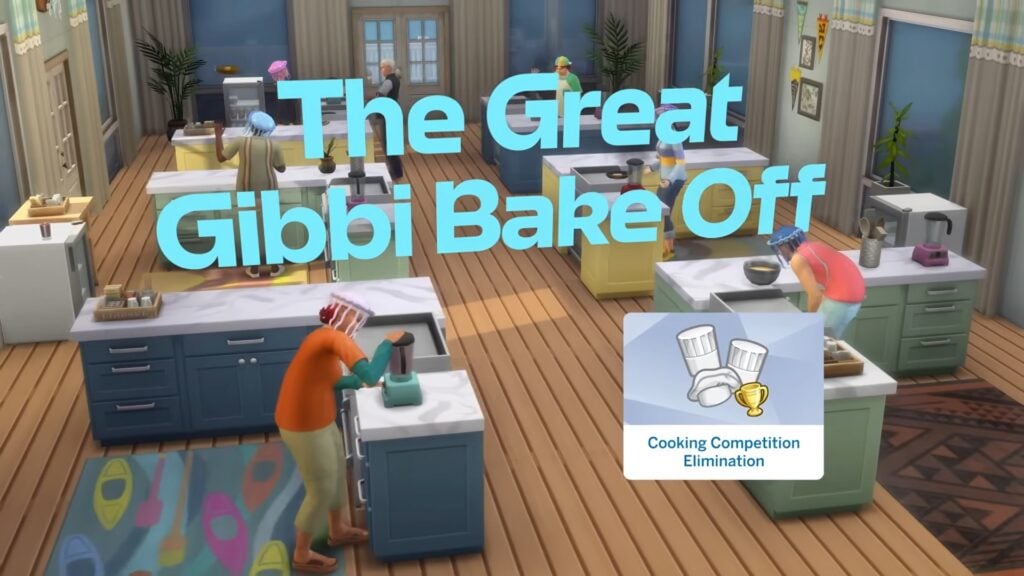
Cooking Competition

The Sims 4 Adventure Awaits Official Gameplay Trailer 3 4 screenshot

Roles:

  • Amateur Chef x 8
  • Chef x 1
  • Mean Chef x 1
  • Staff x 2

Schedule:

  • 7 am: Have Breakfast
  • 10 am: Cook
  • 4 pm: Serve Meal
  • 8 pm: Self Care
  • 11 pm: Sleep

Cozy Bed and Breakfast

The Sims 4 Adventure Awaits Official Gameplay Trailer 1 40 screenshot

Roles:

  • Guest x 6
  • Host x 1
  • Staff x 2

Schedule:

  • 7 am: Have Breakfast
  • 10 am: Free Time
  • 5 pm: Have Dinner
  • 8 pm: Free Time
  • 11 pm: Sleep

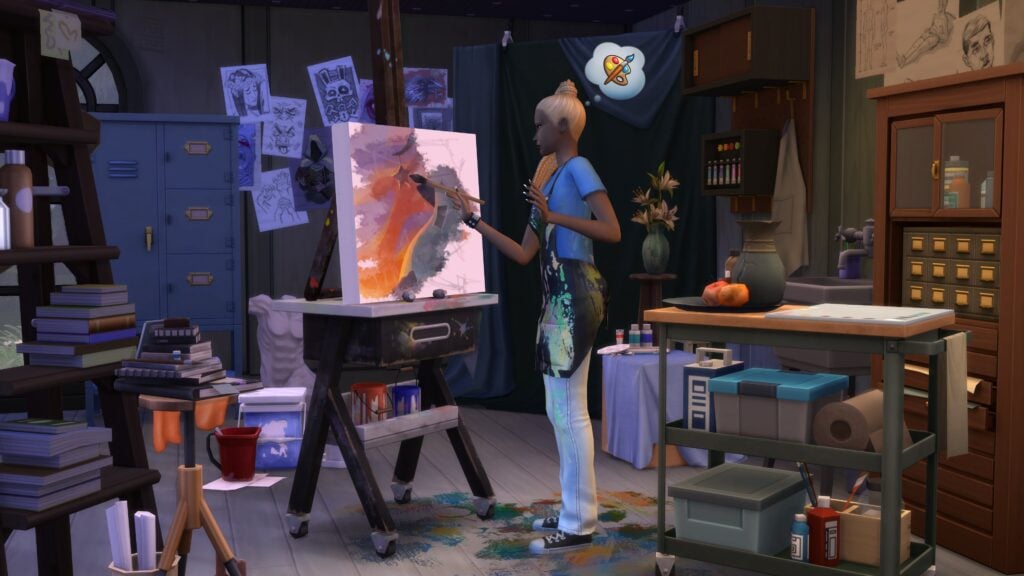
Creativity Retreat

The Sims 4 Artist Studio Screenshot 2

Roles:

  • Writer x 1
  • Artist x 8
  • Musician x 1
  • Staff x 2

Schedule:

  • 7 am: Have Breakfast
  • 10 am: Arts and Music
  • 5 pm: Have Dinner
  • 8 pm: Arts and Music
  • 11 pm: Sleep

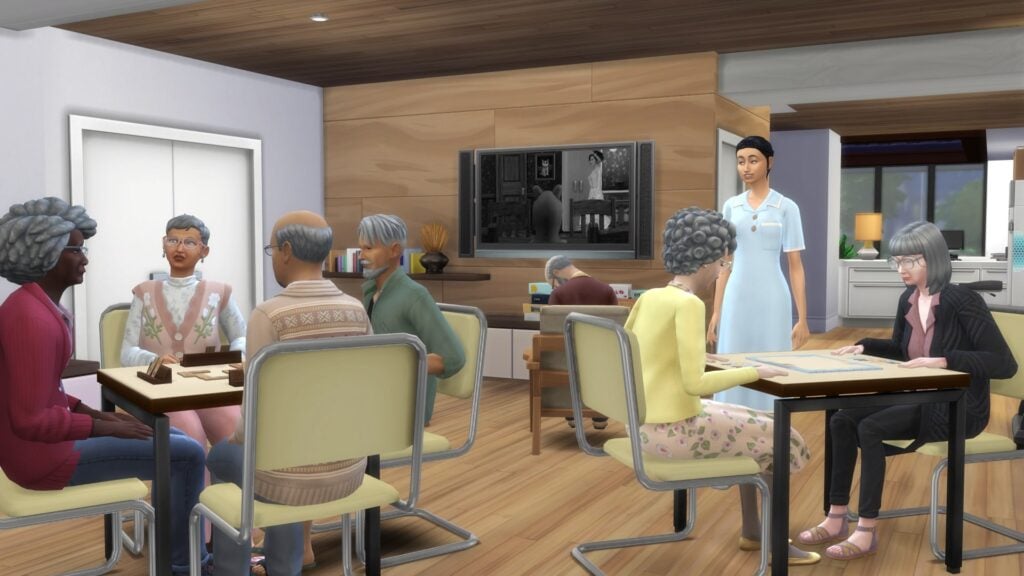
Senior Living Community

Screenshot 2025 10 03 18 15 03

Roles:

  • Senior x 6
  • Visitor x 3
  • Staff x 2
  • Entertainer x 1

Schedule:

  • 5 am: Have Breakfast
  • 8 am: Work Out
  • 11 am: Play Table Games
  • 4 pm: Have Dinner
  • 7 pm: Free Time
  • 10 pm: Sleep

Sim Popularity Contest

The Sims 4 Adventure Awaits Official Gameplay Trailer 3 24 screenshot

Roles:

  • Sporty Sim x 3
  • Brainy Sim x 3
  • Friendly Sim x 3
  • Rebel Sim x 3
  • Popular Sim x 3

Schedule:

  • 7 am: Have Breakfast
  • 10 am: Free Time
  • 1 pm: Enjoy the Outdoors
  • 5 pm: Have Dinner
  • 8 pm: Free Time
  • 11 pm: Sleep

What kind of Custom Venue will you make? Let us know in the comments below, and check out the rest of our guides on The Sims 4 Adventure Awaits!

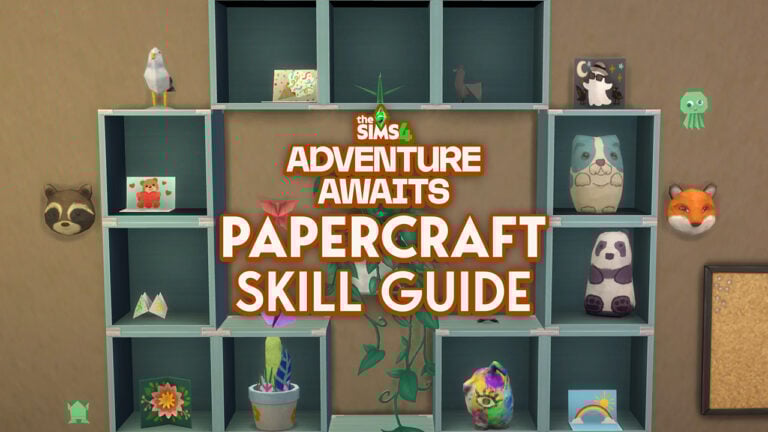
The Sims 4 Papercraft Skill Guide for Adventure Awaits

The Sims 4 papercraft skill introduced in the newly released Adventure Awaits expansion pack is one of four new skills and my personal favorite. There are tons of different items for sims to craft out of paper, so let’s take a detailed look at this new 10 level skill.

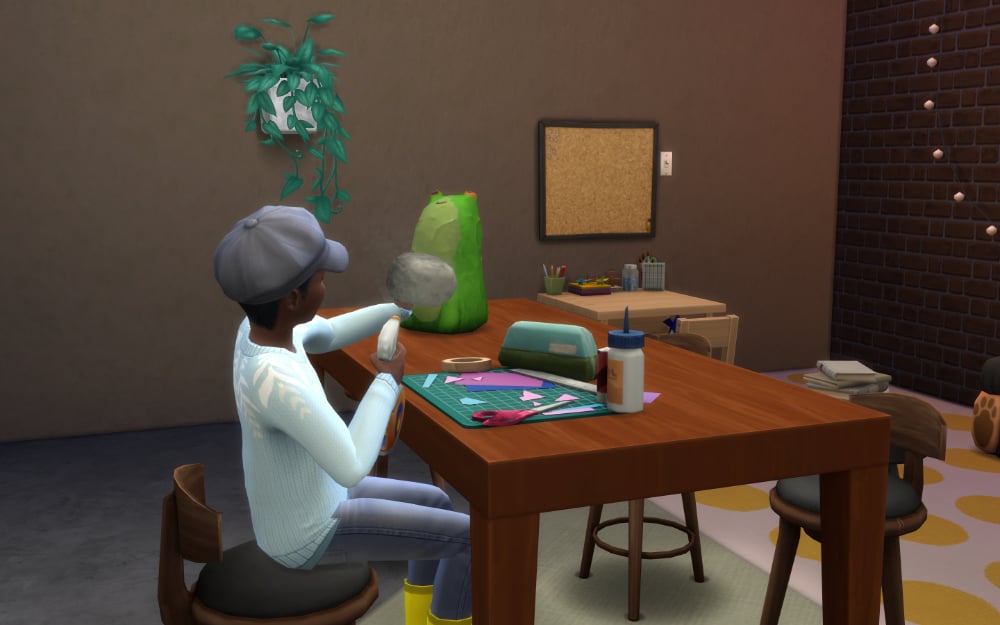
Sim creating Papier-Mâché

The Sims 4 Papercraft Skill Guide

Skill Building Activities

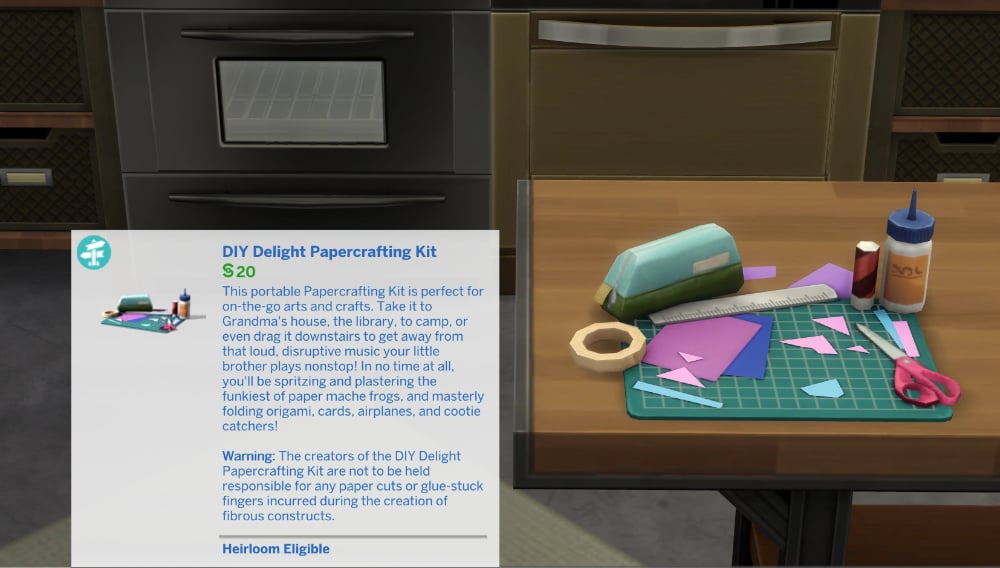
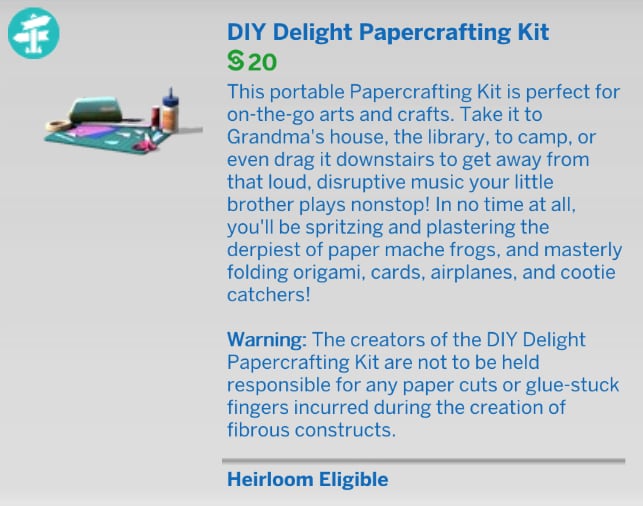
To build The Sims 4 papercraft skill you’ll need to purchase the DIY Delight Papercrafting Kit for §20. This item is found under the “Creative” section of the “Activities and Skills” tab of Buy Mode.

Sims 4 Papercraft Skill Object

Sims 4 Papercraft Skill Overview

LevelRewards
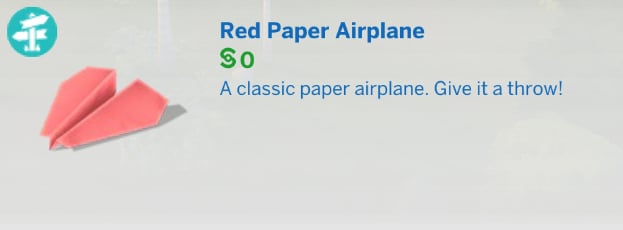
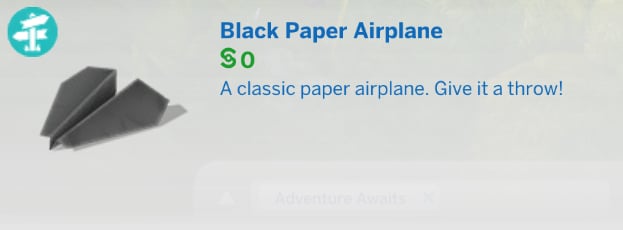
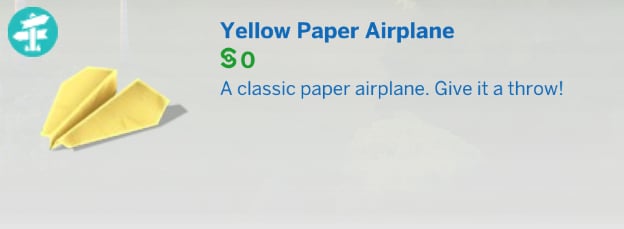
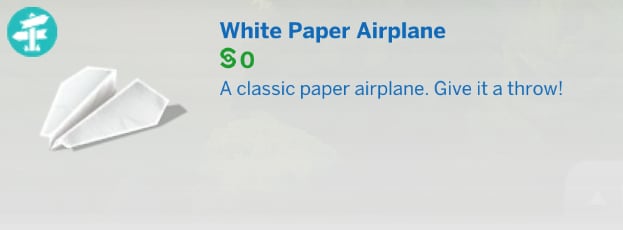
1Craft: Origami Butterflies, Paper Airplanes, and Papier-Mâché Funky Animals
2Craft: Papier-Mâché Plants and Magical Origami Butterflies

More Colors: Origami butterflies, paper airplanes, and papier-mâché funky animals
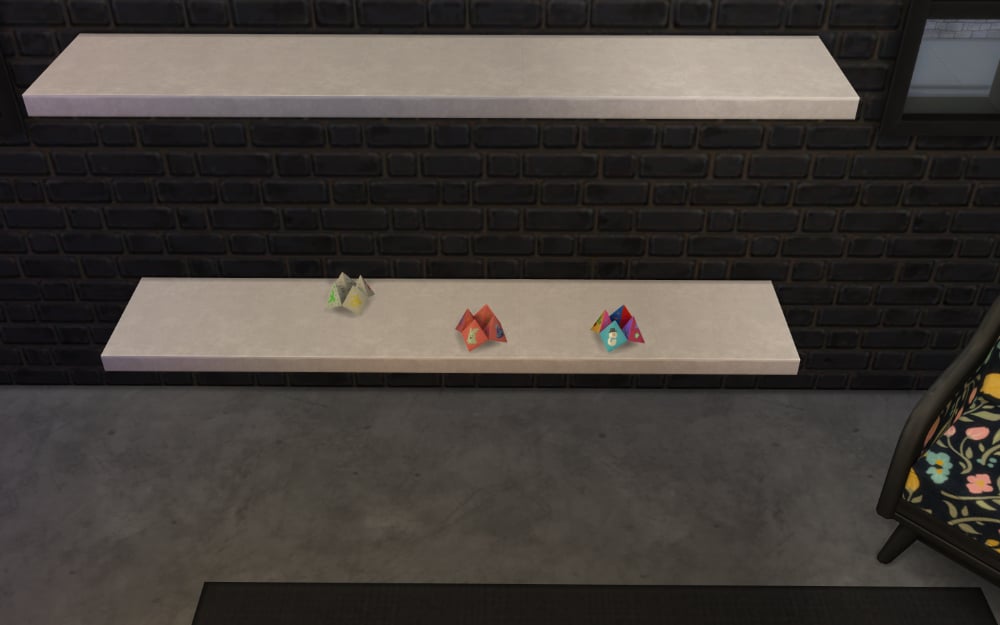
3Craft: Cootie Catchers

More Colors: Origami butterflies, paper airplanes, papier-mâché plants, and funky animals
4Craft: Origami Frogs, Friendship Cards, and Peculiar Plumbird Papier-
Mâché Masks

More Colors: Papier-mâché plants and paper airplanes
5Craft: Papier-Mâché (Better) Animals

More Colors: Origami frogs, friendship cards, and plumbird masks
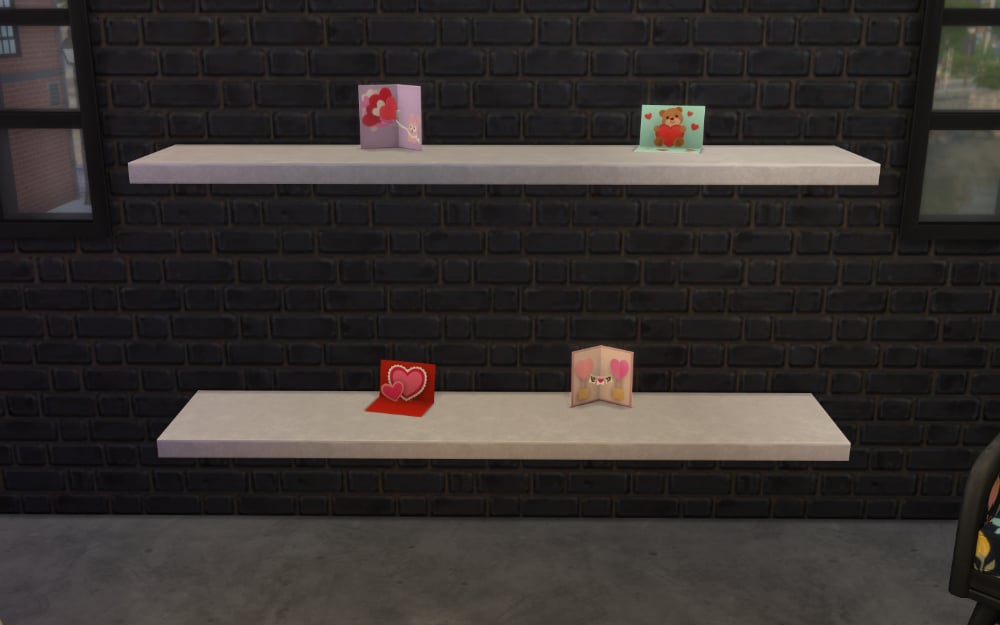
6Craft: Origami Llamas and Love Cards

More Colors: Origami frogs, (better) animals, friendship cards, and plumbird masks
7Craft: Origami Cranes

More Colors: Origami llamas, love cards, and (better) animals
8Craft: Origami Jellyfish and Celebration Cards

More Colors: Origami cranes and llamas
9Craft: Consolation Cards and Wall-Mounted Papier-Mâché Animal Heads

More Colors: Origami cranes and jellyfish
10Craft: Totally Realistic Papier-Mâché Critters

More Colors: Origami jellyfish and animal heads

Skill Level Perks and Rewards

Hold on to your notebooks because there is A LOT to make with The Sims 4 papercraft skill. This is a Level 10 skill so they certainly didn’t skimp out.

Level 1

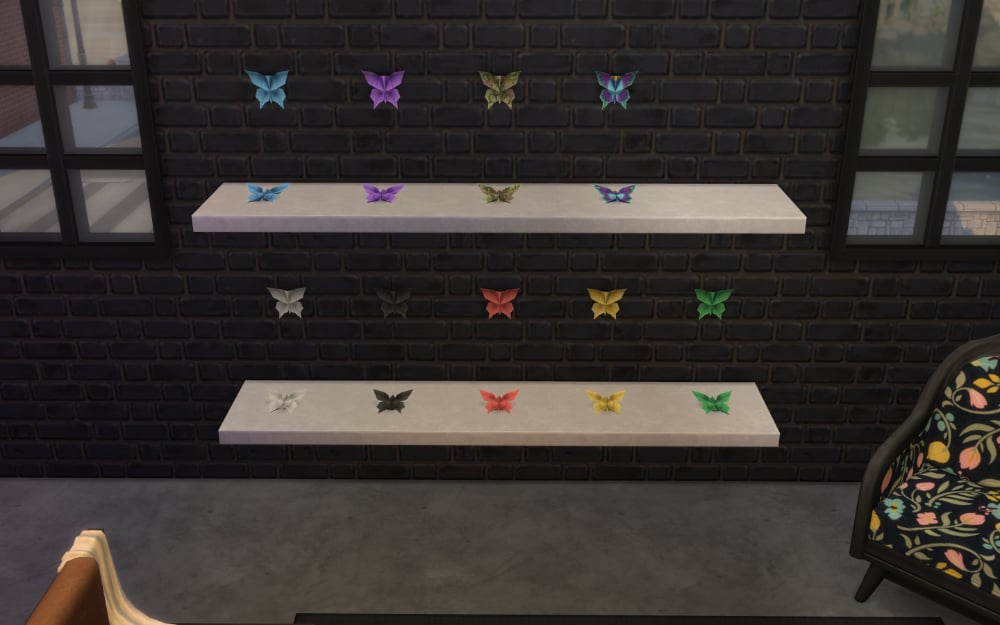
One of the first pieces of origami your Sim will be able to make with the Sims 4 papercraft skill is the origami butterfly. The starting colors are white, black, and red with more unlocking as your Sim levels up. This is consistent across all of the origami pieces.

By clicking on the butterfly in your Sim’s inventory, you can choose to make it attach to the wall or sit on a shelf.

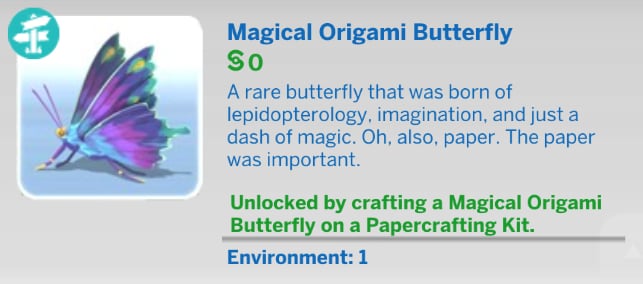
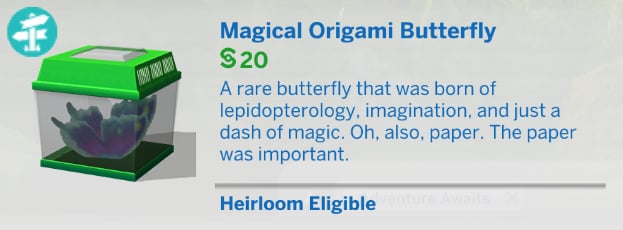
On the top right is the Magical Origami Butterfly of which you will need to finish the butterfly and moth collection before you can make.

Origami butterflies

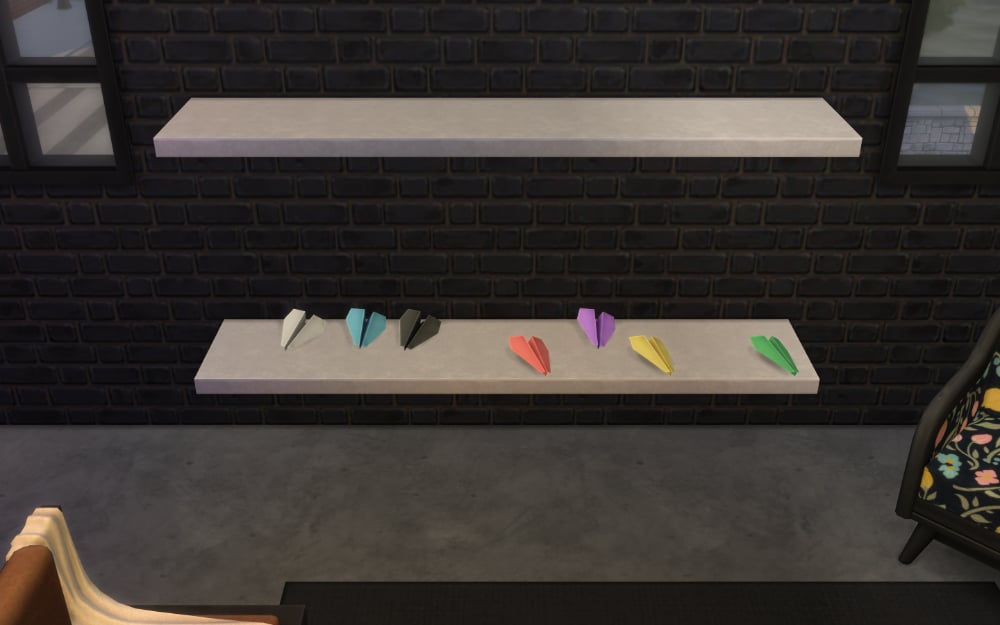
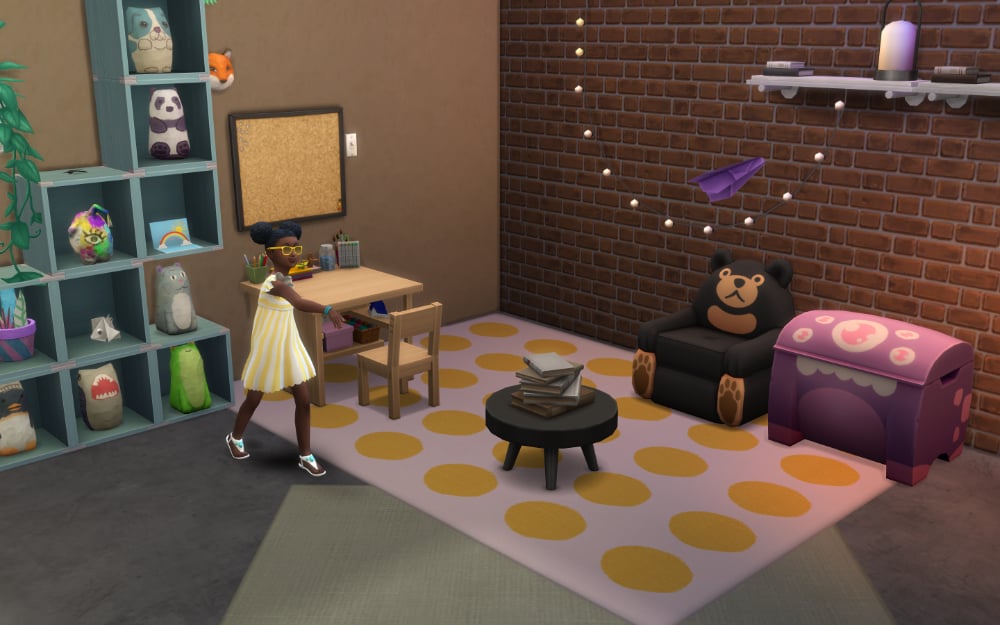
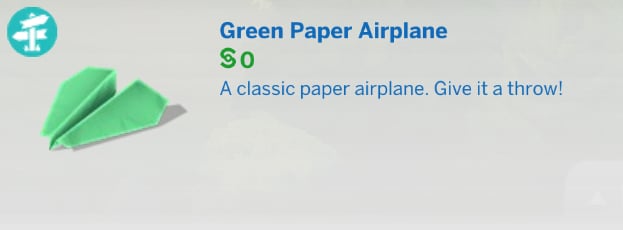
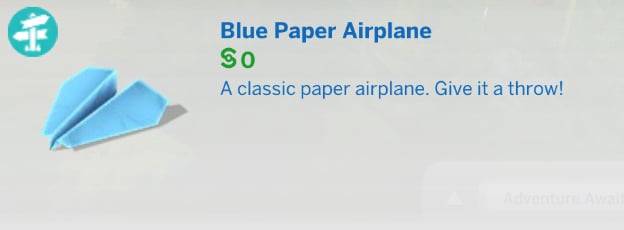
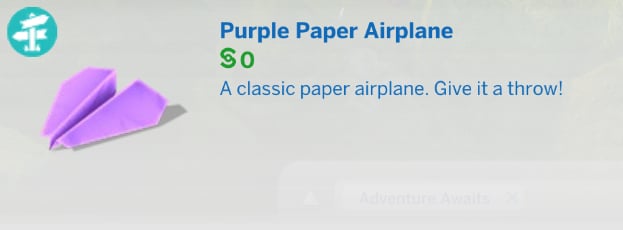
Your Sim will also be able to make a paper airplane right from the start. Once crafted, your Sim is able to toss them around the room and watch them fly.

Paper airplanes
Sim throwing paper airplane

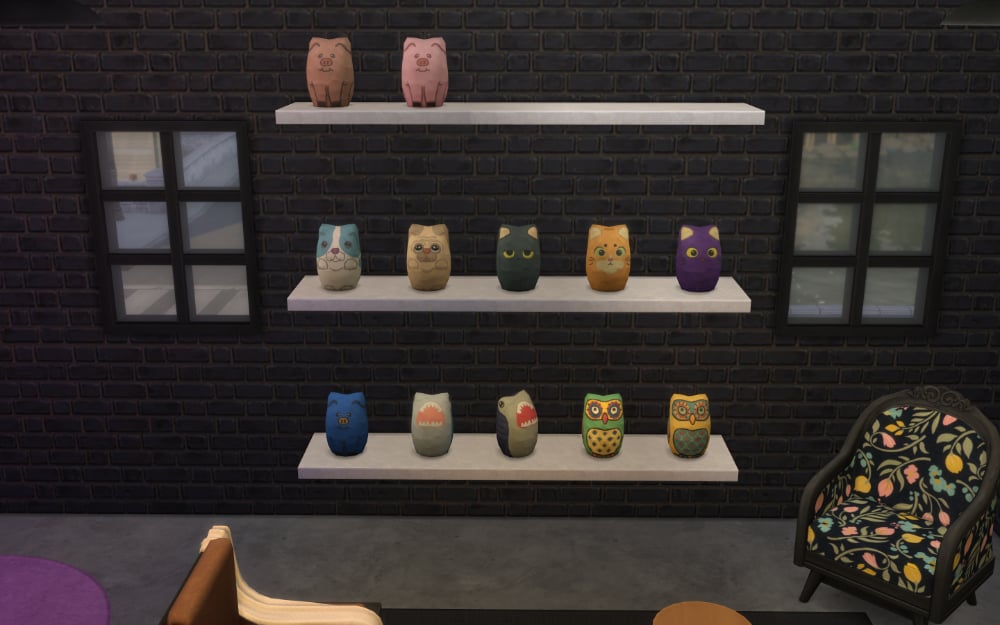
Your Sim’s first papier-mâché projects will be none other than the Funky Animals collection in all their glory.

Funky animals

Two other papercraft items your Sim can make are actually mistakes when trying to make something else. They’re still worth a call-out because you can still display them in their monstrous glory.

Failed paper crafts

Level 2

For Sims who lack green thumbs, but have a surplus of creativity, papier-mâché plants are now a possibility. No watering necessary.

Paper plants

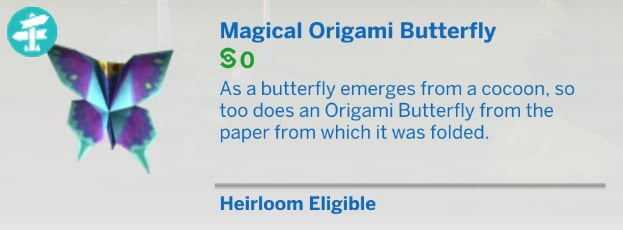
At level two of the Sims 4 papercraft skill you’ll also be able to craft Magical Origami Butterflies, but there’s a catch. In order to create this amazing critter you’ll need to first finish the butterfly and moth collection. It’s absolutely worth it because not only is the Magical Origami Butterfly gorgeous, it can also COME TO LIFE by placing it in a butterfly habitat.

Magical Origami Butterfly in habitat

Level 3

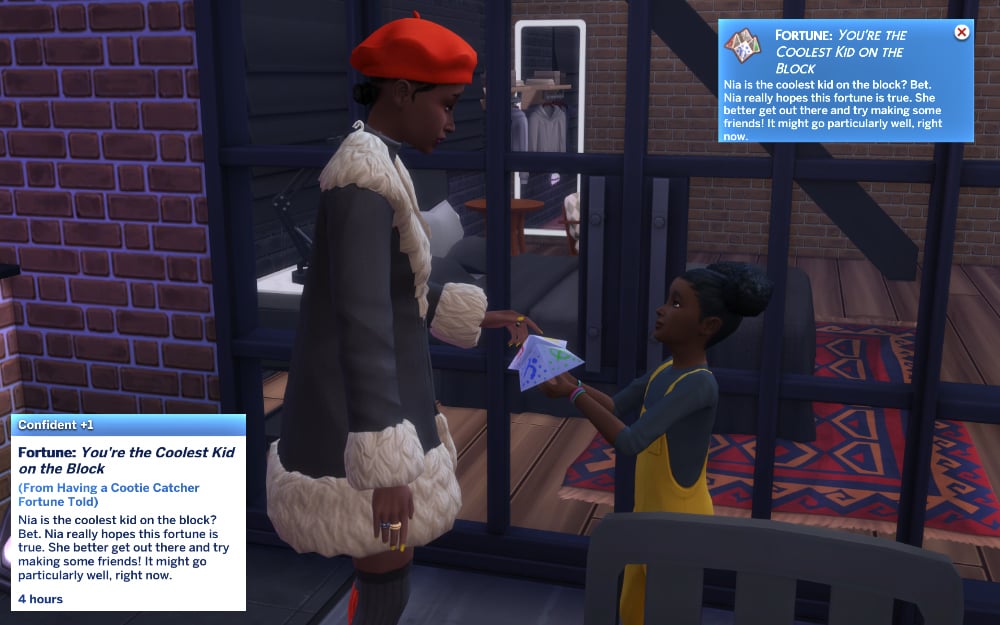
Fortunes foretold by the fold. You know them. You love them. It’s time to craft the always fabulous cootie catchers.

Cootie Catchers

These fully functional items can be used to tell the fortunes of friends, family, and total strangers. It’s not just for looks either, the Sim will earn a moodlet based how the reading goes.

This is by far my favorite part of the Sims 4 papercraft skill. The nostalgia hit hard with this one.

Sim getting fortune told

Level 4

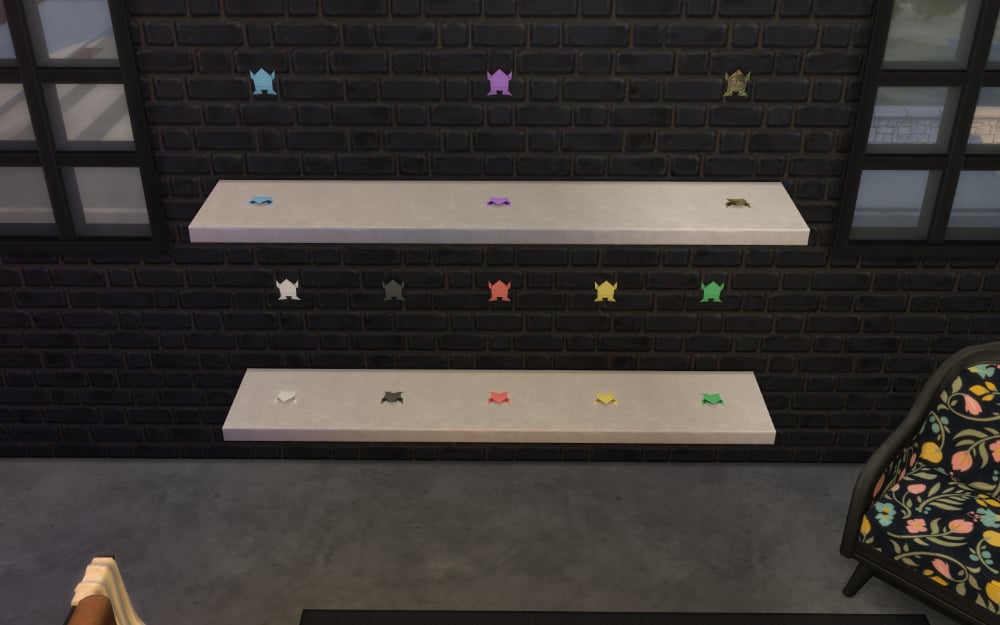
Nothing too special here, just some lovely frogs.

Origami frogs

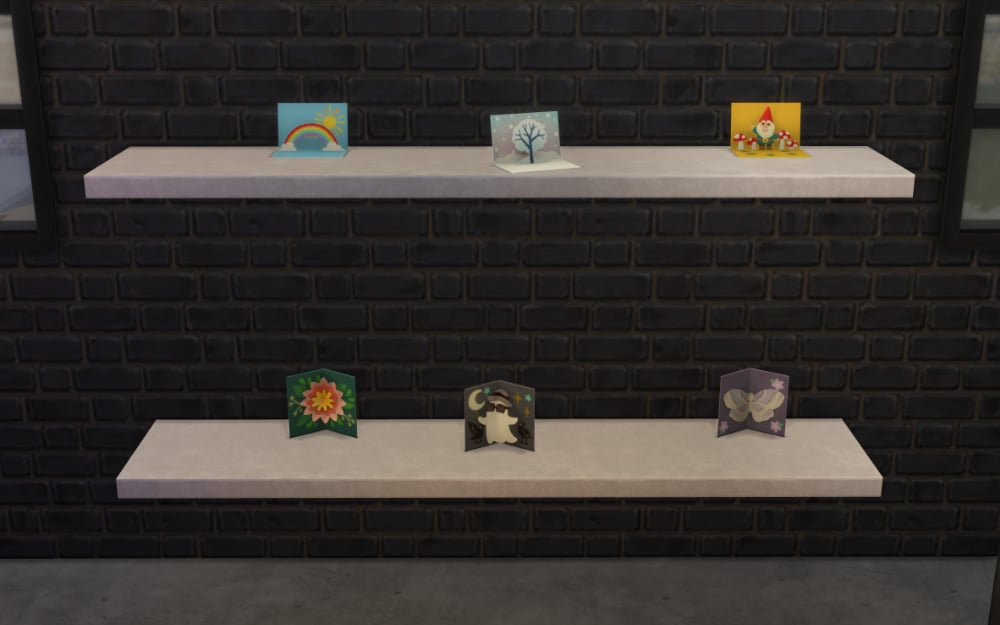
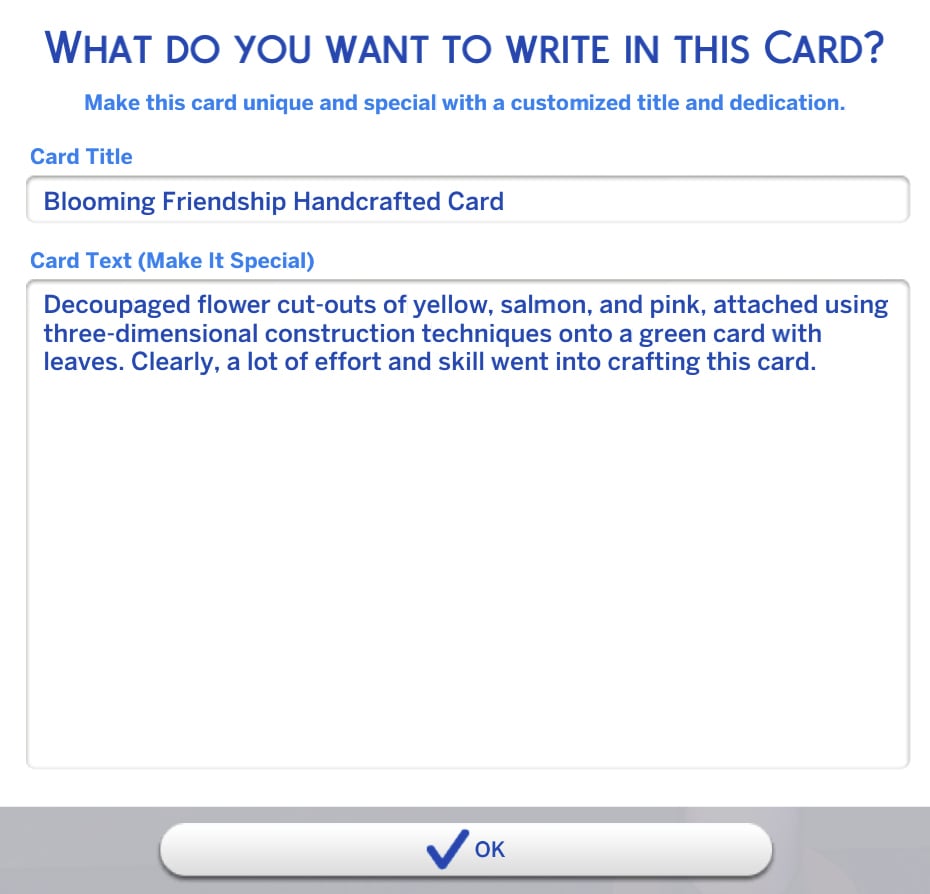
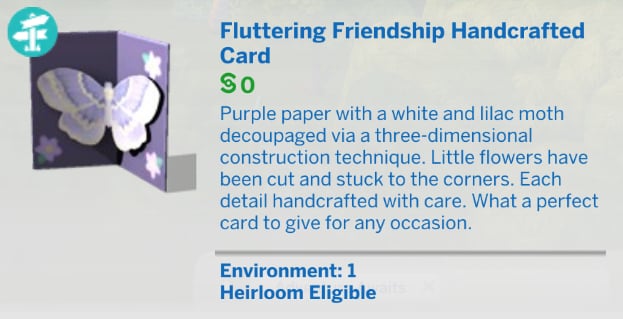
How cute are these friendship cards? Not only are they adorable, but they’re also functional!

Friendship cards

By clicking on the card either in the world or in your Sim’s inventory, you can opt to write in them. Each card comes with a specific default message for that card’s style, which is a really nice touch. I love how well thought out the Sims 4 papercraft skill is.

Writing in card

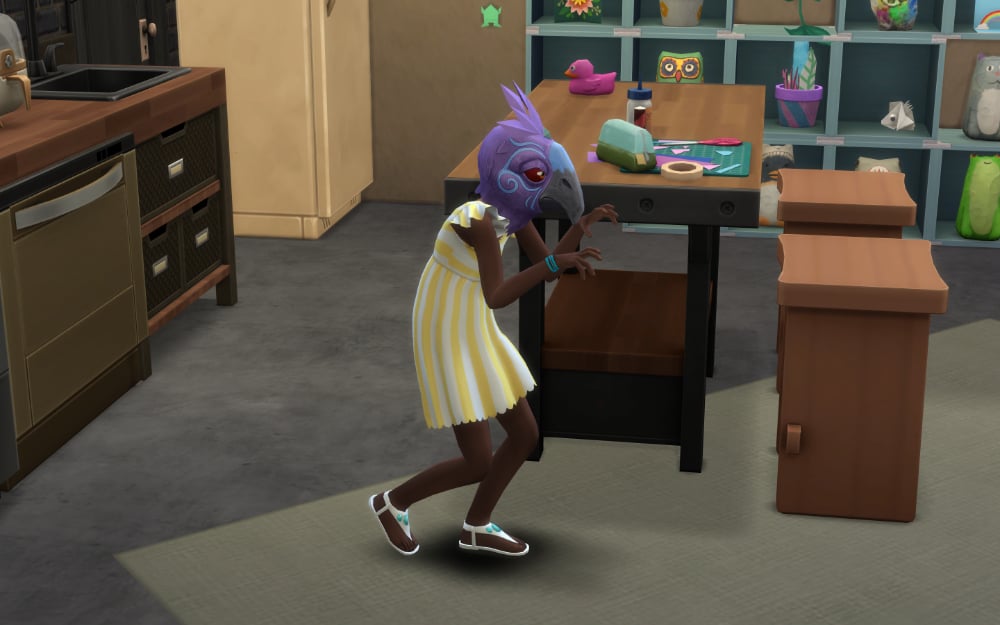
Once your Sim levels up to four, you’re probably wondering what the “Peculiar Plumbird Papier-Mâché Mask” is in the pop-up.

I guarantee you aren’t ready for it.

I know I wasn’t.

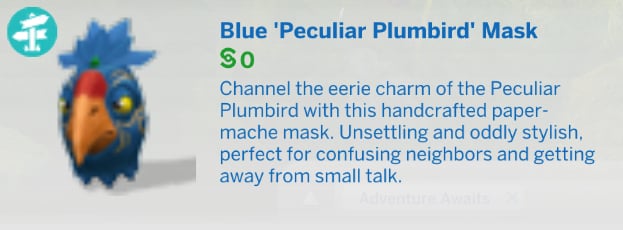
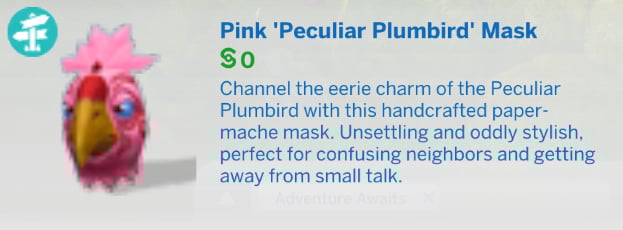
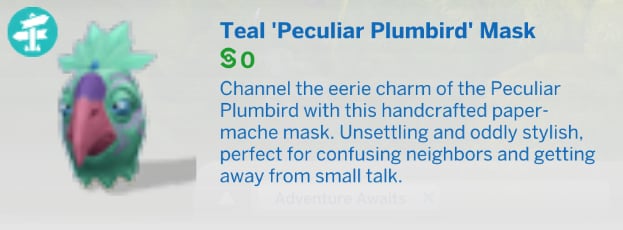
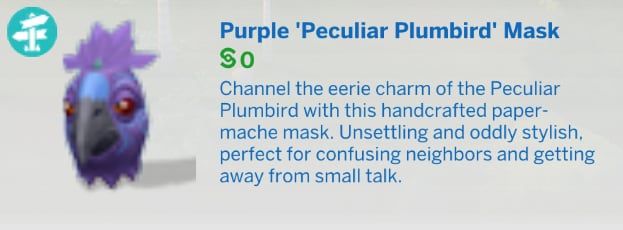
Plumbird Mask

When wearing the mask, your Sim will get a playful moodlet and default to using the creepy walk. It comes in 8 different colors and they’re all magnificent. Sadly it’s not an item that can be displayed.

Level 5

We had our funky animals and now it’s time for (better) animal papier-mâché. Better is certainly subjective in this case because I love the funky collection better in the Sims 4 papercraft skill. Sorry ’bout it.

Better animals

Level 6

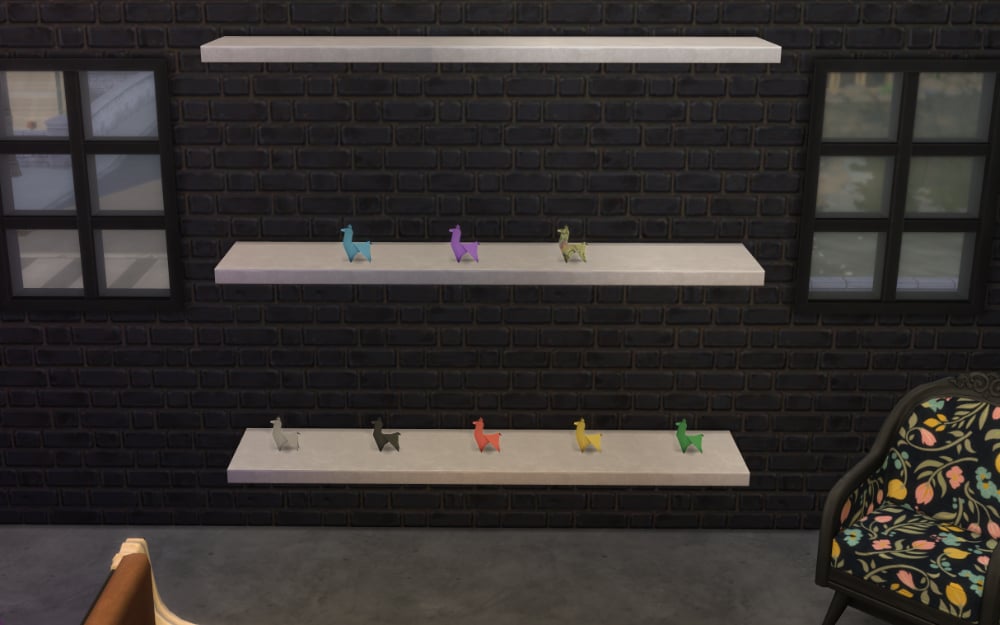
Llamas. Because of course there are llamas.

Weirdly, the only origami animal in the Sims 4 papercraft skill that lacks an option to hang it on the wall.

Origami llamas

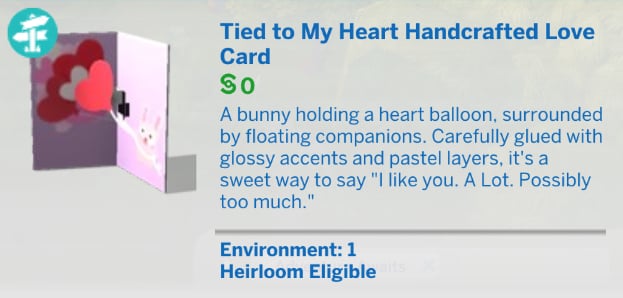
Love cards work just like the friendship cards in that each style has its own default message, but you can change it to anything you want before gifting it to another sim.

Love crafts

Level 7

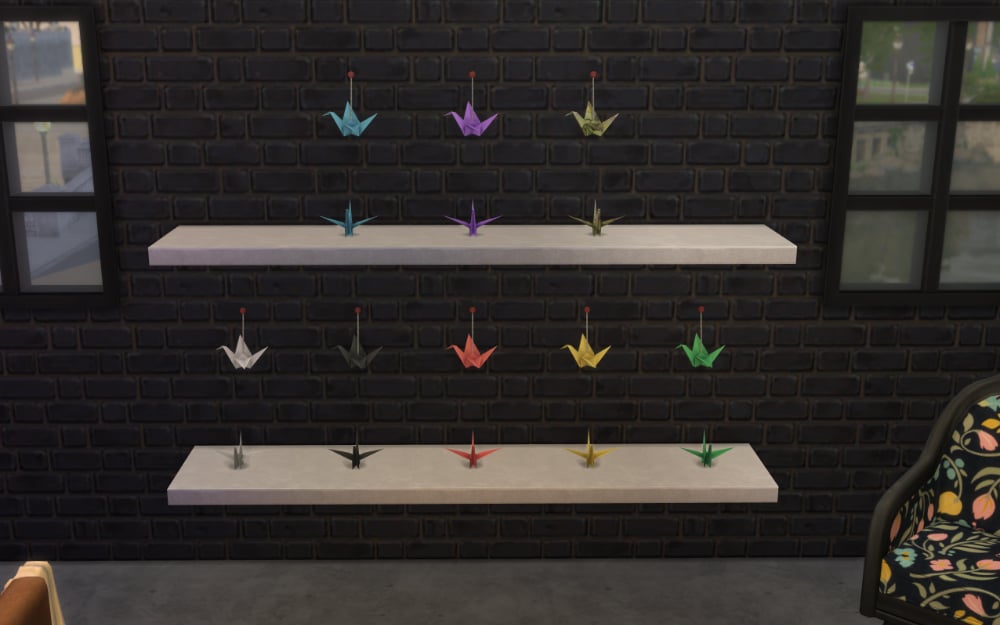
Origami cranes are able to be placed on shelves or hung on the wall, but what I really would have loved was the ability to hang them from ceilings.

Origami cranes

Level 8

The residents of Gibbi Point take much pride in their jellyfish, so of course you’ll be able to make them out of origami in the Sims 4 papercraft skill.

Origami jellyfish

A celebration card for special occasions. Sadly, no variants as this is the only one you can make.

Celebration card

Level 9

When I first read “Wall-Mounted Animal Heads” I got sad, but upon making one and realizing it’s more a mask than anything I was happy. They’re incredibly cute. I only wish my Sims could wear them like the Plumbird mask.

Animal heads

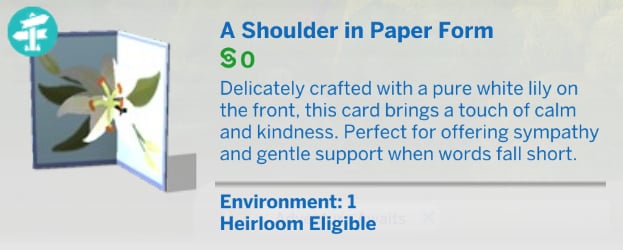
Like the celebration card, the consolation card doesn’t have any variants, sadly.

Consolation card

Level 10

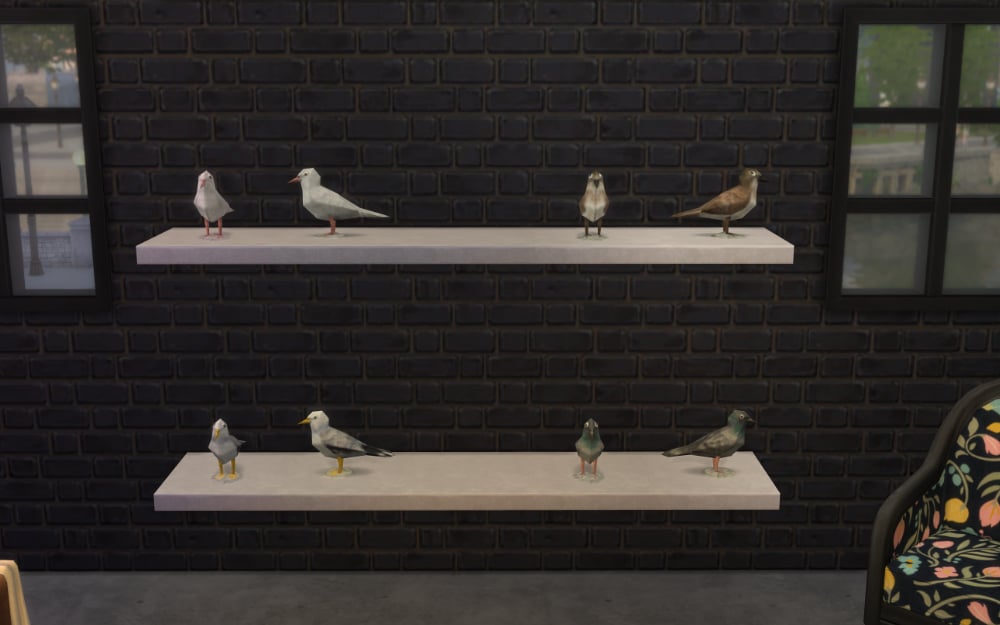
Not going to lie. The “Totally Realistic Papier-Mâché Critters” had me cackling. I respect the Sims Team so much for roasting themselves for their wild bird meshes that we’ve had in game for years and years.

None of the crafts in the Sims 4 papercraft skill is a better fit for level 10 than this.

Realistic birds

Follow along with all of our The Sims 4 Adventure Awaits coverage to stay updated on overviews, guides, articles, and more.
How To Reach The Top Of The Park Worker Career: The Sims 4 Adventure Awaits Guide

Expect Long Weekends Away With The Park Worker Career in The Sims 4 Adventure Awaits!

The Sims 4 Adventure Awaits comes with a brand new (and very unique) career in the form of the Park Worker! Throughout this career, your Sim will supervise getaways, summer camps, and even Meleci National Park itself! Unlike other careers in The Sims 4, your Sims won’t be working regular shifts. Instead, they will spend Monday to Thursday building their skills and exploring new hobbies, and from Friday to Sunday, they will be away at their job. Don’t worry, however, while they’re at work, their needs will be managed so they won’t come home exhausted, stinking, and hungry. Let’s take a look at what it takes to climb the ranks of the Park Worker career!

Screenshot 2025 09 22 00 27 04

What You Need To Know About The Park Worker Career

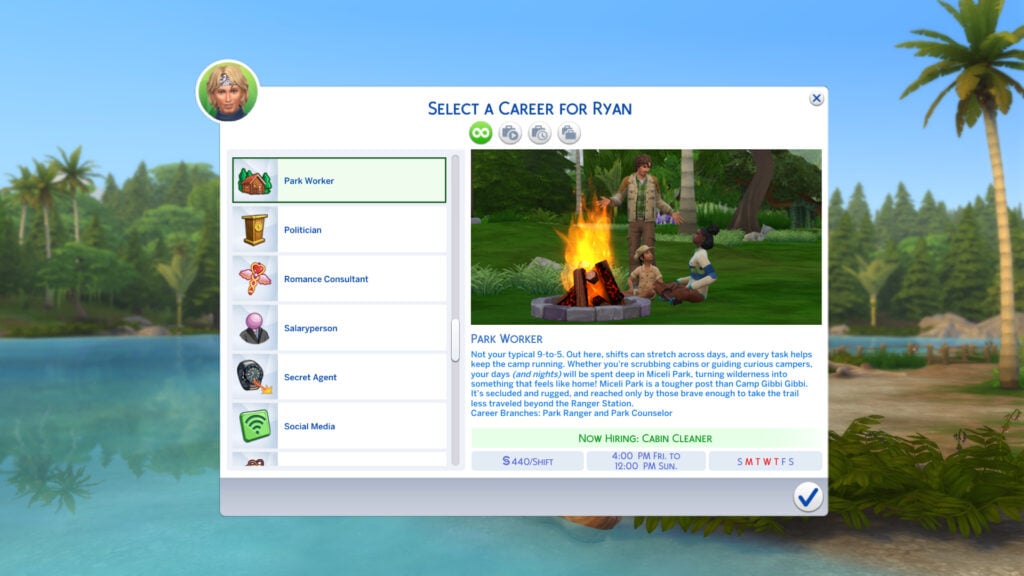
The Park Worker career in The Sims 4 Adventure Awaits is ideal for Sims who love connecting with nature and giving back to the community. The career initially starts with 7 levels, beginning as a Cabin Cleaner, all the way up to an Event Coordinator. At the point of next promotion, you can choose either the ‘Park Counselor’ or ‘Park Ranger’ branch, each consisting of 3 levels. As previously mentioned, Sims in the Park Worker career will spend most of their week at home with plenty of time on their hands for pursuing new hobbies in Gibbi Point, or levelling up their skills in pursuit of the next promotion. Sims will go to work at 4 pm on Fridays and return home at midday on Sunday. Also, unlike previous careers, Sims aren’t paid by the hour. Instead, they are paid per shift, meaning there is a flat rate for the entire weekend worked.

Park Worker Career Levels

Promotions in the Park Worker Career will see Sims building their Handiness, Logic, Charisma, Fitness, and outdoor activity skills. These outdoor activity skills could include activities such as Archery, Kayaking, Gardening, Fitness and more!

starter1

Park Worker: Levels 1 – 7

LevelDescriptionWageDay/Time
1. Cabin CleanerEvery great outdoor career starts with a little elbow grease! For (Sim Name), that means cleaning cabins, unclogging the toilet occasionally, dodging spiders, and pretending not to smell whatever that is.§440/shift4:00pm Fri – 12:00pm Sun
2. Event Helper(Sim Name) may not be calling the shots just yet, but they are definitely picking up some useful tricks. Since helping with camp events, they have learned how to unfold a chair without pinching their fingers, how to stop a tug-of-war before it turns into a full-on mud fight, and identifying which lanterns are decorative but mildly explosive.§704/shift4:00pm Fri – 12:00pm Sun
3. Cabin LeaderBunk beds? Checked. Missing socks? Located. Bear-proofing the trash bins? Sealed. (Sim Name) is now a Cabin Leader, and it’s everything they imagined. With campers looking up to them (sometimes literally, from the bottom bunk), (Sim Name) is the glue holding cabin life together!§1408/shift4:00pm Fri – 12:00pm Sun
4. Activity Instructor(Sim Name) came here to lead archery, obstacle courses, and trust exercises under the open sky. Instead, they spend most of the day chasing runaway kayaks, dodging foam arrows, and reminding everyone for the fifth time that snack time is not a competitive sport. Still, if controlled mayhem counts as a team-building activity, (Sim Name) is absolutely crushing it.§1936/shift4:00pm Fri – 12:00pm Sun
5. Group CounselorGroup counseling sounds simple enough: guide the conversation, build trust, and help others open up. But not when there are clashing personalities, shifting alliances, and at least one Sim crying in the bathroom at any given moment. No pressure. It’s all fun and games until llama issues enter the chat.§2420/shift4:00pm Fri – 12:00pm Sun
6. Wilderness Safety Instructor(Sim Name) feels a strong sense of duty keeping fellow Sims safe from nature’s less cuddly side. After all, someone has to stand between them and bears, poisonous plants, or whatever’s doing the howling after midnight. That same sense of duty is what keeps them calm when yet another overconfident hiker decides flip-flops are acceptable trail gear. It’s a noble role, really. Nature has its challenges…but Sims? They’re downright feral.§4828/shift4:00pm Thur – 12:00pm Sun
7. Event CoordinatorCamp events don’t run themselves but with (Sim Name) in charge, they almost look like they do. Between last-minute activity swaps and campers who never stay in line, they keep it all together with calm, charm, and a dangerously detailed clipboard.§6052/shift4:00pm Thur – 12:00pm Sun

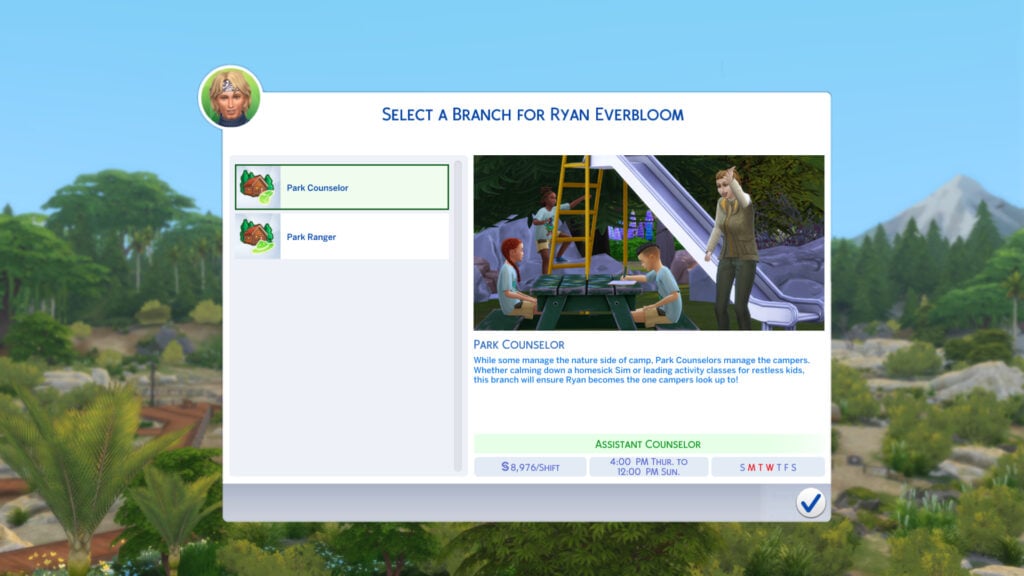
Park Counselor Branch

pc1

While some manage the nature side of camp, Park Counselors manage the campers. Whether calming down a homesick Sim or leading activity classes for restless kids, this branch will ensure (Sim Name) becomes the one campers look up to!

LevelDescriptionWageDay/Time
8. Assistant Counselor(Sim name) is stepping into a support role, helping lead group activities, manage camper dynamics, and keep the good vibes going. It’s not full responsibility yet, but it’s a clear step toward becoming a trusted leader at camp.§8976/shift4:00pm Thur – 12:00pm Sun
9. Camp CounselorForget just passing out glue sticks, (Sim Name) now leads with purpose. From meaningful campfire conversations to guiding group activities that bring Sims closer together, they have grown to become the emotional compass of the campground!§10,472/shift4:00pm Thur – 12:00pm Sun
10. Head Counselor(Sim Name) has reached peak camp stardom! Campers quote them, counselors take notes, and even the most chaotic Sims seem to respect the authority. Rumor has it parents and corporate sponsors race to secure a spot on the waitlist months in advance. And honestly? Who could blame them?§12,240/shift4:00pm Thur – 12:00pm Sun

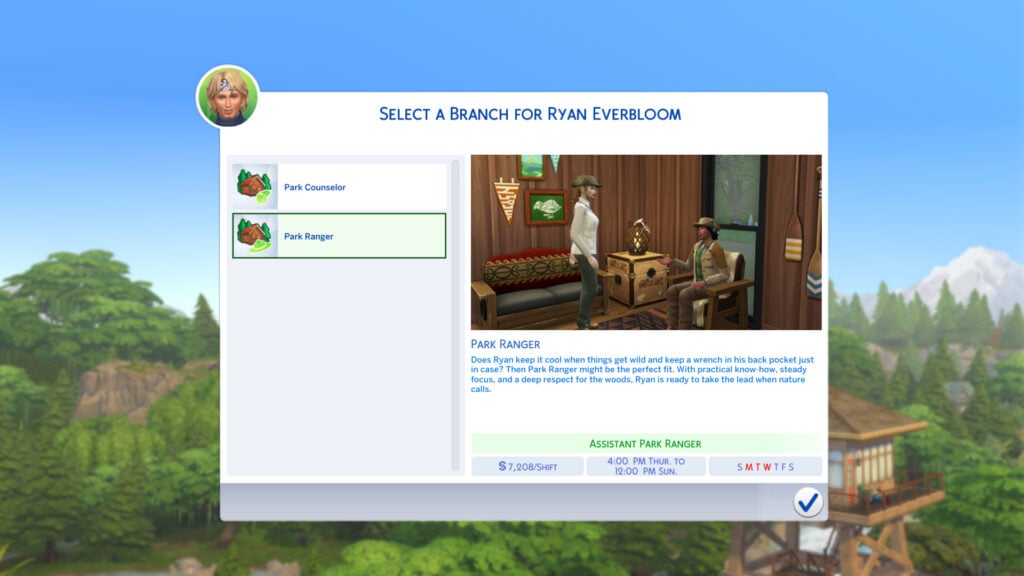
Park Ranger Branch

pr1

Does (Sim Name) keep it cool when things get wild and keep a wrench in their back pocket just in case? Then Park Ranger might be the perfect fit. With practical know-how, steady focus, and a deep respect for the woods, (Sim Name) is ready to take the lead when nature calls.

LevelDescriptionWageDay/Time
8. Assistant Park Ranger(Sim name) is officially on patrol. Whether it’s clearing fallen branches, checking trail signs, or gently explaining to a tourist why wild animals don’t make great pets, they are keeping things in harmony. The uniform may still be a little stiff, but the ranger instincts are kicking in fast.§7208/shift4:00pm Thur – 12:00pm Sun
9. Ranger Survivalist(Sim Name) doesn’t even flinch. Armed with wilderness know-how and a sharpened skillset, they are now the park’s go-to problem-solver when things get wild, literally. The work is tough, but those quiet moments under a sky full of stars, with the forest hushed and still, feel like nature belongs to them alone.§9180/shift4:00pm Thur – 12:00pm Sun
10. Chief Ranger(Sim Name) is the final word on trail safety, wildlife weirdness, and which berries are snack-worthy or mildly cursed. They have finally made it to the top of Miceli Park and do it all with steady hands, a legendary field log, and boots that never seem to get muddy. Chief Ranger isn’t just a title, it’s a legend, and the whole park knows it.§11,220/shift4:00pm Thur – 12:00pm Sun

Career Rewards

As with every other career in The Sims 4, the Park Worker Career has its own set of unique rewards that your Sims can unlock through progression up the career ladder. Take a look at them below!

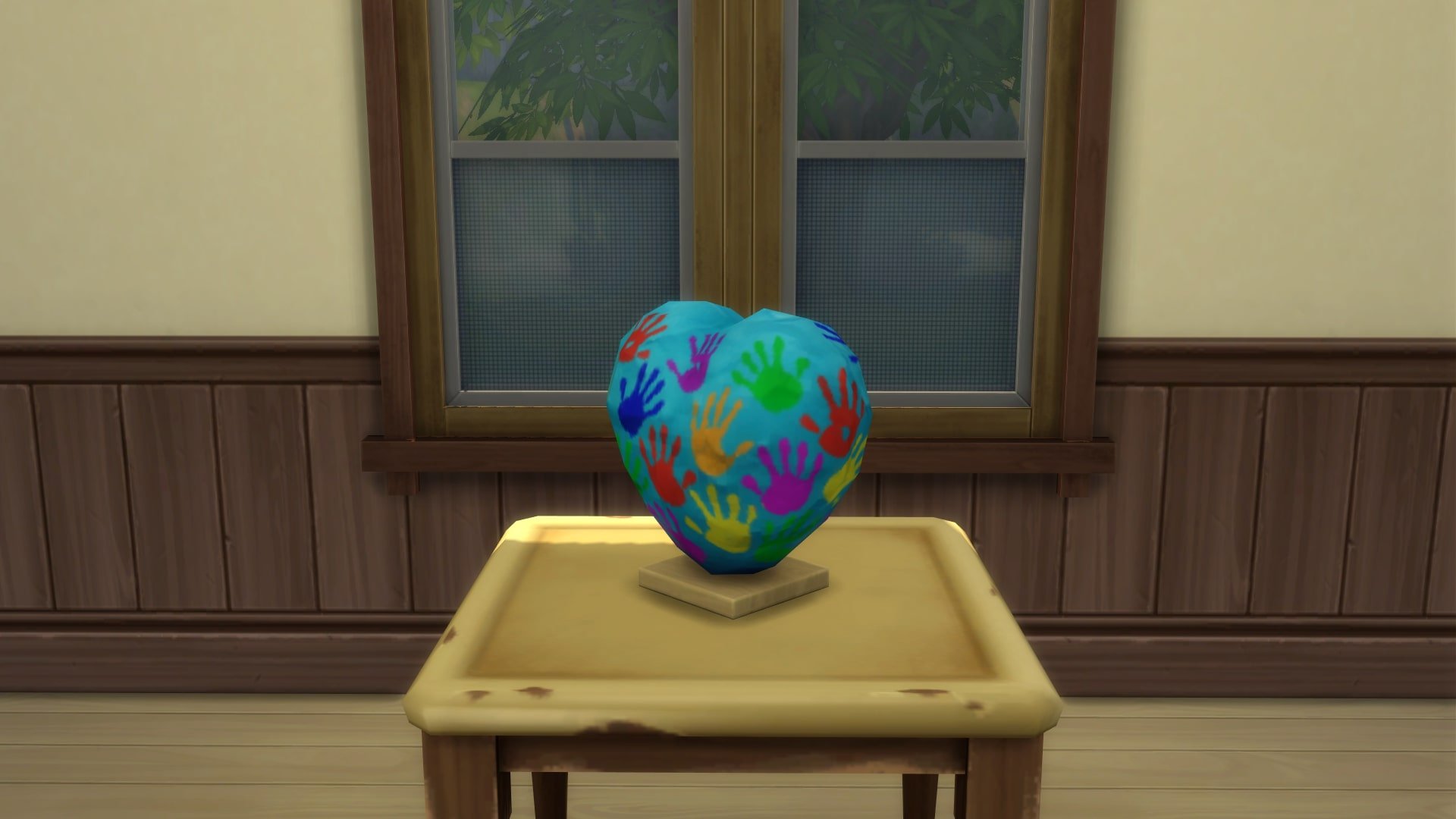
“A Helping Hand” Paper Mache

Unlocked at Level 10 of the Park Counselor branch

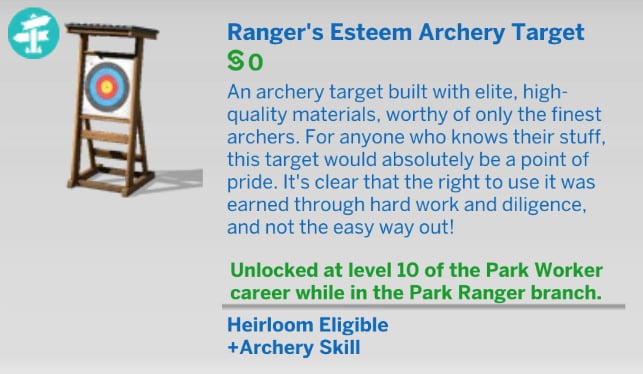
Ranger’s Esteem Archery Target

Unlocked at Level 10 of the Park Ranger branch

Daily Tasks And Promotions

Just like every career in The Sims 4, the Park Worker Career gives your Sim a set of Promotion Tasks and Daily Tasks. Despite being called a “Daily Task”, it isn’t actually daily in this career as your Sims are only working at the weekends. This career will mostly focus on Handiness, Logic, Charsima, Fitness, and a variety of skills that are built doing outdoor activities. As your Sim has Monday to Thursday free, there is plenty of time to increase these skills.

Living in Gibbi Point has its benefits. You have access to large open water spaces to practice the kayaking skills, an abundance of archery targets dotted around the world, and the wild woods to hunt for butterflies. Gibbi Point also has several festivals that your Sim can check out during the week that focus on a number of activities, such as fitness events and archery competitions.

Choosing your Sim as a Camp Counselor or Camp Director at Camp Gibbi Gibbi can add some immersion to this career, as well as an opportunity to both improve your Sim’s skills and mentor those who may need some help.

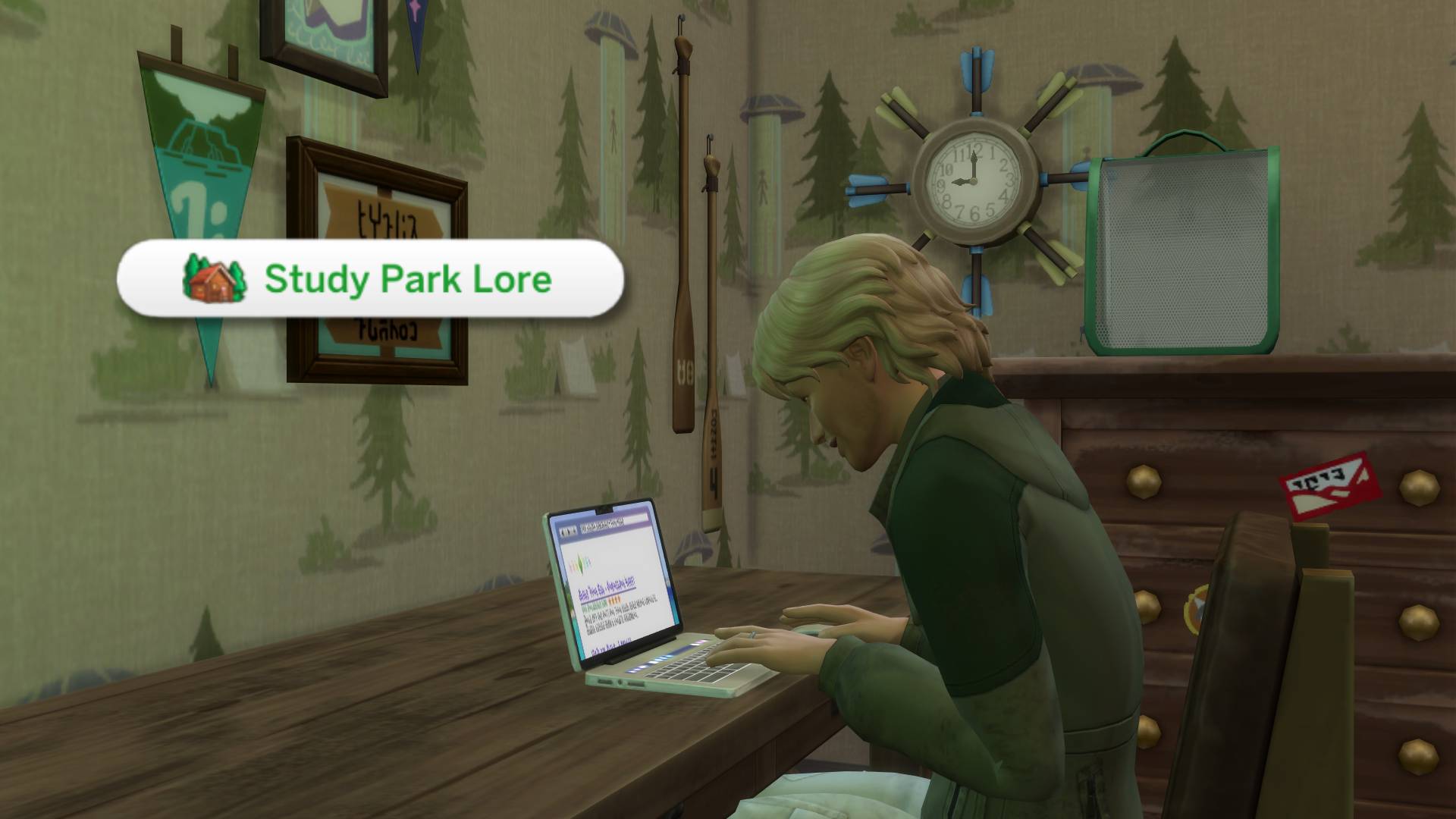
Sims in the Park Worker career also have the opportunity to ‘Research Sim Nature’ and ‘Study Park Lore’, allowing them to learn more about the national park and the locals of Gibbi Point.


What are your thoughts on the Park Worker Career? Let us know in the comments below, and stay tuned to Sims Community for all the latest on The Sims 4 Adventure Awaits!

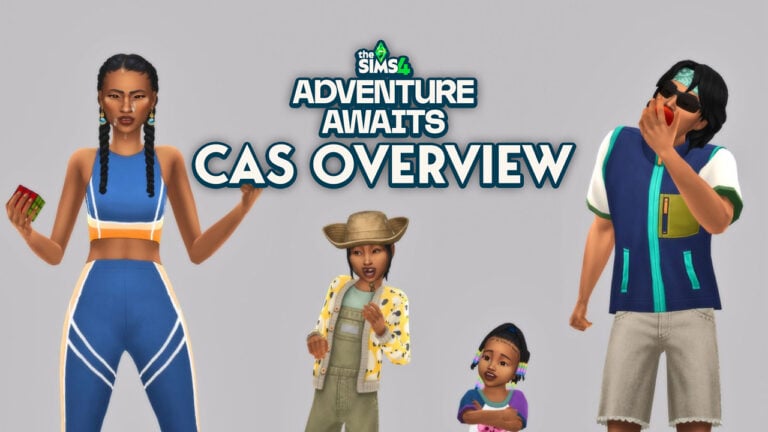
The Sims 4 Adventure Awaits CAS Overview: 157 New Clothing Pieces!

Peek at the new Assets for The Sims 4 Adventure Awaits CAS!

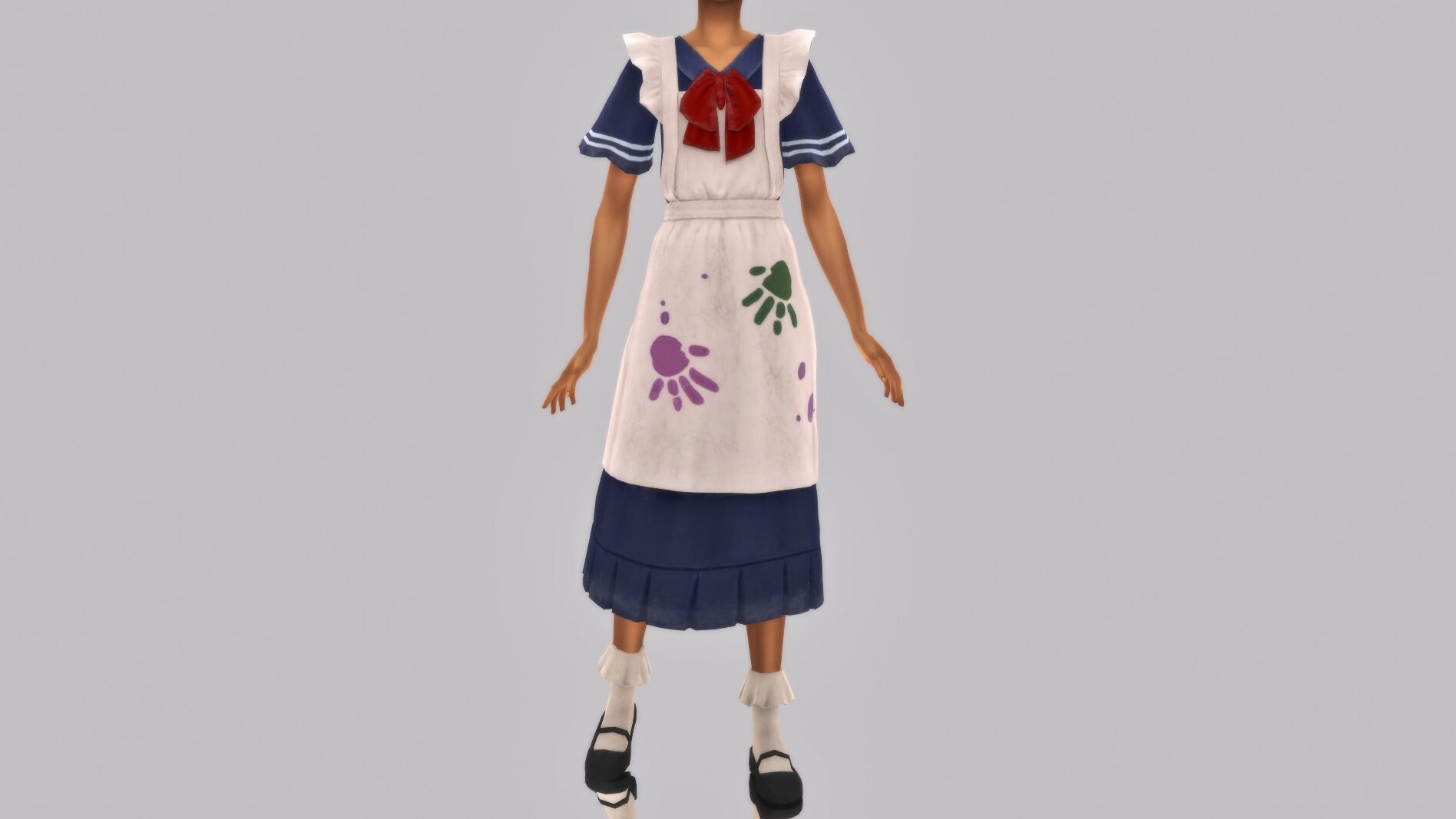
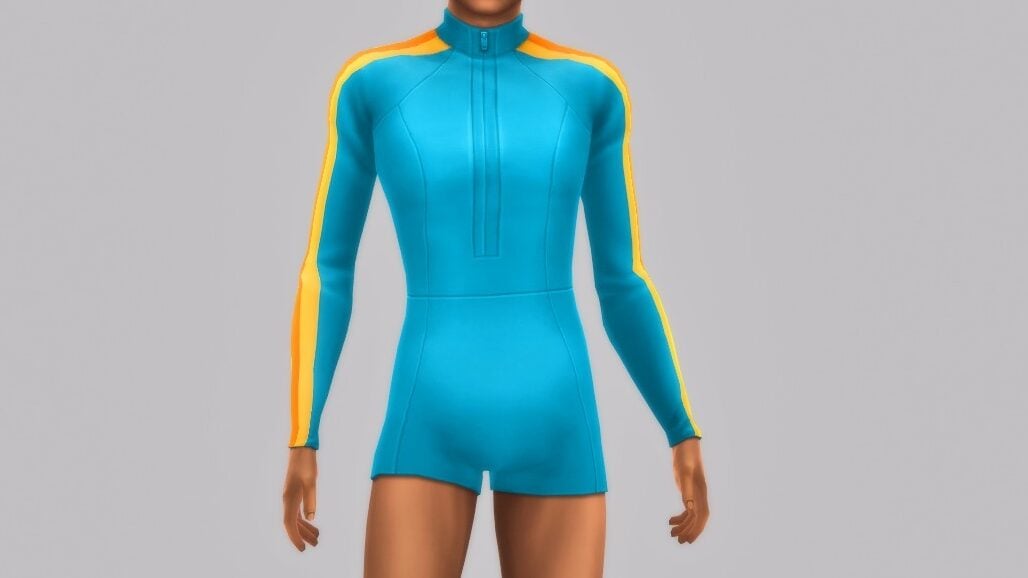
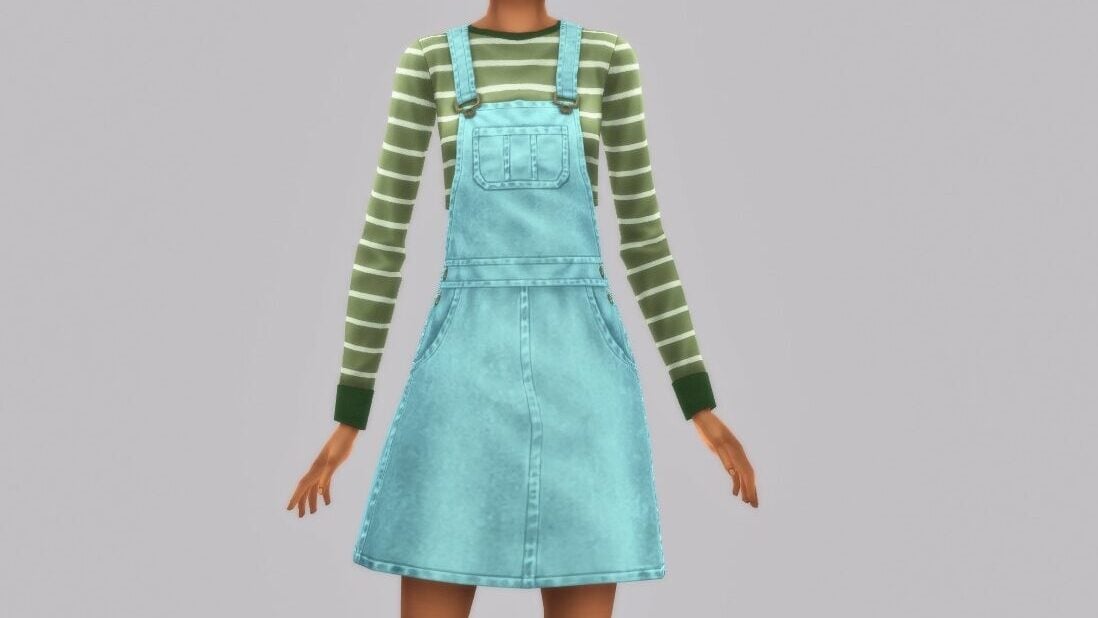
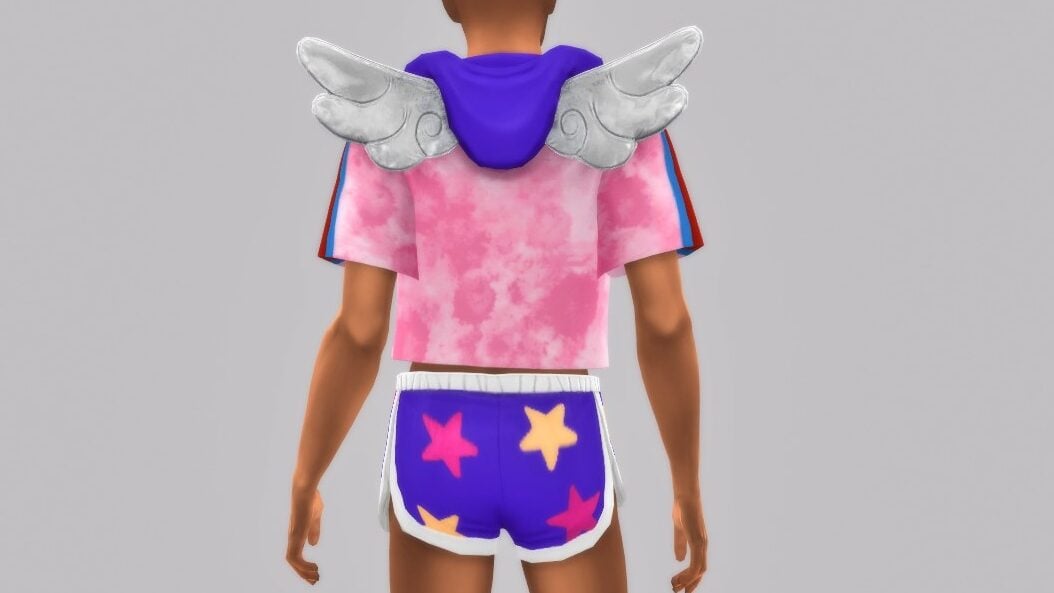
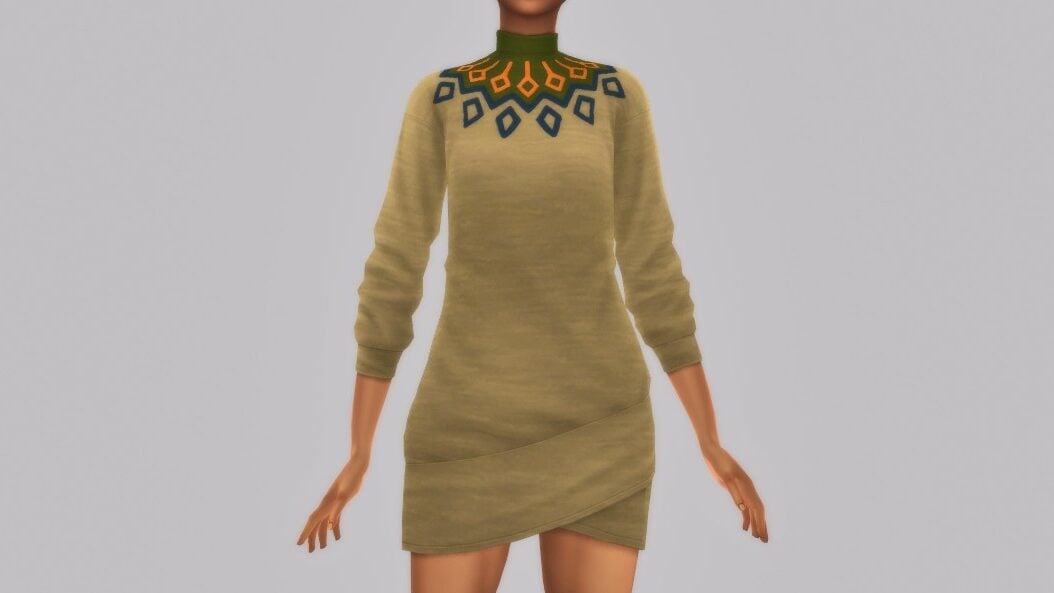
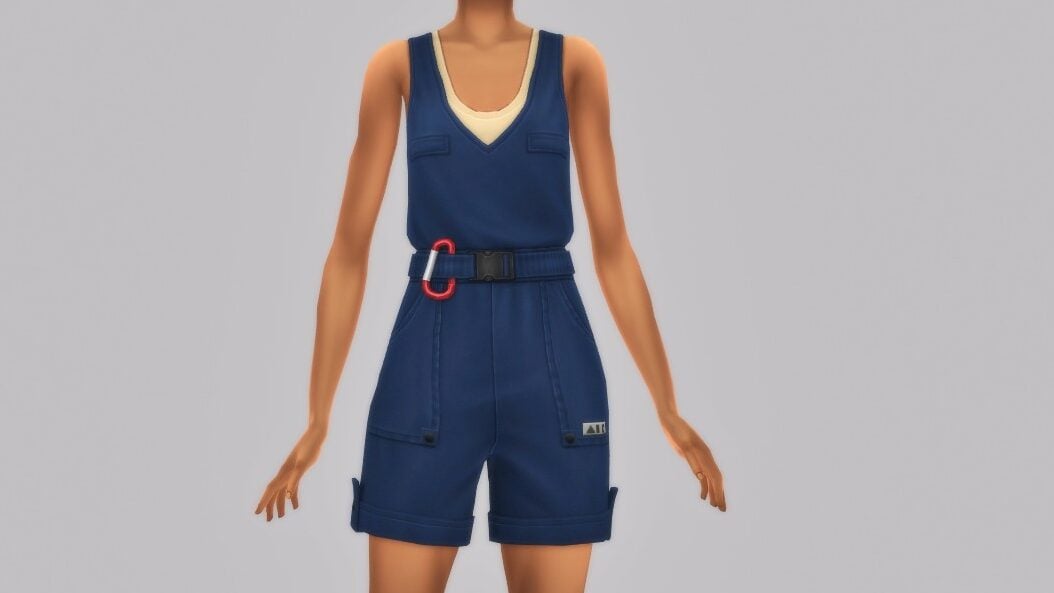
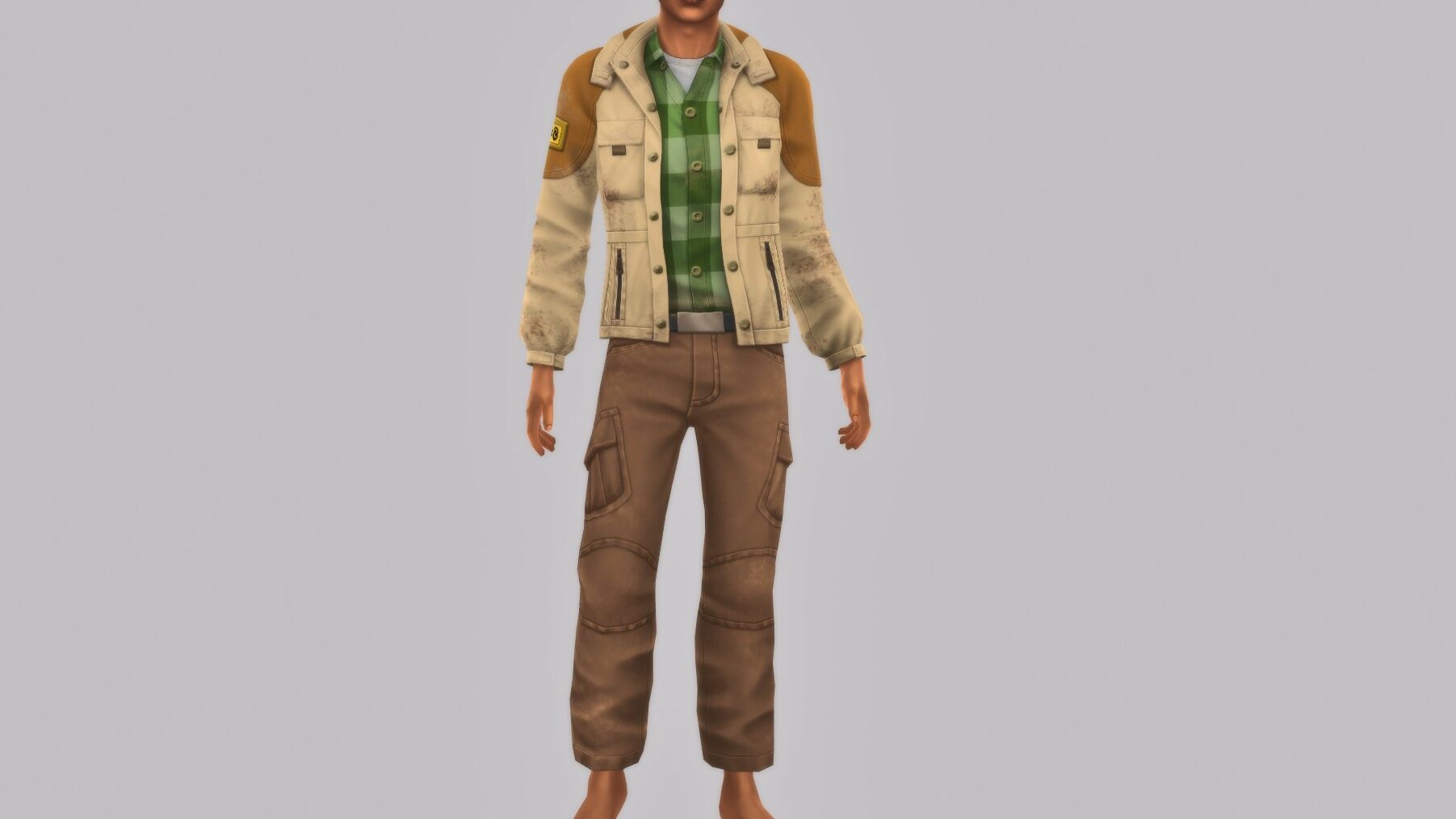
The newest expansion pack, The Sims 4 Adventure Awaits, has finally arrived! It has a whopping 157 assets in Create-A-Sim to customize your sims getaway wardrobes before they head off to Gibbi Point for summer camp, fitness retreats, and everything in between!

Sims 4 Adventure Awaits CAS

The Sims 4 Adventure Awaits CAS Overview

Author’s Note: Some items may seem to appear more than once as the meshes come with variations to allow for different ages, style preferences, frames, etc. Similarly to other packs, this largely caters towards adults and children, with the youngest sims like toddlers and infants getting a few pieces.

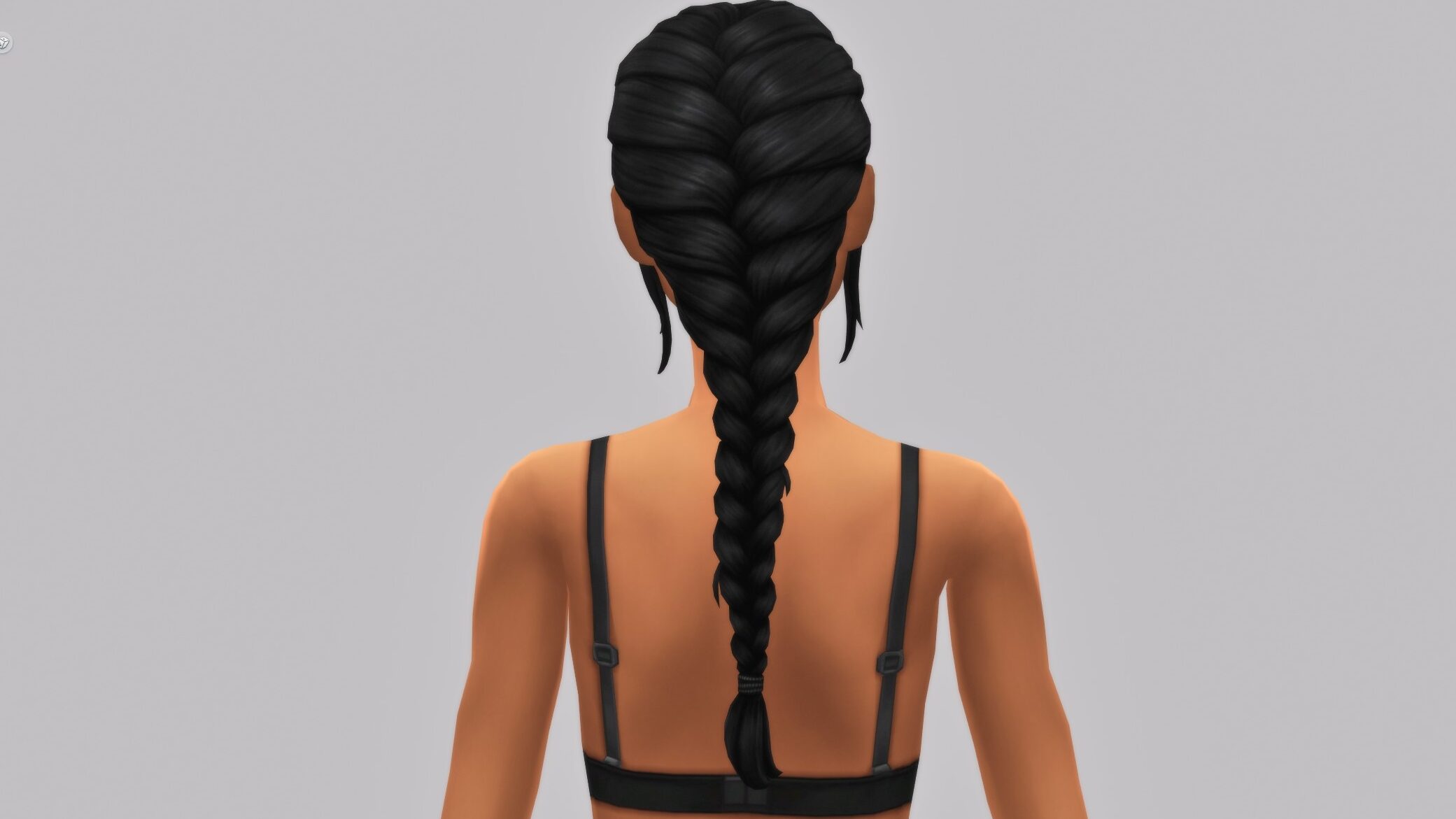
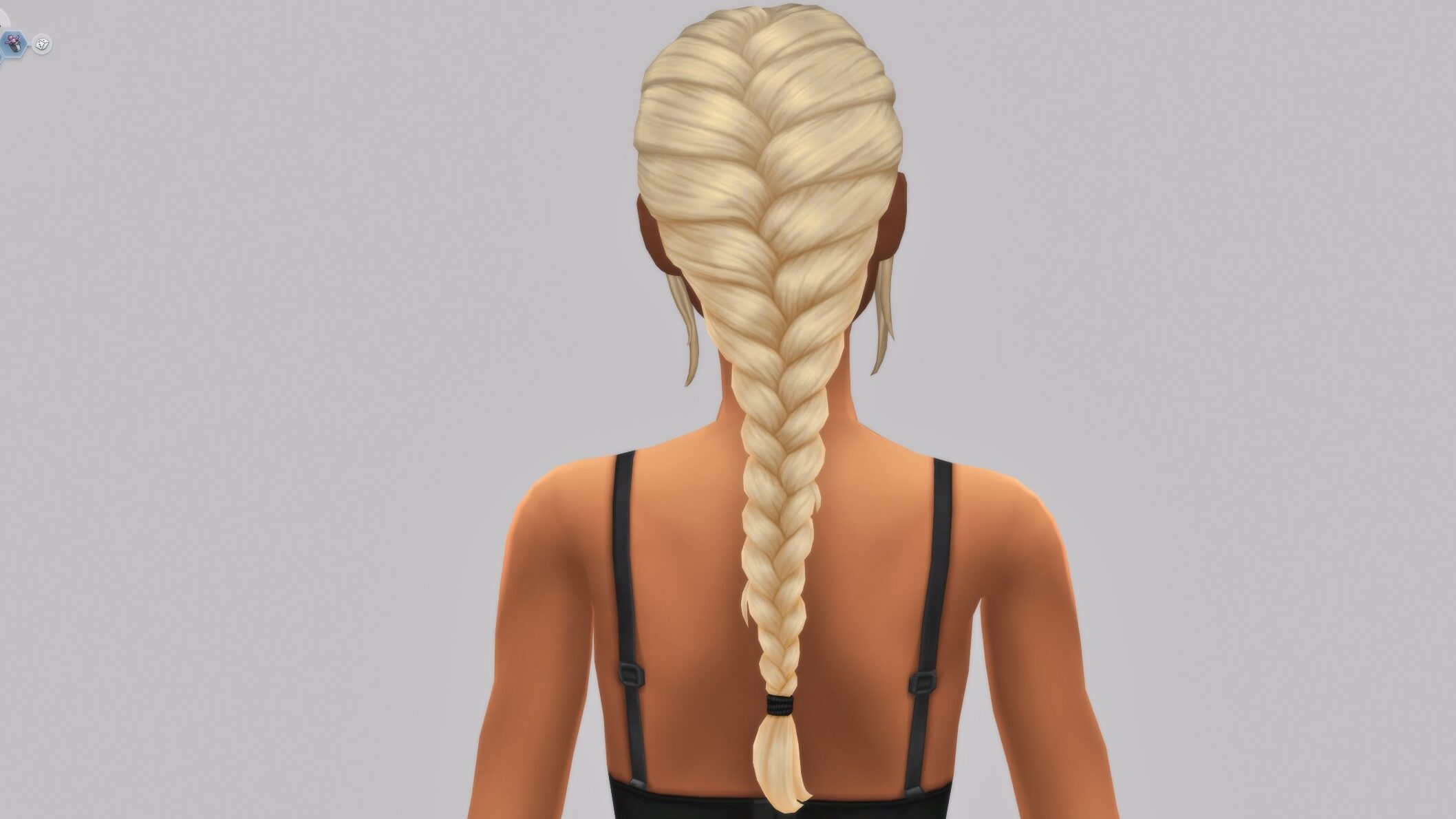
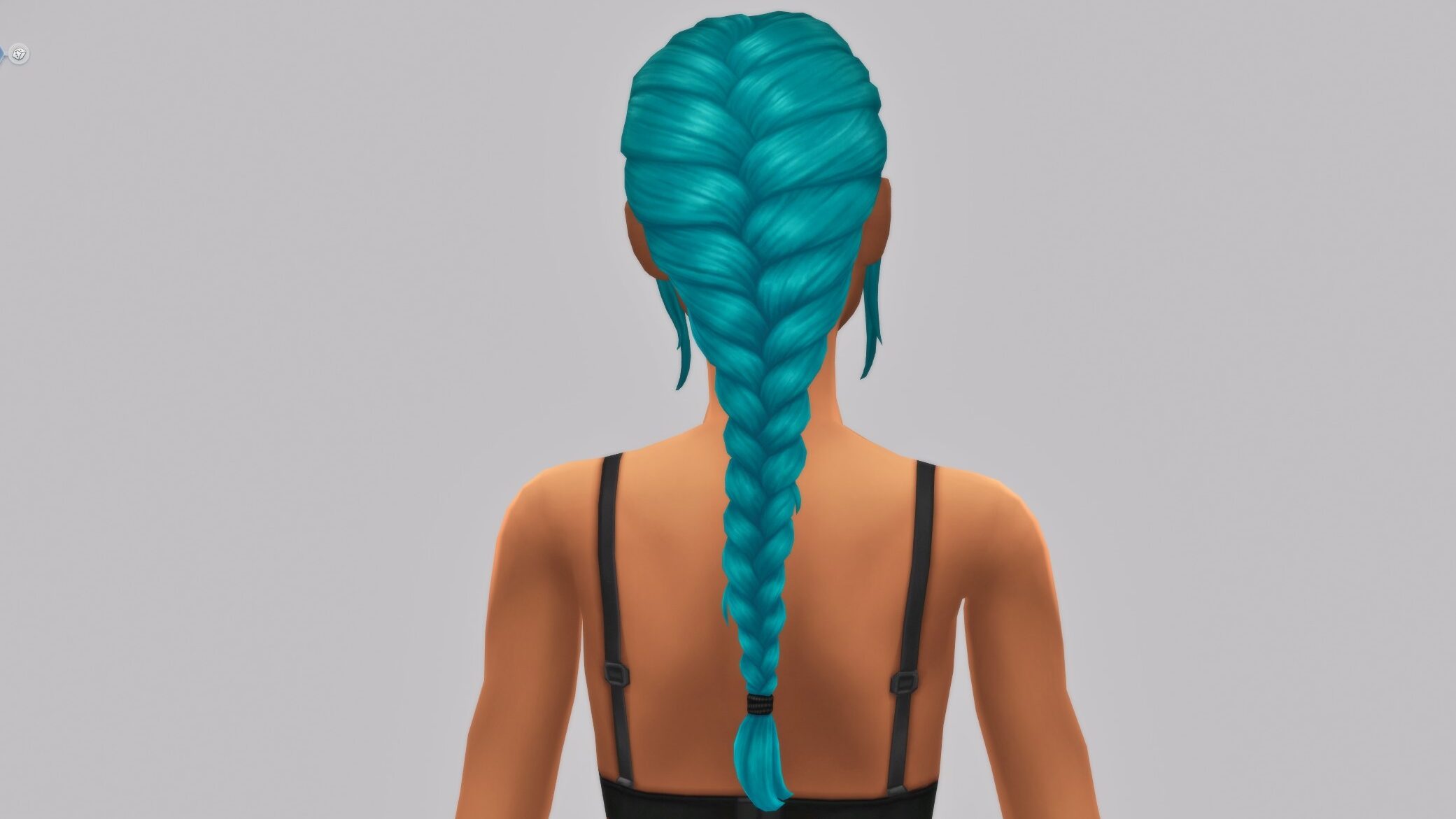
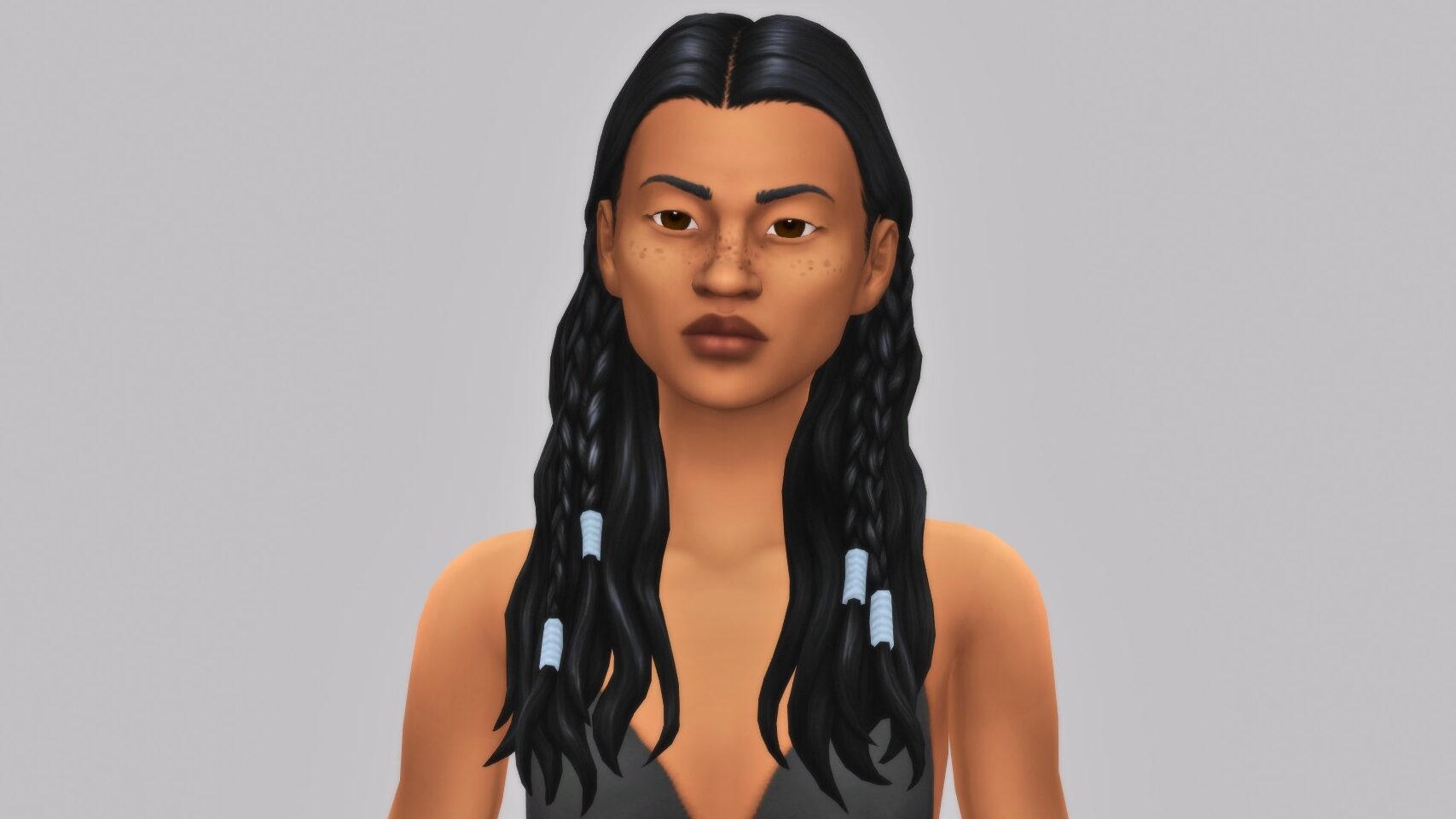
Hairs will be shown with multiple swatches to show the texture quality on each item. Longer hairs or items with detailed backs will have multiple images. Clothing and accessory items will only be shown with their standard swatch.

Lastly, some items are unlockable through gameplay. To show them in the Sims 4 Adventure Awaits CAS, you can play through the game or use the cheat (with “testingcheats” true on) “cas.unlockbytag EP20” to unlock all items. The cheat will need to be reapplied when switching between sims, age groups, etc.

Hairs & Facial Hair (33)

The Sims 4 Adventure Awaits CAS and its hairs can be described simply as low-maintenance and perfect for a hike or hot summer day on the coast. The hair styles mostly consist of simple updos or protective styles, with most being available for multiple age groups and frames!

Hats (12)

Bird masks and cowboy hats are sprinkled in between simpler caps and baseball hats, creating a wide variety of style choices to protect your sims heads! All the hats come in adult and children’s sizes.

Accessories (20)

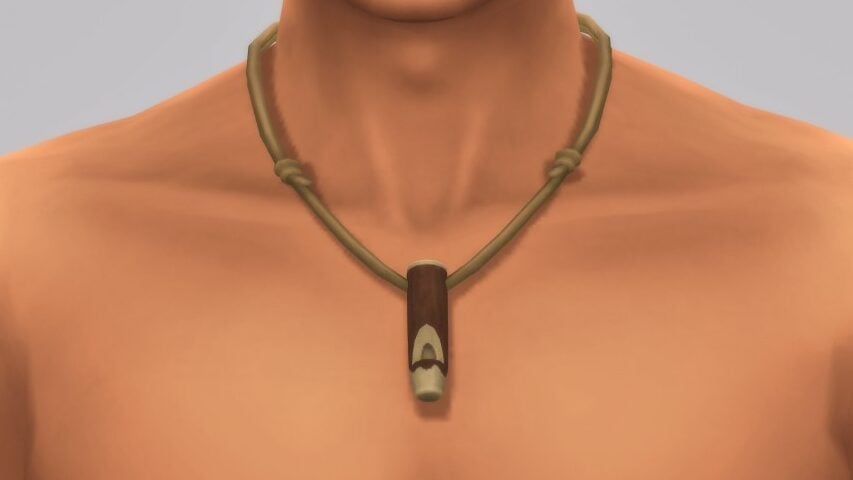
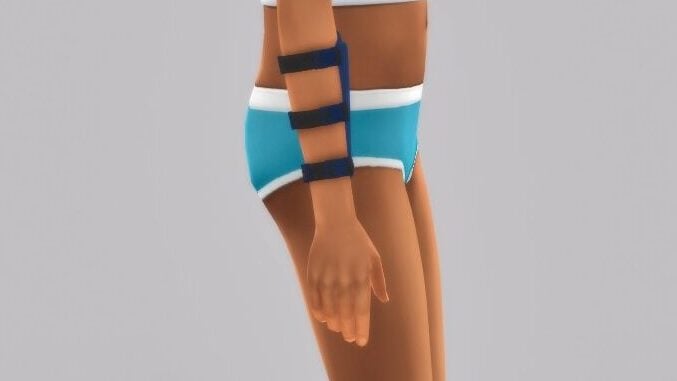
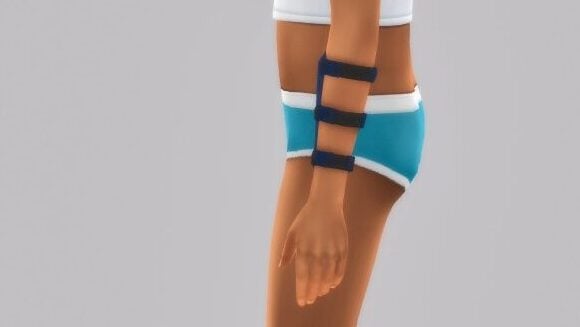
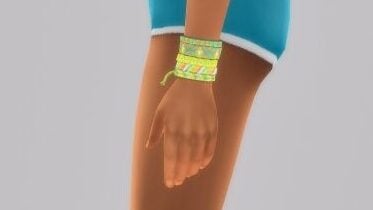
The accessories category mostly consists of a few socks, athletic braces and globes, jewelry, and some cute little bracelet stacks!

DISCLAIMER: Below is the Toasty Tootsie Socks from the Pre-Order bundle for The Sims 4 Adventure Awaits. Pre-order by November 13th, 2025 for these socks.

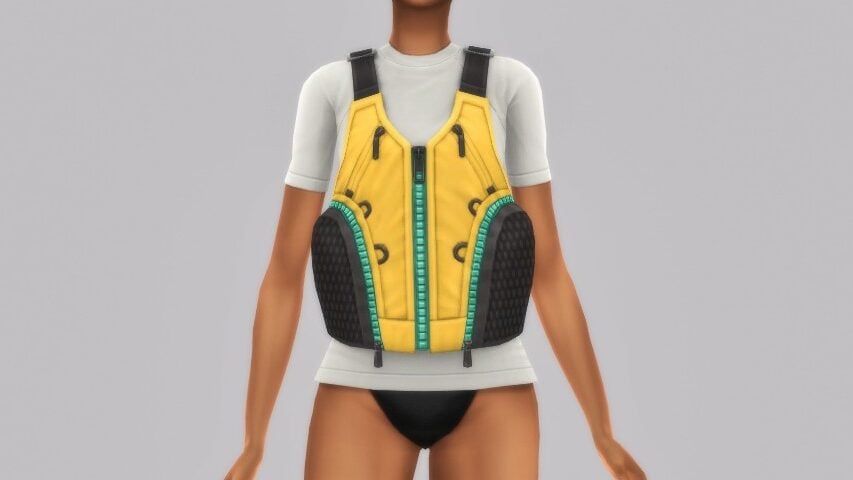
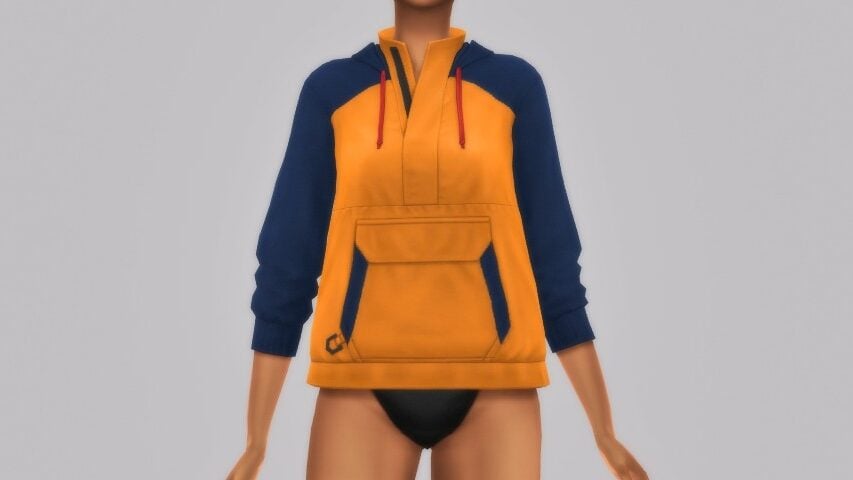
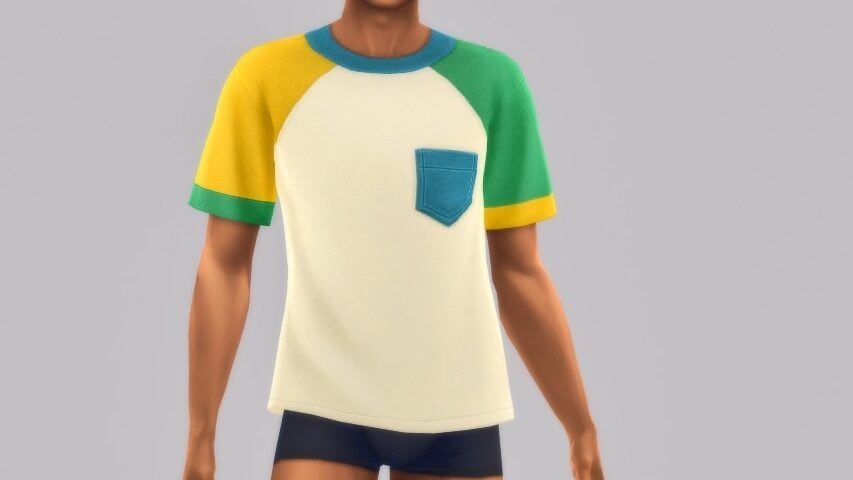
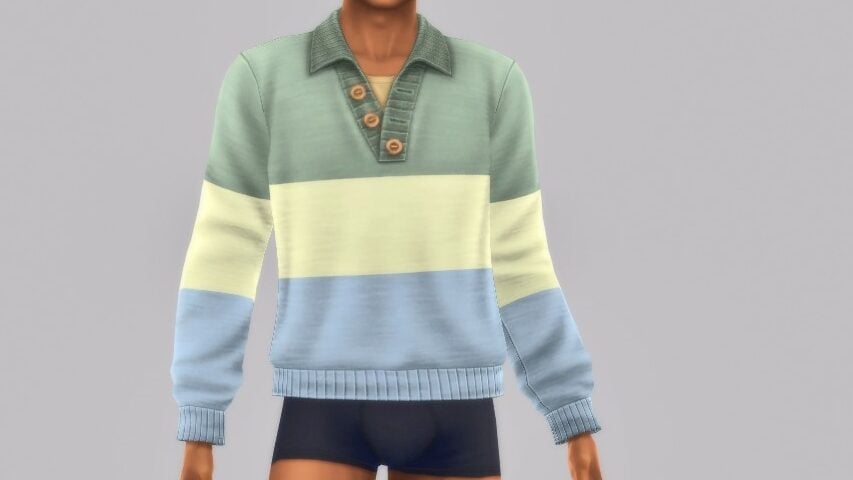
Tops (39)

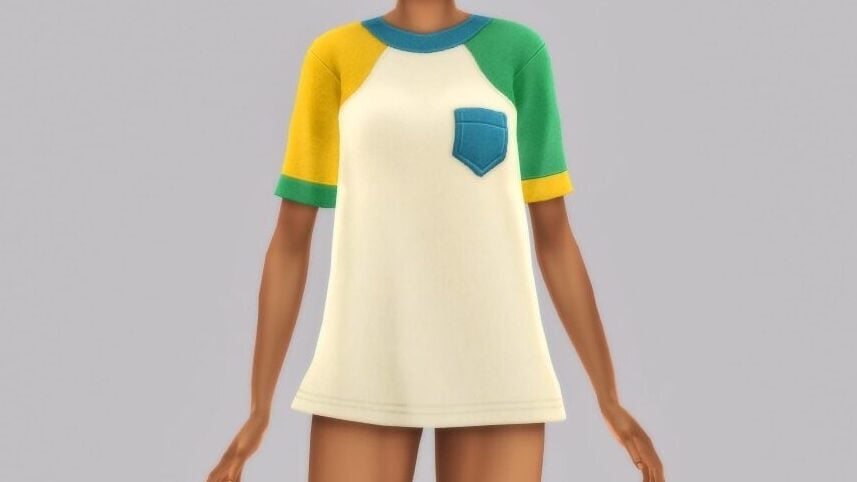
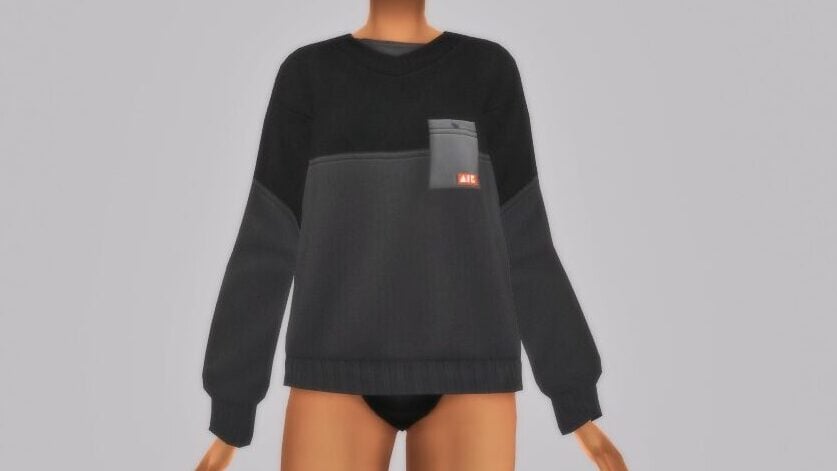
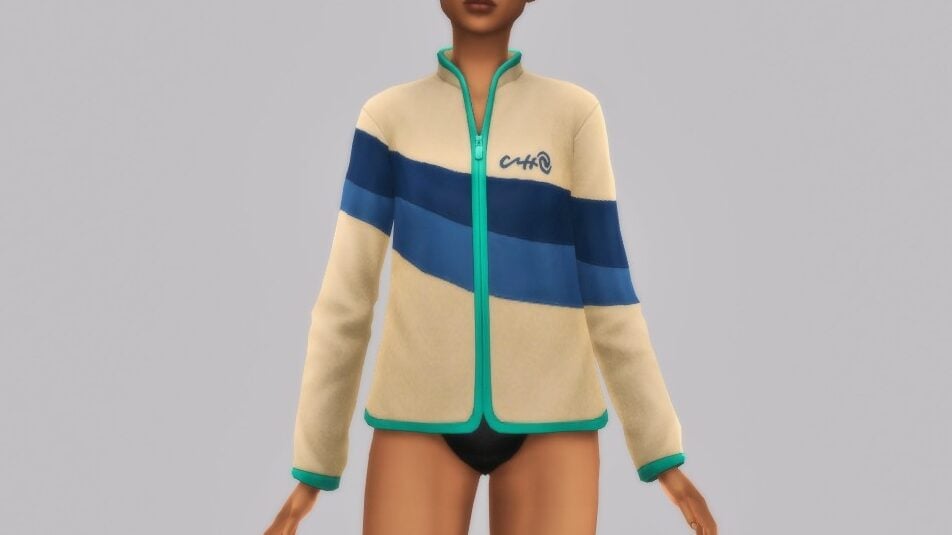
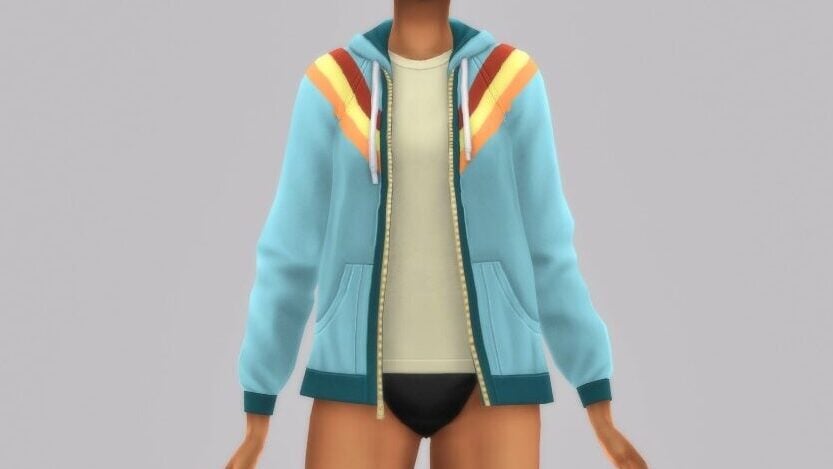
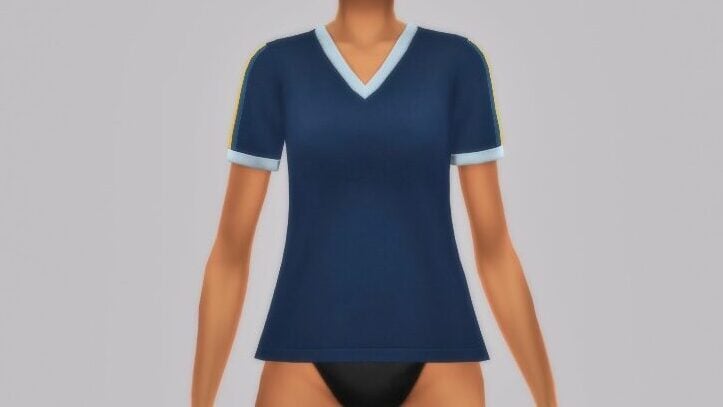
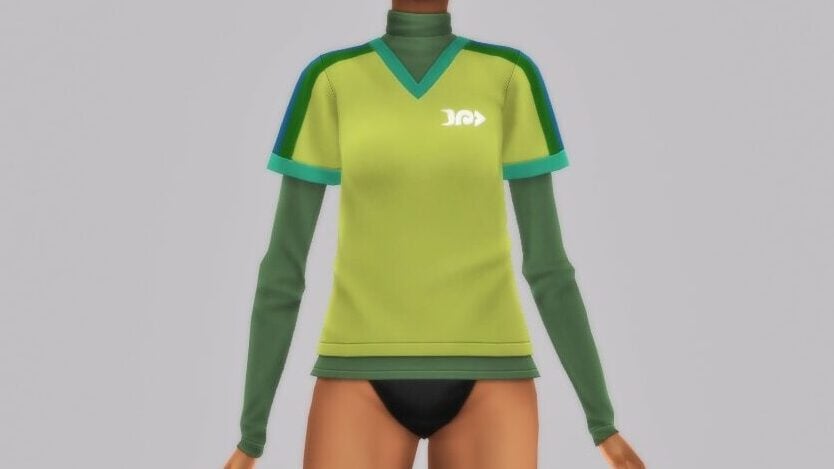
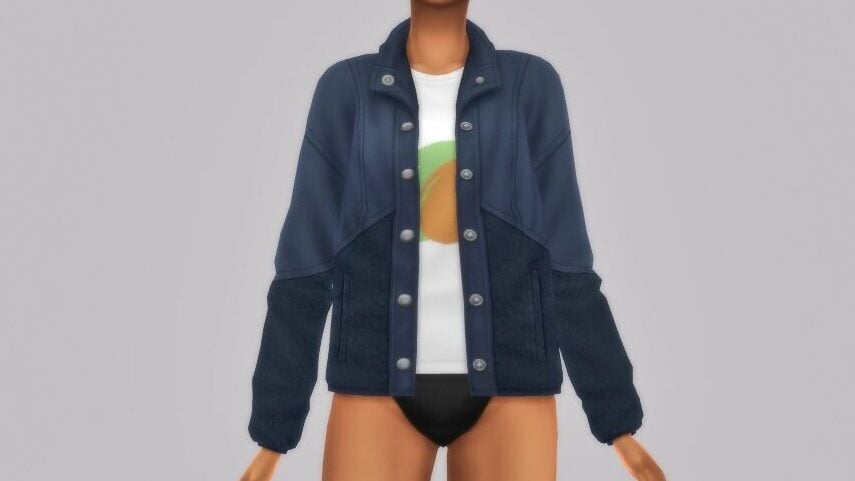
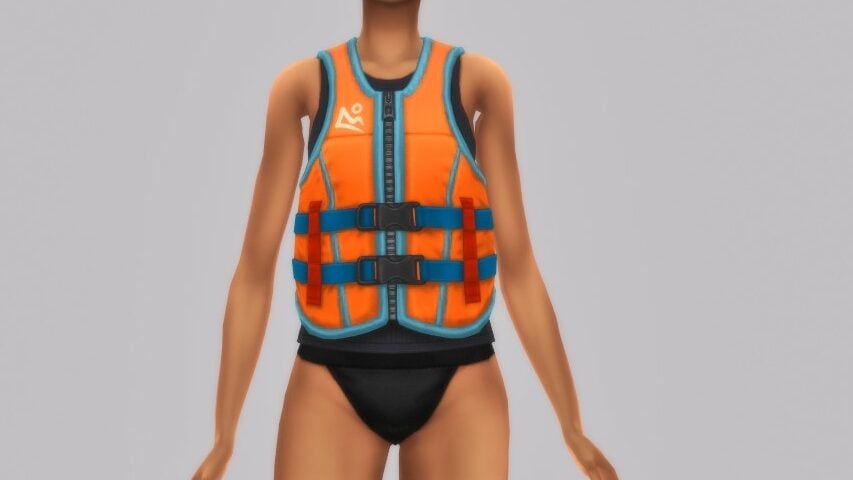
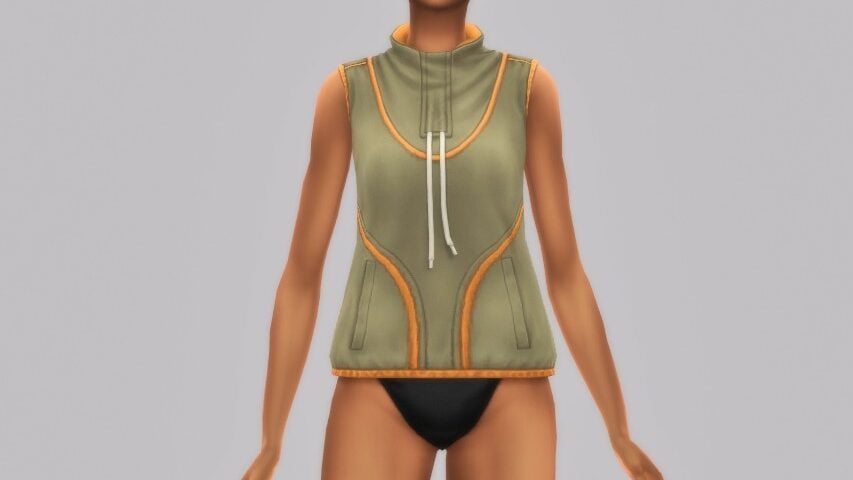
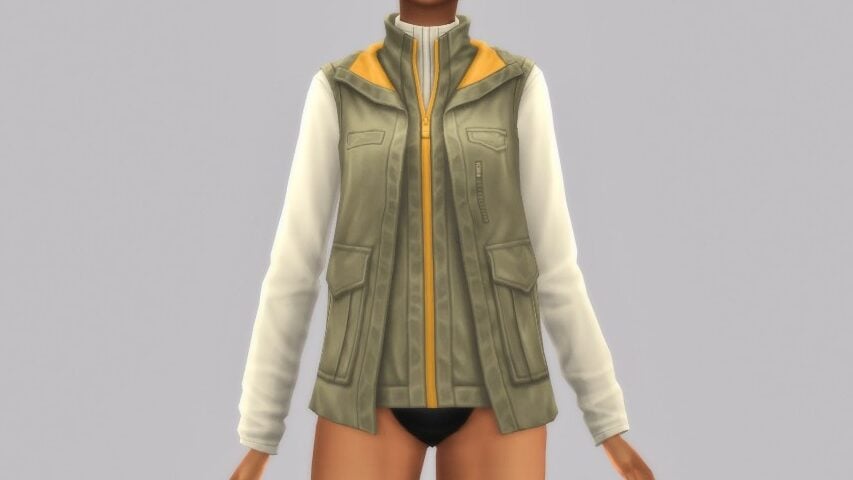
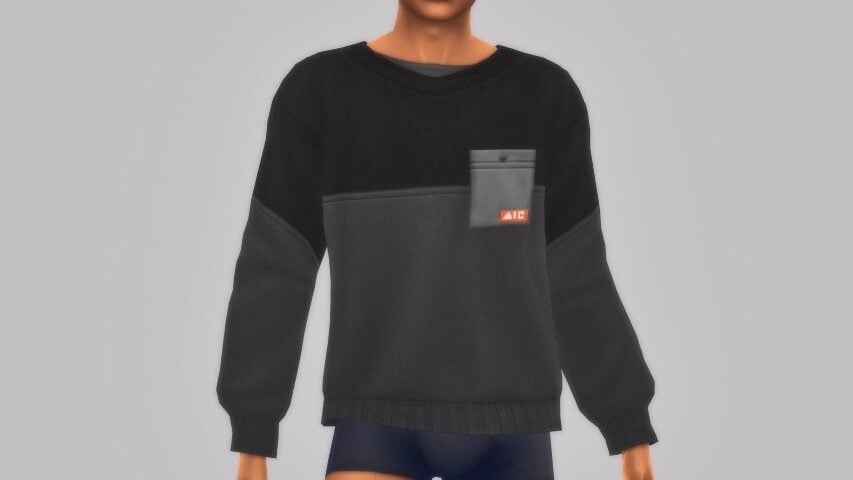
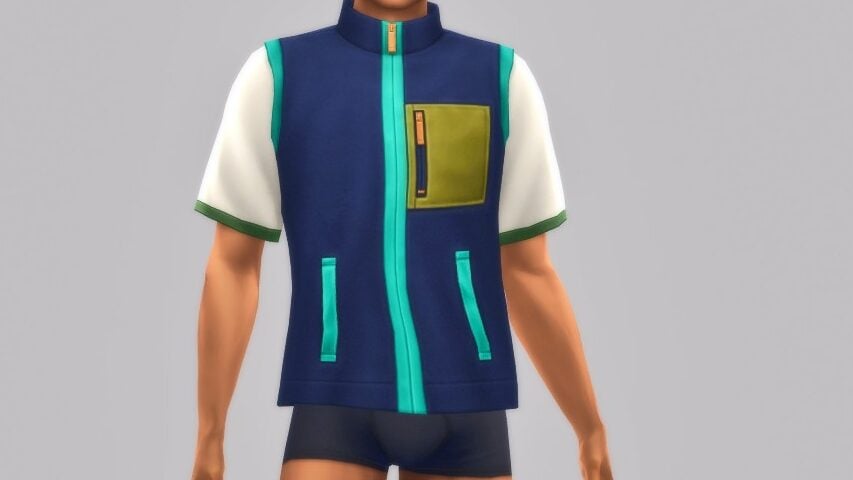
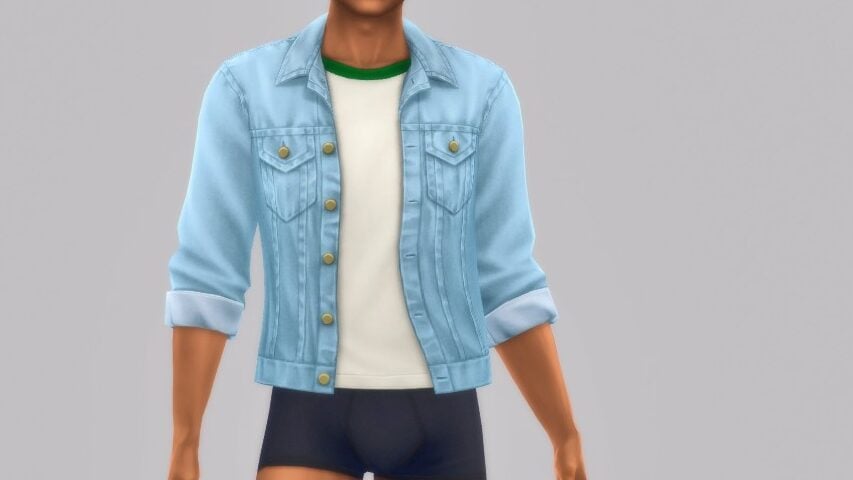
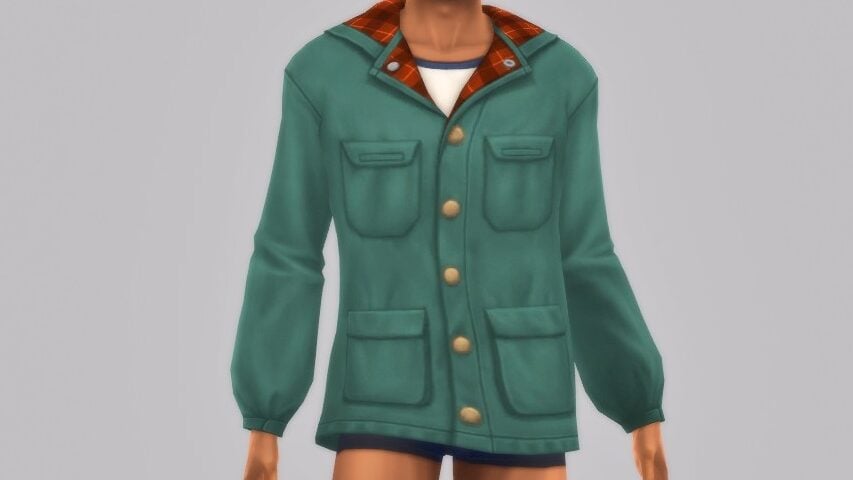
Outside of the graphic t-shirts that scream summer camp, the tops fall back on the resurgence of vintage styles found in recent packs and recent real world fashion trends, with a lot of crewnecks, vests, bright and vibrant colors, and funky patterns and color blocking.

Bottoms (25)

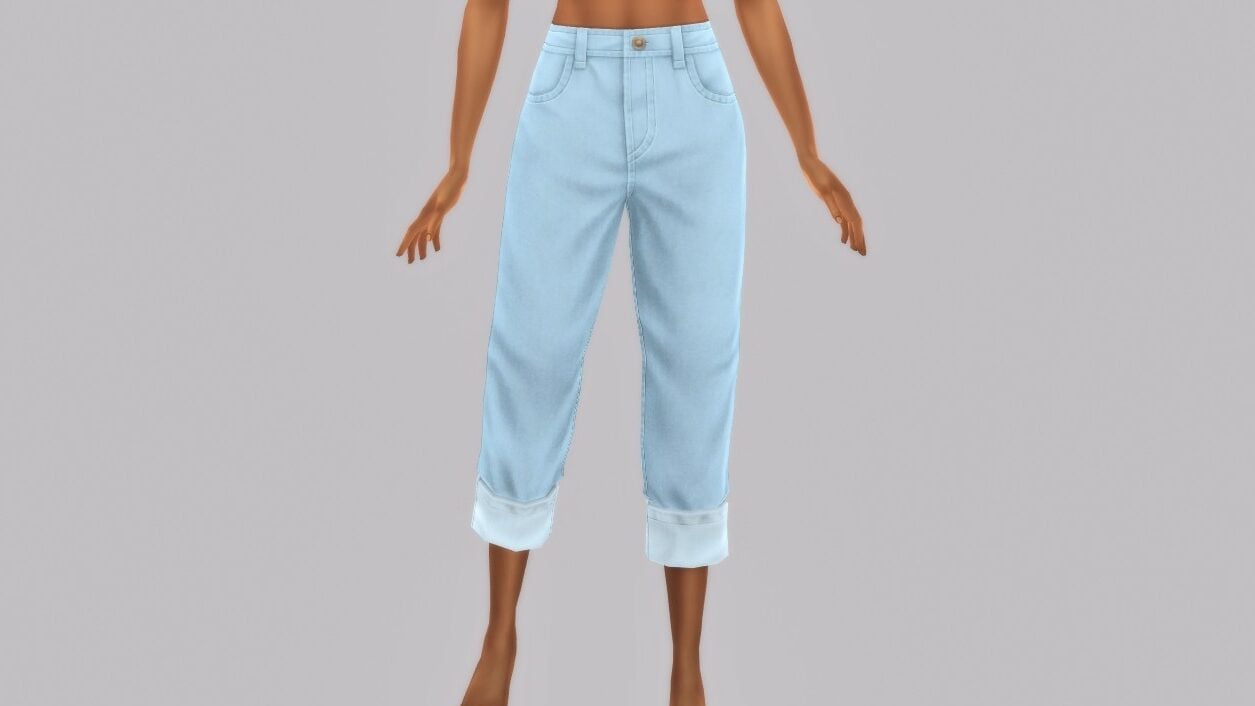
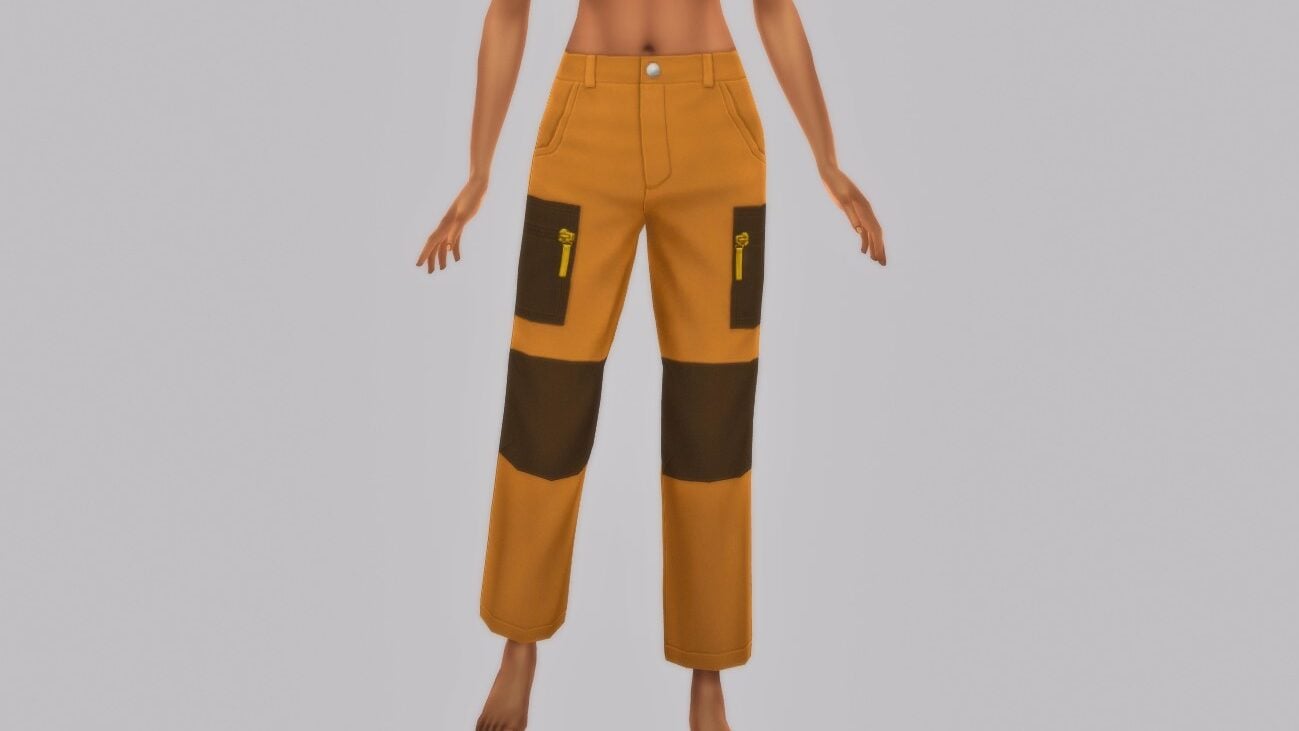
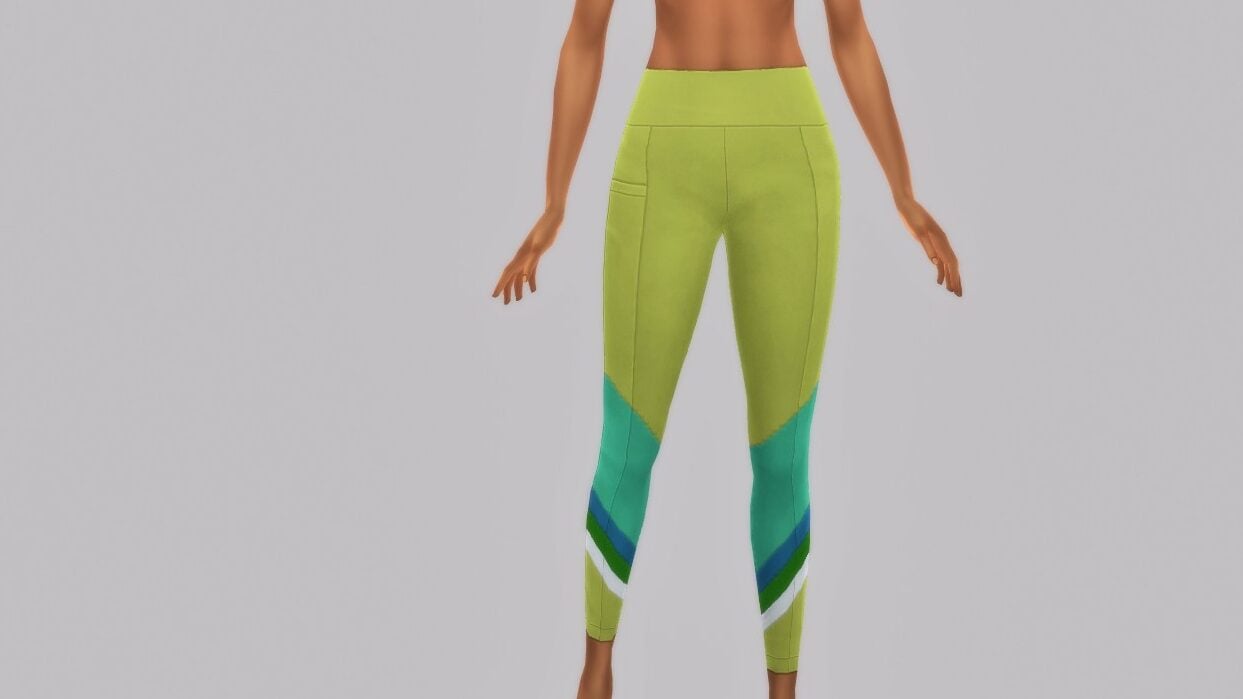
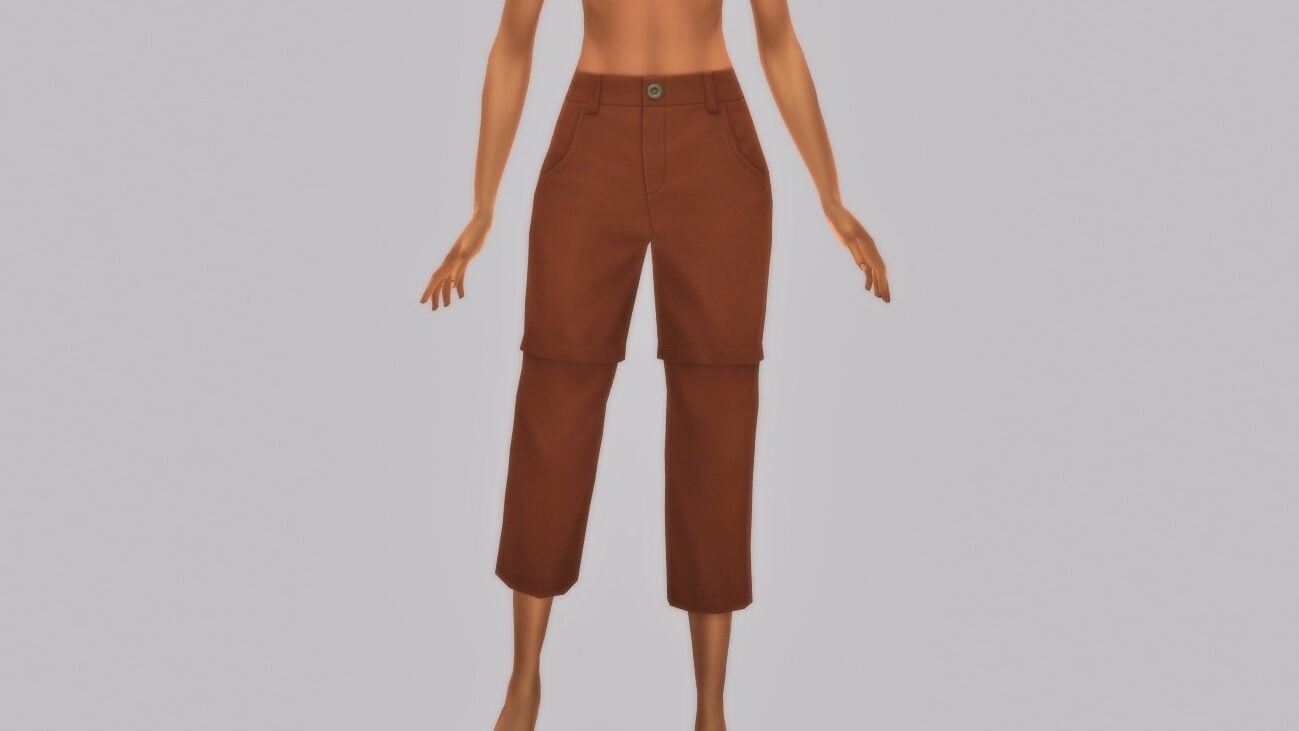
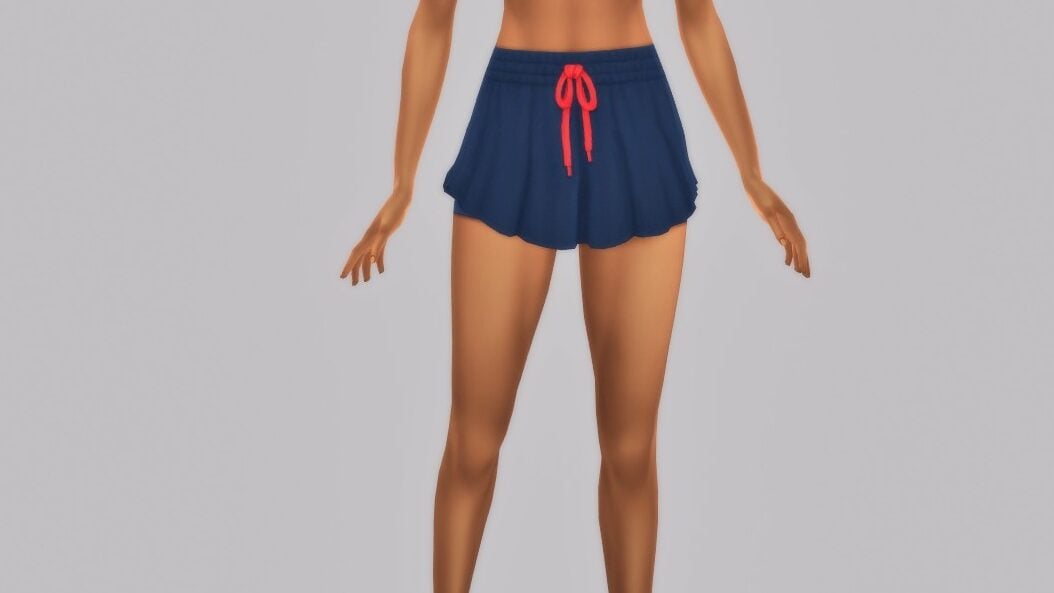
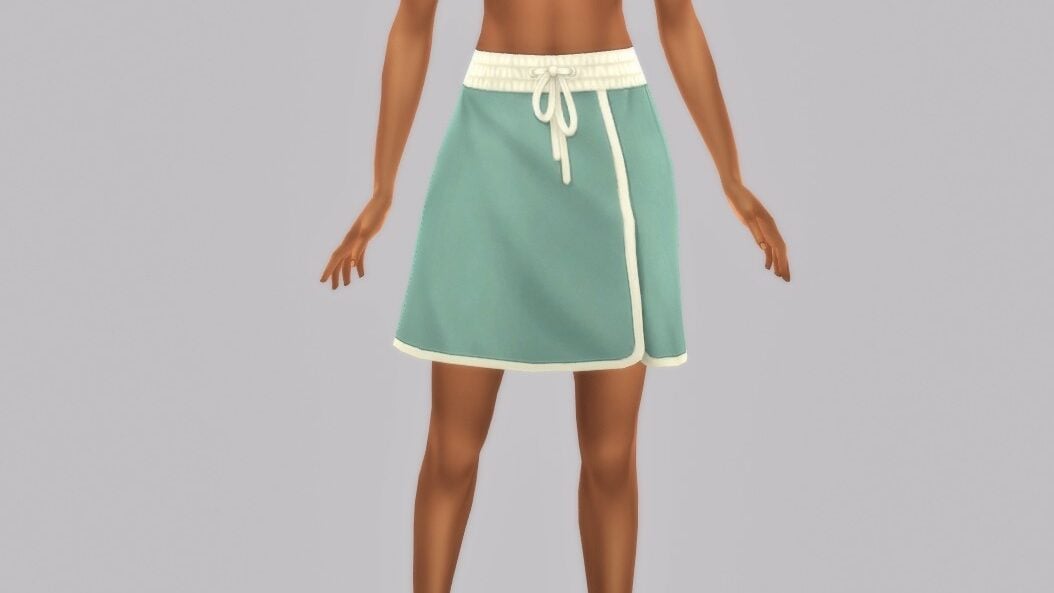
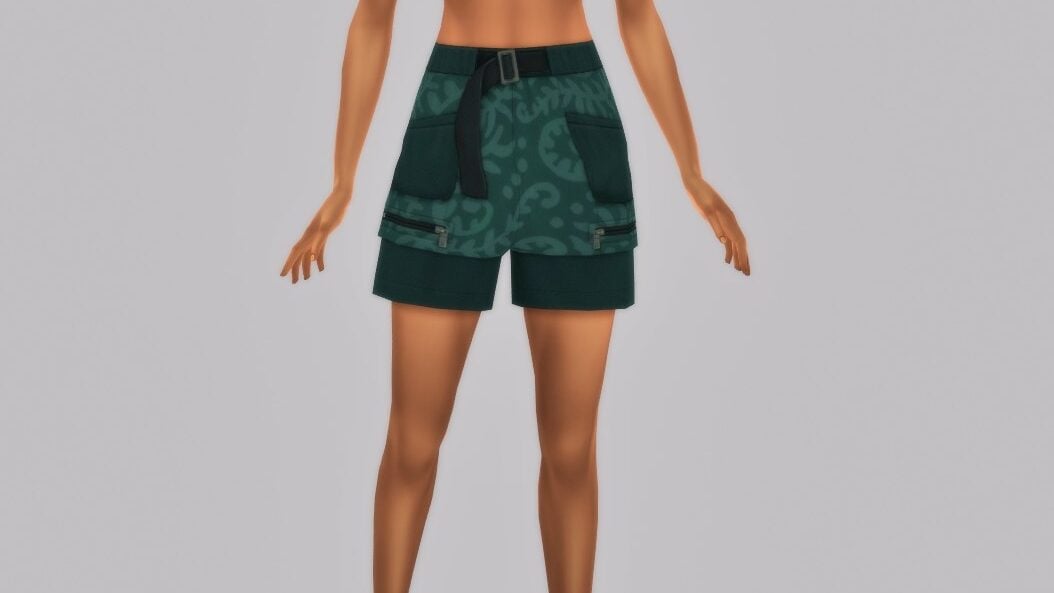
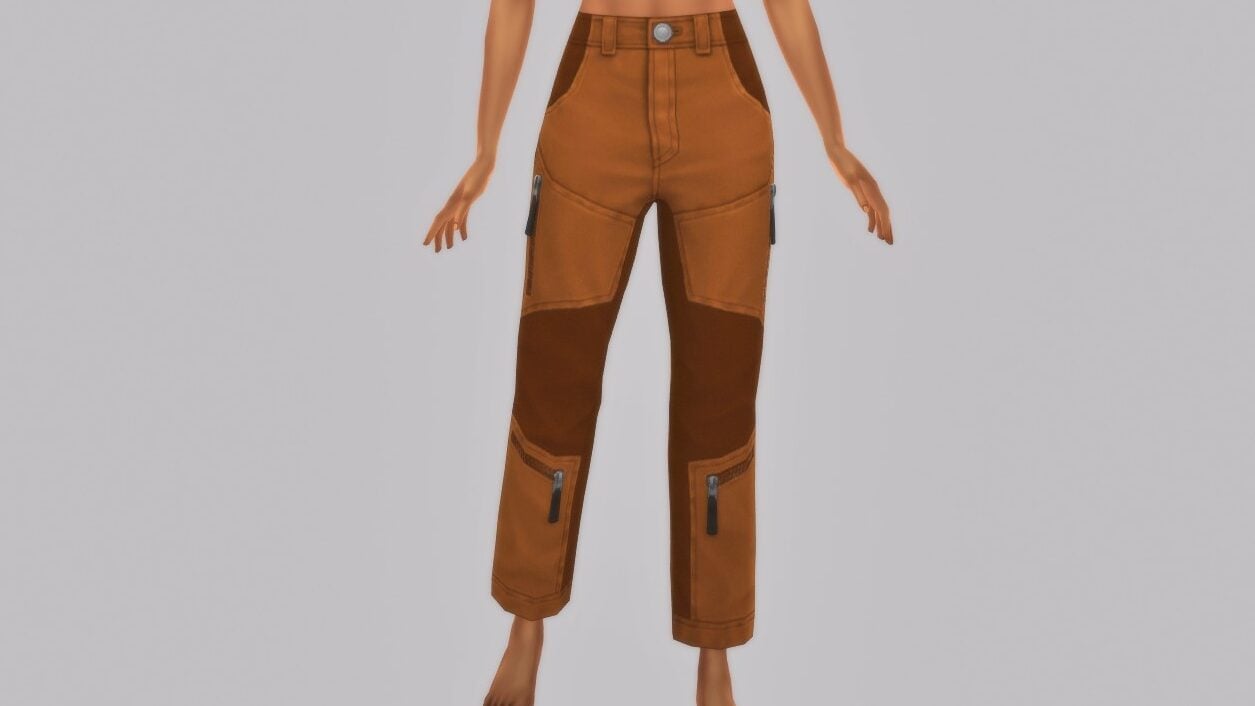
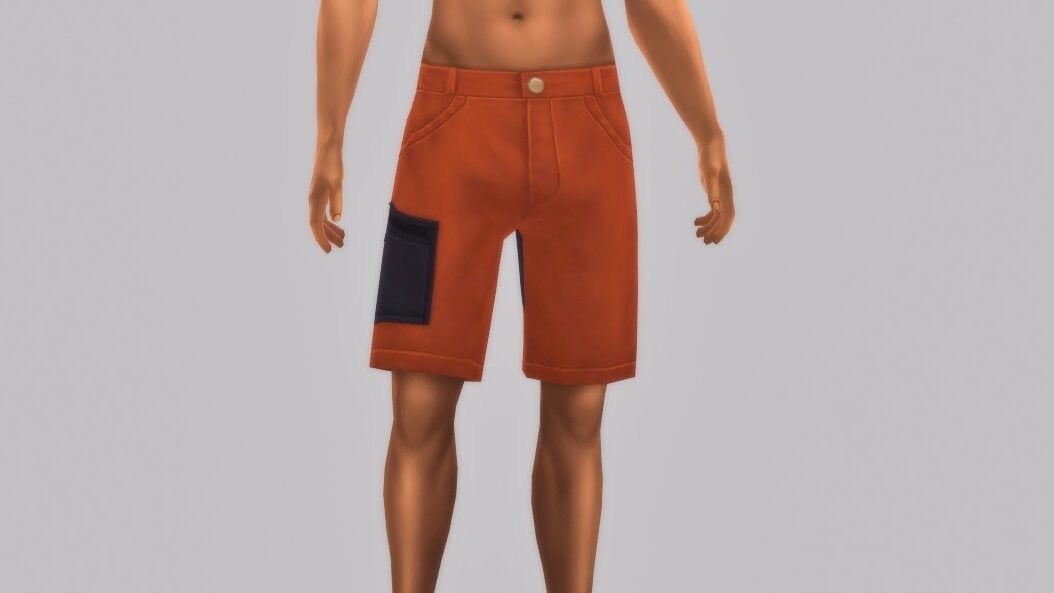
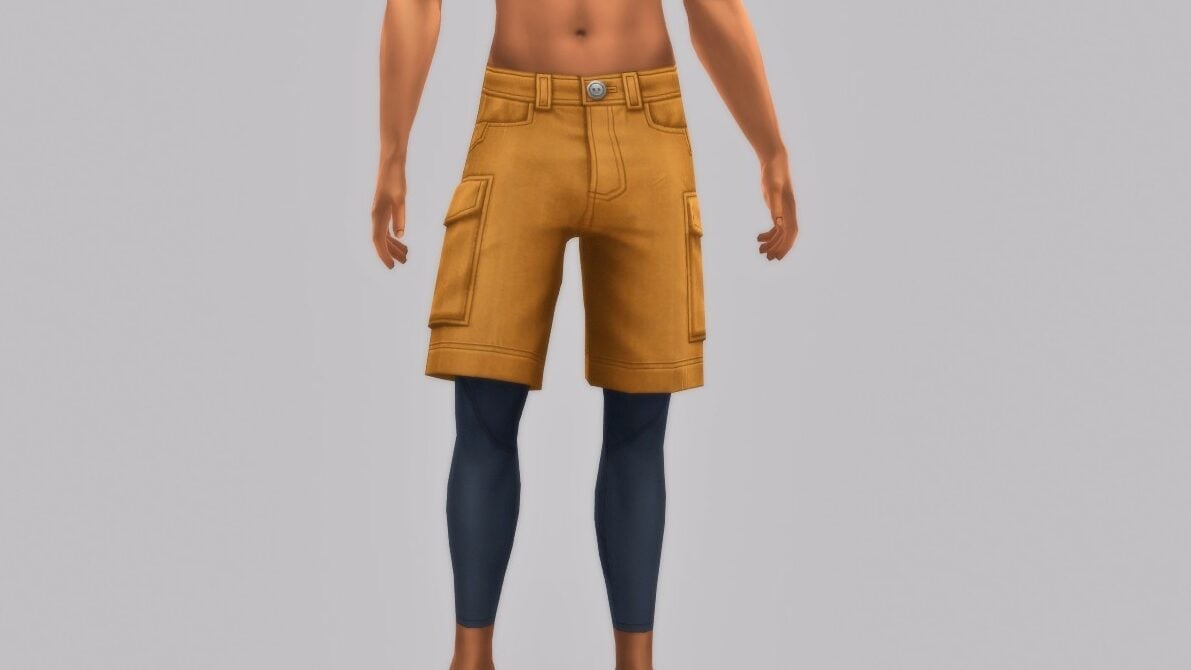
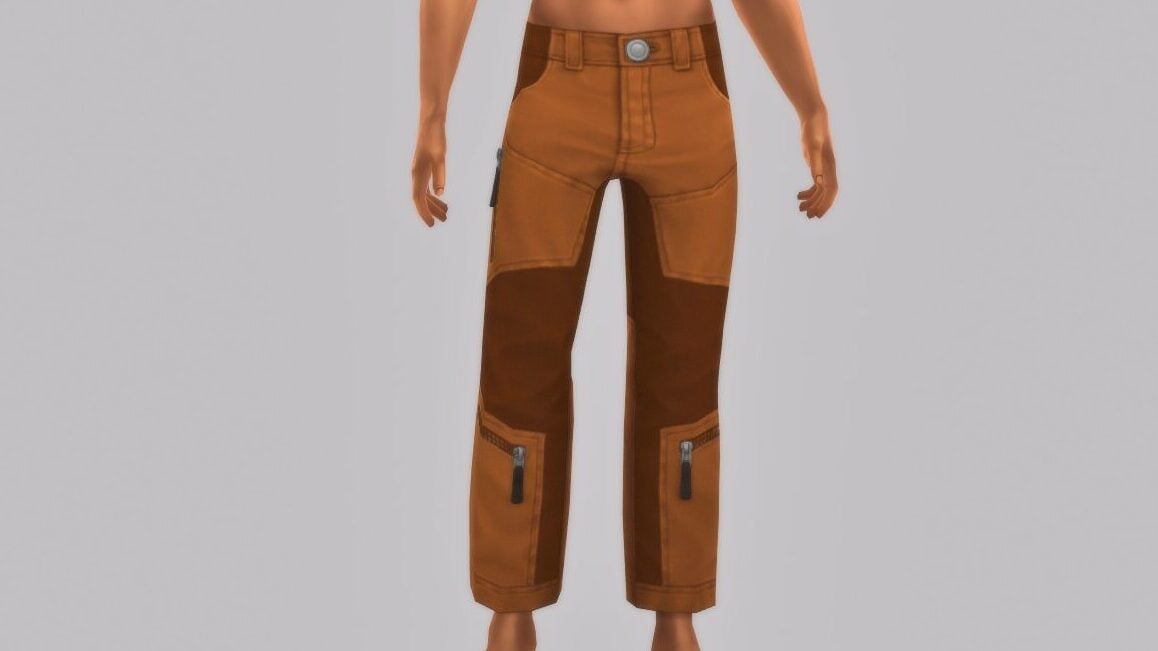
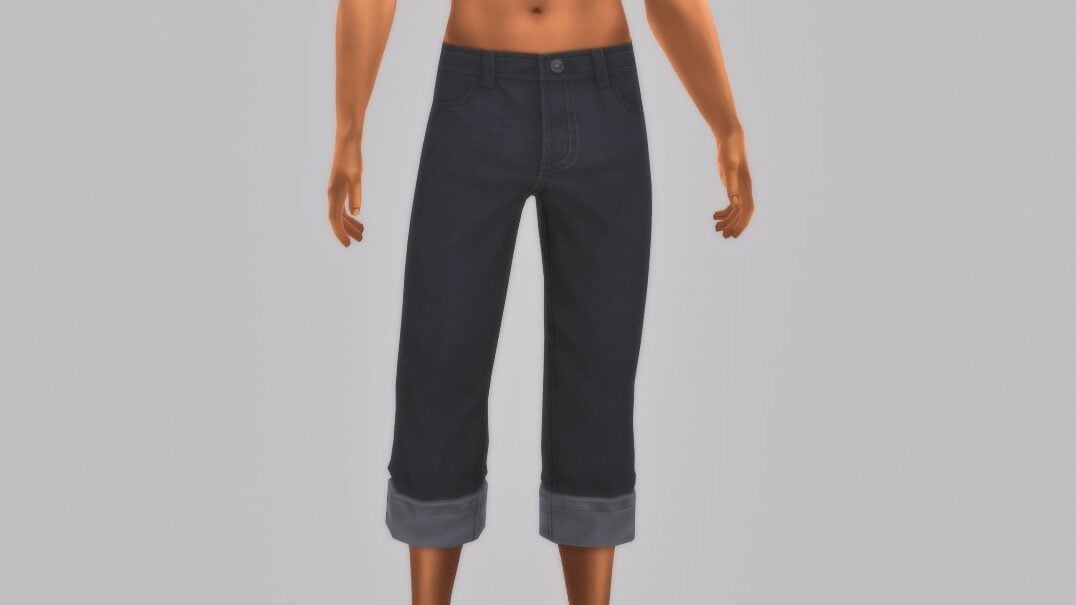
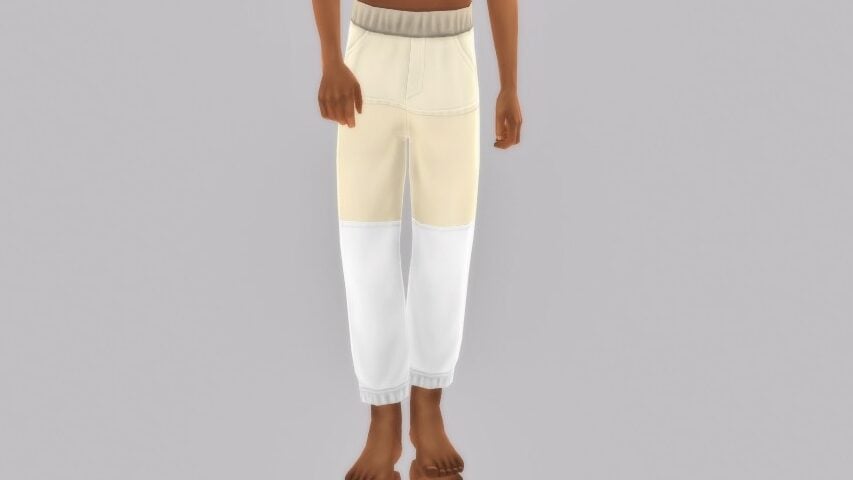
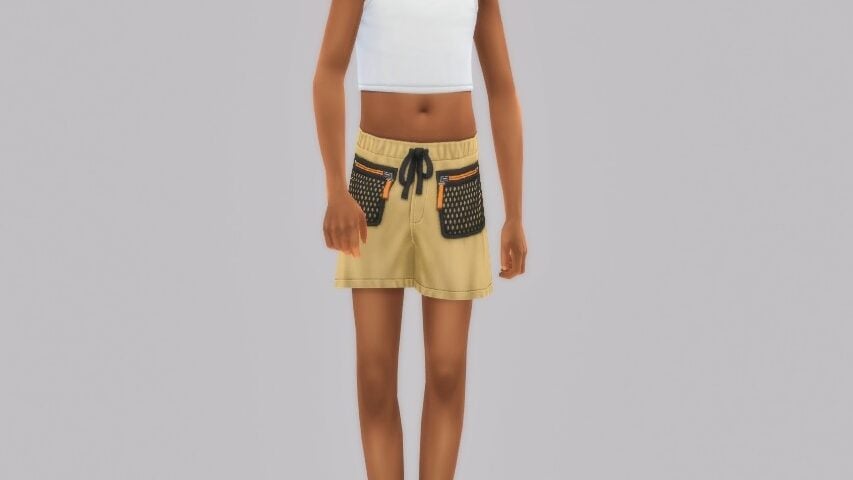
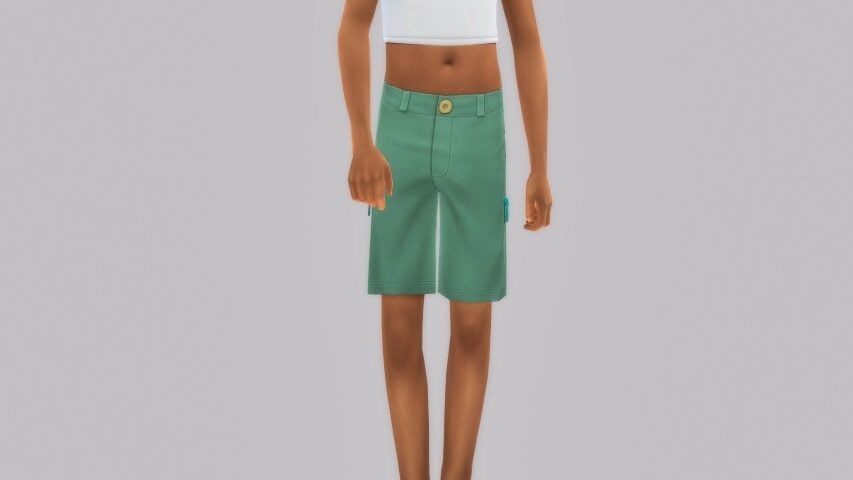
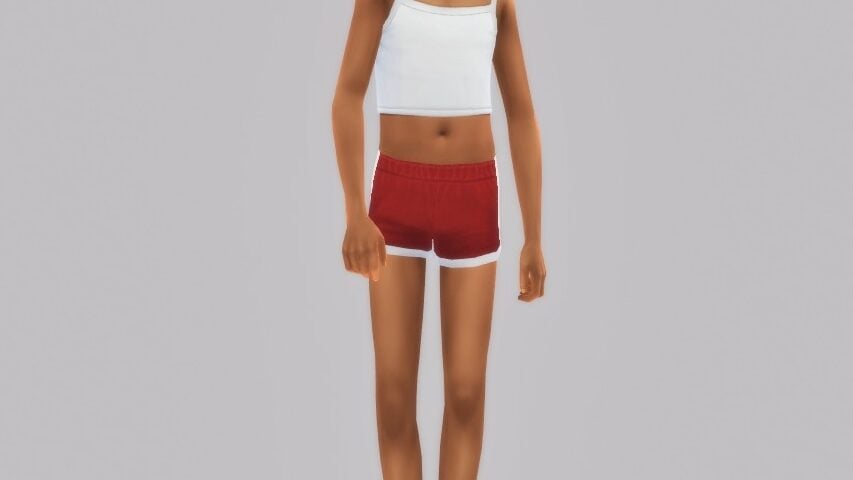
The bottoms category caters heavily to the fitness side of this pack, with most items being loose and flowy, or stretchy and skin tight, (hypothetically) allowing for a full range of movement for the many activities that await within The Sims 4 Adventure Awaits!

Full Body (21)

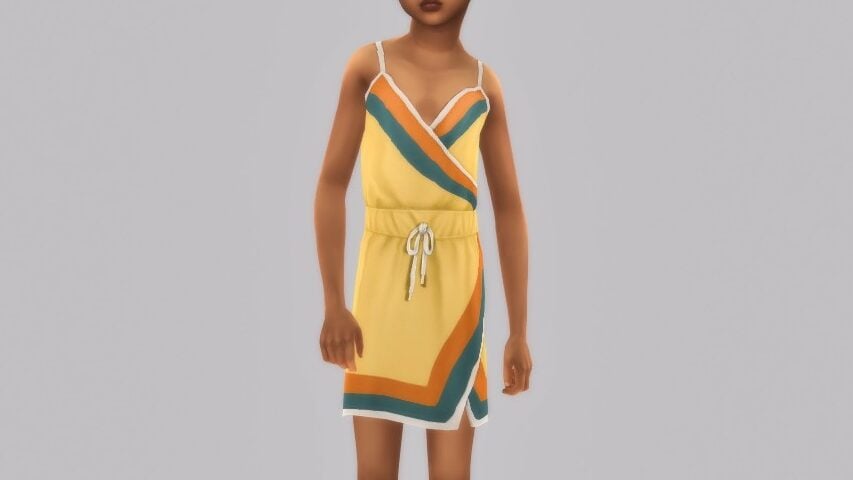
The full body outfits do get a little funky when you include the imaginary friend costumes also found within the category, but this section mostly includes beachwear, outfits perfect for a hike or curling up next to the fire, and flowy summer dresses.

Shoes (7)

Shoes built for long hikes and rigorous activities are the star of this category, including a few sandals for the beach bums of Gibbi Point!


The Sims 4 Adventure Awaits is out now for $39.99 USD or your equivalent currency! It is available on the EA App (PC/Mac), Steam (PC/Mac), Epic Games (PC), the Microsoft Store (Xbox), and the Playstation Store (PS4/PS5).

What are your thoughts on The Sims 4 Adventure Awaits CAS items? Any favorites, or least favorites? Sound off below, and be sure to follow The Sims Community while we deep dive into the contents of The Sims 4 Adventure Awaits and find all it has to offer!

The Sims 4 Adventure Awaits: Build/Buy Overview

Take A Look At All The New Build/Buy Items With The Sims 4 Adventure Awaits Expansion Pack!

The Sims 4 Adventure Awaits is here, and with it comes over 190 new Build-Buy items to build your Sims a perfect woodland getaway. Check out our showcase of every single item available in the Build-Buy catalogue, plus Debug and Live Edit objects!

sims 4 adventure awaits build items Large

Build Mode

Doors

Windows

Floors

Wall Patterns

Fences

Gates

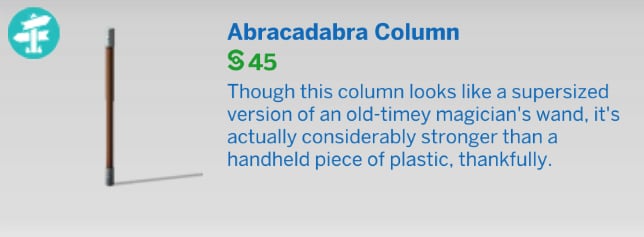
Columns

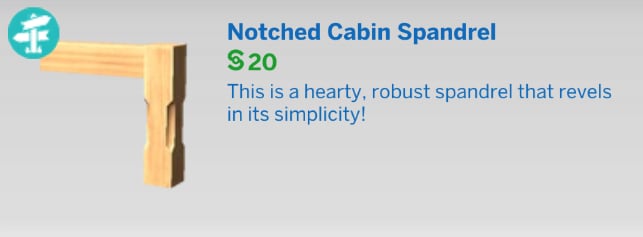
Spandrels

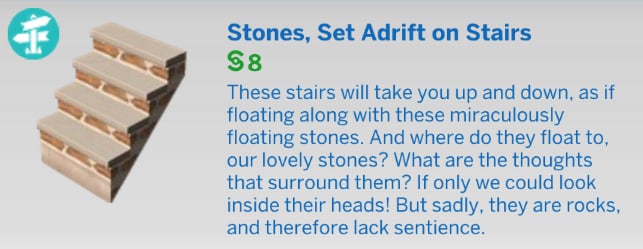
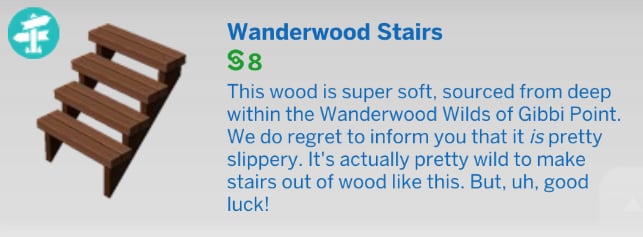
Stairs

Stair Railings

Foundations

Platform Trims

Roof Patterns

Roof Trims

Roof Sculptures

Wall Sculptures

Outdoor Plants

Pond Effects

Pool Objects


Buy Mode

Activities & Skills

Active

Creative

Outdoor Activities

Recreation

Appliances

Kitchen Appliances

Refrigerators

Comfort

Beds

Dining Chairs

Living Chairs

Love Seats

Sofas

Misc

Decorations

Clutter

Fireplaces

Indoor Plants

Mirrors

Paintings & Posters

Rugs

Sculptures

Wall Decorations

Window Coverings

Misc

Electronics

Televisions

Misc

Kids

Toys

Lights

Ceiling Lamps

Floor Lamps

Table Lamps

Wall Lights

Outdoor Lights

Plumbing

Showers

Sinks

Toilets

Tubs

Dressers

Storage

Surfaces

Accent Tables

Coffee Tables

Desks

Dining Tables

Displays

Misc

Transportation


Styled Rooms


Debug

Books

Collectibles

Papercraft

Smoothies

Misc

Live Edit

The Sims 4 Adventure Awaits – Build/Buy Style

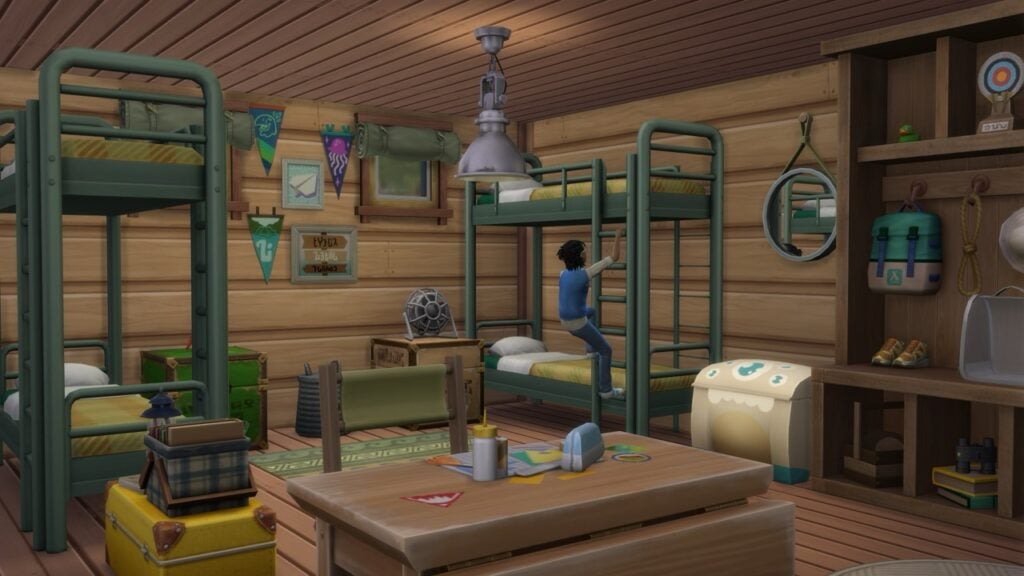
The build style of The Sims 4 Adventure Awaits boils down to two concepts: rustic cabins with mesh doors and canopy-draped windows, and modern, sleek styles perfect for a high-end getaway destination. A major selling point of this pack is its expansive collection of gameplay objects, some of which have been requested since the Base Game’s launch in 2014.

sims 4 adventure awaits build screen new

What are your favourite new pieces available in the Build/Buy Catalogue? Let us know in the comments below, and stay tuned to Sims Community as we cover the latest Expansion Pack!

New The Sims 4 Update: Patch Notes (October 2nd, 2025)

Day 0 Patch for Adventure Awaits is here, along with Base Game improvements!

EA and Maxis have released a brand new The Sims 4 Update across PC, Mac, Xbox and Playstation consoles. Both fixing some day 0 issues with the now newly released Sims 4 Adventure Awaits Expansion Pack and Base Game improvements. Such as lowering the Playground Objects limit from six to four.

Find everything that’s been fixed, improved and changed in the official Patch Notes below:

The Sims 4 Update Logo

The Day 0 Update

Installing the Latest Sims 4 Update

You can get the latest The Sims 4 Update on the following official launchers and platforms:

  • PC: EA App, Origin, Steam, Epic Games
  • Mac: Origin, Steam
  • Playstation: PS4 and PS5
  • Xbox: Xbox One and Xbox Series X / S

You can download the latest Sims 4 Update by checking for a Patch through the EA App, Steam or Epic Games launcher for Desktop. If you have Automatic Updates enabled the update will automatically download through your client program. In case your EA App is not working properly ensure you’ve cleared your app cache!

If you play The Sims 4 on Xbox Series X / S and Playstation 4 and 5 you can request a new update by checking for updates under The Sims 4 game in the Main Menu. If you’ve enabled automatic updates the Patch should download right away.

Having problems with updating your old Mods and Custom Content? See our guide on the 50/50 method!

The Sims 4 Update

Official Sims 4 Patch Notes

Simmers,

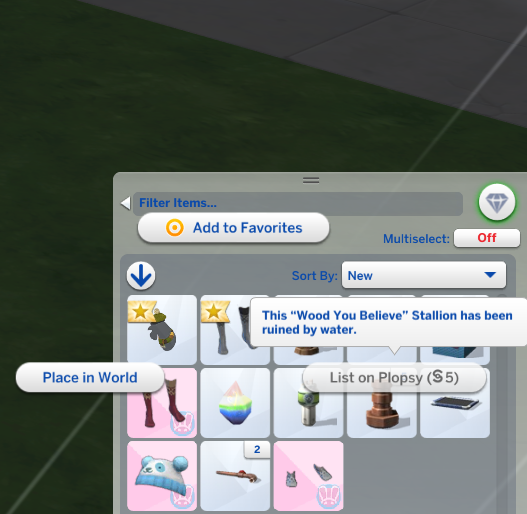
We’ve released a small patch to resolve the community reported issues of water damaged Plopsy listings & a tuning change to lower the required items for playground venues from 6 to 4. Thanks for your ongoing feedback.

image 18
Source: EA Help

The Sims Direct on X

The update is around 600MB on PC / Mac.

sims 4 update filesize

What’s your experience with downloading and installing the latest Sims 4 Update? Join the comments below and stay tuned for more Sims News and Updates!

The Sims 4 Adventure Awaits Blog: Guide to Custom Venues and Getaways

5

Get introduced to one of the main features coming in The Sims 4 Adventure Awaits!

The Sims Team has released a new Sims 4 Adventure Awaits blog. Diving deeper into creating your own Custom Venues and Getaways in the game.

In the official blog release, you’ll get to learn more about the customization options of Custom Venue activities, assigning roles, locations and much more!

Check it all out in the official guide release down below:

sims 4 adventure awaits icon

The Sims 4 Adventure Awaits Blog: Custom Venues and Getaways

Introducing Getaways

Hi, I’m Soo, Feature Producer on The Sims 4 Adventure Awaits Expansion Pack, we’re here to give you an insider look into two exciting new features coming in this expansion: Getaways and Custom Venues! One of the things I love most about The Sims is how every new feature inspires fresh opportunities for players to tell their own stories. With Getaways, our team set out to deepen storytelling while staying true to what makes The Sims fun–freedom, creativity, and a little challenge and chaos.

Hi, I’m Nikhil, Lead Designer of Getaways and Custom Venues.  I’ve always admired games that give players powerful creative tools. With Adventure Awaits and the Getaway system, we’re bringing new levels of customization to multi-day experiences in The Sims. Our team is incredibly excited to empower you with features like Schedules, Roles, Activities, and Rules to shape your Getaway–and we can’t wait to see the inventive twists you’ll create!

So let’s dive in together!

What is a Getaway?

A Getaway can be many different things in The Sims 4. It can be, quite literally, a way for your Sims to get away from everyday life and stay with other Sims in a new location, with a schedule of activities that guides what they do. Getaways can be camps that orient Sims around developing skills together, or retreats where Sims focus on their relationships or creative pursuits. But Getaways can also be a weekend away at Grandma’s house, or even a weekly workout class. You can decide your home is the perfect base for a Getaway and have an entourage of Sims stay at your residence.  

What is a Custom Venue?

A Custom Venue is a new type of Lot that goes beyond standard Venues (i.e. Museums) by letting players design the experience. The Venue builder allows you to set rules and assign roles to Sims–and, yes you can enjoy Custom Venues without the Getaway System if you’d rather focus on world building. Not a builder but still want new Custom Venues? Check out the Gallery for inspiration!

What Kind of Getaway Should I Make?

  • When planning a real adventure, you might ask yourself:
    • Where do I want to go?
    • Who do I want to go with?
    • What activities will we do there?
    • When should it happen?
    • And most important for yourself: why are we going there?

You might know some of the answers to these questions, and as you answer one question, the other answers may become more clear. We wanted Getaways to begin with whichever of these questions inspires you. Start with an idea—a place, a goal, or even just a vibe—and then shape the rest of the experience from there. This is your simulation within a simulation!

A Player’s Story: Bonfire at the Beach

Let’s take a look at how Getaway’s provide choices to help you create your “who, what, when, and where” in game.  As for the why—that is discovering what motivates you to take on something different for your Sims, create your own storyline, and perhaps even bend a few rules or embrace new challenges.

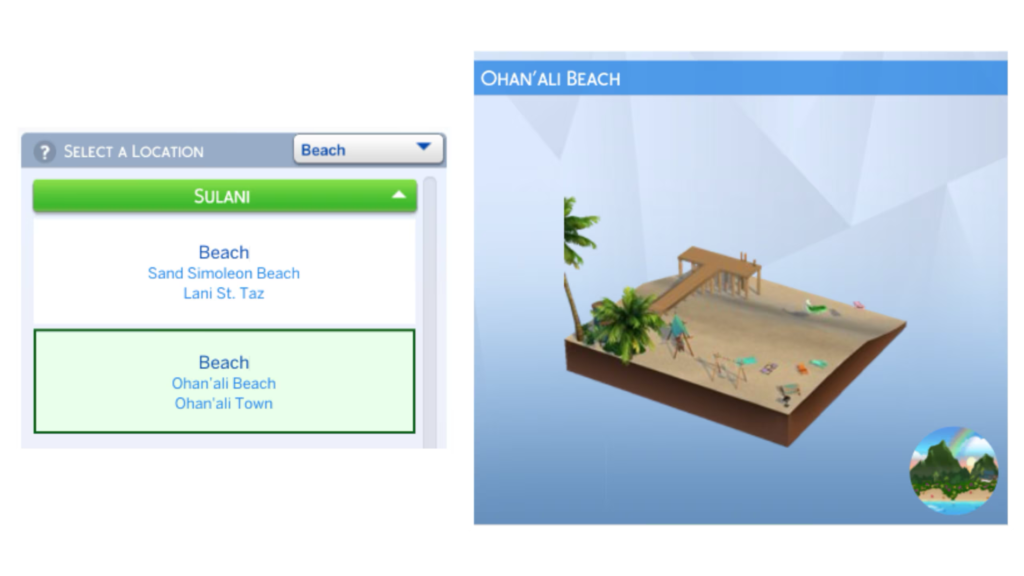
Where do I want to go?”

  • I want to go to the beach.
ts4 dev diary getaway asset 1

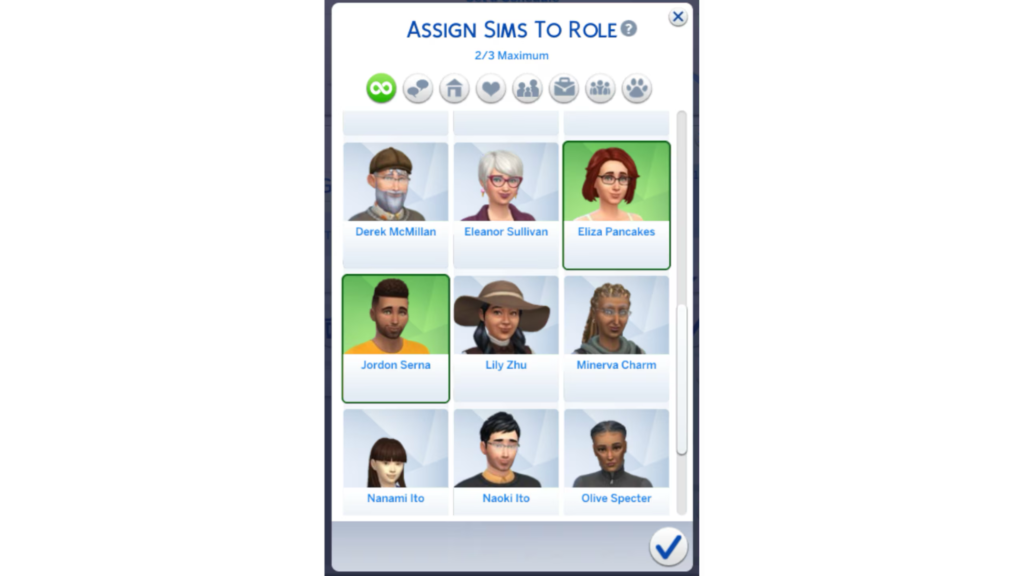
“Who do I want to go with?”

  • I want to go with my friends, but I want to meet new people too.
ts4 dev diary getaway asset 2 1

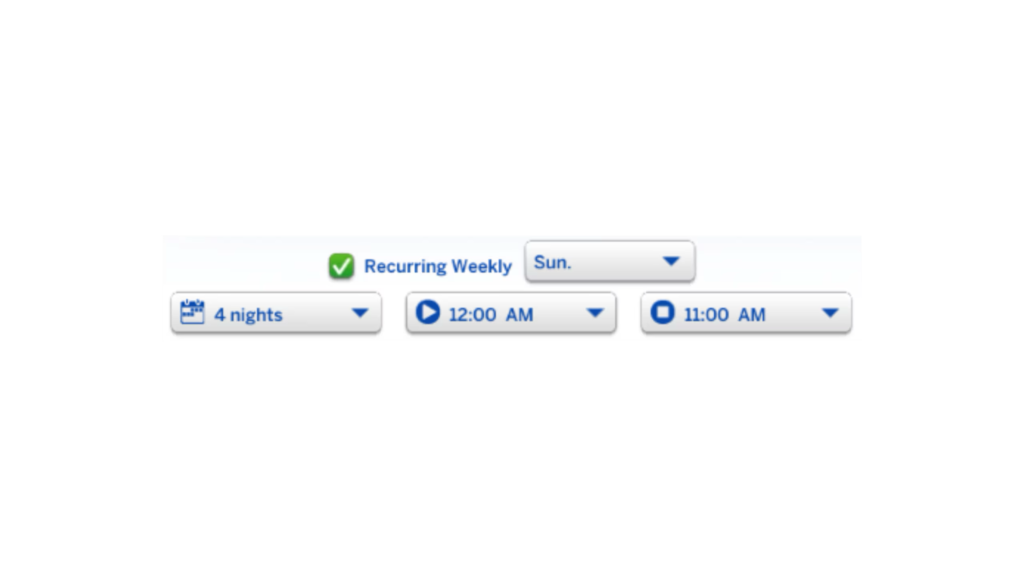
When are we going?”

  • I want this to last at least 4 days. But who knows? Maybe I’ll extend it again and again…
ts4 dev diary getaway asset 3

What are we going to do there?”

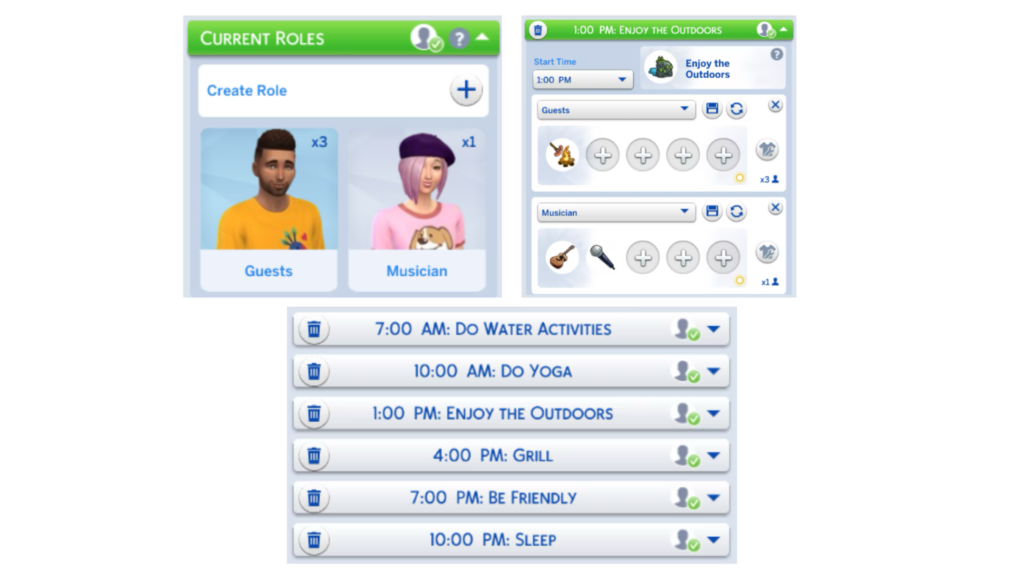
  • I don’t just want to party or lay around, I want to get in shape by swimming and diving, maybe even get out of bed early and do some sunrise yoga.
  • And I want there to be a beachside bonfire with some dancing and maybe even a musician.
ts4 dev diary getaway asset 5 2

“What’s this Getaway called?”

We’ll call it Bonfire at the Beach!

ts4 dev diary getaway asset 6

Why are my Sims going here?”

  • We just want a relaxing beach vacation with friends where we can do a little bit of everything, from making new friends to building new skills to kicking back and just taking in the view.

Small Changes Transform the Getaway

  • As this Getaway unfolds, imagine if we answer these questions a little differently:
    • What if this Beach Retreat is for Sims to get in great shape and compete to see who’s the most fit Sim? What if we change the competition to be about finding love?
    • What if the next round of the Beach Getaway is about couples who are returning here to work on their strained relationships – or give up and find new romantic options?
    • What if we removed the staff and trainers and supporting Sims, and beach visitors had to fish, cook, clean, and support themselves from the natural environment around them?
    • What if you purchase this lot, and earn money by letting visitors stay here and enjoy a luxury villa experience?
    • With Getaways, you can take the same idea and evolve it into something entirely different.

The Building Blocks of Getaways

When you create a Getaway, you’ll use 5 core building blocks that each work together: Roles, SchedulesLocationsActivities, and Rules.

SchedulesRoles and Activities are your strongest tools as a Getaway creator. The Lot you set up (including a Custom Venue that has its own behavior you can define) gives you control over a place, so you can make anything from a rustic survival camp to a lavish mansion. And Getaway Rules let you add elements of competition, challenge, special layers of gameplay that “remix” your Sims experience.

Roles – The Who

Roles are all about the who of your Getaway. Each role contains 3 important parts: Sim CriteriaRole Activities, and Outfits

Sim Criteria

When you decide on what kinds of Sims you want in a Role, you can choose what kind of Sims you want through Sim Criteria, as well as choose the specific Sims you want to be included in that role. When you use Sim Criteria, you are choosing what Traits, Skills, Relationship Status, and other gameplay and personality factors you want Sims in this role to have. Sim Criteria also gives you the choice of whether you want to require Sims to fit that criteria, or whether you wish for that criteria to be more of a preference.

When you don’t have specific Sims in mind, by setting the “Total Sim Count” to whatever number of Sims you desire, the Getaway will find the right Sims that match your criteria and bring them in for you.  

Role Activities

Setting a Role’s default Activities allows you to decide what a role generally cares about doing, so when you add this role into your Getaway’s schedule, the Role already focuses Sims on behavior that’s important to them. This makes it easy to start shaping your plans right away. However, Roles are not limited to their Role Activities – when you make a Schedule, you’ll have the ability to give Roles different Activities during specific Time Slots. For example, you could have a Fitness Instructor (Role) who has the default activity of Mentoring Fitness, but you can still have this role leading spin class in the morning and hosting a dance party at night.

Outfits

Lastly, you can set default outfits for your Roles! You can go in depth and style each of their outfit categories, or keep it simple and pick a Style, a Color, or an Outfit Category that represents what this Role is all about. Each Time Slot will also let you swap outfits too, so when you are choosing your Role Outfits, think about what this Sim generally likes to wear.

Schedules – The When

Now, Schedules are the “managers” of your Getaway. They decide what happens, when it happens, and who is involved. Time Slots allow you to create periods of time and decide what Sims care about doing within those hours. You can create many time slots or even stick to just one time slot and you can arrange the hours in the day as you wish – which allows you to create Schedules that can feel simple and laidback, or busy and packed. 

Each Time Slot can have its own Activity, Roles, Outfits – allowing you to create different combinations of Sim behavior throughout the day. Your Getaway can be a relaxing fishing retreat in the morning and turn into a flirty dance party by the evening. 

And remember, you don’t have to plan everything out perfectly (or at all) when you get started. Schedules are flexible and nothing is “locked in”. 

You can make changes before the Getaway begins, or even switch things up while it is happening. Change up Activities, bring more Sims, or just clear out a time slot and give your Sims a little free time. It is entirely your choice whether the schedule becomes a detailed itinerary or something a little bit more spontaneous. 

Activities – The What

Sims Care About Doing Activities

Activities are the experiences that bring the schedule to life. Think of them as strong suggestions that your Sims care about doing, but not absolute rules they must follow – Sims will try to do interactions that relate to an Activity, but if they can’t or if they have more pressing wants or needs, they might choose to do something else. Maybe the plan calls for a group hike, but if you stayed up too late the night before, you might decide a long nap is the better option.

Activities are one powerful layer that influences how Sims at a Getaway behave, but Sims at a Getaway will respond to possibilities and objects they have on their lot, the things they see in the world around them, and the moods, wants, needs, and relationship influences that they experience at the Getaway. 

Multiple Activities

When you give Sims multiple Role Activities as well as a Time Slot Activity – Sims try to make the best decision possible, beginning with their Role Activities that will generally take priority. As you add multiple Role Activities within the same time slot, Sims will try to find clever ways to do two things at the same time – but if multiple Role Activities can’t be done at the same time (ie, Play Video Games and Go Fishing), Sims make a choice which is influenced by their motives and dozens of other factors that make up Sim autonomy. 

Activities Grow with Packs You Own

The list of activities with Getaways is already full of options, but if you happen to own other packs, Activities from those other packs will also appear, letting you take full advantage of the content you already have. That could mean yoga with Spa Day, horseback riding with Horse Ranch, snowboarding from Snowy Escape, or scuba diving in Island Living. There are also individual Activities available with Adventure Awaits, like “Water Activities” or “Cause Mischief and Mayhem”, which grow based on which packs you own. 

Earning Rewards from a Getaway

Activities, simply put, are what your Getaway is all about. Whether you choose one activity or several, these Activities shape how your Sims experience the Getaway, from how they spend their time to the lasting impact once the Getaway ends! Sims don’t have to do every Activity or follow a schedule rigidly to earn impactful Rewards from their Getaway – whatever your Sim tends to do more often, whether it’s cooking and crafting, or outdoor exploration, or socializing and making new friends – that will determine what Rewards your Sims earn when the Getaway is done. 

Locations – The Where

Every great Getaway starts with the right location, and now you have more choice than ever. With the new lot type filter, you can browse and select from a wide variety of lots. Most venue types are available to choose from, like bars, gyms and lounges, and even other Sims’ residential homes!

Ever dreamed of hosting a black-tie piano recital at the Goths’ mansion? Now you can! (Though your Sims will have to pay for the cost of using their home). With such an expansive list of locations to choose from, the possibilities are nearly endless.

You can even host a Getaway at your own home. Doing so earns you Simoleons (and maybe even a few tips) from your guests, turning your residence into both a destination and a source of profit. Hosting more Sims on your lot and increasing your residence’s lot value will allow your Getaway to earn progressively more Simoleons per day!

Rules – The Why

Getaway Rules allow you to “remix” your Getaways with additional gameplay that could involve challenges, eliminations, gameplay boosts, and other elements that modify Sims’ experiences. Rules can be combined – you can choose up to 5 Rules and you can choose which Roles in your Getaway these Rules apply to. This gives you control to set up groups of Sims who are contestants up for elimination, or judges whose relationships will dictate the fate of others. As you find different combinations of Rules to apply, you can create your own versions of survival camps, reality TV drama, romantic retreats, focused goal-based camps around learning skills or boosting productivity. Rules give you one more way to bend the simulation to suit your story. 

Taking It to the Next Level

Once you have the basics down, Getaways can grow beyond the expected answers. You can make Getaways that don’t really sound at all like Getaways – but, they use the core components of a Lot to stay in, a Sim or group of Sims to participate in the Getaway, and a Schedule that defines what your Getaway is all about.

You can set them as recurring events so they slip right into your Sims’ weekly routine, choosing both the duration and the days they repeat! Maybe it’s a Weekend Boarding Camp for your kids, or maybe it’s a Friday Night Retreat the adults can’t wait for. 

Rules are where things really heat up, letting you layer on custom challenges or even eliminations, where each day the Sim with the lowest skill or progress has to pack up and head home. Suddenly your relaxing vacation could feel more like survival camp, a cutthroat competition. And yes, our personal favorite is Love Highland, but you can always put your own spin on it! 

When you’re ready to share, you can build a Custom Venue, attach your schedule preset, and upload it to the Gallery for everyone to enjoy, or even grab someone else’s creation to shake up your own saves. Over time, we hope these Getaways will grow into The Sims 4’s larger ecosystem, turning Getaways into stories that are as wild, heartfelt, or hilariously messy as your imagination allows.

Playing Getaways YOUR Way

Start with Your Favorite Areas of The Sims

Making a complex Getaway completely from scratch involves digging into several areas of the game – and every Sims player has areas of the game they love to tinker with, as well as areas of the game they put less attention into. We encourage you to pour your effort and creativity into the Building Blocks that appeal to you, and make use of our Premade Schedules and Roles, Builds from the gallery or in world, and Sims you already care about to get a strong foundation going in the areas you don’t feel like digging into right away. 

Dive Into the Details that Interest You

If you love to build, create the Custom Venue of your dreams, pour your eye for detail and construction into the lot – and then complete that venue with a simpler schedule filled with premade roles.

If you love to tell romantic and dramatic stories between Sims – start out with a great Getaway lot for romance – the Addams Residence, which has private areas to woo Sims and little details like mirrors and flowers to boost your romantic success. And pour your heart into the Roles, Schedule and Rules, thinking through the details of which Sims need to be there, how they should behave, and how jealousy and past history might come into play.

If you like to achieve as much as possible, with a sense of efficiency and creativity to power your Sims to great heights… think carefully about how you can economize the Getaway’s cost (or perhaps, host it on your lot), making clever decisions around whether to have the highest quality objects. Design a legion of helping Sims – staff to clean, chefs to make meals, skillful Sims to mentor. Add the Rules to boost your Sims success.

You certainly can do it all if you want to – but it’s not a requirement of making a great Getaway. As you begin to plan out your Getaway and you consider all of the many options for what your Getaway can be, start by asking yourself not only “what are my Sims doing here?” but also, “what kind of player am I?” What do I enjoy tinkering with and experimenting with the most? Getaways are not a feature we designed for you to play any one specific type of way – we’re excited to see you look inwards and ask, what kind of adventure awaits me? 

Source: The Sims Blog


What are your opinions on the brand new The Sims 4 Adventure Awaits features and possibilities you can do with Custom Venues and Getaways? Join the discussion down below and stay tuned for more extensive guides on this Expansion Pack!

More Information About The EA Buyout Shared in Internal FAQ Thread

8

Frequently asked questions about the EA buyout have surfaced online.

We’re getting a bit more clarification about the recent EA buyout from the official EA FAQ thread shared internally to its employees.

In case you missed out on the news, Electronic Arts announced on Monday that they’ll be going from a public company to a private invested one. After receiving a $55 billion dollar investment from private investment firms like Saudi Arabia’s PIF, Jared Kushner’s Affinity Partners and Silver Lake.

SIMS EA SOLD

A new Frequently Asked Questions thread, shared internally to its employees, has been shared by gaming journalist Stephen Totilo. The thread sheds some light about the future of internal structuring, including answered questions about layoffs, changes in internal culture and values and more.

It’s worth noting that this thread could be painted with more optimism for PR value. Insider Gaming reports that employees at Bioware are already expecting the worst, with some already preparing their portfolios in case the entire studio gets the cut.

We’ve gathered all the important information from the internal Frequently Asked Questions thready by EA down below. Check it out:

clipboard sc

Why did the Board accept this offer to take EA private? What is their responsibility to stockholders?

  • EA is a public company, which means anyone can invest in us, decrease or increase their stake, or make an offer at any time.
  • The Board is elected by our stockholders and it is the Board’s fiduciary responsibility to act in stockholders’ best interest.
  • This includes reviewing any credible offer and accepting it if they believe it’s in the best interests of our stockholders.
  • The Board carefully evaluated this opportunity and concluded it delivers compelling value for stockholders and is in the best interests of all EA stakeholders.

Why is this Consortium interested in acquiring EA?

  • PIF has been a significant stockholder in EA, and the broader gaming industry, for many years.
  • This Consortium understands that EA is uniquely positioned to lead the next era of entertainment.
  • The Consarium shares our vision, and is decision to make this historic investment reflects conviction in our strategy.

What are the differences between being private vs. public?

  • As a public company, EA operates within the framework of public market expectations.
  • Being a private company allows EA to adopt a longer-term investment horizon, with greater latitude to pursue bold strategies without quarterly public market response.

What are the implications of this possible transaction?

  • This partnership gives us the ability to move faster and unlock new opportunities on a global stage.
  • With a longer investment horizon – and the same discipline, focus, and operational excellence that has fueled our success – we’ll have greater creative and operational flexibility to drive innovation and build the next generation of entertainment experiences.
  • We will continue to take bold creative bets and invest in our largest growth opporunities in service of our global e ommunies of fans and players.

Does this mean EA is in financial trouble?

  • EA is in a strong financial position.
  • This partnership gives us the ability to move faster and unlock new opportunities on a global stage.

How will I be kept informed about the status of the process?

  • We are committed to keeping you informed during this process and will provide regular updates through emails, EA World, and other employee channels.

When is the transaction slated to close?

  • We expect the transaction to close in the next six to nine months.

Will there be any changes to management?

  • Andrew will remain CEO, and there are no changes to the executive team as a result of this transaction.

Will EA move its HQ?

  • EA will remain hedquartered in Redwood City.

Will our culture change as a result of this deal?

  • Our mission, values, and commitment to players and fans around the world remain unchanged.
  • We will continue to be guided by our cultural values of creativity, pioneering, passion, determination, learning, and teamwork.
  • The Consortium is supportive of and committed to investing in our exceptional employees and our strong culture.

Will private ownership lead to layoffs?

  • There will be no immediate changes to your job, team, or daily work, as a result of this transaction.
  • Our focus is on driving innovation, and expanding our global reach, all of which require world class teams, who are excited to shape the future of entertainment.

Two anonymous employees at Electronic Arts already shared their sentiment about this buyout. One stating that this feels like “a big f you” from Andrew Wilson to all women and LGBTQ+ employees at EA. With another being worried about what this could mean for potential future layoffs at the company.

Stay tuned for more EA News as they surface right here on Sims Community.

Maxis shares progress on The Sims 4 Save File Issues

6

The Sims Team gets transparent on fixing the game.

A new statement from The Sims Direct Team has been shared online. Letting players know where Maxis is currently at with fixing the corrupt Sims 4 Save Files. Including reports about the For Rent Expansion Pack, new tools they’re implementing for error prevention and more.

The team is currently testing various instances of scratch file concerns, lot data issues and other areas of focus. Find out what all that means in the full statement below:

CONVERSATION 2

Sul Sul Simmers,

In our last blog, we shared our commitment to investigating concerns that some players had around save file corruption, and we’re here to update you on what our team has been working on and where our investigation currently stands. 

In this update, we’ll share our progress, what we’re still investigating, and the next steps we’re taking. From collaborating with players to analyzing save data and exploring technical leads, here’s where things stand today.

We’re committed to being transparent with you about our processes, and while we don’t have all the answers yet, progress is being made every day. Thank you for your patience, your feedback, and your passion for The Sims.

The Sims Team

Our Progress So Far

We’re focused on identifying any potential causes of corruption, implementing preventative measures to avoid future issues, and resolving any identified problems to ensure your gameplay experience remains safe and reliable. When we refer to “save corruption”, we mean situations where the game itself won’t load, a save file fails to load, or a save loads but is missing assets, such as thumbnails or Lots.

To tackle this, our specialized team is focused on save integrity. Here’s what’s been happening: 

  • Community Collaboration: We asked you to share your impacted saves, and we’ve received dozens of them so far. Thank you for providing these, please keep them coming!
  • New Tools: We’ve developed a new Python-based tool that helps us extract, analyze, and summarize the data in save files provided by our players. This is helping us provide more actionable data to investigation teams.
  • Player Save Database: We’ve organized incoming reports to better understand potential patterns, such as file size, code versions, number of packs, use of mods, and more.
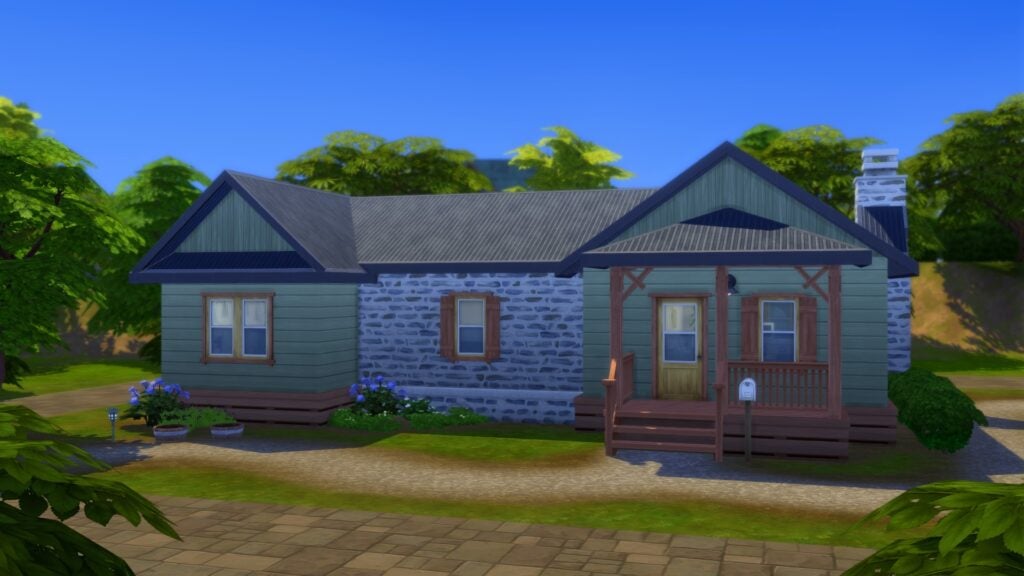
  • Review of Past Fixes: Our team has analyzed historical corruption cases to learn from previous solves and spot any recurring causes.

Our Current Investigations

From attempting to reproduce the issues reported by players both with and without mods, we’ve identified the following issues as strong leads. These require more time to investigate before we can confirm anything concretely, but we wanted to keep you updated on what we’ve learned so far.

Scratch File Concerns:

One of our most pressing leads involves scratch files. These are important but temporary files the game relies on, and reports suggest they may be disappearing or getting deleted, which could trigger corruption. 

We’re looking into the root cause of these deletions now, focusing on any areas where The Sims 4 files would come in contact with other systems, cloud backup services, and other external factors that could be deleting or overwriting these files.

Lot Data Issues:

Another major area of focus is Lot data:

  • Some Lots provided to us show up with missing or extremely minimal information in saves.
  • We’ve reproduced cases internally of endless loading/white screens linked to certain build behaviors like super-stuffed Lots, with and without mods.
  • We’re also tracking any potential links to specific expansion packs or objects, though corruption reports predate packs like The Sims 4 For Rent.

Other Areas of Focus:

  • Excessive rental units alone don’t seem to be the primary cause of corruption at this time. While more units do increase error reports, data also suggests it’s likely tied to overall save complexity rather than unit count alone.
     
  • Instances of corruption existed before the release of For Rent, and our investigations into individual packs remain a top priority.
  • In some cases, specific types of mods called script mods are leaving behind files after the mod is removed that can cause issues in The Sims 4, though we have not yet linked this to corruption. 

Our Next Steps:

  • Continuing to test venue type data transfer across saves.
  • Deepening our investigation into scratch file deletion and common external programs.
  • Exploring historical cases of save bloat to understand potential connections.
  • Out of an abundance of caution, we’re removing the bb.increaserentalunitcap Residential Rental Unit cheat in an upcoming update, as a preventative step while broader fixes are developed. This step is needed to mitigate any potential risk.

We know how much your saves mean to you – they represent countless hours of creativity, storytelling, and play. Please keep sharing reports with us, as each one brings us closer to understanding and solving these issues.


What are your thoughts on the current progress of fixing The Sims 4 Save files and improving the game stability? Join the discussion below and stay tuned for the latest Sims News!

The Sims 4 Forever Friends Event Week 2: Guide and Rewards

The Sims 4 Forever Friends Event Week 2 Has Begun – Here Is Our Full Guide And Overview!

Welcome to The Sims 4 Forever Friends Event Week 2! If you haven’t caught up on last week’s quests and rewards, make sure to check that out first before jumping into everything week 2 has to offer. Players have until November 4th (subject to extension) to complete all quests and claim all the rewards before they are gone for good. Let’s take a look at how to complete week 2 of the Forever Friends event!

‘The Lens of Imagination’ Quest Steps

Starr

The first quest of Week 2 is called “The Lens of Imagination“. This quest will have our child Sim put their creativity skill to use once again, and travel to other parts of town!
The quest will begin as soon as you load into your game, or once you have completed the quests from Week 1 if you are not already caught up.

Task 1A Buy Camera

Our first task is to purchase a camera. These can be found in ‘Activities & Skills’ > ‘ Creative’ in Build/Buy mode. Any camera will do, no matter if it’s a Base Game, Island Living, Moschino, or Comfy Gamer Kit Camera! Place it down and then add it to your inventory.

Task 1B Ask About Camera

Before we take any snaps, make sure to ‘Ask a Stuffed Animal about Cameras’. Their response shows enthusiasm for Iggy’s latest creative endeavour.

Task 2A Take Pic of Animal

Next, it’s time to take our first photo. Click on your Stuffed Animal and select ‘Take Imaginative Photo’. I’m not sure why he looked so sad! You can change the rotation of the photo by clicking the arrow circle button, turn the flash on/off with the electric symbol, and finally take the picture with the camera icon. Depending on the model of your camera, you can adjust the image size in the bottom left corner.

Task 3A Claim

We need somewhere to display our picture, so head over to the Event Rewards tab and unlock the Modern Photo Frame.

Task 3B Photo Frame

Place it down anywhere, and when clicking on the frame in Live mode, select ‘manage Photo Inventory’. You can place multiple pictures in the frame, and they will rotate as the frame is digital! You can adjust the speed at which they transition by selecting ‘Adjust Speed’ on the frame.

Task 2B Put in Inventory 1

With the memory of our friend captured forever, it’s time to go on an adventure. Add the Stuffed Animal to your Sims’ inventory by dragging or by clicking ‘Put In Inventory’.

Task 3C Travel to Park

It doesn’t matter which park you visit, as long as it is set to the park lot type. I chose Magnolia Blossom for this playthrough.

Task 4A Selfie

Place your Stuffed Animal on the park lot and select ‘Take Imaginative Selfie’. You can chnage your Sims pose by selecting the pose of the left hand side, and you can adjust their rotation with the slider at the bottom.

end

And that’s it for The Lens of Imagination! As soon as you finish this quest, the next one should start quickly.

‘Shattered Visions’ Quest Steps

Screenshot 2025 09 30 18 28 20

The second quest should immediatly begin as you finsih the last. This time were going much further (and much more magical than the park)!

Task 1A Inventory

Before leaving, we need to make sure our fluffy friend is safely back in our inventory. You can live drag them back in if they are on a lot, if they’re off-lot, click ‘Put in Inventory’.

Task 1B Optional adopt Cat

As with last week, optional quests may appear. This week, I was tasked with adopting a cat. To do this, you can click ‘Adopt…’ under ‘Household’ on the computer or phone.

Task 1c Cat Monster

I decided to have a little fun with the cat and gave him a makeover to match our Stuffed Animal.

Task 1C Optional laser

I was also tasked with teasing the cat with a laser pointer. You don’t have to do the optional quests. Players without the required packs won’t be able to partake in them.

Task 2A Foundry Cove

Back to Iggy and our stuffed animal! We are now on our way to Foundry Cove. This is the neighbourhood in Willow Creek where the BFF Household lives.

Task 3A Tree Location

Our final destination is the Sylvan Glade Tree. Long-time players of The Sims 4 will be familiar with this. I have circled it above for anyone unaware of its location.

Task 3A View Tree 1

We are now tasked with viewing the tree 6 times. This may seem excessive, but trust the process!

Task 4A Talk to tree

After taking a long look at this mysterious tree, we have to talk to it. This interaction is called ‘Discuss Nature’ when you click on the tree.

Task 5A Explore

After you’ve had a chat with the tree a doorway will open up on the side. Click the tree and select explore.
glade tree

We are now presented with a little text adventure as Iggy Pancakes makes his way through the tree. The answers are as follows:

  • Follow The Sound
  • Follow Downstream
  • Enter the Mist
  • Travel to Glade
Task 6A Travel to Glade

Welcome to Sylvan Glade! The budget version of Innisgreen. This little spot can be used to fish and find frogs, and is home to a little lot that can be built on by entering ‘bb.enablefreebuild’.

Task 7A Play in glade

Place down your stuffed animal either on the lot by the pond or ‘Place in World’ from the inventory.

Task 8A Frogs

Let’s take advantage of Sylvan Glades wildlife. Click on the pond and search for frogs.

Task 9A Photo

Let’s capture this moment forever. He looks happier than he did in the last picture. Click on the Stuffed Animal and select ‘Take Imaginative Photo. Make sure to get a good shot! After taking a photo, it appears the lens has broken.
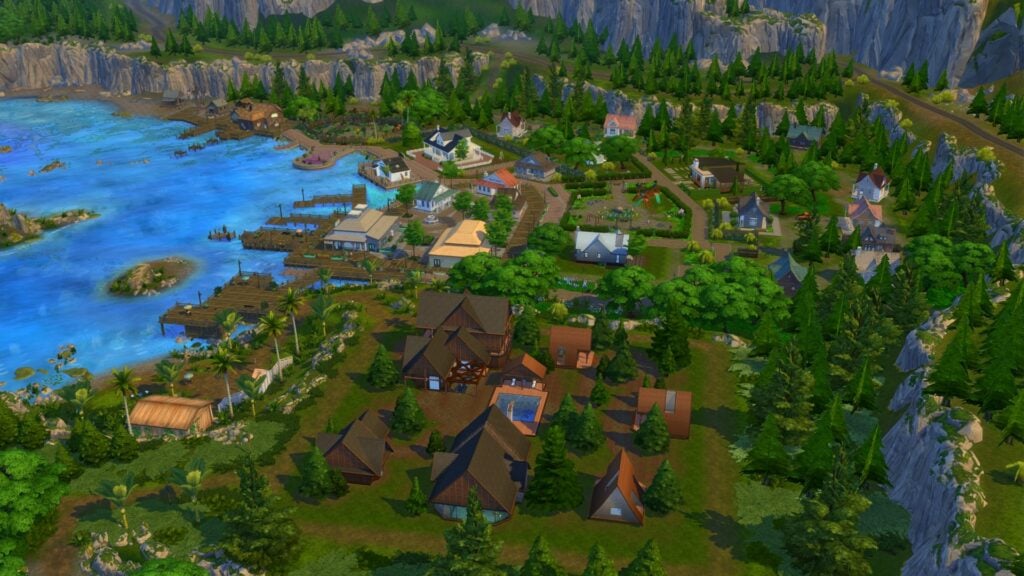
Task 10A lense

Ask your Stuffed Animal about the lens. They explain that the magic that keeps them alive seems to be fading.

Task 10B Walking

After this rough news, it’s time to travel home. Once your home, you will be given Event Points, and you are free to claim all of this week’s rewards.
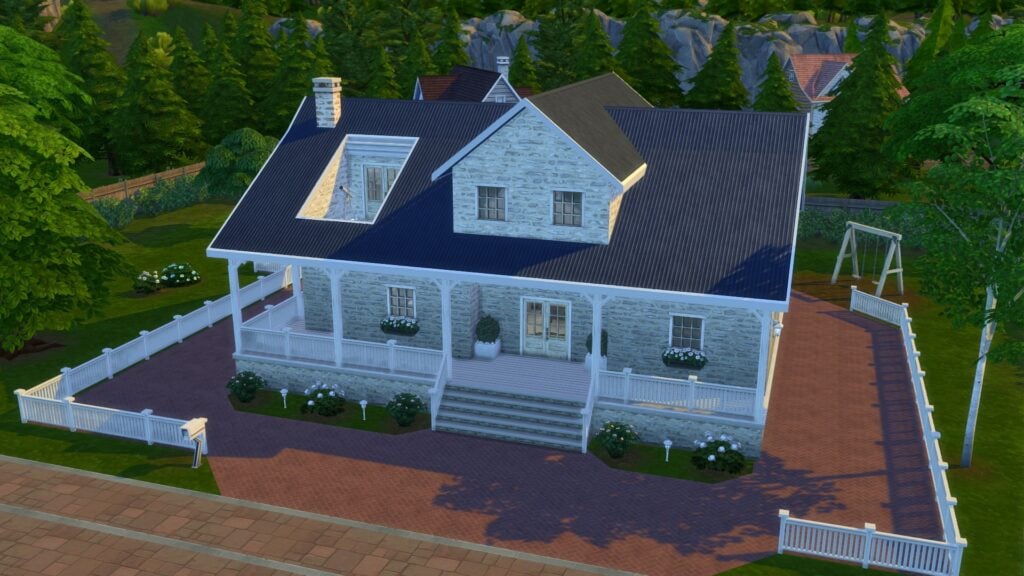
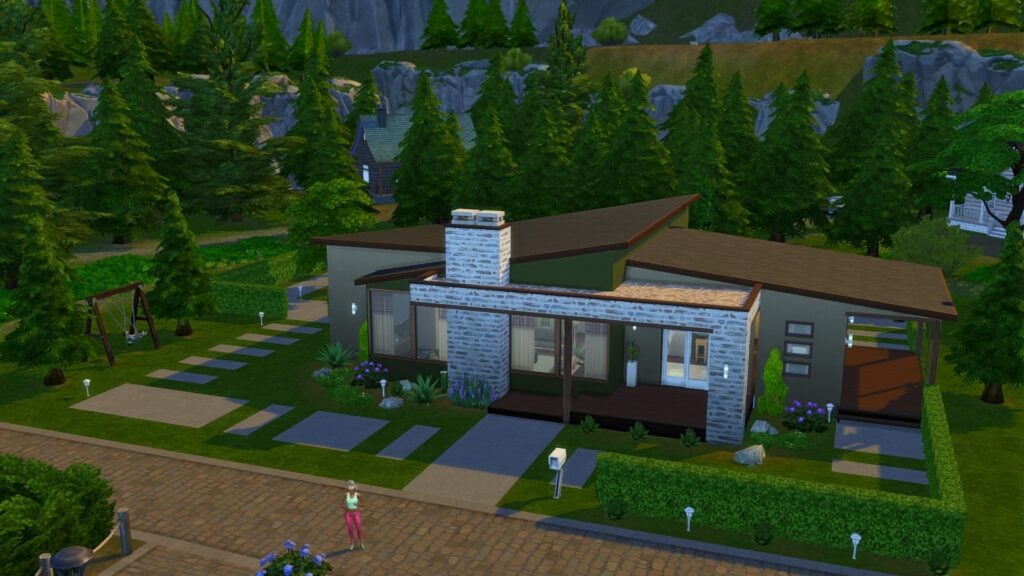
Screenshot 2025 09 30 18 29 00

Week 2 Rewards

After completing The Sims 4 Forever Friends Event Week 2, make sure to head to the Event tab in the top left of the screen to redeem your rewards. There are a total of 4 rewards to be claimed this week. Let’s take a look at this week’s bounty!

Modern Photo Frame

The modern photo frame comes in two varieties, vertical and horizontal. Both frames come in 7 simple swatches. You can add multiple photos to each frame that will display on a rotation.

Flex & Form Top

There’s a new vest available for Teen-Elder Sims with a Feminine fashion choice. Unfortunately, this vest is just a recolour from an existing vest available with The Sims 4 Spa Day Game Pack.

Glimmerbrook Magnet

Screenshot 2025 09 30 18 00 10

There’s a fourth addition to our magnet board that we unlocked last week. This time it’s of the Magic Portal from Glimmerbrook in The Sims 4 Realm of Magic Game Pack.

Super Chill Pillow

Screenshot 2025 09 30 17 59 41

The final reward of the week is a new cushion. This can be found in the Decorative category of Build/Buy mode. Some of the swatches come with different designs on both sides!

Future Rewards

You can check out our recent article for a complete overview of all reward items if you’re impatient, and also see the official rewards overview below!

That’s all for this week, but make sure to check back next Tuesday for a full walkthrough of Week 3 of the Forever Friends event!

the sims 4 forever friends event map

What rewards are you most excited about unlocking? Let us know in the comments below, and stay tuned to Sims Community for all updates regarding Live Events in The Sims 4!

The Simstalgia: The Sims 2 Nostalgia Zine – Interview with the Team!

A Trip Back to Pleasantview

Our community is the heart of The Sims franchise—full stop. From the 1950s-inspired whimsy of The Sims to the current excitement around the release of The Sims 4 Adventure Awaits. The love and creativity that The Sims has embodied within its playerbase has spanned almost three decades for a reason, because, despite any faults, it’s meant something. What it means, exactly, varies from person to person, but we can all say that this silly little LifeSim has touched us deeply. It embeds itself in our hearts and minds, and possibly was the start of each of our respective gaming journeys.

tumblr 5d728a0cb3f66206831ff39ef4af76d7 1ef948f5 2048

The iteration that could be argued to be the most meaningful is The Sims 2. The most foundational game of the lot, The Sims 2, has not only given us the brunt of iconic premades that still get Simmers hyped by their very mention, but also is the heart of a variety of features and story beats that continue on even in The Sims 4 today.

The Simstalgia: The Sims 2 Nostalgia Zine is available now, and hopefully, after this article, you’ll not only read it but also come to appreciate the effort and expression of those who’ve taken their time to help bring it to life.

What is the Simstalgia: The Sims 2 Nostalgia Zine?

As the title implies, Simstalgia: The Sims 2 Nostalgia Zine is a zine (a fan-made, independent magazine) made to celebrate the lasting legacy of The Sims 2. The zine is heavily inspired by the 2000s, positively oozing Y2K teen magazine charm with additional homages to gaming guides of the era.

In my opinion, the zine is the perfect balance of Noughties cheese and genuine adoration for The Sims 2. It embodies those feelings of deep wistfulness that make you homesick for beige desktop towers and late nights in the glow of a CRT monitor. It makes you want to hear the “click!” of a disc drive, a brief moment of silence, and then the hiss of the whirring machinery. It’s the feeling of returning to something beloved and then, suddenly, realizing that love is reciprocated, and multiplied by a thousand by dozens of like-minded folks. All of which have had an array of different, but equally as happy experiences just like you.

Examples of the first few pages, no spoilers after that, ‘kay?

The many contributors to the first issue of the Simstalgia zine! The project drew in a variety of creatives—from simblr stars to YouTube giants, many members of our vast community came together to add their touch to the zine!

tumblr 633fb13308633f644319e94a898b58f5 5e2c528e 1280

Though it wasn’t just influencers who put their hand in to this project. I was able to get in contact with the team behind the zine, who were kind enough to give us all a look behind the scenes.

image 88

Interview with the Simstalgia Team

How did the project start? Did you have any initial goals? Was it initially just “vibes”?

Microscotch: “I had briefly thought about it a few times, but wasn’t quite sure if I wanted to take on the responsibility and the degree of management a project like that would entail, even with help. In the middle of last December, though, after the thought came up again, I simply decided to go for it! Once I decide that I, in fact, want to do something and excite myself over it I immediately have to act on it, and within the span of probably 2-3 days already started asking and collecting people who might be interested in helping out in different areas. And with that, the application post for contributors was already up December 30th!”

Can I ask about the composition of the team? Did you start small and grow with interest, or something else entirely?

Microscoth: “I got everybody on from the start to ensure I wouldn’t get overwhelmed! And funnily enough, I still ended up practically managing the communication with every participant myself, few instances aside, simply ‘cause I realized I was able to and it somehow didn’t stress me out.”

“Pino helped me so much on the graphic design front (I especially love the UI adjacent elements she did a large chunk of!), and she kindly did the Instagram side of social media after she posted some sneak peeks and I proposed creating an account there to mirror Tumblr. Alelelesimz also designed a bunch of graphics (namely the feature with Marticore and Acottonsock, CrazySims, and Sammy Sundog!) Kamiiri served as the editor as it’s also her IRL job, and Lisspeed I had initially on to help a bit with server management, but our participants were, frankly, super well-behaved, so she was a little under-utilized, haha!”

Was the admin difficult initially? I imagine you had a lot of eager Simmers interested in the project, but otherwise unaware of the scope/responsibility required in its production?

“I will be very honest, it went much more smoothly than I anticipated. I checked a few guides on zine production, but other than that just went right in, and literally kept repeating to the other mods over the course of the project too that I was, indeed, shocked over how easy of a time I had managing it, especially because I didn’t divide communication with the participants amongst the mods, aside from a few cases who weren’t replying and asking Lisspeed to reach out, or the few who very belatedly expressed interest through Instagram which Pino managed. Were we entirely free from inconveniences? Or course not, but as I mentioned before, I cannot stress how cooperative 99% of participants were, I don’t think I could’ve pulled that off otherwise. Either way, I’m sure we will expand the amount of people we’re letting on next time, and in that case I WILL need more help managing emails and participant feedback! TL;DR: Absolute dream in terms of admin difficulty, I sure got some perspective reading different accounts over how time-consuming and taxing it can be and it genuinely makes me appreciate how good we had it with this run!”

The community aspect of the zine can’t be understated; did you anticipate the level of support you were given for the project?

“Absolutely not. I don’t think anyone could’ve, considering the proportions you’d normally think in with something so niche and fan-made, that outcome was almost inconceivable. The flipbook alone had 28k views in 17h and we’re over 100k now. The pdf briefly broke the drive link on release and we got tons of comments about it. I think once Strangetownie and Pino posted teaser mockups of their contributions and it effectively reached Instagram, (as Tumblr is definitely more closed-off), that’s where it took off, and we started receiving multiple messages and even emails!”

The Y2K aesthetic is out of this world! I’m aware that your inspo was teen/tween mags of the 2000s, but do you have any other inspirations you drew from in terms of composition?

“We wanted to connect the tween mag aesthetic with the in-game UI. That was sort of my main vision when I thought of it and started drafting up the guidelines!”

Was there anything you wished you could have done, but didn’t have the time/ability to add?

“Hm, not really. While we had a tight schedule for participants, we were considering this our only opportunity to do all these things! So whenever something crossed our minds, we pulled all the registers and still shoved it right in there!

You have some pretty big names in the community on your roster! Were you all a bit starstruck? How easy was it to communicate with bigger influencers like Juno Birch?

Juno was actually already mutuals with me (Microscotch) and Pino, so that definitely made it a little easier for my message to not get filtered out! I hadn’t talked to her before, but honestly just went ahead and asked. At worst I’d get an unanswered message, but she was all for it and replied within probably a minute! Our team as well as our participants were super excited!!  But even with simfluencers I wasn’t mutuals with going in, again, I just went right ahead and asked, and everyone was immediately up for it! Lisspeed had requested an unrelated interview with Ian Stocker a long time ago, but due to health-related reasons, it took him some time to reply, and when it happened, it just conveniently fell right into our production time. After getting his blessing, we got to release it!

We were very lucky on all fronts, haha!

Do you (or any other members on the team) have any specific fond gameplay moments from TS2 you’d wish to share?

Micorscotch: “I had a brief period where I tried pulling off a lepacy with story progression and ACR (not a good idea with Strangetown’s limited gene pool) and Tycho Curious as well as the Beakers’ first-born daughter clearly had a thing for each other, but sensing the impending genetic doom I discouraged them wherever possible. That said, once they were shipped off to college with plenty of other young adults to choose from while I focused on raising the remaining siblings, they couldn’t be stopped and immediately got engaged off-screen, and also, once I played college with the siblings, married and procreated off-screen. The first time I checked in again, their child was already a toddler. I would now like to share with you what exactly I was facing when loading the lot:

whaoalien

Alelelesimz: “I remember that i was TERRIFIED of Emperor Xizzle and hated when he invaded Strangetown and YET I always changed the time on my DS so he would invade literally everywhere which made me cry cause I hated him so much, so I had to ask my neighbor’s older brother to defeat them for me otherwise I couldn’t keep playing.”

Lisspeed: “Back when I was a child who had just learned to read and had just gotten the game I had a rather unorthodox way of playing the game. One such case was not realizing children came back with homework. As a result the social worker would always show up sooner or later to retrieve my tiny crew. Unsure about how to fix this problem (and not really understanding most of the internet at the age of 7) I did the only logical thing…I moved my household every single time my kids’ grades got low. Somehow little me had figured out that by moving my family the grades would automatically reset, giving me more time to play with the kids until they got old enough to grow into teens. This of course was quite a hassle…Of course there eventually came a time where I had more reading comprehension and was able to look it up, but for a while this was how I kept the Social Worker away. I will never understand how my young mind worked, but it does give me a hilarious memory to look back on.”

Pinokokoshka: “So, I was filming one of my videos. It was about a female astronaut who crashed and got lost somewhere in space. I was shooting the scene with her husband, when he finds out about the tragedy from the news. It’s a very dramatic moment: he realizes what happened, starts crying, and then stops, turns to the camera, and smiles just like this.🙂 It looked exactly as if he was like, “WELL?? Did I do good? Am I a good actor?? Are you happy with this take?”

didIhitmymarks

Kamiiri: “As a child, I would always come up with a bunch of stories and I’d make questionable machinimas and, of course, force my friends to watch them! This was a long-standing hobby though, so even in high school I still kept going and even had a pretty regular audience. Reading the comments made me so happy!”

Is it one and done for the Simstalgia zine, or do you anticipate a sequel…or perhaps, a TS3quel?

“Well, I kinda teased this earlier, didn’t I? We totally thought it was a one and done deal. Actually, the same way we thought this is going to be an e-zine and we will never make prints. Look at us now! Again, we really didn’t anticipate the love! So, of course, there will be a second edition!”

How Can The Community Support Simstalgia?

Is there anything the community at large can do to support you and your ongoing zine project? I see that you plan to sell physical copies of the zine at a no-profit (production and shipment only) price point, but do you have any other bigger plans for the zine?

Microscotch: “As of now we are mostly occupied with doing some formatting work to the physical versions. It will not be perfect since the zine, and thus some contributions, simply weren’t conceptualized that way and the degree to which we can edit them greatly varies, but with this one we’re genuinely glad we even made it to physical territory considering the initial scope. So honestly, we’re just happy over everybody following and sharing our project. Sharing is caring and that’ll help our footing next time we get a zine started. Then we can entertain the thought to also offer some merchandise and perhaps different “editions” with extra goodies for our next release!”

Where Can You Read the Zine?

Simstalgia: The Sims 2 Nostalgia Zine is out now and completely free to read online in flipbook form!

As mentioned above, the Simstalgia team plans to do a “no-profit” run of physical prints for the zine. No-profit, meaning that they plan to make no financial gain from the production. It’s the bare minimum to print and ship the zine out to those interested in owning physical copies. Be sure to keep an eye on their official Tumblr page for any more updates on their progress!


I hope you enjoyed that look behind the scenes of The Sims 2 Nostalgia Zine! Our community is stronger together, and efforts like this prove it. This zine not only touched many a seasoned Simmer, but also myself, and that’s why I wanted to share it with you all.

Did you know about the Simstalgia zine before this article, or did I introduce you to the project? Let me know in the comment section down below!

Everything We Know About Paralives So Far

24

Everything confirmed to come with Paralives, the brand-new life simulation game releasing by the end of this year.

Paralives is an upcoming brand-new life simulation game described by the team as a dollhouse life simulation indie game. It will be available for PC and Mac on Steam on December 8, 2025.

Here is all the information and the features the Paralives team has confirmed for the game’s Early Access release, along with what to expect when it launches!

Paralives SC EverythingWeKnow 1

Price and DLC

The Paralives team has confirmed that the game will cost $39.99 USD when it launches in Early Access and that the price will increase after the full release. It hasn’t been confirmed if regional pricing will be available. Regional pricing means the cost is adjusted based on the player’s location, making the game more affordable in countries with weaker currencies and better aligned with local economies.

The team also confirmed that the game will only receive free updates and that they will never have paid DLC, even after the Early Access period.

Rating

The Paralives team has stated on their Discord server that the game is aiming for a Teen rating. It will not include mature themes such as drugs, murder, explicit violence, or gore. In addition, the game will not feature any kind of religious content.
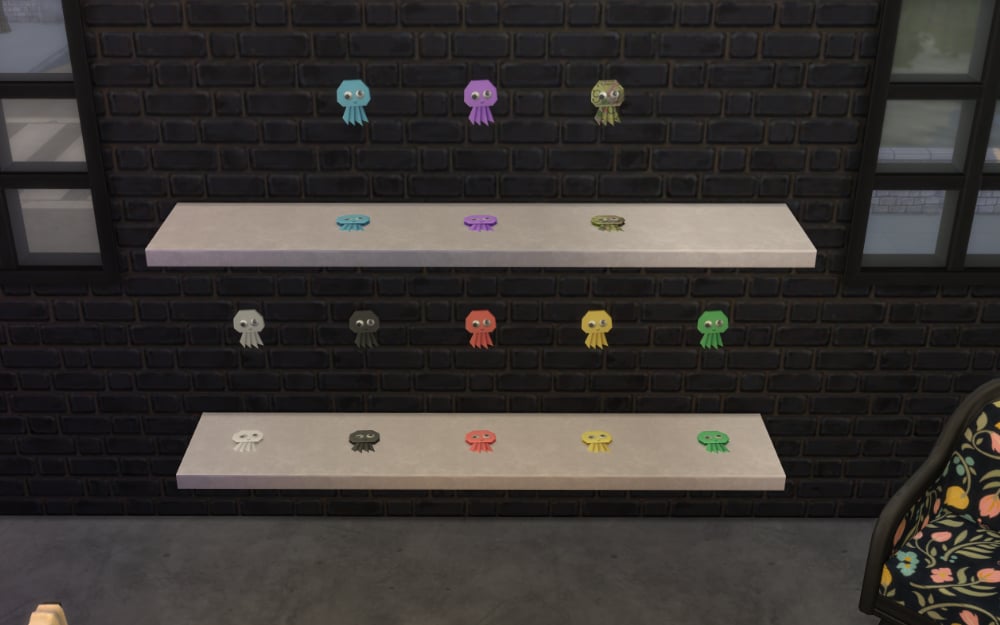
Platform and Requirements

  • Paralives will be available for PC and Mac on Steam and there are no plans for a phone or tablet version in the future.
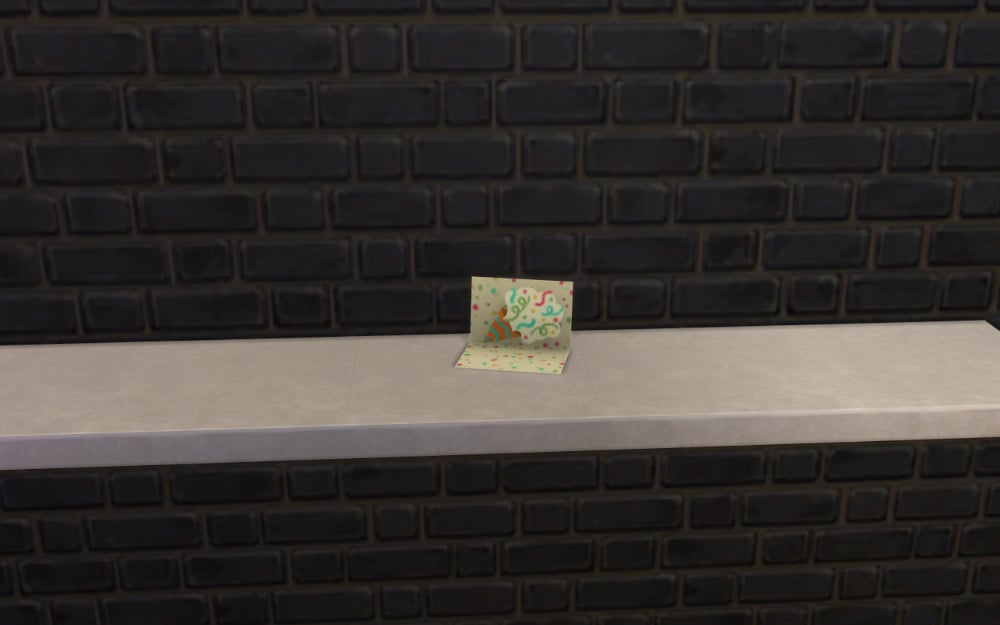
  • The game will be a single-player experience and will not require an internet connection to play.
  • The system requirements have not been made public yet, but the team is ensuring that the game will be as accessible as possible for all players.

Mods

The community will be able to share their custom content, mods, and other creations through Steam Workshop. However, there are no plans to allow script mods for now.

Open World and Weather Systems

The Paralives team has confirmed that the game will be open-world. On day one of the Early Access release, there will be one town available, with more worlds being added throughout the Early Access period. They have also confirmed that players will have access to tools to edit and customize the worlds. In the town, Parafolks will have access to shops, restaurants, museums, and collections.

It is also confirmed that the game will feature a day-night cycle on launch day, while weather effects and seasons will be added in a free update later during Early Access.

Paralives World

Build Mode

The Build Mode will introduce several new and exciting features to the game, such as grid-less construction with snapping and an optional grid for alignment, as well as curved and straight walls of any precise length. A terrain tool will also be available. Lots will be fully customizable and resizable, and pre-made houses will be provided for players who don’t feel like building from scratch. Later, during Early Access, players will also be able to create boathouses.
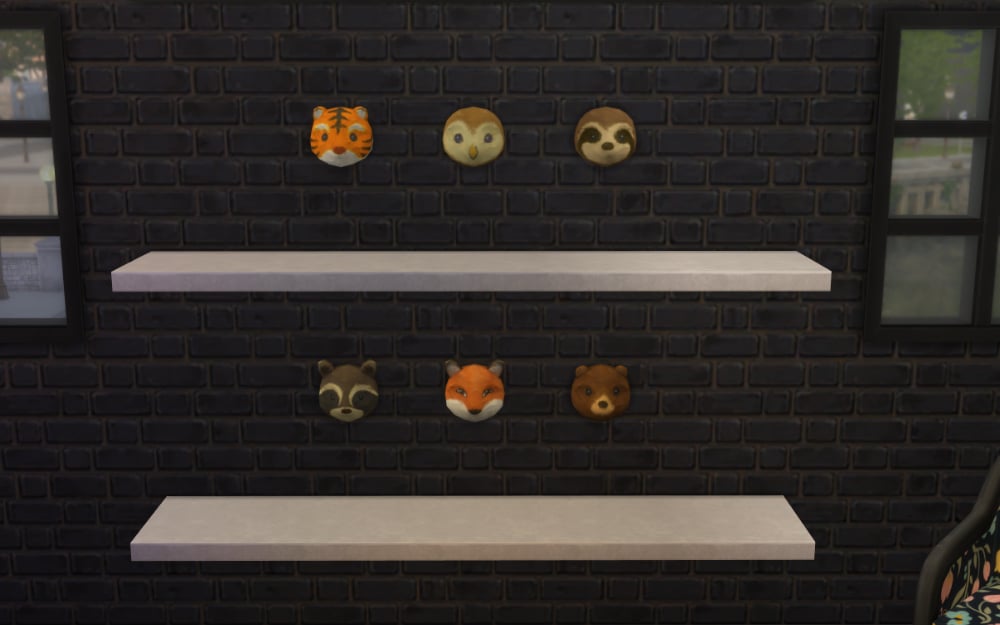
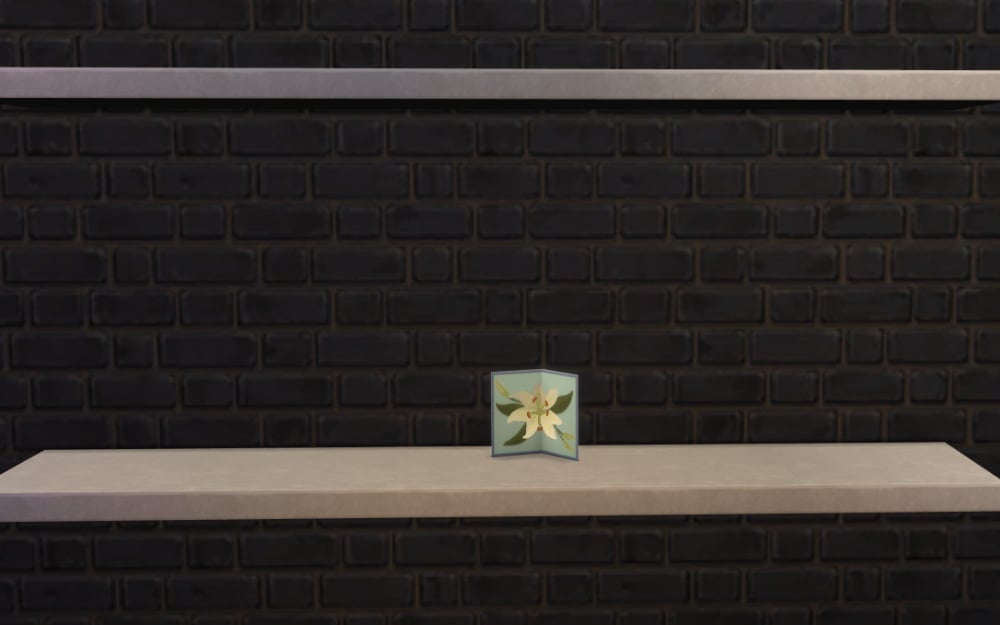
Furniture will be resizable, stackable, and flippable. Everything can be customized using pre-made swatches, a color wheel, or pattern customization.

Paralives BuildMode

Live Mode

It’s confirmed that Parafolks will have advanced personalities, character autonomy, skills, emotions, personality traits, needs, and the ability to age, have children, and die. A family tree is not planned for the first release, but it is one of the promised features that will come in a free update during Early Access.

Parafolks can have careers and go to work (rabbit hole) and will need to pay bills. Gameplay will include cars, bikes, and boats, a cooking system, the possibility of house fires, the ability to swim, garden, and fish, and the option to organize social events such as parties and weddings!

Parafolks will have a wide range of social interactions for relationship development, and players will be able to multi-select characters to perform actions as a group. NPCs will have story progression.

Cats, dogs and horses will be available in a future update after the release, but they are also confirmed to come during Early Access!

3Trailer4k

In-game Language

The Paralives team confirmed that the Parafolks will use a simple gibberish language when talking to each other. The written text will be in real language by default, but it will be fully customizable, allowing players to edit the phrases and use any language or text they want.

Paralives Town

Paramaker

In Paramaker mode, players will be able to equip any outfit, facial hair, or body hair regardless of the Parafolk’s gender, with customizable patterns available for certain clothing items. A color wheel will allow customization of hair, skin, eyes, clothes, and even skin tones. To edit the Parafolk’s body, players will have access to a height slider, body and face sliders, realistic fat and muscle sliders, and precise placement for tattoos, moles, and scars.

Paralives Paramaker

You can watch the Paramaker Overview here, which includes a demonstration of how the height slider works:

Disabilities

The Paralives team has stated that they understand the importance of representing disabilities in the game, but items related to physical disabilities will be decorative in the initial release. In their own words:

Many people have been speculating on our view regarding disabilities in Paralives. As devs, we feel it is important for us to be able to represent as many people as we can with our game. Disabilities are everywhere around us; be it our friends, our families, or even us, devs. Be it visible, or invisible.

There are many things to consider regarding disabilities in the game, especially with gameplay features. It requires a lot of design (for instance, how to tackle pathfinding with Paras with mobility restrictions), research, even consulting, and programming, to get things right.

While we won’t be able to do more complex Live Mode features related to disabilities for the Early Access launch, we thought there must be a way to at least represent our player base living with disabilities in the game. (…) Nevertheless, we hope it will help you better represent your Paras individualities as you decorate your house with items that truly embody them.

Quote from the Patreon post Build Mode Clutter & Decor + Showing Some Disabilities-Related Items!

The Paralives team have also confirmed that they will not include any form of direct diagnosis for neurodivergence in the game, and that they don’t want to gamify real-life mental health conditions. However, players will still be able to represent certain effects using traits and other customization options.

Paralives Diabilities

LGBTQIA+

The Paralives team has been presenting LGBTQIA+ themes in a very natural way and even featured a lesbian couple in the release trailer. They also confirmed that the game will include functional binders!

Paralives LGBT

Soundtrack and Sound Effects

The soundtrack and sound effects are being created entirely with original material, and the team has shared parts of the creative process behind the scenes, including one of the community’s most iconic videos, where Andrei Castañon demonstrates how the sound effects for footsteps were recorded. You can watch the full video here:

You can learn more about the sound effects in our article Sound Effects in Paralives: A Behind the Scenes Look.

Features not included in the initial release

The team has confirmed some features that will not be included in the initial full release, though some of them may be added in future updates.

  • Active jobs and schools
  • Supernaturals and occults
  • First person mode or WASD/arrow keys control mode

Even though they mentioned that occults will not be included in the first release, they teased a Parafolk dressed as a vampire in their Halloween 2024 post and have not completely excluded future implementation of any of the mentioned features.

Paralives Halloween Custom

If you want to learn more about the features that will be available on Early Access you can check our article What is coming on Day 1 of Paralives Early Access? Answered!.


Paralives is set to release on PC and MAC on Steam on December 8, 2025.

What do you think about all the revealed features coming with Paralives? Let us know in the comments!