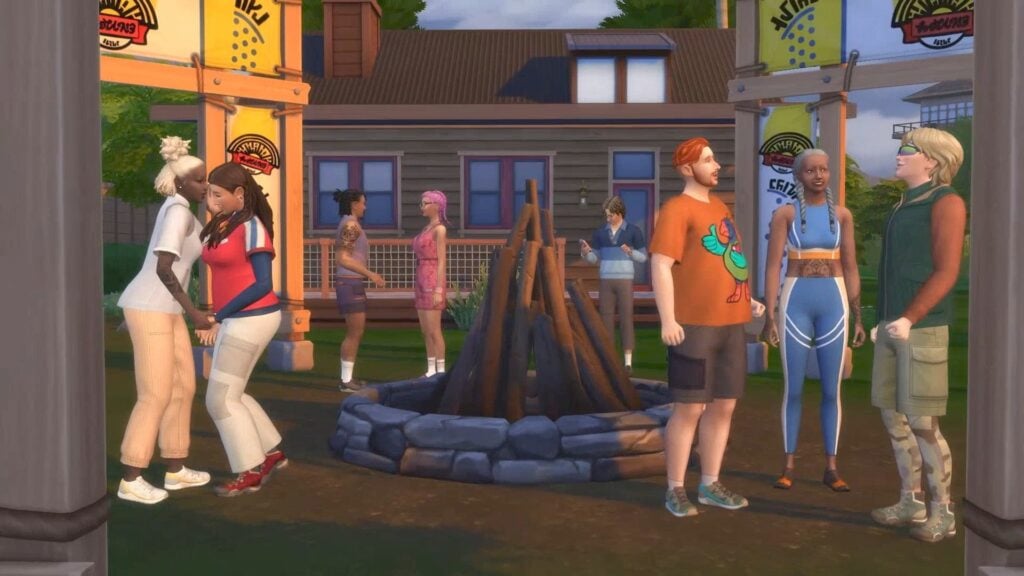
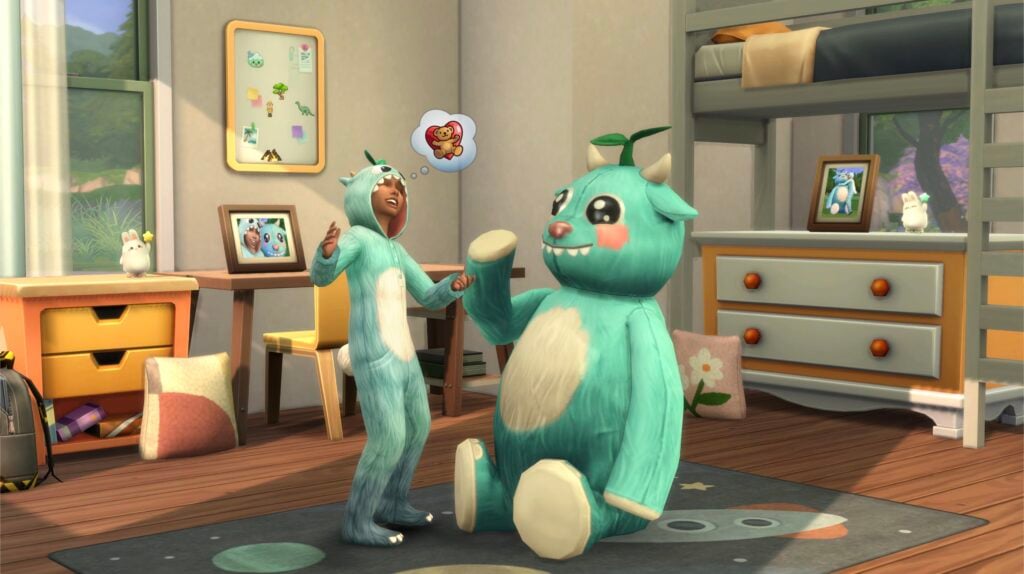
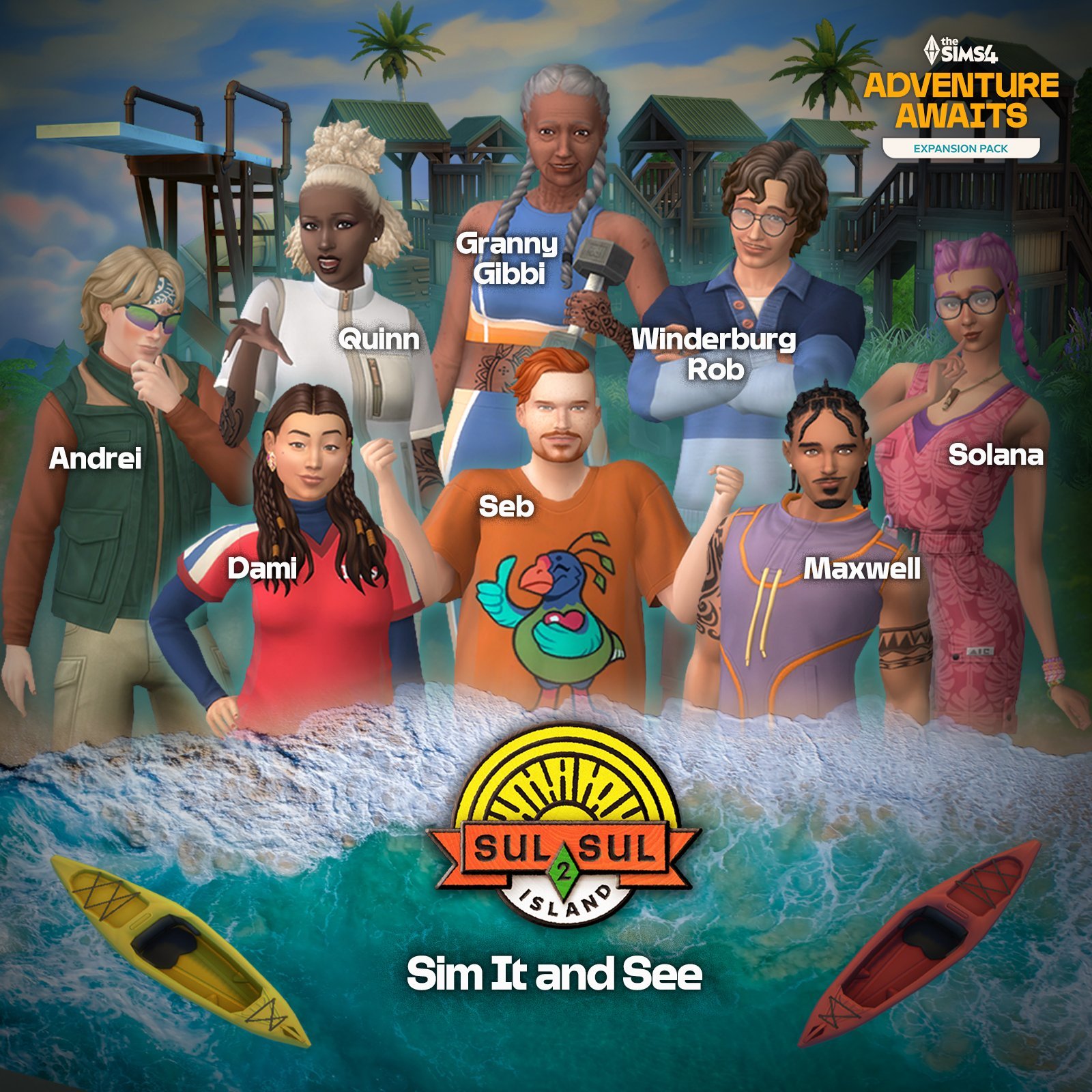
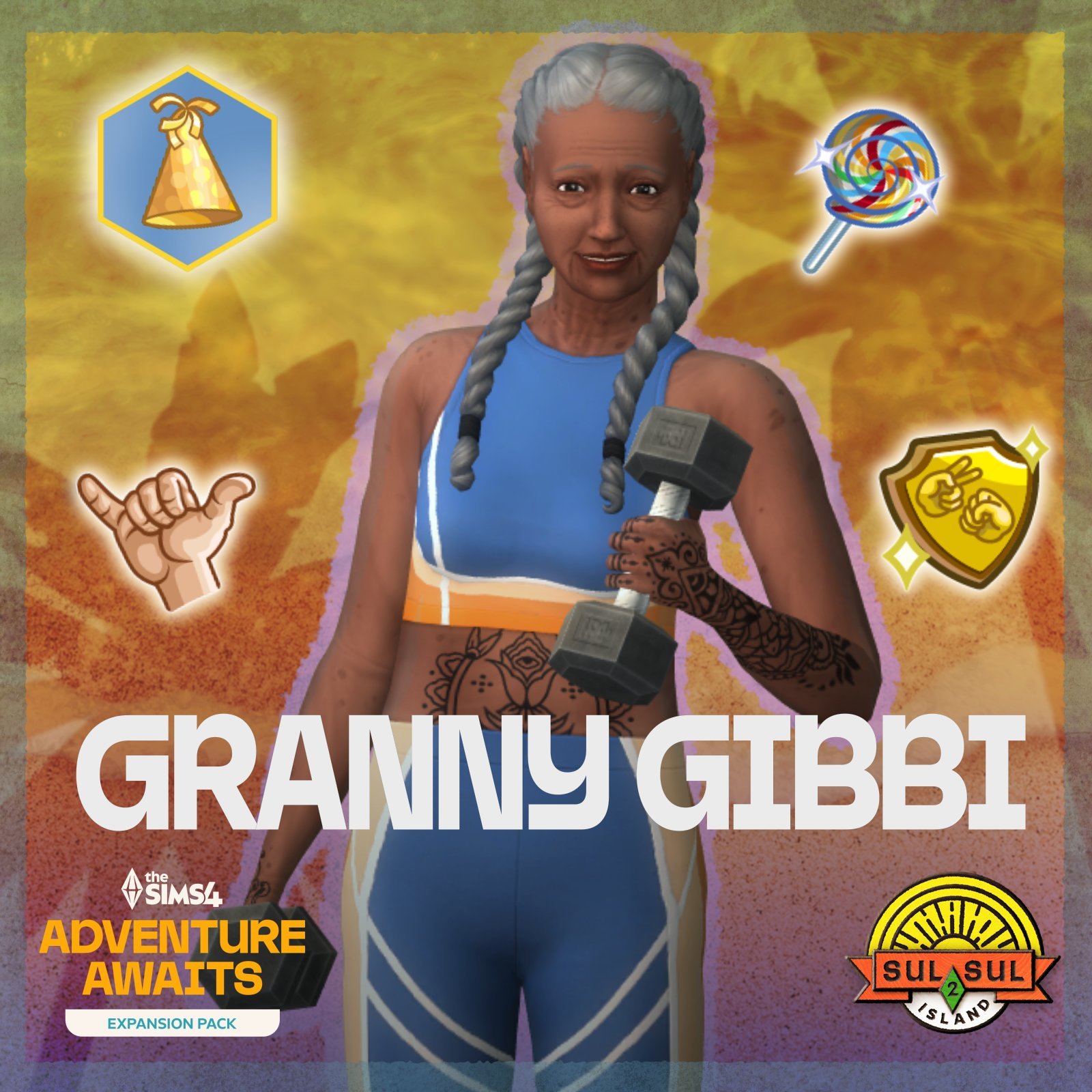
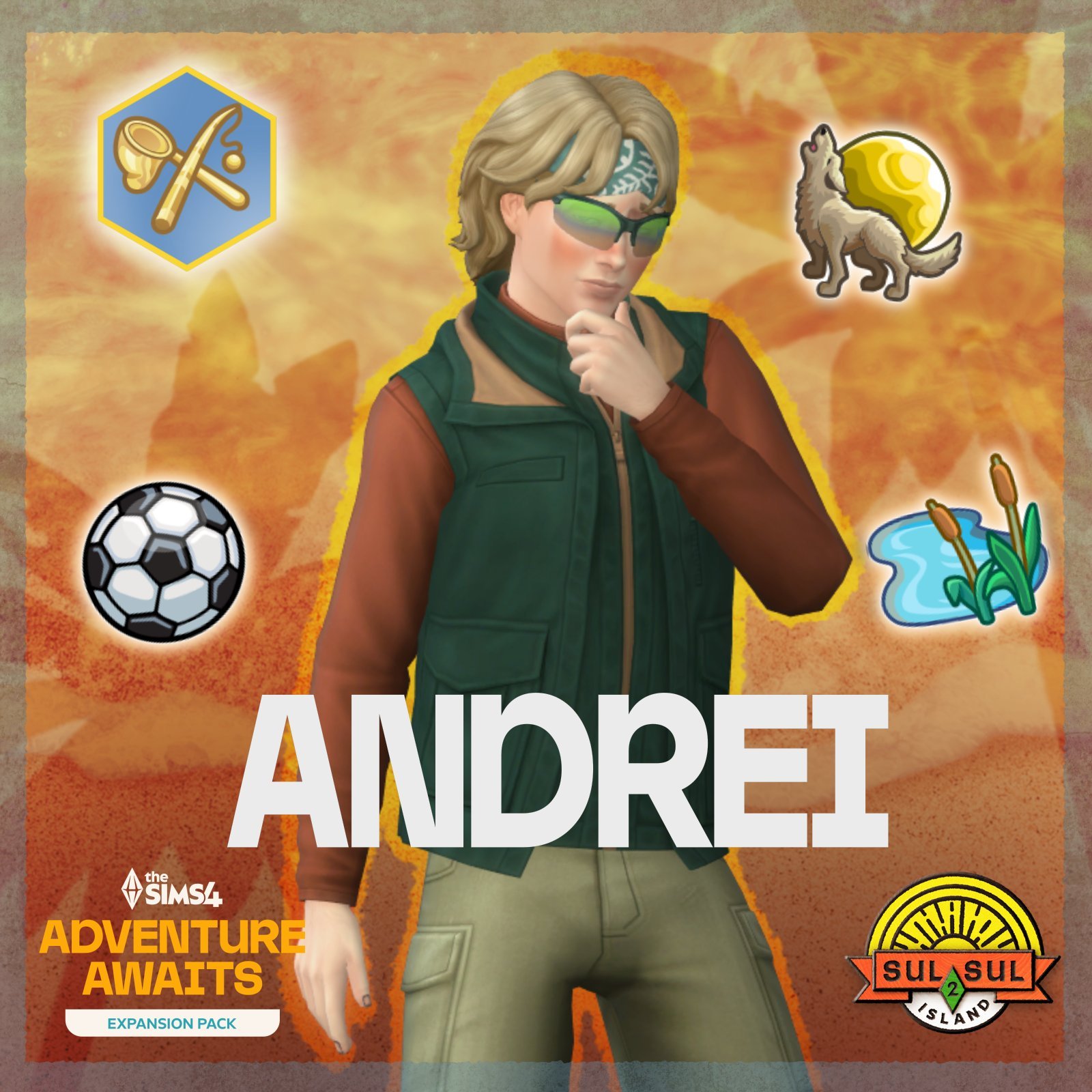
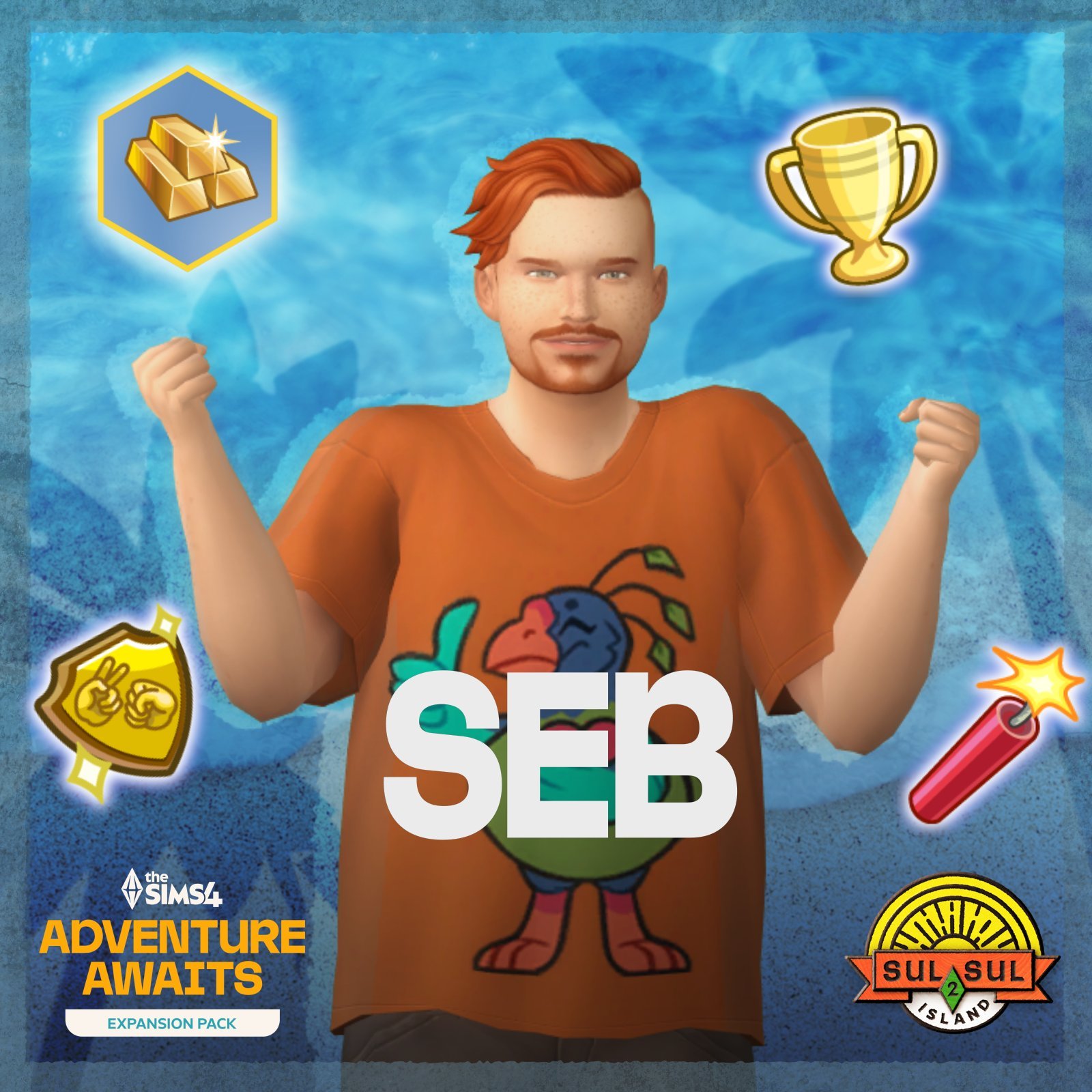
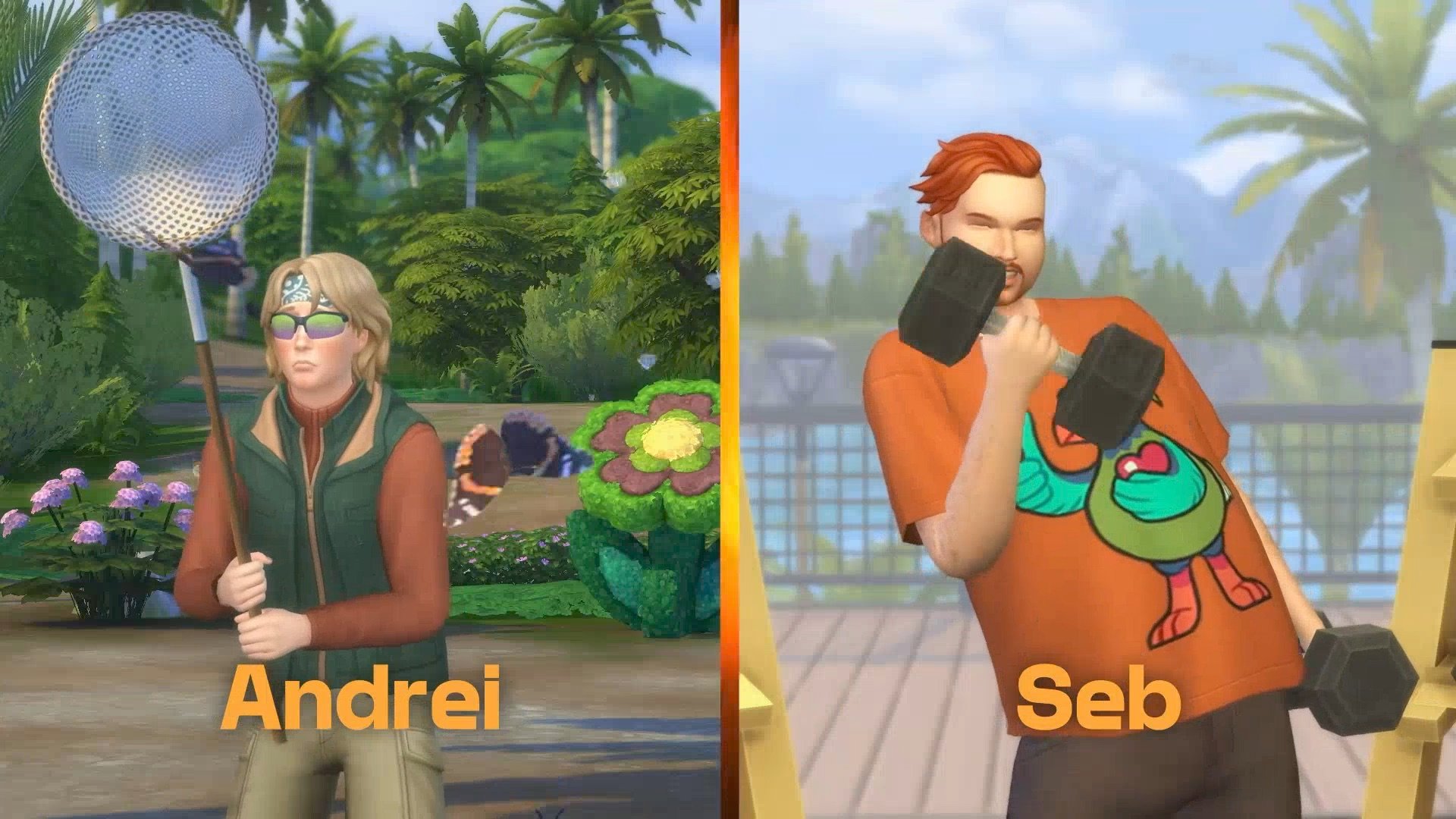
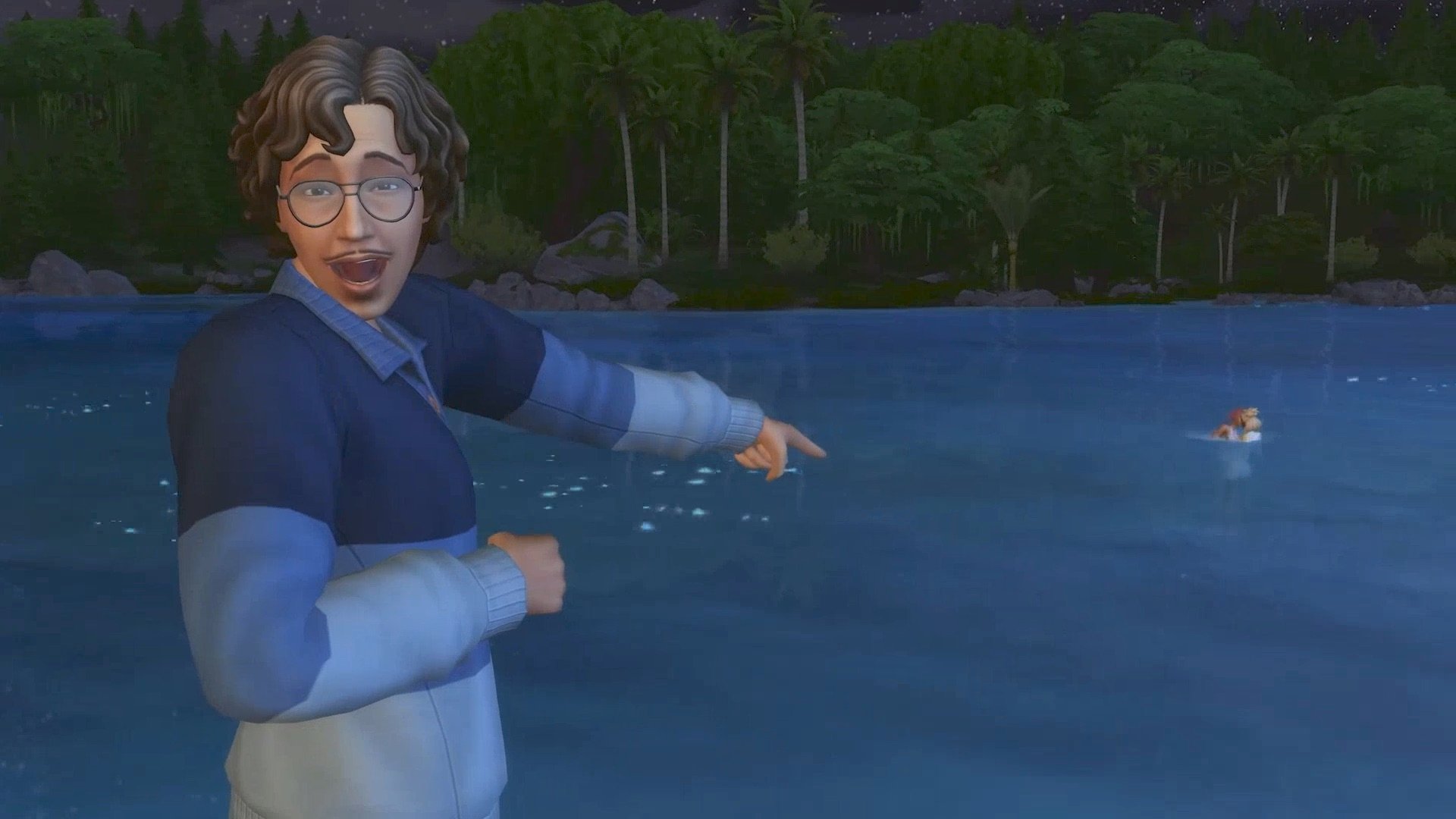
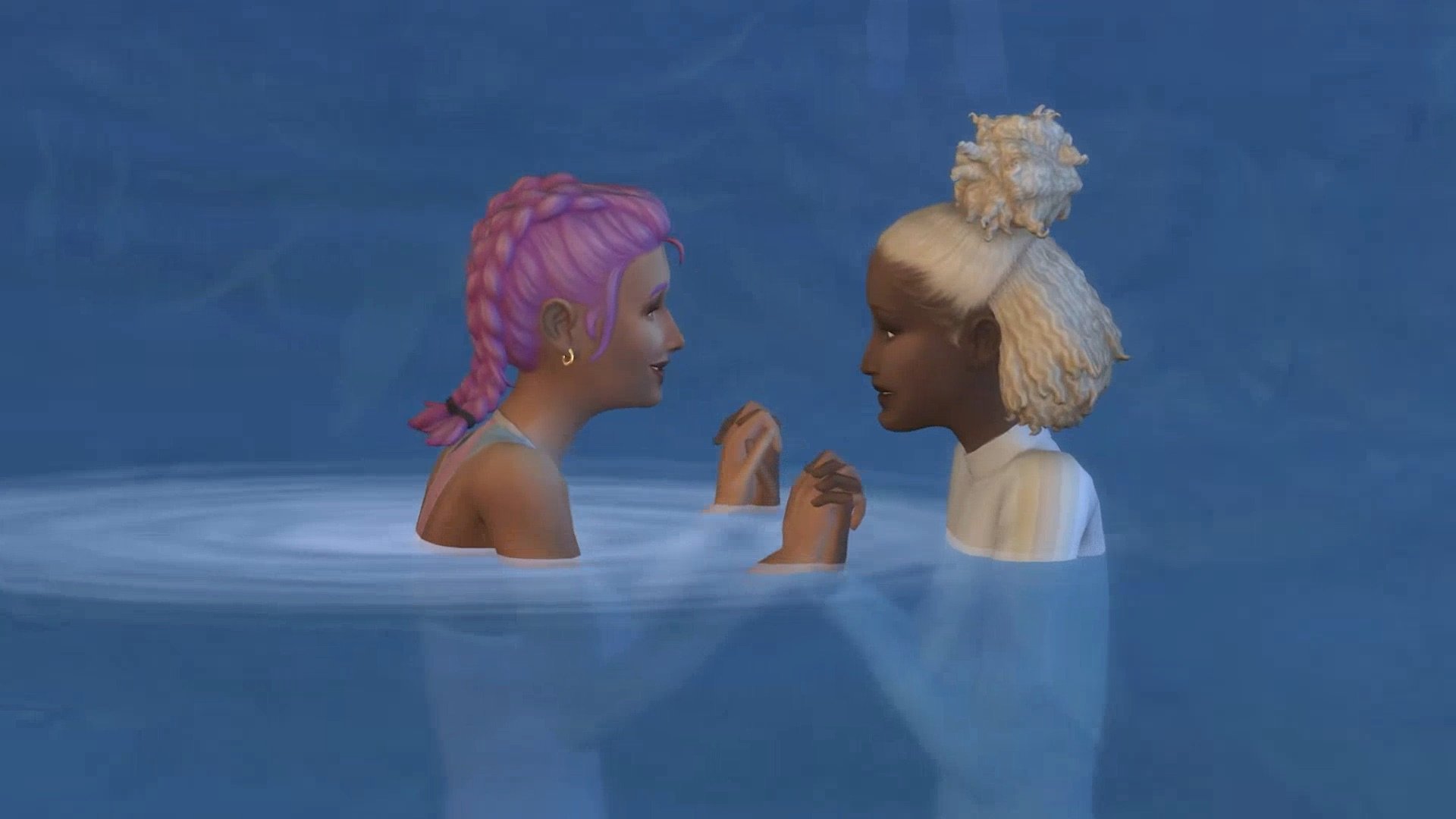
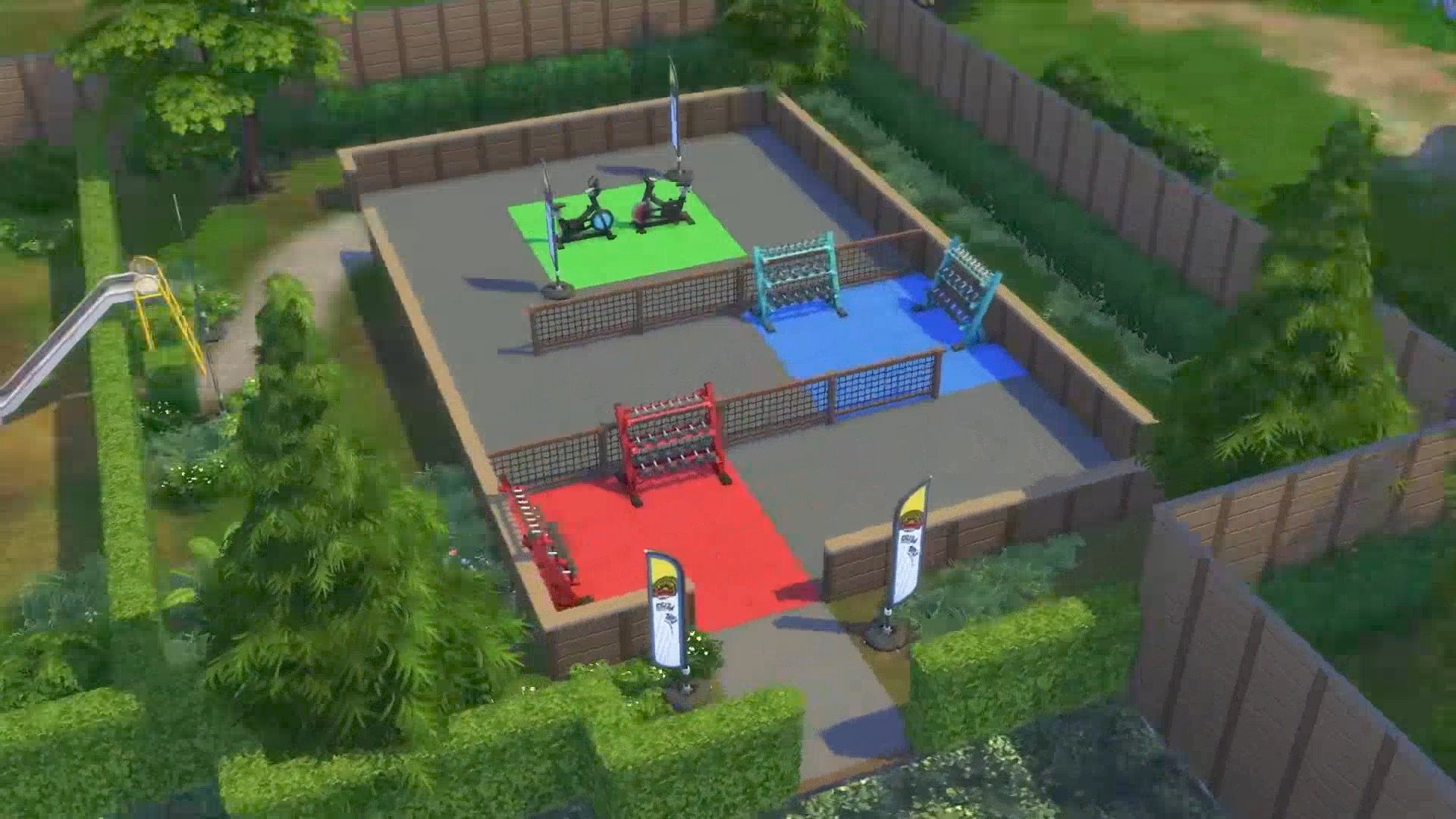
Take a peek at all the new items coming in Create A Sim and Build Mode!
The official pre-order pages across all official storefronts have been updated with a full list of The Sims 4 Adventure Awaits Items. That includes a full catalogue rundown of new Create A Sim and Build Mode items.
Let’s take a look at what this Expansion Pack will have to offer:
The Sims 4 Adventure Awaits Items in CAS
There are 157 new items in Create A Sim with Adventure Awaits Expansion Pack. Including new hairstyles for Sims of all ages, bright outdoor clothing and accessories to match your retreat needs. Plus some costumes, head accessories and fun new earrings.
Check out the full rundown below:
The Sims 4 Adventure Awaits Build Items
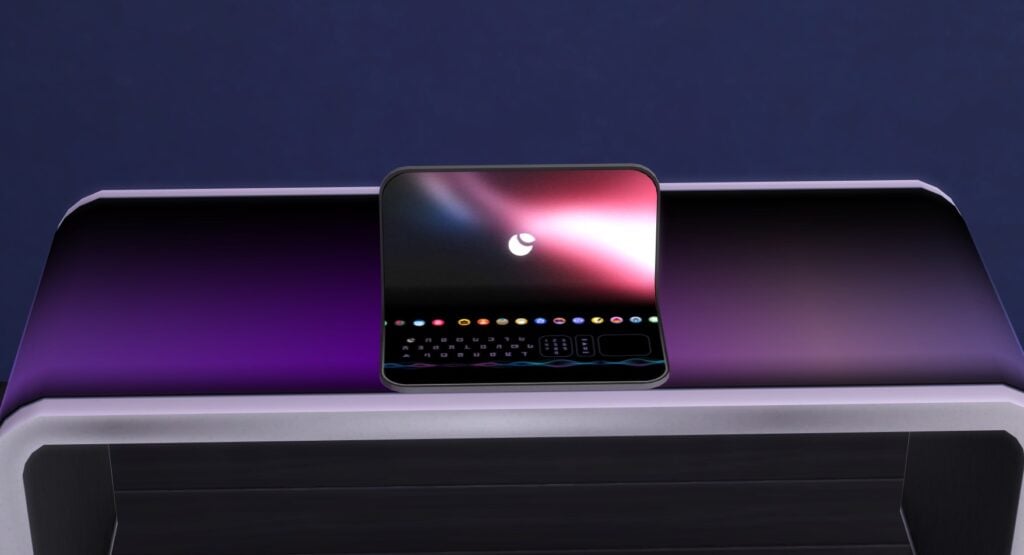
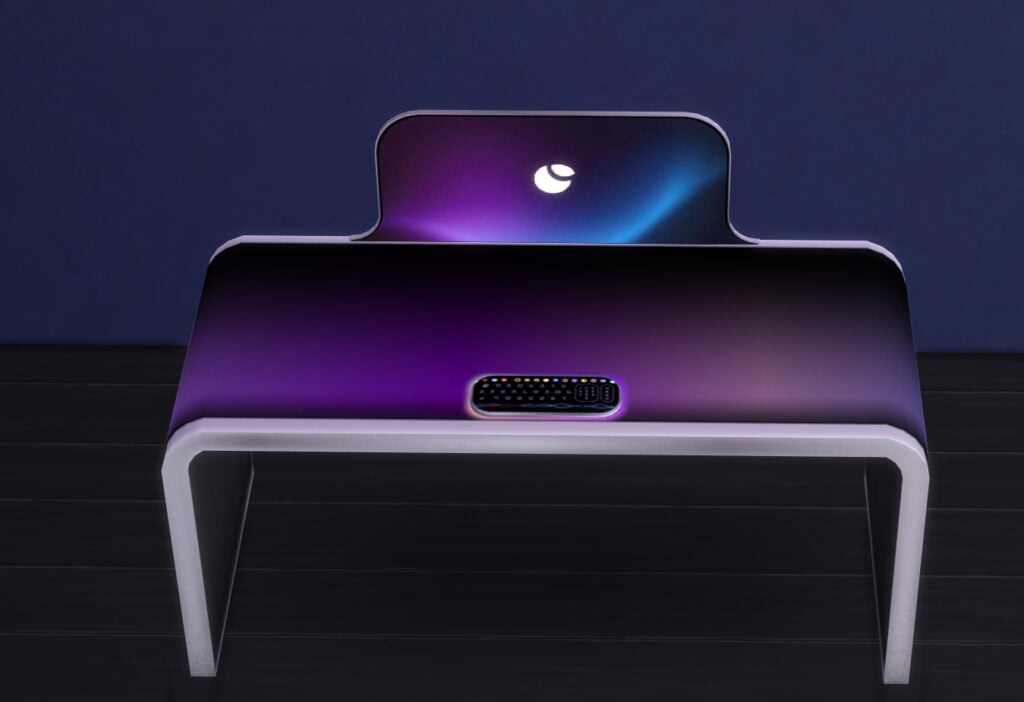
The Build Mode catalogue is packed with 199 Sims 4 Adventure Awaits items. That includes several modular and pre-built pieces for new outdoor playgrounds, cute retreat furniture for multiple indoor spaces and lots of new gameplay objects. Including archery, kayaks, new fitness equipment, the blender and plenty more.
Besides the exterior core Build Mode items like Windows, Doors, and Trims are also new visual effects. This is just the start though – who knows what other objects lie beneath the showhiddenobjects and liveeditobjects cheats!
See the full preview below:
Pssst…If you’re playing with the latest version of The Sims 4 you can already unlock and find the new papercraft objects in Buydebug. No Expansion Pack required for you to take a preview!
Huge thanks to @trexalpaca for the following screens:
The Sims 4 Memory Boost has been officially confirmed for launch next week!
Another rumor goes checked as fully confirmed as EA and Maxis officially announce The Sims 4 Memory Boost Feature. Launching in Early Access for players on September 23rd, 2025.
As described by The Sims Team, Memory Boost is a first introduction to the game’s performance and stability improvements. Especially for complex, high volume gameplay sessions that contain lots of households and content, promising to deliver less crashes too.
It’s also expected to tackle long term issues like lag, frame rate stability and others. Read more about it in the official introduction below:
Official Introduction to The Sims 4 Memory Boost
Memory Boost is an early access, opt-in feature for PC only, that brings performance improvements to The Sims 4. It optimizes memory usage, reduces lag, improves frame rates, and helps prevent memory-related crashes. We’re inviting players to try it out and share feedback as we prepare for a wider rollout.
You can turn Memory Boost off at any time. Any new recovery saves created while Memory Boost is active will be tagged, and at least one original (untagged) recovery save is always preserved for fallback, so you can safely revert if needed.
Note: Memory Boost is currently in early access. We encourage you to try it and let us know about your experience. You can turn it off at any time, and your original game saves are always safe.
How to Activate Memory Boost
Access Game Options:
From the main menu, select the three dots (•••) to open the Game Options menu.
Select Other:
Navigate to the “Other” tab within the Game Options.
Enable Memory Boost:
Find the Memory Boost dropdown menu and select “Enabled”.
Your game will restart with Memory Boost enabled.
One recovery save will always remain without Memory Boost enabled to ensure you can revert to a previous game state if needed.
Disabling Memory Boost
Access Game Options:
Return to the Memory Boost option in the Game Options menu.
Disable Memory Boost:
Select “Disabled” to turn off Memory Boost.
Note: Recovery save files that had Memory Boost enabled will continue to display the “Memory Boost” tag, indicating it was used on that file. This tag is simply a marker and doesn’t affect gameplay, so you can continue playing as usual.
How to Check If Memory Boost is Enabled
To verify that Memory Boost is enabled, use the in-game cheat “version” to display output indicating whether FPB (Memory Boost) is running.
To use the “version” cheat in The Sims 4:
Launch the game.
Press Ctrl + Shift + C to open the cheat console at the bottom of the screen.
Type “version” into the console and press Enter.
If you see (FPB) in the Summary line, Memory Boost is active.
Ensure you’re not running a DirectX version argument.
Ensure you have the latest update and that you’re not running DX9. Check your DirectX version by looking at the bottom right corner of the main menu screen to confirm you’re on DirectX 11.
Remove any launch argument that automatically switches you to a specific executable, such as “-dx9” or “-dx11“, from the “Advanced launch options” box via the EA app, Steam, or Desktop Shortcut.
Frequently Asked Questions
Why is Memory Boost opt-in and in early access?
Memory Boost introduces significant improvements to how The Sims 4 manages memory. Because every player’s hardware is different, we’re starting with an opt-in phase to ensure stability across all systems. Your participation and feedback help us make Memory Boost even better for everyone.
How do I enable Memory Boost?
To enable Memory Boost, go to the main menu, select the three dots to open Game Options, choose “Other”, and then enable Memory Boost from the dropdown menu.
What happens when I enable Memory Boost?
Your game will restart with enhanced performance settings. Recovery saves created during this time will have a tag indicating Memory Boost is active.
What type of crashes does Memory Boost help prevent?
Memory Boost is designed to address crashes related to high memory usage, such as those that can occur during extended play sessions, when using lots of content, or in large, complex households. By optimizing how the game manages memory, Memory Boost helps reduce the risk of crashes caused by running out of available memory, making your gameplay experience smoother and more stable.
Can I revert to a previous game state?
Yes, one recovery save will always remain without Memory Boost enabled to ensure you can revert if needed.
How do I disable Memory Boost?
To disable Memory Boost, return to the Game Options menu, choose “Other” and select “Disabled” under the Memory Boost dropdown.
Will enabling Memory Boost affect my current game saves?
Once Memory Boost is enabled, your existing saves remain unchanged. Any new recovery saves created while Memory Boost is active will be tagged to indicate they were made with the feature enabled. This tagging helps you easily identify which saves were created with Memory Boost, while always preserving at least one original (untagged) recovery save for fallback. This ensures you can safely try Memory Boost without impacting your previous game progress, and you can always revert to a pre-Memory Boost save if needed.
Remember: If you want to load a save created before Memory Boost, disable Memory Boost before playing that save to ensure everything works smoothly.
Why do my recovery save files say “Memory Boost”?
Recovery saves with Memory Boost enabled are tagged to indicate the feature is active. However, one recovery save remains untagged to ensure you can revert to a previous game state if needed.
What happens to my saves if I disable Memory Boost?
Recovery save files that had Memory Boost enabled will continue to display the “Memory Boost” tag, indicating it was used on that file. This tag is simply a marker and doesn’t affect gameplay, so you can continue playing as usual.
What does “Automatic” in the Memory Boost options do?
Selecting “Automatic” allows the game to optimize memory usage based on your system’s capabilities, providing the best performance without manual adjustments.
I see a new executable in my The Sims 4 Game folder. What is it?
The new executable is part of the Memory Boost feature, designed to enhance game performance. It’s essential for running the optimized version of The Sims 4.
Why don’t I see the DX9 option in the options menu while Memory Boost is enabled?
DX9 is unavailable when Memory Boost is active. You need to disable Memory Boost to access this option.
Why don’t I see the Memory Boost option?
Ensure you have the latest update and that you’re not running DX9. Check your DirectX version by looking at the bottom right corner of the main menu screen to confirm you’re on DirectX 11.
Remove any launch argument that automatically switches you to a specific executable, such as “-dx9” or “-dx11“, from the “Advanced launch options” box via the EA app, Steam, or Desktop Shortcut.
What do you think about The Sims 4 Memory Boost Features coming to Game Options near you? Join the comments below and stay tuned for all the latest Sims updates!
The latest Sims 4 Kit, Autumn Apparel, Is Set To Release on 9th October 2025!
As EA is reportedly taking a break from Expansion Packs, the release of Kits doesn’t seem to be slowing down. It was only the end of August when we saw the release of the Essential Glam and Grange Mudroom Kits. With the release of today’s update, we have our first look at The Sims 4 Kit, Autumn Apparel, thanks to Lunar_Britney!
Table of Contents
The Sims 4 Autumn Apparel Kit Features
Take a look at the official description of the latest Sims 4 Kit below!
Breathe in that crisp autumn air, watch the leaves change color, and reach for something warm from The Sims 4 Autumn Apparel Kit. This collection features layered looks plus accessories like scarves and a wide-brimmed hat that are perfect for strolling down chilly streets, as well as snuggly sweaters that’ll make the season feel extra cozy.
Kit Features:
A Chill in the Air — When it’s too late for beach wear and too early to break out the snow shoes, this Kit has you covered with comfy sweaters, matching beanie & scarf combos, and more cold weather looks. Embrace the chill with luxurious fabrics and rich autumnal hues.
Cozy and Classy — These sophisticated, layered fashions will keep Sims both comfy and put-together with pieces that exuded charm, like a wide-brimmed hat, wearable purse, and stylish boots.
The Sims 4 Kits Screenshots
Take a first look at the Sims 4 Autumn Apparel Kit below!
The Sims 4 Autumn Apparel Kit is set to release on October 9th 2025!
What are your thoughts on The Sims 4 Autumn Apparel Kit and future Sims 4 Kits? Let us know in the comments below, and stay tuned to Sims Community for all the latest on The Sims 4 Kits!
The big patch for The Sims 4 has just arrived on PC and Mac!
A new Sims 4 Update has just been released for PC and Mac. As expected and announced in the Updates Roadmap, the latest game patch is helping prepare the Base Game for the upcoming release of the Adventure Awaits Expansion Pack. Players who are on Xbox and Console will have to wait until September 23rd to get the patch on their platforms.
Tuesday’s Laundry List for The Sims 4 also mentioned which fixes we should expect upon the update’s release. Make sure you check it out before we get the full patch notes!
Find out what’s been improved and changed in the official patch notes below:
The Pre-Patch For New Expansion Pack Update
Table of Contents
Installing the Latest Sims 4 Update
You can get the latest The Sims 4 Update on the following official launchers and platforms:
You can download the latest Sims 4 Update by checking for a Patch through the EA App, Steam or Epic Games launcher for Desktop. If you have Automatic Updates enabled the update will automatically download through your client program. In case your EA App is not working properly ensure you’ve cleared your app cache!
If you play The Sims 4 on Xbox Series X / S and Playstation 4 and 5 you can request a new update by checking for updates under The Sims 4 game in the Main Menu. If you’ve enabled automatic updates the Patch should download right away.
This is a pre-Expansion Pack update, meaning that some Mods and CC are guaranteed to be broken / outdated after the patch. Make sure you clean your folder using the 50/50 Method and check your favorite creators for Mod release updates!
Mods & CC will be disabled by default after you first open up The Sims 4 after updating.
Who’s ready to get away and make an adventure out of it? Today’s update prepares for the October 2nd launch of the upcoming expansion pack, Adventure Awaits, and while you’re waiting, this base game update contains a fun new feature that will have all your Sim kids cheering throughout the neighborhood! Also coming to the game today, you’ll see a number of bug fixes.
We are releasing today’s update on PC and Mac with the Console update following on September 23rd. Getting this update out earlier allows for plenty of time for mod and custom content creators to update prior to the launch of Adventure Awaits. It also gives us time to address any issues quickly. As PC/Mac will be on a newer game version until the PlayStation & Xbox update on September 23rd, console players will need to use the PlayStation and Xbox filters in the Gallery until you receive the update.
As always, thank you for your support and continued reporting efforts via EA Forums. It really helps us identify the issues you care the most about so we can focus on fixing them. We are committed to fixing these issues and can’t wait to share more details on that soon to come.
Plumbob out. Sul sul and we’ll see you on your next adventure soon.
-The Sims 4 Team
What’s New?
Base Game Updates
Playground Venue
Let the kids play! And what better place to play than the new Playground Venue. Going to the Park is fine and all, but sometimes kids need their own space. The Playground Venue on the other hand is the perfect place to let the little ones run wild. You’ll find it visited primarily by other children and their chaperones, especially after school hours, making it the perfect place to make new friends. Built the perfect playground? We’d love to see it! Share your custom playground venue builds to the Gallery using the hashtag #playground so fellow Simmers can discover, download, and enjoy your creations.
Venue Type Filter in Event Planning UI
When planning any event, we now have a way for you to quickly narrow down to see only the specific venue type you’re looking for in a checkbox dropdown, to save you from having to scroll through a long list of options. Want to see only all Libraries? Check. Want to see only all Nightclubs? Check. Want to see only all Libraries and Nightclubs? Check Check.
Play Pretend Interaction
Child Sims now have a very cute interaction to “Play Pretend” with either another child Sim as a social interaction or as a self interaction. “Play Pretend” as a social interaction can be accessed under the Friendly > Activities Pie Menu options. Otherwise, you can click on your active child Sim to access “Play Pretend” as a self interaction. Both versions of this interaction include options to “Play Fairy Tale Castle”, “Play House”, “Play Space Explorer”, “Play Pirate Adventure”, or “Play Island Castaway”. All of which are accompanied by charming childhood imagination VFX that are thematic to the selection.
Ecru Slouch Beanie Color Variant in Create a Sim
For those days when the brightest of white is just not gelling with your outfit. We’ve now added a new ecru color variant on the existing Base Game Slouch Beanie in Create a Sim available for teens, young adults, adults, and elders.
Cross-Pack
Tuning Update for The Sims™ 4 Life & Death’s Soul’s Journey
We readjusted gains for Soul’s Journey and added Satisfaction Point rewards for each tier completed.
Merfolk Occult Bassinet for The Sims™ 4 Island Living
She smells Merfolk stinky baby diapers in a seashell-shaped bassinet. What’s it look like, you ask? Well, I suppose there’s only one way to find out. Here’s hoping Ocean’s Lullaby Bassinet is about to be responsible for a big Merfolk population boom.
Memory Boost (Early Access) – Available September 23
Memory Boost is an early access, opt-in feature for The Sims 4 on PC (Windows) that delivers performance improvements by optimizing memory usage, reducing lag, improving frame rates, and helping prevent memory-related crashes. We invite you to try it out and share your feedback as we prepare for a wider rollout.
How to Enable Memory Boost:(Available on September 23rd)
From the main menu, select the three dots (•••) to open Game Options.
Go to the “Other” tab.
Find the Memory Boost dropdown and select “Enabled.” Your game will restart with Memory Boost active.
NOTE: Recovery saves created while Memory Boost is enabled will be tagged accordingly, and at least one original recovery save (without Memory Boost) will always be preserved for fallback. You can disable Memory Boost at any time from the same menu.
[EA Forums] Sims with the entrepreneurial trait no longer experience sudden jumps in career level. This fix will prevent this issue from occurring on any new saves.
[EA Forums] The “Venue Info” icon in Build Mode will stop shining when there’s nothing new to display.
[EA Forums] A Sim writing a book can now resume it properly after being interrupted by another Sim to socialize.
[EA Forums] Sims will no longer always sit to drink water.
[EA Forums] Interaction Progress (like cooking or writing) will no longer start from the beginning after loading.
[EA Forums] Last Exception and Sim reset no longer trigger when exiting a Changing Table.
[EA Forums] (ymBottom_SDX037Jeans_SolidPink) displays proper color swatch for Masculine Sims.
[EA Forums] Duplicate Swatch no longer shown for (doorDoubleSliding2x1_SDX037BUILDERTileable3Tile_set1).
[EA Forums] The Holiday menu no longer closes when switching between Sims.
[EA Forums] Swatch shown for (shelfWallGFPlank2x1_01_set1) matches what is placed.
[Bug Archive] Diner outdoor sign is now glowing correctly.
[Bug Archive] The infant’s ‘bald’ eyebrow color swatches are now in order.
[Bug Archive] The following shower floors no longer flicker when zooming the camera in and out: Tranquil Waters Shower, Modern Grimpressions, Waterfall Shower, EZPZ Shower Stall, and It’s a Shower Trap.
[Bug Archive] Fingers and nails will no longer clip and distort when certain outfits are worn.
[Bug Archive] Mournful Memories Music Box no longer has a debug name and description on all except the main swatch.
Curtains will now move when using DX11.
Death can no longer be avoided by scheduling an off-lot Event via the calendar on another lot during the death sequence.
[Bug Archive] The ymShoes_AnkleOxford_TrueBlack variant of this shoe no longer changes shape compared to the other variants.
Affecting Multiple Packs
[EA Forums] Skill cheats can now be used to lower skill.
[EA Forums] Eyeglasses no longer look like sunglasses.
[EA Forums] Some wall mailboxes no longer appear under Misc Appliances instead of Trash Cans & Mailboxes.
[EA Forums] “Summon a Privy Bush” interaction is now available for Vampire and Fairy child sims
[EA Forums] Some fireplaces no longer project light from Fire Backwards.
Resolved a missing texture observed when applying yfTop_GP12SweaterVest with some bottom assets.
Texture defects are no longer observed when applying ymBottom_SP56CK001ShortsRuffles with several top assets.
The Undo button is no longer greyed out when using it to make changes for occult types in CAS.
Get to Work
[EA Forums] Daring Hall Tree now properly categorized under the Displays category instead of the Decorations Misc category.
Cats & Dogs
[EA Forums] Pets no longer get deformed when traveling to another lot after aging up.
[EA Forums] Blue swatches for (stair_rail_EP04CAxFrame_set5) display the proper color when placed.
[EA Forums] When selecting gray swatches for the object (sculptwall_EP02GENchalk2x1_set1) the proper color is placed.
Island Living
[Bug Archive] The Mermaid bassinet is now available in Buy mode like other bassinets.
[Bug Archive] Resolved flickering animation observed on water after the Sim performs a snorkel interaction on the buoys in Sulani.
Discover University
[EA Forums] Bike pedals will now align with the Sim’s feet when riding the bike from this pack.
[EA Forums] (ymBottom_EP08LeggingCropped_Solid Yellow) displays the correct color swatch for males.
[EA Forums & EA Forums] Legal Case Files and Dr. Tyson’s Books of Learning are now properly categorized under the Clutter category instead of the Sculptures category.
Eco Lifestyle
[EA Forums] Piercings from the Eco Lifestyle expansion pack now have the correct Bronze & Gold swatches displayed.
Growing Together
[EA Forums] Smooth Sail Diaper Pail trash cans now snap to Lavish One’s changing station.
[EA Forums] Starry Eyed Collection Banquet Table is now present in the Bars category instead of Dining Tables category.
For Rent
[EA Forums] Tenant events are no longer resolved as a failure after the Property Owner fixes what’s needed on the Tenant’s lot.
Lovestruck
[EA Forums] All color tags are now applied to Canopy Dreams and Drape Desires objects.
Life & Death
[EA Forums] Modern Grimpressions Bathroom Sink and Modern Grimpressions Kitchen Sink objects can now be slotted at the top.
[EA Forums] Nails paint no longer creates a texture glitch on T-shirts (yfTop_EP17ShirtGoth) and (ymTop_EP17ShirtGoth).
[EA Forums] Child sim now show up as ghosts when they die due to over heat & Freezing.
YmHat_EP17ToqueDouble no longer clips with ears if ears are extended outwards.
Sim no longer clips into the bar stools when read will interaction is performed in sitting posture.
Soul’s Journey Progression no longer grants too many points.
Sims will no longer remain in Ghost form after removing the Ghost molecule in CAS after using the Undo button.
Businesses & Hobbies
[EA Forums] (Paint on Me!) wallpaper from the Business and Hobbies category now appears when filtered by color.
Enchanted by Nature
[EA Forums] (ymHair_EP19Mullet_Auburn) hairstyle no longer clips with hats.
“Fertilize All Crops” interaction is now functional on oversized crop plants with oversized crop fertilizer.
[EA Forums] Gnome brought to life for Upgrades and Repairs will no longer continuously upgrade toilets with Composting Container leading to toilets catching fire.
Vampires
[Bug Archive] Vampire Sims no longer constantly disappear and reappear during interactions
Paranormal
[Bug Archive] All the nail polish in the fingernail category color yfBody_SP18DressShirt
Outdoor Retreat
GP01GenFern plants no longer clip when placed on the roofs
Realm of Magic
[EA Forums] Glass Top Stage Stairs is now properly categorized under the Decorations Misc category instead of the Surfaces Misc category.
[EA Forums] (ymTop_GP08VestShirt) now displays correct swatches.
Werewolves
[EA Forums] (yfHair_GP12MedWavy_Black) hair displays properly when zoomed out in game.
Backyard
[EA Forums] (yfTop_SP08TeeBoatNeck) now displays correct swatches.
Greenhouse Haven
[EA Forums] When selecting green/yellow swatches for the object (doorSingle1x1_SP40GENTileable3Tile_set1) the thumbnail now displays the proper color.
Sweet Slumber Party
[EA Forums] Nails are now properly tagged for a masculine frame.
Author Release Notes
Merfolk in The Sims 4 now have their own bassinet!
I think we’ve all been curious about the development of the upcoming The Sims movie. With the rise of video game-to-movie adaptations being in vogue over the past decade, it wasn’t unexpected that a game as iconic as The Sims would be chosen. Doubly so since this is the second attempt at a The Sims film, as 20th Century Fox initially acquired the rights before being acquired by Disney just one year pre-COVID, and the project ultimately being scrapped.
So, let’s dive into the new information that’s been released on the upcoming The Sims movie. Will it be a hit, a miss, or a must-watch for Simmers?
Table of Contents
Lights, Camera, Sims!
So far, we know that Margot Robbie’s production company, LuckyChap Entertainment, is partnering with EA, Vertigo Entertainment, and Amazon MGM Studios. This partnership with LuckyChap Entertainment and Amazon MGM is even being considered “the right creative partnership” by EA’s president, Laura Miele. The biggest news initially came late last year with the addition of ‘Loki‘ Season One director, Kate Herron and her co-writer Briony Redman being chosen to head the project.
The project has been mostly silent since then. Herron has recently confirmed that the script is in its beginning stages and the team is “feeling very good” on its progress. That’s been it on their end. Most likely due to them being busy bees at the writing table.
Thankfully, we’re given more information from one of the film’s producers, Roy Lee. Lee gave a brief interview on what’s upcoming in The Sims film while promoting his newest movie, ‘The Long Walk‘.
From this interview, we learn several interesting facts; one of the biggest being that The Sims film will have a “unique” feel, and it will draw inspiration from ‘Barbie‘ and ‘The LEGO Movie‘. Lee goes on to highlight that the film will be, “Somewhere in between both ‘The Lego Movie‘ and ‘Barbie‘ is where The Sims movie will be”.
“It’s one of these things where I can’t talk about it much, because it’s going to be unique. And it’s a sort of like, people were wondering, ‘What could a ‘LEGO Movie’ be?’ until you saw it.”
“And I’m producing with Margot Robbie. And [audiences] were probably wondering, ‘What could a ‘Barbie’ movie be?’ Somewhere in between both ‘The Lego Movie’ and ‘Barbie’ is where ‘The Sims’ movie will be.”
I’m sure players have their questions with how exactly this will go. Both ‘Barbie‘ and ‘The Lego Movie‘ took their respective points of origin and ran wild. The first is going on broader pop-culture inspired feel-good-isms, while the latter settled into technicolor kid-friendly comedy. Both, despite however “flat” their origins seemed, came out well in the end. Hopefully, the same can be said for The Sims movie.
And with over twenty-five years of content, new and old, they certainly have enough plot points to choose from. The Sims 2 would be a good bet to start—Bella Goth being a core figure in arguably her most iconic plot instance? I’d buy the commemorative popcorn bucket to go with my ticket if that were the case! But, really, the writers have so much to go on with the extensive lore and massive scope of the game.
Here’s to hoping they not only do it justice, but give the players a new weekend binge-watch for years to come!
What are your thoughts on the upcoming The Sims movie? Is it something you’d want to see, or do you think Hollywood is just pulling at straws? Please let us know in the comments down.
We’ve uncovered all the posters and current information from this new Spin-Off Sims 4 website!
It’s our favorite time of the year when official spin-off Sims websites come to life. This time around it’s to promote The Sims 4 Adventure Awaits Expansion Pack launching October 2nd.
Choose Your Adventure!
Give your Sim a break from the everyday with an exciting new experience sure to recharge their Plumbob. Check back daily to browse new experiences and find the perfect Getaway.
– simyouradventure.com
With multiple options and flyers to choose from, we’ve gathered all the information and cute graphics from the Choose your Adventure website!
New The Sims 4 Adventure Awaits Flyers
There are 11 new flyers promoting gameplay and features coming with The Sims 4 Adventure Awaits Expansion Pack. Some even including cross-pack functionality and ideas!
See the first flyer previews below:
Table of Contents
New Promotional Spreads
Within each flyer is a full spread of information. As noted on the simyouradventure.com website, there’s going to be a new flyer unlocked every day with brand new information.
We’ll be updating our list with new flyer spreads as they unlock right here so make sure you bookmark this article!
Camp Bewilderness
Come for the cute caterpillars; stay for the otherworldly counselors. At Camp Bewilderness, kids can spend a formative week following curiosity wherever it may lead…
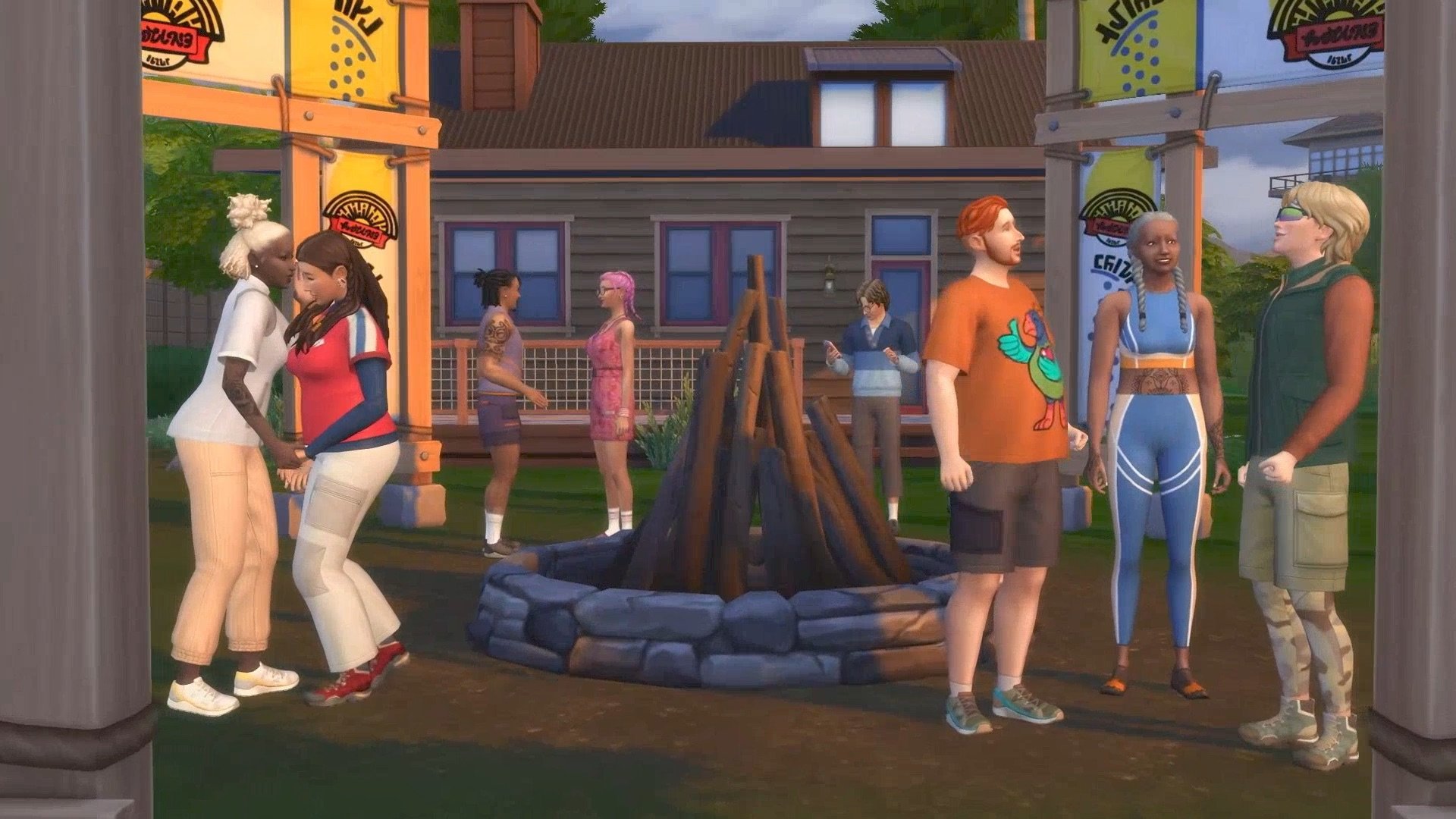
Our team of counselors is a fun-loving group of werewolves, vampires, mermaids, and fairies. Their supernatural talents have a way of helping kids connect with nature’s magic, whether it’s turning into a bat or enchanting a plant. Under their guidance, campers spend their days exploring the woods, studying local flora and fauna, and catching and raising butterflies. We’ve watched many friendships blossom as caterpillars get their wings.
Come nightfall, it’s time for campfire songs, s’mores, and spooky stories. But is it really all tall tales? Are those shifting shadows sinister specters, supernatural Sims, or new imaginary friends? Come to Camp Bewilderness, and see for yourself.
This venue was built by our talented creator, Daniellebuilds and requires Enchanted by Nature, Island Living, Werewolves and Vampires Packs.
Welcome to YouTopia
Some say a weekend at Youtopia feels like taking a long, calming breath. Known for its natural beauty and rustic architecture, it’s a destination with something to offer every Sim.
Those in search of self-care can enjoy quiet, peaceful soaks in the indulgent in-ground hot tubs. Old friends can share long conversations in the charming hot chocolate lounge. And couples in search of romance can cozy up in hidden pools and secret nooks.
Whether you’re craving peace, connection, passion, or calm, you’re sure to leave Youtopia feeling more like YOU!
This venue was created by our talented creator – JeyJeyBink.
The Golden Age of Love
Some say a weekend at Youtopia feels like taking a long, calming breath. Known for its natural beauty and rustic architecture, it’s a destination with something to offer every Sim.
Those in search of self-care can enjoy quiet, peaceful soaks in the indulgent in-ground hot tubs. Old friends can share long conversations in the charming hot chocolate lounge. And couples in search of romance can cozy up in hidden pools and secret nooks.
Whether you’re craving peace, connection, passion, or calm, you’re sure to leave Youtopia feeling more like YOU!
This venue was created by our talented creator – JeyJeyBink.
Booty Camp
HOSTED AT THE REVIVE AND THRIVE FITNESS RETREAT, THIS WEEKLONG INTENSIVE PUSHES SIMS’ LIMITS, BUILDS STRENGTH, AND DELIVERS UNDENIABLY LASTING GAINS. AT THE END OF THE WEEK, YOU’LL HAVE THE CHANCE TO FACE THE ULTIMATE TEST: A BENCHPRESS-OFF WITH THE LEGENDARY PLUMBIRD. SOUNDS LIKE TOO MUCH OF A CHALLENGE? COACH FLEX DISAGREES.
CHECK OFF CARDIO IN THE MORNING, PUMP IRON IN THE AFTERNOON, AND END THE DAY WITH ONE OF OUR SIGNATURE STRETCH SESSIONS. WITH STATE-OF-THE-ART EQUIPMENT, NUTRITION-PACKED SMOOTHIES, AND TRAINERS THAT JUST WON’T QUIT, BOOTY BOOTCAMP IS THE PLACE TO PROVE YOU’VE GOT WHAT IT TAKES.
This venue was created by our talented creator – KiwiSimsKate.
Full Moon Rising at Gibbi Bay
Come on in, the water’s fine! Take a trip to Gibbi Bay, a scenic destination with endless possibilities for aquatic adventure. There’s something to delight everyone in your pack!
Upon your arrival, you’ll be greeted with a traditional Gibbi delicacy: grilled jellyfish, fresh from the local waters. You can spend your days kayaking, fishing, careening down waterslides, and jumping from the high dive. Just don’t belly flop!
When the moon rises, you may start to hear howls in the distance, and might even catch a flash of fur moving among the trees. As the stars reveal themselves, the bay’s most magical experience does too: in the dark, the bay becomes a beautiful, bioluminescent pool. Under the light of the moon, Sims can take a dip in the glowing water and wash all their troubles away.
Requires Werewolves Game Pack.
It’s interesting to see how EA is embracing cross-pack promotion with the upcoming Sims 4 Adventure Awaits Expansion Pack release. Can’t wait to see what other flyers will include!
What are your thoughts on the new Sims 4 Adventure Awaits promo website? Join the discussion below and stay tuned for all the latest Sims Updates!
Developers Tell Us More About Gibbi Point In The Townies Lore & Q&A!
The Sims 4’s latest expansion pack, The Sims 4 Adventure Awaits, launches on October 2nd. And with just a few weeks to go, the second in a series of Q&As is taking place over on The Sims Official Discord. Follow along for updates on everything regarding Gibbi Point and all the adventures that await there in the Townies & Lore Q&A!
If you missed the last Q&A on Imaginary Friends, you can check out our Q&A roundup article. The next Q&A is scheduled to take place next week (exact date TBC), covering the brand-new Getaway Systems.
Table of Contents
Townies & Lore Q&A
Take a look below at the questions and answers from the Townies & Lore Q&A!
Can we woohoo Pruella? (The Bird)
Pruella doesn’t woohoo in the suit (though you can romance her). You can still kiss/hug her, though! If you romance her enough, you can add her to household. An important note: the suit is “special” to Townies who are the peculiar plumbird, so if you add Pruella to household someone else will don the suit.
How many townie families are in the world?
We will have three Households in the world and a few more special Sims you’ll see around, too!
Will Nigel and Sara’s relationship problems be reflected in their friendship/romance bars and their sentiments?
I actually left this one up for players a bit more. So it’s a story we’re telling but I wanted to let players have the opportunity to take it where they wanted. Their sentiments won’t reflect the friction as much.
Will Buddy Scoop’s family be on the gallery?
We won’t be adding Buddy Scoop’s family on the gallery, but feel free to create one for him and upload!
Is there a relation to the Ravenwood Gomez family??
Great question – there actually isn’t, which I get a kick out of as I designed the Ravenwood Townies.
Do the townies also live at the getaway locations?
We have the Addams living on the lot for Love Highland! Star and Jane Addams run the getaway with two roomates, Skip and Agora!
Do we have any representation with the new townies? Dying for some aro/aces.
I know this isn’t quite the answer you want, but we do have an ace townie in San Sequoia (Aurelio Robles) Pruella is a trans woman
Did Skip Broke fake his death and skip town to get away from Brandi? (I always thought she offed him for the insurance money).
Fake death for Skip. BTW, there’s a way to learn a little more about him potentially – check out the Lonely Lighthouse once the pack ships
Are there any returning Sims from previous titles?
You’ll spot Skip Broke living with the Addams. He’ll have an interesting story.
Do we get some fun elders? I love hanging out with them!
Freeda Perry is a freewheelin’ granny for sure. I love designing elders, I worked on a few for San Sequoia and also Waylon Warez in Ravenwood too
Update from Game Designer Rach
A few people asked so I’ll just broadly answer:
Inspiration for Townies comes from everywhere for me. I think about the stories I want to tell given the overall features in a pack (I’m a narrative designer) and think about how we want to wrap townies around those features and tell dynamic stories. I’m a writer as well so I just love thinking up characters – all my Townies have huge backstories that never make it into the game, though, because it’s really important to me that I give you a “template”.
Like “here’s an idea of the townie, their traits and a little about them in gossip interactions – but you can make this what you want”
Which reminds me, these townies have gossips the way my tartosa, san sequoia, and ravenwood ones do – though these are a little different, you need to talk to Toshie Akamine to hear more. Toshie is in the Jellyfish Junction neighborhood, you’ll see her around
Is Jane and Star Addams’ commune/home another getaway? The blog says it’s a good self-improvement journey.
Yes, they have the romantic retreat (“Love Highland”). I get a kick out of the Addams gals because, well, to be nice… Star is a DRAMABOMB sim lol
Is New Zealand known for its campsites?
Gibbi Point is inspired by many places! New Zealand, Australia, and national parks in the USA!
Why is Skip a child while Dustin broke (get famous) is an adult? Dustin is Skip’s son in the older games?
Skip Broke is an adult in Adventure Awaits
Update
Scoop family Scoop They were kinda “big wheels” back when Crystal Valley wasn’t Crystal Valley (I like to think of it as having been Scooptown before, though this isn’t official in the game anywhere). Then one day there was a big earthquake/geyser eruption and the gold mine just dried up. Suddenly, crystals are there instead! The Scoops packed up and left, but Buddy actually may not be alone. The mystery is, where does Buddy live? Some townies swear they see him coming and going from the old firewatch tower but this is uncomfirmed.
Are the townies we saw in today’s blog post the ones that just actively live in Gibbi Point, or are there more unseen households in the Manage Worlds menu?
Three households have a home in Gibbi Point. The other NPCs will show up around the neighborhoods (Laxmi, Raheel, Buddy, Pruella, and Toshie!)
Can we have Plumbird pets?
No plumbird pets this time (though I worked on the pet crow in ravenwood, you can always have that). They’re very shy and reclusive, you see small ones around gibbi point but they don’t want to be interacted with. I think they’ve had a rough go of things between overusing the Hothead Rock Geyser’s “warmer” function for butterfly-adjacent purposes and Sims getting too close.
Do we get to put our own townies in the Romantic Island game for the new pack?
Yes! You can add whichever Sims you like to the Getaways!
I’d be so curious about the longer backstories you created. Can we read that somewhere?
I’ve never written them up, maybe someday they’ll let me! Though I emphasize, it’s super important to me that y’all feel totally comfortable creating your own stories. I want to give you a foundation but if you hate what I come up with, well, that’s fine! I mean I’m the dork who created Pruella to ship with Sammy the Ring Bear but was too afraid to do that with the game romance rel lest people think I was up to no good
Is the Fire Festival the only festival in Gibbi Point?
We have four festivals in Gibbi Point:
‘Round the Fire festival in Wanderwood Wilds,
Sunrise, Sunset festival in Crystal Valley,
Glow and Flow Festival in Jellyfish Junction,
Fitness Fest in Jellyfish Junction
Is there any lore tied to the jelly fish lake or glow worm cave?
YES
So the glow worm cave – that used to be a cave-cave, not really a cenote. Then the big earthquake messed it all up so it became more open. But it has always been a spot that’s so beautiful it’s practically otherworldly. Literally.
As in, those jellyfish…they are called Astral Pro-Jellyfish. And they are NOT native to Gibbi Point. We had some sixam visitors who wanted to leave behind a gift. Luckily, the jellyfish weren’t invasive
Are there more LGBT Sims in the town, and are there any more references to other Sims games?
Pruella is a trans gal and she’s awfully cute. But otherwise, folks are pan. Nigel is DEFINITELY pan, let’s just say.
The townies appear to own the venues in Gibbi Point. Do custom venues require an owner, or is this an optional thing? Is it even mechanically accurate, or is it flavour text? Are they the “owners” or are they the assigned main sims of the venue?
The getaways do not need to be owned by any household. Currently the only scheduled Getaway in Gibbi Point that is owned is the Love Highland Getaway. Camp Gibbi Gibbi and Revive and Thrive are not owned by any NPC Household.
What’s with Agora Tchotchke? What does she do in Gibbi Point, and what brought her there?
You know the person in your friend group who is always a bit of a troublemaker? You love them, but they just keep sticking their foot in it. Agora stuck her foot in it too many times and really wanted to just get away and start a better life for herself. That’s why she showed up at the commune; to try and straighten things around. Is that actually working out for her, or is she still just chaos embodied? Up to you
Is there any lore that you are excited about that you think people might miss?
Hmmmm. I really hope people give Pruella a chance, I guess I’d say. I know she looks scary, and even the locals have varied opinions about her, but she has a pure heart and really wants to be there.
I think a random bit of lore is just the firewatch tower maybe? You never see the Sim who lives there (and you can’t go up there either, it’s forbidden!) but you can communicate a little with them. I like peppering lore bits with weird text you can get from interactions.
Will there be all weathers in the new world?
Yes, Gibbi Point supports all seasons! It’s a very unique climate, where the waters are warmer, allowing Sims to do water activities year round!
I’m assuming there’s no special interaction tied to the watchtower, more of a decoration piece?
There are interactions – you can say hi to the hermit park ranger, you can send a paper airplane note up and they’ll respond eventually, and you can have a gift exchange with them.
Jane and Star who own Love Highland, are a (sapphic) couple if I read that right
yes, that too – can’t believe I forgot that part. Jane and Star are together.
Does Freeda Perry only work at Revive & Thrive then? The blog made me think she owned it.
She’s the Fitness Director! The Getaways and Custom Venues are very customizable, so you can change her to another role or remove her from the Getaway completely if you choose!
Have any Townies’ stories or traits been inspired by past events in the game?
I mentioned the Ring Bear, that’s the biggest one outside pulling in Skip and Agora. We thought it’d be fun to do that as it was so much fun for me to bring back Nervous Subject in Life & Death. Pruella is VERY inspired by the Ring Bear and Father Winter (my best friend worked on both those designs, it’s my way of paying homage to his great work)
Update from Rach and SimDevHollie
Buddy Scoop is a permanent child. We do not know why. It just happened that way. Buddy Scoop is a riddle wrapped in an enigma and a propellor hat. I consider him highly odd.
Nigel is currently in the role of Camp Director for Camp Gibbi Gibbi. This is a role that’s tied to the Getaway and is completely customizable! His wife Sarah is in the Camp Counselor track of the Park Ranger Career.
What is the name of Nigel’s IF, and will we see him around as a townie?
No, sorry, I saw this asked earlier and missed it too. Nigel’s IF is not in game as a townie, we wanted to be careful there.
Cross-Pack Info
Crosspack stuff – we used some milestones for sure for Townies this pack Base game townies can be invited to getaways and can show up, I saw a few people ask that and I’ve missed that apologies if I keep missing questions, I am trying hard to keep up and don’t mean the slight if I missed you!
Quest Info
For the quests, we have a few sets:
Butterfly Conservationist Quest. Laxmi Kunal can be found in Wanderwood Wilds, and they have a quest relating to butterflies. Laxmi is dear to me, pleased talk to them!,
World Quests. Toshie Akamine can be found in Jellyfish Junction near a special Story Map. She has 3 world quests to complete. Completing them unlocks a special Geyser thing and also the ability to get small bits of gossip from townies. You can finish the map when done! It’s super cute.,
Plumbird Quests. You get these off Pruella’s “nest” in Crystal Valley. Completing these will unlock two special interactions with Pruella (“SUPERHUG” and sharing feelings),
The reward is mainly “you learn more lore” if that’s okay, it’s mainly content for lore-focused Simmers!
Any Princess Cordelia Lore coming? Would love to know more about her 4th bf, John Wilson!
We have a butterfly in the new Gibbi Point Butterflies and Moths collection that is named after princess Cordelia! There’s a nice little write up about this butterfly after examining her.
Etymology of townie names
Etymology of names was less of a thing for me here though historically it’s something I dwell on a lot. Another designer worked with me on them (she also worked on the landmarks in the world – she did an amazing job there) so it was more of a collab on names
I already love Pruella, but now I’m curious, what does she look like under that bird costume?
well now, you’d have to add her to household to see I noted this before in chat, but it’s important: only sims in the plumbird role wear the suit. Once Pruella joins your HH, she is there in her normal attire forever! She wants to pass the baton (or perch? or nest) to others.
I had a lot of fun making Pruella’s Sim. I don’t want to give too much away, but she’s definitely a baddie!
Are any townies related to other NPCs?
other than Skip being a very weird sort of deal overall (someone else noted they have a skip in their save already – let the skips co-exist, I say. Something could well be afoot that I don’t know about) we don’t have overt ties to other townies by lineage this time.
Can you unlock the plumbird outfit somehow? I would love that as a sim who did Pruellas’ special hug to spread kindness and empathy. Also, is she possibly related to Father Winter?
The costume is fully locked to Pruella – the Father Winter tie in is very indirect. It’s more like some of how she functions is similar to father winter. I am VERY aware that players like to marry father winters on down the line. If you have a baby with Pruella, you’ll see a trait listed for your infant though no special skills attaached [Sic].
Were any of the three adventurers ever more than friends?
We haven’t explored that side of their backstories, but I think that would be a pretty interesting plotline for a playthrough!
Hi, totally random, but would you guys ever consider/have considered working with simmers to possibly make townies for upcoming packs like the builders who build lots?
That’s a really interesting thought – I’d have to send it along to the dev team for sure.
Personally, I can’t make sims in CAS as well. I have Hollie to help, as well as a few other producers, so I’m saved there
Also @meamouse you asked if they were ever more than friends; no. Toshie doesn’t really date. Nigel and Raheel aren’t close anymore. Nigel is a little single-minded about the camp stuff, it’s alienated people.
Do the townies have sentiments? I love it when you do that.
They have some sentiments between each other, yes!
I love when random lore stuff is reflected in the homes of the townies (like pride flags in Aurelio’s room, or Olives’ murder basement). Are we likely to see that kind of thing in this pack?
YES
So this is one of my FAVORITE THINGS about working with creators for our lots. They inform so much about what we do, but they also reflect in our builds. My favorite thing in San sequoia was when a lot builder added a rainbow flag to Eleanor Sullivan’s room and I was like YOU GET IT.
Gryphi (sp) for example I believe build one of our venues for this pack and it was just screaming “women love me fish fear me” so I named it Fearful Fish Lounge
But they also go off of the details we give, like flags or other items. Please feel free to use those as environmental storytelling; the decor on a lot is intended to tell you more about who lives there.
It’s so much fun collaborating with lot builders, there’s a lot of give and take there (I think Kate is in this chat? Hi kiwisimskate!!)
I want them sweet slides!
The slides are such a hilarious thing for me, Conor was cooking so hard when he gave us waterslides this pack be careful on slides in hot weather!!!!!!!!!!
Speaking of lot builders, is there any lore related to the bonus lots? (Cryptid Creek and Whispering Waters?)
Individual lots don’t necessarily have their own stories as much though now that you’ve asked I’m like, why haven’t I been doing that. NEXT TIME
Maybe this was already asked, but are there any little little townies? (Infants, toddlers, etc)
Not in this pack, we wanted to make sure we had more child age Sims in this world.
Will any of the Townies play a role in the festivals?
NPCs don’t have any set roles in festvials, however you’ll see some around taking part in the festivities and might show up in roles by chance. The only major one is that Pruella can show up at around the fire, otherwise we don’t get to prescriptive there IIRC
Cultural Inspiration
A few people are asking about cultures; Gibbi Point is sort of inspired by a few areas but isn’t a direct reprsentation, so when it comes to representing cultures it’s not a direct parallel. I hope this answer helps a bit.
Are there any Sims with traits that switch in this pack? Do you plan to use that more often, or keep it specifically to Layne?
YES there are trait switches. Go out to the Lonely Lighthouse in Jellyfish Junction and go from there
Future Q&As
That’s all for today’s Townies & Lore Q&A session. Next week, there will be another Discord Q&A (exact date TBC) in which you’ll be able to hear all about the new Getaway Systems in The Sims 4 Adventure Awaits Expansion Pack. We will have all the live coverage you need right here on Sims Community!
Which neighbourhood in Gibbi Point are you sending your Sims to first? Let us know in the comments below, and stay tuned to Sims Community for all the latest on The Sims 4 Adventure Awaits.
The new Sims 4 Adventure Awaits Blog introduces us to new Households and NPC Sims!
The latest official Sims 4 Adventure Awaits blog has just gone up, diving deeper into the new iconic Sims of this Expansion Pack. Including new Households and NPC Sims that you’ll get to see around the new world of Gibbi Point.
Take a full look into the latest Meet the Sims of official blog post:
Table of Contents
Meet the Sims of Gibbi Point in The Sims 4 Adventure Awaits
Once you’ve grabbed your Grilled Jellyfish from the Welcome Wagon, it’s time to meet your Gibbi Point neighbors from The Sims 4 Adventure AwaitsExpansion Pack. Each Sim has a story, some heartwarming, some peculiar and some tangled up in drama, but all share a love for play and adventure.
That’s the Gibbi Point way of life.
So, before you gather round the campfire or challenging Sims to Rock, Paper, Scissors, let us introduce you to a few of Gibbi Point’s most beloved locals.
Fitness and Play Is the Perry Way
Whether you’re just starting your fitness journey or Pushing it to the Limits, Freeda Perry’s world-class Fitness Retreat, Revive & Thrive, in Jellyfish Junction is the place to be. Spin bikes, free weights, classes, and a full schedule of activities for all abilities; it’s all here. But what really sets Revive & Thrive apart is Freeda herself. She has a deep passion for helping Sims reach their potential, be it through exercise and wellness or friendship and connection.
Freeda also has another full-time role: caring for her grandson, Dougie. Dougie is an exceptionally bright kid, but unlike his grandmother, he’s no social butterfly; although he does enjoy catching the Glasswing Butterfly when he can. Shy and slow to make friends, Dougie leans on Freeda for companionship. But with her busy retreat schedule, she can’t always be by his side.
Hoping to ease his loneliness, Freeda gifted Dougie an ImagineMe! Doll named Wild Child. And maybe she knew more than she let on, because that doll began to do much more than keep a watchful eye. Suddenly, Dougie had a partner in crime for friendly competitions, whether it was a game of rock-paper-scissors or hide-and-seek.
Held Together by a Hyphen
If you want to explore the vast forest of Wonderwood Wilds or learn more about the land’s rejuvenating qualities, look no further than Camp Gibbi Gibbi Director Nigel Chavez-Ralston and his family: wife Sara and twin daughters Erin and Aeris.
Nigel is a true townie, having lived in Gibbi Point all his life, and is one of the three Great Adventures, along with the town’s Storyteller, Toshie Akamine, and the Lost Explorer, Raheel Kunal. Together, they spent their childhood exploring and mapping out Gibbi Point. You can still find remnants of their tracks and trek through your own quests from the Story Map in the middle of Seabreeze Harbor, where you can usually find Toshie. Nigel loves nothing more than to share his knowledge and love of the land with anyone who’s interested, making camp director his dream job.
His wife Sara is obsessed with Gibbi Point’s eclectic array of butterflies, but it’s her mastery in papercraft that wows the campers. Just as much as she is creative, she’s a caring and devoted mother to her twin daughters, but the two may be at odds. She yearns to express herself, but feels trapped by her parental duties, and unfortunately, Nigel is more likely to be found tending to the camp than his home.
While their parents may be having trouble connecting, Erin and Aeris are as tight as twins can be. Erin is the extroverted one that loves making new friends and participating in outdoor games, although she tends to get overly competitive from time-to-time. Aeris may be introverted, but is a loyal friend to anyone she lets in; and she also shares her mom’s love for papercraft. These two can surely be seen together, out on an adventure or participating in one of the many activities at camp.
Looking for even more adventures? The Lost Explorer, Laxmi (Raheel’s sibling) is Gibbi Point’s very own Butterfly Conservationist. Greet them and they’ll happily give you info on quests.
Lovers & Fighters
For the lovebirds seeking romance, and a little bit of competition, Jane and Star Addam’s Love Highland in Crystal Valley is the perfect place to plan a Romance Challenge Getaway. This young and intimate couple own and operate a rustic, yet upscale getaway, serving as love coaches to many Sims on Gibbi Point, at least to the ones that can get past their quirks.
Jane is friendly, handy, and can whip up a delicious meal with the best of them. She has a deep passion for the art of love, although her loyalty can quickly tip to jealousy if left unchecked. Star is an excellent pianist and self-proclaimed love broker with charisma that lights up a room. However, she can also clear it with one of erratic arguments.
In addition to their penchant for hosting romantic retreat, the Addam’s also have a commune-style home on the property where they host Sims looking to get away or find themselves. It has all the amenities for a self-improvement journey, plus shared spaces that encourage conversation and connection. There, you may run into a familiar face, like our old friends Agora Tchotchke and Skip Broke. Looks like you’ve got some explaining to do, Skip!
The Friendly, Playful & Strange
Gibbi Point is full of mystery and lore, and no two Sims reflect this world’s strange past than Buddy Scoop and Pruella.
Buddy is a child and a member of the elusive Scoop Family. Elusive because Buddy is the only Scoop you’ll actually encounter in public. This mischievous little lad has been repeatedly caught investigating the mines his family once owned, but can often be found selling or trading his unique collectibles at a table outside of the mines’ entrance. He’s also a surprisingly fast hand at Rock, Paper, Scissors.
The little Plumbirds that now scurry around Gibbi Point were once much larger. There’s a lot of speculation around how and why they shrank in size, but the fact of the matter is they no longer exist. Until one day, a Sim named Pruella chose to become one, honoring the memory and spirit of the beloved species. At first, locals thought the Large Plumbird returned, which soon turned into campfire fables of a fearsome beast watching over Gibbi Point. But when Pruella’s secret came out, so did she. You can now see her interacting with neighbors at events like the Round the Fire Festival, spreading messages of kindness and positivity to Sims of all ages. You may even encounter a Sim or two that’s following in her talon-etched path.
More information about the townies and Sims of Gibbi Point will be shared in today’s Discord AMA. We’ll make sure to keep you posted on all things Sims 4 Adventure Awaits right here on Sims Community!
Ever since the release of The Sims 4: Lovestruck, players have been trying to discern exactly how the Sims 4 Attraction system works since it has added multiple layers to your Sims’ romantic relationships. While The Sims 2 previously included Chemistry, a system where two turn-ons and one turn-off for each sim would sway their attraction level with others, The Sims 4 previously did not take into account physical, emotional, or mental characteristics of Sims when their relationships were developing.
Adding in Turn-Ons, Turn-Offs, Romantic Satisfaction, Romantic Dynamics, and even Romantic Boundaries has led to both more realistic and more messy relationships. While the overall relationship score is still mutual between sims, they can now have differing levels of satisfaction in their relationship or clashing romantic dynamics or boundaries, leading to varying levels of happiness between the sims.
Table of Contents
The Sims 4 Attraction System
With The Sims 4: Growing Together, Sims had Social Compatibility and Family Dynamics, which gauged how well they would get along as family members and friends. This added some differences in romantic relationships with married couples, as they could have family dynamics since they were considered family members.
However, The Sims 4 Lovestruck added The Sims 4 Attraction system which indicates your Sims’ autonomous behaviors, how well they romantically mesh with other sims, what interactions they prefer, and so much more! While the Sims 1 and the Sims 3 did not contain a similar feature, the system seems to be based off of The Sims 2’s Chemistry system, which worked similarly but only included two turn-ons and one turn-off per sim.
Like the Chemistry system, Turn-Ons and Turn-Offs are not the only things that contribute to your sims level of attraction to another sim, or how attracted other sims are to your sim. The level of attraction takes multiple factors into account to calculate how easily the sims will interact positively with each other, which is also influenced by things like lot traits, mood-enhancing objects, the current mood between the two sims, and the exact tone of the conversation.
Turn-Ons and Turn-Offs
Turn-Ons and Turn-Offs in the Sims 4 Attraction system are organized in Create-A-Sim and In-Game by six categories; Way of Life, Characteristics, Romance Style, Hair Color, Outfit Color, and Fashion. These are either chosen in Create-a-Sim, changed at the mirror using the “Change Sim” interaction, and developed through gameplay similarly to the Sims 4: Growing Together SelfDiscovery traits system.
When developing through gameplay, you may get pop-ups while your sim is interacting with others, asking if they like or dislike certain traits. While any category can be triggered, many of them will be influenced by specific interactions and often change how your Sims feel about different Ways of Life or Characteristics rather than physical features.
Townies and Pre-Made Sims will not develop any of these turn-ons or turn-offs until they are played or interacted with by the playable household. How their turn-ons and turn-offs develop is random and often based on the actual Sim(s) they’re interacting with.
Way of Life
A Sims Way of Life is an overall look at their lifestyle, assets, traits, and skills. While it varies from Sim-to-Sim and many can fall into more than one category, they can heavily influence The Sims 4 Attraction system based on how each sim feels about the other sims lifestyle.
Since Ways of Life are based often on traits, skills, careers, and personal details, they can’t be discerned during a first introduction. This means that your Sims attraction and even romantic compatibility will shift as they learn more about each other.
This also means that two sims who know each other very well can have heavy shifts in their relationship as their preferences change or their lives change. One spouse in a married couple can become more or less attracted to their spouse because of them excelling in a new hobby or career, a large change in their net worth, and so much more. This allows for built-in storytelling, even if it isn’t exactly player-controlled.
Skill-Based
Skill-Based ways of life are influenced by what skills a sim has, how high their level(s) is/are, and how many of skills in a certain category they have.
Self-Employed – Sim is employed in a work-from-home or freelancing career.
Slacker – Sim has the “Lazy” trait AND/OR is Unemployed.
Marital Status
Taken – Sim is already in an active romantic relationship, is engaged, or is married.
Characteristics
Characteristics take a Sims traits, likes & dislikes, and lifestyles (Introduced with The Sims 4: Snowy Escape) into account when calculating The Sims 4 Attraction system. Like Ways of Life, these will influence a Sims relationship once they learn enough about one another.
Traits: Animal Enthusiast, Cat Lover, Dog Lover, Horse Lover, Rancher
Spirited
Traits: Bro, Chased by Death, Cheerful, Child of the Village, Cringe, Insider, Lovebug, Outgoing, Party Animal, Romantic, Self-Assured
Likes: Acting, Dancing, DJing, Mixology, Singing
Lifestyles: People Person
Romance Styles
Romance Styles indicate how a sim likes to interact in their romantic relationships. Once a Sim likes or dislikes a certain romance style, they can gain more or less relationship progress and romantic satisfaction when doing or receiving these interactions. Interactions may also be renamed or new ones may appear based on traits, progression of romance, and certain situations. For example, Sims who are Unflirty may say “Feebly Ask on a Date” instead of just “Ask on a Date”.
Affection – Under the “Romantic”/”Affection” category in the interactions pie menu.
Examples include Confess Attraction, Look Deeply Into Eyes, Whisper Sweet Nothings, etc.
Flirting – Under the “Romantic”/”Flirt” category in the interactions pie menu.
Examples include Flirt, Compliment Appearance, Offer Rose, etc.
Gift Giving – Under the “Romantic”/”Affection” category in the interactions pie menu, action is “Give a Romantic Gift”.
Physical Intimacy – Under the “Romantic”/”Physical Intimacy” category in the interactions pie menu.
Examples include Embrace, Hold Hands, Kiss, Make Out, etc.
Woohoo – Under the “Romantic”/”Physical Intimacy” category in the interactions pie menu OR can be initiated by clicking on a woohoo-compatible object.
Examples include “Woohoo” and “Try for Baby”, as well as “Woohoo/Try for Baby in [Woohoo-Compatible Object]”.
Hair Color
Hair color is fairly self-explanatory and is a physical trait that influences a sims initial attraction when meeting others since it is immediately evident. The Sims 4 Attraction system takes this into account but it has little influence compared to more internal attraction traits. While some turn-ons for this category are specific to one hair, certain ones contain multiple hair swatches available.
Black Hair
Brown Hair
Auburn Hair
Red Hair
Orange Hair
Blonde Hair
Platinum Hair
White Hair
Dark Blue Hair
Gray Hair
Green Hair
Hot Pink Hair
Purple Pastel Hair
Turquoise Hair
Outfit Color
Outfit color, like hair color, is something indicated to Sims during their first introduction and does not heavily influence their attraction once the Sims get to know each other better. While what exact color something is may vary person to person, a good way to organize it is based on the Create-A-Sim filter categories for colors of clothing.
Black Clothes
Blue Clothes
Brown Clothes
Gray Clothes
Green Clothes
Orange Clothes
Pink Clothes
Purple Clothes
Red Clothes
White Clothes
Yellow Clothes
Fashion
Fashion type, similarly to outfit color, is based on the Create-A-Sim filters that sort items based on the fashion category they’re registered as. Like other physical features, this does not heavily influence attraction once Sims know each other well.
Basics
Boho
Costumes
Country
Hipster
Outdoorsy
Polished
Preppy
Rocker
Streetwear
Romantic Satisfaction
Romantic Satisfaction works in tandem with The Sims 4 Attraction system and will ultimately influence how your Sims romantic relationship(s) develop, how long they last, and if they will end or not. Satisfaction will influence romantic relationship increase or decay, your sims moodlets, and their autonomous behavior. Satisfaction also varies between Sims, meaning that one partner could be very satisfied with the relationship, while other is considering breaking up or getting divorced.
Satisfaction is based on multiple factors, but is primarily influenced by The Sims 4 Attraction system. When both sims are very attracted to each other, are recognizing and performing each other’s romantic styles, and have a good romance and/or family dynamic, they will typically be happy in their relationship.
There are five levels to Romantic Satisfaction…
Very Satisfied – Sims who are very satisfied in their romantic relationship will be happy around their partner, have better success with romantic interactions with their partner, and the romantic relationship will slowly increase overtime.
Satisfied – Sims who are satisfied in their romantic relationship will be happy around their partner or when thinking of them.
Fine – Completely neutral. No gain nor decrease in relationship. Sims may more easily slip into being unsatisfied or satisfied in their relationship.
Unsatisfied – Sims who are unsatisfied in their romantic relationship may become sad around their partner and may struggle with romantic interactions.
Very Unsatisfied – Sims who are very unsatisfied in their relationship will also be sad, but they will also have conflicts much more with their partner. This can occur both intentionally via the player choosing these actions, or autonomously. You will typically know when a sim is very unsatisfied because that partner will warn the other sim that they aren’t happy with the relationship, and will threaten to break up or divorce.
Sims who are very unsatisfied in their relationship will autonomously break up with or divorce their partner after four consecutive breaks in their romantic trust. This includes being mean/arguing, cheating on them and getting caught, and breaking their Romantic Boundaries.
Romantic Boundaries
Romantic Boundaries, either chosen in Create-A-Sim (Under the sim information panel that also include Gender and Sexual Orientation settings) or changed through gameplay, influence what causes your sim or their partner to feel jealousy. These include…
Non-Physical Romance – Flirting, Affection, etc.
Physical Romance – Hugging, Kissing, etc.
Woohoo – Woohoo, Try for Baby, etc.
Whether or not these boundaries can be changed through talking about them with other sims.
In gameplay, you can ask a romantic partner to reconsider a certain boundary, with a cooldown occurring for all reconsideration interactions whether they decide to or not. This interaction to reconsider a Romantic Boundary has to be done individually for each type of Romantic Boundary, and Sims will generally feel jealous for each type of interaction by default.
The addition of romantic boundaries has opened a door for many new types of families and gameplay styles, with the sims and their love lives being freer than ever!
Romantic Dynamics
Romantic Dynamics function similarly to Family Dynamics introduced with Sims 4: Growing Together, and often work in tandem when Sims are married. Romantic Dynamics can be chosen in Create-A-Sim or can be changed throughout gameplay, with the game prompting you on whether or not you’d like that change. Romantic Dynamics include…
Steamy – The Sims gain the most satisfaction from Physical Intimacy and Woohoo, become very flirty, and the relationship primarily revolves around Physical Intimacy and Woohoo.
Strained – The Sims are still romantically involved but they often fight, usually have lower satisfaction, and are more likely to break up or divorce autonomously. They often will stay distant and avoid interactions, or even seek out negative interactions with each other.
Unpredictable – Back-and-Forth, may be fighting one minute and woohooing the next. Both the satisfaction and the relationship progress waver as the waters are rocky in this relationship.
Wholesome – The Sims have a deep connection, both romantically and platonically. They feel happier around each other, have higher satisfaction, and will feel more fulfilled in their relationship. It’s the definition of being in a relationship with your best friend, even if your sims don’t have the Best Friends Forever relationship bit.
Romantic Dynamics will cause intense fluctuations in your Sims relationships as a single relationship can have every dynamic throughout the lifespan of the relationship or the Sims involved, or even no dynamic at all! Sims without a relationship dynamic will have standard
If your sims are struggling romantically after the introduction of these systems, make sure to check out our guide on Cupid’s Counseling to bring them back together!
What are your thoughts on these systems; Do you enjoy the extra challenge and feel like it makes relationships more dynamic, or do you prefer the original way they worked?
Ahead of the release of Adventure Awaits, we’re getting a big update to the sims 4 base game. This will be available for PC/Mac on the 18th of September and for console players on the 23rd of September.
Here we will break down how to prepare for the update, as well as what you can expect.
Table of Contents
What To Expect This September
Base Game Update: A big update for PC & Mac is due on the 18th of September, which has been pulled forward to give the team time to test against a variety of hardware and setups.
Console players will get the update a few days later on the 23rd. Since PC and Mac will be on a newer game version for a few days, until the update console players will need to use the PlayStation and Xbox filters in the Gallery to avoid any compatibility issues.
TDESC Files: If you are a modder or custom content creator. you can also get TDESC files via the Sims Discord so you can be prepared ahead of the new expansion pack release. However, EA does clarify they can’t fully support all mods, especially for bugs that only appear when mods are in play. You can access that discord channel here.
Community‑Prioritised Fixes: Alongside the update, EA is asking players to vote on bugs via the The Sims 4 Bug Reports section of the EA Forums. The team will focus on issues with the highest votes. Some bugs are already marked “Under Investigation” or “Needs Info,” and save file problems remain a priority.
What’s Coming In The Big Sims 4 Update?
We haven’t gotten a formal announcement about this new update’s content yet, so knowing what is going to be included in this big Sims 4 update is going to involve a bit of guesswork until the patch notes come out.
The last big base game update we got was adding lots of skin details, and we normally get a big update to the base game ahead of an expansion pack release – like platforms being added when we got Snowy Escape, or Infants when we got Growing Together – so we can also speculate that maybe something will be added that compliments Adventure Awaits gameplay.
We can, however, safely assume that this is going to include lots of quality of life updates, game fixes, and things to prepare for the next login event.
Game Fixes
The latest Sims 4 Laundry List announced on social media and their website we can see that the main repairs they are focusing on are ones with the most community upvotes, including:
Sims autonomously needing to sit down when having a glass of water
Pets getting deformed when travelling to another lot
Sims not being able to properly resume writing a book if they’ve been interrupted by another Sim to socialise.
Skill cheats can’t be used to lower skills
They also said they are working on fixing things which aren’t listed here, suggesting the updates to the game are ongoing and they’re aware that there are more bugs than the ones listed in this patch.
Given the long laundry list, it’s safe to assume that the updates we’re going to be getting soon are going to be addressing at least some of these fixes.
New Login Event Content
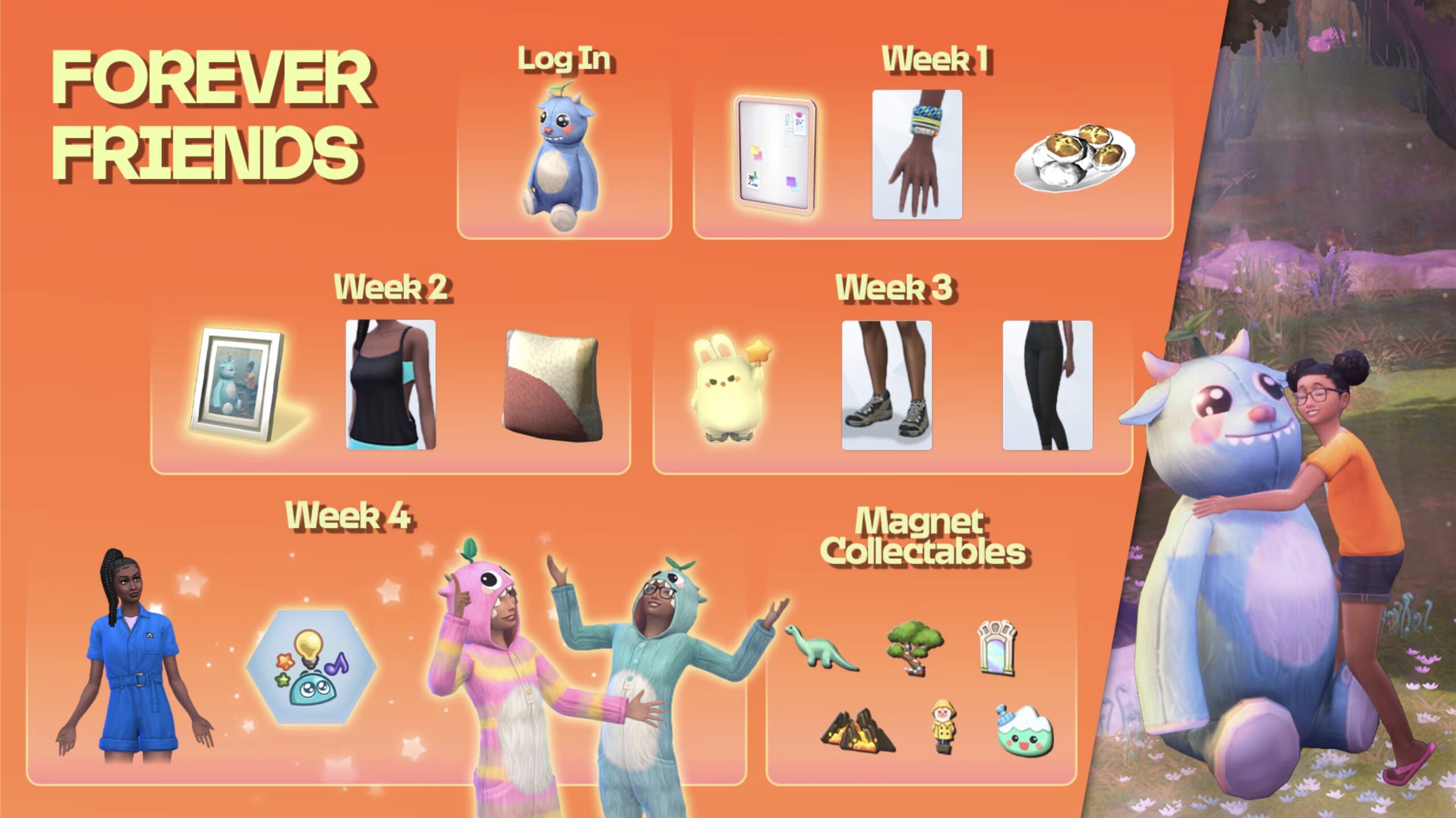
The new login event, Sims 4 Forever Friends, has been announced ahead of the update, so its more than likely that this update is to help prepare for that.
These life events, which reward players for logging in every week, are designed to up their player counts while giving us some new content as a reward. Therefore, adding lots of quality of life updates in time for this new event starting only makes sense.
There is new content like a new trait or aspiration as well as new photo frames and plushies, so if these all come with new interactions then these will all need to be added before the event goes live.
Preparing For A Big Sims 4 Update
Big updates always instil dread in some players – me included – but with a few simple steps you can make sure that you give your game the best chance against corruption.
Back Up Your Save Files
This is probably the most important thing you can do ahead of a large update. Regular backups are crucial to prevent data loss due to system crashes, hardware failures, or issues with mods or custom content, so it’s always important to ensure you back up your save files before any significant changes to your game – including big base game updates.
To back up your Sims 4 save files, follow these steps:
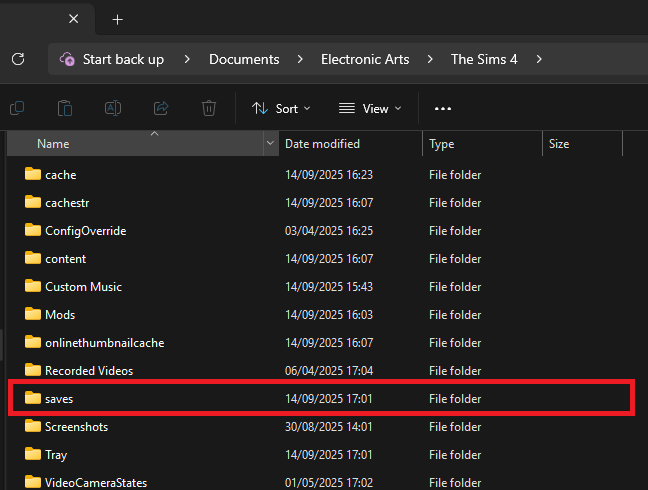
Navigate to the save files location. If you are on a Windows PC the file path should be: Documents/Electronic Arts/The Sims 4/Saves.
Copy the save files you want to back up. The names of the save files are all numbers, but the most recent ones you’ve created should be the highest number. If you’re worried about not backing up the ones you need, copy all of your saves.
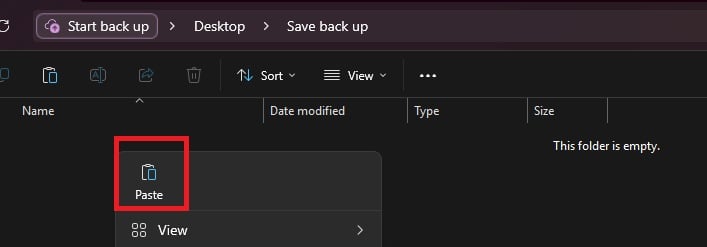
Paste the copied files into a new and secure location, such as an external hard drive or USB stick. It’s also a good idea to name the backup folder to include the date of the backup for easy identification.
If you need to restore a save, move the copied save files back into the Sims 4 saves folder and replace the existing files.
Checking and Testing Mods
If like me you’re a big fan of custom content and mods, updates planned to the Sims 4 can fill you with worry thinking about the long task of finding broken pieces of content in your game and wading through mod conflicts.
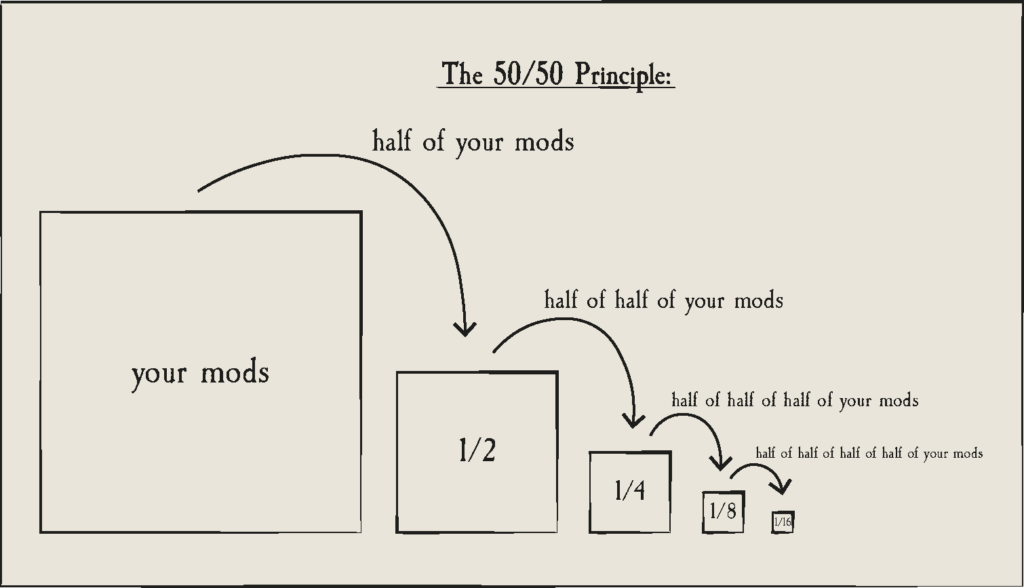
Using the 50/50 rule is a good way to set your mods folder up for success and make finding broken content much easier. If you are having game errors and think custom content/mods are to blame, sometimes the only way how to find out what’s causing it is by doing a 50/50.
Essentially, the 50/50 method involves testing half your mods folder – then half again, and again, and again – until you weed out all the broken content that needs updating. You can also read ThatSimsLady’s explanation of this method here.
Make three new folders outside your mod folder called ‘Tested clear’, ‘Tested broken’ and ‘untested’
Move all your mods to the untested folder
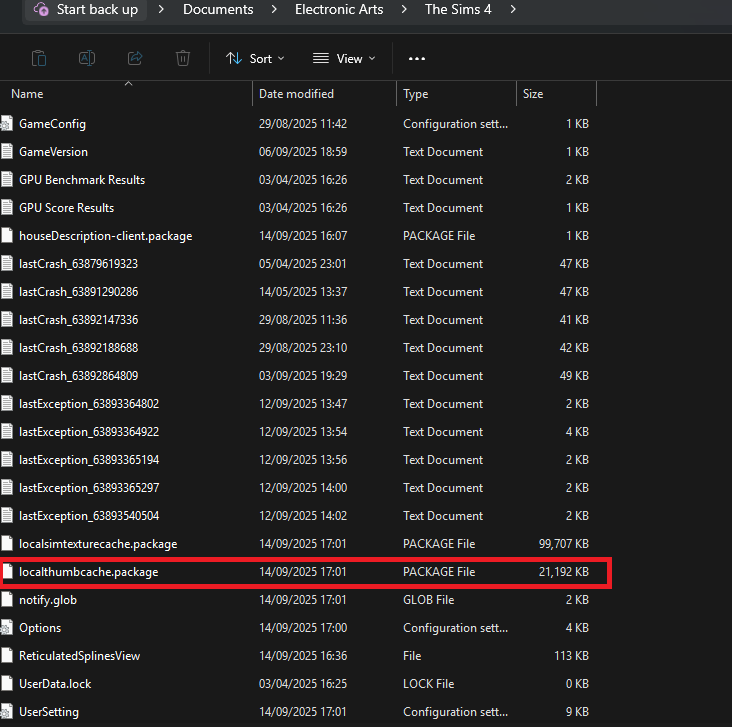
Delete your thumcache file – this is a package file that can be found in your Sims 4 documents folder. You’ll need to do this each time you run a new test for your mods/cc.
Move half of your untested mods back to the mods folder, and open the game. If you use MC Command Centre then this is a good one to test straight away, as it will alert you to any broken content / exceptions. If an error is found, test each new mod/cc you’ve added until you find the broken one, then add it to the ‘tested broken’ folder.
Keep going with this method until you’ve found all the content that needs updating.
You should ideally also test your mods in a new save, and not save your game while you are testing these.
If you are using the 50/50 method to check your mods, make sure that you:
Never separate mod files from the same mod. That might seem obvious, but if you separate mod files and then in testing they show as broken, it’s more than likely going to give you a false positive.
Take note of any mods that rely on each other. If you for example use lots of mods that rely on an XML injector, and then separate these from it, this might be the reason they don’t work rather than a patch update.
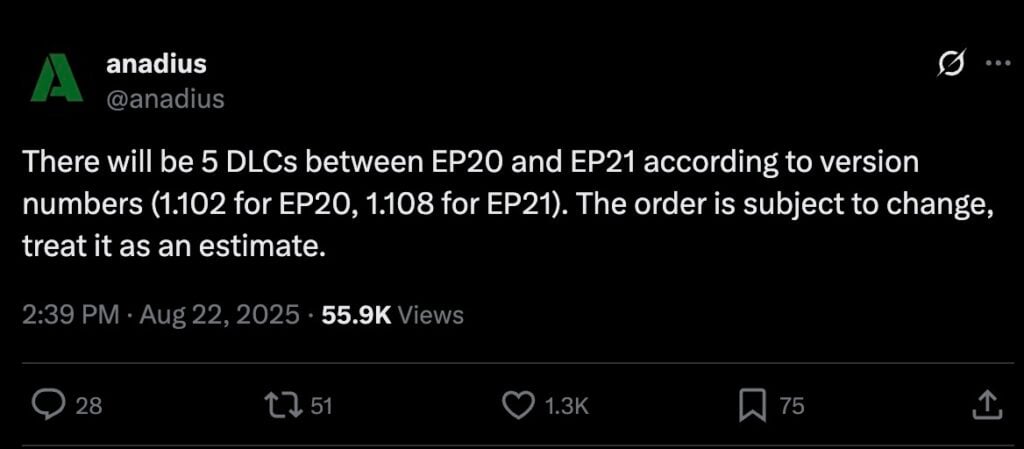
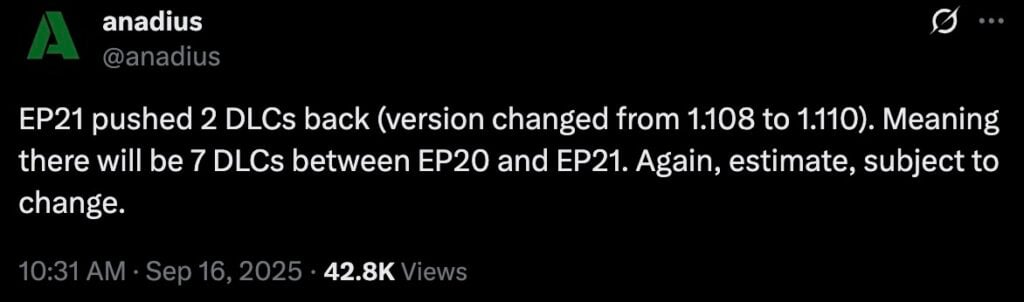
Expansion Pack 21 is now 7 DLCs away from being released.
In case you’ve missed out on the news, or in this case internal rumors, we get an insight on what The Sims 4 DLC release order is going to look like every now and then. Anadius has been able to track down some predictable patterns in Sims 4 DLC releases before through cloud-based internal info.
It was first assumed that The Sims 4 Expansion Pack 21, the pack after Adventure Awaits, is 5 DLCs away. The September to December 2025 Roadmap for The Sims 4 included a lot of Kits, meaning that there haven’t been expectations for Expansion Pack 21 until 2026.
First Prediction for Upcoming The Sims 4 Pack Release Schedule
Second and Current Prediction for The Sims 4 Pack Release Schedule
Anadius broke the news again today with a new statement about Expansion Pack 21 being pushed back for 2 DLCs again. The version under which Sims 4 EP21 is expected to release has switched from 1.108 to 1.110.
EP21 pushed 2 DLCs back (version changed from 1.108 to 1.110). Meaning there will be 7 DLCs between EP20 and EP21. Again, estimate, subject to change.
Probably mostly all Kits, but we’re staying hopeful for a shift in pack release dynamics soon.
From the looks at the current Roadmap, we’re getting The Sims 4 Adventure Awaits on October 2nd, and then Autumn Apparel Kit on October 9th. On both November 6th and December 4th there are going to be new Kit releases (at least 4 by the looks of it).
What are your thoughts on future Sims 4 Pack release predictions? Have you prepared your wallets and your gaming platforms for both paid content and updates? Join the discussion below and let us know!
September 17th Article Update: The Sims Team has released some new promotional images for the cast of Sul Sul Island. Check out the new Sims and their personalities down below!
In the previous trailer release for The Sims 4 Adventure Awaits Expansino Pack, we had a glimpse of the new Custom Venues and how they work. Including Cross-Pack Functionality that allows to unlock new Venue behavior and activities. Such as the one seen in Sul Sul Island portion of the trailer where Vampires, Island Living and Seasons allowed for more diverse competition features.
In Sul Sul Island 2 trailer for The Sims 4 Adventure Awaits, we get introduced to the Sim Host Jane Addams. And Sims competitors including Dami and Quinn, Granny Gibbi and Maxwell, Solana and Windenburg Rob and Andrei and Seb. Some of the Sims shown below are most likely new townies and NPC Sims in the world of Gibbi Point!
Together they’ll be competing for the throne of the ultimate survival championship. Only this time without any cross-pack features and only showcasing the new ones coming with The Sims 4 Adventure Awaits.
As noted in the full trailer, this is not a real show. However, it’s just one of the ways you can utilize the new Custom Venues to your competitive liking.
Check out the full trailer down below:
Full The Sims 4 Adventure Awaits Sul Sul Island Trailer
What are your opinions on the new Trailer for The Sims 4 Adventure Awaits? Let us know your thoughts in the comments below and stay tuned for more Adventure Awaits News!
Get a first look into the upcoming Sims 4 Forever Friends Limited Event!
The Sims Team has just announced a new, limited time event called The Sims 4 Forever Friends. Lasting from September 23rd to November 4th 2025, you’ll be able to get exclusive rewards by completing special limited quests each week. With the first reward being a login reward!
The Sims 4 Forever Friends Event Trailer
Check out the first reveal trailer for the upcoming Sims 4 Forever Friends Event:
The Sims 4 Forever Friends Event Roadmap
Each week there’s a new Reward to obtain with The Sims 4 Forever Friends Event. Including:
Login into The Sims 4 Base Game: New Plushie
Week 1: New Magnet Board, Hand Accessory and Recipe
Week 2: New Photo Frame, Feminine Top and Pillow Object
Week 3: Toy Decor, New Shoes and New Bottoms
Week 4: New Outfit for Adults and Child Sims, New Trait
Weekly Rewards also include new Magnet Collectables
Week 1 is expected to be unlocked when the event begins on September 23rd, 2025. You’ll have until November 4th, 2025 to complete all the quests and claim your limited prizes above!
The latest Sims 4 Limited Time Event is expected to be installed into the Base Game with the upcoming Sims 4 Update release. We’ll make sure to keep you posted about all the exclusive rewards information and quest steps right here on Sims Community!
The latest Laundry List includes a complete rundown of issues that are expected to be fixed with the new Sims 4 Update. It just so happens that the upcoming Sims 4 Update is also a Pre-Patch for Adventure Awaits, so big features / changes are expected.
Make sure you backup your saves and ensure your Mods / CC are up to date (if you use them). And now, let’s check out the official Sims 4 Laundry List and fixes coming this Thursday:
The Sims 4 Laundry List Table of Contents
The Sims 4 Laundry List for September 18th, 2025 Update
Hi Simmers!
Welcome to the Laundry List where we share the top community concerns that we’re currently investigating and hope to resolve. This is only a list of top topics with upcoming fixes; there are more topics reported by players that are not listed here and are still being worked on. Thank you for your continued reports and votes on what issues you’re experiencing.
Did you catch our update on reported save file issues with For Rent? We’re dedicating more resources to investigate related issues and some issues require additional information from affected players to make progress in our investigations. If you’re affected by issues that prevent you from loading a save, or even The Sims 4 at all; please read over our article here to see how you can help.
Here’s the list of the top community concerns we’re investigating for our next update:
Base Game:
[EA Forums] Sims with the entrepreneurial trait experience sudden jumps in career level.
[EA Forums] The ‘Venue Info’ icon in Build Mode will not stop shining when there’s nothing new to display.
[EA Forums] A Sim writing a book can’t resume it properly after being interrupted by another Sim to socialize.
[EA Forums] Some wall mailboxes appear under Misc Appliances instead of Trash Cans & Mailboxes.
[EA Forums]”Summon a Privy Bush” interaction is not available for Vampire and Fairy child sims
[EA Forums] Some fireplaces Project Light from Fire Backwards.
Expansion Packs
Enchanted By Nature
[EA Forums] ymHair_EP19Mullet_Auburn hairstyle clips with hats.
“Fertilize All Crops” interaction is not functional on oversized crop plants with oversized crop fertilizer.
[EA Forums] Gnome brought to life for Upgrades and Repairs keeps upgrading toilets with Composting Container leading to toilets catching fire.
Business & Hobbies
[EA Forums] Paint on Me! wallpaper from the Business and Hobbies category does not appear when filtered by color.
Life & Death
[EA Forums] Modern Grimpressions Bathroom Sink and Modern Grimpressions Kitchen Sink objects Cannot be slotted at the top.
[EA Forums] Nails paint creates a texture glitch on T-shirts yfTop_EP17ShirtGoth and ymTop_EP17ShirtGoth.
[EA Forums] Child sim don’t show up as ghosts when they die due to over heat & Freezing.
Lovestruck
[EA Forums] Not all color tags are applied to Canopy Dreams and Drape Desires objects.
For Rent
[EA Forums] Tenant events are resolved as a failure even after the Property Owner fixes what’s needed on the Tenant’s lot.
Growing Together
[EA Forums] Smooth Sail Diaper Pail trash cans don’t snap to Lavish One’s changing station
[EA Forums] Starry Eyed Collection Banquet Table should be present in Bars B/B category instead of Dining Tables.
Eco Lifestyle
[EA Forums] Piercings from the Eco Lifestyle expansion pack have two identical bronze color swatches, but one of the piercing models is gold.
Discover University
[EA Forums] Bike pedals don’t align with the Sim’s feet when riding the bike from this pack.
[EA Forums] ymBottom_EP08LeggingCropped_Solid Yellow displays a white color swatch for males.
[EA Forums & EA Forums] Legal Case Files and Dr. Tyson’s Books of Learning miscategorized under decorations sculptures category instead of the clutter category.
Cats & Dogs
[EA Forums] Pets get deformed when traveling to another lot after aging up.
[EA Forums] Blue swatches for stair_rail_EP04CAxFrame_set5 displays as brown when placed.
[EA Forums] When selecting gray swatches for the object sculptwall_EP02GENchalk2x1_set1 a warm wood color is supplied instead.
Get to Work
[EA Forums] Daring Hall Tree miscategorized under decorations misc category instead of surfaces.
Game Packs
Werewolves
[EA Forums] yfHair_GP12MedWavy_Black hair becomes short when zoomed out in game.
Realm of Magic
[EA Forums] Glass Top Stage Stairs is miscategorized under surfaces misc category instead of misc decorations
[EA Forums] ymTop_GP08VestShirt has Incorrect Swatches
Stuff Packs
Backyard Stuff
[EA Forums] yfTop_SP08TeeBoatNeck has wrong color swatch
Kits
Sweet Slumber Party
[EA Forums] Nails aren’t tagged for a masculine frame.
Greenhouse Haven
[EA Forums] When selecting green/yellow swatches for the object ‘doorSingle1x1_SP40GENTileable3Tile_set1,’ the thumbnail displays a brown-colored door.
Our team continues to investigate other community concerns for future fixes. Please note that some topics can be complicated to replicate and require an extended investigation on our end, so even though we are actively reviewing, it’s not a guarantee that we’ll have an immediate fix for it in the upcoming patch. This includes the following top voted issues:
[EA Forums] We’ll also be releasing a partial fix related to animations when Sims look at phones, though the main eye/eyelid issues discussed in the thread are still under investigation by the team.
Thanks for all your patience and valuable help in reporting! Please continue sharing with us any issues you’re experiencing on The Sims 4 EA Forums. We’ll continue to check in, and together we can make this game the best that it can be.
Happy Simming!
What are your thoughts on the latest Sims 4 Laundry List? Let us know in the comments and stay updated on Sims Community for all the information on this week’s patch!
Get ready to broaden your technological horizons with the Sims 4 FutureFruit mod pack, created by well known content creator Arnie.
Packed with futuristic tech, this is the third edition to the Plumfruit series and contains 14 brand new items including a smart mirror, new PCs and laptops, and some never before seen items which have us really excited.
This pack is a standalone mod pack, however, some features only appear if you have Luminova and Plumfruit Essentials installed, so we recommend these for the best experience.
Let’s dive in!
What’s included in the Sims 4 FutureFruit mod pack?
Sims 4 FutureFruit Catalogue
These are all the different items in the catalogue, which you can find by searching FutureFruit in build mode. Here is a breakdown of each individual item.
Plumfruit SmartDesk
Kicking off with an item which has us really excited – a one of a kind smart desk!
With an animated wrap-around PlumOLED touchscreen, it functions similar to other smart devices with features apps like Music, Newspaper, Neo, Luminova, and more. You can also attach the PlumDesk Screen to make it a fully functioning computer.
This desk truly is the star of this mod pack and costs §2,999.
Desk interactions and all fifteen swatches.
New Computers
All four new computers available in the FutureFruit collection.
This mod pack comes with four FutureFruit computers – the PlumOne, the PlumPortal, the FutureBook laptop, and the PlumDesk screen. Each computer comes with 13 new desktop backgrounds.
PlumOne
The PlumOne is a widescreen desktop computer with rounded corners and a touchscreen keyboard/trackpad. Perfect for gamers, creatives, and everyday tasks, this is an elegant high-tech edition to any gamer suite or home office. This new PC will cost your Sims §1,999.
PlumPortal
Another stunning futuristic computer, this PlumPortal does everything the PlumOne does and features a unique round screen. It’s a nice nod to retro tech in this future themed pack that doesn’t go unnoticed. At §3,999 it is the most expensive item in this collection.
FutureBook Laptop
This portable computer comes with a bendable screen with PlumOLED technology, with a touchscreen that goes right down to the keyboard. Your Sim will be the envy of Britechester when they take this to the library! Your Sims can own this for just §1,899.
PlumDesk Screen
This screen is a computer all on its own and slots onto the end of the smart desk, making it a seamless technological marvel. It will set your Sims back §1,599 and even though it is designed for the SmartDesk it does slot onto the other flat desks in game.
FuturePad
This new tablet is the successor to the PlumPad that appeared in Plumfruit Essentials. As well as a sleek design, it comes with a brand-new WaterGlass screen which wraps around the corners of the device.
On the FuturePad you can play games, watch a gaming livestreams, read eBooks, shop, use social bunny, chat, and browse the web.
All 8 swatches of the FuturePad and the interactions menu.
It will cost your Sims §999, so it’s actually cheaper than the base game Slablet.
PlumMirror
The smart mirror is back!
There was a smart mirror in a previous version of the Plumfruit mod pack, but this one is completely reinvented. Sims can listen to some music while brushing their teeth, ask questions to virtual assistant Neo, control your smart home with Luminova, and more.
Arnie has also overhauled mirror interactions, so with this FutureFruit mod all mirrors in your home are easier to use. This Interactions overhaul has been separated into a different file so players can control if they want it installed or not by downloading the unmerged mod files.
The Smart mirror costs §959 and comes in two swatches – one with icons on the glass and one without.
FutureWall Widgets
The Sims 4 FutureFruit mod pack also contains six brand new wall widgets, which are small square touchscreens that have unique interactions. Each wall widget costs §99.
Calendar Widget
Use this calendar widget to plan social events, or go on vacation with friends and family members.
Music Widget
Replace old clunky stereos with this FutureWall Music Widget. The gorgeous PlumMusic UI turntable is reminiscent of record players, and it has exceptional sound quality.
Clock Widget
This allows you to set an alarm for the room. It’s also comes in 4 different swatches, so you can decorate your home with a clock to suit your style.
Photo Widget
Use this widget to import photos from your inventory and arrange them into a photo-wall with options for both landscape and portrait images.
Newspaper Widget
The newspaper widget lets you check recent neighbourhood stories, read recent news articles or even ask about news from the future.
Weather Widget
If you have the Seasons Expansion Pack, you can use the weather widget to control the weather and change the current season.
When is it available?
The Sims 4 FutureFruit collection is available now to download for early access, and will be available for all on September 16th!


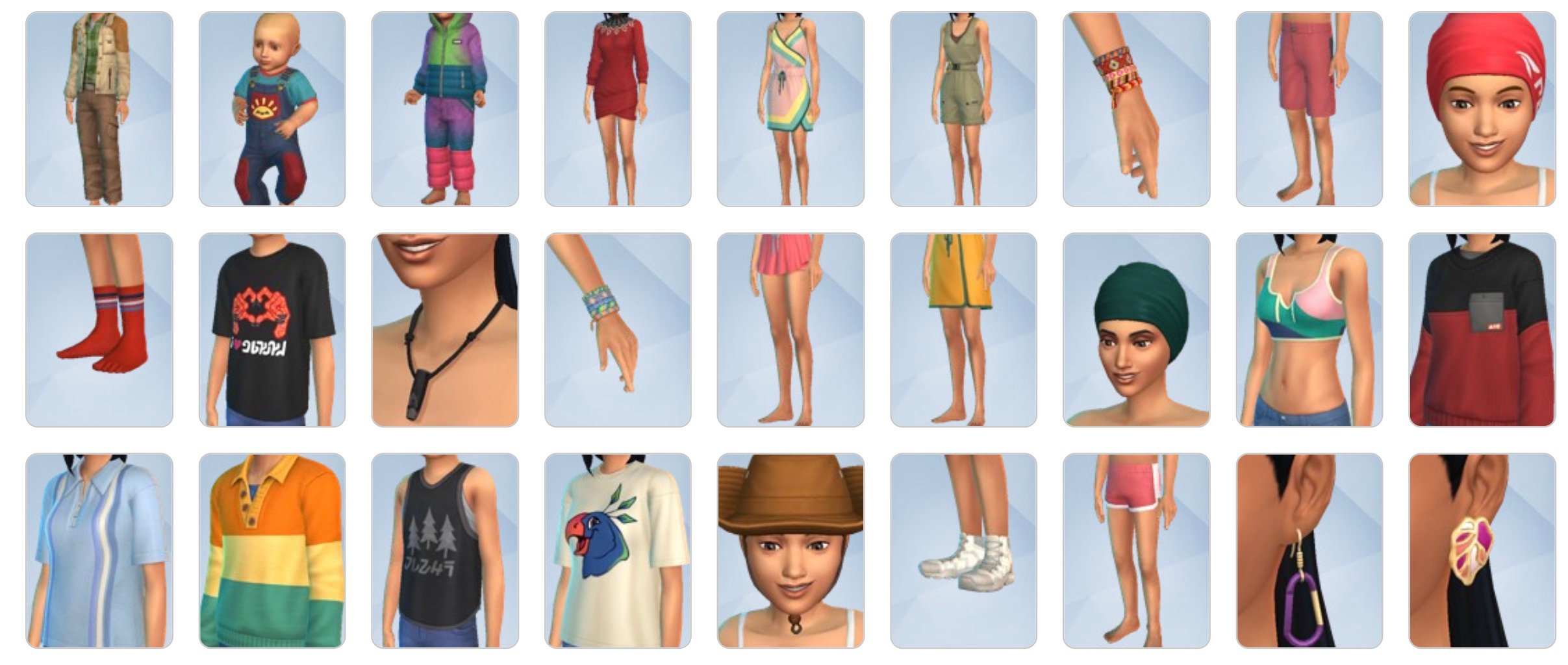
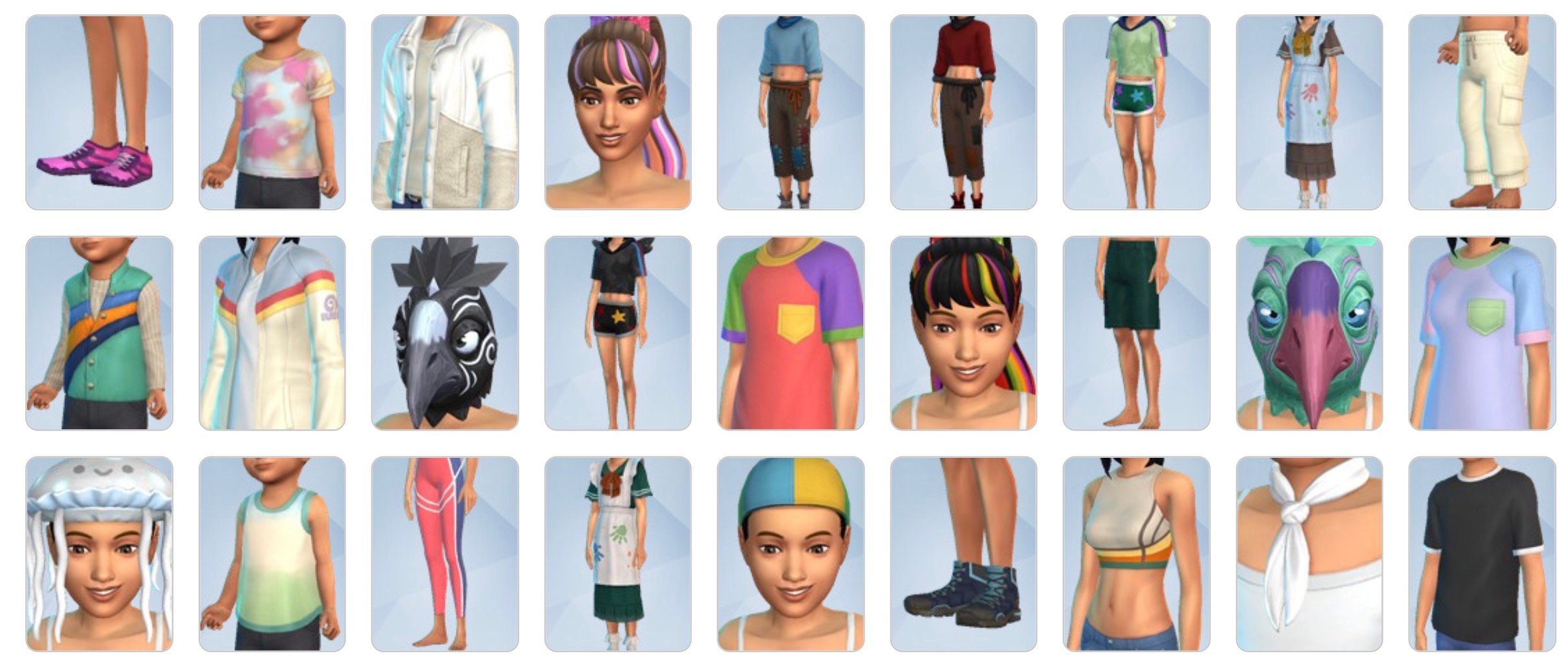
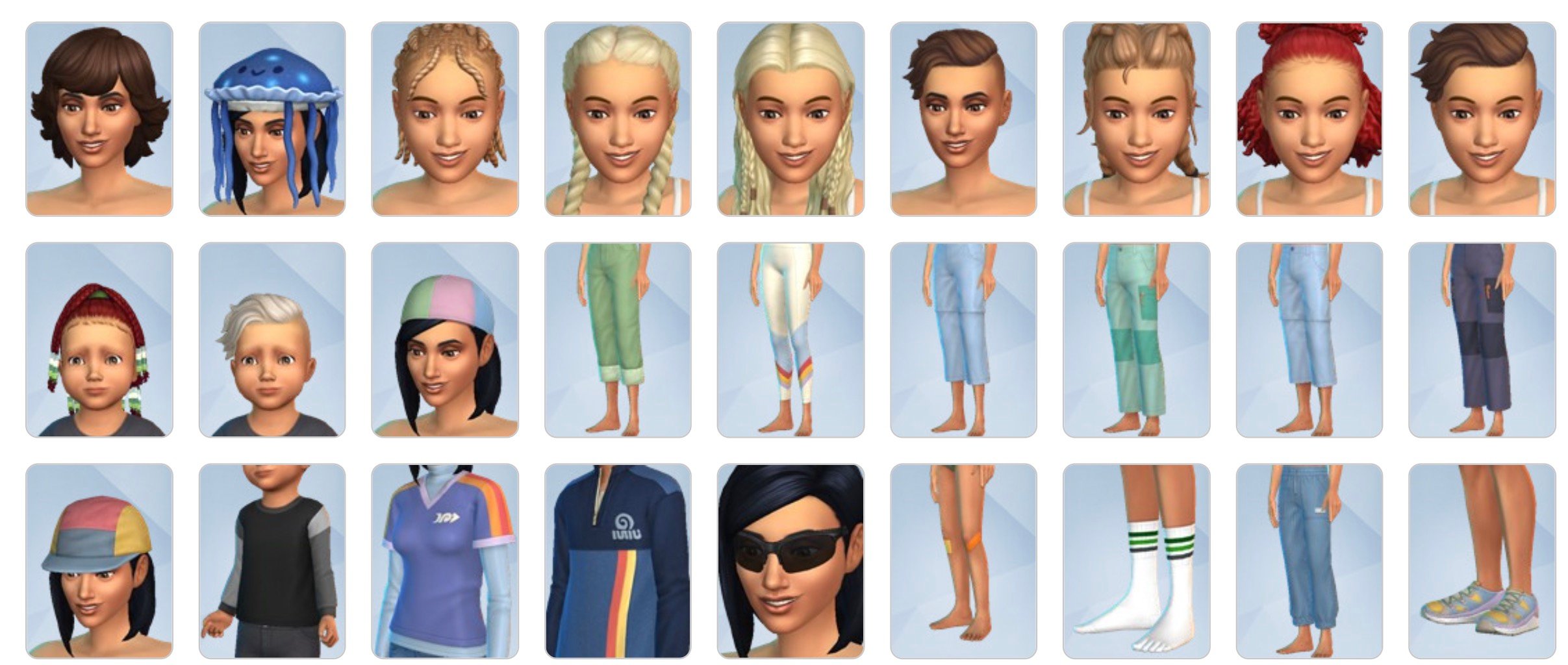
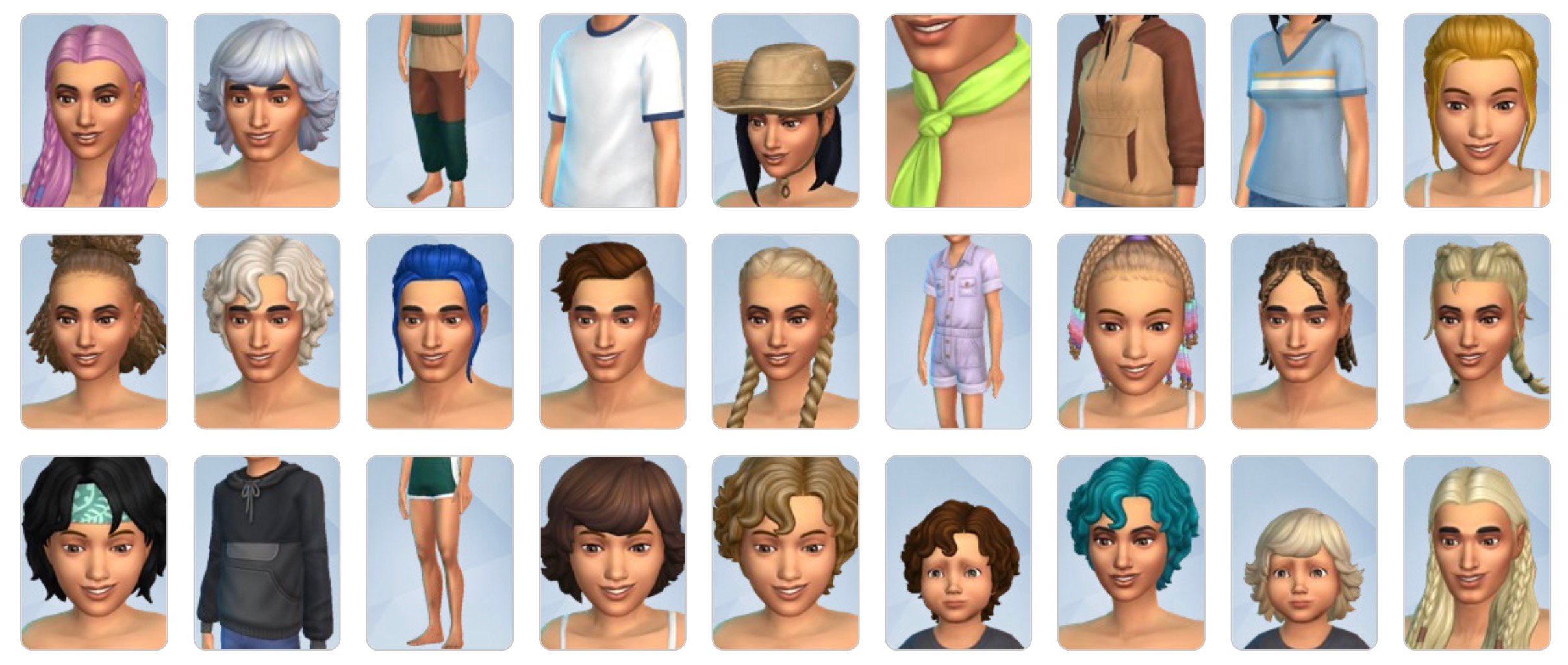
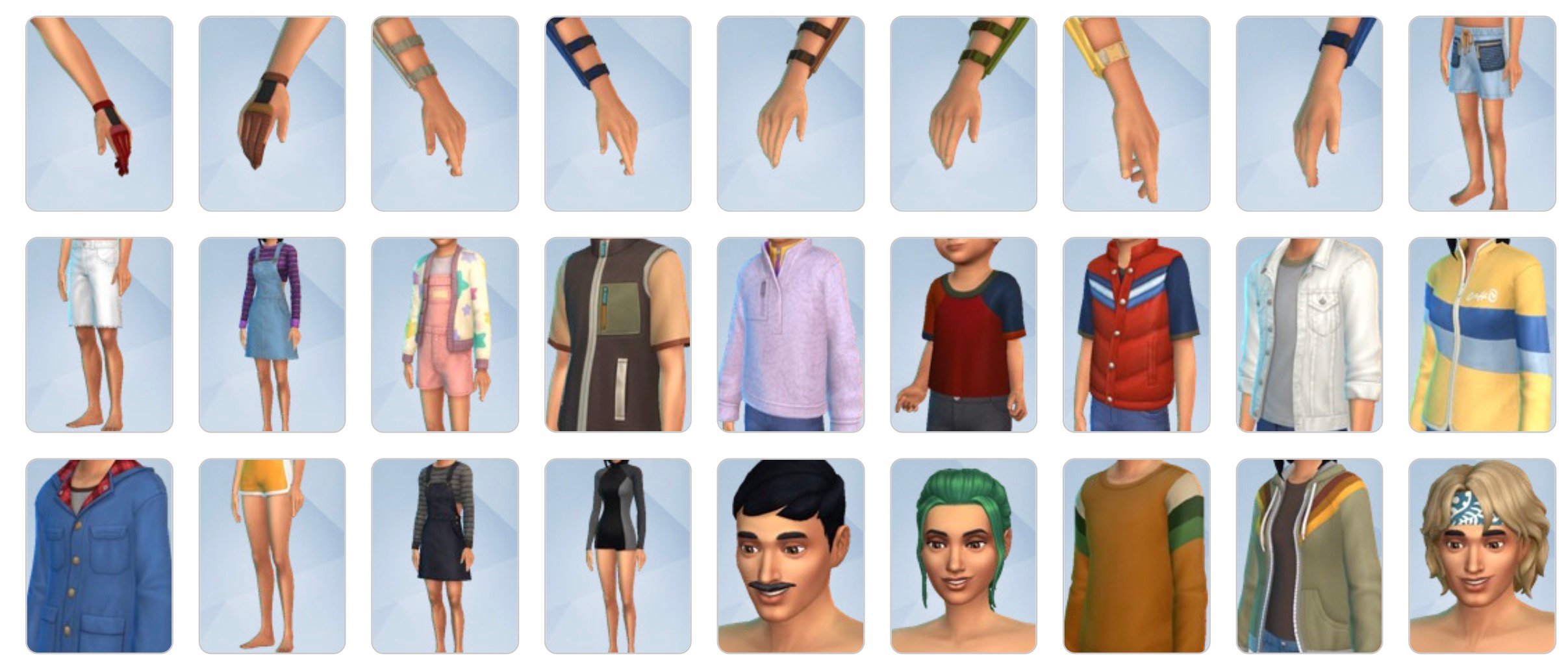
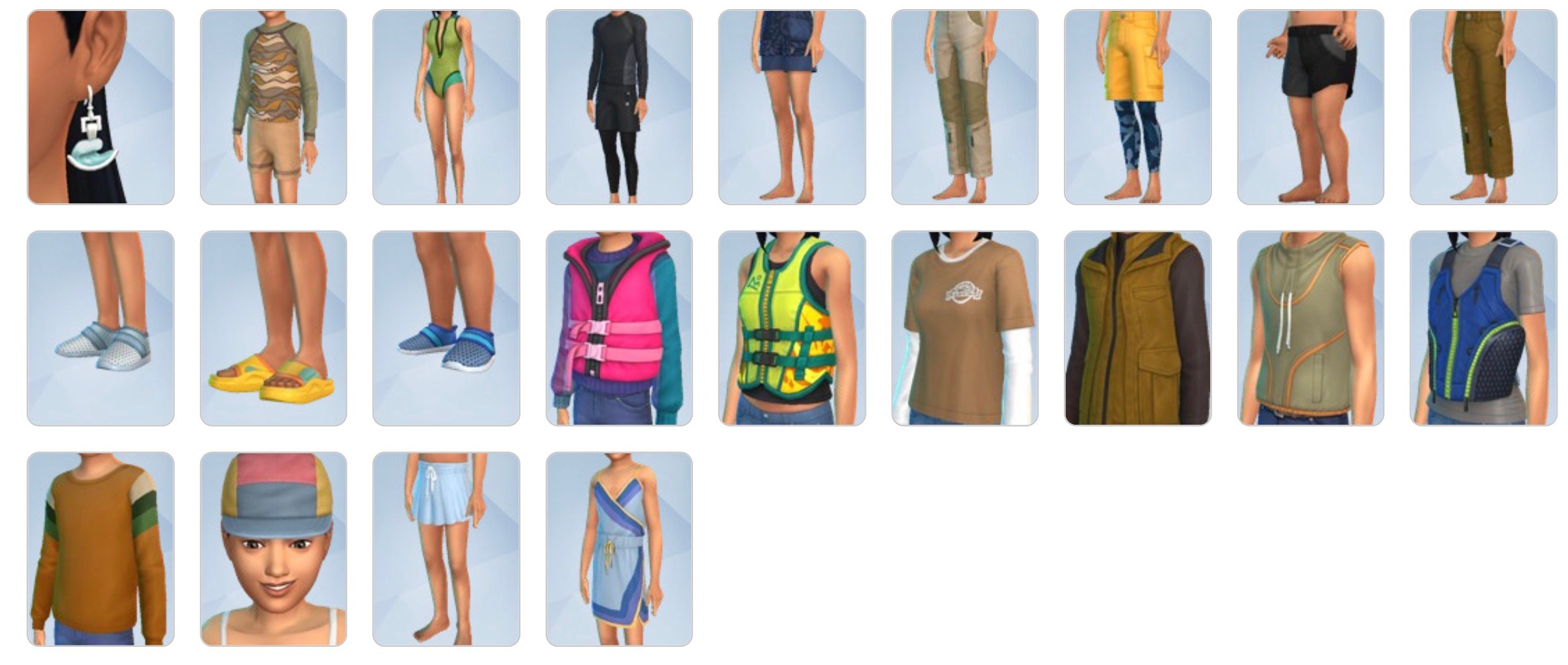
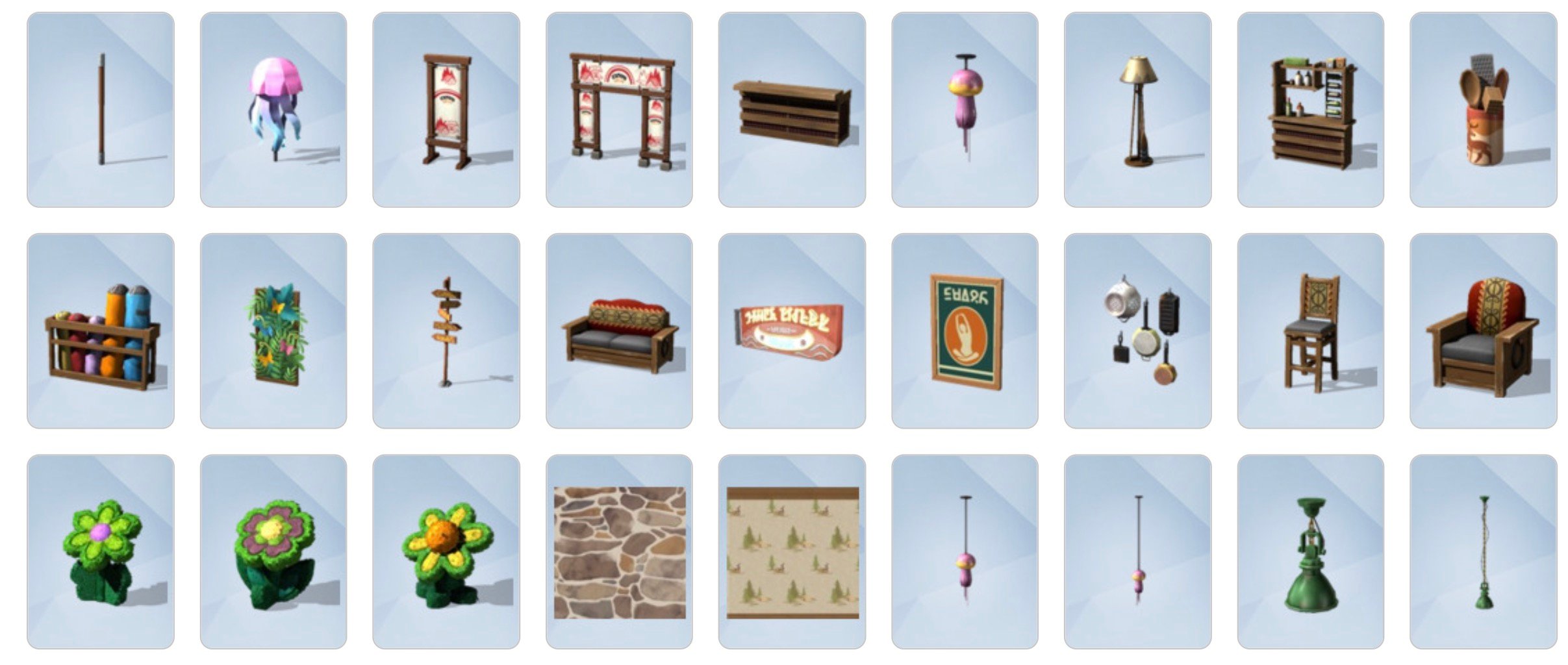

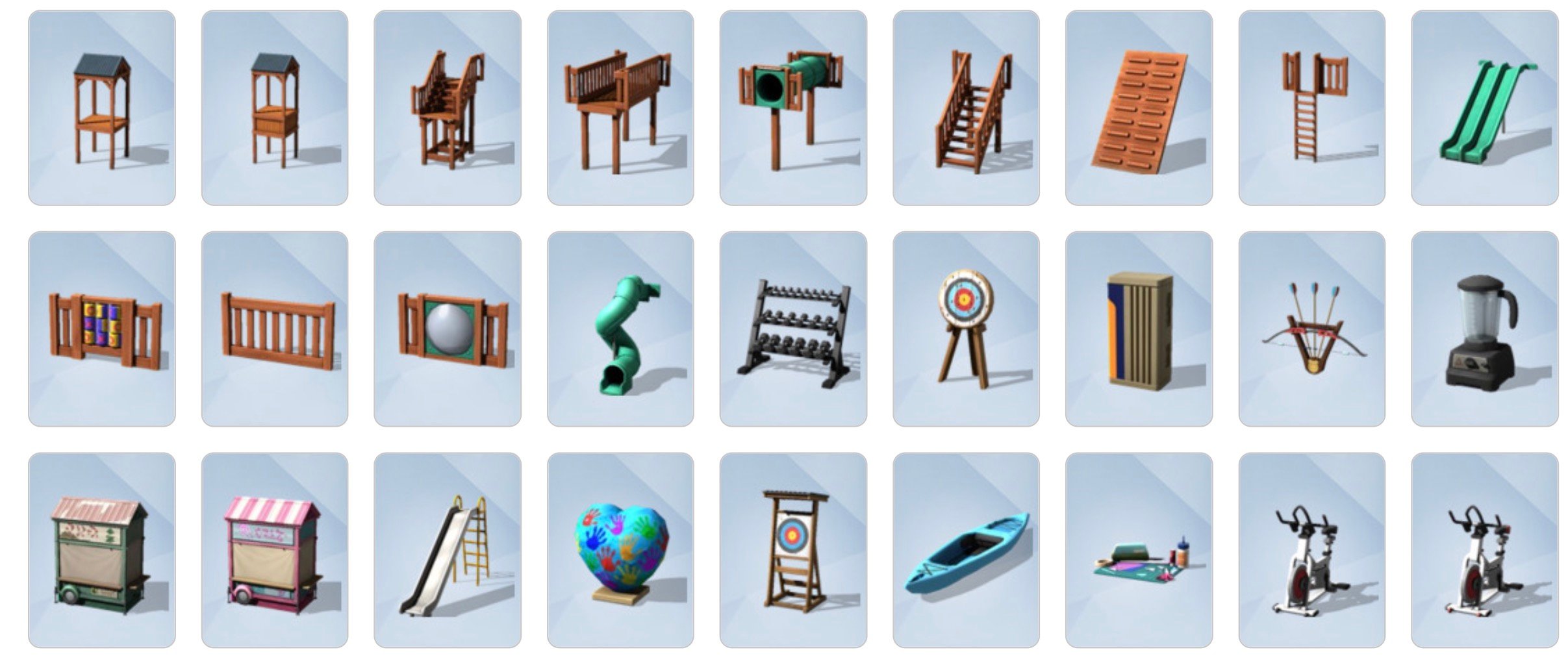
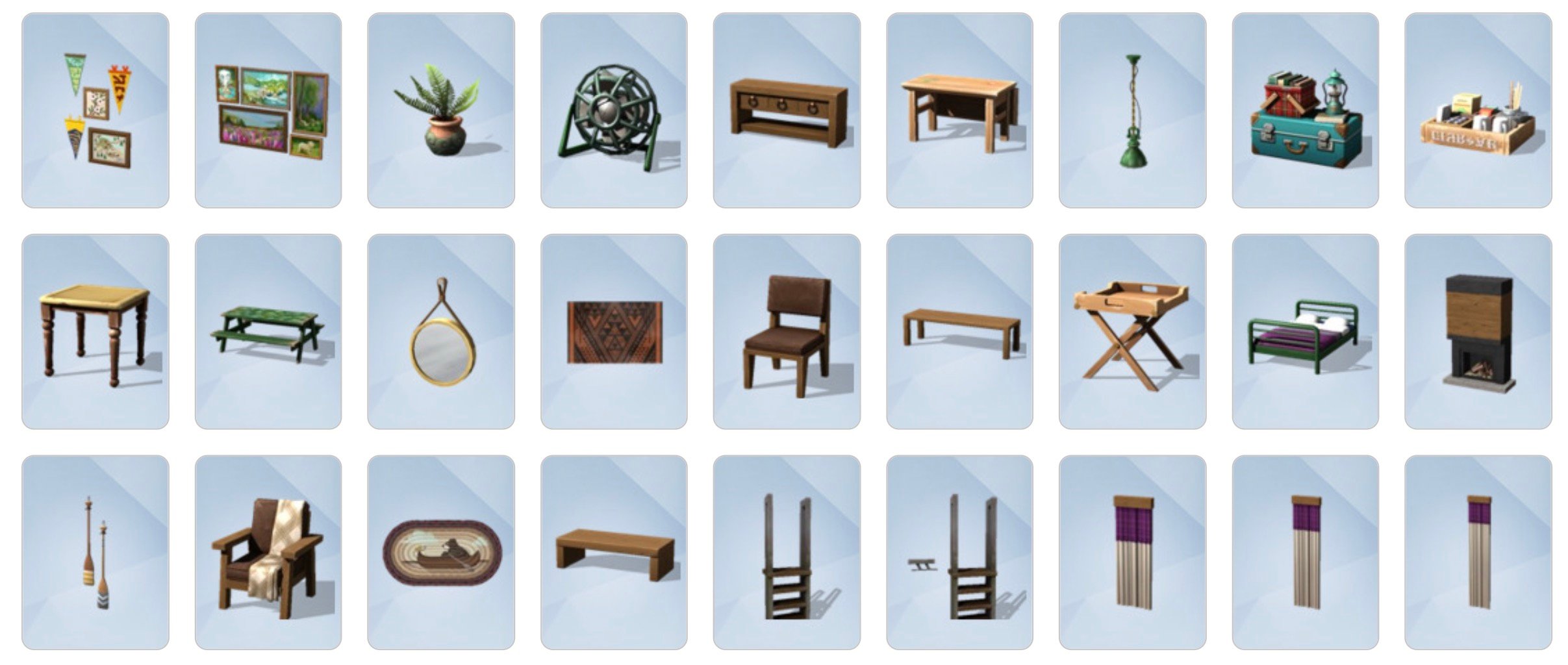
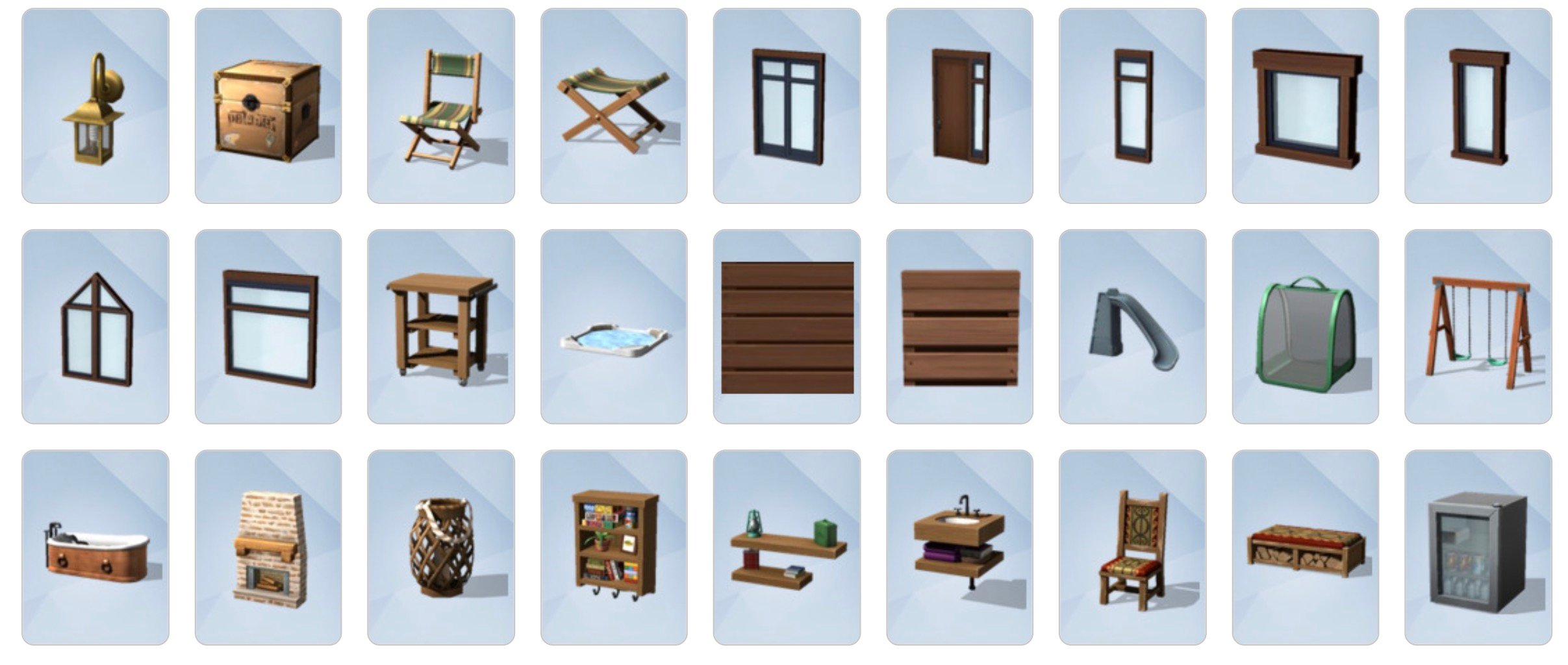
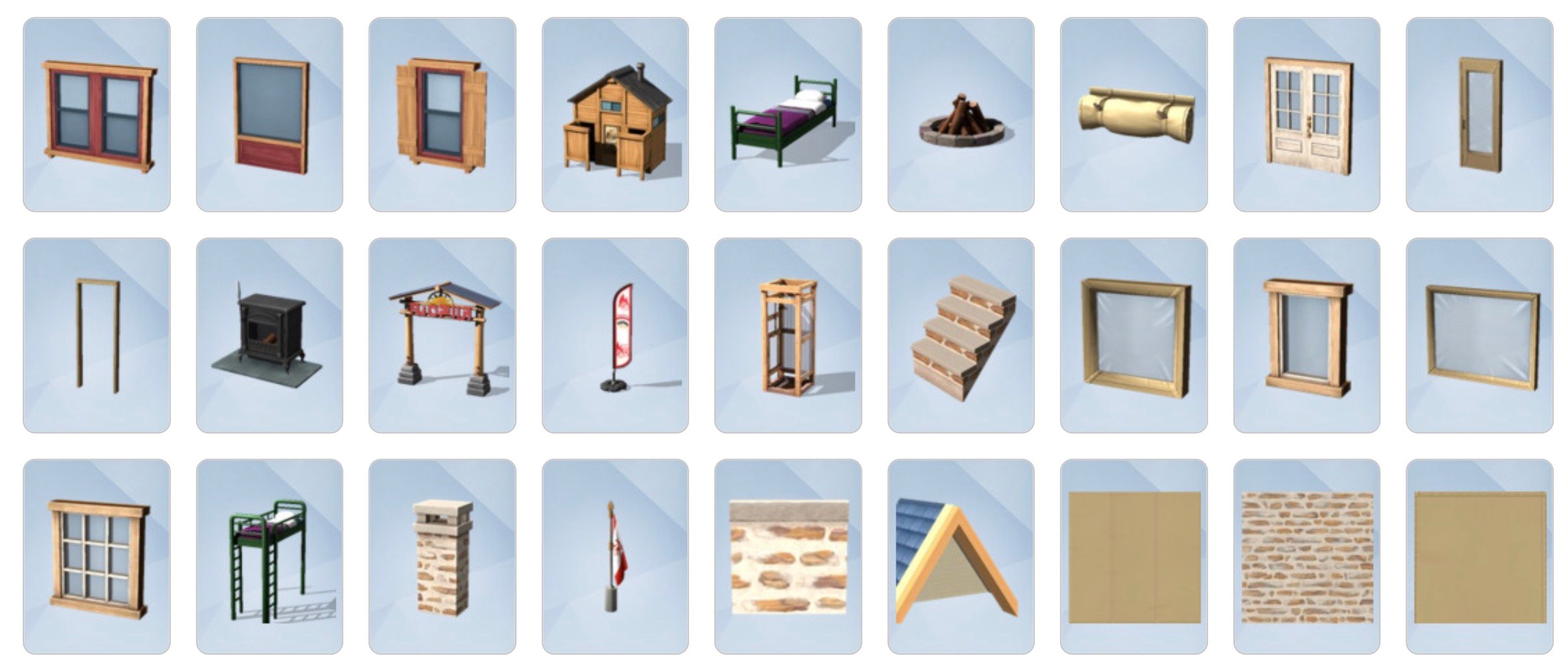
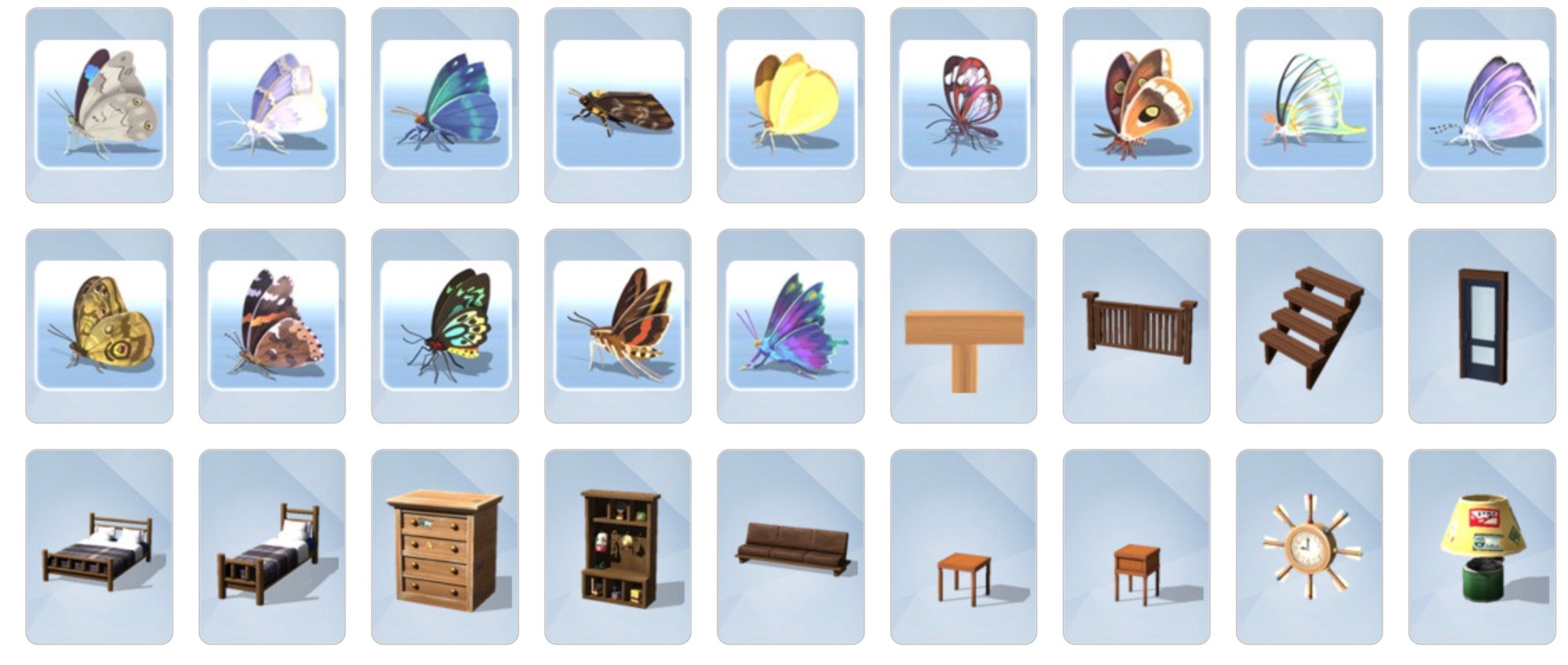
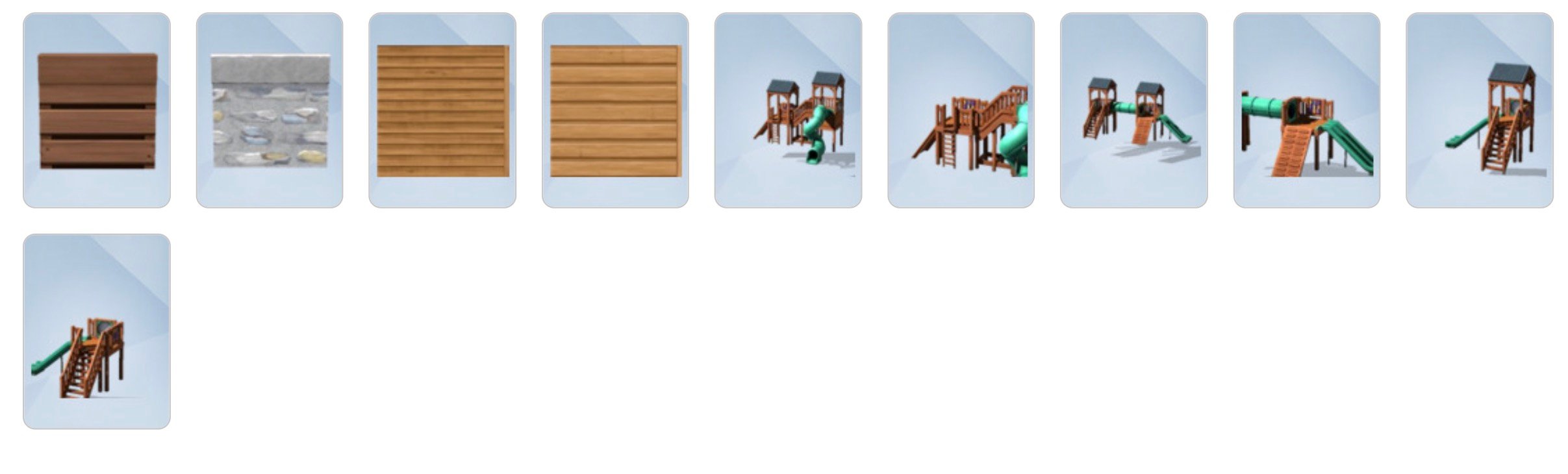
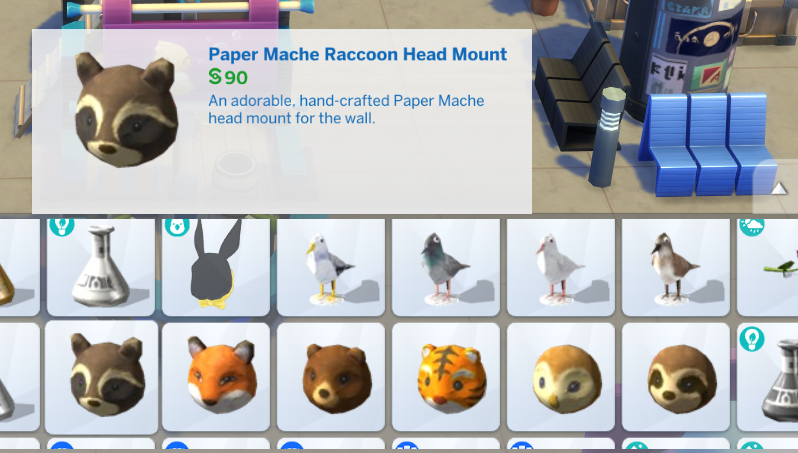
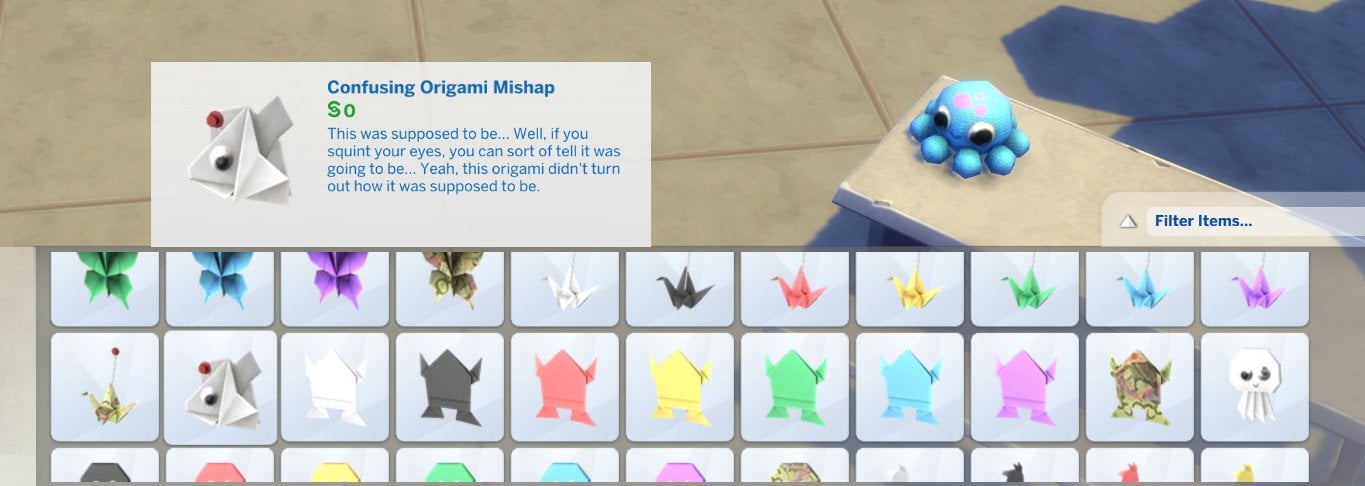
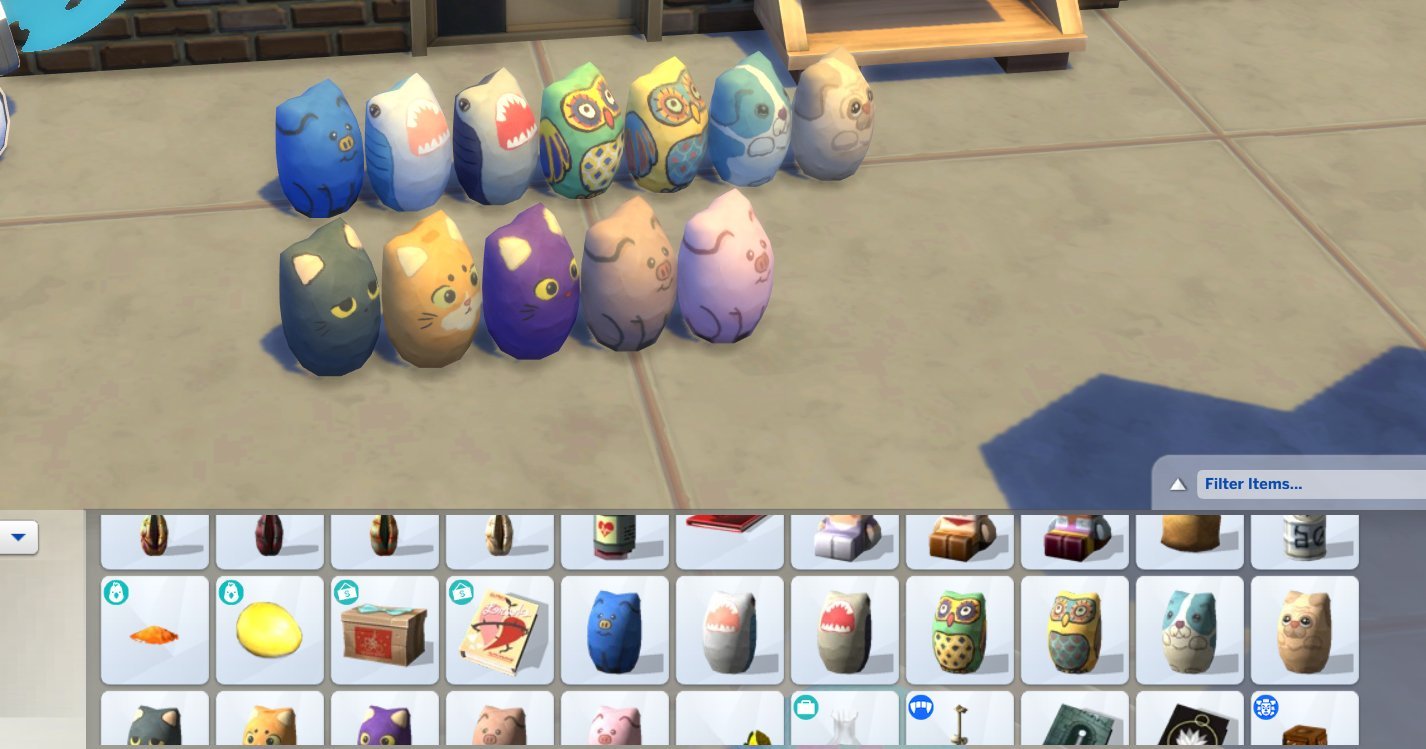


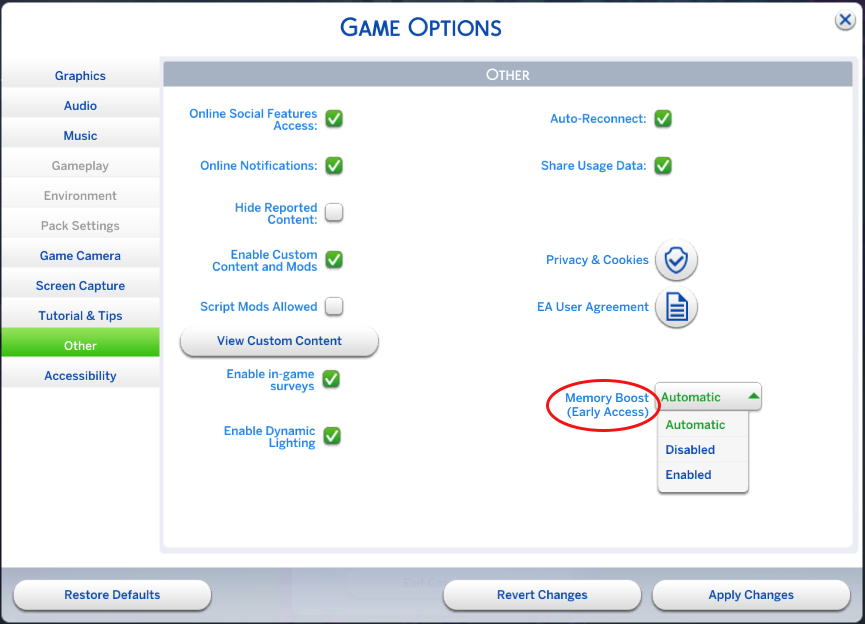
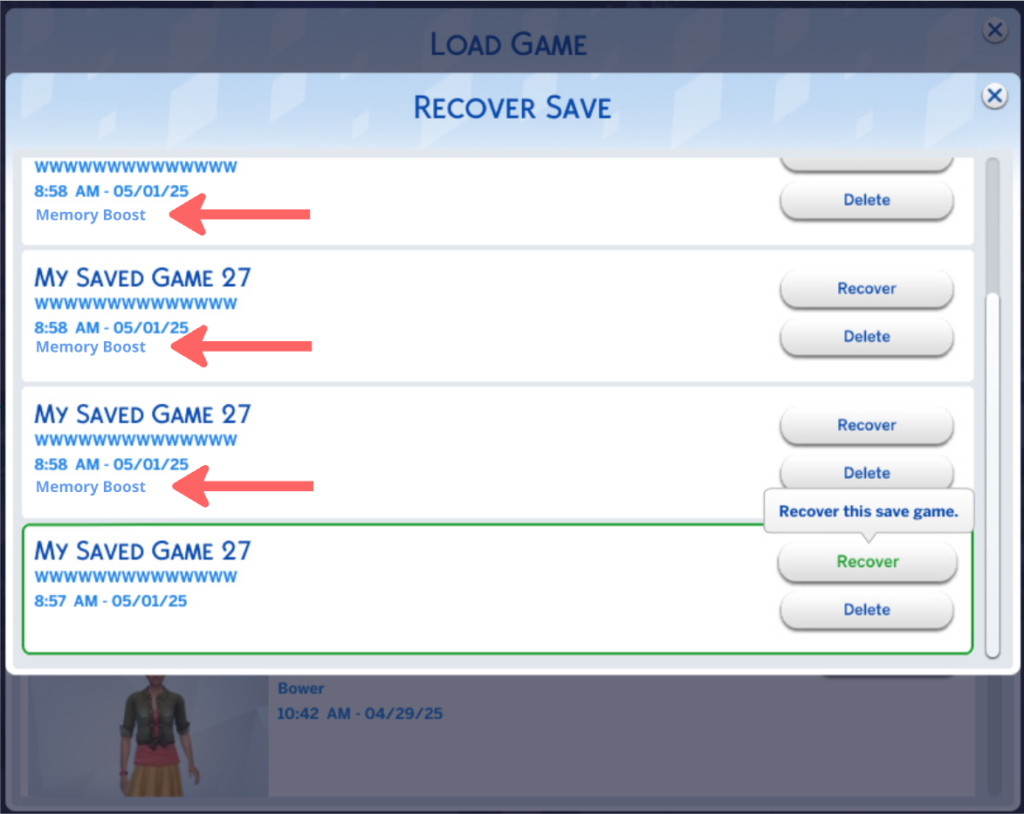

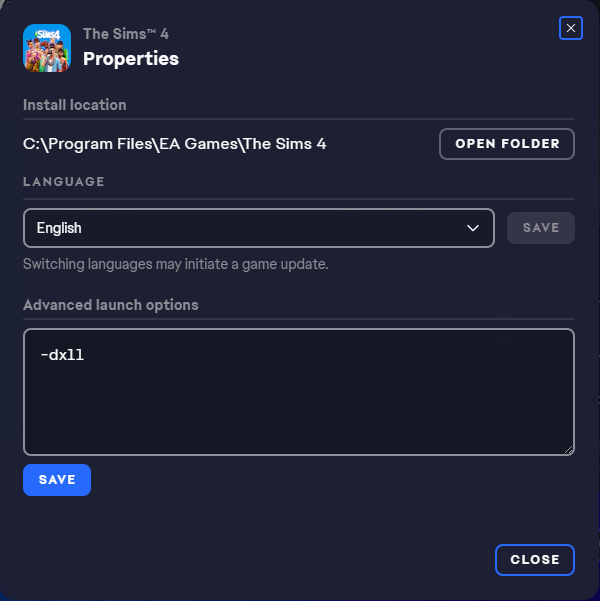

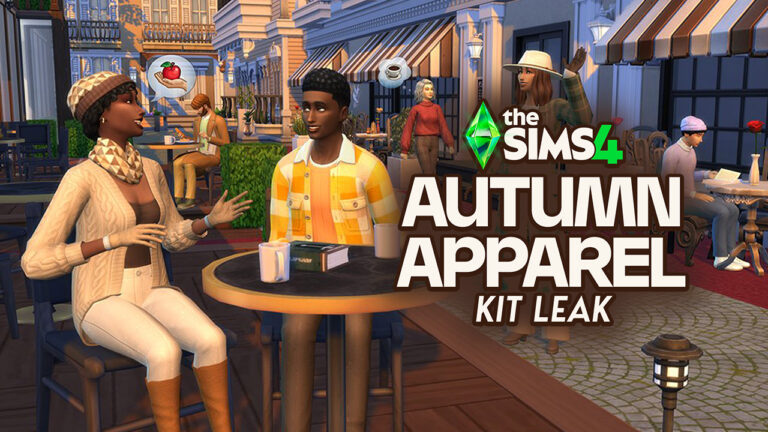
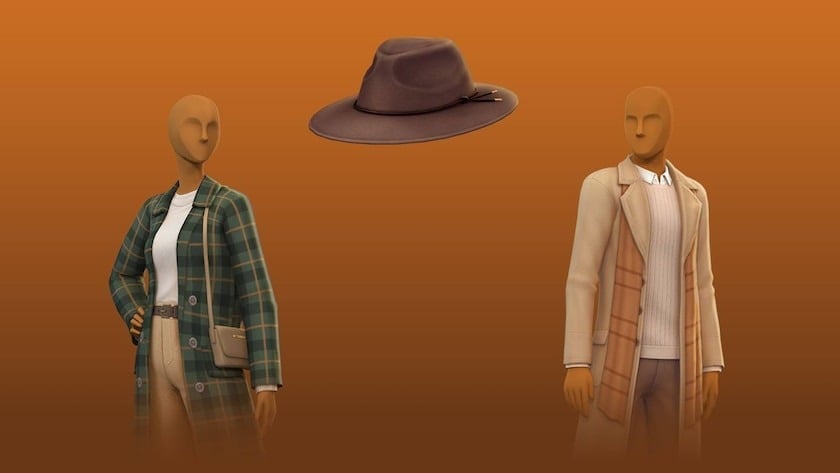
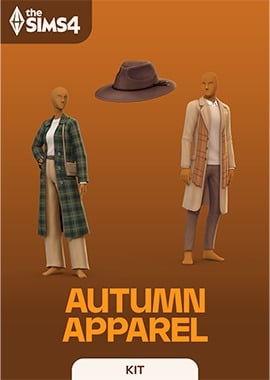

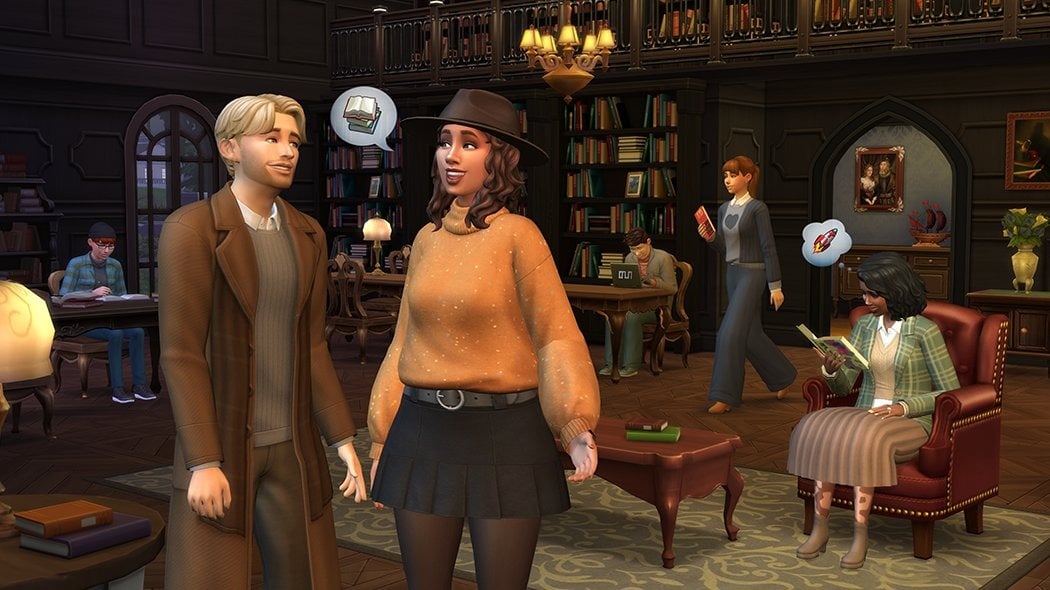
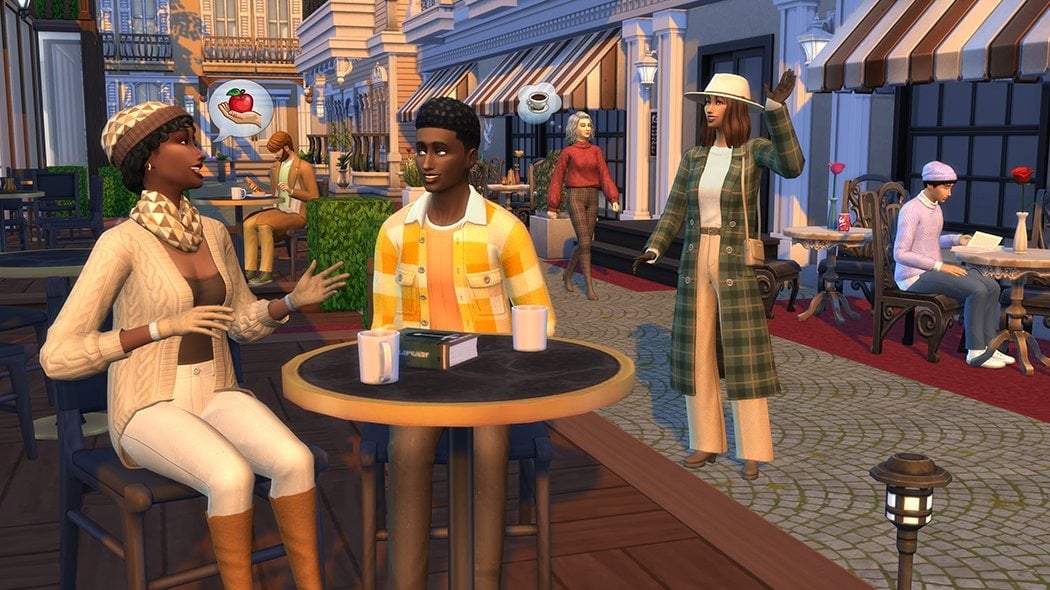


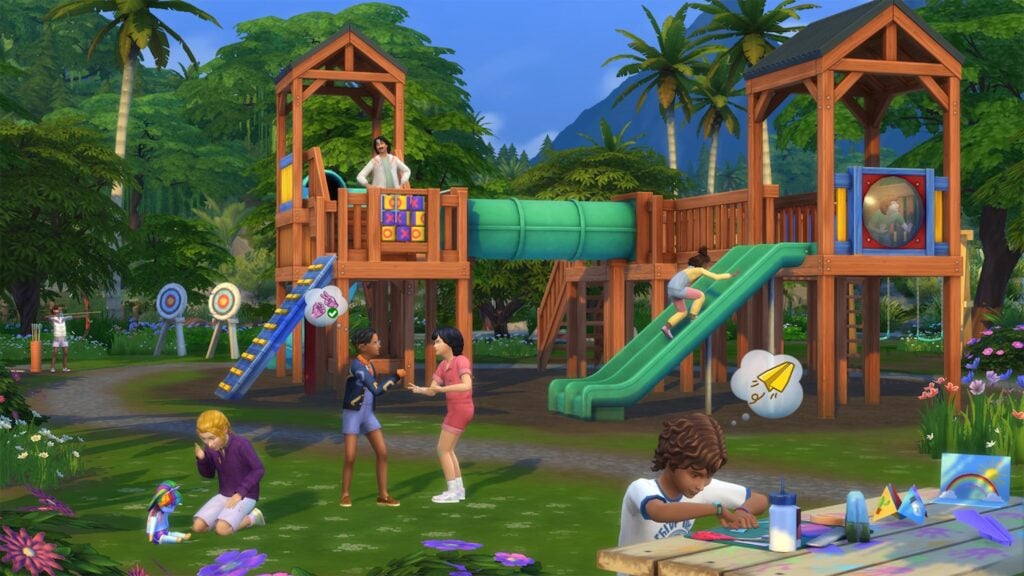
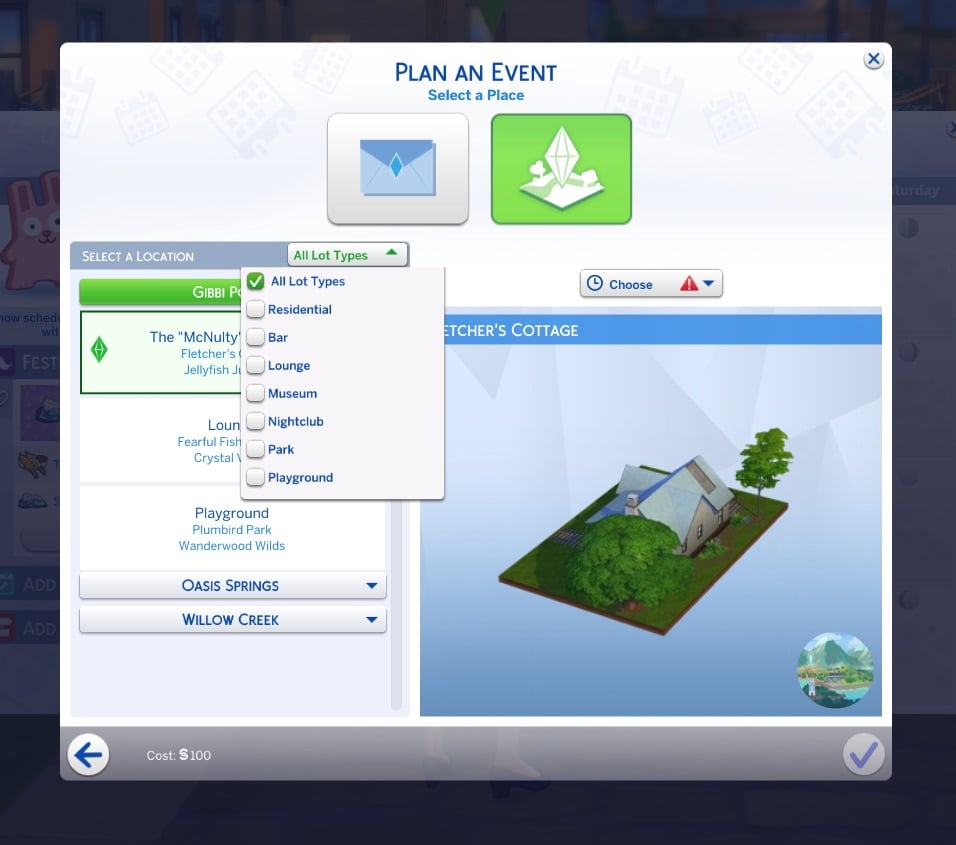
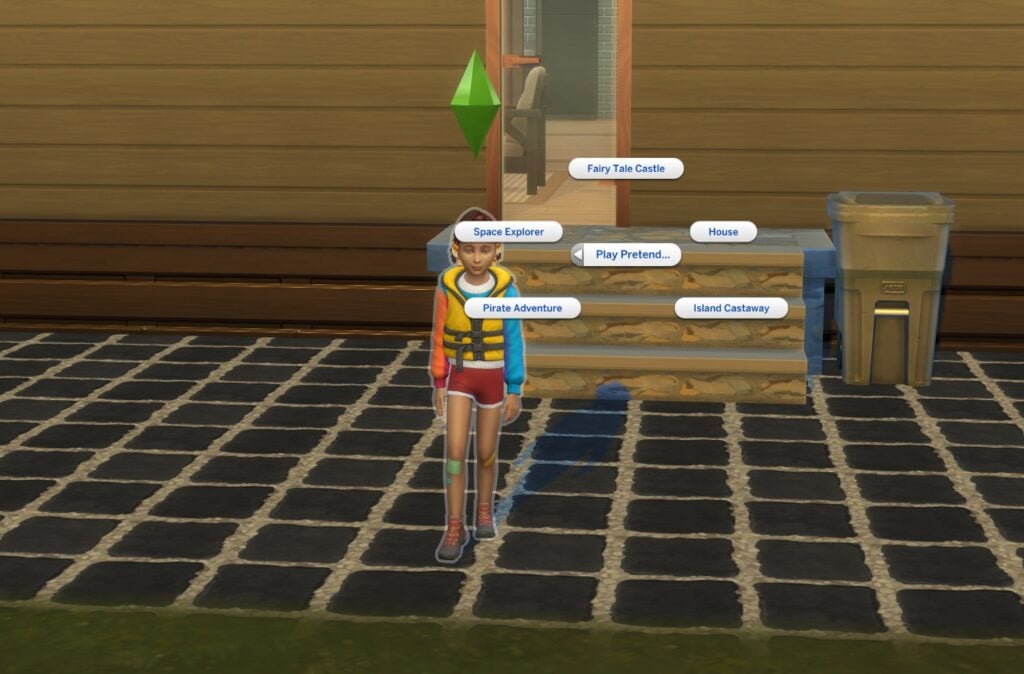
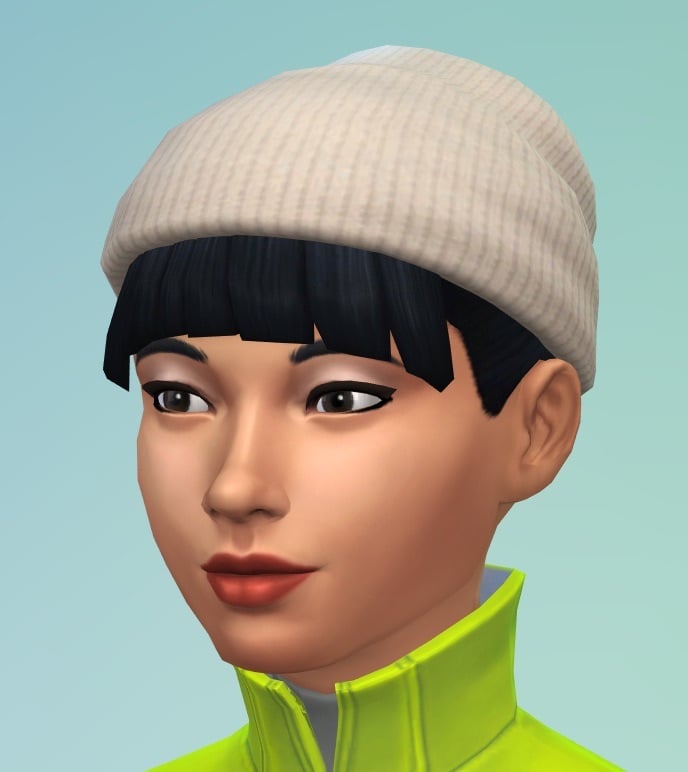
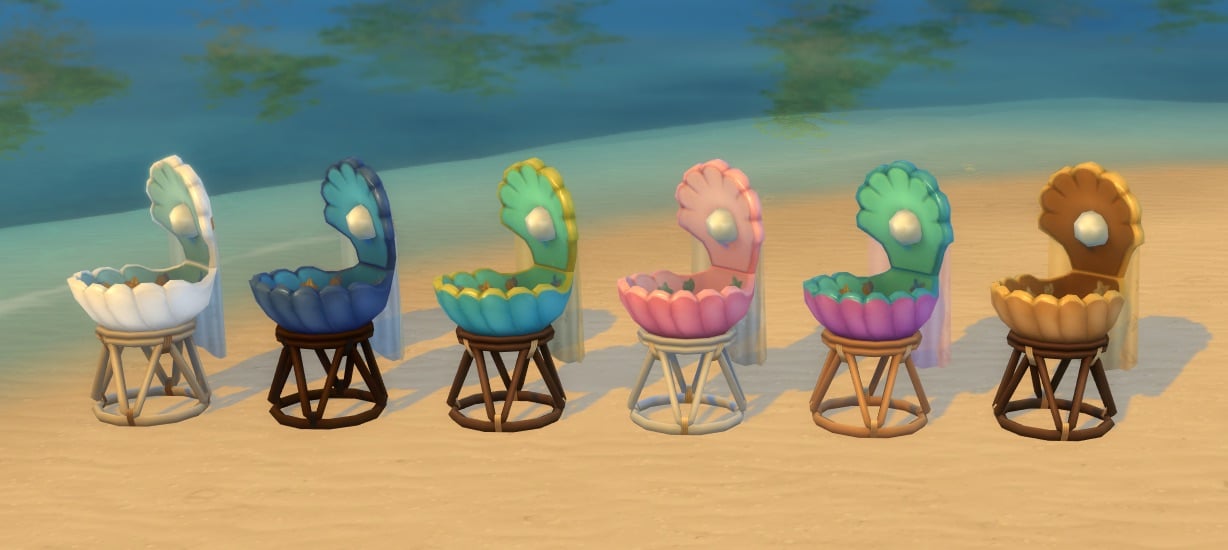
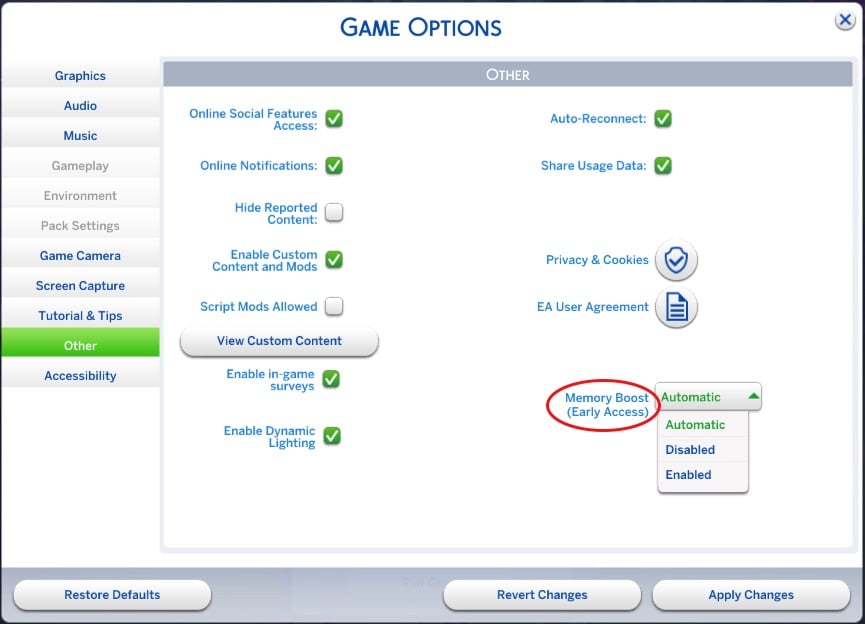
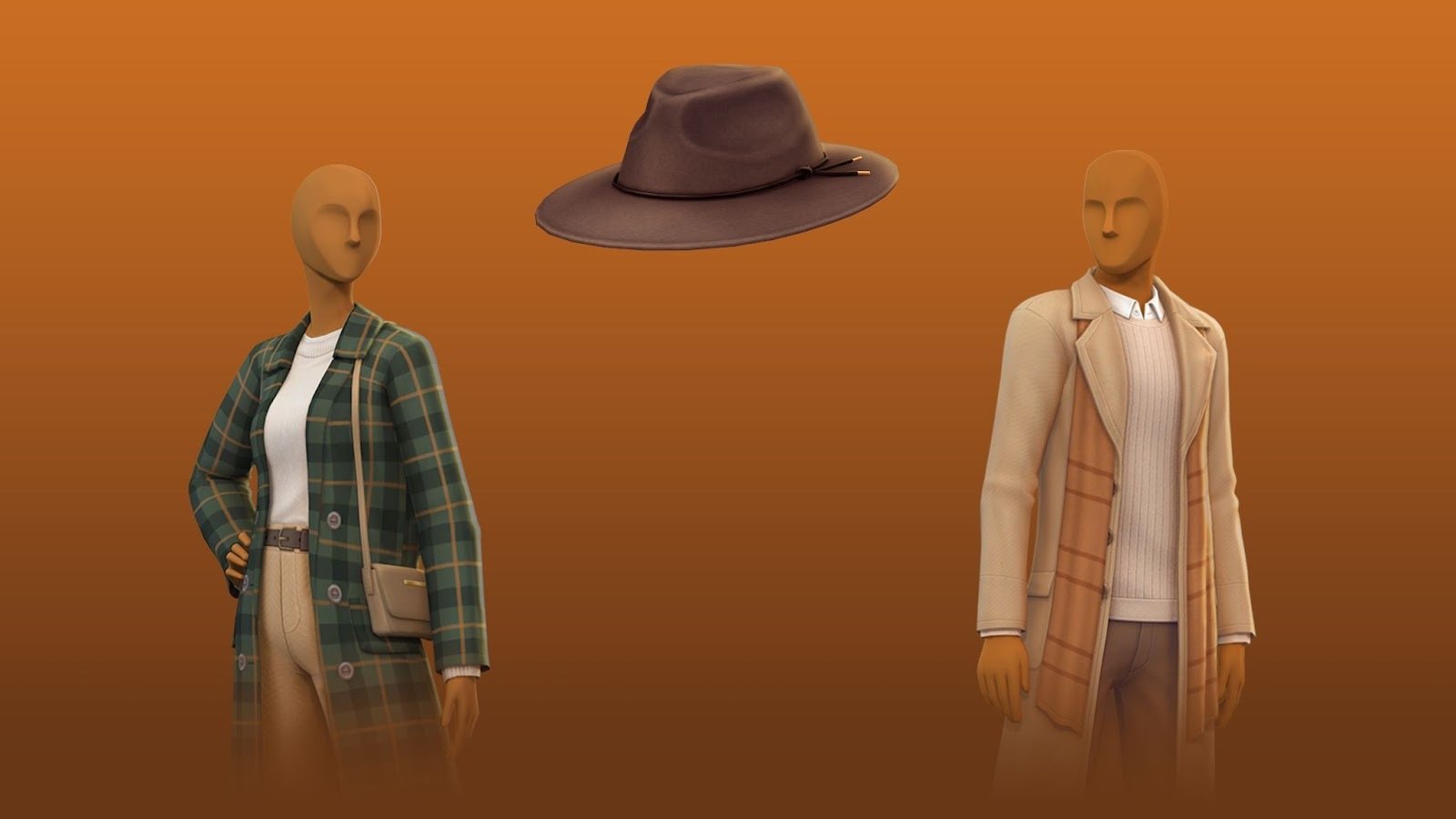
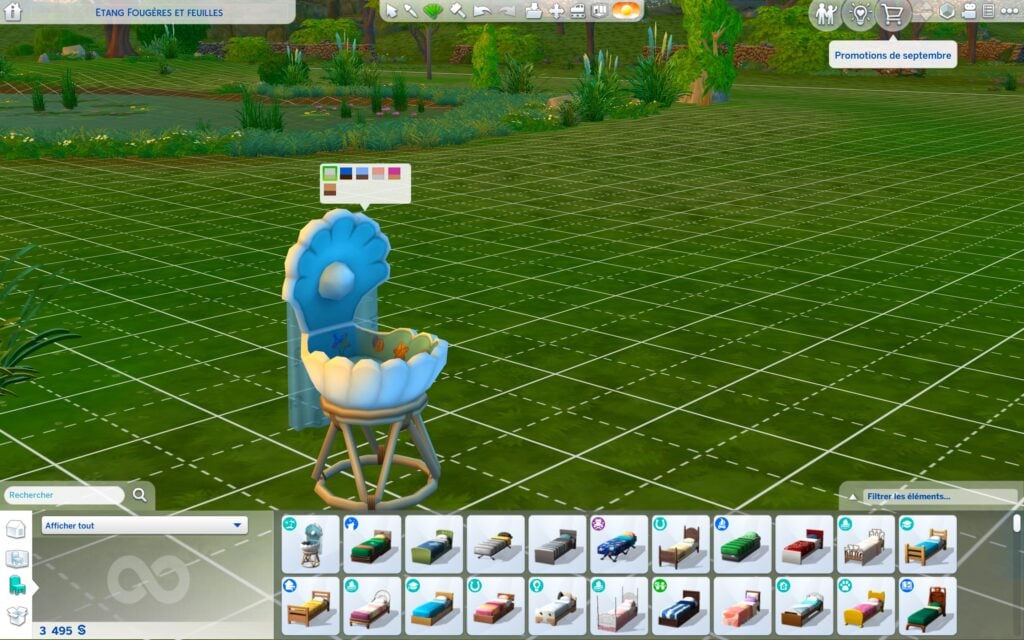
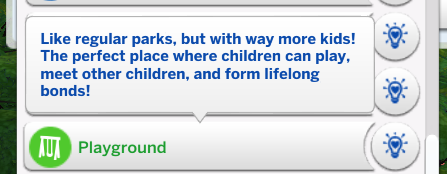

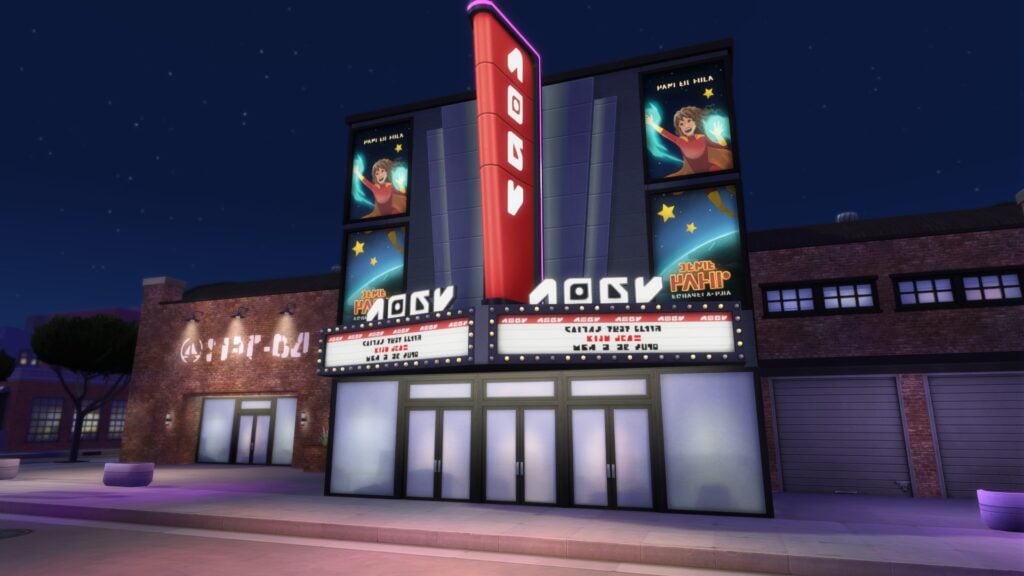
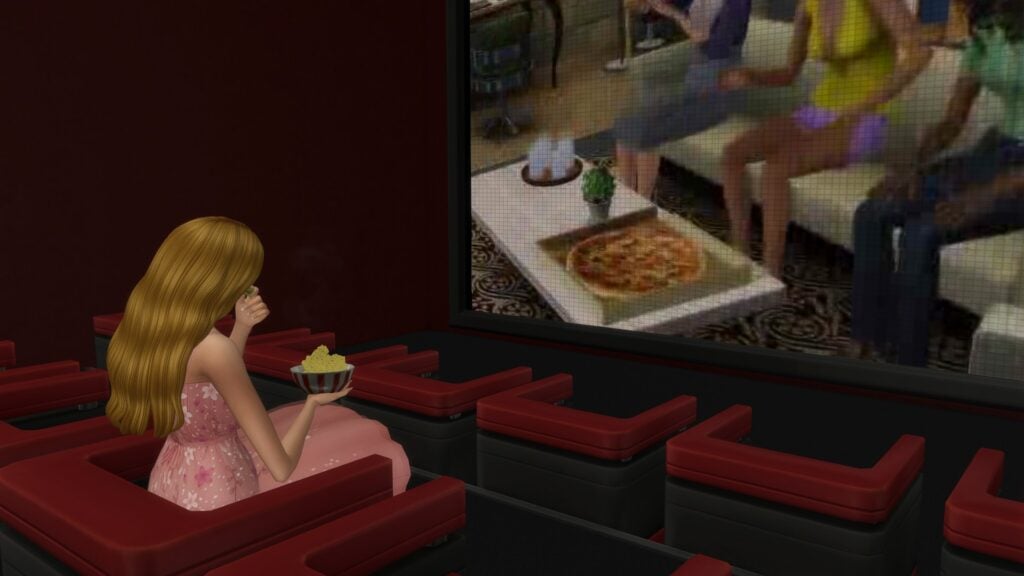
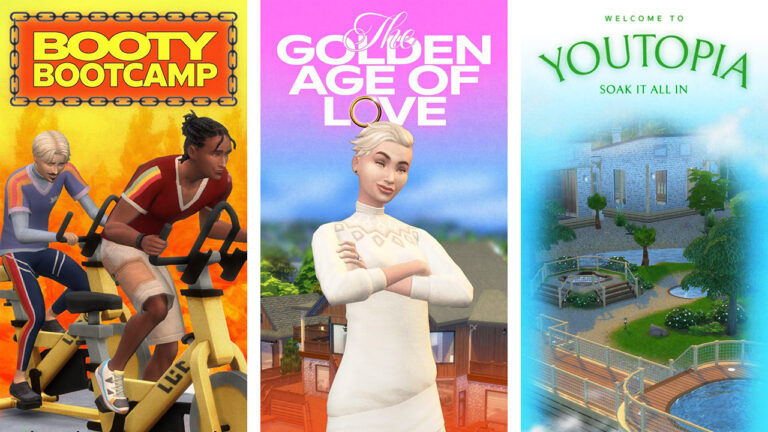
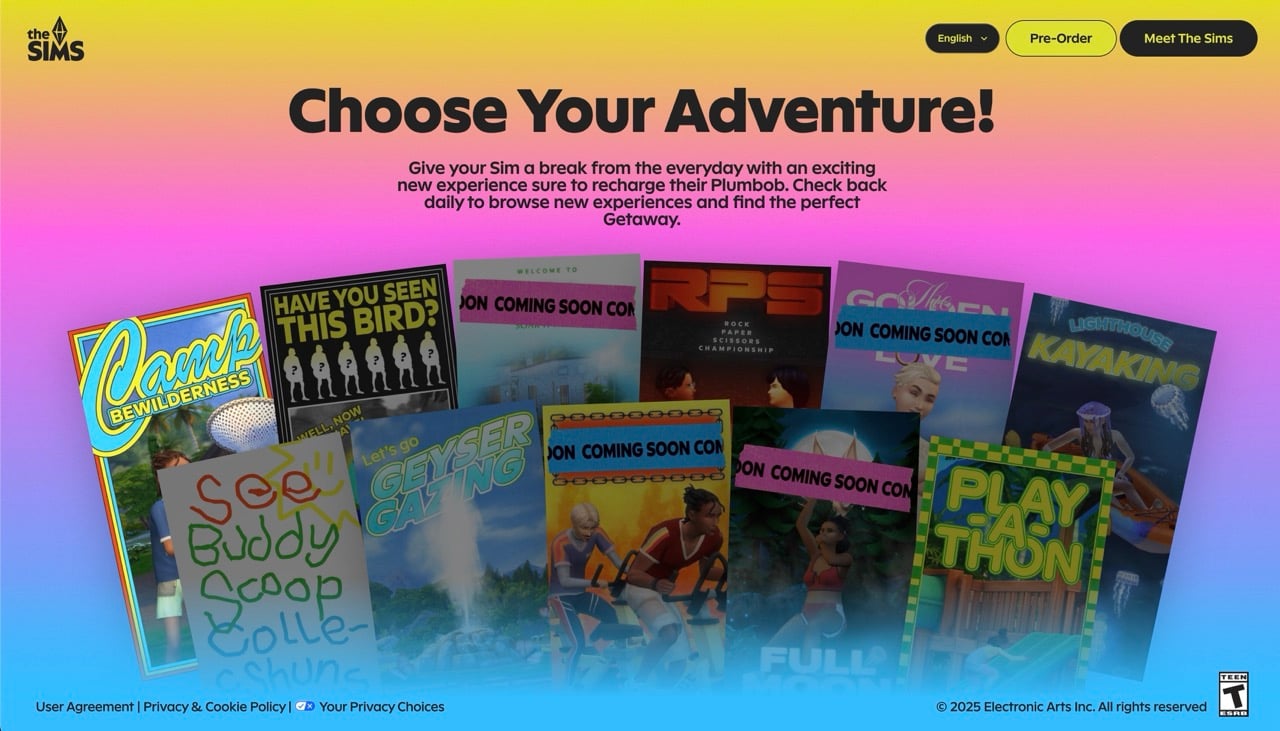
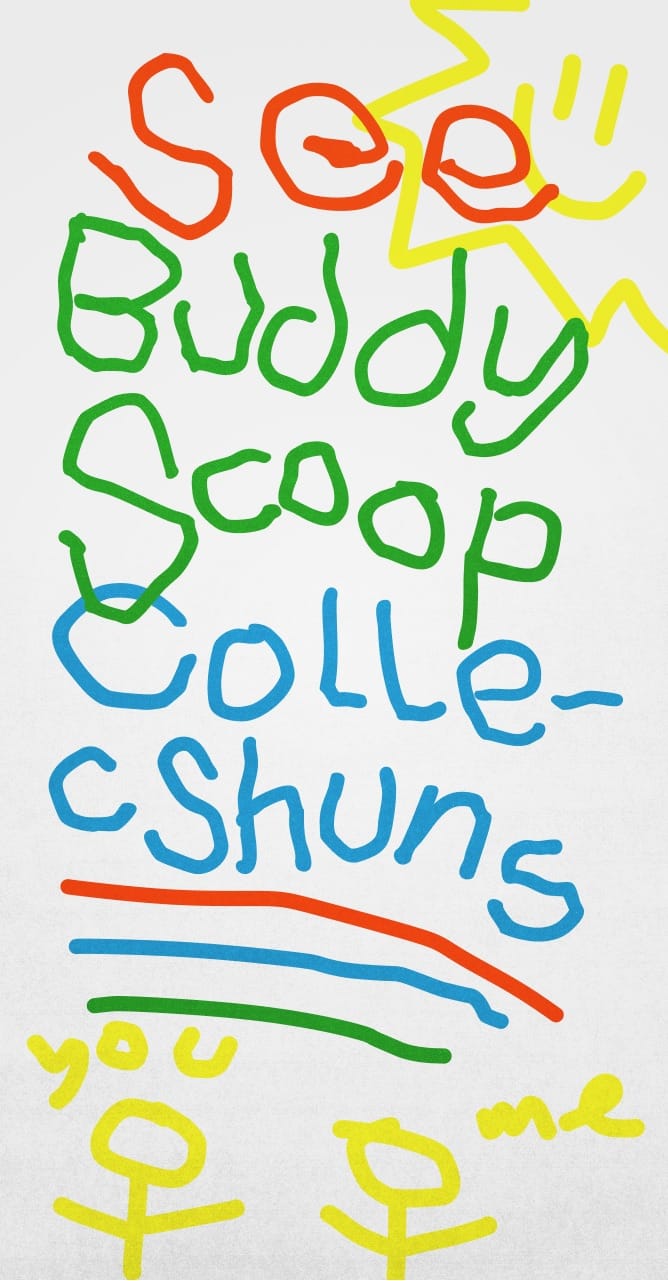
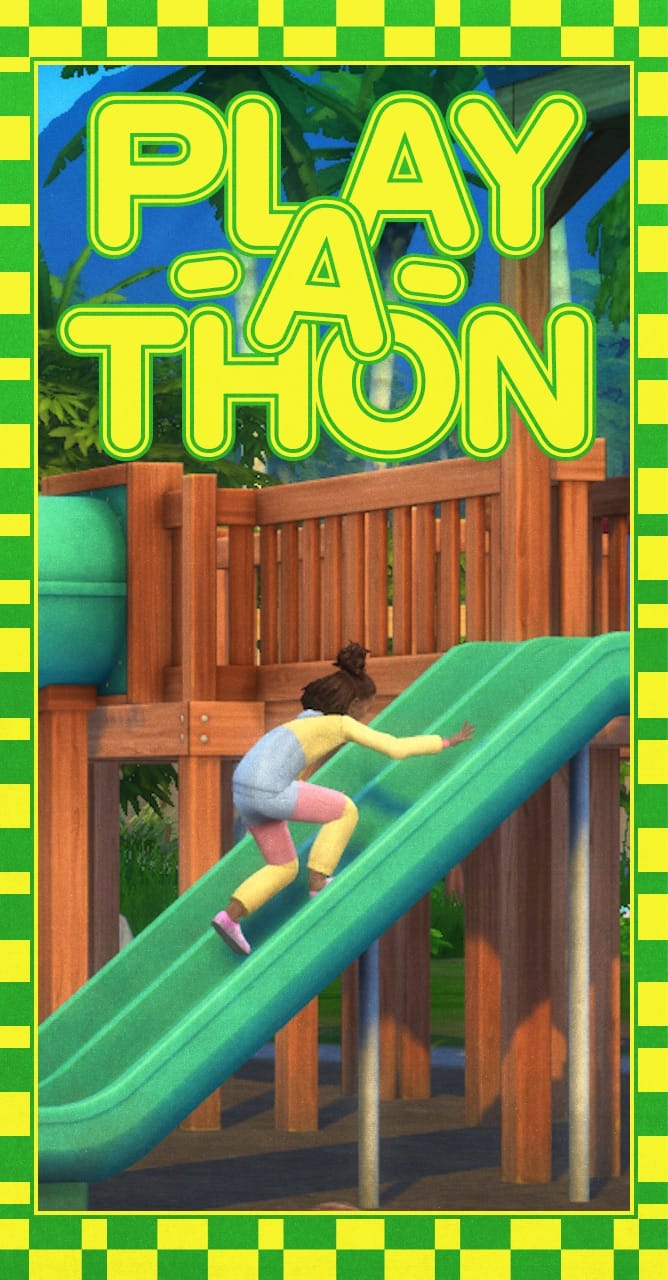
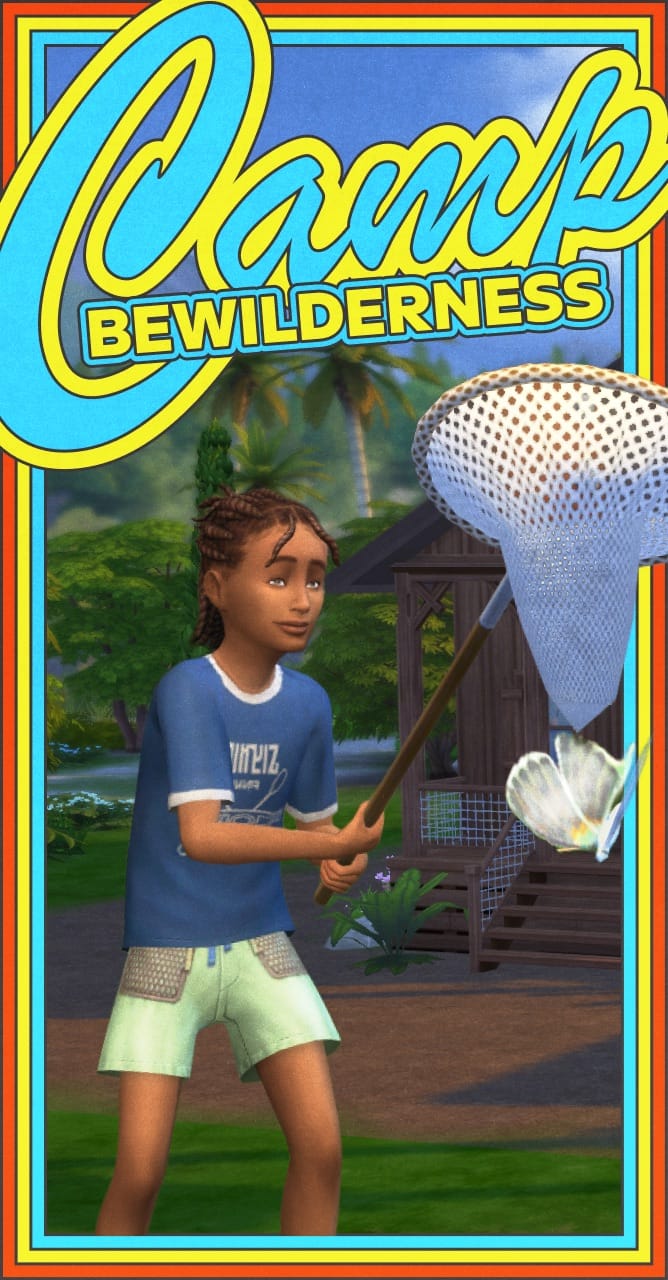
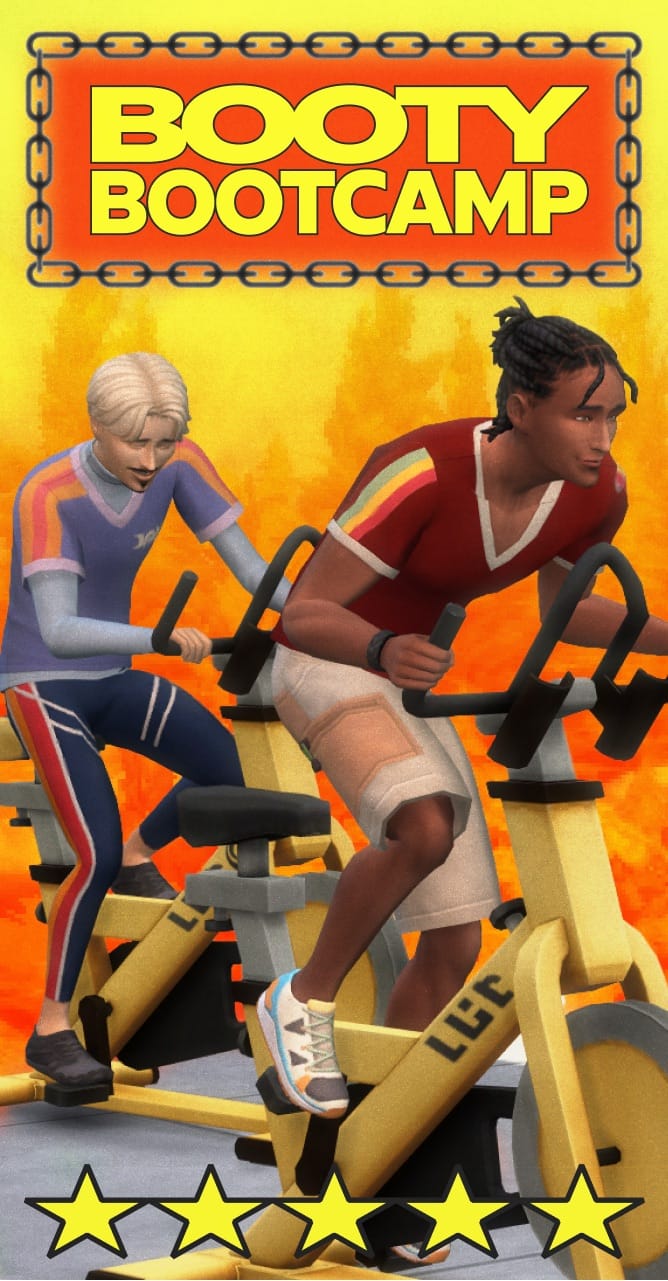
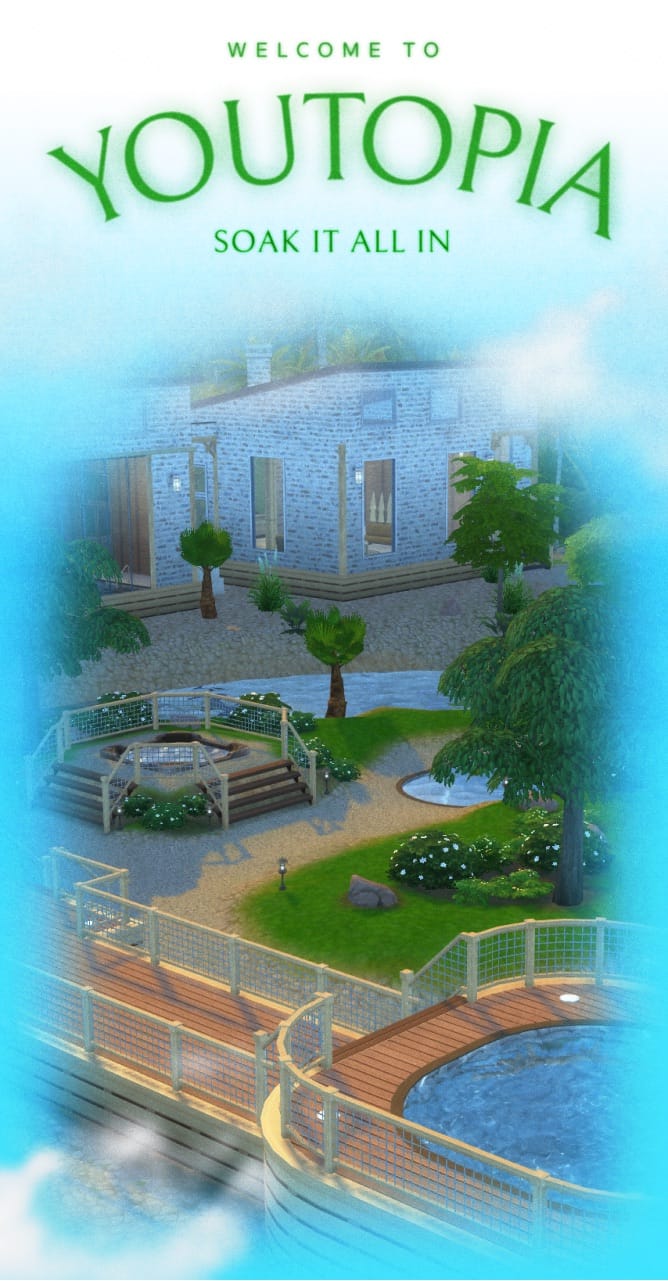
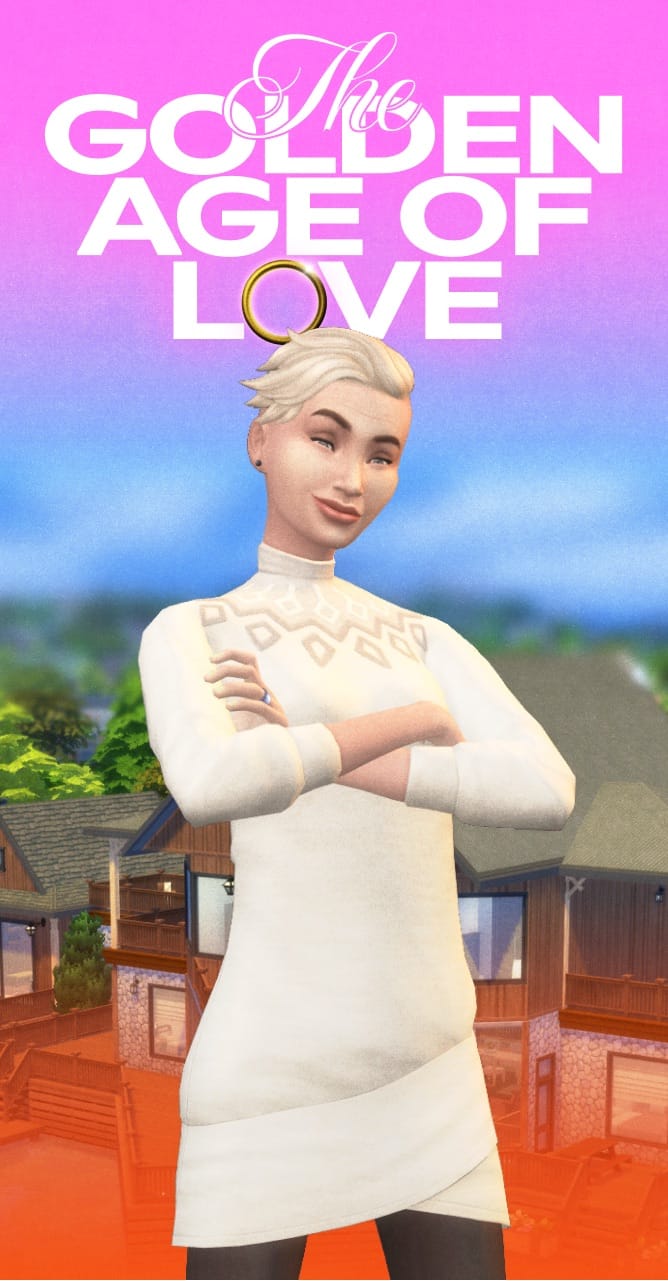
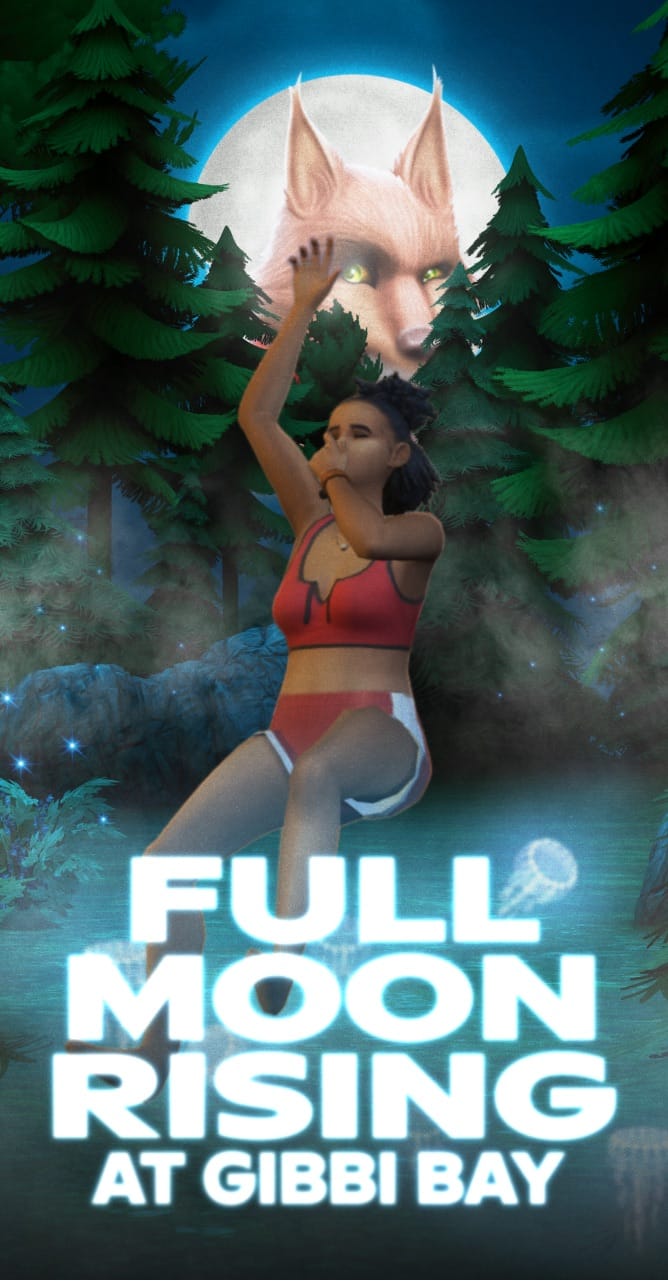
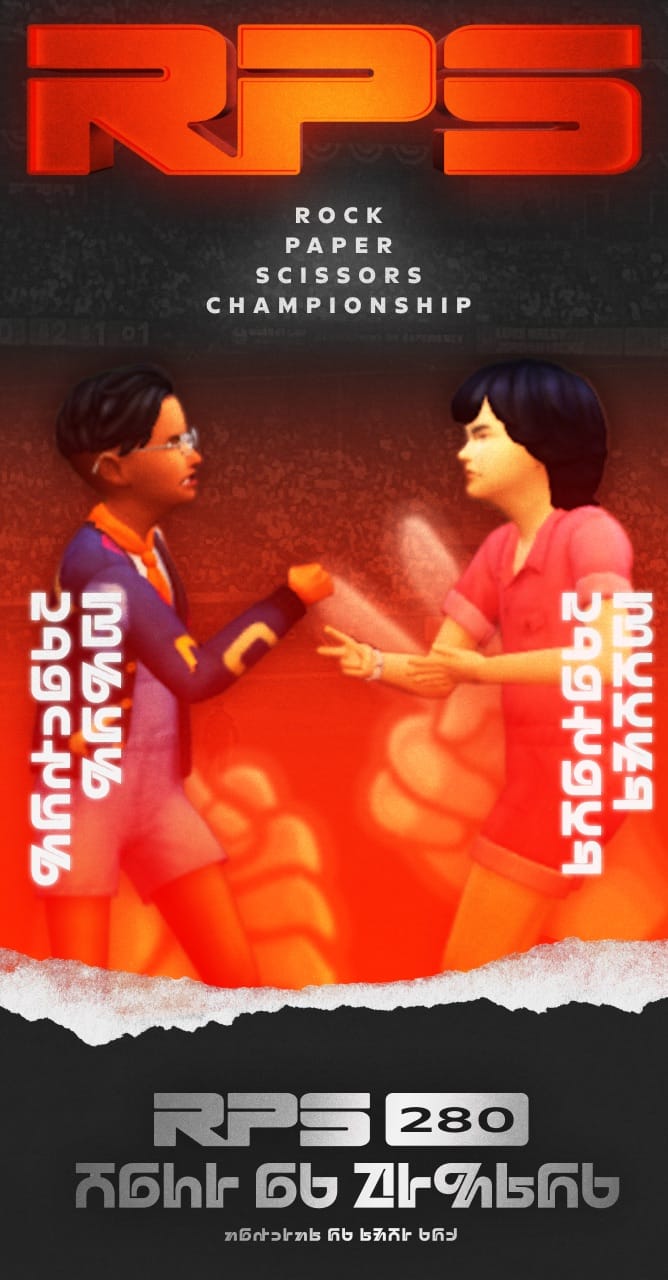
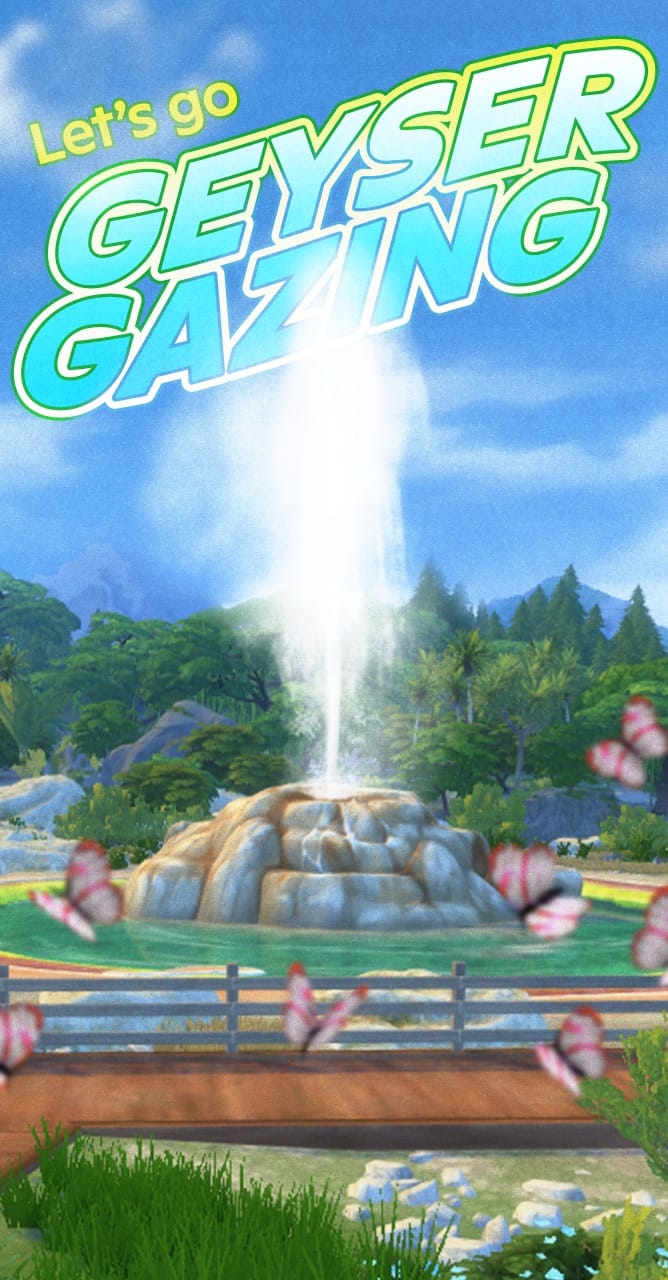
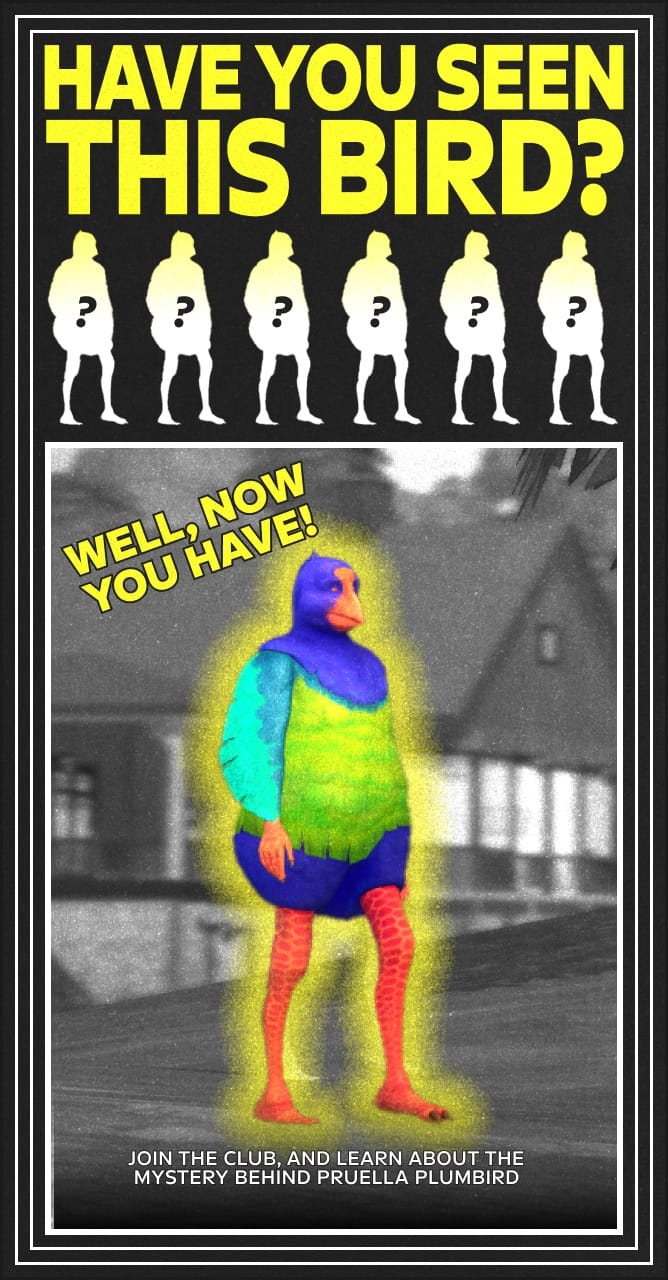
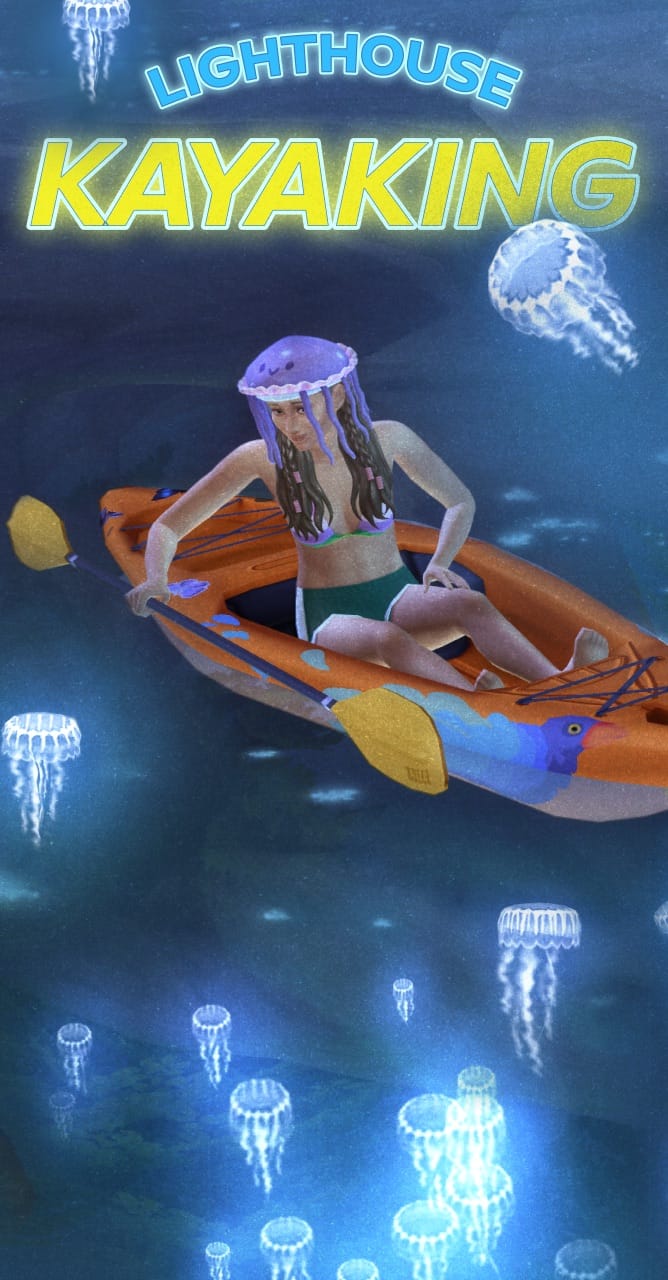
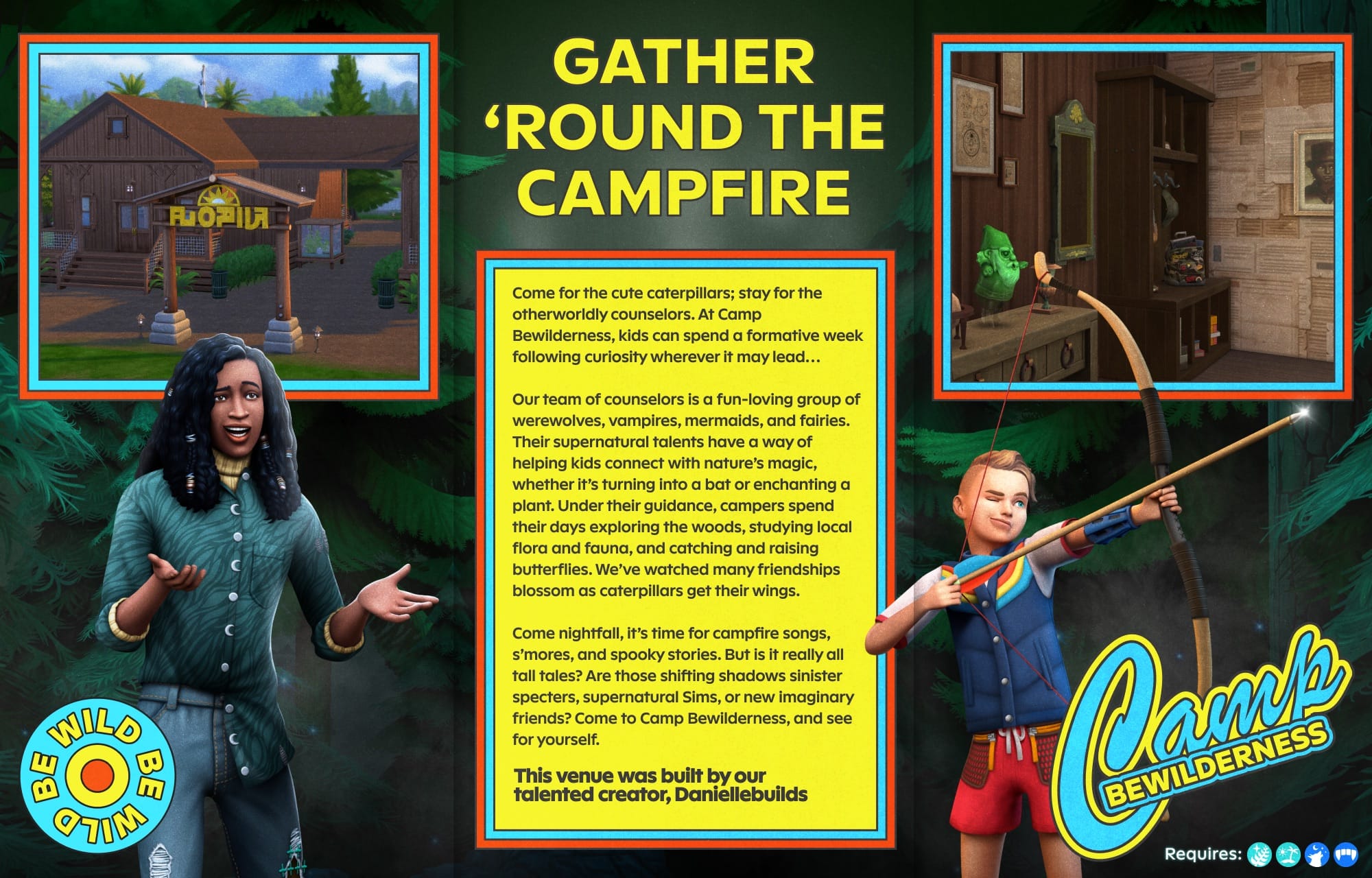
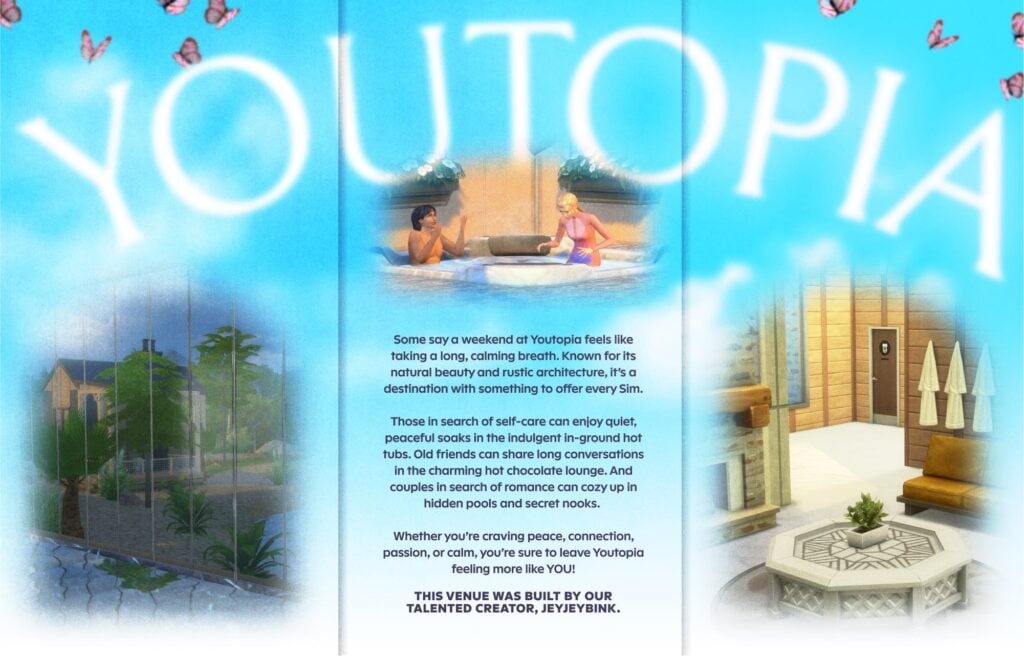
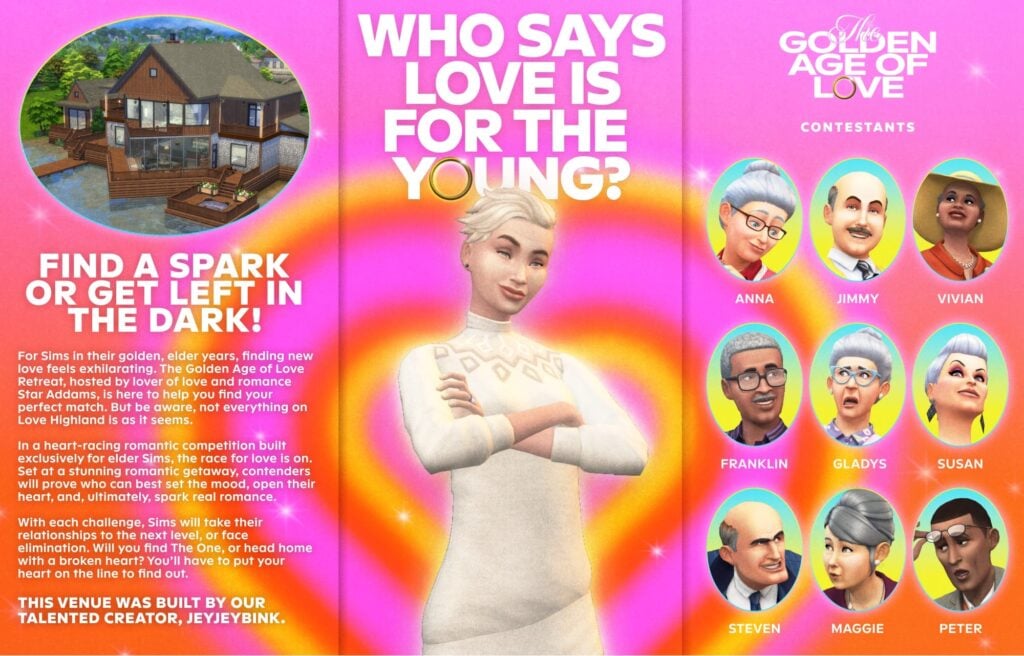
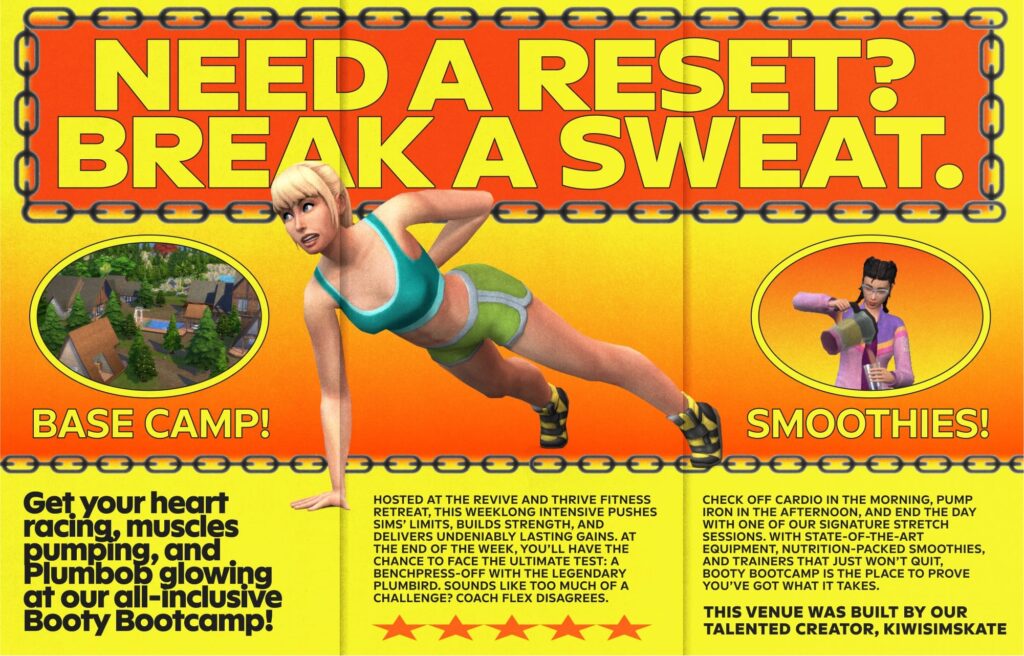
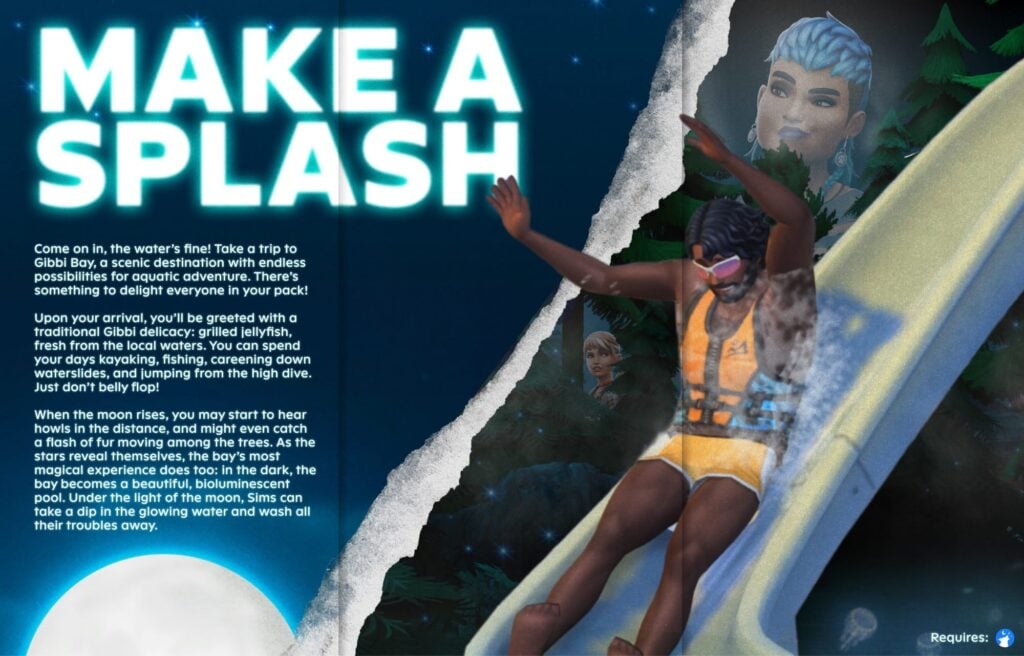
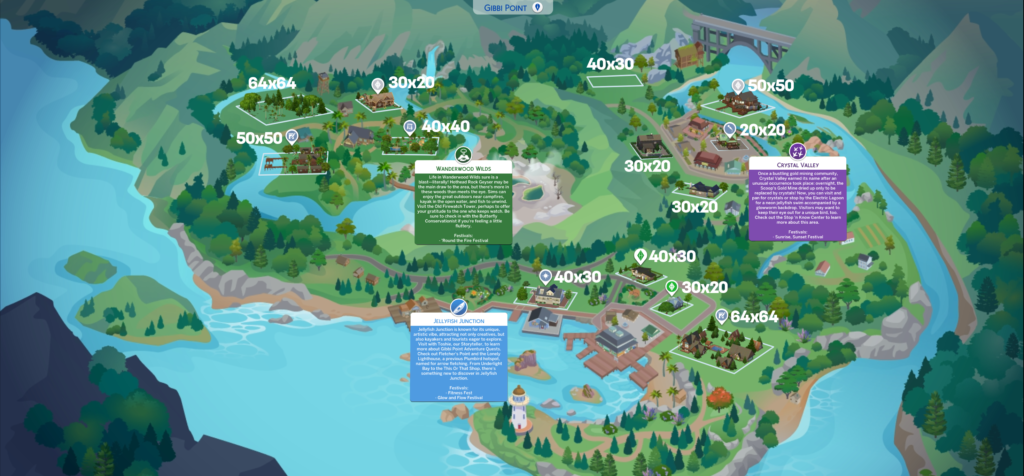
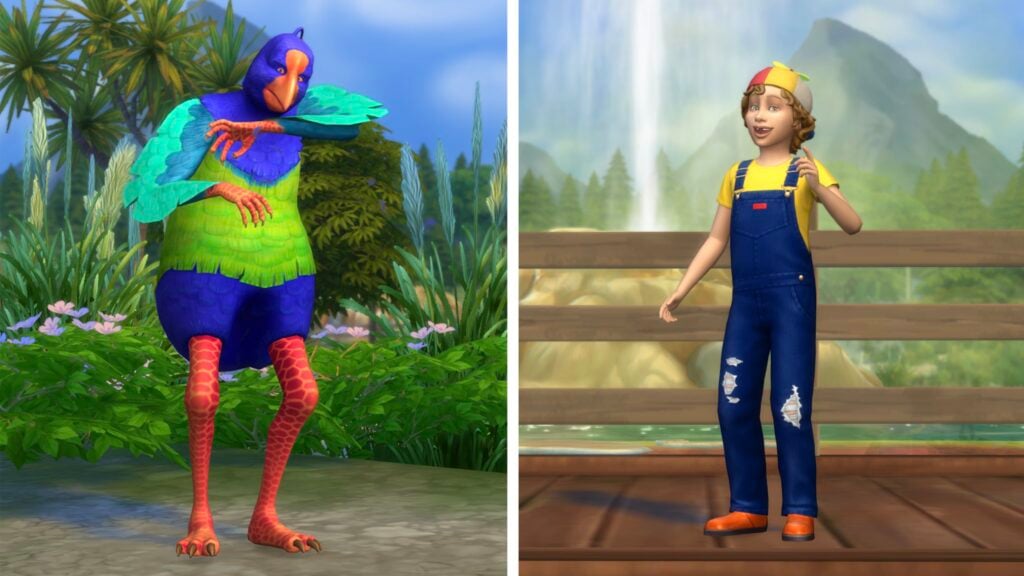
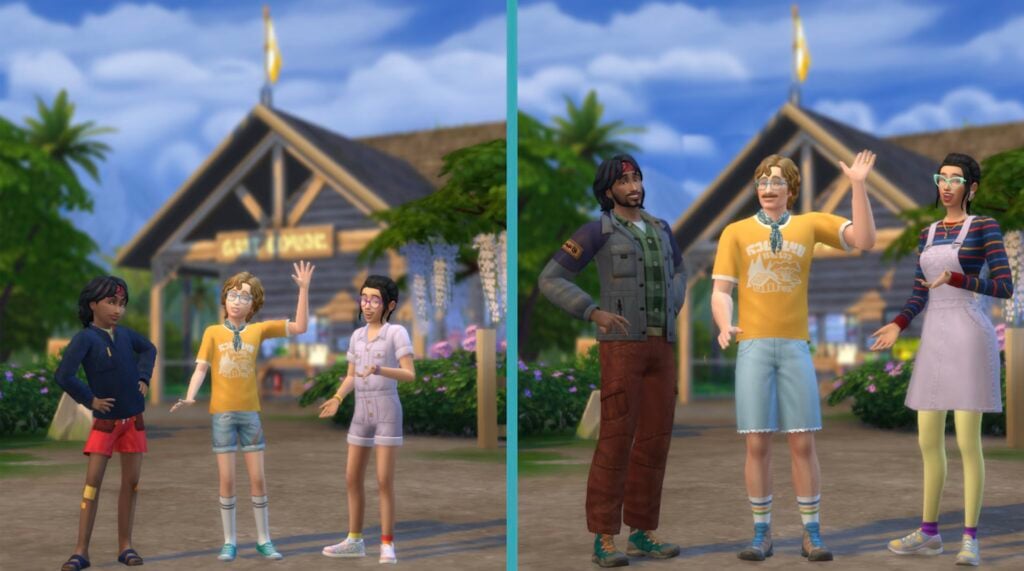
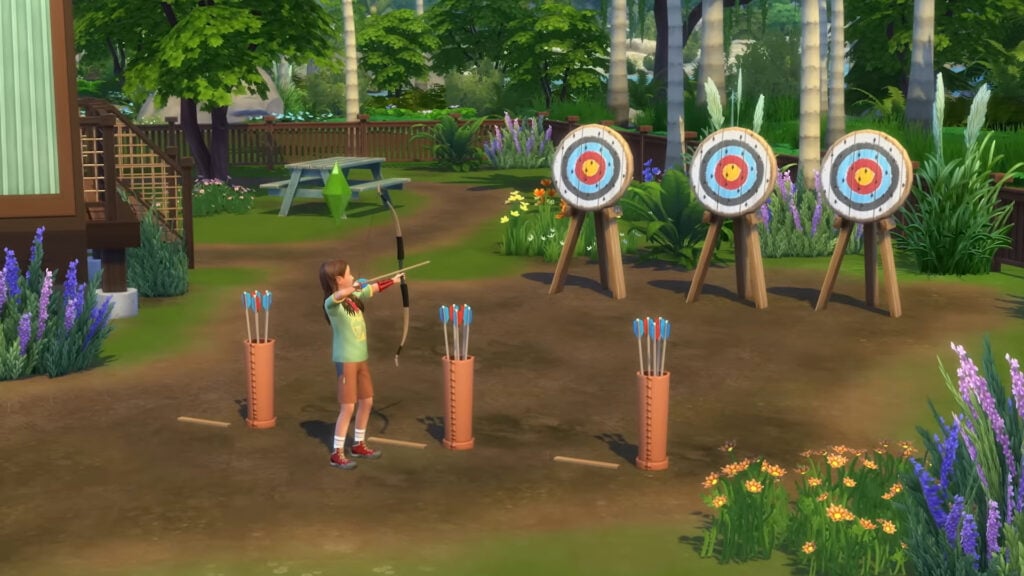
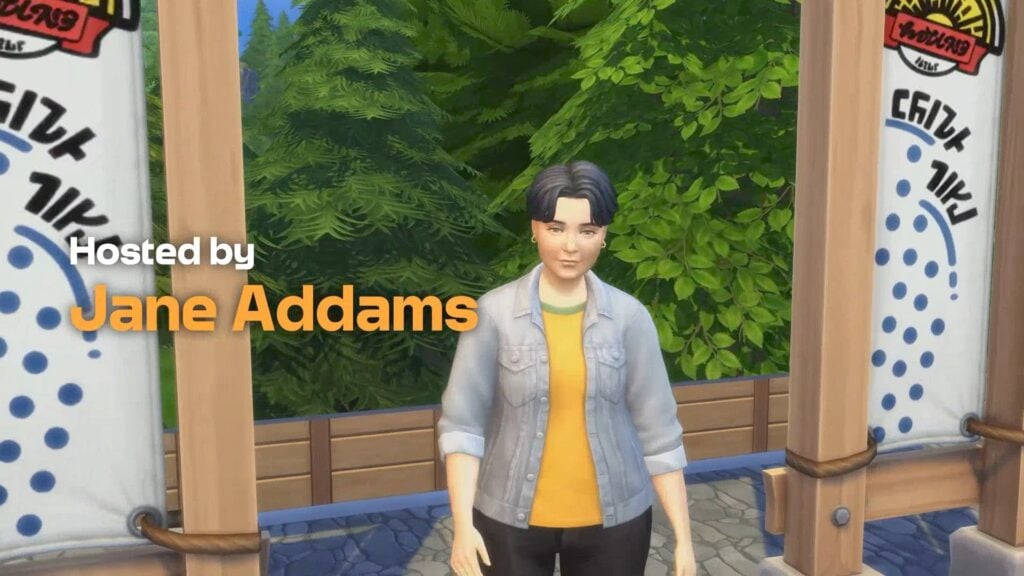
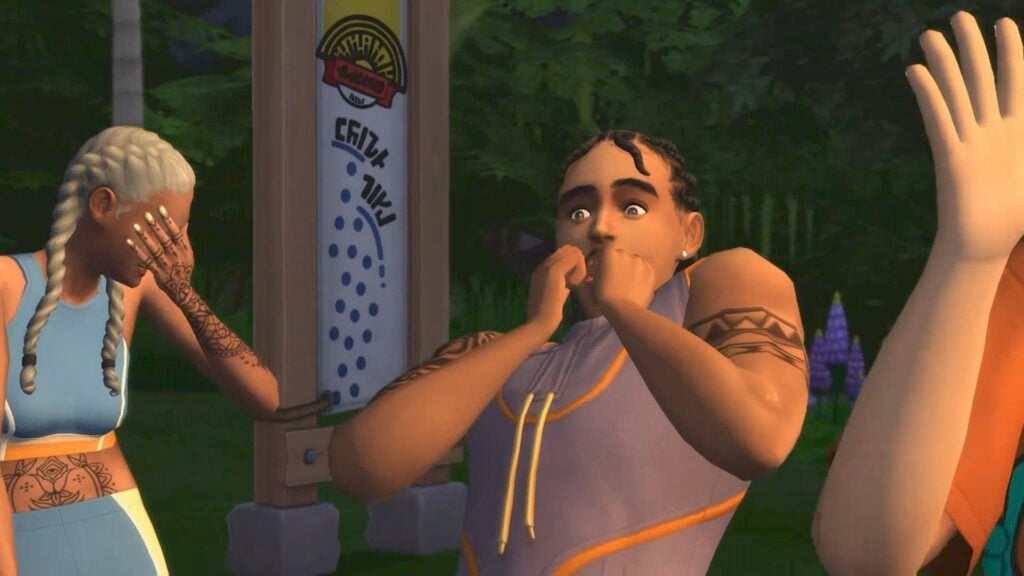
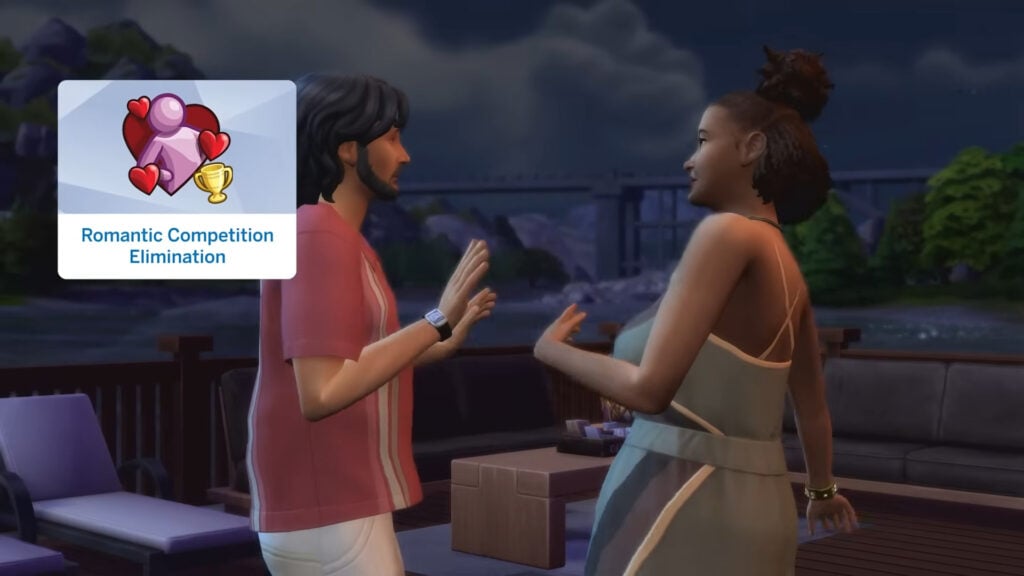
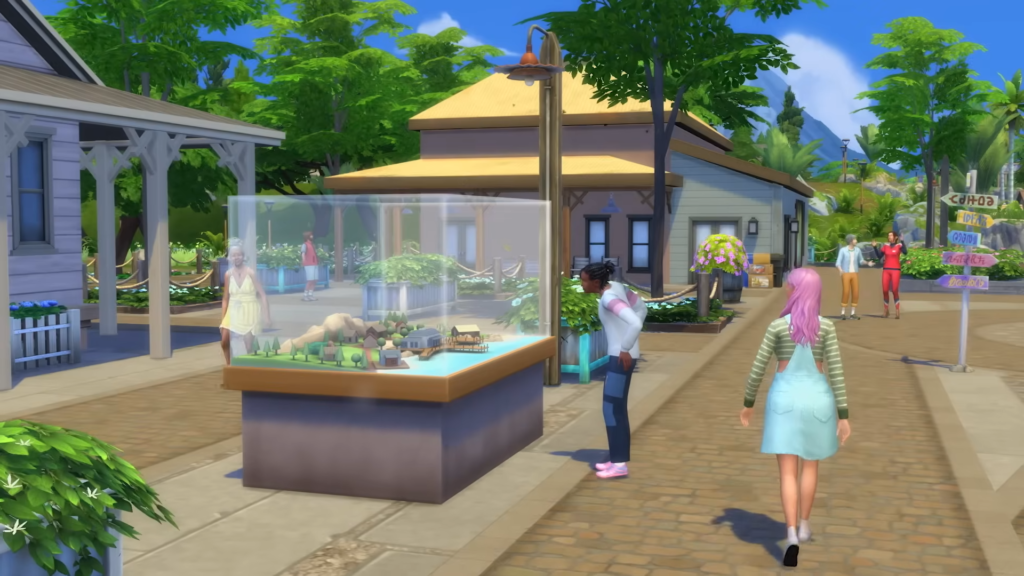
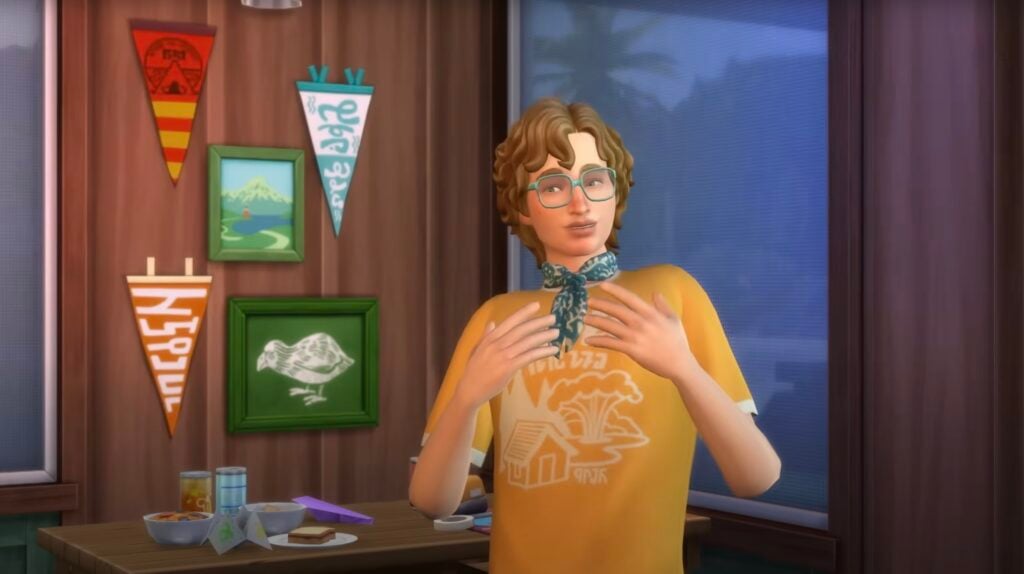
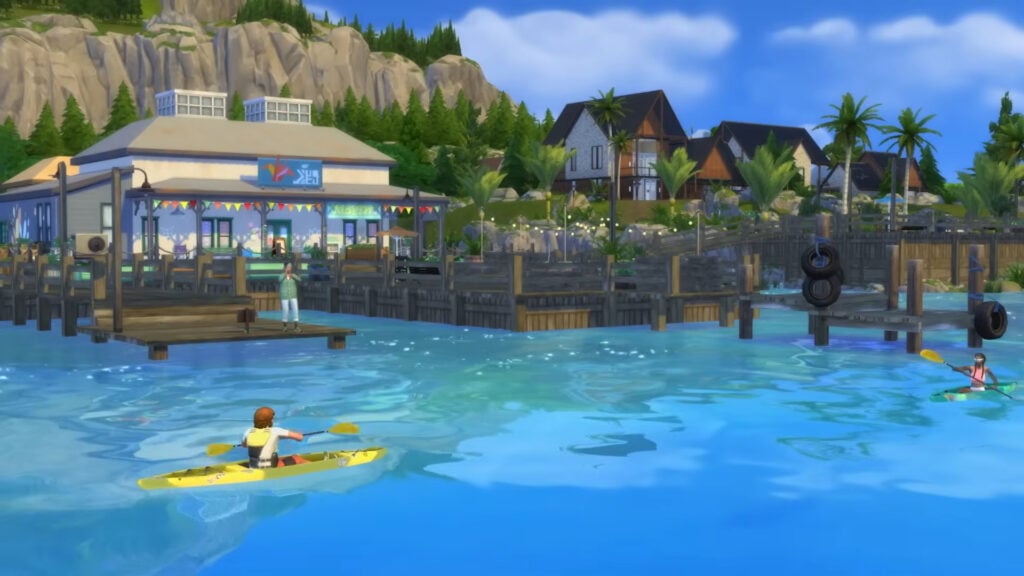
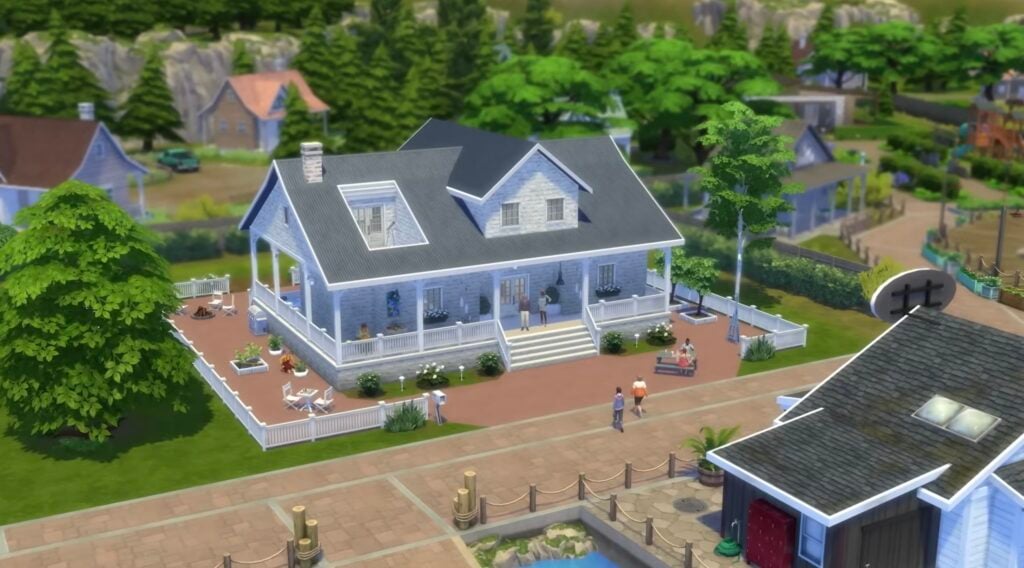
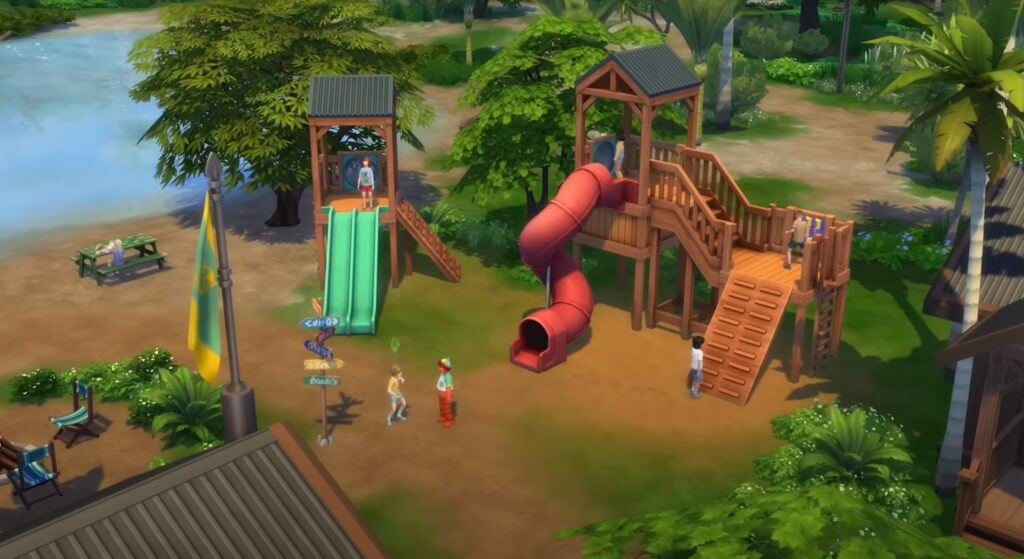
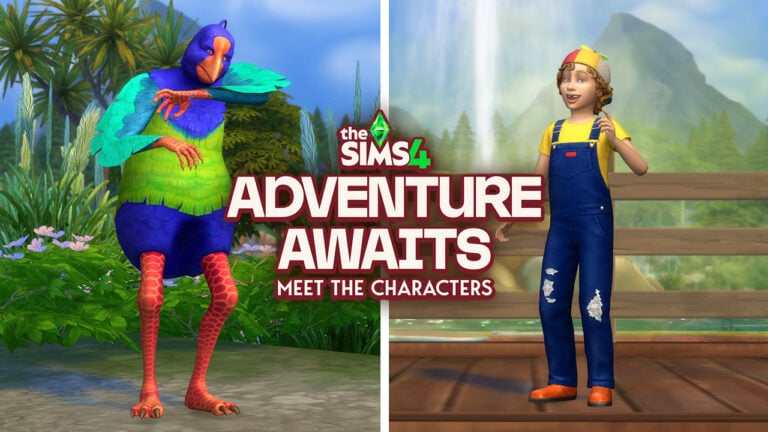
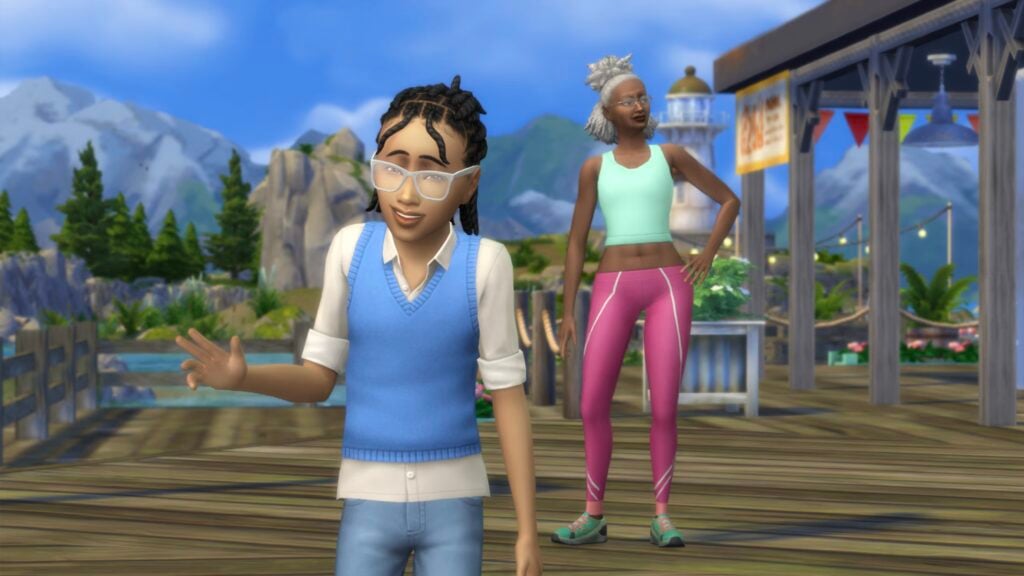
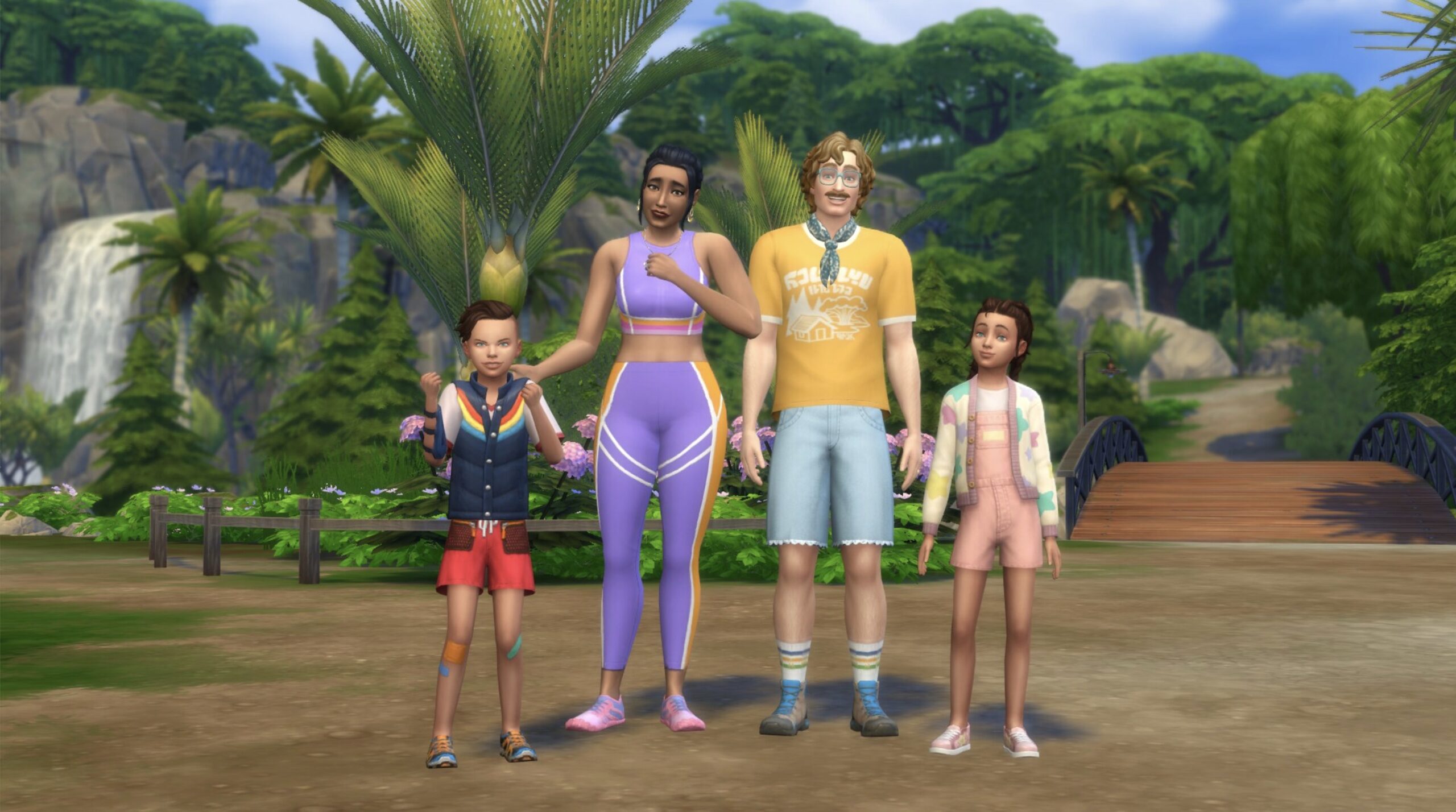
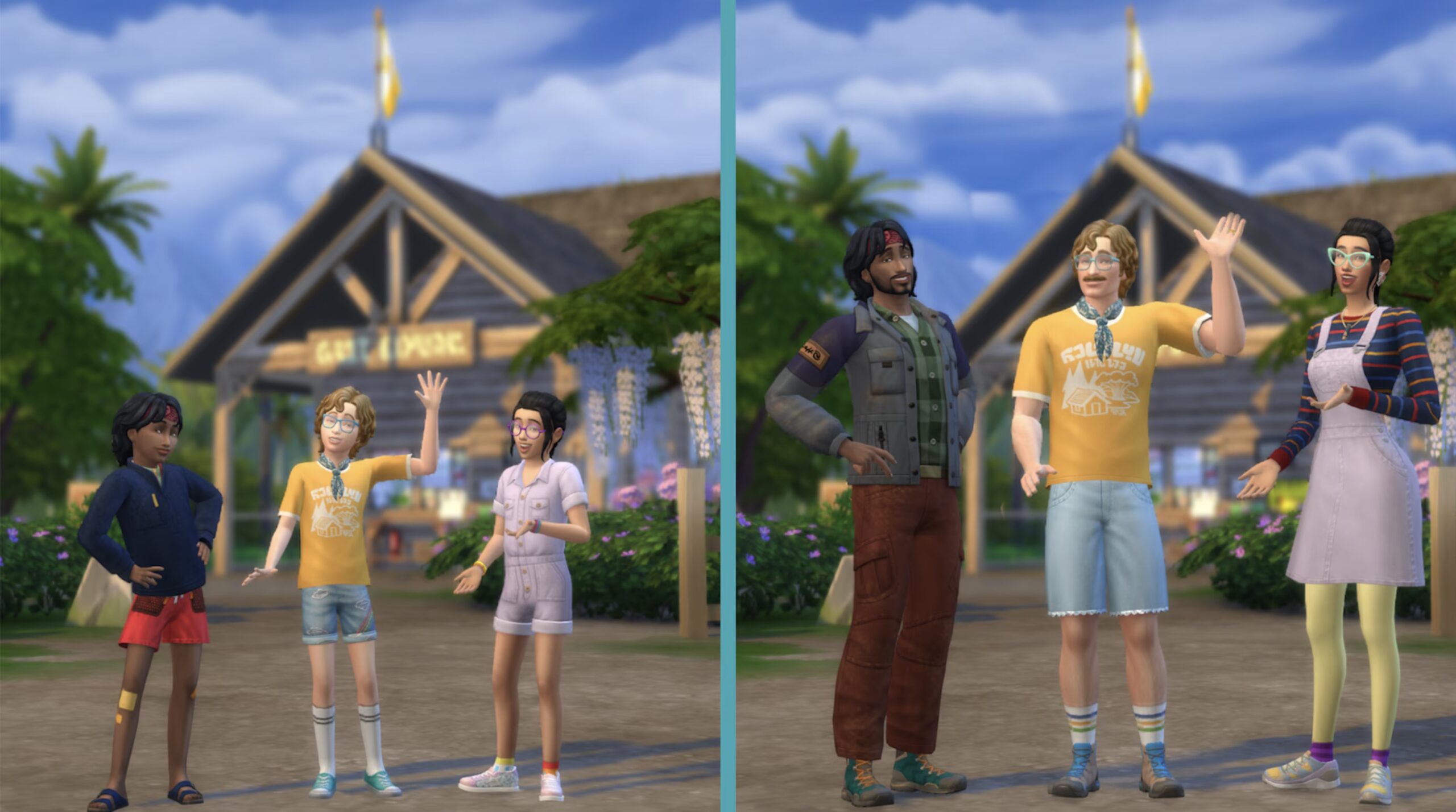
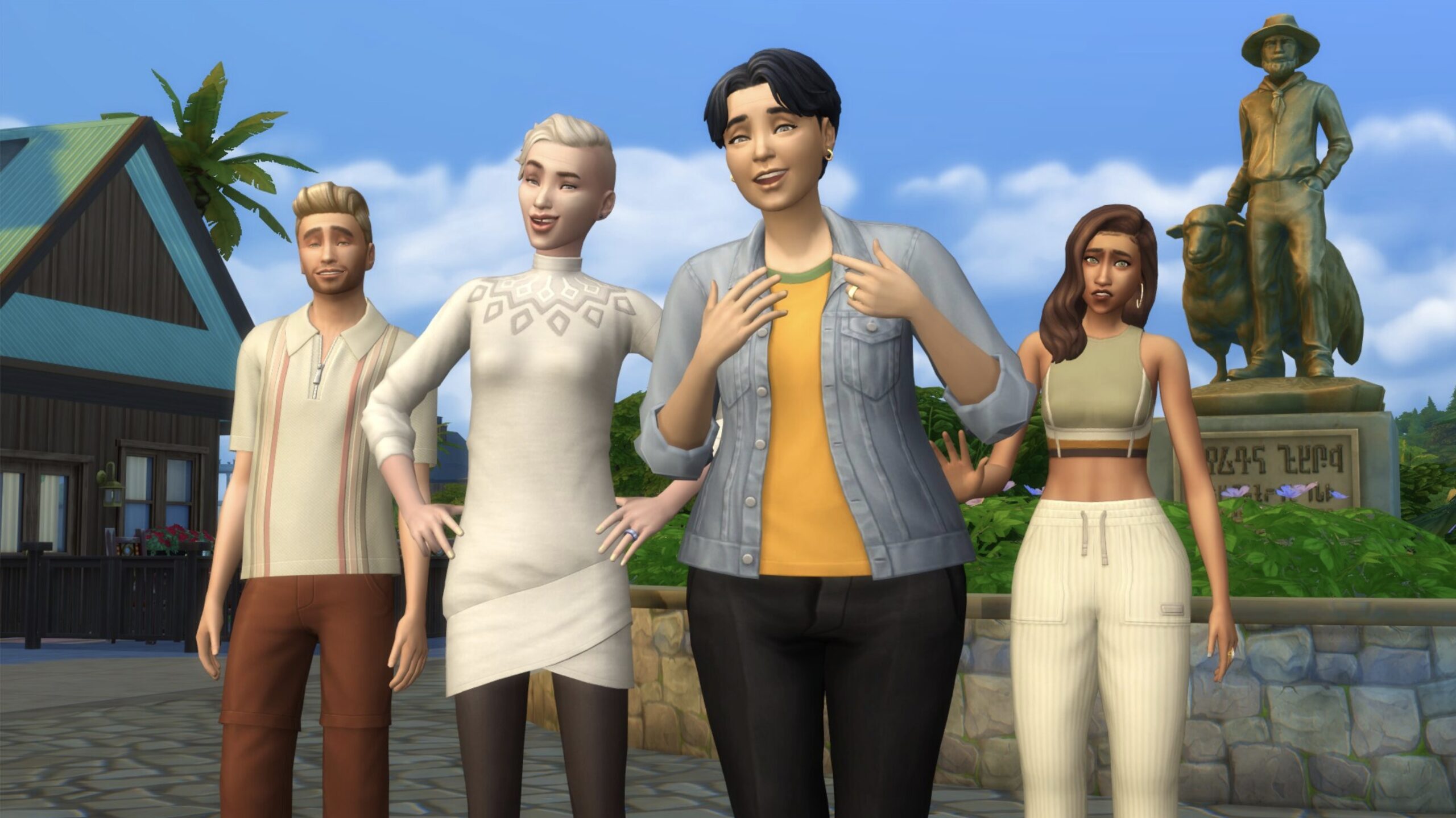
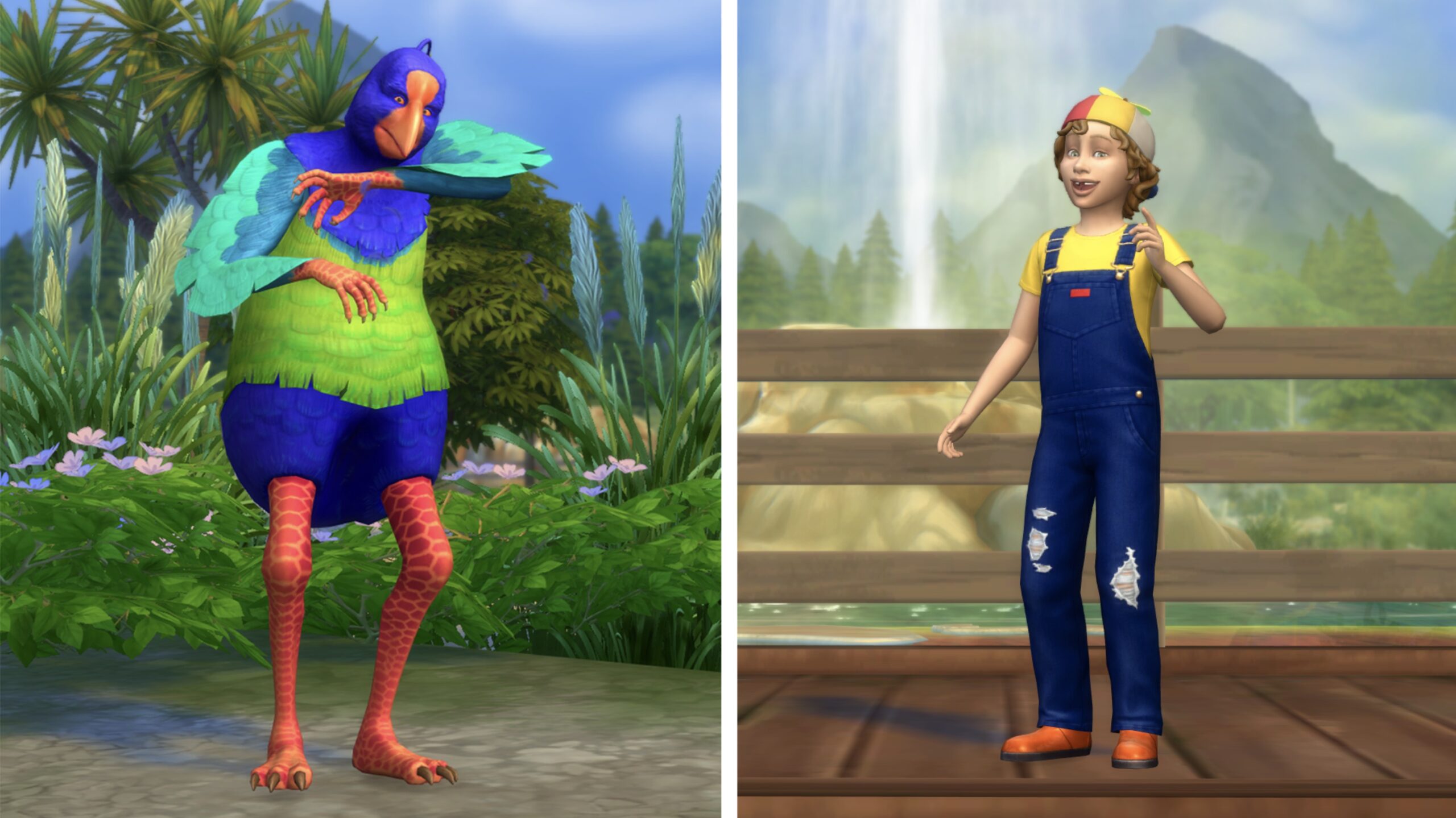
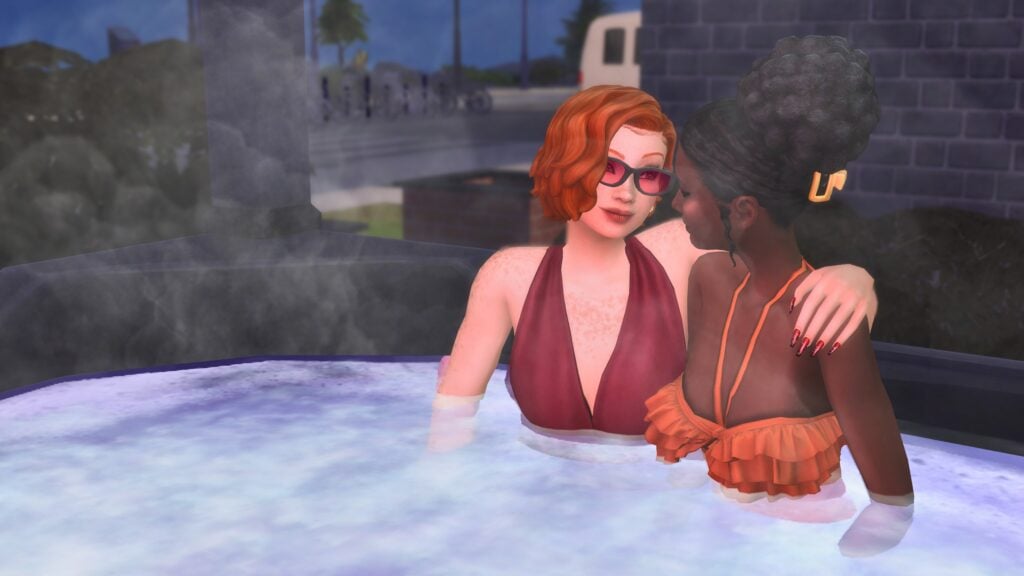
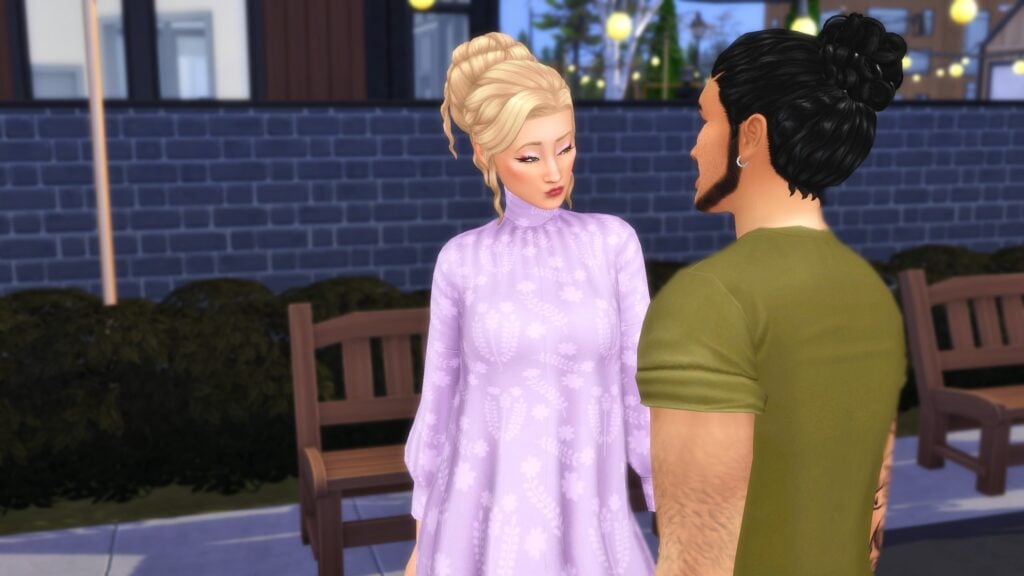
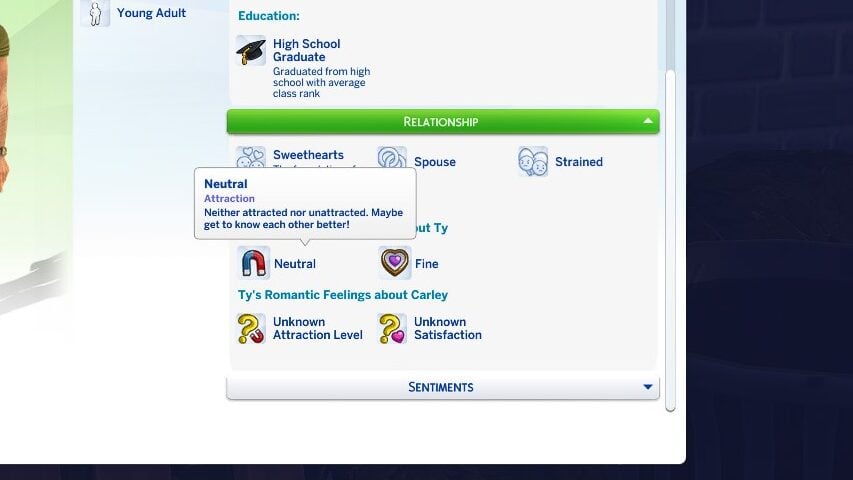
 Academic – Archaeology, Gemology, Logic, Research & Debate, Selvadoradian Culture, Thanatology, Vampire Lore
 Arts & Crafts – Cross-Stitching, Flower Arranging, Knitting, Painting, Photography, Pottery, Tattooing
 Drink Making – Juice Fizzing, Mixology, Nectar Making
 Engineering – Fabrication, Handiness, Rocket Science, Robotics
 Health & Sports – Bowling, Fitness, Skiing, Snowboarding, Rock Climbing, Wellness
 Highly Skilled – Three of the Sims skills are Level 8 or Higher.
 Interpersonal – Charisma, Medium, Parenting, Romantic
 Media & Technology – Entrepreneur, Media Production, Programming, Video Gaming
 Nature – Fishing, Gardening, Herbalism, Riding, Veterinarian
 Performer – Acting, Dancing, DJing, Guitar, Piano, Pipe Organ, Singing
 Broke – Sims total net worth is under §10,000
 Career-Minded – Sims career level is 7 or higher
 Wealthy – Sims total net worth is over §500,000
 Self-Employed – Sim is employed in a work-from-home or freelancing career.
 Slacker – Sim has the “Lazy” trait AND/OR is Unemployed.
 Taken – Sim is already in an active romantic relationship, is engaged, or is married.
 Ambitionless
 Ambitious
 Argumentative
 Artsy
Artsy
 Cerebral
 Clean
Clean
 Egotistical
 Emotional Decision Makers
 Family Motivated
 Funny
Funny
 Hardworking
 High Energy
 Homebody
 Messy
Messy
 Nature Enthusiast
 Optimistic
 Pessimistic
 Pet Enthusiast
 Spirited
 Affection – Under the “Romantic”/”Affection” category in the interactions pie menu.
 Flirting – Under the “Romantic”/”Flirt” category in the interactions pie menu.
 Gift Giving – Under the “Romantic”/”Affection” category in the interactions pie menu, action is “Give a Romantic Gift”.
 Physical Intimacy – Under the “Romantic”/”Physical Intimacy” category in the interactions pie menu.
 Woohoo – Under the “Romantic”/”Physical Intimacy” category in the interactions pie menu OR can be initiated by clicking on a woohoo-compatible object.
 Black Hair
 Brown Hair
 Auburn Hair
 Red Hair
 Orange Hair
 Blonde Hair
 Platinum Hair
 White Hair
 Dark Blue Hair
 Gray Hair
 Green Hair
 Hot Pink Hair
 Purple Pastel Hair
 Turquoise Hair
 Black Clothes
 Blue Clothes
 Brown Clothes
 Gray Clothes
 Green Clothes
 Orange Clothes
 Pink Clothes
 Purple Clothes
 Red Clothes
 White Clothes
 Yellow Clothes
 Basics
 Boho
Boho Costumes
 Country
 Hipster
 Outdoorsy
 Polished
 Preppy
 Rocker
 Streetwear
 Very Satisfied – Sims who are very satisfied in their romantic relationship will be happy around their partner, have better success with romantic interactions with their partner, and the romantic relationship will slowly increase overtime.
  Satisfied – Sims who are satisfied in their romantic relationship will be happy around their partner or when thinking of them.
 Fine – Completely neutral. No gain nor decrease in relationship. Sims may more easily slip into being unsatisfied or satisfied in their relationship.
  Unsatisfied – Sims who are unsatisfied in their romantic relationship may become sad around their partner and may struggle with romantic interactions.
 Very Unsatisfied – Sims who are very unsatisfied in their relationship will also be sad, but they will also have conflicts much more with their partner. This can occur both intentionally via the player choosing these actions, or autonomously. You will typically know when a sim is very unsatisfied because that partner will warn the other sim that they aren’t happy with the relationship, and will threaten to break up or divorce.
 Steamy – The Sims gain the most satisfaction from Physical Intimacy and Woohoo, become very flirty, and the relationship primarily revolves around Physical Intimacy and Woohoo.
  Strained – The Sims are still romantically involved but they often fight, usually have lower satisfaction, and are more likely to break up or divorce autonomously. They often will stay distant and avoid interactions, or even seek out negative interactions with each other.
  Unpredictable – Back-and-Forth, may be fighting one minute and woohooing the next. Both the satisfaction and the relationship progress waver as the waters are rocky in this relationship.
  Wholesome – The Sims have a deep connection, both romantically and platonically. They feel happier around each other, have higher satisfaction, and will feel more fulfilled in their relationship. It’s the definition of being in a relationship with your best friend, even if your sims don’t have the Best Friends Forever relationship bit.