The big patch for The Sims 4 has just arrived on PC and Mac!
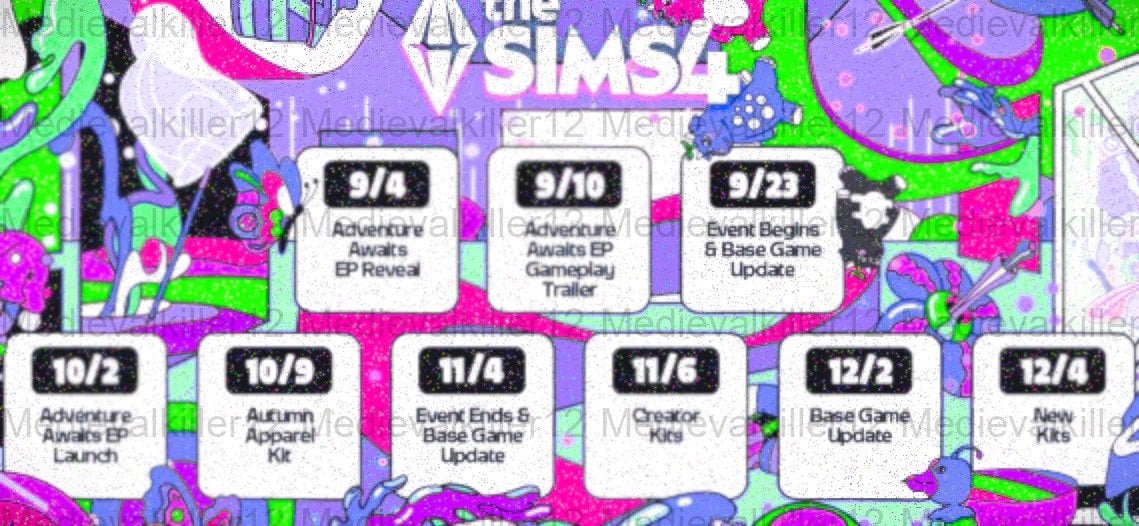
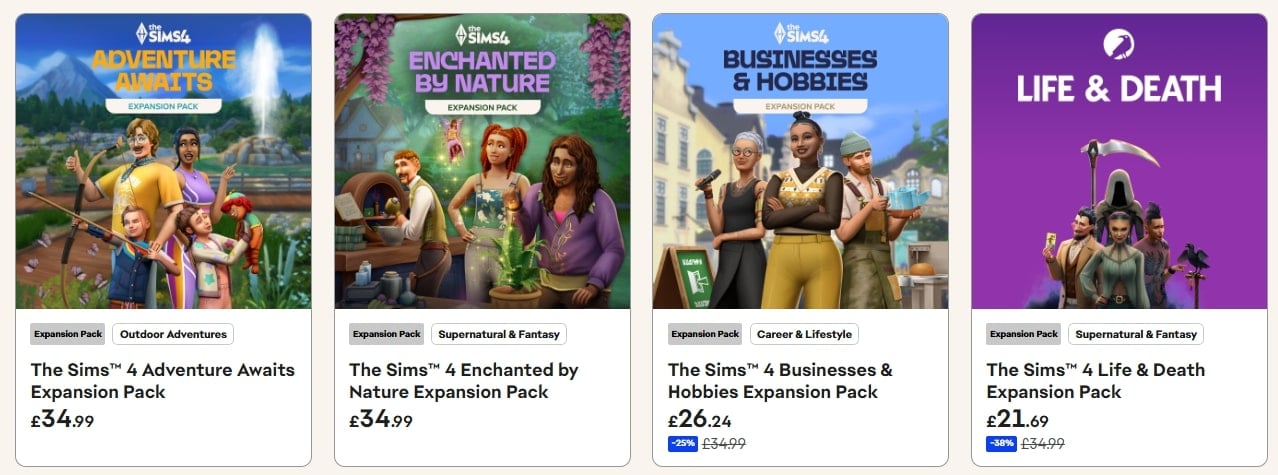
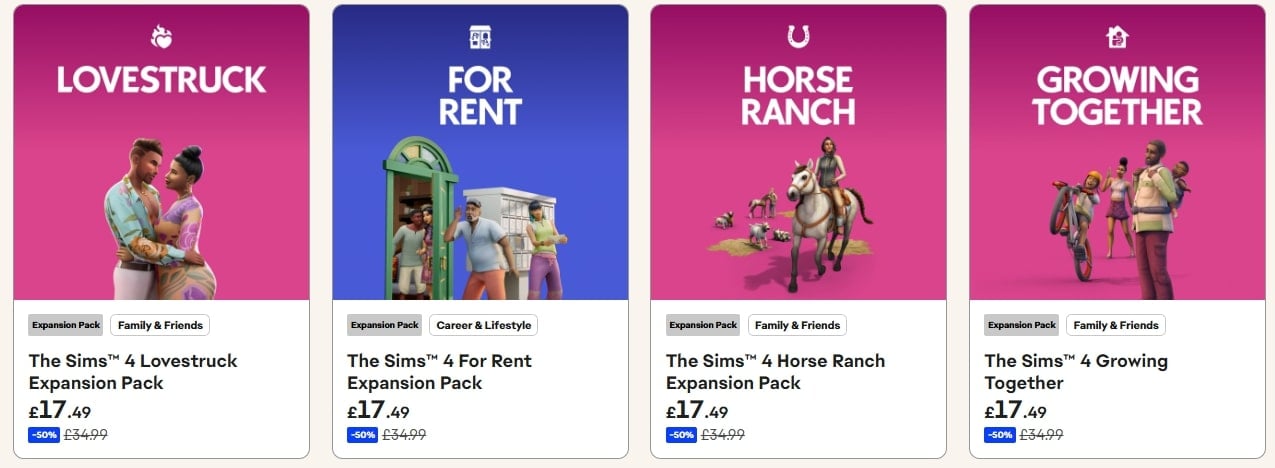
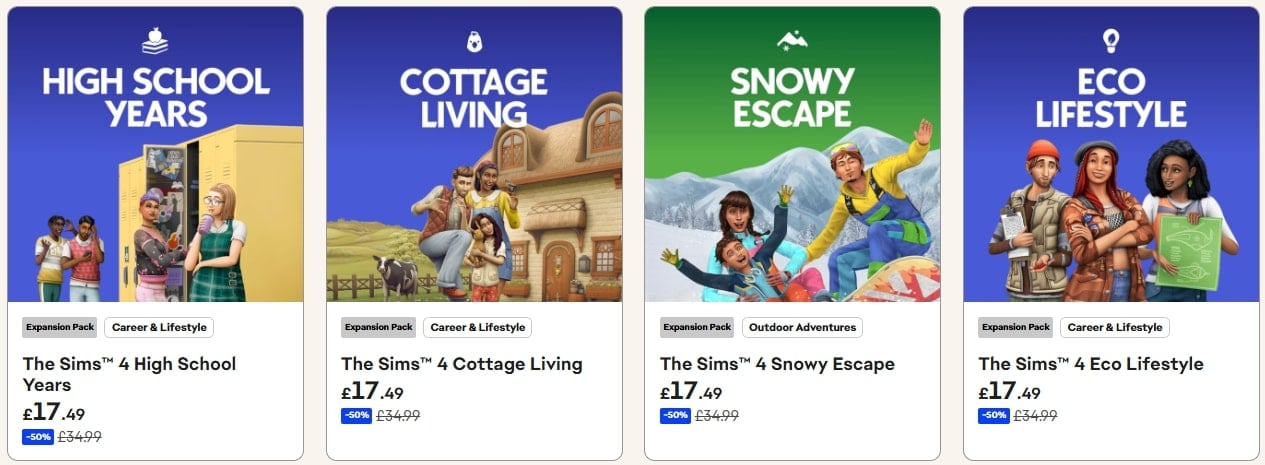
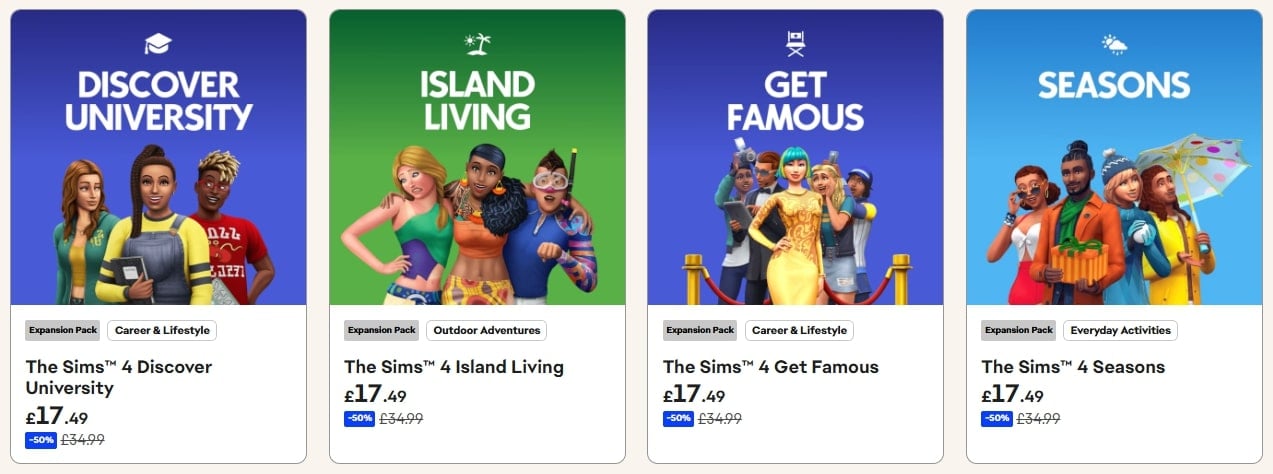
A new Sims 4 Update has just been released for PC and Mac. As expected and announced in the Updates Roadmap, the latest game patch is helping prepare the Base Game for the upcoming release of the Adventure Awaits Expansion Pack. Players who are on Xbox and Console will have to wait until September 23rd to get the patch on their platforms.
Tuesday’s Laundry List for The Sims 4 also mentioned which fixes we should expect upon the update’s release. Make sure you check it out before we get the full patch notes!
Find out what’s been improved and changed in the official patch notes below:

The Pre-Patch For New Expansion Pack Update
Table of Contents
Installing the Latest Sims 4 Update
You can get the latest The Sims 4 Update on the following official launchers and platforms:
- PC: EA App, Origin, Steam, Epic Games
- Mac: Origin, Steam
- Playstation: PS4 and PS5
- Xbox: Xbox One and Xbox Series X / S
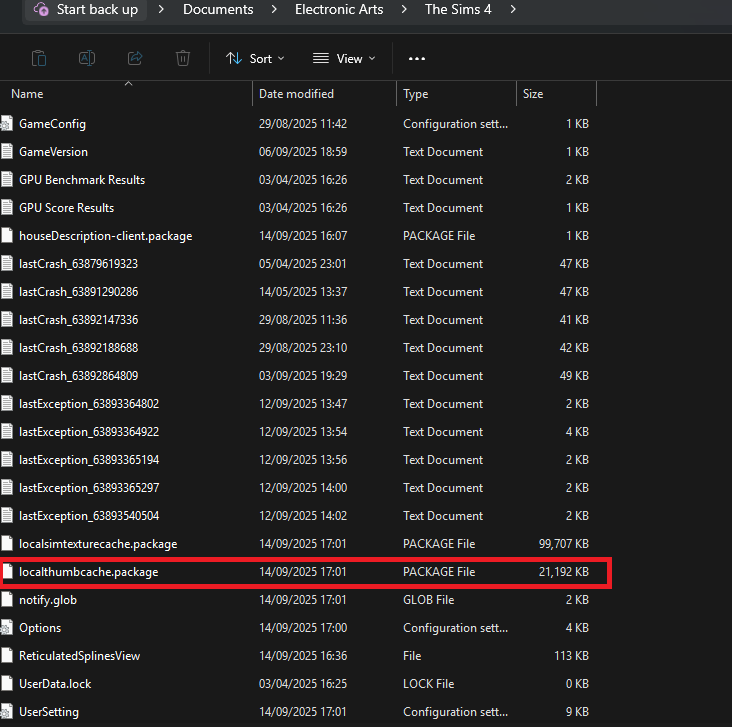
You can download the latest Sims 4 Update by checking for a Patch through the EA App, Steam or Epic Games launcher for Desktop. If you have Automatic Updates enabled the update will automatically download through your client program. In case your EA App is not working properly ensure you’ve cleared your app cache!
If you play The Sims 4 on Xbox Series X / S and Playstation 4 and 5 you can request a new update by checking for updates under The Sims 4 game in the Main Menu. If you’ve enabled automatic updates the Patch should download right away.
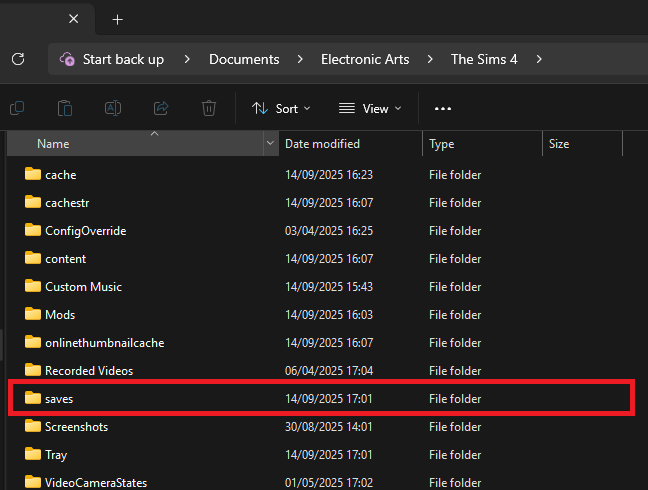
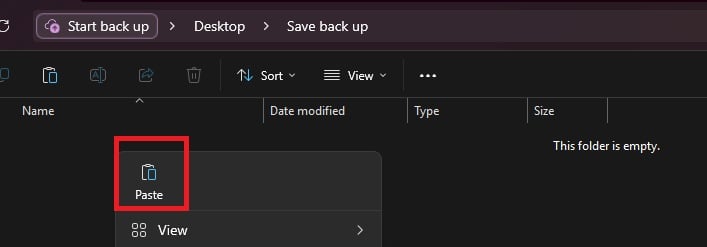
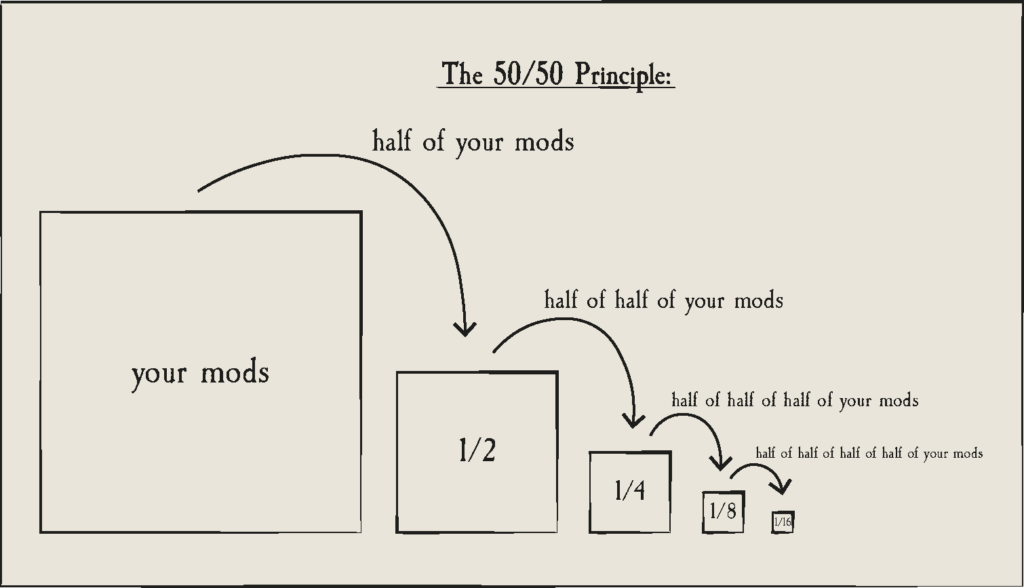
This is a pre-Expansion Pack update, meaning that some Mods and CC are guaranteed to be broken / outdated after the patch. Make sure you clean your folder using the 50/50 Method and check your favorite creators for Mod release updates!
Mods & CC will be disabled by default after you first open up The Sims 4 after updating.

Official Sims 4 Patch Notes
PC/Mac Update 9/18/2025
Console Update 9/23/2025 / Full Countdown
PC: 1.118.242.1030 / Mac: 1.118.242.1230
Console: Version: 2.20
Who’s ready to get away and make an adventure out of it? Today’s update prepares for the October 2nd launch of the upcoming expansion pack, Adventure Awaits, and while you’re waiting, this base game update contains a fun new feature that will have all your Sim kids cheering throughout the neighborhood! Also coming to the game today, you’ll see a number of bug fixes.
We are releasing today’s update on PC and Mac with the Console update following on September 23rd. Getting this update out earlier allows for plenty of time for mod and custom content creators to update prior to the launch of Adventure Awaits. It also gives us time to address any issues quickly. As PC/Mac will be on a newer game version until the PlayStation & Xbox update on September 23rd, console players will need to use the PlayStation and Xbox filters in the Gallery until you receive the update.
As always, thank you for your support and continued reporting efforts via EA Forums. It really helps us identify the issues you care the most about so we can focus on fixing them. We are committed to fixing these issues and can’t wait to share more details on that soon to come.
Plumbob out. Sul sul and we’ll see you on your next adventure soon.
-The Sims 4 Team
What’s New?
Base Game Updates
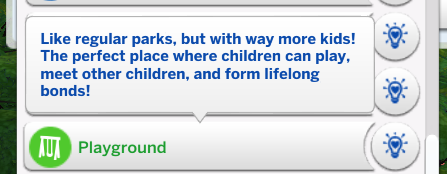
Playground Venue
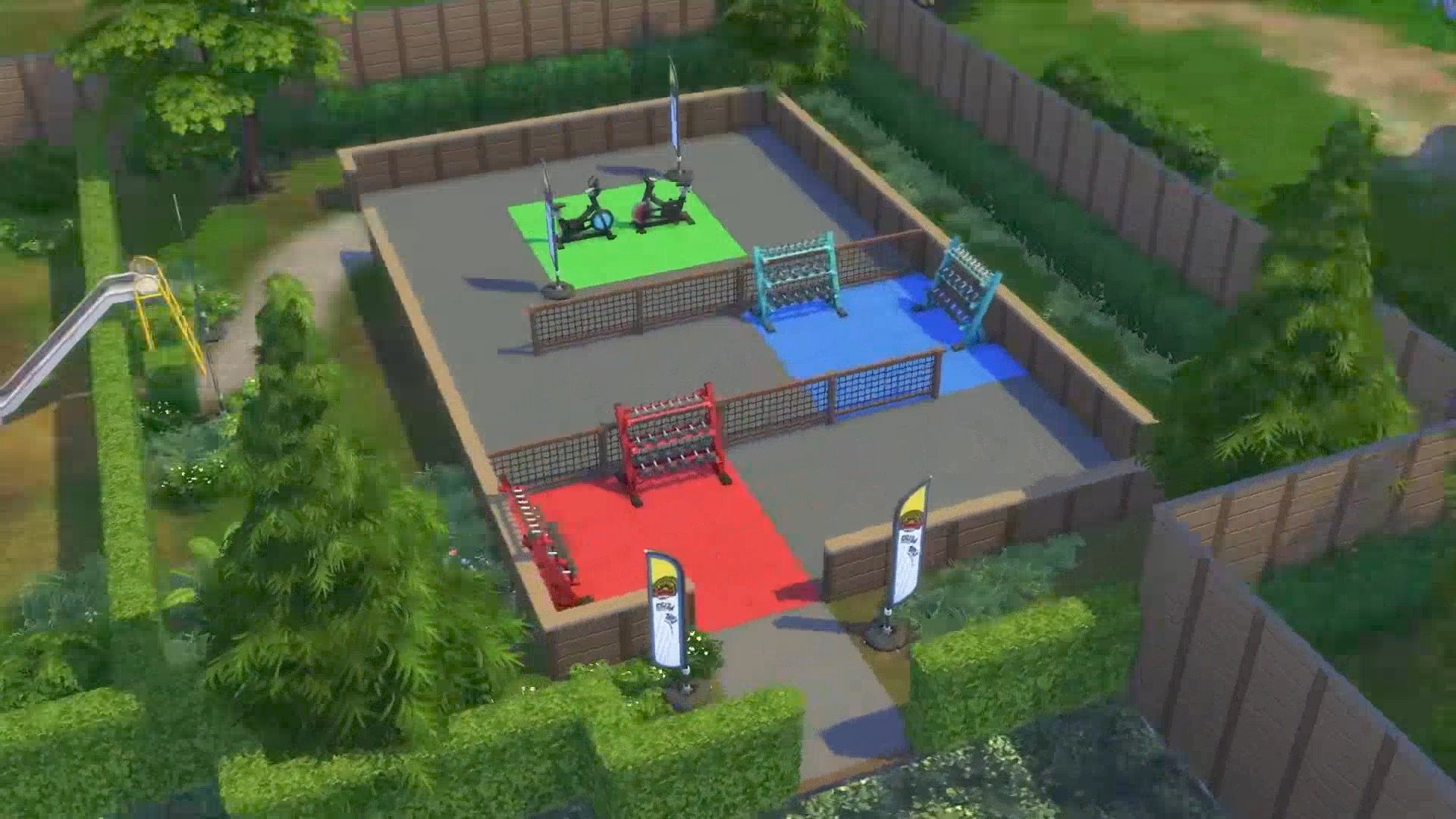
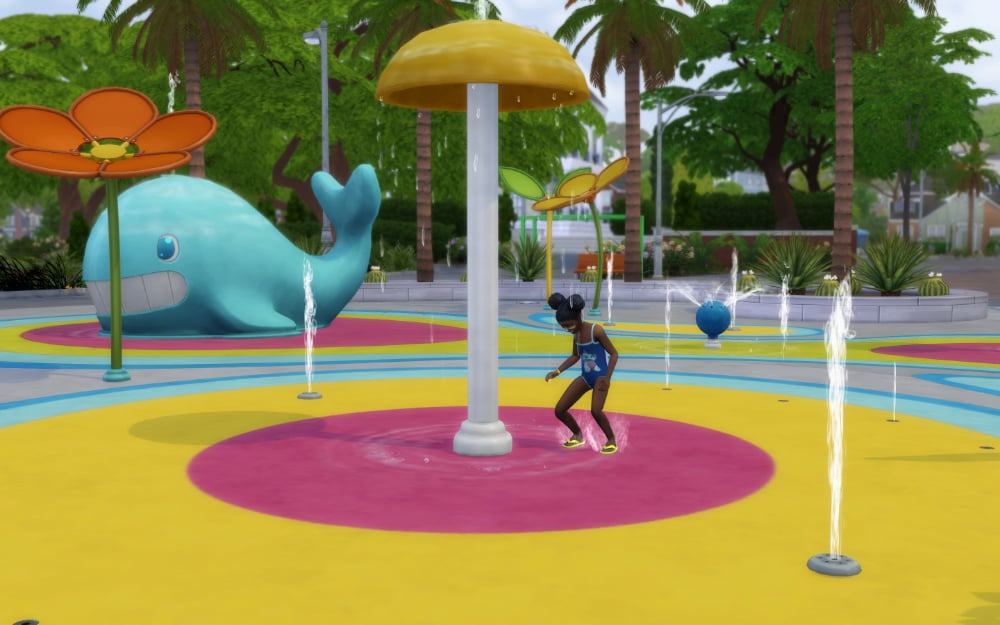
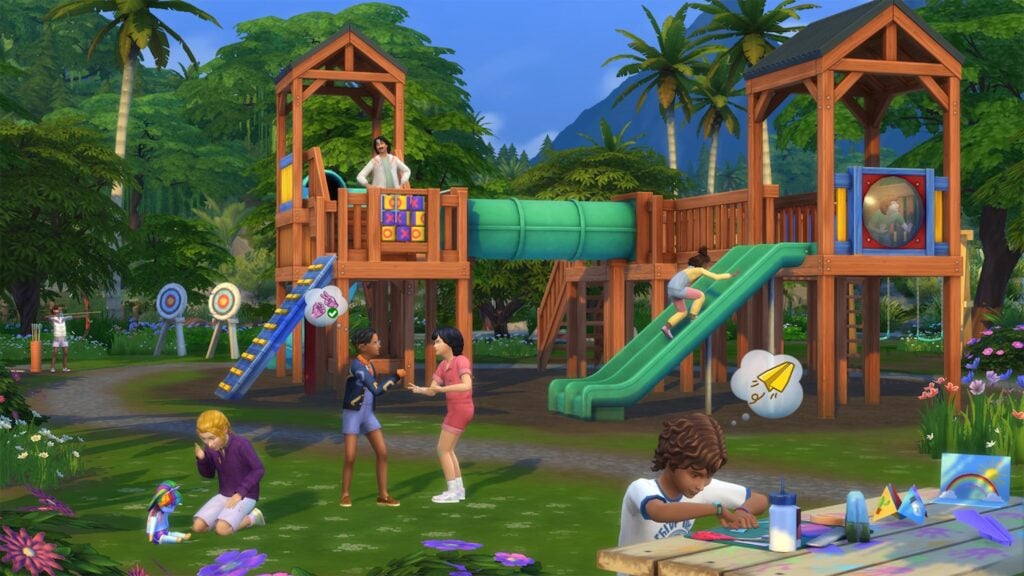
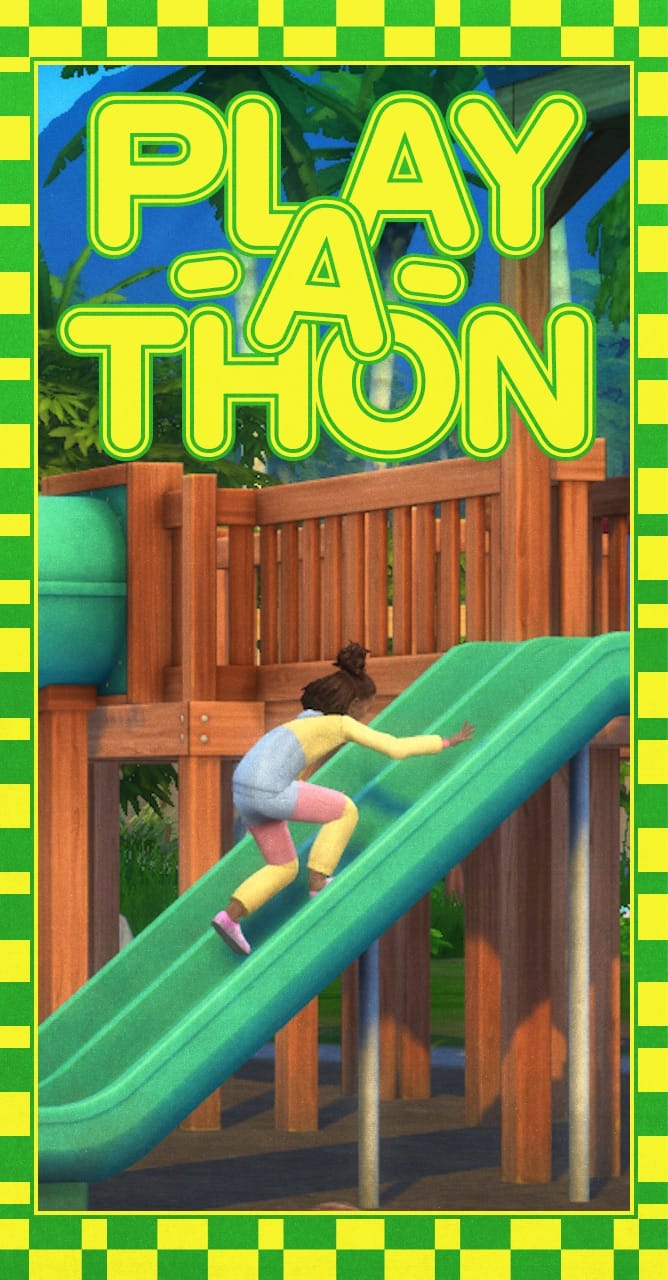
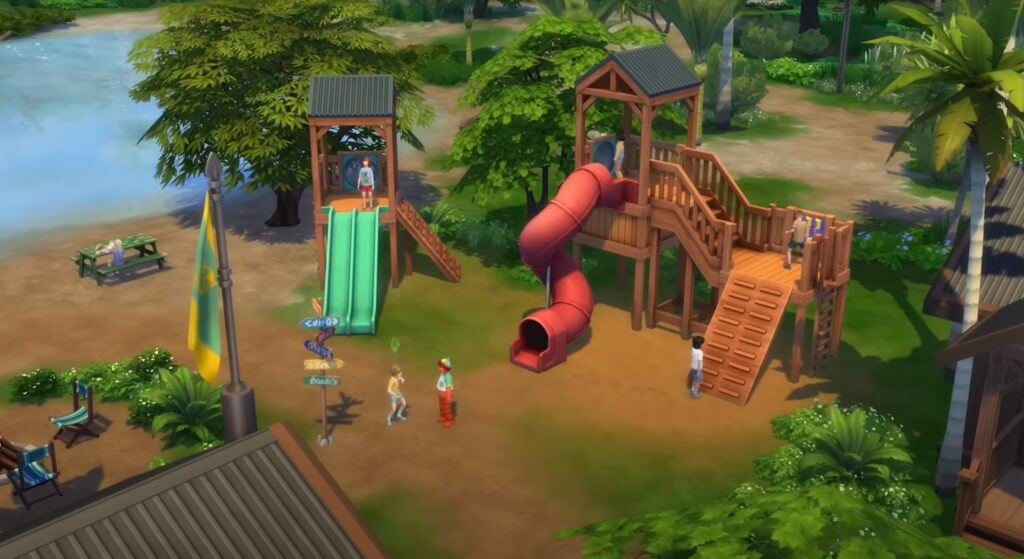
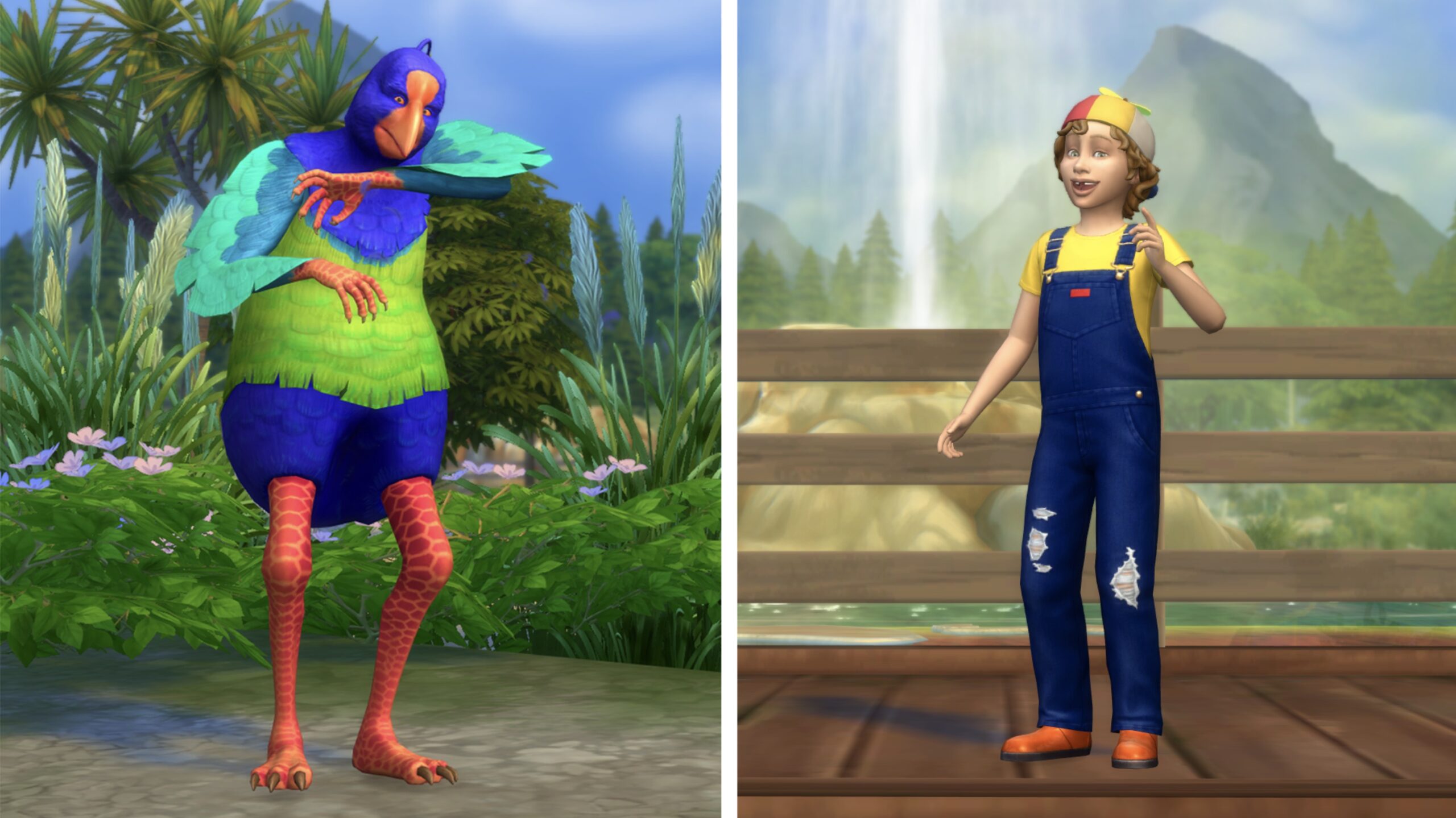
Let the kids play! And what better place to play than the new Playground Venue. Going to the Park is fine and all, but sometimes kids need their own space. The Playground Venue on the other hand is the perfect place to let the little ones run wild. You’ll find it visited primarily by other children and their chaperones, especially after school hours, making it the perfect place to make new friends. Built the perfect playground? We’d love to see it! Share your custom playground venue builds to the Gallery using the hashtag #playground so fellow Simmers can discover, download, and enjoy your creations.
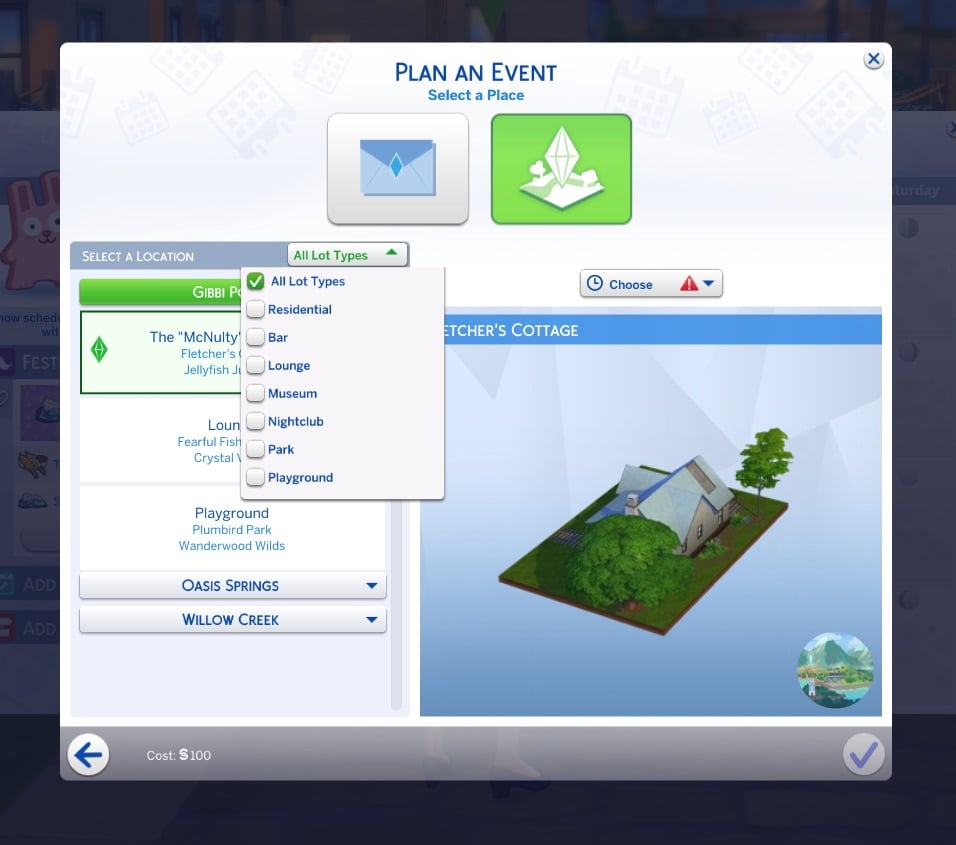
Venue Type Filter in Event Planning UI
When planning any event, we now have a way for you to quickly narrow down to see only the specific venue type you’re looking for in a checkbox dropdown, to save you from having to scroll through a long list of options. Want to see only all Libraries? Check. Want to see only all Nightclubs? Check. Want to see only all Libraries and Nightclubs? Check Check.
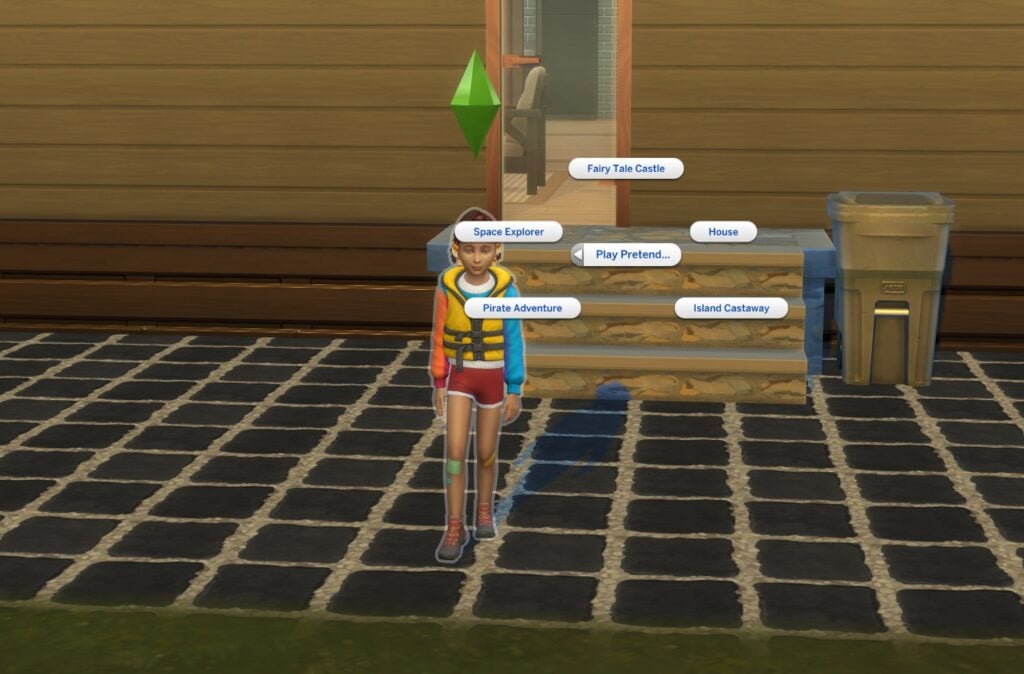
Play Pretend Interaction
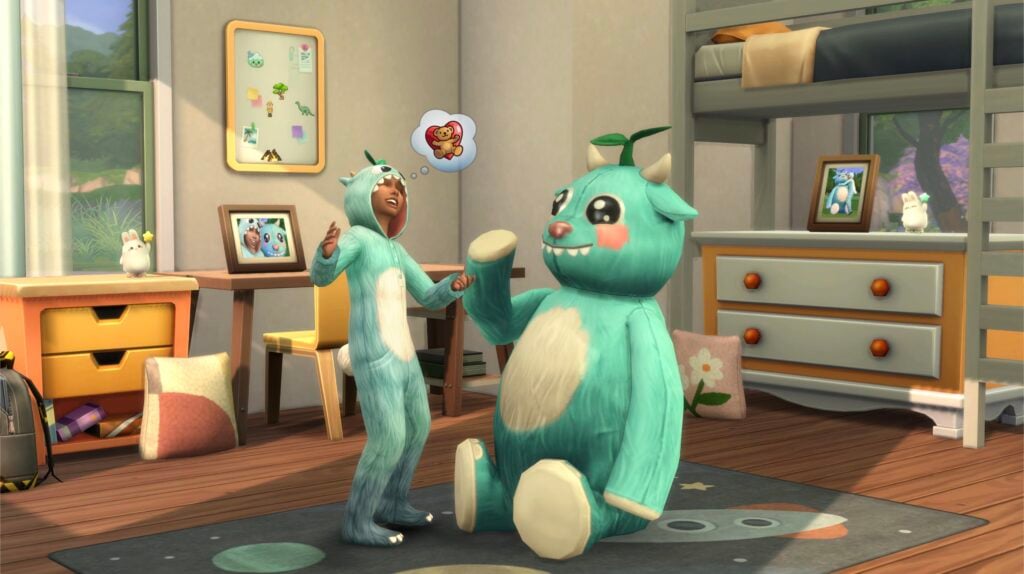
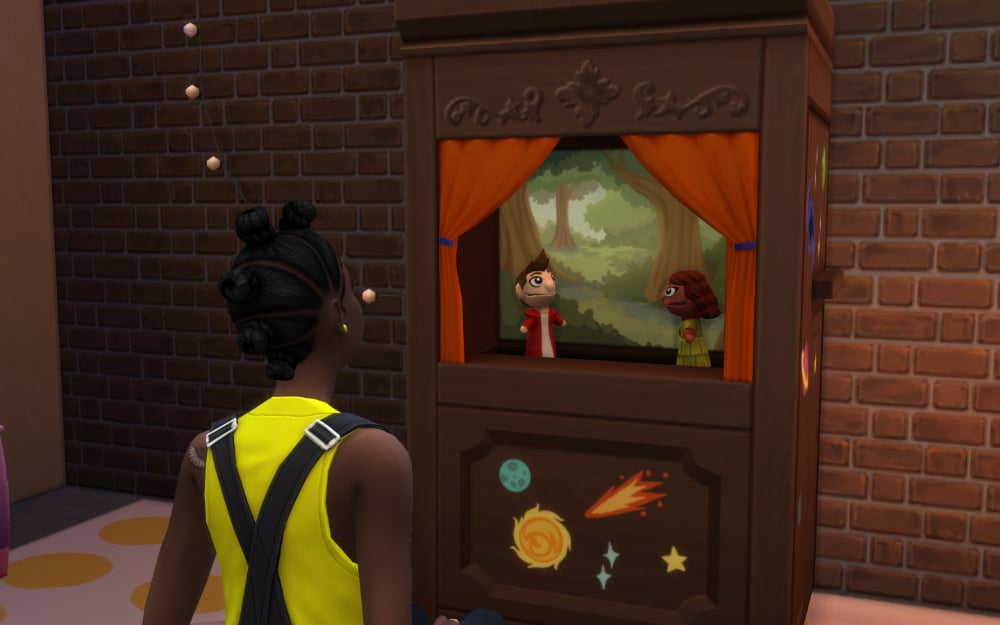
Child Sims now have a very cute interaction to “Play Pretend” with either another child Sim as a social interaction or as a self interaction. “Play Pretend” as a social interaction can be accessed under the Friendly > Activities Pie Menu options. Otherwise, you can click on your active child Sim to access “Play Pretend” as a self interaction. Both versions of this interaction include options to “Play Fairy Tale Castle”, “Play House”, “Play Space Explorer”, “Play Pirate Adventure”, or “Play Island Castaway”. All of which are accompanied by charming childhood imagination VFX that are thematic to the selection.
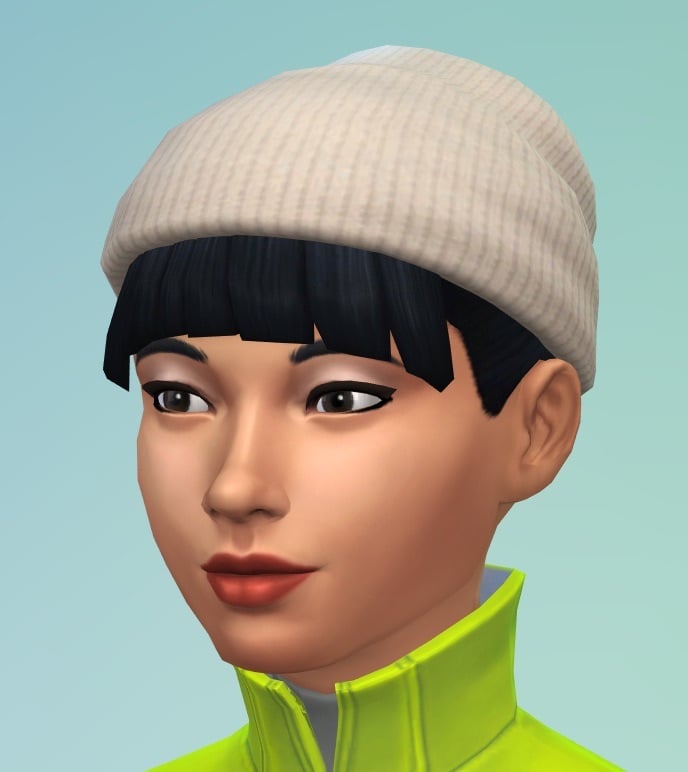
Ecru Slouch Beanie Color Variant in Create a Sim
For those days when the brightest of white is just not gelling with your outfit. We’ve now added a new ecru color variant on the existing Base Game Slouch Beanie in Create a Sim available for teens, young adults, adults, and elders.
Cross-Pack
Tuning Update for The Sims™ 4 Life & Death’s Soul’s Journey
We readjusted gains for Soul’s Journey and added Satisfaction Point rewards for each tier completed.
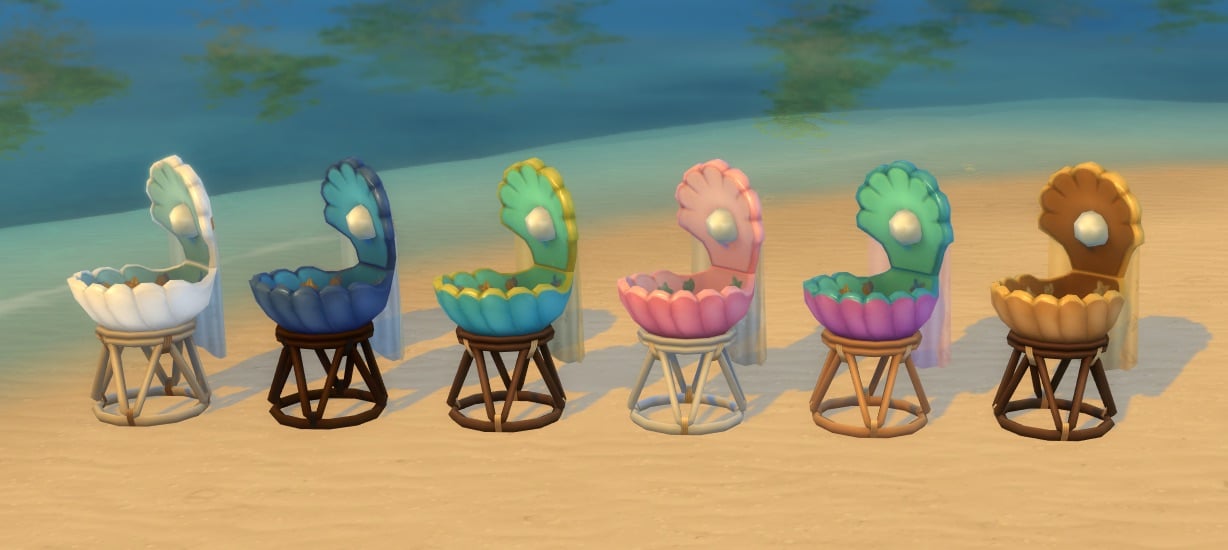
Merfolk Occult Bassinet for The Sims™ 4 Island Living
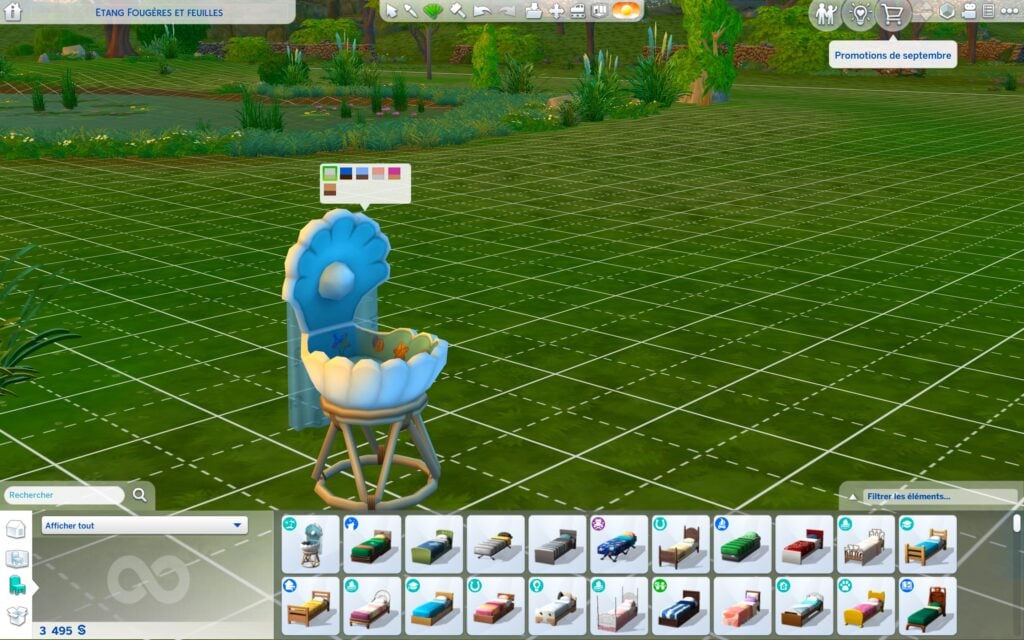
She smells Merfolk stinky baby diapers in a seashell-shaped bassinet. What’s it look like, you ask? Well, I suppose there’s only one way to find out. Here’s hoping Ocean’s Lullaby Bassinet is about to be responsible for a big Merfolk population boom.
Memory Boost (Early Access) – Available September 23
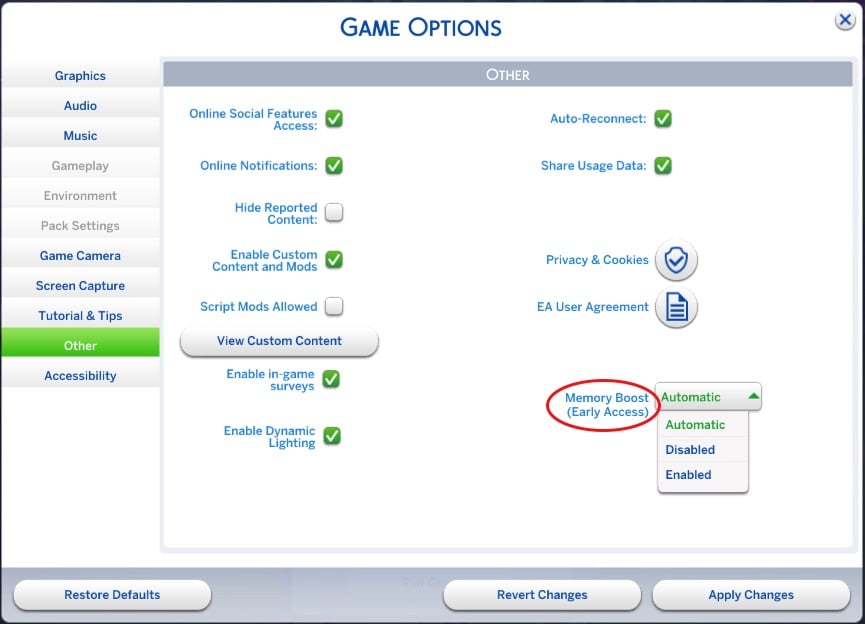
Memory Boost is an early access, opt-in feature for The Sims 4 on PC (Windows) that delivers performance improvements by optimizing memory usage, reducing lag, improving frame rates, and helping prevent memory-related crashes. We invite you to try it out and share your feedback as we prepare for a wider rollout.
How to Enable Memory Boost: (Available on September 23rd)
- From the main menu, select the three dots (•••) to open Game Options.
- Go to the “Other” tab.
- Find the Memory Boost dropdown and select “Enabled.” Your game will restart with Memory Boost active.
NOTE: Recovery saves created while Memory Boost is enabled will be tagged accordingly, and at least one original recovery save (without Memory Boost) will always be preserved for fallback. You can disable Memory Boost at any time from the same menu.
For more details, troubleshooting, and FAQs, visit the complete Sims 4 Memory Boost info page.
Autumn Apparel Kit
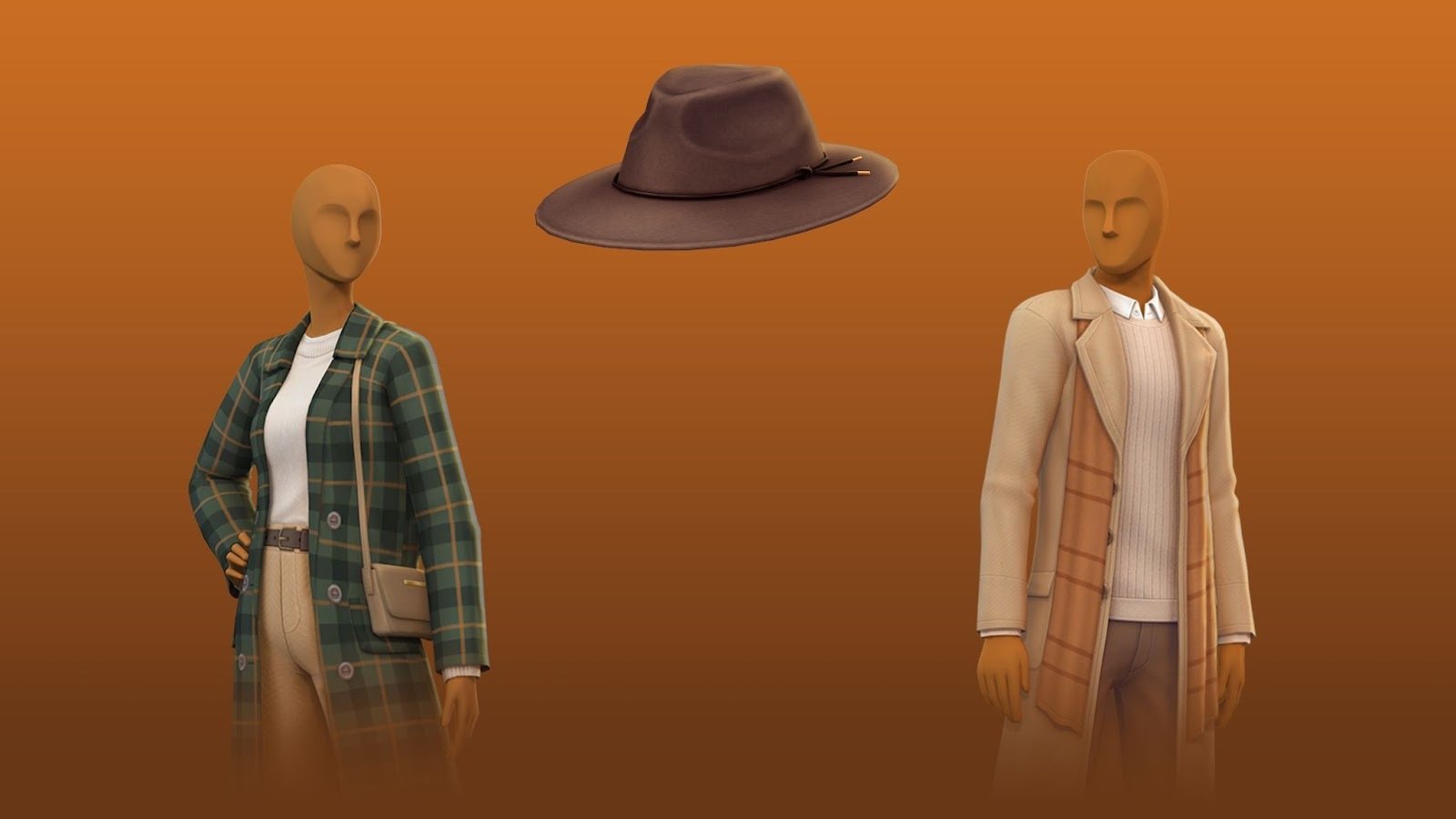
Right in time for sweater weather – The Sims 4 Autumn Apparel Kit is coming in October 2025.
We also have full screenshots and feature previews that you can check out right here!
Bug Fixes
Base Game
- [EA Forums] Sims with the entrepreneurial trait no longer experience sudden jumps in career level. This fix will prevent this issue from occurring on any new saves.
- [EA Forums] The “Venue Info” icon in Build Mode will stop shining when there’s nothing new to display.
- [EA Forums] A Sim writing a book can now resume it properly after being interrupted by another Sim to socialize.
- [EA Forums] Sims will no longer always sit to drink water.
- [EA Forums] Interaction Progress (like cooking or writing) will no longer start from the beginning after loading.
- [EA Forums] Last Exception and Sim reset no longer trigger when exiting a Changing Table.
- [EA Forums] (ymBottom_SDX037Jeans_SolidPink) displays proper color swatch for Masculine Sims.
- [EA Forums] Duplicate Swatch no longer shown for (doorDoubleSliding2x1_SDX037BUILDERTileable3Tile_set1).
- [EA Forums] The Holiday menu no longer closes when switching between Sims.
- [EA Forums] Swatch shown for (shelfWallGFPlank2x1_01_set1) matches what is placed.
- [Bug Archive] Diner outdoor sign is now glowing correctly.
- [Bug Archive] The infant’s ‘bald’ eyebrow color swatches are now in order.
- [Bug Archive] The following shower floors no longer flicker when zooming the camera in and out: Tranquil Waters Shower, Modern Grimpressions, Waterfall Shower, EZPZ Shower Stall, and It’s a Shower Trap.
- [Bug Archive] Fingers and nails will no longer clip and distort when certain outfits are worn.
- [Bug Archive] Mournful Memories Music Box no longer has a debug name and description on all except the main swatch.
- Curtains will now move when using DX11.
- Death can no longer be avoided by scheduling an off-lot Event via the calendar on another lot during the death sequence.
- [Bug Archive] The ymShoes_AnkleOxford_TrueBlack variant of this shoe no longer changes shape compared to the other variants.
Affecting Multiple Packs
- [EA Forums] Skill cheats can now be used to lower skill.
- [EA Forums] Eyeglasses no longer look like sunglasses.
- [EA Forums] Some wall mailboxes no longer appear under Misc Appliances instead of Trash Cans & Mailboxes.
- [EA Forums] “Summon a Privy Bush” interaction is now available for Vampire and Fairy child sims
- [EA Forums] Some fireplaces no longer project light from Fire Backwards.
- Resolved a missing texture observed when applying yfTop_GP12SweaterVest with some bottom assets.
- Texture defects are no longer observed when applying ymBottom_SP56CK001ShortsRuffles with several top assets.
- The Undo button is no longer greyed out when using it to make changes for occult types in CAS.
Get to Work
- [EA Forums] Daring Hall Tree now properly categorized under the Displays category instead of the Decorations Misc category.
Cats & Dogs
- [EA Forums] Pets no longer get deformed when traveling to another lot after aging up.
- [EA Forums] Blue swatches for (stair_rail_EP04CAxFrame_set5) display the proper color when placed.
- [EA Forums] When selecting gray swatches for the object (sculptwall_EP02GENchalk2x1_set1) the proper color is placed.
Island Living
- [Bug Archive] The Mermaid bassinet is now available in Buy mode like other bassinets.
- [Bug Archive] Resolved flickering animation observed on water after the Sim performs a snorkel interaction on the buoys in Sulani.
Discover University
- [EA Forums] Bike pedals will now align with the Sim’s feet when riding the bike from this pack.
- [EA Forums] (ymBottom_EP08LeggingCropped_Solid Yellow) displays the correct color swatch for males.
- [EA Forums & EA Forums] Legal Case Files and Dr. Tyson’s Books of Learning are now properly categorized under the Clutter category instead of the Sculptures category.
Eco Lifestyle
- [EA Forums] Piercings from the Eco Lifestyle expansion pack now have the correct Bronze & Gold swatches displayed.
Growing Together
- [EA Forums] Smooth Sail Diaper Pail trash cans now snap to Lavish One’s changing station.
- [EA Forums] Starry Eyed Collection Banquet Table is now present in the Bars category instead of Dining Tables category.
For Rent
- [EA Forums] Tenant events are no longer resolved as a failure after the Property Owner fixes what’s needed on the Tenant’s lot.
Lovestruck
- [EA Forums] All color tags are now applied to Canopy Dreams and Drape Desires objects.
Life & Death
- [EA Forums] Modern Grimpressions Bathroom Sink and Modern Grimpressions Kitchen Sink objects can now be slotted at the top.
- [EA Forums] Nails paint no longer creates a texture glitch on T-shirts (yfTop_EP17ShirtGoth) and (ymTop_EP17ShirtGoth).
- [EA Forums] Child sim now show up as ghosts when they die due to over heat & Freezing.
- YmHat_EP17ToqueDouble no longer clips with ears if ears are extended outwards.
- Sim no longer clips into the bar stools when read will interaction is performed in sitting posture.
- Soul’s Journey Progression no longer grants too many points.
- Sims will no longer remain in Ghost form after removing the Ghost molecule in CAS after using the Undo button.
Businesses & Hobbies
- [EA Forums] (Paint on Me!) wallpaper from the Business and Hobbies category now appears when filtered by color.
Enchanted by Nature
- [EA Forums] (ymHair_EP19Mullet_Auburn) hairstyle no longer clips with hats.
- “Fertilize All Crops” interaction is now functional on oversized crop plants with oversized crop fertilizer.
- [EA Forums] Gnome brought to life for Upgrades and Repairs will no longer continuously upgrade toilets with Composting Container leading to toilets catching fire.
Vampires
- [Bug Archive] Vampire Sims no longer constantly disappear and reappear during interactions
Paranormal
- [Bug Archive] All the nail polish in the fingernail category color yfBody_SP18DressShirt
Outdoor Retreat
- GP01GenFern plants no longer clip when placed on the roofs
Realm of Magic
- [EA Forums] Glass Top Stage Stairs is now properly categorized under the Decorations Misc category instead of the Surfaces Misc category.
- [EA Forums] (ymTop_GP08VestShirt) now displays correct swatches.
Werewolves
- [EA Forums] (yfHair_GP12MedWavy_Black) hair displays properly when zoomed out in game.
Backyard
- [EA Forums] (yfTop_SP08TeeBoatNeck) now displays correct swatches.
Greenhouse Haven
- [EA Forums] When selecting green/yellow swatches for the object (doorSingle1x1_SP40GENTileable3Tile_set1) the thumbnail now displays the proper color.
Sweet Slumber Party
- [EA Forums] Nails are now properly tagged for a masculine frame.
Author Release Notes
Merfolk in The Sims 4 now have their own bassinet!
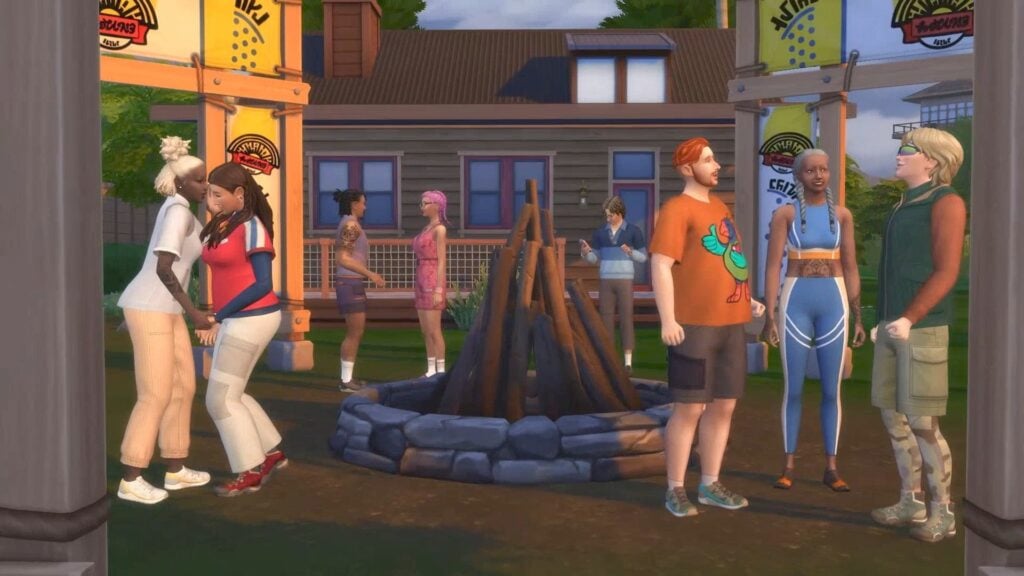
There’s a new Playground Venue lot type that you can find in Build Mode.
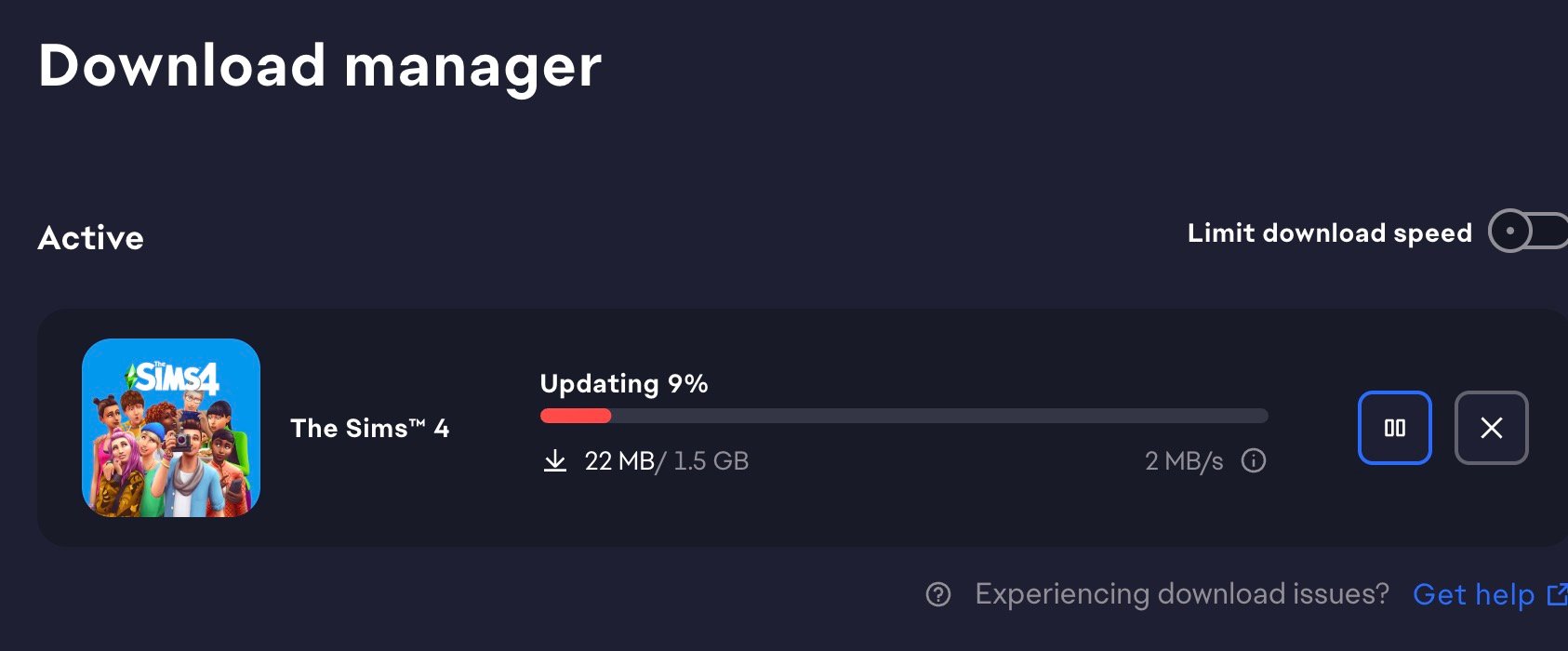
The update is around 1.5GB on PC / Mac.
What’s your experience like with the newest Sims 4 Update? Let us know in the comments down below and stay up-to-date on all things The Sims!




 Academic – Archaeology, Gemology, Logic, Research & Debate, Selvadoradian Culture, Thanatology, Vampire Lore
 Arts & Crafts – Cross-Stitching, Flower Arranging, Knitting, Painting, Photography, Pottery, Tattooing
 Drink Making – Juice Fizzing, Mixology, Nectar Making
 Engineering – Fabrication, Handiness, Rocket Science, Robotics
 Health & Sports – Bowling, Fitness, Skiing, Snowboarding, Rock Climbing, Wellness
 Highly Skilled – Three of the Sims skills are Level 8 or Higher.
 Interpersonal – Charisma, Medium, Parenting, Romantic
 Media & Technology – Entrepreneur, Media Production, Programming, Video Gaming
 Nature – Fishing, Gardening, Herbalism, Riding, Veterinarian
 Performer – Acting, Dancing, DJing, Guitar, Piano, Pipe Organ, Singing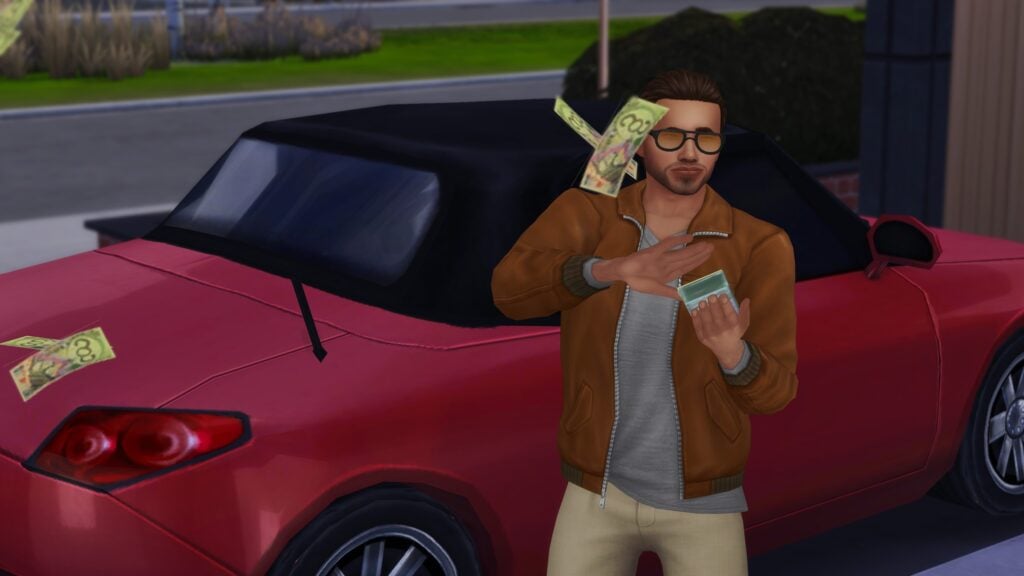
 Broke – Sims total net worth is under §10,000
 Career-Minded – Sims career level is 7 or higher
 Wealthy – Sims total net worth is over §500,000
 Self-Employed – Sim is employed in a work-from-home or freelancing career.
 Slacker – Sim has the “Lazy” trait AND/OR is Unemployed.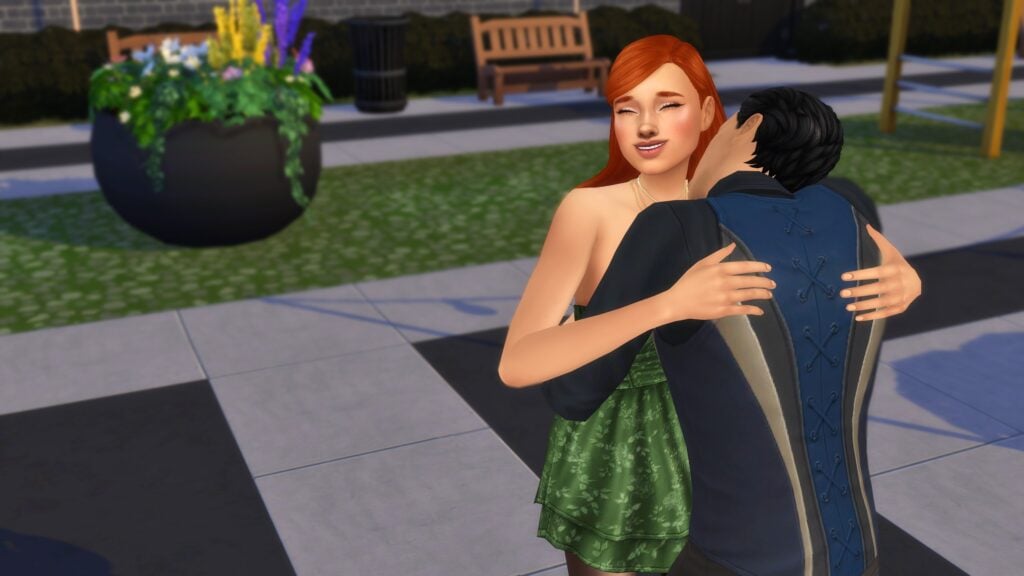
 Taken – Sim is already in an active romantic relationship, is engaged, or is married.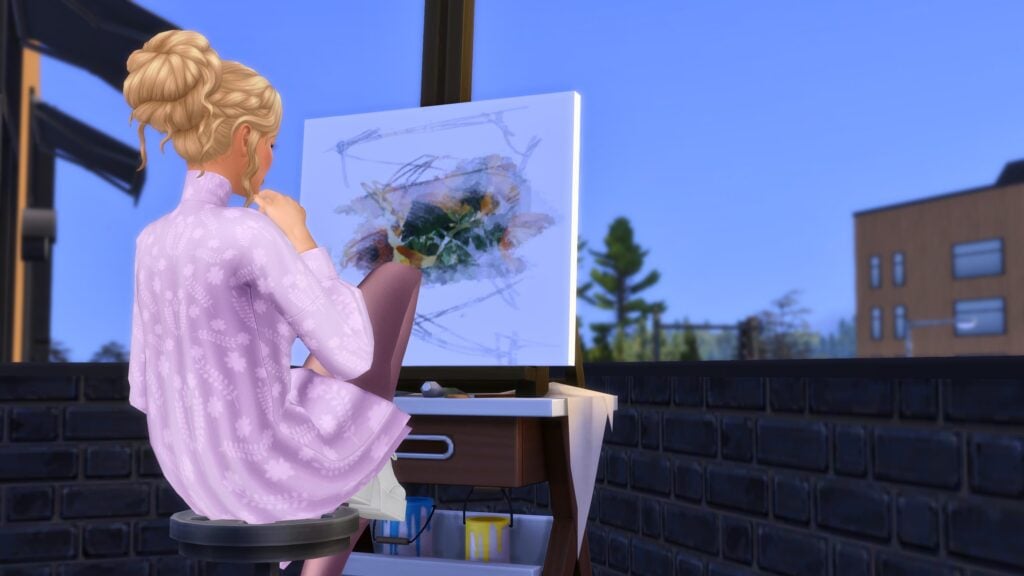
 Ambitionless
 Ambitious
 Argumentative
 Artsy
Artsy
 Cerebral
 Clean
Clean
 Egotistical
 Emotional Decision Makers
 Family Motivated
 Funny
Funny
 Hardworking
 High Energy
 Homebody
 Messy
Messy
 Nature Enthusiast
 Optimistic
 Pessimistic
 Pet Enthusiast
 Spirited
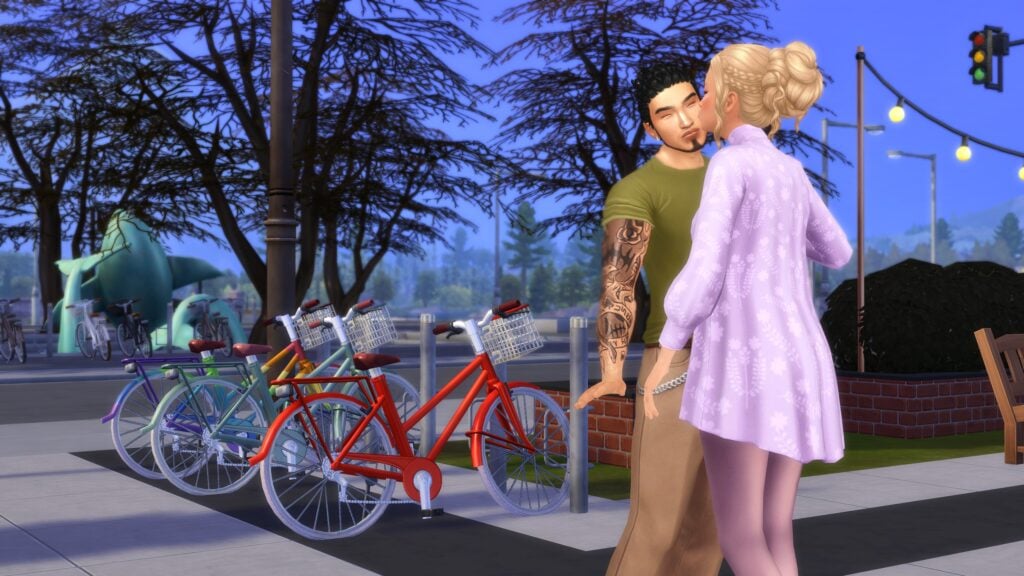
 Affection – Under the “Romantic”/”Affection” category in the interactions pie menu.
 Flirting – Under the “Romantic”/”Flirt” category in the interactions pie menu.
 Gift Giving – Under the “Romantic”/”Affection” category in the interactions pie menu, action is “Give a Romantic Gift”.
 Physical Intimacy – Under the “Romantic”/”Physical Intimacy” category in the interactions pie menu.
 Woohoo – Under the “Romantic”/”Physical Intimacy” category in the interactions pie menu OR can be initiated by clicking on a woohoo-compatible object.
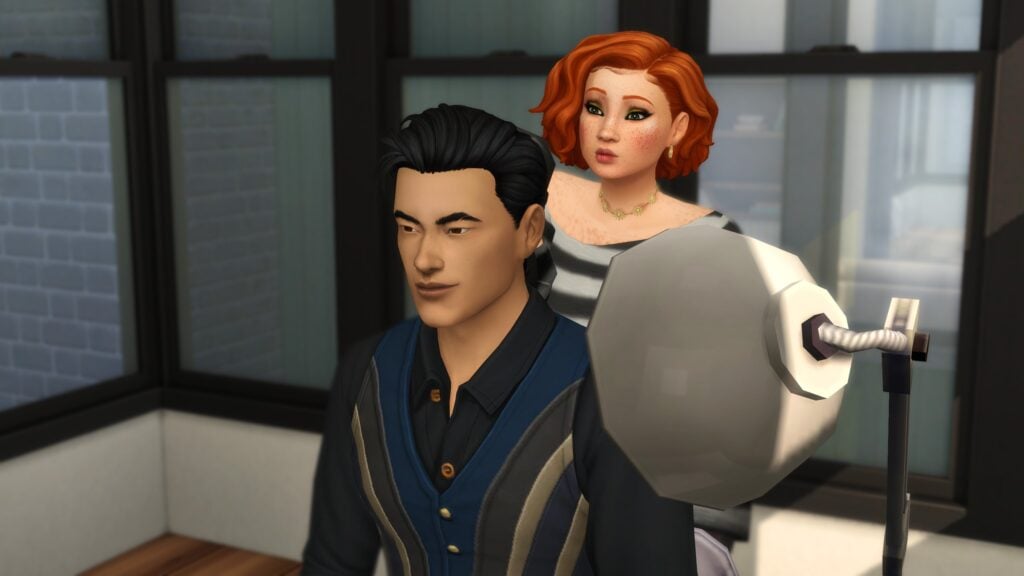
 Black Hair
 Brown Hair
 Auburn Hair
 Red Hair
 Orange Hair
 Blonde Hair
 Platinum Hair
 White Hair
 Dark Blue Hair
 Gray Hair
 Green Hair
 Hot Pink Hair
 Purple Pastel Hair
 Turquoise Hair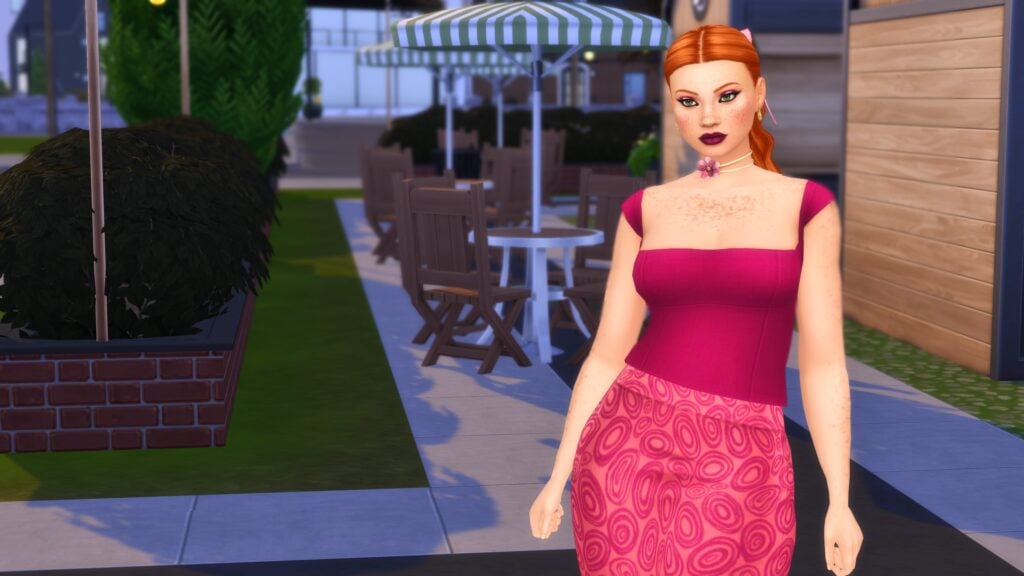
 Black Clothes
 Blue Clothes
 Brown Clothes
 Gray Clothes
 Green Clothes
 Orange Clothes
 Pink Clothes
 Purple Clothes
 Red Clothes
 White Clothes
 Yellow Clothes
 Basics
 Boho
Boho Costumes
 Country
 Hipster
 Outdoorsy
 Polished
 Preppy
 Rocker
 Streetwear
 Very Satisfied – Sims who are very satisfied in their romantic relationship will be happy around their partner, have better success with romantic interactions with their partner, and the romantic relationship will slowly increase overtime.
  Satisfied – Sims who are satisfied in their romantic relationship will be happy around their partner or when thinking of them.
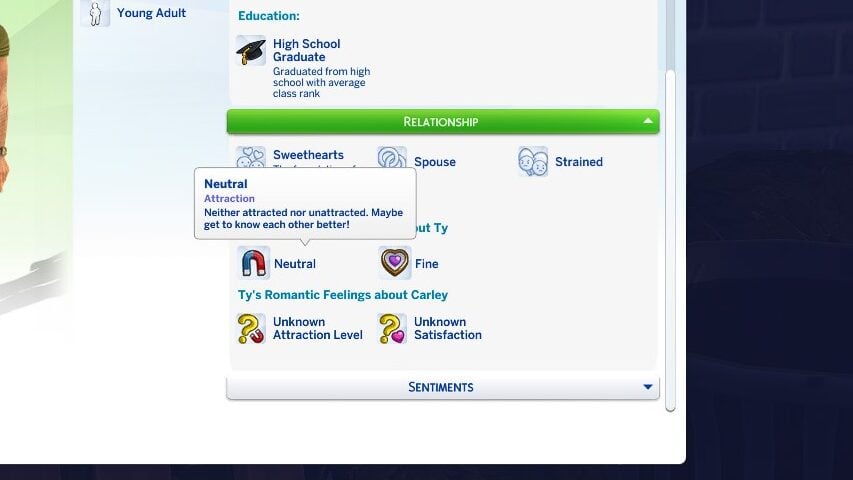
 Fine – Completely neutral. No gain nor decrease in relationship. Sims may more easily slip into being unsatisfied or satisfied in their relationship.
  Unsatisfied – Sims who are unsatisfied in their romantic relationship may become sad around their partner and may struggle with romantic interactions.
 Very Unsatisfied – Sims who are very unsatisfied in their relationship will also be sad, but they will also have conflicts much more with their partner. This can occur both intentionally via the player choosing these actions, or autonomously. You will typically know when a sim is very unsatisfied because that partner will warn the other sim that they aren’t happy with the relationship, and will threaten to break up or divorce.
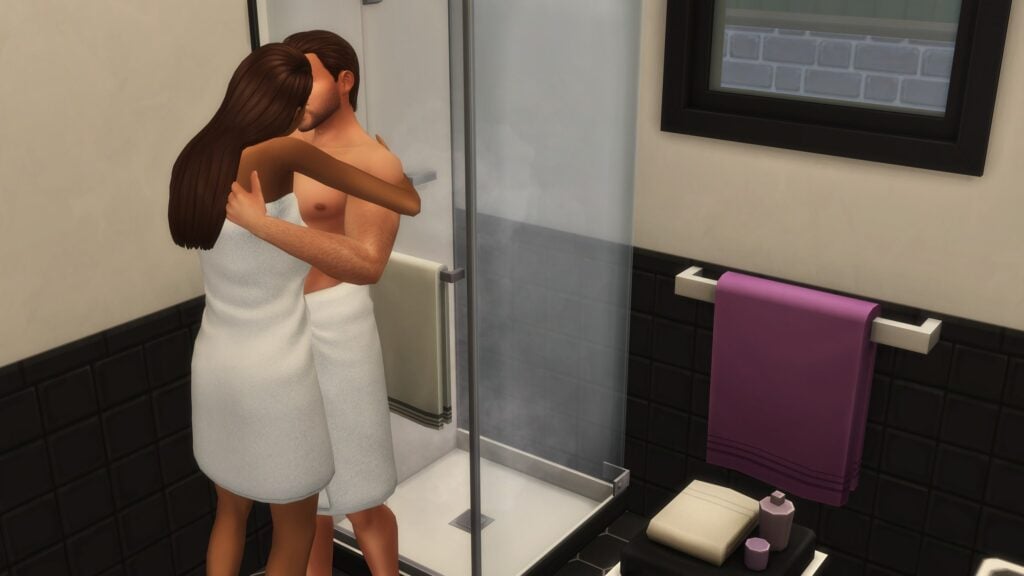
 Steamy – The Sims gain the most satisfaction from Physical Intimacy and Woohoo, become very flirty, and the relationship primarily revolves around Physical Intimacy and Woohoo.
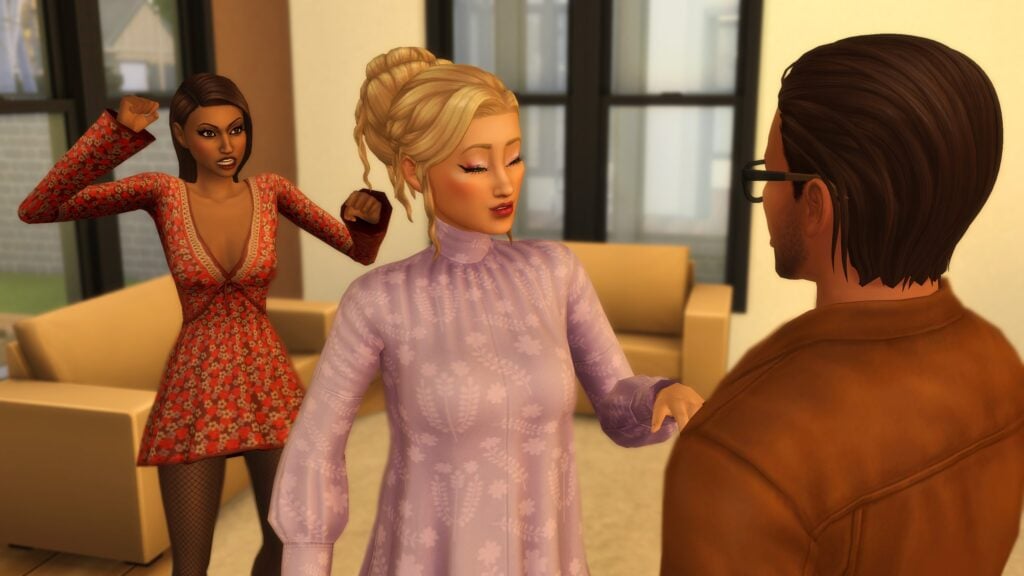
  Strained – The Sims are still romantically involved but they often fight, usually have lower satisfaction, and are more likely to break up or divorce autonomously. They often will stay distant and avoid interactions, or even seek out negative interactions with each other.
  Unpredictable – Back-and-Forth, may be fighting one minute and woohooing the next. Both the satisfaction and the relationship progress waver as the waters are rocky in this relationship.
  Wholesome – The Sims have a deep connection, both romantically and platonically. They feel happier around each other, have higher satisfaction, and will feel more fulfilled in their relationship. It’s the definition of being in a relationship with your best friend, even if your sims don’t have the Best Friends Forever relationship bit.