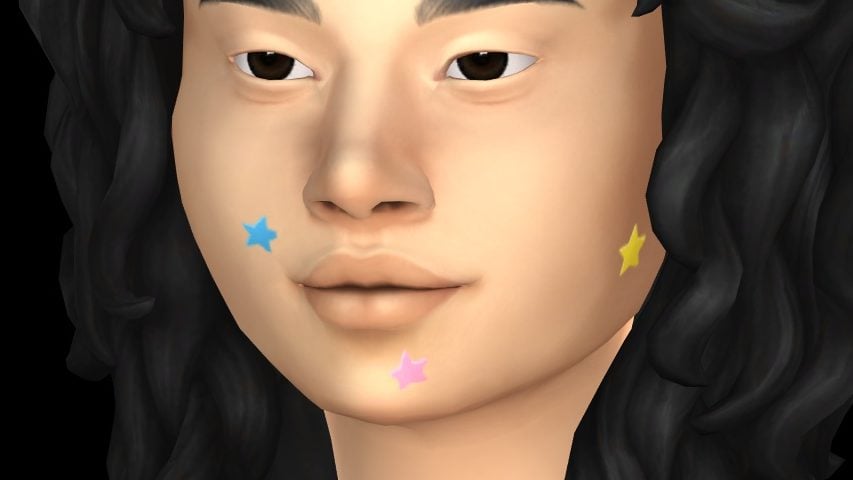
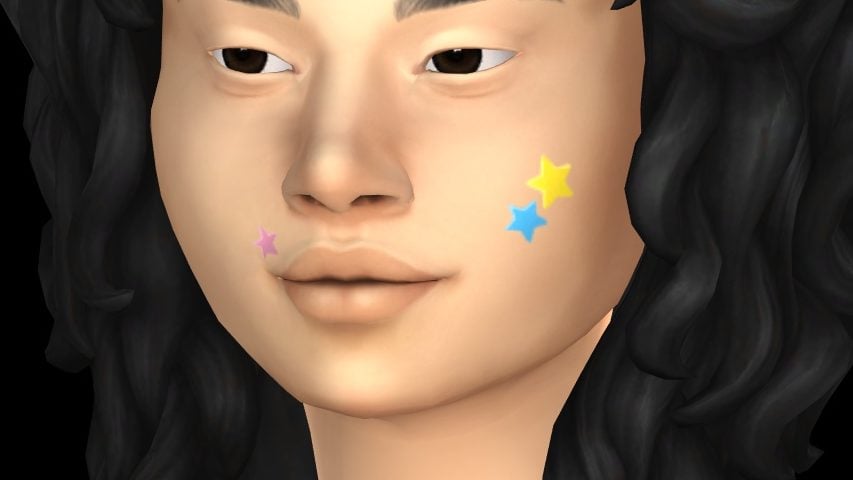
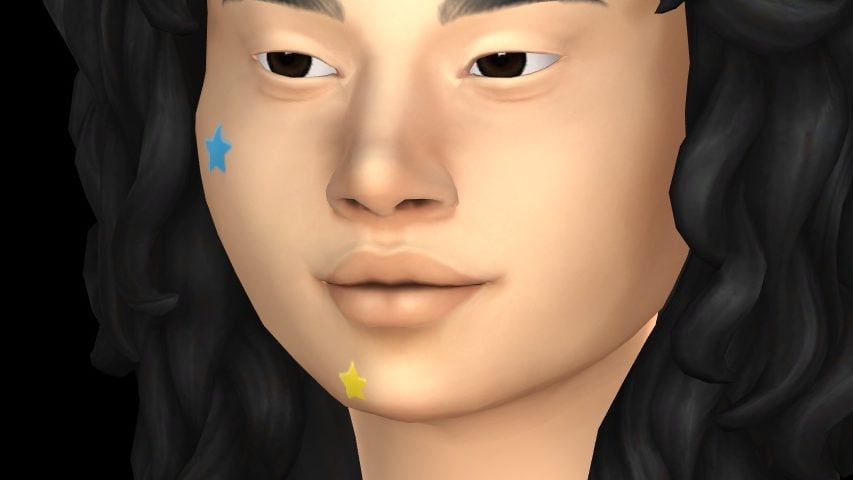
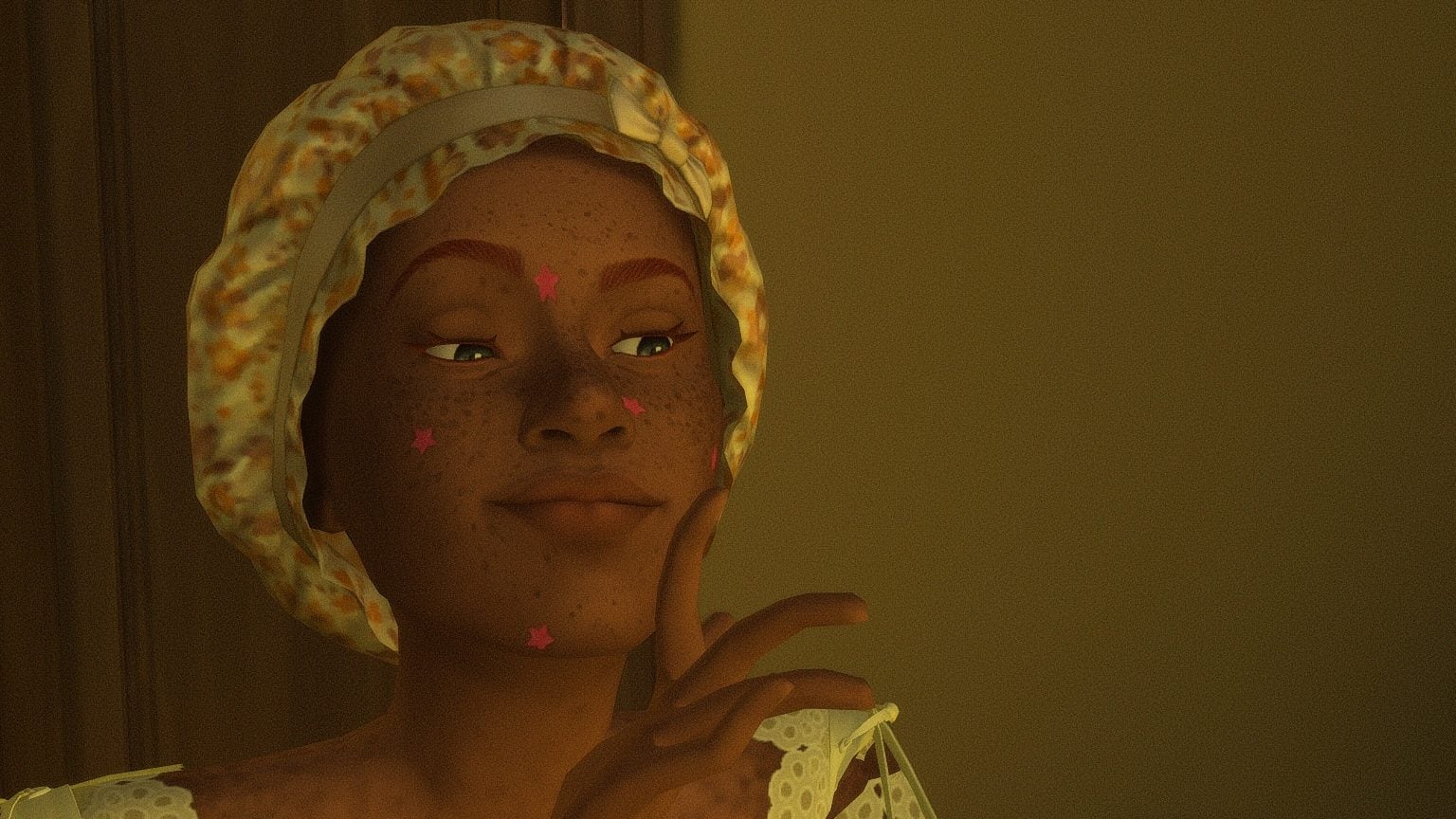
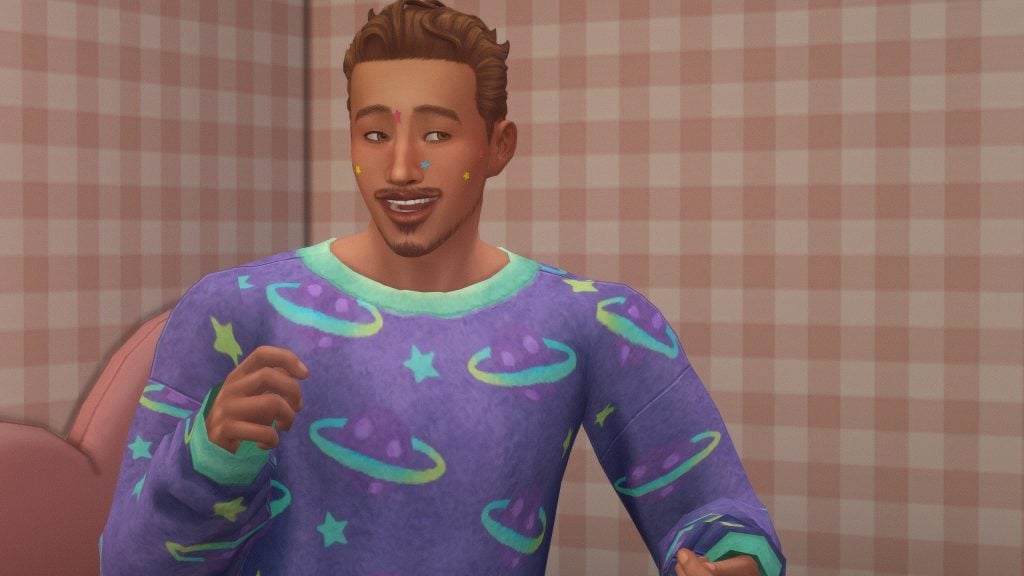
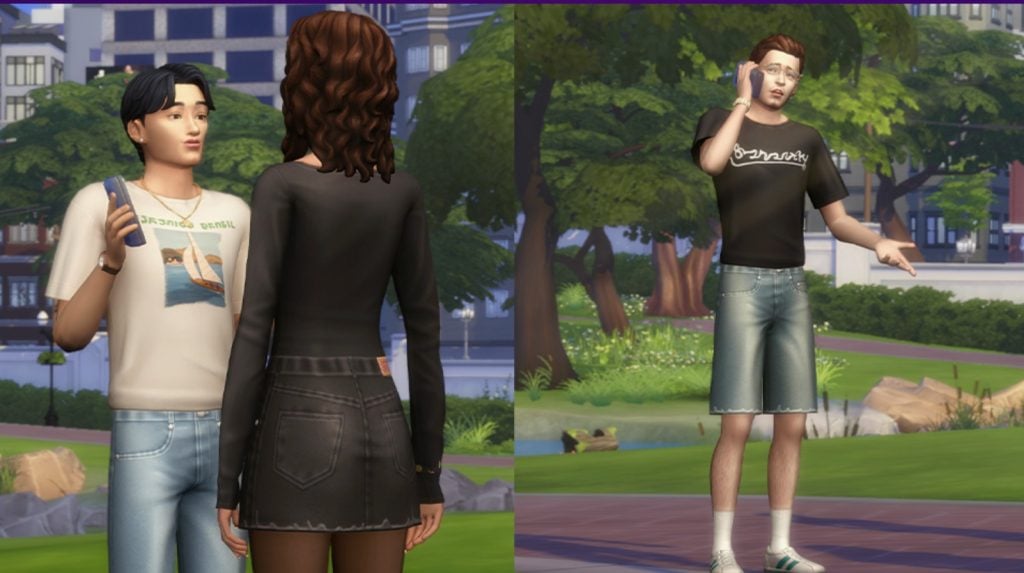
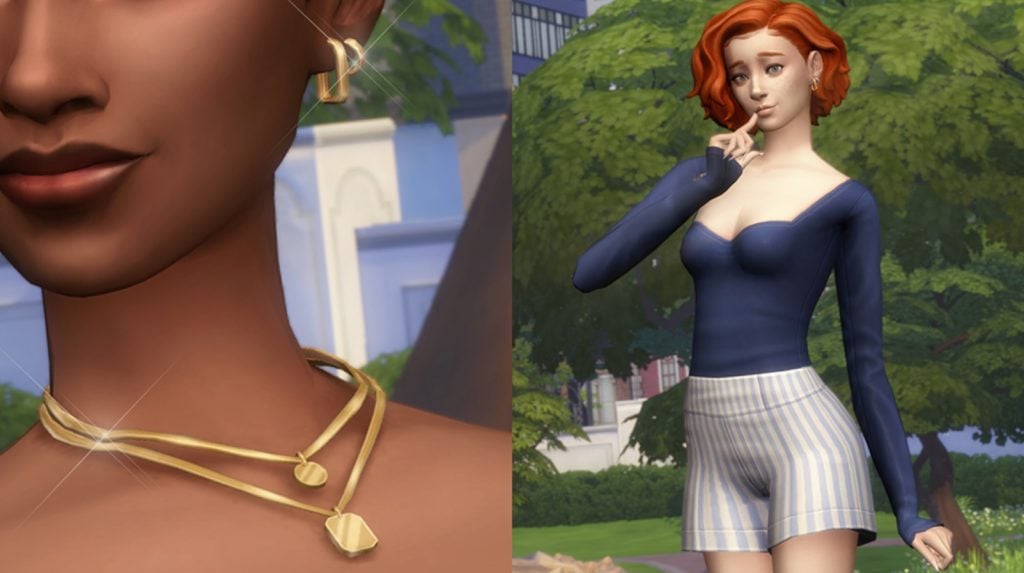
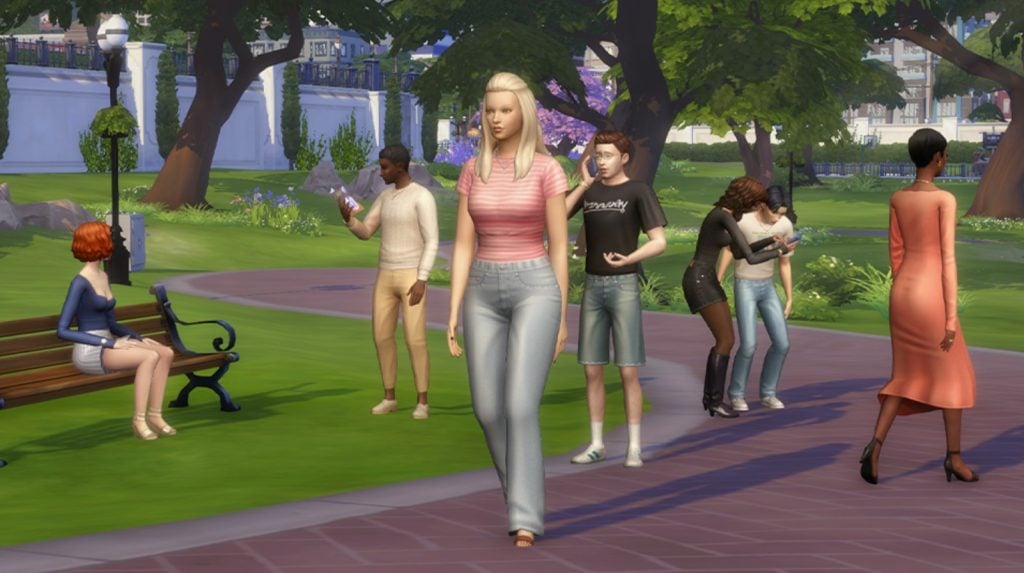
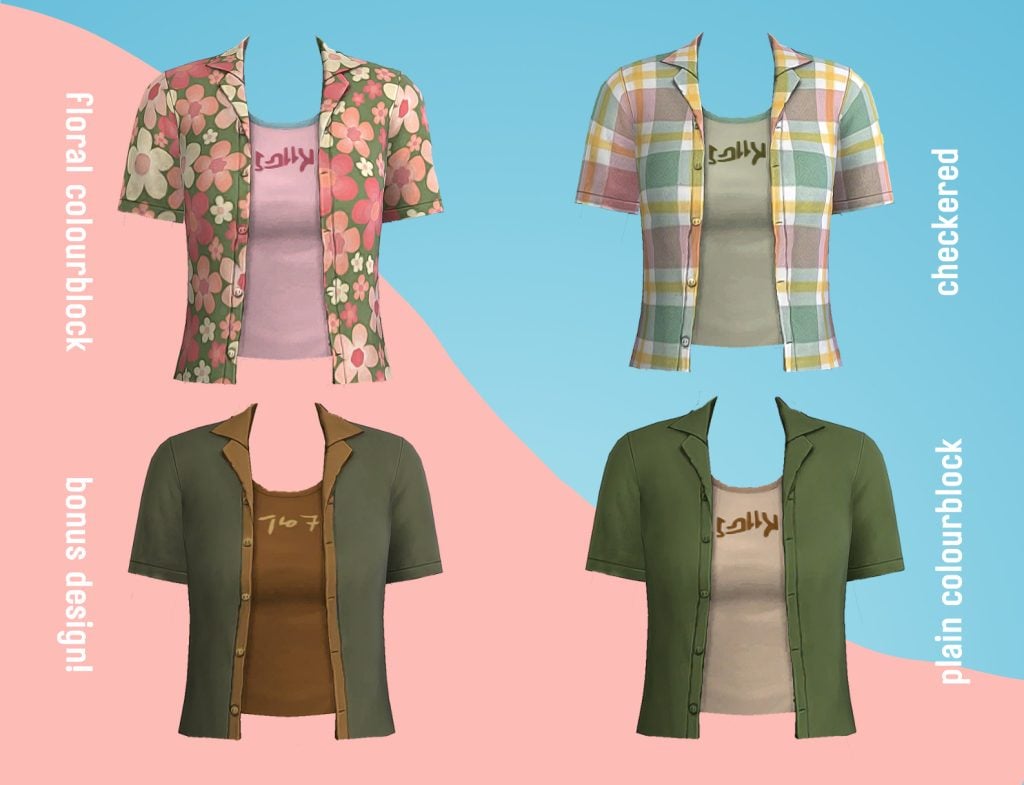
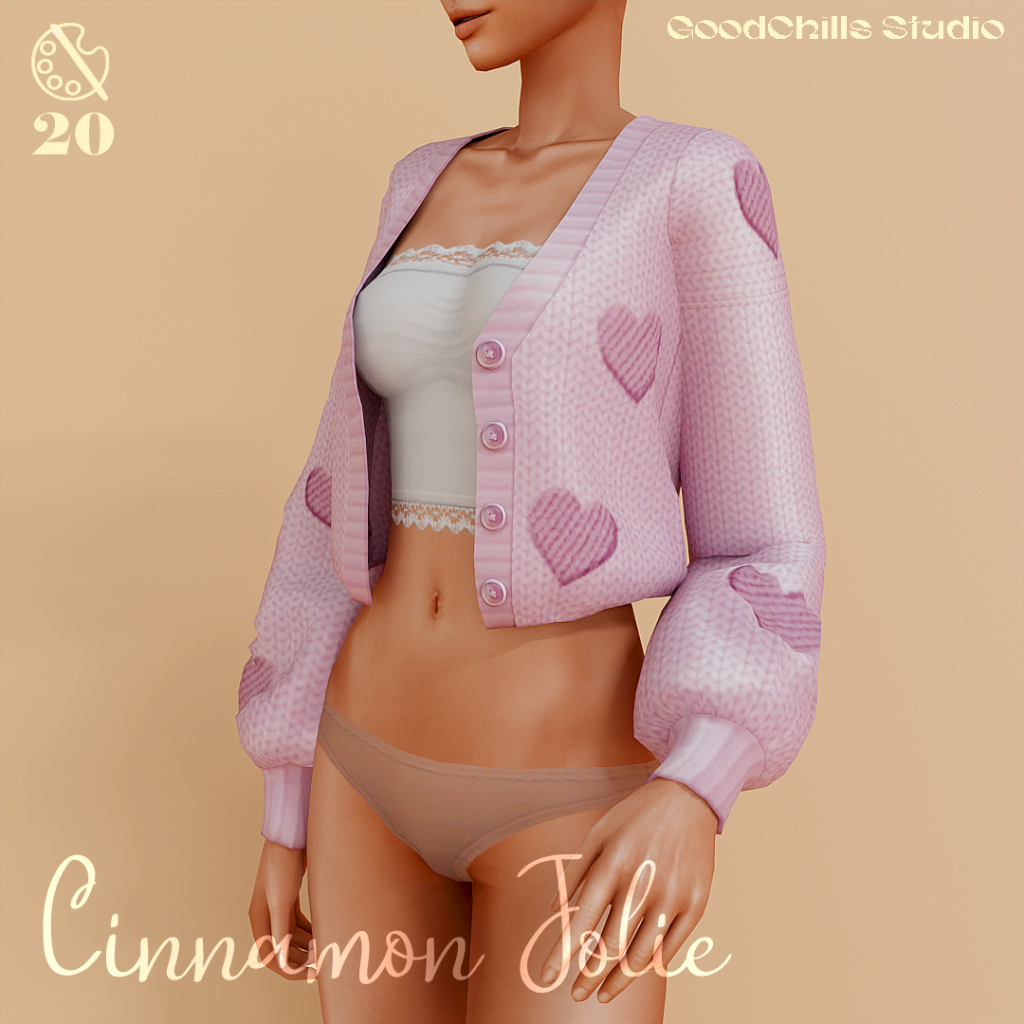
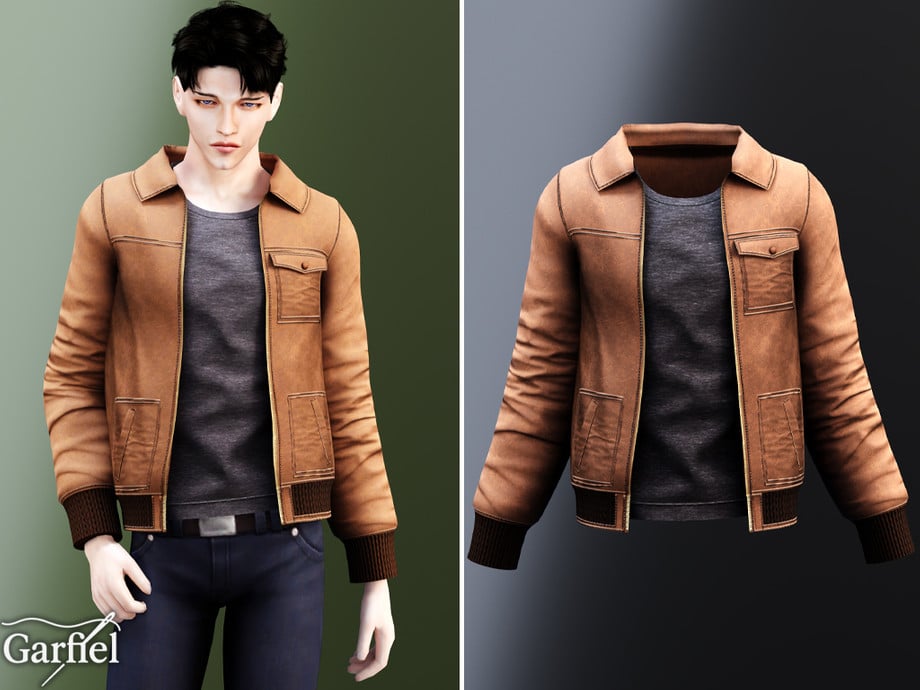
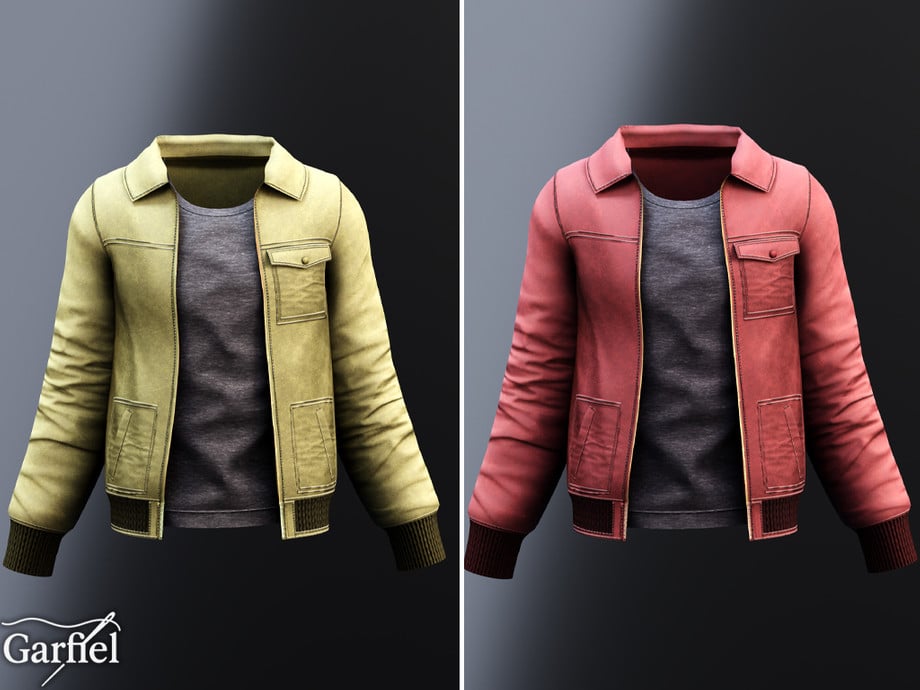
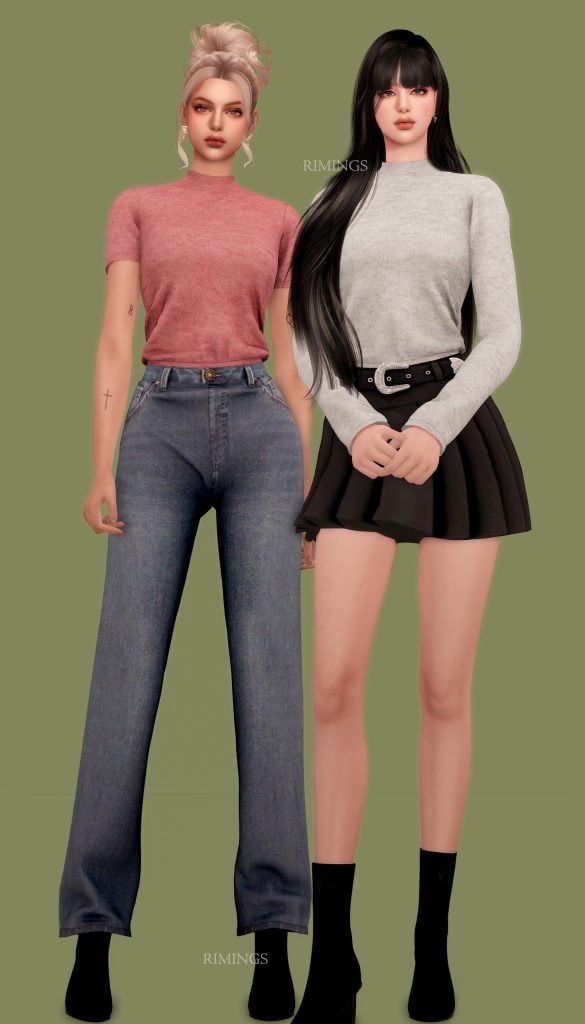
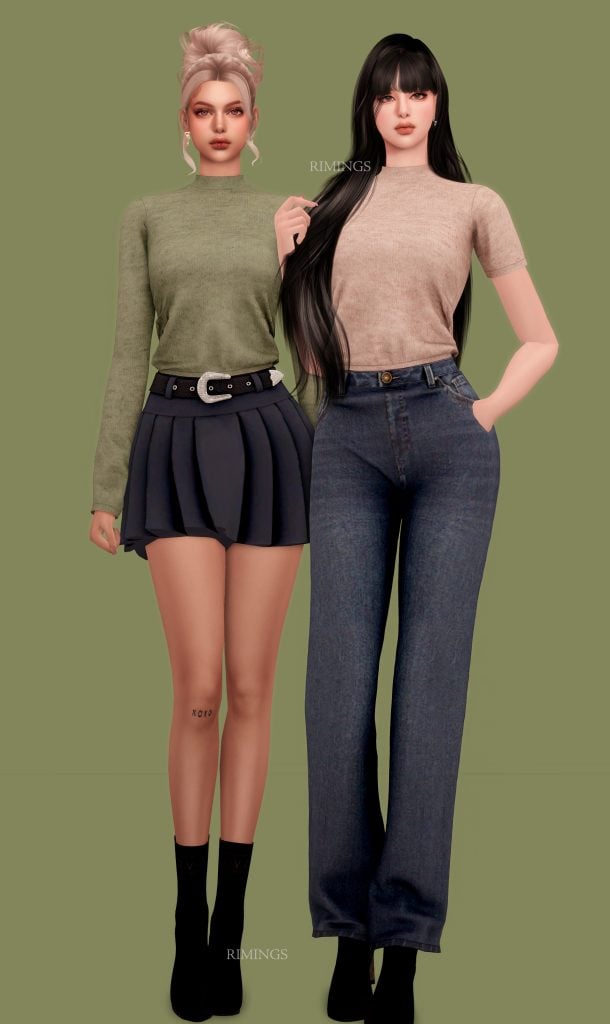
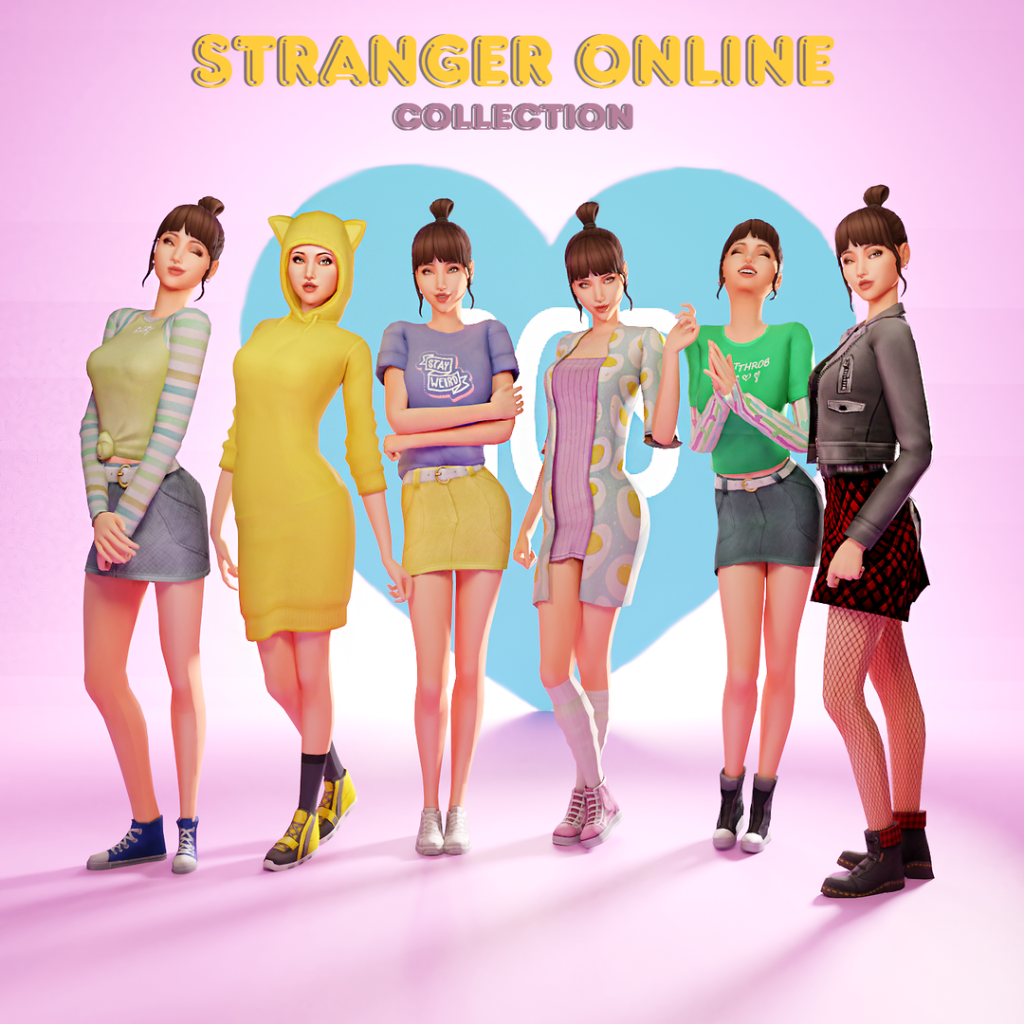
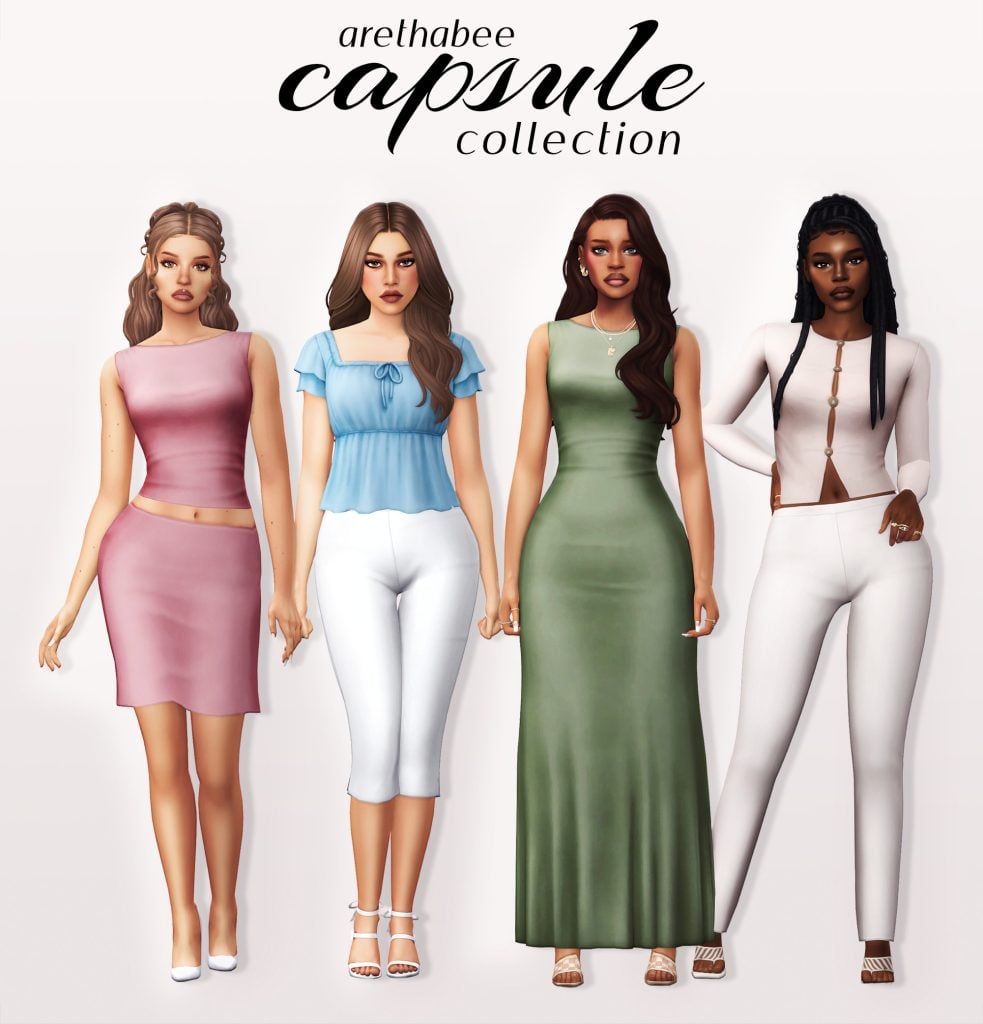
In this list, we’re sharing some of the best Sims 4 Objects CC Sets to help you create inviting gardens, cheerful patios, and fresh, spring-inspired homes for your Sims!
The Sims 4 Spring Objects CC Sets
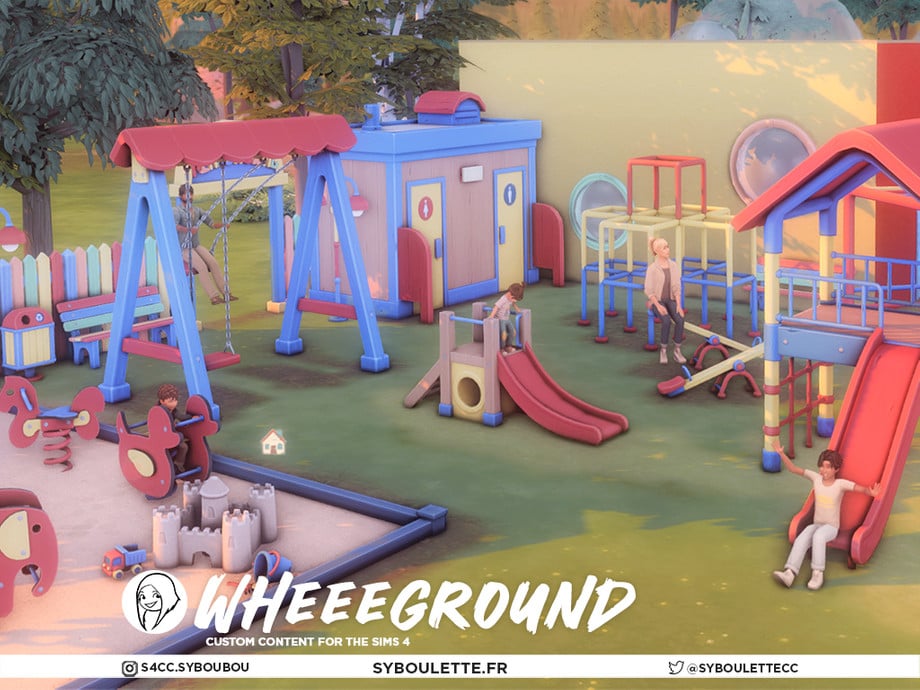
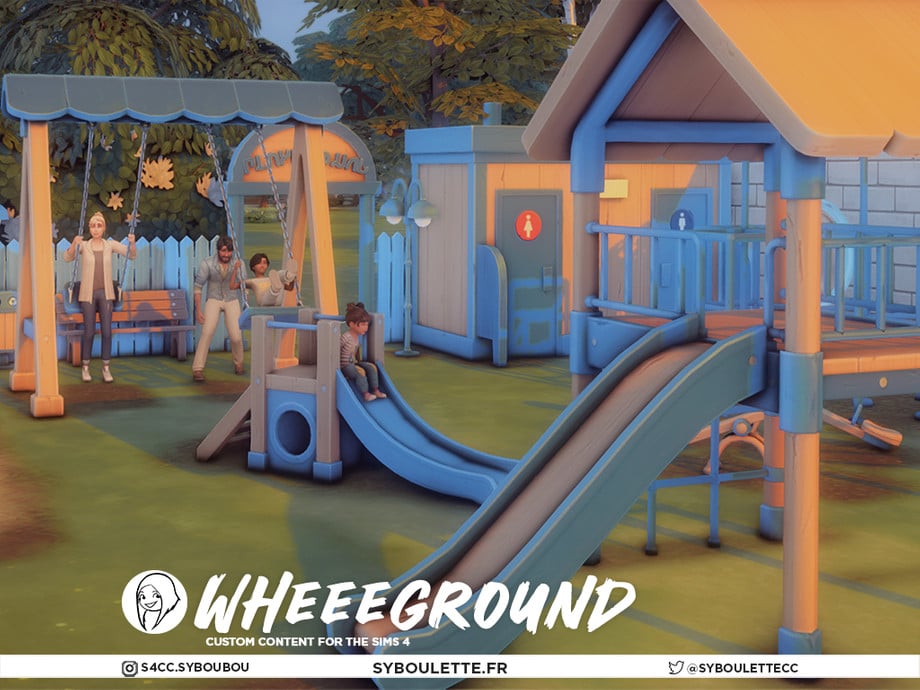
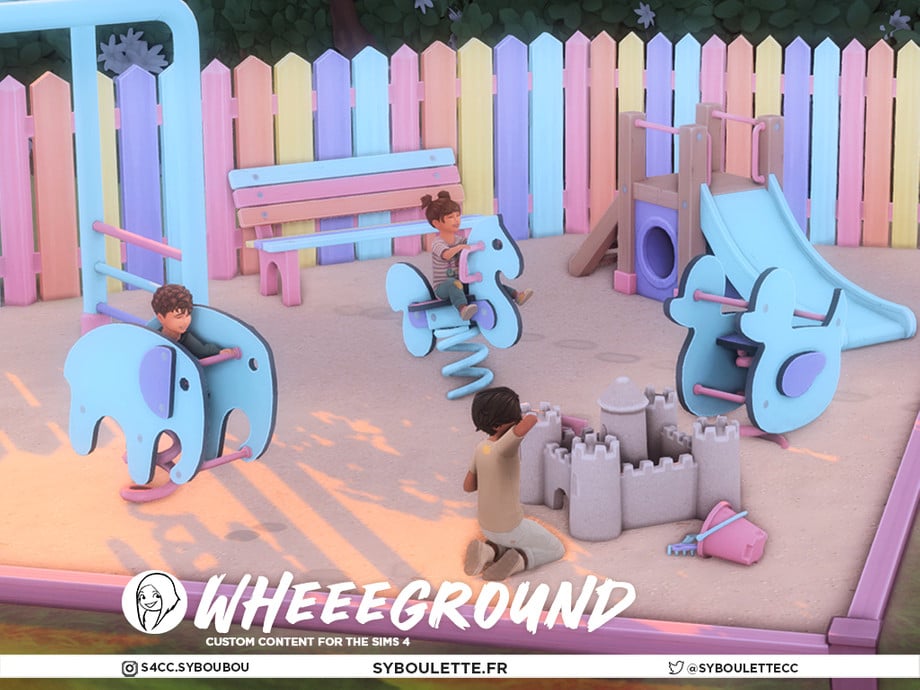
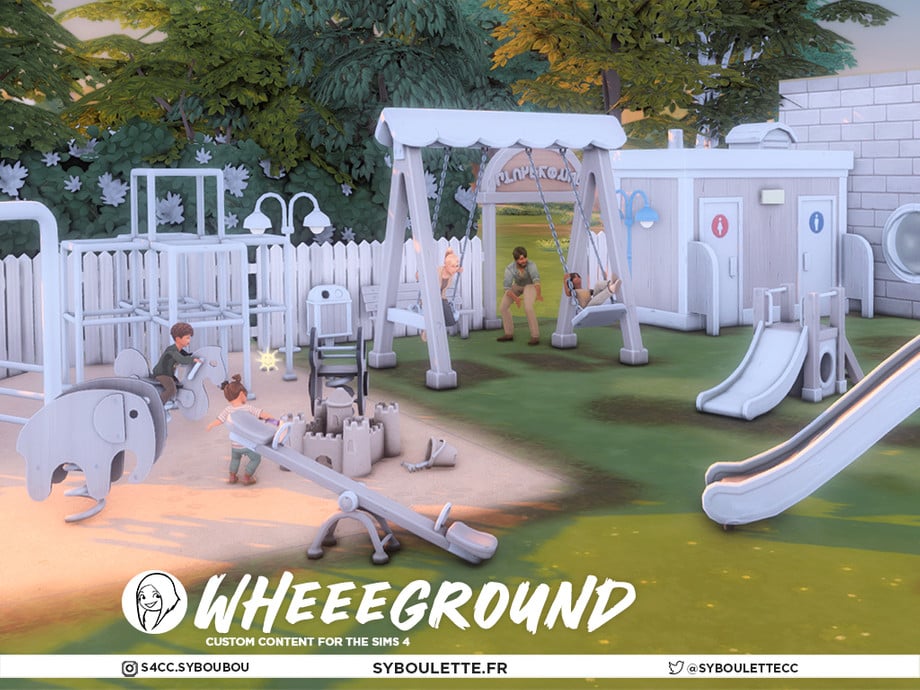
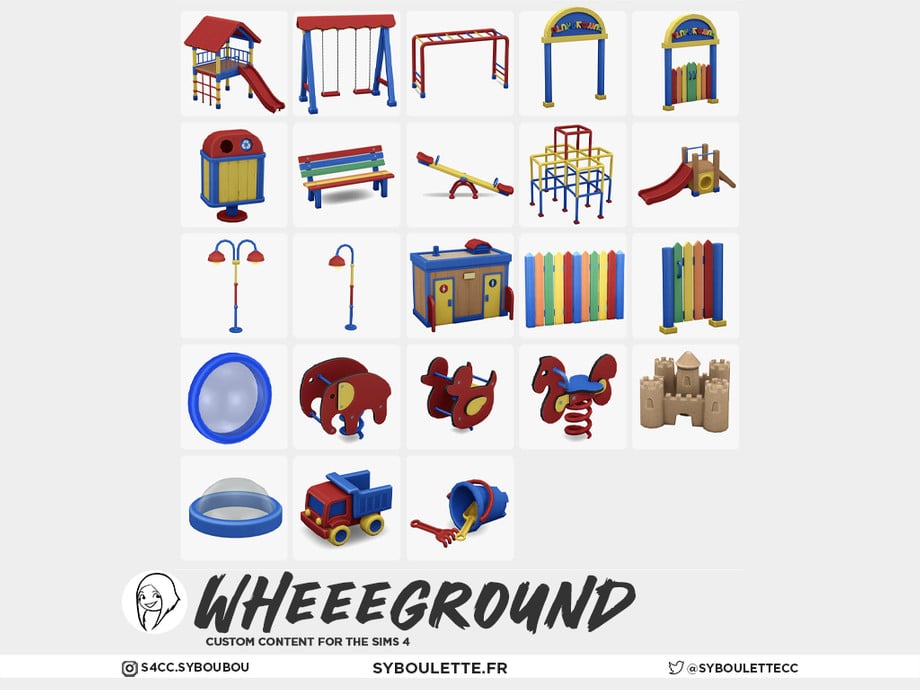
Wheeground Part 3 by Syboubou
In the spring, playgrounds in the Sims come alive again, with young and old Sims partaking in outdoor fun and enjoying the sun again. Wheeground Part 2 by Syboubou is part of a 7-piece set containing a new playground for your Sims! This section focuses on items such as functional slides, swing sets, and a playable sandcastle. As well as decorative items like a climbing cage and a seesaw. This set will help create the ultimate outdoor play area!
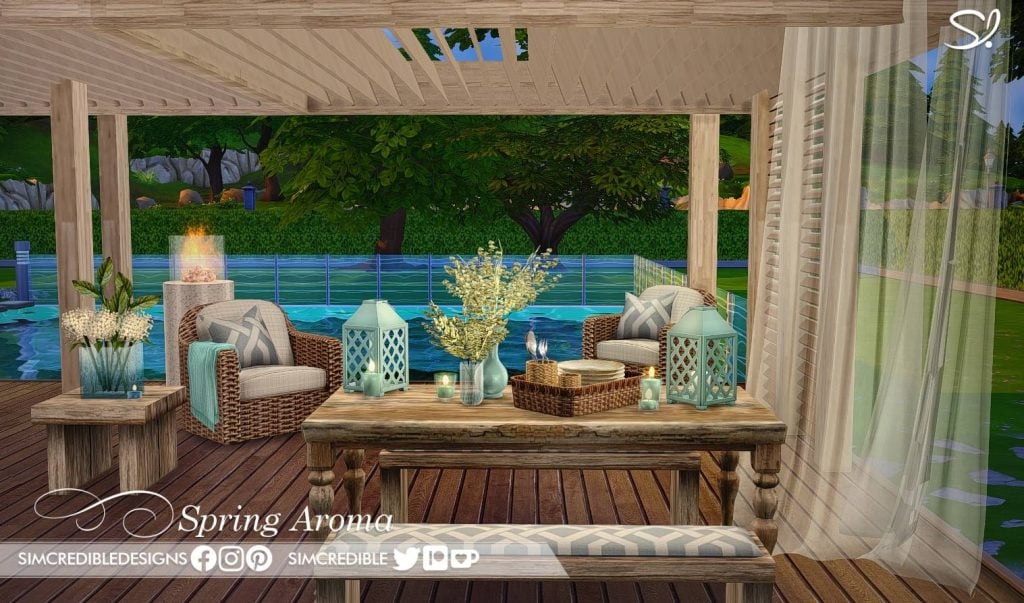
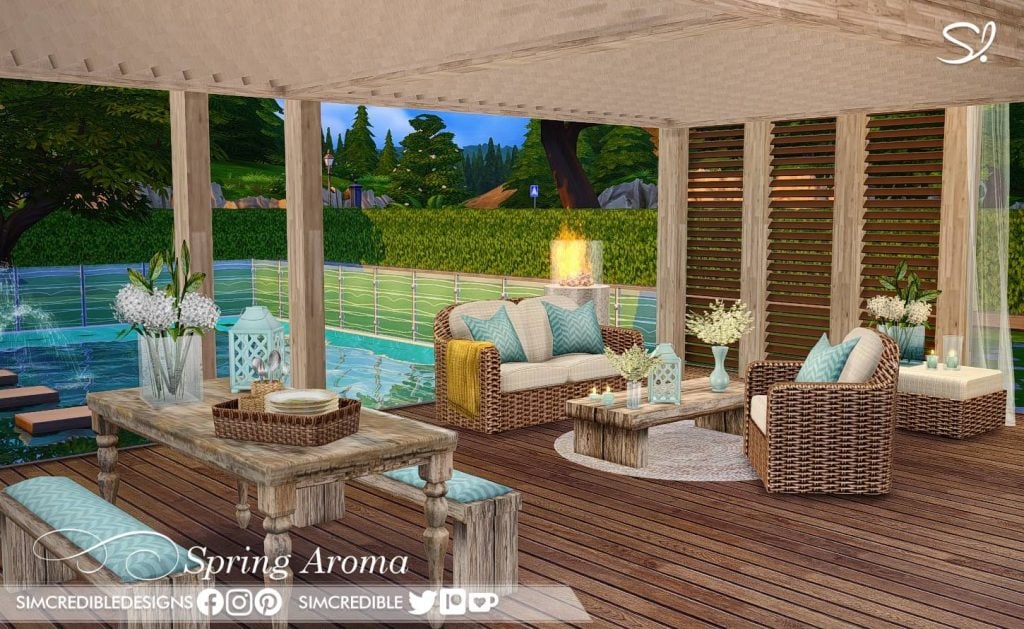
Spring Aroma by SIMcredible is a lovely outdoor furniture set consisting of 16 items – both functional and decorative. This rattan and wood furniture set features softer colors – teal, white, tan, brown, and yellow with small, realistic patterns and textures. If you’re looking to spruce up your Sims’ patio this spring, this set could be the perfect addition!
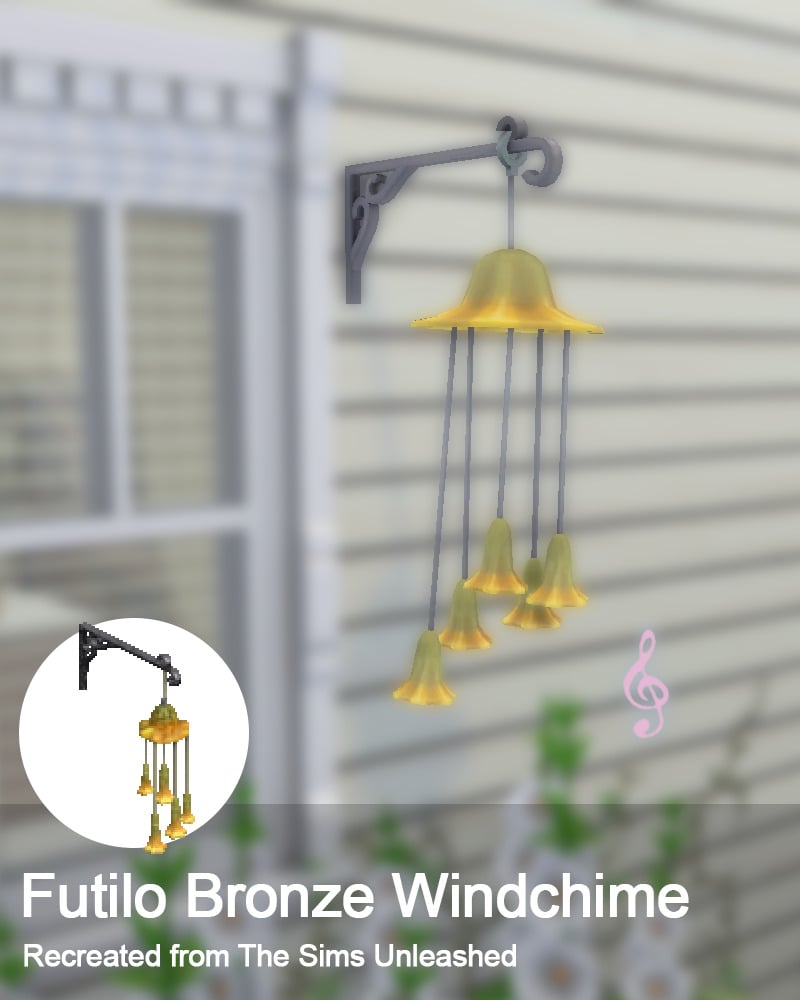
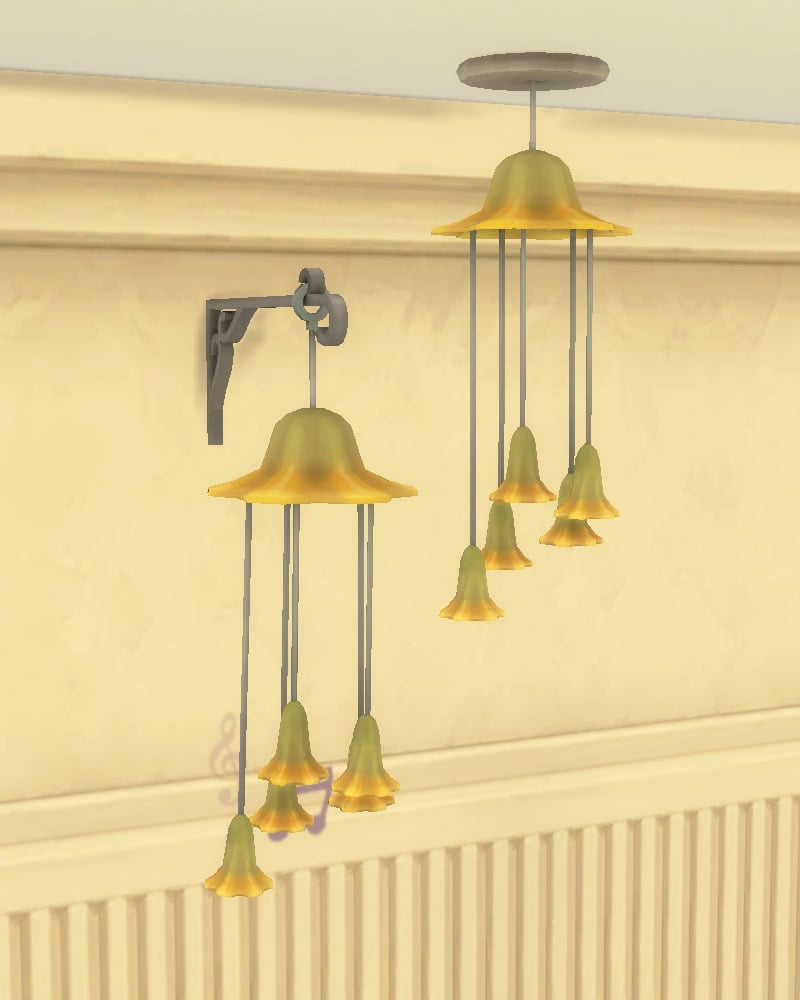
Futilo Bronze Windchime by Eli is a recreation from The Sims 1 Unleashed and is fully functional as well if you own The Sims 4 Backyard Stuff, but can also be a decorative item if you do not. On a nice spring day, your Sim can step outside and enjoy the beautiful sound of metal pipes banging against each other.
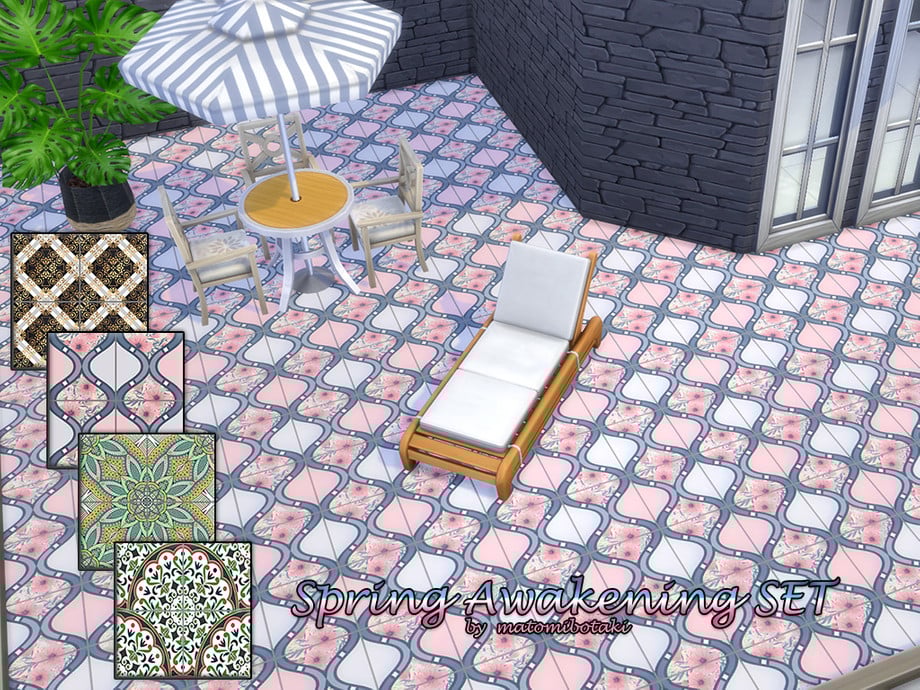
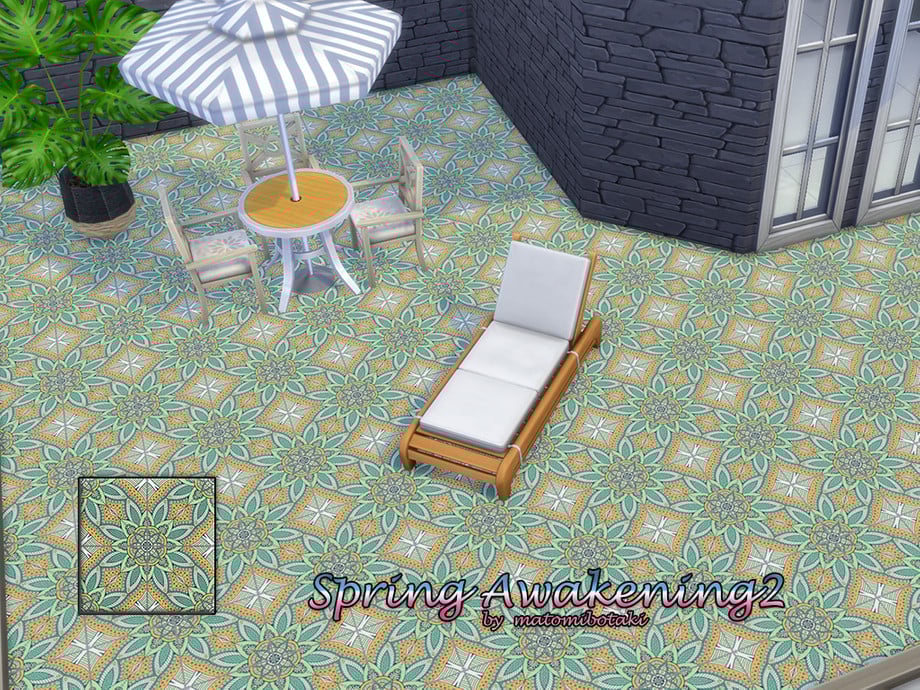
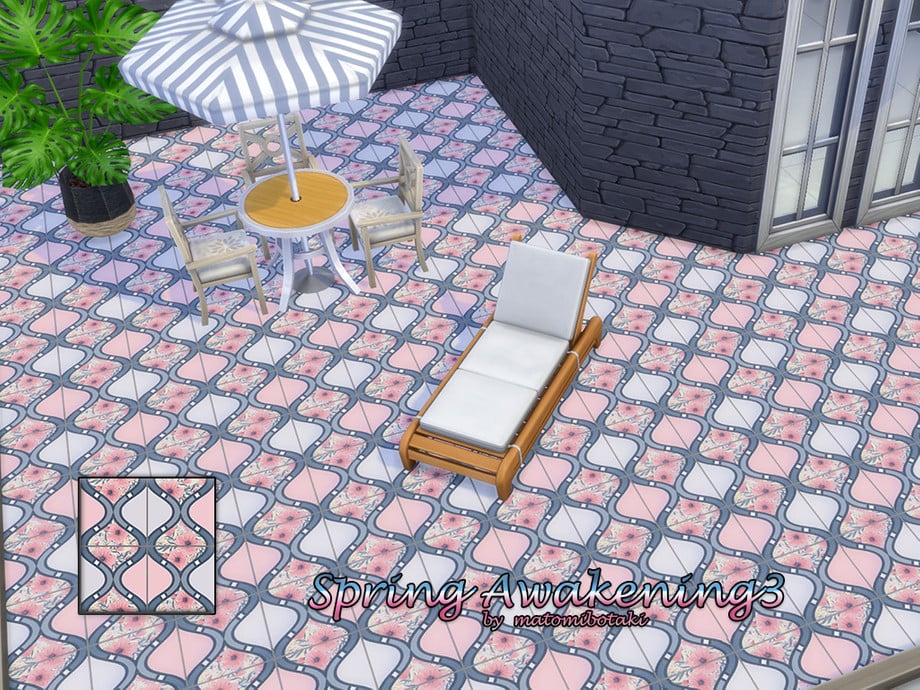
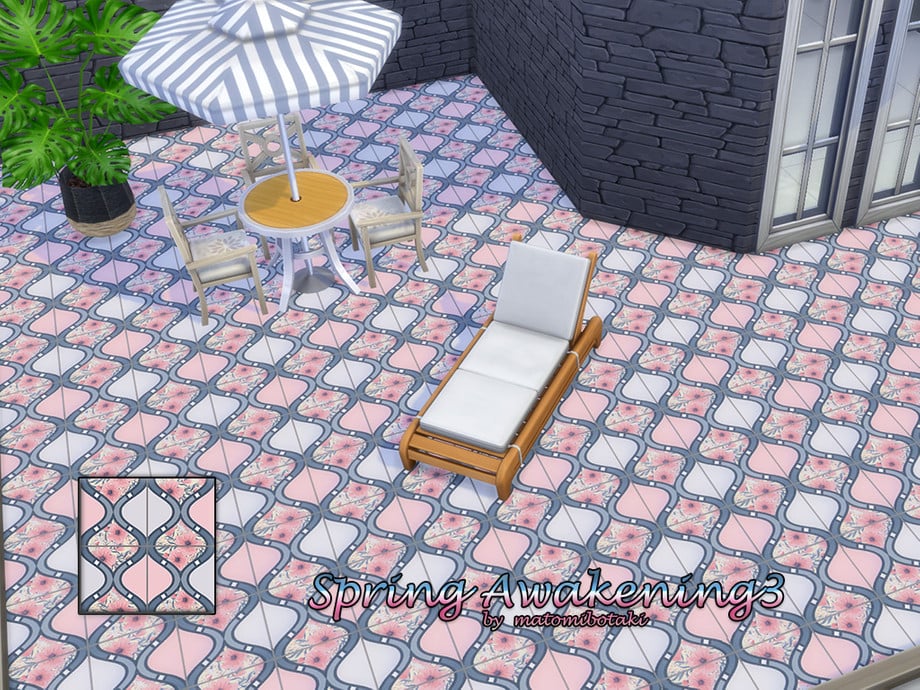
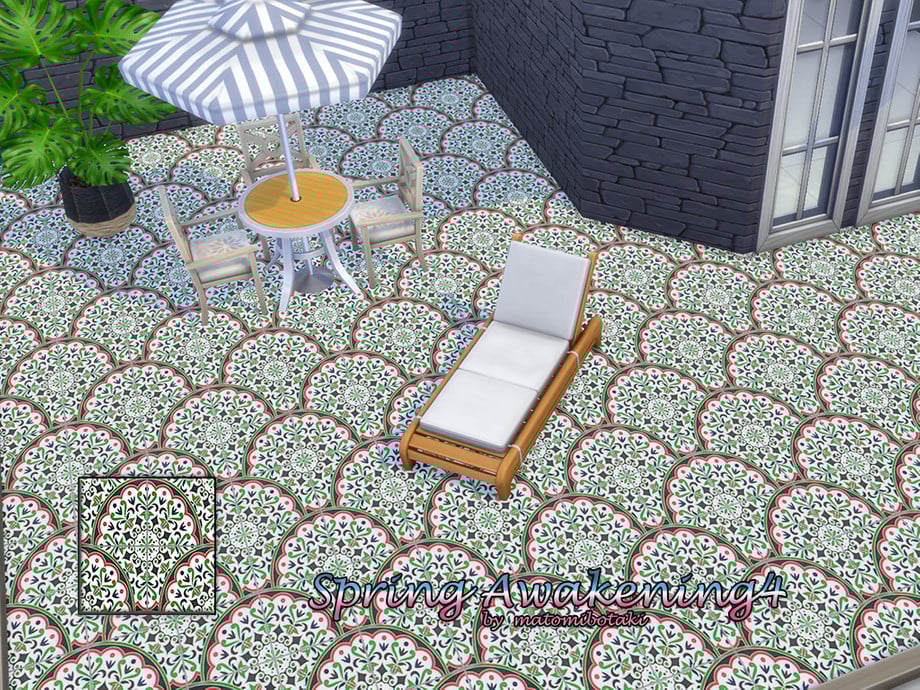
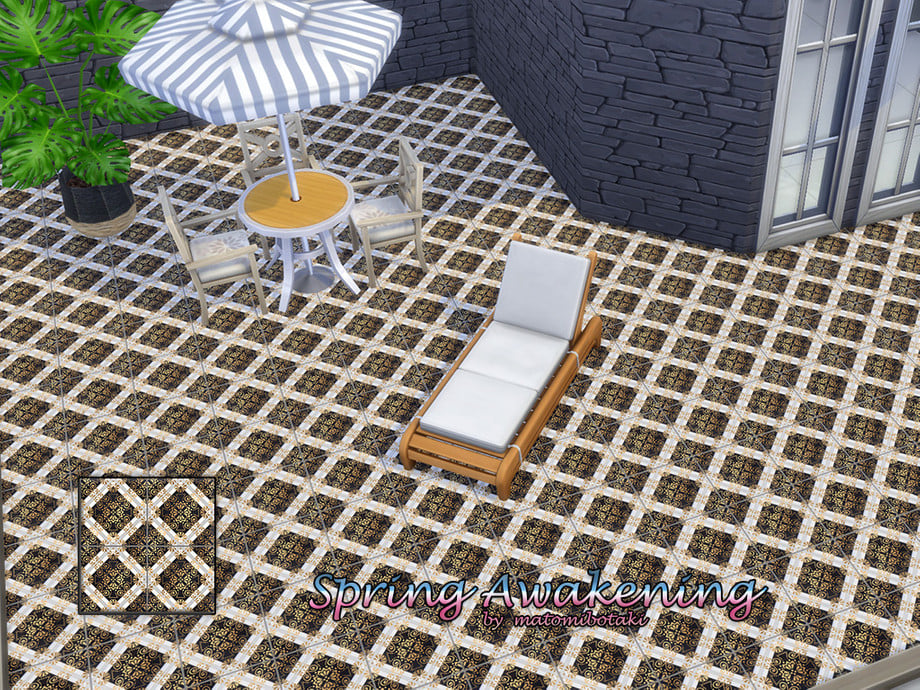
The hardest part about sprucing up your Sims’ deck for Spring can be finding the perfect flooring. Matomibotaki will have you taken care of with their Spring Awakening Set, containing 4 different spring-themed designs in florals and gorgeous geometrics.
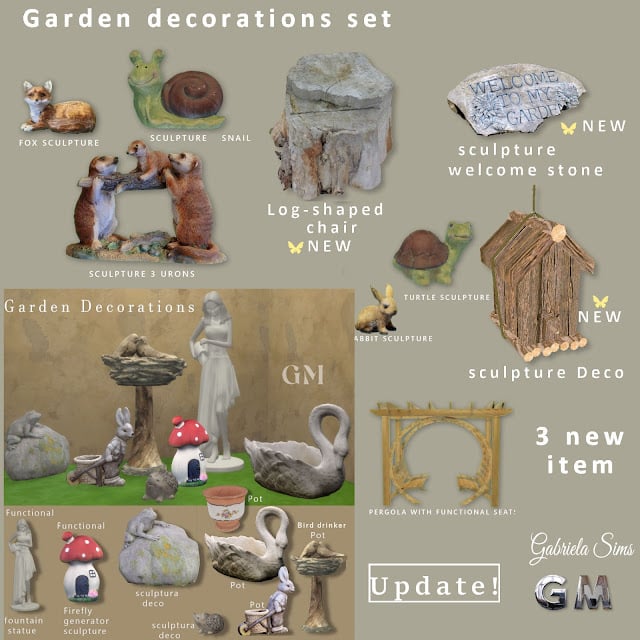
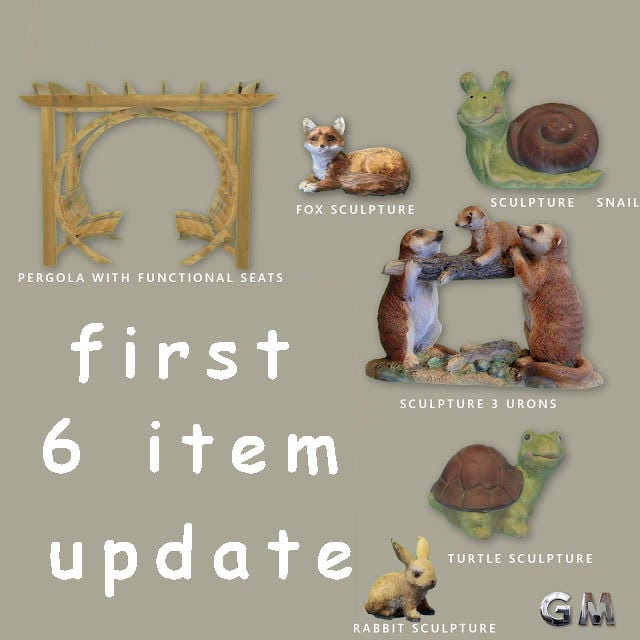
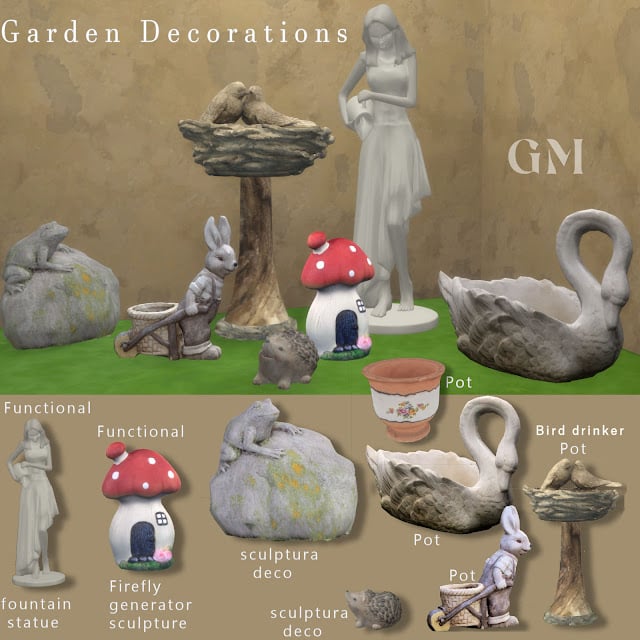
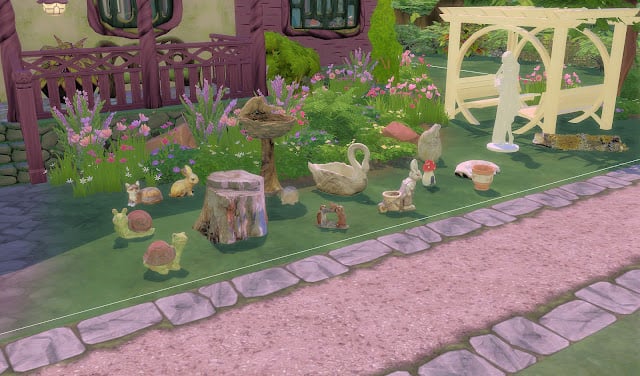
GM – garden decorations set_New Update by GM_GabrielaSims
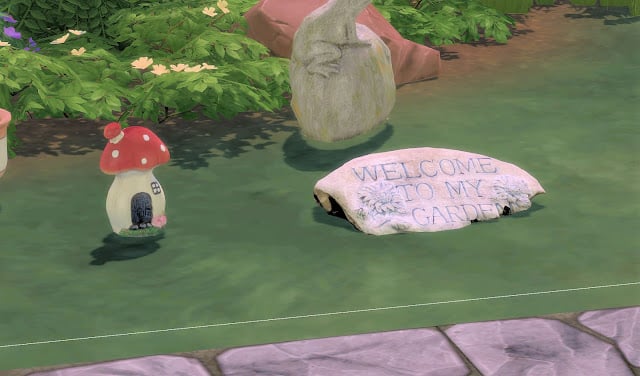
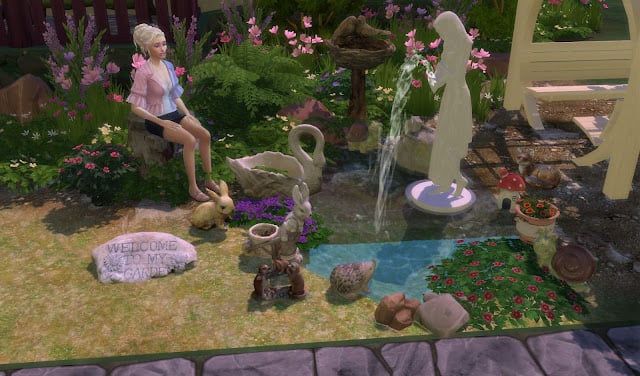
GM-garden decorations set, New Update by GM_Garbrielasims in an outdoor decorations pack consisting of multiple garden statues, both functional and decorative. In this CC pack, you will find statues such as woodland creatures, a woman with a jug, small stone statues, and a wooden seating area for your Sims! Give your Sims’ yard a little refresh this spring with beautiful statues that you can find a spot for anywhere!
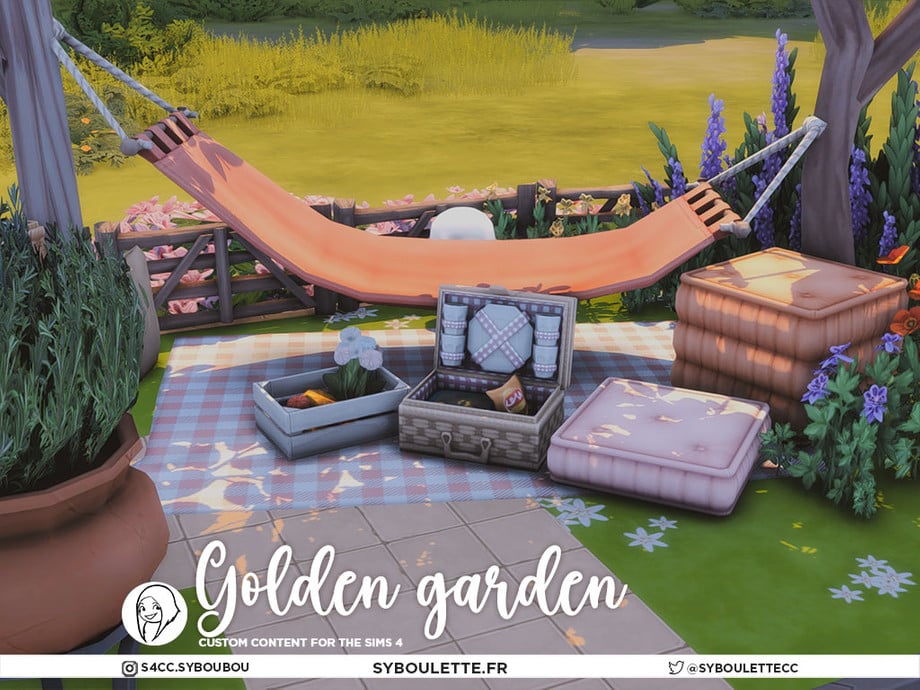
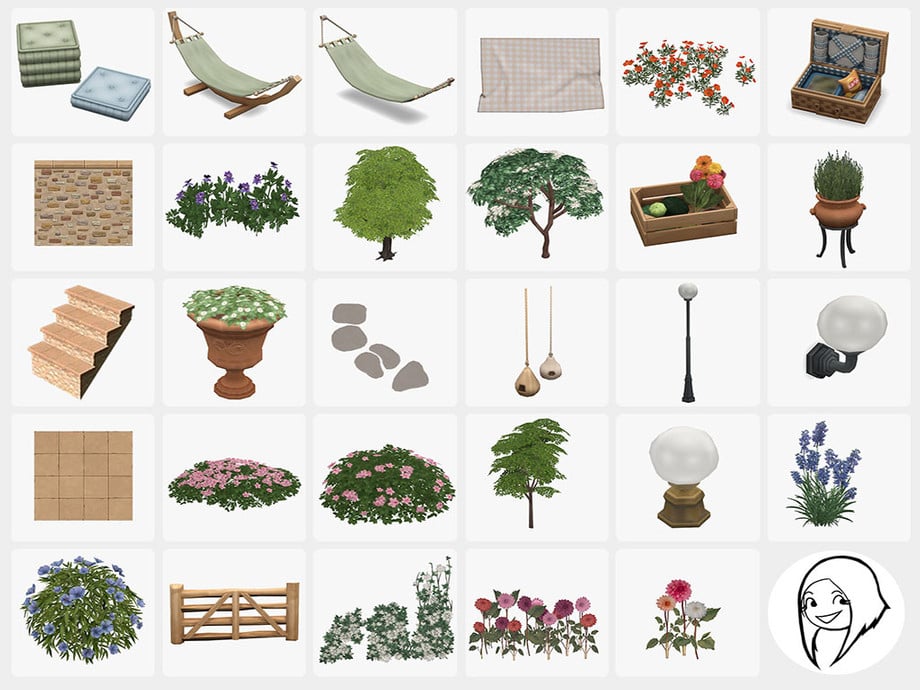
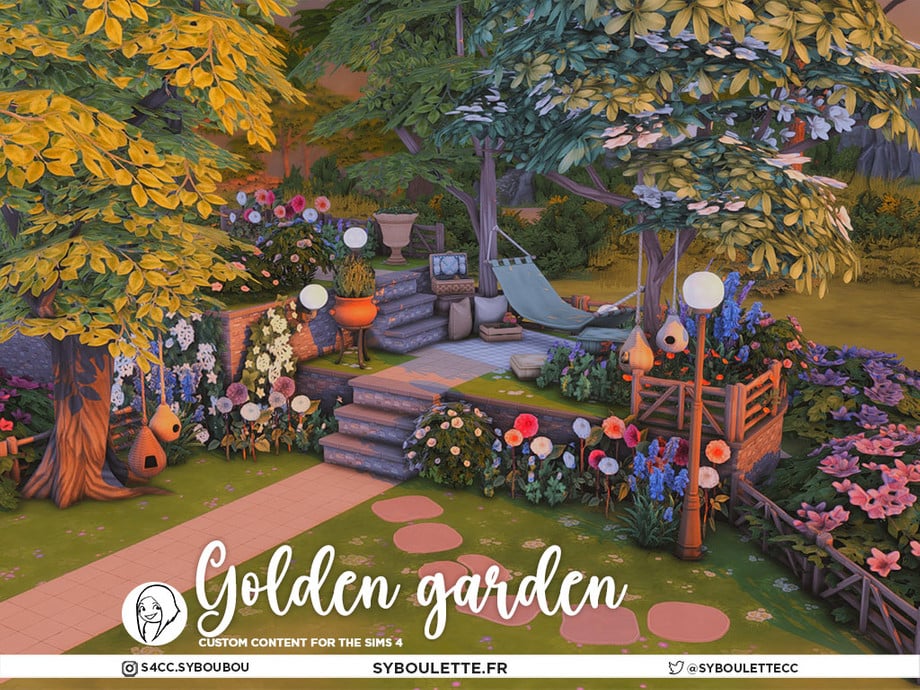
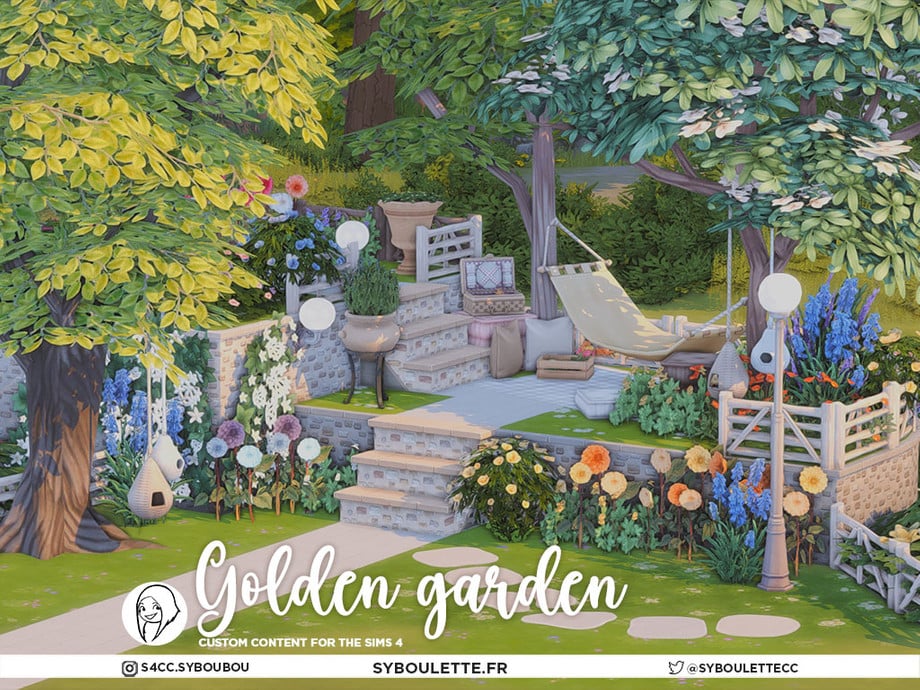
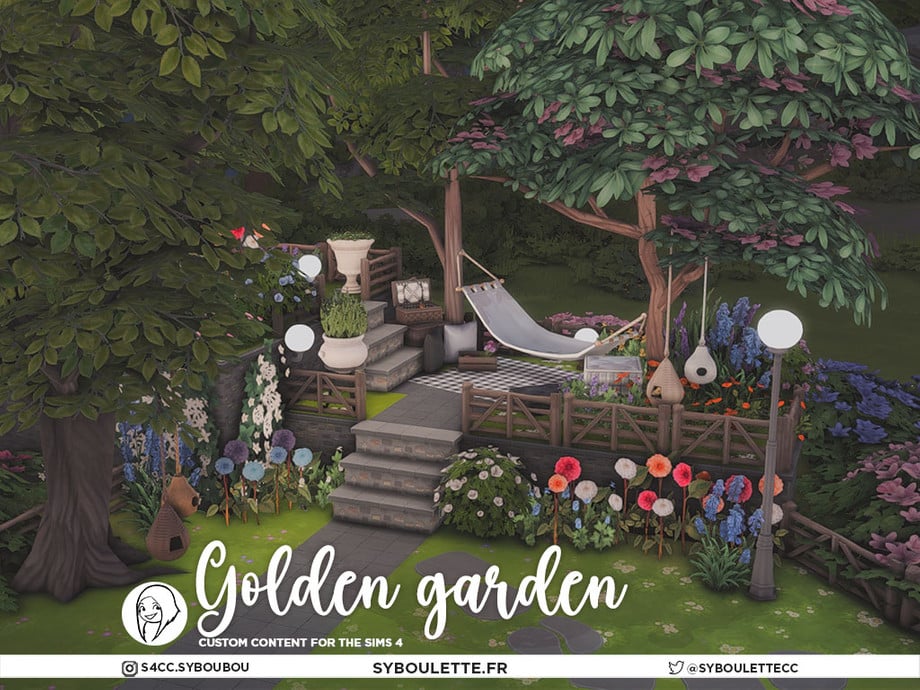
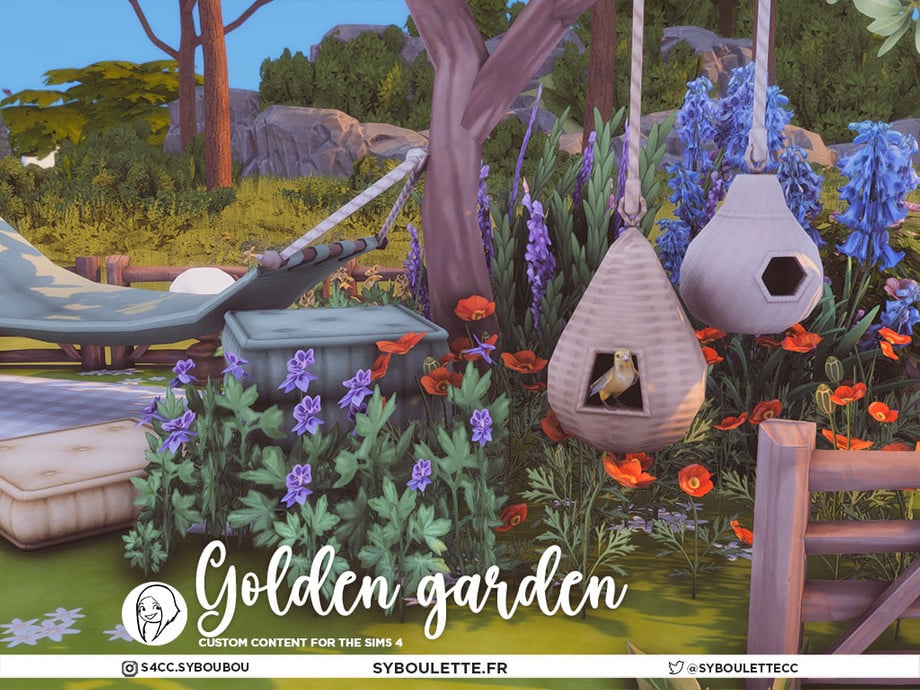
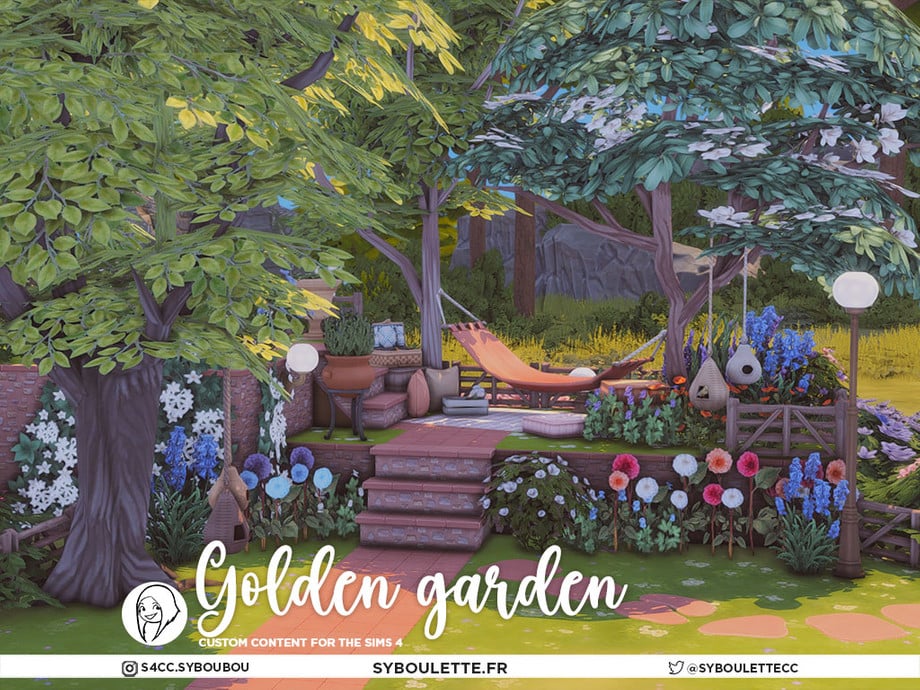
Spending time in your garden can be a wonderful spring activity! Golden Garden Pt 4 by Syboubou is a 7-piece set that will create the cutest hammock space for your Sims’ outdoor space. This section includes a functional birdhouse, a hammock (lounge seat), vibrant plants/trees, and decorative items such as a picnic basket. If you love what you see here, be sure to check out the rest of this creator’s amazing set!
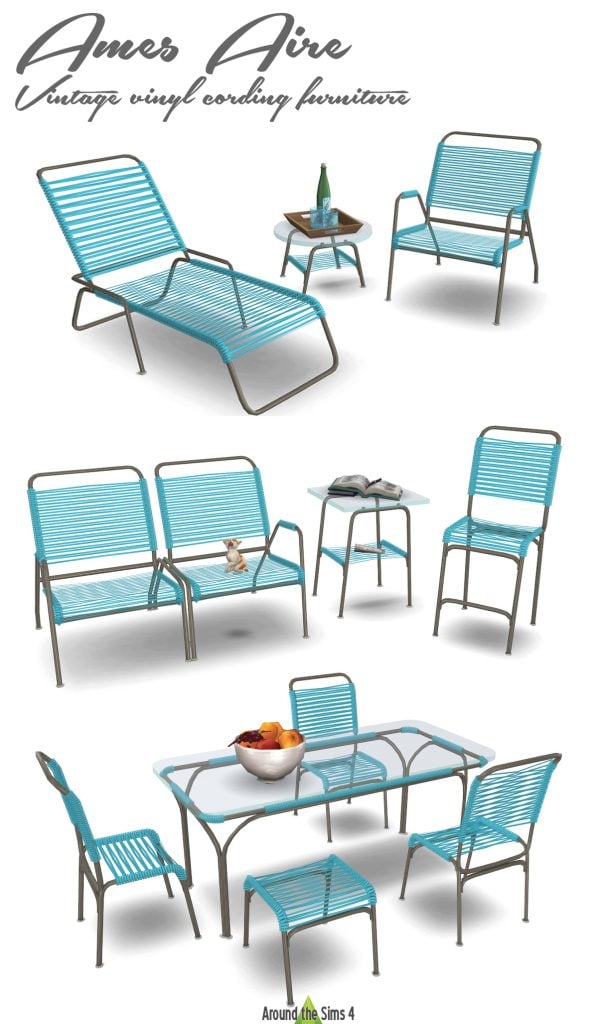
Ames Aire, Vintage Vinyl Cording Furniture by Around The Sims 4
Ames Aire, Vintage Vinyl Corded Furniture by Around The Sims 4, is an outdoor furniture set with all your essentials, including a glass table, chairs, lounge chairs, and a matching side table. The colors and style are a great outdoor option for spring!
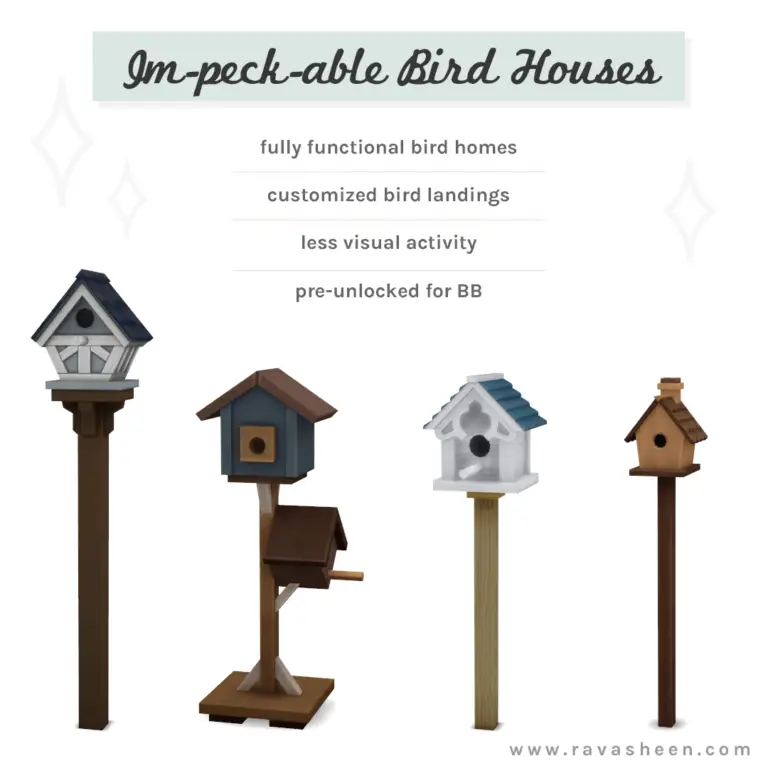
When birds start to sing, you know spring is in the air! Im-Peck-Able Bird Houses by RAVASHEEN contains 4 new functional bird houses that offer the same benefits as the “Flock of Wild Birds” item that came with the expansion “Cottage Living”, but with some improvements, customized bird landings, and is base game compatible!
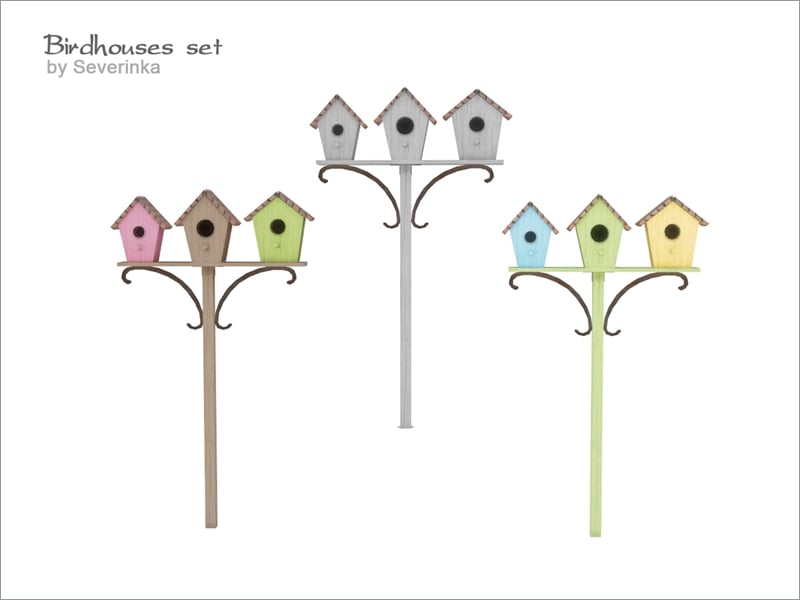
When the birds return in the spring, give them a new home with three bird houses on a stick by serverinka! This outdoor decoration comes in 3 swatches: a triple white, a pastel blue/green/yellow, and a lighter colored pink/brown/green. If you love this, be sure to check out this creator’s entire birdhouse set.
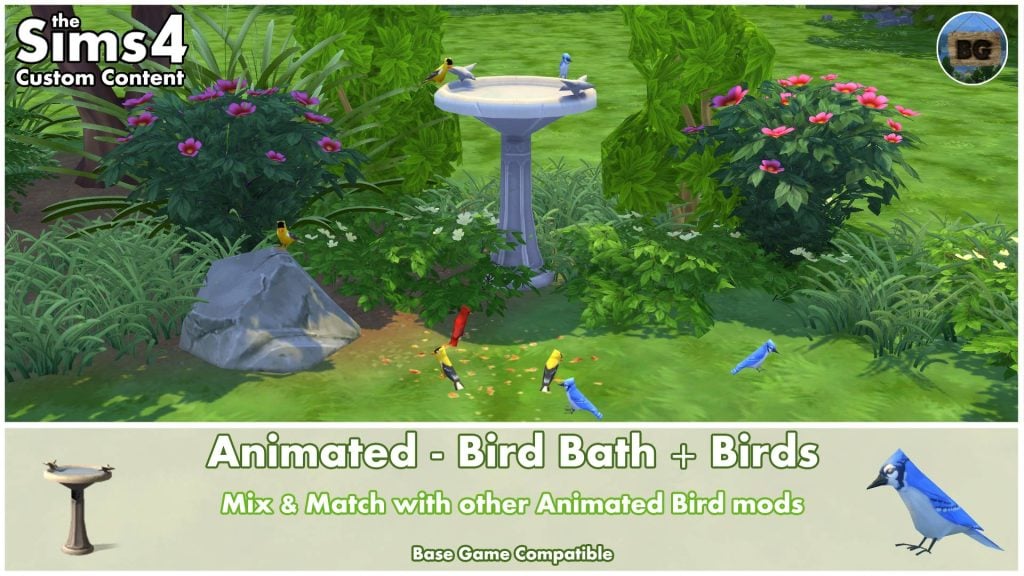
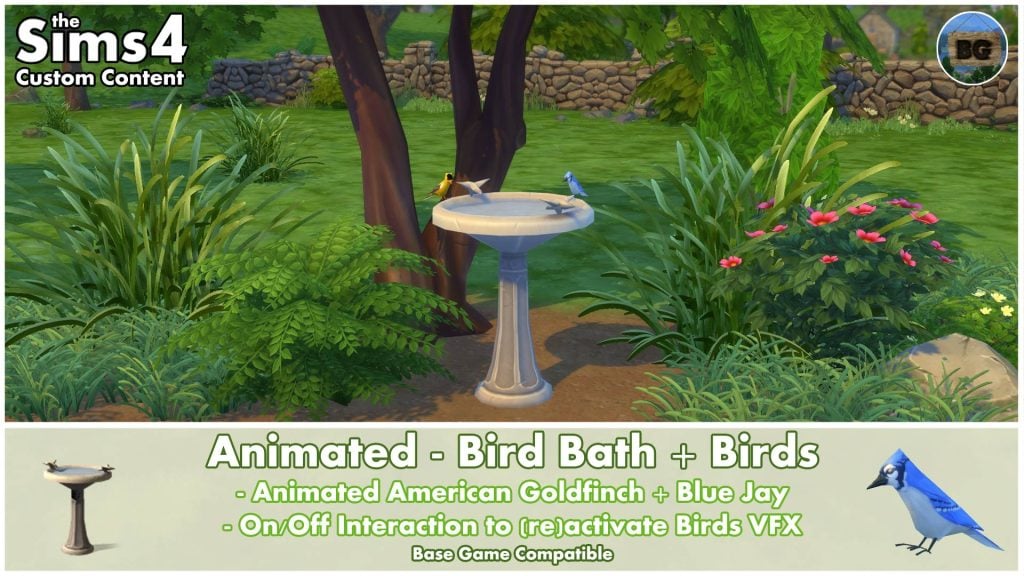
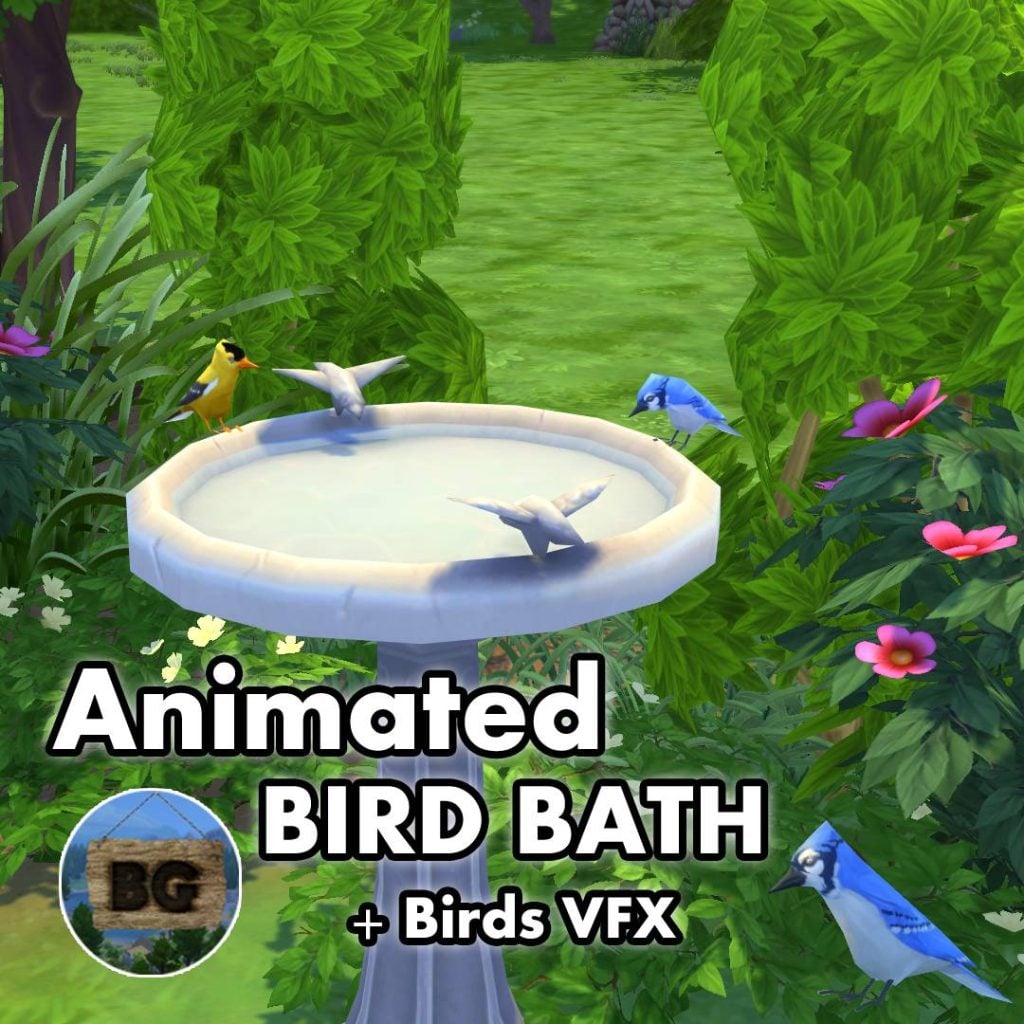
In The Sims 4, we can add decorative bird baths, but they don’t add much realism or the perfect touch of spring. With this creation from BakieGaming, you will finally have a working bird bath featuring animated American Goldfinches and Blue Jays.
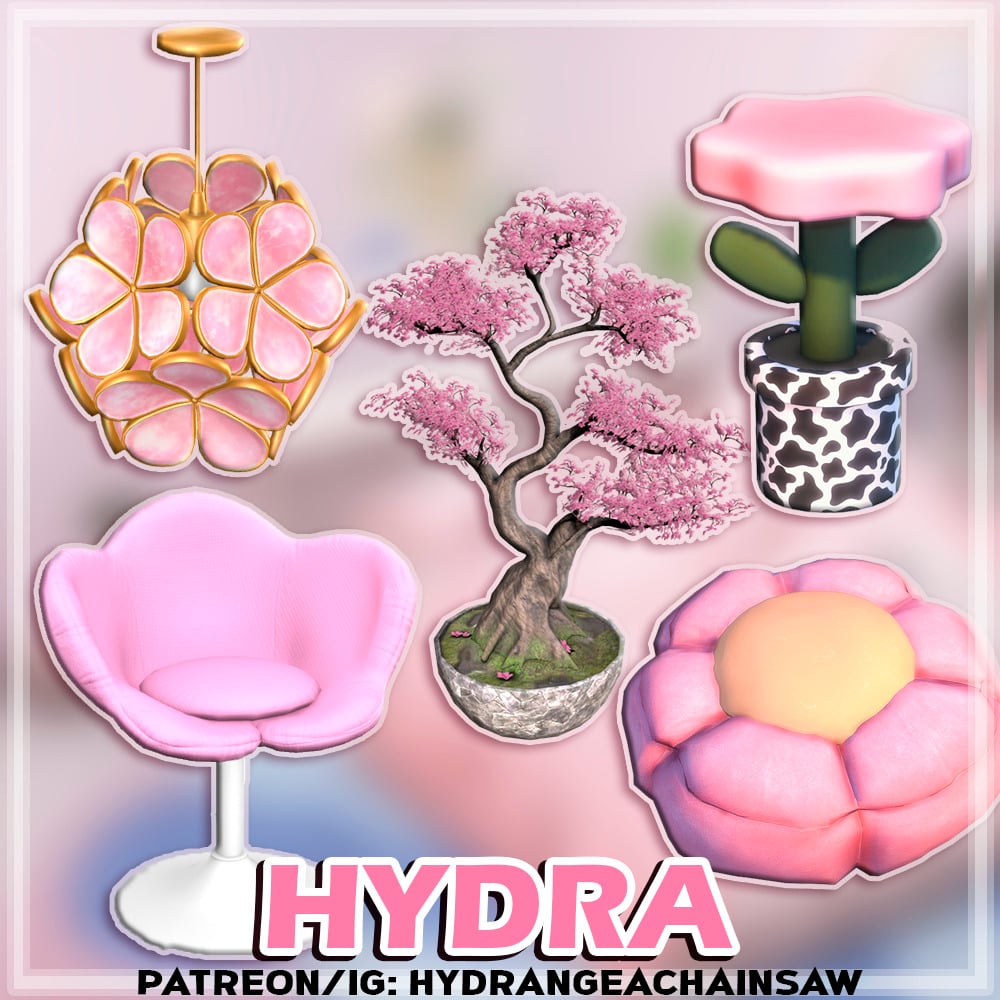
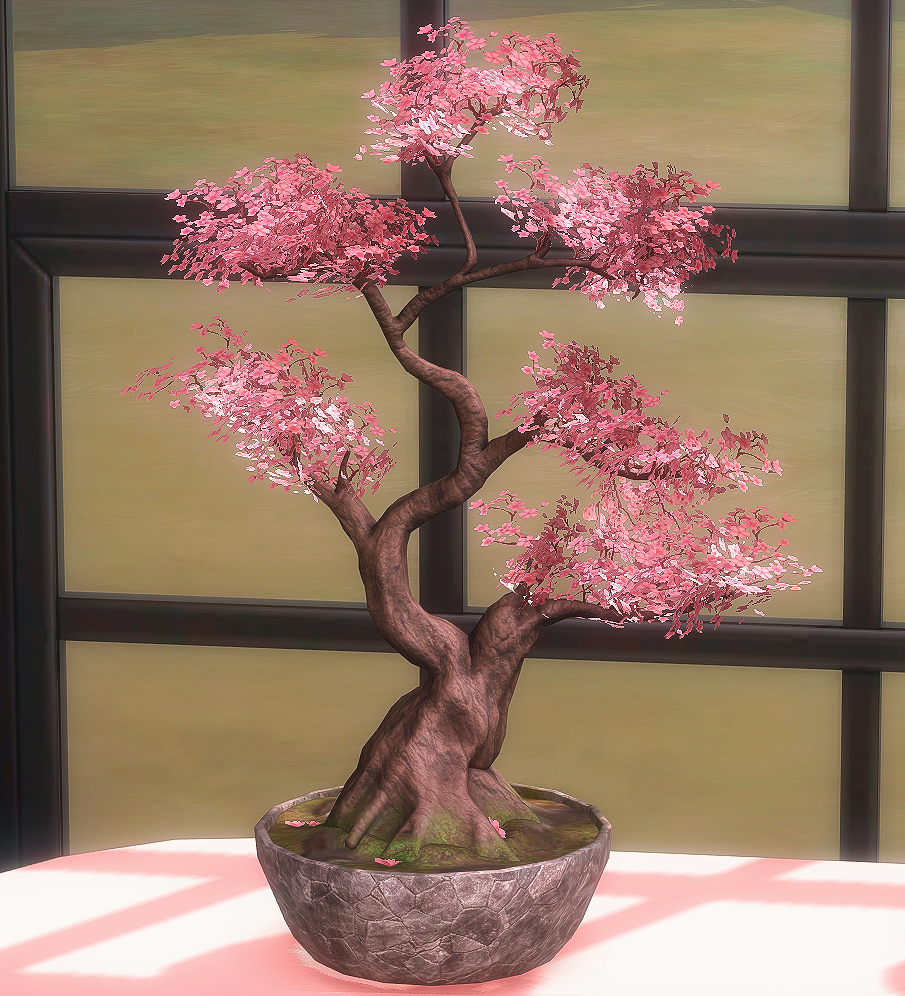
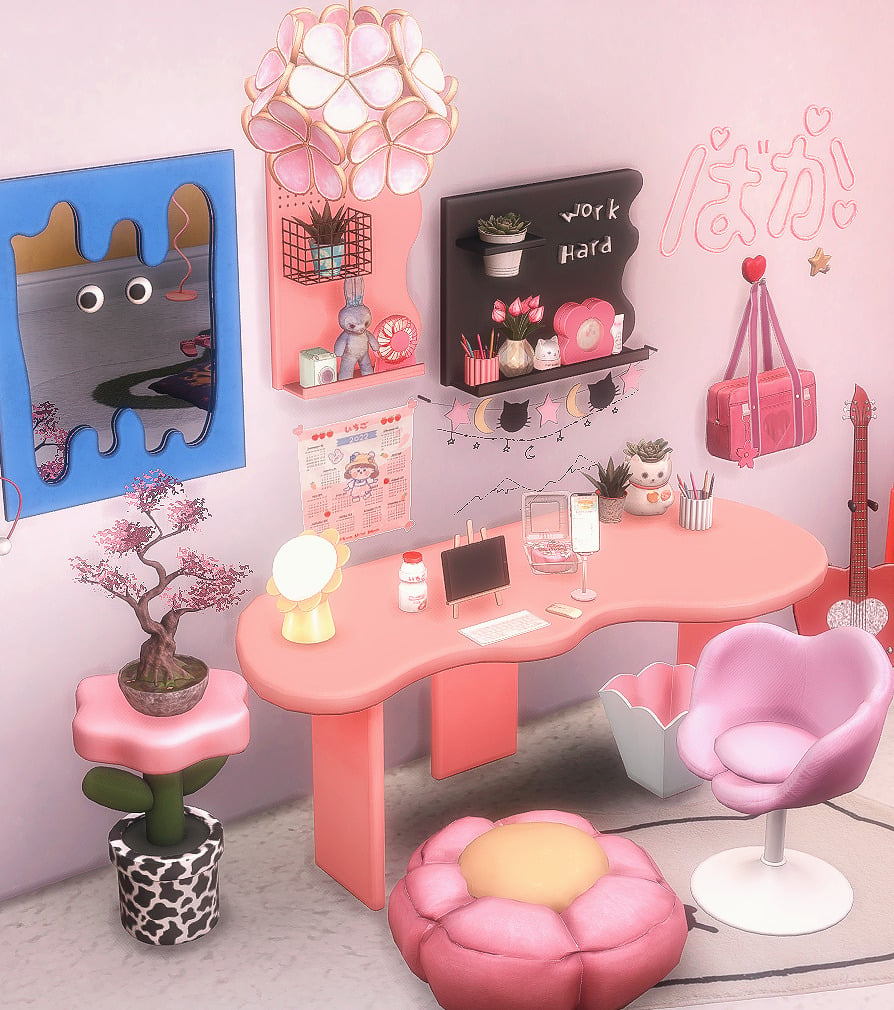
If your Sims’ desk area needs a little spring sprucing, look no further than Flower Set by HYDRA! Your Sims can sit on a Petal Desk Chair or a Mini Flower Ottomon, both available in a range of swatches. A Sakura Bonsai decoration can adorn the top of the adorable Flower Endtable that resembles a spring flower in a cow print pot. HYDRA has even included Petals Cieling Lamp, the perfect touch for a spring-themed office or gaming area!
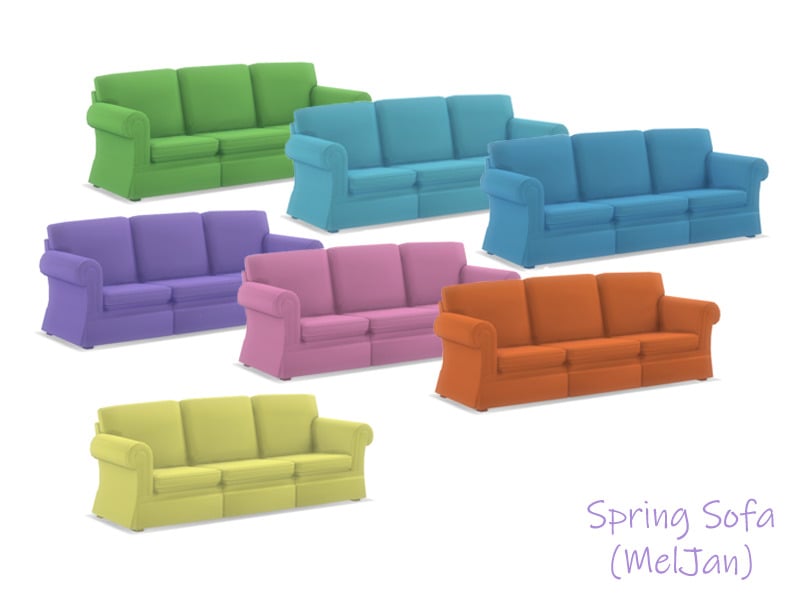
Pastels and spring go hand in hand; Spring Colored Sofa by MeIJan is a beautiful 3-seat sofa in 7 lovely pastel colors, including blue, green, pink, purple, orange, and yellow.
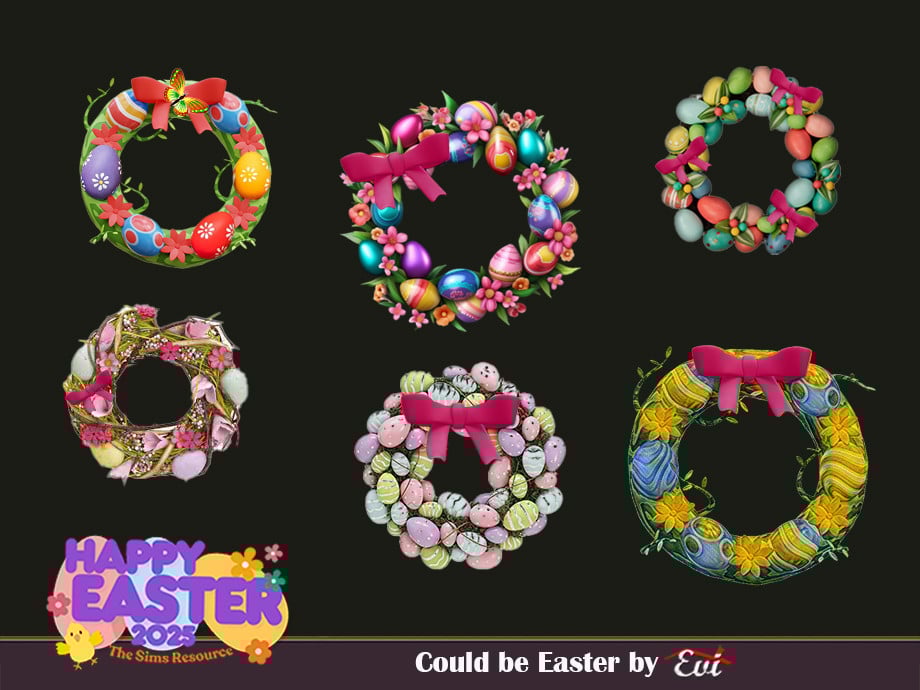
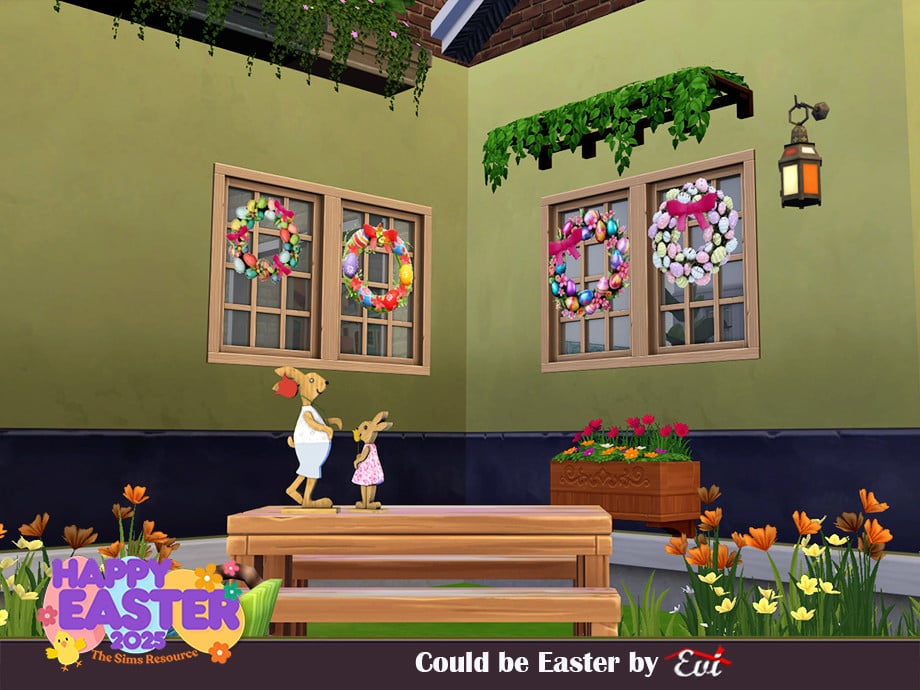
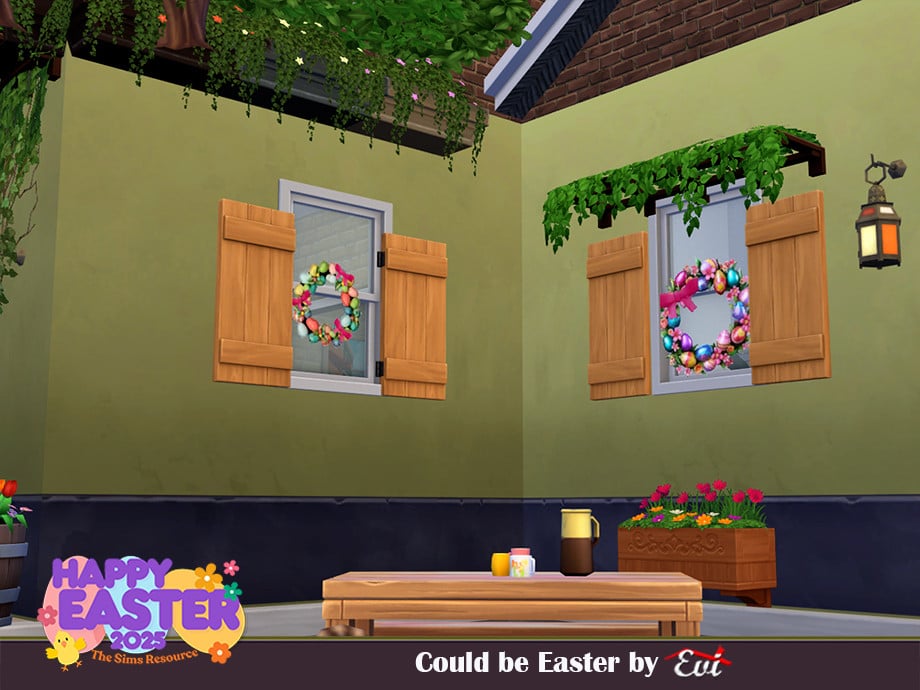
It Could Be Easter? With this set by evi, it will most certainly feel like it! This CC pack includes 6 Easter-themed wreaths. All are covered in different-colored eggs and feature different-textured styles. These will look amazing on your Sims’ doors or decorated along their walls.
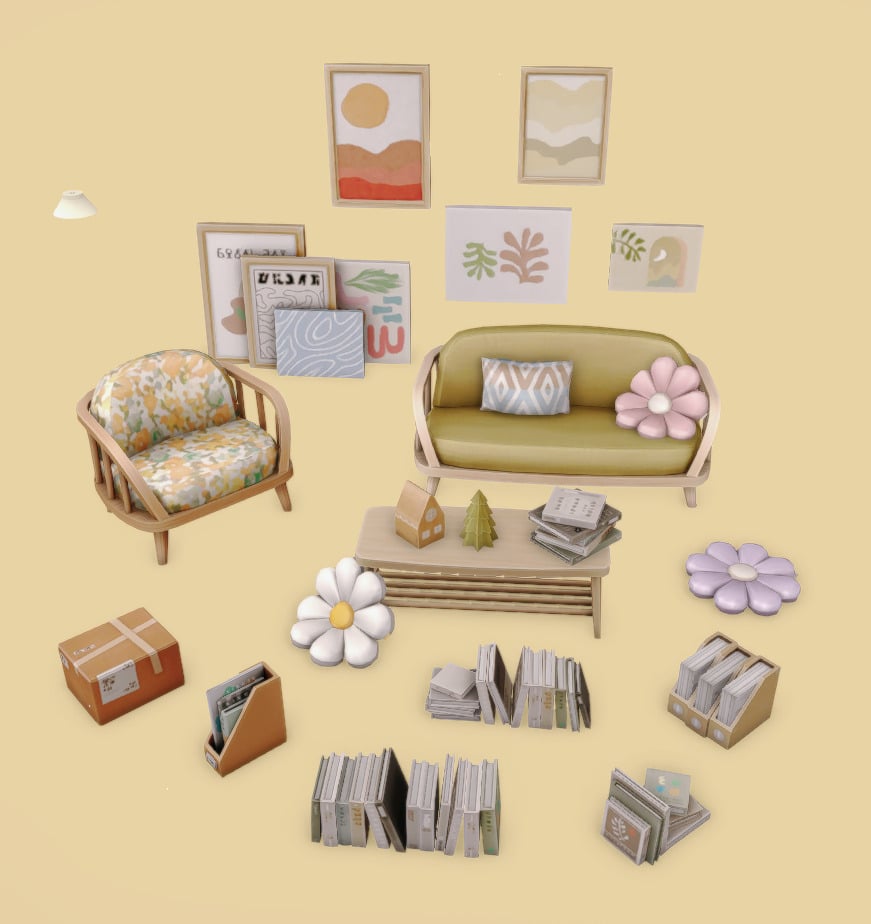
4t2 Citrus Room by KESTRELTEENS is a spring-themed room set consisting of 14 items, ranging from a simple wooden armchair to lovely spring paintings to pastel daisy cushions! This set would look amazing in a small sitting room or sunroom! All items are available in a multitude of swatches so you can customize this spring-themed room to your liking.
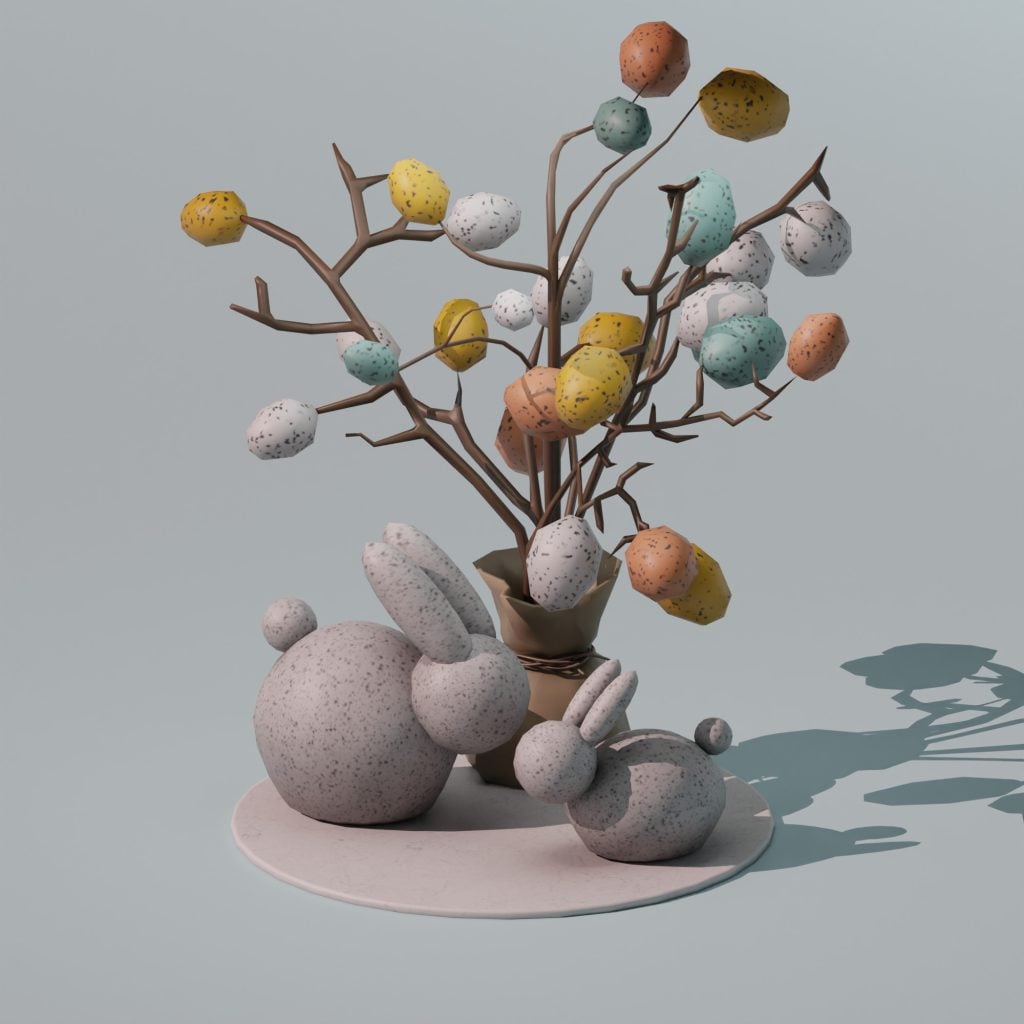
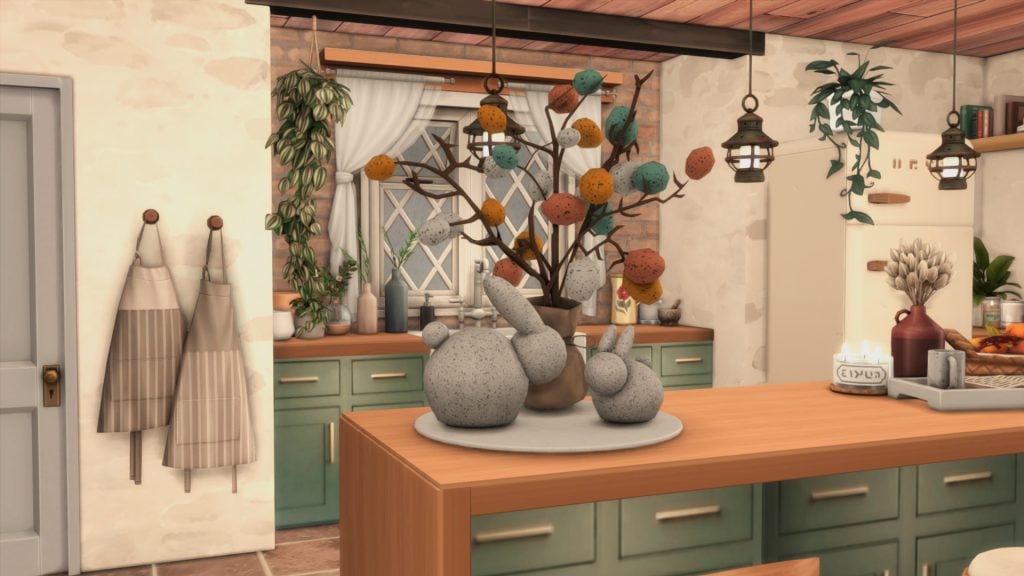
The cutest decoration for every Sim’s favorite spring holiday! Easter ‘25 by SNOOTYSIMS is an adorable set of bunnies and an Easter tree adorned with pastel, speckled eggs. BB.moveobjects will be needed if you would like to place the items together. Perfect to bring a little holiday spirit into your Sims’ home!
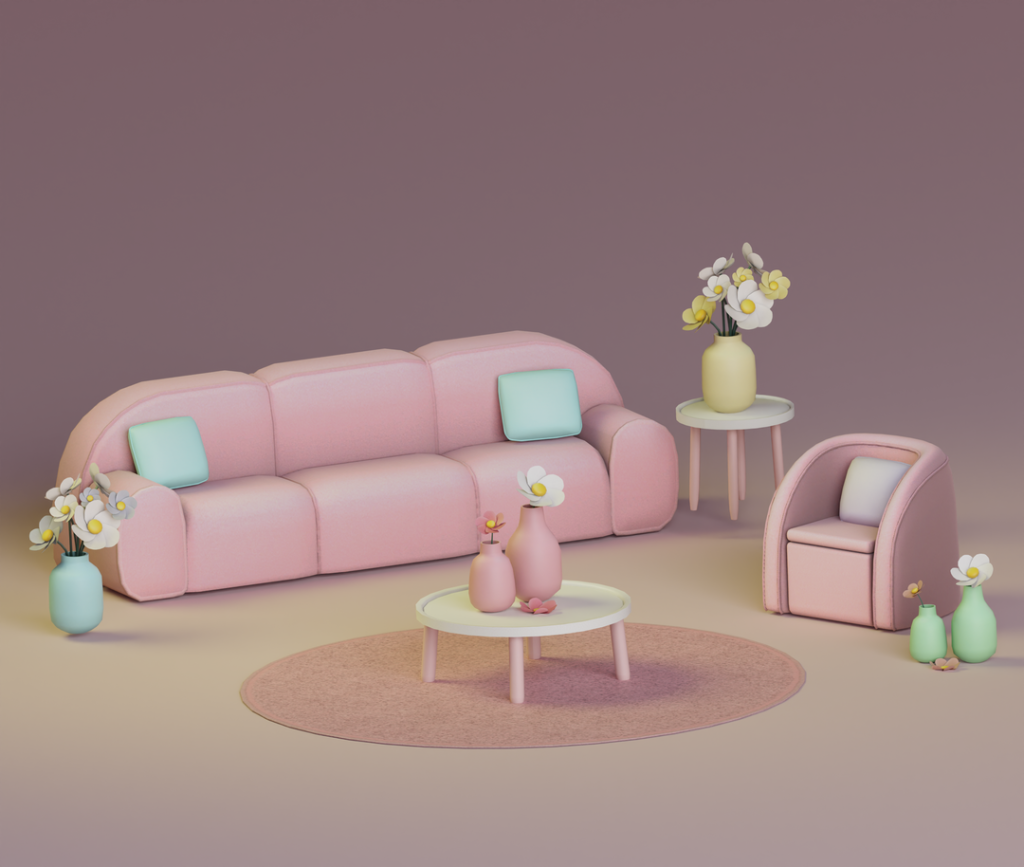
Bubble Set by SNOOTYSIMS is the absolute perfect living room set for spring. This set includes 7 items: a rug, a chair, 2 pillow decos, 2 flower decos, a sofa, an end table, and a coffee table. All of these amazing items come in 9 soft pastel tones. If you’re looking for an inviting, fresh, colorful, and spring-oriented living room, this is it!
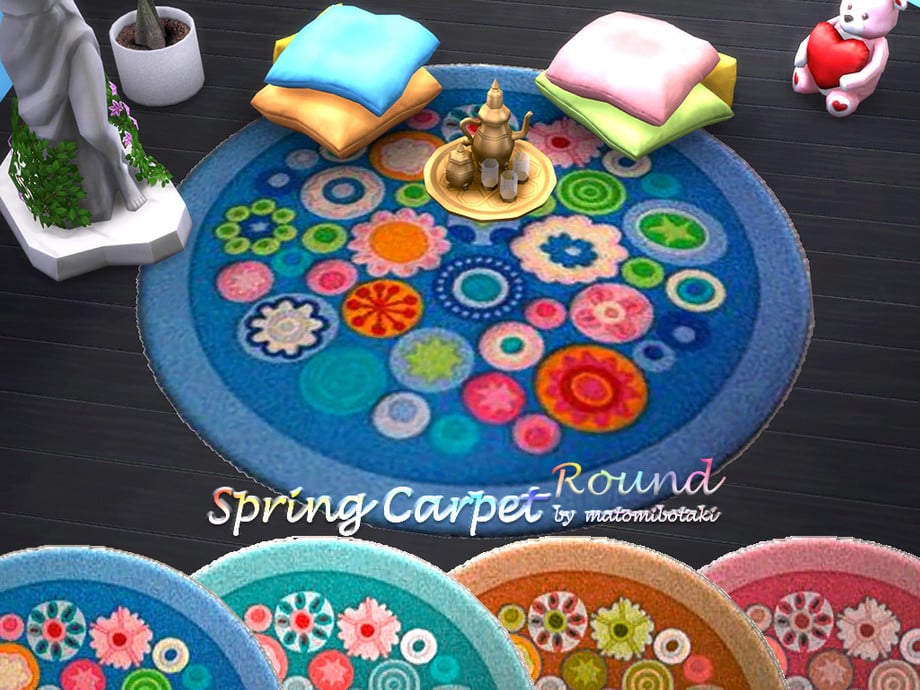
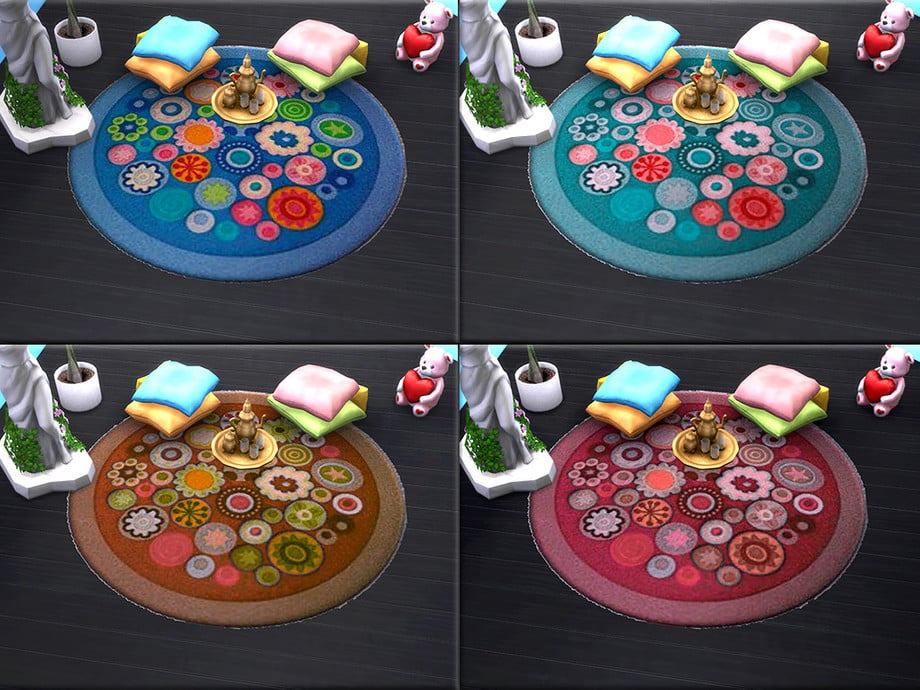
Carpets can be the perfect finishing touch for any Sims’ room; Spring Carpet Round by matomibotaki comes in 4 different colors and will bring a touch of spring to any space.
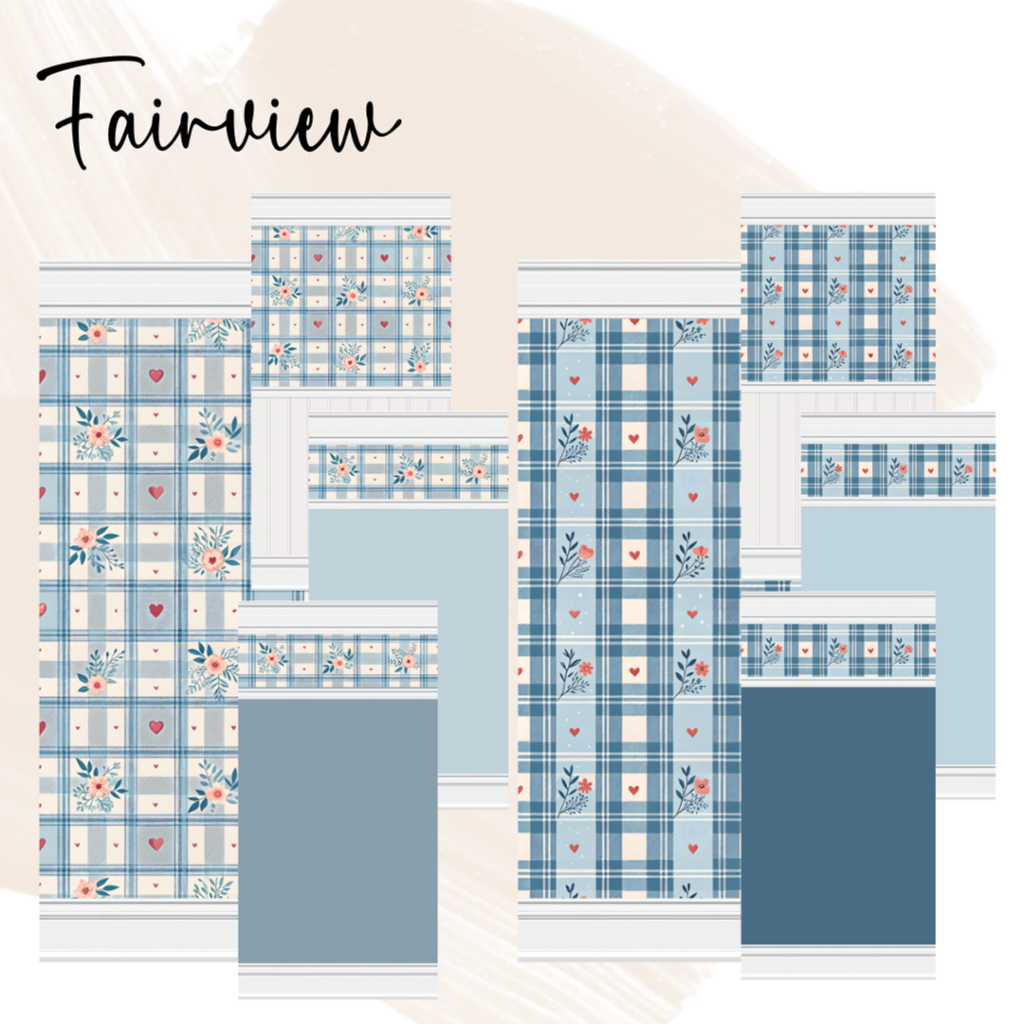
With spring-oriented living spaces, your Sim will definitely want their walls to match! The Fairview Wall Set by Jenni features a plaid pattern with floral and heart motifs. The white beadboard offers a retro but cozy vibe, a must-have for spring!
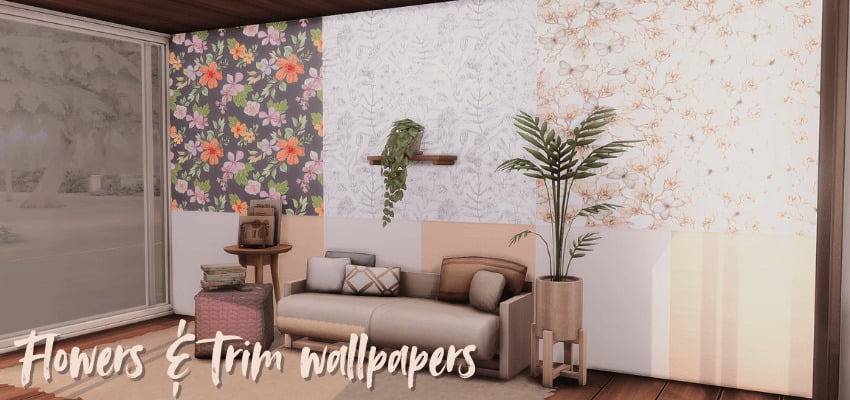
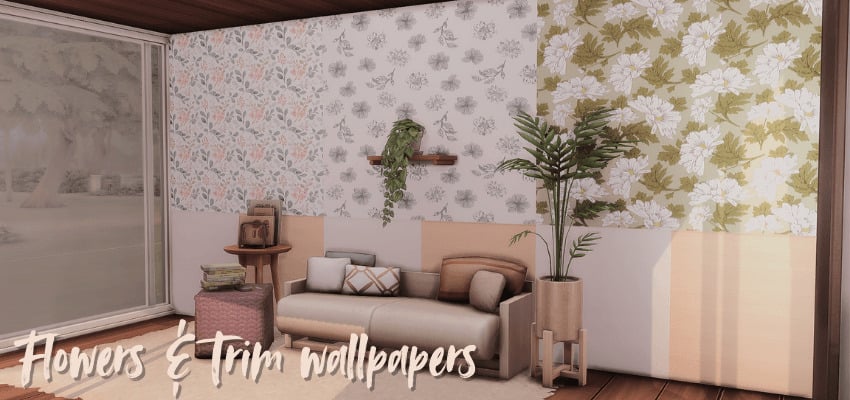
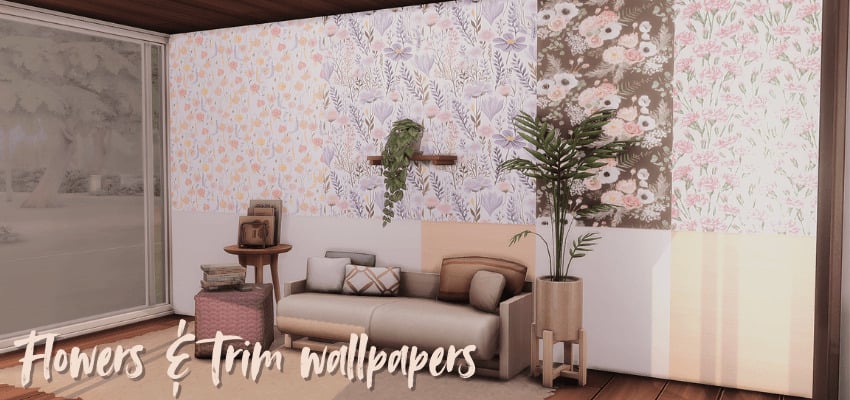
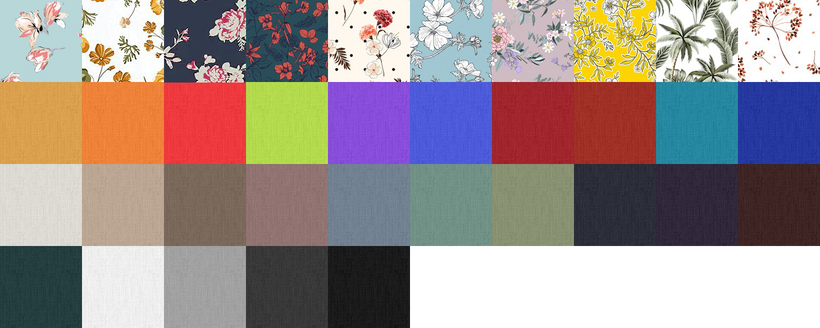
Flowers & Trim – Sims 4 Floral Wallpapers Pack by Meerigold includes 2 wooden trim options and 20 swatches, including watercolor and sketch floral patterns. Create a dainty, cozy, spring vibe with the help of this wallpaper set!
Every Sim child, every spring, waits for the flower bunny patiently and eagerly! With Easter Bunnies Children’s Wallpaper by SimPlistic you can adorn their walls with beautiful flowers, mushrooms, bunnies, squirrels, birds, and frogs! There are 5 wallpapers to choose from, and I believe they would look fantastic in either a girl’s or a boy’s room.
I hoped you enjoyed my list of the best Sims 4 Spring Objects CC I could find to add fresh seasonal touches to your builds! From floral decor to lovely outdoor pieces, these Sims 4 Spring Objects can make any home feel bright and ready for spring! If you loved these, be sure to check out our spring-themed CAS list to refresh your Sims’ wardrobe!
The latest update to The Sims 4 has sparked a wave of conversation among players, and at the centre of it all is the newly Sims 4 marketplace launch and the broken state it has left people’s games in.
Designed to expand the ways players access, share, and purchase content, the feature marks a significant shift in how the game’s ecosystem operates, and reactions have been anything but quiet, revealing a player base both excited and uneasy about the game’s future.
You can use our unofficial poll below to share your thoughts on the new marketplace, as well as vote for your favourite maker packs.
The Sims 4 Marketplace Launch & Community Poll
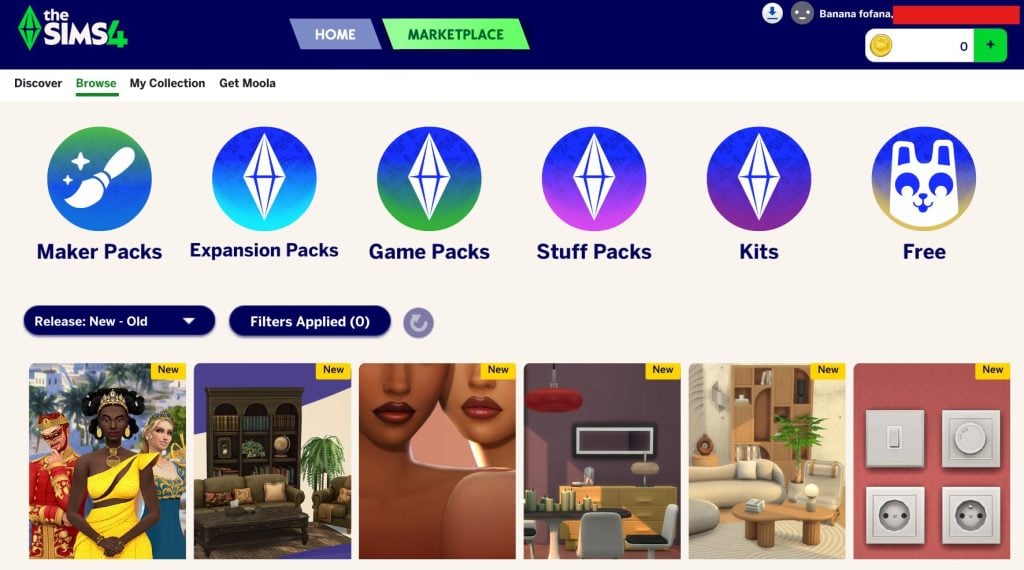
You can see in the new in-game menu that maker packs have been prioritised over other pack types in the top navigation.
Community Concerns
The new marketplace seems to be leaving a bad taste in players’ mouths. Many of the comments across the official Sims social media, as well as our own, are talking about how this has been the final straw for them, and they aren’t going to be going back to the game despite loving it for many years.
Across social media and Reddit threads, players have raised concerns about monetisation, with some arguing the system prioritises profit over improving the base game. This Reddit thread from LowSodiumSimmers has also highlighted fears that the long-standing culture of freely shared custom content is under threat.
Comparing To The Sims 3 Store
Lots of comments have been shared around comparing this new marketplace to the old in-game storefront we had for The Sims 3. However, there are a lot of differences between the two, which this commenter, among others, pointed out on our recent marketplace post.
Honestly, people comparing The Sims 4 marketplace to The Sims 3 Store are missing the point completely. They are not even the same type of system.
The Sims 4 marketplace is basically a platform where creators sell their own content. These “Maker Packs” are made by simmers and sold through the game using a virtual currency, and there are no real promotions or structured deals behind it. It’s just individual paid content created by players, which already makes it fundamentally different.
The Sims 3 Store actually had a proper store system. It had constant sales, daily deals, and rotating discounts. You could get full worlds for very cheap, often bundled with a lot of extra content. It actually felt like you were getting value for your money.
And one of the biggest things people ignore is how it handled collections. If you already owned part of a set, you could complete the rest for free or for a very low price. It rewarded players instead of making them rebuy everything.
The Sims 4 marketplace doesn’t have any of that. No meaningful promotions, no system to complete collections, and everything is fragmented into small paid packs made by creators. It just feels like isolated purchases with no real player friendly structure. So comparing the two makes no sense. The Sims 3 Store was a proper store with a consumer friendly model, while the Sims 4 marketplace is just a paid creator platform with none of those benefits.
The Sims 4 is not the only EA game out currently which has a microtransaction system that is being updated with new content.
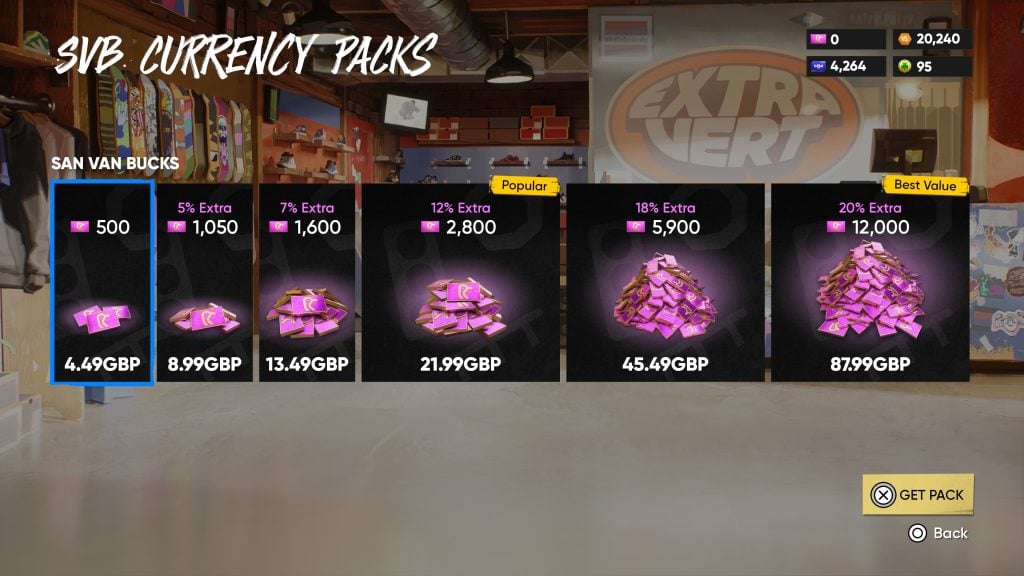
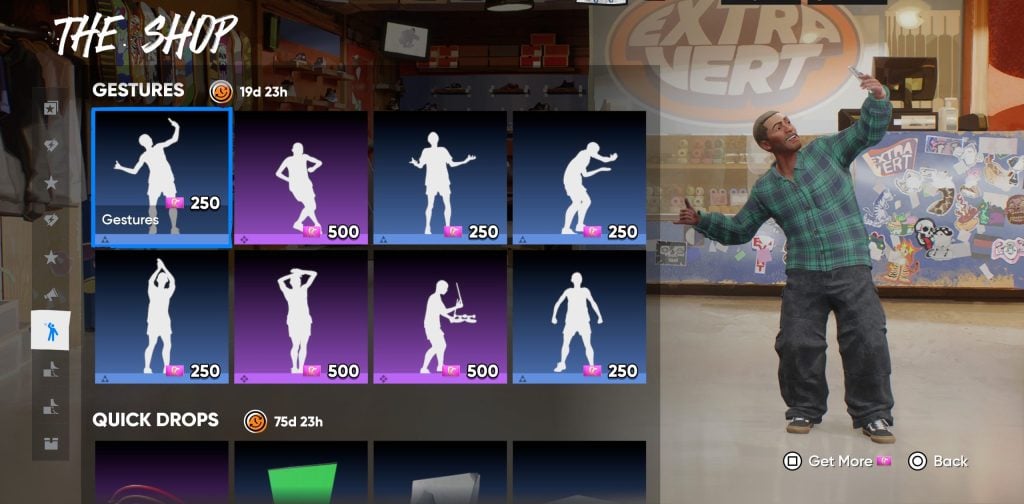
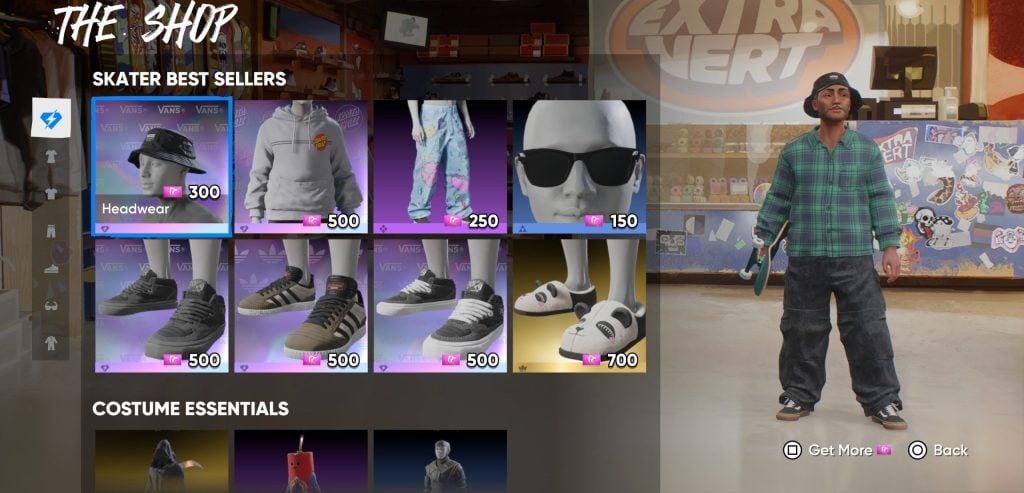
skate. is the newest edition to the Skate franchise, and it also has its own in-game store, with four different currencies available to players. The main currency, San Van Bucks, costs around the same amount as Moola, and is what can be used to make the majority of microtransaction purchases.
However, the value for money is significantly lower, with currency only being redeemed for one in-game pose or a single hat, yet costing the same as some Sims 4 maker packs.
Have Your Say
Vote for your favourite marketplace items and have your say on the new online store by using our poll below.
[totalpoll id=”196937″]
How do you feel about the new marketplace and the potential impacts? Do you like the items currently on sale? Let us know below or on social media.
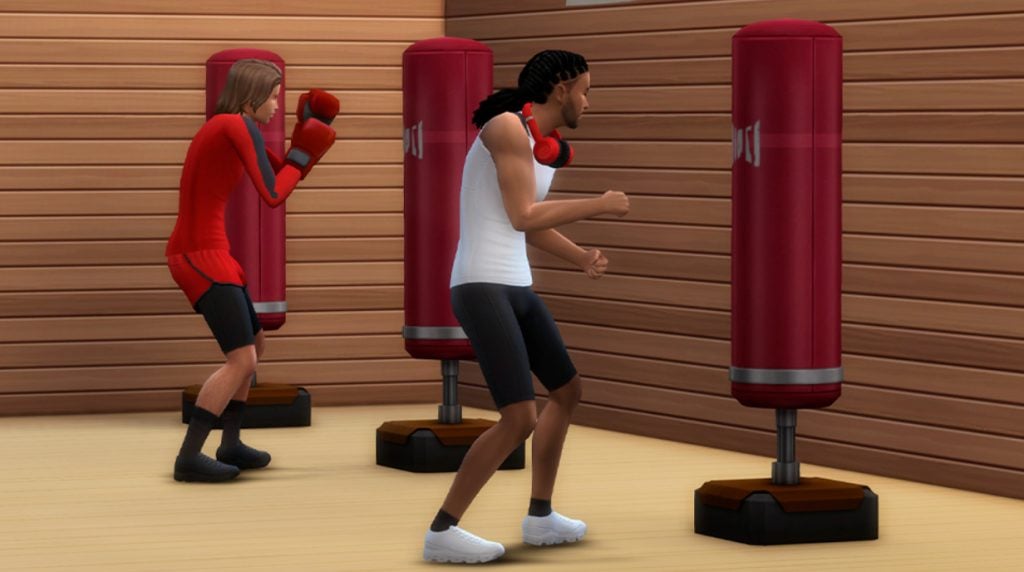
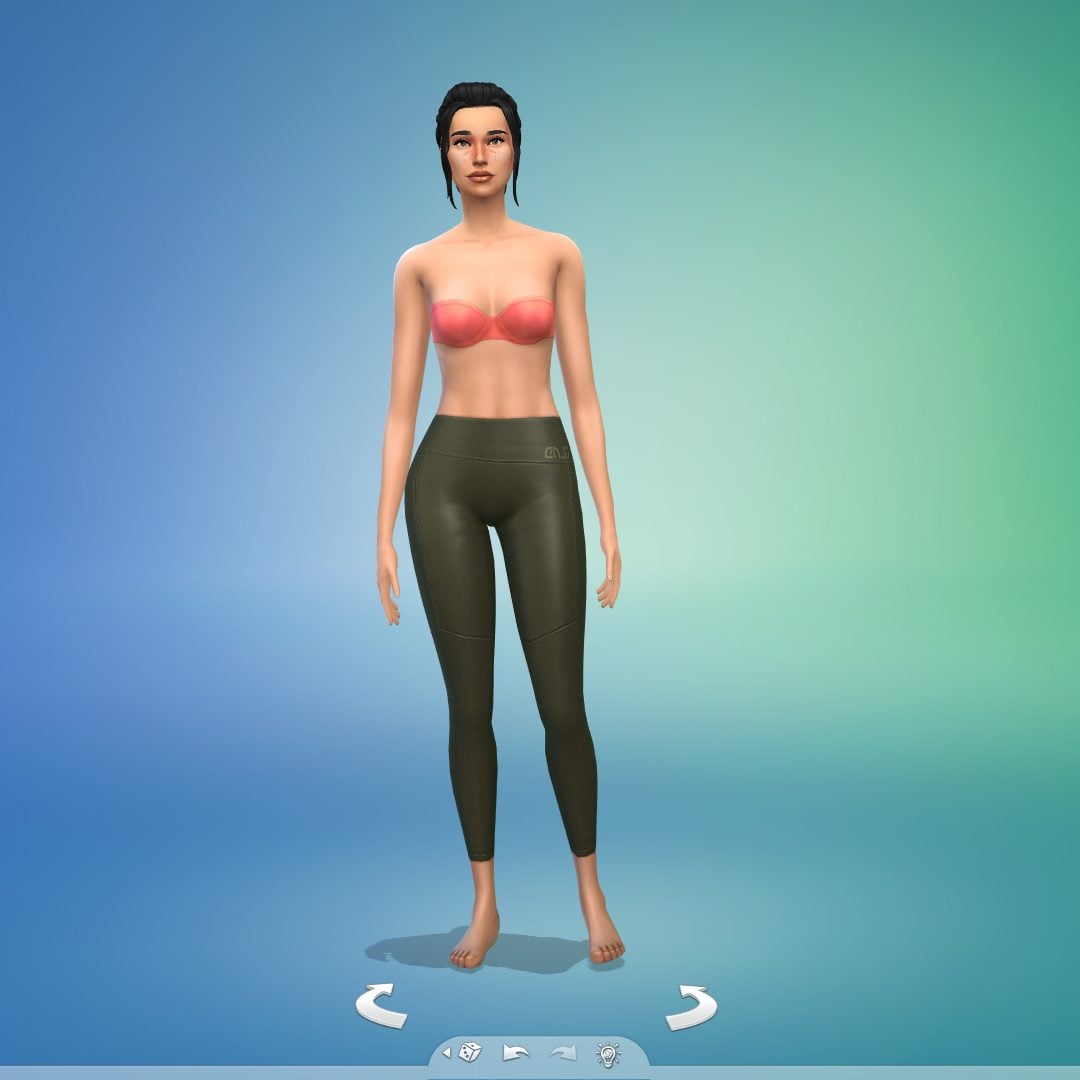
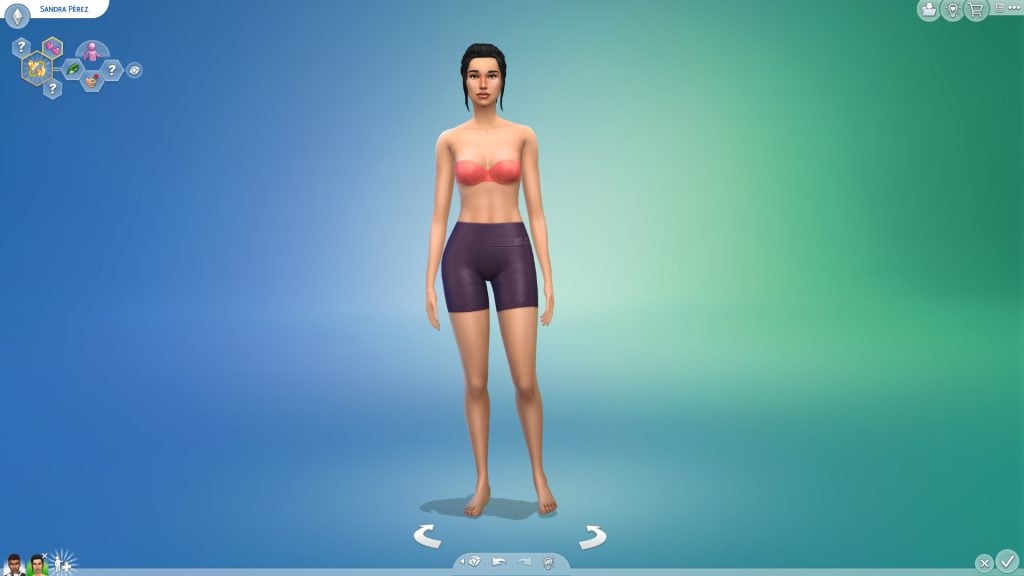
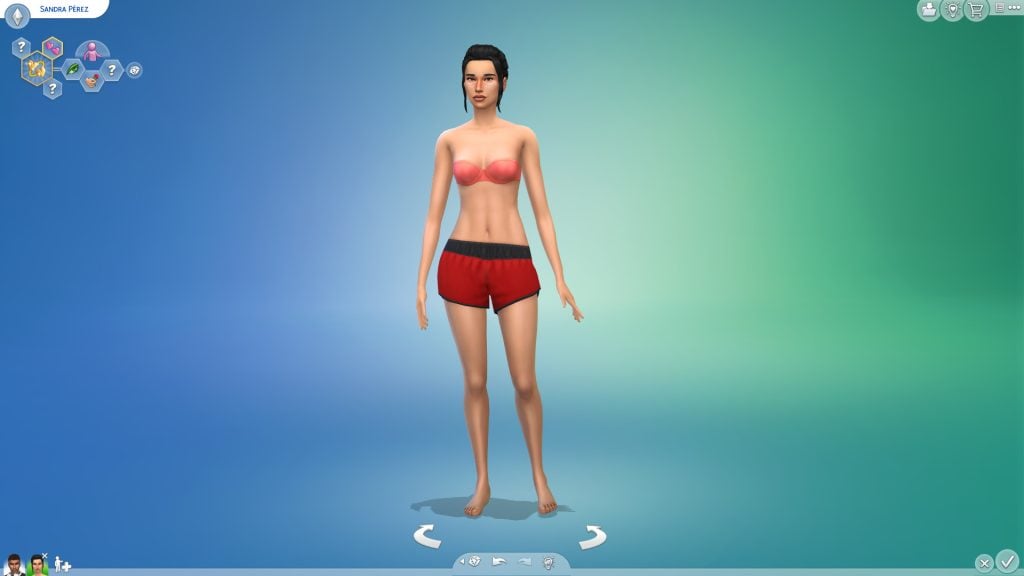
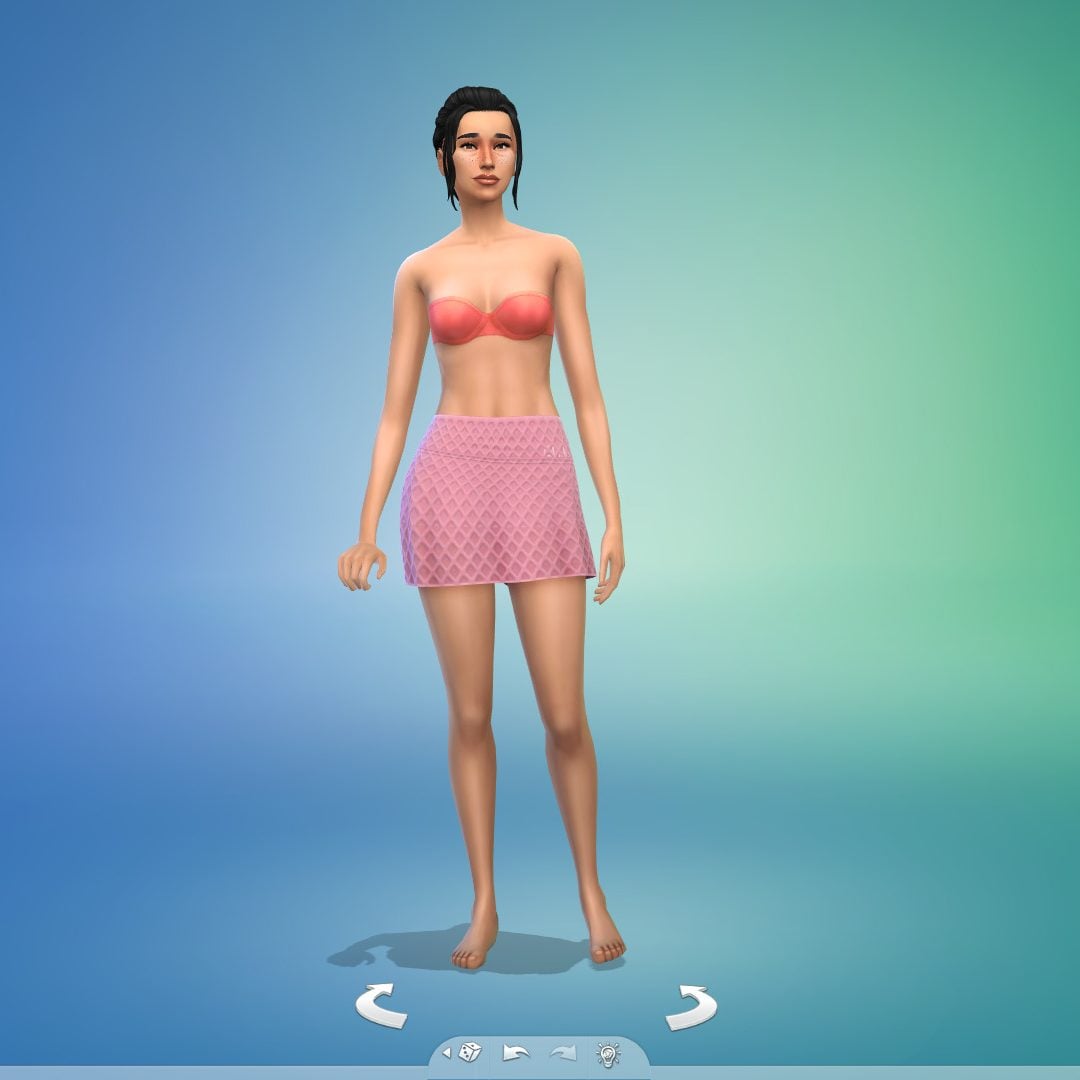
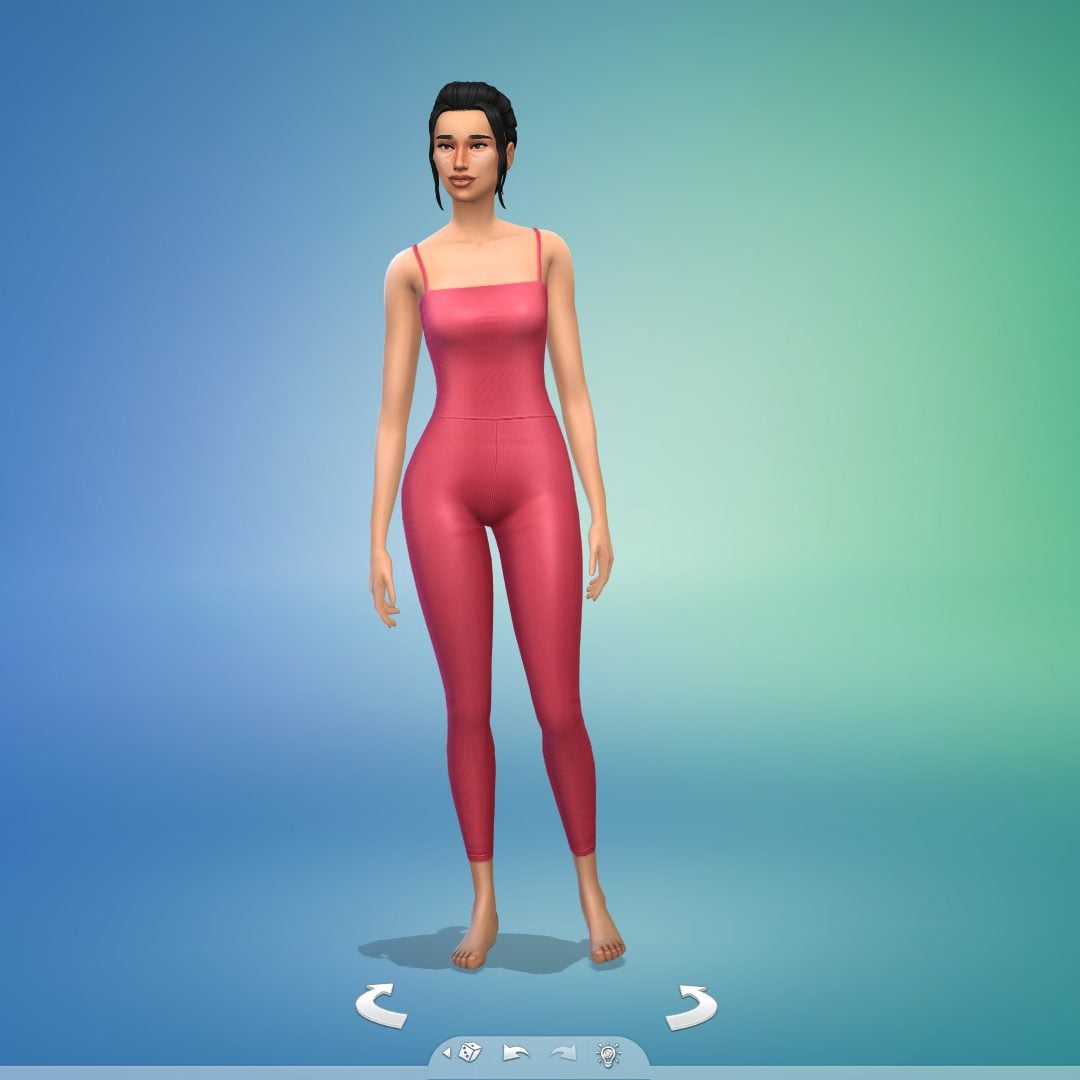
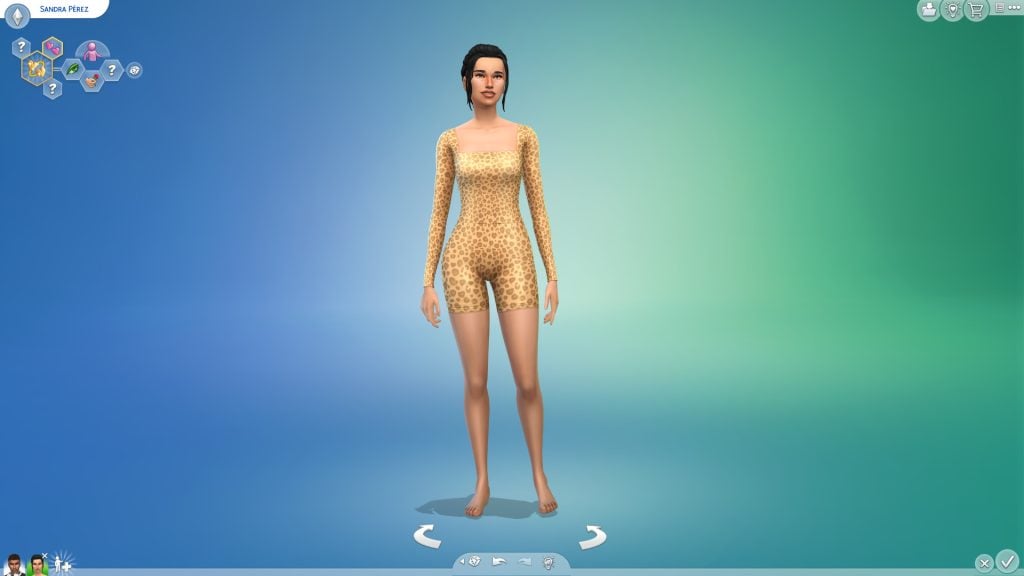
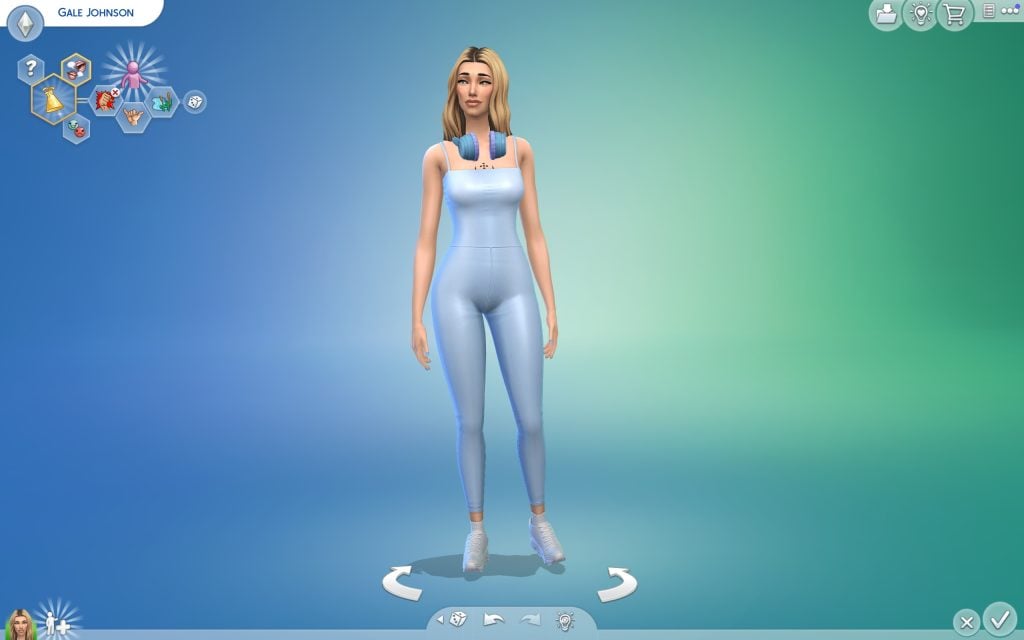
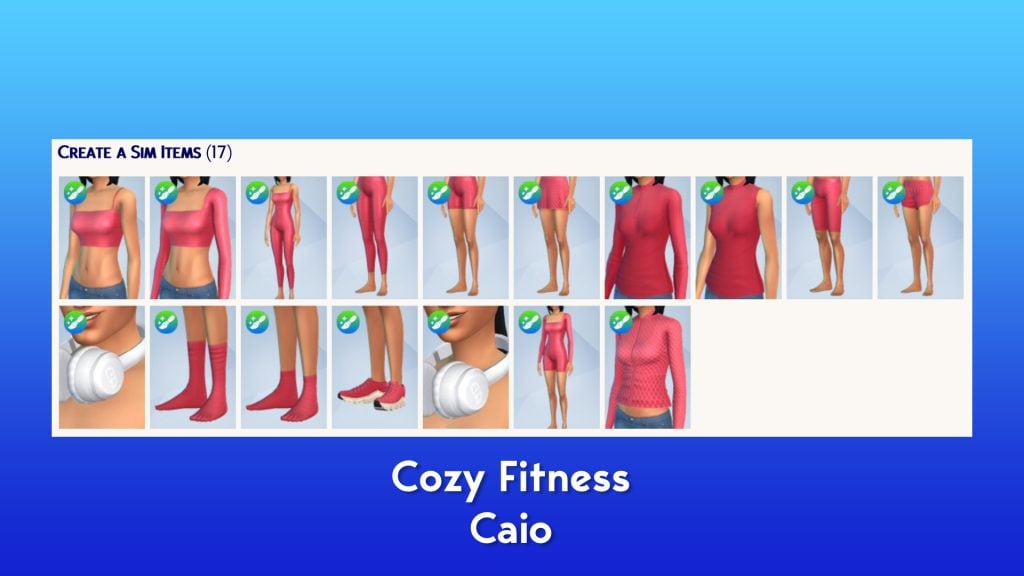
TheSims 4 Marketplace has officially launched through the latest patch, bringing the first wave of creator-made content directly into the game. Among the first available releases is the Sims 4 Cozy Fitness Maker Pack by creator @Caio, a Create-a-Sim set focused on stylish and flexible athletic wear.
The Sims 4 Cozy Fitness collection features tight-fitting yet comfortable sports outfits designed for active Sims, perfect for gym sessions, workouts, or casual athleisure looks. The Maker Pack is currently available in the Marketplace for 500 Moolas, making it one of the first CAS sets players can purchase through the new in-game store.
Table of Contents
The Sims 4 Cozy Fitness – Sporty Description
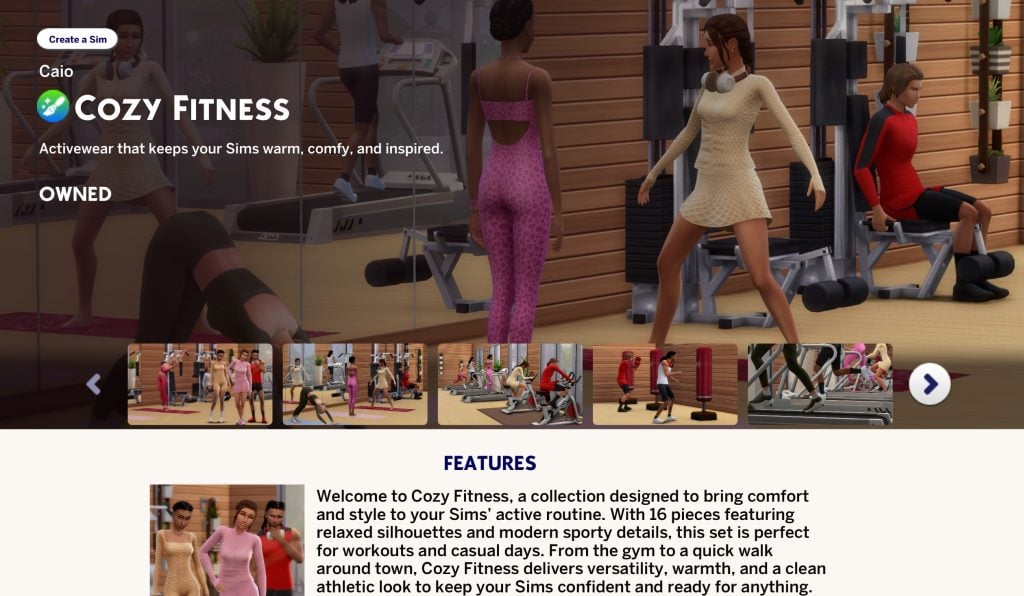
Preview image from Caio’s set on the Marketplace
Welcome to Cozy Fitness, a collection designed to bring comfort and style to your Sims’ active routine. With 16 pieces featuring relaxed silhouettes and modern sporty details, this set is perfect for workouts and casual days. From the gym to a quick walk around town, Cozy Fitness delivers versatility, warmth, and a clean athletic look to keep your Sims confident and ready for anything.
Cozy Fitness Set
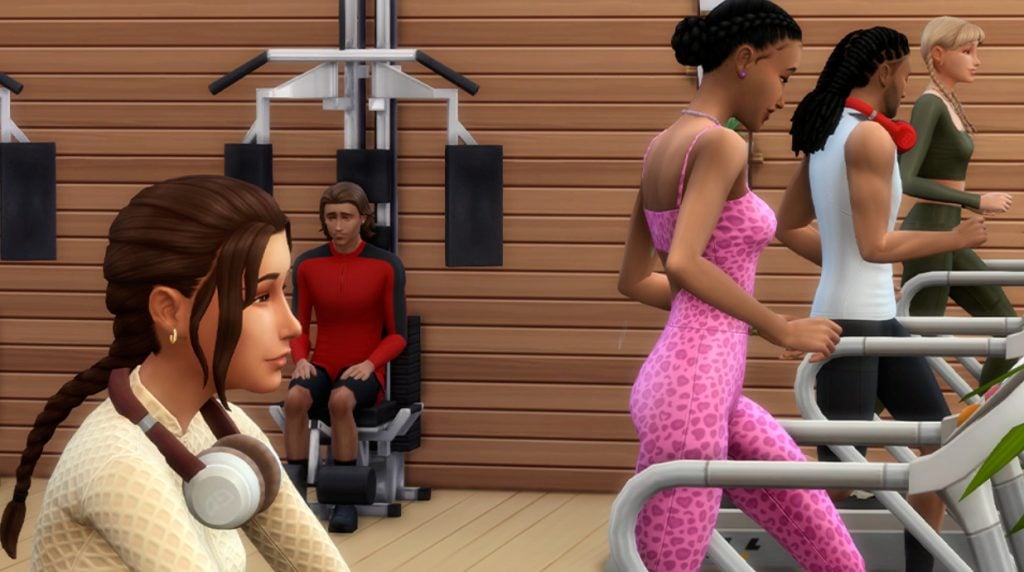
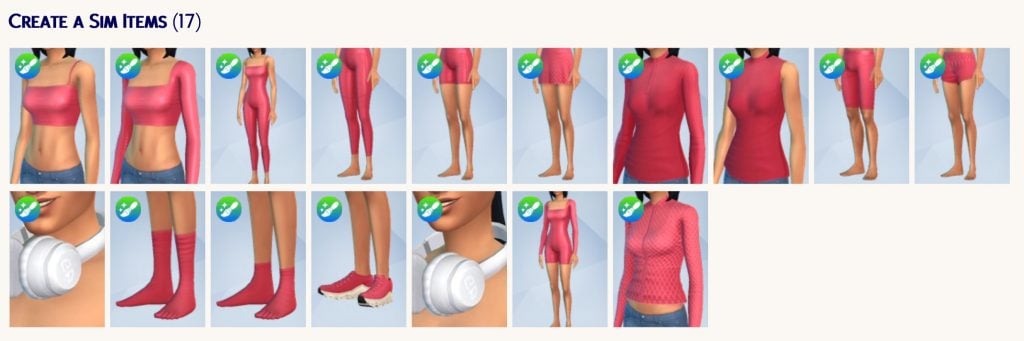
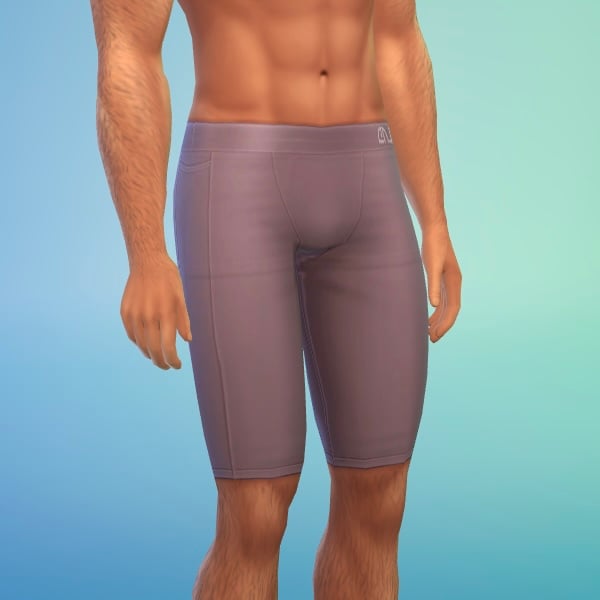
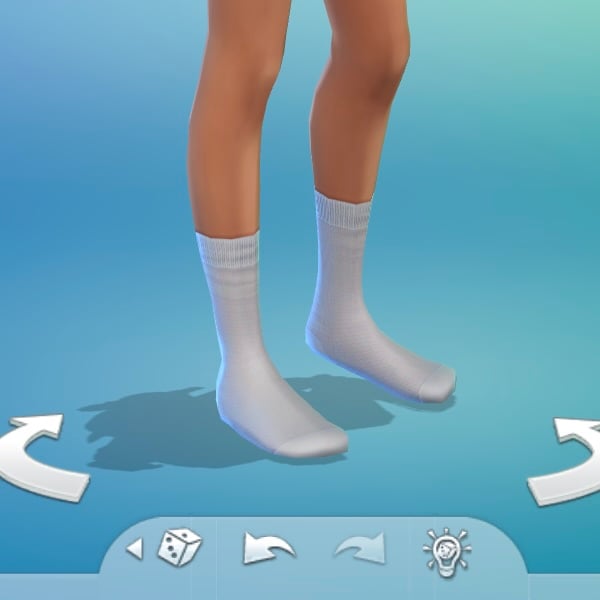
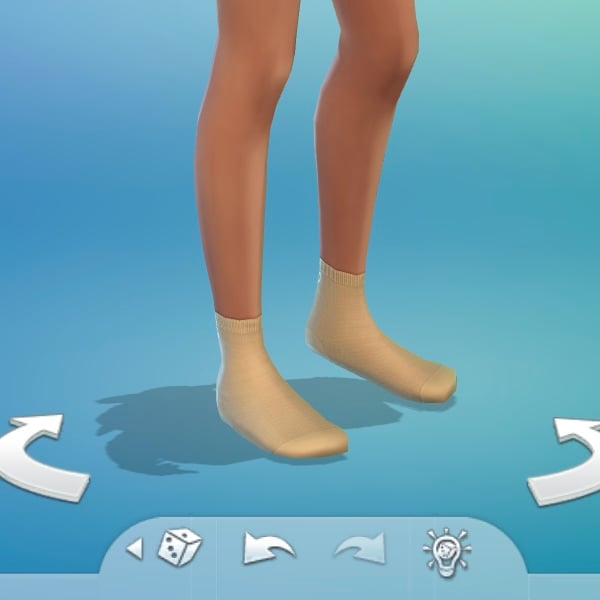
This Maker Pack adds sixteen new assets for Teen to Elder Sims (seventeen if you count the headphones twice). The main focus is clothing items, along with some accessories such as socks and leggings. There are more items designed for feminine frames than for masculine ones, although the overall distribution between the two is fairly balanced.
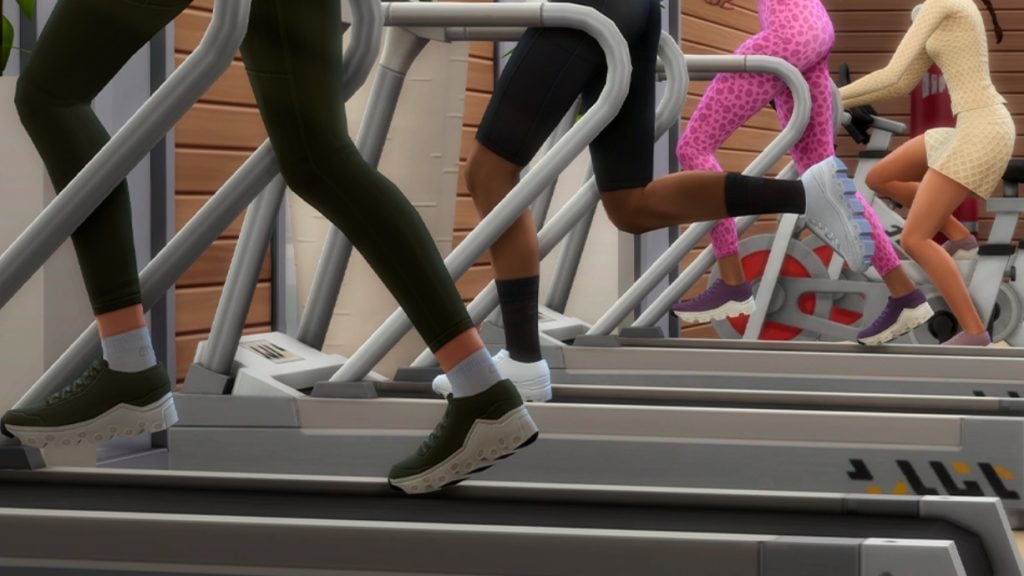
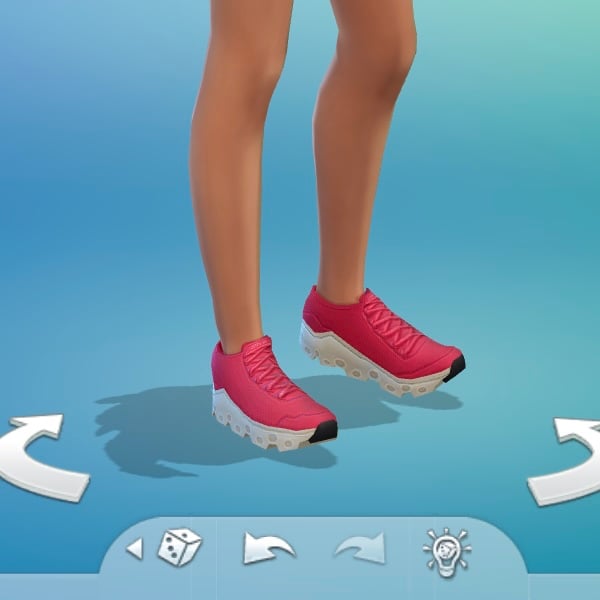
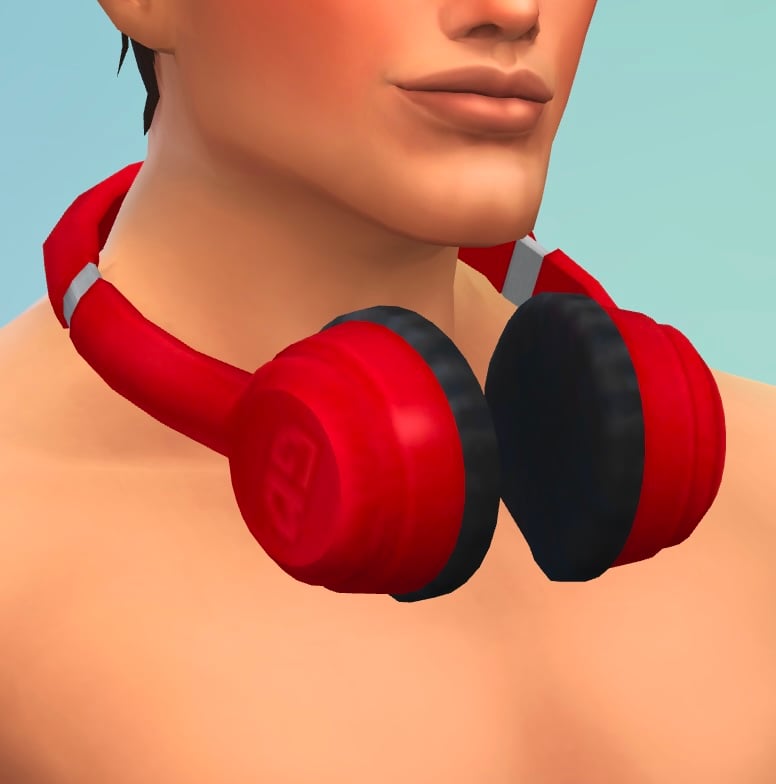
In total, feminine-framed Sims receive three tops, two full-body outfits, four bottoms, three accessories (two pairs of socks and a pair of headphones worn around the neck), and one pair of shoes. Meanwhile, masculine-framed Sims receive two tops, one bottom, and four accessories (two pairs of socks, one pair of leggings, and the headphones).
Both headphones share the same model, and the shorts are perfectly designed to work for both masculine and feminine frames.
Tops
Bottom
Full-Body
Shoes
Accessories
Styled Outfits – A Gorgeous Way to Make Exercise
An ensemble of outfits using The Sims 4 Cozy Fitness Maker Pack to showcase how players may utilize the assets.
Free Alternatives with a Similar Style
If you like the Sims 4 Cozy Fitness Maker Pack by Caio, but you’re not fully convinced by the new Marketplace or its pricing model, we’ve got you covered. There are already several free custom content alternatives available that offer a very similar sporty and athleisure aesthetic, with tight-fitting pieces, clean textures, and versatile designs.
Many talented creators have explored this style before, releasing high-quality fitness sets that can easily fit into your Sims’ activewear wardrobe. Below, you can find a couple of great options that capture a similar vibe to Cozy Fitness, while remaining completely free to download.
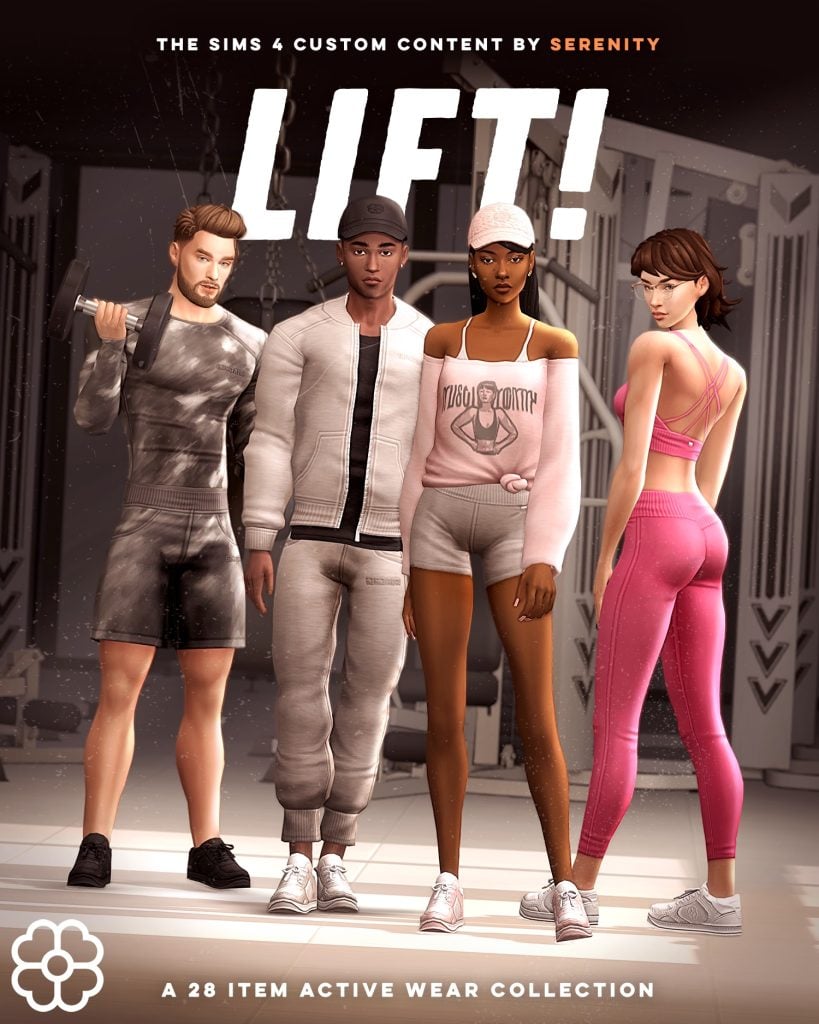
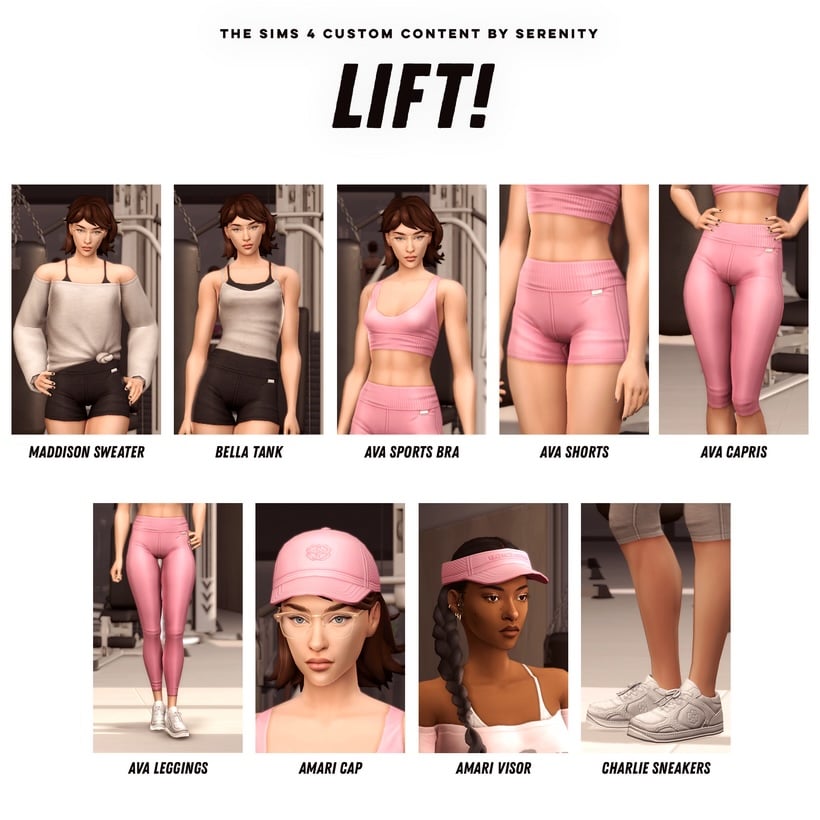
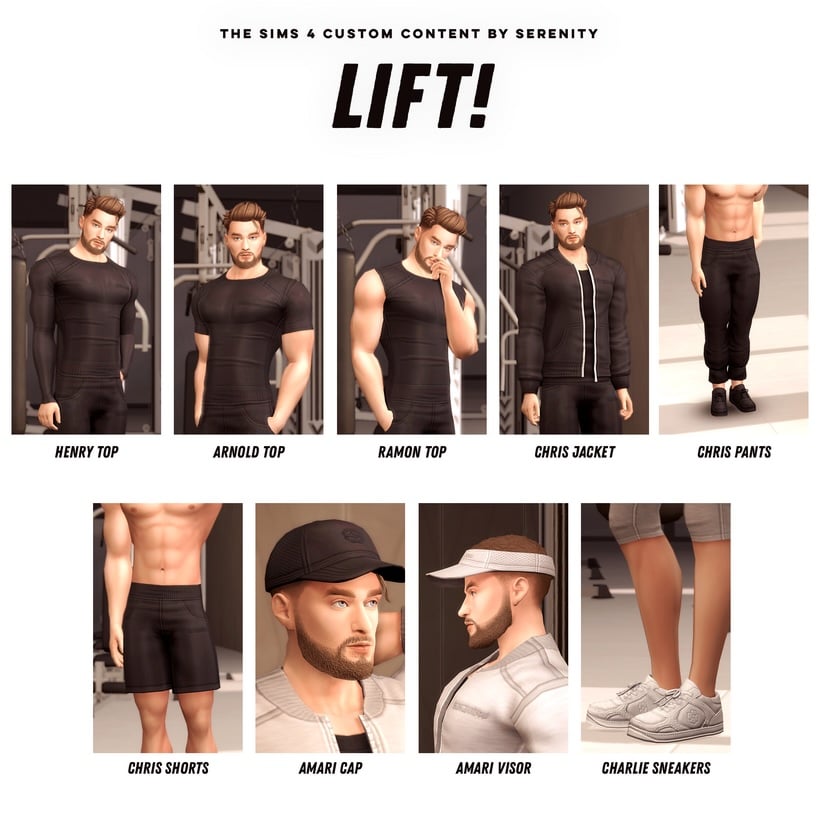
Lift! By Serenity
This free CC set by Serenity includes an impressive 28-item collection, completely free to download. It’s perfect for dressing up your Sims in stylish, high-quality athletic wear.
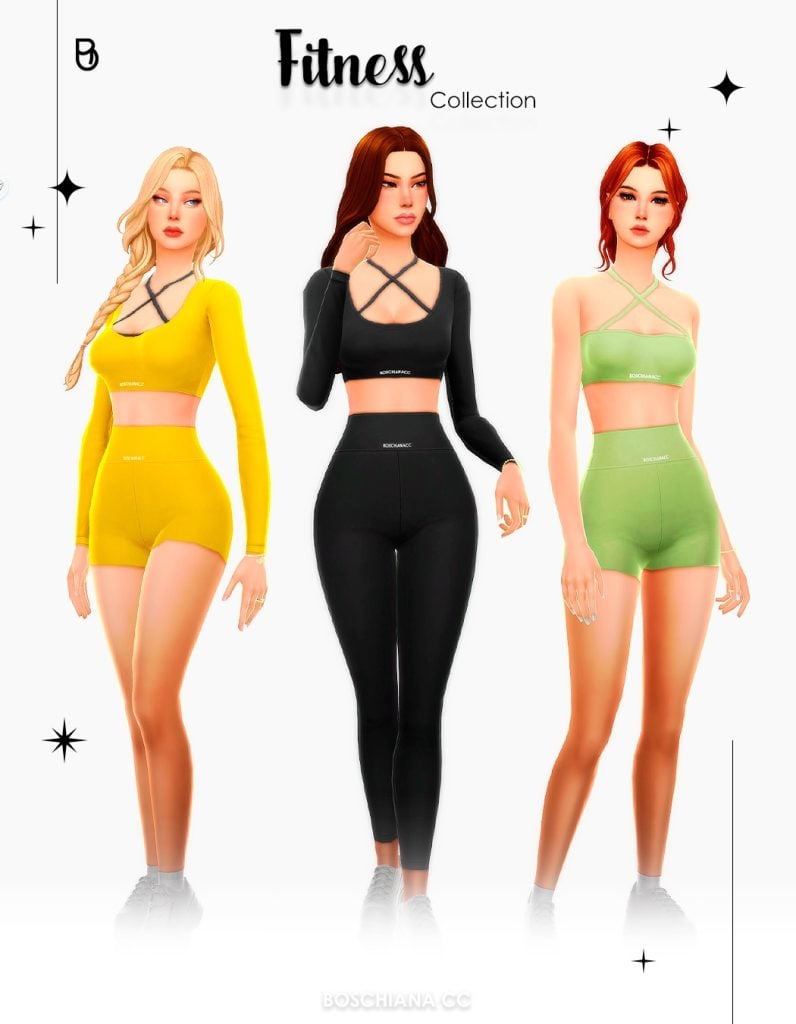
This Fitness Collection is another great free alternative for players looking to expand their athletic wardrobe. The set includes 13 base game compatible items, featuring a mix of tops and bottoms designed specifically for female Sims. With 27 swatches available, ranging from bold colors to more neutral tones, it offers plenty of variety to create different sporty looks.
From a quality standpoint, the Sims 4 Cozy Fitness set is quite solid. The textures look clean, the clothing fits well within the game’s art style, and some pieces—especially the headphones—bring slightly more creative ideas to athletic outfits in Create-a-Sim. It’s clear that care went into the design of these items.
However, the context of the Marketplace makes the overall value a bit harder to evaluate. At 500 Moolas, the pack feels relatively expensive when compared to official Kits, which usually include around 25 items at roughly the same $5 price point. While smaller creator packs are expected to work differently from official DLC, the comparison inevitably raises questions about pricing and value.
This is also where things become delicate. The quality of the set itself isn’t really the issue—if these items were released on traditional custom content platforms, many players would likely download them without hesitation, especially knowing that creators often support their work through traditional platforms. Inside the Marketplace ecosystem, though, the pricing structure and the broader monetization model inevitably shape how these releases are perceived.
In the end, Sims 4 Cozy Fitness is a well-crafted set that shows the creativity and talent of its Maker. The hesitation many players may feel likely comes less from the quality of the content itself, and more from the new economic framework in which it now exists.
What do you think about the Sims 4 Cozy Fitness set? Does it feel worth the price to you?
The very controversialSims 4 Marketplace, an addition to The Sims 4 that adds microtransactions funded by the virtual currency “Moola” with released sets released by partnered and approved Makers, has released for PC players as of March 17th, 2026, with console players expected to receive the Sims 4 Marketplace in the near future. One of these sets, the Sims 4 Sunburst Collection by well-loved and popular Maker and CC Creator CrypticSim, has come under especially heavy critique due to the pricing and actual content of the set. Many players and creators have pointed out pixelation and seemingly low quality, making many question the price tag and what the actual bar for quality is with releases found in the Sims 4 Marketplace.
Table of Contents
The price of the set itself is 500 Moola, with the most basic conversion being $5 USD. The set includes 10 items, all being makeup available in Create-A-Sim. The price, amount of items, and quality of the collection is noticeably different when you compare this to a Creator Kit by the same creator, The Sims 4 Essential Glam Kit by CrypticSim. That initial creator kit released in August 2025 was a well-received kit, especially when compared to other releases in the last year or so, with 27 new assets for the same price as the Sims 4 Sunburst Collection.
When generally describing the content of the marketplace outside of this, most of these sets align heavily with the style and direction of The Sims 4, only include basic assets rather than full mods or off-the-wall custom content, and are priced by the creators themselves. As far as we know, Makers get 30% of every purchase while EA & Maxis take the remaining 70%.
The State of Sims 4 Mods & CC
As we’re sure many of you are aware, the update that occurred yesterday (PC: 1.122.205.1030 / Mac: 1.122.205.1230) to release bug fixes and to launch the Sims 4 Marketplace had a severe side effect of breaking the large majority of mods and custom content. Even things that normally don’t break from updates, like custom CAS items and Build & Buy Objects, have had multitudes of issues due to a break that messed with the ability for the game itself to recognize .package files, the only file type really used for modding the Sims 4, outside of .ts4script files.
Sul sul, CC and Mods are super important to our community and we've continued to share that the Marketplace does not replace free content. Makers can continue to offer free or paid early access on other platforms under our mod policy, which isn't changing
— The Sims Direct Communications (@TheSimsDirect) March 18, 2026
The developers of The Sims 4 have somewhat of a poor reputation of fixing issues that have upset the community, often leaving bugs unhandled for weeks, months, or years. However, the backlash of creating an update that breaks thousands of custom content items forced a quick reply, as the forums and social media were flooded with outraged PC players. Since the update in question is an introduction to the marketplace for PC only, many players that were actually effected by this were custom content and mod users, despite the primary justification for the marketplace being that it “gives” Sims 4 Console players access to “custom content”.
Sul sul, we have a fix for the issue that was unintentionally impacting CC. This update will start rolling out roughly within the next 15 hours & we’ll confirm once it’s live.
Thanks for your reports & patience while we worked to resolve this asap!
— The Sims Direct Communications (@TheSimsDirect) March 18, 2026
Players are now expecting a quick hotfix update, expected March 18th 2026, to fix the issue that leads to the game not properly recognizing .package files, which will hopefully reverse these issues and allow mod creators to move forward with the status quo of updates, as many have been stopped in their tracks because of this. With everything being up in the air, players and creators alike have felt stuck.
Community Reaction & Response
If you are anyone who has modded or used custom content in The Sims 4, you are likely well aware of updates often breaking mods. Recently, EA has been often giving a heads up and warning both creators and players, encouraging them to prepare accordingly to avoid game corruption. This update, like many before it, was expected to break some mods, but most players expected that custom content would remain intact, like just about every update before this.
However, the actual update led to a wide range of issues, from broken meshes, .package files not being recognized, and players not even being able to re-enable mods to test the update if they wanted to. The community reaction was swift, with creators big and small pointing out that this is not normal. This even led to conspiracies about the idea of this being intentional, as a way to push players towards the marketplace.
so apparently this update is causing a lot of cc to not appear ingame…?
Look, we’re aware of our modding community, and we’ve finally decided to appreciate y’all by releasing a paywalled marketplace, an official toolkit exclusive for those makers — and, cherry on top, a CC-breaking update
We more specifically wanted to point this out as players will likely not be able to use CC items until this patch is released, unless they’ve disabled auto updates and played in offline mode.
The Sims 4 Sunburst Collection Maker Set by CrypticSim
Screenshot
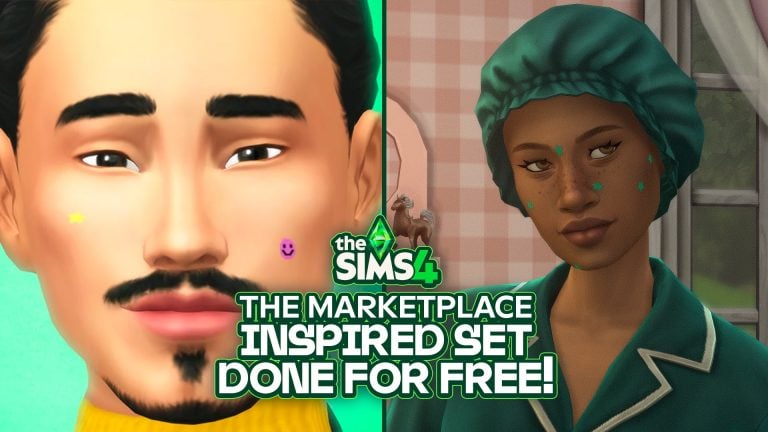
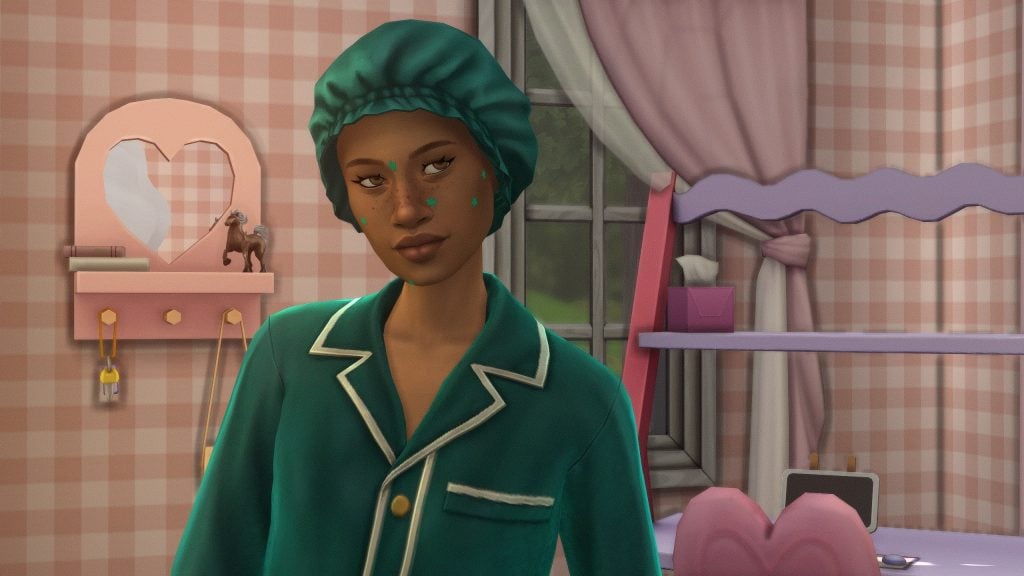
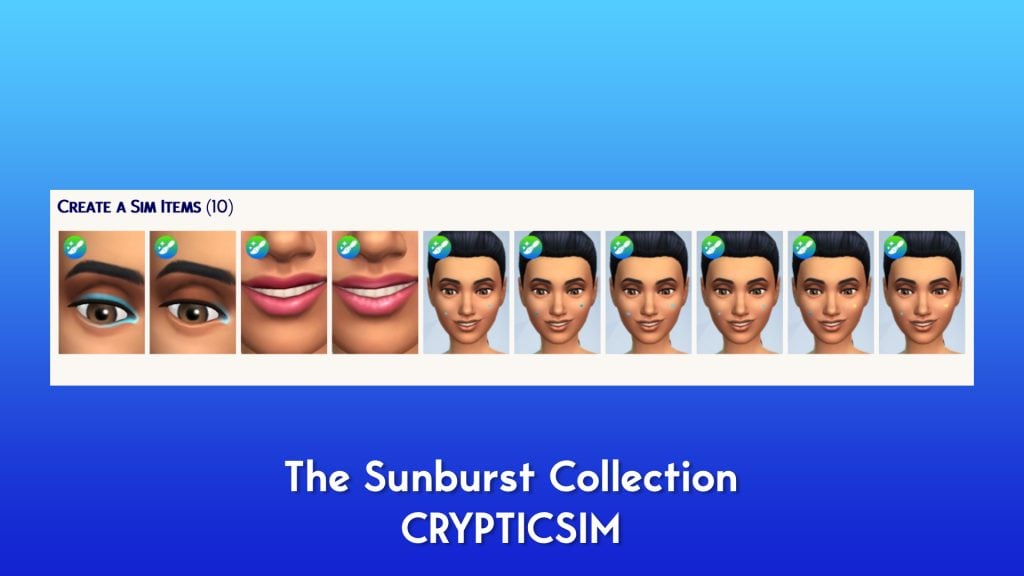
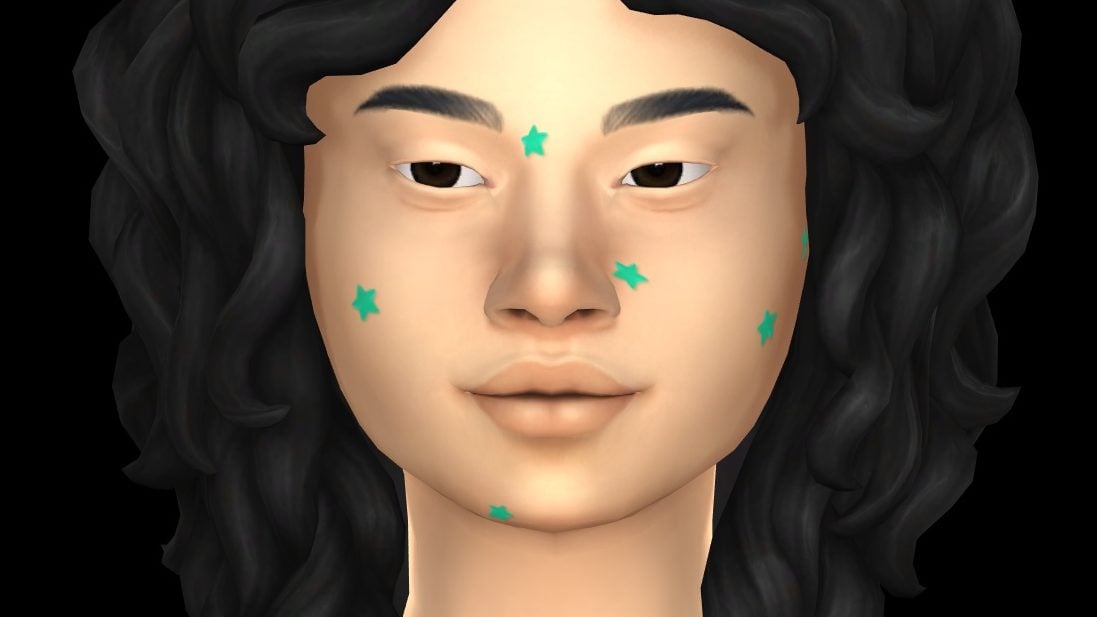
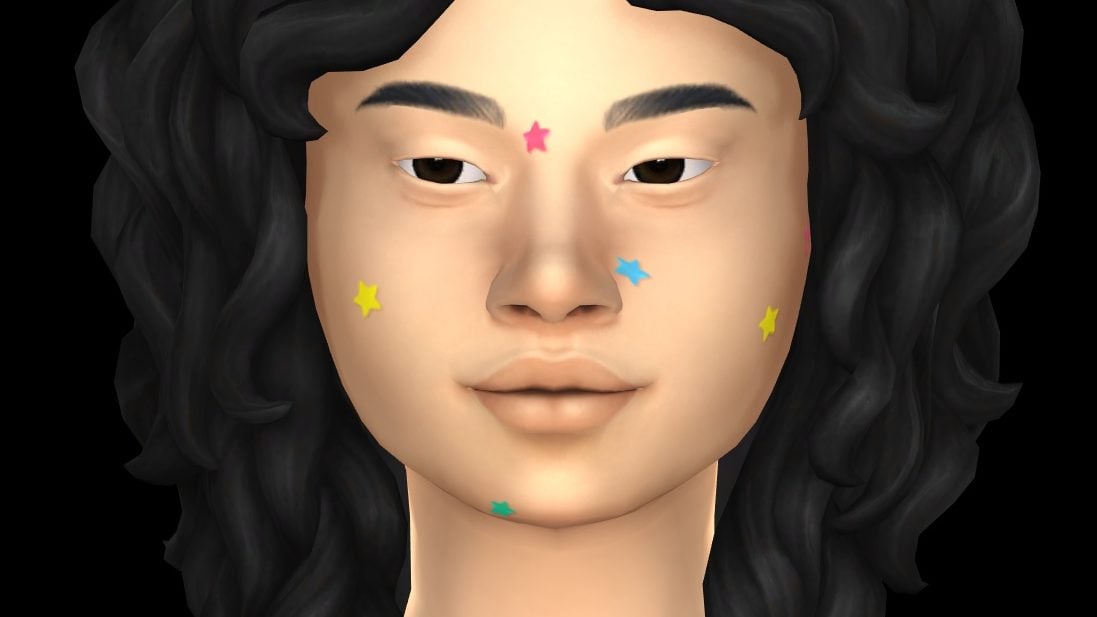
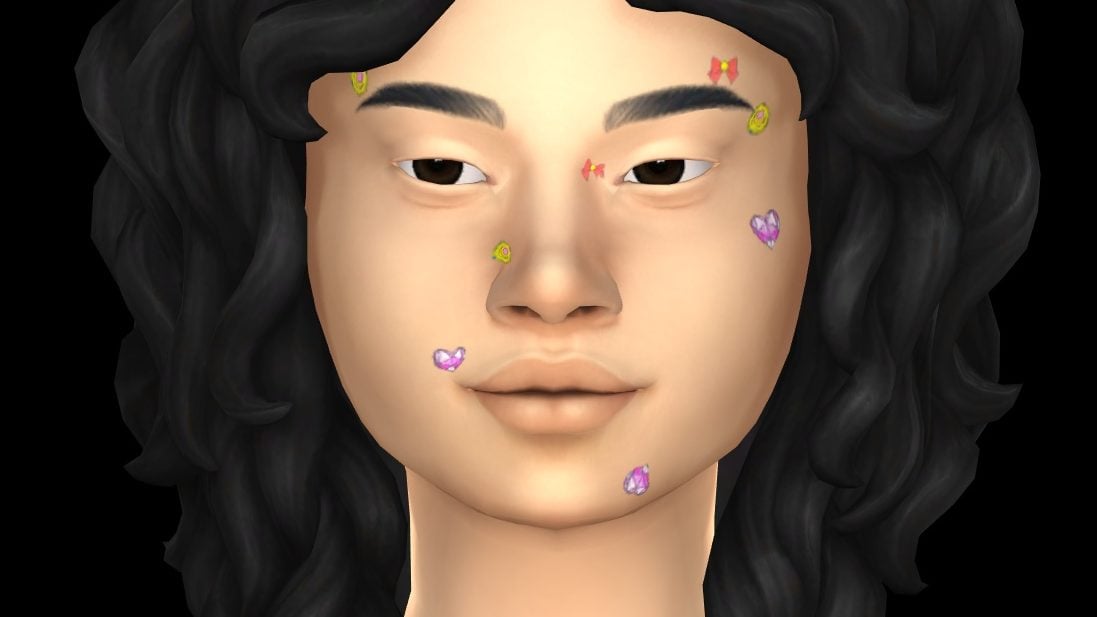
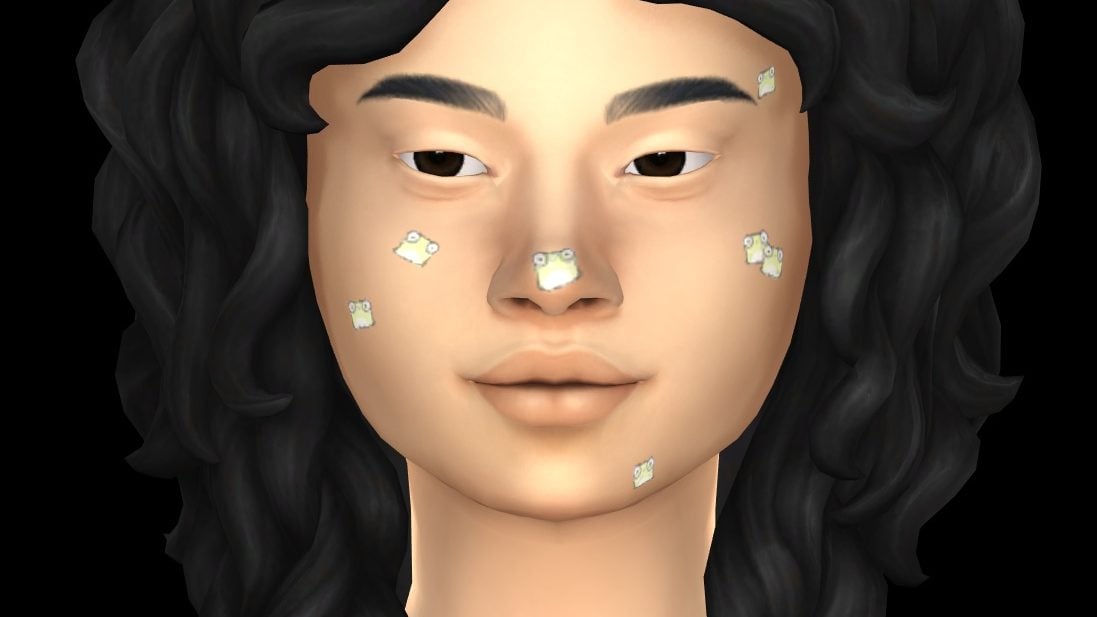
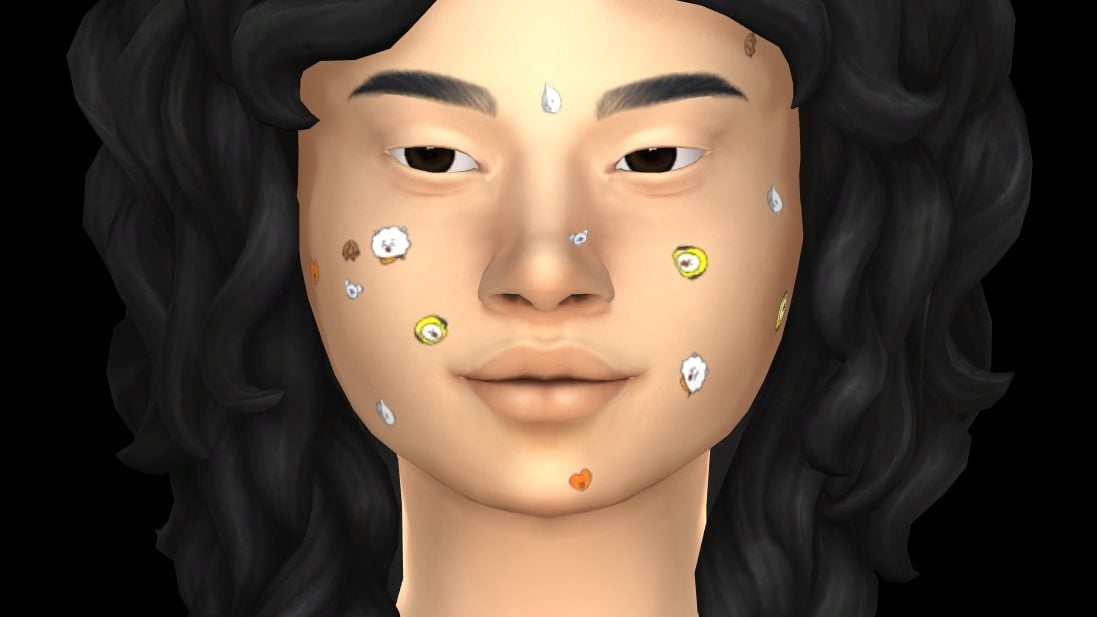
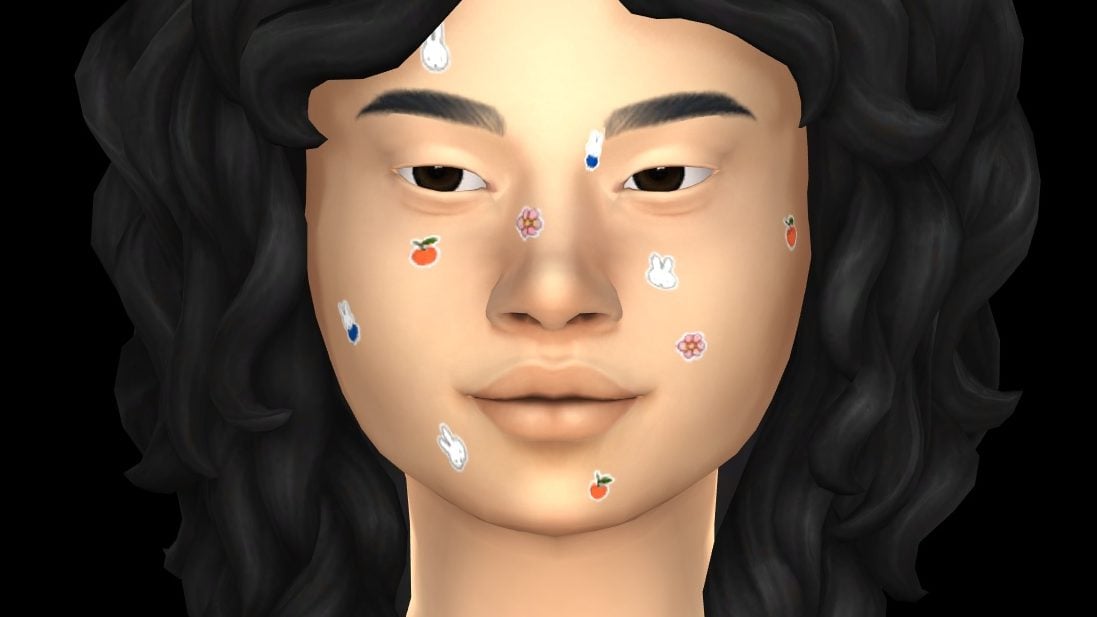
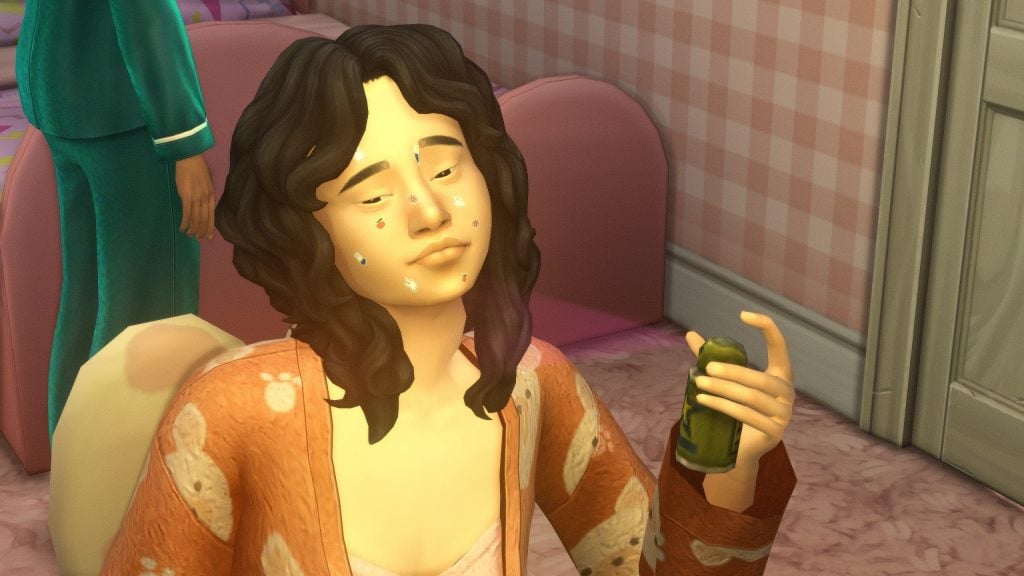
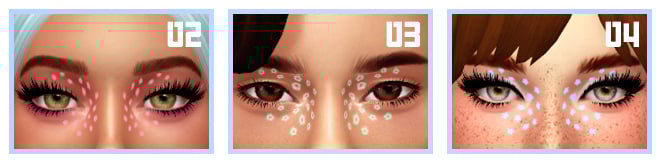
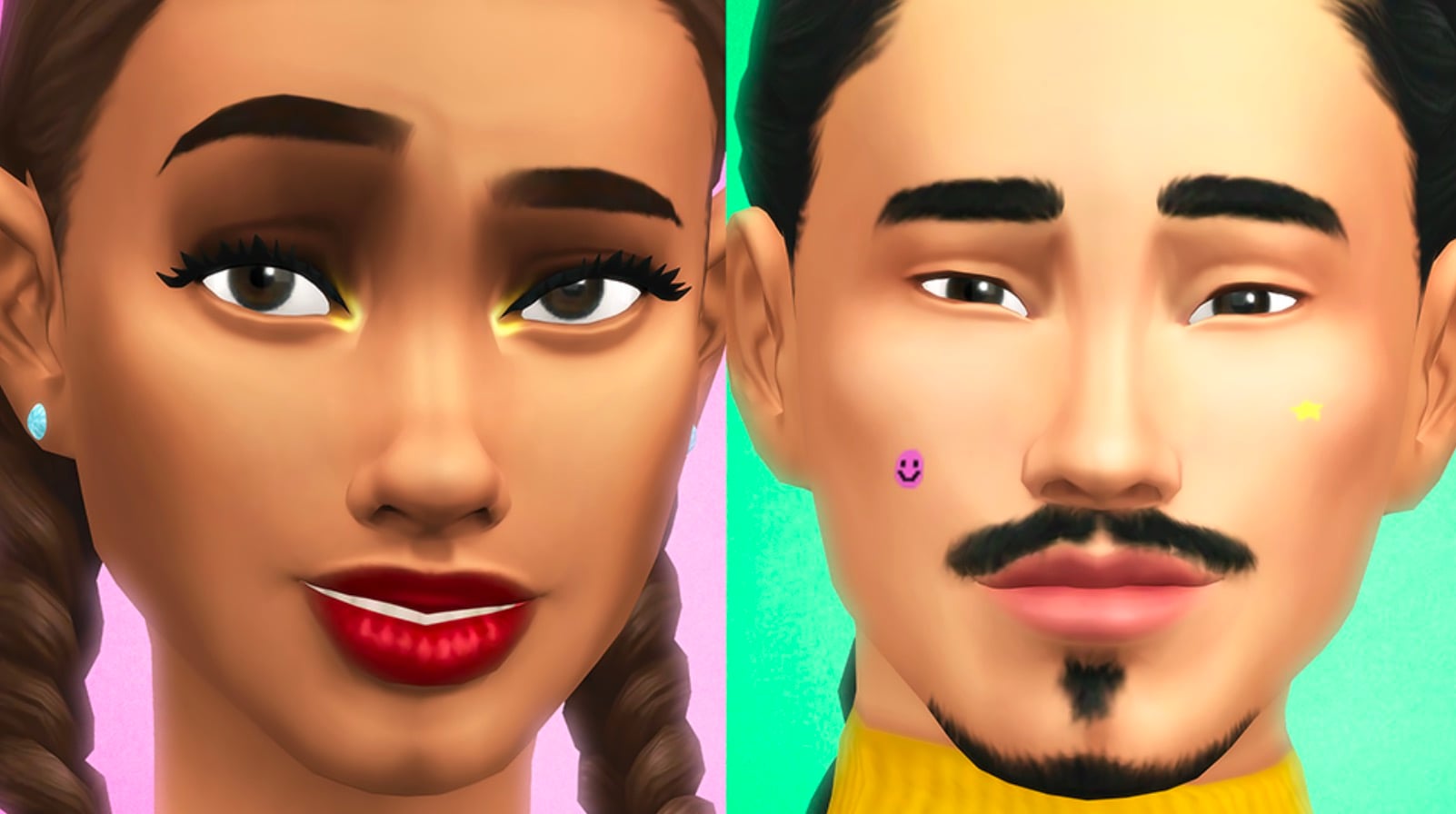
The Sunburst collection is a vibrant makeup and blemish patch collection with bold blues, greens, pinks, reds, oranges, and yellows. This collection consists of two eyeshadows, a glossy and matte lip tint, and 6 different variations of blemish patches, including stars, hearts, butterflies, and smiley faces.
This set by Sims 4 Marketplace Maker CrypticSim comes with 10 total items, including two lipsticks, two eye makeup items, and six face paint category items that act and appear as star and smiley face pimple patches, somewhat reminiscent of the ones introduced in the Sims 4 Sweet Slumber Party Creator Kit by Trillyke, which was one of the first available and official creator kits.
Pimple Patch Face Paint from the Sweet Slumber Party Creator Kit by Trillyke
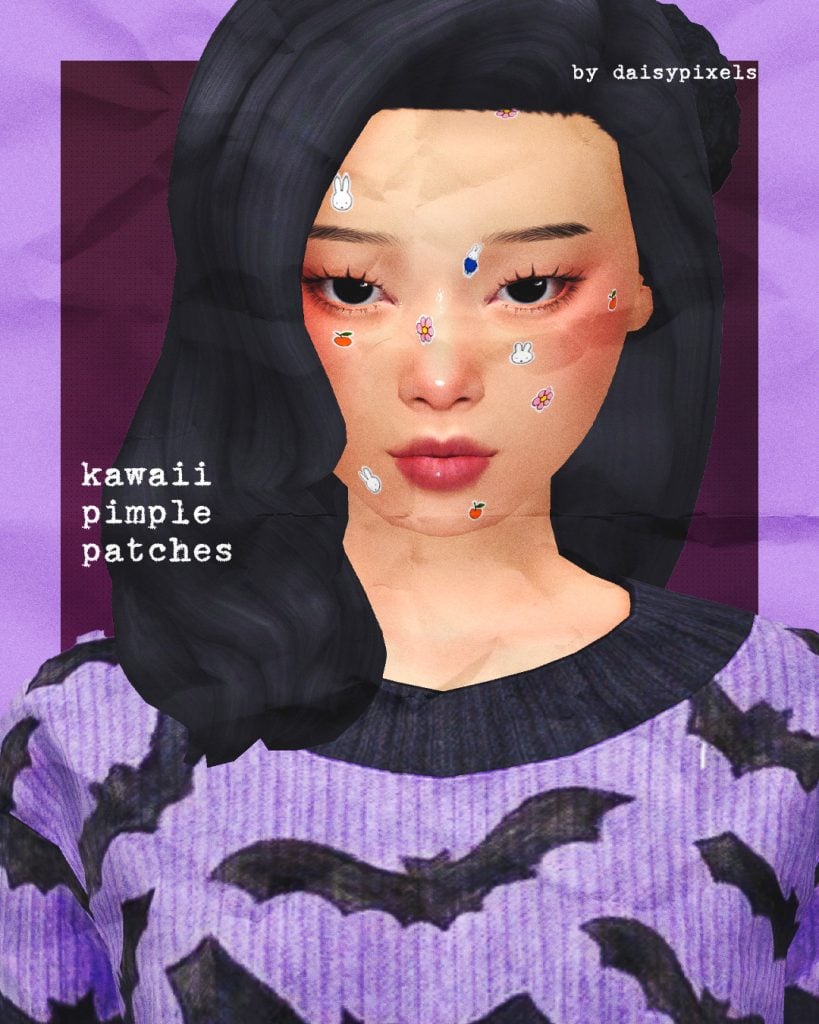
Star & Kawaii Pimple Patches FREE CC Sets by DaisyPixels
DaisyPixels, a creator well-known for creating very cute and sweet clothing items and other pieces of custom content, was one of many people who felt a certain way about the marketplace and the quality of the items shown in previews. An anonymous follower expressed to DaisyPixels that they were sad because they wouldn’t be able to get the pimple patches that were shown in the marketplace preview, from the Sims 4 Sunburst Collection.
In response, DaisyPixels stated “I don’t really like the idea of anyone paying explicitly for PNGs and this thing took me like 10 minutes“, releasing the first set of Star Pimple Patches. After another anonymous ask, the Kawaii Pimple Patches were also released as a set by request.
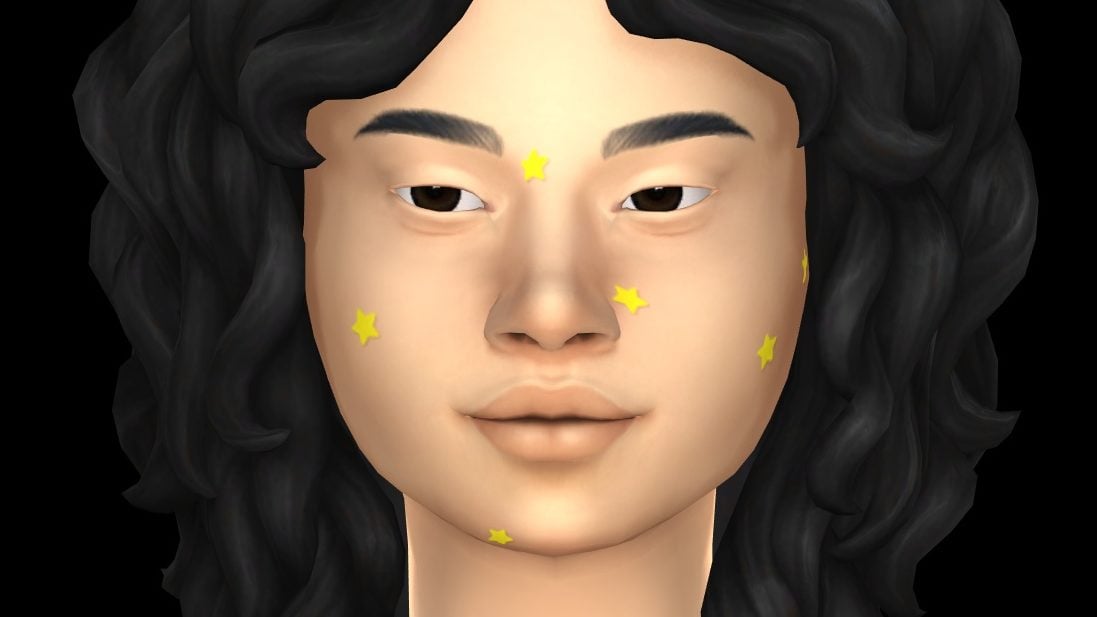
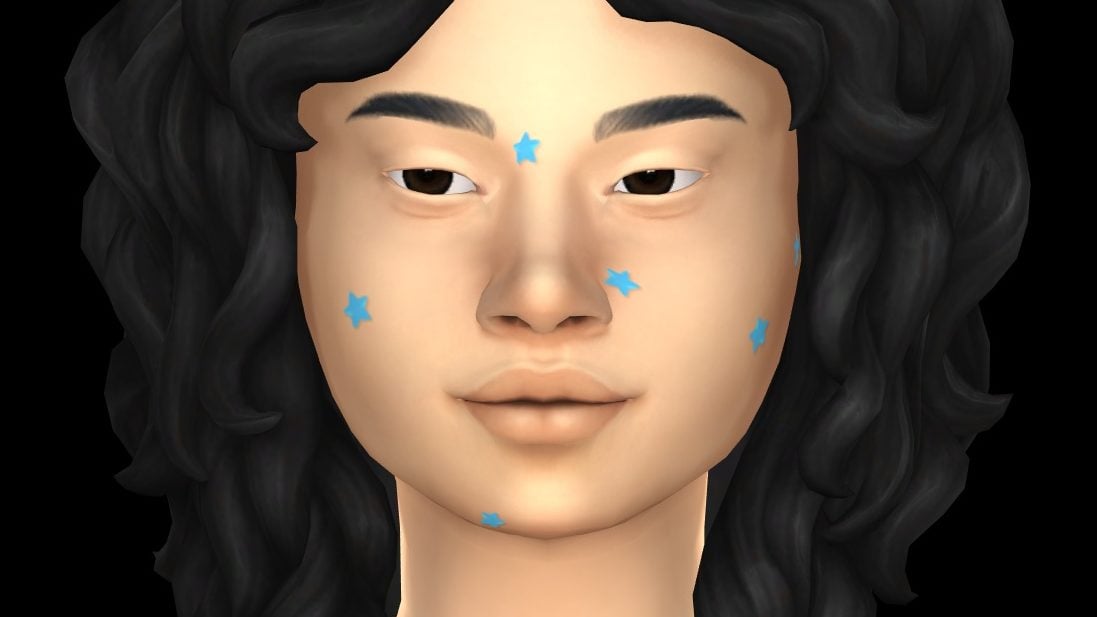
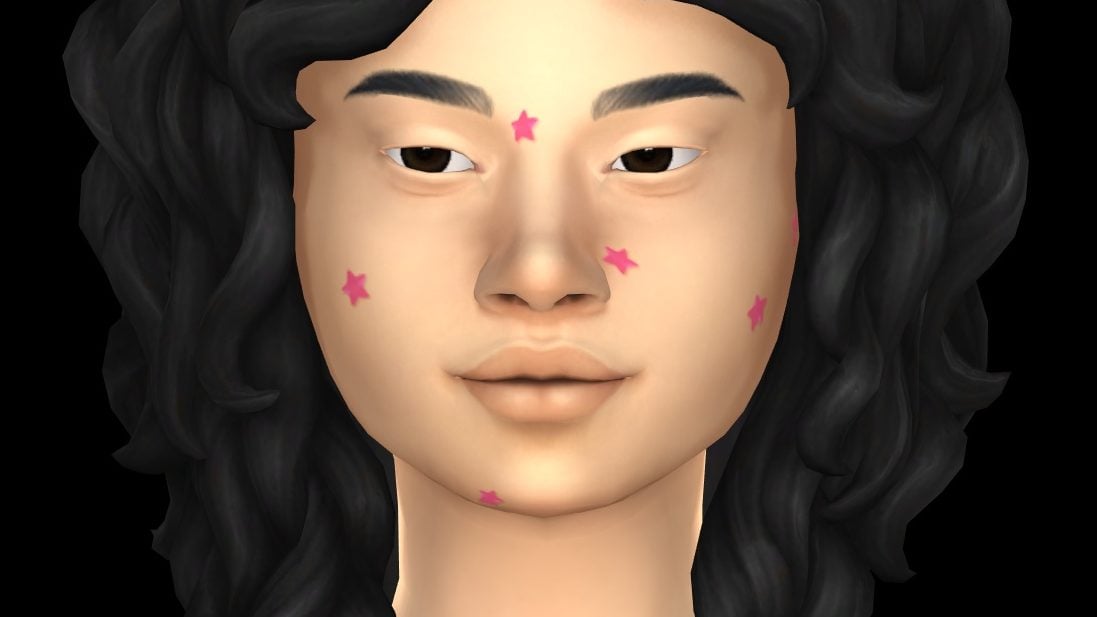
Swatches of the Star Pimple Patches by DaisyPixel
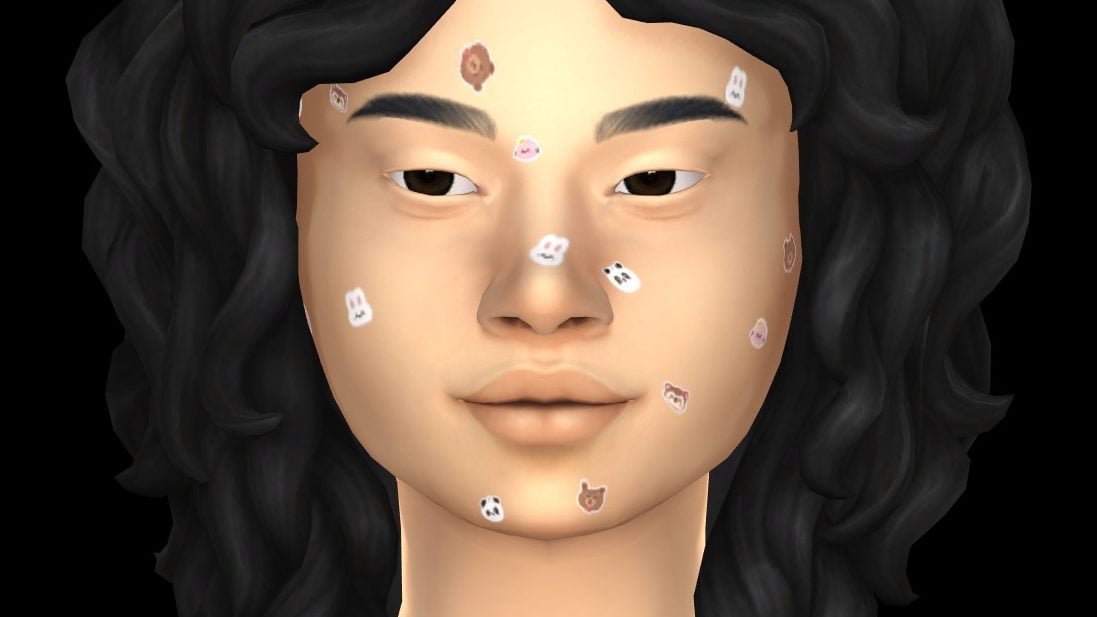
Both sets come in five swatches each, with the Star Pimple Patches coming in single colors and a multicolor scheme, and the Kawaii Pimple Patches coming in multiple sets with various cute little stickers.
Swatches of the Kawaii Pimple Patches by DaisyPixel
This CC set by DaisyPixels gives players options and decent quality without a price tag or virtual currency requirement, making it easily accessible for those who can mod or add custom content to their game. The colors provided can easily work with most custom content or base game clothing items and don’t seem to have any issues with warping or pixelation that we often see with some face paint textures, found both in custom content and in-game items.
While items placed in the Sims 4 Marketplace cannot be reuploaded anywhere else by the creators, and contain restrictions on multiple factors of the creation and publishing of these sets, we’re likely to see many free CC creators show true love for this game’s community by providing easily accessible custom content, whether they are free from the start or after an, often short, early access period.
Star Pimple Patches Official Image by DaisyPixelsKawaii Pimple Patches Official Image by DaisyPixels
What are your current thoughts and feelings on the Sims 4 Sunburst Collection, or any sets coming from the Sims 4 Marketplace in general?
Make sure to follow The Sims Community as we spotlight amazing free CC creators and provide accurate and honest reviews of any paid content, including Marketplace Sets, to make sure you’re getting your money’s worth!
As promised by The Sims Direct Team, the latest Sims 4 Hotfix Update is out now, and you can see what’s been improved in the short & sweet release notes below. Please note that this Hotfix Update is only released on PC and Mac platforms, meaning that Console shouldn’t be affected as players still await The Marketplace launch in the coming months.
The Broken CC and Mods Hotfix Update
Table of Contents
Installing the Latest Sims 4 Update
You can get the latest The Sims 4 Update on the following official launchers and platforms:
You can download the latest Sims 4 Update by checking for a Patch through the EA App, Steam or Epic Games launcher for Desktop. If you have Automatic Updates enabled the update will automatically download through your client program. In case your EA App is not working properly ensure you’ve cleared your app cache!
If you play The Sims 4 on Xbox Series X / S and Playstation 4 and 5 you can request a new update by checking for updates under The Sims 4 game in the Main Menu. If you’ve enabled automatic updates the Patch should download right away.
Here is a small but important fix to custom content that was affected yesterday. All CC should now load and behave as expected. Thank you for your patience as this was sorted out.
– The Sims 4 Team
Bug Fixes
Resolved an issue where pack-specific custom content would not fully load and triggered other CC to not load as well.
Note from The Sims Direct: Some mods and custom content might still be incompatible and need to be updated to run properly in-game. Please be patient as custom content creators and modders work to resolve errors that might occur.
The update is around 144MB on Mac.
What’s your experience with downloading the latest Sims 4 Update hotfix to your PC / Mac platform? Let us know in the comments below and stay tuned to Sims Community for latest game coverage!
Apart from just pleading with Grim, how do we beat the grim reaper when it comes to our Sims on the brink of death? From base game to almost every expansion pack and sprinkled in some Game and Stuff packs – there are plenty of death types in The Sims 4 lurking in almost every corner. Are you keeping your Sims safe or letting them live life to the fullest and hoping for the best?
We may know how to bring a ghost back from the dead but what about saving a Sim whose time has suddenly run out.
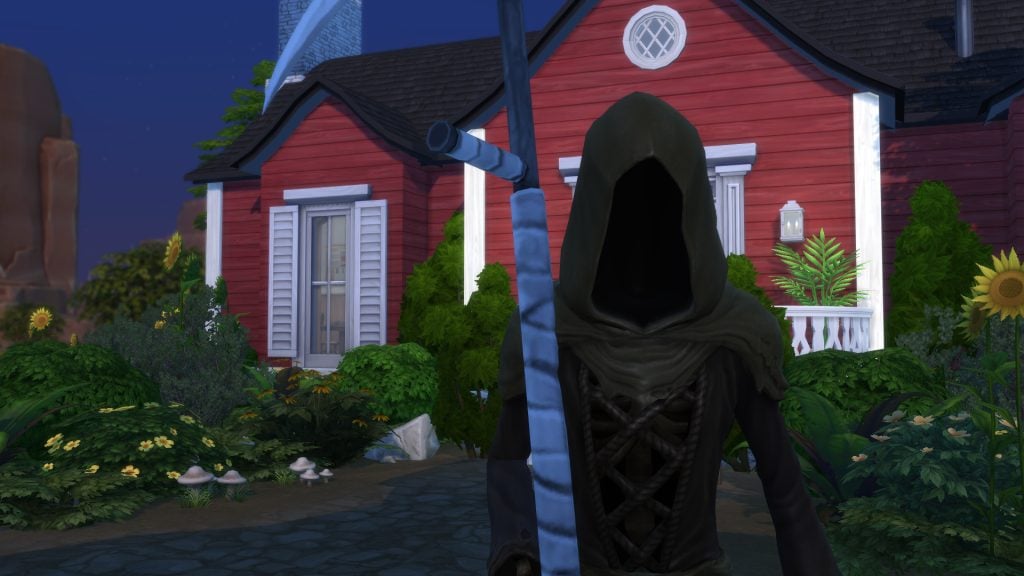
When our Sims time comes our fabulous floating friend, good old Grim Reaper, glides in to tie up any loose ends in a neat little bow… or rather a shiny urn or tombstone. Reaping souls is his job, it is what he arrives for (despite those of us who mainly try get him to pitch up so we can seduce him…) and what he comes to complete.
But what if this death was unplanned? Maybe you are mid legacy challenge and your heir just can’t leave this Sims world just yet. So how do we actually beat Grim to save our little pixel friends?
Beating the Grim Reaper
Death types
I won’t sit here all day and list all the possible death types in the Sims 4… there are over 20 death types for you to explore or accidentally stumble into all on your own. What I will say is that there are plenty of creative ways to meet the Grim Reaper and in turn, a few ways to also beat the Grim Reaper. The latest death came with the latest expansion pack – The Sims 4 Royalty & Legacy in the form of a grandfather clock which is entertaining to see.
Every death brings with it a specific ghost with unique behaviors… but what if we never want to get to the ghost stage? What if all of this was a misunderstanding and we want… or NEED, this particular Sim to live?
This is where we try our hand at pleading for life with the grim reaper.
Plead with the Grim Reaper
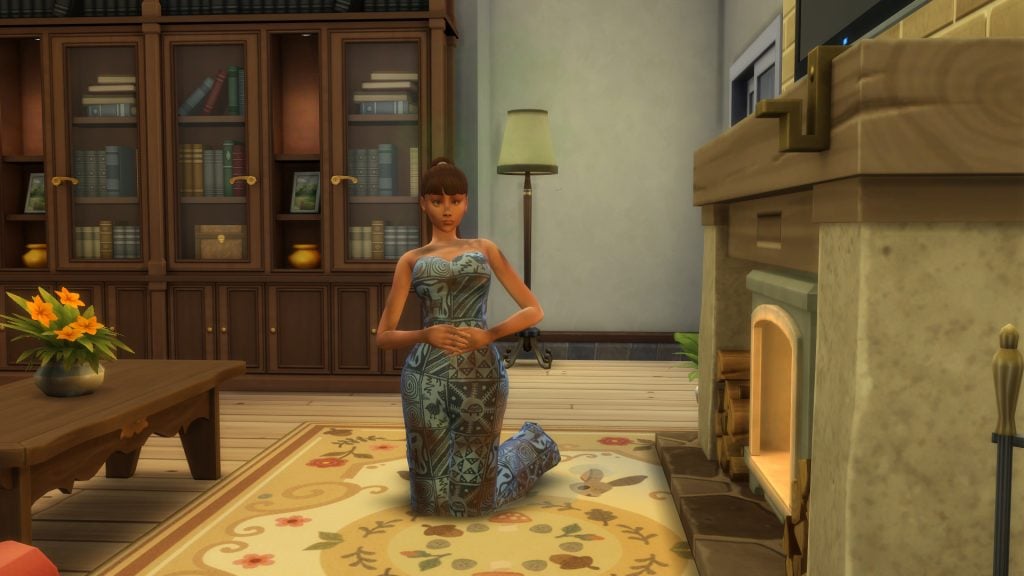
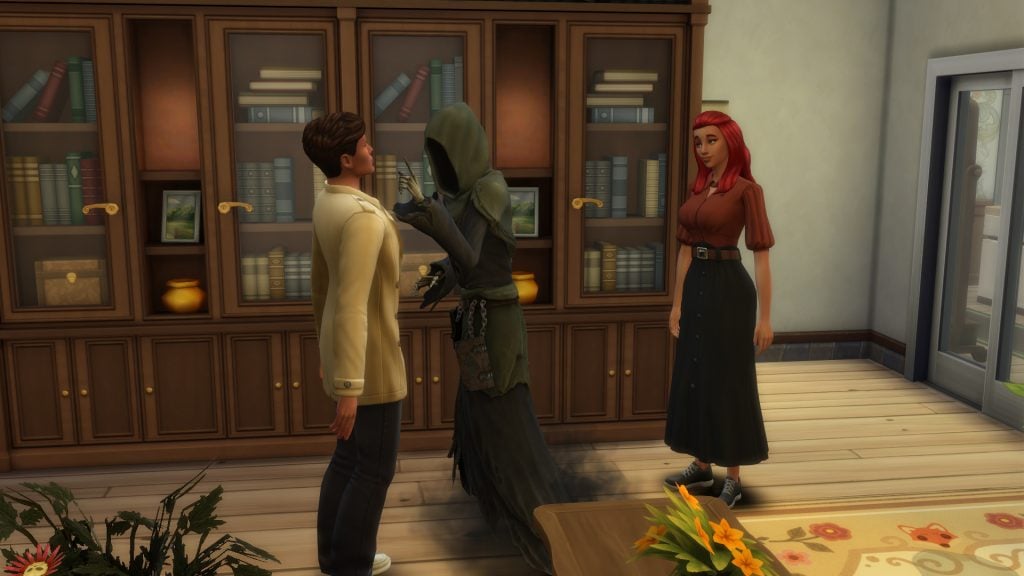
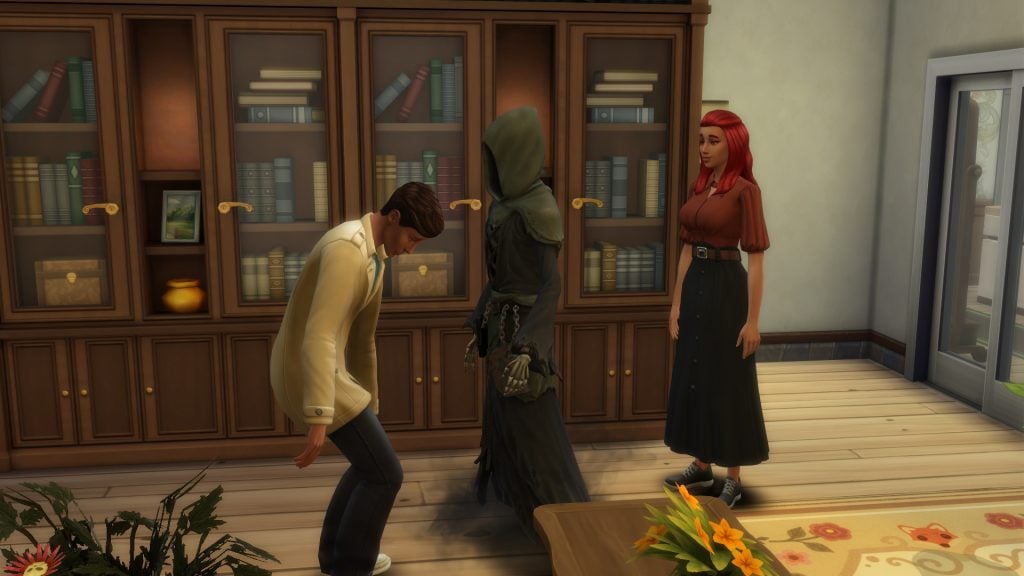
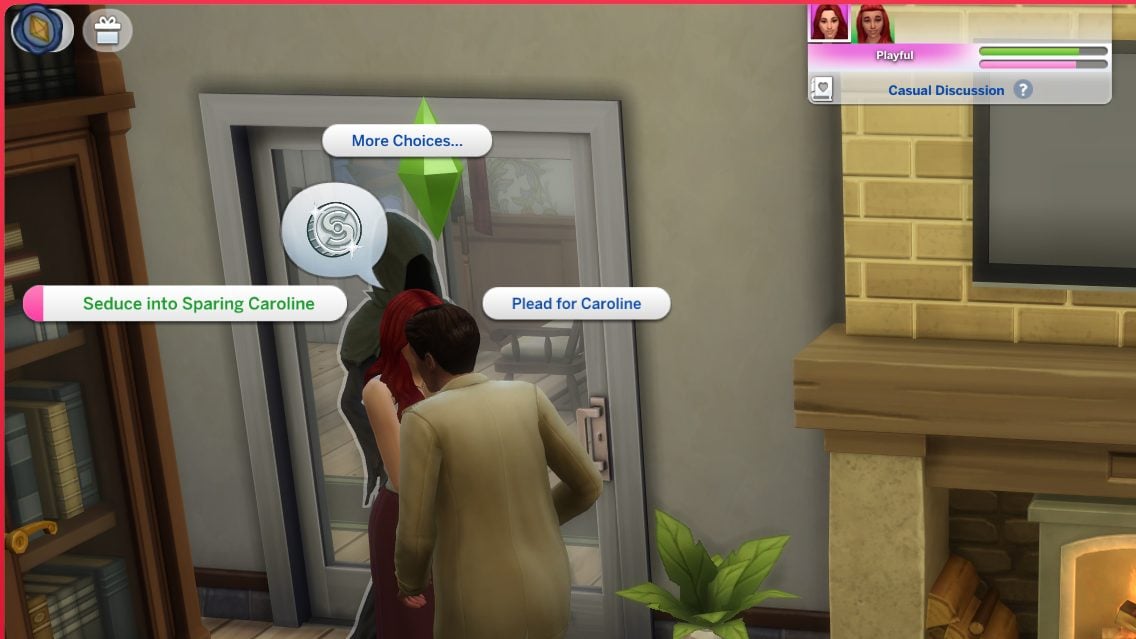
One way to beat the grim reaper is to seduce him first. Perhaps you have been lucky enough to have encountered him in a previous situation that wasn’t quite as close to your heart as this one. So getting that flirty side of your Sim out could come in handy if all goes well. Seduce the Grim Reaper and your Sim may just be saved!
Beware the down side… Grim might laugh at you , shake his finger and decline your seduction and then you have failed to beat the grim reaper and your poor Sim is all Grims. ‘Pleading’ for your Sims life is a normal interaction that pops up in the social dialog when Grim appears. But seducing is one that appears if your Sim is in a flirty mood.
Though you must wait for him to reach the dying Sim for the reaping to begin. Pleading has a 50/50 outcome, sometimes having a higher relationship with the unfortunate Sim who is passing away helps sway Grim in your favor to save the Sim. Having a higher relationship with Grim also helps.
Being in the right mood
Being in the right mood could help your Sim beat the grim reaper with their pleading. And not just any mood, but a confident one. Two of the easier ways to get your Sims into a confident mood is either finding the nearest sink, lets hope the bathroom one is the closest, and get your Sim to brush their teeth. Brushing teeth will usually give your Sim a +1 confident moodlet for about 4 Sim hours.
And the second easy way is to find a mirror and get your Sim to “psych self up” in the mirror which will give your Sim a +1 confident moodlet for 3 hours. Last but certainly not least is to get your Sim to brew themselves some tea with a teapot. Now I am not talking about just any old tea, but specifically an Early Grey Tea which will give your Sim a +2 confident moodlet for 4 hours.
There are a few other ways to get your Sims confident, viewing or being around confident artwork being another, but the three mentioned above (mainly the first two) are some of the easier ways to go about it. So being in a confident mood when pleading for a Sims life to the Grim Reaper is a huge plus in being successful in saving another Sims life.
Gifts to Beat The Grim Reaper
Death Flower
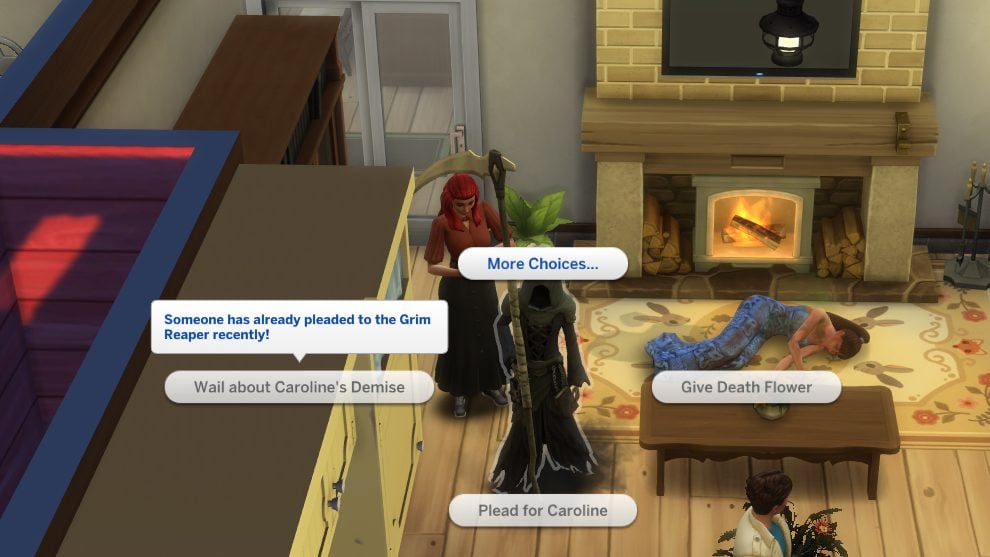
Offering a Death Flower to the Grim Reaper almost guarantees success which is a win if you happen to have some death flowers lying around, which isn’t extremely likely but it is an option. Grim will accept the flower and revive your Sim.
It is said that the death flower has a 100% success rate as he’ll always accept this in exchange for the life of a Sim. To grow a Death Flower, your Sim needs to be a level 5 in the gardening skill to unlock grafting. To make the death flower you need to graft a pomegranate to an orchid which will result in a death flower. Use that or plant it to create a whole bunch of death flowers… just in case.
Gift Grim a Death Frog
In The Sims 4 Life & Death Expansion Pack, when Grim comes to reap a Sim’s soul you can gift him a Death Frog. When gifted, there’s a high chance Grim will accept this in exchange for the life of a Sim. You can find Death Frogs the same way you’d look for regular frogs in the game, by selecting the ’Look for Frogs’ interaction on logs and in ponds. Your Sim will have a greater chance of finding one if they search around midnight.
However… I had the death frog in my inventory when I tried to plead and gifting the frog did not come up as an option. Let us know down below if you have managed to get this to work?
Having The Right Skills
You only get to plead once. In The Sims 4 Life & Death, Sims can challenge Grim to a game. If they beat him, the dying Sim will be revived and get another chance at life. One of the games has to be on the lot at the moment of death for Sims to be able to challenge Grim. One of these games is chess, a very popular item at community lots which will get your logic up. Having very high logic is a definite must if you plan on challenging Grim to a game of chess.
Darts, which came with The Sims 4 Get Together, is another option along with ‘Don’t Wake The Llama’ and foosball. If you like playing games and your Sim is inclined to win, do consider this option but beware… the games mentioned are always heavily swayed in Grims favor so winning is less than a 50/50 chance… though there is always that slight hope right?
Have you managed to beat the Grim Reaper in your game? It can be a game of wits, skill or just pure luck when it comes to Grim but at the end of the day, unless you have aging turned off, all your Sims will meet Grim sooner or later. Now at least you will be prepared with a handful of ways in which to save another Sims life!
However, if you are a lone Sim living by themselves on a lot, well… may the odds be ever in your favor! Let us know in the comments what your encounters with Grim have been like and see more of our Original Articles and Game Guides!
The latest Sims 4 Patch Features for March 17th are finally here, bringing the long-awaited Marketplace, over 60 bug fixes, and major improvements to Sim autonomy.
This update focuses heavily on quality-of-life changes, addressing some of the most requested issues from the community while also expanding how players discover and purchase content in The Sims 4.
Here’s a full breakdown of everything included in today’s update.
The Sims 4 Patch Features for PC/Mac (March 17th, 2026)
Marketplace Now Available on PC and Mac
One of the biggest additions in this update is the introduction of the Marketplace for PC and Mac players, with console support coming soon.
The Marketplace is fully integrated into the game and includes:
Curated collections tailored to different playstyles
Improved discovery tools
Access to Maker Packs and additional content
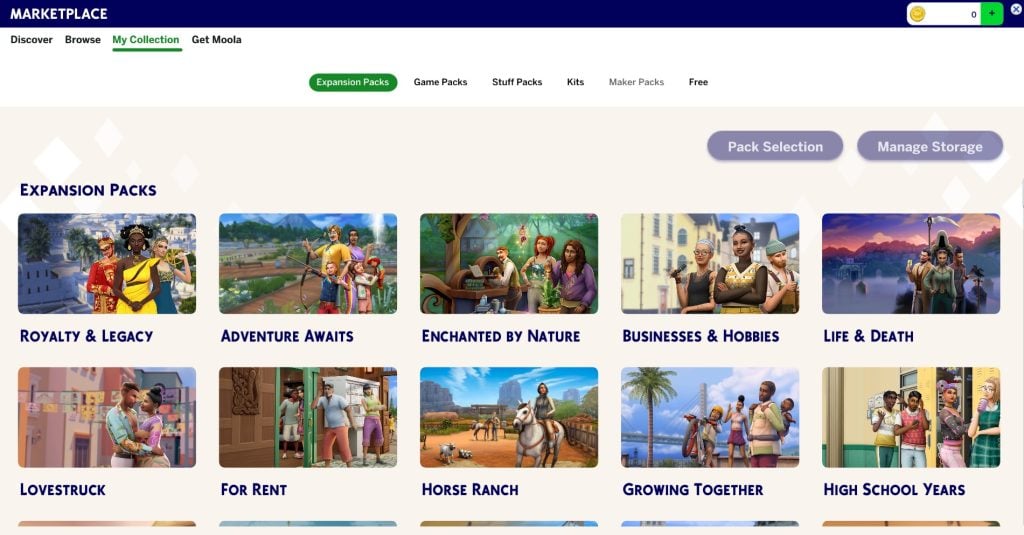
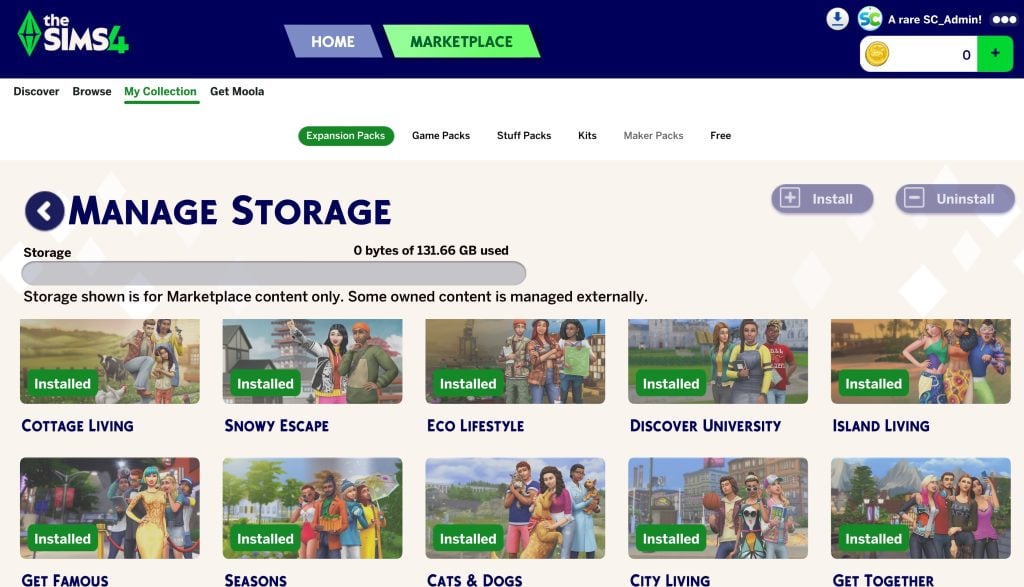
Players can now also manage their downloaded Marketplace content directly in-game through My Collection, including storage and installed content.
Pack Select Relocated
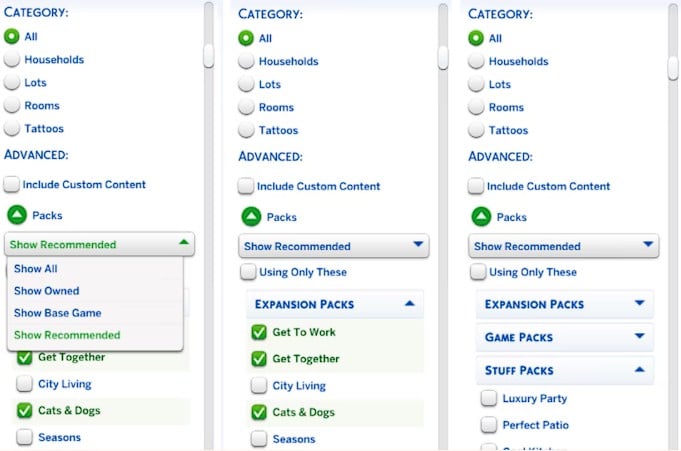
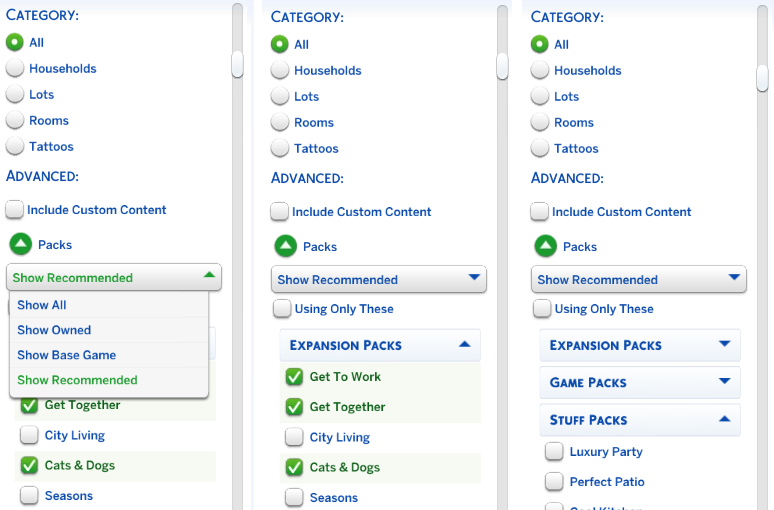
The Pack Select feature has also been relocated from the Game Options menu into the Marketplace under My Collection. While it still allows players to control which packs are active in their saved games, it now also ties into the management of Marketplace content, including downloaded items and newly purchased kits. This change centralizes content management and makes it easier to keep track of everything in one place.
Free Country Kitchen Kit & Steam Wallet Support
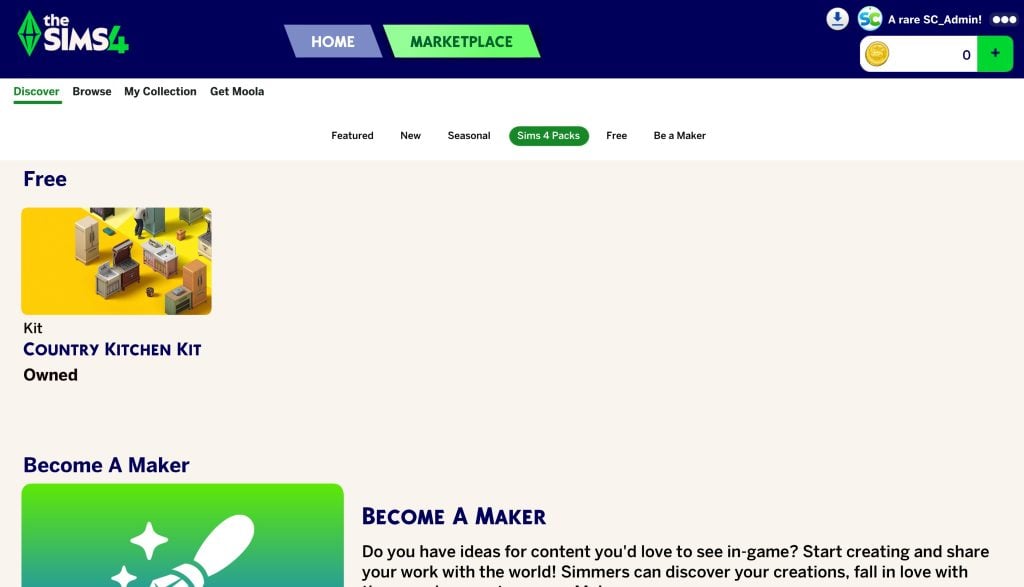
Alongside the Marketplace launch, players can also claim the Country Kitchen Kit for free, making this update even more appealing for builders who enjoy cozy, rustic interiors. This limited-time offer gives players instant access to a fan-favorite kit at no cost, directly through the Marketplace.
In addition, players on Steam can now purchase Moola using their Steam Wallet, making it easier to buy Marketplace content without leaving the platform. This change streamlines the purchasing process and brings The Sims 4 more in line with other games that support integrated storefront transactions.
Gallery Improvements
Alongside the Marketplace, the Gallery has received improvements to its search functionality with the addition of new filters. These updates make it easier to navigate and discover creations, improving both search accuracy and overall usability. For players who frequently download builds or Sims, this should make browsing the Gallery feel far less frustrating.
Top Community Fixes
This patch tackles several of the most requested fixes from players:
Sims will now properly close their eyes when blinking
Prom events appear correctly on calendars again (High School Years)
Pet and Horse data loss has been fixed for new saves
Sims now prefer talking to familiar Sims instead of strangers
Animals no longer get stuck in inventory when moving households
These fixes directly address long-standing frustrations and improve everyday gameplay.
Major Sim Autonomy Improvements
A huge focus of this update is Sim autonomy, especially behaviors that players found frustrating.
Key Changes Include:
Reduced excessive flirting between Sims
Sims are less likely to talk to random strangers
New Likes/Dislikes preferences for Phones and Computers
Cooldowns added to repeated actions like:
Phone use
Computer use
Dancing, swimming, and exercising
Playing instruments
Using objects like popcorn machines or dollhouses
Gameplay Balance & Behavior Fixes
Several autonomy tweaks go even deeper, targeting behaviors that players have long found frustrating.
Sims will no longer obsessively use certain objects, especially those linked to repetitive actions like phones, computers, and hobby items. Destructive behaviors, such as breaking dollhouses, are now trait-based, while Mischief actions like trolling forums require higher skill levels.
In addition, new cooldowns help prevent Sims from repeating the same actions too frequently, making overall behavior feel more natural and less unpredictable.
Pets & Animal Fixes
Animal-related issues were another key focus in this patch. The update fixes a bug that caused animals to duplicate after being moved between inventory and the world, particularly affecting Cottage Living and Horse Ranch gameplay. It also improves how animals are handled within sheds and household systems, helping prevent issues where they would become stuck or lost. These fixes should make managing farms and animal-focused households much more reliable.
General Bug Fixes
Some additional fixes include:
Unflirty Sims no longer react negatively to hugs
Flower arranging issues fixed (Seasons)
Landlord interactions improved (For Rent)
Family tree bugs resolved
Various crash and save issues fixed
CAS & Build Mode Improvements
This update also improves sorting and tagging across Create-a-Sim and Build Mode.
Highlights:
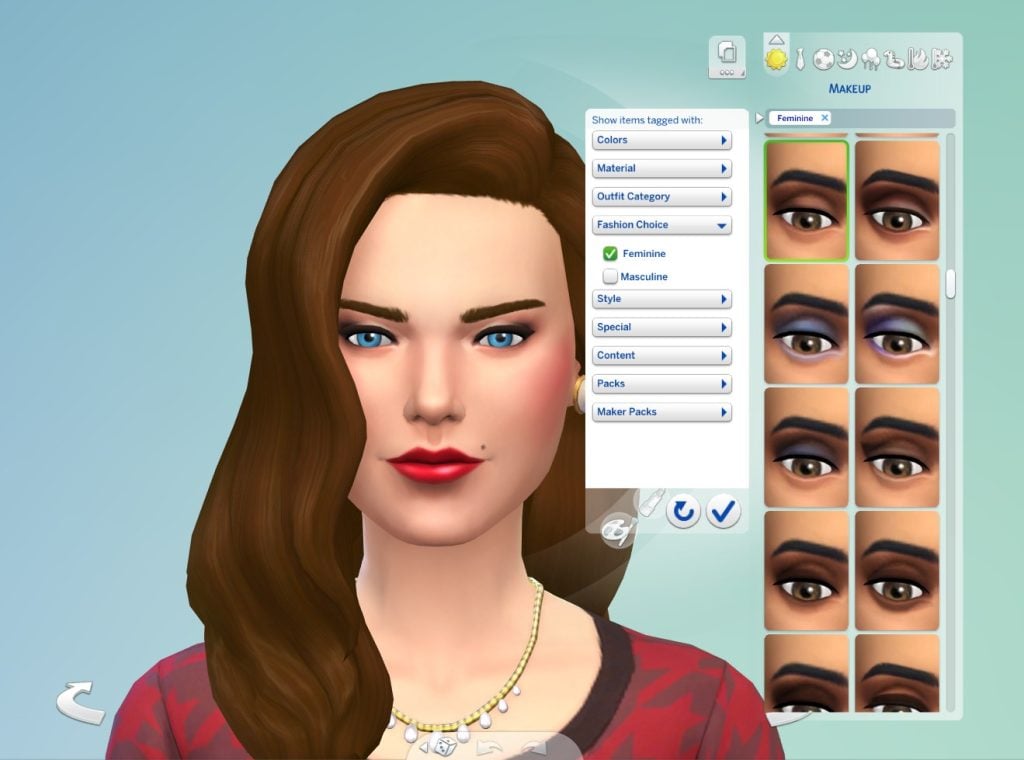
Additional category sorting for makeup
Improved object categorization in Build Mode
Fixed incorrect item tags and filters
Updated swatches and item visibility
These changes make it easier to find content when building or customizing Sims.
What This Update Means for Players
The March 17th update stands out as one of the more impactful quality-of-life patches in recent months. By introducing the Marketplace, resolving long-standing community issues, and significantly improving Sim autonomy, this update helps create a smoother and more enjoyable gameplay experience. While it may not introduce major new gameplay systems, the improvements it brings to everyday play are substantial.
What’s your favorite part of the March 17, 2026 Sims 4 patch? Let us know in the comments, and don’t forget to follow our News category so you never miss a new update!
Players are reporting that The Sims 4 Mods and CC have completely broken with the Latest Update.
Today’s update, March 17th 2026, has reportedly completely broken all CC and Mods for some players. The patch today introduced The Sims 4 Marketplace, a storefront in which users can purchase Creator-made sets using the new in-game currency ‘Moola’. Updates that make major changes to the framework of the game usually break mods, notably UI mods. It seems this time the issue is a little bigger than that!
Table of Contents
Player Reports Of Broken Mods And CC
Over on The Sims’ official Discord, players have been reporting various errors when playing with Mods and CC. Some are saying both CC and Mods have broken, some are reporting that just Mods are broken.
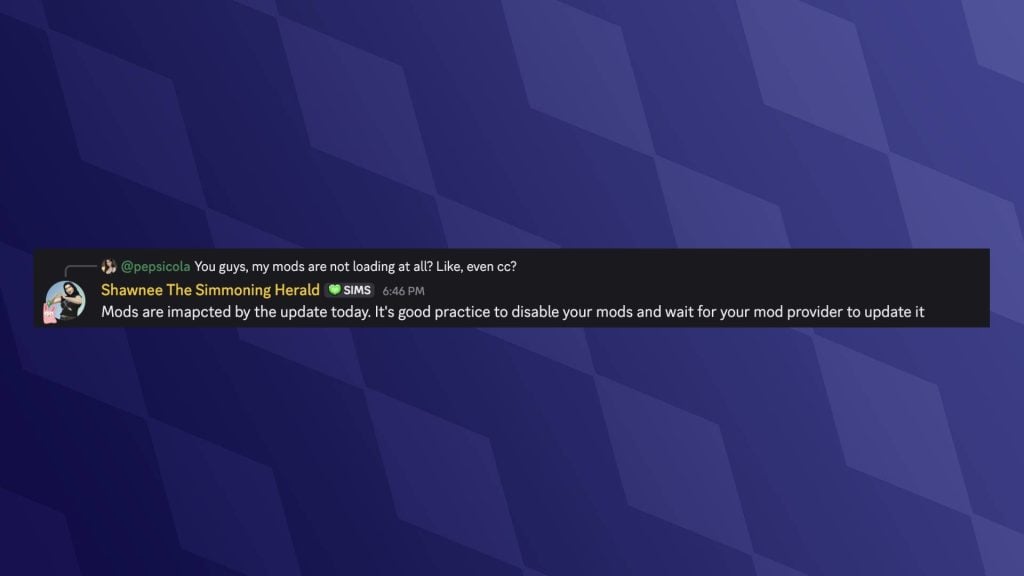
The last time there was a mass-breaking of CC was with the tattoos patch that was released before The Sims 4 Businesses & Hobbies. Despite players removing CC and Mods before updating, their games are still broken, even when mods are enabled in the settings. Community Manager Shawnee is responding to player feedback in The Sims Discord server, even suggesting that it is good practice to disable mods before updating, despite that not being the issue.
Reports Via Twitter and EA Forums
Other players have taken to X (formerly Twitter) to share their issues with the latest patch. As of wrigting there are no official patch notes for the update, so it is unknown where the issue stems from; however, it is likely related to how Marketplace Sets and Kits are now downloaded from the in-game marketplace.
so apparently this update is causing a lot of cc to not appear ingame…?
Create-A-Sim CC seems to be having issues deploying properly for those who can enter their game at all. This kind of issue is often caused by changes to meshes and textures.
Umm… folks…??
None of my CC or mods besides script mods load into the game after the update…?? pic.twitter.com/adkDe7A07e
Over on the official EA Forums, players have made reports and have received responses from staff that seem to indicate there is an error with.Package files, the file type that allows custom content and non-script mods to be read by the game.
Many .package mod files are not loading. Sorry, I don’t have more info than this right now. It seems likely that there’s an issue on the EA side. At the moment, please just hold off on trying to “fix” this yourself. It’s a good time to play mod-free or do something else. Modders are looking into at least finding a pattern to give you some helpful information, but it’s complex at the moment.
ARTICLE UPDATE #2: Another statement from The Sims Direct Team confirms that a Sims 4 Hotfix Update will begin to rollout “within the next 15 hours”:
Sul sul, we have a fix for the issue that was unintentionally impacting CC. This update will start rolling out roughly within the next 15 hours & we’ll confirm once it’s live. Thanks for your reports & patience while we worked to resolve this asap!
ARTICLE UPDATE: New statement has been released from The Sims Direct Team. Expect a new The Sims 4 Hotfix Update resolving the broken CC and Mods issue that surfaced with today’s game patch.
We’ve identified the cause of the issue impacting CC and Mods, and are now working on the fix and timing for its release. We know how important these are to how you play, and will continue to work on resolving this as a top priority. We’ll update you once we have more detailed timing for the fix.
The Sims Direct Team has addressed the issues with Sims 4 Mods and CC over on their X account, stating:
We’re investigating reports that some Mods & CC are not loading in The Sims 4. The team is actively looking into this now, & will share any updates to help you get back to using your favorite content as soon as possible.
If you are experiencing issues, please report them via the EA forum or via The Sims official Discord. The issues are currently being investigated and, if the past is anything to go on, the issues will be fixed in an emergency hotfix update.
Have you experienced issues with Mods and CC after today’s update? Let us know in the comments below, and stay tuned to Sims Community for all the latest on The Sims 4 Updates!
As The Sims 4 Kits migrate to The Marketplace, you can claim the Country Kitchen Kit for free within Main Menu!
Good news for The Sims 4 Kits fans today…The Sims 4 Country Kitchen Kit is now available to claim for free in the in-game Marketplace! There are some limitations within this offer, at least for now as the current Marketplace is only released for PC and Mac players. Leaving Xbox and Playstation players to wait for a couple of more weeks / months until they get to claim this Kit for free.
How to Claim The Sims 4 Country Kitchen Kit for Free (PC & Mac)
The Sims 4 Country Kitchen Kit is available to claim for Free in the in-game Marketplace. Simply head over to the Main Menu / The Marketplace button within Live Mode and access The Marketplace.
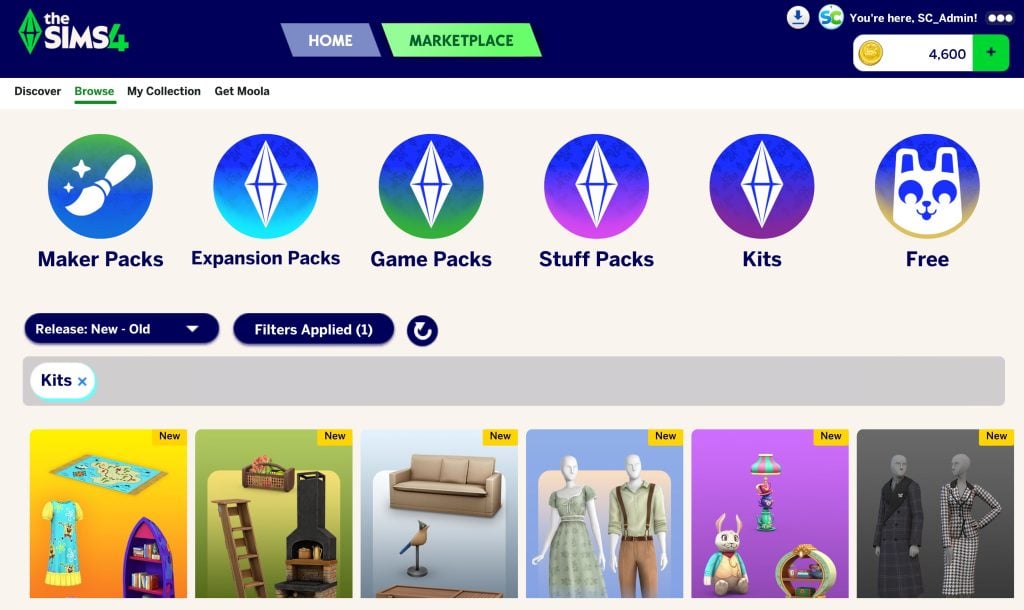
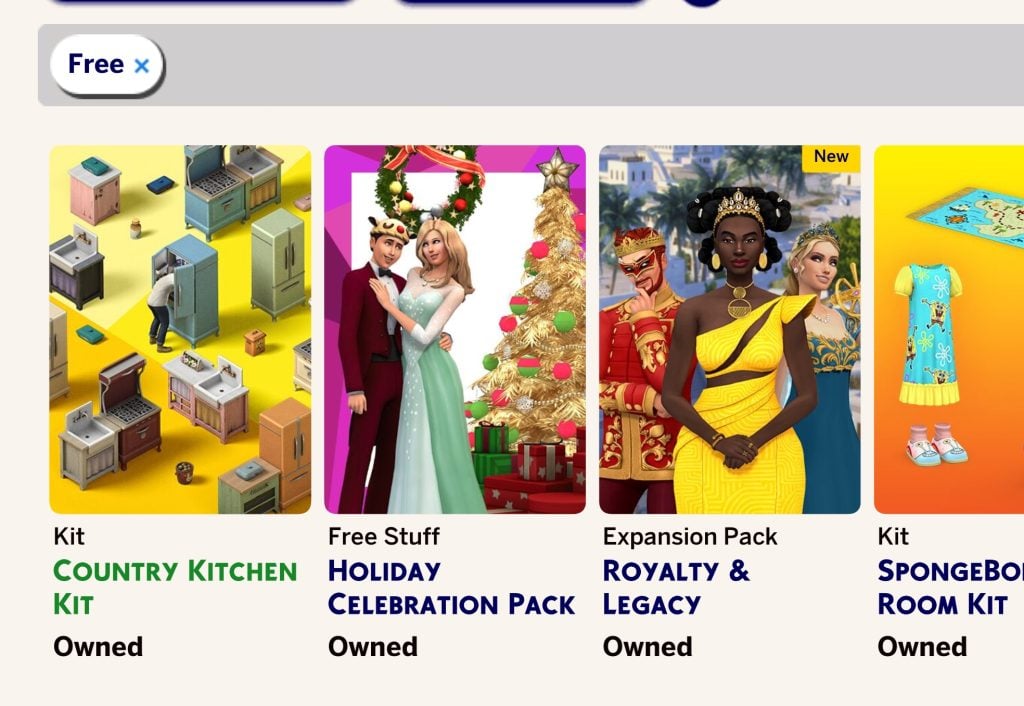
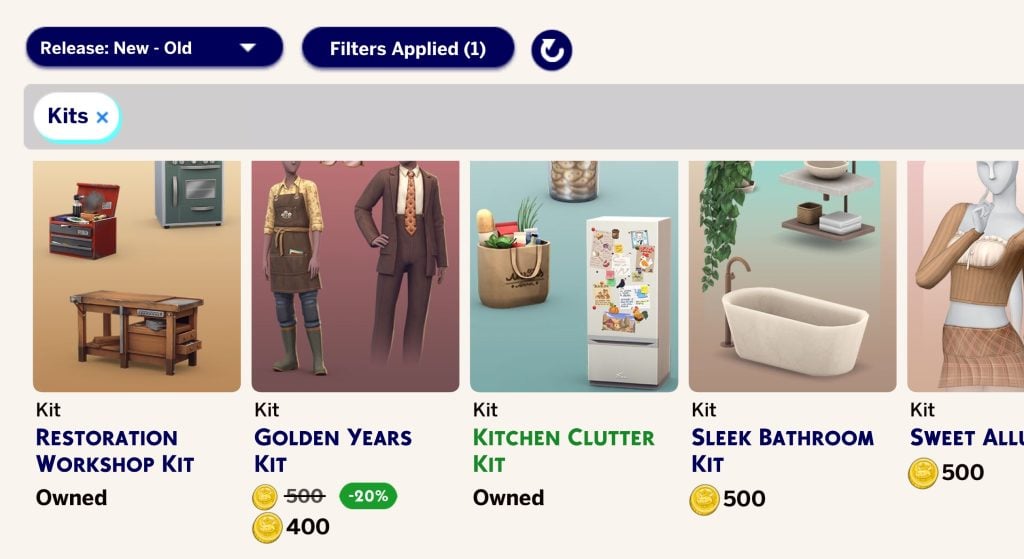
Within this section, head over to Browse > Kits category. Here you can filter and find The Sims 4 Country Kitchen Kit within the Marketplace menu:
You can also use the “Free” filter to find this Sims 4 Kit:
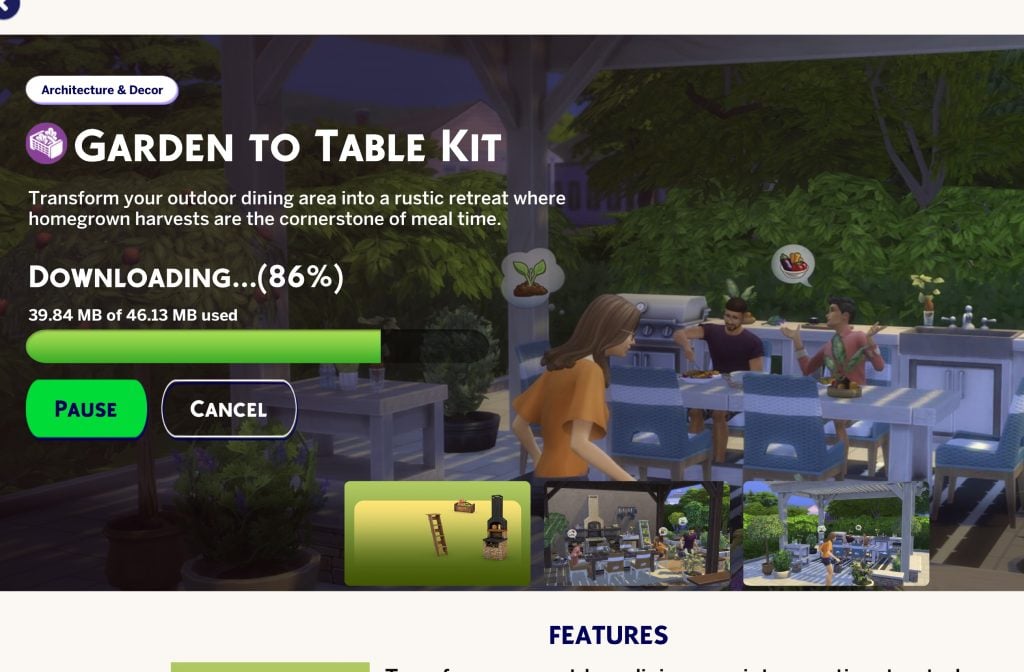
Using the new Sims 4 Update you can immediately Claim the Country Kitchen Kit, download it, install it and play it without having to restart your game.
Example of downloading a Sims 4 Kit in-game.
Here’s essential features you need to know about The Sims 4 Country Kitchen Kit:
The Sims 4 Country Kitchen Kit Features
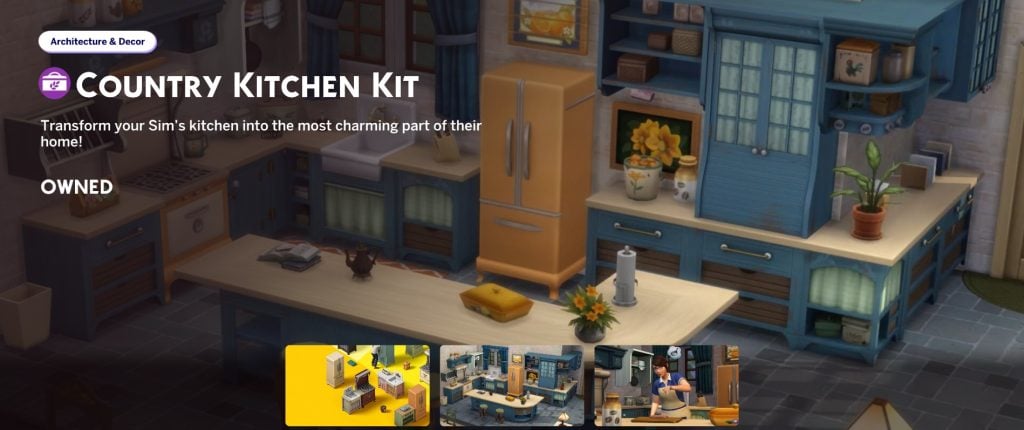
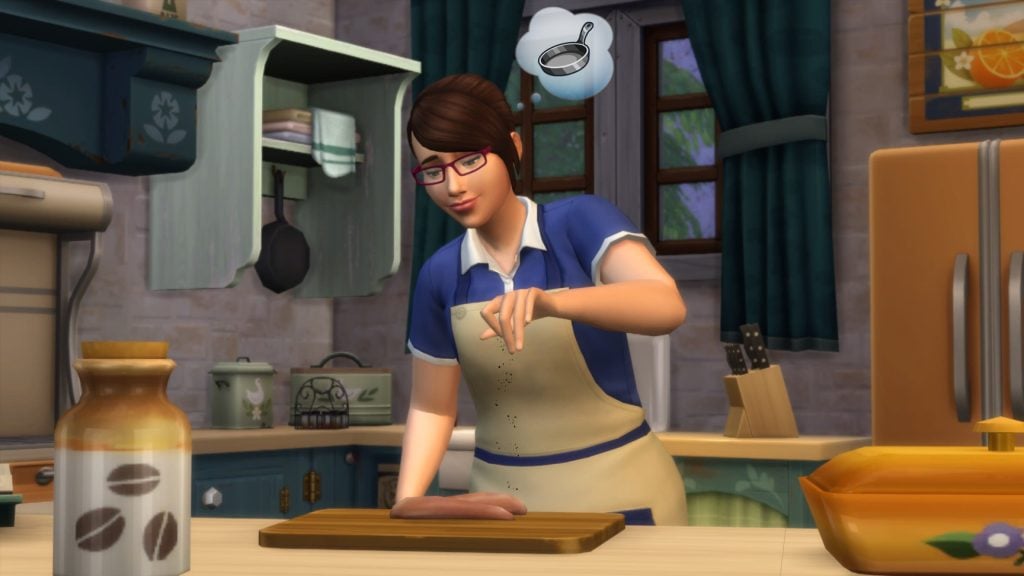
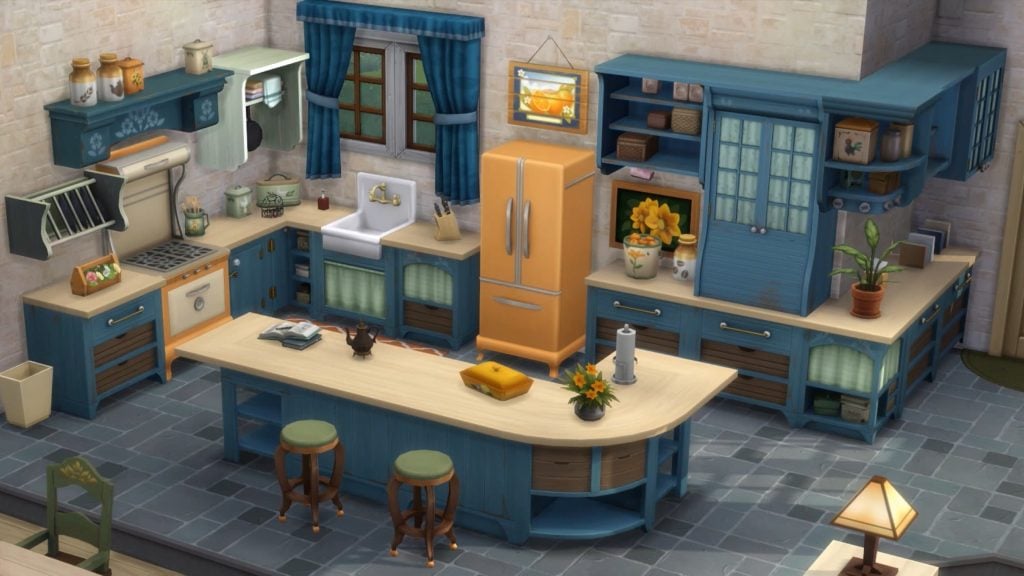
Transform your Sim’s kitchen into the most charming part of their home with The Sims™ 4 Country Kitchen Kit! From vintage refrigerators to casserole dishes, these Build/Buy objects offer a delightfully trendy take on a timeless style.
Build the kitchen of your Sim’s dreams with a completely new set of counters, islands, cabinets, and mix-and-match pieces. Small details add to the unassuming elegance of the items, while multiple color palettes match any room.
The kitchen is the heart of the home for a reason! Every object works together to foster a warm atmosphere with vintage furniture, decor, and materials.
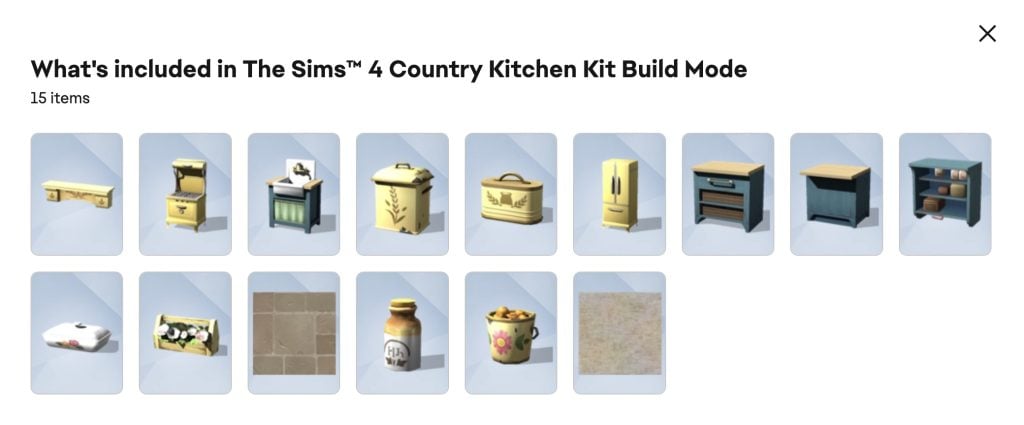
Kit Items Preview
Kit Screenshots
The Sims 4 Country Kitchen Kit will likely become available with The Marketplace launch on Console as well. Stay tuned on Sims Community to find out about the Xbox and Playstation offer when the platform launches! Until now, you can claim it for PC and Mac while the supplies last?
Let us know what you think of this free offer from EA in the comments below.
The Sims 4 Marketplace Has Launched – Here’s Our Breakdown of Everything Included!
The Sims 4 Marketplace sets have been released, introducing new creator‑made content on the storefront. Every set available at launch comes from approved creators, and players can purchase Moola, the platform’s new virtual currency, to pick up the sets they want. With the storefront now live, we’re getting our first proper look at how the system is organised and what kind of content is arriving on day one. Let’s take a look at each new set that has been released on launch day!
Table of Contents
‘Moola’ Pricing
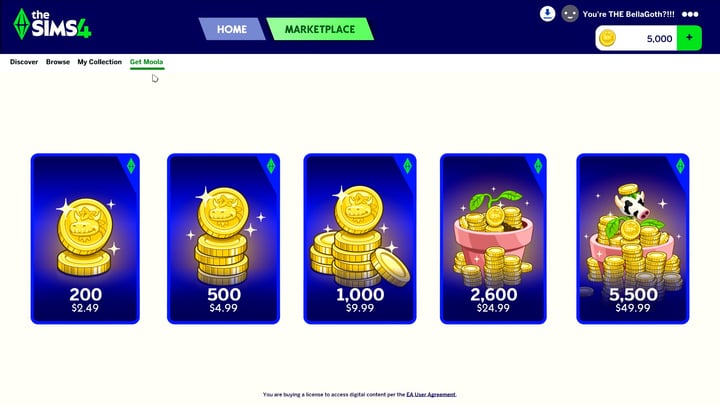
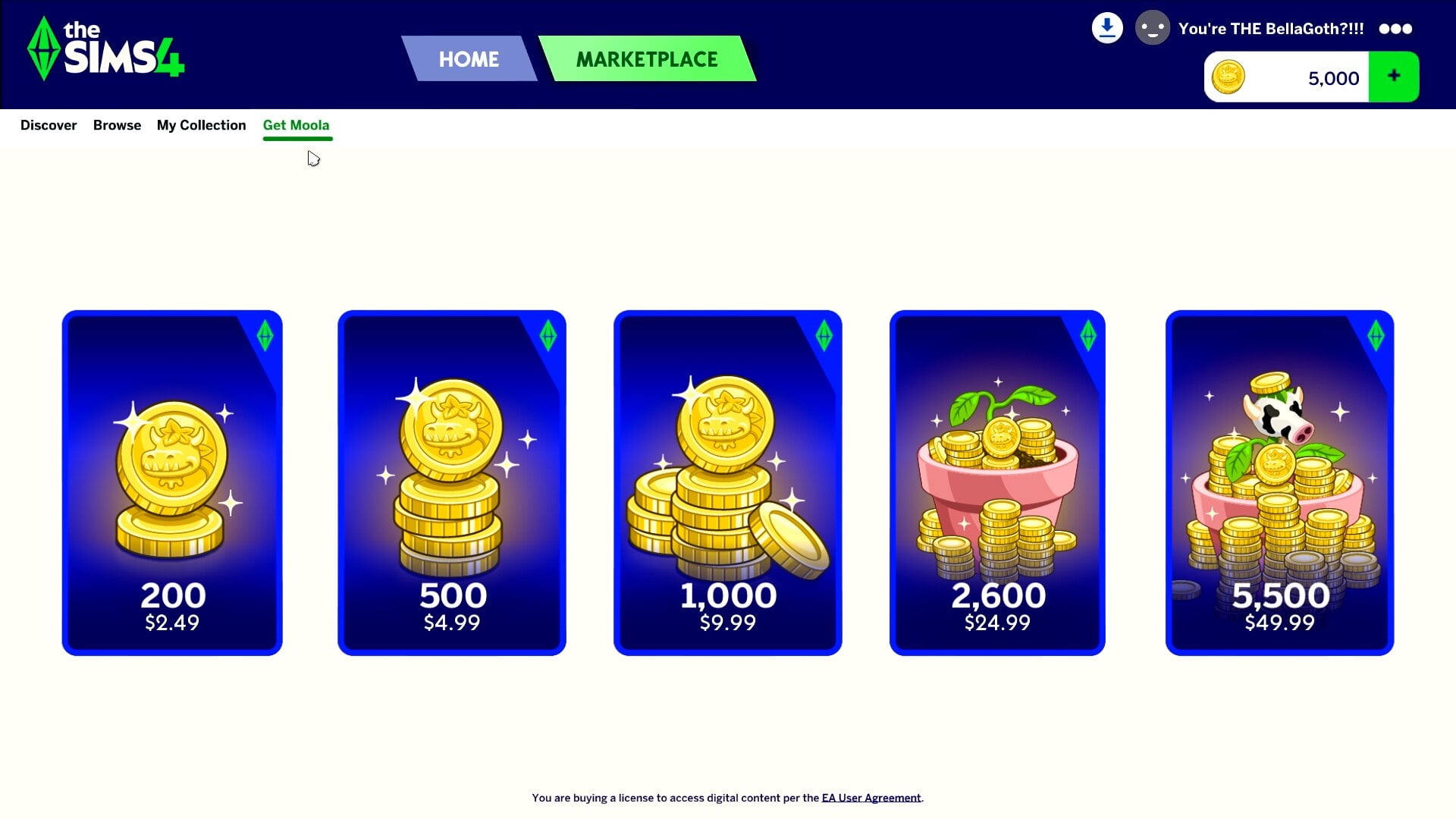
Some of us have been around long enough to remember SimPoints on The Sims 2 and The Sims 3 Stores, in which 100 SimPoints would cost players $1 USD, and Moola works similarly. You can purchase between 200 and 5,500 Moola in one go via the Marketplace, and it will be available via Amazon in select countries from an unspecified future date.
200 Moola – $2.49
500 Moola – $4.99
1,000 Moola – $9.99
2,600 Moola – 24.99
5,500 – $49.99
These prices will vary by region, and there is no exchange rate consideration between major currencies such as US dollars and British Sterling.
Build/Buy Sets
We had our first look at the new Build/Buy sets on the reveal trailer, but we now have a closer look at the names of the sets, how much they cost, and (most importantly) what they include. lets take a look!
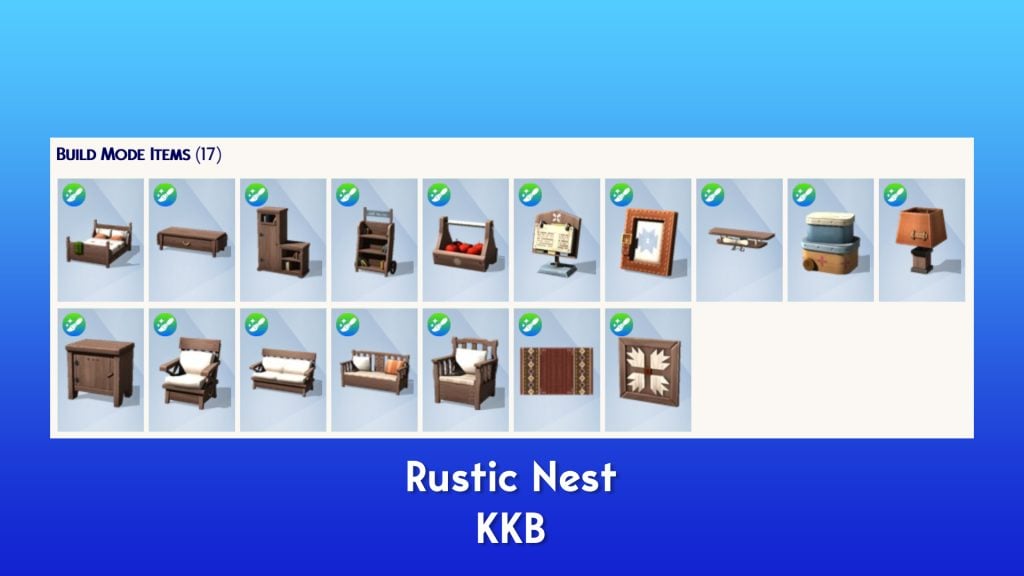
Rustic Nest – KKB
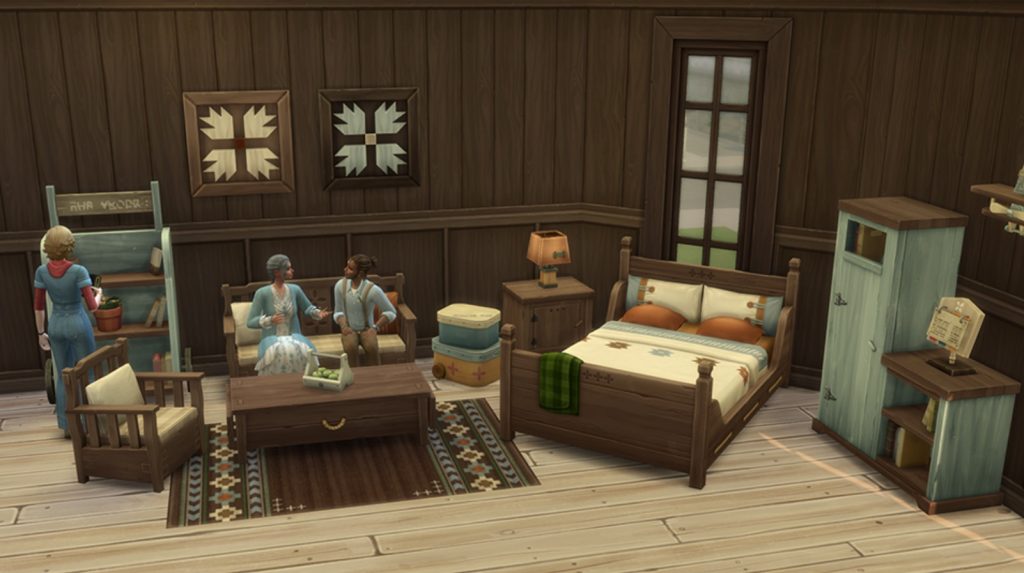
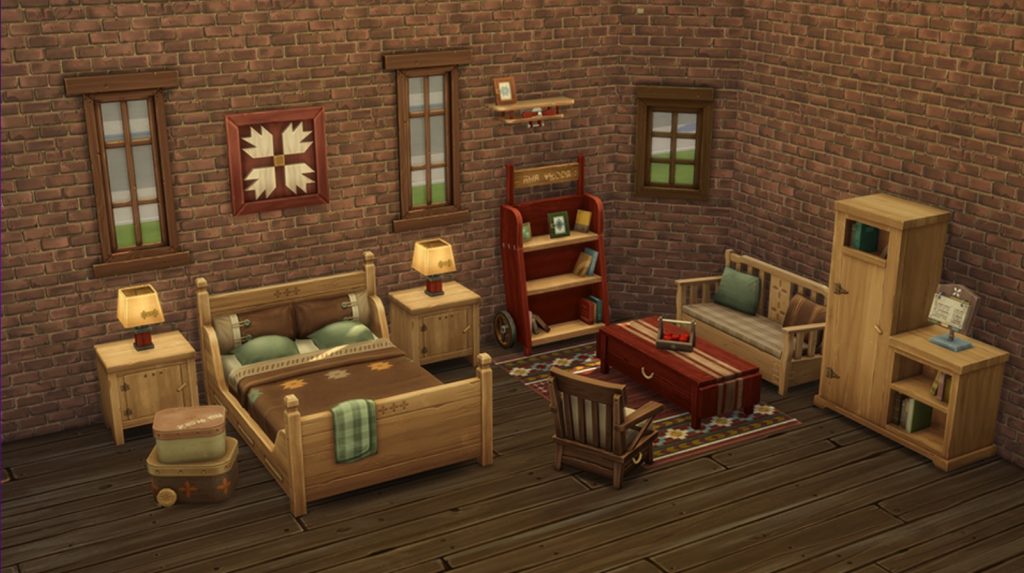
Bring gentle rural charm to your Sims’ home with the Rustic Nest set. Classic wooden beds, vintage side tables, soft lighting, and handcrafted decor pieces come together to form a warm and inviting retreat. Mix and match the seating, storage, and accent items to build a room full of character and calm. Whether sharing quiet moments by the lamplight or relaxing after a long day, this set helps your Sims slow down and enjoy the simple comfort of home.
Price: 400 Moola
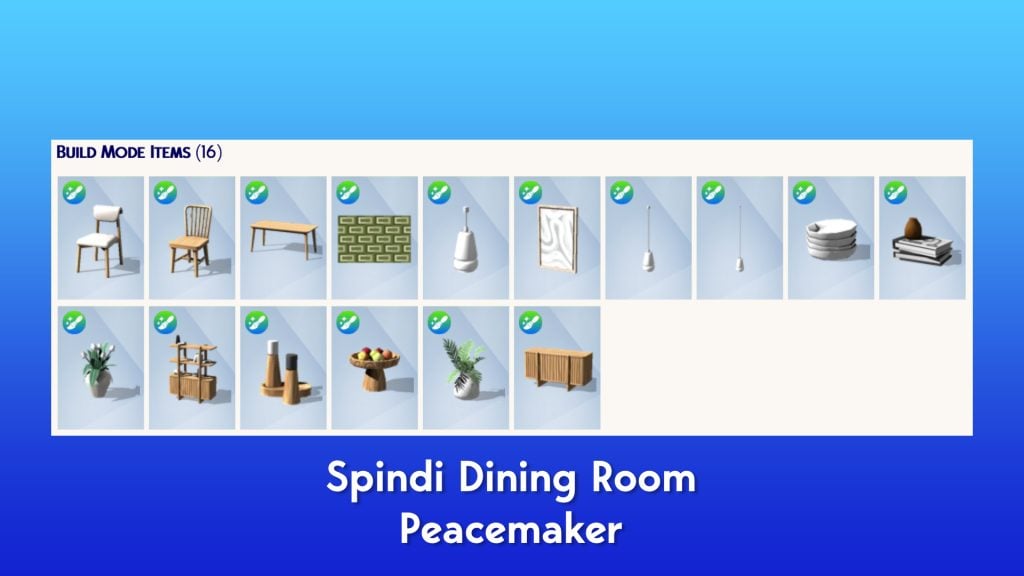
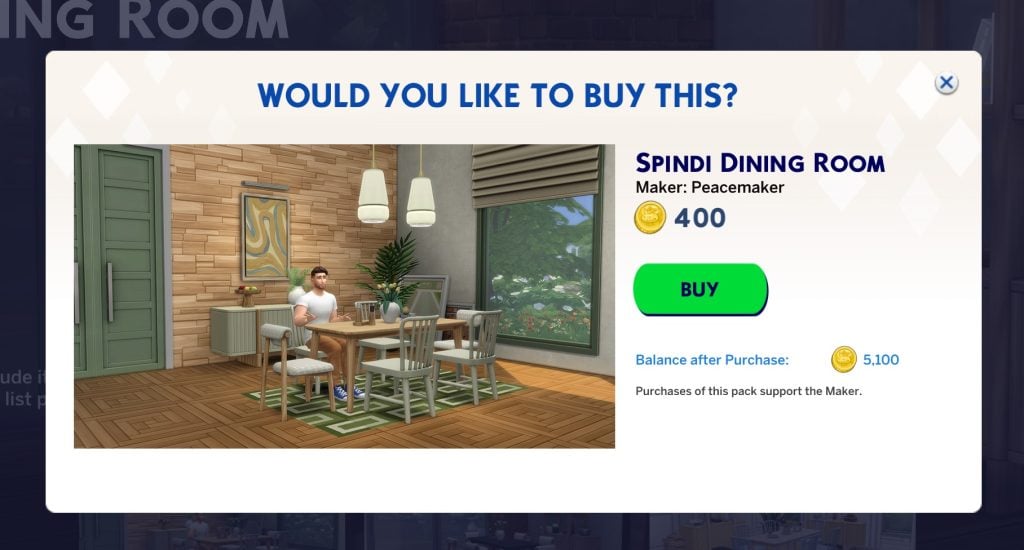
Spindi Dining Room – Peacemaker
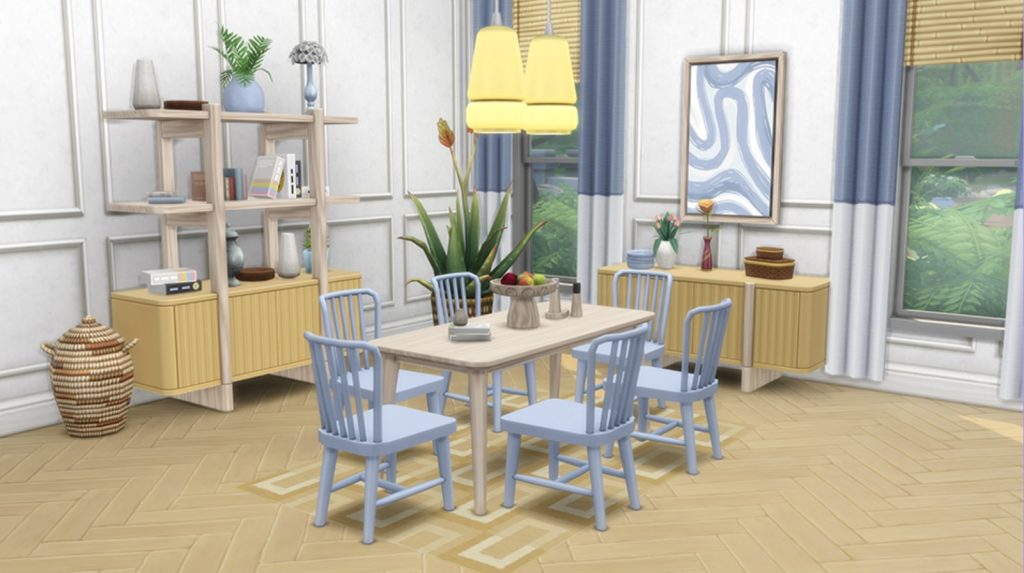
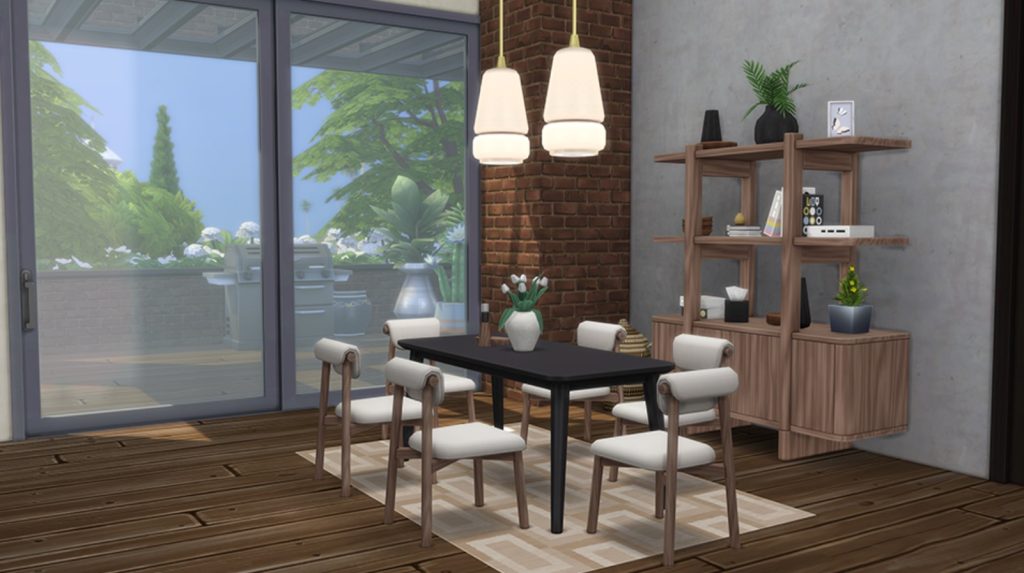
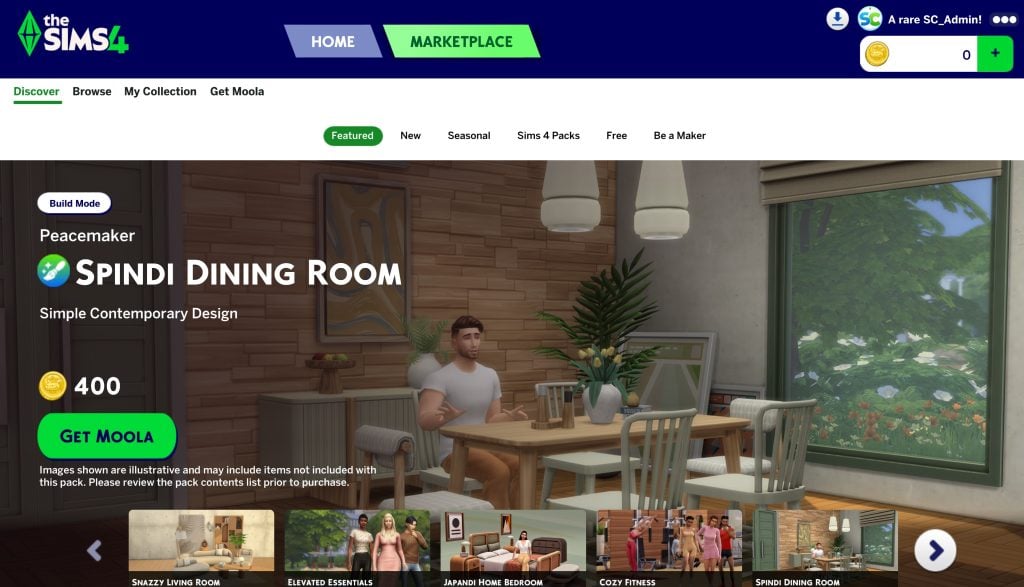
A contemporary set of dining room items with a classic Scandi twist. A choice of soft tones complimented by warm natural woods, mix and match to your heart’s content to create your ideal dining room. Whether you are decorating an airy and inviting apartment for an aspiring business owner in Nordhaven, or a more sophisticated mid-century build in Oasis Springs, Spindi’s versatile designs deliver on style and versatility.
Price: 400 Moola
Japandi Home Bedroom – SixamCC
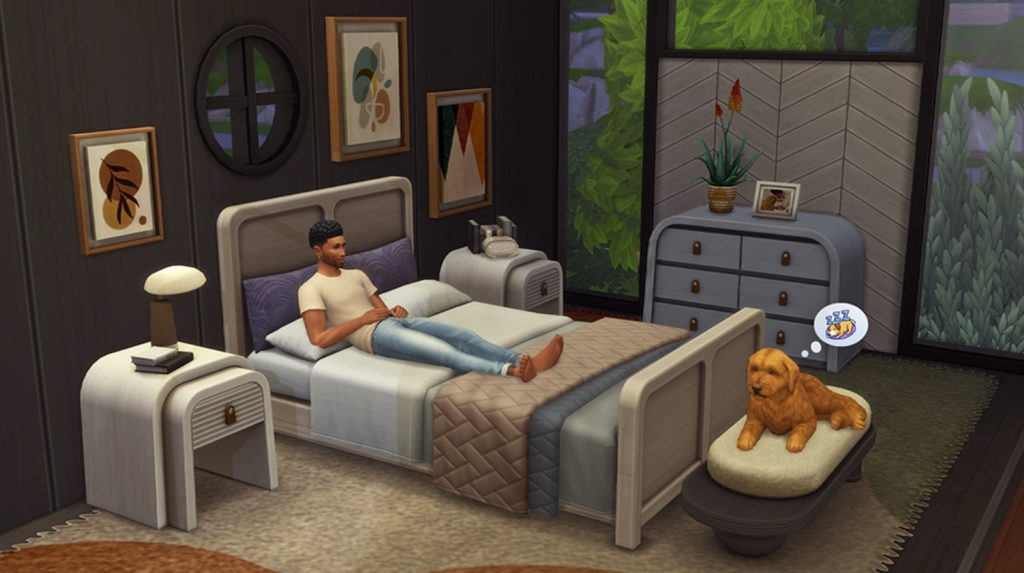
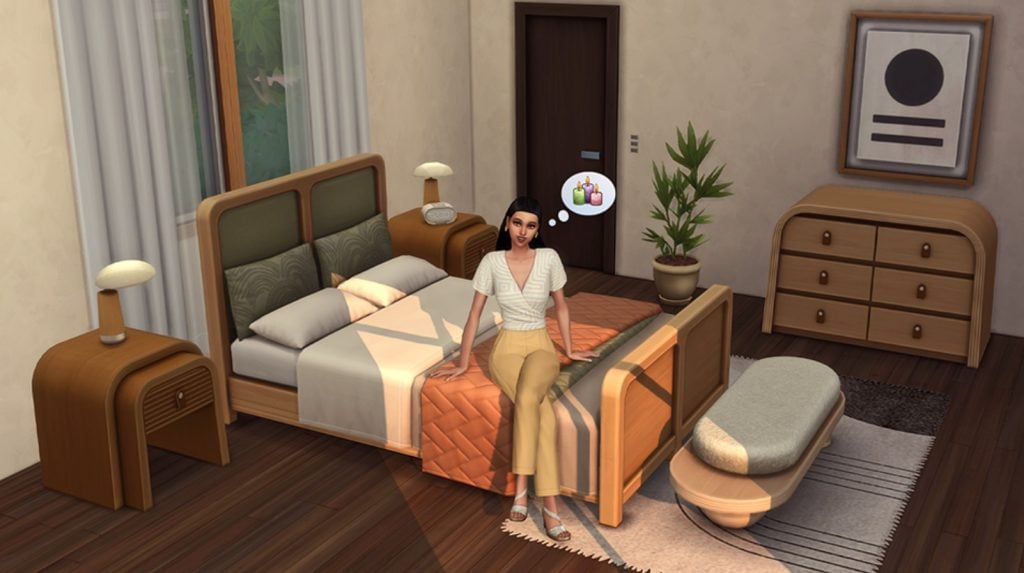
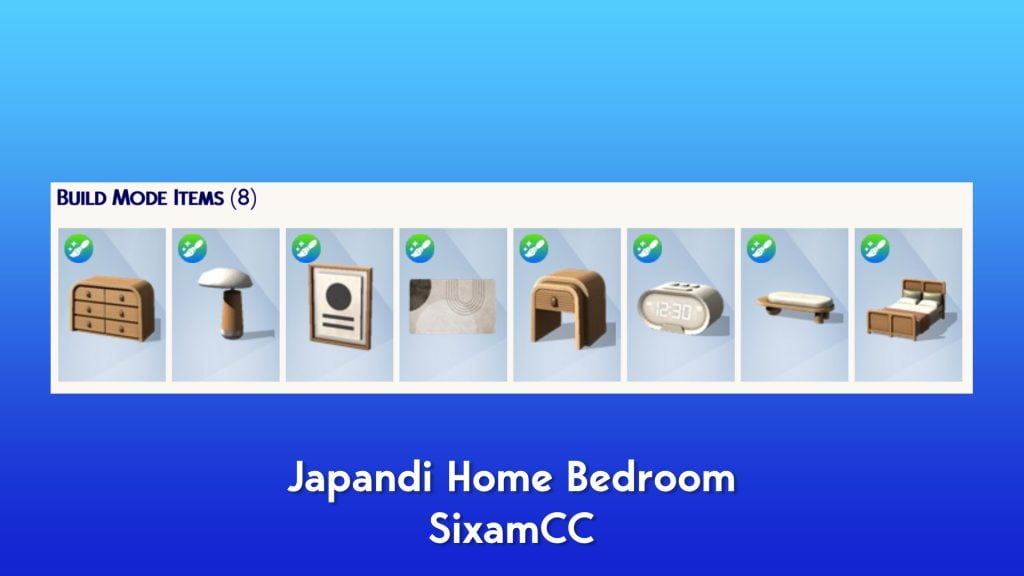
Bring calm modern style to your Sims’ home with the Japandi Bedroom by SixamCC. This set creates a warm and inviting space built around soft shapes, natural textures, and clean design. Your Sims can rest on a wood-framed bed with cozy fabric cushions and throw blankets. Decorate with matching end tables, a simple dresser, a modern rug, soft wall art, and a gentle table light. Each piece works together to create a peaceful room that feels easy to enjoy. It’s the perfect setup for Sims who want a soft, modern bedroom with a warm and natural touch. Includes 10 color swatches.
Price: 400 Moola
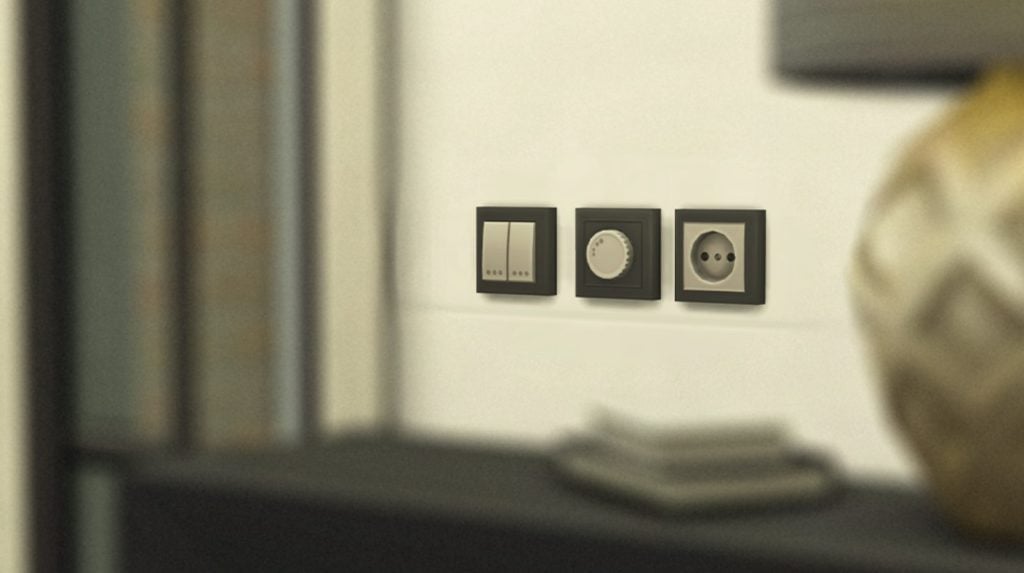
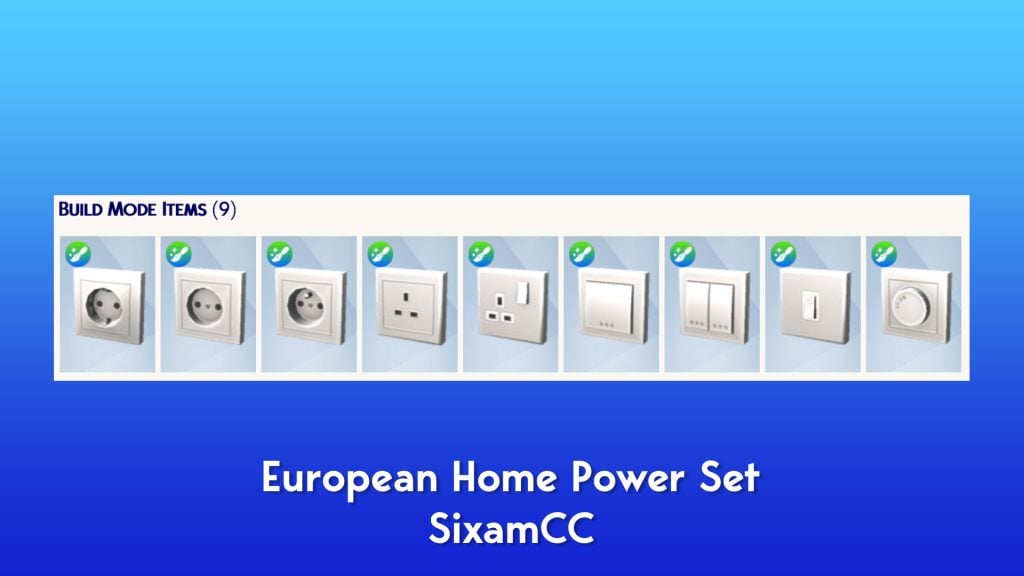
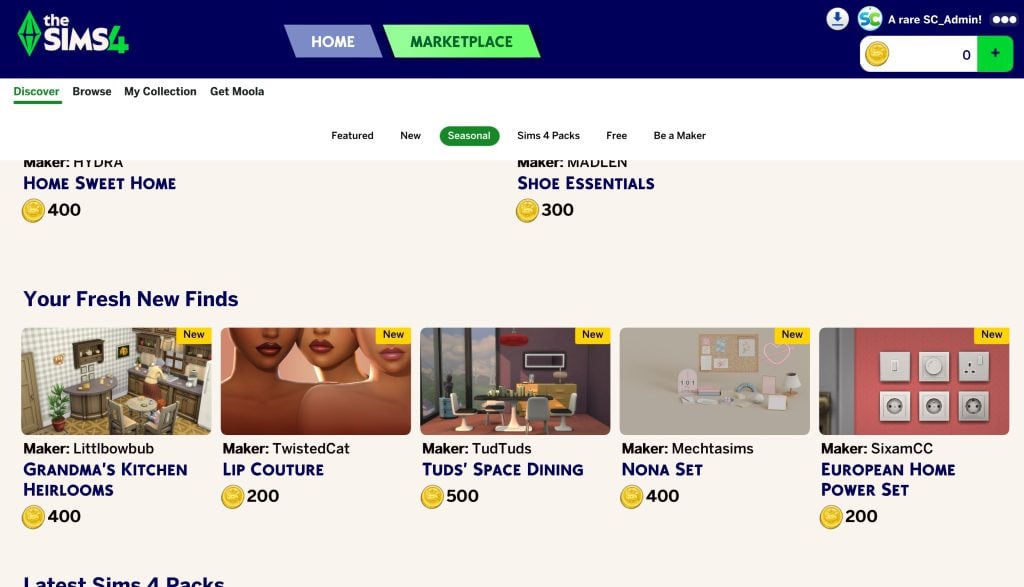
European Home Power Set – SixamCC
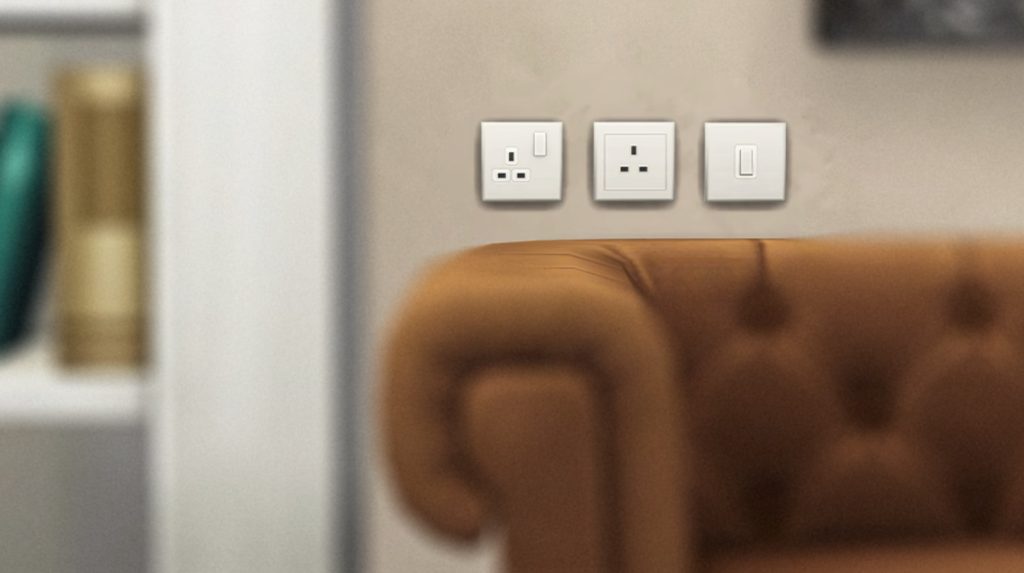
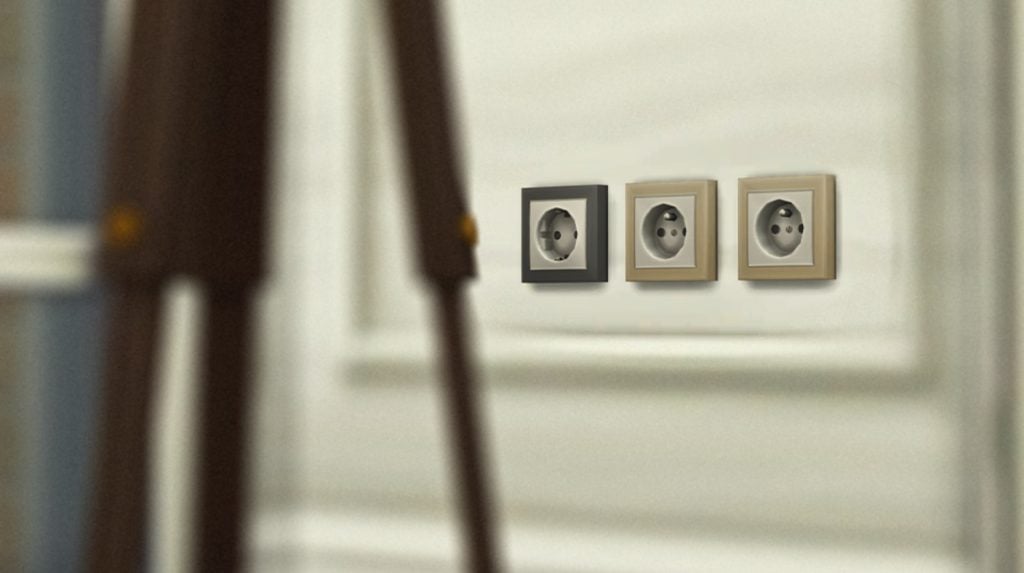
Bring a familiar, everyday feel to your Sims’ homes with the European Power Kit by SixamCC. This set adds decorative European and UK-style outlets and switches designed to blend naturally into modern interiors. Place them along hallway walls, beside kitchen counters, or near cozy living room corners to see how each space instantly feels more complete. These small power details help rooms look polished and lived-in, adding realism to every build. Perfect for builders who enjoy finishing touches, this kit brings the details that help European-style homes feel just right. The set includes 10 color swatches: White, Brown, Blue, Green, Yellow, Purple, Tan, Red, Dark Gray, and Beige.
Price: 200 Moola
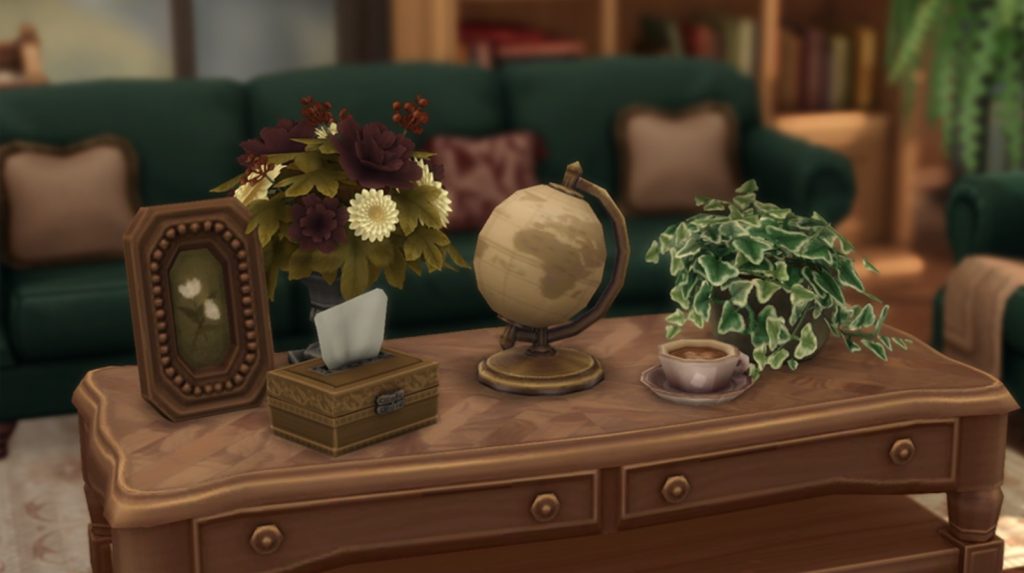
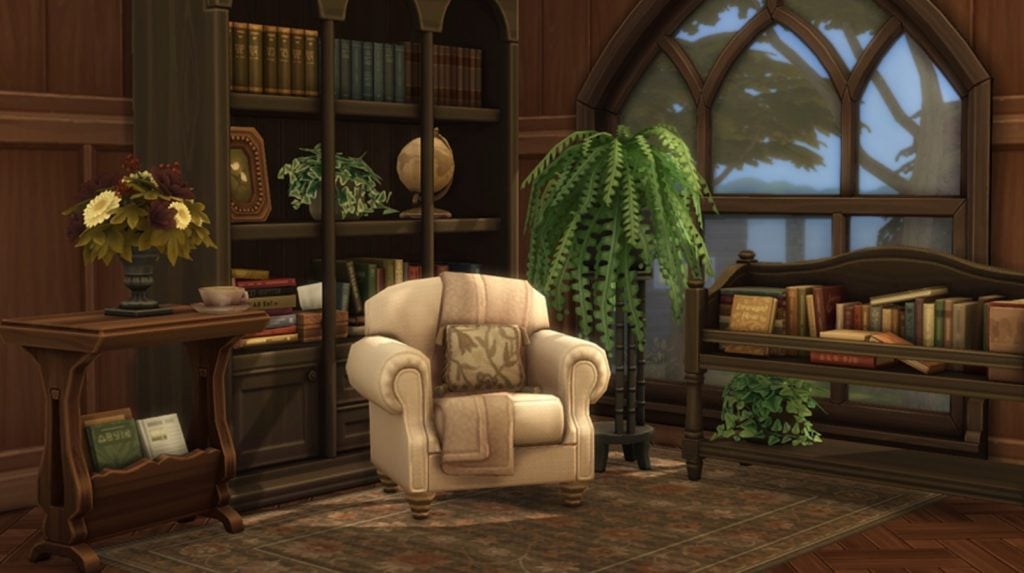
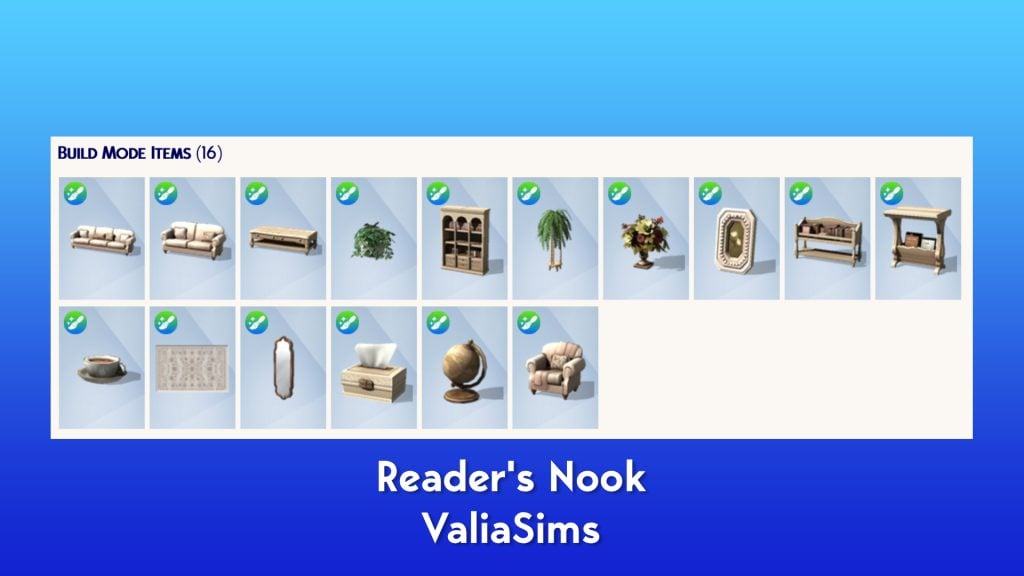
Readers’ Nook – ValiaSims
Reader’s Nook is designed to transform the living room into the heart of a book-loving Sim’s home.
Give your Sims a living room that invites slow afternoons on the couch, quiet moments with their favorite novel, and relaxed evenings surrounded by shelves of well-loved stories. The pieces work together to create a cozy nook — whether you’re styling a small reading corner or arranging a full family room.
Price: 500 Moola
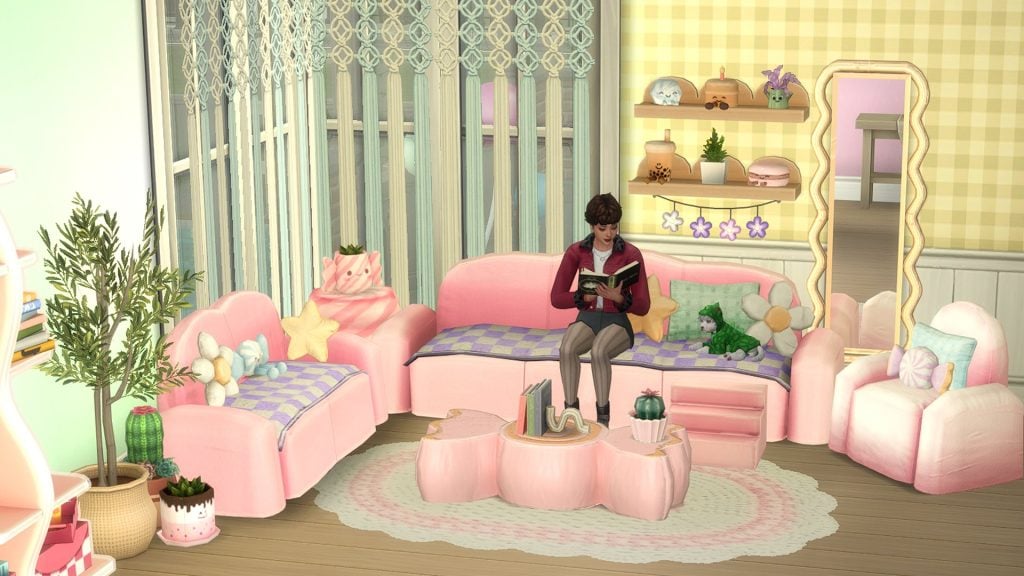
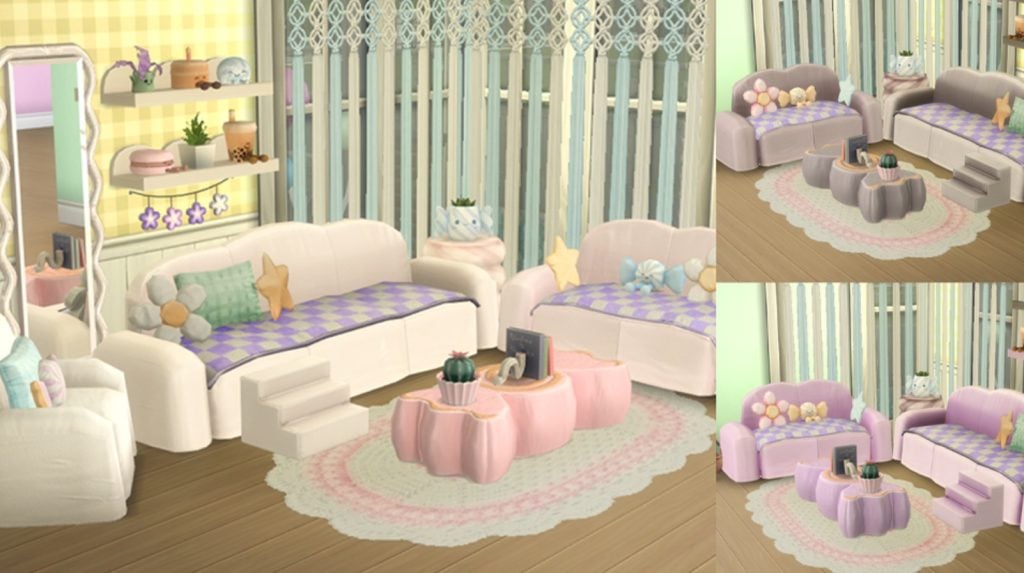
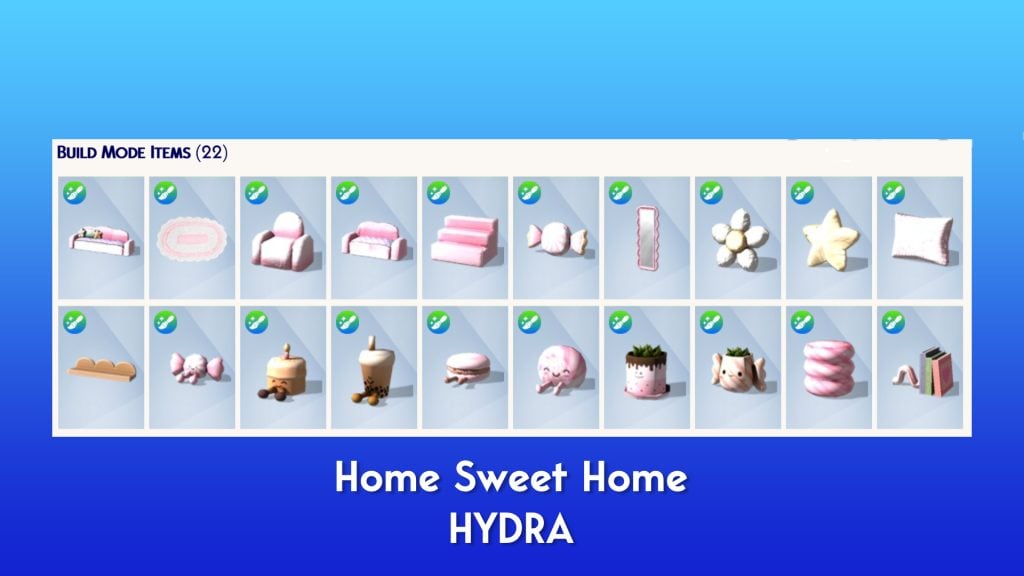
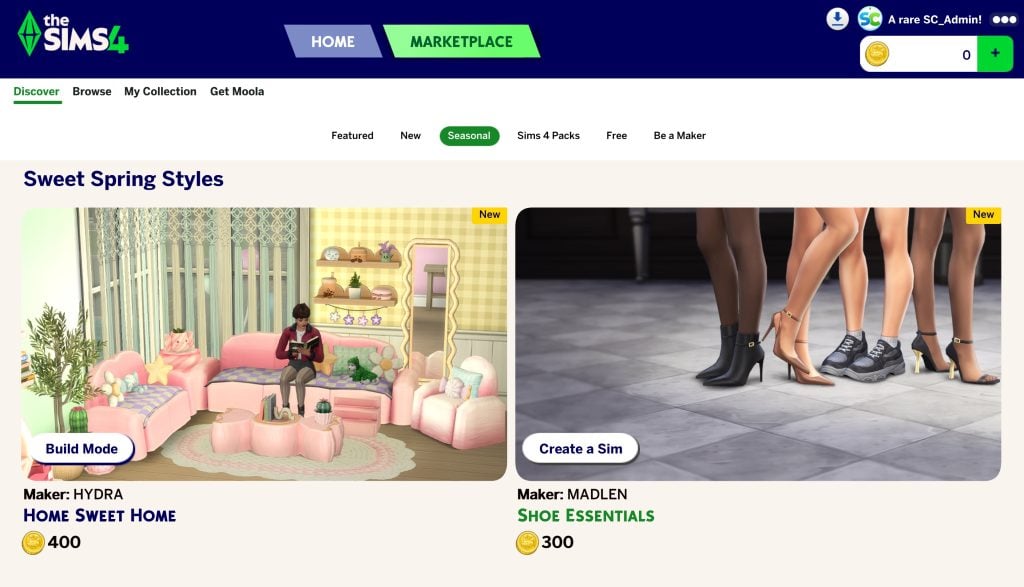
Home Sweet Home – HYDRA
Welcome to the Home Sweet Home Living Room Kit, where the sweetest dreams become reality! Transform your Sim’s home into a cozy confectionery haven with furniture that looks good enough to eat. Sink into the plush, round forms of the Bubblegum Sofa, check your look in the wavy mirror, and gather around the delightful candy-wrapper coffee table. With charming accents like macaron pillow and cactus cupcake, this pack offers everything you need to create a warm, inviting, and absolutely delicious space. Life is always sweeter when you’re surrounded by comfort!
Price: 400 Moola
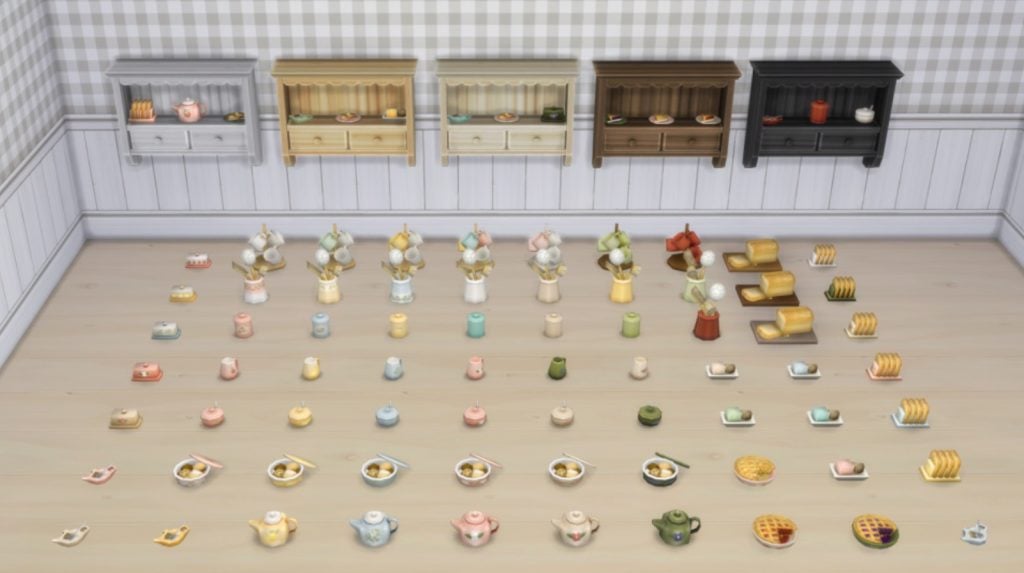
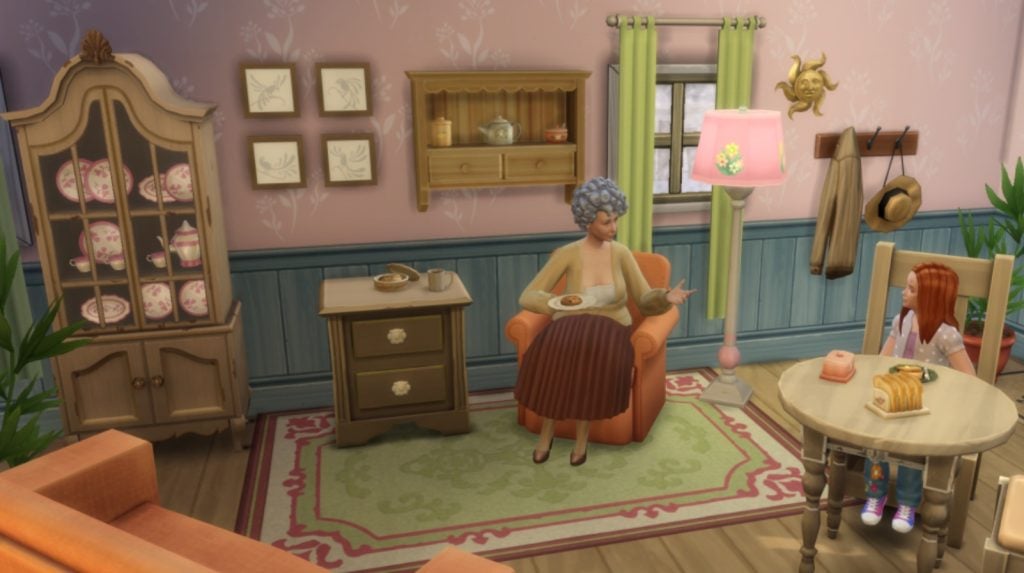
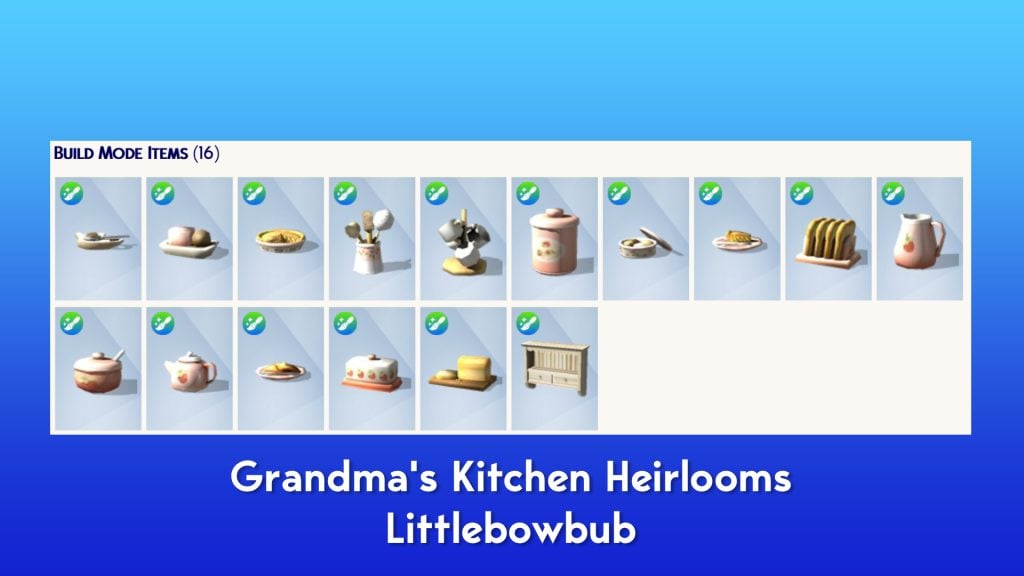
Grandma’s Kitchen Heirlooms – Littlebowbub
Add a little more life to those kitchen corners by displaying homemade pies or freshly baked bread. Give the kettle some company with a helpful mug tree and tea-bag holder. Set the breakfast table with warm, inviting toast and tea. Decorate the coffee table with a cookie tin that actually contains cookies! And don’t forget to reach for the handy sink-side cleaners when it’s time to wash up. You can even proudly display the matching breakfast set – teapot, butter dish, sugar bowl, and dainty milk jug, on the quaint but sturdy cottage shelf, to bring a sense of nostalgic warmth. Just like being at Grandma’s!
Price: 400 Moola
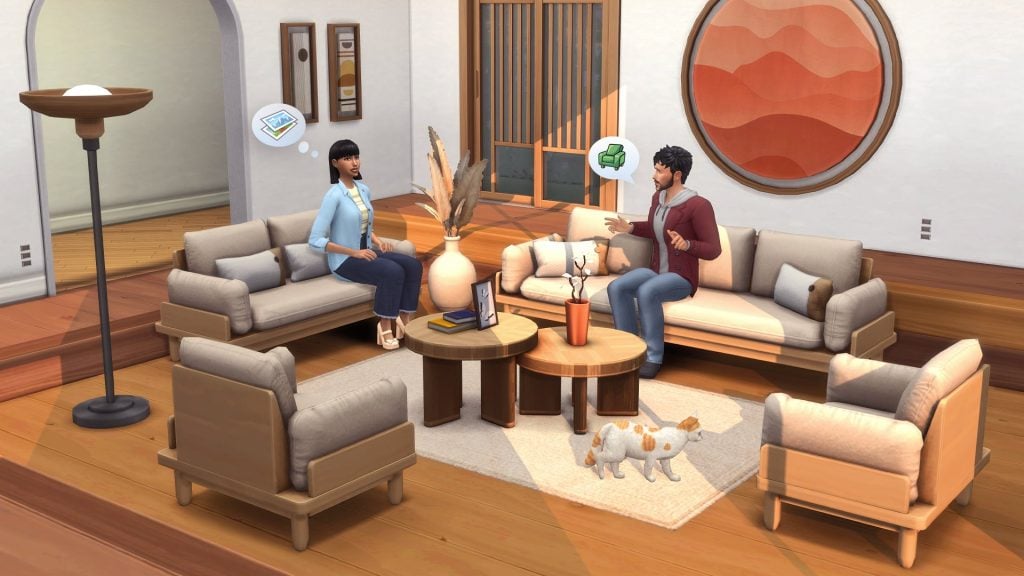
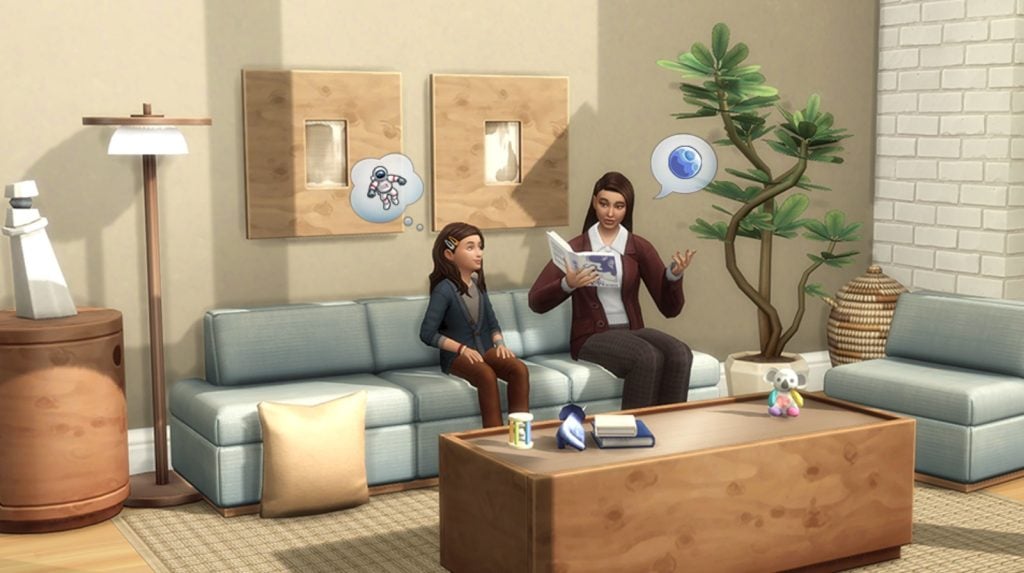
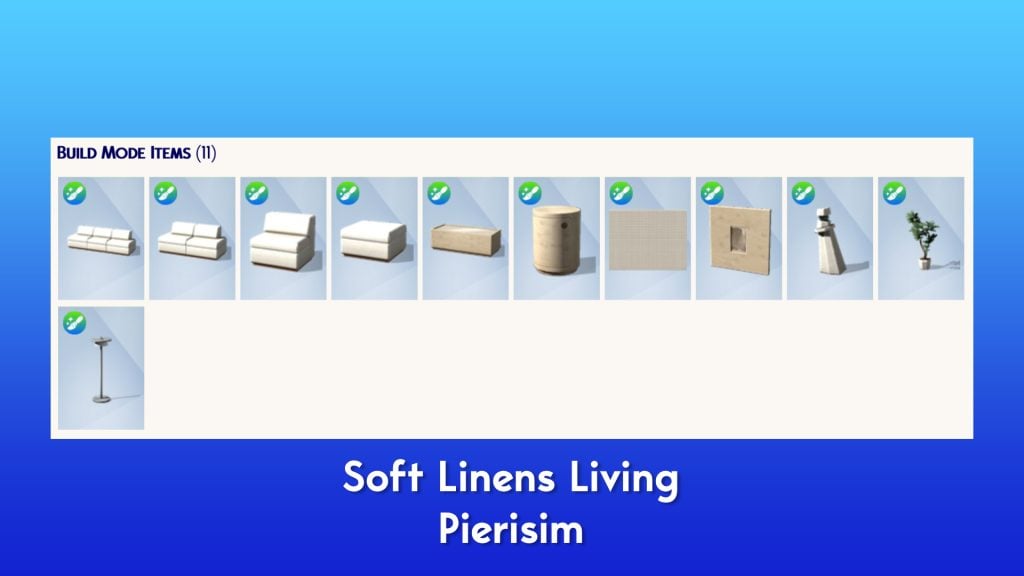
Soft Lines Living – Pierisim
Looking to redocrate your sims’ living room? Opt for a modern and mid-century inspired style ! Perfect balance between comfort and elegance, your sims will enjoy the refined look of this new sofa set. Thanks to its soft colors, it is matching everything. Especially with those new refined pieces of furntiure, made of madré birchwood. Mixing simple lines and unique wood texture, those pieces will add contrast to your interior.
Price: 400 Moola
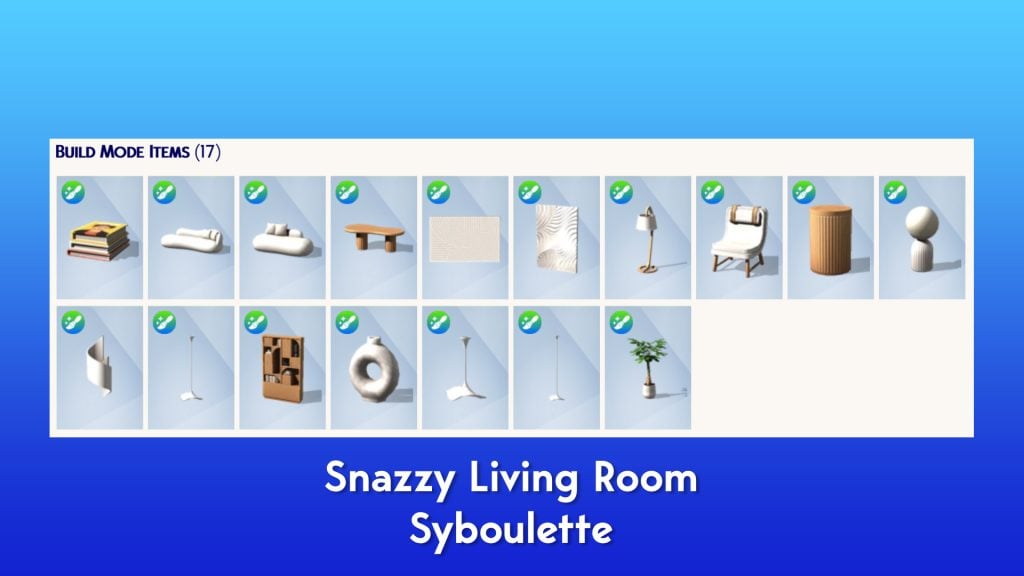
Snazzy Living Room – Syboulette
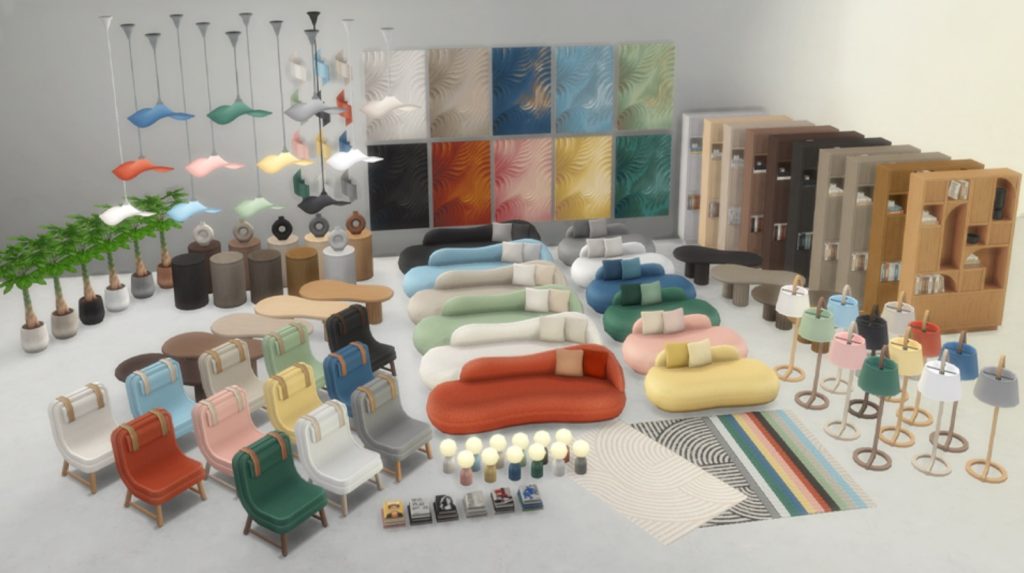
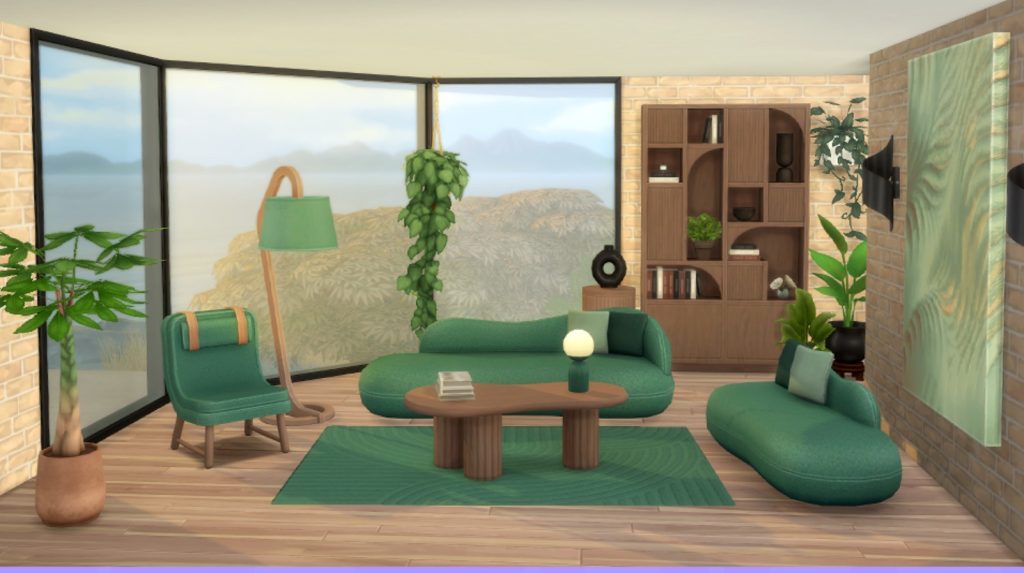
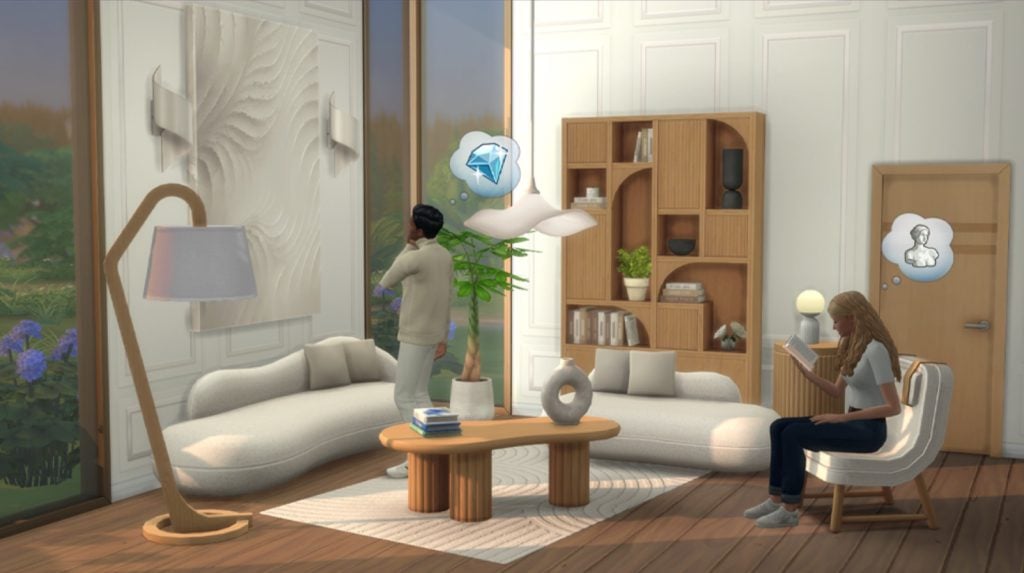
Step into Snazzy Living Room, the collection that believes furniture should be both fabulous and faintly smug. This set is all about smooth curves, geometric forms and timeless textures featuring round statement sofas and elegant wood-accented pieces that quietly whispers “I’m expensive”. Suddenly your Sims will be living in a space that looks curated by a very tasteful (and very opinionated) designer.
Price: 400 Moola
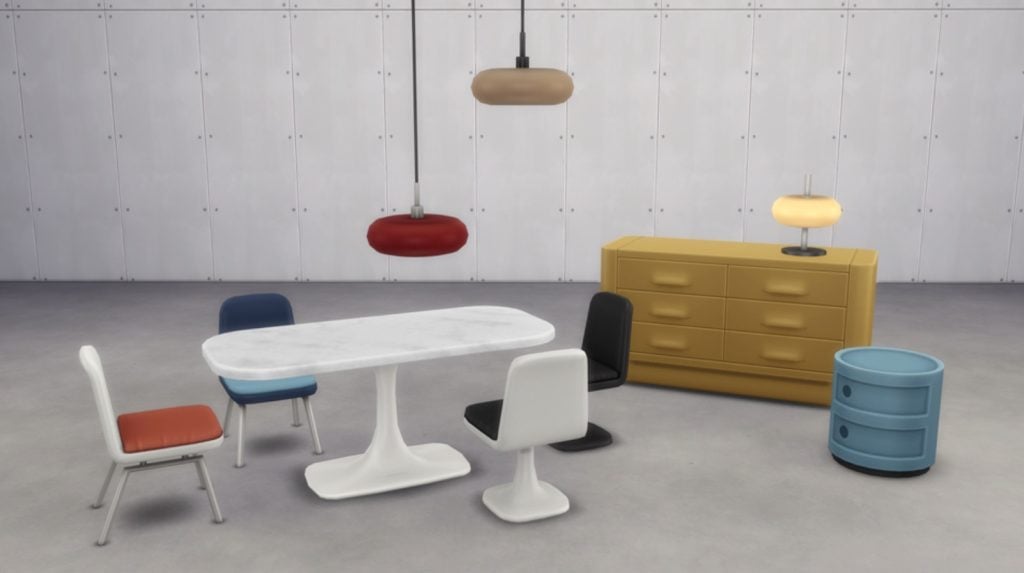
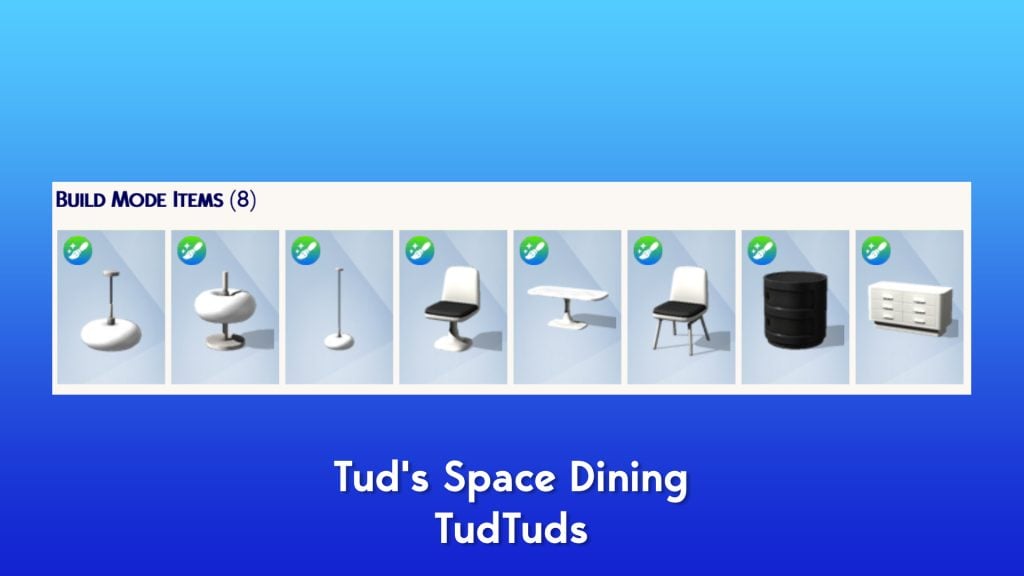
Tud’s Space Dining – TudTuds
This eccentric Dining Space is a collection of eight items that immerses itself in the Retro Futuristic (Space Age) aesthetic of the 60s and 70s. Use the sculptural table and chair set to dine with your imagination flowing into space, transforming every meal into a unique experience. The high-impact lighting helps you create an intimate dinner ambiance while maintaining a fascinating planetary presence floating above the table. The design is versatile and perfect for the decorator seeking to inject bold energy and presence into the room.
Price: 500 Moola
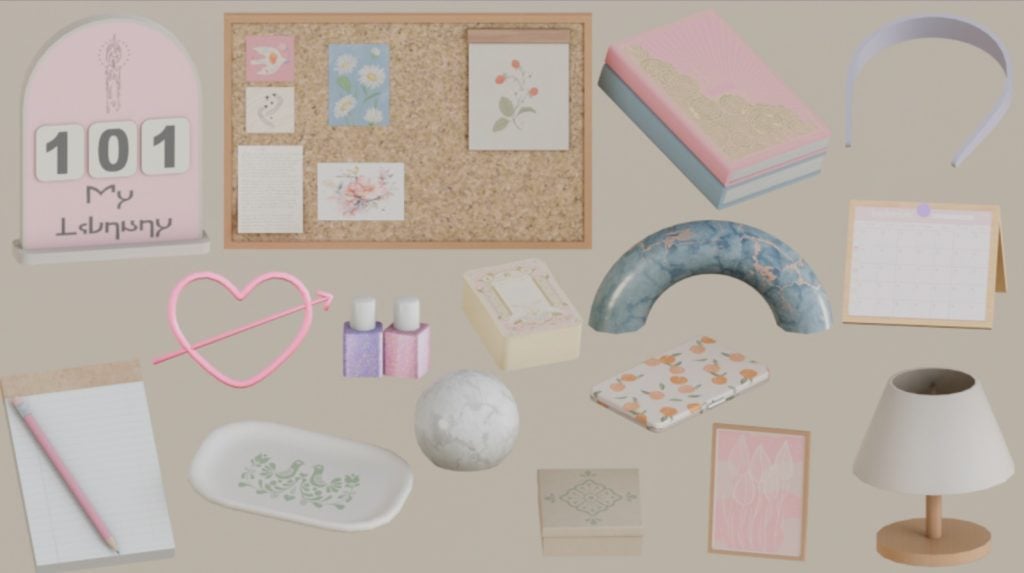
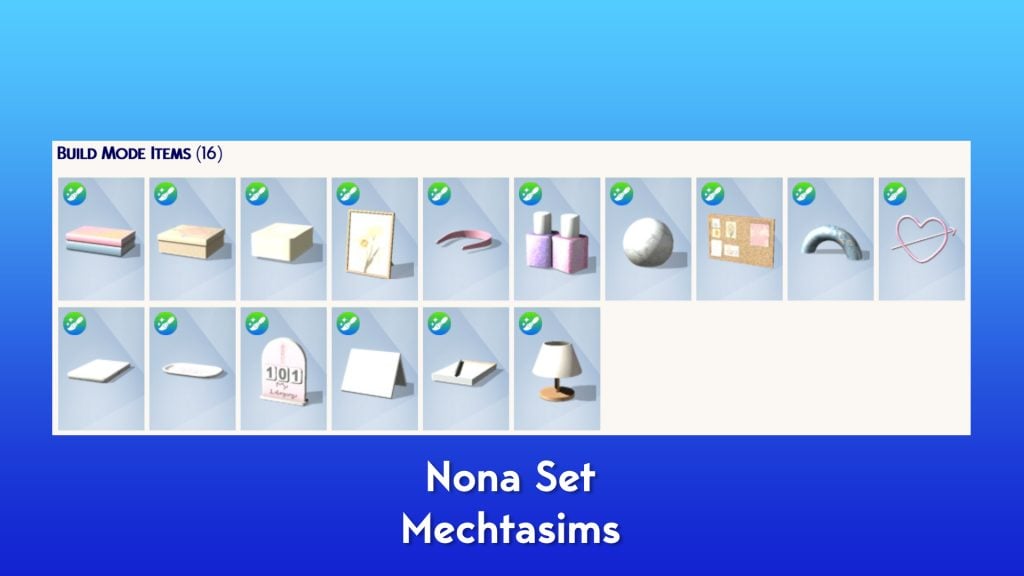
Nona Set – Mechtasims
A set of 16 clutter items for your builds! Clutter any build to your hearts content with this set.
Price: 400 Moola
Create-A-Sim Sets
Alongside the Build/Buy offerings come the Create-A-Sim sets. Created by several notable creators, these sets offer a variety of items for different categories in Create-A-Sim.
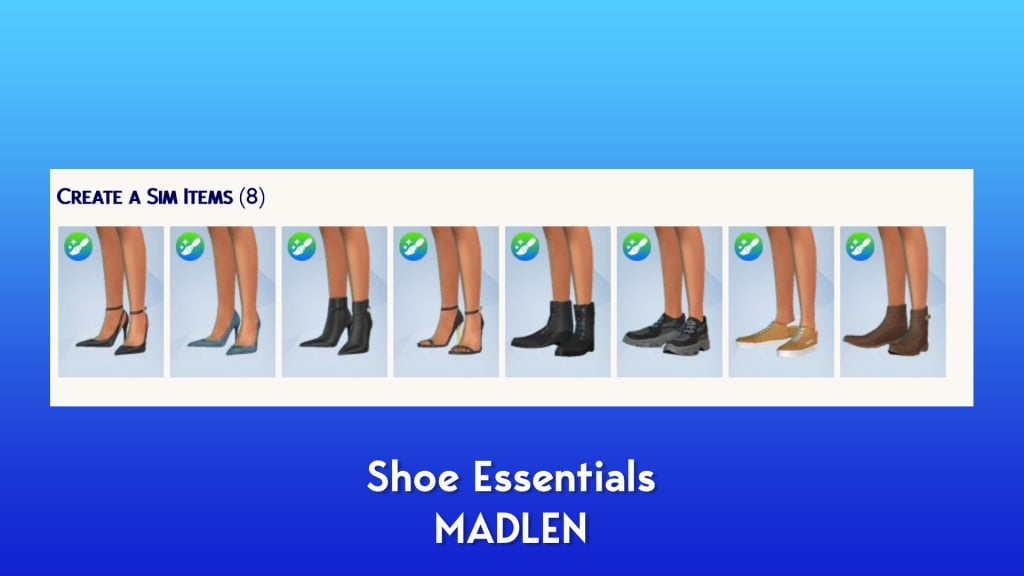
Shoe Essentials – MADLEN
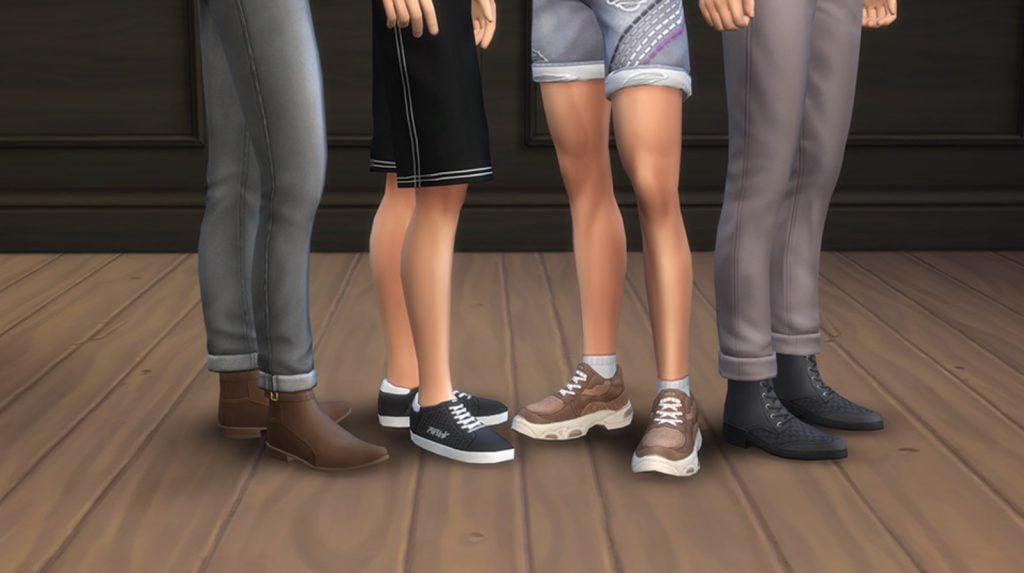
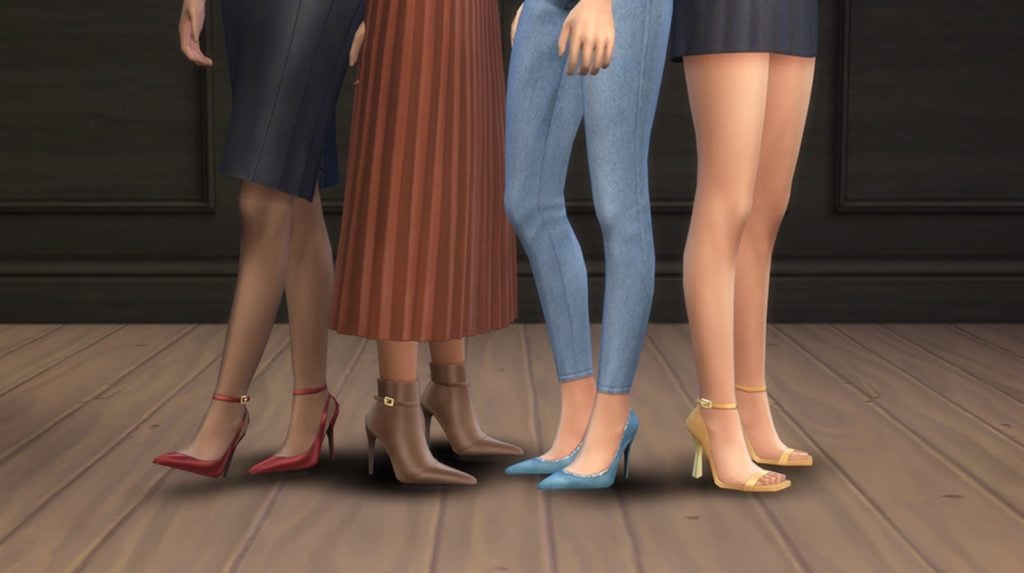
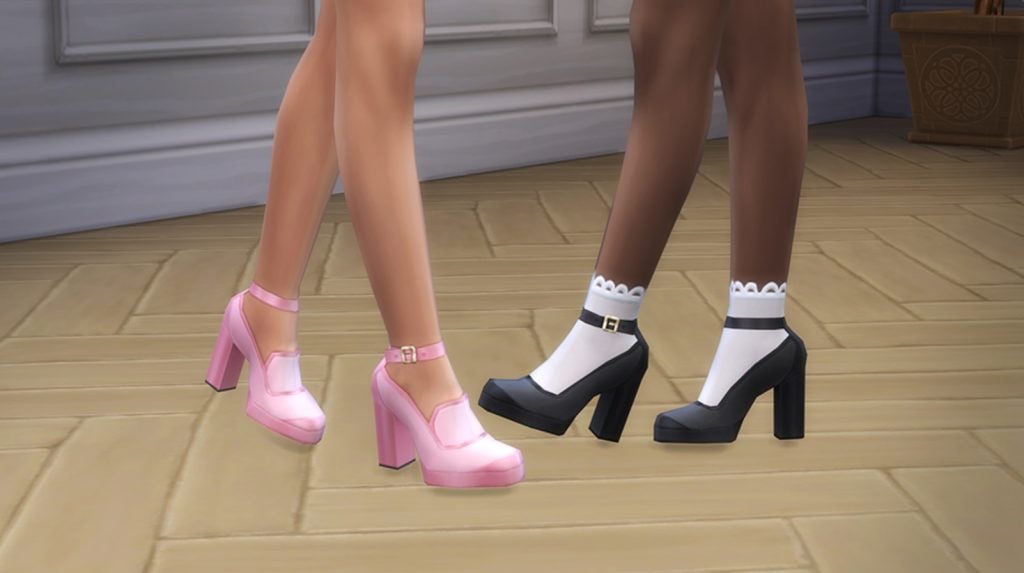
Transform any outfit with this curated set of 8 fashionable shoes for male and female Sims. Featuring a mix of heels, boots, sandals, and sneakers, this collection brings fresh personality to everyday looks and special occasions alike. Complete their look from head to toe and let their personal style shine with every step!
Price: 300 Moola
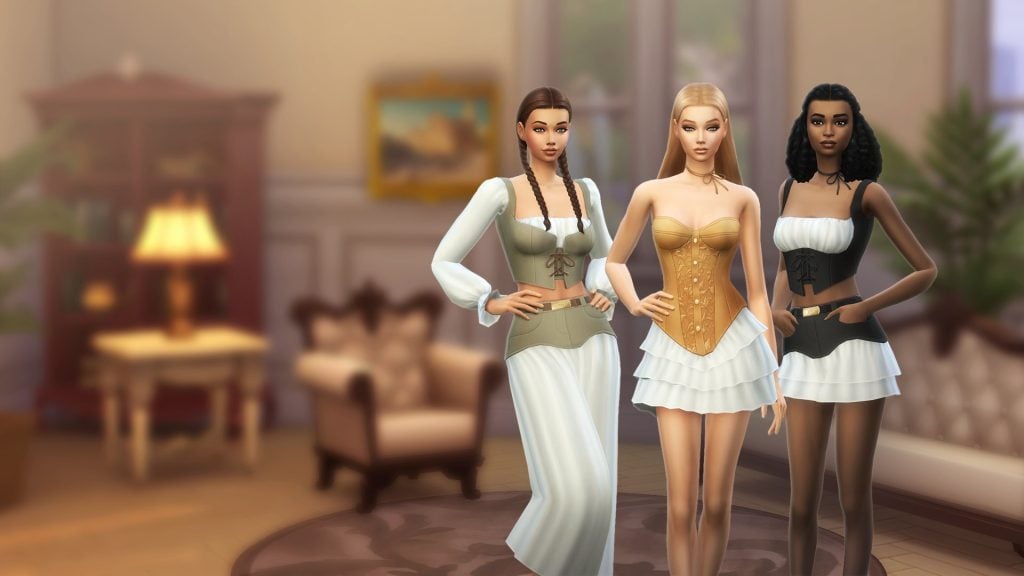
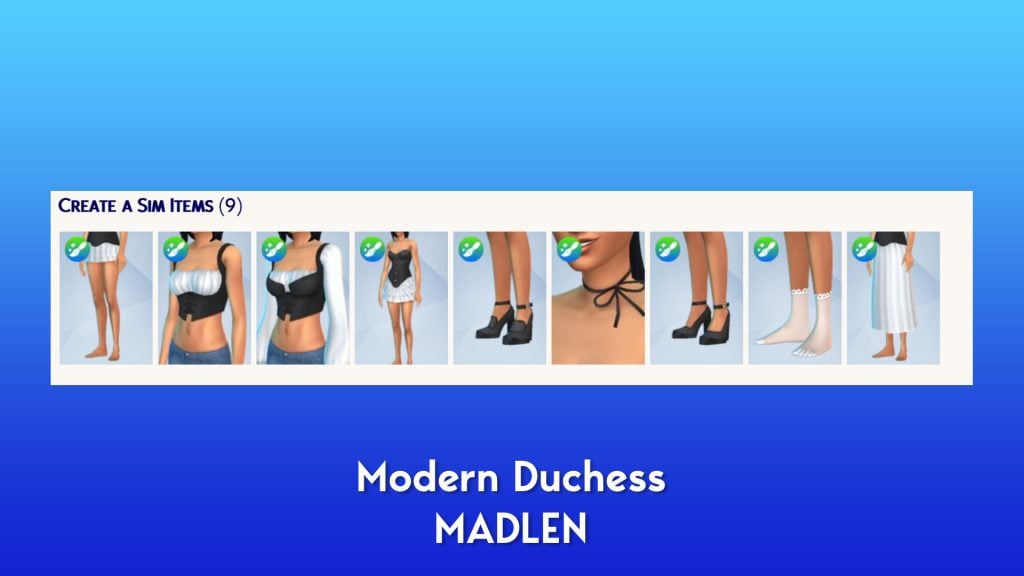
Modern Duchess Set – MADLEN
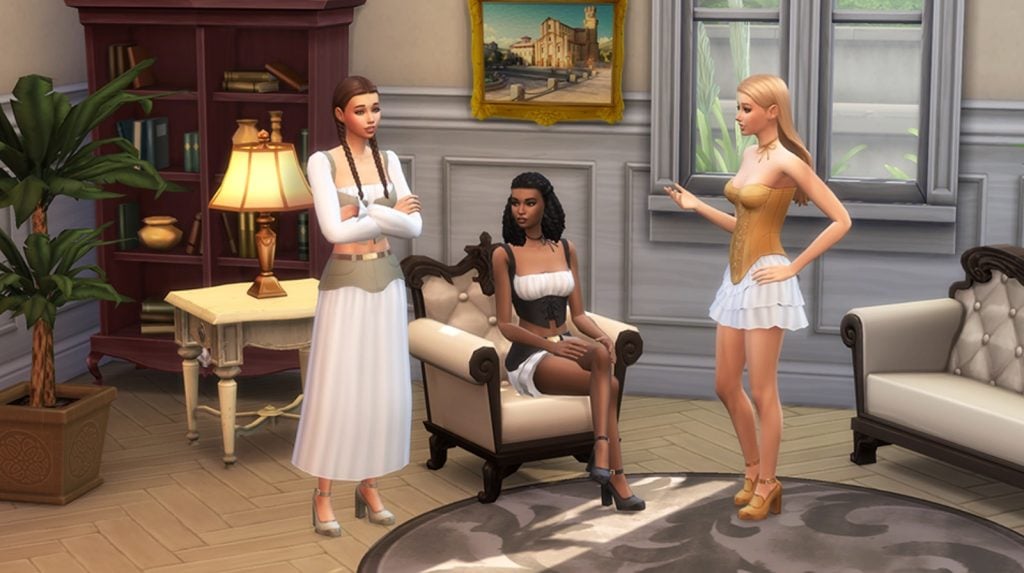
Modern Duchess keeps things soft, simple, and stylish. The set includes nine pieces that blend classic silhouettes with fresh, modern touches, from corsets and skirts to matching socks and heels.
Each item is made to mix and match, so your Sims can create outfits that feel polished but still relaxed. Light layers, smooth textures, and easy shapes make this collection perfect for everyday moments or slightly dressed-up occasions.
Price: 300 Moola
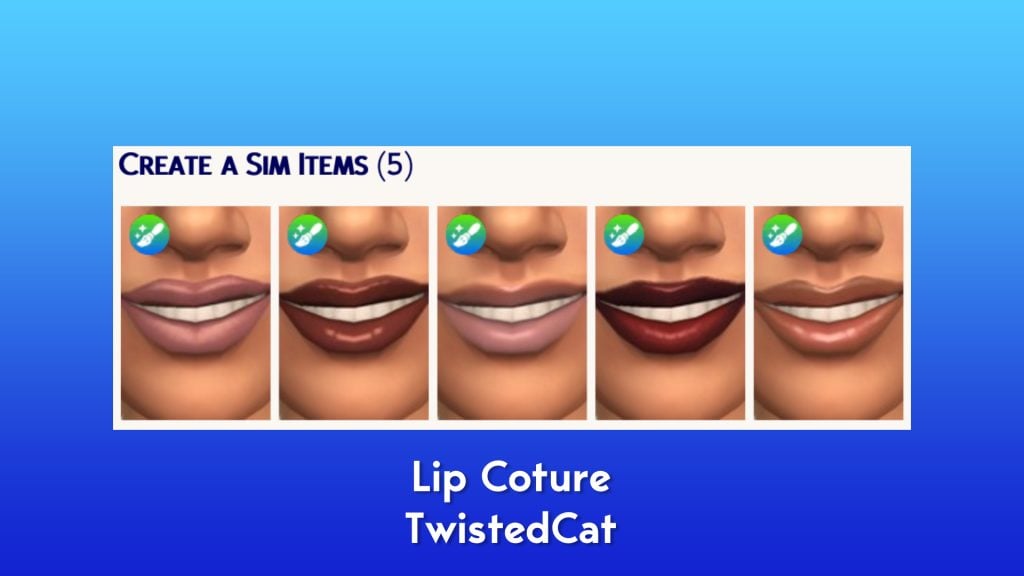
Lip Couture – TwistedCat
Make your lips the center of attention with the Lip Couture collection! This set features a range of alluring styles, from soft and subtle glosses to bold and dramatic lipsticks. Create looks to match any mood, occasion, or style!
Price: 200 Moola
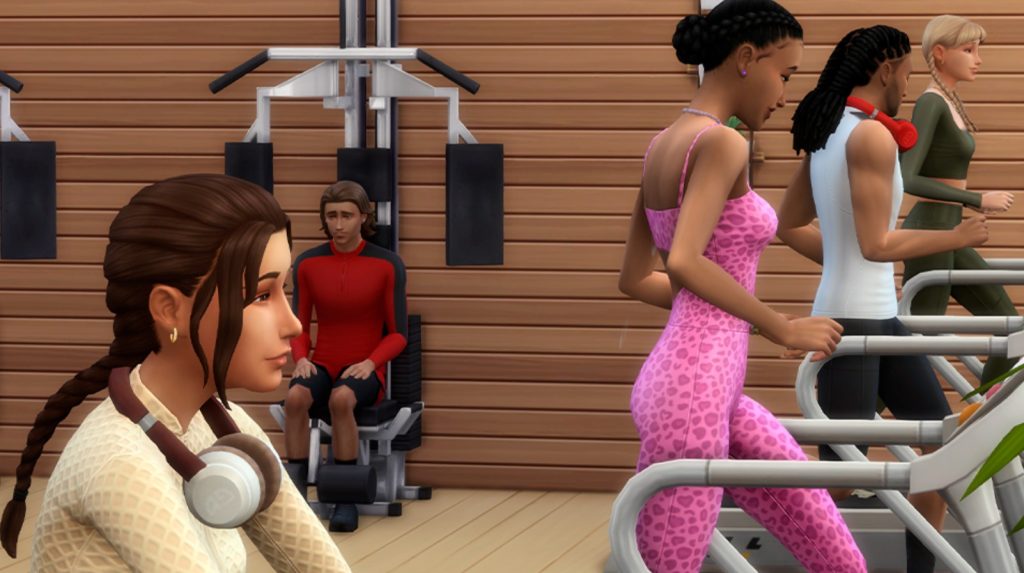
Cozy Fitness – Caio
Welcome to Cozy Fitness, a collection designed to bring comfort and style to your Sims’ active routine. With 16 pieces featuring relaxed silhouettes and modern sporty details, this set is perfect for workouts and casual days. From the gym to a quick walk around town, Cozy Fitness delivers versatility, warmth, and a clean athletic look to keep your Sims confident and ready for anything.
Price: 500 Moola
The Sunburst Collection – CRYPTICSIM
The Sunburst collection is a vibrant makeup and blemish patch collection with bold blues, greens, pinks, reds, oranges, and yellows. This collection consists of two eyeshadows, a glossy and matte lip tint, and 6 different variations of blemish patches, including stars, hearts, butterflies, and smiley faces.
Price: 500 Moola
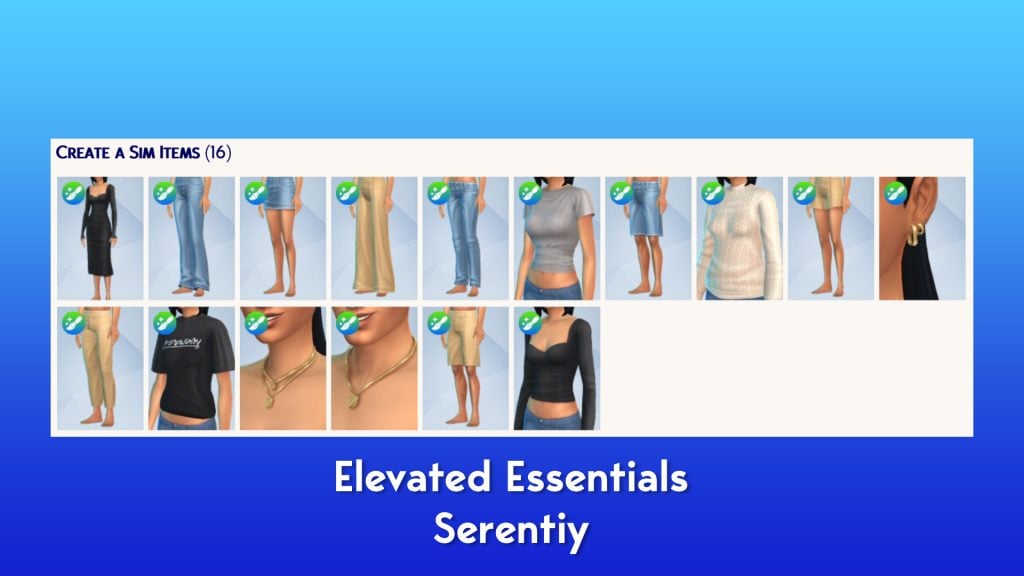
Elevated Essentials – Serenity
The Elevated Essentials collection was designed to slip into your Sim’s wardrobe like it was always meant to be there! Featuring 16 pieces from classic denim and tailored trousers to soft cotton tops and minimal jewelry. The palette stays neutral, wearable and effortlessly versatile. Every item was crafted to bring understated elegance to daily outfits, creating looks that feel polished without even trying! Elevated, timeless and endlessly mix and match, these essentials redefine everyday dressing.
Price: 500 Moola
That’s it for the launch day Sims 4 Marketplace Sets. What are your thoughts so far? Let us know in the comments below, and stay tuned to Sims Community for all the latest on The Sims 4 Marketplace!
The new Sims 4 Update has arrived, bringing The Marketplace and Game Improvements!
Electronic Arts has just released a new The Sims 4 Update exclusively on PC and Mac platforms. The Sims Team confirmed that this is due to The Marketplace having a different date set “for the next few months” for Xbox and Playstation players. During this time players are expected to encounter a version mismatch when using The Gallery feature, as confirmed in the latest Sims 4 Laundry List detailing the next game improvements included in this Game Update.
Please note; this Base Game update will launch on PC and Mac on March 17th, with PlayStation and Xbox coming later. During this time, console players may experience a temporary version mismatch when using the Gallery.
Although not officially confirmed by EA / Maxis, the latest Sims Insider report claims that this happened due to Sony putting a pause on new feature releases until The Sims 4 game stability improves.
Sims Insider: Doesn’t shock me at all. EA wanted to rush this out in time for the acquisition. Ironically, they’ve had to delay it on console because of an investigation by Sony about the stability of the game and that was the platform they were mostly targeting with this storefront.
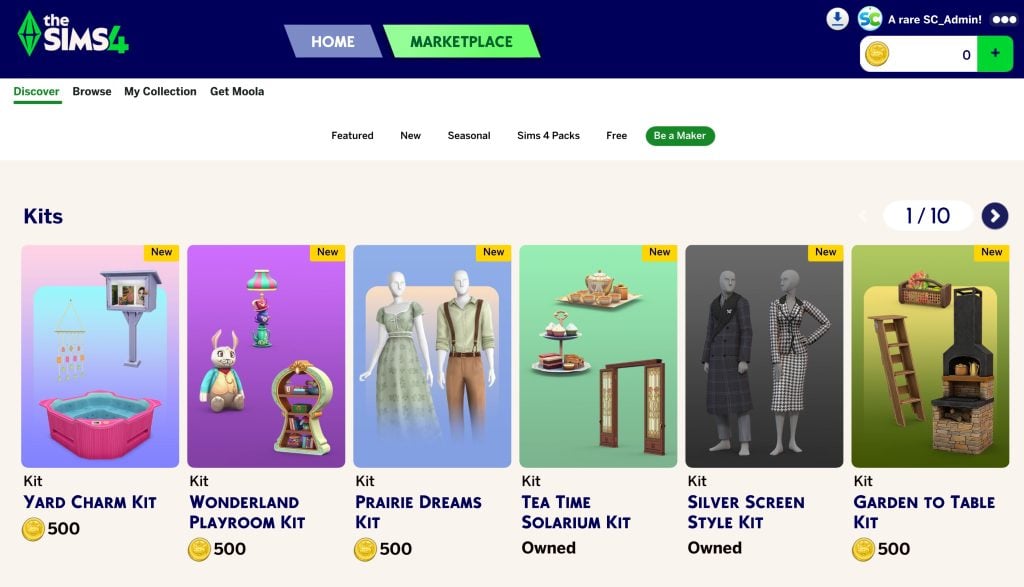
Moving onto official information, you should now expect to purchase all The Sims 4 Kits, including Maxis-Made and Creator Kits within The Marketplace user experience. This DLC type can now only be bought using Moola virtual currency. Purchasing Kits is now done exclusively in-game rather than using official store platforms.
Here is the Moola coin price structure. You should be able to purchase Moola coins through in-game or using game launchers and official store platforms. Including Amazon too!
EA App preview of The Sims 4 Moola pricing structure:
From ongoing Sim Autonomy Improvements to general Bug Fixes, here’s everything new and changed in the latest Sims 4 Update:
Table of Contents
The Marketplace Launch and Game Improvements Update
Installing the Latest Sims 4 Update
You can get the latest The Sims 4 Update on the following official launchers and platforms:
You can download the latest Sims 4 Update by checking for a Patch through the EA App, Steam or Epic Games launcher for Desktop. If you have Automatic Updates enabled the update will automatically download through your client program. In case your EA App is not working properly ensure you’ve cleared your app cache!
If you play The Sims 4 on Xbox Series X / S and Playstation 4 and 5 you can request a new update by checking for updates under The Sims 4 game in the Main Menu. If you’ve enabled automatic updates the Patch should download right away.
There’s also a handy official guide to Mods and CC maintenance, as well as backing up your Saves! Click here to learn all about healthy upkeep of your The Sims 4 files.
This update delivers The Sims 4 Marketplace to PC and Mac players, with Console coming soon! It also includes more than 60 quality-of-life bug fixes and improvements, many of which address top-voted issues from the community. Alongside these fixes, we’ve made several adjustments to Sim autonomy, targeting behaviors such as Sims socializing with strangers, excessive flirting, and obsessively using certain objects.
Jump in, explore the Marketplace and enjoy The Sims 4 with a host of fixes and improvements designed to enhance your everyday gameplay experience!
Happy Simming!
The Sims 4 Team
What’s New?
As mentioned, this release introduces the Marketplace to PC and Mac players, with Console coming soon! Fully integrated into The Sims 4, with curated collections and improved discovery tools to help you find the creations that match your playstyle.
Pack Select has been relocated from the Game Options Menu and can now be found under My Collection within the Marketplace. It still allows you to select the content you want to play with in your Saved Game, as well as add the ability to manage the storage of your Marketplace downloaded content (which includes Marker Packs and newly purchased Kit content) directly from within the game.
This patch also marks the arrival of updates to Gallery discovery with improved filters for easier Gallery navigation!
A picture of the new Filter Options available when searching on The Sims 4 Gallery
Bug Fixes
Top 5 Most Voted Fixes:
[EA Forums][EA Forums] Extensive updates to ensure that Sims’ eye blinking will now show fully closed eyes for most interactions, see the blog post for more information on these changes.
[EA Forums] Prom will once again appear on Calendars, and Sims will be able to attend. This fix will ensure it is working for both new and old saves. Alongside this fix, we fixed another issue where Prom goals weren’t able to be completed. (High School Years)
[EA Forums] We fixed an issue where Pet and Horse data was being lost in Premade Households. This issue will no longer occur in new saves. Existing saves where the issue already occurred will not be retroactively corrected. (Cats & Dogs, Horse Ranch)
[EA Forums] We’ve implemented a notable change to how Sims determine who they speak with on a lot. Now, Sims will generally prefer speaking with familiar Sims they already have a good rapport with, and Sims are less likely to engage with strangers spontaneously.
[EA Forums] Animals can be assigned to an Animal Shed after moving the Household to a new lot. They no longer become stuck in Household or Sim Inventory. This is also fixed for saves where the animals were already stuck. (Cottage Living)
Sims Autonomy Improvements
“Sim autonomy” is one of our Quality of Life Team’s key focus areas based on community feedback, and this update delivers on 3 of our top autonomy issues: Sims socializing with strangers, excessive flirting, and Sims using certain objects obsessively. We’ll continue to watch player feedback surrounding Autonomy for future updates.
Base Game
[EA Forums] We’ve addressed the issue where Sims were excessively flirting with each other.
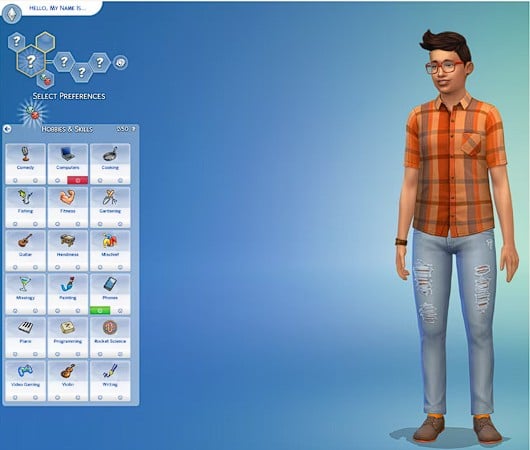
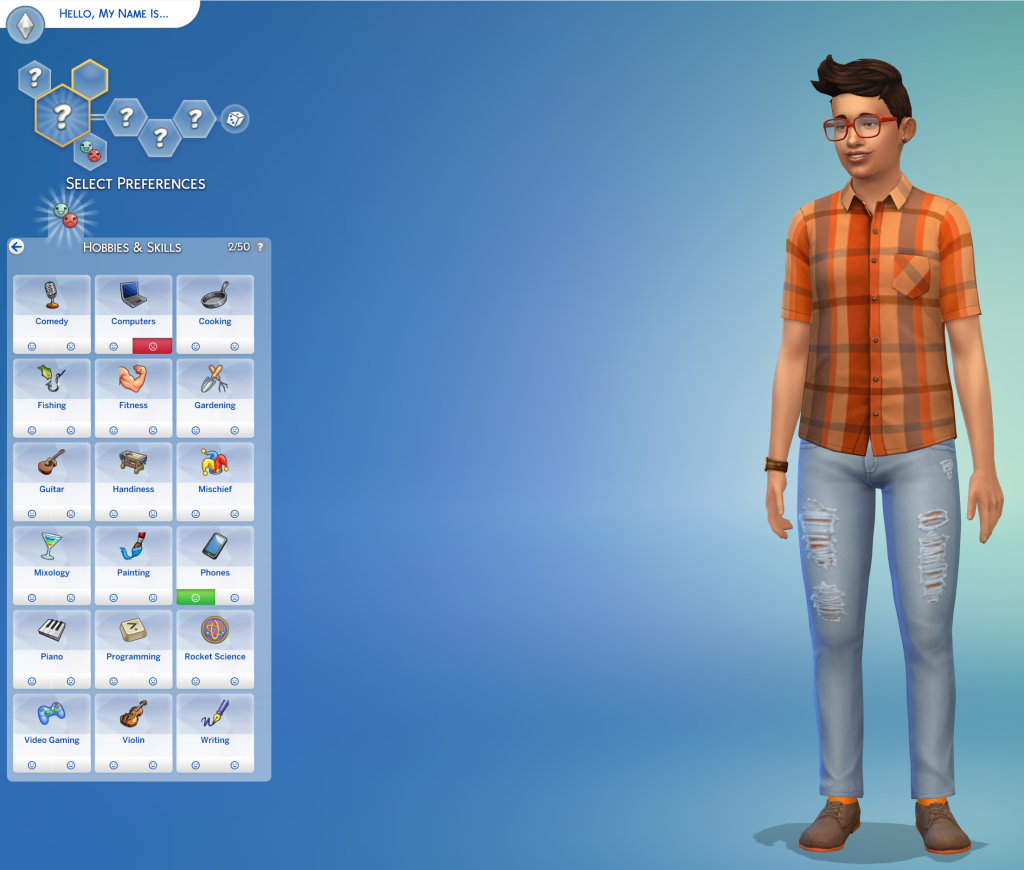
[EA Forums] We’ve heard your feedback and wanted to address Sims using Computers and Phones too often. We’ve added a few new preferences to the Base Game including: Likes Phones, Likes Computers, Dislikes Phones, and Dislikes Computers. If you don’t want your Sims to autonomously use these objects, please give them the “Dislikes Phones” or “Dislikes Computers” Preferences. If you’d like them to use these objects more often, select the appropriate “Likes” Preference.
A picture of a Sim in Create a Sim with the Sims 4 Preferences Menu Open. This menu includes a picture of the two new Preferences for Computers and Phone. In the picture Phones are liked whereas Computers are Disliked to show both options.
[EA Forums] If a Sim autonomously uses the Phone, they will receive a cooldown on wanting to do this autonomously again for six Sim hours. This cooldown does not exist for non-active Household Sims, Teen Sims, or Sims who Like Phones. Sims who Dislike Phones (a new Preference we added) will never use them autonomously anymore.
[EA Forums] If a Sim autonomously uses the Computer, they will receive a cooldown on wanting to do this autonomously again for half of a Sim day. This cooldown does not exist for non-active Household Sims, Sims who are Geeks, Sims who Like Computers, or when it is a preferred interaction for Getaways, Clubs, Small Businesses, or Dynasties. Sims who Dislike Computers (a new Preference we added) will never use them autonomously anymore.
[EA Forums] The “Troll teh Forums” Computer Interaction has been added to the same cooldown that is used for other Computer interactions. Sims will also now need Mischief Skill Level 6 or higher to consider this action autonomously unless they have the following Traits: Evil, Childish, Geek, Hot-Headed, Erratic, or Mean (who always have it available). (Base Game)
[EA Forums] If a Sim autonomously destroys a Doll House, it will receive a cooldown on wanting to do this autonomously again for some time. We also made a change so that only Sims with certain Traits (Evil, Hates Children, Mean, Hot-Headed) will ever autonomously decide to destroy a Doll House while Angry. Before this update, this autonomous behavior could occur for any Sim who was feeling Angry or Dazed.
[EA Forums] If a Sim autonomously mixes a drink, they will receive a cooldown on wanting to do this autonomously again for a Sim day for non-NPCs. Previously this would occur frequently for Sims who were Inspired, or Sims with the Bro or Foodie Trait.
[EA Forums] If a Sim autonomously Swims, they will receive a cooldown on wanting to do this autonomously again for some time. This cooldown does not exist for non-active Household Sims, on Pool Venues, during Pool Party, or Birthday Party events, when Swimming is a preferred interaction for Getaways, Clubs, or Small Businesses, or if the Sim is a Merfolk or PlantSim.
[EA Forums] If a Sim autonomously plays the Violin, they will receive a cooldown on wanting to do this autonomously again for a Sim day. This cooldown does not exist for non-active Household Sims, for Sims who are Music Lovers, Sims who Like Violins, or when it is a preferred interaction for Getaways, Clubs, Small Businesses, or Dynasties.
[EA Forums] If a Sim autonomously plays the Guitar, they will receive a cooldown on wanting to do this autonomously again for a Sim day. This cooldown does not exist for non-active Household Sims, for Sims who are Music Lovers, Sims who Like Guitars, or when it is a preferred interaction for Getaways, Clubs, Small Businesses, or Dynasties.
[EA Forums] If a Sim autonomously plays Chess, they will receive a cooldown on wanting to do this autonomously again for a Sim day. This is for non-NPCs only, and not applicable during Clubs or Getaways involving Chess.
[EA Forums] We’ve added a cooldown for Sims dancing while on a lot that the Sim owns. Sims who Like Dancing, Dance Machine Trait Sims, and certain situations will not receive this cooldown. This cooldown is not for non-active Household Sims. This cooldown will disappear when Sims move lots in case they are going to a lot where they want to dance.
[EA Forums] We’re reducing how often a Sim considers turning on the Radio. Sims with the Music Lover trait will consider listening to music more often than other Sims.
[EA Forums] Though practically a staple of Sim culture (I’m being cheeky), we’ve added a cooldown for autonomous Push-Ups, Sit-Ups, and Stretches. Now, only Sims who are Energized at the Gym Venue or Sims with the Active trait will consider doing this autonomously.
[EA Forums] We’ve added a cooldown for Foodie Sims watching Culinary Training Videos on the Television where they won’t do this autonomously for two days after doing it.
[EA Forums] If a Child Sim autonomously uses the Space Ship Jungle Gym, they will receive a cooldown on wanting to do this autonomously again for a Sim day. This cooldown does not exist for non-active Household Sims or when it is a preferred interaction for Getaways, Clubs, or Small Businesses. Leaving the current lot also removes the cooldown.
[EA Forums] If a Sim autonomously plays with the Lump of Clay, they will receive a cooldown on wanting to do this autonomously again for a while. This cooldown does not occur for Creative Sims or Sims who Like Pottery.
Discover University
[EA Forums] If a Sim autonomously plays with the Soccer Ball they will receive a cooldown on wanting to do this autonomously again for a while. This cooldown does not occur for Sims who Like Fitness or non-Household Sims.
Cottage Living
[EA Forums] If a Sim autonomously does Cross-Stitch, they will receive a cooldown on wanting to do this autonomously again for some time. This cooldown does not exist for Sims who Like Cross-Stitching or when it is a preferred interaction for a Club.
Lovestruck
[EA Forums] Sims will no longer consider playing Who’s Up Party Games while in the middle of writing a Book on the Computer.
Adventure Awaits
[EA Forums] If a Sim autonomously plays with the Paper Airplane, they will receive a cooldown on wanting to do this autonomously again for a while. This cooldown does not occur for Sims who Like Papercrafting.
Spa Day
[EA Forums] If a Sim autonomously uses the Yoga Mat, they will receive a cooldown on wanting to do this autonomously again right away. This cooldown does not exist for High Maintenance Sims or Sims who Like Wellness. (Sims must be Wellness Skill Level 2 to Autonomously use a Yoga Mat – previously and still.) The cooldown is removed when leaving the lot, and when it’s the preferred interaction for Getaways, Clubs or Small Businesses.
Movie Hangout
[EA Forums] A cooldown has been added to the Popcorn Popper so that after it has been used by a Sim that Sim will not want to immediately use it again for some time.
Pet & Animal Fixes
With two of our Top Community Issues being around animals and pets, we fixed a few other bugs also in this category to provide a better overall experience with these systems.
[EA Forums] Animals in the Animal Shed, Chicken Coop, Mini Goats, and Sheep will no longer be multiplied. This was happening when these animals were placed into a Sim inventory, then back in the world, and after that the Sims moved their Household. (Cottage Living, Horse Ranch)
General Bug Fixes
We addressed a handful of other important issues that were quickly rising with player reports, particularly problematic in gameplay, or easy to fix.
Base Game
Sims with the Unflirty Trait will no longer get the ick when hugged.
Placing a painting on the wall and then returning it to the Sim’s Inventory will no longer result in a Simulation error.
Seasons
[EA Forums] Flowers will no longer get stuck midair while crafting a Flower Arrangement.
For Rent
[EA Forums] The “Do Inspection and Maintenance” interaction is now available on applicable working and broken objects in a Tenant Household for Landlord Sims. This should function both during Maintenance events and outside of them for Landlord Sims.
Life & Death
We’ve adjusted design elements on some of our swatches for the Ornate Mystery Rug which were concerning to some players.
Royalty & Legacy
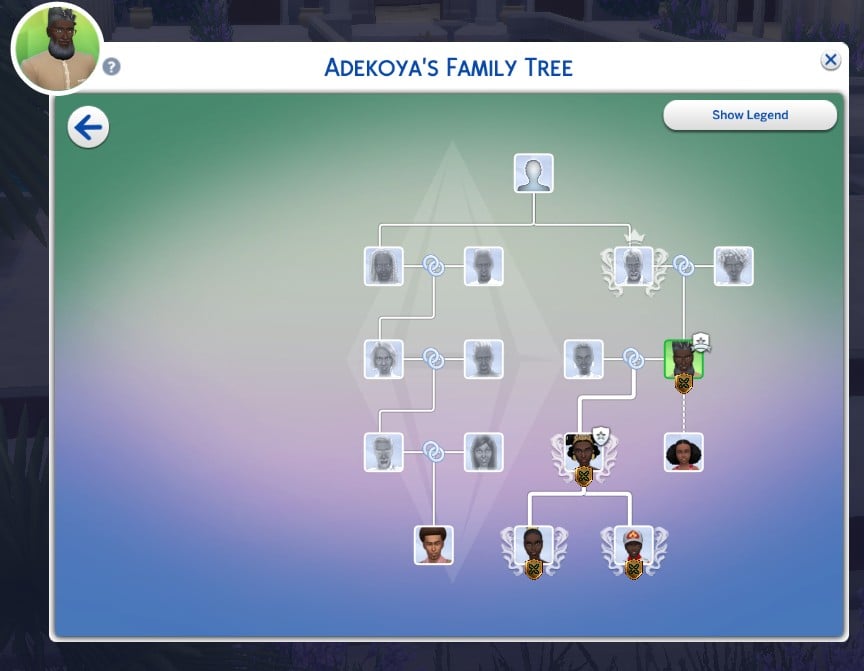
[EA Forums] There was an issue where the updated Family Tree could cause wrong connections and overlapping which has now been fixed.
[EA Forums] We fixed a crash that could occur when resuming the game after deleting the Capp Household in Ondarion.
[EA Forums] Ondarion’s Verdemar lot is no longer reversed.
Parenthood
Child and Teen Sims who grew up in the same Household but weren’t related could get the Super Sibling relationship, despite not being related and then could later romance each other. Because we didn’t want to prevent stories where children could have possibly been in the same Household at one point while not related and end up in a relationship, we decided to fix this by renaming the relationships to Childhood Besties and Childhood Frenemy.
StrangerVille
There should no longer be a Script Call Fail error when the Plant Containment Cell is on the lot and the player tries to place other objects.
CAS & Build Mode Tagging Updates
We had the opportunity to address a large swath of simpler tagging bugs, making CAS and Build Mode sorting more accurate overall. Here are related issues we fixed:
Base Game
All Makeup that was in the Everyday category has been added to both Hot and Cold Weather Outfit category as a sorting option.
We’ve sorted 43 existing items under the Kids’ Decorations category.
Various lights (that were previously considered wall lights) have been sorted into the Lighting > Outdoor Lights in Build Mode category.
“Cute Critter Basket” is now sorted under Objects by Function > Kids > Kids’ Decorations.
Updated the swatch color for (yfMakeupLipstick_EF28GlossyLips_RedRuby) to appear more accurate.
(yfBottom_SDX040CCHSkirtPleated) will no longer appear for masculine frame Sims.
The Pencil Holder object has been additionally sorted into the Clutter category in Build Mode.
The “Wicker-Work Diaper Storage” object is now sorted under Objects by Function > Kids > Kids’ Furniture.
The “Bow, Bow, Bow!” object is now sorted under Objects by Function > Activities and Skills > Life Event Activities.
The “Martian Soil” wall pattern is now categorized under the Misc category rather than the Paneling in Build Mode category.
The “Sweetpea” and “Firehouse Brick” wall patterns are now sorted into Masonry and Siding.
Sycee of the Prosperous Moon, Right Side Up Gnome, and Bob the Butler Fancy Sculpture have been removed from their previous category and are now sorted under Decorations > Sculptures.
Multipack
We updated a large amount of love seats and benches to properly be identified as “Benches” for lot requirements when placed.
Lovestruck
We’ve adjusted the Lovestruck Beard swatches to display in the correct order.
(ymBottom_EP16Jeans) will now appear as a Masculine Fashion Choice in CAS filters.
Life & Death
“Perilous Paneling” and “Patterned & Perilous Paneling” now sort into the Paneling category, and “Lunar Reverie” sorts into the Wallpaper category.
Enchanted by Nature
“Wild Uncanny Cane” plant is now sorted in both Roof Sculptures and Outdoor Plants.
Backyard
(yfTop_SP08TeeBoatNeck_GradientPink) no longer sorts as Yellow in CAS filters.
Moschino
The “Libearian” bookshelf and the “I’m So Shiny!” surface have been removed from the Sculptures category.
Holiday Celebration
The “Kinara” and “Menorah” light objects are now sorted under Lighting > Table Lamps.
“Holiday Snowman” and “Pre-strung Tree of Lights” are now sorting under Lighting > Outdoor Lights.
Kitchen Clutter
All clutter items from the Kitchen Clutter pack are now visible when sorting by the pack filter and looking under the Misc Decorations category in Build Mode’s room view.
The Forever Friends Event
(ymTop_EV0641TankTwistBack_SolidBlackCyan) will no longer appear for masculine frame Sims.
The Nature’s Calling Event
Cove Stone – Round, Cove Stone – Flat, and Cove Stone Cluster objects are now sorted in the Outdoor Plants > Rocks category in Build Mode.
<Modder changelog>
Fixed Issue
Change Log
(ymBottom_EP16Jeans) will now appear as a Masculine Fashion Choice in CAS filters. (Lovestruck)
Added filter tag to asset (ymBottom_EP16Jeans).
(yfTop_SP08TeeBoatNeck_GradientPink) no longer sorts as Yellow in CAS filters. (Backyard Stuff)
Removed filter tag from asset (yfTop_SP08TeeBoatNeck_GradientPink).
Updated the swatch color for (yfMakeupLipstick_EF28GlossyLips_RedRuby) to appear more accurate.
Updated swatch icon color for asset (yfMakeupLipstick_EF28GlossyLips_RedRuby).
All Makeup that was in the Everyday Category has been added to both Hot and Cold Weather Outfit Category as a sorting option. This will make it easier than ever to do your makeup for these categories (since the options were previously hidden in many cases).
Added Hot and Cold Weather Tags to the base prototypes for all makeup assets. Removed Hot and Cold Weather Tags on a few specific assets that also did not have Everyday Category tags.
Animals can be assigned to an Animal Shed after moving the Household to a new lot. They no longer become stuck in Household or Sim Inventory. This is also fixed for saves where the animals were already stuck.Animals being unable to be assigned to the Animal Shed after moving was blocking another, older bug where Animals would become unresponsive after being assigned to the Animal Shed after moving. Since we fixed the first one, we also fixed this one alongside it.
Created a boolean tuning field ‘allow_transfer_out_of_hh_inventory’ that, when enabled, will allow an object in the HH inventory that cannot be directly placed in-world (eg. livestock animals) to be properly slotted to an in-world object. Enabled this boolean in the tuning for the loot action that slots livestock animals to their sheds.Modified the function that removes the animal shed object to return early if the shed is currently in the HH inventory (so the animal shed will not get erroneously unregistered from the animal service when moving HH)
Animals in the Animal Shed, Chicken Coop, Mini Goats, and Sheep will no longer be multiplied. This was happening when these animals were placed into a Sim inventory, then back in the world, and after that the Sims moved their Household.
Stopped tracking objects in the lost and found service if their location is currently in the Household Inventory (because they cannot be lost if they are in the HH inv).Properly set the livestock animals’ owner ID field in the python code after they are assigned to a shed (since livestock animals cannot be placed in-world they were bypassing the logic that normally sets that field, causing the Sim to not own them anymore after moving HH)
Sims will no longer consider playing Thumbs Up or the WooHoo Card Game while in the middle of writing a book on the computer.
Adding tests to autonomousSimPicker_TriviaBox_ThumbsUp_PlayWith and autonomousSimPicker_TriviaBox_WooWho_PlayWith to ensure Sims who are writing on the computer are not considered
Flowers will now longer get stuck midair while crafting a Flower Arrangement.
Set the Create Target Name of the arrangementTable_Passive Animation Element to be the in-progress craft arrangement. Also updated the VFX participant type in the outcome of the flowerArrangingTable_Arrange interaction to be CreatedObject instead of CraftingObject.
If a Child Sim autonomously uses the Space Ship Jungle Gym they will receive a cooldown on wanting to do this autonomously again for a Sim day. This cooldown does not exist for non-active Household Sims or when it is a preferred interaction for Getaways, Clubs, or Small Businesses. Leaving the current lot also removes the cooldown.
Adding a cooldown to autonomously running JungleGymBoat_Play and JungleGymRocketShip_Play
If a Sim autonomously uses the Yoga Mat they will receive a cooldown on wanting to do this autonomously again right away. This cooldown does not exist for High Maintenance Sims or Sims who Like Wellness. (Sims must be Level 2 to Autonomously use a Yogo mat – previously and still.) The cooldown is removed when leaving the lot, and when its the preferred interaction for Getaways, Clubs or Small Businesses.
Adding a cooldown to autonomously running si_Yoga_Practice and Yoga_Routine
We’ve heard your feedback and wanted to address Sims using Computers and Phones too often. When considering how to fix this, we felt there were stories to tell around Sims who can be a little obsessed about Phones and Computers and also Sims who do NOT like them and never want to use them! Because of that, we’ve added a few new preferences to the Base Game. These Include: Likes Phones, Likes Computers, Dislikes Phones, and Dislikes Computers. As their names imply, these new Preferences are particularly important now when determining how your Sim will (or won’t) engage with Computers and Phones. If you don’t want your Sims to autonomously use these objects, please give them the “Dislikes Phones” or “Dislikes Computers” Preferences. If you want them to be obsessed… you know what to do. Please enjoy!
Adding new Traits for phone and computer preferences. These are tested on the aptly named Phone and Computer super interactions.
In addition to the new Computer-related Preferences, if a Sim autonomously uses the Computer they will receive a cooldown on wanting to do this autonomously again for half of a Sim day. This cooldown does not exist for non-active Household Sims, for Sims who are Geeks, Sims who Like Computers, or when it is a preferred interaction for Getaways, Clubs, Small Businesses, or Dynasties. Sims who Dislike Computers (a new Preference we added) will never use them autonomously anymore.
Adding a cooldown to autonomously running autonomous-enabled Computer_Reacreation interactions, and the beloved Computer_TrollForum interaction
We’ve added a cooldown for Sims autonomously turning on the stereo to listen to music.
Adding a cooldown to autonomously running Stereo_AutonomousPickChannel as well as adding dancing cooldowns.
If a Sim autonomously destroys a Doll House it will receive a cooldown on wanting to do this autonomously again for some time. We also made a change so that only Sims with certain Traits (Evil, Hates Children, Mean Hot-Headed) will ever autonomously decide to destroy a Doll House while Angry. Before this update, this autonomous behavior could occur for any Sim who was feeling Angry or Dazed.
Adjusting tests and adding a cooldown to DollHouse_Smash
If a Sim autonomously does Cross-Stitch they will receive a cooldown on wanting to do this autonomously again for some time. This cooldown does not exist for Sims who Like Cross-Stitching or when it is a preferred interaction for a Club.
Adding a cooldown to autonomously running crossStitch_StartCrafting_Autonomously and craftingResume_CrossStitch
If a Sim autonomously mixes a drink they will receive a cooldown on wanting to do this autonomously again for a Sim day for non-NPCs. Previously this would occur frequently for Sims who were Inspired, or Sims with the Bro or Foodie Trait
Adding an autonomous cooldown to bar_StartCraftingAutonomously for Inspired/Foodie/Bro Sims.
If a Sim autonomously Swims they will receive a cooldown on wanting to do this autonomously again for some time. This cooldown does not exist for non-active Household Sims, on Pool Venues, during Pool Party or Birthday Party events, when Swimming is a preferred interaction for Getaways, Clubs, or Small Businesses, or if the Sim is a Mermaid or PlantSim.
Adding a cooldown to the fun motive advertisement on pool-swim_Autonomous_Start
If a Sim autonomously plays the Violin they will receive a cooldown on wanting to do this autonomously again for a Sim day. This cooldown does not exist for non-active Household Sims, for Sims who are Music Lovers, Sims who Like Violins, or when it is a preferred interaction for Getaways, Clubs, Small Businesses, or Dynasties.
Adding a cooldown to autonomously running interactions under Violin_NonTieredMenu and Violin_TieredMenu
If a Sim autonomously plays the Guitar they will receive a cooldown on wanting to do this autonomously again for a Sim day. This cooldown does not exist for non-active Household Sims, for Sims who are Music Lovers, Sims who Like Guitars, or when it is a preferred interaction for Getaways, Clubs, Small Businesses, or Dynasties.
Adding a cooldown to autonomously running interactions under Guitar_NonTieredMenu and Guitar_TieredMenu
If a Sim autonomously plays Chess they will receive a cooldown on wanting to do this autonomously again for a Sim day. This is for non NPCs only, and not applicable during clubs or getaways revolving around chess.
Adding an autonomous cooldown to Chess_PonderMoves, Chess_Social and Chess_Table_Social
We’ve added a cooldown for Sims dancing while on a lot that the Sim owns. Sims who Like Dancing, Dance Machine Trait Sims, and certain situations will not receive this cooldown. This cooldown is not for Non-Active Household Sims. This cooldown will disappear when Sims move lots in case they are going to a lot where they want to dance.
Adding a cooldown to autonomously running interactions like DanceFloor_Dance, Stereo_Dance and many others
Though practically a staple of Sim culture (I’m being cheeky), we’ve added a cooldown for autonomous Push-Ups, Sit-Ups, and Stretches. Now, only Sims who are Energized at the Gym Venue or Sims with the Active trait will consider doing this autonomously.
Adding a cooldown to autonomously considering sim_doPushUpsAutonomously, sim_doSitUpsAutonomously, Sim_doStretching, and Solo_WorkOut.
The “Troll teh Forums” Computer Interaction has been added to the same cooldown that is used for other Computer interactions. Sims will also now need Mischief Skill of 6 or higher to consider this action autonomously unless they have the following Sims Traits: Evil, Childish, Geek, Hot-Headed, Erratic, or Mean (who always have it available).
Adding a cooldown to autonomously running autonomous-enabled Computer_Reacreation interactions, and the beloved Computer_TrollForum interaction. The Troll Forum interaction also received a test restructure for its availability.
A cooldown has been added to the Popcorn Popper so that after it has been used by a Sim that Sim will not want to immediately use it again for some time.
Adding a cooldown to PopcornPopper_StartCooking_Autonomously
We’ve added a cooldown for Foodie Sims watching Culinary Training Videos on the television where they won’t do this autonomously for two days after doing it.
Adding an autonomous cooldown on tv_WatchCooking_CulinaryTraining for Foodie Sims
Placing a painting on the wall and then returning it to the Sim’s inventory will no longer result in a Simulation error.
Objects duplicated between world and inventory will be discarded from inventory on load
• We did extensive updates to ensure that Sims’ eye blinking will now show fully closed eyes for most interactions.• High-impact animations—such as blinking in CAS, sleep loops, kissing, and looking down at a phone—were given extra focus to ensure eyes fully close.• In some rare cases, some eye sets may experience slight over-blinking due to their shape—which was preferred to consistent under-blinking across most eye shapes.• We did a lot of work to provide the best visual experience for eyes closing with upper and lower eyelashes slotted for a Sim:• The most noticeable interactions for players received special attention to minimize any clashing between eyelashes.• High-impact animations—such as blinking in CAS, sleep loops, kissing, and looking down at a phone—were given extra focus to ensure eyelashes don’t clash.• Upper and lower eyelash clashes may still occur with certain eye shapes and less noticeable interactions. We did our best to minimize this issue.• Lower lashes now move along with the lower eyelid.Unusual brow movements during some sleep loops will be fixed. This was tied to certain mood animations partially being played while a Sim was sleeping.
The Cantina High Top Tables object now has a price of $550 Simoleons, rather than $0.
Updated price in tuning
Prom will once again appear on Calendars and Sims will be able to attend. This issue was occurring in old saves created prior to a previous Prom-related fix, but this fix will ensure it is working for both new and old saves.
When scheduling prom, we were testing for any early graduate Sims, but the Tests would always fail on older saves. Moved those tests to when prom is run.
We fixed an issue where Prom goals weren’t able to be completed.
Updated score multiplier test to return a default value instead of throwing an error when running on simless events.
We’ve implemented a notable change to how Sims determine who they speak with on a lot. With these changes, we hope to make Sims feel a bit smarter when it comes to socialization. Now, Sims will generally prefer speaking with familiar Sims they already have a good rapport with, and Sims are less likely to engage with strangers spontaneously. On top of this, they’ll also factor in distance before choosing a Sim to talk to. Our intention is that it’ll be less likely for stranger Sims to push into a conversation between friends but not outright remove Sims wanting to get to know one another. Likewise, we didn’t want Sims charging across the lot to start a conversation, and Sims should no longer be psychically targeting another Sim for socialization over great distances. Paired together, we feel this update makes Sim socialization feel less disruptive, more appropriate, and generally much more enjoyable.
Adding a new aggregate interaction (aggregate_SocialObservation_Chat) to determine the proper Sim to run SocialPickerSI on.
We fixed an issue where Pet and Horse data was being lost in Premade Households. This will no longer occur in fresh saves. However, if this occurred in an old Save, it will still be occurring in that instance.
Re-exported premade household info with pets in game.
“Perilous Paneling” and “Patterned and Perilous Paneling” now sort into the Paneling category, and “Lunar Reverie” sorts into the Wallpaper category.
Removed WallPattern_Paint tag from assets (Panel02RR), (Panel01RR) and (Painted02MODERN_WSTR) wall patterns. Added WallPattern_Wallpaper tag to (Painted02MODERN_WSTR) wall pattern, and WallPattern_Paneling to (Panel02RR) and (Panel01RR).
All clutter items from the Kitchen Clutter pack are now visible when sorting by the pack filter and looking under the Misc Decorations category in Build Mod’s room view.
“Wild Uncanny Cane” plant is now sorted in both Roof Sculptures and Outdoor Plants.
Added Build_Shrub and Build_Shrub_Bush tags to (plantLot1x1_EP19GENsharpLeaf). Also added Build_Flower and Build_Flower_GroundCover tags to (plantLot1x1_EP19GENwisp).
“Cute Critter Basket” is now sorting under Objects by Function > Kids > Decorations.
Added BuyCatLD_KidsDecoration tag to (sculptTableLarge_EF48GENanimalBasket) and (sculptTableLarge_EF48GENtoyBasket).
“Holiday Snowman” and “Pre-Strung Tree of Lights” are now sorting under Lighting > Outdoor Lighting.
Added BuyCatLD_OutdoorLight tag to (lightOutdoorFloor_FP01GENdeadTreeHoliday) and (sculptFloor1x1_FP01GENholidaySnowman).
The “Libearian” bookshelf and the “I’m So Shiny!” surface have been removed from the Sculptures category.
Removed BuyCatLD_Sculpture tag from (bookcaseSurface_SP15GENbooks) and (pedestal_SP15GEN).
The “Kinara” and “Menorah” light objects are now sorting under Lighting > Table Lamp.
Removed BuyCatLD_MiscDecoration from (lightTableCandle_FP01GENkinara) and (lightTableCandle_FP01GENmenorah) and added BuyCatLD_TableLamp to both items.
Sims with the Unflirty trait will not longer get the ick when hugged. Just because you’re Unflirty, doesn’t mean you don’t enjoy the occasional hug.
Removing Unflirty tested outcomes from Mixer_social_Hug_targeted_Friendly_MiddleScore
The “Do Inspection and Maintenance” interaction is now available on broken objects in a Tenant Household for Landlord Sims.
Fixing a test on landlordTenant_DoInspectionMaintenance
The Cove Stone – Round, Cove Stone – Flat, and Cove Stone Cluster objects are now sorted in the Outdoor Plants > Rocks category in Build Mode.
Removed BuyCatLD_MiscDecoration tag from (rockLot1x1_EF63EVRclustersRound), (rockLot1x1_EF63EVRclustersShort), and (rockLot1x1_EF63EVRclustersTall).
(yfBottom_SDX040CCHSkirtPleated) will no longer appear for masculine frame Sims.
Marked RestrictCrossGender on (yfBottom_SDX040CCHSkirtPleated)
The Pencil Holder object has been additionally sorted into the Clutter Category in Build Mode. It was afterall the icon for the Clutter Category!
Added BuyCatLD_Clutter tag to (sculptTableGENTeenPencilHolder).
Child and Teen Sims who grew up in the same Household but weren’t related could get the Super Sibling relationship, despite not being related and then could later romance each other. Because we didn’t want to prevent stories where children could have possibly been in the same Household at one point while not related and end up in a relationship, we decided to fix this by renaming the relationships to Childhood Besties and Childhood Frenemy.
Renamed some relbits and supporting descriptions in Parenthood.
The “Wicker-Work Diaper Storage” object is now sorting under Objects by Function > Kids > Kids Furniture.
Replaced BuyCatLD_MiscDecoration tag with BuyCatEE_KidFurniture tag on (sculptFloor_EF48GENdiaper).
The “Bow, Bow, Bow!” object is now sorting under Objects by Function > Activities & Skills > Life Events.
Added BuyCatEE_LifeEventActivity tag to (sculptTableMedium_SDX002GENholidayBow).
The “Martian Soil” wall pattern is now categorized under the Misc category rather than the Paneling Build Mode Category.
Various lights (that were previously considered wall lights) have been sorted into the Lighting > Outdoor Lights Build Mode Category.
Removed BuyCatLD_WallLight tag from (lightOutdoorWallSGHigh), (lightOutdoorWallSGLow), (lightOutdoorWallSGMed), (lightWall_EP02PUBLIC), (lightWall_EP05GEN), (lightWall_EP11GENiron), (lightWall_SP10GENarrow), (lightWall_SP10GENmetal), (lightWallGFVerticalBars), (lightWallQA_01), (lightWallQA_07), and (lightWallQA_10). Also added BuyCatLD_OutdoorLight tag to all these assets.
(ymTop_EV0641TankTwistBack_SolidBlackCyan) will no longer appear for masculine frame Sims.
Removed GenderMale tag on (ymTop_EV0641TankTwistBack_SolidBlackCyan)
If a Sim autonomously plays with the Lump of Clay they will receive a cooldown on wanting to do this autonomously again for while. This cooldown does not occur for Creative Sims or Sims who Like Pottery.
Adding a cooldown to ClayBlob_Mold
If a Sim autonomously plays with the Paper Airplane they will receive a cooldown on wanting to do this autonomously again for while. This cooldown does not occur for Sims who Like Papercrafting.
Adding a cooldown to super_Papercraft_PaperAirplane_Self_Throw_AutonomousOnly, super_Papercraft_PaperAirplane_Self_ThrowAround, super_Papercraft_PaperAirplane_Throw and super_Papercraft_PaperAirplane_Throw_FromInventory
If a Sim autonomously plays with the Soccer Ball they will receive a cooldown on wanting to do this autonomously again for while. This cooldown does not occur for Sims who Like Fitness or non-Household Sims.
Adding a cooldown to AutonomousObjectInInventory_SoccerBall and AutonomousObjectPicker_SoccerBall interactions
We’ve addressed the issue where Sims were excessively flirting with each other. This was occurring for players who did not own Adventure Awaits due to an issue with how a rule for Getaways was set up.
Fixing a test on Socials_Romance_STC which governs autonomous tests for all romantic mixer socials
The (wall_V_Clapboard02SGBrick_NT_PeachWhiteBrick) and (wall_V_Clapboard02SGBrick_NT_BlueRedBrick) wall patterns are now sorting into Masonry and Siding.
Added (WallPattern_Mansory) and (WallPattern_Sidding) to the tags
The Sycee of the Prosperous Moon, Right Side Up Gnome, and Bob the Butler Fancy Sculpture have been removed from their previous sorting category and are now sorted under Function > Decorations > Sculptures.
We updated a large amount of love seats and benches to properly be identified as “Benches” for lot requirements when placed.
Added Venue_Object_Bench, BuyCatSS_OutdoorBench, BuyCatSS_OutdoorSeating, and BuyCat_Venue_Park tags and removed BuyCatSS_OutdoorChair and Venue_Object_Chair tags from various loveseats.
We’ve updated some of the swatches for the Ornate Mystery Run which had designs that could resemble some inappropriate symbology.
Updated some swatch variant textures for (rug3x3_EP17GENskull).
There should no longer be a Script Call Fail error when the Plant Containment Cell is on the lot and the player tries to place other objects.
Added state smallBusiness_OpenClose_close to object_RetailPedestal (the tuning file for the Plant Containment Cell)
We’ve sorted many existing items under the Kids Decoration category.
We’ve added safeguards in the game to check against inappropriate sibling relationships. When the game loads, the game will check to see if a Sim has any spouse or fiance, and if they do it will also check to see if they share parents. If any shared parents are found, the game will remove them from the Sim, and then reapply the correct relationship and remake the FamilyTree. This fix may not address all instances in which incorrectly available romantic actions can occur, but rather this specific kind. As always, please report any new instances on the forums so we can get them properly logged and accounted for in upcoming fixes.
After Load, the GenealogyTracker has a fix to remove shared parents from Sims that are married/engaged now.When all Sims are fully loaded, the Genealogy Tracker checks if they have any spouses or fiancees, and if they share any parents.If any shared parents are found, we’re removing them from the Sim, and then we apply the correct bits, and remake the FamilyTree.The source of truth for Sibling Sims comes from their parents, so we had to take some drastic measures to fix this retroactively. If we don’t want to apply this fixup, there will be a need to override the fix from the Genealogy Tracker.
Author Release Notes
The Sims 4 Mods & CC Being Disabled
Several players are currently reporting that The Sims 4 disabled their Mods & CC. Even after enabling them in the game settings, the pre-installed Mods and Custom Content still doesn’t show up in the game.
None of my CC or mods besides script mods load into the game after the update…?? I’m going crazy here, am I the only one with this issue???
The new Sims 4 Marketplace allows for Kits to seemingly have their own occassional sales. The Sims 4 Golden Years Kit is currently available for 20% off…a whole dollar!
Manage Storage Menu
There’s an internal memory storage for The Sims 4 marketplace content. Including Maker Sets and items!
In-Game Downloading of Sims 4 Kits
The Sims 4 Kits can now be downloaded and used straight away without restarting the game.
Screenshot
First In-Game Look at The Sims 4 Marketplace
Gallery Preview
The update is 955MB on Mac platforms.
What are your thoughts on the latest Sims 4 Update for PC and Mac? Let us know about your updating experience in the comments down below and stay tuned for more articles and overviews on new content right here on Sims Community!
With Paralives getting closer to its early access launch, the developers have shared a detailed hour-long gameplay demo that highlights the Paramaker, the game’s character creation tool.
Community Manager Rina and character artist Sonia led the demonstration, using a Pinterest board made by fans to turn one base character, playfully called “Defaultia,” into five different sisters, each with their own unique style.
This stream was originally a Patreon exclusive, but has been made public recently.
The team used a Pinterest board filled with submissions from Patreon supporters as the inspiration for the outfits.
Paramaker Functionality
Customising Your Parafolk With Sliders
The Paramaker offers many detailed customisation features for each area of their bodies.
Looking at the eyes and eyeshape customisation, you can see just how much each area can be edited, as well as the range of presets.
And this is true of all of the different parts of the face and body.
If you don’t want to get this granular with your Parafolk creation, there are also plenty of presets to choose from.
Rotating Paras
You can click and drag with your mouse button to rotate the Para and see the outfits you’re creating from multiple angles.
Hair
Finding and Categorising Hairstyles
We got to see loads of new hair assets featuring lots of different lengths, textures, and styles. We also got to see how the different styles are filtered in the UI on the left-hand side, using categories such as ‘tied-up hair’.
When you change the Para’s haircut or style, they will react to the change, which is a lovely touch.
Customising Hair Colour
We got a closer look at the default hair swatches that come with the Paramaker.
Artist Sonia also confirmed that it is possible to give the Parafolk different colours and tones to their hair.
Most hairstyles they have, roots, hair , and tips that are independently recolourable so that you can change the colour.
Sonia also addressed questions about hair with highlights, saying that some assets have a lighter or thinner recolour, which could look like highlights, and not all hair will have this or look the same.
We also saw that some of the hair swatches have two built-in colours, and how this can be customised using the style creation colour wheel.
Eyebrows
You can also customise the colour and shape of eyebrows in Paramaker, including an option to make them match the hair colour you’ve chosen.
Facial Hair
Unfortunately, the stream did not cover any facial hair options as they were only making female Parafolk.
Hats
You can also see that hats fit nicely on top of tied-up hairstyles, so you don’t have to compromise.
Outfits and Clothing
Outfit Categories
We can currently choose four different outfits for our Parafolk in the Paramaker. These are ‘Casual’, ‘Work’, Exercise’, and ‘Pyjamas’.
We can also see that there are options for creating outfits from tops and bottoms, and that full-body outfits can be customised through layering.
Layering Clothing
This is potentially one of the most exciting things coming with this Paramaker.
To layer clothing, such as adding long shirts under T-shirts, click the shirt you want to add a layer to, then select from the available options.
You can also layer tights and leggings under skirt and trouser options.
Things like coats are also categorised as ‘Outer Layers’, so it seems like you can add them on top of your existing outfits.
Clothing Colour Swatches
We got a glimpse of how the swatch selector will look in Paramaker, too. Once you click on a shirt or clothing item you want to wear, click the coloured circle, and from there you can pick the swatch you like.
If mismatched socks are your style, you can also change sock colours individually.
Custom Swatches
If you don’t like the colour of a pre-made item, you can change it thanks to the Style Creation menu, featuring a colour wheel and hex code box, so yo can get really detailed with your colour selection.
For some assets, you can create your own colour patterns such as stripes, but you can’t do this for all clothing items.
In this example, you can see the developers changing just the main colour on the shirt, but next to this are the other colour swatches for you to select and edit as you see fit.
If you also want a completely different pattern, you can just click the square next to the colour options and change it to whatever you want.
Parafolk React to Clothing Options
As they do with the hair options, Parafolk will react to the clothing you dress them in.
During the stream, when new clothing options were chosen, the Parafolk would adjust their pose and model the new selection. A nice and realistic touch, and also reminiscent of The Sims 2’s create-a-sim.
Underwear
For some reason, underwear appears to be categorised under the accessories menu.
That decision was probably made to make layering easier, or to have different underwear for different outfits, because items like socks and tights are also in the accessories menu rather than clothing.
Accessories
Just like with the hair and clothing options in Paramaker, once you add a new accessory to your Parafolk, they will show their appreciation for it.
And we also got a closer look at how accessories will be categorised.
We also saw a variety of piercings, including navel/belly button, eyebrows, nose, cheek, and lip piercings.
The developers also got to show off a bit of their sense of humour with quirky additions to the accessories, like a clown-nose piercing.
Accessory Placement
Within the Paramaker options for rings, you can select which side you want your Para to wear their jewellery on.
You can have rings on either just the left hand, just the right hand, or both. This gives you more customisation options as you can mix and match your accessories.
Medical Wearables
In the accessories panel, we got to see which medical items have been added to the Paramaker.
Sonia also added that things like plasters (or band-aids) would be added as development continues.
Medical wearables are seperated by where they are placed on the body. So, for example, hearing aids are in face/head accessories, and prosthetic legs are in body accessories.
They also work with earrings, so you don’t have to choose between hearing aids and jewellery.
Glasses
Glasses have their own category, and the colours can be customised.
At the moment, there are only a couple to choose from, but looking at the subcategories, it looks like you can categorise them by regular wear, sunglasses, and possibly masks.
There aren’t currently any more glasses planned for launch, Sonia confirmed.
Makeup and Customisation
Makeup options can be layered, so you can wear more than one eyeliner at once, which is a nice touch.
You’re also able to customise the colour and opacity of things like eyeshadows, eyeliners, lipstick, and blush.
There are also a variety of interesting full-face makeup options.
Eyelashes
There are five pre-made eyelash options in Paramaker with customisable colours.
Nails
Customised fingernails and toenails are coming with Paralives and have their own category in the Paramaker.
Tattoos
Tattoos come in a variety of styles and placements in the Paramaker, and you can even customise exactly where on your Parafolk’s body you want the tattoo, as well as how big you want it to be.
They can also be placed on your Parafolk’s face.
Mole Placement
You can also add things like moles to your Parafolk, and these can be custom-placed like tattoos.
Watch The Full Video Here
Hopefully, this breakdown of the Paramaker gives you an idea of what to expect as Paralives enters early access very soon, and some inspiration to start planning your characters now.
What do you think of the Paramaker features? Are you excited to dive into character and outfit customisation? Let us know below or on social media.
Everything About Lumpinou’s Law & Disorder Mod – The Ultimate Sims 4 Guide to Crime, Law Enforcement, and Chaos
From fist fighting to streaking, misbehavior is found throughout every pack and expansion. You can’t kiss another Sim in front of Agnes Crumplebottom without feeling the justice of her coin purse. That’s why Lumpinou decided to come up with a mod where you can feel the full force of the law, and bystanding neighbors sing like canaries. Here is everything you need to know.
The Sims 4 Law & Disorder Mod Guide
Who is Lumpinou?
In 2020, Lumpinou created two of the most iconic mods in The Sims community: the Contextual Social Interactions and Rambunctious Religions. These two mods became so successful, that Lumpinou’s passion was ignited for modding, promising, “much more to come!”
Today, Lumpinou’s main job is creating mods for the Sims 4 community and is able to do so thanks to their patrons. If you would like to contribute to supporting Lumpinou in their marvelous modding magic, check out their patron account by clicking here.
Mod Installation Guide
Step 1: Make sure that you have the newest version of Lumpinou’s Toolbox installed. If you have an older version of the Toolbox installed, make sure that you delete that first.
If you’re wondering what the toolbox does, it is a script that allows the mod to be compatible with the Sims 4. In addition, it reduces the number of script files needed for other mods.
Step 2: Head over to Lumpinou’s patreon to get the free link to the mod. You can also click here to go straight to the source.
Step 3: Scroll to the bottom Extract the archive file.
Step 4: You’ll need to make sure these two things are included in the script file of ‘Toolbox’ inside your mods folder:
the package
script file of Law & Disorder
Step 5: Launch the Sims 4 and click on the ‘Menu’ in the top-right corner. Click on ‘Game Options’.
Step 6: Be sure to check ‘Enable Custom Content and Mods’ and ‘Script Mods Allowed’.
Step 7: Enjoy your game!
If you find that you are struggling to install other mods, or even this mod, you can check out our article for beginners on how to install mods.
How Does It Work?
Now that your mod is installed, you can get to work on causing chaos. Lumpinou has made the Law & Disorder mod incredibly customizable. Despite the intricacy of the options, it’s very easy set up.
Set the misbehaviors
Crimes, or “misbehaviors”, come in two types: major misbehaviors and minor misbehaviors.
Major misbehaviors – crimes that will have strong reactions by bystander sims and the courts will have heavy consequences.
Minor misbehaviors – crimes that will have light reactions by witnessing sims and the courts will have lighter consequences.
To set your misbehavior have your sim go to their computer and choose ‘Law & Disorder’. Then, click ‘Settings’. In the settings, you customize the consequences for all the crimes listed below.
Remember, any misbehavior can be turned on or off in the settings.
Some misbehaviors will happen autonomously for controlled Sims and NPCs. However, Lumpinou has all autonomy turned off by default so you can choose what you’d like to add to your gameplay.
As for Sims that are Evil or those within the criminal career, can have their behaviors toggled to whatever behaviors would normally be autonomous for those within and outside of your household.
Blackmail
Got some dirty on your enemy and running low on cash? Kill two birds with one stone and try blackmail…in The Sims of course.
To have your Sim blackmail another Sim, click on your victim of choice, choose ‘Mean’, then choose ‘Misbehaviors’, and then ‘Threaten for Money’. You can blackmail anyone from the paperboy to Mrs. Crumplebottom. Just keep in mind that anyone can report you.
Bribing
What better way to change another Sims’ mind than with a few simoleons. Being able to buy another Sims’ compliance may give your Sim a confidence boost.
To commit this crime, you’ll have to toggle it on and choose it under ‘Mean’. then choose ‘Misbehaviors’, and then ‘Bribe’.
Destruction of Property
Does your Sim ever get that sudden urge to wreck something? Now, you can let you Sim really express themselves!
To make your Sim wreck something that either belongs to your Sim or their neighbor, click on the object and choose ‘Wreck Object’.
Disrupting the Public Order
Fighting your neighbors outside of Neighborhood Brawl Day? Yeah, that might get your sim arrested for Disrupting the Public Order. If your Sim is caught committing this crime, it could lead to being reported by witnesses, police involvement, fines, and other penalties.
To commit this crime, cause a fight in public near witnesses. The more the merrier!
Hacking
Hacking isn’t a victimless crime, especially not in the Sims. It’s basically theft but through a computer. I mean, you wouldn’t down load a car, would you?
To commit this crime, click on the computer and choose ‘Hack’. It may take a couple of times for you to get caught, if that’s your goal.
Hexing
Magic can be a blessing or a curse, and if you decide to use it as a curse, then you might have to go to jail for a long time — and I’m not talking Azkaban.
To commit this crime, make sure you have The Sims 4: Realm of Magic Game Pack installed. Once installed, have your Sim put a curse on another Sim. Want to learn more about curses? Check out our Realm of Magic Guide to Curse.
Life Reapering
Sims can now ‘reap’ the lives of other sims. Looks like the pool ladder has some competition.
To commit this crime, click on the Sim you’d like to reap, choose ‘Mean’, then ‘Reap Sim’s Life’. Before using this mod, make sure that you toggle it in the settings. If you turn the Mature Mode on, any Sim of any age can be reaped. If you turn it off, only young adults, adults, and elders can have their lives reaped.
Naturing
Is your Sim tired of the cloth prison known as “clothes”? Then consider putting those pixels to work by taking it all off. Just know that your neighbors might not share your same excitement.
To commit “naturing”, click on your Sim and choose “Get Naked”. Your sim can also wear don their birthday suit by choosing it in the “Outfits” section when you click on your Sim while outside. Some mischief options and woohoo related activities can cause naturing too. If your Sim is seen by others, witnesses may report your Sim.
Remember, this feature does not work on lots where clothing is optional.
Parental Negligence
Does your Sim think that now ‘potty trained’ means parenting is over? That might put them in hot water with the police. If your Sim’s child goes neglected for too long, your baby can be taken away and your Sim may end up in jail too.
Punching a Sim/Undue Violence
We all see Bob Pancakes and think the same thing. But you have to resist the urge….or not. To commit this misbehavior, click on the Sim you want to slug, then look for the “Law and Disorder” pie menu. Choose “Punch”.
Pyrocy
Causing fires isn’t just your stoves job. Any Sim, child to elder, can cause fires for fun. Just be careful not to get any “heat” from the cops.
To commit this crime, you’ll have to toggle it on in the settings. Click on an object or Sim, choose “Law and Disorder”, then choose “Start Fire/Set on Fire”. You’ll have to start a fire in front of witnesses as well so you’re caught.
Swiping
Kleptos aren’t the only ones furnishing their homes for free. Now any Sim can receive a five finger discount on any item of their choosing.
To commit this crime, click on an object and select ‘Swipe Item’. To steal from another sim, click on that sim and choose ‘Swipe Simoleons’.
Trespassing
Has your Sim ever wanted to visit someone’s home while they aren’t home? Well now they can! I’m sure the Landgraab’s won’t mind.
To commit this crime, make sure you’re on a protected lot. A lot is protected when it has a modded sign that says “Keep Your Feet Off My Lawn”. To get this sign, enter Build/Buy mode, search “lawn”. Have your Sim step onto the property.
To report a sim for committing this crime, click on the perpetrator and select ‘Report for Trespassing’.
Unwanted Romantic Insistence
Now you can be reported for being too pushy. To commit this crime, flirt with a Sim continuously on a low romance and low friendship relationship bar.
What are Reports and Arrests?
Once a crime has been witnessed, the offending Sim can be reported and, potentially, arrested. The default mode for all reports and arrests are set to “Auto & Manual”. Meaning that witness will autonomously choose if they want if report the offending Sim or not. In addition, it means that you can have a witnessing Sim initiate the report.
If you decide that only you want to control weather or anyone reports any crime, you’ll need to toggle your settings to “Manual Only”.
If a witness and/or victim reports a crime, the authorities are immediately alerted. If it is a minor crime, they may just be let off with a warning through a notification. However, if the crime is a major crime or if it’s several repeat minor crimes, then your Sim will be arrested.
What to Expect When Your Sim’s Reported
You committed a crime and became a suspect! You’re most likely waiting for your orange jumpsuit fitting. Well, even in the Sims, everyone is innocent before proven guilty — yes, even Vlad.
After the crime has been reported, the police will investigate the area. If they discover enough evidence, you may be considered a suspect. Don’t try running! Your sim will not be able to evade the police or flee the scene of the crime. In fact, you can expect the police to fight with you after and walk you off the lot to a rabbit hole. After being escorted away by the police, a pop-up will appear telling you how much your have to pay for bail (which varies). You can choose from the following:
Provide bail – Your Sim will be let go to await their court hearing at home
Decline bail – Your Sim will spend the night in jail until their court hearing
Up to fate – Your Sim will have their decision chosen randomly
Criminals will receive moodlets for the crimes that they commit and sentiments between the victim and the person who reported them.
Victims and witnesses are deeply impacted by crime. After the crime, they receive moodlet about the crime, they can discuss it with other Sims, and it will affect the relationship that they have with the perpetrator.
How to Wait (Patiently) for Court Hearings
Before the Hearing
You can expect to get some moodlets based on your sims personality like ‘fretting’ or ‘composure’. Your sim will get the option to discuss the situation with others, plead, charm, bribe, or intimidate the reporter to drop the case. The best way to increase your chances of success is to have high skills and a good reputation, but it’s mostly up to chance. Be warned, if your sim has a Mean or Evil trait, their chances of this going successfully will be lowered.
Skip the Hearing
Before 8am-10am the next day, you do have time to skip the court hearing. To skip your court hearing, press the ‘shift’ key and click on your Sim. Choose the ‘Law & Disorder’ pie menu. If you don’t immediately see it choose ‘More Choices’. Once in the pie menu, choose ‘Decide to Skip Court Hearing’.
Prepare for the Hearing
You don’t have to go in blind like lady justice. You have the option to prepare for your case with a lawyer, if chose one.
To prepare with your lawyer, Choose the ‘Law & Disorder’ pie menu. If you don’t immediately see it choose ‘More Choices’. Once in the pie menu, choose ‘Call Attorney to Prepare for Court Hearing’. There will be a pop-up as you call where they’ll give you an in-depth strategy.
To prepare alone, go to the mirror and choose to ‘Prepare for Court Hearing’.
*court hearings can be triggered manually and, depending on the crime, you may not get a court hearing.
Courts and Trials and Judgments – Oh my!
How Do Court Hearings Work?
Court hearing start the day after the alleged crime starting between 8am-10am. You can expect this to be a some pop-up questions. One of your first choices, if you haven’t chosen already, will be who your legal presentation will be. You can choose between the following:
Self-presentation
Public Defender
Hired Lawyer
LAWYER TYPE
COST
FEATURES
Self Representation
Free
– Your sim can prepare for the trial alone in the mirror – No lawyer recommendations – Little to now preptime – Low success rate – Higher risk of conviction – Harsher sentences – Relies fully on Sim’s traits and reputation
Public Defender
Free
– Hired if funs allow – Can call on the phone to prep for strategy – Top tier and can potentially drop charges – Highest success rate – Usually leads to dropped charges – Minimal sentences – Outperforms other lawyers
Hired Lawyer (Affordable, Mid-range, or High Profile)
§3,000 to 25,000+
– Court appointed – You can call them on the phone to prepare for the trail – Can give you a strategy (often to admit fault and get a plea deal) – Secures a plea deal (shorter sentences and hat of shame) – Neutral performance – May not beat strong evidence
How Do Trials Work?
It’s trial time! This is the moment that will change your Sims whole life! So make your choices count. You have 2* options for how your trial will proceed:
Disputing – if you choose to dispute the claims, then there will be a trial.
Admit Fault – if you choose to admit fault, you can negotiate a please deal or get off with a warning.
If you’ve decided to dispute the claims against you, the trial will begin. You’ll receive a number of pop-ups to choose from that will effect how the outcome of the case will go.
*Lumpinou plans to add an in-person version to this trial in the future.
The Sentences
After the trial, the judge and jury will decide if you are guilty or not guilty. If you are found guilty there are a number of sentences you can expect. At that time the judge will determine how long the sentence will be and what the sentence is.
Keep in mind that some sentences are only for Major offense while other are specifically for minor offenses. But the majority can be given for both. In addition, you have the option to for acquittal as well.
Your sentencing will be determined by the following:
Reputation
Traits
What you wear to court
Representation Choice
Past Conviction History
If there is a sentences that you would like to turn on or off and the general speed of sentences. You can do so in the setting section of your Law & Disorder.
To turn off/on a sentence, have your Sim go to the computer. Click on “Law & Disorder” and choose “Settings”.
What are Fines?
If after the trial, the judge sentences you to pay a fine you’ll need to pay it within 24 hours or your Sim’s items will be repossessed.
To pay your fine, click on your mailbox and choose ‘Pay Legal Fines’.
What is the ‘Hat of Shame’?
The Hat of Shame tells other Sims that you’ve been very, very bad. This will cause other Sims to be less likely to interact with your Sim wearing this hat. In addition, it will make creating new relationships harder, cause NPCs to be shocked when they see this Sim, and the Sim wearing this hat will be embarrassed until the hat is removed.
You cannot remove the hat if you are sentenced to wear it. You must wait until the sentencing is over for it to disappear.
If you have the Eco Lifestyle Expansion Pack, you will receive the intended design for the Hat of Shame. Otherwise, your Sim will wear a helmet.
House Lock-Up? What’s that?
The house lock-up isn’t as fun as it sounds. Your sim will have a tracker bracelet installed as soon as the sentencing is given out. They must stay at home for the duration of the sentence.
If you would like to get arrested for breaking your house arrest, you can leave your home. Your Sim will be given one hour to return home or the police will take them to jail.
Jail, Do Not Pass Go.
Your Sim did the crime, so its time to pay the crime. Here are a few things you should know about your Sim in jail.
Fun Fact: You can make your Sim’s jail sentence last as long as you want if you go to setting to choose ‘Freeze Jail Sentence’.
During Your Jail Sentence
Having your incarcerated Sim gone doesn’t mean that their loved ones can’t still communicate with them. You can have your Sims contact their loved one by calling or visiting their loved ones every two days.
To call a Sim in jail, choose the Sim who wants to call the incarcerated Sim. Then click ‘Law & Disorder’. Then choose to either ‘Call [Sim] in Jail’ or ‘Visit Jordan in jail’. If you have The Sims 4: Get to Work Expansion Pack, you can go with your Sim to visit them in person. Otherwise, it’s a rabbit hole. If you go with your Sim and you’d like them to leave you’ll have to shift and click on the visiting sim, then choose ‘Go Home from Visit’.
Your Sim will be able to tell others about their loved one in jail. Keep in mind that some romantic relationship can’t last while a Sim has been incarcerated. The partner at home can choose to either stay married, pause their relationship, or end their relationship.
The Sim in Jail
Once your Sim has officially become a jailbird, they aren’t removed from the active household, but they will be unplayable until they return from jail. You can see how your Sim is doing by checking out their moodlets detailing their lock-up lifestyle.
Released from jail
Once your jailed Sim returns, everyone in the household will receive a moodlet based on their current relationship with the returning Sim. It can either cause them to feel happy or very tense.
Mandatory Distance Order – Do You Have to Obey it?
If your Sim has a mandatory distance order with someone within their active household, the perpetrating Sim will receive a notification that they need to move out.
If your Sim has a mandatory distance order with someone outside of their active household, the perpetrating Sim will have one hour to move away from the victim or the authorities will arrive.
How Does Public Work…uh…Work?
It’s time to give back to the community. If a Sim has been sentenced to public service work, they will go into a rabbit hole to serve twice a day.
Bonus: More Consequences
Sims can be effected by their jail time in a bevy of ways. They can…
Be demoted
Lose their job
Be broken up with
Pay reparations to the offended Sim
Be forced to receive special permission to adopt
Cheats & Other Special Actions
What are some other extra cheats and special actions you need to know?
Cheats
You can use cheats and special acts at any given point whether they are on their lot or not. With cheats you can:
Cause the selected Sim to be able to commit misbehaviors without being reported
Freeze the progress for how a Sim is in jail
Cause a court hearing to happen now
Cause a court hearing of a reported Sim to happen now
Force the selected sim to offer bail
Add a misbehavior to the selected Sim’s record
Remove a misbehavior from a selected Sim’s record
Agree to never report any misbehaviors the selected Sim sees
To use your cheats, you can click shift + click on your Sim (or simply your mail) and choose “Law and Disorder”. Then choose “Manage [Sims] Records and Sentences”. Then choose the cheat you’d like to use.
To make a sim never report misbehaviors, click on “change relationship” in the pie menu. Then choose “agree to never report misbehaviors”.
How to Become a Lawyer
Like the lawyer lifestyle? Your Sim can become one too. Now there is a lawyer career added for some extra fun. If you have the Discover University Expansion Pack, you can go to University to become a lawyer as well to get an extra career boost.
To join the lawyer career, go to your phone or computer and choose “Careers” in the bottom-right corner of the screen. Next choose “Join career” and scroll down to “Lawyer”.
What are your thoughts on The Sims 4 Law & Disorder Mod? Let us know in the comments below and see more of our Mod Spotlights and Guides right here!
With Spring in the air, it’s the perfect time to refresh your Sims’ style, Sims 4 Spring CAS CC makes it easy to give them a seasonal makeover! From soft pastels to gorgeous florals, these custom content picks will help your Sim step into spring with a brand-new look!
Table of Contents
Flory Dress + Jane Hat by HuiEN
Wanting more of a cottage style decor for your Sims spring look? Check out Flory Dress + Jane Hat by HuiEn! These stunning dresses come in 12 swatches of soft solid colors and dainty florals. Cottage core or not, any Sim (female, teen-elder) will look stunning in this outfit!
Flowers and lace are combined in this gorgeous full body, mid-length, Spring Dress by Boschiana. There are 10 swatches of this eye-catching dress with a lacey, transparent top and is base game compatible as well.
When Spring season rolls around, so does dress season! Cloud Dress by Miiko, comes in 20 different swatches ranging from lovely pastel colors, to clouds, to starry night skies! This dress features a long “ball gown” look with the cutest princess sleeves. All female Sims from teen to elder can rock this fit and will look great doing so!
Flower power! Floral Dress by demondare-sims is a short dress with puffy sleeves that comes in 16 swatches featuring floral designs and another 19 solid color swatches. So many ways to wear this dress and keep it different every time!
Spring Dress by storysims is a beautiful high low dress that comes in 15 total swatches including black and white. Another highlight of this dress is the adorable brown waist belt, and deep V-neck; perfect for spring!
So many dresses so little time! RIMINGS has created this 3 piece set that includes 2 different dresses and a lovely sunhat. FLOWER PERFUME items all come in 18 total swatches, subtle floral designs and solid colors. One dress is knee length, with princess sleeves, while the other is a sleeveless, long dress with different fabric at the tummy and arms. If your Sim truly wants to stand out, this is the perfect outfit to add to your Sims Spring collection!
The sweetest cardigan! Strawberry Knit Cardigan created by AbendsternCC is a simple 3 swatch top that has the cutest strawberries attached to it! The colors and versatility of this top make it perfect for spring!
For the male Sim in your life, Mellow Sweater by renorasims is available in 17 total swatches and is base game compatible. The folds across the arms make it look very realistic, and it features a subtle V-neck. It maybe “basic” but will most certainly be a handsome fit for Spring!
When the mornings are chilly and the afternoons are warm, over shirts are a must! Nami Shirt by jellymoo is a simple mid cut top with an open over shirt layered on top. With 20 swatches in 4 designs, you will have plenty of options when it comes to customizing this piece for your Sim!
Cinnamon Jolie by GoodChillsStudio is absolutely gorgeous and is very well made! This cardigan – tank top combo comes in a whopping 20 swatches and is even base game compatible! The small hearts across the sweater are placed in very eye appealing locations, with a lacey crop top, tank top!
Adult – Casual utility jacket with pockets and ribbed cuffs by Garfiel
This must have top/jacket combo by Garfiel is going to be a must have for your male Sims’ Spring look. The pockets and cuffs give it a modern, and practical look and its boxy shape makes it easy to layer. The creator has also included a number of different style swatches so you are able to use this jacket for all kinds of occasions!
Jeans, jeans, jeans! Need a new style of jeans for Spring? Nucrests has created the Ultimate Denim Collection, and with 5 different styles it could be the only jean CC you will need! From ripped to skinny leg to shorts to baggy, this CC pack has every style of jean you can think of! Perfect for refreshening your Sims spring wardrobe.
Who ever said being comfy in the Spring can’t be stylish? Comfortable Outfit Set by RIMINGS includes 2 bottoms, 2 tops, and a silver heart “drip” earring set. The skirt is adorned with a matching belt, the jeans have more of a bootleg appearance, and to match there is a fitting long sleeve or short sleeve top all available in 16 swatches. The earrings will look beautiful however you decide to mix and match these pieces! I will for sure be putting this one in my Sims Spring look!
Stranger Online Looks Collection by GoodChillsStudio
Stranger Online Looks Collection by GoodChillsStudio contains 6 different outfits that could be perfect for your Sims Spring look! There are 8 total items with multiple swatches for each; the two skirts can be paired with the 3 different tops, there are 2 dresses, and the cutest wrinkled socks! From cute to practical, this set has it all!
This 7 piece set by arethabee will have your Sim styling for Spring! Each item comes in 35+ swatches, featuring nude tones, as well as bright colors and patterns. The items flow very seamlessly together, creating a stunning but minimalist look. You will find 3 tops, 3 bottoms, and 1 eye-catching dress!
Nothing ever feels impossible in Spring, you know? Nothing will feel impossible when your Sim is wearing this heart stopping set by Daph’s. Clothes Set519 includes a lovely plaid, textured skirt, and a form fitting turtle neck top. There are 8 total swatches and all female Sims teen-elder have the ability to add this outfit to their Spring wardrobe!
Spring outfits for both your male and female Sims in one CC pack! Ambience CC Pack by clumsyalien features 2 hairs (male & female), 2 tops, 2 bottoms, a necklace, and an earring set. A complete, modern, cottage core vibe for your Sims and the perfect matching Spring outfit for any Sim couple!
Boss Sims need boss outfits, and Spring is the perfect time to level up your Sims look! Caio has created “Spring Vibes” an 8 piece collection that comes in 36 swatches and is base game compatible as well. All the outfits can be found in either hot/cold so you will have the confidence of knowing your Sim will look amazing anytime they leave the house. You will find everything from bracelets to heels in this stunning CC pack!
My Sims bringing sexy back, yeah! Your Sim don’t know how to act, yeah! Exclusive Pieces (SexyBack) by Miss.Valentine can provide a fresh pop of color and a new style for the Spring. This set has a short dress with a long sleeve top that has eye catching patterns, a cute corset style tank top, and flared jeans with all the pockets! Will your Sim be bringing sexy back this Spring?
Ruffle Shirring Set by Gorilla Gorilla Gorilla features a short skirt, with a tube top style crop top, and can be worn either separately or in a single piece together. There are 35 swatches ranging from solid colors to dainty florals.
Toddlers need a little Spring look upgrade too! Puffy Flower Cardigan by GoodChillsStudio is absolutely adorable! Available for only toddlers, this cute cardigan comes in 20 swatches featuring little flowers.
Everyone will be able to tell Spring is your toddler’s favorite season with Play Date Mini Set by storysims! This set comes with 2 different outfits; outfit one you will find an overall set with flowers and outfit two is an adorable tank top/short combo. Both will look lovely on any little Sim in Spring.
Child – Layered knit sweater with plaid shirt accents by Garfiel
This Layered knit sweater with plaid shirt accents by Garfiel will have any boy Sim looking smart and charming this Spring! Available in an array of swatches this versatile top will be easy to mix and match with!
Toddler Spring Check Trousers by InfinitePlumbobs are toddler pants that come in 6 different pastel swatches. These are base game compatible and can be worn by boys or girls.
New season, new nails! Spring Short Dotty Nails by LVNDRCC are the sweetest short nails you can find for your Sims! They come in an array of pastel and neutral swatches that are best suited for Spring.
Every Spring outfit is going to need the perfect pair of shoes to complete it. Madlen has created “Meadow” , a shoe set consisting of 3 different types of heels. Cute little bunny heels, ribbon heels with butterflies, and dainty heels with flowers. This CC pack is a must!
Madlen has also created Papillion Set, 2 heels and a pair of the loveliest flats! One pair of heels has ribbons that go up the calves adorned with butterflies, a shorter pair of ankle heels with a butterfly, and the flats have a large butterfly on top of each shoe.
Blossom Face Paint by peachiiesims will have your Sim standing out this Spring! There are 4 different versions of this face paint with 10 swatches each. Little flowers go across your Sims face in the cutest way and is available in bright or pastel colors.
Spring outfits need Spring accessories! Dew Garlance – Necklace by Vivian Dang is absolutely stunning! This tight fitting necklace features gorgeous flowers with leaves and small pearls. Available in 16 colors, this necklace will go with just about any Spring outfit!
Butterfly Gold Stack Earring v2 by GlitterBerryFly
Butterfly Gold Stack Earring v2 by GlitterBerryFly features dainty butterflies and a small hoop at the base. This earring set is available in both gold and silver, and will be sure to have your Sim shining this Spring!
Spring is all about fresh starts, and updating your Sims’ wardrobes is a fun way to bring that seasonal feeling into your game. With these CAS CC picks, your Sim will be to enjoy the season in fresh, colorful looks! If you love these, check out our other great CC picks!
Rivals, Lineages, Allies, Lovers! The Sims 4 Royalty & Legacy Expansion Pack introduces several new Sims 4 premade Dynasties, many carrying generations of lore and tumultuous relationships with other families.
Table of Contents
The world of Ondarion is rife with drama-filled rumors and rivalry at the hands of the six new Dynasties: The Darong Family, The House of Thebe, The Abrantes Family, The Monty Family, The Alto Family, and The House of Capp. You may also notice that the infamous Goth and Landgraab households have become Dynasties, bringing the total to eight Sims 4 premade Dynasties! These families have beef that dates back years, and many of them have generational ties to The Sims universe.
The Darong Family Dynasty
“The Darongs are a philanthropic Dynasty who have worked tirelessly over generations to bring Dambele into a golden age of flourishing arts and wealth. Their family words are spoken throughout Dambele: Strength Through Union.”
The diplomatic and creative Darong Family can be found in Dambele. This Dynasty includes five members: Adekoya Darong (Dynasty Head), Grand Duchess Jawara Darong (Dynasty Heir), Lady Amarachi Darong (Member), and Lord Obi Darong (Member). The Darongs prefer to focus their energy on Painting and Writing, and believe in the Caring, Artistic, and Scholarly Ideals.
The Darong Family Relationships
Adekoya Darong is the patriarch of the Darong Family. He is the father of Jawara and the grandfather of her children, Amarachi and Obi. Jawara is romantically involved with Akachi Onoja, a commoner introduced in The Sims 4 Royalty & Legacy.
As a family unit, the Darong Dynasty has no Allies or Rivals, but they do have a Secret. Adekoya has a Secret Child, Afua Ananou. Because he is not a present father to Afua, her maternal grandfather, Ekene Ananou is raising Afua. This tension has caused Ekene and Adekoya to become enemies.
It is also interesting to note that Dirk Dreamer is a distant relative of the Darong Family.
The House of Thebe Dynasty
“Strong as the tides, fierce as the sea, the Thebe are recognized by their family words: We Ride The Storm. This Dynasty is proud of their adventures and the treasures they’ve collected. Theirs is a mixed lineage which counts both princesses and pirates in their ancestry.”
Located in Verdemar, The House of Thebe is comprised of two members: Grand Duchess Cordelia Thebe V (Dynasty Head) and Grand Duke Thiago Abrantes (Dynasty Heir). Members of the Thebe Dynasty thrive in Mixology, Logic, and Swordsmanship, and strive to uphold the Nature-Loving, Jolly, and Bold Ideals.
The House of Thebe’s Relationships
In the Thebe family from The Sims 4 Royalty & Legacy, Cordelia and Thiago are married. Thiago is the son of Margavine Ermelinda Abrantes and the brother of Lady Sofia Abrantes. Unfortunately, a history of bad blood between Cordelia and the Abrantes women has caused Cordelia to become enemies with Ermelinda and Sofia. Despite the feuding ladies, The House of Thebe and The Abrantes Family remain allied.
Although Cordelia and Thiago seem to have the perfect marriage, Cordelia has begun a secret affair with Fia Acosta, the Royal Robber. How will this affect the Dynasty’s Prestige if people find out?
Descended from Queen Thebe and John Wilson Beard Beard, the Thebe family is distantly related to the one of The Sims 4 premade Dynasties, The House of Capp, and the Laurent family.
The Abrantes Family Dynasty
“The Abrantes have risen through the ranks to be known as the most refined Dynasty in Verdemar. But don’t be misled by appearances: they always know how to get what they want.”
This influential Dynasty located in Verdemar has two members: Margavine Ermilinda Abrantes (Dynasty Head) and Lady Sofia Abrantes (Dynasty Heir). The Abrantes Dynasty is known for its love of Mischief and desire to maintain the Connoisseur and Devious Ideals.
The Abrantes Family’s Relationships
Ermilinda is the mother of Sofia and Grand Duke Thiago Abrantes, who is married to Grand Duchess Cordelia Thebe V. This marriage has secured an alliance between two of The Sims 4 premade Dynasties, The House of Thebe and The Abrantes Family. The Abrantes Family is also allied with The Landgraab Dynasty.
The Monty Family Dynasty
“After generations of drama and conflict with the Capps, the Montys are ready to rise from the ashes and claim back their power.”
The famous family from The Sims 2 and The Sims 3 is finally back, thanks to The Sims 4 Royalty & Legacy Expansion Pack, in the form of a dramatic Dynasty. The Monty Family includes Juliette Monty, (Dynasty Head), Dante Monty (Dynasty Heir), and Romeo Monty (Member). This familial Dynasty enjoys Cooking and focuses on the Passionate and Hardworking Ideals.
The Monty Family’s Relationships
The star-crossed lovers, Juliette and Romeo, fled their feuding families and got married, starting a Dynasty of their own. Their son, Dante, is the heir to the Monty fortune and the family’s future. Juliette is the sister of Grand Duke Tybalt Capp. As Romeo and Juliette wed against their families’ wishes, they declared The House of Capp as their Rival. Consequently, Juliette is now the enemy of Tybalt and Consort Capp.
Despite the fighting between the families, cousins Dante and Lordem Celeste Capp from The Sims 4 Roylaty & Legacy have a strong bond and remain friends.
The Alto Family Dynasty
“Passionate, loving…and toxic. That’s the Alto trademark.”
Located in a Bellacorde penthouse, The Alto Family is made up of one member: Marques Enzo Alto (Dynasty Head). This Dynasty, spearheaded by a very eligible bachelor, enjoys building Charisma and strives to uphold the Connoisseur, Devious, and Passionate Ideals.
The Alto Family’s Relationships
The Alto Family is a longstanding family in The Sims universe, first being introduced in The Sims 3. According to the lore, The Alto Family is Rivals with The Landgraab Dynasty due to a feud that started between Enzo’s Aunt Vita and Uncle Nick and the Landgraab family over the Altos’ shady business practices.
Enzo’s cousin, Holly Alto, can also be found wandering in The Sims 4 universe, especially in the Del Sol Valley world from The Sims 4 Get Famous Expansion Pack.
The Alto Family Dynasty has found an Ally in The House of Capp, although Lord Virgilio Capp does not like Enzo very much.
The House of Capp Dynasty
“Everyone in Bellacorde admires the Capps and their family words, Bound By Honor. Theirs is an illustrious Dynasty known by many as romantic, chivalrous and proud. Some would also describe them as vain, elitist and melodramatic.”
Located in Ondarion’s Bellacorde neighborhood, you’ll find the iconic House of Capp, a family originally from The Sims 2. This Dynasty is made up of five members: Grand Duke Tybalt Capp (Dynasty Head), Lady Beatrice Capp (Dynasty Heir), Lordem Celeste Capp (Member), Consort Capp (Member), and Lord Virgilio Capp (Outcast). The Dynasty focuses on Piano and the Connoisseur, Diplomatic, and Artistic Ideals from The Sims 4 Royalty & Legacy.
The House of Capp’s Relationships
From The House of Capp, Tybalt is the father of Beatrice, Celeste, and Virgilio. Consort Capp is Tybalt’s grandfather and is a hauntingly playable Ghost Sim. Tybalt and Consort are enemies of Juliette Capp due to their familial strain. The House of Capp also has some internal struggles, as Tybalt and Virgilio are enemies.
The Capp Dynasty is allied with The Alto Family and Rivals with The Monty Family.
According to lore and their family trees from The Sims 4 Royalty & Legacy Expansion Pack, The House of Capp family is distant relatives with the Laurent and Thebe families through Queen Thebe and Eetion Thebe.
The Landgraab Dynasty
“The Landgraabs seem like the perfect family: wealthy, well-mannered, brilliant. Yet, under that polished surface, they hide internal conflicts and a cut-throat agenda.“
Originally from The Sims 2, the Landgraab family is now a Dynasty with the addition of The Sims 4 Royalty & Legacy. Residing in Oasis Springs, this intimidating Dynasty contains four members: Nancy Landgraab (Dynasty Head), Malcolm Landgraab (Dynasty Heir), Geoffry Landgraab (Member), and Johnny Zest (Outcast). The members of this Dynasty enjoy Mischief and Charisma and strive towards the Devious and Connoisseur Ideals.
The Landgraab Dynasty’s Relationsips
Of the Landgraab estate, Nancy and Geoffry are married with two sons, Malcolm and Johnny. Malcolm is the perfect child, while Johnny has followed his dreams of entertainment, becoming an Outcast along the way.
Due to ages of disagreements, the Landgraab Dynasty has declared The Alto Family a Rival. Oppositely, the Landgraabs adore The Abrantes Family and have formed an alliance with them.
The Goth Dynasty
“The Goths are an aristocratic family with a dreary aura and more than one skeleton in the closet. Perhaps it is their familiarity with death that fuels their deep passion?”
The Goth Family is a classic family from The Sims, with deep roots in each iteration of The Sims universe. This Dynasty, found in Willow Creek, is comprised of four members: Mortimer, Cassandra, Bella, and Alexander Goth. The family likes to focus on Writing and Charisma while upholding the Mysterious and Passionate Ideals.
The Goth Dynasty’s Relationships
Of The Sims 4 premade Dynasties, this family does not have any default Rivals or Allies.
Has your Sim interacted with any of The Sims 4 premade Dynasties from The Sims 4 Royalty & Legacy Expansion Pack? What do you think of these pre-existing relationships? Let us know your thoughts in the comments below!