Home Blog Page 429

Starting a YouTube Channel Part 4: Channel Art

0

CHANNEL ART

In the forth addition to the series we will be looking at ways you can get your YouTube channel looking the part! Channel visuals are extremely important, this is what someone see’s the second they find your channel. Video thumbnails are what attracts a suspecting viewer to click on your video over the hundreds and thousands of others uploaded doing the same or a similar thing.

PROGRAMS

In order to create some snazzy branding for your channel you are going to need some form of photo editor to craft thumbnails, banners and even an icon if you wish. Photoshop is a popular one as it features many useful tools that help to make text, images and backgrounds stand out. In this tutorial I will be taking you through some of the main features of Photoshop that I use on a daily basis to make my channel art. There are some free options as always, PicMonkey is a really good one. I used this when I was starting out and it features some elements that Photoshop doesn’t. Such as free to use fonts (no need to go looking for them), decorative overlays, frames and so much more! I still use this site now and then and I totally recommend it to anyone who is starting out or doesn’t want to pay the price for Photoshop.

Gimp or Paint.net are other good free alternatives, they are more on par with Photoshop in terms of editing capabilities and features, almost identical in fact and make for excellent tools for creating channel art! (The following images have been watermarked to avoid theft, they do not feature on my actual thumbnails, it is only a precaution)

STRUCTURING A BASIC VIDEO THUMBNAIL

Starting a YouTube Channel Part 4: Channel Art

Step 1: After opening the program, click file, new and then a little window like this will pop up. It is ESSENTIAL that it is 1280×720 pixels as these are the dimensions YouTube uses. Any other size will not be accepted by the site. When this is done you will have your blank canvas to get started. Now the fun part! The thumbnail will need a fitting background, I always look through Google images for something that fits the theme of the actual video or sim. In this instance I am creating a thumbnail for a Rocker DJ Create A Sim video. So I searched terms like ‘Grunge background’, ‘Rock background’ ‘punk rocker background’ etc. Once you have selected your chosen background you can now start to think about how you would like the layout to look. Before starting my thumbnail I made sure to take some screenshots in game just after creating my sim. Taking Some close up shots and some further away gives you a good selection to chose from when arranging the items on the canvas. Using pose mods on your sims for thumbnail shots also really help to make your thumbnails distinctive and unique!

Starting a YouTube Channel Part 4: Channel Art Starting a YouTube Channel Part 4: Channel Art

Starting a YouTube Channel Part 4: Channel Art

Step 2: Once you’ve picked out your chosen images and removed the background etc. You can now start adding all kinds effects to make them stand out more. By right clicking on the layer you want to edit and selecting blending options you will find a little window that has lots of options to edit your image! One of my favourite ones to use is the one titled ‘stroke’ by doing this you can add an outline to your images, helping them to stand out against strong backgrounds. I also like to use the ‘drop shadow’ option to lift my image off the page, this adds great dimension to your thumbnail! Here’s what the two look like when I use them together:

sdf'sj waterhhshss

Step 3: Typography! When placing your images make sure to leave room for text, you don’t necessarily need to include The Sims 4 logo in every thumbnail you make, as long as its in the title of the video. However do not leave so much space that there is more background than anything else. Thumbnails appear very small on the YouTube interface so make sure your sims look big and clear to see, same goes for the text, use your space wisely! Fonts like Ariel, Times New Roman or Comic Sans are the biggest NO when it comes to making thumbnails. It looks so uncreative, bland and well… just boring! You want to grab potential viewers attention, that is what thumbnails are for! Dafont is a great place to download and install thousands of fonts for every occasion. For my thumbnail I will be using a font called “bloody”. Take the same steps you did for your images to open the blending options and the same rules apply! Experiment with the different effects to get the look you want. On this occasion I once again used a stroke, this time black and a drop shadow to add dimension. For the colouring I decided to use a gradient using two shades of green to enhance the 3D emboss effect. Now, I cant stress enough about colour coordination. Some colours just do not go together and furthermore too much of the same colour can be overbearing. Pick one or two shades of a colour and stick to it. BUT ensure the text colour is not too similar to the background or it will not stand out enough. I chose green for this thumbnail because there are a lot of grey and black tones, something bright not only stands out but also adds to the whole neon, nightlife theme as she is a DJ sim! Here is how it came out:

Starting a YouTube Channel Part 4: Channel Art

If you have any empty space like I do (under the text) instead of filling it with icons or more unnecessary text. Enhance the background to fill the space! One way I like to do this is to find a pattern background, most often I use stripes or a sun burst. Place the layer on top of the background layer and using the little drop list next to the opacity option, I experiment with overlay, screen and lighten to get a slightly faded effect. Sometimes simply lowering the opacity does the trick too if the image is black and white. This leaves us with the finished product!

Starting a YouTube Channel Part 4: Channel Art

That’s all for today’s article! I hope this helps some of you when creating your own channel art, the same methods and rules apply for banners and icons. Just experiment and be creative! Next time I will be giving advice to you guys who have already embarked on your YouTube journey and are perhaps considering partnership? I will be exploring the biggest gaming networks out there and what to do when you receive those pesky emails offering you all kinds of nonsense! Dag dag!

The Sims 4: Marketing Imagery by Anna Winter

0

The Sims 4 Marketing Imagery

The Sims 4 is a life simulation game developed in 2014. To help market the release of The Sims 4 and additional expansion packs, I created a series of images to help showcase the diversity of the game-play to potential and ongoing players. The Sims 4 is a user creation focused game focused very heavily around storytelling. Players can build their own houses and characters using tools within the game.

Each image I created for The Sims 4 first involved creation of the set and characters. The characters were then choreographed using console commands (cheats) to force them to play certain animations. Solo frames of each character were then composed, along with the image of the set, in Adobe Photoshop to arrive at the final image.

Anna Winter

ts4marketingimg (9)ts4marketingimg (11)ts4marketingimg (12)ts4marketingimg (13)ts4marketingimg (14)ts4marketingimg (15)ts4marketingimg (16)ts4marketingimg (18)ts4marketingimg (17)ts4marketingimg (19)ts4marketingimg (20)ts4marketingimg (21)ts4marketingimg (23)ts4marketingimg (22)ts4marketingimg (24)ts4marketingimg (25)ts4marketingimg (26)ts4marketingimg (27)ts4marketingimg (28)ts4marketingimg (1)ts4marketingimg (4)ts4marketingimg (2)ts4marketingimg (3)ts4marketingimg (5)ts4marketingimg (6)ts4marketingimg (7)ts4marketingimg (8)ts4marketingimg (10)

The Sims 4: Early Concepts by Kenneth Toney

0

Via Kenneth Toney!

Sims 4 – For this project my main responsibility was to create prototype items such as hair styles, cloths, and accessories. The images you see below are all prototypes. For Sims 4 the art budget was quite low so we had no normal mapping or specular mapping. We had to paint in all the shadows and highlights into the diffuse maps. It ended up looking quite nice and created a new look for the game.

Note: I did not create the faces for this game. 

rugged_worker_heavy_cvfiesty_latina_cvteenoprahvariants9226647_orig9556924_orig5471904_orig72971_orig7765880_orig150659_orig7198301_orig7531195_orig4505490_orig7825225_orig

How to extract Music and Soundtrack from The Sims 4

In this article I’ll be teaching you how to extract Music and Soundtrack from The Sims 4. For this process you will need:

STEP 1 – ORGANIZING THE TOOL FOLDERS

After downloading the required tools for extracting music, you’ll need to lay them out specifically. Create a folder that’s meant for extracting music, and extract the Package Editor files there (I advise you to put all those files inside a new folder). Then, create a folder where you’ll extract the EALayer decoder + .package files for decoding.

ts4ost1

STEP 2 – LOCATING AND EXTRACTING THE AUD FILES

Open s4pe.exe and select File > Open. Locate where your The Sims 4 game is installed. As you have The Sims 4 installed through Origin, you can figure out where Origin installs your games by going to Origin > Application Settings > Advanced > Downloaded Games.

If, for example, you’re looking for music from The Sims 4 Base Game, go to The Sims 4 > Data > Client. There you’ll see several .package files that are marked with ClientDeltaBuild and ClientFullBuild. ClientDeltaBuild packages contain content that have been patched in The Sims 4 Base Game, while ClientFullBuild packages contain original content from the Base Game. For this tutorial, we’re going to open up ClientFullBuild1. Other packages in the Base Game folder that include Music and Soundtrack are:

  • ClientFullBuild1
  • ClientFullBuild2
  • ClientFullBuild3
  • ClientFullBuild4
  • ClientFullBuild5
  • ClientDeltaBuild1
  • ClientDeltaBuild2
  • ClientDeltaBuild3
  • ClientDeltaBuild4
  • ClientDeltaBuild5

At first, you’re gonna see bunch of files with all sorts of tags such as _VID, _AUD, _IMG and so on. What you need to do is filter out the _AUD tag so that other files don’t stand in your way. You can do so by writing _AUD in the Tag field below (and checking the Tag box), checking the Filter Active box and pressing the Set button.

The other thing you need to do is press the Memsize sort button TWICE, so that it lists files from biggest to smallest.

ts4ost2

Sadly, you’ll be ”blind” when it comes to knowing which soundtrack you’re extracting. The Package editor cannot locate the names of the files inside the packages. But, you can find a difference between Music/Soundtrack and Sound Effects. Music from The Sims 4 is tagged with the 0x01EEF63A Type tag, while the rest is SFX.

Select all files inside the package that are tagged with the 0x01EEF63A Type tag, right click on one of them and select Export > To file… . As these files require decoding, you’ll want to extract them to the Decoder folder where you extracted those zipped files.

ts4ost3

STEP 3 – DECODING THE .SNS FILES

Your Decoder folder should look something like this:

ts4ost4

Now that you have all your desired Soundtrack and Music pieces extracted, open up the Start.cmd file and let the command executer do its thing.

ts4ost5

After you’re done, feel free to remove unecessary .SNS files.

STEP 4 – TIDYING UP THE SONG FILES

There really isn’t an easy way to find the names of the music you extracted. The method I use is open The Sims 4, go to Options > Music and find the music files that are matching.

When it comes to the size of these songs, you should consider reducing the quality from 1411kbps to 192kbps. You can use Audacity, Adobe Audition or similar programs to achieve that.

Extracted music files that take up more than 100MB of space are Soundtrack files from Build Mode, Map View or CAS. They cannot be opened using music players and must be extracted once again, but this time using special audio programs such as  Audacity and Adobe Audition.

Each The Sims 4 Soundtrack file has 16 layers (8 if you make them Stereo). First Layers contain only 1-2 instruments and they build up as you progress through Layers.

ts4ost6

To get the final version of the Soundtrack, I need to extract the file to Layers. Using Adobe Audition you can do by right clicking the file and selecting Extract Channels to Mono Files.

ts4ost7

As I want the full, final version of the Soundtrack piece, I need to insert the last 2 layers from the Soundtrack into a Multitrack Session.

ts4ost8

From there I’ll make AUD_16 layer stereo balance to right and AUD_15 layer stereo balance to left.

ts4ost9

All that’s left is Exporting the Multitrack mix and your Soundtrack piece is ready for listening!

ts4ost10

How to extract Music and Soundtrack from The Sims 3

In this article I’ll be teaching you how to extract Soundtrack and Music from The Sims 3. For this process you will need:

Step 1 – Organizing the tool folders

After downloading the required tools for extracting music, you’ll need to lay them out specifically. Create a folder that’s meant for extracting music, and extract the Package Editor files there (I advise you to put all those files inside a new folder). Then, create a folder where you’ll extract the EALayer decoder + .package files for decoding.

ts3ost1

Step 2 – Locating and extracting the AUD files

Open s3pe.exe and select File > Open. Locate where your The Sims 3 game is installed. If you have The Sims 3 installed through Origin, you’ll need to figure out where Origin installs your games by going to Origin > Application Settings > Advanced > Downloaded Games.

If, for example, you’re looking for music from The Sims 3 Base Game, go to The Sims 3 > GameData > Shared > Packages. There you’ll see several .package files that are marked with DeltaBuild and FullBuild. DeltaBuild packages contain content that have been patched in The Sims 3 Base Game, while FullBuild packages contain original content from the Base Game. For this tutorial, we’re going to open up FullBuild1 (which is the only .package in this folder that contains actual Music/Soundtrack).

At first, you’re gonna see bunch of files with all sorts of tags such as _VID, _AUD, _IMG and so on. What you need to do is filter out the _AUD tag so that other files don’t stand in your way. You can do so by writing _AUD in the Tag field below (and checking the Tag box), checking the Filter Active box and pressing the Set button.

ts30st2

Let’s say I want to extract Map View soundtrack. I select all 4 Sims3_Map files, hit the right click and select Export > To file… . As these files require decoding, you’ll want to extract them to the Decoder folder where you extracted those zipped files.

ts3ost3

Step 3 – Decoding the .SNS files

Your Decoder folder should look something like this:

ts3ost5

Now that you have all your desired Soundtrack and Music pieces extracted, open up the Start.cmd file and let the command executer do its thing.

ts3ost6

After you’re done, feel free to remove unecessary .SNS files.

Step 4 – Tidying up the song files

There really isn’t an easy way to find the names of the music you extracted. The method I use is open The Sims 3, go to Options > Music and find the music files that are matching.

When it comes to the size of these songs, you should consider reducing the quality from 1411kbps to 192kbps. You can use Audacity, Adobe Audition or similar programs to achieve that.

The Sims 4 Mod Constructor Reveal

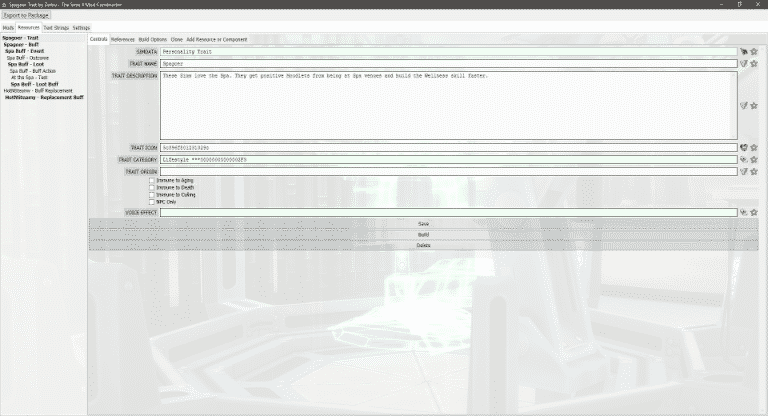
In December 2014, you were brought The Sims 4 Buff and Trait Factory, a tool used to create traits for The Sims 4. It’s finally time for a successor: introducing The Sims 4 Mod Constructor.

(Note: The program is still a work in progress, and the finished version may differ from the screenshots shown in this post)

1

2

Mod Constructor, named after the Invention Constructor from The Sims 4 Get to Work, is a program that generates tuning mods without any actual coding required. The first release will focus on traits, but future versions will add support for other types of mods such as social events, aspirations, and maybe even careers and interactions down the line.

While Buff and Trait Factory allowed you to generate simple traits, Mod Constructor allows you to go advanced and access features that were previously limited to advanced modders.

5

3

Mods in Mod Constructor are made from a tree of resources and components that interact with each other. The XML code is generated from files which contain the code used by the game, with instruction tags that are parsed based on the content created in Mod Constructor. The resources and components shown in bold have their own XML files, while normal weight components are extensions of other files. You can also add references to components from the game or from other parts of the mod.

If you didn’t understand all that technical stuff, don’t worry – you’ll understand how the program works when you see if for yourself.

6

Examples of New Features:

  • The program is built to support generating all different kinds of mods, which leaves room for a lot of exciting features to be added in the future.
  • For the first time in any of my programs, you’ll be able to export straight to .package format. No more having to package all the files yourself!
  • Saving and exporting has improved in other ways too – resources are saved together as one mod instead of separately (if that wasn’t the case… there would be a LOT of save files to load).
  • There are various tools to help you find content you’re looking for, including a bookmarks system with categorized resource IDs, as well as the ability to save your own values to reuse them later.
  • Buff replacements – you can instruct a trait to replace any in-game buff with a different one.
  • There are advanced options for specifying which conditions are required for an occasional buff to appear – you can restrict it by age, venue, the Sim’s emotion before the buff was applied, and more.

Planned Features:

(Features which aren’t added yet, but hopefully will be by the time the program is released)

  • Proximity buffs – buffs that appear when the Sim is close to an object or a particular kind of Sim.
  • Buffs that are always active under certain conditions, instead of just appearing at random times.
  • The option to copy extra needs to custom traits, such as the Video Gaming need from the Geek trait.
  • More occasional effects other than buffs. The loot resource is already set up, all it needs is more components.
  • The ability to customize how long emotions last, at least under certain conditions.

How to extract Soundtrack and Music from The Sims 2

In this article I’ll be teaching you how to extract Soundtrack and Music from The Sims 2. For this process you will need:

  • SimPE (Package Editor)
  • Any The Sims 2 game (duh)

Step 1 – Locating the Sound Files

For this step we’ll need to locate the soundtrack package files. Start off by selecting File > Open.

ts2ost1

Locate where your The Sims 2 game is installed. If you have The Sims 2 / The Sims 2 Ultimate Collection installed through Origin, you’ll need to figure out where Origin installs your games by going to Origin > Application Settings > Advanced > Downloaded Games.

If, for example, you’re looking for music from The Sims 2 Apartment Life, go to The Sims 2 > Apartment Life > TSData > Res > Sound. There you’ll see several .package categories that include different music, soundtrack and SFX from the game. If you’re interested in Pop soundtrack, select Pop.package and click Open.

ts2ost2

Step 2 – Extracting

After opening your desired .package, you’ll see one or more .mp3 files in the Resource List. For the Pop.package file from The Sims 2 Apartment Life there are 7 Pop songs. Sadly, you won’t be able to see the names of these songs just yet. Select all the soundtrack listed in the Resource List, right click and select Extract. You’ll be prompted to select a folder for extraction. When extracting these songs, make sure you have a specific folder that has no files in it, just for the sake of organizing your files.

ts2ost3

Step 3 – Naming and organizing your music

Extracted music usually come with unecessary .xml files. Feel free to delete them all from your music folder.

ts2ost4

There’s one thing left and that’s determing which song is which. All these music files will have weird code names shown, but there’s a quick way to solve that. Right click on a music file, select Properties and under the Details tab you’ll find the name of the Artist and the Song. Make sure you rename all your music files so that you know which song you want to listen!

ts2ost5

The Sims 4: 6 New Year Promo Images

1

The Sims Team shared some fun new Promo Images for The Sims 4, counting down to the New Year!

CXOwkqpUkAESuNCCXT6LDTWEAAEiBsCXaj4weWYAACAgICXgI7_vWsAcduU-CXlShzWWMAEqRAfCXplL_QUkAAVyTg

Sims Community: 2015 in review!

0

2015 was a great ride for the Sims Community team! From new The Sims 4 packs to our new site extension, Sims Community Social, there were plenty of things to be excited about!

Before I link you to our 2015 in review page, let me just give a BIG THANKS to all our staff members who give their best to deliver exclusive content and articles and of course, a BIG THANKS to all our readers who continuously motivate us to deliver new content and features.

We wish you all the best in the upcoming 2016; may all your wishes come true!

Click below to check our 2015 in review page!

Capture

The Sims 4: How to get seen on The Gallery!

How to get seen on The Gallery in 3 easy steps!

BeforeNAfter

You’ve made something you’re quite pleased with, in-game it looks epic, and the inside you’ve furnished to the last detail.

Why isn’t anyone downloading it?
-No, it’s probably not just you. Your house is probably as amazing as you think it is, you probably spent a long time and are excited to share it!

What’s going on?
The Gallery is literally flooded every second with peoples creations. As soon as you hit that share button, thousands of people are doing the very same thing. So every second counts!

What can you do?
I’ll give you a couple of tips on how to make your creation eye-catching the second it’s uploaded. The hard work you have to do yourself, but hopefully these tips will work for you!

Lighting

The human eye LOVES contrast, and the eyes will instantly go to something with lots of depth and contrast. Which is why in many cases I choose to upload my creations during night-time. They look very good in day, but the night makes them pop! Place lights on all corners, entrances, patios, windows, and everywhere else the structure can be highlighted. It will make a beautiful glow when you’re creative with light-placement and it definitely creates depth and contrast!

1

Fountains

What is it with fountains that just makes us happy? -They’re sparkly, shiny and idyllic! It’s clearly not a must to have a fountain, but if you place them in front of the house you will get a massive feeling of depth, and adding some lights gives you even more eye-catching contrast. 

2

Landscape and scenario

It gives off a good impression if your creation “belongs” in it’s surroundings. So if you make a club, or a modern city-house don’t place it on the country side, try and find a lot in the middle of the city to get skyscrapers and light in the background. And if you want to make a beach house, most of the scenarios in Oasis Springs are surrounded with sand, palms and orange rocks and mountains.

Try landscaping your lot similar to what’s around it, but change some of the colors up to make it differ.
Are there palm trees? -Use palm trees!
Is it grassy? -Use grass!

Tip: Don’t use too many tall trees directly in front of your house, doors, or windows, that can make the shape look less appealing or steal too much attention from the actual creation!

3

I hope these tips will help you get more downloads, and if you want some input or help with your creations feel free to share at:

Crude’s Critique & Compliments

Happy building!

Origin New Year’s Sale: Save up to 60% off!

UPDATE: Origin has apparently extended their sale until January 12th, 2016.

Save up to 60% on today’s best-selling PC games with Origin’s New Year’s Sale happening from December 27th to January 5th, 2016. Some titles included in the sale are Battlefield 4, Dragon Age: Inquisition, The Sims 4, SimCity Complete, and Battlefield Hardline.

Offers worth checking out:

Click the pic below to check out the full sale!

Capture

The Sims 4: 3 New Year Renders

0

The Sims Team has shared 3 new renders in celebration of the new year!

CXOwkqpUkAESuNCCXT6LDTWEAAEiBsCXaj4weWYAACAgI

The Sims 4 Gallery Spotlight: Base Game Houses

header_logo_en

In this Spotlight, we’re featuring some of the most beautiful Houses created by Simmers specifically for The Sims 4 Base Game.

Hover over the pulsing plumbobs to see screenshots of marked areas. Pulsing plumbob that’s on the left bottom corner contains all the info (and download link) of the lot.

To see more of our previous Gallery Spotlights, CLICK HERE!

[ult_hotspot main_img=”44652|https://simscommunity.info/wp-content/uploads/2015/12/12-27-15_11-03-38-PM.jpg”][ult_hotspot_items icon_type=”custom” icon_img=”37721|https://simscommunity.info/wp-content/uploads/2015/08/plumhotspot.png” img_width=”26″ tooltip_custom_color=”#1e73be” tooltip_custom_bg_color=”#ffffff” tooltip_width=”500″ enable_bubble_arrow=”off” tooltip_continuous_animation=”on” hotspot_position=”66.6292211328976,59.66796875″ tooltip_custom_border_size=”border-style:solid;|border-width:2px;border-radius:5px;|border-color:#81d742;”]
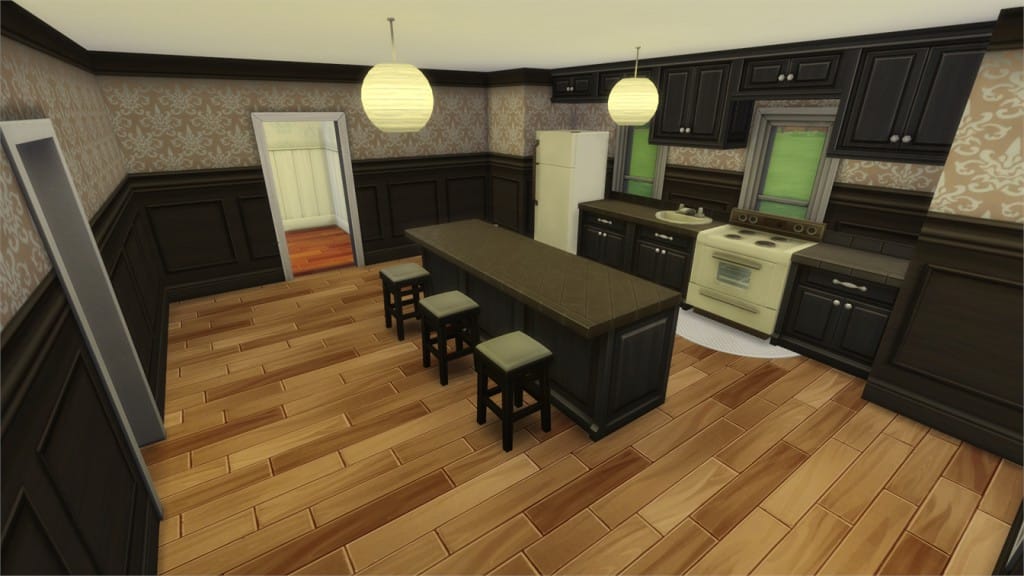
12-27-15_11-03-50 PM

[/ult_hotspot_items][ult_hotspot_items icon_type=”custom” icon_img=”37721|https://simscommunity.info/wp-content/uploads/2015/08/plumhotspot.png” img_width=”26″ tooltip_custom_color=”#1e73be” tooltip_custom_bg_color=”#ffffff” tooltip_width=”500″ enable_bubble_arrow=”off” tooltip_continuous_animation=”on” hotspot_position=”48.06985294117647,68.8265931372549″ tooltip_custom_border_size=”border-style:solid;|border-width:2px;border-radius:5px;|border-color:#81d742;”]
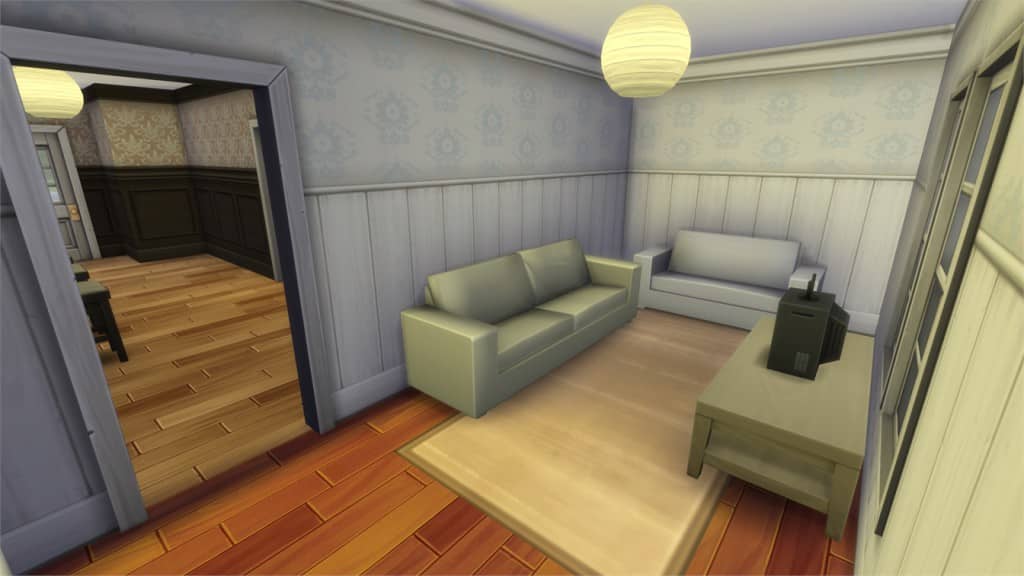
12-27-15_11-04-03 PM

[/ult_hotspot_items][ult_hotspot_items icon_type=”custom” icon_img=”37721|https://simscommunity.info/wp-content/uploads/2015/08/plumhotspot.png” img_width=”36″ tooltip_custom_color=”#1e73be” tooltip_custom_bg_color=”#ffffff” tooltip_width=”500″ enable_bubble_arrow=”off” tooltip_font_size=”14″ tooltip_continuous_animation=”on” hotspot_position=”86.58058681672026,3.25497287522604″ tooltip_custom_border_size=”border-style:solid;|border-width:2px;border-radius:5px;|border-color:#81d742;”]
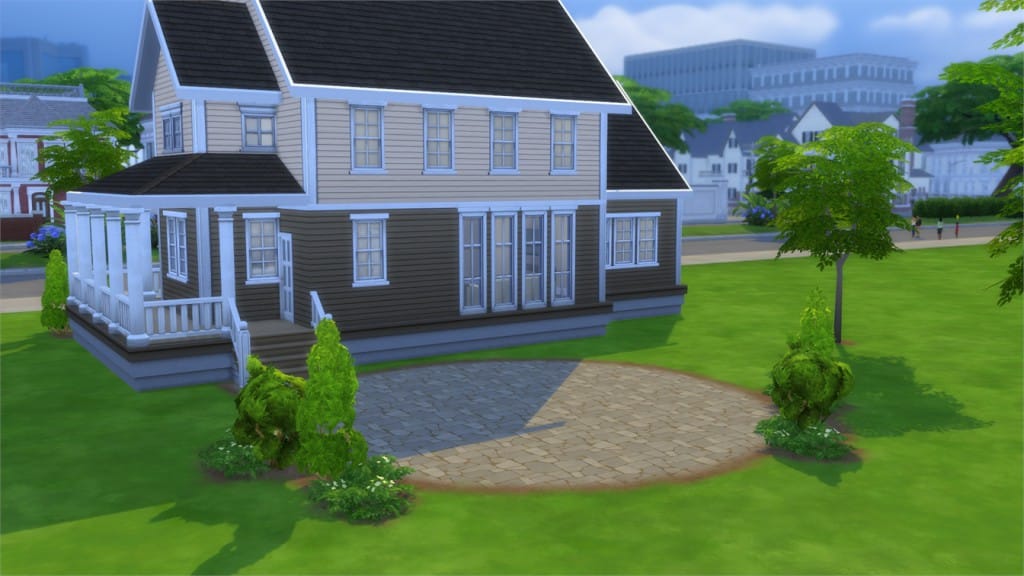
Lilac Starter (Download Here)

by sweetness7905

Value: §19,407
Size: 30×20
Lot Type: Residental Lot
Required Packs: None[/ult_hotspot_items][/ult_hotspot]

[ult_hotspot main_img=”44655|https://simscommunity.info/wp-content/uploads/2015/12/12-27-15_11-08-02-PM.jpg”][ult_hotspot_items icon_type=”custom” icon_img=”37721|https://simscommunity.info/wp-content/uploads/2015/08/plumhotspot.png” img_width=”26″ tooltip_custom_color=”#1e73be” tooltip_custom_bg_color=”#ffffff” tooltip_width=”500″ enable_bubble_arrow=”off” tooltip_continuous_animation=”on” hotspot_position=”37.2208605664488,88.0093443627451″ tooltip_custom_border_size=”border-style:solid;|border-width:2px;border-radius:5px;|border-color:#81d742;”]
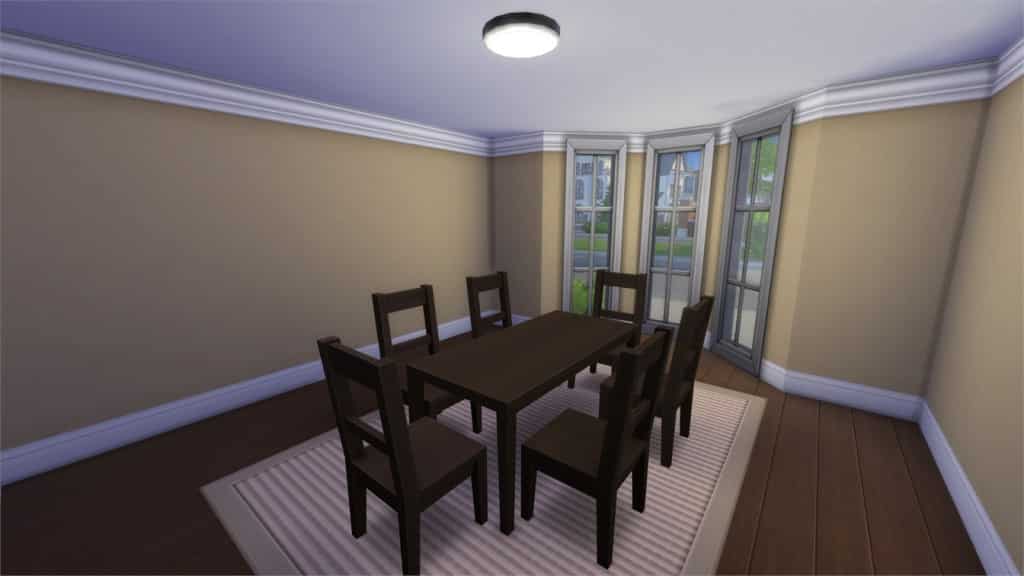
12-27-15_11-08-10 PM

[/ult_hotspot_items][ult_hotspot_items icon_type=”custom” icon_img=”37721|https://simscommunity.info/wp-content/uploads/2015/08/plumhotspot.png” img_width=”26″ tooltip_custom_color=”#1e73be” tooltip_custom_bg_color=”#ffffff” tooltip_width=”500″ enable_bubble_arrow=”off” tooltip_continuous_animation=”on” hotspot_position=”68.52873093681917,50.455729166666664″ tooltip_custom_border_size=”border-style:solid;|border-width:2px;border-radius:5px;|border-color:#81d742;”]
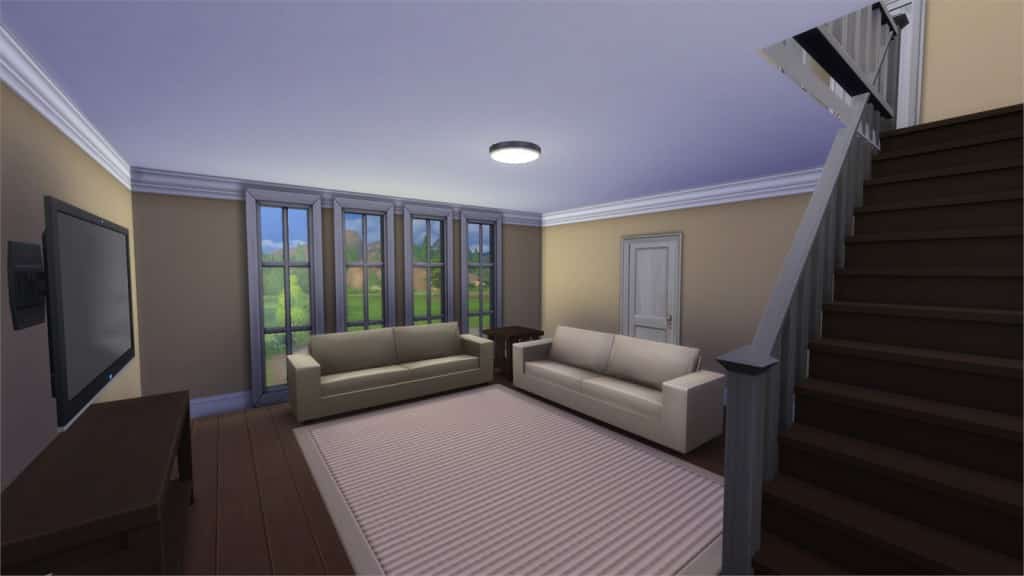
12-27-15_11-08-29 PM

[/ult_hotspot_items][ult_hotspot_items icon_type=”custom” icon_img=”37721|https://simscommunity.info/wp-content/uploads/2015/08/plumhotspot.png” img_width=”26″ tooltip_custom_color=”#1e73be” tooltip_custom_bg_color=”#ffffff” tooltip_width=”500″ enable_bubble_arrow=”off” tooltip_continuous_animation=”on” hotspot_position=”56.90019063180828,42.204733455882355″ tooltip_custom_border_size=”border-style:solid;|border-width:2px;border-radius:5px;|border-color:#81d742;”]
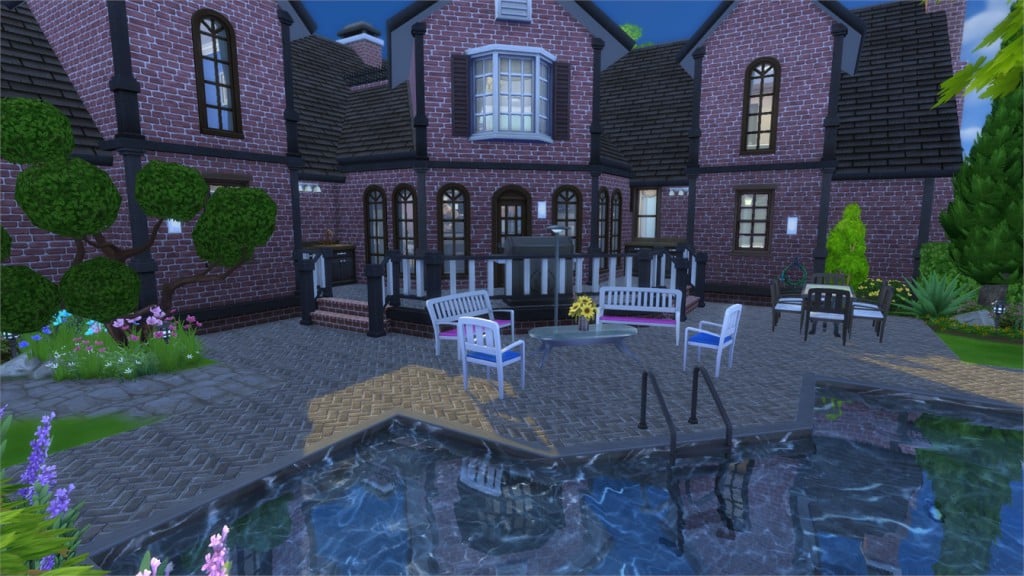
12-27-15_11-08-37 PM

[/ult_hotspot_items][ult_hotspot_items icon_type=”custom” icon_img=”37721|https://simscommunity.info/wp-content/uploads/2015/08/plumhotspot.png” img_width=”36″ tooltip_custom_color=”#1e73be” tooltip_custom_bg_color=”#ffffff” tooltip_width=”500″ enable_bubble_arrow=”off” tooltip_font_size=”14″ tooltip_continuous_animation=”on” hotspot_position=”86.58058681672026,3.25497287522604″ tooltip_custom_border_size=”border-style:solid;|border-width:2px;border-radius:5px;|border-color:#81d742;”]
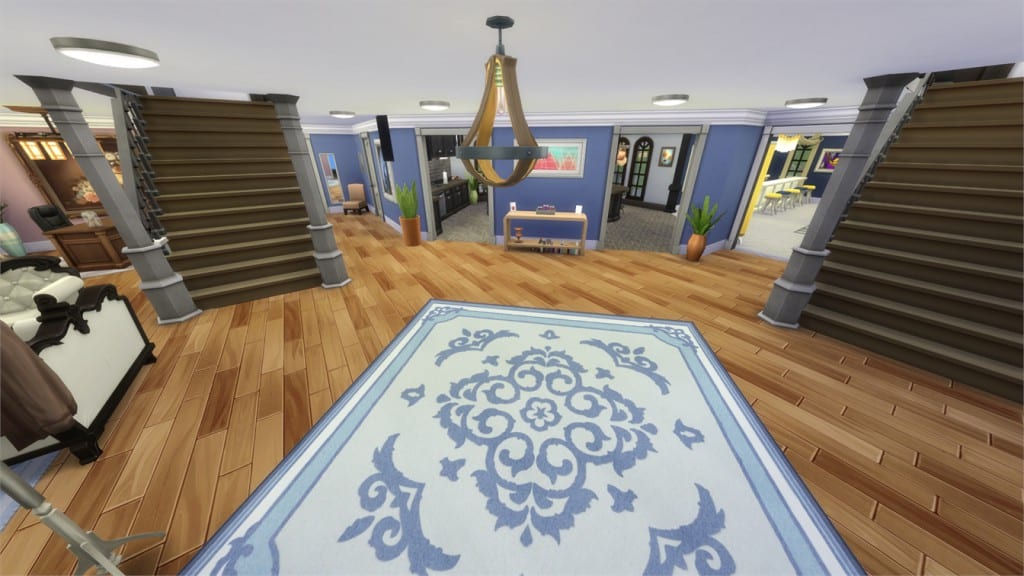
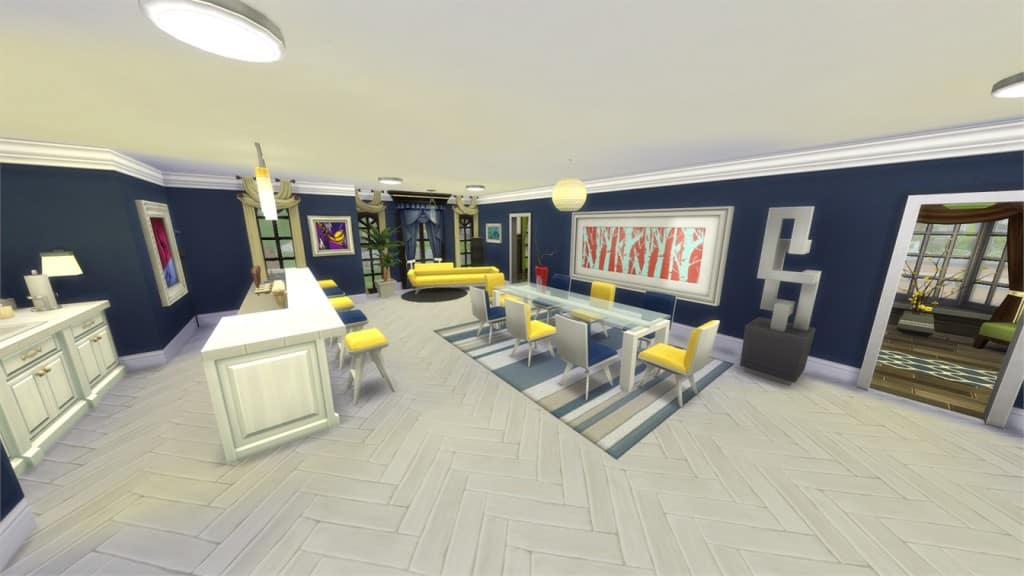
Family Home 36K (Download Here)

by gizky

Value: §36,402
Size: 30×20
Lot Type: Residental Lot
Required Packs: None[/ult_hotspot_items][/ult_hotspot]

[ult_hotspot main_img=”44659|https://simscommunity.info/wp-content/uploads/2015/12/12-27-15_11-11-58-PM.jpg”][ult_hotspot_items icon_type=”custom” icon_img=”37721|https://simscommunity.info/wp-content/uploads/2015/08/plumhotspot.png” img_width=”26″ tooltip_custom_color=”#1e73be” tooltip_custom_bg_color=”#ffffff” tooltip_width=”500″ enable_bubble_arrow=”off” tooltip_continuous_animation=”on” hotspot_position=”5.123229847494554,47.92049632352941″ tooltip_custom_border_size=”border-style:solid;|border-width:2px;border-radius:5px;|border-color:#81d742;”]
12-27-15_11-12-11 PM

[/ult_hotspot_items][ult_hotspot_items icon_type=”custom” icon_img=”37721|https://simscommunity.info/wp-content/uploads/2015/08/plumhotspot.png” img_width=”26″ tooltip_custom_color=”#1e73be” tooltip_custom_bg_color=”#ffffff” tooltip_width=”500″ enable_bubble_arrow=”off” tooltip_continuous_animation=”on” hotspot_position=”51.50122549019608,51.28102022058824″ tooltip_custom_border_size=”border-style:solid;|border-width:2px;border-radius:5px;|border-color:#81d742;”]
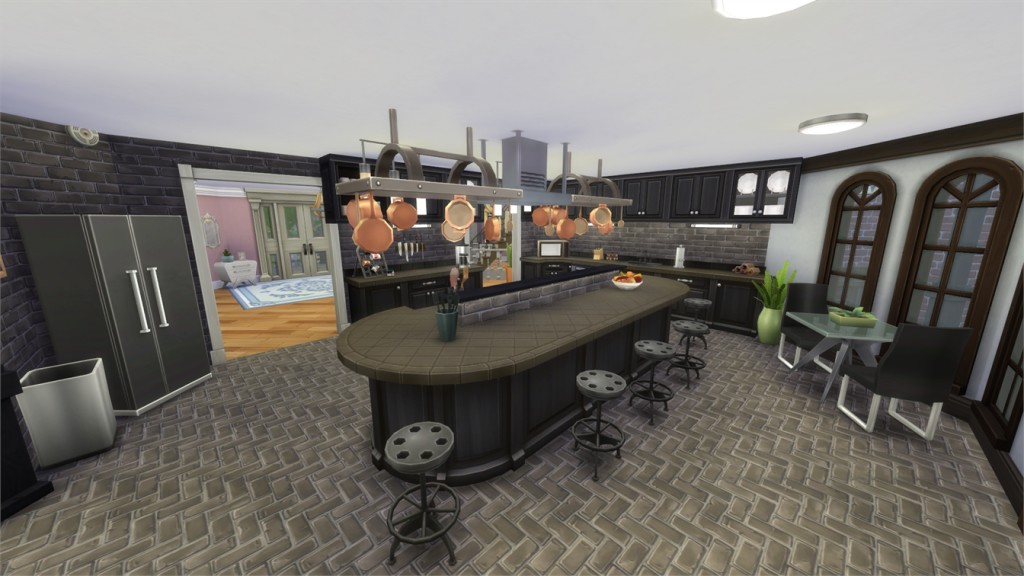
12-27-15_11-12-23 PM

[/ult_hotspot_items][ult_hotspot_items icon_type=”custom” icon_img=”37721|https://simscommunity.info/wp-content/uploads/2015/08/plumhotspot.png” img_width=”26″ tooltip_custom_color=”#1e73be” tooltip_custom_bg_color=”#ffffff” tooltip_width=”500″ enable_bubble_arrow=”off” tooltip_continuous_animation=”on” hotspot_position=”47.58986928104575,63.658471200980394″ tooltip_custom_border_size=”border-style:solid;|border-width:2px;border-radius:5px;|border-color:#81d742;”]
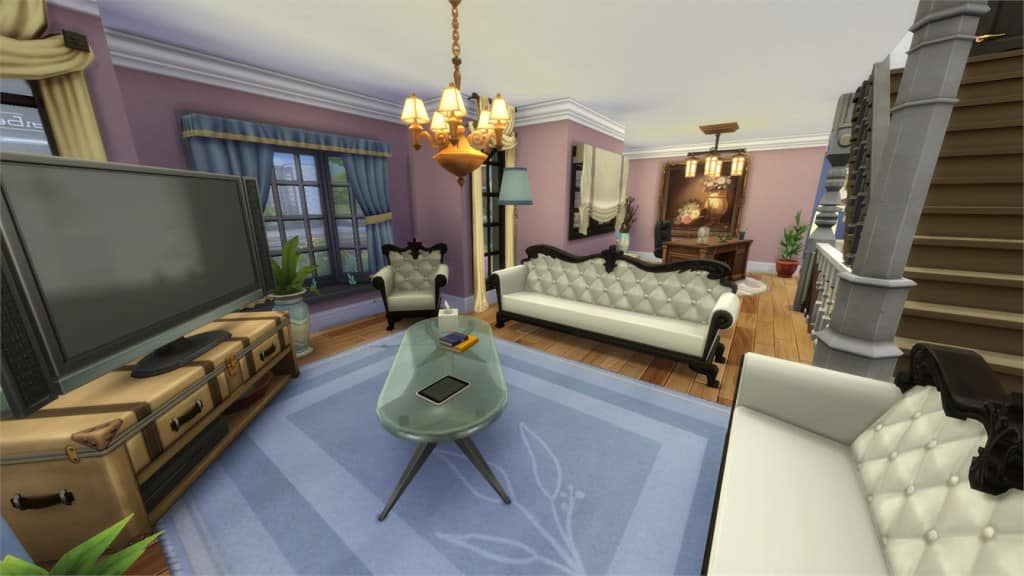
12-27-15_11-12-33 PM

[/ult_hotspot_items][ult_hotspot_items icon_type=”custom” icon_img=”37721|https://simscommunity.info/wp-content/uploads/2015/08/plumhotspot.png” img_width=”26″ tooltip_custom_color=”#1e73be” tooltip_custom_bg_color=”#ffffff” tooltip_width=”500″ enable_bubble_arrow=”off” tooltip_continuous_animation=”on” hotspot_position=”41.68368736383442,48.462392769607845″ tooltip_custom_border_size=”border-style:solid;|border-width:2px;border-radius:5px;|border-color:#81d742;”]
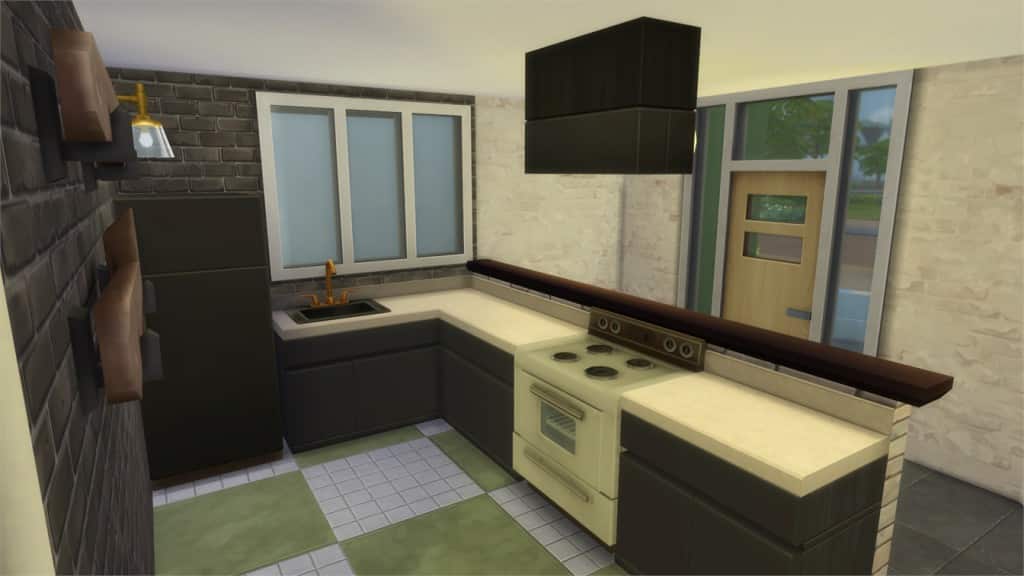
12-27-15_11-12-37 PM

[/ult_hotspot_items][ult_hotspot_items icon_type=”custom” icon_img=”37721|https://simscommunity.info/wp-content/uploads/2015/08/plumhotspot.png” img_width=”26″ tooltip_custom_color=”#1e73be” tooltip_custom_bg_color=”#ffffff” tooltip_width=”500″ enable_bubble_arrow=”off” tooltip_continuous_animation=”on” hotspot_position=”55.33428649237473,38.78102022058824″ tooltip_custom_border_size=”border-style:solid;|border-width:2px;border-radius:5px;|border-color:#81d742;”]
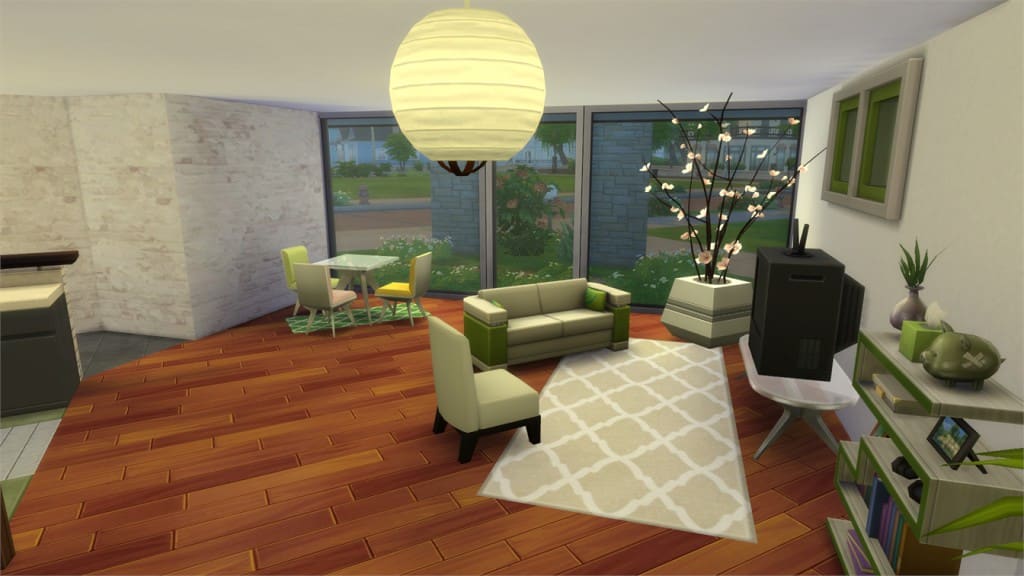
12-27-15_11-12-46 PM

[/ult_hotspot_items][ult_hotspot_items icon_type=”custom” icon_img=”37721|https://simscommunity.info/wp-content/uploads/2015/08/plumhotspot.png” img_width=”36″ tooltip_custom_color=”#1e73be” tooltip_custom_bg_color=”#ffffff” tooltip_width=”500″ enable_bubble_arrow=”off” tooltip_font_size=”14″ tooltip_continuous_animation=”on” hotspot_position=”86.58058681672026,3.25497287522604″ tooltip_custom_border_size=”border-style:solid;|border-width:2px;border-radius:5px;|border-color:#81d742;”]
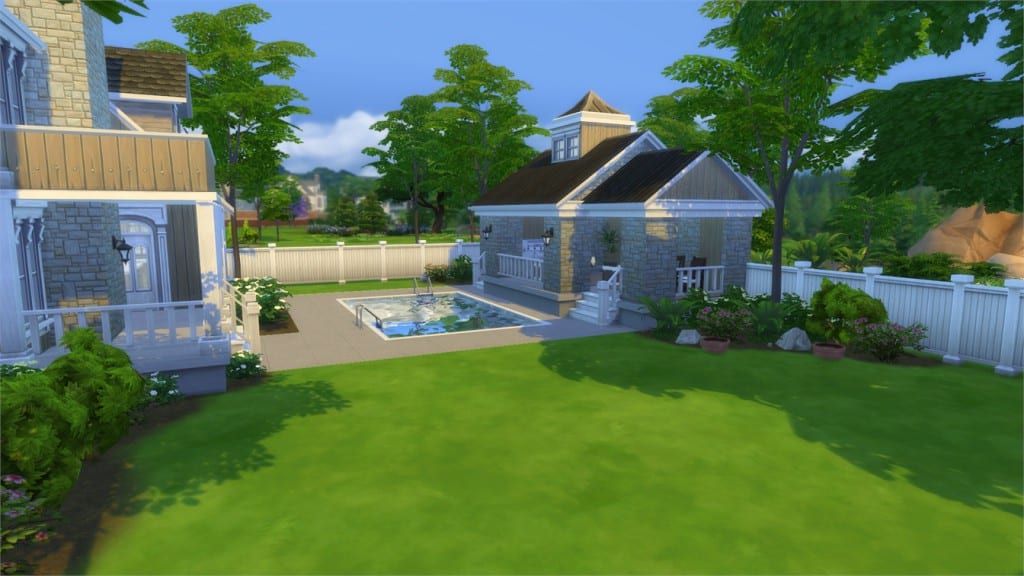
Corner Mansion (Download Here)

by replay202

Value: §481,622
Size: 30×30
Lot Type: Residental Lot
Required Packs: None[/ult_hotspot_items][/ult_hotspot]

[ult_hotspot main_img=”44665|https://simscommunity.info/wp-content/uploads/2015/12/12-27-15_11-20-05-PM.jpg”][ult_hotspot_items icon_type=”custom” icon_img=”37721|https://simscommunity.info/wp-content/uploads/2015/08/plumhotspot.png” img_width=”26″ tooltip_custom_color=”#1e73be” tooltip_custom_bg_color=”#ffffff” tooltip_width=”500″ enable_bubble_arrow=”off” tooltip_continuous_animation=”on” hotspot_position=”56.212554466230934,59.271599264705884″ tooltip_custom_border_size=”border-style:solid;|border-width:2px;border-radius:5px;|border-color:#81d742;”]
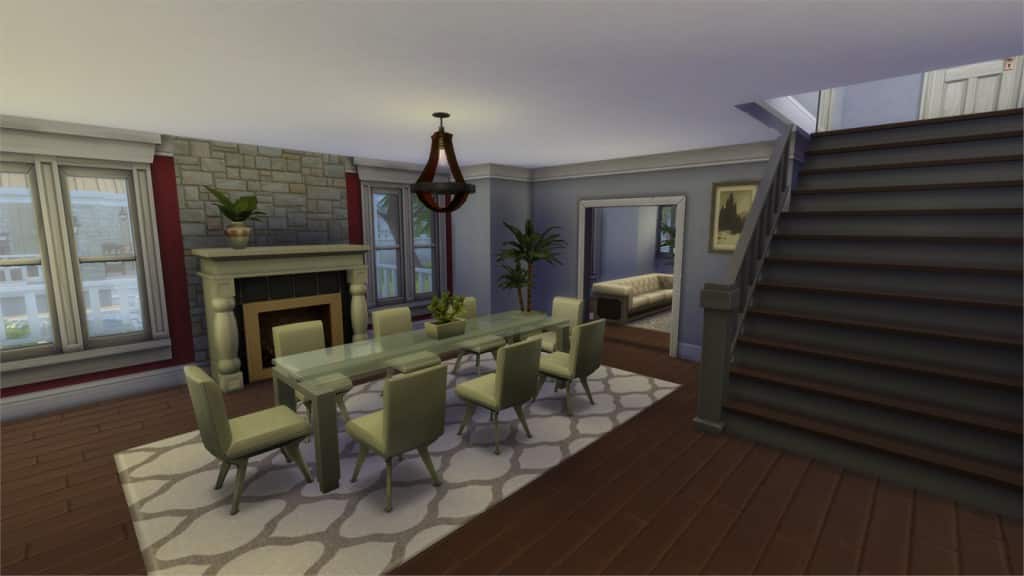
12-27-15_11-20-17 PM

[/ult_hotspot_items][ult_hotspot_items icon_type=”custom” icon_img=”37721|https://simscommunity.info/wp-content/uploads/2015/08/plumhotspot.png” img_width=”26″ tooltip_custom_color=”#1e73be” tooltip_custom_bg_color=”#ffffff” tooltip_width=”500″ enable_bubble_arrow=”off” tooltip_continuous_animation=”on” hotspot_position=”57.935049019607845,45.96354166666667″ tooltip_custom_border_size=”border-style:solid;|border-width:2px;border-radius:5px;|border-color:#81d742;”]
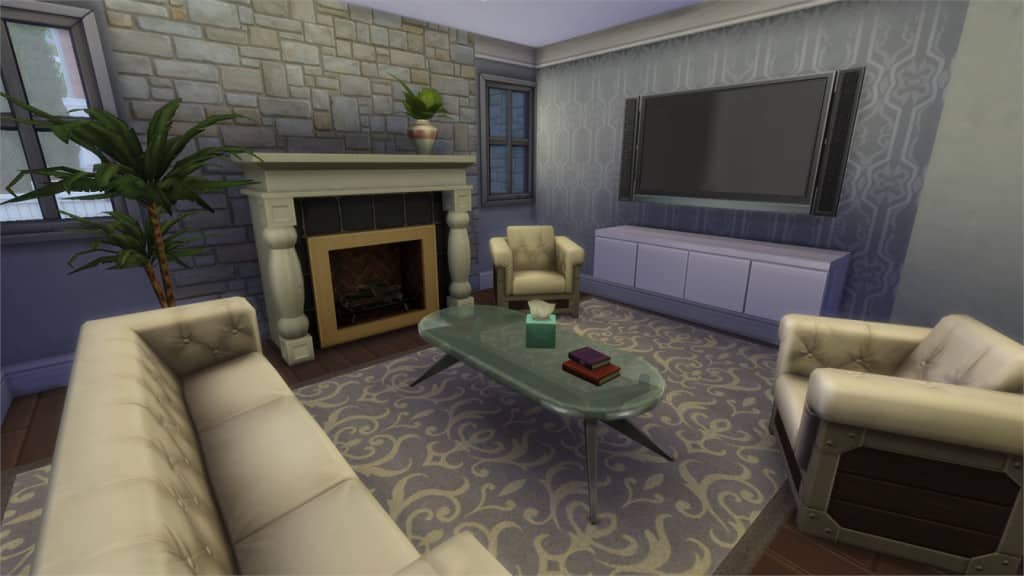
12-27-15_11-20-26 PM

[/ult_hotspot_items][ult_hotspot_items icon_type=”custom” icon_img=”37721|https://simscommunity.info/wp-content/uploads/2015/08/plumhotspot.png” img_width=”36″ tooltip_custom_color=”#1e73be” tooltip_custom_bg_color=”#ffffff” tooltip_width=”500″ enable_bubble_arrow=”off” tooltip_font_size=”14″ tooltip_continuous_animation=”on” hotspot_position=”86.58058681672026,3.25497287522604″ tooltip_custom_border_size=”border-style:solid;|border-width:2px;border-radius:5px;|border-color:#81d742;”]
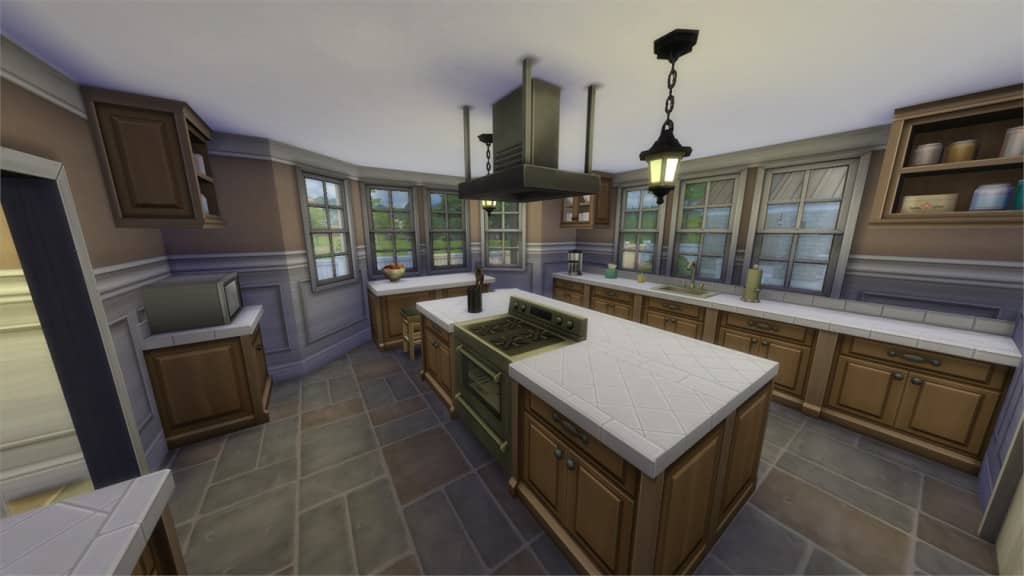
Modern Green Starter 18K (Download Here)

by Nheressal

Value: §18,000
Size: 20×15
Lot Type: Residental Lot
Required Packs: None[/ult_hotspot_items][/ult_hotspot]

[ult_hotspot main_img=”44668|https://simscommunity.info/wp-content/uploads/2015/12/12-27-15_11-27-28-PM.jpg”][ult_hotspot_items icon_type=”custom” icon_img=”37721|https://simscommunity.info/wp-content/uploads/2015/08/plumhotspot.png” img_width=”26″ tooltip_custom_color=”#1e73be” tooltip_custom_bg_color=”#ffffff” tooltip_width=”500″ enable_bubble_arrow=”off” tooltip_continuous_animation=”on” hotspot_position=”17.715141612200437,71.06885723039215″ tooltip_custom_border_size=”border-style:solid;|border-width:2px;border-radius:5px;|border-color:#81d742;”]
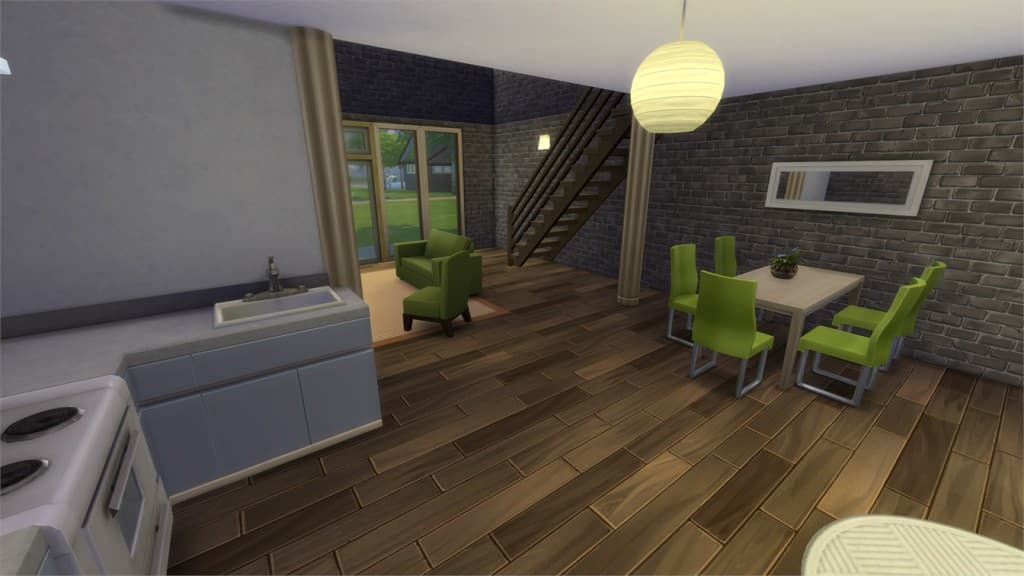
12-27-15_11-27-39 PM

[/ult_hotspot_items][ult_hotspot_items icon_type=”custom” icon_img=”37721|https://simscommunity.info/wp-content/uploads/2015/08/plumhotspot.png” img_width=”26″ tooltip_custom_color=”#1e73be” tooltip_custom_bg_color=”#ffffff” tooltip_width=”500″ enable_bubble_arrow=”off” tooltip_continuous_animation=”on” hotspot_position=”56.25,44.89123774509804″ tooltip_custom_border_size=”border-style:solid;|border-width:2px;border-radius:5px;|border-color:#81d742;”]
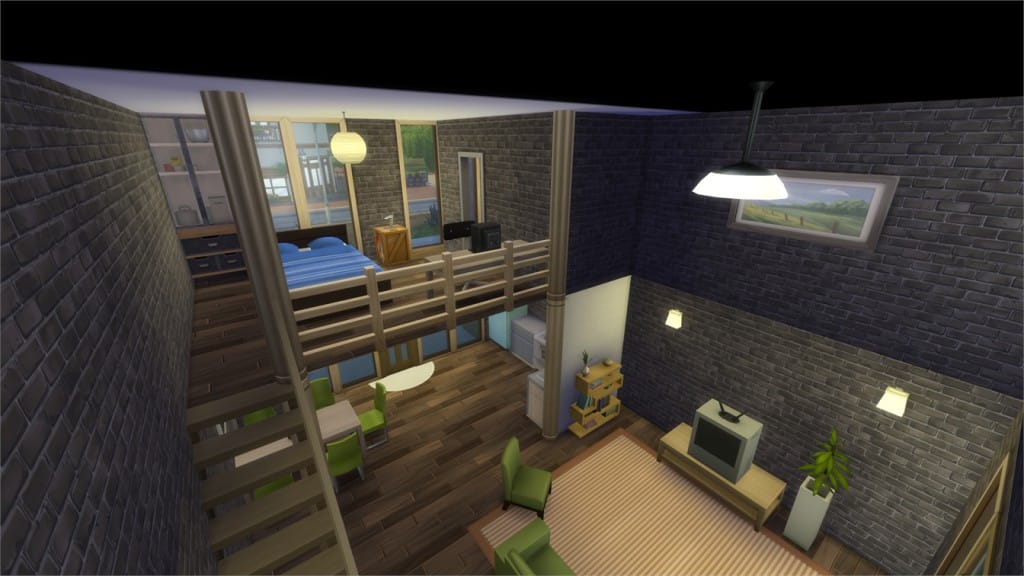
12-27-15_11-27-53 PM

[/ult_hotspot_items][ult_hotspot_items icon_type=”custom” icon_img=”37721|https://simscommunity.info/wp-content/uploads/2015/08/plumhotspot.png” img_width=”26″ tooltip_custom_color=”#1e73be” tooltip_custom_bg_color=”#ffffff” tooltip_width=”500″ enable_bubble_arrow=”off” tooltip_continuous_animation=”on” hotspot_position=”50.422113289760354,51.876531862745104″ tooltip_custom_border_size=”border-style:solid;|border-width:2px;border-radius:5px;|border-color:#81d742;”]
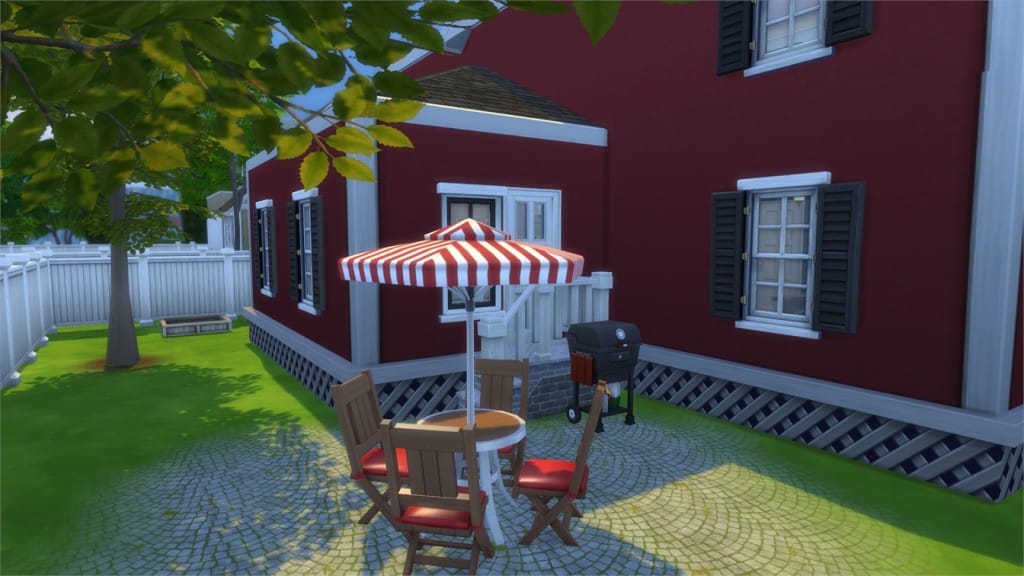
12-27-15_11-27-58 PM

[/ult_hotspot_items][ult_hotspot_items icon_type=”custom” icon_img=”37721|https://simscommunity.info/wp-content/uploads/2015/08/plumhotspot.png” img_width=”26″ tooltip_custom_color=”#1e73be” tooltip_custom_bg_color=”#ffffff” tooltip_width=”500″ enable_bubble_arrow=”off” tooltip_continuous_animation=”on” hotspot_position=”53.47562636165577,23.322610294117645″ tooltip_custom_border_size=”border-style:solid;|border-width:2px;border-radius:5px;|border-color:#81d742;”]
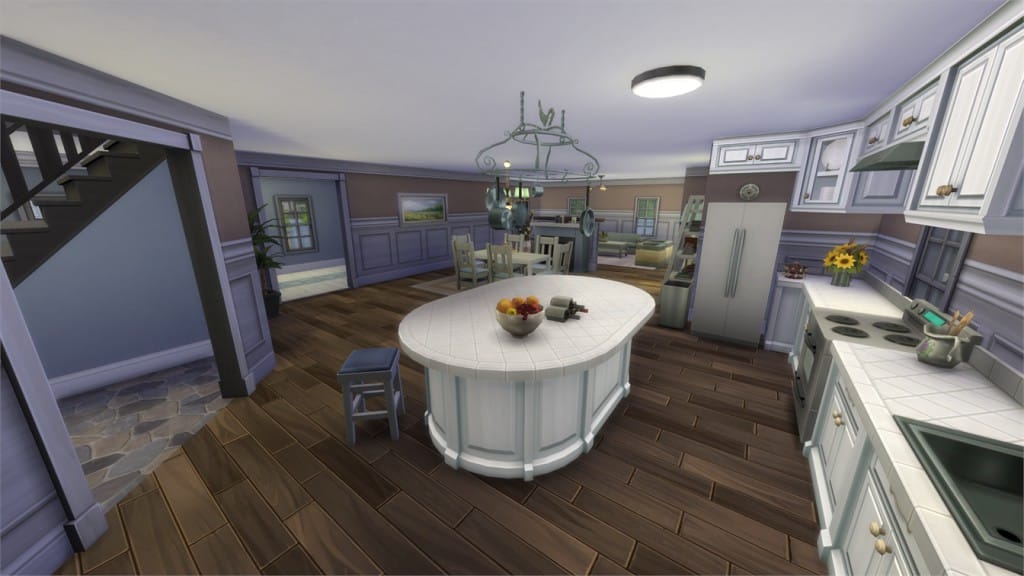
12-27-15_11-28-08 PM

[/ult_hotspot_items][ult_hotspot_items icon_type=”custom” icon_img=”37721|https://simscommunity.info/wp-content/uploads/2015/08/plumhotspot.png” img_width=”36″ tooltip_custom_color=”#1e73be” tooltip_custom_bg_color=”#ffffff” tooltip_width=”500″ enable_bubble_arrow=”off” tooltip_font_size=”14″ tooltip_continuous_animation=”on” hotspot_position=”86.58058681672026,3.25497287522604″ tooltip_custom_border_size=”border-style:solid;|border-width:2px;border-radius:5px;|border-color:#81d742;”]
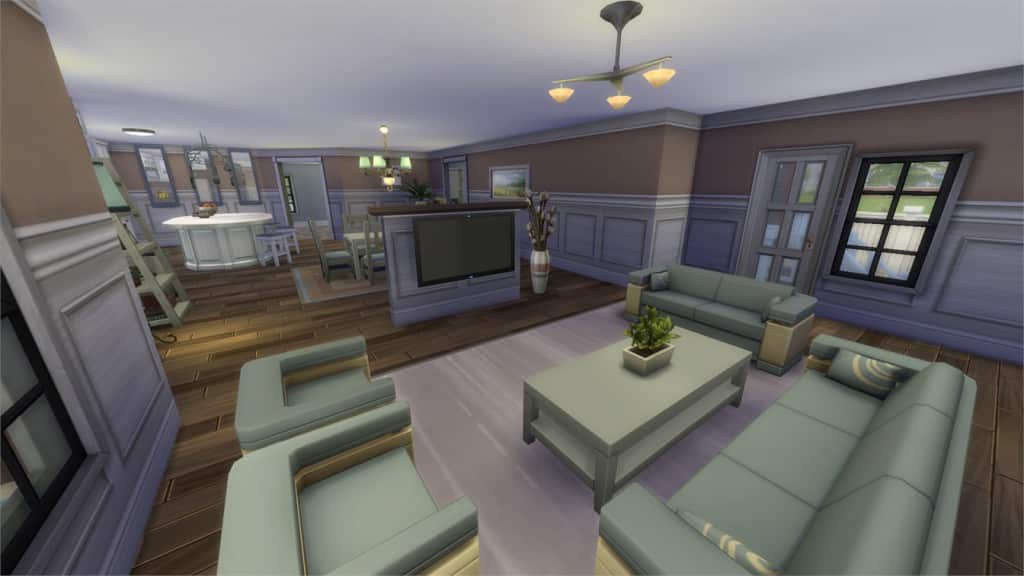
”Oh wow!” They’ll say (Download Here)

by GabLeSim

Value: §130,986
Size: 40×30
Lot Type: Residental Lot
Required Packs: None[/ult_hotspot_items][/ult_hotspot]

[ult_hotspot main_img=”44673|https://simscommunity.info/wp-content/uploads/2015/12/12-27-15_11-30-51-PM.jpg”][ult_hotspot_items icon_type=”custom” icon_img=”37721|https://simscommunity.info/wp-content/uploads/2015/08/plumhotspot.png” img_width=”26″ tooltip_custom_color=”#1e73be” tooltip_custom_bg_color=”#ffffff” tooltip_width=”500″ enable_bubble_arrow=”off” tooltip_continuous_animation=”on” hotspot_position=”57.587826797385624,50.756357230392155″ tooltip_custom_border_size=”border-style:solid;|border-width:2px;border-radius:5px;|border-color:#81d742;”]
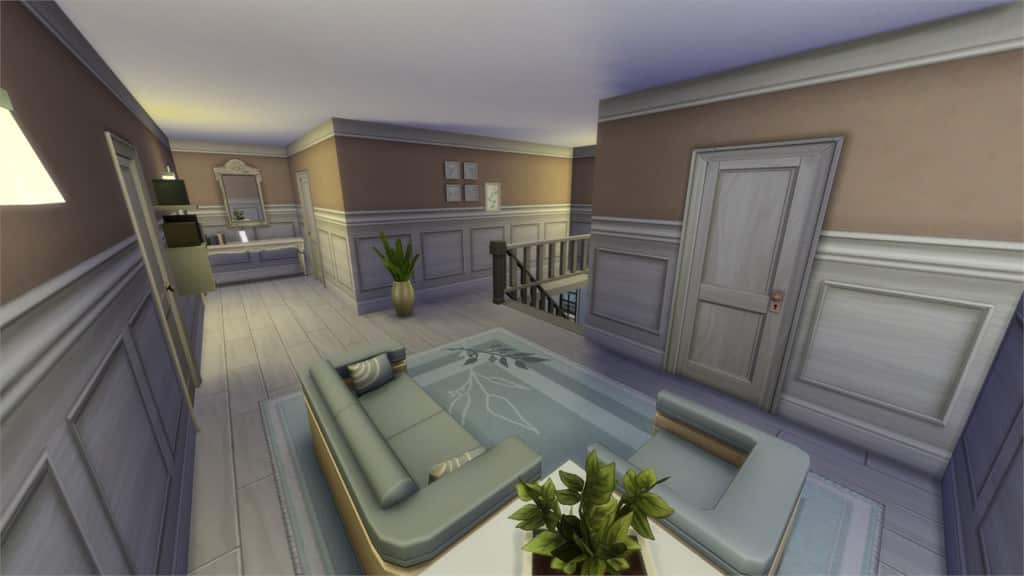
12-27-15_11-30-57 PM

[/ult_hotspot_items][ult_hotspot_items icon_type=”custom” icon_img=”37721|https://simscommunity.info/wp-content/uploads/2015/08/plumhotspot.png” img_width=”26″ tooltip_custom_color=”#1e73be” tooltip_custom_bg_color=”#ffffff” tooltip_width=”500″ enable_bubble_arrow=”off” tooltip_continuous_animation=”on” hotspot_position=”32.24400871459695,53.00436580882353″ tooltip_custom_border_size=”border-style:solid;|border-width:2px;border-radius:5px;|border-color:#81d742;”]
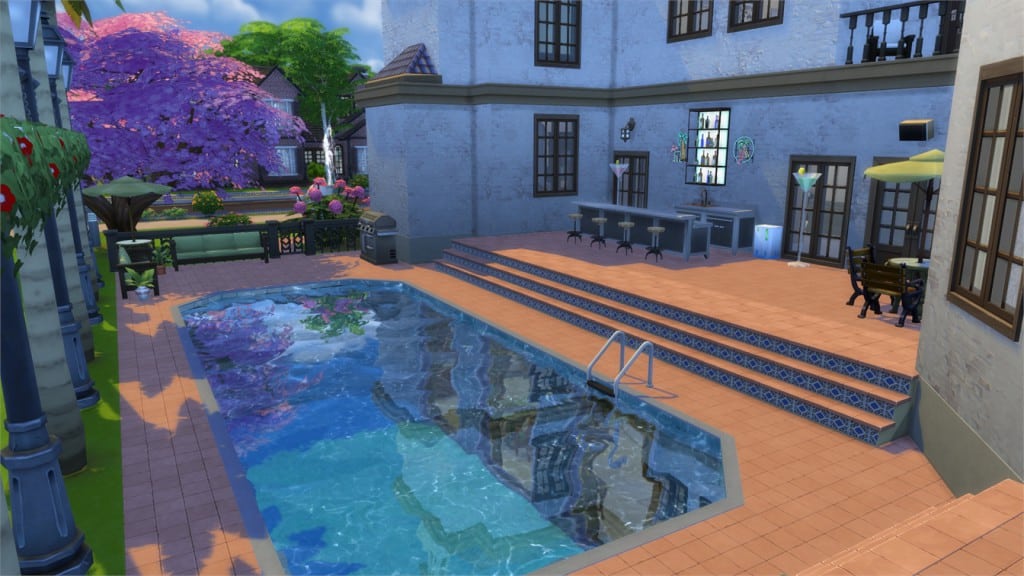
12-27-15_11-31-08 PM

[/ult_hotspot_items][ult_hotspot_items icon_type=”custom” icon_img=”37721|https://simscommunity.info/wp-content/uploads/2015/08/plumhotspot.png” img_width=”36″ tooltip_custom_color=”#1e73be” tooltip_custom_bg_color=”#ffffff” tooltip_width=”500″ enable_bubble_arrow=”off” tooltip_font_size=”14″ tooltip_continuous_animation=”on” hotspot_position=”86.58058681672026,3.25497287522604″ tooltip_custom_border_size=”border-style:solid;|border-width:2px;border-radius:5px;|border-color:#81d742;”]
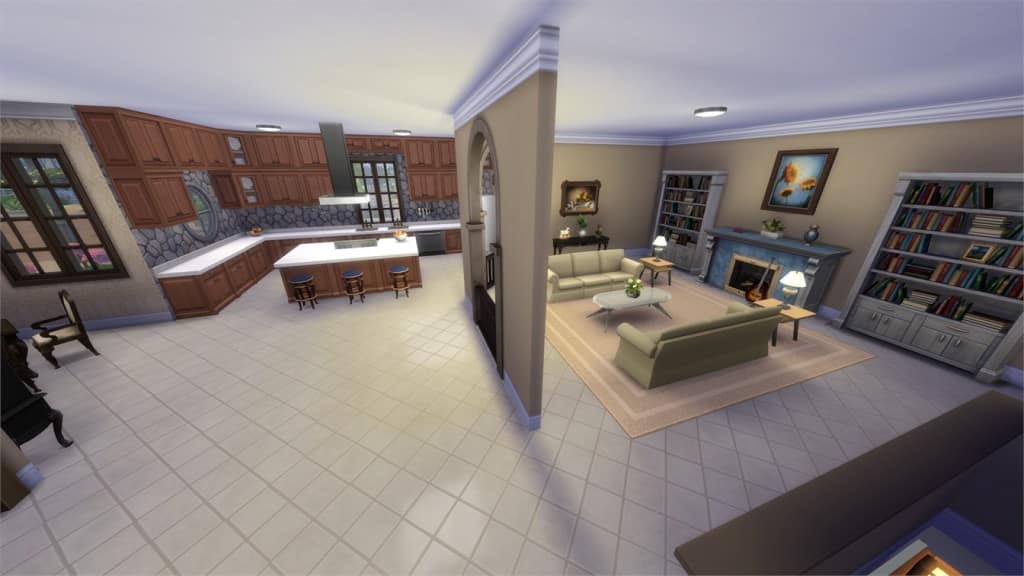
Modern City Starter Loft (Download Here)

by Papariu

Value: §17,843
Size: 30×20
Lot Type: Residental Lot
Required Packs: None[/ult_hotspot_items][/ult_hotspot]

[ult_hotspot main_img=”44676|https://simscommunity.info/wp-content/uploads/2015/12/12-27-15_11-35-14-PM.jpg”][ult_hotspot_items icon_type=”custom” icon_img=”37721|https://simscommunity.info/wp-content/uploads/2015/08/plumhotspot.png” img_width=”26″ tooltip_custom_color=”#1e73be” tooltip_custom_bg_color=”#ffffff” tooltip_width=”500″ enable_bubble_arrow=”off” tooltip_continuous_animation=”on” hotspot_position=”43.82536173633441,18.9873417721519″ tooltip_custom_border_size=”border-style:solid;|border-width:2px;border-radius:5px;|border-color:#81d742;”]
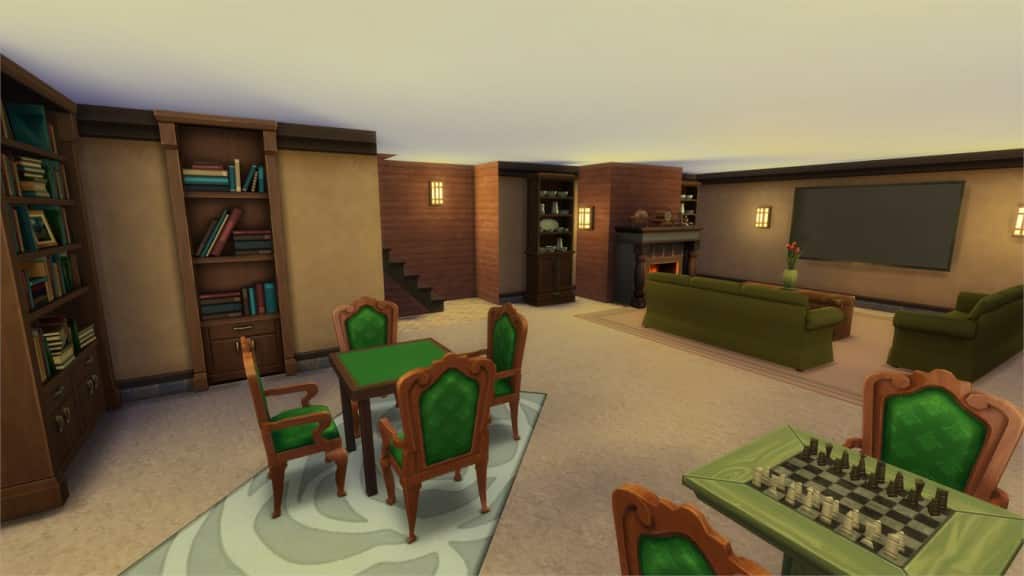
12-27-15_11-35-23 PM

[/ult_hotspot_items][ult_hotspot_items icon_type=”custom” icon_img=”37721|https://simscommunity.info/wp-content/uploads/2015/08/plumhotspot.png” img_width=”26″ tooltip_custom_color=”#1e73be” tooltip_custom_bg_color=”#ffffff” tooltip_width=”500″ enable_bubble_arrow=”off” tooltip_continuous_animation=”on” hotspot_position=”56.307870370370374,56.5506280637255″ tooltip_custom_border_size=”border-style:solid;|border-width:2px;border-radius:5px;|border-color:#81d742;”]
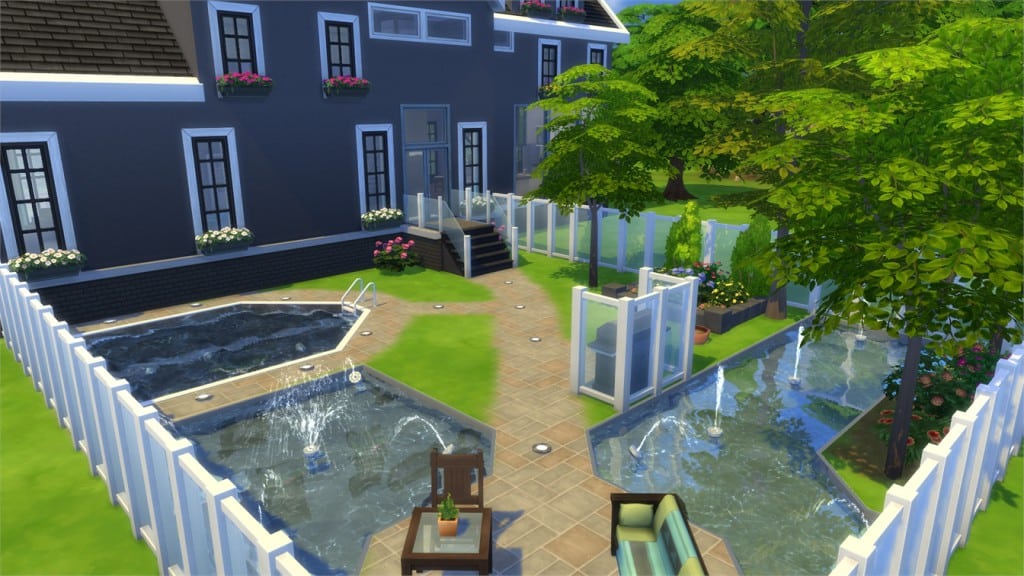
12-27-15_11-35-38 PM

[/ult_hotspot_items][ult_hotspot_items icon_type=”custom” icon_img=”37721|https://simscommunity.info/wp-content/uploads/2015/08/plumhotspot.png” img_width=”26″ tooltip_custom_color=”#1e73be” tooltip_custom_bg_color=”#ffffff” tooltip_width=”500″ enable_bubble_arrow=”off” tooltip_continuous_animation=”on” hotspot_position=”49.17279411764706,47.338388480392155″ tooltip_custom_border_size=”border-style:solid;|border-width:2px;border-radius:5px;|border-color:#81d742;”]
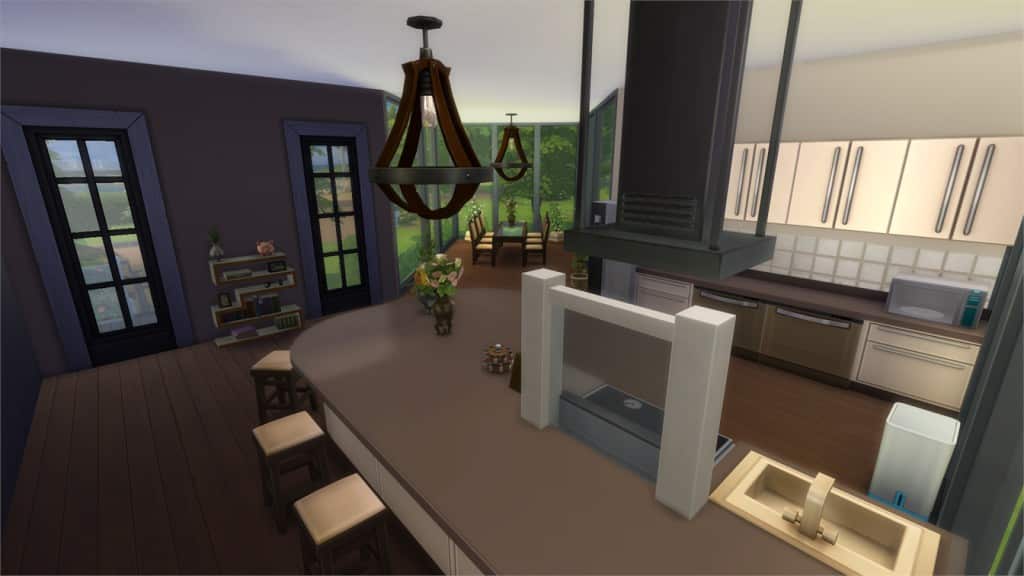
12-27-15_11-35-43 PM

[/ult_hotspot_items][ult_hotspot_items icon_type=”custom” icon_img=”37721|https://simscommunity.info/wp-content/uploads/2015/08/plumhotspot.png” img_width=”26″ tooltip_custom_color=”#1e73be” tooltip_custom_bg_color=”#ffffff” tooltip_width=”500″ enable_bubble_arrow=”off” tooltip_continuous_animation=”on” hotspot_position=”37.83360566448802,49.78936887254902″ tooltip_custom_border_size=”border-style:solid;|border-width:2px;border-radius:5px;|border-color:#81d742;”]
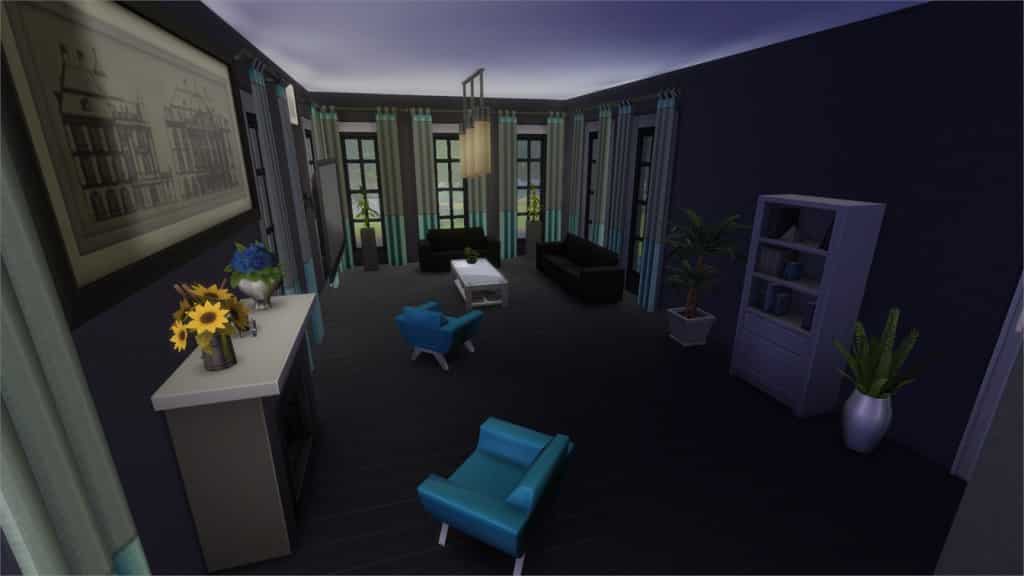
12-27-15_11-36-00 PM

[/ult_hotspot_items][ult_hotspot_items icon_type=”custom” icon_img=”37721|https://simscommunity.info/wp-content/uploads/2015/08/plumhotspot.png” img_width=”36″ tooltip_custom_color=”#1e73be” tooltip_custom_bg_color=”#ffffff” tooltip_width=”500″ enable_bubble_arrow=”off” tooltip_font_size=”14″ tooltip_continuous_animation=”on” hotspot_position=”86.58058681672026,3.25497287522604″ tooltip_custom_border_size=”border-style:solid;|border-width:2px;border-radius:5px;|border-color:#81d742;”]
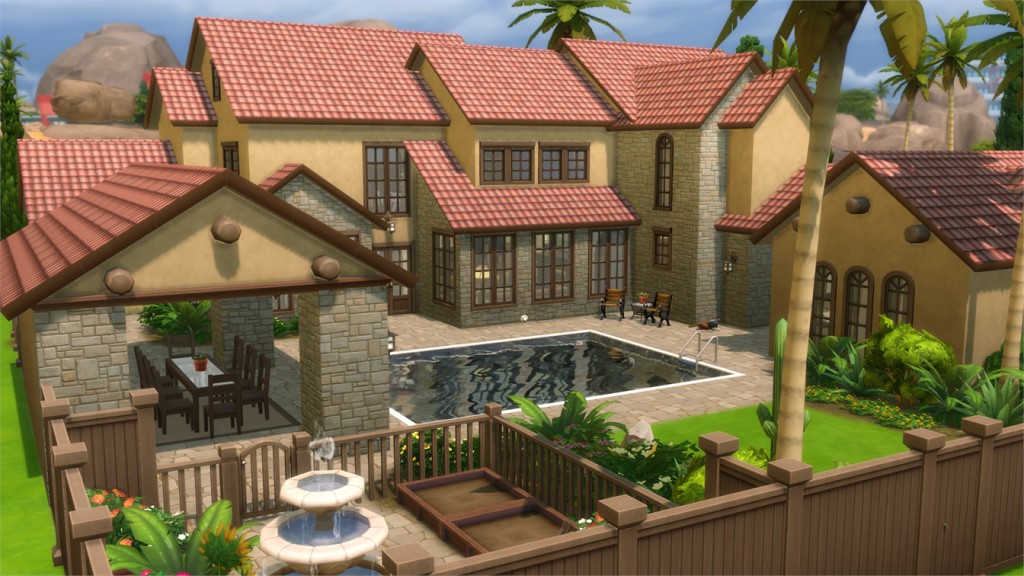
Country Red Home (Download Here)

by ashleylikessims

Value: §96,004
Size: 30×20
Lot Type: Residental Lot
Required Packs: None[/ult_hotspot_items][/ult_hotspot]

[ult_hotspot main_img=”44681|https://simscommunity.info/wp-content/uploads/2015/12/12-27-15_11-44-44-PM.jpg”][ult_hotspot_items icon_type=”custom” icon_img=”37721|https://simscommunity.info/wp-content/uploads/2015/08/plumhotspot.png” img_width=”26″ tooltip_custom_color=”#1e73be” tooltip_custom_bg_color=”#ffffff” tooltip_width=”500″ enable_bubble_arrow=”off” tooltip_continuous_animation=”on” hotspot_position=”49.88425925925926,87.98445159313727″ tooltip_custom_border_size=”border-style:solid;|border-width:2px;border-radius:5px;|border-color:#81d742;”]
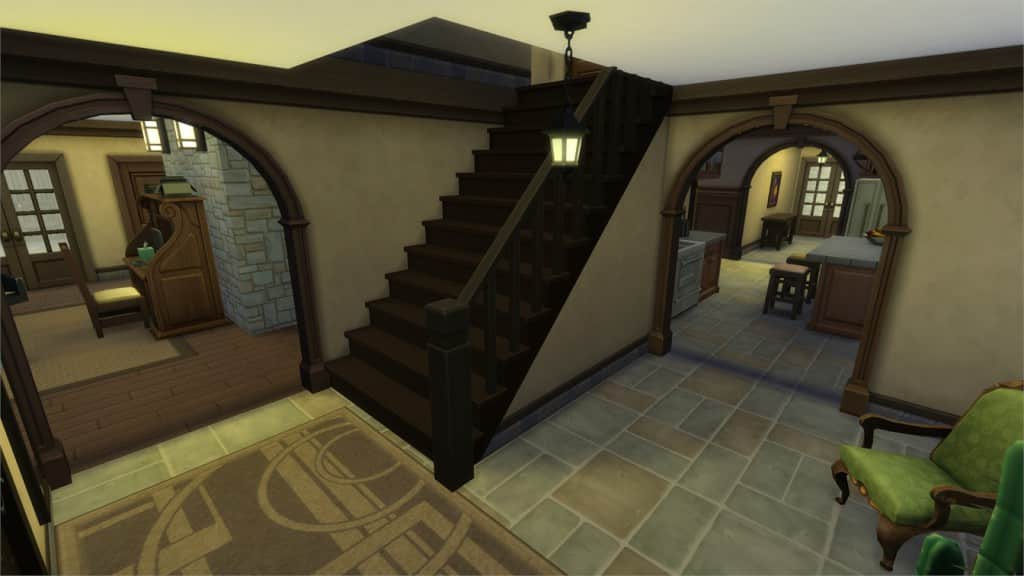
12-27-15_11-44-52 PM

[/ult_hotspot_items][ult_hotspot_items icon_type=”custom” icon_img=”37721|https://simscommunity.info/wp-content/uploads/2015/08/plumhotspot.png” img_width=”26″ tooltip_custom_color=”#1e73be” tooltip_custom_bg_color=”#ffffff” tooltip_width=”500″ enable_bubble_arrow=”off” tooltip_continuous_animation=”on” hotspot_position=”56.39297385620915,54.41750919117647″ tooltip_custom_border_size=”border-style:solid;|border-width:2px;border-radius:5px;|border-color:#81d742;”]
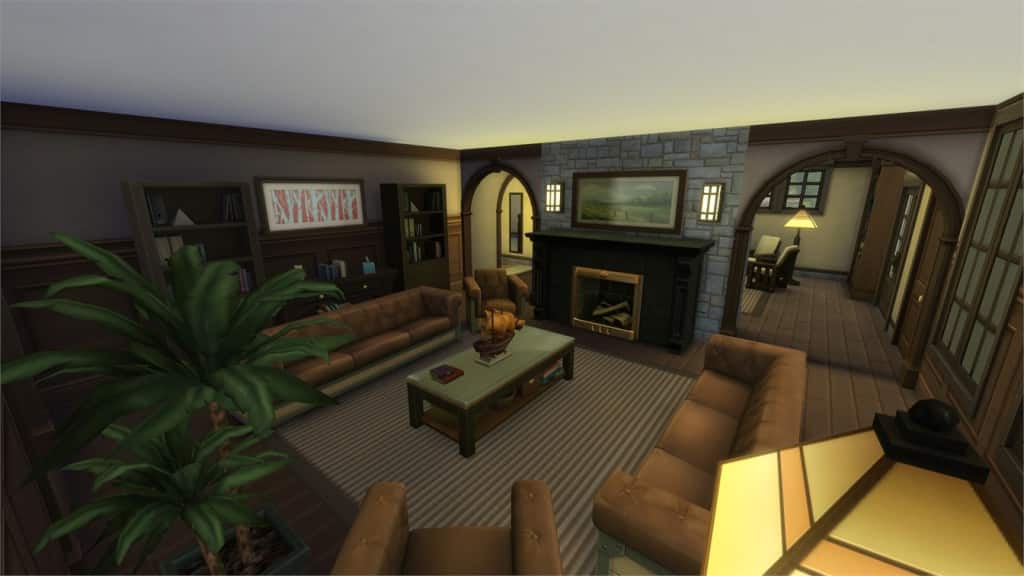
12-27-15_11-45-21 PM

[/ult_hotspot_items][ult_hotspot_items icon_type=”custom” icon_img=”37721|https://simscommunity.info/wp-content/uploads/2015/08/plumhotspot.png” img_width=”26″ tooltip_custom_color=”#1e73be” tooltip_custom_bg_color=”#ffffff” tooltip_width=”500″ enable_bubble_arrow=”off” tooltip_continuous_animation=”on” hotspot_position=”75.40168845315904,64.34397977941177″ tooltip_custom_border_size=”border-style:solid;|border-width:2px;border-radius:5px;|border-color:#81d742;”]
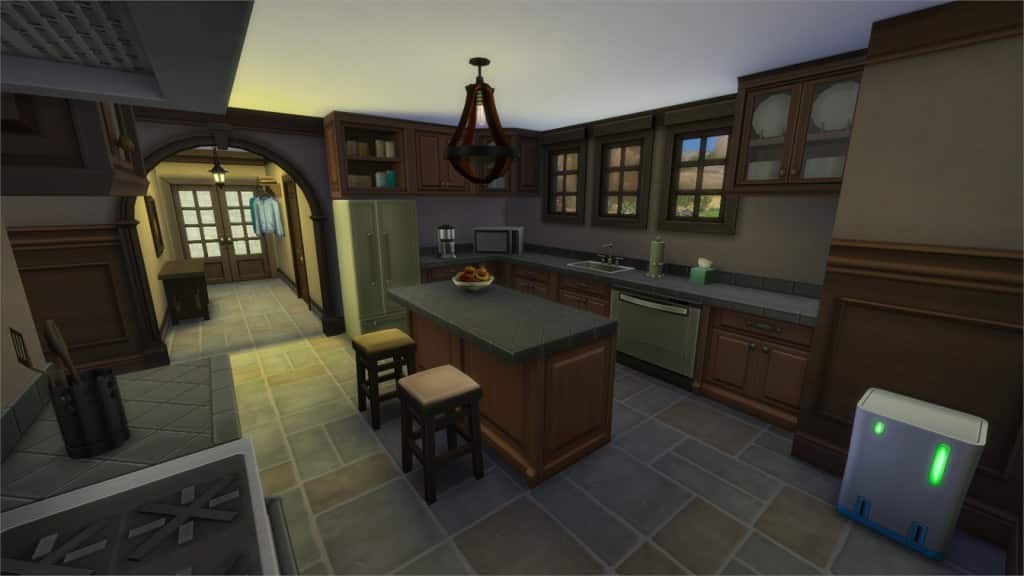
12-27-15_11-45-56 PM

[/ult_hotspot_items][ult_hotspot_items icon_type=”custom” icon_img=”37721|https://simscommunity.info/wp-content/uploads/2015/08/plumhotspot.png” img_width=”36″ tooltip_custom_color=”#1e73be” tooltip_custom_bg_color=”#ffffff” tooltip_width=”500″ enable_bubble_arrow=”off” tooltip_font_size=”14″ tooltip_continuous_animation=”on” hotspot_position=”86.58058681672026,3.25497287522604″ tooltip_custom_border_size=”border-style:solid;|border-width:2px;border-radius:5px;|border-color:#81d742;”]

Big Fish (Download Here)

by marjia

Value: §332,988
Size: 40×30
Lot Type: Residental Lot
Required Packs: None[/ult_hotspot_items][/ult_hotspot]

[ult_hotspot main_img=”44685|https://simscommunity.info/wp-content/uploads/2015/12/12-27-15_11-47-50-PM.jpg”][ult_hotspot_items icon_type=”custom” icon_img=”37721|https://simscommunity.info/wp-content/uploads/2015/08/plumhotspot.png” img_width=”26″ tooltip_custom_color=”#1e73be” tooltip_custom_bg_color=”#ffffff” tooltip_width=”500″ enable_bubble_arrow=”off” tooltip_continuous_animation=”on” hotspot_position=”32.45166122004357,87.49425551470588″ tooltip_custom_border_size=”border-style:solid;|border-width:2px;border-radius:5px;|border-color:#81d742;”]

12-27-15_11-47-59 PM

[/ult_hotspot_items][ult_hotspot_items icon_type=”custom” icon_img=”37721|https://simscommunity.info/wp-content/uploads/2015/08/plumhotspot.png” img_width=”26″ tooltip_custom_color=”#1e73be” tooltip_custom_bg_color=”#ffffff” tooltip_width=”500″ enable_bubble_arrow=”off” tooltip_continuous_animation=”on” hotspot_position=”47.297113289760354,37.26064644607843″ tooltip_custom_border_size=”border-style:solid;|border-width:2px;border-radius:5px;|border-color:#81d742;”]

12-27-15_11-48-25 PM

[/ult_hotspot_items][ult_hotspot_items icon_type=”custom” icon_img=”37721|https://simscommunity.info/wp-content/uploads/2015/08/plumhotspot.png” img_width=”26″ tooltip_custom_color=”#1e73be” tooltip_custom_bg_color=”#ffffff” tooltip_width=”500″ enable_bubble_arrow=”off” tooltip_continuous_animation=”on” hotspot_position=”50.35062636165577,67.53025428921569″ tooltip_custom_border_size=”border-style:solid;|border-width:2px;border-radius:5px;|border-color:#81d742;”]

12-27-15_11-48-38 PM

[/ult_hotspot_items][ult_hotspot_items icon_type=”custom” icon_img=”37721|https://simscommunity.info/wp-content/uploads/2015/08/plumhotspot.png” img_width=”36″ tooltip_custom_color=”#1e73be” tooltip_custom_bg_color=”#ffffff” tooltip_width=”500″ enable_bubble_arrow=”off” tooltip_font_size=”14″ tooltip_continuous_animation=”on” hotspot_position=”86.58058681672026,3.25497287522604″ tooltip_custom_border_size=”border-style:solid;|border-width:2px;border-radius:5px;|border-color:#81d742;”]

katwijk 15 (Download Here)

by Jacowd105

Value: §199,747
Size: 50×50
Lot Type: Residental Lot
Required Packs: None[/ult_hotspot_items][/ult_hotspot]

[ult_hotspot main_img=”44689|https://simscommunity.info/wp-content/uploads/2015/12/12-27-15_11-51-40-PM.jpg”][ult_hotspot_items icon_type=”custom” icon_img=”37721|https://simscommunity.info/wp-content/uploads/2015/08/plumhotspot.png” img_width=”26″ tooltip_custom_color=”#1e73be” tooltip_custom_bg_color=”#ffffff” tooltip_width=”500″ enable_bubble_arrow=”off” tooltip_continuous_animation=”on” hotspot_position=”15.087145969498911,56.61190257352941″ tooltip_custom_border_size=”border-style:solid;|border-width:2px;border-radius:5px;|border-color:#81d742;”]

12-27-15_11-51-50 PM

[/ult_hotspot_items][ult_hotspot_items icon_type=”custom” icon_img=”37721|https://simscommunity.info/wp-content/uploads/2015/08/plumhotspot.png” img_width=”26″ tooltip_custom_color=”#1e73be” tooltip_custom_bg_color=”#ffffff” tooltip_width=”500″ enable_bubble_arrow=”off” tooltip_continuous_animation=”on” hotspot_position=”62.52382897603486,47.43221507352941″ tooltip_custom_border_size=”border-style:solid;|border-width:2px;border-radius:5px;|border-color:#81d742;”]

12-27-15_11-52-10 PM

[/ult_hotspot_items][ult_hotspot_items icon_type=”custom” icon_img=”37721|https://simscommunity.info/wp-content/uploads/2015/08/plumhotspot.png” img_width=”26″ tooltip_custom_color=”#1e73be” tooltip_custom_bg_color=”#ffffff” tooltip_width=”500″ enable_bubble_arrow=”off” tooltip_continuous_animation=”on” hotspot_position=”51.875680827886704,35.91069240196079″ tooltip_custom_border_size=”border-style:solid;|border-width:2px;border-radius:5px;|border-color:#81d742;”]

12-27-15_11-52-25 PM

[/ult_hotspot_items][ult_hotspot_items icon_type=”custom” icon_img=”37721|https://simscommunity.info/wp-content/uploads/2015/08/plumhotspot.png” img_width=”26″ tooltip_custom_color=”#1e73be” tooltip_custom_bg_color=”#ffffff” tooltip_width=”500″ enable_bubble_arrow=”off” tooltip_continuous_animation=”on” hotspot_position=”56.24659586056645,70.46951593137256″ tooltip_custom_border_size=”border-style:solid;|border-width:2px;border-radius:5px;|border-color:#81d742;”]

12-27-15_11-52-33 PM

[/ult_hotspot_items][ult_hotspot_items icon_type=”custom” icon_img=”37721|https://simscommunity.info/wp-content/uploads/2015/08/plumhotspot.png” img_width=”36″ tooltip_custom_color=”#1e73be” tooltip_custom_bg_color=”#ffffff” tooltip_width=”500″ enable_bubble_arrow=”off” tooltip_font_size=”14″ tooltip_continuous_animation=”on” hotspot_position=”86.58058681672026,3.25497287522604″ tooltip_custom_border_size=”border-style:solid;|border-width:2px;border-radius:5px;|border-color:#81d742;”]

The Hot Mansion (Download Here)

by GabLeSim

Value: §178,940
Size: 40×30
Lot Type: Residental Lot
Required Packs: None[/ult_hotspot_items][/ult_hotspot]

The Sims 4 Get Together Mod: More Club Icons

You no longer have to be stuck with the limited set of club icons provided with Get Together. I bring you a mod that adds a total of 230 new icons for you to choose from, extracted from the base game, Get to Work, Outdoor Retreat and Spa Day. While a handful of them are similar to the icons already available, the vast majority are completely different.

You can download the mod here: http://zerbu.tumblr.com/post/136066539942/the-sims-4-get-together-mod-more-club-icons

Club Icons 2Club Icons

List of all Mods for The Sims 4

0

Are you craving for new ways to play The Sims 4? Look no further!

Tatiana has put up a huge list of Mods for The Sims 4. There are all sorts of Mods from the list that you can download – from texture replacements to new gameplay!

As the list is not yet complete, we would appreciate any help that you can contribute by posting a reply on the Thread linked down below.

Click below to check out the list!

Capture