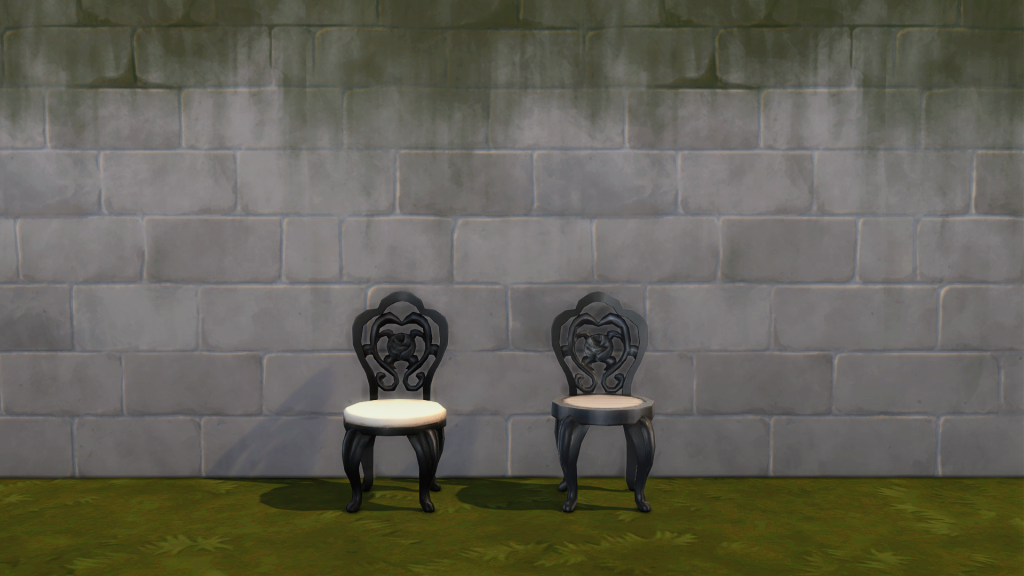
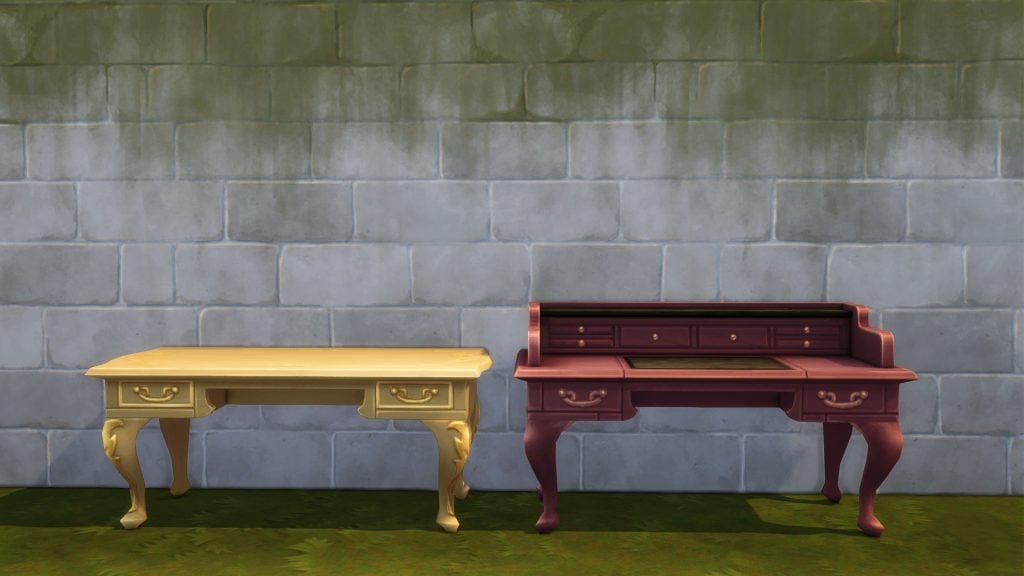
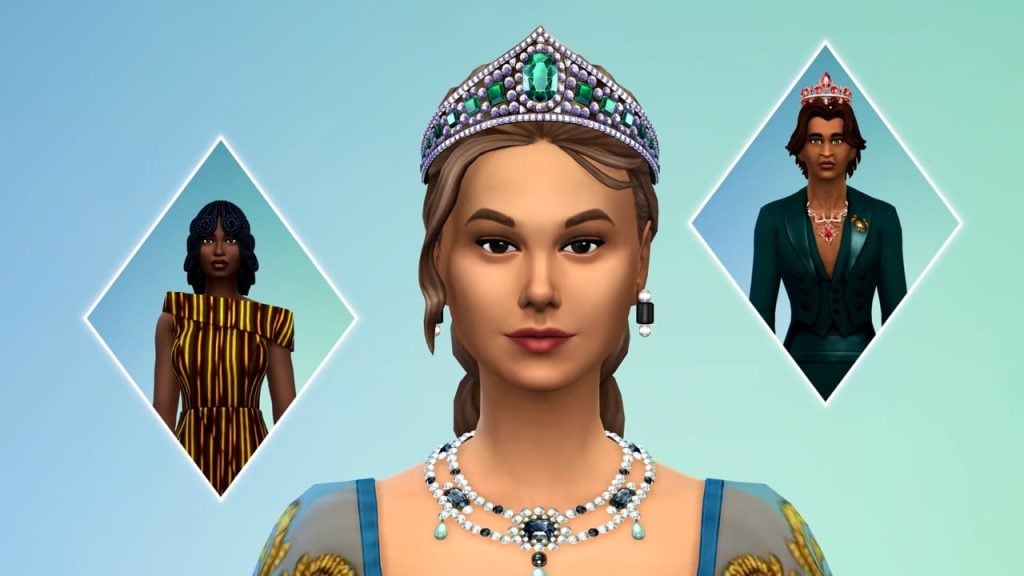
A new, very limited exclusive sale for The Sims 3 has hit the EA App!
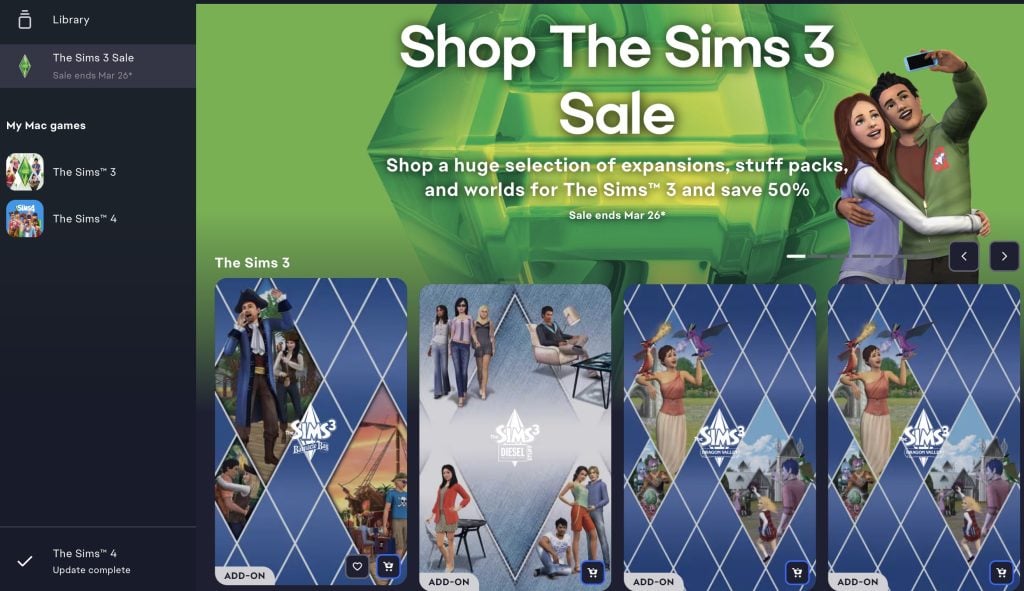
A new notification has popped up on the EA App game launcher a couple of hours ago, promoting an exclusive The Sims 3 Sale for PC and Mac players.
The thing is, this Sims 3 Sale is different to previous style of Sims Sales that The Sims Team has done. For starters, we never had an exclusive Sims 3 Sale get promoted on an EA games launcher since maybe 2014? And usually sales like these go in pair with a catalogue of The Sims 4 DLC, so it’s unknown what EA has planned up with this one.
The Sims 3 Sale Offer
The interesting thing about this sale is that it’s available for an entire month! From February 25th until March 26th, 2026 you get to enjoy a catalogue of Sims 3 games for half the price, including the following offers:
The Sims 3 Expansion Packs (50% off – 10USD)
The Sims 3 Stuff Packs (50% off – 10USD)
The Sims 3 World Packs (50% off – 10USD)
The Sims 3 World Packs – Gold Edition (50% off – $17.50USD)
Could this mean something more?
Sims players over on Reddit have discussed a bit what this Sims 3 sale offer could mean for them. One player stated that it’s weird that the publisher is still putting the same sale offers on a game that’s almost 17 years old. “only half off is insane for a game that old. Newer and better games get put on 75% off more often than sims 3” stated SaveVerris.
Another player mentioned how this could all be just another distraction from talks about the EA buyout. Just giving more reasons for players to spend extra cash on The Sims Franchise. “A lot of people are boycotting ea rn because of the buyout, so I feel like this may be a tactic to try and get people who havent been keeping up to spend money” said Reddit user Scared-Two-5208.
Current rumors about the future of The Sims Franchise predict new methods of monetization for The Sims 4. If we’re already speculating what this Sims 3 Sale could mean in the bigger picture then EA might be giving us just a few more reasons to revisit reliable game classics.
What are your thoughts on the latest exclusive sale? Let us know in the comments down below and stay tuned on Sims Community for the latest updates on The Sims Franchise!
Out With The Old And In With The New – The Sims 4 Lot Replacements Mod Brings New Looks To Base Game Lots!
The Sims 4 was released in 2014, and some players may not know that it didn’t include features such as pools, wedding venues, or the ability to paint ceilings at launch. The Sims team gave us a lot of refresh updates last year; however, only 8 of the occupied Residential lots were overhauled, with the rest of the lots (notably community lots) left out.
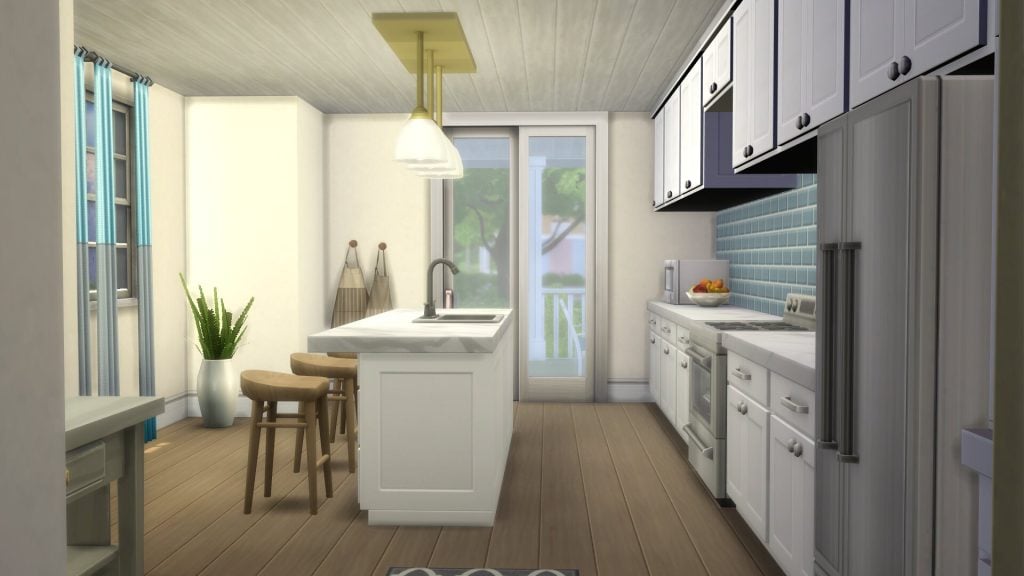
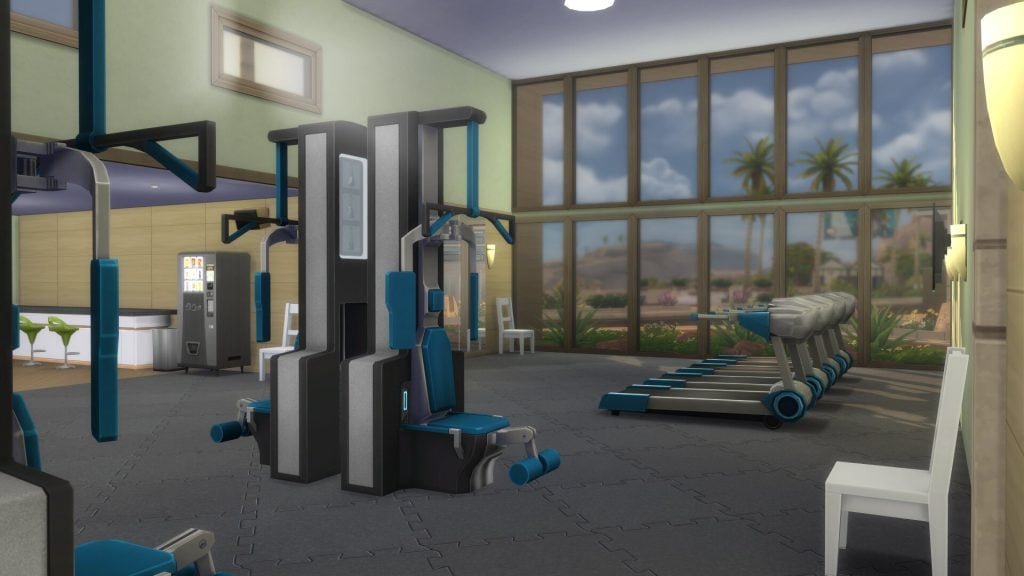
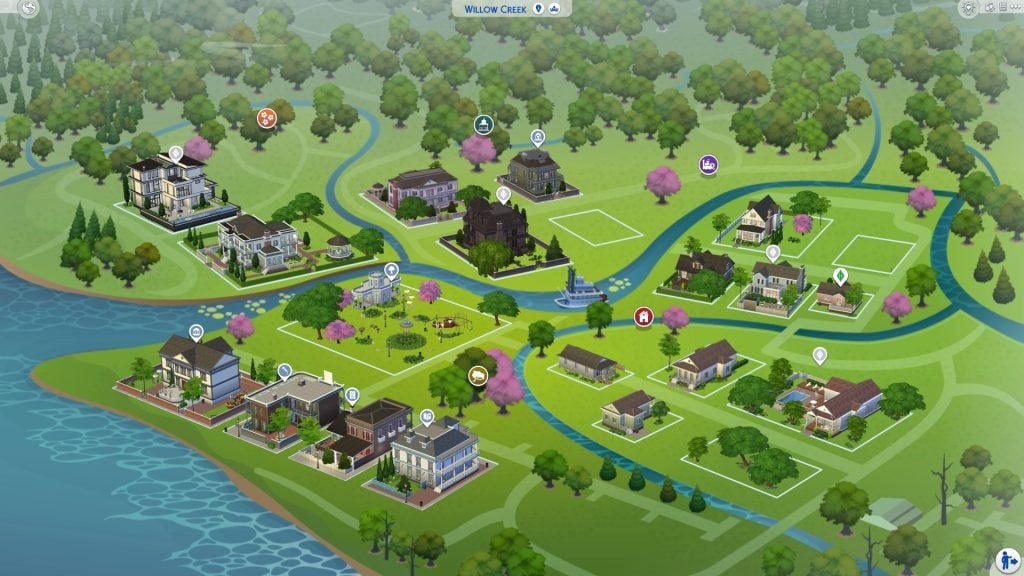
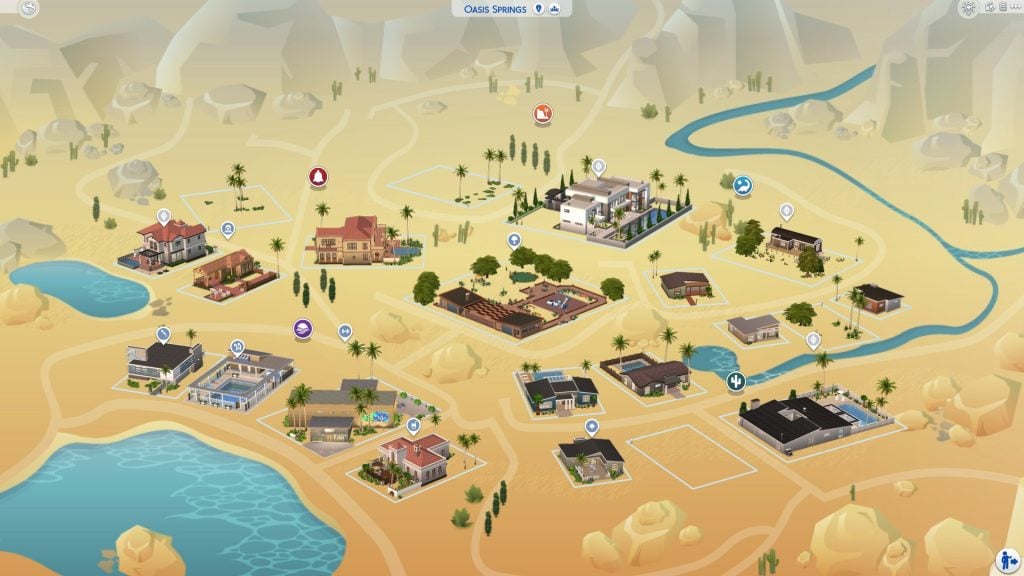
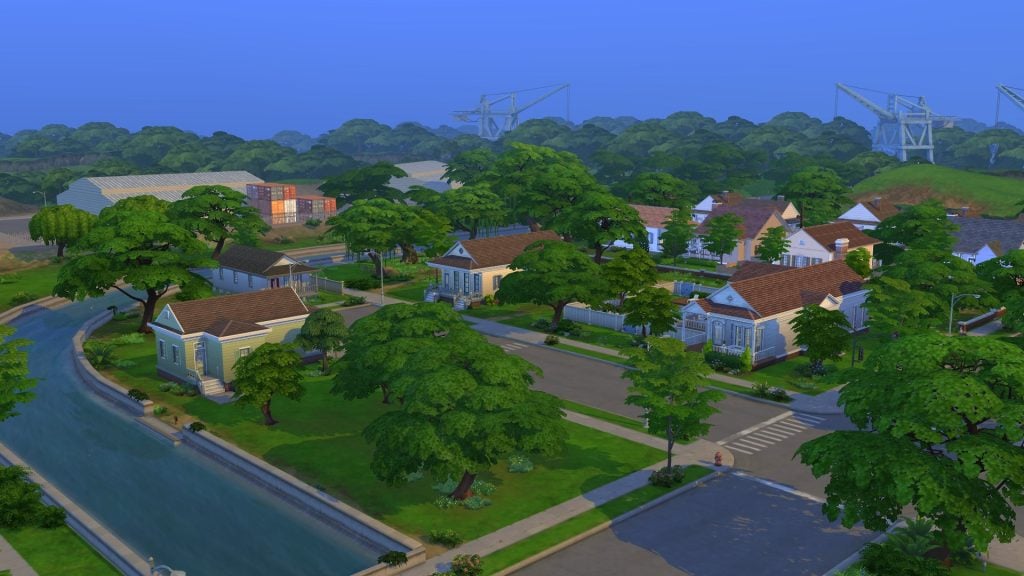
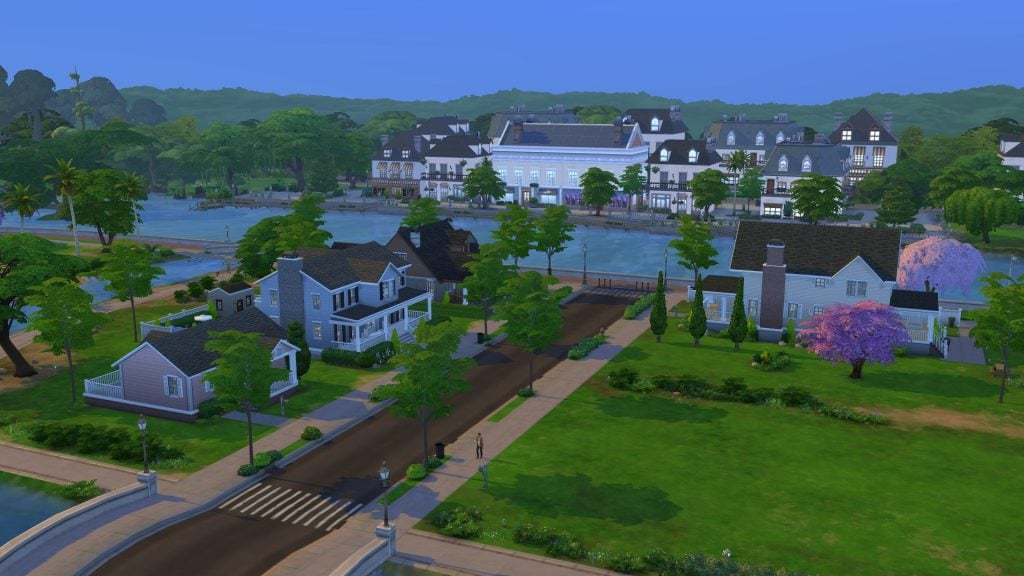
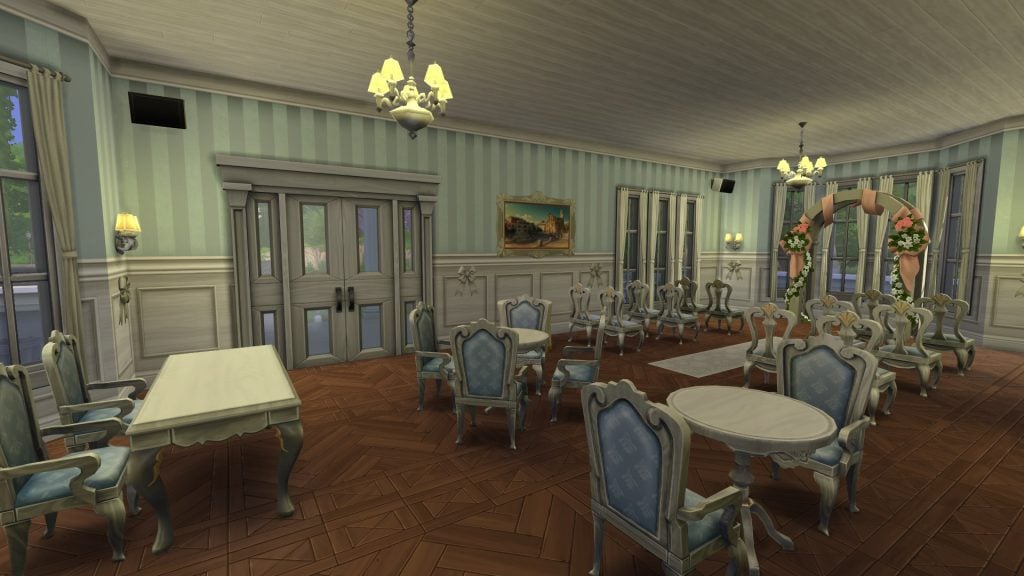
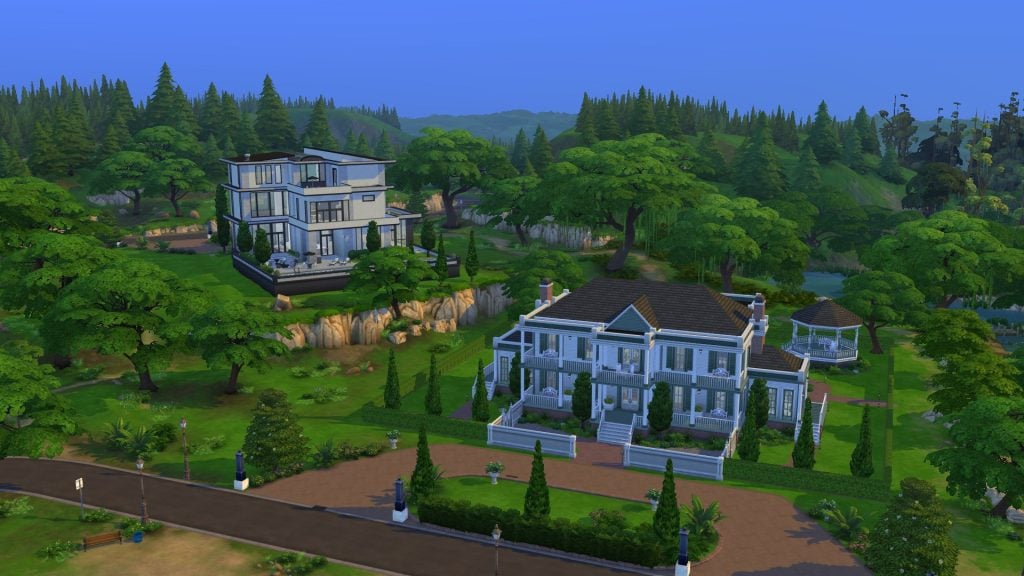
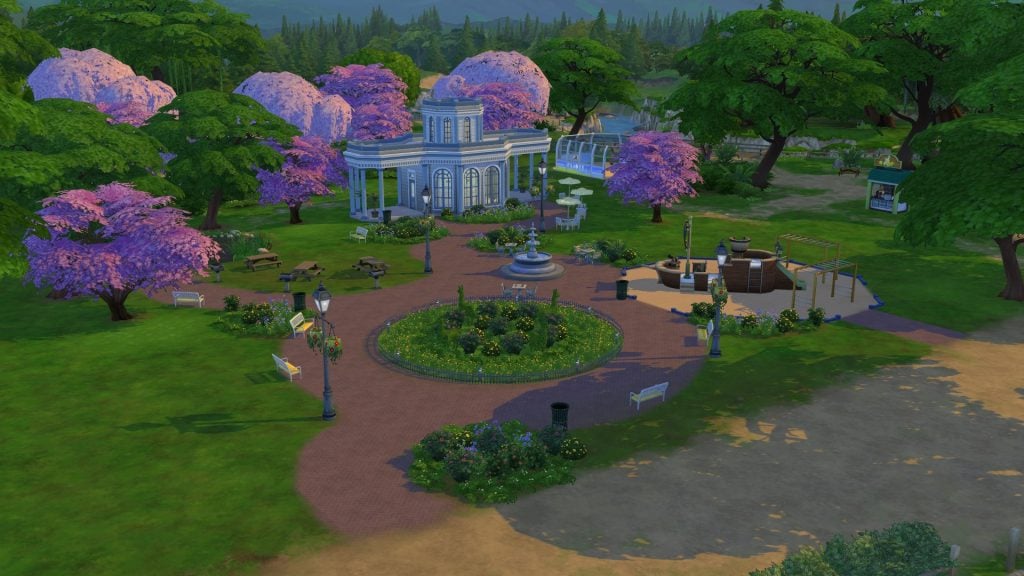
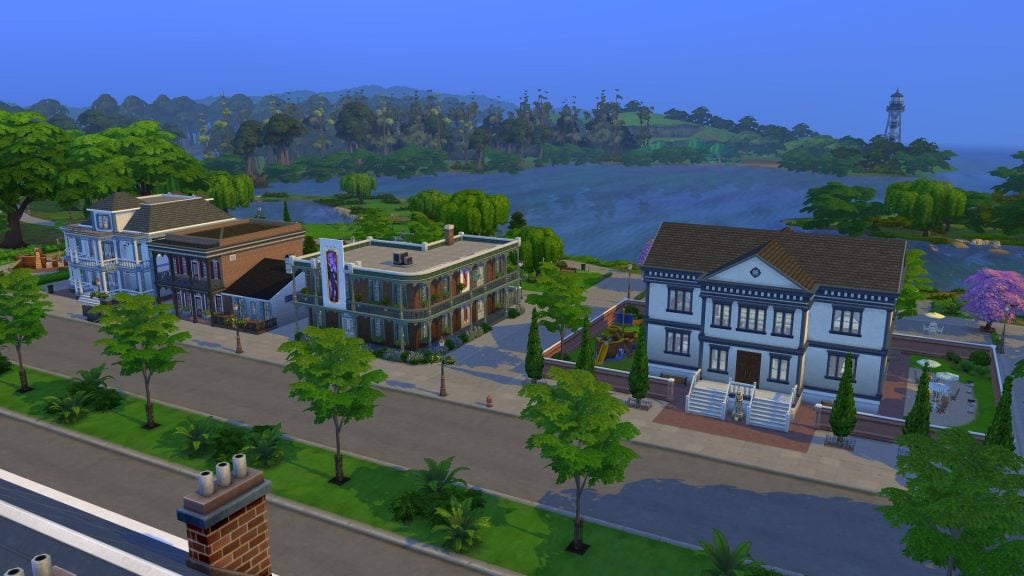
Mod creator Kallixer has sought to change that with The Sims 4 Lot Replacements Mod, renovating every single lot in both Willow Creek and Oasis Springs, as well as adding some new lots for players to enjoy. Let’s take a look at some of the highlights and how you can get your hands on this mod!
Images Provided by Kallixer
Table of Contents
How To Install The Sims 4 Lot Replacements Mod
You can grab the lot replacements mod over on Kallixer’s Patreon linked below. Unlike a regular mod, this is a world mod, so the install process may be a little different to what you’re used to. We will cover all of this in the installation instructions below, or you can follow the guide included in the Mod installation folder.
To add the items to your game on Windows, follow this folder path: C:\Users\[USERNAME]\Documents\Electronic Arts\The Sims 4\Mods To add the items to your game on MacOS, follow this folder path: Macintosh HD/Users/User/Documents/Electronic Arts/The Sims 4/Mods
Once you’ve downloaded the files, make sure you have an extraction program installed. These can include 7Zip, Winrar, etc. After that, highlight one or multiple zipped/compressed files and select “Extract Here”. Open the folder titled ‘Mods Files’ and copy all the contents into your Mods folder. You can also sort them into their own folders within your Mods folder, but it is recommended not to nest them too many levels deep, as it can cause longer loading times, and some CC items and mods stop working when too deep within folders.
Now, open the file called ‘World Files’. Highlight all the files and copy them.
Mac: MacintoshHD\User\NAME\Applications\The Sims 4 > Right click on The Sims 4.app and choose Show Package Contents\Contents\Data\Shared\Worlds\Areas
Paste all 12 .world files inside the Areas folder.
IMPORTANT: You will need to start a NEW GAME for lots to be replaced!
Tip: While many creators provide additional files, like .txt/ReadMe, .jpg/.png files, and more possible file types for previews or instructions, it is best practice to not put those into your Mods folder as they can also lead to longer load times and excessive clutter. Creators will often specify any files that need to be put into the folder, along with where, so primarily focus on .package and .ts4script files!
Uninstall
To uninstall, open the file called ‘Kallixer_LotReplacements_World_Backup‘, and copy all contents to the world file.
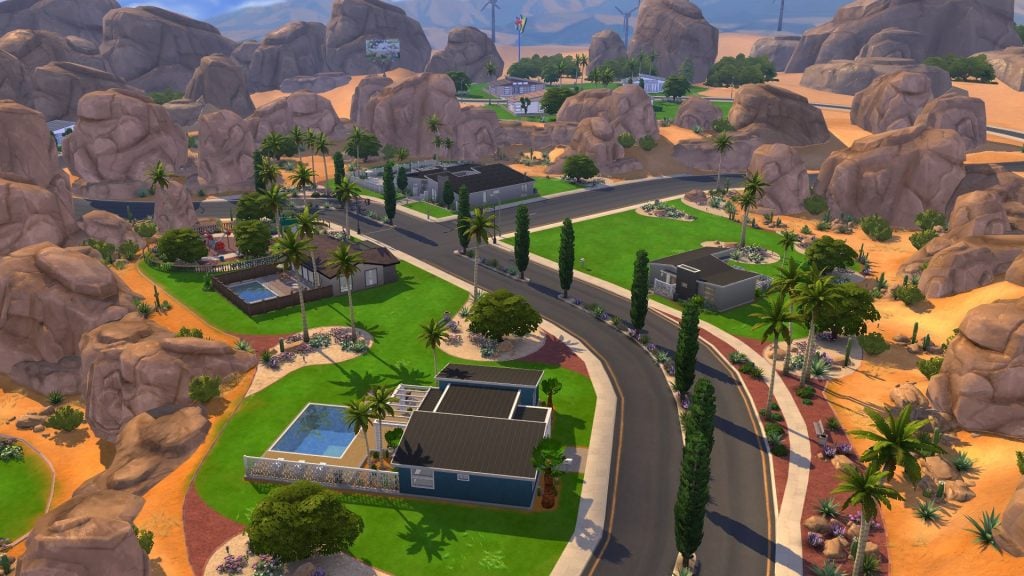
The Sims 4 Lot Replacements Mod completely refreshes the game’s world-building by overhauling every base‑game lot in newly created saves. It reimagines the interiors and exteriors of existing residential and commercial spaces, modernising their layouts and giving them a much‑needed visual lift. On top of the remodels, the mod also introduces entirely new lots, expanding the neighbourhoods with new places for Sims to live and explore.
TLDR; this mod replaces all default premade lots in Willow Creek and Oasis Springs in every new Save created from the get go, taking the worlds a decade forward.
Over the last decade The Sims 4 have seen many new additions to build mode, both in terms of objects and systems. Using these and the objects that has been there since launch 10 years ago, Lot Replacements updates all lots in Willow Creek and Oasis Springs with every new save created. No loading save files needed!
Every lot has been built with care and with quality and gameplay in mind to best match the world they are located in and being used to play in. Thought have also been put into matching the standard set by the Maxis refreshes and lots in newer worlds. With some room to push past those boundaries (this is a mod after all). While there are a few new lots, most are updated versions of the original and you are sure to spot details, colours and more from the original (The keen eyed will spot that the Ofelia Villa share the outlines of the original 2014 lot for instance.)
And fear not! If you want to find the old builds, you can find them under My Library, for you to place, just like the old Townie lots provided by Maxis.
Utilizing features released post launch; you will find pools, platforms, ceiling paint, bright lights (for those who remember), toddler/infant items, burglar alarms and more. Each world also now come with a Wedding Venue!
While the Townie lots are mostly left untouched, you will find some equipped with burglar alarms and a few small tweaks.
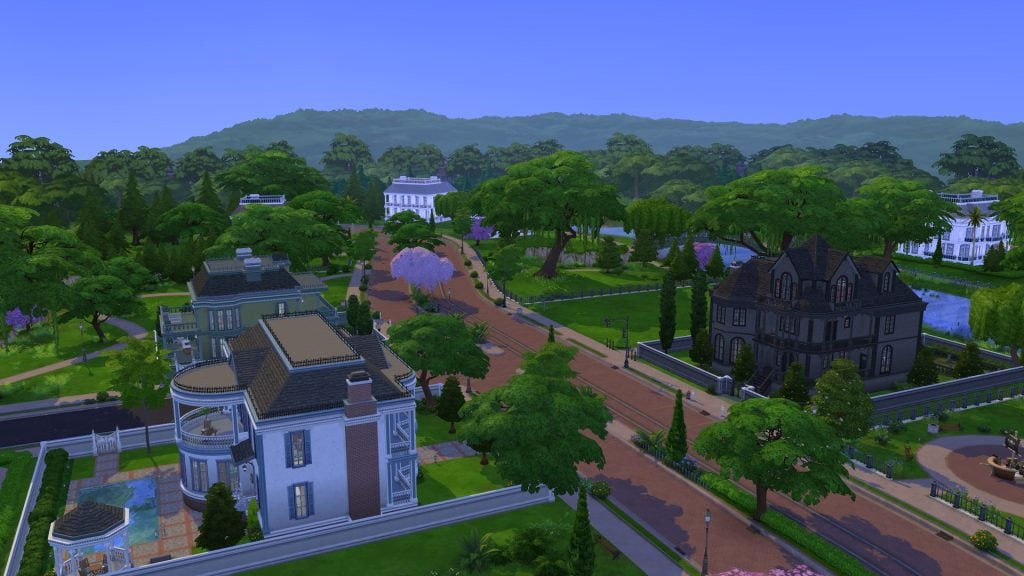
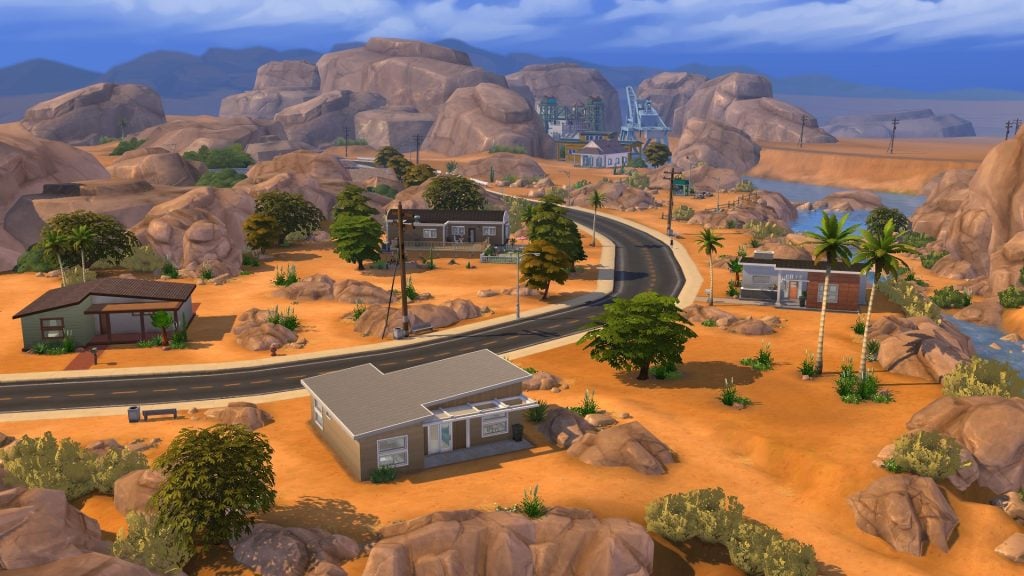
The first thing any player will notice with The Sims 4 Lot Replacements Mod installed is the slightly altered map view. As you can see from the images above, you may notice that some new lots immediately stand out, as well as the Goth family having moved to the larger lot next door in Pendula View. Let’s take a look at each region and see what’s changed!
Willow Creek
When speaking to mod creator Kallixer about the process, they mentioned that they took more liberty with the builds in Willow Creek; therefore, the most noticeable differences can be found there:
Oasis Springs was mostly based on the in-game lots and refreshing them, but for Willow Creek I took more liberty and worked to replicate and bring influences of the types of houses and architectural features you’d find in New Orleans for which the world is based on.
Kallixer
We will go district by district, taking an inside view of each lot!
Foundry Cove
We all know Foundry Cove well. Home to the BFF household, and where many players, myself included, are likely to move when playing The Sims 4 for the first time. The BFF ome is mostly unchanged from the new version we saw patched in with the lot refresh update. Bargain Bend is no longer an empty plot of land, and can now be seen full of Greenery to make it blend in with its surroundings. Streamlet Single has been given a back door and a small back patio area, and fences have been added to the sides of Daisy Hovel and Crick Cabana.
Courtyard Lane
Home of the Pancake family, Courtyard Lane is slightly more upmarket than Foundry Cove, with 4 residential lots included. Even Rindle Rose has been reworked; it now functions as a true starter home thanks to a newly reduced price, making it far more accessible for fresh saves.
Pendula View
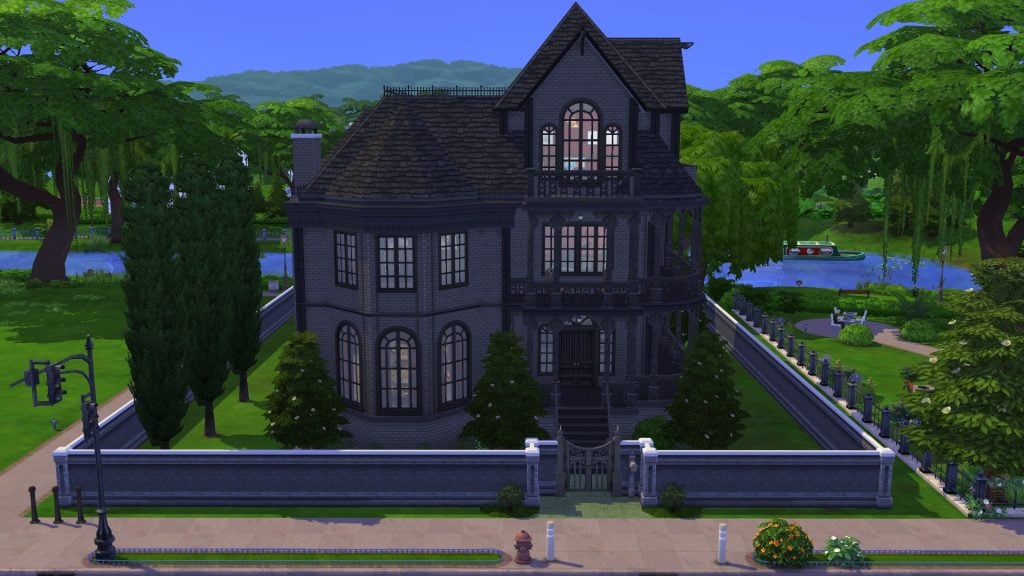
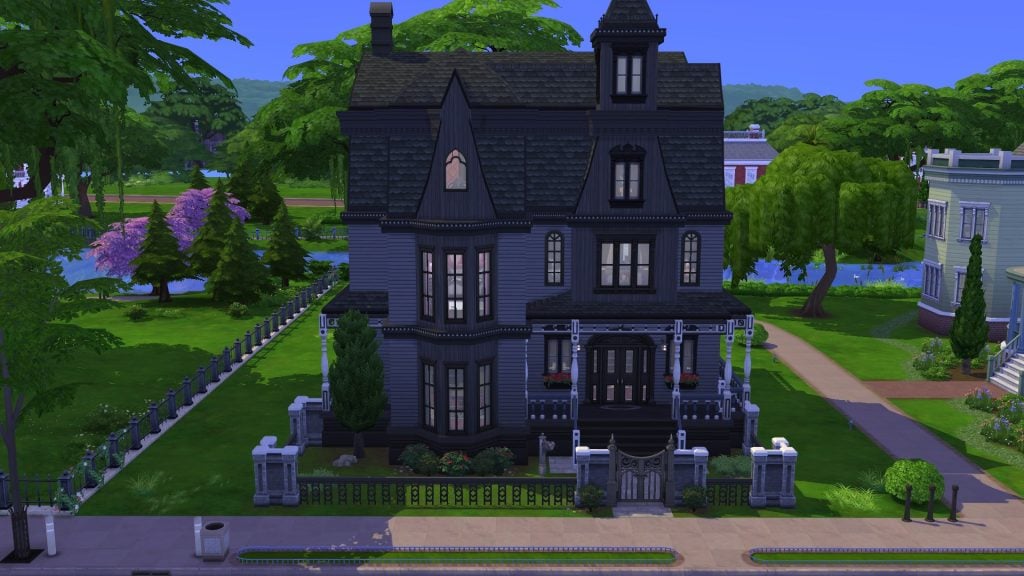
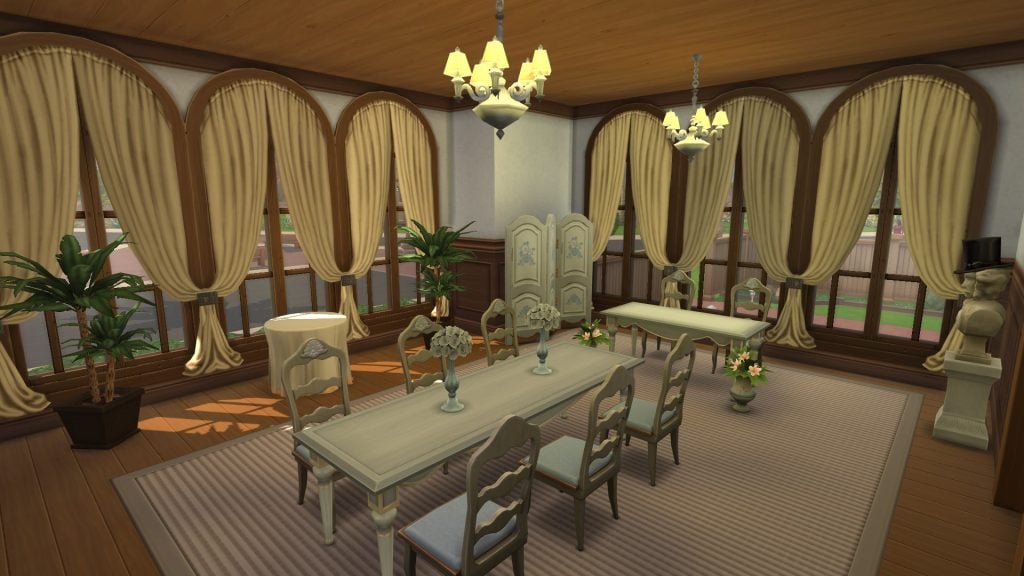
One of the first noticeable differences in Pedula View is that Ophelia Villa, the Goth family home, has been moved to the slightly larger 40×30 lot next door, allowing their manor to be bigger and more imposing. On the opposite side of the street sits The Camellia House, a new Wedding Venue built from scratch.
Ophelia Villa (The Goth Household)
New Ophelia Villa (40×30)Old Ophelia Villa (30×20)
Ophelia has a brand new look and location. Featuring 4 bedrooms, 3.5 bathrooms, and a study in the attic, this remodelling feels perfect for the Goth’s eccentric style. Also included (and missing from the original) is a small Graveyard in the garden, as seen in previous entries into The Sims franchise.
The Camellia House (Wedding Venue)
The Camellia House sits opposite the original site of Ophelia Villa, and functions as a Wedding Venue, allowing your Sims to host the perfect wedding here. The lot features an indoor wedding space (ideal for those playing with The Sims 4 Seasons), a dining area for the wedding reception, a kitchenette for a caterer to work, and a Bridal suite on the upper floor.
Sage Estates
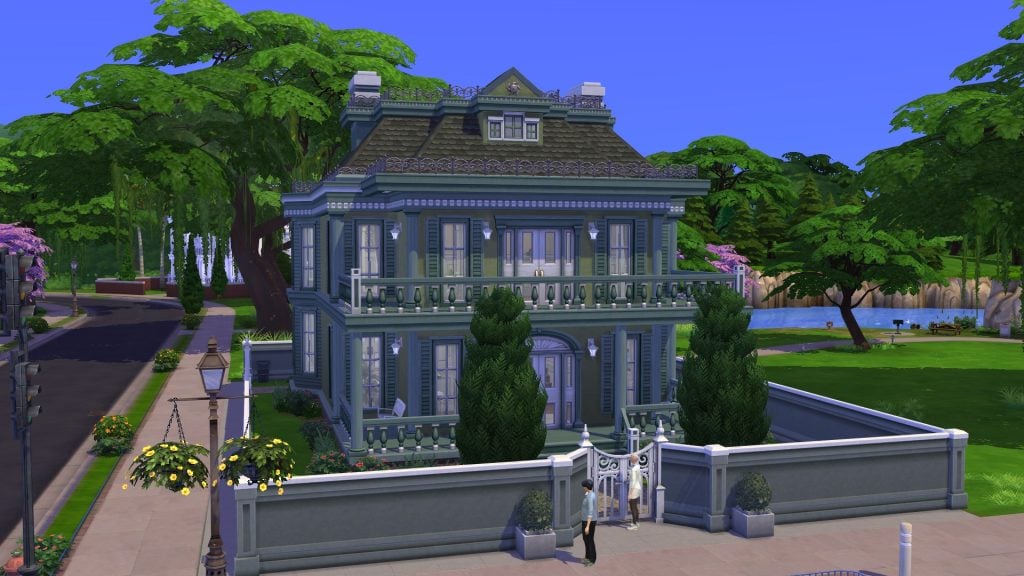
Sage Estates is no doubt the classiest of Willow Creek’s 6 regions. This area features the Spencer-Kim-Lewis house, which has been left mostly unchanged, and a completely new version of Oakenstead, featuring 3 bedrooms and 5 bathrooms.
Magnolia Blossom Park
Sitting in the centre of Willow Creek is Magnolia Blossom Park. This lot has been revamped to include new topiary features and a brand new play area for children, in keeping with the lot’s original vision.
Crawdad Quarter
Probably the most exciting revamps of the Mod are found in the Crawdad Quarter! Usually, this region has a library, gym, nightclub, and museum; the nightclub has been transformed into a lounge, and the gym has been completely renovated into a nightclub, giving players two options for a night on the town.
Municipal Muses (Museum)
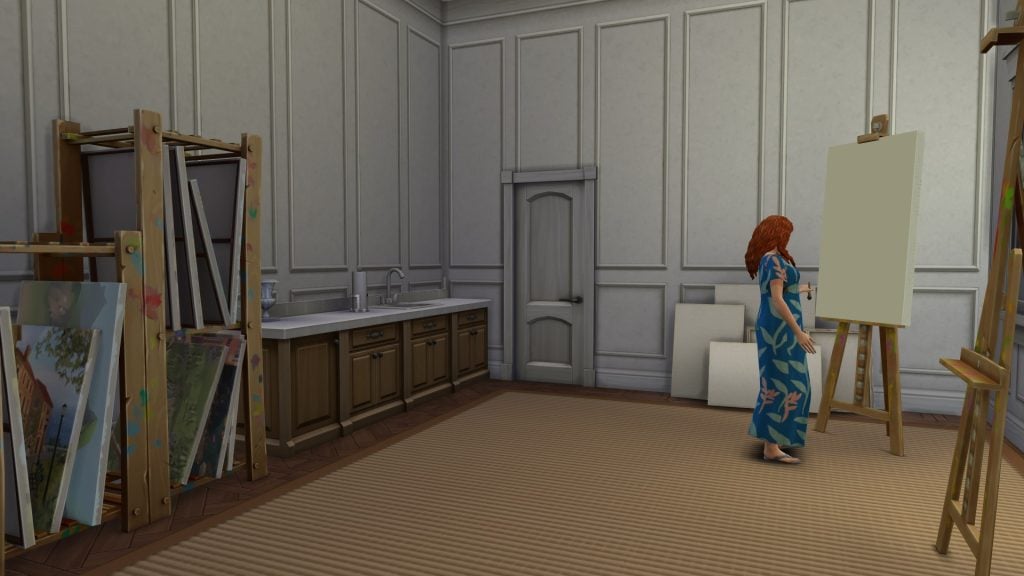
Municipal Muses, Willow Creek’s museum, has been given a new coat of paint and now includes a realistic art studio on the upper floor. The ground floor features two distinct gallery rooms, one for sculptures and one for classical artworks.
Movers & Shakers (Nightclub)
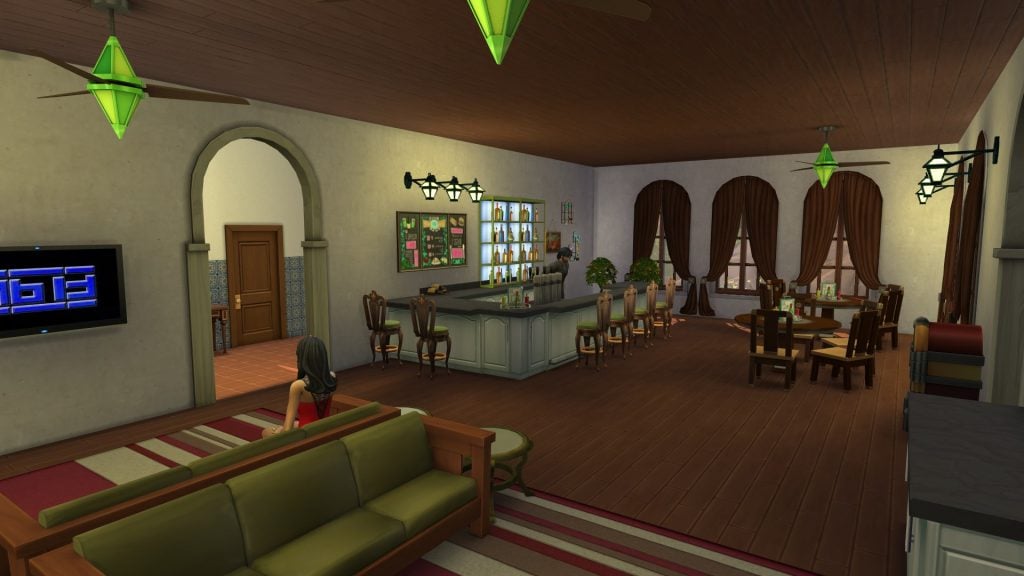
You probably know Movers & Shakers to be a gym; however, Kallixer has transformed this space into a nightclub, featuring a communal bar area, a dance floor, and outdoor seating spaces for Sims who may want to get a bit of fresh air after all that dancing.
The Blue Velvet (Lounge)
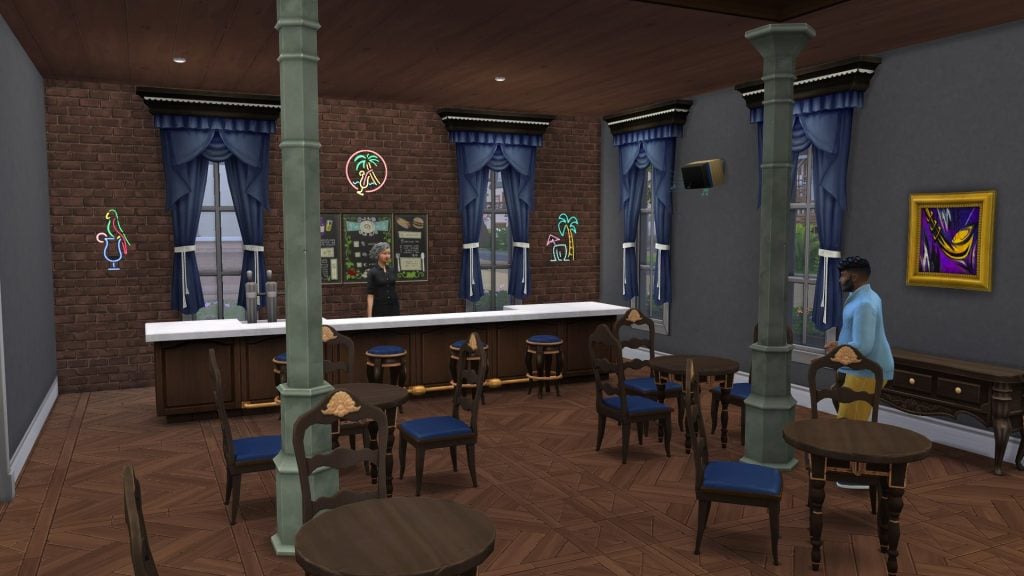
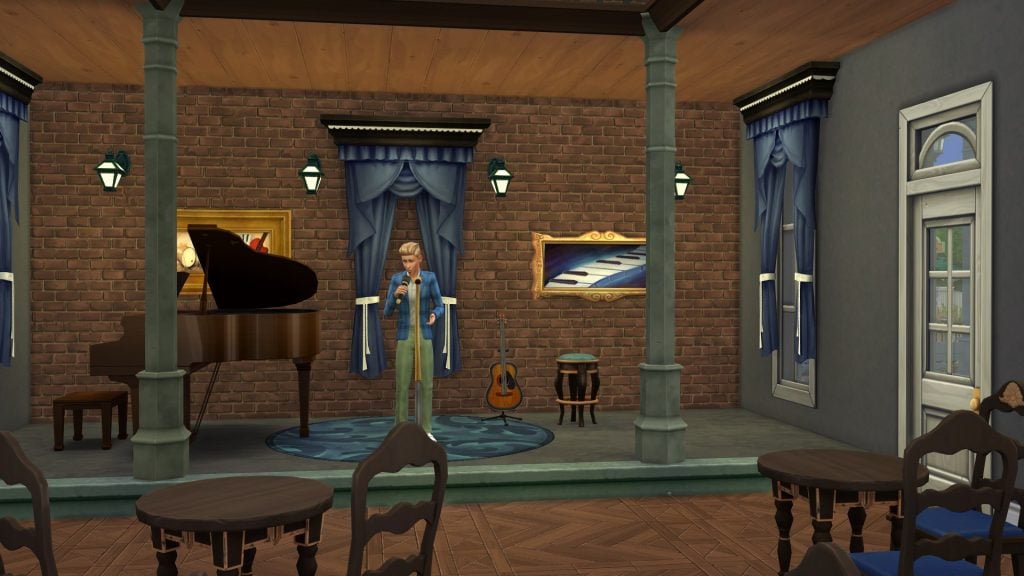
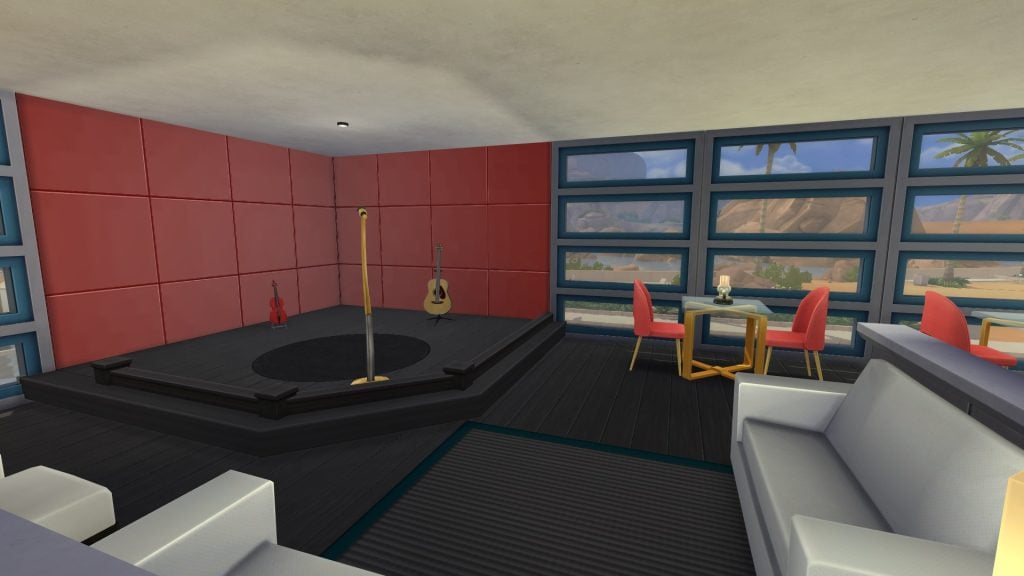
Blue Velvet has always felt off to me. That’s probably because the original layout featured a bar in the back of the venue, meaning Sims rarely congregated in the main space for dancing. The Sims 4 Lot Replacements mod has fixed this issue by focusing the action in the main space, with the addition of a stage for musicians and comedians to perform.
Oasis Springs
Willow Creek has less immediatly noticable chnages; there are some major ones, such as the removal of the museum, the addition of a new wedding venue, and the transformation of a residential lot into a Rental lot. Let’s take a look at each region of Oasis Springs and highlight a few new and improved lots!
Bedrock Strait
Bedrock Strait gets a noticeable glow‑up with Kallixer’s mod. The neighbourhood now features three true starter homes, all priced under §19,000, alongside Johnny Zest’s revamped trailer and a refreshed vacant lot. The updates make the area feel far more cohesive and lived‑in, while still keeping it budget‑friendly for new saves (or those that refuse to give in to Motherlode).
Acquisition Butte
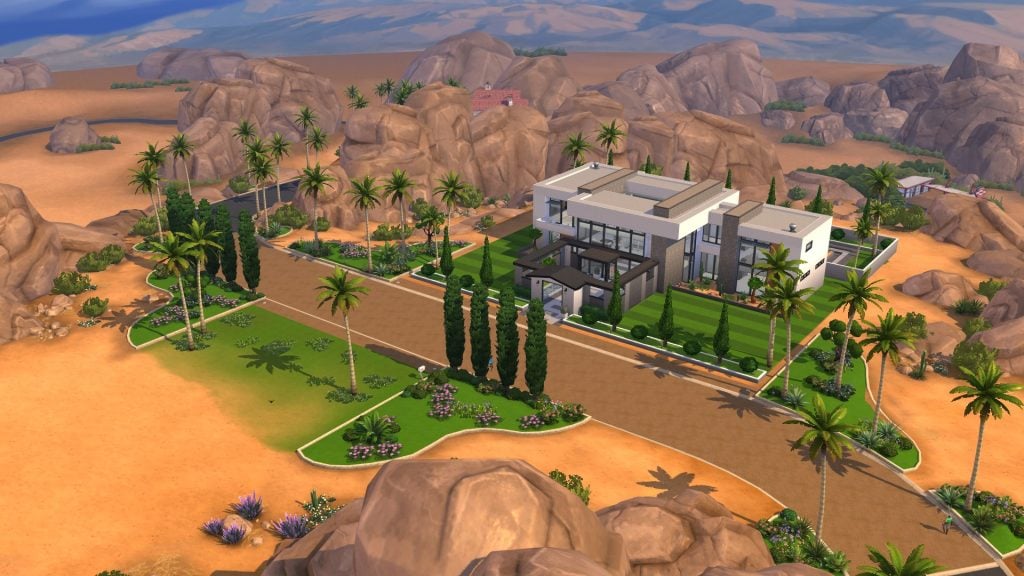
Sitting atop the hills of Oasis Springs is Acquisition Butte, home of the wealthy (and evil) Landgraab Family. While their house remains unchanged, you may notice the absence of the home on the lot called ‘Yuma Heights’. Its removal creates a more cohesive atmosphere, with no clashing architectural styles.
Skyward Palms
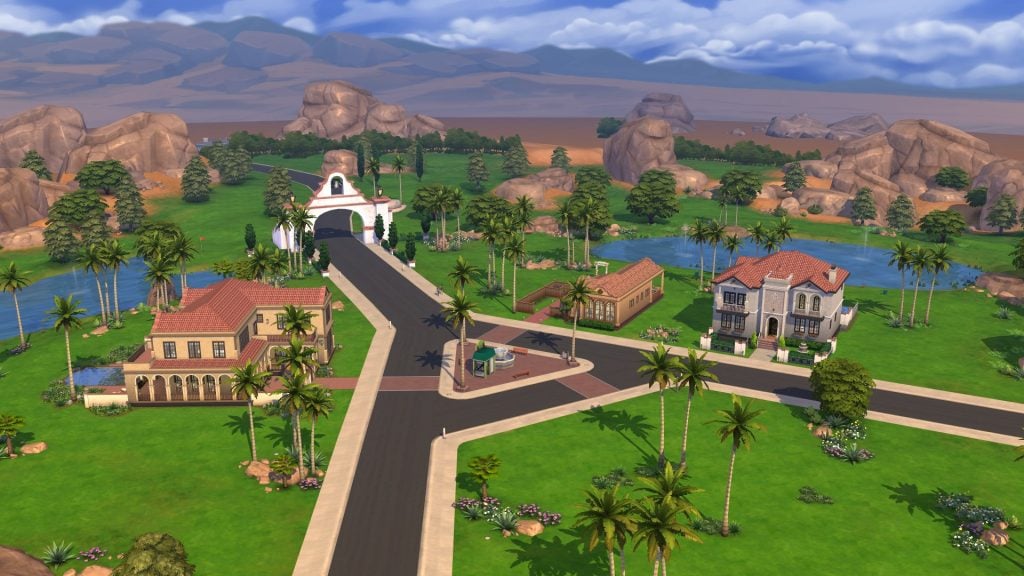
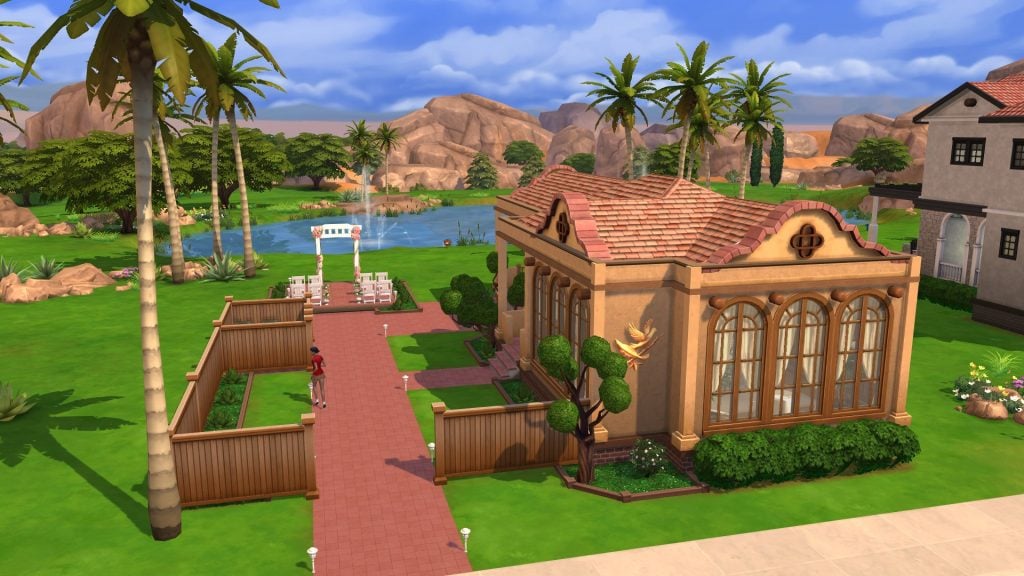
Skyward Palms retains the Spanish architectural styles it’s always been known for, this time with the additions of Pools in the gardens of both Rio Verde and Sultry Springside (where the Calientes live). A new feature of Skyward Palms is the inclusion of The Lovey Dove, a Wedding Venue with an outdoor wedding space and an area for a reception. Take a look below!
The Lovey Dove (Wedding Venue)
This brand new wedding venue features a ceremony space that overlooks the lake and golf courses that surround Skyward Palms. The inside space has the perfect space for hosting Wedding receptions, including a table to place a wedding cake, and a kitchenette.
Parched Prospect
As with Skyward Palms, the gardens in Parched Prospect now feature swimming pools, something lacking from The Sims 4 Base Game upon its launch in 2014. Raffia Quinta, the smallest of the four residential lots, is now designated a Rental lot, so Sims can now take vacations in Oasis Springs.
Mirage Canyon
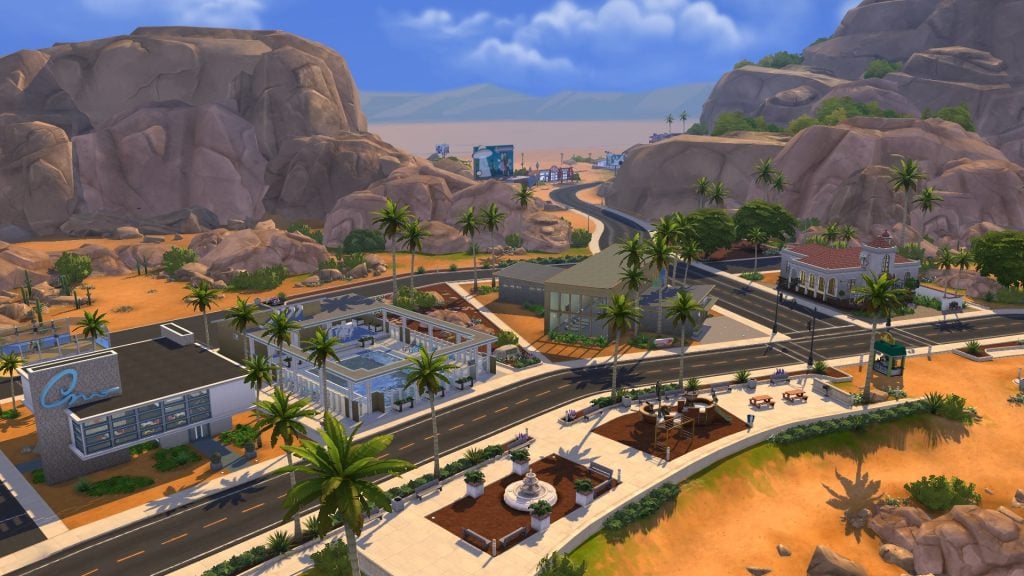
As with Willow Creek’s commercial district, Oasis Springs’ most noticeable differences lie in Mirage Canyon. The museum that once stood here is now home to The Solar Flare longue, and in it’s orignal spot is The Oasis, a public Pool lot. Both Burners & Builders (the gym), and Rattlesnake Juice (the bar) have received minor upgrades to make them feel more realistic and alive. Take a look at the highlights below.
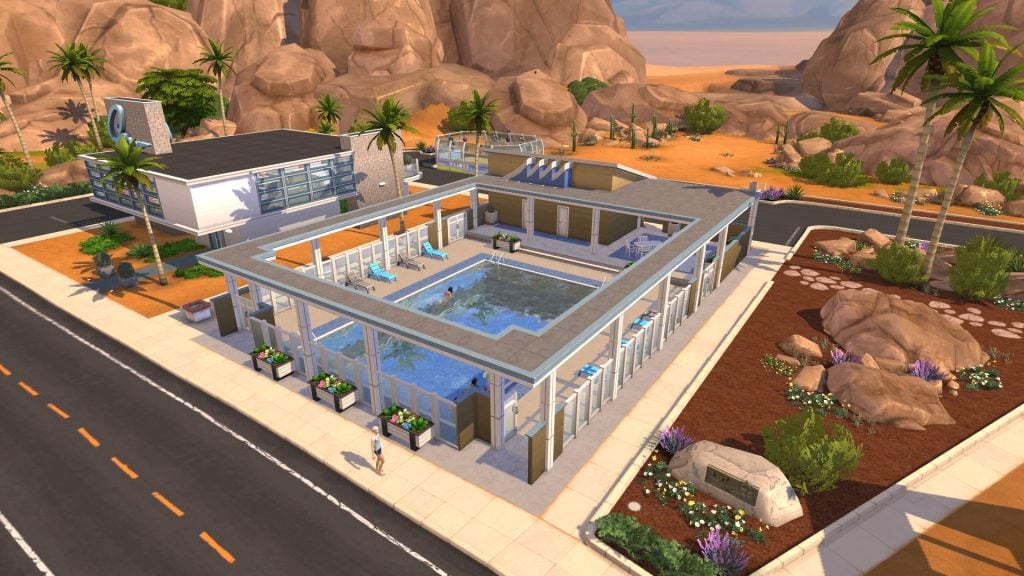
The Oasis (Pool)
As mentioned previously, pools weren’t originally in the Base Game, and the lot type was added in Patch 27 in 2015. This lot features a large pool, with semi-shaded lounging areas, and two changing rooms.
Rattlesnake Juice (Bar)
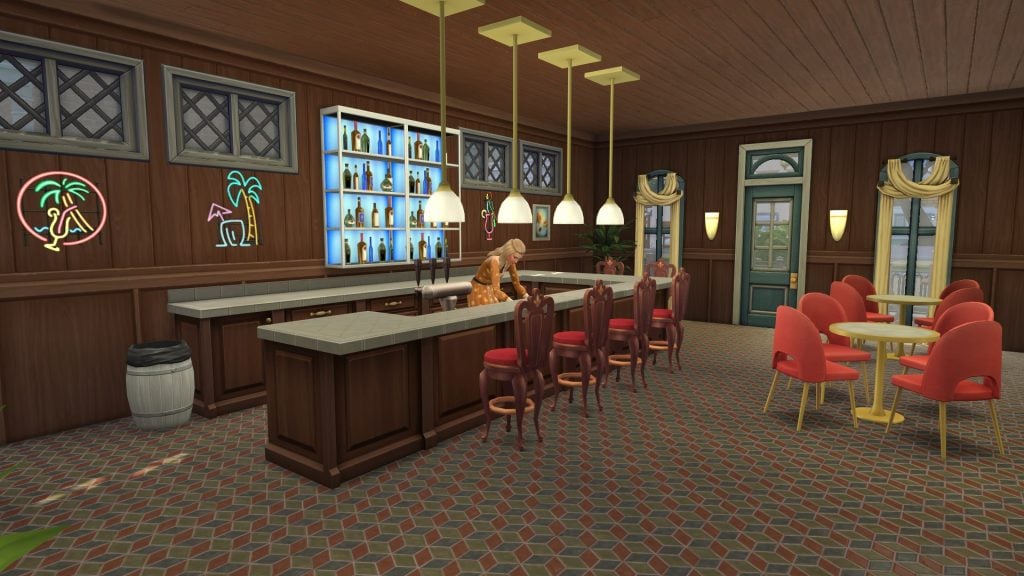
Ceiling patterns weren’t added to the Base Game until the release of the Horse Ranch Expansion Pack, so the Sims 4 Lot Replacements Mod does a great job of fixing that omission from Base Game lots. The bar area feels much more cohesive and cramped, something the original dive bar lacked.
The Solar Flare (Lounge)
Oasis Springs Lounge doesn’t look all that different from its un-modded counterpart. This new version includes a raised stage and more seating areas for Sims to watch comedy or musical performances.
What’s your favourite new lot in The Sims 4 Lot Replacements Mod? Let us know in the comments below, and stay tuned to Sims Community for all the latest on Mods for The Sims 4!
I previously discussed at great length the history of cars in The Sims franchise and their absence from The Sims 4. It seemed incredibly likely that they would be coming to the game based on the most recent expansion pack concept surveyas a majority of the concepts were based around car gameplay. Now, however, with the rumors that Royalty & Legacy is the last expansion pack releasing for The Sims 4, it seems our car dreams are dashed for good.
If, like me, you’re a big fan of cars in your sims games, I’m happy to announce custom content creators are here to fill the gap, as they always do. Read below to see how players are bringing a grand return of cars to your save files.
Table of Contents
The Sims 4 Car Mods
Decorative: Real Car Brands by Lorysims
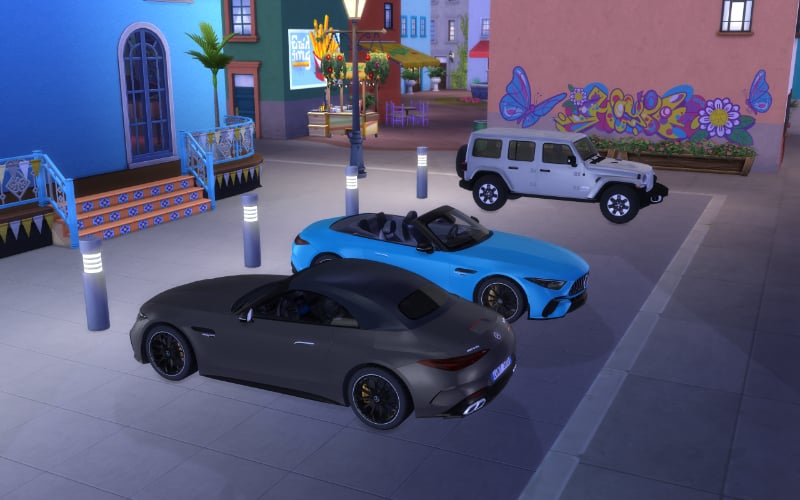
First up of the Sims 4 car mods is Lorysims with their decorative cars to use in your builds and make the world feel more alive. Are you tired of relying on the same handful of buydebug cars to fill out your community lot parking spaces? If so, Lorysims has you covered with their tremendous collection of real-life car brands. They have everything from Audi and Aston Martin to Honda and Subaru and more.
The catalogue is quite extensive with a plethora of different makes, models, and years and they all look fabulous in game. There are currently 69 different brands to choose from with multiple models for each. I was delighted when I installed a Mercedes-Benz in my game and saw it included a removable top you could choose to place on the car as well. It’s this level of detail that shows how much modders truly care about this game.
Pros: Extensive catalogue of cars to choose from Excellently detailed
Cons: Decorative objects only
Travel to their site HEREto browse the catalogue and install the cars that tickle your fancy.
Experimental: Drivable Cars by Waronkcc
Whereas the last Sims 4 car mods were purely decorative, this next car is fully functional—with some caveats.
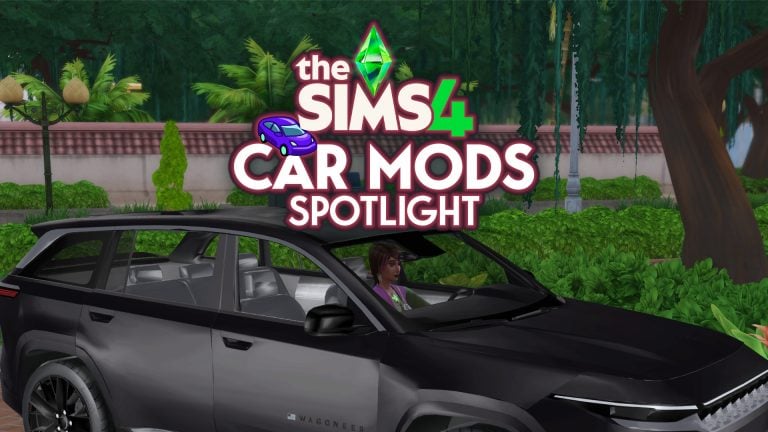
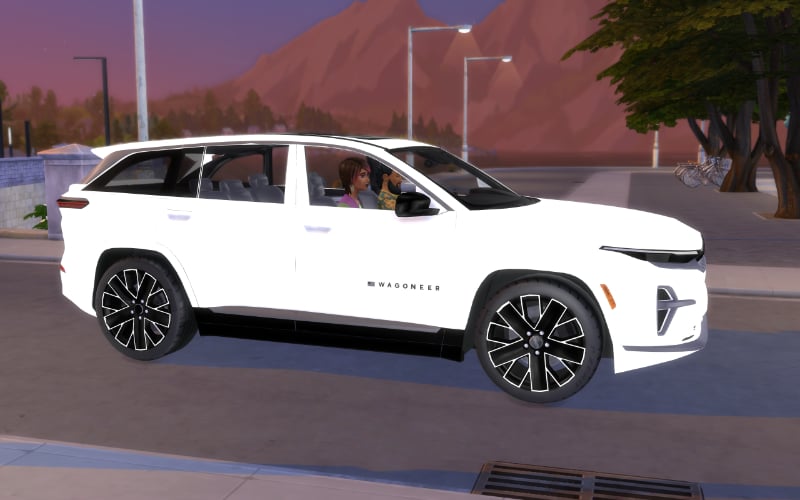
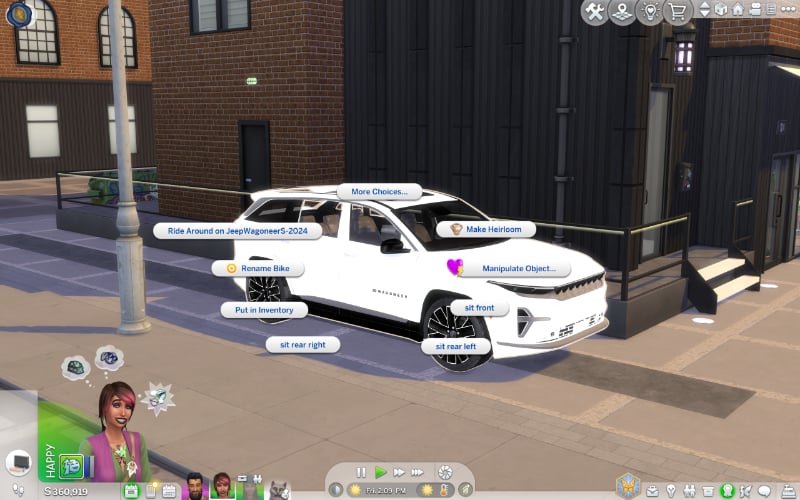
Waronkcc has created a drivable car for your sims based on the bicycle animation and gameplay that we currently have. While I give them major props for thinking to do this, it does come with its own issues as you’ll see further down.
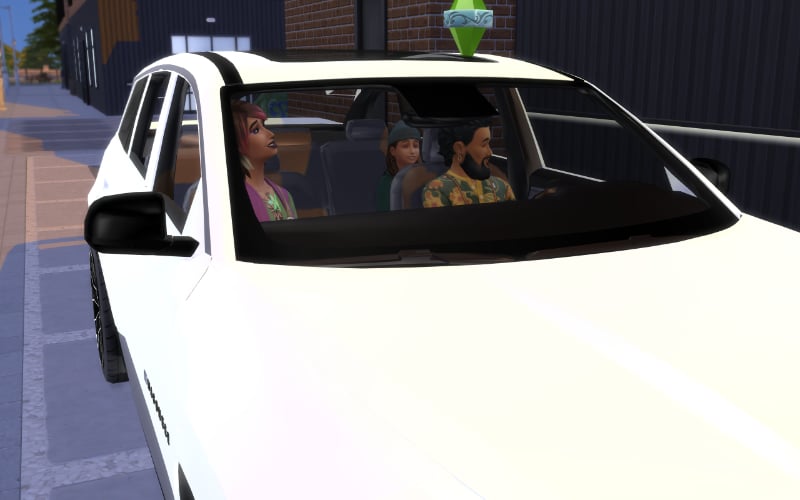
Even though it’s based on a bicycle, you are able to have up to four sims sitting in the car together. Sims are able to socialize while in the car as well, so there is a bit of gameplay involved besides being a solely visual experience for storytelling purposes. You’re also able to choose exactly where each sim sits, so you have full control and it’s not random.
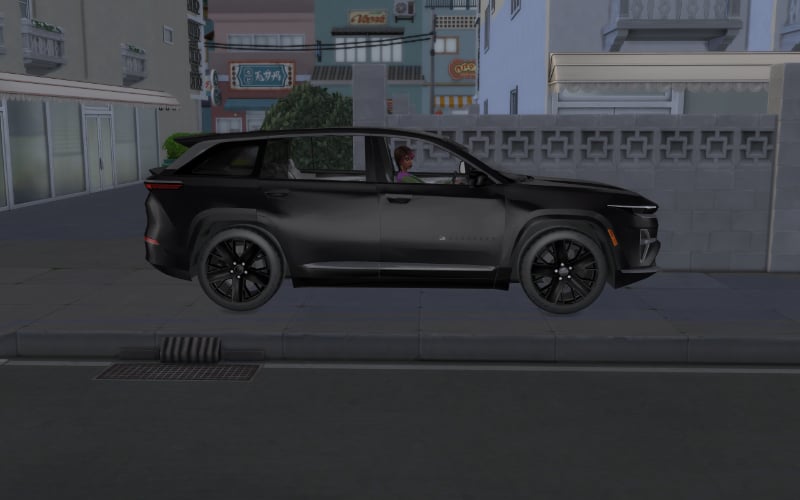
As cool as this mod is, it’s definitely for screenshot purposes when telling stories with your sims. When telling your sim to go for a drive, they will take the car for a spin anywhere they are able to travel by bike, so mostly sidewalks and parks. There are several visual glitches as well which are quite a hilarious situation to see.
Pros: Fully animated where sims open the car doors and sit down Sims drive the car around for great screenshots Multiple sims can ride around together
Cons: Follows bike pathing in game Only one type of car
You can find the drivable car at their website HERE.
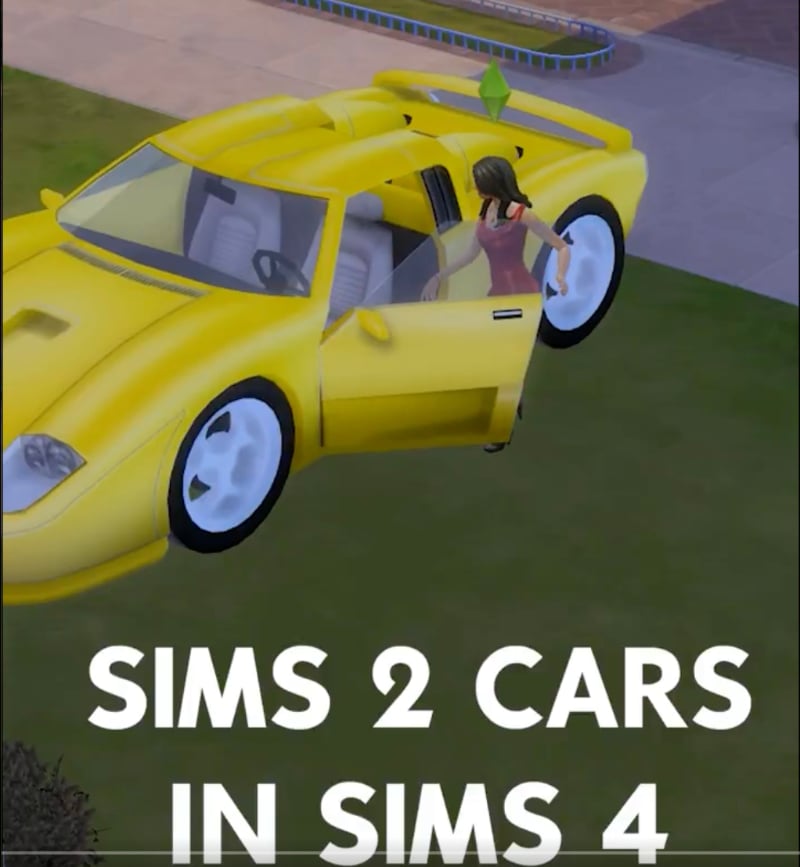
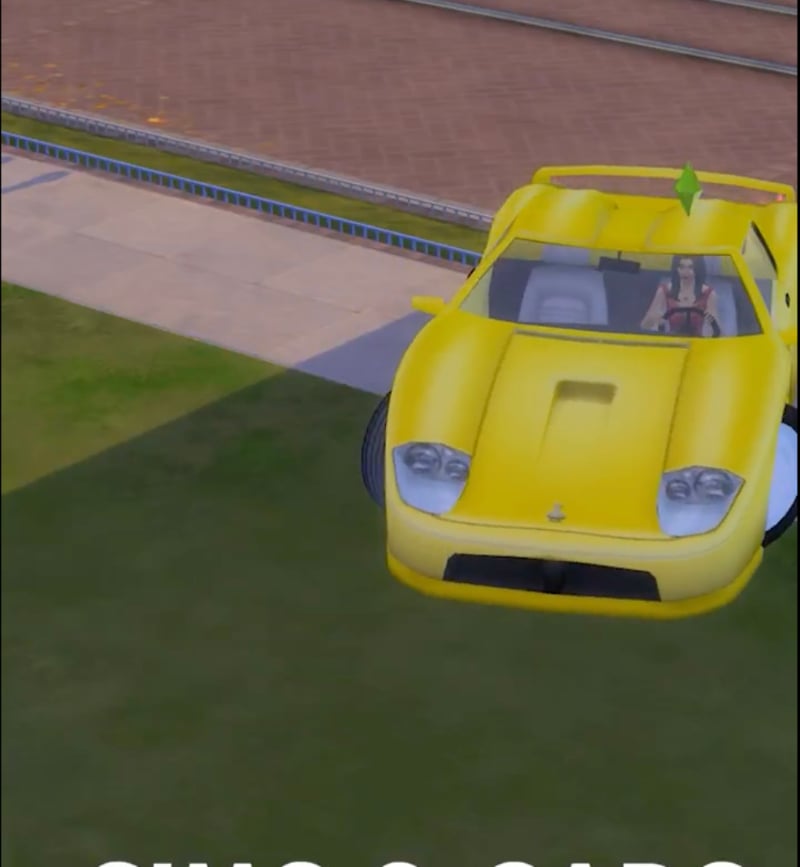
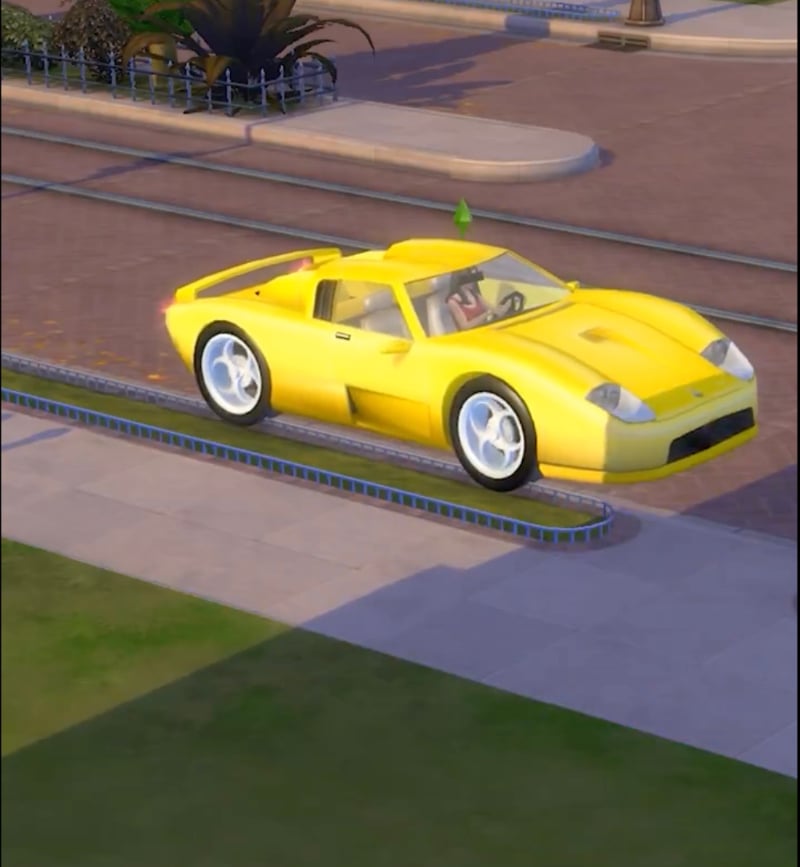
Nostalgic: The Sims 2 Car Conversion by AlexCroft93
Finally, we have a The Sims 2 car conversion for The Sims 4 by AlexCroft93 that is still a work in progress and not yet released for players. Even so, it looks incredibly promising and exactly what I want in my game.
Someone said… cars in The Sims 4? 👀 Getting closer with my Sims 2 car conversion! What do you think? 🚗
In the most recent progress update Alex has shown the car backing up into the street and sparking the travel loading screen. It might not seem like a lot, but just that small moment adds so much realism to the game. I’m tired of my sims walking off lot and disappearing and walking to other lots in other entirely different worlds. It breaks the immersion completely for me.
Seeing a sim enter their car and pull off lot is something I’ve been craving. Here’s to hoping he’s able to replicate some of the deeper gameplay cars brought into The Sims 2 as well such as car woohoo.
Pros: Adds realism to the game
Cons: Not released yet
Of the Sims 4 car mods, this one is not yet released, but you can follow Alex HERE to see updates as he progresses in its development.
What do you think? Will you be adding any of these Sims 4 car mods to your game? Do you wish cars existed in The Sims 4 like they did in The Sims 2? Do you still have hope they’re coming? Let us know in the comments below and stay tuned for more The Sims 4 Mod spotlights!
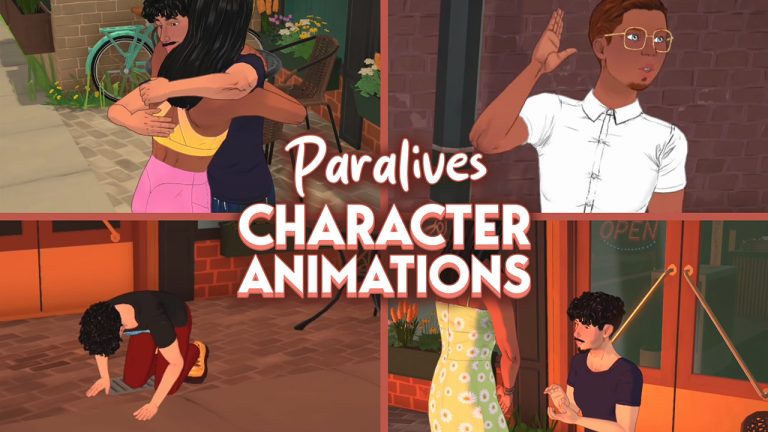
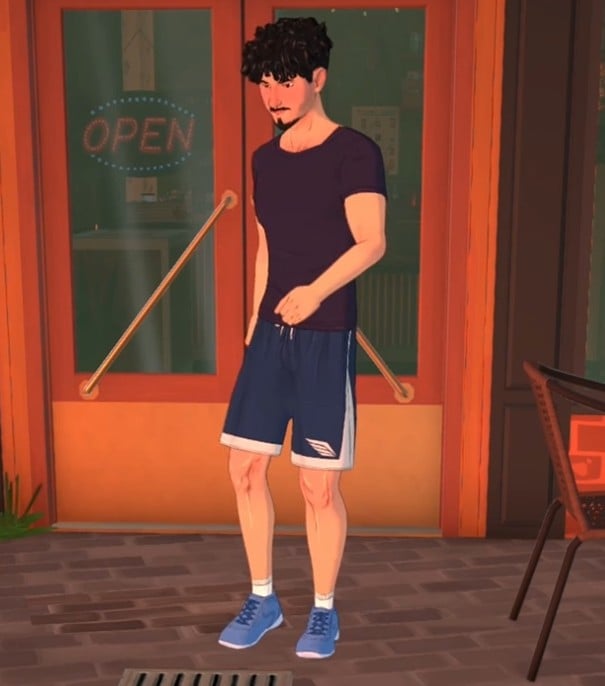
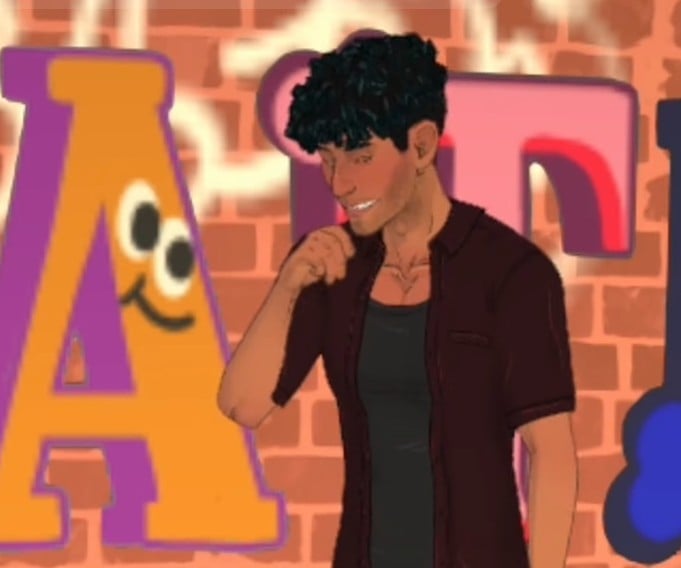
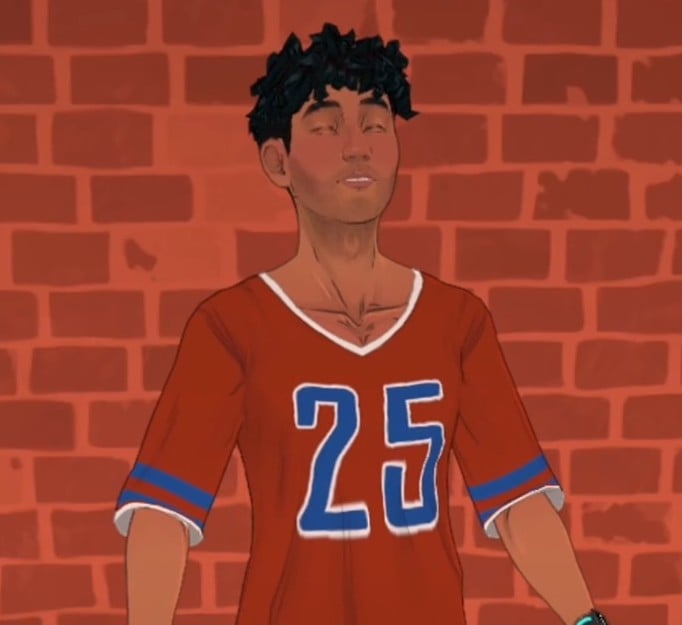
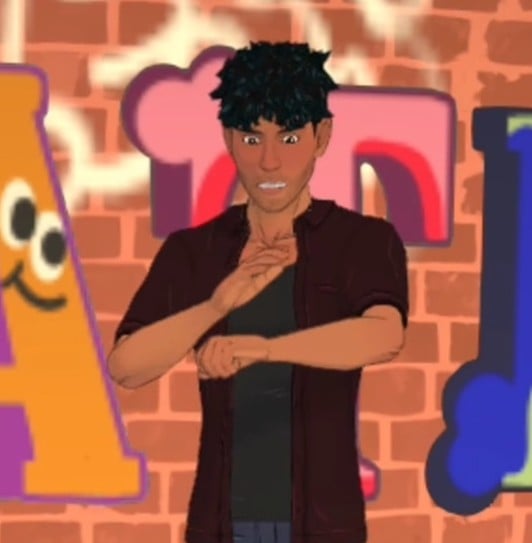
In the latest public Patreon post and YouTube video, we got a sense of how Paralives will look and sound when they react to certain situations in-game.
You can have a look at our other Paralives articles and updates here.
Paralives, Voices, and Reactions
We’ve covered lots of the latest updates from Paralives, which you can browse here.
From Storyboard To Performance
With the help of animators Alice and Lena, the team narrowed down which of the animations could pop with some custom voice-overs and compiled a long list to work on.
Using the in-game storyboard features, everything was recorded within the game itself – meaning nothing was done in a vacuum, and all recorded voices were done to match situations appropriately.
Once I had them in video, I just went one by one, recording sooooo many different takes. At first I had to do roughly around 40 takes for each animation to get it right as I wanted. Then I would choose the best 3–4 out of them, edit them and put them in the game as random variations. It was especially fun to perform all the different ranges of emotions our characters can express.
Now, let’s have a look at each of these new character situations!
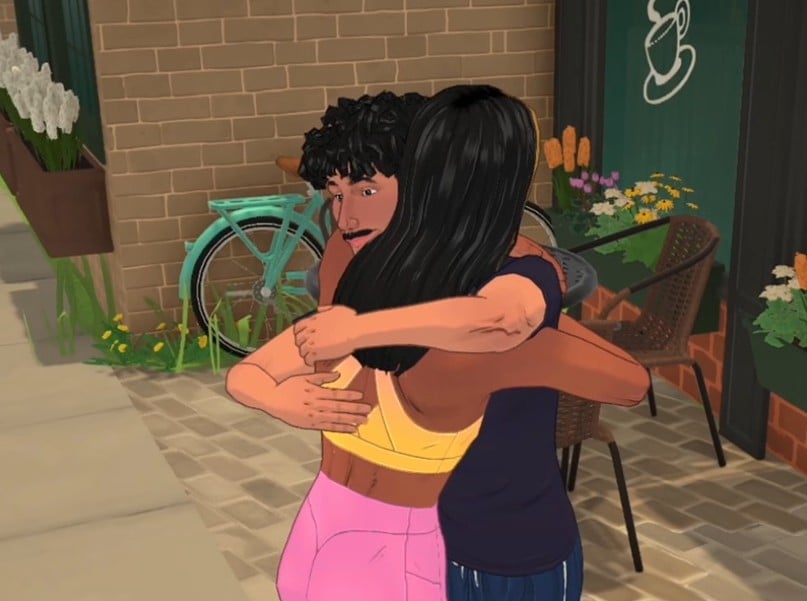
Hug
Two Parafolk hugging and one patting the other on the back.
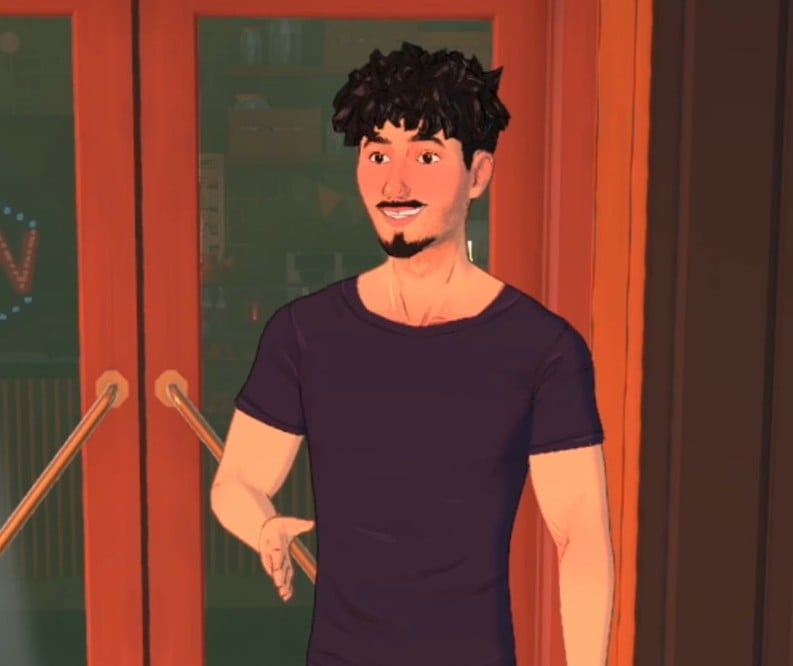
Handshake
A nice, smiling Parafolk offers a handshake.
Passionate Kiss
The video shows a Parafolk kissing and embracing the air in front of them.
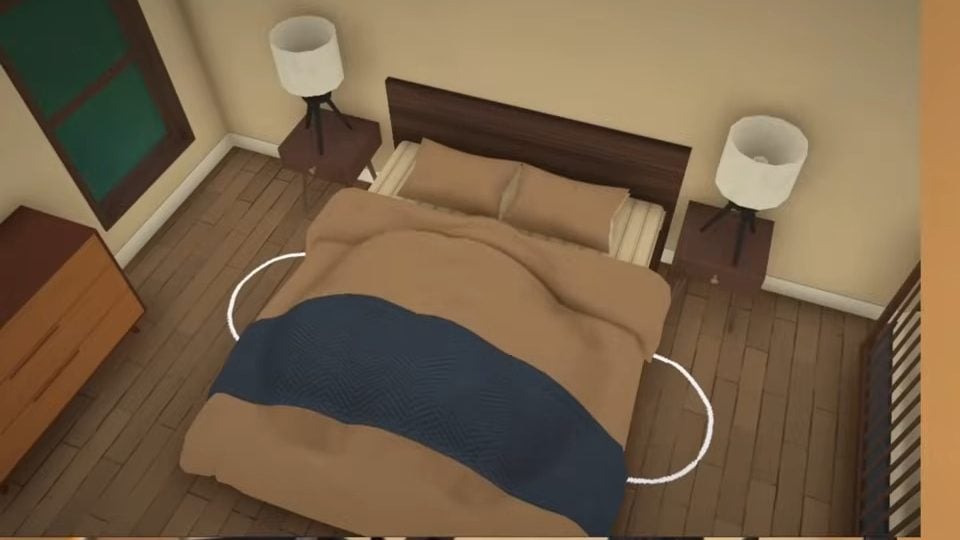
Getting Intimate
You can, erm, use your imagination for this one.
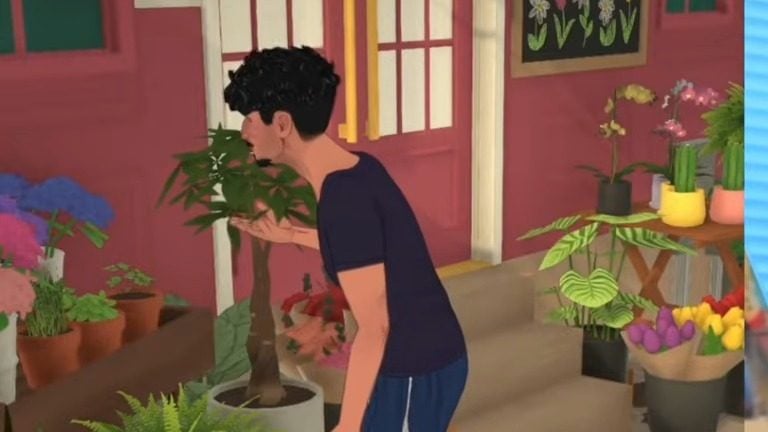
Smelling Flowers
The Para leans forward and sniffs the flowers in front of him, looking pleased.
Kissing Fail A
This shows how it will look in Paralives gameplay when your character tries to kiss someone, and they’re not receptive.
We see them do a bit of an awkward look down after they get shood.
Kissing Fail B
This time, the situation is reversed, and a Parafolk your character is not interested in tries to make a move.
The video shows the Para lean back and put their hand out, saying ‘nuh uh’.
Successful Proposal
Holding out a ring box, the Para jumps to their feet after their marriage proposal is accepted, giving their partner a hug.
Failed Proposal
After being shot down, the Parafolk close their hands/the ring box, while their partner offers a hand in comfort.
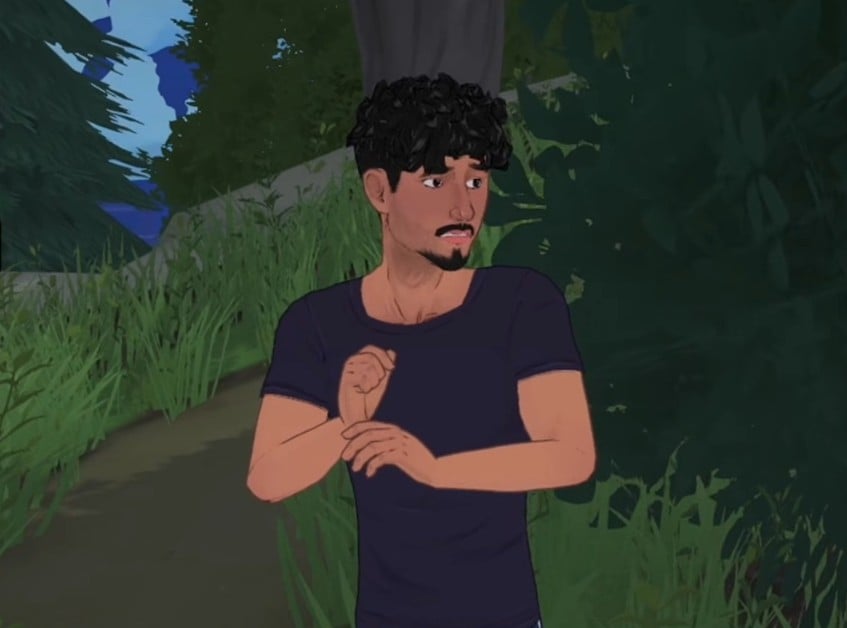
Scared Parafolk
The video shows a Para jump after receiving a scare, looking over their shoulder.
A really nice and simple animation.
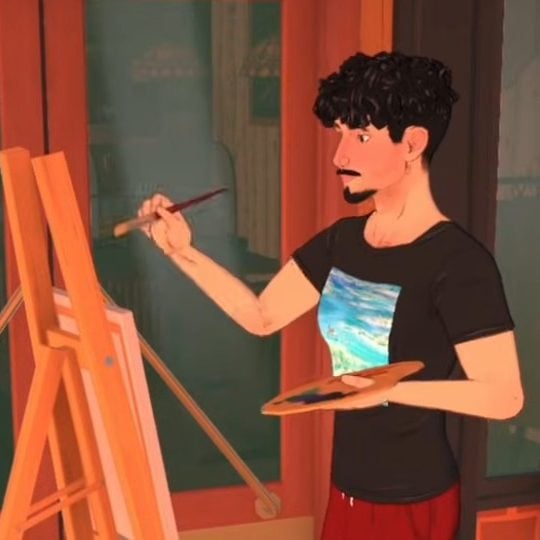
Painting On An Easel
We can know now from this video that Paralives will include the ability to paint, a life-sim staple skill.
The animation shown off has a Parafolk standing at an easel, painting strokes onto a canvas.
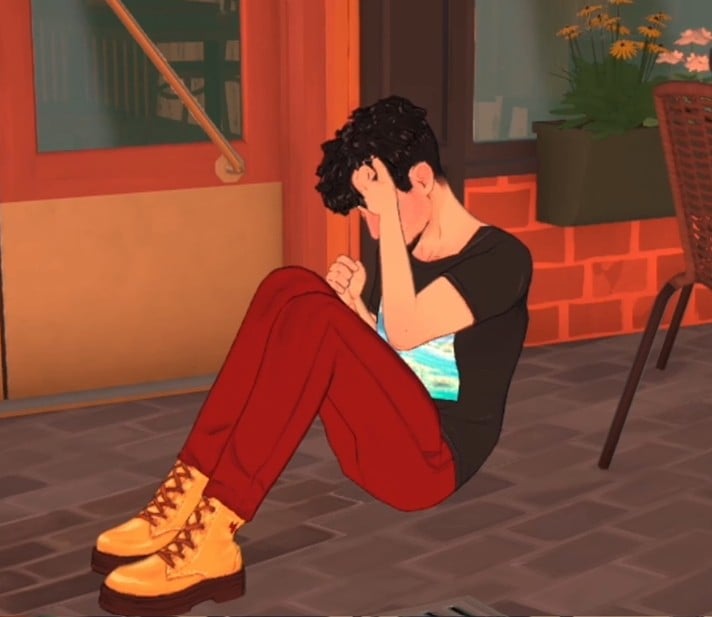
Sitting on the floor sad
Sad Parafolk will sit on the floor with their knees bent and clutching their head/face.
We have seen how this will look in previous Paralives trailers but it was showcased again in this latest video.
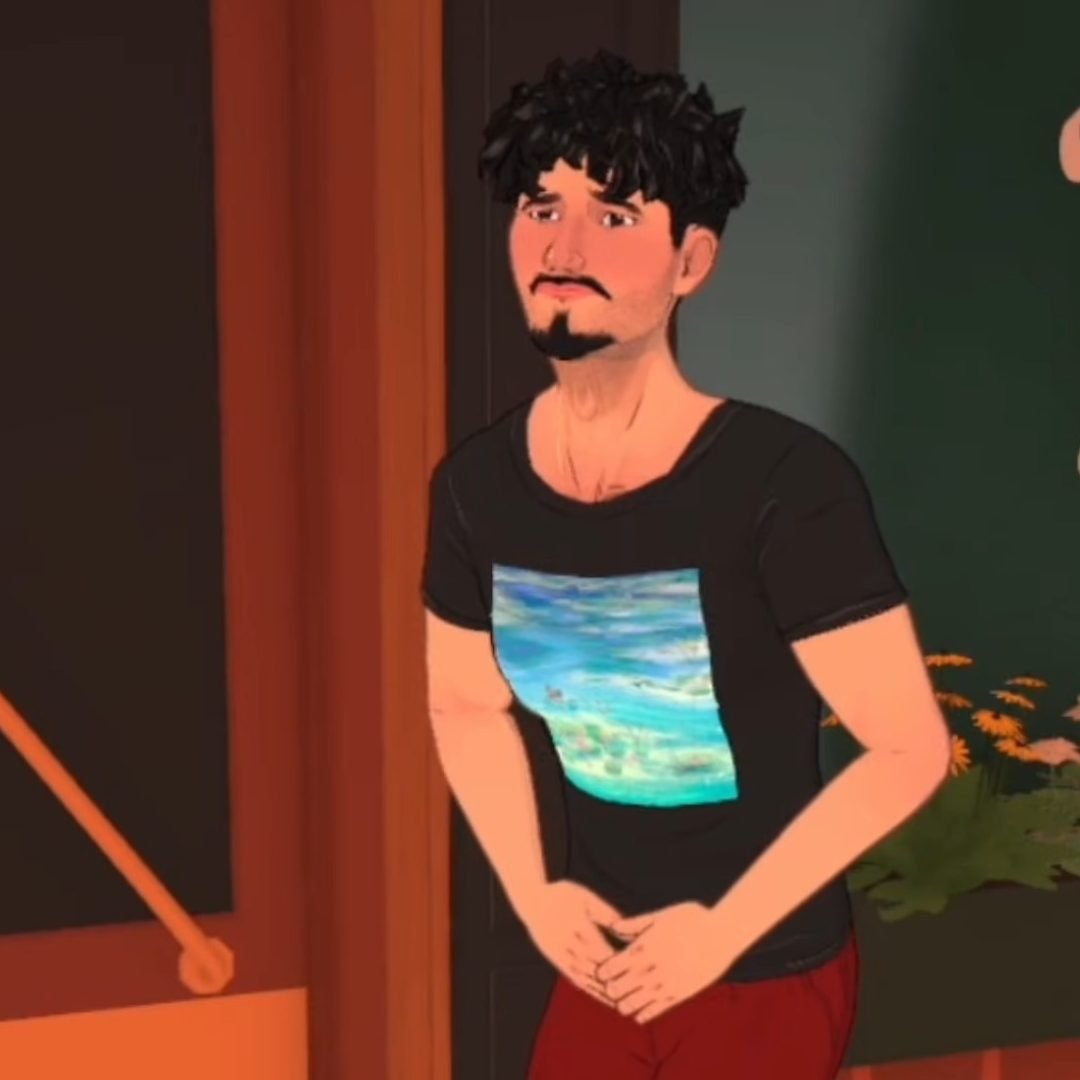
Low Bladder Need
Any Parafolk that need to use the toilet will clutch their lower torso and gently rock/bounce up and down. An easily recognisable ‘I need the bathroom’ dance.
Laughing
The video showed off a Para belly laughing, leaning forwards and slapping their knees in laughter.
Mean Conversation
Mean conversations involve lots of sassy hand waving and snarky tones of voice.
Nice Conversation
A much gentler conversation with pleasant exchanges and more subtle movements.
Yelling Conversation
You can hear frustration and anger in Parafolk voices when they’re yelling at each other, accompanied by lots of hand gestures and turning away from whoever they’re talking to.
Angry Kick
Frustrated Parafolk can kick over objects, judging from this most recent animation showcase.
Sneeze
Parafolk will cover their mouths when they sneeze, so at least they’re hygiene-conscious!
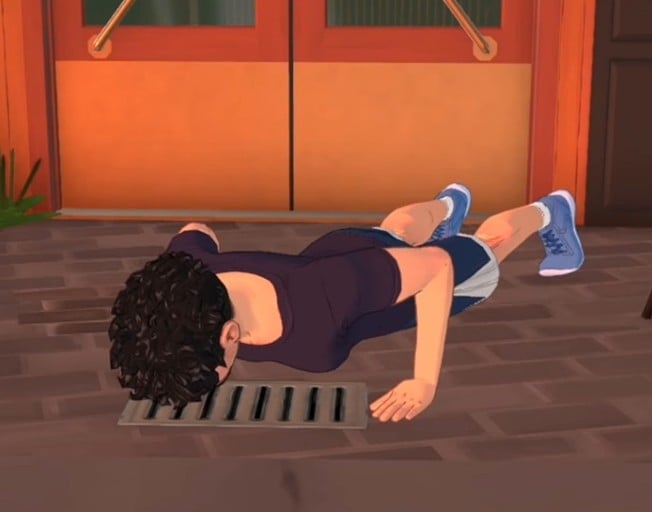
Press Up (Low Skill)
The animation for different activities and skills will improve as your Parafolk does. Because this Para has a low physical skill, they’re struggling with doing these push-ups.
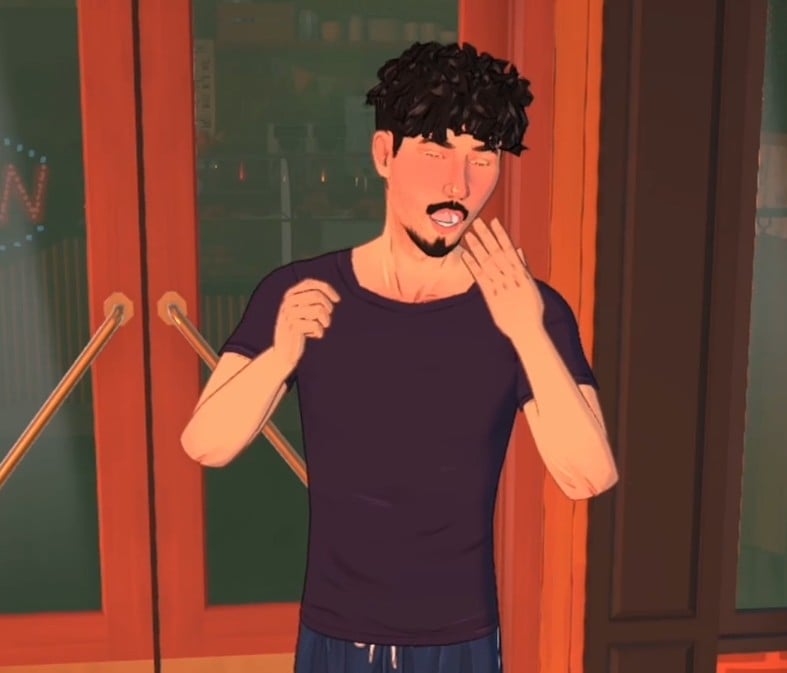
Low Sleep Need
Any Paralives characters who need sleep are going to let you know by yawning and patting their mouth/face.
Low Hygiene Need
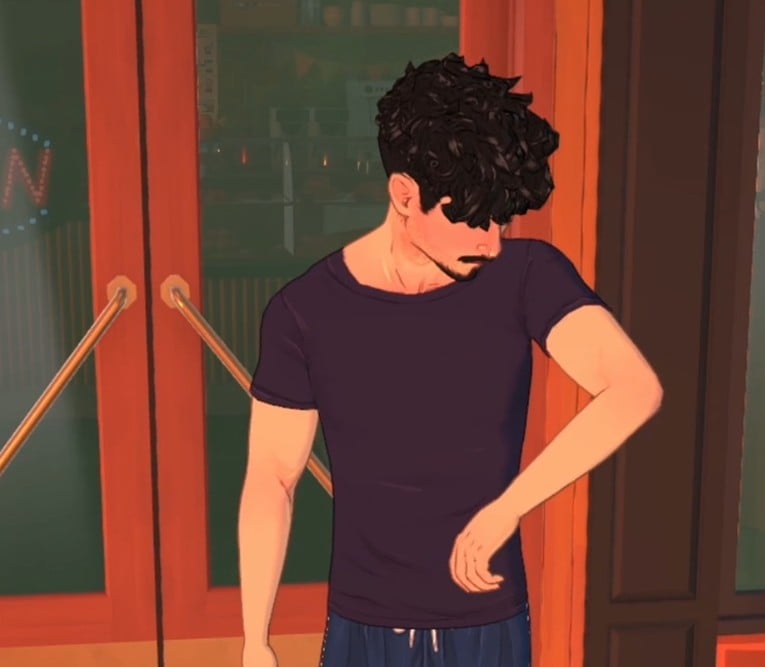
Parafolk who have a low hygiene need will sniff their armpit, before looking back up, slightly disgusted.
Calm Down in the Mirror
We will see a Parafolk take a deep breath to calm down, before having a more relaxed pose and facial expression.
Death From Fire
A Para that is dying in a fire will frantically tap the fire out on their arms and body, before perishing and falling to the floor.
Death From Hunger
A Para that is dying of hunger will slowly drop to the floor, clutching their stomach.
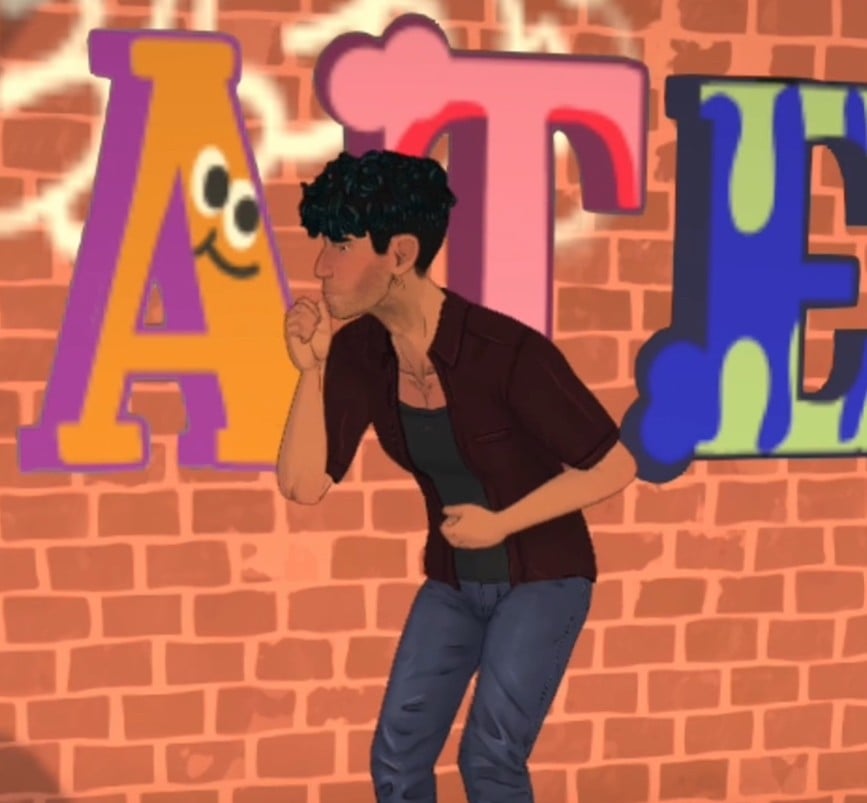
Death From Smoke
Paralives characters will also be able to die from smoke inhalation.
Any Para who is dying from smoke will double over, coughing and clutching their stomach, before falling to the floor.
All of these animations and the voice-over recording from Andrei are available to watch on the Paralives YouTube channel.
Bonus Animation: Bug Of The Week
Last night the Paralives Team surprised us with an extra animation of an animation bug they’ve encountered while working on the game. Check it out below:
These new Paralives character situations and animation reveals have us counting down the days to the release of early access!
What do you think about these animations and the development updates for Paralives, and what other animations would you want to see from the team? Let us know below.
The Final Week Of The Lost Legacies Event Has Begun! Here’s How To Complete All Quests & Earn All The Rewards.
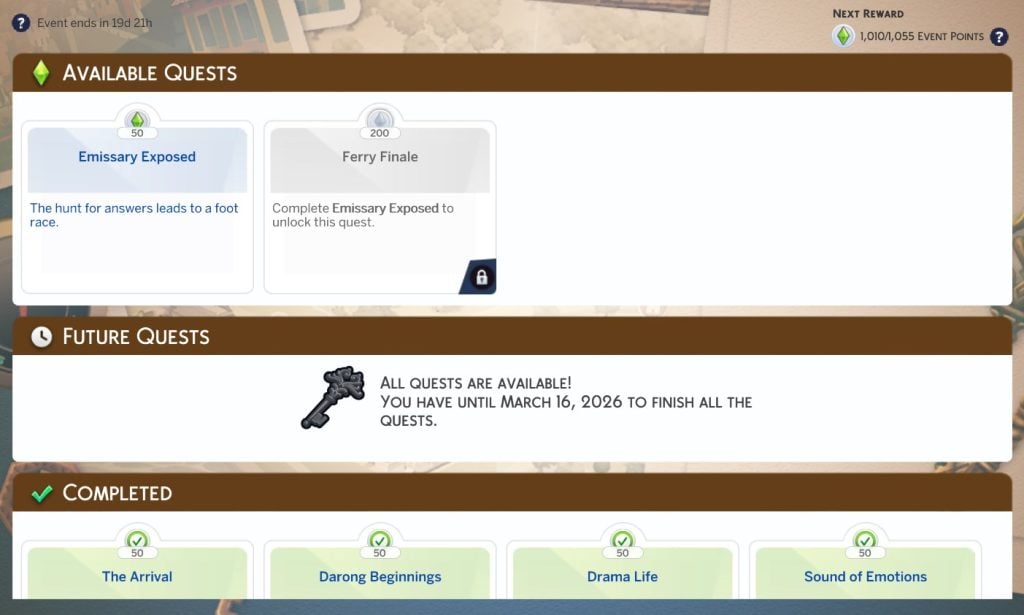
Welcome to The Sims 4 Lost Legacies Event Week 4, AKA the final week of quests! Make sure to check out our previous guide for week 3 if you haven’t completed it yet, before jumping into the final set of quests. Players have until March 16th 2026 (subject to extension) to complete all quests and claim all the rewards before they are gone for good. Let’s dive straight in and see how to unlock all of the rewards in The Sims 4 Lost Legacies Week 4!
Table of Contents
The Sims 4 Lost Legacies Event Week 4 Introduction
Another week, another Ondarion family to research and uncover their mysteries. This week, we will be wrapping up the mysteries we’ve been attempting to unravel over the past 4 weeks, and finally learn who the Envoy truly is!. You can check out the new quests and this week’s rewards either by selecting ‘Event’ on the main menu, or by clicking the Event icon in the top-left corner of the screen in Live Mode!
‘Emissary Exposed’ Quest Steps
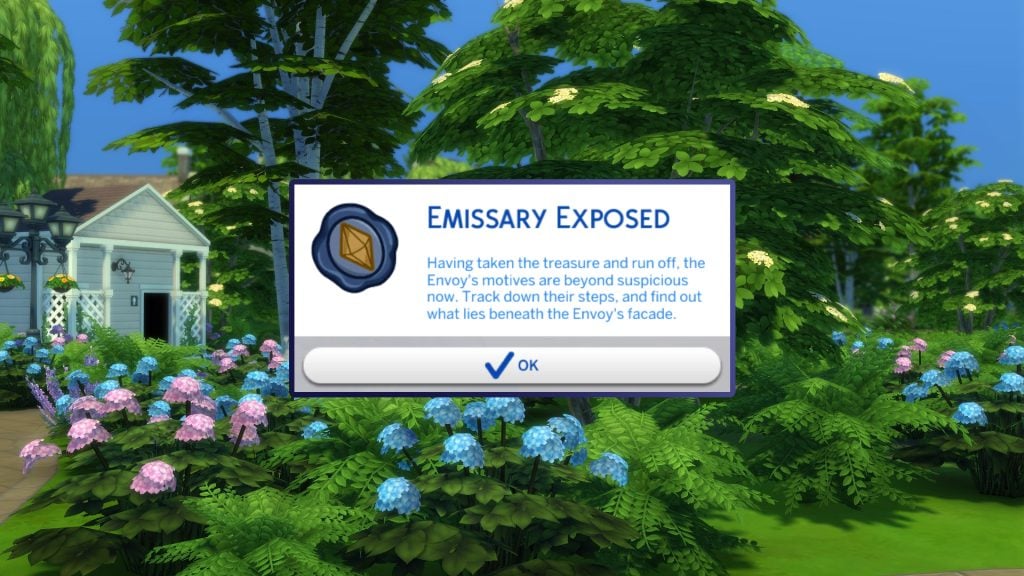
Having taken the treasure and run off, the Envoy’s motives are beyond suspicious now. Track down their steps, and find out what lies beneath the Envoy’s facade
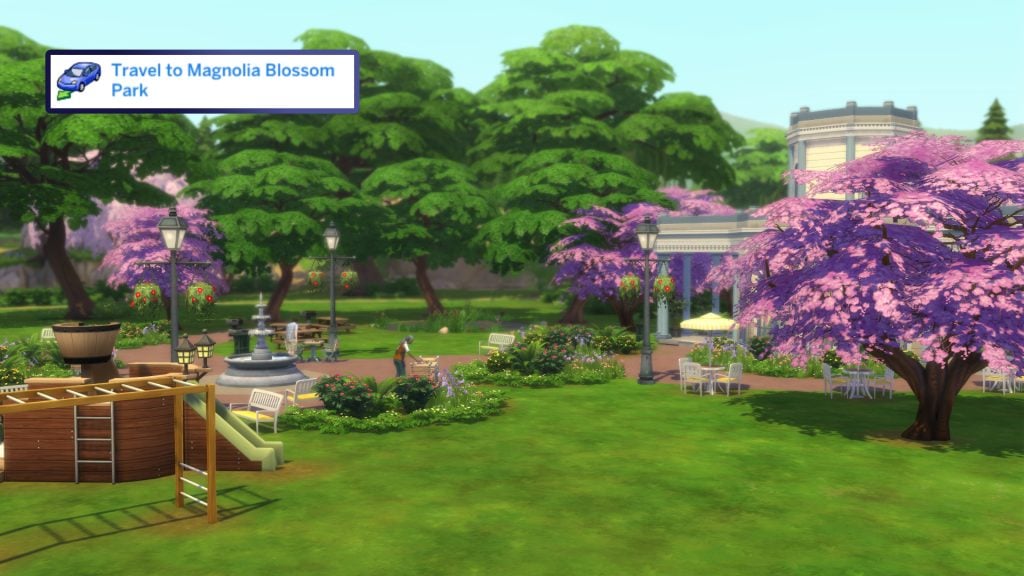
As with the start of every week, the quest pop-up may take a few moments in Live Mode to show up, but once it does, hit ‘OK’, and you will be given the first task. It seems as though we’re on the move again, and this time we’re heading back to the sight of the intellectual showdown from last week, that being Magnolia Blossom Park. Head to the world map by hitting ‘M’ (PC & Mac) or selecting the phone, and choosing ‘Travel’
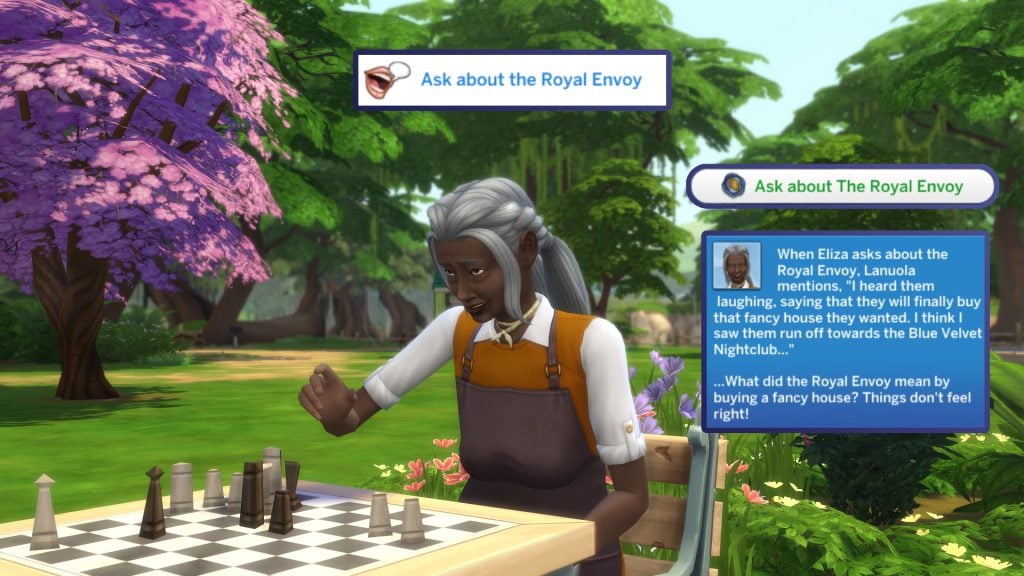
Once you arrive, two more goals will be added to the Event UI in the top left of the screen. The first is to ‘Ask About the Royal Envoy’. To complete this, find any Sim in the park, introduce yourself if your Sim has not met them yet, and once introduced, select ‘Ask About the Royal Envoy’ which will appear on the first page of the pie menu. Their response raises even more suspicions!
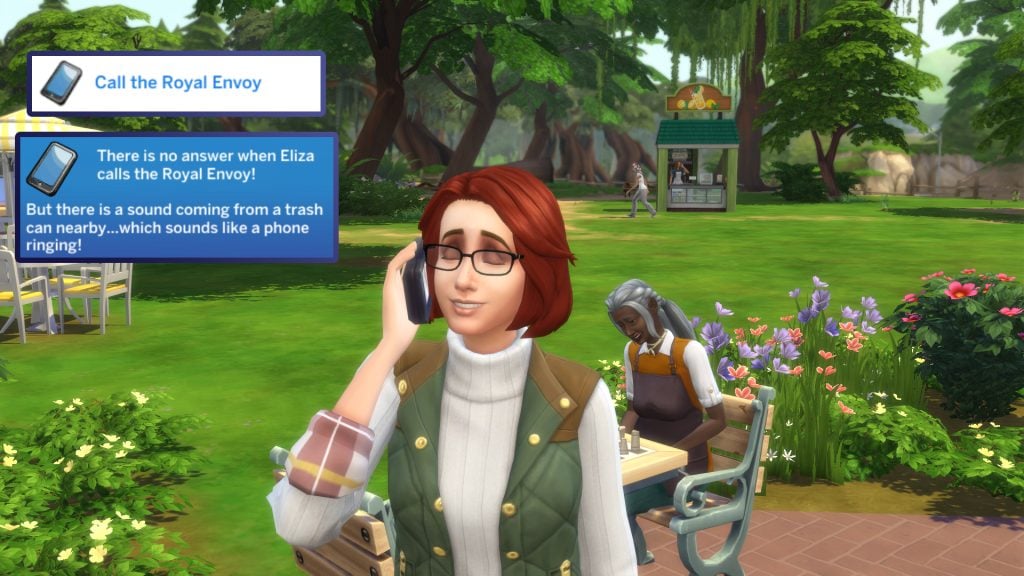
Our second task at the Park is to ‘Call the Royal Envoy’. Select the phone icon in the UI, go to the social tab, select ‘Chat with’, and find ‘Marina Corsair’, also known to us as the Royal Envoy. There’s no answer, but there is a ringing coming from nearby.
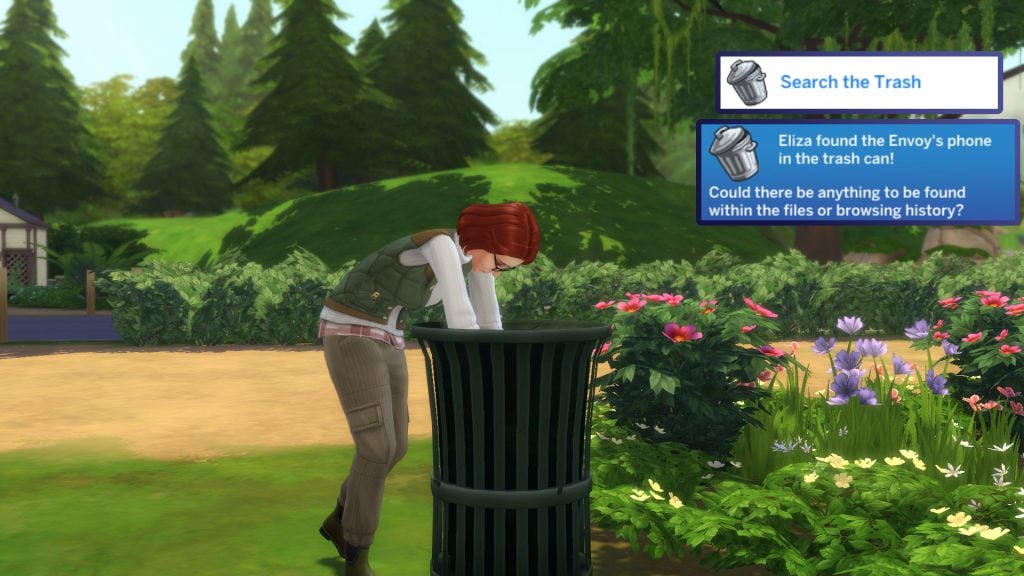
The next step is to ‘Search the Trash’ (ew!). Head to any trash can in the Park, and select ‘Search for Phone’, and your Sim will begin rummaging. It seems the envoy has misplaced her phone…
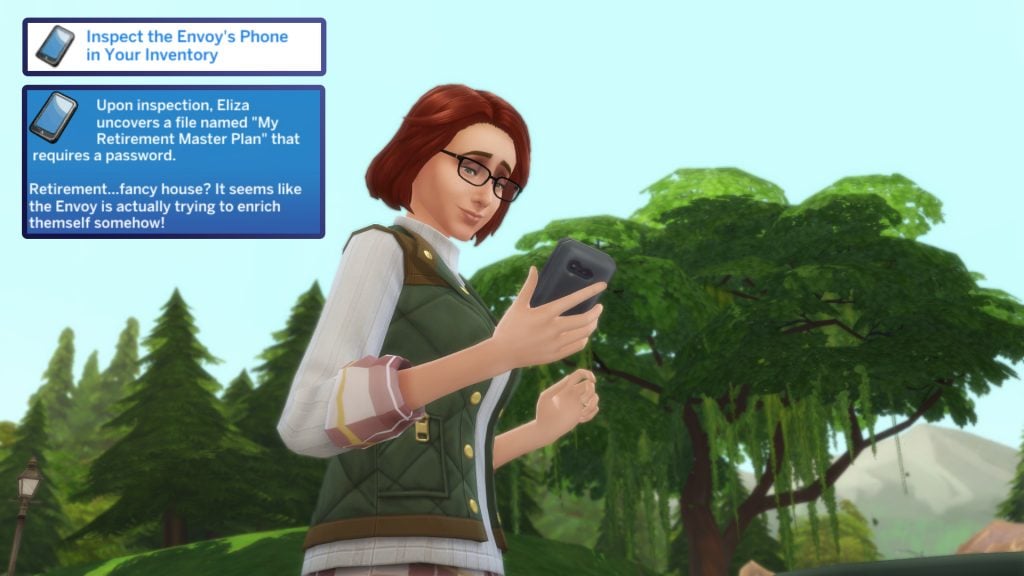
With the Envoy’s phone now added to our Sims inventory, it’s time to start snooping! Open your Sims’ inventory, select the phone, and choose ‘Investigate Envoy’s Phone’. It seems as though the Envoy is trying to get rich quickly and retire early.
That’s enough time spent snooping at the Park. It’s time to head home. Select the house icon under your Sims’ portrait, or travel home via the map.
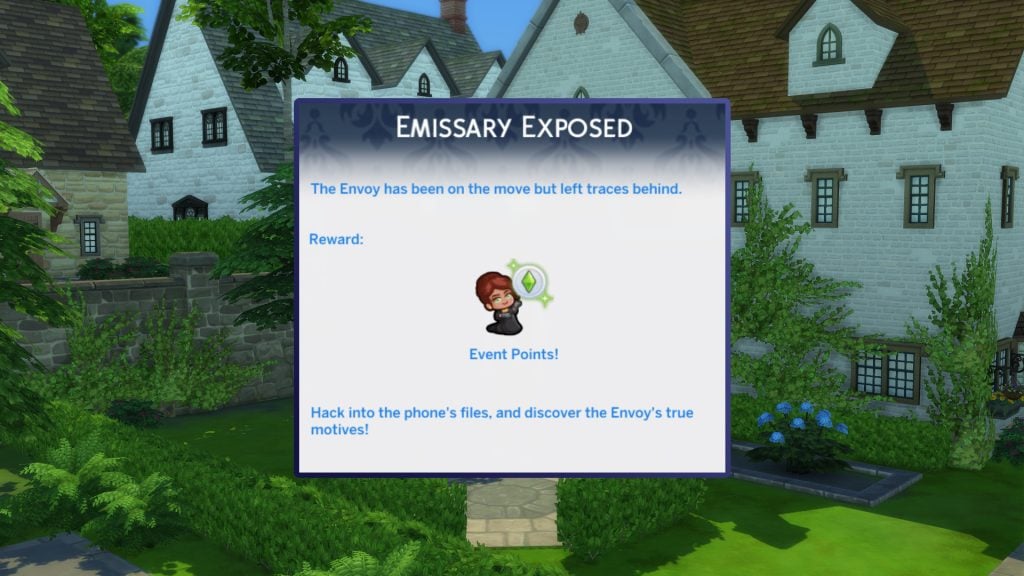
The Envoy has been on the move but left traces behind.
‘Ferry Finale’ Quest Steps
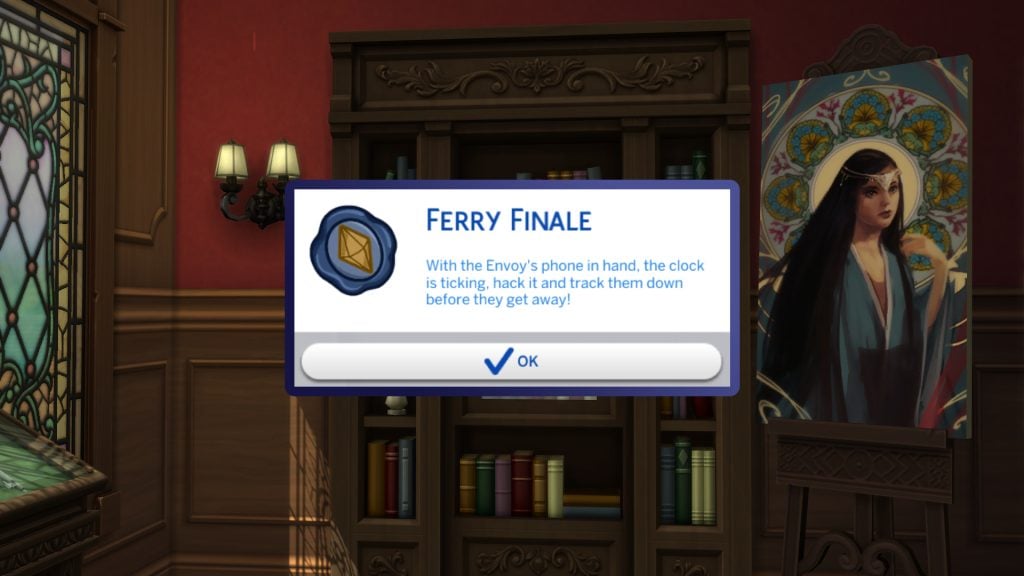
With the Envoy’s phone in hand, the clock is ticking, hack it and track them down before they get away!
We need to stop the Envoy before she gets away! Now that our Sim is back home, it’s time to track the Envoy down one final time.
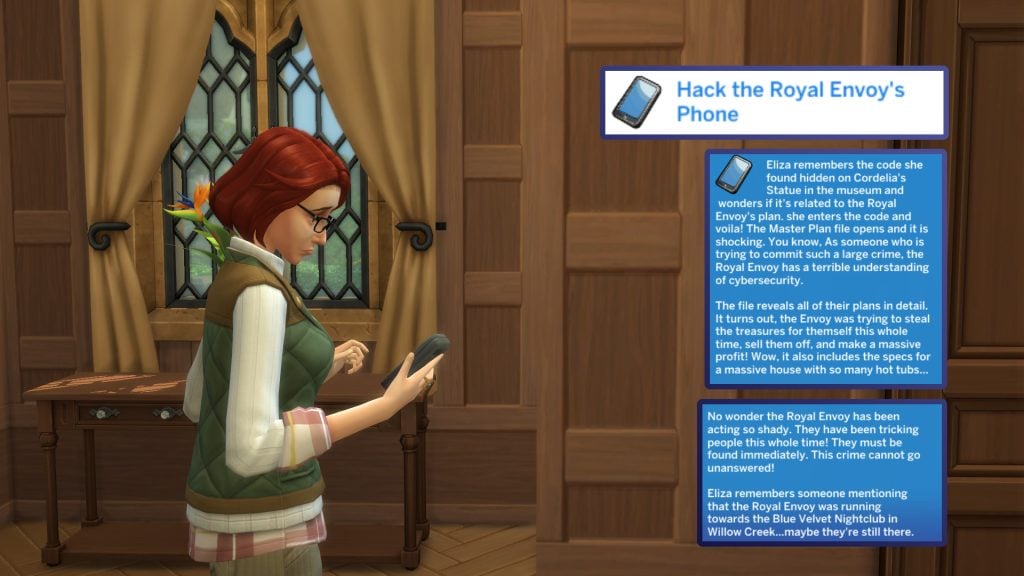
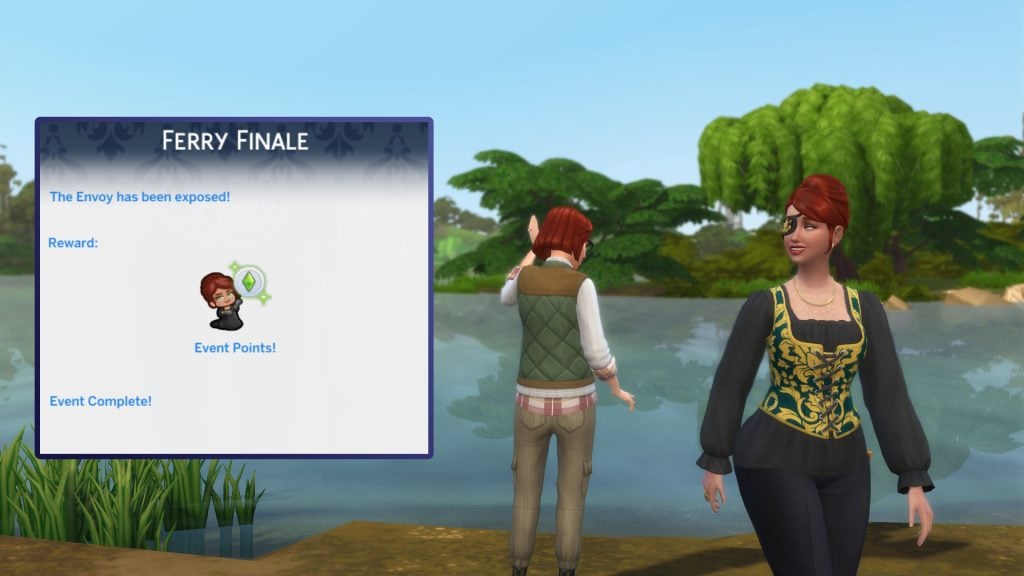
To hack the phone, select it in your Sims’ inventory (a replacement phone can be found by rummaging through the trash again), and select ‘Hack the Secret File’! The Secret File reveals that the Envoy is trying to steal the royal treasures to pawn them off for profit! Perhaps we can find her at the Blue Velvet Nightclub?
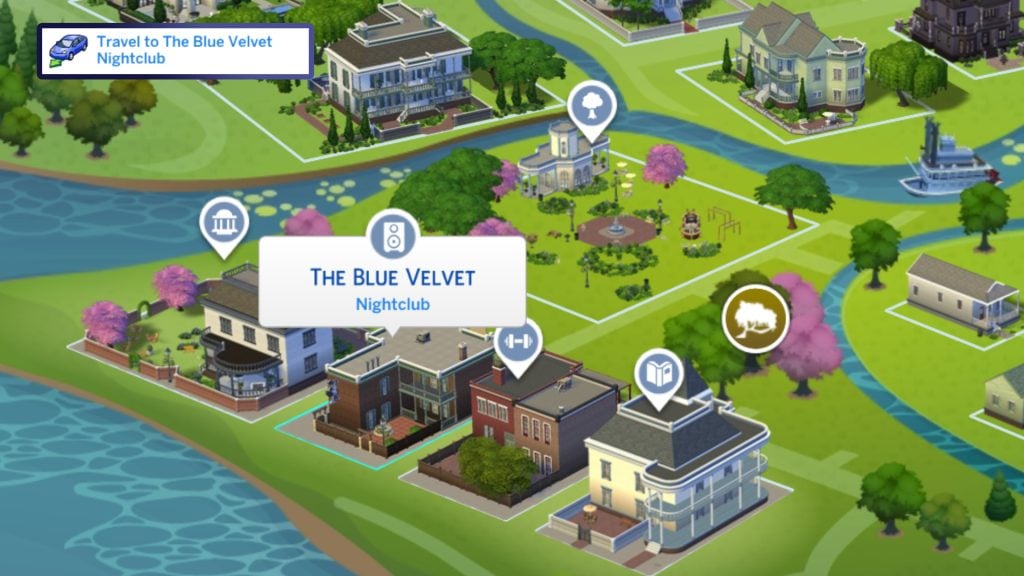
And the Blue Velvet Nightclub is where we are tasked with going next! Travel to the map view either through the phone or the map shortcut, and select ‘The Blue Velvet’ in the crawdad quarter of Willow Creek.
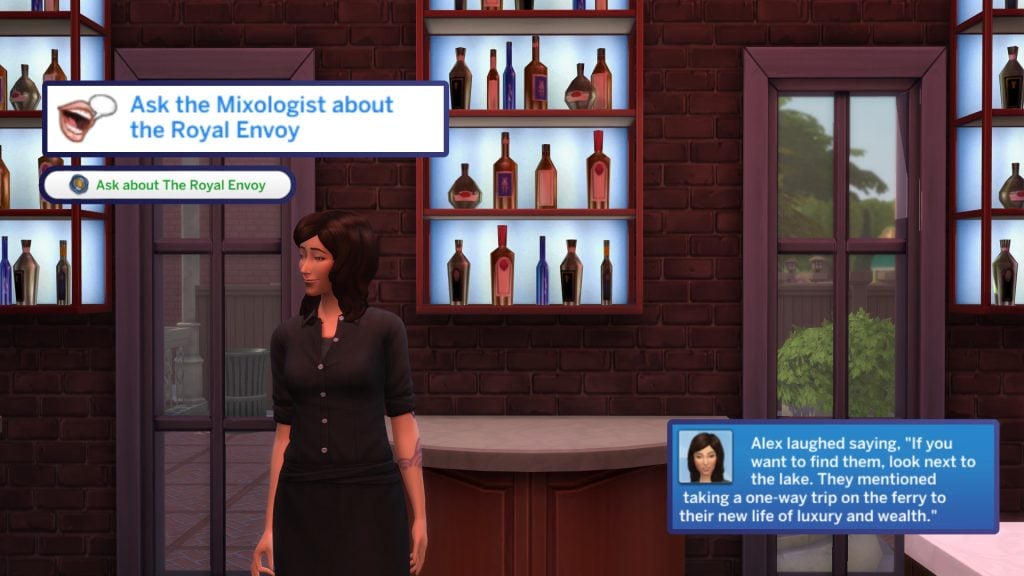
Upon arrival, your Sim needs to ask the bartender about the Royal Envoy. Select the Mixologist (usually by the bar) and choose ‘Ask about The Royal Envoy’, and they will tell you that she can be found by the lake, waiting for a ferry, no doubt her escape plan all along.
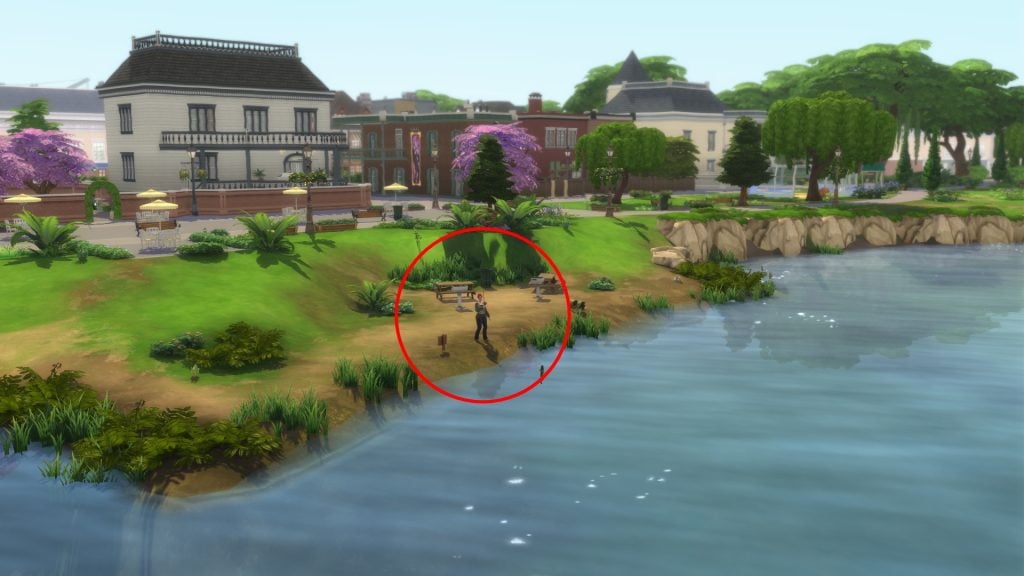
To find the envoy, head out back behind the nightclub and search the shore for the Envoy. She should appear at one of the fishing spots next to the water.
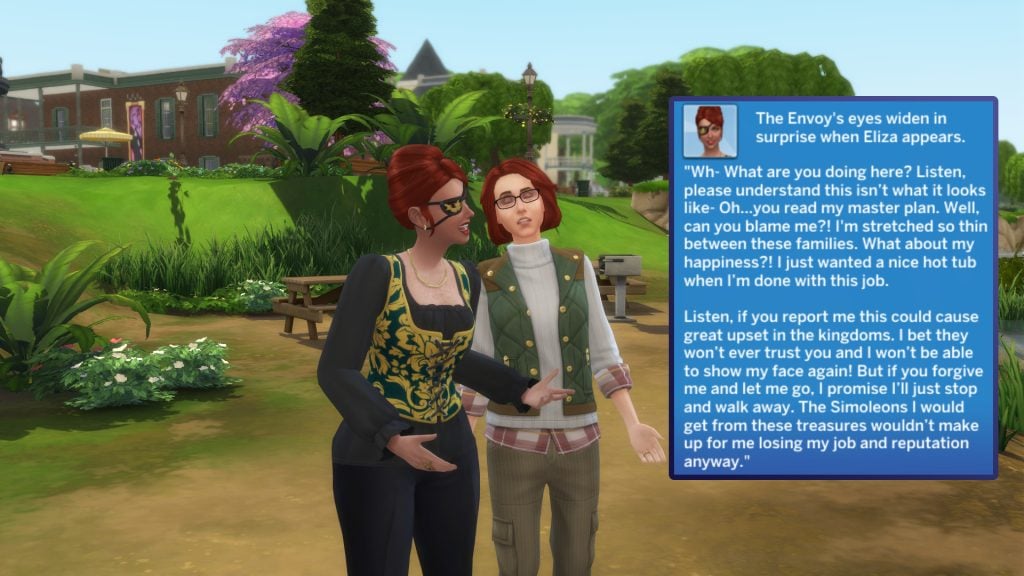
Our task now is to ‘Surprise the Royal Envoy’. To do so, select the Envoy and choose ‘ Surprise!’. The Royal Envoy doesn’t appear happy to see us, but she explains that she is stretched so thin with her job that she just needs to escape from it all.
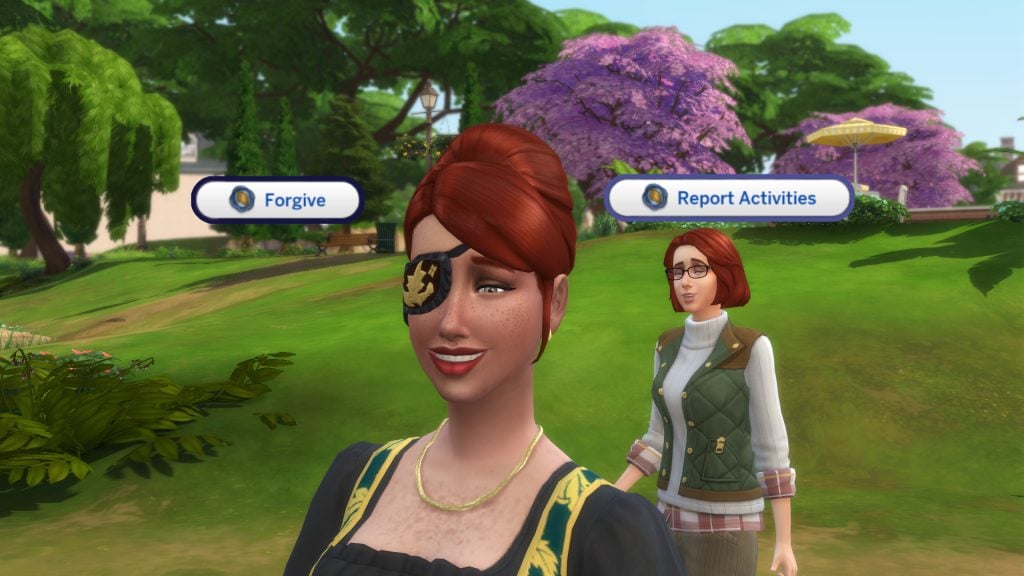
Now we are given a choice: either surprise the Envoy, or forgive her entirely! For this guide, I will be choosing to forgive her, what with all that work she does for multiple different families! Select Marina and choose ‘Forgive’ to forgive her for everything, or ‘Report Activities’ to dob her in!
And that is it for The Sims 4 Lost Legacies Event week 4, and the end of the entire live event. Make sure to claim your rewards with your event points, as you watch the Envoy travel off into the sunset.
The Sims 4 Lost Legacies Event Week 4 Rewards
For The Sims 4 Lost Legacies Event week 4, there are a total of 9 rewards up for grabs with your newly earned points. Let’s take a look!
Potions
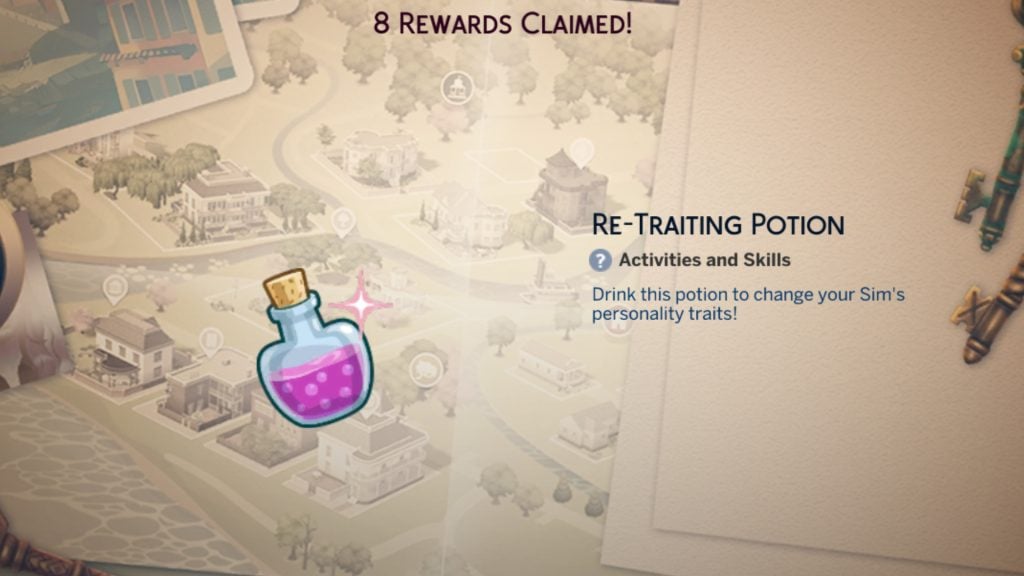
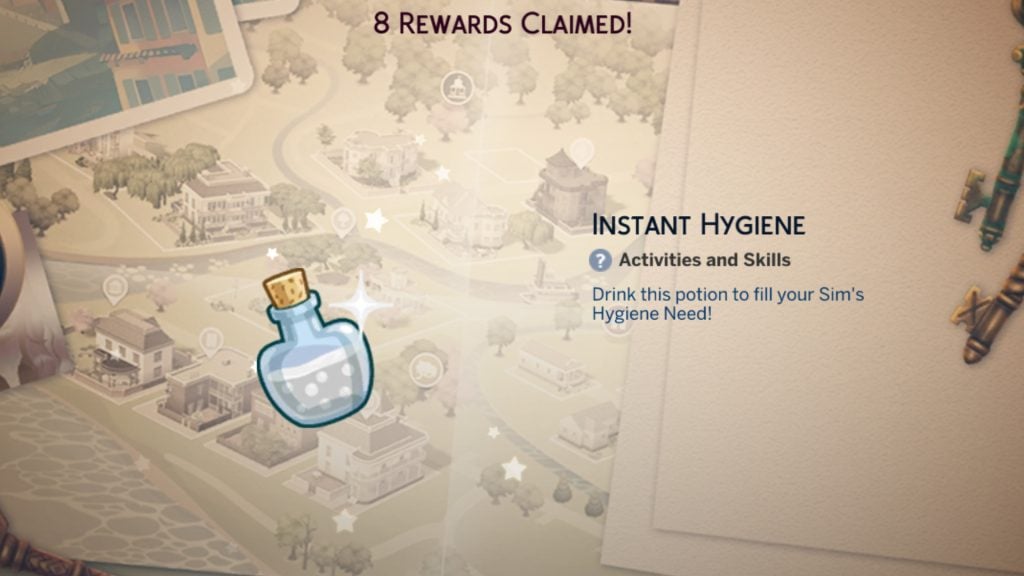
Both the Re-traiting Potion and Instant Hygiene Potion will be added to your Sims inventories once claimed. The Re-traiting potion allows you to pick new traits for your Sim at any time. The Instant Hygiene potion instantly fills your Sims’ hygiene needs without having to bathe or shower. More potions can be purchased in the rewards store with satisfaction points.
Simoleons
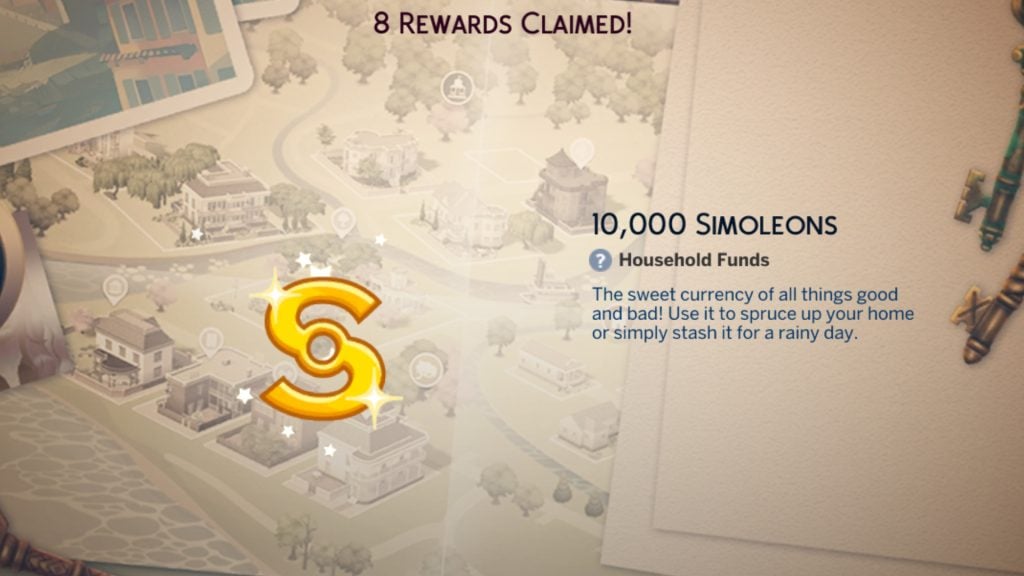
Once claimed, the active household will be given a lump sum of §10,000 simoleons straight into their household funds!
Satisfaction Points
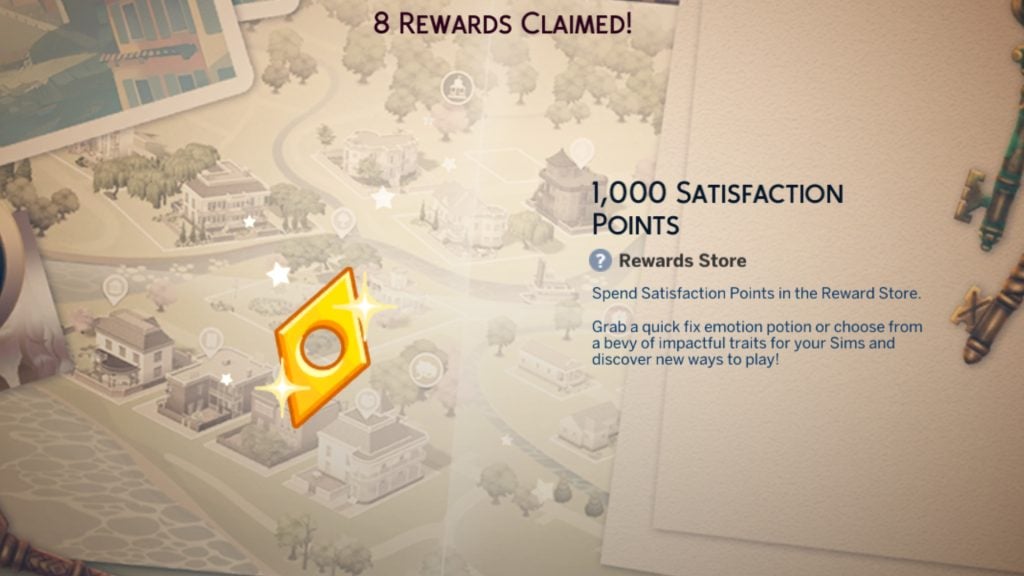
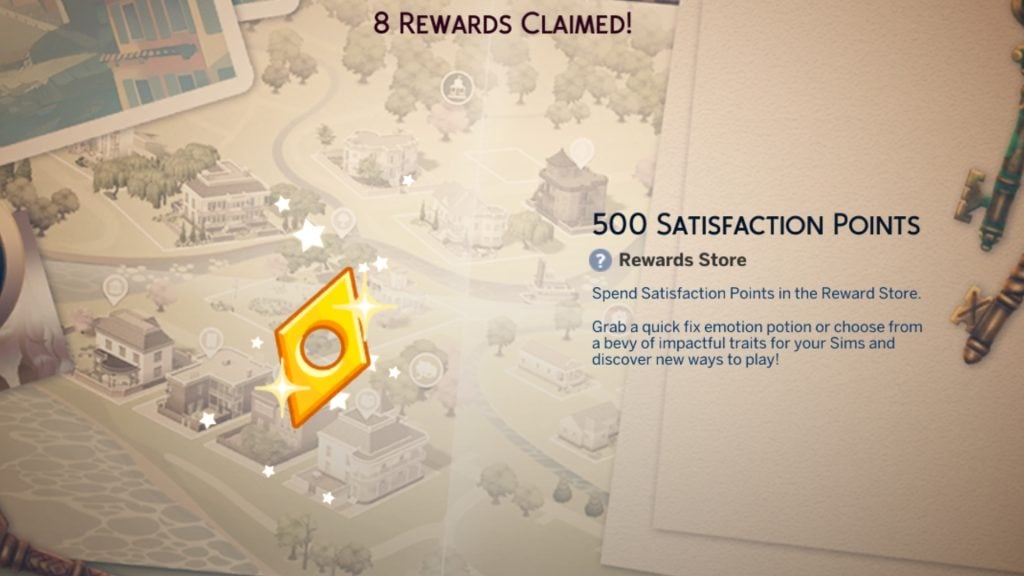
A total of 1,500 Satisfaction points will be added to your active Sim once claimed, and they can be spent on potions, exclusive traits, and buffs in the rewards store found in the Aspiration UI panel.
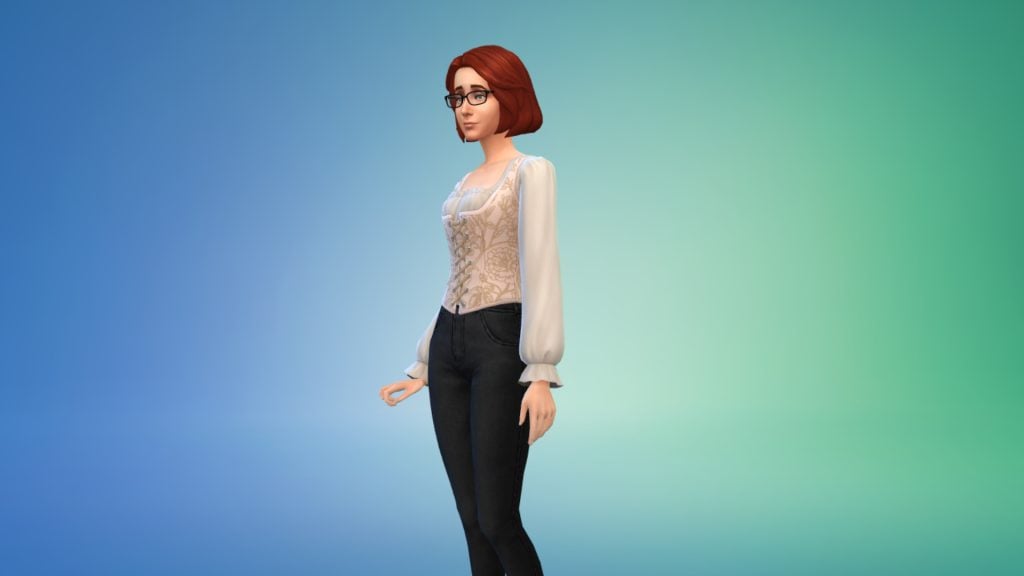
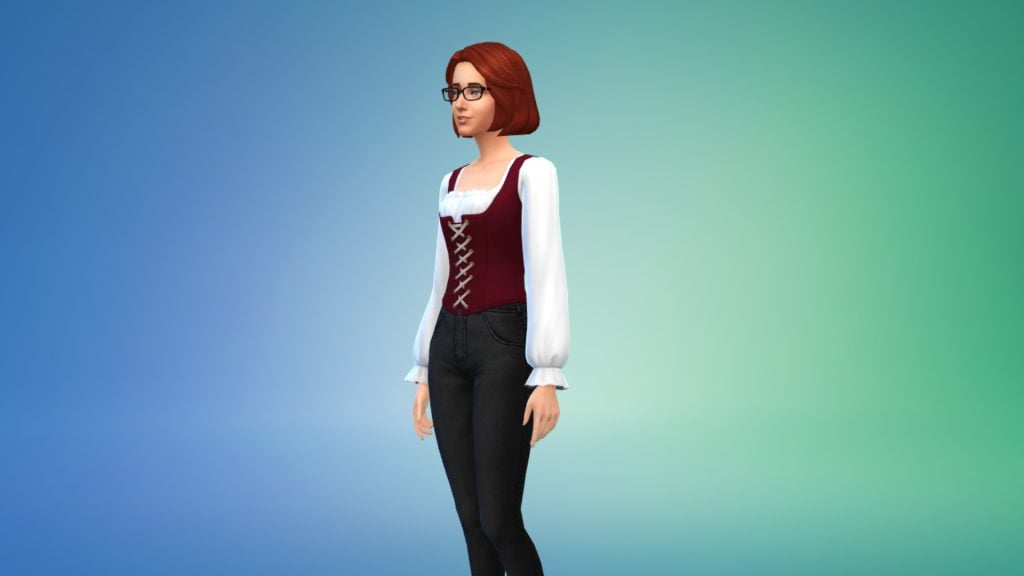
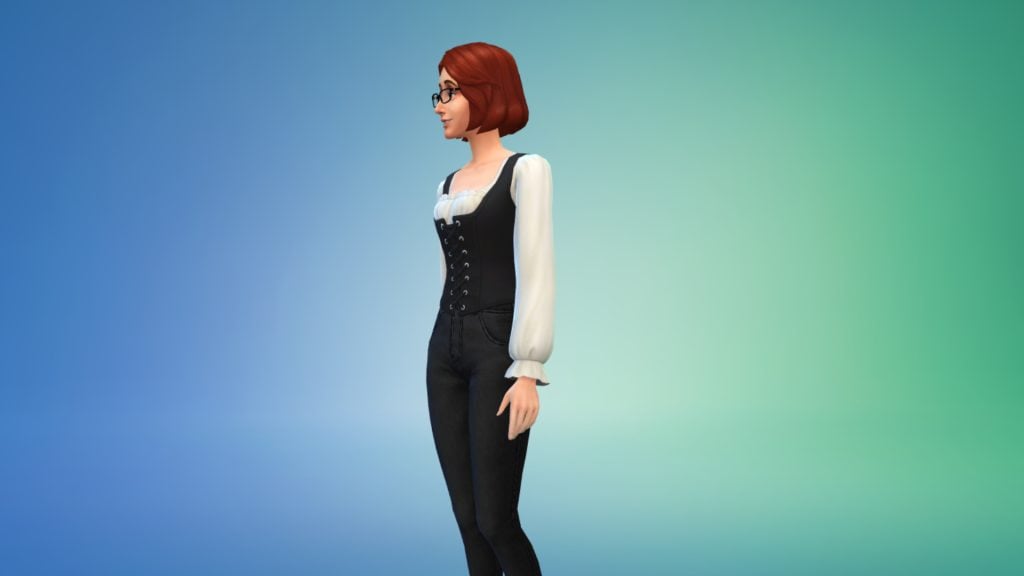
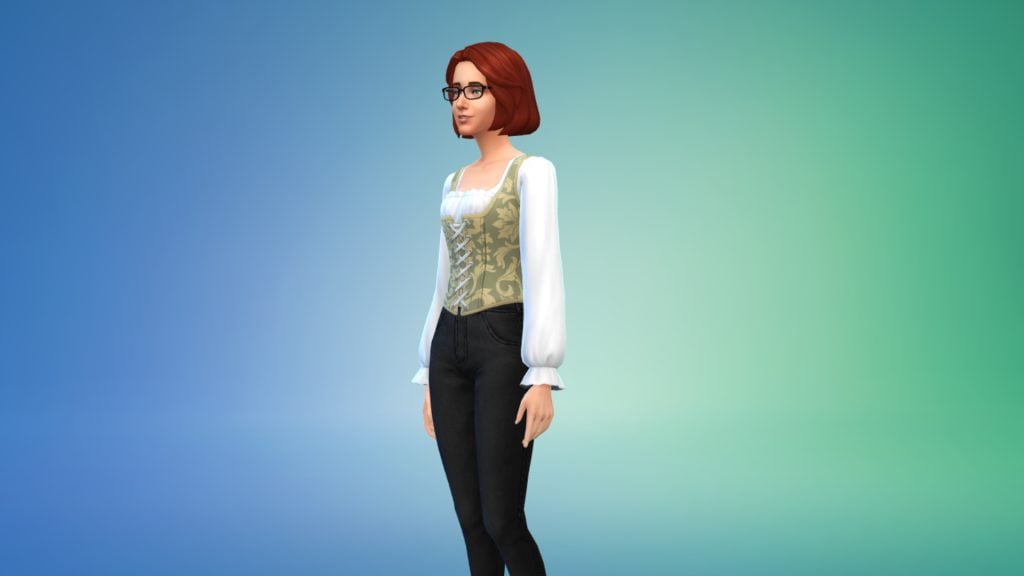
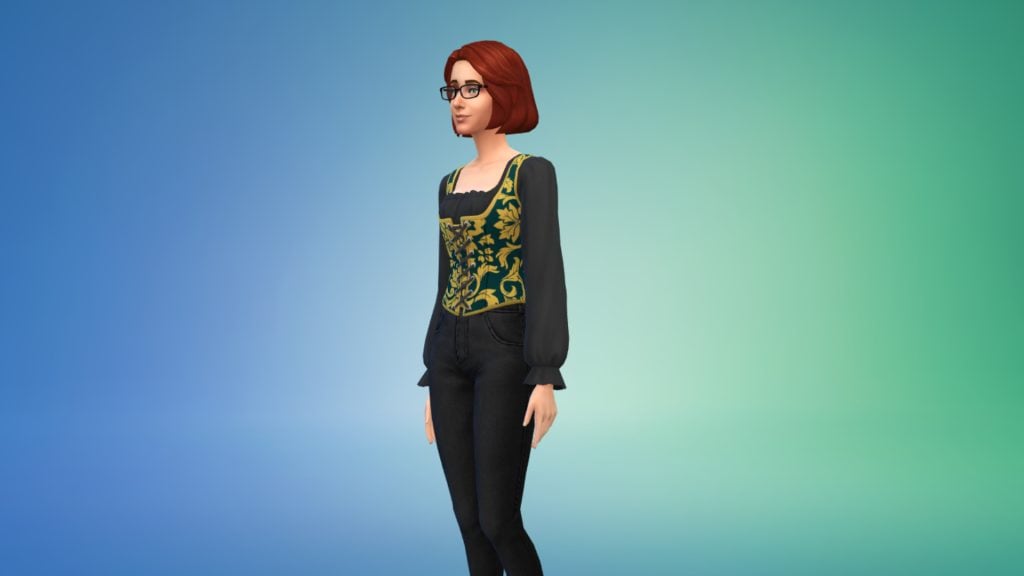
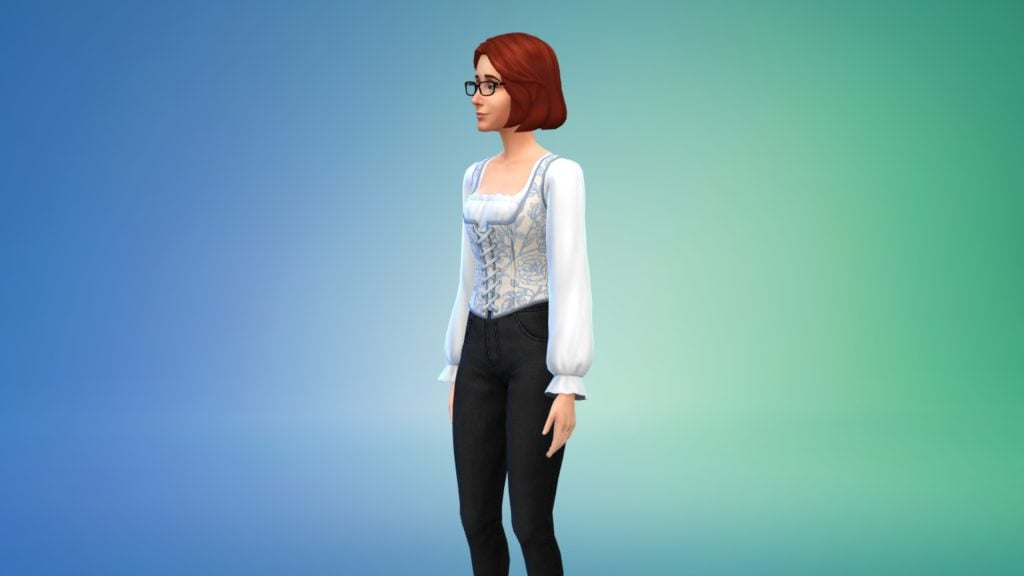
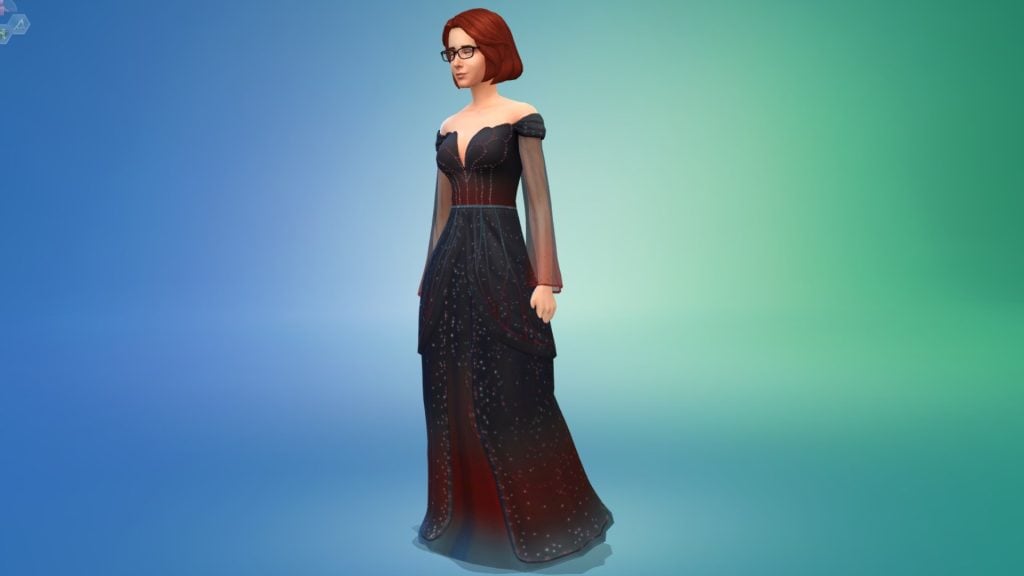
Ladies’ Front Lacing Corset
This new corset can be found in the Tops category of Create-A-Sim for the feminine frame. It comes in a total of 6 swatches.
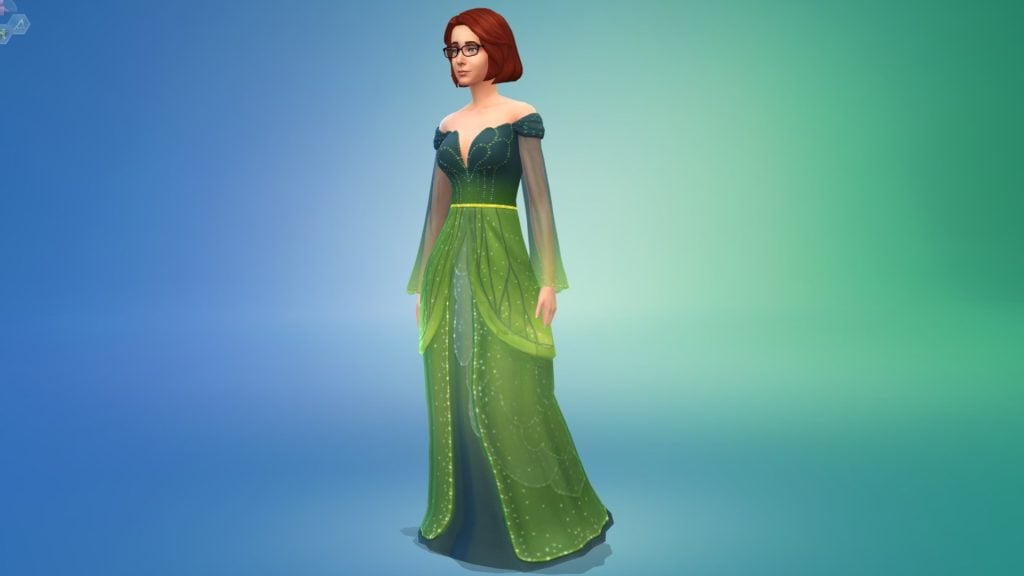
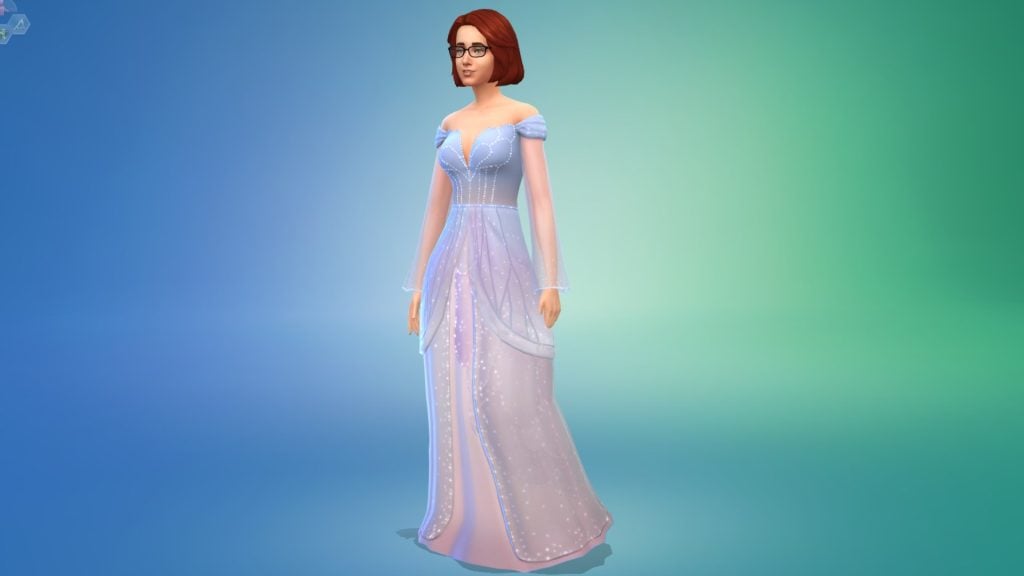
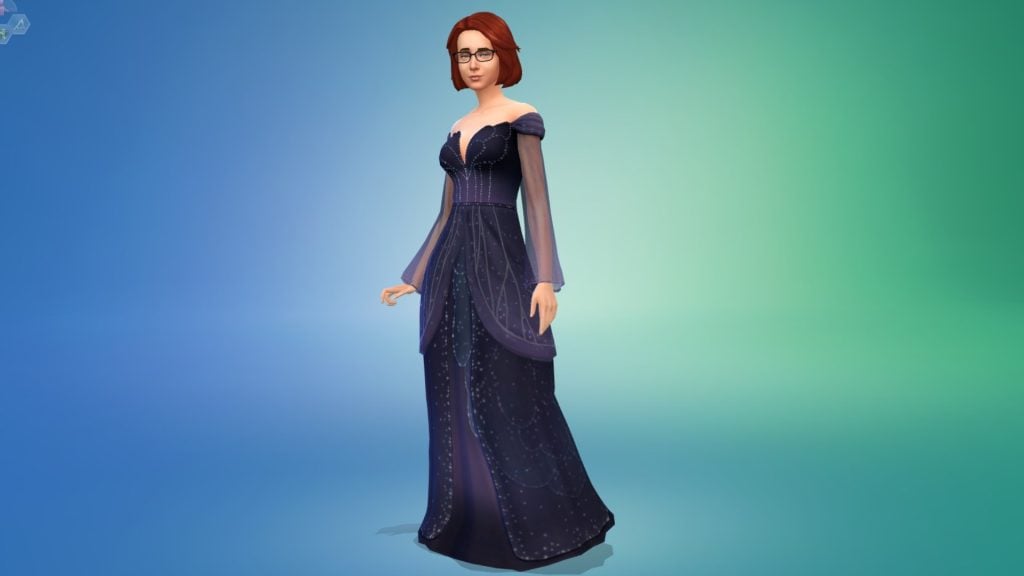
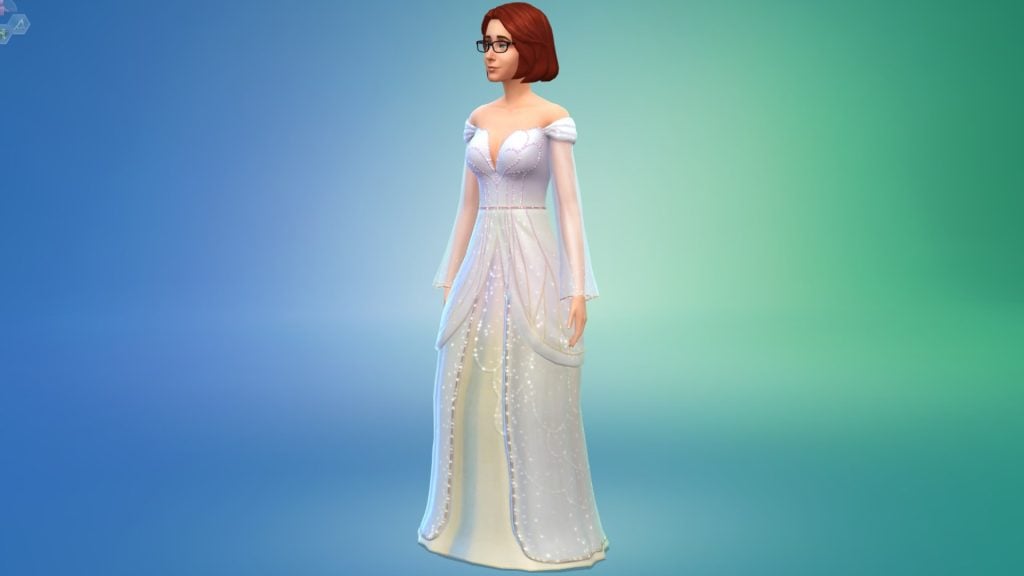
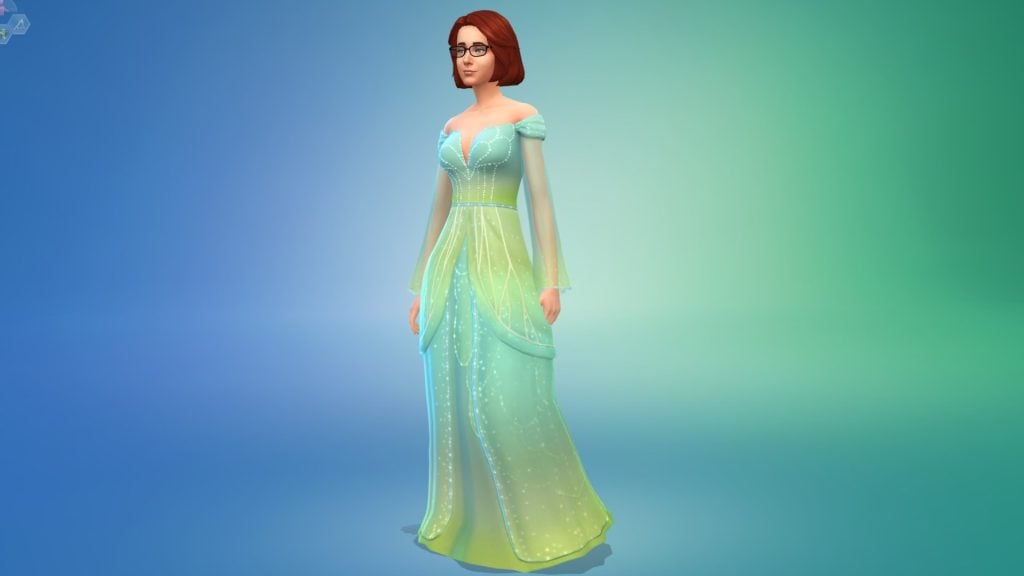
Glittering Fairy Princess Gown (Enchanted by Nature)
This gown can only be accessed by players who own The Sims 4 Enchanted by Nature Expansion Pack unfortunately. It comes in 6 swatches and can be found under Full Body > Long Dresses.
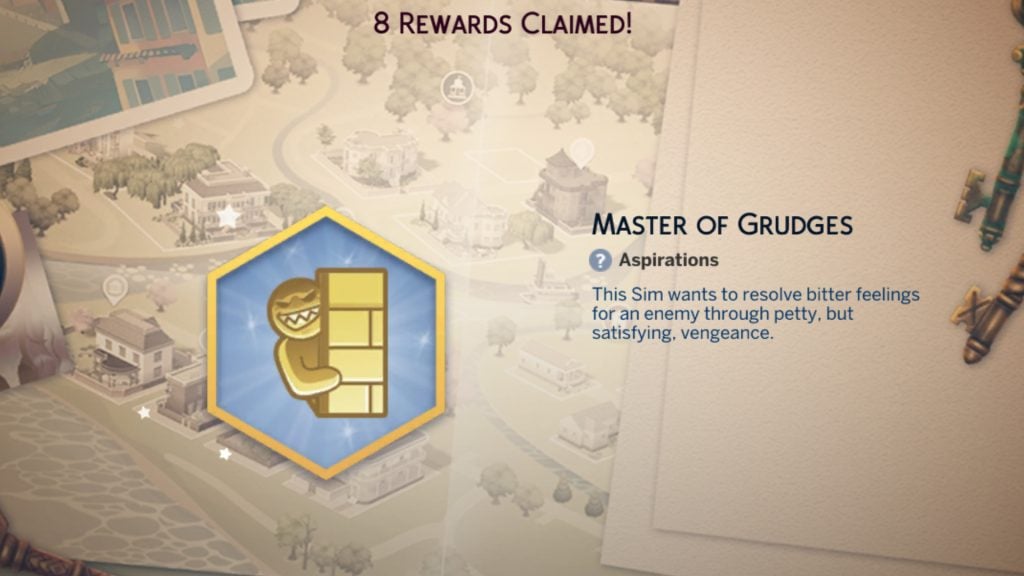
Master of Grudges Aspiration
The Master of Grudges aspiration can be found under the Deviance aspiration category, and has four levels:
1) Yes, It’s Personal – Have Declared Enemy (x1) – Be Mean to Declared Enemy (x3) – Do Interactions While Angry (x5)
2) Vengeance Is a Cold Meal – Practice Exercises for a Clear Mind (x3) – Reach Level 3 in Mischief – Reach Level 3 in Logic – Poke an enemy with the Voodoo Doll
3) A Step Closer to Justice – Trash Talk an Enemy (x3) – Jeer at an Enemy (x1) – Soak an Enemy with a Voodoo Doll (x1) – Spread Rumors About an Enemy (x1)
4) Witness Their Downfall – Win a Game Against an Enemy (x1) – Prank an Enemy (x3) – Win a Fight Against an Enemy (x1)
Reward Trait: Merciless – Sims will level up mischief faster and will be more effective in games and interactions against declared enemies
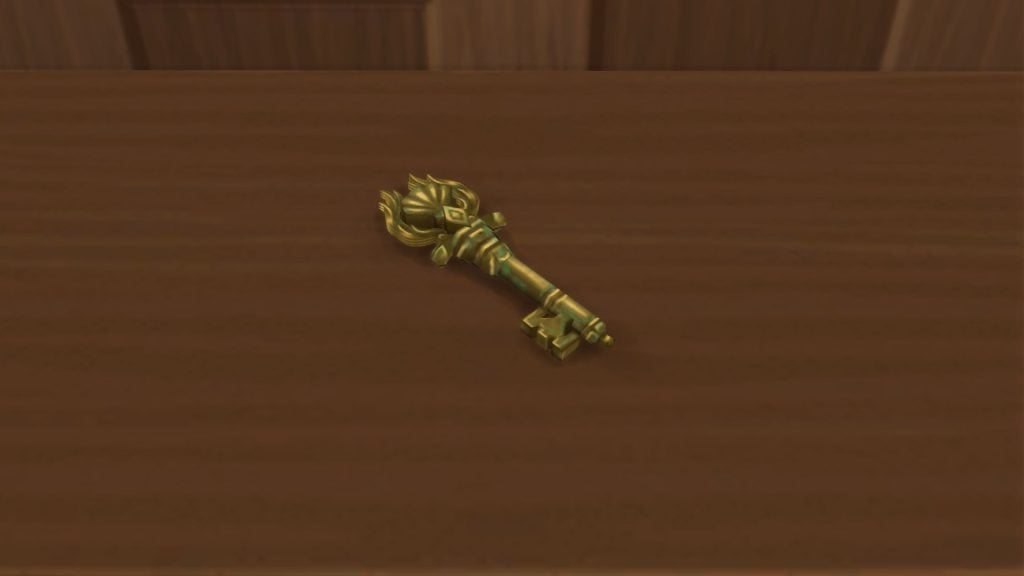
The Thebe Family Key
The fifth and final key collectable will be added to your Sims’ inventory when claimed, and can be displayed in the Antique Curio Display Table we claimed in week 1.
What did you think of The Sims 4 Lost Legacies Event week 4?Let us know in the comments below, and stay tuned for all future guides onLive Events in The Sims 4.
See quality of life improvements and promises for The Sims 4 in 2026!
The Sims Team and Electronic Arts have just released a brand new official blog for The Sims 4 Quality of Life Roadmap. Revealing plans of action for improving game stability, Sim autonomy and more.
The Quality of Life Roadmap for The Sims 4 is different from the General Franchise Content Roadmap for 2026. This one talks technical challenges and obligations towards making The Sims 4 a more stable and reliable platform.
Let’s see what the roadmap for this year promises:
Quality of Life Roadmap for The Sims 4: 2026 Edition
Over the past 6 months, we’ve been sharing how we’re continuing to prioritize stability, performance, and acting on long-standing community feedback in The Sims 4. In September, we introduced our Quality of Life roadmap and then in November we updated you on progress.
Today, we’re sharing a look at our 2026 Quality of Life initiative focused on improving reliability, and reducing gameplay friction across some of the most frequently discussed areas. It’s about making the game you already play feel smoother, intuitive, and more consistent, based directly on player feedback shared in EA Forums, The Sims Discord, and more.
While the timing and specifics may vary, here’s a look at what we’re planning to focus on over the upcoming months;
Table of Contents
March through August
We’re going to be investigating improvements on these areas:
Sim autonomy: such as Sims choosing inappropriate locations for certain actions, being obsessed with certain objects, or NPC interrupting conversations and other behaviors. Additionally, a large focus on improving Sim sleeping behavior and eyelid animations.
Infant improvements: improving infant and caregiver autonomy, plus ensuring infants receive the correct milestones, interactions, and buffs.
Crashes and data loss: including fixes for black photo issues and the game freezing or crashing.
Our next batch of fixes coming in March is currently being tested by QV, where we’re expecting to ship around 55 fixes, including fixes for 7 of 10 top issues reported by players. Plus, we’ll be updating Sim autonomy improvements based on feedback we collected via our Discord community and votes in the EA Forums. Thanks to everyone who shared their feedback.
Look for our Laundry List in the coming weeks that will list out all the specific fixes!
September through December:
Later on this year, we’ll move our focus to improvements to these key themes, which might include issues like;
Dining & meal behavior: issues surrounding Sims eating and drinking, plus improving the overall dining experience.
Family trees & relationships: strengthening genealogy systems and relationship tracking to protect the important stories built across generations.
But wait, there’s more! We’ll respond to player feedback as we get nearer to this time to decide what to prioritize next.
The Year Ahead
The exact timing of these fixes will depend on our investigations, as some areas require deeper technical investigation. We’ll continue sharing progress, highlighting what feedback has shaped our priorities, and adjusting focus areas as needed.
We will provide updates alongside each release so you can see what has been improved and what is still in progress.
Thank you for continuing to share your feedback and experiences with us. Your input directly informs the work we prioritize.
What do you think about The Sims 4 Quality of Life Roadmap for 2026? Share your thoughts in the comments below and stay tuned on Sims Community for the latest game news!
Here are 5 Game-Changing Black Sims 4 Content Creators We Would Like to Celebrate
It’s Black History Month, a time to honor the history, culture, and contributions of those within the Black community. In the Sims community, there have been an incredible group of content creators that have gone above and beyond for the sake of Sims 4 players – they have “changed the game”, if you will. From culturally appropriate mods to true-to-life gameplay of black culture, these particular content creators reflect Black experiences for everyone to enjoy.
Though many deserve recognition, here are five Black Sims content creators who stand out due to their positive impact on The Sims community, and gaming, as a whole.
The Sims 4 Content Creators: Black History Month Showcase
1. Dumplin Siims
Who is Dumplin Siims?
An avid let’s player, animator, and talented builder, Dumplin Siims has created an atmosphere of family-friendly flair. She skillfully balances engaging drama with moments of humor that are not only relatable, but pinpoints specific aspects of black culture some may never have consciously thought about.
With her combined use of ebonics, modern vernacular, and welcoming tone, she brings a warm familiarity to her game play where, if you grew up in a family that spoke like this, it’s music to your ears.
What is Dumplin Siims Impact?
Dumplin Siims has left a positive impact on the Sims community due to her gameplay style: charming character design, emotionally captivating storytelling, and realistic depictions of the hierarchy within a typically large black family. Her most successful gameplay series is the “Soul Food Legacy” challenge (originally created by Simsigga).
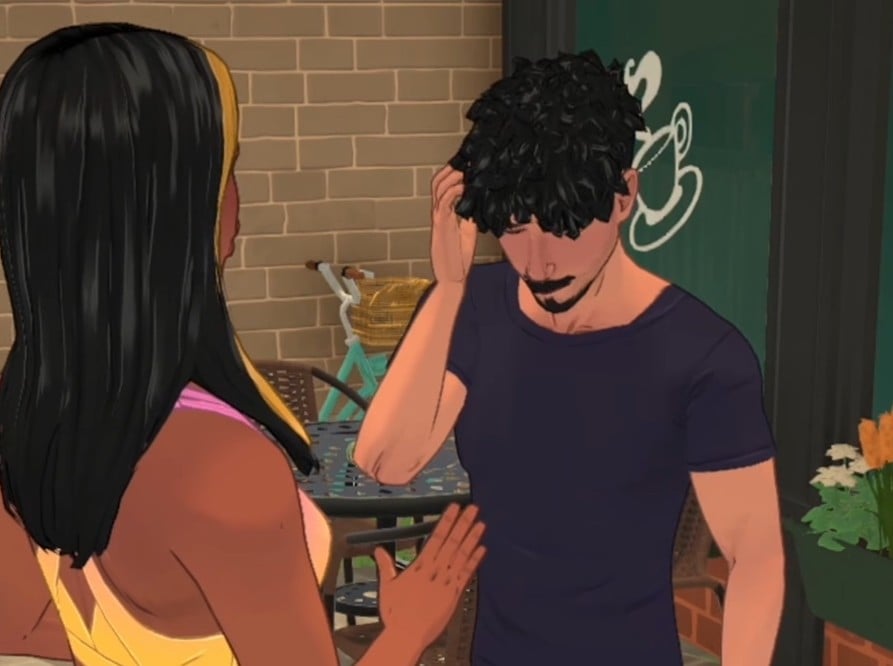
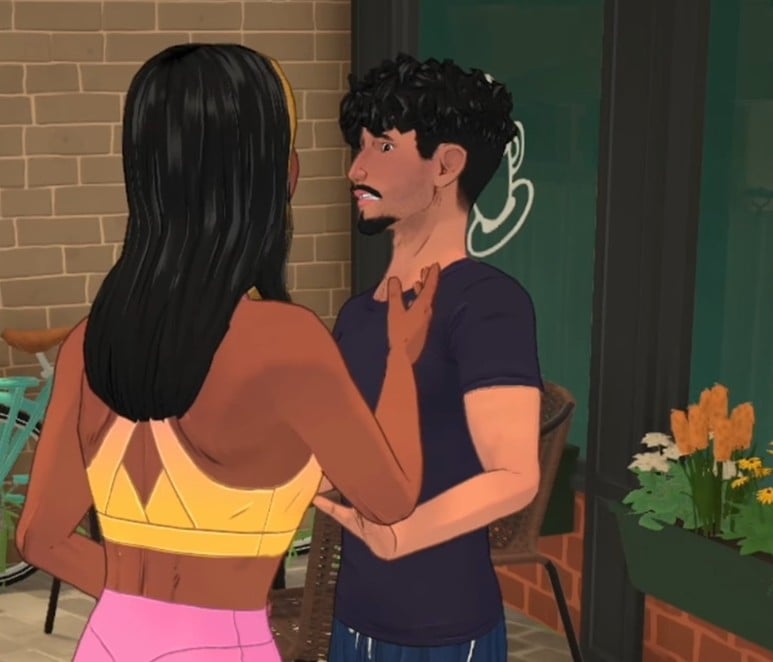
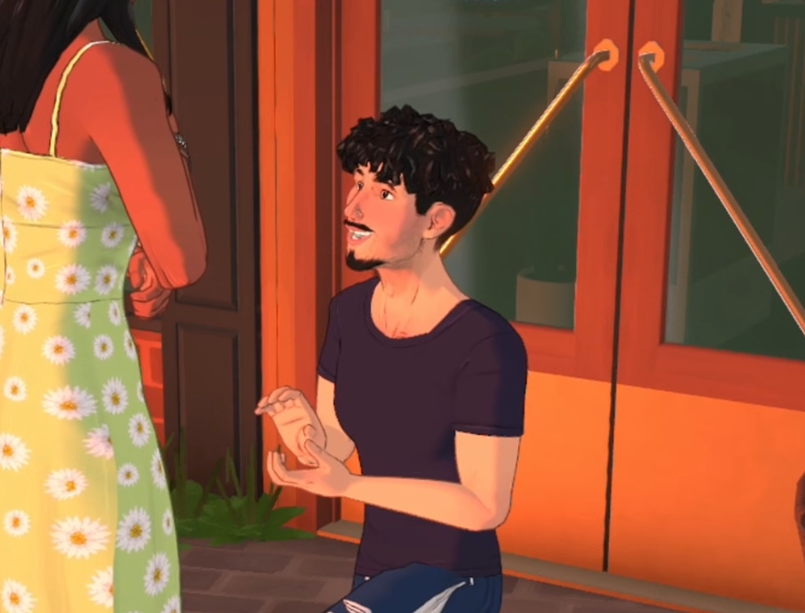
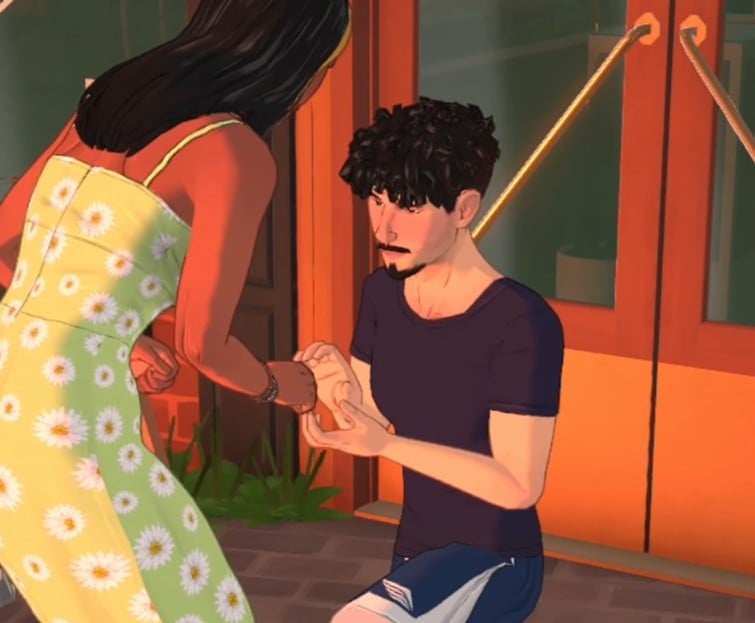
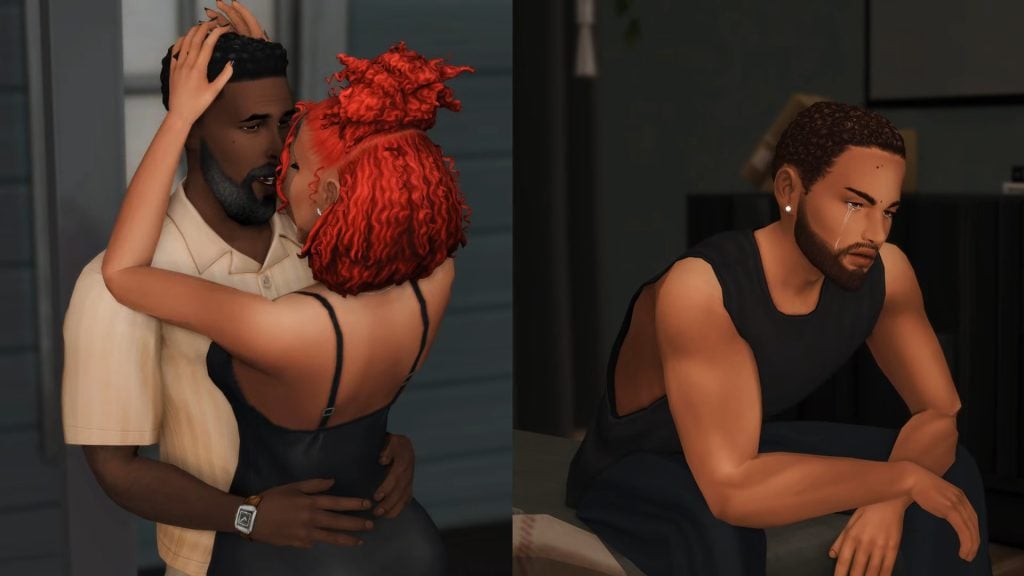
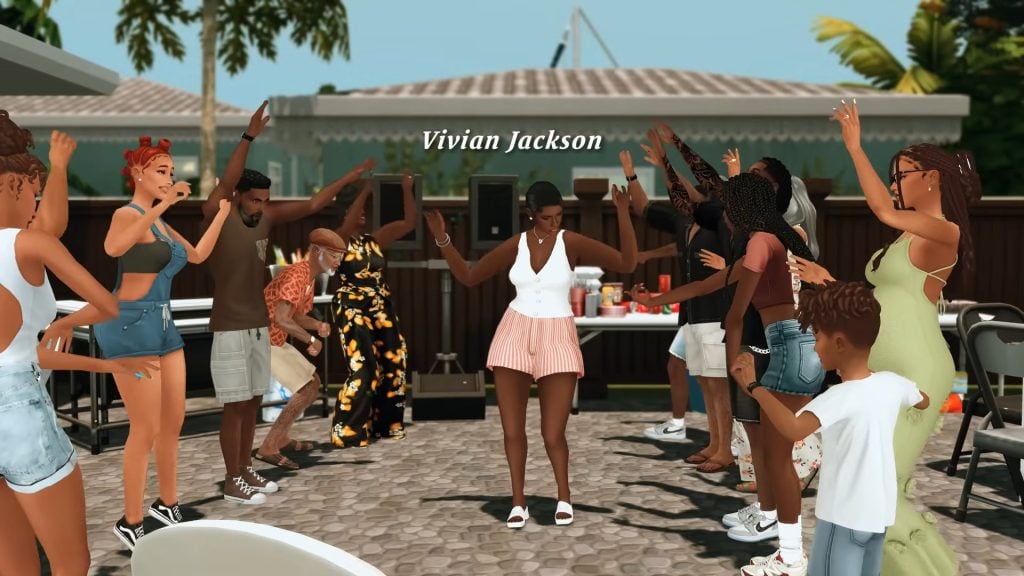
A couple falling in love. One man crying alone. Photo from Soul Food Challenge EP. 7 by DumplinSiims.Aunt Viv at the cookout.
One of the most thrilling aspects of her storytelling prowess came out in the way she decorated and designed her houses. For instance, she has a gate on the front door and wigs on the grandma’s dresser – if you know, you know. There is a reason her “Soul Food legacy” and “Rags to Riches” let’s plays are so popular. Like seconds of Big Mama’s apple pie, she always leaves you wanting more.
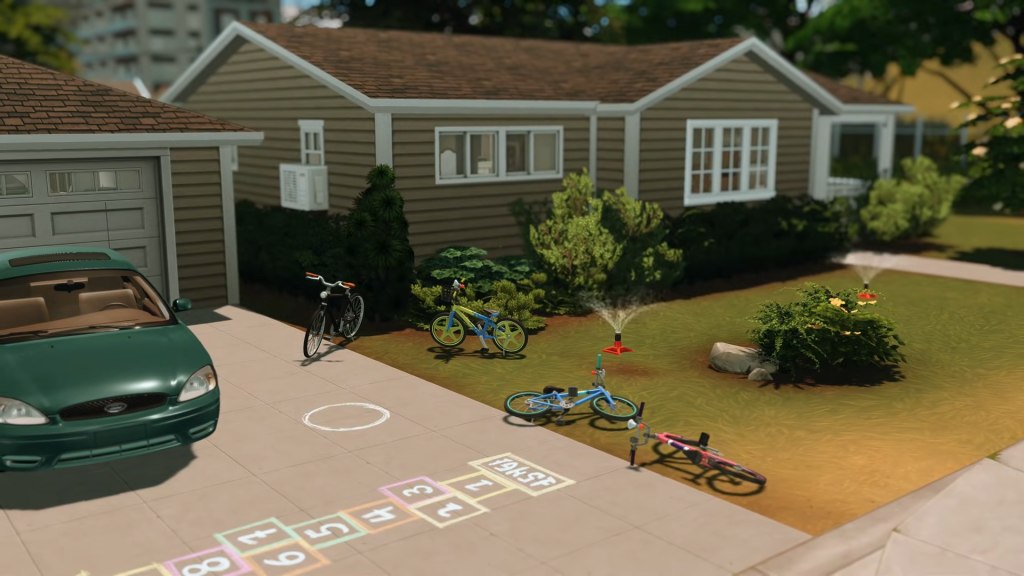
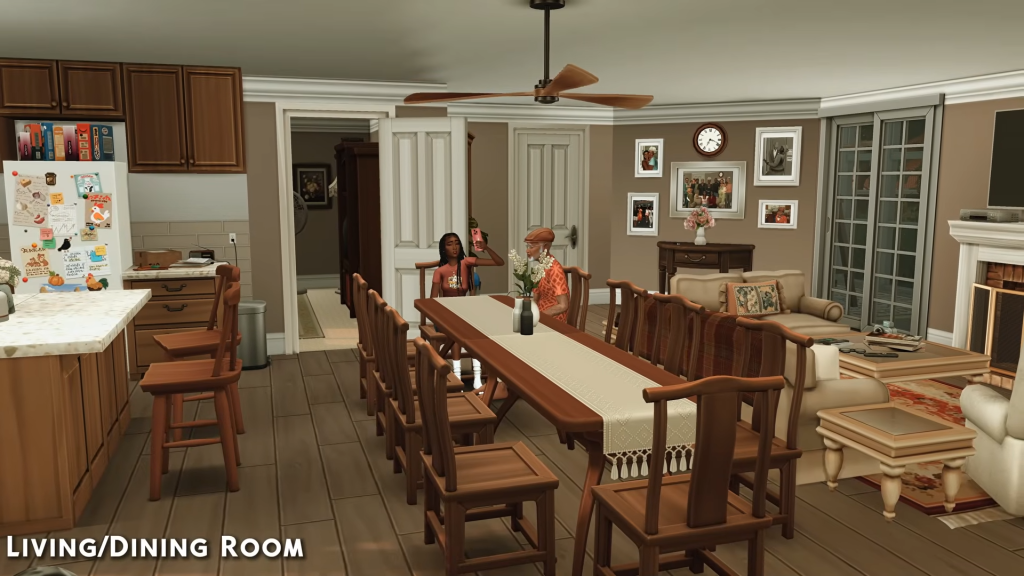
The Jackson Family’s Front Yard and Neighborhood. The Jackson family’s dining room
The root of her gameplay is keeping families together, and despite certain parents’ poor choices and dark pasts, trying to uplift their children to do better and have more than they did. She skillfully presents the black experience.
Where can I find her?
Dumplin Siims can be found on various social media sites listed below all under the same @Dumplinsiims.
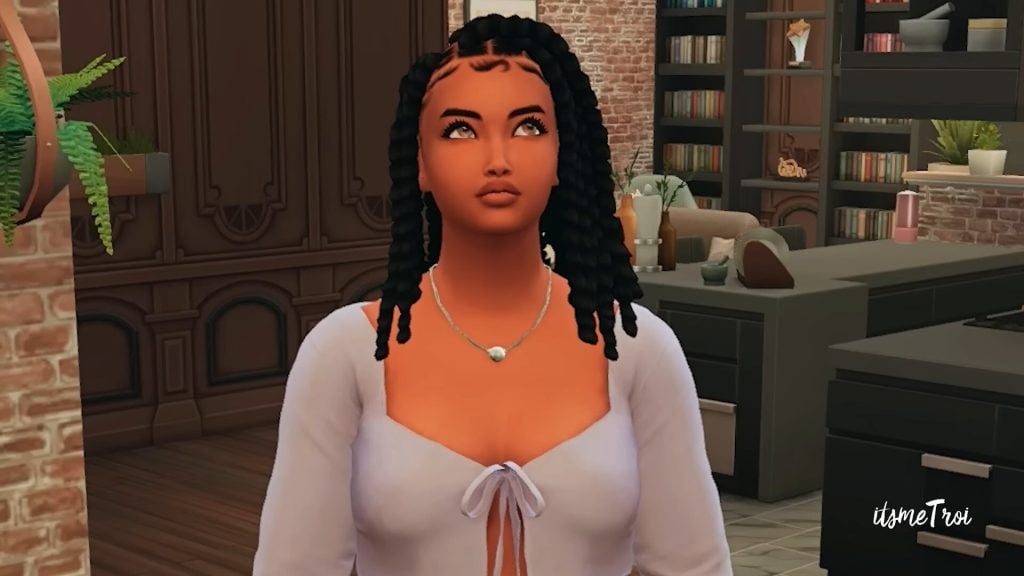
ItsMeTroi, or Troi for short, is one of the first modders that most Sim players go to when they begin their modding journey. Not only is she up to date on gaming news, but she consistently, and frequently, informs her subscribers when specific modders are releasing updates and new content.
Troi presents herself as an informative, sisterly type of reporter. She speaks unscripted, freely, and sounds like a natural in front of the mic. She will often make jokes, use slang, and often edits in a comedic way that keeps up the energy for her videos. Due to her vivacious speaking style and fascinating coverage, it can, at times, feel hard to believe that her videos are thirty to sixty minutes long.
In Troi’s demonstrations, she will often call on her lovely assistant, Tasha. Now, Tasha seems to have a mind of her own and Troi isn’t always a fan of what she’s thinking. The dynamic between them makes for heart warming, comedic moments that makes the mod somehow more interesting. In addition, there seems to be an entire world of lore between Tasha, Marcus, and Ameana…but that’s none of our business.
Tasha with an attitude.
What is Troi’s Impact?
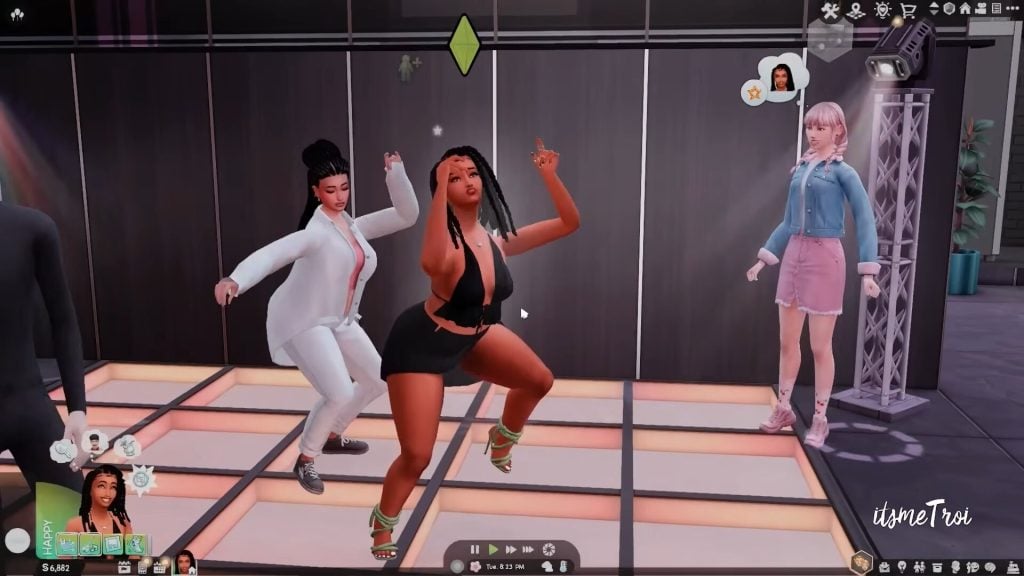
When Troi is highlighting content, she often focuses on mods that pertain to black culture, experiences, and values. Though her mods can cater to all ethnicities and nationalities, it is refreshing to see a mod that allows Sims to dance like they’re in a night club in the 90s or that allows them to wear certain do-rags and bonnets.
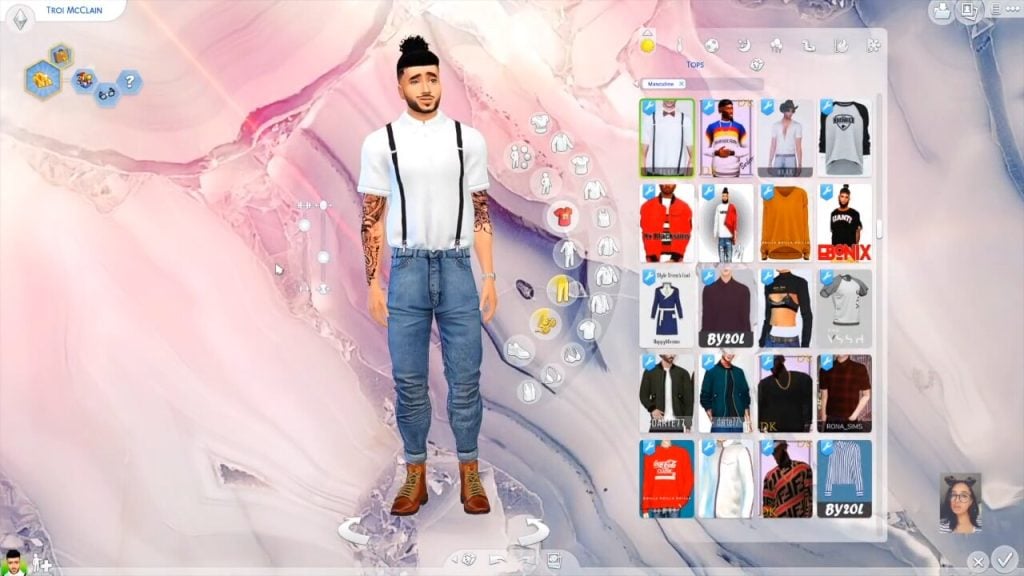
Troi using Tasha to demonstrate KingBlackCinema’s new mod called 90’s Grooves Dance Replacement Mod.ItsmeTroi dressing male sim in urban fashion using custom content.
After thirteen years, Troi has demonstrated that she is more than qualified to be considered a professional in her field. But it’s not just Simmers that have acknowledged Trois’ talents. Her ability to curate culturally relevant content, and her sparkling personality, has led to Troi becoming Twitch Ambassador in 2020, participating in the Youtube Black Creator Class, and was a Creator-in-Residence. She continues to share high quality mods, news, and critical pack reviews to this day.
How Can I Support Troi?
If you’re interested in supporting Troi, you can find her on all the socials:
You can also check out her website by clicking here.
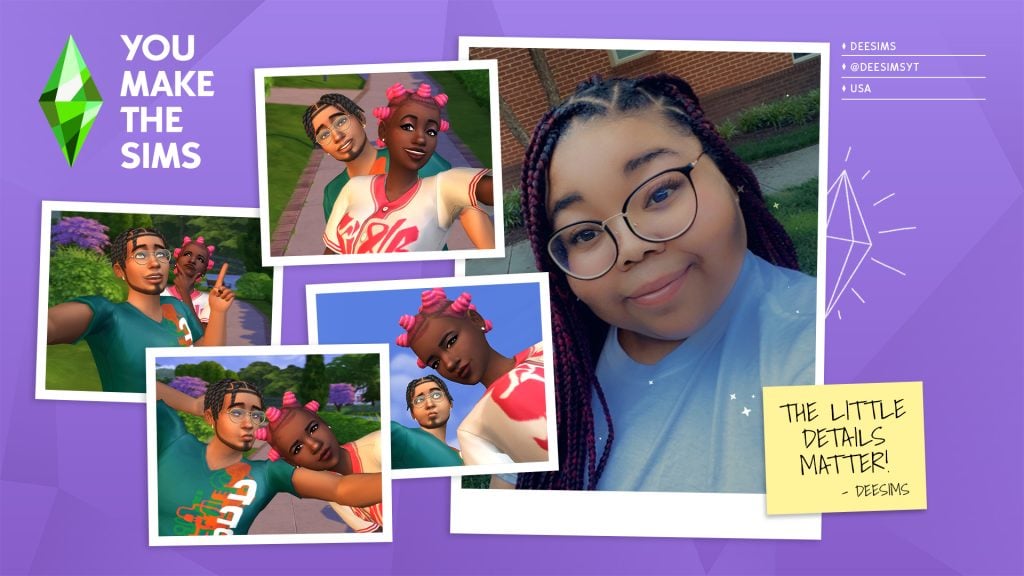
3. DeeSims
Who is DeeSims?
Once that iconic intro begins, you know it’s about to get wild. Known for her storytelling, Sims 4 challenges, and builds, DeeSims provides a cheerful and playful environment for her viewers. There’s a reason why she has nearly 200,000 subscribers on Youtube (as of the publishing of this article).
DeeSims says, “The little details matter.”
What is DeeSims Impact?
Releasing her first Sims video in 2015, DeeSims is known as one of the pioneers of The Sims 4 Let’s Play channels. With well over a thousand videos under her belt, she has created an environment that celebrates black culture, fashion, and design. Her storytelling depicts the black experience while adding a comforting and safe environment that promotes creativity and passion. Her Sims aren’t always urban, like most black Sims players. Some enjoy country living while others are in the heart of suburbia.
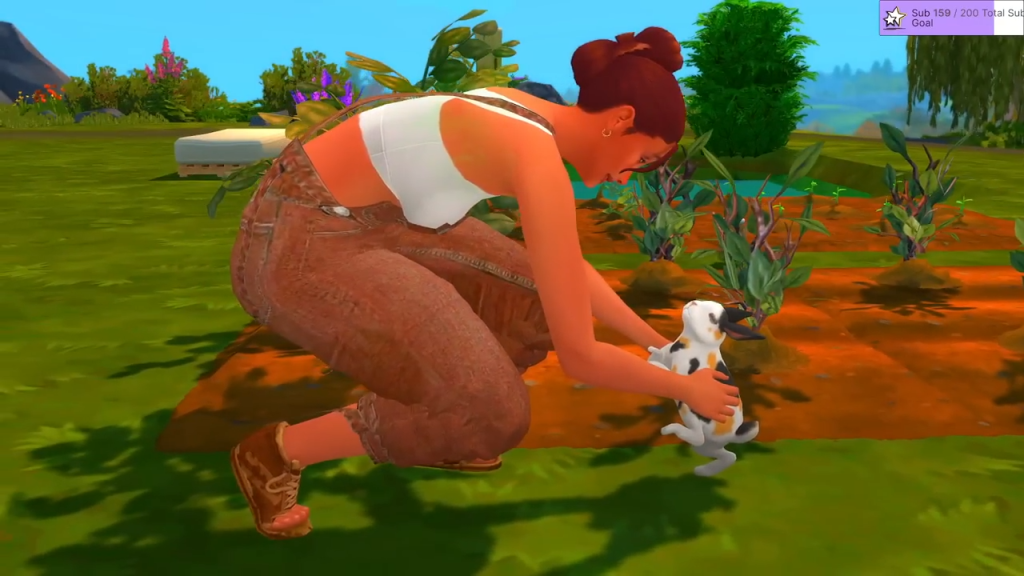
DeeSims has Autumn from her Cottagecore Livestream playing with a rabbit.Photo by DeeSims from her Stardom series.
Her most popular videos are the ones where she displays her most used mods. Though the majority of her videos will include Sims 4 content (and Sims 2 as well), other games like Animal Crossing, Stardew Valley, and Zoo Tycoon can be found on her channel too.
How Can I Support DeeSims?
If you want to support DeeSims, you can find her on all her socials:
Alpha CC, city life, and drama? These are the ingredients to create the perfect Xmiramira video. Xmiramira is a simulation content creator, Twitch streamer, and consultant for gaming companies.
Viewers can find her playing games like The Sims 2, The Sims 3, and InZoi. As for her InZoi let’s play, she is primarily providing tips, tricks, and tutorials for those who are new to the game. Her often impassioned temperament has led to her strong subscriber count on Youtube – just shy of 100,000 subscribers.
Fans often leave comments reciting her quick quips to her Sims and Zois or relating to her irritation and outbursts toward the game. With her most popular videos being her CC picks, she demonstrates her skill in creating and curating a collection of diverse afrotextured hair.
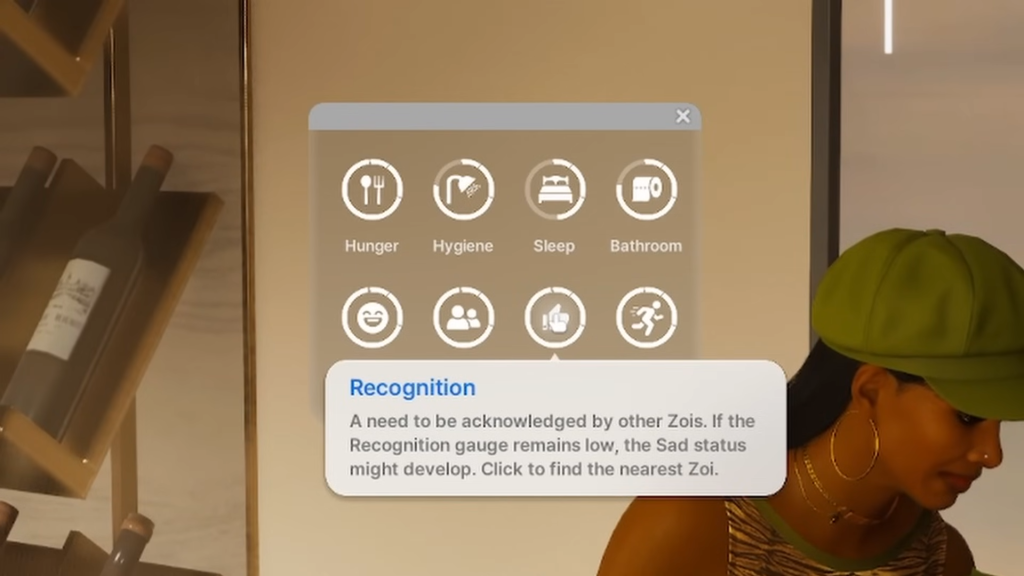
Xmiramira showcases her favorite Sims 4 custom content.Xmiramira explaining the Needs System
What is Xmiramira’s Impact?
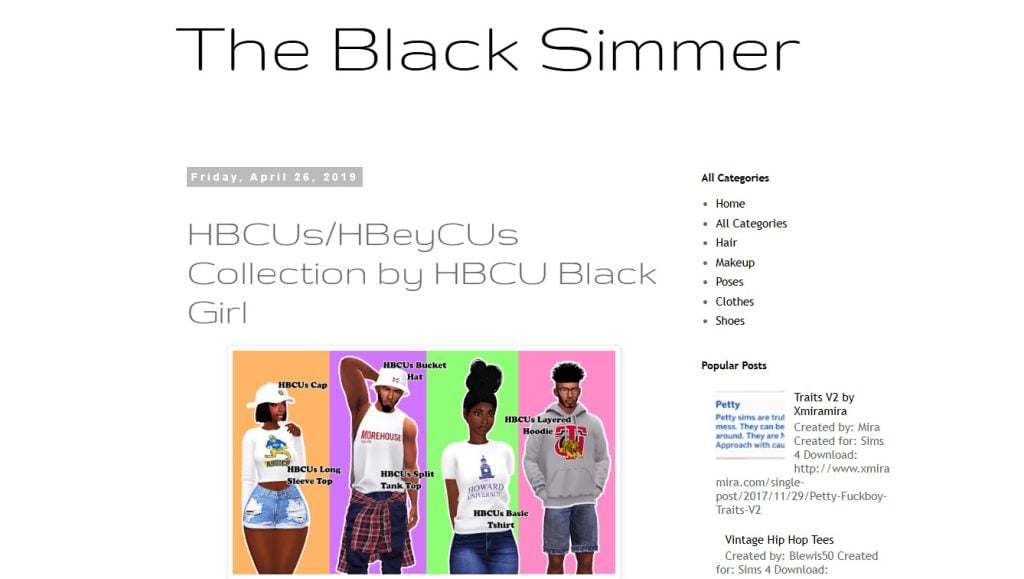
Xmiramira is not satisfied with making entertaining content, she wants to change the world. In 2020, she collaborated with other creators to make the iconic Melanin Pack for The Sims 4. One of the most pivotal mod packs that Sims players have utilized to date – an issue she spoke out against for years.If you’re interested, you can check out our article where Xmiramira talks about black culture representation in The Sims 4. Expounding upon her goal to support gamers within the black community, she created The Black Simmer and Noir Network. Though both organizations execute their goals in different ways, both aim to support relationships amongst black players as well as ensure equality and support for black players.
The Noir Network by Xmiramira The Black Simmer. A blog by Xmiramira
How to Support Xmiramira
If you want to support Xmiramira, you can find her on these sites:
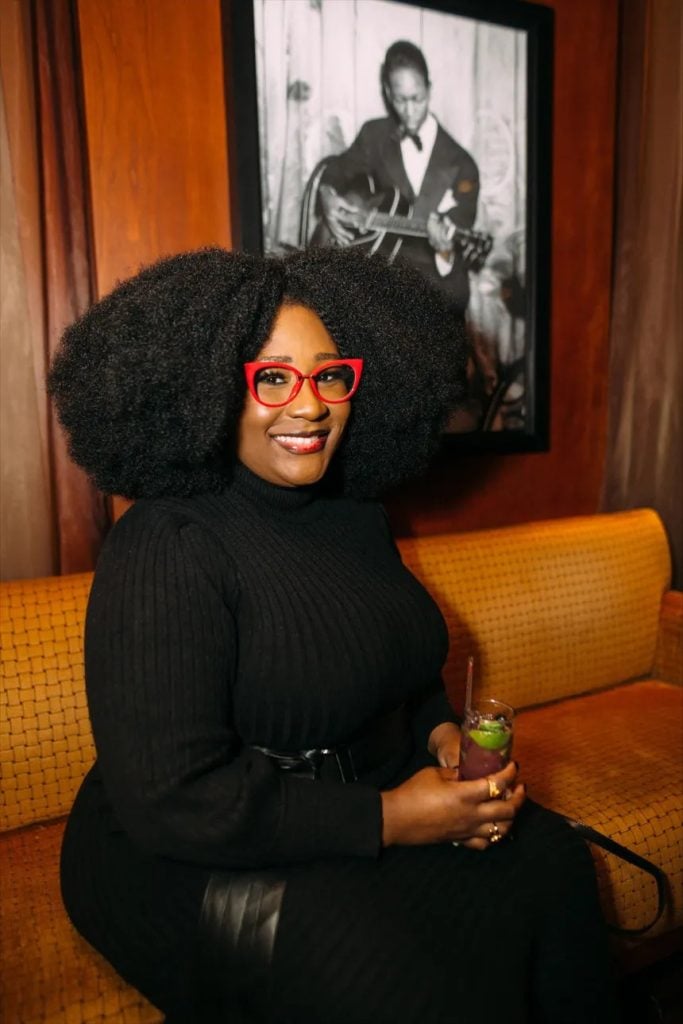
The first sentence of the Ebonix channel says it all: “Empowering gamers through representation!” And that’s exactly what she has done.
Ebonix smiling happily in a photo shoot.
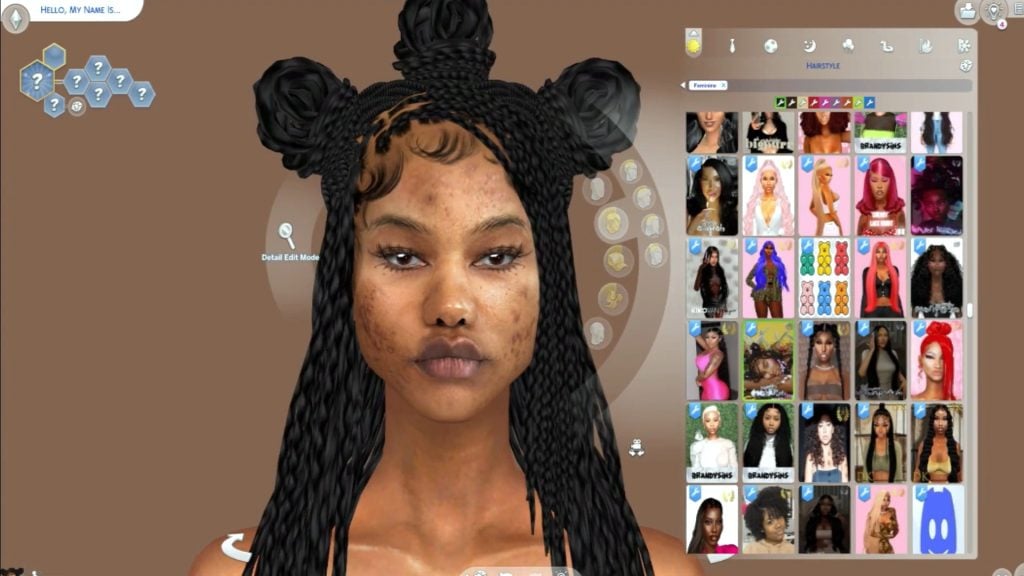
As her videos play, viewers are greeted by a bubbly tone that gives the same vibes as a lively, lovely, teacher – and a teacher she is. Ebonix’s most popular videos are tutorials. Everything from organizing mods to Sims 4 renders, she’s got you covered.
What is Ebonix Impact?
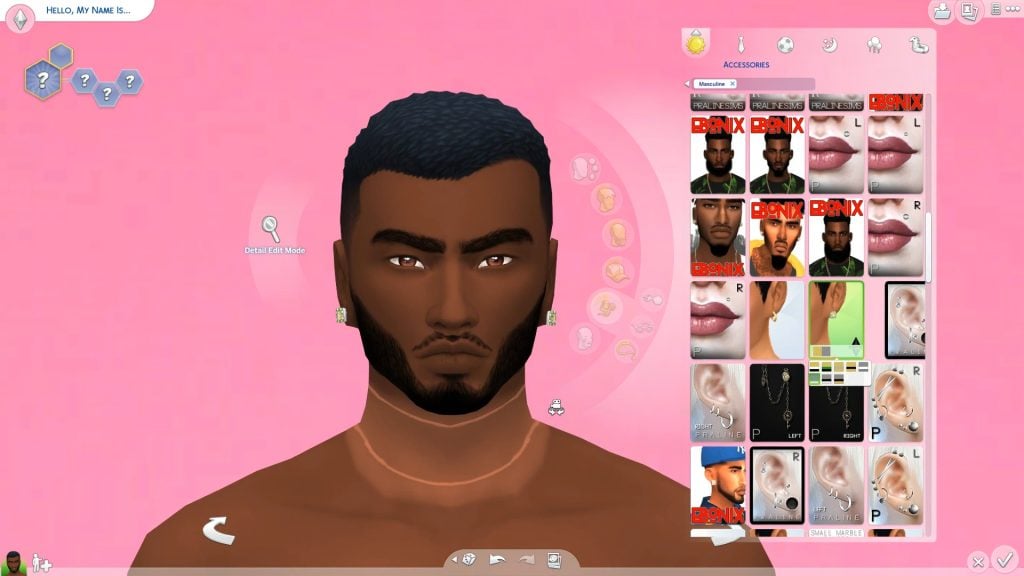
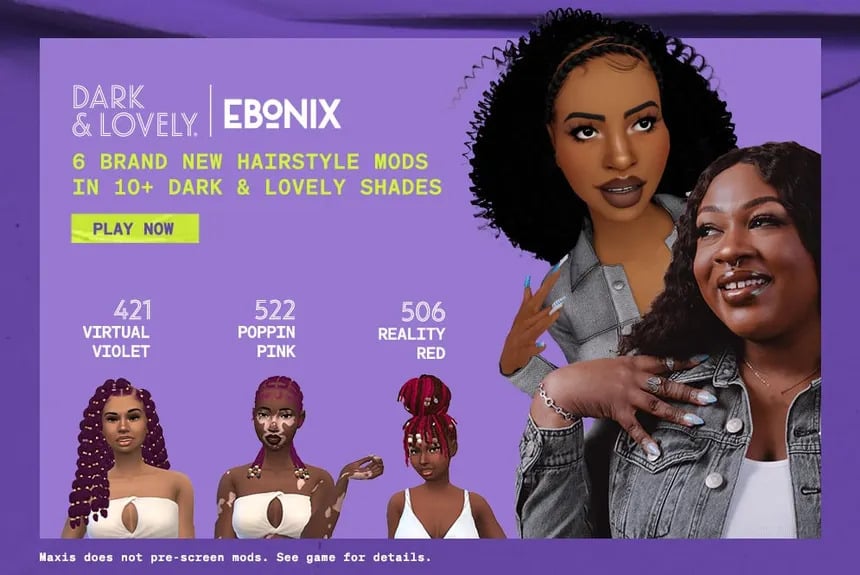
Interestingly, her background has expanded to not just creating gaming content, but integrating her experience with the gaming community as a whole. She has become a creative technologist and consultant who strives for authentic representation of black culture within the gaming community. In addition, she collaborated with Xmiramira to create the Melanin Pack. She worked with EA on The Sims 4: Spa Day Game Pack by adding nail designs, created the Urban Homage Kit, and collaborated with Dark & Lovely to create the “Play in Color” hair pack. Her impact has been so vast that she has been featured in major publications like Adweek, Allure, BBC, Huffpost, and The Guardian to name a few.
Ebonix x Dark & Lovely collaboration
How to Support Ebonix
If you want to support Ebonix, you can find her on
If you’d like to visit Ebonix website, you can click here.
Honorable Mentions: More Icons Who Represent Black Culture within The Sims
Kiko Vanity: She is the original content creator of deeply melanated skin tone mods in the sims. She often creates twists, curls, and other Afrocentric mods with an Alpha CC style.
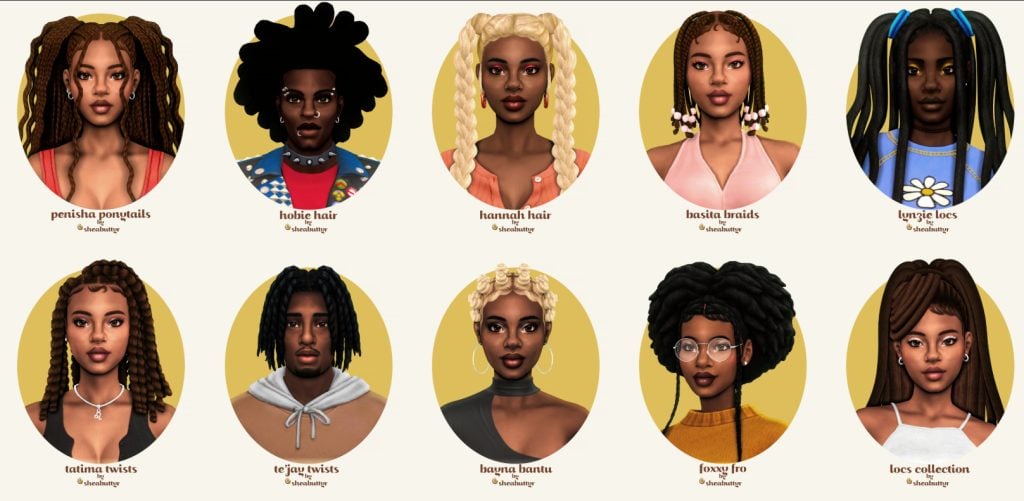
SheaButtyr: For Sims players who adore their Maxis Match mods, SheaButtyr is a go to. She covers hair textures of all types and adds realistic representation. She, along with Ebonix and Xmiramira, worked to create the Melanin Pack.
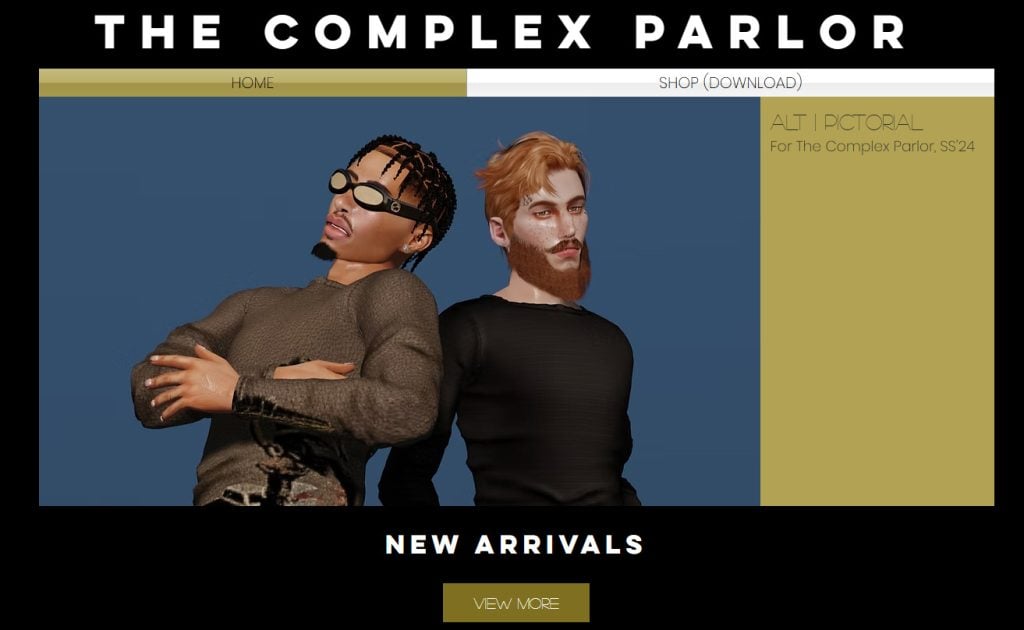
Complex Sims: Well known for her immersive Black narratives in gameplay and her extensive list of EA collaborations. Her aim is to promote black inspired CAS and builds.
Khadijah551: Well known for her braids, locs, and afro CC, her name is always on simmers minds when they want something with that Alpha vibe.
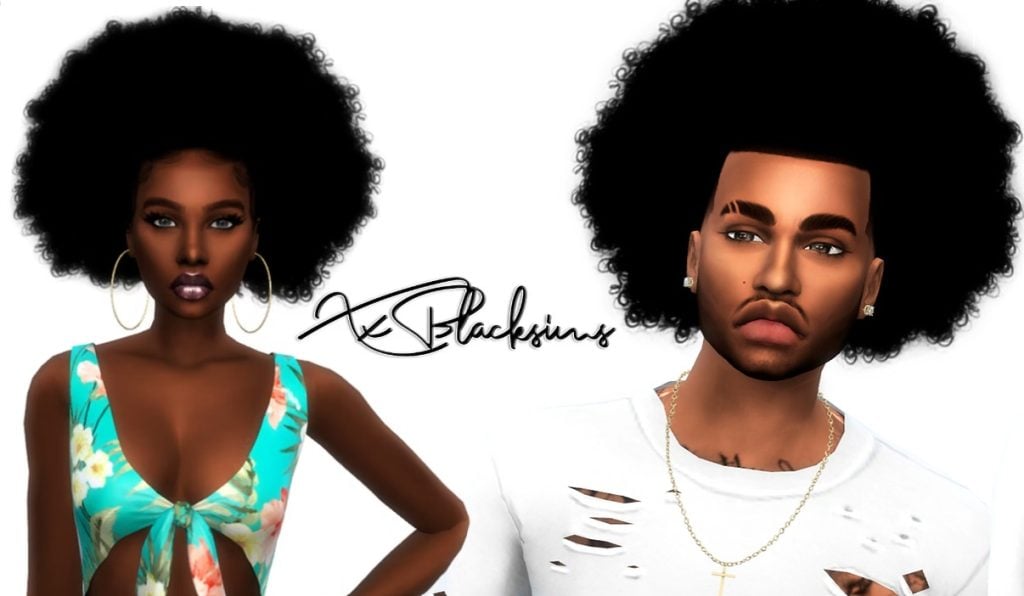
xxBlacksims: An early pioneer for black culture custom content. Her content paved the way for many black Sims content creators to figure out how to make proper black CC.
These creators (and the wider Black Sims community) have transformed The Sims 4 landscape from sparse to sparkling. Many could argue that they are the reason that The Sims 4: Royalty and Legacy Expansion Pack has the Darong family of Dambele. Regardless, Simmers around the world are thankful for their contributions and we look forward to the future of other Sims players leaving their stamp on the franchise.
What black content creator would you like to shout out for Black History Month? Or maybe you’d like to let us know about your amazing black culture content. Let us know! Leave a comment, tag us on socials (@TheSimCommunity), or submit via Gallery/Reddit spotlights – we’d love to feature you next in our next Community Showcases!
The Sims FreePlay is tackling new core gameplay in 2026 after overhauling graphics last year!
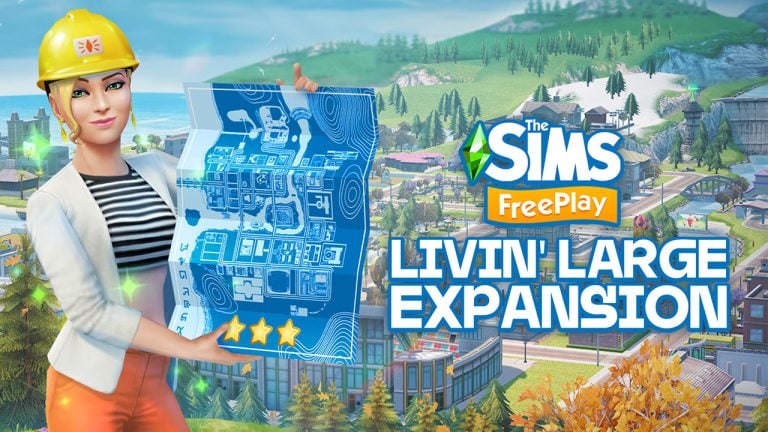
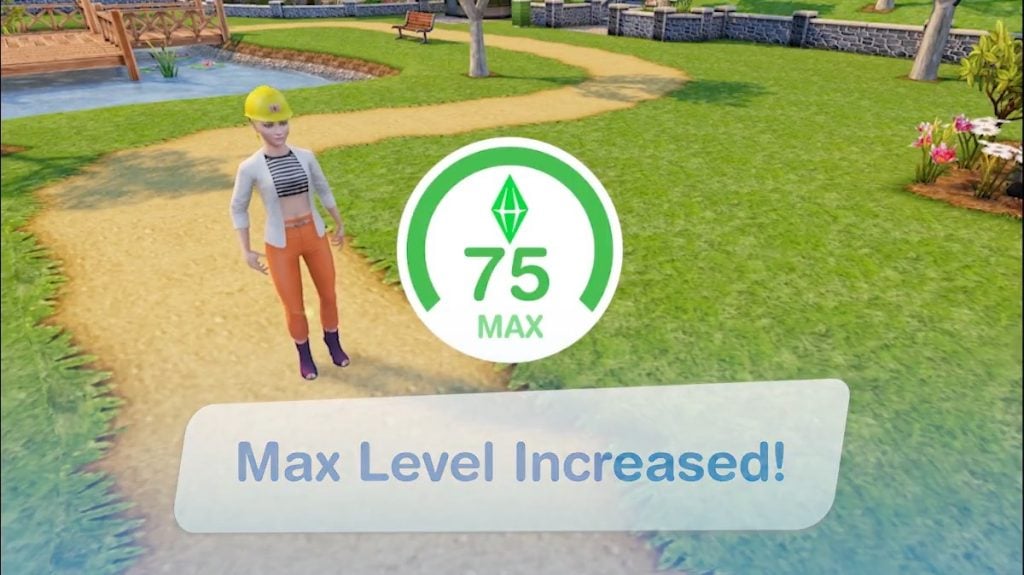
It’s going to be a fun year for all The Sims FreePlay players who are looking forward to adding more of everything in their SimTown. Thanks to the upcoming Livin’ Large update, players are getting 10 new Levels, an increase of more Sims per household and more upgrades for SimTown venues.
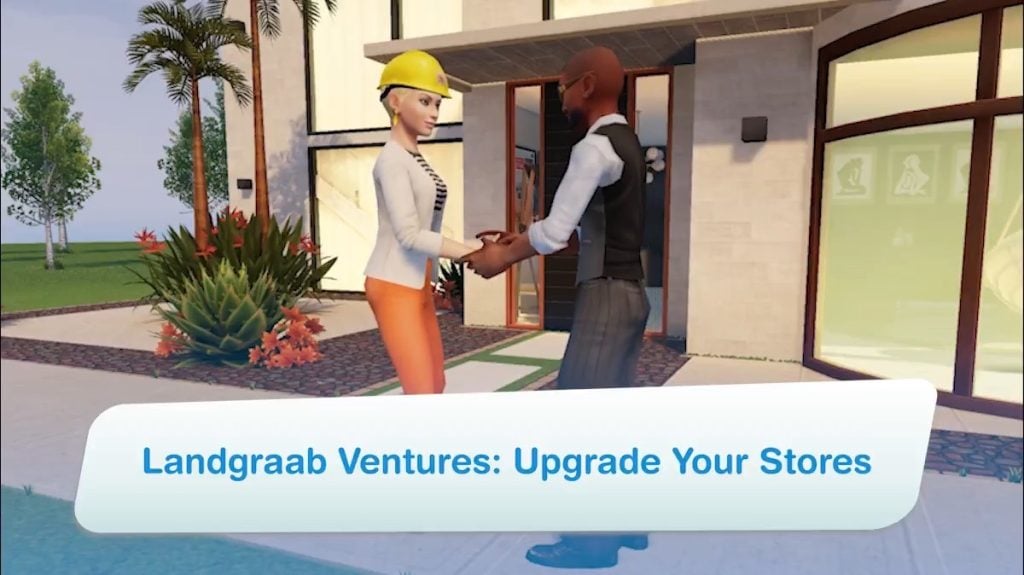
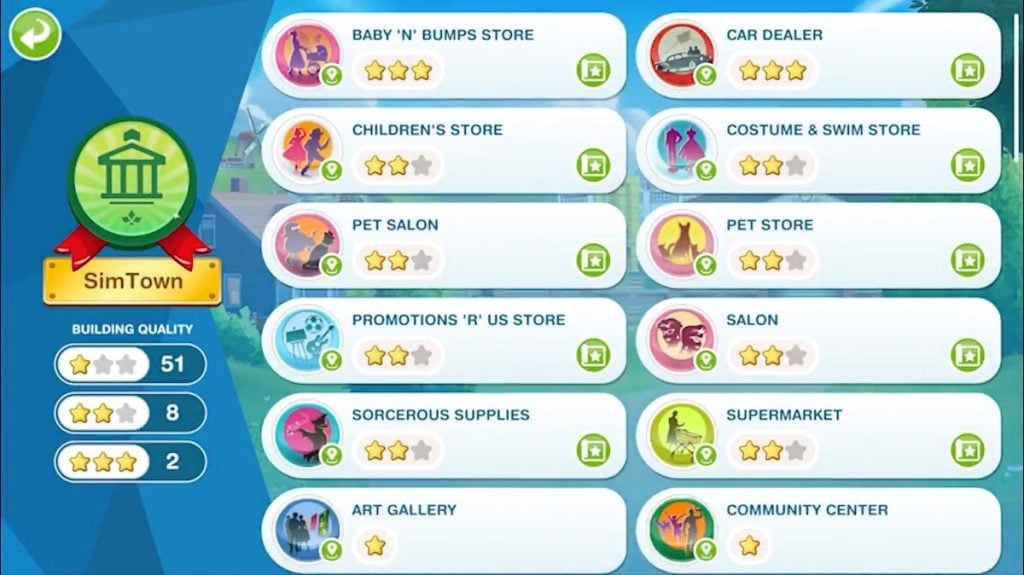
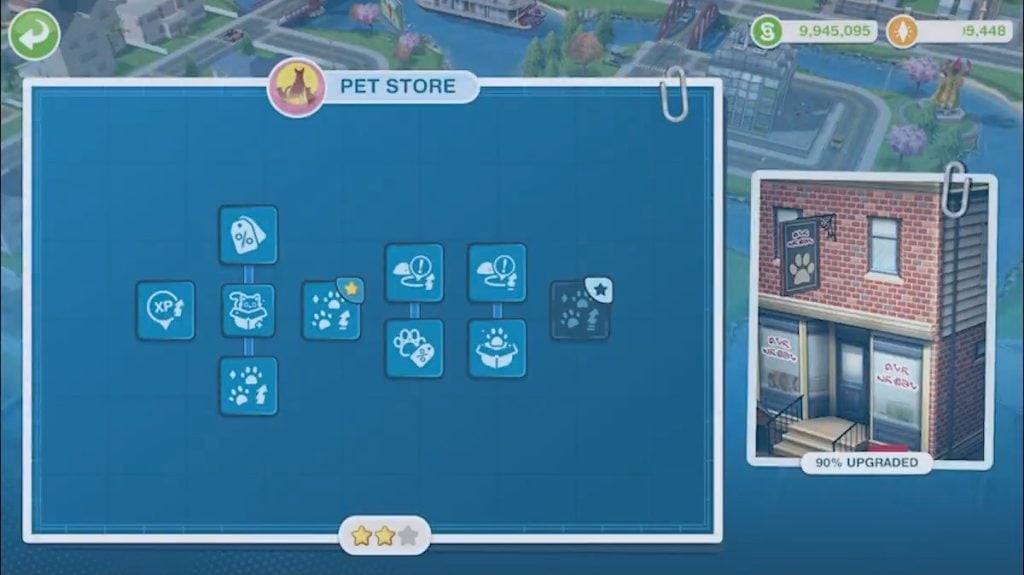
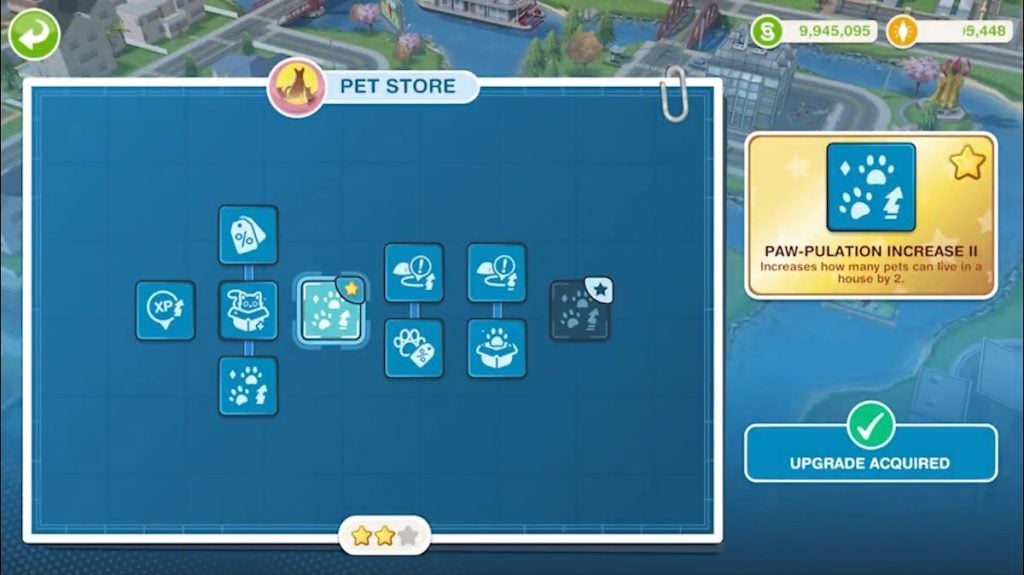
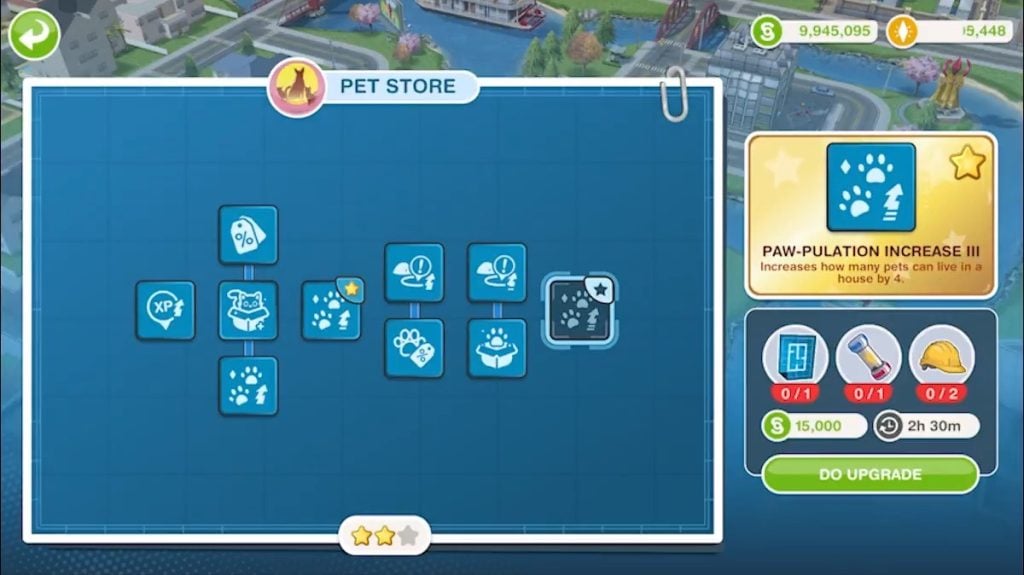
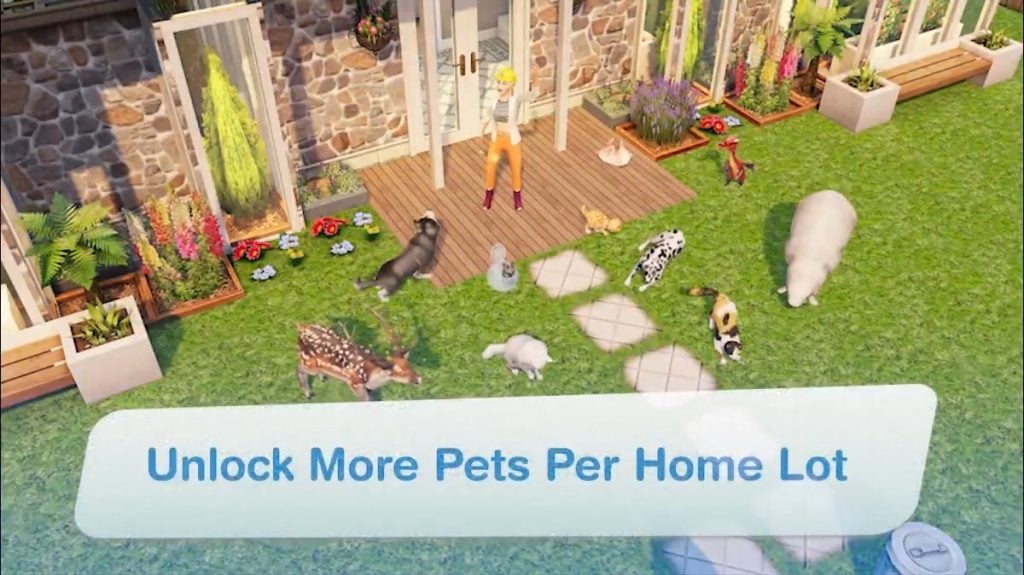
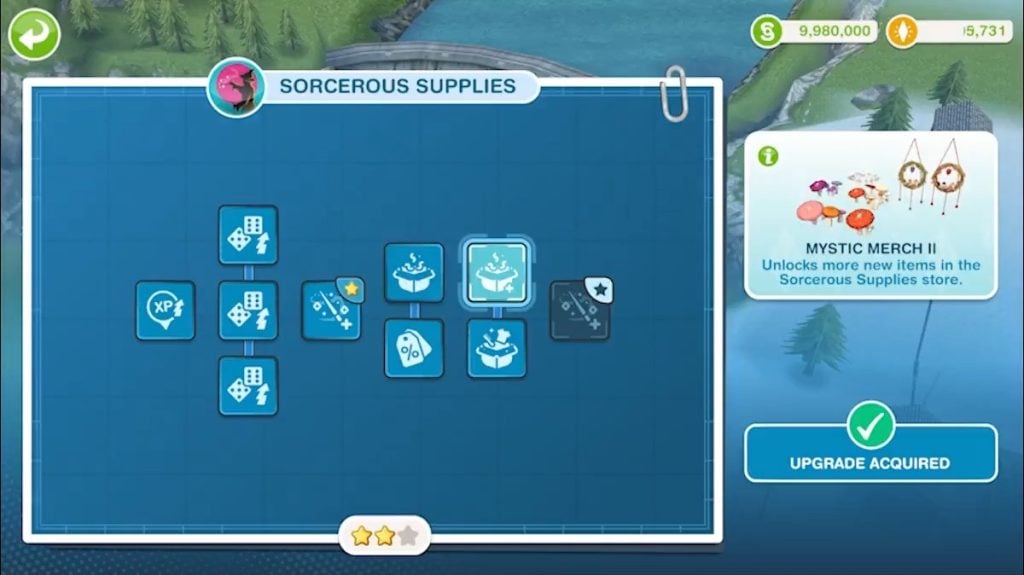
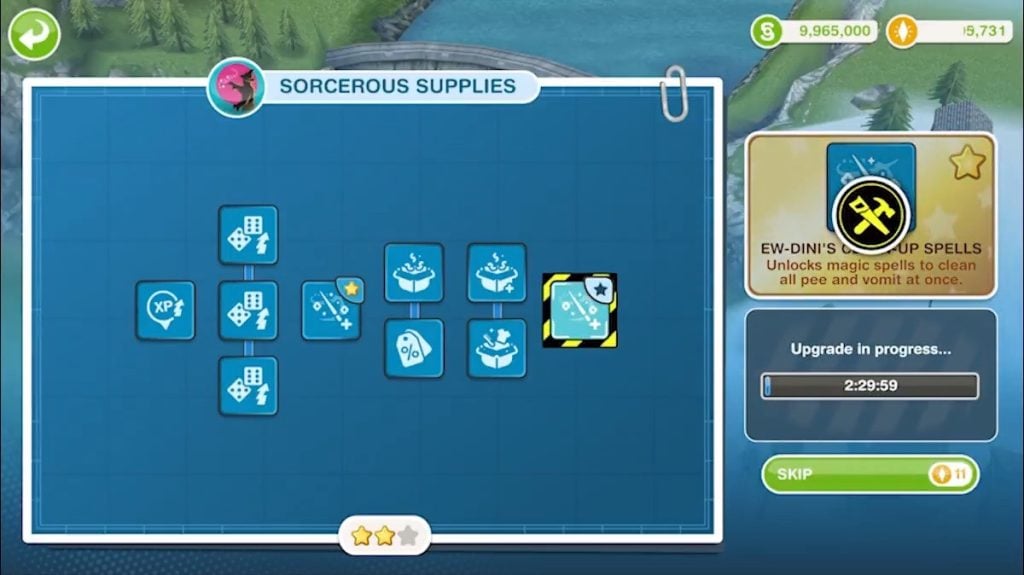
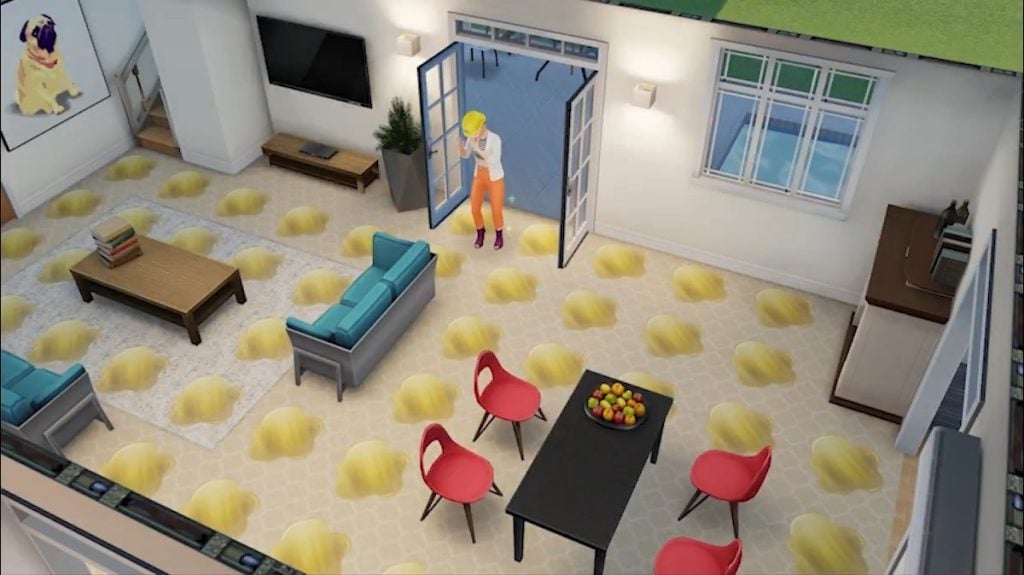
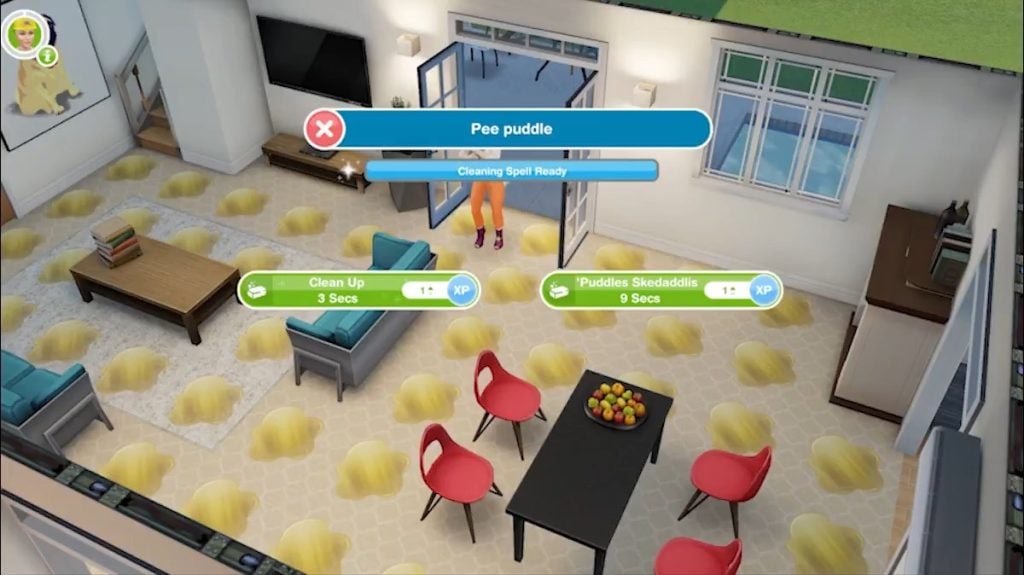
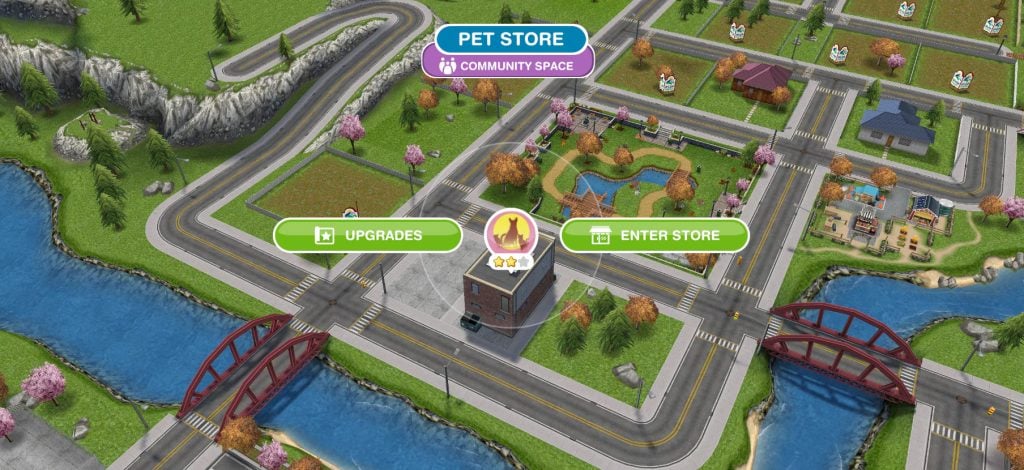
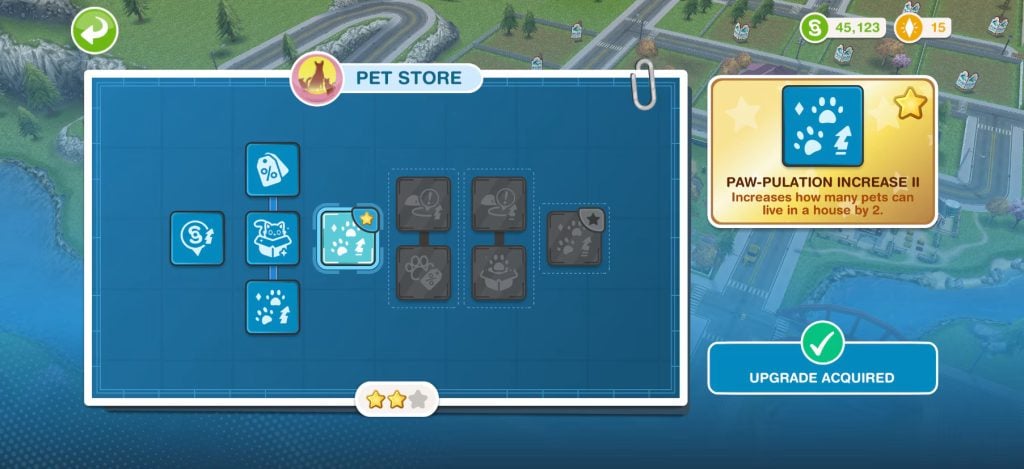
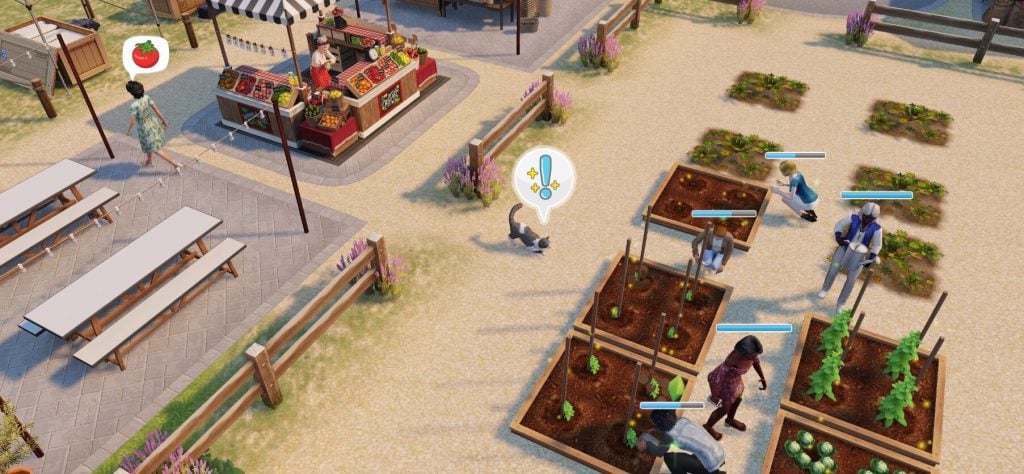
With the introduction of Landgraab Ventures, players can upgrade their SimTown Stores such as Car Dealerships, Pet Salons and more with extra features. The new skill tree user interface provides insight to the player which resources they’ll need to collect in order to progress their Store to the next level. This also includes fun additions such as the magic spell to clear Pee and Vomit Puddles instantly (we didn’t know that was ever a problem that needed to be dealt with) and the ability to unlock more Pets per lot.
See the first look of these new features in The Sims FreePlay Trailer gallery preview:
The Sims FreePlay Team also released an official introduction blog, revealing all the changes and upgrades coming with the Livin’ Large smartphone / tablet Update. Check out the full blog entry below:
The Sims FreePlay Blog: Livin’ Large Update Introduction
We’ve been busy building something big for SimTown. Actually… more like a whole lot of things all rolled into one. For something this large, we needed a name to match.
Welcome to the Livin’ Large Town Expansion.
The Livin’ Large Town Expansion is a permanent addition to The Sims FreePlay, launching as part of our next update and focused on enhancing progression and town-wide improvements. This isn’t a limited-time theme or event. It’s a long-term evolution of how your SimTown grows, progresses, and plays.
It brings together long-requested features, including increased Sim capacity, town upgrades, and rewards, into a single significant addition to The Sims FreePlay.
Here’s what’s coming.
More Levels, More Possibilities.
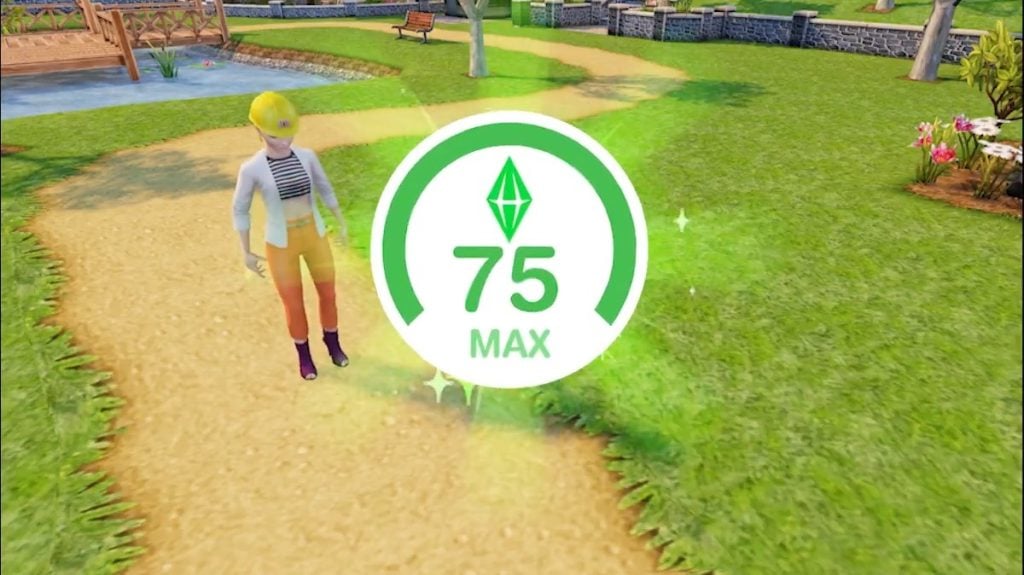
Livin’ Large increases the level cap from 65 to 75, adding 10 new levels of progression.
That means new goals to strive for, with new rewards and ways to increase your town’s productivity, long after reaching the previous level cap.
And those new levels unlock something you’ve been asking for…
More Sims, More Stories.
Over the years, as your SimTown has grown, one of the most common requests has been: more Sims. With this update, we want to help unlock more life in and around your SimTown.
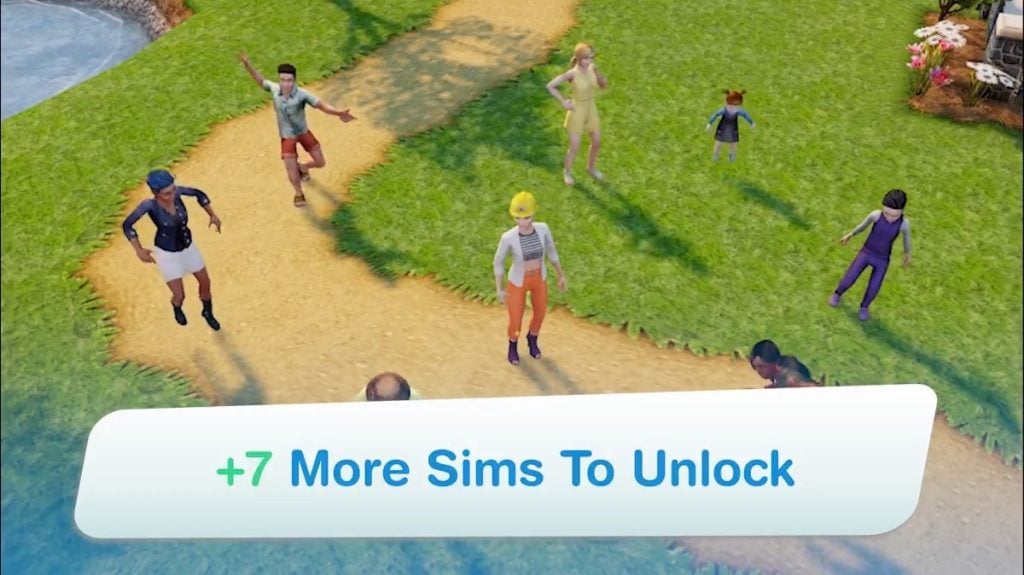
With Livin’ Large, you can unlock seven additional Sims as you advance through the expanded level cap and new Level Up Requirements
How it works:
Of the seven additional Sims, one unlocks at Level 17 and another at Level 40. So if you’re past level 40, that’s two extra Sims ready to move in right away.
The other five Sims can each be unlocked at levels 66, 68, 70, 72, and 75.
When The Sims FreePlay launched in 2012, SimTown had a cap of 16 Sims. Livin’ Large marks one of the most significant Sim cap increases since then, bringing the total number of unlockable Sims through levels, events, and VIP perks to 53.
We love seeing the stories you tell, and Livin’ Large is part of our ongoing effort to give you more ways to play, progress, and shape your SimTown.
And speaking of shaping your town…
Landgraab Ventures.
Ready to get more out of your SimTown? The Landgraabs certainly are.
As Nancy Landgraab herself was heard saying:
“I’ve noticed the streets are busier, the homes are fuller. I do adore momentum. And when something’s on the rise, Landgraab Ventures makes sure it rises properly.”
Landgraab Ventures introduces permanent upgrade paths to 10 selected stores across SimTown. Each store features a structured progression tree with lasting benefits that improve how your town functions, earns resources, and unlocks rewards.
Each store includes:
10 upgrades
A defined progression path
Major Upgrades that unlock amazing benefits, as well as increase the store’s building quality
In total, that’s 100 upgrades across your town!
Stores Available To Upgrade
Pet Store
Children’s Store
Promotions ‘R’ Us
Baby ‘N’ Bumps
Pet Salon
Salon
Costume & Swim Store
Car Dealer
Sorcerous Supplies
Supermarket
To access Landgraab Ventures, you must be Level 15 or higher. When you reach this milestone, head to the Town Map to begin the introductory experience with Nancy Landgraab and view your first upgrade path for the Pet Store.
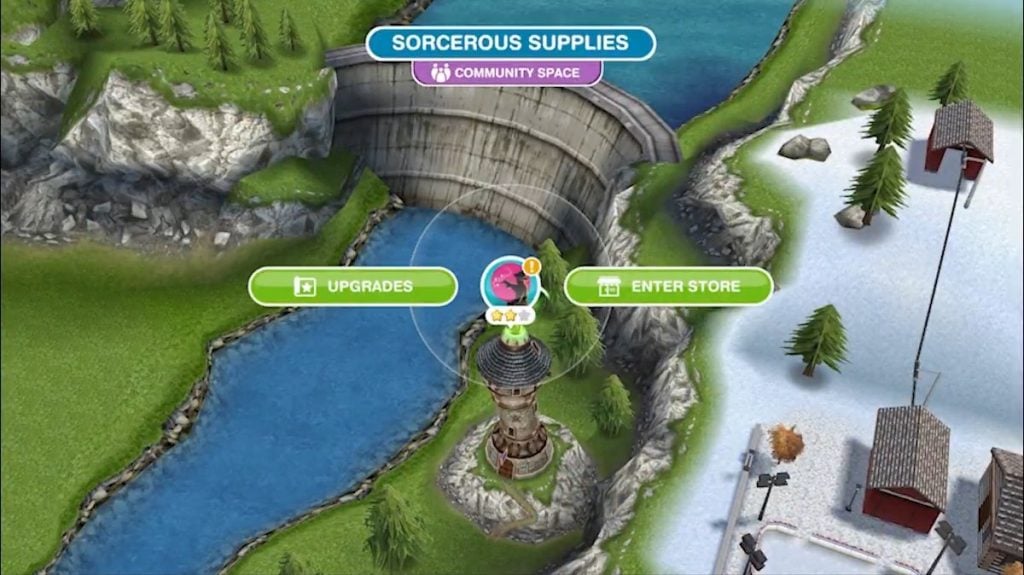
To upgrade buildings, simply tap any eligible store on the Town Map to open a new building options menu, then tap ‘Upgrades’ to open its menu. As you invest in upgrades, each store’s building quality increases from 1 to 3 stars, reflecting its impact on your town and unlocking meaningful, lasting benefits along the way.
How Store Upgrades Work
Each store has a dedicated upgrade path that unlocks step-by-step.
You can preview future upgrades before committing.
Every store includes Major Upgrades that increase your building’s quality and unlock unique bonuses.
Some standout Upgrades include:
Pet Store and Pet Salon – Have up to 16 pets in one home, and build the petting zoo of your dreams!
Baby ‘N’ Bumps – Increase the number of Sims that can live in a household!
Salon – Unlock a new collection of colorful ombre hairstyles!
Sorcerous Supplies – Spells that can help clean up pee, vomit, as well as dirty dishes!
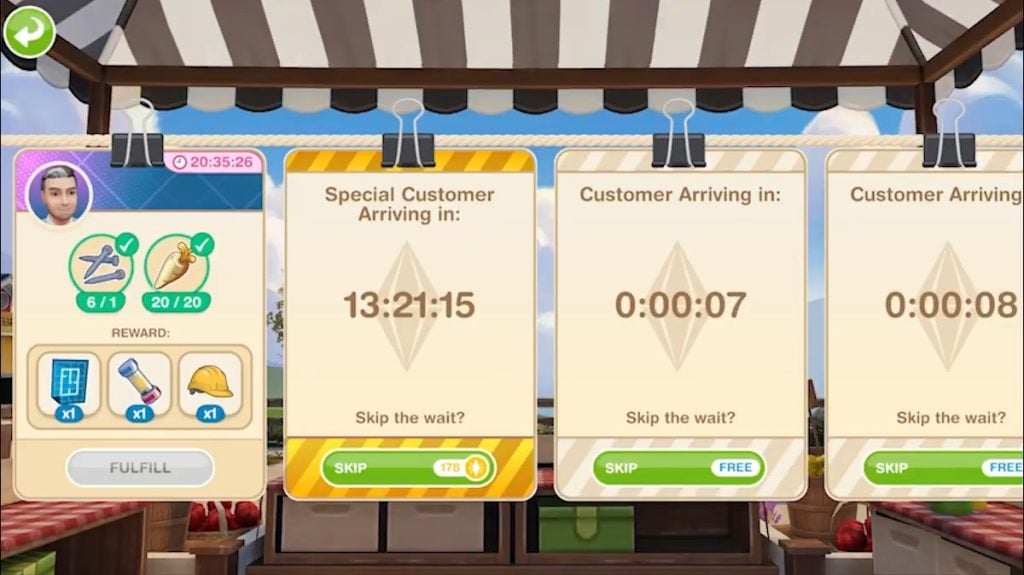
Catty Cakes – An adorable furry assistant appears at the Community Market to help with Customer Requests.
Other upgrades increase Simoleon earnings, unlock new actions, reduce the rate that Sim Needs decay, and more!
What You’ll Need
To upgrade stores, you’ll require special Upgrade Tools:
Blueprints
Fuses
Hard Hats
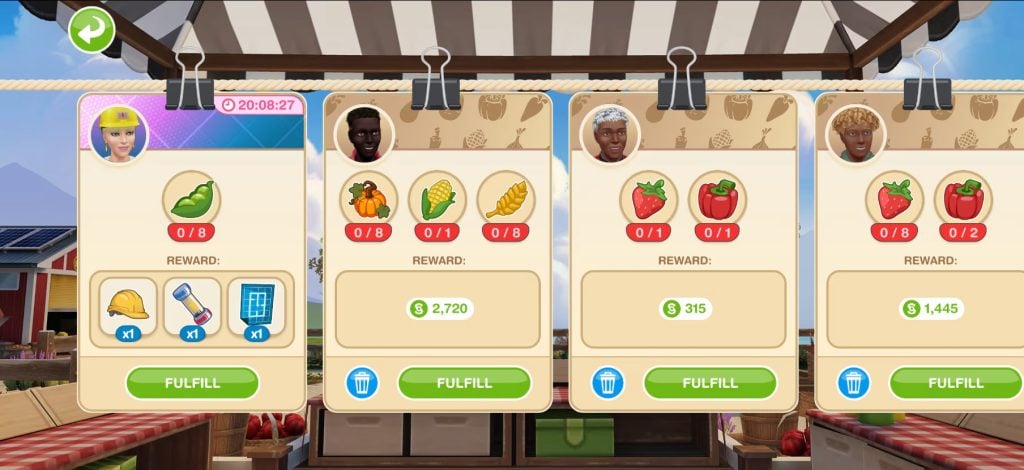
After unlocking Landgraab Ventures at Level 15 and completing the tutorial, a Landgraab Exec will appear at the Community Market with a request. Completing Landgraab Exec requests will award you the new Upgrade Tools needed to upgrade buildings. Additional Landgraab Execs requests will appear over time as you fulfil more customer requests.
Fewer Taps. Clearer Maps.
We’ve redesigned Town Map Revenue to cut down on interruptions while you play and make collections feel more rewarding. These are the XP and Simoleon icons that appear above Lots on your Town Map.
Previously, Revenue icons were spread across multiple lots and appeared at different times, granting small amounts of XP and Simoleons. You let us know these frequent pop-ups disrupted your session, and the reward didn’t feel satisfying enough. So we’re changing them.
With Livin’ Large:
Town Map revenue now only awards Simoleons
Rewards have been removed from frequently tapped lots like Home Lots and Transit Stations
Specific Community Spaces and Landmarks now generate larger Simoleon payouts
Revenue icons appear less often, but deliver higher values
You’ll now see bigger, more meaningful Simoleon rewards from places like Nightclub, the Pet Store, and Campgrounds.
Collection timing is also clearer:
Workplaces generate rewards every 7 hours (except the Nightclub)
Landmarks and Community Spaces generate rewards every 21 hours
The result? More Simoleons overall, with fewer interruptions and fewer taps.
Growing Your Town, Your Way
Livin’ Large Town Expansion has been heavily influenced by your feedback across surveys and social media. We set out to create something special for every type of player, no matter how you play.
It increases Sim capacity, introduces a new store upgrade system, improves Town Revenue, and expands progression with new levels.
We can’t wait to see what you create with the Livin’ Large Town Expansion.
We’ll update this article with another info entry revealing the upcoming Series Event coming with this Livin’ Large Expansion.
On The Case Series: Coming Soon
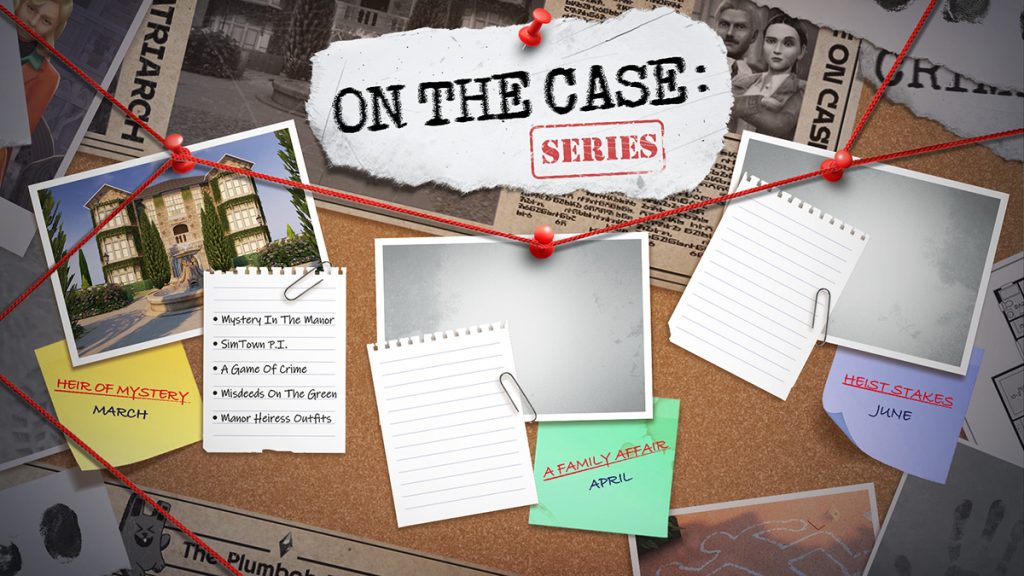
The Sims FreePlay team posted a new image on socials, revealing a new “On The Case” series. Potentially hinting at new detective features coming to the game, with the following roadmap of features:
Heir of Mystery (March)
Mystery In The Manor
SimTown P.I.
A Game Of Crime
Misdeeds On The Green
Manor Heiress Outfits
A Family Affair (April)
Heist Stakes (June)
“The town’s quiet… but I hear everyone scheming. Something isn’t right, and time will tell.”
February 26th Teaser
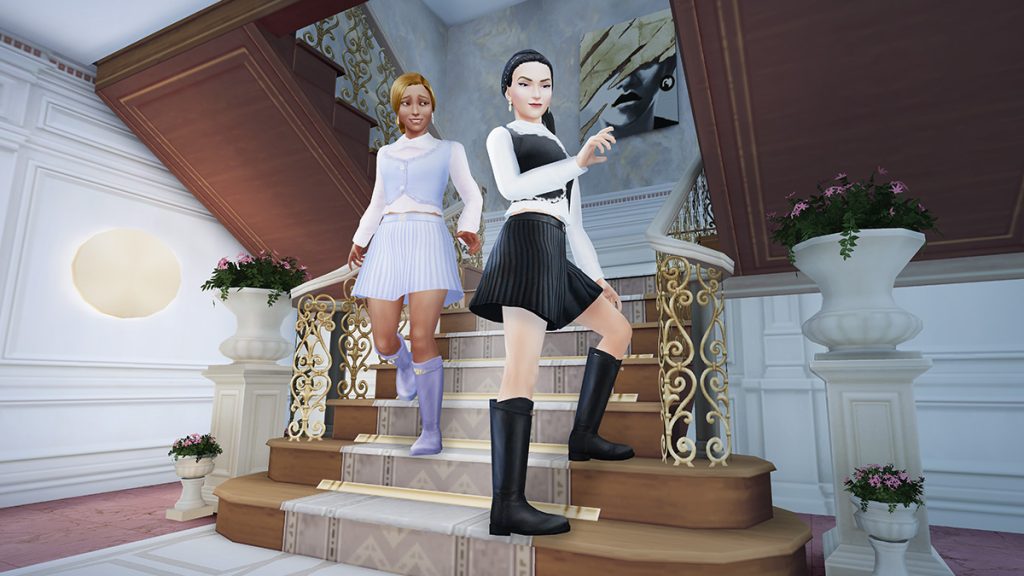
Be a manor heiress and dress the part. Check your inbox during the first week of the update to receive this polished look in four elegant variations. Perfect for estate life, afternoon tea… and quiet interrogations. Each variation is available to claim for 48 hours and keep forever. #ComingSoon
The Sims FreePlay is currently the only remaining smartphone / tablet Sims experience after The Sims Mobile was shut down last month. The latest rumor from this month points to the fact that FreePlay may be discontinued if modernisation pushes don’t increase player count. But that’s currently all that it is – a rumor.
What are your thoughts on the upcoming The Sims FreePlay Update? Let us know in the comments below and stay tuned for more Sims experience news!
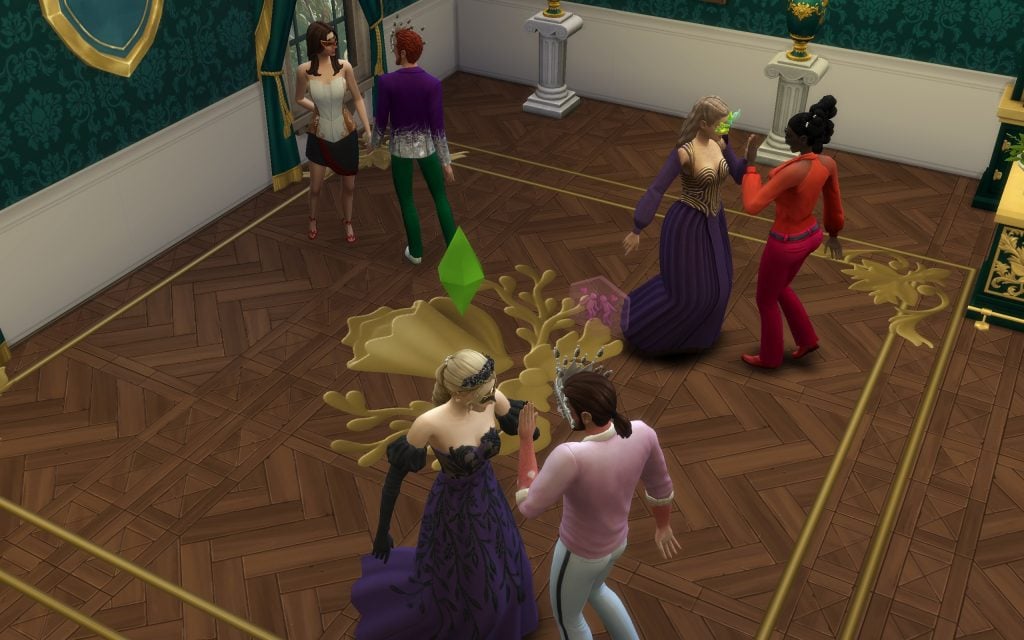
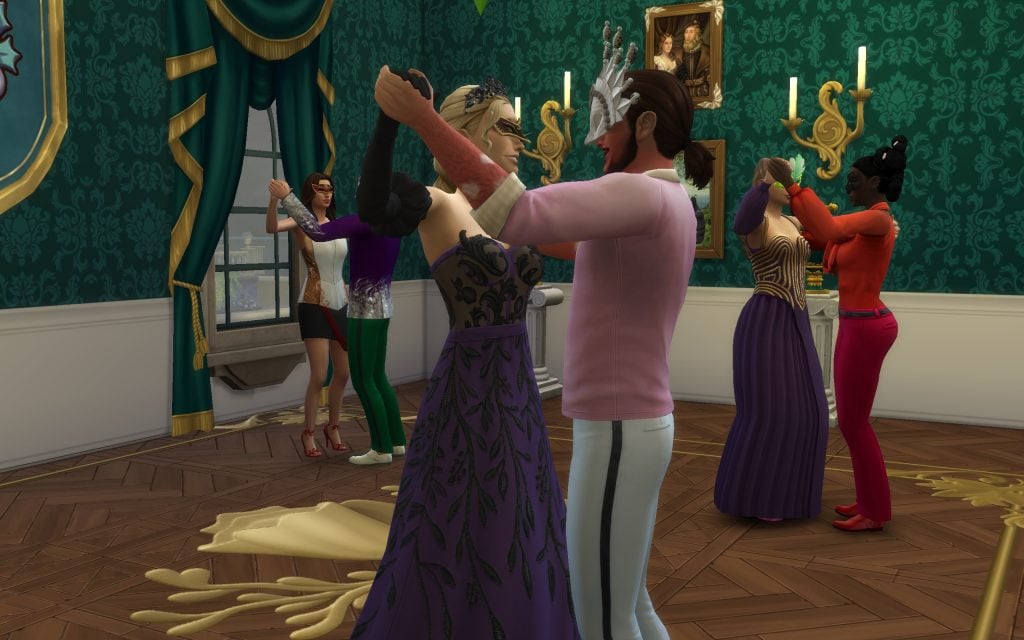
With The Sims 4 Royalty & LegacyExpansion Pack comes a variety of brand-new social events tied to the Noble Career. Your Sims can give press conferences, hold courts, and even host a Grand Ball. And what is a noble dynasty without its royal dances, where alliances are forged, rivalries spark, and anything can happen? Hosting a Grand Ball is the perfect opportunity to strengthen relationships with other dynasties, uncover juicy secrets about your rivals, and perhaps even find your soulmate beneath the glow of crystal chandeliers.
In this guide, we’ll walk you through everything you need to create the perfect Grand Ball, helping your Sim climb the ranks of the Noble Career and become not only the ultimate party host, but the true monarch of the kingdom.
Grand Ball Event Guide
Preparing the Grand Ball
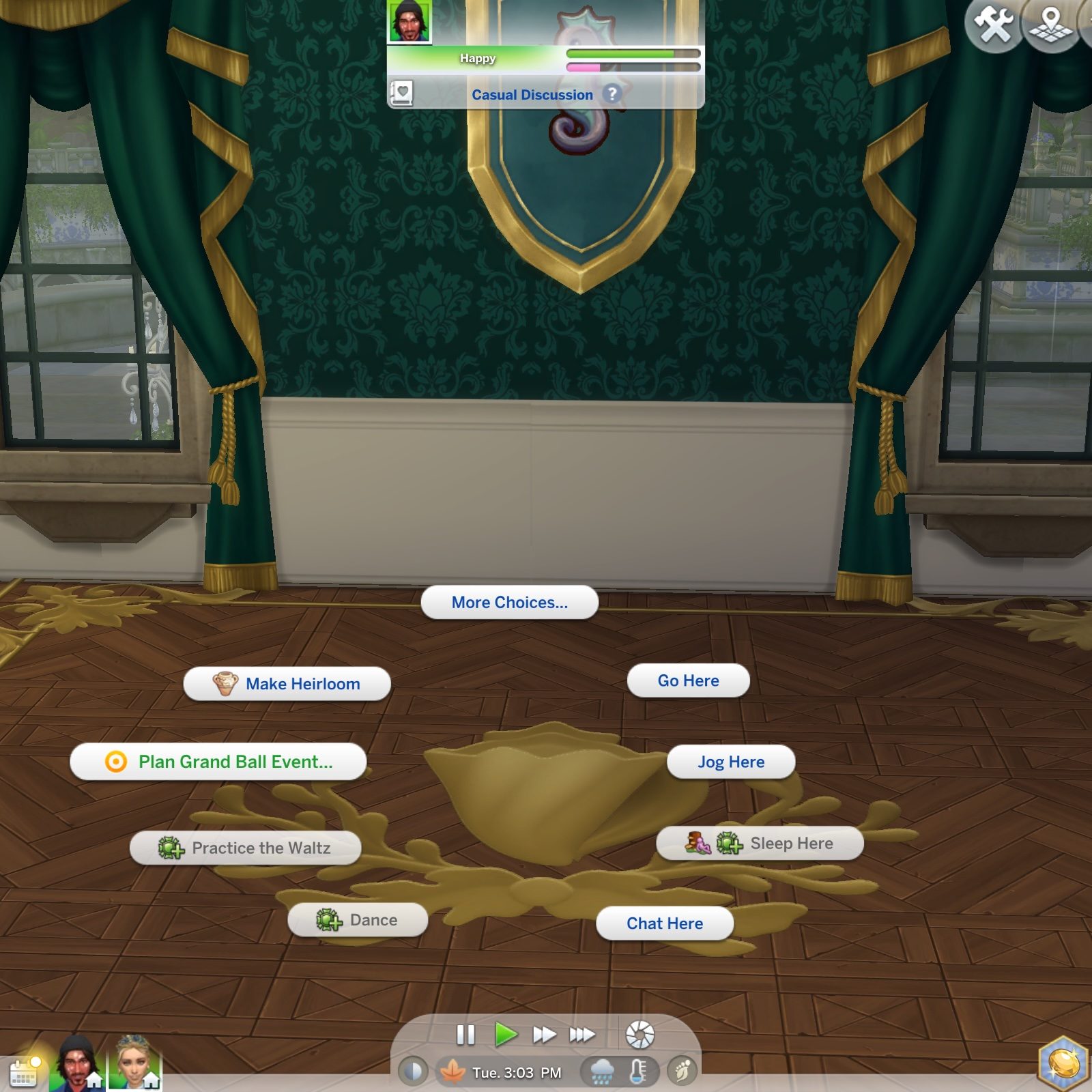
Before you begin your ascent to the heights of nobility, you’ll need to prepare everything required to host a Grand Ball — and secure that coveted Gold Medal along with every possible reward. Like the other events included in Royalty & Legacy, the Grand Ball can be hosted on any lot by simply clicking on a large dance floor or planning it through your mobile phone. That means you don’t need to spend extra simoleons renovating your own home if you don’t want to.
However, if you dream of building your own majestic ballroom, we’ll show you everything your castle needs to maximize your chances of earning Gold — and trust us, it’s easier (and more fun!) than you might think.
To host a truly memorable Grand Ball, there are three essential objects your Sims simply cannot do without. First and foremost, the Waltzing Dance Floor is the heart of the entire event. With its classic, refined design, it sets the perfect stage for a Bridgerton-inspired ballroom evening, where elegant spins and dramatic glances take center stage. Of course, no royal celebration would be complete without music, so any speaker will do the job of filling the hall with sweeping melodies and lively rhythms. And finally, a bar is absolutely indispensable.
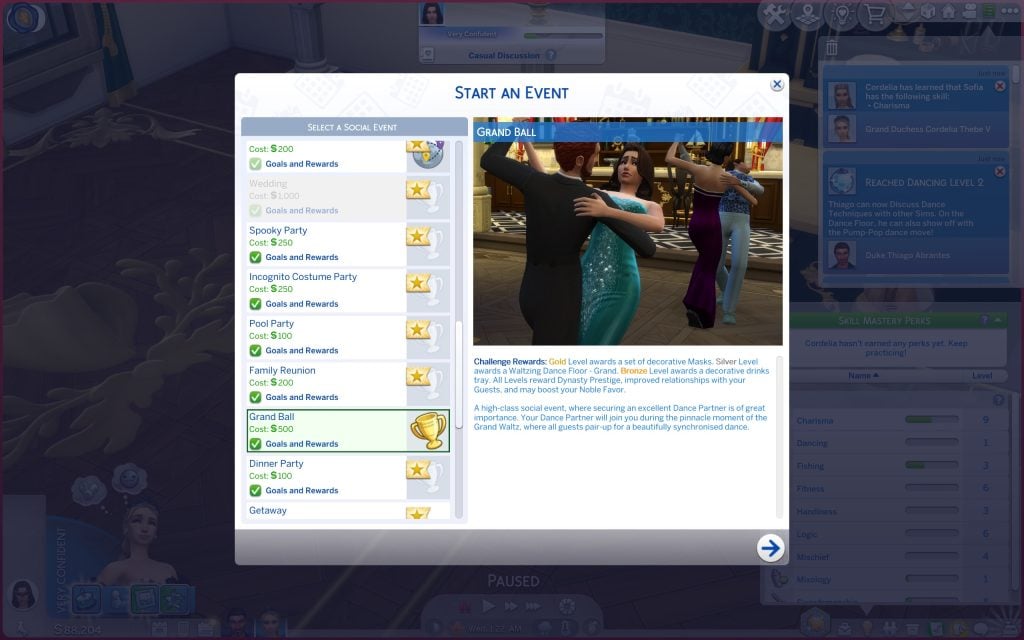
This new event has some new rewards based on the level you get at the end of your Grand Ball.
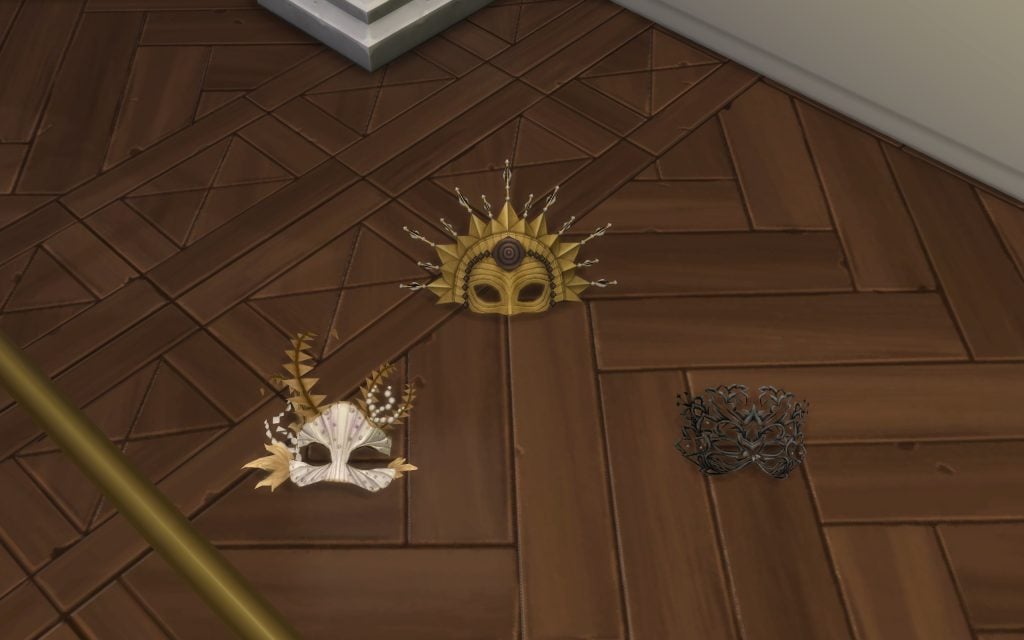
Gold: A set of new decorative masks to display proudly in your home.
Silver: A brand-new dance floor.
Bronze: A decorative drinks tray.
By simply completing the Grand Ball event, your Noble Sim will gain progression in their Dynasty Prestige bar, strengthen their relationships with all attending guests, and potentially boost their Noble Flavor as well.
Once these essentials are in place, you can elevate your venue even further with the stunning decorative objects introduced in the expansion. Personalized heraldic shields allow you to display your dynasty’s emblem with pride, towering statues add a sense of grandeur and legacy, and the new drinks carriage brings both elegance and practicality to your ballroom. Add the enormous chandeliers overhead, and your castle will feel every bit worthy of nobility.
Now that everything is prepared, it’s time to host your Grand Ball. Simply click on the dance floor and select the interaction. A panel will appear on your screen, similar to the wedding event interface, allowing you to customize the details of your celebration before the festivities begin.
In this panel, your Sim can decide the guest list, assign a mixologist to run the bar, and even choose the lot where the Grand Ball will take place — whether it’s your own castle or another venue that better suits the occasion.
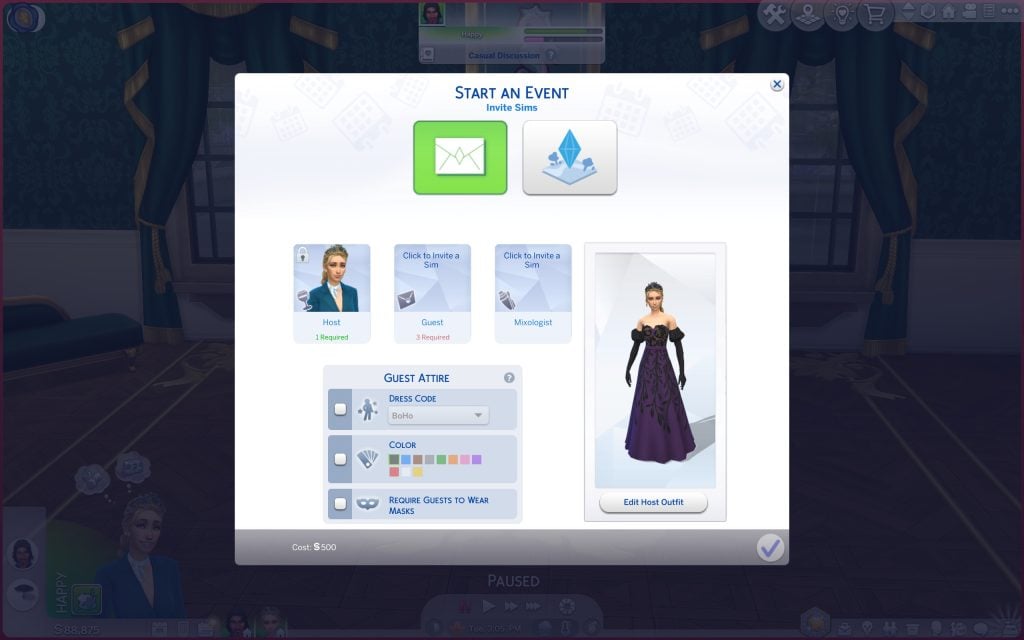
You’ll also be able to set the dress code in detail, selecting the overall style, defining a specific color palette, and even requiring guests to wear masks for a truly dramatic, masquerade-inspired evening. Finally, don’t forget to choose your host Sim’s outfit for this special occasion. You can match the theme perfectly to embody the spirit of your event… or deliberately stand out in something entirely different. After all, a true noble knows how to shine either way.
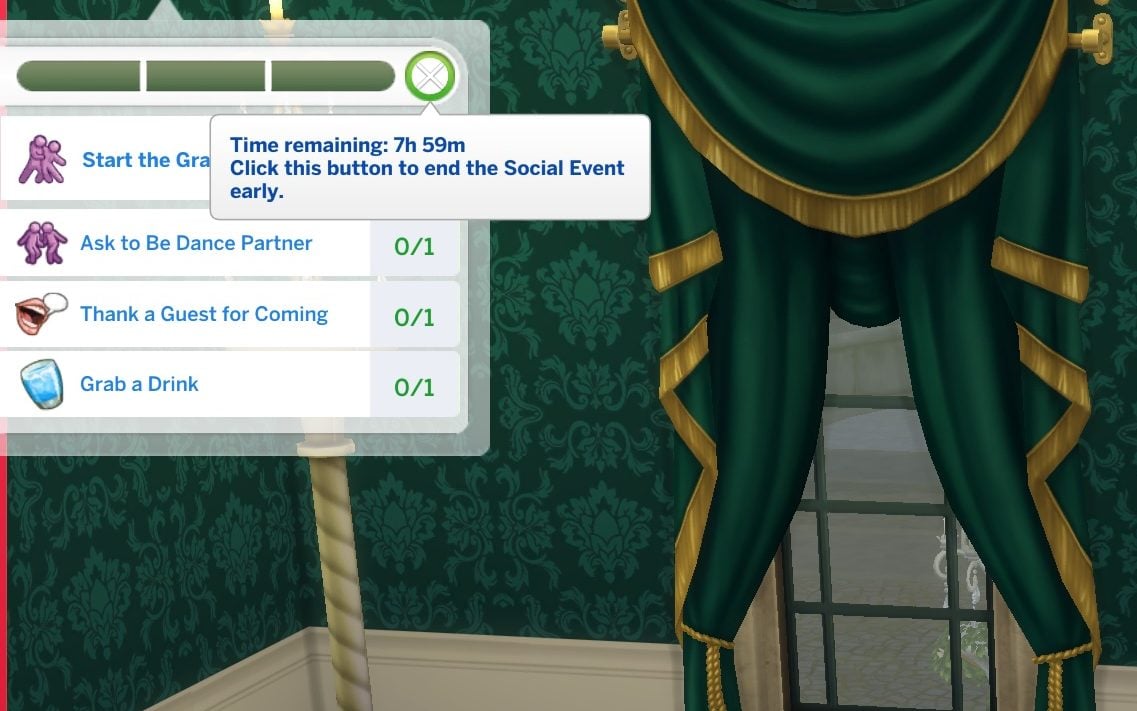
Once you press Accept, your Sim will have eight in-game hours to complete all the event objectives. Starting the Grand Dance is the main goal, and once you complete it — along with two or three additional tasks — your Gold Medal is practically guaranteed!
Hosting the Grand Ball
Now that your event has begun, make sure to give your guests a warm welcome. Greet them properly, offer refreshing drinks, and spark engaging conversations to set the tone for an unforgettable evening. Your Sim can also Hold a Welcome Speech before the Grand Waltz starts; you only have to click on them.
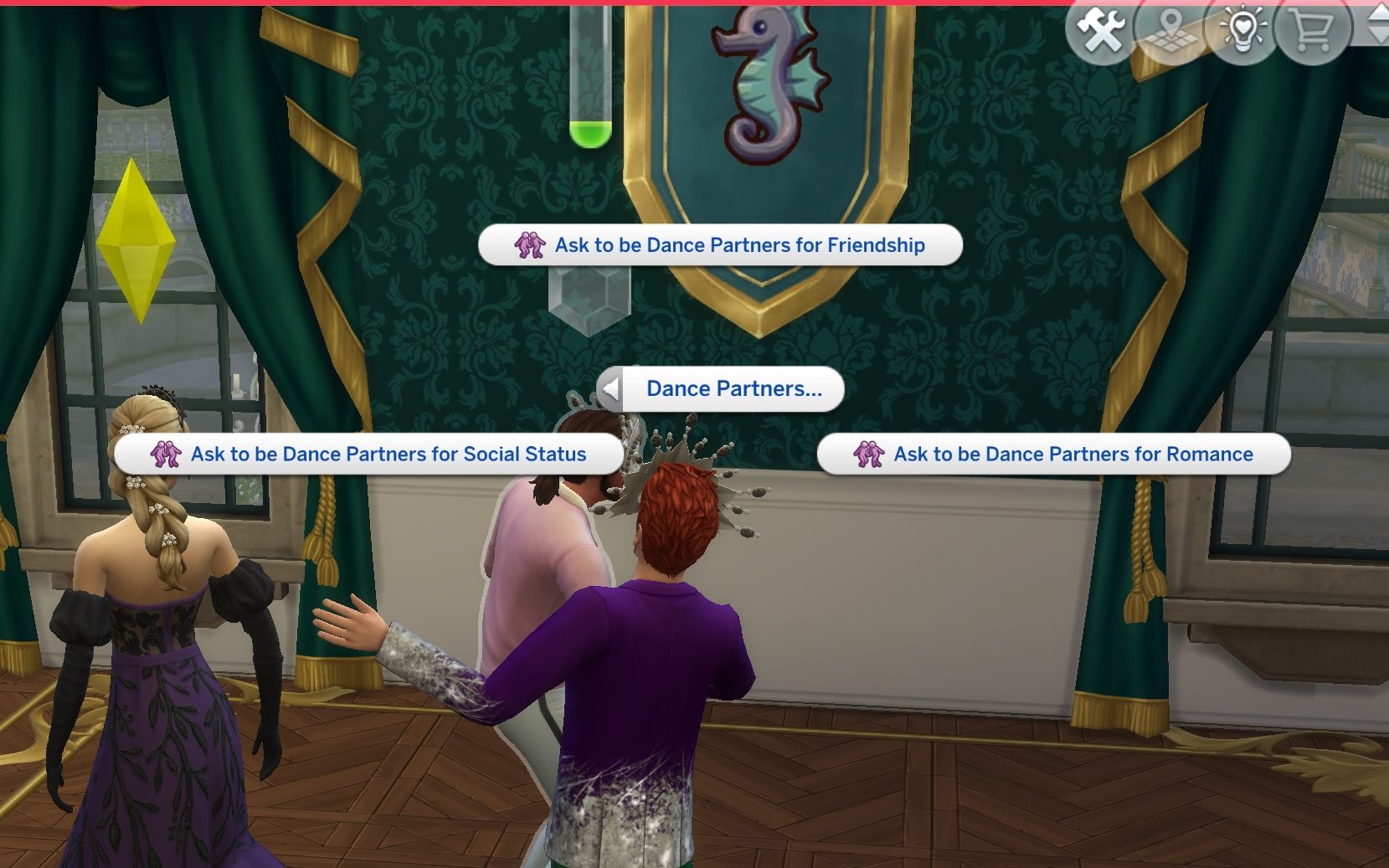
One of the most important moments of the event comes when it’s time to choose your dance partner for the waltz. This decision can shape the atmosphere of the evening, and you’ll have three different options to consider:
For Friendship, choosing this option will strengthen the bond between your Sim and their selected partner, increasing their friendship relationship and reinforcing valuable alliances.
For Social Status, this choice directly benefits your Noble Sim’s career progression, helping them advance faster within the Noble Career and gain recognition among other dynasties.
For Romance, selecting this option will boost the romance bar between the two Sims, making it the perfect opportunity to spark new feelings or deepen an already blossoming connection.
After making your choice, you can begin the Grand Dance byclicking directly on the dance floor. Once the interaction starts, every guest will automatically be paired with a partner, and the entire ballroom will come to life as they begin waltzing in perfect synchronization. You’ll also be able to enjoy the brand-new dance moves created specifically for the waltz. Watching all your Sims glide across the floor at the same time truly captures the magic and elegance of a royal celebration.
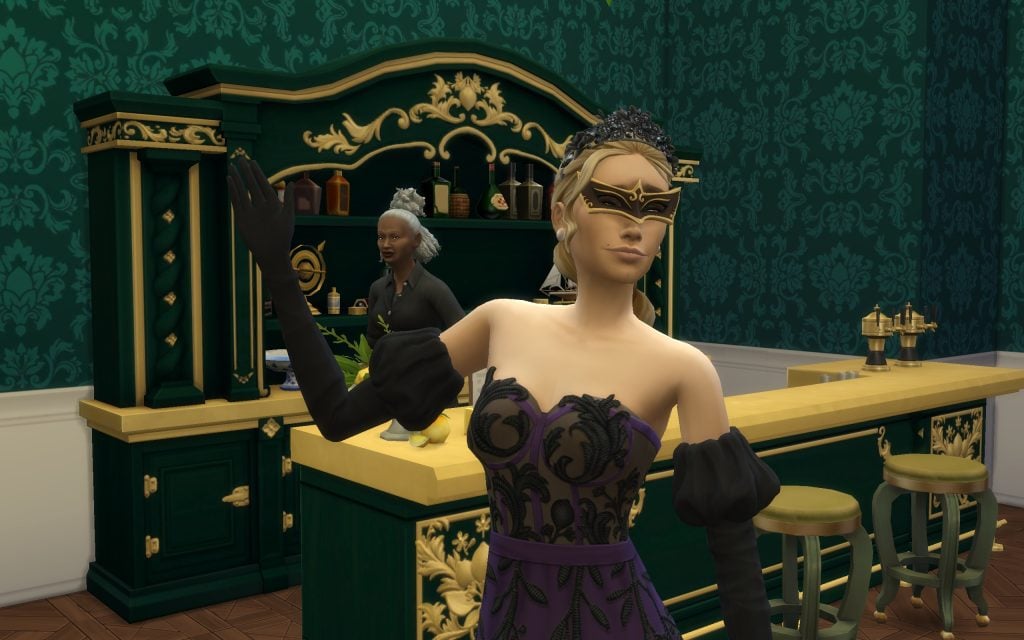
After completing the Grand Dance and fulfilling a few additional objectives, your Gold Medal will be secured, and your Sim will earn the title of Best Grand Ball Host. As a reward, the exclusive items you unlock will be delivered directly to your household inventory. Among them, the decorative masks can be placed anywhere in your castle, allowing you to proudly showcase to the entire kingdom that you truly hosts the finest balls.
And with that, you now know exactly how Grand Balls work and how to secure the best possible rewards, ensuring a remarkable rise through the ranks of the new Noble Career. A well-hosted celebration is more than just a party — it’s a statement of power, elegance, and influence.
And before the whispers begin to spread across the kingdom, don’t forget to explore all our The Sims 4 Royalty & Legacy guides to ensure your rise toward becoming the next Grand Leader is nothing short of extraordinary. Until the next celebration… your most devoted observer of noble affairs.
The Sims 4 Royalty & Legacy Is In The Hands Of Players, But Is It Worth the Price Tag? Here’s Our Full Review!
The Sims 4 Royalty & Legacy Review
When Royalty and Legacy was announced, I wasn’t convinced it would suit the way I play. The concept felt distant, almost theatrical, and I assumed the systems would be too prescriptive. In hindsight, that reaction came from unfamiliarity rather than disinterest. We’ve never had anything quite like this in The Sims 4, and stepping into a new style of play takes a moment to settle.
Royal Gameplay
The royalty mechanics themselves are where the pack struggles to find its footing. Noble decrees sound dramatic on paper, but in practice they don’t carry much weight. Their effects on the world are minimal, and the tax system mostly nudges your Sim’s reputation between commoner and royal without shaping the wider experience. Noble ventures are presented as opportunities to engage with the community, yet they play out as rabbit holes, which makes the feature feel detached from the world it’s meant to influence.
Legacies & Dynasties
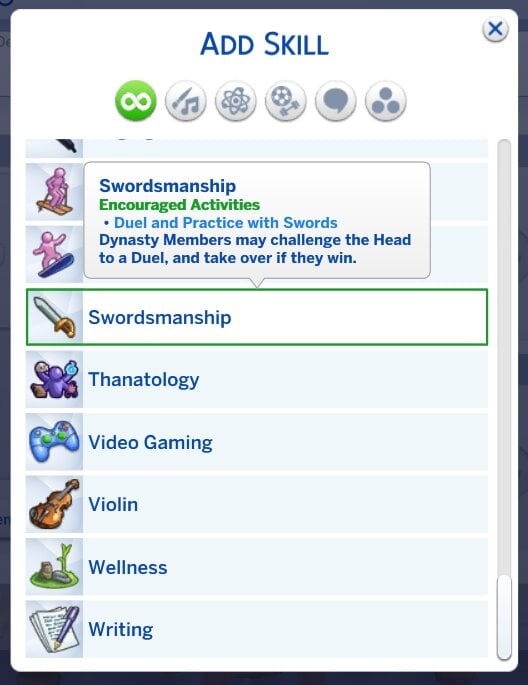
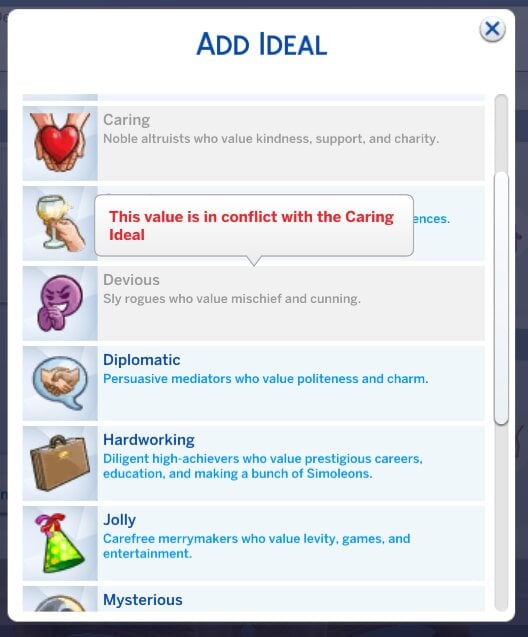
The legacy systems are a different story. Dynasties alongside their chosen Ideals and Skills give long-term players something substantial to work with. I’m not a legacy player myself, but I can see how these mechanics will reshape generational storytelling. Choosing Ideals or Skills as a focus creates natural tension within families, whether that leads to closer bonds or rebellious streaks. It’s one of the few times in recent years where The Sims 4 has introduced a system that genuinely shifts how people might play.
What makes these systems stand out is the way they encourage players to think beyond the immediate household. Dynasties give structure to families that span multiple generations, and the Ideals and Skills chosen for each branch create a sense of identity that carries forward.
Even for someone who doesn’t typically play legacy saves, it’s easy to appreciate the potential here. The systems feel considered, and they integrate smoothly with the rest of the pack without overwhelming it. They offer a level of depth that encourages players to think about the long term, and they do so without adding unnecessary complexity. It’s a feature that enhances the game’s storytelling potential in a way that feels both natural and impactful, something I have felt missing from Expansion Packs in the past.
Scandals
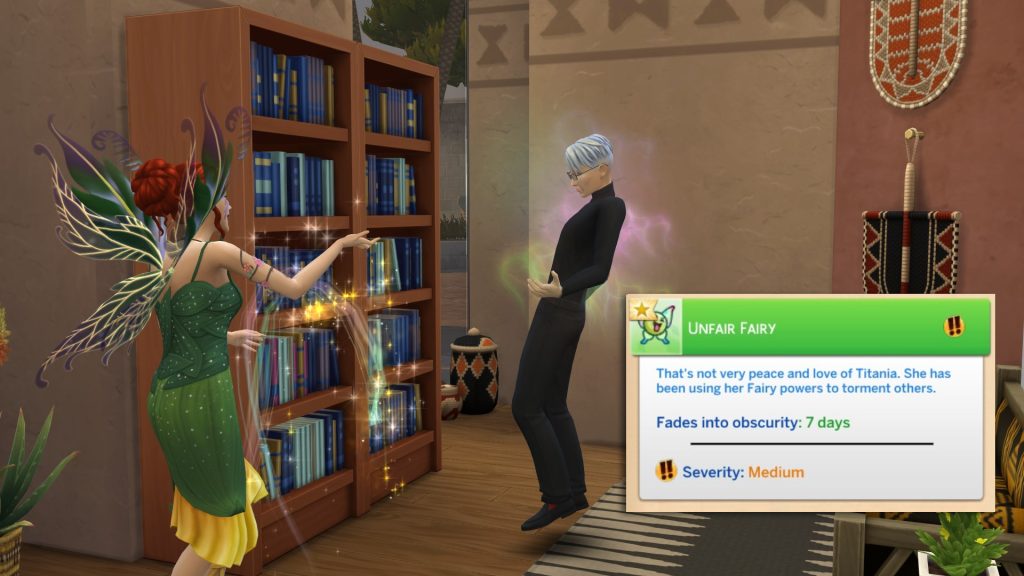
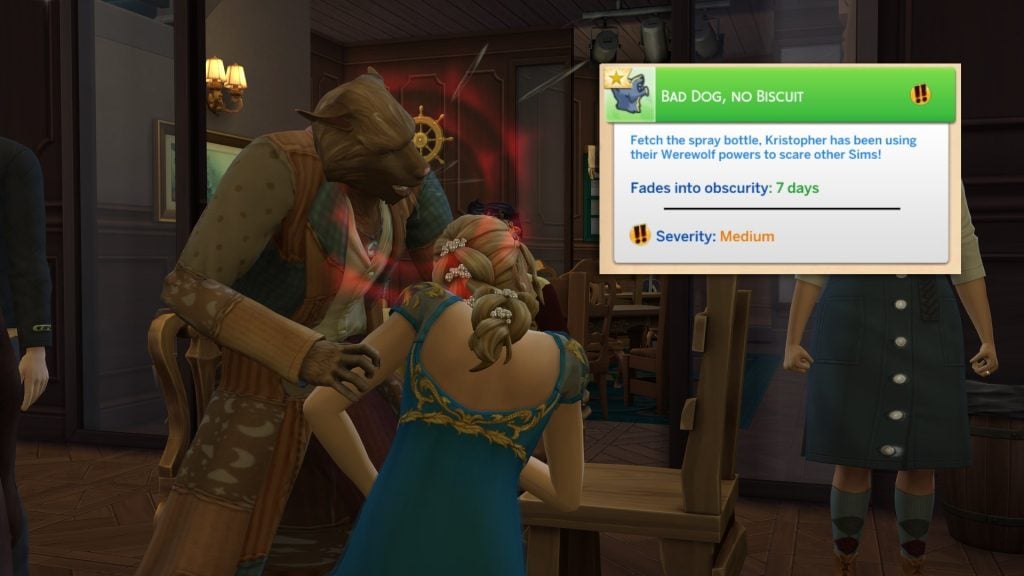
Scandals are another pleasant surprise. There are twenty-seven in total, including a handful tied to occult gameplay, and they strike the right balance between flavour and restraint. They feel like actual scandals rather than everyday mishaps dressed up as drama. It would have been easy to overdo this feature, but the team showed a level of judgement that keeps it from becoming intrusive.
What stands out most is how considered the selection feels. Each scandal has a clear narrative weight without tipping into melodrama, and none of them interrupt the flow of ordinary play. They appear at a pace that feels manageable, and when they do surface, they add a small ripple of tension rather than derailing whatever you were doing.
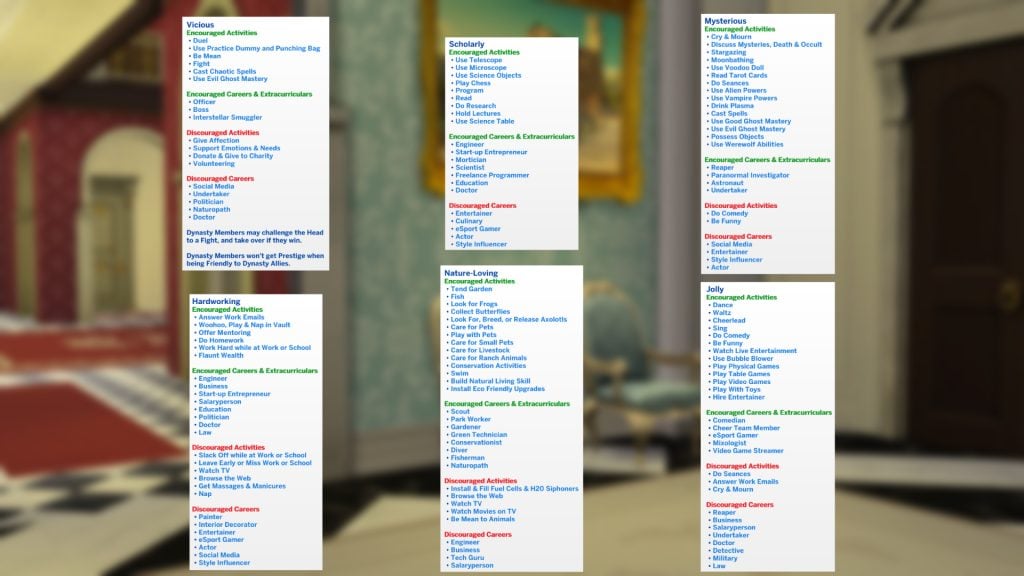
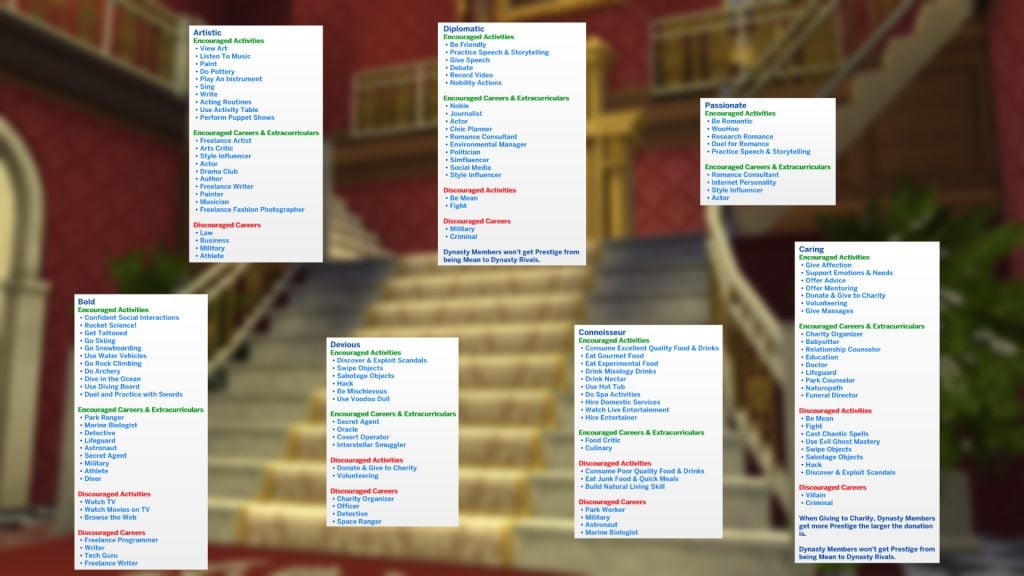
It’s a rare example of a reactive system in The Sims 4 that understands its place in the wider experience. The game acknowledges your Sim’s behaviour without punishing it, and the tone stays consistent across the different categories, including the occult-specific ones. It’s one of the few features here that feels fully thought through, and it adds a welcome sense of texture to everyday play.
Ondarion
Ondarion is visually impressive. The three regions each have a distinct identity, and Dambele stands out as only the second African-inspired world we’ve received. The views are some of the strongest in the game, although when zoomed out, the world suffers from noticeable lag, and building LOD transitions appear inconsistent at mid-distance zoom. Players on lower-end machines may experience frame dips in more densely decorated areas.
What makes Ondarion memorable is the way each region feels as though it has been shaped by its own climate. Dambele, in particular, brings a warmth and richness that The Sims 4 has rarely explored, and it is refreshing to see a space that draws from African influences without diluting them. Bellacorde and Verdemar hold their own with more traditional European vistas that we have seen before, and the contrast between the three helps the world feel broader than its map size suggests.
Despite these issues, Ondarion remains one of the more thoughtfully designed worlds in recent years. The variety between its regions, the care taken with its cultural influences and the strength of its visual identity make it a standout addition. With a bit more optimisation, it could have been close to perfect, but even as it stands, it offers a setting that feels fresh.
Create-A-Sim & Build/Buy
The aesthetic direction across Create-A-Sim and Build/Buy is handled with care. The African-inspired clothing and objects feel integrated rather than tokenistic, and the overall balance between the different styles is well considered. Build/Buy includes some lovely assets with generous swatch variety, but there are issues with originality. A noticeable portion of decorative and functional objects reuses existing meshes with minor revisions. An expansion pack should expand the game, not recycle a significant portion of its catalogue. It’s difficult not to feel short-changed when so many objects are familiar. With a stronger commitment to new meshes, this could have been one of the more memorable visual additions to the game. As it stands, it offers a solid selection with some standout pieces, tempered by a noticeable amount of reused content.
The Noble Career is one of the more enjoyable parts of the pack. It’s engaging enough, and the integration with the Get Famous fame system adds a layer of progression that suits the theme. Where it falters is in resistance. Advancement is steady and largely uninterrupted, with few trade-offs or setbacks. Rising to lead a kingdom should introduce instability. Power should strain relationships, divide social classes, and heighten scrutiny. Instead, progression feels procedural. The journey to the top is smooth, but in a life simulation built on emergent tension, smoothness isn’t always strength.
Despite these shortcomings, the Noble Career remains a solid addition. It captures the aesthetic and thematic elements of nobility well, and it offers enough structure to feel distinct from other careers in the game. With more emphasis on consequence and instability, it could have been a standout feature. As it stands, it delivers a polished but predictable experience that complements the pack’s theme without fully realising its potential.
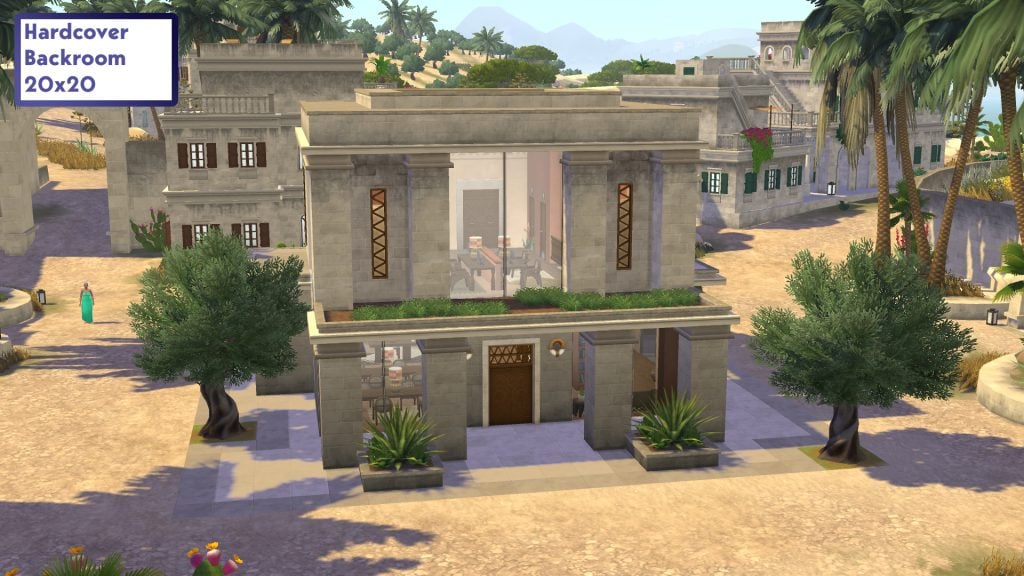
Not every feature lands. Power Shifts, including the enchanted mirror, glass slippers and sword in the stone, all feel similar in practice. After trying them once, I didn’t feel compelled to revisit them. The new Back Room lot type also struggles to justify its inclusion. Functioning as a library by day and nightclub by night, it resembles the kind of venue flexibility introduced through last year’s custom venue tools in The Sims 4 Adventure Awaits, making it feel redundant rather than innovative. In practice, Sims routinely wander into quiet library spaces during nightclub hours, which breaks the intended atmosphere.
Is It For Me?
Royalty and Legacy offers a strong foundation for players who enjoy long-term storytelling, and the team has handled the thematic balance with care. The problem lies in the execution. Many of the systems lack the polish needed to make them feel consequential. I often found myself waiting for a reaction or a repercussion that never arrived. The ideas are ambitious, but the follow-through is inconsistent. It’s a pack with clear strengths, particularly for legacy players, but it stops short of delivering the depth its concept promises.
At its current price, the value of the pack depends heavily on how much you enjoy legacy gameplay. Until 15 March, players can purchase Royalty and Legacy with the Tea Time Solarium and Silver Screen Style Kits included at no extra cost, which does help justify the initial offerings. Once that window closes, the expansion will need to stand on its own, and the uneven depth of its systems becomes more noticeable. There is plenty here for dedicated legacy players, but the pack would benefit from stronger consequences and a firmer sense of progression to fully support its theme.
What are your thoughts on The Sims 4 Royalty & Legacy Expansion Pack and our review? Let us know in the comments below, and stay tuned for all news and guides on Royalty & Legacy.
20 Essential The Sims 4 Mods that add meaningful storytelling to your gameplay and legacy stories.
Do you want your game to feel more meaningful and story-driven in The Sims 4? This guide highlights 20 essential The Sims 4 mods for 2026 that add depth, realism, and new storytelling opportunities for your legacy stories. These mods will change your gameplay experience and make your forever save file full of memorable stories worth telling.
Table of Contents
First Impression Mod by Lumpinou
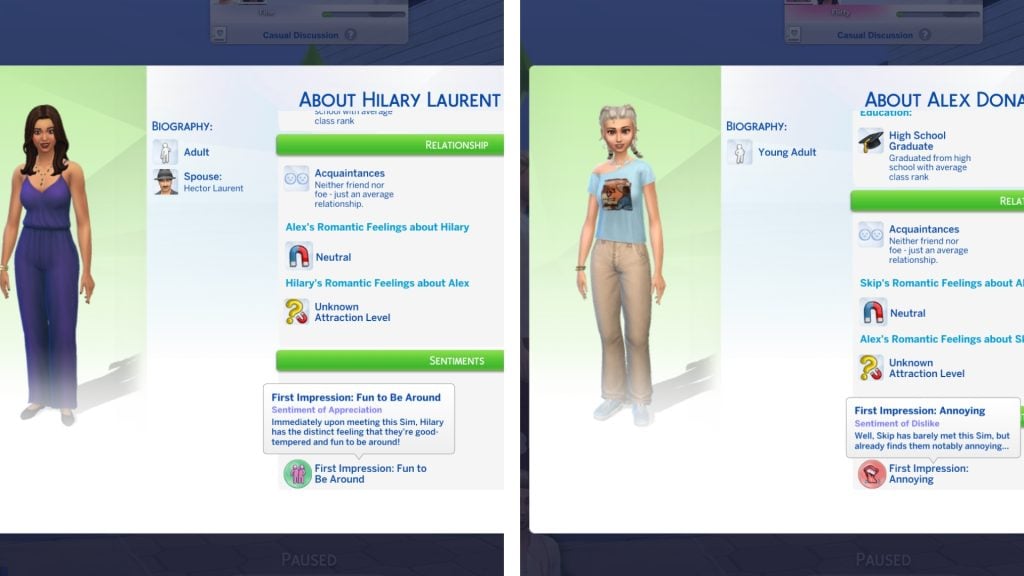
Uh oh! Your Sims can no longer hide what they’re feeling when meeting another Sim for the first time. With Lumpinou’s First Impressions Mod, you can instantly see what they think about another Sim, both positive and negative first impressions that can shape friendships, rivalries, and romances.
Mirror Selfie Mod by Simkatu
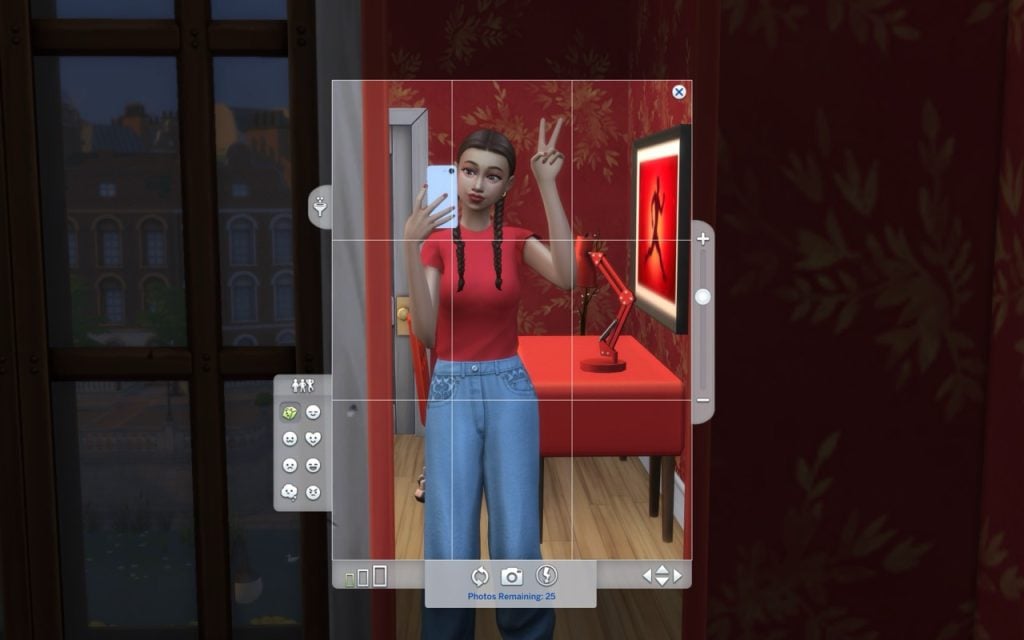
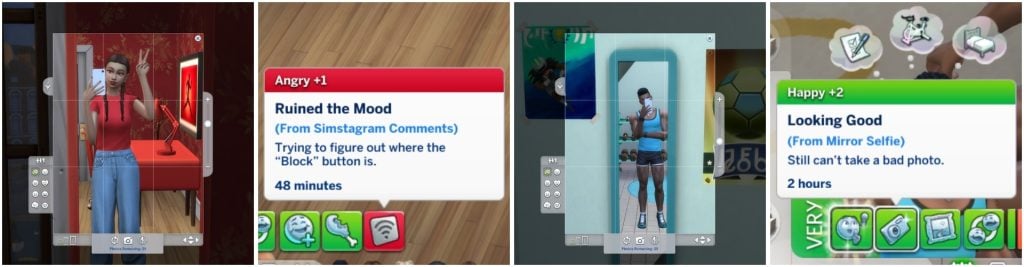
Lights, camera, selfie! The Mirror Selfie Mod by Simkatu lets your Sims take stylish mirror selfies in different poses and share them on Simstagram. Watch their follower count grow, read comments, and see their mood change depending on the reaction—fame isn’t always easy!
Seasonal Emotions Mod by Ellesimsworld
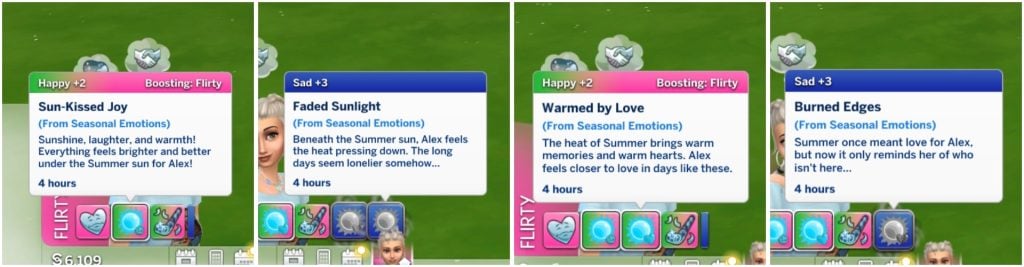
Have you ever wondered what your Sim is feeling during different seasons? With Ellesimsworld’sSeasonal Emotions Mod, your Sims can experience deeper emotional changes tied to each season. Maybe fall reminds them of a heartbreak, or a sunny summer day makes them happier than a cold, dark winter. You simply pick a trait/emotion for your Sim that gives them mood buffs and memory-based emotional reactions, meaning your Sims react not only to the current season, but also to memories from previous ones.
SNBank Mod by SimRealist, roBurky, Victor Andrade
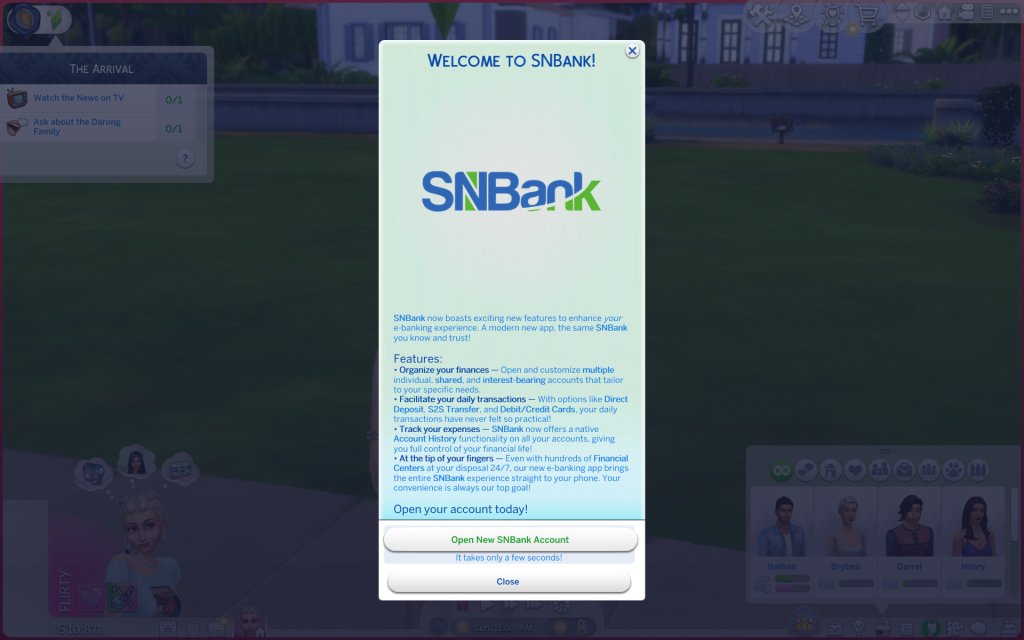
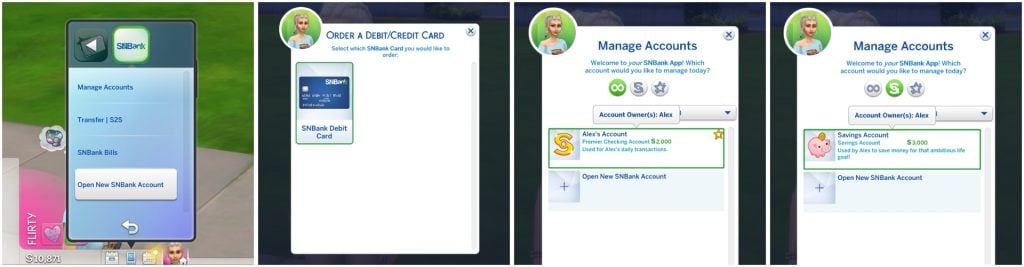
SimRealist creates some of the most realistic mods out there. Maybe dealing with banks and money in real life is enough for you, but if not, you can also make your Sims deal with them at SimNationalBank! SimRealist, roBurky, and Victor Andrade created SNBank Mod, to turn money management into a realistic part of your gameplay experience.
You can even order your own debit/credit card! There are two types of accounts, one Regular account and one Premier account. The SNBank Premier account lets your Sim earn interest and get exclusive offers.
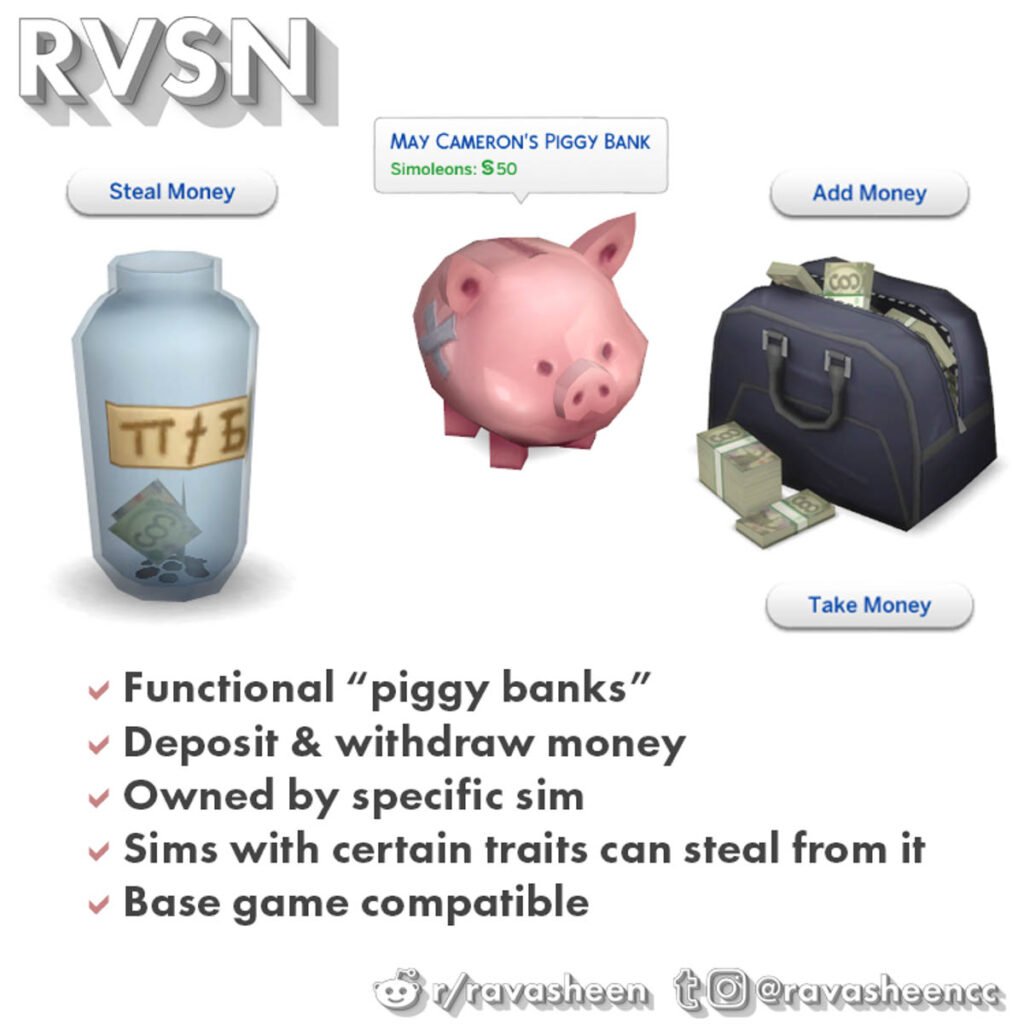
Safe Piggy BanksMod by Ravasheen
It’s the little things that make a huge difference. Your Sims can now save money in three different build/buy objects with Ravasheen’s Safe Piggy Banks Mod. When your Sim puts money into a jar, piggy bank, or a bag it becomes their personal saving stash. But watch out for mischievous Sims, they might steal it all!
Ravasheen is also known for their recent collab with The Sims 4 where they released a creator kit called The Sims 4: Yard CharmCreator Kit.
Picture made by Ravasheen.
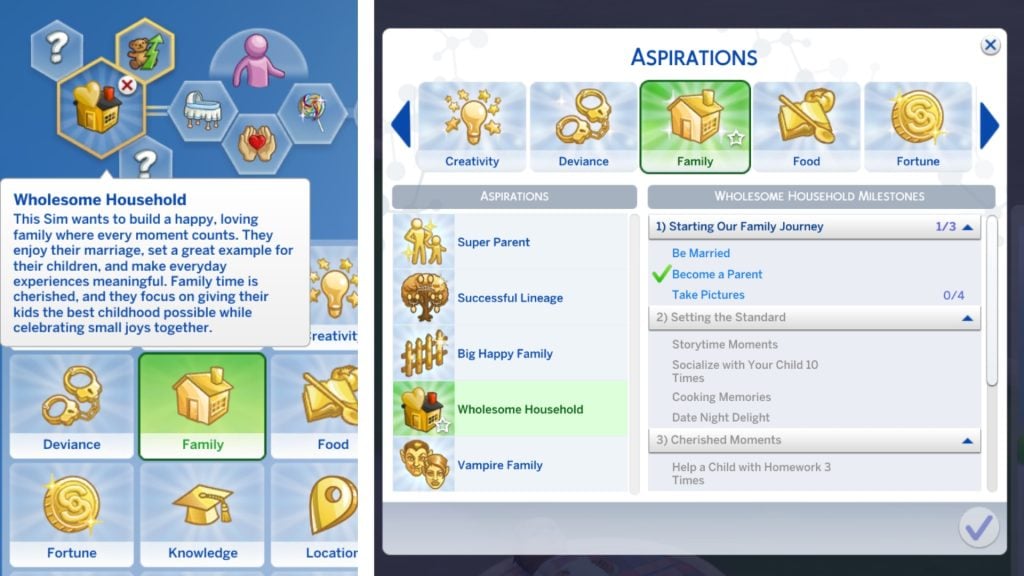
Wholesome Household Aspiration Mod by CassitySimmer
Create more memories with your Sims family instead of just checking off boxes. The mod creator CassitySimmer brings memories back with the Wholesome Household Aspiration Mod. This new aspiration encourages you interact more with your Sims family and adds deeper storytelling to your gameplay.
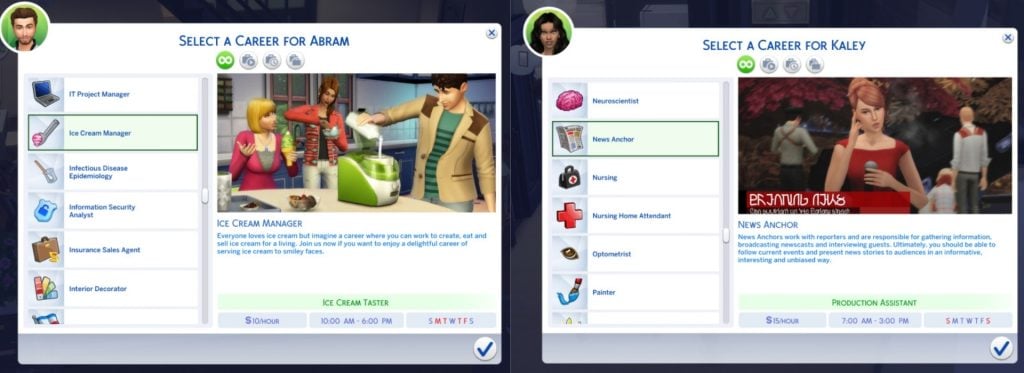
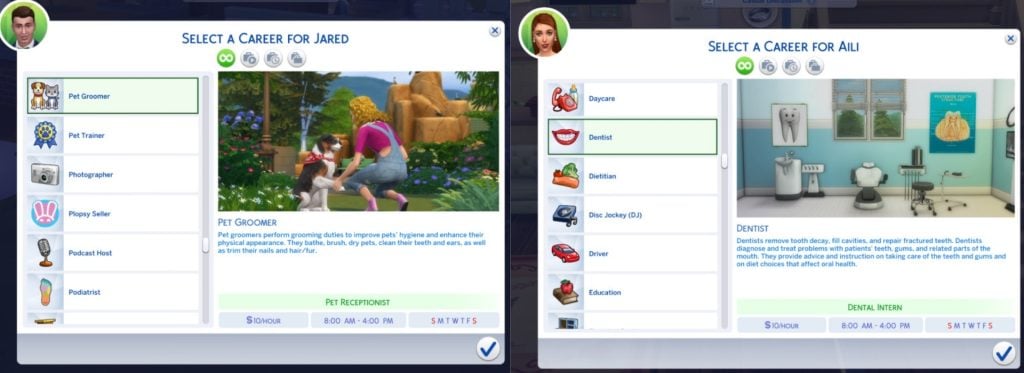
More Career Opportunities Mod byKiaraSims4Mods
What is your Sim’s true dream job? KiaraSims4Mods More Career Opportunities Mod adds a huge variety of new careers to your game. Your Sims can work as an ice cream manager, dentist, pet groomer, or news anchor, giving you even more ways to shape their stories and daily lives. And that’s just a small selection—this mod adds many more careers for you to discover!
Pictures taken by KiaraSims4Mods.Pictures taken by KiaraSims4Mods.
SimCare Mod by Plumlace
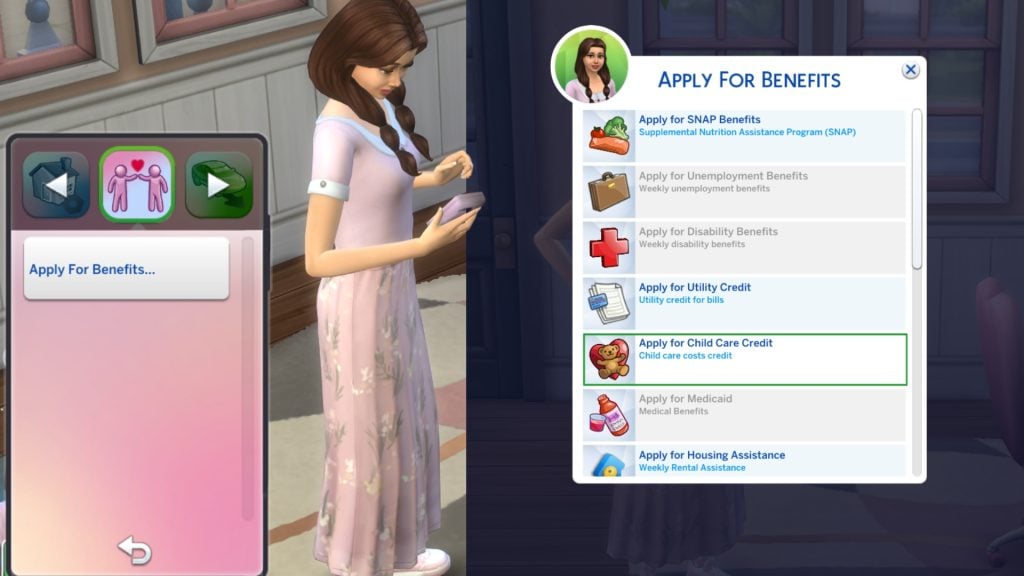
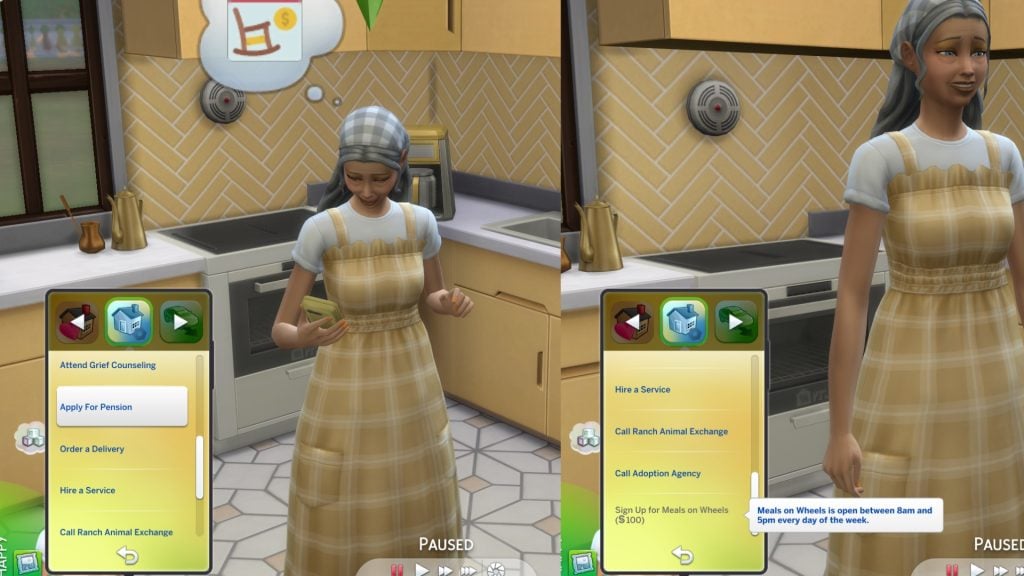
This mod is a real game changer! Plumlace’s SimCare Mod adds realistic benefits you can apply for in The Sims 4. For example, your Sims can apply for Child Care Credit on their phone and instantly find out if they qualify. If your Sim has a disability, are unemployed, or in need of a housing assistance, they can apply for support too. The mod has much more to offer, and adds tons of realism. The good news is that it’s still in development with new features planned.
Dental Care Mod by A.deep.indigo
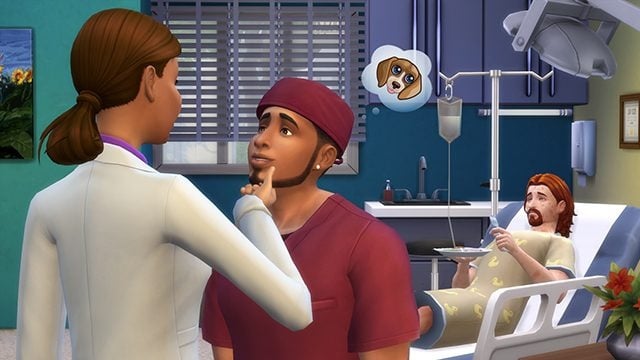
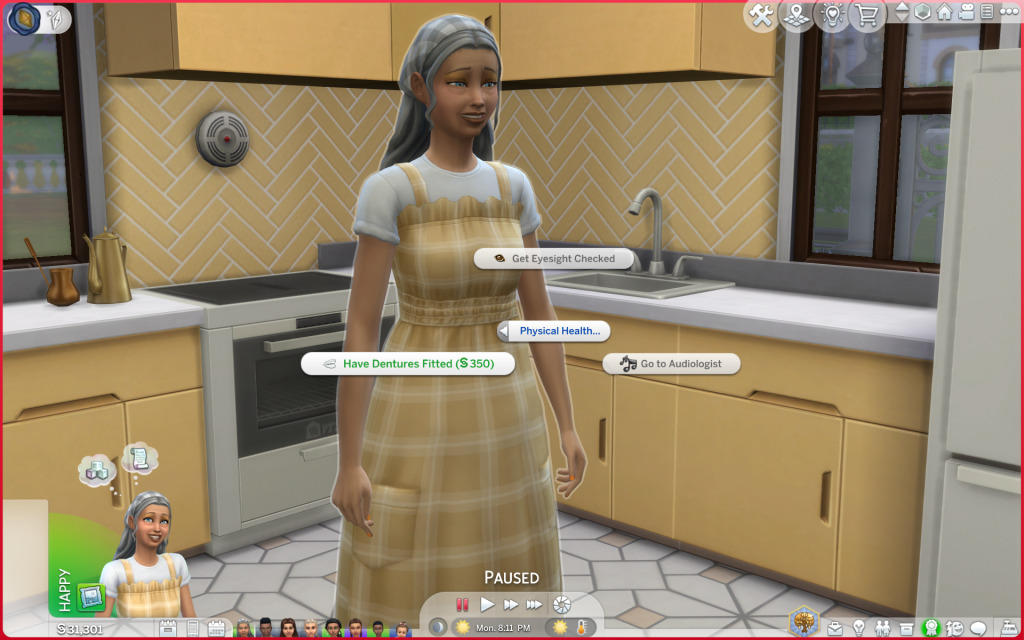
When was the last time your Sims visited the dentist? That’s what I thought. With a.deep.indigo’s Dental Care Mod, your Sims get realistic dental gameplay. They can get cavities, deal with bad breath, wear braces, have wisdom teeth removed, and even go through teething as toddlers. This mod gives your Sims a reason to show off their smiles again!
Photo Taken by A.deep.indigo.
No New Random Townie GeneratedMod by Cepzid Ferdiana Creation
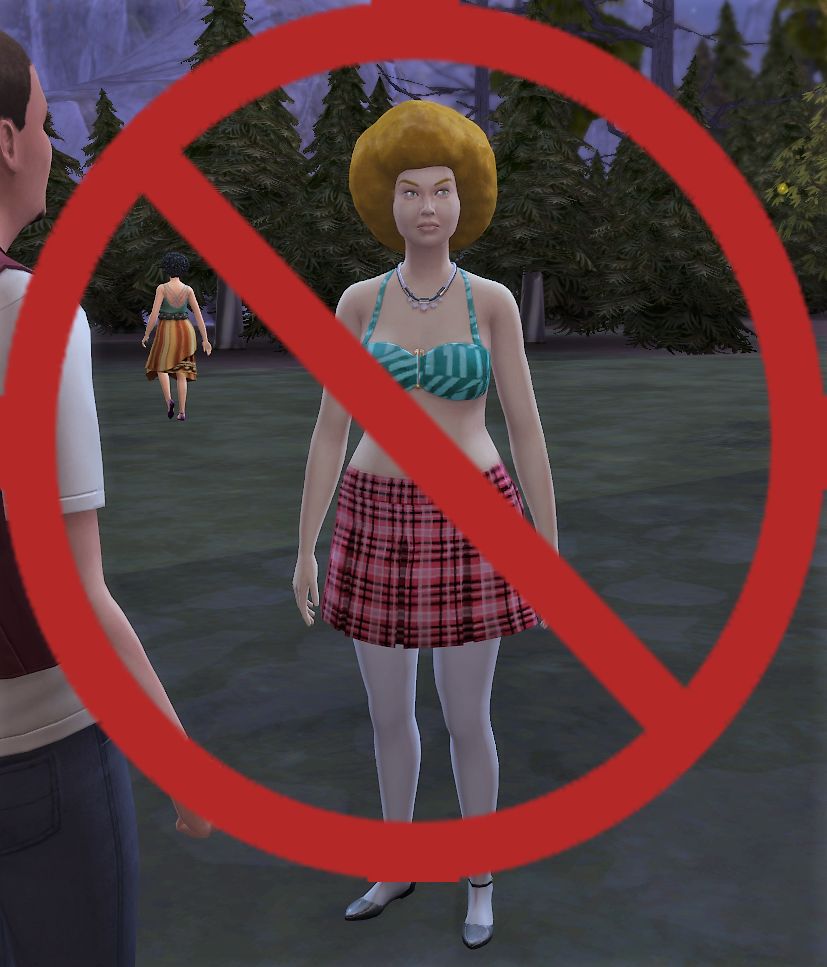
Working on your forever save file, but random townies keep showing up and making a mess? If you want to keep only the original NPCs, Cepzid Ferdiana Creation’s No New Random Townie Generated Mod stops new random townies from spawning, so your world stays exactly how you designed it. Let your forever save file begin!
Picture taken by Cepzid Ferdiana Creation.
Timelines: An Age Assignment Mod by Ellesimsworld
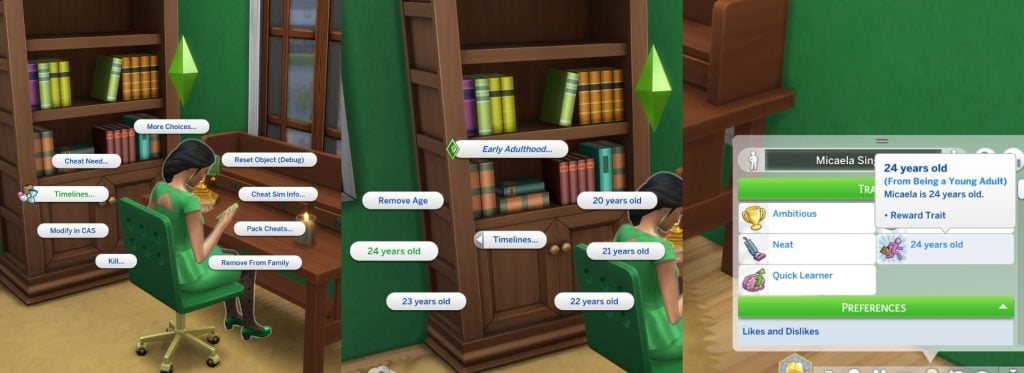
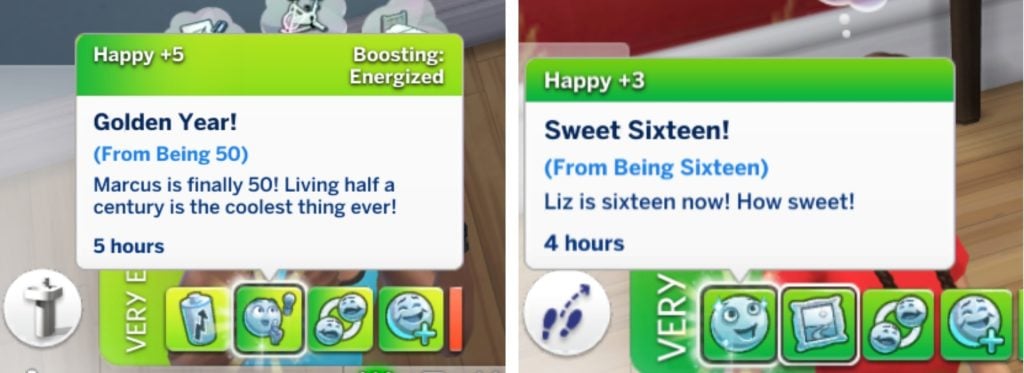
Another famous mod by Ellesimsworldis the Timelines: An Age Assignment Mod. This mod lets you see your Sims’ exact age and adjust it yourself to better fit their life story. You assign their age through a timelines pie menu based on their life stage, and the mod displays it in the Simology panel as a reward trait. It works for infants all the way up to elders. Your Sims can also receive special buffs for milestone ages, like 16, 18, 25, and 50. This mod is the perfect cherry on top of your gameplay, adding those little extra storytelling moments to their lives.
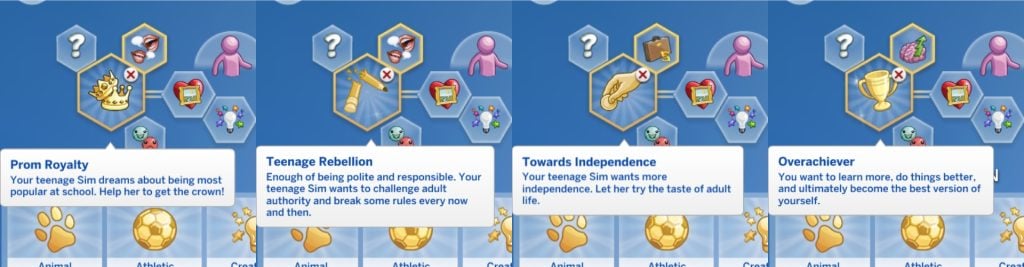
Teen Aspiration Bundle Mod by ilkavelle
Want your teens to have big dreams (and big drama)? The Teen Aspiration Bundle Mod created by ilkavelle introduces four brand new teen aspirations. Prom Royalty, Teenage Rebellion, Towards Independence, and Overachiever. Finish them to unlock unique reward traits and add extra personality to your Sims teenage years.
Elders Expanded Mod by Llazyneiph
After you have tried this mod your gameplay experience will never be the same again. Add more realism to your elderly Sims with the Elders Expanded Mod by Llazyneiph. With this mod aging really affects your Sims. When your Sim becomes an elder they have a chance to develop issues with their sight, hearing, or teeth—sometimes even all three! Luckily, there’s a caretaker who can help. You can also apply for pension, and order meals from Meals on Wheels.
Foster Family by LittleMsSam
Ever wanted your Sim to become a foster parent and change a child’s/pet’s life? With the Foster Family Mod by LittleMsSam it’s possible! Your Sims can open their home to kids and pets in need and become official foster parents! Children/Pets can be placed into your household temporarily, giving you the chance to care for them, raise them, and shape their story before they move on to their forever home.
Growing Pains Preschool ModuleModby Thatssojordy
The mod we didn’t know we needed! Thatssojordy Growing Pains Preschool Module Modyou get way more involved in your child’s early years. You can choose from four different preschools, send parents to parenting classes, go back-to-school shopping with your kids, and spend quality time together through special activities. This mod makes raising Sims feel even more meaningful.
Odd Jobs Collection Mod by Midnitetech
Don’t want to commit to one full-time career? Midnitetech has a solution for that with their Odd Jobs Collection Mod. 25 new different odd jobs are added, like Dog Walker, Tour Guide, Run Errands, Simstagram Model, Airport Pickup, Computer lesson and more. Your Sims will always have a way to earn quick money—say goodbye to unemployment!
Picture made by Midnitetch
Child Birth Mod by PandaSama
One mod we never get tired of? The famous Child Birth Mod created by PandaSama. It turns pregnancies in The Sims 4 into a full experience with tons of realistic details, interactions and events. Not only can you do ultra sound checkups and give birth at the hospital, or at home. You also get a few build/buy objects, like a gender reveal setup. If you place the glass buckets down nearby Sims will automatically put on pink or blue glasses to guess the baby’s gender. This mod shares the beauty of real life to your Sims, with both happy and sad moments along the way.
Alter Your Sim’s Personalitywith custom made traits by Simularity
Want even more personality for your Sims? Simularity’s Alter Your Sim’s Personality Traits Mod adds fun and realistic custom traits to explore—including a few for pets! You can give your Sim a Farmer trait who sees farming as a lifestyle, or make them a Techie who loves all things technology, another one is the Homemaker who prefers family life over chasing a career. There’s so many more traits to discover!
Pictures made by Simularity
Connected Sims Mod by A.deep.indigo
Want your Sims social life to feel more alive? The Connected Sims Mod Sims made by A.deep.indigo adds over 50 new ways friends and family can interact with your Sims. They can invite your Sims to brunch, spa days, baby shower, family BBQs, and even rabbithole activities like Paintball. Invitations can happen all year around, seasonally, or on weekends, giving your Sims a busy and dynamic social calendar. It’s time to schedule some plans!
Picture taken by a.deep.indigoPicture taken by a.deep.indigoPicture taken by a.deep.indigoPicture taken by a.deep.indigo
All Worlds are ResidentialMod by Zerbu
The last mod is All Worlds are Residential Mod by Zerbu. Your Sims can finally move into destination Granite Falls and Selvadorada and freely travel between them. These stunning locations are longer a short vacation—you can now build your own legacies, and stories there.
Try a few of these mods and see how your gameplay changes. Which ones are already in your mods folder, and which will you download first? Let us know in the comments below and see more of our Sims 4 Mods highlights. Happy Simming!
A Comprehensive Guide On All Cross Pack Features Available In The Sims 4 Royalty & Legacy!
As with every Expansion Pack released, The Sims 4 Royalty and & Legacy is chock full of new cross pack features to expand your noble and dynastic gameplay. Before release, The Sims Team confirmed that there would be several notable cross-pack features. That being said, other packs are not required to play Royalty & Legacy. Let’s take a look at the cross pack features available with the latest Expansion Pack!
The Sims 4 Cross Pack Features in Royalty & Legacy
Occult Dynasties & Royalty
The majority of Cross pack features regarding occults comes down to how you choose to play. With each world being able to have its own noble leader, towns such as Forgotten Hollow, Moonwood Mill, Innisgreen, and Glimmerbrook are all eligible for rule. At the same time, no Noble Decrees specifically benefit occult Sims, the way you choose to mould your dynastic occult Sims can!
Cross Pack Dynasty Ideals & Skills
Ideals and Skills are what shape your dynasties. They can dictate how your Sims act autonomously, and how certain actions can increase your clan’s prestige. All skills from every pack can be used as a focal point for your dynasties, such as Pipe Organ from Vampires, or the Medium skill from the Paranormal Stuff Pack. Ideals are the rules that your dynasty members will live by faithfully, or choose to ignore if they’re feeling rebellious. Here’s a comprehensive list of all the ways Ideals incorporate features from previous packs:
While there are many cross-pack careers, interactions, and hobbies included, the best Ideals for occults are Vicious (For evil occult gameplay) and Mysterious. The latter focuses on all kinds of occult abilities and is compatible with Base Game-only play.
Cross-Pack Scandals
The list of scandals included with The Sims 4 Royalty & Legacy isn’t extensive; however, the limited number of triggers for a scandal is just enough to not constantly get in the way of regular gameplay. There are only three cross-pack exclusive scandals in the latest pack, focusing only on Fairies, Vampires, and Werewolves. Spellcasters have been left in the dust, and using Mischief or Untamed Magic on Sims will not trigger scandals. I don’t even have to mention the lack of Mermaid integration at this point.
Sims can earn the following Occult-specific cross-pack scandals:
Unfair Fairy – Using Fairy Abilities on unsuspecting Sims (Enchanted by Nature Expansion Pack)
Bad Dog, No Biscuit – Biting Sims and using Mean Werewolf interactions (Werewolves Game Pack)
Plasma Thief! – Drinking Plasma from unsuspecting hypnotised Sims (Vampires Game Pack)
Nobility & Fame (Get Famous)
Sims in the new Noble Career in The Sims 4 Royalty & Legacy will automatically gain fame as they progress in the career, allowing them to reap the same benefits as other celebrity Sims. Giving Speeches at the new Podium will allow Sims to gain fame quickly, as well as boost the Charisma skill, vital for progression within the career.
At level 5 of Fame, noble Sims will earn a Celebrity Tile that can be placed in a ceremony on Starlight Boulevard in Del Sol Valley. Without many day-to-day duties, Noble Sims may find themselves with spare time to build skills and pursue new hobbies, allowing for ample opportunity to gain fame through skills such as painting or writing.
Sims who have been involved in scandals can also write books that reveal scandals, and when published, they will gain a significant amount of fame. Our noble Sims can write Her True Story – In Her Own Words.
If a famous Sim experiences a scandal and it is revealed or witnessed by another Sim the target of the scandal will lose both Fame and Reputation.
Reputation & Charity Benefit Parties
Speaking of Reputation, good deeds go a long way when you’re in the spotlight. Actions such as being mean and causing misfortune to others will lower a Sim’s reputation, and performing good deeds and donating to charity or fans will increase it. At the ‘Pristine’ rank of the reputation system, Sims will be able to throw Charity Benefit parties, bringing together nobles and celebrities for a good cause.
Community Market Lots
The new Community Market lot type comes with The Sims 4 Royalty & Legacy, and when vistied your Sims may find items only available through crafting and foraging, and this includes items from other parks, including the Upgrade Parts from The Sims 4 Eco Lifestyle Expansion Pack.
Players who own Eco Lifestyle may be familiar with the concept of Market lots through the Community Space system. This lot works the same, but will not need to be triggered by neighbourhood voting.
When building a lot, 3 selling tables will be required for the lot to be marked as complete, and luckily, any selling table from any pack can be used for this. Examples of selling tables from other packs include City Living, Eco Lifestyle, Businesses & Hobbies, Home Chef Hustle, and Jungle Adventure.
Sword Retail Shops (Get to Work/Businesses & Hobbies)
Since the release of Businesses & Hobbies, I have found myself neglecting the retail store system that shipped with the Get to Work Expansion Pack. While bare bones in comparison to the Small Businesses system, the new swords sparked an idea!
Swords are a new collectable type in Royalty & legacy and can be displayed on walls for all to see, and you can even find them for sale at the new Community Market lot type. If placed on a wall on a lot designated as Retail, these can be set for sale.
If your Sim owns a retail lot, click the sword and select ‘Set for Sale’. These swords can only be purchased at the blacksmith shop in Verdemar, at the Market lot, and through a few other means for the rarer types. These can then be sold at a markup for profit!
Small Business Residential Palaces & Small Business Activities (Businesses & Hobbies)
Similar to Retail lots, Small Business lots from The Sims 4 Businesses & Hobbies prove profitable for Sims in the Noble career. Your noble Sim is most likely the owner of a resplendent palace, full of valuables, paintings, and sculptures. If so, this is the perfect opportunity to charge the public an entry fee to enter and explore.
If you don’t want members of the public roaming your private chambers, simply designate the areas you wish to be private as ‘Residential’ by using the outline system found in the top bar in Build/Buy (Can also be accessed by pressing ‘O’ on PC and Mac).
With new hobbies and skills introduced with Royalty & Legacy, they would have missed a trick not adding those activities to the Small Businesses activities list! Thankfully there are two new activities perfect for any Sim who wants to be the owner of a grand Ballroom or a Sword-fighting Academy. The two new Small Business Activities:
Dual and Practice with Swords
Waltz
If you want to attract the cream of the crop to your venue, you can set the Noble Career as a target customer type in the Target Customers section when editing your Small Business venue.
Cats Exploring Secret Passageways (Cats & Dogs)
The new secret passageway item allows your Sims to travel from one place to another via a hidden tunnel system, or arm it as a trap to keep curious Sims away. The secret tunnels can also be used as a new woohoo location. One of the hidden benefits of the secret passageway is that it can be used as a new exploration opportunity for Cats to go foraging and pick up (potentially rare) items for your Sims. As Pets arent able to be directly controlled by players, this will happen autonomously, and is more likely to happen if your Cat has the Curious, Free Spirit, or Playful traits.
New Cat CAS Crown
Cats also get an exclusive cross-pack CAS item! If you own both Royalty & Legacy and Cats & Dogs, make sure to check out Create-a-Sim (Or I guess Create-a-Pet), go to the clothing section, and under the hat,s you will find a crown that comes in 7 swatches.
Similar to the new Small Business Activities, the list of available Getaway activities has also been expanded! Both swordsmanship and waltzing can be assigned as a getaway activity, meaning any Sim on the getaway will focus on battling it out with one another or build their skill with the training dummy. The two new Getaway/Custom Venue activities:
Dual and Practice with Swords
Waltz
Creator Cinderellimouse had the right idea for their video, showcasing the new possibilities given to us by creating a Finishing School for Noble children to learn all the skills they need when they are next in line to the throne.
New Club Activities (Get Together)
As with the Getaway/Custom Venue, and Small business systems, the club system from Get Together has had both waltzing and duelling added to the activity roster, as well as the ability to set the club requirements to just Sims in the Noble Career if you so wish. This is the perfect way to get royal connections without having to scope every noble out in Ondarion one-by-one.
New Bucket List Activities (Life & Death)
As cross pack features go, this feels like an oft-forgotten one. There is one new bucket list item for players who also own the Life & Death Expansion Pack. If your Sim is seeking new thrills, they may gain the goal “I’d like to WooHoo in a Secret Passageway”. To complete this, the Sim must have knowledge of at least one secret passageway, and you can choose either ‘WooHoo’ or ‘Try for baby’.
Noble Decree Benefits
There are 8 Noble Decrees your Noble Sims can issues once they reach level 7 of the Noble Career. 6 of these have cross-pack compatibility and will affect different skills, careers, and interactions. The following Noble Decrees have pack-specific benefits:
The Doctrine of Vitality
Career Performance gain Doctor. (Get to Work)
The Artisan’s Proclamation
Skill gain for Singing & Career Performance gain Art Critic. (City Living)
Career Performance gain Actor. (Get Famous)
Skill gain Cross-stitch. (Cottage Living)
Skill gain Pottery & Tattooing. (Businesses & Hobbies)
Skill gain Pipe Organ. (Vampires)
Skill gain Knitting. (Nifty Knitting)
The Edict of Enlightenment
Sims will complete Presentations & Papers faster. It will also be easier to achieve good grades at University. (Discover University)
The Technocrat’s Mandate
Career Performance gain Scientist. (Get to Work)
Skill gain for Robotics & Career Performance gain Engineer. (Discover University)
The Culinary Edict
Career Performance gain Food Critic. (City Living)
That’s all for our list of Cross-Pack features for the latest pack. Have you discovered any yourself? Let us know in the comments below, and stay tuned to Sims Community for all the latest on The Sims 4 Royalty & Legacy.
With hype of the recently released The Sims 4 Royalty & Legacy, you’d think that the party would stay in the new world of Ondarion? Maybe in a room you’d have to venture through a secret passageway in order to reach. Well, if you’re a bit weary of scandals for the moment, then come with me to a party out of the kingdom, back in mainstream Simerica, as we take a look at The Sims 4 Party Essentials Kit.
The Sims 4 Party Essentials Kit became available on April 18th, 2024 and costs 4.99 USD to purchase.
Table of Contents
Pack Description
The official kit information is the best place to start! It says,
Coordinate your décor to build the perfect party atmosphere with The Sims 4 Party Essentials Kit. Set the mood with matching decorations that come in swatches perfect for any party you want to throw, plus a disco ball to add some sparkle and a fog machine to add some mystery. These decorations don’t just fade into the background – not even the backdrops! Coordinate with matching pieces or mix and match to create the perfect mood for any occasion.
This kit has all the essentials your Sims need to share some good times. Throw a birthday party, a big bash complete with a disco ball, or a chill hangout session with friends.
Object Overview
Object Swatches
Partyscape Dining Table
“The Centerpiece” Food Pedestal
The Minimalist’s Dance Floor
Chic & Chill Home Bar
Party On! Poster
Party Starters’ Balloon Pile
“About Last Night…” Confetti
Under The Streamers
Balloon Bouquet
The Partyboard
Party Starters’ Balloon Bundle
Cups ‘n Straws Station
Snack Clutter for Party People
The Partylite
“Simstagram-Worthy” Stereoscopic Drape
LED PARTYstrip
Good Vibes Wall Speaker
“Simstagram-Worthy” Neon Sign
Luminescent Ribbons
Party Starters’ Fog Machine
Party Starters’ Colorific Gobo
Festive Party Streamers
Luminous Lighticles
Party Starters’ Disco Ball
Fiber Optic Garland
The Curve TV by Screensure
“New Faithful” Turntable
Our Review of The Sims 4 Party Essentials Kit
Honestly? This Kit could have been an SDX drop.
I could go on ad nauseum about how the textures are nice (they are) and how, of course, I’m not the personal arbiter of your fancies and/or finances (definitely not), so you could love this kit and that would be absolutely fine and lovely (truly), but…what is this?
Kits, fundamentally, have the unique position of giving us that concepts that could be too risky for a general audience. Over the course of a couple of my kit reviews I have reiterated that I expect kits to have more—some kits have really interesting, and fun themes that I feel like are worth the fiver to be in my game. The Sims 4 Party Essentials Kit is not one of those kits. The nicest way I can describe it is catalogue filler. It’s a cute idea, with cute execution, but it’s the DLC equivalent of junk food.
I love junk food, but I don’t need junk food. Especially junk food like this that isn’t even filling.
The only thing in this shot that’s functional is the Food Pedestal and the table. Yes, the punch jug is just clutter. Usually I’m not the kind of person to get fussy about clutter being just for, well, clutter…but y’all couldn’t make the juice jug dispense juice? Really?
I don’t want to be negative in a way that’s pedantic—I’m not being “brutally honest” here for clicks and views. Your money matters to me. I don’t know your life, your expenses, and whatnot, and so I can only speak with best practices in mind. This isn’t a kit I would recommend to a friend or associate that’s on a tight budget but wants to treat themselves with a cheap digital delight. Not by a country mile. The only person I would recommend this kit to would be someone whose gameplay is locked on a console and they can’t mod their game. Then, and only then, would I say get this kit on a deep discount if it isn’t your immediate “Oh, I love this and I need this!” jam.
Of course, I’m going to use items from this kit now that I’ve spent 4.99 USD (plus taxes) on, but I feel like that isn’t good enough? There are things I do quite like about the kit that are exclusive to it. The curved TV with the LED light? Yup, I’m using it. The sideboard with the record player and the records stored under it? Most definitely, I have the build and Sim in mind for that particular item.
It’s just very frustrating that, despite previous claims, it feel like kits are just there to squeeze blood from a stone.
At least they seem happy…right?
My previous review on The Sims 4 Solarium Tea Time Kit touched on my own personal frustrations with The Sims 4 seemingly becoming a content mill. If kits have to exist I want them to be bold, interests concepts. I want them to be worth the extra five dollars, and I also want them to feel like their original “pick and play” concept. I don’t want every kit to appeal to everyone! I want them to be variety and zany so everyone can get a chance to pick the one they vibe with, or simply go “meh” and pass up on it.
Do you already own The Sims 4 Party Essentials Kit? If so, how do you feel about it? Let us know in the comment section down below, and always know that The Sims Community will keep you up-to-date on The Sims 4 and other LifeSim games! Make sure to check out our other The Sims 4 Kits reviews if you’re still down for a read.
After a quick Lunar New Year break to rest, relax, and celebrate, the team of Developers on InZOI have put their noses to the grindstone to collaborate with the community on new updates and developments for InZOI, only a little over a month before the one year anniversary of InZOI’s early access release. March 28th is coming quickly, so let us dive into what the developers have been working on and putting together for both the upcoming and later future updates!
InZOI Updates from Developer: Incoming Hotfix, New In-Development Features, and More!
○ Zois will perform specific actions that influence the zois around them, called “Active Actions” currently. While not described more, it seems to be actions like startling or scaring groups of other Zois.
○ An extension of last week’s feature that included being able to hold different objects in each hand, is that object that your zoi is holding can be quickly swapped between hands, or swapped with another object.
○ Car wheels will now turn based on how much you’re steering.
○ Lights will not automatically turn off when every household member is sleeping. They will turn on again when one Zoi wakes up.
○ Floral Design and creating Floral Arrangements like bouquets is now in-development
○ You can perform massages as a small business.
○ The traditional outfits applied in last week’s update have been adjusted to be available for small business work uniforms.
○ The announcement on the InZOI Official Discord also includes a way to receive a new horse mask item for Zois child and older that was previously included in a giveaway!
InZOI Developer Update – February 20th, 2026
Hello. I’m posting a little earlier than usual today.
This week is a long holiday period in Korea, so there isn’t much to show in a video. Instead, I’d like to share what will be updated next week.
Next Week Hotfix
Reduced the frequency of natural disasters and adjusted disaster compensation.
Fixed an issue where Zoi would continuously walk into walls or objects and get stuck.
Fixed an issue where “Refill Fruit Drink” would not restock the display when the business was closed.
Fixed an issue in CAZ where some character Zoi presets could not be saved.
Fixed an issue where underwear was exposed when worn with certain outfits.
Fixed an issue where the cushion in the Hanok Studio background appeared abnormally thick in Customize mode.
Fixed an issue where certain areas of the rattan drawer cabinet could not be customized in Build mode.
Improvements Decided and Currently in Development
Improving an issue where infant needs and interactions were not processed correctly.
Adding a user option to adjust rotation/movement and zoom-out speed.
Lights will automatically turn off when everyone is asleep.
Improving the issue where conversations would prioritize sitting if chairs/benches were nearby.
Adding the ability to save makeup and hairstyle per outfit situation.
Adding an option to lock outfits by situation.
Graphic improvements for high-end users and fixing awkward distant vehicle movement.
An emotion system to better show feelings/relationships between two Zoi.
More variety in bed/sleeping motions.
We are continuously reviewing all the feedback you send us, and it truly helps a lot. I honestly believe that without your feedback, inZOI would not have developed this far. This genre is complex—fixing one thing can sometimes break another. Since it functions similarly to a tool, there are countless possible interactions. For example, adjusting a single window frame can cause unexpected issues depending on its position and surrounding objects.
That’s why we chose to keep refining the game based on your reports and suggestions. Please enjoy this week’s video as well. Thank you.
kjun
Do you have features in-development that you’re hoping to see sooner rather than later, or anything that has been previously discussed in the past that you’re hoping to see this year? Let us know!
Make sure to follow The Sims Community to keep up to date on everything in the Life Simulation genre!
If you’ve ever wanted to turn your household into a lasting legacy built on influence and ambition (and a little bit of drama), the dynasty system that comes with The Sims 4 Royalty & Legacy delivers exactly that. It’s a layered progression system that blends prestige, politics, relationships, and generational power into one cohesive framework.
Here’s everything you need to know about how The Sims 4 dynasties work and how to rise to the top.
The Sims 4 Dynasties Guide
What Is A Dynasty?
Dynasties are essentially a formal family power structure. As well as founding your own, you can find them through the Social Groups menu, marry into one, or join through family connections.
Creating a Dynasty
When you create your family dynasty, you’ll become the first dynasty Head and get to choose the name, crest, and, most importantly, the values for dynasties to live by.
Values
Values define what your dynasty stands for and what it discourages.
They determine which activities and careers are encouraged and which are discouraged. This directly impacts how your Sims behave and how your dynasty earns (or loses) prestige.
There are two types of values: skill values and ideal values. You can choose up to three of each type.
Certain values unlock special ways for members to challenge the dynasty Head. Depending on your chosen philosophies, leadership can be decided through duels, chess matches, or outright fights.
Skill Values
Members who engage in the encouraged skill activities will generate prestige for the dynasty.
Members will engage in these activities more often on their own, but only if autonomy is set to full in your settings. If their preferences are set to dislike that skill/activity, that will also stop them from doing it autonomously.
The more packs you have, the more skills you will have to choose from. Hovering over the skill will also tell you which activities are encouraged for your dynasties.
Ideal Values
These are the values that will sit at the core of your dynasty.
Choosing certain options will also limit your ability to pick others – you can’t have conflicting ideals.
Here is a breakdown of all the different ideals, as well as their encouraged/discouraged activities.
Not all members will agree with you
Each dynasty member has their own personality traits and preferences. Some will fully support your chosen values. Others may secretly (or openly) hate them. Sims who support a value are more likely to perform encouraged activities, and Sims who dislike a value may actively engage in discouraged behaviour.
Changing values isn’t just a button click; it’s a political decision. Make too many unpopular changes, and you could trigger a unity crisis within your dynasties.
Prestige: A Dynasty’s Reputation
Prestige is the main measure of your dynasty’s success and influence.
Every member contributes to prestige through their actions, but the dynasty Head and Heir have a much bigger impact. Their wins (and mistakes) carry more weight.
When your dynasty reaches a new prestige level, two things will happen: the Head earns dynasty perk points, and those points unlock dynasty perks that benefit all members, except outcasts.
But be careful: if members behave poorly, you can lose prestige levels along with the perks you unlocked from them.
How to Gain (Or Lose) Prestige
When an interaction option has an impact on prestige level, you will see either the green or red symbol
You’ll gain prestige when your dynasty acts in alignment with its values. Some of the main ways include:
Doing encouraged activities
Working in encouraged careers
Getting good grades
Making friends (the higher the friendship the better)
Hosting social events
Marrying into other dynasties
Starting alliances or rivalries
The higher the members’ career level, grades, or event scores, the greater the reward. Interacting with high-prestige dynasties also boosts your own.
Prestige can drop if your Sims:
Perform discouraged activities
Work in discouraged careers
End alliances or rivalries
Get caught in scandals
More severe scandals and higher-level discouraged careers mean bigger losses.
Prestige also slowly decays over time, so your dynasty can’t just coast forever (but this can be disabled in the game settings).
Dynasty Perks & Inheritable Traits
Perks for dynasties are much harder to unlock than perks from similar systems like the clubs from Get Together. Every prestige level unlocks dynasty perks, rather than points accumulating the more you do a certain action.
Some perks require certain prestige thresholds, and many have three upgrade tiers with stronger bonuses at each level.
Also, only the dynasty Head can purchase these perks. If you open the perks panel using another member of the dynasty, it will all be greyed out.
If you manage to reach maximum prestige, you will be given enough perk points to unlock all of the rewards, so don’t worry about choosing which ones you prefer; they’ll all be yours with enough hard work (or cheats).
Here is what each perk unlocks.
Good Grades
All students will make faster progress with their grades.
Nepotism
Members progress in their careers faster, so they get more frequent promotions.
Tutor
You can now hire a tutor from the services menu on the phone. This is a Sim with a lot of high-level skills and can mentor other Sims in the household as well as help children and teens with homework.
Market Manipulator
Members will have a new PC interaction available, which allows them to increase the value of their stocks.
Arrange Promotion
The head of the dynasty can arrange a promotion for any dynasty member through this phone interaction.
Respected Head
Heads of dynasties with this perk have more successful interactions with each other.
Discreet
Dynasty members will have a higher chance to find other Sims’ secrets, experience shorter scandals and have reduced information broker fees.
Gracious Host
Dynasty members will have an easier time reaching gold in social events.
Easier Alliances
The dynasty’s Head will have an increased chance of success when asking the Head of another dynasty to form alliances.
Matchmaker
Dynasty members will have an easier time building romantic relationships, a better chance of proposal success and an increased prestige gain from marriage.
Friends In High Places
All members will build friendships faster, and those relationships will decay more slowly.
One of the most exciting features is inheritable traits. These are legacy gameplay taken to the next level, as these special perks give babies born into the dynasty a chance to receive unique affinity traits. Over generations, these traits grow stronger, reinforcing the idea of a powerful bloodline.
Unfortunately, these don’t apply to any children who are part of the dynasty before you purchase these perks.
Mental Affinity
Babies born to dynasty members while this perk is active will gain the Mental Affinity Level 1 Trait and will build Mental Skills faster. The level increases for their children, and so on.
Social Affinity
Babies born to dynasty members while this perk is active will gain the Social Affinity Level 1 Trait and will build social skills faster.
Physical Affinity
Babies born to dynasty members while this perk is active will gain the Physical Affinity Level 1 Trait and will build physical skills faster.
Creative Affinity
Babies born to dynasty members while this perk is active will gain the Creative Affinity Level 1 Trait and will build creative skills faster.
Leadership: Heads, Heirs, and Power Shifts
The Dynasty Head is in charge. They’re the only Sim who can:
Change values
Purchase perks
Assign an Heir
Designate outcasts
Invite or remove members
Their actions have increased prestige impact, and they receive social advantages within the dynasty.
The Head keeps their role until they die, lose a challenge, or step down. If they die without naming an Heir, the highest-ranking eligible member automatically takes over.
Dynasties with no members left will end, so you need to select a dynasty heir and keep memberships up if you want to keep it going. Dynasty heirs, as your next-in-line, also experience increased prestige impact and social benefits.
Unity: Stability Or Crisis
Unity measures how well members get along.
When relationships are strong, the dynasty reaches stability, and friendships build faster.
When relationships break down, a unity crisis can occur. During a crisis:
Relationships grow slower
Friendships change to average level
Members struggle to get along
Some may make demands or even threaten to leave
Spending quality time together helps maintain unity, but controversial decisions (like excluding members or changing the values of dynasties) can quickly destabilise everything.
You can also use this cheatstats.set_stat rankedStatistic_Dynasty_Unity 130 to max your unity level. Or change the number to any number between 1 and 130 to change how balanced dynasties and their unity levels stay. This cheat also only works if you have the dynasty Head selected and you have enabled cheats.
Outcasts: Exile, Revenge, or Redemption
If a Sim repeatedly harms the dynasty and refuses to comply, the dynasty head can declare them an Outcast. This will result in them:
Having reduced prestige impact
Being unable to become the heir
Losing access to all dynasty perks
Struggling to influence others
Some may try to redeem themselves. Others may grow resentful and attempt to blackmail or extort the dynasty head to regain their status.
Dynasties turn your household into something bigger than just a family; they become institutions.
They give us lots of new potential for gameplay – while they are useful for the noble active career, they aren’t limited to activities from this pack, any family can be dynasties and have a set of core family values and priorities.
This is a gameplay feature we can see being used and utilised in tons of generational gameplay and legacy challenges.
What do you think about the new dynasty features? Is there anything we missed? Let us know! You can also read our other Royalty & Legacy guides here.